Product Hunt 每日热榜 2026-01-14

PH热榜 | 2026-01-14

#1
remio 2.0
Captures your work to build a searchable knowledge base
378
一句话介绍:remio 2.0是一款本地优先的“第二大脑”应用,通过自动索引用户的全场景数据(网页、本地文件、通讯消息等),在信息过载和碎片化的工作场景中,解决了知识工作者需要手动整理、查找信息的痛点,实现无需维护的、可对话式检索的个人知识库。
Productivity Artificial Intelligence
个人知识管理 第二大脑 本地优先 隐私安全 自动索引 上下文感知 AI助手 信息检索 零维护知识库 数据整合
用户评论摘要:用户高度赞赏其“本地优先”设计带来的隐私安全和性能优势,特别是本地转录和索引功能。核心反馈包括:期待更多工具集成(如Tate-A-Tate)、询问如何处理结构化数据导入与关联、关注云端AI交互时的隐私细节(如BYOK),以及建议增加“优先级上下文”等精细化控制功能。
AI 锐评

remio 2.0的野心并非再造一个笔记应用,而是试图成为数字时代的“隐性知识中枢”。其核心价值主张直击当前AI应用的一个根本矛盾:大模型需要上下文才能给出优质回答,但用户却被迫成为在不同应用间复制粘贴的“数据搬运工”。remio通过“一次连接,自动索引”的零维护模式,承诺消除这一摩擦。

然而,其真正的挑战与亮点都隐藏在“本地优先”的设计中。这不仅是隐私卖点,更是一种架构哲学。它将用户数据的所有权和安全性置于云端便利性之上,迎合了日益增长的企业级隐私需求。但评论中关于“云端AI交互路由”的质疑也暴露了其潜在软肋:在混合架构下,如何清晰界定并让用户信任本地与云端的边界,是赢得谨慎用户的关键。其通过OpenRouter等代理服务缓解隐私担忧的方案,在专业用户眼中仍需更透明的技术阐释。

从竞争角度看,remio避开了与Notion/Obsidian在编辑和组织功能上的正面竞争,转而聚焦于“事后检索”与“连接洞察”。它不关心你如何记笔记,只关心如何让你瞬间找到任何记忆碎片并产生关联。这种定位巧妙,但天花板也清晰可见:其价值高度依赖于用户已有数据的规模和混乱程度,对于信息纪律严明的用户,吸引力可能不足。此外,“零维护”是一把双刃剑,在减少用户负担的同时,也可能让用户对知识库的构建过程失去感知和控制,如何平衡自动化与用户的可解释性、可控性,将是其下一阶段需要解答的问题。

总体而言,remio 2.0是一次有价值的范式探索,它试图将AI从需要被“喂养”的宠物,转变为能自主“觅食”的伙伴。其成功与否,不仅在于技术实现,更在于能否在隐私、自动化与用户心智模型之间找到那个精妙的平衡点。

查看原始信息
remio 2.0
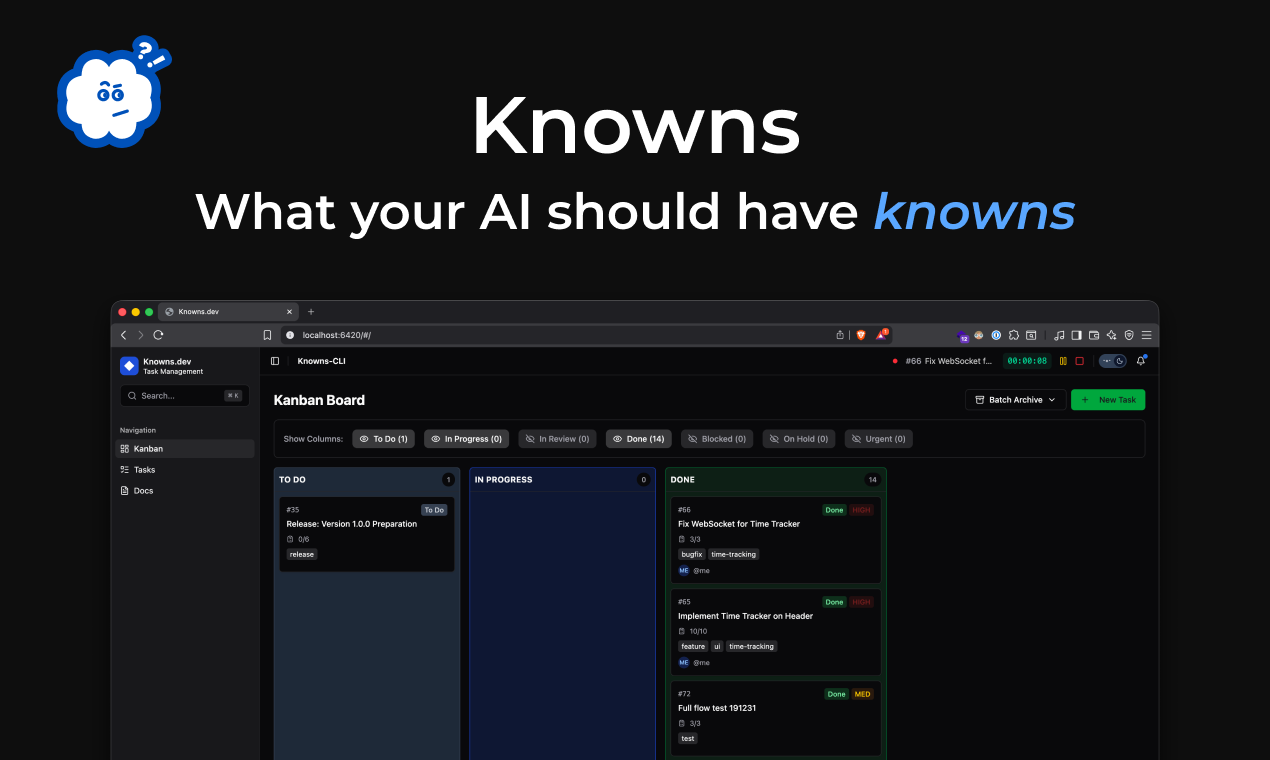
remio 2.0 is designed to free you from being a manual data porter for AI. By syncing your full context, it builds a zero-effort Second Brain that understands your work as well as you do.

Hi Product Hunt! 👋 I’m Andrew. After 10+ years at NetEase and being a long-time power user of knowledge systems, I’ve built remio to finally alleviate those second brain headaches we all face.

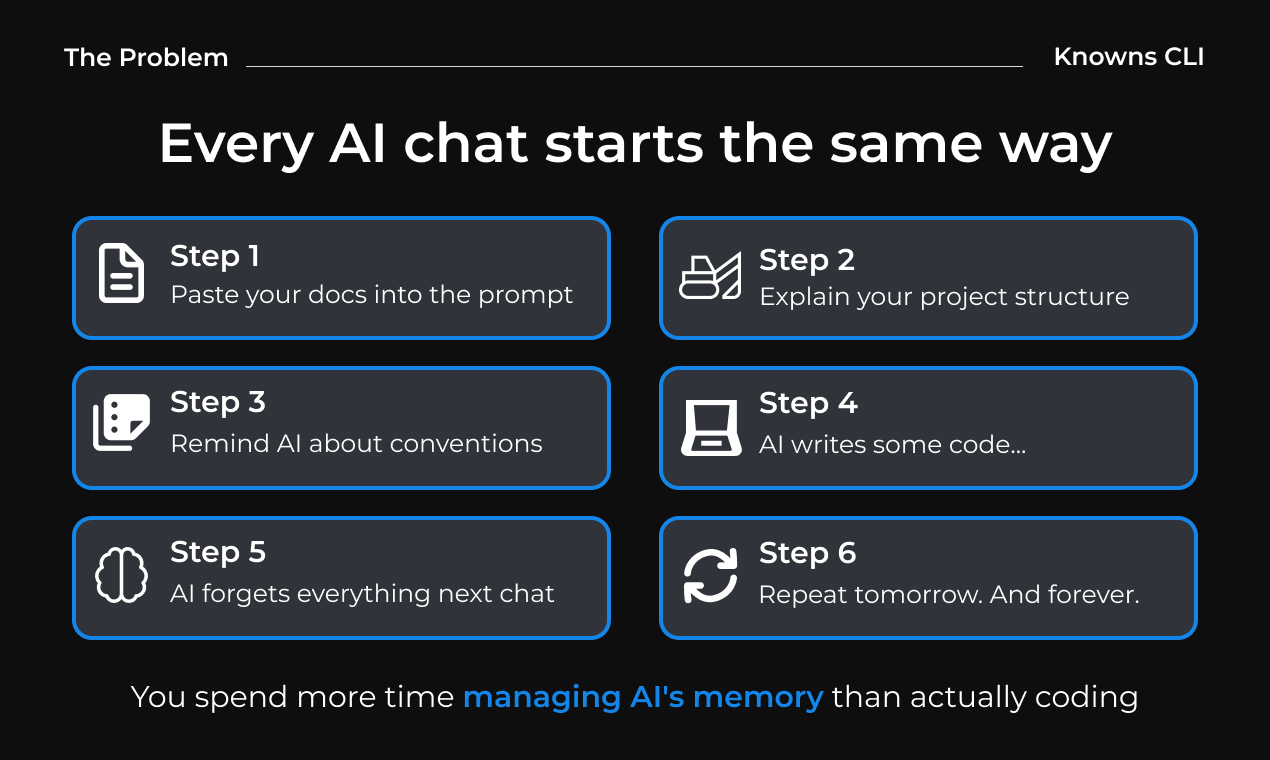
The reality? As knowledge workers, we are stuck copy-pasting context just to get a decent answer. We spend more time digging through scattered Slack threads, Google Docs, and local files than actually doing the work.

So we built a Second Brain to end those headaches for you:

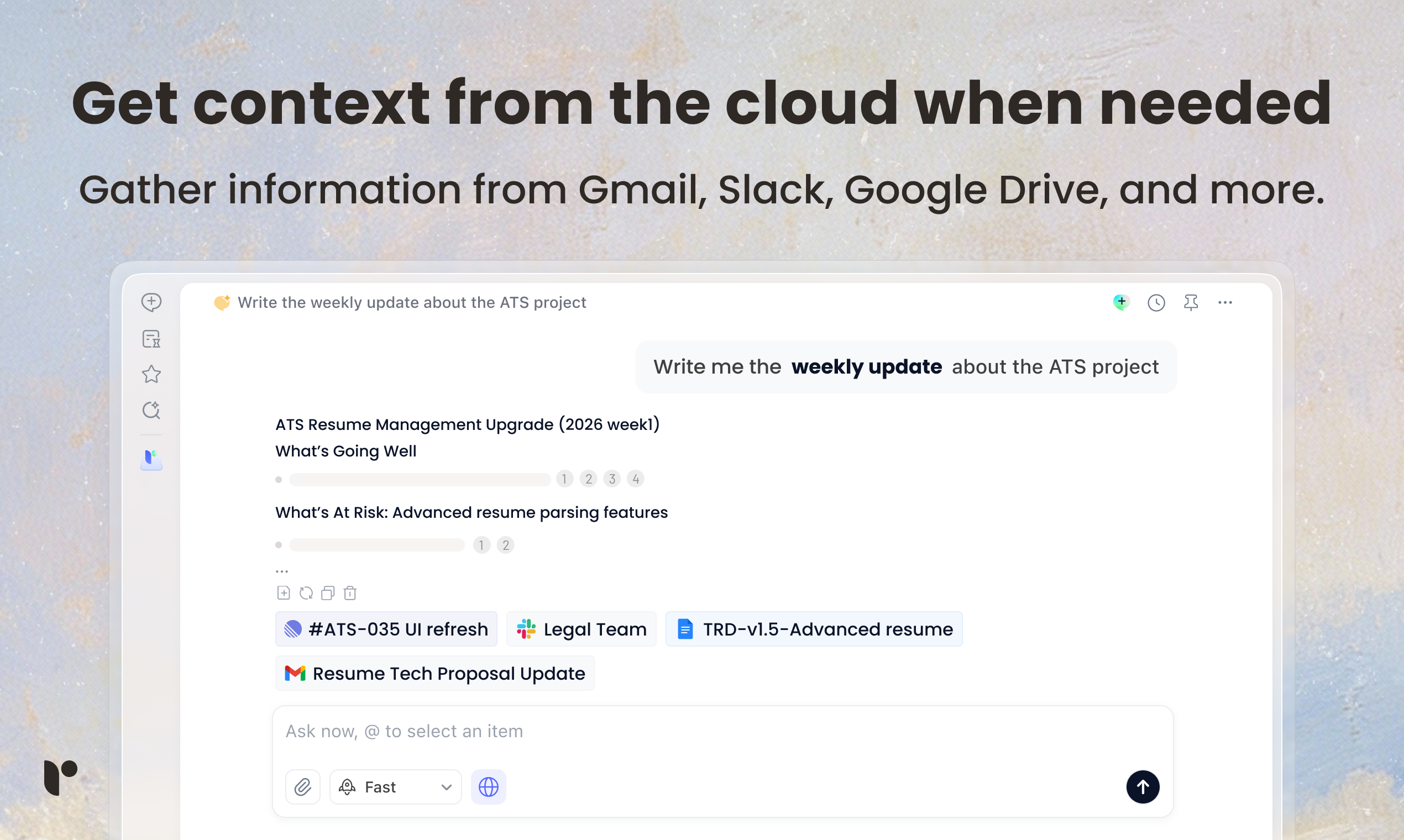
1. Connect once: It automatically indexes your full context—web history, local files, Slack messages, emails, meetings and more.

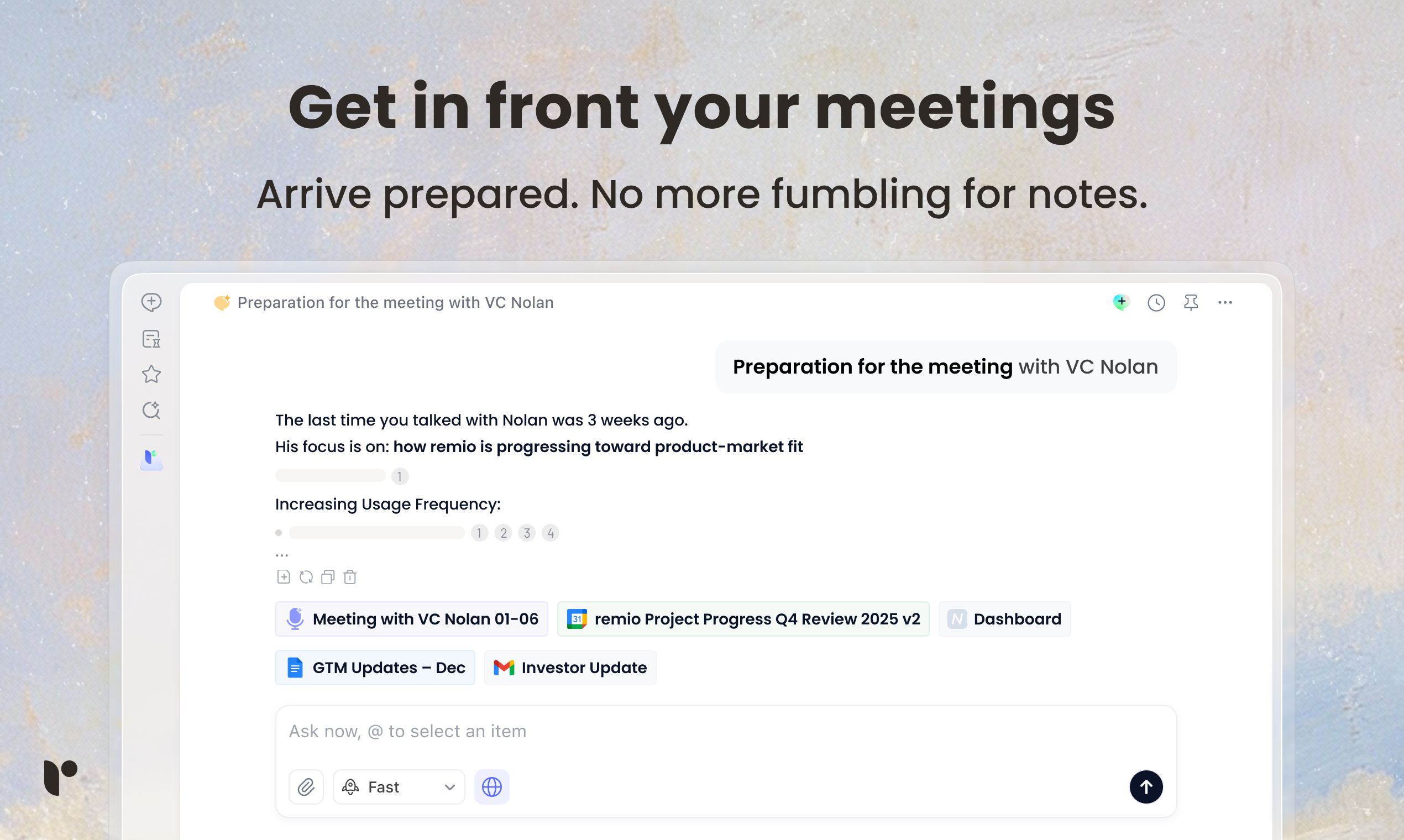
2. Maintenance-free: Forget manual tagging or organizing. Just ask remio to do the dirty work: find anything in seconds, generate your daily recap, or recall details you’ve forgotten.

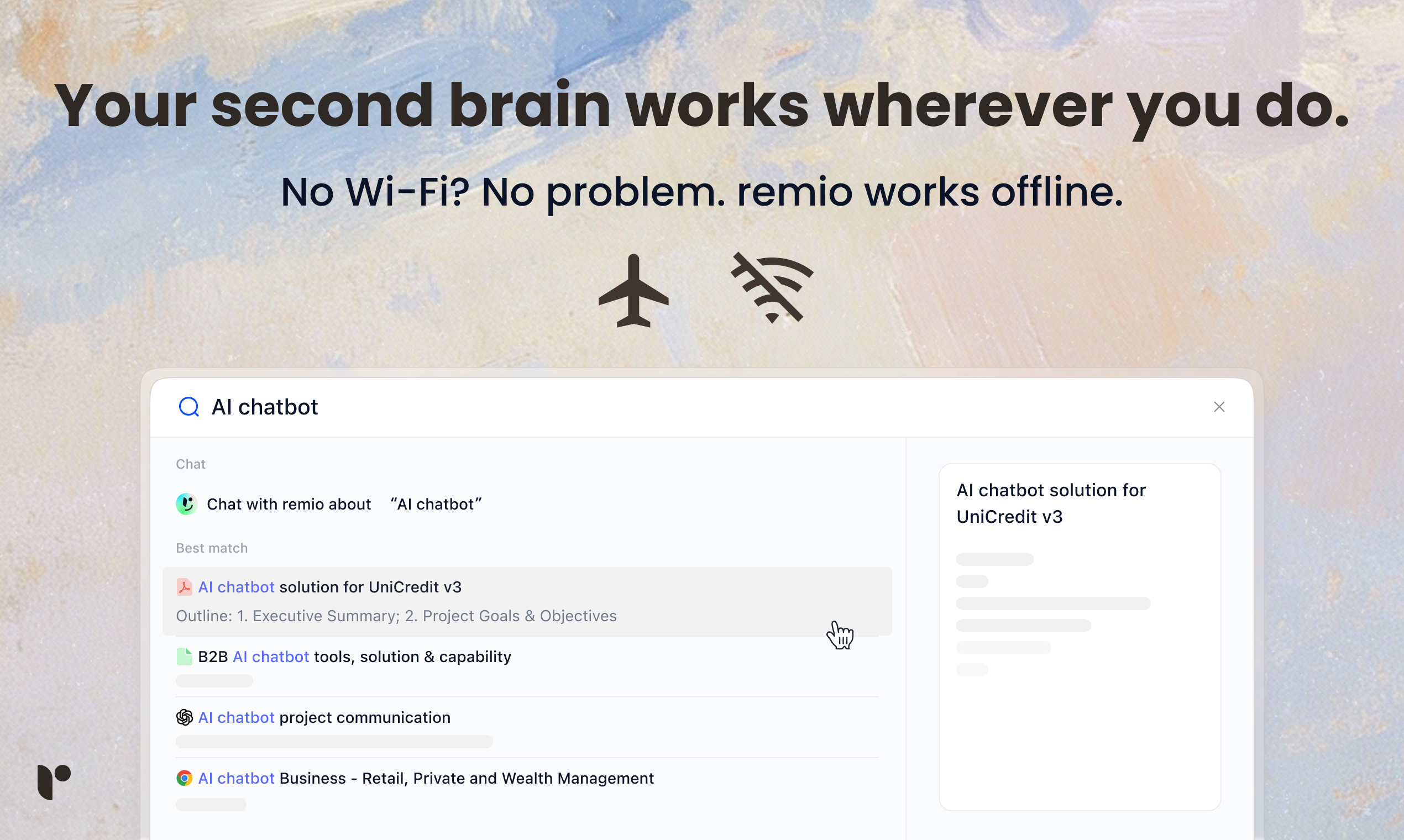
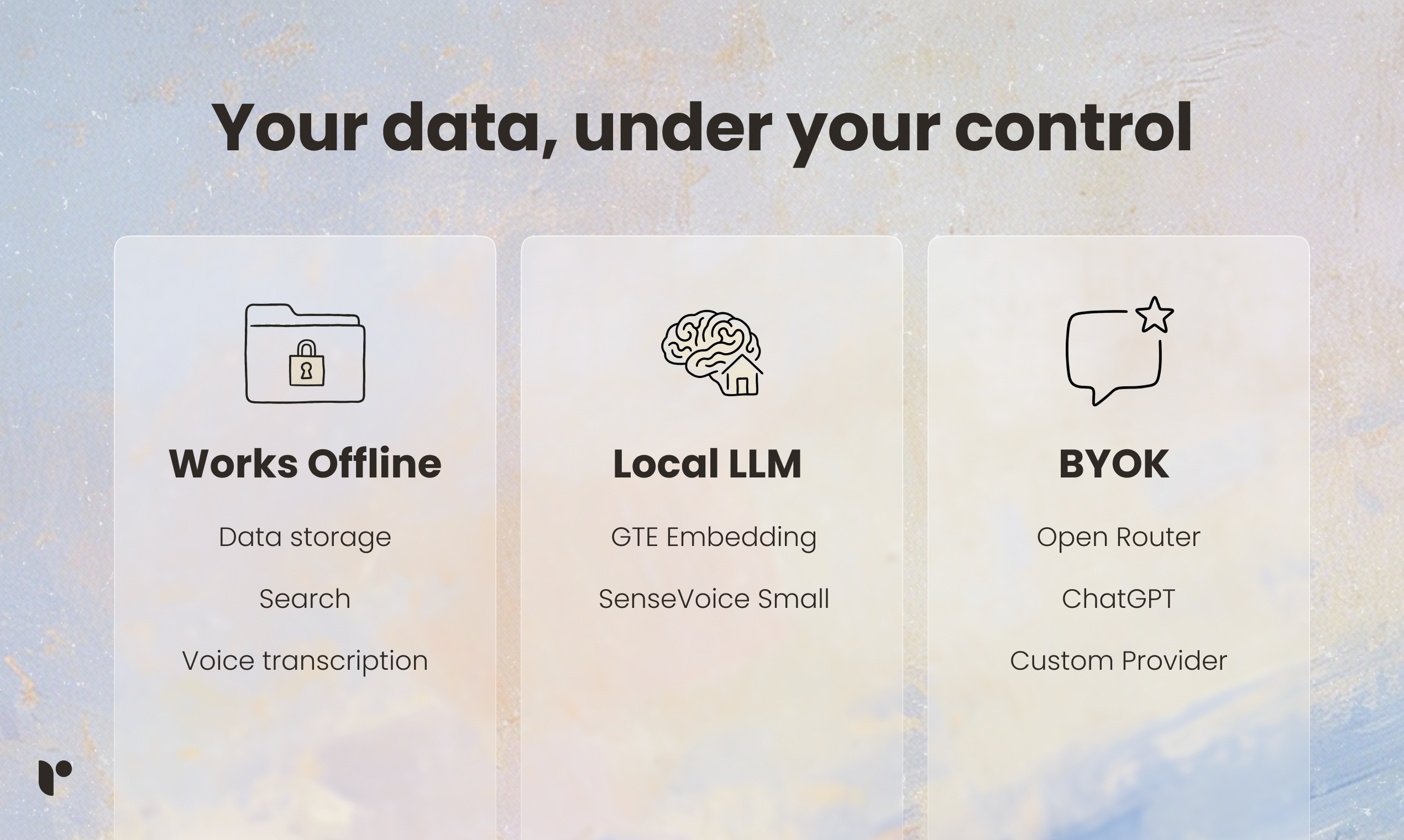
3. Local-first by design: No more vendor-lockin and cloud leaks. All the data stored locally on your device, also enjoy the 100% data security with BYOK.

Stop organizing, start chatting. Get tailored answers with your second brain today!


16
回复

@andrew_wy Love the “local-first second brain” approach — huge win for privacy-focused knowledge workers.

0
回复

@andrew_wy 2. This feels like the missing layer between scattered tools and actually usable context 👏

1
回复

@andrew_wy very cool Andrew. can you share which slm (my assumption) you're using? how do you handle semantic chunking time & cost?

1
回复

When information starts to pile up, what I appreciate about remio is that it doesn’t try to be louder or more complex.

A lot of knowledge tools respond to overload by adding more structure, more automation, more “smart” features. remio feels like it’s making a quieter choice — helping information stay usable instead of just better organized. From a user perspective, that difference really matters.

As a first impression, it feels less like a productivity hack and more like a system designed to reduce mental clutter, which is refreshing in this category.

7
回复

@rexlian Really appreciate this. remio is intentionally designed to reduce mental clutter instead of adding more structure for you to maintain. If there’s one moment where most tools start to feel “too much” for you, tell me what that looks like

0
回复

Locally processed transcription is perfect for my confidential client meetings. I get the notes I need without leaking any secrets to the cloud.

3
回复

@yehan_xiao Appreciate this — local transcription is about privacy + cost: your meeting audio stays on-device, and you avoid recurring cloud transcription/usage fees while still getting searchable notes.

0
回复

I love that the transcription and indexing happen locally without sending audio to the cloud. It’s the only way I'd ever record a confidential meeting.

3
回复

@zephyrlink_i Thank you for recognizing this design choice; we are committed to keeping privacy and security as our top priorities.

0
回复

Interesting concept! @andrew_wy Congrats on the launch, this looks like a thoughtful take on personal knowledge management, especially with the local-first approach, which seems great for privacy and performance.

I was wondering about how you balance local privacy guarantees vs. cloud/AI functionality. For example:

  • I see that notes, highlights, and collections stay on the device unless the user chooses to sync — that’s a strong privacy posture. But in practice, do users worry about how “Ask remio” interactions are routed when they involve cloud models (e.g., whether those temporary logs might expose sensitive context)?

  • Also, for users who want bring-your-own-key (BYOK) setups, how does that affect privacy vs. usability trade-offs?

Curious to hear how you balance user expectations of privacy, local processing, and AI capabilities in real usage patterns!

2
回复

@andrew_wy  @amberjolie Context is processed in the cloud, but remio runs through OpenRouter, which can’t access your queries. You can use your own API key with your chosen provider for full privacy.

0
回复

Seamlessly connecting my digital life and local files is a huge milestone. One-stop shop for all my scattered information—well done, Andrew!

2
回复

@seaniezhao Appreciate it — that “one-stop shop” feeling is the goal. We’re building remio so your scattered info becomes instantly usable (without extra setup).

0
回复

Congrats on the launch! I'm building Dashform (AI form builder), and I often see users struggling to connect their collected survey data/feedback with their internal knowledge base.

A small question,how does remio handle structured data imports from external tools? Can the AI automatically find connections between incoming form responses and my existing static notes?

2
回复

Great to see such a wide variety of data sources supported at launch. You’ve covered basically every way I generate or consume information.

2
回复

I think what we need more is an assistant who can remember and do anything in work

2
回复

@oratis Yes,sir!

0
回复

I'm impressed by how fast the initial indexing process is, even for large folders. The remio engine is clearly optimized for performance.

2
回复

Just upvoted! 🚀 Huge congrats to Andrew @andrew_wy and the remio team on the 2.0 launch. As someone drowning in siloed tabs/files/Slack threads, the “zero-effort Second Brain” vision hits home! Love how it auto-indexes everything locally — no more cloud paranoia 😅. The “find anything in seconds” promise? Game-changer for weekly recaps!

One tiny ask: could future versions add a “priority context” toggle? Sometimes I want remio to focus only on recent project files vs. all-history. Might help keep answers extra sharp! Either way, stoked to try this.

Question for the team: do you plan to integrate with niche tools like Tate-A-Tate platform soon? 👀

2
回复

@andrew_wy  @rocsheh Been there before! That's why be build remio🤣

0
回复

@rocsheh Re: Tate-A-Tate integration: not on day-one, but we’re open to it. What’s the most valuable workflow there you’d want remio to support (search across, auto-capture, or weekly recap generation)?

0
回复
@rocsheh hey 👋
0
回复
When someone already has Notion/Obsidian + ChatGPT (or a tool like NotebookLM/Rewind-style memory), what’s the clearest situation where remio gives a meaningfully better outcome?
1
回复

Congrats on the launch! 🚀I’m so tired of remembering where something was. This sure helps.

Quick question: when my stuff changes a lot (like new messages or updated docs), does remio keep up automatically or do I need to refresh things myself?

1
回复

When information overload drowns productivity, Remio is the perfect life raft. This AI-powered knowledge manager doesn’t just store your notes—it intelligently connects ideas, surfaces insights, and turns chaos into clarity. For tech-savvy users who crave focus over noise, Remio isn’t just efficient; it’s essential.

1
回复

The project context feature is a massive productivity booster for my daily workflow. It summarizes everything relevant so I can jump straight into the actual work.

1
回复

Seamlessly connecting my digital life and local files is a huge milestone. One-stop shop for all my scattered information—well done, Andrew!

1
回复

The project context feature is a massive productivity booster for my daily workflow. It summarizes everything relevant so I can jump straight into the actual work.

1
回复

This is a total game changer for knowledge workers who manage high-velocity information. Having a personal encyclopedia built from my own data is a dream come true.

1
回复

Locally processed transcription is perfect for my confidertial client meetings. I get the notes I need without leakingany secrets to the cloud.

1
回复

@sarahjiang Appreciate this — local transcription is about privacy + cost: your meeting audio stays on-device, and you avoid recurring cloud transcription/usage fees while still getting searchable notes.

0
回复

Stop searching through folders and start finding answers with remio 2.0! This launch marks a new era for personal productivity tools.

1
回复

It provides uniquely accurate insights based on my specific project history. It’s the most personalized AI experience I’ve ever had.

1
回复

@harlan_at_timedomain I'm really glad it’s delivering that level of accuracy and personalization for your project. We designed it specifically to learn from your unique context so the insights stay relevant and actionable. If there’s a particular workflow or decision it’s helped with, I’d love to hear your feedback helps us make it even better.

0
回复

It’s like having a personal ChatGPT that has actually read all my private documents. The tailored answers are much more useful than generic AI responses.

1
回复

@lisa_helicopter_l Thanks so much for the kind words! That’s exactly what we’re aiming for, an AI assistant that can securely understand your own documents and give answers that are actually relevant to you, not generic. If there’s any workflow you’d like to make faster, tell us what you’re working on and we’ll help you get even more out of it.

0
回复

Thank you @andrew_wy

I tend to pay close attention to any second-brain product.

I’ll give Remio a try and see if it can help with my scattered notes and the friction around retrieving and actually using them.

1
回复

@andrew_wy Hey Andrew, Remio looks like a winner. It hits real pain points, in a space where most tools do very little if anything at all. I noticed though that even though the product solves real problems, its website doesn't properly communicate that. I put together a quick audit, happy to send it over if you're curious.

0
回复

It’s rare to find a tool that is both powerful and completely local-first by design. I feel much safer knowing my life's work isn't sitting on a third-party server.

0
回复

What stood out to me is that remio doesn’t feel like it’s trying to 'optimise' me. It feels more like it’s protecting focus. That’s rare in this category.

0
回复

Nice!! great product idea, can it connect to code bases as well?

0
回复

I have been testing this for some time, and while it still has some rough edges, for the most part, it works well. The developers are very responsive on Discord. This is a very promising application that I highly recommend you check out.

0
回复

Question: What data are you storing locally in GTE embedding?

0
回复

this feels like a genuinely useful take on a personal ChatGPT. any plans to support more integrations or custom data sources?

0
回复
#2
Vellum
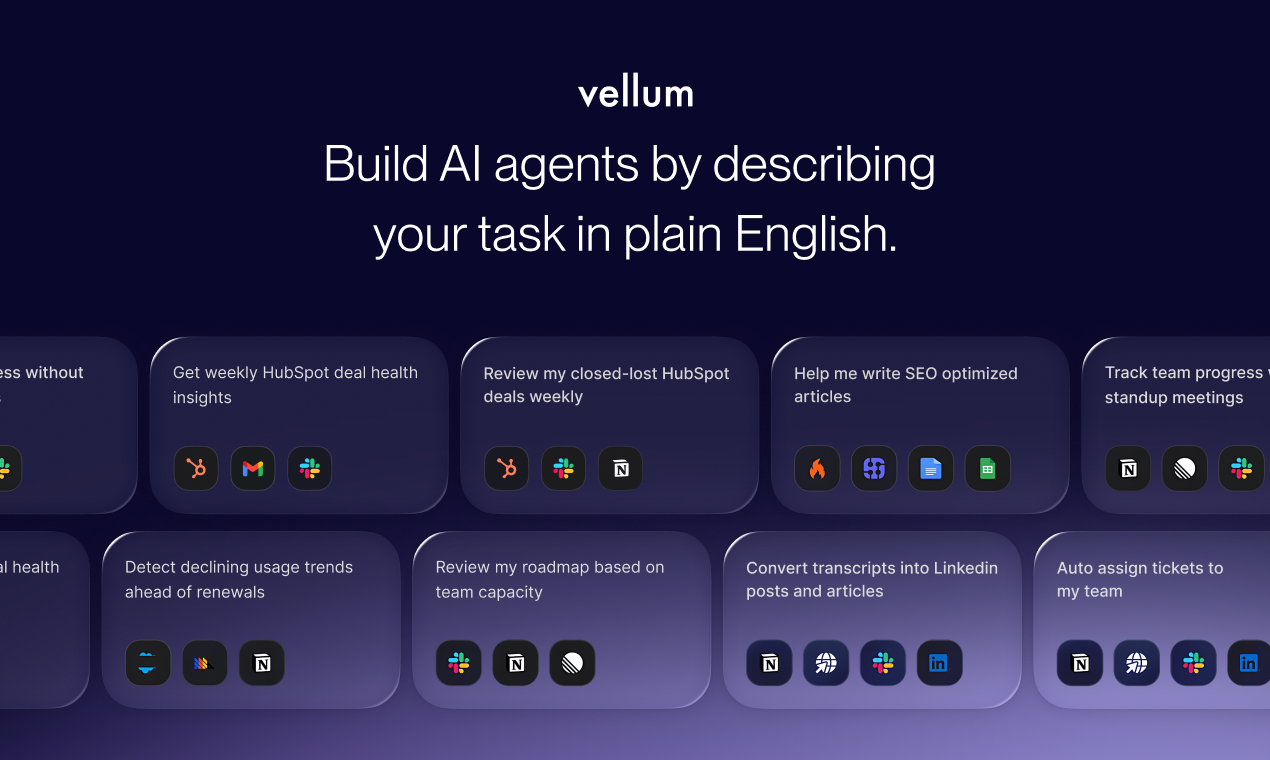
Build AI agents using plain English to do your boring tasks
353
一句话介绍:Vellum是一款无代码AI智能体构建平台,用户用通俗英语描述任务即可创建自动化智能体,解决了非技术团队在复杂、易变业务流程中难以实现可靠、可控AI自动化的痛点。
Productivity Artificial Intelligence Tech
AI智能体平台 无代码开发 业务流程自动化 自然语言编程 非技术用户 工作流管理 AI代理 智能自动化 人机协作 SaaS
用户评论摘要:用户普遍赞赏其降低AI智能体使用门槛,为非技术团队带来便利,落地案例(如SEO、内容生成)引发共鸣。主要关注点在于:与现有自动化工具的核心差异、如何处理异常和流程变更、模板库的丰富性,以及功能如何建立用户信任。
AI 锐评

Vellum的亮相,与其说是一项技术突破,不如说是一次精准的市场卡位。它敏锐地捕捉到了一个关键矛盾:AI智能体的能力已得到验证,但其应用仍高度集中在工程师群体。产品通过“通俗英语描述”作为交互核心,实质是构建了一个高层次的“意图编译器”,将非结构化需求翻译为可执行的工作流。其真正价值并非底层AI技术的颠覆,而在于对“可观测性”和“可控性”的工程化封装——预览步骤、审查历史运行记录,这些功能直指当前AI自动化落地中的最大障碍:信任缺失。

然而,其面临的挑战同样清晰。首先,“通俗英语”在描述复杂、多条件判断的业务逻辑时,可能面临歧义和效率瓶颈,这或将把复杂度从“编写代码”转移到“撰写精确无误的自然语言指令”上。其次,评论中关于与N8N等现有工具差异的疑问,点出了其必须回答的问题:它究竟是替代了传统工作流工具,还是仅仅为其增加了一个AI前端?其长期壁垒可能不在于构建智能体的简易性,而在于能否形成一个稳定、可无缝集成且能应对边缘案例的智能体运行时环境。

总体而言,Vellum代表了AI应用层的一个明确趋势:从提供能力(API)转向提供确定性的解决方案。它能否成功,取决于其能否在“灵活性”与“可靠性”、“简易性”与“处理复杂逻辑能力”之间找到最佳平衡点,从而真正成为非技术用户手中“可信任的自动化副驾驶”,而非另一个昙花一现的玩具。

查看原始信息
Vellum
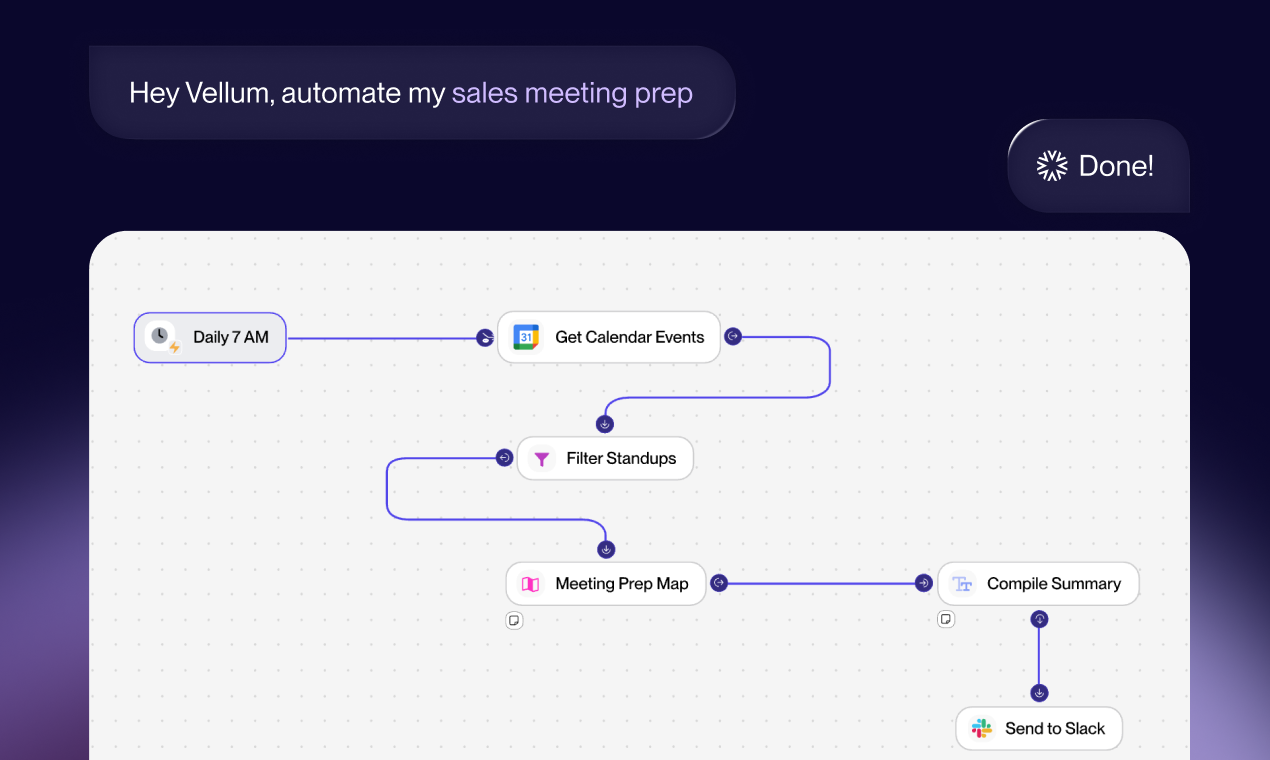
Build AI agents by describing your task in plain English. Vellum turns it into a working agent you can run on a schedule, trigger via API, or use through a UI. No code, no setup; just automation you understand and control.

Hey Product Hunt 👋 Akash here, Co-Founder and CEO of Vellum.

Last year AI Agents finally started working for our engineers. Cursor, Devin, Claude Code gave them real leverage. Meanwhile, the rest of us are stuck in the same loop since 2023: lots of ChatGPT tabs, lots of context switching, not much has changed.

That gap bothered me.

If AI agents are this powerful, why do they only really work for engineers?

Introducing Vellum 🎉

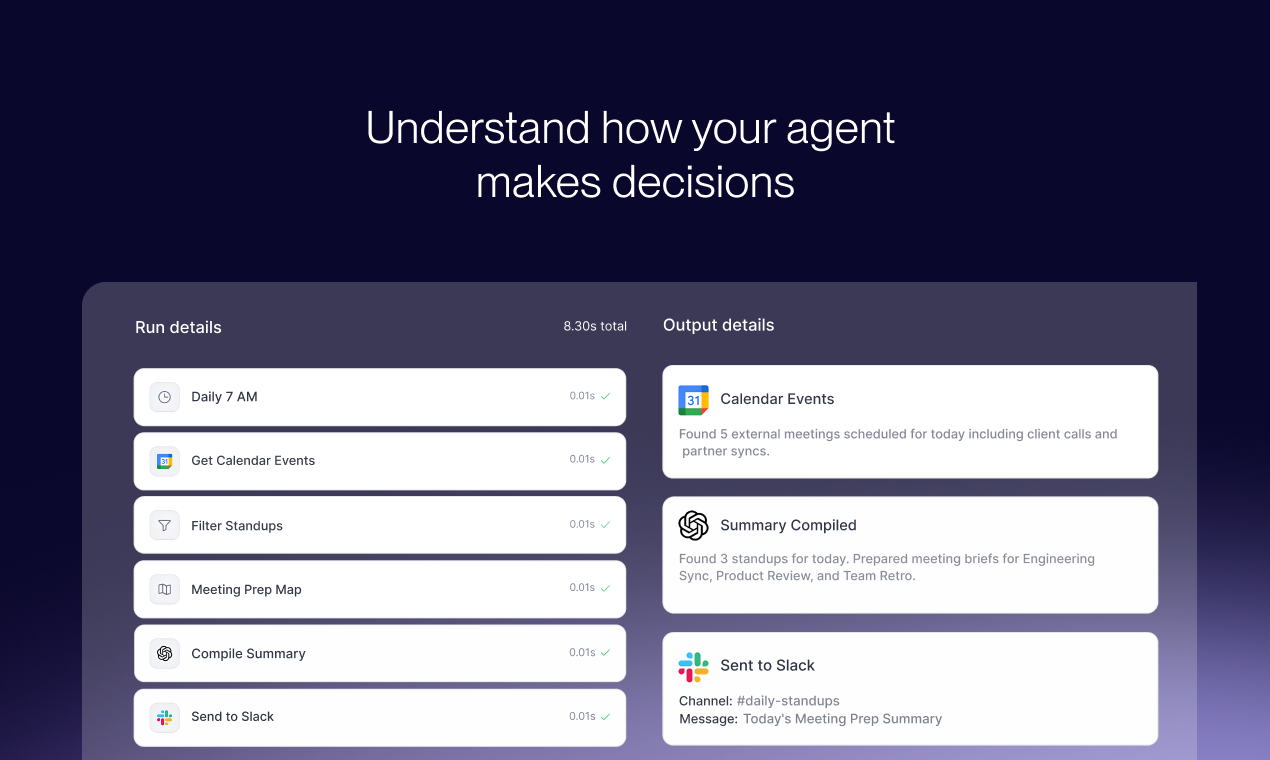
Just explain the task you want to automate in plain English and Vellum turns that into a working agent. Vellum asks follow up questions to understand your requirements, connects to your tools, handles the logic, and makes the agent’s behavior visible so you’re never guessing what it’s doing or why.

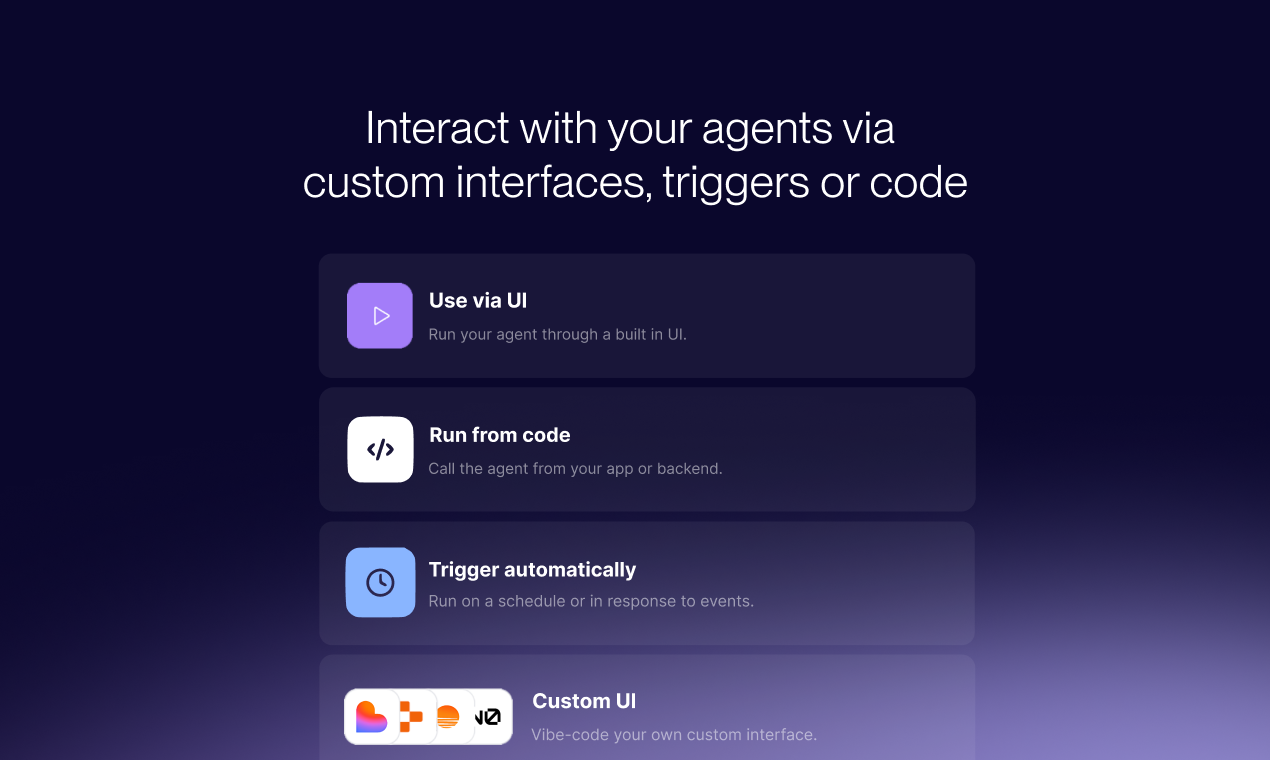
Once you build your agents, you have a few ways to use them:

  • run the agent through a ready made UI

  • vibe code your own UI with one of our integrations (e.g. Lovable)

  • run it on a schedule or trigger it through APIs or app events

How is Vellum different

  • You start with the process you already own. Describe the task and Vellum builds an agent that automates it. There is no code and no setup to learn.

  • Agents work from day one. With the right context, Vellum can build the full workflow in one pass instead of hours of tweaking.

  • Logic changes do not create chaos. When something breaks or the process changes, you fix one step without rebuilding everything.

  • Built for safe automation. You can preview each step, review past runs, and know exactly what happened before letting it run on a schedule.

Who is this for?

If you have tried AI tools that almost work, built prompts you do not fully trust, or hesitated to automate because you are not sure what will happen…

Vellum is built for you.

It is for Sales, Marketing, Product Ops, and Customer Support teams who own their processes and want to automate them in a way they understand and trust.

Special offer 🏷️

To celebrate the launch, anyone who signs up through Product Hunt today gets 50 free credits ($150 value). To get started sign up here.

Finally, we’d love your feedback.

What’s one annoying task you’d automate first? ****Please let us know in the comments!

26
回复

@akash_sharma53 This is fantastic! You can do SEO on a massive scale; all you need to do is find the demand.

0
回复

@akash_sharma53 Somewhat like skill

0
回复

@akash_sharma53 congrats on the launch!

0
回复

This looks incredibly interesting. I love the landing page design and the example workflow for the SEO blog post was particularly compelling. I was recently working on SEO implementation for a website and this seems like exactly what I need. I'm excited to explore the other automation possibilities available!

7
回复

@rohanrecommends - that's great to hear! we can give you a sample SEO workflow later today that you can clone to your workspace and get started

1
回复

Huge congrats on the launch — love how Vellum turns plain-English workflows into safe, production-ready AI agents for non-technical teams.​

2
回复

@zeiki_yu thanks Zeiki!! Excited to launch it

0
回复

@zeiki_yu - that's exactly right! give it a shot and let me know what you think

0
回复

This is such an important unlock. Agents have been incredibly powerful for engineers, but the rest of the org has been stuck duct-taping prompts together. Making agents usable for non-technical teams is where real adoption happens. Curious how Vellum handles edge cases and process changes over time without breaking everything?

1
回复

I've tried a LOT of agent builders, and Vellum is the only one where I've been able to do things without getting frustrated/having to write code.

1
回复
@anvisha_pai love to hear that Anvisha!
0
回复

Congrats on the launch! Looking forward to implementing this technology at @Drata

1
回复
@danielzev excited for that!
0
回复

Congrats to the whole team 👏👏

1
回复
@theo_goldberg1 thank you Theo!!
0
回复

looks 🔥 congrats on the launch!

1
回复

@rakeshgoyal thanks Rakesh!

0
回复
A lot of teams can already automate tasks with workflow tools plus an LLM step—what’s the sharp line where a “plain-English agent” is materially better than a classic automation?
1
回复

@curiouskitty great question! For me personally it's much faster and easier to build any agent (or automation with an LLM step) with Vellum. It just takes care of the the "visual drag-&-drop", and also the error-fixing part from my plate

0
回复

I just built an agent that scrapes Twitter for trending topics and sends me daily post ideas and it took me like 10ish min.
This is seriously so cool. Huge congrats on the launch, team!! The new agent builder is 🔥

1
回复

@marinatrajkovska share the agent with us - we can share it with the community!

0
回复

Oh cool, official launch. I found this tool via Reddit last week, and had 1 simple agent going. What are some other marketing agents that I can build?

1
回复
0
回复

Cursor, Devin, Claude code have opened the door of vibecoding, this tool triggers a move into the zone, also l predict tools like Vellum'll definitely make "vibemarketing" more effective!
Could we say that Vellum is claude+ N8N or is it broader ?

1
回复

@eren_kiratli yeah you could say that. It's easy to start like Claude, and has powerful logic like n8n

0
回复

this makes AI agents feel way more approachable. nice work 👏 any plans to add templates for common workflows?

1
回复

@samet_sezer we actually have some examples here: https://www.vellum.ai/templates

0
回复

Congrats on the launch! Excited to try this out.

The ability to preview each step and review past runs stood out. Curious which of these features ends up being most important for building trust with non-technical users.

1
回复

@shreya_chaurasia19 thank you! Please let us know if we can be helpful once you try it

1
回复

Super cool concept! No-code AI agents from plain English could totally change how people automate workflows.

1
回复

@leotrim_lota - give it a shot and let me know your thoughts and questions!

0
回复
Congrats on the launch! The automation workflow looks promising! This allow us to do daily tasks, especially useful for marketing and other fields with daily repeated tasks
0
回复

@sam_chen1 thank you! I'm building a few different agents for marketing - lmk if you need some inspiration!

0
回复

This is cool! I like the simplicity but power of it. And nice production for the video :)

0
回复

Thanks @avz! Let me know if you end up giving the product a shot and what your thoughts are

0
回复

All the best with the launch, just signed up! I am curious about voice integrations, as I did not find any integrations for telephony based agents. Is voice in your roadmap or is the focus mostly on tasks, workflows and text automations for now?

0
回复

@mustassim - users end up using text to speech and speech to text models before/after Vellum for voice use cases. Primary usage at the moment is text and automations though.

0
回复
#3
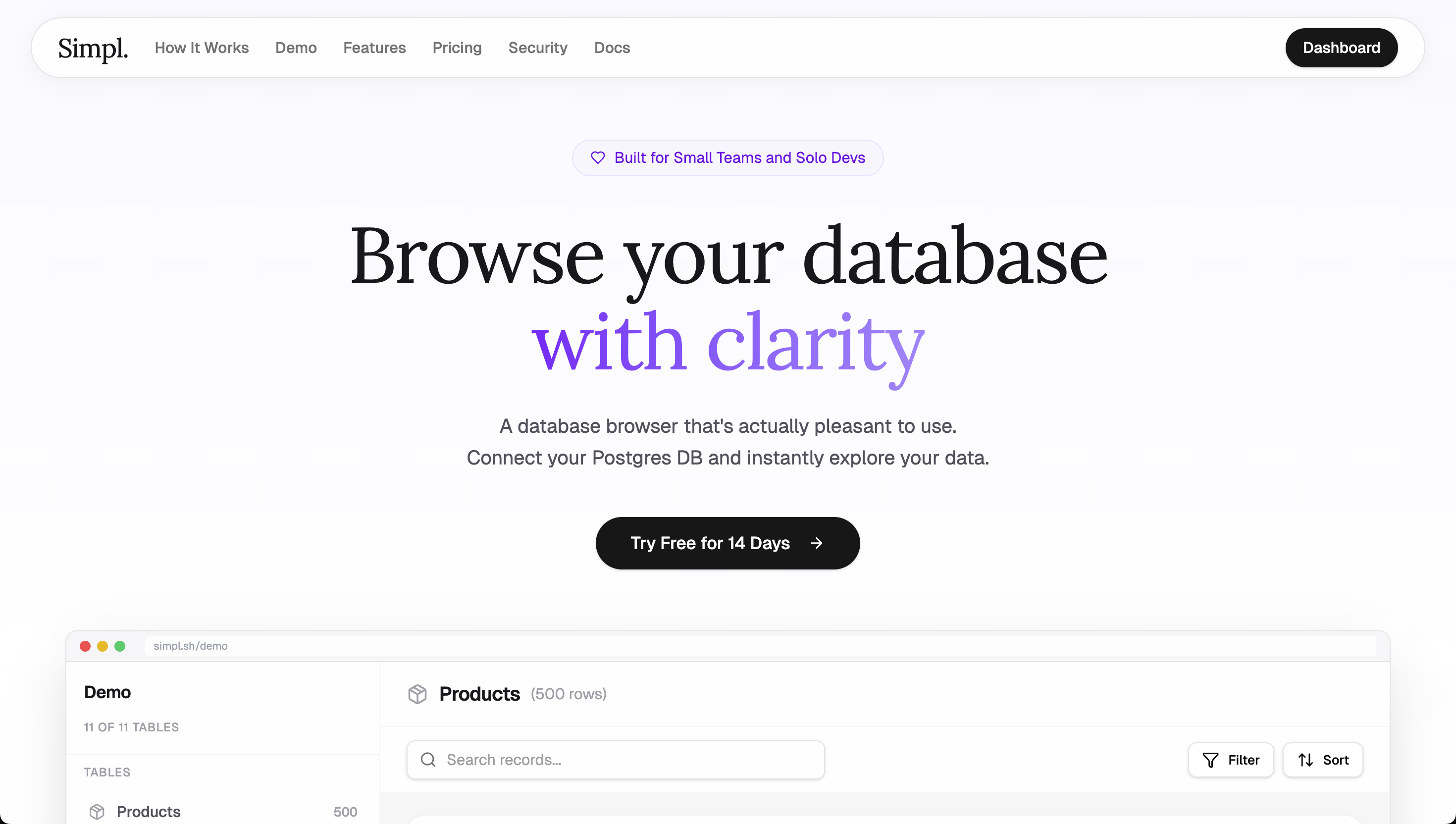
Simpl.
A pleasant Postgres browser for working with real data
260
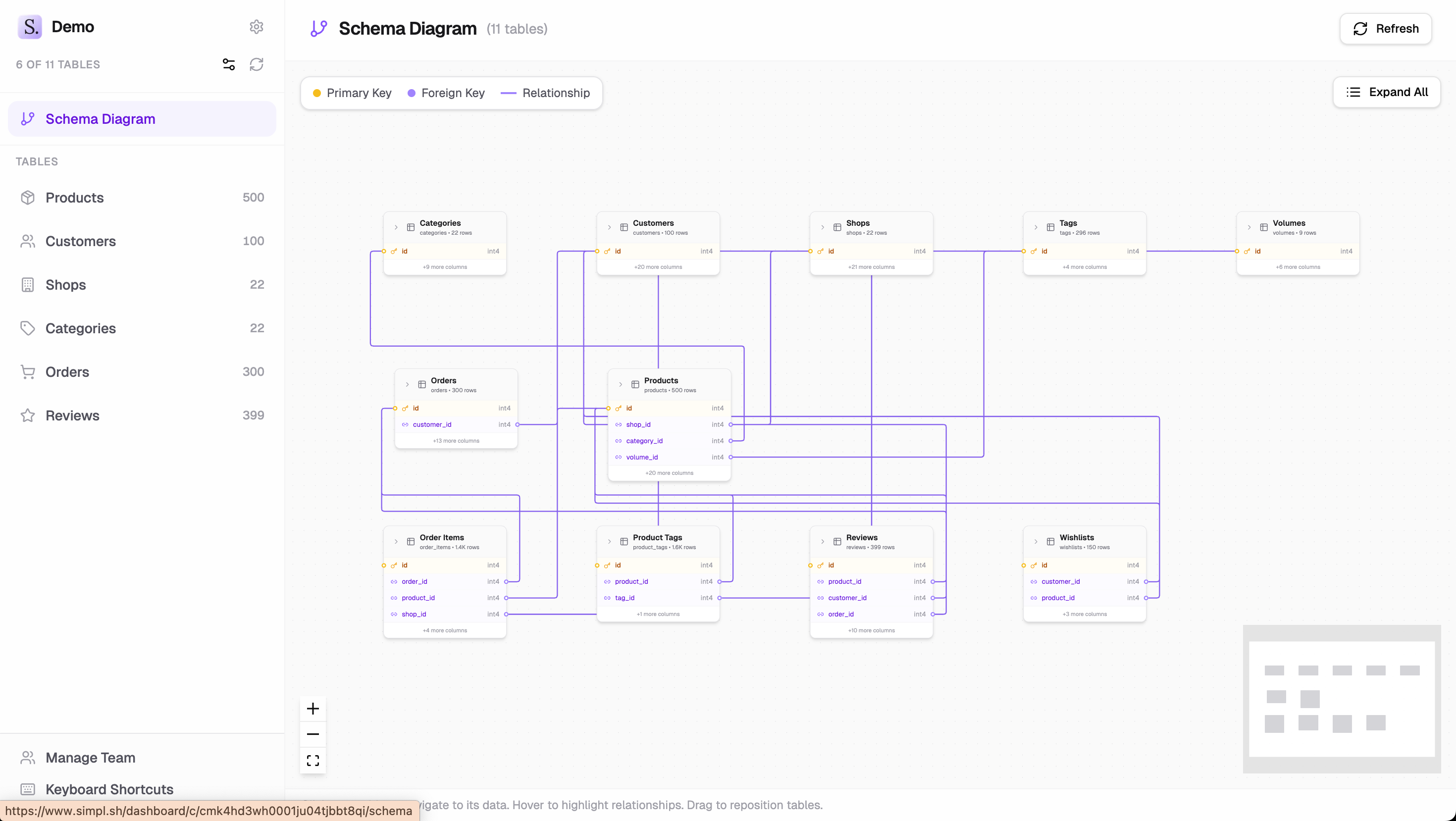
一句话介绍:一款为独立开发者和中小团队设计的极简Postgres数据库浏览器,通过提供直观、美观的界面,解决了在项目开发和生产环境中快速、安全浏览和探索真实用户数据,而无需依赖复杂企业工具或自建管理后台的痛点。
Developer Tools Database
数据库工具 Postgres客户端 数据浏览 开发者工具 SaaS 极简设计 独立开发者 数据探索 关系导航 轻量级
用户评论摘要:用户普遍赞赏其简洁美观的设计与清晰定位。主要反馈集中在功能细节:询问本地开发支持、连接问题(如Supabase、IPv4)、保存过滤器的操作、授权模式(按项目还是按连接)。开发者积极回应,明确了远程连接限制、未来桌面版计划、无限连接许可及团队功能雏形。
AI 锐评

Simpl的“极简”并非功能残缺,而是一次精准的赛道切割。它避开了与DataGrip等重型IDE在SQL编写、迁移等深度工作流上的竞争,转而聚焦于一个被长期忽视的高频低效场景:产品运营与开发中的即时性数据探索与轻量编辑。其核心价值在于将“数据关系”转化为可视化的点击流,极大降低了非专职DBA人员(如全栈开发者、产品经理)的认知负荷和操作门槛。

产品定位犀利地戳中了“工具复杂度膨胀”的行业通病。独立开发者背景使其深谙“小团队之痛”:在臃肿的企业级工具和难以维护的自研后台之间挣扎。Simpl提出的“一次性付费、无订阅”模式,不仅是对团队预算的友好,更是对其“完成有限功能且做好”这一产品哲学的自信背书,与市场上追求持续付费功能的SaaS逻辑形成鲜明对比。

然而,其挑战也同样清晰。作为SaaS连接远程数据库的安全顾虑是最大障碍,尽管官方声称不存储数据,但网络可达性与心理安全门槛仍需通过未来本地化或自部署选项来解决。此外,在“极简”与“用户需求演进”之间走钢丝将长期考验产品定力。用户已开始询问协作、共享视图等“扩展性”功能,如何平衡这些合理需求与核心的简洁体验,将是决定Simpl是成为一个利基精品,还是滑向另一个“全能工具”的关键。目前来看,它成功定义并占据了一个有价值的细分市场,但护城河的深度将取决于在核心体验上的持续专注与克制。

查看原始信息
Simpl.
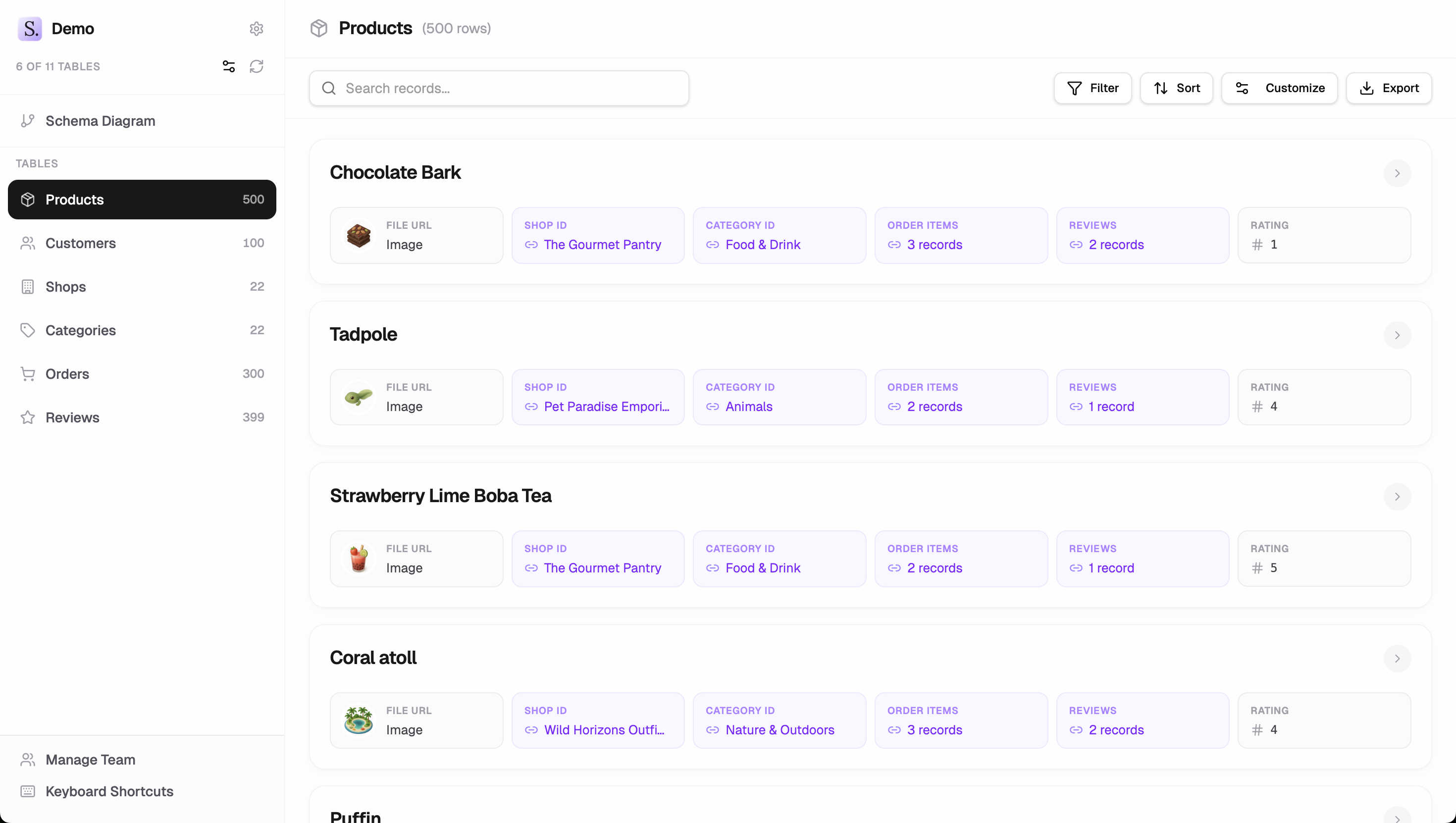
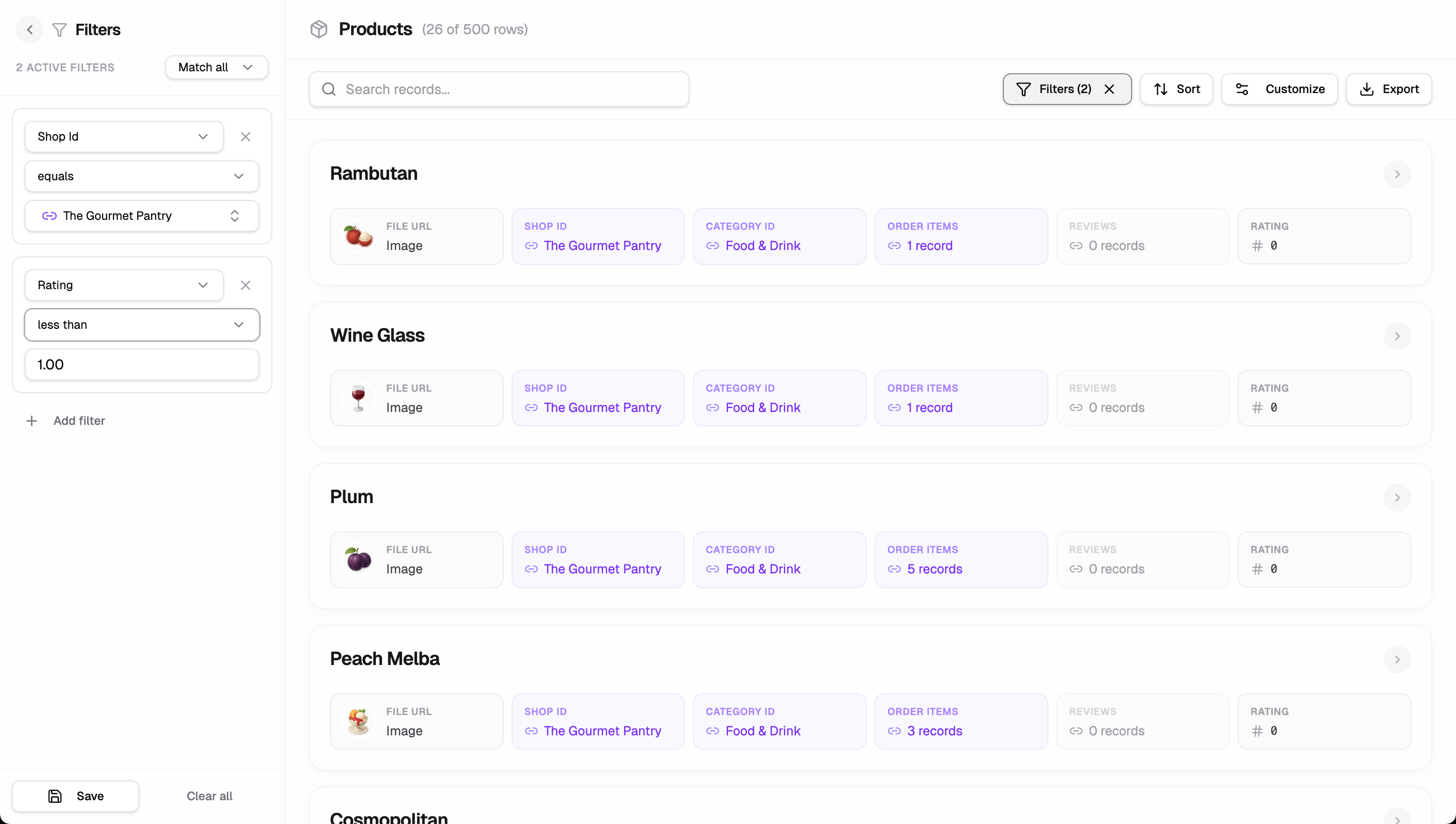
Every Postgres project eventually needs a way to browse production data. You either suffer through ugly, expensive, and overly complex enterprise-grade tools, or build yet another custom admin panel that you need to maintain. Simpl is different. Paste your connection string and instantly get a beautiful, browsable interface. Filter intelligently, follow foreign keys naturally, customize what you see, and share with your team. Built by a solo dev, for solo devs and small teams.

Hey Product Hunt 👋

I’m Charlie, the maker of Simpl (and a bunch of other stuff lol)

I built Simpl after shipping 10+ products on the same stack (Next.js + Postgres) and hitting the same wall every time:

You launch → you need to understand real user data → you open a heavy DB tool → regret → build a custom admin → promise yourself you won’t maintain it forever → repeat.

Everything I tried felt either ugly, overpowered, or way too much work for something that should be simple.

So I built the tool I always wanted.

Simpl is a beautifully simple Postgres browser.
Not a BI tool. Not a CMS. Not an app builder.
Just a fast, intuitive way to explore and edit your data.

What it does really well:

  • Click-through relationship navigation that just makes sense

  • Type-aware fields, filters, and inline editing

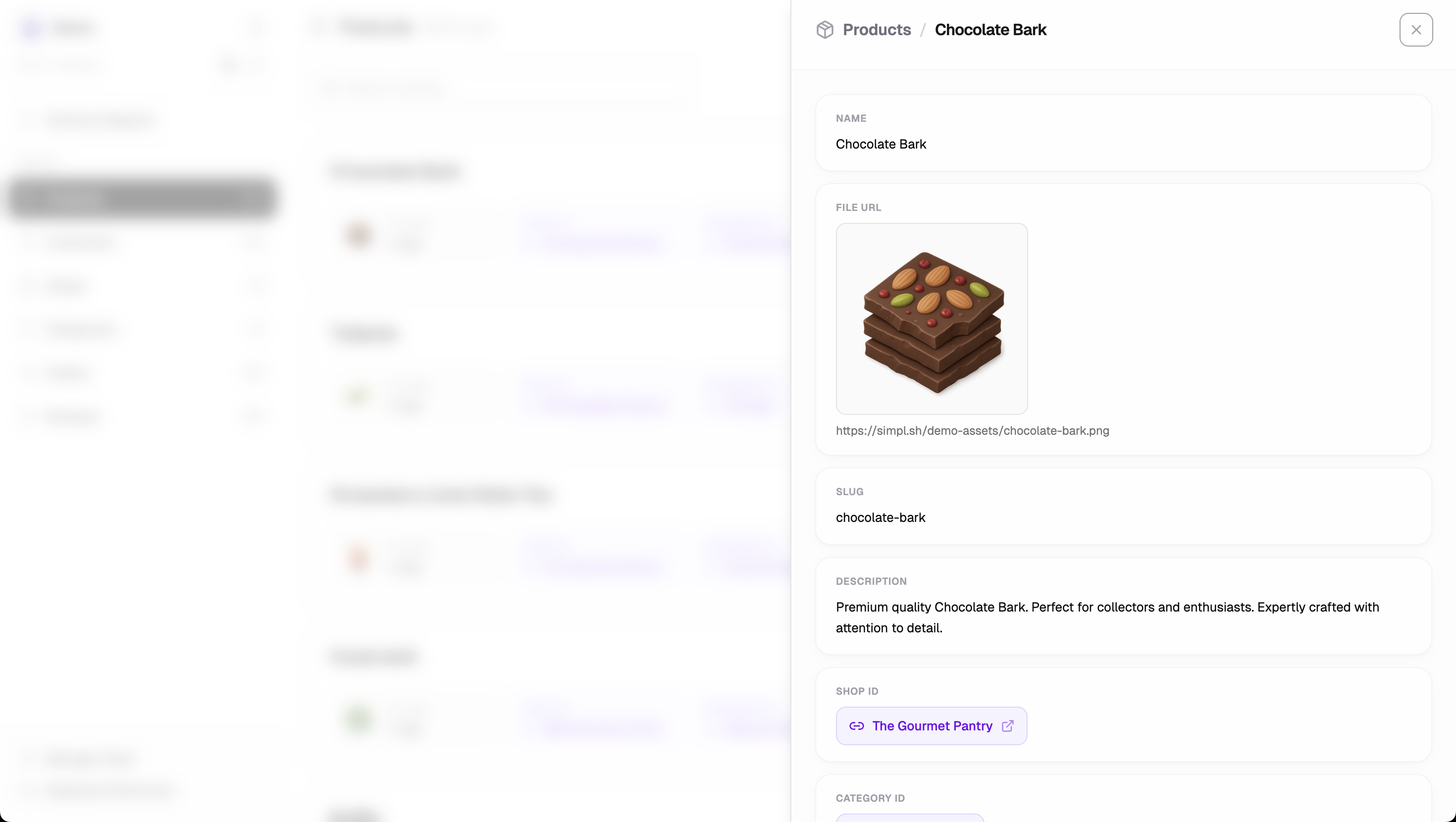
  • List and detail views that work out of the box

  • Real-time querying, no data stored on our servers

  • $49 one-time price, no subscription

Setup takes about 30 seconds. Paste your connection string and you’re in.

I built this for solo devs and small teams who want clarity and simplicity.

I’d love your feedback:

  • What feels unclear or missing?

  • What would make this an instant buy for you?

Thanks for checking it out, and happy to answer any questions 🙏

4
回复

@charlie_clark Hey Charlie, congrats on the launch!

0
回复

@charlie_clark congrats on the launch! This can be big for the marketers, to allow them to get the usage data, without a dev dependency.

0
回复

@charlie_clark What is the single, measurable outcome your best users get from this? For who, and in how long?

0
回复

Can this be used locally during development?
Congrats on the lunch!

2
回复

@teon_stamenovic1 currently this is only set up to work with remote databases, but you could use a tool like ngrok to make a local DB accessible remotely. I am starting to look into porting the tool into a desktop app to enable local access though.

2
回复
@charlie_clark thanks! I would use it if I can access local db. Will try with ngrok
0
回复

Hello,

It looks very clean and well designed. I tried connecting it to my Supabase database, but it couldn't connect. Do I need to have IPv4 to connect this?

Also, in the video you say we can save filters, but I didn't find that in the demo. Where should look?

Last question: if I want to use this with 3 projects, do I pat 3 x $49?

1
回复

@akiarostami hi Ahmad!

1) You're right about the IPv4 thing. If you choose the "Transaction Pooler" mode when copying your connection string it should work!

2) Filters can be saved by clicking the "save" button in the filter panel

3) $49 gets you unlimited connections!

Let me know if you have any other questions.

1
回复
When someone says “I already have DataGrip/DBeaver/TablePlus,” what’s the concrete workflow where Simpl wins by an order of magnitude (time, clicks, cognitive load)—and where do you explicitly not try to compete?
1
回复

Great question @curiouskitty ! I hope this answers it 😼🤖

Simpl is not trying to replace DataGrip, DBeaver, or TablePlus.

Those tools are excellent when you need to write complex SQL, do migrations, or live deep in the database all day. That’s not the problem Simpl is solving.

Where Simpl clearly wins

1. Answering product questions fast
“What did this user do?” “Why does this record look wrong?”

Instead of writing queries and manually joining tables, you open a record and click through relationships naturally. Lists, records, and related data all stay in one flow.

2. Exploring unfamiliar schemas
Coming back to a project or onboarding someone new.

Simpl is built for discovery. Clear relationship navigation, schema overview, and type-aware fields mean less remembering table names and more understanding how data fits together.

3. Small, safe edits
Fixing a typo or updating a status.

Inline edits feel intentional and low-friction, not like issuing commands in a power tool.

4. Low-effort, occasional use
Paste a connection string and you’re in. No local setup, drivers, or UI sprawl. Perfect when the task is small but time matters.

Where Simpl does not compete

  • Writing complex SQL

  • Query tuning or migrations

  • Large bulk updates

  • Power-user database workflows

If you live in SQL all day, those tools win.
If you want fast clarity with minimal cognitive load, Simpl wins.

1
回复

Congrats on the launch — love how Simpl removes the friction of building yet another custom Postgres admin UI and gives solo devs a fast, production‑ready way to explore real data

1
回复

@zeiki_yu Cheers!

0
回复

#3 let's go!! 💪💪
Nice vid, product looks useful and polished.

1
回复

@laurentlahmy_ Thanks for your support Laurent!

0
回复

Congrats on the launch, Charlie! Tbh, databases scare me and a lot of tools are SO overwhelming, so I really appreciate your approach of keeping things simple. Curious to try this for my next project!

PS. do I spy @Thiings icons 👀

1
回复

@gabe thanks Gabe! You've nailed the reason why I built Simpl. Let me know if you try it out!

PS. You do indeed 🤭 Perfect for demo data!

1
回复

Hey Charlie, gave Simpl a spin and I appreciate the clear stance on simplicity. It’s refreshing to see a product that resists feature creep and focuses on removing friction.

That said, I’m curious where you draw the line long term. How do you decide what not to build as users ask for more control or customization?

Feels like a strong foundation. Interested to see how you balance simplicity with evolving user needs.

0
回复

Seems useful! Will you offer an option to self-host? I imagine most databases are behind a firewall making is so that a SaaS offering can't easily connect to it. Would it be possible to provide a read-only connection string?

0
回复

@wilco_kruijer1 read-only connection strings already work (you just wouldn't be able to use the inline-editing functionality)

I'm thinking about ways to either self host or run locally. Stay tuned!

0
回复

this looks really pleasant to use, which is rare for database tools 😄 any plans for team collaboration or shared views?

0
回复

@samet_sezer there's already some basic team functionality (invite team members to view a connection with READ or EDIT permissions) but there's definitely more we could do here. Anything in particular you'd be interested in?

0
回复

So, we don't need back-office applications anymore?

0
回复

@anton_tishchenko hehe, for 90% of small projects, I'd say not anymore!

0
回复
#4
0xCal
Type + capture your meals to log cals w/ Apple Health Sync
175
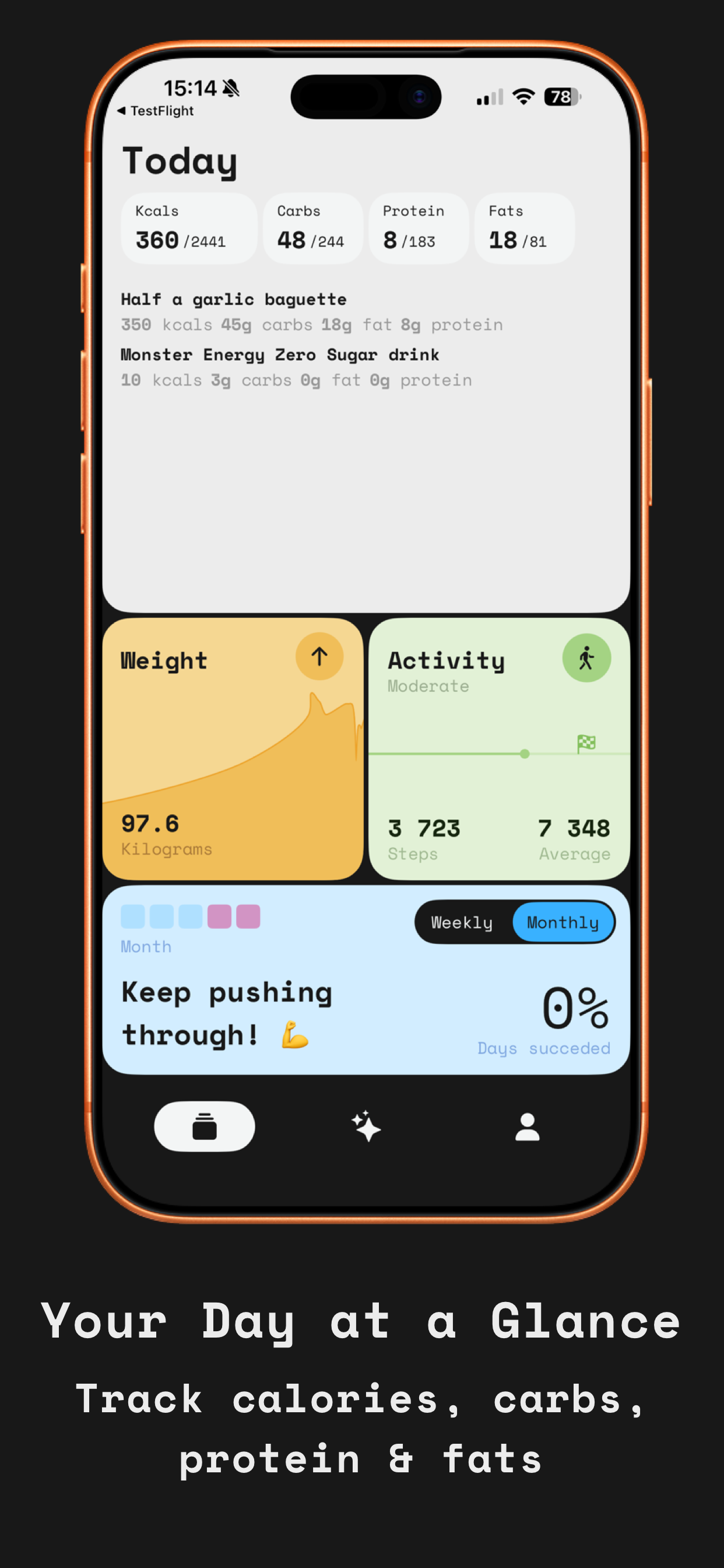
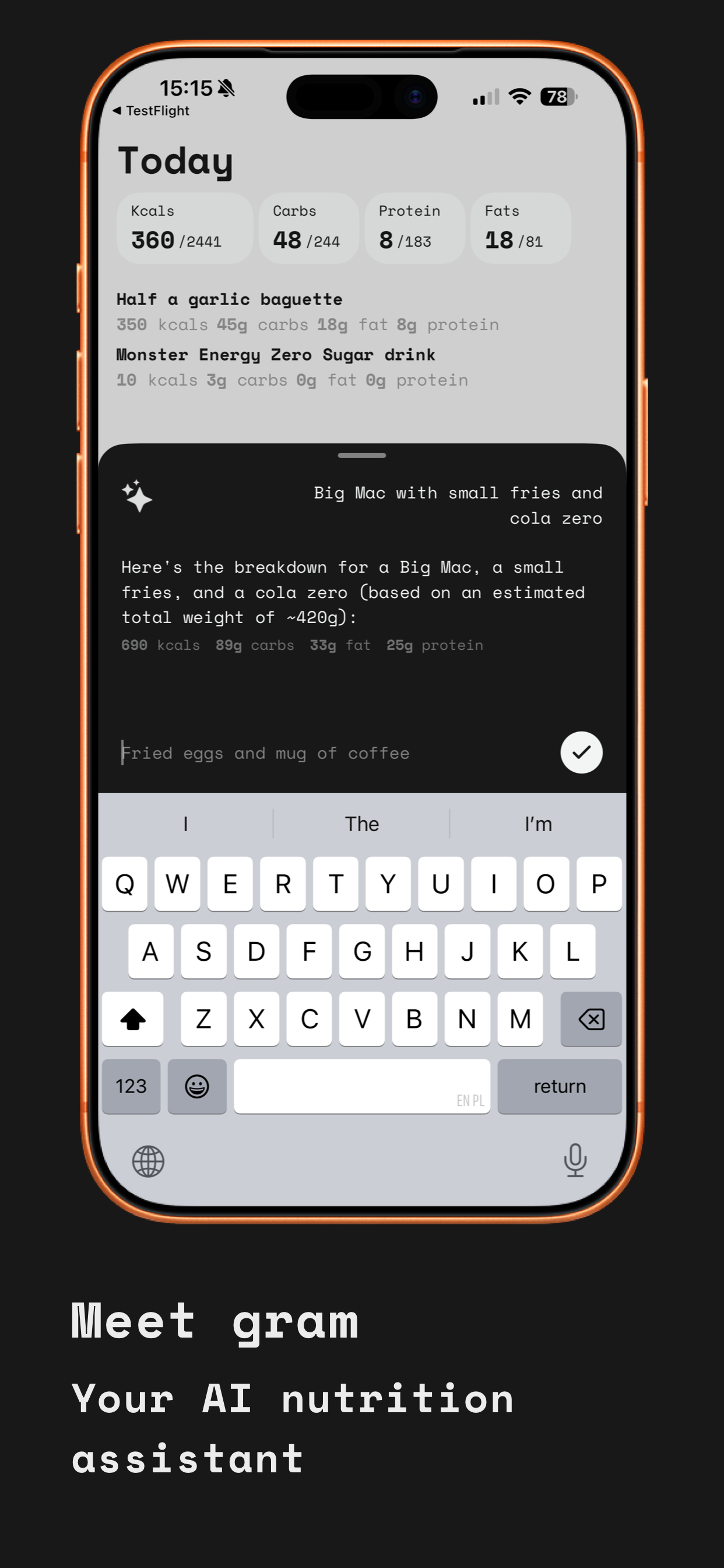
一句话介绍:一款通过自然语言描述或拍照,由AI自动分析记录卡路里的极简健康应用,在用户日常饮食追踪场景下,解决了传统卡路里记录应用界面臃肿、操作繁琐的核心痛点。
iOS Health & Fitness Design
健康管理 卡路里追踪 AI图像识别 自然语言处理 极简设计 iOS应用 Apple Health集成 无广告 专注工具
用户评论摘要:用户普遍赞赏其极简、精美的UI设计和流畅的体验。核心关注点在于AI识别的准确性(尤其是对混合菜肴和分量的判断)以及后续修正的便捷性。开发者积极回复,解释了通过“对话式修正”来平衡速度与准确性,并确认支持多国菜肴识别。另有用户询问了营养数据来源、学习功能、安卓版本计划等。
AI 锐评

0xCal的亮相,与其说是一次功能革新,不如说是一场针对健康应用“用户体验债务”的精准清算。它敏锐地捕捉到主流卡路里追踪工具的核心矛盾:功能膨胀与用户核心诉求(快速、无痛记录)之间的背离。其真正价值并非在于AI营养分析的绝对技术突破(这仍是行业共同挑战),而在于构建了一套以“对话”和“信任”为核心的全新交互范式。

产品将AI定位为“启发性协作者”而非“权威裁决者”。通过“拍照/描述→AI估算→对话修正”的流程,它坦然承认了机器识别的局限性,并将修正过程从传统的表单填写转化为自然语言对话。这巧妙地规避了AI精度天花板带来的用户体验断层,将可能产生挫败感的纠错环节,转化为一种具有掌控感和低认知负荷的轻松互动。这种设计哲学,是对“工具当使人更强大,而非更焦虑”的深刻践行。

此外,其“黑暗模式优先”、“原生iOS感受”等选择,以及对Home Screen审美的迎合,都超越了单纯的美学范畴,上升为一种用户身份认同的构建。它试图成为一件用户“愿意使用”甚至“乐于展示”的数字物品,从而对抗健康管理行为本身固有的意志消耗。然而,其挑战也同样明显:作为单一功能工具,在用户建立初步健康认知后,其价值天花板如何突破?面对复杂饮食场景,对话式修正的效率能否长期优于高度结构化的专业数据库?其“无广告、无杂念”的纯粹商业模式,在可持续增长压力下能否坚守?0xCal优雅地撕开了市场的一个口子,但能否将其转化为持久的壁垒,仍需观察。它证明了在红海市场中,极致聚焦于用户体验本身,依然能创造出令人心动的产品。

查看原始信息
0xCal
Most calorie apps feel like a chore – cluttered interfaces, endless database searches, designs stuck in 2015. 0xCal is different. Built for people who care about the apps they use. Describe what you ate naturally, or snap a photo. AI handles the rest. Dark mode first. Minimal UI. Native iOS feel. No ads, no clutter – just a beautiful tool that helps you reach your goals without compromising your home screen. The calorie tracker that finally belongs on your phone.
Hey Product Hunt! I built 0xCal because I was tired of calorie apps that felt like punishment. Every app I tried had the same problems: cluttered UI, overwhelming features, and designs that looked like they hadn't been updated in a decade. They worked, but I dreaded opening them. I wanted something I'd actually enjoy using. Something minimal that respected my attention. The kind of app that earns a spot on a curated home screen. So I built it myself: → Describe your food naturally – AI figures out the nutrition → Or snap a photo of your meal or a nutrition label → Clean dashboard showing just what matters → Dark mode first, native iOS feel I spent as much time on the design as the functionality. Every screen, every animation, every detail was intentional. If you've ever abandoned a calorie tracker because it felt like homework, I'd love for you to try 0xCal. Happy to answer any questions about the design process, tech stack (SwiftUI, HealthKit), or anything else!
3
回复

@namedix Great launch!

Only one question - how do you know that nutrition are accurate?

0
回复

@namedix wishing you all the best luck with a great looking product!

0
回复
The app looks really cool. Just signed up for the trial. I actually also signed up for MyFitnessPal a few days ago, but think I might cancel that because I just need the calorie tracking. Your app seems to do this well and has all the necessary Apple Health integration, plus AI chat, plus photo meal capture. Well done, I think this will be a keeper!
3
回复

@brucem80 This made my day — thank you! 🙏

That's exactly the use case I built it for. MyFitnessPal has a ton of features, but if you just want to track calories without the noise, it can feel like overkill.

Wanted 0xCal to do one thing really well: make logging fast and painless, with Apple Health doing the heavy lifting for your targets.

If anything feels off or missing as you use it, I'd love to hear — still early days and feedback from real users is gold. Really appreciate you giving it a shot!

0
回复

A beautifully designed app. I was a beta tester for this project and can confidently say the author went the extra mile. The attention to detail really shows. Counting calories works flawlessly.

Great launch!

3
回复

@wmandrysz Thank you so much! Couldn't have done it without beta testers like you – your feedback shaped so many of the details. Really appreciate you being part of this from the early days! 🙏

1
回复
Congrats on the launch🚀 This is a great idea. An amazing feature would be also to enable users to upload images of their food to be analyzed by AI. The accuracy might be fluctuating in the beginning but with the correct ML and feedback loops would be enhanced over time
1
回复

@zahran_dabbagh Thanks! Good news — that feature already exists! 😄

You can snap a photo of your food (or a nutrition label) and the AI analyzes it instantly. Works from the camera or photo library.

It estimates the dish, portion size, and nutrition — then you land in the chat where you can correct anything that looks off. So if it guesses "300g pasta" but it was actually a small portion, you just tell it and it adjusts.

For packaged food, snapping the nutrition label gives you the most accurate data since it reads the actual values.

Give it a try and let me know how it works for you!

1
回复
@namedix amazing … I will definitely try it today
0
回复

I track meals regularly for fitness, and 0xCal immediately caught my attetion — I downloaded it right away to try it out. The UI and typography are genuinely fun, and it feels refreshingly minimal compared to most calorie apps.

Quick question: AI photo recognition in most apps isn’t very accurate(especially for mixed or homemade meals). Curious how 0xCal improves accuracy and makes corrections easy.

1
回复

@sylvia_weng99 
Thank you – really glad the design landed for you! That was the whole mission.

You're totally right that photo AI isn't magic, especially for homemade meals where it can't know your exact recipe. Here's how 0xCal handles it:

The photo is a starting point, not the final answer. After you snap, you land in a chat where you can refine it naturally:

→ Gram: "Looks like scrambled eggs with vegetables and toast, ~400g total – ~450 kcal"

→ You: "It was 3 eggs and add some cheese"

→ Gram: "Updated – ~520 kcal"

So instead of hunting through fields and dropdowns to make corrections, you just... talk to it. Tell it what's wrong and it adjusts.

For complex homemade meals, I usually just describe ingredients: "Made a stir fry – chicken, broccoli, bell peppers, soy sauce, bit of oil." Works better than hoping the camera figures it out.

1
回复

The "apps as punishment" analogy resonates! Clean UI matters when you're using something daily. How does 0xCal handle restaurant meals where you don't have exact nutrition info? Does the AI learn your preferences over time?

1
回复

@nora_studiohedera Thanks! Yeah, using an app you hate every day is a recipe for quitting by February 😅

For restaurant meals – just describe what you ordered. "Chicken Caesar salad from Sweetgreen" or "pad thai from the place down the street." The AI estimates based on typical restaurant portions.

For chains like McDonald's, Chipotle, Starbucks – it pulls exact nutrition since that data is public.

And accuracy scales with how much detail you give:

→ "Had pasta for lunch" = rough ballpark

→ "Spaghetti carbonara, medium portion" = better estimate

→ "About 200g pasta, creamy sauce, bacon bits" = pretty accurate

You don't always need precision – most days you just want to know "am I roughly on track?" But when it matters, you can go detailed.

As for learning preferences – not yet, but it's on the roadmap! Would love to have it remember "my usual breakfast" or your go-to orders. Coming soon!

1
回复

AI scanner is top here. Definitely a feature that differentiates/positions your tool ;)

1
回复

@busmark_w_nika Thank you! I spent a lot of time on that. It works with actual food plates AND nutrition labels – the labels give the most accurate results since it reads the exact values. Really happy with how it turned out!

0
回复

Such a great design! By the way, which AI model did you end up using?

0
回复

I've been using it for a few days now, and it’s already saving me a ton of time.

0
回复
Congrats.. beautiful ui app 🔥🔥
0
回复

@dessignnet Thank you so much! Design was a huge focus🔥

0
回复

Was stoked to see the "0x", thinking there was some web3 integration 😂 alas, none in sight. What compelled you to go with 0xcal as the name? Really cool app btw, it's clear you put lots of love into the design. Any plans for an Android version? (I'm all iOS all the time, but my fiancée - who would love this - is a Pixel-enjoyer... for now...!)

PS - congrats on the launch/a remarkably successful PH campaign! :D

0
回复

@grey_seymour Haha no web3 here — just calories! 😂

The "0x" came from my dev background. Felt techy and minimal, and "0xCal" just looked clean. Plus most good names are taken so you gotta get creative 🤷‍♂️

No Android plans right now — I'm a solo iOS dev and SwiftUI is my happy place. But if enough people ask (tell your fiancée to comment here 😄), maybe someday! For now it's iOS only while I make sure that experience is solid.

And thank you! The design love means a lot — that was the whole mission. Appreciate the kind words and the PH support! 🙏

0
回复
When you say “describe what you ate naturally” or “snap a photo and AI handles the rest,” what’s your approach to the hardest part—portion size and invisible ingredients—and how do you balance speed with giving users enough control to correct the model without turning it back into a chore?
0
回复

@curiouskitty This is the core UX challenge — and honestly what I spent the most time on.

For portion size: gram always shows its assumption. Instead of just saying "scrambled eggs – 350 kcal", it says "scrambled eggs (~150g) – 350 kcal". So you immediately see what it's guessing and can call it out if it's wrong.

For invisible ingredients (oil, butter, sauces): AI makes educated guesses based on how dishes are typically made. Scrambled eggs? Assumes some butter. Stir fry? Assumes oil. It's not perfect, but it's a realistic starting point rather than pretending those calories don't exist.

The balance between speed and control is where the chat comes in. Instead of tapping into fields and dropdowns to make corrections, you just... talk:

"Actually it was 3 eggs, no butter"

"Add cheese"

"Portion was smaller, maybe 100g"

The AI adjusts and you confirm. Feels like a quick back-and-forth, not data entry.

The goal: 90% of the time, you accept the first estimate and move on in 5 seconds. The other 10%, you have a fast way to correct without it feeling like homework.

Still not perfect — but way less friction than traditional tracking.

0
回复

Great, will deff try it out. Does it recognize all cuisines?

0
回复

@manaswee Honestly yeah it handles pretty much everything! Italian, Mexican, Asian, Indian — all good. Even regional stuff.

I tested a bunch of Polish dishes and it nailed all of them — including Żurek. Haven't actually found a dish it didn't recognize yet 😄

Let me know if you manage to stump it!

0
回复

wow, that looks nice! wish you continuing succes with 0xCal!
was curious, does your app have any 'blog' with articles or recommendations for different types of health goals, or is it simply a tool for calorie tracking only?

0
回复

@yellow_yetti Thank you! 🙏

No blog or articles — it's purely a tracking tool. Intentionally kept it focused.

Most calorie apps try to do everything: recipes, articles, meal plans, social features... and end up cluttered and overwhelming. I wanted 0xCal to do one thing really well: make logging fast and painless.

For actual nutrition advice, I'd rather people follow experts they trust than read generic blog content inside an app.

0
回复

Great UI indeed. Just curious, how did you decide if to put a numbered progress e.g. 88 /120 or to put a visual one e.g. radial progress bar?

0
回复

@alex_gerasimenko Great question! I actually kept it pretty minimal — mostly just numbers.

For daily tracking (calories, macros), I show the raw numbers like "88/120". Gives you exactly what you need to make decisions: "can I fit this snack?" — no guessing.

The goal number (the "120" part) comes from your personal data — during onboarding we pull height, weight, age from Apple Health and ask about your activity level and goals. Then calculate your actual TDEE and target based on whether you want to lose, maintain, or gain.

For the weekly/monthly success view, I use colored rectangles for each day — green if you hit your goal, different shade if you didn't. It's more of a calendar heatmap than a progress bar.

0
回复

Is it enough to just add one picture of each meal I have? Do I have to keep track of everything I eat every day (cheat weekends too? 🙂). I usually see most calorie-tracking apps as a chore, but this one seems very promising. And I love the design and onboarding so far!

0
回复

@klaudia_rzeszot Totally fair question — and thank you! Really happy the design/onboarding is landing.

You don’t have to track everything perfectly. One photo per meal is usually enough to get you in the right ballpark, and that’s the whole goal: know if you’re roughly under/over your daily target without it becoming a second job.

A good “low-friction” approach:

- Snap your main meals (breakfast/lunch/dinner)

- Don’t stress about tiny things unless they’re big calories (oils, sauces, alcohol, snacks)

- If something looks off, just tell gram what’s missing or adjust the portion it assumed

Cheat weekends: up to you 😄 If you want the least effort, track the big meals and call it a win. If your goal is fat loss and weekends tend to be where things go off-track, even a rough log on those days can be super eye-opening.

The key is consistency, not perfection.

0
回复
#5
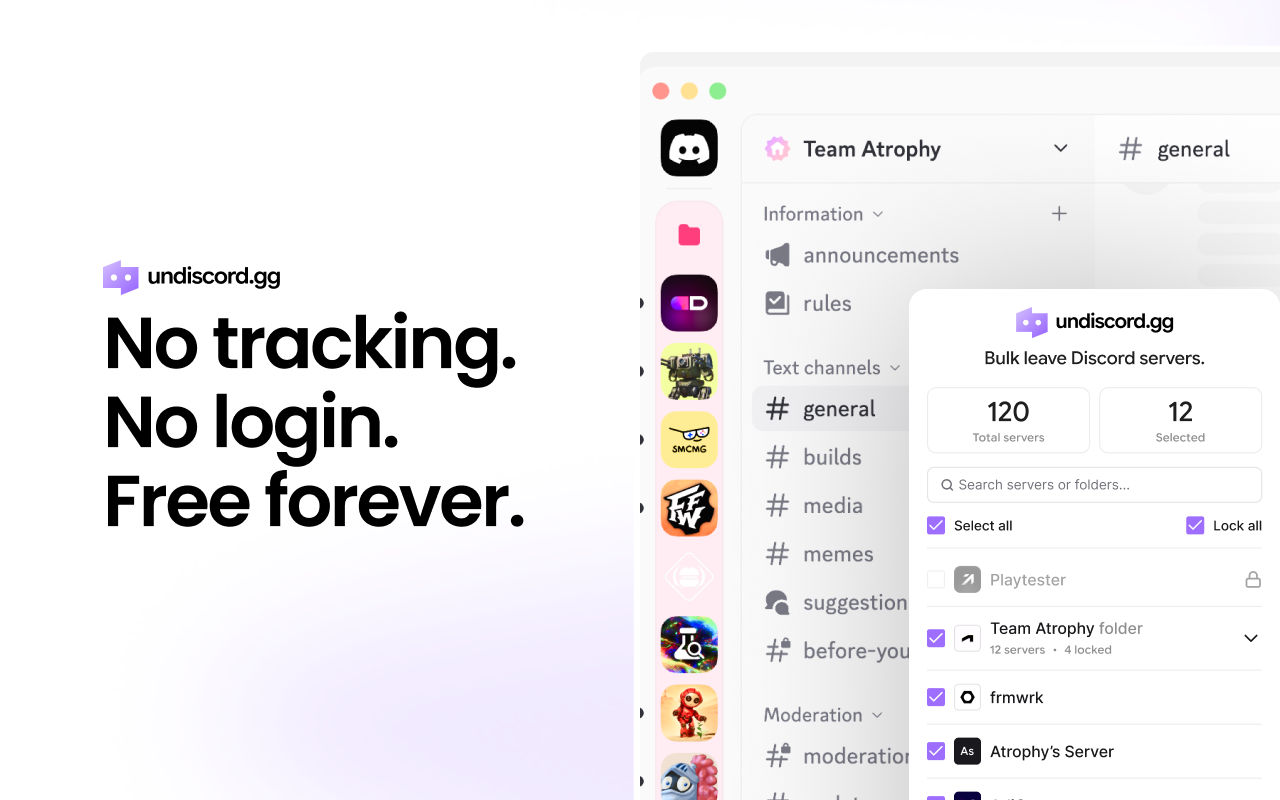
Undiscord
Bulk leave discord servers
160
一句话介绍:一款帮助用户批量退出Discord服务器的工具,解决了用户在Discord侧边栏因加入过多服务器而变得杂乱、手动逐一退出效率极低的管理痛点。
Browser Extensions Chrome Extensions Productivity
Discord管理工具 批量退出 隐私安全 侧边栏整理 数字断舍离 效率工具 本地运行 浏览器扩展 社区清理 用户自主
用户评论摘要:用户普遍赞赏其解决实际痛点的实用性,并对隐私安全设计表示认可。主要建议包括:希望增加服务器活跃度分析功能以辅助决策,并持续强调对工具安全性的信任至关重要。开发者积极回应,将相关洞察纳入路线图。
AI 锐评

Undiscord的价值远不止于“批量点击”的效率提升,它精准刺中了平台生态衍生的一个隐性成本:注意力债。Discord的开放式加入机制导致了“服务器膨胀”,其代价是用户侧边栏的信息过载与通知失灵,本质上是一种注意力资源的持续耗散。该产品将清理行为从繁琐的、反人性的线性操作,简化为一个可瞬间完成的仪式性动作,降低了用户进行“数字空间整理”的心理门槛和行动成本。

其“隐私第一”的设计原则,尤其是完全本地运行、不触碰令牌和凭证,并非简单的营销话术,而是针对Discord工具生态信任缺失现状的精准防御。这使其与那些要求过高权限的“自机器人”式工具划清了界限,将自身定位为一个增强型浏览器界面,而非一个风险未知的第三方服务。这种克制的技术选型,是其获取早期用户信任的关键。

然而,其长期价值面临天花板。核心功能单一,易被模仿甚至被Discord官方功能覆盖。用户反馈中关于“服务器健康度分析”的建议,恰恰指出了其进化方向:从简单的批量执行工具,升级为基于数据的“服务器关系管理”顾问。例如,通过分析用户活跃度与社区活跃度的匹配关系,提供智能清理建议,从而帮助用户优化其信息摄入质量,而不仅仅是清理数量。唯有从“执行层”迈向“决策辅助层”,构建更深的护城河,才能避免在解决一个痛点后,自身沦为又一个被批量清理的“一次性工具”。

查看原始信息
Undiscord
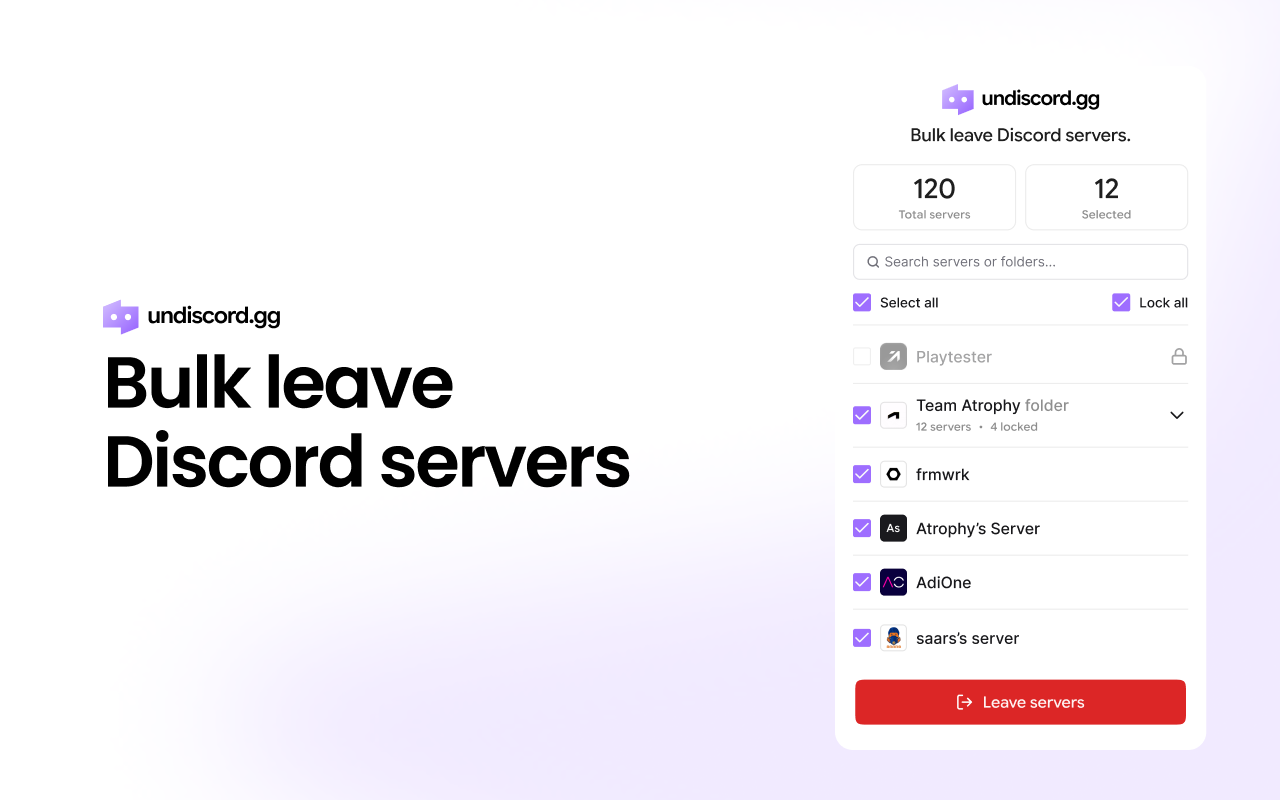
Undiscord shows you all your Discord servers in one place and lets you bulk leave the ones you no longer need, safely and privately.
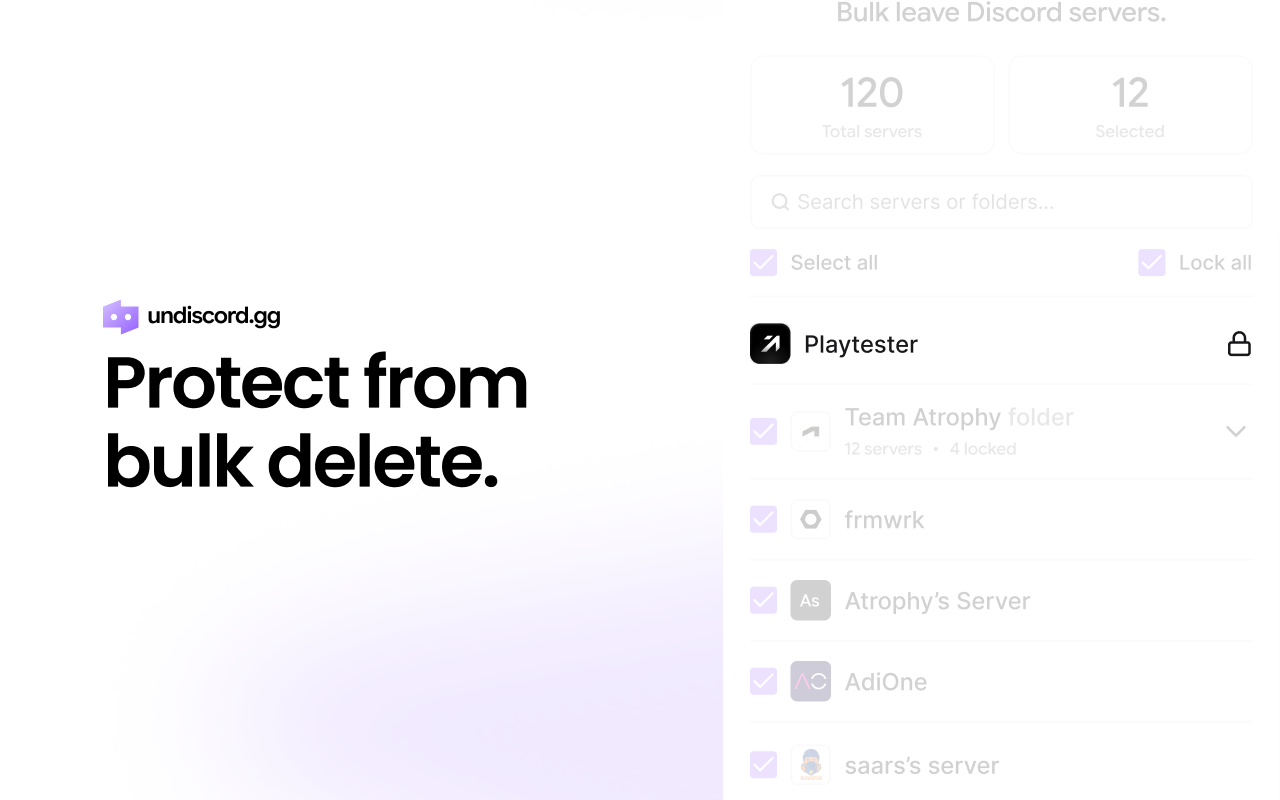
Hey Product Hunt! I’m Shaan, the maker of Undiscord. I built Undiscord because my Discord sidebar became a mess over time, dozens (sometimes hundreds) of servers from experiments, communities, events, and one-off invites. Leaving them one-by-one is painfully slow, and it’s the kind of thing you keep postponing. So I built Undiscord to make it instant. It lets you bulk leave Discord servers in a few clicks, so you can clean up your account and get Discord back under control. A few principles I cared about while building it: Fast + simple: no fluff, just get the job done Privacy-first: everything runs on your device Safe cleanup: review servers before leaving, so you don’t remove anything important by mistake Undiscord helps you keep Discord intentional: stay in the servers you actually care about, remove the rest, and make notifications relevant again. I’d love feedback from the community: What’s the #1 thing you’d want before trusting a bulk-leave tool? What features would you like to see next? Any other Discord pain you wish existed a tool for? I’ll be here all day, happy to answer questions and ship improvements quickly.
4
回复

@madebyshaan awesome app! I was in so many Discord servers and kept thinking, 'Do I really have to click on every single one to leave?' I used to have to leave them all individually and it was such a pain, but now I can just use your app. Very nice idea!

1
回复

Congrats on the launch — Undiscord is a super practical way to declutter overloaded Discord sidebars while staying private and in control.​

2
回复

@zeiki_yu Hi Zeiki! I really appreciate that, thank you. That’s exactly what Undiscord is built for, making Discord feel calm again, a clean sidebar, full control, and no compromise on privacy. And honestly, being able to use notifications meaningfully again (instead of getting buried) is the biggest win for me.

0
回复
Yeah! Simple, powerful, super useful. Glad to see something like this!! All the best
2
回复

@german_merlo1 Hey thank you so so much, Germán! I really appreciate it!

1
回复

Does it also show my activity in the channels (where I was least active) and how the Discord community is active in general? I am in many dead Discord channels from 2021 (you know that NFT mania), but there are also Discords that I am not so active, but people are active and information inside could be valuable for the future.

2
回复

@busmark_w_nika Hi Nika! Thank you so much for checking out Undiscord! We don’t support channel-level activity insights yet (like where you were least active), but that’s a really valuable idea!

We can definitely add this to the roadmap, and we could start with a practical “server health” signal like online users vs total members, then expand into deeper channel/activity insights over time.

3
回复
A lot of “Discord cleanup” tools lose trust because they ask for tokens, broad permissions, or feel like self-bot automation. What specific design choices did you make to stay on the safe, privacy-first side?
1
回复

@curiouskitty Hi Curious Kitty! Absolutely, and I agree, a lot of cleanup tools feel sketchy!

Undiscord was designed specifically to avoid all of that:

  • No tokens, ever. We never ask for your Discord token, password, or any account credentials.

  • No login. There’s no Undiscord account, no sign-in flow, nothing to “connect”.

  • Runs 100% locally. Everything happens in your browser on your machine, not on a server.

  • Zero data collection. No tracking, no analytics, no telemetry, not even usage stats.

  • Uses Discord’s official web interface. Leaving servers happens the same way you’d do it manually, Undiscord just saves you the repetitive clicking.

In other words, it’s intentionally the boring, privacy-first approach: no invasive permissions, no automation that tries to “be Discord”, and nothing leaving your device.

1
回复

I can finally leave all those web3 servers now TT__T. Thank you for making this, @madebyshaan!

1
回复

@gabe Yesss! Haha the Web3 server era was truly a canon event. I’m so happy Undiscord can finally set you free 😂 Thanks a ton for the support, Gabe, seriously! It means a lot coming from you!

1
回复

Such a god send. I have what seems like a billion of servers from one-time use or old communities and it's always so tedious spring cleaning it all

0
回复

Worked flawlessly out of the box. Thanks!

0
回复
#6
Ekamoira Google Search Console MCP
Query Search Console in Claude & ChatGPT
143
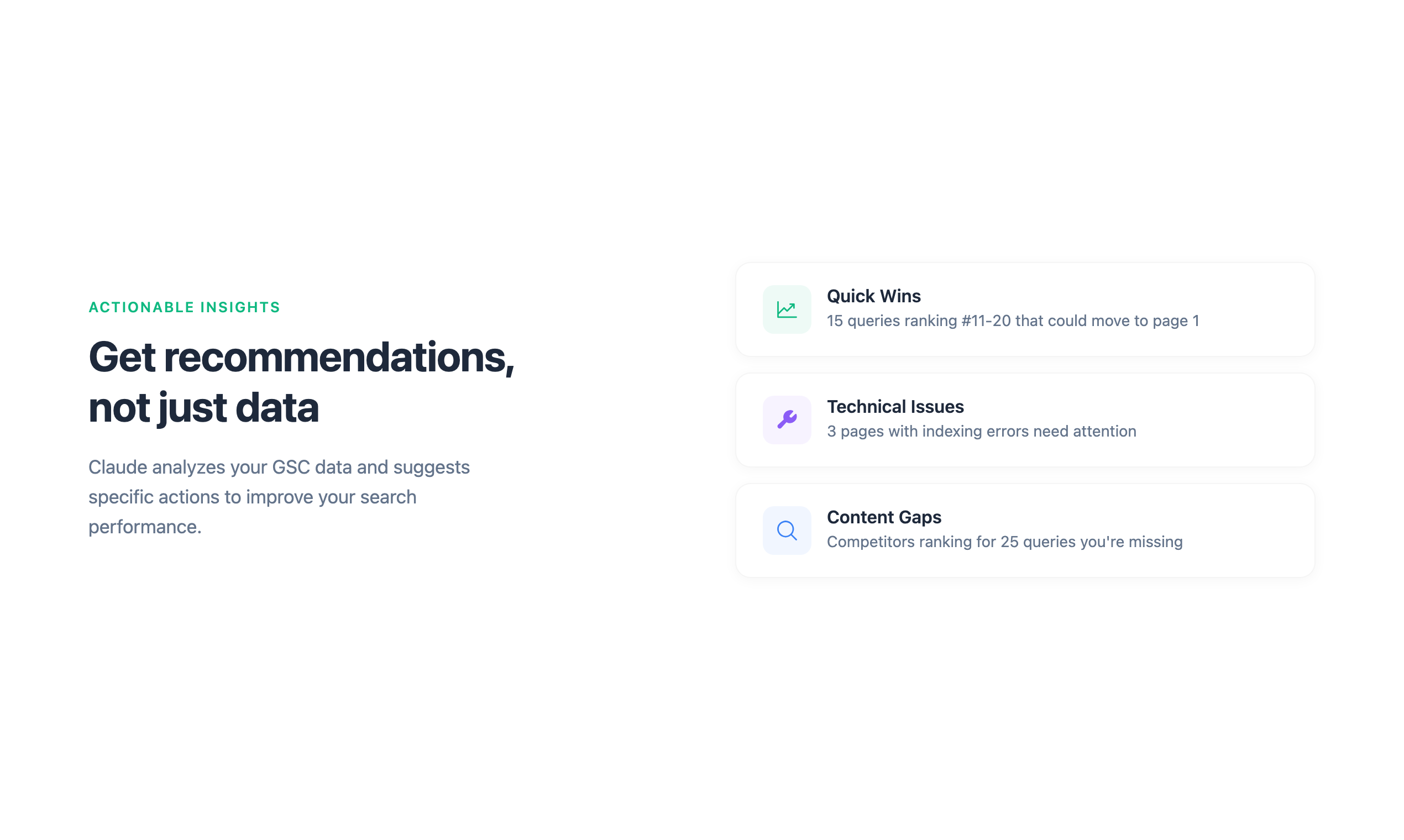
一句话介绍:一款无需导出CSV、通过自然语言直接查询Google Search Console数据的MCP服务器工具,为SEO从业者在日常数据分析场景中解决了数据获取繁琐、交互效率低下的核心痛点。
Marketing SEO Artificial Intelligence
SEO工具 Google Search Console AI数据分析 自然语言查询 MCP服务器 效率工具 SEO优化 数据可视化 搜索引擎营销 无代码
用户评论摘要:用户普遍赞赏其简化了繁琐的OAuth和终端配置流程,认为“消除设置障碍”是关键价值。核心关注点包括:与Claude等AI工具的兼容性、多站点管理能力,以及如何从“一次性新奇工具”转化为可持续的日常SEO工作流组成部分。创始人回复提供了具体的使用场景和粘性构建方法。
AI 锐评

Ekamoira的本质,并非技术创新,而是体验重构。它敏锐地刺中了SEO工作流中一个陈旧却顽固的“暗伤”:数据可见性与可用性之间的巨大鸿沟。Google Search Console作为核心数据源,其原生界面和导出分析流程笨重不堪,迫使从业者在“导出CSV-上传AI-纠正幻觉”的怪圈中空转。该产品通过提供托管的MCP服务器,将技术复杂性完全封装,实现了“授权即用”的零摩擦体验,这无疑是其最犀利的破局点。

然而,其真正的挑战与价值天花板,在于能否从“查询捷径”升级为“洞察引擎”。当前它解决了“问数据”的效率问题,但用户深层需求是“得洞见”。评论中关于“避免成为一次性新奇工具”的提问切中要害。产品的长期粘性将取决于:它能否基于对话历史,构建连贯的、可追踪的SEO实验叙事(如A/B测试标题与CTR变化的关联分析),而不仅仅是提供离散的问答。其“托管”模式在带来便利的同时,也埋下了数据安全与合规的潜在顾虑,特别是对于管理大量客户站点的机构用户,这是其商业化进程中必须透明化、专业化应对的命题。

简言之,这是一款在正确时机、以极简方式解决表面痛点的优秀产品。但若要从小众效率工具迈向SEO工作流的核心基础设施,它必须证明自己能理解数据背后的业务逻辑,而不仅仅是理解用户提问的语义。

查看原始信息
Ekamoira Google Search Console MCP
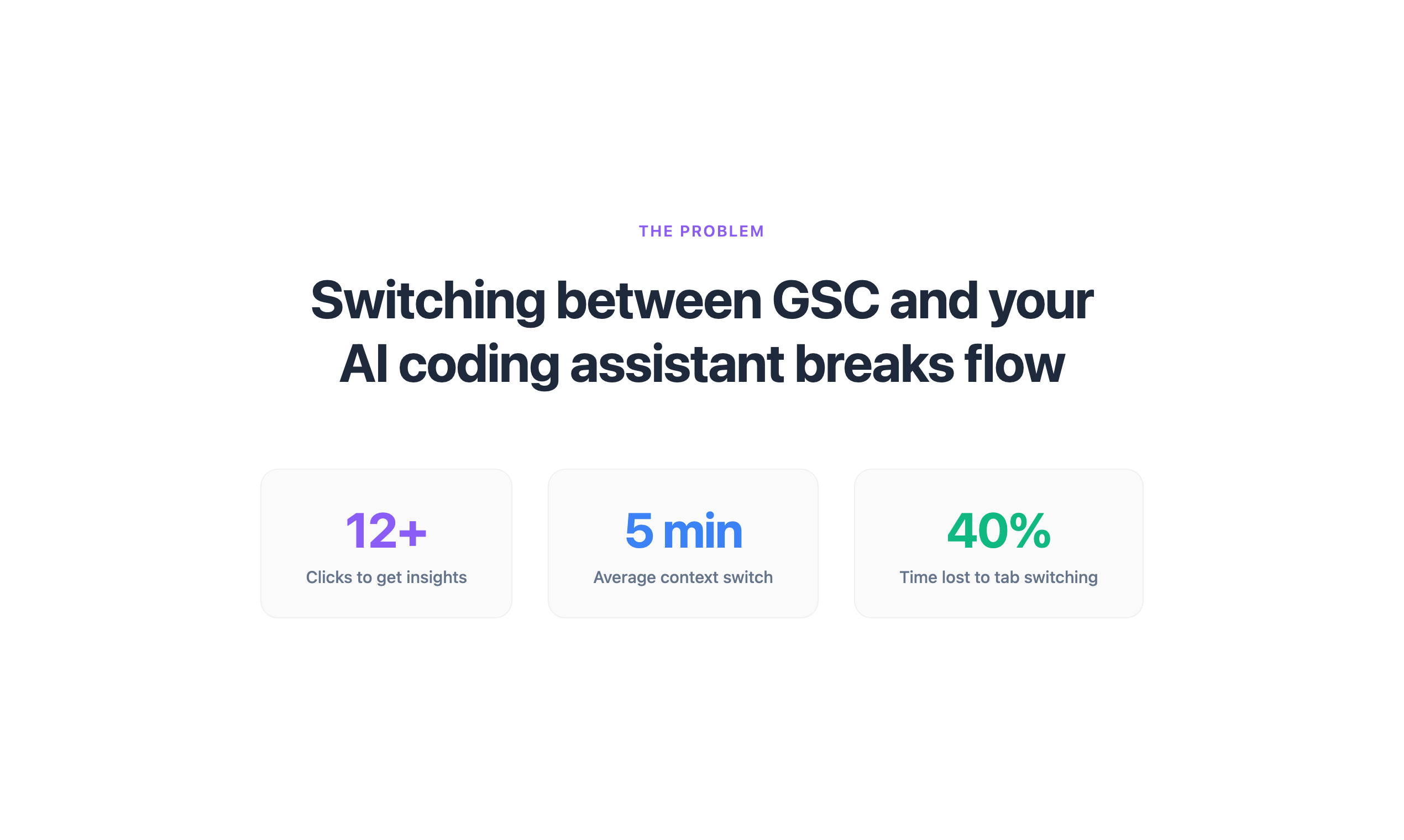
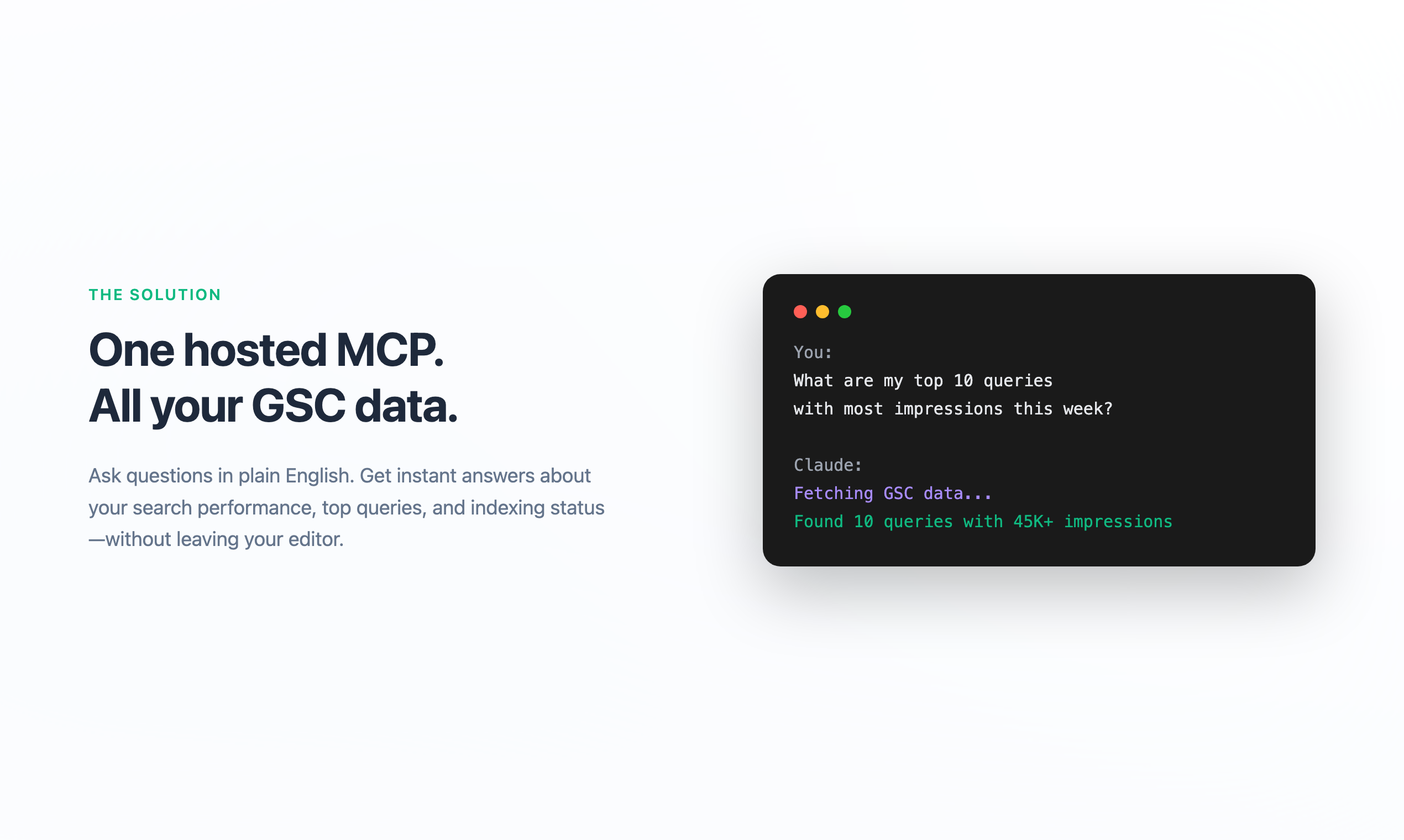
You know the drill: Export CSV from Search Console. Upload to ChatGPT. Watch it hallucinate your data. Cry. Repeat. We fixed that. We built this for SEOs who just want to ask questions. Connect your Google account and it's done. Works with Claude, ChatGPT and Cursor instantly. Just ask: - "Why did my traffic drop last Tuesday?" - "Which pages have high impressions but low CTR?" - "Is Google even indexing my new pages?" 30-day free trial. No terminal commands. Zero credit cards harmed.
Hey Product Hunters! 👋 I'm Christian, co-founder of Ekamoira. We built this because existing GSC MCP servers drove us crazy. Setting up OAuth, downloading JSON files, configuring paths in your terminal... just to ask "what keywords drove traffic last week?" It felt broken. So we made a hosted version: connect Google and you're done. The MCP server runs on our end. Works with Claude.ai, ChatGPT, Cursor or whatever you're using. We're giving everyone a free 30-day trial. Would love your feedback on what tools or queries would make this even more useful for your SEO workflow. What's the first question you'd ask your Search Console data? 👇
9
回复

@christian_gaugeler Congrats on the launch. This sounds cool! Possible to use it with Claude as well?

3
回复

@christian_gaugeler Removing setup friction is huge—most SEO pain comes from not being able to ask the right question fast enough.
We’ve run into the same “data is there but hard to use” problem while building infra like GTWY

3
回复

@christian_gaugeler Finally, a clean way to talk to Search Console without jumping through setup hoops.

1
回复

Congratulations to the whole team at Ekamoria. You are solving a great problem!

5
回复

@rahul_aluri Thank Rahul. Appreciate it a lot!

3
回复

@rahul_aluri thank you very much 🙏🏻😊

3
回复

Looks amazing! Good luck folks 🚀🚀

5
回复

@nikhil_moorjani thank you so much 🙏🏻 Really appreciate your support!

4
回复
In practice, what does a “successful” adoption look like for an SEO team—what are the first questions users ask, what outputs do they copy into their workflow, and how do you avoid this becoming a one-off novelty instead of a daily tool?
4
回复

@curiouskitty 

Insights from clients' use cases:                                                                                              


First questions every morning:                                                                                                           

- "Which pages are position 1-10 but getting 0 clicks?" (we found 28 of these last week)                                                 

- "Are there any www vs non-www duplicates splitting my impressions?"                                                                    

- "Did the meta title change from Tuesday actually improve CTR?"                                                                         


What actually gets copied into workflow:                                                                                                 

The output goes straight into a progress doc. Example: we had a page with 1,879 impressions at 0.05% CTR. Asked Claude to rewrite the title, tracked it, checked back 4 days later. Position held, CTR moved.                                                                  

How it becomes daily vs one-off:                                                                                                         

It's the tracking. We run the same queries weekly: "compare this week vs last week for these 5 pages." Claude remembers what you changed and when, so you're not starting fresh.                                                 

The stickiness comes from follow-up, not the initial report. "That page I fixed Tuesday - what happened?" is more useful than "give me all my data."                          

3
回复

Congrats on launch — love how this makes GSC insights actually fast and usable.

4
回复

@zeiki_yu thanks! appreciate it. Looking forward to feedback once you have had a chance to use it!

3
回复
I am not an SEO expert but the simplicity feels intuitive and encouraging
4
回复

@zahran_dabbagh - thanks man! let us know your feedback once you have had a chance to use it!

4
回复

Congratulations on the launch 🎉

4
回复

@shubham_pratap Thanks a lot! appreciate the support

3
回复

Love this! Immediate answers from Search Console data without CSV chaos, exactly what busy SEOs need.

3
回复

@leotrim_lota Appreciate it - exactly what we built it for. 

3
回复

I run an agency. Can I manage multiple properties at once? We manage like 50 sites and GSC is painful.

2
回复

@nandini_choudhury1  - Yes! You can select which property to use and switch between them easily from the settings. Each time you connect,  you pick the property you want to work with.  

3
回复
#7
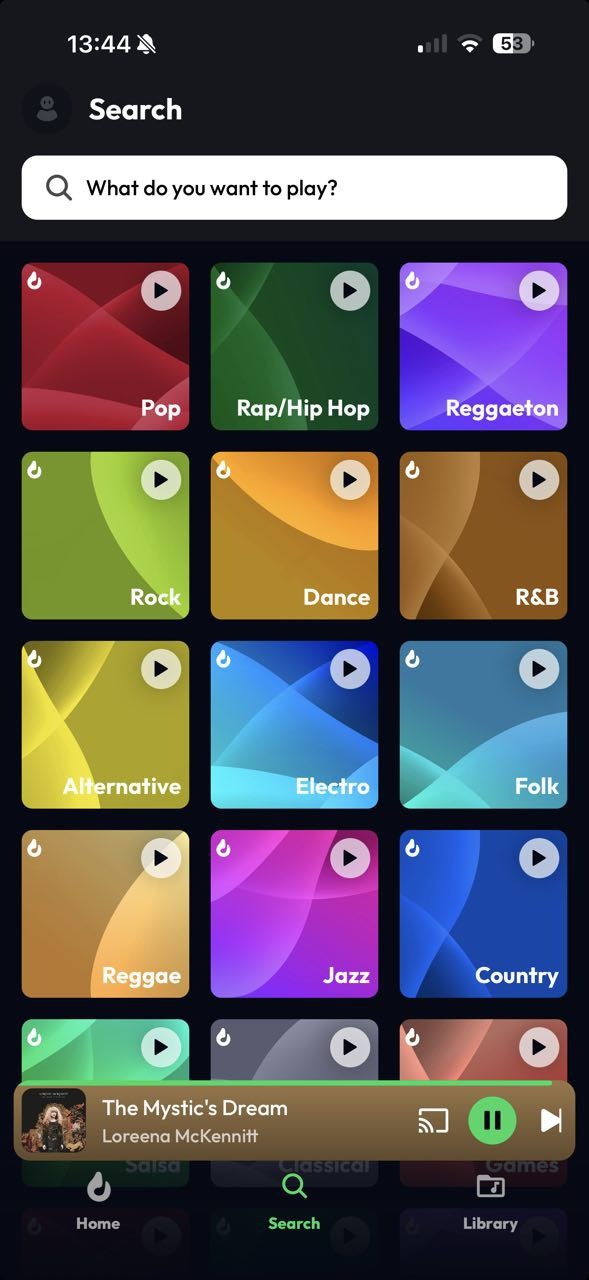
Lyra Music
Simple and free music discovery based on how you feel
115
一句话介绍:Lyra是一款基于情绪、免费且简洁的音乐发现应用,允许用户从Spotify和YouTube导入歌单并无广告收听,解决了用户在主流平台面临订阅压力、广告干扰和歌单迁移困难的痛点。
Android Music Spotify YouTube
音乐流媒体 免费音乐发现 歌单导入 无广告播放 情绪化推荐 简洁设计 小型独立团队 基于YouTube音频 高音质可选 透明化运营
用户评论摘要:用户肯定其简洁、无广告体验和歌单导入功能。核心质疑集中于其长期商业模式、与Spotify的差异化竞争力,以及如何确保艺术家权益。开发团队回应其依赖YouTube的版权与分成系统。
AI 锐评

Lyra Music的“免费无广告”口号看似直击Spotify等平台的付费墙痛点,但其产品本质更接近于一个精心包装的“YouTube音乐前端优化器”。其宣称的核心价值——自由、简洁、无订阅——实际上建立在将版权成本和商业模式风险完全转嫁给YouTube生态的基础上。这并非真正的模式创新,而是一种巧妙的寄生与体验重构。

产品的真正吸引力在于“无缝迁移”带来的用户转换低成本,以及去广告带来的瞬时清爽感。然而,这恰恰构成了其最大的阿喀琉斯之踵:其一,其存在高度依赖YouTube API政策的稳定性,自身毫无护城河;其二,它并未解决音乐产业的核心成本问题,所谓“免费”只是对用户侧免费,其“基于YouTube播放”的回应,承认了自身在版权与艺术家补偿体系中的被动角色,这与其“透明、专注”的团队形象存在微妙矛盾。

评论区的尖锐提问切中要害:当Lyra仅仅是提供了一个更干净的播放界面和导入工具,而无法在音乐发现算法、社区生态或独家内容上与巨头竞争时,用户长期“切换并留下”的理由极其脆弱。它的目标用户可能是那些对价格极度敏感、厌恶广告,且歌单主要基于YouTube/Spotify的轻度用户,但这部分用户的忠诚度最低。所谓“可选高音质升级”的商业模式设想,在巨头环绕的战场中显得杯水车薪。

简言之,Lyra是一款出色的“体验补丁”型产品,精准捕捉了现有生态的局部体验洼地。但它更像一个优雅的“功能”,而非一个可持续的“产品”。其长期生存不仅取决于团队的执行力,更取决于YouTube的容忍度,以及能否在巨头反应过来、迅速补上这个体验缺口之前,找到自己不可替代的独特价值。否则,“免费”终将成为其无法承载之重。

查看原始信息
Lyra Music
Lyra is a music app built for simplicity and freedom. Import playlists from Spotify and YouTube, listen without ads or interruptions, and enjoy the music you love. The app is completely free, the only optional upgrade is higher audio quality. No locked features, no tricks, just music. Built by a small team focused on transparency, Lyra lets you enjoy your playlists your way.
My friends and I built Lyra, a music app designed around a simple idea: listening to music shouldn’t require a subscription.
5
回复
When someone compares Lyra to Spotify/YouTube Music on one side and free YouTube-based music players on the other, what are the 2–3 differences that actually matter in daily use—and what’s the clearest reason a user would switch and stick?
0
回复

@curiouskitty 
On top of that, we really care about our community. Many features, like playlist importing were suggested and refined thanks to feedback from our Reddit and Discord channels.
Last but not least, we’re a small, apolitical team focused on keeping music separate from the controversial decisions made by big corporations these days.

0
回复

Download button is not working on the website, also for music industry, cashflow is a necessity to pay for licencing fees.
first question: How do you plan to monetize your app?
Everyone's using spotify and they do not seem to be bothered by subs.

second question: Why would they stop using spotify and use your app instead?


My recommendation: Iterate the product till the point where Lyra offers a useful(for its target audience) feature that spotify does not.

For now, Lyra seems to be free spotify and subscription is not a problem of spotify users.

0
回复

Really liking Lyra so far, feels super clean, no ads and the sound quality is solid. The playlist import thing is a lifesaver too, saves me from rebuilding everything from YT. One thing I’m curious about though: since everything is free and there are no ads, how does Lyra plan to sustain itself long‑term? Would love to understand the revenue model or future roadmap.

Overall, great launch.. excited to see how this evolves!

0
回复

Congrats for the launch!

Quick question: How does Lyra handle artist and author rights to ensure fair compensation and proper licensing while keeping it free for listeners?

0
回复

@ddu 
Hi!
Thank you!

The app is based on YouTube, so every stream is a standard YouTube playback. This means:

  • Each listen counts as a view on YouTube

  • YouTube is responsible for licensing, copyright management, and royalty distribution

  • Artists and rights holders are compensated through YouTube’s existing systems

1
回复
#8
Redlight Greenlight for Claude Code
Accept or reject Claude Code permission from anywhere on Mac
109
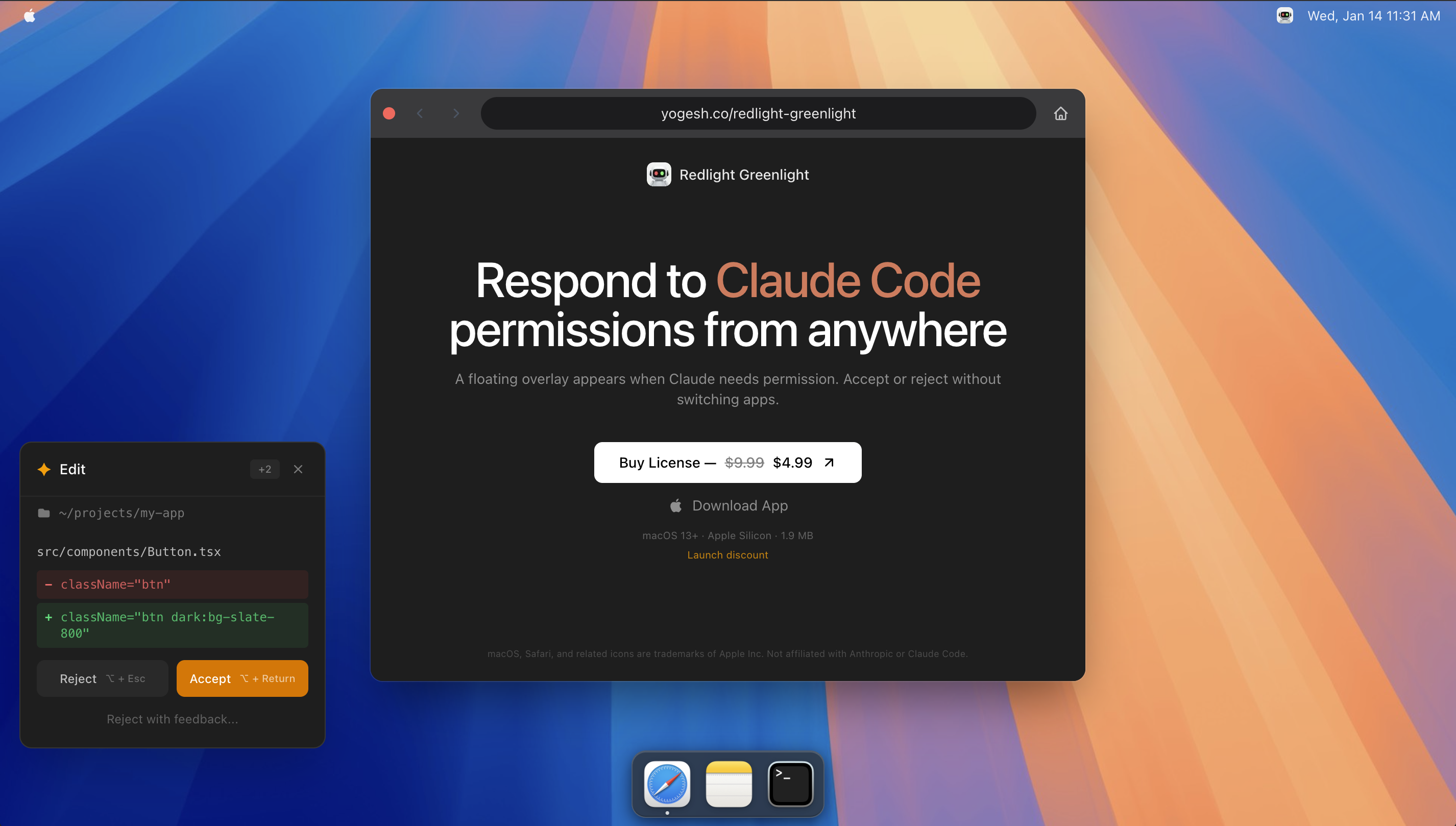
一句话介绍:这是一款macOS菜单栏应用,通过悬浮窗直接显示Claude Code的权限请求,允许用户在不切换终端窗口的场景下快速审批或拒绝命令,解决了AI编程助手工作流被频繁打断的痛点。
Developer Tools Artificial Intelligence Menu Bar Apps
生产力工具 macOS应用 菜单栏工具 开发者工具 AI编程辅助 权限管理 工作流优化 悬浮窗 键盘快捷键 上下文切换
用户评论摘要:用户普遍认可其消除微小摩擦、保护专注力的核心价值。有效评论指出这是“巨大的累积成本节省”,并赞扬键盘快捷键和队列处理设计。同时有评论深入探讨了权限决策所需的安全上下文(如命令、路径、风险提示),对产品信息展示的完备性提出了更高要求。
AI 锐评

Redlight Greenlight 表面上解决的是“减少一次点击”的微小交互问题,但其真正价值在于对“人机协作流”中隐性成本的手术刀式切割。在AI编码代理日益普及的当下,其核心矛盾并非能力不足,而是信任摩擦与工作流断裂。产品精准地切入了审批环节这一关键阻塞点。

它并非简单的通知增强工具,而是一个“决策中继站”。其价值层级是递进的:第一层是显性的效率提升,通过全局悬浮和键盘快捷键,将原本需要寻找窗口、切换上下文、点击确认的多步操作压缩为一次条件反射式的按键;第二层是流程可视化,将原本可能被遗忘在后台的等待请求队列化,避免了因疏忽导致的流程停滞;第三层,也是最具远见的一层,是它为未来更复杂的“AI操作审计”奠定了基础。当前版本展示命令和路径,只是安全决策的最基础信息。正如一位评论者尖锐指出的,安全的快速决策需要更丰富的上下文(如差异比对、风险提示)。这暴露出产品当前的局限,也指明了其进化方向——从“审批工具”迈向“安全决策支持系统”。

然而,其商业模式和护城河值得深思。它严重依赖Claude Code这一单一生态,功能虽专精但场景脆弱。其技术实现门槛可能不高,易被同类产品模仿甚至被上游平台原生集成。它的长期生存之道,或许在于深耕“AI操作安全”这一垂直领域,扩展支持更多AI智能体,并构建更强大的上下文分析与风险预警能力,从“便利工具”转型为“必备护栏”。在当前阶段,它是一个极其精准、完成度高的痛点解决方案,但能否从一个优秀的功能点成长为一个可持续的产品,取决于它能否将解决单一摩擦点的洞察,扩展为对AI时代人机协作新范式的系统性理解与构建。

查看原始信息
Redlight Greenlight for Claude Code
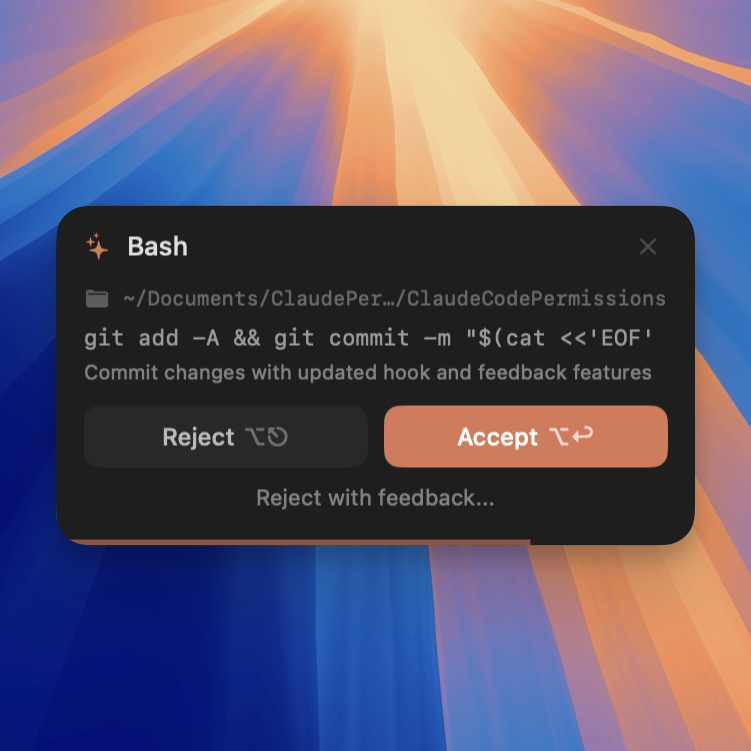
A native macOS menu bar app that displays Claude Code permission requests in a floating overlay. Respond without switching to the terminal.
Hey Product Hunt! 👋 I built Redlight Greenlight because I was tired of constantly switching to my terminal every time Claude Code needed permission to run a command. Sometimes it also keeps awaiting for permission cause you forget about it, and it slows you down. Now I can: ✦ Accept or reject with keyboard shortcuts (Opt+Return / Opt+Esc), (Opt+D to Dismiss) ✦ See exactly what command Claude Code wants to run, and in which directory ✦ Handle multiple queued requests ✦ Keep the overlay anywhere on my screen It's a simple tool that saves me dozens of context switches every day.
2
回复

@yogesharc This is a great quality-of-life improvement. Tiny friction, huge cumulative cost.

Removing terminal context switches and making approvals visible is exactly the kind of thing power users feel immediately. Keyboard shortcuts and queued requests are especially nice touches.

I have seen the same pattern while building Curatora. Tools that quietly protect focus end up being the most valuable over time. Simple, sharp, and very practical.

0
回复
When a permission request pops up, what context do you think a developer needs to make a safe decision in under a second (command, cwd, diff, risk cues, history)? How did you decide what to show (and what not to) in the overlay?
1
回复
#9
One Dot
Visualize your life in dots with a daily-updating wallpaper
106
一句话介绍:一款通过iOS快捷指令自动生成并每日更新壁纸的App,将流逝的时间转化为视觉圆点,在无需通知打扰的场景下,为用户提供一种静默的时间感知与生命反思工具。
Productivity Calendar Wallpaper
时间可视化 效率工具 极简设计 iOS快捷指令 动态壁纸 Memento Mori 生产力追踪 生活记录 自动化 每日更新
用户评论摘要:用户普遍赞赏其将时间“可视化”的核心概念,认为其设计深思熟虑。主要讨论集中于使用场景是偏向生产力提醒还是生命反思(Memento Mori)。开发者积极互动,并提及有高级版促销码。有一条评论提及隐私担忧,但未具体说明。
AI 锐评

One Dot 的产品逻辑巧妙地游走在“效率焦虑”与“存在主义安慰”的交叉地带。它没有选择主流时间管理软件的通知轰炸或数据追踪路径,而是退回到手机系统最底层、最静态的视觉层——壁纸,通过每日一个圆点的极简增量,进行一种近乎禅意的时间暗示。这使其避开了与专注类应用的直接竞争,转而捕获了那些对被动通知感到疲惫、又渴望对时间流逝保有持续觉知的高敏感用户。

其真正的壁垒与风险均系于iOS快捷指令。这使其开发轻量、无需复杂后台,实现了宣称的“自动更新”,但体验的流畅度和稳定性高度依赖苹果生态的接口与用户自身的动手能力,这无形中设立了使用门槛。所谓的“隐私担忧”评论虽未展开,却精准地点出了潜在用户的心结:一款需要操作壁纸的快捷指令,其权限边界究竟如何?

从评论中开发者与用户的互动可以看出,产品的核心吸引力并非其技术多么复杂,而是其引发的“如何使用”的哲学探讨——是鞭策效率的计数器,还是凝视生命有限的沙漏?这种开放性解读恰恰是它的魅力所在。然而,这种强烈的理念导向也可能成为其增长的天花板,它更像一个针对特定心智群体的“数字护身符”,而非普适性工具。其成败关键在于,能否在维持极简与自动化的核心体验之外,构建更丰富的视觉自定义或数据维度(如季度视图),以满足早期采纳者之后更广泛用户的个性化表达需求,而不至于让“每日一点”的新鲜感迅速褪色为背景噪音。

查看原始信息
One Dot
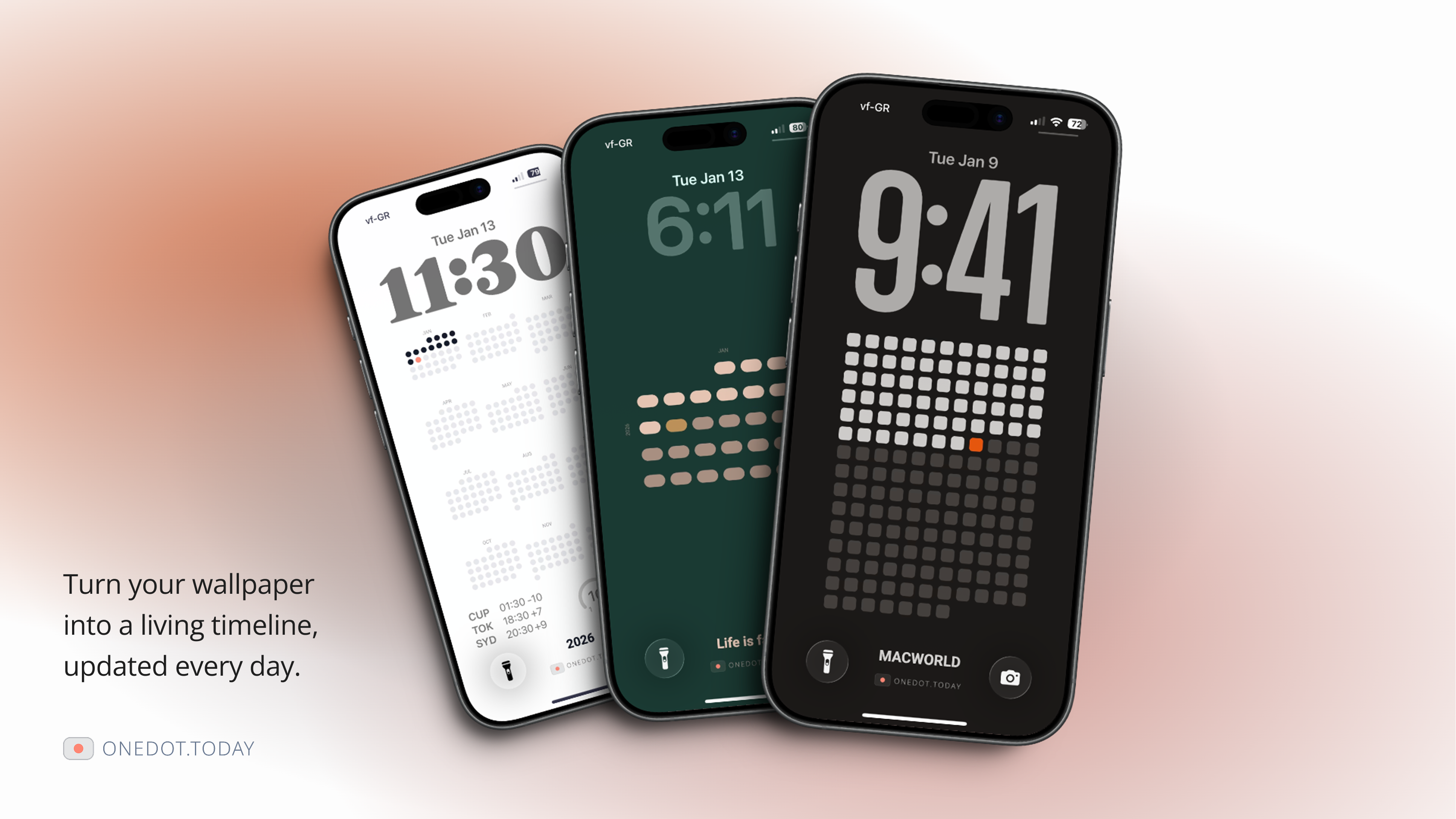
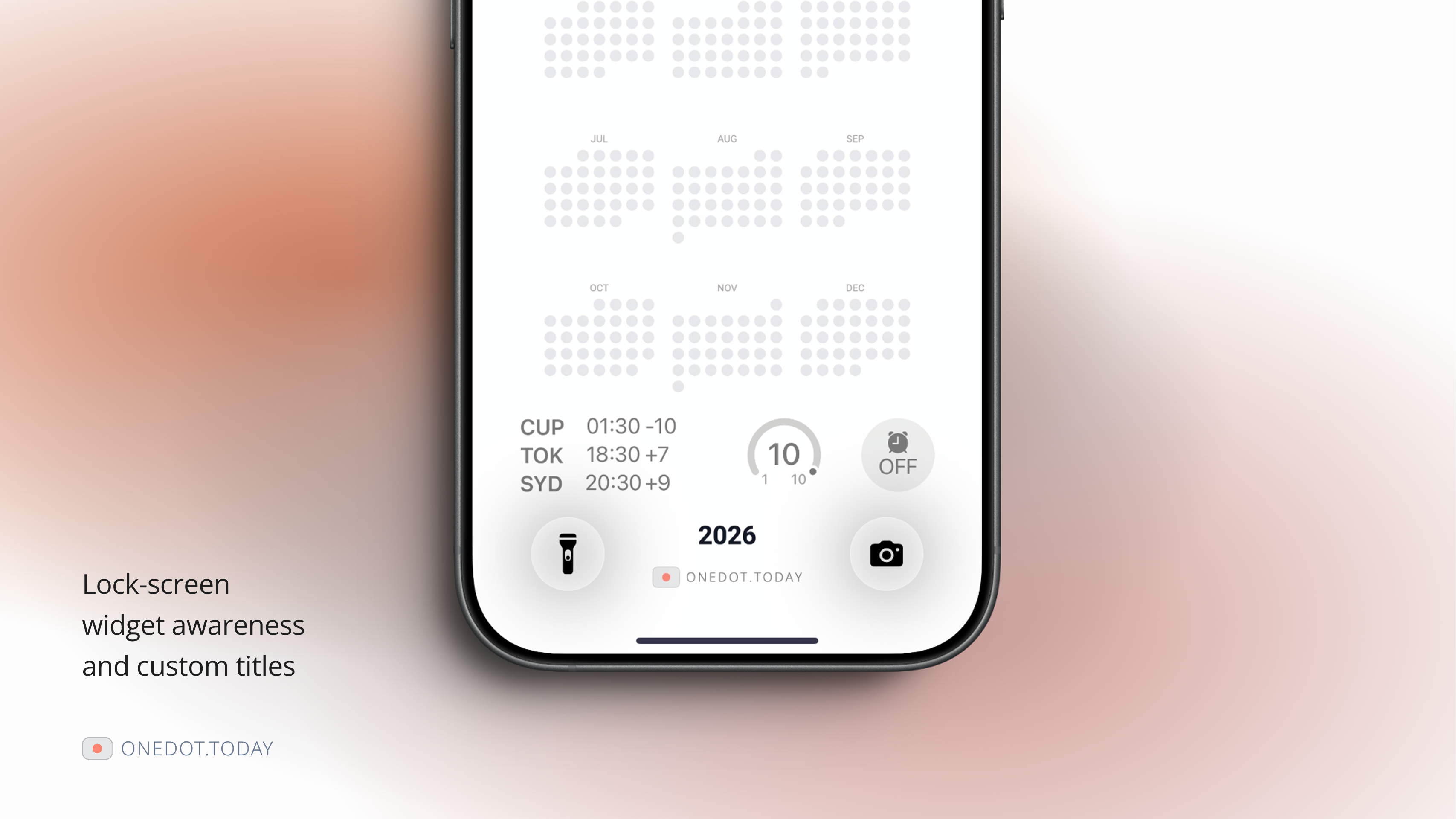
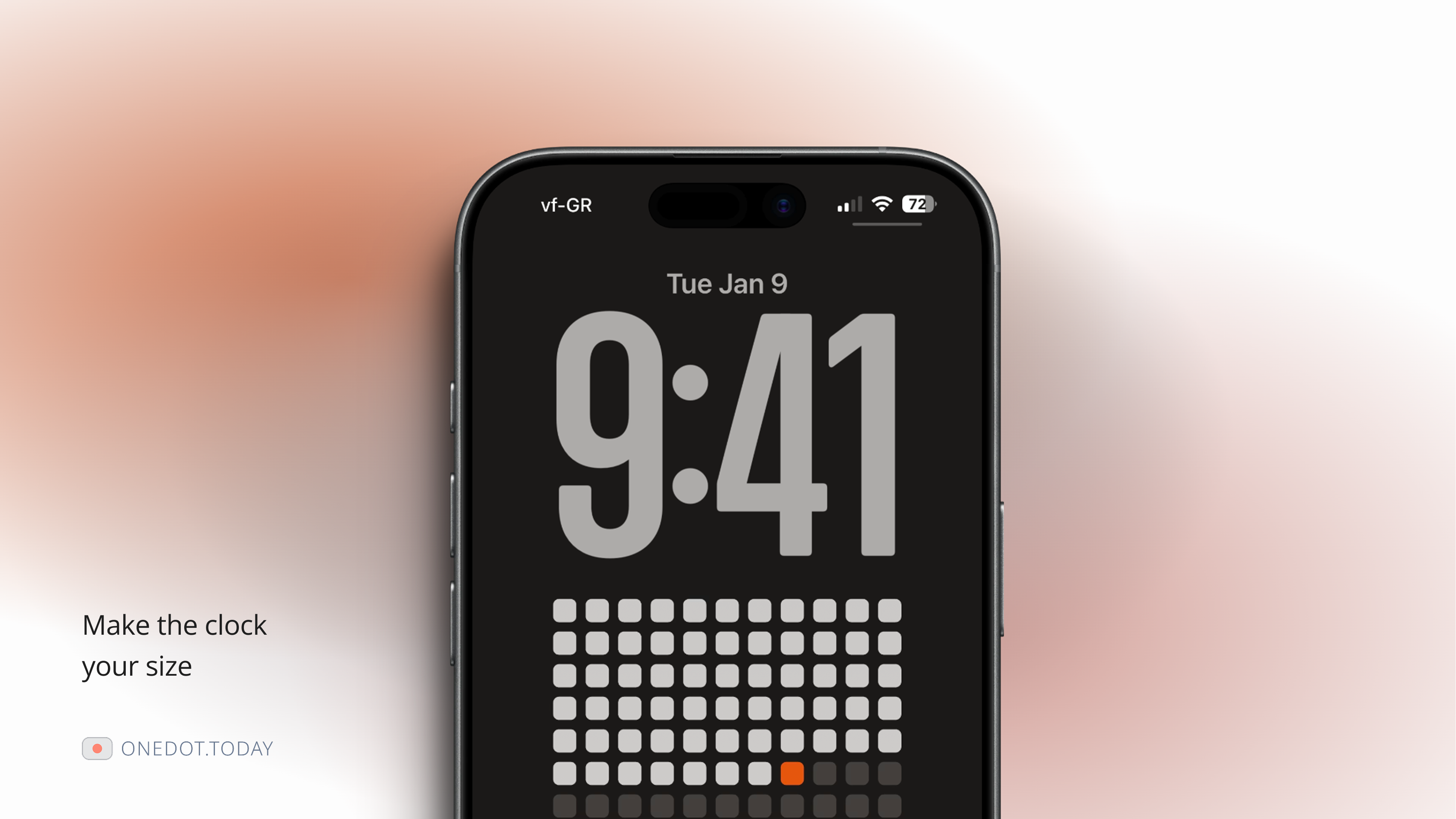
Transform time into visual art. Generate custom high-resolution wallpapers for memento mori and productivity tracking. One dot per day, visualized beautifully. One Dot turns your wallpaper into a daily-updating view of time. Instead of a static background, it shows days, weeks, months, or quarters as they pass. Built for iOS using Shortcuts, it updates automatically once per day. A simple way to keep time visible without notifications or tracking.
Hey Product Hunt 👋 I’m the maker of One Dot. I built this after trying several wallpaper shortcuts and realizing they didn’t support what I needed -- like proper widget spacing, quarterly views, or flexible time visualization. So I made my own, keeping it minimal and automatic. One Dot uses iOS Shortcuts to update your wallpaper once per day, turning it into a simple, daily view of time passing. I’d love feedback, especially from people who use Shortcuts, minimalist design, or reflective tools. I also have a few promo codes for the premium version if anyone wants to try it.
4
回复

Love this idea — turning time into something visible rather than something that pings you is really thoughtful.

Curious how people tend to use it most: as a productivity reminder, or more as a reflective / memento mori tool?

2
回复

@louis_chen5 Exactly! That’s the core idea -- making time visible. :)

I guess, people use it in a mix of ways. I'm using it mostly on the reflective side, like a “memento mori” -- noticing how fast life moves and appreciating each day, and how much I have to get done.

1
回复

Wow, what an amazing, idea love it, congrats man :)

1
回复

@aspiiire Thank you!

0
回复

I love the idea! There are some privacy concerns though

0
回复

@eren_kiratli Thank you! Could you elaborate?

0
回复
Hey Daniel, that frustration with existing shortcuts not supporting what you actually needed is relatable. Was there a specific wallpaper setup you tried that almost worked but missed something small enough to bug you every day?
0
回复

@vouchy Hey! Just needed something more than a regular wallpaper. :)

0
回复
#10
TabDog
macOS menu bar app for managing browser tabs and apps
99
一句话介绍:一款开源的macOS菜单栏应用,通过极简快捷键帮助用户在海量已打开的浏览器标签页和应用中快速搜索、切换或关闭,解决多任务处理时窗口杂乱、查找效率低下的痛点。
Chrome Extensions Open Source GitHub Menu Bar Apps
开源软件 macOS工具 效率工具 浏览器管理 标签页管理 窗口切换 快捷键操作 菜单栏应用
用户评论摘要:开发者自述为解决自身标签页混乱问题而创建,开源免费。用户反馈“最近关闭标签页”与一键重开功能节省了大量时间,获得积极认可。
AI 锐评

TabDog切入了一个微小但普遍存在的效率痛点:数字工作环境下的“标签页焦虑”。其真正价值不在于技术突破,而在于对原生交互逻辑的“轻量修补”。macOS与浏览器的原生标签页管理在数量激增后便显乏力,TabDog通过全局搜索和快捷键这一对看似简单的组合拳,将散乱的无序窗口转化为可即时调用的有序列表,本质上是为混乱的信息流提供了“速查索引”功能。

然而,其天花板也显而易见。作为菜单栏应用,它扮演的是“指挥中心”角色,其效能严重依赖用户对快捷键的记忆与肌肉形成,这为大众用户设置了门槛。其“开源免费”的模式,一方面吸引了早期技术尝鲜者并建立了口碑(如评论中对“重开标签页”功能的赞赏),但另一方面也暴露了其作为独立工具的潜在局限——它更像是开发者个人工作流的副产品,在功能深度、生态集成(如仅限macOS)和可持续迭代上存在疑问。

在Alfred、Raycast等超级效率工具已集成类似功能的当下,TabDog的生存空间在于其极致的轻量与专注。但如果它不能从“快捷键调用列表”进阶为具备智能排序、跨设备同步或工作流自动化等更深层管理能力的工具,其长期吸引力可能仅限于青睐极简主义的部分效率爱好者。它是一剂立竿见影的止痛药,但尚未展现出根治“数字混乱”的潜力。

查看原始信息
TabDog
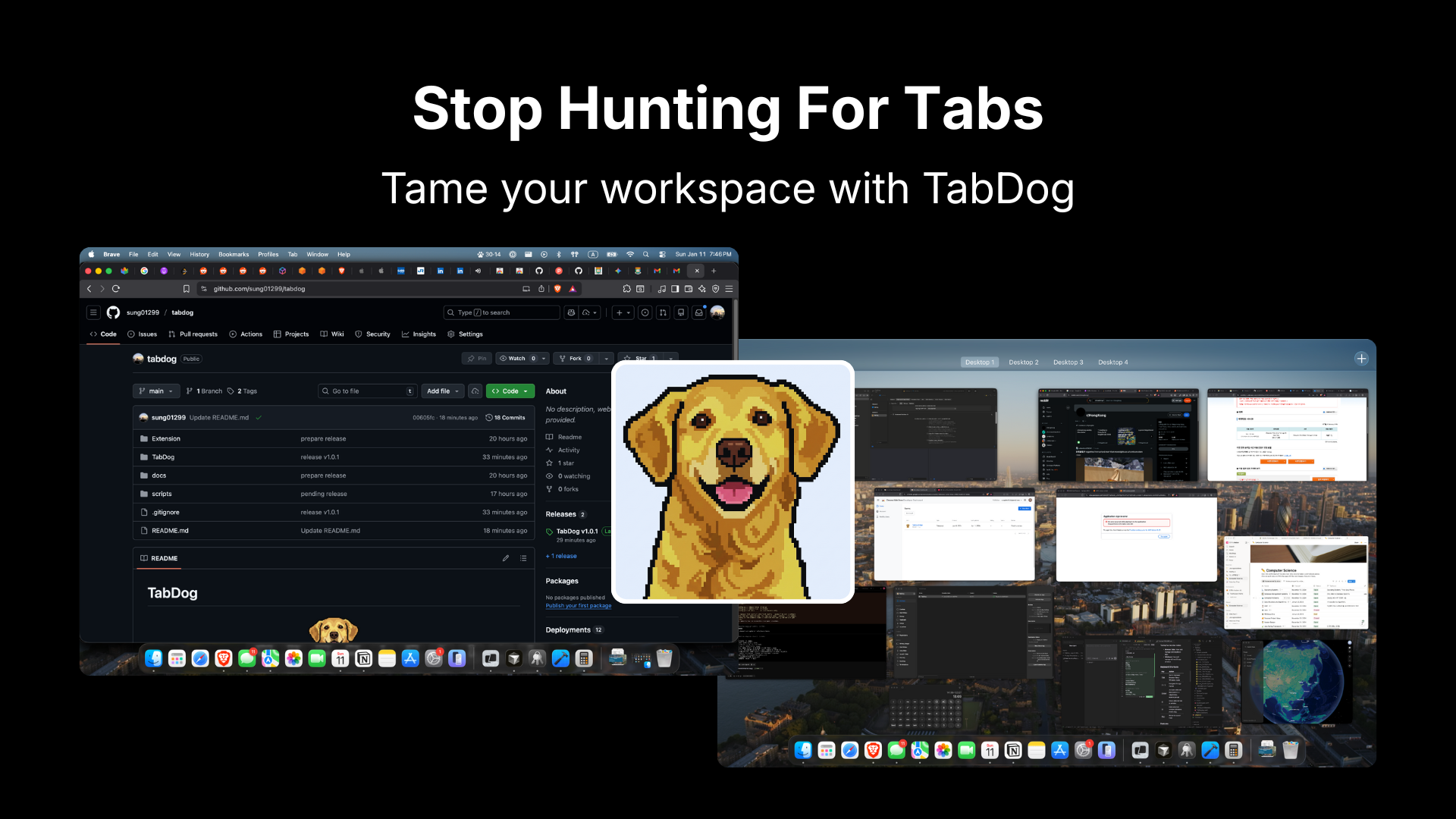
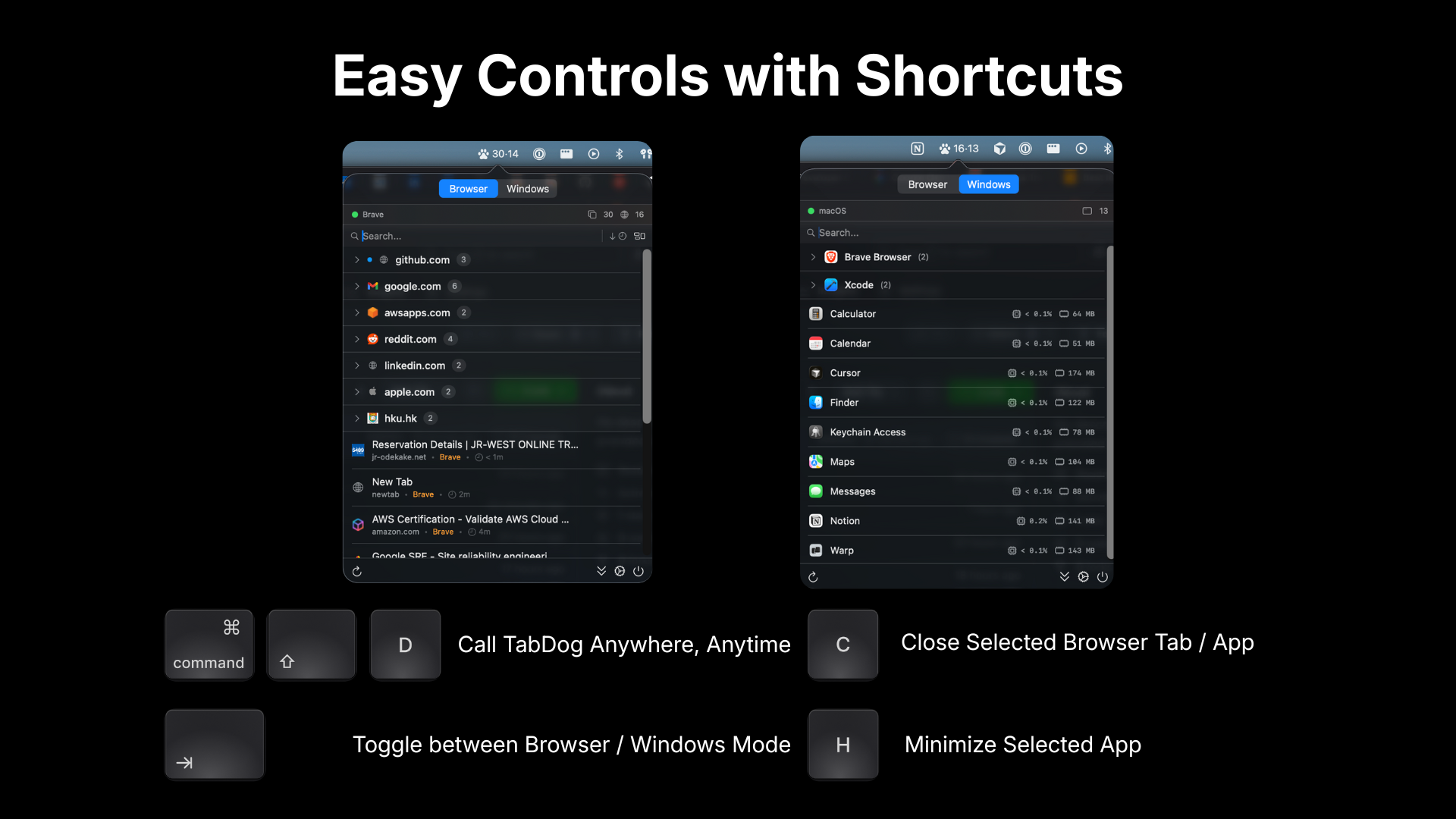
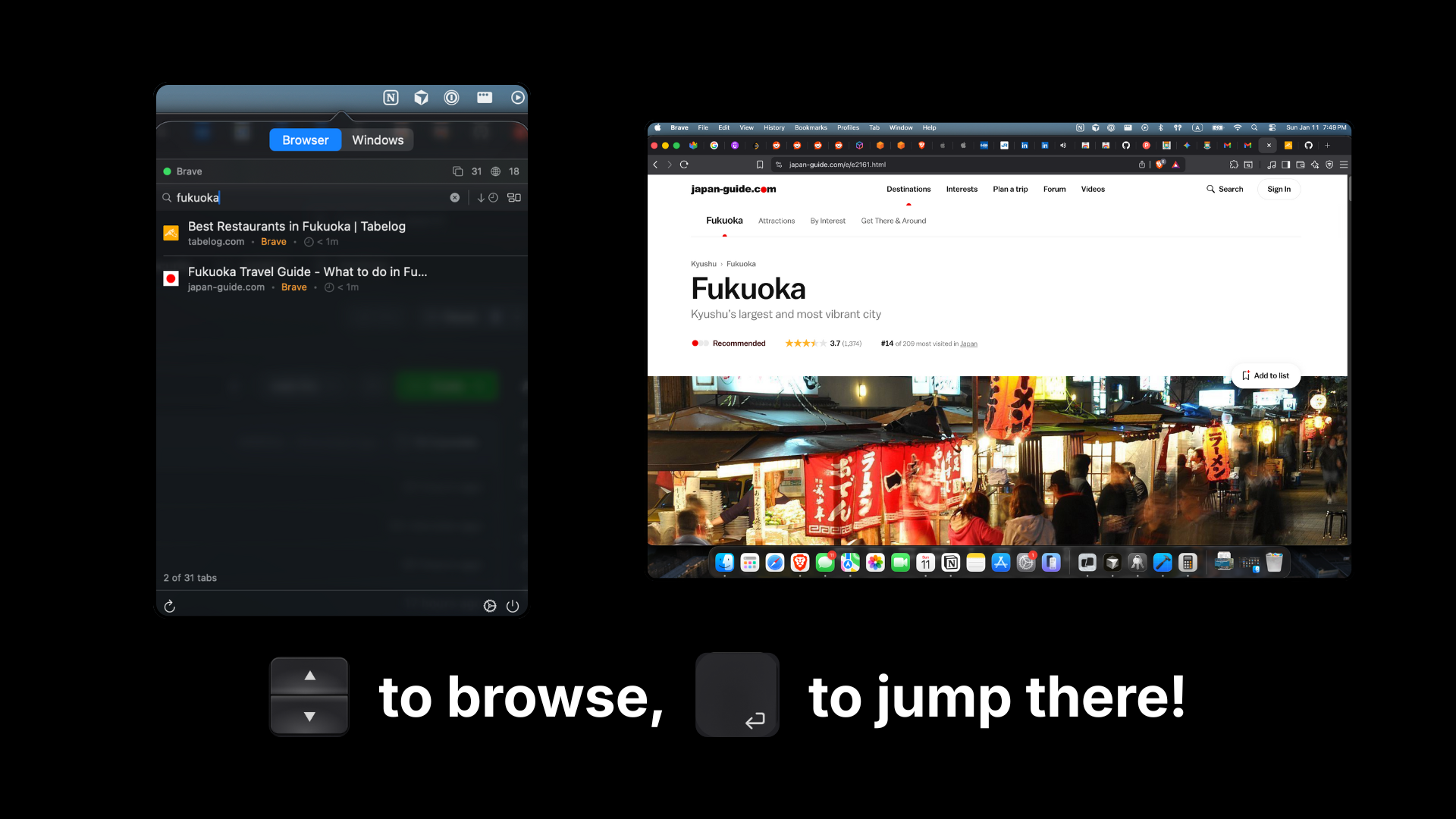
TabDog is an open source macOS menu bar app that helps you to use super simple shortcuts to search through all of your open tabs and apps, switch between them instantly or close them.
Hey everyone! I have a bad habit that I always end up with dozens of browser tabs and apps open at the same time. It gets so messy that finding one specific website becomes a nightmare. So I developed a tool for myself and after using it for a while, I found it is much more better than I expected, so I decided to package it and release it as open source, completely free! I'd love to hear your feedback and looking forward to improve our app together!
3
回复

Seeing recently closed tabs and being able to reopen them instantly That alone has already saved me a bunch of time.

2
回复

@ariel_benson Thanks a lot Ariel! Appreciate for your feedback🙌

0
回复
#11
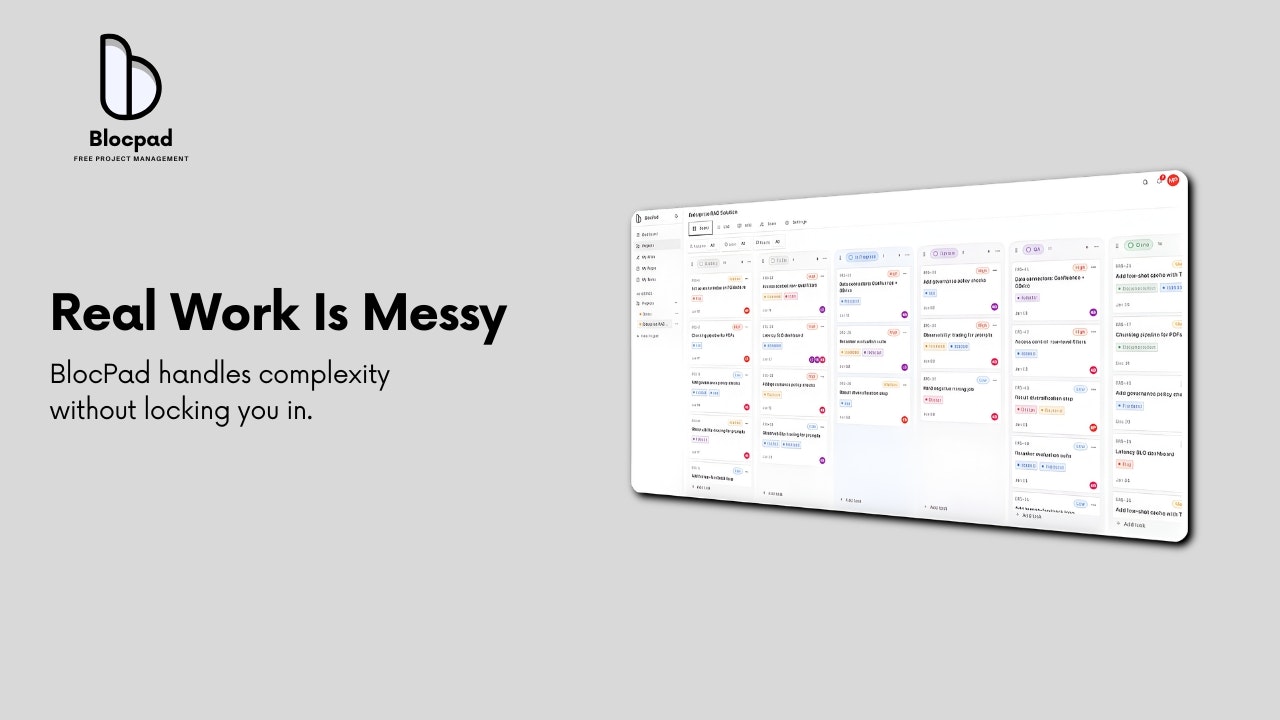
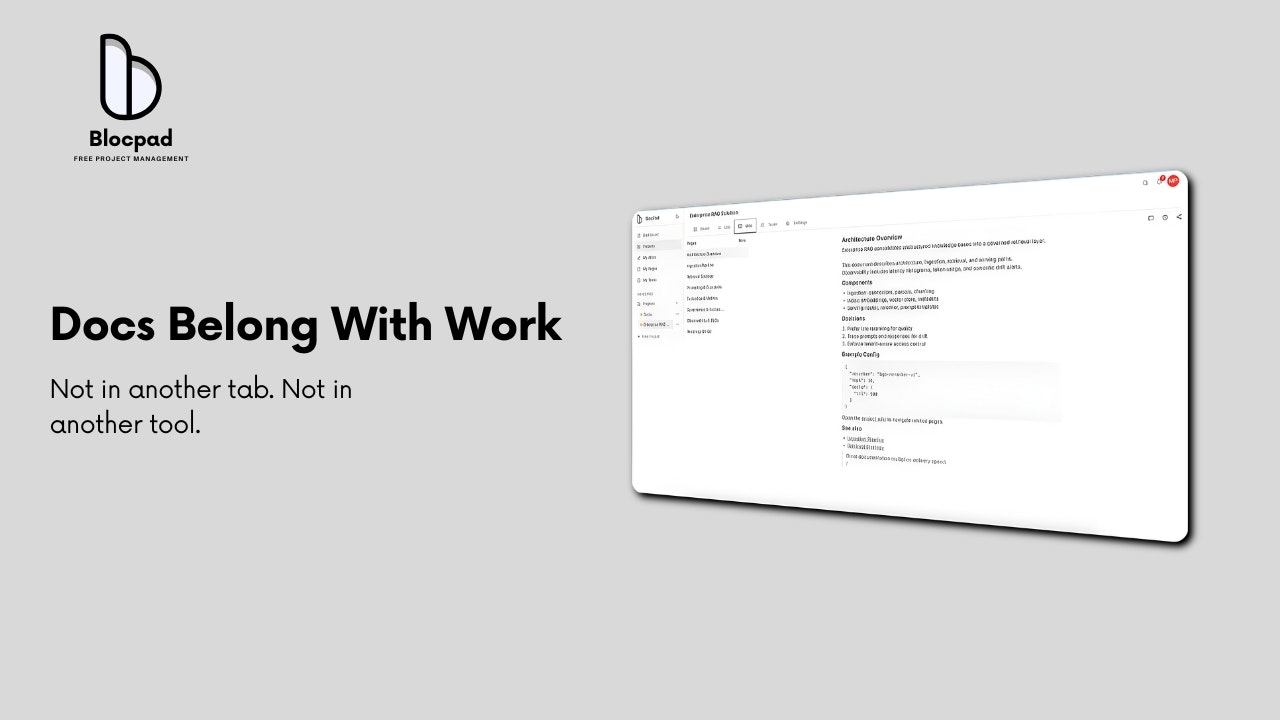
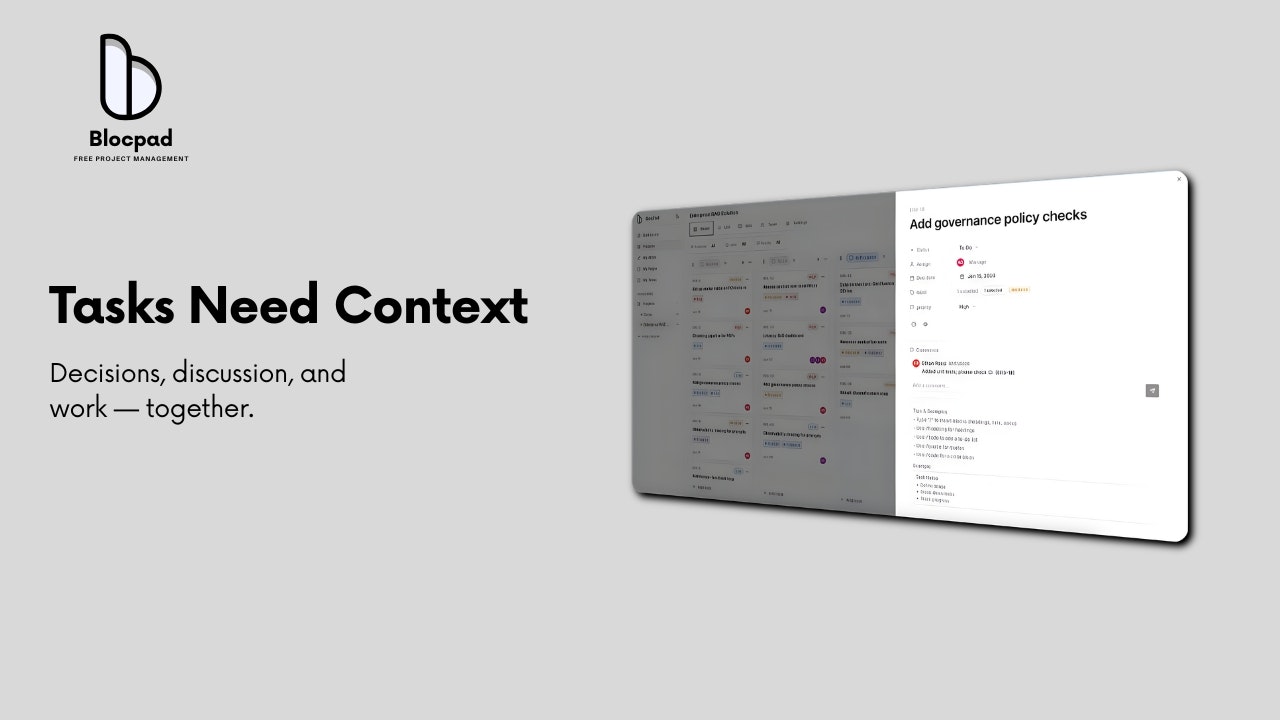
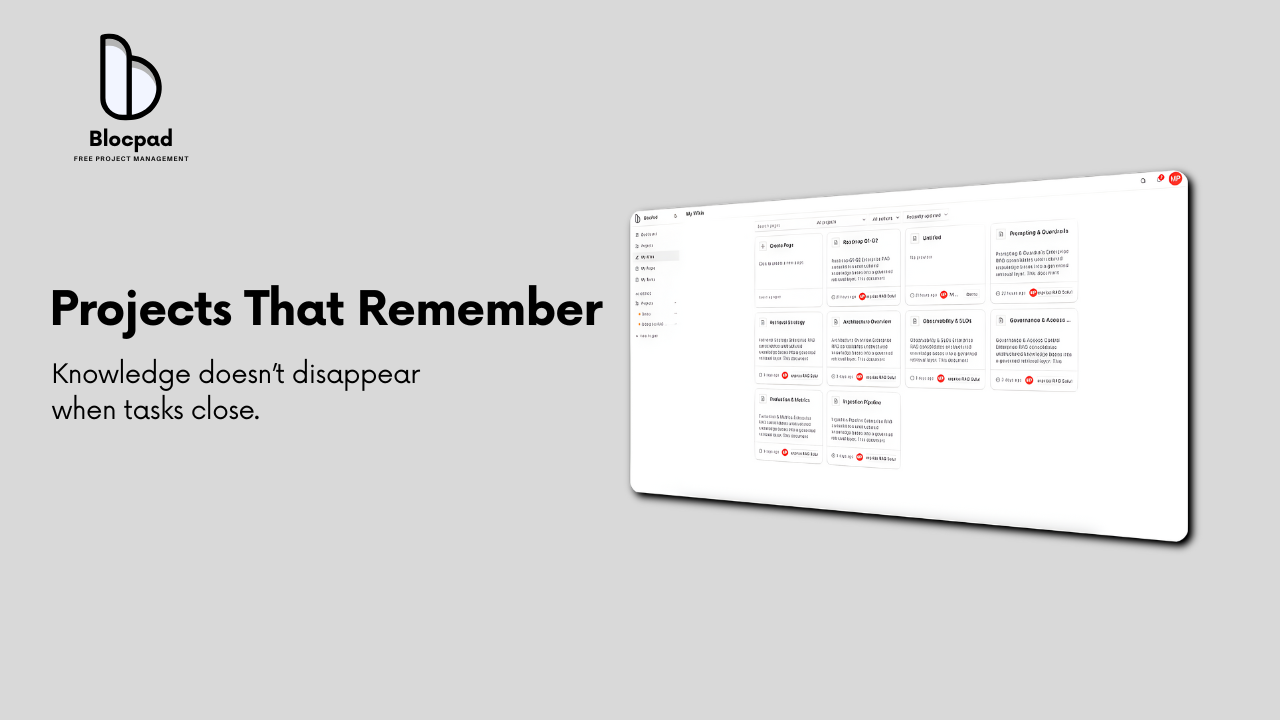
BlocPad - Project & Team Workspace
Kanban and wiki that update instantly for your projects
97
一句话介绍:一款杜绝“项目中途付费墙”的现代项目管理应用,通过看板、任务详情和内置Wiki的实时整合,为真实团队提供无锁定风险的一站式协作空间,解决了团队在项目关键阶段被工具挟持的痛点。
Productivity Task Management Artificial Intelligence
项目管理 看板 团队协作 实时更新 内置Wiki 无锁定 付费墙痛点 AI工作流 生产力工具 SaaS
用户评论摘要:用户普遍赞赏“无中途付费墙”理念,认为其尊重用户。核心关注点在于:与Notion、Jira等巨头的差异化功能;数据可移植性详情;定价结构需更清晰。建议包括:改进产品定位、未来集成其他生产力应用以成为中心枢纽。
AI 锐评

BlocPad的入场,与其说是在功能红海中创新,不如说是在商业伦理层面发起了一次精准的“痛点狙击”。它敏锐地捕捉到了SaaS行业一个普遍但隐晦的“人质模式”:用户投入大量沉没成本(时间、数据、工作流)后,在项目命脉时刻被付费墙锁喉。BlocPad将“无中途付费墙”和“无锁定”作为核心价值主张,这本质上是在销售一种“安全感”和“道德承诺”,直击中小团队及初创公司对成本失控和供应商锁定的深层恐惧。

然而,其真正的挑战与价值潜力并存于创始人的回复中。产品目前MVP阶段的功能组合(看板+Wiki)并无颠覆性,其护城河仅建立在商业模式的“善意”上,这极易被复制。但创始人透露的路线图——尤其是AI Agent(项目AI经理)与开发者CLI深度集成——揭示了其深层战略:并非再造一个Notion或Jira,而是试图成为AI原生工作流的“中枢神经”。通过AI将想法直接转化为可执行任务和知识库,并通过CLI嵌入开发者现有环境,它瞄准的是“降低工具本身带来的认知负荷与管理开销”,即从“管理项目”转向“让工具管理工具”。

风险在于,这个AI愿景宏大且执行难度极高,需要极强的技术能力与产品化定力。在当前阶段,BlocPad更像一个值得尊敬的“理念宣言”,它用道德优势获取早期用户与好感,但最终必须用远超预期的、丝滑的AI增强体验来兑现承诺,才能将用户从现有生态中真正剥离。否则,“无锁定”的承诺,反而可能让用户在试用后无负担地离开。

查看原始信息
BlocPad - Project & Team Workspace
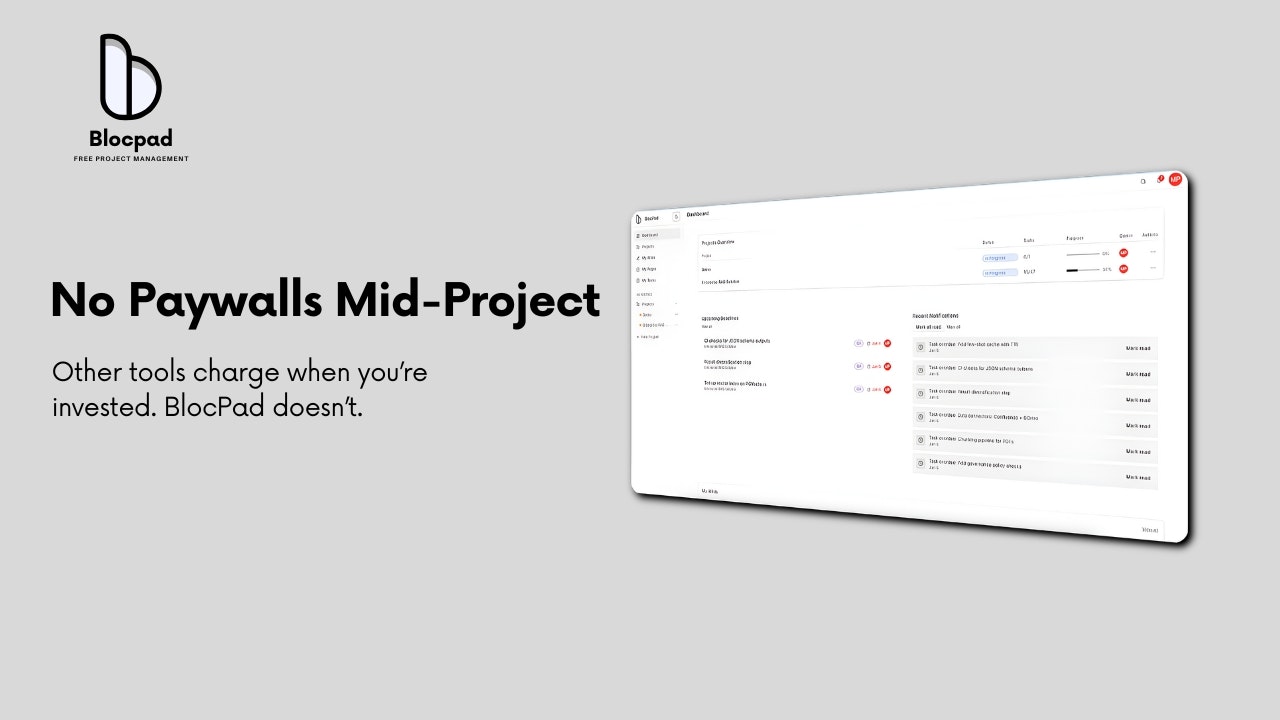
BlocPad is a modern project management app built on one belief: your work shouldn’t be used as leverage. Plan projects, manage tasks, and document decisions in one place—kanban boards, task details with context, and a built-in wiki that lives with the work. No mid-project paywalls. No sudden lock-ins. Built for real teams doing real work.
Hey 👋 BlocPad started from a frustration I kept running into with project tools. You invest weeks setting up a project — tasks, docs, workflows — and right when the project becomes critical, a paywall shows up. At that point, you’re not choosing a tool anymore… you’re trapped by it. BlocPad is built around a simple belief: your work shouldn’t be used as leverage. So we built a serious project management app — kanban boards, task details with context, and a project wiki that lives with the work — without mid-project paywalls. If you’re managing real projects and want a tool that respects your time (and your work), I’d love for you to try it and share feedback. Happy to answer questions, and very open to criticism 🙌 — Mihir
3
回复

@mihir_kanzariya 

hey there,

I love the product that you're building and its very hard to find a tool that helps you track task easily. But something that I saw on your landing page the product positioning could improved lot better.
I’m running a free 2-week product marketing & positioning sprint for SaaS founders to fix exactly this.

Would this be a bad time to look into how we can improve your product positioning for free in 2 weeks?

0
回复

Great concept! A project management tool that keeps work, decisions, and documentation together without surprise paywalls or lock-ins feels like what many teams actually need.

1
回复

@leotrim_lota Thank you

0
回复

Nice, could you please explain a bit more what sort of features as a user I can get that I won't have on Atlassian, Notion or other work management tools?

1
回复

@khashayar_mansourizadeh Great question. Instead of competing feature-by-feature with Atlassian or Notion, we’re focused on things they don’treally solve yet.

Over the next few weeks, we’re launching three core features:

1) BlocPad AI — a chat agent that helps you create work: turning ideas into requirements, requirements into tasks, and tasks into a living knowledge base — all in project context.

2) BlocPad CLI (for devs) — developers already live in Cursor, Codex, Claude, Gemini CLI, etc. Our CLI lets them authenticate, pull assigned tasks + context automatically, and work without jumping between tools. Less context switching, faster execution.

3) AI Product Manager — an AI agent that joins the project like a team member. It watches task and wiki changes, helps with clarity and structure, and supports managers without replacing human judgment.

It’s still early, but the bet is simple: less tool overhead, more execution.

— what’s the one feature that, if a tool did it really well, would make you stop using Notion / Jira altogether?

0
回复
Such a different perspective on how project management software should be organized. I will try it. I’ve seen that there is a freemium model but, I believe it will benefit more from a clearer pricing structure
1
回复

@zahran_dabbagh Thanks — really appreciate you giving it a try 🙌

That’s fair feedback on pricing. Right now we’re intentionally keeping the freemium model simple while we learn how teams actually use BlocPad, but a clearer, more structured pricing plan is coming soon — without mid-project paywalls or lock-in.

2
回复
@mihir_kanzariya fair enough. I will absolutely go for a deeper try today
1
回复
@mihir_kanzariya last thing because I really loved the idea. I am not aware of all features included yet but if you enable one click connection of other productivity apps (Gmail, Canvas, Notes, etc) this would transform it into a centralized hub for all one person productivity actions. I understand this requires a gradual implementation and phasing but since it still is MVP, I believe this can be a future planned feature
1
回复

"No mid-project paywalls" is such a refreshing approach! Too many tools start free then hit you with upgrade prompts right when you're deep into work. How does BlocPad's export/data portability work? Love the idea of not being locked in.

1
回复

@nora_studiohedera Thanks — that lock-in frustration is exactly what we wanted to avoid.

Your data is always yours. You can export projects, tasks, and docs anytime — no upgrades, no “unlock to download” screens. BlocPad is meant to earn trust by being useful, not by trapping work inside it.

1
回复

Hi Mihir, can I ask how your product differs from tools like Notion or Lark?

1
回复

@jojo_li Great question. BlocPad actually started because I was a Notion user. Our startup loved it… until we hit limits and suddenly it was ~$10 per user, which adds up fast for small teams.

BlocPad is still an MVP, so it’s too early to compare it feature-by-feature with Notion or Lark. Right now the focus is on no mid-project paywalls, real-time by default, and a tighter mix of Notion-style docs + Jira-style execution.

We’re rolling out something genuinely different over the next few weeks — especially around AI workflows, integrations with Cursor and Claude CLI, and an AI project manager that feels human — helping managers stay on top without micromanaging. Just getting started 👀

0
回复
#12
Taphouse
The missing GUI for Homebrew
96
一句话介绍:Taphouse 是一款为 macOS 上的 Homebrew 包管理器提供缺失的图形化界面,通过集中式的安全扫描、健康监控和一键维护,解决了用户在终端中管理软件包时操作繁琐、状态不透明、安全隐患难察觉的痛点。
Productivity User Experience Developer Tools
Homebrew图形前端 macOS软件管理 安全漏洞扫描 系统健康监控 包管理器GUI 开发者工具 系统清理 原生Swift应用
用户评论摘要:用户主要关注其与同类“仅限Cask应用商店”产品的核心差异。开发者回应旨在打造功能全面无短板的终极解决方案,并强调根据用户反馈快速迭代(两周内发布35个版本)。另有用户对其能否管理所有Homebrew安装内容表示确认与赞赏。
AI 锐评

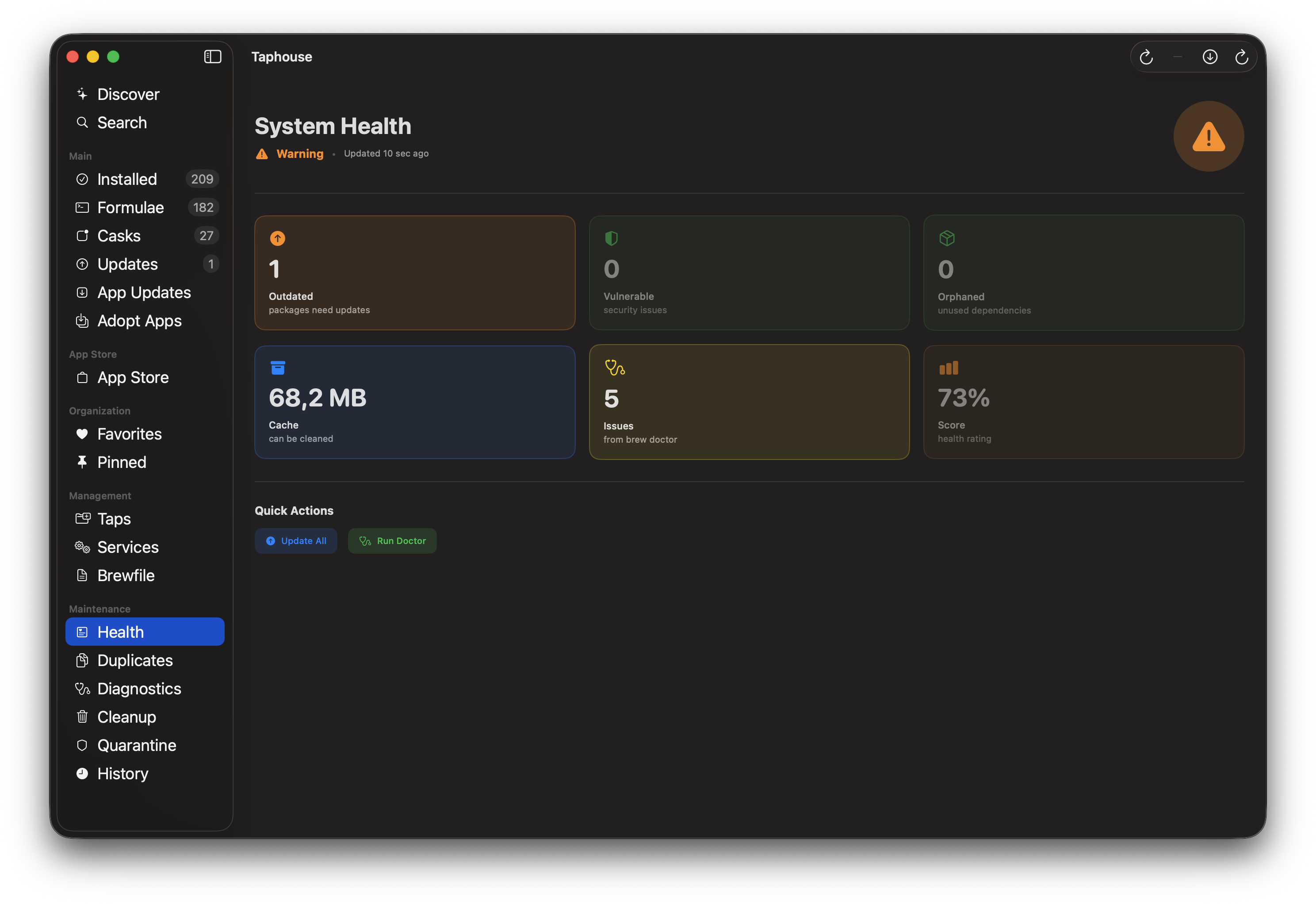
Taphouse 的野心,远不止是给 `brew install` 套个壳。它试图成为 Homebrew 生态的“控制面板”,其真正价值在于将命令行下分散、被动的管理动作,整合为主动、可视化的系统健康治理。

产品迭代路径暴露了其核心逻辑:从基础的安装功能,迅速转向安全(CVE扫描)、运维(健康看板、孤儿依赖清理)和透明化(预安装检查)。这精准击中了高级用户的隐痛——在终端中,你很难直观感知整个软件资产的状态、依赖关系和潜在风险。它把“维护”从一项需要记忆命令的临时任务,变成了一个可监控的持续过程。

然而,其挑战也同样明显。首先,目标用户存在矛盾:初级用户可能只需一个简单的应用商店;而真正需要深度运维功能的资深用户,或许更信任自己编写的脚本和命令行。其次,在“快速迭代”的光环下,需警惕功能堆砌导致的核心体验稀释。开发者“永不回头”的愿景很好,但GUI工具在包管理这个领域,始终是命令行的补充而非替代。它的天花板,取决于能否在提供可视化便利的同时,不牺牲 Homebrew 命令行本身的高效与灵活,并建立起如“安全扫描”这样真正具有不可替代性的杀手级功能。

查看原始信息
Taphouse
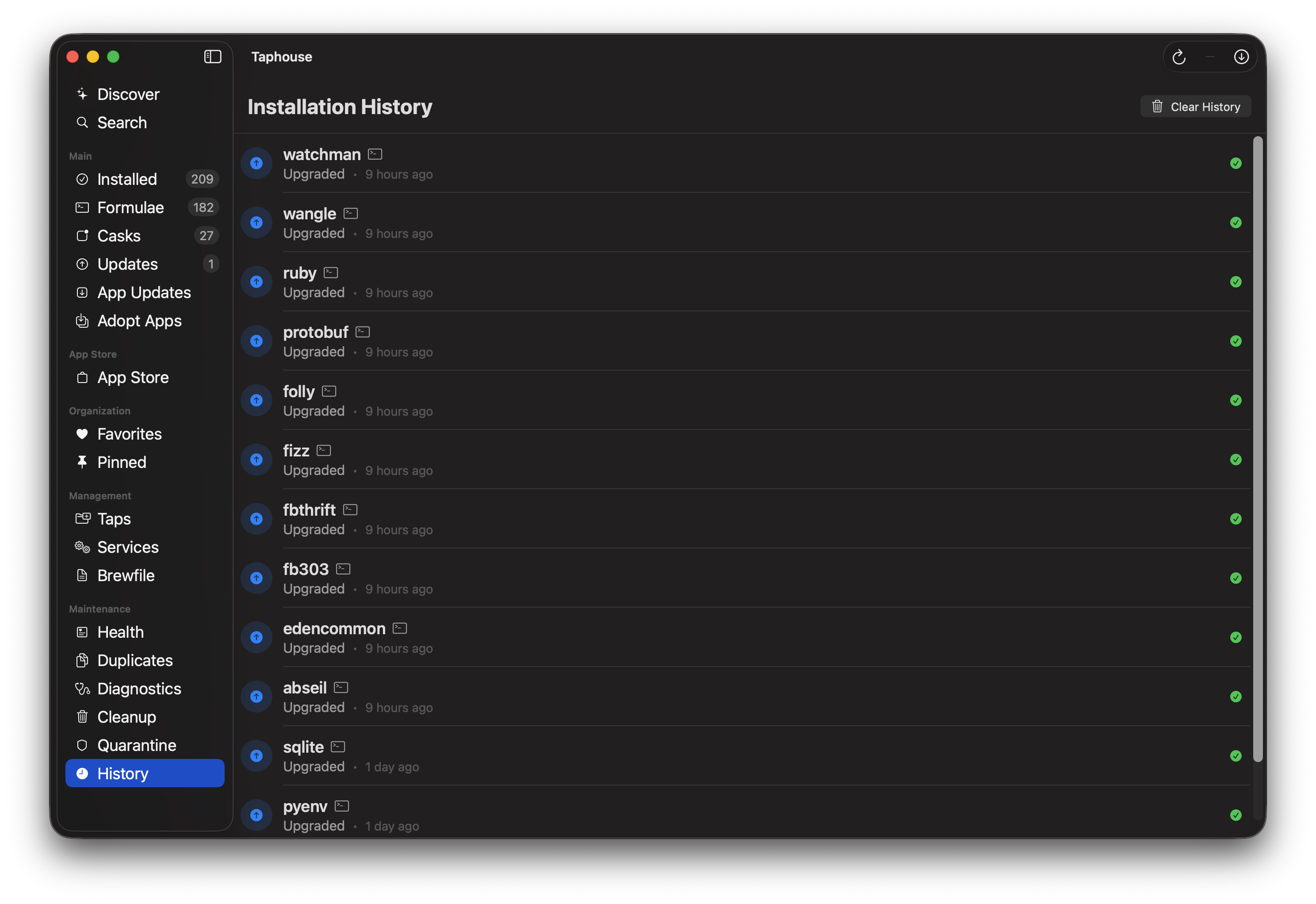
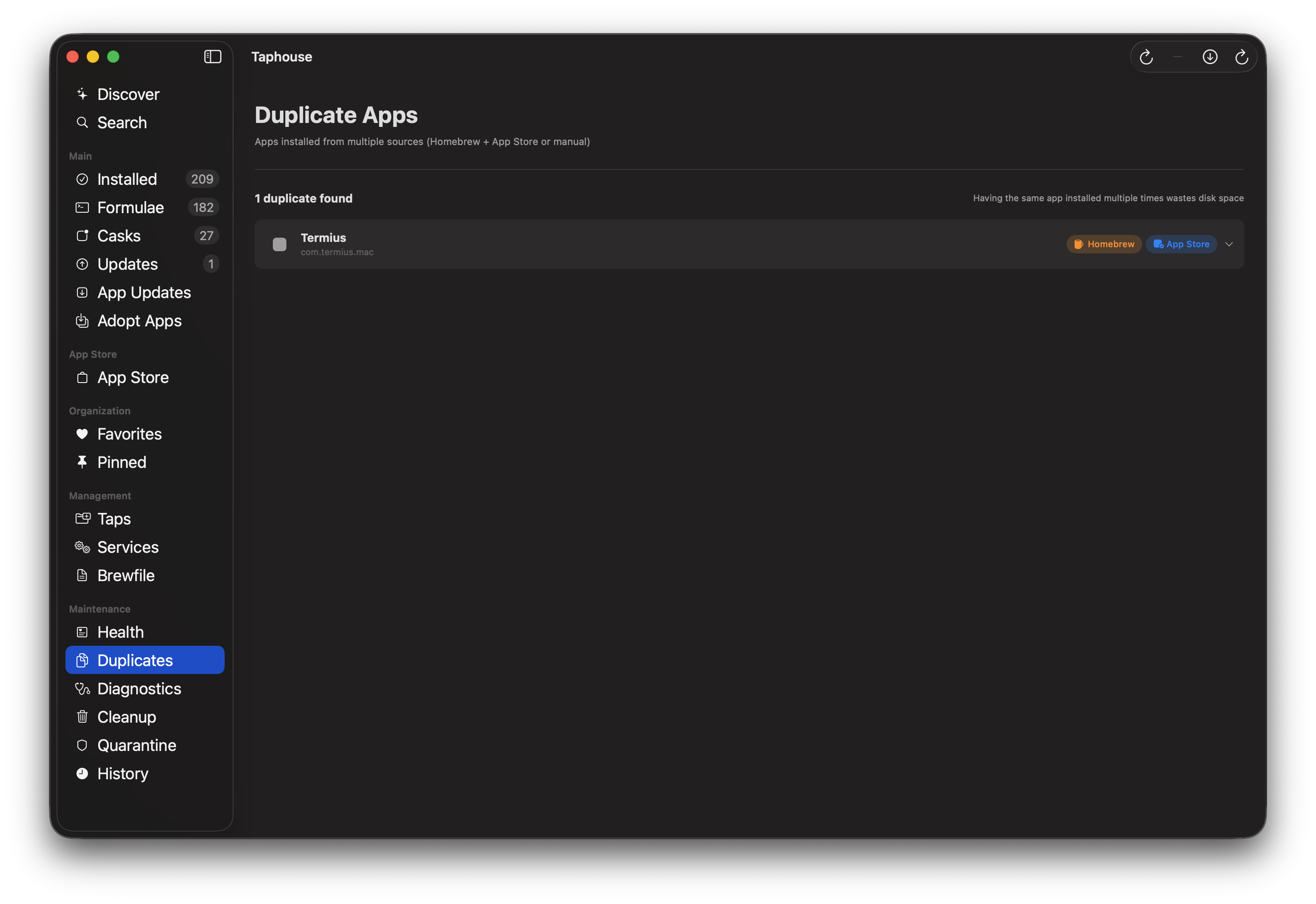
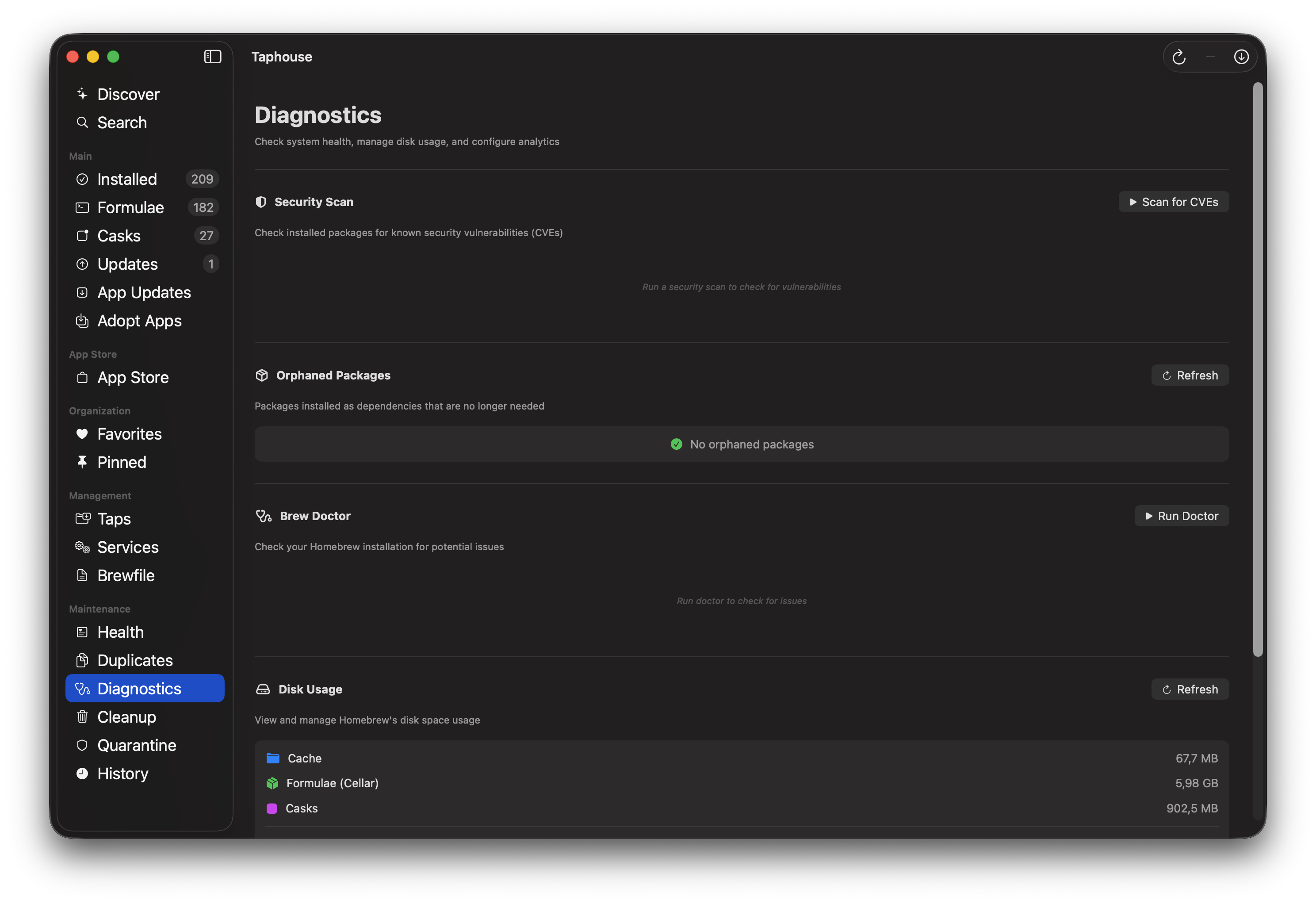
Taphouse 1.3 Since launch, we've added: CVE vulnerability scanning for all your packages, a Health Dashboard with system score, orphaned dependency cleanup, leftover file detection, duplicate app finder, and pre-install inspection to see exactly what a package will install. Plus: 6 languages, Mac App Store integration, third-party app updates (Sparkle/GitHub/Electron), code signing verification, Brewfile export, and menu bar mode with auto-updates. The complete Homebrew GUI for macOS.
Many Homebrew frontends end up being “casks-only app stores” or “a wrapper around brew install.” What did you decide Taphouse must do end-to-end (formulae, services, maintenance, visibility, security), and what did you intentionally avoid because it would dilute the core value?
2
回复

@curiouskitty This is the first app i released although i've been working for months on more and i wanted to make the best of it. Anyone who installs Taphouse should never look back to any other similar app or find a feature that is missing. And most importantly, be pleasantly surprised by discovering they get more than they expected. I am very happy with how it turned out, and many features were added thanks to the user base and their suggestions.

0
回复
Hey Product Hunt! 👋 I launched Taphouse just 2 weeks ago as a simple Homebrew GUI. Since then, I've shipped 35 builds based on user feedback. The biggest additions: 🔒 Security Scanner — scans all your packages against the CVE database. Turns out I had 3 vulnerable packages myself. 🩺 Health Dashboard — one screen showing outdated packages, orphans, cache bloat, and doctor issues with a health score. 🧹 Cleanup tools — find orphaned dependencies, leftover files from uninstalled apps, and duplicates (same app from Homebrew + App Store). 🔍 Pre-install inspection — see exactly what a cask will install before you install it. Background services? Sudo required? Now you'll know. Built natively in Swift for macOS. Free tier available, Pro unlocks everything for €9.99. Would love your feedback — I'm shipping updates almost daily!
1
回复

Congrats on the launch — Taphouse is a slick, native way to manage Homebrew without dropping into the terminal every time.​

1
回复

Wow! So does it list and manage all the apps/tools we installed using Homebrew?

1
回复
#13
Langfinity AI
Translate business conversations into any language
95
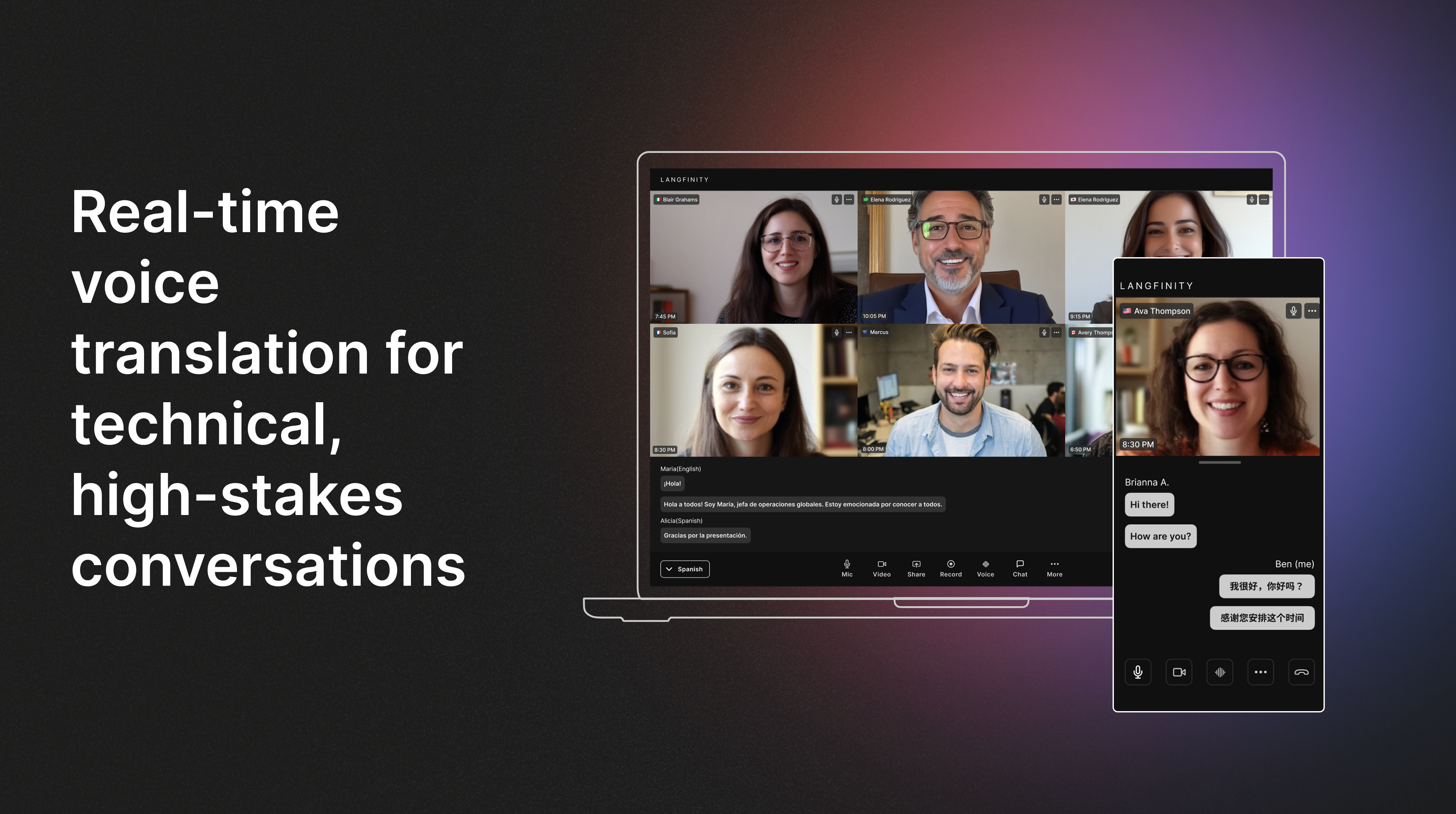
一句话介绍:Langfinity AI 是一款面向国际商务运营的AI实时语音翻译平台,通过企业专属模型学习行业术语和语境,在跨国会议、技术讨论、合规培训等高价值商业场景中,解决了通用翻译工具准确性低、缺乏业务上下文的核心痛点,实现高准确度、低延迟的多语言实时沟通。
Productivity SaaS Artificial Intelligence
AI实时翻译 企业级语音平台 跨国协作 行业术语定制 多语言会议 语音转写 工作流集成 SaaS B2B 全球扩张
用户评论摘要:用户普遍认可其针对企业术语定制和行业特定优化的核心价值,认为这是区别于通用工具的关键。主要问题聚焦于对Google Meet等更多视频会议平台集成的需求。开发者回复详细解释了企业专属模型的构建逻辑,获得了积极反馈。
AI 锐评

Langfinity AI 的野心远不止于“更好的翻译机”。它切入的是一个被“足够好”的通用解决方案长期敷衍的刚性市场:高价值、高风险的跨国商业对话。其宣称的95%以上准确率,并非单纯的技术参数,而是通过构建“企业专属语音模型”这一数据资产来实现的。这意味着,它的核心壁垒和真正价值在于“私有化部署的语境理解能力”——将翻译引擎从公有、通用的基础设施,转变为每家客户私有的、持续进化的“数字口译员”。

产品逻辑犀利地避开了与消费级免费工具的正面竞争,转而攻击传统人工口译和低适配性软件的成本与效率痛点。其“10倍降低成本”的宣称,本质上是将口译服务从“按次付费的人力外包”模式,转变为“一次性投资、持续优化的软件资产”模式。微软Teams的深度集成与QR码快速接入,体现了其追求“零摩擦”工作流嵌入的思路,这恰恰是企业采购决策的关键。

然而,其挑战同样清晰:首先,“企业专属模型”的构建需要客户前期的数据投入与信任,冷启动门槛不低。其次,在极度强调数据安全的跨国企业场景中,实时语音流的处理与存储如何满足GDPR等合规要求,将是技术之外的另一场硬仗。最后,其商业模式能否承受住为每个客户定制化训练模型的高昂边际成本,仍有待验证。

总体而言,Langfinity AI 展现了一个清晰的路径:不做大而全的AI翻译,而是深耕垂直领域,试图将翻译从“功能”升级为可集成、可定制、可拥有、能增值的“企业核心运营系统”。它的成败,将验证在AI应用层,深度垂直与私有化数据闭环是否是一条可行的护城河。

查看原始信息
Langfinity AI
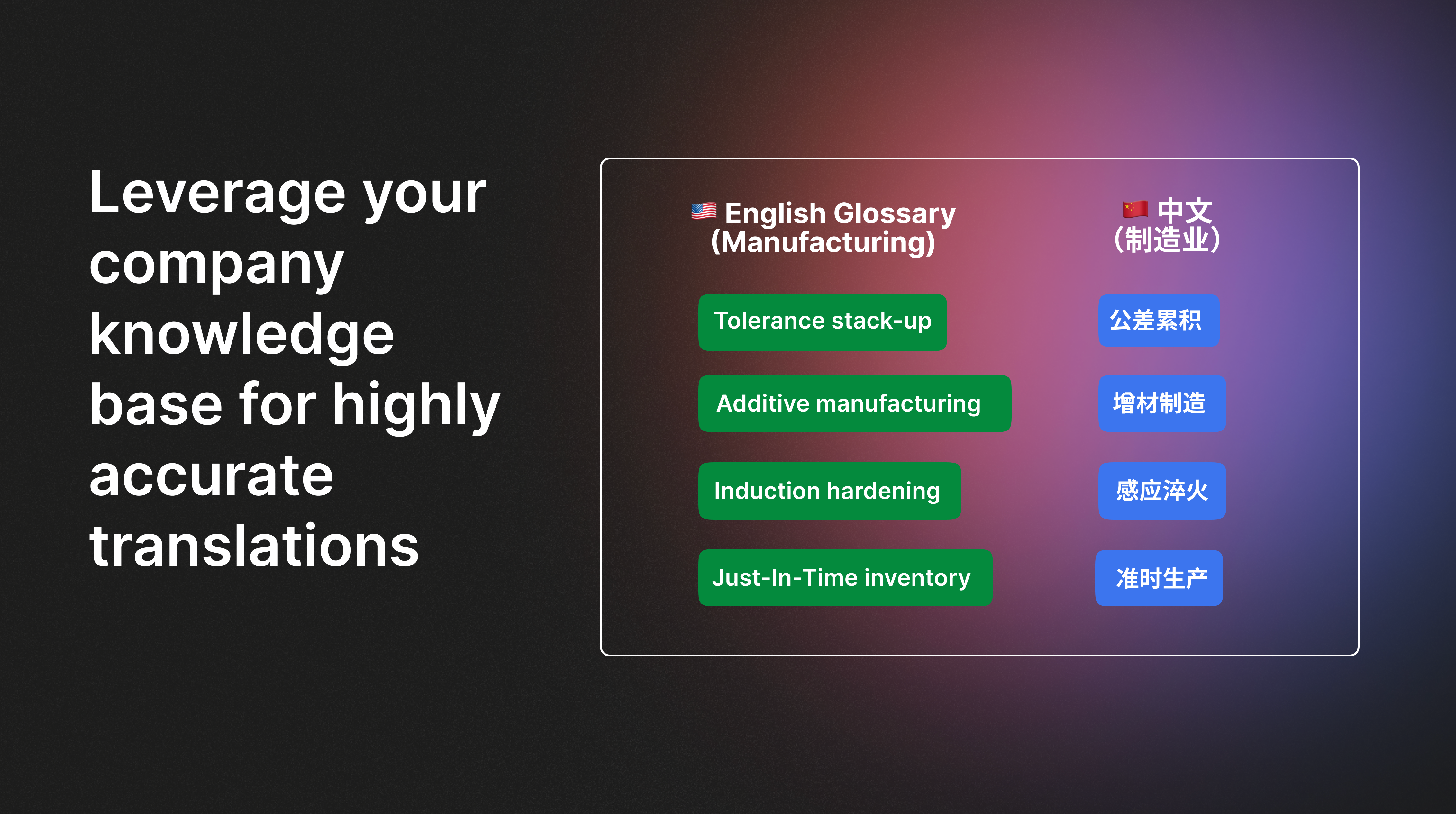
Langfinity is the AI-powered real-time translation platform built specifically for international business operations and global expansion. It’s designed for global teams where accuracy, speed, and workflow integration are mission-critical, not optional. Unlike generic translators, our translation engine is powered by a company-specific model built to understand your terminology and context.

Hey Product Hunt 👋 We’re Snow, Jacob and Ishita, the makers of Langfinity.

In high-stakes environments – technical discussions, compliance training, and customer conversations – “good enough” translation, in reality, isn’t actually good enough. Accuracy, speed, and context matter, and most general-purpose translators simply aren’t built for that. 

That’s why we built Langfinity: an AI-powered live voice translation platform designed specifically for business operations–not casual conversations. It learns your company’s terminology, acronyms, and industry language over time, so translation becomes more accurate and consistent the more your teams use it.


Today, global businesses use Langfinity to replace interpreters, reduce translation costs by 10×, maintain over 95% accuracy in mission-critical conversations and operations , and expand globally without adding bilingual staff.

What makes Langfinity unique:


🌍 Real-time multi-way translation
Everyone speaks in their own language and hears others in theirs, with extremely low latency for natural conversations, available 24/7 with no scheduling, interpreter coordination, or availability constraints.

🧠 Gets more accurate with every use
Langfinity automatically incorporates your terminology, acronyms, and knowledge base with minimal manual setup while being trained on accents and regional dialects (for example: multiple Spanish variants) to maximize real-world accuracy.

🏭 Industry-specific accuracy
Built for technical domains like manufacturing, pharmaceutical, and technology, not generic translation.

🔌 One-click Microsoft Teams integration and compatible with major video conferencing platforms
Works directly inside Teams with no app switching or user training.

📱 Works across remote, hybrid, and in-person settings
QR-based access enables instant translation for meetings, training, and events anywhere.

📝 Automatic multilingual notes & transcripts
Summaries, highlights, and full transcripts are delivered in each user’s preferred language after every meeting.

🎙️ Natural, human-like voice
Lifelike voices preserve tone and personality so conversations feel human, not robotic.

We’re excited to share Langfinity with the Product Hunt community and would love your feedback. Thanks for checking us out!

9
回复

@iarora_ congrats on the launch! When are you launching Google Meet?

3
回复

@iarora_ training on company-specific terminology is a big differentiator. Solid execution.

0
回复

Hi Product Hunt community 👋 I’m Snow, one of the makers of Langfinity.

Langfinity has evolved significantly since our last launch. What began as a general translation tool is now a focused, enterprise-grade AI voice translation platform, built for teams that depend on high-quality live translation to run international operations, such as multilingual training, customer support, sales calls, and technical discussions across 50+ languages and dialects.

Today, we deliver over 95% accuracy through company-specific fine-tuning, operate 24/7 across regions, and support mission-critical work for organizations operating in many different markets.

On the technology side, we build a proprietary real-time speech streaming model for every company we work with. Over time, this becomes a company-specific data asset that powers higher-quality AI voice agents tuned to each organization’s context and workflow.

We’ve also added a number of essential capabilities, including real-time multi-way translation, improving accuracy with every use, industry-specific fine-tuning, Microsoft Teams integration, multilingual meeting notes and transcripts, and more natural, human-like voice output.

If you give Langfinity a try, we’d genuinely love to hear what you think.
Your feedback helps shape where we go next.

Thank you for checking us out,
Snow

6
回复
Congrats on the launch! Curious to learn more about how the “industry-specific accuracy” is implemented - is it something pre-configured per team or generally speaking it’s just aware of more jargon?
6
回复

@mustafa40 Hi Mustafa! Thanks so much for the support, great to see you here.

Teams can upload their own terminologies and jargon in multiple languages, and those updates take effect immediately in meetings and events. We’re also building industry-specific models trained on domain data, context, and terminology, such as manufacturing and pharmaceuticals.

For enterprise customers, we go a step further. Under the hood, we build a proprietary real-time speech streaming model for each company. Over time, this becomes a company-specific data asset that powers higher-quality AI voice translation agents, deeply tuned to each organization’s context and workflows.

4
回复
@snow_huo per-company model is crazy! Soo cool 👏🏽
4
回复

I'm so glad to be able to build a product that helps people in meaningful ways. We've been hard at work making Langfinity the #1 solution for real-time translation in meetings and events. Please take the time to check out the product and let us know if you have questions! We're so excited to share Langfinity with the Product Hunt community!

5
回复

Congrats on the launch — Langfinity feels like mission‑critical infra for truly global, multilingual teams.​

5
回复

@zeiki_yu thanks for your support!

5
回复

Amazing launch!! I'm really enjoying using Langfinity for over a year!

3
回复

@kazuki_nakayasiki thanks for your continued support Kazuki!

1
回复

Snow, really impressed by how you’ve built a real-time translation platform that’s tailored for business conversations, not just generic translation tools — this focus on context, industry terminology, and workflow integration is exactly what global teams need. 👏

I love that Langfinity learns company-specific language and accents over time, helping teams communicate more naturally and accurately across languages with minimal setup — that’s a game-changer for international operations. 🌐

Having automatic multilingual transcripts, summaries, and human-like voice output all in one place is super practical, especially for hybrid and remote teams dealing with cross-cultural business meetings. 💬

2
回复

@arvin_sun thanks for the support Arvin!

1
回复

Great founders who are totally committed to solving realtime b2b translation. Highly recommend! I've personally used this platform for extremely personal and sophisticated topics like therapy. It's so much better than any of the careless slop from big companies. Unlock cross border comms!

1
回复

@aditya_advani thanks Aditya - glad it was valuable for your sessions. We appreciate your continued support!!

0
回复

Congrats @snow_huo , @jacobgreenway , and @iarora_ on this launch! Very excited for this next phase 🚀

0
回复
#14
Papercuts
Deploy AI agents to use your production app like a real user
94
一句话介绍:Papercuts通过部署能像真实用户一样感知和操作页面的AI智能体,在正式生产环境中持续进行自动化流程测试,解决传统脚本测试因依赖脆弱选择器而无法捕捉实际用户体验破损的痛点。
User Experience Developer Tools Artificial Intelligence
AI测试 生产环境监控 用户体验测试 自动化智能体 视觉感知 回归测试 质量保障 SaaS工具 端到端测试
用户评论摘要:用户反馈积极,认为这是测试的自然演进。主要探讨包括:与现有测试工具(如Playwright/Cypress)和监控工具(APM/RUM)的定位差异及互补性;关注其如何处理动态表单等复杂交互;认可其通过视觉感知而非DOM选择器来发现真实用户痛点的核心价值。
AI 锐评

Papercuts并非又一个简单的测试自动化工具,它试图用AI智能体弥合“代码健康度”与“用户体验完整性”之间的认知鸿沟。其真正的颠覆性在于方法论上的转变:从验证“代码是否按预期执行”的开发者视角,转向检验“应用是否按用户期望工作”的产品视角。

传统测试脚本本质上是逻辑规则的具象化,其盲区恰恰是规则未覆盖的、动态的、感性的交互场景。而APM/RUM监控的是已发生的性能异常或错误,属于事后补救。Papercuts的智能体充当了一个永不疲倦、具备基础视觉认知的“理想化用户”,在真实生产环境中进行探索性测试。这相当于在开发团队的“监控仪表盘”之外,增加了一个“用户体验雷达”。

其宣称的“仅依赖视觉”是双刃剑。优势在于摆脱了对DOM结构的强耦合,更能适应前端框架频繁变更的现代开发流程。但挑战同样巨大:视觉模型的准确性与推理速度、复杂交互意图的理解深度、测试场景的覆盖范围与成本控制,都将决定其从“炫酷概念”走向“核心质量防线”的成败。当前它更适合作为捕捉“纸割伤”(Papercuts)式细微体验破损的补充层,而非替代系统性的测试体系。它的成功,不仅取决于技术成熟度,更取决于能否精准定义并证明其发现的“问题”具有商业优先级,而不仅仅是视觉上的不一致。

查看原始信息
Papercuts
Deploy AI agents that flow through your production app like a real user. Just provide a URL and get notified when something breaks.
Yooo Product Hunters! I built Papercuts because I think most testing scripts are blind. They check the DOM, but they don't actually see if the UI is broken for the user. Modern apps are way too complex for brittle selectors. I believe the only way to be safe is to test in production with AI agents that actually perceive and navigate the page like a human. Let me know what you think!
3
回复

@sayuj_suresh DOM-based tests miss real user pain all the time. Testing with agents that actually see and navigate the UI feels like the natural next step for modern apps.

I am seeing the same shift while building Curatora. Systems that observe real outcomes, not just internal states, catch issues much earlier. Curious how teams adopt this in production.

0
回复

@sayuj_suresh congrats on the launch!

0
回复

@sayuj_suresh Major kudos to the team—this feels incredibly polished for a new launch.

0
回复
Most teams already have some mix of Playwright/Cypress tests plus APM/RUM—what’s the clearest line you draw between those and Papercuts, and what’s the switching trigger that makes it worth adding (or replacing) another layer?
2
回复

@curiouskitty Great question. i don’t see Papercuts as replacing Playwright/Cypress or APM/RUM they solve different problems.

Scripted tests verify expected behavior in controlled environments, and APM/RUM tell you when something is already broken for real users. Papercuts sits in between: agents continuously exercise real production flows and catch UX and logic regressions before they show up in dashboards or support tickets.

The usual trigger is when teams realise tests are green, metrics look fine, but users still hit papercuts , broken edge cases, conditional flows, or subtle UI regressions that no one explicitly tested for. That’s where adding agents starts paying off fast.

0
回复

Congrats on the launch! This looks super useful.

As the founder of Dashform, I know that complex, multi-step forms are often the hardest part to test reliably.

Small question how does your agent handle dynamic form fields or conditional logic (e.g., fields that only appear after a specific selection)? Does it adapt well if the DOM changes slightly?

1
回复

@openaigpt5 Hey Ethan, thank you!

The agents don’t rely on brittle selectors or fixed scripts instead uses only vision. They interact with forms the way a real user would: observing visible fields, understanding labels and context, and reacting to what appears next. When a selection reveals new fields, the agent incorporates those into the context and move forward.

That’s one of the main reasons we use agents instead of traditional test scripts.

Give it a try with the free plan!

0
回复
#15
Knowns CLI
AI-first CLI for task management and documentation.
91
一句话介绍:一款AI优先的命令行工具,通过在任务中链接文档并让AI自动读取上下文,解决了开发者在AI编程会话中需要反复复制粘贴项目背景、任务说明和开发规范的痛点。
Task Management Artificial Intelligence GitHub
AI命令行工具 任务管理 文档管理 开发者生产力 上下文保持 MCP集成 AI编程辅助 知识闭环
用户评论摘要:用户反馈核心痛点是AI编码中的上下文丢失问题。创作者和用户均认为其“让AI直接读取”的模型正确,自动更新文档形成知识闭环是关键优势。有用户已在团队中实际使用并验证其节省时间、统一架构的效果。
AI 锐评

Knowns CLI 瞄准了一个真实且日益凸显的“AI元工作”困境:开发者与AI协作时,大量精力浪费在重复喂料和上下文维护上,而非创造性工作。其价值不在于创造了新功能,而在于重构了AI与开发生态交互的管道——通过MCP等协议让AI从被动的、失忆的问答机,转变为能主动读取项目上下文(任务、文档、规范)并反向更新知识的“系统参与者”。

产品思路犀利地避开了在提示词工程或聊天界面上的内卷,转而拥抱命令行这一生产力原点和项目根目录,意图将AI深度嵌入开发工作流的心脏地带。其宣称的“知识闭环”是最大胆的承诺,若真能可靠实现,意味着项目文档能从负担变为活体资产,这具有变革潜力。

然而,其挑战同样明显。首先,它严重依赖AI对复杂代码库和模糊文档的准确理解与摘要能力,当前大模型在此处的可靠性存疑。其次,将关键的项目知识与决策记录托付给AI自动更新,引入了新的风险与信任问题。最后,其模式可能更适合有一定规范的中大型项目,在快速迭代或微型项目中优势未必明显。本质上,它是一款为“AI原生开发流程”铺路的基建型工具,成败取决于其能否在“自动化”与“可控性”之间找到精妙的平衡,避免成为另一个制造混乱的“黑盒”。

查看原始信息
Knowns CLI
AI-first CLI for task management and documentation. Link docs in tasks, AI reads context automatically. Stop repeating patterns every session.
Hey Product Hunt! 👋 Howz here, creator of Knowns. I built this out of pure frustration. Every AI coding session started the same way: copy-paste docs, explain the project structure, remind AI about conventions, paste the task details... then watch AI forget everything in the next chat. I was spending more time managing AI's memory than actually building my app. So I asked myself: what if AI could just read the project context itself? That's how Knowns CLI was born — a task and documentation manager that AI can actually read through MCP integration. Now when I say "work on task 42", the AI already knows: → What the task is → Which docs are relevant → What conventions to follow No more copy-pasting. No more "wait, let me give you the context." The best part? When AI learns something new while coding, it can update the docs automatically. The knowledge loop is finally closed. Would love to hear how you're currently managing context with AI tools — and happy to answer any questions!
5
回复

@howznguyen Context loss is still one of the biggest productivity killers with AI coding.

Letting AI read tasks and docs directly instead of relying on copy paste feels like the right mental model. Closing the loop by updating docs is a strong differentiator, not just convenience.

I am seeing the same pattern while building Curatora. The real wins come when AI reduces meta work and keeps systems in sync. This feels like a solid step in that direction.

1
回复

@howznguyen I love how the UI is so simple yet powerful behind the scenes.

0
回复

Congrats on launch — love how Knowns turns CLI tasks into real AI-aware workflow.

3
回复

@zeiki_yu 

Thanks so much! 🙌

That's exactly the vision — making CLI the bridge between your workflow and AI's understanding. Instead of AI being a separate tool you have to constantly feed information to, it becomes part of the workflow itself.

And this is just the beginning — in the future, Knowns will also connect everyone across the entire project. Imagine the whole team sharing context, docs, and tasks in one place that AI can read and update. No more silos, no more sync issues.

Appreciate the support! 🚀

1
回复

Great product! Keep up the good work man

1
回复

@aspiiire 
Thanks so much! Really appreciate the kind words 🙏

1
回复

Howz is my friend, and I'm using Knowns in my stealth startup now. It definitely saved us a lot of time and effort since our team is using Claude Code a lot.

No more copy-pasting context, no more repeating the same prompt, enforcing architecture.

I would recommend this 100%.

1
回复

@harryvu176 
Thanks bro! 🙏

Working with you and your team on that stealth project has been incredibly valuable. The feedback from your team helped me improve so many things — from the CLI experience to how documents are structured and synced.

Building a tool is one thing, but seeing it actually save time for a real team shipping real products? That's the best validation I could ask for.

Appreciate the support, and can't wait to see what you guys are building! 🚀

1
回复
#16
Tidey
A tiny Mac app that helps you clean your desktop mess
89
一句话介绍:一款极简的Mac菜单栏应用,通过定期提醒和快速决策界面,帮助用户高效清理长期堆积在桌面和下载文件夹中的文件,解决数字空间杂乱痛点。
Mac Productivity Menu Bar Apps
桌面清理 Mac应用 效率工具 极简主义 菜单栏工具 文件管理 本地应用 买断制 无订阅 轻量化
用户评论摘要:用户反馈积极,赞赏其“无订阅、无AI”的极简理念,直击复杂工具或付费模式的痛点。开发者自述为解决自身桌面文件堆积问题而创建,强调其快速、无干扰的核心体验。目前评论中未见具体功能建议或问题。
AI 锐评

Tidey的出现,是对“工具理性膨胀”的一次温和反击。在各类软件热衷于堆砌AI、社交功能和订阅制的大环境下,它刻意做减法,回归到一个工具最原始的价值:以最低的认知和操作成本,解决一个具体、高频的痛点。其真正的价值并非技术突破,而在于精准的“场景定义”——它没有将自己定位为全盘文件管理方案,而是聚焦于“桌面和下载文件夹”这两个最容易失控的“文件垃圾场”,并创造了“定期提醒+快速决策”的微工作流。这种设计巧妙地利用了用户的轻微焦虑感(通知)和决策疲劳(仅提供“删除”或“保留”两个选项),将一件令人拖延的整理任务,转化为可在两分钟内完成的轻松动作。

然而,其犀利之处也隐含着天花板。极简主义是它的利刃,也可能成为其发展的枷锁。在“无AI”的宣言背后,是对当前AI能力与真实用户需求错位的嘲讽——清理桌面文件真的需要机器学习吗?但更深层的问题是,当用户尝鲜期过后,这种需要主动定期处理的模式,是否会沦为另一个被忽略的通知?它解决了“清”的动作,但未触及“乱”的根源——用户的文件保存习惯。它更像一剂效果快但治标不治本的止疼药,而非根治方案。它的成功,很大程度上将依赖于用户自身的整理意愿的持续性。长远看,Tidey代表了工具软件的一个细分方向:克制地解决表面问题,并将深度解决方案留给更复杂的软件,这或许是一种明智的生存策略,但也注定了其工具属性的附属地位。

查看原始信息
Tidey
Hey everyone! I built Tidey because my desktop was always a disaster. Screenshots, random downloads, files I saved "just for now" 3 months ago... you know how it goes. So I made this simple menubar app. It shows you files that have been sitting on your Desktop or Downloads folder for a while, and you just pick: delete it or keep it. Thats it. No fancy features, no AI, no subscription. Just a quick way to go through your files and finally clean things up. Would love to hear what you think!
Hey! Im the maker. Built this for myself first because I was tired of having 200+ files on my desktop and never dealing with them. Tried other apps but they were either too complicated or wanted monthly payments for something this simple. Tidey just sits in your menubar, reminds you when stuff piles up, and lets you quickly decide what to do with each file. Takes like 2 minutes. Happy to answer any questions!
4
回复

Congrats on the launch — love the no‑frills, no‑AI focus on fast desktop cleanup

2
回复

@zeiki_yu Thanks Zeiki!

0
回复
Great launch! Perfect fix for my endless desktop clutter—no frills, no subs, just quick cleanups. Upvoted—trying it today! 🔥
1
回复

@hkklaus97 Thanks Klaus, appreciate it a lot.

0
回复
#17
o11
Microsoft Copilot, But It Actually Works
87
一句话介绍:一款通过AI插件深度集成Microsoft 365的增效工具,能在Excel、PowerPoint和Word中实现秒级内容生成与编辑,旨在解决办公场景中重复、耗时的文档处理痛点。
Productivity Artificial Intelligence Finance
AI办公增效 Microsoft 365插件 Excel AI PowerPoint AI Word AI 生产力工具 自动化 SaaS
用户评论摘要:用户肯定其定位精准,能切实提升工作流效率;赞赏其大胆的标语;同时有用户询问是否会推出Google Workspace版本,体现了对跨平台扩展的期待。
AI 锐评

o11的亮相,与其说是一款新产品,不如说是对微软Copilot的一次“精准狙击”。其标语“Microsoft Copilot, But It Actually Works”极具挑衅意味,直接戳中了当前企业级AI工具在落地中普遍存在的痛点:愿景宏大,但响应迟缓、集成生硬、结果不可控,导致实际效率增益不及预期。o11的策略聪明而聚焦:放弃大而全的通用助手叙事,深耕微软Office这一绝对主流的办公场景,承诺“秒级”操作。这看似收敛,实则直击要害——它瞄准的是用户最频繁、最感疲惫的“机械性忙碌”,试图将AI从“偶尔咨询的参谋”变为“无缝嵌入工作流的瑞士军刀”。

然而,其面临的挑战同样清晰。首先,深度依赖微软生态既是护城河也是天花板,评论中关于G Suite的询问已暴露出用户对跨平台能力的本能期待。其次,“Actually Works”的承诺将承受最严苛的检验,在Excel复杂数据处理、PPT专业设计等场景下,AI输出的可靠性与专业性将是其口碑的生命线。最后,在微软自身正全力推进Copilot深度整合的背景下,o11这类第三方工具必须持续证明其不可替代性,无论是在速度、成本还是特定场景的优化深度上。它的真正价值不在于“替代Copilot”,而在于以更轻量、更尖锐的姿态,为用户提供了一个“此刻就能用上且高效”的选项,从而倒逼整个市场更关注实际效用而非概念炒作。其成败,将是对AI工具“产品化”能力而非“技术化”演示的一次关键测试。

查看原始信息
o11
Unlock extreme productivity within the Microsoft 365 suite using o11's AI add-ins. Build or edit anything in Excel, Powerpoint, and Word in mere seconds. Use for free today.

Hey Product Hunt,

We built this for power users that want to move fast within the Microsoft 365 suite. We use o11 daily to aid us with various tasks and it takes care of it all in seconds. Try our product out and let us know what you think!

What will you guys use o11 for?

2
回复

@aryaho11 congrats on the launch! Will you launch for G Suite as well?

0
回复

Congrats on the launch — o11 looks like a sharp, focused way to get real AI leverage inside everyday Microsoft 365 workflows.​

1
回复

Bold tagline love it 😄. The idea of actually supercharging Excel/PowerPoint/Word with fast, reliable AI is huge. If it really cuts the busywork inside 365, that’s an instant productivity win. Curious to see how deep the integrations go.

1
回复
#18
Bloka
AI turns any object into your focus trigger
86
一句话介绍:一款利用AI物体识别技术,将任意实体物品(如笔记本电脑、咖啡杯)转化为“专注开关”的App,通过扫描物品即时锁定或解锁分心应用,在需要深度工作的场景下,为用户创造了一个低门槛、零硬件的物理仪式,以对抗意志力消耗和软件屏蔽易被绕过的问题。
iOS Productivity Artificial Intelligence
专注力工具 数字健康 AI物体识别 行为设计 物理仪式 应用屏蔽 无硬件方案 生产力 习惯养成 心理屏障
用户评论摘要:用户普遍赞赏其将专注行为转化为物理仪式的创新理念,认为这超越了单纯依赖意志力的软件屏蔽。有效反馈集中在:1)核心价值在于创造“有意识的暂停”而非单纯封锁;2)与需购买硬件的方案(如NFC标签)相比,利用现有物品更具便捷性和趣味性;3)期待强化模式切换时的感官反馈(如触觉)。
AI 锐评

Bloka的聪明之处在于,它没有在“屏蔽强度”的红海竞争中继续内卷,而是巧妙地切换了战场:从“软件对抗”转向“行为干预”。它的真正产品并非那个识别物体的AI模型,而是被精心设计的“物理仪式”。这个仪式感,构成了一个低成本的“启动摩擦”,其心理价值远大于技术价值——它打断了无意识抓取手机的行为自动驾驶状态,用一次扫描动作强迫用户进行意图声明。

然而,其深层矛盾也植根于此。首先,其效果高度依赖用户对自我规则的“诚信遵守”,本质上仍是一种基于承诺的机制。当紧急情况或强烈冲动出现时,用户完全可以轻易选择不执行扫描仪式,或直接卸载应用。其次,将手机本身既作为“锁”又作为“被锁对象”,存在根本性的场景悖论:若需用手机扫描咖啡杯来锁定社交应用,意味着手机必须处于可随时取用的状态,这本身就可能成为分心源头。尽管创始人提及“手机放另一房间有效”的洞察,但Bloka并未解决“工作仍需用手机”的核心矛盾,只是将其美化成了一个仪式。

它的未来价值,或许不在于成为坚不可摧的“锁”,而在于成为行为设计的“提示器”。与其追求无法逾越的屏蔽,不如深耕如何让这个“仪式”更具意义感和个性化,例如与专注时长统计、环境情景(识别不同物体进入不同模式)更深度结合,从“屏蔽工具”转型为“专注伴侣”。否则,新鲜感过后,它可能只是数字极简主义者在书桌上摆放的又一个“安慰剂”按钮。

查看原始信息
Bloka
Bloka uses AI object recognition to turn everyday items into focus triggers. Point your camera at your laptop, coffee mug, or a book — Bloka recognizes it and instantly blocks apps like Instagram, TikTok, and YouTube. Scan again to unlock. Unlike blockers that rely on willpower or expensive hardware, Bloka creates a physical ritual with zero setup. No NFC tags to buy, no devices to charge. Just pick any object and start focusing. Your environment becomes your accountability partner.
Hey everyone! 👋 I'm Luca, the maker of Bloka. Like most of you, I've tried every focus app out there — screen time limits, app blockers, you name it. They all failed me because bypassing them was too easy. There's no friction when it's just a toggle on the same device distracting you. Then I noticed something: the physical act of putting my phone in another room actually worked. The problem? I still needed my phone for work. So I built Bloka. It started with NFC tags — tap to block, tap to unlock. Simple and effective. But people kept asking "what if I don't have a tag with me?" Fair point. That's when I added AI object recognition. Now any object around you can become your "focus switch." Point your camera at your laptop, a book, or your coffee mug — Bloka recognizes it and blocks your distracting apps instantly. Scan the same object again to unblock. No hardware to buy, just whatever's already on your desk. It sounds almost too simple, but that's the point. The physical ritual creates a psychological barrier that pure software can't match. I'd love your feedback — what features would make this more useful for you? And happy to answer any questions!
2
回复

@luca_flati Love the idea of turning focus into a physical ritual instead of a setting.

Curious if you’ve noticed a difference between blocking distractions and making people more aware of what they’re about to do next.


It feels like the object isn’t just a lock, but a moment of intentional pause – which might be the real behavior change here.

1
回复
@dmitry_petrakov Love that you caught that, Dmitry. It's definitely more about the awareness than the actual block. The goal is to break the 'autopilot' mode we all fall into when we reach for our phones. It's less of a lock and more of a speed bump for the brain!
0
回复

@luca_flati I really like how this leans into behavior design instead of just stronger blocking.
The ritual aspect feels more important than the restriction itself.

Did you experiment with adding any visual or haptic feedback to reinforce that moment of “I’m entering focus mode”?

0
回复

Love that it doesn’t just rely on willpower. Using a real object as a focus trigger actually makes it feel like a ritual rather than just another app blockers.

2
回复
@mathews_simons Spot on, Mathews! Willpower is a finite resource, and most app blockers fail because they ask you to use even more of it to stay disciplined. By shifting the burden to a physical ritual, you’re essentially automating the transition into deep work. It’s less about 'trying hard' and more about 'starting the ritual.' If you had to pick one object on your desk right now to be your permanent 'focus totem,' what would it be?"
0
回复

Honestly this feels like magic just point my phone at my coffee mug and boom social apps are blocked. No more endless scrolling.

2
回复
@eric_lens That 'magic' feeling is exactly what we were aiming for! 🪄 There is something very satisfying about turning a morning staple like a coffee mug into a physical gatekeeper. It transforms a mundane habit into a clear signal to your brain that 'it’s time to work.
0
回复

Haha, clever! and you seem like a Duolingo fan(I learned how to play chess there).
btw. my object would be 👇

2
回复
@jojo_li Haha, you caught us! Huge fans of the Duo bird over here. We figure if they can make people learn a language through gamification, we can use that same energy to help people actually get work done. And I’m dying to know—what’s the object? The emoji is pointing to a mystery! 👇
0
回复

@jojo_li Haha, that's incredible! 🤩 I love the stars in its eyes. It looks like it's already in deep focus mode. If that’s your focus trigger, I’m 100% here for it. Does it have a name? Also, respect for learning chess on Duolingo—that owl is a ruthless motivator!

0
回复

I've used Brick, which is effective for the reasons you mention--physical ritual to block/unblock, becomes a positive habit. I love your approach to use AI to eliminate the need for the NFC tag, this really opens this concept up and adds an element of fun to it. I look forward to trying it out!

1
回复
@jennifer_klepper That is great to hear, Jennifer! Brick definitely paved the way for showing how powerful a physical ‘key’ can be for focus. The big shift we wanted to make with Bloka was removing that dependency on a specific hardware tag. By using AI to let any personal object become your ‘key,’ we’re hoping to make the ritual feel more personal and accessible—plus, as you mentioned, there’s something fun about choosing your own ‘focus totem’. Since you’ve used hardware-based blockers before, do you find that you prefer a dedicated device, or does the idea of turning a favorite desk object into your 'lock' feel more integrated into your workspace?
0
回复
@jennifer_klepper That is a fascinating constraint, Jennifer! You’ve touched on a core 'spatial' psychology: if the key is too close to the keyboard, the friction disappears. The beauty of using AI instead of a dedicated NFC tag is that your 'totem' can be anything that fits your travel kit but stays tucked away—maybe a specific souvenir, a small personal item or a piece of equipment you only keep in your luggage. It allows the ritual to travel with you without being 'omnipresent' on your desk. Since you’re a writer, I’m curious: do you have a specific activity you do that signals the end of a writing session for you? That could be the perfect candidate for your 'unlock' totem!
0
回复
#19
TransMov
Convert, edit, and export videos & animations locally on Mac
84
一句话介绍:TransMov是一款在Mac上本地运行的视频与动画处理工具,核心解决设计师、开发者和内容创作者需要快速、隐私安全地转换格式、编辑视频及创建动画,而无需依赖复杂专业软件或云端服务的痛点。
Design Tools Productivity GitHub Animation
视频处理 动画制作 格式转换 Mac软件 本地运行 隐私安全 去背景 GIF工具 创作者工具 媒体编辑
用户评论摘要:开发者积极互动,主动说明Pro版功能(去水印、无限时长等)并询问用户工作流偏好。用户有简单祝贺,但有效评论较少,未体现实际使用反馈或尖锐问题。
AI 锐评

TransMov切入了一个看似细分却实际存在的市场缝隙:在Mac上提供集格式转换、基础编辑与动画创建于一体的本地化工具。其宣传的“隐私第一”和“本地运行”直指当前用户对数据安全的敏感神经,尤其针对处理中间素材的创作者,这是一个聪明的差异化卖点。

然而,其核心功能组合略显“缝合”。APNG/GIF/WebP的互转与预览、AI去背景,每一项在市场上均有独立或在线工具可替代。产品的真正价值并非技术突破,而在于将这几项中度需求打包,提供一种“一站式”的便利性,试图将用户从多个标签页或笨重专业软件中解放出来。目标用户“不想使用复杂设计工具”的定位清晰,但挑战在于,这类用户的需求频次和付费意愿可能不高。

从评论区的冷清和开发者主导的对话来看,产品尚未引发真实用户的强烈共鸣或深度讨论。Pro版的解锁点(去水印、无限长度)属于工具类应用常见模式,但“高级边缘处理”等术语对普通用户不够直观。其成功关键在于能否精准触达那些频繁在视频、动图格式间切换,且对水印和网络上传零容忍的特定群体,如技术博主、UI/UX设计师或社区运营者。若不能快速建立核心用户口碑,它很可能淹没在Mac App Store海量的媒体工具中。产品思路清晰,但市场穿透力有待验证。

查看原始信息
TransMov
Need professional video and animation processing on your Mac? 🎬 TransMov lets you create stunning animations, convert formats, and process media files — all locally and privacy-first. Key features: • Preview APNG, GIF, WebP with frame-by-frame navigation • Remove video backgrounds using AI or chroma key • Convert MP4/MOV to APNG/GIF/WebP with cropping & custom export • Switch between APNG, GIF, WebP with quality control Perfect for designers, developers, and content creators.
Thanks for checking out TransMov! 🎬 Download it on the Mac App Store here: https://apps.apple.com/us/app/tr... Pro version unlocks: • Unlimited video length • Export APNG/WebP/GIF without watermark • Custom output sizes & advanced edge processing • Priority support
3
回复

Curious to hear what Mac tools you use for video-to-animation workflows — I’d love your suggestions!

1
回复

Great work, congrats on the launch!

0
回复

@aspiiire Thanks so much! 🙌
I built TransMov mainly for developers and creators who need animations but don’t want to deal with complex design tools.
Out of curiosity, do you usually work with GIFs, APNGs, or something else for animations?

0
回复
#20
Web Accessibility Testing MCP
Give LLMs access to web accessibility testing APIs
78
一句话介绍:一款为LLMs提供网页无障碍测试API接口的MCP服务器,使AI助手能在开发流程中自动检测网站对WCAG标准的合规性,解决人工检测效率低、易遗漏的痛点。
Artificial Intelligence GitHub Web Design Inclusivity
模型上下文协议 网页无障碍测试 开发工具 AI代理 WCAG合规 自动化测试 开发者工具 可访问性
用户评论摘要:用户主要反馈认为该产品让LLM直接接入测试API,是AI代理在工程流程中变得真正有用的关键一步,类比了基础设施工具领域的类似增益。开发者本人评论分享了项目的初步成绩并寻求支持。
AI 锐评

A11y MCP 的产品逻辑清晰且尖锐:它并非直接面向终端开发者,而是选择成为LLM的“感官”与“工具手”。其真正价值不在于又一个axe-core的封装器,而在于它试图将“网页无障碍测试”这一专业且繁琐的检查点,无缝嵌入到AI驱动的日常开发流中。这预示着一种范式转变——从“开发者主动运行测试工具”到“AI在代码编写、内容生成或审查时,实时、被动地施加无障碍约束”。

产品目前的热度(下载量、点赞数)更多来自对MCP生态和AI代理未来潜力的早期认同,而非其当前解决的实际问题规模。评论中“让代理安全地在基础设施上操作”的类比点明了核心:价值兑现的前提是LLM代理工作流的普及。风险在于,当前这仍是一个“工具等待场景”的解决方案,其深度依赖于Claude等主流AI平台对MCP的深度整合与用户采用。若代理工作流未成主流,它可能只是一个技术精致的“玩具”。

此外,将复杂的无障碍规则(WCAG)交由LLM理解并输出可操作的修复建议,其准确性与可靠性仍需大量测试验证。这不仅是技术问题,更是责任归属问题。总体而言,这是一个极具前瞻性的“基础设施型”产品,赌的是AI代理工作流的未来。它聪明地站在了LLM与真实世界交互的关键节点上,但最终是成为管道般的必需品,还是过度工程化的昙花一现,将完全由它所依附的AI应用生态决定。
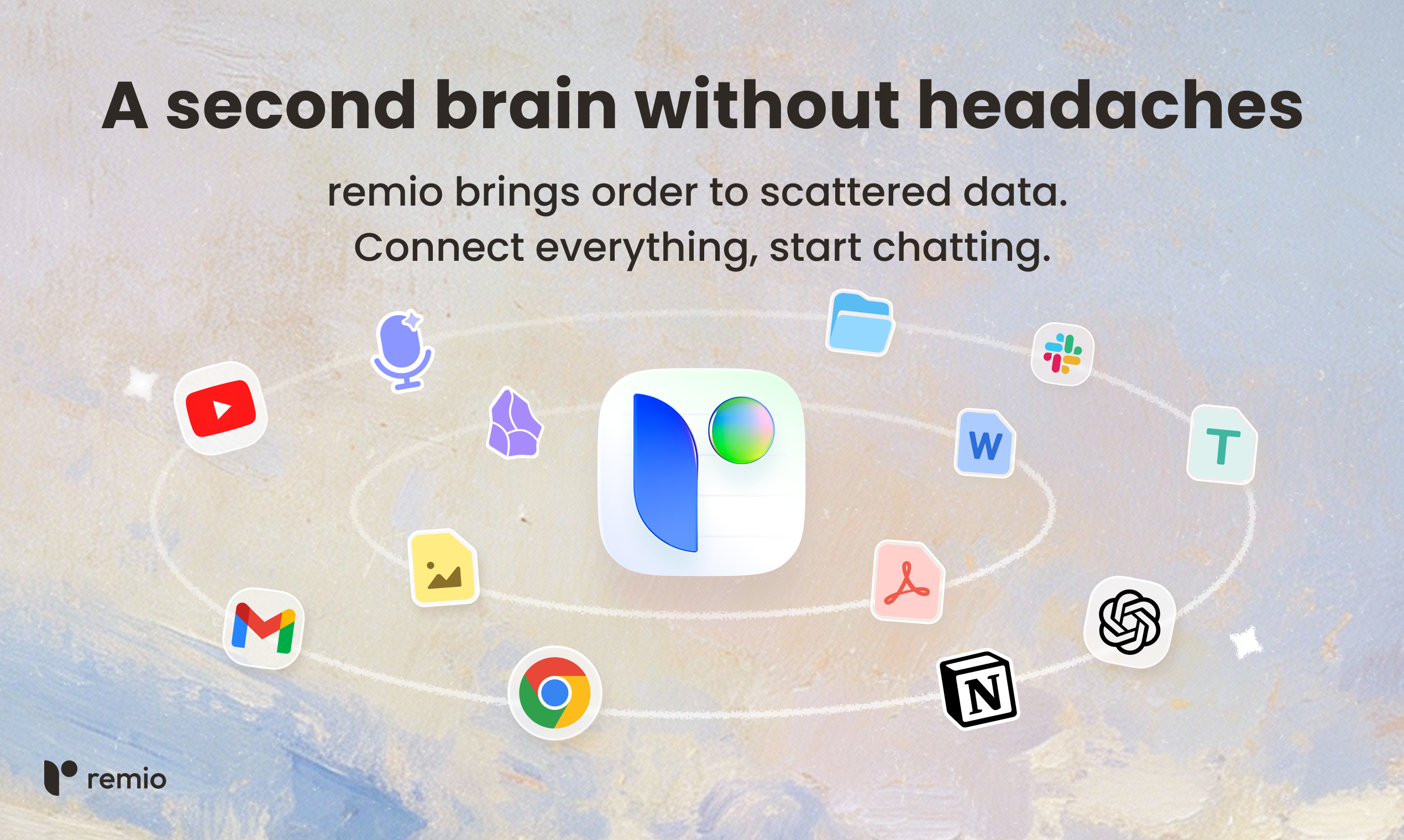
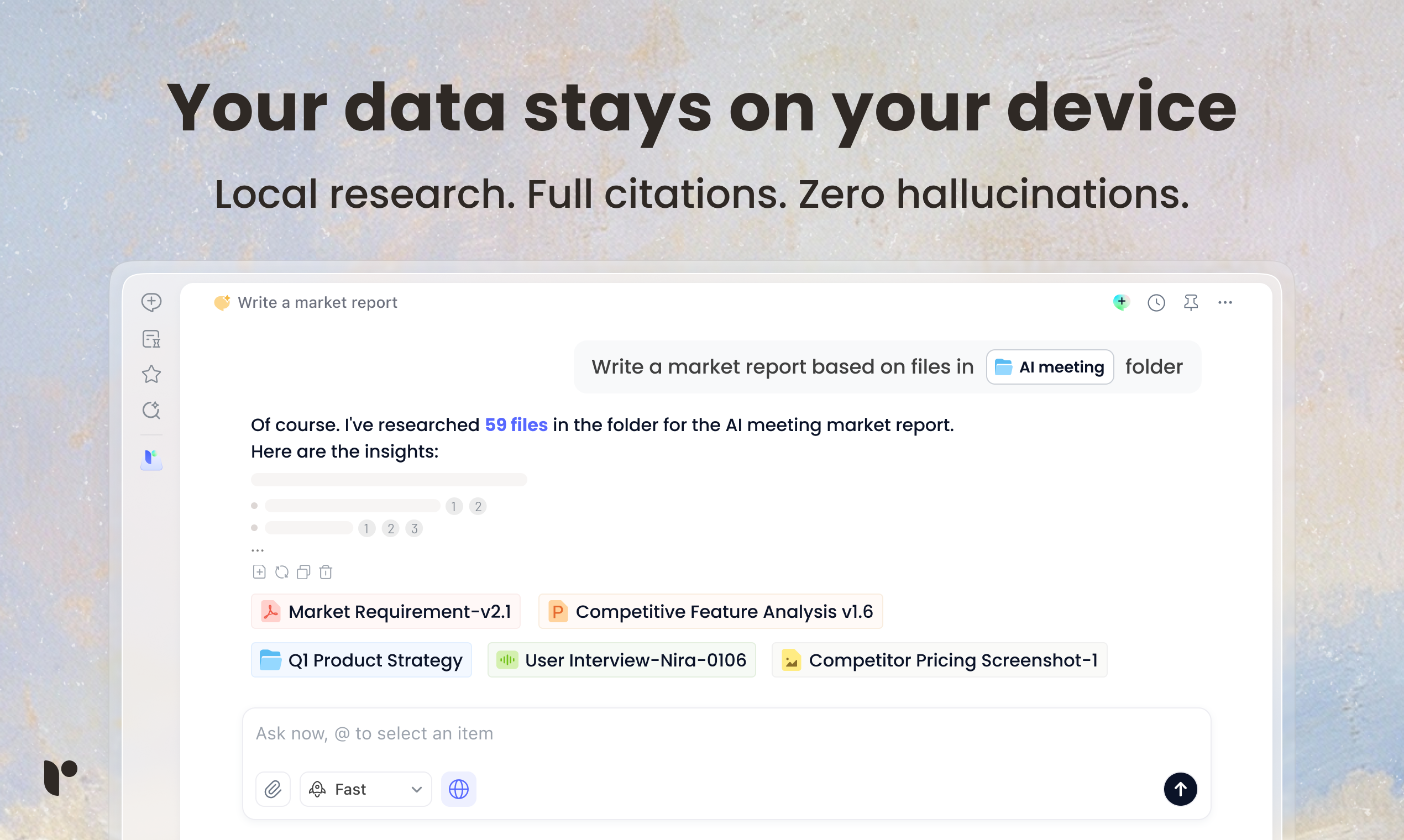
查看原始信息
Web Accessibility Testing MCP
A11y MCP is an MCP (Model Context Protocol) server that gives LLMs access to web accessibility testing APIs. This server uses the Deque Axe-core API and Puppeteer to allow LLMs to analyze web content for WCAG compliance and identify accessibility issues.

Giving LLMs direct access to testing APIs is where agents start becoming genuinely useful in engineering workflows.
We’ve seen similar gains when agents can safely act on infra and tooling while building GTWY

1
回复

@human_gtwy thank you for your input!

0
回复
Hi everyone! I'm excited to share the A11y MCP server: an MCP server that gives LLMs access to web accessibility testing APIs. This project has hit 8000+ downloads, ~50 stars on GitHub, and is verified by multiple MCP providers (Glama, MseeP). Would love your support so we can hit 10k downloads!
0
回复