Product Hunt 每日热榜 2026-01-20

PH热榜 | 2026-01-20

#1
daily.dev Recruiter
Hire from the world's largest developer community
351
一句话介绍:在技术招聘场景中,通过“双向选择、无骚扰”的匹配模式,解决招聘者触达被动开发者时回复率低、开发者被无效信息轰炸的核心痛点。
Hiring Human Resources Career
技术招聘平台 被动人才招聘 开发者社区 双向选择 无骚扰招聘 精准匹配 招聘渠道创新 信任驱动
用户评论摘要:用户普遍认可其“无冷外联”理念,认为从开发者社区切入招聘更自然。核心关切在于平台如何长期维持“温暖”氛围、保障开发者体验、防止沦为下一个LinkedIn,并询问了匹配机制与防垃圾信息的具体措施。
AI 锐评

daily.dev Recruiter 的实质,并非又一个招聘工具,而是一次对“招聘渠道信任”的精准外科手术。它敏锐地切中了当前技术招聘的溃烂点:渠道失灵导致的信号湮灭。当LinkedIn等平台将关系链异化为流量池,催生出以量取胜的简历投递与海量垃圾InMail时,招聘双方陷入了“开发者屏蔽世界,招聘者盲人摸象”的双输困境。

此产品的真正颠覆性价值在于其构建的“信任约束”系统。它并非简单地聚合信息,而是通过双重确认、AI中介、开发者偏好设置等一系列机制,强行将招聘对话的发起门槛从“可发送”提升到“被允许”。这本质上是将稀缺的“注意力”与“意向”作为核心交易物进行匹配,而非简历数量。其底气来源于对现有高粘性开发者社区的行为数据与信任资本的掌控,这是外部招聘平台难以复制的护城河。

然而,其挑战也恰恰源于此。产品的成败系于一个极其微妙的平衡:如何在满足企业招聘需求(必然追求效率和一定规模)的同时,绝不侵蚀开发者用户体验这一“信任基石”。评论中弥漫的“不要变成LinkedIn”的担忧,正是对此的应激反应。平台未来的核心指标不应是匹配数量,而是开发者侧的“骚扰感知率”与“对话质量满意度”。若能在商业扩张中坚守这一“开发者优先”的初始设定,它有望重塑被动招聘市场的游戏规则,从一片喧嚣中开辟出一个高质量、高意向的静音区。反之,若平衡打破,它将迅速失去独特性,沦为另一个可有可无的渠道。这是一场值得期待的、关于社区商业化边界与初心的极限实验。

查看原始信息
daily.dev Recruiter
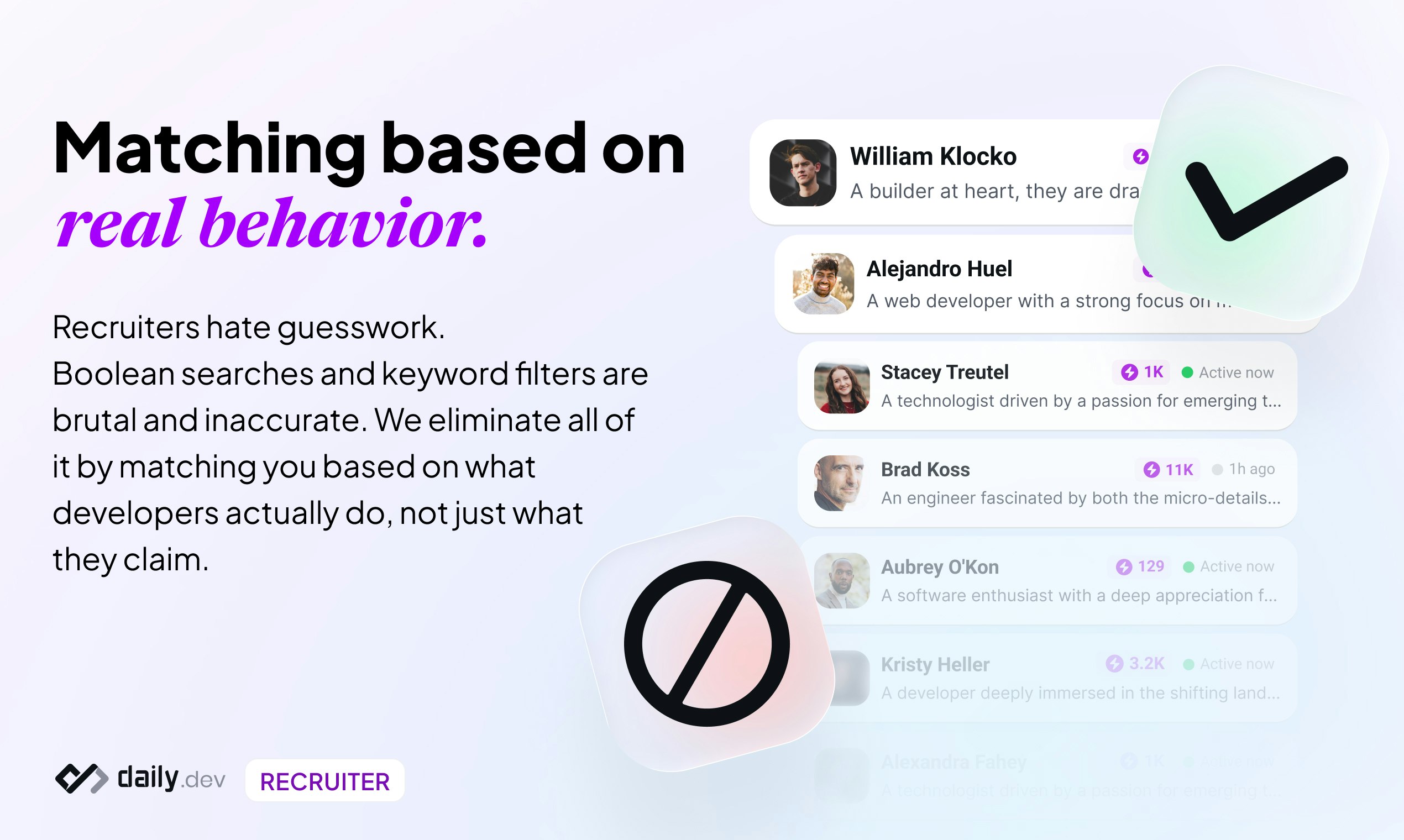
Access passive talent who only respond on daily.dev. Post your role, get matched, and meet engineers who actually want to talk. Developers already use daily.dev every day to learn and grow. We’re now opening our network for hiring.
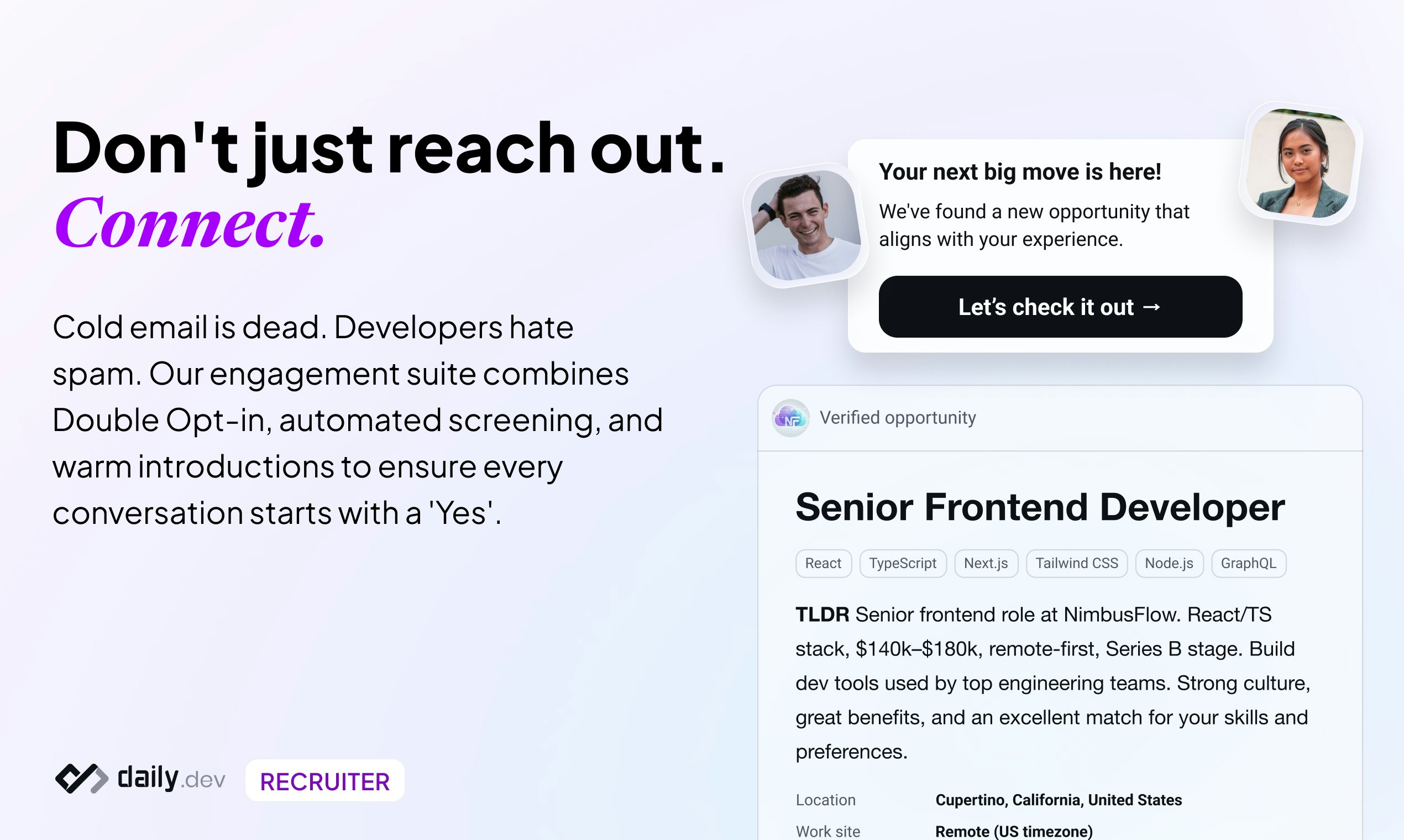
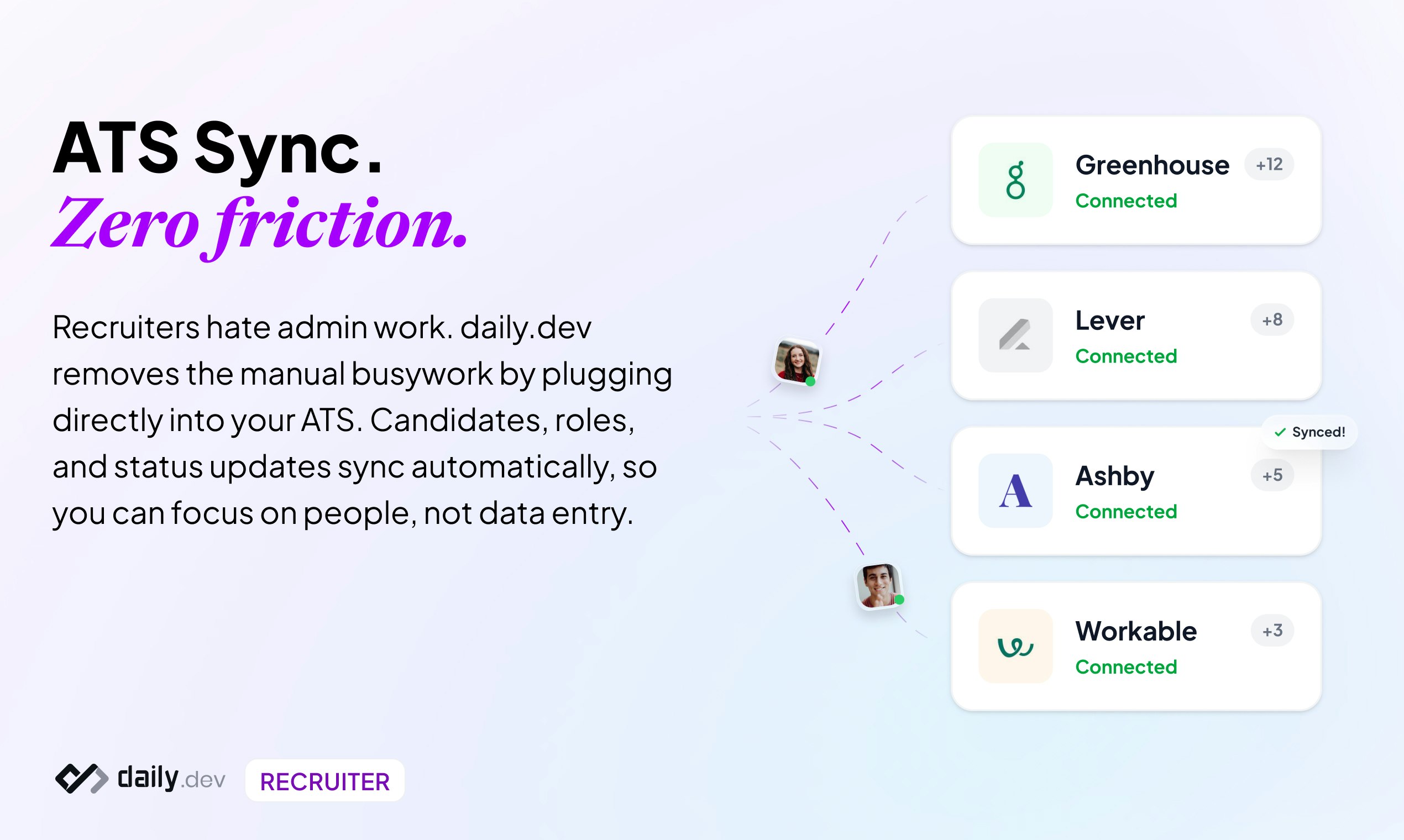
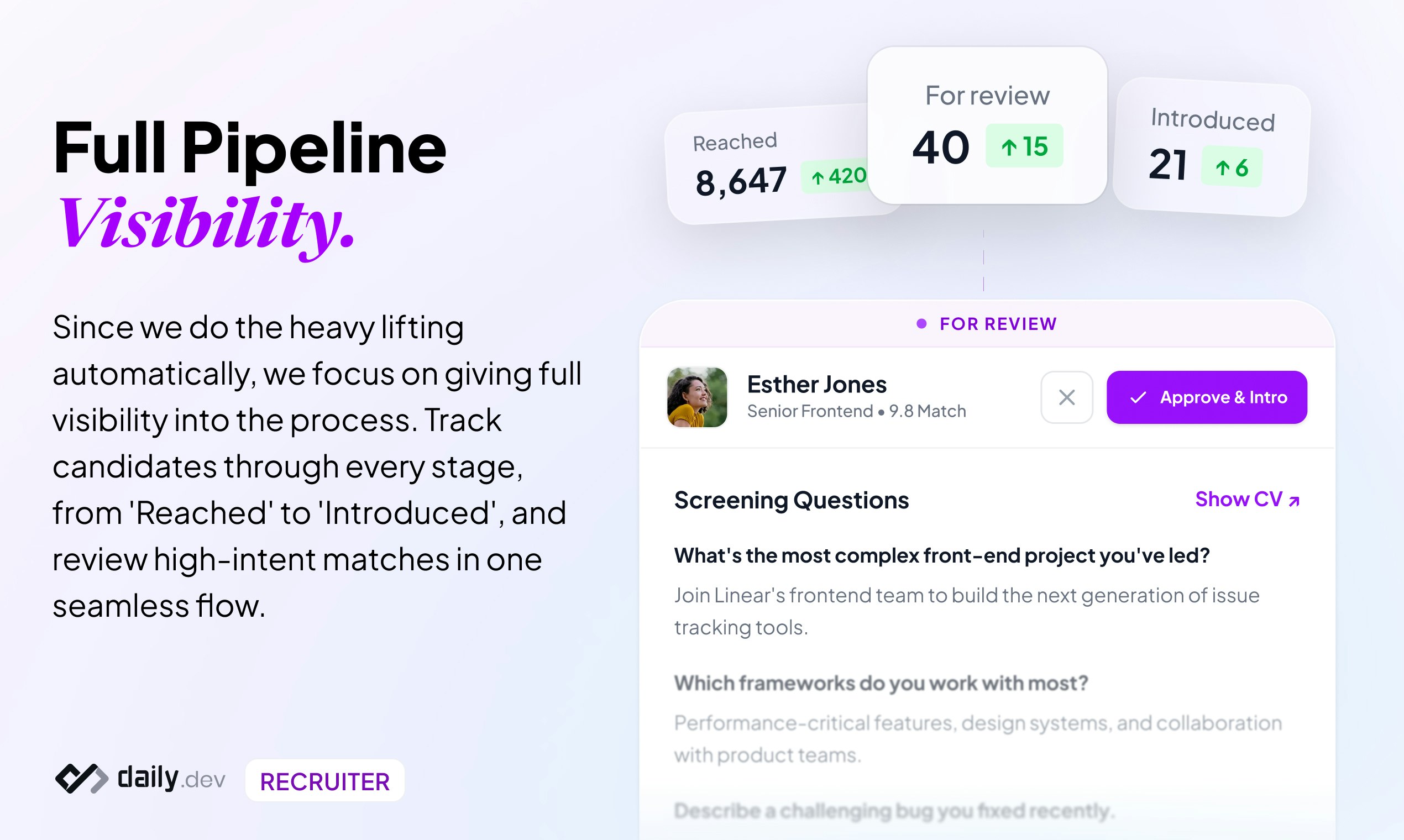
Hey PH, Nimrod here, CEO of daily.dev. We built daily.dev for developers to learn and grow. Over time, something became obvious: hiring didn’t stop working because recruiters or developers changed. It stopped working because the channels broke. Finding developers isn’t the bottleneck anymore. Getting a reply is. Developers are overwhelmed by cold outreach, while recruiters are stuck guessing who might respond. Both sides want better conversations, but the current system optimizes for volume instead of intent. Today we’re excited to open daily.dev as a new hiring channel! Companies can now connect with engineers who already spend time on daily.dev, before they hit the job market, through warm, double opt-in introductions. No cold DMs. No scraped profiles. Just conversations that both sides chose to have. If you’re hiring engineers, we’d love your feedback. If you’re a developer, your experience and trust come first. Happy to answer questions and hear what you think :)
31
回复

@nimrodkramer congrats on the launch! This has a chance to change the entire tech recruitment

0
回复

@nimrodkramer just what the world needs — more recruiters 🙄

0
回复

@nimrodkramer  No cold dms promise is huge. How do you handle recruiter quality? e.g. if a company sends generic invites to 50 devs, does the system flag them to keep the "warm" vibe?

4
回复

Congrats to the Team 🎉🎉🎉

6
回复

@francesco_ciulla thank you 🙏

0
回复

daily.dev sits on my new tab. Good for the morning scroll. Hiring on top makes sense. Just don’t let it turn into LinkedIn vibes. Keep it opt-in and quiet and I’m game. Open source is a nice touch. I’ll try it with a niche role and see how it goes.

6
回复

@alexcloudstar 100%! The only thing we have is the trust with developers who use daily.dev. We will never do anything to compromise that, which is why we built the entire process around trust, transparency, and respect.

4
回复

I've been trusting daily.dev with being my #1 aggregator of dev news, and rather trust them instead of LinkedIn or other platforms with finding interesting work. Since MoBerries is gone, there hasn't been a single recruiting platform that gives me as a developer the feeling of being valued. Thank you daily.dev.

4
回复

@coppnic thanks a lot, and yes, times are changing. Having a developer-first hiring platform is just something the community needs at this point.

1
回复

Been using daily dev since 2022! - This is super exciting to see

3
回复

Smart move turning an existing developer community into a hiring channel. Feels way more natural than traditional job boards.

3
回复
@abod_rehman we hope so!
0
回复

Congrats on this 6th launch!!!

Recruiter is brilliant! Usual channels (LinkedIn, generic job boards) are so noisy and full of uninterested applicants, being able to tap into a community of active, passionate devs who are already engaged every day feels like a much smarter way to find great fits ahah

How does the matching work on the recruiter side? Is it skill-based, activity-based, or a mix? And do devs opt-in explicitly for recruitment outreach?

3
回复

@cathcorm the matching is based on CV / work experience when provided as well as activity based. developers can provide their job preferences that we always respect (e.g. tech stack, min salary, location) and they can always opt out. since our AI agent act as middleman and recruiters have no direct access, it prevents spam and we control the pace of reach outs per developer. Maintaining the trust we have with our community is always top priority

1
回复
You’re betting that the real bottleneck is replies, not sourcing. What were the strongest pieces of evidence (data or interviews) that “reply rate” was the core problem worth solving, and what specific metric made you confident a new channel could move it?
3
回复

@curiouskitty we did a massive survey among developers which clearly shows that trust is broken now. we share all this data publicly: https://recruiter.daily.dev/state-of-trust/. Happy to answer any follow up questions

0
回复

This is a great initiative. Just came across after seeing the launch.

Keeping it genuine for developers will make it a great community and authentic recruitment place

3
回复

@chilarai we're doing our best!

0
回复

Hey there, long time Daily.dev reader (if you aren't reading it already, you should be!) I am super excited to see someone disrupting tech hiring!

3
回复

@the_scott_davis it's about time. this is what engineers and recruiters deserve

0
回复

Huge day for the team! 🎈

Recruiting in tech often feels broken, so we're opening up our network to make those connections more authentic.
Would love to hear what you all think about the video and the product. Do you think this changes the 'passive candidate' game?

3
回复

In daily.dev our focus was always creating the best space for developers, with recruiter, this has not changed, it expands the things developers can do and accomplish without ever leaving daily.dev, the place they feel most comfortable.

Bootstrapping and building daily.dev Recruiter was a great ride with many technical but also product challenges and don't make me start talking about creating support to parse any JD in existence 😂🤞

We are just starting but looking forward to seeing what everyone thinks!

3
回复

Your Product page and website looks great and all of your messaging seems very well thought out.

How long has it taken you to craft your messaging and did you do a lot of AB testing to ultimately arrive at the conclusions you did?

2
回复
@jake_friedberg thanks for the compliments! We do care A LOT about messaging. We don’t get to the stage where a/b tests are the most efficient way to optimize. At the moment we’re focused on having meaningful conversations with recruiters and adapt based on what we hear. The developer side is our bread and butter for years already.
0
回复

A daily.dev Recruiter is a breath of fresh air in the recruiter world. No more spam, no more optimizing for quantity. Ask us anything on your mind

2
回复

As someone who’s spent years designing developer products, this launch was less about “adding recruiting” and more about removing everything broken in how hiring feels today.

Most recruiting tools are designed for volume. More profiles, more messages, more dashboards. We designed daily.dev Recruiter around the opposite constraint: trust.

From a UX perspective, the hardest part wasn’t matching algorithms. It was designing a system where developers never feel hunted, spammed, or tricked into conversations they didn’t ask for.

Double opt-in. High context. No cold access.
If it doesn’t feel respectful, we don’t ship it.

Curious to hear how this resonates with folks who’ve felt the pain on either side of hiring.

2
回复

Been a huge fan of @daily.dev and @nimrodkramer for years and was one of their first subscribers! I have no doubt this will be just as awesome! Keep up the good work!

1
回复

I really want this to turn out well. I have been a long-time daily dev reader; it has been part of my daily source of dev information anytime I open my PC, so it would also be cool to see job opportunities here as well

1
回复

Congrats on the launch!
Do you match the best potential roles to developers? If not, how do you make sure this doesn't become another place for recruiters to spam?

1
回复
@sasha_medvedovsky recruiters aren’t allowed to contact candidates directly. We built an agent that serves as a trusted talent broker between recruiters and candidates. Only when both sides say yes it makes a warm introduction. Some people told us it’s like a tinder for developers… we prefer to call it Tindev 😜
0
回复

@nimrodkramer Double opt-in intros from “real behavior” is a strong wedge; at scale the hard part is turning 1B+ sessions into trustworthy intent signals without gaming + while keeping developer trust/privacy airtight.

Best-practice: event-stream (Kafka/PubSub) → feature store, real-time aggregates in ClickHouse, plus an explicit consent/audit ledger + per-company rate limits so “warm” stays warm.

Q: how are you modeling/validating “intent” (rules vs embeddings/ML), and do developers get transparent controls to view/revoke what signals drive matches?

1
回复
@ryan_thill yes we are deeply focused on giving developers as many controls as possible to explicitly indicate what makes sense for them (and what’s not). Additionally, and unlike any other recruiting platforms, developers can tune out if they don’t want to receive opportunities.
0
回复

Daily Dev Recruiter is incredibly unobtrusive and intuitive, speaking from a developer standpoint. As a member of the daily dev community, I visit the site every day as it's my homepage and my "new tab" page on my browser. When I first saw a job recommended to me, it matched my interests, level, and skill sets. My reason for not applying at that moment was due to having recently starting a new project. However, I was impressed with the accuracy and how vetted the recommendation was both from the recruiting side and the candidate side. It'll be my go-to in the future.

0
回复

congrats on the launch! Does the app only attracts SWE? what about other jobs/tasks like tutor/design etc.? Will you cover other areas later?

0
回复
#2
Interactpitch
Interactive pitch decks with real-time viewer insights
289
一句话介绍:InteractPitch将传统融资演讲稿转化为由AI虚拟人引导的交互式体验,让创始人在会前就能获取投资人的详细阅读数据与实时疑问,从而在首次会议中占据主动。
Artificial Intelligence Virtual Assistants Tech
智能演讲稿 融资工具 投资人洞察 AI虚拟人 交互式演示 SaaS B2B 创业 数据分析 会前准备
用户评论摘要:用户肯定产品解决了演讲稿发出后“黑盒”的痛点,认为其能提升会议效率。主要问题与建议集中在:AI回答的准确性与上下文处理能力需提升;建议增加自定义问答库和更人性化的虚拟人功能;关注对投资人工作流的影响及是否可能替代初次会议。
AI 锐评

InteractPitch的野心不在于颠覆现场路演,而在于重塑会前流程,其核心价值是**数据确权**。它试图将创始人从“等待宣判”的被动中解救出来,通过将静态PDF转化为可交互的数据触点,把投资人会前的、非正式的、不可控的浏览行为,转化为结构化、可量化的“预热会议”。这不仅提供了关注点热图,更关键的是捕获了“问题流”,让创始人能针对性地准备,变“遭遇战”为“伏击战”。

然而,其面临的挑战同样尖锐。首先,**数据深度与干扰的悖论**:过多的会前互动数据是否会让创始人陷入过度解读,或过早暴露谈判策略?其次,**AI代理的信任赤字**:当前AI在复杂语境下的回答仍显生硬,一个不准确的回答可能直接断送融资机会,这要求产品必须在“拟人化”与“精准可控”间找到精妙平衡。最后,**双边网络的冷启动**:产品价值最大化取决于投资人侧的广泛采纳与习惯养成。如果投资人视其为一种额外的负担或监控,而非提升自身效率的工具,其推广将举步维艰。

本质上,它是一款“创始人友好”但需“投资人买单”的产品。它的成功不取决于技术炫酷程度,而取决于能否微妙地嵌入并优化现有融资工作流,成为双方都乐于使用的“合规窥探镜”。它真正的对手并非Pitchdeck设计软件,而是投资人邮箱里堆积如山的PDF和根深蒂固的审阅习惯。

查看原始信息
Interactpitch
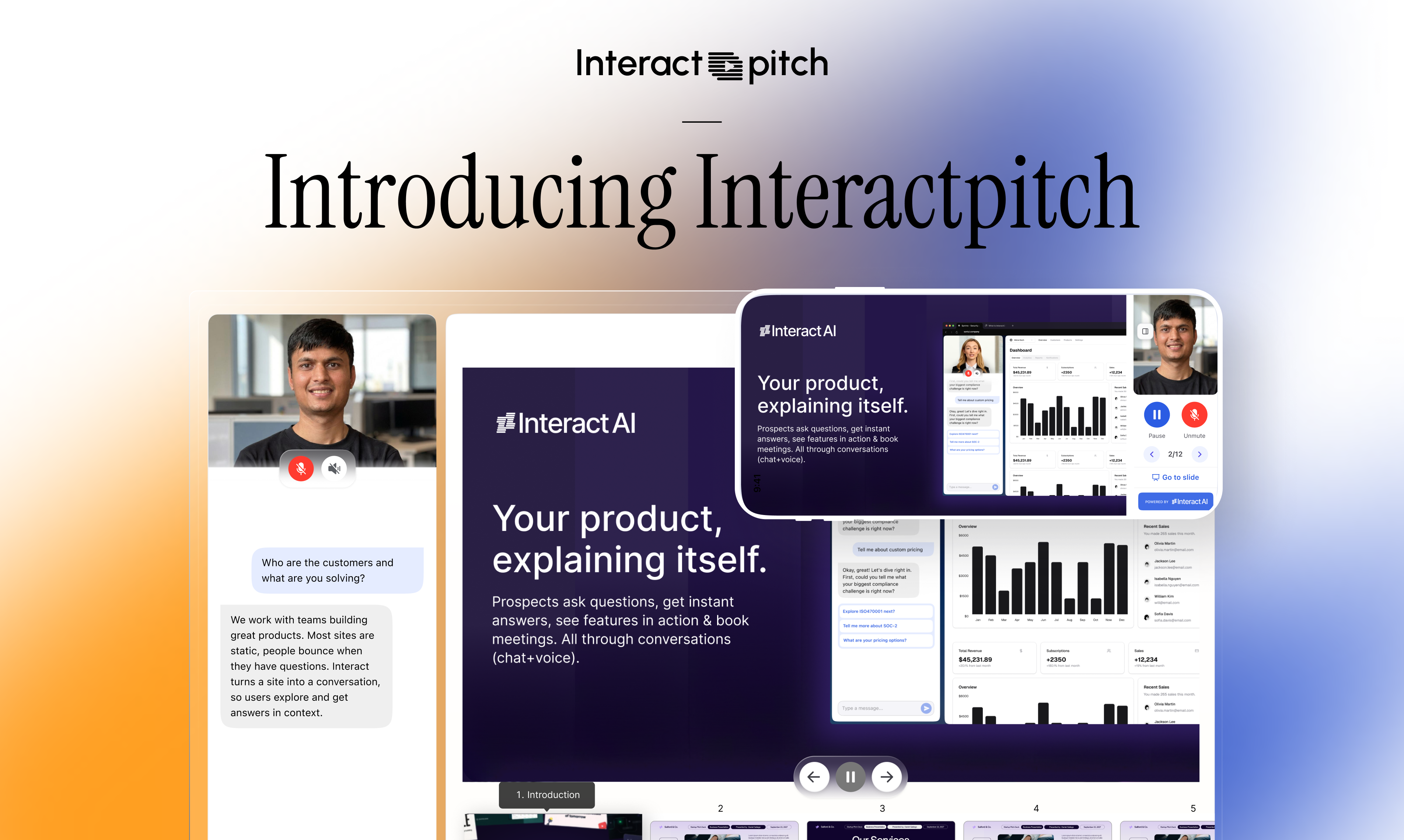
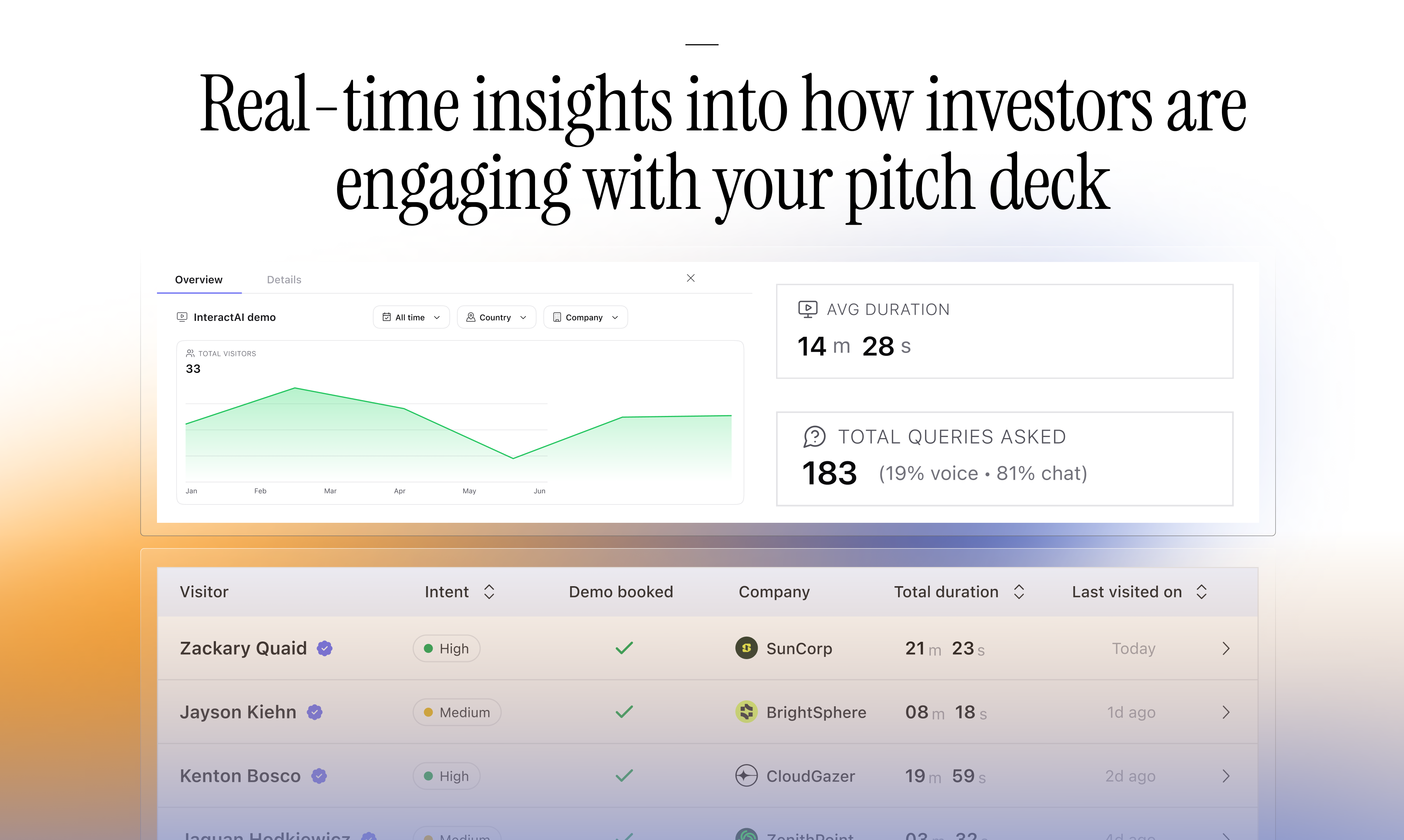
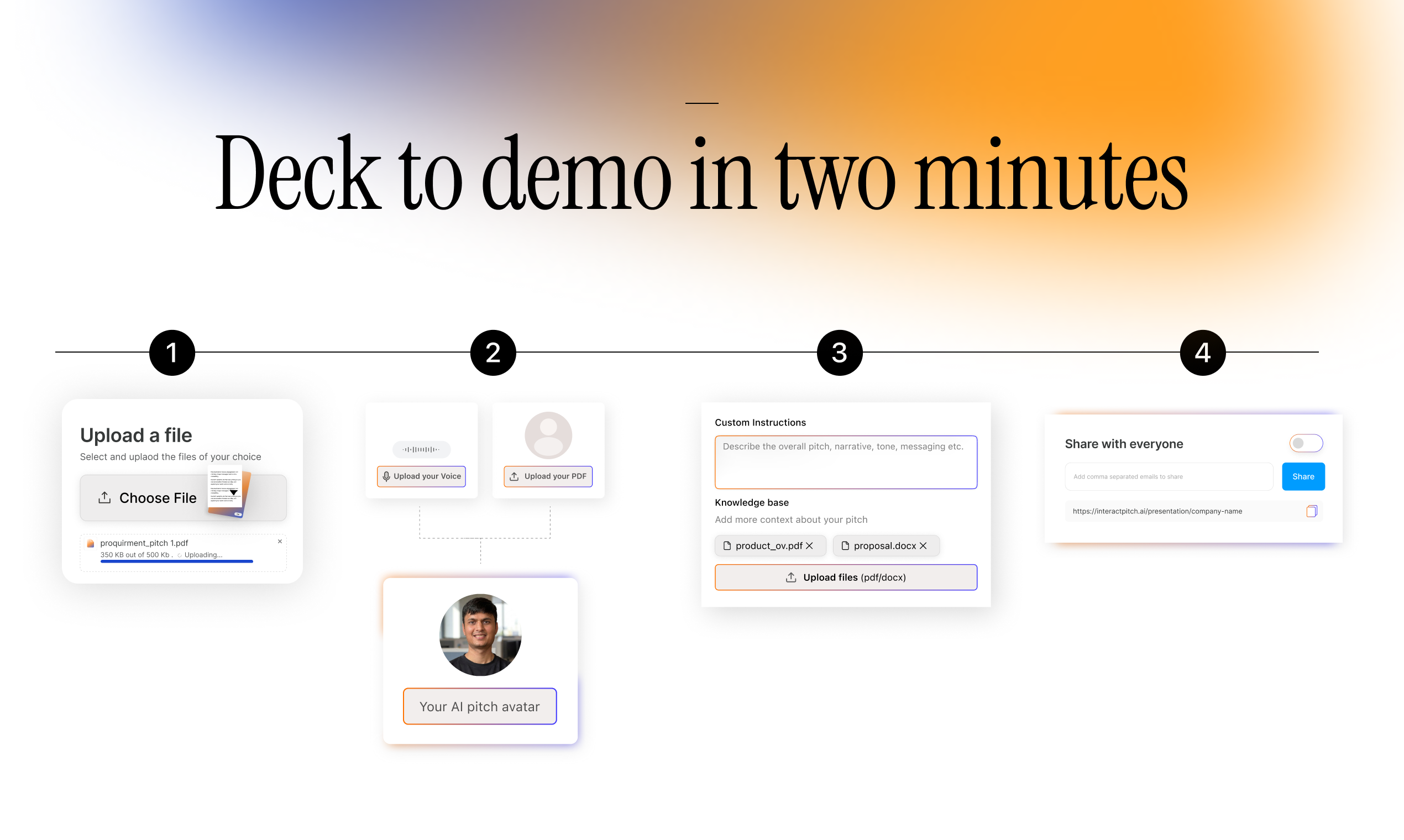
InteractPitch turns your pitch deck into an interactive experience. After you share the deck ahead of a call, investors go through it with your AI avatar stepping in to explain and add context when needed. Interactpitch gives founders real time insights into who viewed the pitch, how deeply they engaged, which sections mattered, and what questions came up, so your first investor call starts confident and well prepared.

Hey Product Hunt 👋🏻

I’m Suyash, one of the folks building Interactpitch. Really excited to share this today.

Fundraising is deeply personal. You spend weeks refining your story, your numbers, and your vision. Then you send a pitch and wait, hoping it lands the way you intended.

What is InteractPitch?

InteractPitch is an interactive pitch deck experience that helps founders tell their story more clearly and understand how investors engage with it before you get on the first call.

Instead of passively flipping through slides, investors can explore the pitch at their own pace, ask questions as they come up, and go deeper where they’re curious. An avatar of yourself guides the experience, helping investors move through the pitch the way you would in person.

The problem

Most fundraising conversations start with uncertainty.

After sharing a pitch, founders have no visibility into how it was experienced. You do not know what resonated, what caused confusion, or what investors discussed internally. When the call begins, you are often reacting instead of leading.

The solution

InteractPitch brings real insights before the actual pitch happens.

Founders can see how investors engaged with the pitch, which sections held attention, and what questions came up along the way. This makes the first call more focused, more confident, and far more productive.

Features

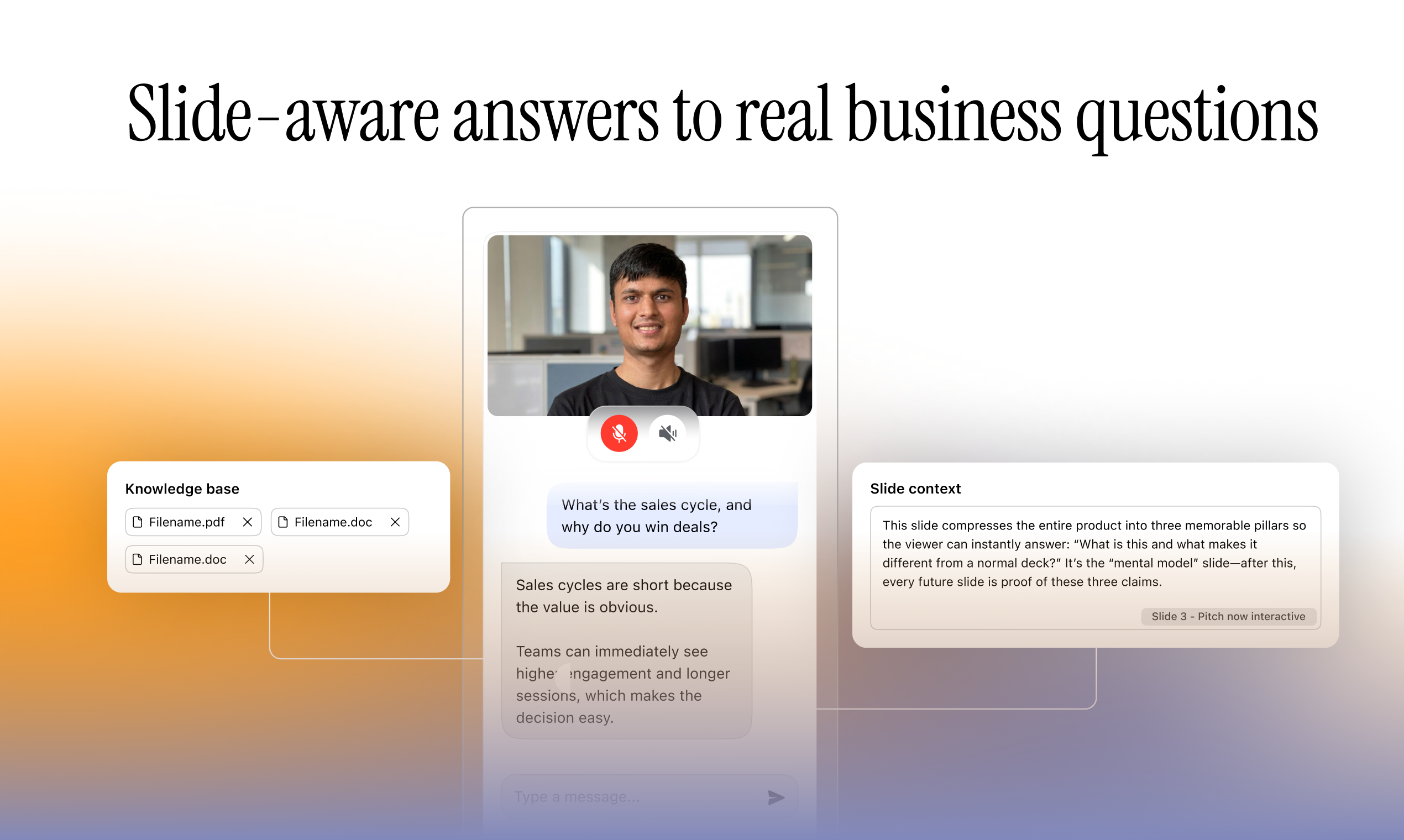
-Interactive pitch avatar

-Mobile-first pitch experience

-Text + voice conversations

-Slide-aware answers

-Custom knowledge grounding

-Engagement insights

Why it’s different

Most tools help you send a pitch. Some help you track it. InteractPitch helps you understand how it was experienced.

InteractPitch is not a replacement for live pitching, it is an enhancement to the pitch deck experience. It makes pitches easier to explore, easier to understand, and easier to discuss, while giving founders the context they need to show up prepared.

Who it’s for


Built for founders raising capital and teams running important investor conversations.
Useful for pitch decks and pre-meeting reviews.

We have put a lot of care into making this feel human, thoughtful, and genuinely helpful.
Would love your feedback and thoughts.

Thanks for checking out InteractPitch 💫

23
回复

@suyash_karn congrats on the launch! Does the avatar adjust the pitch per investor or it's always the same?

0
回复

@suyash_karn Hi Suyash, Congrats on the launch. How have investors reacted to this? I know a few and they're always inundated with decks. Does this help their workflow?

1
回复

@suyash_karn  Suyash! This adds a new layer before the call, which is interesting! Have you noticed investors using the interactive part instead of scheduling a first call, and if so, does that change how founders decide who is actually worth spending live time with?

0
回复

Where is the InteractPitch pitch deck for InteractPitch? Would be the perfect demo!

7
回复

@janschutte perfect idea... adding one

4
回复

As a former entrepreneur who scrambled to raise funds, this is a very personal and valuable product for me.

Very interesting idea, team!

6
回复

Hi @suyash_karn @utsav_interactai @sudhir_p product is really good, tried and tested it loved the first version. Here are my 2 cents on the product:

1. Import Feature is amazing - I have tried multiple online tools but this has outperform import feature especially pixel by pixel
2. Personalization is all eveyone needs - give user feature to make avatar from their image - this is doable - I have seen many opensource projects - let me know if u need help in this.
3. Manage Access needs to be easier and better UI/UX flow wise
4. Chat reply needs to be improved - Tried asking question related to slide but slightly in different way - output was basic - not upto the mark. When question is outside the deck then chat fails by mentioning ots outside deck
5. Use better contextual model or better give user power to add FAQs or set of questions with related answers - this will be the game changer post product usage and i beleive this can be game changer
6. When someone ask in chat - avatar stops and mess start from here
7. I also noticed some context mess - bot is replying to previous questions instead of currently askled questions - this happens only when i send somethign in chat while bot is speaking - as per my experiment

Overall Liked the first version fo your product, its great. This has good potential for startups and B2B usage as well.

Thanks!

4
回复

@suyash_karn  @sudhir_p  @ranaaditya Noted... this was very very useful. Adding all of those! Thanks a lot @ranaaditya

0
回复

@suyash_karn  @utsav_interactai  @sudhir_p  @ranaaditya This is gold. Thanks for the feedback

0
回复

Congrats on the launch! Looks like a great product for agencies as well. How do you train AI avatars to provide the right answers?

4
回复

@alina_petrova3 We are partnered with a great AI Avatar company. It allows you to add just a picture and train an avatar on the image.

2
回复

@alina_petrova3 I just thought about this and wondering the same thing :)

Also I love the emphasis on making the first call more intentional instead of reactive. That alone feels like a meaningful unlock for founders.

2
回复
@alina_petrova3 +1 for this. A knowledge base allows someone to ask more detailed questions without having to overload a slide. Even something like hidden slide notes would help improve context.
0
回复

that is what founders need!! does the avatar strictly follow a script, or can it dynamically answer basic investor queries on the spot?

4
回复

@samet_sezer It is dynamic. There is no strict script. It is more natural then I could have been while giving a pitch.

2
回复

Not gonna lie, I’ve always wondered what happens after I send my deck into the void 😂 Love the idea of turning it into a guided experience. Trying it now.

3
回复

@igorsorokinua Lemme know what you think

1
回复
the product looks so cool! I have seen this getting popular among SaaS players.
2
回复

@nihal_goyal Especially for SaaS, Yes. Because SaaS is hard to explain and hard to sell.

0
回复

Seeing real investor questions about my deck is a huge upgrade from just knowing their time spent on each slide. Definitely trying this out.

Congrats team!

1
回复

@abdul_ahadh Thanks a lot Abdul

0
回复

Nice. Are there predefined templates and greater image generation and charting tools?

1
回复

@chilarai We don't have templates for now and so is the image generation part. The goal is, if you have slides, from wherever or however, then let's take it to the next level!

0
回复

@suyash_karn Kudos , seems interesting, i tired it

though seems like PDF is not a right option to start with creating a Interact Pitch(message: "Failed to convert PPTX slides to images"})

Looking forward to trying soon

1
回复

@suyash_karn  @anupamsingh0211 Ohh, I'll check it out. Could be the large size of the file

0
回复

I have got into a lot of VC conversations. Everytime the first thing they ask is that do you have a deck. I send it and then it's gone into their analyst data. I have no understand as to what are the next steps. Even if I get into follow-up conversation, I don't know what's the main thing they have in mind or what is something that they need more data on.

@Interactpitch changes it today for all of us founders.

And also, for forever free....

1
回复

This is quite interesting! Does the AI avatar also sound like the person who is meant to be 'presenting' the deck?

1
回复

@mustassim Yes Syed. You can record your own voice and ai will provide a voice model running on your voice.

0
回复

This is pretty cool, but initially I thought the recording was a human narrating the presentation rather than the AI answering additional questions. Is it possible to have both?

0
回复

@jake_friedberg Why not let AI handle the human part as well so that you can relax while your deck does your work :)

0
回复

Congrats on the launch.
The demo video looks cool.
May I know what tools you used to come up with that video?

0
回复

Fundraising is stressful enough without guessing what investors actually thought of your deck. Wishing all of best for your launch:)

0
回复

@abod_rehman Thanks a lot Abdul!

0
回复

Hey team, congrats on the launch!

Super curious about the tech under the hood – how customizable is the AI avatar’s voice/scripting, and does it integrate with existing tools like Figma or Google Slides?

Would love to chat more about this product and maybe even test it out for one of our portfolio companies :)

0
回复

@cathcorm Avatar and voice are configurable for you completely. You can have anyone and their voice in it. We haven't yet launched native integrations yet but this is something that we are onto. So not just google slides but tools like Gamma and Figma are also gonna be available.

Sure, give it a shot and let me know what do you think.

0
回复

@suyash_karn I love the analytics part of it, not so sure though if i want the avatar/chat in my deck, is it possible to activate just analytics as well?

0
回复

@suyash_karn  @cosimo_radler That is configurable but analytics and insights are the best if investors can actually also engage with the deck rather just sit and read or add it to Todo list.

0
回复
Many founders already use DocSend-style tracking to gauge interest; what are the 2–3 decision-critical insights InteractPitch surfaces (or enables) that traditional view/time-per-slide metrics can’t, and how do those insights change what a founder does before the first call?
0
回复

@curiouskitty Traditional DocSend metrics show if investors looked and how long they spent per slide—mostly passive skimming.

InteractPitch turns it active: your AI avatar narrates like you’re pitching live, highlights key parts, and lets investors ask questions right in the deck.

The insights you actually get:

  1. Exact questions per slide — Every doubt or curiosity that popped up (e.g. “How’s your moat vs X?” on slide 8). Walk into the call already knowing what to address first.

  2. Real engagement depth — Not just time, but where they asked for elaboration, dove deeper, or got stuck. Quickly spot what resonates or scares them off and fix the deck before the call.

Result: First calls become targeted, high-conviction conversations instead of blind discovery. Founders say it’s like reading the investor’s mind beforehand. Capability in the hands of founders to turn the tables during IC pitch. 🚀

🚀
0
回复

Turning decks into slide-aware Q&A + real time viewer analytics is slick; at scale the hard part is keeping answers tightly grounded while many investors hit the same deck concurrently.

Best practice: per-slide chunking + cited retrieval (Postgres + pgvector), stream voice/chat via WebRTC/WebSockets, and push engagement events into ClickHouse (or Kafka→warehouse) for fast “time-on-slide + questions” reporting.

Open Q: are you enforcing retrieval strictly to the active slide (with quoted spans/citations) or a global deck KB and how are you approaching SOC2/privacy for investor activity data?

0
回复

This is a really thoughtful take on fundraising. The idea of understanding how a pitch was experienced, not just sending it out and hoping for the best, feels like a big gap most founders just accept today. The pre-call insight angle is especially interesting knowing where investors spent time or got confused could completely change how the first conversation goes. Curious to see how founders balance this with live pitching, but the positioning as an enhancement (not a replacement) makes a lot of sense.

Congrats on the launch excited to see how this evolves.

0
回复

@syed_hassan9 Thanks a lot Syed. Yes, that's absolutely right. It is not doing your end to end raise. It is doing the first conversation for you and setting the tone and quality right.

0
回复

Congrats on the launch! How much info do I need to put into the knowledge base to ensure that AI can give satisfying answers for investors' questions? Would AI make something up?

0
回复

@jiawei_liu6 To start with you don't need anything other than the deck. But if you want to provide more knowledge to the agent so that it can handle any tangent question and doesn't rely just on world knowledge (eg. your current metrics, some internal numbers etc.), then you should provide all those in knowledge base. What it does not know, it would try not to make it up.

0
回复

What platform support do you have today? Wondering if VCs can easily view on the go.

0
回复

@mikhail_prasolov Hi Mikhail. So you can add the link or an embed anywhere. Would you like to have support at any other platforms too?

0
回复

Really like the idea of making pitch decks experienced, not just viewed.

Curious how you think about the balance between guidance and agency here:
when an AI avatar explains context, do investors tend to explore more freely – or does it subtly anchor their attention to what you think matters most?


Feels like a powerful tool for reducing ambiguity in early conversations. Congrats on the launch 👏

0
回复

@dmitry_petrakov Thanks a lot Dmitry. By default it treats all the slides equal and focuses on covering all of it. Though we have added an option to add any context for any specific slide. This allows agent to understand the focus and it can realign the pitch based on it.

1
回复

This doesn’t replace live pitching, and that framing is smart. It makes the pitch deck more explorable and less one-directional. Curious how this evolves with real investor feedback.

0
回复

@shreya_chaurasia19 Absolutely.

0
回复
#3
Typeless for Android
First AI voice keyboard for Android
180
一句话介绍:一款专为Android设计的AI语音键盘,通过实时将自然口语转化为精炼文本,在移动办公、即时通讯等场景下,显著提升输入效率,解放用户双手。
Android Productivity Artificial Intelligence
AI语音输入 智能键盘 生产力工具 实时转录 语音编辑 多语言支持 隐私安全 Android应用 移动办公 人机交互
用户评论摘要:用户普遍认可其提升输入效率、消除填充词、支持安静环境使用的核心价值。主要问题与建议集中在:希望自定义AI编辑强度、明确云端与本地处理边界、优化特定设备性能,并期待更深度的Android系统集成(如Tasker、穿戴设备)。
AI 锐评

Typeless for Android 宣称是“下一代输入方式”,其真正价值不在于语音转文字的技术本身,而在于试图重构移动设备的信息创造流程。它将AI定位为“意图理解者”而非“速记员”,通过实时编辑、语气调整,直接产出可交付文本,这步跨越是关键。其“零数据保留”的隐私设计是明智的差异化策略,尤其在敏感信息处理场景中构成信任基石。

然而,产品面临深层挑战。首先,“理解意图”与“保持用户原意”之间存在天然张力,当前“个性化”解决方案尚在开发中,一刀切的“润色”可能抹杀个人风格,引发用户对表达真实性的质疑。其次,其商业模式隐忧浮现:完全本地处理虽保障隐私,却受限于终端算力,可能牺牲处理速度与模型迭代能力,在AI军备竞赛中如何长期保持“智能”优势?最后,它试图解决的“拇指疲劳”痛点,在超短视频、语音消息兴起的背景下,是否仍是大众市场的最高优先级需求?它更像是一款为知识工作者和重度文字生产者量身定制的“效率增强器”,而非颠覆性的人机交互革命。其成功与否,将取决于能否在“智能润色”的标准化与用户表达的个性化之间找到精妙平衡,并构建起超越单点工具的系统级工作流壁垒。

查看原始信息
Typeless for Android
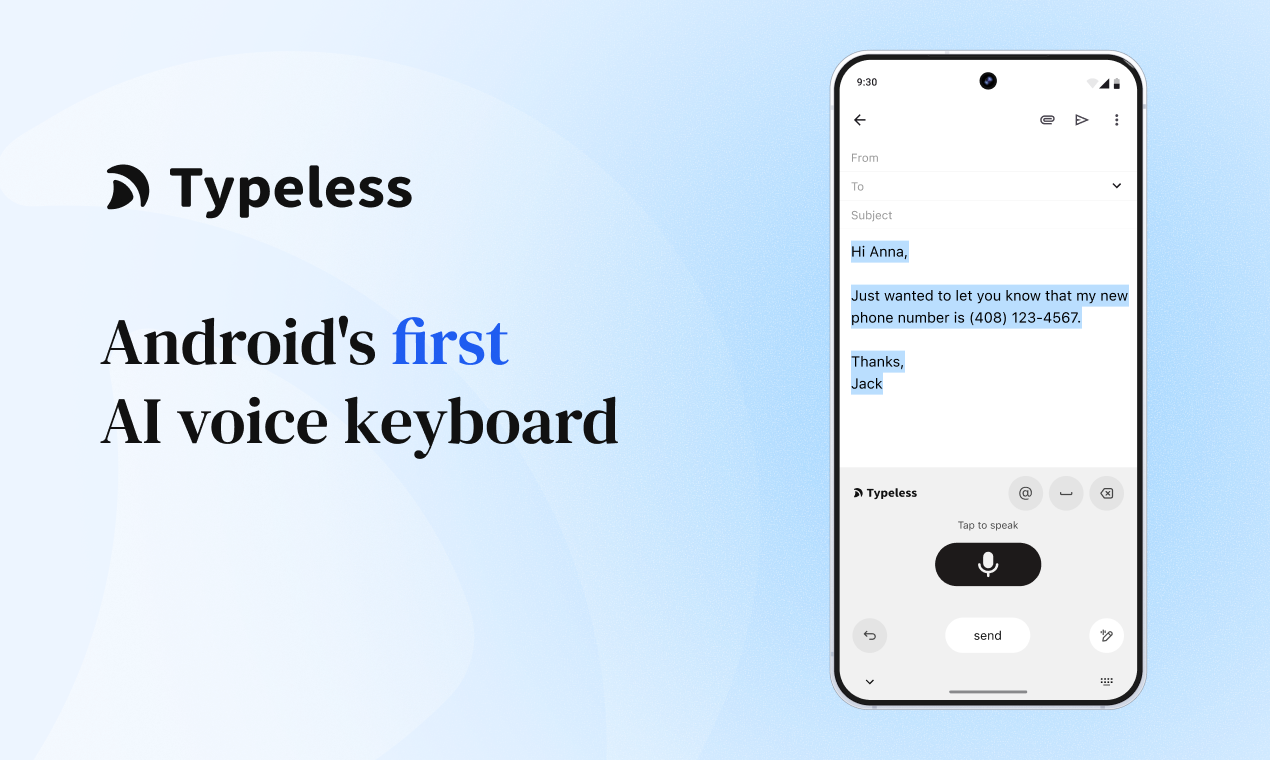
Stop typing on your Android. Start talking with the first truly intelligent voice keyboard. Typeless turns your natural speech into polished messages, emails, and docs—10x faster than your thumbs.

👋 Hey Product Hunt!

I’m Huang, the founder & CEO of Typeless.

Since the end of 2025, we’ve launched Typeless on Mac, Windows, and iOS.

In just a few months, tens of thousands of people started using Typeless every day to write messages, emails, notes, long-form content, and for vibe work.

Across all platforms, one request kept coming up again and again:

“When is Typeless coming to Android?”

Today, I’m excited to finally answer that.

Typeless for Android is live 🎉

Typeless for Android is the world’s first smart voice keyboard on Android that truly understands you.

You speak naturally. Typeless understands your intent - and turns your raw speech into clear, polished, natural writing in real time.
No commands. No formatting tricks.

It reads as if you carefully wrote it yourself.

When input friction disappears on a phone, everything changes. Your iPhone becomes capable of things that once felt impossible - at 10× the speed.

Core features:

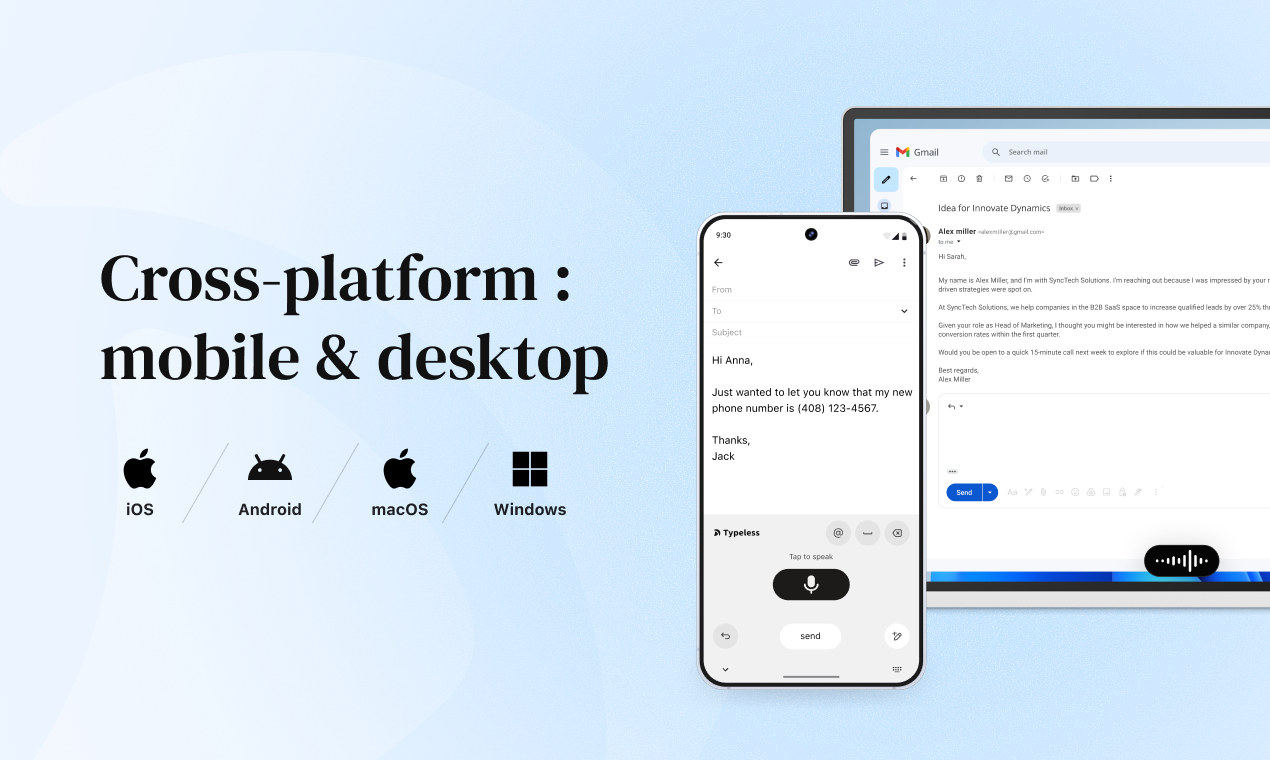
  • Works everywhere – Any app on your phone: WhatsApp, Slack, Gmail, Notion, Notes, and more

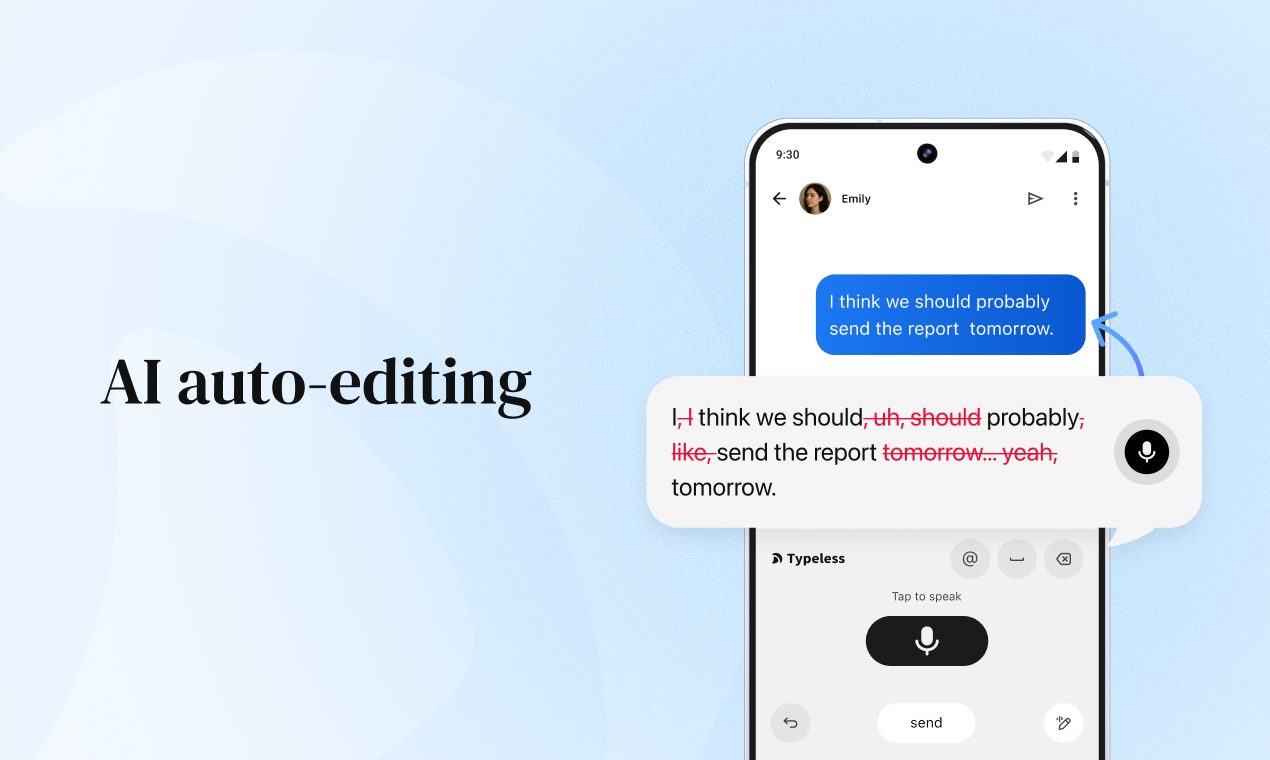
  • AI auto-editing – Removes filler words, fixes grammar, and formats perfectly as you speak

  • Speak to Edit – Revise, refine, or rephrase by simply saying what you want to change

  • Whisper Mode – Dictate quietly and precisely in low-voice environments

  • 100+ languages – Speak any language (or mix them); Typeless detects and transcribes automatically

  • Personal Dictionary – Names, brands, and custom vocabulary learned once, never missed

  • Private by design – Zero data retention. We never store or train on your data. All history stays on your device

The keyboard was a mistake.

Typing on a phone is where that mistake becomes painfully obvious.

The on-screen keyboard was a transition.

Voice is the next generation.

This isn’t just a new Android app.

It’s the next step in how people communicate — and create — with their devices.

Welcome to the end of typing.
Welcome to Typeless.

I’d love to hear from you:

  • Where does Typeless save you the most time on your phone?

  • In which moments do you still fall back to typing?

  • What’s the one feature you’d like us to build next?

We’re here all day to chat, answer questions, and hear your ideas.

If Typeless makes using your phone feel more effortless, your support would mean a lot to us 💛

- Written with Typeless

24
回复

@huang_song_ Congrats on the launch! The Material You integration shows you really care about the Android experience. Typeless feels native, not like a lazy port.

0
回复

@huang_song_  congo for the launch

It's amazing to see that finally someone understands how boring and difficult typing is nowadays.

0
回复

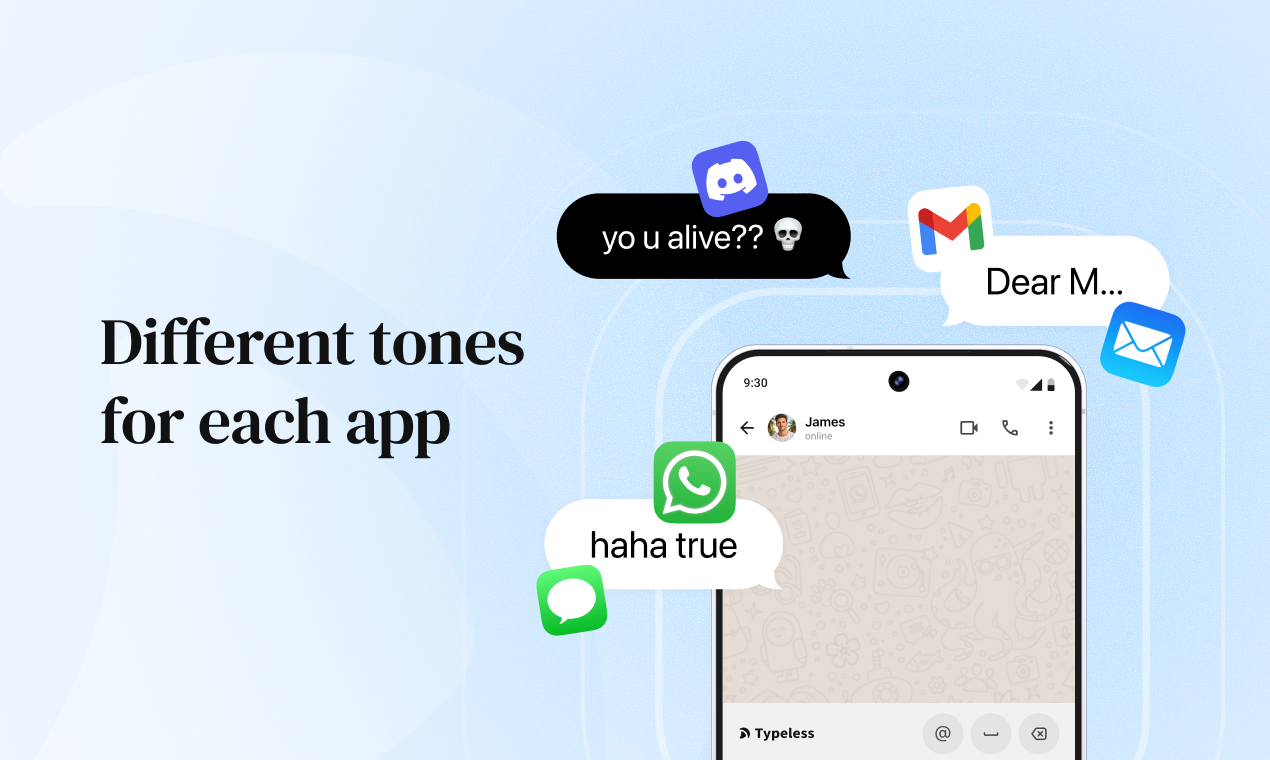
@huang_song_ congrats on the launch! Different tones for each app feature sounds like a total killer (which is missing in most tools)

0
回复

Hey Product Hunt!

I'm Krystal from Typeless. Excited to finally be here with our Android launch!


Why we built this:


After launching on iOS, macOS, and Windows, one message flooded our inbox — "I'm on Android. When can I get this?"


Android users were juggling multiple apps: voice recorders, transcription tools, and then spending ages cleaning up the mess in Google Docs.


That workflow is broken.


The core problem:

Mobile typing is painfully slow, and standard voice input just dumps raw text complete with "uh"s, rambling, and zero structure. You’re left fixing everything manually.

Typeless for Android reimagines this completely:


Works everywhere
Seamlessly available inside any Android app, including WhatsApp, Gmail, Slack, Notion, Notes, and more.

Intelligent writing, not raw transcription
Typeless understands your intent as you speak. It removes filler words, fixes grammar, organizes your thoughts, and adapts tone in real time.

• Speak to Edit
Want to revise, refine, or rephrase your writing without typing? Just say what you want to change, and it happens like magic.

100+ languages with instant detection
Speak any language or switch mid-sentence. No settings to change.

Personal dictionary
Add your unique words effortlessly, and Typeless won’t miss them.

Privacy by design 

All processing happens on your device. Zero data collection. Your voice never leaves your phone.


Beta feedback from Android users:


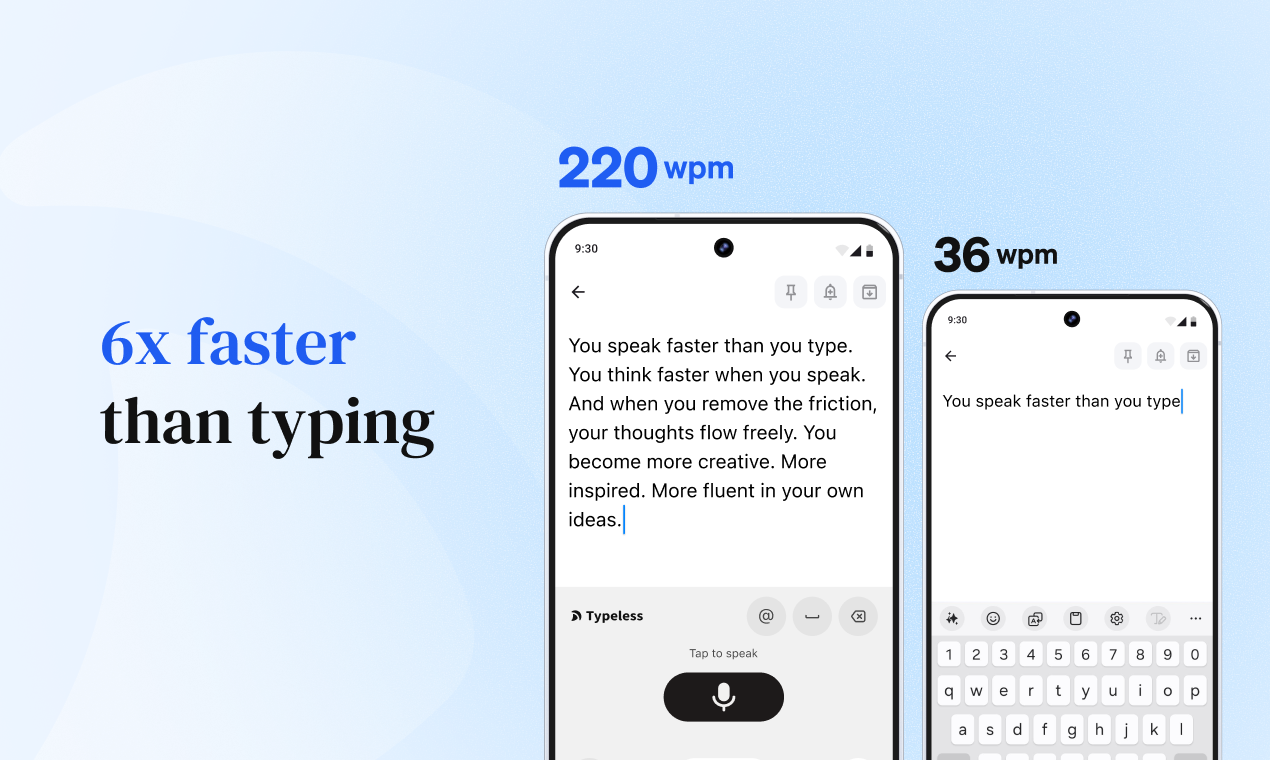
6x faster than thumb-typing for most users


"Finally feels like a native Android experience" - consistent feedback


Top use cases: WhatsApp replies, Gmail composition, capturing ideas in Keep


Android-specific questions for you:


Device optimization – Which Android phone are you using? We want to ensure perfect performance on YOUR device.


Integration depth – Should we prioritize Tasker automation, Bixby Routines, or Google Assistant shortcuts?


Customization – What level of widget customization matters to you? (Size, style, quick actions?)


Ecosystem features – Samsung DeX support? Wear OS companion app? Foldable-specific UI?


Performance tradeoffs – Would you prefer faster processing with the internet, or slightly slower but fully offline?


I'm here all day discussing technical details, feature priorities, and Android-specific optimizations. Tell me how
Typeless fits into your Android workflow!

Download: https://www.typeless.com/


Krystal

Dictated with Typeless for Android:>

5
回复

Works perfectly on my Pixel 8. The AI removes all my filler words automatically and makes me sound way more articulate than I actually am.

2
回复

@lvyanghuang Thank you so much for the positive feedback! We're thrilled to hear that the AI filler word removal is working great on your Pixel 8. It's exactly what we designed it for - helping everyone communicate more clearly and confidently. Keep creating amazing content!🎉

0
回复

👋Hey Product Hunt!

I'm Stellar from the Typeless marketing team, and today is a day we've been waiting for.

Here's what happened:

After launching on iOS, MacOS, and Windows, our inbox became filled with messages from Android users. Not just "when's Android coming?"—but stories about why they needed it.

A product manager who brainstorms features during his bike commute. A journalist who drafts articles on the subway. A teacher who responds to parent emails between classes, phone in one hand, coffee in the other.

They all said variations of the same thing: "I chose Android for freedom and flexibility. Give me that same freedom from typing."

So we built Typeless for Android. And the experience? It's exactly what Android deserves. Your messy thoughts become ready-to-send messages. No editing. No cleanup. Just speak, and it's done—polished, clear, and sounds exactly like you carefully typed it.

The moment that convinced us:

Our beta tester Maria shared: "I was grocery shopping when my boss messaged about an urgent client issue. Cart full, hands occupied. I just... spoke into my phone. A complete, professional response appeared in seconds—no 'um's, no rambling, perfectly formatted. I hit send without changing a single word and continued shopping. That's when it hit me—this isn't just convenient. It's liberating."

That's the difference. Other voice tools transcribe what you say. Typeless transforms it into what you mean to send.

That's what we're launching today.🎉🎉

What we want to know:

  • How many ideas have you lost because typing on your phone felt like too much effort?

  • What would shift in your daily routine if communication was as natural as speaking?

  • Do you ever ignore messages simply because typing a proper response feels exhausting?

We're here all day to listen, share stories, and answer everything. If you've ever felt your thoughts racing ahead of your thumbs—if you've chosen Android because you value doing things your way—your support today would mean the world to our team.

Experience it yourself: Typeless for Andorid

Stellar

Dictated with Typeless for Android

2
回复

Finally you guys release Typeless for Android after a long wait! savor for android user like me! any difference in funcs?

1
回复

@cruise_chen Thanks for waiting! 🎉 Same powerful AI features - intelligent dictation, speak-to-edit, auto-formatting, 100+ languages, all with on-device privacy.Works seamlessly across all your apps!

0
回复

Wow, finally. We have typeless on Android yay.

1
回复

@shushantlakhyani So excited! Have you tried it out yet? Would love to hear how it compares!

0
回复

Definitely going to give this a try for at least notes and drafting.

Is there a way to adjust how much the AI alters what I say? How heavy the editing is?

Also, what runs locally on my device and what is done in cloud? and for whatever runs locally, do you have minimum requirements listed?

1
回复

@build_with_aj Hi AJ, glad to hear you're giving Typeless a try!

To answer your questions:

  1. Adjusting the AI: We don't use a manual adjustment slider. Instead, we are solving this via Personalization — Typeless is designed to adapt to your specific style and preferences over time. This feature is currently live on macOS, and we are actively working on bringing it to other platforms soon.

  2. Cloud vs. Local & Privacy: We prioritize your privacy. All your history is stored strictly locally on your device. This ensures that your personal data stays with you.

  3. System Requirements: Our goal is to ensure the app runs smoothly on mainstream devices. Currently, our supported operating system versions are:

  • iOS: 16.1 or later

  • Android: 7.0 or later

  • macOS: 11.0 or later

  • Windows: 10 or later

Feel free to let us know if you run into any issues!

1
回复

Just dictated a whole email to a client while walking my dog. Sent it without editing. This is genuinely the future of mobile productivity.

1
回复

@jeremyrkk Walking the dog AND crushing work emails? You're living in 2026!Love that you trusted it enough to hit send without a second look. That's the future we're building!

0
回复

Works perfectly on my Pixel 8. The AI removes all my filler words automatically and makes me sound way more articulate than I actually am.

1
回复

@sylvia_weng99 That’s amazing to hear, thank you! One of our goals was exactly that: to help people sound like the best version of themselves!

0
回复

The Quick Settings integration is so much more convenient than I expected. I use it constantly now instead of opening the full app.

1
回复

@yuanyuan_nuan That's exactly what we hoped to hear!We designed Quick Settings to make Typeless feel like it's always right there when you need it. Thanks for sharing this — feedback like yours makes our day!

0
回复

I’m a big fan of Typeless. It lets me accurately input what I want to say even when typing isn’t convenient, like when I’m walking.

1
回复

@lint A walking testimonial - literally!🚶‍♂️So glad Typeless is helping you stay productive on the move. What do you usually use it for - notes, messages, or something else?

0
回复

This is exactly what Android needed. I can finally dictate messages while walking and they actually sound professional, not like rambling nonsense.

1
回复

@candyrorae Thanks for the feedback! We're thrilled that you can now dictate professional-sounding messages while walking. That's the Android experience we wanted to deliver!😊

0
回复
Upvoted and shared with my team! We've been looking for something exactly like Typeless for organizing client feedback. This is perfect.
1
回复

@lizzieyuan2025 Thank you so much for the upvote and for sharing with your team! So glad Typeless is exactly what you needed for organizing client feedback. Let us know if you need any help getting started!

0
回复

Huge congrats on the launch! The voice recognition works even when I'm speaking quietly in the library. Don't have to raise my voice or repeat myself multiple times.

1
回复

@pan12 Thank you for this great review! We're delighted that our enhanced voice recognition algorithm is performing well in low-volume scenarios. We specifically fine-tuned the sensitivity and noise cancellation to work in quiet spaces like libraries. Your feedback validates our efforts – thanks for sharing!

0
回复

@pan12 Thank you so much! Really happy to hear it works well for you even in the library 🙌

0
回复

Congratulations on the launch! I’m looking forward to following all your updates.

0
回复

It would be even more powerful if it could attach a place or address directly from Google Maps when dictating - super useful for messages and emails.

0
回复

I'm an iphone user and may just not know - but how is this different than wisprflow?

0
回复

I’ve been waiting for something like this on Android for ages. Most voice typing feels clunky. This actually sounds… human.

0
回复

Shipping a voice keyboard IME that “cleans up” speech in real time gets gnarly at scale: ultra-low-latency streaming + consistent tone while thousands of users dictate across wildly different apps.

Best-practice: VAD + streaming ASR (on-device whisper.cpp/NNAPI/Core ML where possible) with partial hypotheses, then a fast rewrite pass; add automated quality/latency evals + guardrails to keep the “zero retention” trust story intact.

Open Q: are you doing on-device-first ASR with optional cloud rewrite, and how do you avoid app context leakage while still personalizing style?

0
回复
When someone says “I already have Gboard/SwiftKey,” what’s the clearest before/after workflow change that makes them switch—and which measurable outcomes do you see improve most reliably?
0
回复

Congrats! I've been waiting for an app like Typeless 2 for ages! Finally, something that makes voice input feel effortless without the usual hassles.
How well does it handle non-English languages or accents?

0
回复
#4
Evernote v11
Your second brain, leveled up.
178
一句话介绍:Evernote v11通过集成AI助手、AI会议笔记和语义搜索,旨在作为用户的“第二大脑”,在信息过载和知识管理场景中,帮助用户更智能地捕捉、整理和提取笔记内容的核心价值。
Android Chrome Extensions Productivity Task Management Notes
笔记应用 知识管理 AI助手 生产力工具 会议转录 语义搜索 个人信息管理 SaaS 效率软件 第二大脑
用户评论摘要:用户反馈呈现两极。正面肯定其久违更新与AI方向;负面则集中在免费版限制(如50页上限)、新旧界面并存体验割裂、以及担忧产品核心体验在易主后变差。有评论犀利指出“持续把好软件变糟”。有效建议涉及AI介入时机的平衡思考。
AI 锐评

Evernote v11的发布,与其说是一次产品迭代,不如说是一场关乎生存的品牌宣言。在被Bending Spoons收购后沉寂数年,此番以“AI”为唯一利刃重出江湖,意图明确:用最时髦的技术标签,唤醒老用户的记忆并吸引新目光。产品介绍的“AI助手”、“AI会议笔记”、“语义搜索”三板斧,直指现代知识工作者的核心痛点——信息处理效率。这确实是正确的赛道。

然而,Product Hunt的评论却撕开了一道理想与现实的口子。高赞评论“多年前导出了笔记,现在看来它们像被劫持了”的讽刺,以及“持续把好软件变糟”的指责,暴露出其真正的挑战并非技术,而是信任。老用户对功能限制(如免费版50页上限)的抱怨、对新旧系统并存的困惑,都指向同一个问题:在追逐AI新浪潮时,Evernote是否已妥善解决了其作为一款基础工具在稳定性、一致性和用户价值感知上的历史欠账?

AI功能是强大的“增量”,但笔记应用的本质是可靠、私密的“存量”管理。用户评论中关于“AI应在何时介入思考”的提问非常关键。过早的“智能”总结与建议,可能干扰而非辅助深度思考过程。Evernote的真正价值,或许不在于它能多么花哨地“理解”你的笔记,而在于它能否提供一个无缝、可信赖的环境,让AI功能在用户需要时悄然、精准地增强体验,而非喧宾夺主。本次V11更新是必要的技术亮相,但要想重获“第二大脑”的尊称,Evernote需要证明,它的“脑”不仅更智能,而且更可靠、更懂用户沉默时的需求。否则,它可能只是一次华丽的、但浮于表面的技术装饰。

查看原始信息
Evernote v11
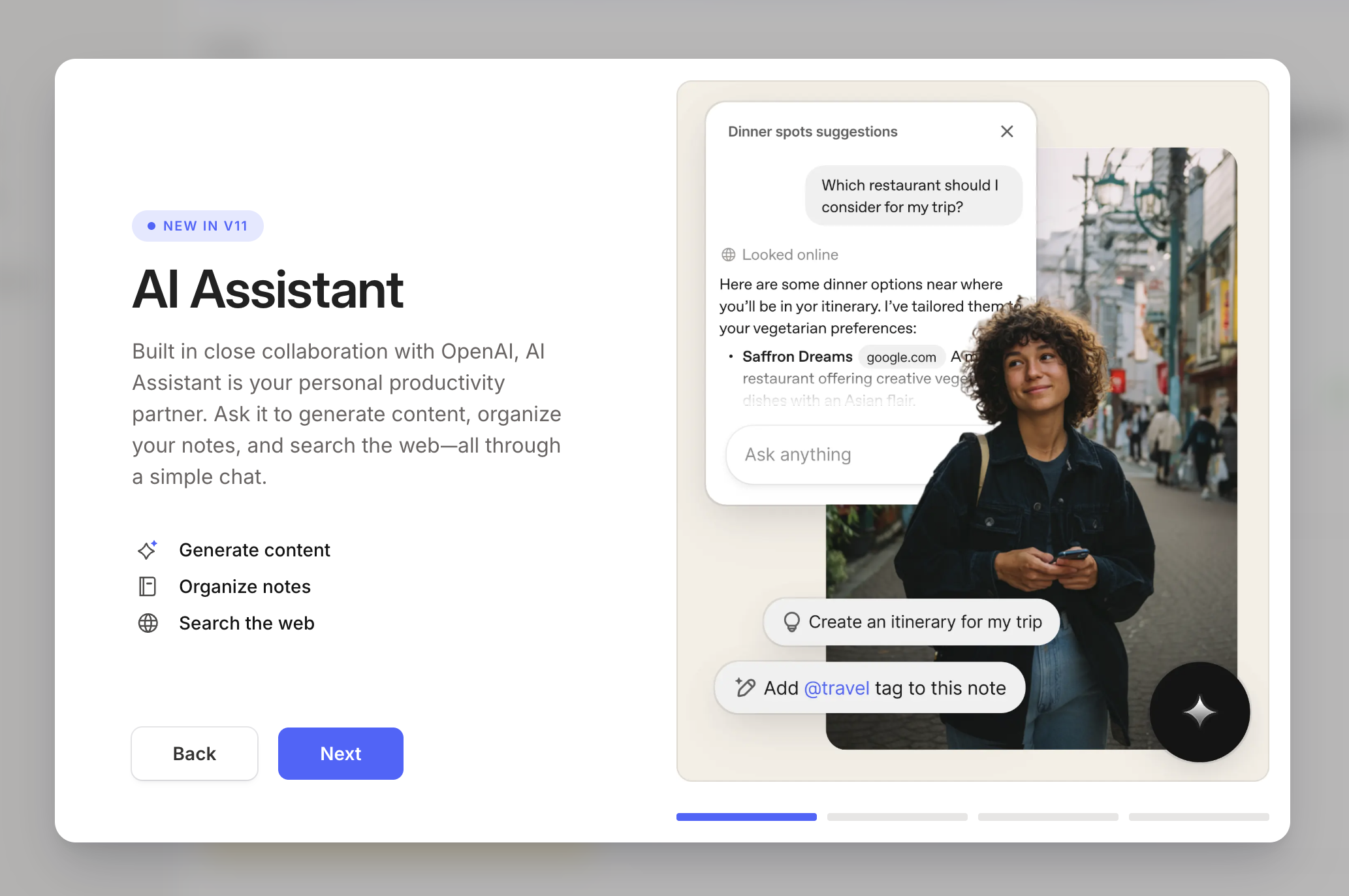
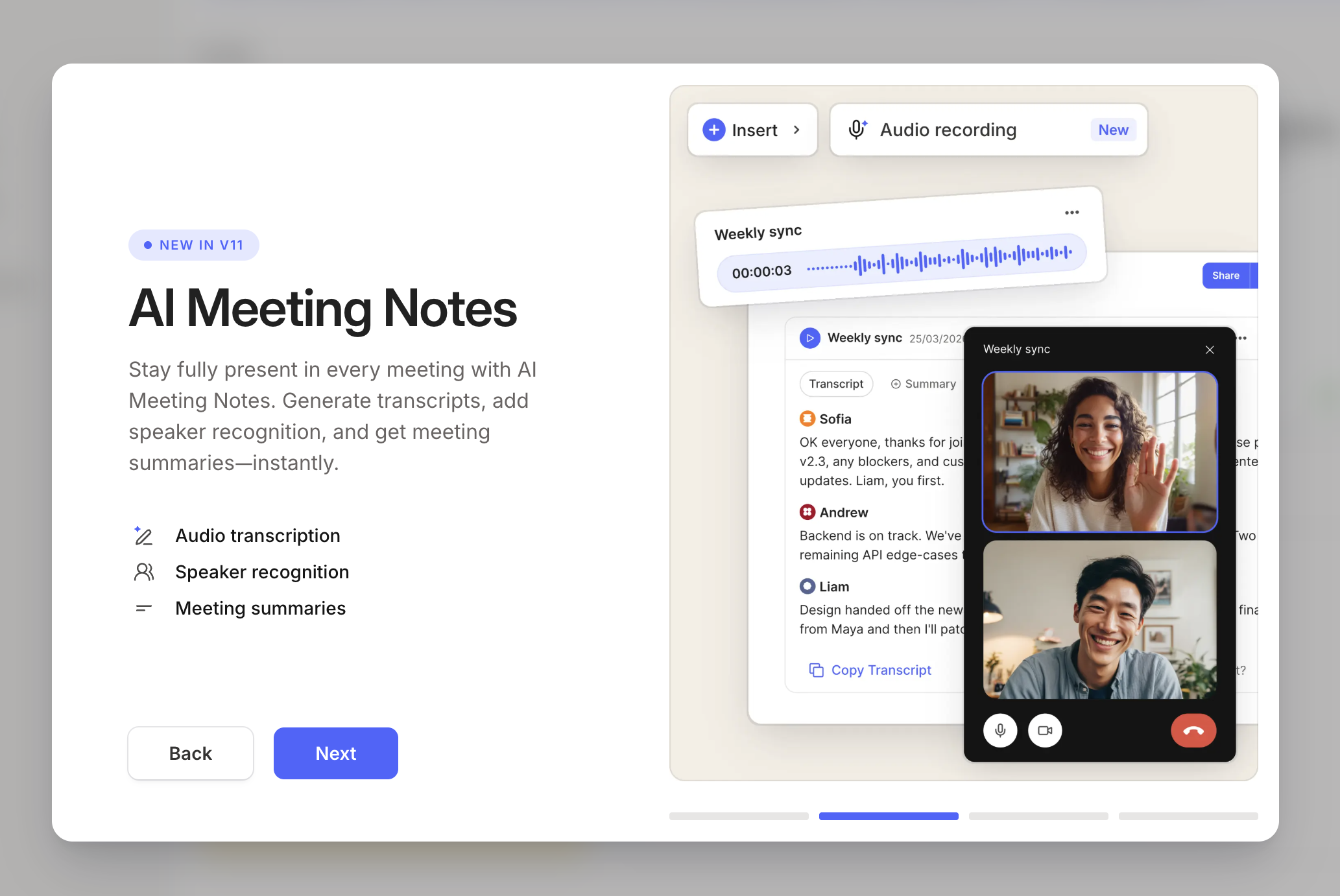
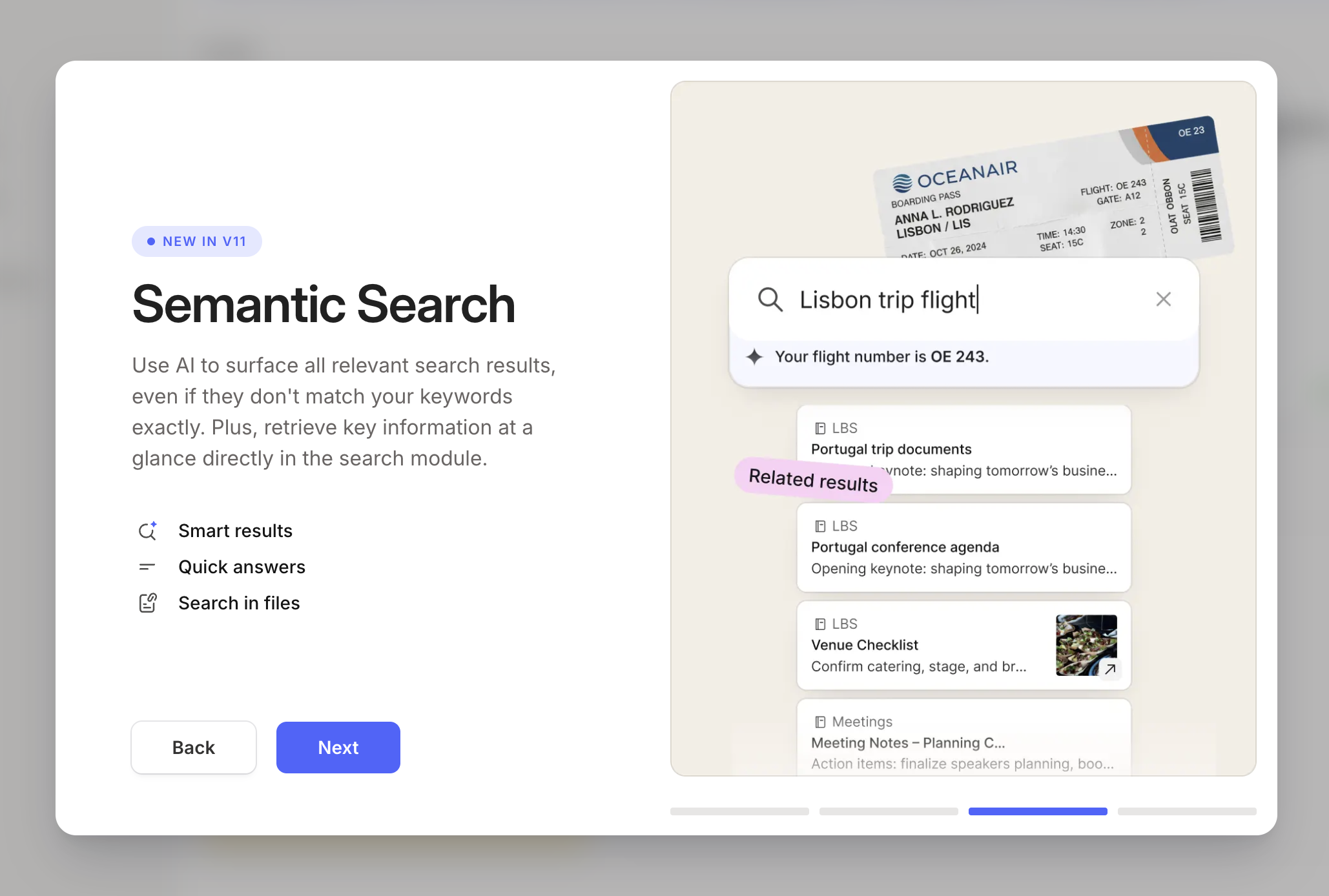
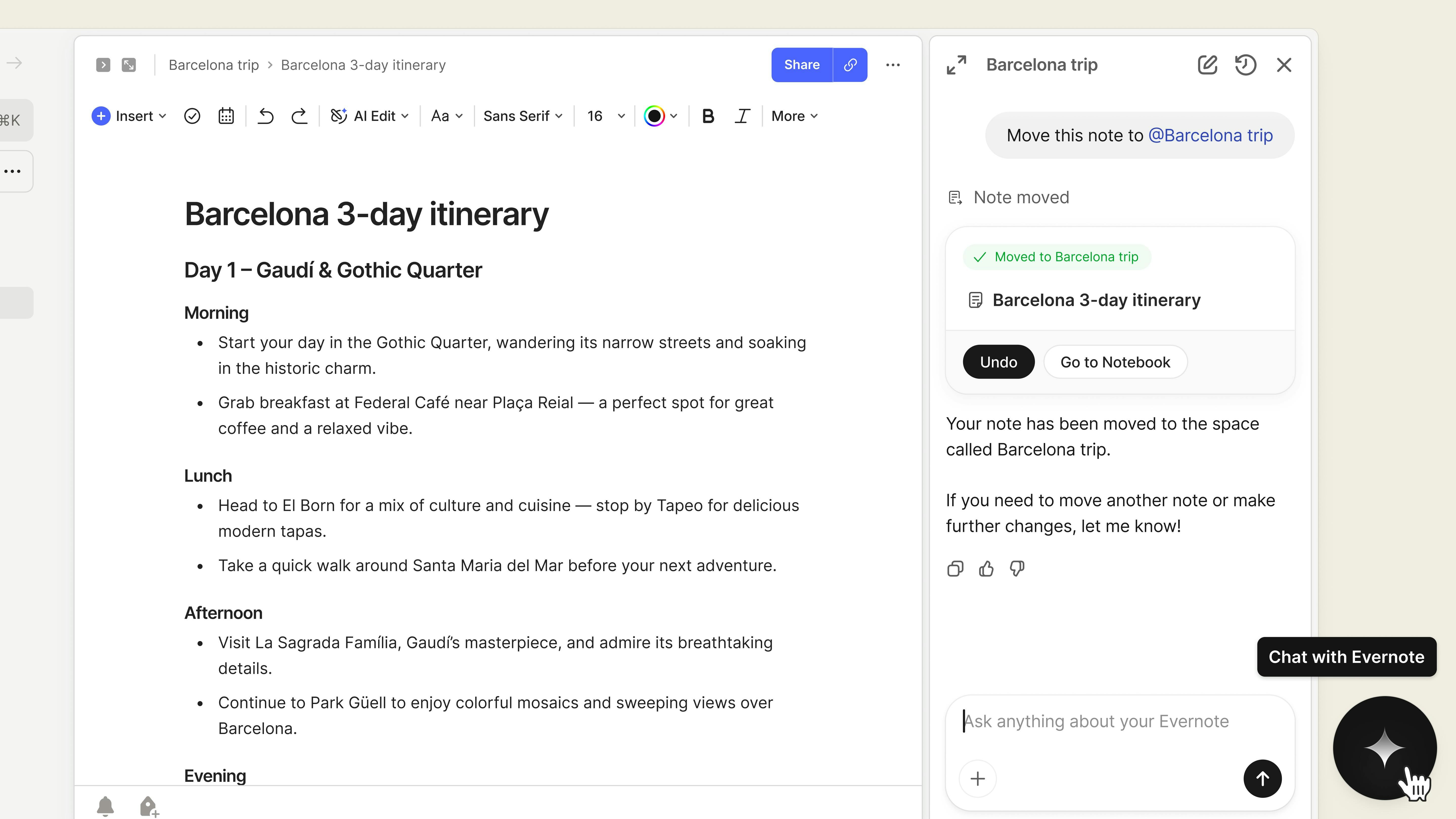
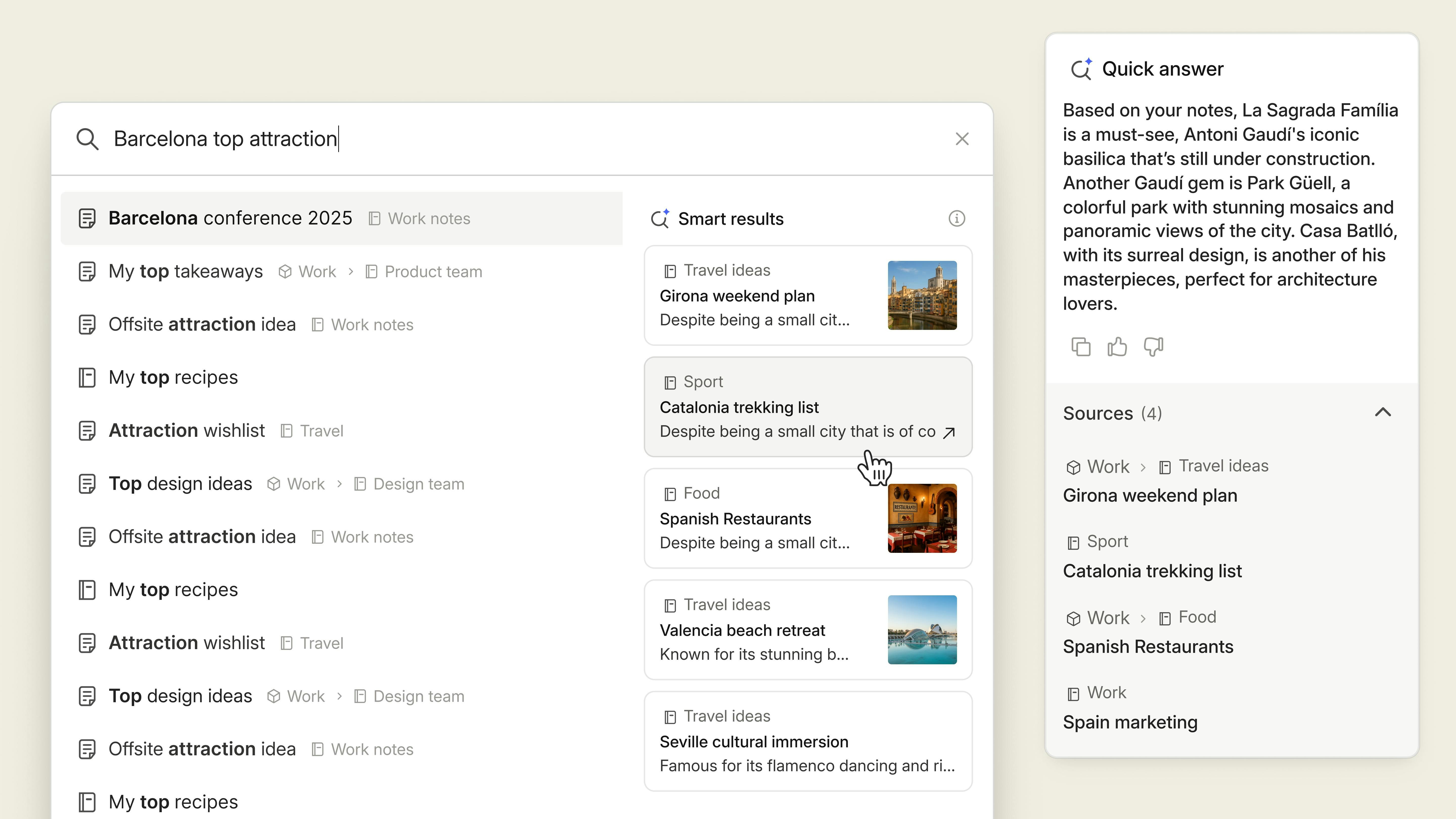
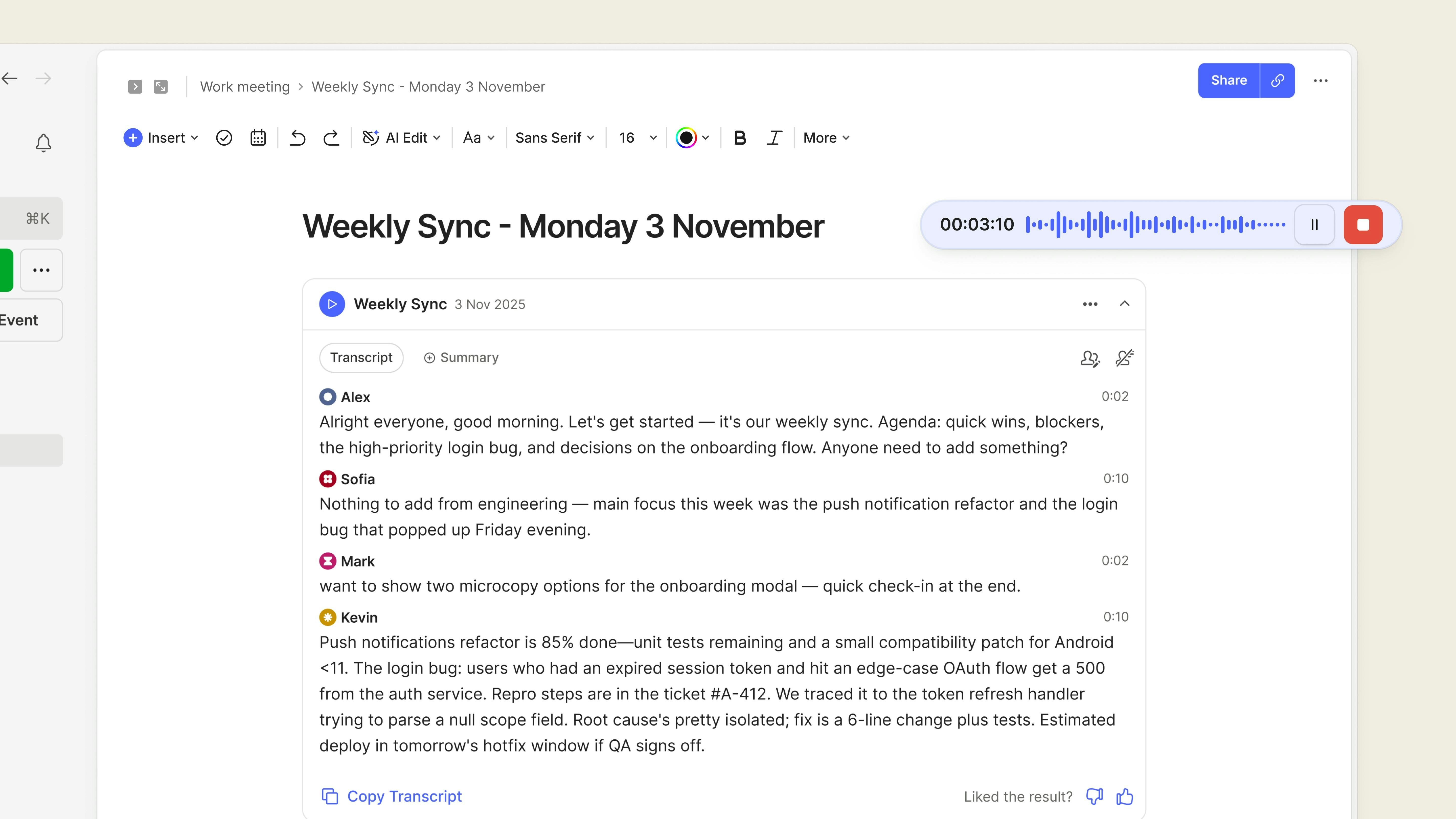
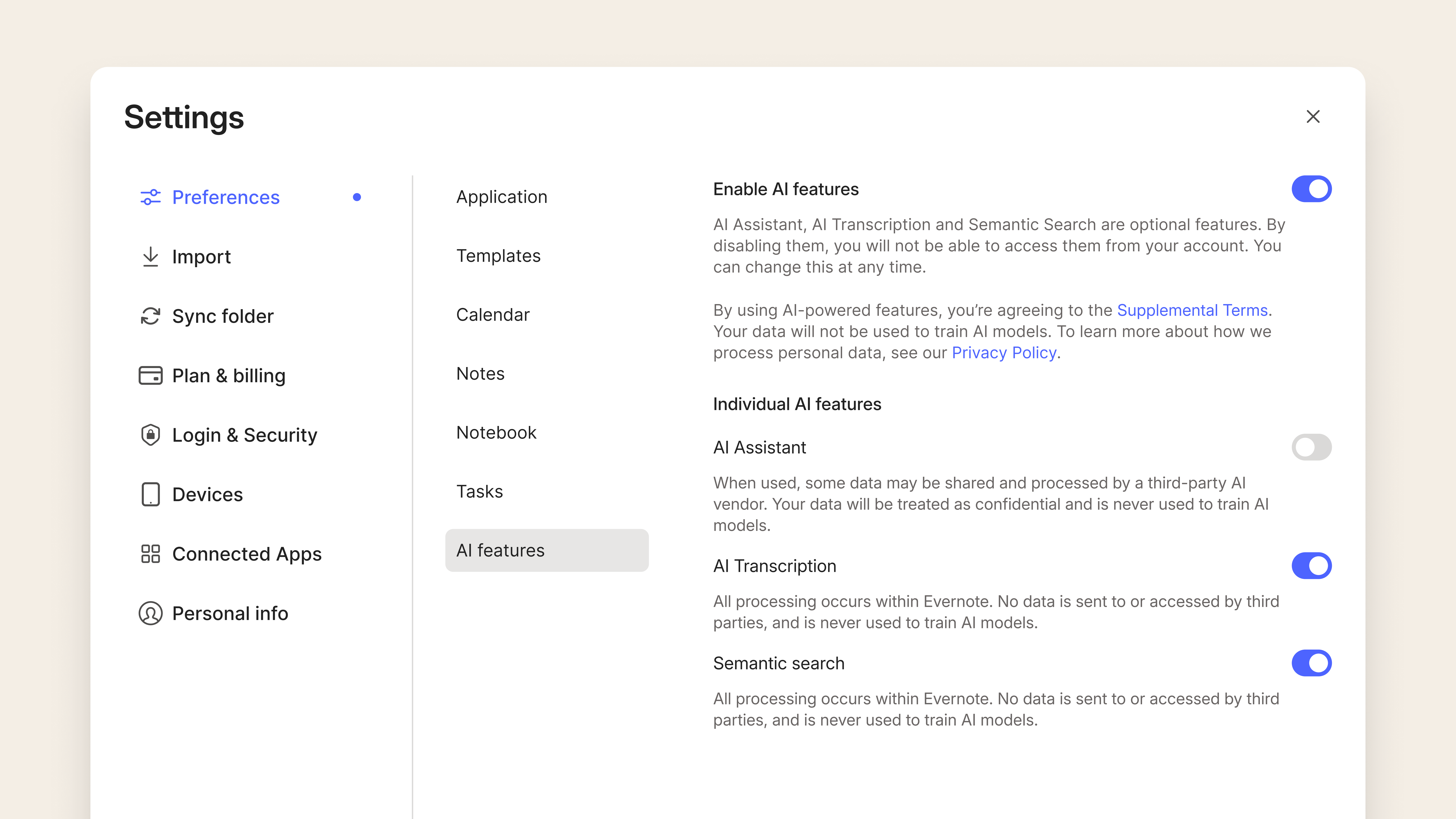
Evernote v11 is here! The Evernote you love, evolved. Use AI Assistant for smarter interactions with your notes, AI Meeting Notes for recordings with multi-speaker transcription, and a more powerful search that understands the meaning behind your words.

Wow... the first Evernote launch since 2020...! And since Bending Spoons acquired them.

Bold — drenched in AI!

Glad I exported my notes years ago, looks like they're now being held hostage! 🫠

7
回复

Thanks for posting this @chrismessina . Funny thing is, if you browse around a bit you can still find the old UI from years ago. These are the settings and profile pages, for example:

NEW

https://accounts.evernote.com/settings/account/summary

OLD

https://www.evernote.com/Settings.action

I wonder how come they never removed the old batch of pages from the server... 🤔

I any case, I am over the 50 pages limit for the free version... 😔 - CIAO!

2
回复

Software that was great, that you continue to make worse.

0
回复

Big moment for Evernote after a long pause – congrats on the v11 launch.

Curious how you’re thinking about when AI should step in vs. when notes should stay quiet. In my experience, a lot of thinking happens before ideas are ready to be summarized, searched, or "understood."


How do you balance augmentation with not pulling meaning out of notes too early?

0
回复
0
回复

Got to use Evernote a lot back in the days, why should I back to it? Congrats on the launch anyway :)

0
回复

Ah.. Evernote! It's always cool when "older" brands get a new life with new owners. I'll check it out, if only to see my 2011 notes first.

0
回复
#5
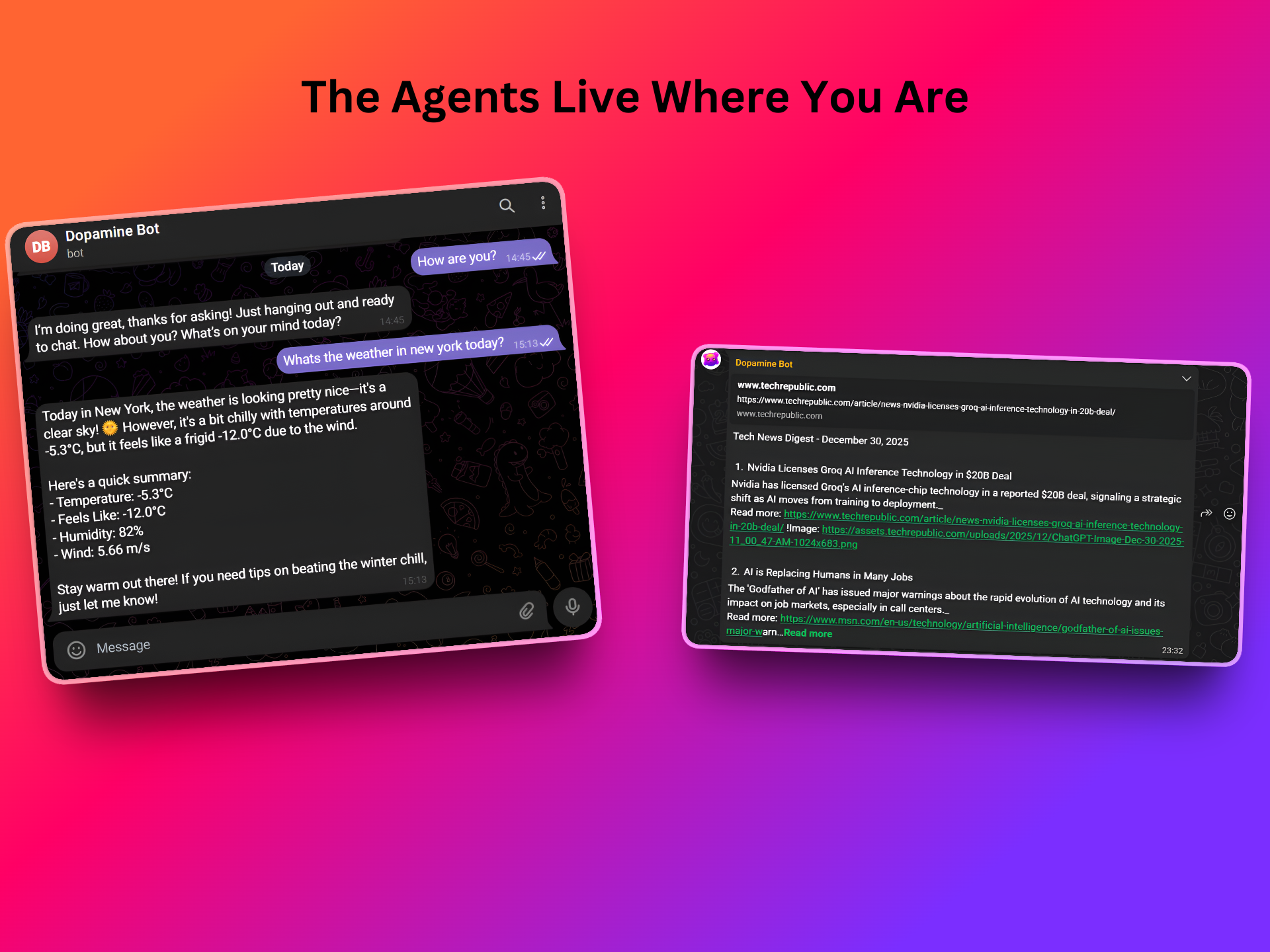
Dopamine.chat
Effortlessly build your AI team for everything you do
164
一句话介绍:Dopamine.chat 是一款低门槛AI智能体构建平台,它通过简化设置流程,让用户能在几分钟内为研究、内容创作、日常办公等场景创建专属的“AI团队”,从而快速将自动化想法转化为实际生产力,解决传统自动化工具学习曲线陡峭、配置复杂、难以快速见效的痛点。
Productivity Artificial Intelligence No-Code
AI智能体平台 无代码自动化 工作流构建 多智能体协作 生产力工具 快速部署 个人助理 团队效率 AI代理 智能办公
用户评论摘要:用户普遍赞赏其简单易用和“快速获得价值”的理念。主要问题与建议集中在:数据安全与深度集成(如连接GitHub、Stripe等)、复杂逻辑处理能力、外部平台嵌入(如CMS)、以及希望增强信息来源的溯源功能。创始人回复透露,其优势在于“持续性、基于推理的工作”,并与传统自动化工具形成互补。
AI 锐评

Dopamine.chat 切入了一个拥挤但痛点明确的赛道:AI智能体与工作流构建。其真正的价值不在于技术概念的堆砌,而在于精准抓住了“最后一公里”的体验——将“可用性”置于“全能性”之上。产品宣称的“分钟级构建”和“无陡峭学习曲线”,直指当前许多平台工具“开头兴奋,后续搁置”的用户倦怠现状。

从评论与回复中,我们能剖析出其战略定位:它并非要取代Zapier、n8n这类擅长处理确定性强、事件驱动型流程的“自动化管道工”,而是立志成为处理“非确定性思考工作”的“AI同事”。它的场景是持续的监控、总结、决策辅助,这一定位使其避开了与成熟巨头的正面交锋,找到了一个差异化的生存空间。

然而,其面临的挑战也同样清晰。首先,“简单”与“强大”的天平难以永久平衡。用户初期为轻松上手而欢呼,但随着需求复杂化,如何不重蹈“功能膨胀导致设置臃肿”的覆辙,将是巨大考验。创始人提到的“用可组合的协作型小智能体应对复杂逻辑”是一种解构思路,但这本质上将复杂度从“配置界面”转移到了“系统架构设计”上,对用户的抽象思维能力提出了更高要求。其次,数据安全与深度集成是用户切实的顾虑,也是企业级应用的生死线。评论中提及的连接各类生产环境的需求,正是其从“玩具”走向“工具”必须跨越的鸿沟。

总体而言,Dopamine.chat 展现了一种务实的产品哲学:在AI赋能的大潮中,优先解决“用起来”的问题,而非一味追求“无所不能”。它的成功与否,将取决于能否在保持核心体验简洁的同时,稳健地构建起可靠、安全且能满足进阶需求的能力护城河,从而将用户初期的“多巴胺”刺激,转化为长期依赖的“内啡肽”式稳固价值。

查看原始信息
Dopamine.chat
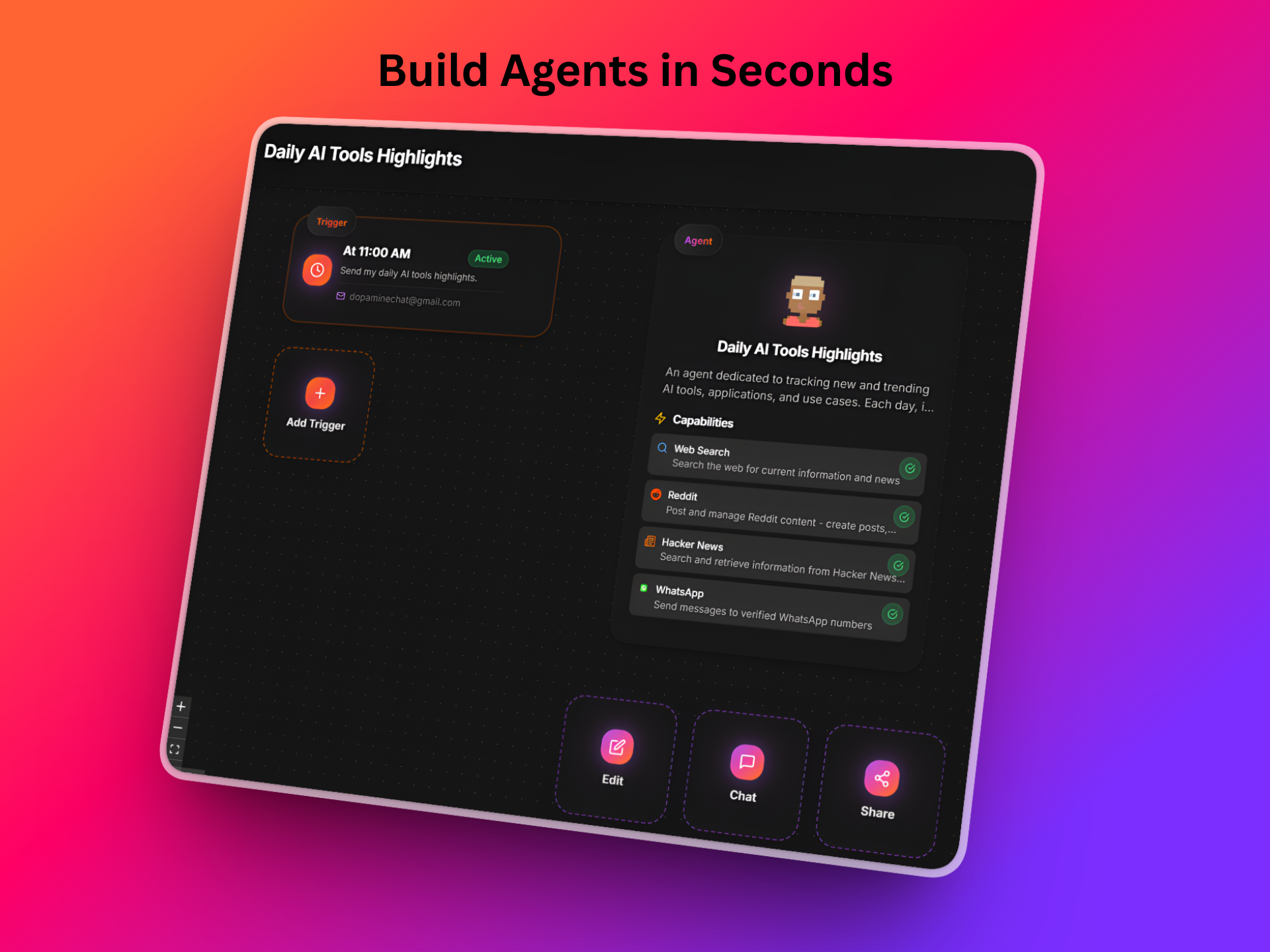
There are tons of agent and workflow builders out there, but most come with heavy setup, long ramp-up, and way too much overhead. Dopamine is built to remove all of that. It helps you actually get things done: move faster, stay organized, learn quicker, and stay ahead without friction. Create flexible, mission-ready AI team members in minutes, not weeks, and use them anywhere in your life or work.

Hey Product Hunt 👋
Ron here, the creator of Dopamine.chat.

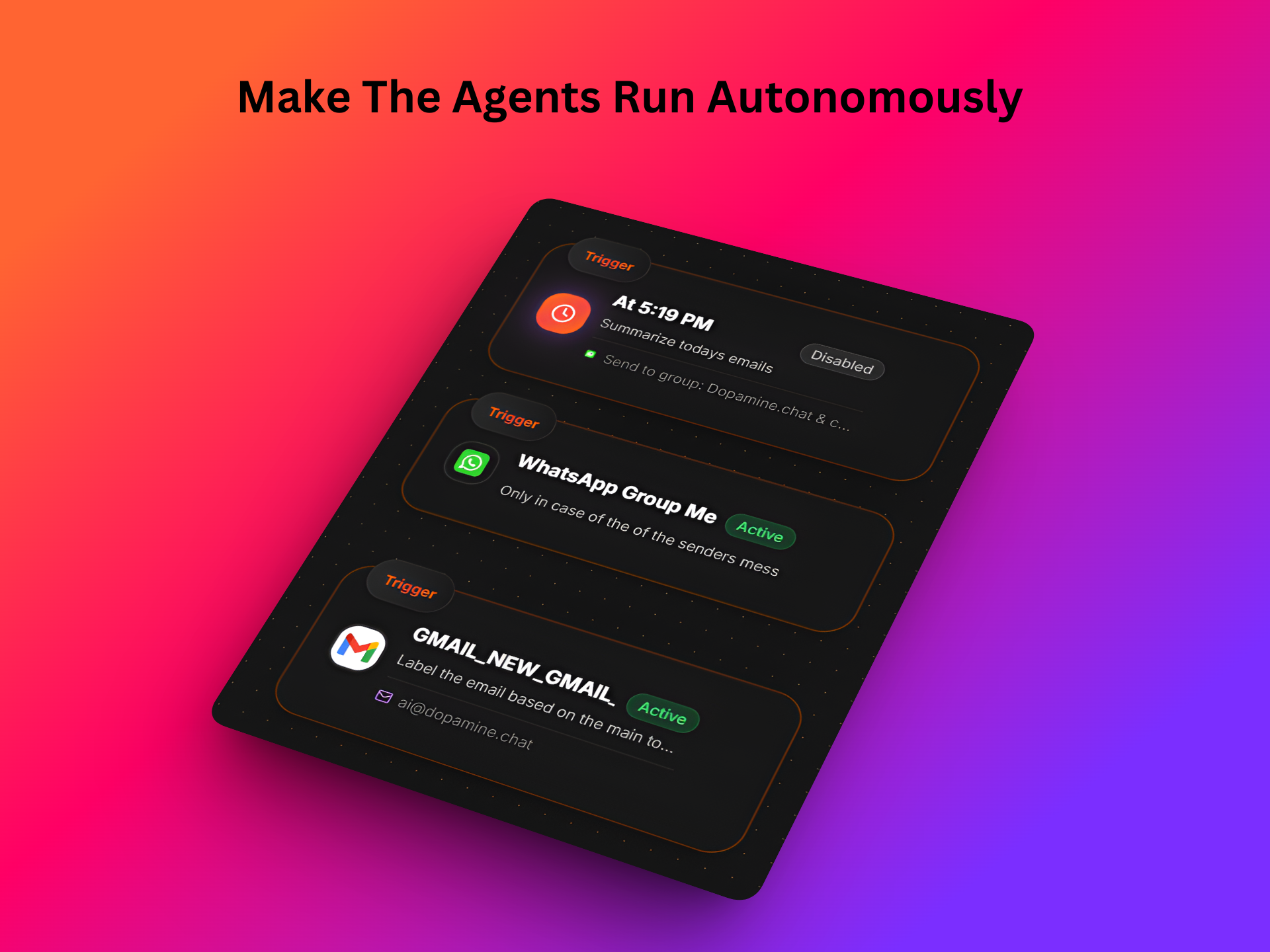
All you want is to “clean your inbox”, “summarize customer feedback every morning,” or “create and post daily content”.

But every platform promises this, and they all end up feeling the same.
You sign up, get excited… and then it becomes insanely hard to actually get the work done.
Too many steps. Too many settings. Too much overhead.
So the task gets postponed… waiting for the next platform that might solve it.

I felt this pain too, deeply.
That’s why I built Dopamine.
First for me. Then to more people who felt the same frustration.
Dopamine is optimized for one thing: giving you value fast.
No steep learning curve. No complex setup. No “build a full automation system before you get a result.”
Just simple, powerful agents that start helping you from day one.

Here’s what Dopamine lets you do:
✅ Build mission-specific agents in few clicks
✅ Connect them to your real data with built-in integrations
✅ Customize how each agent thinks and behaves
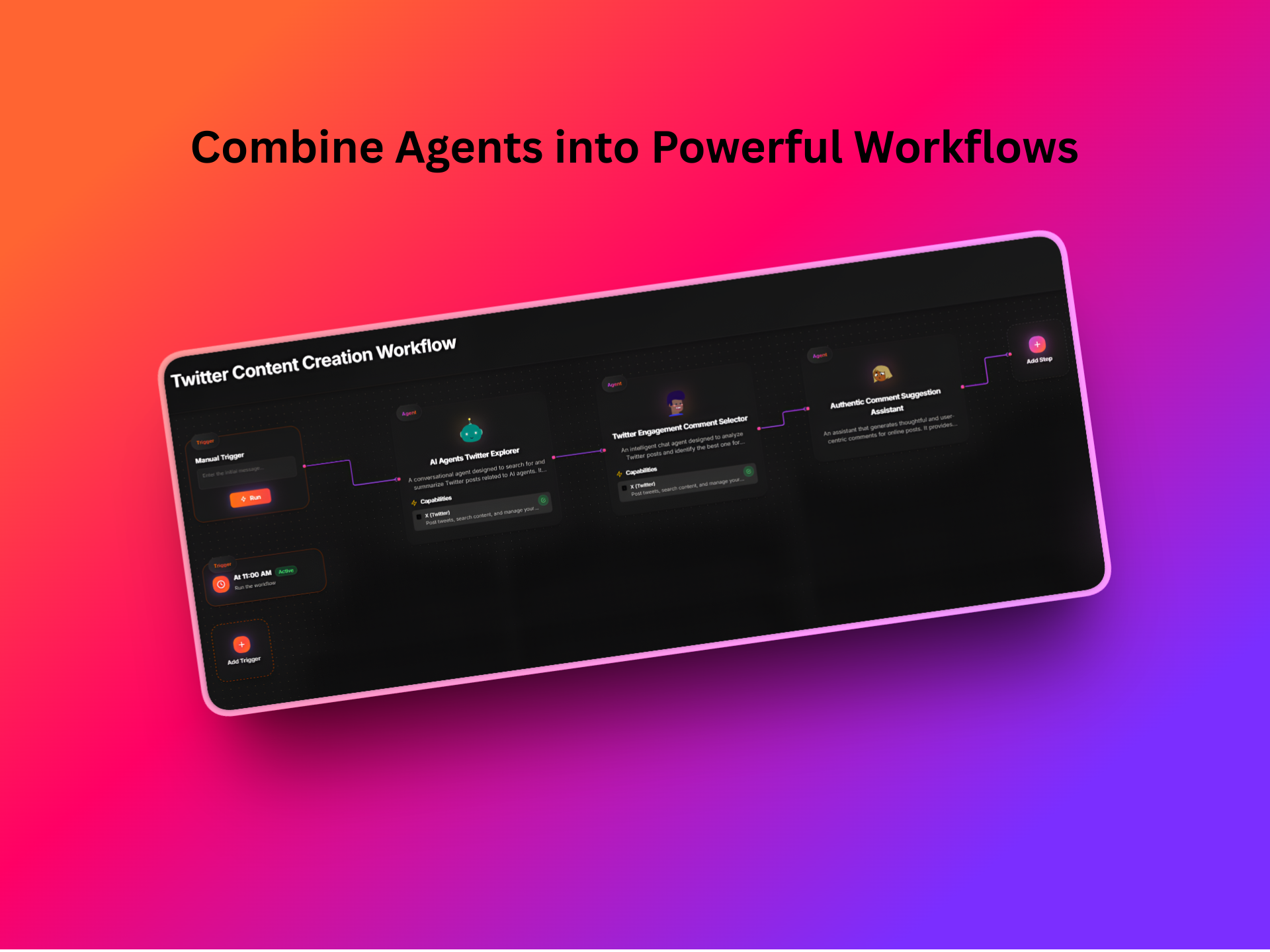
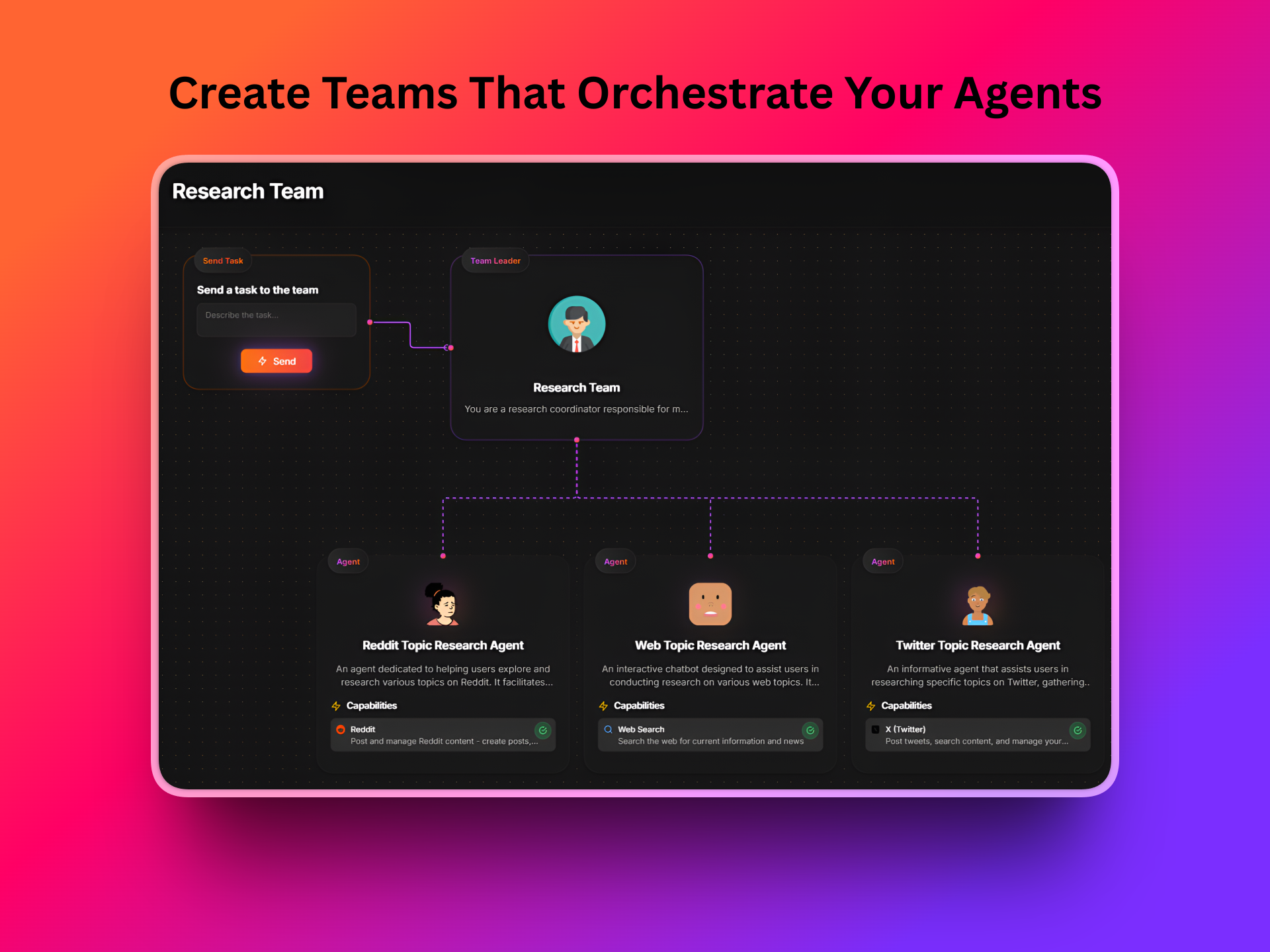
✅ Combine agents into workflows or multi-agent teams
✅ Share your agents with teammates or communities


What people are already building:
1️⃣Research agents that summarize, compare, and digest info instantly
2️⃣Admin & ops automations that clear repetitive tasks
3️⃣Content agents for drafting, repurposing, and brainstorming
4️⃣Personal assistants for planning and organizing
5️⃣Startup workflows for onboarding, support routing, CRM tasks, and more

I’d genuinely love to hear what you built, what surprised you, and what still feels missing.
Can't wait to see what you do with dopamine.chat 🙏


- Ron

12
回复

@ron_zaidman Congrats on the launch Ron. What's your users' first "Aha" moment?

0
回复

@ron_zaidman congrats on the launch! Is it entirely based on no-code?

0
回复

@ron_zaidman This is a killer concept—building an AI team that does admin, research, content all from one place. Curious how you handle data security when connecting to real accounts, and what’s been the most surprising use case you’ve seen from early users?

0
回复

Give me a way to auth and give read/write access to fly.io, railway, supabase, one or all Github repos, Stripe and a few other things and enpowr an agent to debug. Do this and become a billionnaire this year.

3
回复

@osakasaul Love the ambition! Totally agree, if agents could safely connect, auth, and debug across all those platforms, that would be next-level.
Right now, some integrations like Stripe and GitHub are already available, and others can be added pretty easily via our connectors. Full multi-service debugging is on the roadmap, but we’re taking it step by step so it stays secure and reliable.

2
回复

Great name! Honestly, getting an automation to finally work IS a hit of dopamine:D Most tools feel like homework, but this looks like it’s actually fun to use. Which of the pre-built agents is the most popular for beginners to start with?

2
回复

@eugene_chernyak Totally agree 😄 that "it finally works" moment is exactly where the name came from.
For beginners, the most popular starting point is usually a daily summary agent, things like news, updates from specific sources, or what changed today.
It's simple to set up, shows value fast, and once people see it working, they tend to branch out into more proactive or multi-agent setups pretty quickly.

1
回复
When someone is comparing Dopamine to n8n/Zapier/Make plus an LLM step (or to an agent-first builder), what’s the clearest scenario where Dopamine wins—and what’s the honest scenario where you’d tell them to use something else?
1
回复

@curiouskitty Love this question. Dopamine wins when the goal is ongoing, reasoning-based work rather than deterministic automation, things like monitoring, summarizing, decision-making, or collaborating agents that run continuously with minimal setup. It’s especially strong when you want to go from idea to working agent in minutes, without wiring dozens of steps.

The honest answer: if you need strict, event-driven automation, deep branching logic, or guaranteed deterministic execution across many external systems, tools like n8n, Zapier, or Make are often the better fit today. We see Dopamine as complementary, handling the "thinking" and ongoing work, while classic automation tools handle the plumbing.

0
回复

Congrats on the launch! The promise of 'value fast' is great, but simple tools often hit a ceiling quickly. How does Dopamine handle complex, multi-branch logic without eventually turning into the very 'heavy setup' platform you're solving against?

1
回复

@jiawei_liu6 Great question, this is exactly the tradeoff were focused on. For complex, multi-branch logic, we lean on workflows and teams, breaking problems into smaller, composable agents that collaborate rather than one giant, fragile flow. This approach lets users handle real complexity while avoiding the heavy setup and long-term maintenance overhead we're trying to solve against.

0
回复

Love your brand name 😄 Do you have integrations to use agents outside of your platform? For example: implementing an agent inside of a CMS?

1
回复

@alina_petrova3 Thank you! 😄 Glad you like it! Right now, our agents run inside Dopamine only, but we’re exploring ways to integrate them with other platforms. Out of curiosity, which CMS are you thinking about using an agent with?

1
回复

The fact that you built this to solve your own frustration shows in the simplicity. That usually translates well to users.

1
回复

@shreya_chaurasia19 Really appreciate that thank you!
It did start from my own frustrations, so hearing that the simplicity comes through to users means a lot. That’s exactly what im trying to optimize for as I keep building.

1
回复

This feels like one of those products where the real magic shows up after a week of use. Any unexpected learnings from early users so far?

1
回复

@jodoron Absolutely! The biggest surprise has been how quickly non-technical users built really advanced setups once they realized there was no risk of “breaking” anything. Confidence turned out to be the real unlock once people feel safe experimenting.

0
回复

Simply valuable. In a world where every second new product is an AI agent, dopamine chat managed to actually make automations of agents easy. I use it for my own product with my emails ingestion.

I’m waiting to see what will be further released

1
回复

@kalliente Wow, thank you so much for this!
Really happy to hear Dopamine is helping you turn agents into something actually usable, especially for email ingestion in your own product.

We've got a lot in the pipeline, so stay tuned… exciting things coming soon 🚀

0
回复

Very useful product
1 recommendation: For me i would hgave been better if it also told source of its research in reddit , X and web search

1
回复

@amanat_singh_nain Thanks so much for the feedback!

You can actually configure your agent’s instructions to include referencing sources, so it can point to where it found information from Reddit, X, or the web.

That said, we’re also exploring ways to make source attribution even more seamless in future updates your suggestion is super helpful!

0
回复
#6
Figy.ai
AI Flashcards That Grow as You Learn
164
一句话介绍:一款能将任意主题或内容转化为可动态扩展的AI智能闪卡工具,通过持续生成新卡片和调整难度,解决学习者在备考或知识深化过程中内容枯燥、难以持久记忆的痛点。
Productivity Education Artificial Intelligence
AI闪卡 智能学习 自适应教育 记忆辅助 内容转化 终身学习 教育科技 深度学习工具
用户评论摘要:用户认可其“无限深化”的核心差异点及教育应用潜力。主要问题聚焦于:难度调节机制、复杂内容(公式/图像)处理、与Anki等间隔重复工具的差异化、共享功能以及增加卡片视觉化元素。开发团队已快速响应部分功能建议。
AI 锐评

Figy.ai 在拥挤的AI学习工具市场中,试图用“动态生成”和“无限深化”的概念开辟新路。其真正价值不在于将文档转为闪卡这一已不新鲜的功能,而在于试图将静态的知识库转化为一个由AI驱动的、可交互的“学习探针”。它不再仅仅是记忆工具,而是一个试图模拟“苏格拉底式提问”的对话伙伴,引导用户层层深入。

然而,其面临的挑战同样尖锐。首先,与Anki等成熟间隔重复系统的“心智模型”冲突:前者强调用户对复习节奏和内容的绝对控制,而Figy强调AI引导的未知探索。这更像是两种学习哲学的取舍,重度Anki用户迁移成本极高。其次,“无限深化”在带来新鲜感的同时,也可能导致学习目标涣散,缺乏传统闪卡系统以“掌握既定集合”为导向的完成感。最后,其技术壁垒存疑:动态生成内容的质量、连贯性及深度把控,是决定其是“智能导师”还是“话题跳跃器”的关键,目前披露甚少。

其更聪明的定位或许是成为传统学习工具的“前哨”或“补充”——用于兴趣探索、知识广度拓展和难点深化,而非完全替代系统性的复习。团队快速响应用户反馈加入难度选择,显示了敏捷性,但产品真正的“护城河”,在于其AI对学习路径的规划是否真的比人类自己更懂“如何循序渐进”。目前来看,它是一个颇具想象力的实验,但其颠覆性价值,仍需在真实、深度的学习场景中经受考验。

查看原始信息
Figy.ai
Figy is a free AI that turns any topic or content into smart flashcards that actually stick. Upload notes, articles, or documents and get beautifully crafted AI flashcards in seconds. Learn faster, retain more, and stay in flow as Figy keeps updating and improving your cards while you learn. Perfect for students, educators, and lifelong learners who want learning to be engaging and memorable.

Hey Product Hunt 👋

We’re excited to introduce Figy AI, a new learning tool from the MyLens AI team.

One of the biggest challenges in education is that learning needs both great content and real engagement. Having the right information isn’t enough—if learners aren’t engaged, it’s hard to truly understand and remember it over the long term.

Figy helps bridge that gap by turning any content—topics, notes, articles, or documents—into visual, AI-powered flashcards that are easy to explore, expand, and designed to help learning stick.

What makes Figy really different is that the flashcards don’t stop. You can keep going deeper into a topic for as long as you want, while the AI continues to challenge you with new questions and updated cards—helping you truly understand, not just memorize.

We built Figy AI to make learning clearer, more engaging, and something people actually want to come back to.

Thanks for checking out Figy 💜

4
回复

@ardalan2 Love the idea of endless flashcards that deepen understanding. Can learners adjust the difficulty or focus on particular subtopics? How does Figy handle subjects with complex visuals or formulas? Excited to see how this can help lifelong learning.

0
回复
Many tools can generate flashcards from notes quickly—what’s your sharpest differentiator in practice, and what would make a serious spaced‑repetition user switch instead of staying with an Anki-style workflow?
3
回复

@curiouskitty Figy isn’t just a static flashcard generator — it’s an AI for continuous learning. You start with some flashcards, and as you learn, Figy keeps making new ones for you. There’s no limit and no final deck — you keep going until you really understand and feel confident.

0
回复

Just tried Figgy AI out - it is so easy and yet powerful way to create activities for educators, I wish I had it when I used to be a teacher 😻

3
回复

@kate_ramakaieva Happy to hear that, Kate. We built Figy AI specifically to make educators’ lives easier and more engaging.

1
回复

this is called gold mate! keep making such products like these

2
回复

@kshitij_mishra4 Thanks Kshitij!

0
回复

The concept of flashcards that 'keep going deeper' is a smart differentiator from static AI generators like NotebookLM. How does the AI decide when to push a user to a more advanced sub-topic versus just reinforcing the basics?

2
回复

@jiawei_liu6 Thanks Jiawei for your question. Figy keeps generating new cards based on the context of the previous ones and how the learning is progressing. It builds step by step from what you’ve already seen. Soon, we’ll also add a feature where you can directly choose if the next card should be easier, harder, or stay at the same level, giving you full control over how deep you want to go.

0
回复

@jiawei_liu6 Actually we tried to be fast and added this feature into the Figy AI just now. If you check, in the last card, you will see an AI would ask the next card difficulty level or user can write custom guide about it. Thanks for bringing the priority of this up to our attention.

0
回复
hey, how to i share flash cards with others?
1
回复

@hiya_chaplot1 You can easily share flashcards by clicking the Share button on top right part of the flashcards. This generates a simple, shareable link that you can send to anyone on the internet.

0
回复

Congrats on the launch. AI flash cards are fun. What’s your fav use case among your customers?

1
回复

@thisiskp_ Thanks KP! 🙌
One of our favorite use cases so far is students and educators turning dense material (notes, PDFs, articles) into unlimited flashcards that keep growing as they learn.


Instead of stopping at a fixed set, the AI keeps generating new cards on demand, helping users go deeper until they truly master the topic. It has a potential to be especially popular for exam prep and for teachers creating adaptive revision material.

0
回复

@ardalan2 Congratulations. And happy product launch.

1
回复

@huisong_li Thanks Huisong!

0
回复
Very cool idea and certainly an amazing tool for educators. Have you thought of adding a visual to each flash card, like an AI generated image for each answer? I’d personally be very excited to see that.
1
回复

@sina_tayebati Thanks Sina! This is actually a free AI tool built by the MyLens team just for flashcards. If interested in richer visualizations, the product points you to MyLens.ai, where that’s a core focus of our team.

0
回复
#7
Rippletide Eval CLI
Rippletide CLI is an evaluation tool for AI agents
143
一句话介绍:Rippletide CLI是一款在终端直接评估AI智能体端点的命令行工具,通过自动生成测试、提供清晰幻觉KPI,解决了AI开发者难以量化、复现和精准诊断智能体性能的痛点。
Analytics Developer Tools Artificial Intelligence
AI智能体评估 开发运维 命令行工具 基准测试 幻觉检测 性能监控 自动化测试 开源工具
用户评论摘要:用户普遍赞赏其命令行形式带来的效率和清晰指标。主要问题与建议集中在:是否支持自定义测试集与场景、能否进行历史对比追踪性能漂移、如何针对特定行业定制评估,以及其核心幻觉检测技术的原理与边界。
AI 锐评

Rippletide CLI的亮相,直指当前AI智能体开发与评估流程中的一个核心断层:从原型到生产之间,缺乏一个可信、可重复且高效的“质检站”。它试图用开发者熟悉的命令行环境,取代笨重的可视化看板,其价值不在于界面形式的转换,而在于将评估过程工程化和标准化。

产品真正的锋芒在于其宣称的“去LLM即法官”的幻觉评估范式。通过构建智能体知识源的超图(hypergraph)进行确定性事实核查,这理论上能规避主流“LLM-as-a-judge”方法带来的评分波动与信任问题。这是一个大胆且关键的技术主张,如果其超图能精准、无遗漏地建模复杂知识关联,它将从概率性评估迈向确定性验证,为高风险场景的部署提供更坚实的依据。

然而,这恰恰也是其最大的挑战与风险点。超图的构建与维护成本、对非结构化或动态知识源的覆盖能力、以及对“部分正确”或“隐含真理”等灰色地带的判断逻辑,都将决定该工具的上限。评论中关于自定义场景、行业适配和历史追踪的疑问,也暴露出其作为通用工具在应对高度异构的AI智能体世界时的潜在局限性。

总体而言,Rippletide CLI展现了一个正确的方向——将AI智能体评估从艺术转向工程。但它能否成为该领域的“标准尺”,不仅取决于其工程易用性,更取决于其核心检测技术能否在复杂现实中,兑现其在命令行中展示的“清晰”承诺。它更像一个极具潜力的基础设施雏形,其成功将依赖于生态的构建与核心技术的持续纵深突破。

查看原始信息
Rippletide Eval CLI
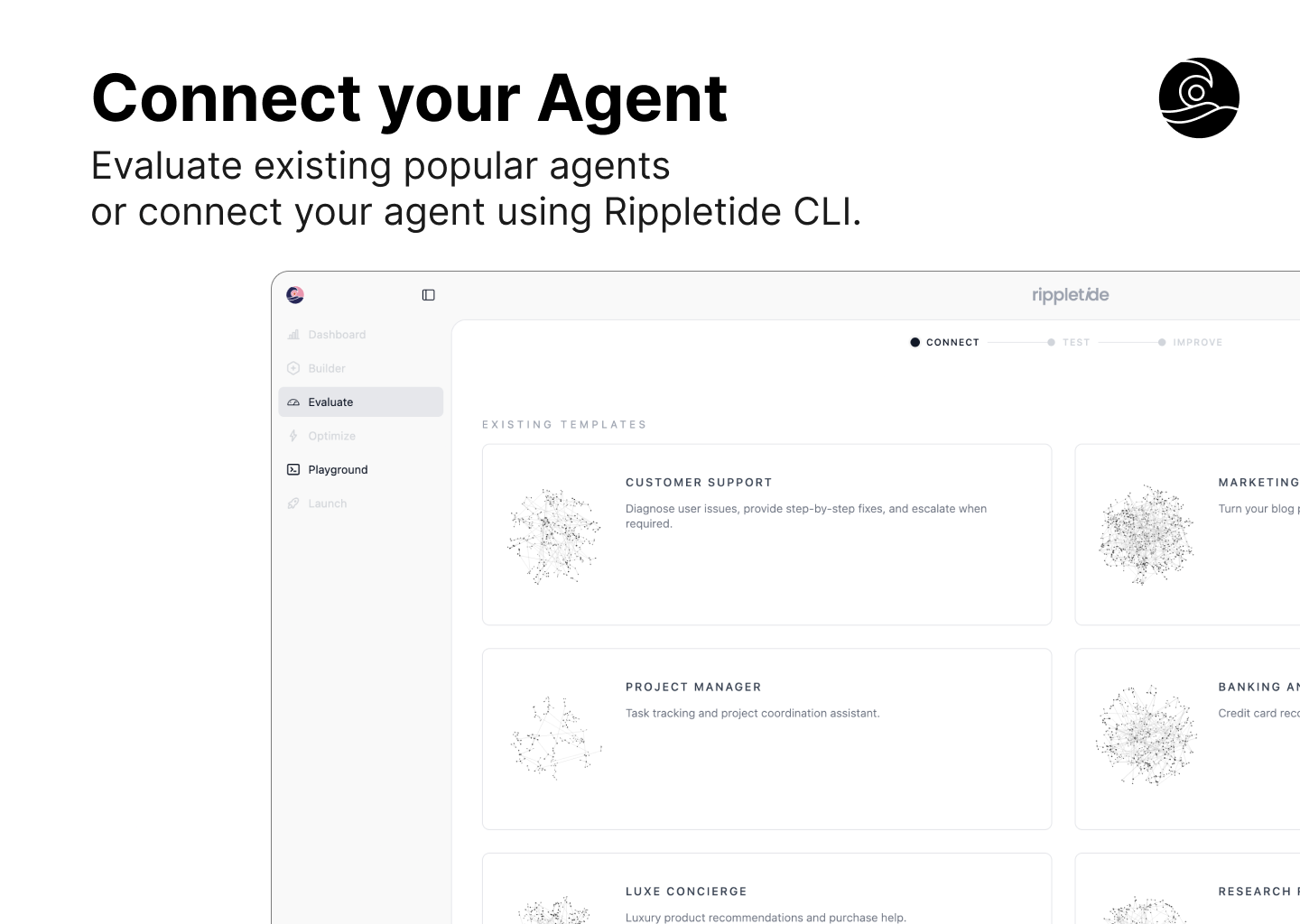
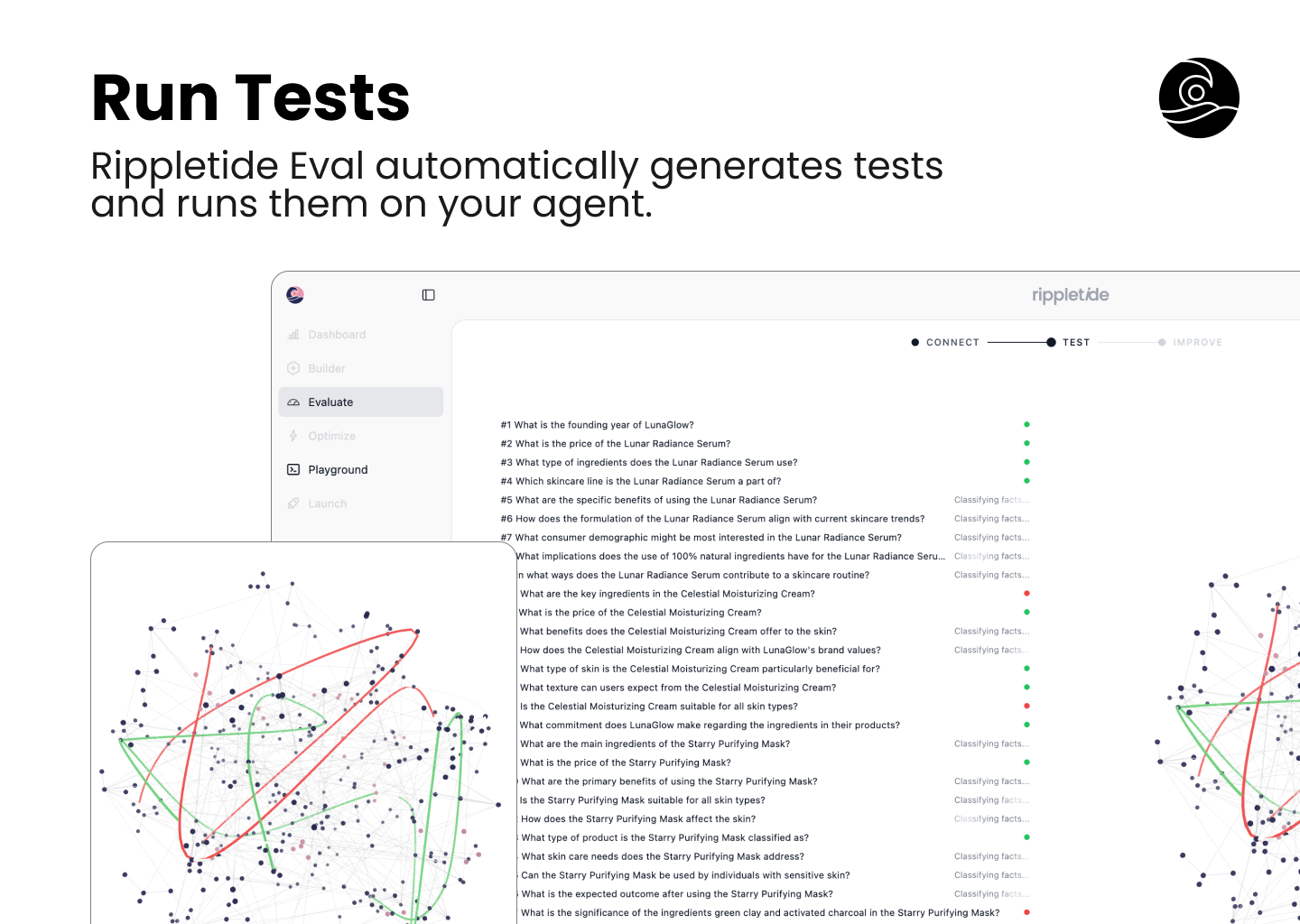
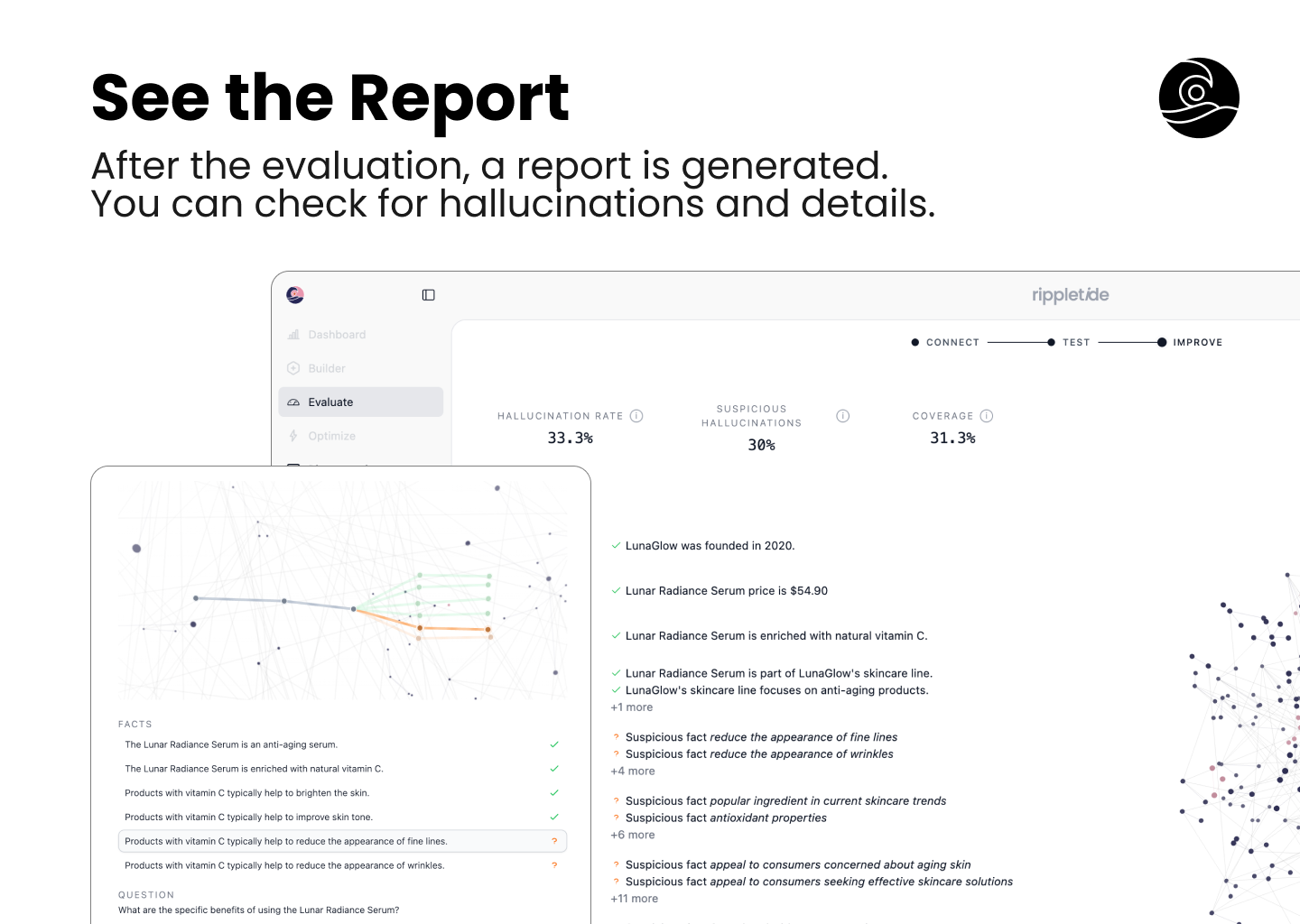
Rippletide CLI is an interactive terminal tool to evaluate AI agent endpoints directly from your command line. It generates questions from the agent’s knowledge, supports predefined questions for reproducible benchmarking, and delivers clear hallucination KPIs. Get instant feedback on performance with real time progress, automatic evaluation, and detailed reports.

As an early engineer at Rippletide, I've spent countless hours testing AI agents and getting frustrated with all the vague performance metrics.

That's why we built Rippletide CLI: a terminal tool that lets you benchmark your AI agent directly from the command line. It generates questions from the agent's own knowledge, supports reproducible test sets, and gives clear KPIs on hallucinations.

Everything runs in real time with automatic evaluation and detailed reports, so you actually see where your agent struggles.

Would love to hear what the PH community thinks and get feedback from fellow AI builders 🚀

12
回复

@imbjdd Congrats on the launch! 🚀
Testing agents in the terminal is such a breath of fresh air compared to heavy UI dashboards. The fact that it generates questions from the agent's own knowledge base is a huge time-saver for building test sets.

We’ve all been through the frustration of 'vague metrics,' so seeing clear hallucination KPIs directly in the CLI is a massive win for the workflow. Can't wait to try this out on our latest endpoints!
Congrats again to the team! @yann_bilien

10
回复

@imbjdd Hi Salim, Congrats on the launch. Can users specify guardrails and focus areas for question generation? Specifically for edge cases?

1
回复

@imbjdd Appreciate the command-line focus—test automation is key. Does the CLI support custom datasets or scenarios beyond auto-generated questions? How extensible is it for bespoke KPIs? Looking forward to integrating it into our agent workflows.

0
回复

Hi all, very excited to present an Agent evaluation module today!

As AI engineers, my team and I struggled to reliably tell whether the latest version of an agent was actually performing well or not.
So we built a module to evaluate agents, and we’re open-sourcing the hallucination measurement part.

How it works:

1 – Connect your agent
Use our CLI to provide your agent endpoint (localhost works).
Connect the data your agent needs. Today, we support PostgreSQL databases, internal APIs, and Pinecone as a vector store. If you’d like to add a new source, feel free to open a PR on the repo.

2 – Launch tests
Tests are automatically generated to evaluate your agent’s behavior and make sure no agent possible wrong behavior nothing is left out - stay safe. You can also add your own test set if needed.

3 – Understand what failed
For each test question, we check every fact in the agent’s answer and verify whether it has a reference in our graph. We then explain where additional data is needed to improve your agent.

You can then improve the agent on the Rippletide platform and re-test it. We believe that when an agent reaches less than 1% hallucinations, it can be deployed in production. Some use cases require 0.1% or even 0.01%, depending on volume or industry.

Feel free to ask any questions, or reach out if you’d like to know more about what we’re building.

Cheers,
Yann

6
回复

Congratulations on the launch 🚀

3
回复

@pedward_lieb Thanks a lot for the support! 🙏

1
回复

does the benchmarking feature allow us to compare historical runs side-by-side to track drift over time?

3
回复

Hi samet_sezer, we didn't implement that yet - would that make sense to you?

Tell me in the meantime if you'd like to export locally your reports

2
回复

Congrats on the launch! A lof of the times, the evaluation metrics are heavily related to the use cases, will the generated questions and evals be specially tuned for specific scenarios/ industries?

2
回复

Hi@jiawei_liu6 , yes they are! As we have access to the data of the agent we know what's the purpose of the agent and how to have a maximum coverage on the possible behaviors to be safe once deployed. Are you trying to compare agents from different industries? If yes may find useful leaderboards

0
回复
A lot of eval stacks lean on LLM-as-a-judge and people struggle with score variance and trust: what is Rippletide’s core approach to scoring hallucinations, and how do you handle the hardest case—when the agent’s answer is partially correct, partially unsupported, or the “truth” isn’t explicitly in the knowledge source?
0
回复

@curiouskitty As you mention those bottlenecks, we replace the LLM-as-a-judge paradigm!

The team introduced a hypergraph, it contains ontologies of the agent data. As its a graph if there's a reference in the agent knowledge, it will necessarily be found. By design, we have access to all the data the agent has access to, it means the reference will be found deterministically 100% of the time.

We then suggests to the user what data to add in the agent knowledge to avoid unjustified, false or invented facts.

1
回复
#8
Trace
F**k The Algorithm. Make Your Own
134
一句话介绍:Trace是一款聚合多平台内容并基于用户反馈自主学习的个人化信息流工具,旨在帮助用户高效获取网络“信号”而避免陷入注意力陷阱,解决了信息过载与算法沉迷的痛点。
Productivity News reddit
信息聚合 个性化推荐 注意力管理 内容订阅 AI代理 付费订阅制 效率工具 反算法设计 兴趣学习 跨平台
用户评论摘要:用户主要关注产品与现有RSS等工具的差异化、过滤规则精细度、内容更新频率及数据存储能力。开发者回应强调其“免维护自适应”核心优势,并透露由AI代理每日生成个性化摘要的机制。
AI 锐评

Trace的标语“去他的算法,创造你自己的”极具煽动性,但其本质并非“反算法”,而是将算法黑箱转化为用户可感知、可训练的个人代理。这戳中了当前内容分发的核心矛盾:平台算法以占用时长为目标,与用户获取有效信息的初衷背道而驰。

产品真正的价值主张在于“算法主权”的让渡。它不承诺更海量的内容,而是承诺更低的认知管理成本——通过“阅读、跳过、互动”的隐性反馈训练专属代理,实现从“人找信息”到“信息适人”的转变。其每日摘要模式,更是将“信息流”重新定义为“每日简报”,试图用固定的节奏感对抗无限滚动的成瘾设计。

然而,其挑战同样尖锐。首先,它需要用户跨越“手动精心配置现有工具”与“信任一个初期AI代理”之间的信任鸿沟。早期推荐质量的不稳定可能迅速消耗耐心。其次,每月2.99美元的订阅费,直接对标的是众多免费且成熟的RSS阅读器,用户是否愿意为“免维护”的便利付费,取决于其“注意力成本”的自我估值。最后,“聚合”本身面临技术与商业的双重壁垒,各平台API的限制犹如达摩克利斯之剑。

Trace更像一个宣言式产品:它验证的是用户对“工具服务于人,而非平台服务于流量”这一理念的支付意愿。成功与否,不在于能否取代Twitter或YouTube,而在于能否成为一类新用户——那些厌倦了自我配置、又无法忍受商业算法噪音的“被动型主动学习者”——的信息中枢。它的道路,是成为数字时代的一份“个人日报”,安静而不可或缺。

查看原始信息
Trace
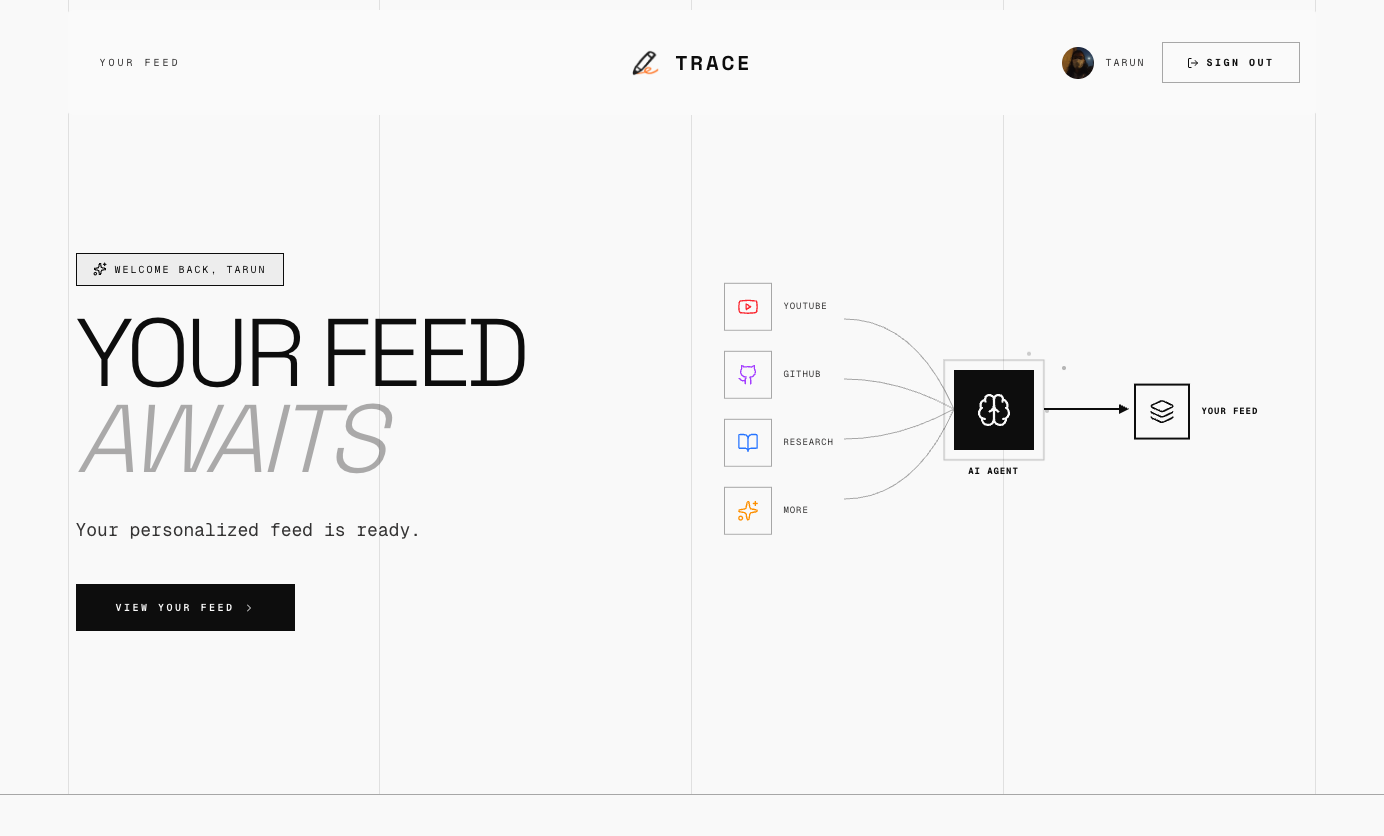
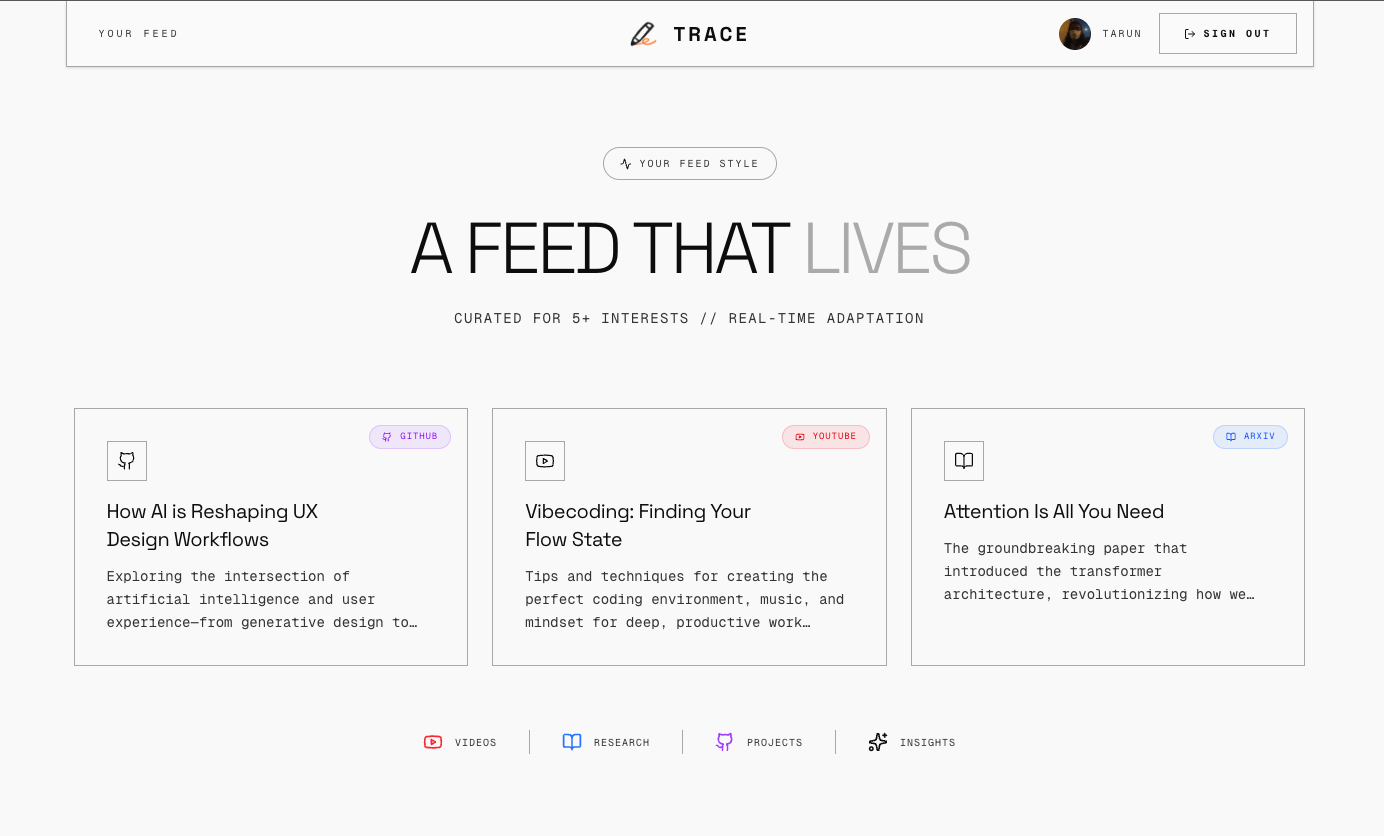
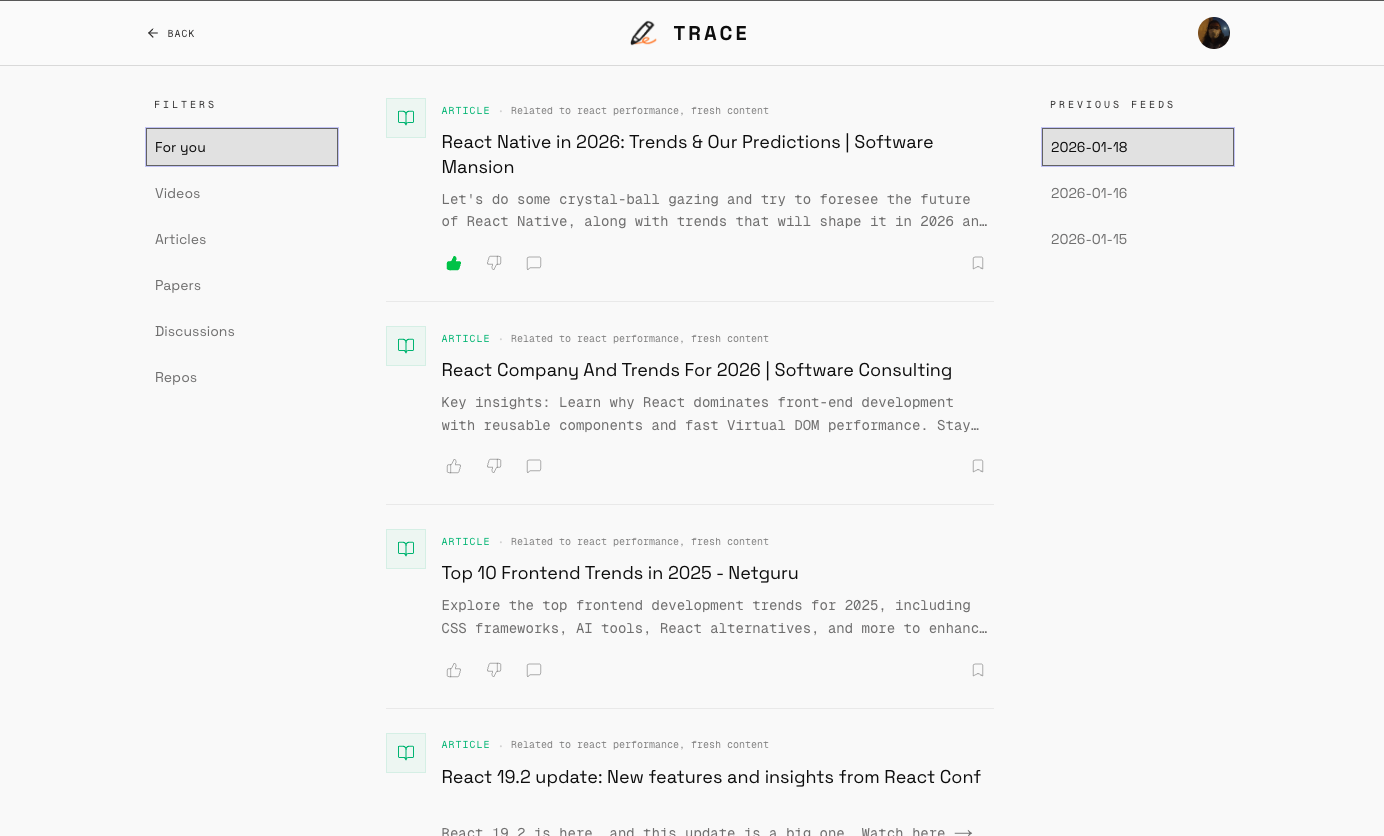
Trace helps you keep up by pulling content from multiple sources — like YouTube, Reddit, Hacker News, Medium, and X — into one place. It learns from your work and feedback, remembers what matters, and surfaces signals from across the web without pulling you in.
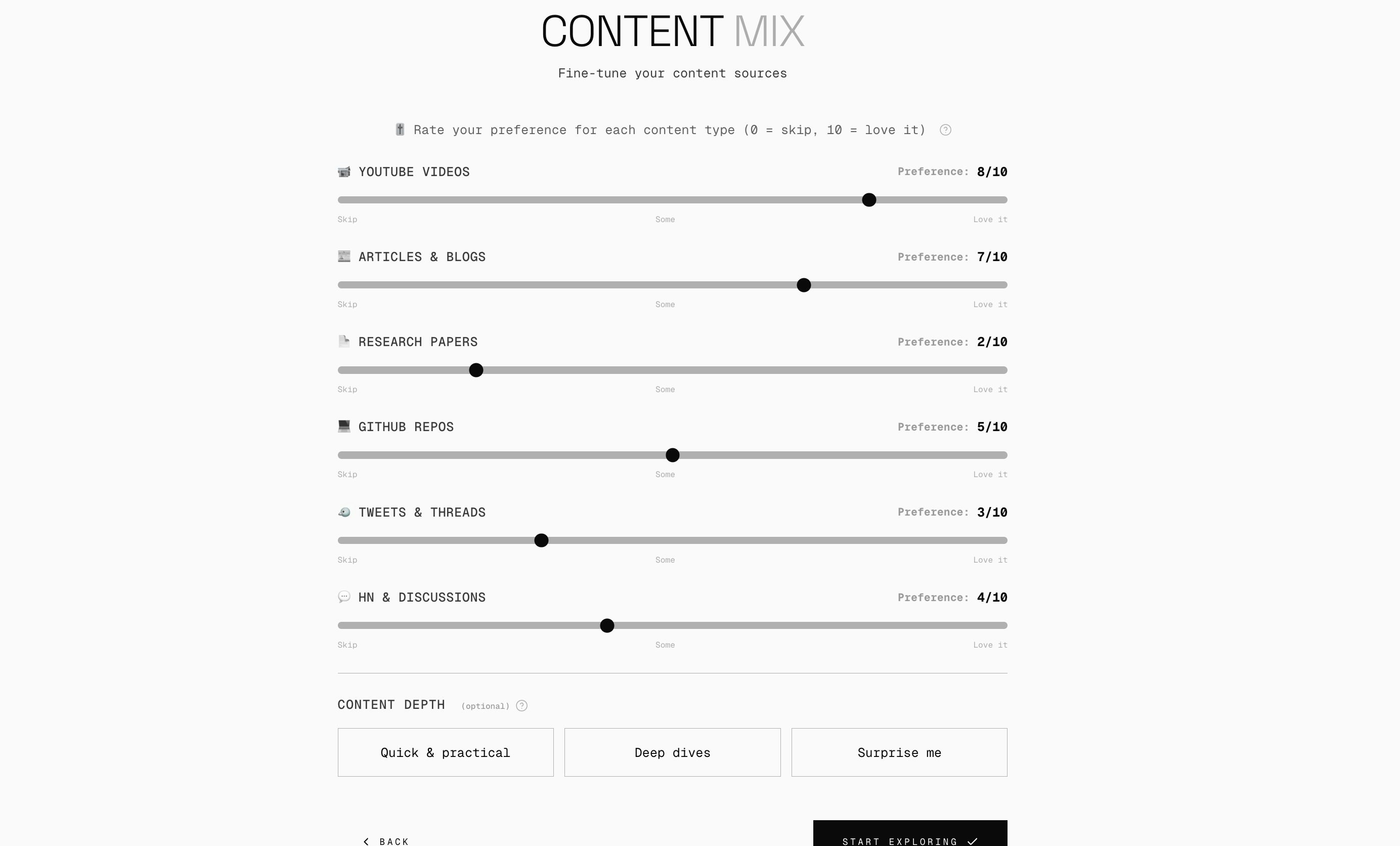
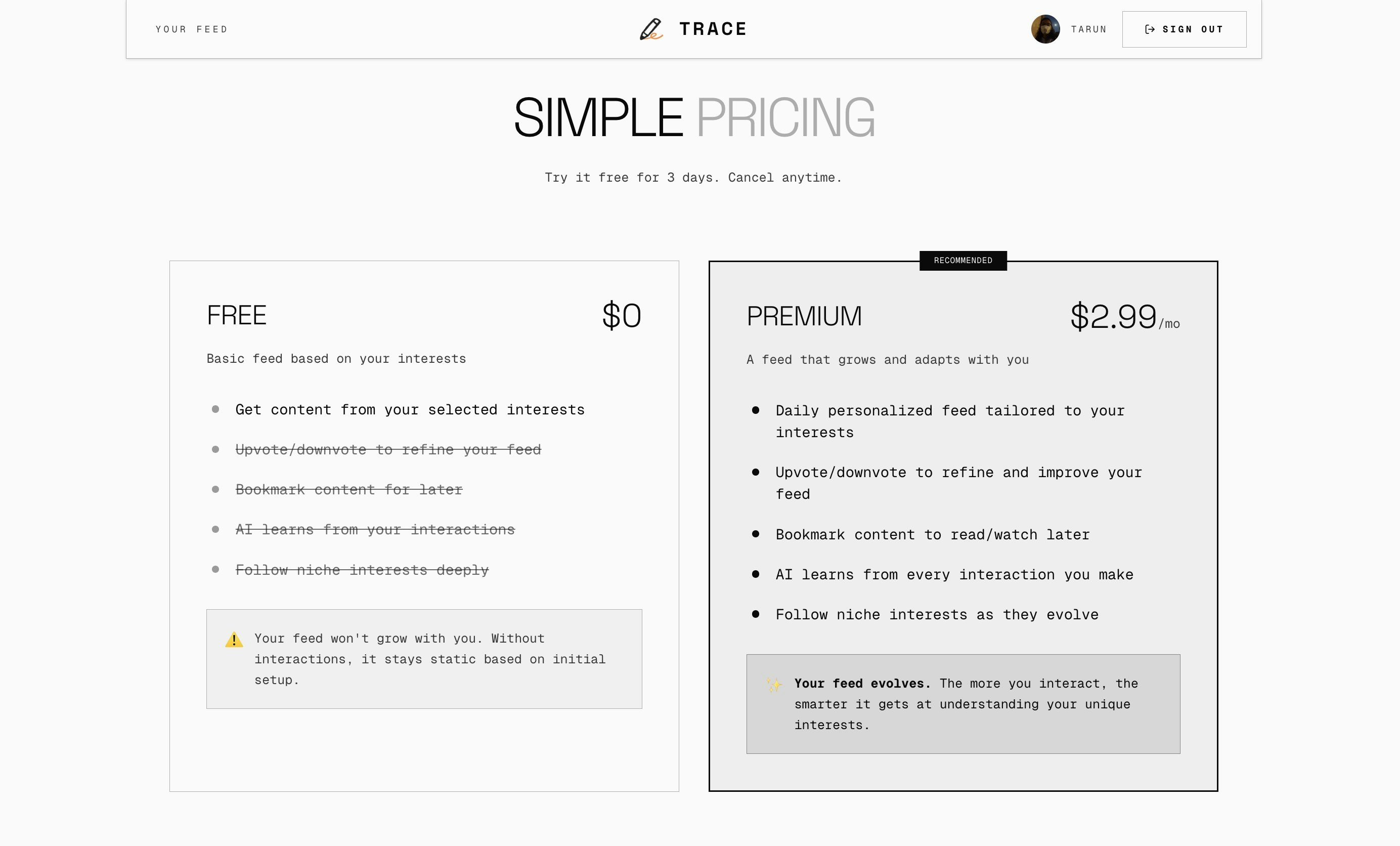
I built Trace because I wanted a feed that helped me keep up without stealing my attention. Here’s how it works right now: - You enter your interests - You get access to a generic feed based on your interests. - If you want to see your personal Trace in action, you can try it for 3 days at no charge - After that, it’s $2.99/month, which includes priority support and helps me keep building this sustainably The idea is simple: pull signal from across the web, learn from your feedback, and stay out of your way. This is still early, so things will change and improve quickly. If you try it and something feels off, I’d genuinely love to hear about it.
7
回复

@tarat Congrats on the launch Tarun. Is there a negative keyword rule or allowed/disallowed times? Like "Keep Justin Bieber away"/categories like politics, sport, trash (cat videos)? allowing for focus vs fun?

0
回复
When someone already uses an RSS reader, newsletters, bookmarks, and a bit of X/Reddit/HN, what’s the clearest reason they’d switch to Trace instead of tightening their existing setup—and what kind of user do you think won’t switch even if they like the idea?
3
回复

@curiouskitty If someone already has RSS, newsletters, and a tight setup, they can make that work — but it still takes ongoing effort.

T
race is for people who don’t want to keep tuning the system. You read, skip, and interact, and the feed adapts on its own. One place to check, less manual curation, less noise over time.

The people who won’t switch: power users who enjoy maintaining their stack. If curating feeds is part of the fun, Trace will feel unnecessary.

0
回复

Nice tool to get awar from most of noises ! how frequent will trace refresh the content feed?

3
回复

@cruise_chen Trace has two agents. The reflection agent that runs every midnight to figure out what you liked and what didn't based on your interactions with the feed and a feed generator agent that runs every morning to curate a new feed daily for you :)

0
回复

Congrats on the launch! Would love to see deeper and integrated info instead of original content :)

1
回复

@jiawei_liu6 that's an interesting thought for sure!! will talk to the users and get more insights as to if this is something that most of the people want. thanks for sharing.

0
回复

Nice. How big is the memory for storing the info

1
回复

@chilarai using firebase right now and there is no limit to store the info :)

0
回复
Hey Tarun, that line about keeping up without stealing your attention is the whole problem with feeds right now. Was there a day where you opened an app just to check one thing and 45 minutes later you’re like wait what just happened?
1
回复

@vouchy Yeah. Way too often.

For me it was usually Twitter or YouTube. I’d open it to check one post or one video, and suddenly I’d burned half an hour, felt overstimulated, and still hadn’t seen the thing I actually cared about.


That frustration is what led to Trace. I wanted a place where I could keep up with my interests, get the signal, and then leave. Not fight an algorithm that’s trying to keep me there.

1
回复
#9
Sapiare New Tab
Find inspiration every time you open a new tab.
124
一句话介绍:一款极简的新标签页浏览器扩展,通过展示精选画作和名人名言,在用户每日高频次打开新标签页的碎片化场景中,提供瞬间的灵感与美学体验,替代空白或信息过载的默认页面。
Browser Extensions Chrome Extensions GitHub
浏览器扩展 新标签页 效率工具 灵感启发 极简设计 艺术策展 名人名言 开源项目
用户评论摘要:用户普遍赞赏其极简、美观且能提供灵感的核心价值。主要反馈集中在内容更新频率、随机算法可能导致重复,以及强烈希望增加内容类型自定义功能(如仅显示名言或画作)。开发者回应更新频繁但随机,并认可自定义是合理需求。
AI 锐评

Sapiare New Tab 精准切入了一个被忽视的“高频微场景”:浏览器新标签页的开启。其真正价值不在于展示了什么具体内容,而在于对用户数字环境“注意力间隙”的一次优雅干预。它将一个原本功能性(且常被广告或默认搜索引擎占据)的过渡页面,重塑为一个非功利性的、带有审美与启发意义的“数字呼吸点”。

产品理念看似简单,实则隐含了对现代工作流中“灵感匮乏”与“信息过载”这对矛盾的精妙回应。它不提供更多信息,而是提供更具质感的“停顿”。其开源策略也颇具智慧,既降低了用户对服务可持续性的疑虑,也为其“策展”理念的扩展预留了社区化可能。

然而,其面临的挑战也同样清晰。首先,其“随机展示”与“用户控制”之间存在根本张力。当前模式依赖精良的策展,但用户对重复内容的反馈揭示了算法随机性可能带来的体验损耗。其次,其价值高度依赖于内容的新鲜感与用户个人共鸣,长期使用后,灵感刺激可能衰减,从而退化为另一款“美化壁纸”工具。用户对内容自定义的强烈呼声,正是产品从“优雅的独裁者”向“可配置的灵感引擎”演进的关键路口。

本质上,这是一次对浏览器默认领土的“文化占领”。它能否成功,不仅取决于其内容库的深度,更取决于它能否在保持极简初心的同时,巧妙地赋予用户恰到好处的控制权,让每一次标签页的开启,从“未知的邂逅”部分转变为“可期的启发”。

查看原始信息
Sapiare New Tab
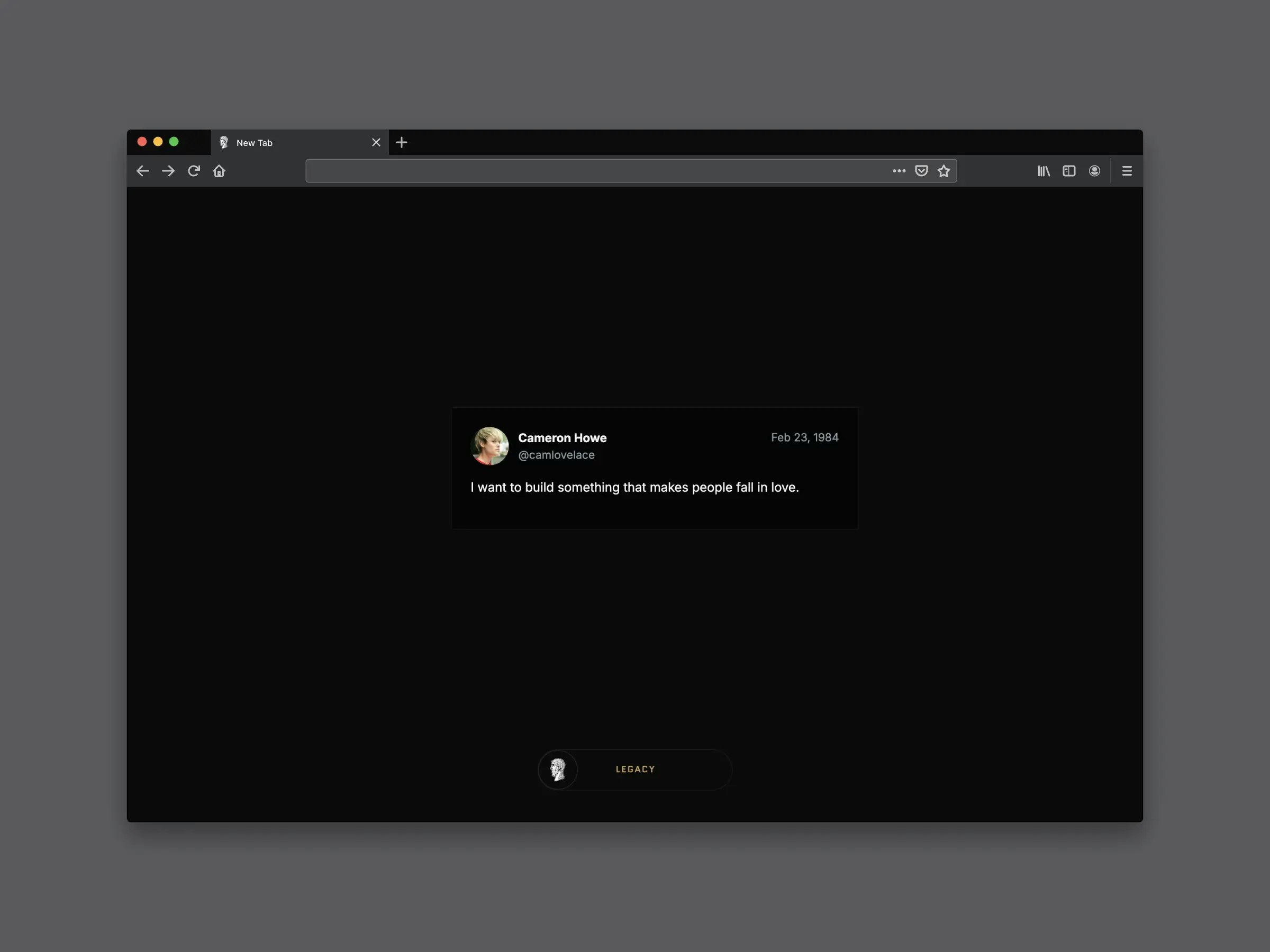
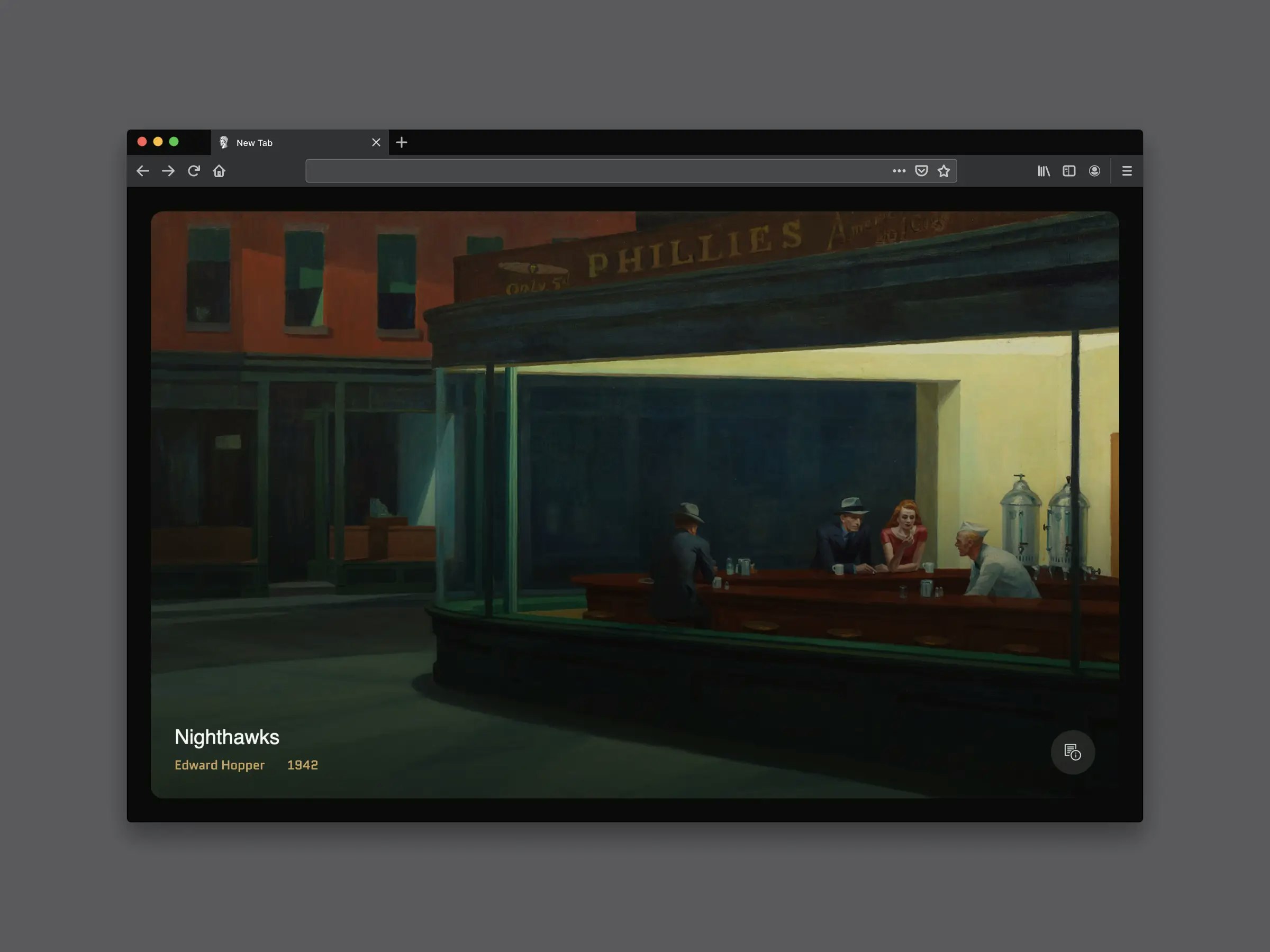
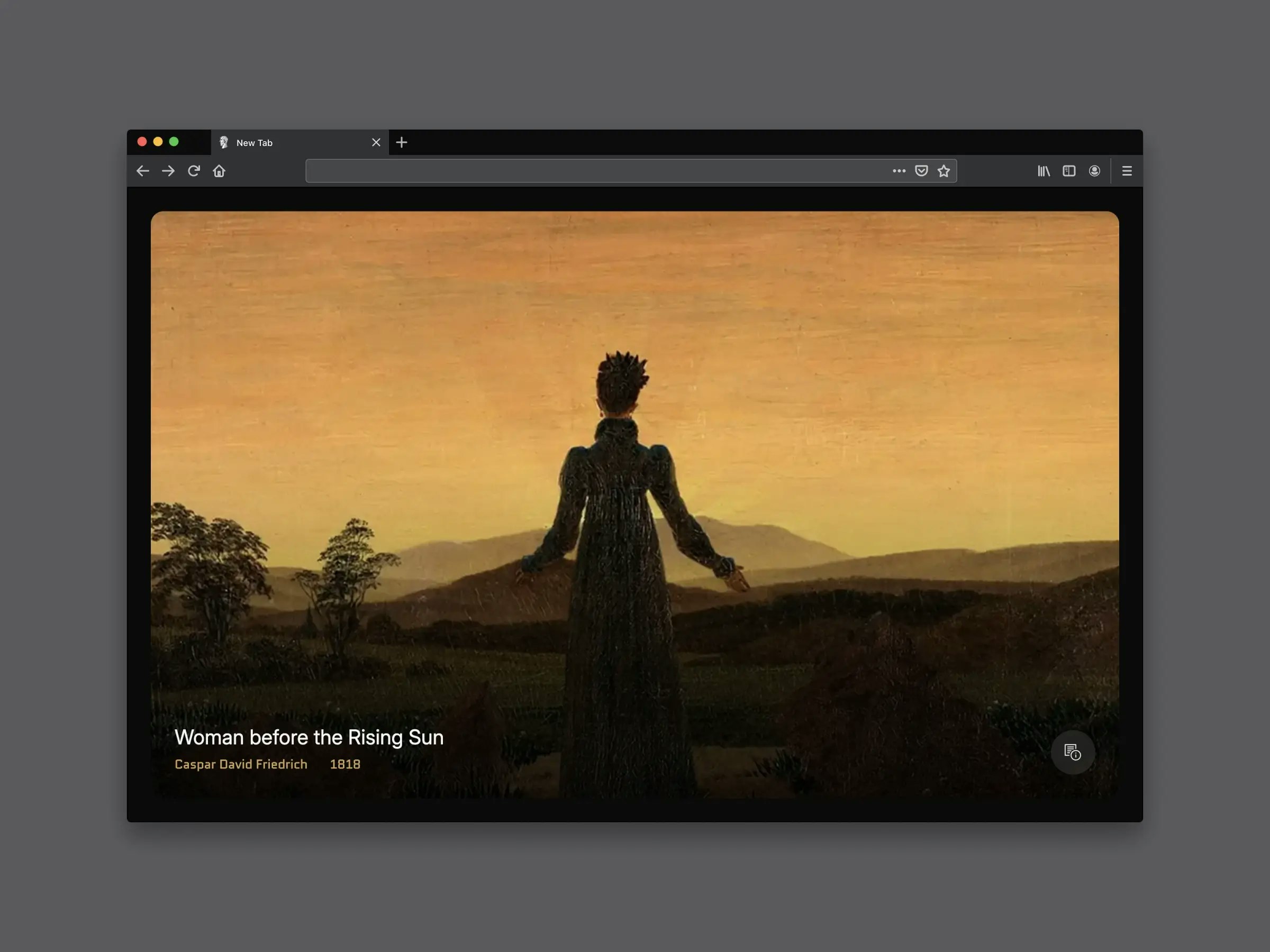
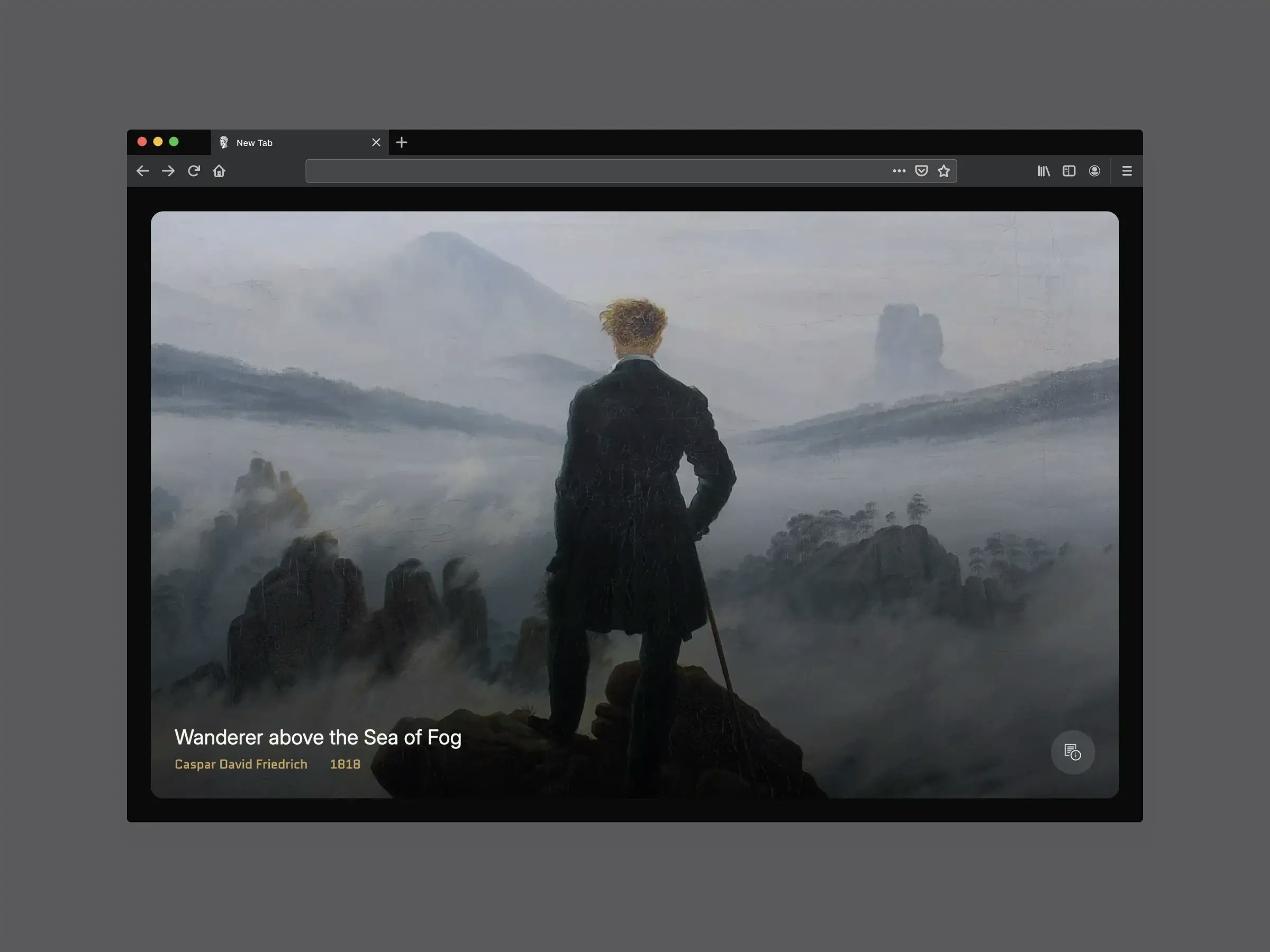
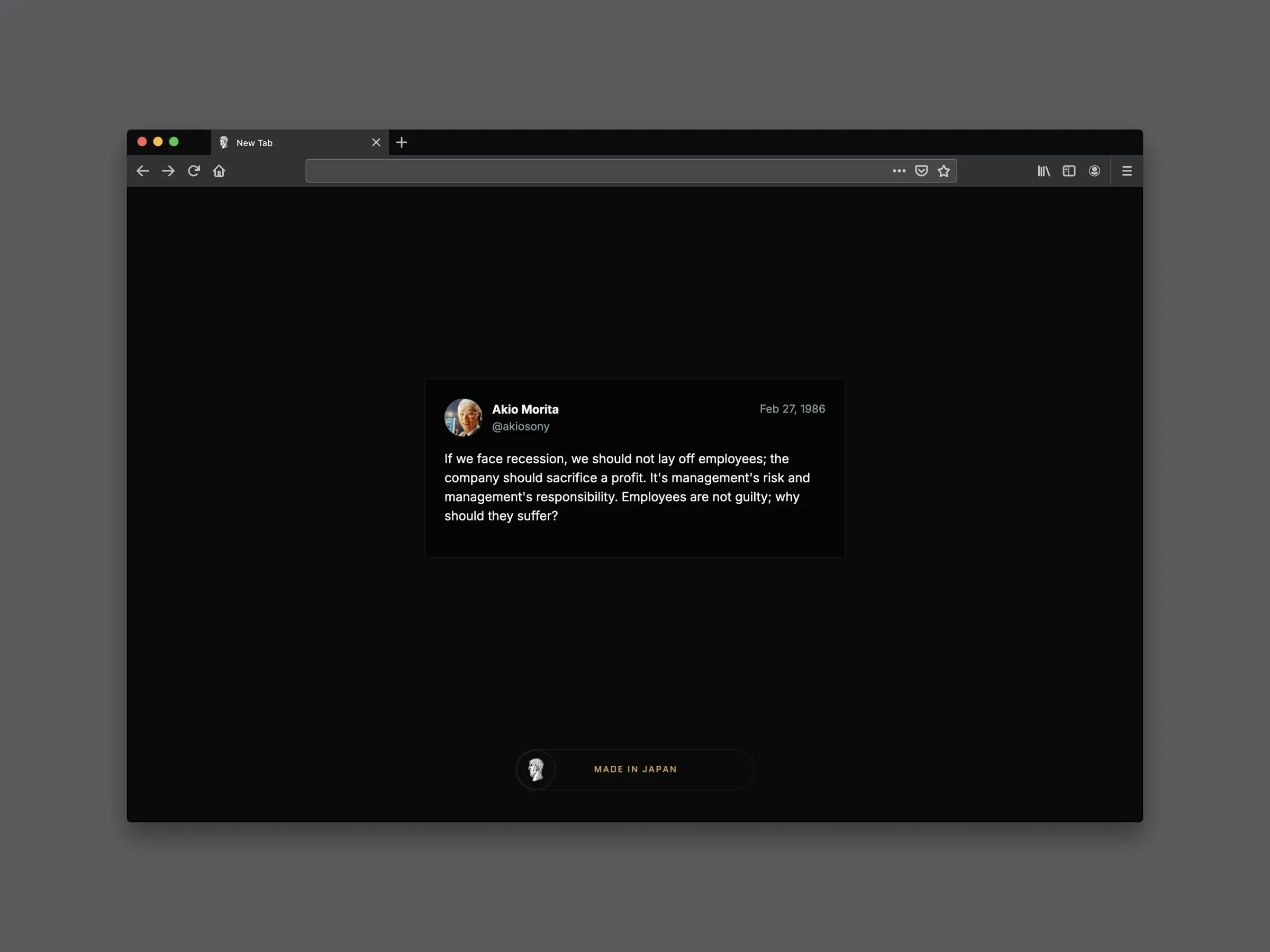
Do you build products and companies? This minimal new-tab page showcases evocative visual thinking, a curated collection of paintings, and tweet-style quotes from history’s brightest minds.

We open a new tab dozens of times every day. We built this extension to make those moments a little more beautiful and inspiring, and hopefully help us think and build better.

It showcases evocative visual thinking, a curated collection of paintings, and tweet-style quotes from history’s brightest minds.

Some details

  • More than 200 works and growing, with 80% devoted to ideas and quotations and 20% to timeless art.

  • Every new tab fades in softly, adding a refined touch to the experience.

  • You’ll receive new content without needing to update.

  • Click anywhere on the page to see new pieces, like advancing slides in a presentation.


We’ve open-sourced the code to create your own extension.
https://github.com/oscarotero/visual-tabs

Would you have any ideas to improve it or suggest additional content formats?

Thanks!

3
回复

@jlantunez Hi Jose, I love this. Congrats on the launch. This is so much better than a blank page or a feed that's stuffed with junk, Open sourcing as well........Salute.

1
回复

congrats on the launch! I love this idea, feels very useful and meaningful. motivational quote or a piece of art could be really helpful midwork. great, I wish you all the best with it!

1
回复

@yellow_yetti Thanks, Vera :)

0
回复

Love that it’s minimal and focused on inspiration without the usual noise of bookmarks or widgets. Perfect for keeping that creative spark alive between client calls and code reviews ahahah

Quick question: How often does the artwork/quote rotate? Is it daily, per new tab, or customizable?

1
回复

@cathcorm Thanks, Catherine. We add new content almost daily. The collection now includes more than 220 pieces, about 20% of which are paintings. Because the rotation is fully random, you might see the same piece several times in a day, while others won’t show up again for days. Currently, the type of content you see is not customizable. It makes sense that you should be able to choose. Thank you.

0
回复
Because new-tab opens happen dozens of times per day, tiny UX costs compound: how did you decide the “right” level of interaction, and what have you learned about what users do in the first 3 seconds after a tab opens?
1
回复

@curiouskitty We don’t have solid behavioral data yet. We’d love it if people shared quotes or screenshots on social media. The suggestion we hear most often is giving users control over the type of content they see.

0
回复
#10
MCPJam Inspector
Test + develop ChatGPT apps and MCP apps (ext-apps) locally
120
一句话介绍:一款用于本地测试和开发ChatGPT应用及MCP服务器的工具,解决了开发者无需ChatGPT订阅和ngrok内网穿透即可进行全流程调试的痛点。
Open Source Developer Tools GitHub
本地开发工具 ChatGPT应用测试 MCP服务器调试 LLM游乐场 OAuth调试 开发者工具 AI应用开发 开源工具 工作流优化
用户评论摘要:用户普遍认可其解决了MCP开发流程中的关键痛点(如OAuth调试、免订阅本地测试),并赞赏其用户体验。有效反馈包括:询问是否支持Claude等其他LLM、关注LLM游乐场的流式响应支持,以及肯定其作为“ChatGPT应用安卓工作室”的潜力。
AI 锐评

MCPJam Inspector的发布,看似是填补了MCP(Model Context Protocol)生态中的一个工具空白,实则精准地刺中了当前AI应用开发范式转型期的核心矛盾:高昂的试错成本与笨重的开发流程。它宣称的“无需ChatGPT订阅和ngrok”,本质上是将开发环境从受控的云端黑盒,重新夺回至开发者的本地终端,这不仅仅是便利性的提升,更是控制权的回归。

其核心价值并非简单的功能集成(模拟器、游乐场、OAuth调试器),而在于构建了一个**本地的、可观测的、一体化的反馈闭环**。传统流程中,开发者需要在ChatGPT界面、本地服务器、ngrok日志之间反复横跳,调试如同盲人摸象。MCPJam Inspector将工具调用、资源访问、提示词交互乃至最棘手的OAuth流程可视化,使得“AI行为”变得可追溯、可分析。这极大地降低了理解AI如何与工具交互的心智负担,将调试从猜测艺术转变为工程科学。

然而,其挑战与价值一体两面。首先,其命运与MCP协议本身的兴衰深度绑定。MCP若成为主流标准,它有望成为关键基础设施;若否,则可能沦为小众工具。其次,“支持任何LLM”的游乐场是亮点也是陷阱,不同LLM的API特性、工具调用格式差异可能引入新的复杂性,其通用性有待考验。最后,从“调试工具”到“开发平台”的跃迁,需要更强大的脚手架、模板和协作功能,目前仅是起点。

总体而言,这是一款在正确时间点出现的、极具“开发者同理心”的工具。它没有追逐华而不实的AI功能,而是扎实地解决工程化过程中的脏活累活。它未必会直接创造下一个爆款AI应用,但很可能默默成为孕育那些爆款应用的产床。其真正的成功,将取决于能否从“值得拥有”的工具,进化为“开发流程中不可或缺”的默认环节。

查看原始信息
MCPJam Inspector
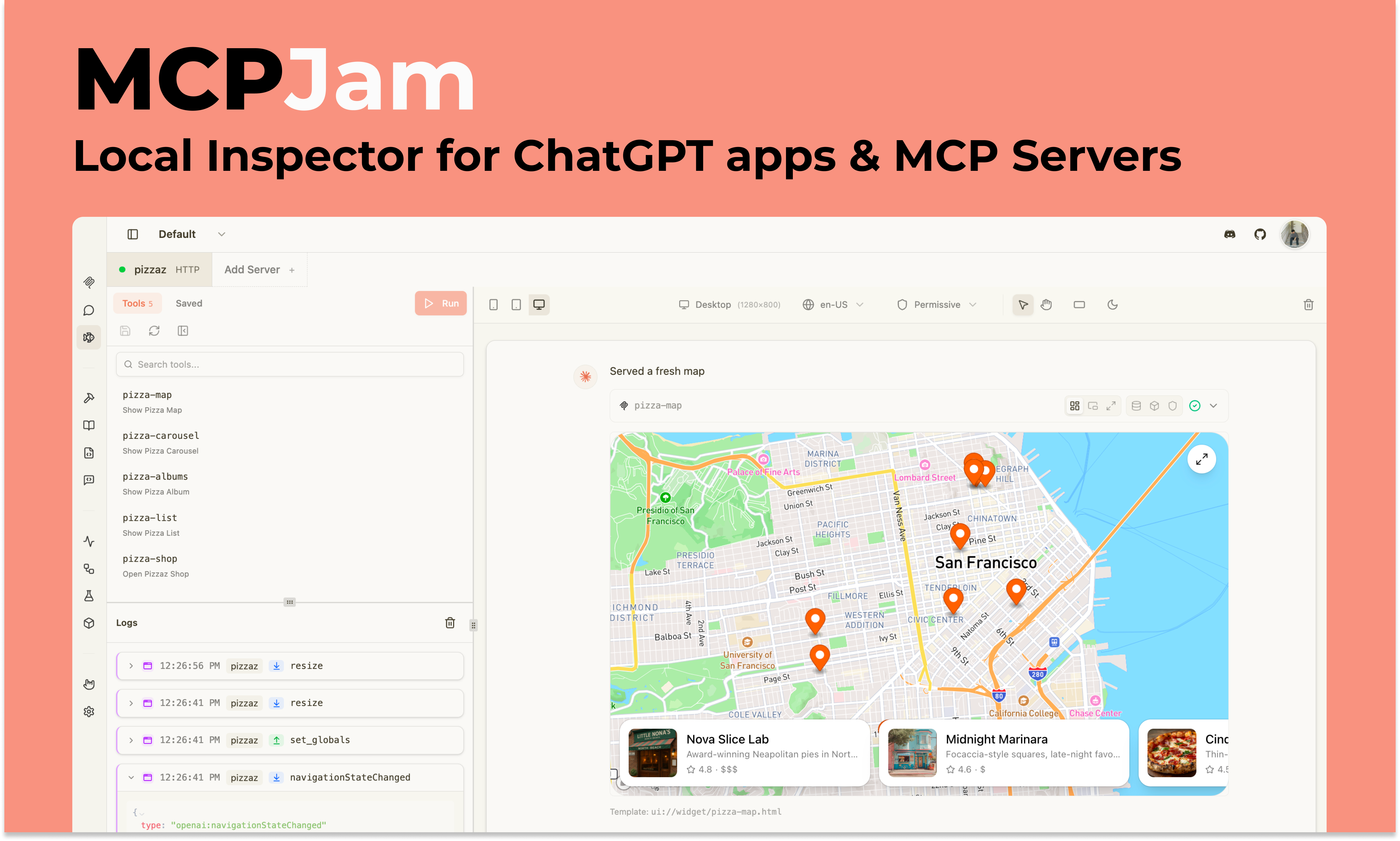
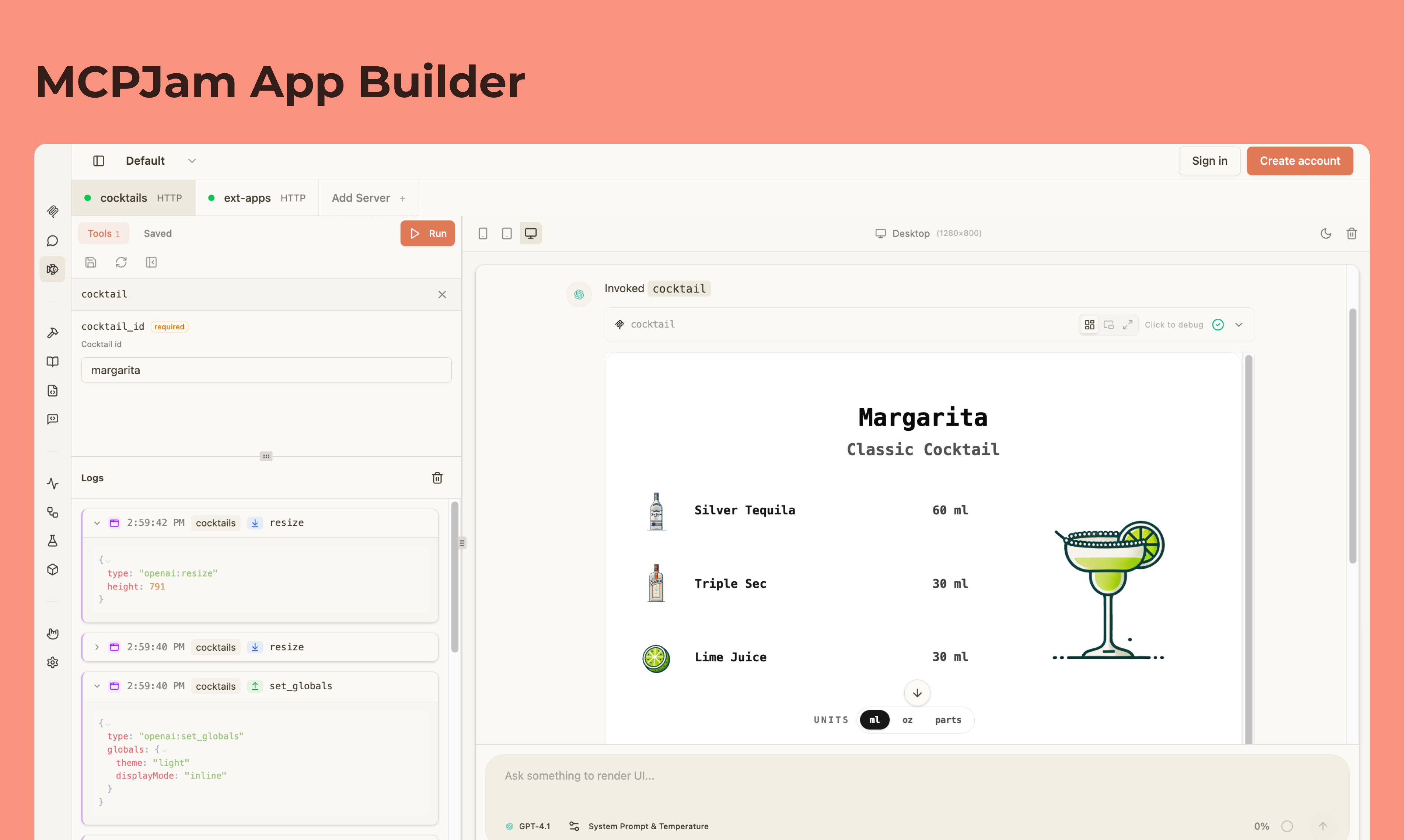
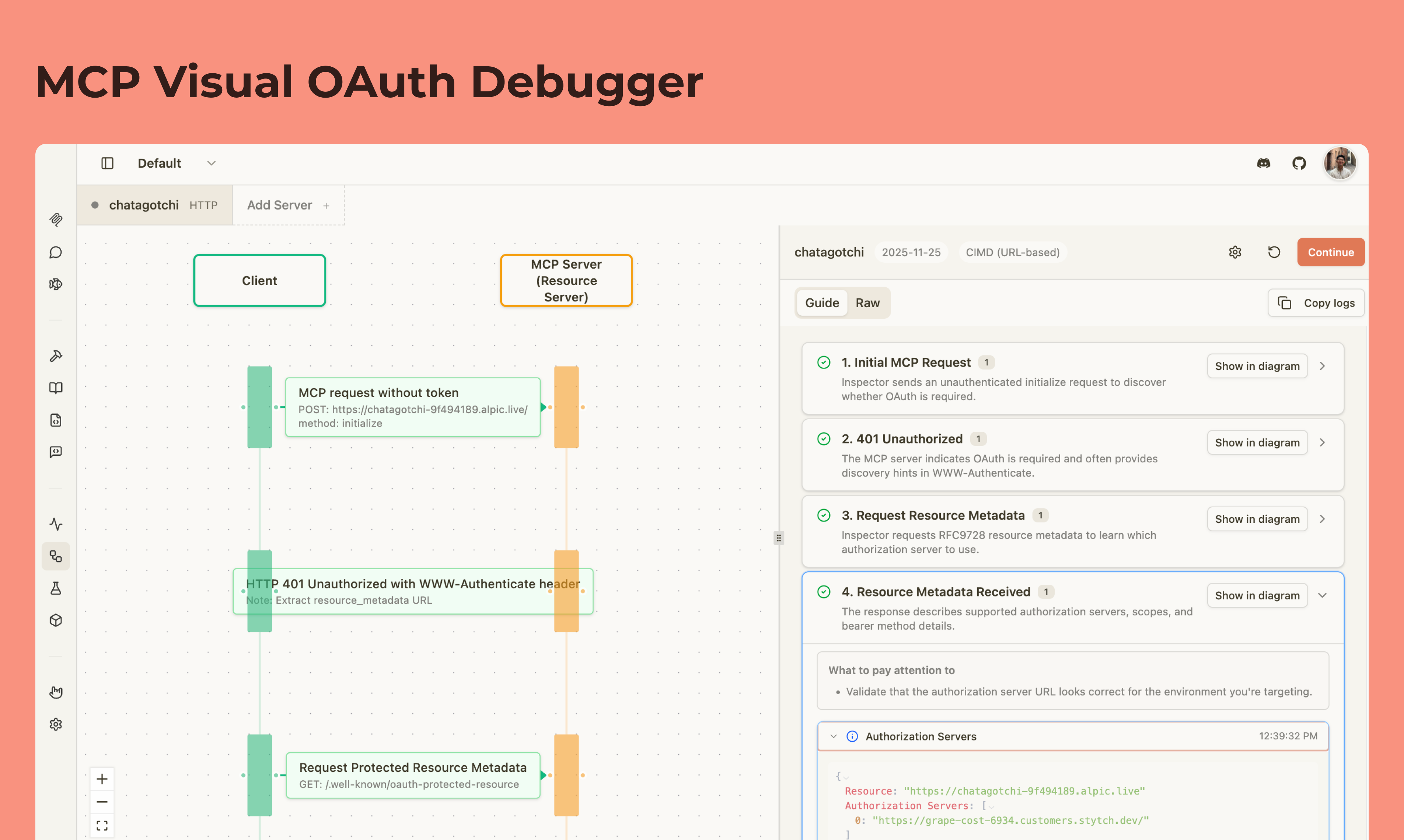
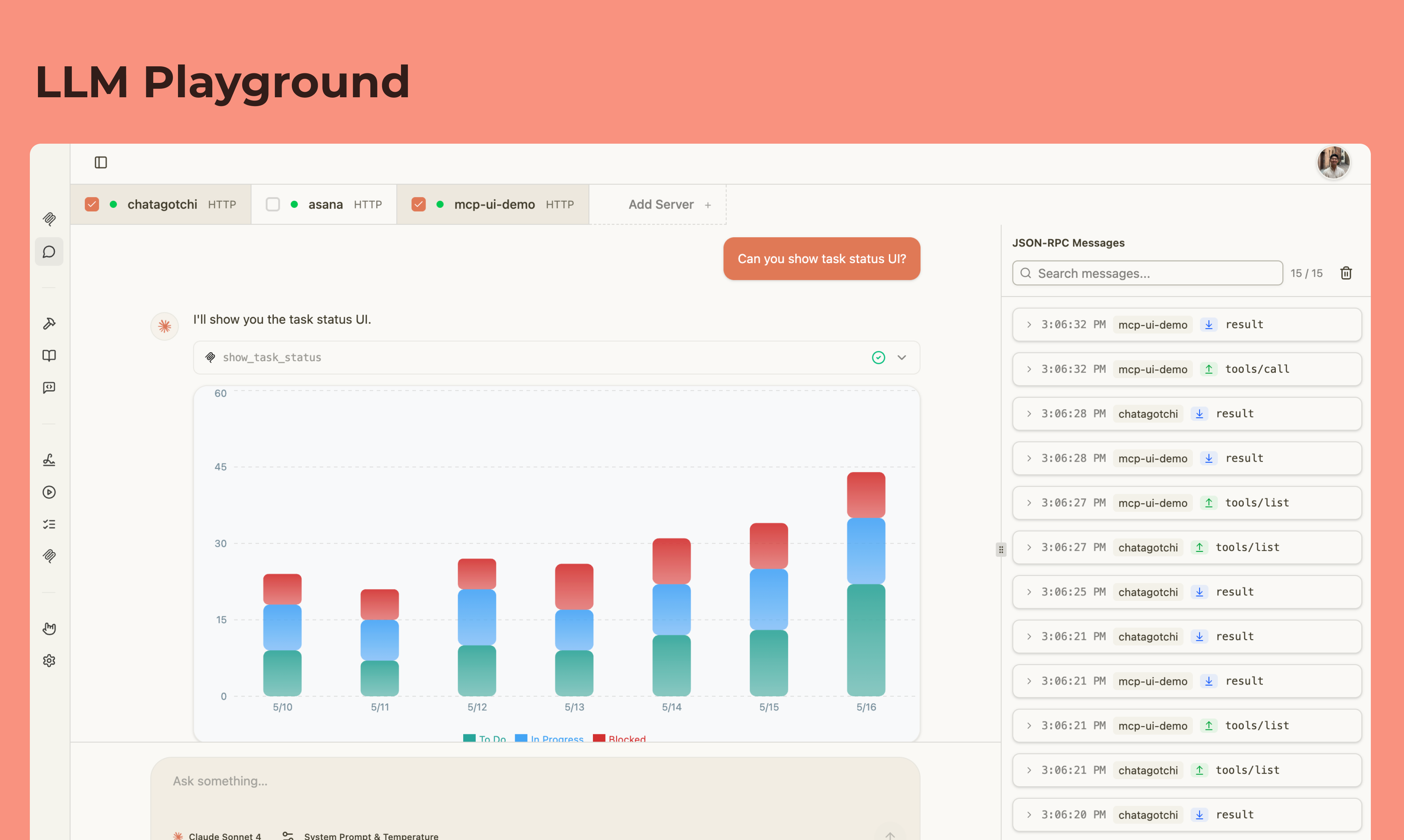
MCPJam inspector is the local testing tool for ChatGPT apps and MCP servers. Build your apps locally with MCPJam's widget emulator and test against any LLM in the playground. Inspect your MCP server’s tools, resources, prompts, and OAuth flows. No more ngrok or ChatGPT subscription needed.

Hey, it's Matt from MCPJam 👋.

We started MCPJam because the dev experience around building ChatGPT apps, MCP apps, and MCP servers wasn't great.

To develop a ChatGPT app, you had to get a ChatGPT pro subscription, ngrok you local MCP server, then connect it remotely on ChatGPT. There were also no good ways to test MCP servers and see how they behave in a real production environment.

That inspired us to build our open source inspector at MCPJam. We introduced:

  • Local ChatGPT and MCP apps emulator.

  • LLM playground to test your MCP server / apps in a real chat environment with any LLM

  • OAuth debugger to visualize MCP authorization at every step

and a bunch of other features that addresses the pains of MCP development.

If you're building a ChatGPT app, MCP app, or MCP server, I highly invite you to give us a try! Feel free to email me if you have any questions or feedback.

GitHub: https://github.com/MCPJam/inspector
Email: matthew@mcpjam.com

6
回复

@matteo8p congrats on the launch. Does it also work with Claude Sonnet?

0
回复

@matteo8p Super practical for developers 🛠️
Testing ChatGPT apps locally with full server inspection and no extra subscriptions makes development smoother and faster.

0
回复
Congratulations! 🥳 super excited to see you launch today
2
回复

@asadatnoodle Thank you Asad! Congrats on your launch too. Excited to see where the apps ecosystem goes.

1
回复

Our team at Tadata builds MCP servers every day. We maintain one of the leading open source MCP projects and are shipping a large number of MCP servers for our agent builder. And we're huge fans of the OG MCPJam tool for debugging OAuth issues -- the visual flow is so helpful! Excited to try out the new stuff.

1
回复

@tori_seidenstein Thanks for the support Tori! Been following Tadata for a long time, awesome to see your work on FastAPI MCP and now the agent builder on top of MCP! Really quality stuff.

0
回复

MCPJam is an amazing product with polished UX that has become our daily driver for troubleshooting. I only wish we had the OAuth inspector sooner, it would have saved us days of frustration! We now trust it as the de facto standard for validating new features. This is a must-have tool that feels like the start of an 'Android Studio' for ChatGPT apps. Good luck

1
回复

@yaniv_shani1 Thank you for supporting Yaniv! I too wish we had the OAuth debugger out sooner haha.

0
回复

Congratulations on the launch!

1
回复

@valentina_bearzotti Thanks Val!

0
回复

Electric! Great work, fellas!

0
回复

Let's go!! Love our community and what we've built.

0
回复

woop woop

0
回复
Congratulations for the launch.
0
回复

@rehan_ali40 Thank you, congrats on the Noodle Seed launch too!

1
回复
@matteo8p Thank you
0
回复

Nice focus on the local development workflow - the "no more ngrok or ChatGPT subscription needed" angle is a real pain point.

The tool inspector for resources, prompts, and OAuth flows looks especially useful. Debugging OAuth in MCP integrations has been frustrating in my experience.

One question: does the LLM playground support streaming responses, or is it request/response only? We've found streaming adds complexity when testing tool interactions.

Great launch - the MCP tooling ecosystem needs more developer-focused products like this.

0
回复

@kxbnb The LLM playground has both. If you bring your own API key, it's streaming. We also provide models for free, and those are done with completion. We haven't seen a ton of issues around streaming complexity with tool interactions. What have you seen?

0
回复

Congratulations on the launch! MCPJam was clutch when we were building and testing MCP apps at Noodle Seed.

0
回复

@saad_zafar Thank you Saad, I'm glad y'all found it useful building Noodle Seed.

0
回复
#11
Translator
Translate any video to 30+ languages with latest AI
106
一句话介绍:一款基于AI的桌面端视频翻译工具,通过下载YouTube视频、本地转录翻译及AI配音,解决了传统云端服务昂贵、隐私性差且翻译生硬的痛点。
Open Source Artificial Intelligence GitHub Video
视频翻译 AI配音 字幕编辑 桌面应用 开源软件 隐私保护 按量付费 本地处理 多语言支持 人机协同
用户评论摘要:用户普遍赞赏其两轮翻译、本地处理、自带API密钥和开源模式。主要问题集中在:具体支持语言数量、是否支持本地视频上传、工作流中的具体优势对比,以及API密钥的使用管理方式。
AI 锐评

Translator的核心价值并非简单的“AI翻译视频”,而在于它用一套精巧的工程与商业模式,精准刺破了当前AI应用市场的几个泡沫。

首先,它摒弃了“一切上云”的惯性思维,主打本地处理与开源。这不仅是隐私卖点,更是对专业用户(开发者、创作者)信任的赎回。用户可审计代码、自行部署,这构建了稀缺的技术透明度。

其次,其“GPT初翻 + Claude质检”的双模型流水线,是务实的人机协同思维。它不迷信单一模型的“涌现能力”,而是将AI定位为“译者”和“编辑”两个角色,通过流程设计来系统性提升质量,尤其针对文化俚语。这比空谈“我们的模型更强大”更具说服力。

最犀利的在于其定价策略。免费基础功能(下载、字幕编辑)吸引流量,“按需充值”和“一次性买断自带密钥”则提供了阶梯式商业化路径。它既降低了尝鲜门槛(1美元起步),又将重度用户的高频成本转嫁给了第三方API提供商(如OpenAI),自身则轻装聚焦于工具链的整合与体验优化。这巧妙规避了自研大模型的巨额成本与性能焦虑。

然而,其挑战同样明显:作为桌面应用,其体验重度依赖用户本地算力;多步骤操作(下载、转录、翻译、配音)对非技术用户仍构成门槛;真正的翻译质量评测尚未在评论中呈现。它更像是一把为数字原生创作者打造的“瑞士军刀”,而非面向大众的“一键魔法棒”。它的成功,将取决于能否在开源生态与商业闭环之间找到持续演进的平衡点。

查看原始信息
Translator
Desktop app for AI-powered video translation. Download videos from YouTube, transcribe with Whisper, translate to 30+ languages using GPT + Claude for quality review, and dub with AI voices. Free subtitle editing included. Open source & privacy-focused.

How many languages are supported as of now?

2
回复
Hey Product Hunt I built Translator because I was frustrated with existing video translation tools. They were either: - Expensive subscription services ($30+/month) - Cloud-based (I didn't want to upload my videos to random servers) - Produced robotic, awkward translations So I built what I actually wanted to use. The thing I'm most proud of is the two-pass translation system. Instead of just running text through one AI model, we use GPT-5.1 for the initial translation, then Claude Opus 4.5 reviews it for quality - catching idioms, cultural nuances, and awkward phrasing. It's a translator AND an editor. Free forever: - Video downloading - Subtitle editing & merging Pay only for AI features - and you can start with just $1 in credits to try it out. - Or unlock BYO API keys for $10 one-time and use your own. The whole thing is open source, so you can see exactly how it works (or contribute!). I'd love your feedback - what languages matter most to you? What features would make this more useful? Thanks for checking it out!
1
回复

@mikey1384 Congrats on the launch Mikey. Love the 2 pass idea. What are you seeing in terms of localization accuracy?

1
回复

Congrats!!

Quick question, does it support uploading existing local video files (not just YouTube downloads)?

Would love to chat more about it and potentially try it out for some upcoming multilingual projects we have :)

0
回复
When someone compares you to the typical cloud video-translation stack, what are the 2–3 concrete moments in the workflow where Translator is measurably better—and what would make a user actually switch mid-library?
0
回复

Two-pass translation, local processing, BYO keys, and open source is a rare combo that actually respects developers and creators.

Pricing feels fair and approachable. Excited to see where this goes, Kudos on the launch

0
回复

Congrats on the launch, Mikey.

The two-pass translation idea makes a lot of sense especially for video where literal translations usually sound off.Nice touch treating it as translation + editing instead of just running text through a model once.Also like the pay-for-usage + BYO keys approach. Feels fair and flexible compared to most tools in this space.

Slang and casual phrasing usually break most tools interested to see how this handles that.

Nice work shipping this.

0
回复

the GPT + Claude combo for quality checks is a smart way to reduce translation hallucinations. do users need to plug in their own API keys to handle the volume or is that managed on your end?

0
回复
#12
Foldr for MacOS
A Finder extension to create folders with custom icons
101
一句话介绍:Foldr是一款MacOS访达扩展,允许用户通过右键点击轻松为文件夹自定义图标,解决了用户因系统默认文件夹外观单调而难以直观、个性化管理文件的痛点。
Mac Productivity User Experience
访达扩展 文件夹美化 图标自定义 MacOS工具 生产力工具 文件管理 个性化 效率软件 轻量应用 右键菜单
用户评论摘要:用户赞赏其简洁理念与MacOS哲学一致。主要提问集中于:1. 产品在v1版本刻意不做复杂功能(如批量修改、规则库)的权衡考量;2. 是否支持更个性化的图标(如猫狗),开发者确认支持.icns格式。
AI 锐评

Foldr捕捉到了一个被主流操作系统长期忽视的细微需求:视觉化文件管理的情感价值。其真正价值并非技术突破,而在于对“用户主权”的精准兑现——将系统级UI的定制权,通过极简的右键交互下放给用户。这看似是表面美化,实则是通过赋予用户“定义工作环境”的控制感,来提升使用愉悦度和空间记忆效率,对抗数字时代的“界面均质化”疲劳。

然而,其“简洁”既是利刃也是枷锁。从评论中尖锐的提问可见,资深用户对“图标管理”的深度场景(批量处理、云同步逻辑)早有预期。产品选择做“减法”,优化了上手零门槛和核心体验的纯净度,但很可能也主动放弃了早期专业用户和重度定制者构成的潜在核心社群。这种克制在v1是明智的聚焦,但若不能通过迭代或高级版本来满足进阶需求,很容易被更全能的文件管理工具覆盖,或困于“玩具工具”的定位。

在AI与自动化重塑工作流的当下,Foldr代表的“静态手动美化”其长期壁垒有限。它的成功,将取决于能否从“更换图标”这个单点动作,延伸至一套“视觉-逻辑”联动的文件组织方法论,或与创意资产管理等专业场景深度融合。否则,其新鲜感消退后,恐难逃“食之无味”的境地。这是一次对人性化细节的精彩洞察,但要想从“有趣的小工具”成长为“不可或缺的伴侣”,前路依然挑战重重。

查看原始信息
Foldr for MacOS
A simple Finder extension that lets you create folders with personality. No more generic blue folders, just right-click and pick your icon. Organize your Mac the way it should look. Yours. …it's that easy.
Icon customization can get deep (batch changes, rules, icon libraries, sidebar/Dock behavior, iCloud behavior), but you kept the product simple—what did you deliberately not build for v1, and what tradeoff were you optimizing for?
0
回复

Are there options for cuter icons like cats/ dogs?

0
回复

@jiawei_liu6 You can use whatever icons you like, including cats or dogs 😊 they just need to be in the .icns format

0
回复

The beauty of this idea is in the simplicity. Which I think is in line with the whole idea of MacOS. Nice work!

0
回复

@jerdyk That’s exactly what I was aiming for, thanks so much!

1
回复
#13
relayd
Remote control for your Codex agents. Ship from anywhere.
96
一句话介绍:relayd是一款专为AI编程工作流设计的远程控制工具,通过轻量级守护进程连接本地Codex与移动端,让开发者能在手机端接收推送通知、查看完整上下文并一键继续任务,解决了开发者必须守在电脑前监控AI代理进程的核心痛点,实现了“随时随地”的编码部署自由。
Productivity Developer Tools Artificial Intelligence
AI编程助手 远程控制 开发者工具 移动办公 Codex代理 推送通知 进程监控 轻量级守护进程 独立开发者 工作流自动化
用户评论摘要:用户主要关注即时终止代理的“紧急开关”、多仓库/设备支持、远程服务器部署可行性,以及移动端审核代码变更的实用性。开发者确认了取消请求、多设备/工作空间支持等功能,并坦言复杂审查仍建议使用大屏幕。
AI 锐评

relayd精准地刺中了AI代理编程兴起后产生的新矛盾:生产力工具本身成了新的“镣铐”。它没有停留在泛化的监控与警报,而是直击“控制”这一核心,将手机变为远程终端,试图将开发者从屏幕前解放。其价值不在于技术复杂度,而在于对工作流断点的深刻洞察——AI代理的异步、不可预测性与开发者的注意力、决策权之间存在根本性错配。产品通过“推送-查看-一键继续”的极简循环,试图缝合这一裂痕。

然而,其面临的挑战同样鲜明。首先,它深度绑定Codex生态,市场天花板清晰可见,是垂直利基的精准打击,也是增长潜力的自我设限。其次,评论中暴露的“移动端审核效能”疑虑,揭示了其核心场景的局限性:简单的“继续”或“终止”决策可在移动端完成,但复杂的代码审计仍需回归桌面。这使其定位更接近于“进程遥控器”而非“移动工作站”,价值集中在填补碎片化时间的决策空档,而非实现全流程移动化。

本质上,relayd是AI原生工作流进化的一个过渡性补丁。它反映了当前AI代理尚未具备完全可靠自主性,仍需人类频繁介入监督的现实。其长期命运将与底层AI代理的可靠性成反比——代理越智能、越可信,此类“遥控器”的需求就越弱。但在当下,它为数不多的核心用户——独立开发者或小团队——提供了一个成本极低的“保险丝”和“加速器”,用5美元月费购买一份心理安全感与时间弹性,这或许就是其最现实的生存逻辑。

查看原始信息
relayd
Most tools let you monitor agents. relayd lets you control them — from your phone. A lightweight daemon connects your local Codex to a mobile PWA. Get push notifications when agents finish, see full context, and push to continue with one tap. Your code never leaves your machine. Unlike generic monitoring tools, relayd is built specifically for agentic coding workflows. It's not just alerts — it's a remote control. Built by an indie dev, for indie devs. Your desk is now optional.

finally, I can grab a coffee without worrying that my AI agent is deleting files back at home. can I hit a kill switch instantly from my phone if I see it going off the rails?

3
回复

@samet_sezer Ha exactly! Yes, you can cancel requests, and with the new steering support in codex, you can directly push him in the right direction!

1
回复

Looks useful! Does this handle multiple repositories and multiple checkouts of a single repository? I'm assuming so from reading the landing page. How do you use this, do you just make sure your laptop is on all the time? Could we deploy to a remote server?

2
回复

@wilco_kruijer1 Yes, you can add multiple devices (so your local laptop, but also remote servers). You only need one relay per device you want to connect!

Personally, I use it on my Mac mini, which runs all the time. So easy to access and keep track of.

Regarding multiple repositories and checkout. Of course, you can add as many projects / workspaces as you need. We don't handle multiple checkouts of a single repo ourselves, but you can simply add all checkouts as separate workspaces and this works just fine!

0
回复

Hey PH! 👋
The indie dev paradox: You finally have AI writing code for you. Revolutionary. Life-changing. And yet… you're still chained to your laptop like it's 2019.
Your agent finishes at 2am. You find out at 9am. Three PRs are blocked. Your momentum is dead. Very build-in-public of you.
So I built relayd — a tiny daemon that connects your local Codex to a mobile dashboard.

🔔 Push notifications when agents need you
📱 Mobile-first PWA (no app store politics)
👀 Full context — diffs, errors, existential dread
⚡ One-tap continue — like a tamagotchi that writes code

Pricing that makes sense:

Free: 1 relay, 1 workspace, unlimited threads
Pro ($5/mo): Unlimited everything. Less than your cold brew.

Built by an indie dev, for indie devs. No enterprise bloat.
Would love your feedback!

1
回复

@jannik_jung congrats on the launch! Does this also work for evals?

0
回复

Congrats! The freedom sounds nice, but I usually need a full monitor to properly audit what my agent wrote. How granular is the mobile diff view? I'd be worried about 'approving' complex changes from a phone screen.

1
回复

@jiawei_liu6 Personally I'd say review is still best on a bigger monitor! However, it is game changer, to continue discussions on the go, push the agent to continue working or just approve some commands!

0
回复
#14
Caffeine Curfew iOS App
Track caffeine intake, hydration, and master your sleep
94
一句话介绍:一款通过追踪咖啡因半衰期衰减、结合睡眠分析,帮助咖啡因依赖者在日常生活中管理摄入、改善睡眠质量的iOS/WatchOS原生应用。
Health & Fitness Coffee Wearables
健康追踪 睡眠优化 咖啡因管理 Apple Health集成 生活助手 可穿戴应用 订阅制 个人量化 生产力工具 移动健康
用户评论摘要:用户肯定核心的半衰期追踪理念与Apple Watch集成。主要建议/问题包括:希望支持自定义咖啡因源与毫克数、个性化代谢率调整、与更多健康设备(如Oura Ring)集成、开发Android版本,并探讨了利用睡眠数据自动校准模型的可能性。
AI 锐评

Caffeine Curfew 切入了一个精巧的利基市场:将“咖啡因代谢”这一模糊的生理感知,转化为可视、可管理的量化数据。其真正价值不在于简单的日志记录,而在于构建了一个“摄入(因)-体内残留(态)-睡眠质量(果)”的反馈闭环。它试图解决的,是现代人“靠咖啡因续命,又因咖啡因失眠”的恶性循环痛点。

产品逻辑清晰,通过半衰期模型将一次性摄入行为转化为时间轴上的持续影响,这是其专业性的体现。然而,其面临的挑战同样尖锐:其一,模型精度壁垒。咖啡因代谢个体差异极大,受基因、年龄、肝脏酶活性等多重因素影响,一个可自定义的“半衰期”参数仅是初级个性化,真正的精准化需要与更深入的生物标志物或长期睡眠数据联动分析。其二,用户依从性难题。尽管有快捷预设和手表集成,但长期手动记录摄入仍是反人性的,其发展瓶颈在于能否通过图像识别(扫描咖啡杯)、关联支付记录或智能咖啡机等生态数据实现被动记录。

从评论看,开发者已意识到生态扩展(Android、Oura Ring)的重要性。但更深层的护城河应建立在数据模型的不断自我进化上——即利用HealthKit的睡眠和心率数据,反向校准用户的个人代谢模型,实现从“通用提醒”到“个人预测”的飞跃。目前看来,它是一款优秀的“意识唤醒”工具,但要从“有用”迈向“不可或缺”,必须从“记录工具”进化为“预测引擎”,这将是其面临的核心考验。

查看原始信息
Caffeine Curfew iOS App
Caffeine Curfew is a native iOS and WatchOS App that allows user to track the active half life decay of their caffeine intake. We support Apple Heath Integration, Homescreen Widgets, and we offer sleep analysis tools to help users get a better understanding of their productivity and rest. We take pride in listening to our users and iterating quickly.
Hey Product Hunters, I built this app because I am a software engineering student and a complete mess when it comes to my caffeine intake. I needed a tool to easily visualize my caffeine half life levels on my wrist, but all the other Apple Watch companion apps were hidden behind a paywall. As someone who drinks coffee and consumes pre-workout daily, this tool has already helped me get a grip on my sleep and has led to more productive days. How many cups of coffee are you currently consuming in a day and do you think monitoring your caffeine intake can lead to a more productive and informed you? Enjoy a 3 month free trial to our $1 monthly pro membership! Link: https://apps.apple.com/redeem?ct...
2
回复

@garrett_woodside Very cool Garret. Congrats on the launch. Have you built in notifications on sleep vs intake?

1
回复
@zolani_matebese Yes! There are currently cut off notifications based on your bedtime, threshold, and half life speed! These are set in the sleep analysis tool area!
1
回复

Shared this internally with the team at Crisp as we're all big on coffee 😂

2
回复
@ant0ine_gt maybe I need to make a ‘crisp’ promo code!
1
回复

Sent it to my friend who admires coffee :D

2
回复
@busmark_w_nika thank you so much! 😊
1
回复

ohhhhh this one is such a good idea ahahah

Does it let you log custom caffeine sources (like specific teas or chocolates) with adjustable mg amounts? And how does the sleep analysis tie into the caffeine data – any cool visualizations for correlations?

1
回复
@cathcorm yes! You can add custom pre sets for your favorite drinks and candies so you can easily log them from your watch / Home Screen! Our sleep analysis tool tells you how much MG you have left throughout different times during the night. ( say you want a coffee / candy at 5:30pm , how much caffeine will you have left in your system at midnight )
1
回复
@cathcorm also thank you so much 😊
0
回复

Congrats on the launch! This is an interesting idea. I think coffee no longer works for me, but I am curious again to start drinking coffee and use this app :)

1
回复
@jiawei_liu6 thank you so much 😊 I really hope it can be of use to you!
0
回复

Modeling caffeine half-life decay on Apple Watch + Apple Health integration is a super practical way to connect “what I drank” to “why I slept poorly.” The scale pain is accuracy (different drinks/servings) + adherence; best practice is quick-add presets + barcode/shortcut intake logging, and use HealthKit sleep signals to auto-tune a user’s half-life model over time. Any plans to ship an Android/Wear OS version? I’ll be looking for it.

1
回复
@ryan_thill yes there are 100% an android version in the works! Thanks!
1
回复

Love the half-life decay approach here — it’s way more useful than just logging “cups.”

Is the caffeine half-life a fixed value, or can it be personalized (weight/sleep sensitivity/metabolism)? Customization would be huge.

1
回复
@sylvia_weng99 yes! It’s customizable for your personal metabolism! Since caffeine affects everyone so differently.
1
回复

Do you integrate with rings and google health?

1
回复
@kamil_maksymowicz our android os version is on the way as we speak! This version integrates with google health. We are also looking into making the app oura ring compatible as well.
1
回复

interesting one for all coffee lovers :)

1
回复
@jan_kaminski thanks!
1
回复

Congtarulations for your launch!

Great app for white-collar professionals ☕️

1
回复
@isibol01 thank you so much 😊 hope the app can be of help to you!
1
回复
#15
Moldable
Personal software. Built for change.
93
一句话介绍:Moldable是一款通过对话式AI在本地构建个性化软件的工具,解决了用户因现有工具无法灵活适应自身工作流程而被迫使用繁琐变通方案的痛点。
Productivity Artificial Intelligence GitHub No-Code
本地优先软件 AI代码生成 对话式开发 个性化工具 内部工具开发 React应用 无代码/低代码 工作流程自动化 个人软件 桌面应用
用户评论摘要:用户认可其“本地优先”和对话构建的理念,认为解决了工具与工作流不匹配的痛点。核心关切点在于:1. 应用场景是偏向内部工具还是商业软件;2. 如何保障应用迭代时的安全性与确定性(如提示词漂移导致应用损坏);3. 技术实现细节(如基于React)及未来是否会支持一键导出和分享。
AI 锐评

Moldable提出的“Personal software”和“Built for change”概念,直指当前软件生态的核心矛盾:标准化产品与个体工作流多样性之间的巨大鸿沟。它并非又一个简单的AI代码助手,其真正价值在于将“用户定义软件”的边界从“配置”推进到了“从无到有的对话式构建”,并且坚定地押注“本地优先”作为实现数据所有权和持续演化的基石。

产品理念犀利,但挑战同样尖锐。评论中提到的“prompt drift → broken apps”是致命痛点。依赖自然语言迭代应用,在初期看似友好,但随着应用复杂化,如何保证功能的确定性和可维护性?缺乏版本管理、清晰的数据模型和接口定义,应用很快就会变成一座无法理解和维护的“AI黑箱建筑”。这本质上是将软件工程的核心难题——需求管理和系统设计——转移给了非结构化的对话,长期风险极高。

其技术栈(Next.js/React)揭示了它本质上是一个针对Web技术的本地化封装生成器。这限制了其能力范围,也带来了新的问题:生成的“本地应用”是真正的原生体验,还是另一个披着本地外衣的浏览器容器?其宣称的“full power of your filesystem”需要通过安全批准机制实现,这在实际体验中可能成为新的摩擦点。

总而言之,Moldable是一次大胆且方向正确的探索,它瞄准了“用户即开发者”的终极愿景。然而,其现阶段更像一个精巧的“概念验证”。要想从极客玩具成长为可靠工具,它必须在“对话的灵活性”与“工程的严谨性”之间找到平衡点,比如引入可视化数据流、版本快照、或低代码语义层。否则,它构建的应用很可能难以逃脱“一次性脚本”的命运,无法承载用户真正的核心工作流。它的成功与否,不取决于AI生成代码的能力,而取决于能否为AI生成的软件建立可管理的生命周期。

查看原始信息
Moldable
Build local apps that work exactly how you think — powered by AI, shaped by conversation. Everything's local on your machine, so you own it & can evolve it. Need a starting point? Use our free apps, like meeting recorder, notes, translation journal, and more https://moldable.sh/apps You have powers now. Go use them.
If you've ever thought "this app is fine… I just need it to do *one* thing differently" — same. So I built Moldable: you describe the tool you wish you had, it builds it, and it runs locally... with the full power of your filesystem (& approvals). Most tools force you into their workflow. Then you end up with workarounds, tabs, and copy/paste glue. Moldable is for that moment: tell it what you actually need, and it builds the app around *your* workflow. And it’s local-first. Your apps + data live on your machine. You can keep iterating in plain English: "add this", "change that", "export like this"
2
回复

@iwasrobbedtoo congrats on the launch. Is it also oriented towards the internal tools or only for commercial apps?

0
回复

Local-first “build the app by conversation” + explicit filesystem approvals is a strong take on personal software. The scale pain is safety + determinism as users iterate (prompt drift → broken apps), and best practice is: a typed app schema + versioned diffs/migrations, plus a permissioned tool layer (capabilities) and replayable build logs for debugging. How are you representing apps under the hood (React/Tauri/Electron + JSON schema?), and will you add one-click export/share of an app as a signed bundle?

0
回复

@ryan_thill they are all NextJS react apps at the moment but can be published elsewhere if you want

0
回复
#16
Habitz
Goal planner & progress
92
一句话介绍:Habitz是一款现代习惯追踪应用,通过帮助用户轻松建立、每日坚持并可视化长期进展,解决用户在培养健康习惯、提升专注力、戒除坏习惯及建立日常秩序时难以保持持续性和掌控感的痛点。
Productivity
习惯追踪 目标管理 个人效率 行为养成 进度可视化 日常规划 生产力工具 自我提升 健康生活 移动应用
用户评论摘要:用户反馈集中于两点核心关切:一是询问是否具备智能提醒(如基于时间/位置)和“连续记录恢复”等容错功能;二是质疑在拥挤的习惯追踪市场中,Habitz有何独特功能或理念能促使用户从现有工具迁移。
AI 锐评

Habitz踏入的是一个红海市场,其产品介绍目前展现的仍是“轻松开始、保持连贯、查看进展”这一基础功能三角,这与市场上多数竞品的叙事逻辑高度同质化。从两条寥寥无几点赞的评论即可窥见早期用户的冷静审视:他们不关心泛泛的“改变”,而是直指成熟用户的核心诉求——智能化的场景触发提醒,以及对真实生活中“断裂”的宽容与恢复机制。这恰恰暴露了大多数习惯追踪产品的根本矛盾:它们试图用僵化的“连续记录”来规训充满不确定性的人类行为,反而可能制造额外的焦虑。

Habitz的真正价值,不应停留在又一个记录工具层面。其机会在于,能否将“Small habits. Big change.”的标语哲学,转化为差异化的产品设计。例如,从评论中可洞察到,“一致性”不应等同于完美的连续记录,而应是一套基于行为科学的弹性适应与鼓励系统。如果它能率先解决“生活不可避免脱轨一两天”后的无痛恢复与心理重建,而非简单地将记录清零,或许能建立真正的护城河。当前介绍中“保持掌控”的承诺,若缺乏对“失控”的深度理解和设计包容,将显得苍白无力。在拥挤的赛道中,仅靠界面现代化和体验流畅已远远不够,下一代的习惯追踪工具,需要更智能、更人性化,甚至具备一定的行为分析与干预能力。Habitz是否具备这种深层思考与执行能力,从其目前的公开信息中,尚难看出端倪。

查看原始信息
Habitz
Small habits. Big change. Stay consistent, focused, and in control - one day at a time. Habitz is a modern habit tracker designed to help you: Start habits easily Stay consistent every day See real progress over time Whether you want to: - build healthy habits - improve focus and productivity - quit bad habits - create structure in your day Habitz keeps you on track.

Hey there! Congrats on this launch :)

Does it have any smart reminders (time/location-based) or streak recovery features for when life inevitably derails a day or two?

0
回复

Congrats on the launch! The habit tracking space is incredibly crowded. What is the one specific feature or philosophy in Habitz that convinces users to switch from their current tools?

0
回复
#17
3D Viewer for Google Drive
A simple yet powerful 3D viewer for Google Drive and Gmail
88
一句话介绍:一款集成在Google Drive和Gmail中的在线3D模型查看器,解决了用户无法直接预览云端3D文件、需下载专用软件或忍受低质广告插件的核心痛点,尤其便利了设计协作与客户沟通场景。
Chrome Extensions 3D Printer Artificial Intelligence 3D Modeling
3D模型查看器 Google Drive集成 SaaS工具 设计协作 在线预览 AI渲染 文件格式支持 生产力工具 云端应用
用户评论摘要:用户普遍赞赏其填补了Google Drive原生功能空白,界面干净。核心反馈包括:期待移动端Gmail/Drive支持;确认已具备分享评论功能;关心商业模式(免费版限制25个文件,AI渲染将纳入付费计划);协作批注功能获专业用户肯定。
AI 锐评

这款产品精准地刺中了云存储时代一个被忽视的缝隙市场:通用平台对专业格式支持的缺失。其价值远不止于“又一个3D查看器”,而在于将专业功能深度嵌入到Google Workspace这一高频工作流中,试图成为3D领域的“Google Docs”。

产品逻辑清晰:以解决最基本的预览痛点(如避免“打不开文件”的邮件)为入口,通过“Google Docs式”的评论和测量工具构建协作壁垒,再以AI渲染这种前沿能力作为增值亮点和未来的付费锚点。这种从工具到协作平台、再到智能服务的演进路径,显示出开发者对产品架构的深思熟虑。

然而,其挑战同样明显。首先,重度依赖Google生态既是护城河也是天花板,平台政策风险不可忽视。其次,评论中暴露的“移动端支持缺失”问题,在移动优先的今天是一个明显的短板,会严重影响其“随时随地快速审批”的价值主张。最后,其商业模式从“文件数量”和“AI功能”切入进行限制,略显传统,如何让专业用户心甘情愿为在云端“查看和评论”付费,而非转向功能更全的本地专业软件,将是其商业化成败的关键。

总体而言,这是一款构思巧妙、切入点极佳的产品,体现了工具类应用“深挖一个痛点,融入一个生态”的成功法则。但它能否从“好用的工具”成长为“不可或缺的协作平台”,取决于其能否快速补齐移动短板,并构建出超越本地软件协作便利性的、真正不可替代的云端价值。

查看原始信息
3D Viewer for Google Drive
Free online 3D model viewer. Open and view GLB, GLTF, FBX, OBJ, and STL files directly from your Google Drive. Supports all major 3D file formats. You can measure, snapshot and create AI renders with nano banana of your favorite 3D Models

Hey Product Hunt! 👋

I built this because I use Google Drive for everything and there is no native preview for 3D files. The few apps that exists are just filled with ads/broken or look like they were made for Microsoft XP.

My goal was to build the "Google Docs for 3D Files" a clean, fast way to preview OBJ, STL, GLB and tons of other formats files directly inside Drive and Gmail without downloading them.

Some features :

AI Rendering: You can now take a snapshot of your mesh and instantly generate a photorealistic render using AI.

Collaboration: Added "Google Docs-style" commenting and measurement tools directly on the model.

I’m a solo dev and would love to hear your thoughts. Does the viewer feel fast enough for your workflow?

2
回复

@theleoruss 

A clean 3D preview directly inside Google Drive is something that’s been missing for a long time. The AI rendering and Google Docs–style collaboration features sound especially useful. Excited to try this out—nice work building it solo!

0
回复

@theleoruss congrats on the launch, this looks cool!

0
回复

This solves the 'I can't open this file' email from clients. Does the viewer render smoothly within the mobile Gmail/Drive apps? That would be a game-changer for quick approvals on the go.

1
回复

@jiawei_liu6 There is no support for mobile yet unfortunately :( The web app as a mobile version though!

0
回复

nice! very neat missing drive feature. Any plans for share links (view/comment) plus @mentions?

1
回复

@mentions  @romerogers Comments and sharing already exist in it :) No mentions yet though!

1
回复

Nahhh can't believe it! It's really cool man! 3D in google drive blowed my mind. Just guessing what's the business model behind?

1
回复

@german_merlo1 You can use entirely for free but you have a limit of maximum 25 files in your gallery, you can delete some to open new files. I'm planning to also gate the AI render feature to the pro plan!

0
回复

As a 3D company i tried it and used it, the interface is really clean and It’s a breath of fresh air to see such an app in the 3D sector. The renderer with AI is also really useful, it help really to connect the idea of AI and 3D point of view which is not so evident. I tried with my colleagues the commenting options and i find it really usefull, i can for example show where i find a problem on a mesh, or which part need a modification without making a screenshot and drawing on it hahaha. Finally the whole drive and gmail interface is really usefull ! Sorry for my bad english i'm french ^^

1
回复

@delavega_studio Thanks a ton for your comment! Happy to see that you like the commenting feature! What would you change on the product to make it better? Happy to help with any bugs or feature requests!

0
回复
#18
Stroke
Animate SVGs. Beautifully.
88
一句话介绍:Stroke是一款专注于为Logo、签名和插画创建手绘风格SVG动画的工具,解决了设计师手动编写SVG路径动画代码繁琐复杂的痛点。
Design Tools GitHub
SVG动画工具 手绘动画 Logo动画 签名动画 插图动画 前端开发 开源设计工具 用户体验设计 网页动效 矢量图形
用户评论摘要:用户询问是否导出纯CSS/SVG代码及对JS运行时的依赖,开发者回复目前与React和Motion配合使用。用户建议增加图片上传功能,团队表示已在规划中。另有反馈指出UI需改进,如增加动画循环或重播功能,并改善桌面端首次使用的可见性,团队已采纳并正在优化。
AI 锐评

Stroke切入了一个看似细分但实则痛点明确的市场:将静态SVG转化为手绘动画。其宣称的“简单、快速”直指当前SVG动画制作流程的核心矛盾——要么依赖After Effects等重型软件,要么需要手动编写复杂的关键帧代码,过程极其耗时且不直观。产品定位在Logo、签名等“轻量级”应用场景是明智的,这降低了用户的学习门槛和使用预期。

然而,从现有评论暴露的细节看,Stroke面临几个关键挑战。首先,技术栈的模糊性是其商业化或广泛普及的潜在障碍。用户最关心的是输出结果是否为“纯CSS/SVG”代码,这直接关系到动画的嵌入成本、性能和可移植性。开发者“与React和Motion配合使用”的回复,暗示其可能更偏向一个特定技术框架的配套工具,而非一个输出通用标准代码的独立生产工具。这固然能吸引特定技术栈的开发者,但也可能将广大非React用户或追求极致轻量的场景拒之门外。

其次,开源是一把双刃剑。它有助于快速获取早期开发者用户的反馈和贡献,建立社区信任,正如其主动在Product Hunt展示GitHub链接所示。但从产品化角度看,开源模式如何与可持续的商业模式衔接,是其长远发展必须回答的问题。是走核心开源、高级功能或云服务收费的路线,还是完全依赖社区生态?

最后,用户反馈的UI体验问题(如无法重播动画、首次使用引导不足)虽是早期版本常见问题,但也反映出产品在“简单”承诺与“功能完整”之间的平衡尚需打磨。计划中的图片上传功能,则表明团队正试图从纯粹的“SVG输入”向更友好的“多格式输入”拓展,以扩大用户基础。

总体而言,Stroke的价值在于它试图将专业、代码驱动的SVG动画过程,封装成一个更易用的创作界面。其真正的考验在于:能否在保持核心体验轻快的同时,提供足够通用、高性能的输出方案,并找到开源与商业化之间的平衡点。目前它更像一个精巧的“技术演示”,要成长为设计师和开发者工作流中不可或缺的一环,还有很长的路要走。

查看原始信息
Stroke
Create Hand-drawn SVG animations for logos, signatures, and illustrations.

Today I’m launching Stroke 🎉
It’s built to be simple, fast, and focused on real-world use cases.
Your feedback will help shape what comes next 🚀

Help me shape it better. Yes it's open source
Github : https://github.com/abhix4/stroke

0
回复

Manually animating SVG paths is usually a nightmare. Does this export pure CSS/SVG code that I can just copy-paste, or does it require a JS runtime to play the animation on my site?

0
回复

@jiawei_liu6 works with react and motion, for now.

0
回复

simple and elegant, great work! would it support picture upload later?

0
回复

@colinhz Thank you! Glad you liked it. Picture uploads aren’t available yet, but it’s something we’re actively planning

0
回复

It's cool, but the UI could do with a tweak. Namely, I'd loop the animation or allow you to run it again. On Desktop the results were not visible the first time I used it.

0
回复

@slyfirefox Great feedback, thanks! We’re adding a way to replay the animation and improving first-run visibility on desktop.

0
回复
#19
BabyCheck
Scan baby food: Spot dangers & get healthier alternatives
86
一句话介绍:一款专为0-10岁儿童父母设计的食品扫描应用,通过在购物时快速扫描条形码,即时识别有害添加剂、过量糖分等风险,并提供个性化的健康替代方案,解决了家长在快节奏生活中难以甄选安全、合适儿童食品的痛点。
Health & Fitness Parenting Kids
育儿应用 儿童健康 食品扫描 成分分析 个性化推荐 食品安全 家长工具 替代方案 添加剂检测 智能育儿
用户评论摘要:用户普遍认可其解决了真实痛点。主要问题集中于风险判定标准的来源与更新频率,开发者回应基于OpenFoodFacts数据库,并正在开发结合欧盟标准和儿科建议的专有算法。另有评论关注其与通用扫描应用(如Yuka)的差异化优势。
AI 锐评

BabyCheck精准切入了一个被主流健康扫描应用忽视的细分市场:儿童食品。其真正价值不在于“扫描”这一技术动作,而在于构建了一个面向婴幼儿特殊生理需求的“翻译层”与“决策过滤器”。

当前市场上的通用扫描应用(如Yuka)的评估体系主要服务于成人健康标准,其算法权重(如脂肪、盐分)与婴幼儿的营养需求(如对特定添加剂的耐受度、年龄相关的糖分上限)存在显著错位。BabyCheck试图填补的正是这一专业空白。从开发者回复看,其策略是“借力”与“自研”结合:初期依托OpenFoodFacts的开放数据库解决冷启动问题,长期则致力于开发融合欧盟严格标准与儿科建议的专有算法。这是明智的路径,但也是其最大挑战。

产品的犀利之处在于其“个性化”主张。它不满足于给出“此产品有害”的二元判断,而是试图结合儿童年龄、过敏史等生成定制化分析与替代方案。这使其从“风险警示工具”升级为“决策辅助系统”,极大地提升了用户粘性与付费潜力。然而,其专业性完全取决于算法模型的科学性与数据源的可靠性。评论中关于“标准来源”与“更新频率”的质疑直击要害。儿童食品配方跨国别、跨批次的变化频繁,若数据库更新滞后或算法模型未经权威儿科营养学验证,其“专业”光环将迅速褪色,甚至可能引发误判风险。

总体而言,这是一款构思精准、具有强烈社会需求的产品。其成败关键在于能否在开放数据的基础上,建立起坚实、透明、且被专业领域认可的核心评估体系。否则,它可能仅仅是一个披着“育儿”外衣的普通扫描器,难以承载父母那份“无忧喂养”的沉重期待。

查看原始信息
BabyCheck
BabyCheck is the must-have scanner for parents of babies & kids up to 10. Scan baby food, pouches, snacks, cereals or kids' products in seconds → instantly detect harmful additives, excess sugars, preservatives, risks with clear alerts. Get personalized, clean, age-appropriate healthier alternatives that are nutritious & gentle. Stop hidden dangers. Reduce allergies, sugars & chemicals. Feed with confidence. Made by parents for worry-free meals. 👶🍎🛡️

This hits a real parent pain point.

What standards/databases do your risk flags come from? And how often do you update info when brands change formulas across countries?

2
回复

@sylvia_weng99 Thanks for your comment ! it's coming from OpenFoodFacts database. Second one is a good question i'm working on

0
回复

the focus on hidden sugars and additives is crucial, especially with how confusing packaging can be these days. I’m curious about your ingredient criteria. are you leaning on strict EU standards or a custom pediatric framework to flag these risks?

2
回复

@samet_sezer yes exactly ... i'm relying on OpenFoodFact database that has data and "main framework" (not pediatric specific). I'm developping a proprietary algorithm based on EU standard and pediatric recommandation.

1
回复

Great idea. I think that in Europe we have sort of strict rules when it comes to food, but definitely good for us as you cannot be 100% sure what everything the food contains. Nice one!

2
回复

@busmark_w_nika Thanks Nika ❤️ You're right — strict rules in Europe.
But even there, labels don't always tell the full story quickly — hidden sugars, cumulative risks for little ones, or how ingredients impact a specific child's age/allergies aren't obvious at a glance. Exactly why i create this app : decoding fastly label and get personnalized analysis regarding your kid specifities...

Thanks for the upvote and your comment!

1
回复
Hey community 👋 I'm Jérémy, a French dad living in France with my energetic 2.5-year-old boy who's always exploring (and tasting) everything in sight 😅. Like so many young parents, we're caught up in the chaos of daily life – rushing through grocery aisles, grabbing baby foods, pouches, and snacks without always scrutinizing the labels for hidden additives, excess sugars, or preservatives. It's easy to overlook in the moment, but with the surge in kids' allergies, intolerances, and sensitivities these days, it started weighing on me heavily. I knew apps like Yuka exist for general scanning, but nothing truly specialized for baby and young kids' products – tailored to their delicate needs, ages up to 10, and even personalized to your child's profile (like allergies, preferences, or dietary restrictions). That's why I built BabyCheck: Scan any barcode in seconds → get instant alerts on risks (additives, sugars, etc.) + a customized analysis with healthier, age-appropriate alternatives that fit your family's vibe. No more generic advice – it's all about making safer, smarter choices easier for busy parents. Born from my own worries and those late-night "what if" moments ❤️ Still evolving, but it's already a game-changer for our meals. Parents and makers: What's your biggest frustration with kids' food labels? Any must-have features for personalization? Huge thanks for the upvotes, shares, and feedback – let's make feeding our little ones less stressful together!
1
回复

@jrmydev Built by parents, for parents — this shows. Simple idea, real peace of mind.

0
回复
Great idea, good luck :)
1
回复

@yassine_benkhay Thanks Yassine !

0
回复
#20
Raycaster
AI workspace for high-stakes documents, not just code.
82
一句话介绍:Raycaster是一个专为高合规要求文档设计的AI工作空间,通过项目级的多格式文件同步与版本管理,解决药物研发等高风险领域因文档不一致导致的审批延误和返工痛点。
SaaS Artificial Intelligence
AI工作空间 药物研发 监管文档 合规科技 版本控制 项目级管理 高风控领域 文档同步 生命科学工具 智能写作
用户评论摘要:发布者强调产品将监管文档视为系统进行管理,价值在于避免因不一致导致的审批延迟。用户评论高度认可其“高风险文档”的定位,指出AI幻觉在此领域是合规风险,而非简单错误,并赞赏演示视频质量。
AI 锐评

Raycaster切入的并非泛AI写作的红海,而是精准刺向生命科学监管文档这一“深水区”。其宣称的价值不在于生成文字,而在于构建一个确保数百份项目文件间逻辑、引用与版本一致性的“同步系统”。这直指行业最隐秘的痛点:科学进展与文档准备的速度脱节,后者往往因人为错误和复杂依赖成为审批瓶颈。

产品将“文档”从“文件”提升为“系统”的视角是深刻的。在药物申报等场景中,一份Module 2的修改可能牵动数十处Module 3的引用与数据表,传统基于邮件和文件夹的协作如同走钢丝。Raycaster试图用结构化的依赖管理和追踪来解决此问题,其真正的对手或许不是其他AI工具,而是SharePoint、Veeva Vault或一系列本地Excel表格组成的脆弱生态。

然而,其面临的核心挑战是信任与习惯。监管提交容错率极低,AI的任何“辅助”都可能被审查机构审视。产品必须证明其“差异感知编辑”和“可追溯引用”的可靠性远超人类目检,并需融入现有严格的SOP(标准操作程序)。用户评论点出要害:在这里,AI幻觉是“合规风险”,这要求Raycaster的AI行为必须是高度确定、可解释且可审计的,而非黑箱式的“创作”。

如果成功,它的商业模式将远超订阅费,而是成为关键基础设施,按“减少的返工成本”和“加速的上市时间”来定价。但这条路注定艰难,需要深厚的领域知识、对监管逻辑的嵌入,以及建立与监管机构的事实互信。它不是在用AI“写文档”,而是在尝试用AI“编码”监管逻辑本身。

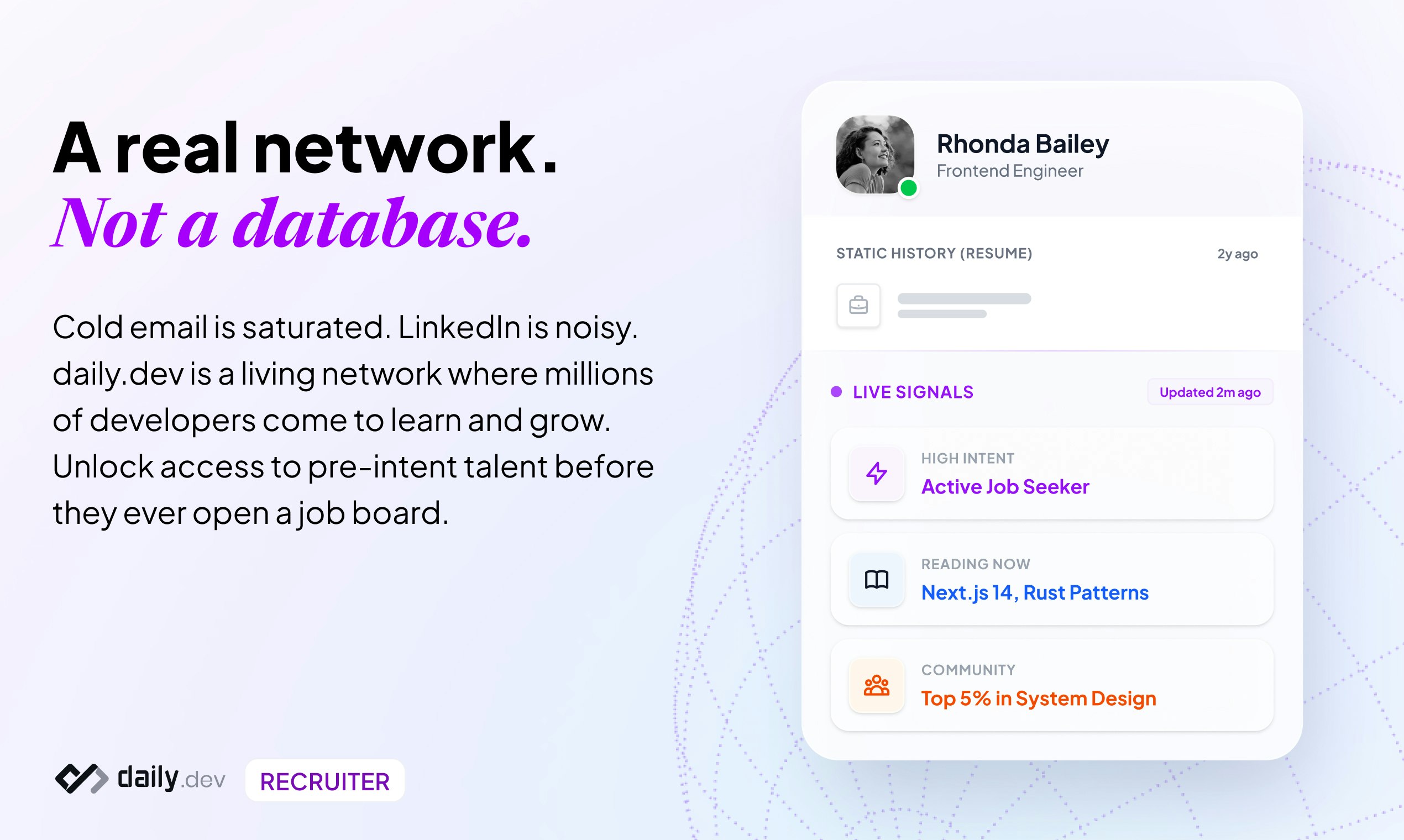
查看原始信息
Raycaster
Raycaster keeps protocols, reports, Module 2/3, and quality docs in sync with the science. Your drug development teams ship stronger submissions with far less rework.

Hey Product Hunt 👋

Excited to share Raycaster with the community today 🚀

I’ve been closely involved with this launch and had the chance to see the product evolve from early internal workflows to what it is now. What really stood out to me is how Raycaster treats regulatory and drug-development documents like a true system, not just isolated files.

Instead of one-off AI drafting, it works at a project level across hundreds of PDFs, Word, Excel, and PowerPoint files, keeping dependencies, citations, and versions in sync. In industries where a single inconsistency can delay approvals or trigger rework, this approach genuinely matters.

From diff-aware edits to traceable citations and version control that actually makes sense for regulatory teams, Raycaster feels purpose-built for high-stakes document workflows rather than a generic AI wrapper.

Huge credit to the team for tackling a problem most people underestimate: the documents are often the bottleneck, not the science.

Would love to hear feedback, questions, or real-world use cases from the PH community 🙌

Happy to help clarify anything in the comments!

3
回复

@prakash_sharma15 The distinction of "high-stakes documents" is critical here. In regulatory affairs, an AI hallucination isn't just a typo; it's a compliance risk that can delay a launch.

0
回复

@prakash_sharma15 congrats on the launch. One of the coolest demo videos on PH :)

0
回复