Product Hunt 每日热榜 2026-02-08

PH热榜 | 2026-02-08

#1
Inspector
Figma for Claude Code
396
一句话介绍:Inspector是一款连接AI编程助手(如Claude Code)的可视化编辑器,允许开发者通过点击UI元素直接修改代码,解决了设计稿与代码实现之间繁琐的“设计交接”痛点,实现了所见即所得的代码级UI调整。
Design Tools Productivity Artificial Intelligence
AI辅助开发 可视化编程工具 设计到代码 前端开发 UI编辑 开发效率工具 设计系统集成 代码生成 无代码/低代码 开发工作流
用户评论摘要:用户普遍认可其提升效率、消除设计交接的价值。主要问题聚焦于:如何确保修改符合现有设计系统与约束;与Cursor等工具的对比优势;定价透明度;多人协作与版本控制集成。开发者回应了规则文件、框架感知、Git集成等解决方案。
AI 锐评

Inspector的野心并非取代Figma,而是试图成为连接视觉设计与实际代码库的“最后一公里”管道。其核心价值不在于又一个可视化编辑器,而在于它将自己定位为一个“AI代理的视觉终端”——它不直接生成代码,而是将视觉操作“翻译”成精准的指令,驱动开发者已有的AI编程助手(Claude Code等)去修改代码库。这巧妙地规避了直接生成代码的质量不可控问题,将责任留给了已被验证的AI代理。

然而,其宣称的“Figma for your actual codebase”是一个危险的类比。Figma的核心是自由创作与系统约束的动态平衡,而Inspector的核心是“在既定系统内进行可视化调整”。它面临的真正考验并非编辑精度(尽管这很重要),而是如何深度理解并融入复杂、严谨的工程化环境。用户关于设计系统、代码抽象和Lint规则的质疑直指要害:工具能否智能地遵循项目规范,而非制造视觉“脏改”?开发团队回应的`.inspectorrules`文件和框架感知能力是正确方向,但这本质上是一场与代码库复杂度的持久战。

商业模式上,“基础功能免费,高级AI代理收费”的策略明智,既降低了试用门槛,又将核心价值与自家优化的AI模型绑定。但长远看,其壁垒在于对工程上下文的理解深度,以及能否成为团队设计-开发工作流中不可绕过的“合规性检查点”与“效率加速器”。如果成功,它可能重塑前端协作界面;若失败,则可能仅是另一个在简单场景中有效、在复杂系统中失灵的玩具。

查看原始信息
Inspector
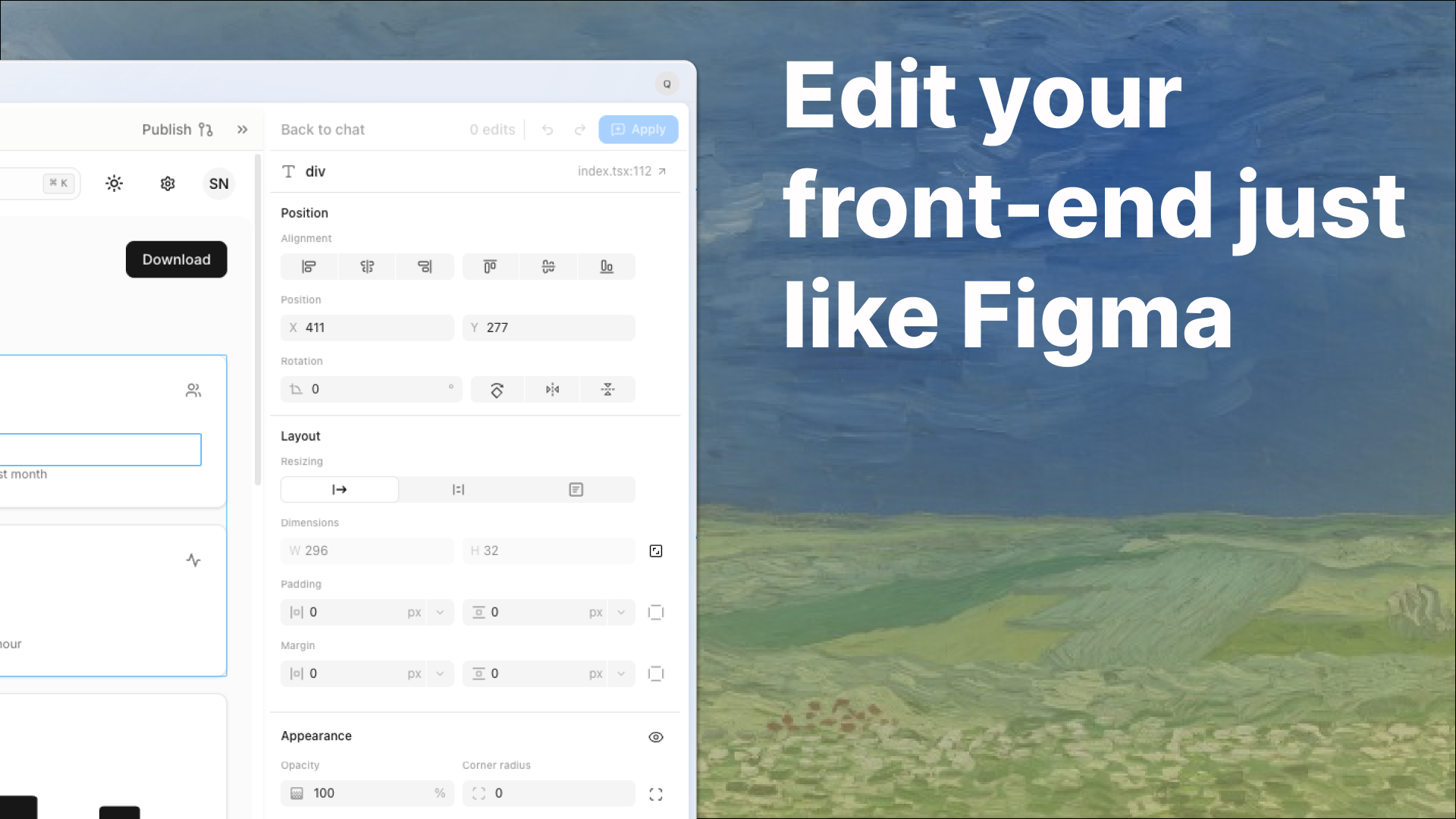
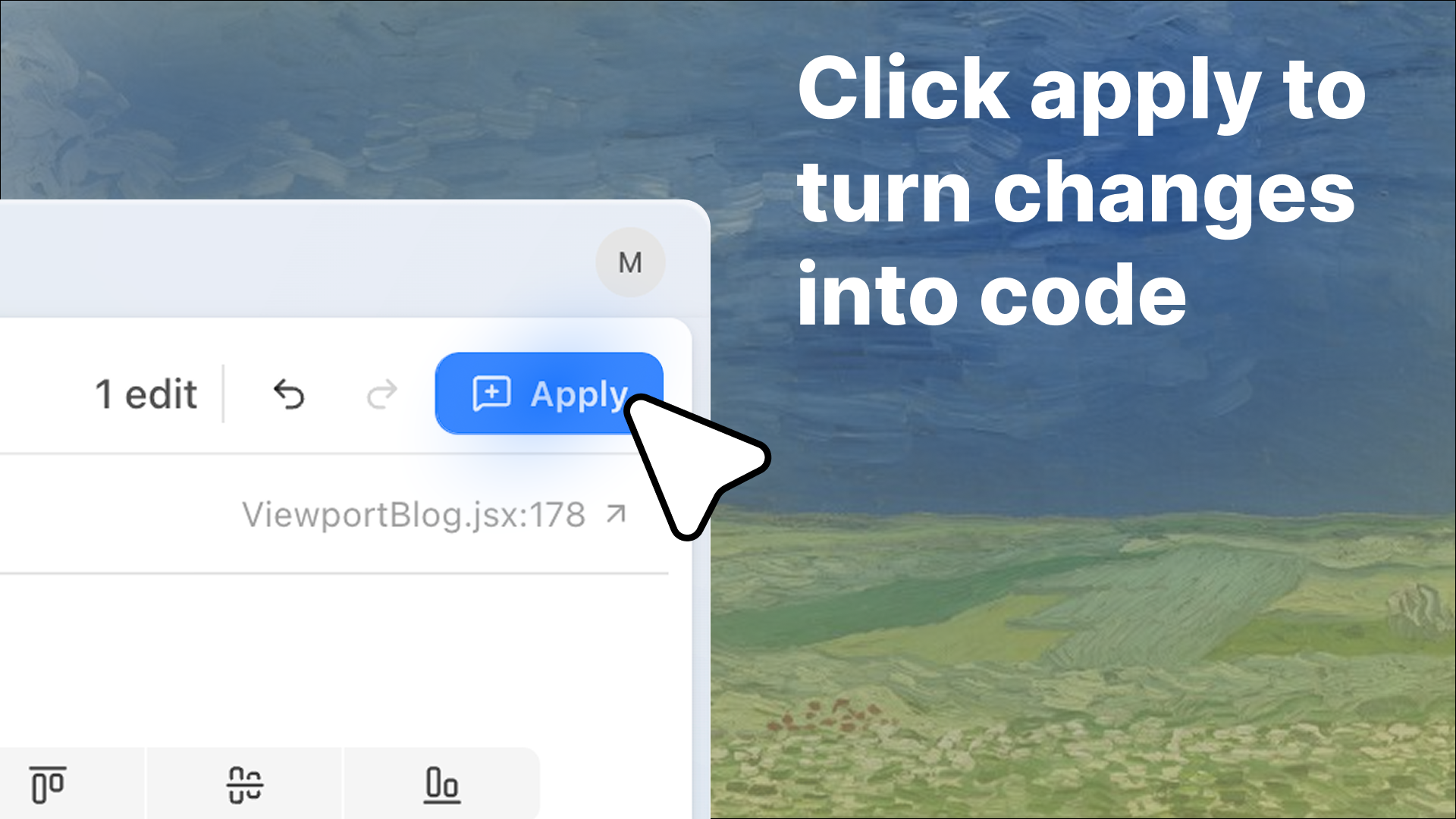
Inspector is a visual editor that connects to your favorite AI agent (Claude Code, Codex, Cursor). Click on an element in your UI, tweak it visually, and Inspector writes the change to your codebase. No more design handoff, just push to the repo.

Hey Product Hunt 👋

I'm Michael, co-founder of Inspector with my best friend Quentin.

We built this because we were spending hours designing the perfect UI in a visual editor, then losing all that work when it was time to actually implement it in code.

We wanted something that just worked, so we built Inspector.

It's like Figma for your actual codebase. You can just do things like:

  • Tweak the spacing on a card, click apply, and it's in your repo

  • Redesign your nav bar visually, then push a PR without writing a single prompt

  • Hand a designer Inspector and they ship a UI fix straight to prod


It connects to the agent you already use (Claude Code, Cursor, Codex) and writes the changes directly to your codebase or GitHub repo. No design handoff. No "please fix" screenshots. No translating mockups into prompts.

We’d love feedback, questions, or ideas for where we could improve your workflow!

Join the Discord: https://discord.gg/ZURx9ckUgH
Try out Inspector with $20 free (PH special): www.tryinspector.com

Happy shipping,
Michael & Quentin

46
回复

@mklikushin Curious how Inspector handles design system constraints, when teams have strict tokens, components, and linting rules, how do you prevent visual tweaks from drifting away from the system or creating messy diffs? Figma for your actual codebase is a bold promise!

0
回复

Woah this looks really interesting! I could see EPD teams really leveraging this to get non technical people shipping code. How do you compare to Cursor's In-App Browser Editor?

35
回复

@zhengming thanks! We actually created 89 visual test cases to make sure our Figma-like editor was reporting correct values and benchmarked Inspector on it, and then Cursor Browser. Cursor's visual editor failed 43 of the tests and Inspector only failed 4 (we're still working to make it perfect!).

We did a full blog post about how we compared it here: https://www.tryinspector.com/blog/code-first-design-tools

35
回复

Inspector has helped us a lot with our development workflows overall made life way easier and has allowed us to just not use Figma.

33
回复

@harsha_gaddipati You guys are awesome

28
回复

Inspector has saved me like atleast 5h over the past week!

32
回复

@dhruv_roongta Thanks Dhruv! Happy that Slashy uses Inspector 🥹

30
回复

This is a huge step towards eliminating the design-to-code handoff! How do you ensure the changes Inspector writes stay aligned with existing design systems and abstractions as a codebase scales?

31
回复

@jemluu Great question! Keeping AI edits consistent with your existing design system is a core design principle for us.

A few of the ways we do that:

  • Project-level rules (.inspectorrules). Teams using Inspector can define project-specific conventions in a .inspectorrules file (things like "always use our design tokens from theme.ts"). These rules are injected into every AI-assisted edit, so the output matches your team's standards.

  • Framework-aware styling. Inspector detects your existing abstractions. For example, if your element uses Tailwind classes, Inspector updates the className (for example, shadow-md to shadow-lg) instead of injecting raw inline styles. Your design system stays intact.

  • React code linking. Even though Inspector is framework agnostic, React is where we really shine. We link the exact lines of React to the component they render on the frontend, giving your agent perfect context every time.

Hope that answers your question!

29
回复
This looks so good but the lack of pricing on the landing page makes me instantly suspicious.
30
回复

@boagworld Hey Paul! That's actually my fault, we've been shipping so fast the entire pricing flow is triggered from the desktop app. I'll be sure to add transparent pricing on the lander asap!

Here's the rundown:

  • Connecting Claude Code, Cursor CLI, Codex is always free

  • Free users get access to the same visual editing features as paid users

  • Paid users get access to more usage on Inspector Agent, which exposes GLM 4.7 (2x speed on Cerebras) as a model option

  • A paid subscription is $20/ month

Basically, the Inspector Agent is a way for us to provide $20 of free usage to people who would otherwise not connect their agent so that they can feel the magic. We're working on some really cool stuff that makes Inspector Agent even more powerful, so stay tuned!

34
回复

pretty interesting project

1
回复

Will do. The GitHub PR flow straight from the visual editor is where I'd start testing it seriously.

1
回复

@piroune_balachandran Hi Piroune! We have that flow set up, and would love to hear what you think. Click publish to open source control, and create a PR once you push to your github repo.

0
回复

would be nice to have this function for iOS Apps

1
回复

Such a big inspector fan here

1
回复

@amirhanna Thanks Amir!

0
回复

This is super cool! How many people are using this?

1
回复

@jai_bhatia2 Thanks Jai! It's exciting to see so many new people trying it out and get feedback. Let me know your thoughts!

0
回复

Figma for Claude Code is a brilliant concept! How do you handle version control when multiple people are iterating on the same UI components with AI?

Congrats on the launch! 🚀

1
回复

@adam_lab Thanks Adam! We actually integrate directly with Git, so you can stage pull from a remote repo, stage, unstage, commit, and push changes all from inside Inspector! You can even create a PR directly from Inspector.

When you do, the PR will have an "Open in Inspector" link, so if another person on your team has Inspector, they can checkout a branch and go directly to your changes in Inspector just by clicking the link.

0
回复

Really interesting launch guys. What's on the roadmap to ship in the next few weeks?

1
回复

Love this! Even as a non-designer, this really appeals to me. It really takes me out of the flow jumping between browser and Claude Code when doing front end work.

1
回复

@fabian_lindfors Hi Fabian! We agree, Inspector is just as powerful for developers!

0
回复
Mike builds more!!!!
1
回复

@dake_zhang1 the best co-founder ever! It is so much fun to build everyday with your best friend, and a really funny guy, haha.

0
回复

Looks cool!

1
回复

@flotocto Thanks Prashant! Feel free to share any feedback you have with us!

0
回复
Looks like you are providing designer capability to code, which I really like, your approach to empower designers to code using agent, on the interface they familiar.
1
回复

@sam_chen1 That's exactly the goal! Inspector gives designers a familiar visual interface and lets them push real code changes via the agent they already use, so design and implementation aren't separate steps anymore.

1
回复

Really love the ease and usability of Inspector! Great launch!

1
回复

@cruise_chen Love to hear it! Send me any more of your feedback!

0
回复
Lfg!! Congrats on the launch guys
1
回复

@davj Thanks David! Would love get your feedback!

0
回复

Amazing tool, amazing team. Congrats on the launch!

1
回复

@ay_ush Thanks Ayush! We use Autumn for our usage tracking and we love it :)

0
回复

Frontend stuff that’s taken me hours w/ claude code can be done in seconds w inspector!

1
回复

@samrath_chadha Glad you like using it, would love to hear your feedback!

0
回复

The "Figma for Claude Code" concept is interesting. Bridging visual editing and AI agents addresses a real gap in the design-to-code workflow.

I'm curious about multi-component scenarios: when a visual change affects multiple files (e.g., updating a shared component's layout that cascades to parent containers), how does Inspector handle the context propagation to Claude Code? Does it batch related changes or let the agent discover dependencies through the codebase?

0
回复

Awesome stuff guys! Love the product and I believe that all roles in Software will converge into one multidisciplinary role. This will play a big role in that future :)

0
回复

Awesome stuff! Curious on what your long term goals are for Inspector! Do you expect visual-first editing to become the primary interface for frontend changes?

0
回复

Inspector writing changes straight to the codebase from a visual click is where this gets interesting. Most visual editors stop at generating a screenshot or a diff... actually resolving the element to its source line and pushing the edit removes the whole copy-paste-from-Figma loop.

0
回复

@piroune_balachandran Ayyeee yep that's the goal! Let me know any feedback have on the product!

0
回复

This is truly amazing! I wonder if, with the right marketing strategy, this could reach the size and power of Cursor or Figma.

I tried developing one once (I'm not a programmer, just an enthusiast) and realized I had many difficulties editing specific elements in my app's structure, even when creating it using AI. Are you already promoting it?

0
回复

@nicolas55 Thanks so much! Totally agree on the difficulty of editing specific elements---it's exactly why we built Inspector. Yes - marketing a community involvement are so important for us! We just started on Friday to advertise Inspector and are actively building our Discord community.

If you want to join and share more feedback, we'd love to have you join: https://discord.gg/AuXBs3VssV

0
回复
#2
Extrovert
Lead nurturing and warm outreach copilot for LinkedIn
270
一句话介绍:一款LinkedIn销售辅助工具,通过AI建议评论和私信,帮助用户在15分钟内规模化建立信任,解决B2B销售中陌生触达效率低下、转化率低的痛点。
Sales Marketing LinkedIn
LinkedIn销售自动化 潜在客户培育 社交销售 AI辅助销售 暖外联 B2B销售工具 销售赋能 客户互动管理 智能触达 关系构建
用户评论摘要:用户普遍认可其“循环替代序列”的理念与暖外联价值,对60-70%的连接通过率印象深刻。主要关切点在于:1. 长期使用是否会导致过度曝光或触达反感;2. 技术依赖网页抓取可能存在的封号风险;3. 询问AI个性化机制及冷线索再激活逻辑。开发者回应称使用第三方API保障账户安全,且每次触达均需人工审核。
AI 锐评

Extrovert的核心理念——“以循环替代序列,以买家信号替代卖家日历”——精准刺中了当前B2B销售自动化工具的普遍痼疾:僵化的时间序列与真实的、漫长且非线性的购买旅程严重脱节。它不再是一个简单的“自动化轰炸机”,而试图扮演一个“智能记忆与时机提示系统”,其真正价值在于将销售人员的社交精力进行持续、分散且精准的再投资。

产品设计的犀利之处在于深刻理解了LinkedIn作为职业社交场的“弱关系孵化”本质。它通过AI筛选信息流并建议评论,实质是系统化地执行“轻度社交在场”,旨在将陌生关系预热为“熟悉的陌生人”。高达60-70%的连接通过率数据,反证的恰恰是传统海量连接请求的粗放与无效。而将DM建议与对方动态(如发布内容、参与活动)强绑定,则是将触达从“推销”转向“共鸣”,试图重建被垃圾信息摧毁的沟通礼仪。

然而,其面临的挑战同样尖锐。首先,模式高度依赖对LinkedIn平台数据的稳定获取,在平台日益收紧API和打击自动化的背景下,这是一个长期的生存性风险。其次,“15分钟/天”的承诺建立在AI建议高度可用的基础上,但对于高度定制化或极其垂直的领域,AI能否持续生成“有见地而非尴尬”的评论,仍需观察。最后,也是最关键的一点,当这一模式被广泛采用,每个用户的“信息流”中挤满了由AI生成的、“人性化”的评论时,当前的效率优势与信任构建基础是否会迅速内卷、崩塌?它可能正在将销售互动推向一场更隐蔽、更高效的“军备竞赛”。

总体而言,Extrovert代表了销售技术从“自动化”向“智能化”和“人性化节奏”的一次有价值的演进。它不是万能解药,但为那些厌倦了冰冷序列、希望以更尊重、更持久方式培育长期商机的销售人员,提供了一个极具吸引力的“增强心智”工具。其成败将取决于技术稳定性、AI的持续进化能力,以及能否在规模化与避免社交污染之间找到精妙的平衡点。

查看原始信息
Extrovert
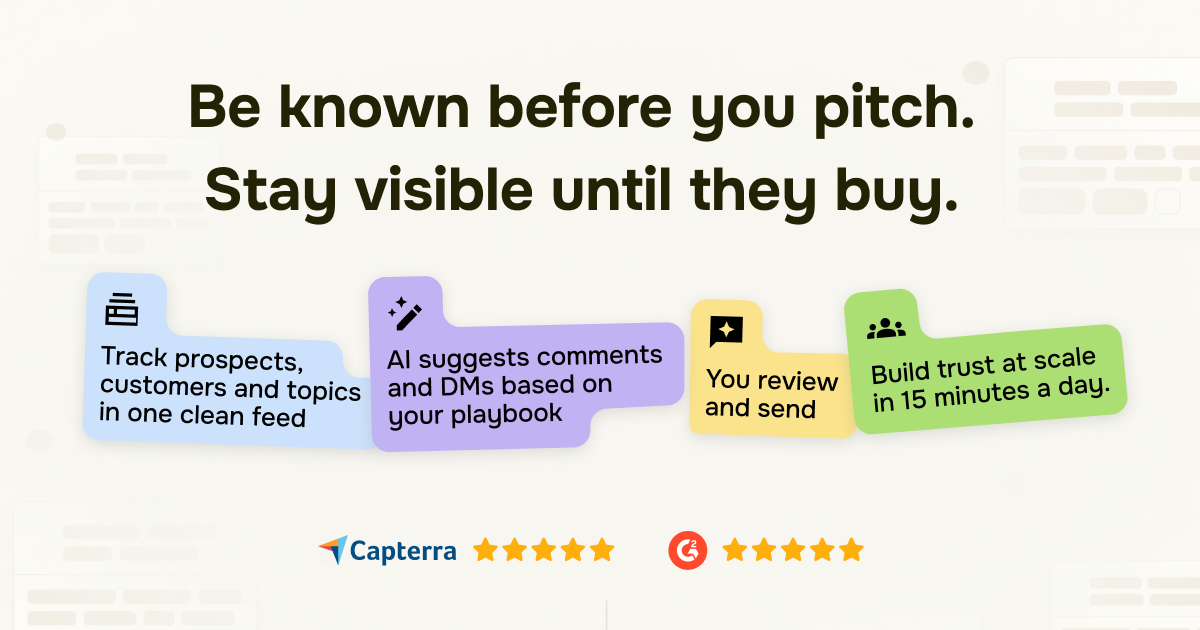
Track your prospects, customers and relevant topics on LinkedIn. AI suggests comments and DMs based on your playbook. You review and send. Build trust at scale in 15 minutes a day.
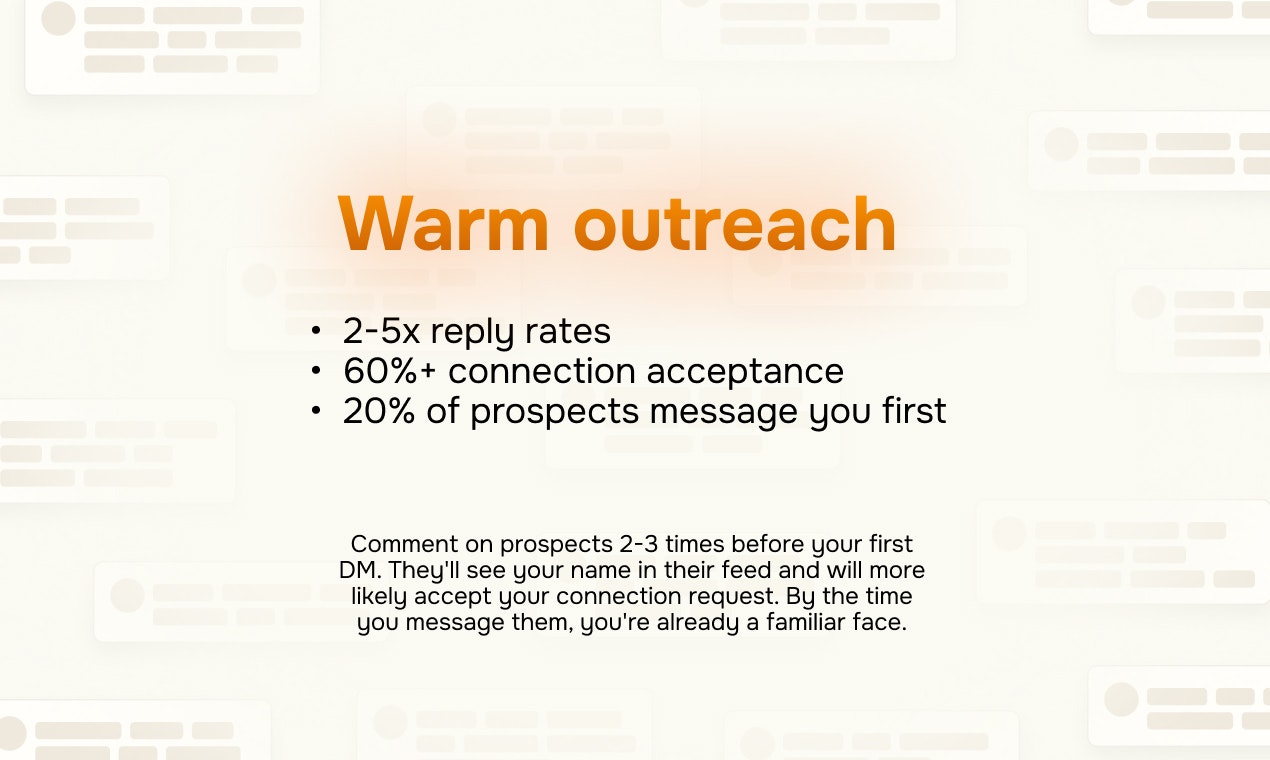
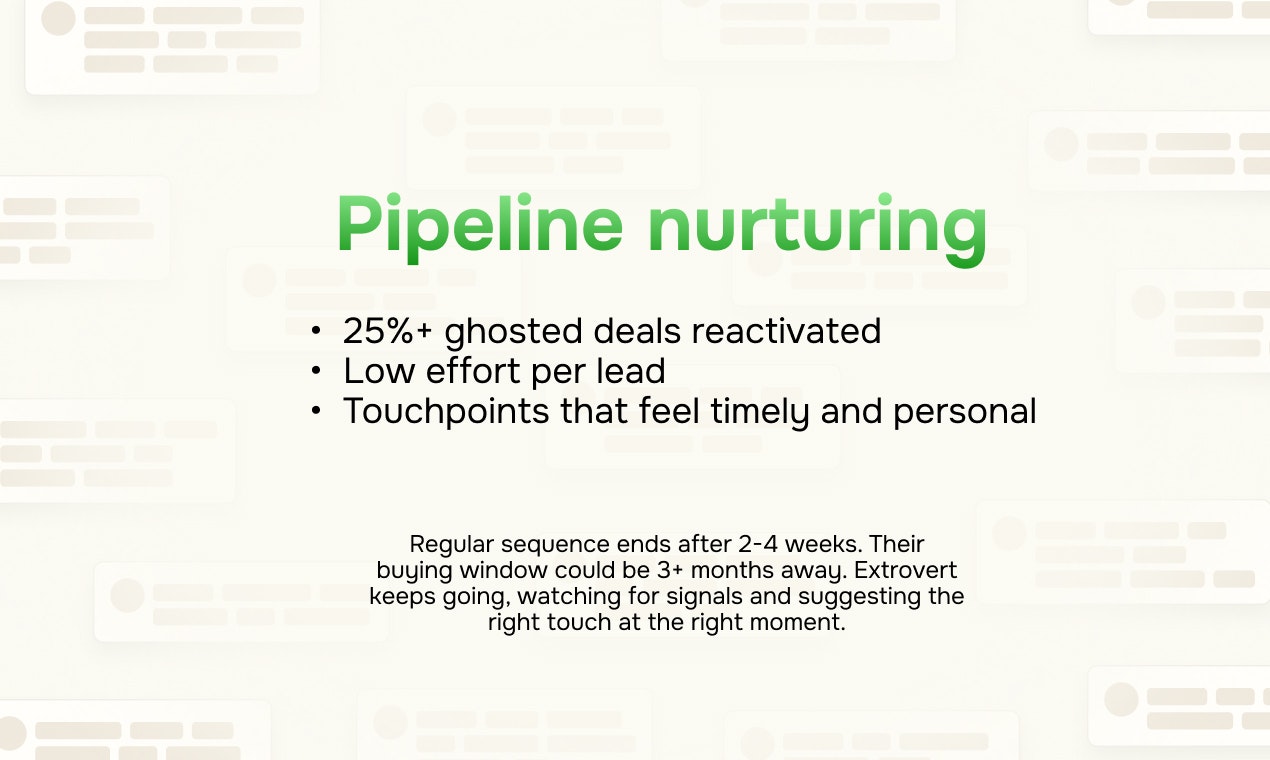
After 18 months of building AI for sales and onboarding 2,500+ users, one thing became painfully clear: Cold outreach fails because we're approaching our prospects as strangers. A stranger with a perfect icebreaker is still a stranger. And buyers today process cold DMs the way we process banner ads; they literally don't see them. So we asked a different question: what if you were never cold? That's what Extrovert does. Here's the full flow: 1️⃣ Comments: get recognized before you reach out AI builds you a clean feed of your prospects' LinkedIn posts. It drafts thoughtful comments in your voice — you review, tweak if needed, approve. 2-3 comments over a couple of weeks, and you're a familiar name in their notifications. 2️⃣ Connection requests: smartly timed Once you've shown up enough, Extrovert sends the connection request automatically. You set the rules (e.g., after 2 comments, or after 14 days). The request lands when they already recognize your name. That's why we see 60-70% acceptance rates vs. the 20-30% industry average. 3️⃣ DMs & follow-ups: suggestion-based instead of sequence-based This is the big shift. Traditional sequences run on seller's calendar: Day 1, Day 7, Day 14. Extrovert runs on buyer's signals. Prospect posted about a challenge you solve? You get a DM suggestion. Went quiet for 3 weeks? Check-in suggested. Attended a conference? Reference it. You upload your playbook (templates, objection handling, tone), and AI drafts messages that sound like you actually wrote them. The key: this never stops. Sequences end after 2-4 weeks. Buying windows take 3-6 months. Extrovert keeps looping: comments, timely DMs, until they're ready to buy. Conversations can go warm, cold, warm again, naturally. What makes this different from sequencers: → Loops instead of sequences. No fixed end date. → Reacts to their world instead of seller's calendar. → Human approves every touch. No AI slop goes out. What makes this different from doing it manually: → 15 min/day instead of 2 hours. Same quality. → Tracks who you've engaged with, when, how many times. Results our users are getting: → 2-5x higher reply rates vs. cold outreach → 20% of prospects message first (before any DM) → 25%+ ghosted deals brought back to life → 60-70% connection acceptance rates 🎁 To celebrate this launch, the first 100 people who leave thoughtful comments get 50% off for 2 months. The long game is the only game left in b2b sales. Now this game is possible to play on easy mode.
6
回复

@oleg_sobolev The “loops instead of sequences” idea really resonates. Curious how Extrovert avoids overexposure over long buying cycles, how do you decide when not to comment or reach out so familiarity doesn’t turn into noise or creepiness?

0
回复

@oleg_sobolev great to see Extrovert’s growth from the last launch! LFG

0
回复
This looks perfect for my needs. The problem of course (I suspect) is that it uses webscaping because LinkedIn has a shit API. That means eventually when LinkedIn catches on they will close this down. Still it may be worth using anyway in the meantime.
2
回复

@boagworld Thanks a lot Paul! Super glad you'd like to try. Please feel free to ping me anytime if you have any questions. We do use third-party APIs to fetch the data and they are pretty reliable as of now, and they've been around for years. We don't use your account to fetch the data to keep it safe. We only use it to conduct actions like post comments, post DMs, etc.

P.S. Thanks for the comment, and here's the promo code for 50% OFF first 2 months: PH3M9C2F14

0
回复

Got a LinkedIn automation warning once, it's no fun. With the APIs so locked down, Extrovert sticking to playbook-based comment and DM suggestions, then you review and send, feels safer than auto-sequence tools. Pacing limits and a safety switch keep this usable.

0
回复

Congrats on the launch!!! Looks really powerful, excited to try it!

1
回复

Thanks a ton@david_abaev1 , launching more exciting stuff very soon! LFG!

0
回复

Bookmarked for sure and will have a look at this at a later date :)
First timer should have a chance to free trial even if it's for 3 days, lots of tools out there that promised more than this and doesn't delivered despite the high prices.

0
回复

Sales and Marketing automation on LinkedIn is tricky, but a 'copilot' approach for warm outreach sounds much more human. Is it using its own LLM for personalization or can we connect our own API keys?

0
回复

The "loops vs sequences" insight is spot on - most tools quit right when buyers are warming up.

Quick question: how does the AI decide when to re-engage after someone goes cold? Can you tune that by industry?

60-70% connection rate is impressive!

0
回复

Yes! We just had multiple discussions why existing soclistening tools are not quite enough for b2b needs with longer cycles - you need to combine that with personalised 'trust-building' etc which is a difficult task this tool tries to solve.

Really interesting to see results and case studies on how those operations can be more efficient with Extravert! :)

0
回复

I have supported Extrovert v1, I will support Extrovert v2!

Its exciting seeing the evolution of a product and, hell, the team itself! I’ve spoken with many professional sales people and they told me: outreach isn't for every industry. Some just don't buy from strangers. I am happy to see a product that tackles that exact segment instead of mindlessly copying all the other tools.

Gogo teammm

0
回复

I am quite a lot on LinkedIn lately, so bookmarked for sure and will have a look at this :)

0
回复

@busmark_w_nika thanks a lot Nika! Feel free to reach out anytime if you have questions or just wanna chat 🤘 Have a great Sunday!

1
回复
#3
Axel
Todoist for AI coding agents
223
一句话介绍:Axel是一款面向AI编程助手的任务队列与管理工具,帮助开发者在多AI编码代理协同场景下,高效分发、监控和审批任务,解决手动调度与冲突管理的痛点。
Task Management Open Source Developer Tools
AI编程助手管理 任务队列 多代理调度 开发者工具 原生macOS应用 键盘驱动 开源 代码生成 工作流自动化 git工作树隔离
用户评论摘要:用户普遍赞赏其利用git worktree实现代理隔离的巧思、键盘驱动的效率及原生体验。主要疑问集中在多代理工作流的冲突处理机制、任务依赖管理,以及与传统待办工具(如Todoist)的差异。开发者回应了权限审批与冲突检测的实现方式。
AI 锐评

Axel的定位并非简单的“Todoist for AI agents”,其核心价值在于将AI代理从“对话式副驾驶”重构为“可批量调度与管控的生产力单元”。产品通过任务队列中枢、基于git worktree的物理隔离以及OpenTelemetry的监控审批层,试图解决多AI代理协作时的两大顽疾:资源争抢与过程黑箱。它本质上是一个为AI编码时代设计的“操作系统调度器”雏形。

然而,其真正的挑战与天花板也在于此。首先,其价值深度绑定于“多代理”工作流成为主流的假设,但目前多数开发者仍处于与单一代理(如Claude、GPT)深度协作的探索期。其次,产品虽解决了文件系统层面的冲突,但更高维度的逻辑与架构冲突(如两个代理对同一模块提出不同重构方案)仍需人类裁决,智能调度能力有限。最后,“键盘驱动”与“原生体验”虽是亮点,却也可能是其扩张的枷锁,将Windows/Linux用户及偏好图形化操作者拒之门外。

总体而言,Axel是一次极具前瞻性的工程化尝试,为AI增强开发提供了宝贵的范式。但它更像一个面向早期采用者与工作流极客的专业“调试台”,而非普适性工具。其成功与否,将不取决于交互的优雅,而取决于能否在AI代理能力爆发前,构建出不可替代的、真正智能的协调与仲裁逻辑。

查看原始信息
Axel
Axel helps you run AI agents and keep them fed. Queue up work, dispatch to the right agent, and approve or deny actions from one inbox. It's native macOS, keyboard-driven, and works with Claude, Codex, OpenCode, and Antigravity out of the box. We hope it helps you ship faster 🚀

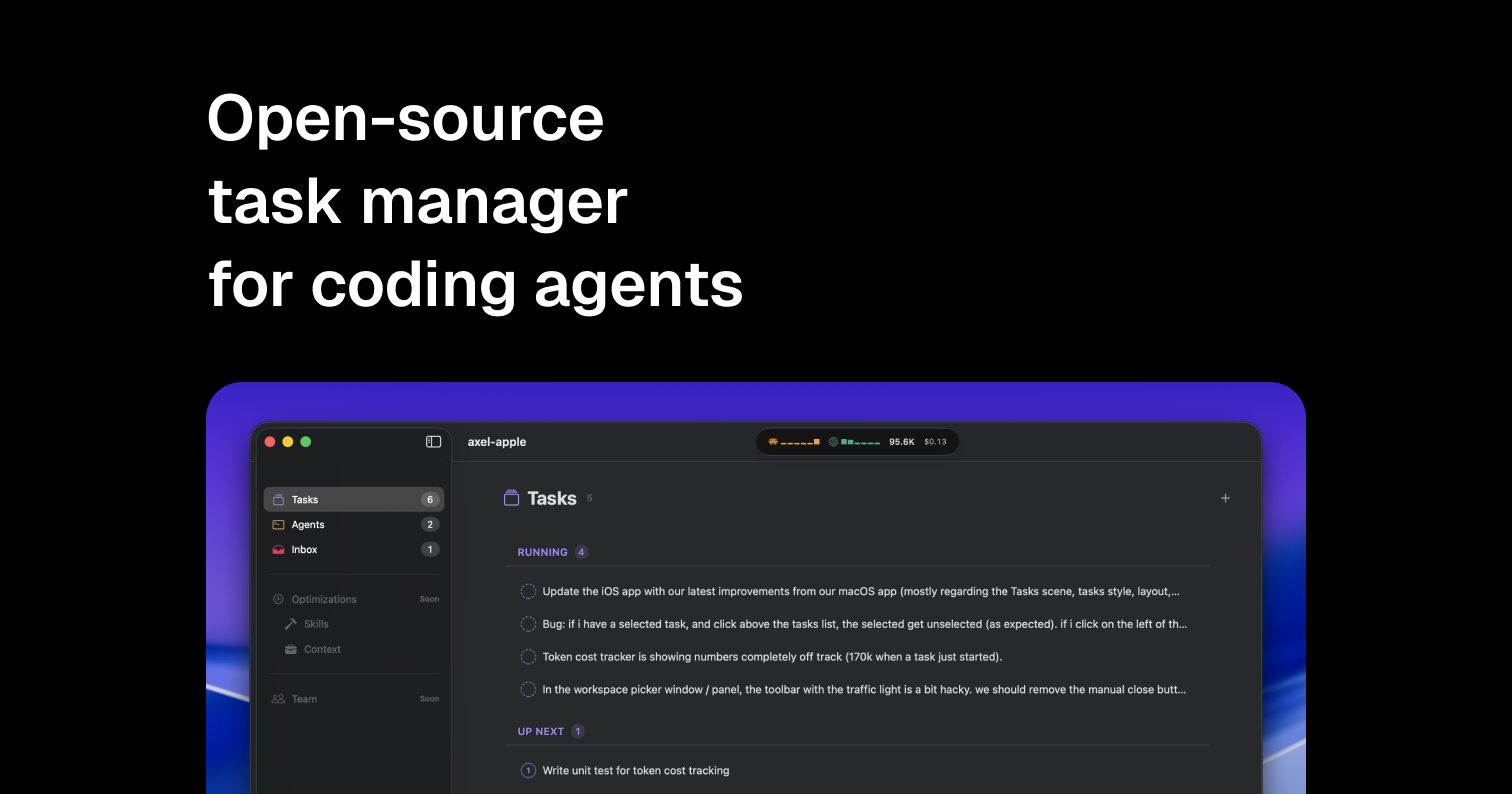
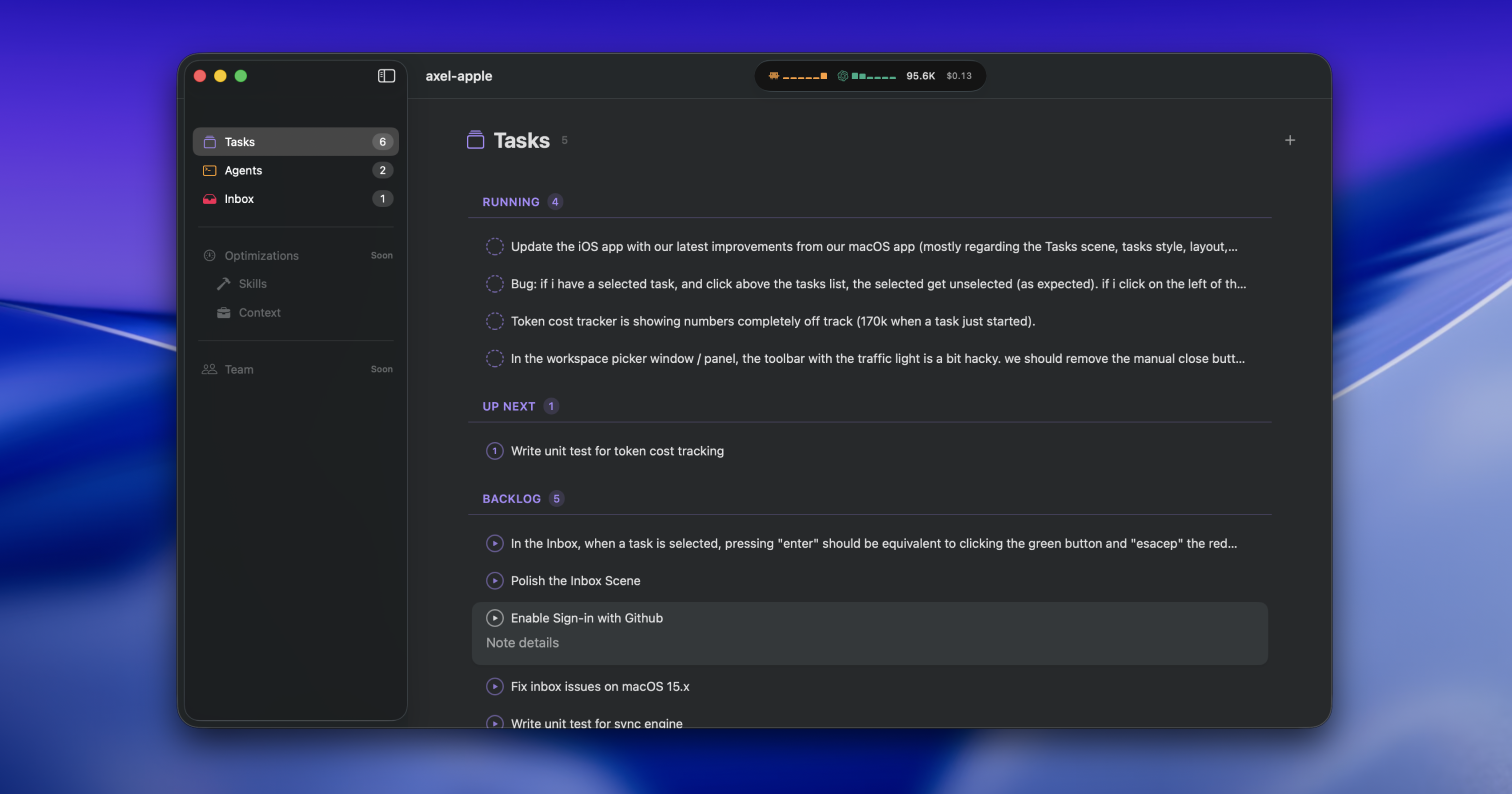
@Axel is a beautifully-crafted task manager for AI coding agents. Native for macOS and built for speed (read: keyboard-driven), Axel works with Claude, Codex, OpenCode, and Antigravity out of the box.

If you're working with multiple coding agents, this might be your new favorite tool.

Oh and it's open-source: View source code

Happy shipping!

2
回复

Thank you @fmerian 🙏
Hey PH — I'm Ludo, the author of Axel, and I'm a todo list junkie. I've literally tried them all.

Coding agents are redefining my day-to-day work. I have a few years of devtool experience, so I started exploring a developer experience where my interactions are led by a list of tasks — tasks that can be chained, prioritized, and processed by agents I choose.

Not an agent that happens to have a task list. A task list that happens to command agents.

The workflow I was after: queue up what needs to happen, pick which agents handle what, parallelize across git worktrees so nothing collides, and keep one calm interface while the machine goes to war underneath.

That's Axel — a native macOS app that gives you the calm of a task list while your agents are in war mode. Spinning up another agent in its own worktree feels as cheap as opening a new tab.

The app is built with SwiftUI, inspired by Things. Under the hood it leans on GhosttyKit, tmux, and OpenTelemetry to run and monitor the agents being spun up.

Axel is early but it's already part of my daily flow, and that's usually when I know something's worth sharing. I'd love honest feedback, good or bad! Tell me what clicks and what doesn't.

3
回复

One of the hurdles I have is waiting for the task to finish to start next or work on two different projects. This seems to solve that. Good work.

2
回复
@gokuljd I’m with you! with the Alex flow, I create my tasks, queue them, create new ones, get back to editing some that have been queued, etc.
2
回复

@gokuljd spot on! curious: what are your preferred coding agents?

0
回复
@fmerian It’s a mix, I usually dispatch my tasks to Claude, and get some backup from Codex. The good thing is that with that flow, it’s really easy to benchmark the quality.
2
回复

It gives a clear picture of what's going on, I love that you support different agents.

a lot more agents are coming very soon.

1
回复

@prakashqbtrix love it! what model should they support next? any preferences? feel free to create an issue in: https://github.com/txtx/axel-app

0
回复

Using git worktrees for agent isolation is genius - makes spawning agents "as cheap as opening a tab."

How do you handle the merge back to main when two agents touch related files? Does OpenTelemetry help detect potential conflicts before merge?

Love the Things-inspired UI approach!

1
回复

Using git worktrees for agent isolation is genius (...) Love the Things-inspired UI approach!

@ludovic frame this!

0
回复

Seems interesting. What is a typical workflow with Axel? Would I be creating multiple tasks which are then spread over multiple agents? Or is it more a 1:1 workflow where I'm "baby sitting" an agent?

1
回复

What is a typical workflow with Axel? Would I be creating multiple tasks which are then spread over multiple agents?

Exactly. How @Axel works:

  1. You create a task in the app.

  2. Axel spawns a terminal session via the CLI.

  3. The agent runs in tmux, optionally inside a new git worktree.

  4. The app shows live output, events, and permission prompts.

  5. When the work is done, you close the loop and ship.

0
回复

been running Claude Code and Cursor side by side for months, biggest pain is when they both want to touch the same file. the worktree approach is smart - does each agent get its own isolated git state or do they somehow sync changes back? also curious how you're handling permissions, like can agents accidentally blow away each others work or is there some kind of conflict detection built in?

1
回复
@mykola_kondratiuk good question. When you start parallelizing agents, then the current challenge I see (will probably fade out with support from AI over time too) is 1) dispatch the work correctly (includes avoiding conflicts) 2) review the work done. Axel spins up git worktrees + tmux sessions under the hood which creates some good isolation. The permission issues you’ve mentioned is fixed by the combo OpenTelemetry listener + native app, that gives you rich notifications (ability to approve decline changes, access, etc)
2
回复
👏🏻👏🏻👏🏻👏🏻
0
回复

Keyboard-driven and native for macOS? That’s exactly what developers need. As someone building tracking tools, I'd love to know if Axel can handle task dependencies when multiple agents are working on the same repo.

0
回复
Why not just use Todoist API?
0
回复
#4
VolumeHub
Per-app volume control for macOS with no driver installs
161
一句话介绍:VolumeHub是一款无需安装驱动、基于macOS原生音频接口的菜单栏应用,为每个应用提供独立的音量控制和10段均衡器,解决了用户在通话、多任务处理时因系统全局音量统一而导致的音频干扰痛点。
Mac Productivity Menu Bar Apps
macOS工具 音频控制 独立应用音量 菜单栏应用 原生开发 隐私保护 均衡器 专注模式 生产力工具 独立开发
用户评论摘要:用户赞赏产品解决了macOS长期缺失的功能,并对“专注音频”自动闪避功能的具体触发逻辑(如是否支持多款通话应用)及设置持久性提出询问。开发者回复确认设置会自动保存并支持重启后保留,功能可自动或手动配置。
AI 锐评

VolumeHub看似填补了macOS一个令人费解的基础功能缺失,但其真正价值远不止于“每个应用一个音量滑块”。它巧妙地利用苹果原生Audio Tap API,在“无需驱动”这个安全与便利的痛点上建立了坚固的壁垒,这比功能本身更能打动谨慎的Mac用户。产品将“音量控制”这个单一功能扩展为一个轻量级音频管理中心,加入的10段EQ和自动闪避(Focus Audio),实际上是在碎片化的应用音频输出和用户专注的听觉需求之间,搭建了一个智能中间层。

然而,其挑战也显而易见。首先,其核心价值高度依赖系统API的稳定性,苹果未来的系统更新是其潜在风险。其次,作为付费工具,它需要持续证明自己比免费的替代方案(如某些音频路由软件的组合使用)更优雅、更稳定。用户对“专注音频”触发机制的疑问,暴露了场景化智能功能的配置复杂度与用户追求“无感”体验之间的矛盾。

本质上,VolumeHub的成功反映了系统生态的一个趋势:当操作系统在细分体验上迭代缓慢时,就为那些聚焦单一痛点、实现极致优雅的“缝合型”工具创造了机会。它卖的不仅是功能,更是一种“本该如此”的体验。但若想长期生存,它必须从“功能补丁”进化成“听觉体验平台”,例如更深度地融入系统生态(如与快捷指令、专注模式联动),否则可能难逃被系统更新或更大平台吞没的命运。

查看原始信息
VolumeHub
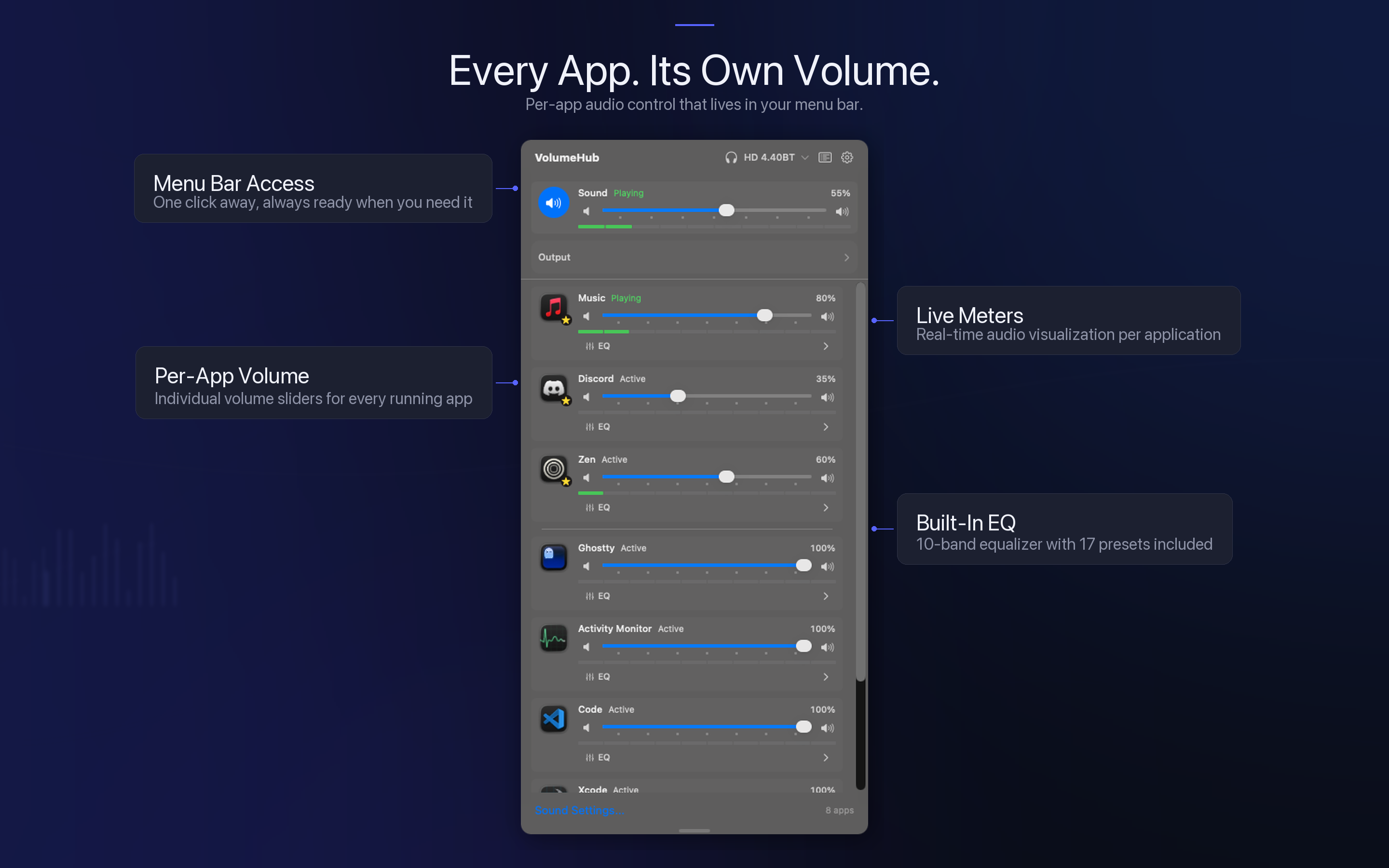
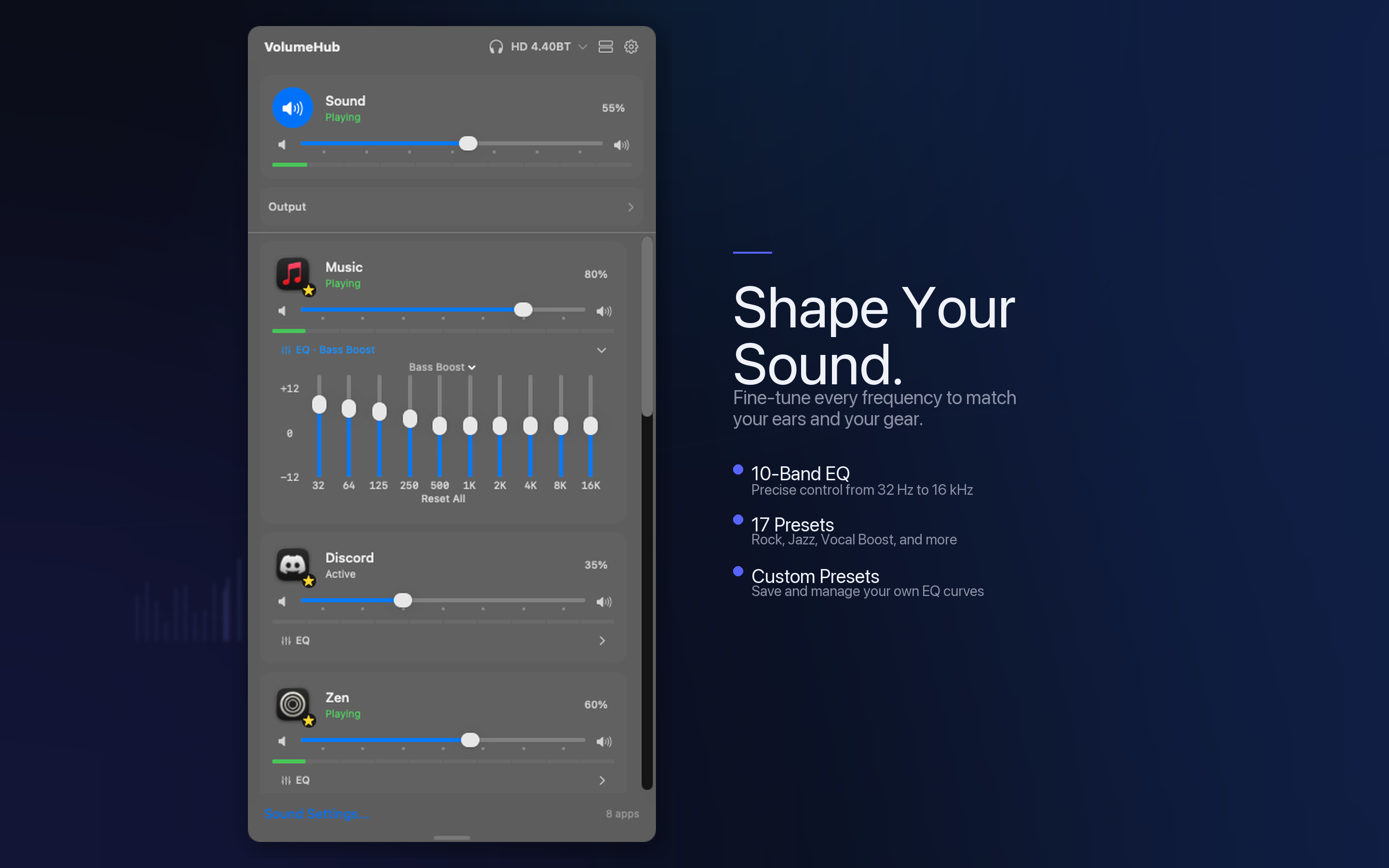
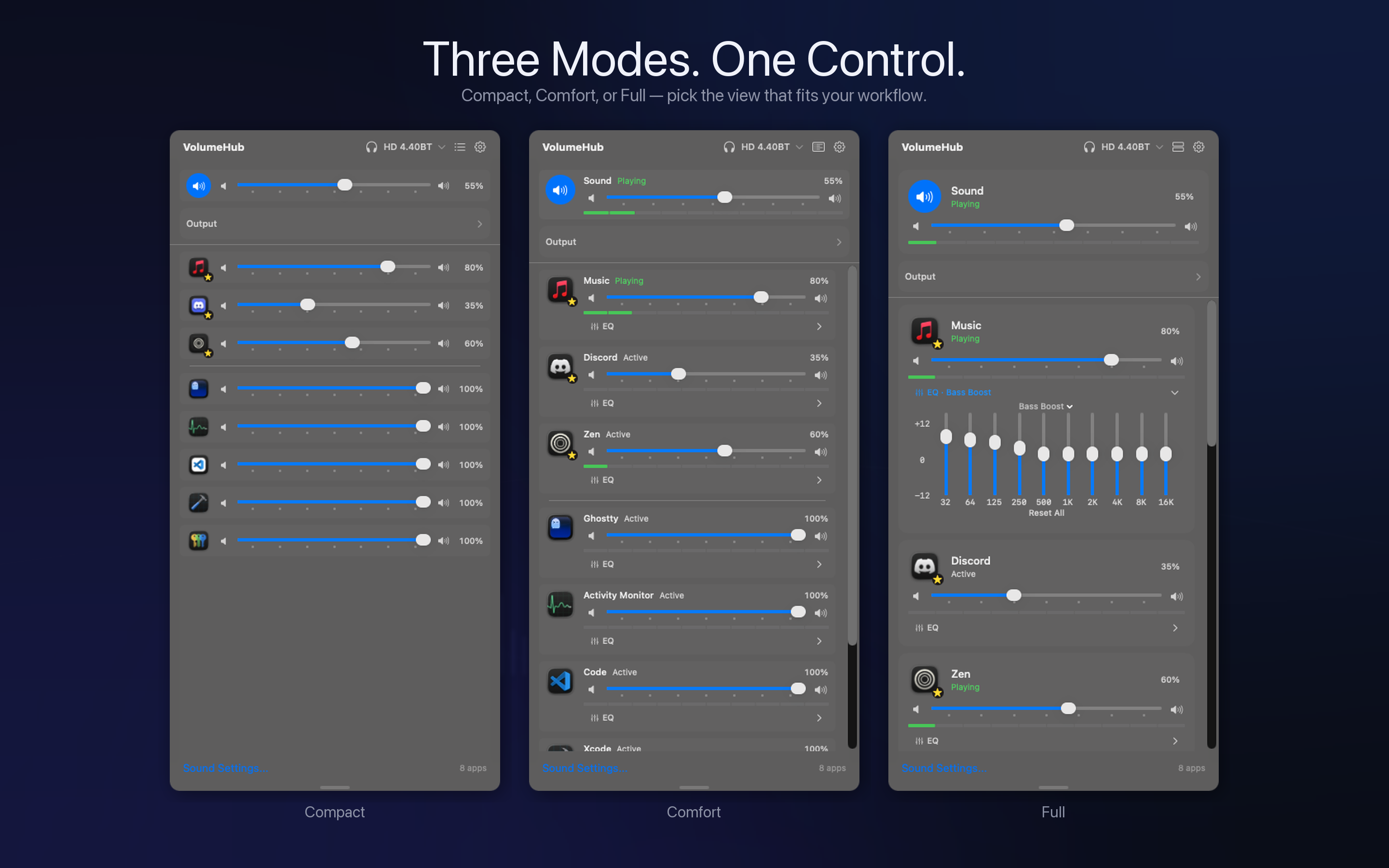
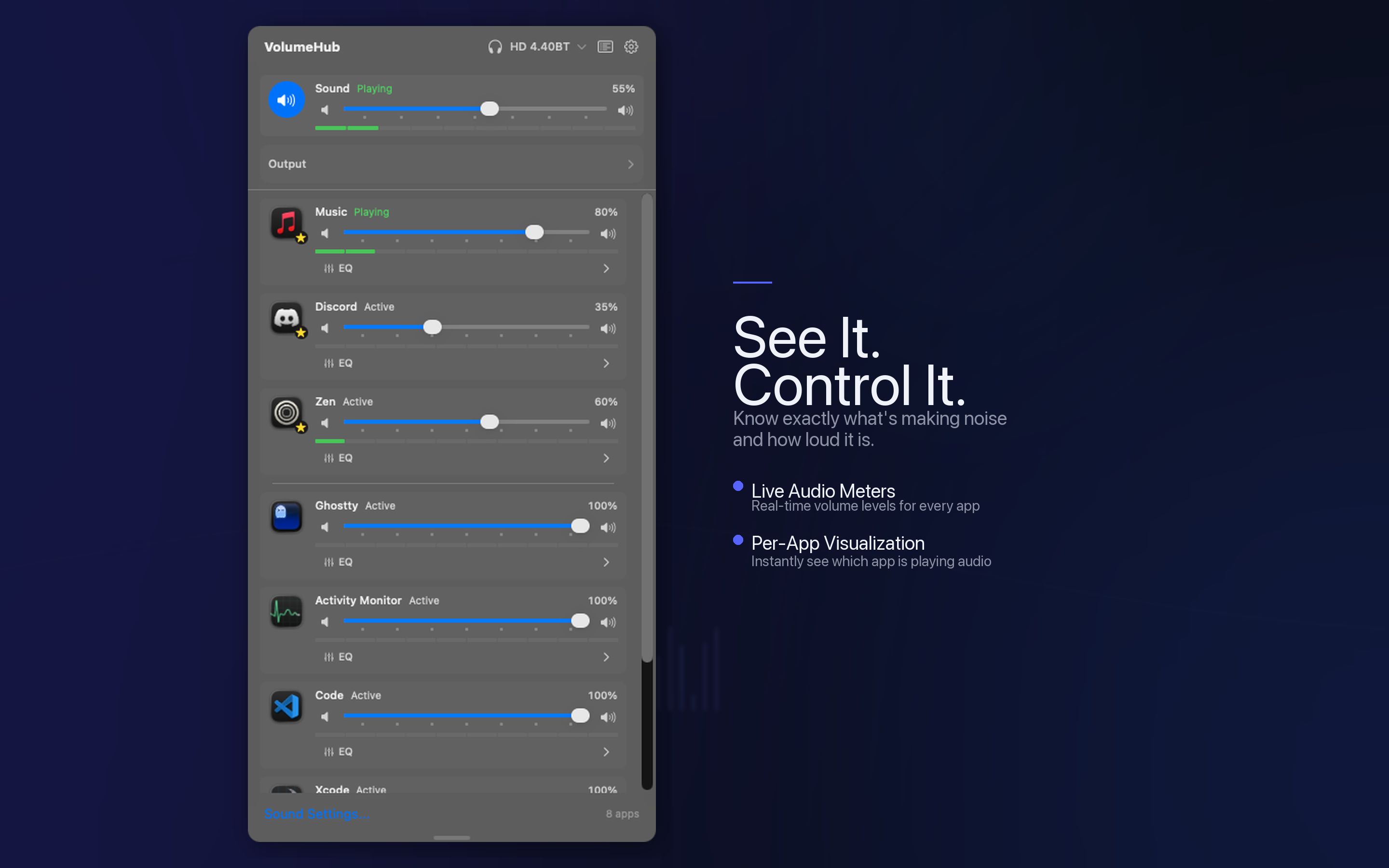
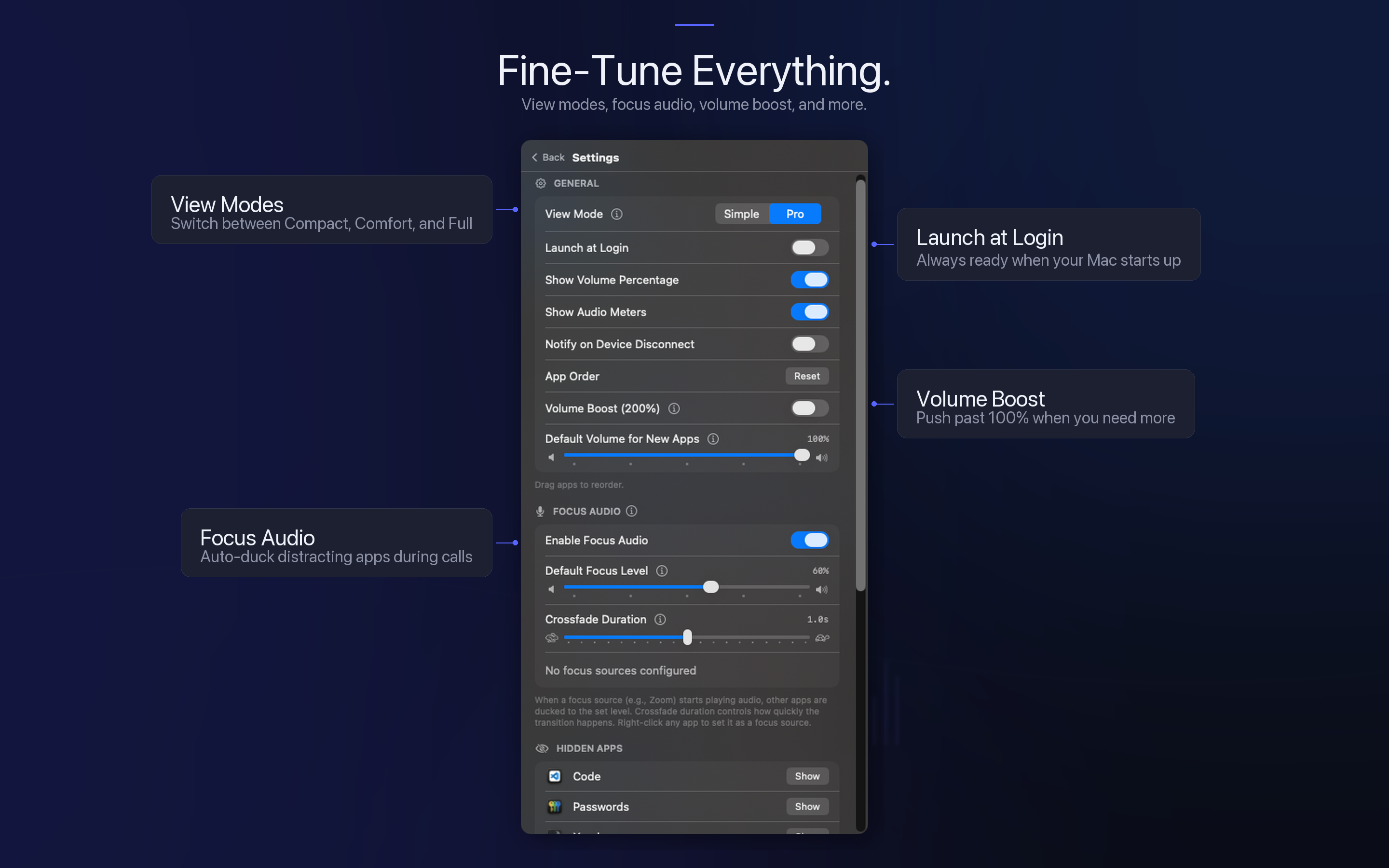
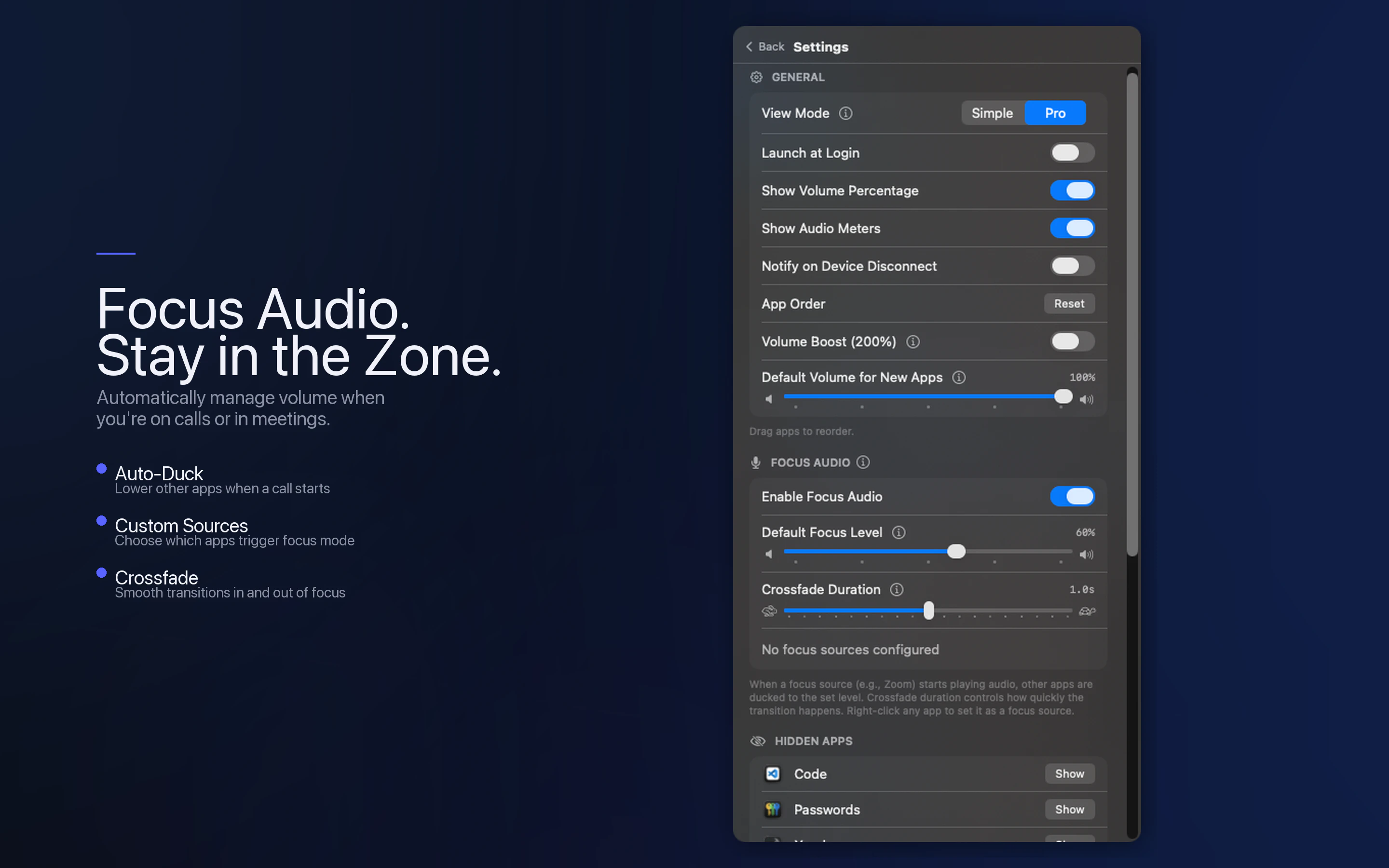
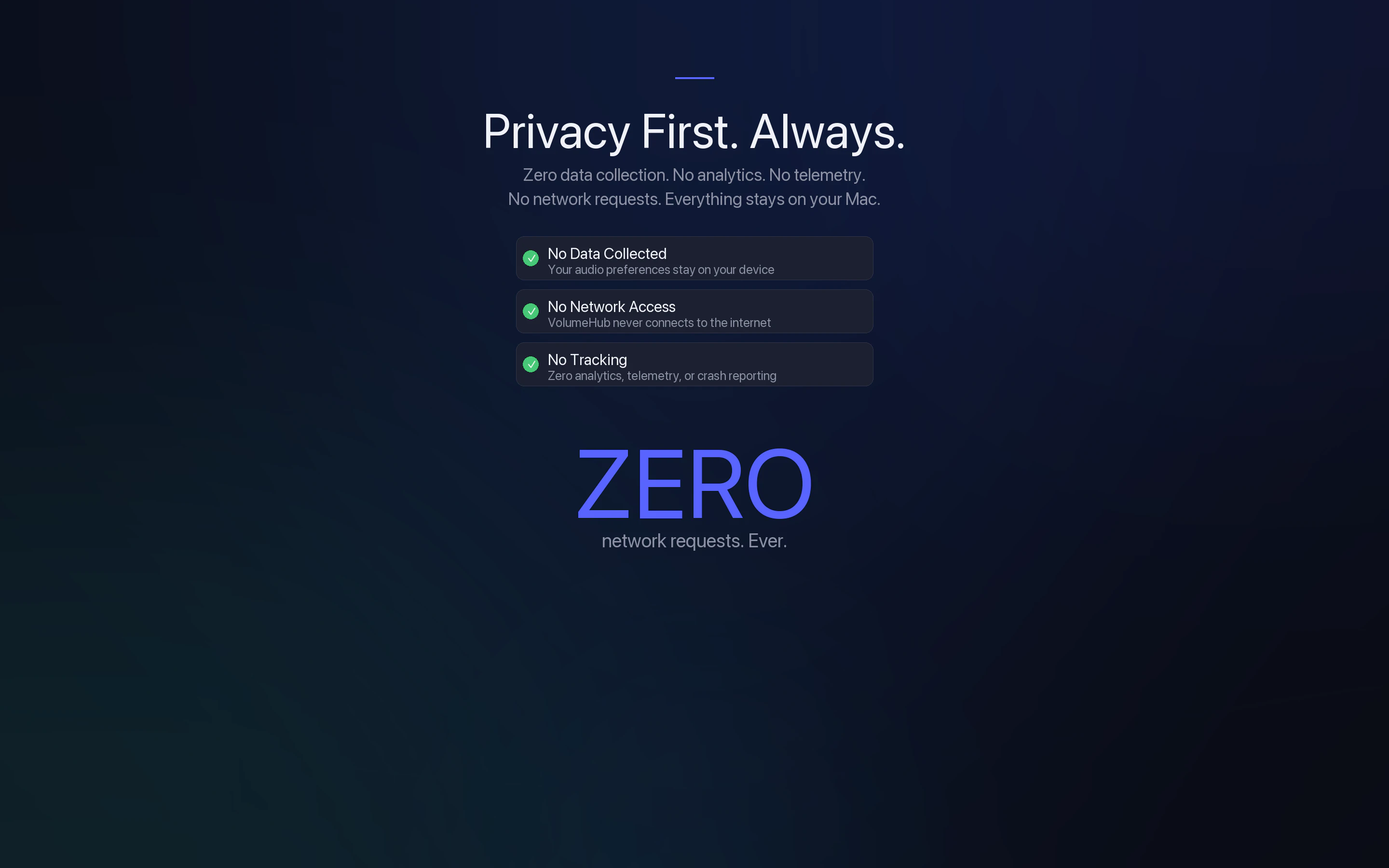
macOS has always been missing per-app volume control. VolumeHub fixes that. Control each app's volume independently from your menu bar. Turn down Spotify while keeping Discord loud — no System Settings needed. Built on Apple's native Audio Tap API — no kernel extensions, no audio drivers. Features a 10-band per-app EQ, Focus Audio that auto-ducks apps during calls, live audio meters, and three view modes. 100% private. Zero data collection. Zero tracking. Native SwiftUI.

Hey everyone! 👋

I built VolumeHub because macOS still doesn't let you control volume per app — something Windows has had for years.

I kept running into the same problem: I'd be on a call and my music would be too loud, or a notification sound would blast through while I was listening to something quietly. The only option was the single system volume slider.

I didn't want to install apps that require kernel extensions or third-party audio drivers just to control volume. So I built VolumeHub entirely on Apple's native Audio Tap API — no hacks, no drivers, nothing sketchy running in the background.

It sits in your menu bar and gives you a per-app volume slider, a 10-band EQ per app, and a Focus Audio feature that automatically lowers other apps when you're on a call.

I'm a solo indie dev, so I'd love to hear your feedback. Happy to answer any questions!

🎉 Launch week special: VolumeHub is just $0.99 on the Mac App Store (normally $4.99). Grab it before the price goes back up!

4
回复

honestly surprised macOS still doesn't have this built in. i keep spotify pinned in one desktop and slack notifications blast at full volume during focused work sessions. curious about the Focus Audio auto-duck feature - does it detect calls from multiple apps (zoom, meet, discord) or do you manually configure which apps should trigger it? also wondering if it persists per-app levels across system reboots

1
回复

@mykola_kondratiuk Hey! Yes, focus audio prioritizes one app's sound over others. When it starts playing, it automatically lowers the volume of everything else. You can set exceptions if needed. Don't worry about losing your settings either; all changes save automatically and persist through reboots.

0
回复

I adore this, thanks for building it!

0
回复

@qoobes Thank you!!! s2

0
回复
#5
Snap
The floating dock for developers
155
一句话介绍:Snap是一款为开发者设计的浮动工具栏,通过集成AI编程助手交互、生产力工具和自定义操作,在编码调试场景中减少应用切换,提升工作流专注度。
Design Tools Productivity Developer Tools
开发者工具 浮动工具栏 生产力提升 AI编程集成 工作流优化 跨平台 减少上下文切换 Cursor插件 Claude Code插件 快捷操作
用户评论摘要:用户普遍赞赏其解决频繁切换应用(Alt-Tab)痛点的核心价值,认为其跨工作空间驻留的特性优于传统任务栏固定。积极反馈包括跨平台(Windows/Mac/Linux)发布和一体化操作界面。主要建议是希望其功能扩展至iOS模拟器开发场景。
AI 锐评

Snap看似一个简单的浮动工具栏,但其真正价值在于试图成为AI原生开发环境下的“操作中枢”。它敏锐地捕捉到了开发者在新工作流中的新痛点:随着Cursor、Claude Code等AI编程助手的普及,开发者不仅要在代码编辑器、浏览器、终端之间切换,还需频繁与AI交互、处理错误信息、优化提示词。传统的桌面管理方式在此场景下已然失效。

产品将“观看生产力短视频”、“截图”、“语音转文本”、“提示词生成优化”、“复制控制台错误”等看似离散的功能聚合,本质上是在封装和缩短“观察-分析-指令”的循环周期。其野心或许不止于一个便捷工具集,而是想成为AI辅助编程时代的“控制面板”,将人类开发者的意图更高效地翻译并分发至各个AI工具和执行环境。

然而,其挑战也同样明显。首先,功能虽多但略显庞杂,可能沦为“瑞士军刀”——什么都行,但都不深。其次,其价值高度依赖与特定编辑器(Cursor/Claude Code)的深度集成,生态依赖性过强。最后,从评论建议扩展至iOS模拟器来看,不同开发栈的 workflow 差异巨大,一个通用型“码头”能否满足所有细分场景的深度需求,仍需观察。它的成功与否,将取决于能否在“轻量级聚合”与“深度垂直集成”之间找到最佳平衡点,真正成为开发者思维流的水下基座,而非又一个需要分心管理的悬浮窗口。

查看原始信息
Snap
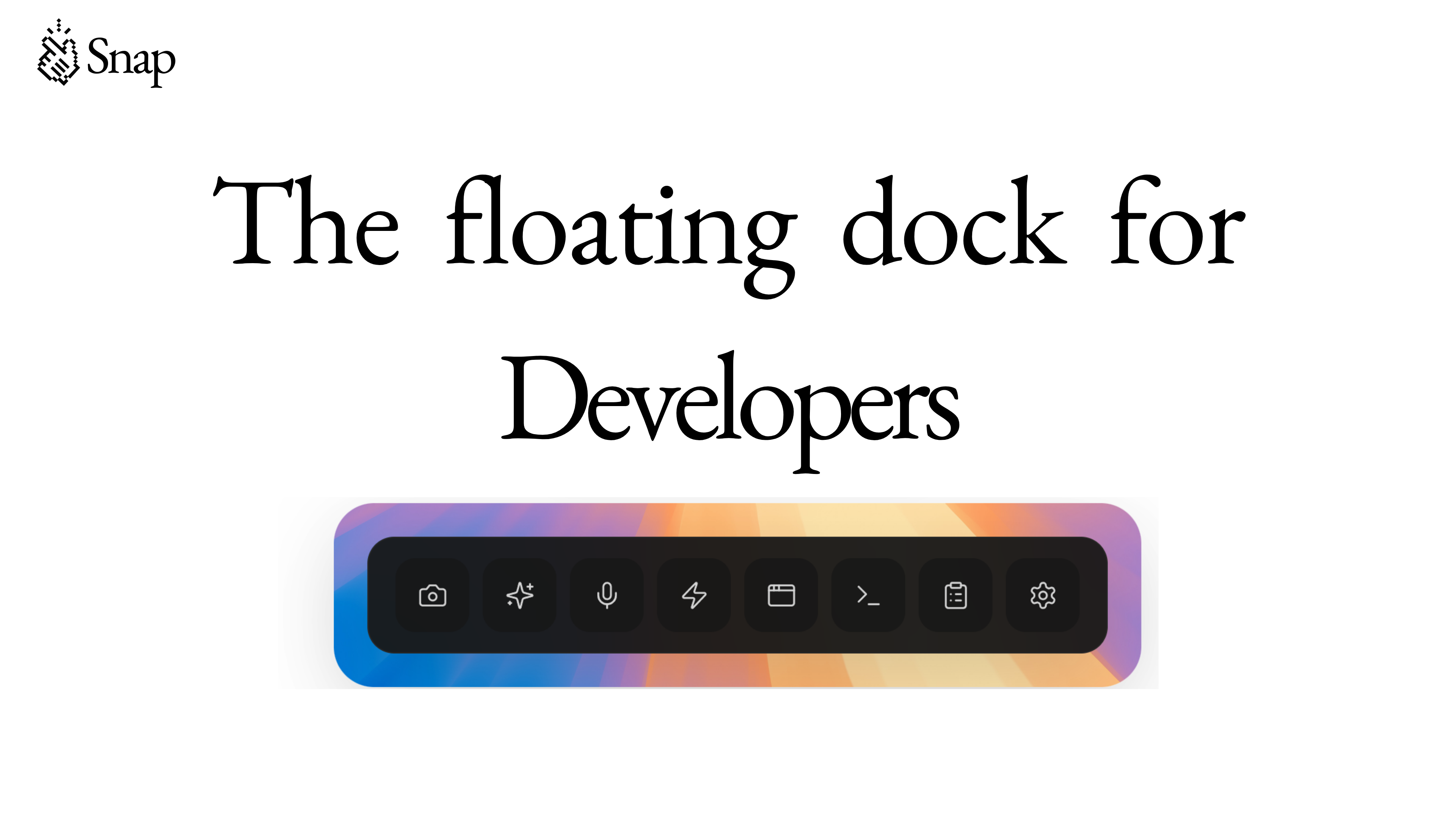
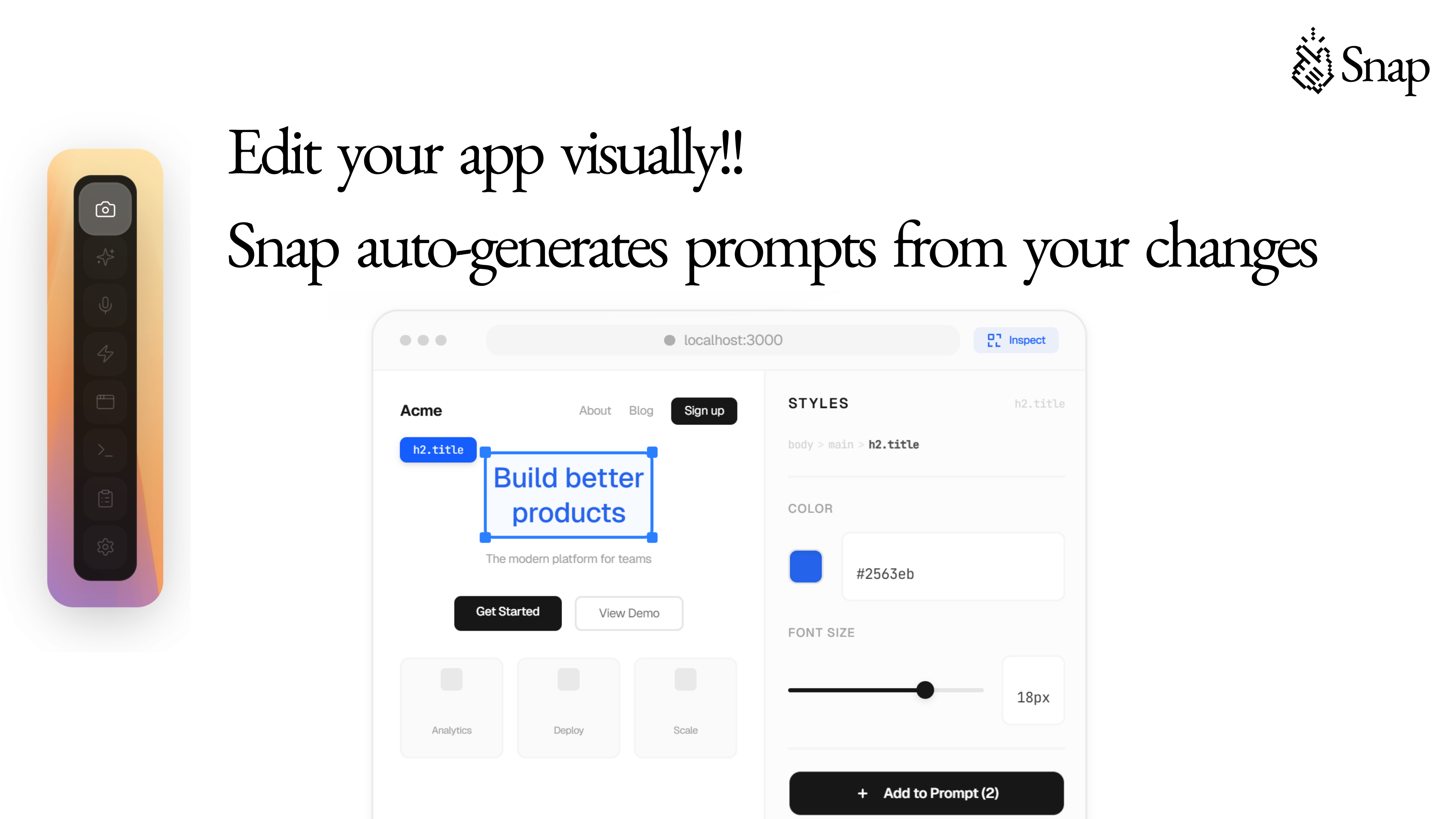
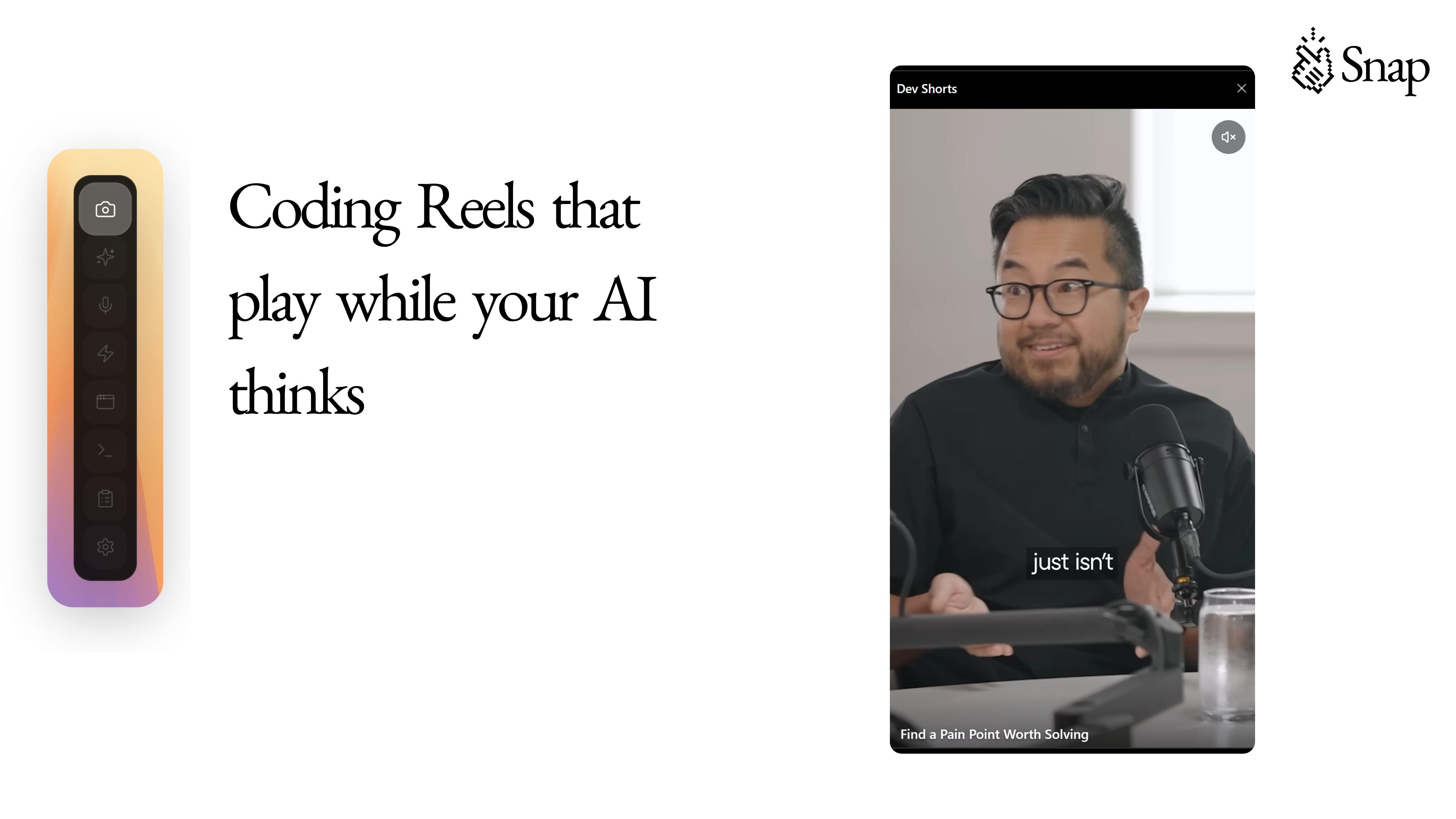
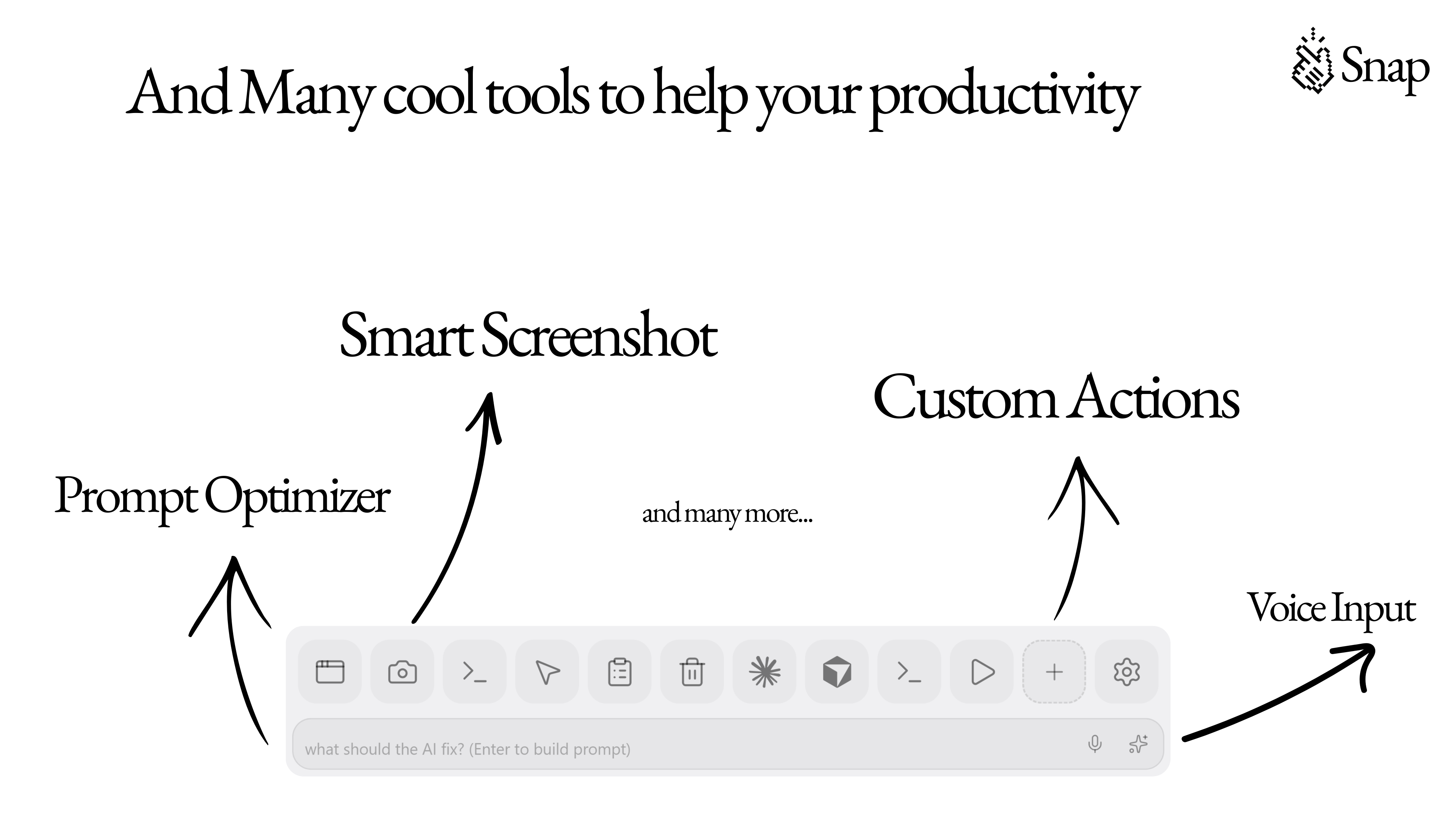
Snap is a floating dock for Cursor and Claude Code. Watch productivity reels, take screenshots, speech to text, generate and optimize prompts, copy console errors, visual editing, preview web, and custom action buttons.

Now it's available on Windows, Mac, and Linux!!

7
回复
built this because i kept alt-tabbing my life away. now everything lives in one dock. try it and lmk what you'd add 🤙
6
回复

@jaber23 Amazing Product!!!

6
回复

I was looking for something like this from a long time.

you read my mind.

2
回复

Floating dock that sticks across workspaces solves the alt-tab loop better than pinning apps to the taskbar. Snap keeping everything in one surface means fewer context switches mid-debug.

1
回复

it would be really cool to do this for iOS Apps using the simulator while we build through xCode.

0
回复
#6
One Minute News
Learning what happened around the world in one minute.
142
一句话介绍:一款通过重写标题、重要性排序和标签过滤,为厌恶“标题党”的用户提供一分钟快速获取全球要闻核心信息的极简新闻摘要网站。
Productivity News Local news
新闻聚合 反标题党 极简设计 新闻摘要 重要性排序 信息过滤 效率工具 媒体批判 网站应用 侧边项目
用户评论摘要:用户普遍赞赏其极简设计、反标题党理念及过滤功能。主要问题与建议集中在:1. 重要性排名算法的具体逻辑与公正性(是否受原“标题党”影响);2. 是否具备事实核查功能;3. 对多语言支持的期待。
AI 锐评

One Minute News 的锋芒,直指数字时代新闻消费的核心溃烂:信任与效率的双重破产。它并非又一个新闻聚合器,而是一份针对“标题党”工业的檄文,试图用技术手段进行一场“标题净化运动”。其宣称的“基于准则、随时间衰减的重要性评分系统”是产品的理论核心,旨在用算法对抗流量算法的煽动性,这比单纯依赖编辑判断更具可扩展性,但也埋下了最大隐患:其评分所依据的“影响、参与度、新鲜度”等因子,是否仍间接继承了原有扭曲的注意力经济体系逻辑?评论区的尖锐提问切中要害:若评分基于原始“标题党”数据,无异于饮鸩止渴。

产品的真正价值,在于它试图重构用户与新闻标题之间的“契约”——承诺标题即内容摘要。这在信息过载的当下,是一种奢侈的“确定性”。然而,其短板同样明显:作为“新闻业零经验”的团队,它仅完成了信息传递链的“前端净化”,即形式上的诚实,却将“事实核查”的责任完全推给“可靠信源”。这种自我设限,使其停留在“体验优化工具”层面,难以触及虚假与误导信息的实质内核。

它的出现,映照出主流媒体的失职与用户疲惫的共鸣。但其长远生存,取决于能否将“反标题党”的简洁美学,深化为一套兼具伦理严谨性与算法透明度的“重要性”公信力体系。否则,它可能只是为用户提供了一个更清爽的阅读器,却未能真正重塑新闻的权重判断标准。

查看原始信息
One Minute News
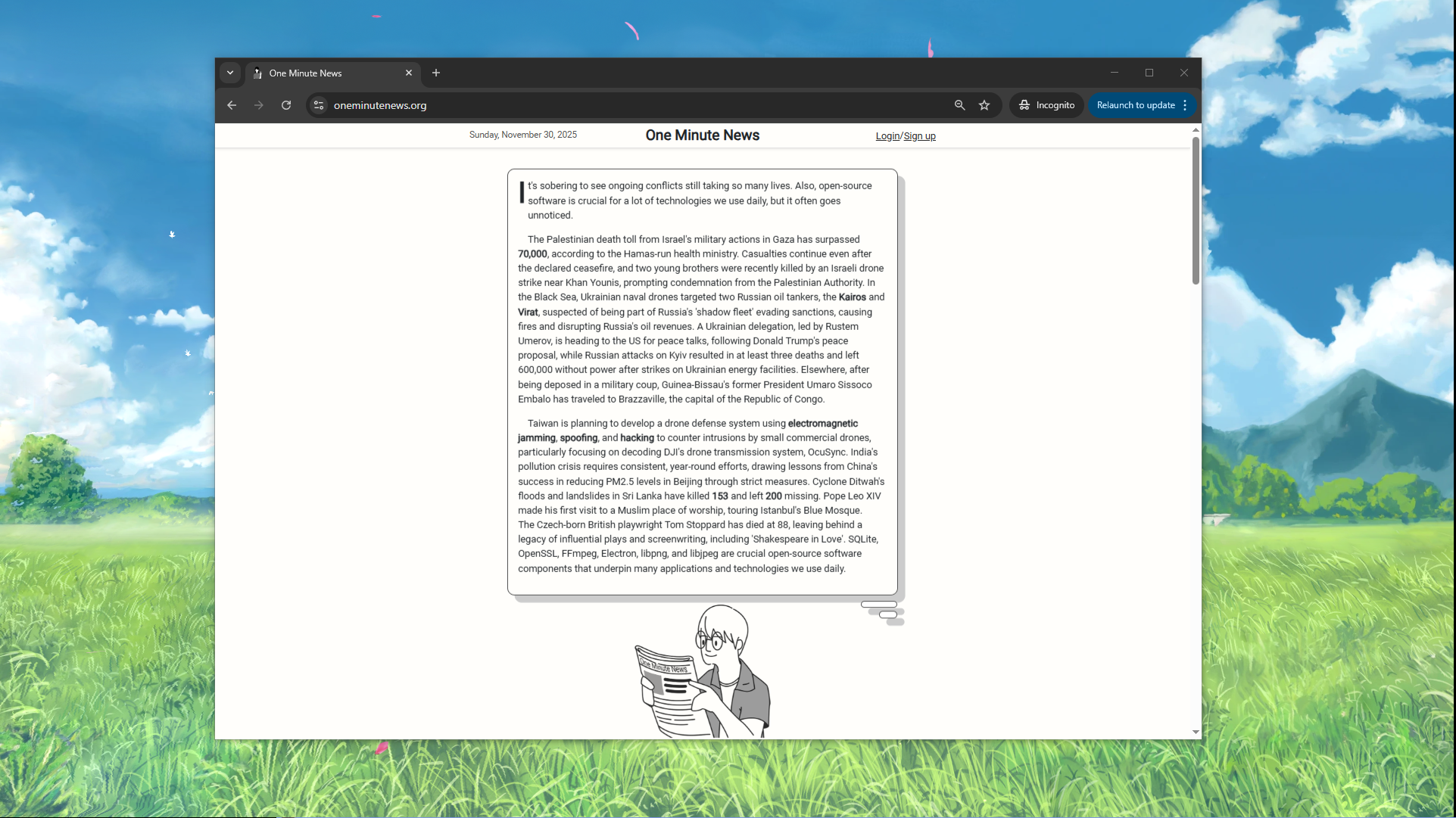
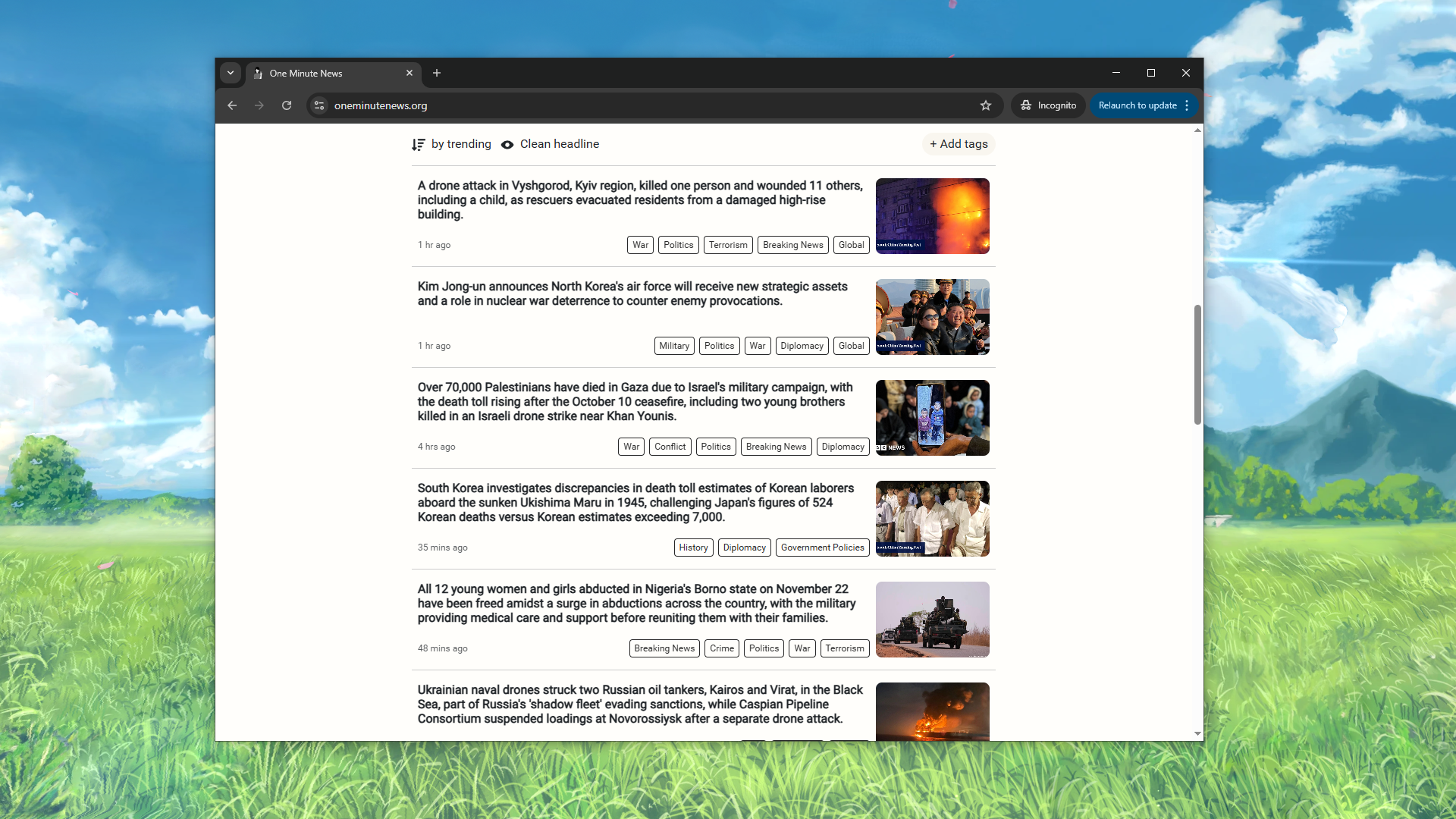
In today’s internet, headlines have become traps. They tease. They mislead. They make you click, only to find that the story is nothing like what you expected. We built oneminutenews.org as a response to the clickbait age. Our mission is simple: Give you the news in straight forward language and rank them based on their importance. The result? Clear, honest, no-fluff headlines that tell you exactly what happened, the way real journalism used to.

I like the option of filtering and tagging the news so I can filter out what is important to me. Need to praise a minimalistic design ;)

3
回复

@busmark_w_nika Thanks for supporting! I'm glad you like the design.

1
回复

🙋‍♂️ Hi all, I am Foong from Fukuoka, Japan.

📰 This is a minimalist news digest site that helps readers understand the biggest news happening around the world in one minute.

We work on this as a side project. So why are we doing this? Welp, I myself am a clickbait hater. Sometimes I click into a news story on Facebook just to find out the content is nothing as the title suggests. Born from pure hatred, we have created One Minute News to make sure every headline literally says what the content is about. This helps readers save tons of time filtering out unimportant news just by scanning through the honest headlines.

So far, here are the current features One Minute News is offering:

  1. Rewrite clickbait headlines into honest, straightforward, and literal titles.

  2. Filter out unimportant news.

  3. Rank news importance with a rubric-based, time-decayed scoring system

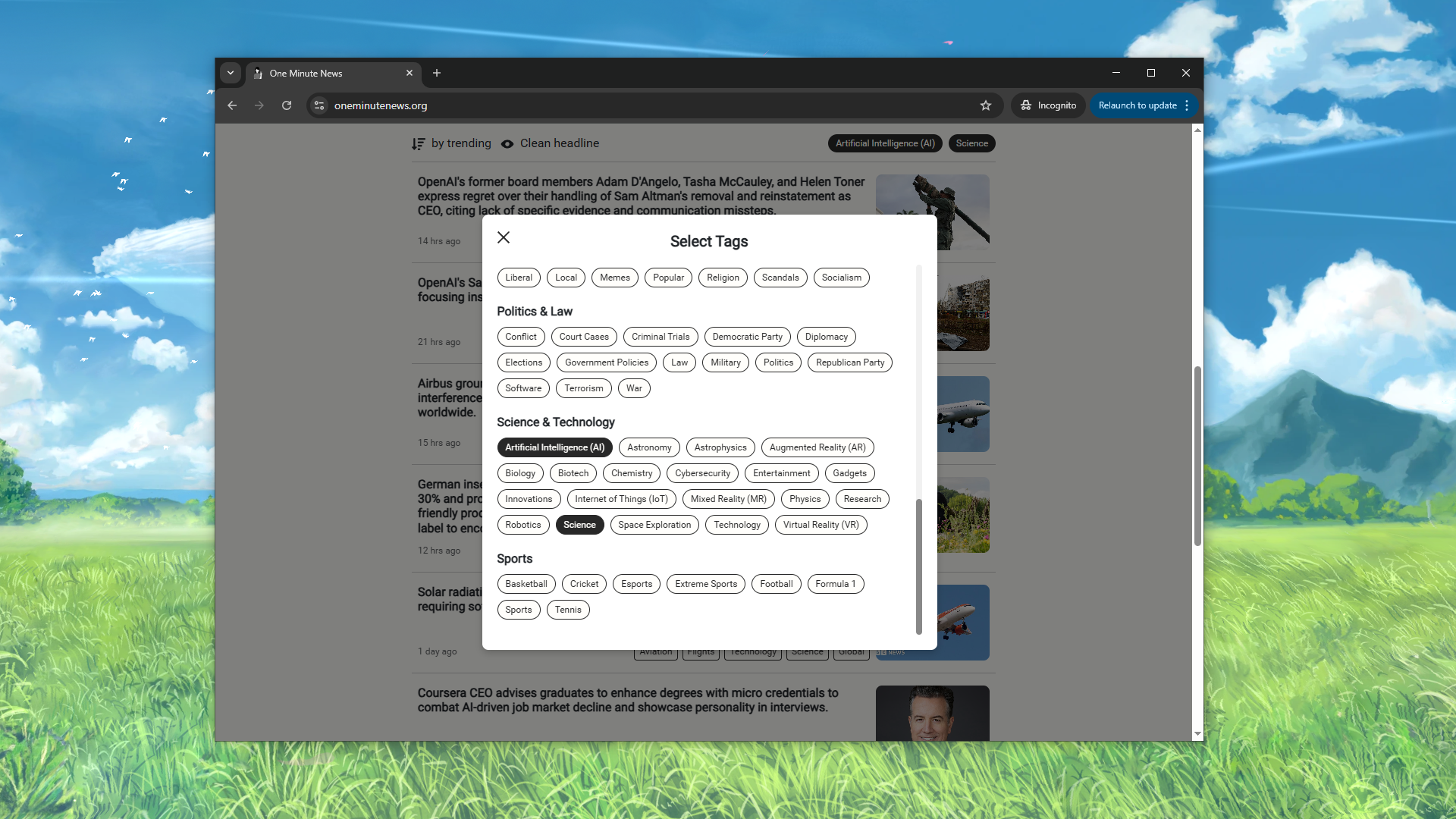
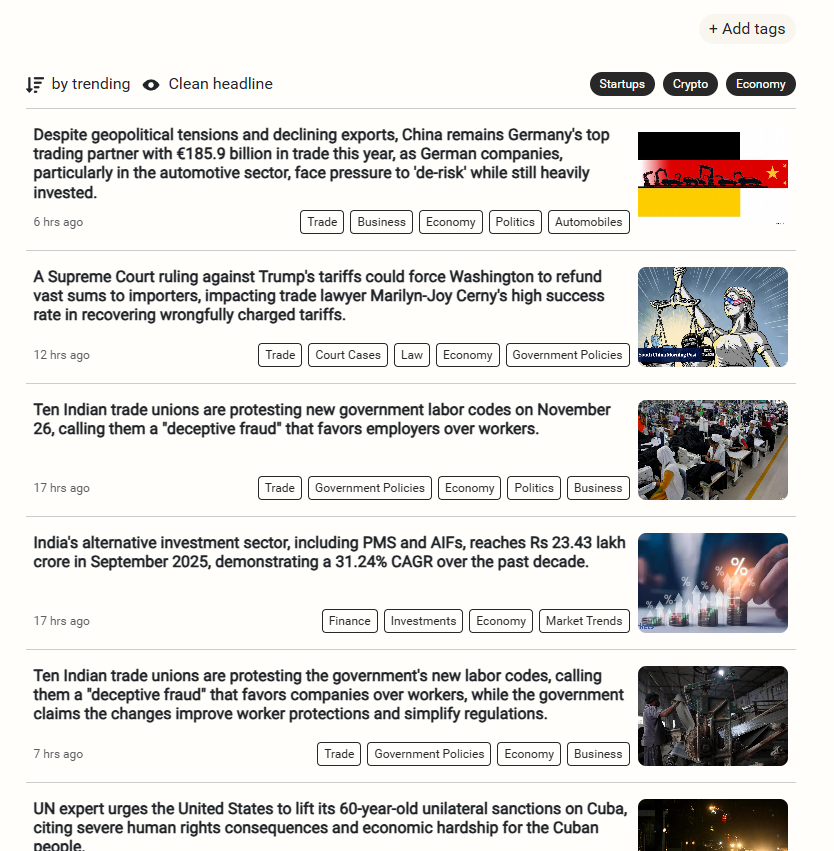
  4. Allow readers to filter news with preferred tags.

  5. Compile periodic digests/briefings that summarize high-scoring articles every 6 hours.

  6. Display the source link back to the original article.

  7. Bookmark news.

  8. Saved preferred tags.

Please let me know if there are any future features you want to see.

For now, we only have the website version and 0 experience in journalism. If you want to be a part of this anti-clickbait adventure too, let me know.

👌 Thank you for dropping by!

2
回复

Does it unbullshiti-fy (you have to trademark this!) only by rewording clickbait or there is also some fact checking under the hood? I loved the feed, and it looks kinda refreshing: the sentences are quite long, enough to make the brain work

2
回复

@yulianazarenko Thank you for your comment! Glad you are using the term! It does not do fact-checking at the moment because we are gathering our news from reliable sources. However, we use importance ranking, which helps filter out unreliable news.

0
回复

Oh wow. I love how the website look. No distraction at all!

2
回复

@zeng Thanks a lot!

0
回复

Does One Minute News rewrite the headline before or after the importance scoring runs? If scoring happens on the original clickbait title, you might rank sensationalized stories higher than they deserve. The rubric-based scoring with time decay is a smart filter though... most digest tools just sort by recency and call it a day. Honest headlines plus the 6-hour digest cycle together is what keeps this from becoming another noise feed.

1
回复

This positioning really stands out. Calling out clickbait directly and committing to ‘tell me what happened’ feels almost radical now. I’m curious how you decide what counts as ‘important’ when ranking stories, and how you keep that judgment consistent as news volume grows

1
回复

the clickbait problem is real. i stopped opening most news apps because the headline says "major breakthrough" and then it's just a study with 12 participants and a huge disclaimer at the bottom. appreciate the straight-forward approach here. curious how you rank importance - is it algorithmic based on source/engagement, editorial judgment, or some mix? also wondering if you filter by topic or just top global stories

1
回复

@mykola_kondratiuk Thank you for your comment! We understand the pain of exegerated headline too! To answer your question, we have a rubric system/algorithm/AI that evaluates the importance of the news, its impact, engagement, 'freshness', and a few more factors.

2
回复

That is very useful for busy people, who just want to have a glimpse of what's happening around the world.
Will this be available in other languages too?

1
回复

@creov We haven't got localization support yet. But it is on our roadmap! Wonder what language you're looking forward to.

1
回复
If you like honest headlines, minimal design, and staying informed in one minute, we’d love for you to check it out and share feedback. Thanks to everyone who supported 🙏 Means a lot ❤️
1
回复
#7
Sway
Turn spoken thoughts into clear structure.
122
一句话介绍:一款为“出声思考者”设计的AI语音笔记工具,在散步、思考等场景下,将用户随性的口语表达自动转化为清晰的结构化摘要、要点和行动项,解决了语音记录杂乱、回顾整理费时费力的痛点。
Productivity Writing Artificial Intelligence
语音笔记 AI摘要 思维整理 效率工具 出声思考 无结构输入 内容创作辅助 个人生产力 移动办公 AI助理
用户评论摘要:用户肯定“出声思考”的定位和无提示的简洁UX,认为其能简化工作流。核心建议/疑问包括:增加锁屏快捷操作以提升移动场景体验;优化对非线性、杂乱口语的摘要准确性;提供更多对摘要结果的微调控制;并指出语音识别准确性是基础门槛,存在失败案例。
AI 锐评

Sway切入了一个精妙的细分市场:服务于那些通过“说”来理清思路的认知群体。它的真正价值并非语音转文字,而是在于其“无结构输入-结构化输出”的承诺,试图将人类发散、冗余的口语思维,直接映射为可执行的清晰内容。这本质上是在挑战一个AI产品设计的经典难题:如何在自动化与用户控制之间取得平衡。

从评论看,其“零提示”哲学是一把双刃剑。它降低了启动心流门槛,吸引了厌倦复杂工具的用户,但也将“意图理解”的重压完全抛给了AI。用户关于“如何决定关键点”、“如何处理回溯和分叉”的疑问,直指产品核心黑箱。创始人回复中“关注整体意图而非单句”的解释,暗示其可能采用话语分析与LLM结合的策略,但这仍无法消除用户对“我的思想是否被曲解”的深层焦虑。

产品面临的竞争是隐形的。用户将其与Wispr、GPT语音功能对比,说明市场将其视为“更聪明的录音笔”。它的护城河在于极致的场景化设计(如结合散步)和对特定思维模式的深度迎合。然而,负面评论暴露了致命风险:若基础语音识别(VSR)在嘈杂环境或特定口音下失效,所有上层的高级摘要都沦为空中楼阁。这要求团队必须在工程上投入巨资,确保基础体验的鲁棒性。

长远看,Sway的挑战在于如何在不引入“提示”复杂度的情况下,提供让用户感到“被理解”而非“被代表”的细微控制。它可能无法取代系统性的写作工具,但若能牢牢占据“思维火花捕捉器”这一心智定位,成为从混沌到有序的“认知拐杖”,便能在拥挤的AI工具市场中找到一席之地。其成败关键在于,能否将“简单”背后的复杂技术,转化为用户可感知的、稳定的信赖感。

查看原始信息
Sway
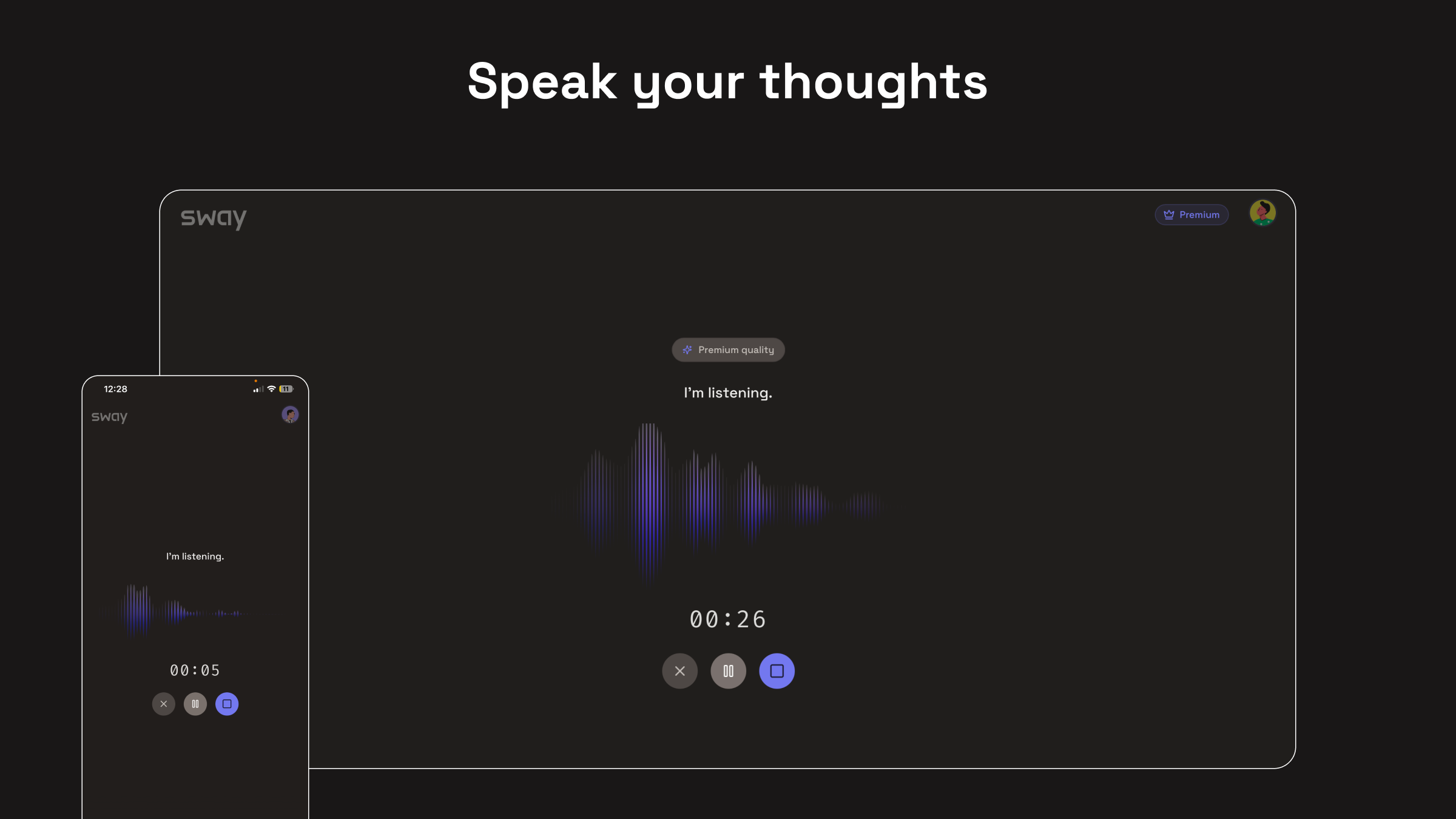
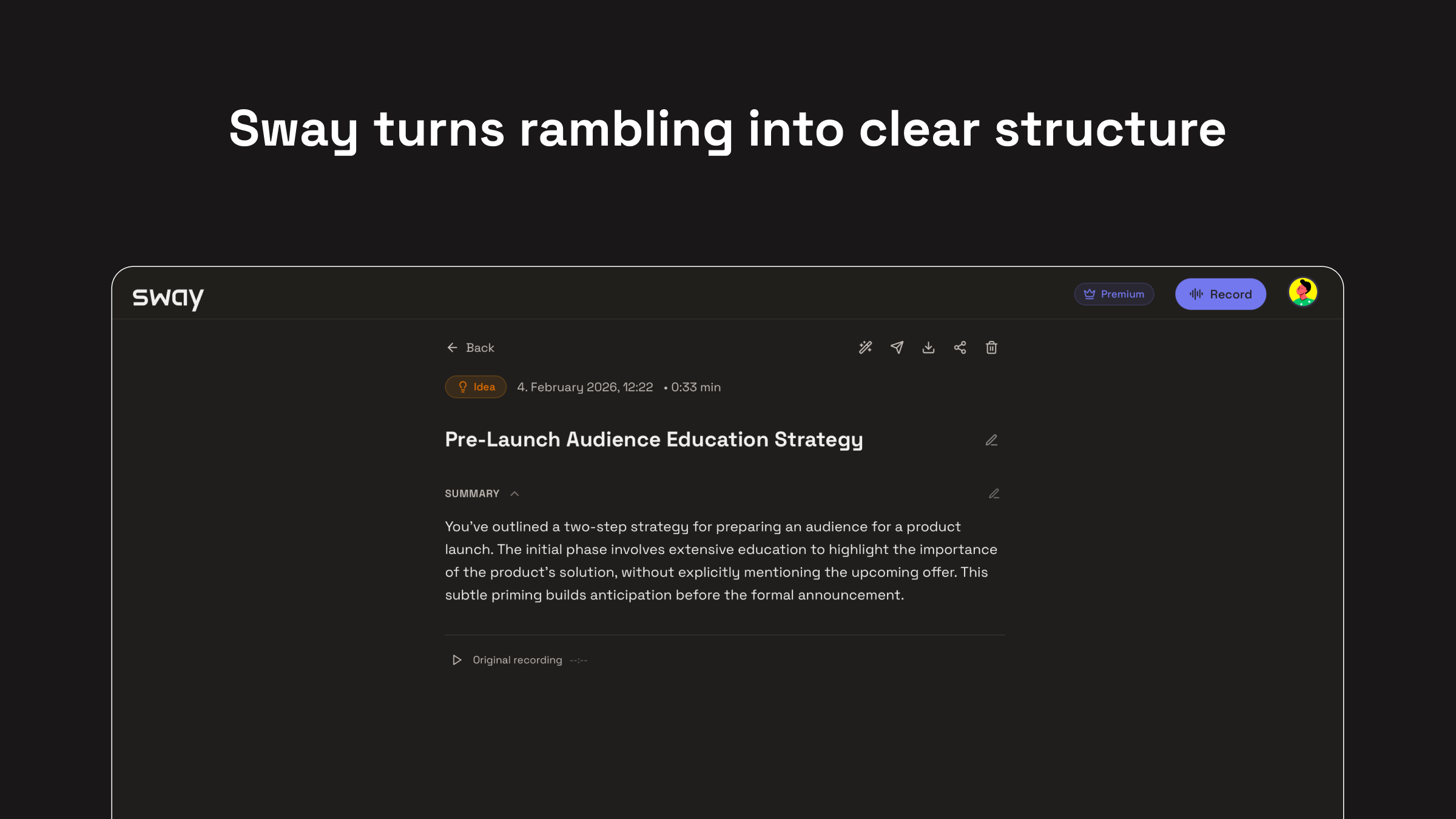
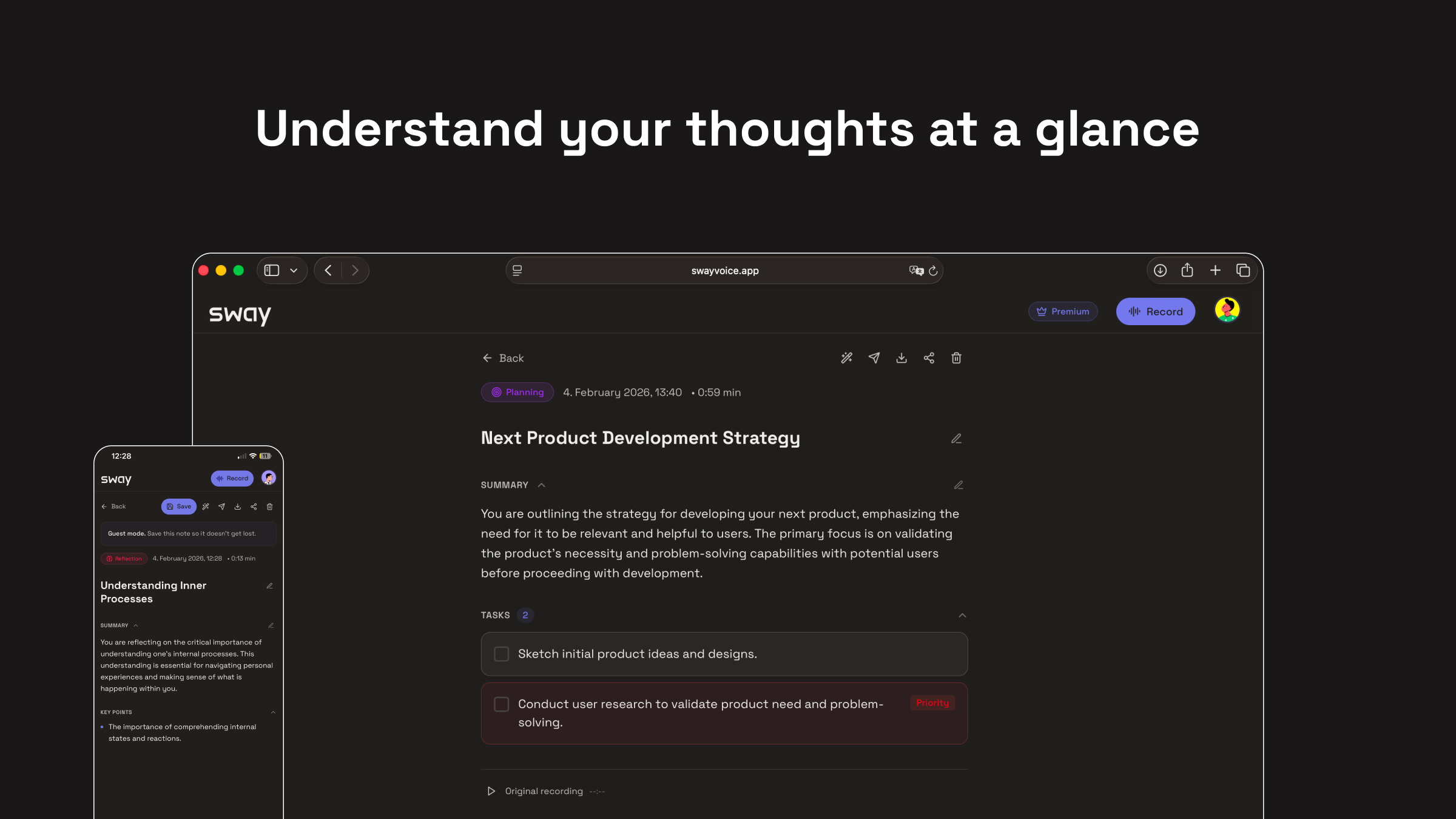
Sway is for people who think better by talking than typing. Just speak your thoughts naturally. While walking, thinking, or reflecting. Sway listens and turns what you say into clear summaries, key points, and actions. No prompts. No formatting. Just speak -> clarity.
Heyhey Product Hunt :) I’m Christian. I’ve always done my best thinking by talking. For instance while walking, pacing, or trying to untangle something in my head. But keeping those thoughts never really worked. Typing interrupted the flow, voice notes piled up. And most tools I tried felt like they wanted me to adapt my thinking to them. I know there are already products out there that try to solve this problem. What I kept missing, though, was simplicity. Sway started as a very personal attempt to stay as close as possible to the way I already think. You just speak - naturally, without planning or structuring. Sway listens and gives your thoughts back as something you can actually work with: a clear summary, key points, and next steps. No prompts, no setup, no feeling of “using a tool”. Just talking followed by clarity. This is still early, and I’m genuinely curious how this resonates with others. Do you think better out loud? Does something like this fit into how you already work? And where does it still fall short for you? Thanks for checking it out, I’ll be around all day to chat 🙂
2
回复
@christian73 upvoted immediately. But what do you think about ability to create a shortcut for your app on iOS? Could be really convenient in case we’re talking about on-the-go experience on daily basis
1
回复

@christian73 This really resonates, especially the idea of not adapting your thinking to the tool. Curious how Sway handles messy, nonlinear thinking over time: if someone rambles, backtracks, or explores multiple threads in one session, how do you decide what becomes the “true” summary vs. what gets left out?

0
回复

@christian73 Two blocks into a walk, I start thinking out loud, then those voice notes just sit there. Lock screen shortcut plus one tap to start capture would make Sway stick. A quick transcript edit before the summary, key points, and next steps would build trust.

1
回复

The "thinking by talking" flow really resonates. I do my best work walking too.

Love the zero-prompt approach - automatically extracting summaries/actions without asking is the right UX. How does it handle technical jargon or domain-specific terms?

Nice work!

1
回复

@adam_lab Thanks a lot, really appreciate that 🙏

And love hearing that the “thinking while walking” flow resonates.

Right now Sway handles technical / domain specific language surprisingly well as long as it’s spoken naturally (e.g. dev terms, product jargon, acronyms). We don’t try to “simplify away” terminology ... the goal is to preserve intent and meaning, not rewrite it for a generic audience.

That said, there are still edge cases where very dense or highly specialized jargon can get slightly abstracted too much. Improving domain sensitivity (and letting users steer how literal vs. abstract summaries should be) is something we’re actively working on.

If you’re using it in a specific domain (engineering, product, research, etc.), I’d genuinely love to hear how it performs there. That kind of feedback is gold for us.

Thanks again for checking it out!

0
回复

@christian73 This is really interesting and immediately piqued my interest. I've been trying to solve this problem for myself as well. I've been using Google Docs audio tools to essentially word vomit into a doc and then put it into Claude to try to organize and clarify my thoughts.

1
回复

@christian73 I just tested the app and I have to say that I would try it again. It took the second step out of my process by not having to then move the block of text into another AI (Claude) to get the outline output. I also didn't realize until using this app that by not seeing the words I'm saying (like I do in Docs) actually allows me to stay more present in my thoughts. I didn't realize just how much I'm still editing my thoughts and words as I'm going just because I can see the words in the Doc.

1
回复

This is a really refreshing take on note taking, capturing thoughts as they happen instead of forcing structure. I’m curious how Sway decides what to surface as a key point versus a side thought and how much control users have to shape the summaries. Could see this being a game changer for people who process ideas verbally

1
回复

@copywizard Thanks, i really appreciate that.

Sway focuses less on individual sentences and more on intent over the whole thought flow. Repetition, emphasis, and where ideas turn into decisions matter more than perfectly phrased lines.

Control is intentionally light right now. We want the first summary to feel like someone who listened really well.

More ways to gently shape summaries (without turning it into prompt work) are coming.

And yes it’s built exactly for people who think out loud 🙏 😊

0
回复

So it's more of a notetaker rather than a writing copilot, right? I was thinking to suggest this app to our CEO for his thought leadership posting on Linkedin. The current problem is to get him into the routine, so talking when walking could defo work for him. Voice modes in ChatGPT and co could work as well, but I like the No prompts environment - keeps you focused

1
回复

@yulianazarenko That’s a great way to put it. Yes, Sway is closer to a thinking / note taking companion than a classic writing copilot.

The main difference is when the structure happens.

With tools like ChatGPT, you usually still have to sit down, prompt, and “enter writing mode.”

Sway is designed for the moment before that … when ideas are still messy, spoken, and happening while walking for instance.

For thought leadership specifically, many people use Sway to:

  • talk through ideas on a walk

  • capture the core message + angle

  • then turn that into a LinkedIn post later or other socials (sometimes with another tool, sometimes directly)

The no prompts environment is very intentional, cause it removes friction and helps people actually build the habit first.

If your CEO thinks best while walking, this is exactly the kind of use case we had in mind 🙂

Happy to hear how it works for him if you end up suggesting it!

0
回复

Tested the product. Sorry to say, its terrible.

Dint pick my voice at all nor did it get my spoken words right. Rather it assumed some random statements and showed it. This way too far away from the likes of wisprflow TBH.

Infact, the entire product could be a simple feature in any AI apps like GPT. They could possibly build this over a coffee (maybe its not too imp in their journey, but GPT gets voice input almost 80% right)

Was hoping for something that beats wispr, but NOPE.

0
回复

@mithun3 Hey, thanks for taking the time to test it and for being this direct. I genuinely appreciate the honesty. That definitely doesn’t sound like the experience we’re aiming for, especially around voice pickup and accuracy. Sway is still early, and there are edge cases (mic setup, environment, language, accent, device) where things can break more than they should. If you’re open to it, I’d really like to understand what device / browser / environment you were using. This kind of feedback helps us a lot to track down issues we might be missing.


Totally fair to compare it to tools like Wispr or GPT, different approaches, different tradeoffs. We’re focused less on raw transcription and more on capturing MEANING, but none of that matters if the basics fail.


Appreciate you calling it out.

0
回复
#8
Sunday
The beautiful way to save and collect your books quotes
109
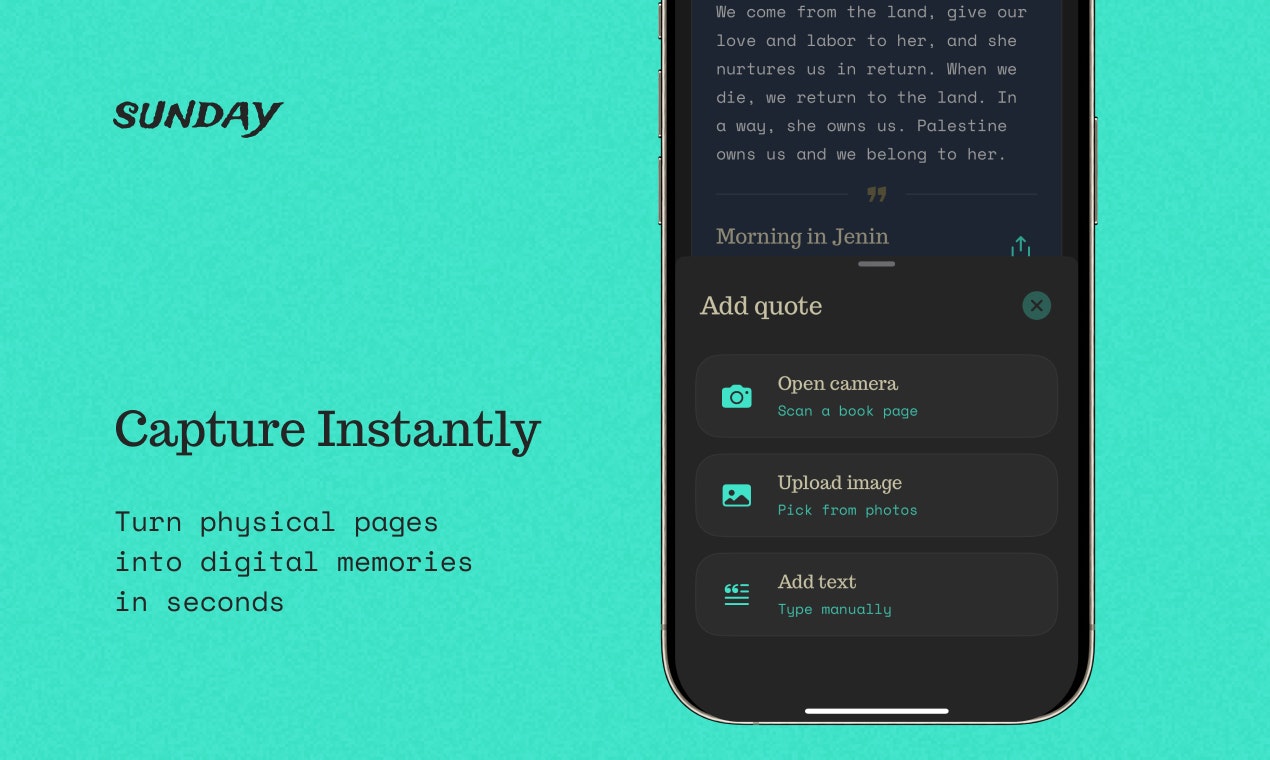
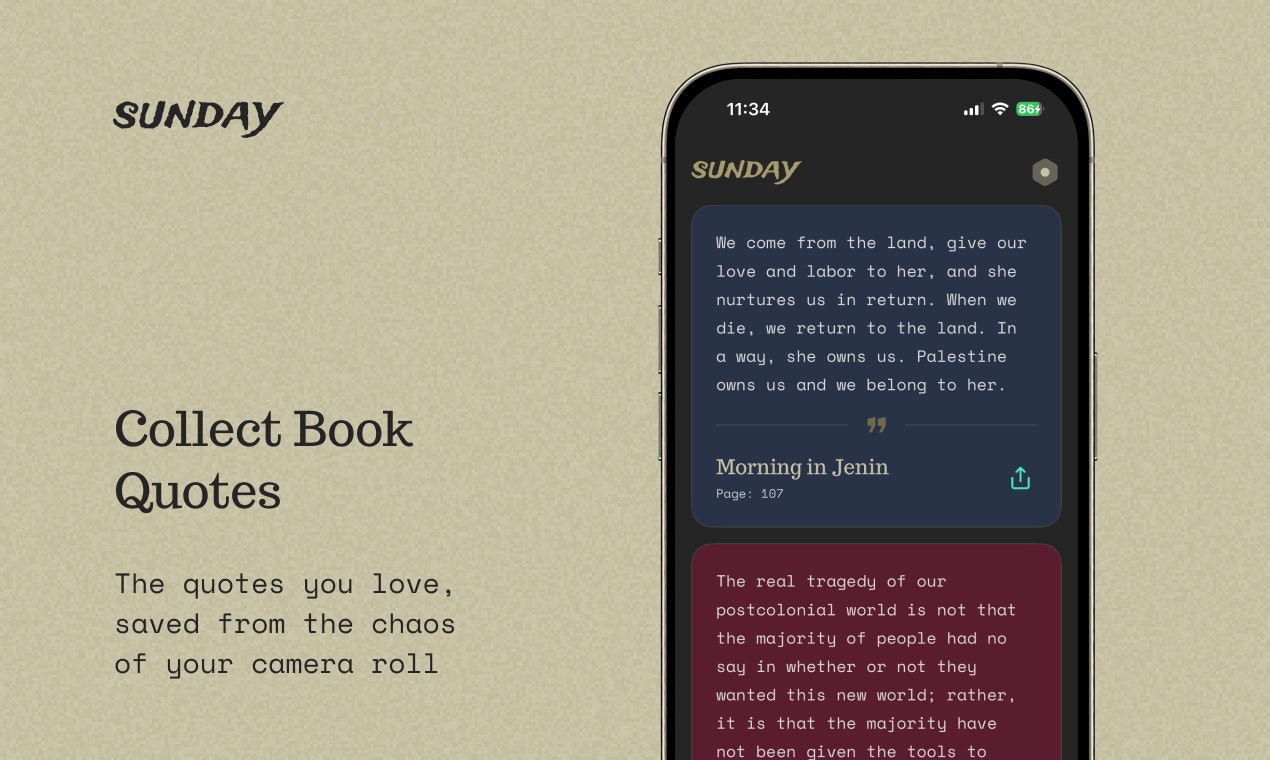
一句话介绍:Sunday是一款通过手机摄像头快速捕捉书中段落并生成精美卡片的应用,解决了读者在阅读时精彩摘录易丢失、难整理、不便回顾的痛点。
iOS Productivity Books
阅读辅助工具 摘录管理 知识管理 离线应用 隐私保护 极简设计 内容卡片 个人图书馆 效率工具
用户评论摘要:用户反馈主要集中于三点:一是开发者主动说明产品初衷(解决摘录丢失问题)、核心功能(拍照提取文本、生成精美卡片)和设计理念(离线、无干扰);二是有用户建议增加社交分享功能,开发者回应并探讨其必要性;三是有无关评论混入。
AI 锐评

Sunday精准切入了一个微小但顽固的痛点:数字时代阅读者“高光即遗忘”的悖论。其价值不在于技术创新(OCR已成熟),而在于对“阅读收获管理”这一行为的系统性重构。它将零散的、临时的记录动作(折角、拍照、笔记),升级为一种具有仪式感和审美价值的“收藏”行为。通过生成“值得回顾”的精美卡片,它试图解决的不是“记下来”,而是“为何以及如何再次看见”。

然而,其核心矛盾已在其对社交建议的回应中初现。产品定位是“纯粹的个人空间”,这既是其魅力(无社交压力、无噪音),也可能是其增长的天花板。阅读与摘录天然带有分享与共鸣的社交属性,完全排斥此功能,可能将市场局限于极度注重隐私和内向型管理的用户群体。此外,完全离线虽强化了隐私,但也牺牲了跨设备同步的便利性,这或将限制其使用场景。

本质上,Sunday贩卖的是一种“数字极简主义”的体验承诺:在信息过载的时代,为你最珍视的文本碎片提供一个安静、私密、美观的“数字陈列馆”。它的真正挑战在于,这种克制的、反网络效应的产品哲学,能否在用户习惯和商业可持续性上找到平衡点。它更像一个精致的工具,而非一个潜在的平台。

查看原始信息
Sunday
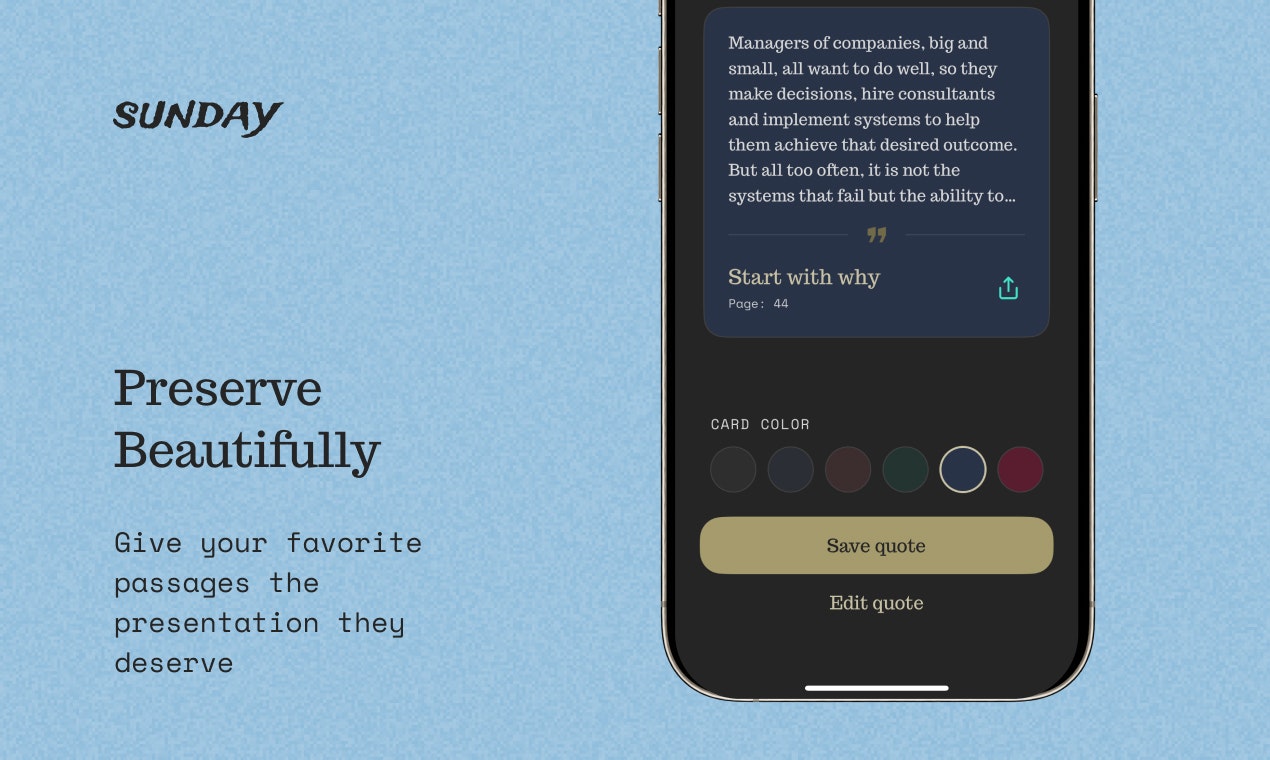
How many great ideas have you highlighted, only to close the book and never see them again? We all do it. We dog-ear pages, snap messy photos that get lost in our camera roll, or scribble in margins. We tell ourselves we’ll remember that profound sentence, but we rarely do. Sunday fixes this. It is a purpose-built tool designed to make capturing wisdom as seamless as reading it. Reading is an investment of your time and attention. Sunday ensures you get to keep the returns.
how about giving the angle of a social quote sharing platform
2
回复

@subham_nayak3 The primary concept is to build a space for you to save your quotes. Do you think the social aspect is important for you? Appreciate your interaction and feedback Subham

1
回复
@maged_morsy is it associate to sunday
0
回复

Hey everyone! 👋

I’m Maged, the maker behind Sunday.

This started as a small weekend experiment. Two weeks later, I had a full app built with Antigravity and Xcode and decided to launch it.

The problem:

When I'm reading books and find a quote that hits, it either gets lost in my camera roll or I mark the page and never look back. Either way, forgotten.

So I built Sunday to solve it. Stupidly simple, beautiful, and actually works.

What it does:

  • Point your camera at any page and Sunday captures the text in seconds. 

  • Save your quotes as beautiful cards you'll actually want to revisit

  • Share quotes on stunning backgrounds that look like art, not screenshots

  • Everything stays on your phone. No cloud, no servers, completely private

  • No feeds, no gamification, no noise. Just a calm space for your library

Built for readers who find sentences that change them and want to keep them somewhere worthy.

I’d love to hear your feedback.

Thanks,

Maged

0
回复

Obooko averaging 26 minutes reading time on an ad-supported platform that hasn't even put ads in the reader yet... that's the kind of session depth most content apps would kill for. Revenue sharing funded by free reader ad revenue is the YouTube model applied to books, and holding off on in-reader ads until the UX is right tells me you've learned from platforms that monetized too early and killed retention. Cross-device sync with no account for browsing is a smart onboarding call. Someone goes from doomscrolling to reading a chapter in under a minute.

0
回复
#9
StayAwake.Dev
The one tab developers never close
109
一句话介绍:一款为开发者打造的浏览器单标签页生产力中心,集成了时钟、番茄钟、屏幕唤醒锁、任务管理和常用开发工具,解决了开发者需要同时打开多个工具标签页导致的标签页混乱和效率低下的痛点。
Task Management Time Tracking
开发者工具 生产力工具 浏览器应用 无安装 标签页管理 效率工具 开发实用程序 番茄工作法 在线工具集 极简主义
用户评论摘要:用户认可“单标签页、不打扰”的理念,认为其解决了多标签页混乱的痛点。主要建议包括:明确产品功能边界(保持极简或允许自定义)、增加Markdown笔记功能,以及探讨为何选择浏览器标签页而非桌面应用(关注性能与数据持久性)。
AI 锐评

StayAwake.Dev 精准切入了一个被忽视的“高频低密”需求场景:开发者日常编码中,那些需要反复、快速调用的零散工具(如JWT解码、时间戳转换)与基础生产力组件(如番茄钟、防休眠)。其真正的价值不在于单个工具的创新,而在于对“浏览器工作流”的深刻理解和整合。

产品聪明地选择了“浏览器单标签页”这一轻量级、零摩擦的载体,这与其“始终开启、触手可及”的定位高度一致。它本质上是一个“浏览器驻留层”,旨在成为开发者工作环境中的固定基础设施,而非一个需要刻意打开的功能性应用。这一定位使其与独立的桌面应用或复杂的浏览器插件形成了差异化。

然而,其核心挑战与未来风险也正源于此定位。首先,**功能边界模糊**。评论中关于“保持极简还是允许自定义”的疑问,直指产品演化的核心矛盾。无节制地添加功能将使其臃肿,背离初衷;过于克制则可能无法满足多样化的需求,沦为“另一个工具集”。其次,**数据持久性与性能的隐忧**。作为网页标签,意外关闭将导致数据丢失(如任务列表),这是其相较于桌面应用的天然劣势。此外,长期驻留可能带来的内存占用问题,也可能影响用户“永不关闭”的决心。

当前版本更像是一个精心打包的“概念验证”,证明了市场对此类整合的需求。它的成功与否,将取决于团队能否在“极简核心”与“有限可扩展性”之间找到精妙的平衡点,并解决网页作为生产力基座的固有缺陷。否则,它可能只是从一个“标签页混乱”过渡到另一个“功能臃肿的单一标签页”而已。

查看原始信息
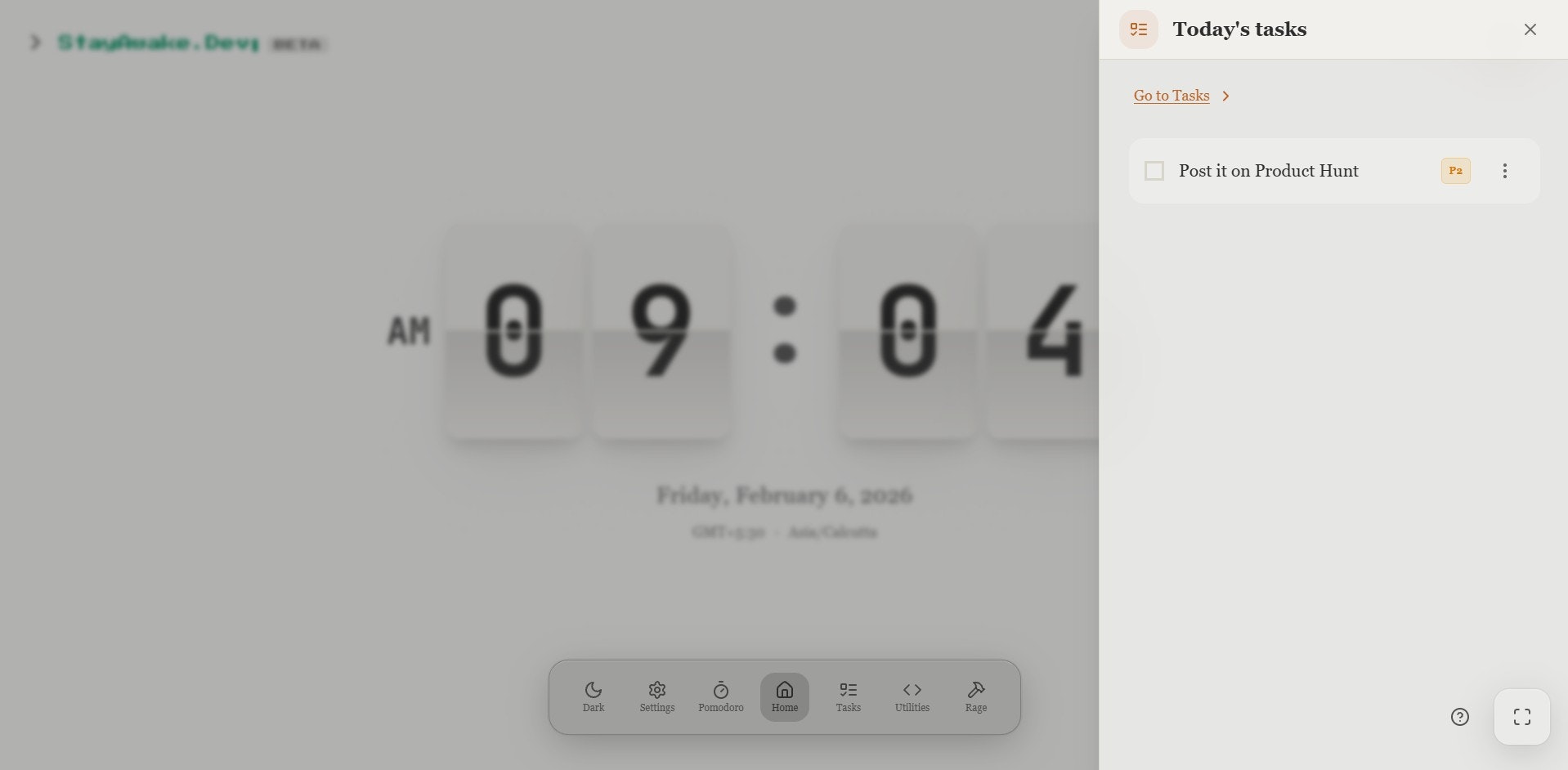
StayAwake.Dev
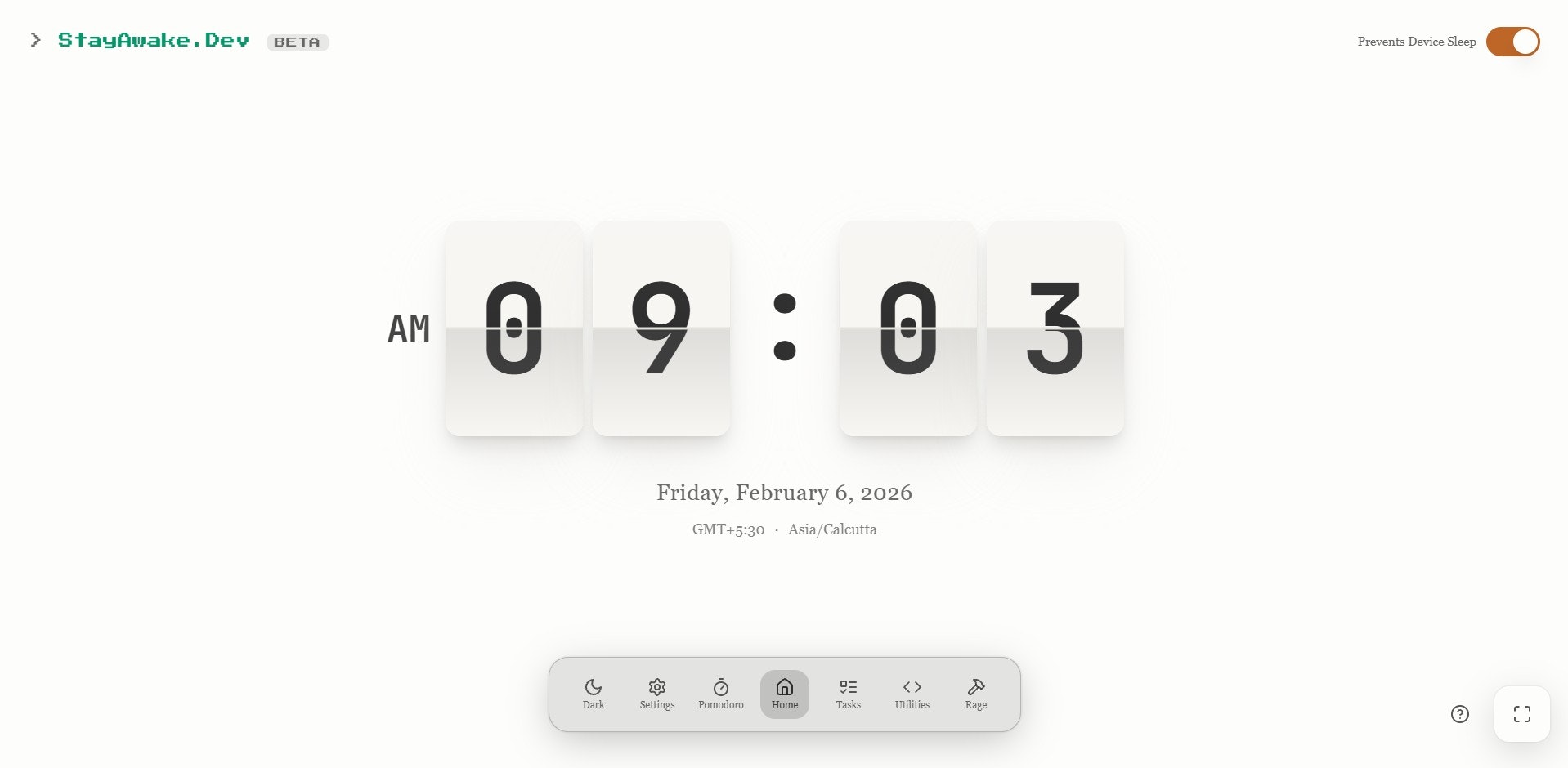
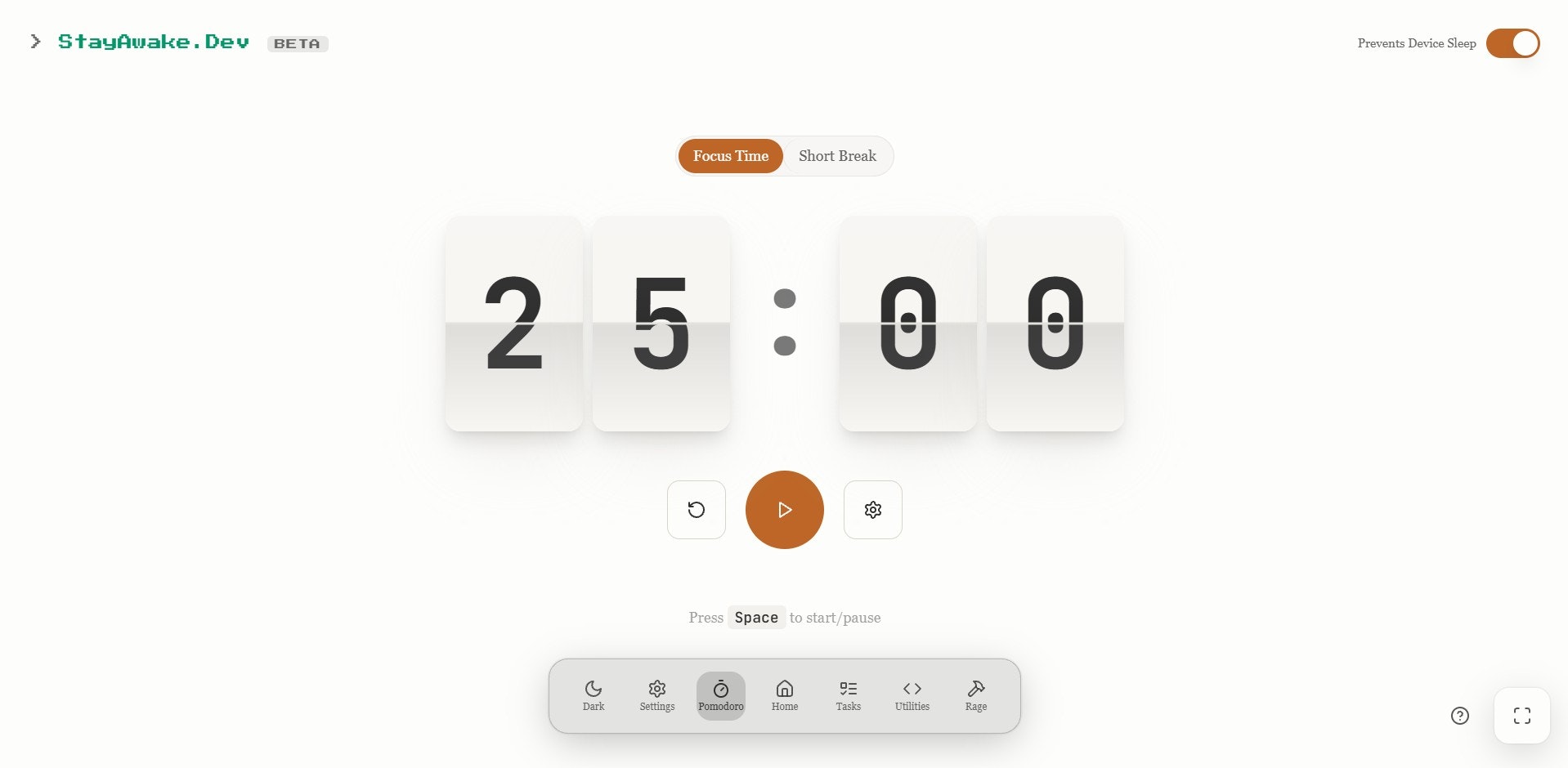
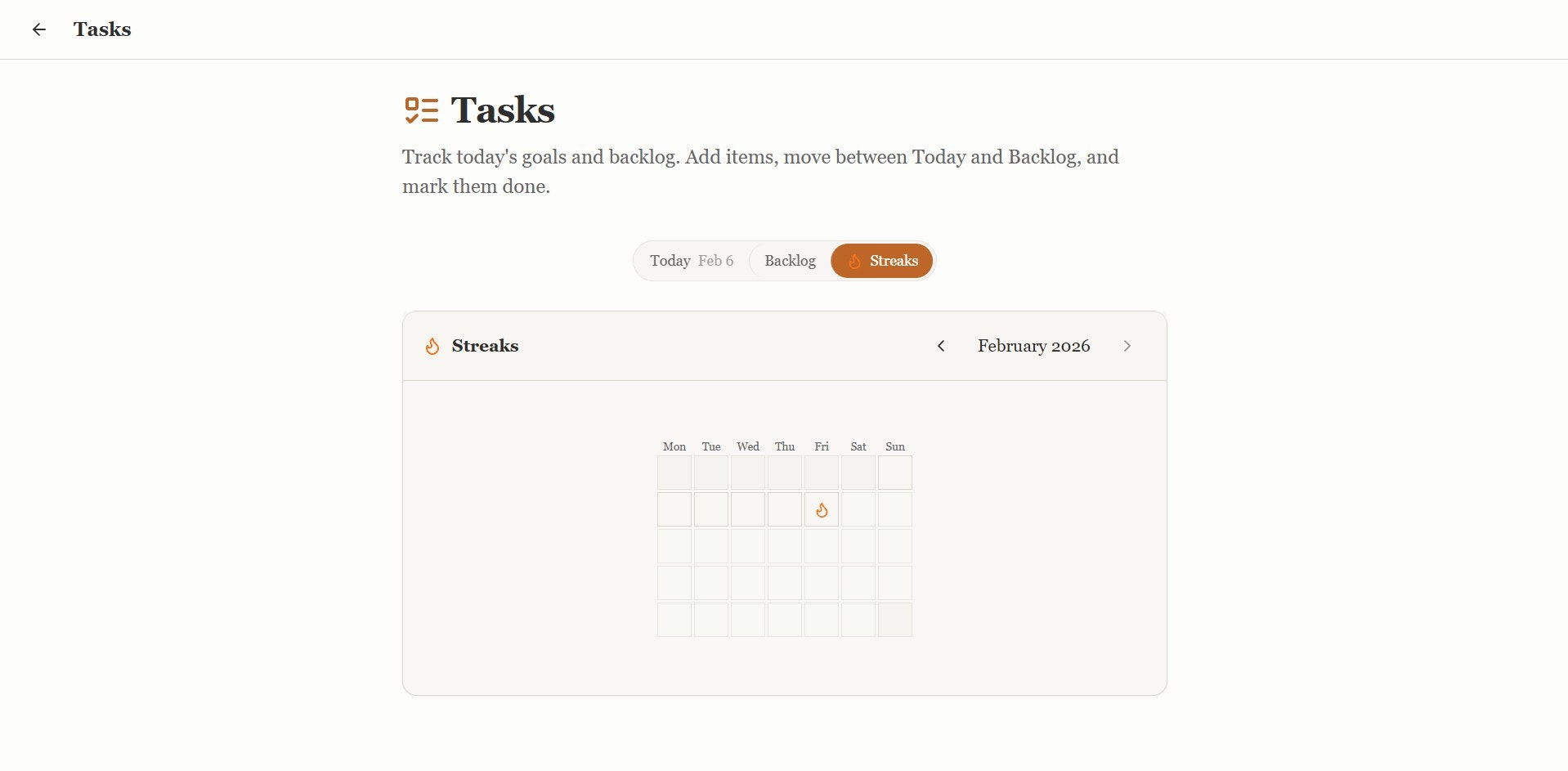
StayAwake.Dev is a single tab productivity hub for developers who live in the browser. It brings together the tools you usually keep open in multiple tabs into one focused workspace with no installs or sign ups. Includes a flip clock, Pomodoro timer, Stay Awake screen lock, tasks with priorities, and essential dev utilities like UUID, Base64, hashes, JWT, JSON formatter, regex, URL tools, and timestamps. Built to stay open all day and eliminate tab chaos.

Hey Product Hunt 👋

I built StayAwake.Dev because I was tired of juggling multiple tabs just to stay focused while coding.

I wanted one place that could stay open all day with a clock, Pomodoro, screen wake lock, tasks, and the small dev utilities I reach for constantly like UUIDs, JSON formatting, JWT decoding, and timestamps.

No installs, no sign ups, no tracking. Just a single tab that does its job and stays out of the way.

Would love to hear what you think and what you would add next.

Thanks for checking it out 🚀

3
回复

@rakesh_vangari Love the “single tab that stays out of the way” philosophy. Curious how you decide what belongs inside vs. outside StayAwake. Dev, do you plan to stay minimal, or will there be a way for devs to customize which utilities live in that always-open tab?

0
回复

Halfway through debugging an auth flow yesterday, I had three tabs open just for JWT decoding, JSON formatting, and a timestamp converter. Then my screen locked during a long test run. StayAwake.Dev bundling wake lock plus those exact dev utilities in one persistent tab would've saved me from reopening everything. Pomodoro built in means one less tab for that too.

0
回复

Looks cool, congrats on the launch! Would be nice to have simple markdown notes as well.

0
回复

i have like 30 tabs open at any given time - one for docs, one for the API playground, one for Stack Overflow from two days ago that i swear i'll read eventually. the "one tab you never close" angle is smart. what made you go with browser tab vs desktop app? i'm guessing it's for the zero-friction start, but curious if there were trade-offs around performance or persistence when the tab accidentally gets closed

0
回复
#10
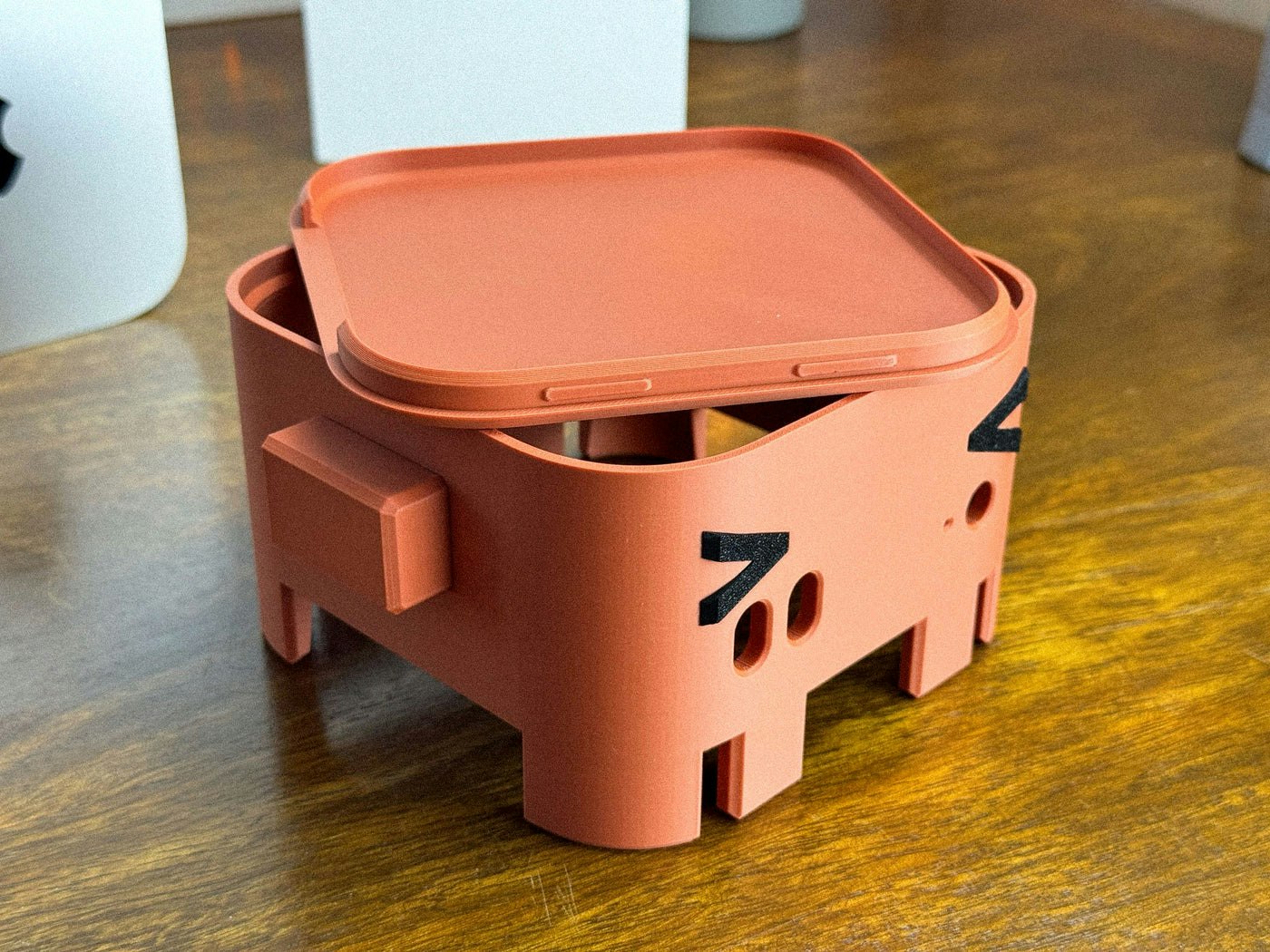
OpenClaw Mac mini M4 Enclosure
Every powerful little crustacean needs a proper shell!
22
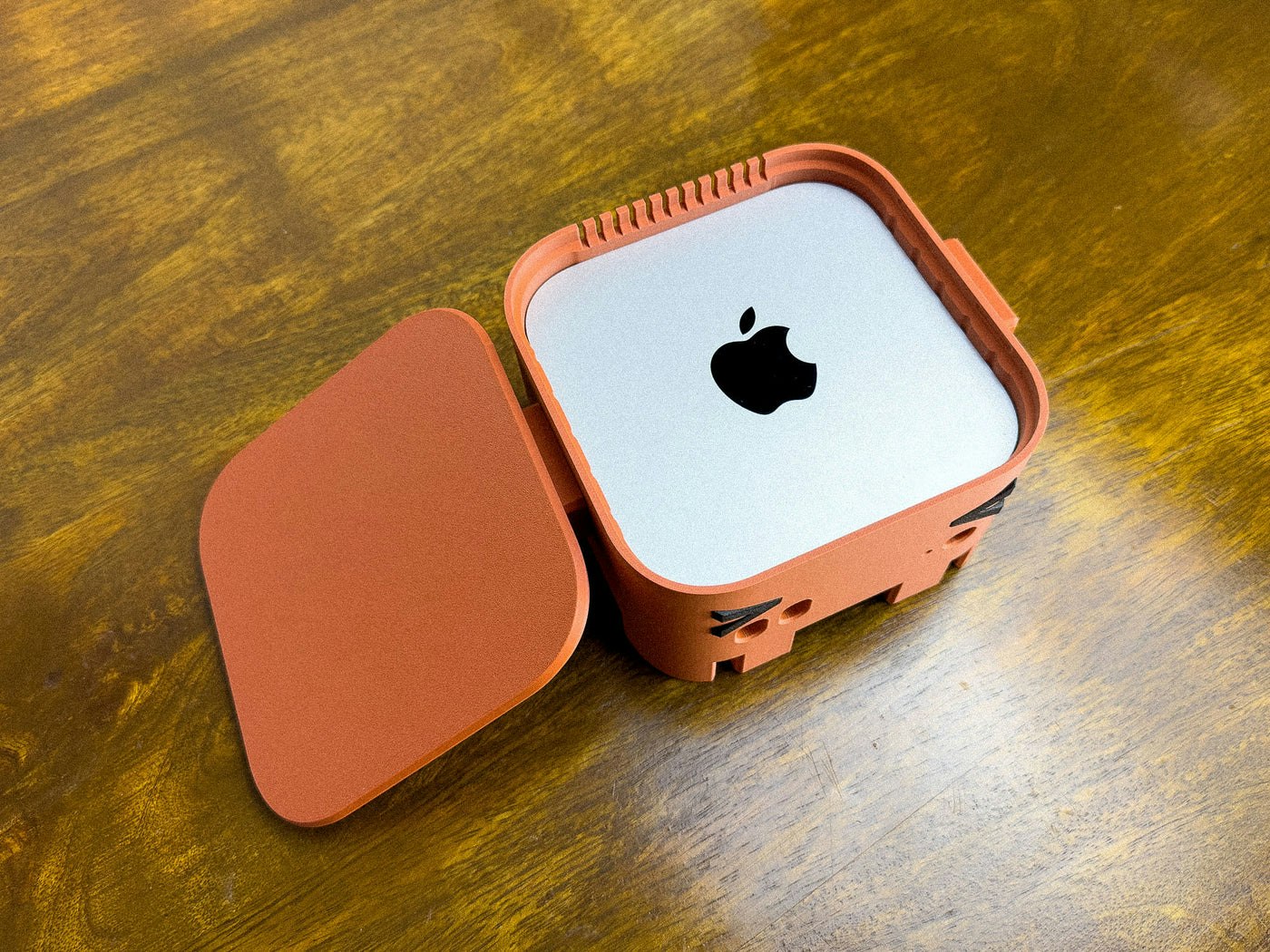
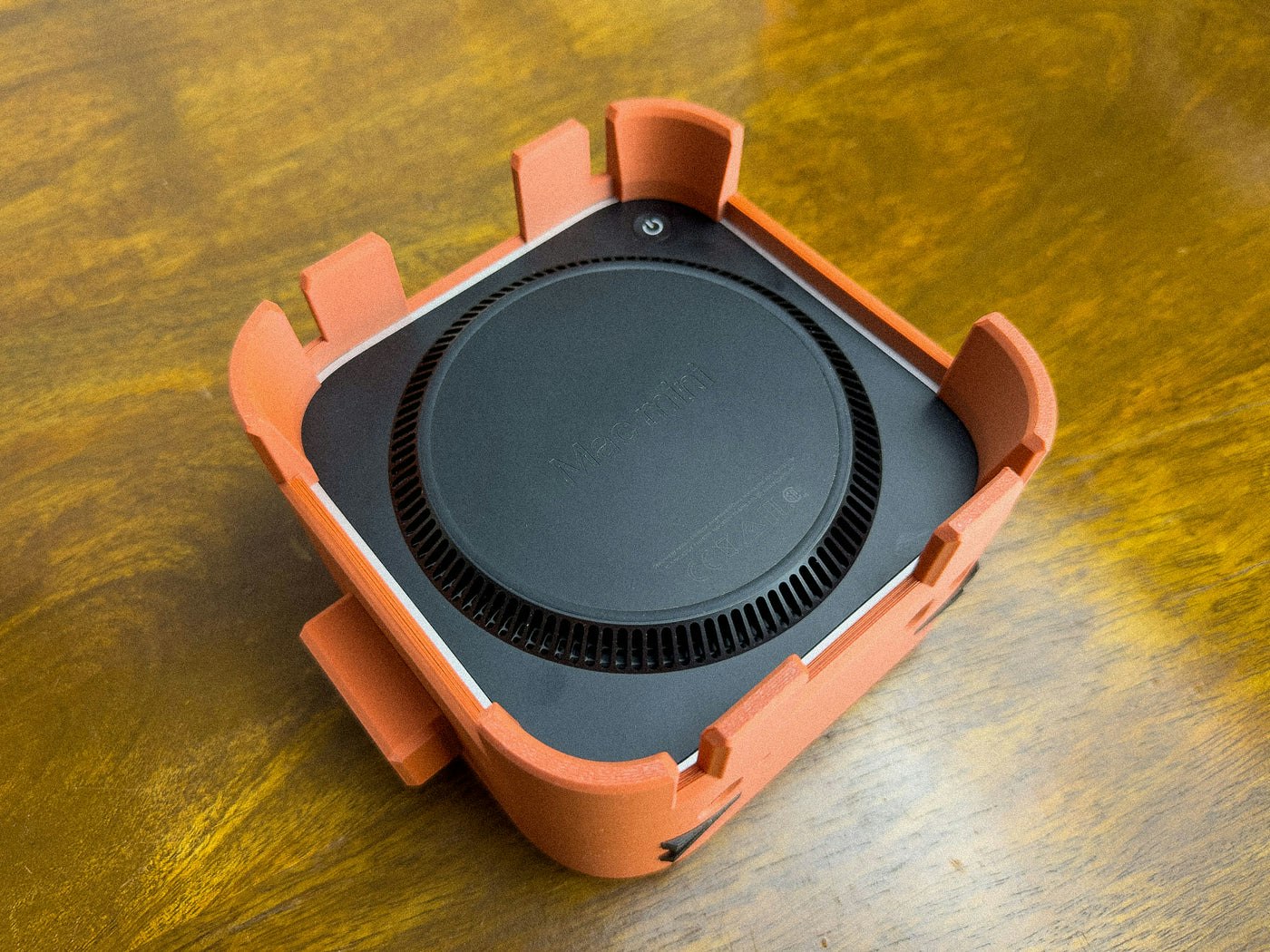
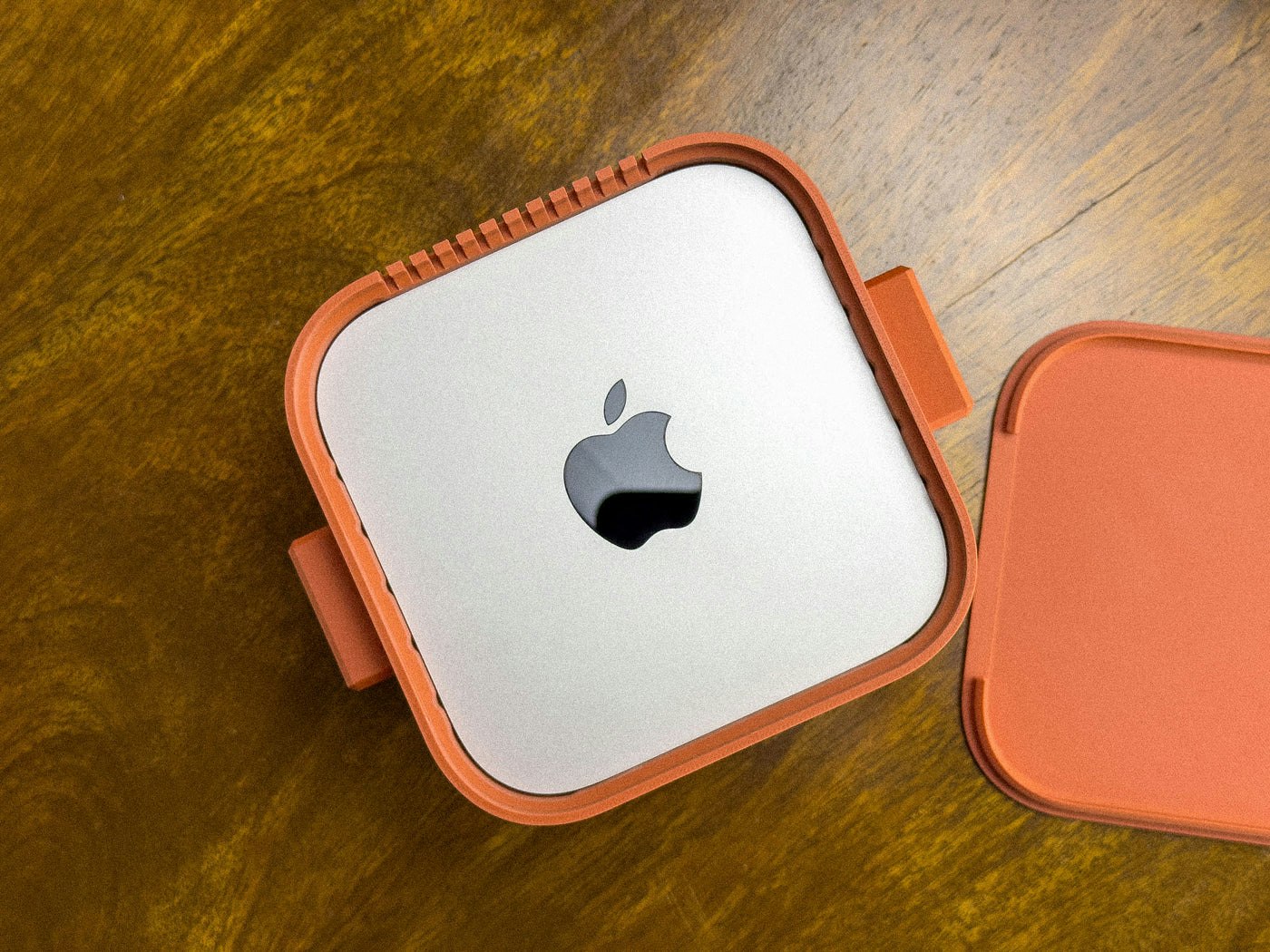
一句话介绍:这是一款为OpenClaw等设备设计的3D打印创意外壳,将Mac mini M4变成一个兼具可爱外观与实用功能的桌面摆件,在保持设备散热与接口可用的同时,解决了极客用户追求个性化桌搭和展示需求的痛点。
Mac Hardware
3D打印外壳 Mac mini配件 桌面摆件 创意设计 极客文化 个性化桌搭 功能保护壳 开源硬件周边
用户评论摘要:主要评论以调侃口吻质疑散热问题,开发者亲自回复,澄清已进行大量测试,保证不会导致设备过热,并感谢用户发布。评论互动友好,核心关注点在于产品的实际散热性能。
AI 锐评

这款OpenClaw Mac mini M4 Enclosure与其说是一个功能性外壳,不如说是一次极客文化的符号化消费。它精准地瞄准了科技爱好者中一个细分群体:那些不满足于苹果极简美学、渴望在桌面上表达个人技术幽默感和社群归属感的用户。产品将冰冷的计算硬件拟物化为“厚实的小伙伴”,其核心价值并非技术保护,而是情感连接与身份标识。

然而,产品面临的质疑直指其作为“外壳”的本质矛盾。用户评论中关于“煮沸M4”的调侃,虽被开发者以“大量测试”为由澄清,却暴露了此类创意设计无法回避的终极拷问:在追求“展示价值”和“可爱角色”时,是否以牺牲设备核心的稳定与散热性能为代价?开发者必须用更严谨的数据(如对比散热曲线)来回应,而非仅靠一句保证。否则,产品很容易被贴上“华而不实”的标签。

从市场角度看,22的投票数反映了其强烈的圈层属性与小众吸引力。它成功的标志不在于销量,而在于能否成为一个成功的“社交货币”,在特定社群内引发传播与改装。它的真正竞品可能不是其他Mac mini支架,而是其他开源硬件或桌搭文化产品。若想突破小众圈层,需要在“实用性”上做更扎实的文章,将“不干扰散热”从一句口号转化为直观可信的设计亮点,否则其生命周期可能仅限于核心粉丝的情怀消费。

查看原始信息
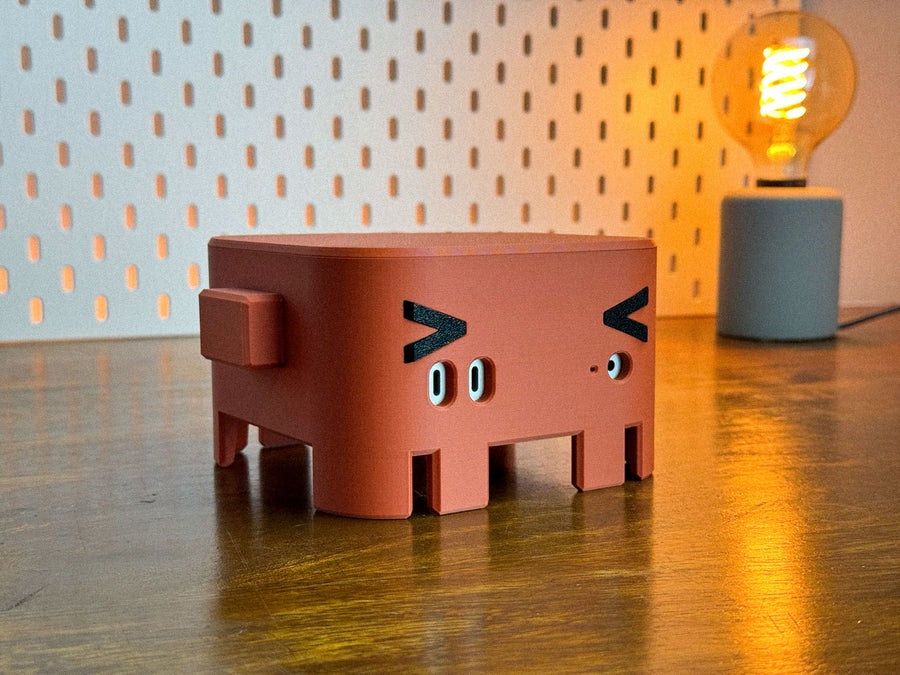
OpenClaw Mac mini M4 Enclosure
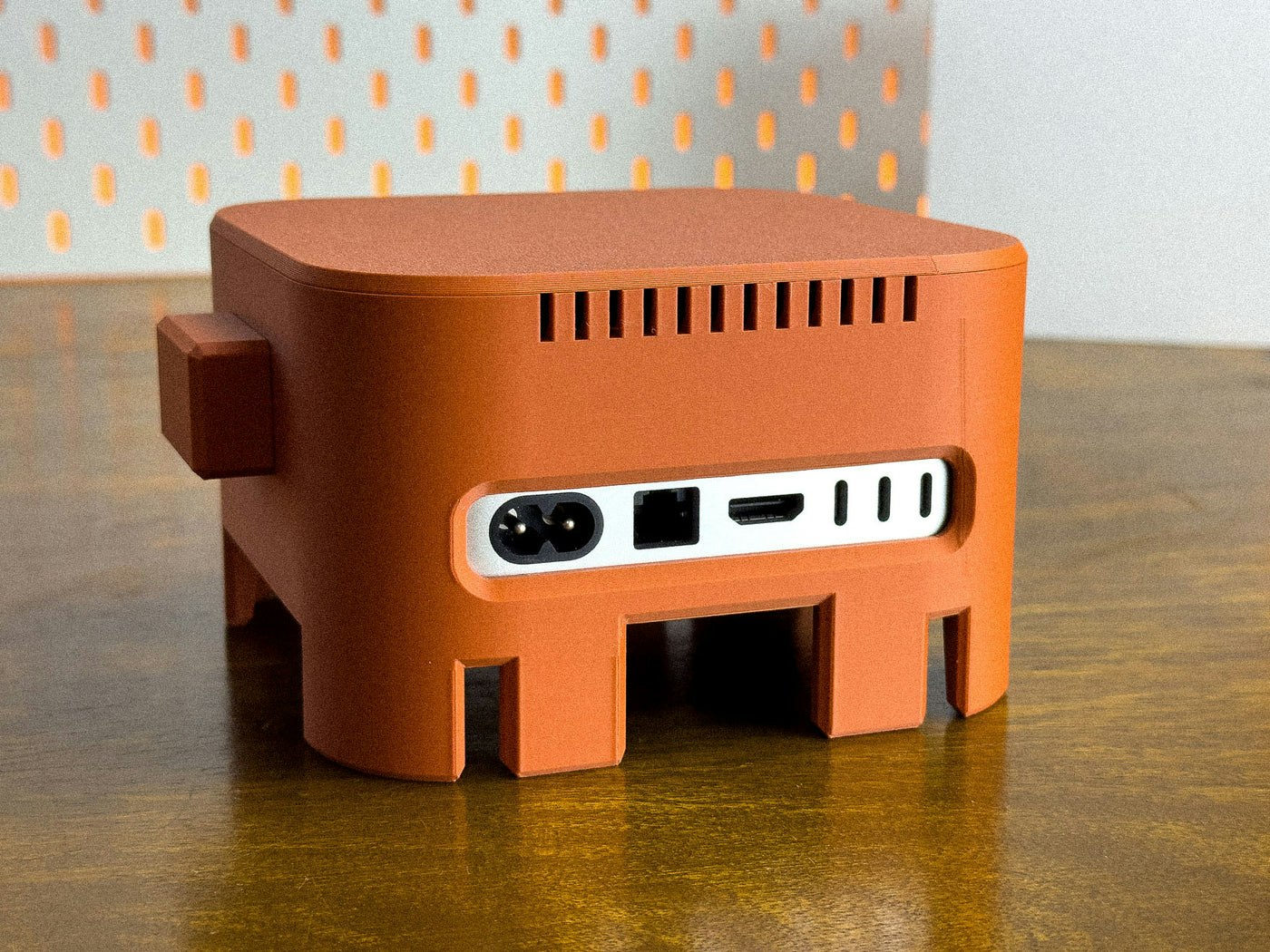
The OpenClaw Mac mini M4 Enclosure is a fun, display-worthy 3D printed case for your OpenClaw/Clawdbot/Moltbot device. It’s a perfect blend of cute character + clean desk setup, turning your Mac mini into a chunky little desk companion. Designed with real-world usability in mind, this enclosure was thoughtfully shaped to fit the Mac mini snugly—while keeping things practical: ports stay accessible and the design is made to avoid interfering with cooling. So you get the vibes and the function.

For those about to cook, get ready to boil your M4. 🦞

0
回复

@chrismessina For the record, we've done extensive testing and while your pun game is on point I do want to clarify this will in fact NOT boil your M4. 😉

Thanks for hunting this, Chris! 🙌

2
回复
#11
Helpmaton
Your AI agents, organized. No chaos, just workspaces.
13
一句话介绍:Helpmaton是一个以工作区为核心的AI智能体管理平台,通过集中管理、共享知识和团队协作功能,解决了用户在规模化部署和管理多个AI智能体时面临的混乱、低效与协作难题。
Artificial Intelligence GitHub Tech Marketing automation
AI智能体管理平台 工作区协作 多智能体系统 企业AI工具 开源AI平台 智能体记忆 任务委派 无代码集成 预算管控 团队权限管理
用户评论摘要:目前有效评论主要为创始人自我介绍和产品阐述,暂无外部用户提问或反馈。评论区重点在于说明产品开发初衷(解决规模化混乱)和核心价值主张(将AI从实验转向结构化运营)。
AI 锐评

Helpmaton切入的并非AI智能体创建这一红海市场,而是瞄准了更具前瞻性的“智能体运维与管理”蓝海。其核心价值不在于构建单个智能体,而在于为“智能体团队”提供操作系统。产品将“工作区”作为核心组织单元,并捆绑了知识库、预算、权限,这直指企业将AI投入实际业务时的三大核心关切:成本控制、信息安全与流程整合。

其“记忆”功能与原生OAuth集成是务实之举,试图解决当前AI应用的两大顽疾:缺乏持续学习能力和与现有工作流脱节。然而,其真正的挑战与潜力均在于“多智能体任务委派”。这要求平台具备强大的工作流编排与仲裁逻辑,目前仍是行业技术难点。若其在此处有实质性突破,价值将远超简单的管理面板。

当前13票的热度表明市场反响尚属早期。其开源与自托管选项是企业级市场的“敲门砖”,但作为平台,生态的繁荣度(支持的工具类型、智能体种类)将决定其天花板。它提供的不是又一个聊天机器人,而是一个AI时代的管理范式——从“人管机器”转向“人管智能体团队”。成败关键在于能否在技术复杂性与用户体验间找到精妙平衡,让“管理”本身不再成为新的负担。

查看原始信息
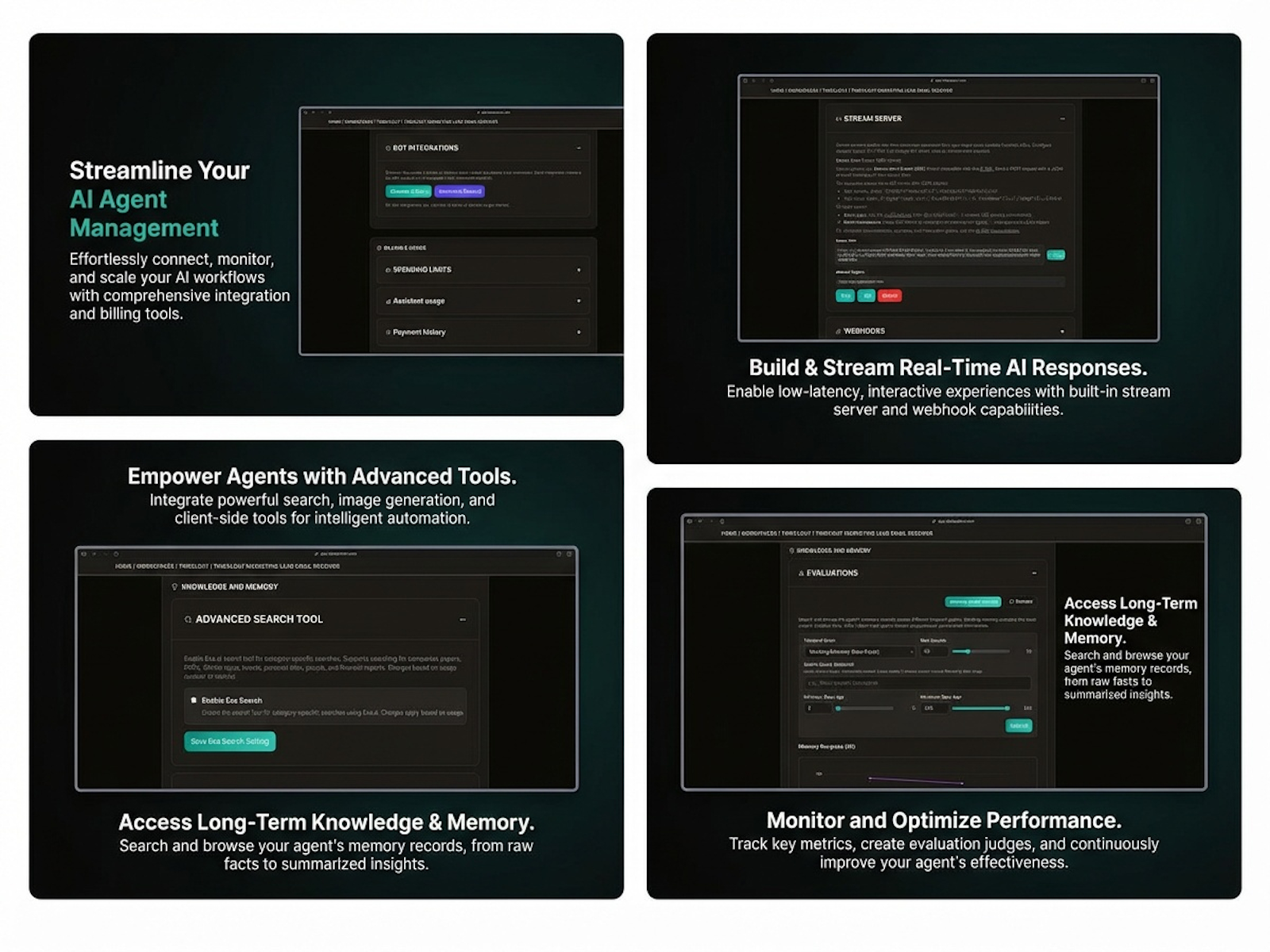
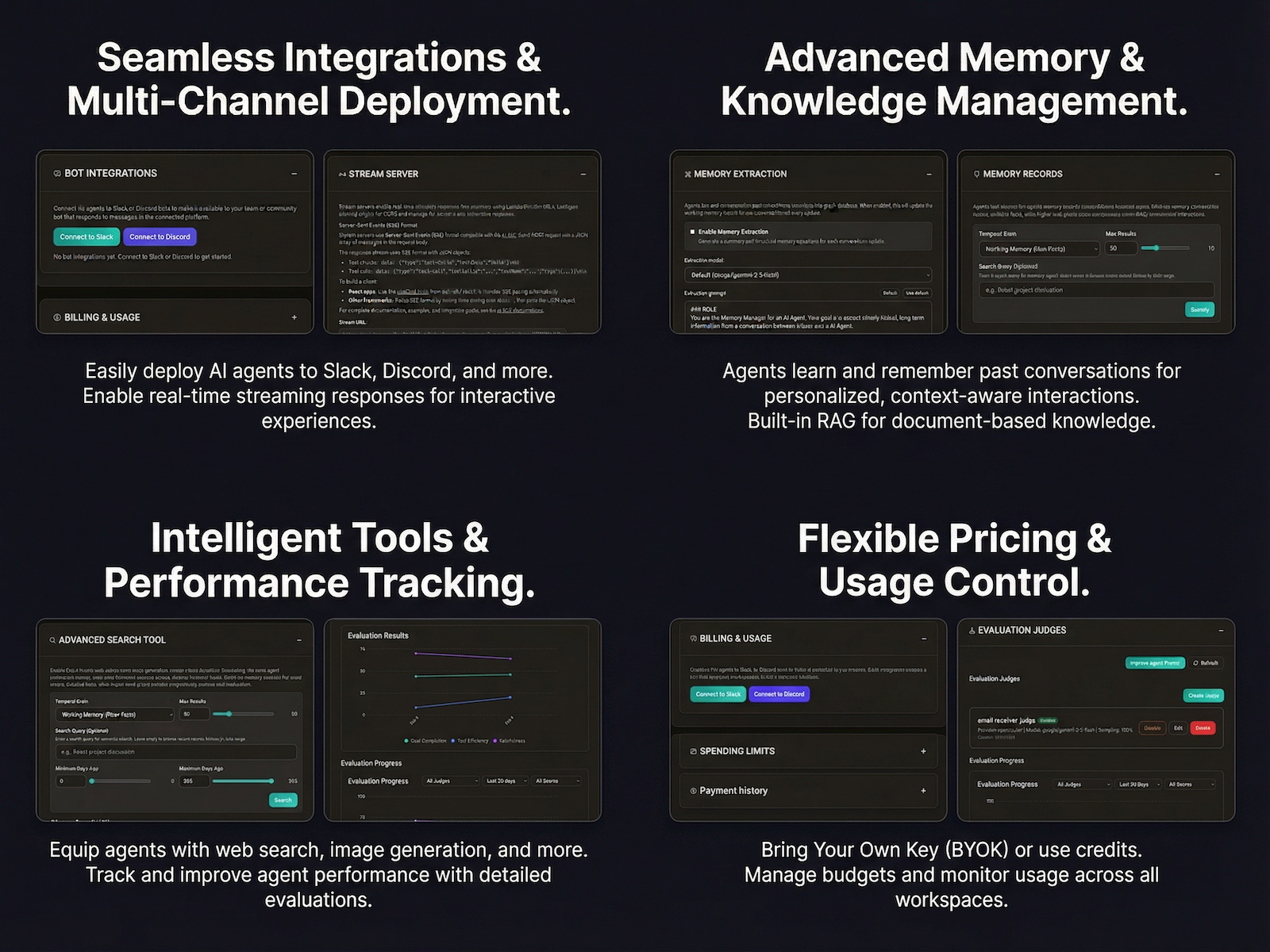
Helpmaton
Helpmaton is the workspace-based platform to build, manage, and scale AI agents without the chaos. Organize agents into dedicated workspaces with shared knowledge, custom budgets, and team permissions. 🚀 Key Features: • Memory & Docs: Agents learn from chats and your files. • Native Integrations: Google Workspace & Notion (OAuth). • Deployment: Slack/Discord bots. • Multi-Agent: Task delegation & web search. • Flexibility: BYO API keys or use ours. Open-source ready.
Hi Product Hunt! 👋 I’m Pedro, the creator of Helpmaton. Like many of you, I started by building individual GPTs and custom bots, but I quickly hit a wall: the chaos of scale. Managing different API keys, scattered documents, and agents that forgot context made it impossible to build a cohesive workflow. We built Helpmaton to move AI from "cool experiment" to "structured operation." It’s a workspace-based platform where your agents aren’t just chat boxes—they are team members with memory, access to your tools (like Google Workspace and Notion), and the ability to delegate tasks to one another. Why we think you’ll love it: Structure: Organize agents into dedicated workspaces with their own budgets and permissions. Memory that Scales: Agents learn from your conversations and documents over time. Tool-Ready: Native OAuth for Google and Notion means no messy API configurations. Flexibility: Use your own API keys or our credits, and yes—it’s open-source and self-hostable. I’m hanging out in the comments all day and would love to hear your thoughts, feedback, or use cases you’re looking to build. Let's build something organized! 🚀"
0
回复
#12
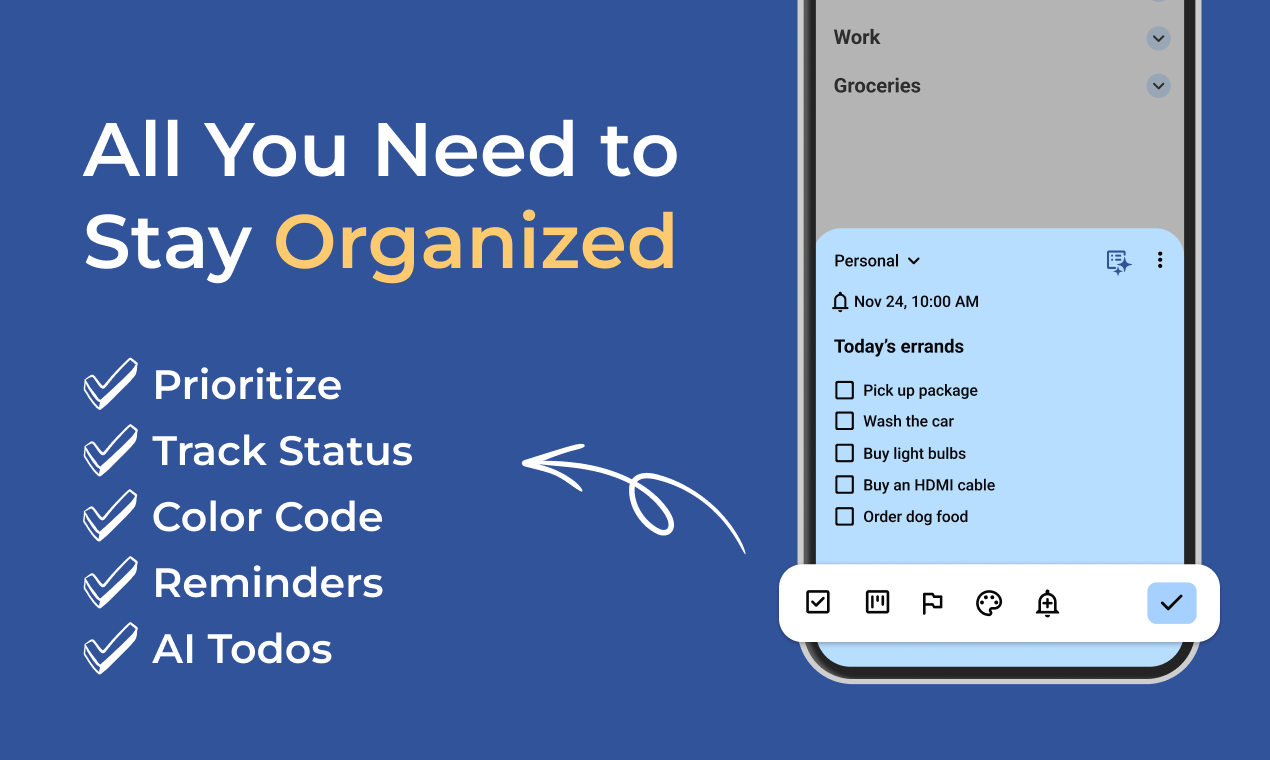
Planndu
Daily task planner with built in focus timer
13
一句话介绍:Planndu是一款无需登录、数据本地存储的每日任务规划器,内置专注计时器,旨在帮助思绪繁忙的用户不仅列出任务,更高效地完成它们,解决了任务管理工具重规划轻执行的核心痛点。
Android Productivity Task Management Tech
任务管理 效率工具 专注计时器 本地存储 隐私安全 无登录要求 每日规划 生产力 个人管理 极简主义
用户评论摘要:评论数量极少,主要是一条开发团队感谢支持的留言,属于无效反馈。目前缺乏真实用户关于功能、体验的具体问题或建议。
AI 锐评

Planndu的亮相,带着一股对当下主流SaaS式效率工具的“叛逆”。其核心卖点清晰且尖锐:无登录、数据100%本地存储、内置专注计时器。这精准地刺向了两类用户:一是对隐私极度敏感、厌恶云端同步带来潜在风险的用户;二是受困于“规划瘫痪”(Planning Paralysis)、在精美待办列表与拖延症间无限循环的“繁忙大脑”。

产品标语“帮助完成,而非仅列出任务”直指行业痼疾。许多任务管理工具致力于让规划变得更复杂、更视觉化,却忽略了从“计划”到“完成”之间那条巨大的执行鸿沟。内置专注计时器(很可能是番茄工作法变体)的整合,是一次从“管理”到“执行”的关键场景延伸,试图在工具内部形成“规划-专注-完成”的闭环。

然而,其“叛逆”的商业模式也埋下巨大问号。无登录与本地存储固然是隐私王牌,但也彻底放弃了跨设备同步、协作、数据分析及后续订阅制变现的可能性。这将其市场天花板压得很低,可能局限于单设备、重隐私的极客或轻量用户群体。在移动办公、多设备切换成为常态的今天,这更像是一个理念宣言,而非普适性解决方案。

当前近乎为零的真实用户反馈,使得产品实际体验成谜。其专注计时器的体验是否流畅?本地数据备份与恢复是否便捷?功能是否过于单一而难以形成用户粘性?这些问题都待市场检验。Planndu像是一柄锋利的锥子,在巨头林立的效率红海中扎出了一个精准的细分痛点,但它能否从一把“好锥子”成长为一个“可持续的生意”,挑战才刚刚开始。

查看原始信息
Planndu
Built for busy minds. No login required. Your tasks are stored 100% locally and securely. Most planners help you list tasks, Planndu helps you complete them.
Your feedback keeps us going. Thank you all for your support!
1
回复
#13
Dreamful
Understand your dreams. Understand yourself.
10
一句话介绍:Dreamful是一款AI梦境分析应用,通过让用户自由记录梦境,提供基于心理学和文化背景的个性化符号与情绪解读,在用户寻求自我认知而非玄学预测的场景下,解决了传统解梦工具过于笼统或灵异化的痛点。
iOS Artificial Intelligence Lifestyle
心理健康 梦境分析 AI日记 自我认知 个性化解读 心理学工具 情绪追踪 生活记录 潜意识探索 文化敏感分析
用户评论摘要:目前仅有一条来自开发者的自我介绍评论,尚无真实用户反馈。开发者主动寻求反馈,重点询问用户通常如何理解梦境,以及现有梦境或日记类应用缺失什么。
AI 锐评

Dreamful试图在“科学解梦”的狭窄赛道上开辟一条新路,其核心价值主张是“去神秘化”与“个性化”。它聪明地避开了传统解梦市场“预测未来”的玄学陷阱,转而锚定“自我认知”这一现代心理需求,将AI定位为一个“反射镜”而非“预言家”。这一定位使其更易被理性、注重内省的都市人群所接受。

然而,其真正的挑战在于产品逻辑的深层矛盾。第一,AI分析的“权威性”悖论:产品强调摒弃通用解梦词典,提供个性化解读,但AI模型的训练数据本身必然源于某种通用模式或文化框架。所谓“文化敏感”和“基于心理学”,如何确保不是另一种经过包装的、更精致的刻板印象?第二,用户价值闭环的脆弱性:梦境解读缺乏客观验证标准,其价值高度依赖用户的主观认同。一旦用户几次体验后觉得分析“不准”或“流于表面”,极易迅速流失。第三,商业化窘境:作为高度私密的情感数据记录工具,其变现路径(如订阅制)将与用户对数据隐私的天然敏感直接冲突。

当前仅10个投票的数据也侧面印证,该产品仍是一个极早期、未经验证的概念。它切入了一个有潜力的细分需求,但必须直面一个根本问题:用户究竟是为“解读结果”付费,还是为“记录与反思的过程”付费?若为后者,它与一个加密的普通日记本加心理学文章推荐,差异化和壁垒何在?开发者需要更清晰地证明其AI模型能带来普通日记无法提供的、可持续的深刻洞察,否则它可能只会是另一款让人新鲜三天后便遗忘的“智能玩具”。

查看原始信息
Dreamful
Dreamful is a dream app I built to understand dreams as reflections of the subconscious, not predictions. You describe your dreams in your own words, and an AI model helps analyze the symbols, emotions, and patterns behind them. Instead of generic dream dictionaries, Dreamful offers personal and culturally aware insights shaped by psychology and daily life. Over time, it becomes a quiet place to notice recurring themes and better understand what is going on inside.
Hey Product Hunt 👋 I’m the maker of Dreamful. I built Dreamful because most dream apps felt either too generic or too spiritual for me. I wanted something quieter and more personal. You write your dreams in your own words, and AI helps reflect on the symbols, emotions, and patterns behind them. No predictions, no fixed meanings, just space to notice what might be going on inside. I’d really love your feedback: • How do you usually make sense of your dreams? • What feels missing in most dream or journaling apps? Happy to answer any questions. Thanks for checking it out 🙌
2
回复
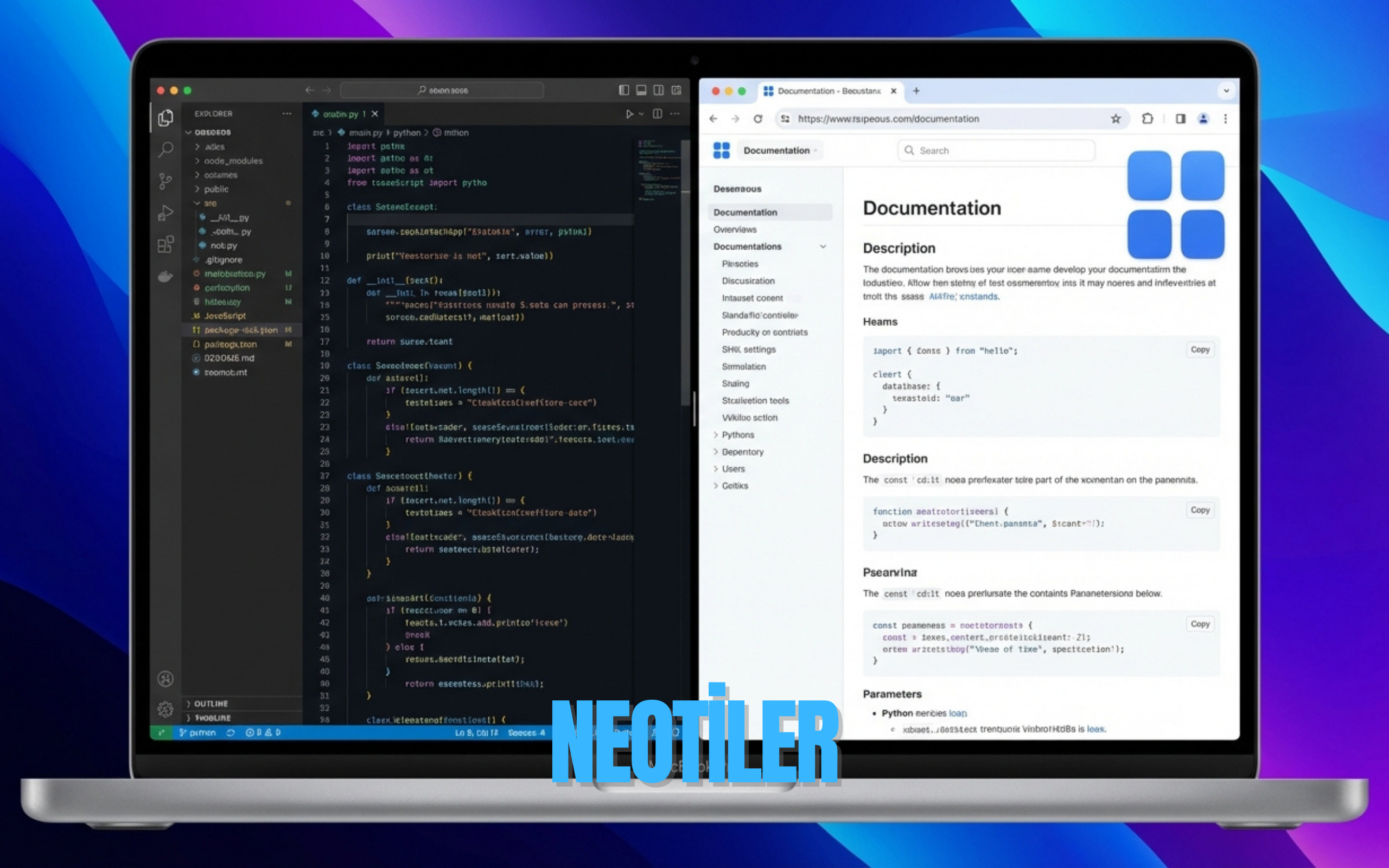
#14
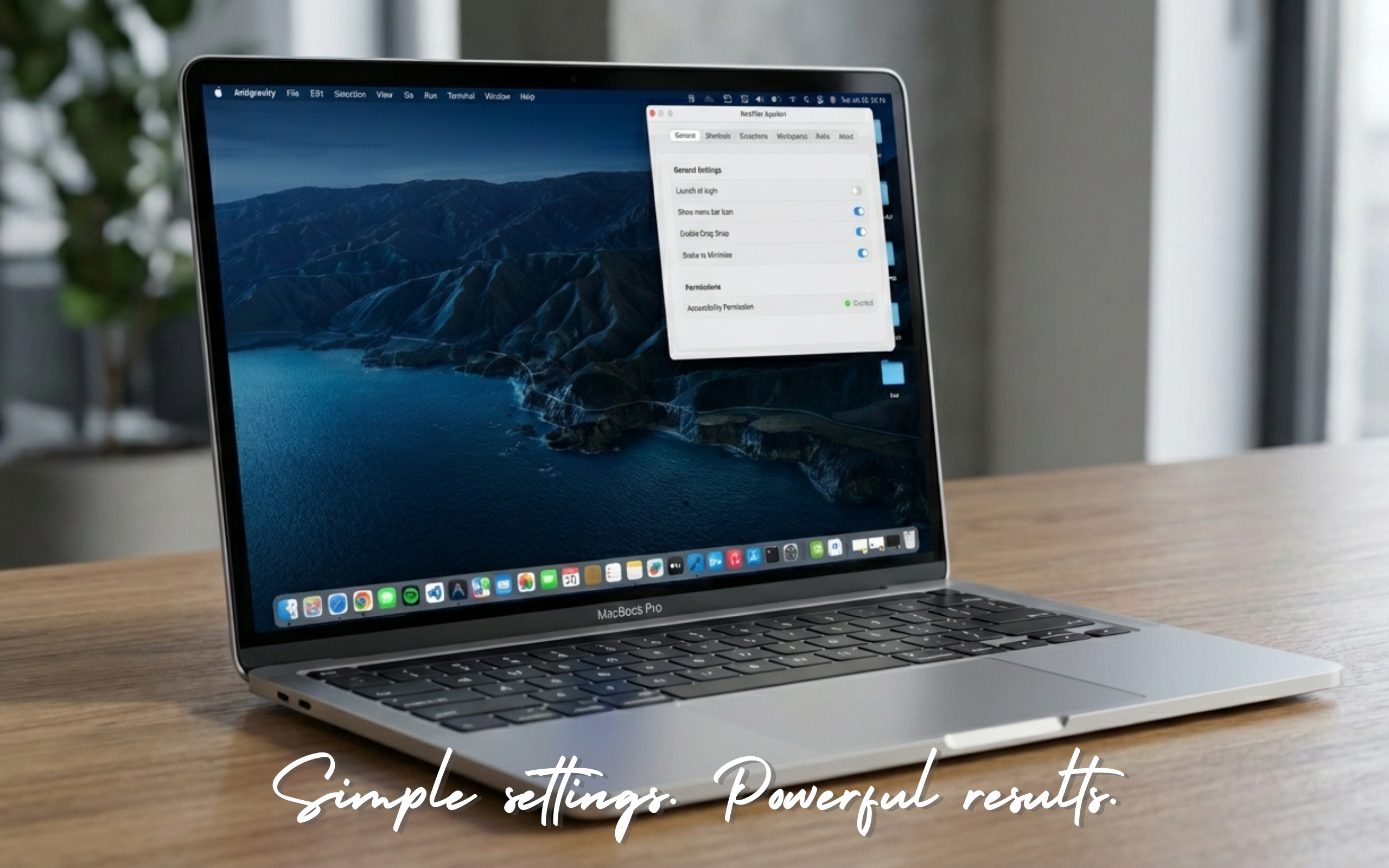
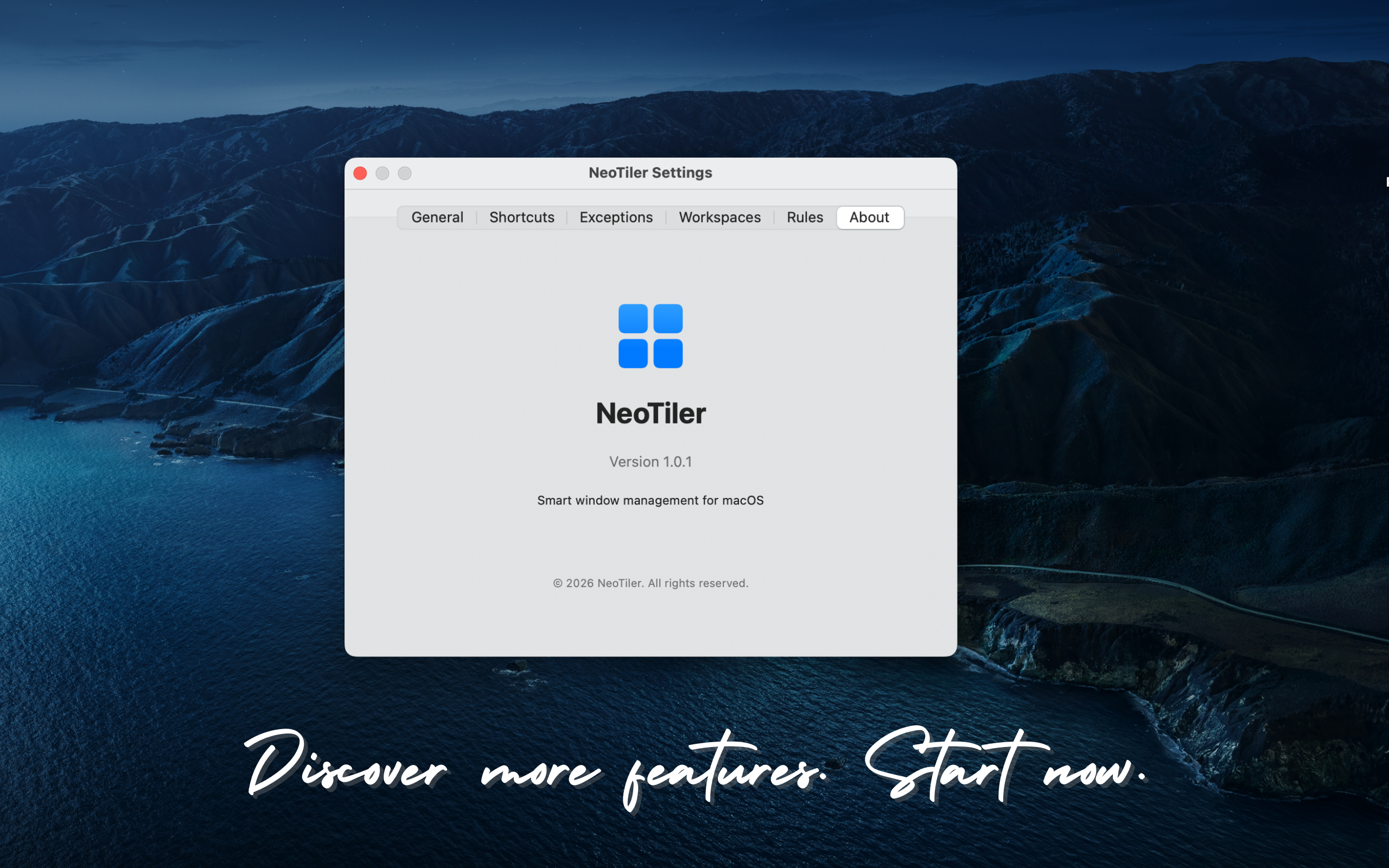
NeoTiler
The Professional Window Manager for macOS
10
一句话介绍:NeoTiler是一款macOS原生窗口管理器,通过创建“工作区”和应用分组,解决了多任务处理时窗口杂乱、定位困难、手动调整效率低下的痛点。
Mac Productivity Software Engineering
窗口管理 macOS工具 效率软件 工作区 生产力 原生开发 多语言支持 桌面整理
用户评论摘要:用户核心痛点是macOS原生窗口管理低效,尤其是多程序时寻找后台窗口困难。其自主开发的“摇动最小化”和“工作区”功能深受喜爱,后者灵感源于设计软件,能一键恢复预设窗口布局,提升工作流专注度。
AI 锐评

NeoTiler切入了一个经典但常被忽视的赛道:macOS的窗口管理增强。其标榜的“Swift原生”和“工作区”概念是双刃剑。原生开发确能带来性能与系统整合优势,但在已有Magnet、Rectangle等成熟工具的市场上,技术栈并非核心卖点。

产品真正的价值主张在于“工作区”所承载的“场景化思维”。它试图超越简单的窗口分屏,将应用组合与特定任务绑定,实现一键切换的沉浸式上下文。这瞄准了专业用户(如评论者提及的设计师)深层的心理需求:减少状态切换的认知负荷,追求“心流”。然而,从仅有的高意向用户评论(开发者本人?)来看,此功能灵感源于专业软件,其普适性及与普通用户工作习惯的契合度存疑。

评论中透露的“未调研现有产品”和“自己开发更自由”的心态,恰恰折射出该产品可能面临的困境:它更像一个为解决开发者个人痛点而生的“工艺品”,而非经过市场验证的“商品”。10票的支持数据也显得异常单薄。多语言支持试图铺开全球市场,但核心功能若未形成颠覆性体验或更低门槛,在红海竞争中难有作为。

总之,NeoTiler构想值得肯定,它指出了窗口管理从“排列”向“场景”演进的方向。但目前它更像一个精巧的业余项目,其成功与否,取决于能否将个人工作哲学提炼为可规模化、易理解的产品逻辑,并在营销上找到区别于免费、开源竞品的决定性优势。否则,极易淹没在同质化工具中。

查看原始信息
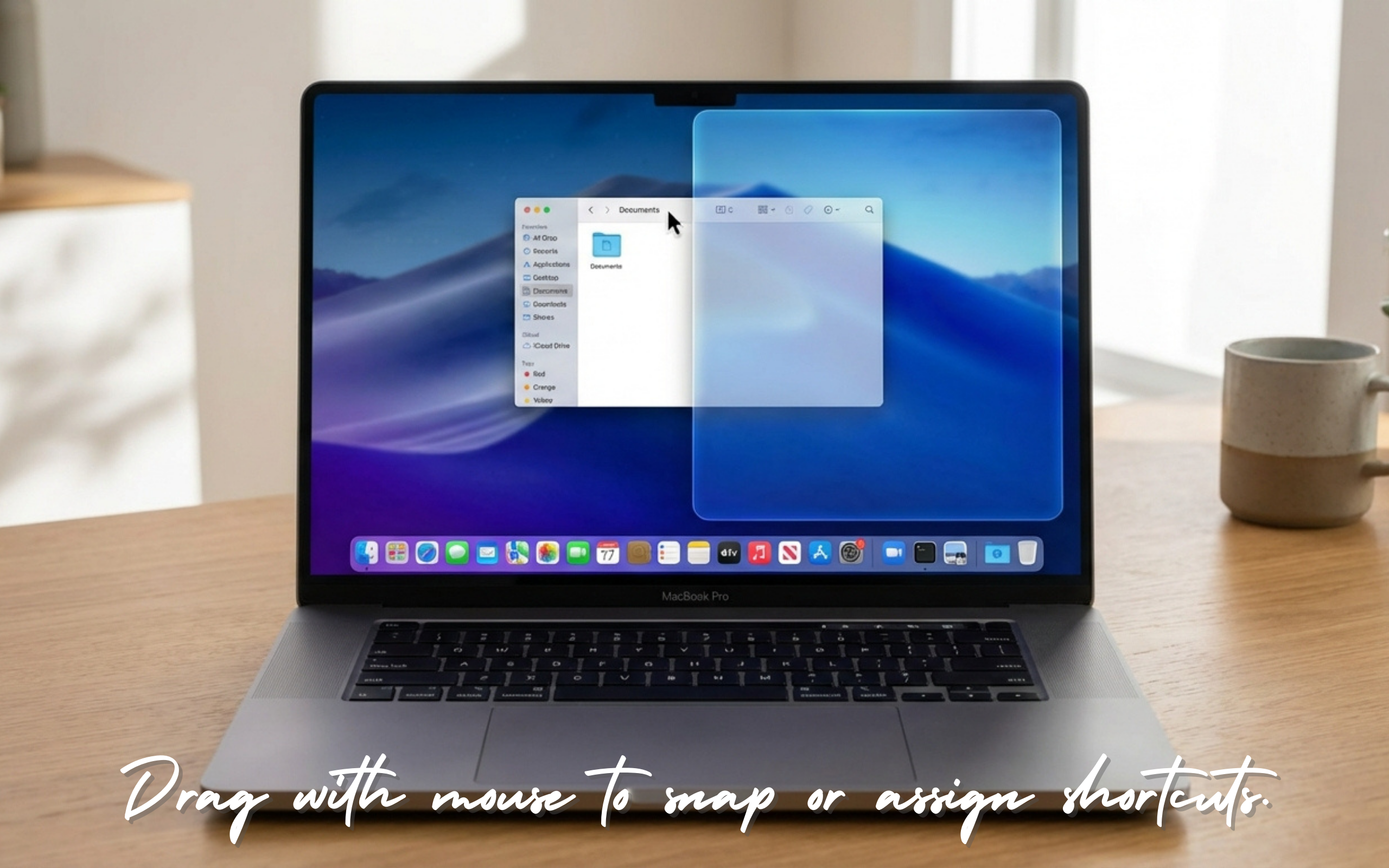
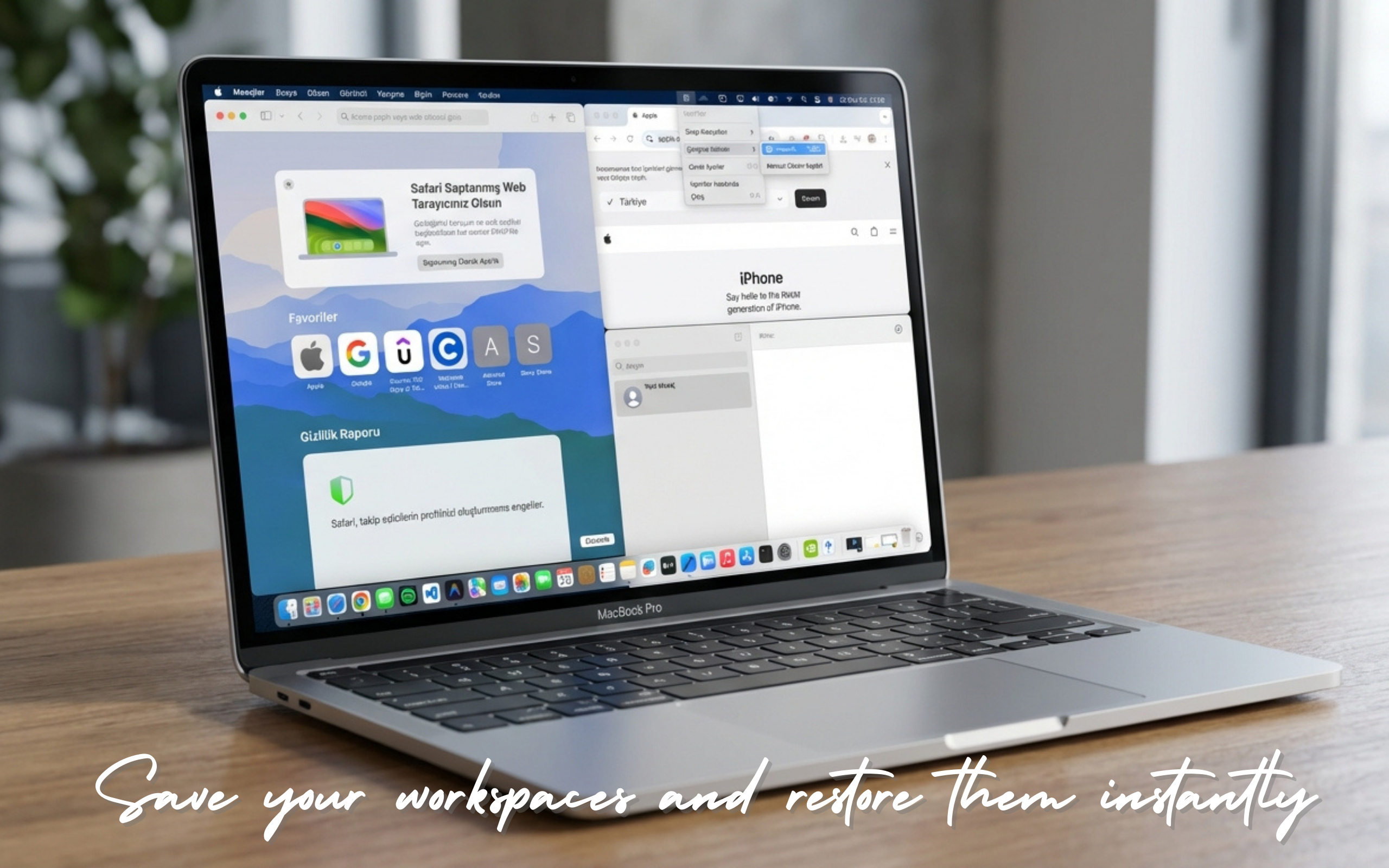
NeoTiler
NeoTiler is a Swift-native window manager designed to end the desktop chaos on macOS. It introduces 'Workspaces' to help you group apps and switch between tasks instantly. Built for speed, efficiency, and a clean workflow—no more manual resizing, just focus on what matters. Now with support for 10 different languages to offer a truly global experience. Supported Languages: English, Turkish, German, French, Spanish, Italian, Japanese, Dutch, Polish, Danish.
While using my Mac, I used to think it would be great if I could just drag a window to the right and have it snap there immediately. Sometimes, managing windows on macOS felt like a real struggle, especially when working with many programs; finding a window that stayed in the background was quite difficult. Since I wouldn't minimize them, I couldn't find them easily. To solve this, I added a feature like 'shake to minimize'. But my favorite feature is probably Workspaces. I was inspired by design programs for this; I used to select my workspace in them, and everything would go to its desired position and wait for me to start working. That’s how I started this program. I didn't look at what else was out there for this job; making my own made me feel more free.
1
回复
#15
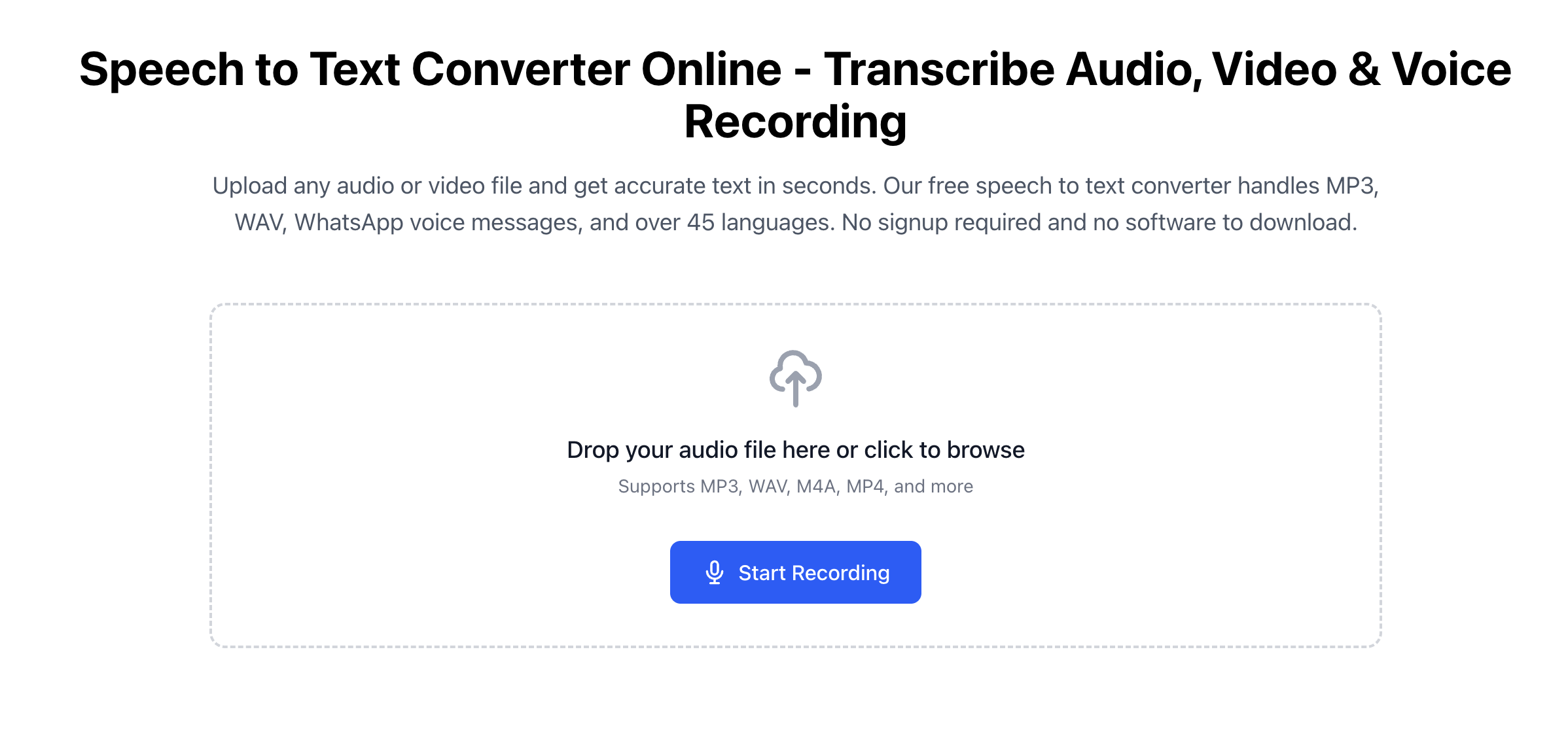
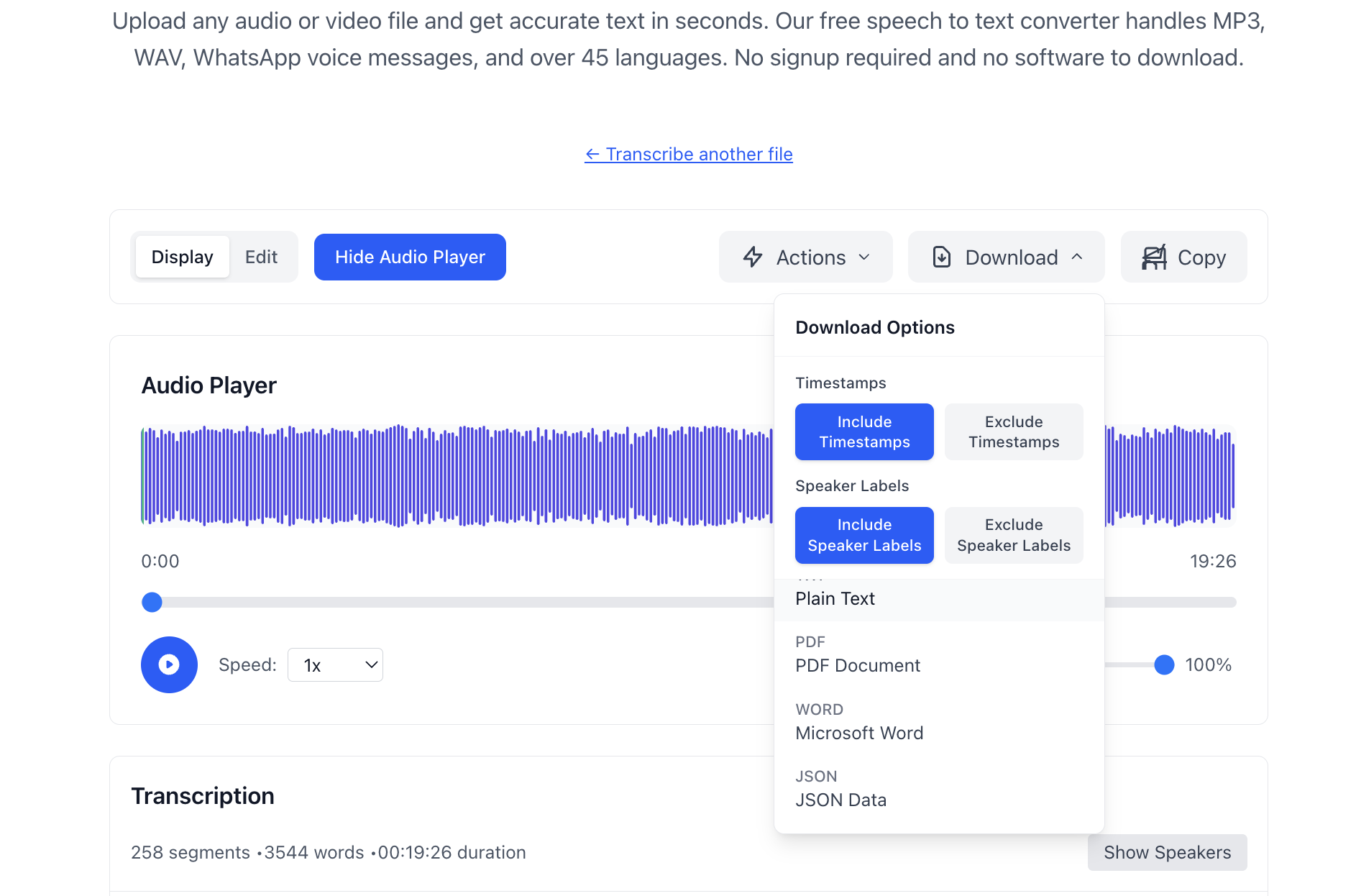
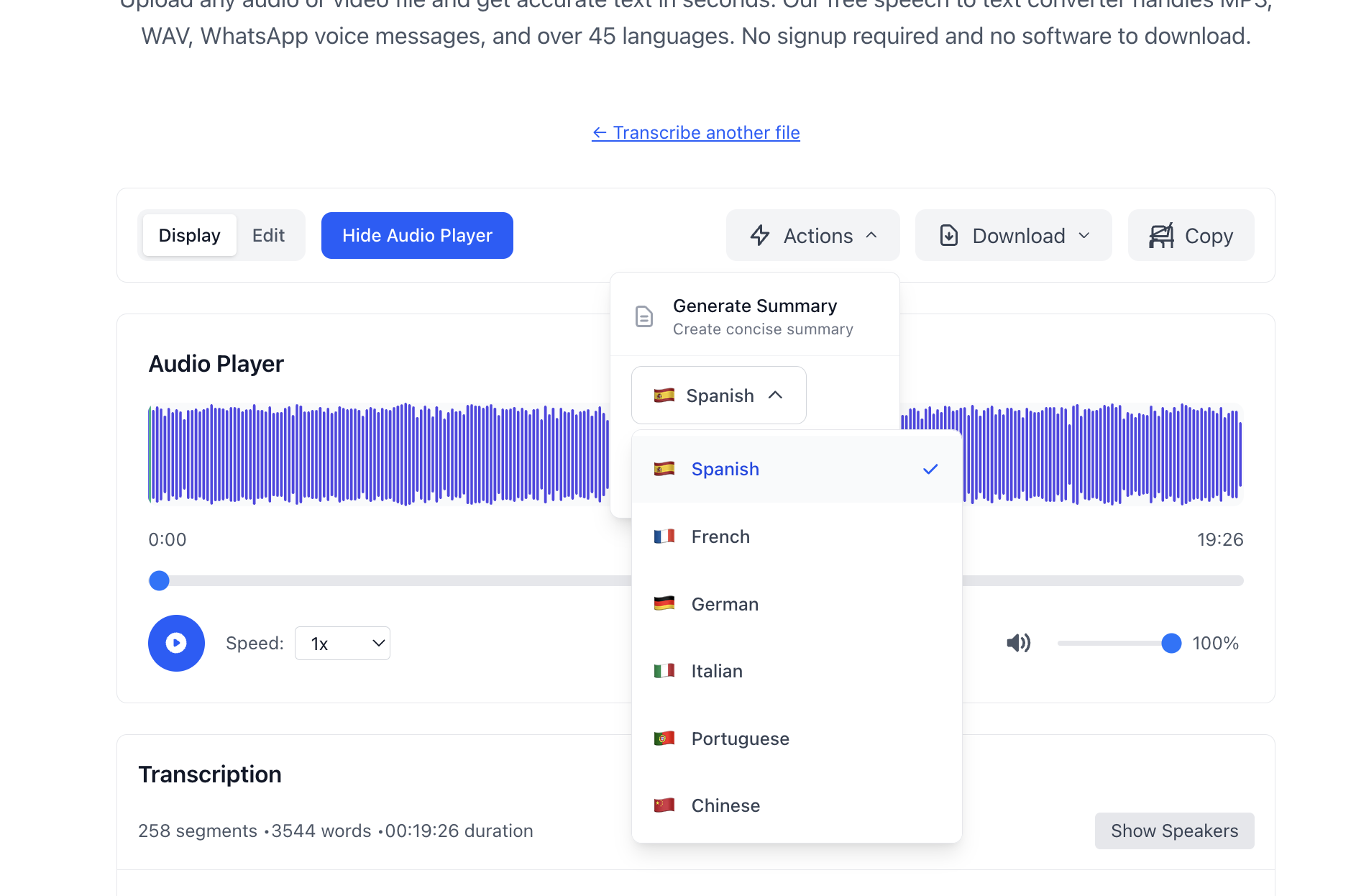
Speech to Text Converter Online
Audio and Video to text. Works with any file format.
9
一句话介绍:一款基于Whisper大模型的免费在线音视频转文字工具,无需注册即可快速生成高精度转录文本,解决了内容创作者、学生及专业人士手动转录耗时耗力的核心痛点。
Productivity Artificial Intelligence Audio
语音转文字 在线工具 免费转录 多格式支持 多语言识别 AI摘要 隐私安全 媒体处理 效率工具
用户评论摘要:目前有效评论仅来自开发者本人,详细阐述了产品开发背景、核心优势(如采用Whisper large-v3 turbo模型、支持多格式、无需注册)及未来规划(如交互式播放、测验生成)。暂无其他用户反馈与建议。
AI 锐评

这款产品本质上是在OpenAI Whisper这一强大开源基座模型上,套上了一层便捷的网页应用外壳。其宣称的“真正差异点”——如高精度、多格式支持、无需注册——在技术门槛日益降低的今天,已逐渐成为此类工具的标配,而非护城河。

产品的核心价值并非技术创新,而是对用户体验路径的极致优化:瞄准了用户“即用即走”、恐惧复杂流程和担忧隐私的核心心理。无需注册、本地处理(据称)的承诺,直击现有SaaS工具在获客和数据安全上的痛点,是其可能吸引早期用户的关键。然而,这也构成了其根本性的商业悖论:完全免费且无账户体系,意味着难以建立用户粘性、无法沉淀数据以迭代模型、商业变现路径模糊。开发者提到的未来功能(如互动播放、测验生成)更偏向于锦上添花的场景化功能,并未触及底层模型能力或商业模式的突破。

在AI基础设施(模型)日益同质化的竞争中,此类工具若不能快速构建独特的生态或转向企业级服务,其长期生存将严重依赖开发者的个人投入,极易被集成能力更强或资源更雄厚的大平台所覆盖。它是一次优秀的MVP验证,证明了市场对轻量、隐私友好型转录工具的需求,但尚未展现出可持续的产品生命力。

查看原始信息
Speech to Text Converter Online
Speech to text converter free online. Transcribe audio files, videos, voice recordings, and MP3 into accurate text in 50+ languages. No download required.
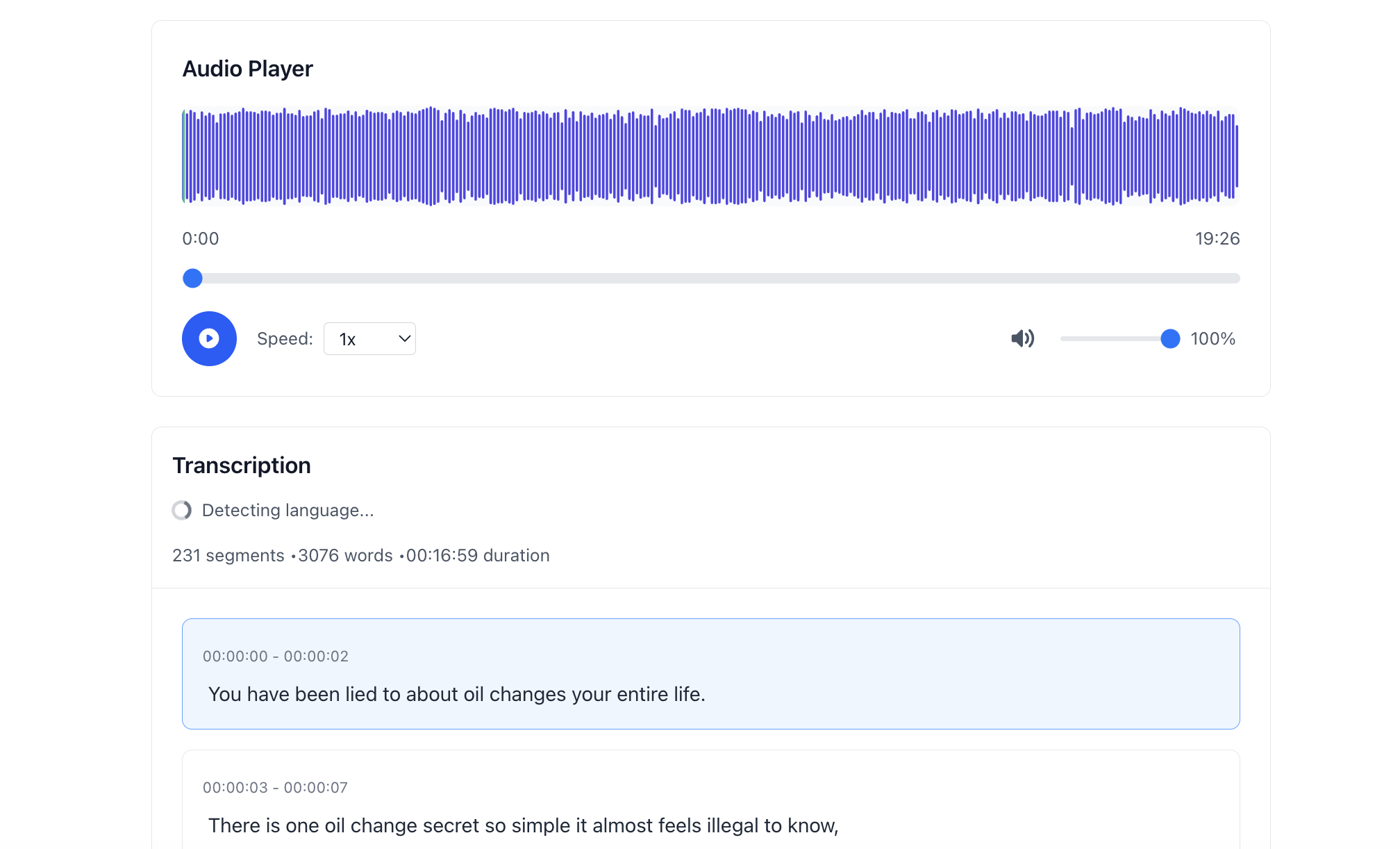
I'm the maker of speech-to-text.co — a free online tool that converts audio and video files into accurate text transcripts. The backstory: I kept running into the same problem. I'd record meetings, interviews, and voice memos, then spend hours manually transcribing them. Existing tools were either expensive, required account signups, or sent my audio to some random cloud server. I wanted something that just works — upload a file, get your transcript. Done. So I built it. Here's what makes it different: 🎙️ Powered by Whisper large-v3 turbo — 85-95% accuracy, 4x faster than standard Whisper models 📁 14+ formats supported — MP3, WAV, M4A, FLAC, OGG, OPUS, AAC + video files like MP4, MOV, AVI. Even WhatsApp voice messages (OPUS) work natively 🌍 45+ languages with automatic detection — no need to manually pick the language ⚡ Real-time streaming — watch your transcript appear word by word as it processes 🤖 AI-powered extras — one-click summarization, translation to 100+ languages, and speaker identification 📥 Export everything — TXT, PDF, Word, JSON, SRT subtitles, WebVTT. Whatever your workflow needs 🔒 No signup required — no account, no credit card, no downloads. Just upload and go Who is this for? Content creators → Turn podcasts into blog posts, show notes, and social media quotes Students → Convert lecture recordings into searchable study notes Professionals → Meeting transcripts, interview documentation, legal and medical notes Anyone with WhatsApp voice messages → Because sometimes you just want to read them 😄 The tool is completely free right now. I'd love your feedback on what features to build next. I'm working on interactive karaoke-style playback (click any word to jump to that exact moment in the audio), quiz generation from lectures, and viral clip detection for creators. Try it out at speech-to-text.co and let me know what you think! Happy to answer any questions. 🚀
0
回复
#16
Orcha
Your local AI dev team - orchestrate agents visually
9
一句话介绍:Orcha是一款本地化部署的AI智能体编排平台,通过可视化工作流构建器,让开发者能像管理真实团队一样组织多个专业AI代理并行开发,解决多任务并行时上下文切换频繁、管理混乱的痛点。
Productivity Developer Tools Tech
AI智能体编排 可视化工作流 本地化部署 软件开发自动化 多代理协作 开发者工具 低代码平台 隐私安全
用户评论摘要:用户认可其多智能体团队协作的设计理念与本地化部署带来的数据可控性。创始人自述开发痛点,引发共鸣。目前反馈积极,期待更多功能与工作流模板,整体处于收集需求的早期阶段。
AI 锐评

Orcha切入的并非泛用型AI聊天,而是聚焦于“AI智能体团队协作”这一具体且正涌现痛点的工程化场景。其核心价值不在于单个代理的能力,而在于提供了一个**管理范式**:将离散的、需要人工串联的AI交互,升级为可编程、可视化、自动化的协同工作流。这直指当前开发者滥用多标签页、手动搬运上下文的效率黑洞。

“本地优先”与使用自有API密钥是其另一张关键安全牌,在数据隐私顾虑日益增长的当下,这构成了对云端一体化平台的差异化优势,尤其吸引企业或敏感项目开发者。然而,其真正的挑战也在于此:作为编排层,其价值高度依赖底层大模型API的能力与稳定性,自身更像一个“增效器”而非“解决方案”。此外,产品目前展示的仍是理想化线性流程,但真实开发过程充满反复、评审与意外分支,其工作流能否容纳足够的灵活性与人类干预节点,将是其能否从“炫酷演示”走向“生产级工具”的关键。

从市场看,它处于AI编程工具从“单兵助手”向“兵团作战”演进的前沿。成功与否,取决于其模板生态的丰富度、与开发工具链的集成深度,以及能否在简化管理与保持控制感之间找到最佳平衡点。它解决的痛点真实,但路径漫长。

查看原始信息
Orcha
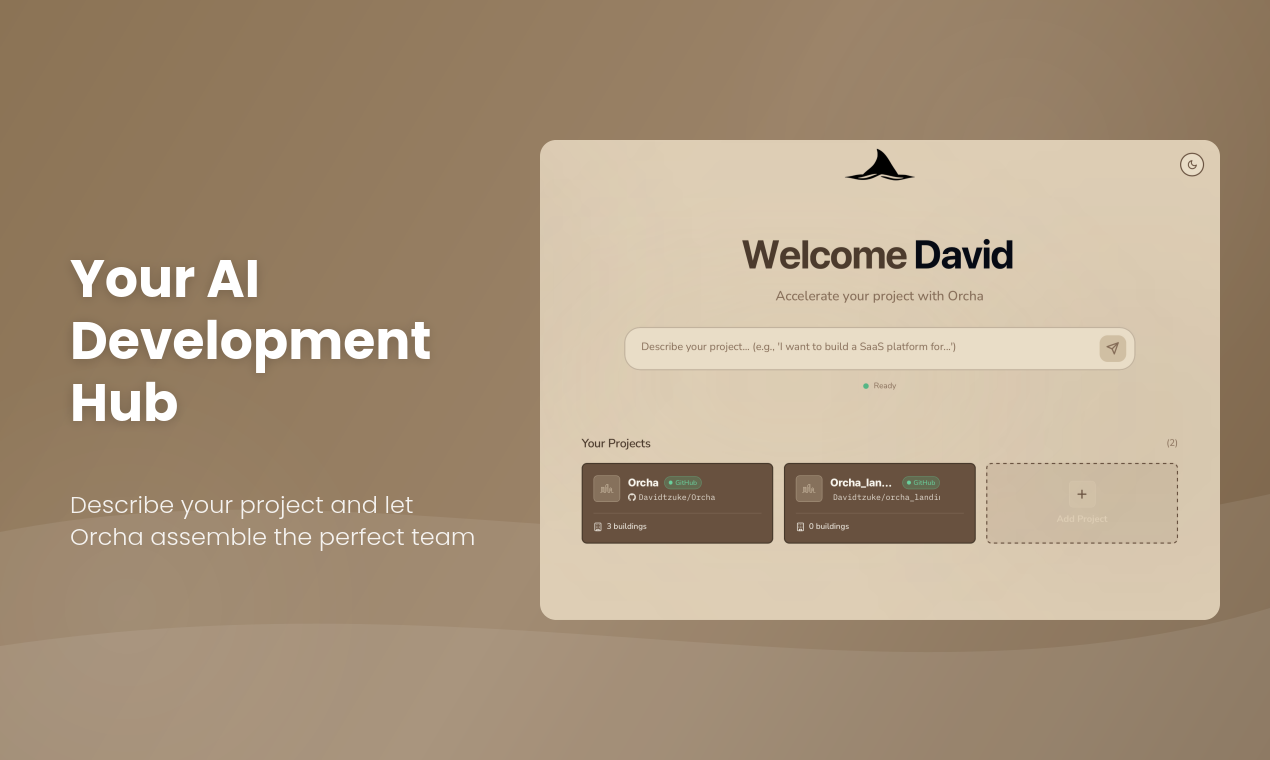
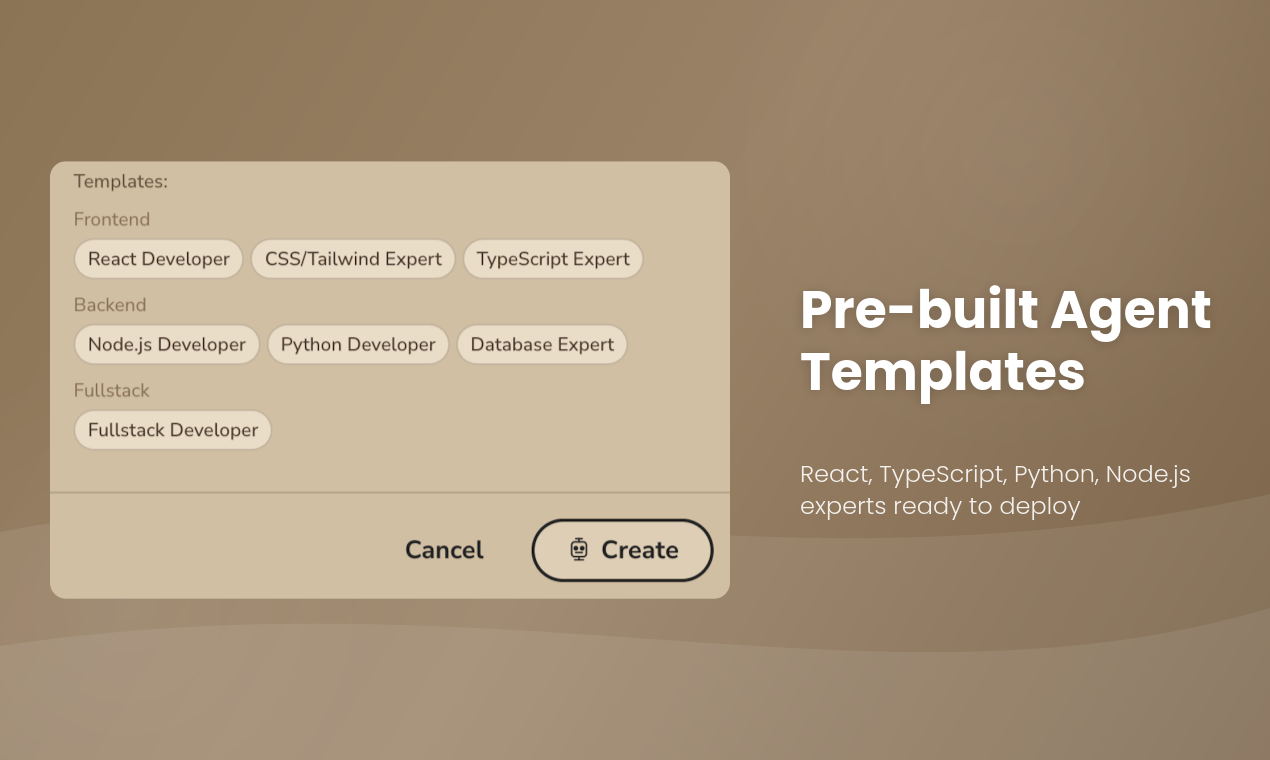
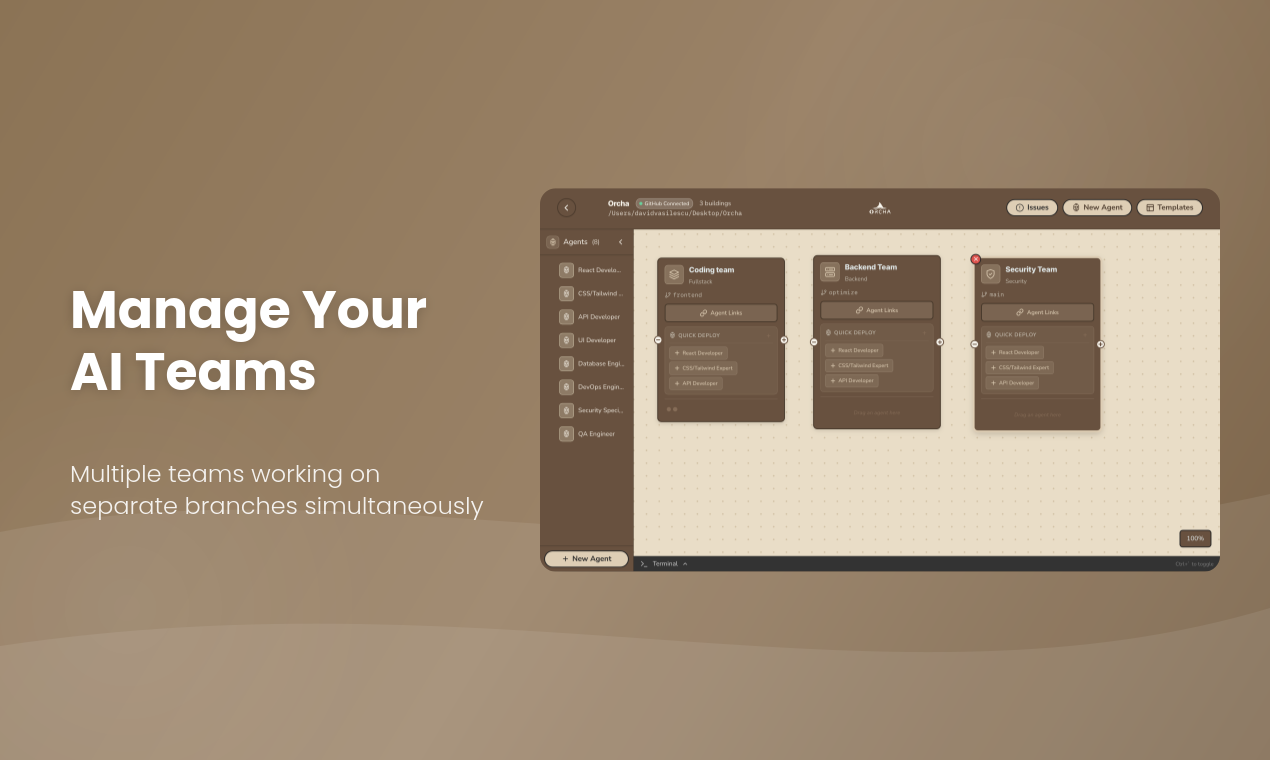
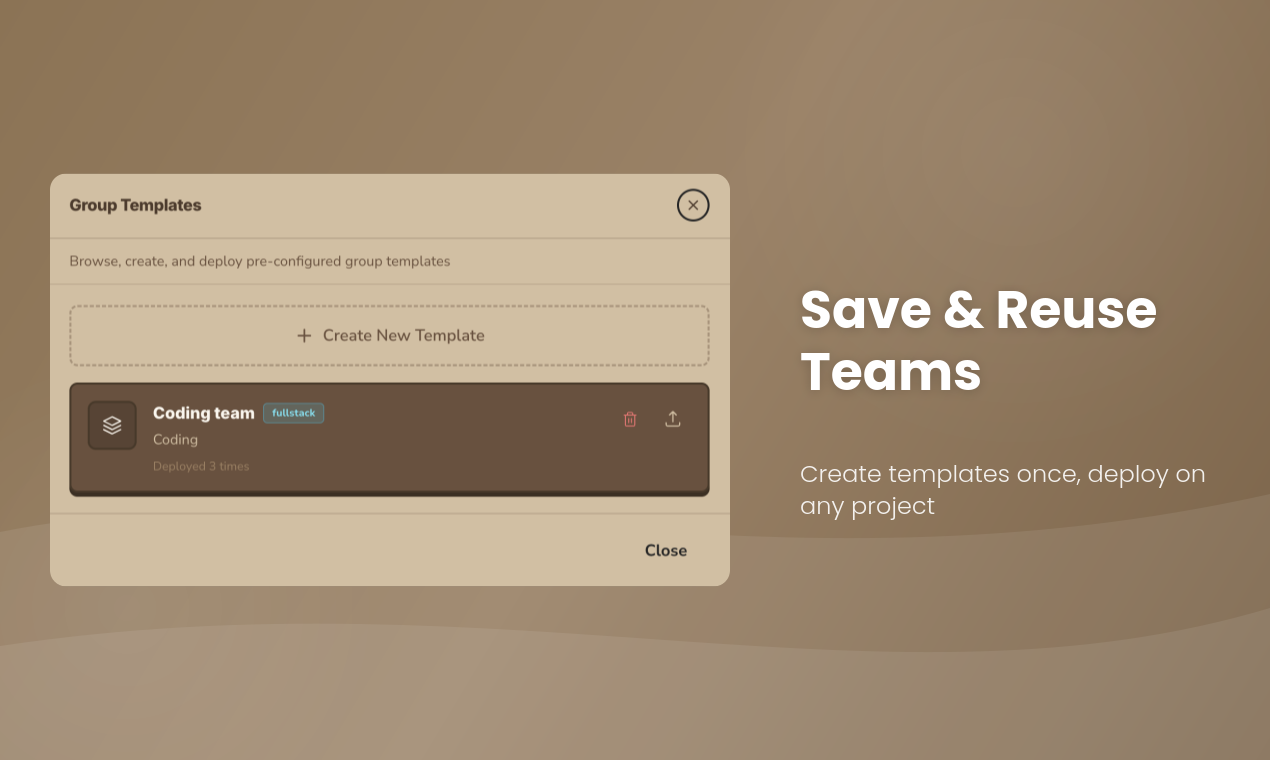
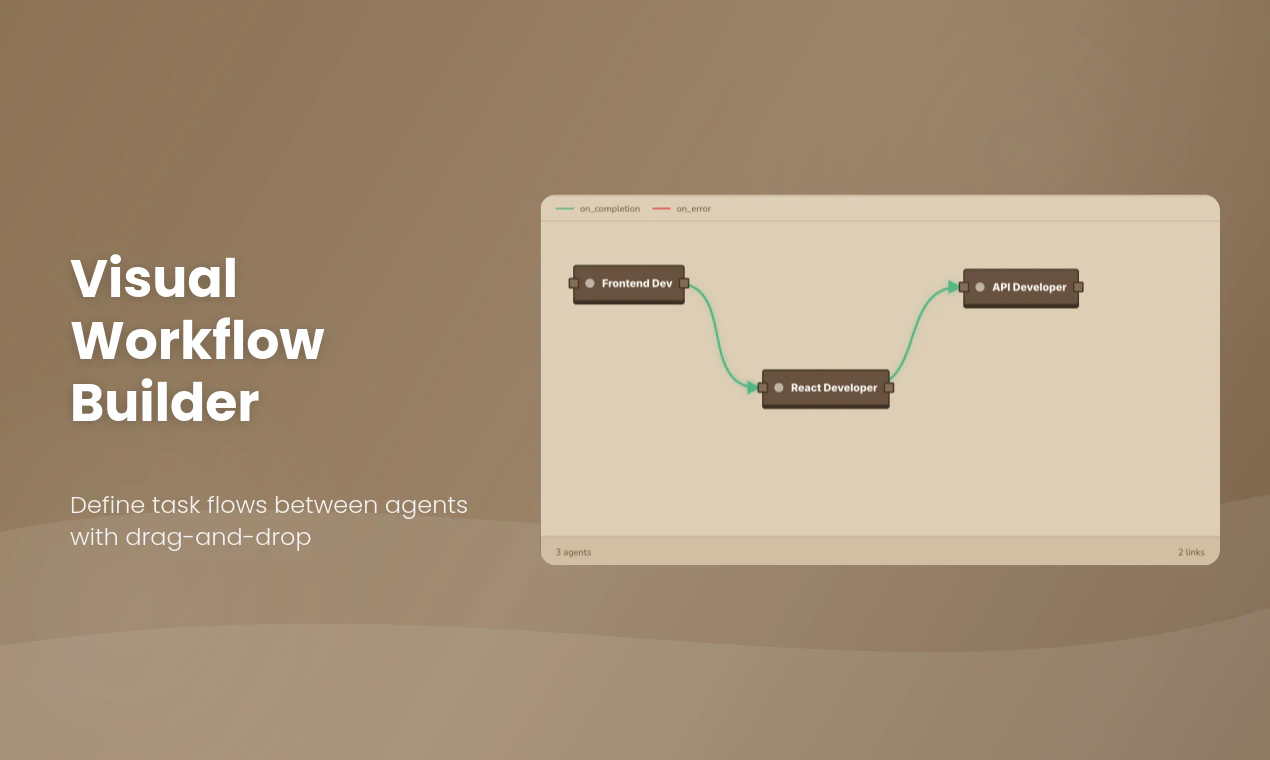
Orcha lets you build and orchestrate teams of specialized AI agents for software development. Visual workflow builder, pre-built agent templates, and a unified dashboard - all running 100% locally with your own API keys. Your code, your data, your control.

The multi agent setup actually makes sense here instead of juggling a bunch of AI chats, you can structure them like a real team. The shared memory + local-first approach is a big plus too.

this is definitely worth checking out. Excited to see how it evolves

1
回复

@mukthar_vortegix Thanks for your feedback!! Love to hear you like the idea.

0
回复
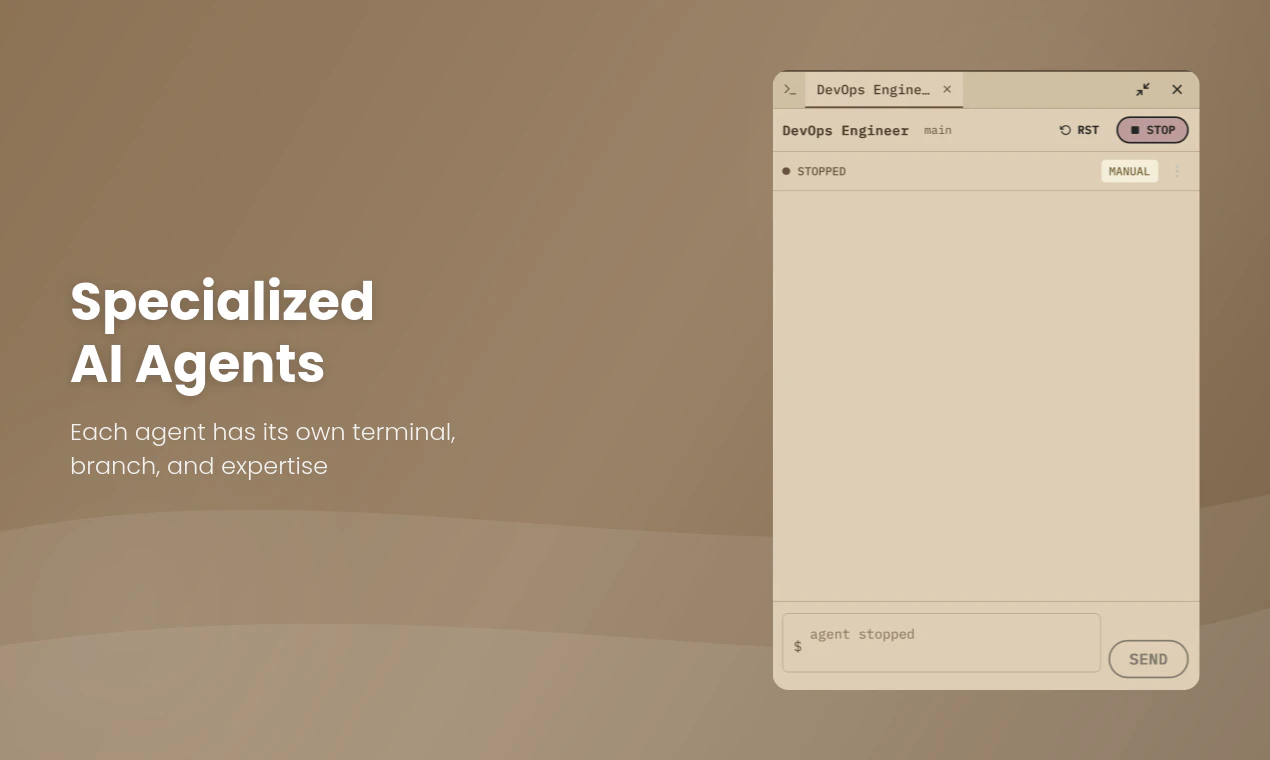
Hey Product Hunt! 👋 I'm David, and together with my co-founder Ciprian, we built Orcha because we had a problem. Picture this: 20 Claude Code terminals open. Tab after tab after tab. Constantly switching between them, copy-pasting context, trying to remember which agent was working on what, manually merging branches, losing track of everything. It hit us - if AI agents are supposed to make us more productive, why are we spending half our time just managing them? That's why we built Orcha. One dashboard. Multiple agents. Each on their own branch, each with their own specialty. You see everything at a glance, define how tasks flow between them, and let them work in parallel while you actually focus on building. No more terminal chaos. No more context-switching. Just orchestrated AI teamwork. We're in private beta and it's completely free to try. Would love your feedback - what agents would you add? What workflows would make your life easier? Let's kill the 20-tab problem together 🚀 — David & Ciprian
0
回复

2.5 min tutorial 👇

youtu.be/0MYN2RGIOP4

0
回复
#17
Trust SEO
Prove your SEO and expedite your organic growth
9
一句话介绍:TrustSEO通过直接连接Google Search Console,为初创公司和独立开发者提供公开、可验证的SEO数据展示平台,在融资、合作或产品发布等需要可信增长证明的场景下,解决了“SEO成果难以自证、增长故事缺乏数据背书”的痛点。
Growth Hacking SEO Growth Hacks
SEO验证工具 增长透明度 谷歌搜索数据分析 初创公司营销 可信度徽章 数据驱动协作 独立开发者工具 公开数据看板
用户评论摘要:目前仅有一条创始人介绍性评论,无外部用户反馈。创始人主动寻求对“公开SEO验证”这一概念的反馈,核心问题是:此功能是让人感到有用还是不适?以及如何激励用户公开分享SEO增长数据。
AI 锐评

TrustSEO的核心理念——用可验证数据取代“SEO剧场”——直指当前创业生态中的一个顽疾:增长叙事常与真实数据脱节。其真正价值并非在于技术层面接入Google Search Console(这本身并无壁垒),而在于试图建立一套基于公开、可审计数据的信任协议。

产品设计颇具野心,它不满足于仅做一款数据分析工具,而是以“验证徽章”为起点,旨在构建一个基于可信数据的协作网络(Member Mentions Network)。这实则是将SEO数据从私密的优化指标,转变为一种可流通的“社交资本”和“合作信用”。其商业模式想象空间在于,若能吸引足够多的优质初创公司入驻,平台可能演变为一个低噪音、高信任度的增长联盟或合作枢纽。

然而,其面临的根本性矛盾也在于此。创始人提出的问题“公开SEO验证是让人感到有用还是不适?”恰恰点明了关键阻力:对于多数公司,SEO数据(尤其是早期、不理想的数据)属于敏感商业信息。主动公开需要极大勇气,除非平台能提供足够强大的网络效应或回报(如优质合作机会、投资关注)。目前仅9票的冷清发布也侧面印证了市场最初的观望态度。

因此,TrustSEO的成功不取决于技术或产品设计,而取决于其能否精心运营起首批高质量、高活跃度的“数据公开者”,并真正让他们从“合作网络”中获得超额价值。这是一场高风险的社会化实验,成则可能重塑初创公司间的合作范式,败则可能只是一款无人愿意公开数据的数据看板工具。

查看原始信息
Trust SEO
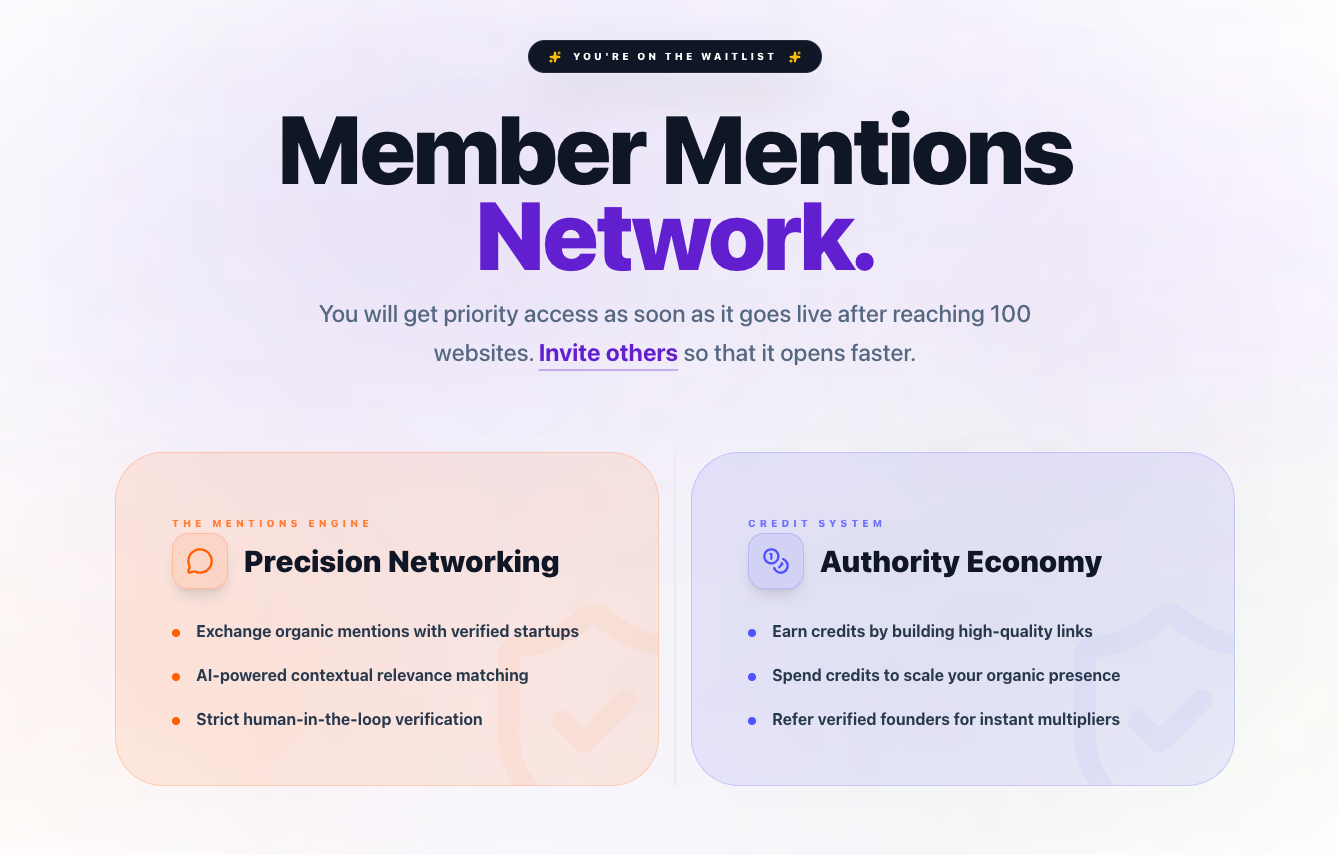
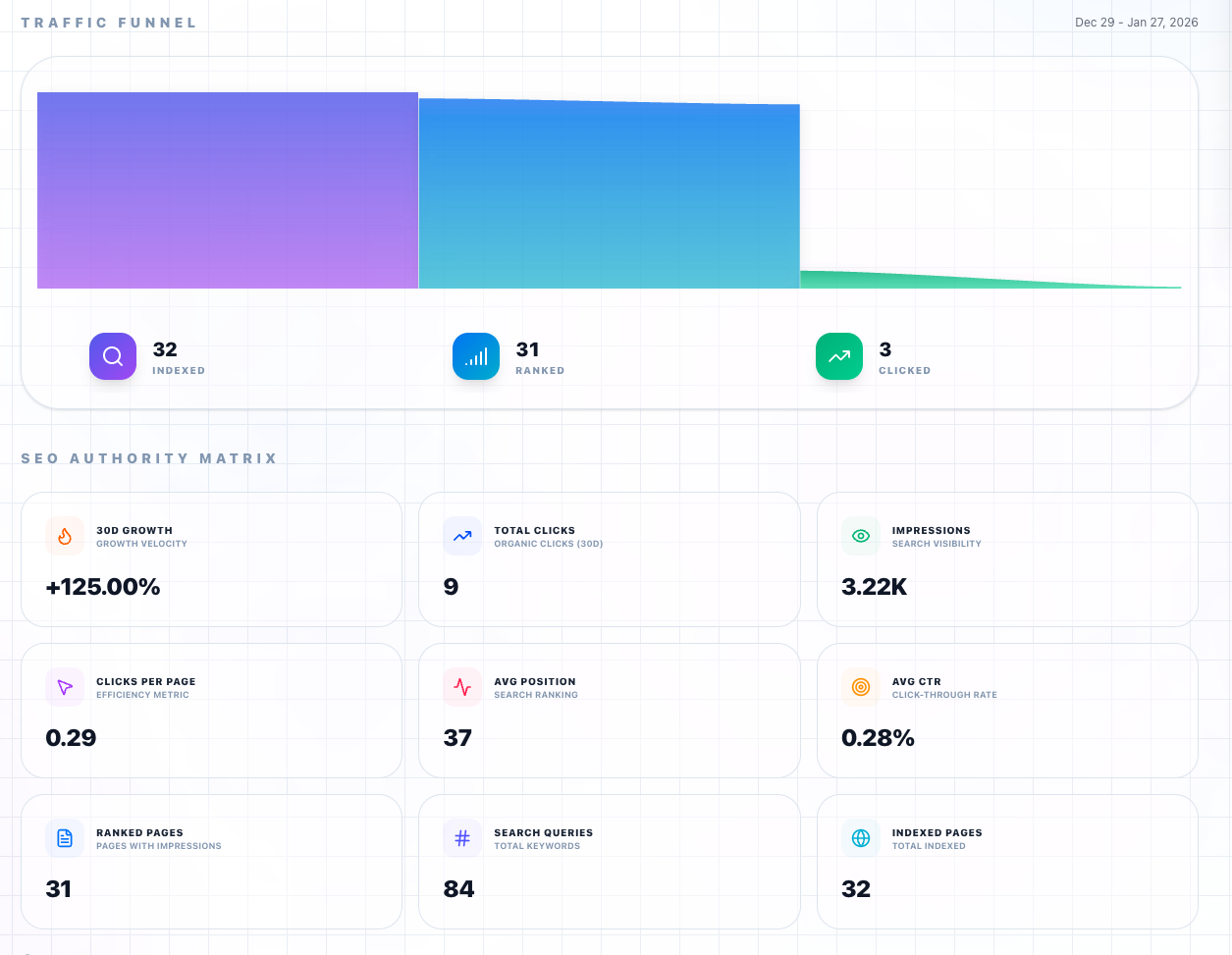
Discover top-performing websites ranked by verified SEO authority. Compare real Google Search Console metrics, growth rates, and proprietary TrustSEO scores. Earn a TrsutSEO Verified Badge and get early access to Member Mentions Network
Hey Product Hunt 👋 We built TrustSEO after seeing the same pattern again and again: Builders sharing screenshots, metrics, and “growth stories” but we couldn't verify what’s actually working. And we believe organic growth is early indicator. Much before builders build muscle for MRRs and ARRs. Organic growth is slow, compounding, and mostly invisible! So we asked a simple question: What if startups could prove SEO growth publicly, using real data, without turning it into SEO theatre? TrustSEO connects directly to Google Search Console, creates a public verified profile, and shows where your startup actually stands globally as well as amongst your categories ( We will add more categories!). The score calculation is transparent and publicly verifiable From there, we’re slowly unlocking a verified startup mentions network, designed to enable growth focused collaboration without spam, blind swaps, or pay-to-play dynamics. Everything unlocks progressively as 100 and more startups verify. We would really want solopreneuers and indihackers to show up here This launch is intentionally early and opinionated. I’d love feedback on: - Does public SEO verification feel useful or uncomfortable? - What would make you want to share your SEO growth publicly? We’re experimenting with how public verification can complement launches. Happy to answer questions, debate ideas, or learn what we got wrong
1
回复
#18
MyThumb
Turn any YouTube video into high-CTR thumbnails in seconds
9
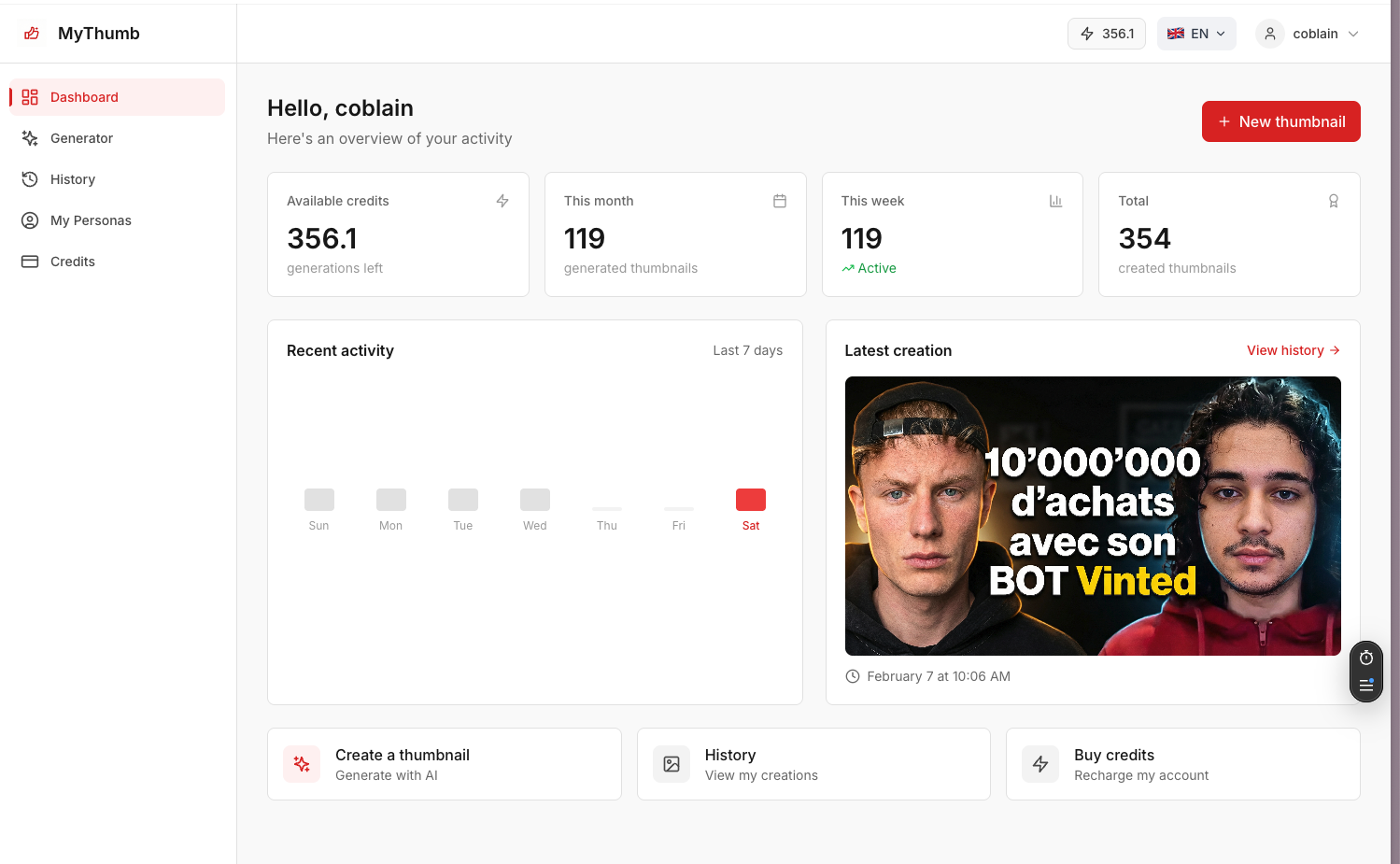
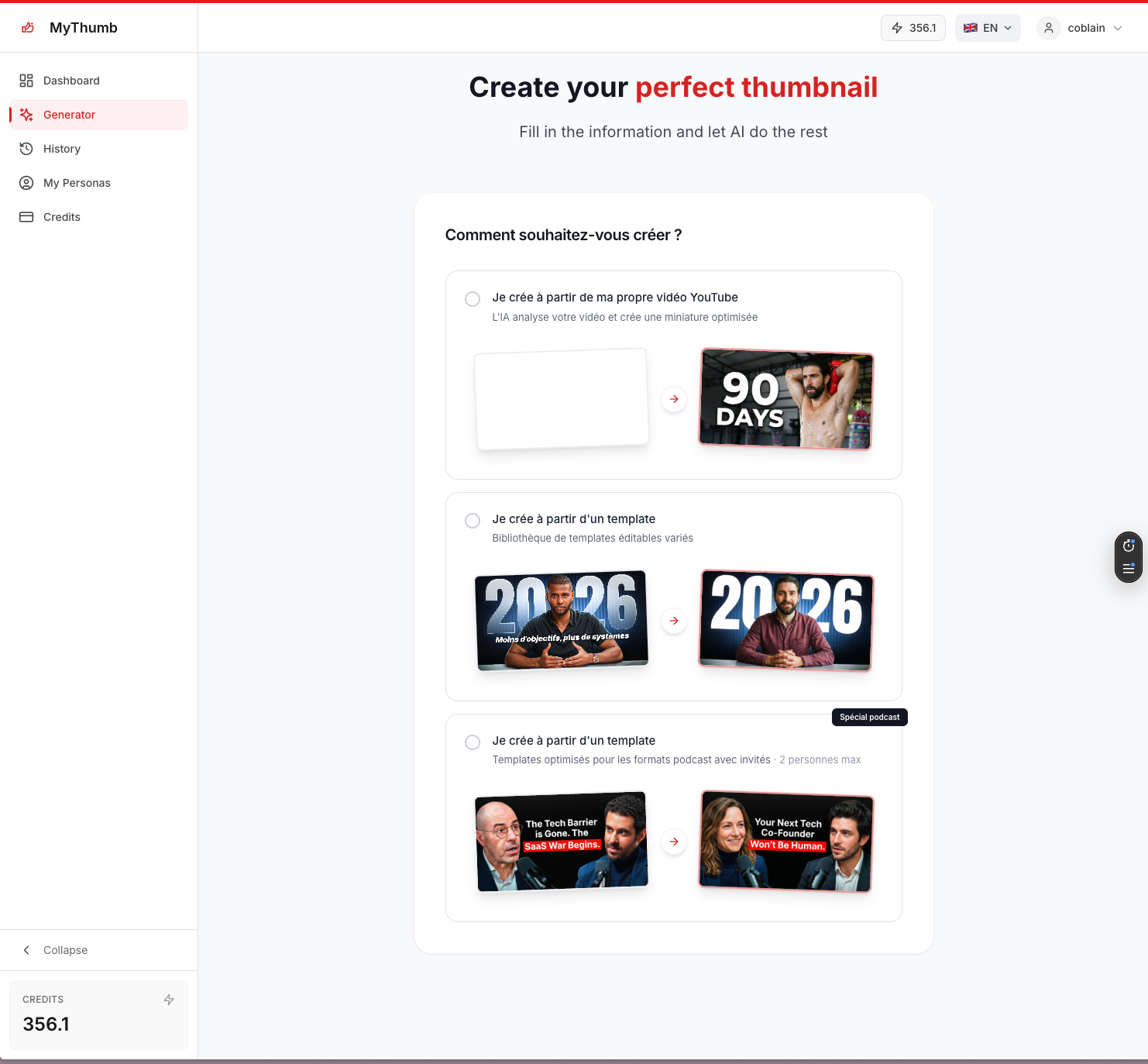
一句话介绍:MyThumb是一款AI驱动的缩略图生成工具,通过分析YouTube视频内容,在2分钟内以低于1欧元的成本自动生成高点击率封面图,解决了创作者在缩略图设计上耗时耗资却效果不佳的核心痛点。
Social Media Artificial Intelligence
AI图像生成 YouTube创作者工具 视频营销 效率工具 内容优化 成本控制 自动化设计 SaaS 生产力工具 A/B测试
用户评论摘要:有效评论来自创始人,以亲身经历点明痛点:自制缩略图效果差,外包成本高昂。产品是其自身需求的解决方案。评论本质是产品故事和促销,未提供外部用户的使用反馈或改进建议。
AI 锐评

MyThumb瞄准了一个真实且狭窄的痛点——YouTube缩略图制作的“性价比陷阱”,其真正价值不在于AI技术的颠覆性,而在于对创作者工作流中一个高频、高成本环节的“工业化”改造。

产品逻辑清晰:将“创意设计”降维成“标准化输入-批量输出”的流水线。用AI分析视频内容替代人工审片,用模板化生成替代从零设计,其核心卖点“2分钟、1欧元”本质是向中小创作者兜售一种“可负担的专业感”。这切中了中长尾创作者的核心焦虑:在内容质量与包装成本之间寻找平衡点。

然而,其深层挑战也在于此。首先,缩略图的成功极度依赖对平台算法和用户心理的精准把握,这需要动态的、数据驱动的迭代能力,而非静态的模板生成。产品能否建立“生成-测试-优化”的闭环,将是其从“有用工具”升级为“增长引擎”的关键。其次,当大量创作者使用同质化工具时,可能导致缩略图风格趋同,反而削弱了“高点击率”的承诺,陷入“内卷”陷阱。

创始人“自挠其痒”的故事虽具说服力,但也暴露了产品仍处于“自我验证”阶段。Product Hunt上缺乏早期外部用户的真实反馈,使得我们无法判断其AI的审美与效果是否具备普适性。其商业模式看似是薄利多销的SaaS,但长期来看,必须证明其生成的缩略图能持续带来高于平均水平的CTR提升,否则将仅仅是一个廉价的替代方案,而非必需的投资。

总而言之,MyThumb是一个精准的利基市场产品,它用效率与成本优势打开了入口,但其长期价值取决于能否从“缩略图生成器”进化为“效果增长顾问”,这需要更深度的数据洞察与个性化能力。在AI设计工具泛滥的今天,仅做到“快和便宜”可能很快会触及天花板。

查看原始信息
MyThumb
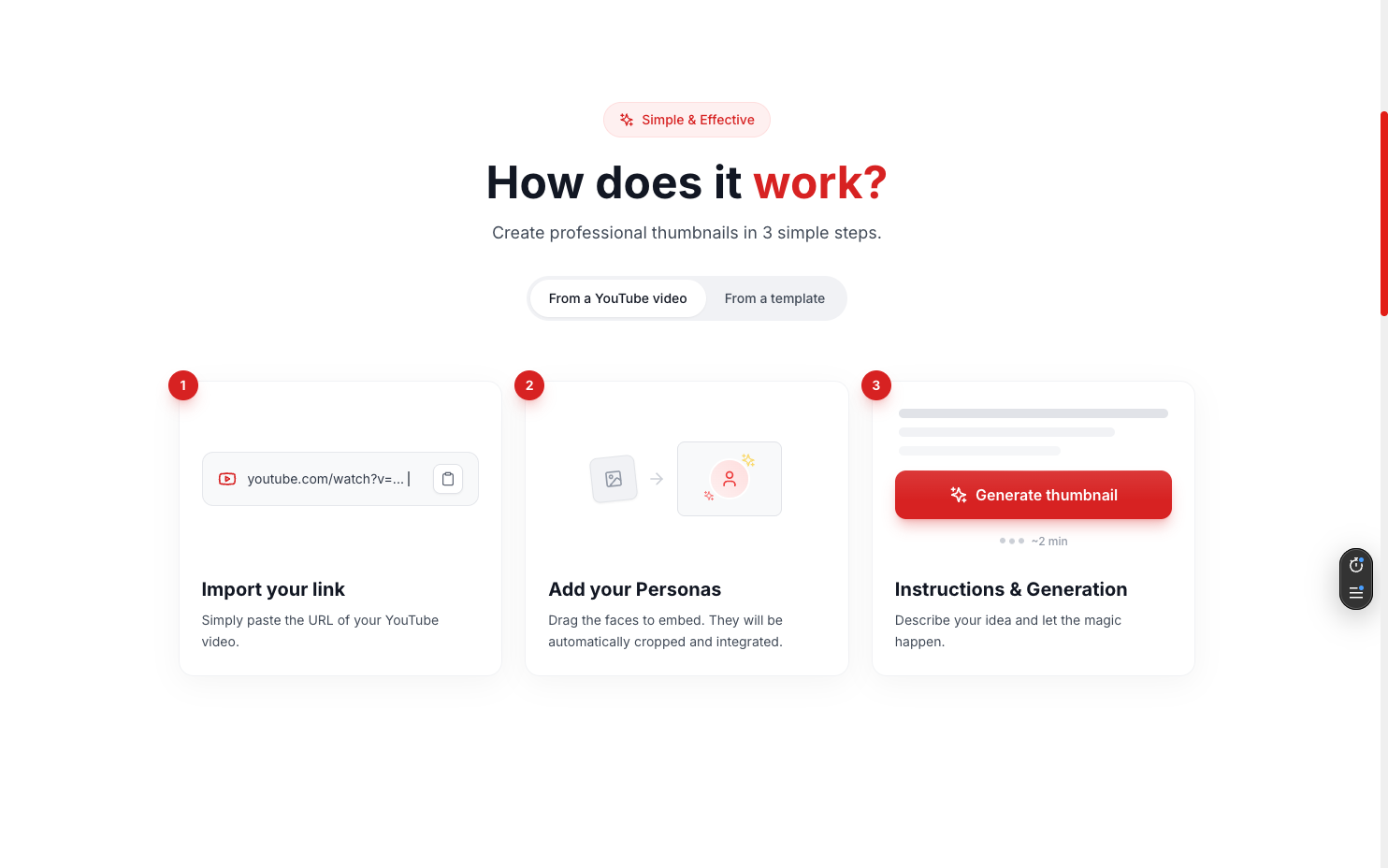
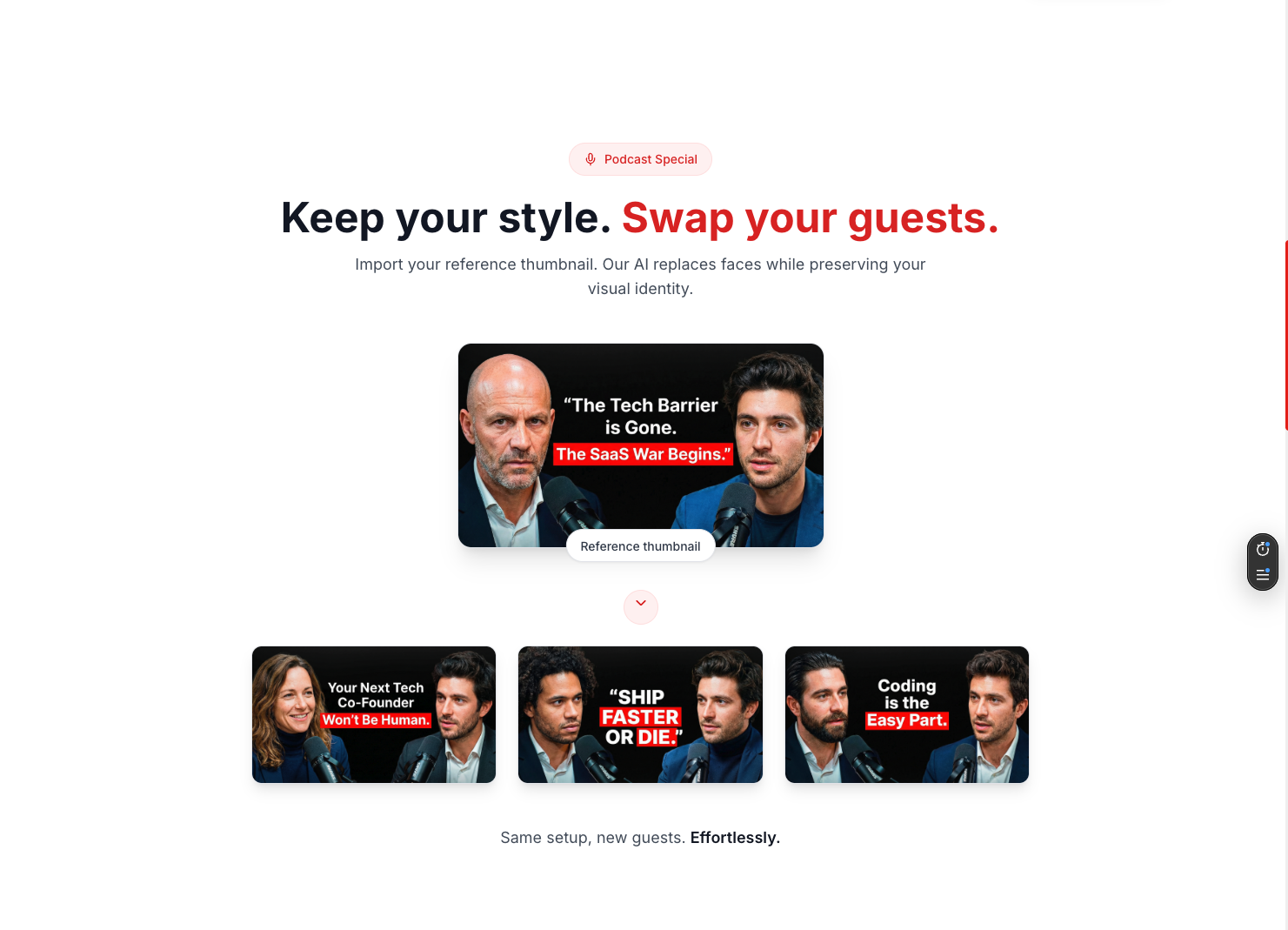
Stop spending hours on YouTube thumbnails that don't convert. MyThumb is an AI-powered thumbnail studio that turns any YouTube video into scroll-stopping, high-CTR visuals in under 2 minutes, for less than €1 each. Just paste your link, describe your vision and let our AI analyze your content, and get pro-ready thumbnails instantly. 3 free thumbnails on signup.
Quick story. I finished my first YouTube video, super proud, then I spent 1 hour on Canva making a thumbnail that nobody clicked. Second video, I hired an agency. €50 for one thumbnail. I post 3 times a week. Do the math... Third video? I built my own tool. That became MyThumb, and I use it every day. AI thumbnails, under 2 min, less than €1. That's it. Launch special: 20% off all plans + 3 free thumbnails to try it out. Would love your honest feedback!
4
回复
#19
Indie Panel
One dashboard for all your indie projects
8
一句话介绍:Indie Panel为独立开发者提供了一个统一的数据看板,通过连接多个项目的PostgreSQL数据库,解决了他们在追踪用户增长、付费转化等核心指标时需要反复切换、重复搭建监控工具的痛点。
Productivity SaaS Developer Tools
独立开发者工具 数据看板 项目监控 PostgreSQL 用户分析 SaaS 增长指标 数据库管理 实时统计 数据可视化
用户评论摘要:创始人Sean阐述了产品解决其自身作为独立开发者监控多项目数据的痛点。主要有效反馈来自一位用户,表达了强烈的即时使用需求和认可,但尚未提出具体功能建议或问题。
AI 锐评

Indie Panel瞄准了一个精准但狭窄的缝隙市场:多项目并行的独立开发者或微型团队。其核心价值并非技术上的突破(连接标准Postgres、基础图表),而在于对特定用户群体“认知负荷”与“操作碎片化”痛点的整合。它将开发者从重复编写临时查询、拼凑零散图表的“手工劳动”中解放出来,本质是提供了一种标准化的、跨项目的“数据仪表盘即服务”。

然而,其面临的挑战同样尖锐。首先,目标用户群体(拥有多个活跃项目且每个项目都有值得监控的数据的独立开发者)规模有限,且付费意愿敏感。9美元的定价看似低廉,但考虑到目标用户可能同时订阅众多其他SaaS工具,这是一笔需要权衡的开销。其次,产品功能目前停留在“只读”看板层面,护城河较浅。一旦Supabase、Vercel等平台或其现有监控工具(如Plausible, Posthog)稍作功能延伸或捆绑提供类似视图,其独立价值便易被侵蚀。最后,评论区的冷清(仅有一条用户反馈)虽是新品常态,但也侧面印证了市场触及与共鸣的初期挑战。

产品的真正机会点在于能否从“数据展示层”深入“分析与决策层”。例如,提供跨项目的对比分析、自动化异常警报、或与常见独立开发者技术栈(如Stripe, Lemon Squeezy)深度集成,形成更智能的业务洞察,而不仅仅是历史数据的陈列馆。否则,它很可能只是一个精美的“可有可无”的便利工具,而非不可或缺的核心组件。创始人Sean的实践出身是宝贵资产,但下一步必须快速验证需求广度,并构建难以被简单复制的深度价值。

查看原始信息
Indie Panel
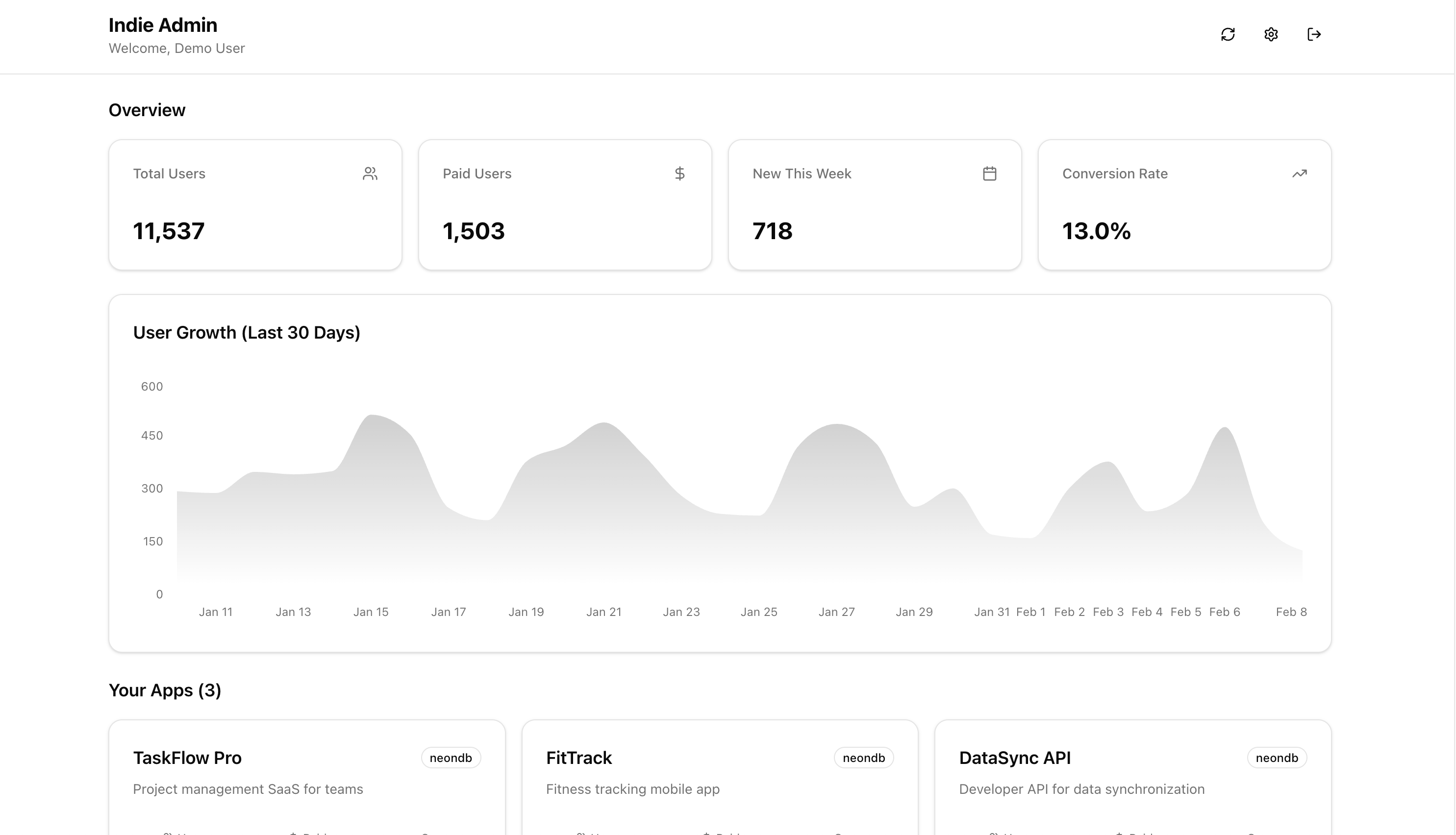
Connect your Neon, Supabase, or PostgreSQL databases and track user metrics across all your indie projects from one dashboard. Real-time stats, daily snapshots, growth charts, and AES-256 encrypted connections.

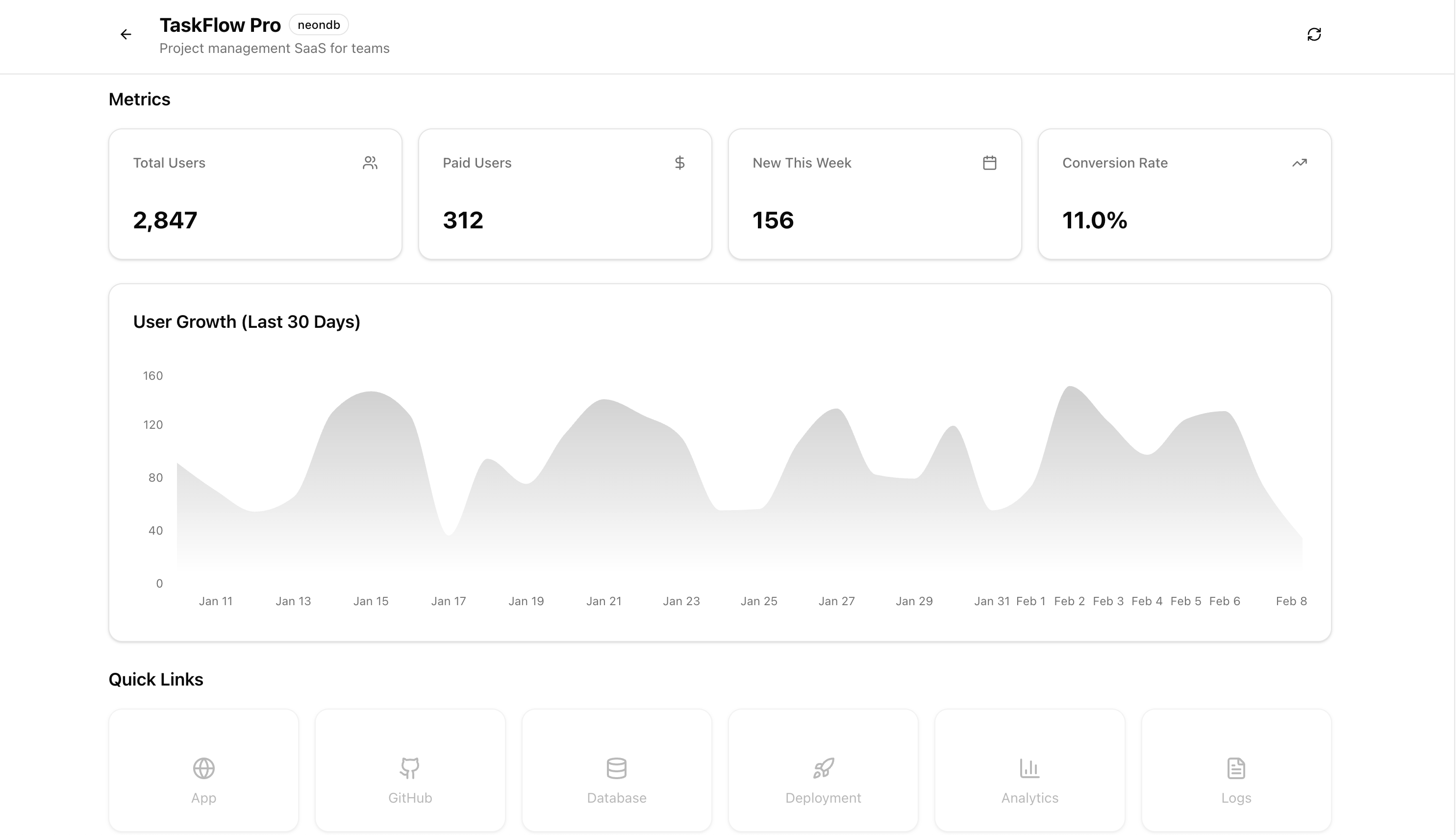
Hey Product Hunt! I'm Sean, and I built Indie Panel to solve a problem I kept running into as a solo developer shipping multiple projects.

Every time I launched a new app, I'd end up writing throwaway admin queries or building one-off dashboards just to answer basic questions: How many users do I have? How many are paying? Is this thing growing?

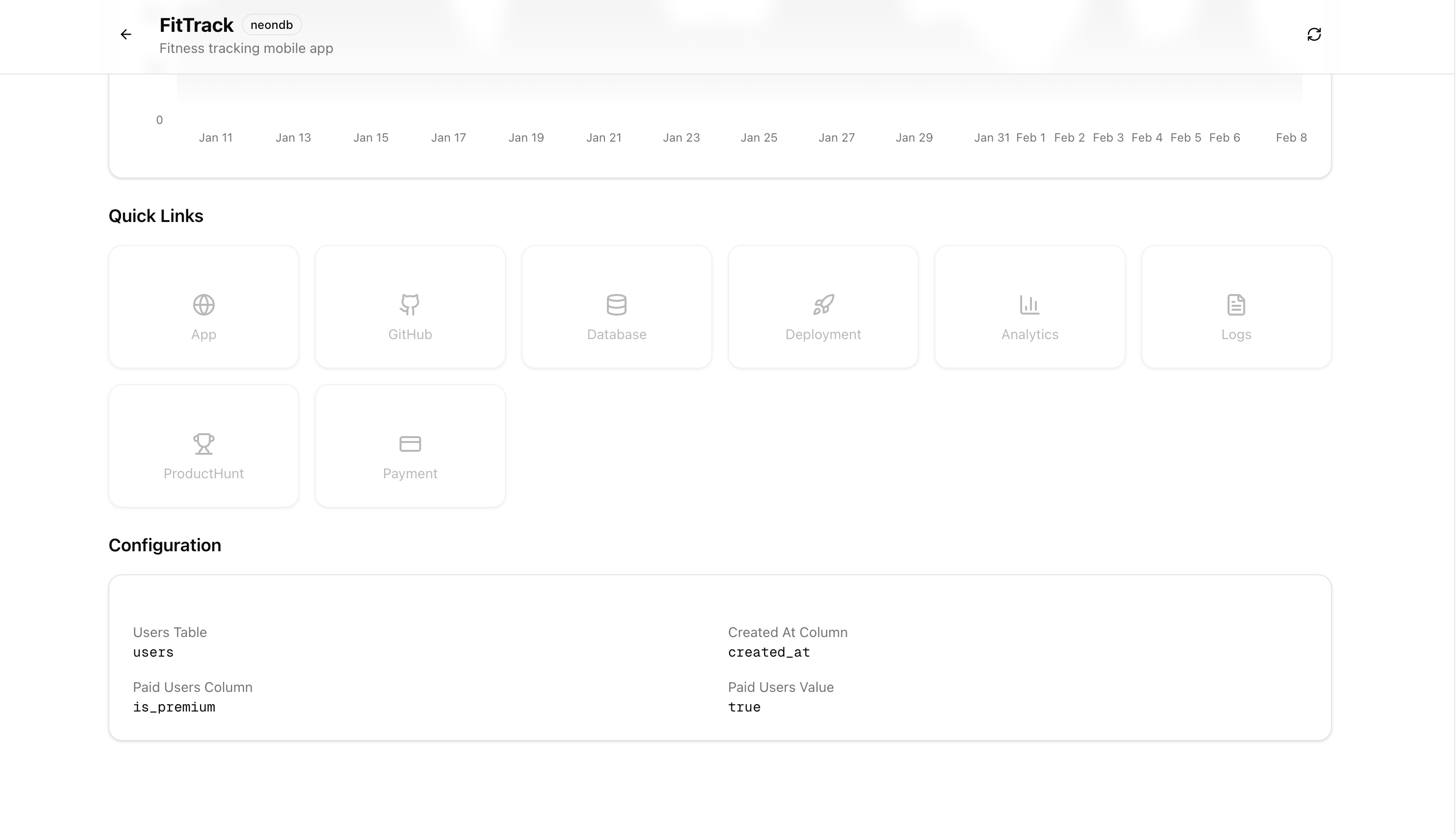
Indie Panel fixes that. You connect your PostgreSQL databases (works with Neon, Supabase, or any standard Postgres) and immediately get a clean dashboard with:

- Total users and paid user counts

- Growth trends and daily snapshots

- Charts that track your metrics over time

- AES-256 encrypted database connections

It's one dashboard for all your projects, so you can stop context-switching between databases and focus on building.

Pricing is simple: $9/mo or $99/yr, everything included, no tiers.

To celebrate the launch, get 30% off any plan by using the code below at checkout!

PRODUCTHUNT30

I'd love to hear your feedback!

What metrics do you wish you had better visibility into across your projects? Happy to answer any questions!

0
回复

I would actually use this and i need it right now, great idea!

Would join in the following days!

0
回复

@totalsecurityfan Thank you!

0
回复
#20
RexIDE
Next gen IDE command center for your AI agents
8
一句话介绍:RexIDE是一款集成AI编程助手、终端、仓库管理和代码审查的下一代IDE指挥中心,旨在解决开发者在多项目、多工具切换时上下文断裂和效率低下的痛点。
Developer Tools Artificial Intelligence Vibe coding
AI集成开发环境 多项目管理 代码审查自动化 终端集成 语音输入 开发效率工具 智能编程助手 开发者工作流 上下文保持 持续交付
用户评论摘要:开发者自述为解决多仓库、多终端和未完成审查同时处理的混乱而创建此工具,目标是实现无需切换工具的工作流。目前仅有一条创始团队评论,尚无外部用户反馈,本质为产品自述而非真实用户验证。
AI 锐评

RexIDE描绘了一个诱人的愿景:一个能聚合AI编程代理(如Claude、Codex)、终端、代码仓库和审查流程的“指挥中心”。其核心价值主张直击现代开发者工作流的顽疾——上下文切换成本。然而,当前8个投票和零外部真实评论的数据,暴露了其最大的短板:尚未经过市场验证。

产品介绍中“built using RexIDE”的表述,试图强化“自举开发”的技术可信度,但这更像是一个面向极客的营销话术,而非对普通开发者有说服力的价值证明。其功能列表看似全面(语音输入、自动Diff洞察等),实则堆砌了当前诸多独立工具(如GitHub Copilot、Warp Terminal、VS Code插件生态)已能分别实现的能力。真正的挑战在于,它能否将这些功能无缝、稳定地深度整合,创造出“1+1>2”的体验,而非成为一个笨重、卡顿的“功能缝合怪”。

关键在于“连续性”和“上下文保持”的承诺。如果它能真正理解开发者跨项目的思维流,让AI助手在不同任务间持续记忆和学习,那将是革命性的。但目前信息显示,它可能仍停留在“窗口聚合”的层面。此外,对团队协作、安全策略、企业级集成等关键生产环境要素只字未提。

结论是,这是一个概念先行的产品,其理念领先于可验证的实现。它瞄准了正确的痛点,但需要证明其整合不是简单的界面拼凑,而是底层数据流与AI智能的深度融合。在赢得早期采用者之前,它首先需要回答:为何开发者要离开已经高度定制化的现有IDE生态,而将一切赌在一个全新的、未经考验的“中心”上?
查看原始信息
RexIDE
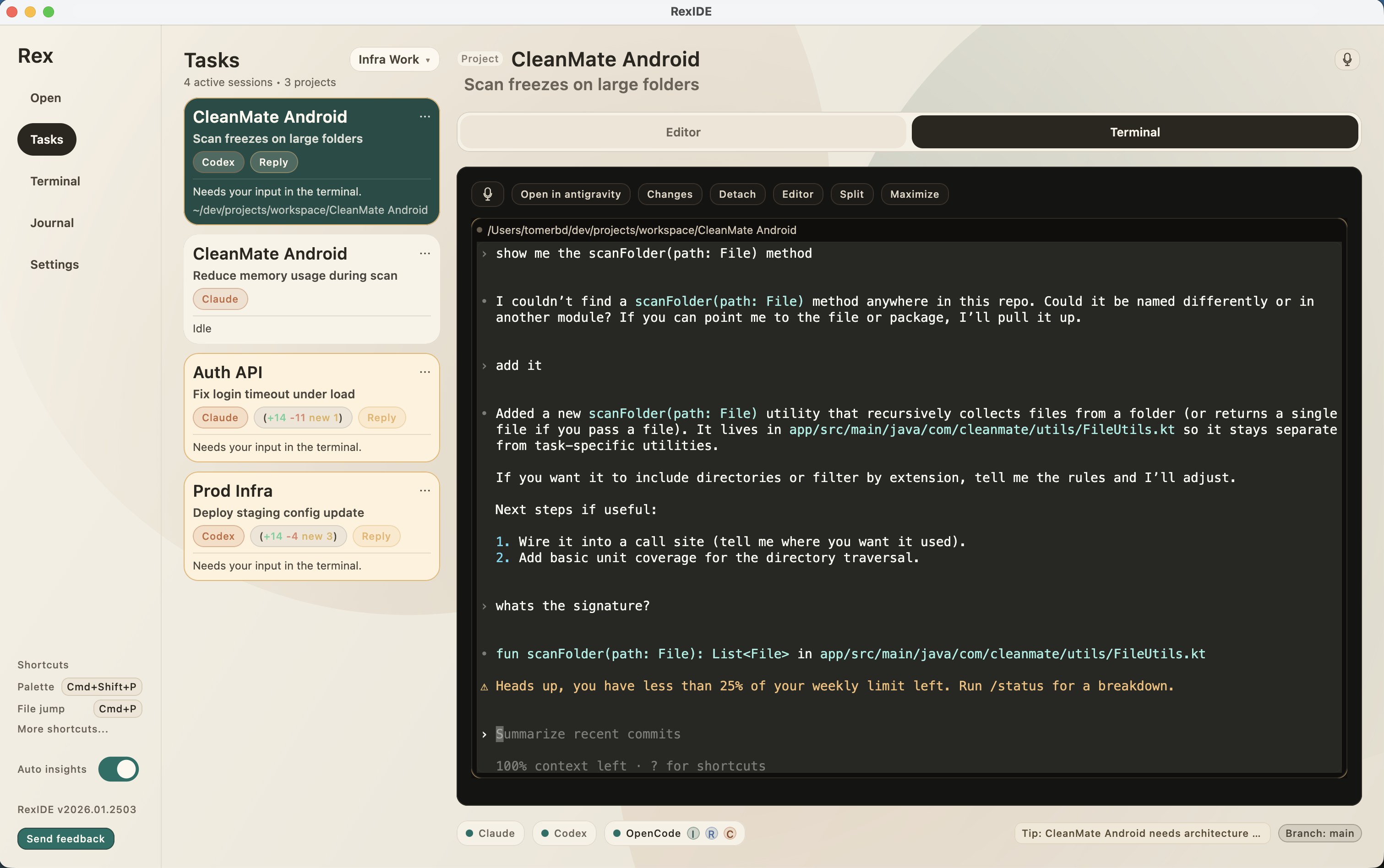
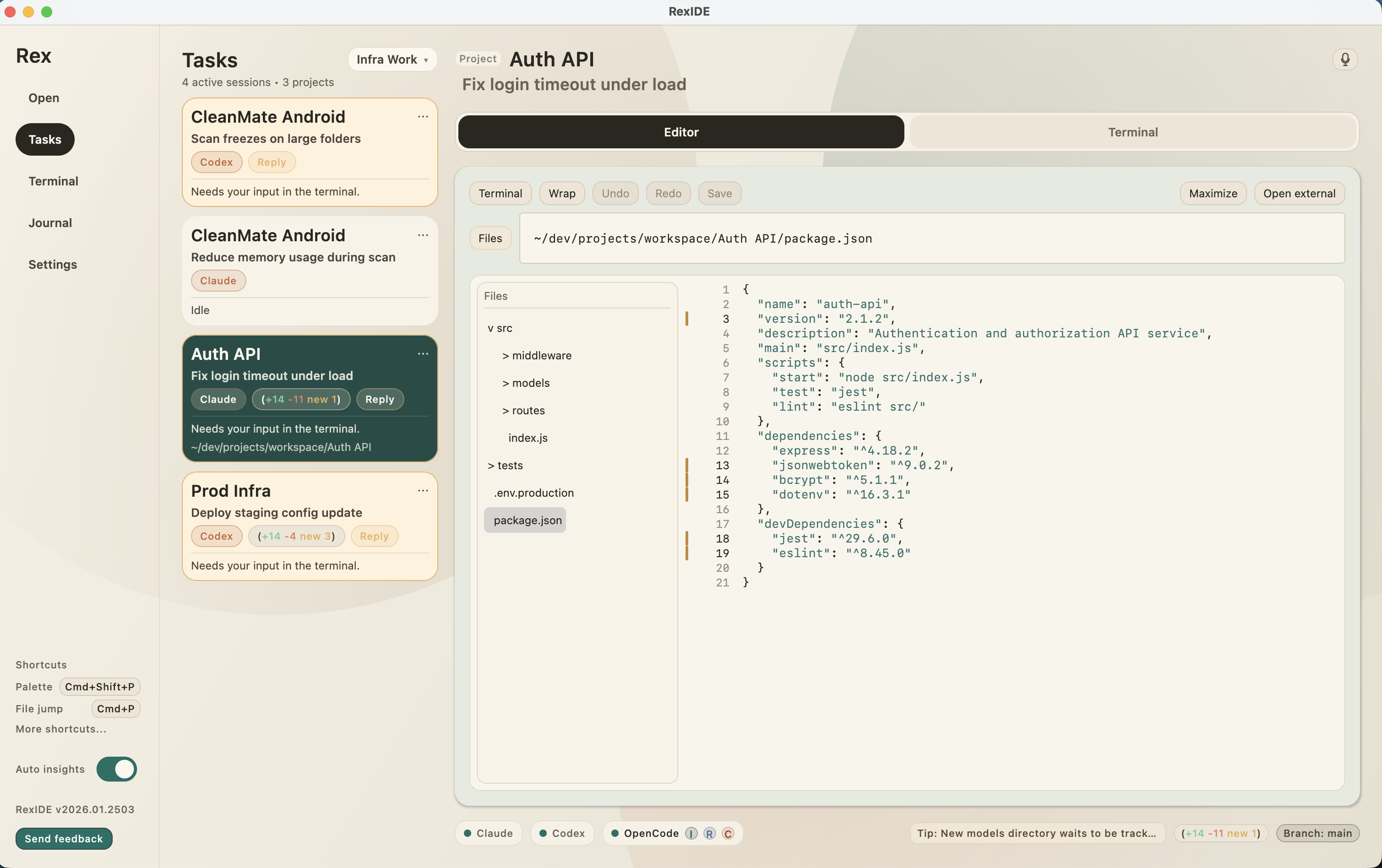
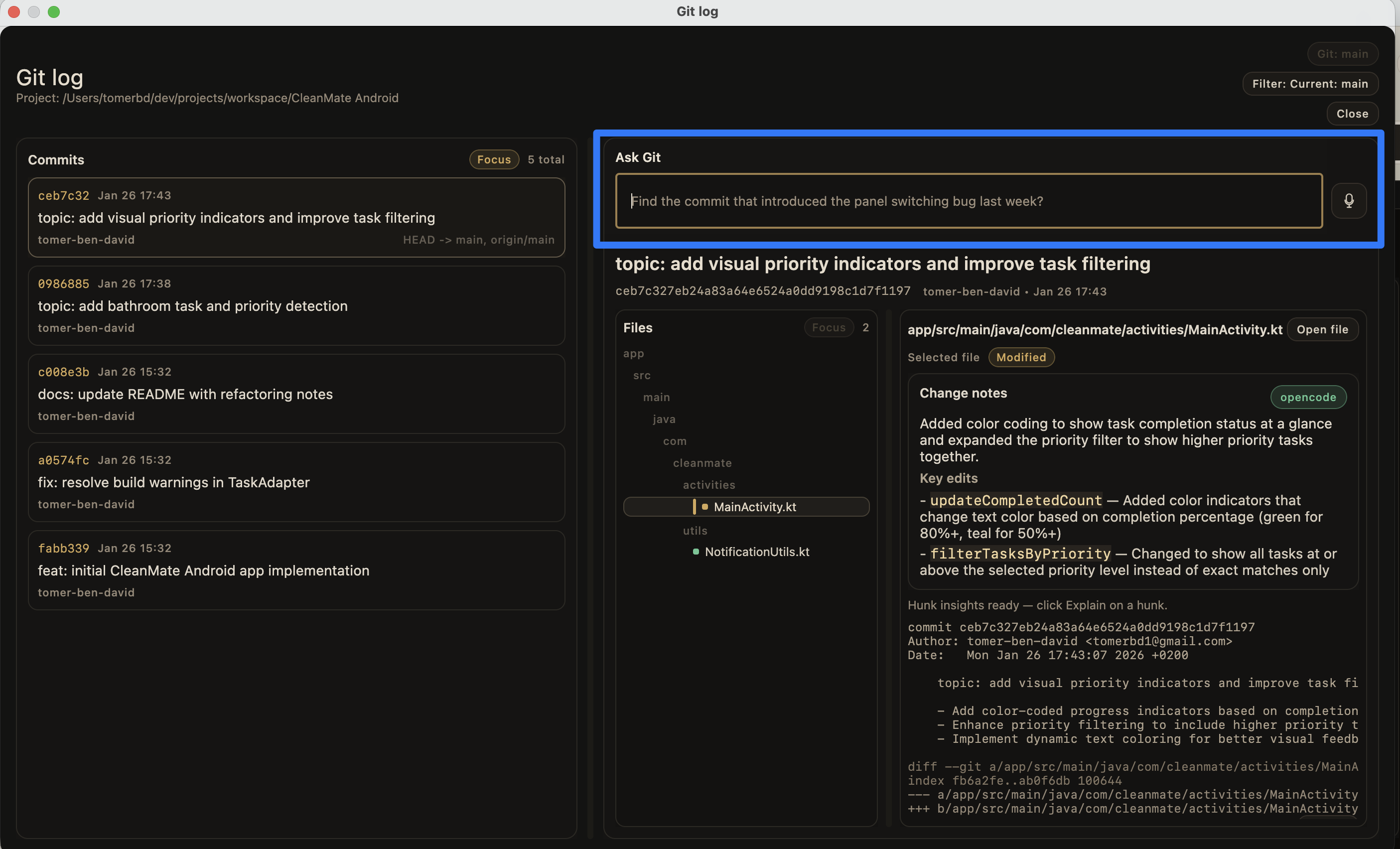
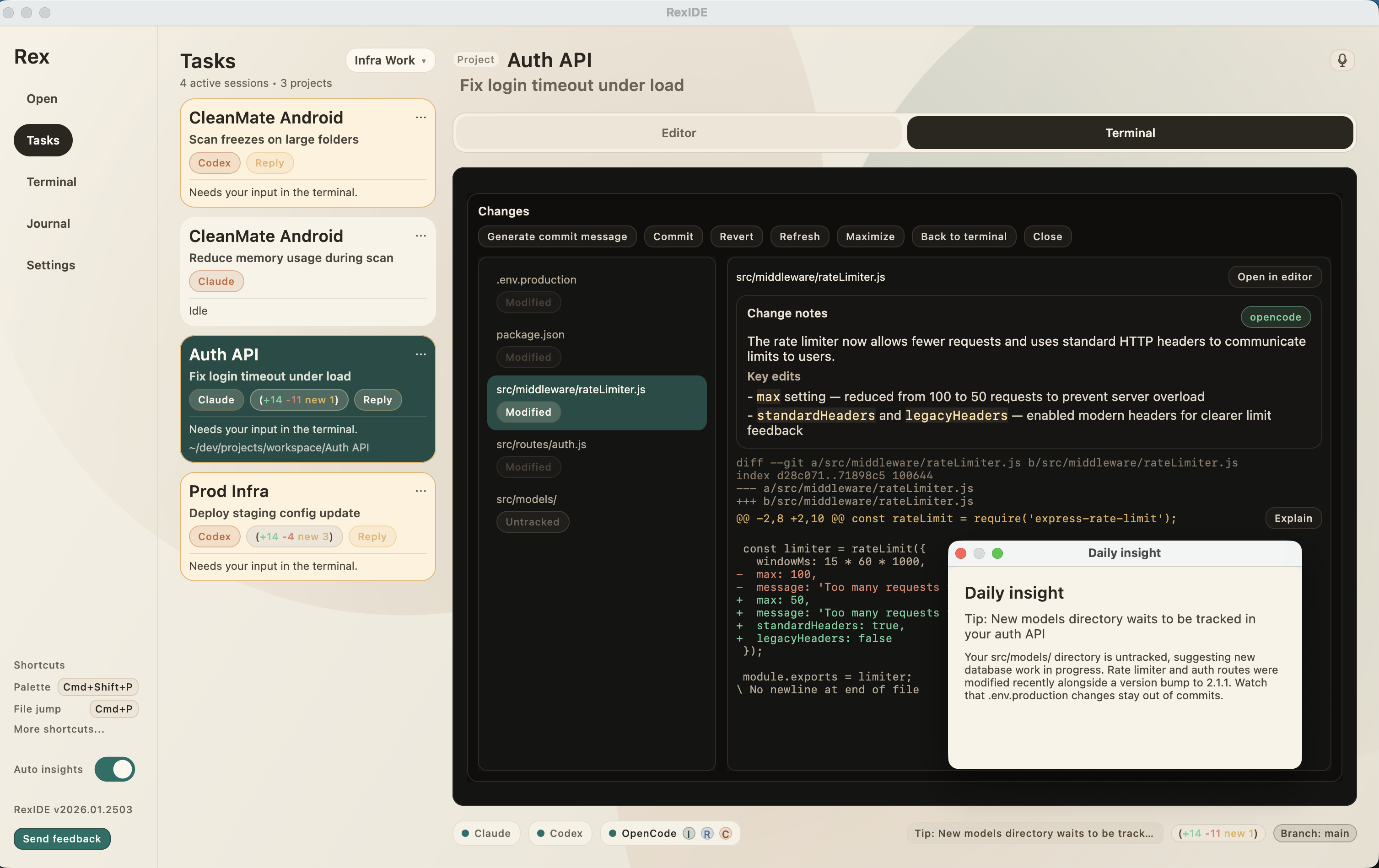
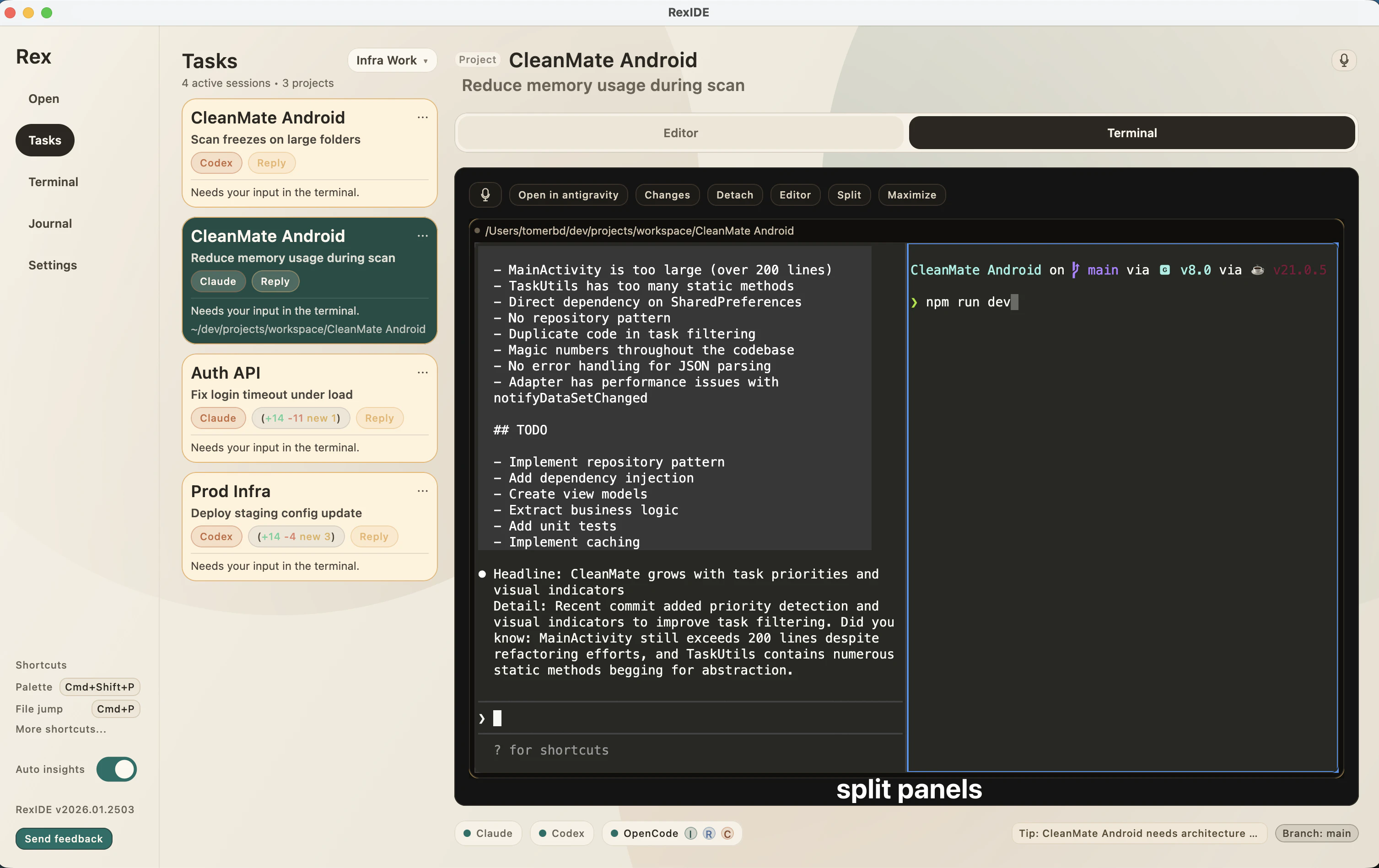
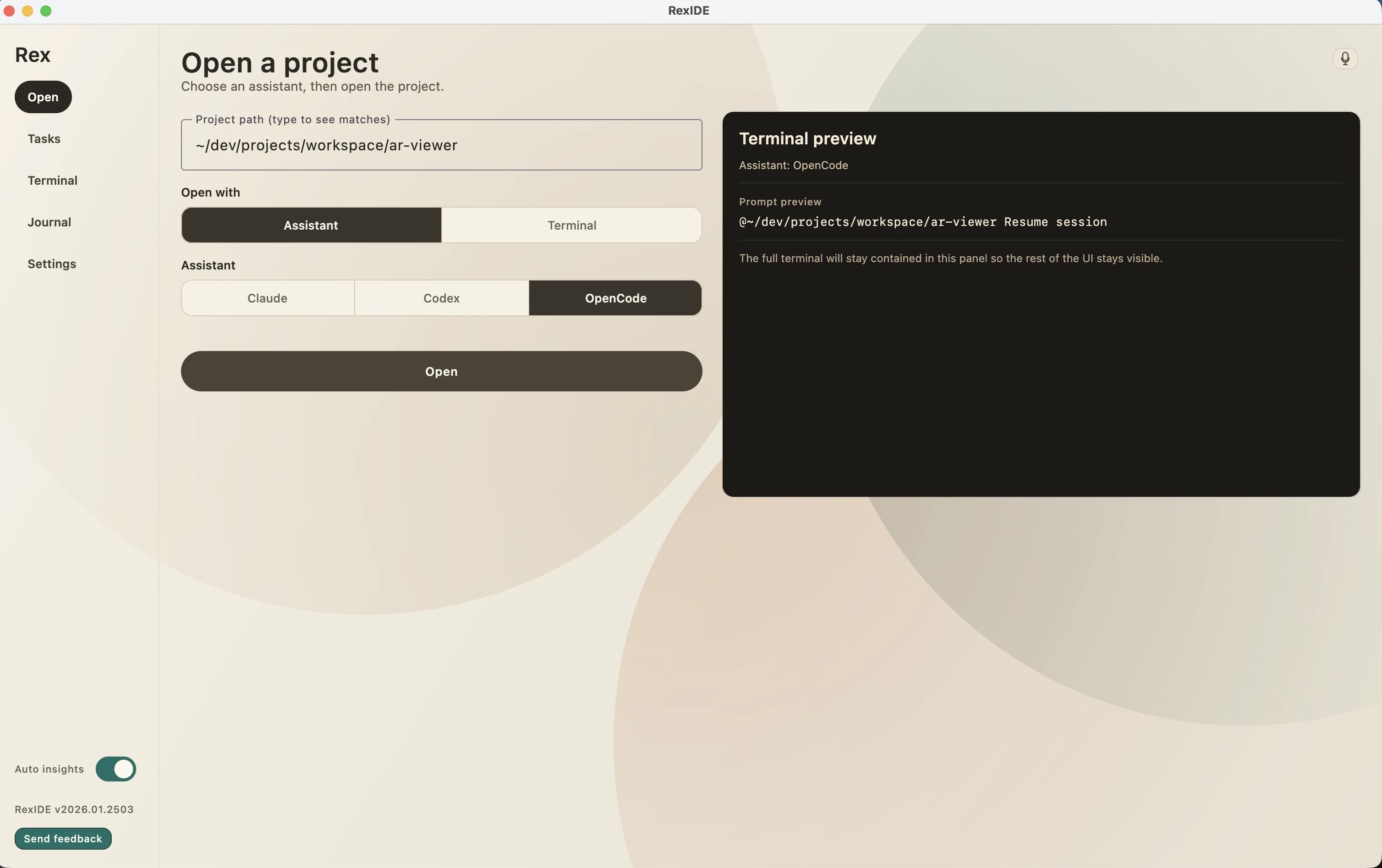
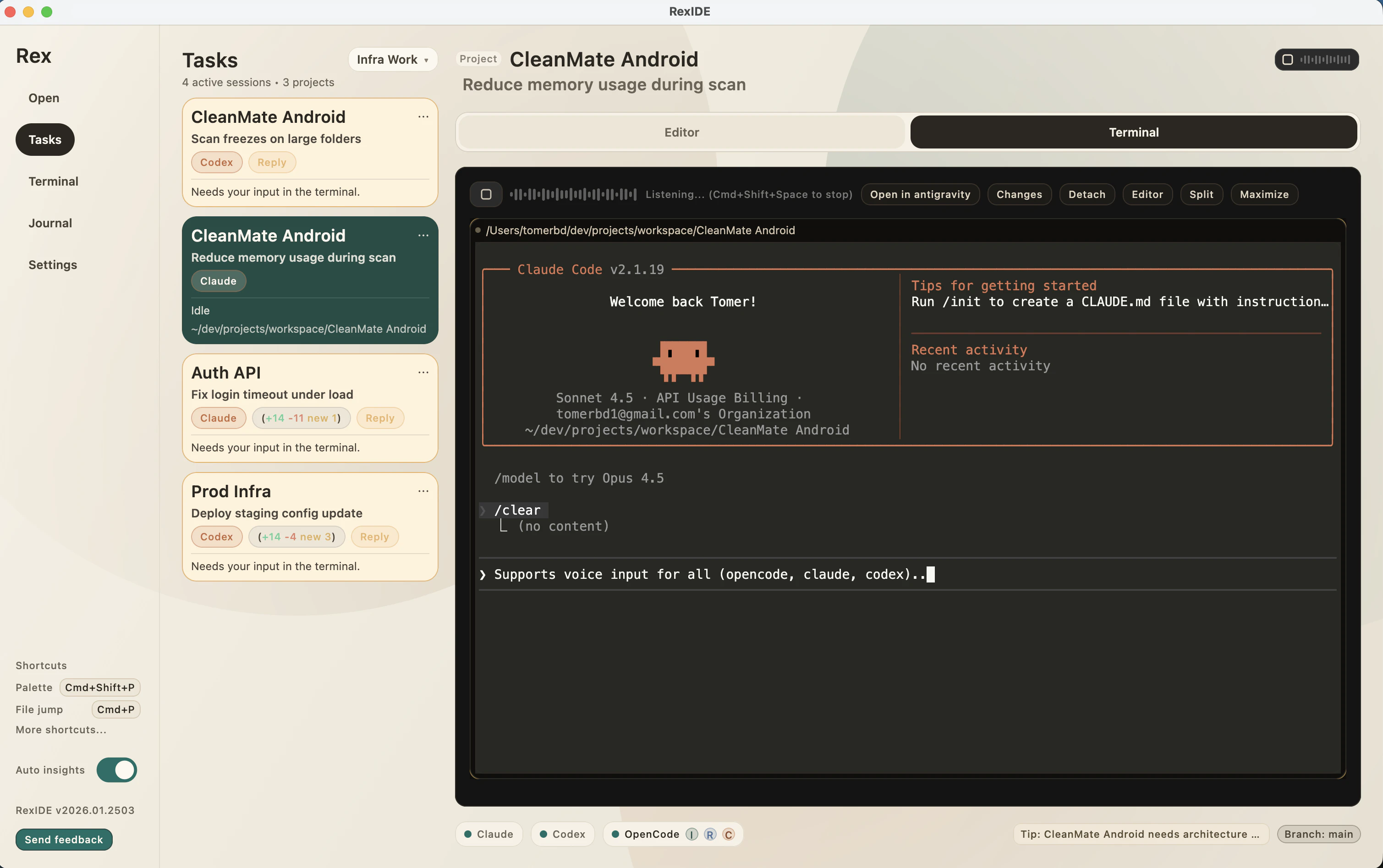
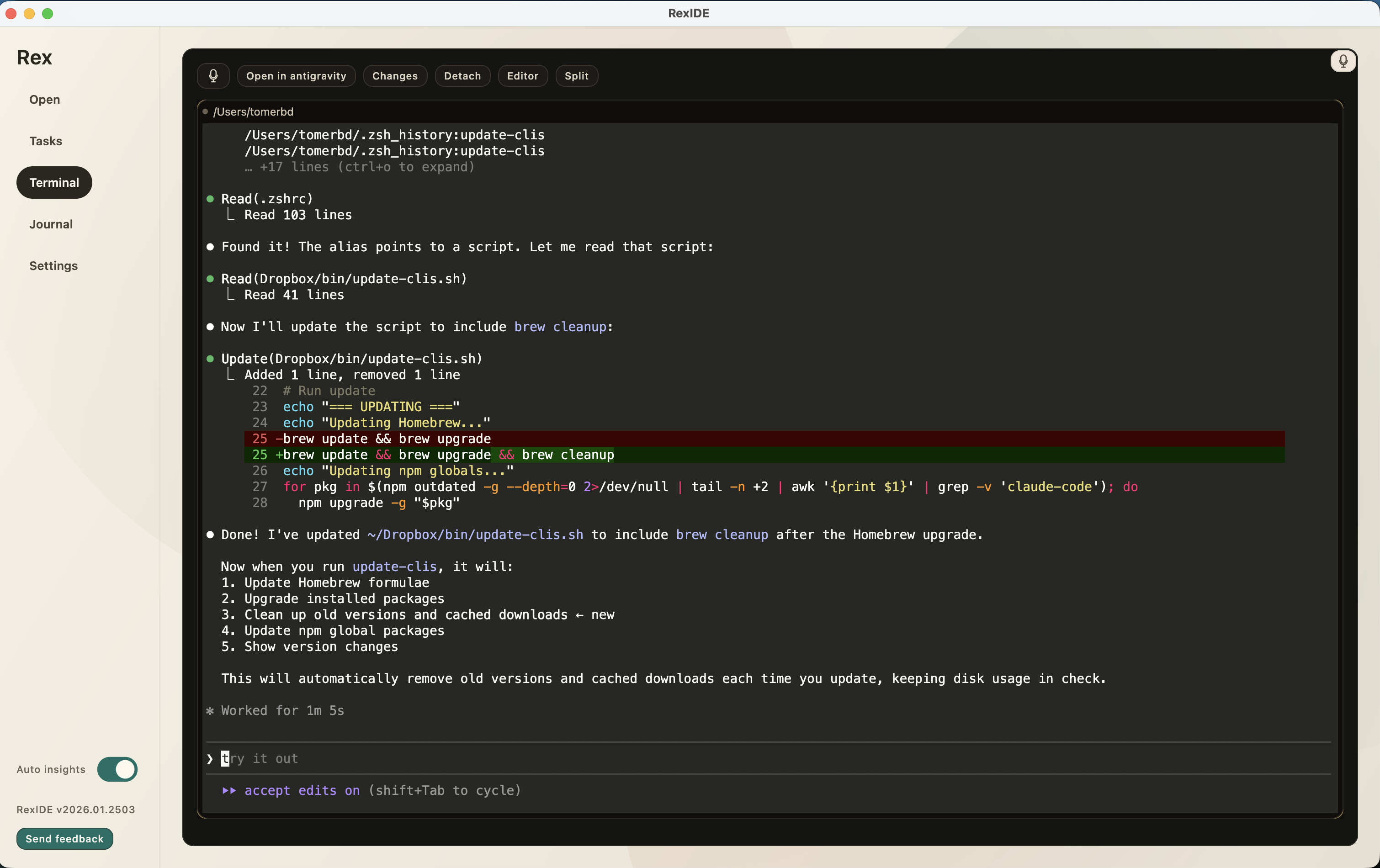
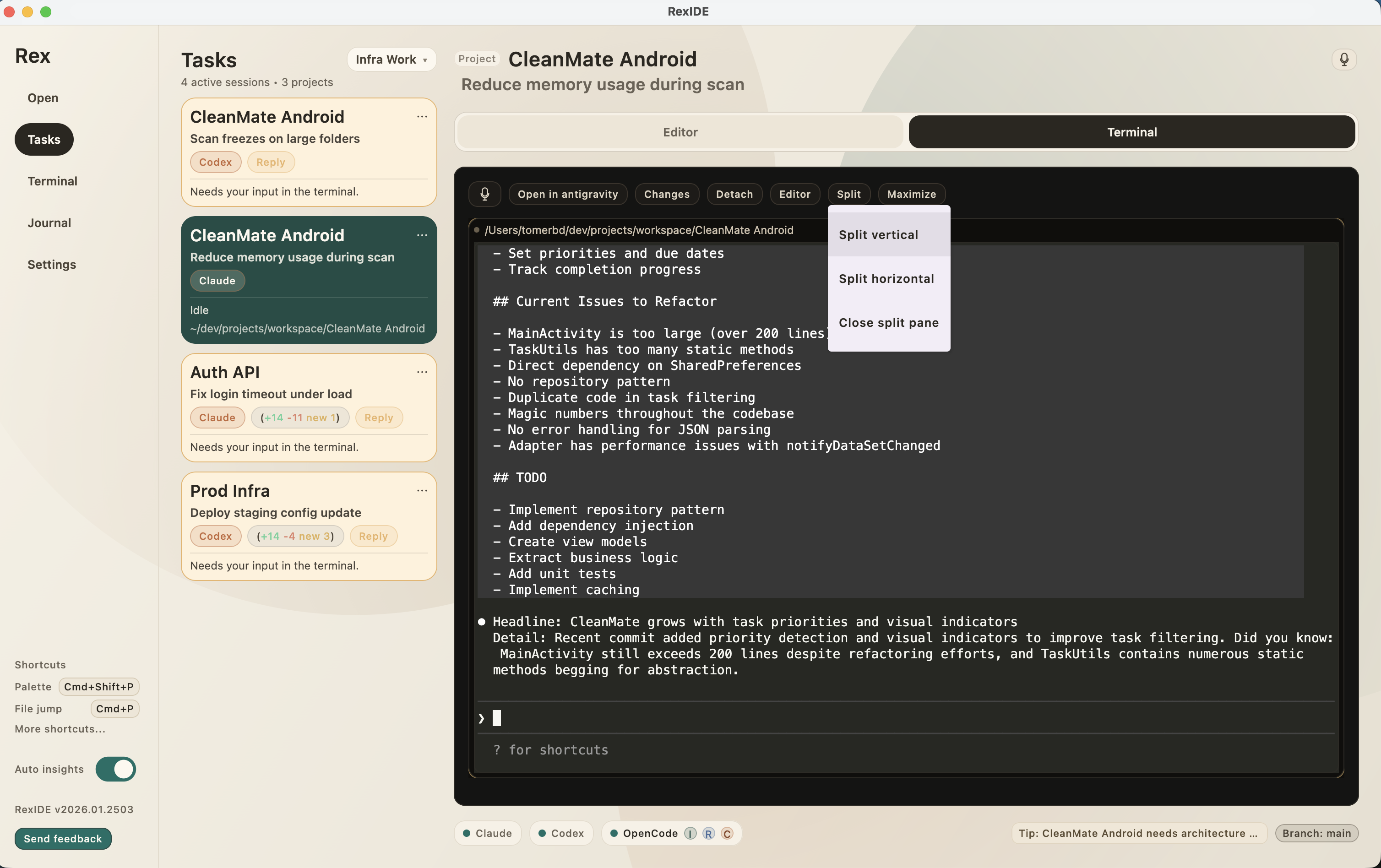
Command center for nonstop shipping Keep AI agents like OpenCode, Claude, and Codex hot across projects — plus terminals, repos, reviews, auto insigts for diffs, diff view, voice input, and much more.

Hey!

We built RexIDE after juggling too many repos, terminals, and half finished reviews at the same time.

The goal was simple: keep all projects, diffs, voice input for all cli, and AI help in one continuous flow — without switching tools or rebuilding context every time.

RexIDE is built using RexIDE.
I use it daily to manage multiple projects, review diffs, and ship changes from the same place.

What started as a survival tool for multirepo work slowly became the IDE I wished existed.

Any feedback super welcomed! Would you use it? What else would you need? Do you think it fits your flow? Anything else?
0
回复