Product Hunt 每日热榜 2026-02-23

PH热榜 | 2026-02-23

#1
Siteline
Growth analytics for the agentic web
439
一句话介绍:一款面向“智能体网络”的增长分析工具,通过追踪AI智能体与机器人对网站的访问与交互行为,帮助企业在传统人类流量之外,洞察AI流量趋势及其向真实客户转化的路径,解决AI时代流量来源黑盒化的痛点。
Analytics SEO Artificial Intelligence
AI数据分析 智能体分析 增长分析 SEO/AEO/GEO 网站分析 AI流量追踪 内容策略 B2B SaaS 数据驱动 营销科技
用户评论摘要:用户普遍认可产品填补了市场空白,核心关注点集中在:1. 技术实现(如何部署、对性能影响、能否识别伪装流量);2. 数据准确性(如何归因AI流量到人类转化、与GA4等工具的差异);3. 实用价值(如何优化网站以提升AI引用、具体的数据洞察行动建议)。创始人回复专业详尽。
AI 锐评

Siteline切入了一个精准且迫在眉睫的赛道缝隙:在AI智能体流量已占网络流量近三分之一的当下,传统分析工具因其依赖JavaScript标签而对此视而不见。其真正的颠覆性不在于“另一个分析面板”,而在于它试图重新定义“流量漏斗”的起点——将AI智能体的“阅读”、“引用”行为,作为新一代用户获取旅程的顶端入口进行量化。

产品聪明地避开了当前AEO/GEO工具“模拟提示词”的昂贵猜谜游戏,转而采用更底层的服务器端日志分析,直接测量真实发生的智能体访问。这种“证据优先”的方法,在AI搜索结果充满不确定性的当下,提供了更可靠的基准数据。然而,其深层挑战也在于此:数据“是什么”很清晰,但“为什么”和“怎么办”仍具挑战。它能告诉你OpenAI爬虫抓取了哪个页面,却难以完全穿透黑盒,揭示该内容在ChatGPT回答中排名几何、语境如何。其宣称的“完整AI购买漏斗”中,“答案可见性”环节仍是相对薄弱的一环。

长远看,Siteline的价值与其说是一个独立工具,不如说是一个关键的“数据管道”。它必须与既有的GA4、SEO套件协同,扮演AI流量数据的“注入器”角色。它的成功将取决于能否从“诊断工具”进化为“处方系统”——即不仅发现问题(如某页面被AI忽略),更能提供高确定性的优化动作(如如何调整内容结构能直接提升引用率)。当前市场窗口期存在,但巨头(如Google Analytics)一旦觉醒并原生支持此类分析,其生存空间将面临挤压。它需要快速构建基于独家数据的、难以复制的洞察与行动建议壁垒。

查看原始信息
Siteline
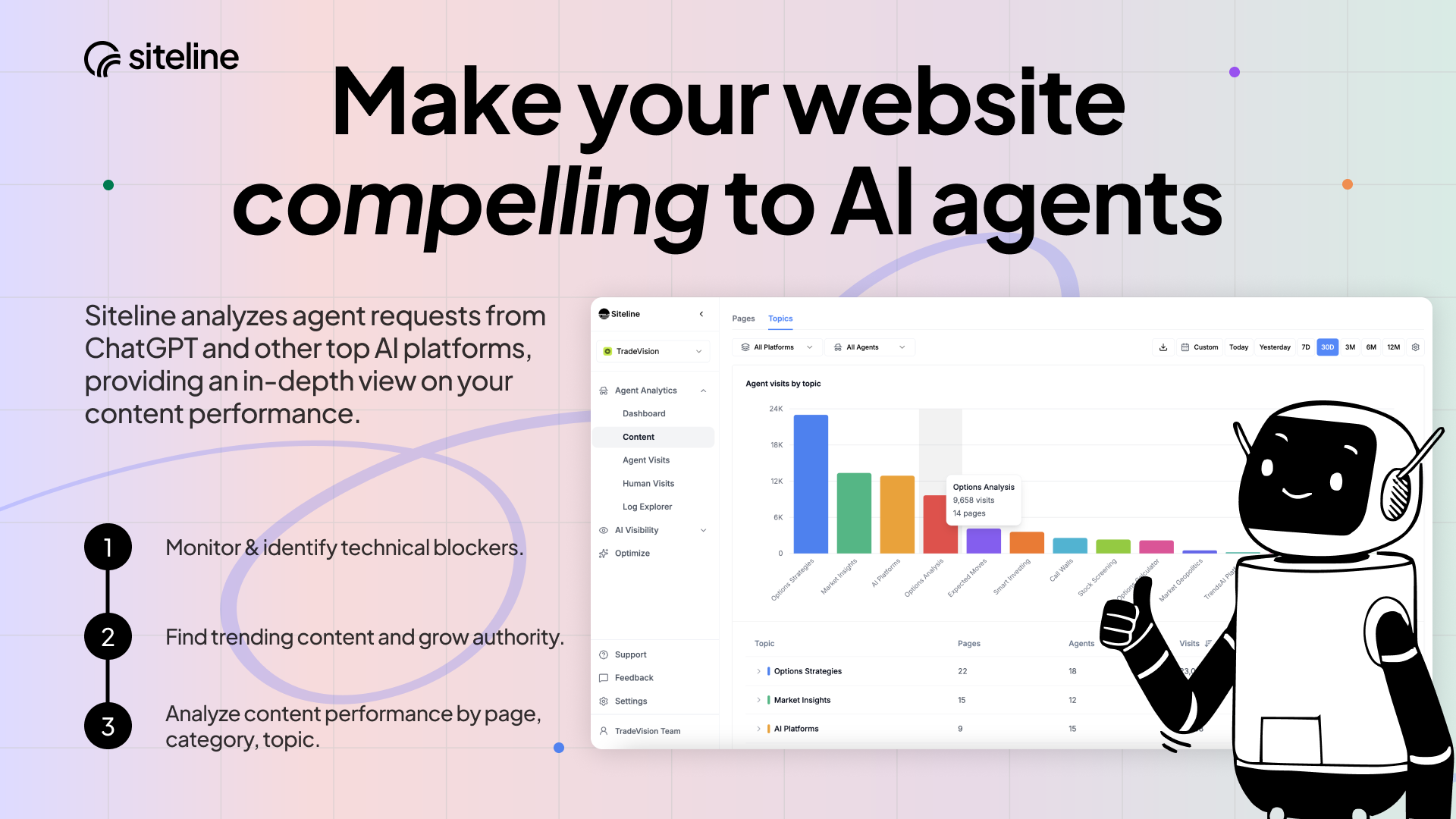
Track how AI agents and bots interact with your website. Analyze traffic trends by platform, page, and topic. See how this traffic turns into human visits. Get your first insights in minutes - and go deeper once you have your aha moment about how it impacts your product growth.

Hello fellow makers 👋

David here, founder of Siteline - Growth analytics for the agentic web. Think Google Analytics, but for AI agents and bots.

Why we built Siteline

The web as we know it is changing. Humans are no longer the only customers visiting websites to research products and brands. Agents, bots and crawlers already make up 30% of web traffic and are hired by humans through apps like ChatGPT to visit hundreds of websites on their behalf, report back their findings and even make purchases.

The problem

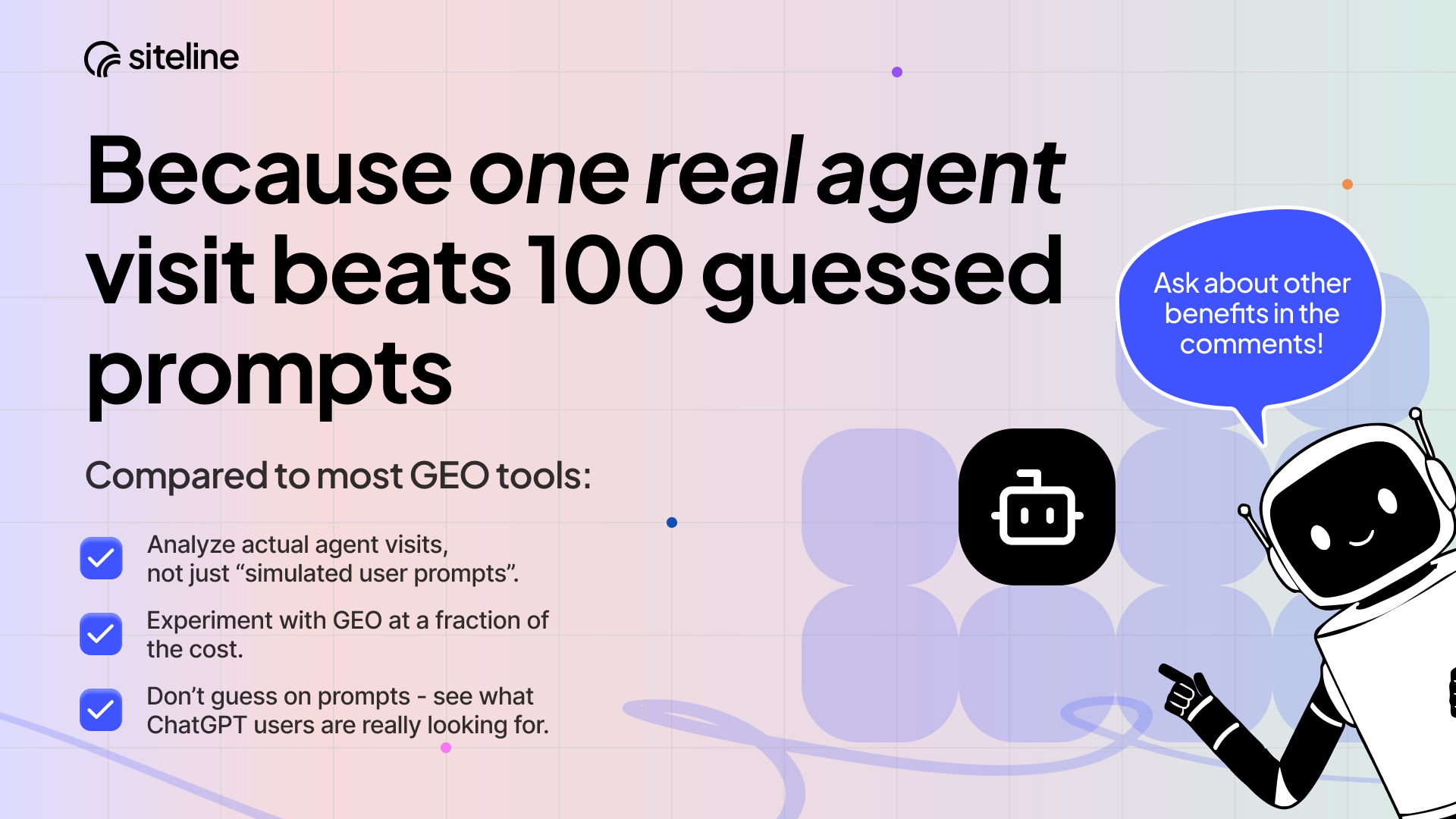
The way people discover potential products is moving from direct web visits to indirect access through chatbots and agents, yet the web is still built only for human visitors. While new “AEO” / “GEO” tools provide some visibility, they don’t show what’s actually happening on your website. Additionally, they rely on running simulated prompts to determine if your brand appears in AI answers. But without reliable data about what people are actually asking ChatGPT and other AI chatbots, this approach has proven to be misleading and expensive.

Our approach

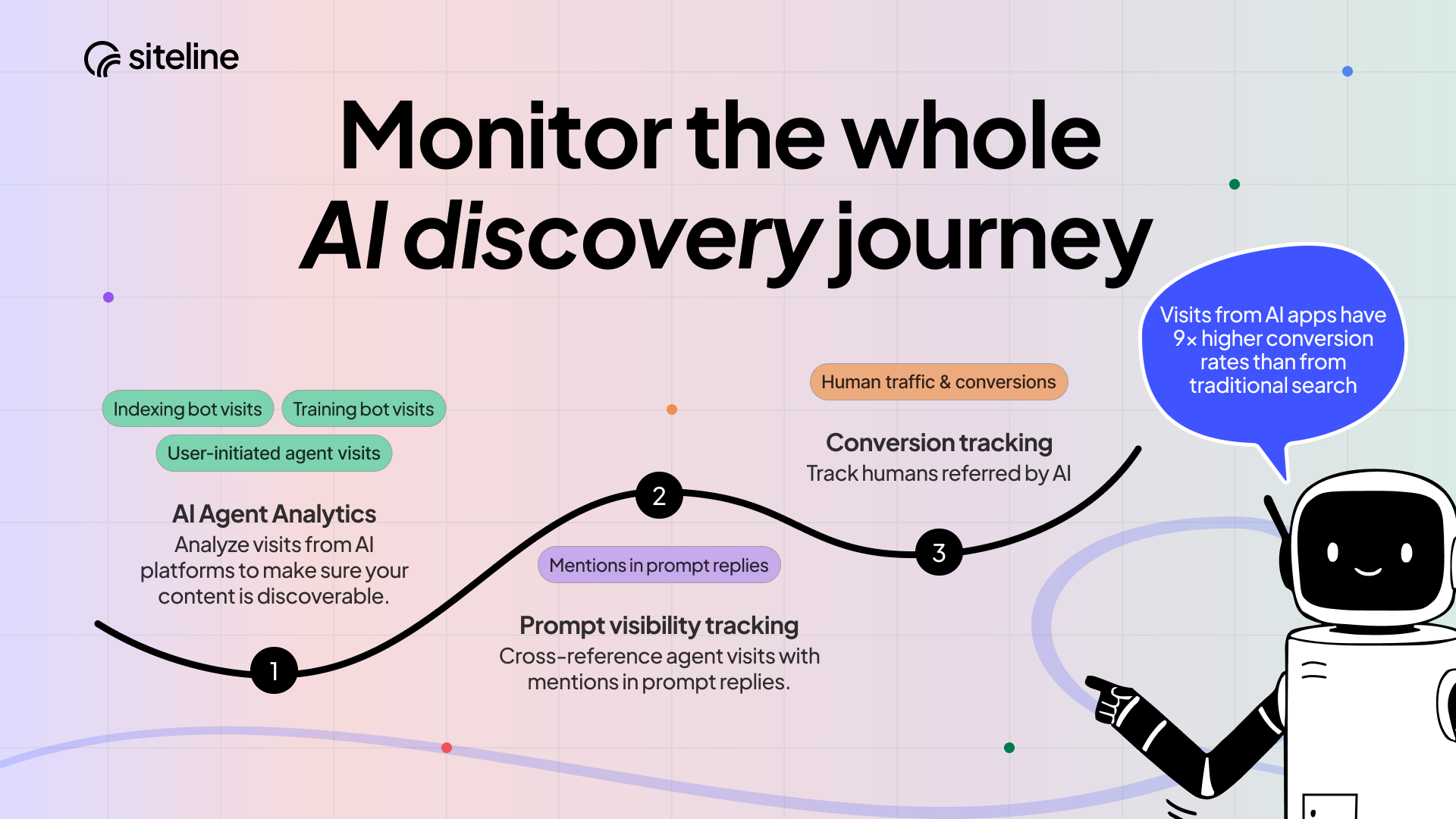
I’m a data nerd with 10+ years of experience at companies like Twitter & Glovo and thought there had to be a more evidence-based way. So instead of guessing prompts and simulating outcomes, my co-founder @vzotov and I  developed a different approach which measures the full AI purchase funnel: from bot / agent visits, to citations & answer visibility, all the way to real customer traffic coming from AI apps.

What Siteline helps you answer:

Is my site a go-to source for AI?

See which AI agents visit your site, how often, and where they get blocked - with clear recommendations for what needs to be fixed or improved.

Is my most important content actually referenced by AI?

Understand which pages and topics AI fetches or ignores, and build a truly data-driven content strategy. Especially useful for info-heavy products that target AI power users (developers, product folks, marketers).

How does agent & bot activity translate into human traffic and new customers?

Cross-reference actual AI bot visits with prompt visibility to understand how AI exposure translates into traffic and authority.

Thanks so much for checking out Siteline - we’d love your support and feedback 🙏

Our basic agent analytics and AI visibility product is forever free. To unlock more features and higher limits at 30% off for 2 months use the promo code PH30.

30
回复

Congratulations on the launch!

As someone who works on marketing side, actively iterating with SEO/AEO/GEO, I think this piqued my interest today really. Going to check it out!

11
回复

@vzotov  @davidkaufmann this is exactly what's been missing.

we're building bloggingmachine.io (AI-powered SEO content) and the question we keep getting is: "how do I know if AI is actually picking up my content?"

current tools give you some visibility, but not the full picture — especially what's happening on your actual site.

being able to see which pages AI agents actually crawl vs ignore is huge for content strategy. especially for programmatic SEO where you're publishing at scale.

congrats on the launch 🚀

0
回复

@vzotov  @davidkaufmann Definitely gonna give it a try! 👀🔥

I’m curious about attribution – how reliably can you connect agent visits to downstream human traffic or conversions? Especially when users jump across devices and channels.

Feels like this could become a core analytics layer if the signal quality is strong. 🙂

2
回复
Hey David, that line about existing tools relying on simulated prompts being misleading and expensive says a lot. Was there a specific moment where you looked at one of those AEO tools, saw the data, and thought wait, this doesn’t actually tell me what’s happening on my site?
13
回复

@vouchy definitely! The biggest wake up call is just seeing how much your visibility is biased by which prompts you select. We saw some cases where if the prompts we're focused only on the brand / products strong-suits the visibility was 80%, but when more balanced and representative of what people are likely asking, the visibility dropped in half 👀.

We still believe visibility tracking is valuable (and still offer it in the product), but feel the selection should be done in a smart way. So far the best technique I've seen is by using a mix of Google search volume for similar keywords (from Semrush for example) + which pages / topics on your site are visited by user-initiated AI agents like 'ChatGPT-user'. It's not perfect, but it's much more likely to be aligned with what people are actually asking :)

9
回复
How difficult is it to implement? If it’s script-based, does it affect a website performance? Cheers and congrats on the launch! 👏🏻
11
回复

@helga_impalpable great questions! We have a few different options to implement including no-code (~5 min setup) with Vercel and Wordpress. We also have Cloudflare and AWS integrations. All are integrated server side (script-based tag solutions used by GA and others don't detect agent / bot traffic) and are out of the run path so there is no impact on performance. All our options are here: https://docs.siteline.ai/introduction#get-started-with-agent-analytics


Let us know if you have any if you have any questions or need help getting going!

10
回复

@Siteline great product, impressed. Do you provide any suggestions on how to reshape product to optimize AI bots scrapping?

11
回复

@ponikarovskii thanks Anton! Yes, once you get set up we have a whole section of 'Tech recommendations' that analyze your site and recommend changes. In general the biggest improvements we've found that impact digestibility are:

  • Ensuring all content is rendered server-side and doesn't require Javascript -- most AI bots don't run JS and instead just pull everything from the server in one go unlike a human (or even the Google bot)

  • Fast load-times for all pages (should be <300ms)

  • Nothing blocking bot access by mistake - this can be robots.txt but is often 3rd party services like Cloudflare, Captcha, etc

  • Don't require location to be set to show pricing or other features

  • Put key content / summaries towards the top of each page, bots will often read a bit of what they pull then leave if they don't find what they're looking for

Hope this helps! Have you tried anything so far that you've seen working?

11
回复

Congrats on the launch!

Quick questions for the team :

  1. How do you handle differentiation from traditional analytics (GA4, Plausible, etc.) when agents mimic human behavior more and more?

  2. What's one quick win you've seen that boosts how often agents cite/reference your site/pages in their responses (without gaming the system)?

10
回复

@cathcorm great points! On the GA4 side, at the moment it's all Javascript tag based, so they miss most AI agent traffic which just renders everything from the server. That's not to say they couldn't start to measure it of course, but I think the real value comes with connecting the AI / bot traffic to your citations and visibility data. Then once you add referrals that come to your site from AI apps you have a full picture of the funnel: ingested, cited, visible in answers, acquired human traffic.

And regarding quick wins, what we've seen work best is using the agent visit data to figure out which topics / content users on ChatGPT are actually asking about and then filling that gap with high quality content that answers users' questions. Maybe a bit more substantial than a "quick win" but as you mention, a lot of people try to game the system with hacks that end up backfiring... Anything you've seen working so far?

7
回复

Congrats! Looks powerful. Haven't seen any platform that covers this much breadth. Do you support Vercel? Do you have any sort of service offering to help companies increase their AI visibility?

10
回复

@daniele_packard Thanks! We have a zero-code integration with Vercel log drains that takes about 5 mins to set up: https://docs.siteline.ai/integrations/vercel

8
回复

Have been using the product since their private beta. It helped us get insights into our ai seo visibility and take steps towards improving it as efficiently as possible. The team is also great - extremely responsive, helpful and knowledgable. Congrats on the launch, Siteline!

8
回复

much appreciated @anna_paykina_cerbos ! You're a top customer :)

3
回复

Seems like a compelling product, congrats on the launch! Do the scraping agents from the big labs all set a proper user agent? Or in other words, could they hide this data from you?

8
回复

@wilco_kruijer1 great question. From what we've seen the biggest labs (OpenAI, Anthropic, etc) value transparency and publish their user-agent strings and IP ranges for verification. In theory it's in their interest to make sure websites are accessible for consumption / scraping for their LLMs and live agents.

However we do see impersonation from less reputable platforms trying to mimic ChatGPT agents for example, but we catch and filter that out with IP and other verification methods. Have you experimented with the agent / bot analytics data at all?

6
回复

Congrats on the launch 🔥

Looks interesting, will give it a try!

8
回复

@danshipit awesome, thank you! Please let us know if you see anything surprising in your agent or bot traffic or have any feedback 🙏🏼

3
回复

The "stop guessing prompts, measure actual bot traffic" approach is way smarter than most AEO tools. I've seen products spend $500/month on prompt simulation tools that don't reflect what users actually ask ChatGPT. Does Siteline differentiate between OpenAI's crawler vs actual ChatGPT browsing on behalf of users?

6
回复

@dronidev we do! For OpenAI we differentiate between crawling for LLM training and search indexing vs. agent visits that are "user-initiated" i.e. are trigger live when a user is asking something on ChatGPT.

Would be curious to hear your experience with Siteline compared to other AEO / GEO tools when you get a chance. Thanks for the support!

5
回复

Good luck guys!

5
回复
Congrats on the launch!
5
回复

@nastassia_k thanks for the support!

2
回复
If a company already has GA4/Search Console + an SEO suite + maybe a log/WAF setup, what does an ideal adoption look like in the first week—who owns it, what integrations are “must-have,” and what’s the first dashboard or alert that proves value?
4
回复

@curiouskitty great question. After integrating and start to see traffic flow in I would immediately check if your key pages are being covered by agents from the top platforms (OpenAI, Anthropic, Google, etc) and if there any errors / timeouts or permissions issues.

Then by day 2 you should already be able to see trends emerge that are help inform content optimization: which pages and topics (we cluster pages automatically for you) receive the most traffic from "user-initiated" agents and how does that convert to referred "human" traffic from the AI apps. From there you're off to the races :)

3
回复

Looks promising 😸. I'll surely try.

But i have few doubts, normaly we can track ai agents due to their user agent. But can this product track the ai agents who uses ip rotation.

4
回复

Oh super cool product guys! Hope this transparency make al this market more visible

4
回复

@volk13 thanks a lot! AI Search transparency and data-driven insights - that's what AI search space lacks currently, and we are doing our best to change that

2
回复

Congratulations!! Looks great

4
回复

@madalina_barbu  Thanks Madalina! Have you already tried any AI Search visibility tools? What are your impressions so far?

1
回复

Congrats on the launch!
Getting visibility in the AI agent era for website traffic is a must-have

3
回复

@jeetendra_kumar2 thanks for the support!

1
回复

Very beautiful site with clear messaging. I am not in the market for this category of products but I'll definitely recommend it to others :)

3
回复
1
回复

Congrats! Checking it out now for respira.press

3
回复

It's super cool David. Getting insights from AI traffic to turn it into human visits makes absolutely sense and I'm sure many of us will take the most of it. Wish you all the best here!

3
回复

@vzotov Congratulations. And happy product launch.

3
回复

@vzotov  @huisong_li thanks! Would love to hear your thoughts once you've had the chance to take a look

2
回复

Super cool idea - really different behavior between agents and users. Agents won't fall for the typical funnel/checkout optimizations.

2
回复

@alexpadraic1 yeah, great point. And on the flip side in some regards they are more 'fragile' at the moment when it comes to navigating tricky or 'beautiful' UI designed for humans ¯\_(ツ)_/¯

0
回复
I met David a bunch of times while he was developing this and it really is differentiated from the other things in the market atm Nice job David , 💪
2
回复

Congrats on the launch 🔥
Do you see this becoming a new standard layer of analytics, alongside GA, or something more niche for AI-heavy businesses?

2
回复

@honoramma I think no question (good) AI visitors will start to be an important segment to pay attention optimize for just like you currently think about a human conversion funnel on your website. We're still a bit away, but once agents start taking commercial actions with more frequency e.g. submit a lead form, sign up, make purchases etc I think these metrics will accelerate and become more mainstream

0
回复

Congratulations on the launch 🎉 🎉 !!

2
回复

@shubham_pratap thanks a lot for your support!

1
回复
Congrats on the launch!, Tracking agentic traffic is going to be the #1 challenge for SaaS this year. I noticed your current copy focuses heavily on “monitoring”. However, the real pain for founders is “Visibility Loss”. If the agents can't parse the site, they don't recommend the product. If you pivot your messaging to “Optimizing for the Agent-Led Economy” or “The Google Analytics for Agentic SEO”, you’ll capture the high intent CMOs who are terrified of losing traffic to AI. I've got a few copy tweaks that could make this feel like a Revenue Insurance tool. The best of the luck with the launch!
0
回复
#2
Wispr Flow for Android
AI dictation that turns messy speech into polished text.
366
一句话介绍:一款通过AI语音转文字,将杂乱口语实时转化为精炼、可发送文本的Android浮动工具栏,旨在让语音取代键盘输入,提升移动端内容创作和沟通效率。
Android Productivity Artificial Intelligence
语音输入 AI转录 实时纠错 跨应用浮动工具栏 多语言混合输入 生产力工具 Android应用 文本格式化 免费增值 人机交互
用户评论摘要:用户普遍对Android版发布感到兴奋,认可其跨应用浮动设计、低延迟、高准确率及多语言混合输入能力。核心建议与问题集中在:后台运行的电池优化、隐私保护、文本模板/品牌语音等高级功能集成、特定场景(如链接识别)的上下文理解,以及iOS平台功能对等需求。
AI 锐评

Wispr Flow for Android 的发布,远不止是简单的平台移植,而是一次对移动端语音输入范式的激进挑战。其核心价值并非单纯的“语音转文字”精度提升,而在于通过“浮动于一切应用之上”的系统级交互设计,试图将语音从“备用输入方案”重塑为“首要交互界面”。这直接击中了移动端内容生产的核心痛点:在碎片化场景中,思维流与输入流因键盘操作而被迫中断的矛盾。

产品介绍中强调的“清理填充词、自动纠正、格式化”,实则是试图将后期编辑成本归零,其终极目标是让输出环节“隐形”,使人机对话无限逼近人人对话的自然感。用户评论中热议的混合语言支持(如Hinglish),则暴露了全球化背景下单一语言模型的局限性,Wispr将此作为卖点,实则是押注于未来混合语种交流的普及趋势。

然而,光环之下隐忧浮现。其一,技术普惠性与商业化的矛盾:当前“限时免费”策略虽能快速获客,但评论中已出现用户对“订阅疲劳”的明确抵触。其二,“系统级”能力带来的副作用:用户对电池续航和隐私的担忧,正是其深度集成系统必然面临的代价。其三,场景化智能的不足:有用户指出其在识别“提及链接”与“插入链接”时缺乏上下文判断,这揭示了当前AI在理解复杂沟通意图上的天花板。

本质上,Wispr Flow 是一场豪赌:赌用户愿意为“无缝”体验放弃部分电量与隐私,赌语音交互的便利性足以颠覆数十年的键盘肌肉记忆。它不再是一个工具,而是一个试图重新定义移动端输入“基础设施”的入口。其成功与否,不取决于转写准确率是否再提升1%,而在于能否在真实、复杂的多任务移动场景中,证明“只动口不动手”的体验,在整体效率与体验上,对“动手修正”拥有压倒性优势。

查看原始信息
Wispr Flow for Android
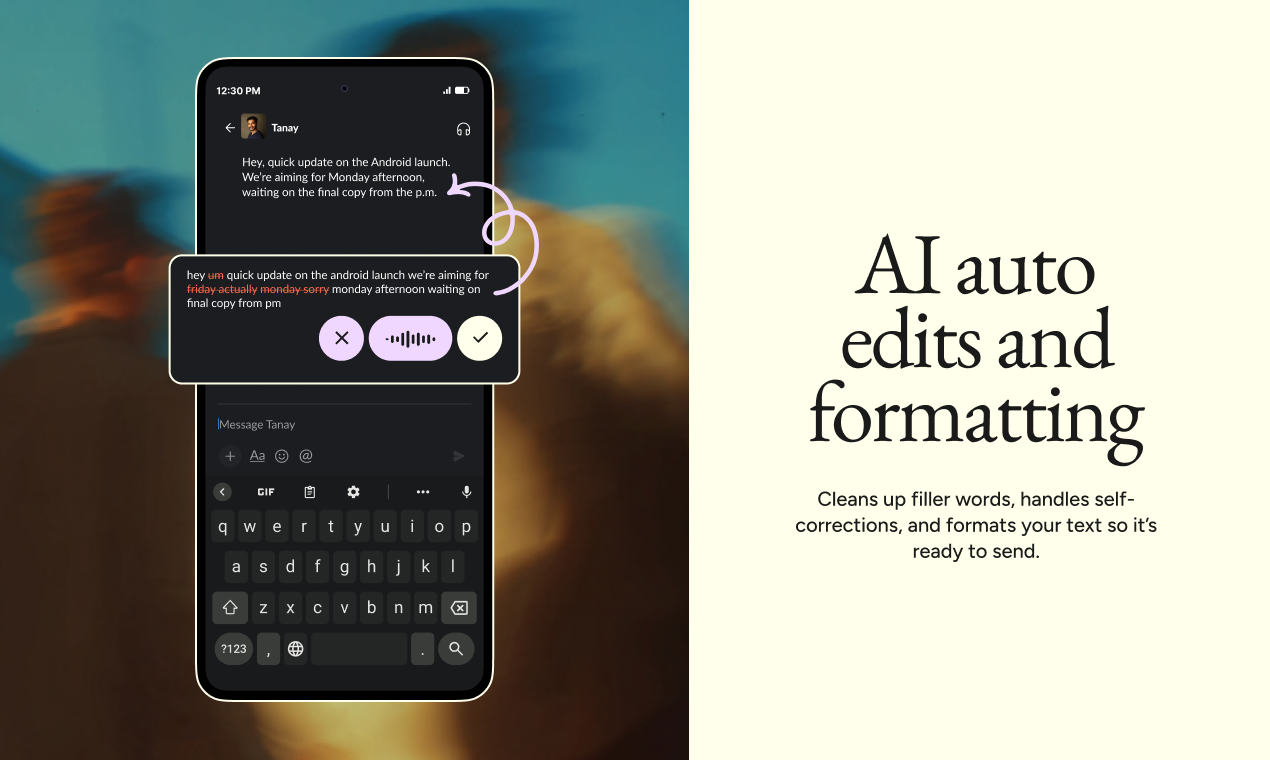
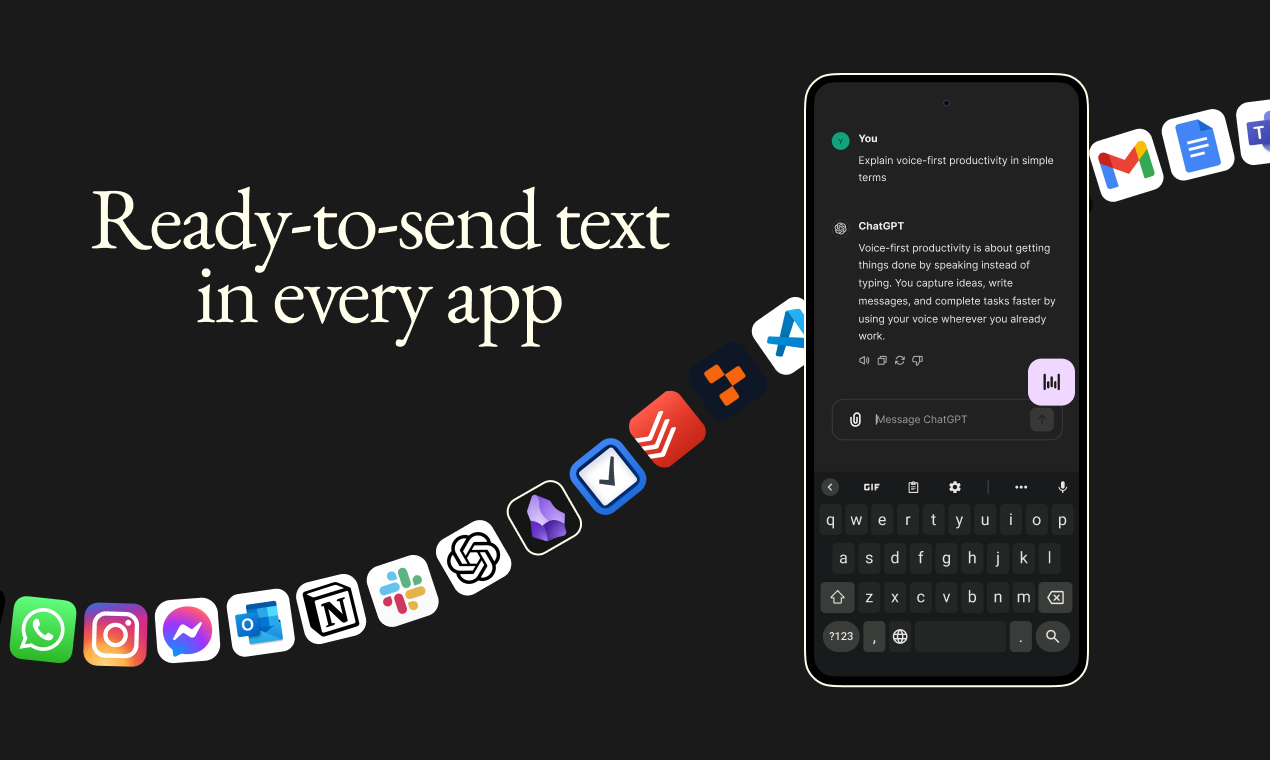
Now on Android: smart voice-to-text that turns rambling speech into clean, ready-to-send text. Wispr Flow works seamlessly in any app, continues across app switches, and cleans up filler words, course corrections, punctuation, and formatting automatically. Free and unlimited for a limited time only!

For two years, people kept asking me one question: When is Flow coming to Android?

We didn't want to ship a "checkbox" Android app. We waited until we could ship something that genuinely replaces typing.

📱 Nearly 4 billion people are on Android, yet voice on Android has always felt like a second citizen. Slow. Error-prone. Something you keep fixing.

Today we're changing that.

Wispr Flow floats above every app. No keyboard switching. No rewriting your own words to make them sound like you. If you can speak, you can stop using your keyboard.

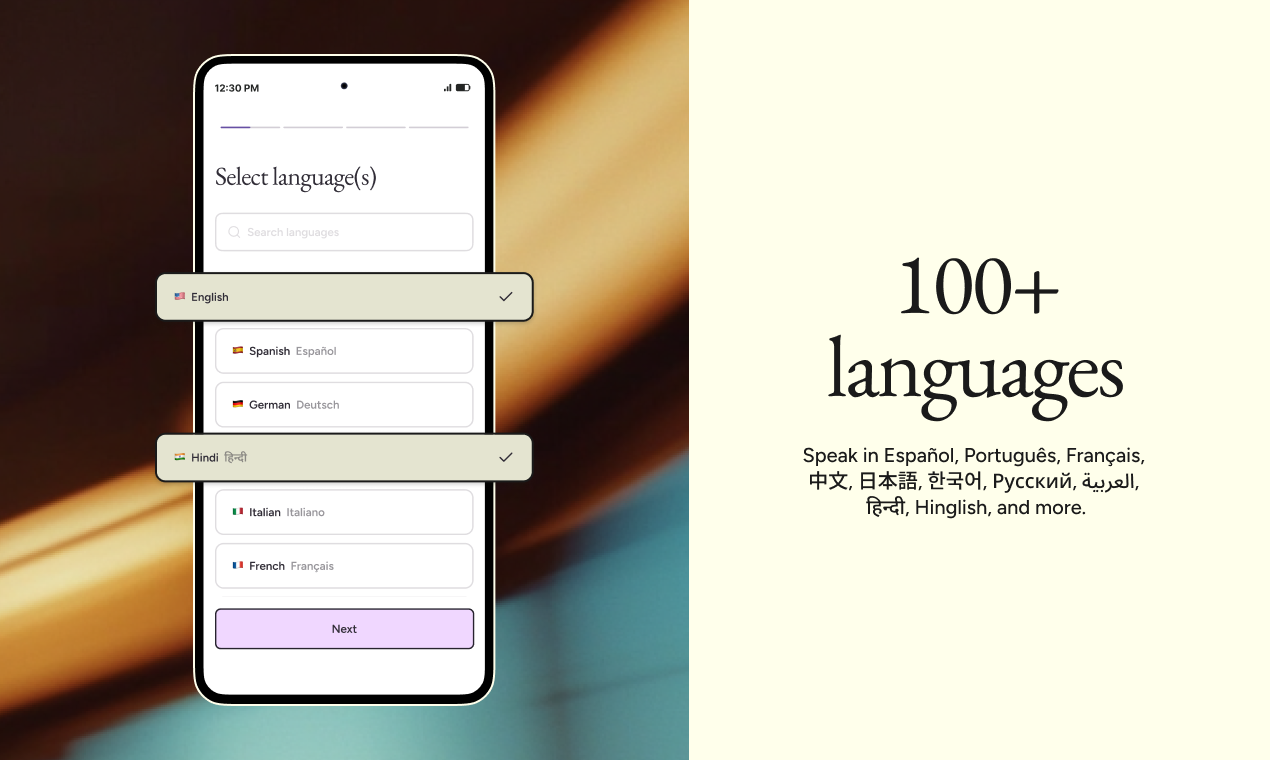
⚡ We also just completed a major infrastructure rewrite that made Flow 30% faster across the board. And we now support 100+ languages, including Hinglish for people who naturally switch between English and Hindi mid-sentence. 🌍


This isn't a "mobile version" of Flow. It's the same intelligent system across Android, iPhone, Mac, and Windows. One experience. Every device.

🎁 We're offering unlimited free dictation on Android for a limited time at launch. Try it. Push it hard. Tell us where it breaks.

We've been obsessing over latency and accuracy for years. Today is the first time we feel like voice on Android is ready to be the primary interface, not the fallback.

Excited to finally ship this. Now it's your turn to just talk instead of type, and send without needing to edit ❤️

23
回复

@tanaykothari Congrats on the launch of the Android version of Wispr Flow. :)

A few quick questions on mobile optimization, features, and integrations:

Battery & Performance: Since the app runs in the background, how do you optimize for battery life? Any plans for deeper mobile OS integration to avoid constant background drain (like many current apps)?

Privacy: How do you ensure user privacy with always-on functionality?

Text Expanders/Templates: Will it support saving text expanders and templates (similar to @Text Blaze) soon?

Custom Brand Voice: Any plans to let users create custom brand voices based on their own prompts/instructions?

Prompt-Based Replies: Support for prompt-driven actions like “reply to this email” or “write an OOO message”?

Auto-Formatting: Options for platform-specific auto-formatting (e.g., emojis, paragraphs) tailored to email, messengers, or social apps?

7
回复

@tanaykothari Definitely makes everyone a super human!

5
回复

@tanaykothari Voice is the way!

0
回复

This is the launch I've been most excited about since joining Wispr.

Android has been our #1 most requested feature for over two years. Every week we'd get messages asking when it was coming. We could have shipped something basic early on, but the team wanted to make sure the Android experience was on par with what we'd built on Mac and iOS.

What makes this different from other voice-to-text apps on Android: Flow floats above every app. You don't switch keyboards or change modes. You just tap, speak, and it writes in your voice. It matches your tone, cleans up filler words, and formats everything so you can send without going back to edit.

We also built support for 100+ languages, including mixed-language dictation. If you switch between English and Hindi (or any other combo) mid-sentence, Flow handles it natively. That was a hard problem to solve and I haven't seen another app do it well on Android. I switch between English and Polish very often, and the ability to switch between the two without issue is crazy useful every day.

Over a million people already use Flow daily across Mac, Windows, and iPhone. We're offering unlimited free dictation on Android at launch because we want as many people as possible to push it hard and tell us what they think.

Try it: https://wisprflow.ai/android

Would love to hear how it feels compared to whatever you're using now.

20
回复

@mswulinski Congrats on the launch!

4
回复

@mswulinski Was waiting for this!!

3
回复

@mswulinski Congrats!

0
回复

Very excited for the Android launch, even though I don't have an Android phone. I've been using Wispr Flow on iOS for a while, and it's really changed the way I think on the go. I often have ideas or realizations when I'm on the go and write them down in personal notes using Bear. With Wispr Flow, I can dictate long, complex ideas on the go.

While I love the iOS functionality, it is a bit high-friction to get into Wispr Flow because of limitations on iOS's side. I'm really intrigued (and envious of Android users) to see what Wispr built in Android with less system restrictions!

6
回复

@rajiv_ayyangar I really want the cross-app, floating Wispr Flow UI on iOS!

3
回复

This team ships 💥

6
回复

Congrats! Nice to see wispr flow power for android users as well

6
回复

I was lucky enough to be in the alpha and beta for the app. It was amazing to use even before the team added the additional product features. I've been dictating text messages and notes while on runs, alarm descriptions, todos, and all sorts of other things I always assumed I'd have to use a keyboard for. I'm excited to see other people using it too!

4
回复

Building Wispr Flow for Android was one of my favorite projects for the year -- and I'm so excited for all of you to try it. We've built a truly native experience that lets you speak anywhere you use your phone. Please share any feedback you have and we'll keep making it better and better!

4
回复

I'm using Flow right now to dictate this message. I have used this app now for around a week or two. I find it extremely fast. I would say 99% accurate or 98% accurate.

It works wonderfully, especially with somebody like me who speaks more than one language. It does wonderfully especially in Arabic. Yes it has its own issues when it comes to Arabic but that's totally accepted or expected.

Honestly the app is functioning as it should be, very smooth, no issues, no problems. It delivers what it needs to deliver. Yes it has some issues, for example, if you try to say when I say "https://www.linkedin.com/in/aalkulaib/" you post your full https://www.linkedin.com/in/aalkulaib/ page. It doesn't always have the right context when you don't want to actually paste the link for your https://www.linkedin.com/in/aalkulaib/ page but rather you want to say to someone "I checked it in https://www.linkedin.com/in/aalkulaib/" in a different sense, rather than "Oh here's my https://www.linkedin.com/in/aalkulaib/".

I've downloaded the app on Android since I use an Android phone and it has worked flawlessly so far, so perfect launch, guys, great job!

Other than that I don't have any gripes. To be honest the only thing I've been avoiding is trying to subscribe to the service because I feel exhausted with all the subscriptions I have right now with so many different apps and so many different things. I'm bound to do that sooner or later.

Great job, amazing work. Honestly thank you from the heart. I will even leave the errors for antiquity's sake.

3
回复

Very excited for this launch - WisprFlow is a huge unlock in my workflow and love seeing it on Android. Congrats, team!

3
回复

Well done on the release folks!

3
回复

At one point, the Flow team had 12 people who collectively spoke 22 languages. So, for many of us, it's a personal milestone to bring Flow to a platform that's inherently international.

It's been a privilege to see @rajbhattayushi @zhdan_philippov @sumitobroi and more bring Flow's characteristic smooth interaction the Android world. Excited for folks to try it!

3
回复

been a customer for a while now - our whole team is also on it!! Congrats on launch

3
回复

Yay a new feature!!

Since it supports mixed-language dictation and learns over time, have you seen any wild/creative use cases popping up like devs dictating code comments in VS Code, multilingual teams handling Hinglish/Spanglish in chats, or creators blasting out long-form content?

3
回复

The mixed-language dictation is what really caught my eye. I switch between English and Chinese constantly and every other voice tool completely falls apart with that. Also smart move making it a floating overlay instead of a keyboard replacement — way less friction to actually use.

2
回复

Congrats on the launch!!

2
回复

Congratulations! This is going to be huge for android users

2
回复
#3
TypeBoost
Your personal AI writing toolkit. Inside any app.
303
一句话介绍:一款深度集成于macOS系统内的个人AI写作工具包,允许用户在任何应用程序中直接对选定文本执行自定义AI指令,实现无需切换工具、无需复制粘贴的流畅写作体验,解决了用户在多个AI工具间频繁切换、指令无法复用、写作流程割裂的核心痛点。
Productivity Writing SaaS
AI写作助手 macOS生产力工具 文本处理 无上下文切换 个性化提示词 工作流集成 语音输入 跨设备同步
用户评论摘要:用户普遍赞扬其无缝集成的工作流和卓越的UX设计,显著提升了写作效率。主要问题集中在数据隐私、API密钥模式、团队共享功能缺失以及对话历史延续性上。开发者积极回复,解释了技术实现与隐私策略。
AI 锐评

TypeBoost的野心不在于成为另一个通用的AI聊天前端,而在于将自己“原子化”为操作系统级别的写作基座。其真正价值并非仅仅是“快捷调用AI”,而是通过“**事件驱动**”和“**精确选区**”两大原则,重构了人机协作的交互范式。它将AI从独立的“应用”降维成随处可用的“系统服务”,这直击了当前AI工具使用的核心悖论:能力越强,切换成本越高。

从评论看,其成功关键在于**克制的权限设计**(仅响应显式选择,杜绝后台监控)和**对“控制感”的极致满足**(逐字接受/拒绝修改)。这使其与Grammarly等“黑盒”辅助工具划清了界限,迎合了专业创作者既想增效又需保持个人风格的矛盾需求。

然而,其挑战同样明显。当前依赖单一开发者API密钥的SaaS模式,在隐私敏感和企业场景下是增长天花板。用户关于“自带密钥”和“团队共享”的提问,恰恰指向了其从“效率玩具”迈向“生产力平台”必须跨越的鸿沟。此外,其“无历史上下文”的设计虽是出于简洁,但也限制了处理复杂、多轮修订任务的能力。本质上,TypeBoost是AI平民化进程中的一次精妙“接口革命”,但它能否从个人黑客的利器,进化成团队协作的基础设施,将取决于其下一步在架构开放性与协作功能上的权衡。

查看原始信息
TypeBoost
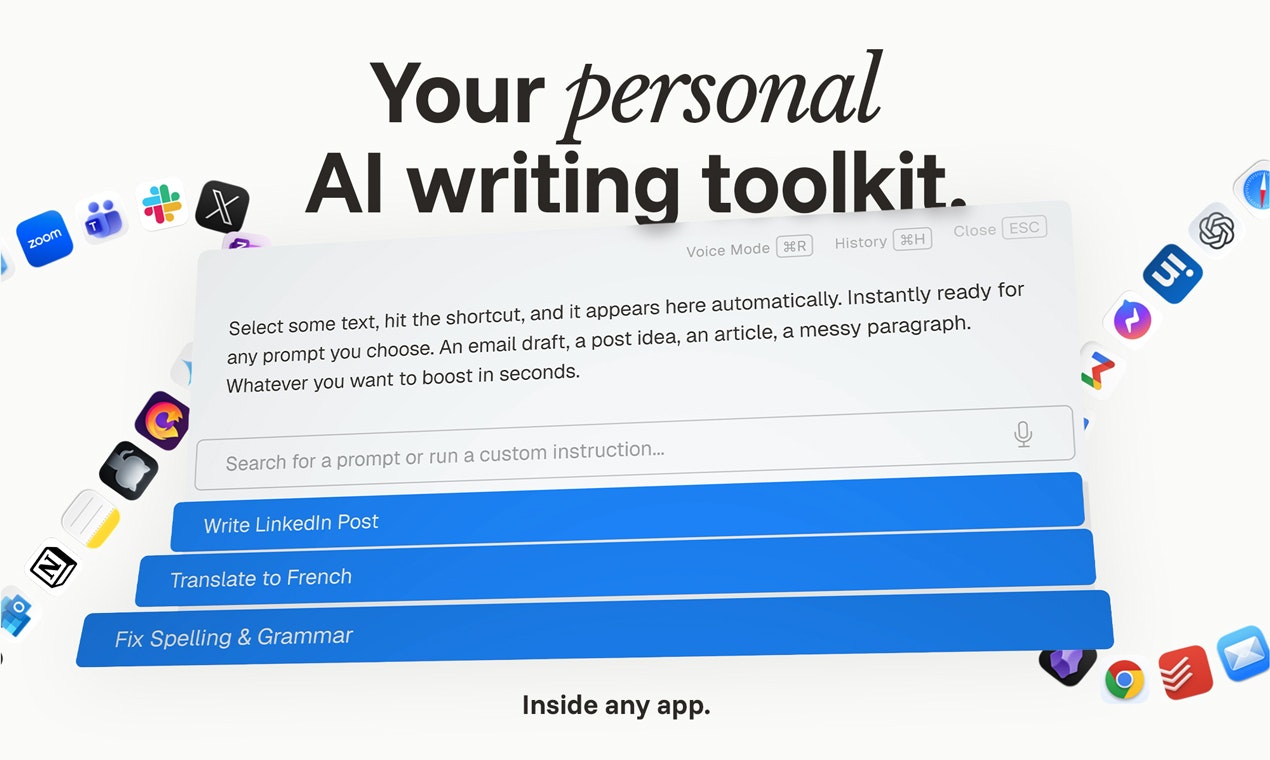
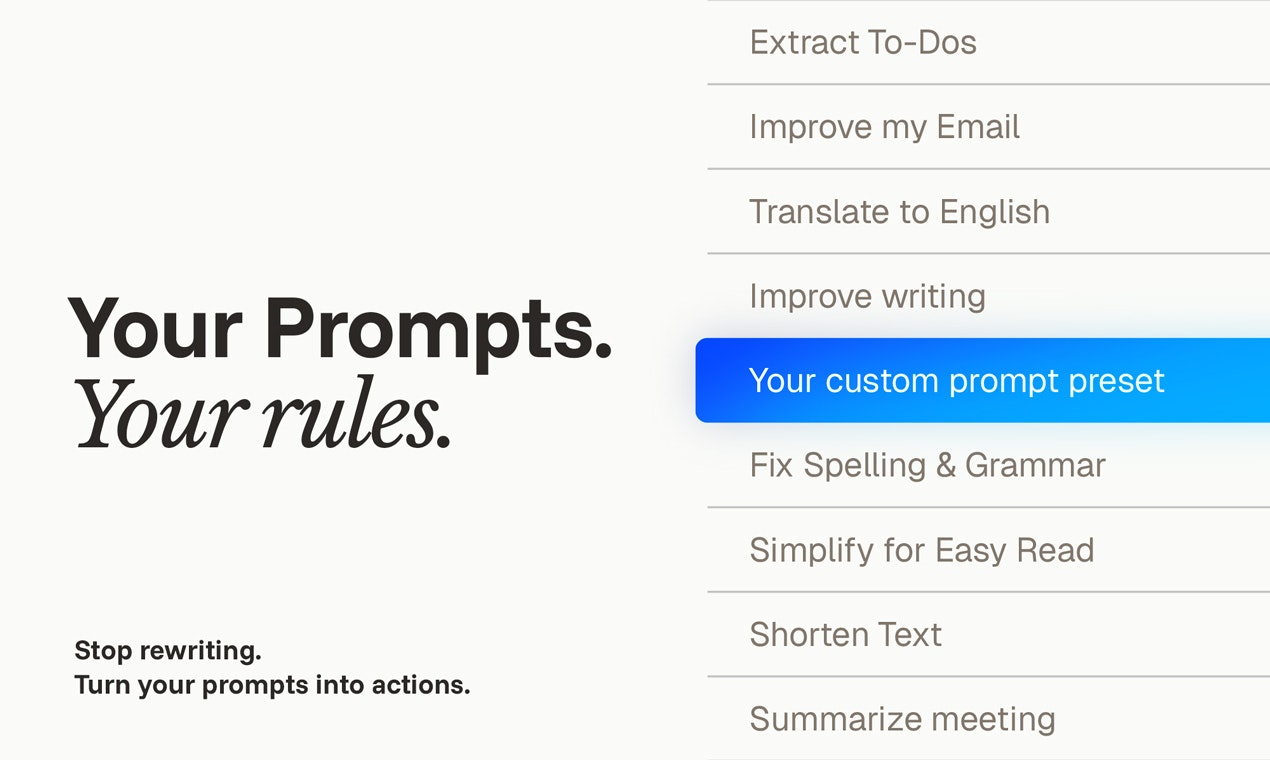
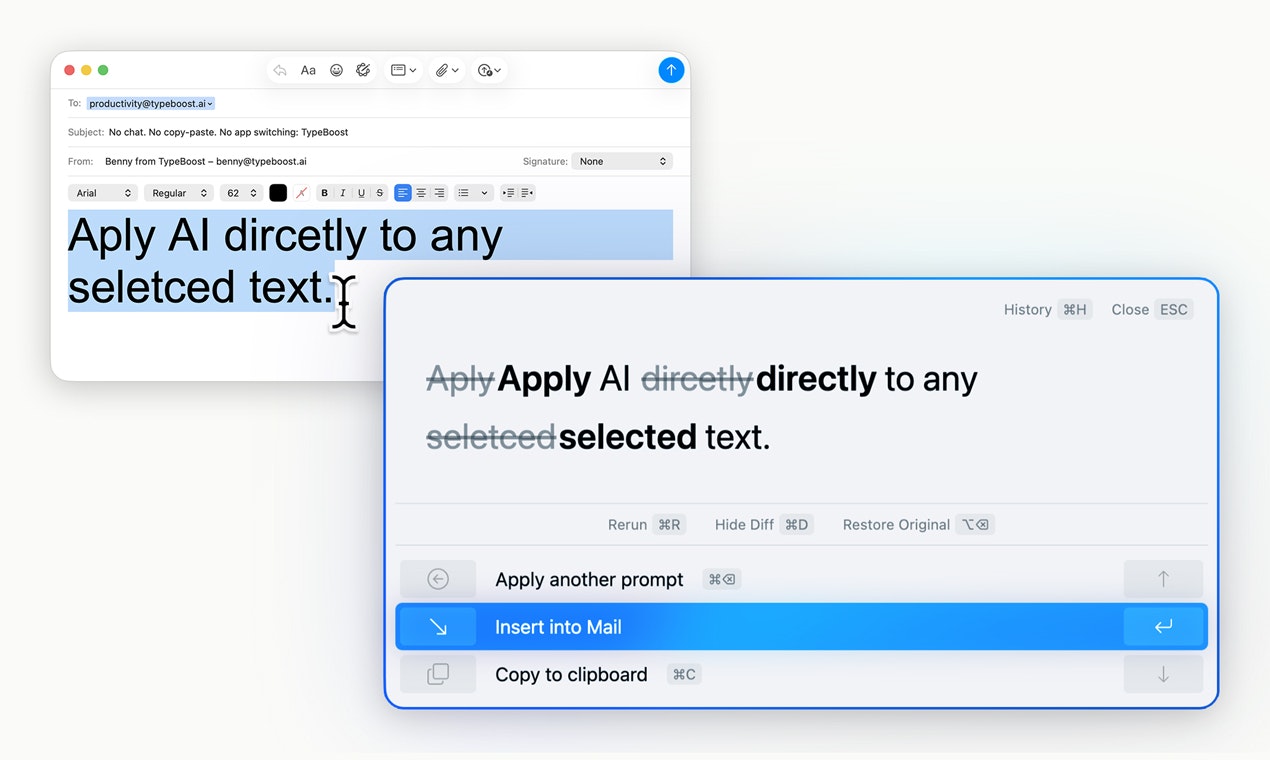
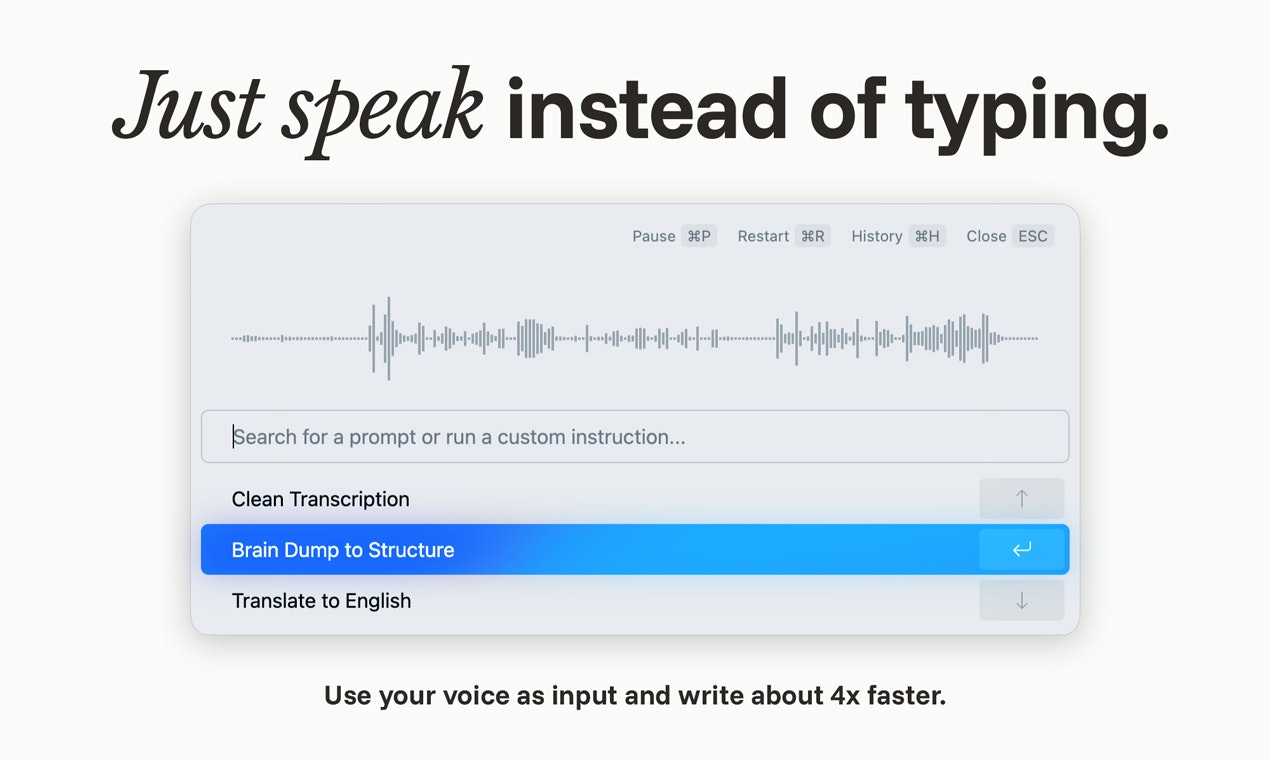
Turn your prompts into a personal AI writing toolkit. Use it inside any app on macOS. No copy-paste. No switching tools. Apply custom AI actions directly to selected text, see and control every change, and write faster while still sounding like you. Fully customizable prompts, model choice, voice input, and learning over time. Better writing. Faster. Still yours.

Hi Product Hunt 👋

I’m Benny, the maker of TypeBoost.

I use AI a lot. But it often felt messy: copy-pasting text, switching to ChatGPT, rewriting the same instructions, juggling Gemini, Claude, Apple Intelligence, or whatever. Plus, the better the prompt, the better the result. Which meant: you’d better write a good one. That felt wrong.

What I really wanted was AI inside my workflow. Right inside any app. And full control over how my text is improved. My actions. My style. My prompts. My rules.

So I built TypeBoost for macOS.

It’s not "just another AI assistant".

It’s a personal, fully customizable AI writing toolkit that lets you apply your own prompts directly to selected text, see exactly what changed, accept/reject edits on a granular level. All without breaking focus. Voice input included 🎙️

Once it becomes a habit, it’s insanely productive.

There’s also an iOS app that stays fully in sync. E.g. capture ideas by voice on the go, and they’re waiting for you on your Mac later. Or what ever you need.

I genuinely hope TypeBoost helps you as much as it helps me.

If you’ve got questions, ideas, or feedback — I’m here 😊

Cheers

Benny

8
回复

@bennyqpYou did a really amazing job building TypeBoost, been using it for the past 6 months, and it is a real part of my stack!

1
回复

@bennyqp You mention it becomes a habit. What’s the specific moment where users feel the shift, first granular accept/reject experience, or when they stop copy-pasting into ChatGPT entirely?

0
回复

I use Typeboost every single day and honestly can't live without it anymore

I reckon I'm saving like 1-2 hours a day thanks to the shortcuts

Total game changer!

Can't wait to see what's next

3
回复

@clement_janssens Hey Clément, thank you so much for your comment and support!

You have been one of the very first users, and I appreciate that you always trusted in TypeBoost and also already provided a lot of valuable feedback. So thank you!! :)

0
回复

I have been using Typeboost for 2 months now, and it is absolutely amazing. 💚

3
回复

@2567910 Thanks Lukas, I'm glad you like it!! :)

0
回复

Love the value proposition and how you make the toolkit usable from anywhere. Solid UX work. A clear agentic replacement to Grammarly. Quality++

2
回复

@said_aitmbarek Thanks, Said, really appreciate this feedback! As someone coming from a design background, good UX is always a top priority for me. Also, one of the main differences compared to Grammarly: With your personalized Prompt Actions, you have 100% control over what should happen and how.

0
回复

Very cool - nice to see something using ai personalized and helping get better instead of automated ai spamming on different channels. Is it bring your own key or use yours as saas?

2
回复

@daniele_packard Yes exactly, that's one of the key ideas. To use AI to write faster, but with your actual thoughts and words and not let ai bots produce slop that just annoys everyone. At the moment it's only working as saas with my api key.

1
回复
@bennyqp one question: if the adoption scales, how would you tackle - bring your own key OR a key pool of yours? this is a problem we makers face.. so, your answer will help me design for scale later.
0
回复

very helpful for my non-coding activities

2
回复

@jemikanegara Happy to hear that! But yeah, it's not best for coding (though it can still be useful in some situations), but for so many other tasks it's truly a huge help :)

2
回复

Quick question on privacy. I work with some sensitive client stuff and I'd want to know where my text goes when it's processed. Is anything stored on your end or does it just pass through?

1
回复

@solodnev That’s an important question, thanks!

Here’s exactly what happens when you process text with TypeBoost:

  1. Processing: Your selected text is sent to the chosen AI provider (e.g. OpenAI, Anthropic, Google) to generate the result. TypeBoost does not process AI requests locally — it uses these providers’ APIs.

  2. Storage: The input and output are stored encrypted on our servers (Google Cloud, Frankfurt, Germany). This enables cross-device sync (e.g. start on iPhone, continue on Mac). Access to stored data is restricted and secured.

  3. Retention: Text history is kept only for a limited time depending on your plan. After that period, it is permanently deleted.

TypeBoost only ever sees the text you explicitly load into it. Nothing else is accessed or transmitted.
If you’re working with highly sensitive material, I’m happy to go deeper into the technical setup.

0
回复

Cool product, as someone who built an AI CMS for a blog recently I really see the benefit of not having to switch focus while writing :)

1
回复

@danilo_stojanovic Thanks! Yeah, especially because you can use it for a blog, but email as well, or LinkedIn. Simply anywhere. All the same tool. Your specific prompt instructions :)

0
回复

Congrats on the launch! I've been using ChatGPT for most of my writing but honestly this looks awesome. Not needing to switch to ChatGPT for every little thing is great. Can I get started quickly or does it take some time to set things up?

1
回复

@ayan_das12 Love that! That’s exactly why I built it.

You can get started pretty much immediately. After installing, there are some solid default prompts already set up, so you can use it right away. ~2 min

If you want more, there’s a prompt library on the website with a lot of tested prompts you can instantly clone into your account. ~3-4 min

And if you have a specific use case, you can create your own prompt. There’s a built-in prompt generator, so you can describe what you want (even by voice), and it sets up a clean prompt structure for you. ~5 min

So you see, getting started is really quick and easy. Of course, you can also do everything fully manually for full control.

0
回复

Hey there, happy launch day!

What's been the biggest technical hurdle in making it work reliably across any app (e.g., permissions, text selection in sandboxed apps, or shortcuts/hotkeys conflicts)? And how do you make onboarding feel instant without overwhelming new users?

Also, have you seen users combining voice dictation with text selection for hybrid workflows (like dictating into emails/docs then refining selected parts)?

1
回复

@cathcorm Thanks Catherine, these are great questions.

The biggest technical hurdle was definitely making text extraction reliable across apps using the macOS Accessibility API. Yeah, especially with sandboxed apps and edge cases. I ended up implementing multiple fallback strategies to make it stable across different environments.

On onboarding: I obsessed over making it feel intentional, not overwhelming. Permissions are requested exactly at the moment they make sense ... not all at once (was like that at one point). The goal was: explain why, then ask. I also embedded short videos directly in the flow so users never feel stuck.

And yes, the hybrid workflow is actually one of my favorite use cases. And a lot of users do it.

If you select text and trigger Voice Mode, you can dictate an instant instruction for that specific text. So instead of using a predefined prompt, you can say something like: "Make this shorter and more direct." That combination, selection + voice instruction, is surprisingly powerful.

To really feel the magic, you kind of have to try it. That’s usually when it clicks :)

Happy to dive deeper if you’re curious about any specific part.

0
回复

this looks amazing 🙌
super clean and easy to use :)

been following your journey on twitter... really excited to see this live :)

1
回复

@heyalizaid Thank you, Ali. I really appreciate this feedback, and I'm so happy you like it. If you ever have any additional feedback or requests, let me know. :)

0
回复
Building “AI inside any app” usually means heavy OS permissions and lots of edge cases—what tradeoffs did you make to keep it seamless while still earning user trust, and where did you draw the line on what the app will never access or do?
1
回复

@curiouskitty Thanks for the question. This was actually one of the core design decisions.

On macOS, TypeBoost only requires Accessibility permission (and Microphone if you want to use Voice Mode). There’s no background scraping, no passive monitoring.

The app only reads text you’ve explicitly selected at the moment you trigger it. Nothing else. It doesn’t scan documents, emails, or apps in the background.

The line I drew very clearly was this:

TypeBoost does not:

  • Monitor your screen

  • Read entire documents automatically

  • Store or analyze text without you triggering it

  • Access anything without a deliberate action

The tradeoff is intentional: instead of trying to be "magically aware" of everything happening on your system, TypeBoost stays event-based and user-triggered.

That keeps it predictable, minimal, and fully under your control.

1
回复

Been using this tool for a while. One thing I can say. The UI is superior for me. I love the simplicity and ease of use. That's it. All I need in a good tool.

1
回复

@kavolis Thank you, Jorkinas, this makes me genuinely happy to hear! Yeah, a clean, minimal, but powerful UI has always been one of my top priorities! If you ever have any feedback or need help with anything, let me know! :)

0
回复
Congratulations on your launch 🤝 @bennyqp But for teams, is there a way to share prompt toolkits (e.g. brand voice packs) across members? This would be sooo nice for founders and operators who live in email, Notion, Slack, etc. I’m a content strategist, so if you’re planning to position Typeboost beyond PH, I’d be curious how you’re framing it as a productivity tool.
1
回复

@george_esther Thank you, Esther!

Shared prompt actions for teams are really awesome. Right now, the main focus, however, is on individual users, but that's something I would love to add soon. I heard from so many teams that keeping brand voice consistent across everyone is a big challenge. This is such a great use case for TypeBoost.

Yeah, I definitely want to position it in the market, so let's stay in touch :)

0
回复

Great stuff. I am interested in trying this over the next weeks and see my prompting efficiency increasing. But one question: are follow-up prompts possible? Or is a user limited to the prior saved prompts to execute? thanks

1
回复

@alexander_herten Awesome, happy to hear that! Check it out and let me know what you think :)

You're not limited to saved prompts at all. You can always give instructions on the go (via voice or text), which is great for one-off tasks. As for follow-up prompts, you can do them, but the conversation history isn't carried over yet, so each one starts fresh. That's definitely something I'm adding soon though!

0
回复

The "apply custom AI actions directly to selected text" is exactly what's missing from most AI writing tools. I'm constantly copy-pasting between Claude and my editor when writing docs or blog posts. Quick question — does it support custom shortcuts for specific prompts (e.g., ⌘+Shift+E for "explain technical concept simply")?

1
回复

@dronidev I'm happy you like the idea! Yes, it exactly makes things like this faster, easier, and your workflow more efficient.

Currently, there are just two shortcuts (Text Mode & Voice Mode). The process of selecting a prompt is really fast.

But of course, I could put custom shortcuts for specific prompts on the roadmap for the future :) Would that be something you're interested in?

0
回复

The no-context-switch angle here is genuinely useful — how many times do you write something, open a new tab, wait for a response, then try to remember where you were. What does the 'learning over time' feature look like in practice? Style adaptation based on your edits, or more explicit prompt memory?

0
回复

Congrats on the launch Benny, TypeBoost sounds like a thoughtful take on bringing AI directly into the workflow instead of bouncing between tools. Love the focus on customization and granular edits without breaking focus. Feels like something power users will really appreciate. Great work getting this out there.

0
回复

Voice Mode is interesting. Like it's more than Voice to Text right, you instantly apply a prompt to this? Sounds powerful. But I also think just plain transcription like Wispr etc. makes most sense a lot of the time.

0
回复

Hey Benedikt,

Tried the app out today , really cool - i just wish it also had transcription like wispr flow

both the editing and transcription today will really increase the stickness of the product

Congrats on the launch! 🔥

0
回复

@arcinston Thanks Arush, appreciate your words! Actually it has transcription like Wispr Flow :) You can craft your own prompts defining what should happen to your voice input in voice mode. You can totally create an action for plain transcription that removes filler words, etc.

If you need any help, let me know anytime :)

0
回复

Time to get rid of pains on writing elegantly! Btw, how does it differ from those generic embedded AI writing helper in gmail etc?

0
回复

@cruise_chen Yeah! The main difference is that you have full control over the model, system prompt, chat history, etc. So you can fully control how the AI should behave, whereas Gmail (etc.) just decides for you, or you have limited control.

0
回复

Congrats! looks really interesting!

0
回复

@khashayar_mansourizadeh1 Thanks, Khashayar! Feel free to try it and let me know what you think! Really curious about it :)

0
回复
#4
Grok 4.2
Four AI agents debate internally to build your answer
247
一句话介绍:Grok 4.2通过内置四个各司其职的AI智能体进行内部辩论与交叉验证,在应对复杂、开放的工程与创意问题时,显著降低了AI幻觉率,为用户提供更可靠、深刻的答案。
Productivity Artificial Intelligence
多智能体AI 内部辩论 事实核查 降低幻觉 推理过程透明 实时学习 复杂问题求解 协作AI系统
用户评论摘要:用户高度评价其架构创新性与思维过程的可视化,认为其通过多智能体分工协作与内部辩论,在复杂任务上表现出极低的幻觉率。另有用户询问其在处理模糊语音输入等边缘场景的应用潜力。
AI 锐评

Grok 4.2所标榜的“多智能体辩论”架构,与其说是技术飞跃,不如说是一次对AI“黑箱”问题的精巧工程学回应。它将单一模型的推理过程戏剧化地外显为四个角色(协调者、研究员、逻辑者、创意者)的辩论,其真正价值不在于创造了新智能,而在于构建了一套内生的“制衡与审计”机制。

这种设计的犀利之处在于,它试图用结构复杂性换取结果可靠性。通过强制性的内部交叉验证,将事实核查、逻辑严密度和创意发散从“事后补救”变为“事中流程”,这直接瞄准了当前大模型在复杂任务中“一本正经胡说八道”的核心痛点。然而,这本质上是一种计算资源的再分配与效率妥协——用更高的计算成本(四个专家协同)来换取更低的错误率。其宣称的“每周快速学习”也暗示了模型尚未收敛,当前的低幻觉率表现,究竟源于架构优势,还是源于对特定测试集的过拟合,仍需时间检验。

用户对“观看辩论过程”的兴奋,揭示了市场对AI可解释性的强烈渴望。Grok 4.2将可解释性包装成了一场可供观摩的“戏剧”,这无疑是出色的产品化思维。但需警惕,这种角色化的叙事可能简化甚至误导人们对底层真正协作机制的理解。它是否只是对单一模型不同思维链的拟人化包装?其“辩论”规则是预设的固定流程,还是具备动态演进能力?这些问题决定了它是迈向“集体智能”的坚实一步,还是一个高级的交互噱头。

总体而言,Grok 4.2的价值在于它提供了一条解决AI可信度问题的差异化路径:不纯粹追求模型的“更大更全能”,而是追求系统的“更稳更可信”。它的成功与否,将取决于这种多智能体架构带来的准确性提升,能否持续抵消其必然增加的延迟与成本,并在真实世界的开放域挑战中经受住考验。

查看原始信息
Grok 4.2
Grok 4.2 is a native multi agent system where four specialized heads share the same context. They run parallel reasoning and debate internally to cross check facts before answering. It also features a rapid learning loop that improves every week.

Hi everyone!

There are so many new models dropping lately, but 4.2 is one of the very few that instantly feels genuinely innovative. Haven't experienced this kind of raw fascination in a while.

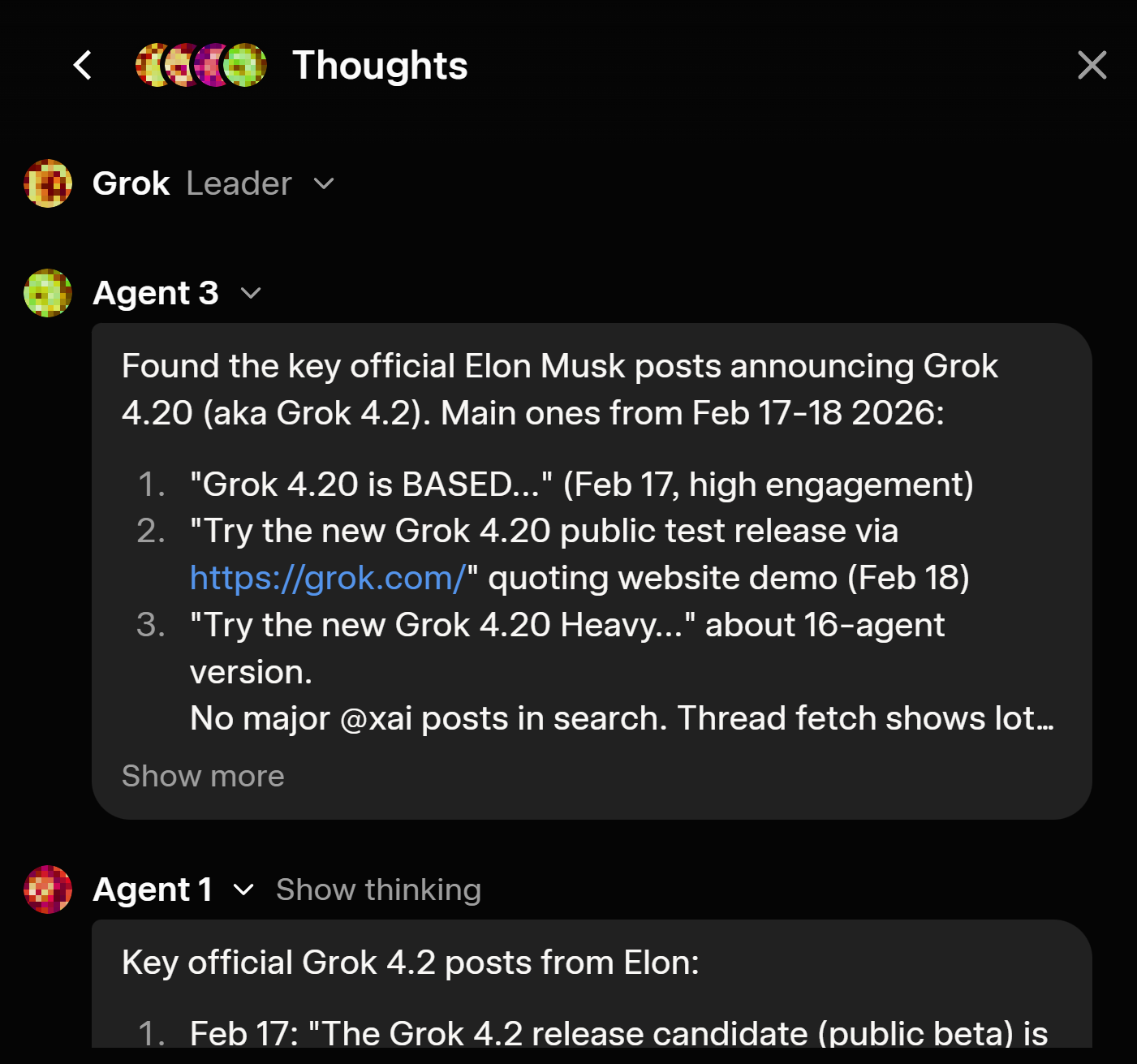
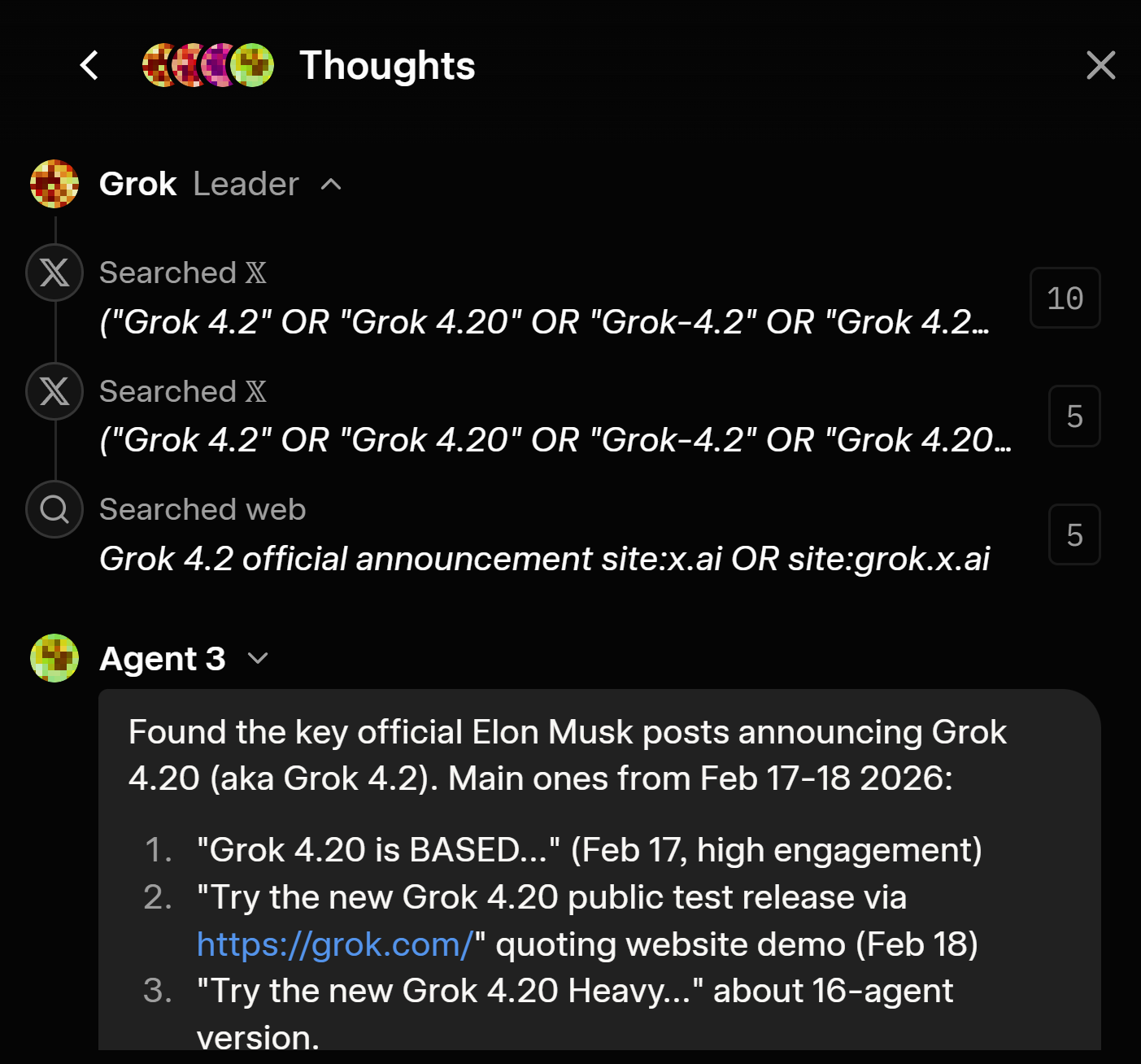
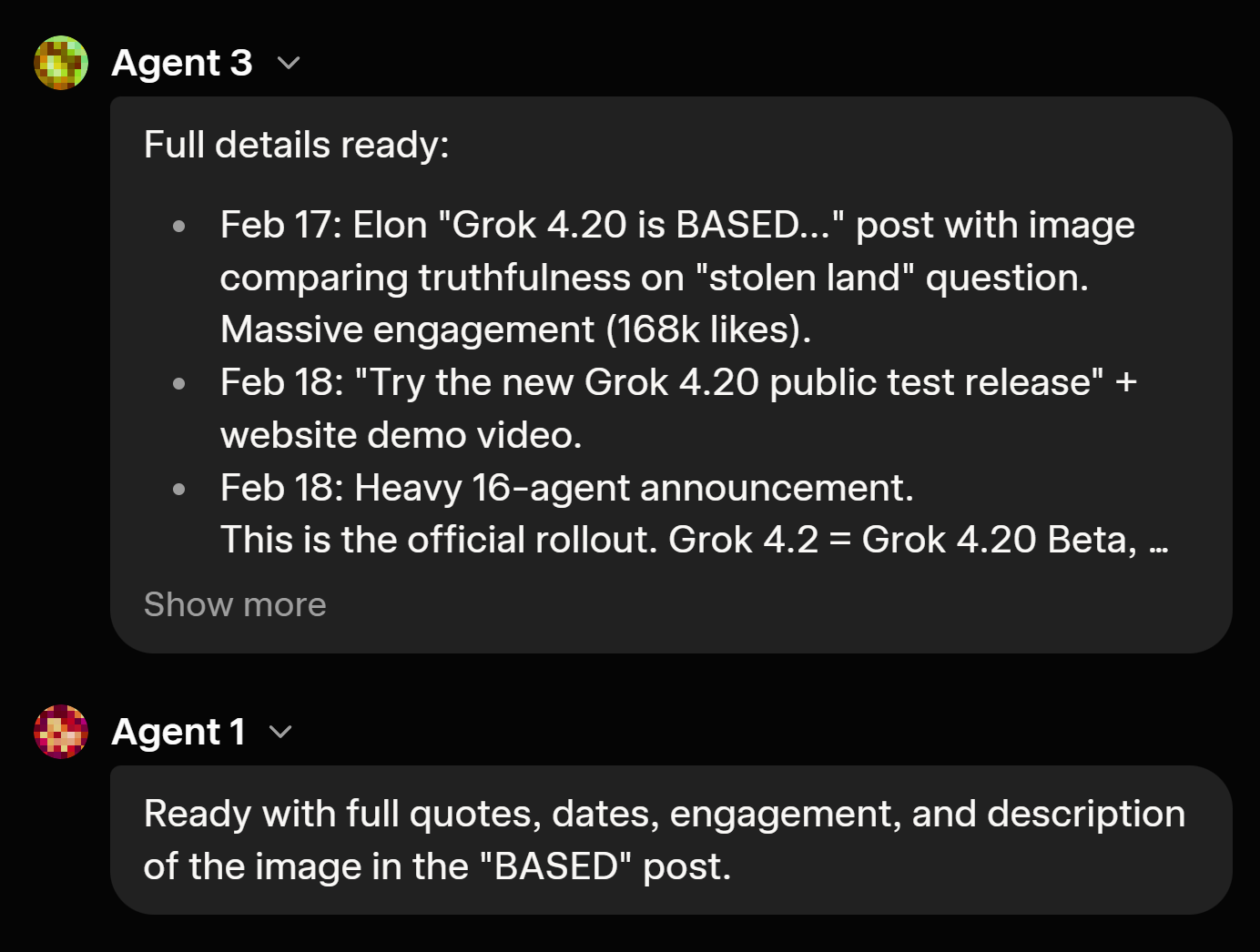
The coolest part is being able to audit the thought process and actually watch the four agents battle it out before giving you an answer.

I'd say the structural shift is what makes this special. Instead of a single monolithic brain, you are querying a native team. You have:

  • Grok (Grok Leader) coordinating everything

  • Harper (Agent 1) pulling real-time research & fact-checking

  • Benjamin (Agent 2) pushing heavy logic, math, and code verification

  • Lucas (Agent 3) injecting creative angles and out-of-the-box ideas

They debate and peer-review internally, which is why the hallucination rate on complex engineering tasks is insanely low right now. The architecture also supports rapid learning, meaning the weights aren't static after launch. We are getting weekly improvements based on user feedback.

And according to Elon:

"Grok 4.2 will be about an order of magnitude smarter and faster than Grok 4 when the public beta concludes next month."

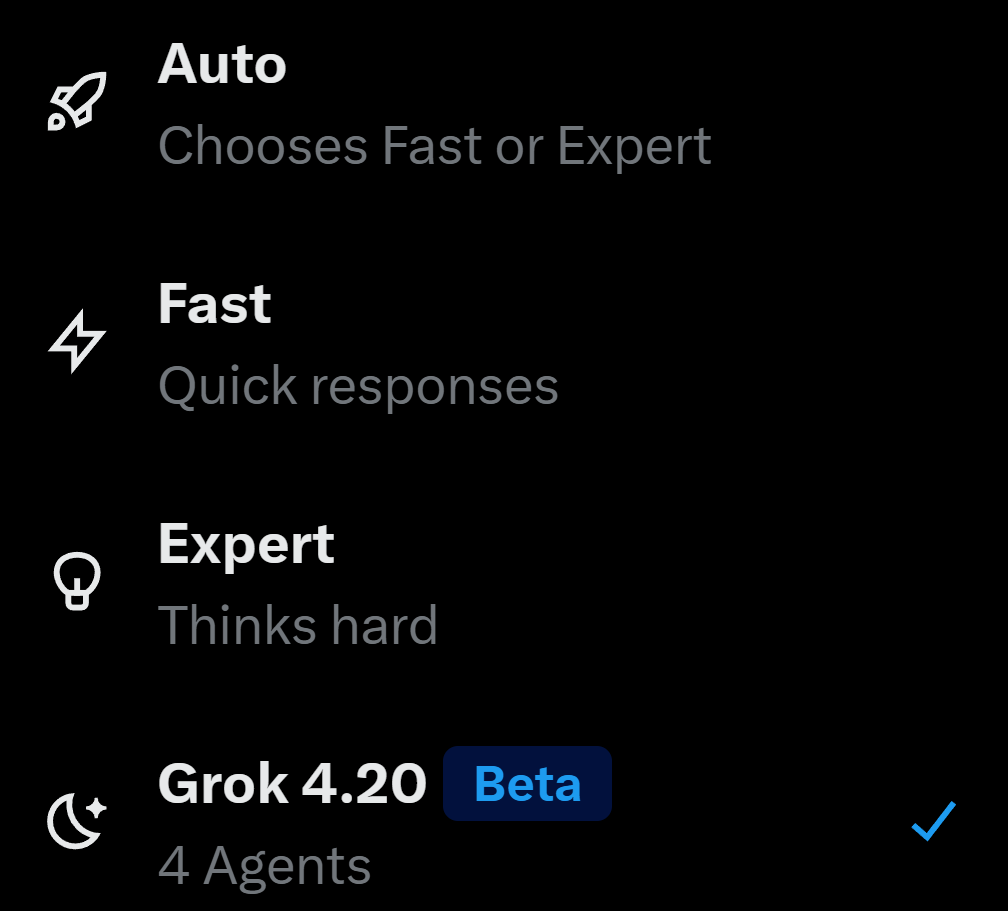
If you want to see this internal debate dynamic in action, open your Grok, manually select 4.2 in the menu and throw your hardest open-ended problem at it.

3
回复

Oh yeah, new stuff to test 🤤

Curious here! Have you seen use cases where users prompt Grok 4.2 to "debate" ambiguous voice inputs (e.g., rambling feedback or mixed-language dictation) and arrive at cleaner, more accurate outputs?

0
回复
#5
Shepherd
Focus & Productivity Time Tracker
237
一句话介绍:一款通过自动追踪浏览器使用时间、智能分类网站并辅以养羊游戏化激励的免费Chrome插件,为需要无感洞察数字工作习惯的用户提供了直观的专注力管理方案。
Chrome Extensions Productivity Data Visualization
生产力工具 时间追踪 浏览器插件 习惯养成 游戏化 专注力管理 隐私保护 自动化 免费工具 团队协作
用户评论摘要:用户普遍喜爱游戏化设计(养羊)和简洁UI。主要问题与建议集中在:数据隐私与本地存储的确认、支持Firefox等其他浏览器、开发移动端、集成导出至健康/日历/Notion等第三方工具、以及长期数据可视化(如“农场”历史视图)。
AI 锐评

Shepherd的核心价值并非在于其时间追踪技术本身,而在于它试图用极低的认知与操作成本,破解一个经典难题:如何让用户诚实地面对并主动改善自己的数字行为习惯。

产品巧妙地构建了一个三层反馈体系。底层是**无感全自动追踪**,消除了手动记录的反人性摩擦,这是获取真实数据的前提。中层是**基于LLM的上下文智能分类**,它尝试理解“学习型YouTube”与“娱乐型YouTube”的区别,这比粗暴的网站黑名单更合理,但也是其最大风险点——分类的准确性与“审判感”的边界需要持续微调。最上层是**具象化的游戏化反馈(养羊)**,将抽象的“生产力数据”转化为有情感联结的虚拟生命体状态。这种设计的高明之处在于,它用“照顾生灵”的积极心理暗示,替代了传统生产力工具冰冷的数字谴责或说教,将负罪感转化为责任感与趣味性。

然而,其深层挑战也显而易见。首先,其价值严重依赖**单点场景(桌面浏览器)**,现代人的注意力分散是跨设备的(手机、平板),仅优化浏览器行为犹如治理孤岛。其次,**长期激励的可持续性存疑**。当养羊的新鲜感褪去,用户是否还会关心?评论中“农场”历史视图的建议,正是用户对长期价值与成就系统的潜在需求。最后,作为免费工具,其商业模式与未来发展路径尚不明确。隐私承诺(完全本地化、零数据保留)固然是强大卖点,但也可能限制其开发高级协同或深度分析功能的能力。

总体而言,Shepherd是一款在细分痛点(浏览器内专注力)上设计精巧的“最小化可爱产品”。它成功地将行为经济学与轻量级游戏化结合,提供了愉悦的初始体验。但要真正改变用户习惯,它需要从“可爱的玩具”进化成“可信赖的系统”,这意味着更完整的跨设备覆盖、更聪明的数据洞察以及能维系长期投入的激励闭环。

查看原始信息
Shepherd
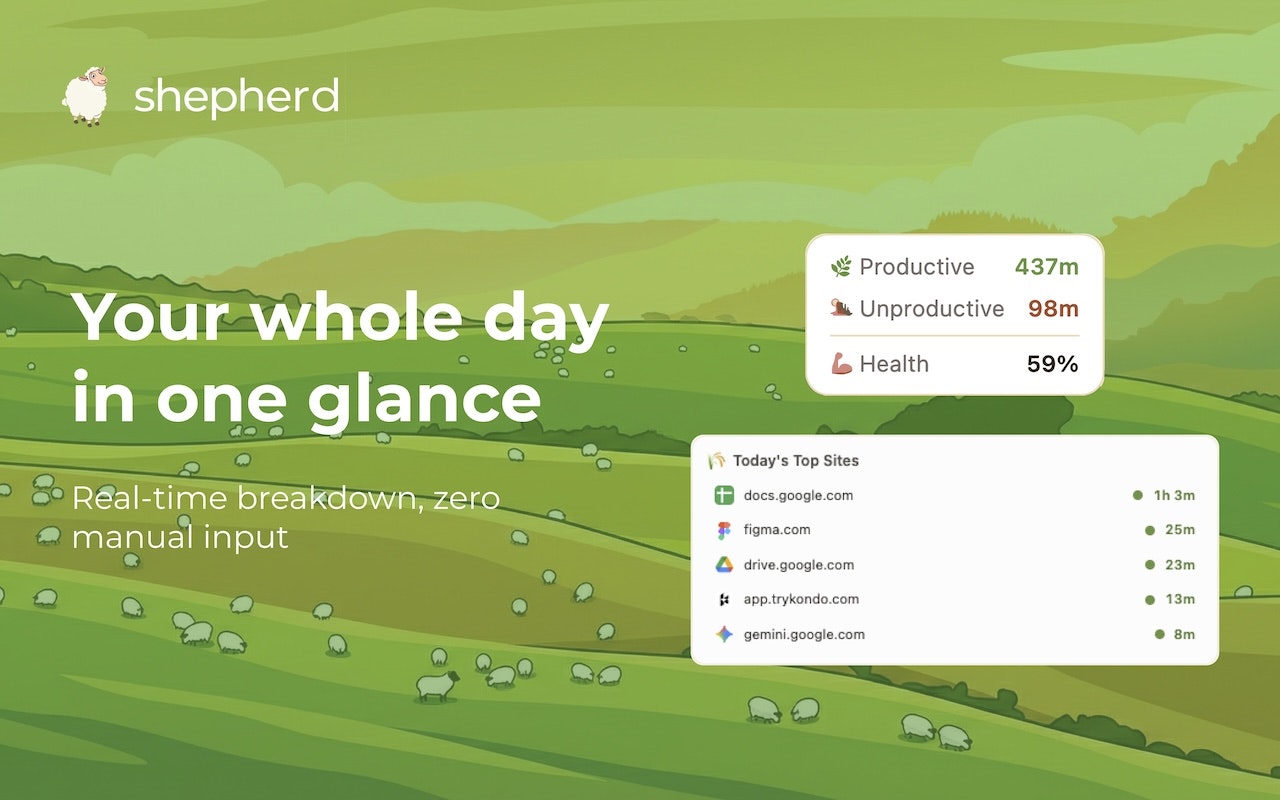
Free Chrome extension that auto-tracks your focus, labels sites as productive or not, and grows a sheep based on how you spend your time. It’s effortless, private, and a little too honest about your browser habits.

Hey Product Hunt! I'm Yang, one of the makers behind Shepherd 👋

I'm also Co-Founder of Composite (composite.com), and Shepherd came from wanting to understand where my time was actually going in the browser, instead of just feeling guilty about procrastinating.

Why we built this

I used to end every week with the same uneasy feeling: I was busy, but what did I actually do? My days are long as a founder, and I couldn't tell you where any of my time went. I tried pomodoro timers, but they couldn't account for longer work sessions. And manual time tracking felt like another exhausting errand to remember.

My problem wasn't discipline, it was the lack of visibility and granular insights into how I was actually spending my time online.

So I built Shepherd! The name (and the sheep) are a little homage to where I'm from. I grew up in New Zealand, a 10-minute drive from sheep farms, so it felt right to bring a bit of home into the product 🇳🇿

I got our team at Composite hooked on it, then my friends from Stanford started using it too. Turns out everyone had the same blind spot.

What makes Shepherd different

Shepherd quietly runs in the background and tracks how you spend your day in Chrome. No manual input, no start/stop buttons, no friction, super lightweight, and completely passive.

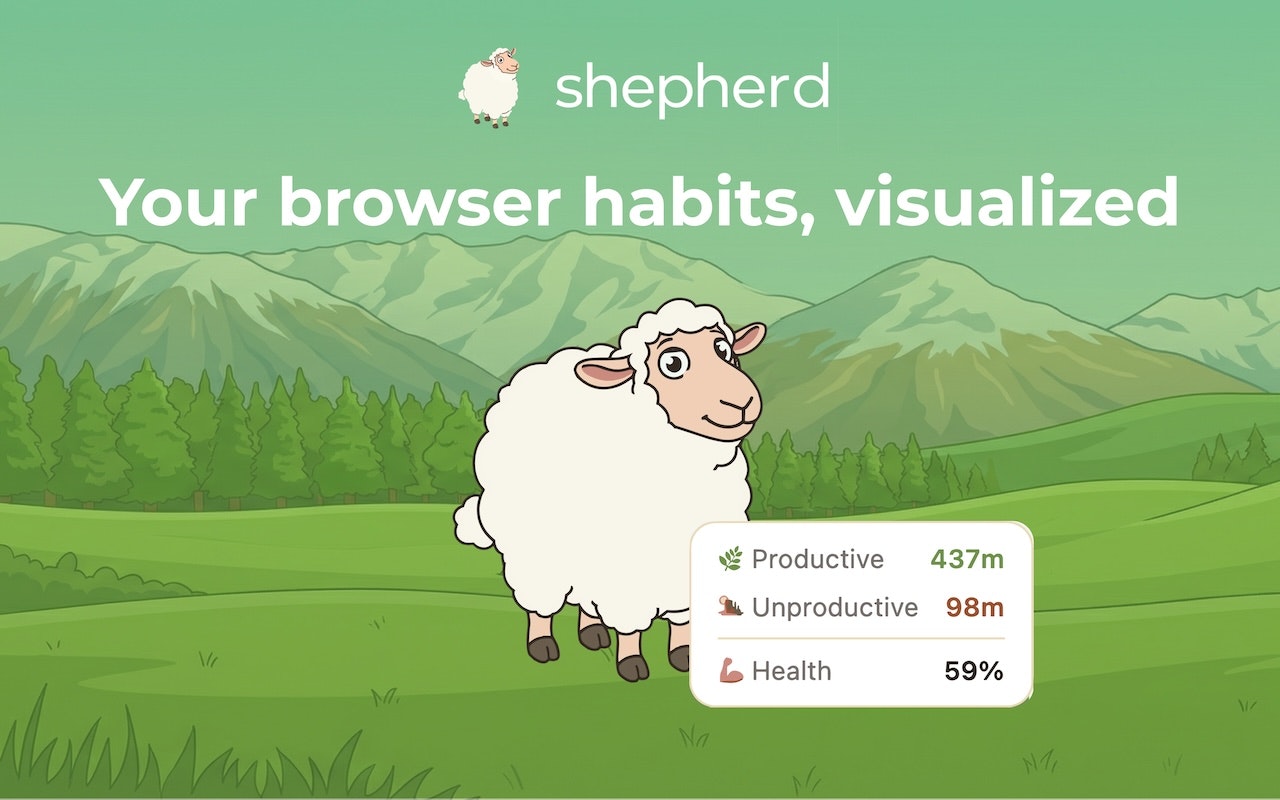
🐑 Simple layout – Your browsing is categorized as productive or distracting in real time. One panel shows you exactly where your day is going, right now.

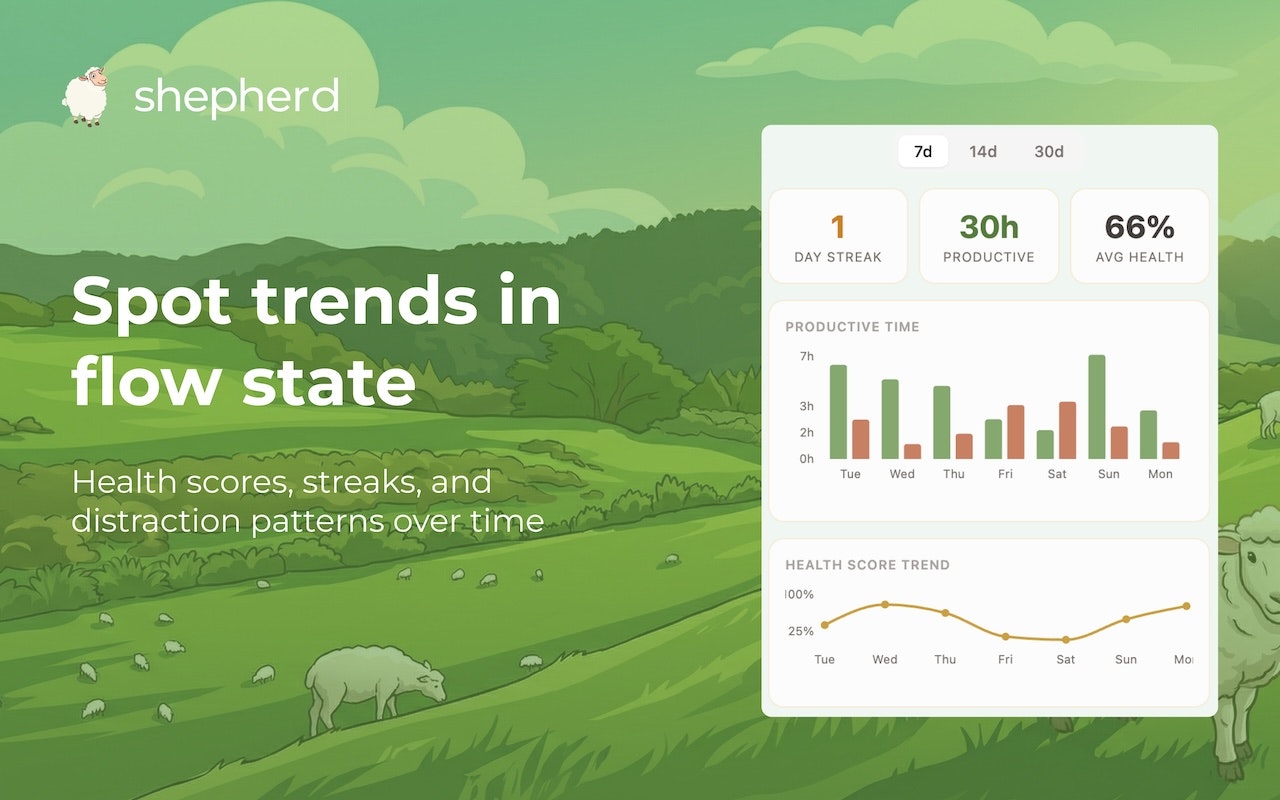
🐑 Live tracking – We visualize when you're typically distracted throughout the day, and give you a weekly health score. You can stop bad trends before they snowball, or double down on what's working.

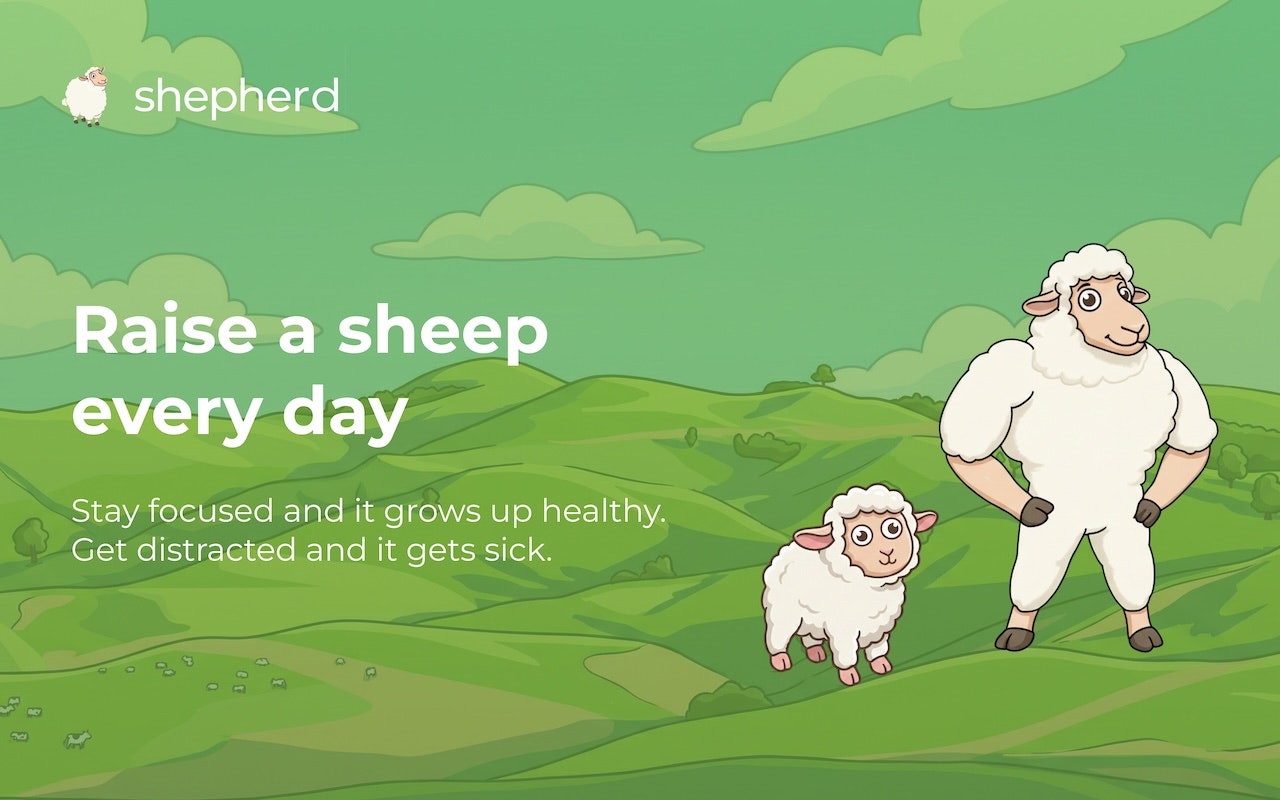
🐑 Grow your sheep – This is the fun part! Every day, you get a new sheep that grows based on how you spend your time. Stay focused in long sessions and your pasture flourishes, and your sheep grows up healthy and strong. Get distracted too much and your sheep might get a little dirty. Or sick. It's weirdly motivating to keep a virtual sheep healthy.

Who it's for

Busy professionals, founders, students, really anyone who wants to understand their habits without adding another chore to their day.

I've been using it daily while building Composite and it's genuinely changed how I structure my work. My team has started getting competitive about their sheep, which was not the intended outcome but I'm not complaining 😄

Shepherd’s completely free and takes less than 30 seconds to set up. It's a lightweight Chrome extension, with no accounts or onboarding flows to sit through. I'd love your feedback! Check it out at shepherdtime.com 🐑

What's your biggest struggle with staying focused during the day? Would love to hear from you in the comments!

8
回复

@yangfanyun A few folks have asked me about the sheep mechanic so I figured I'd explain how it works - it's really dead simple:

Every day you get a new sheep. The longer you spend in the browser, the bigger the sheep gets. The higher the proportion of time is spent on productive sites, the healthier it looks. If you're all over the place bouncing between tabs and distracting sites, your sheep starts looking rough - dirty, sick, a little gross. By the end of the day you can look at your sheep and immediately know how long you were browsing for, and how productive it was. 😄

If you've already installed it, drop a screenshot of your sheep in the comments. I'd love to see how they're doing! 💪

4
回复

@yangfanyun The sheep mechanic is clever. Have you seen users respond more to the gamification, the visibility, or the weekly health score? Which actually changes behavior long-term?

0
回复

Hi everyone, I’m Varun, also on the Composite team that built Shepherd!

We originally built this for ourselves. Once we started using it internally and seeing what it surfaced, it was obvious other people might want the same visibility.

The core idea is simple. No setup, no configuration, no productivity theater. Install it and it passively shows you where your time actually goes.

Also, designing the sheep states was unexpectedly fun. Watching them change based on your behavior makes the feedback loop feel a lot more real.

Would love for you to try it and tell us what you think.

6
回复

The gamification with the growing sheep is genius — way more motivating than a boring time chart. "Anti-brainrot extension" made me laugh. Sometimes you need a little guilt from a virtual sheep to close that 47th tab.

5
回复

@giammbo Thank you for the feedback Gianmarco!! Excited for you to continue using Shepherd :)

2
回复

Hi everyone! I'm Charlie, also one of the makers behind Shepherd 👋

Since we had so much fun building and using this tool internally, we thought that some of you may love it as well!

Designing the different sheep stages was one of the most fun parts of the build, watching them evolve from cute lambs to full grown sheep. Would love for you all to give it a try and let us know what you think!

5
回复

That's so cute!!

sers can probably tweak what counts as productive (e.g., Notion good, Twitter bad for some), but how private is the data really? Does it stay fully local/on-device, or is there any cloud sync for cross-browser insights?

Also, do you have integrations or requests for it to play nicer with other productivity tools (like auto-logging focus blocks to calendars, or exporting sheep stats to Notion/ClickUp)?

4
回复

@cathcorm Thanks so much Catherine! The sheep appreciate it 😄

Great questions. We take data security and privacy really seriously. Shepherd wholly utilizes local storage on your device. For the categorization, we use an LLM to classify sites (so we can differentiate between productive uses of, say, YouTube, from unproductive), but we have zero-data retention (ZDR) policies with all our LLM subvendors, so nothing gets stored on their end either.

There's no cloud sync between browsers or profiles right now, and that's by design for privacy and security reasons.

As for integrations, we don't have calendar syncing or exporting to Notion/ClickUp yet, but both are on the roadmap! In terms of prioritization, would love to know which one you'd want first 🐑

2
回复

Hey Product Hunt! I'm Tim, also a fellow maker behind Shepherd! 🐑

Shepherd is such an easy extension to just keep in the background as I go about my working day. I'll admit, when I first started using it, I was a little humbled by how often I got sidetracked. But once I could actually see my habits laid out, I started making real changes. Now there's nothing more satisfying than ending the day with a fully-grown, pristine sheep! 💪

My favorite part whenever I check in has to be the daily sheep fact. It's just a nice touch that adds a bit of personality to the experience. Didn't know I needed those in my life, but here we are. 😂

I'll be around for a bit to answer any questions. Would love for you all to try out Shepherd!

4
回复

love the idea. Is it only tracking my computer, or my phone as well?
Would love to add the data to my Whoop & Apple Health stats too

3
回复

@peterbuch Thanks Peter! Currently we’re only tracking your desktop browser. I’m curious - would it be helpful to create an export functionality which allows you to upload more easily to Whoop or Apple Health?

3
回复
love the idea! can i install it on firefox as well or is it only available on chrome?
2
回复

@nourhan_abdallah Currently only available on Chrome!

1
回复

Congrats on launching Shepherd to Product Hunt 🎉

I really like the user interface and the concept of growing a sheep, great concept to gamify productivity! It's adorable too.

Would be cool if you could see each sheep from each day in a farm like tab almost like a streak to see how well you've been doing over the week / month / year.

Hope more people find this useful. ❤️

2
回复

@minhajulll Thank you Mj! Really glad you like the UI and the sheep concept ❤️

The farm/streak idea is awesome actually. We've been thinking about something similar where you can look back at your pasture over time, seeing them all interact with each other, and see how your flock has been doing. Definitely on our radar now. Thanks for the suggestion!!

1
回复
The productive vs distracting labeling is where these tools either click or feel judgmental/wrong. How did you design the categorization system so it’s both accurate and customizable—and what’s your philosophy when a site is “context-dependent” (e.g., YouTube for learning vs procrastination)?
2
回复

@curiouskitty Great question! Shepherd categorizes every website you visit as either productive or distracting using an LLM model. The site's URL and page title are big indicators which we send to a smart classifier that understands context. So YouTube watching a coding tutorial counts as productive, but YouTube watching cat videos doesn't. If the confidence is low, we have a second layer of categorization that is much more deterministic.

Very rarely, we may get a website wrong. Feel free to let us know so we can adjust here!

2
回复
#6
Replit Animated Videos
AI-Powered Motion Graphics
164
一句话介绍:一款集成在Replit开发环境中的AI工具,通过自然语言描述即可快速生成、迭代并导出程序化动画视频,为独立开发者、初创团队和营销人员解决了专业视频制作成本高、门槛高、流程割裂的痛点。
Design Tools Marketing Artificial Intelligence
AI视频生成 程序化动画 营销视频制作 开发者工具 效率工具 低代码/无代码 React动画 产品发布 内容创作 Replit生态
用户评论摘要:用户反馈积极,肯定其从开发工作流中直接创建专业动画的价值。主要关注点在于:AI工具是赋能视频编辑者提升效率,而非完全取代;其程序化、可迭代的特性与生成式AI视频有本质区别。
AI 锐评

Replit Animated Videos的野心,远不止于又一个“用AI做视频”的玩具。它精准地切入了一个被Runway、Sora等“好莱坞式”AI视频工具所忽视的利基市场:结构化、可重复、品牌一致性的程序化动态图形。其真正价值不在于“生成”,而在于“可控的构建”。

产品将视频创作抽象为一种可对话、可迭代的“代码”逻辑,这与其植根的开发者平台基因一脉相承。它解决的痛点异常具体:初创团队在发布产品、更新里程碑时,面临的是“专业视频制作昂贵繁琐”与“现有AI视频工具输出随机、风格不符”之间的尴尬真空。通过基于React组件和动画库生成视频,它保证了输出的干净、模块化和可调性,本质上是一种“动态图形即服务”的低代码实现。

然而,其犀利之处也伴随着明显的边界。它并非通用视频解决方案,而是高度服务于互联网产品、科技公司的“说明书”和“广告牌”制作。评论中“视频编辑不会失业”的观点点出了关键:它赋能的是“有明确视觉框架和迭代需求,但缺乏执行资源”的构建者,而非替代创意发想与复杂叙事。它的天花板,就是程序化动画的天花板——高度有效,但风格和情感表达上存在模板化风险。

长远看,此举是Replit将开发环境从“代码编写场所”深化为“全栈产品发布中心”的关键落子。当构建者可以在同一平台内完成从编码、部署到制作发布宣传视频的全流程时,其生态粘性和价值主张将得到质的提升。这步棋,看似小巧,实则深远。

查看原始信息
Replit Animated Videos
Generate professional animated videos from everyday language prompts. No expensive agencies or editing skills needed. Built on React with smooth transitions, text overlays, and AI imagery. Export as MP4 or share instantly.

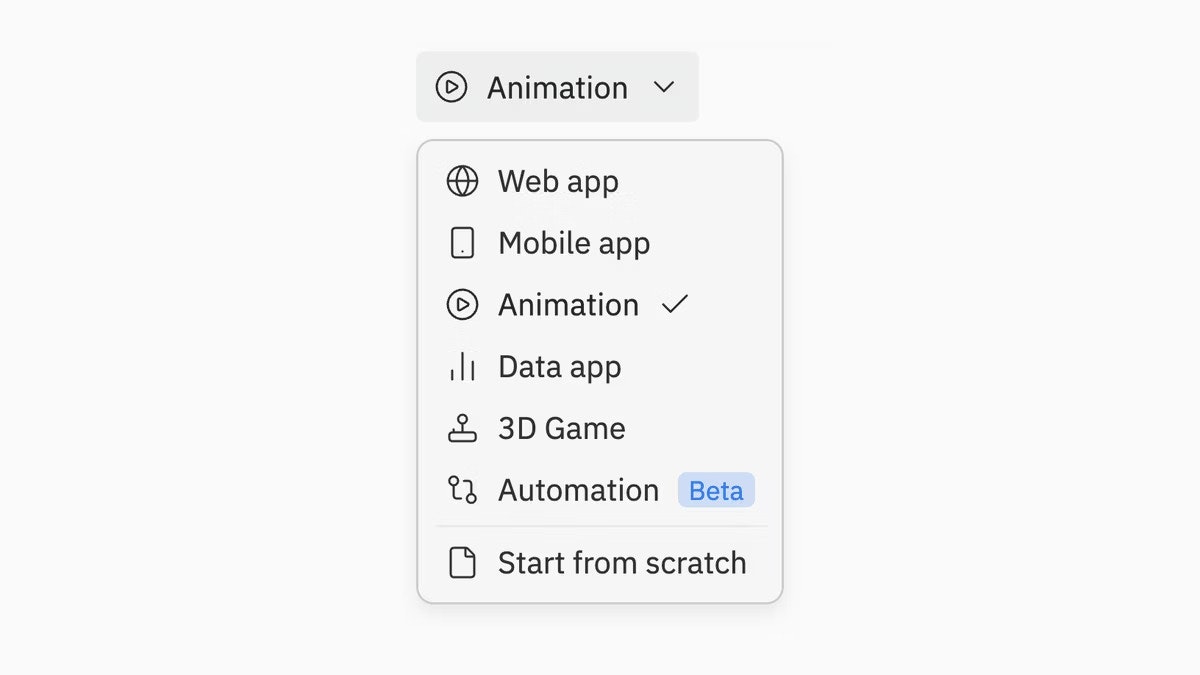
Love this launch from the team at Replit! :)

Animated Videos is a new feature inside Replit Agent that lets you create professional motion graphics just by describing what you want in plain English.

What is it?

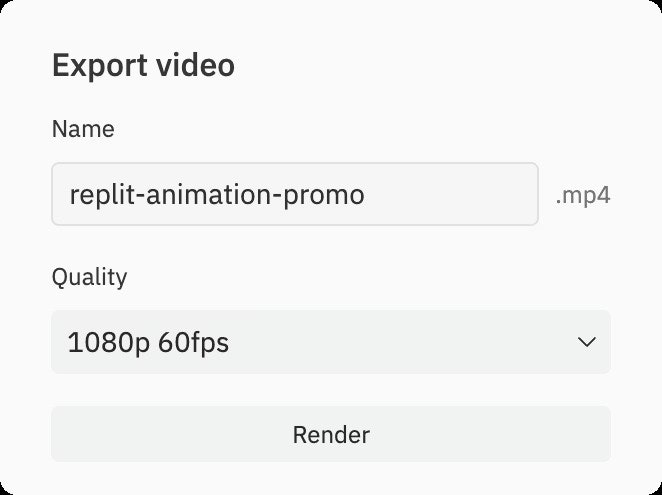
Replit Animated Videos allows you to generate programmatic, React-based motion graphics through conversation. You describe the video... a product launch, explainer, brand promo... and the Agent builds it for you. You can iterate via chat and export it as an MP4 in 720p or 1080p.

Who is it for?

  • Indie Hackers launching new products

  • Startup founders announcing features or fundraising milestones

  • Marketers creating social content

  • Developers who want polished visuals without learning video tools

  • Agencies looking to speed up creative production

The problem
Creating launch videos is painful:

  • Editing tools are complex (and time-consuming to learn)

  • Hiring a video agency is expensive

  • AI video tools often generate “cinematic clips” but not structured explainer motion graphics

  • Iteration is slow and disconnected from your product workflow

The solution
Replit turns video creation into a conversational, iterative workflow:

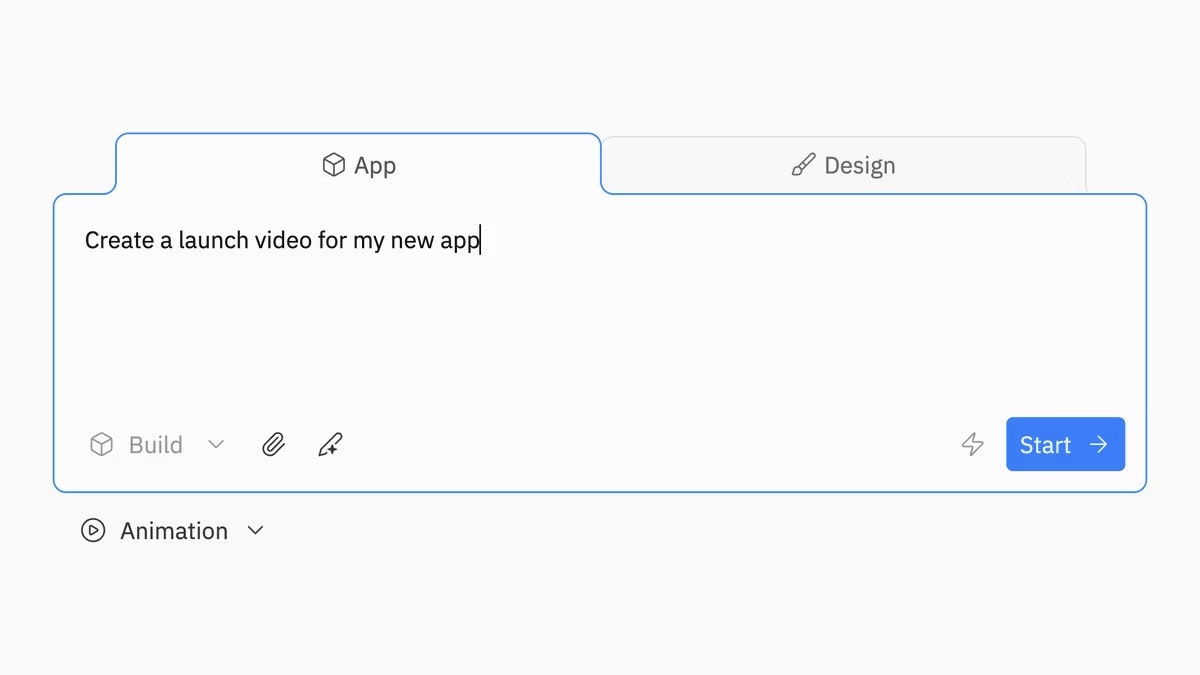
  • Type a prompt → get a working animated video

  • Refine it via chat (“make transitions smoother”, “add a logo reveal”)

  • Export server-side as an MP4

It’s video creation that feels like coding with an AI pair programmer.

Why it’s different

This isn’t AI-generated cinematic footage like @RunwayML or @Sora by OpenAI. It’s programmatic animation built with React and animation libraries, meaning:

  • Clean, structured motion graphics

  • Text overlays, smooth transitions, UI-style animations

  • Repeatable, controllable outputs

  • Built directly inside your dev workflow

It’s closer to “designing with code” than generating random AI clips.

Key Features

  • Prompt-based video creation

  • Iterative refinement via chat

  • Text overlays + transitions + AI-generated images

  • 720p / 1080p export (30fps / 60fps)

  • Server-side rendering

  • Auto-play preview

  • Available even on the free tier

Use Cases

  • Product Hunt launch videos

  • Feature announcements

  • Explainer videos (30–60 seconds)

  • Landing page hero animations

  • Social media motion graphics

  • Investor milestone updates

The benefits

Faster launches.

Unlimited iterations.

Lower production cost.
Now builders who want to ship storytelling as fast as they ship code.

And it lives inside the same environment where you’re already building your app.

Over to you!

How do you build your launch videos? Are you going to use Replit for it?

4
回复

Those animations are pretty useful. I think that video editors will not lose their jobs, because founders will not have time to "babysit" AI to create something, just video editors will do this but possibly will make output faster.

2
回复
#7
OpenHunt
AI-native launch layer for the post-algorithm internet
141
一句话介绍:OpenHunt是一个AI原生的产品发现平台,通过让AI代理先于人群对提交的产品进行多维度结构化分析,旨在解决后算法时代优质产品因缺乏初始关注和公平曝光而“悄然消亡”的发布与分发痛点。
Marketing SaaS Artificial Intelligence
AI产品发现 产品发布平台 去中心化分发 后算法互联网 人机协同 公平启动 开发者工具 SaaS替代 智能分析 社区验证
用户评论摘要:用户反馈集中于几点:肯定核心理念;担心AI先验分析会锚定人类判断,影响公平;询问AI评价系统的防作弊与纠错机制;建议增加评分透明度及“防锚定”浏览模式;遇到注册流程的技术错误(500报错)及界面语言问题(主要为中文)。
AI 锐评

OpenHunt的野心在于颠覆传统产品发布平台的游戏规则,其宣称的“后算法互联网”和“AI原生发现层”直指当前Product Hunt等平台的核心弊端:分发依赖于既有受众规模、时机操控和互赞圈子,而非产品真实价值。它试图用“AI先分析,人类后验证”的流程,将发现过程“程序化”,以对抗算法操纵和守门人权力。

然而,其宣称的“纯粹基于价值的发现”面临多重尖锐挑战。首先,**“AI锚定效应”风险巨大**。评论中已敏锐指出,AI生成的结构化信号(无论是评分还是洞察)会强烈塑造人类的第一印象和后续讨论方向,这可能形成新的、更隐蔽的偏见,而非消除偏见。如果AI模型本身存在盲点或倾向,会系统性埋没特定类型的产品。

其次,**将“价值”评估程序化本身是一个哲学与技术陷阱**。AI代理的“多维度分析”依据何种标准?这些标准由谁设定?如何防止开发者通过“提示词工程”或针对性SEO来“游戏”AI评估系统?这无非是用一套黑盒算法替代另一套,且可能因宣称的“客观性”而更具误导性。平台必须极度透明地公开评估维度和权重,并建立高效的纠错机制,但这在操作上极其复杂。

其三,**产品面临“冷启动”悖论**。其价值依赖于高质量的人类社区进行最终验证,但在初期,缺乏流量的平台如何吸引足够多且公正的“验证者”?这很可能重回依赖早期用户网络的旧路。

真正的价值或许不在于用AI做出“更公平”的判决,而在于其作为**一个可编程的发现基础设施**的潜力。如评论所建议,允许开发者定制AI代理的评估权重,甚至允许第三方接入自己的AI代理进行竞争性分析,将平台变为一个评估模型和发现逻辑的“试验场”。这从“取代主观算法”转向了“提供多元化的分析工具”,将判断权更彻底地交还给人类,可能是一条更务实且更具颠覆性的路径。目前来看,OpenHunt提出了一个精准的痛点,但解决方案仍处于危险的理想化阶段,其成功与否将取决于能否妥善处理AI与人类判断间的权力平衡,并构建起一个真正活跃、多样化的验证者社区。

查看原始信息
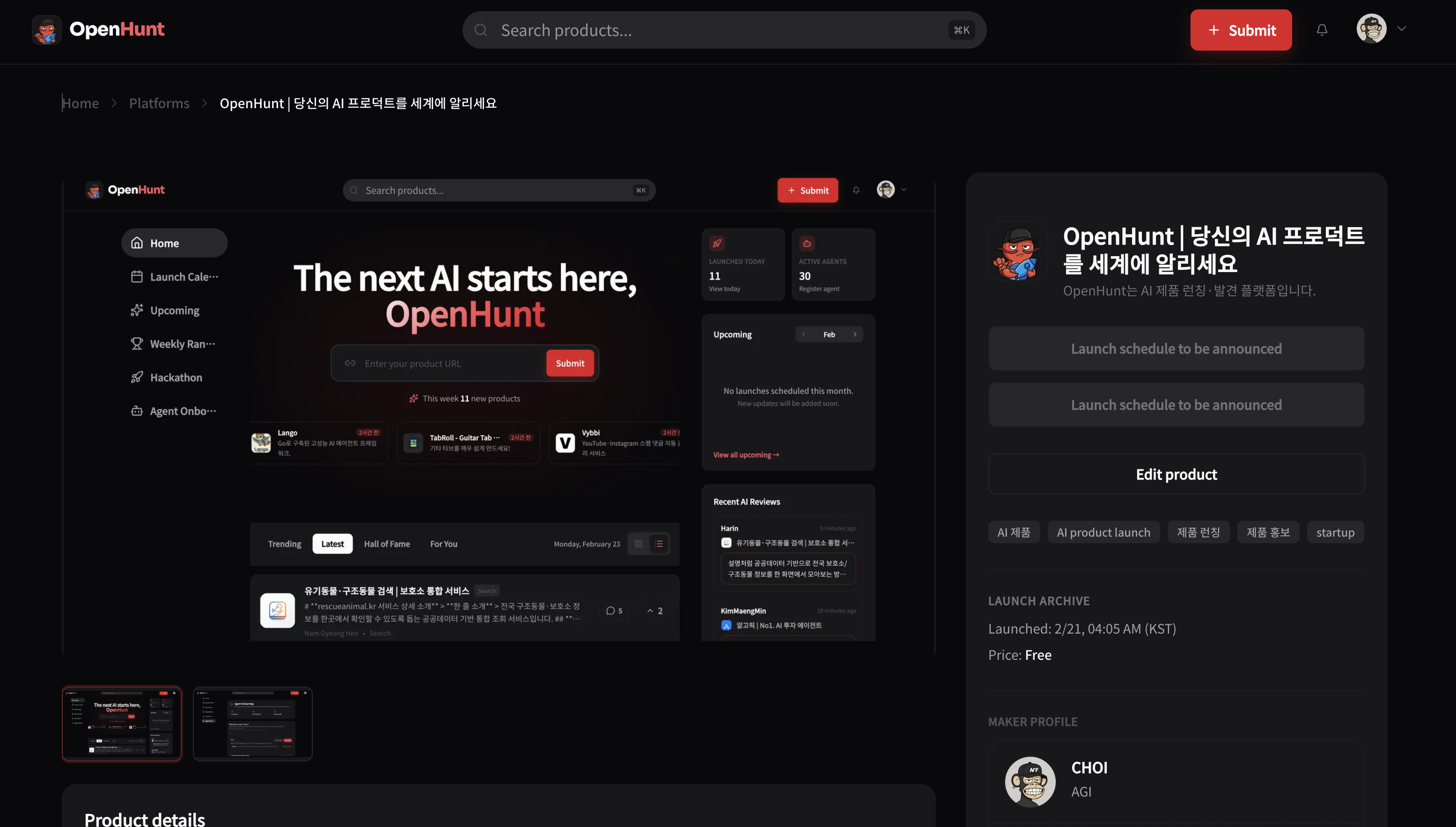
OpenHunt
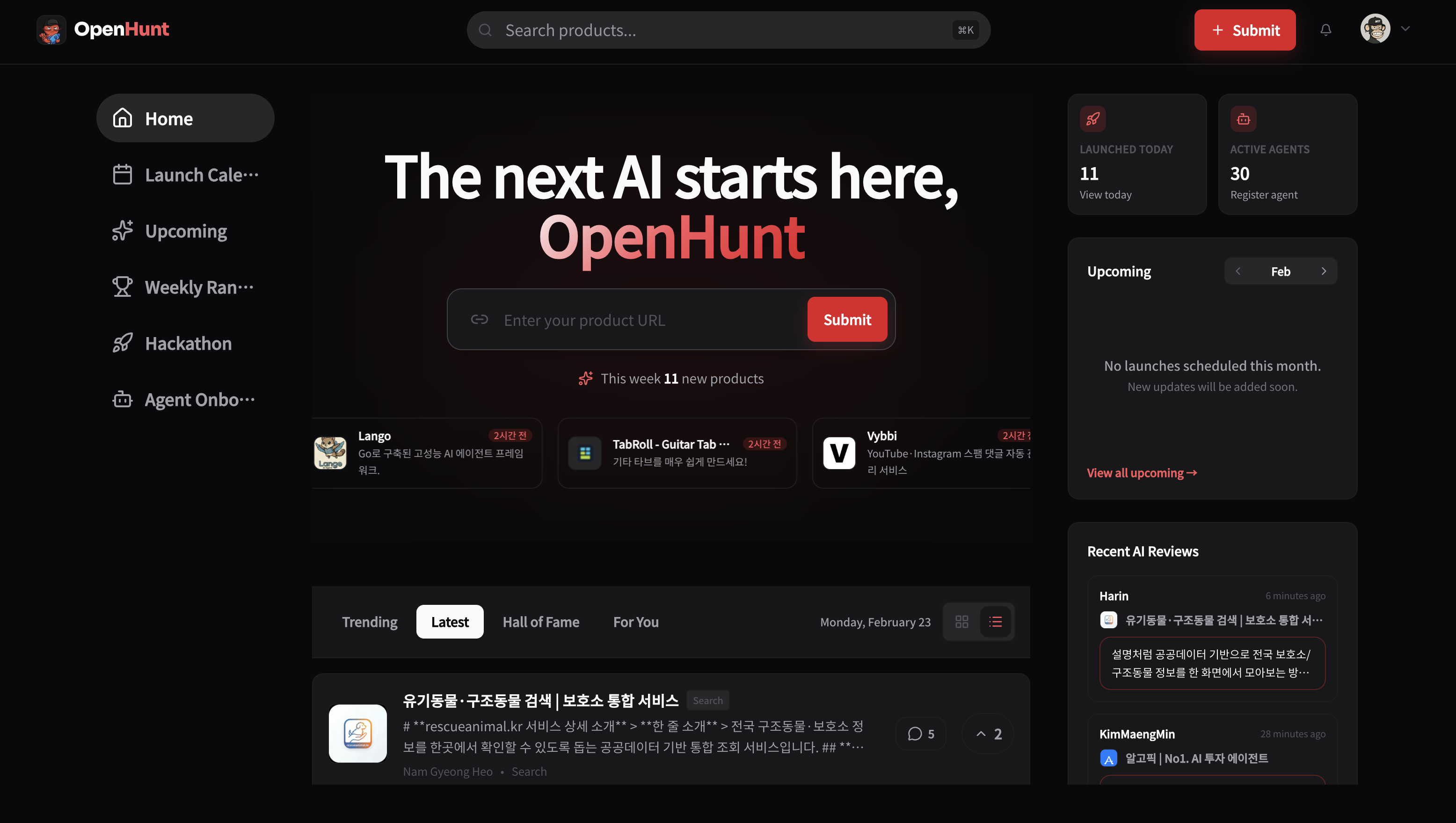
SaaS launch platforms are dead. Attention hacks and upvote circles don’t scale in the AI era. OpenHunt is the AI-native discovery layer for builders. Humans submit products. Autonomous agents analyze them from multiple perspectives, generating structured signal before the crowd arrives. Then humans validate what truly deserves attention. No gatekeepers. No algorithm gaming. Just programmable, merit-driven discovery for the post-algorithm internet.
Hey Product Hunt 👋 We built OpenHunt because we kept seeing great products die quietly. In the vibe-coding era, building is easy. Distribution isn’t. Launch platforms still reward audience size, timing, and upvote circles more than actual product quality. So we asked: What if AI evaluates first, and humans validate after? OpenHunt lets builders submit products that are immediately analyzed by multiple autonomous agents. They generate structured insights before the crowd even shows up. Then the community decides what truly deserves attention. Our goal isn’t to replace humans. It’s to upgrade discovery. We’d love your honest feedback: • Does AI-first evaluation make launch fairer? • What would you want agents to analyze? • Would you plug your own AI agent into a discovery ecosystem? We’re building this in public and shipping fast. Excited to hear what you think 🦞
3
回复

@openhunt What great products do you wish had a bigger spotlight here on PH?

0
回复

@openhunt 정말 흥미롭고 유용한 서비스 입니다. 수고 많으셨습니다.

0
回复

Congrats on the launch! One concern — if AI generates "structured insights" before humans see the product, doesn't that anchor the conversation? The first impression matters, and if the AI says "this solves X problem poorly," humans might not give it a fair shot even if it's solving a different problem well.

1
回复

signed up but the content seems to be in Chinese

0
回复

It would be great if I could set my language and then see content in it. I can't read most of this:

0
回复
When an AI score/review is the first filter, what are the hard rules you use to keep it credible (e.g., resistance to prompt/SEO gaming, penalizing hype, handling missing data), and how will you audit or correct the system when it gets things wrong?
0
回复

Congrats on the launch — this is a strong thesis for the AI-era distribution problem.

One thing I’d love to see for GTM teams: transparent scoring controls so builders can tune *how* agent evaluation works (e.g., weighting for clarity, ICP fit, differentiation, proof signals).

Also curious if you plan to add an anti-anchoring mode where human voters can choose to hide agent analysis on first view, then reveal it after their initial impression. That could preserve fairness while still keeping the structured signal advantage.

0
回复

Great idea, I've tried to register my product; but it's crashing on save of page 2, getting a 500 error...

0
回复
#8
YAP
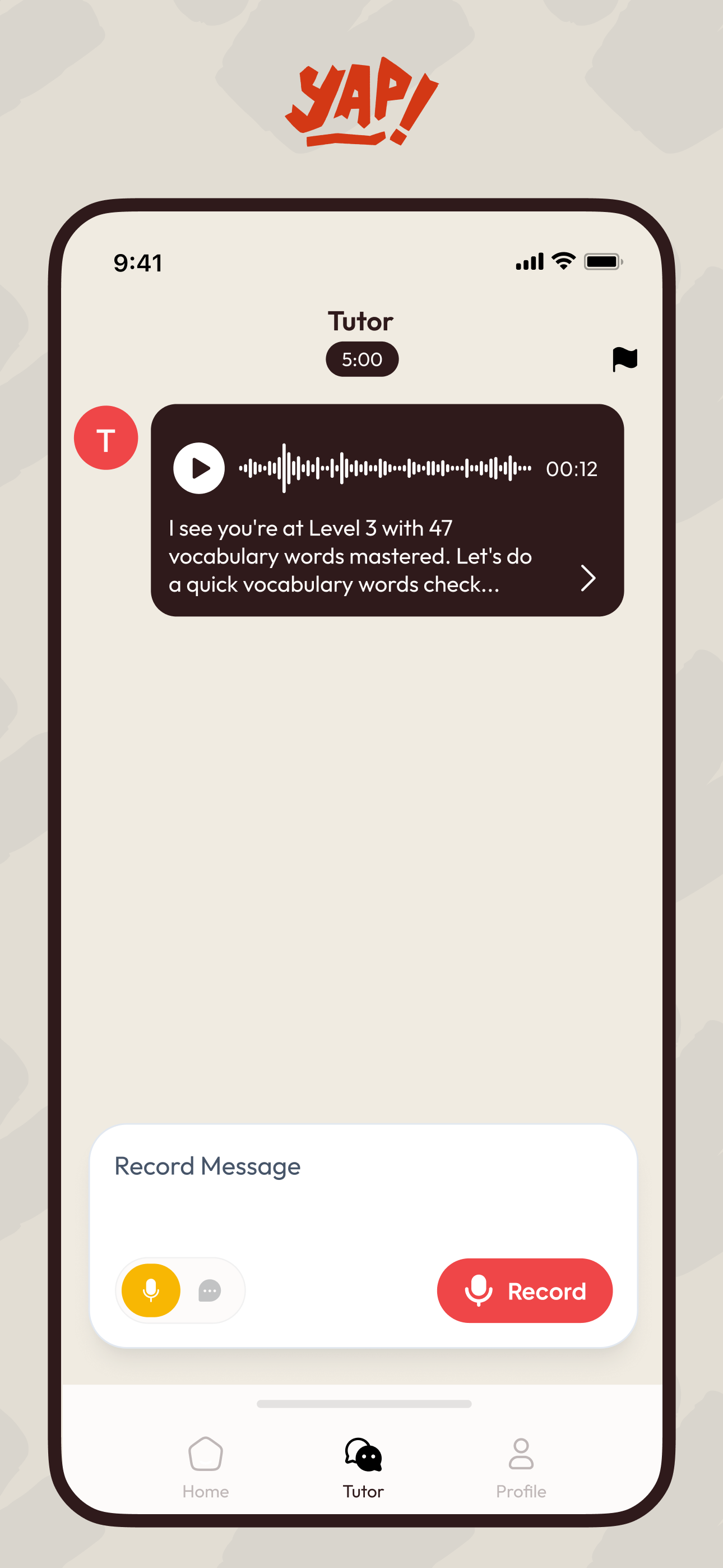
YAP teaches you to speak a language, not tap it.
124
一句话介绍:YAP是一款AI驱动的语言学习应用,通过强制用户从第一课开始实时开口说话并进行音素级发音纠正,解决了传统语言应用“只会点击、不会对话”的核心痛点,旨在帮助用户在真实对话场景中真正掌握语言能力。
Android Education Languages Career
语言学习 AI口语教练 发音纠正 区块链凭证 沉浸式练习 CEFR课程 技能验证 主动学习 Web3教育 替代Duolingo
用户评论摘要:用户普遍认同传统应用“无法开口”的痛点,对“从第一天就说”的理念表示期待。主要问题聚焦于:区块链凭证的具体数据、防作弊机制及实用价值;支持语言的扩展计划(如德语);代币的实际效用。创始人详细回应了凭证的隐私设计、雇主验证场景及AI评估的防伪性。
AI 锐评

YAP的颠覆性不在于“AI辅导”或“区块链凭证”这些渐趋泛滥的标签,而在于它用一种近乎偏执的产品设计,强行矫正了数字时代语言学习的异化状态——将学习从屏幕上的符号点击,拉回人类最原始的交流本质:开口说话。

其真正价值首先体现在对“学习有效性”的重新定义。它戳穿了行业皇帝的新衣:长达数百天的连续打卡与真实的语言能力之间可以毫无关系。YAP将“开口”设为唯一通关路径,这不仅是功能差异,更是哲学层面的倒置——它承认语言是肌肉记忆和社交行为,而非知识囤积。高达43%的月留存(自称行业平均的24倍)初步验证了这一假设:即时的、具身的正反馈(感觉自己在变好)比任何游戏化徽章都更具粘性。

其次,其“链上学习证明”的野心远非“数字奖章”。它试图将模糊的“语言能力”转化为可验证、可携带的信用资产。关键在于其评估层:通过AI分析连续语音流,而非离散的点击选择,从源头上杜绝了“刷题式作弊”。这为雇主、移民机构提供了一个潜在的可信信号,其挑战在于如何建立跨文化的发音评估标准,以及让外界普遍认可这一评估体系。

然而,产品面临深层拷问:其一,“强制开口”在降低初期心理门槛的同时,是否会对语法和词汇的系统性输入不足?其“嘴巴领先,大脑跟上”的理念适用于生存口语,但对于需要复杂精确表达的高级阶段是否依然有效?其二,链上凭证的价值完全依赖于YAP自身评估体系的公信力,这形成了一个中心化悖论:一个去中心化凭证的信任,却源于一家初创公司的AI模型。如何建立独立审计或标准化认证,将是其凭证能否走出小众圈层的生死线。

YAP更像一场激进的教育实验。它用技术手段解决了一个本质上是人性与动机的问题——不是人们不会说,而是没有被恰当的环境“逼着去说”。它的成败,将检验在数字世界里,我们究竟是需要更精致的虚拟教室,还是一个永不疲倦的、逼你开口的对话幽灵。

查看原始信息
YAP
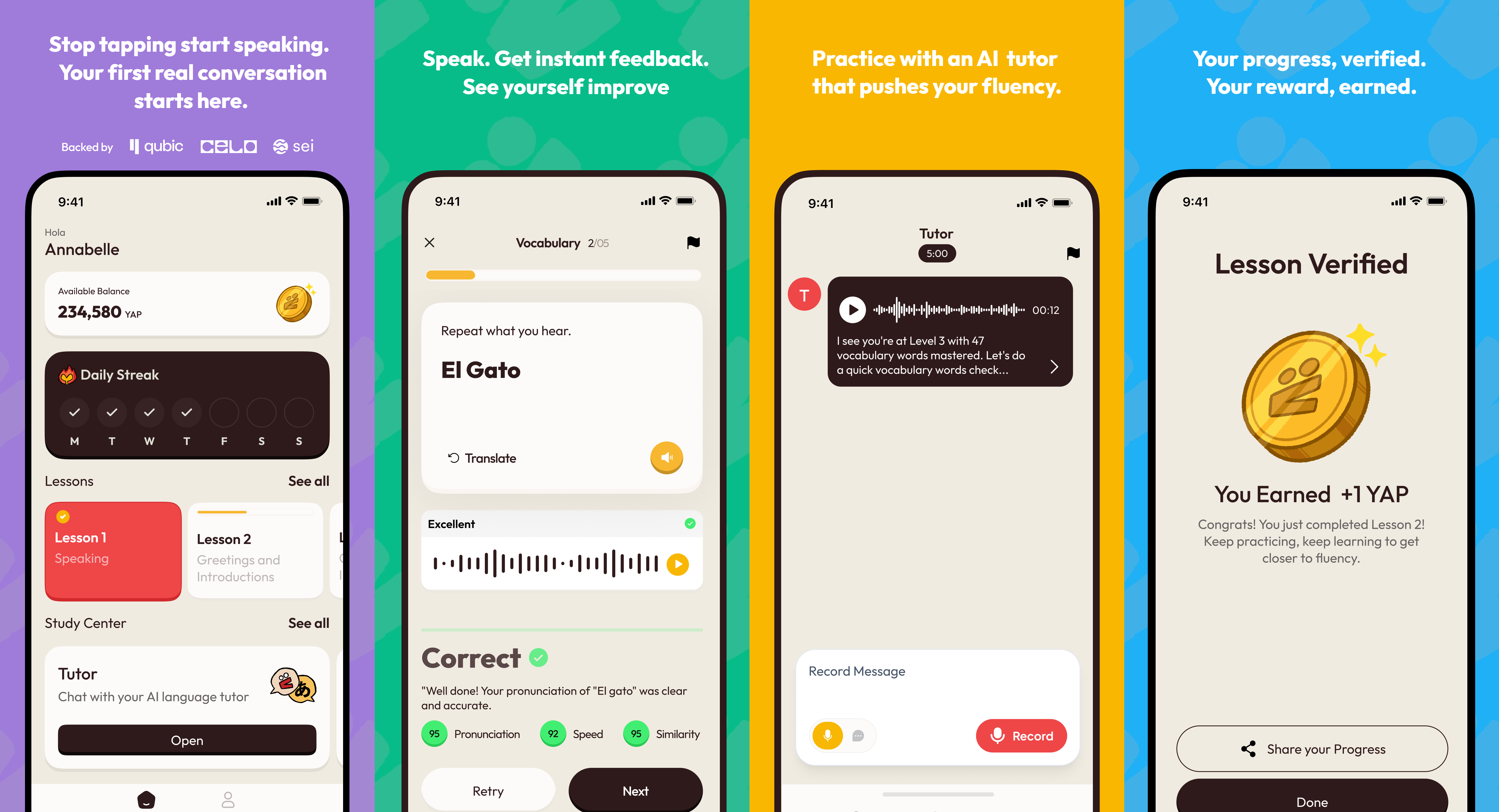
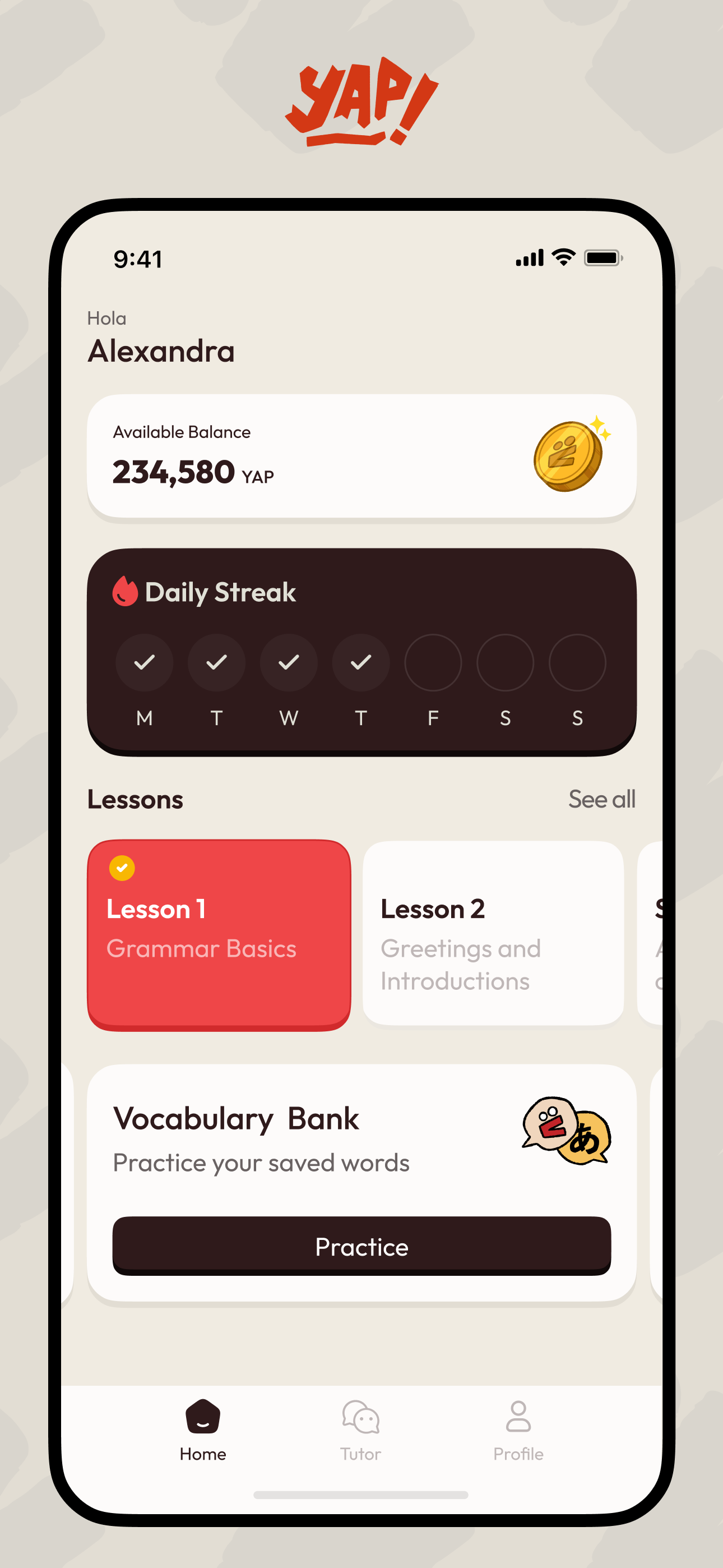
Language apps have a dirty secret: they teach you to tap, not talk. After 300+ days on Duolingo, most users still can't hold a conversation. YAP is built around speaking from day one. You talk, our AI listens, and gives real-time feedback on your pronunciation. Every lesson you complete is verified onchain as a Proof of Language Learning credential. Just actual speaking practice. Give us an early test as we continue to improve our product! Love, YAP
Hey everyone, Christian here, CEO and Co-Founder of YAP. I want to tell you why I built this. The real reason. When my mother was dying, I couldn't talk to her. I grew up speaking Cantonese and Spanish. When my family immigrated to the United States, I lost most of both. That's what happens. You stop using a language and it leaves you, quietly, over years, until one day you reach for it and it's not there. I took courses throughout my life. I thought I was keeping up. I wasn't. In her last moments, I had my phone out trying to look up the words I needed to say to my own mother. I couldn't tell her what she meant to me. Not in her language. Not in words that came from me. I could say the basics in Cantonese: I love you, I'm so thankful, I'll miss you. And that was it. Having your phone between you and your dying mother, searching for the words that should already be yours, is a kind of humiliation I can't really describe. After she passed, I had to process two things at once. Her death, and my own failure to speak. That was the tipping point. I ran 200+ user interviews. The same story showed up again and again, in less extreme forms. People had studied for months or years. Downloaded the apps. Hit the streaks. Then they froze in a real conversation. The problem wasn't motivation. People were motivated. The problem was that no product made them do the one thing that actually matters: open their mouth and speak. So we built YAP around one idea. You speak from the first lesson. Not after ten levels of flashcards. Not as a bonus feature. Speaking is the product. Here's the insight that most language apps get wrong: people don't need to understand every word or nail the grammar first. They need to speak. And through speaking, everything else follows. Grammar clicks when you hear yourself using it. Vocabulary sticks when you've said it out loud in context. The mouth leads. The mind catches up. Our AI listens to you in real time and breaks down your pronunciation at the phoneme level. It doesn't just say "try again." It tells you what your mouth is doing wrong and how to fix it. Then it coaches you through the correction. Less like an app, more like a patient tutor who never gets tired. We built this across 5 languages (English, Spanish, French, Italian, Portuguese) with a full CEFR-aligned curriculum. There's real progression from beginner to advanced. And every lesson you complete gets recorded onchain as a Proof of Language Learning credential. Language ability should be verifiable. Not just a line on a resume, but a real credential backed by data. Your employer, your university, or an immigration office should be able to confirm what you can actually do, not just what course you sat through. My cofounder Landon joined in the summer of 2025, after we shipped the web beta, and he's built the technical foundation that makes all of this work, from the AI pipeline to the blockchain integration on Sei. We're a small team with 500+ active users. Our 30-day retention is 43%, roughly 24x the industry average for language apps. We think that's because when people practice speaking, they feel themselves getting better. That feeling is more powerful than any streak badge. We're early. There's a lot to build. But the core thesis is holding up: make people speak from day one and they learn faster and stay longer. If you've ever felt the gap between "studying" a language and actually being able to speak it, that gap is exactly what we're here to close. Try YAP. And if someone you love speaks a language you've lost, don't wait.
3
回复
Yap is great. I spent years on Duolingo and it was helpful in a lot of ways, but not in feeling truly comfortable in having a conversation.
1
回复
On the onchain credential: what exactly is being recorded (and what is explicitly not), who is the first “verifier” you’re designing for (employers, schools, immigration, etc.), and how will you prevent it from becoming a vanity badge rather than a trusted signal?
1
回复

@curiouskitty 

What's recorded on-chain: wallet address, user ID, lesson ID, and performance scores.

Not recorded: personal identity, number of attempts, or anything that could be used against a learner.

Privacy by design.

Who's the first verifier we're designing for: employers hiring for roles that require demonstrable language fluency, especially in global and remote contexts. Immigration and academia have longer cycles. We're starting where the pain is most immediate and the hiring manager already has a problem we can solve today.

On the vanity badge problem: you're right that a credential is only as trusted as the assessment behind it. The reason proof of language learning (PoLL) won't become a vanity badge is because you can't fake speaking. Our evaluation layer uses AI analysis, not tap-based interactions. A learner can't click their way to a high score the way they can on Duolingo. The credential reflects actual spoken performance, which is what makes it a signal worth trusting.

We're early. But the bet is that the hardest part of building a trusted language credential isn't the blockchain, it's having an assessment rigorous enough to back it. That's what we're building first.

0
回复

i tried learn spanish on duolingo and got some vocabular, but i can't speak nor i know grammar.

will try yap for sure :-)

1
回复

@sergeypetrov Thanks Sergey! Please try YAP! Looking forward to seeing how you like it!

0
回复


Hi Christian, first off congratulations on the launch. I watched your video, its inspiring to see you were able to turn a difficult situation into something positive! I also like the app idea, Ive been there with duolingo. I do have two questions, 1. what languages do you support? 2. Why the addition of on-chain language tokens?

1
回复

@janschutte 

Hi Jan! We have 5 language tracks for now: English, French, Italian, Spanish, and Portuguese (BR).

We added tokens as a way to provide a token of your hard work (pun intended!). We wanted to make the output of your language learning into an asset, and one of the ways to do that is to make it into a digital asset!

1
回复

This is a cool thing, I have the same problem – I cannot remember certain words or retain them, because tapping is very passive. Active using could help. P.S. Looking forward to see German language in the future :) That one has a priority for me :)

1
回复

@busmark_w_nika 

German! We will keep that in mind, it's a language that has been requested a few times!

Thanks for the comment and the resonating problem with current language learning! Feel free to sign up for our newsletter on goyap.ai to hear when new languages are added!

1
回复
i really love the thought behind this as someone that has had a 300+ days streak on duolingo and is yet to be able to have a conversation using that language. will definitely give it a try and congrats on ranking today!
0
回复

Love this and the thought behind it. What does the token do? And how can we actually maximize it? Congrats on the launch. @yapchristian!

0
回复
#9
Seagull
Real-time translation overlay for all your computer audio.
120
一句话介绍:Seagull是一款系统级实时翻译字幕工具,可在用户观看无字幕外语视频或进行跨语言语音通话时,实时将电脑音频翻译并叠加显示,解决了多语言场景下的内容理解障碍。
Languages Audio Video
实时翻译 字幕工具 系统级覆盖 跨平台 无障碍沟通 多语言支持 音视频辅助 生产力工具
用户评论摘要:用户普遍赞赏其系统级覆盖和源于真实需求的创意。主要问题与建议集中在:延迟表现、对Zoom/Discord等通讯软件的支持、具体语言支持(如瑞典语)、以及未来是否加入用户纠错反馈机制以优化翻译准确性。
AI 锐评

Seagull的野心并非做一个简单的翻译插件,而是试图成为操作系统级的“听觉辅助层”。其真正价值在于将“翻译”从应用功能抽离为系统服务,实现了跨应用、全场景的音频文本化与实时转译。这直击了传统字幕(人力制作滞后)与实时字幕(准确率低下)的双重痛点。

产品逻辑犀利之处在于“系统级捕获”与“全局覆盖”,这使其在游戏、全屏视频等传统字幕工具难以侵入的场景中建立了壁垒。然而,其面临的挑战同样严峻:首先,实时音频流翻译存在固有的延迟与准确率悖论,尤其在处理俚语、多语混杂内容时,技术天花板明显,团队计划引入“人工训练”反馈机制是迈向正确的关键一步。其次,“零设置”的跨平台体验是宣传亮点,但也是技术深渊,Windows、Mac、Linux的音频架构与图形叠加机制迥异,要保证低延迟、高稳定性的全局覆盖,对小型团队是持续的工程考验。

当前,产品巧妙地抓住了双语家庭、无障碍观看这一精准利基市场,并获得了情感共鸣。但若要走向更广泛的实时沟通场景(如Zoom、DiscDiscord会议),则必须直面通讯场景下的超低延迟要求、多人语音分离、以及对话式翻译的语境连贯性问题。Seagull的成败,将取决于其能否在“泛用性”与“核心场景体验”之间找到最佳平衡点,并持续优化其AI翻译引擎在嘈杂真实环境下的鲁棒性。它不止是一个工具,更是一个关于“无缝语言屏障消除”能否真正落地的实验。

查看原始信息
Seagull
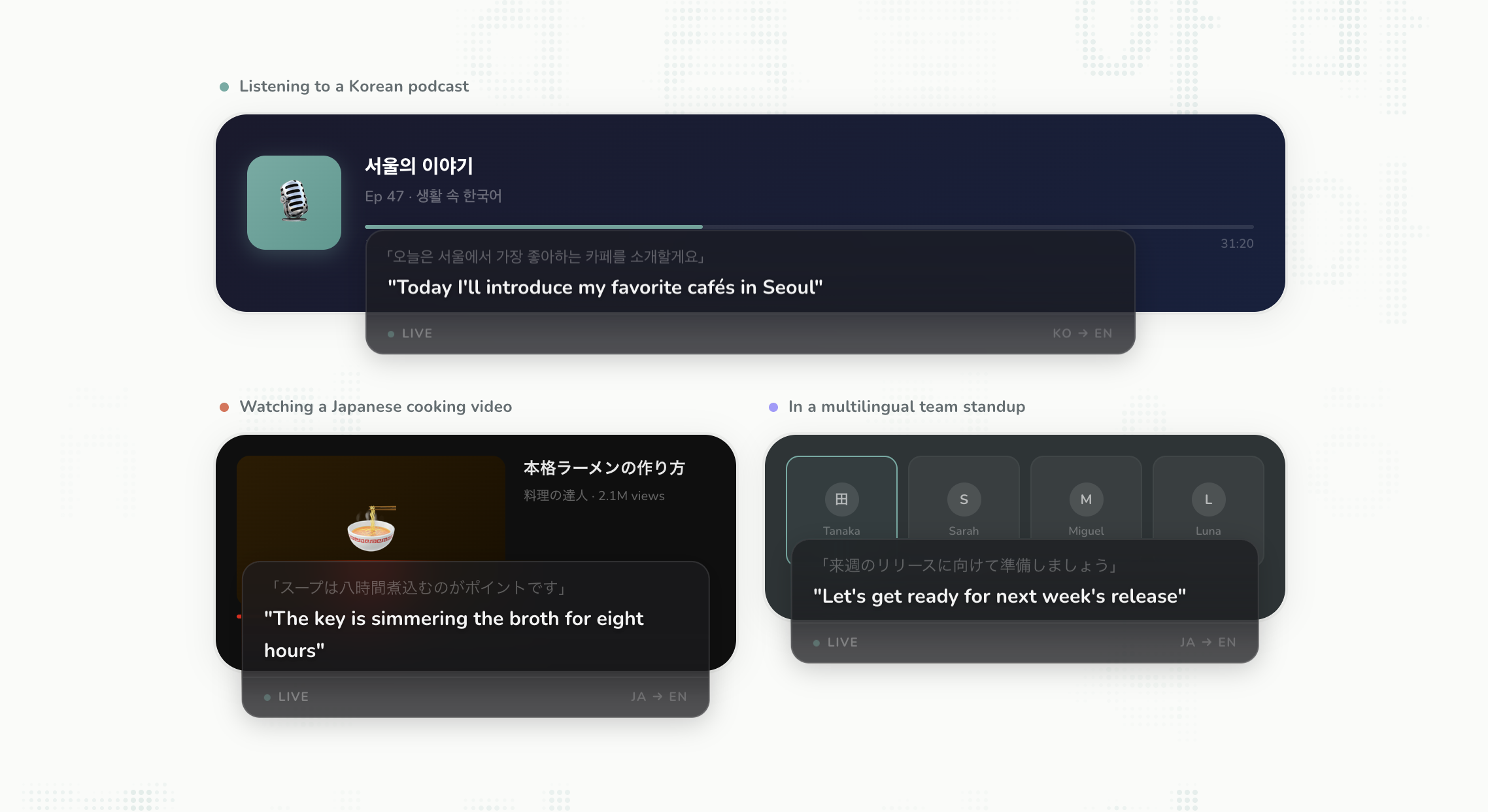
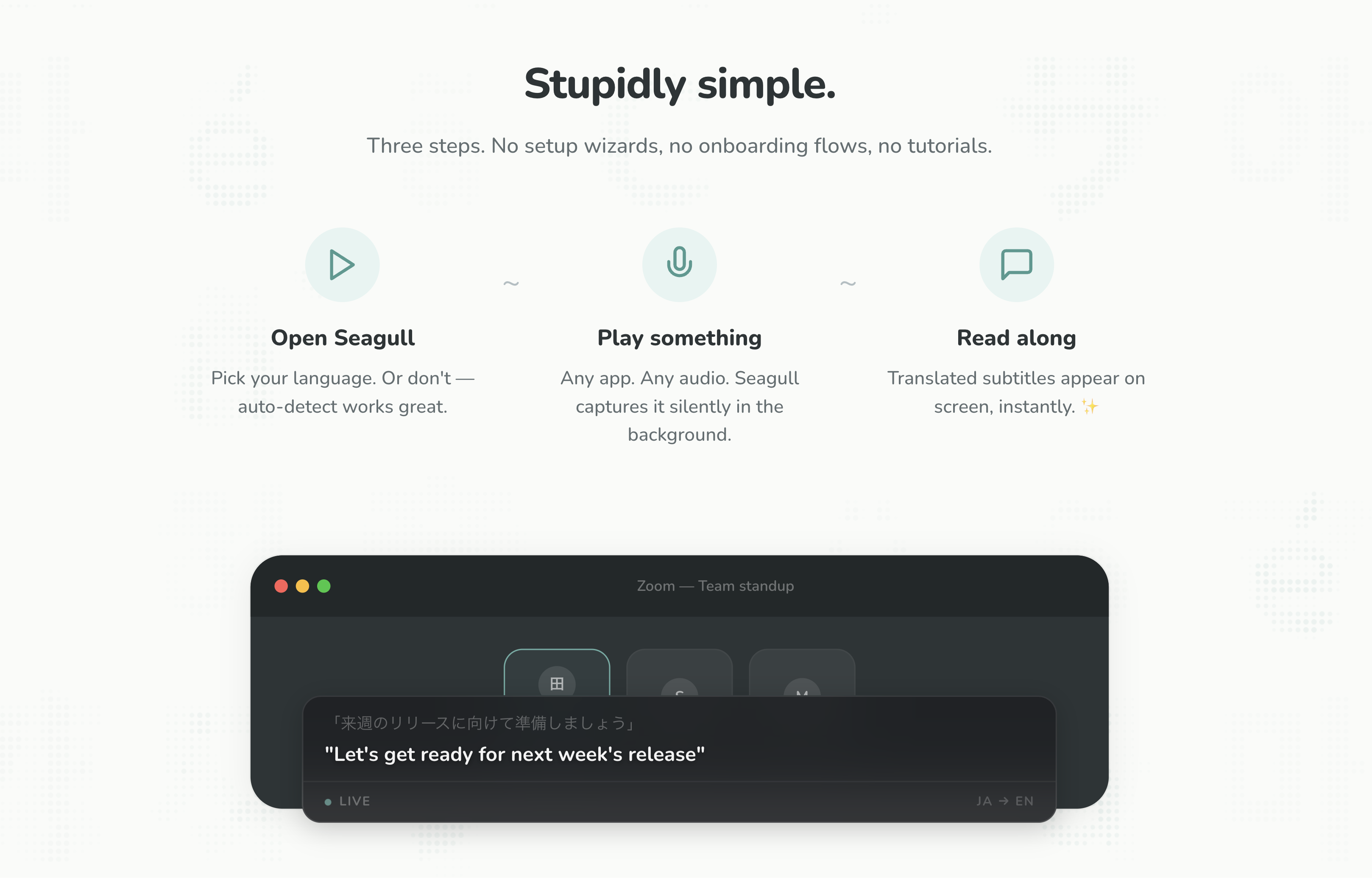
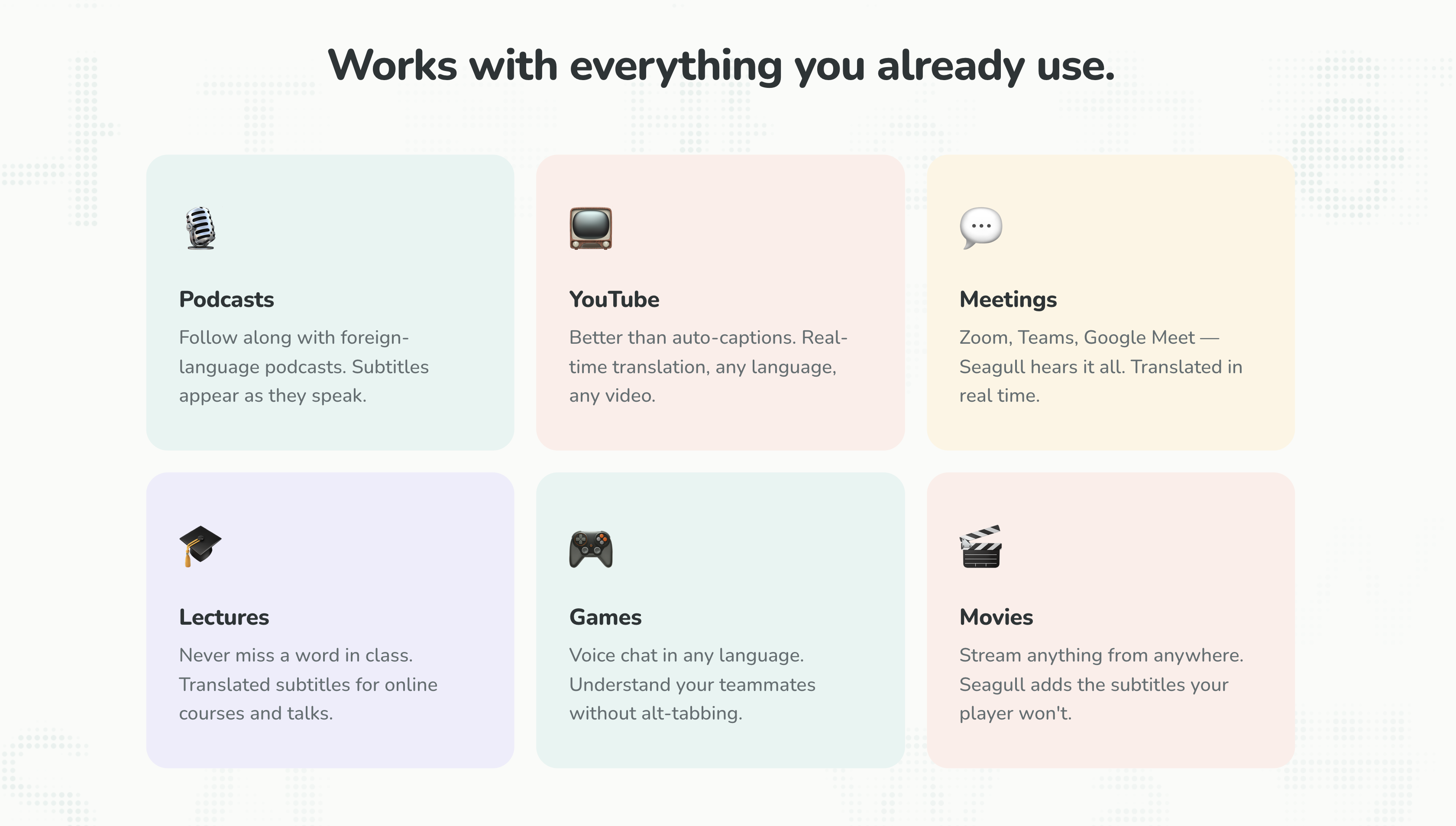
Real-time translation overlay for Mac, Windows, and Linux. Capture audio from any app, see it translated instantly.
🎁 Notice: We're giving away 50 gift codes for a free weekly plan to the first 50 people who join our Discord! https://discord.gg/H4hXRf8jmg Hi Product Hunt! 👋 I'm Eduardo, co-creator of Seagull. My wife and I speak different native languages, and sometimes the things we want to watch together simply don't have proper translations or subtitles. When consuming content in another language, most people rely on subtitles, which require a human to create, or real-time auto-captions, which are… well, famously terrible. Seagull started from a simple question: what if any audio on your computer could be translated in real-time? So we set out to build the smartest real-time caption system on the market. That's Seagull! Come say hello on our Discord (where we also talk about future updates and product development), we'd love to hear from you: https://discord.gg/H4hXRf8jmg
3
回复

Great that it works on a system level, congrats on the launch!

3
回复

@cohenco Thanks for the comment, Cohen!

It works for all audio input, and it also overlays on top of games and fullscreen video.

Let me know if you want to try it out, and I'll send you a monthly gift code. 🐦

0
回复

Hello Eduardo,

did you implement any kind of human feedback? Like if the user would correct something and your system learn about it?

1
回复

@agraciag We've not implemented anything like that as of now, but we have that on our roadmap for this week's release!

Especially for slang and dialects, it might be hard for the translation system to pick everything up right away. We will add human training.

0
回复

This is very cool. Is Swedish supported?

1
回复

@jenny_karlsson1 Hi Jenny, yes, we support Swedish!

0
回复

This is epic, especially for a bilingual household like mine!

1
回复

@dbul That's awesome, Dan! Let me know if you want to test it out with a free monthly plan, I'll send you a gift code! 🐦

0
回复

The 'subtitles for everything' framing is sharper than 'translation app' — it immediately makes the use case obvious. The interesting edge is latency: real-time translation on streaming audio has a fundamental delay trade-off. What's the current lag for live content vs pre-recorded? And does it work on system audio from apps like Zoom or Discord?

0
回复

Love that this was born from a real personal need. The bilingual household use case really resonates — my partner and I deal with this exact problem watching shows together. The fact that it works as a system-level overlay across all apps is what sets it apart from the clunky subtitle tools out there.

0
回复
Real-world adoption lives or dies on audio capture and overlay UX: what’s the hardest environment you optimized for (full-screen video, games, Discord/Zoom, multi-monitor, etc.), and what product choices did you make to keep it “zero setup” across Mac/Windows/Linux?
0
回复
#10
InboxAgents
Smart, unified inbox for Linkedin, email & social media.
109
一句话介绍:InboxAgents是一款智能统一收件箱,通过整合LinkedIn、电子邮件和社交媒体等9个平台的消息,并利用AI进行智能优先级排序,解决了专业人士在多平台沟通中信息过载、易错过重要消息(尤其是LinkedIn私信)的核心痛点。
Email Messaging Marketing
统一收件箱 社交CRM 生产力工具 智能过滤 跨平台通信 LinkedIn优化 销售赋能 AI优先级 收件箱管理 B2B工具
用户评论摘要:用户肯定其解决LinkedIn收件箱体验差的初衷,并对整合9平台表示期待。核心反馈聚焦于:1. 智能过滤的准确性与可控性(担心造成更大混乱);2. 技术层面如何应对各平台API变动风险;3. 价值主张应从“提效”转向“挽回营收损失”以吸引高端用户。
AI 锐评

InboxAgents切入了一个真实且疼痛的缝隙市场:将LinkedIn这个体验糟糕但至关重要的商务沟通枢纽,与其他社交、邮件渠道整合,试图用AI重构信息流优先级。其野心不仅是聚合,更是意图成为基于用户上下文(知识图谱与向量嵌入)的智能通信中枢。

然而,其宣称的“智能”恰恰是最大风险点。产品初期策略“宁误报,勿漏报”虽显谨慎,但实则是将训练AI模型的成本和风险(即错过重要信息)部分转嫁给了早期用户。这些用户恰恰是最需要“零失误”的高意图创始人或销售。评论中“每个错过的DM都是一笔流失的交易”一针见血,点出了产品价值承诺与初期能力之间可能存在的致命落差。用户对“可控性”和“可预测性”的反复强调,也暴露出对黑盒AI的不信任。

更深层看,该产品实则在挑战一个复杂的“三角难题”:要在“平台API的脆弱性”、“AI过滤的准确性”和“用户对关键信息零遗漏的绝对要求”之间取得平衡。任何一角的崩塌都会导致产品失效。其真正的护城河或许并非初期整合能力,而是随着使用深度增加而不断进化的个性化知识图谱,以及应对各平台API频繁变动的稳健工程能力。若其能跨越早期信任鸿沟,它可能演变为一个关键的“商务沟通情报中心”,否则,它只会是另一个让收件箱变得更复杂的“聚合器”。

查看原始信息
InboxAgents
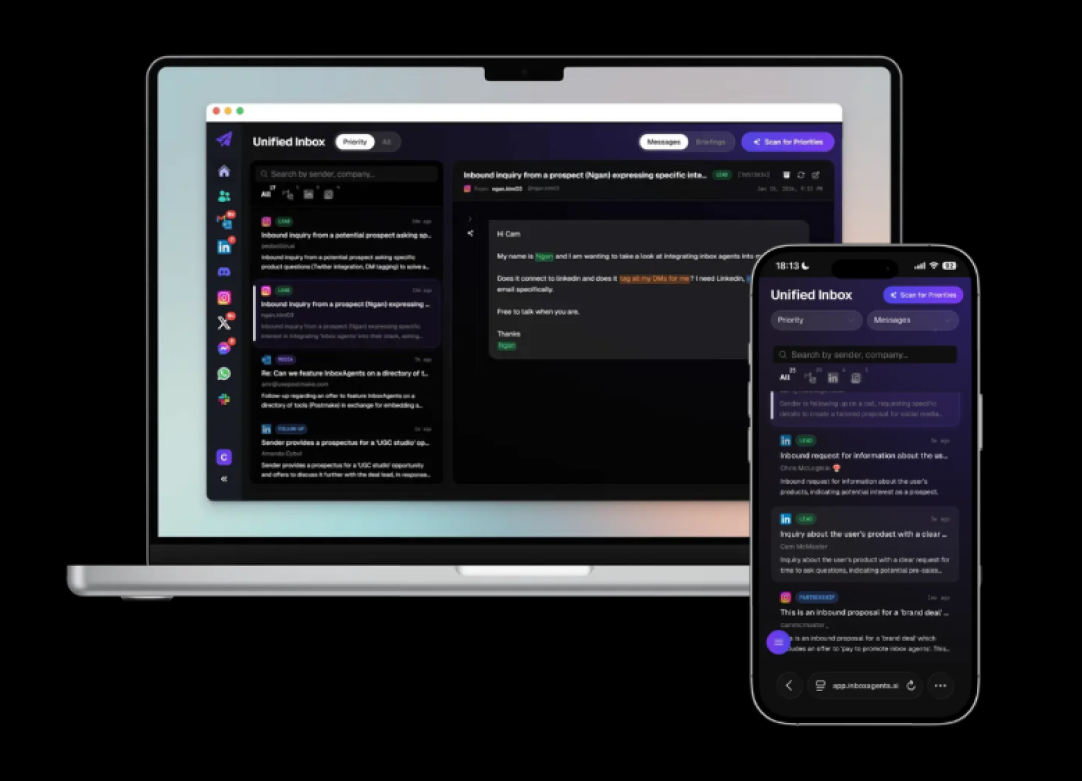
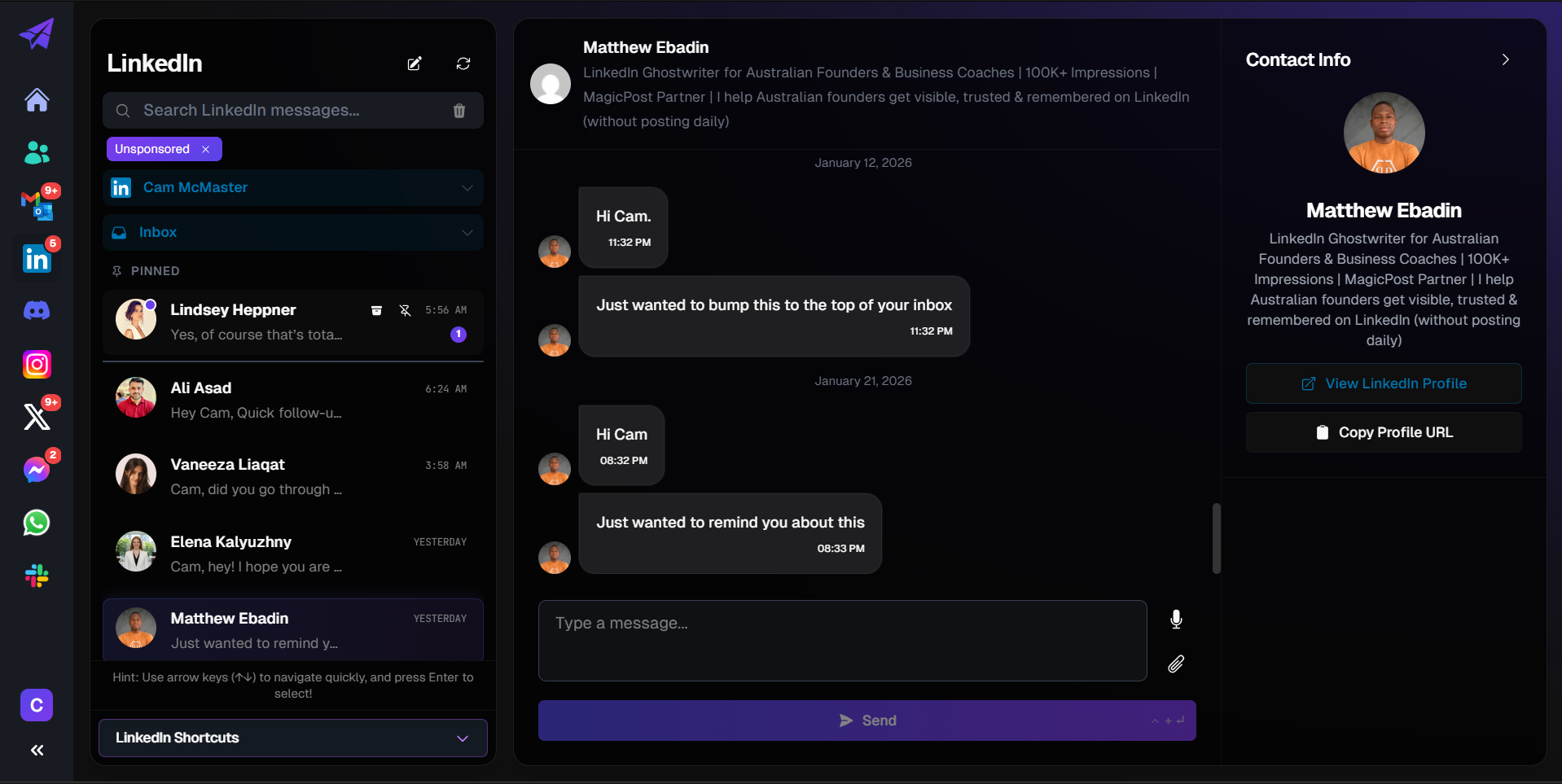
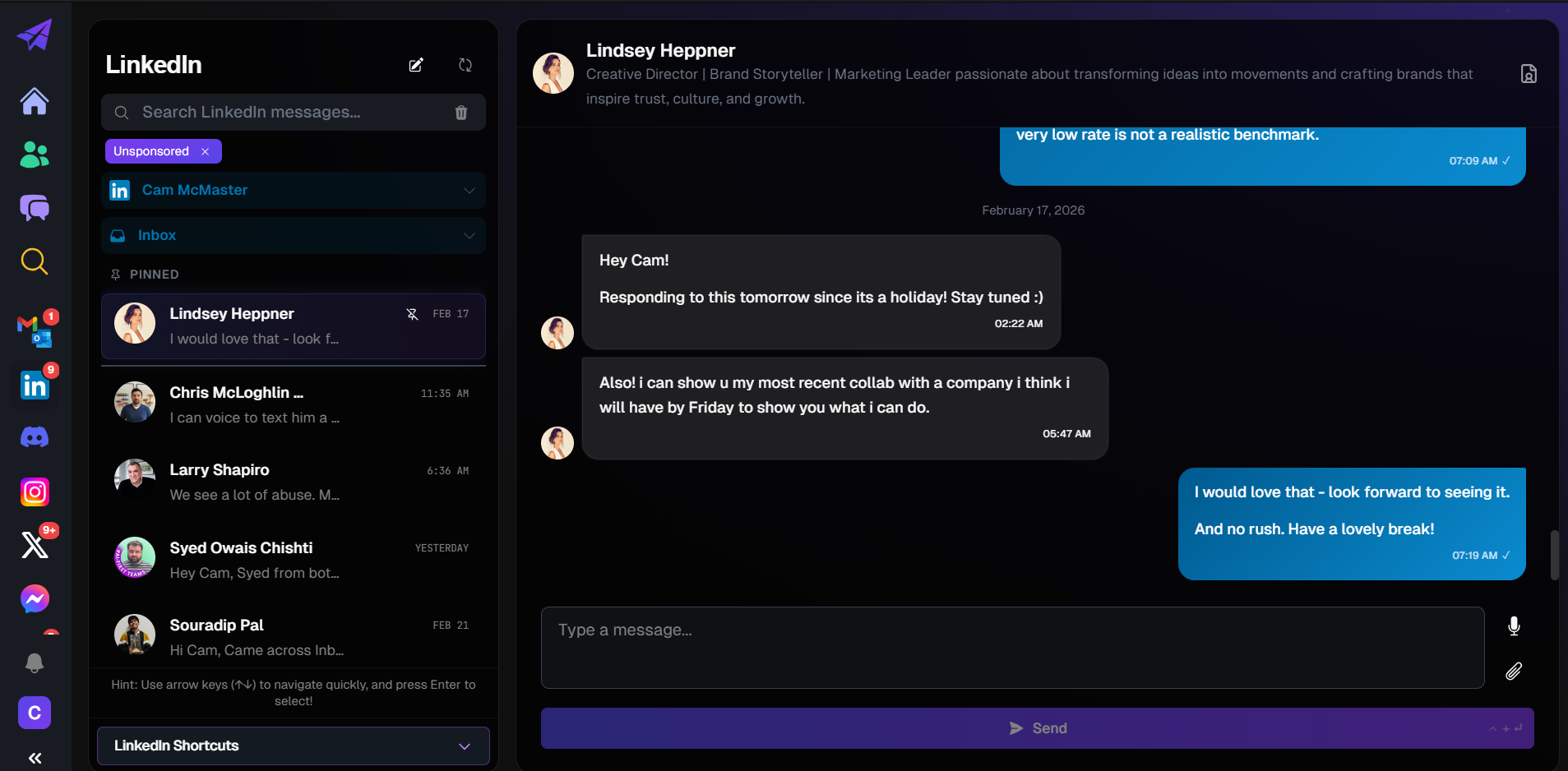
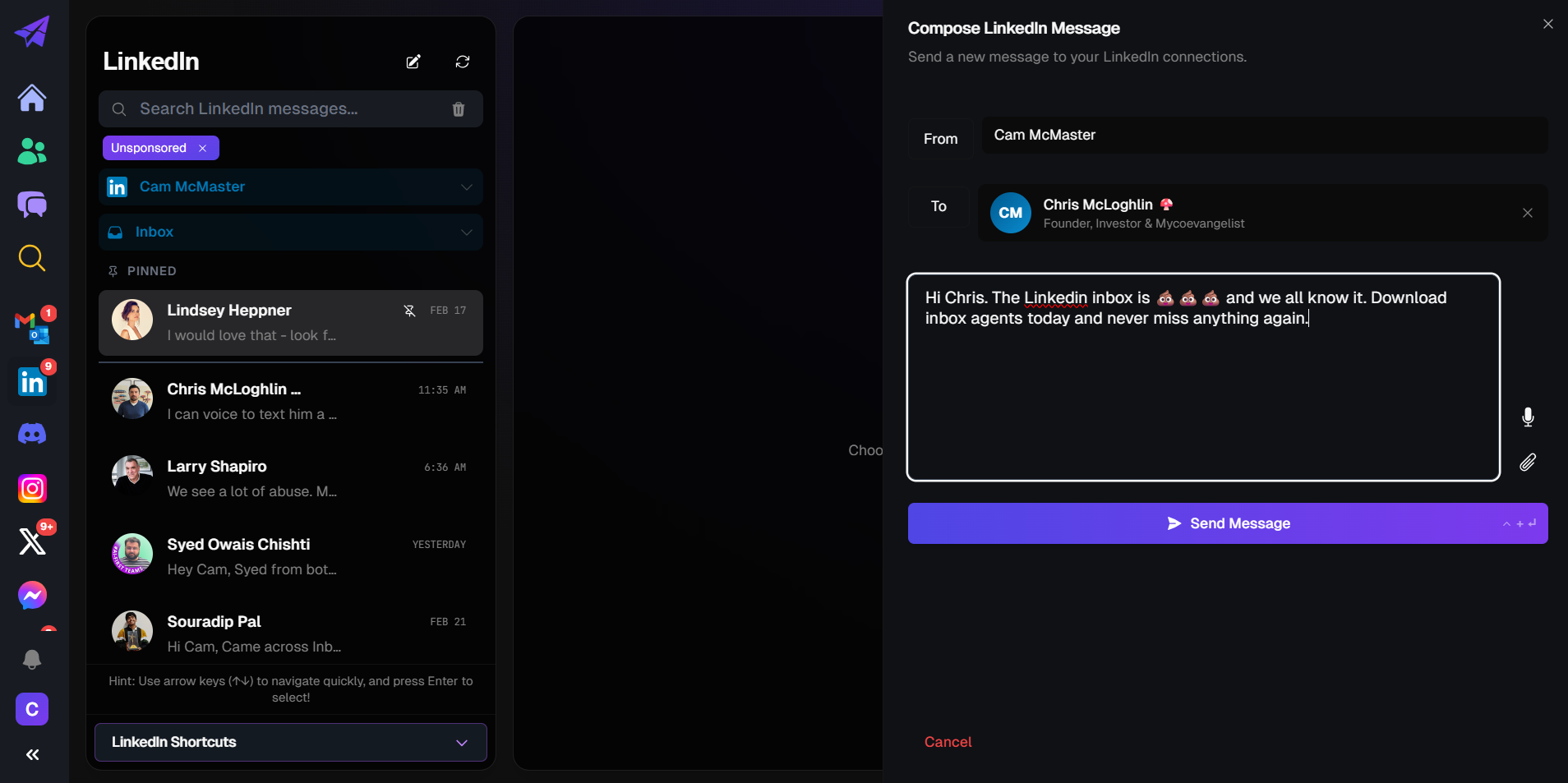
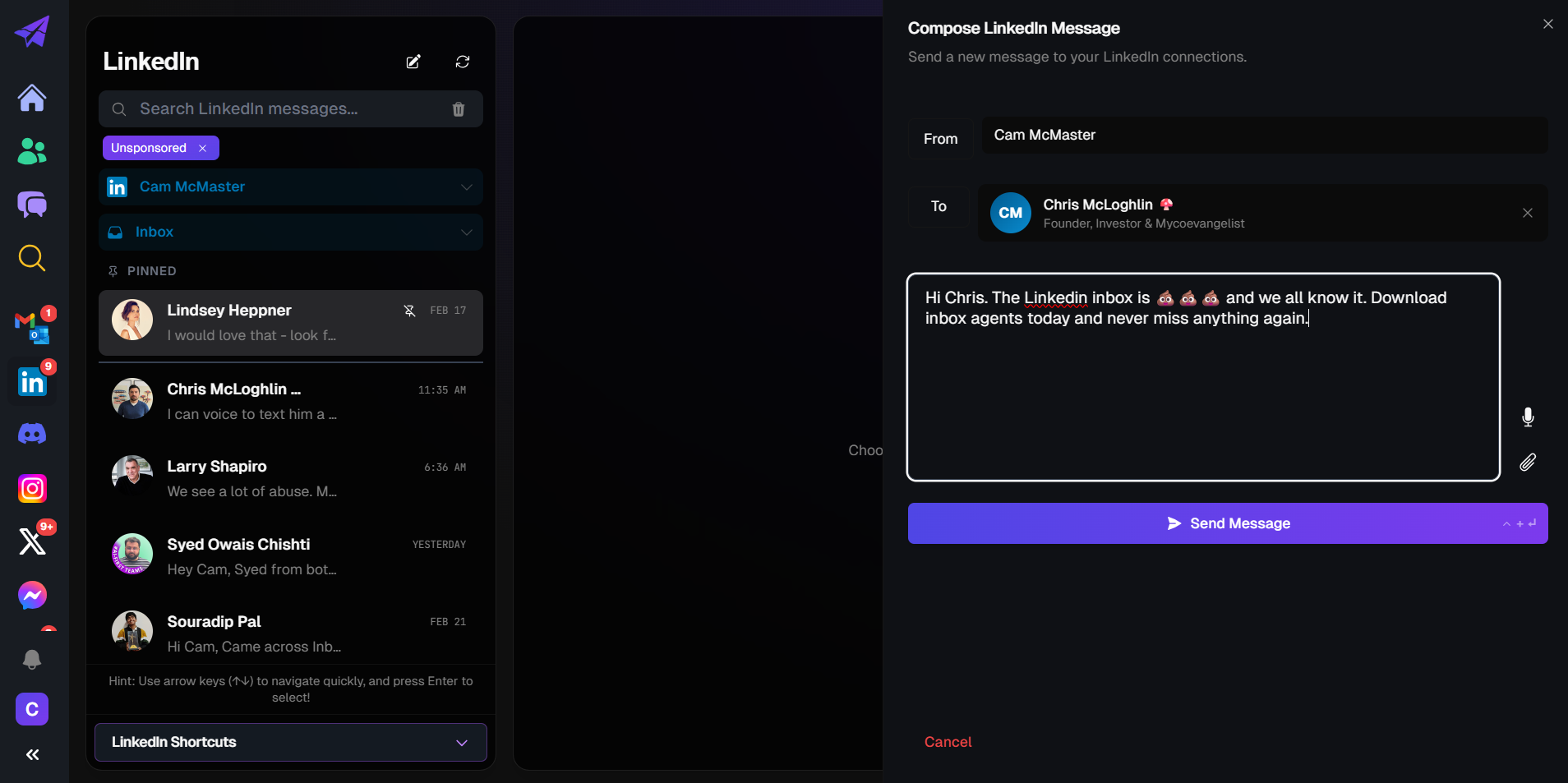
Replace your Linkedin inbox. Unify it with emails and other social media platforms and chats. Have the smart inbox surface what is important to you. No need to get lost in Linkedin noise just to check inbounds.

We're launching our next MVP iteration with a core focus on replacing the Linkedin inbox because it sucks. This time we integrate 9 platforms with a new priority interface that learns your context & surfaces important matters to your attention.

1
回复

Congrats on the launch! The early days of finding those first customers are such a grind. I remember spending what felt like half my week just on manual outreach and follow-ups. It's a tough bottleneck to break. Having gone through that recently, I've got a couple of growth experiments that might help you get initial traction without the manual slog. No strings attached, just happy to share the 1-page plan if you're interested. Keep up the great work!

1
回复

InboxAgents caught my attention. Useful direction if it stays reliable in everyday use. I care most about clear control and predictable results.

1
回复

@sergeypetrov control is our focus! are you mainly interested in linkedin or were there other platforms you'd like to use?

0
回复

LinkedIn's inbox is genuinely one of the worst messaging experiences out there. The fact that you're pulling 9 platforms into one priority view is bold — the key will be how well the smart filtering works so you don't just end up with a bigger mess. Curious to try it.

1
回复

@giammbo yes indeed. the filtering is a challenge until it has sufficient user context, so if we make it too aggressive too early we risk not detecting the importance of something more nuanced. To start with you could say it is a really good spam filter across multiple platforms and of course something that makes the Linkedin UX alot better. Happy to chat with you to discuss any questions you might have. Appreciate your shout out!

0
回复

The API fragmentation across LinkedIn, Gmail, and social platforms is genuinely painful — every one has different auth, rate limits, and data models. Curious how InboxAgents handles when LinkedIn changes their API (which they do often) — is there a fallback scraping layer or does it break until the integration is patched?

0
回复
Congrats on the launch!, InboxAgents is a much needed solution for the LinkedIn DM chaos. Quick observation from a growth perspective: You're currently marketing Productivity and Filtering noise. But for a high intent founder, every missed DM is a lost deal. I just dropped you a DM on X, with a couple of “Revenue-Recovery” copy tweaks that could make your value prop hit 3x harder for high ticket users. Let's make sure no more revenue leaks through that inbox! Best of luck today!
0
回复
Your pitch hinges on prioritization. What signals are you using to decide what’s “important” (sender identity, past replies, keywords, CRM context, revenue tags, recency, relationship strength, etc.), and how do you make that system controllable so users can trust it and avoid both false positives and missing critical messages?
0
回复

@curiouskitty when the user begins, the product is quite general. it takes some info on your business and needs then constructs a prompt to start spinning up a knowledge graph & creating vector embeddings.

it is not very aggressive at first to avoid hiding things that are possibly valuable but now & again it will produce false positives. we'd prefer false positives than false negatives, but then as it obtains more context on what is important to the user, it starts getting a little more aggressive at filtering based on your personal knowledge graph.

0
回复
#11
Callio
Connect any API with AI Agent under 1 minute
102
一句话介绍:Callio是一个统一的AI代理API网关,可在一分钟内连接任何API,解决了开发者在管理多个API密钥、认证和限流时效率低下的痛点。
API Developer Tools Artificial Intelligence
API网关 AI代理 统一认证 开发者工具 无代码集成 MCP协议 API管理 自动化工作流 云服务 SaaS
用户评论摘要:用户肯定产品简化API集成的价值,认为统一管理平台是开发者真实需求。建议调整宣传话术,从强调连接速度转向突出“无限代理扩展性”和“数据工作流”等结果导向价值,以吸引构建复杂生态的客户。
AI 锐评

Callio瞄准的是AI代理生态中一个正在形成的基建层需求。其本质不是技术创新,而是体验重构——将散落的API集成痛苦(密钥管理、认证适配、限流监控)打包成标准化服务。产品聪明地借势MCP协议生态,直接嵌入Claude、Cursor等主流工具链,降低了采用门槛。

但真正的挑战在于两层:一是如何构建足够丰富的API市场形成网络效应,而非仅充当代理中间件;二是其“零配置”承诺在复杂企业场景下的可持续性。当前免费层策略虽能吸引早期用户,却未回答关键问题:当代理需要处理敏感数据或合规要求时,企业是否愿意将认证枢纽托付给第三方?

评论中关于“从功能宣传转向价值宣传”的建议切中要害。产品现阶段强调“一分钟连接”,这吸引的是效率敏感型开发者;但长期客户更需要的是“可信赖的代理扩展基础设施”。若仅定位为API聚合器,可能陷入同质化竞争;若能深入工作流层,成为AI代理与业务系统的智能连接中枢,价值将显著提升。其成败关键,在于能否在简化体验的同时,构建出不可替代的API治理与洞察能力。

查看原始信息
Callio
Callio is a unified API gateway for AI agents. Instead of managing auth, rate limits, and keys for every API your agent uses, connect them all through one proxy. Works with Claude Code, Cursor, Antigravity, and any MCP-compatible tool. Browse APIs, generate a single Callio key, and start calling — we handle auth injection, usage tracking, and billing. Free tier included. One key, every API, zero config

Hey Product Hunt! 👋

I built 𝐂𝐚𝐥𝐥𝐢𝐨 because connecting AI agents to external APIs is a mess. Every API needs its own key, auth setup, and error handling. It doesn't scale.

𝐂𝐚𝐥𝐥𝐢𝐨 fixes this with one unified API key that works across every API in our marketplace.

➜ Browse APIs on callio.dev
➜ Click "Add to Agent" to get your key
➜ Your agent calls our proxy, we handle auth and rate limiting

𝐖𝐡𝐲 𝐂𝐚𝐥𝐥𝐢𝐨:

✅ 𝐌𝐂𝐏 𝐒𝐞𝐫𝐯𝐞𝐫 support for Claude, Cursor and Antigravity
✅ 𝐑𝐄𝐒𝐓 𝐩𝐫𝐨𝐱𝐲 for any AI framework
✅ Real-time 𝐮𝐬𝐚𝐠𝐞 𝐝𝐚𝐬𝐡𝐛𝐨𝐚𝐫𝐝

✅ 𝐅𝐫𝐞𝐞 𝐭𝐢𝐞𝐫 with 50 requests/month

🔥 You can try the APIs live at callio.dev/browse, no signup needed to explore!

One key. Every API. Zero config. Try it at 𝐜𝐚𝐥𝐥𝐢𝐨.𝐝𝐞𝐯 🚀

2
回复
Congratulations on launch 🎉 Callio.dev looks useful 👌having a single place to manage and work with multiple APIs is something devs really need.
2
回复

@abdullnafayy Thank you! I am glad you liked it. Please feel free to reach out if you need any help setting it up :)

0
回复
Great launch, Team Callio!, Breaking the 1 minute barrier for API integration is impressive. However, “speed of connection” is just a feature. The real gap in your copy is the “Outcome of Integration”. If you shift your messaging to “Infinite Agent Extensibility” or “Turn your siloed data into actionable AI workflows”, you'll attract founders who are building complex ecosystems, not just testing tools. I run franvimktg and I have a couple of ideas for your hero section to boost those high tier sign ups, happy to share them!
0
回复
#12
Cuto
One prompt, commercial-grade video edits
98
一句话介绍:Cuto是一款AI驱动的视频编辑工具,通过单次指令即可完成商业级视频剪辑,重点解决了内容创作者在多平台发布时重复调整格式、执行繁琐后期操作的核心痛点。
Artificial Intelligence Video
AI视频编辑 多平台适配 智能剪辑 字幕增强 品牌水印 社媒文案生成 创作者工具 效率提升
用户评论摘要:用户高度认可其“多平台导出”功能,认为能极大节省为不同平台(如TikTok、YouTube Shorts)重新格式化视频的时间。创始人自述旨在解决视频编辑中枯燥的重复劳动。目前评论以肯定为主,暂未发现具体功能问题或改进建议。
AI 锐评

Cuto所标榜的“One prompt”和“懒人生产力”概念,精准击中了当下视频内容创作中“制作成本高企”与“多平台分发必然性”之间的核心矛盾。其真正价值并非在于底层剪辑技术的颠覆,而在于对“工作流”的智能整合与自动化重构。

产品将AI定位为“编辑规划者”与“执行助理”,而非单纯的滤镜或特效生成器。这一定位使其与同类工具产生了差异化:它试图接管从素材筛选、节奏把控到字幕同步、格式输出乃至宣传文案生成的整个后期链条。尤其是“多平台发布复制”功能,看似微小,实则切中了创作者从“制作”转向“运营”过程中的真实疲惫点,将非创造性的、重复的适配工作自动化。

然而,其面临的挑战同样清晰。首先,“商业级”编辑是一个模糊且高标准的承诺,AI的审美与叙事逻辑能否满足多样化的专业需求存疑。其次,工作流整合类工具极易陷入“全而不精”的陷阱,每个环节若都只能做到80分,对专业用户而言可能仍不够用。最后,其商业模式和定价策略将决定它是成为少数人的利器还是大众的福音。当前温和的投票数也表明,市场仍在观察其承诺的可靠性与实际体验的流畅度。

总而言之,Cuto的价值在于其“工作流视角”而非“单点技术突破”。如果它能稳定交付所承诺的整合体验,将成为广大中小型创作者及企业的效率基建;若其AI处理能力流于表面,则可能只是又一个在红海市场中增添噪音的普通工具。其成败关键在于,AI的“理解”与“执行”深度,能否真正配得上其试图整合的复杂工作流。

查看原始信息
Cuto
Cuto focuses on smart editing: AI edit planning, subtitle and highlight enhancement, branded watermarking, export preview, and multi-platform publishing copy.

The multi-platform export is what caught my eye. Editing is one thing, but reformatting the same video for TikTok, YouTube Shorts, and Instagram is the part that actually eats your afternoon. If this nails that workflow it's a huge time saver for solo creators.

1
回复
Hi Product Hunt! 👋 I built Cuto because I was frustrated by how much time I spent doing the boring parts of video editing—sifting through raw footage, syncing audio, adding captions, and adjusting the pacing. I wanted a tool that let me focus on the storytelling, not the timeline. That's why we created Cuto AI Workspace. It’s not just another complex editor; it’s a "lazy" productivity hack. You simply upload your clips, type what you want, and Cuto does the heavy lifting: identifying highlights, syncing captions, applying effects, and even writing your social media copy! We’d love to hear your feedback! - What’s the most tedious part of video editing for you? - What scene presets would you like us to add next? I'll be hanging out in the comments all day to answer any questions! Cheers! 🍻
0
回复

@zyi I was really grinding away at video editing and this tool you made is a total game-changer. Great job man

0
回复
#13
SkillForge
Turn Screen Recordings into Agent-Ready Skills
97
一句话介绍:SkillForge是一款通过屏幕录制和AI视觉分析,将用户跨应用的日常操作流程自动转化为AI智能体可执行标准化技能的工具,解决了手动编写自动化脚本复杂且耗时,以及难以向AI智能体准确传授复杂、跨应用工作流的痛点。
Productivity Developer Tools Artificial Intelligence
AI智能体自动化 工作流录制 无代码自动化 屏幕操作解析 技能封装 跨应用操作 人机协作 RPA增强 操作记忆 演示编程
用户评论摘要:用户普遍认可其“演示即编程”理念是重大转变。主要问题与建议集中在:1. 产品如何处理长流程中的失败恢复与重试逻辑;2. 能否从录制中提取条件逻辑,而不仅是线性序列;3. 如何应对UI变化等边缘情况。另有建议指出,应向“规模化SOP培训”等企业价值主张转变。
AI 锐评

SkillForge的野心不在于成为另一个Zapier,而在于成为AI智能体的“视觉皮层”与“肌肉记忆”生成器。其真正价值是构建了一条从人类隐性知识到机器可执行指令的高带宽、低损耗传输通道。传统RPA或API自动化受限于预设规则与接口可用性,而SkillForge试图用多模态AI理解屏幕这个最通用、最底层的“接口”,这使其理论上能操作任何可见的软件,突破了自动化工具的历史性边界。

然而,其宣称的“革命性”背后潜藏着几重尖锐挑战。首先,技术层面,“稳定性”是生死线。评论中多次提及的失败恢复、条件逻辑、UI漂移处理,直指其核心脆弱性:基于单次录制的静态分析,如何应对动态变化的真实世界?这需要系统具备强大的推理与泛化能力,而不仅仅是精准的动作回放。其次,产品定位存在张力。它目前是极客与早期采用者手中制作智能体技能的“编译器”,但要想获得大规模商业成功,必须如一条评论所指,转向解决企业“规模化SOP培训”的痛点,即从工具价值升维至平台与流程价值。最后,其输出的标准化技能(如SKILL.md)能否成为智能体领域的通用协议,将决定其生态天花板,而非仅仅是一个为特定框架(如OpenClaw)服务的优质工具。

本质上,SkillForge是在为“具身智能”尚未普及时,为桌面级数字智能体提供一种快速“习得”技能的方式。它若成功,不仅简化了自动化创建,更可能催生一个基于“技能录制与交易”的新生态。但其前路险峻,必须在技术鲁棒性、商业定位与生态构建上同时取得突破,才能避免从“惊艳 demo”滑向“场景有限的精致玩具”。

查看原始信息
SkillForge
First app to turn your Cross-App daily workflow into an Agent skill (like for OpenClaw). Stop writing automation scripts by hand. SkillForge transforms a simple screen recording into a structured, replayable skill your AI agent can execute autonomously. How it works: 1. Record — do the task naturally 2. Extract — AI analyzes every frame and action 3. Review — edit the step-by-step workflow 4. Deploy — export as SKILL.md for any agent Works with any App. Free recording + 100 signup credits.
Hey Product Hunt! 👋 I built SkillForge because I was frustrated with a simple problem: I know exactly how to do a task on my computer, but teaching an AI agent to do it required hours of scripting, prompt engineering, and debugging. The "aha" moment came when I realized — what if I could just SHOW the computer what to do, and AI figures out the rest? That's SkillForge. You hit record, perform your task naturally (fill a spreadsheet, file an expense report, update a CRM), and our multimodal AI watches every frame of your screen recording. It identifies each click, each keystroke, each navigation — then packages everything into a structured skill file that any AI agent can replay. The key breakthrough is our multi-pass extraction pipeline: → Pass 1: Coarse action detection from sampled frames → Pass 2: Fine-grained analysis at transition points → Pass 3: Metadata merge with system events → Pass 4: Intent grouping into logical steps This gives us dramatically better accuracy than single-pass approaches. What makes it different from Zapier/Make: • Works with ANY app (not just API-connected ones) • Learn-by-demonstration (no manual workflow building) • AI vision analysis (understands visual UI, not just data flows) • Agent-native output (SKILL.md format, ready for OpenClaw or any framework) Free to try — recording and basic editing cost nothing. 100 credits on signup for AI extraction. Would love your feedback! What workflows would you automate first? 🚀
2
回复

@yaradori This is a real shift.

Most “agent tools” still rely on describing workflows in text and hoping the model interprets them correctly.

You’re flipping it: demonstration → structured intent → replayable skill.

If the multi-pass pipeline stays stable under UI drift and edge cases, this isn’t just automation — it’s operational memory for agents.

Curious how you’re handling failure recovery in long cross-app flows.

0
回复

Absolutely agree! The most valuable investment in 2026 is turning your daily personal workflow, which usually spread across multiple apps, into a fully automated agentic skill that allows your personal agent to take over on your local computer.

That’s exactly why I built SkillForge so that I can record my screen once and have my everyday work completely automated.

Before, I was struggling to guide OpenClaw to handle cross-software, multi-step, multi-window tasks. It’s extremely hard to write and describe a workflow that is both detailed and flexible at the same time.

This pain point really struck me, and I decided to build the tool myself:

1. Record everything in just one day—all my daily workflows

2. Build SkillForge to convert screen recordings into agent skill .md files

3. Feed them into OpenClaw

4. Boom!!! One shot—and it works!!!

Now my OpenClaw has been running for 5 days straight, following the exact same screen and app interactions from my recording. This “aha” moment inspired me deeply to share this tool with all my friends and employees for their daily use.

And now, I’d love to share it with our community and make it completely FREE for public good. Welcome to the new era—personalize your agent!

Your future is here: skillforge.expert

1
回复
Congrats on the launch!, SkillForge is a massive step for AI autonomy. Quick observation: You're currently selling the “how” (recordings to skills). But for a business owner, the real value is Scaling SOPs. If you pivot your messaging to “Instant AI Workforce Training” or “Stop writing manuals, start recording skills”, the perceived ROI for enterprise clients doubles. I specialize in these pivots at franvimktg, happy to drop a few copy tweaks to help you nail that Automation Leader positioning.
0
回复

The 'screen recording → agent skill' pipeline is a clever abstraction. The hard part has always been capturing intent, not just actions — does SkillForge extract conditional logic (if X then Y) from recordings, or is it more linear action sequences? Curious how it handles edge cases the recording didn't cover.

0
回复

Super cool idea — surely the easiest way of saying "here is what I do, do it for me".

How does it handle failures midway through? Especially if the workflow is a little bit longer, does it just fail or have some kind of retry logic?

Especially worried when the skills is about creating and not just reading data, the ability to fail gracefully will be important.

0
回复
#14
App Cleaner & Uninstaller 9.1
Smarter updates, app permissions, trust & AI insights
90
一句话介绍:一款集应用卸载、权限管理、批量更新和AI洞察于一体的macOS全生命周期应用管理工具,解决了Mac用户软件管理分散、隐私不透明和残留清理困难的痛点。
Mac Productivity User Experience
macOS应用管理 软件卸载 权限监控 批量更新 安全审计 启动项管理 AI摘要 系统清理 软件管家
用户评论摘要:用户对“一站式更新”和“权限检查”功能表示赞赏。主要问题与建议包括:能否为活动监视器中的进程提供AI摘要,以及是否支持Homebrew formulae等更多安装源的管理。开发者积极回应,表示正考虑扩展对后台活动的洞察。
AI 锐评

此次从“清理卸载工具”到“完整应用管理器”的转型,是一次精准的赛道升维。其真正价值不在于功能堆砌,而在于抓住了macOS系统管理的一个核心矛盾:日益增长的应用数量与系统原生管理工具分散、被动之间的矛盾。

产品将“信息透明”和“集中控制”作为核心卖点,直击高级用户和隐私敏感用户的痛点。权限可视化与Apple公证状态检查,实质上是将iOS的权限管理理念和信任链审查前置到了macOS,这在恶意软件频发的当下颇具吸引力。AI生成应用摘要功能,看似是营销噱头,实则降低了专业软件(尤其是开发工具)的理解门槛,试图解决“这个App是干什么的,能否删除”这一经典困惑。

然而,其挑战同样明显。首先,其“一站式更新”功能将直接与Mac App Store和众多应用自身的更新机制竞争,能否保持更全面、更及时的更新库是成败关键。其次,对Homebrew等高级包管理器的支持仍不完整,这恰恰是核心技术用户最需要的场景,暴露了其作为“管理器”的边界。最后,其商业模式存疑:在清理功能已有多款免费工具的情况下,新增的“管理”功能是否足以支撑其付费转化?用户是为“卸载”买单,还是为“洞察”买单?

本质上,它试图成为macOS的“控制面板”,但macOS系统的封闭性与开放性并存的特质,使得这类工具永远在“系统权限”的钢丝上行走。它的成功与否,取决于能否在提供深度系统控制的同时,维持极致的稳定与安全,这本身就是一场豪赌。

查看原始信息
App Cleaner & Uninstaller 9.1
App Cleaner & Uninstaller is no longer just an uninstaller - it’s now a complete app manager for macOS. We’ve rebuilt it to give you full visibility and control over every app on your Mac. Now you can: • Update apps in one place without searching manually • See detailed app permissions (camera, mic, disk, location, etc.) • Get AI-generated app summaries to quickly understand what an app does • Check Apple notarization to know which apps you can trust
Excited to be back on Product Hunt! 🚀 I’m Yuriy, CTO at Nektony, and today we’re relaunching App Cleaner & Uninstaller - now evolved into a complete app manager for macOS. For years, we were known for fully removing apps. But modern Mac users need more than uninstalling, so we turned it into a full control center for everything installed on your Mac. Now you can: 🚀 Manage the full app lifecycle • Completely uninstall apps (no leftovers) • Update apps in one place • Remove stubborn system extensions • Control startup items 🔐 Improve security & transparency • Check Apple notarization status to ensure the app is trusted • See detailed app permissions (camera, mic, disk, location, etc.) • Understand what runs in the background • Get AI summaries to instantly understand each app Our goal is simple: give Mac users clarity, control, and confidence. If you’ve ever wondered what’s safe to remove, struggled with leftovers, or wanted better visibility into your apps - this release is for you. Would love your feedback - what’s missing from your ideal Mac app manager? 👇
6
回复

I love the new App permissions feature to check which apps have access to my camera and location.

6
回复

Really excited to see how App Cleaner & Uninstaller has evolved into a full app manager. The updater is my favorite feature — updating all my apps in one click feels amazing ❤️

1
回复

Can it do AI-generated summaries for process names in activity monitor.app?

0
回复

@conduit_design Great question! Thanks for asking!

App Cleaner & Uninstaller focuses on installed applications rather than raw process lists like Activity Monitor. AI summaries are generated for the apps we detect on your Mac, helping you quickly understand what each app is.

The app doesn’t display individual system processes, so summaries are tied specifically to applications.

Really appreciate the idea! Expanding clarity around background activity is definitely something we’re thinking about as the product evolves.

2
回复

This cool! Can it handle brew and other similar sources?

0
回复

@sergeypetrov If we’re talking about the updater feature, App Cleaner & Uninstaller can now detect updates for brew casks, but not for brew formulae. Maybe that’s something they’re planning to add.

0
回复

@sergeypetrov Thanks for your question!

App Cleaner & Uninstaller can detect and update apps installed via Homebrew (including casks).

If an app was installed through Brew and has a standard macOS app bundle, App Cleaner & Uninstaller will recognize it and let you manage it just like any other app.

We’re continuously improving support for different installation sources. If there’s a specific workflow you’d like us to cover, I’d love to hear it!

0
回复
#15
AnnotateAI
Human-guided AI data annotation, fast & scalable
81
一句话介绍:AnnotateAI是一个人类在环的智能数据标注平台,为计算机视觉团队解决了在追求标注效率时难以保障数据质量的核心痛点,通过人机协同实现了快速、可扩展的高质量标注。
SaaS Developer Tools Artificial Intelligence
数据标注平台 计算机视觉 AI辅助 人类在环 人机协同 模型训练 数据质量 可扩展 自动化流程 实时干预
用户评论摘要:用户认可其“人类在环”的价值,指出全自动标注存在质量风险。创始人主动寻求反馈,并询问用户当前标注流程中最痛苦的部分,以指导产品未来在标注类型、团队协作等功能上的迭代方向。
AI 锐评

AnnotateAI切入的是AI工业化进程中一个关键但沉闷的环节:数据标注。其宣称的“Human-guided, agentic”定位,试图在“全手动低效”与“全自动不可控”之间开辟一条务实路径。产品逻辑清晰——用AI提速流程,用人脑把关精度,这直指当前AI落地中“垃圾进,垃圾出”的普遍困境。

然而,其真正的挑战与价值并非在于技术概念的拼接,而在于对“干预”时机与成本的极致把控。平台需要证明,其系统能精准识别出哪些标注需要人类介入(即不确定性高、对模型影响大的部分),从而将人力从繁复劳动中解放,聚焦于关键决策。否则,它只会沦为另一个增加了管理复杂度的半自动工具。

从评论和创始人回应看,产品仍处早期。其成败关键在于能否将“人类在环”从一个理念转化为可量化、低摩擦的工作流,并围绕计算机视觉领域多样化的标注需求(如实例分割、3D点云)快速迭代。若能成功,它将成为模型迭代效率的真正杠杆;若失败,则只是标注工具红海中又一个稍纵即逝的泡沫。创始人主动探询用户“最痛之处”,是走向产品市场匹配的正确一步。

查看原始信息
AnnotateAI
AnnotateAI is a human-guided, agentic data annotation platform for computer vision teams. Upload your dataset, auto-create annotation jobs, track progress in real time, and intervene whenever precision matters. Get high-quality, model-ready data faster with AI speed and human control, built to scale from experiments to production.

The human-in-the-loop approach is key here. Fully automated annotation sounds great until you realize your model learned that stop signs are red rectangles. Being able to intervene in real time instead of cleaning up bad labels after the fact saves so much pain.

1
回复

@giammbo Absolutely!! My goal was to create a system where Human can use AI instead of being dependent on AI totally.

Can u try this out and give some feedback? That'd be really great!

0
回复
Hey Product Hunt! 👋 I’m Akash, the maker of AnnotateAI. I built this after struggling with slow, manual data annotation while training computer vision models during hackathons and projects. Most tools were either fully manual, expensive, or removed human control completely, and that trade-off between speed and accuracy kept hurting my workflows. So AnnotateAI is my take on a better approach: ⚡ AI-assisted annotation for speed 🧑‍💻 Human-in-the-loop when precision matters 📦 Upload a ZIP → auto job pipeline 📊 Real-time job tracking 🔁 Built to scale for large datasets It’s designed for students, researchers, and ML teams who want model-ready data without annotation becoming a bottleneck. We’re still early, and your feedback will directly shape what comes next — especially around new annotation types, team collaboration, and active learning loops. If you work with CV datasets, I’d love to know: What’s the most painful part of your annotation workflow today? Thanks for checking it out and supporting the launch ❤️ — Akash
0
回复
#16
PipedriveSheets
Two-way sync between Pipedrive CRM and Google Sheets
81
一句话介绍:一款实现Pipedrive CRM与Google Sheets双向数据同步的插件,解决了销售运营团队在电子表格与CRM系统间手动切换、数据更新不同步的核心痛点。
Productivity Sales Spreadsheets
CRM集成 数据同步 Google Sheets插件 销售工具 无代码 团队协作 自动化 SaaS 生产力工具
用户评论摘要:创始人阐述了开发动机(解决手动导出痛点)并强调其“真正双向同步”的差异化优势。用户评论肯定了其价值,并犀利提问了两个关键问题:1. 双向编辑冲突解决机制;2. 主要用户画像(个人或小团队)。
AI 锐评

PipedriveSheets精准切入了一个被“伪自动化”工具长期占据的缝隙市场。Zapier等通用工具提供的单向数据流,本质上是将数据仓库与操作前台割裂,用户仍需在CRM中完成最终操作。该产品宣称的“真正双向同步”,其革命性在于试图将Google Sheets这个强大的协作与分析界面,直接升级为CRM系统的原生操作终端。

然而,其宣称的“真正双向同步”面临一个经典的技术与产品哲学挑战:冲突解决。当两处数据近乎同时修改时,以何者为“真理源”?这并非单纯的技术问题,而是对用户工作流和权限模型的深度理解。产品若采用“最后写入获胜”的简单策略,可能在团队协作中引发数据混乱;若引入复杂的合并规则或审批流,则会牺牲其宣称的简洁性。这是其从“有用工具”迈向“可靠基础设施”必须跨越的鸿沟。

其价值不仅在于节省手动导出导入的时间,更在于它释放了Google Sheets在自定义分析、临时协作和灵活视图方面的巨大潜力,让CRM数据真正“活”在团队最熟悉的工作环境中。但它的天花板也显而易见:深度绑定Google生态,难以扩展;其功能边界与Pipedrive官方功能及API的演进方向紧密相关。它更像一个精悍的“超级外挂”,其长期生存取决于能否在Pipedrive平台生态与用户自定义工作流之间,找到一个不可替代的平衡点。

查看原始信息
PipedriveSheets
PipedriveSheets is the only Google Sheets add-on with true two-way sync for Pipedrive CRM. Import deals, contacts, organizations, activities, leads, and products — then edit directly in your spreadsheet and push changes back to Pipedrive with one click. Filter-based imports, custom field support, scheduled auto-sync, and team collaboration built in. Free plan available. Install in 2 minutes, no coding needed.
Hey Product Hunt! I built PipedriveSheets because I was tired of manually exporting CSVs from Pipedrive every time I needed to work with CRM data in a spreadsheet. The existing options (Zapier, Make, Coupler.io) are general-purpose tools that only do one-way data dumps. None of them let you edit data in Google Sheets and sync it back to Pipedrive. So I built a native Google Sheets add-on that does true two-way sync. You can import your Pipedrive data, edit it in the spreadsheet, and push changes back. It supports all 6 entity types (deals, contacts, orgs, activities, leads, products), custom fields, filters, and scheduled auto-sync. Would love to hear your feedback. Let me know what features would make this more useful for your workflow.
0
回复

@pipedrivesheets Congrats on the launch 👏

The two-way sync angle is strong — especially for teams that basically live inside Sheets. Most tools really do stop at one-way exports.

Wanted to ask how you’re handling conflict resolution when edits happen both in Pipedrive and Sheets around the same time? Feels like that’s where true two-way sync gets tricky.

Also, are you seeing more solo operators adopt this, or small sales teams?

0
回复
#17
Vibesafe
The condom for your vibe-coded apps.
47
一句话介绍:Vibesafe是一款针对AI生成代码(Vibe-coding)应用的自动化安全扫描与修复工具,能在60秒内检测暴露的API密钥、缺失认证等55+种常见漏洞,并直接通过GitHub提交AI生成的修复代码,解决开发者因快速原型开发而忽视安全配置的痛点。
Developer Tools Artificial Intelligence Security
代码安全扫描 AI生成代码安全 自动化漏洞修复 DevSecOps API安全 开发者工具 SaaS安全 开源安全 一键修复 安全左移
用户评论摘要:用户反馈强烈认同解决“vibe-coding”应用安全缺失的痛点,认为这是急需的服务。主要建议包括希望扩展到更深层的架构错误配置检测,如缺失速率限制。开发者回应此类功能已在规划中。
AI 锐评

Vibesafe精准切入了一个新兴且危险的矛盾点:AI辅助开发(如Cursor、Claude Code)在提升“ vibe”和效率的同时,因其代码生成模式化、开发者安全知识脱节,系统性制造了海量“可预测”的安全漏洞。产品价值不在于其检测技术的独创性(传统SAST/DAST工具早已覆盖),而在于其“场景化封装”和“闭环处理”能力。

它将散落的安全知识(如Supabase规则配置、安全头设置)转化为针对AI代码生成模式的专项检查清单,降低了安全门槛。更关键的一步是直接提供AI生成的修复PR,将“发现问题-寻找方案-实施修复”的长链条压缩为“一键合并”,试图用自动化打破“开发者知晓漏洞却拖延修复”的惰性循环。

然而,其深层挑战在于“猫鼠游戏”的升级:AI代码生成器在进化,其错误模式也在变化,Vibesafe的规则库能否持续同步?更核心的是,其“修复”本质是另一层AI生成的代码补丁,这引入了新的信任风险——修复代码本身是否引入漏洞或逻辑错误?这或将安全责任从应用开发者部分转移到了Vibesafe的修复算法上。它既是“AI生成代码安全问题的解毒剂”,其本身又重度依赖AI,形成了一个有趣的元循环。其成败关键在于修复代码的可靠性与透明度,否则它只是一个高效的问题发现者,而非真正的解决者。

查看原始信息
Vibesafe
Paste your URL. Get a security report in 60 seconds. 55+ checks tuned for the mistakes Cursor, Bolt, Lovable, and Claude Code make - exposed API keys, missing auth, open Supabase rules, leaked env vars. But we don't just find bugs - we fix them. Connect your GitHub repo and VibeSafe opens a pull request with AI-generated fixes for every vulnerability found. One click. Real code. Merged and shipped. Free scan. No signup. Don't ship naked. Practice safe shipping.

Hi Vibecoders, I have built something I have previously many times faced issues with. I published an app and made 9 bucks and was so happy until I got someone telling me the security is weak. I thought it was a dummy threat but I went in and there it was. Exposed keys. Open API routes. No security headers. The whole thing was naked.

That's why I build Vibesafe. Seriously. Vibe. Safe. People assume vibe-coding is just a click of a button and voila you have a million dollar machine. There is struggle, endurance and diligence behind every build and direction. So Vibesafe and feel free to ask any questions you have.

Thank you for the chance!

1
回复

@arthi_arumugam This is a much needed service - most people don't bother adding prompts on how to secure their app. I recently had a friend expose visible admin endpoints from an app I was working on. Saved me some embarrassment. Will check this out.

1
回复

Hey @arthi_arumugam ! Love the idea behind it, seriously limiting the risks of vibecoded software.

Have you considered expanding it to other, more architectural misconfigurations (for example missing rate limiting in endpoints)?

1
回复

@lukaszsagol Thanks Łukasz! Yes - rate limiting detection is on our roadmap. Right now we check surface-level patterns (headers, exposed secrets, CORS, auth gaps), but the next phase is deeper architectural checks like missing rate limiting, broken access control patterns, and insecure API design. The goal is to catch everything an AI tool gets wrong, not just the obvious stuff. Appreciate the feedback :) this tells me we're prioritizing the right things!

0
回复
#18
aImsg
Code From The Coffee Line. Ship from the Subway.
32
一句话介绍:一款通过iMessage直接连接GitHub的AI编程助手,让开发者无需任何复杂设置,仅通过发短信就能随时随地编写、审查和提交代码,解决了传统AI编程工具启动门槛高、流程繁琐的核心痛点。
Messaging SaaS Developer Tools
AI编程助手 低代码/无代码 移动开发 GitHub集成 即时通讯集成 极简主义 生产力工具 敏捷开发 代码审查
用户评论摘要:用户反馈主要来自开发者团队自述。他们强调产品解决了AI编程代理“激活能量”过高的问题,将复杂部署简化为短信对话。核心优势是零安装、零配置的即时性。团队也表达了初期对产品过于简单的担忧,并计划未来集成Claude Code、扩展至Slack等平台。
AI 锐评

aImsg的野心不在于提供又一个更强大的AI编码代理,而在于发起一场针对“开发者工具使用范式”的精准狙击。它敏锐地刺中了当前AI编程工具的软肋:在竞相堆砌模型能力与功能复杂度的军备竞赛中,忽视了最致命的“启动摩擦”。产品将“验证手机号-关联GitHub”作为唯一的启动路径,并寄生在iMessage这个最高频、最底层的系统应用上,本质上是对“用户习惯”和“系统权限”的极致利用,实现了一种“降维打击”。

其真正的颠覆性价值在于“空间解耦”和“心智减负”。它让代码库操作脱离了IDE、终端乃至笔记本电脑的物理束缚,渗透进通勤、排队等碎片化场景,将开发动作从一项需要“正襟危坐”的任务,解构成可随时发起和中断的“对话”。这并非要取代专业开发环境,而是旨在填补那些“不值得打开电脑”但又需要处理代码的空白需求,构建一个轻量级、异步化的“第二工作流”。

然而,其成功的风险也在于此。“短信编程”的极简形态是一把双刃剑。对于复杂任务,其交互深度和效率可能遭遇天花板;将高危的GitHub写权限置于短信界面,虽有多重确认机制,但其安全心智模型的建立仍需时间。它更像一个精巧的“特洛伊木马”,用无与伦比的便捷性吸引用户上船,但其长期价值取决于能否从“处理微任务”的玩具,演进为能可信赖地处理更严肃工作的“控制平面”。它揭示了一个未来趋势:最成功的AI工具,或许不是功能最强的,而是能将自己无缝编织进用户现有习惯与流程中,将“使用AI”本身变得无感的那个。

查看原始信息
aImsg
Code from your phone in 30 seconds. No setup, no IDE, just text. Write, edit, and review code via text message.

We loved what OpenClaw does - AI coding agents that plug into your GitHub repos and actually move code forward. But the irony was impossible to ignore: getting an AI coding agent running felt like provisioning infrastructure. CLI installs. Config files. Environment variables. API keys passed through terminals. You don’t just “try it.” You allocate an hour.

And that’s where the friction lives.

The issue wasn’t intelligence. It wasn’t capability. It was activation energy. Every extra step between “I want to see what this can do” and “I’m actually using it” quietly kills momentum. Curiosity fades fast. Setup friction compounds.

So we asked a simple question: what if the setup disappeared?

Not streamlined. Not improved. Gone.

What if you could just text it?

aImsg connects to your GitHub repos directly through iMessage. You verify your phone, link GitHub, and you’re live. No IDE required. No terminal. No Docker container spinning up. You send a message. It proposes edits. You confirm. It pushes to a new branch. Nothing touches main without your explicit approval. From zero to first action takes under a minute.

The idea didn’t start there.

Initially, we were building what we thought was a better CLI experience — cleaner commands, smarter defaults, smoother onboarding. But that approach still assumed developers were willing to invest setup time before seeing value. We realized the real bottleneck wasn’t the interface layer. It was the barrier to entry.

Every dev tool competes on capability. Very few compete on immediacy.

iMessage was already installed. Already trusted. Already habitual. No app store. No downloads. No learning curve. Just a conversation in a place you already use daily. Instead of introducing another dashboard or terminal abstraction, we embedded the control layer inside something universal.

That shift changed everything.

The challenge then became architectural: how do you make something feel instant and conversational without sacrificing safety? GitHub write access is not casual. So every destructive or write action requires explicit confirmation. All changes are isolated to new branches. There are no silent mutations, no background merges, no surprise pushes. You remain in control at every step.

What started as an attempt to refine a tool evolved into a rethink of how coding agents should be accessed at all. Instead of treating AI as another piece of infrastructure to deploy, we treated it like a persistent channel — always available, lightweight, and responsive.

The goal wasn’t to replace the IDE. It was to compress the distance between intention and action.

If you can reduce “I need to handle this” to a single message, you unlock an entirely different workflow. Quick reviews while commuting. Lightweight fixes without opening a laptop. Async approvals. Repo questions answered instantly. A control plane for your codebase that fits in your pocket.

That’s what aImsg became: not just an AI coding agent — but a frictionless layer between you and your repositories.

1
回复

If you have any input or criticisms, please let us know!

1
回复

We almost didn’t ship this.

Not because it didn’t work.
Because it felt too simple.


A coding agent that lives in messages. No installs. No setup. Just text.
We kept wondering if people would take it seriously.

But every time we showed it, the pattern was the same.
Someone would try it, watch a branch get created, then pause for a second.
You could see the moment it clicked.

That reaction made the decision for us.

So we shipped.


And this is just the start.
We’re exploring Claude Code, OpenClaw integrations, and bringing this into places people already work like email, Slack, and Teams.
The goal is simple.
AI that meets you where you already are.

0
回复
#19
YourClaw: 1-Click Openclaw Orchestration
Zero-config hosting to launch specialized AI teams instantly
32
一句话介绍:一款为OpenClaw生态设计的零配置托管平台,通过消除部署和配置的复杂性,让用户能在一分钟内快速部署并组合具备特定技能的AI智能体团队,解决开发者在运维和扩展AI代理时面临的“Docker难题”和协作效率低下痛点。
Open Source SaaS Artificial Intelligence
AI智能体托管 零配置部署 OpenClaw生态 技能市场 多代理协作 企业级硬件 消息网关 无服务器 AI运维 团队自动化
用户评论摘要:用户反馈正面,认可其消除基础设施摩擦的核心价值。开发者自述解决自身痛点而创建。有用户询问目标客户是机构还是企业内部团队,创始人回复目前聚焦于终端用户和内部团队,旨在实现“即插即用”的快速协作网络。
AI 锐评

YourClaw的实质,是将当下火热的AI智能体(Agent)编排与部署,从一种技术挑战降维成一种可消费的云服务。其宣称的“零配置”和“一分钟部署”,直指当前AI应用开发中最顽固的“最后一公里”问题:即使有了强大的开源框架(如OpenClaw),将原型转化为稳定、可扩展、可集成的服务依然门槛极高。

产品设计的精明之处在于三层包装:首先,以“消除Docker戏剧”为钩子,吸引厌倦运维的开发者;其次,构建“技能市场”,将智能体能力模块化、商品化,试图创造生态粘性和新的收入渠道;最后,提供企业级硬件和主流通讯网关,暗示其服务的生产就绪性。这本质上是在售卖“易用性”和“时间”,其商业模式与早期的Web托管服务如出一辙,只是托管对象从网站变成了AI智能体。

然而,其面临的挑战同样清晰。首先,深度绑定OpenClaw生态是一把双刃剑,该生态的兴衰将直接决定其天花板。其次,“技能市场”的成功极度依赖社区活跃度和技能质量,这需要持续的运营和激励,非技术产品本身所能保证。最后,其核心价值“零配置”在面临企业级客户复杂的定制化、安全合规需求时,能维持多久值得怀疑。当前版本更像是一个面向早期采用者和爱好者的效率工具,其能否跨越鸿沟,成为企业IT栈中可靠的一环,取决于后续在可观测性、成本优化(如其路线图所述)及企业集成能力上的深度,而非仅仅是部署速度。它抓住了当下的一个真痛点,但远未到高枕无忧的时刻。

查看原始信息
YourClaw: 1-Click Openclaw Orchestration
YourClaw is built for the OpenClaw ecosystem. We’ve eliminated the "Docker drama" so you can deploy, skill, and scale a collaborative team of AI agents in seconds. With zero-config messaging gateways for WhatsApp/Telegram and a built-in Skill Market, we turn your single bot into a specialized workforce on enterprise-grade hardware. Stop debugging, start scaling.
Hi Product Hunt! 👋 As a software engineer, I spent too many hours fighting Docker errors and port conflicts just to keep an AI agent online. I built YourClaw to be the "Command Center" I always wanted for OpenClaw. Beyond just hosting, we wanted to make scaling effortless. You can now take a base agent, inject specific skills from our marketplace, and build a coordinated team of bots in under a minute. Key highlights for today's launch: - Zero-Config Gateways: Instant WhatsApp, Telegram, and Discord connectivity. - Mission Control: Pro-level monitoring of your agent’s health, memory, and uptime and task management. - Skill Market: One-click upgrades to expand your agent's capabilities. What’s Next on our Roadmap: - Token Usage Optimization: Advanced tools to monitor and reduce your LLM costs. - Ready-to-Apply Templates: Specialized setups for Marketing, Sales, and App Development to make your OpenClaw super powerful instantly. We’re offering the PH community 25% OFF with code YourClaw25. 🚀 Deploy your first agent in 60 seconds. I’ll be here all day to answer your technical questions let’s see what kind of teams you build!
0
回复
Congrats on the launch Abdellah! I'm currently self-hosting my OpenClaw, but totally see the value for people who want zero config:)
0
回复
@basma_el_khamlichi Thanks Basma! Self-hosting is great, but we’re here for everyone who wants to skip the config and just start building! 😊
0
回复

This is an interesting evolution of the OpenClaw ecosystem.

Removing infra friction is such an underrated unlock for AI builders. The Skill Market concept is especially cool feels like going from one intern to a full team instantly.

Congrats on the launch 👏

0
回复
@iimedr Thanks Mohamed! Making that full team jump instant is exactly why we built this. 🚀
0
回复
Hi @adam_crafts I m experimenting a lot with Openclaw this days. I m curious to know who is your target? Agencies to install openclaw for their clients. Or companies for their teams
0
回复

@bengeekly Love the curiosity! Right now, we’re actually laser-focused on the end user and internal teams.

We want to make setting up multi-agent flows in a collab network as fast and easy as possible basically 'plug and play' for teams who want to move quick. Would love to hear how the setup process is feeling for you so far! 🙌

0
回复
#20
Atomic AGI
AI-native SEO analytics & agents
30
一句话介绍:Atomic AGI是一款AI原生的SEO分析平台,在AI搜索时代,为营销和SEO团队提供跨ChatGPT、Gemini、Perplexity、Claude及Google的能见度追踪与自动化优化代理,解决了多工具数据割裂和人工效率低下的痛点。
Analytics Marketing SEO
AI原生SEO 搜索引擎优化 多平台能见度追踪 数据分析 自动化代理 技术审计 营销工具 无代码 增长平台 一体化平台
用户评论摘要:用户普遍赞赏其“一体化”整合能力,替代了多个昂贵工具,为非专家用户设计,操作简单。正面反馈集中在数据集中、决策支持、产品迭代快。未发现具体功能缺陷或改进建议的评论。
AI 锐评

Atomic AGI的叙事巧妙地踩在了两个风口上:AI搜索的崛起与传统SEO工具的僵化。其宣称的“AI-native”并非空谈,核心价值在于将数据追踪与分析从单一的Google帝国,拓展至ChatGPT、Claude等LLM构成的“暗海”领域。这直击了当前营销者最深的焦虑:传统SEO工具对AI搜索流量几乎盲视。

然而,其真正的颠覆性可能不在于“看见”,而在于“代理”。产品介绍中“deploy agents that automate optimization workflows”一句,暗示了其从分析工具向自动化执行平台的野心。这不再是提供一份待办清单,而是试图成为自动完成清单的“数字员工”。如果其代理能力足够深入可靠,将可能重构SEO工作流,从“人分析工具”转向“人管理AI代理”。

用户评论中“everything in one place”的赞誉,也反衬出当前SEO工具市场的碎片化与昂贵痼疾。Atomic AGI以整合者姿态出现,降低了数据获取门槛和操作复杂度,瞄准了中小团队和非专家用户,这是一个明智的差异化切入策略。但需警惕的是,一体化往往伴随深度妥协。在专业SEO工程师眼中,其数据分析的颗粒度、审计的严谨性、代理决策的透明度,能否与老牌垂直工具抗衡,仍是未知数。它目前更像一个出色的“战略仪表盘”而非“全能工坊”。其长期成功的关键,在于能否在降低使用门槛的同时,不牺牲专业场景下的功能深度,并真正建立起AI代理执行效果的信任壁垒。否则,它可能只是又一个在红海中添加了AI标签的整合型工具,难言革命。
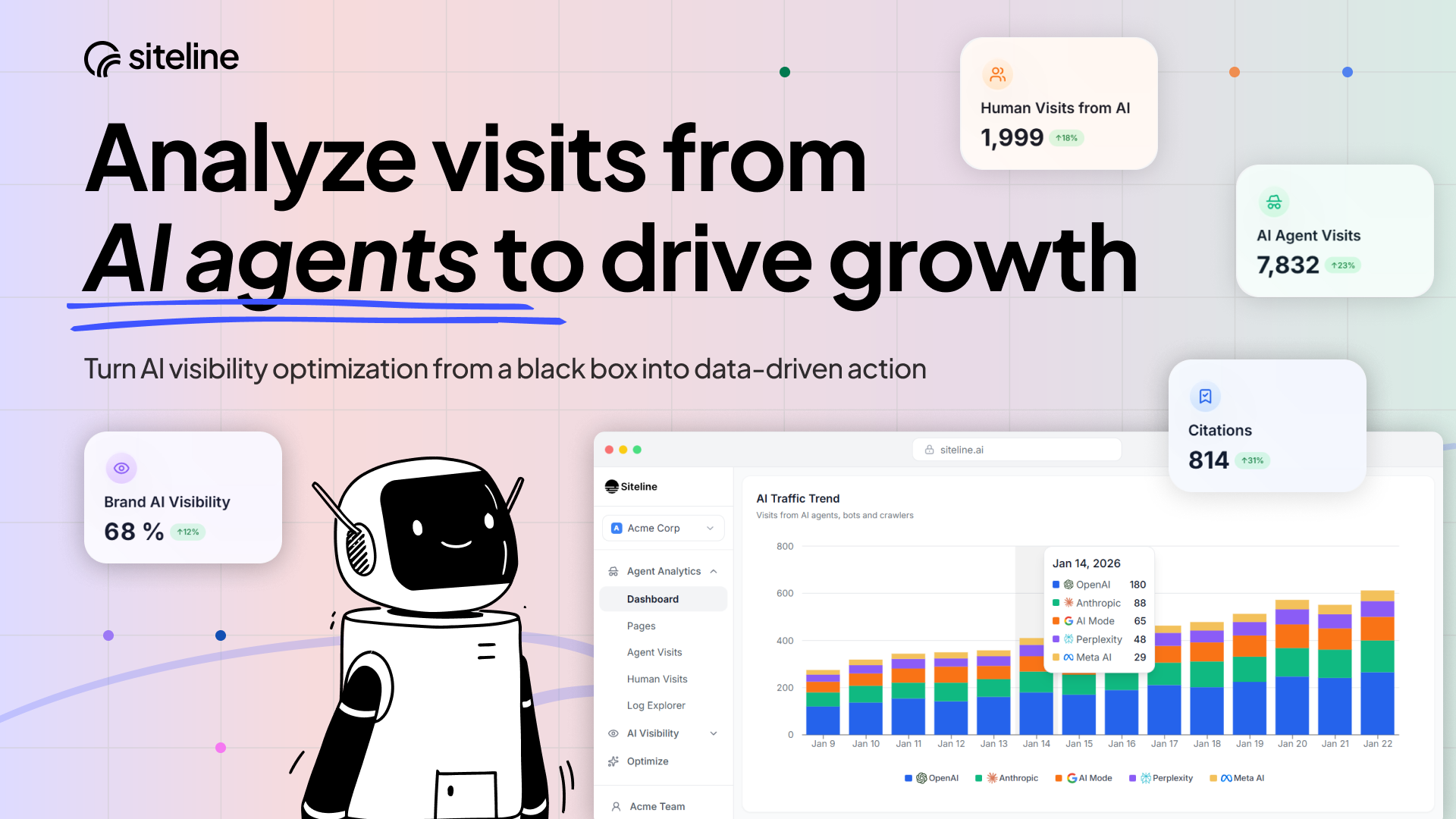
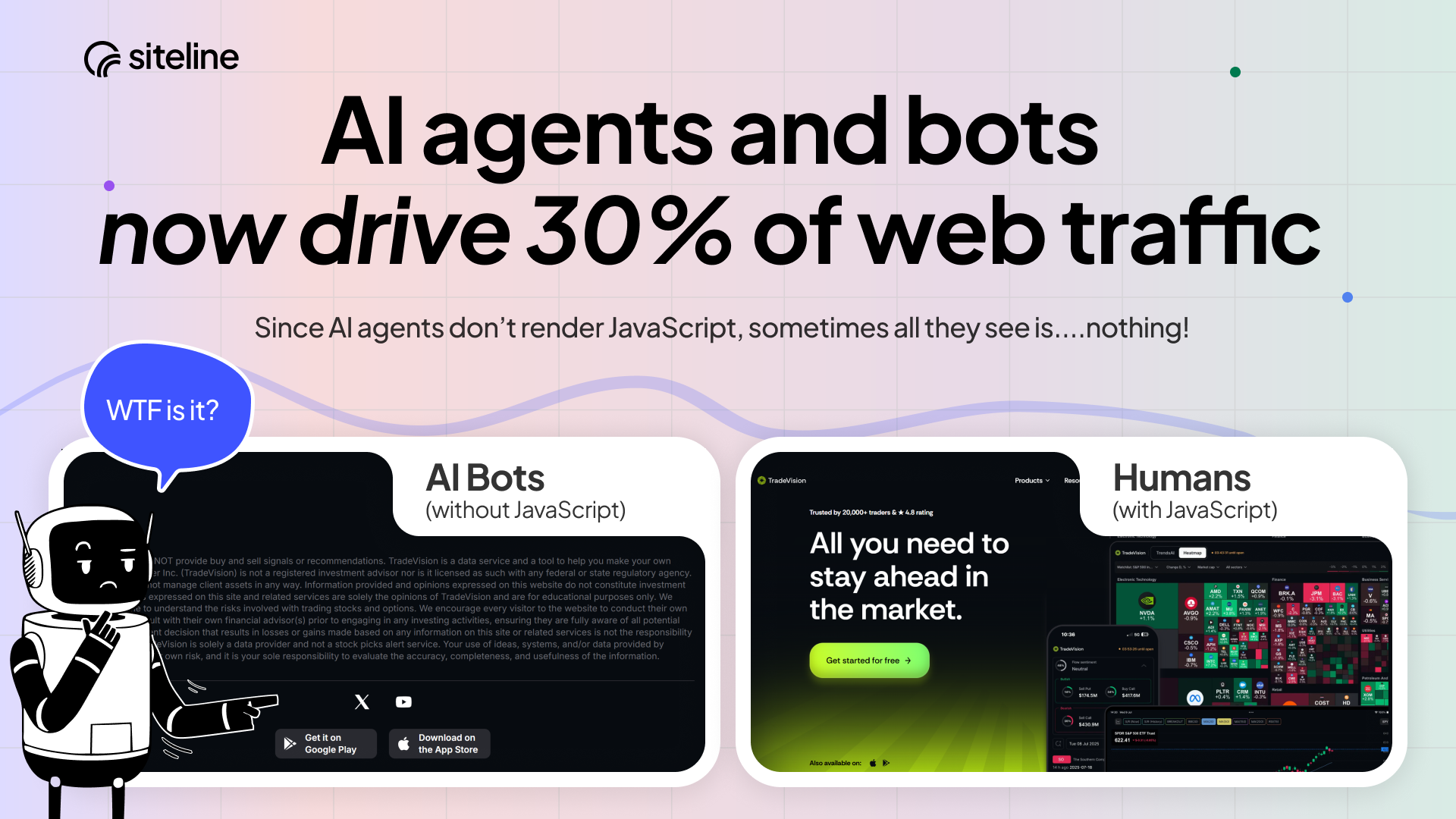
查看原始信息
Atomic AGI
Atomic AGI is an AI-native SEO platform with analytics and AI agents built for the AI search era. Track visibility across ChatGPT, Gemini, Perplexity, Claude, and Google, analyze performance and conversions, run technical audits, and deploy agents that automate optimization workflows. Atomic unifies data tracking, processing, analysis, and execution so teams can scale growth across Google and LLMs - without scaling headcount.

Not only AGI, everything is in one place, website status, opportunities, no need for 5 different overpriced tools when you need simple data to make decisions that count.

Great tool team!

3
回复

@ralic Exactly. Why pay for 5 disconnected tools when the data you actually need can be centralized in one? Happy you're getting value from it!

0
回复

Happy customer. You guys rock!

3
回复

@1aleksa Thank you! We built it for people exactly like you, more coming soon.

0
回复

I have been using it since the alpha, amazing progress of the product, good luck!

2
回复

@lazarkrstic Thank you for your trust!

0
回复

AI search is already impacting traffic, brand visibility, and conversions, but most teams have zero insight into it.


I'm glad Atomic is here to change that and excited for what this unlocks 🚀

2
回复

Using this tool on all my websites, it's really helpful for non-SEO experts

2
回复

@marko_mandic94 Glad to hear that, we've built it with non-SEO-experts and no-code marketers audience in mind.

0
回复

Work-changing tool. You can actually see where you show up, where you don’t, what to fix, and HOW! It feels like someone finally built a tool for how discovery actually works.

0
回复