Product Hunt 每日热榜 2026-03-05

PH热榜 | 2026-03-05

#1
Aident AI Beta 2
Open-world automations, managed in plain English
325
一句话介绍:Aident AI Beta 2是一款通过自然语言指令,在开放环境中构建和管理跨平台工作流自动化的AI助手,旨在让非技术用户也能像委托同事一样轻松处理复杂、多变的现实任务。
Artificial Intelligence No-Code
AI工作流自动化 自然语言编程 智能助手 跨平台集成 无代码开发 SaaS连接器 业务流程管理 人机协作 企业效率工具 智能体平台
用户评论摘要:用户普遍认可其“自然语言构建自动化”的核心价值,认为其解决了现有自动化工具(如Zapier)复杂、脆弱、“胶水”难用的痛点。主要关注点包括:产品核心用户画像(ICP)不够清晰;如何处理自动化运行中的模糊与边缘情况;与现有工具(如Zapier)的迁移成本;以及复杂场景下的可靠性保障机制。
AI 锐评

Aident AI Beta 2的野心,并非仅是又一个功能更强的Zapier。其宣称的“从UI设计转向指令设计”,本质上是一场自动化范式的变革尝试:将用户角色从“流程工程师”降维为“意图描述者”,将系统的责任从“精确执行预设路径”升维为“理解并应对开放世界”。这直指当前自动化工具的最大软肋:它们能完美运行于演示,却常在真实世界的混乱与例外中崩溃。

产品的真正价值,在于其试图用AI重新定义“自动化”的边界。通过自然语言接口和庞大的集成库降低使用门槛,只是表层。更深层的价值在于其设计中隐含的“人机协作”哲学——当自动化遭遇模糊情境时,系统会选择暂停并等待人类输入,而非强行猜测或静默失败。这承认了完全自主的自动化在当前技术下的局限性,转而追求一种更可持续的、混合主动性的协作模式。这比追求全自动更为务实,也更能应对企业环境的复杂性。

然而,其挑战同样尖锐。首先,“用自然语言描述一切”可能成为新的认知负担:如何将模糊的业务目标转化为精确到足以让AI行动的指令,本身是一项高阶技能。其次,评论中关于边缘案例和可靠性的提问,切中了这类系统的命门。AI的“理解”与“决策”在复杂链式操作中是否可靠、可调试、可追责?这关乎企业用户的核心信任。最后,在商业层面,它需要清晰定义自己是现有自动化生态的“智能升级层”还是“颠覆替代者”,并解决用户迁移的摩擦与成本。

总体而言,Aident AI Beta 2展现了一个诱人的未来图景:自动化最终应如一位得力的执行助理。但其能否从“聪明的演示”成长为承载关键业务的“可靠伙伴”,取决于其技术能否在真实世界的混沌中,持续兑现“理解意图、妥善处理异常”的承诺。这条路道阻且长。

查看原始信息
Aident AI Beta 2
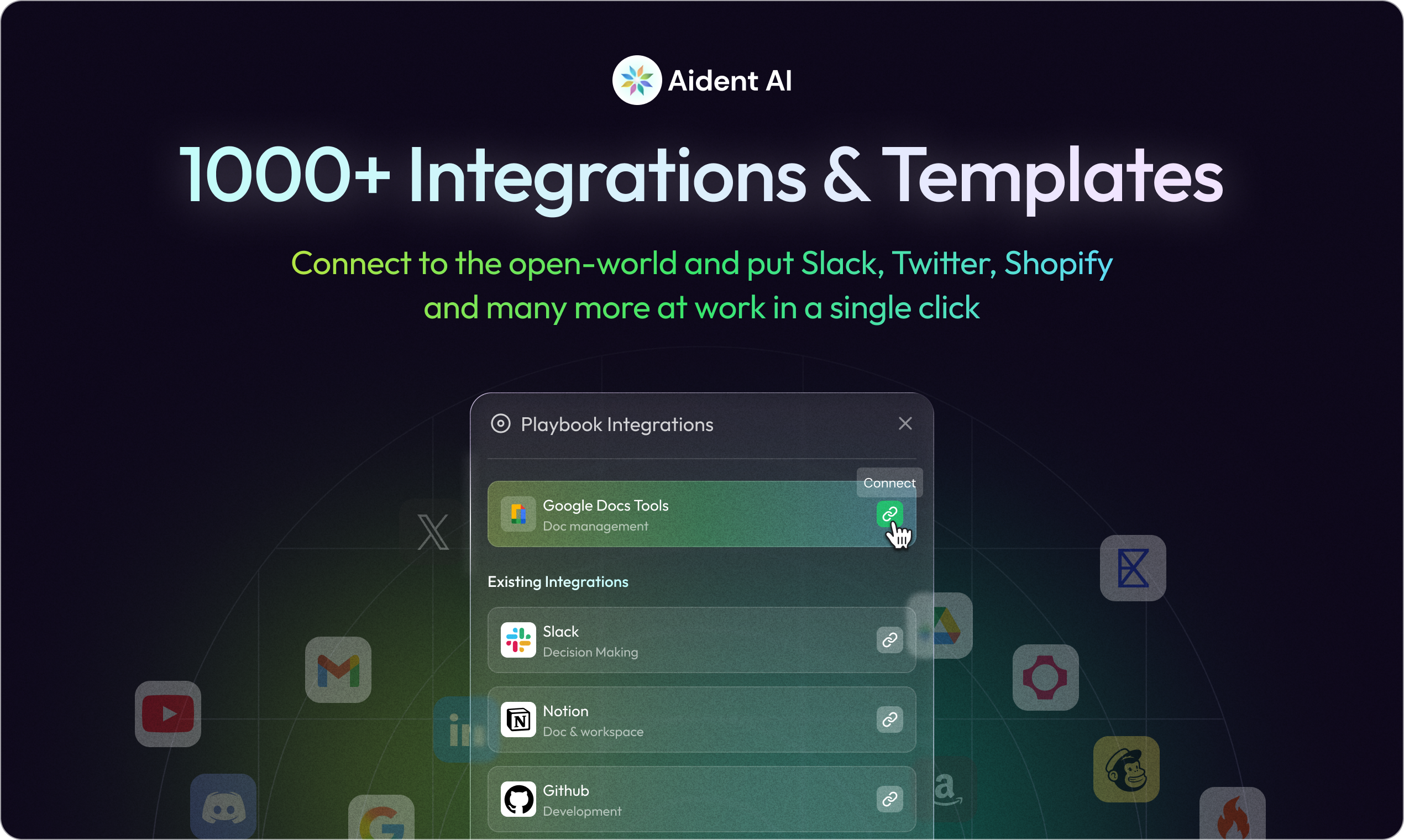
Meet the future of work—AI that actually runs with you. Build and manage open-world automations in plain English across Discord, Slack, X, Shopify, and more with 1000+ integrations, 23000+ actions, and 1000+ templates. Trigger on real-world events, get updates in your favorite chat apps via IM + MCP, and monitor runs, approvals, and issues from one live dashboard.

Hi everyone👋. I’m Edward, the designer of Aident AI

One thing we kept running into while building automation tools: the hardest part isn’t wiring steps together — it’s handling the messy, unpredictable real world.

For Beta 2, I tried to rethink automation from a design perspective:

1. From UI design → Instruction design.
Instead of drawing flows, users describe intent. The system interprets and structures it.
That shift changed how we design everything.

2. Reducing cognitive overhead.
Node graphs are powerful — but they demand constant mental mapping.
We asked: can automation feel more like delegating to an assistant than managing a dashboard?

3. Closing the “demo vs real work” gap.
Supporting live triggers (Discord, Slack, Shopify, etc.) forced us to design for reliability, not just flexibility.

Also curious about this: for non-technical users, what’s been the hardest part about turning a vague goal into something automation can actually run? 👇

Would love to hear real frustrations — they help us design better.

13
回复

@edwardjia Hey Edward what is the exact moment or event in Aident that makes me think: "This is worth paying for"?
I mean something like aha moment when I finally will prove the value?

0
回复

Hey guys, I'm Kimi, founder of Aident - quite excited to share a new version of Aident, the Beta 2!

I built this product because of my previous bad experience of my old automation setup, which now sounds like a caveman: gluing Zapier with RPA to prompt ChatGPT and other websites. When it broke the 1000th time, I decided that something needs to change. AI was smart... yet the glue was not.

Now, I am building Aident with my team to make it crazy easy to turn your life to be AI-native with almost zero frustration: you describe what you want like talking to a teammate and Aident as an Executive Assistant would turn that into a playbook that runs and delivers.

Being able to glue anything you already love is absolutely important and fundamental to automate anything. And, that's why we worked hard to expand our built-in integrations to 1000+ with 23k+ actions available. This would cover almost anything around your work and your life.

Our next step is to continue to expand it to even one more scale up, e.g. 10k+ integrations and absolutely 10x more skills in the next version. Stay tuned!

Here is Aident Beta 2, and yes, it is still beta, so if it does something dumb, please tell me. But, if it clicks for you, I'd really appreciate some love and an upvote! 🙏🙏🙏

Ask me anything - I'll be in the comments all day!

- Kimi

10
回复

@the_kimi_lu Hi Kimi, congrats on Beta 2. The shift from ‘AI glue’ to playbook-based execution is interesting.


I've a quick thought: Have you tested leading the hero section of the homepage with a clearer ICP outcome? Right now the integrations and scale are strong, but the primary buyer isn’t instantly obvious.


Curious who you see as the core user: ops teams, founders, or growth?

0
回复

@the_kimi_lu Excited for what's to come. Congrats on the launch!

0
回复

"AI was smart, the glue was not" is the most honest description of why the current automation stack keeps breaking. Zapier plus RPA plus prompt engineering duct-taped together fails in exactly the ways you'd expect and the 1000th time is never the last time.

The shift from UI design to instruction design that Edward describes is the right framing for what makes this feel different. Node graphs are powerful but they're a UX paradigm built for engineers. Describing intent to a teammate and having it figure out the structure is a completely different contract with the user.

To answer Edward's question from someone building their own AI platform: the hardest part of turning a vague goal into a running automation is usually defining the edge cases. People describe the happy path clearly, but when something unexpected happens mid-run, the automation either fails silently or does something wrong. How does Aident handle ambiguous situations mid-playbook? Does it stop and ask, or make a judgment call? Congrats on the launch! 🤖

6
回复

@joao_seabra Thanks! Let us know if you have any feedback.

3
回复

@joao_seabra Thanks for your comment. Really appreciate this perspective “AI was smart, the glue was not” captures the current automation stack problem.

The edge case issue you mentioned is exactly where most automations break. People describe the happy path well, but the moment something unexpected happens mid-run, traditional workflows either fail silently or do the wrong thing.

In Aident we tried to design around that reality rather than assuming everything can be predefined.

When a playbook hits an ambiguous situation, the agent doesn’t just guess blindly. It can pause and surface that moment as an “Awaiting” state in the dashboard. From there, the user can jump in and interact directly with the agent — provide input, approve a decision, or modify the step if needed.

The idea is that automation shouldn’t be purely autonomous or purely manual, it should feel more like collaborating with an assistant that knows when to ask for help.

2
回复

Hello everyone, this is Luke, Eng @ Aident AI. I'm super happy that we are launching Aident Beta 2 today!

I've personally struggled with how a non-tech person would adopt AI in their daily workflows. Many people around me wanted to use AI to organize Google Sheets, review emails, or coordinate tasks in Slack, but the reality was that most tools still required too much technical setup or rigid workflow building.

While working on Aident, one thing we kept focusing on was making automation feel less like programming a machine, and more like delegating work to a teammate. Instead of designing complicated node graphs, you can simply describe what you want in plain English, and Aiden turns it into a playbook that actually runs across your tools.

We’re still very early and actively learning from users. If you try Aident Beta 2 and something breaks, feels confusing, or you just have ideas on how it should work, please let us know. Feedback like that directly shapes what we build next.

Really excited to hear what kinds of workflows you’d want AI to run for you!

6
回复

Huge congrats on the launch! I've been looking for a way to bridge my Slack and Google Sheets without the node-graph headache. Signing up for Beta 2 now, and I'll be sure to send over some honest feedback! 🚀

5
回复

@justified_wang great! would really appreciate your feedbacks!

1
回复

As a product manager with no coding experience, I’m always looking for tools that can turn ideas into actionable workflows. Aident AI looks very promising, and I’m excited to try it to see how it can simplify processes and boost productivity.

5
回复

@janicelewis00 Give it a try and let us know!

0
回复

@janicelewis00 perfect! happy to hear your feedbacks!

0
回复

Hi friends, I'm Yulei from Aident AI team! I'm beyond excited to share beta 2 with ya'll.

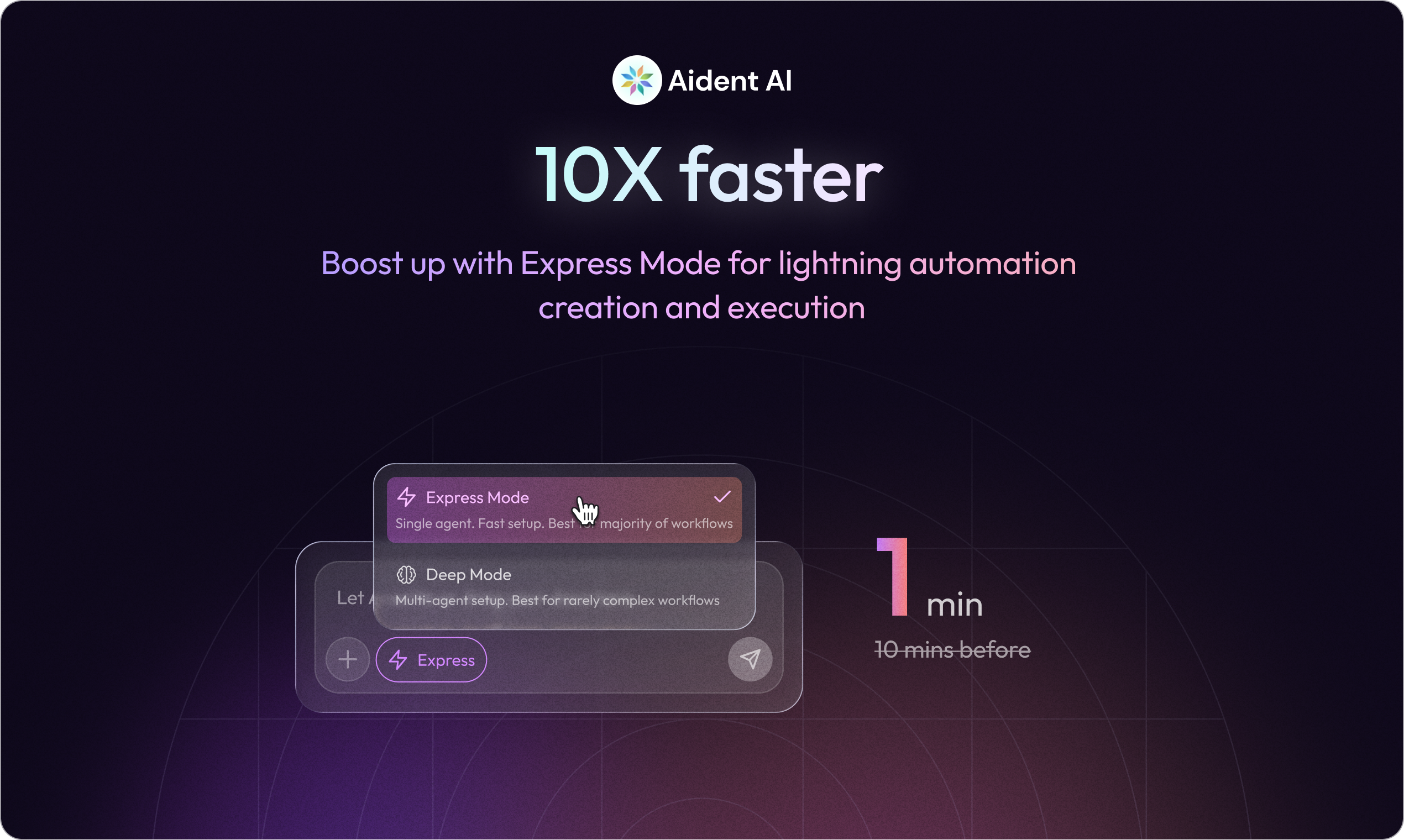
We made multiple 10x improvements compared to beta 1. Just to name a few features that i personally use daily:

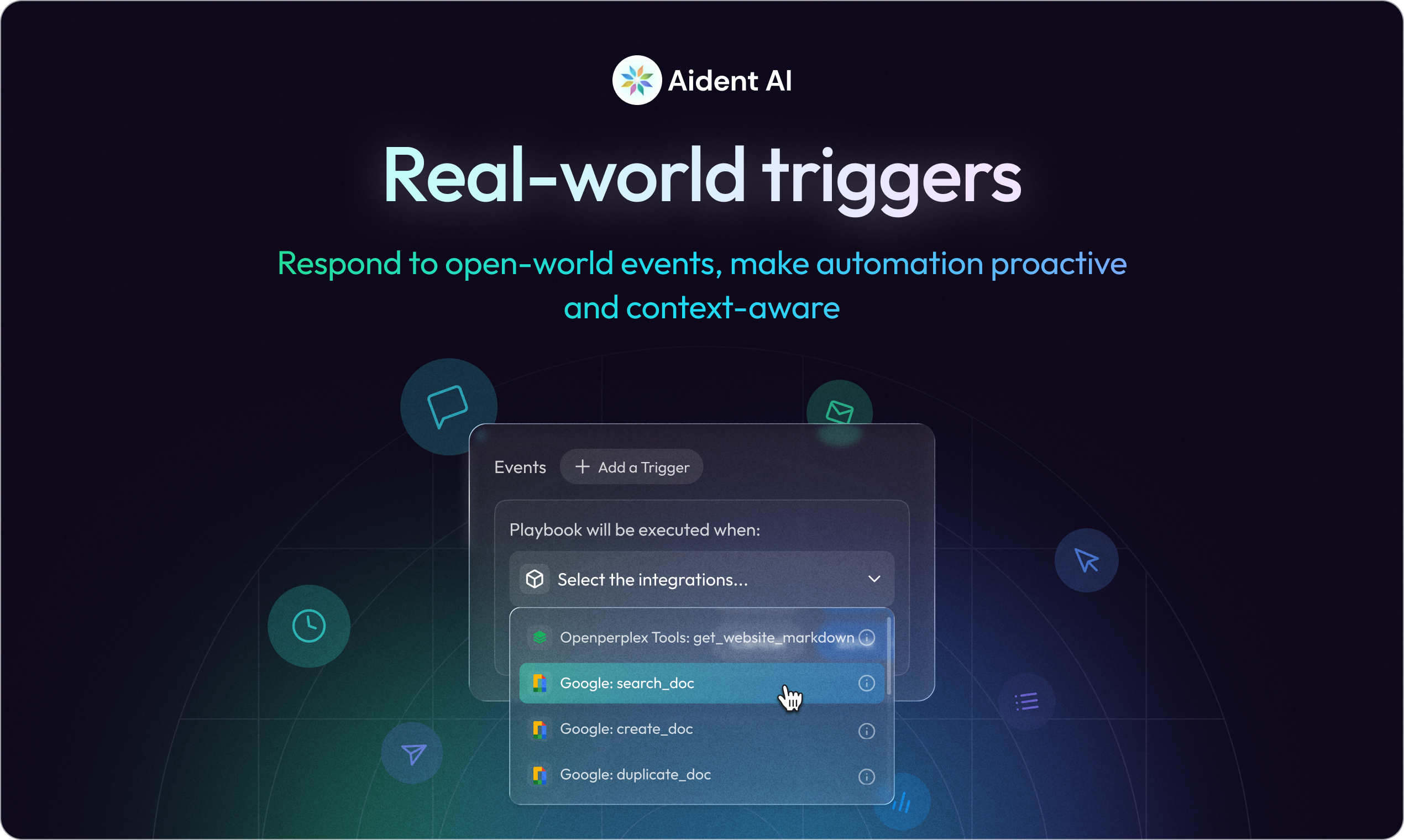
  1. time & event triggers! i have workflows that run at certain time everyday and run when conditions met.

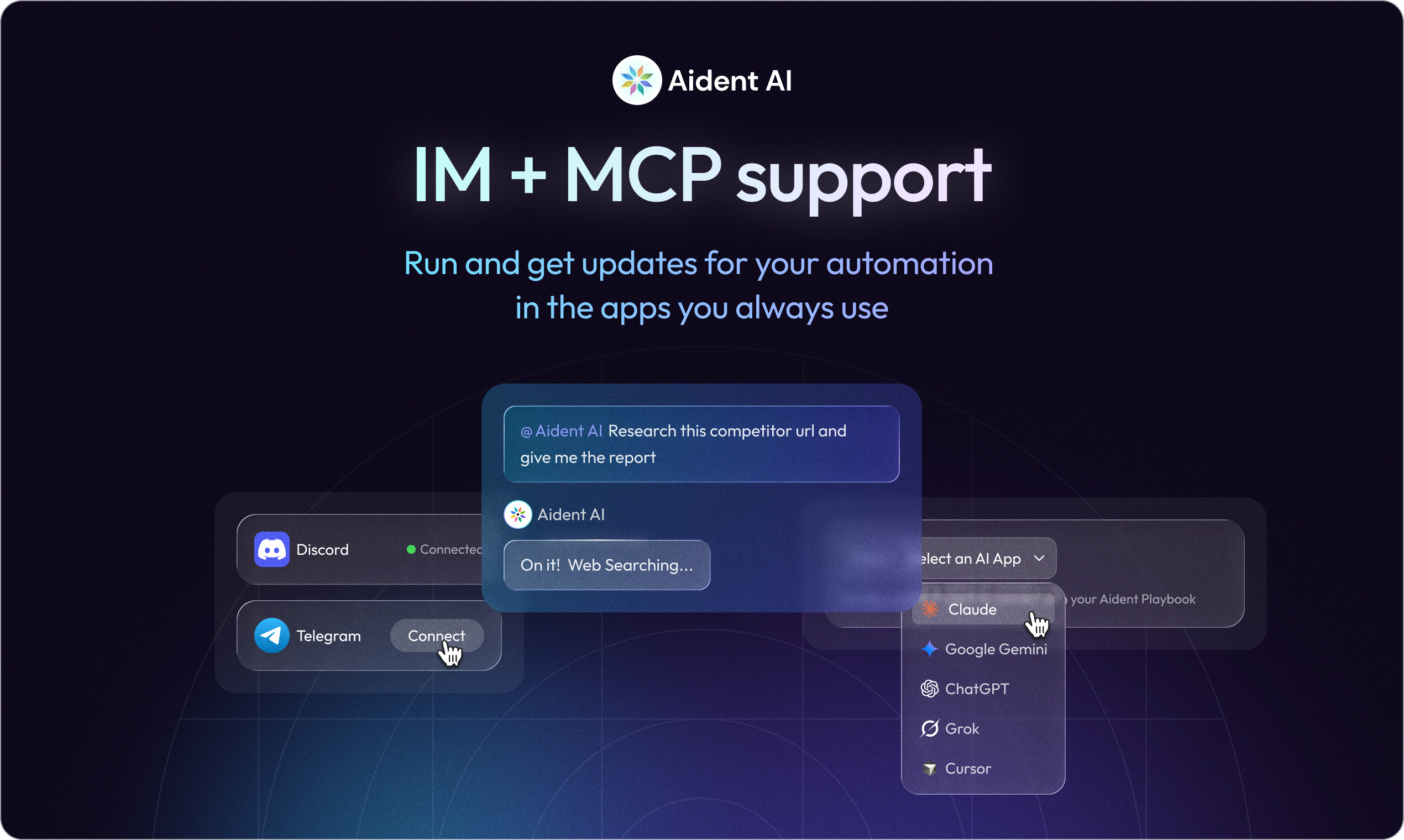
  2. discord & telegram! sometime, i'm on the go and just chat with Aiden in discord & telegram

  3. Agent Dashboard, the is the future of work, i manage a bunch of agents here, i can see results, unblock agents, and be a good manager here!

We are still super early, would love you to try Beta 2 and share feedback!

5
回复

Does Aident sit on top of existing tools or replace them?

I already have a bunch of Zaps running, so migration cost is a real concern for me.

4
回复

@saira_wang if you can email me(yulei.sheng@aident.ai) a few Zaps examples, i can help you to migrate

3
回复

@saira_wang it should be too hard. you can export all your zaps into one json, and giving it to our agent and our agent can turn each of the zaps into equivalent playbook for the automation, almost identical.

3
回复

Really cool concept — automations described in plain English is where everything is heading. We built something similar for our AI routing at TubeSpark (AI for YouTube creators): each task type is described in natural language and the system picks the best AI model automatically. Curious — how do you handle edge cases where the plain English instruction is ambiguous? That's been our biggest challenge with natural language interfaces.

3
回复

@aitubespark Thank you! When instructions are ambiguous, our agent will ask clarification questions and provide proactive solution options for user to choose from. So Aident will only start generating automations when it understands the intent clearly.

3
回复

How does this differ from OpenClaw?

2
回复

@billchirico i personally use both but i have bias, by having workflows written in docs(agent wrote those docs based on my input), i have higher confidence and know the agent deliverables are more likely to be consistent, this become more important when my tasks get complicated.

0
回复

Congratulations

2
回复
0
回复
Congrats team on the launch!🎉🥂
1
回复

@rbluena Thanks man!

0
回复

Its amazing how the world of automation software has improved over the last few years - between manually stitching them together in platforms like Zapier to using AI to figuring it all out.

Very cool guys!

1
回复

thanks @jake_friedberg ! it's next-gen automation haha!

0
回复

Looks cool! Curious how Aident handles reliability when automations get complex across many tools. If a step breaks or an API changes, does the Playbook automatically adapt or flag the issue?

1
回复

@brianna_lin Great questions! We are internally testing 2 things: 1. Aident has a tool to directly open issues and assign to us - we make it to debug & implement fairly soon. 2. Aident has a tool to improve the playbook, with approval from users.

1
回复

I'm not always the best at prompting so I always appreciate a "Plan" mode to get me started. Is there something similar in Aident so that the automation that gets set up is what I intend it to be?

1
回复

@lienchueh Yes! Actually, our agent is default to a "plan" mode where it will gather enough information before getting started into building an automation playbook. After creating your playbook, you can always "test-run" it then come back to the playbook editor to prompt agent to fix.

1
回复

Me describing my automation to Aident: "Do the thing like Zapier/n8n but don't break every Tuesday" 🙏

1
回复
0
回复

@ilya_lee my prompt to claude code "claude --dangerously-skip-permissions, but don't do dangerous things"

0
回复

Wow! this looks like an all in one tool that I can use for my marketing!

1
回复

@abhinavramesh glad it'd be helpful! let me know how you like it :D

0
回复

curious about the "open-world" aspect here. most of these natural language automation tools tend to break once you step outside a very rigid happy path. since you're supporting 23k+ actions, how do you handle state management when one of those mid-stream actions fails or returns an unexpected schema? i'd love to know if there's a way to inspect the underlying logic tree or if it's all just black-box magic.

0
回复

Really interesting framing! I’m curious who you see as the ideal user for Aident right now. Is this primarily built for non-technical operators who want automation without thinking about logic, or more for technical teams who just want to move faster? Also wondering where you see the main difference vs tools like Zapier, Make, or newer AI automation layers. Is the key advantage the instruction-first interface?

Love the design perspective you’re bringing into automation!

0
回复
#2
MacBook Neo
The magic of Mac at a surprising price
322
一句话介绍:MacBook Neo以599美元起售的突破性价格,提供苹果芯片、全铝机身和全天续航,在入门级笔记本市场解决了用户对高性价比苹果电脑的痛点。
Hardware Apple
苹果笔记本 入门级MacBook 性价比 Apple silicon 教育市场 Chromebook竞争者 轻薄本 长续航 铝金属机身 Liquid Retina显示屏
用户评论摘要:用户普遍惊叹其价格,视为苹果对抗Chromebook之作;关注最大内存配置;部分用户对比M2机型,认为存储配置相似但价格优势明显;对续航表示期待与肯定;有评论指出其本质是“大屏iPhone”,预示性能定位。
AI 锐评

MacBook Neo的发布绝非一次简单的产品线扩充,而是苹果在战略层面的一次精准卡位。其真正价值在于,苹果首次以“价格屠夫”姿态,用iPhone芯片的规模化成本优势,悍然入侵由Chromebook和教育市场主导的入门价位段。

表面看,它是“廉价版MacBook”,但内核逻辑是“笔记本形态的iOS设备”。这一定位巧妙而犀利:一方面,它用成熟的Apple silicon确保了基础体验和惊人能效,全天续航与流畅系统成为对Windows/Chrome阵营的降维打击;另一方面,严格控制的规格(如沿用iPhone级内存和存储)将成本压至极限,599美元的价格不仅刺痛竞争对手,更可能引发“鲶鱼效应”,重塑用户对入门笔记本的预期。

评论中“苹果对抗Chromebook”的洞察一针见血。这不仅是产品竞争,更是生态绞杀。苹果正试图用亲民硬件作为漏斗,将海量潜在用户吸入其封闭但体验一致的生态圈。然而,风险同样存在:过于克制的性能配置可能无法满足传统笔记本用户的进阶需求,“大屏iPhone”的调侃也暗示其生产力上限。它是一把双刃剑,在吸引新用户的同时,需谨慎避免侵蚀自身高端产品线的价值认知。

总而言之,MacBook Neo是苹果放下身段、参与肉搏的信号。它的成功与否,不取决于果粉的欢呼,而在于能否真正从Google、微软乃至廉价WindowsPC手中夺取市场份额,完成生态版图的又一次下沉式扩张。

查看原始信息
MacBook Neo
Introducing MacBook Neo — Apple's all-new MacBook features a durable aluminum design, a stunning 13-inch Liquid Retina display, the power of Apple silicon, and all-day battery life — all for the breakthrough starting price of just $599

Apple's answer to Google's Chromebook. Powered by an iPhone chip. Wild!

2
回复

whats the max ram for this?

0
回复

Almost as much processing power as a Studio Display! 😂

Love the form factor.

0
回复
Wow. Same memory and storage as my M2 which I still considered ‘new’, but was double the price 😂
0
回复

The battery life better be stellar on this.

Loving the colors, such a throwback to the G3 ibook days, in the best way.

0
回复
@build_with_aj I think they said 16 hours battery life
0
回复

@build_with_aj it's effectively an iPhone with an extra big screen and extra big battery... battery life should be pretty darn good.

1
回复
Wow 🤯 this is great 😊
0
回复
#3
Heywa
Tappable visual stories instead of ChatGPT text walls
241
一句话介绍:一款将AI问答转化为可交互视觉故事的应用,在用户需要快速学习、决策或满足好奇心的场景下,解决了传统搜索引擎链接列表或AI聊天机器人文本墙带来的信息获取枯燥、低效的痛点。
User Experience Artificial Intelligence Search
AI问答 视觉化呈现 交互式故事 生成式UX 信息获取 内容聚合 决策辅助 好奇心搜索 移动应用 用户体验革新
用户评论摘要:用户普遍赞赏其视觉化与交互理念,认为“生成式UX”是正确方向。主要问题集中于答案结构决策逻辑、信源整合与新鲜度(如本地搜索)、内容格式(图片/视频支持)以及未来功能(如信源偏好设置、故事导出)。团队回复积极,技术细节坦诚。
AI 锐评

Heywa的野心不在于提供更准确的答案,而在于重构答案的交付形态。其核心价值并非“生成内容”,而是“生成体验”——即其宣称的“生成式UX”。这直击了当前AI产品的一个核心矛盾:大模型智力在飙升,但交互范式仍停留在上世纪(文本框+滚动条)。它将用户从“提示词工程师”的窘境中解放,通过意图识别动态组装信息卡片流,试图让获取答案的过程像刷社交动态一样自然。

然而,其面临的挑战同样深刻。首先,信源权威性与“视觉愉悦性”可能存在冲突,精美卡片是否会让用户忽视信息溯源?其次,“结构化故事”本身是一种强归纳,在简化浏览的同时可能牺牲了信息的复杂性与多元视角,存在将答案“预制菜化”的风险。最后,其商业模式隐忧在于:当答案变成沉浸式视觉流,传统搜索的“跳转”行为被抑制,这动摇了现有流量分配逻辑,其与内容提供方的关系将如何界定?

团队在评论中透露的技术栈——多路查询编排、实时流式合成——证明了实现的复杂性。但这恰恰是其壁垒所在:它比拼的不是单一模型能力,而是对用户意图、信息架构与交互形式的整体理解与工程化封装。如果成功,它定义的或许不是下一个ChatGPT,而是AI时代的“答案界面”标准。但其成败关键,在于能否在“优雅结构化”与“信息保真度”之间找到最佳平衡点,避免成为另一个华而不实的“信息糖果”。

查看原始信息
Heywa
From prompt to visual story in seconds. Heywa dynamically builds the right visual experience around your question, so you can browse, compare, and go deeper - without endless tabs or long chat responses.

Hey Product Hunt 👋

I’m Milena, founder of Heywa Labs. I’ve wanted to launch this for a long time, and it's a bit surreal to finally share it here.

The origin story is simple: finding answers online is kind of boring. We spend hours a day in beautifully designed, intuitive mobile apps. They’re visual, responsive, easy to move through. And then the moment we want to learn, decide or scratch the curiosity itch, we’re back to either a list of blue links or a wall of chatbot text. It feels outdated.

Heywa is our attempt to make answering a question feel more like using a great app. You ask something - what to cook tonight, is HIIT actually good for you, what is solipsism - and instead of links or a long essay, you get a visual, structured story you can tap through. It helps you refine, it suggests follow-up actions, it lets you choose if you want to rabbit-hole or decide fast.

We're built for everyday questions. The small stuff. The random curiosity at 11pm. The decision you've been putting off. The idea that's been rattling around in your head.

Under the hood, it’s powered by what we call Generative UX. Not just generated content - the interface itself reshapes around your intent. A travel question looks different from a health question. A comparison behaves differently from open exploration. At Heywa Labs, we think this is where AI products are heading: interfaces that adapt to what you’re trying to do, not static boxes with smarter text inside.

We’re early and very open to feedback. Please drop a question below - Heywa and I are around all day to answer 👇

Milena 💚

21
回复

Love this@milena_nikolic2! Someone had to change the current standard. Most humans have visual minds, the current interfaces of the big providers seem backwards thinking! Good luck!

8
回复

@milena_nikolic2 Congrats, on the Launch!!!

0
回复

@milena_nikolic2 Nice work Milena!

0
回复

Lovely to see our work out in the world :)

From the design perspective one of the biggest challenges in developing heywa has been creating a system and logic that lets us create and tell a good quality, visual story to (almost) any question.

As Milena mentioned, Generative UX is our name for approach to this. It's about figuring out what the user wants, deciding the best way to tell a story that answers that query, then deciding how to display each step in a way that flows nicely and gets to the point.

We've started out focussing on the story format because it's a constrained canvas. We can refine and improve our approach without getting drowned in the scale and complexity of a full webpage or app (where I think a lot of products are falling down at the mo). Once we've got that nailed, I'm looking forward to introducing more interactivity and variety!

6
回复

Super excited to be part of this launch!

Heywa is super interesting and challenging to work on. One of the most interesting technical challenges was orchestrating all the different sources together into a engaging, truthful answer.

A single user query gets decomposed into many parallel sub-queries across multiple retrieval sources, MCP tool integrations, and image sources, then the results get synthesised back into a coherent, enriched answer with relevant images. Not easy to do!

Getting all of that to stream back to the user in real-time while an LLM planner dynamically decides which tools and sources to invoke was a genuinely hard problem. Really excited to finally share what we've been building!

6
回复

@afallon02 This is super interesting, thanks for sharing Adam. Congrats on your launch! This sounds like a pretty complex orchestration problem. How do you decide which sources/tools to invoke for a given query, and how much of that is deterministic vs LLM-driven planning?

0
回复

Congrats on the launch, Milena! The "Generative UX" framing is really compelling — the interface reshaping around intent rather than just generating smarter text feels like the right direction. Quick question: for SEO/content discovery use cases (e.g. "best cafes in Lisbon"), are you indexing your own crawled content or pulling from existing search APIs? Curious how fresh/accurate local results are vs something like Perplexity.

3
回复

@ilya_lee great question, so glad you asked! We have numerous tool integrations, and place info providers is one/two of them (think Tripadvisor API and similar, so that's pretty fresh). Signals on which places are best then also come from web search index call, as well as LLM itself, quotes come from Reddit API tool - and our orchestrator takes all that into account when it chooses what to feature.

Any feedback on what else would be useful here - let us know!

1
回复

Hi @ilya_lee thank you for your support.
You can also read more about our take on Gen UX at Generativeux.com.

1
回复

@ilya_lee I've never found perplexity results adequate tbh. But I don't have perplexity pro

0
回复

Congrats on the launch! - qq, how does heywa decide which structure a story should have (cards, comparisons, steps etc) for different types of questions?

3
回复

@tomhennigan thanks, that's a great question - we try to match the structure of the answer to the intent of the query, rather than returning the same format every time.

Roughly speaking, the system first infers what kind of problem the user is trying to solve. For example:

• Decision questions: comparisons (e.g. “Which air fryer should I buy?”)
• How-to questions: step-by-step cards (e.g. “How to make ramen broth”)
• Exploration topics: swipeable collections (e.g. “Best hikes in the Dolomites”)
• Concept questions: structured explainers (e.g. “What is solipsism?”)

Once we detect the intent, we generate a story schema (basically the layout + card types) and then fill it with content. So instead of a single block of text, you get something closer to a mini app tailored to that question.

We’re still improving this - sometimes we get the structure wrong - but over time the goal is that the interface adapts naturally to the kind of answer you need.

2
回复

Thoroughly enjoying being part of Heywa and excited for this launch!

Generative UX is an ambitious concept and will become more powerful as we build, learn and iterate - I'm looking forward to defining this concept further with the brilliant team at Heywa Labs

Welcoming any user feedback/opinions for us to grow and improve!

2
回复

Quick behind-the-scenes note on how Heywa actually works, since a few people asked 👀

One thing we felt strongly about when building this is that prompt engineering shouldn’t be a requirement for getting good answers. Most AI tools expect you to write the perfect prompt. If you don’t, you get a worse result.

With Heywa we tried a different approach: You can explore the answer by tapping through sections, narrow things down with suggested refinements, or take actions directly from the story (like jumping to comparisons, deeper explanations, or practical next steps) without having to keep rewriting your question.

Curious what you all think about this direction. Do you prefer conversational chat interfaces, or something more visual and navigable when you’re trying to figure things out?

If you want to try a few things that show the format well:

• “Best beginner strength training routine”

• “Why do stock markets crash”

• “How to host a dinner party for 8”

• “Best European train journeys”

Would love to hear what queries you throw at it.

2
回复

Congrats on the launch!

2
回复

@ire_aderinokun thanks so much Ire - we couldn't be more excited to share Heywa with the world! Hope you're enjoying it - feedback welcome any time and let us know what queries you find it most useful for. So far we heard from early users that they love looking up recipes or exploring history rabbit holes.

0
回复

Love this notion that prompt engineering is a UI failure. Especially for a visual user the idea of this is amazing! I can see how this leads to higher conversion and more effective user outcomes. Super excited to see how this evolves 🚀🚀

1
回复

@mariarotilu Thank you! And yes - that idea resonated with us a lot while building Heywa. If you need to learn a new “prompting language” to get a good answer, that’s often a sign the interface isn’t doing enough of the work.

Our goal is that you can just ask naturally, and the system figures out the best way to present the answer - visually, structured, and easy to explore.


Really appreciate the support and curiosity about where this could go 🚀

2
回复

Is it limited to only one picture per answer or there could be more. Also, it's only pictures, not videos, right?

1
回复

@viktorgems thanks! It’s definitely not limited to one picture. Most stories actually include multiple images across cards, so as you swipe through you get a more visual understanding of the topic (for example different dishes in a recipe list, different travel spots, steps in a process, etc.). We are

Right now we’re mostly using images, but the format itself isn’t limited to that. We feature some short background videos, as well as relevant TikToks if available in our search index. We are also experimenting with a rotating gallery on relevant cards (e.g. if you search for "top cafes in Camden" it will show multiple images slowly rotating in the background of each place-specific card.

The goal is definitely for the answer to feel more like browsing a small interactive guide than reading a wall of text.

5
回复

This feels like a really unique way to do research or for studying. Are there ways to configure what sources the answers come from? For instance, if I don't want to see any TikTok videos so that I don't get distracted, is there a setting for that?

0
回复

@lienchueh thanks, glad you like it! We haven't built that support yet, but I understand individual preferences, especially wrt sources matter. We had another early user who expressed the wish to see more Reddit quotes - and earlier in the story flow. We will look into ways to express individual source or flow preferences like this!

0
回复
congrats on the launch, super awesome to finally get to see what Martin has been working on!
0
回复

@orkun_duman thanks Orkun - I couldn't have asked for a better co-founder than Martin!

0
回复

Hi, congratulations on the launch. It's a really cool idea. I would expand it so that you can upload your photo and download stories separately, so that you can use them on social media later.

0
回复

@mordrag love the idea about uploading your own photo - will chat to the team about that! On downloading the stories - stay tuned, it's coming soon 😊. What format do you think works best for downloading - images, video, something else?

0
回复

Thanks@mordrag . Stay tuned to our LinkedIn or Instagram for new product announcements in the future too.

0
回复

Wow Milena! Love the concept and trying it out is so cool and easy. I'm sure many content creators will take the most of it. All the best here!!

0
回复

@german_merlo1 thanks Germán, we've built story and card sharing exactly with that in mind. Thoughts on how it works or on how we can do it better very welcome!

0
回复
#4
Coursekit
Turn your course into a full suite of embeddable AI agents
232
一句话介绍:Coursekit通过分析课程销售页,一键生成品牌化、可嵌入的AI学习助手套件,解决了在线课程学生“知易行难”、缺乏个性化实践指导的核心痛点。
Education Artificial Intelligence Online Learning
AI教育工具 课程辅助代理 无代码开发 品牌化嵌入 学习留存率 课程变现 个性化教学 实施指导 教育科技 SaaS
用户评论摘要:用户肯定其解决课程“执行难”的独特价值,主要疑问集中于:AI建议的准确性与防“幻觉”机制、仅基于销售页生成的内容深度、工具是否随课程更新、企业内训等非公开课程的适用性,以及生成后的定制化能力。
AI 锐评

Coursekit的聪明之处在于,它巧妙地将“销售页”这个现成的、高度凝练的课程价值说明书,变成了AI助手的生成蓝图。它切入的并非内容交付环节,而是在线教育最隐秘的顽疾——学完即忘、无法落地。其宣称的“学生不需要更多信息,需要帮助执行”直击要害。

然而,其核心架构也埋下了潜在隐患。销售页的本质是营销文案,旨在激发购买欲,而非提供严谨、系统、可操作的知识体系。基于此生成的AI工具,极易陷入“表面正确但深度不足”的困境,这也是用户集中质疑准确性(Hallucination)和内容深度的根源。尽管团队提示可后续链接MindPal进行微调,但这实则是将最复杂的知识工程工作后置,可能抬高创作者的使用门槛。

其真正价值或许不在于“替代”,而在于“激活”。对于知识体系成熟、方法论清晰的课程,它能快速生成一套引导式、交互式的“实践模拟器”,将静态课程转化为动态陪练,极大提升互动性与留存率。它更像一个高效的“课程价值放大器”和“学员粘性增强器”,尤其适合营销驱动型知识博主。

长远看,产品能否从“有趣的营销工具”进化为“严肃的教学基础设施”,取决于其能否从“销售页”深入至“课程全内容”(如PDF、视频、内部LMS),并建立更可靠的知识质量控制闭环。否则,它可能始终徘徊在教育创新的边缘地带,而非核心。

查看原始信息
Coursekit
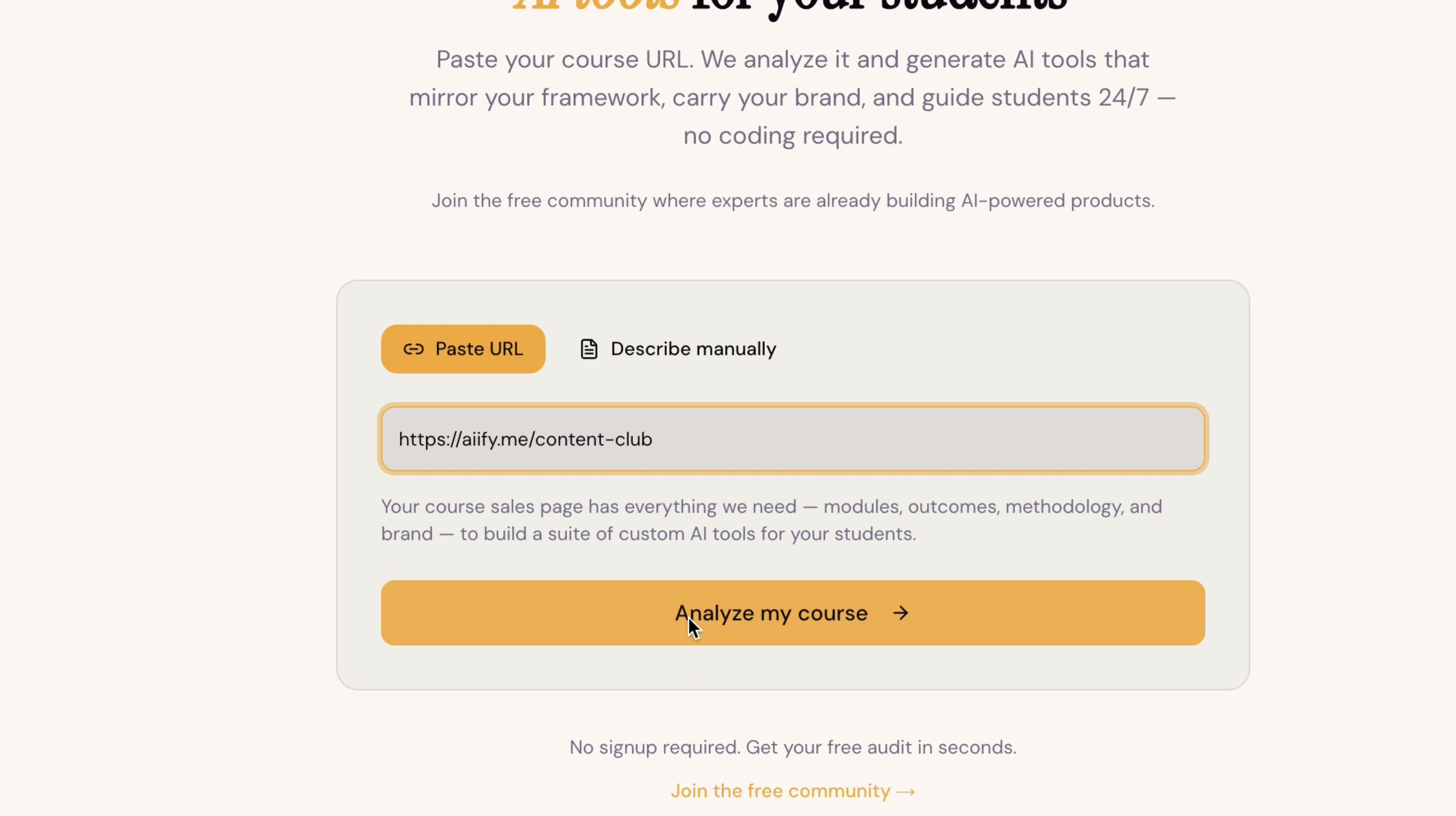
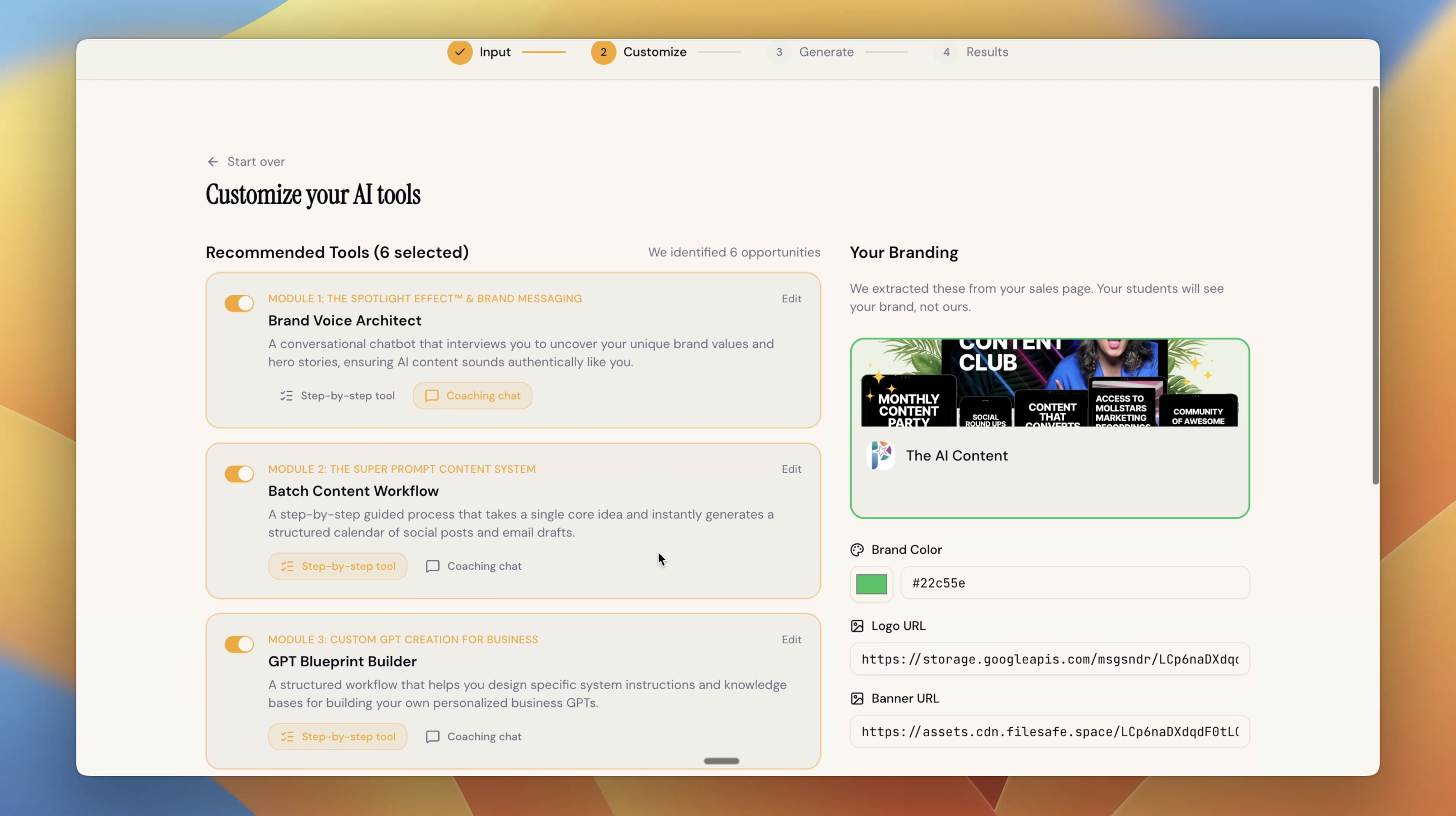
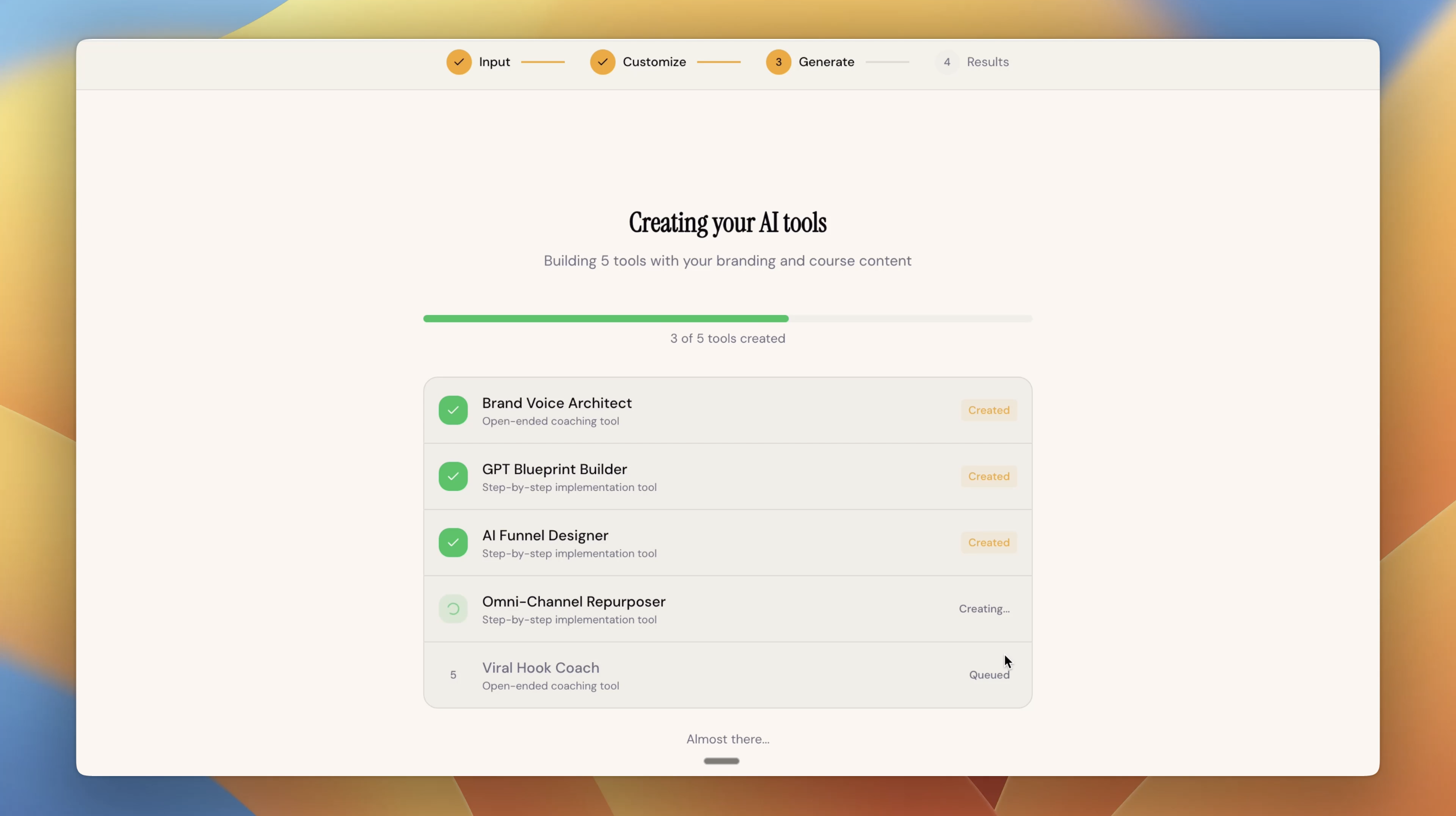
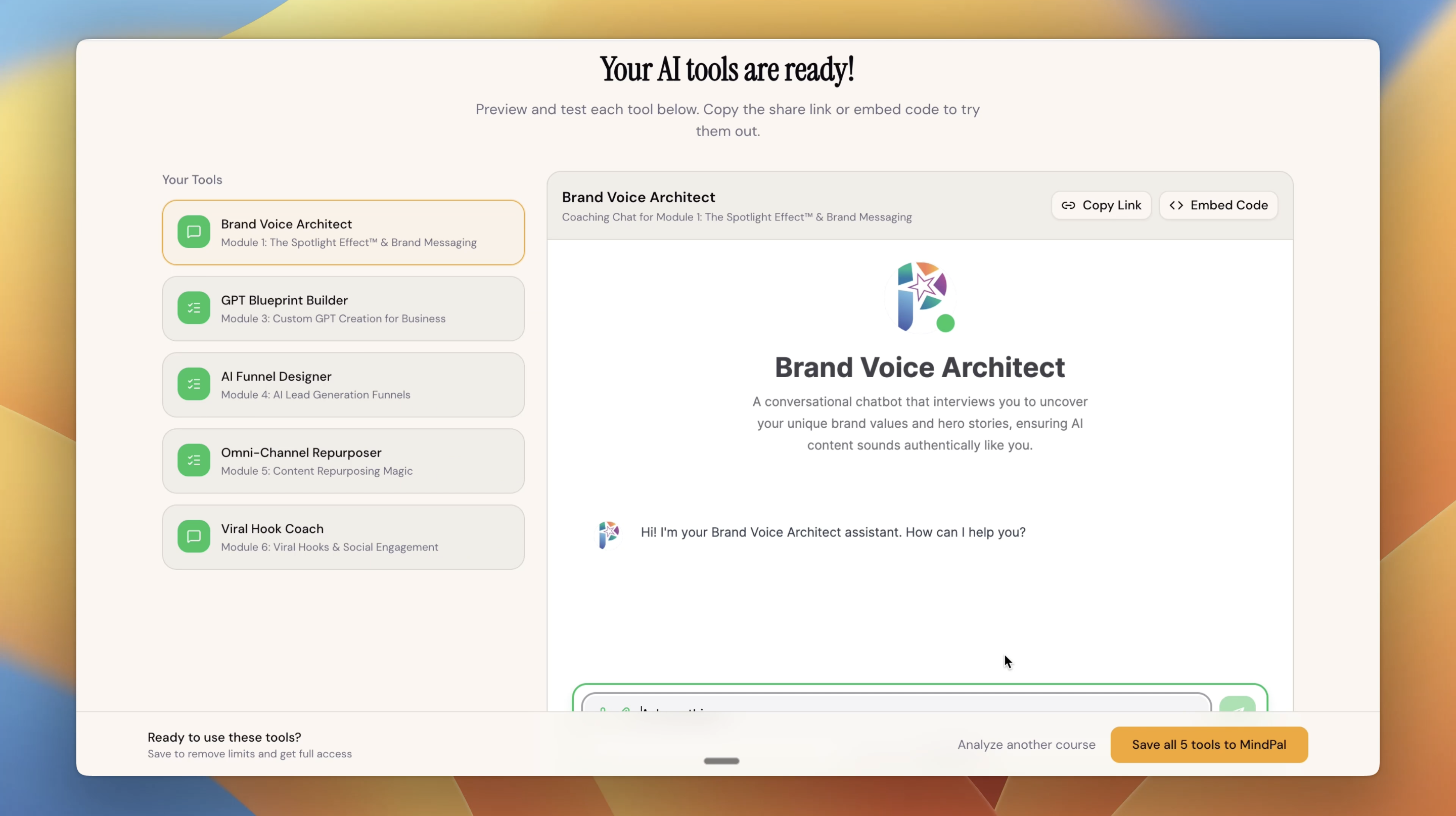
Turn your course sales page into a suite of custom, branded AI tools for your students. Paste your course URL. We analyze it and generate AI tools that mirror your framework, carry your brand, and guide students 24/7 - no coding required.
Hey Product Hunt! 👋 I built CourseKit because I kept seeing the same problem in the course creator space - great teachers, great content, students who still struggle to execute. Students don't need more information. They need guided help doing the thing. So I built a tool that reads your sales page and generates a suite of AI-powered implementation tools specifically designed around YOUR course. Branded, embeddable, shareable - ready in one click. I'm launching free access today and would love your honest feedback. If you create courses, drop your sales page URL in the comments and I'll personally get you set up with your tools. Also, make sure you join the free community where coaches, consultants, and educators turn their course sales pages into custom, branded AI tool suites - and share what they're building: https://www.facebook.com/groups/... Would love to hear what you think - what would make this 10x more useful for your students? 👇
6
回复

@sylviangth Hey Tham. How do you ensure the AI gives accurate educational advice? Can course creators review or control the AI’s responses?

1
回复

Congrats on the launch, @sylviangth!  Would like to commend how pleasing your colors are.

0
回复

@sylviangth Great job on this! Quick question regarding knowledge accuracy — how does it prevent the agents from hallucinating content that contradicts what the course actually teaches?

0
回复

This is a really unique spin on tackling retention for online courses. Are there any plans in the future to go beyond just feeding information from the sales page (e.g. a PDF that provides details of a full course for the AI to reference to as an example)?

1
回复

@lienchueh This is definitely on my radar. Right now, you have two options to provide the starting input for Coursekit, including:

  1. Providing your sales page URL

  2. Describing your course in plain text

More options will come in the future, including file uploads and YouTube video mentions.

1
回复

Very cool! What llm are you using and how are you covering the api costs? Well done!

1
回复

@joshua_krilov I'm using Gemini to help set up these tools. The tools themselves are sponsored by @MindPal .

0
回复

Really cool concept. The "students don't need more info, they need help doing the thing" framing is spot on. I've bought courses where the content was solid but I'd still get stuck on execution. Curious — do the AI tools stay updated if the creator changes their course content, or is it a one-time generation?

1
回复

@mihir_kanzariya   Good question. The AI tools stay the same after the one-time generation unless the creators deliberately update them later on. We provide a full, no-code AI tool builder platform for course creators to manage, view logs and analytics, as well as continuously improve the AI tools.

0
回复

This makes sense for individual course creators but I am curious whether it works in a corporate learning context too. When we run internal training programs there is no public sales page — the content sits behind an LMS. Are you planning a version where Coursekit pulls from the actual course instead of the public-facing page?

1
回复

@klara_minarikova Good catch. We actually have a manual input option besides the URL input as well. If you do not have a public sales page, you can totally paste in the information about your course to try CourseKit out.

0
回复

How does it know what to teach if it only reads my sales page?

1
回复

@hoai_van_nguyen Your sales page is actually incredibly rich with content - it describes your methodology, outcomes, modules, and transformation. CourseKit uses that to build tools aligned with your teaching. That said, we only use what's publicly available. Results may need tweaking - edit each tool’s prompt in the next step, or save to MindPal to fine-tune with your full course content to make sure they truly reflect what you teach.

0
回复

Does it work with any course platform?

1
回复

@dat_vo_dinh Yes - the tools are embeddable via a simple link or embed code, so they work inside @kajabi, @Circle, @GoHighLevel, @Teachable, @thinkific, @Podia, @Skool, all vibe-coding platforms (@Lovable, @Base44, @Emergent, etc.) able or any platform that allows links or iframes.

0
回复

Awesome work! Can I customize the tools after they're generated? 🤔

1
回复

@serenang Definitely! You can customize the seed prompts for each tool suggestion in the 2nd step "Customize". Even in the last step after all tools are generated, you can still save them to your @MindPal workspace for further customization (including functionality and appearance).

0
回复

What kind of tools does it generate?

1
回复

@maiquangtuan Depending on your course content, CourseKit could suggest tools that are step-by-step implementation guides or conversational AI coaches

0
回复

Congrats on your launch! Can this be applied in multiple settings?

1
回复

@viktorgems Thank you Victor! What do you mean by "multiple settings"?

1
回复

This is great!

1
回复

@maiquangtuan Thanks Tuan ✌️

0
回复
#5
Golf
Enterprise MCP Control Plane
187
一句话介绍:Golf是一个企业级AI代理控制平台,通过集中式的发现、策略执行和审计功能,解决企业在规模化采用MCP协议时面临的安全失控与治理缺失痛点。
Artificial Intelligence Security
AI代理治理 MCP协议 企业安全 合规审计 策略控制 可见性平台 人工智能运维 YC孵化 控制平面 数据安全
用户评论摘要:用户普遍认可产品解决了MCP治理的核心痛点。有效评论集中于:创始人详细阐述了市场缺口和产品价值;用户询问MCP优势及平台管理原理;深入探讨了多代理链场景下的身份归因难题,官方回复澄清了基于员工真实身份(IDP)的审计逻辑。
AI 锐评

Golf切入的并非一个想象出来的市场,而是一个由技术狂热先行一步所催生的、真实存在的“治理废墟”。MCP协议降低了AI连接企业系统的门槛,但同时也制造了影子IT的温床——评论中“150个服务器,50个能破坏生产环境,安全团队一无所知”的案例,正是这种失控的生动写照。Golf的价值不在于其“发现、执行、审计”的功能罗列,而在于它试图在“工程师自治”与“企业控制”之间建立一道迟来但必要的缓冲层。

其真正的犀利之处在于两点:第一,它没有试图推翻或替代MCP,而是选择成为其之上的“控制平面”,这是一种务实的寄生策略,更易被开发者生态接受。第二,它巧妙地将复杂的AI代理身份问题,转化为已解决的企业员工身份问题(通过IDP绑定),从而绕开了“多代理链归因”的技术泥潭,将审计落到了“人”这个责任主体上。这招很高明,使得合规回答从技术上的“哪个AI干的”变成了管理上的“谁让AI干的”。

然而,其挑战也同样明显。产品价值与MCP协议的采用深度绑定,需承担协议本身能否成为主流标准的赛道风险。同时,作为平台,它面临来自云厂商(如AWS Bedrock Agents等内置治理功能)向下整合和垂直MCP解决方案向上延伸的双向挤压。它的成功,不仅取决于能否当好“交警”,更取决于这条由MCP构建的“道路”能否最终成为企业AI基础设施的主干道。目前来看,它提供了一个在混乱中建立秩序的优雅思路,但这场秩序之战才刚刚开始。

查看原始信息
Golf
Govern and secure AI agents and MCP servers with centralized visibility, policy control, and audit trails. Security, compliance, and control for the agentic era.
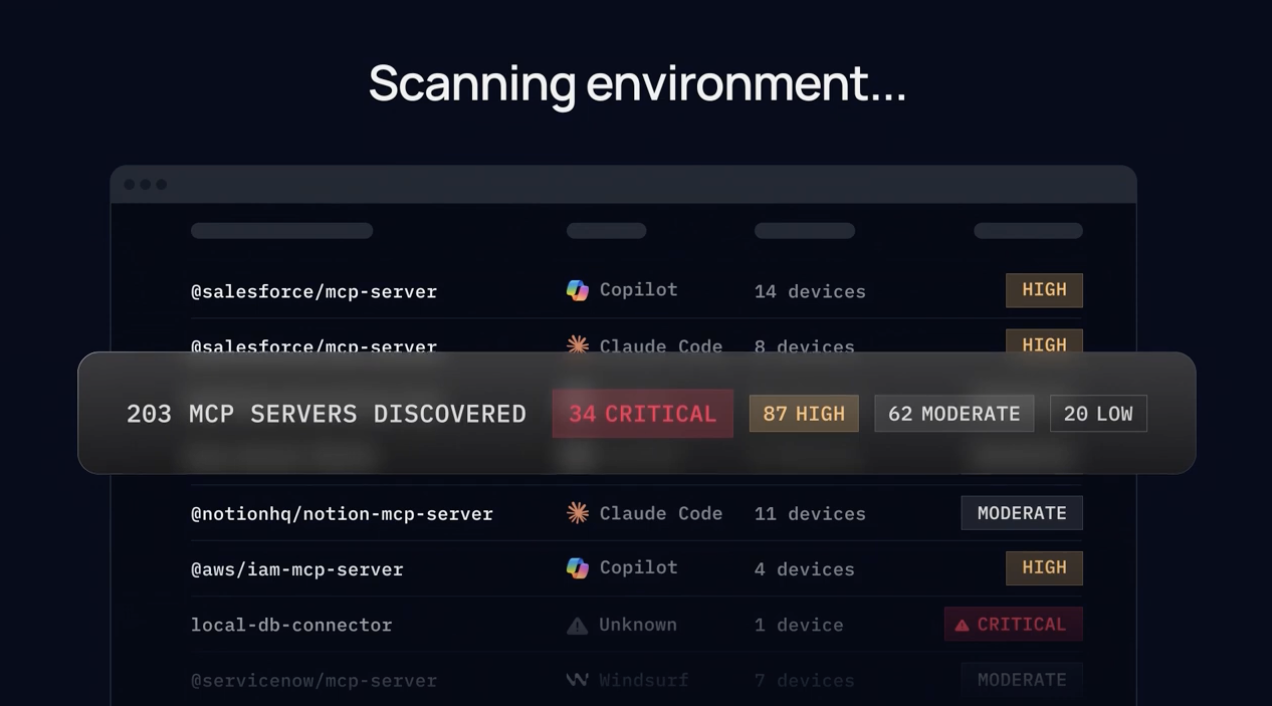
👋 I'm Wojciech, co-founder of Golf. Antoni and I have been building MCP infrastructure since the earliest days of the protocol. Over the past year, we've worked with enterprises using MCP at scale - and the same gap kept showing up: there are vertical solutions, but there's no end-to-end platform for governing how AI connects to enterprise systems. That's what Golf is. We're backed by Y Combinator and already in production at multi-thousand-employee organizations. Here's the problem we kept seeing: If you're a platform or IT team trying to enable AI tools across your org, you're stuck. You maintain a Notion allow list. Every new MCP server goes through a manual security review. And if a server has one risky tool - say a write action to production - you block the entire server. Your engineers lose access to everything, even the safe parts. That's not governance. That's a bottleneck. Meanwhile, engineers don't wait. At one company, we found 150 MCP servers running across the org. 50 of them had the ability to perform destructive actions on production systems. Nobody on the security or platform team knew they existed. What Golf does: Golf is the control plane that lets you enable your entire engineering org - without losing control. → Discover - find every MCP server and AI connection across your org. See what's running, who's using it, what data it touches. Assess and remediate the risk. → Enforce - control what every agent can do at the tool level. Allow read, block write, require approval. Block prompt injections, PII leaks, and credential exposure in real-time. All tied to real identities through your IDP. → Audit - full trail of every agent action. When compliance asks what AI touched customer data - you have the answer. For the PH community: We open-sourced our MCP inventory scanner. You can run it today, find every MCP server in your environment, and assess risk - no Golf account needed. → Try the scanner: [link] When you're ready for the full platform - enforcement, tool-level policies, audit trails - talk to us at https://golf.dev. Our ask: We'd love to hear from you: How are you managing MCP adoption across your teams today? What's blocking you from enabling AI tools org-wide? We'll be here all day. Let's talk. - Wojciech & Antoni
12
回复

@wbbw1 Hi Wojciech. Congrats on launching. What advantages does MCP provide when connecting AI models to tools or enterprise systems? Also, how does your platform help developers discover and manage MCP servers?

0
回复

@wbbw1 awesome work, congrats on the launch!

3
回复

@wbbw1 looks great! 💪

0
回复

Pumped! Congrats on the launch.

3
回复

Golf.dev is awesome because it finally gives you clear control and visibility over what your AI agents are doing with tools and data. After using it, it just feels like the missing security layer every MCP-based system should have.

Also rooting for your Product Hunt launch - guys, go smash it, this deserves a lot of love. Good luck! 🚀

2
回复

Love this product. We use it here at Prism everyday

2
回复

I’ve seen how much work went into this - super impressive to see Golf live and solving real enterprise gaps. Congrats on the launch @wbbw1 @wbbw1 💪

2
回复

Congrats on the launch@wbbw1! What's the story behind the "Golf" name?

1
回复
Hey Wojciech, that story about finding 150 MCP servers running across an org with 50 of them able to hit production, and nobody on security knowing, is wild. Was that a specific company where you discovered that and everyone’s face just dropped?
1
回复

@vouchy Yeah, honestly, not sure who was more surprised, us or them. The scanner doesn't lie though 😅

0
回复

The "no end-to-end governance layer" observation is exactly right — most enterprise MCP security today is point solutions bolted on. The question that gets interesting at scale: how does Golf handle agent identity in multi-agent chains? If an orchestrator spawns five sub-agents that each call MCP tools, does the audit trail attribute actions to the orchestrator, each sub-agent individually, or the human session that triggered the chain? That attribution layer seems like the hardest part to get right — and the one that makes the difference between a compliance checkbox and a tool a SOC team actually trusts.

1
回复

@giammbo Great question! Golf governs employees connecting your internal systems to third-party AI tools via MCP. Think an engineer using Cursor or Claude Desktop hitting your internal Notion, GitHub, or production database through MCP. In that case, you don't control anything - neither the agent, nor the tools your employees are connecting to them.

In that model, attribution is actually clean: every MCP tool call is tied to a real employee identity through your IDP. The audit trail shows you which person, using which agent, called which tool, on which system — with the full request and response. When compliance asks, "who let Claude touch customer data last Tuesday?" - you have a name, a timestamp, and the exact action.

1
回复

Visibility is so important. People forget things all the time. Having to deal with "orphaned" MCPs that could become the next security risk is definitely not ideal.

0
回复

Why would I use an MCP server over a CLI?

0
回复
congrats on launch! MCPs are here to stay!!! bullish
0
回复

@alexdanilowicz thanks Alex!

0
回复
#6
Willow Voice for Teams
Kill the keyboard for your team with voice AI
155
一句话介绍:Willow是一款为团队设计的AI语音转录工具,通过共享词库和自定义快捷指令,在团队协作场景中解决专业术语、固定内容重复输入效率低下的痛点,实现近乎取代键盘的语音输入体验。
Productivity Writing Artificial Intelligence
语音转录 团队协作 AI办公工具 效率提升 企业级安全 自定义词库 快捷键模板 SOC2/HIPAA合规 语音输入 智能格式化
用户评论摘要:用户肯定其大幅替代键盘输入的效率价值,团队共享词库获赞为“游戏规则改变者”。主要问题集中在多说话人会议场景的适用性、口音与多语言支持能力。开发者回应支持100+语言,并积极询问使用场景。
AI 锐评

Willow的实质,是将孤立的个人语音输入工具,重构为以“共享知识库”为核心的企业级协作基础设施。其真正锋芒并非仅在于语音识别的准确度——这已是红海市场——而在于敏锐地捕捉并规模化解决“组织性摩擦”:当15名员工各自重复添加相同的公司术语时,浪费的是集体认知资源。产品通过中央词库和共享模板,将个人效率工具升维为组织知识沉淀与分发的管道。

然而,其宣称“取代97%打字”的愿景面临深层挑战。首先,场景局限性依然存在:开放办公环境、多说话人会议、高度需要逻辑缜密编排的文本创作,语音输入仍显乏力。其次,产品将团队价值锚定在“术语准确”和“模板快捷”,这固然实用,但壁垒有限,易被综合协作平台(如Notion AI、微软Copilot)通过集成语音模块快速模仿。

其护城河在于对“团队语境”的深度封装——SOC2/HIPAA合规、企业术语管理——这使其能切入医疗、法律、客服等对专业术语和合规敏感的重度文本生产行业。但长期来看,Willow必须超越“更聪明的听写工具”定位,向“基于语音交互的团队工作流引擎”演进,例如与CRM、项目管理工具深度打通,实现“说一句话,创建一张工单并通知全员”的智能联动。否则,它可能只是一个优秀却狭窄的“效率插件”,而非颠覆工作方式的平台。

查看原始信息
Willow Voice for Teams
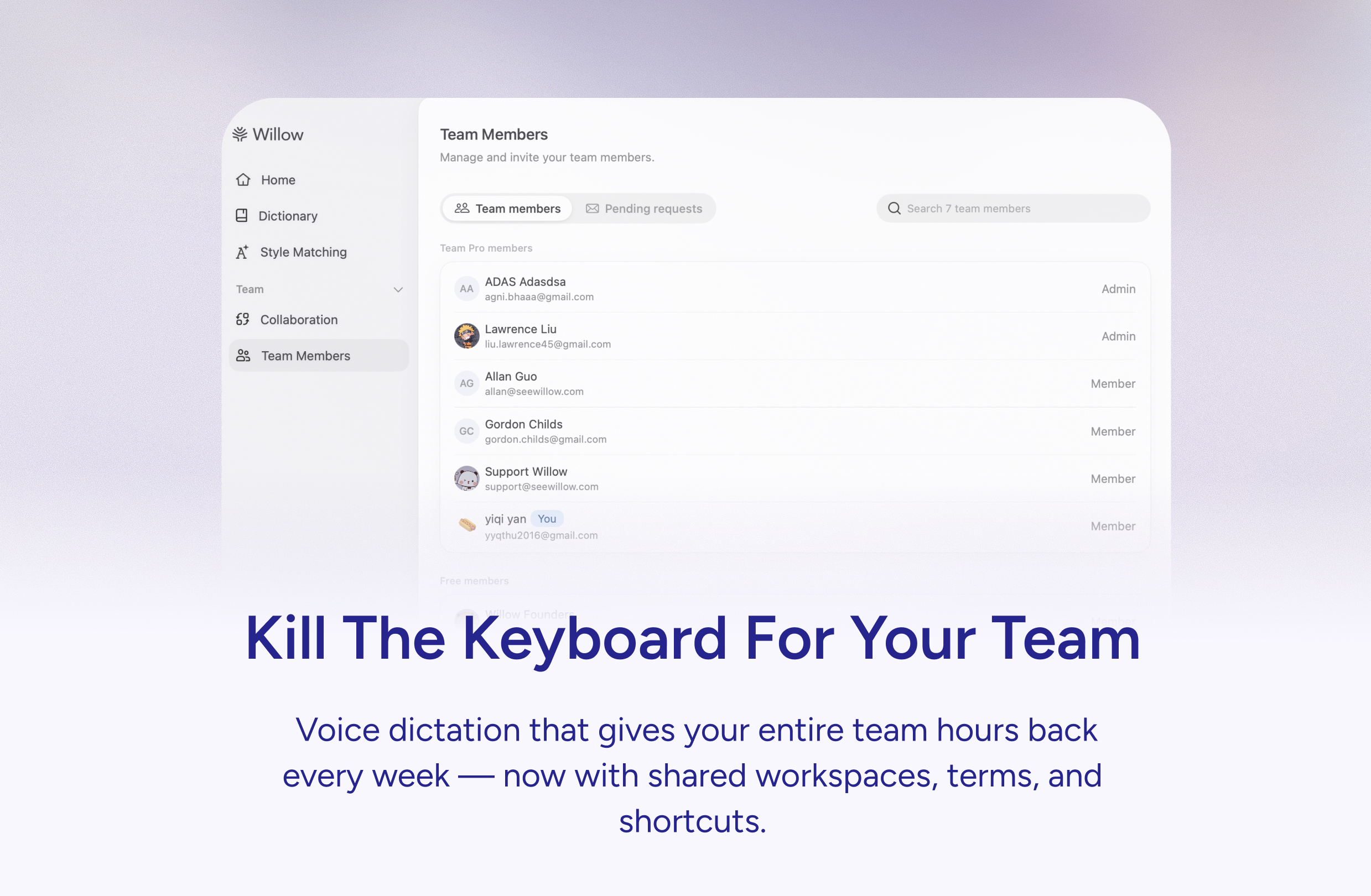
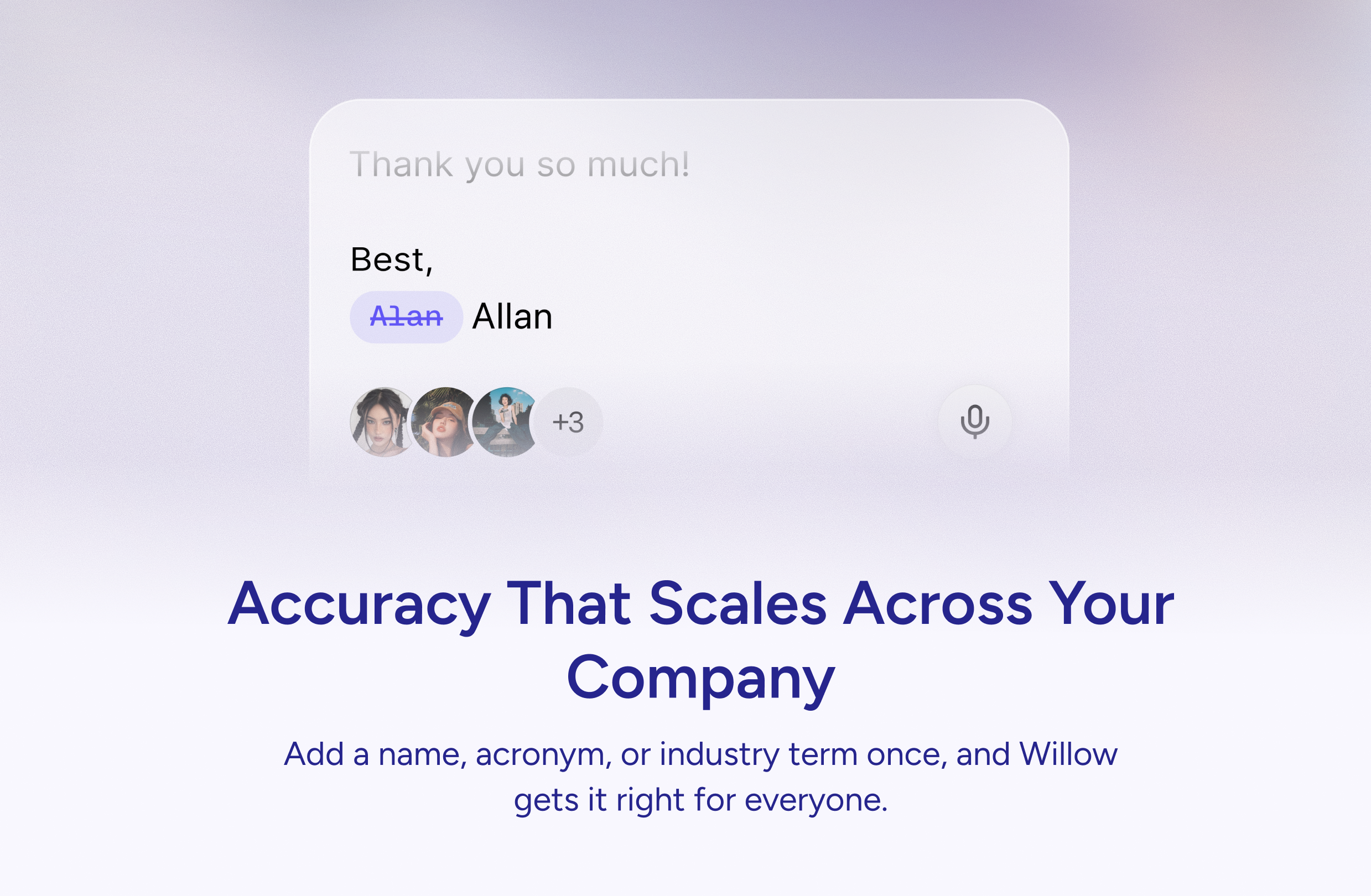
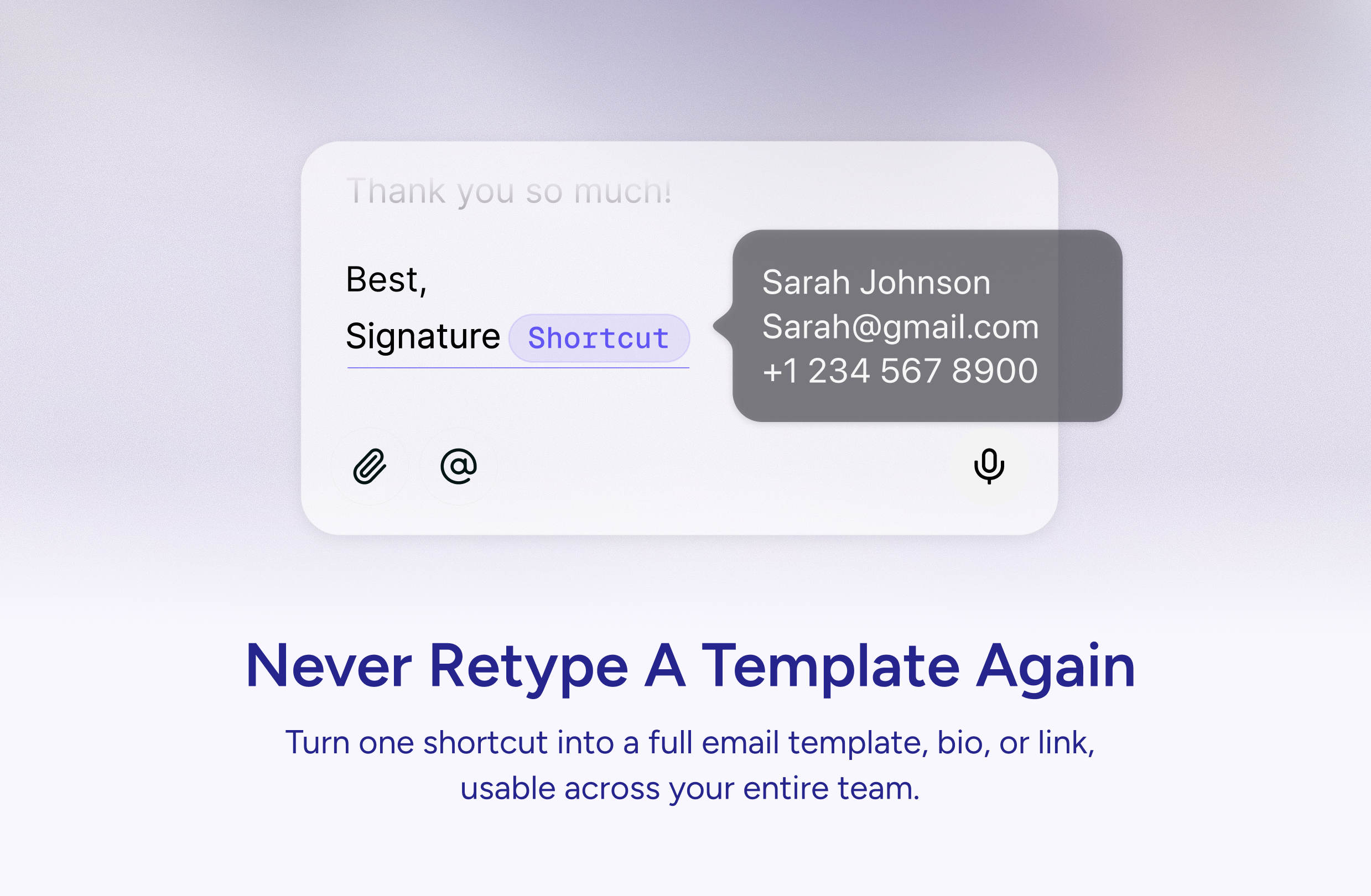
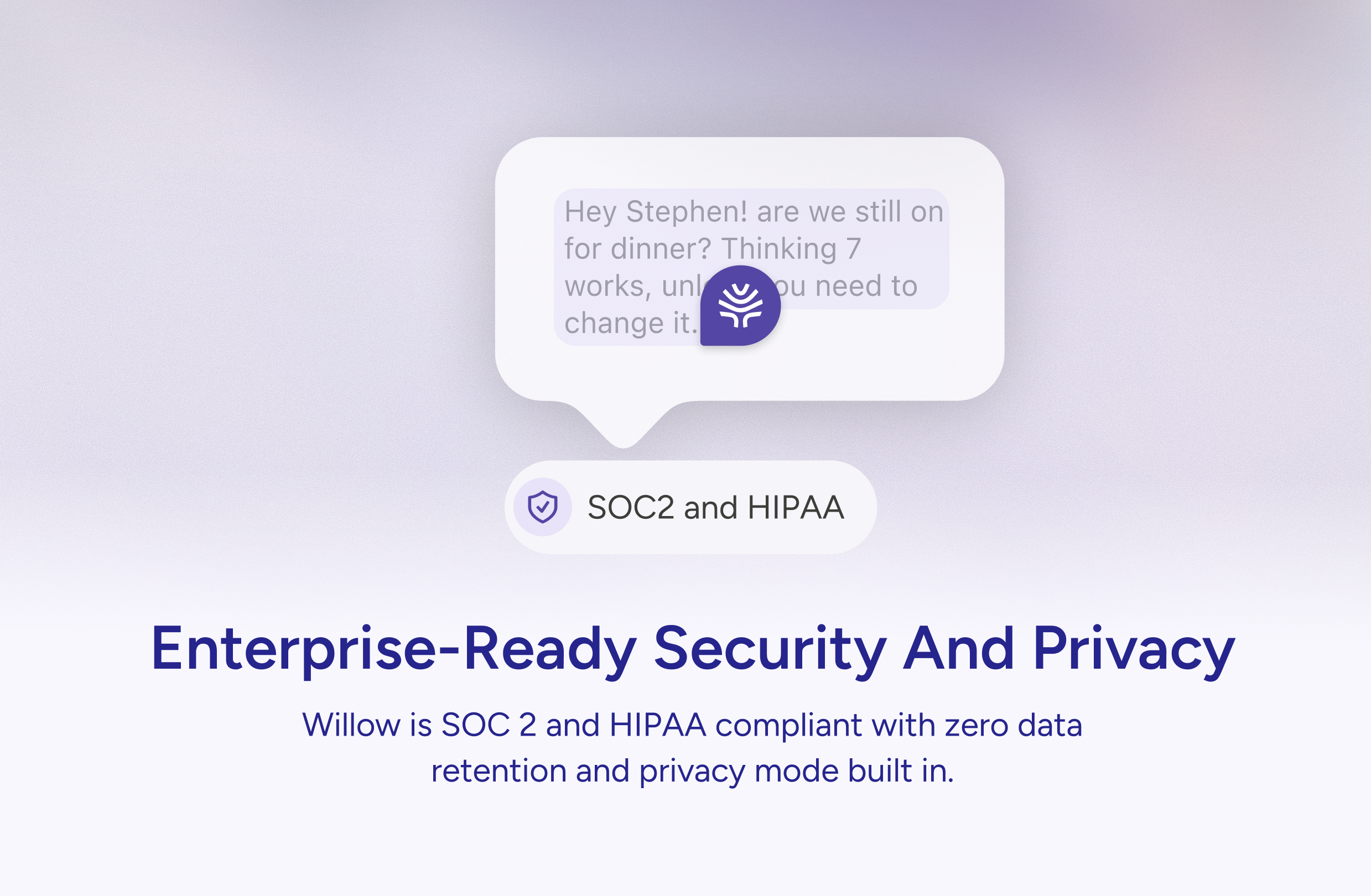
Willow is voice dictation built for teams. Willow gets your company's names, acronyms, and jargon right every time. Create shared shortcuts so anyone on your team can dictate a keyword and instantly insert a full email signature, template, or canned response. SOC 2 and HIPAA compliant. With context-aware AI dictation, Willow turns what you say into perfectly formatted text, anywhere on your computer.
Hey PH! Over the last few months, something wild has happened. People aren't just using Willow for the occasional email. They're replacing up to 97% of their typing with voice. The keyboard is becoming optional. Now, we've built the best dictation experience for teams. Here's what keeps happening: one person at a company tries Willow, loves it, and tells their coworker. Then their coworker tells their manager. Before we know it, 15 people at the same company are all using Willow, but every single one of them had to add custom vocabulary terms like names and terms. That's what today's launch fixes. One person adds your company's terms, acronyms, and jargon and every team member gets accurate dictation from day one. Create a shared shortcut like "customer support shortcut" and anyone on the team can dictate a template instantly. This makes us the obvious who want to work faster together with enterprise-grade security and privacy built in. Try it with your team and lmk what you think!
3
回复

@allan_guo Hi Allan. Most voice tools feel like dictation. What did you need to rethink to make voice actually work for team communication?

0
回复

@allan_guo Let's go! This one is a killer for teams.

1
回复

Typing all day is exhausting - speaking is just so much faster and more natural. Willow feels like the obvious next step for how we should be working.

The shared team vocabulary is a game changer. No more everyone manually adding the same company names and acronyms one by one. One person sets it up, the whole team benefits from day one.

Does it work well in meetings where multiple people are speaking at the same time?

Congrats on the launch!

1
回复

@tomohiro_tanaka Thanks Tomohiro!

0
回复

As someone that played with voice dictation when I was a kid but being frustrated at how slow it was and how precise my enunciation had to be... Really happy to see solutions like Willow pop up! Especially when there is a whisper mode!

0
回复

Yester I got this product from a Facebook post. Since that time am still commenting on this or texting about anything using Willow.

I appreciate the team for building this amazing product.

0
回复

@rakibulism Thanks so much Rakibul! What has been your #1 use case?

0
回复

How does it tackle differences in accents and language level?

0
回复

@viktorgems Willow dictates perfectly in 100+ languages. What languages would you use with Willow?

0
回复
#7
Parsewise
Cursor for document work
145
一句话介绍:Parsewise是一款部署AI智能体对海量文档进行跨文件分析、交叉引用和溯源推理的无代码平台,主要解决金融、保险等专业领域在处理复杂文档集群时信息割裂、效率低下且难以追溯的痛点。
Productivity
AI智能体 文档智能分析 无代码平台 交叉引用 溯源审计 企业级RAG 金融科技 保险科技 知识管理 决策支持
用户评论摘要:用户反馈积极,期待解决文档工作流痛点。主要问题集中于:如何减少AI幻觉、是否支持浏览器使用、能否处理文档间信息冲突及监控矛盾、是否支持文档生成(如PPT)。创始人回应了幻觉缓解、冲突解决机制及浏览器可用性。
AI 锐评

Parsewise的亮相,与其说是又一个文档AI工具,不如说是一次对当前“RAG过热但无效”现状的精准狙击。它直指企业级应用的核心软肋:不是信息提取不出来,而是信息在成千上万的文档中彼此孤立,缺乏上下文关联和可信的推理链条。其提出的“Context Graph”(上下文图谱)概念和“Navi”智能体引擎,本质上是将传统RAG从“面向单文档的Q&A检索机”升级为“面向整个知识体系的推理引擎”,强调跨文档交叉引用和全链路溯源,这确实是提升决策可靠性的关键。

然而,其真正的挑战与价值同样突出。价值在于,它瞄准了高价值、高合规要求的垂直场景(如保险理赔、投资尽调),这些场景对错误的容忍度极低,愿意为“可追溯性”和“可靠性”付费。其“无代码”定位也试图降低专业领域专家(而非工程师)的使用门槛。但挑战亦随之而来:首先,复杂逻辑的“无代码配置”本身可能成为新的认知负担;其次,如何在不同行业、甚至不同公司的冲突解决规则上实现足够灵活且准确的配置,是巨大工程。用户关于“监控矛盾”和“减少幻觉”的提问,恰恰击中了其价值承诺能否兑现的命门。

总体而言,Parsewise的路径正确,它避开了与通用聊天机器人的红海竞争,深入细分领域做深做重。但能否成功,取决于其AI智能体在真实、混乱、矛盾的商业文档中表现出的实际推理深度与稳定性,以及其产品能否真的如其所言,让业务专家而非数据团队成为主导。它卖的不仅是工具,更是一种受控、可信的AI决策流程。

查看原始信息
Parsewise
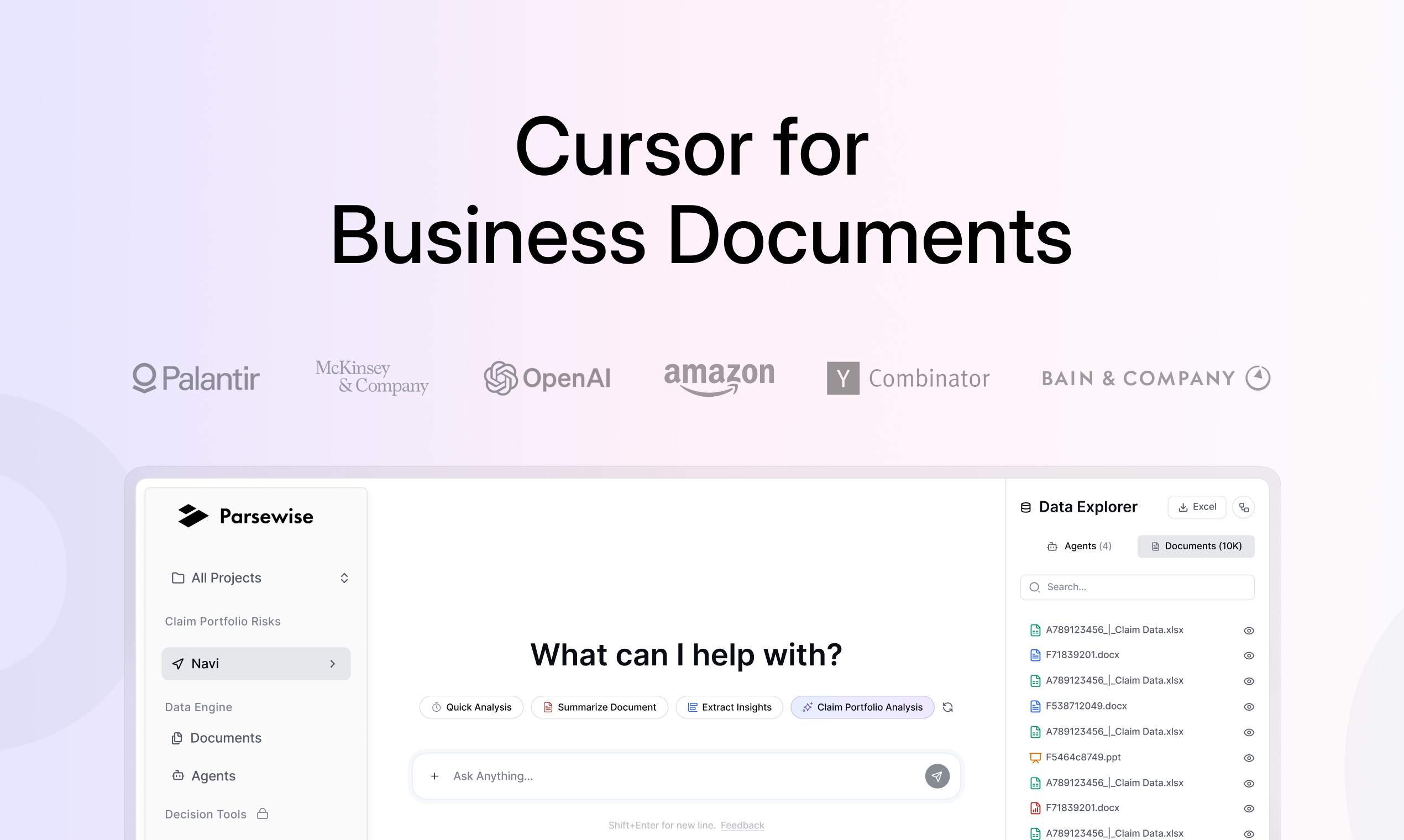
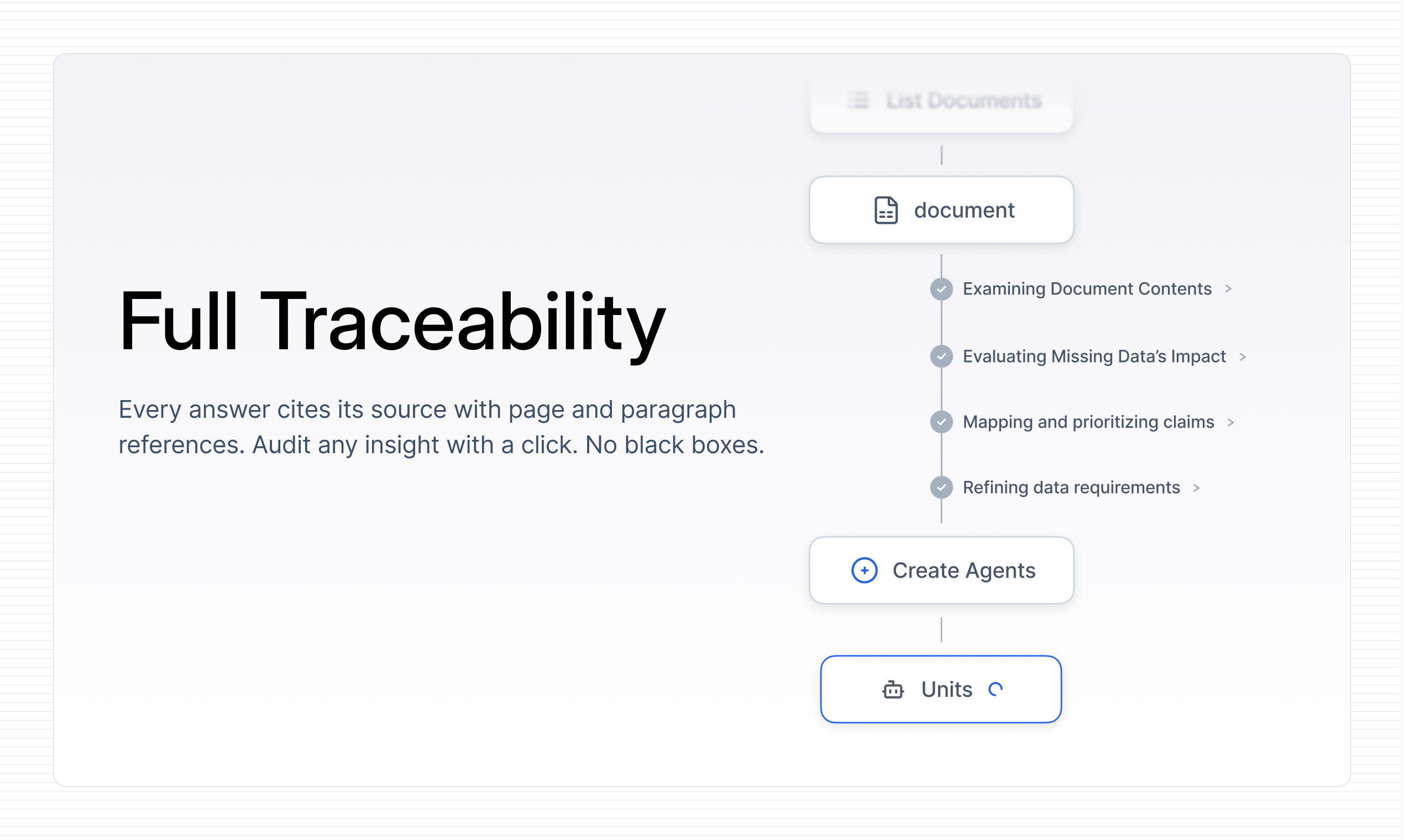
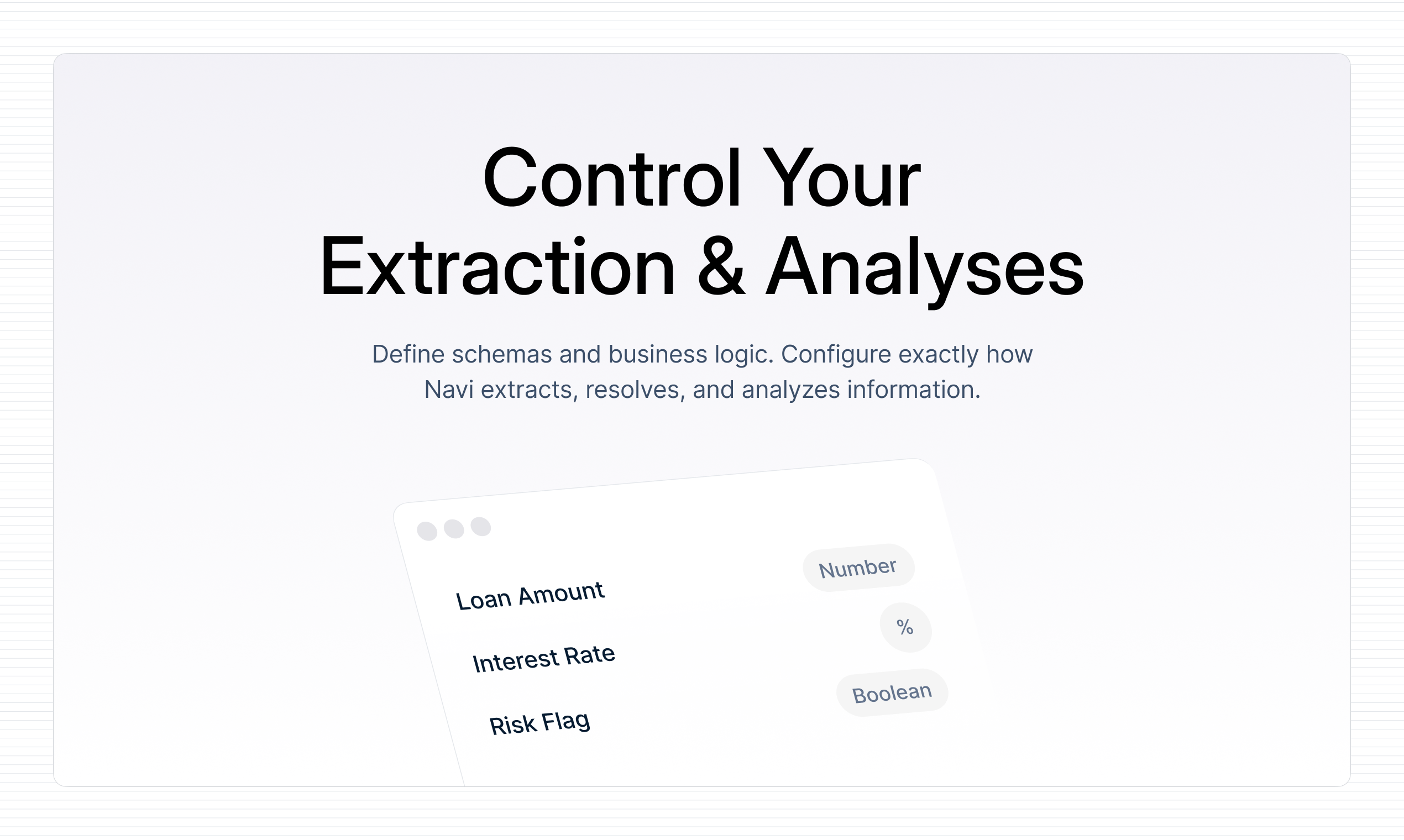
Parsewise deploys AI agents that analyze entire document corpora – thousands of documents, one run. Instead of prompting single PDFs, agents extract, cross-reference, and reason across the entire batch, with every output anchored to its exact source for full traceability. No more black box reasoning. Users configure and launch agents without code, across any document type. No black boxes. No engineering. No bottlenecks.

Hey PH 👋 Max here, CEO & co-founder of Parsewise.

My co-founder Greg and I spent years building data infrastructure for some of the world's largest organizations. One pattern kept showing up: teams with incredibly sophisticated extraction pipelines still struggled to reason across big document corpora.

With the latest codegen tools, it only gets worse. Teams unsuccessfully finetune RAG systems and try to build custom UIs to integrate documents into chat interfaces. The results: zero business impact. Processes stay manual and error-prone while money is set on fire.

We built Parsewise to fix this. Our AI agents don't just extract data, but understand context, cross-reference across documents, and trace every answer back to the source. We call the underlying technology the Context Graph, and it's what lets Parsewise stay reliable even when documents are messy, inconsistent, or incomplete.

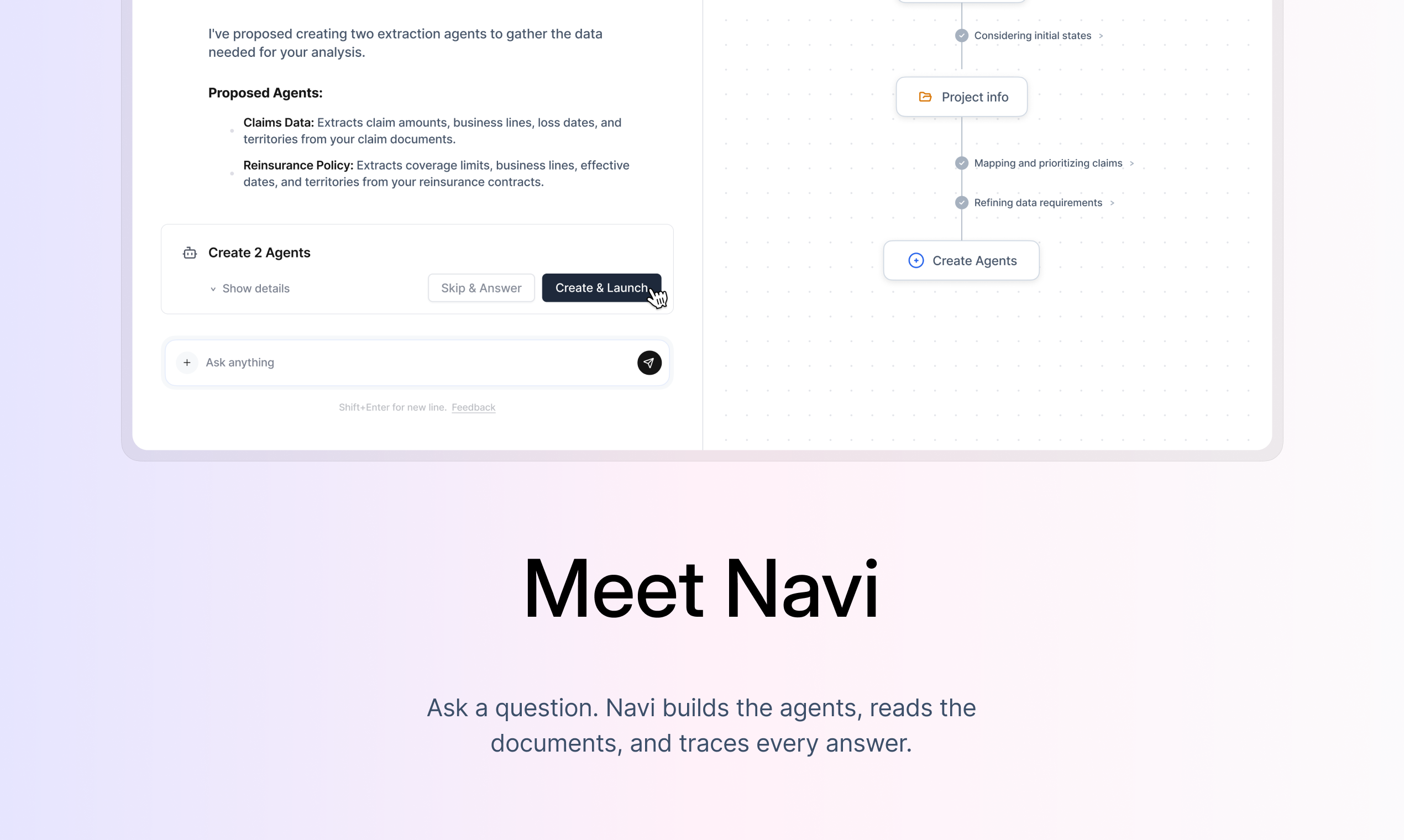
Today we're launching Navi, our agentic intelligence engine. Think of it as “Cursor for document work” or the analyst you always wanted: reads everything, forgets nothing, and shows its work.

Don't just take our word for it, explore the real product:

Sign up to try it for free at https://www.parsewise.ai/get-started

We'd love your feedback, especially if you work with complex documents. What we've built for insurance and finance applies anywhere documents drive decisions.

Follow us:

7
回复

@maximilian_hofer2 excited for the launch and for bringing reliable doc based AI workflows to experts!

3
回复

@maximilian_hofer2 Hi Mr Hofer. Congrats on launching. What methods do you use to reduce hallucinations when extracting numbers or facts?

0
回复

Congrats on the launch! This is something I've been looking for! Does it also work on the browser?

2
回复

@abhinavramesh Hi Abhinav, you can sign-up and use on your browser here: https://www.parsewise.ai/get-started

0
回复

@abhinavramesh yes the platform works in the browser. You can either upload documents directly or you can also enable web search within Navi

0
回复

This looks amazing! Congrats on the launch @maximilian_hofer2 and @greg_csegzi

2
回复

Thanks, @vaibhav_dubey3 ! Glad you like it.

1
回复

@vaibhav_dubey3 thank you!

1
回复

Congratz on the launch Max and Greg!

2
回复

@dimitris_nikolaou_  Thank you!

0
回复

@dimitris_nikolaou_ thank you, hopefully as big of a splash as @Wondercraft !

0
回复

This is so interesting. Especially since documents can contradict one another or become outdated. Are there ways to "monitor" a specific topic and flag whenever contradictory documentation is circulated?

1
回复

Does this handle document creation as well? Can it make a slide decks?

1
回复

This is interesting! How does Parsewise handle conflicting information across documents in a corpus?

1
回复

Thanks @athanzhang !

Regarding your question on conflicts, it's a good one because we see it happening quite a bit.

We have explicit instructions for conflict resolution and a proactive process to flag any unresolved conflicts. The reason for this is that you cannot always know ahead of time what the correct rule is (newer vs older document, different source prioritization), so we need to make it interactive and configurable by the expert.

1
回复
#8
Codex app for Windows
Codex now runs natively on Windows with secure sandbox
130
一句话介绍:一款由OpenAI官方推出的Windows原生桌面应用,通过安全的操作系统级沙盒和并行AI编码代理,在本地软件开发场景中,让AI能隔离地编写、测试和提议代码,解决了AI编码工具可能破坏用户本地开发环境的痛点。
Windows Artificial Intelligence
AI编程助手 原生桌面应用 Windows应用 代码生成 开发工具 沙盒隔离 并行代理 OpenAI 生产力工具
用户评论摘要:用户反馈应用速度快、界面简洁直观,易于追踪AI操作,已替代CLI和VS Code扩展成为日常工具。主要建议是未来能实现与GitHub仓库的深度集成。官方评论则强调了其相比PowerShell和VS Code扩展的原生、安全、集成体验优势。
AI 锐评

Codex for Windows的发布,远非一次简单的平台移植,而是OpenAI对其开发者工具生态的一次“桌面端主权”宣告。其核心价值在于“原生”与“隔离”的双重构建:原生意味着更深度的系统整合与性能释放,告别了命令行或编辑器插件的“寄居”模式;而操作系统级沙盒隔离,则直击了当前AI辅助编码的核心信任痛点——它不再让不可预测的AI代码在用户的主环境中横冲直撞。

产品将“并行代理”与“专用工作树”结合,实质上是在构建一个面向AI的微型CI/CD沙盘。这暗示了未来开发范式的一种可能:开发者成为多个AI代理的“项目经理”,在隔离的沙盒中并行试验多种解决方案,再通过流畅的差异审查进行决策。这比单纯的代码补全更进一步,指向了更高维度的“AI协作者”工作流。

然而,其真正的挑战也在于此。目前评论中透露的“与GitHub仓库深度集成”的需求,恰恰点明了其软肋。现代开发并非孤立的文件操作,而是与版本控制、协作流程、CI/CD管道深度绑定的。若不能无缝融入现有开发链条,再强大的沙盒也可能只是一个精致的“演示区”。OpenAI此举是打开了AI原生IDE竞赛的大门,但要想真正赢得开发者,下一步必须在生态集成与团队协作功能上展现出同等的洞察力,否则恐难摆脱高级玩具的定位。

查看原始信息
Codex app for Windows
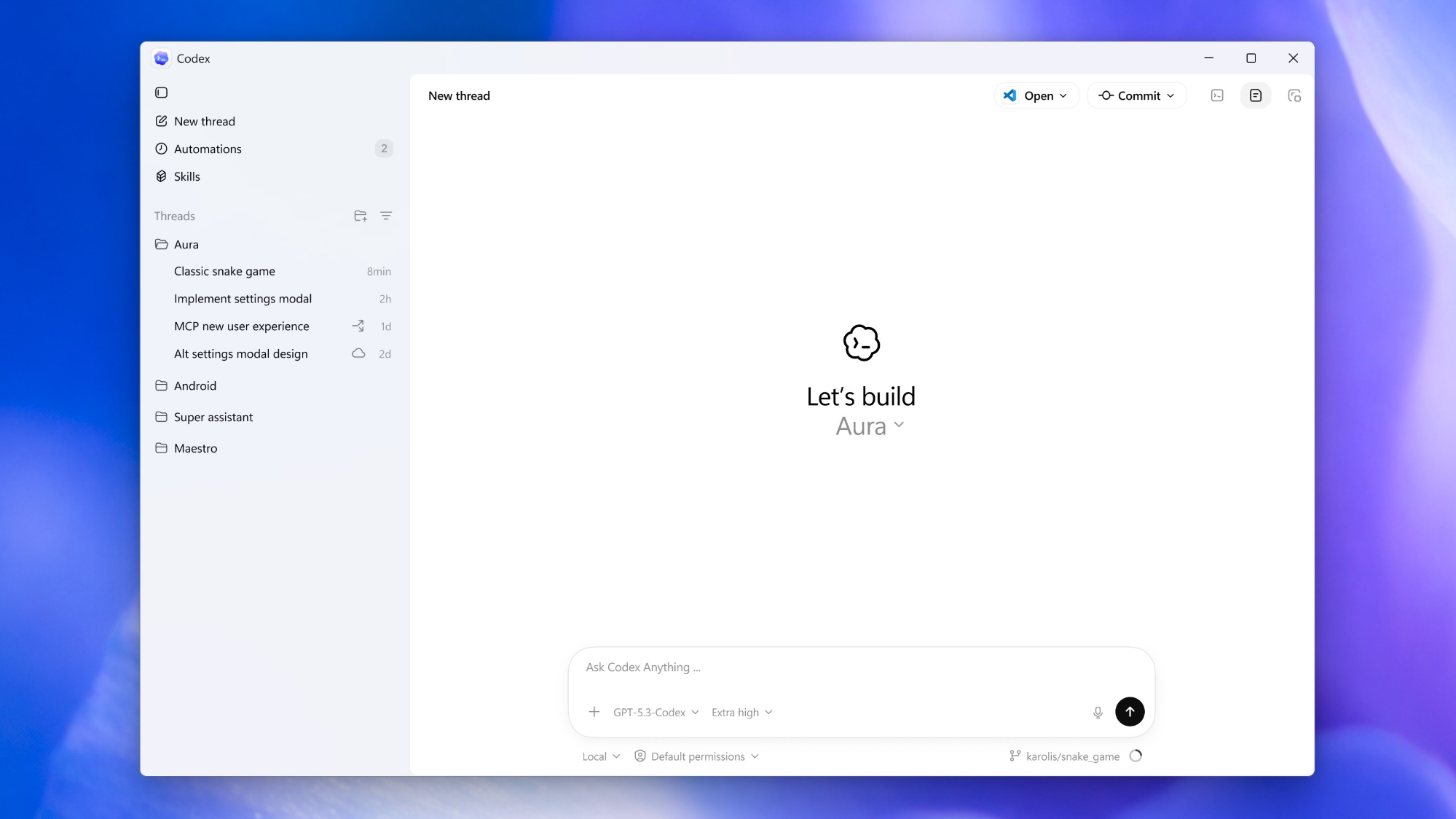
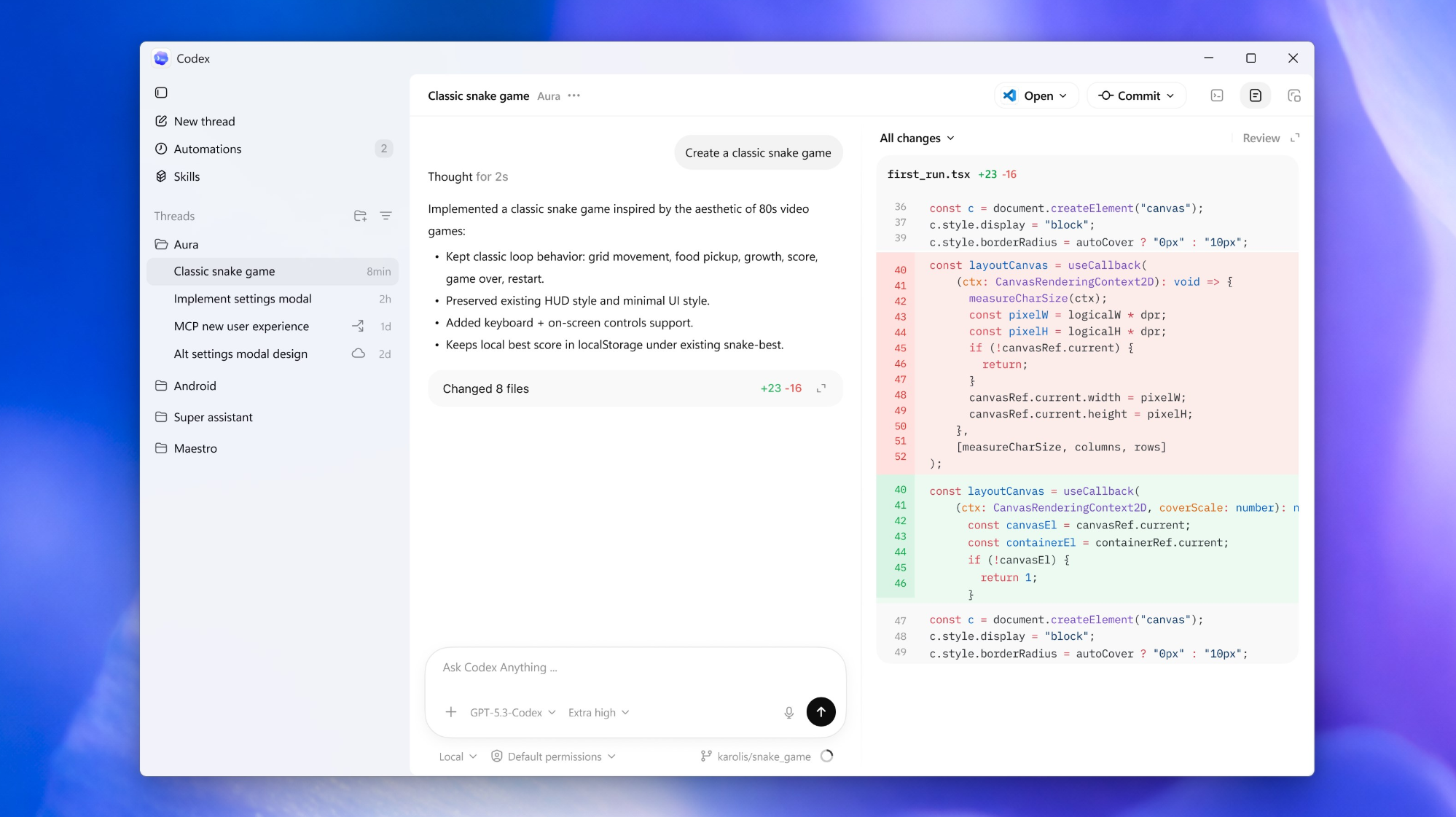
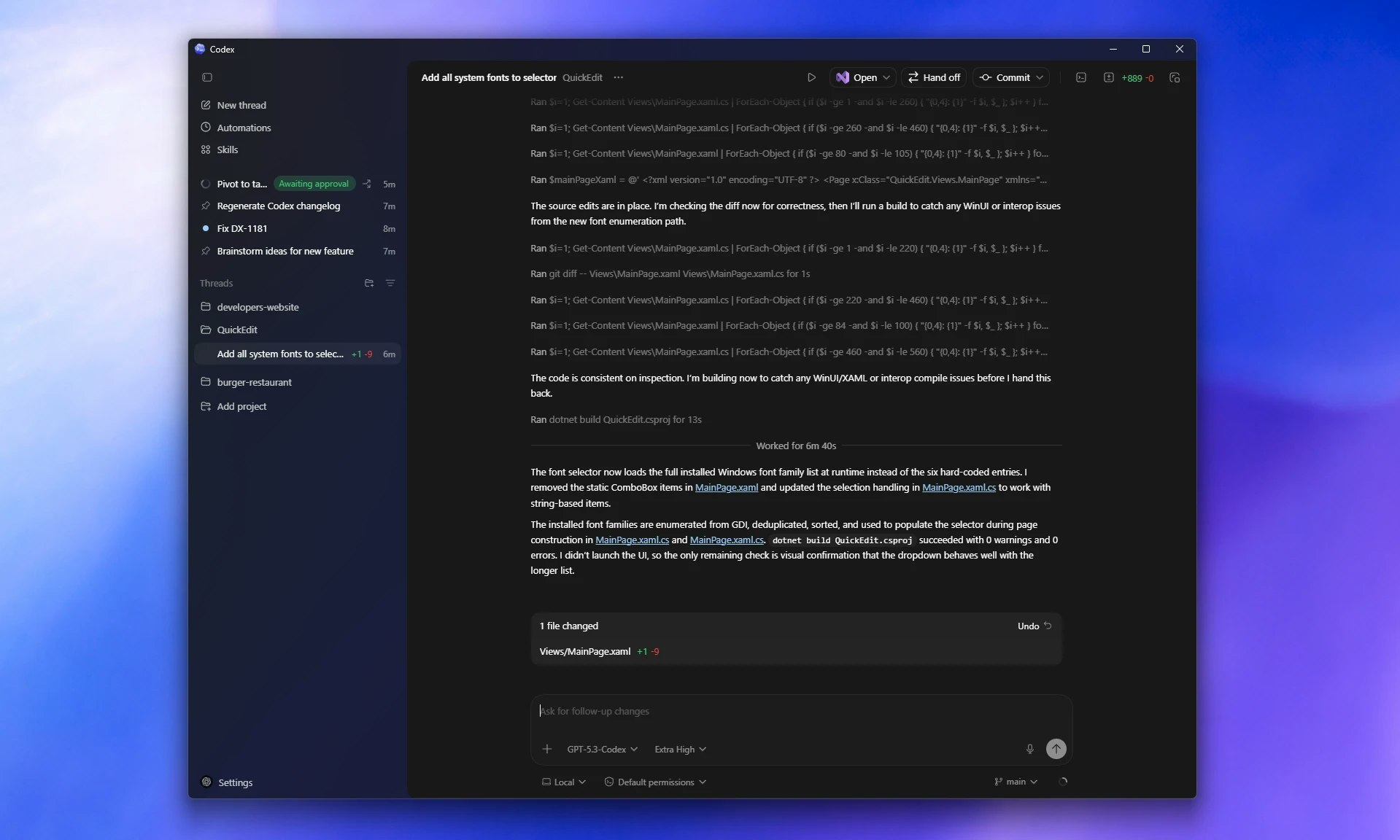
The official Codex desktop app by OpenAI brings parallel coding agents natively to Windows. It isolates tasks in OS-level sandboxes and dedicated worktrees so agents can write, test, and propose code without trashing your local environment.

I use it almost every single day (replaced CLI and VS Code extension). The app is very fast and does the job very good and faster for me. I like it more than these two because it is easier to follow what AI is doing - very nice and simple UI. I would like to see full integration with Github repositories in the future tho.

1
回复

Hi everyone!

The official Codex app for Windows is now in the Microsoft Store and it's built exactly for how most of us actually work.

Previously you could run Codex through PowerShell or the VS Code extension, but this is the native desktop version we've been missing — secure sandbox, real PowerShell support, parallel agents with clean isolation, smooth diff review, and one-click editor integration.

If you've been using Codex on Windows already, or have simply been waiting for a proper native desktop experience, this finally feels like the right time to try it.

0
回复
#9
Supa Social
Self-host your community platform
119
一句话介绍:Supa Social 是一款基于 Once UI 和 Supabase 构建、可快速自部署的社交平台,为希望自主拥有和运营社区(如微社区、客户空间、内部枢纽)的构建者,提供了开箱即用的完整功能基础,解决了从零开发复杂社交系统的高成本和维护难题。
Social Media Developer Tools Tech
自托管社交平台 社区软件 Supabase 开源基础 微社区 客户互动平台 内部协作中心 可 monetize 网络 快速部署 全功能应用
用户评论摘要:用户反馈积极,认可其设计精美和快速启动能力。有效评论集中于功能询问:创始人探讨了鼓励深度讨论的设计思路;用户询问了是否支持外部平台(如X)API集成(回复为否,强调数据自主);另有关注信息流逻辑的可定制性。
AI 锐评

Supa Social 的亮相,精准地刺中了当前“AI生成代码”热潮下被忽视的命门:系统可持续性与维护成本。它并非又一个炫技的玩具,而是将“生产就绪”作为核心卖点,提供了一套经过自身实践验证的、包含认证、审核、通知等脏活累活的完整社交栈。其真正价值不在于技术栈的 novelty,而在于其产品定位——做“数字地产”的基础设施商,而非“数字租房”平台。

在平台风险加剧和社区需求碎片化的当下,许多创业者或产品团队确实存在拥有一个自主、可定制、可货币化社交空间的需求,但自行搭建的成本令人望而却步。Supa Social 试图成为这个领域的“WordPress for social communities”,通过标准化核心模块来降低准入门槛。然而,其挑战也同样明显:作为自托管方案,其目标用户是具备一定技术能力的“构建者”,市场天花板可能有限;其“完全独立”的立场(如评论中确认不集成外部平台API)在追求互联互通的生态中是一把双刃剑,虽保证了控制权,也可能提高了用户的运营冷启动成本。此外,如何平衡开箱即用与深度定制(如信息流算法),将是其能否从“优秀模板”进化成“强大平台”的关键。若其能围绕此基础,构建起插件生态或服务市场,其想象空间将大幅拓宽。目前来看,它是一个解决真痛点的务实方案,但通往“生态”的道路才刚刚开始。

查看原始信息
Supa Social
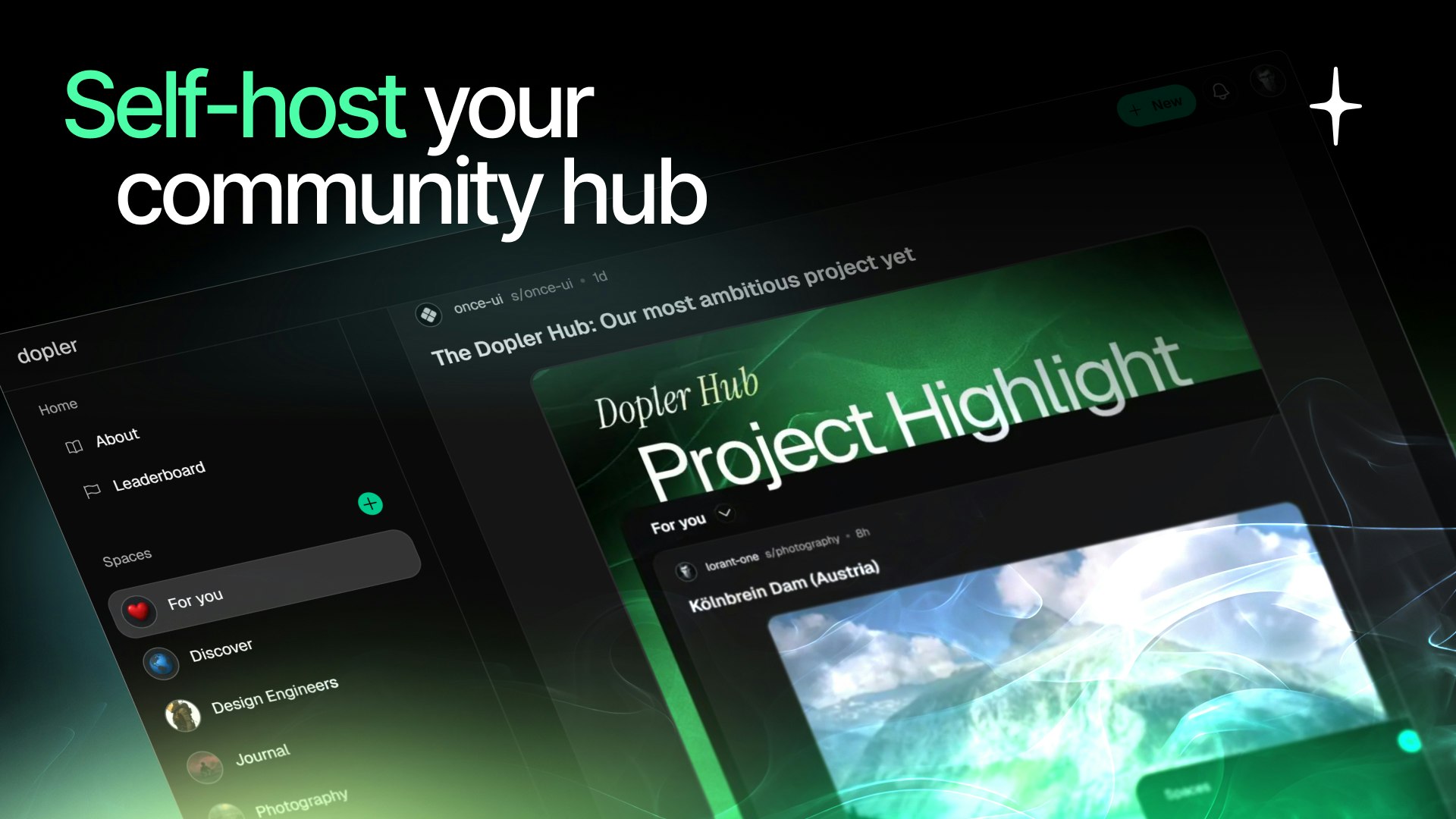
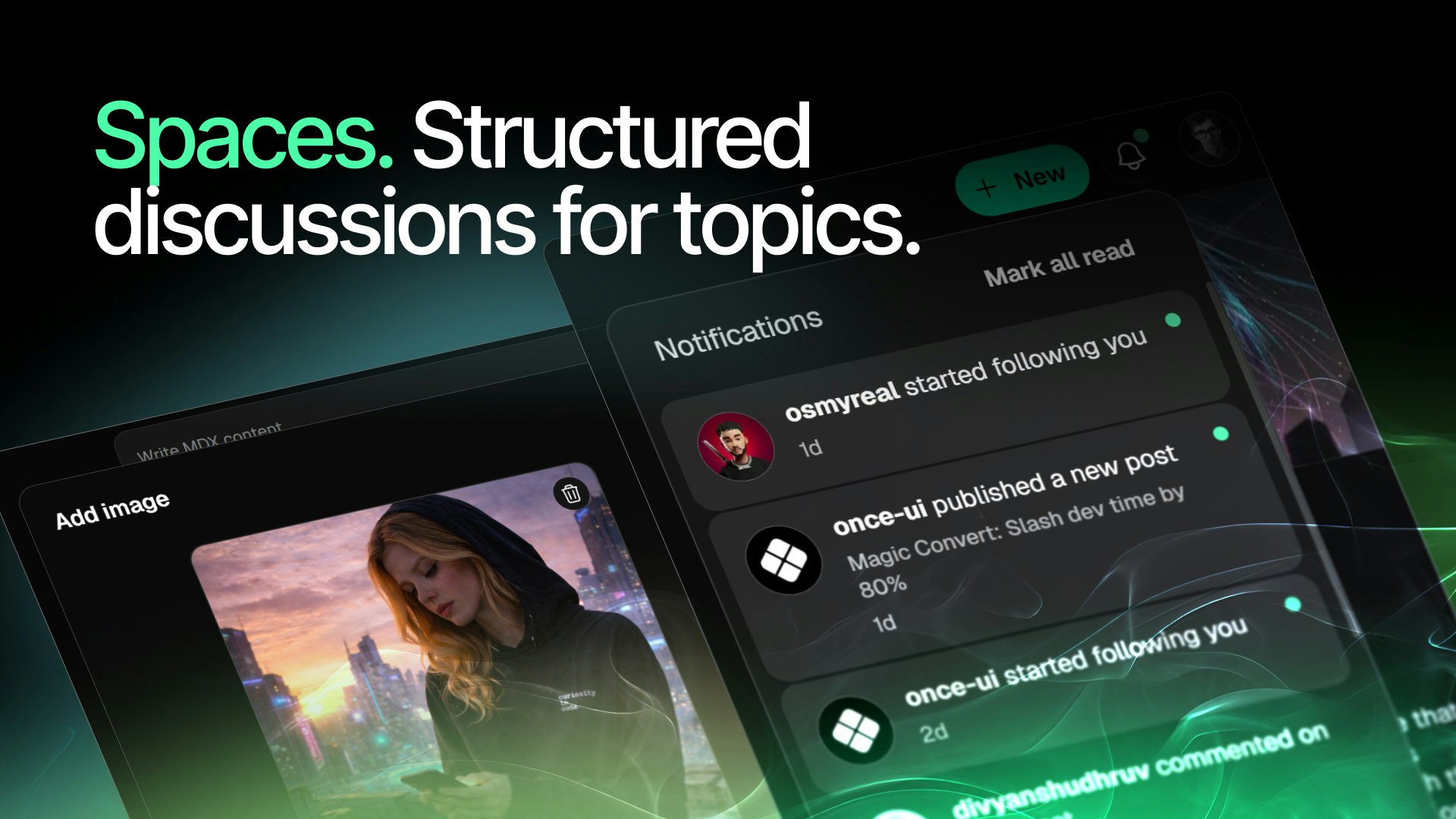
Supa Social is a production-ready, self-hosted social platform built with Once UI and Supabase. It’s a fully functional application you can deploy in minutes — complete with authentication, profiles, followers, roles, moderation, notifications, and a flexible feed supporting multiple post formats. What you can build with it: • A decentralized micro-community • A customer space around your product • An internal hub for your company • A monetized niche network • A builder ecosystem
Hi everyone 👋 Lorant here, founder of Once UI. Supa Social started as an experiment. We were building templates with real functionality baked in — not just visuals. Over time, those experiments evolved into something bigger: a fully reproducible, self-contained application that we could actually run ourselves. That’s how the [Dopler Hub](https://hub.dopler.app) was born — our own builder space powered by Supa Social. What we realized is this: AI makes it easy to generate code. It does not make it easy to maintain systems. Most builders don’t need another prototype. They need a foundation they can host, monetize, and evolve without rebuilding authentication, moderation, roles, feeds, and infrastructure every time. Supa Social is our answer to that. If you’re building a micro-community, launching a product that needs a customer space, or simply want to own your platform instead of renting it — I’d genuinely love to hear what you’d build with it. Happy to answer anything about architecture, monetization, roadmap, or how we run it ourselves.
4
回复

@lorant_one Hey Lorant. How do you design features that encourage meaningful discussion rather than superficial engagement?

0
回复

@lorant_one Supa Social Creative

If you like it, feel free to reach out here. The cost is $20, including minor tweak requests. Reddit profile

0
回复

Nice one! Will check it out...does it also support APIs from other platforms like X?

1
回复

@abhinavramesh Thank you! No, it's completely standalone :) You own / store data in Supabase.

0
回复

Very cool! Curious how customizable the feed logic is?

0
回复

This looks great! The design is impeccable and the ability to go from an idea to launching a full-fledged community in a matter of minutes is pretty incredible. Good luck with the launch!

0
回复
#10
Hermit
Leave ChatGPT while keeping everything it learned about you
119
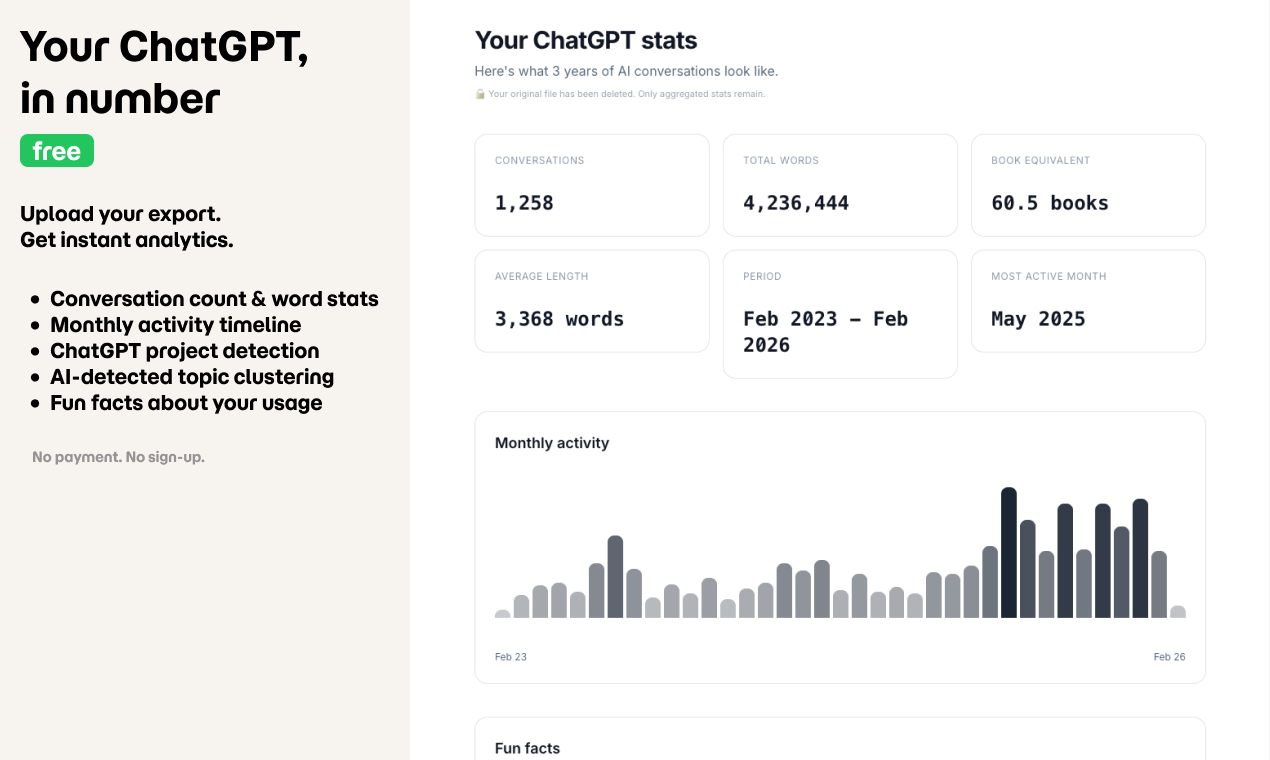
一句话介绍:Hermit是一款AI上下文迁移工具,通过深度分析用户完整的ChatGPT对话历史,生成结构化、带时间标签的用户认知档案,解决了用户在切换不同大语言模型(LLM)时,其长期积累的个性化上下文和记忆几乎全部丢失的核心痛点。
Productivity Developer Tools Artificial Intelligence
AI上下文迁移 用户记忆移植 多模型切换 数据可移植性 隐私安全 对话分析 认知档案 一次性付费 LLM工具层
用户评论摘要:用户反馈主要肯定产品解决了模型切换时的“记忆丢失”痛点,认为时机精准。主要问题聚焦于如何区分信息重要性(如长期偏好vs临时话题),以及是否支持其他模型(如Anthropic、Google)的数据导入。开发者回应输出已是通用格式,并将规划更多数据源支持。
AI 锐评

Hermit的深层价值,远不止于“数据搬家”。它精准切入了一个被AI巨头们有意或无意忽视的缝隙市场:用户主权与数据锁定的矛盾。OpenAI、Anthropic等厂商通过构建独特的“记忆”系统,在提升用户体验的同时,也悄然建立了最高的迁移壁垒。Hermit则扮演了“数据解放者”和“认知中介”的角色。

其真正的颠覆性在于两点:一是将非结构化的对话流,提炼为结构化的、可操作的“认知图谱”,这本身就是对用户价值数据的二次创造;二是引入了“时间感知”(ACTIVE/PAST),试图解决LLM“记忆永恒”的顽疾,让迁移的认知具备时效性,这是对现有记忆系统的降维打击。

然而,其商业模式(一次性付费)与长期面临的挑战形成张力。一方面,它依赖源平台(如OpenAI)提供数据导出功能,政策变动即构成生存风险。另一方面,目标平台(如Anthropic)也可能完善自身的导入工具,削弱其必要性。它的未来,取决于能否从“一次性迁移工具”快速演进为“跨平台个人AI认知管理中心”,成为用户与多个AI交互时不可或缺的、持续更新的中央大脑。这条路更艰难,但也更具想象空间。

查看原始信息
Hermit
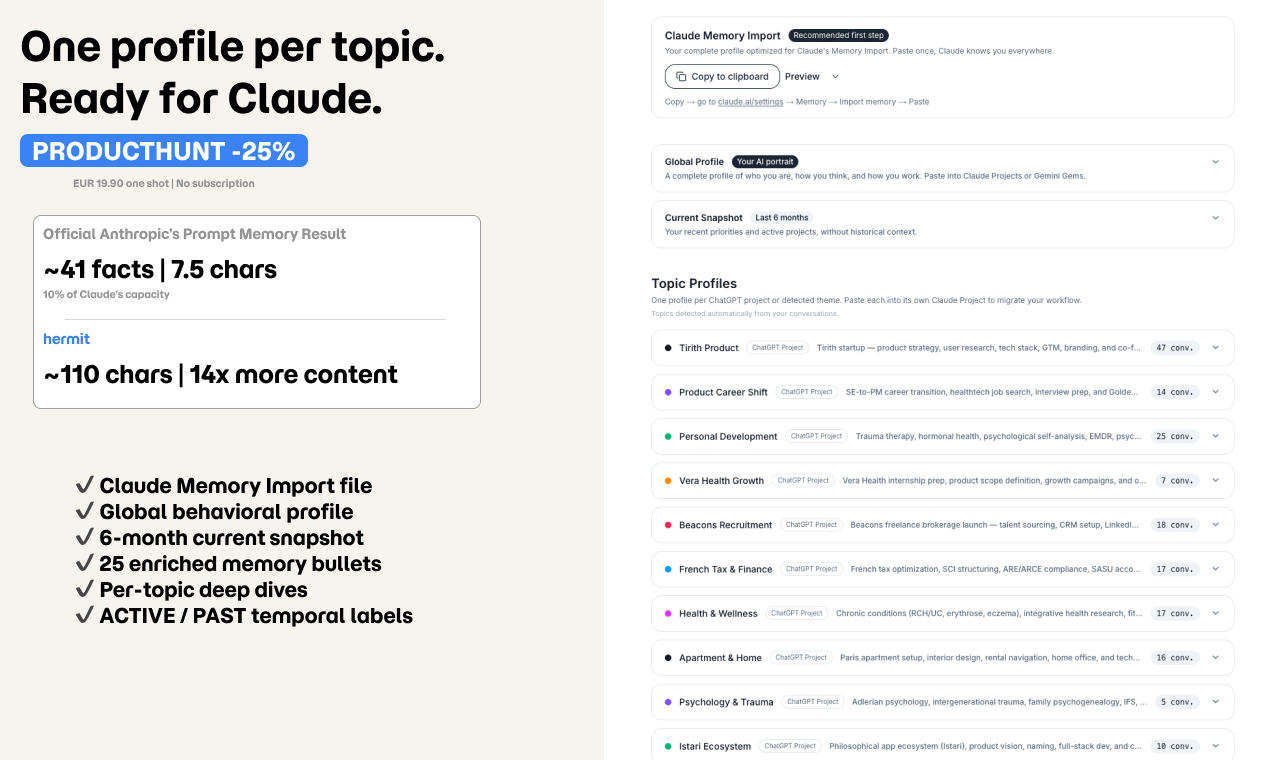
Switching LLMs means losing years of context. Anthropic's Import Memory official prompt extracts ~40 stored facts: about 2% of what's in your conversations. Hermit processes your full ChatGPT data export and generates one structured profile per ChatGPT project and recurring theme, with temporal awareness (ACTIVE vs PAST). Ready-to-paste files for Claude Memory, Claude Projects, Gemini Gems, or any LLM. Free analytics. One-shot pricing, not a subscription. Data deleted within 24h.
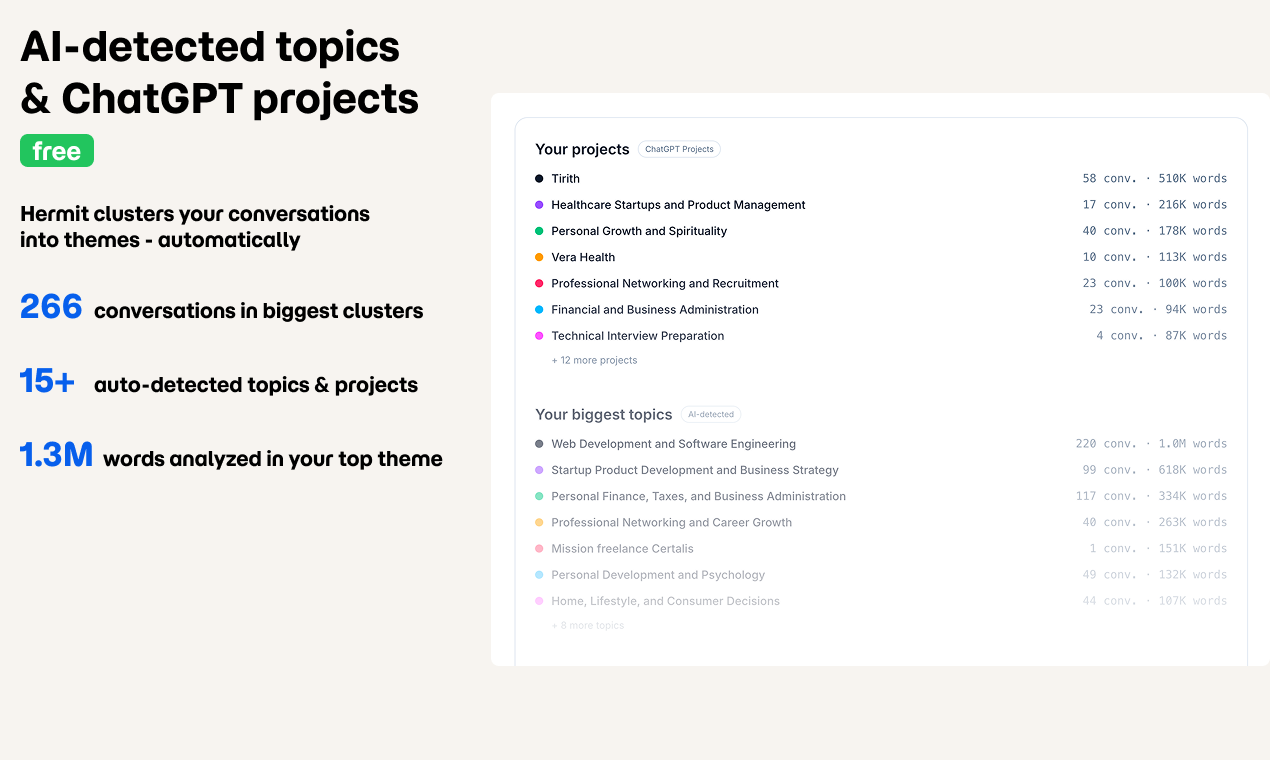
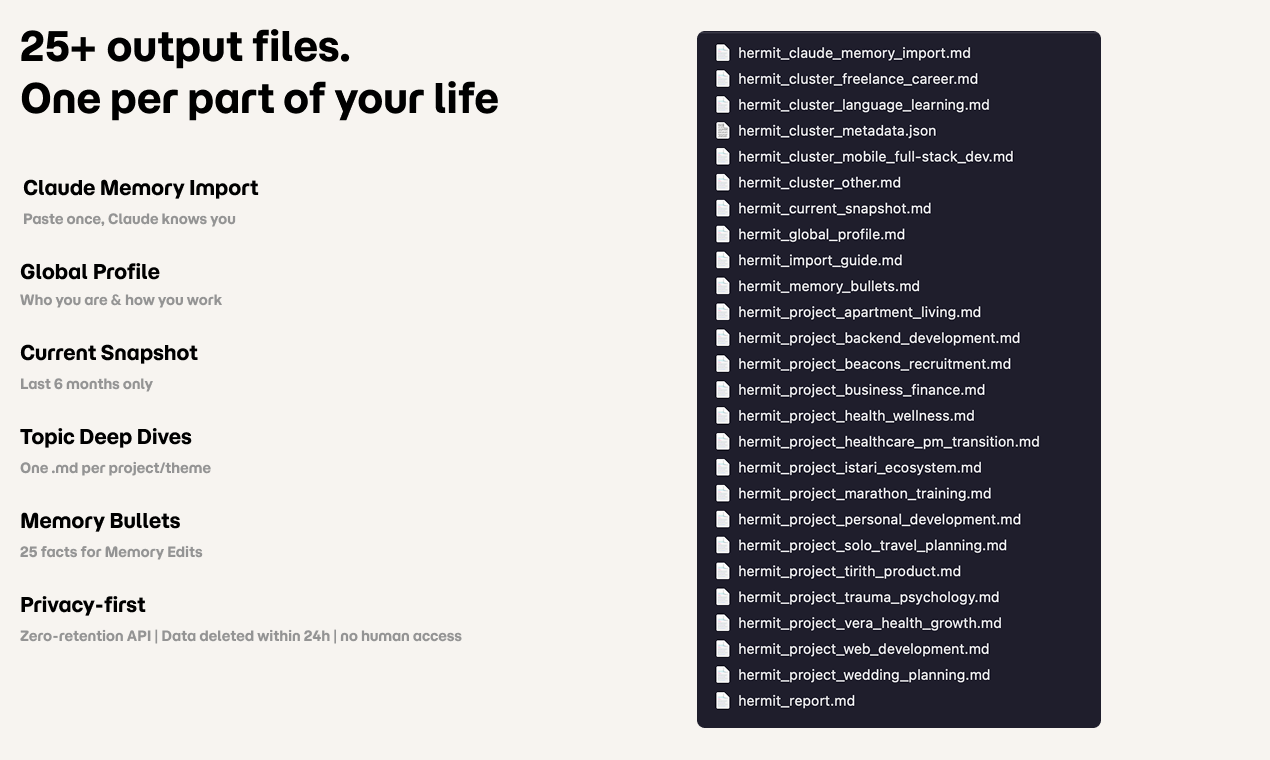
Hey PH! I'm JK - builder based in Paris, working on tools that preserve memory and context, whether it's family stories before they disappear (Tirith) or AI context across platforms (Hermit). I switched from ChatGPT to Claude after 3 years and 1258 conversations. The hardest part wasn't finding a better model - it was trying to manually migrate my context, and ended up losing most of it. Three years of projects, preferences, working style, personal context - gone the moment you switch. Anthropic just launched the Import Memory feature, with a prompt to paste into Chatgpt. It's a great first step, but it only transfers what ChatGPT stored in memory: about 40 flat facts. My dental whitening schedule from 2024 made the cut. Some current projects didn't. So I built Hermit. It processes your full conversations.json export through a multi-model Anthropic pipeline and generates: → A global behavioral profile (who you are, how you work, how to challenge you) → A 6-month current snapshot (active priorities, not ancient history) → Up to 25 topic deep-dives, one per ChatGPT project and recurring conversation theme → A ready-to-paste Claude Memory Import file (~47% of the 75K capacity vs ~10% from the native prompt) → 25 enriched memory bullets for Memory Edits → Output files compatible with Claude Projects, Gemini Gems, and any LLM that accepts system prompts One tricky problem: LLMs have no concept of time. "User works at Notion" when you left a year ago. "User is apartment hunting" when you moved in 8 months ago. That's not hallucination - it's broken context. Hermit's pipeline calculates recent activity for each theme and applies ACTIVE/PAST labels to fix this. The free tier gives you full analytics on your ChatGPT history: conversation count, token stats, topic clustering, ChatGPT project detection. Genuinely useful on its own. Full profiles: €19.90 one-shot. Not a subscription. Code PRODUCTHUNT for 25% off during launch week. On privacy: only conversation excerpts are sent to the Anthropic API (zero-retention policy, nothing stored, nothing used for training). Everything auto-deleted within 24h. No human ever sees your data. I built Hermit to migrate my own 1k+ conversations, including health stuff and personal things I would never share publicly. I wouldn't use a tool I didn't trust with my own data. Built with Next.js 15, Supabase, Tailwind v4, Inngest, and Stripe. The pipeline is 100% Claude-powered. 🐚 Shed your shell. Keep the soul. 🦀
3
回复

@jkjakubowski Hi Jan. How do you distinguish between important long-term facts and temporary conversations?

like hobbies versus random questions on-going projects versus one-off tasks?

0
回复

You plan to make the Hermit a provider agnostic product? Also make it usable for anthropic and google?

2
回复

@elia_yakin hey! The output is already provider agnostic - Hermit generates .md files you can paste into Claude (Projects + Memory Import), Gemini Gems, ChatGPT Custom Instructions, or any LLM that accepts system prompts.

For input, we currently support ChatGPT exports (the biggest migration wave right now). Anthropic and Google export support is on the roadmap - if there's demand I'll prioritize it. Thanks for asking!

0
回复

OpenAI: "here are 40 facts about yourself"

Hermit: "actually here are 95 patterns you didn't even know you had"

me: 😳 why does an AI know me better than my therapist

1
回复

@ilya_lee Haha the therapist comparison hits close to home, that's actually the analogy I use to explain it. Switching LLMs without your context is like changing therapist after 3 years and starting over from "so tell me about yourself."

Key Specifics are the part that surprises people most. From my own profile: "When the user asks about Tirith versus Beacons priorities, help him reason through the tension - Tirith is the dream, Beacons pays rent. Do not assume one is more important." Or: "When naming any new module or feature, always propose symbolic names drawn from Tolkien or Greek mythology: this is a non-negotiable design preference, not optional flavor."

Stuff I never explicitly told ChatGPT, but that Hermit extracted from 3 years of conversation patterns.

Glad it resonated! 🐚🦀

0
回复

Notice that this product could be useful for cases of moving from one account to another within the same provider

1
回复

@elia_yakin Exactly right! That's a use case I hadn't highlighted enough. If you're moving from a personal to a work account (or merging two accounts), you lose all your context the same way. Hermit solves that too: the profiles are just portable files, doesn't matter where they end up. Good call, adding this to the landing page.

0
回复

Great timing, due to political reasons and so on I heard multiple people switching between models and this definitely helps. Also when you want to compare the results of another tool but need to provide plenty of context to be able to do so. All the best of luck!

1
回复

@viktorgems Thank you! Yess, the #QuitGPT wave is huge right now. Great point on the comparison use case: I hadn't thought of it that way but it makes a lot of sense. Instead of spending hours re-explaining your context to a second model, you just paste your Hermit profile and get a fair comparison from day one. Appreciate the kind words!

1
回复

Recently, Openai accepted a defense deal with US DOD, the same deal which Anthropic refused bc it didn't want their ai to train for auto-"killings". Seeing this, many openai users wanted to migrate away from it due to safety concerns. Before, there was no easy way to save the ai history, settings and info. Now Hermit just allowed the trasnfer to be easy.

Weird question but did you build Hermit with that in mind? @jkjakubowski

0
回复

Currently switching to Claude from others, let me check it out!
All the best for the launch!

0
回复

@krupali_trivedi  Thank you! Perfect timing then. If you've already requested your ChatGPT export, you're good to go. If not, do it now (Settings > Data Controls > Export) - it takes 24-72h to arrive (maybe more right now with ppl hammering the Export button). Let me know how it goes!

0
回复

Oh man I went through this exact pain last year. Had like 2 years of ChatGPT conversations and switching to Claude meant losing all that built-up context about my projects and preferences. The fact that you're generating actual Claude Memory Import files is super smart — way better than just dumping raw conversation history. How accurate is the behavioral profile it generates? Like does it actually capture working style nuances or is it more surface level stuff?

0
回复

@mihir_kanzariya Thanks, that's exactly the pain I built this for!

On accuracy: it goes way beyond surface level. The pipeline generates what I call "Key Specifics": conditional behavioral instructions extracted from your conversation patterns. Not just "user is a developer" but "when user asks for code, always include error handling and types - they'll ask for it anyway" or "user prefers direct feedback over diplomatic hedging."

On my own profile it detected 95 of these across 19 topic clusters. Some of them surprised me, patterns I wasn't even conscious of but immediately recognized as true.

That said, the quality scales with your history. 50 conversations gives you a decent sketch. 500+ is where it gets eerily accurate.

The free tier gives you the analytics and clustering so you can see the depth of the analysis before committing.

Would love to hear your take if you try it!

1
回复
#11
Step 3.5 Flash
Frontier open-source MoE model built for OpenClaw agents
101
一句话介绍:Step 3.5 Flash是一款高性能开源稀疏混合专家模型,专为AI智能体工作流设计,通过高效激活参数解决了运行复杂智能体任务时对算力要求高、成本高昂的痛点。
Open Source Artificial Intelligence Development
开源大语言模型 混合专家模型 AI智能体 高性能推理 代码生成 效率优化 开发者工具 模型即服务
用户评论摘要:用户评论(疑似官方或深度用户发布)高度肯定了该模型在真实智能体工作流中的顶尖性能、高效的运行速度以及在OpenRouter平台上的受欢迎程度,并指出其易于集成和测试。
AI 锐评

Step 3.5 Flash的亮相,与其说是一款新模型发布,不如说是对当前开源智能体赛道基础设施的一次精准卡位。其核心价值不在于空洞地堆砌1960亿的总参数,而在于“稀疏MoE”架构下仅激活110亿参数/Token的务实设计。这直接切中了智能体规模化部署的核心矛盾:在维持“前沿推理能力”与“强智能体性能”的同时,必须实现极致的成本与效率控制。

官方介绍中“为OpenClaw智能体构建”的定位,以及评论中提及的“无缝原生集成”和“OpenRouter日消耗量第一”,暴露了其真正的野心:成为智能体时代的事实标准“引擎”。它并非面向普通用户的聊天机器人,而是瞄准了需要构建复杂、稳定、长周期智能体应用的开发者和企业。74.4%的SWE-bench得分和高达350 tok/s的编码速度,是其攻坚专业场景(如自动化编程)的能力证明。

然而,光环之下亦有隐忧。首先,其生态绑定策略明显,深度捆绑OpenClaw生态虽能快速建立壁垒,但也可能限制其在更广阔平台上的适配与普及。其次,当前信息源过于单一,近乎“官方自评”,缺乏多元的社区验证和横向对比,其宣称的“最强开源模型”成色有待更多实战考验。最后,作为一款“引擎”型产品,其长期成功不仅取决于模型本身的迭代,更取决于StepFun能否围绕它构建起繁荣的工具链、社区和商业模式。

总而言之,Step 3.5 Flash是一次极具针对性的技术出击,它试图用工程效率定义智能体模型的新基准。但它能否从一款“锋利的工具”成长为真正的“行业基石”,取决于其技术开放性、生态包容性以及能否经受住超出其预设场景的复杂挑战。

查看原始信息
Step 3.5 Flash
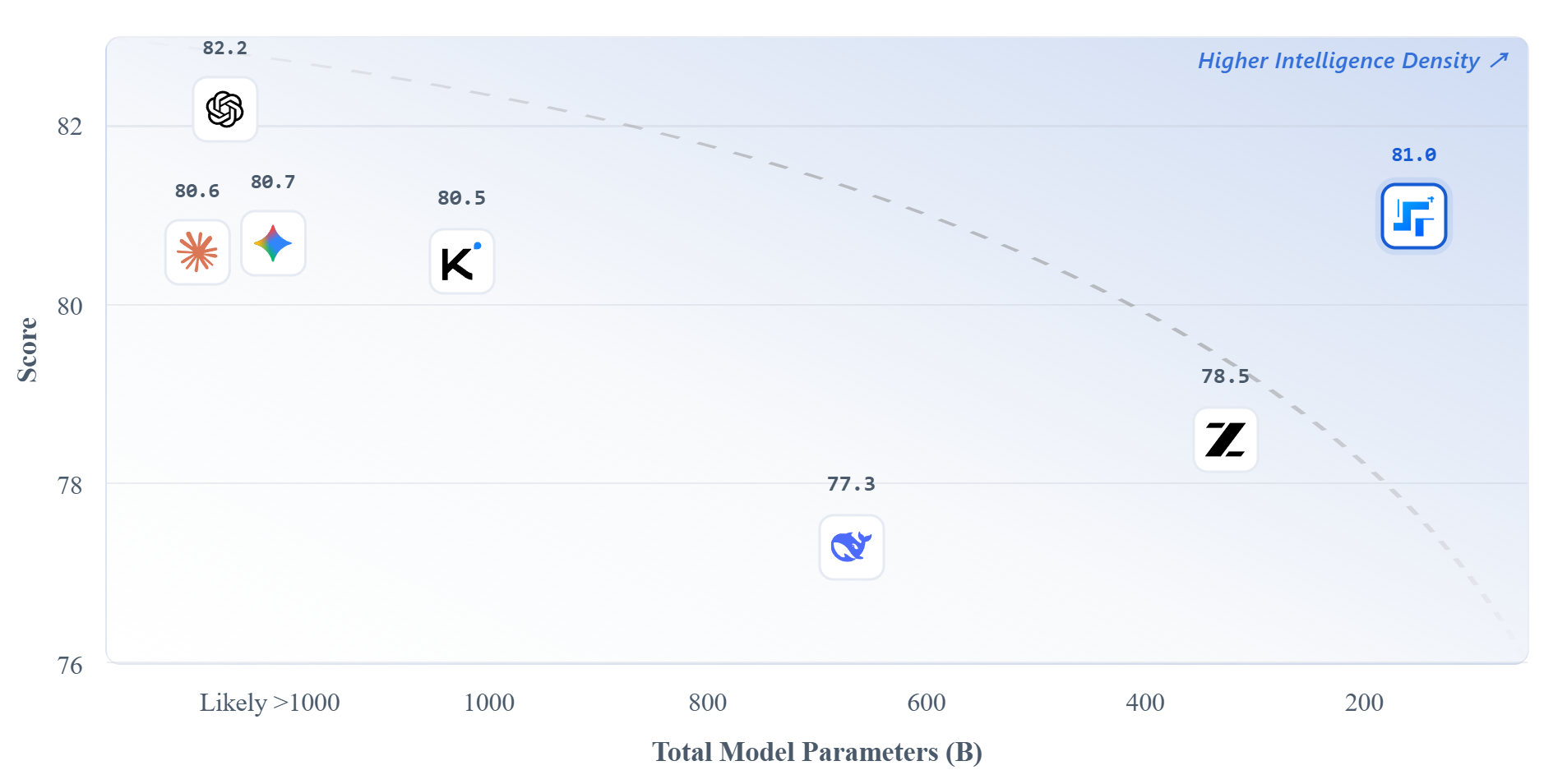
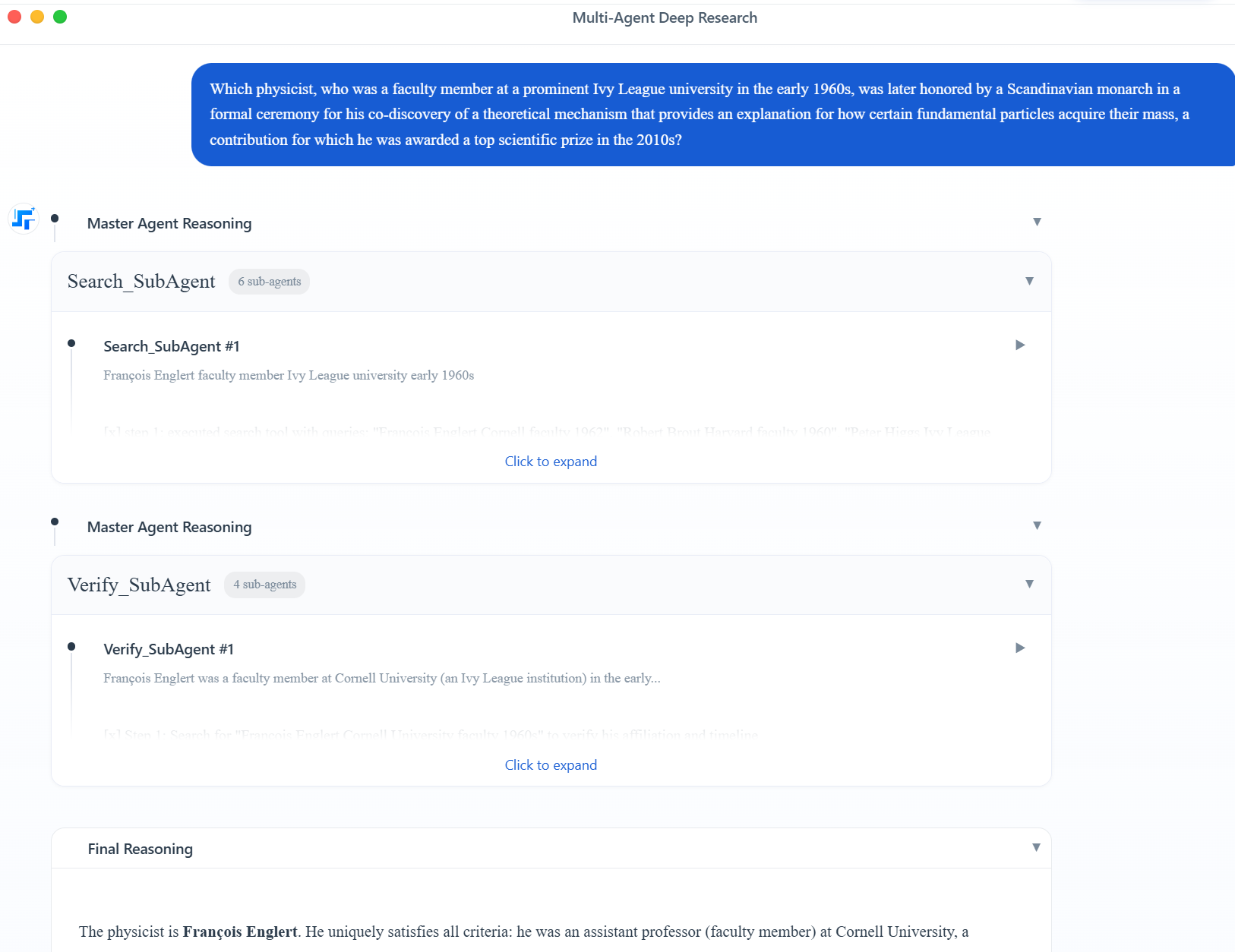
Step 3.5 Flash is StepFun’s 196B sparse MoE model that activates only 11B parameters per token. It delivers frontier reasoning and strong agentic performance with high efficiency. Seamless native OpenClaw integration makes it one of the best open models for running serious agents right now.

Hi everyone!

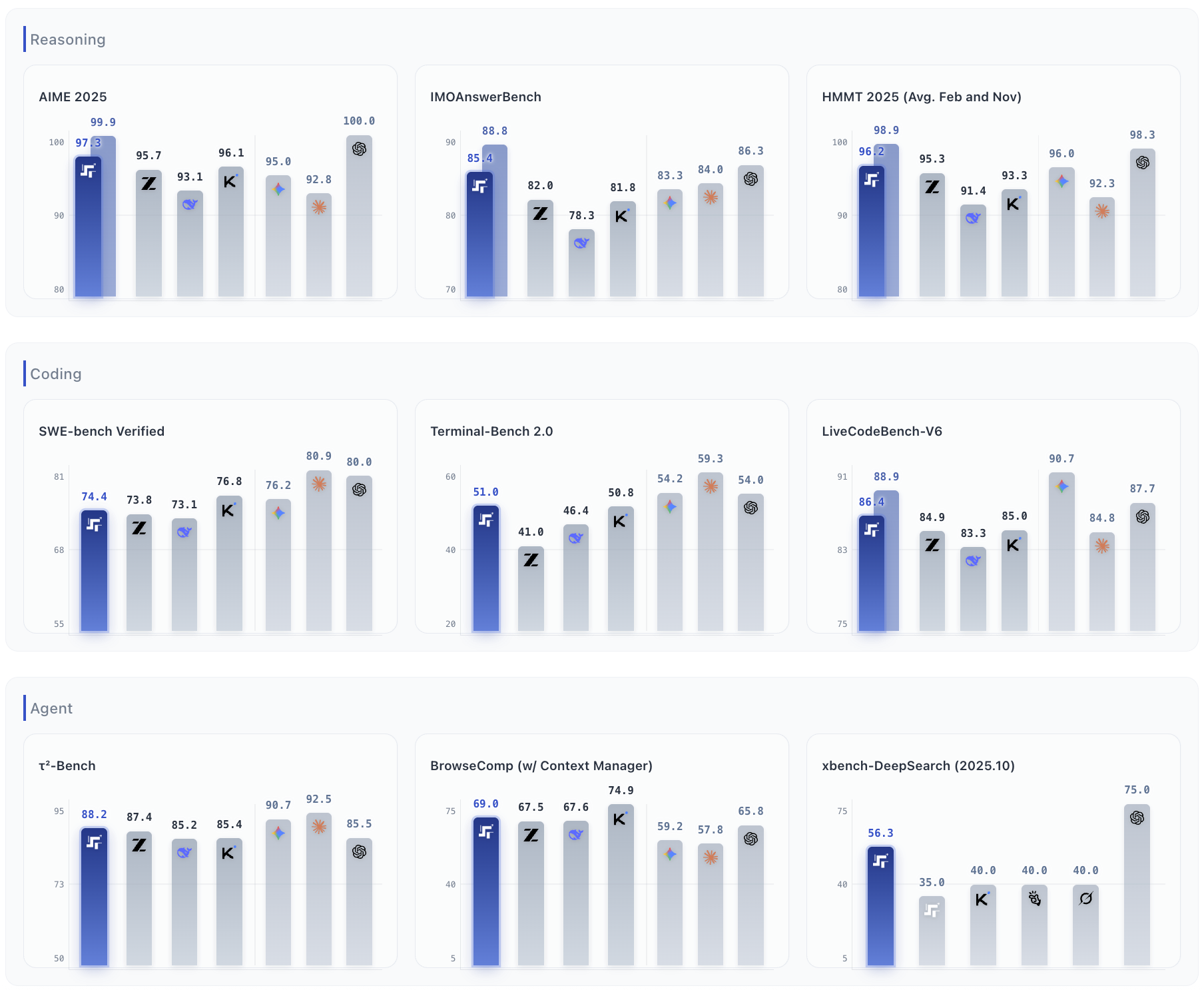
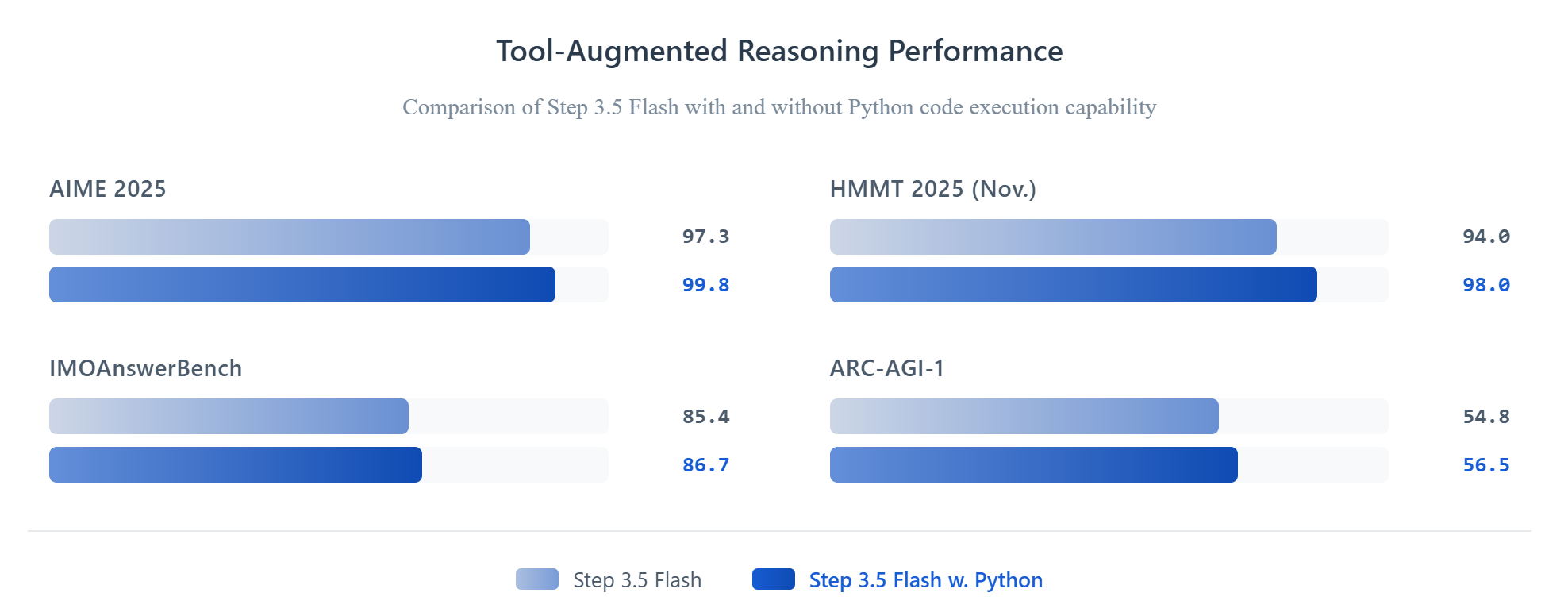
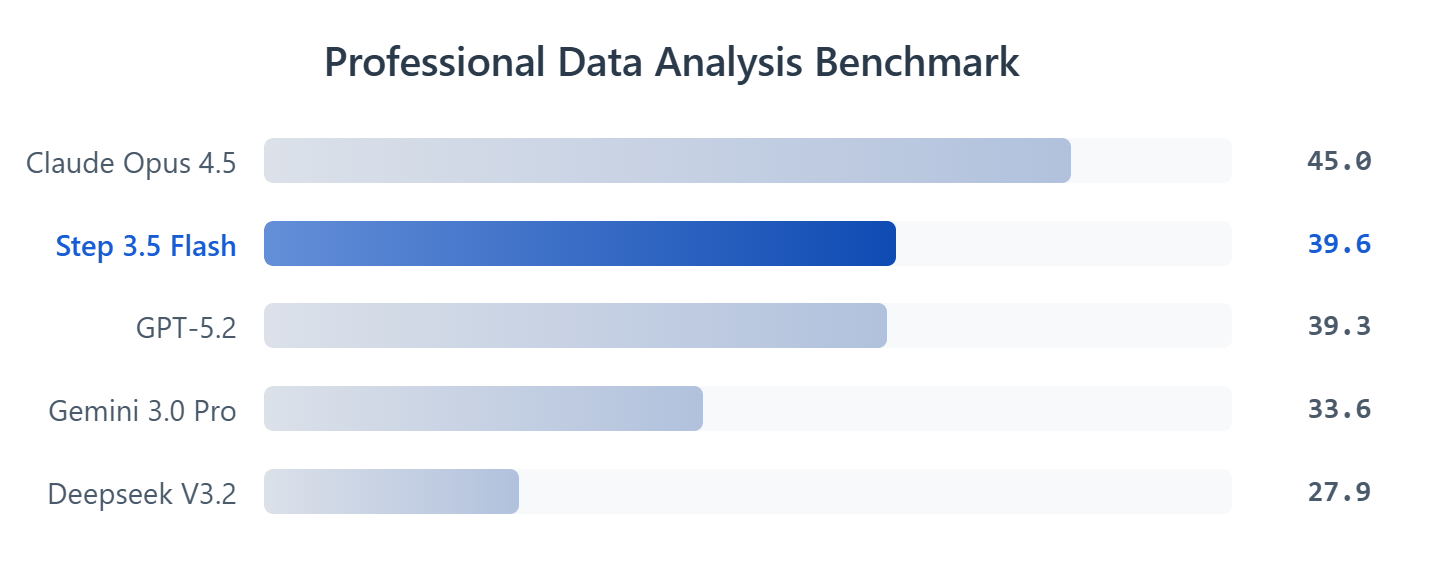
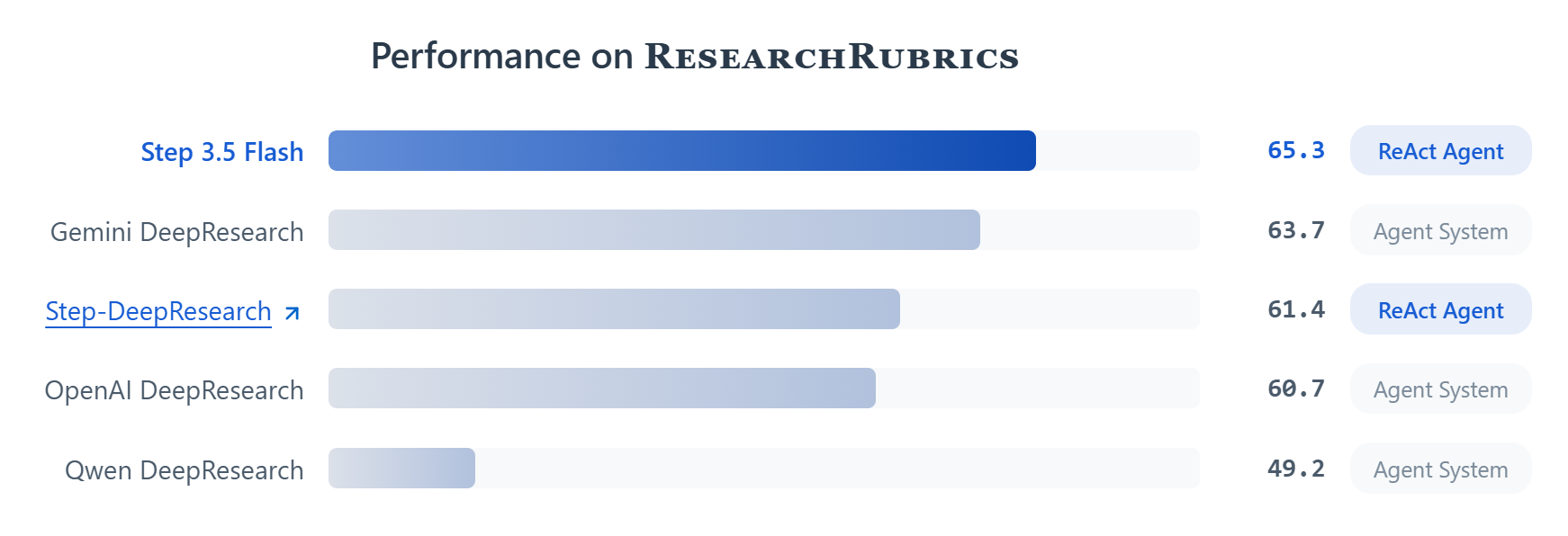
Step 3.5 Flash has been out for a few weeks and has quickly become one of the strongest open models for real agentic workflows. 196B sparse MoE with just 11B active per token, MTP-3 giving up to 350 tok/s on coding, solid 74.4% SWE-bench, and clean long-context handling.

The OpenClaw support is seamless. Over the last couple days Step 3.5 Flash has even been #1 in daily OpenClaw token consumption on @OpenRouter.

Right now you can just plug it into your Claw using the free quota on OpenRouter or the official StepFun API. Super easy to test and it performs really consistently in long agent loops.

1
回复
#12
HookLens
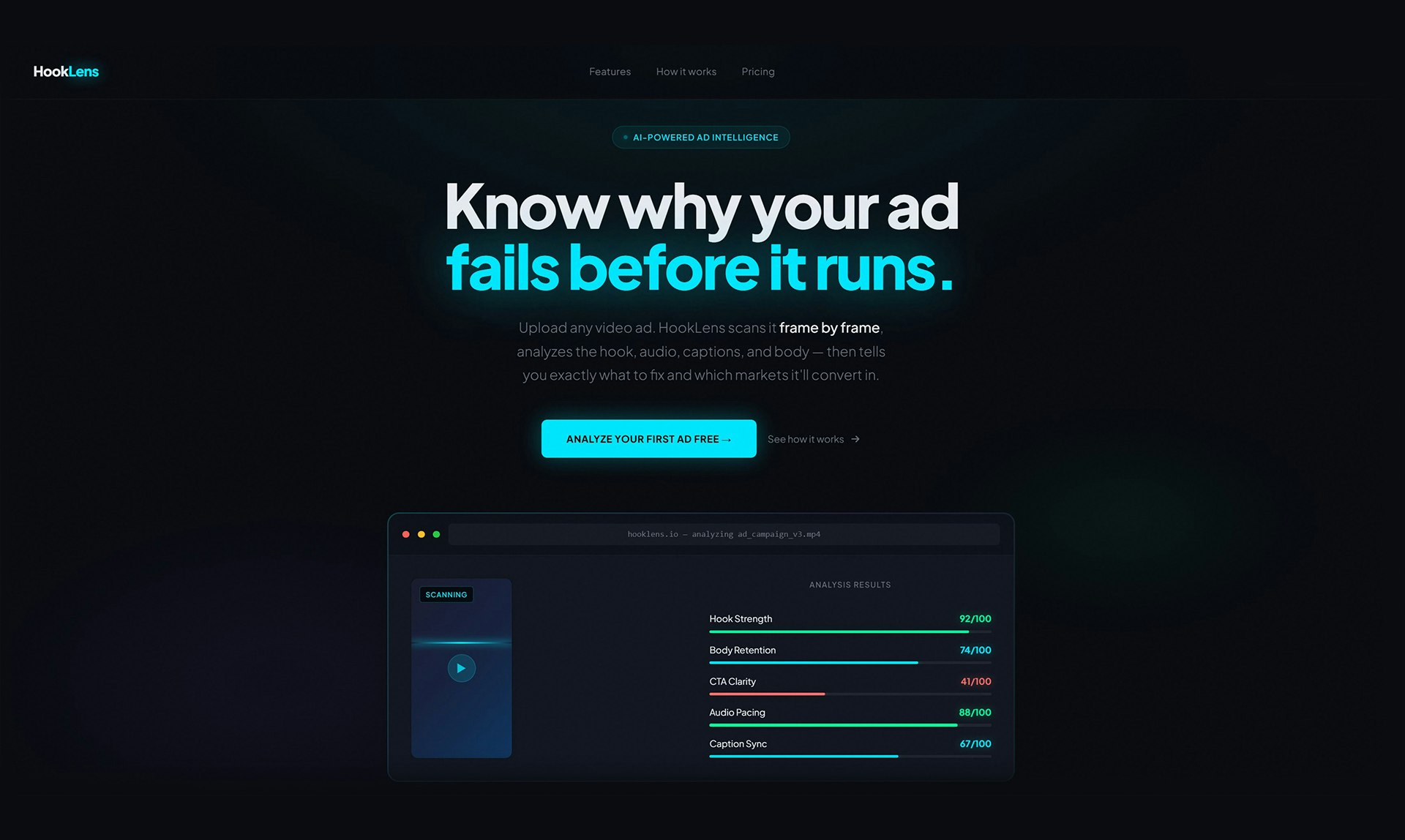
Hook. Body. CTA. Know exactly where your ad fails.
97
一句话介绍:HookLens通过逐帧分析、音频转录和脚本重写,为视频广告提供可执行的失败诊断,解决了营销人员在广告投放后“只知结果、不知原因”的痛点。
Marketing Artificial Intelligence Video
视频广告分析 AI广告诊断 营销优化工具 广告效果归因 脚本优化 广告钩子分析 广告投放前测试 营销科技 数据驱动营销
用户评论摘要:用户高度认可其逐帧分析与可操作性,认为其超越了传统聚合数据。核心建议是希望增加分行业/格式的基准数据以提升报告说服力。开发者积极回应并纳入路线图。此外,存在登录技术故障的反馈。
AI 锐评

HookLens切入了一个营销科技领域的精准痛点:广告效果的黑箱。传统广告平台提供的是“后验”的宏观结果(如CTR、ROAS),而HookLens试图提供“先验”或“归因”的微观解构。其真正价值不在于分数本身,而在于将“广告创意”这个长期被视为艺术和玄学的部分,强行拉入可量化、可拆解、可优化的工程领域。

“逐帧分析”是它最犀利的卖点,这本质上是将用户注意力建模为一个随时间变化的函数,并试图找到这个函数曲线的“断点”。这比单纯的“3秒播放率”更具指导意义,因为它指向了具体失败的“帧”和“台词”。然而,这恰恰也是其最大的潜在陷阱:它预设了广告成败完全由内容本身的结构性要素(钩子、节奏、CTA)决定,而忽略了受众定位、竞争环境、平台算法等外部变量的巨大影响。它的分析报告可能成为创意人员强有力的优化依据,也可能沦为一份“精确但片面”的归因报告,误导团队过度优化局部而忽视全局。

从评论看,用户需求的下一步——行业基准数据——正是产品从“诊断工具”迈向“决策智能”的关键。没有基准的分数只是数字,有了基准才能定义“病症”的严重程度。当前产品更像一个资深广告导演的AI助手,提供了细致的“镜头语言”诊断,但要成为客户端的权威标准,它必须构建更庞大的数据护城河,证明其分析维度与最终商业效果(转化率)之间存在强相关性。否则,它可能只是创意流程中一个有趣的参考点,而非必需品。登录故障虽是小问题,却暴露了早期产品常见的“重分析、轻交付”的隐患,用户体验的完整性同样决定工具的信赖度。

查看原始信息
HookLens
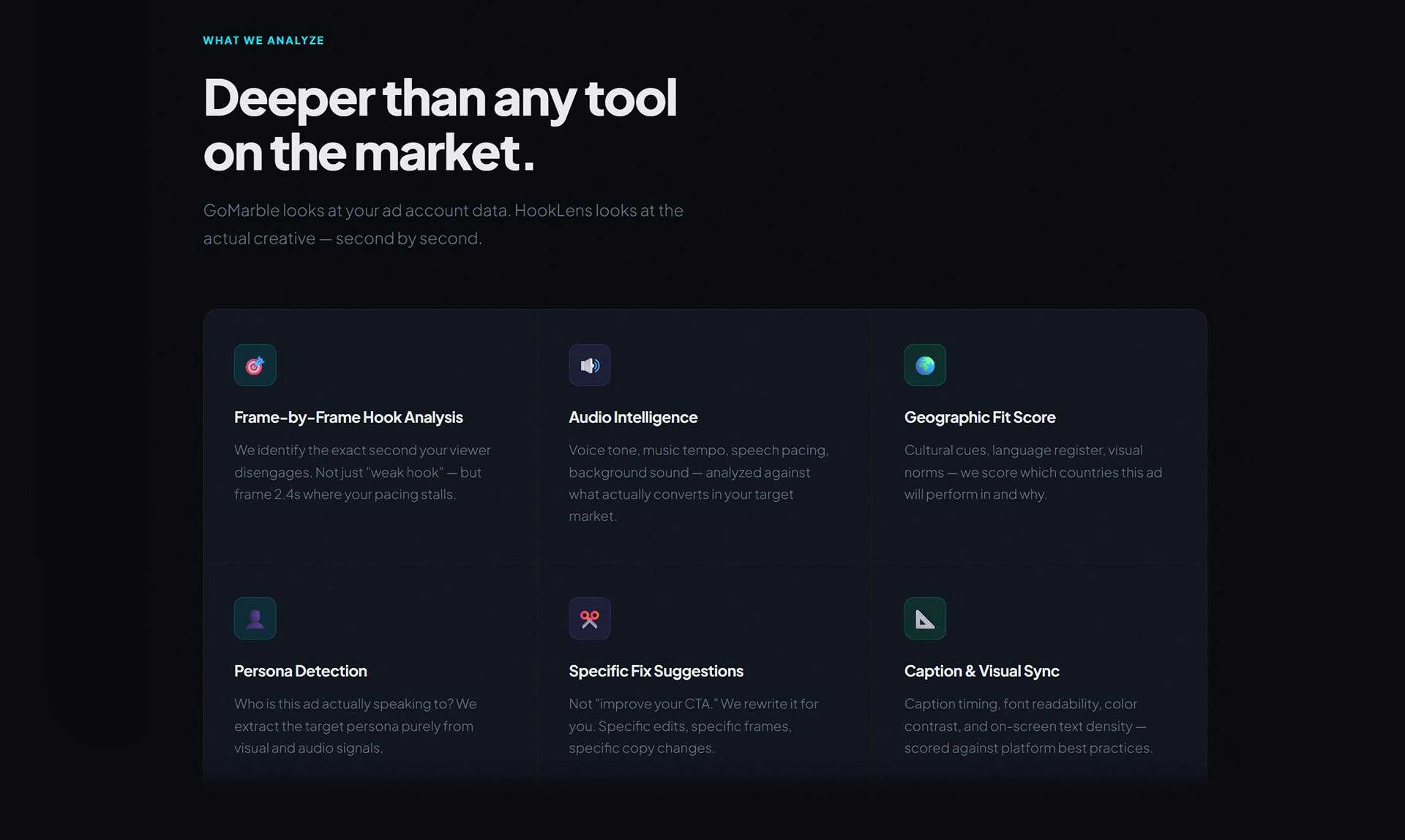
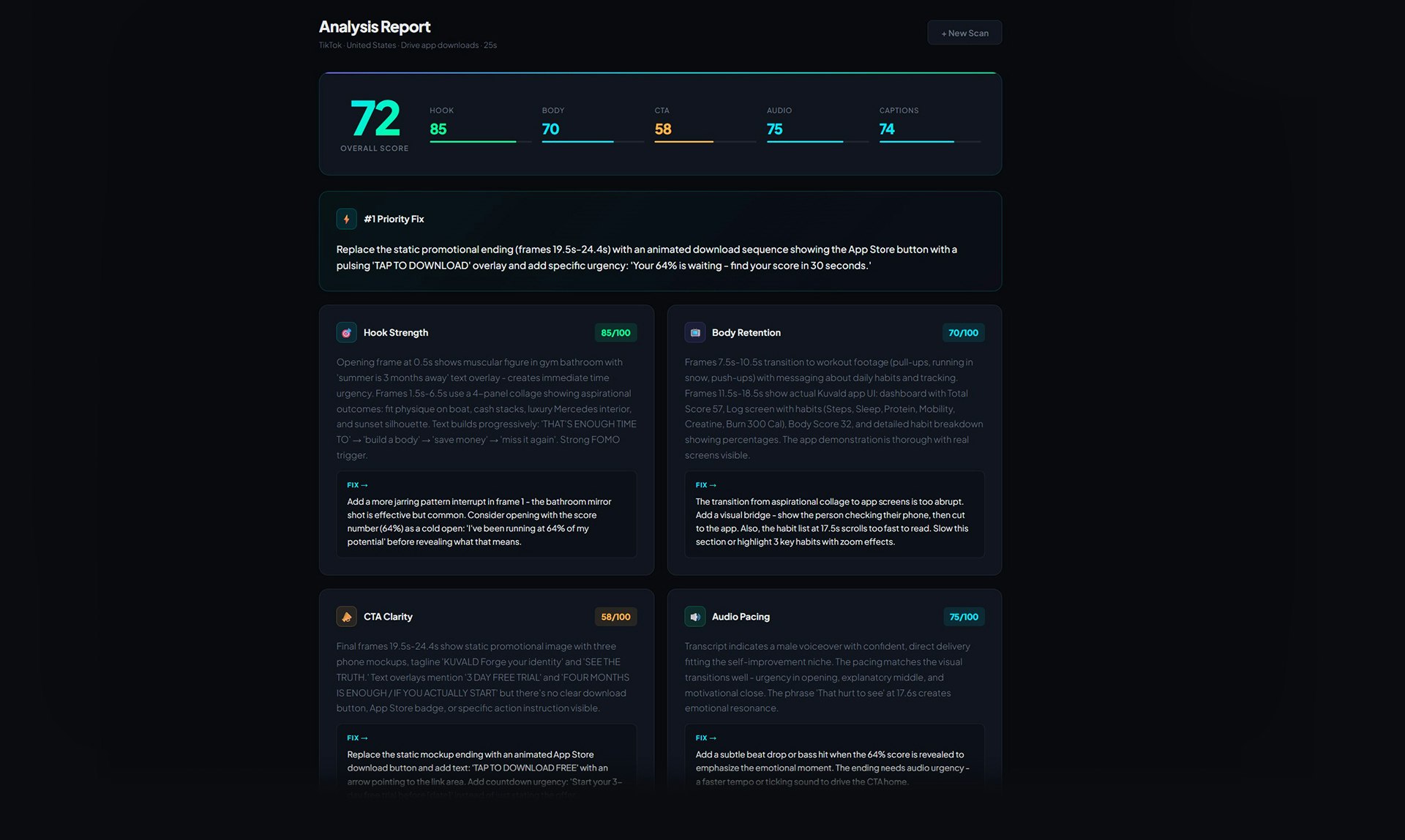
Most video ads fail silently. You spend money, get bad results, and have no idea why. HookLens watches your ad frame by frame, transcribes the audio, and delivers a full breakdown — hook score, body retention, CTA clarity, audio pacing, and a line-by-line script rewriter that shows your exact spoken lines with specific rewrites for the weak ones. Upload any video ad and get a downloadable client-ready report in minutes.

Love the framing — most ad tools show you what happened (CTR, ROAS), but not where exactly you lost people. The frame-by-frame hook scoring is the most actionable part. Do you have benchmark data by industry/format? For example, what's a "good" 3-second hook score for a DTC product ad vs a SaaS demo? That context would make the scores much more useful when presenting to clients.

1
回复

@ilya_lee That's a really good point and exactly the feedback I am looking for, thank you! Right now scores are relative to specific platform and ad objective, but industry benchmarks by format would take it to another level. Adding it to the roadmap, thanks for the direction!

0
回复

Useful! Will try it out for our marketing team

1
回复

@abhinavramesh Thank you!! I would genuelny love to hear what your team things — feel free to reach out after you try it!

0
回复

The frame-by-frame analysis is what makes this actually useful imo. Most ad analytics just give you aggregate numbers but you're left guessing what specific part lost people. Being able to pinpoint "they dropped off at the 3 second mark because your hook was too slow" is way more actionable than just seeing a low view-through rate.

1
回复

@mihir_kanzariya Yes!! That's exactly the idea, thank you for your feedback!

0
回复
I built HookLens because I was editing video ads for clients and brands and kept wondering — is this actually going to perform? I had no way to know until the money was already spent. So I built the tool I wished existed. It analyzes everything: the hook, the script, the CTA, the audio pacing, the captions — and gives you specific fixes, not just scores. Would love to hear what you think, and happy to scan anyone's ad for free if you want to try it on something real.
0
回复

@hooklens Sorry Alex, but your service is not reachable. I managed to sign-up but when trying to log in I get the error message that it cant provide a secure connection. I liked the service though, gave me great advice. But log in to Google Console and fix the OAuth issues:-)

0
回复
#13
Vois
Studio-quality text-to-speech and voice cloning, fully local
94
一句话介绍:Vois是一款完全本地运行的桌面AI语音工作室,通过高质量的文本转语音和声音克隆技术,解决了创作者、阅读障碍者及普通用户在内容创作、文本音频化和隐私安全方面的痛点。
Productivity Developer Tools Artificial Intelligence
文本转语音 声音克隆 本地AI 语音工作室 桌面软件 无障碍工具 内容创作 隐私安全 音频编辑 买断制替代
用户评论摘要:用户反馈积极,创始人个人故事引发共鸣。有效评论集中于技术细节询问,包括模型训练数据集、长文本韵律和情感表现,以及对非洲语音支持的需求。创始人互动及时。
AI 锐评

Vois的“完全本地运行”是其最锋利的差异化刀刃,直接刺向云端SaaS的收费模式与隐私软肋。它巧妙地将“无障碍工具”的伦理正确性与“专业创作”的生产力需求捆绑,构建了坚实的价值基础。然而,其真正的挑战在于技术纵深:首先,本地算力下的语音质量、情感范围与克隆保真度,能否持续匹敌耗费巨资训练的云端大模型,存疑。其次,“一次性付费”模式在支撑持续的高强度模型研发与更新上,可能构成商业模型的长期隐痛。用户关于训练数据、非洲语音的提问,已触及AI语音行业的核心争议与市场空白。创始人以个人需求驱动产品,虽在早期能精准捕获细分场景,但若要从“利基工具”迈向“行业标准”,必须在技术广度和伦理合规上(如声音克隆授权、训练数据透明度)构建更厚重的壁垒。它目前是一个优雅的解决方案,但尚未构成对行业的颠覆性威胁。

查看原始信息
Vois
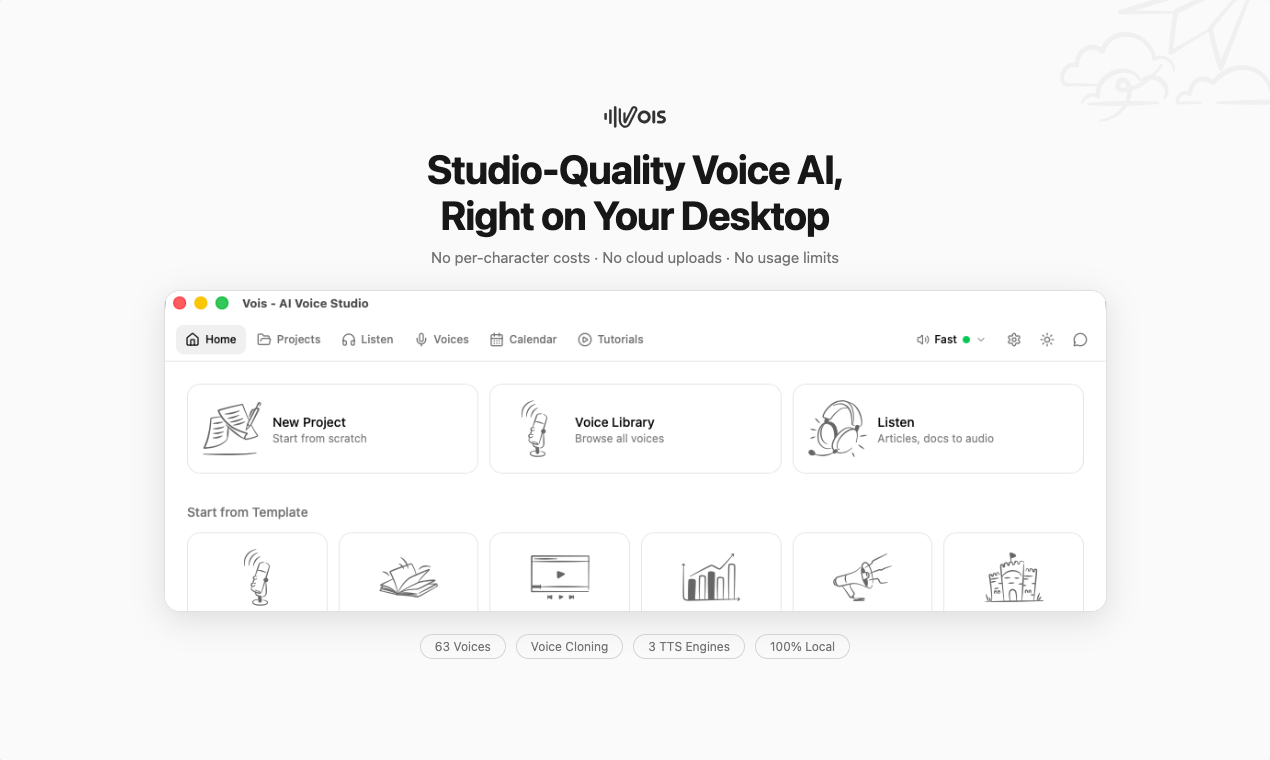
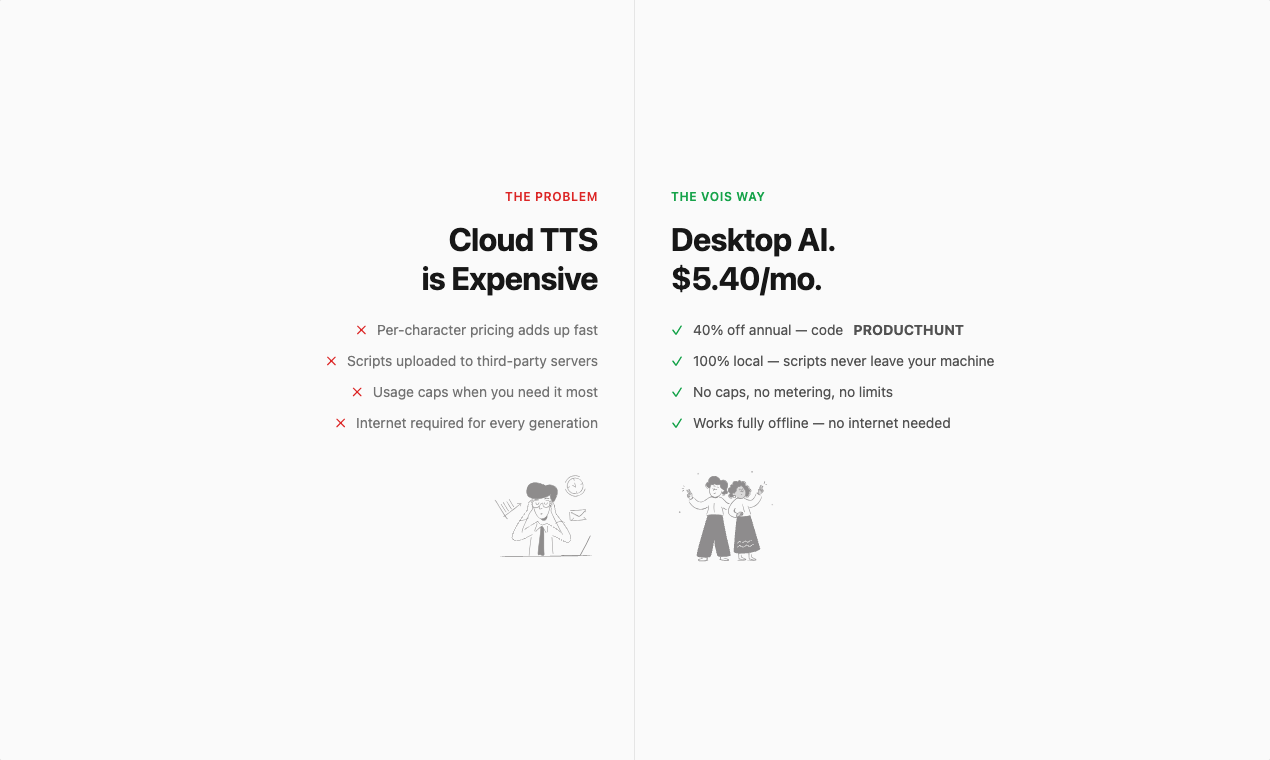
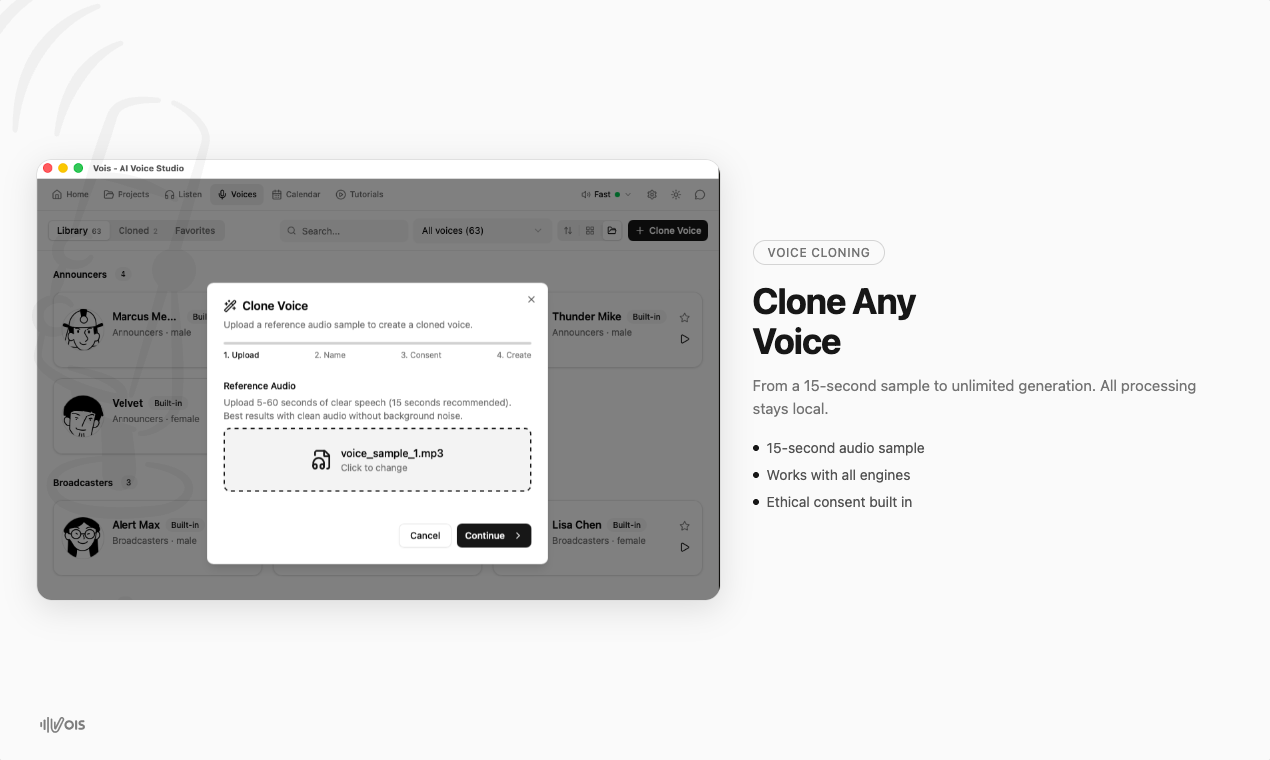
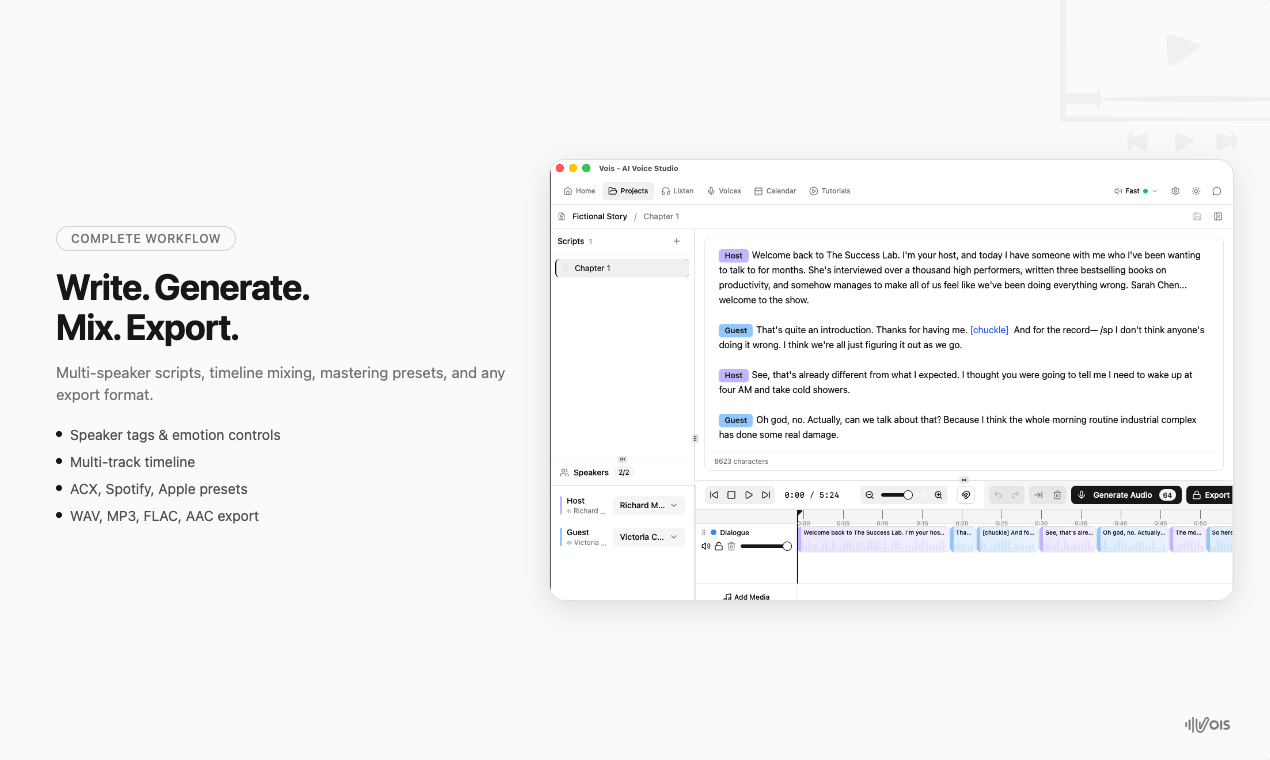
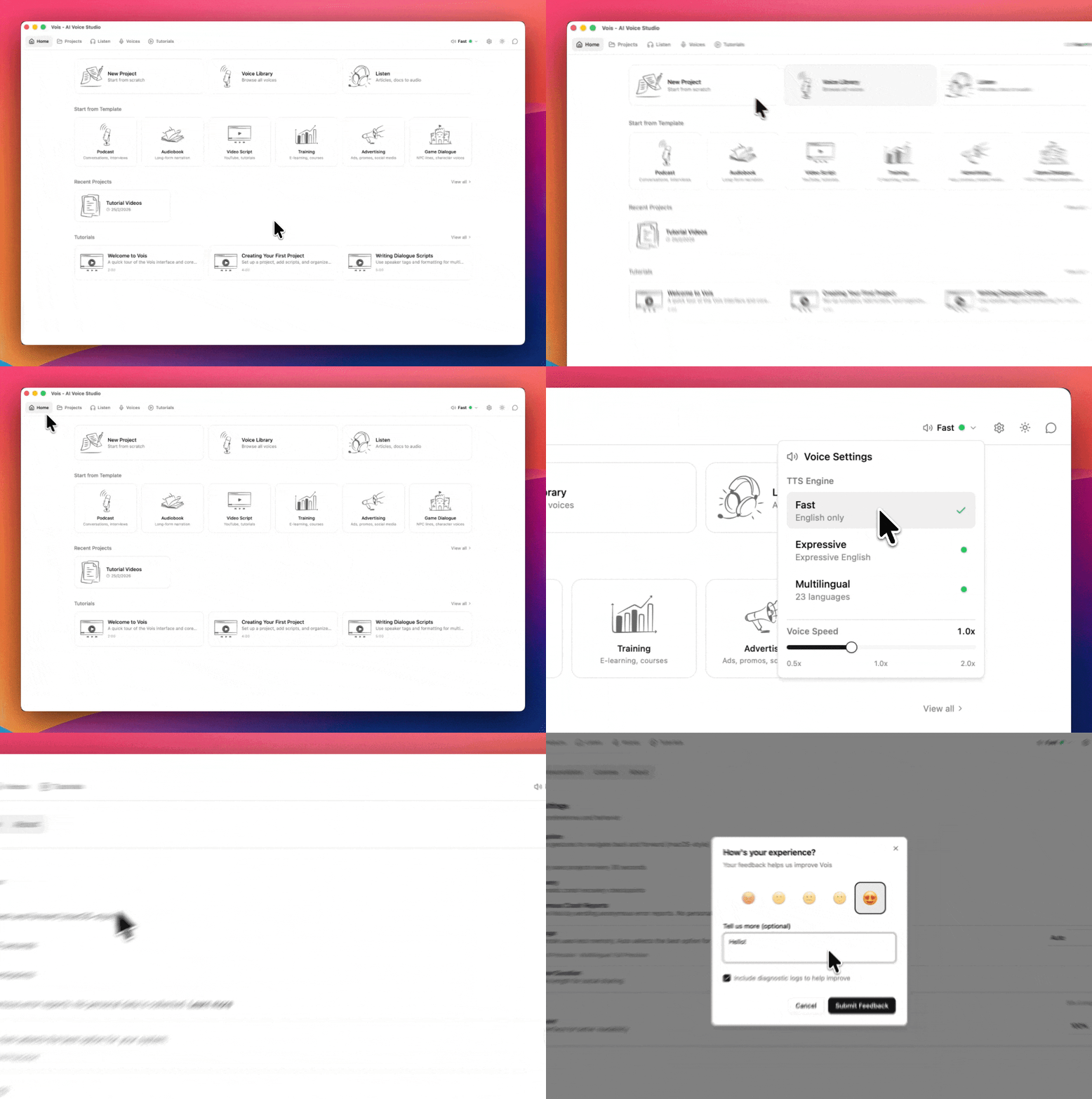
Vois is a desktop voice studio for turning scripts, ebooks, articles, and podcasts into natural audio with 63 voices, voice cloning, and pro editing — no uploads, no per-character fees, no usage caps. Cloud voice tools charge per character, cap usage, and upload your scripts. Vois gives you studio-quality speech, voice cloning, and editing fully on your laptop or desktop.
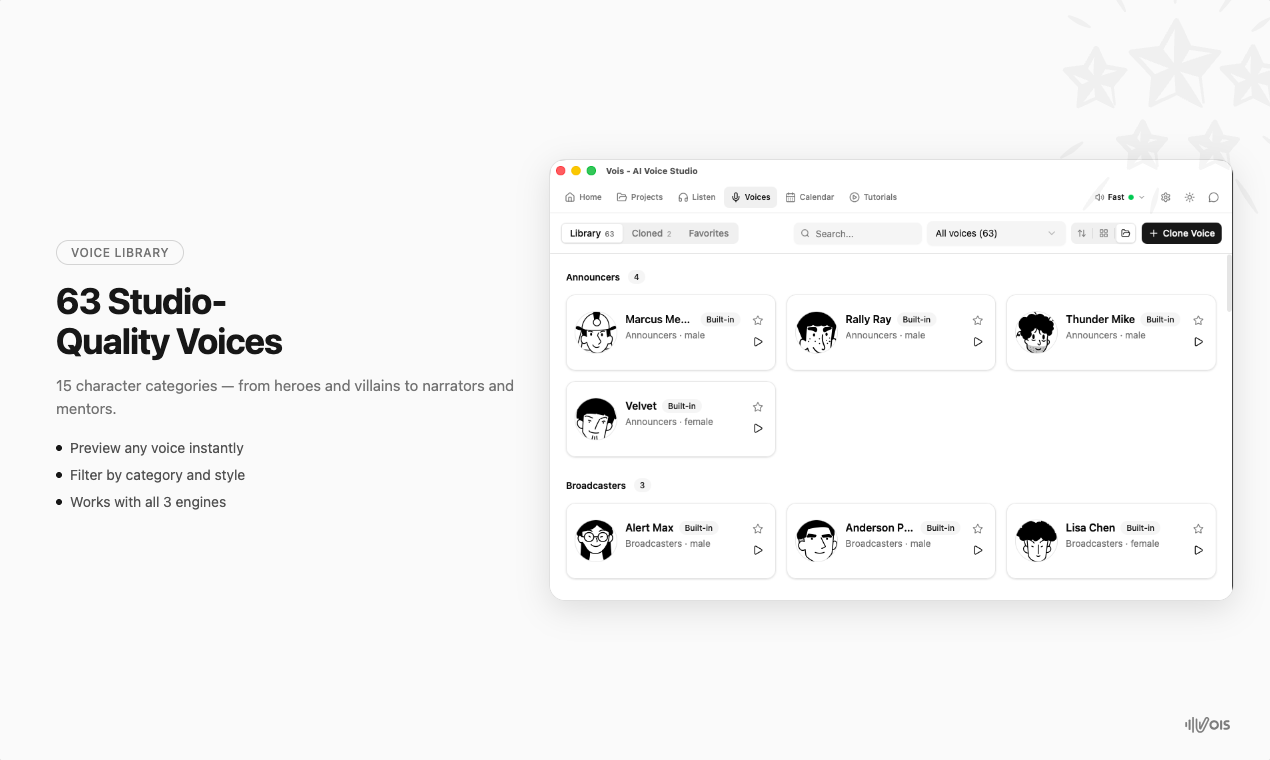
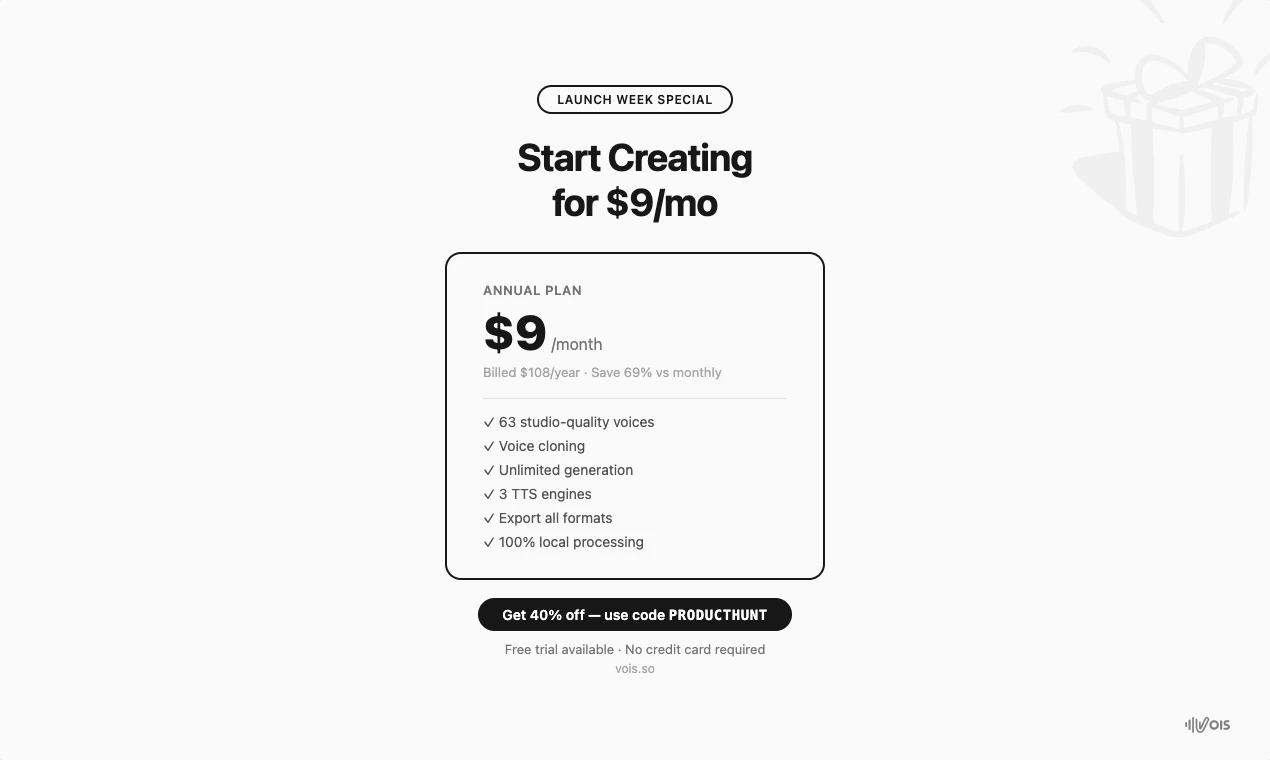
Hey Product Hunt! 👋 I'm Praney, and I built Vois as a solo maker over the past year. The backstory is personal. I'm partially dyslexic — long text has always been a struggle for me. Since high school, I've been converting articles, reports, academic papers, and white papers to audio so I could actually absorb them. I built a tool for myself that did exactly that. When I showed it to others, something unexpected happened. A friend wanted it for creating custom bedtime stories for her kids. Another had a stack of ebooks he'd bought but never read — he wanted to convert them to audio for his commute. Others, like me, had ADHD or dyslexia and immediately got it. That personal tool evolved into Vois — a full desktop voice AI studio. I also always wanted to create my own podcast but never felt my voice was good enough and didn't want to deal with the complexity of editing. Vois gives me that out of the box. What it does: → 63 studio-quality voices across 15 character archetypes → 3 TTS engines (fast drafts, expressive English, 23-language multilingual) → Voice cloning from a short audio sample → Script editor with multi-speaker dialogue → Multi-track timeline for mixing and arranging → Professional mastering (LUFS normalization, de-esser, EQ, limiter) → Smart caching — edit one sentence, only that chunk regenerates → Export to WAV, MP3, FLAC, AAC Everything runs on your machine. Nothing gets uploaded. No per-character costs. No usage limits. And unlike cloud services, you don't pay credits just to hear how a change sounds — Vois caches everything, so iterations are instant. The tech: Native Rust backend. No Python, no Docker. The fast engine generates at 6x real-time on Apple Silicon. Pricing: $29/month or $9/month on the annual plan. Free tier gives you 10 generations per day with full access to all voices and engines — no feature gating. 🚀 Launch offer for Product Hunt: 40% off the annual plan — $65/year ($5.40/mo). Code: PRODUCTHUNT. Valid until March 9. → https://vois.so/checkout?plan=ye... I'd love to hear how you'd use something like this — whether it's accessibility, content creation, game dialogue, or something I haven't thought of yet. I'll be here all day answering every question. 🙏 — Praney
6
回复

@praney_behl Hi Praney. Congrats on the launch. What datasets were used to train the voice models?

0
回复

@praney_behl congrats on this! how does it perform on prosody and emotional range, especially for long-form narration rather than short clips?

0
回复

Super! Your back story is inspiring, and congrats on the launch. Will give it a shot and let you know my feedback :)

1
回复

@abhinavramesh Thanks Abhinav, I look forward to it. I hope you enjoy trying the app as much as I enjoyed building it.

0
回复

Sounds amazing, this could tie into my voice server for claude code.

One question, does it support African voices and intonations? Big gap here industry-wide.

0
回复

@clement_ozemoya Absolutely, we are launching agent skill and accompanying vois-cli for programatic access soon.

0
回复
#14
Spoke
Private voice-to-text for macOS. Hold a key, speak, done.
93
一句话介绍:Spoke是一款macOS本地语音转文本工具,通过按住快捷键在任意文本字段实现快速、私密的语音输入,解决了用户在即时通讯、邮件等场景中手动打字效率低下及隐私担忧的痛点。
Languages Menu Bar Apps Audio
语音转文本 macOS工具 本地处理 隐私保护 效率工具 快捷键操作 AI集成 一次性付费 极简主义 实时转录
用户评论摘要:用户普遍赞赏其简洁、快速和隐私保护。主要反馈包括:询问专业词汇识别能力;希望增加葡萄牙语等语言支持;确认本地模型标点准确性高;探讨实时逐字显示文本的技术取舍;建议增加AI功能使用教程。
AI 锐评

Spoke在拥挤的语音输入赛道中,看似选择了最保守的路径——极简功能与本地处理,但这恰恰是其最锐利的市场切入策略。产品真正的价值并非技术突破,而是对用户核心诉求的精准解剖:将“效率”重新定义为“减少认知与操作负担”,而非堆砌功能。其“按住即说,松开即得”的交互设计,本质是对“流状态”工作体验的尊重,而本地模型则是对日益敏感的隐私焦虑的直球回应。

然而,其“非流式”处理模型是一把双刃剑。开发者以“高准确性”为由辩护,但这暴露了产品在“实时反馈”这一现代交互预期上的妥协。在追求“一气呵成”的准确与提供“即时确认”的安全感之间,Spoke选择了前者,这固然服务于其“无干扰”哲学,但也可能将偏好边想边看、或需要即时纠错的用户拒之门外。

更值得玩味的是其商业模式与AI集成的“留白”。一次性付费在订阅制泛滥的当下是差异化亮点,但可能限制长期迭代动力。而将高级AI功能(格式化、翻译)作为可选的、需自备API的插件,则是一种精明的定位:既安抚了追求强大的极客用户,又为核心轻量用户保持了纯粹的体验。这暗示其真正目标用户并非AI深度用户,而是被复杂工具劝退的、追求“刚好够用”的沉默大多数。它的成功与否,将验证在AI功能爆炸的时代,“做减法”的纯粹工具是否仍有不可替代的一席之地。

查看原始信息
Spoke
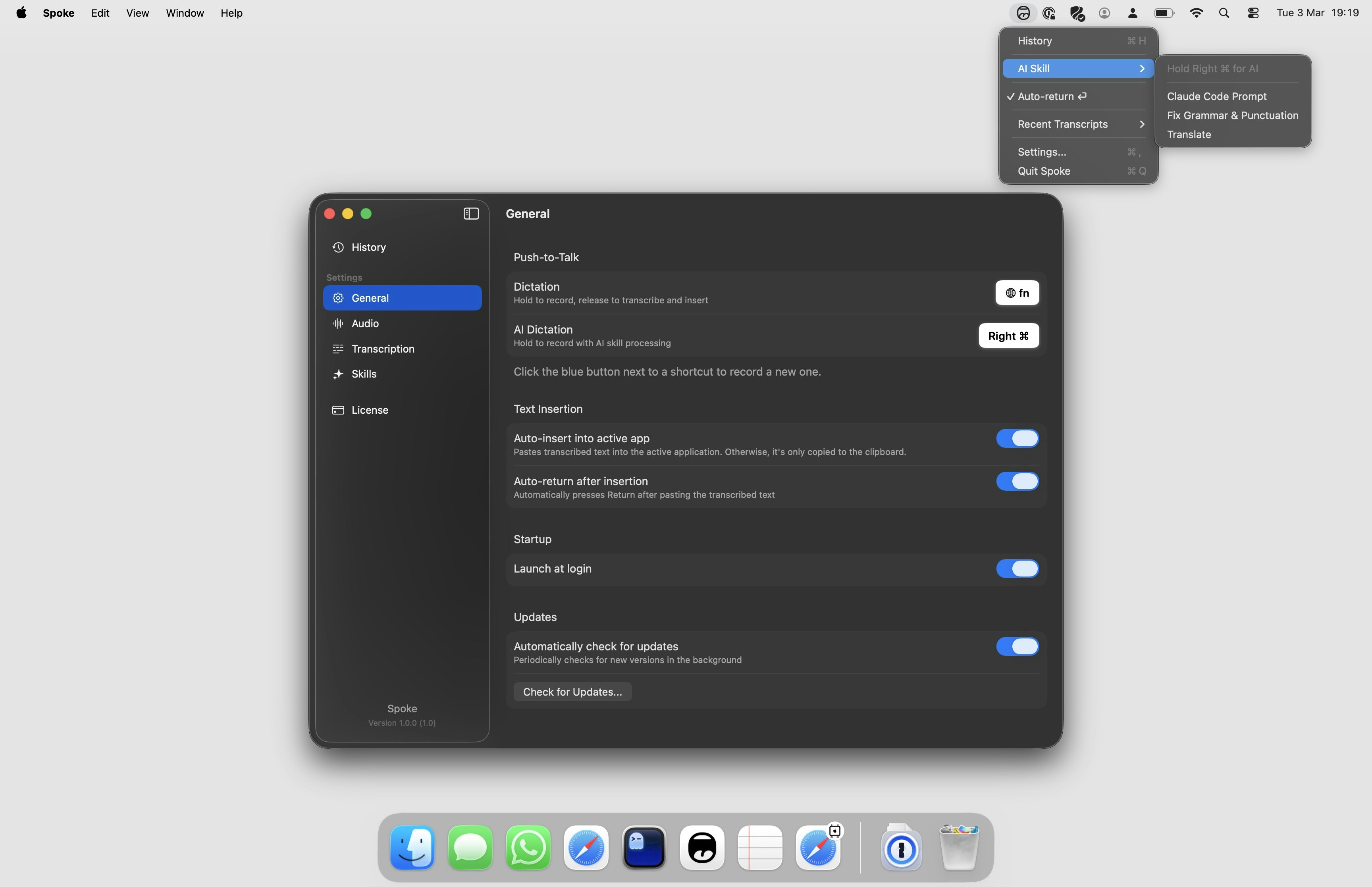
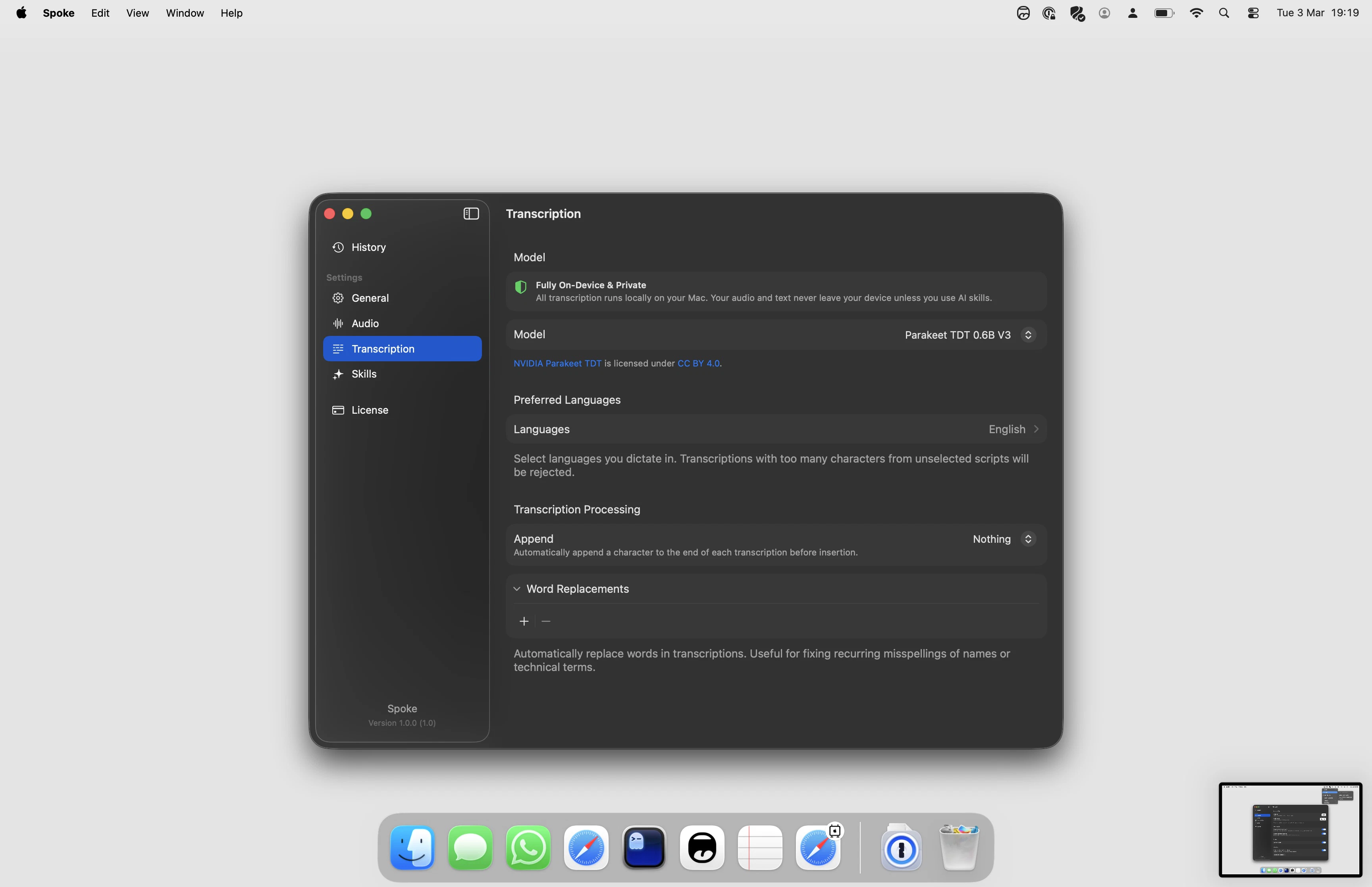
Spoke is a macOS app that transcribes your voice into any text field. It runs a local speech model — no audio leaves your device. Hold a keyboard shortcut, speak, and the text appears wherever your cursor is. Optionally connect an AI provider to process transcriptions on the fly.

Hey everyone! I built Spoke because every dictation app I tried was overloaded with features I didn't need. I just wanted something simple — hold a key, talk, text appears. No menus to navigate, no modes to pick, no friction.
Spoke runs a local speech model so nothing leaves your Mac, but honestly the main goal was speed and simplicity. It works in any text field — Slack, iMessage, Claude, terminal, whatever you have focused. Hold the shortcut, speak, let go. That's it.
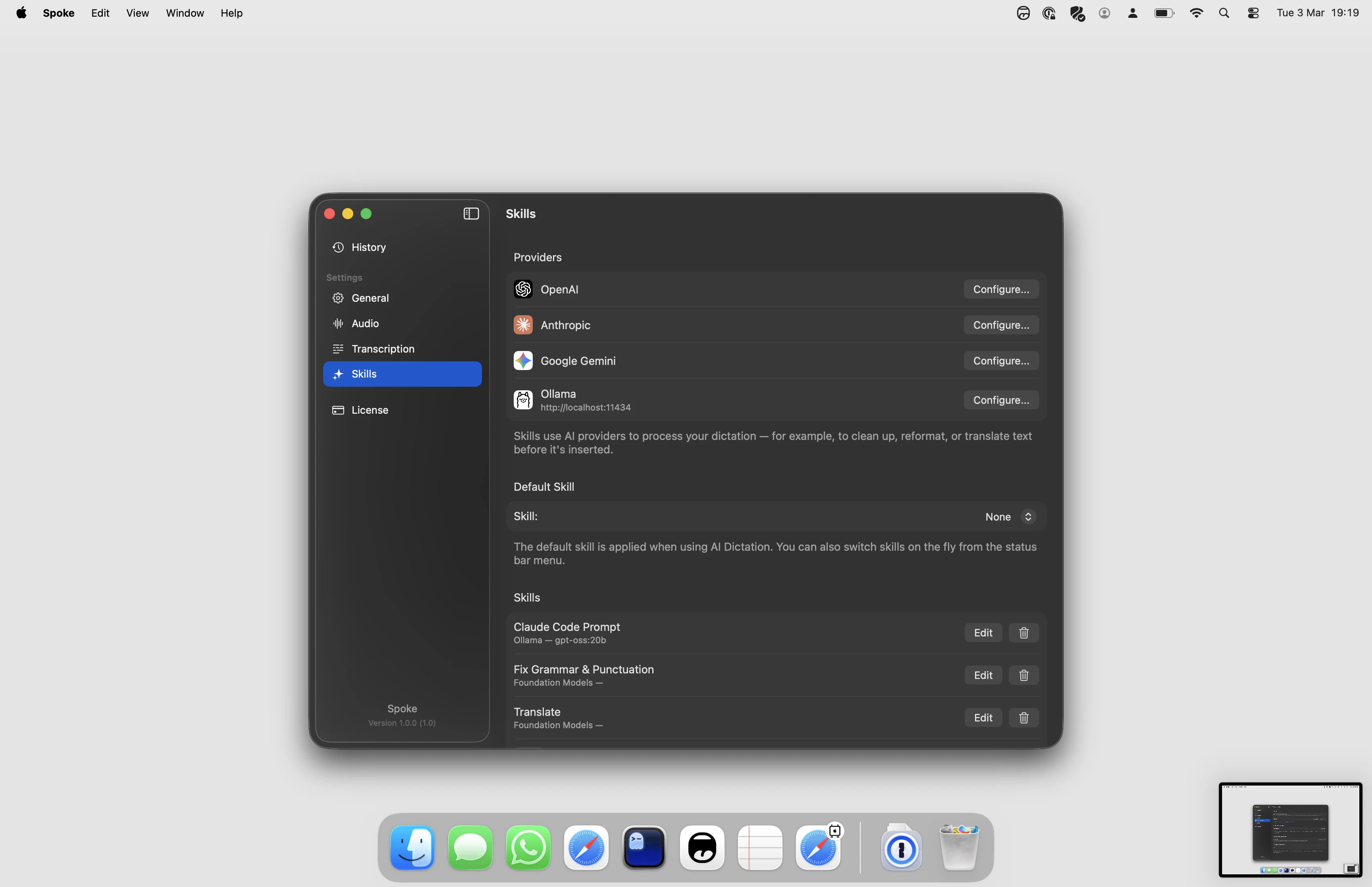
If you want more, you can plug in your own API key for OpenAI, Anthropic, or Gemini to process your speech on the fly. But the core experience is just fast, no-nonsense voice to text.
My favorite feature is auto-return — it presses Enter after you finish speaking, so in chat apps your message just sends. Feels like a walkie-talkie.
Happy to answer any questions about how it works or what's next.

I have a license code, limited to 50 uses:

0B22B577-26C7-467E-A4A7-E05F990F7299

No rush though — with how crowded this space is, those 50 codes are probably good for the lifetime of the app 😂

2
回复

@stoprocent Hi Marek. Is the AI trained specifically for general language, or can it adapt to professional or technical vocabularies?

0
回复

Hey @stoprocent, reeally nice work on this! The product identity and design look great and I think that matters a lot in a space that's getting pretty crowded with similar tools.

I also like the business model. The one-time purchase is refreshing compared to the endless subscriptions we usually see.

I’ve been testing it and the experience feels really simple and fast, which is exactly what you described.

The only thing that made me a bit sad is that Portuguese isn’t supported yet, it’s my native language and I still use it a lot 😅 Hopefully it can be added in the future!!

0
回复

Nice! How’s the accuracy with the on-device model, especially for punctuation and formatting?

0
回复

@brianna_lin Accuracy is genuinely the thing I'm most proud of. Parakeet (the model Spoke runs locally) is one of the top-performing English ASR models available right now — it competes well with cloud-based alternatives on standard benchmarks. Punctuation is solid for natural speech; it handles sentence boundaries well if you speak at a normal pace. Formatting is more contextual — things like lists or code won't auto-format since that's not what a speech model does, but if you connect an AI provider you can add a prompt to handle that on the fly. For everyday dictation — messages, notes, emails — it just works cleanly out of the box.

0
回复

I love how clean/simple this is — brilliant! What I really appreciate is that I can continue letting my music play while I dictate. Any plans on eventually setting this up so the text appears as it's being spoken (instead of at the end)? Or maybe that makes it more complicated and slows things down? Either way, thanks for sharing this. I'm really enjoying it!

0
回复

Thanks @shaun_hurley , really glad it's working well for you

On real-time word appearance — great question, and the short answer is: it's a deliberate tradeoff rather than a missing feature. Spoke uses "attention-based" (non-streaming) model. It processes audio over a sliding context window and resolves word boundaries, punctuation, and meaning after hearing enough context. That's actually why the accuracy is so high — the model can "look back" and correct itself as you keep speaking. If I forced word-by-word output, you'd get a lot of jitter and corrections mid-sentence, which ends up feeling worse in practice. Think of it like autocorrect that only kicks in once you finish typing a word — the full context is what makes it smart. It's on my radar to explore partial output for longer dictations, but it won't be true streaming in the Whisper-style sense.

0
回复

Nice launch!

When I am opening the app, I miss the tutorial how to use LLM formatting or translation. If it's possible, can you please add the information into onboarding?

0
回复

@tony_shishov sure thing I will record some demo video on this.

0
回复
#15
Itsyconnect
Manage your App Store Connect from macOS desktop app
91
一句话介绍:一款原生macOS应用,让开发者能在桌面端高效管理App Store Connect,通过批量编辑、AI翻译等功能,解决了网页版操作繁琐、加载缓慢的痛点。
Developer Tools GitHub Apple
开发者工具 macOS应用 App Store Connect管理 应用商店运维 本地化处理 AI翻译 TestFlight管理 开源软件 隐私安全 效率提升
用户评论摘要:开发者自述因厌倦网页版操作缓慢、功能分散而创建此工具。用户主要询问其与浏览器工作流的对比细节,关注实际效率提升。
AI 锐评

Itsyconnect的本质,是试图将苹果生态中一个关键但体验滞后的B端管理环节进行“桌面端重构”。其价值不在于功能创新,而在于对现有官方流程的体验反叛和效率提纯。将分散的网页功能聚合到一个原生界面,并强调本地运行、无云服务、密钥链存储,这精准击中了专业开发者对操作流暢性、数据隐私和工具可控性的核心诉求。

然而,其面临的深层挑战同样清晰。首先,它严重依赖苹果App Store Connect API的稳定性和开放程度,其功能天花板由苹果决定,存在政策风险。其次,“免费单应用,付费解锁无限”的商业模式在开源(AGPL-3.0)背景下能否持续,需要观察。开源虽能建立信任、吸引贡献,但也可能分流付费用户。最后,其解决的“痛点”虽真实,但用户群体规模有限,主要是频繁进行多应用、多地区上架维护的中大型开发团队或独立开发者,市场天花板明显。

它的真正机会,或许在于成为苹果官方低效Web界面的一个“体验标杆”,甚至可能倒逼官方改进。但长期看,如果其不能围绕ASC管理衍生出独特的、超越官方能力的协作或自动化工作流(如与CI/CD深度集成),则容易沦为一个小众的效率插件。在“效率工具”赛道内,它做出了一个干净、专注的示范,但护城河并不深。

查看原始信息
Itsyconnect
A Mac app for managing your App Store Connect apps. Edit all locales at once, translate with AI, manage TestFlight, track analytics, reply to reviews. Runs locally – no cloud, no telemetry. Credentials stay in macOS Keychain. Free for one app, Pro unlocks unlimited. Open source.
Hey everyone! I built Itsyconnect because I got tired of the App Store Connect web UI – slow page loads, editing one locale at a time, switching between tabs for TestFlight, analytics, and reviews. This is a native macOS app that talks directly to the ASC API. Everything stays on your Mac – no servers, no accounts, no data leaving your machine. AI translations use your own API key, so there's no middleman. It's open source (AGPL-3.0) and free for one app. Would love to hear your feedback!
2
回复

@nick_ustinov1 How does the workflow in Itsyconnect compare to using App Store Connect in a browser?

0
回复
#16
Itchy
Free macOS notch app with 12+ modules & custom SDK
82
一句话介绍:一款将MacBook刘海屏区域转化为多功能生产力工具坞的免费应用,通过集成计时、剪贴板、日历等模块,解决了用户频繁切换应用、信息获取效率低的痛点。
Productivity User Experience Developer Tools
macOS工具 刘海屏优化 生产力工具 免费应用 模块化设计 自定义SDK 隐私安全 屏幕共享兼容 全局快捷键 开发者友好
用户评论摘要:开发者亲自介绍产品初衷与特性,强调免费与隐私。主要用户反馈集中于技术探讨,如询问是否提供公开API以供第三方应用集成自定义模块,显示出开发者社区对扩展性的高度兴趣。
AI 锐评

Itchy 提出一个巧妙的“空间再利用”命题,试图将备受争议的硬件缺陷(刘海)转化为软件优势。其核心价值并非那十几个常见的生产力模块(这些功能多有独立应用),而在于其**平台化野心**——通过自定义SDK,将刘海区域定义为一个全新的、系统级的轻量级交互入口。

产品逻辑清晰:以免费和基础功能吸引用户占据这一物理位置,再通过SDK引导开发者生态,构建一个围绕“刘海”的微应用平台。这步棋很聪明,但风险并存。其真正的挑战在于:第一,用户粘性。刘海区域空间狭小,信息承载有限,是否足以形成不可替代的用户习惯?第二,生态冷启动。在苹果官方从未为此区域提供设计规范的情况下,说服开发者为一个小众、非标准的平台开发插件,需要极强的社区运营或杀手级用例。第三,系统兼容性。苹果未来硬件设计一旦取消刘海,或macOS系统更新占用此区域,产品根基将被动摇。

目前来看,Itchy更像一个充满想象力的“技术演示”。它揭示了系统交互边缘仍有创新缝隙,但其长期价值完全取决于能否从“一个有趣的工具”进化为“一个必要的平台”。隐私本地化与分享时隐藏是务实的设计,但若无法形成生态闭环,最终可能只是极客用户手中一个可被替代的“玩具”。

查看原始信息
Itchy
Transform your Mac's notch into a productivity hub. Itchy is a free macOS notch app with 12 built-in modules including Pomodoro timer, Now Playing, Calendar, Mail, Live Activities, clipboard history, storage, and notes. Extend with custom Nook modules via SDK.
Hi Product Hunt! 👋 I'm Selcuk, the maker of Itchy. Lately, I've had a LOT of free time on my hands, so I decided to spend it building the tools I personally need and giving them away for free. Itchy is the latest result of that journey! Itchy is a free macOS utility that transforms your Mac's notch into a customizable productivity hub. It comes packed with 12+ built-in modules including a Pomodoro timer, Clipboard History, Quick Notes, File Storage, Calendar, and even a Prompter for your online meetings. Here is what makes Itchy special: - Highly Customizable: Enable only the modules you need and reorder them to fit your workflow. - Custom Module SDK: Know Swift/SwiftUI? You can build your own custom .bundle plugins for internal APIs or favorite tools! - Presentation Mode: Itchy automatically stays hidden by default during screen sharing. - Global Shortcuts: Access your clipboard, drop files, or control media instantly from anywhere. - Privacy First: Everything runs locally on your Mac. Itchy is—and will remain—completely free. I built this to supercharge my own workflow, and I hope it helps yours too. I'd love to hear your feedback, feature requests, or see what custom modules you build with the SDK! Let me know what you think! Cheers, Selcuk
2
回复

@selcuk_sarikoz This is lovely! Does it expose a public API that lets third-party apps register their own notch modules, ?

0
回复
#17
GitSync Lite for macOS
Monitor, sync & back up your git repos from the menu bar
73
一句话介绍:一款常驻macOS菜单栏的Git仓库监控与同步工具,通过实时监控仓库状态并自动备份git忽略的敏感配置文件,解决了开发者在多设备切换时易丢失未提交工作和环境配置文件的痛点。
Productivity Developer Tools GitHub
Git工具 macOS原生应用 菜单栏工具 代码仓库监控 配置文件同步 开发效率 数据备份 多平台Git服务集成 云存储同步 开发者工具
用户评论摘要:用户肯定云同步功能是“救星”,尤其赞赏自动备份.env等忽略文件。核心关切集中在敏感文件(如API密钥)的同步安全性上,开发者被直接询问加密处理方式。同时,用户欣赏其原生应用体验及避免未提交工作遗漏的设计初衷。
AI 锐评

GitSync Lite 精准切入了一个被主流Git工具刻意“忽视”的灰色地带——被.gitignore排除的敏感或环境依赖文件。其真正价值并非简单的菜单栏状态监控,而是构建了一个跨设备的开发环境上下文同步层。这暴露了Git作为版本控制系统与开发者实际工作流之间的断层:Git管理代码版本,但项目运行依赖的配置、本地数据库等“脏数据”却长期处于管理真空,成为多设备协作的暗伤。

然而,产品最尖锐的争议点也正是其最大卖点:将.env等敏感文件同步至第三方云盘。开发者评论中反复追问安全机制,这直指产品命门。在缺乏端到端加密等透明安全方案的背景下,此功能可能让开发者陷入两难:是承受手动复制粘贴的安全与繁琐,还是接受潜在的数据泄露风险以实现便利?这本质上是在用便利性交换安全控制权。

产品“原生、非Electron”的强调,是对当前工具泛滥的“套壳”体验的反叛,瞄准了追求极致性能与系统集成度的Mac开发者群体。但其长期生存的关键,在于能否将“同步”这一基础能力,升级为具备智能冲突解决、版本管理和企业级安全策略的“开发环境治理平台”。否则,它可能仅是一个解决了特定痛点的优雅工具,而非一个不可或缺的基础设施。

查看原始信息
GitSync Lite for macOS
GitSync Lite lives in your macOS menu bar and monitors all your git repos — dirty/clean status, branches, ahead/behind counts, last commit time. Cloud Sync what git ignores — Back upenv files, databases, and IDE configs to iCloud, Dropbox, OneDrive, or Google Drive. Auto-restore when you clone on a new machine. All repos in one place — Connect GitHub, GitLab & Bitbucket. One-click clone with SSH or HTTPS. Native macOS app. No Electron. Your code never leaves your device.
Hey Product Hunt! I built GitSync because I got tired of forgetting about uncommitted work and losing .env files every time I set up a new machine. The cloud sync feature is the one I'm most excited about — it backs up exactly the files that git ignores (.env, databases, IDE configs) to your cloud storage of choice, and auto-restores them when you clone a repo somewhere new. Would love your feedback — what would make this more useful for your workflow?
0
回复

@sam_a16 Nice idea. Losing .env files when switching machines is such a common pain.

The cloud sync for git-ignored files sounds really useful, especially for dev setups that take time to recreate.

Curious — how do you handle encryption or security for sensitive files like API keys?

0
回复
What do you do in terms of security? .env files aren’t git tracked for a reason.
0
回复

Congrats on the launch! Honestly, the cloud sync for .env files is a lifesaver. I'm currently building out a site for my company (Ready Aim Retire) using Astro, and the amount of time I've spent manually chasing down config files after a repo move is embarrassing.

Having this in the menu bar to catch those 'uncommitted' moments is a massive productivity win. Love that it’s a native macOS app too—no Electron is always a plus! Upvoted.

0
回复
#18
Cinematic Video Overviews
The next evolution of the NotebookLM Studio
60
一句话介绍:一款基于NotebookLM的AI视频生成工具,能将用户的文本资料自动转化为定制化、沉浸式的视频概述,解决了用户从复杂信息到直观视觉呈现的效率与门槛痛点。
Video
AI视频生成 内容摘要 知识可视化 NotebookLM 沉浸式体验 生产力工具 自动化创作 多模态AI
用户评论摘要:评论数量有限。有效反馈主要表达了对产品概念的期待,并关注其与NotebookLM核心功能的整合深度。有用户直接询问其与现有视频AI工具的核心差异点,体现了市场对产品独特性的审视。
AI 锐评

“Cinematic Video Overviews”的亮相,与其说是一款独立应用,不如说是Google对其“AI笔记本”NotebookLM的一次激进功能升维。它试图解决的,是生成式AI当前的核心矛盾之一:如何让AI产出的文本摘要,以更低成本、更高信息密度的方式被人类吸收。其宣称的“新颖的高级模型组合”与“沉浸式视频”,直指静态文本摘要的交互贫瘠与视觉乏味。

然而,其真正的价值与风险皆系于“NotebookLM”这一母体。价值在于,它可能首次实现了从个人专属知识库到个性化视频叙述的端到端自动化流水线,将视频创作从“拍摄剪辑”的传统范式,转向“资料投喂-模型合成”的认知范式。若成功,它将成为知识工作者和教育工作者的认知外挂。但风险同样明显:首先,“电影感”视频的质量高度依赖其多模态模型的协调能力,现有技术下,极易陷入“精美PPT动画”的窘境,而非真正的叙事沉浸。其次,它模糊了工具与内容的边界,由AI生成的“概述”视频,其事实准确性、版权清洁度与观点偏见,都将成为新的责任黑洞。最后,60票的冷启动数据或许暗示,市场仍在观望。这款产品能否成功,不取决于视频的“电影感”噱头,而取决于它是否真的能成为理解复杂资料的“认知加速器”,而非另一个制造信息泡沫的华丽玩具。

查看原始信息
Cinematic Video Overviews
Introducing Cinematic Video Overviews, the next evolution of the NotebookLM Studio. Unlike standard templates, these are powered by a novel combination of our most advanced models to create bespoke, immersive videos from your sources.
#19
Nomad Dot
A living map of indie hackers around the world
50
一句话介绍:Nomad Dot 是一款为全球独立开发者/数字游民打造的动态地图,通过可视化成员位置与产品发布计划,解决了分布式创作者社群难以感知彼此存在、缺乏实时连接场景的痛点。
Analytics Marketing Maps
独立开发者社群 数字游民地图 地理位置可视化 产品发布追踪 创作者网络 社区工具 SaaS 社交地图 远程协作
用户评论摘要:用户普遍称赞其UI/UX设计精美、创意酷炫。主要反馈集中于:1. 账户注册流程存在缺陷,验证环节提示不清导致表单重置;2. 开发者积极回应,表示愿根据用户聚集情况创建城市Discord群组,并持续收集反馈。
AI 锐评

Nomad Dot 试图用诗意地图解决一个硬核问题:独立开发者社群的“时空异步性”。其价值不在于地图本身,而在于将抽象的“网络连接”具象化为可感知的“地理邻近”,并巧妙嫁接Product Hunt发布动态,为孤独的构建过程注入仪式感与可见性。

然而,产品面临双重考验。表层是工具效率:当前版本更像一个“数字许愿地图”,标记位置与发布计划更多是象征性动作,缺乏促成线下见面或深度协作的触发机制。用户因UI惊艳而来,能否因实用价值留存?评论中注册流程的卡顿,恰恰暴露了其工具属性的不成熟。

深层是网络效应悖论:这类平台的核心价值与用户密度强相关。在冷启动阶段,稀疏的“点”难以形成吸引力,反而可能放大用户的孤独感(如那条“im sad”的评论)。开发者提议按城市组Discord是明智的转向,暗示地图应是“引子”,而非终点——真正的价值需在即时、高粘性的沟通场景中实现。

产品真正的锐度,或许在于能否从“可视化仪表盘”进化成“协作触发器”。例如,基于目的地匹配潜在旅伴,或基于产品发布时间线推荐互助伙伴。否则,它可能仅停留为一个设计精美的“数字游民玩具”,而非不可或缺的“构建者基础设施”。其成功不取决于火箭动画的炫酷程度,而取决于地图上的一个“点”,能否真正转化为一杯咖啡、一次合作,或一个投票。

查看原始信息
Nomad Dot
Hey guys! As a digital nomad indie hacker, I was wondering where other builders are. I have connection on X but they move here and there often so I want to visualize them. You can mark your location and next destination and see others. And people launch their products on Product Hunt so I made an animation that a rocket is launched when you set your launch date. You can also add your launch post page url so people can vote.

Go 연지 🔥

7
回复
I wish it's helpful for some people and I'm very willing to make a discord group per city if there are a lot of people gathered on Nomad Dot! Feedbacks are welcome always :)
6
回复
0
回复

Such a cool UI, way to go Yeonji!!!

3
回复

That's a great idea and really cool execution - UX, UI, even adding the launches and not just places 😎👍🏼


Congrats for the launch already and hope you get many people on that globe 🙏🏼

1
回复

im sad😭

1
回复

@sayyidalijufri why? 🥲

0
回复

Such a cool app

1
回复

Very nice Yeonji! Added my own little dot on the map :)

1
回复

This is cool, thanks for building!

0
回复

Oh such a cool

0
回复

Just added myself on the Globe :)

0
回复

Very fun/cool.

One minor feedback/issue - when creating account the verification is weird - I missed the required Display Name and it just kept resetting the form without any feedback.

I'd suggest moving the Display Name to the top (separating from optional fields)

0
回复
#20
SkipUp
Scheduling on autopilot
20
一句话介绍:SkipUp是一款基于邮件的AI日程调度代理,通过在邮件线程中抄送其地址,即可自动协调多方时间、跟进并完成会议预订,解决了跨时区、多参会者场景下传统日历链接效率低下、体验割裂的痛点。
Meetings Calendar Artificial Intelligence
智能日程调度 邮件集成 AI助理 会议协调 自动化跟进 日历管理 生产力工具 SaaS 团队协作 Outlook/Gmail集成
用户评论摘要:用户普遍赞赏其自动化跟進和无需分享链接的体验,认为其解决了协调地狱问题。有效反馈集中在肯定其模式识别能力(如跨时区、会议堆叠),创始人主动寻求“卡点”、“规则偏好”及“彻底取代调度链接”的改进建议。
AI 锐评

SkipUp的“邮件原生”定位是其最锋利的切入点,它试图将调度行为从工具跳转拉回最自然的沟通场景——收件箱本身,这直击了Calendly等表单式链接产品的核心弱点:将协调成本转嫁给对方,且在复杂场景中迅速崩溃。其价值不在于单一的“自动跟进”,而在于扮演了一个隐藏在CC栏中的全权谈判代理,接管了从提议、反复沟通到最终锁定的整个耗时过程。

然而,其真正的挑战与价值深度并存。第一,是信任与控制的平衡:将调度权完全交给AI,需要极高的准确性与对用户偏好的深度理解,任何误判都会导致严重的商务失礼。第二,是生态壁垒:高度依赖邮件线程虽降低了使用门槛,但也可能受限于邮件客户端的行为规则与更新延迟,在移动端体验上可能存在隐忧。第三,从“工具”到“基础设施”的跃迁:它瞄准的是企业沟通的核心流程,但欲成为基础设施,需展现出远超调度本身的可靠性,并构建应对异常流程(如紧急取消、资源冲突)的健壮性。

创始人寻求“永不使用调度链接”的反馈,暴露了其颠覆行业的野心。但成功与否,取决于其AI能否从“理解明确规则”进化到“洞察人际协调的潜规则”,这远非2-3个月的开发所能涵盖。若其能持续学习并减少“卡住”的时刻,它或许真能重新定义调度行为,否则,它可能只是另一个在简单场景有效、在复杂谈判中仍需人工救场的半自动化玩具。
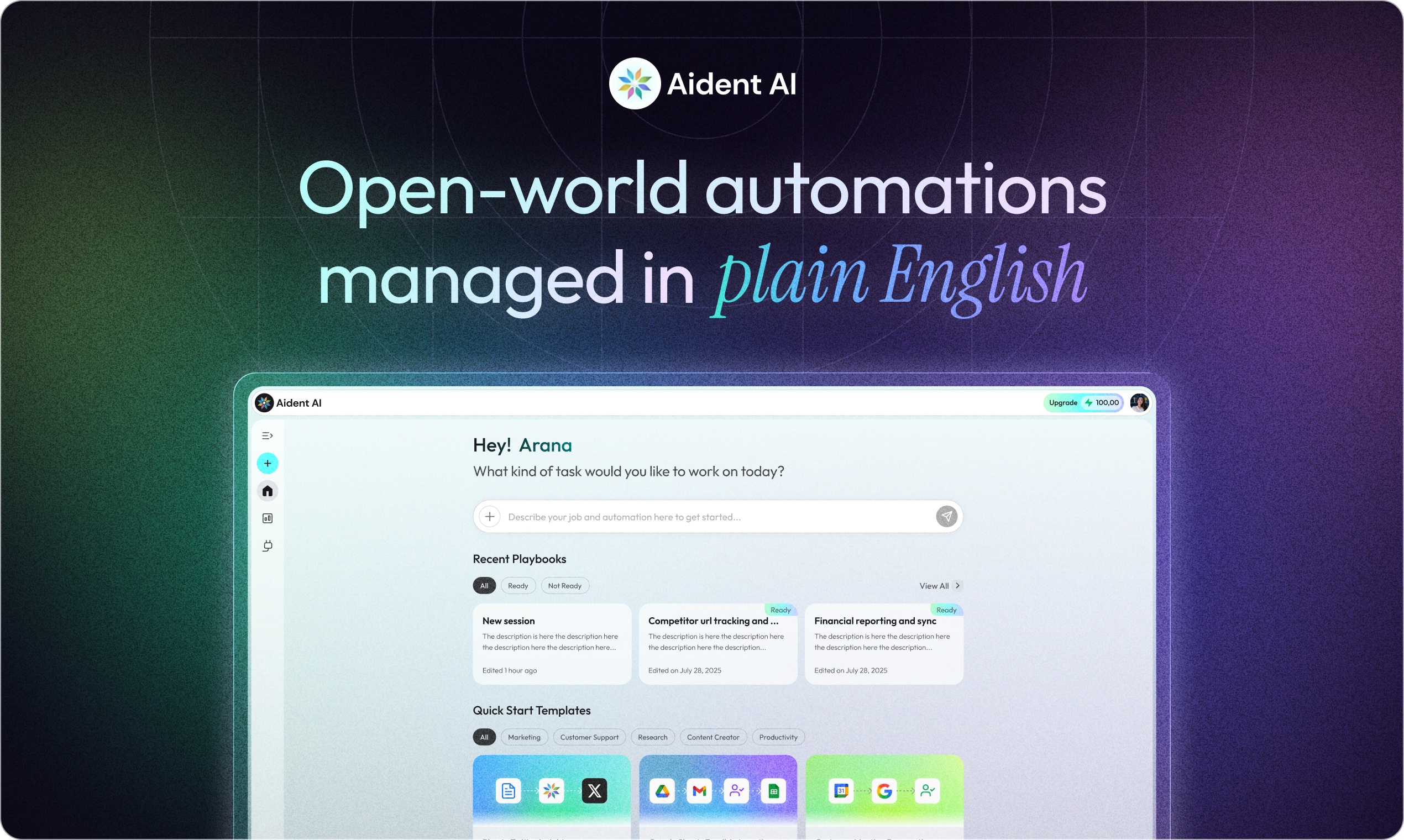
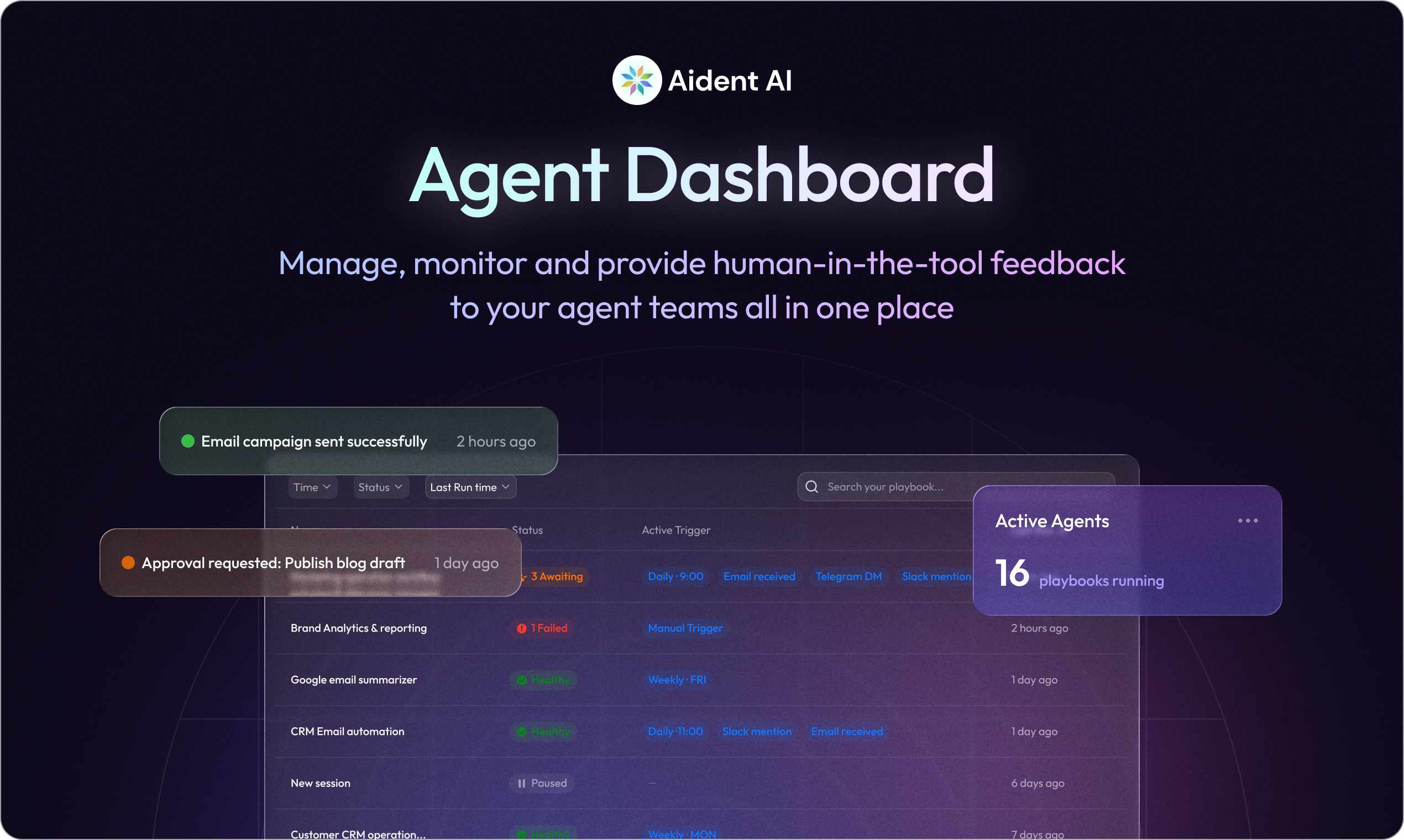
查看原始信息
SkipUp
We are still stuck in 2014-era when it comes to scheduling SkipUp gathers context from your emails, checks availability across your calendars and follows up to get meetings booked! Skip is an email-native scheduling agent and unlocks: - Automatic follow ups - Real time booking - Automatic agenda creation - No forms - Multi-attendee meeting coordination - Doesn't cost >$300 per month to start - Claw/API support Just CC skip@skipup.co or visit Skipup.ai to connect G-suite and Outlook!
We built SkipUp because scheduling is still weirdly broken. Scheduling is also core infrastructure for companies to communicate. Bad scheduling = bad operational effectiveness. From a UX experience perspective, calendar links push work onto the other person, and the moment you add time zones, preferences, or multiple attendees, it falls apart. SkipUp is an email-native scheduling agent. Just CC skip@skipup.co and it runs the thread end-to-end: proposes times, follows up, handles reschedules, and books the meeting. It works with Google and Outlook but we're also open to building others if people ask :) We’re starting with people who live in coordination hell or doing 20+ meetings per week: e.g. founders, chiefs of staff, sales, CS, recruiting, agencies, VCs etc. If you try it, i’d love feedback on: - where it got stuck - what rules/preferences you wish it understood - what would make you never send a scheduling link again We are a team of 2-3. Super lean, raised a tiny pre-seed and haven't spent much of it yet. Honestly, pretty crazy what you can build in 2-3 months these days...
5
回复

This is amazing!

So glad I don't have to deal with slot suggestions and follow ups anymore!

3
回复

@justus_mulli I know right!? It's hard to imagine going back to the old way (and even worse, putting prospects through the receiving end of calendar links...)

0
回复

SkipUp has made scheduling so much easier, no more link sharing… and it understands my patterns. Like cross time zone calls, stacking meetings etc.

0
回复

@piyush_narwani So glad you're loving it! :D

0
回复

Super cool :)

0
回复

@yeopleekorea glad you like it! :)

0
回复

@yeopleekorea let me know if you'd like to try it out! Excited to get your thoughts!

0
回复