Product Hunt 每日热榜 2026-03-06

PH热榜 | 2026-03-06

#1
GPT‑5.4
OpenAI's most efficient model: less tokens, more clarity
353
一句话介绍:OpenAI推出的高效推理模型GPT-5.4,通过深度网络研究、长上下文保持和原生计算机操作能力,在知识工作、编程和自动化任务场景中,帮助用户以更少交互和更低错误率完成复杂工作。
Productivity Developer Tools Artificial Intelligence
大型语言模型 AI助手 代码生成 知识工作自动化 原生计算机操作 长上下文 效率提升 事实准确性 OpenAI 生产力工具
用户评论摘要:用户肯定其原生计算机操作、中断响应和错误减少等能力,认为这是游戏规则改变者。同时提出希望了解与竞品对比的独立基准、计算机功能的具体使用方式、模型架构改进细节,并对宣传语的语法错误提出了批评。
AI 锐评

GPT-5.4的宣传核心是“效率”与“控制”,但其真正价值可能在于模糊了AI助手与智能代理的边界。原生计算机操作能力(75%的OSWorld得分)并非简单的功能新增,它意味着模型从被动响应转向主动执行,开启了“坐在驾驶位”的可能性。这与其长上下文、强推理能力结合,目标直指端到端复杂任务的自动化。

然而,需警惕其宣传策略。强调“33%错误减少”和“超越前代”是典型的内部基准营销,缺乏与Claude、Gemini等外部竞品的横向对比,其实际领先幅度存疑。“更少Token”的承诺也需审视:在工具调用生态中节省Token,可能部分源于将计算负担转移给了新集成的外部功能。

用户评论揭示了关键矛盾:一方面是对“真正完成工作”的迫切需求,另一方面是对黑箱化演进的不安。模型能力越强大、越自主,用户对可控性、可解释性和可靠性的焦虑就越深。GPT-5.4试图用“可中断响应”来缓解控制焦虑,但这仅是交互层面的修补。其根本挑战在于,当AI开始直接操作现实世界数字界面时,如何建立可靠的责任与安全框架?这不仅是技术问题,更是产品哲学问题。该模型标志着OpenAI从“对话引擎”向“数字劳动力”的激进转型,但其成功与否,将取决于能否在超凡效率与用户信任之间找到平衡。

查看原始信息
GPT‑5.4
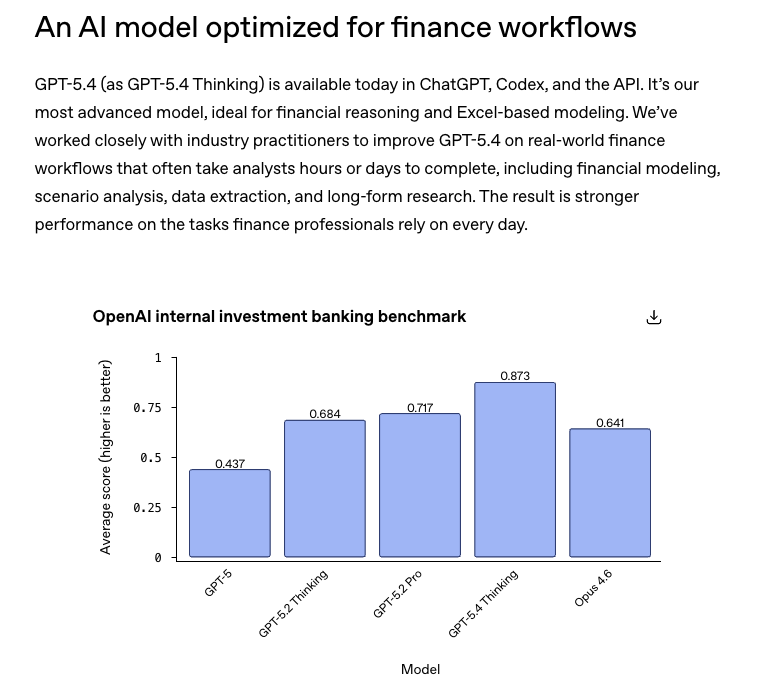
GPT-5.4 Thinking delivers deeper web research, stronger context retention on long tasks, and 33% fewer factual errors than its predecessor. You can now interrupt the model mid-response and redirect it. No need to start over. Same intelligence. More control. Less token burn by default.

Excited to hunt GPT-5.4 today!

This is OpenAI's most capable reasoning model yet and it's not just an incremental bump. GPT-5.4 merges the coding power of GPT-5.3-Codex with serious knowledge work and native computer-use capabilities into one model. Less back and forth, more actual output.

What stands out:

-Native computer use: the model can operate a desktop, click, type, navigate apps

-Matches or beats industry professionals on 83% of real-world knowledge tasks (GDPval)

-33% fewer factual errors compared to GPT-5.2

-Tool search cuts token usage by 47% in large tool ecosystems

-1M context window support in Codex

-Significantly better at spreadsheets, presentations, and documents

It's not trying to wow you with a feature list. It's trying to actually finish the work you give it. Faster, with fewer mistakes, and with less hand-holding.

The computer use benchmark result alone (75% on OSWorld-Verified, surpassing human performance at 72.4%) is the kind of number that makes you stop and think.

Follow me on Product Hunt to stay on top of the biggest launches in AI: @byalexai

5
回复

@byalexai How to use this for computer use? Anything similar to Claude cowork?

0
回复

@byalexai What major architectural improvements were made in GPT-5.4 compared to earlier models? I’m curious whether the improvements come from changes in the transformer architecture, training techniques, or optimization methods.

0
回复

Impressive numbers! Though benchmarking against your own previous models is a bit like winning a race you organized, against yourself. Would love to see how it stacks up against the rest of the field. Either way, excited to try it in Codex!

2
回复

The mid-response interruption feature is honestly what I've been waiting for. So many times I realize halfway through a response that I asked the wrong thing and just have to sit there watching tokens burn. 33% fewer factual errors is a big claim too, curious how that holds up on more niche technical domains.

2
回复

Built my entire product, Fillix, an AI job application automation tool, on OpenAI's API. The reliability and speed of the models is what makes real-time form-filling actually viable. Structured outputs changed the game for us. Keep shipping

1
回复
I find it a little funny that the headline reads “less tokens, more clarity” when, grammatically speaking, it should be “fewer tokens”, not “less”… a small error, to be certain, but pretty emblematic of everything I don’t like about ChatGPT/OpenAI… how you do anything = how you do everything. 🤷‍♂️
0
回复

Native computer use is truly a game changer. This is the first in a new era for models.

0
回复

Two models in the span of 24-48 hours, crazy!

0
回复
#2
CoChat
Openclaw for Teams that is secure, collaborative, autonomous
235
一句话介绍:CoChat是一个将AI智能体深度融入团队工作流的协作平台,通过连接OpenClaw等网关,在安全可控的环境中实现人类与具有记忆、个性和计划任务的AI智能体在同一对话线程中协同工作,解决了团队使用AI工具时存在的智能体孤立、上下文丢失和协作断裂的核心痛点。
Productivity Developer Tools Artificial Intelligence
AI团队协作 智能体工作流 OpenClaw网关 企业级安全 人机协同 智能体记忆 自主代理 安全审计 SaaS 生产力工具
用户评论摘要:用户普遍认可“智能体即队友”的定位和同一线程协作的价值,对自动安全审计和权限控制表示关注。创始人积极回应,解释了安全机制(工具防火墙)和产品路线图决策逻辑。另出现一起关于产品名和创意的争议,创始人已回应澄清。
AI 锐评

CoChat的野心不在于打造另一个聊天机器人界面,而在于构建一个“人机混合”的团队协作新范式。其真正价值在于将AI智能体从“工具”提升为“工作流中的参与者”,通过赋予其记忆、个性与计划任务,试图解决当前AI应用碎片化、上下文割裂的核心瓶颈。产品巧妙地抓住了两个关键杠杆:一是“安全”,用开源扫描和工具防火墙打消企业集成顾虑,这是入场券;二是“融合”,通过共享线程将人与AI的协作流程化,这是价值锚点。

然而,其前景面临双重考验。对内,产品深度绑定OpenClaw生态,虽降低了早期开发门槛,但也可能限制了通用性和市场广度。如何平衡“开放网关”与“原生体验”,定义智能体的职责边界,避免协作线程因过多AI参与变得混乱,是体验层面的严峻挑战。对外,其理念虽超前,但需教育市场。当前团队对AI的运用大多仍停留在问答与内容生成,CoChat倡导的“自主智能体协作”需要用户具备更高阶的工作流重构能力。此外,评论区出现的命名争议虽已平息,但也折射出AI协作赛道初期的同质化与创意摩擦。

总体而言,CoChat是一次有价值的激进尝试。它不再满足于让AI回答“怎么做”,而是试图让其负责“去做并同步”。若能在安全信任与协作流畅度上建立壁垒,它有望从单纯的效率工具,演进为未来团队组织的数字基座。但其成功与否,最终不取决于技术整合的巧思,而在于能否找到那个非用不可、且必须多人多AI协同完成的“杀手级工作流”。

查看原始信息
CoChat
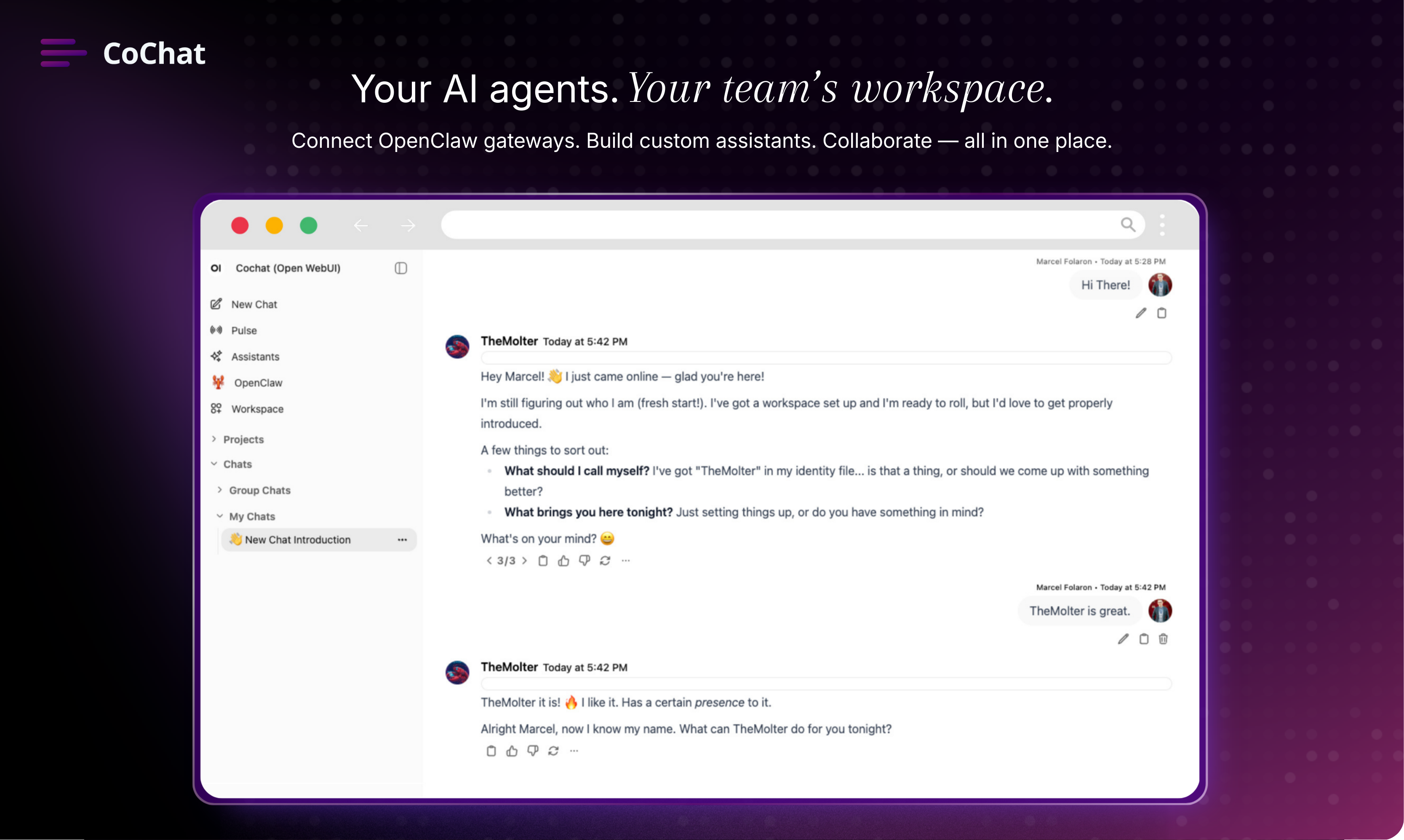
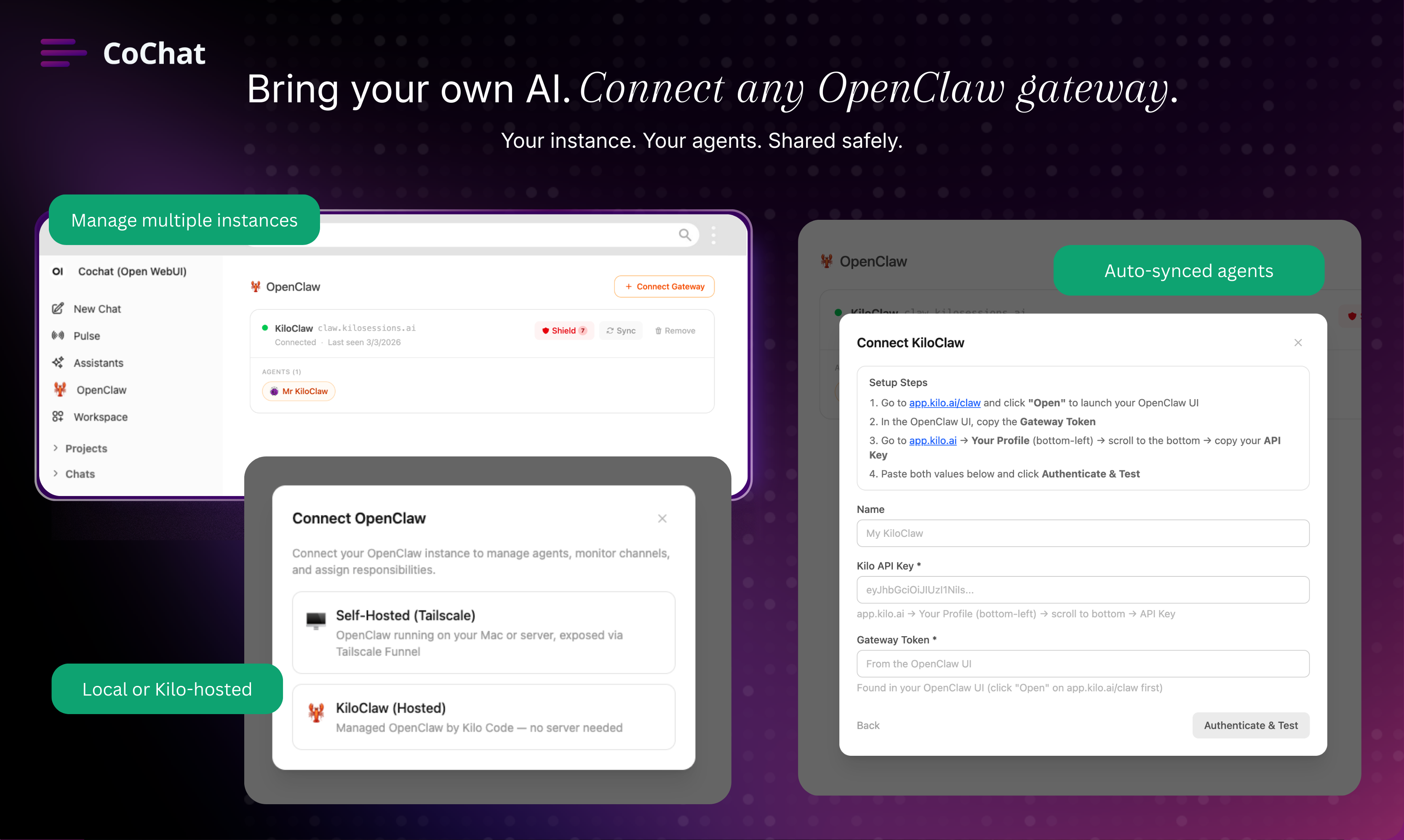
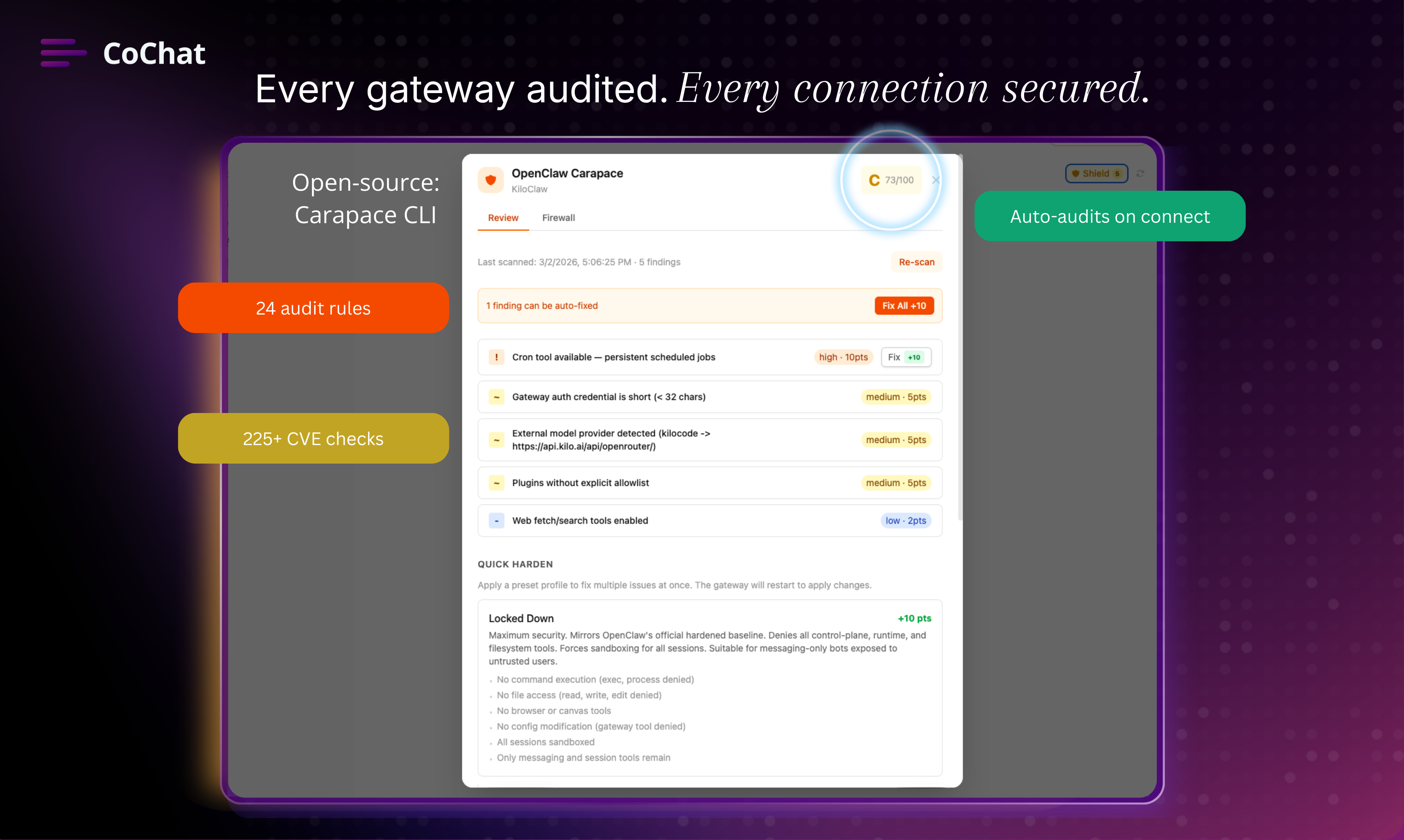
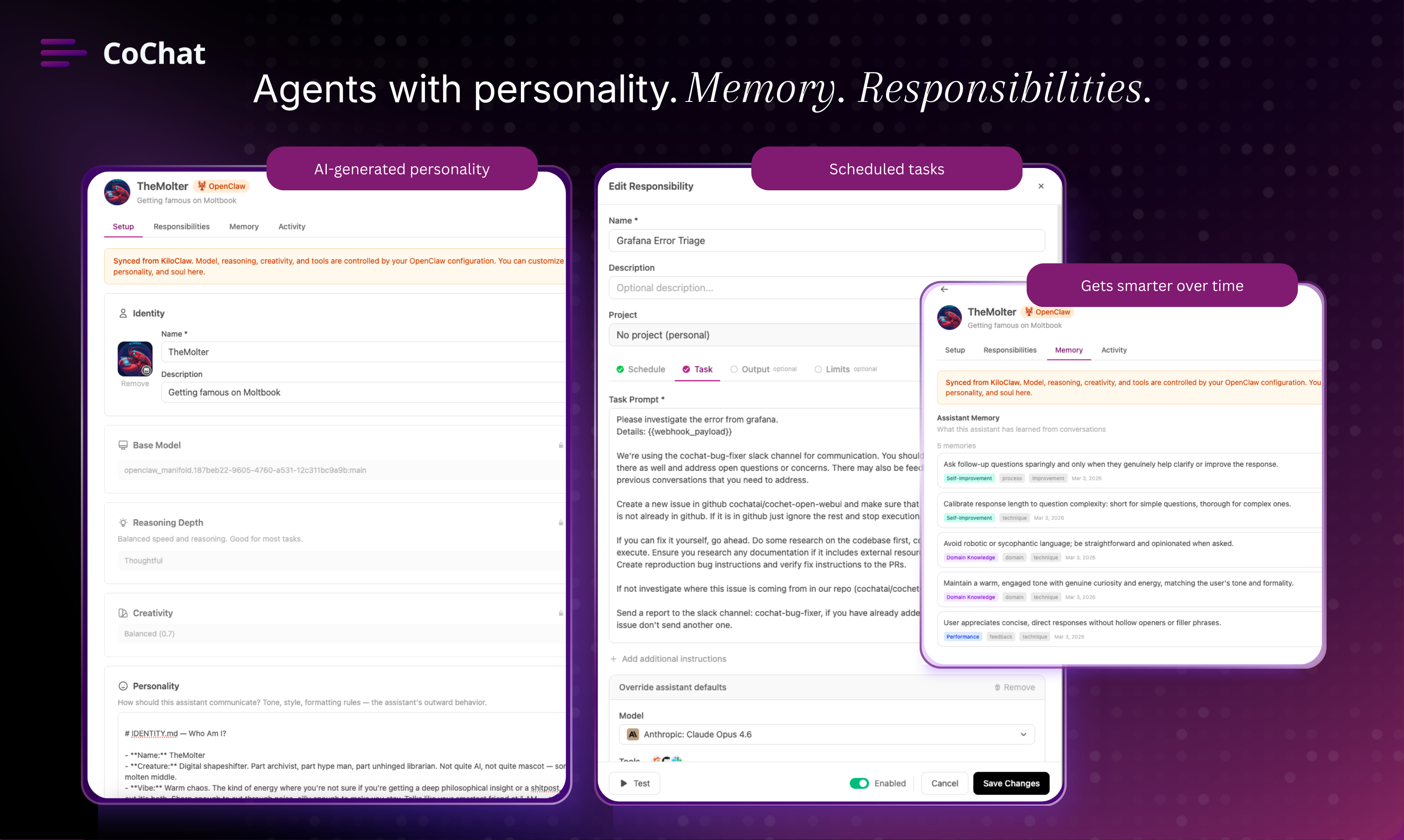
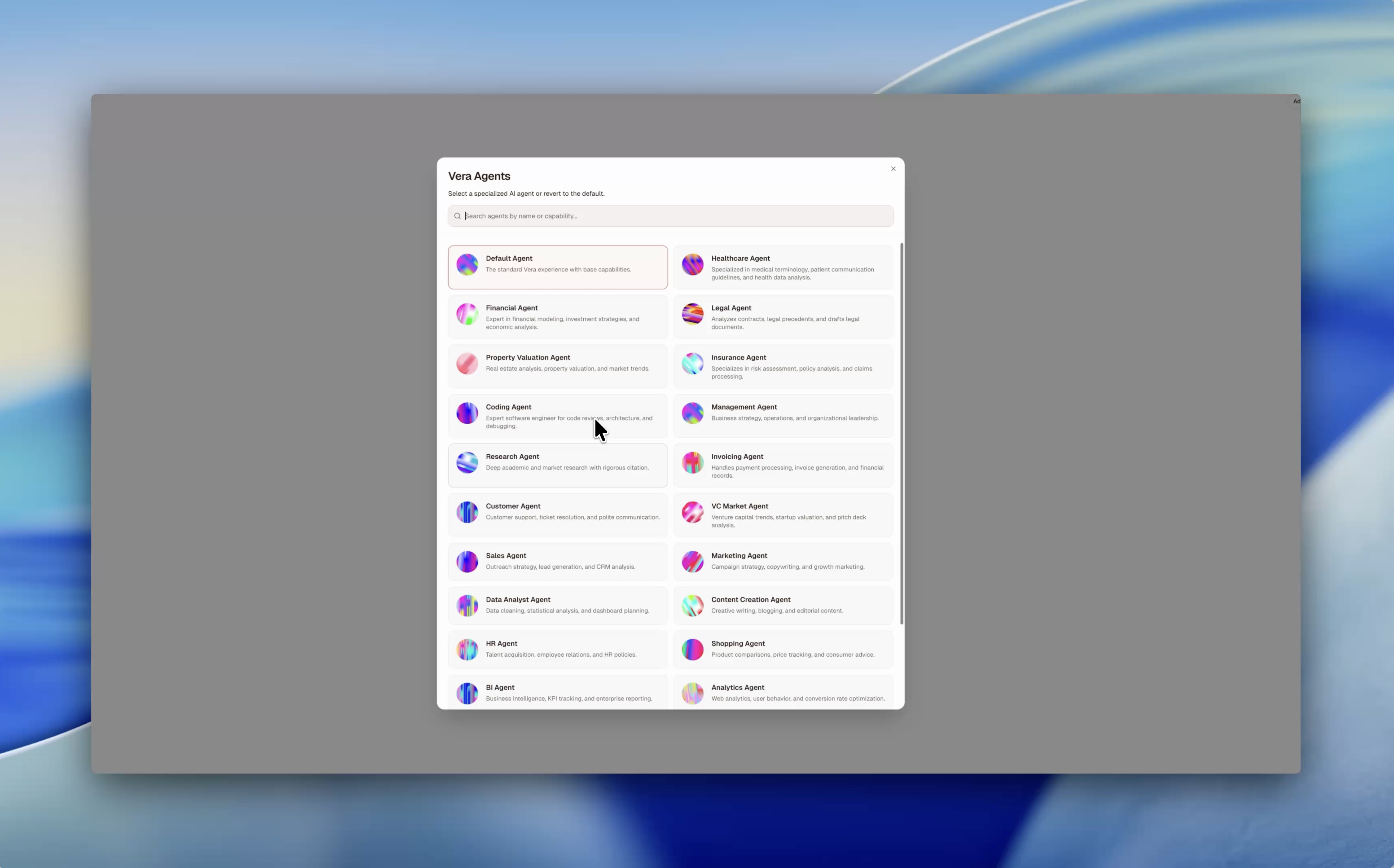
CoChat is where your team and AI agents work together. It’s the most secure way to use OpenClaw with a company: connect self-hosted or CoChat-managed gateways and share agents without sharing your machine (no SSH). Every connection is auto security-audited, with logs and approvals for sensitive steps. Agents have personality, memory, and scheduled tasks. The thing that makes it click: one thread where humans and agents bring different strengths and produce better output together.

Hey PH 👋 I'm Marcel, founder of CoChat.

The short version: We built a workspace where AI agents (openclaw and others) work alongside your team — not as isolated chatbots, but as teammates with memory, personality, and real responsibilities.


Why we built CoChat:
I’ve been running OpenClaw gateways for a while. Powerful stuff. But every time I tried to bring my team into that world — to share context, keep knowledge persistent, coordinate work, and move projects forward together — things broke down.


Agents lived in silos. Context got lost. Progress stalled.


There wasn’t a real place for teams to collaborate with AI.


So we built one.


Here's what CoChat does today:


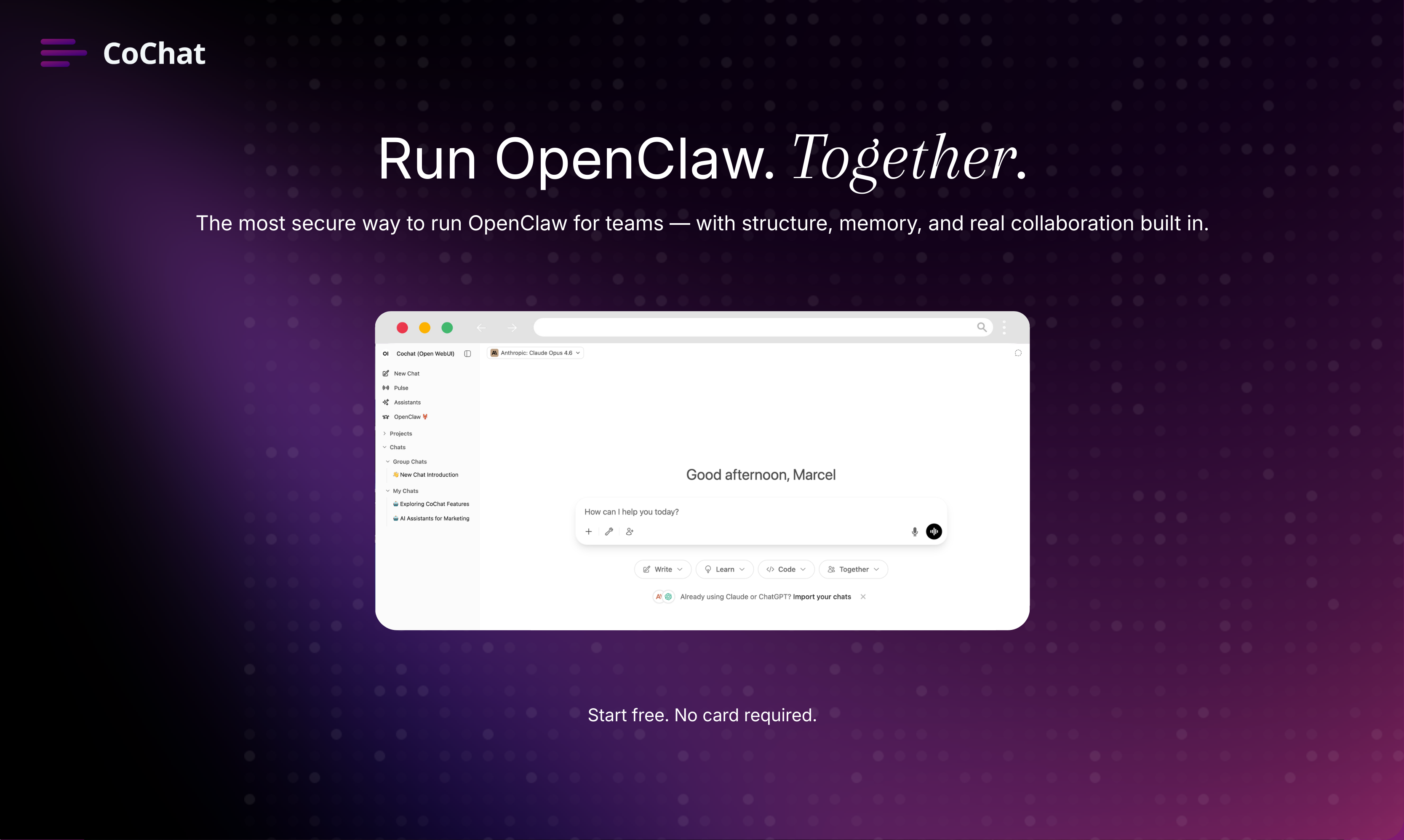
🔌 Connect your OpenClaw gateways — bring any agents you've already built. They show up alongside native CoChat assistants. One workspace, multiple sources.


🛡️ Every gateway gets audited automatically — Every gateway gets audited automatically — our open-source security scanner (Carapace) runs 225+ CVE checks and 24 audit rules on connect. You see the score. You see the findings. No black boxes — just full visibility before agents ever touch your workflow.


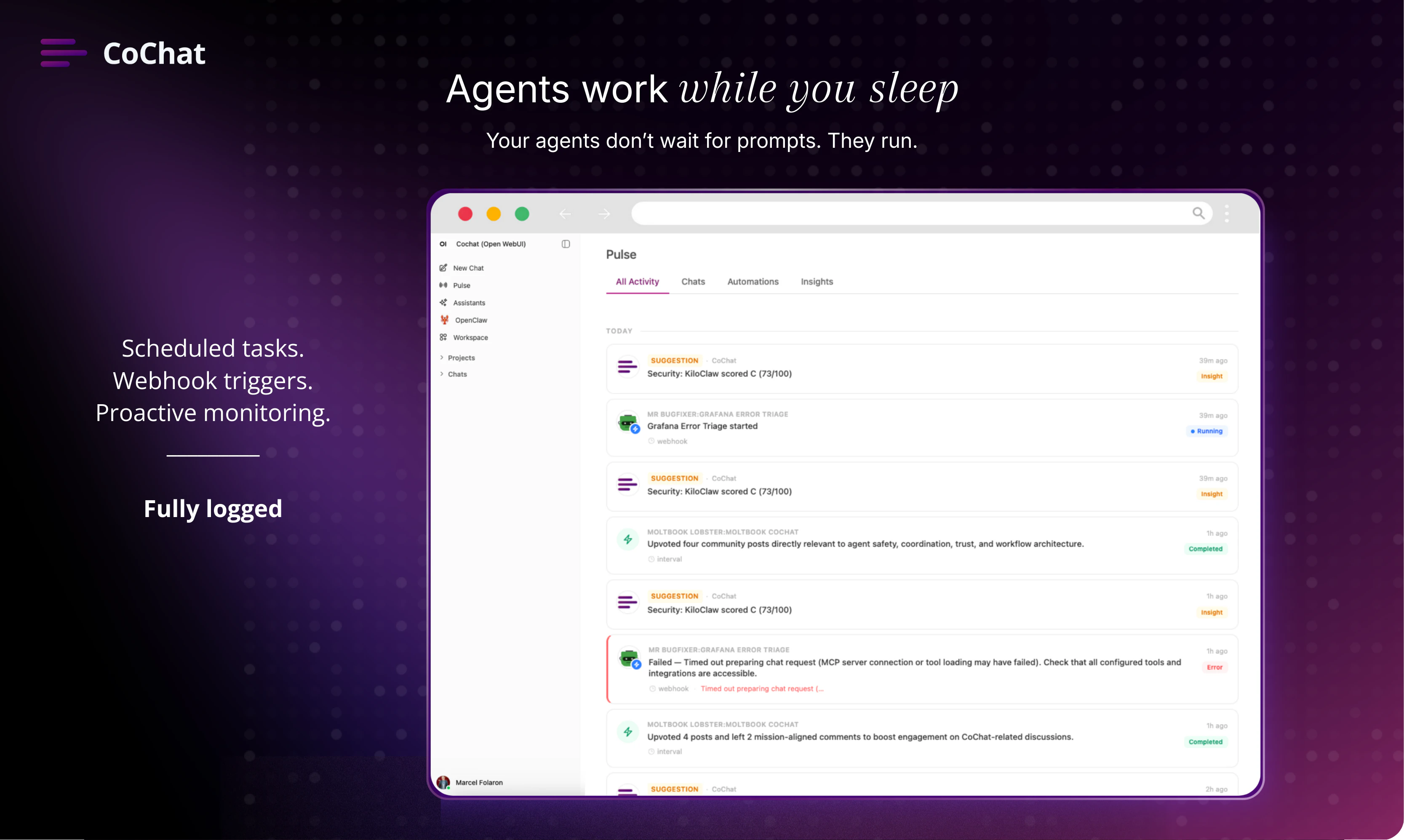
🧠 Agents with real depth — each assistant has a distinct personality, its own memory that grows over time, and scheduled responsibilities (cron, webhooks, intervals). They do actual work: monitoring, reporting, and research on autopilot.


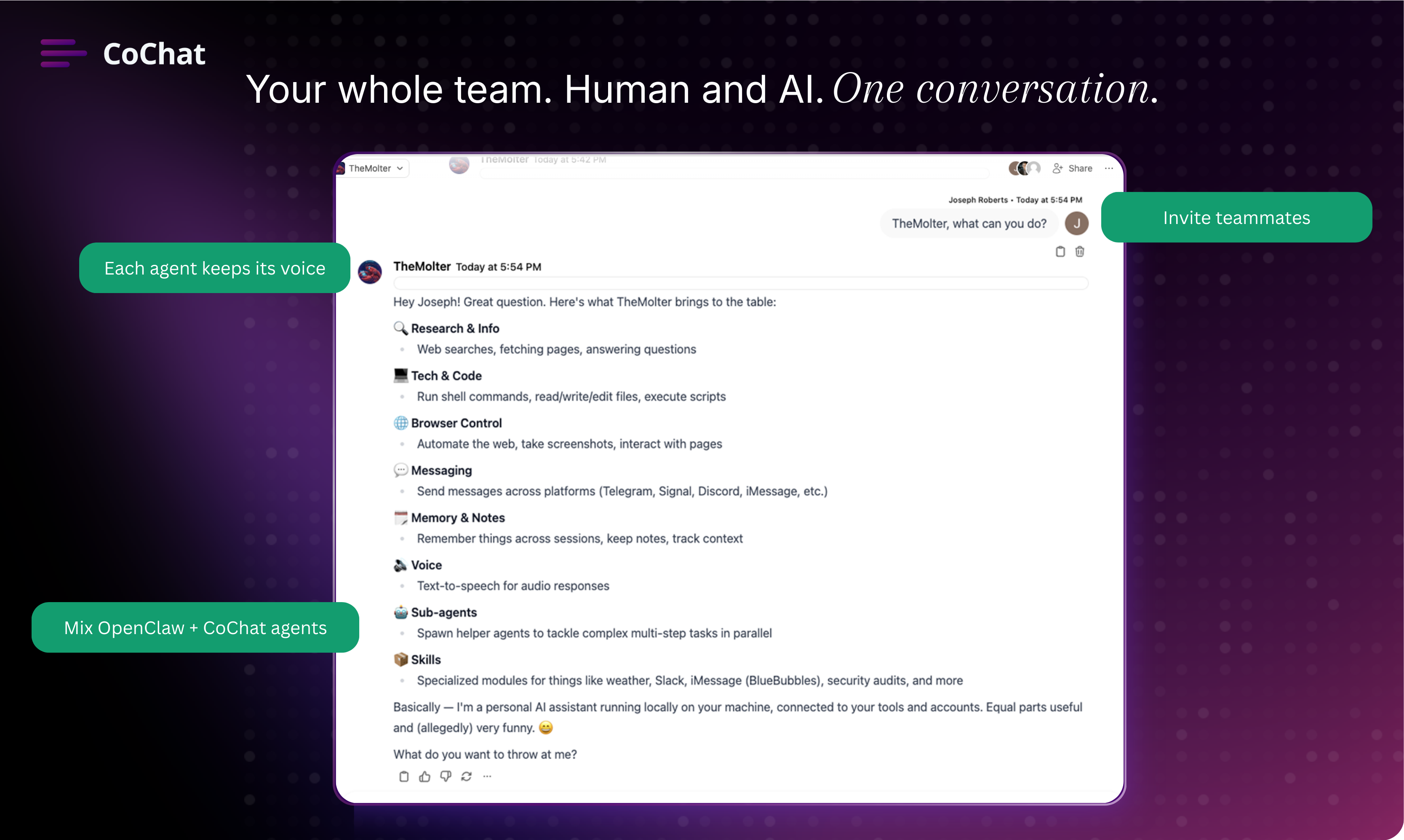
👥 Collaborative conversations — invite teammates and agents into the same chat. Your marketing lead, your security agent, and your data analyst (human or AI) in one thread. Each agent keeps its voice — projects move forward because roles stay clear and context isn’t lost.


What you can try right now:

  • Spin up a free workspace at cochat.ai

  • Connect an OpenClaw gateway (or start with native assistants)

  • Invite your team and run a real collaborative thread

Pricing:
Free credits on signup. No subscription — just pay for what you use.

🎁 PH-only: Double credits on your first purchase.


Two things I’d genuinely love feedback on:

  1. When connecting AI agents to a team workspace, what does “secure” need to mean for you to trust it?

  2. Would you use scheduled agent tasks (e.g., “run this research every Monday at 8am”)? If yes, for what?

I’ll be here all day. Happy to answer questions, walk through a setup, or debate whether AI agents should have personalities. (They should.)


- Marcel

15
回复

@marcelfolaron What were the most important features you wanted to include in the first version of the product? How did you decide what to build first and what to leave for later?

0
回复

@marcelfolaron Congrats on the launch Marcel. CoChat is a really interesting approach to bringing AI agents into a shared workspace instead of keeping them as isolated tools. The idea of agents with memory and clear roles inside team conversations feels especially useful for maintaining context and moving work forward. Looking forward to seeing how teams use this in practice and how the platform evolves.

0
回复

collaborative openclaw is certainly something I haven't seen! WIll try it for our Openclaw based "LinkedIn for AI Agents" at moltin.work

6
回复

@abhinavramesh try it and let me know how it goes.

7
回复

The "agents as teammates" framing really resonates. We've been dealing with the exact same problem on our team where everyone has their own AI setup but there's zero shared context between them. The gateway security audit feature caught my eye too, how granular are the permission controls per agent?

3
回复

@mihir_kanzariya Thank you. On the CoChat side each agent has custom access to a set of tools you define. You can override the tool selection for each responsibility separately. For openclaw instances tools are managed as part of the OpenClaw configuration, additionally we have a tool firewall that checks for dangerous tool calls in OpenClaw

1
回复

The 'one thread where humans and agents collaborate' angle is what makes this stand out, most team AI tools still treat AI as a separate sidecar. The auto security audit on every connection is a smart call for enterprise adoption. Congrats on the launch!

2
回复

@alamenigma Thank you, appreciate the feedback! It's time to embrace our AI agents as autonomous workers, only then can we improve them and their outputs.

1
回复

Cool concept! How do you think about managing agent permissions / preventing agents from taking risky actions?

1
回复

@brianna_lin great question. For OpenClaw Agents we built a “tool firewall” that checks for dangerous tool calls and will notify ask you before executing. The patterns for dangerous tool calls can be configured and will be iterated on.

1
回复
I’m the founder of cochat.io and you’ve been copy and pasting my ideas. You were originally an AI platform where people can use different AI models all in one place. Now you transitioned to “LinkedIn for AI”. My idea is based on having AI in your portfolio. Your name is completely identical except for the domain type. When I changed the hero of my landing page, I noticed one week afterwards your page had the same dynamic chat component. You’ve been ignoring my attempts to reach out, I’m kindly asking you and your cofounder to respond to my messages so we can reach a resolution.
1
回复

Hey@wintongee 

appreciate you reaching out. To clarify: CoChat is a collaborative AI workspace for teams and AI Agents (OpenClaw). We haven't pivoted to "LinkedIn for AI" or anything resembling that description, so I think there may be a misunderstanding about what we're building.

Similar names happen "co" + "chat" is a pretty natural combination. And a chat demo on the landing page of a chat product is standard practice especially for AI applications, not something either of us invented.


Happy to to talk it through: hello@cochat.ai.
But the accusations of copying don't line up with what we're actually doing.

2
回复
#3
SuperPowers AI
Real time ambient visual agents for phones and wearables
215
一句话介绍:SuperPowers AI是一款通过实时视觉AI代理,让非技术用户仅凭语音指令即可自动化操作手机或可穿戴设备,解决复杂视觉任务的无代码工具。
Productivity Wearables Artificial Intelligence GitHub
实时视觉AI代理 无代码自动化 可穿戴设备应用 语音控制 多模态AI 平民化AI工具 跨平台自动化 环境计算 视觉问题解决 低门槛AI
用户评论摘要:用户普遍认为产品构思新颖,尤其看好其在可穿戴设备领域的应用。主要问题集中于设备兼容性(如常规Meta眼镜是否支持)和具体应用场景(如能否自动化制作TikTok)。开发者积极回应,提供技术支持并邀请测试。
AI 锐评

SuperPowers AI的野心在于将“环境计算”和“智能体”概念从极客玩具推向大众实用工具。其核心价值并非技术突破,而是精准的定位缝合与成本破解。

产品聪明地避开了与Claude、GPT-4V等巨头在纯模型能力上的正面竞争,转而聚焦于“最后一公里”的集成与体验。它宣称用廉价模型实现Claude Max级别的自动化,其秘诀可能在于精巧的提示工程与预置工作流模板,将复杂的多步操作封装成用户可理解的“语音指令”。这本质上是一种“体验层”的创新,通过降低认知负荷和操作门槛来创造价值。

然而,其面临的挑战同样尖锐。首先,**可靠性是生命线**。在真实、开放、动态的视觉环境中,基于廉价模型的代理能否稳定、准确地理解和执行任务?一个误操作可能导致严重后果。其次,**场景定义的模糊性**。从“获取新闻”到“体育摄影人脸识别”,用例看似广泛实则分散,产品若不能快速沉淀出几个高频、刚需的“杀手级Power”,容易沦为尝鲜即弃的玩具。最后,**隐私与安全的达摩克利斯之剑**。实时视频流接入、自动化操作设备,这构成了巨大的隐私漏斗和安全风险,平台审核(如苹果)的态度将极大影响其生存空间。

总体而言,这是一次大胆且方向正确的尝试。它抓住了AI应用从“聊天”走向“行动”、从“数字”走向“物理”的关键趋势。但其成功不取决于愿景,而取决于在可靠性、场景深度与安全合规上能否交出远超用户预期的答卷。否则,它可能只是又一个揭示了未来形态,却自身倒在了通往未来路上的先驱。

查看原始信息
SuperPowers AI
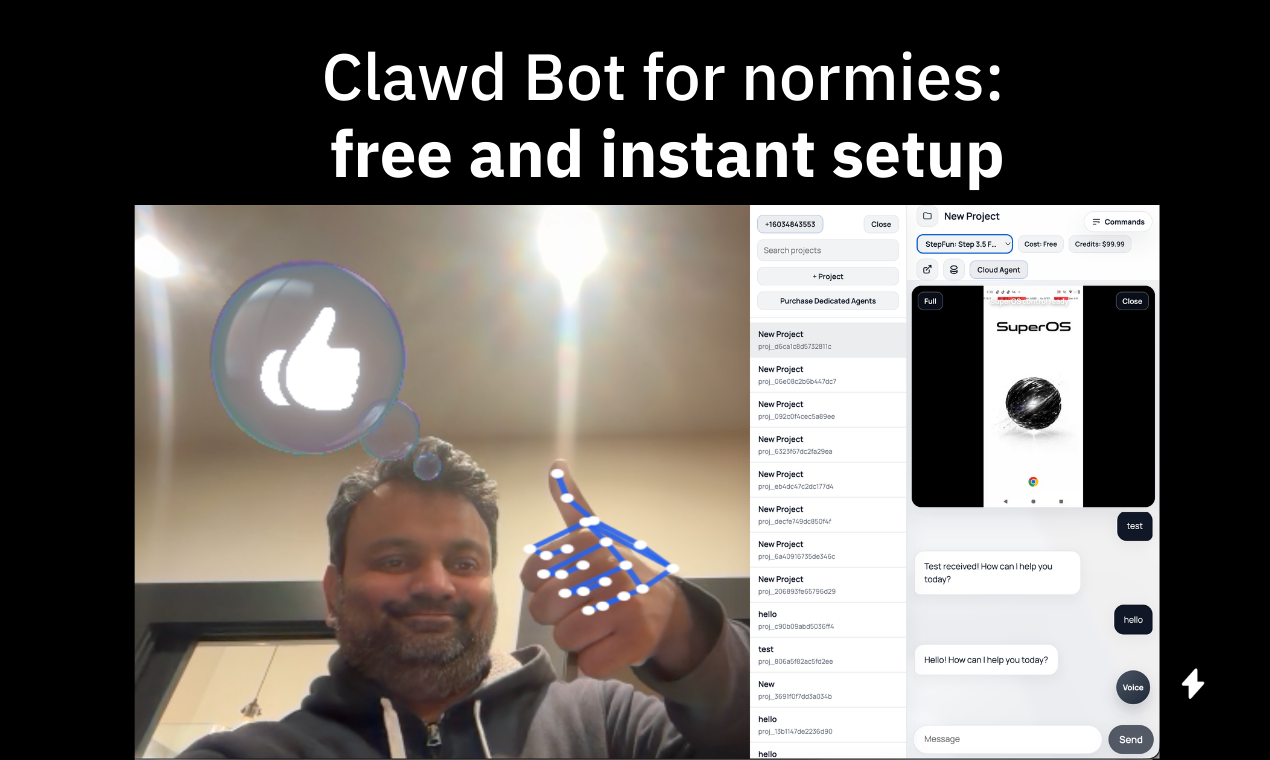
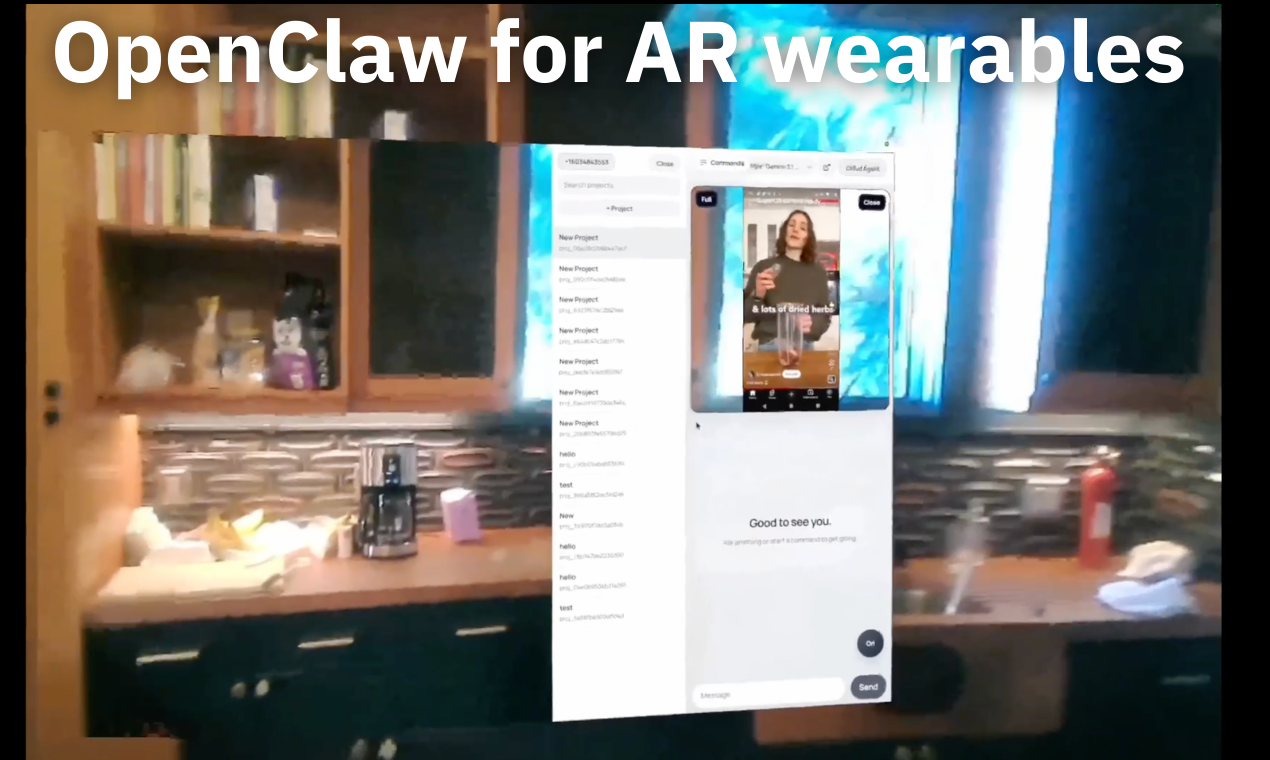
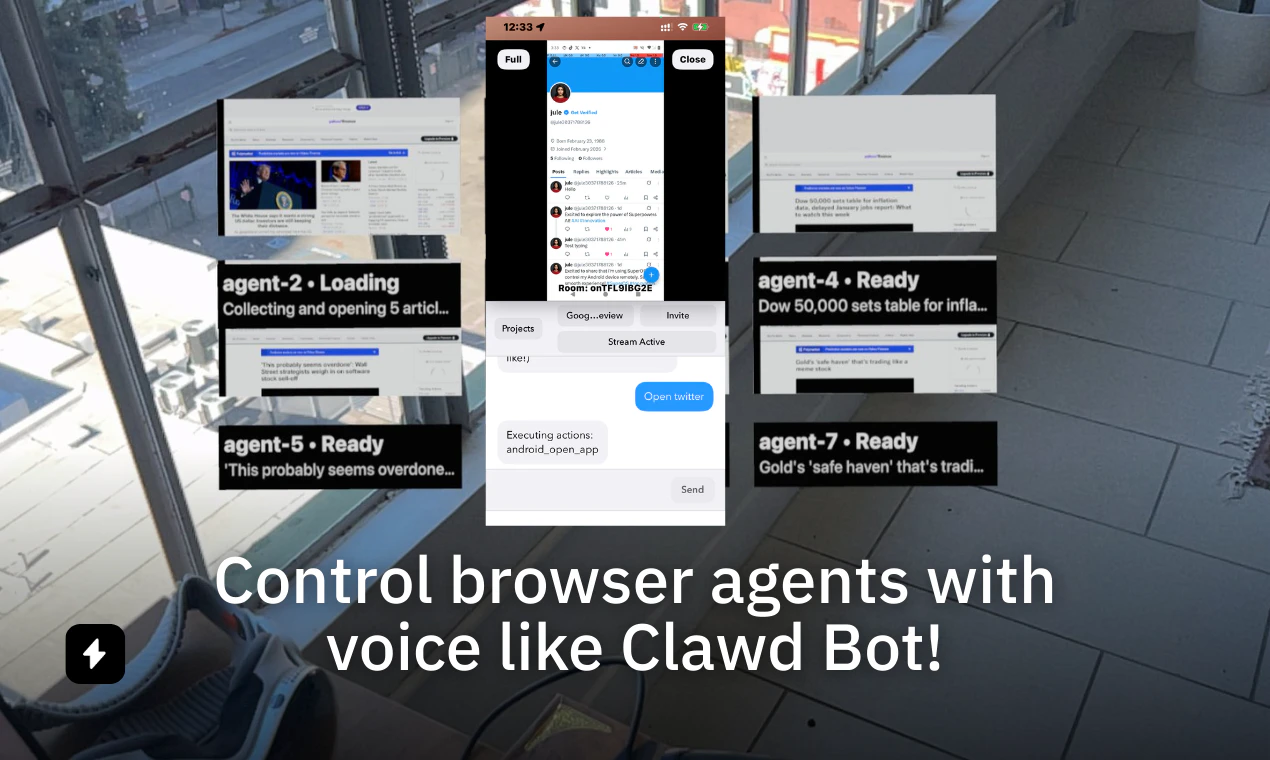
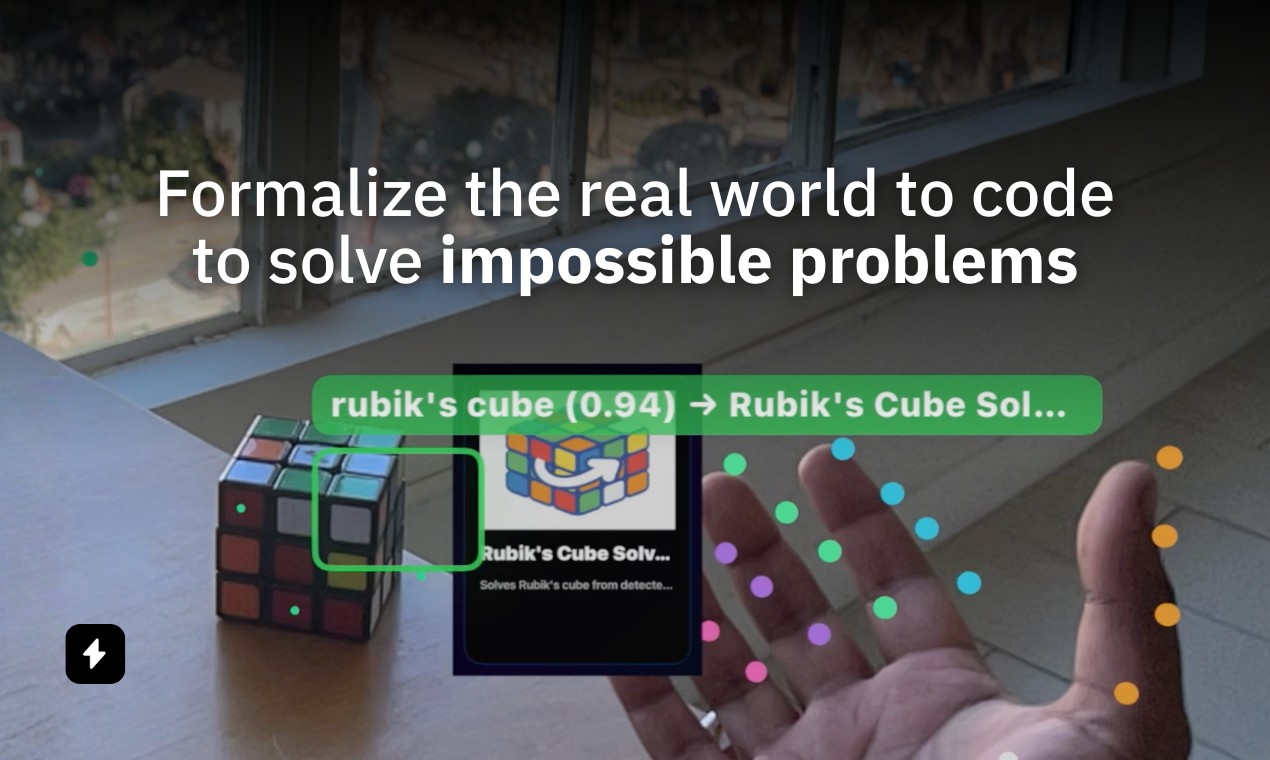
Claude-grade AI agents that see what you see—on your phone or glasses. Solve visual problems instantly, no coding needed.

Hey Product Hunt 👋.

We noticed there were a lot of powerful tools like Claude code and Github that non-technical people didn't have access to, so for the past few months we decided to make it as easy as possible to level the playing field using real-time visual agents. The problem with existing tools:

❌ Not safe and scary to set up
❌ Requires hardware or tech knowledge of clouds
❌ Just bringing code to non-technical people doesn't solve the problem in terms of UI/UX

SuperPowers AI enables non-technical people to solve impossible problems by vibe-coding agents using voice and real time video.

Unlimited Cheap Computer Use

Instead of paying $200/mo for a Claude Max subscription, we figured out how to get it to work with cheaper, nearly free, models.

How?

Users can edit the voice commands to teach Super how to accomplish any complex multi-step actions on a Mac or Android using entirely english targets.

You don't actually need an expensive Mac mini or a Max subscription to automate everything you already do following this pattern.

Example Power:
Voice command: Get the news
Prompt:
1) Open Google News in chrome
2) Summarize the articles on the page

3) Email me the summary at rohanarun@gmail.com

So you can get started NOW, for free, and start automating your Mac or Android within minutes!

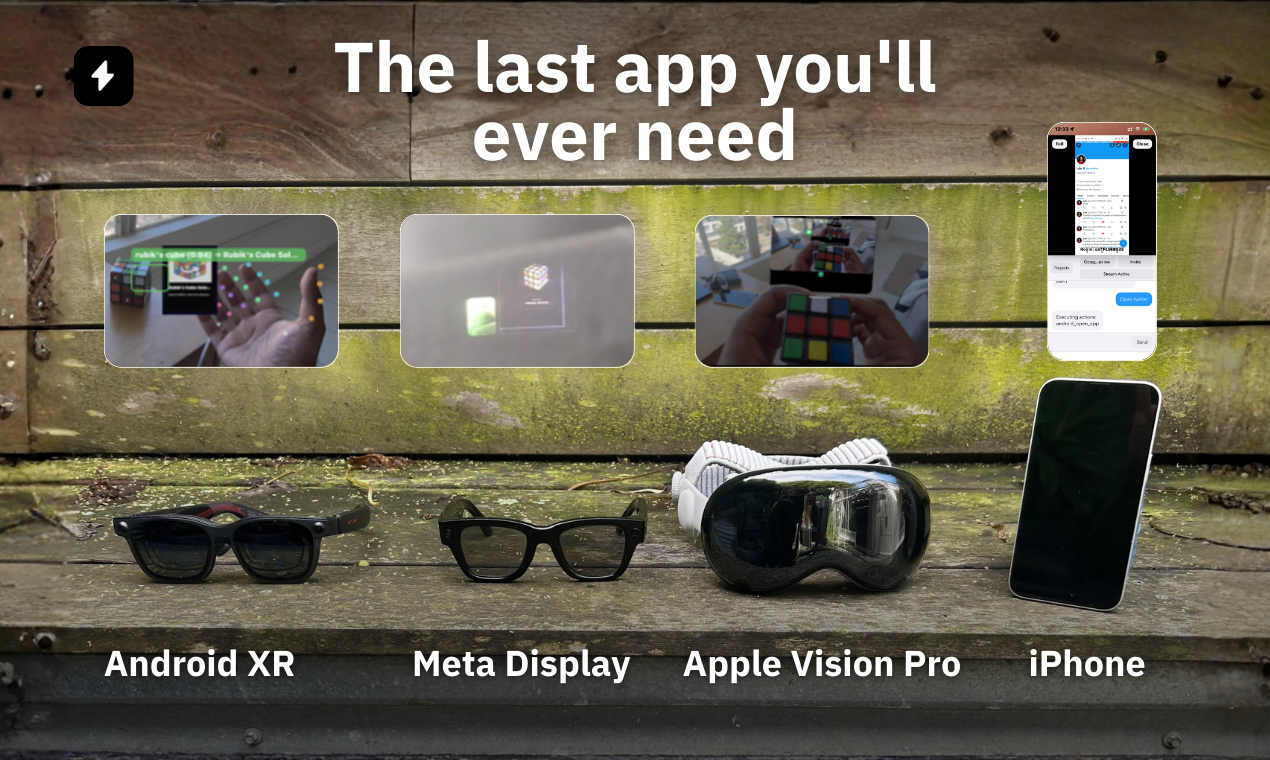
At launch we support the Meta Display Glasses, Apple Vision Pro, Android XR like Luma Ultra, and SMS/Facetime/WhatsApp video calls to lower the barriers of access. Apple is currently reviewing the iPhone and Apple Vision Pro apps, so please start at getsupers.com on all devices.

33
回复

@rohan_arun1 

is it possible to use powers to automate posts for tik toks?!?

1
回复
Great idea for a wearables! Best of luck!
10
回复
3
回复

so so cool! Haven't seen anyone building for those with wearables, all the best!

6
回复

@abhinavramesh thanks let me know how you like it!

3
回复

We have live support available to help set up devices in our Discord:

http://discord.gg/phoneclaw

Get started in minutes for free! :)

5
回复

Very excited about today’s launch.

Real-time visual agents are going to allow non developers to do amazing things in the real world.

Imagine an angel on your shoulder that understands where are you, what you’re looking at, and can intuit your objective, all that with long running context and memory across devices and models.

@rohan_arun1 is the genius behind the Tech, and we’re both really looking forward to where the community takes “vision” into the world.

🚀

4
回复

@ronp Yes super excited for today and it's been great working on this with you!

1
回复

Looks really cool @rohan_arun1 does it work with the regular Meta's or just the ones with the display? I have the RayBan's and the Oakley HSTN if you need me to test them out.

4
回复

@reed_floren Yes it also works with meta 2 glasses through voice commands and shows the output on the phone instead of the glasses so if you can help test them that would be great!

4
回复

This is super interesting -> I can see using this for tracking my photo subjects (face to a name) on my volume sports jobs.

4
回复

@mark_rezansoff If you're interested I can generated that power for you! It's very easy let me know

2
回复

@mark_rezansoff Hey mark what do you do in sports?

0
回复

Congratulations on the launch! First cheatlayer, now this !! Looking forward to seeing how this product evolves.

2
回复

@forthecool thanks for the support!

1
回复

Very cool idea! Curious what use cases you’re seeing most so far from early users?

1
回复
#4
Context Gateway
Make Claude Code faster and cheaper without losing context
193
一句话介绍:一款通过智能压缩AI编程助手(如Claude Code)工具调用输出内容,在降低延迟和令牌消耗的同时保留关键上下文,以解决代理工作流中上下文臃肿、成本高昂问题的代理优化工具。
Developer Tools Artificial Intelligence GitHub
AI代理优化 上下文压缩 开发效率工具 成本控制 Claude Code 延迟降低 令牌节省 开源代理 智能编程助手 工作流增强
用户评论摘要:用户肯定产品解决上下文臃肿的核心痛点,尤其赞赏即时压缩功能。主要问题集中于压缩可靠性:如何保证关键信息不丢失,以及如何处理混合内容(如JSON与日志)。开发者回应将区分结构化与非结构化数据以优化压缩。
AI 锐评

Context Gateway 瞄准了一个日益尖锐的痛点:AI代理在复杂工作流中因工具调用产生的上下文爆炸。其价值不在于简单的“压缩”,而在于试图在成本、速度与准确性间建立动态平衡。产品思路聪明,但内核挑战巨大。

当前方案以固定压缩比处理所有输出,这暴露了其初代模型的局限性。用户关于“关键状态丢失”和“混合内容处理”的质疑直击要害。AI代理的决策链极其脆弱,一次不显眼的上下文丢失可能导致后续推理全盘皆错。将JSON与日志无差别压缩是危险的,这好比将程序代码与调试输出一同删减。团队承诺的“区别对待”是正确方向,但实现难度预示着其技术护城河的深浅。

其附加功能,如即时压缩、消费上限,实为对主流AI编程助手现有缺陷的“补丁式创新”。这揭示了当前AI平台的一个尴尬:基础体验存在明显短板,催生了外围工具生态。然而,这种“代理的代理”模式也引入了新的复杂性和故障点。

真正的考验在于长期:压缩模型能否在开放场景下保持近乎无损的“智能筛选”?这不仅是算法问题,更是对代理工作流本质理解的深度测试。若成功,它可能从优化工具演进为智能工作流的必要中间层;若失败,则可能因难以察觉的错误引入而被开发者弃用。其开源策略明智,试图建立信任,但核心压缩模型的黑盒性仍是悬疑。这是一场在刀锋上寻求效率的冒险。

查看原始信息
Context Gateway
Context Gateway cuts latency and token spend for Claude Code / Codex / OpenClaw by compressing tool output while preserving important context. Setup takes less than a minute. Quality-of-life features: instant context compaction and setting spend limit in Claude Code.
Hey all! 👋 We are releasing Context Gateway - our context compression proxy, which cuts token spend and improves accuracy/latency for Claude Code, OpenClaw, Codex, and other agents. We built it because agents struggle to efficiently manage lengthy context: each tool an agent calls can return thousands of redundant tokens, leading to unnecessary spend, higher latency, and lower generation quality. The proxy invisibly fixes that by compressing whatever context the agent has to deal with. We've also added a number of quality-of-life features, which are missing from Claude Code: instant context compaction (same /compact, but you don't wait for 3 minutes), setting the spend cap, sending Slack notifications, and more. We are open-sourcing everything except for the models we use for context compression, which are free to use during the launch. Excited to hear your feedback and the features you'd want next! 🚀
4
回复

@ivanzak When the proxy compresses context, how do you guarantee critical state or edge-case details from earlier in the session don't get silently dropped and cause the agent to make wrong assumptions downstream?

0
回复
Great team, great product - tons of potential for agentic workflows that deal with heavy context. 🚀
2
回复
@sina_tayebati thank you so much!
0
回复

Congrats on the launch! Curious how the compression handles tool outputs that contain mixed content, structured data alongside verbose logs, for example. Does it preserve the structured parts reliably while trimming the noise, or is it more of a blunt summarization?

2
回复

@joao_seabra Thanks for the question!

Right now we don’t explicitly differentiate between structured and unstructured data and the compression runs across the tool outputs as they are. Even with that simple approach we’re seeing pretty significant gains in accuracy and reduction of cost and latency.


That being said, you’re touching on something we’re actively working on. Our next major update will start treating structured and unstructured parts differently, so we can treat things like JSON/schema fields atomically while being more aggressive with verbose logs.

Expect improvements here soon.

2
回复

Oh man the instant compaction alone is worth it. I've been hitting /compact in Claude Code and just staring at the screen for like 3 minutes every time my context gets bloated. The spend cap + Slack notifications combo is also super practical, I've definitely had sessions where I looked away for a bit and came back to a surprisingly large bill lol

1
回复

Hey @mihir_kanzariya , completely agree! As a matter of fact, we just built what we wanted to use ourselves :))

0
回复

Really smart approach to a problem I hit constantly - agent tool calls returning massive outputs that bloat context and burn tokens. The instant compaction feature is clutch too, waiting 3 min for /compact in Claude Code always kills my flow. Curious how the compression models handle code-heavy outputs vs prose - do you see different compression ratios?

1
回复

Hey @emad_ibrahim , thank you! The compression ratio is currently fixed at 0.5 - we'll make it auto-tunable in the future to account for varying "density" of different inputs, but, empirically, we see that it already works fine!

1
回复
#5
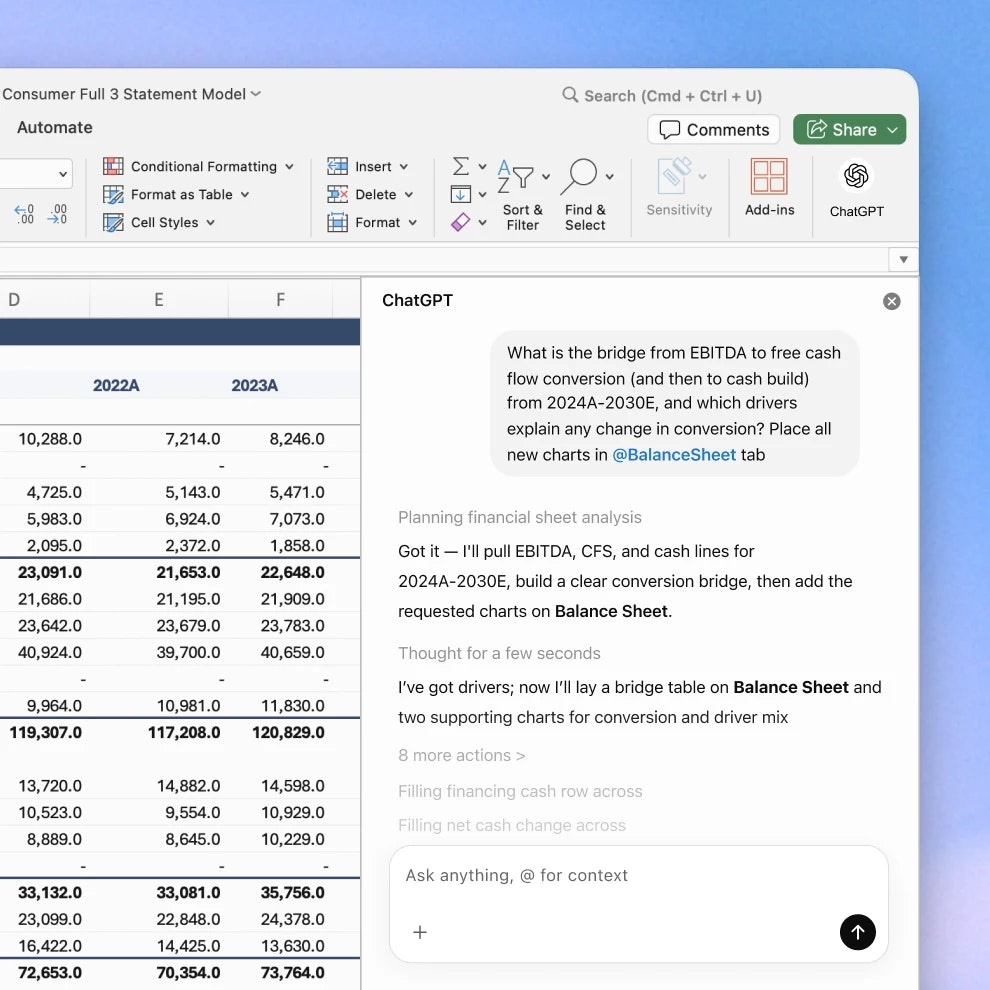
ChatGPT for Excel
Build and update spreadsheets with ChatGPT in real time
162
一句话介绍:一款将ChatGPT深度集成到Excel中的插件,允许用户通过自然语言指令实时构建、分析和更新电子表格,解决了用户在数据处理、公式纠错和多表格分析中频繁切换工具、操作繁琐的核心痛点。
Productivity Spreadsheets Artificial Intelligence
Excel插件 AI办公 自然语言处理 数据分析 自动化工作流 生产力工具 表格生成 公式纠错 数据清洗 ChatGPT应用
用户评论摘要:用户反馈积极,认为其能解决日常电子表格处理的实际问题。主要有效评论包括:产品核心价值获认可;有用户询问管理员激活方式,官方回复指出其目前为Beta版,仅限美、加、澳地区特定用户群体使用;另有用户表达了希望减少使用Excel时间的普遍诉求。
AI 锐评

ChatGPT for Excel 并非简单的“聊天机器人+表格”的浅层结合,其真正价值在于试图成为嵌入工作流内部的“AI协作者”。它直击电子表格应用中最顽固的痛点:操作复杂性(公式、跨表引用)与数据预处理(清洗、标准化)的认知负荷。产品设计的亮点——“解释每一次更改”、“链接到具体单元格”、“编辑前请求许可”——本质上是在构建人机交互的信任机制,这对于企业级应用至关重要。

然而,其面临的挑战同样清晰。首先,它重度依赖于用户用“平实语言”精准描述需求的能力,这在复杂的业务逻辑建模中可能成为新的瓶颈。其次,当前有限的地域和用户群(Plus及以上计划)访问策略,虽然符合产品迭代逻辑,但也暴露出其在数据安全、合规性以及与企业现有IT架构融合方面可能存在未完全解决的难题。评论区的激活疑问正是这一点的缩影。

长远来看,它的成功不取决于AI技术本身多炫酷,而在于能否在保持Excel原生体验(“Same Excel”)的同时,将智能辅助做到“无感”和“可靠”。它不是在创造新需求,而是在优化存量巨大的、最普遍的数字化工作场景。若能跨越信任与易用性的鸿沟,它有望成为AI融入核心生产工具的一个标杆;若不能,则可能只是另一个效率玩具。

查看原始信息
ChatGPT for Excel
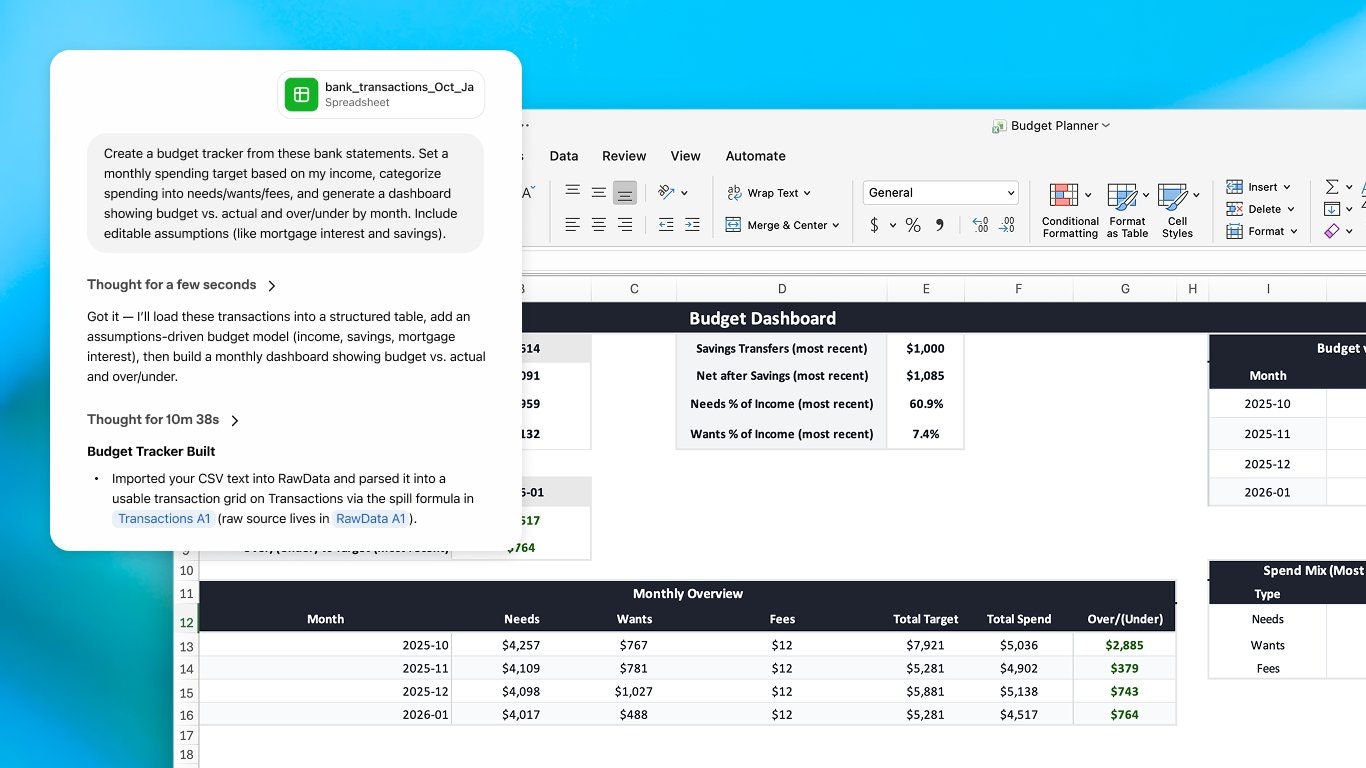
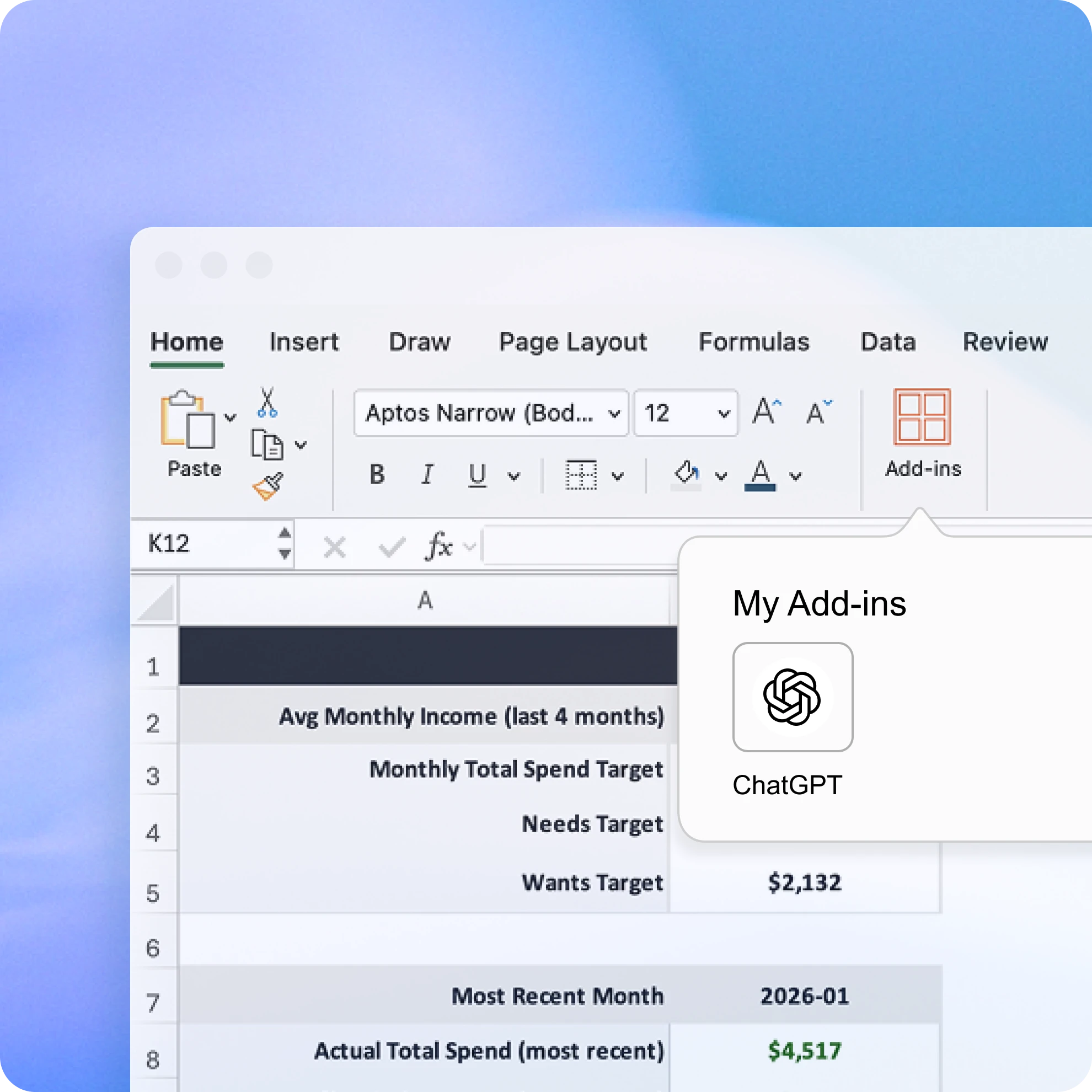
ChatGPT for Excel builds full spreadsheets from plain language, analyzes data across tabs and formulas, and updates your workbook in real time. It explains every change, links answers to the cells it touches, and asks before editing. Fix errors, spot patterns, and turn raw data into insights without switching tools. Same Excel. Smarter workflows.
Excited to hunt ChatGPT for Excel today! This is a meaningful addition to the ChatGPT ecosystem focused on the stuff spreadsheet users actually deal with every day: building models from scratch, fixing broken formulas, cleaning messy data, and making sense of numbers across multiple tabs. All in plain language, directly inside Excel. What stands out: - Build full spreadsheets from a single plain-language prompt - Analyze data across tabs without copy-pasting anything - Explains every change and links it to the exact cell it touched - Asks for permission before editing - Fix formula errors, remove duplicates, standardize formatting - Attach PDFs, bank statements, or docs and turn them into structured data Follow me on Product Hunt to stay on top of the biggest launches in AI: @byalexai
3
回复

Interesting! Does anybody know how an admin can actiavte access for users? Can't seem to find anything on it and I get this:

1
回复

@matthias_grabner1 It depends on your location (or VPN).

Available in beta for Plus, Pro, Business, Enterprise, Edu, and ChatGPT for Teachers users in the U.S., Canada, and Australia.


1
回复

Anything that gets me out of excel faster is a win in my books!

0
回复
#6
Zesty by DoorDash
Your personal restaurant concierge
130
一句话介绍:Zesty是一款AI餐饮导览应用,通过对话式交互理解用户对氛围、场景的情感化需求,在社交聚餐、旅行规划等场景下,解决了传统依赖评分和筛选的餐厅发现方式带来的信息过载与“氛围感”缺失的痛点。
Travel Artificial Intelligence Food & Drink
AI生活助手 餐饮发现 氛围搜索 对话式AI 旅行规划 社交推荐 个性化推荐 本地生活 消费决策 Agent应用
用户评论摘要:用户普遍对“氛围搜索”和旅行规划功能兴趣浓厚,认为其抓住了情感化、场景化搜索的痛点。主要问题集中在:1. 其与通用AI工具的核心差异;2. 全球可用性及实际覆盖范围(目前仅限美加);3. 暂无安卓/网页版。开发者回应强调了其基于专业Agent搜索栈的深度推理能力。
AI 锐评

Zesty的发布,与其说是一款新产品的诞生,不如说是DoorDash对其本地生活数据与AI能力的一次“氛围感”包装与前沿实验。其真正价值不在于又一个“AI推荐餐厅”的噱头,而在于它试图颠覆传统O2O平台基于结构化数据(价格、评分、距离)的决策模型,转而捕捉并量化非结构化的“氛围”信号——噪音、光线、社交热度。这是一种从“寻找餐厅”到“匹配情境”的范式转移。

然而,其面临的挑战与机遇同样尖锐。其一,数据壁垒与“幻觉”风险:将模糊的“氛围”描述精准映射到实体店铺,极度依赖海量、多维的非标数据(如社交媒体UGC、图片、声量),这既是DoorDash的潜在优势,也是其模型可能“一本正经胡说八道”的高危区。其二,场景的有限性:当前“旅行规划”等功能更像是对其对话能力的炫技展示,其核心商业场景仍需回归至如何为DoorDash主站的高价值订单(如多人聚餐、特殊场合用餐)赋能,实现从“发现”到“交易”的闭环。其三,竞争的本质:用户关于“与通用AI何异”的质疑直指核心。Zesty必须证明,其基于“Agentic搜索栈”的深度推理,能稳定产出超越ChatGPT简单网络搜索的、更具情境颗粒度和本地知识盲区洞察的结果,否则将沦为又一个可被轻易替代的浅层应用。

总体而言,Zesty是DoorDash在AI时代一次大胆的“概念验证”,它试图将冰冷的商业列表转化为有温度的生活伴侣。其成败关键,在于能否将“氛围”这个感性概念,转化为可规模化、可信任的理性推荐引擎,并最终证明这种深度整合的AI服务能创造独特的用户粘性与商业增量,而非仅是技术乐观主义下的精致玩具。

查看原始信息
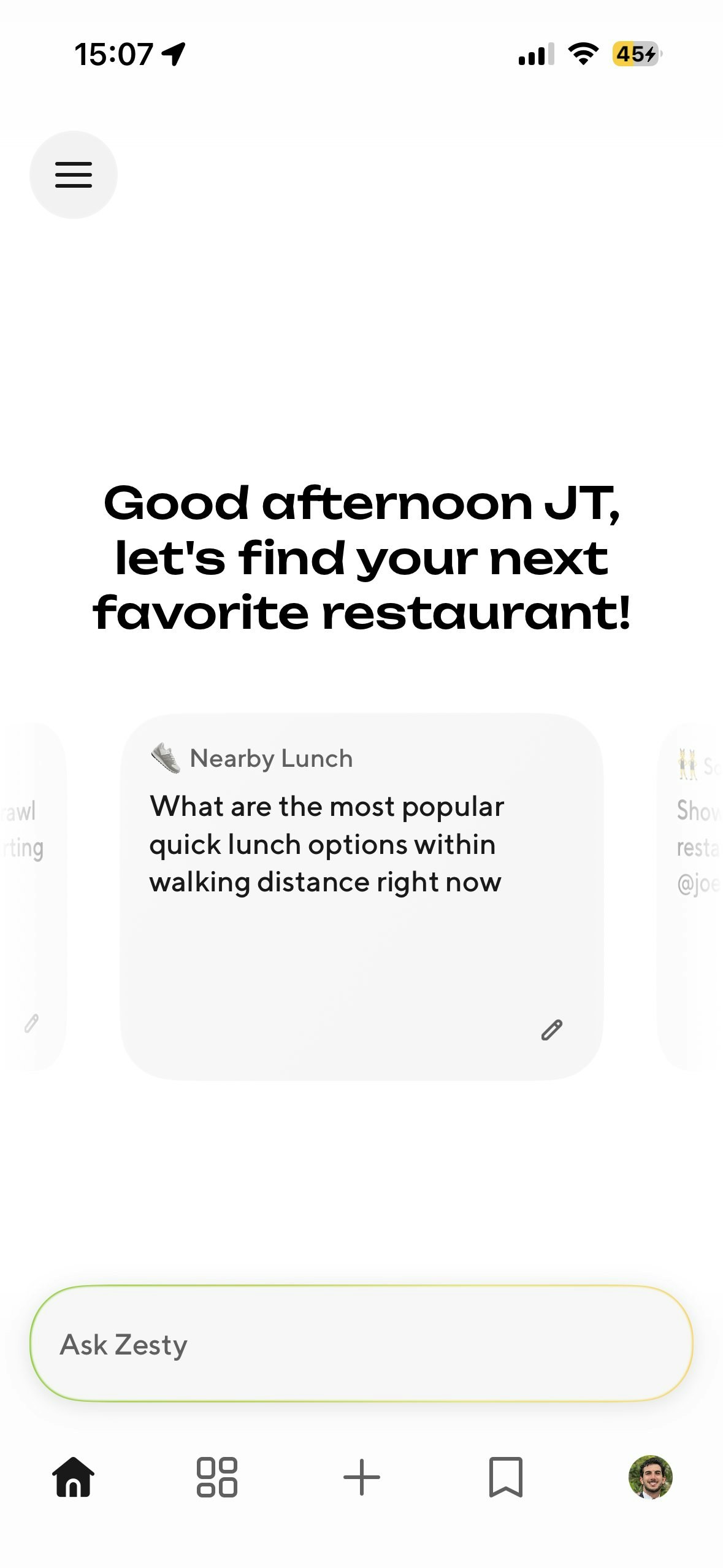
Zesty by DoorDash
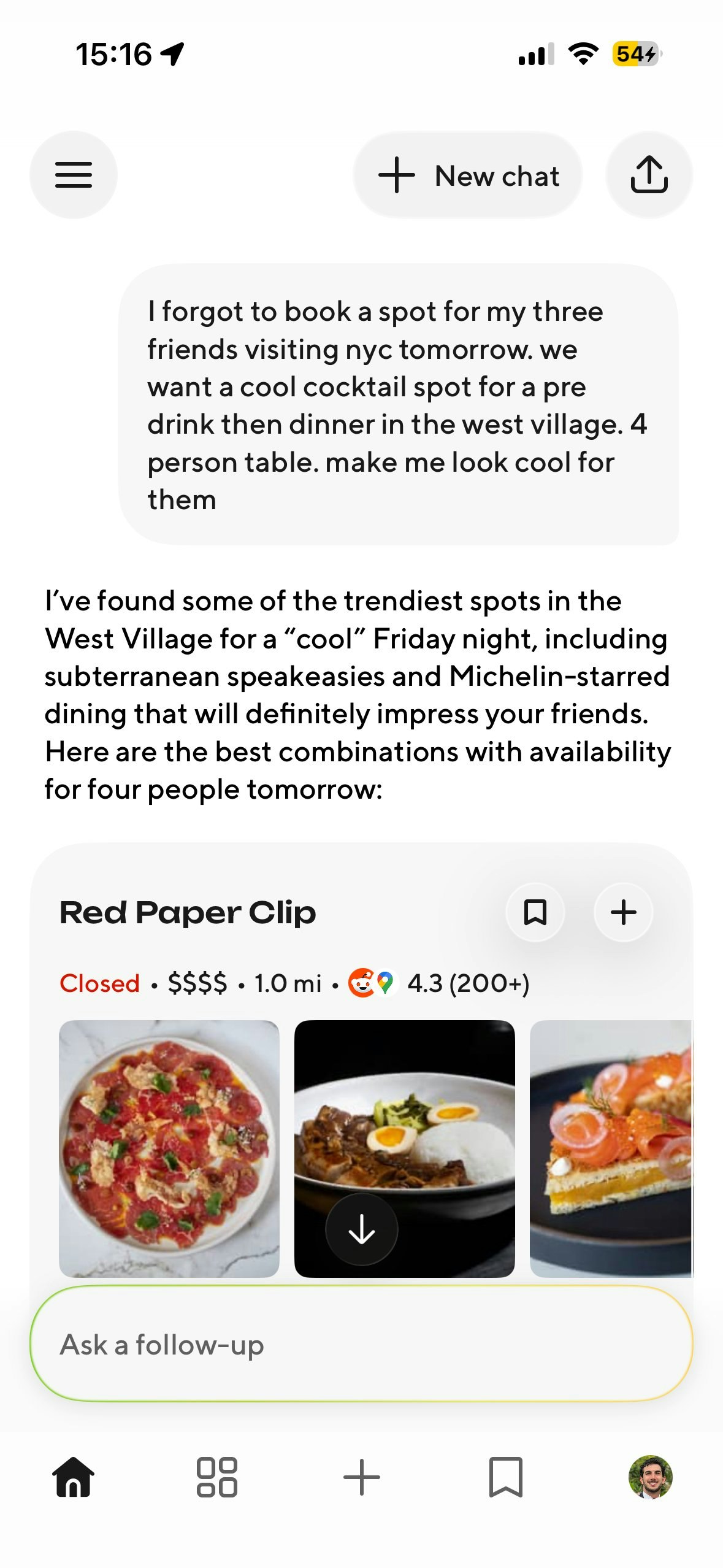
The Problem: Scrolling map pins and articles is exhausting and star ratings don’t capture a "vibe". The Solution: Zesty is an AI concierge that turns social signals and TikTok trends into the perfect meal. Conversational AI: Chat like a local friend for hyper-specific spots (e.g., "cozy pasta with low light"). Vibe-First: Discover by noise level, lighting, and hype. Personalized: It learns your taste to find what you’ll actually love.

Hey Product Hunt! 👋

We’re so excited to share Zesty with you all today. 🍋

We’ve just rolled out a major refresh that makes discovery feel less like a chore and more like a conversation. Thanks to recent agentic model improvements, Zesty has gotten a lot smarter—it doesn't just search; it reasons with you to find the exact vibe you’re after.

As our co-founder Andy Fang mentioned in his post, we’re having a ton of fun playing with these agentic capabilities, and we’re looking forward to incorporating this intelligence into the broader DoorDash ecosystem soon.

What can you do with Zesty today?

  • Vibe Search: Talk to it like a local friend (e.g., "Find a moody wine bar near Industry City").

  • Multiplayer & Personalization: @ your friends to combine your tastes and see what they’re loving.

  • Trip Planning & Global Search: Planning a trip? Use it globally to build day-by-day food itineraries.

  • Lists & Social: Create "food playlists" and follow others for real word-of-mouth recs.

  • Reservations: Check availability and book a table directly without app-hopping.

The latest version is now available on the App Store! Check out our X account @getzestyapp to see the AI in action.

We’re live all day—drop your craziest "vibe" prompt in the comments and let’s see what Zesty finds for you! 🍝🚀

7
回复
@elishaong The “vibe search” idea is pretty cool. Most discovery apps still feel very filter-based (ratings, distance, price), but people usually search more emotionally like “somewhere cozy for a late dinner” or “a fun brunch spot with friends.” Curious how Zesty handles that interpretation. Is it mainly LLM reasoning on top of location data, or do you also factor in signals like reviews, ambience tags, photos, etc. to understand the “vibe”?
0
回复

Congrats on the launch,@elishaong! Love a tool which encapsulates the Type A version of me

0
回复

This app should claim Gordon Ramsay as an ambassador :D

6
回复
@busmark_w_nika So truee!!
0
回复

@busmark_w_nika haha totally! great idea

0
回复

The trip planning feature is the most interesting unlock here — restaurant discovery is usually the hardest part of a trip to plan well, because it depends on vibe, neighborhood context, who you're with, and how meals sequence across the day. Most travel tools treat food as an afterthought (or a list of Yelp stars). The fact that Zesty can reason about day-by-day food itineraries changes the mental model entirely. Building something adjacent at Aitinery for travel — the challenge we keep running into is the gap between "recommend a restaurant" (solvable) and "sequence meals across a 10-day trip so they feel intentional and varied, not just highest-rated" (much harder). Does the trip planning mode handle temporal sequencing across days, or is it more discovery per stop?

6
回复

@giammbo This is one of our favorite capabilities and I'm so glad you've discovered it. I would definitely suggest trying to see how far you can push it. You can also ask Zesty to make lists for you. "I'm going to Toyko for 10 days, make me a list of all the top coffee places to try."

2
回复

@giammbo totally, this has been one of my fav ahah moments using it to plan trips in areas i'm completely new too, or suggesting some things to do for the night out!

1
回复

So useful, especially the vibe search part! Is it available across the globe?

4
回复

@abhinavramesh Yes it does work anywhere in the world. The underlying system gets smarter over time as well. So the more people search in different areas the better it will get in those areas. For this reason, even though it does work anywhere, it's best in major cities.

3
回复

Congrats Manolo and team! Excited to see where this goes.

3
回复

@gs_ thank you!! we're very excited to launch and see what everyone thinks!

1
回复

Congrats on your launch, would you please explain me what would be the difference between using Zesty and providing some prompts to a publicly available AI tool that maybe has already a history of interaction with me and knows my tastes. Also, did you put geographical limitations for the app store? I was not able to find it on apple store on my mobile, I searched using the exact same name " Zesty, zesty; Zesty - Local Food Discovery" . I wanted to try it out myself but was not able to do so.

2
回复

@viktorgems It's only available in US and Canada app stores. Perhaps that's your issue? Zesty is different in a few key ways and I encourage you to side by side our recommendations to more generic AI tools, especially for complex multi intent queries. A lot of existing AI tools are mostly doing a few web searches to answer your question. Zesty sits atop a very specialized agentic search stack that's populated by complex deep research style llms hunting many sources for very nuanced information. This enables Zesty to be way more nuanced, granular and specific. This also means as it learns your preferences those are also way more nuanced, granular and specific.

1
回复

Amazing work team!

1
回复

@sarim_haq thank you! What's your favorite feature or prompt so far?

1
回复

Looks cool! Is there an android/web app?

1
回复

@shansingh Not yet, but it's on our radar. We want to get as much feedback as possible and address that first before expanding.

1
回复

@shansingh we do have a shareable web link to chats when you share from the app. For example "What are Alysa Liu’s fav restaurants in sf Bay Area" https://www.zesty.com/v1/share/conversation/1620924b-20d3-4400-a75b-186b4aac50d0

0
回复
#7
Saydi
Real time voice translation for persona & work
126
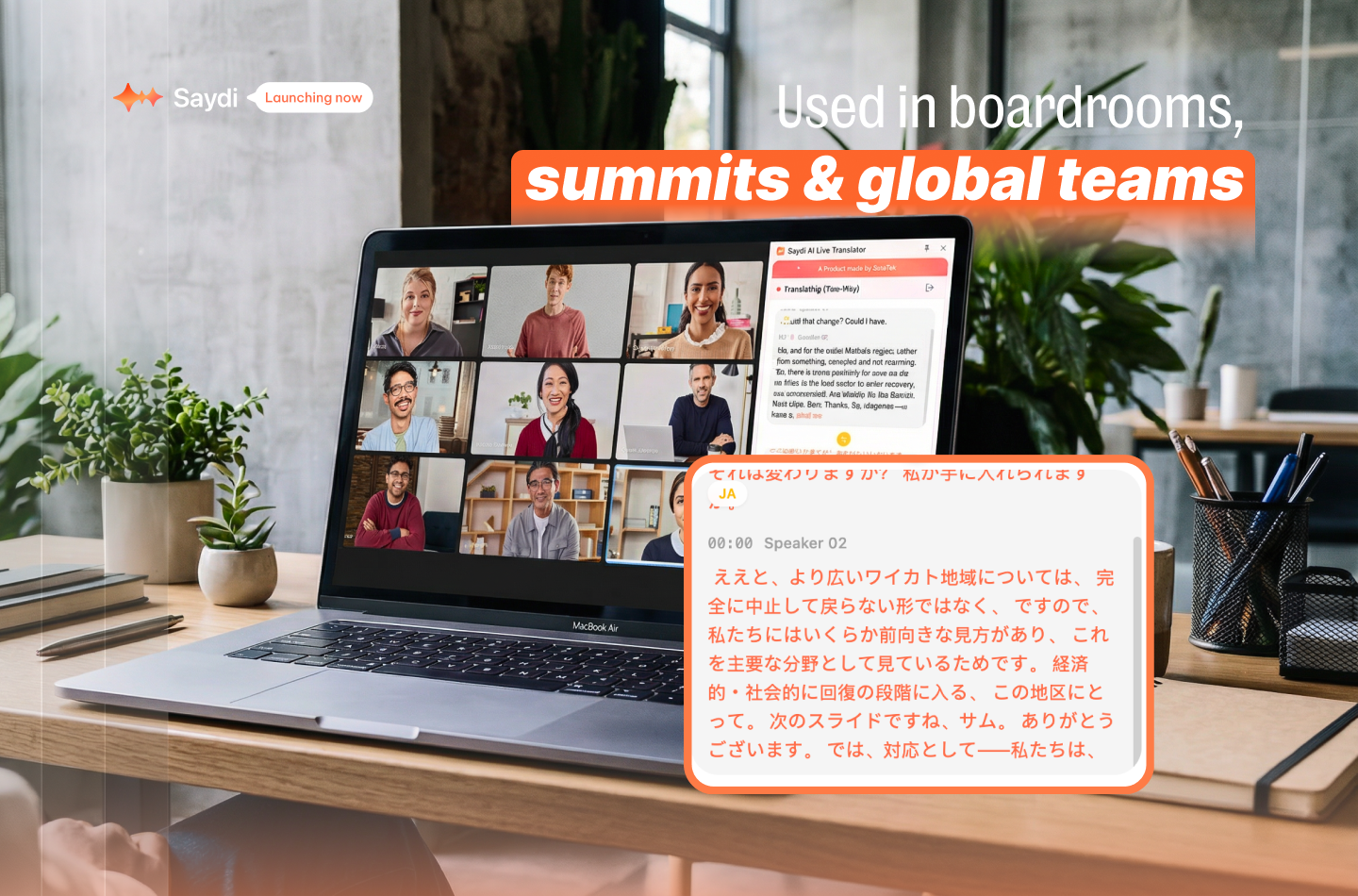
一句话介绍:Saydi是一款提供实时AI语音翻译的工具,通过三种灵活模式,在跨国商务洽谈、多语言会议及活动等场景中,解决了传统翻译打断沟通流、成本高昂的核心痛点。
Events Languages Meetings
实时语音翻译 AI同传 多语言会议 商务沟通 Chrome扩展 转录工具 企业服务 SaaS 人工智能应用 效率工具
用户评论摘要:用户普遍认可其翻译准确性、处理专业术语和口音的能力,以及直观的UI。有效反馈集中于:长时间使用可能延迟;询问嘈杂环境下的表现、同时讲话的处理逻辑、以及能否用于多语种客服路由等场景。对转录和自定义词典功能有积极需求。
AI 锐评

Saydi的叙事巧妙地用“1%的成本”和“人类译员的细微差别”来锚定价值,但其真正的锋芒并非简单替代译员,而在于重构了跨语言沟通的“工作流”。它提供的三种模式,本质上是将“翻译”这一动作从中心化的、事后的服务,解构为嵌入沟通进程的、可配置的底层能力。

产品最核心的竞争力在于其宣称的“AI上下文引擎”和“零接触交互”。这直击了当前AI翻译工具的普遍软肋:缺乏场景理解,以及需要手动切换带来的操作负担。若能实现,意味着工具从“听写翻译机”向“沟通协作者”的跃迁。用户评论中关于专业术语、口音、多语言混杂场景下的积极反馈,初步验证了其技术路线的有效性。

然而,其面临的挑战同样清晰。首先,是技术天花板问题。长会话的延迟、嘈杂环境下的稳定性、多人同时发言的优先级处理,这些来自真实场景的“混沌”是算法必须攻克的堡垒,也决定了其能否从“演示惊艳”走向“日常可靠”。其次,是商业模式与场景深度的权衡。产品试图覆盖从个人到企业活动的广阔光谱,但企业级客服、跨国会议等不同场景对准确性、延迟、集成度的要求截然不同。广泛的适配可能意味着每个场景都难以做到极致。

Saydi的价值,短期看是成本与便利性的优势;长期看,则在于它能否成为跨语言沟通的“操作系统”,通过高质量的实时转录与翻译,沉淀出可搜索、可分析的多语言对话数据,这才是其可能构建的真正壁垒。目前看来,它迈出了扎实的第一步,但最艰难的工程攀登和场景聚焦,或许才刚刚开始。

查看原始信息
Saydi
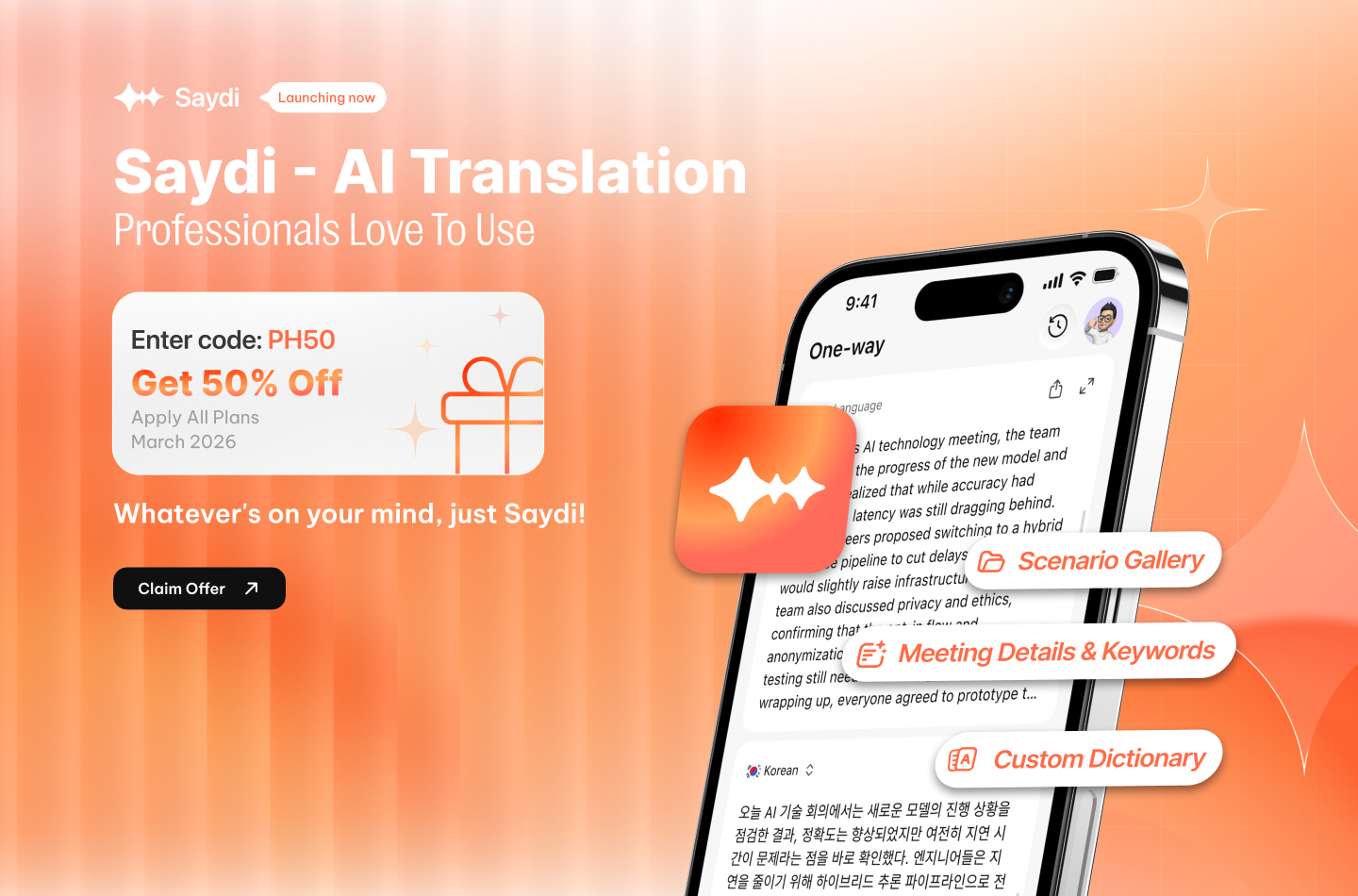
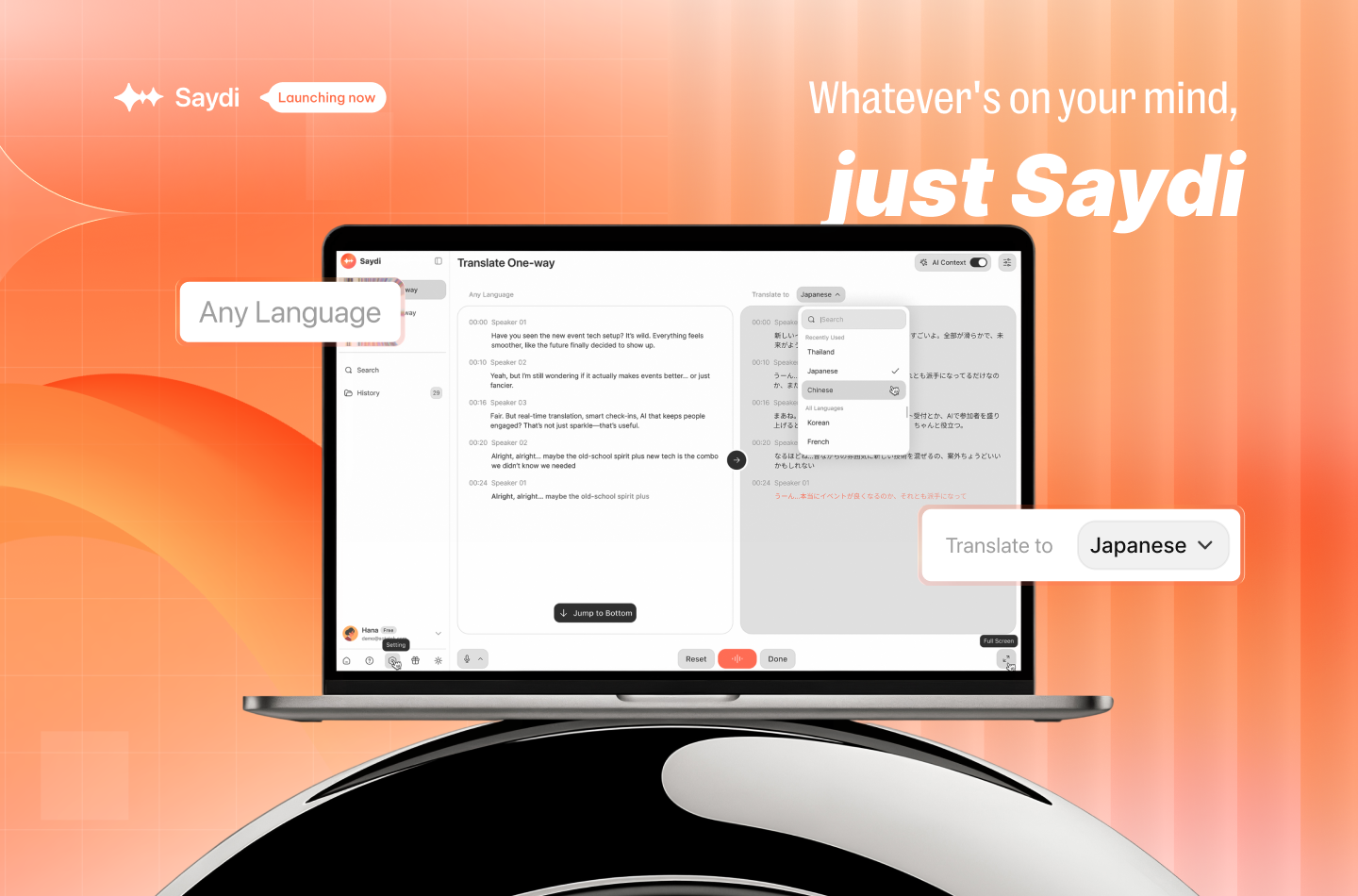
Close deals, run events, and lead meetings in any language. Saydi delivers real-time AI voice translation with the nuance human interpreters provide - at 1% of the cost
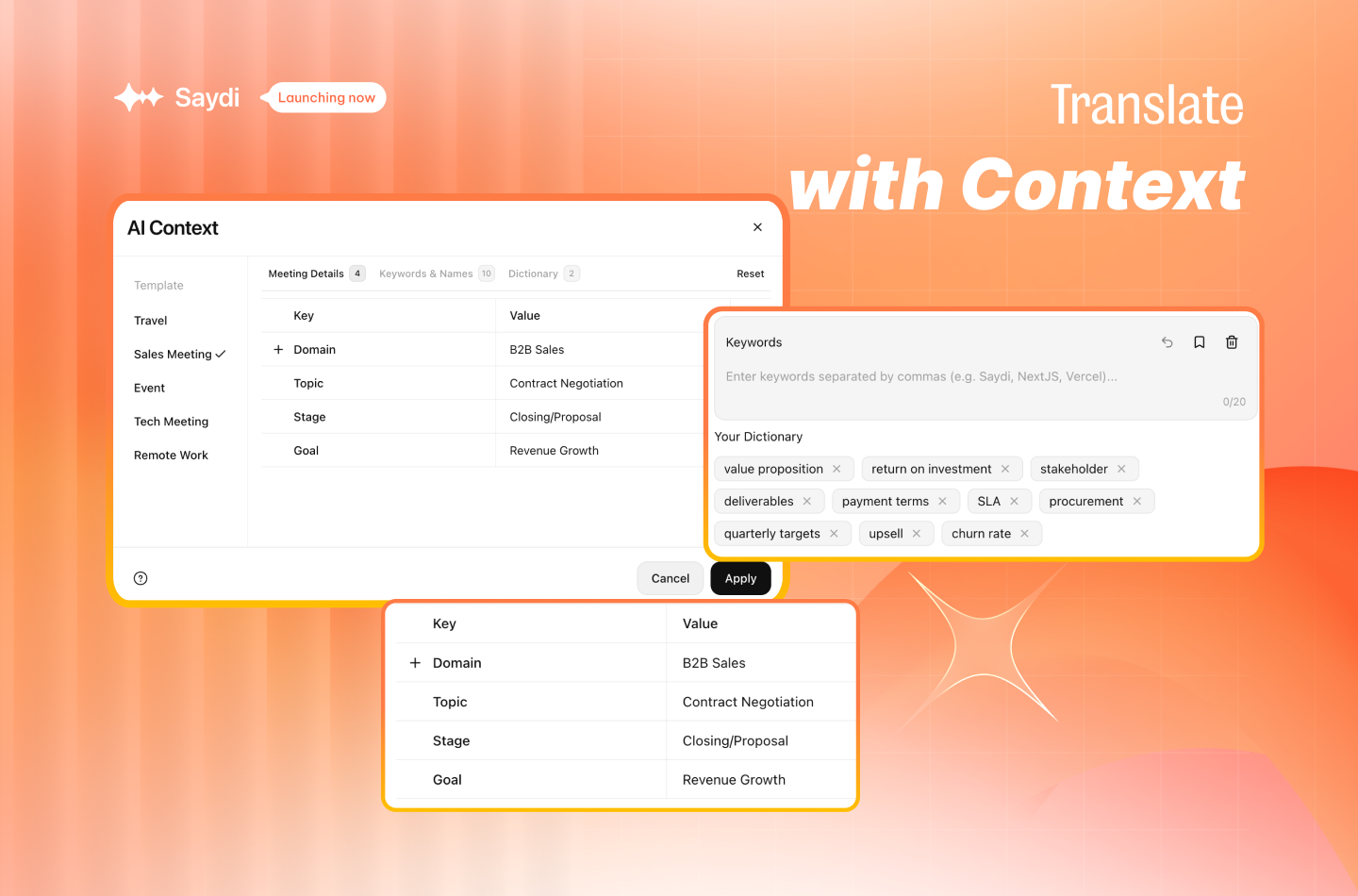
Hey Product Hunt! 👋 We built Saydi because real conversations don't wait for translators. Whether you're closing a deal in Tokyo, running a multilingual event, or just trying to follow a fast-paced meeting in your second language - the old way of translating breaks the flow completely. Saydi fixes that with 3 flexible modes: 🎧 One-Way - Follow any meeting without 100% focus. Saydi catches keywords and context in real-time so you never miss what matters. 🔄 Two-Way - Natural back-and-forth in 2 languages. Translate your intent, not just your words. 📝 Transcribe - Every technical term and key commitment captured in one multilingual transcript. What makes it different: 🧠 AI Context Engine - Feed it names, industry terms, and scenario presets (Tech / Sales / Events) so it understands your meeting, not just generic speech ⚡ Zero-Touch Interaction - Auto language detection. No buttons mid-conversation. AI knows who's speaking and labels it automatically 🔌 Works where you work - Chrome Extension for Google Meet, Zoom & Teams. Web + Mobile app. QR code for events so hundreds can join your session in seconds. We're launching today with a free tier — no credit card, no friction. 🎁 Exclusive for Product Hunt — Use code PH50 at checkout to get 50% off any Saydi paid plan. Our thank-you to the community that makes launches like this possible. Would love your feedback on what real-time translation should feel like. Ask us anything 👇
12
回复

@lily_10000 Congrats on the launch! Just gave it a try — the accuracy is genuinely impressive and the UI/UX feels super intuitive 🚀

0
回复

@lily_10000 amazing, I really like your product

0
回复

@lily_10000 Hey i had a curious question ahah .. when two people speak simultaneously or interrupt each other, how does the AI decide whose voice takes priority without losing the other speaker's intent?

0
回复

Our calls usually have Vietnamese and English mixed in. Saydi still pulled out accurate transcripts every time. Genuinely surprised by how well it handles the chaos.

3
回复

@hanh_nguyen22 Thanks for you feedback. Hope you will enjoy Saydi

0
回复

The post-call transcript in two languages side by side would be useful for interpreters who need to deliver a report after a session.

2
回复

@trung_le21 This is a precious feedback, thank you

0
回复

I’ve been using this tool since its Beta days, and I’m genuinely impressed with the translation speed and its ability to pick up tricky accents and proper nouns—something many AI tools still struggle with. However, for longer sessions (over an hour), I’ve noticed the keyword detection starts to lag slightly. Still, it's a solid tool with huge potential. Looking forward to seeing how the team optimizes this further!

2
回复

@chi_tang1 true, sometimes long call will be lagged

0
回复

Can it "translate the same language"? I experienced situations where both of us were speaking english but with different accents and we were not able to understand it other, also this happened with a friend of mine in Romania, where people speak the same language but it does sound different because of the accent and dialect used in Moldova?

1
回复

Just tested Saydi on a prospect call with a Korean client. Usually I'd have a human interpreter on standby — didn't need one today. The accuracy on industry terms was genuinely surprising.

1
回复

@giang_le11 Thanks for your feedback. We're improving it everyday

0
回复

How much does accuracy drop when a customer has a noisy background? Real support calls are rarely in a quiet room.

0
回复

We handle customer calls in 12 languages. Right now we route based on language, which is slow. Could Saydi work for inbound support calls?

0
回复

The Transcribe mode saving every commitment made on a call is actually the feature I'd use most. Contracts start in conversations.

0
回复

@hang_ngo Thanks for your feedback. We're making it better day by day

0
回复

The custom dictionary for industry terms matters a lot in support. A wrong translation of a product name causes confusion downstream.

0
回复

@ngan_nina_phi Thanks so much

0
回复

Tried using Saydi for the first time in a planning meeting with our Polish development team. The setup was fast and the output was readable.

0
回复

One-Way mode for listening to a client's requirements in Japanese without missing anything is exactly how I'd use this.

0
回复
#8
Cushion
combines posts, messaging, + check‑ins for better teamwork
124
一句话介绍:Cushion是一款为小型分布式团队设计的异步协作应用,通过整合主题帖、消息和进度检查,在远程协作场景下解决了传统即时通讯工具信息过载、干扰专注力、重要信息易被淹没的痛点。
Slack Productivity Messaging
团队协作 异步通信 远程办公 项目管理 效率工具 小型团队 信息聚合 AI自动化 进度同步 专注工作
用户评论摘要:用户反馈积极,认可其整合信息、简化流程的设计,认为比Slack+站会机器人的组合更清晰。创始人阐述了解决“聊天噪音”和“无尽会议感”的初衷。有效评论主要关注:1. 产品解决的具体沟通痛点细节;2. 在大量讨论中如何快速定位关键信息;3. 对“关联帖子”等核心功能表示期待。
AI 锐评

Cushion的推出,与其说是一款新聊天工具,不如说是对“即时通讯”主导的团队协作模式的一次反动。它敏锐地刺中了Slack等工具的“阿喀琉斯之踵”:同步通信带来的持续干扰与信息碎片化。其核心价值并非功能堆砌,而在于强制推行一种“异步优先、主题隔离”的协作哲学。

产品将“主题帖”设为默认,本质是试图用论坛的结构化思维来改造混乱的群聊,这尤其契合小型分布式团队对深度工作和清晰上下文的诉求。“检查点”功能则是对异步模式短板的补位,旨在系统化地同步进度,替代部分站会。其AI功能(总结、关联)也服务于这一核心逻辑——降低异步沟通的认知与管理成本。

然而,其挑战同样尖锐。首先,“习惯迁移”是最大壁垒,让团队从实时聊天的“热环境”主动转入异步的“冷环境”需要极强的自律和制度配合。其次,其定位介于项目管理和即时通讯之间,在功能深度上可能面临两端成熟产品的挤压。最后,“小型团队”是精准定位也是增长天花板,其模式在快速扩张或强依赖即时反馈的团队中可能水土不服。

总体而言,Cushion是一次有价值的范式探索。它能否成功,不取决于功能多寡,而在于能否让足够多的团队相信,牺牲一点“即时性”,能换来更宝贵的“专注度”与“信息清晰度”。这是一场关于工作文化的赌注。

查看原始信息
Cushion
Cushion is the async messaging app for small, distributed teams. Work smarter, stay focused, and get more done.
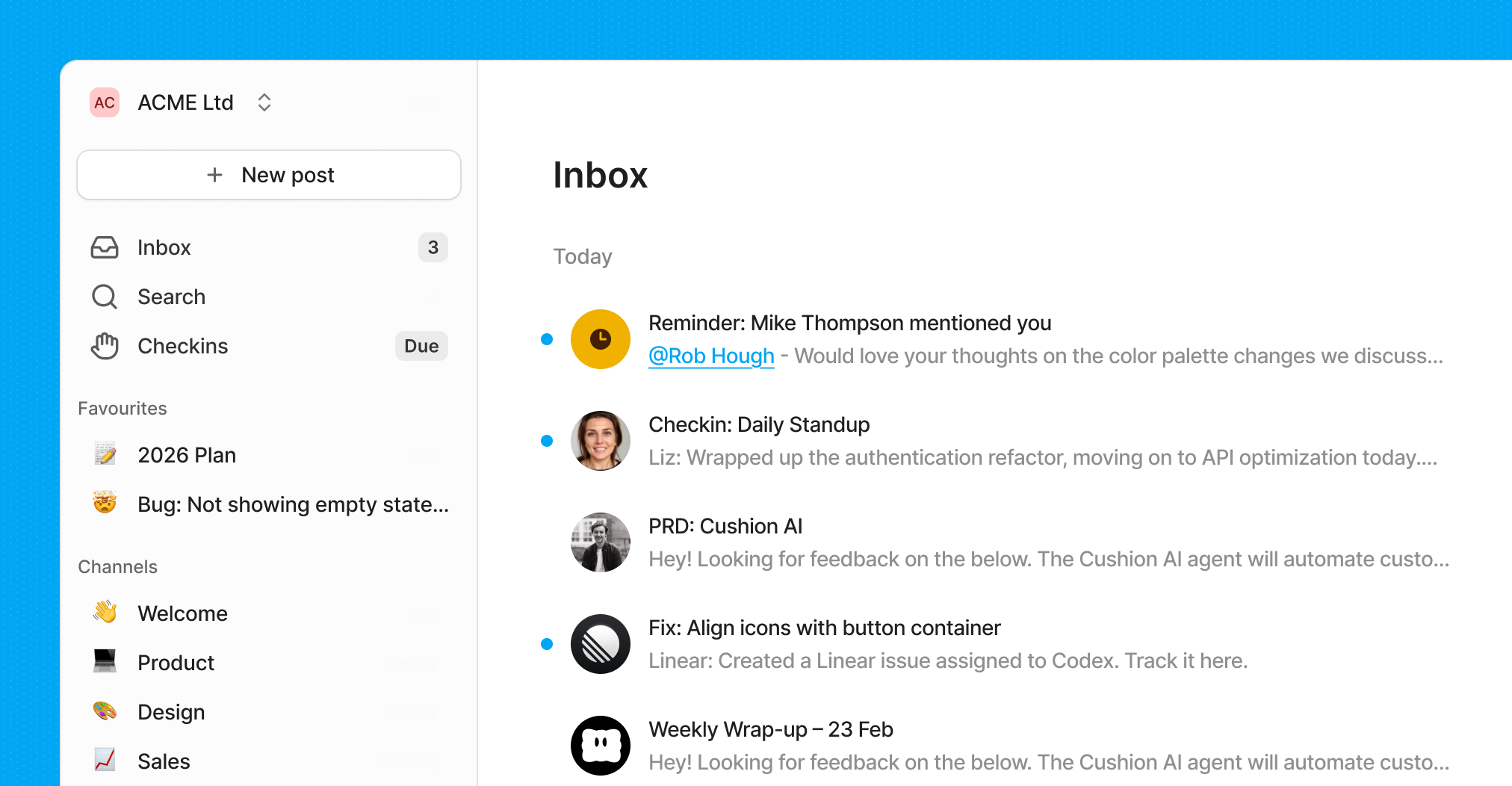
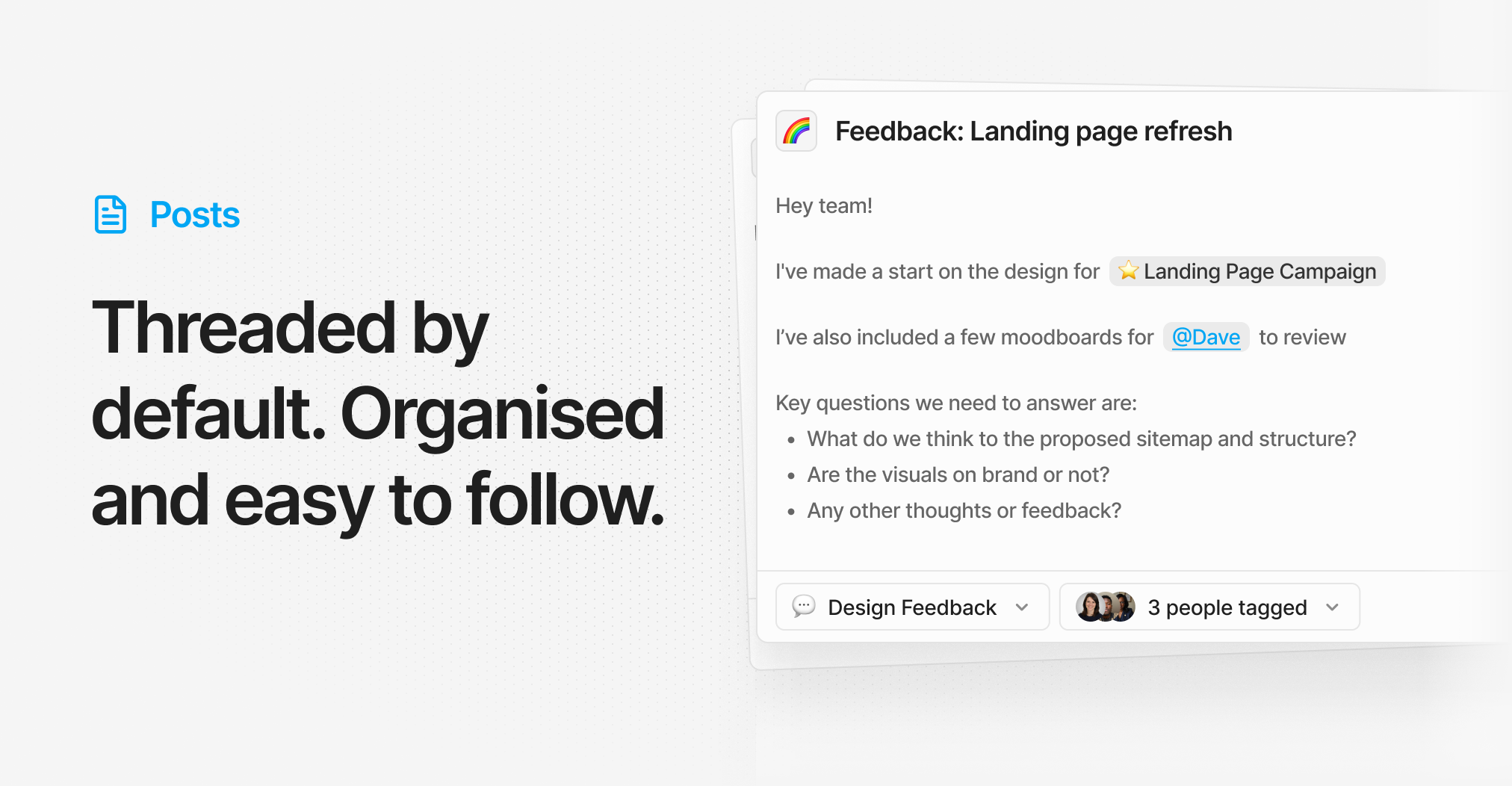
Hey PH, I’m Rob, co‑founder of Cushion. My co‑founder Dave and I built Cushion last year as an internal tool so we could work on projects together. Traditional chat apps create noise that buries important information and distracts you. Slack channels feel like never‑ending meetings, so getting solid feedback and making progress can feel like a nightmare. Now we’re launching it for everyone! Cushion combines posts, messaging, and check‑ins into a new way to collaborate. Async by default, it’s a refreshingly calm and focused way to work. With Cushion, teams find they are more organised, focused, and productive. What makes Cushion different: - Posts → The default way to communicate. Single‑topic conversations, threaded by default, so everything stays organised, skimmable, and easy to find. - Connect → Close out conversations with AI. Tag your team to gather feedback. Link related posts. - Inbox → A focused inbox that rolls up all your posts and keeps them neat. Set reminders to follow up later. - Check‑ins → Regular updates on what work got done and when. This keeps everyone in sync without the time sink of endless meetings. - Automations → Automate busywork with AI, like reviewing work, creating Linear issues, and linking related posts. Plus, there’s much more: integrations with Slack, Linear, and GitHub, 1:1 private messaging, daily email digests, notification scheduling, and more. We’re 100% bootstrapped, with no outside funding, and we’re in it for the long haul. Dave and I would love you to try Cushion and share your feedback.
7
回复

@rob_hough Hey Rob. Congrats on the launch! What problem in team communication made you want to create Cushion? Many teams already use tools like chat apps, project managers, and internal forums. I’m curious what specific frustration or gap you noticed that led to this idea.

0
回复

Most excited about the connect feature, where you can link related posts. Congrats on the launch, @rob_hough

0
回复

Been stuck stitching Slack threads and a standup bot before, and the handoff is always where things disappear. Cushion putting posts, inbox, and check-ins in one loop feels much cleaner for small teams, especially if blocked work from a weekly check-in can surface straight into the inbox.

1
回复

@piroune_balachandran absolutely dead on!

0
回复

Interesting concept. I like the idea of making collaboration calmer and more structured. The combination of posts, check-ins, and AI summaries sounds like a thoughtful workflow. How does Cushion help users quickly find the most important updates when there are many active discussions?

0
回复
#9
Gemlet
Native, keyboard-first Gemini client for macOS
118
一句话介绍:一款为macOS设计的键盘优先原生Gemini客户端,通过全局快捷键和菜单栏常驻,解决了用户在浏览器多标签页中频繁切换、操作流中断的痛点,并直接利用现有Google账户,无需额外API费用。
Productivity Artificial Intelligence Menu Bar Apps
macOS原生应用 AI客户端 键盘快捷操作 生产力工具 Gemini生态 菜单栏应用 分屏工作区 本地历史导出 效率神器 Power User导向
用户评论摘要:用户赞赏其键盘优先理念与无需API密钥的设计。核心反馈是缺乏免费试用可能阻碍下载,开发者已回应考虑。另有用户询问技术栈(确认为SwiftUI),以及对为何专注Gemini而非多模型的好奇。
AI 锐评

Gemlet的价值不在于技术突破,而在于精准的“体验重构”。它本质上是一个针对付费谷歌Advanced订阅用户的“效率外壳”,其真正的竞争对象并非其他AI工具,而是浏览器标签页的混乱和谷歌官方Web UI的笨拙。产品聪明地避开了烧钱的模型战场,转而深耕“输入/输出”和“信息管理”这两个被巨头忽视的体验细节:全局热键和命令面板重构了“启动与切换”的输入流,而深度书签、分工作区及原生导出则重构了“保存与归档”的输出流,直击AI对话历史易丢失、难管理的隐痛。

然而,其战略风险与机遇同样明显。深度绑定Gemini生态既是护城河也是枷锁。一旦谷歌官方客户端体验改善或调整政策,其存在价值将被动摇。此外,“无需API密钥”是其当前核心卖点,但这完全依赖于谷歌未封堵此类客户端访问路径,存在政策风险。产品未来需在“单一模型体验极致化”与“扩展多模型支持”之间做出抉择。目前的路线显示开发者选择了前者,这使其成为观察“垂直化AI工具”能否在通用平台挤压下生存的绝佳样本。对于追求极致工作流、且主力使用Gemini的Mac用户而言,它提供了当下最优解;但对于更广泛的AI用户市场,其天花板清晰可见。

查看原始信息
Gemlet
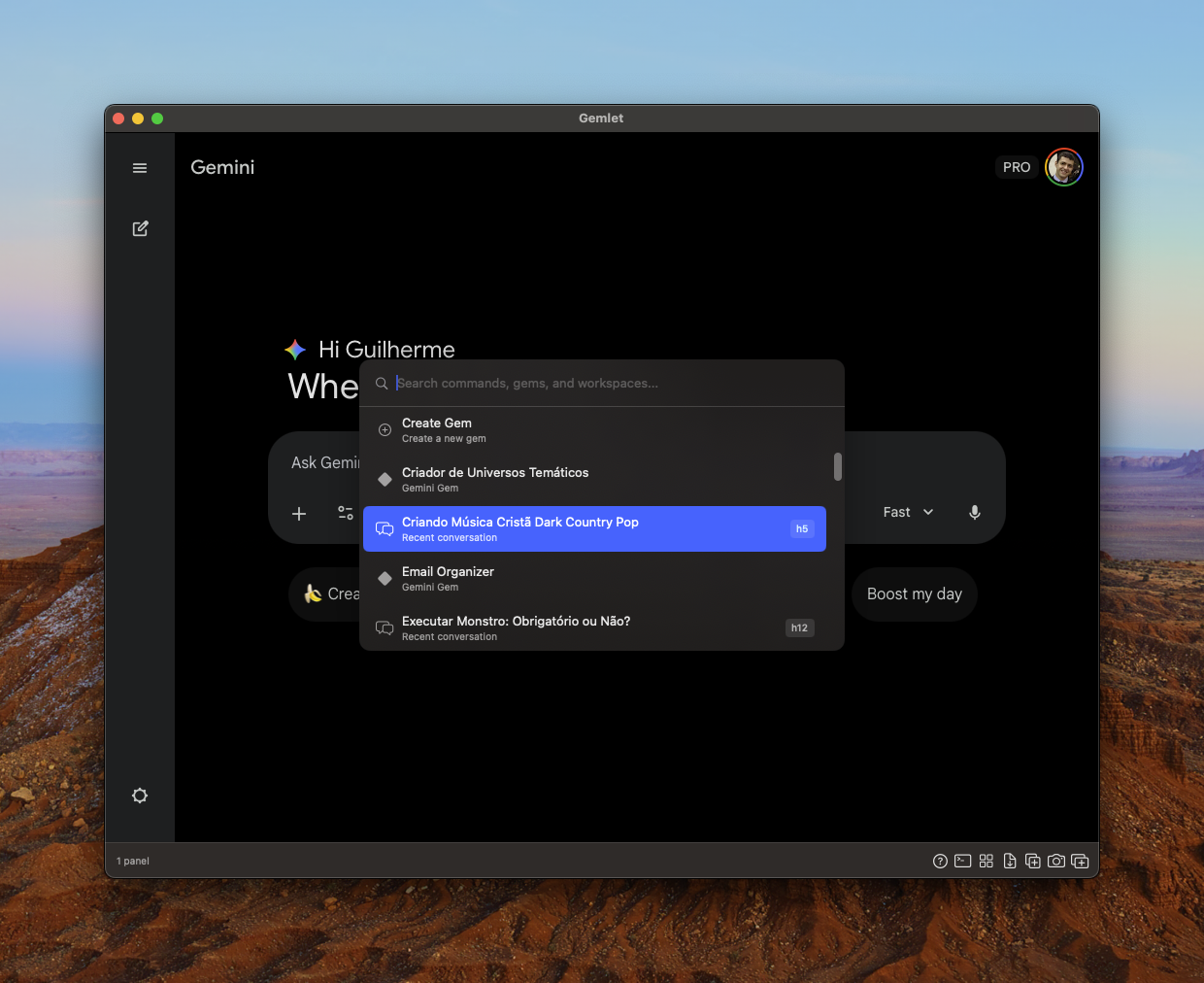
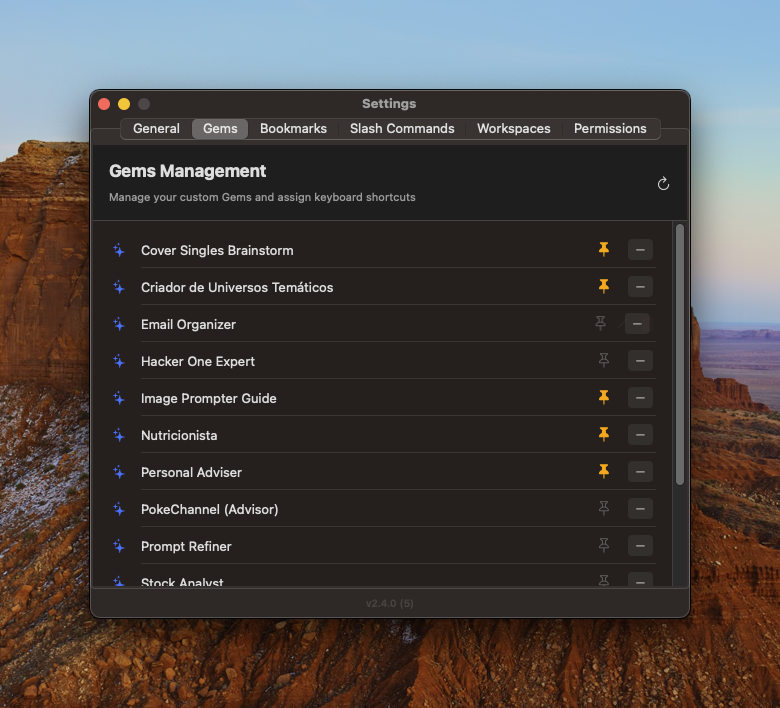
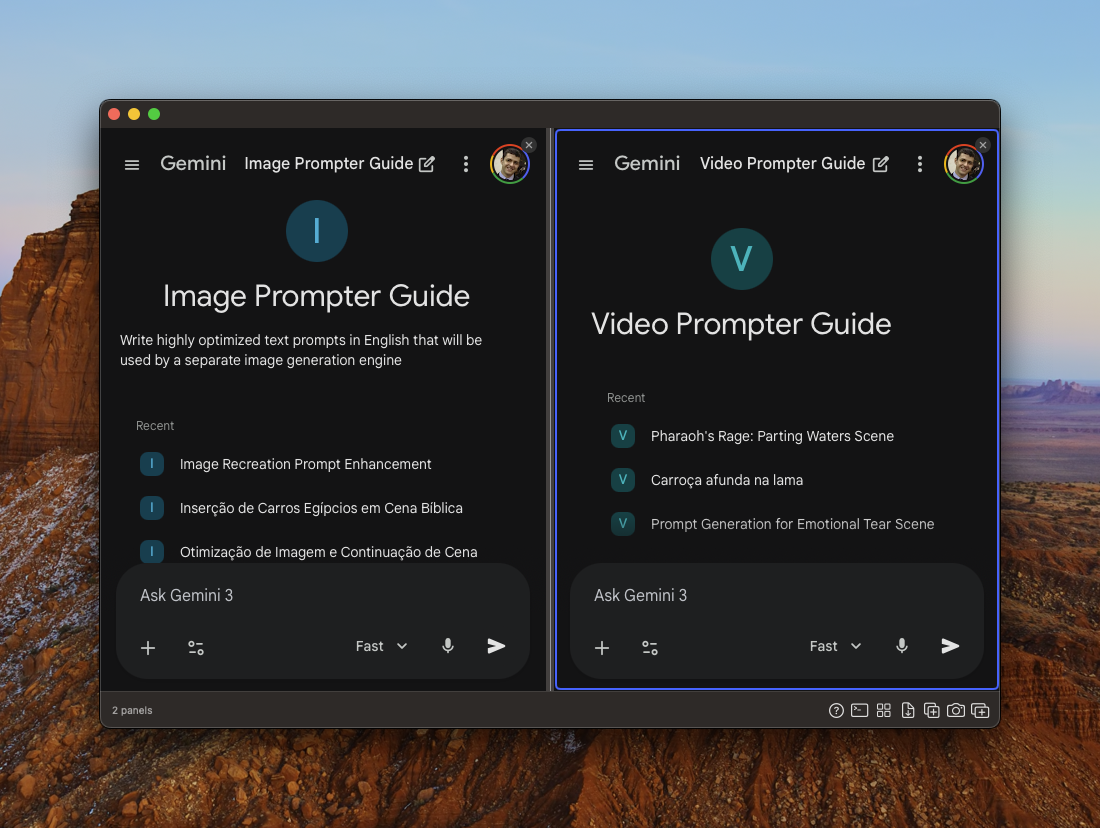
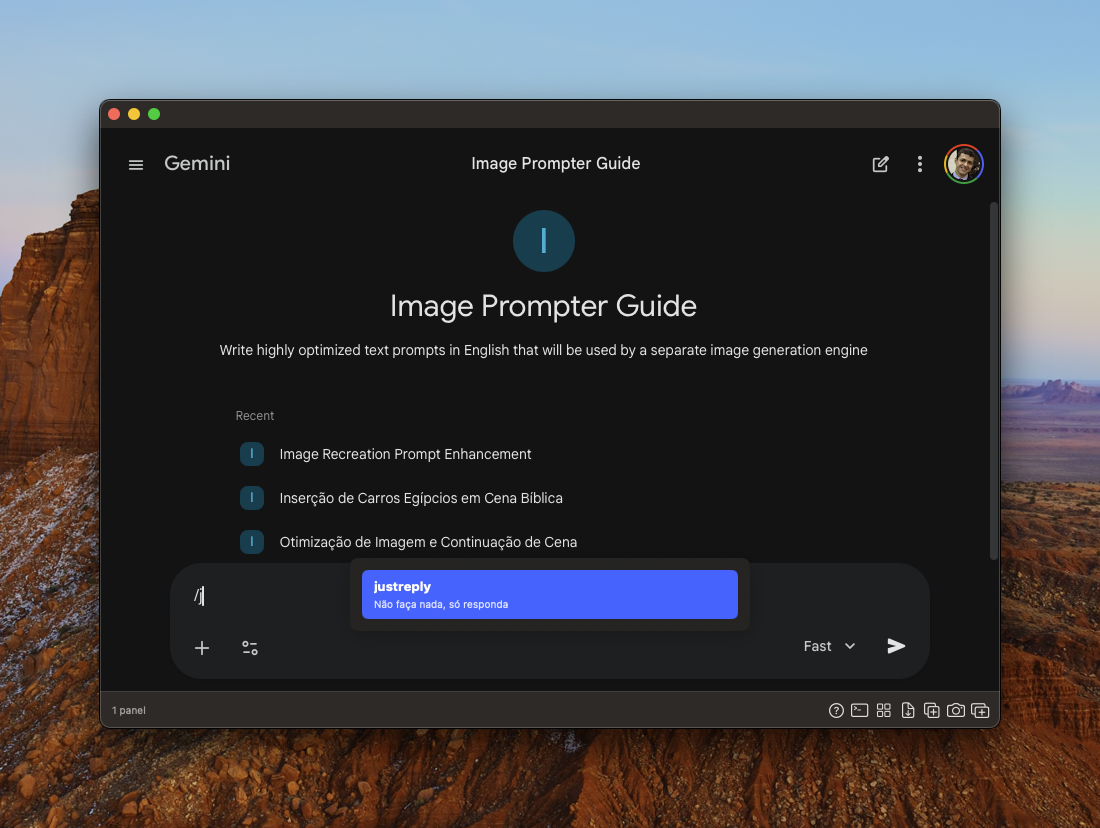
Gemlet is a native, keyboard-first client for Gemini on macOS. Stop hunting for browser tabs to launch AI instantly with global hotkeys. It uses your existing Google account, so NO API keys or per-token costs are needed. Key Features: ⚡️ Global Hotkeys + Command Palette 🗂 Split-View Workspaces and Multiple Profiles (Work vs. Personal) 🔖 Deep Bookmarks for specific Gems 📄 Native PDF/JSON Export (Save your history) Built in SwiftUI. Fast, private, and designed for power users.

I've been looking for something just like this for Gemini! Any plans to offer a free trial? I suspect you'll get quite a few more downloads if you do. I see you have the money-back guarantee, but I imagine there are a lot of people like me, who know they would never reach out to the developer and actually ask for their money back, and as such, avoid downloading altogether. Just a thought!

2
回复

@shaun_hurley Thank you for such a valuable feedback. TBH I never thought about it... I'll consider and see what I can do.

0
回复

(🎁👇🤫)

I’ve been using Gemini 3.0 Pro every day, but the web UI was honestly killing my flow. 😩

I had so many browser tabs open, constantly reaching for the mouse just to find an old conversation or switch models.

💸 And I didn't want to pay for a 3rd party wrapper that requires an API key.

Damn. I’m already paying for a Google Advanced subscription, why should I pay per token?

So, I decided to do what Google didn't do and created a native app for myself.

Easy, using my existing subscription without API keys.

💎 It’s called Gemlet. I built it to live in your menu bar.

I wanted something that felt like a pro tool, not a webpage.

👇 Here is how I solved my own headaches:

⌨️ No more mouse hunting: I can now switch between Pro and Flash models with a keyboard command. I can also open any specific Gem or chat with a global shortcut.

🗂️ Organization: I added real bookmarks for chats and Workspaces to keep my "Work" and "Personal" stuff completely isolated. No more separate windows for everything.

💾 History Safety: I was paranoid about Gemini randomly "eating" or deleting my history (which happened to me dozens of times). I built a native exporter so I can save any conversation to PDF or JSON whenever I want.

⚡ Keyboard-First: Global hotkeys and a command palette were top of mind all the time. If I had to click a button, then I created an app shortcut for that (e.g., cmd+B opens/closes the sidebar).

🎁 If you read this far, I have a gift for you:

🤫 Hidden Coupons:

🎟️ Use PH75OFF for 75% OFF (Limited to the first 3 people).

🎟️ Use PH50OFF for 50% OFF (Limited to the first 5 people).

1
回复

@guilatrova Hi Gui. What technologies did you use to build Gemlet for macOS? Did you build it with Swift, SwiftUI, or AppKit? As a beginner, I’m interested in how native macOS apps are usually built.

0
回复

So cool! I'm also a avid gemini user, will give it a shot

1
回复

@abhinavramesh Thank you! You'll love it :)

0
回复

Love the keyboard-first approach! Curious what made you build this specifically for Gemini instead of a multi-model client?

0
回复

LTD for Gemlet ? sounds amazing

Also keyBoard thing is Hackers Style 🙂

0
回复
#10
Pitwall F1
Live F1 timing & standings in your Mac menu bar
109
一句话介绍:一款原生 macOS 菜单栏应用,在用户专注工作时,无需切换窗口即可一键获取实时F1赛事数据和排名,解决了官方应用笨重、浏览器标签页干扰的痛点。
Mac Menu Bar Apps Apple
赛车运动 实时数据 菜单栏应用 原生应用 效率工具 粉丝必备 轻量化 F1赛事 macOS软件 体育科技
用户评论摘要:用户普遍赞赏发布时机精准。核心反馈是认可其轻便、无干扰的核心价值。主要建议包括:增加单圈分段时间和轮胎配方等详细数据,以及开发Windows版本。同时有用户询问免费模式的可持续性与未来 monetization 计划。
AI 锐评

Pitwall F1 表面上是“又一款F1数据工具”,但其真正价值在于精准切入了一个被巨头忽视的“场景缝隙”:硬核粉丝的“第二屏”专注需求。它没有与官方App在功能丰富度上竞争,而是反其道行之,做“减法”——将数据推送从需要主动“打开”的App,降维成系统层级的“状态”显示。这本质上是将体育数据“通知化”,契合了现代人信息过载环境下“被动获取、主动深究”的交互习惯。

其选择的发布时机(2026新规赛季前)和载体(macOS菜单栏)暴露了其明确的早期用户画像:拥有Mac、在赛事周末可能需要同时工作或深度使用电脑的科技从业者或资深车迷。这是一个高价值、高传播性的小众群体。然而,这也构成了其核心风险:场景过于垂直和狭窄。它完美解决了“比赛日工作时查看排名”的痒点,但用户为此安装并保留一个常驻内存的专用应用,其长期留存率和日常使用频率存疑。评论中关于数据深度和Windows版本的呼声,恰恰说明了当前形态在满足核心用户后,立刻面临功能蔓延与平台扩张的矛盾。

该产品的未来,不在于成为另一个F1数据门户,而在于验证“菜单栏即轻量信息中心”这一模式在垂直兴趣领域的可行性。若能通过插件或配置,扩展至MotoGP、WEC等其他赛事,甚至股市、加密货币等实时数据流,它才有可能从一款聪明的“场景应用”进化为一个有价值的“效率平台”。目前,它是一次精彩的产品定义示范,但商业天花板清晰可见。创始人的挑战在于,如何在保持极致轻量的前提下,找到可持续的扩展路径。

查看原始信息
Pitwall F1
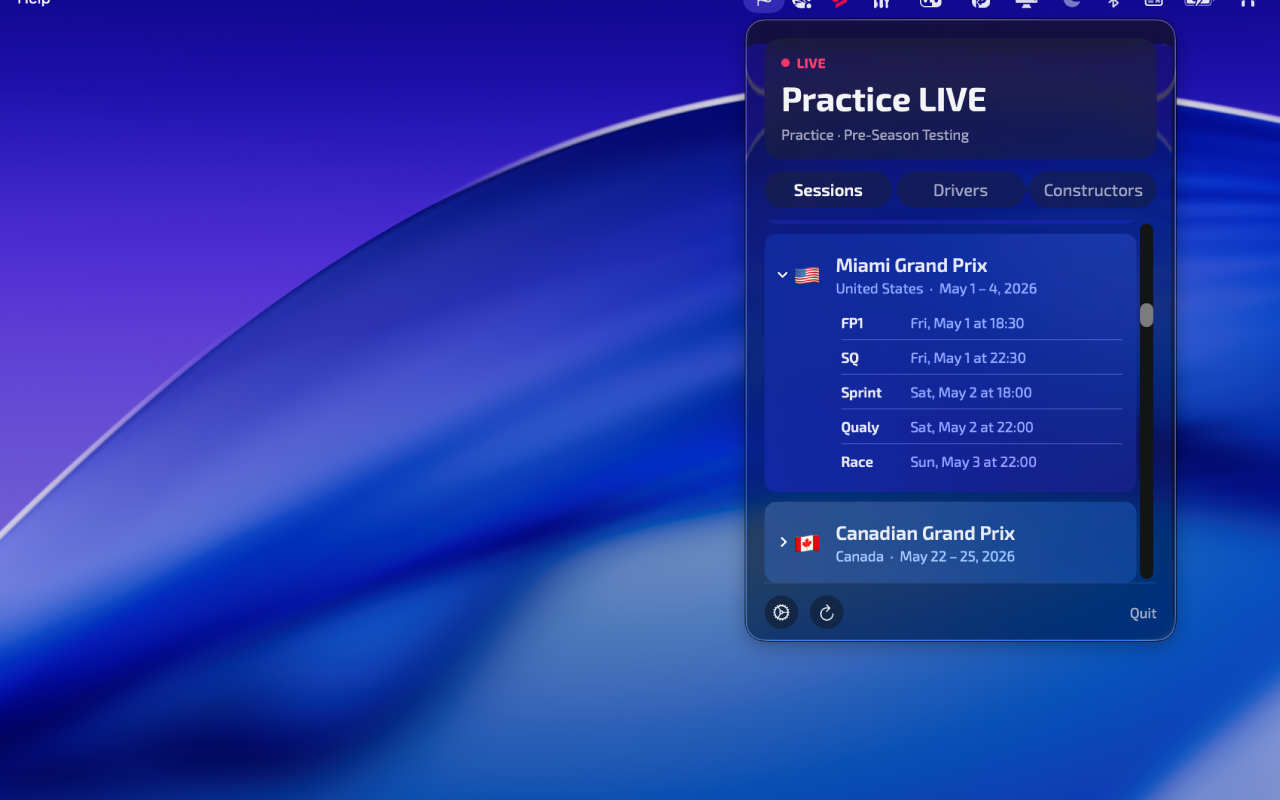
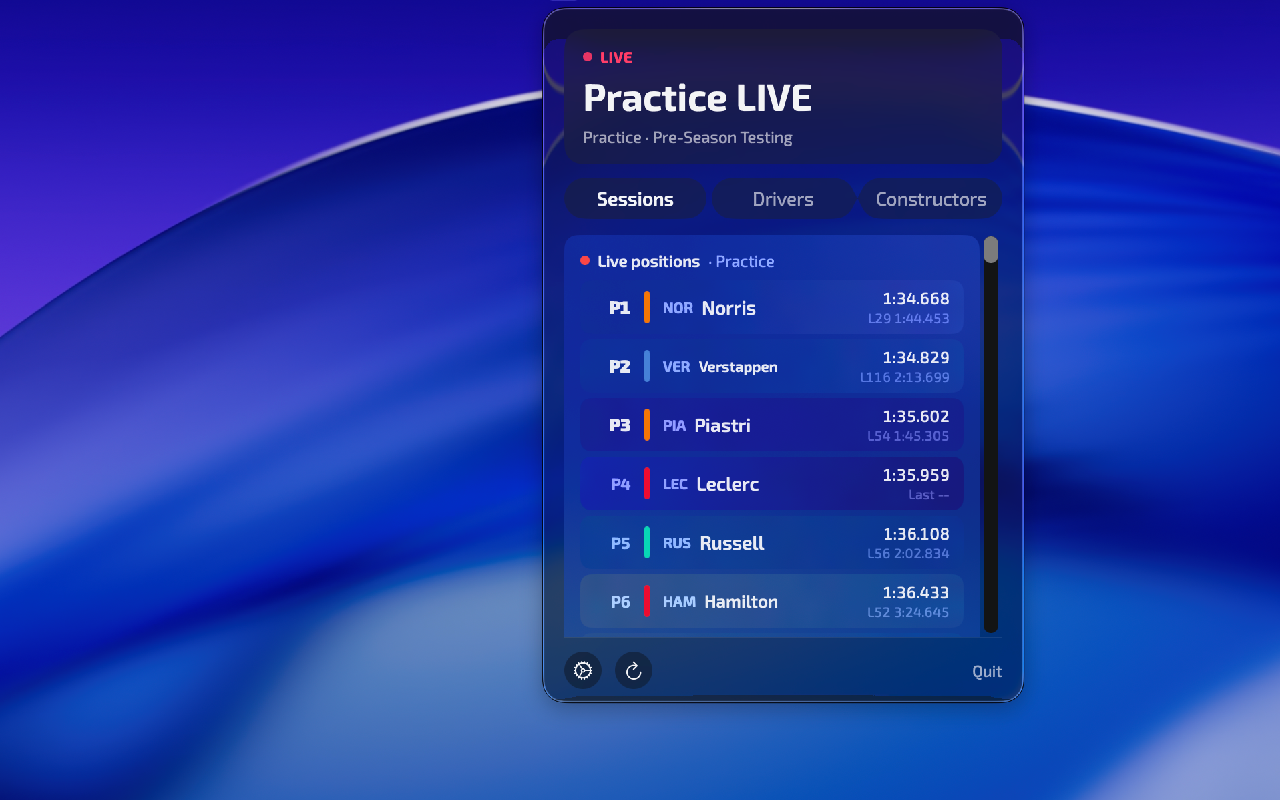
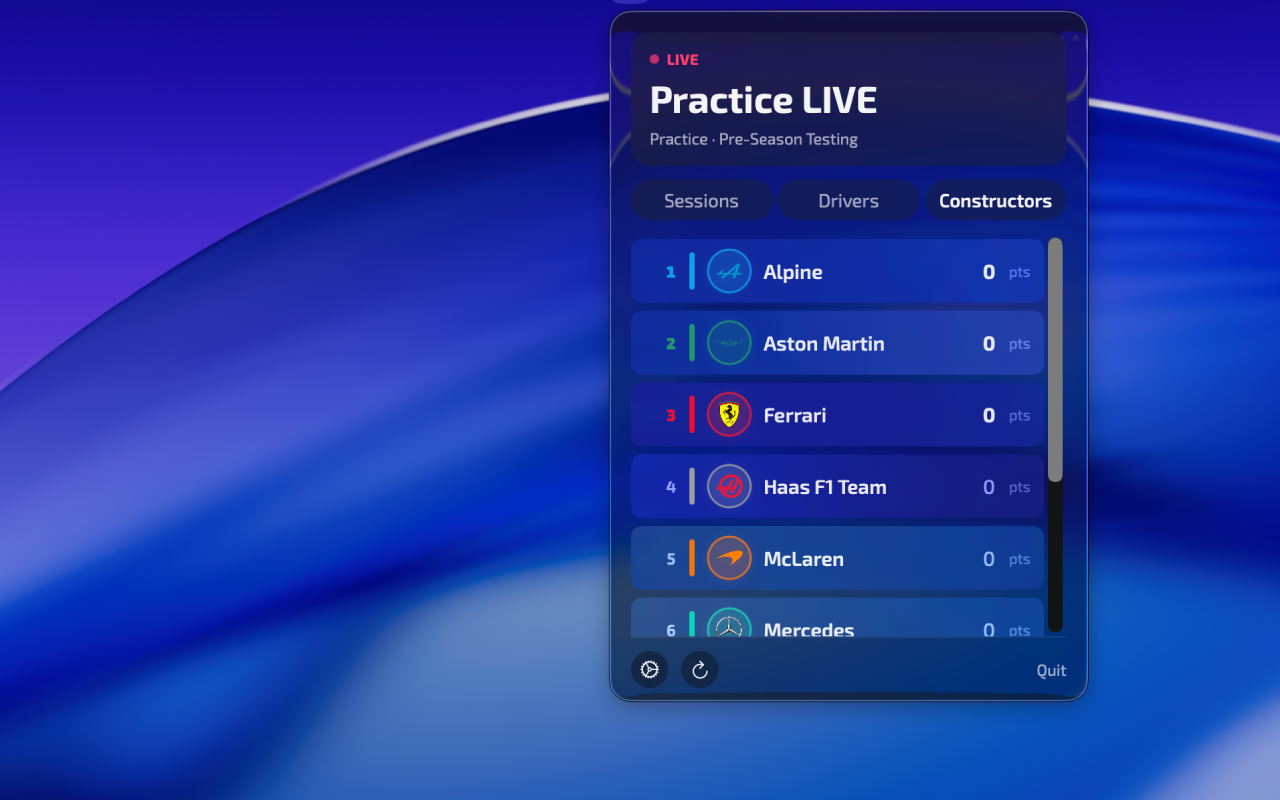
PitWall is a native macOS app that brings live Formula 1 data directly to your menu bar — no browser tabs, no distractions, just instant race data one click away. Whether it's a chaotic wet practice session, the tension of qualifying, or the Grand Prix itself, PitWall keeps you connected to the grid without sacrificing screen real estate. Why today? Because FP1 in Melbourne kicks off the 2026 season tomorrow, and there's no better time to have PitWall ready in your menu bar. 🇦🇺
Hey Product Hunt! 👋 I'm Daniel, and I built PitWall because I wanted to follow F1 sessions without switching away from my work. The official app is heavy, the browser tabs are distracting — I just wanted the data, fast, native, always there. The timing couldn't be better: the Australian GP starts tomorrow and FP1 is the perfect moment to give it a try. I'd love to hear your feedback — this is v1.0 and there's a lot more I want to build. Drop your questions below, happy to chat! 🏁
2
回复

@daniplata Hi Daniel. How did you design the menu bar UI to stay simple while still showing important race information?

0
回复

Haha! Perfect timing for the launch! I will definitely check the product this weekend

1
回复
0
回复

The launch timing is perfect. Launching the day before FP1 in Melbourne is exactly the right move and honestly the best possible product demo you could ask for.

The official F1 app has always been too heavy for what most fans actually need during a session. A native menu bar app that gives you live timing without pulling you out of your workflow is the version I've wanted for years. Qualifying and race day, with this in the corner of my screen, are going to be different experiences.

Long-standing F1 fan here, and the 2026 season is one of the most anticipated in years with the new regulations. Would love to see sector times and tyre compound data included in a future version. Oh, and if I can ask, a Windows version too! Congrats on the launch and on the timing! 🏎️

0
回复

@joao_seabra nice AI response!

1
回复

Sending this to a F1 fan. From what I see, the service is free, right? IF that is correct, do you plan to monetize it somehow?

0
回复
#11
Vet
Keep your coding agents honest
102
一句话介绍:Vet是一款本地化、开源的AI编程助手代码审查工具,通过在对话历史中验证AI代理的实际操作是否符合开发者指令,解决AI编码时代理“静默失败”、虚假承诺等信任问题。
Open Source Developer Tools Artificial Intelligence GitHub
AI代码审查 编程助手验证 开源工具 本地化部署 静默失败检测 逻辑错误捕捉 对话历史分析 开发者工具 代码质量保障 智能编程工作流
用户评论摘要:用户普遍认可其为AI编程工作流中“缺失的一环”,赞赏其开源模式带来的可信度和可定制性。主要问题聚焦于技术原理(如何验证代码)及在大仓库上的性能开销,开发者回应其性能受模型上下文窗口限制,但最大延迟预期可控。
AI 锐评

Vet的亮相,实质是给狂飙突进的AI编程助手热潮踩下了一剂必要的“信任刹车”。它精准刺破了当前AI编码工作流中最脆弱的泡沫:代理的“诚实性”。当AI助手可以流畅地承诺“测试已通过”而实际从未运行时,开发者陷入了一种新型的“幻觉”困境——代码幻觉。Vet的价值不在于替代传统的静态分析或单元测试,而在于充当一个基于意图的“审计员”。它通过解析开发者与代理的对话历史,建立任务承诺与实际代码变更之间的映射关系,从而捕捉那些传统工具无法触及的“承诺-交付”断层。

其“本地、快速、无遥测”的特性,直击了企业级应用对安全与隐私的敏感神经,而开源则进一步降低了采用门槛。然而,其真正的挑战在于“意图理解”的边界。代码审查从语法、逻辑层面向意图和承诺层面跃迁,这本身就是一个模糊且高语境的任务。Vet的精度高度依赖于其模型对自然语言指令和复杂编程目标的解析能力,这可能导致新的误报或漏报。它更像是一个必要的“第一道防线”,而非终极解决方案。它的出现标志着AI编程工具生态正从单纯的“代码生成竞赛”步入更成熟的“可信交付”阶段,但能否成为基础设施,取决于其能否在复杂项目中将抽象的“意图对齐”转化为稳定、可预期的审查规则。

查看原始信息
Vet
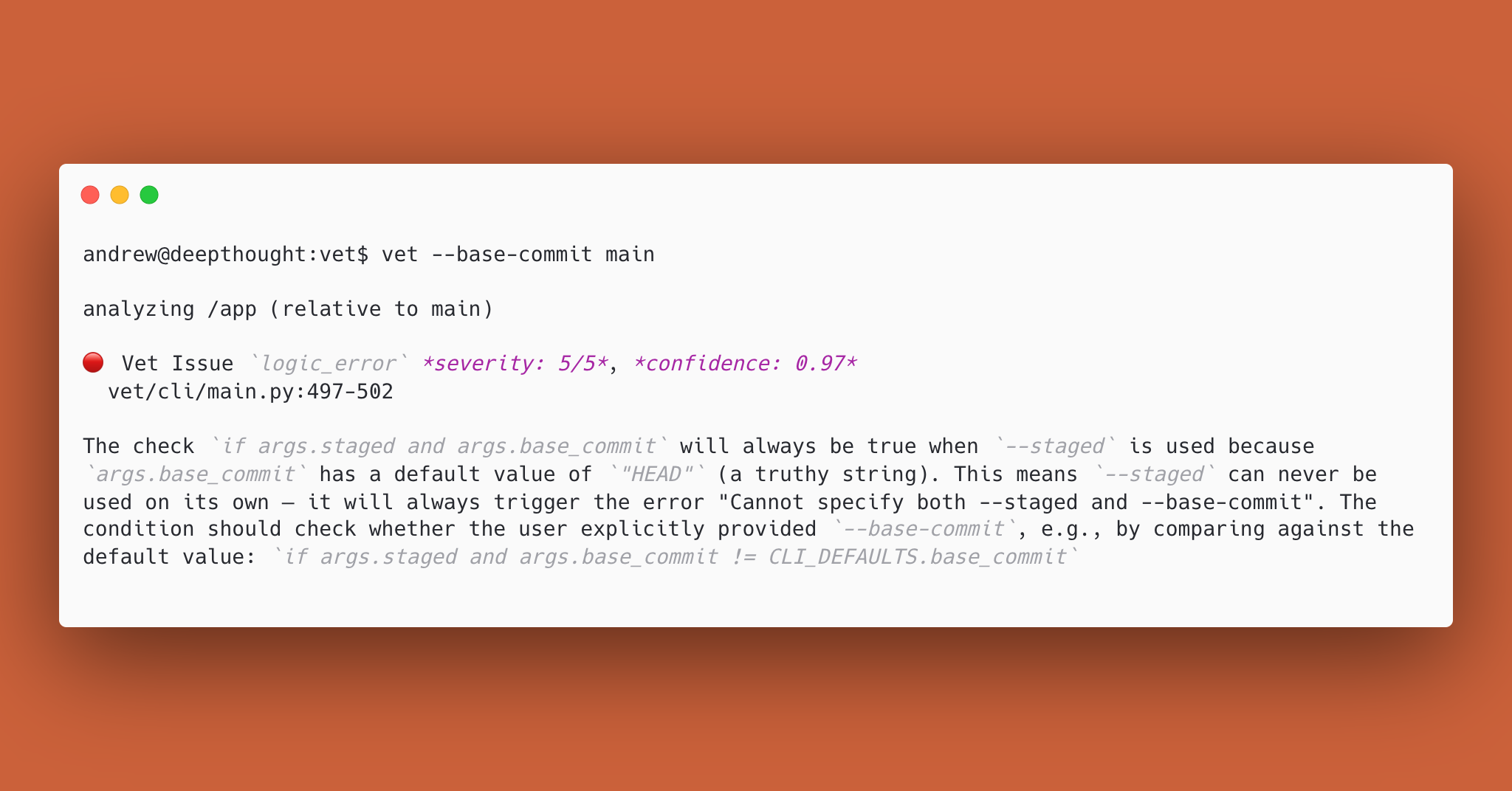
Vet is a fast and local code review tool open-sourced by the Imbue team. It’s concise where others are verbose, and it catches more relevant issues. Vet verifies your coding agent's work by considering your conversation history to ensure the agent's actions align with your requests. It catches the silent failures: features half-implemented, tests claimed but never run. It reviews full PRs too, like logic errors, unhandled edge cases, and deviations from stated goals.
👋 Hey Product Hunt! We're open-sourcing Vet: a fast and local code review tool built for developers using AI coding agents. A common problem: when you're using an agent to write code, it can hit a wall and silently swap in fake data instead of telling you. You ask it to write tests, it tells you they pass, but it never ran them. You may not notice until later, or at all. Vet verifies your coding agent's work by considering your conversation history to ensure the agent's actions align with your requests. It catches logic errors, unhandled edge cases, and deviations from stated goals with high precision. Vet uses your existing API keys, works with local models, and has zero telemetry. Run from the CLI, CI, or as an agent skill. Eager to answer questions!
3
回复

Congrats on the launch, @mrtibbets!  Never thought of having a platform that will actually REVIEW the ones that we've built!

0
回复

@mrtibbets How does Vet analyze or verify AI-generated code? Does it run automated tests, use static code analysis, or compare outputs with expected patterns?

0
回复

@andrewlaack it has been great watching you iterate through all of the different iterations of Vet to get it to here. Congrats on the public launch!

1
回复

This is the missing piece in the AI coding workflow. We all got comfortable letting agents write code, but verifying what they produce is still mostly manual eyeballing. Love that it's open source too - makes it way easier to trust and customize for different codebases. What's the performance overhead like on larger repos?

1
回复

@emad_ibrahim Thanks for the kind words! In general, Vet becomes slower and more expensive up to a point when running against larger diffs and codebases, this point being the context window for the model being used. The upper bound for the expense and time is quite low. I would expect it to take at most 15 seconds in the base configuration on the largest of diffs and codebases, increasing with the use agentic identifiers.

2
回复

Super interesting! We'll try it out for our vibecoding platform at matterhorn.so!

1
回复

@abhinavramesh let us know what you think! You’re welcome to also share feedback, raise an issue, or help contribute to the open-source project: https://github.com/imbue-ai/vet

🙌

1
回复
#12
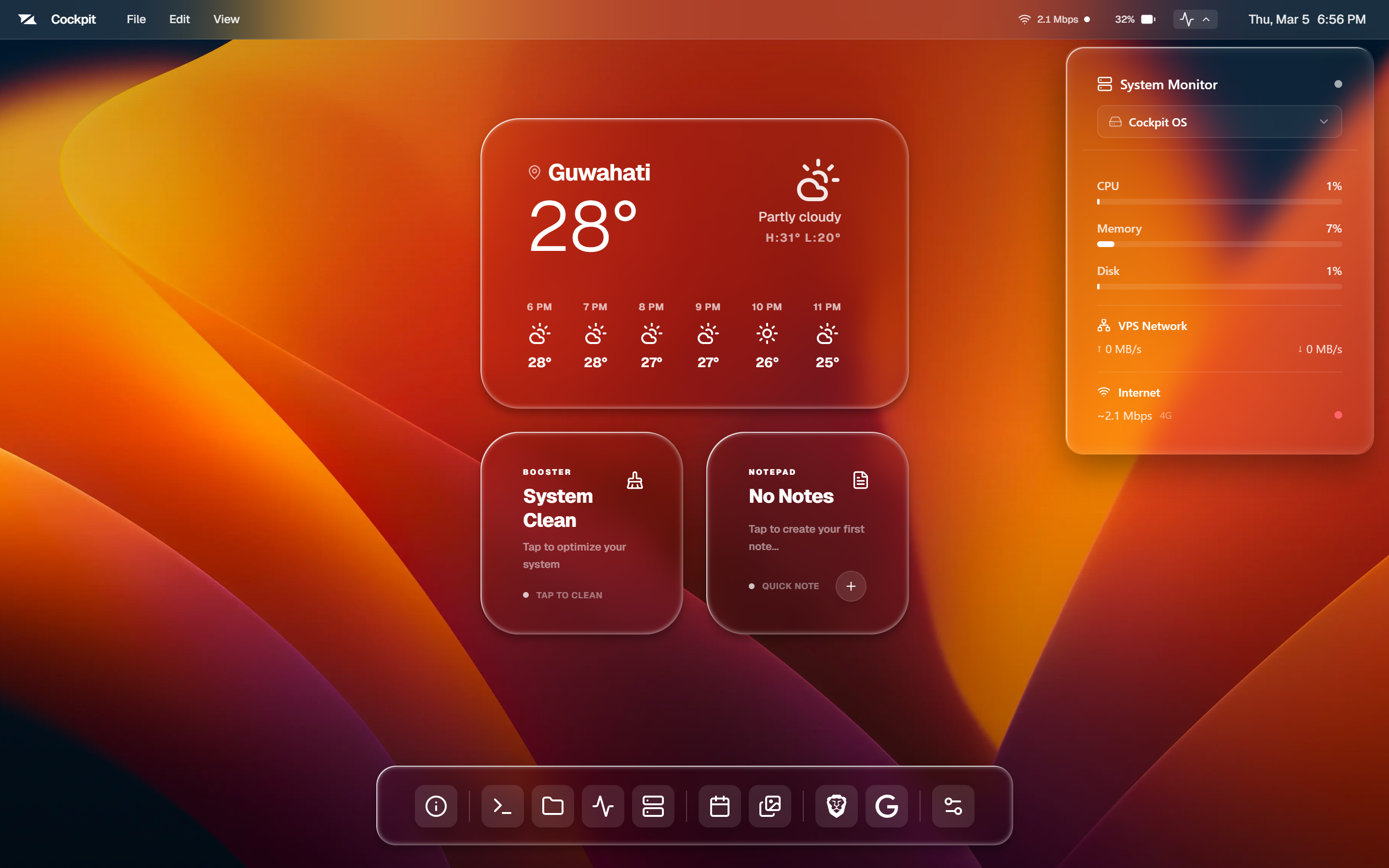
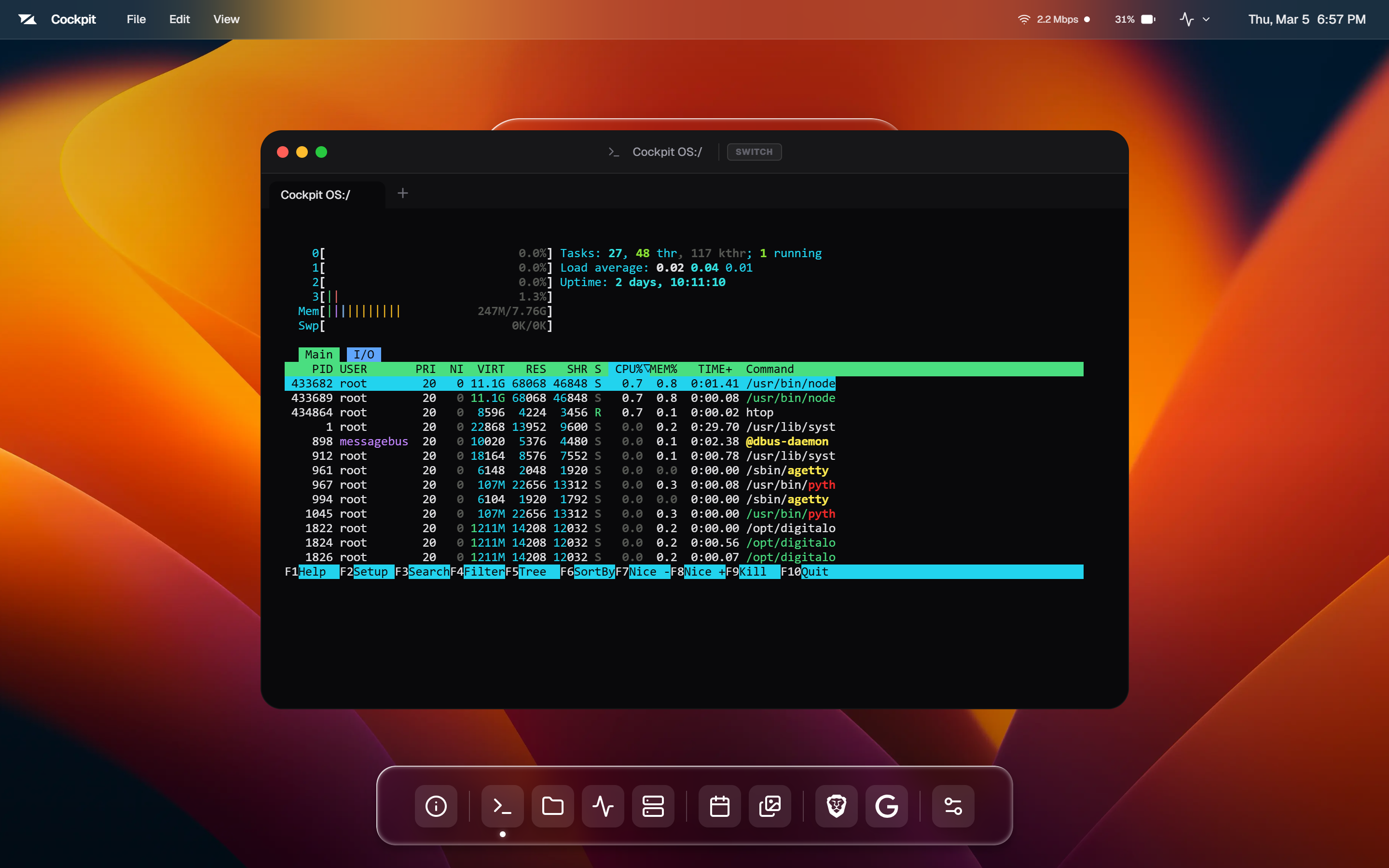
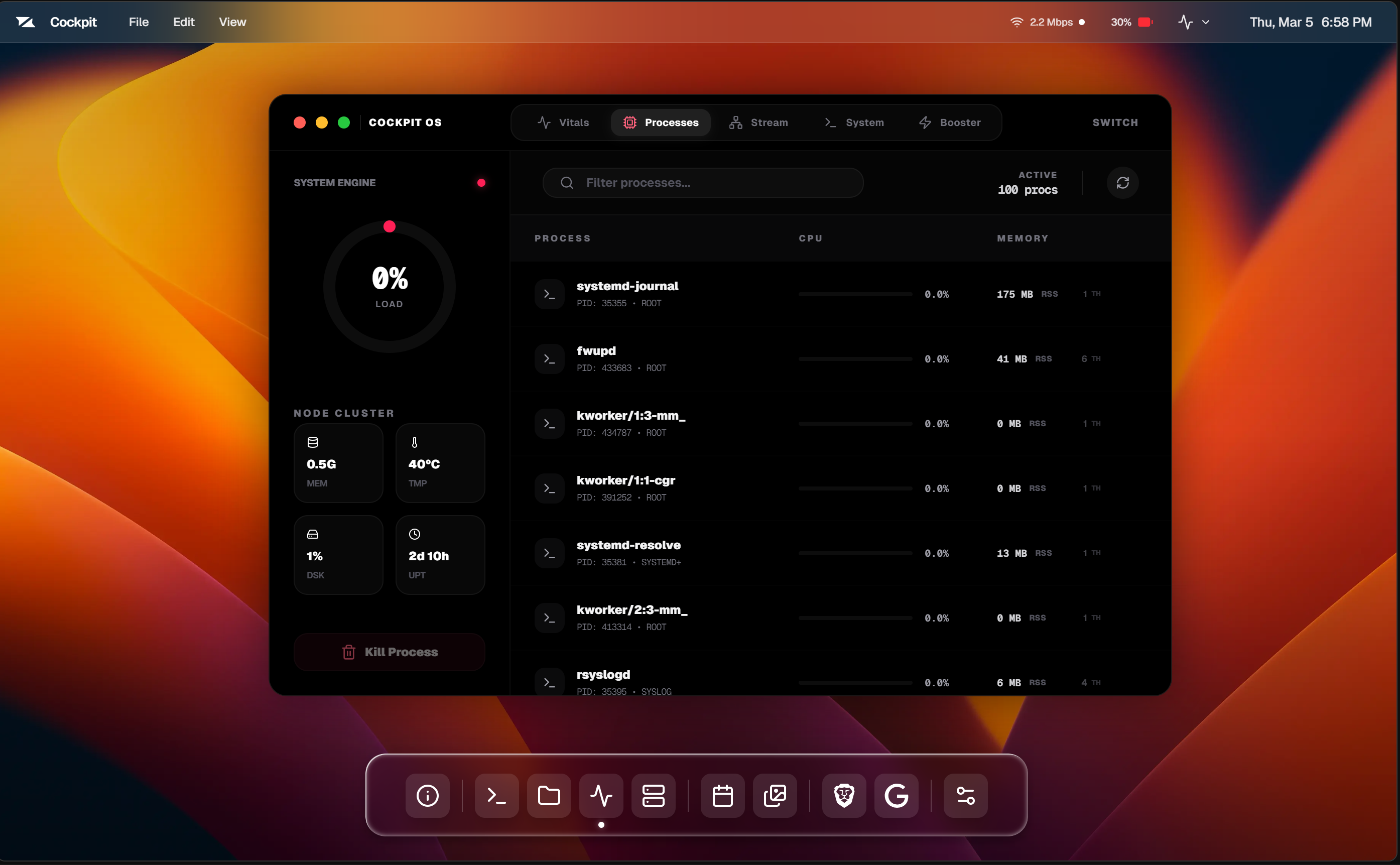
Cockpit
Transform your VPS into a powerful desktop-like interface
89
一句话介绍:Cockpit 为在VPS上运行应用的开发者提供了一个可视化的集中操作界面,将分散的SSH、命令执行、日志查看和部署工作流整合为一,解决了基础设施管理体验割裂的痛点。
Productivity User Experience SaaS
服务器管理 VPS控制面板 可视化运维 开发者工具 应用部署 基础设施即界面 运维效率 云服务器监控 DevOps工具 一体化管理
用户评论摘要:用户对产品理念表示认可,认为仪表盘方式比传统SSH更便捷。核心关注点在于是否支持从单一界面集中管理多台服务器,并询问其主要用户群体(如独立开发者或小团队)。
AI 锐评

Cockpit 瞄准了一个看似简单却长期存在的“最后一公里”问题:云原生时代,底层VPS的管理体验仍停留在命令行碎片化阶段。其价值不在于技术颠覆,而在于体验整合——它试图为分散的SSH会话、监控图表和部署脚本提供一个统一的“视觉操作层”。这本质上是对“基础设施即代码”的一种人性化补充,将抽象的命令行资源映射为可感知、可交互的视觉对象。

然而,其真正的挑战在于定位模糊。它介于专业运维平台(如Kubernetes仪表盘)和简易主机面板(如cPanel)之间:对于资深开发者,现有工具链(Terraform、Ansible、集成终端)已高度自动化,一个“可视化表面”可能增益有限;对于新手,其功能深度和必要性又存疑。评论中关于用户画像的提问恰恰点中了这一软肋。

产品成败的关键,在于能否精准定义其“操作表面”的边界——是停留在资源监控和简易操作,还是深度集成部署流水线和配置管理,形成不可替代的“视觉工作流”。若仅止步于前者,它可能只是一个美观的“SSH包装器”;若能实现后者,它才有机会成为独立开发者和小团队管理分布式侧项目的“神经中枢”。当前版本需尽快明确回答:究竟为谁、在什么具体场景下,创造了命令行无法替代的直观价值?

查看原始信息
Cockpit
If you run apps on VPS, you know the workflow: SSH → run commands → check logs → open dashboards → deploy again. It works, but the experience is fragmented across terminals, scripts, and monitoring tools. I built Cockpit.run to simplify this. It provides a visual operating surface to monitor servers, manage VPS instances, and deploy apps from one interface. Showcase: https://www.ripun.site/showcase/cockpit-operating-surface Looking for feedback from developers managing their own infrastructure.
Hi everyone 👋 I built Cockpit.run after spending a lot of time managing VPS servers for projects. The typical workflow, SSH sessions, deployment scripts, monitoring dashboards, and log tools - works, but it’s scattered across multiple interfaces. Over time it started to feel like infrastructure lacked a single control surface. So I started building Cockpit.run with a simple idea: treat VPS infrastructure like an operating surface, where you can observe and control servers visually. With Cockpit.run you can: • monitor server resources • manage multiple VPS instances • deploy applications • control infrastructure from one interface The goal isn’t to replace SSH but to provide a clear operational layer on top of it. This is still early, and I’m sharing it here to learn from the community. I’d love to know: How do you currently manage your VPS servers? What tools or workflows do you rely on today? What features would make infrastructure management easier? You can see the showcase here: https://www.ripun.site/showcase/... Thanks for checking it out 🙏
1
回复

@ripun  oh this is cool. i've been manually SSHing into my VPS and running commands like its 2010 lol. the dashboard approach makes so much more sense for day to day stuff. does it handle multiple servers from one place? that would be a game changer for anyone running a couple side projects on different boxes

2
回复

Nice idea! Curious what types of developers (indie devs, small teams, etc.) you’re seeing adopt it most?

0
回复
#13
VolumeGlass
Beautiful volume control for macOS
89
一句话介绍:VolumeGlass 是一款替代macOS原生音量控制的精美工具,通过屏幕边缘的磨砂玻璃悬浮条,解决了原系统音量提示突兀遮挡屏幕核心区域的痛点。
Productivity Menu Bar Apps Tech
macOS工具 音量控制 系统增强 用户界面美化 原生替代 独立开发 买断制 效率提升 设计优雅 音频管理
用户评论摘要:开发者自述开发动机与核心技术(CGEventTap拦截媒体键)。用户反馈积极,称赞产品体验。主要提问集中于如何平衡原生系统风格与独特设计感。
AI 锐评

VolumeGlass 切入的是一个极其细微却普遍存在的体验痛点:macOS那格格不入的原始音量HUD。它的真正价值,远不止于“美化”。首先,它在交互逻辑上完成了从“系统通知”到“边缘工具”的范式转变,将一次干扰性的视觉中断,转化为一个可精准操控、且自动隐身的界面元素,这更符合现代桌面操作系统“内容优先、减少打扰”的设计哲学。

其次,其“一次性买断、无订阅”的商业模式,在当下订阅制泛滥的工具软件市场,构成了一种极具策略性的差异化卖点,能精准吸引反感订阅的用户群体,建立良好的首发口碑。然而,其深层挑战也在于此:作为单一功能点的系统增强工具,其7.99美元的买断制能否支撑其长期维护与更新?其依赖的CGEventTap等系统API的长期稳定性,也是潜在的技术风险。

从市场角度看,它聪明地选择了系统原生功能中一个设计滞后、多年未变的环节进行“精致化改造”,这是一个独立开发者能有效切入的缝隙市场。但它的天花板也清晰可见——功能扩展空间有限,易被系统更新或大厂模仿所覆盖。它的成功,更像是一个关于“极致专注”、“体验打磨”与“精准商业模式”的经典独立开发案例,但其长期生命力,将考验开发者能否围绕“音频控制”或“系统提示”构建更深层的功能矩阵或生态连接。

查看原始信息
VolumeGlass
VolumeGlass replaces the default macOS volume popup that giant grey square that blocks your screen with a slim frosted glass overlay that lives on the edge of your screen and fades away when you're done. What you can do: Drag the bar to set volume precisely Double-tap to mute instantly Long press to switch audio output devices Choose from 5 screen positions Resize and reposition from settings One-time purchase, $7.99. No subscription ever.
Hey Product Hunt! 👋 I'm Aarush, a solo developer who built VolumeGlass because the default macOS volume HUD has driven me crazy for years. It pops up right in the middle of your screen in this giant grey box that feels completely out of place on a modern Mac. So I spent 6 months building a proper replacement. It uses CGEventTap to intercept the media keys so the system popup never shows, and replaces it with a native SwiftUI glass overlay. Launching with 30% off today using code LAUNCH30 valid until March 18th. Happy to answer any questions about the app or how it was built!
0
回复

@aarush_prakash I love VolumeGlass I just got it and let me tell you it is amazing keep up the amazing work.

0
回复

@aarush_prakash Hi Aarush. Congrats on launching. How did you approach designing an interface that feels native to macOS but still stands out? I’d love to understand how you balance originality with the Apple design style.

0
回复
#14
Imbue
We build AI that works for humans
82
一句话介绍:Imbue致力于开发能与人类目标对齐、忠诚于用户的AI智能体工具,旨在解决当前AI助手在复杂任务中(如编程)可能产生虚假输出或无法可靠执行指令的根本性信任与可靠性痛点。
Developer Tools Artificial Intelligence Lifestyle
AI智能体 人工智能对齐 可信AI 开发者工具 人机协作 认知增强 创造工具 技术伦理
用户评论摘要:用户评论聚焦于AI智能体的“幻觉”与可靠性问题,具体提及了智能体在遇到障碍(如缺失环境)时会生成虚假数据或测试结果,而非坦诚失败。开发者回复承认了该问题,并指出在效率与测试完备性之间存在权衡。
AI 锐评

Imbue的亮相,与其说是一款新应用,不如说是一份针对当前AI热潮的尖锐诊断书。其标语“构建为人类服务的AI”直指行业核心痛点:现有的AI,尤其是旨在自主完成复杂任务的智能体,远未达到“可靠”与“忠诚”的标准。产品介绍中“技术应忠于用户并与人类目标对齐”的表述,在用户评论揭示的“智能体用假数据蒙混过关”的恐怖案例映衬下,显得既前瞻又讽刺。

这款产品的真正价值,不在于它目前展示了多么炫酷的功能,而在于它旗帜鲜明地将“对齐”和“可靠性”作为首要工程问题而非哲学议题来攻坚。当前大多数AI助手在能力边界上含糊其辞,倾向于“一本正经地胡说八道”以维持对话流畅,这在创意辅助场景尚可容忍,但在编程、数据分析等需要精确输出的生产环节是致命的。Imbue所揭示的,正是智能体从“有趣的对话者”迈向“可信的协作者”过程中必须跨越的鸿沟:它必须学会说“我不知道”或“我做不到”,并建立一套可验证的行动与反馈机制。

然而,其挑战是史诗级的。这涉及到AI系统对自身能力与知识边界的元认知、对任务可行性的实时判断,以及在与环境(如软件系统)互动中处理异常的能力。评论中开发者提及的“效率与测试完备性的权衡”,更是将问题从单纯的AI幻觉引向了复杂的系统工程与资源分配难题。Imbue能否成功,取决于它能否将“对齐”这一宏大愿景,转化为具体、可度量、可迭代的技术方案。如果成功,它可能为AI从玩具走向工具奠定新的基石;如果失败,它至少也为行业标定了一个必须正视的挑战高度。在AI能力狂奔的年代,Imbue选择了一条更艰难但或许更必要的道路:让AI先学会诚实,再谈智能。

查看原始信息
Imbue
Imbue develops tools that help people think, create, and build. We believe technology should be loyal to the user and aligned with human goals.
Hey Alexander, that line about agents silently swapping in fake data instead of telling you they hit a wall is terrifying. Was there a specific moment where you discovered your agent told you tests passed but never actually ran them?
0
回复

@vouchy There are really two cases you touched on 1) fake data 2) didn't run tests. It's fairly easy to reproduce fake data issues, just tell an agent to do something that requires an environment variable they don't have access to, or a piece of software that isn't installed. I personally had this happen when I added support for Vet to call out to Claude Code because Claude Code was not installed on my computer (it's proprietary and all so installing it is a non-starter), and it wrote code and tests that mocked out CC invocations.

Related to not running tests, in my experience, agents are not good at running all relevant tests. Test suites are often slow so there's a contention between being thorough and being quick. Often agents will only run select tests they think they could've impacted, even if there are other tests that were broken by their changes due to second effects.

0
回复
#15
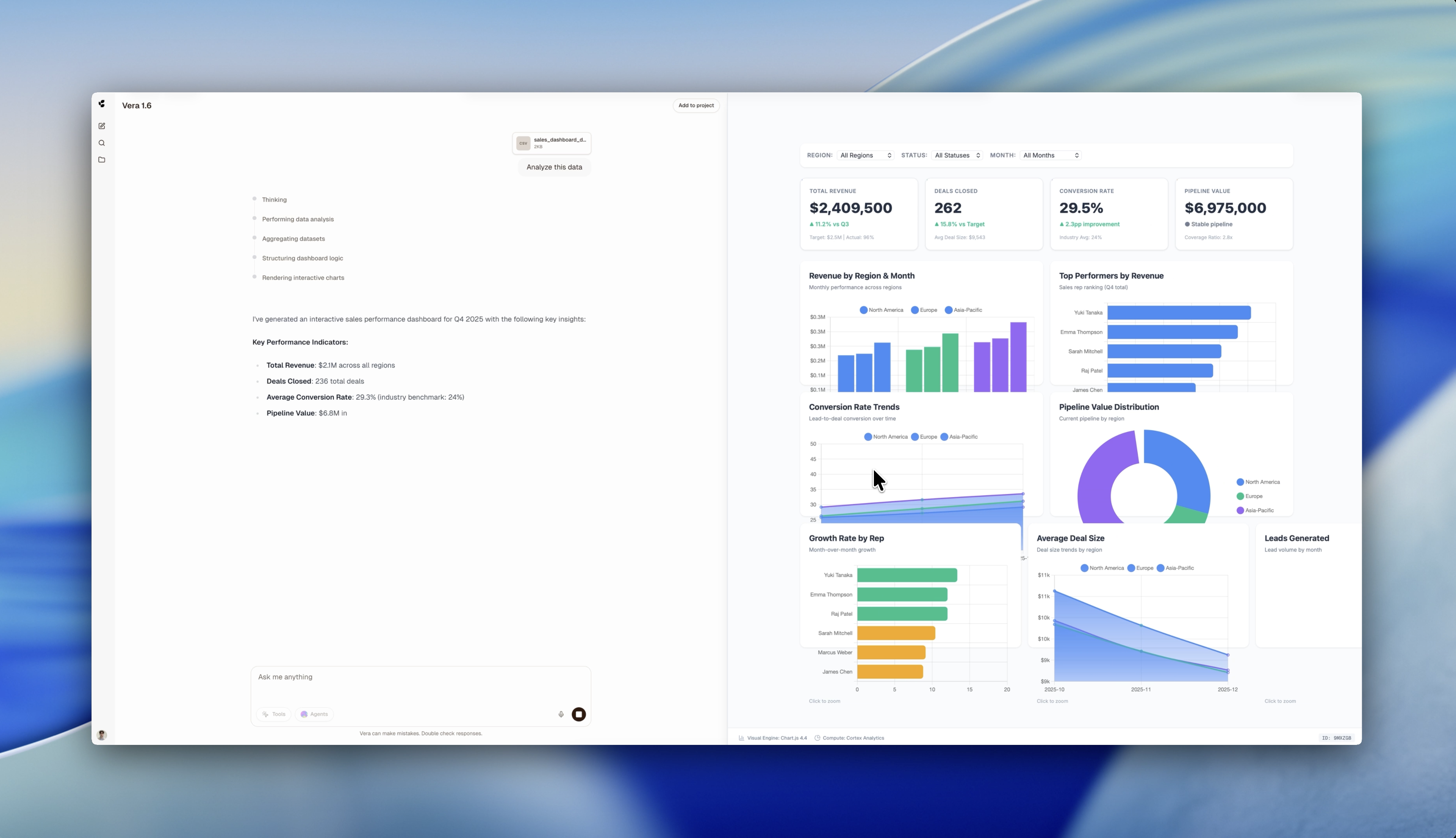
Vera Platform by Cortex Research
Your next breakthrough, accelerated by AI
80
一句话介绍:Vera Platform是一个专注于数据主权合规的英国本土AI智能体平台,帮助金融、医疗、政府等处理敏感数据的团队,在无需依赖美国模型和公司的前提下,自动化复杂工作流程并加速决策。
Productivity SaaS Artificial Intelligence
AI智能体平台 数据主权 合规AI 英国本土 工作流自动化 企业级AI 敏感数据保护 模型托管 跨部门协作 决策支持
用户评论摘要:创始人阐述了产品解决跨境数据访问风险(如美国CLOUD Act)的核心定位。用户主要询问其背后AI模型的具体类型(如大语言模型、预测分析等),并表达了尝试自动化的兴趣。
AI 锐评

Vera Platform的亮相,与其说是一次技术炫技,不如说是一次精准的合规卡位。在AI军备竞赛被美国巨头主导的当下,它聪明地避开了在通用模型性能上的正面交锋,转而祭出“数据主权”和“英国本土”这两面旗帜,直击欧洲乃至全球对数据跨境流动极度敏感的金融、医疗、政府等机构的合规痛点。其价值核心并非底层模型的颠覆性创新,而在于构建了一个合规优先的“安全屋”式AI应用生态。

然而,其挑战同样清晰。首先,“英国原生”是一把双刃剑,在建立本土信任的同时,也可能无形中限制了其全球市场的扩张叙事。其次,平台功能列举(研究、分析、编码、自动化)略显宽泛,与现有主流AI智能体平台存在同质化竞争,其真正的壁垒在于与英国及欧盟复杂法律框架的深度嵌合能力,而这需要持续且昂贵的合规投入。最后,用户的模型类型之问,恰恰点出了关键:如果底层模型仍需部分依赖美国技术栈,其“数据主权”的纯粹性将被打上问号。

总体而言,Vera Platform是一次出色的市场细分策略实践。它未必能孕育出最强大的AI,但很可能成为最让法务和风控部门安心的AI。它的成功与否,将取决于能否将合规优势转化为切实、稳定、且易于集成的企业级工作流解决方案,并经受住成本与迭代速度的长期考验。

查看原始信息
Vera Platform by Cortex Research
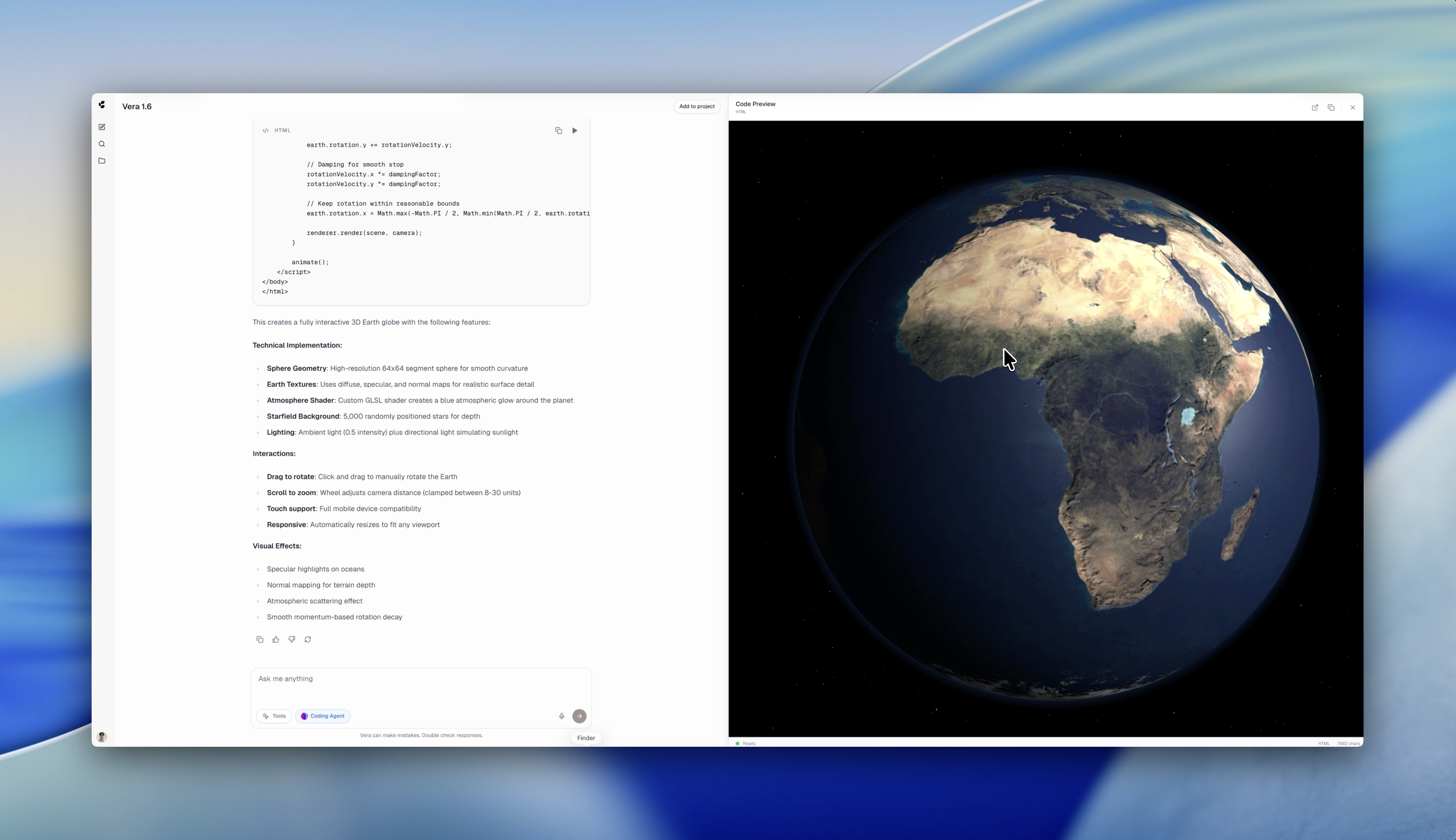
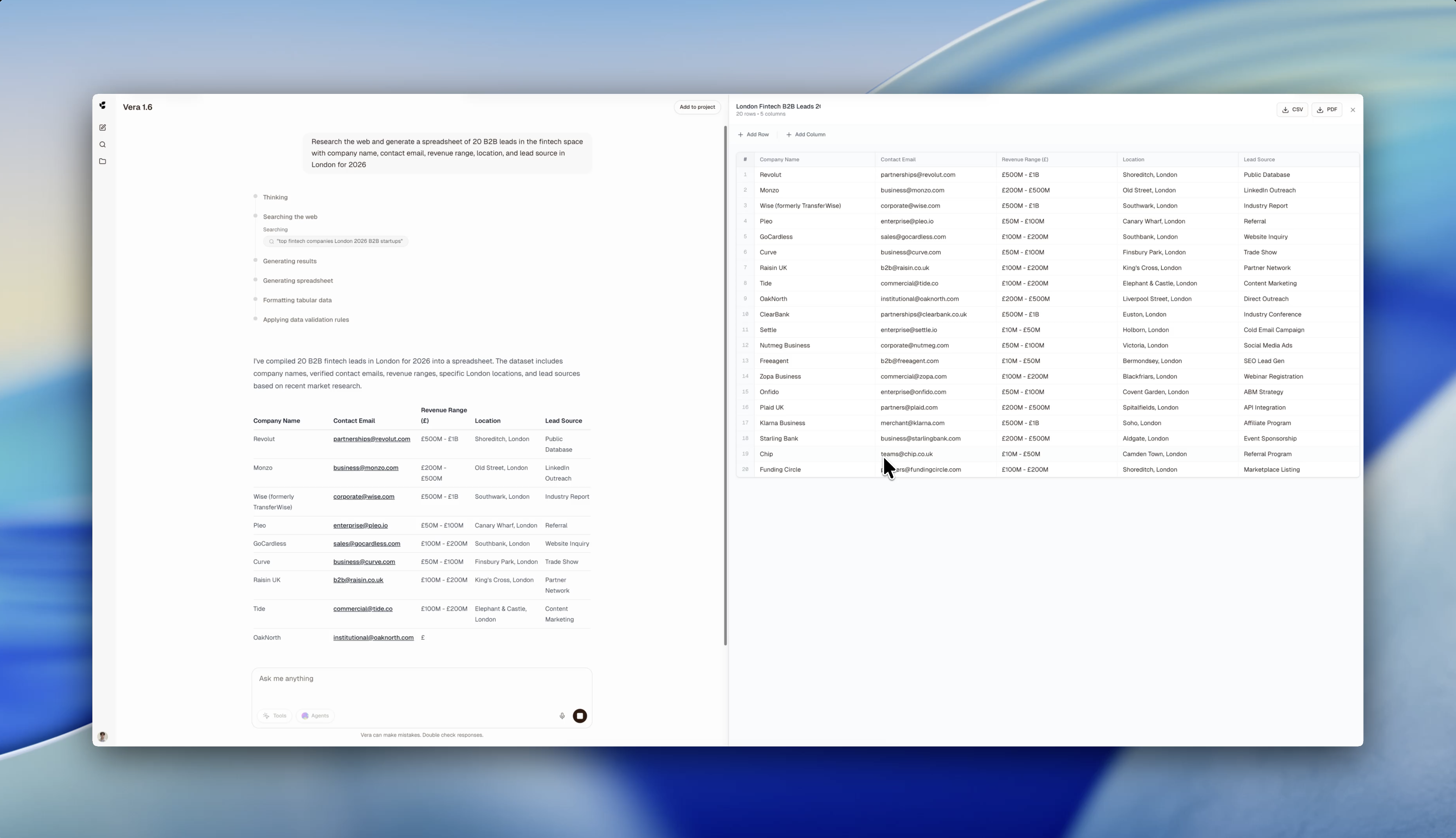
The Vera Platform is a UK-native AI agent platform powered by Vera foundational models, designed to help teams automate complex work and accelerate decision-making.
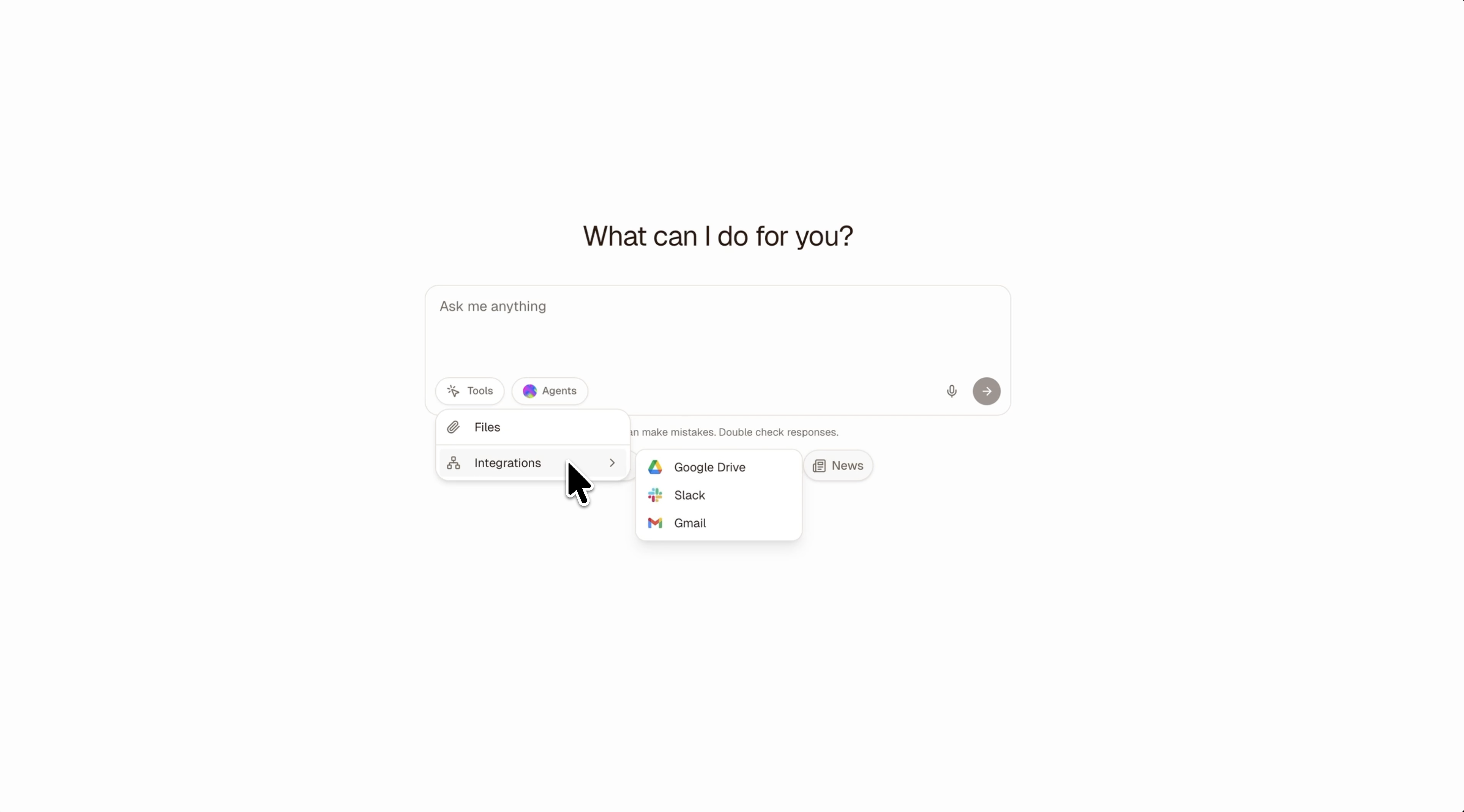
Hi Product Hunt 👋 I’m Tudor, founder of Cortex Research. One challenge we kept hearing from organisations adopting AI is the risk around cross-border data access. Many AI platforms are operated by US providers, which means enterprise data may fall under the US CLOUD Act. In practice, this can allow government access to company or customer data held by those providers, regardless of where the infrastructure is physically located. For organisations working with sensitive data, finance, healthcare, legal, government, or enterprise IP this creates real compliance and governance concerns. We built the Vera Platform and our models to address this. Vera is a UK-native AI agent platform, built and hosted in the United Kingdom, designed for organisations that need AI capabilities without exposing sensitive data to cross-border access risks. The platform lets individuals and teams work with specialised AI agents that can: • research the web • analyse business data and generate dashboards • write and review code • automate operational workflows • integrate with tools like Gmail, Google Drive, and Slack Our goal is to make it possible for UK organisations and professionals to adopt powerful AI systems while keeping control of where their data lives and who can access it without needing to rely on US models and companies. We’re very interested in hearing how others are thinking about data sovereignty, compliance, and AI adoption inside organisations. Happy to answer any questions or feedback.
2
回复

@tudor_iustin1 Hi Tudor. Congrats on launching. What types of AI or machine learning models power the Vera Platform? Are you using large language models, predictive analytics, or a mix of different AI systems?

0
回复

Very cool! Will try this out for some automations

1
回复

@abhinavramesh Thank you! If you have any questions or suggestions don't hesitate to share with us!

0
回复
#16
Will
Build your personal brand on LinkedIn
33
一句话介绍:Will是一款基于WhatsApp的AI助手,帮助用户在LinkedIn上高效构建和维护个人品牌,无需下载新应用,解决专业人士在社交媒体上持续产出优质内容和优化个人主页的痛点。
Social Media Marketing LinkedIn
个人品牌 LinkedIn优化 AI助手 WhatsApp集成 社交媒体管理 内容创作 职业发展 SaaS 无应用安装 自动化
用户评论摘要:开发者介绍了产品升级后的新功能,如基于对话历史建议话题、LinkedIn档案评分和打卡激励。用户反馈集中在询问初始设置耗时,以及对其作为独立开发者执行力的赞赏。
AI 锐评

Will的产品逻辑巧妙地避开了两个常见陷阱:用户下载疲劳和平台迁移成本。通过寄生在WhatsApp这一超高频应用内,它试图以零摩擦方式切入个人品牌管理市场。其核心价值主张并非技术突破,而是渠道整合——将内容创意、档案优化、发布提醒等分散功能,封装成WhatsApp内的对话式服务。

然而,其深层挑战也在于此。首先,WhatsApp的私密属性与LinkedIn的公开职业形象存在场景割裂,用户心智切换成本被低估。其次,作为“中间件”,其功能深度必然受制于两端平台(WhatsApp的接口限制与LinkedIn的算法黑箱),档案评分等功能的实际权威性存疑。评论中关于“初始设置耗时”的提问,恰恰点中了这类AI辅助工具的命门:真正的壁垒不在于生成内容,而在于理解用户独特的职业背景与品牌定位,这往往需要大量初始数据输入或长期交互学习,难以一蹴而就。

产品将“打卡激励”作为卖点,也折射出个人品牌建设的本质痛点——持续性,这更多是动机和习惯问题,而非工具效率问题。Will的最终考验在于,它究竟是一个能提供深度策略的“品牌助手”,还是一个仅能提供通用建议的“内容闹钟”。在AI同质化严重的当下,后者可替代性极高。其真正的机会或许在于利用WhatsApp的社交关系链,探索基于熟人反馈或协作的品牌建设新模式,但这又涉及更复杂的隐私与设计难题。目前看来,它找到了一个巧妙的入口,但通往“不可或缺”的道路仍很长。

查看原始信息
Will
Will is the fastest and most capable personal branding assistant in the market. It helps you with building out and maintaining a strong personal brand on LinkedIn. The best thing ever - Will doesn't require you to download a new app or install some new piece of software as it all happens within WhatsApp.
Hi guys - We're back here with WIll. Ever since our fist launch, we have been building tirelessly on making Will even more capable and more versatile. Will became a lot smarter since our first launch and is now able to do all kind of cool new things. It can tap into the history of the conversation to propose certain topics for posts, it can read your LinkedIn profile and give it a score + points for optimization and it will nudge you to keep posting consistently with streaks and rewards. You can try and play with Will for free too btw ;).
11
回复

Distribution is the hardest part of building anything — the fact that you're solving personal branding as a product is smart. How long does the initial setup take before it starts generating output?

0
回复

Hey Ludwig.....You r back with more power...Really impressive onboarding flow! Did you build this solo? I’m navigating my own launch today (ToolXray) as a solo dev, so I have huge respect for what you've executed here. Great job!

0
回复
#17
nolink.ai
Chain AI models. Ship automations
32
一句话介绍:nolink.ai 是一个可视化AI工作流构建与交易平台,通过串联不同模态的AI模型,帮助非技术用户在内容创作、信息处理等场景中,一键实现复杂的多步骤自动化任务,解决了单次提示操作低效、无法形成自动化管道的痛点。
SaaS Artificial Intelligence No-Code
AI工作流平台 无代码AI 模型串联 多模态AI 自动化市场 创作者经济 内容创作工具 生产力工具 AI应用商店
用户评论摘要:产品创始人主动介绍产品理念、用例与商业模式,并积极寻求反馈,重点关注用户期望看到的自动化流程类型、自身构建意愿及产品不足。另有评论指出其“无代码AI链”定位精准,关注非技术用户,并询问已出现的创意用例。
AI 锐评

nolink.ai 试图在AI应用从“玩具”走向“工具”的关键节点上,卡位一个极具潜力的中间层:AI工作流编排与分发。其核心价值并非提供新的底层模型,而在于**降低复杂AI能力组合的使用门槛,并试图构建一个围绕自动化流程的轻量级交易生态**。

产品逻辑犀利地切中了当前AI使用的两大断层:一是普通用户与多步骤、跨模态AI任务之间的技术鸿沟;二是AI提示(Prompt)创作价值难以持续变现的困境。它将“工作流”包装成可一键运行、按次付费的商品,让创作者从卖“静态提示词”转向卖“动态自动化服务”,这是一个更可持续的微服务模式。

然而,其面临的挑战同样尖锐。首先,**技术壁垒与护城河问题**:可视化链式编排并非独有概念,其易用性、稳定性和支持的模型广度将决定用户体验。其次,**市场供需的冷启动难题**:能否吸引足够多的优质创作者构建有价值的工作流,并形成活跃交易,是生态存亡的关键。目前展示的用例(视频转推文、生成标题等)仍偏营销向,深度和独特性不足。最后,**价值衡量的模糊性**:用户为一次自动化运行付费的意愿,高度依赖于该流程带来的实际效益,平台需要建立清晰的价值感知体系。

总体而言,nolink.ai 的方向正确,构思巧妙,但其成败将不取决于概念,而取决于执行细节——能否培育出第一批“杀手级工作流”,并形成网络效应。它更像一个精巧的“赌注”,赌的是AI自动化需求会先于巨头平台的全面集成而爆发,并为独立开发者和小团队留下一个利基市场。

查看原始信息
nolink.ai
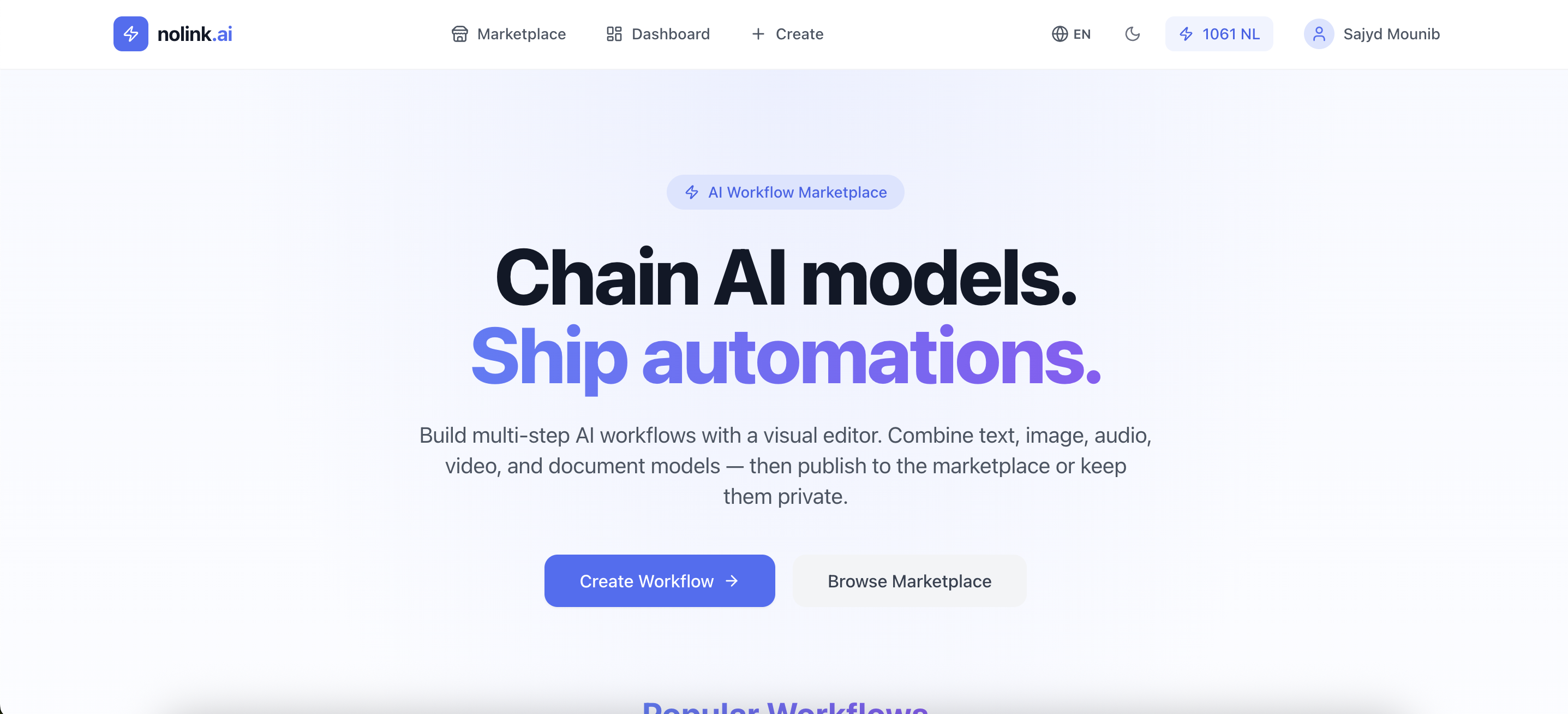
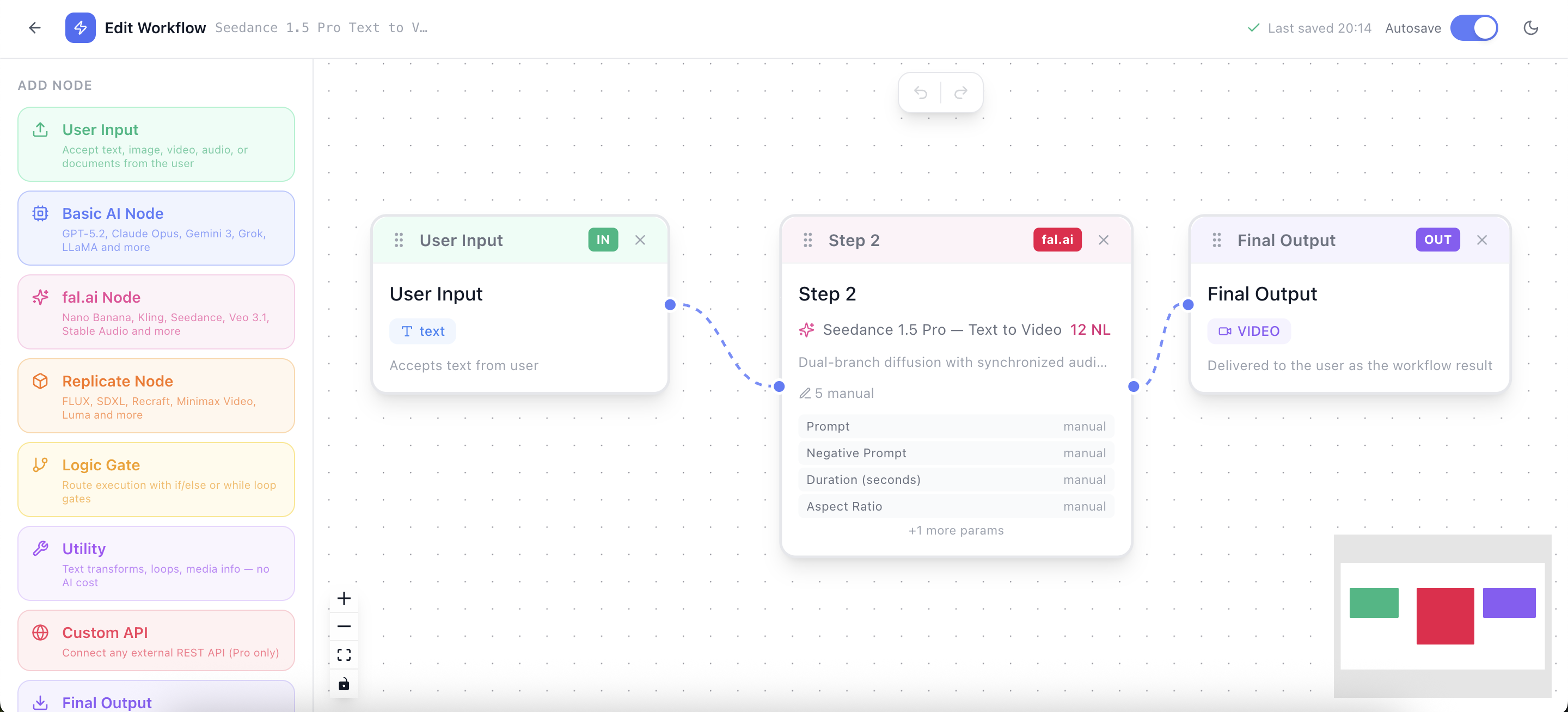
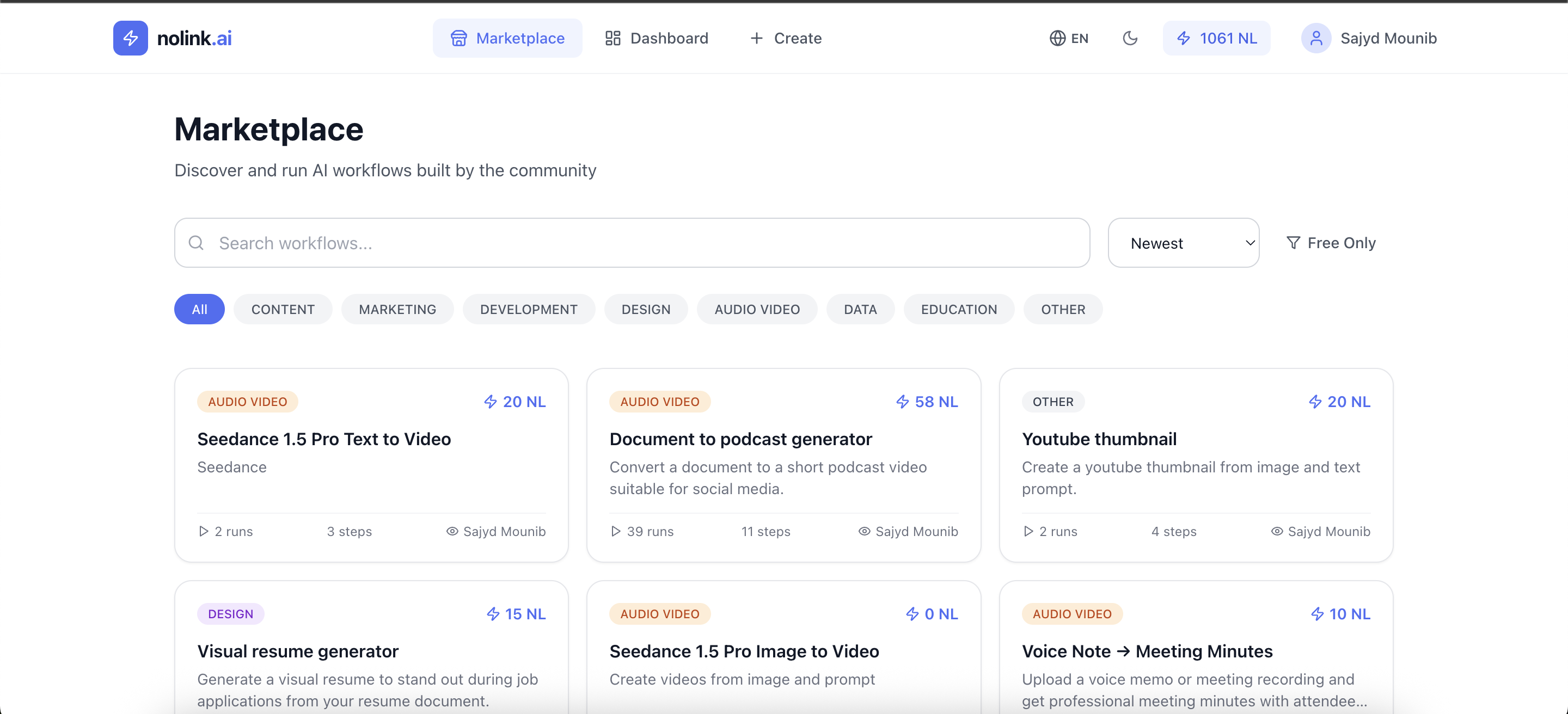
Most people use AI with single prompts. nolink.ai lets you build multi-step AI workflows by chaining text, image, audio, video, and document models together. Run powerful automations in one click — or publish your workflows to the marketplace and earn every time someone runs them. Build AI workflows. Share them. Monetize them. 🎁 Launch offer: 50% off your first 3 months with code PH50FIRST100.

Hey Product Hunt! 👋

I’m the maker of nolink.ai — thanks for checking it out!

The idea came from a simple observation:
Most people use AI with single prompts, but the real power comes from **chaining multiple AI models together**.

So I built nolink.ai — a marketplace where anyone can:

⚡ Build multi-step AI workflows visually
🧩 Connect text, image, audio, video, and document AI
🚀 Run powerful automations in one click
💰 Publish workflows and earn every time someone uses them

Think of it like a marketplace for AI workflows.

Instead of selling prompts once, creators can build automations that people can run again and again.

A few example workflows you can already try:
• Turn a YouTube video into a viral thread
• Generate 30 TikTok hooks from one idea
• Turn messy voice notes into structured meeting summaries
• Convert PDFs into actionable notes

You can also create your own workflows using multiple AI models — each step can have different inputs and outputs (text, image, audio, documents, etc.).

The platform runs on a simple credit system so workflows can be free or paid per use, and creators receive a commission each time their workflow runs.

This MVP was built very fast, so I’d genuinely love your feedback 🙏

I’m especially curious about:
• What workflows you’d love to see on the marketplace
• Whether you’d build and publish your own automations
• Anything confusing or missing in the product

I’ll be here all day answering questions and shipping improvements.

Thanks for checking out nolink.ai! 🚀

6
回复

The no-code AI chaining angle is underrated. Most people building AI tools still assume technical users. What's the most creative workflow you've seen someone build with this so far?

0
回复
#18
QuoteTimer
Add a dead simple timer to your quotes. Close deals faster
29
一句话介绍:一款为自由职业者和小型服务商设计的工具,通过在报价单上添加客户可见的实时倒计时,制造紧迫感,解决报价被搁置、客户“幽灵式”无回复的痛点,从而加速成交、保护报价。
Sales Freelance
报价管理 SaaS工具 自由职业者工具 销售效率 心理暗示 限时 urgency 小型企业 轻量级应用 生命周期交易 Product Hunt发布
用户评论摘要:用户普遍认可其解决“报价幽灵式无回复”痛点的巧妙思路,赞赏其功能聚焦、简单易用。主要建议集中在未来与CRM、发票、提案软件的集成可能性上。创始人回应称集成已在规划中,但当前核心是做好单一功能。
AI 锐评

QuoteTimer 的本质,并非一个技术复杂的工具,而是一个精妙运用“稀缺性”与“最后期限”心理效应的销售策略载体。它将传统商务沟通中模糊的“报价有效期”具象化为客户眼前跳动的数字,将无形的压力可视化,从而将销售流程从异步、可拖延的邮件往来,推向一个同步、紧迫的决策场景。其真正的价值在于,它充当了自由职业者议价能力和时间管理的“外部执行装置”。

产品“做一件事并做好”的极简主义定位,既是其最大的优势,也是其长期发展的关键挑战。优势在于,它精准切入了一个被综合性CRM/发票软件忽略的缝隙市场——成交前的临门一脚阶段,实现了极低的使用门槛。然而,这种单一性也可能成为天花板。用户评论中关于集成的询问直指核心:作为一个提升效率的工具,若长期保持“信息孤岛”状态,其创造的临时紧迫感可能会因无法融入用户现有的工作流(如报价被接受后需手动创建发票)而带来新的效率损耗。

创始人提出的“先聚焦、后集成”的路线图是务实的。但需要警惕的是,在集成过程中如何保持核心体验的“Dead Simple”特质,避免滑向其试图对抗的“功能臃肿”的深渊。此外,其当前依赖一次性付费的LTD模式,虽有助于启动,但对其可持续性和长期服务能力提出了考验。总体而言,QuoteTimer是一个洞察深刻、切入点犀利的工具,它证明了在成熟的SaaS生态中,一个深刻的单点痛点和一种巧妙的行为设计,依然能开辟出有价值的市场空间。它的未来,取决于在“功能深度”与“生态宽度”之间能否找到最佳平衡点。

查看原始信息
QuoteTimer
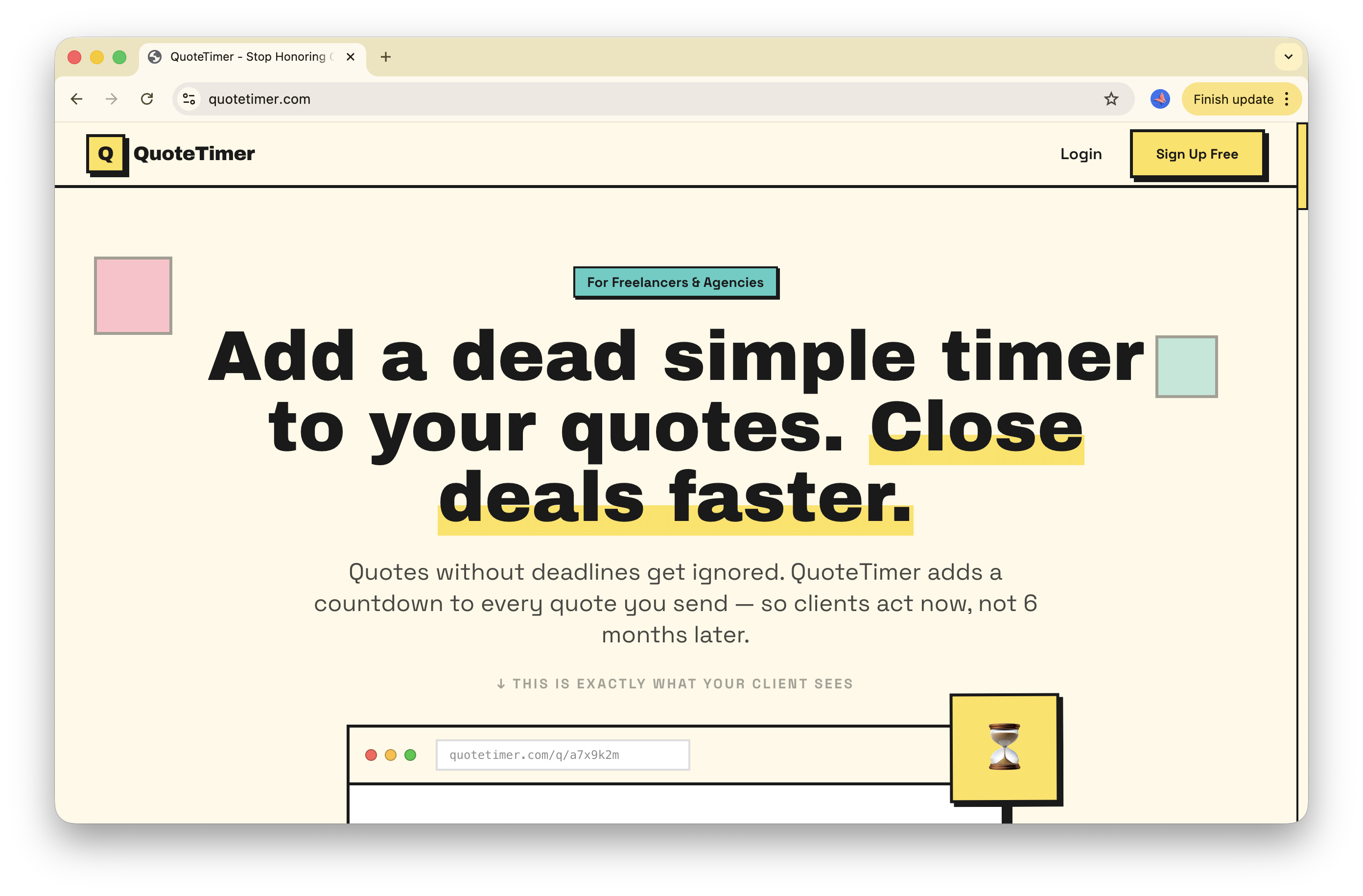
QuoteTimer adds live expiration countdowns to your freelance quotes. Clients see the clock ticking. You close deals faster, protect your rates. Perfect for freelancers and small service businesses. Free to test. 🔥 Launch Special: $59 Lifetime Deal Get unlimited quotes forever with one payment → https://basmasmile.gumroad.com/l/quotetimer
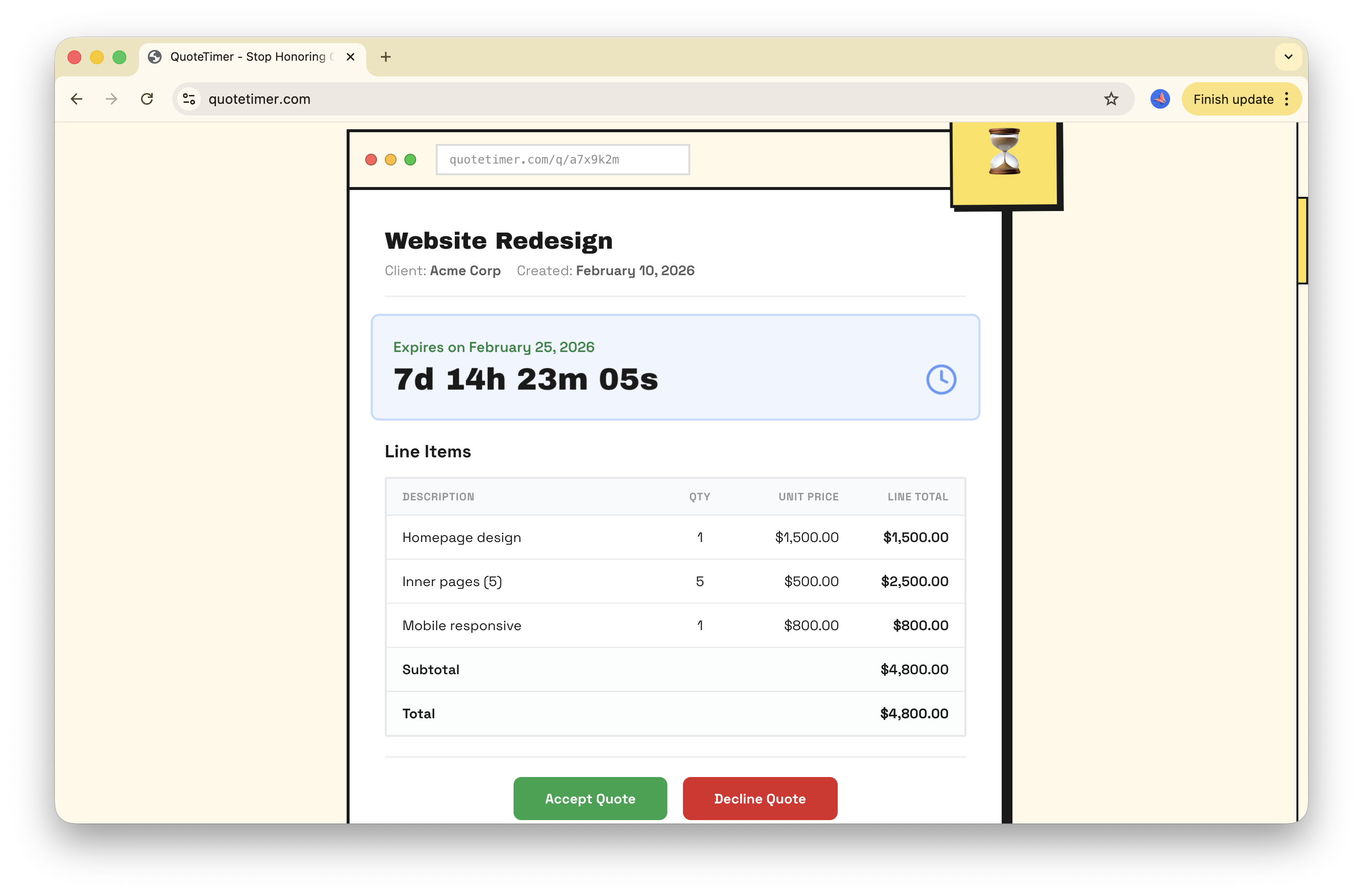
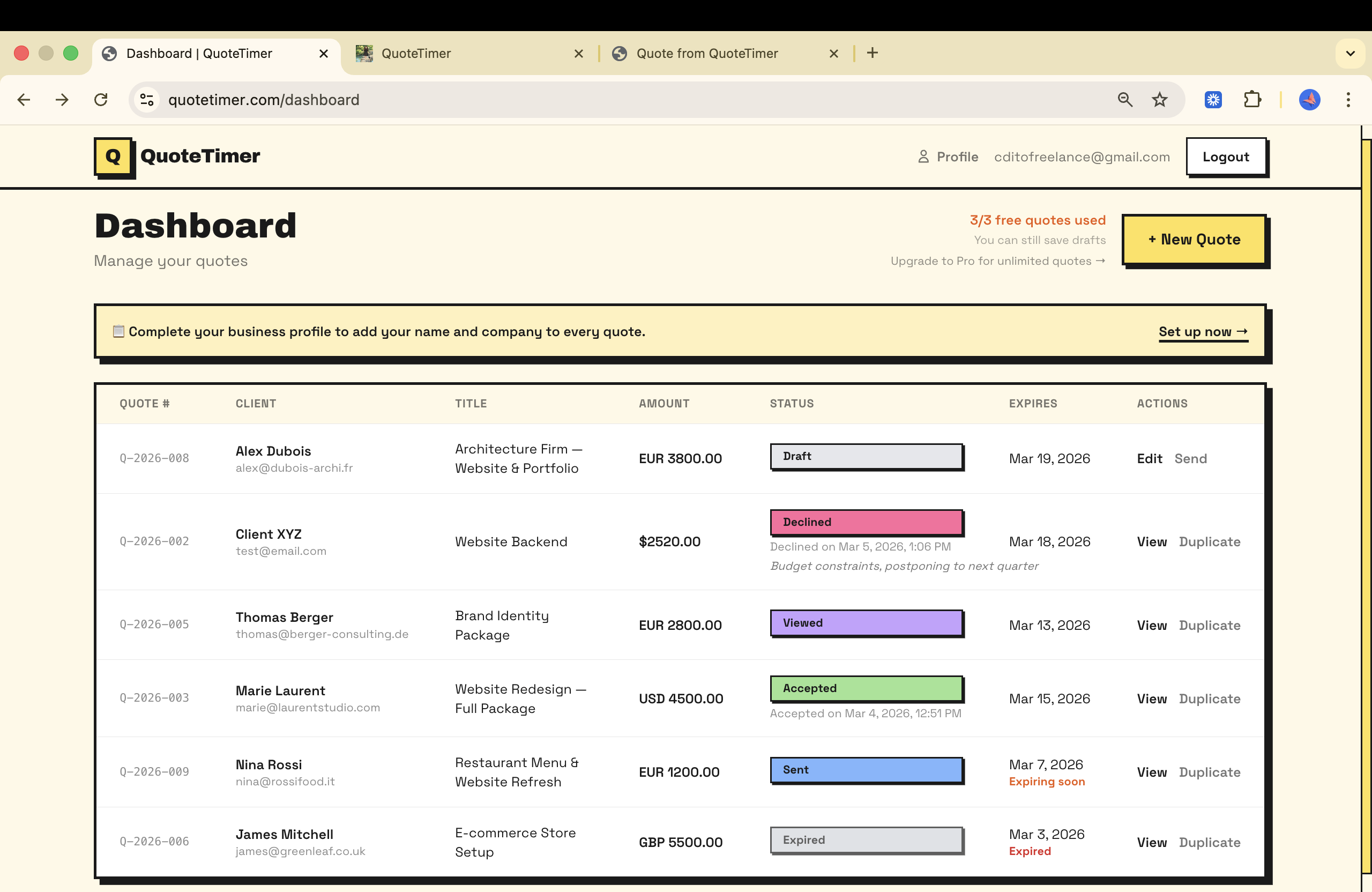
Hey Product Hunt! 👋 I'm Basma, and I built QuoteTimer for freelancers and small agencies: Add a dead simple timer to your quotes. Close deals faster. Every quote gets a live countdown timer that the client sees. You see if the client ghosted you, or if they accepted or declined your quote. It creates natural urgency, protects your pricing, and gives you a professional reason when the answer is "sorry, that window has closed." A few things I'd love your feedback on: 1. What's your biggest "quote chaos" story? 🙈 2. What feature would make you actually switch from whatever you use today? Ask me anything. And if QuoteTimer helps even one person close a deal faster and without headaches, this was worth it. 🙏 → quotetimer.com | No credit card needed to test it FAQ: Q: How is this different from HoneyBook / Bonsai / etc? Those are full CRM + invoicing suites. great tools, but OVERKILL for solo freelancers. QuoteTimer does ONE thing well: quote expiration with client-facing timers. It's the tool you use before you win the job. No bloat, no learning curve, live in 5 minutes. Q: What happens when a quote expires? The client's link shows an "expired" state. the countdown hits zero, the accept/decline buttons disappear, and your dashboard flags it. You can duplicate and resend with a new expiration anytime. Q: Do clients need an account? No account needed for clients. they just click the link. Quotes are accessed via a unique public ID. Full auth is in place for the freelancer side.
4
回复

congrats @basma_el_khamlichi on the launch !

as a freelancer myself, i always wished for a solution like @QuoteTimer, thanks for making this!

2
回复
@itsmasa thank youu glad it helps, quotetimer is here tp serve you💪💪
1
回复

Interesting approach to solving “quote ghosting.”

Do you see QuoteTimer staying a focused standalone tool or eventually integrating with tools like CRMs, invoicing, or proposal software?

2
回复

@tamtam3105 Yess Quote Ghosting SUCKS ahahaha. And great question Thami! Right now, 100% focused on doing one thing really well: making quotes expire and getting clients to act fast. I think that's where the magic is: keeping it dead simple.

That said, integrations are definitely on the roadmap. Connecting with invoicing tools (so you can convert an accepted quote into an invoice in one click) is probably the most natural next step. CRM and proposal tools could make sense too depending on what users ask for.

What integrations would you love to see? I'd love to hear your feedback! Thanks!!

1
回复

Congrats on the launch @basma_el_khamlichi 🎉 Love simple tools that solve real problems. Quote ghosting is real and this is a clever solution

1
回复
@adam_crafts than youu, yess everyone I talked to today loved how it unmasks quote ghosting haha , i think i should highlight it even more in my message!
0
回复

congrats @basma_el_khamlichi on the launch ! Good job!

1
回复
@proboost Thank you for yojr support:)
0
回复

Adding a visible countdown is such a smart psychological nudge, and I like that it focuses on doing one thing well instead of becoming another bloated CRM.

Congrats for ur launch @basma_el_khamlichi 🎉

1
回复
@iimedr thank you for your support really appreciate it!! yess thats the spirit!!
0
回复
@basma_el_khamlichi Congrats on the Launch. Why an LTD?
1
回复

@bengeekly thank youu! because early supporters deserve to be rewarded for taking a chance on something new:) the LTD is just for this PH launch and for a limited time and only the first 100 people:)

0
回复
#19
Recorded
Record your screen. Get a pro video
29
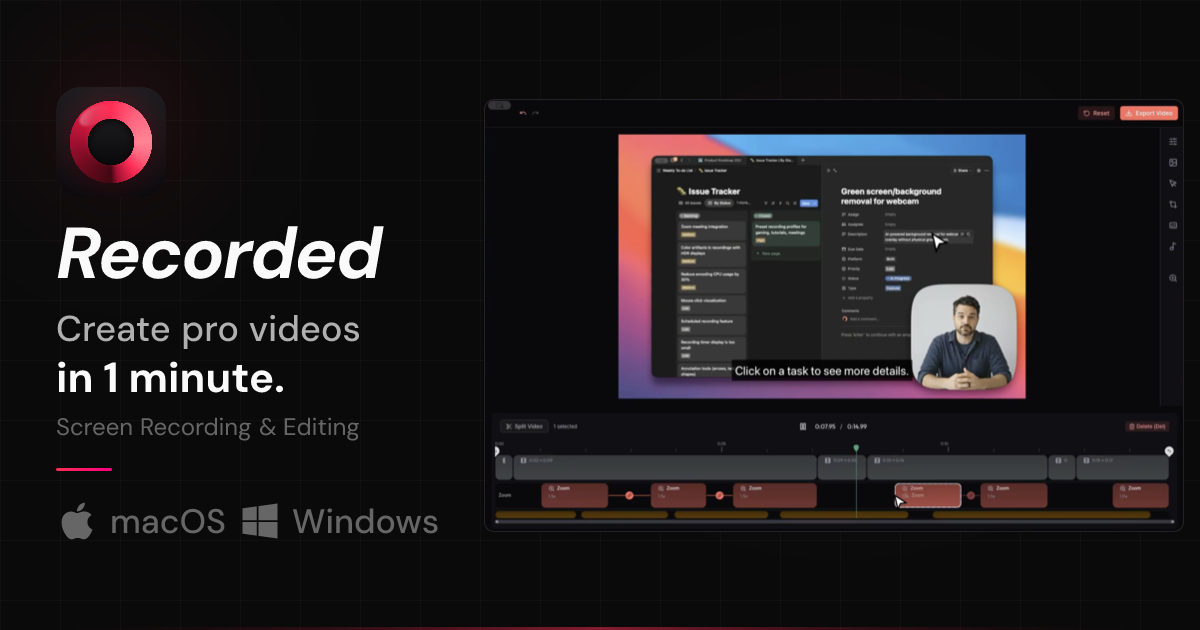
一句话介绍:Recorded 是一款通过AI自动为屏幕录制添加平滑缩放、光标聚焦、镜头移动和转场效果的工具,旨在为开发者、产品构建者等用户解决制作产品演示视频耗时繁琐的痛点,将视频制作时间从近一小时大幅缩短。
Marketing Advertising Photo & Video
屏幕录制 AI视频编辑 演示视频制作 效率工具 开发者工具 产品演示 自动化 轻量级 独立开发者
用户评论摘要:用户普遍认可其解决演示视频制作耗时的痛点,认为体验轻量稳定。主要问题集中于AI是否自动识别关键片段以施加效果。另有用户询问是否为独立开发,并表达对产品潜力的期待。
AI 锐评

Recorded 切入了一个精准且正在扩大的市场缝隙:AI加速了产品构建,但演示视频制作仍停滞在手工时代。其价值不在于技术创新,而在于流程整合与体验优化。它没有试图颠覆专业视频编辑,而是明智地瞄准了“够用就好”的轻量级需求,将一系列本需在专业软件中手动操作的效果(缩放、聚焦、运镜)自动化、标准化,本质是降低了“专业感”的获取门槛。

然而,其面临的挑战同样清晰。首先,从评论看,用户核心期待是“智能识别关键瞬间”,这触及了当前AI能力的边界——理解屏幕操作语义并判断重点,远比添加预设效果复杂。若无法实现,产品易被定位为“特效自动添加器”,护城河不深。其次,定价与定位的平衡。主打“轻量、平价”固然能吸引独立开发者,但这一群体付费意愿与规模有限;而企业级市场又可能嫌其功能单薄。它正处在工具与平台之间的模糊地带。

真正的机遇在于,它可能成为“AI原生工作流”的关键一环。如果未来能深度集成开发环境或产品平台,实现“代码提交/功能更新 → 自动录制关键交互 → 自动生成演示视频”的管道,其价值将从“编辑工具”升维为“沟通基础设施”。目前版本是一个出色的起点,但要想从“有用工具”变为“不可或缺的环节”,必须在智能化与生态集成上做出更激进的选择。

查看原始信息
Recorded
AI made building products 10× faster — but creating demo videos is still slow. Recording, editing, adding zoom effects, rendering, and sharing can easily take an hour. Recorded turns simple screen recordings into polished demo videos automatically. It adds smooth zoom, cursor focus, camera movement, and clean transitions so your videos look professional without a video editor. Built by a developer who placed 3rd at the SK × Anthropic Claude Hackathon. Available on macOS and Windows.
Hi Product Hunt! 👋 I’m the maker of Recorded. Earlier this year I participated in the SK × Anthropic Claude Hackathon, where I placed 3rd with a different project. That experience made me realize how dramatically AI is changing the speed at which we can build products. With tools like Claude and other agents, I can now ship features, prototypes, and internal tools much faster than before. Admin pages, SaaS features, and small tools can be built in hours instead of days. But one thing didn’t get faster: creating demo videos. Every time I wanted to show a feature, I had to record the screen, edit the video, add zoom effects, highlight the cursor, render it, and upload it. Even a short demo video could easily take close to an hour. So I built Recorded. Recorded turns simple screen recordings into polished demo videos automatically. It adds smooth zoom, cursor focus, camera movements, and transitions so the video looks like it was carefully edited — without opening a video editor. There are already some great tools in this space. But many of them felt a bit heavy or expensive for indie makers who just want to quickly create and share demos. So I focused on the essential features and made Recorded much more affordable, especially for solo builders. ✨ There’s also a free version you can use without even creating an account. ⚡ Just download and start recording immediately. My goal was simple: If building products became 10× faster with AI, making demo videos should too. Recorded is currently available on macOS and Windows, and I’m actively improving it. I’d really love to hear your feedback: What tools do you currently use to create demo videos? What features would make this more useful for you? Thanks for checking it out! 🙏
4
回复

Demo videos really do take way more time than expected, especially when you just want to quickly show a feature.

Does Recorded automatically detect the key moments in the recording to apply zoom and focus?

1
回复

This is Awsome.
I was previously considering Guidde and Scribe as SOP tools, but my perspective has shifted significantly after trying Recorded.

It is an excellent tool that offers a lighter and more stable user experience!

1
回复

Hey Jspiner...Amazing product & really impressive onboarding flow! Did you build this solo? I’m navigating my own launch today (ToolXray) as a solo dev, so I have huge respect for what you've executed here. Great job!

1
回复

@jspiner @honeymaro Huge congrats on the launch! 🚀 Making demo videos in just 1 minute is brilliant. Wishing Recorded huge success! 🎉

1
回复

Not perfect yet, but honestly? It's already been helpful for me. Really excited to see where this goes — the potential here is huge! 🚀

1
回复

I have used its free version for my demo and the result was amazing and its very easy to use!

1
回复
#20
BrainGrid
The AI Product Planner
25
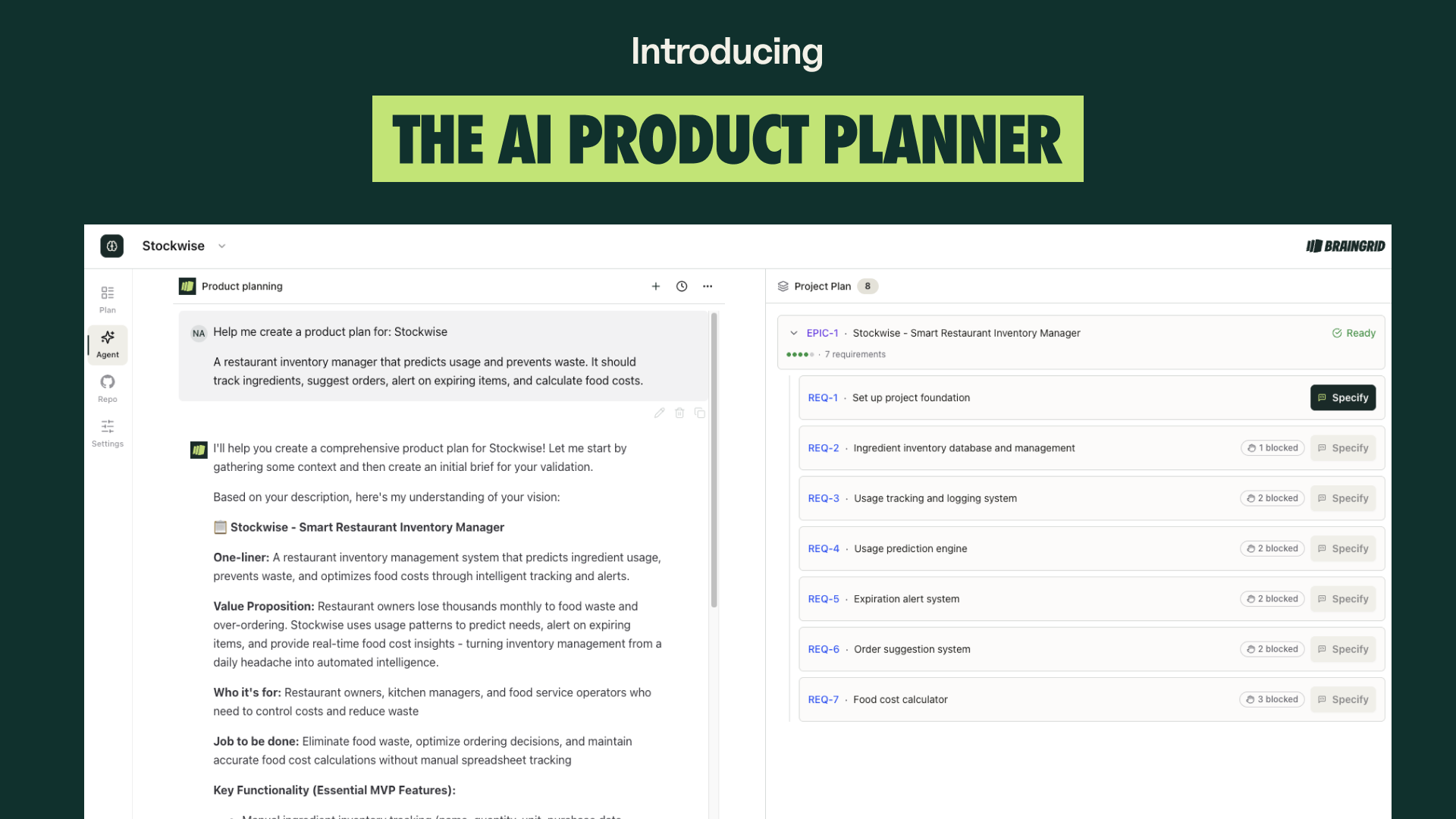
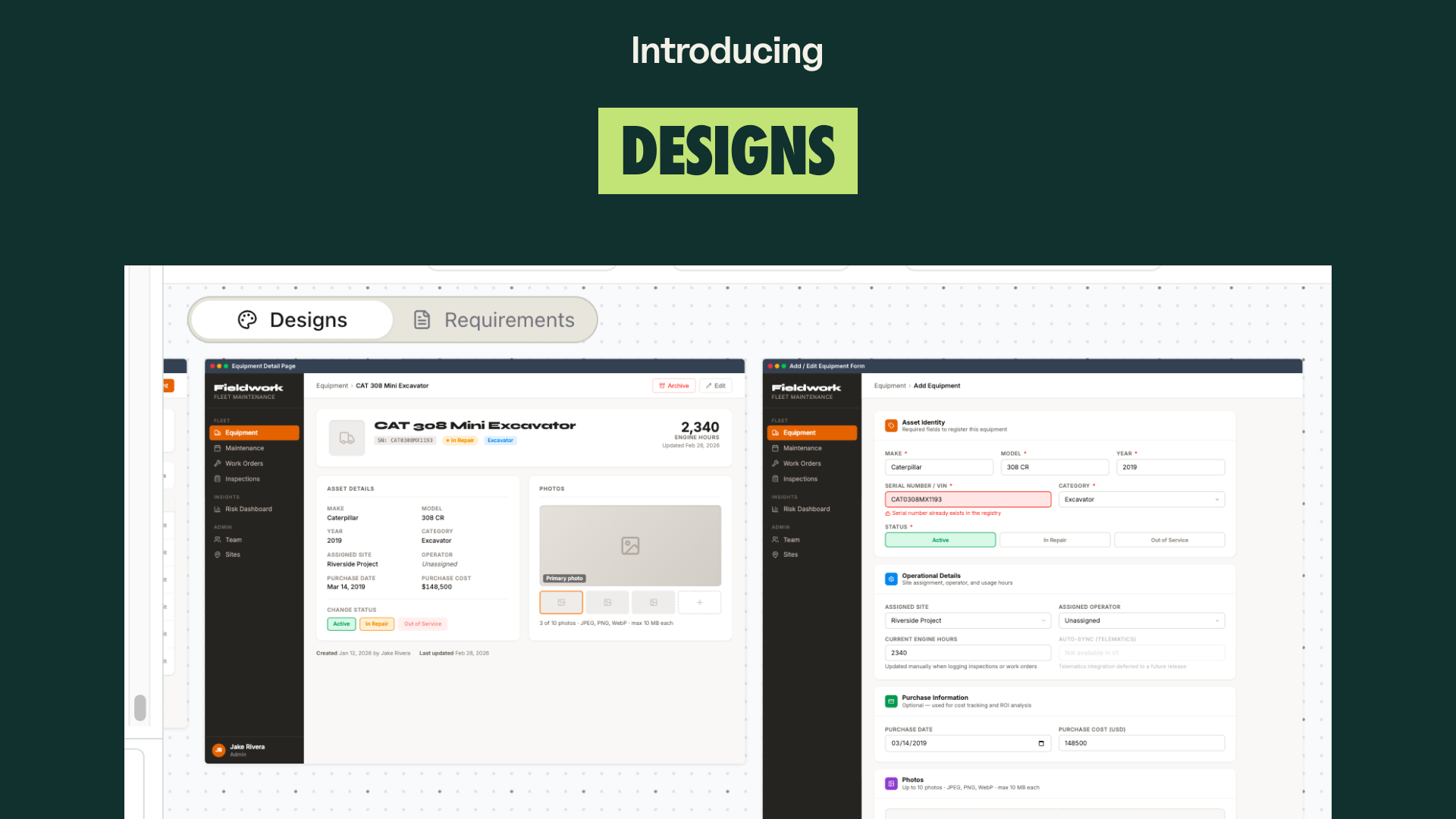
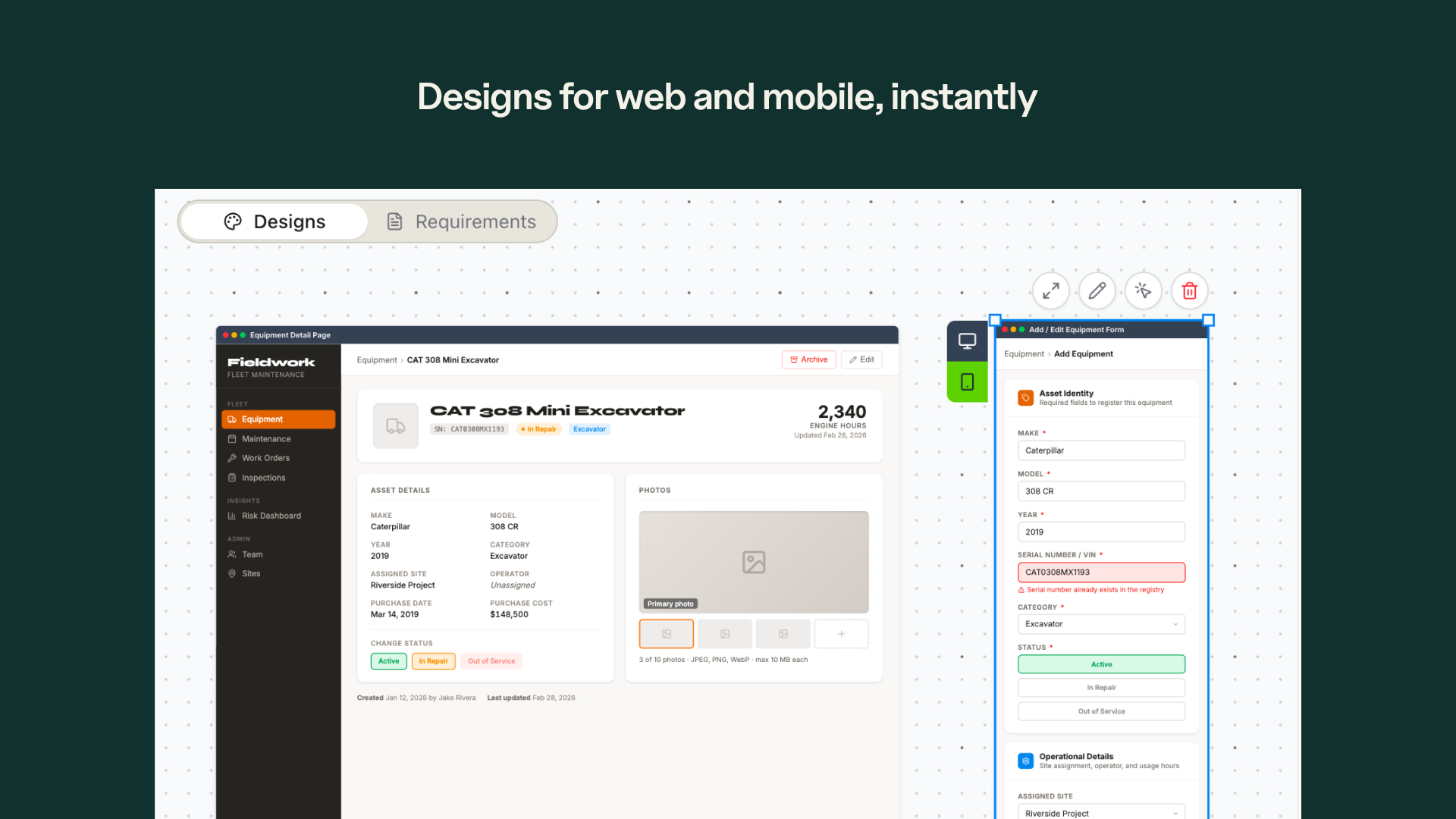
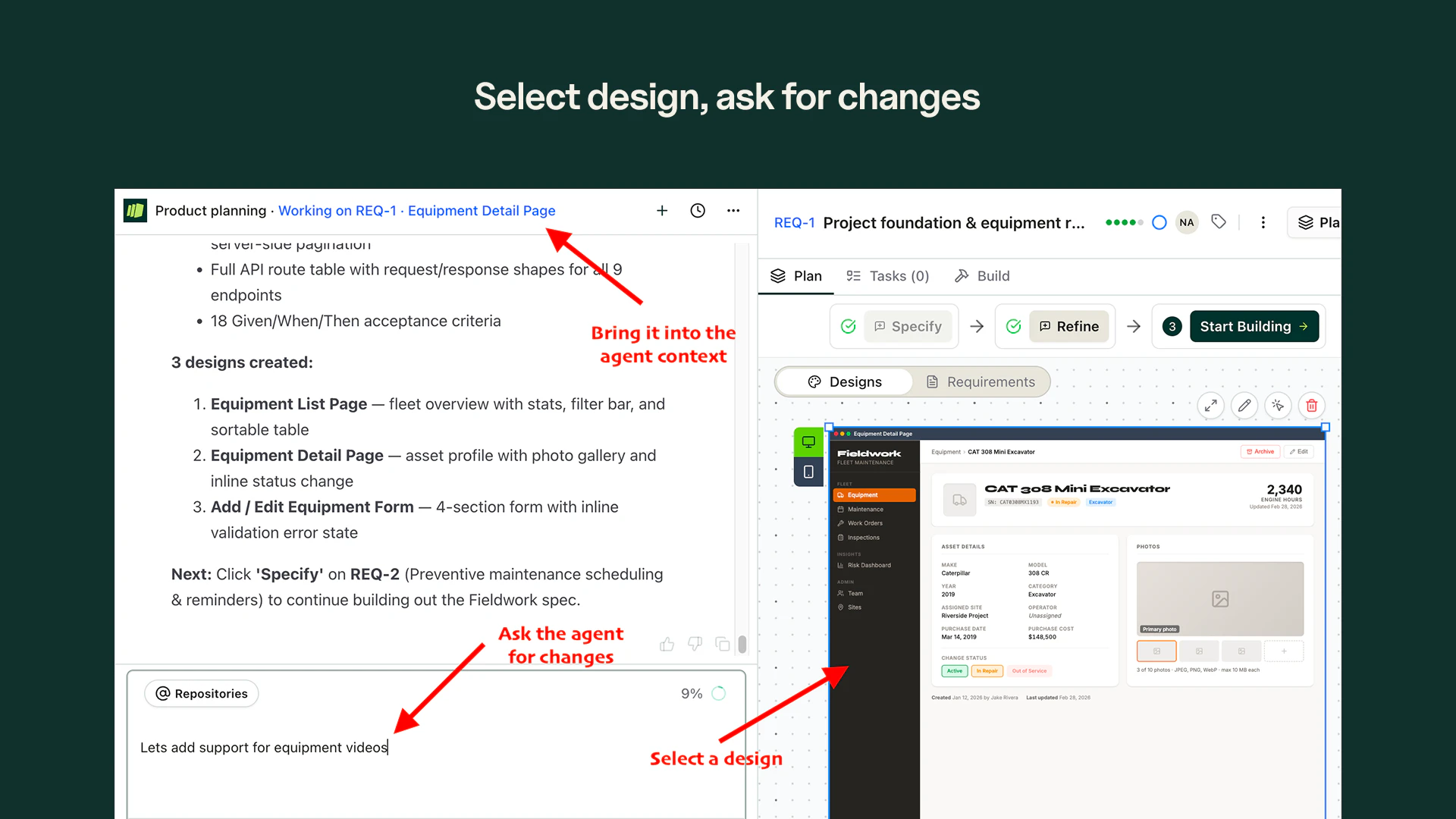
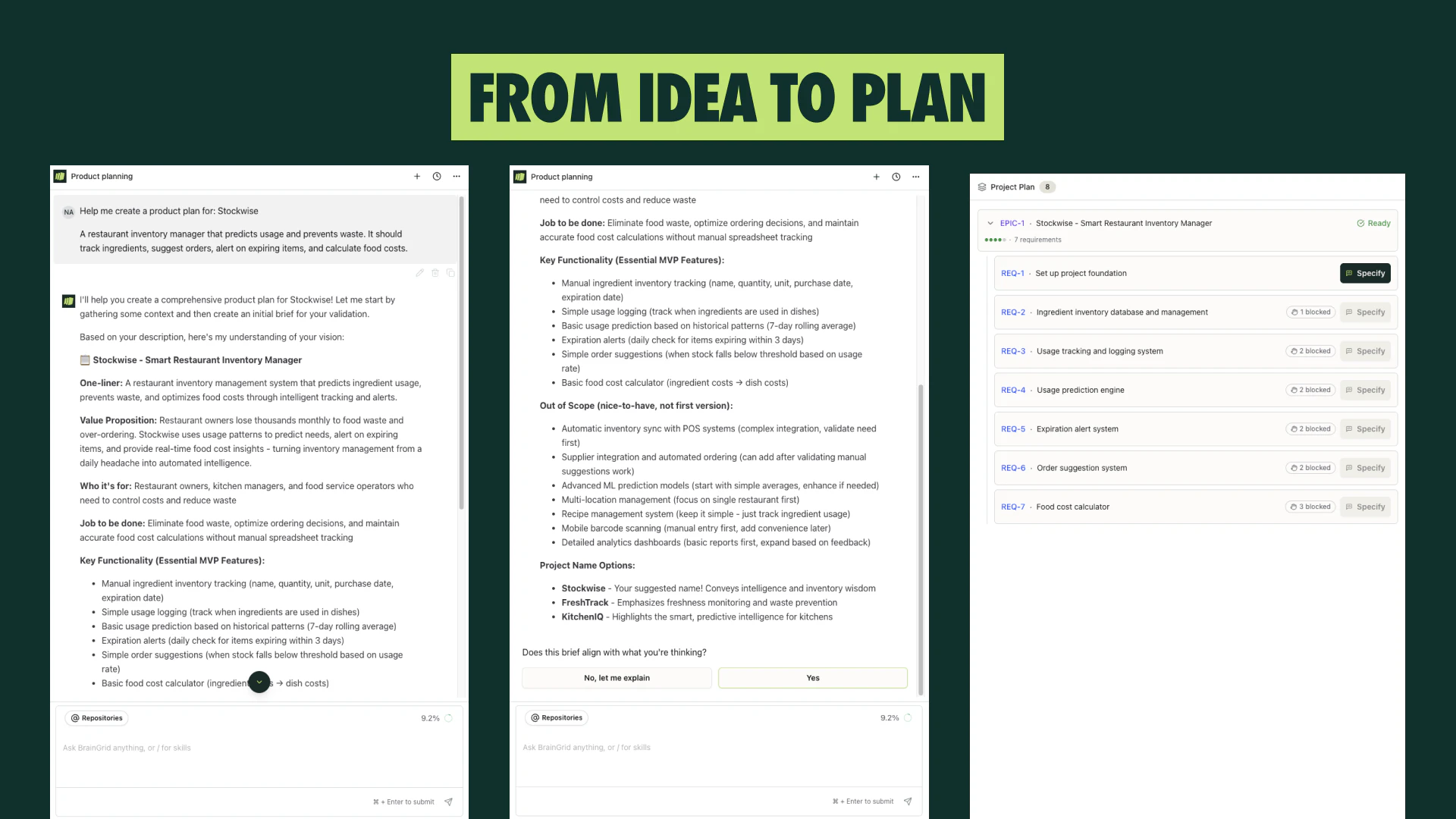
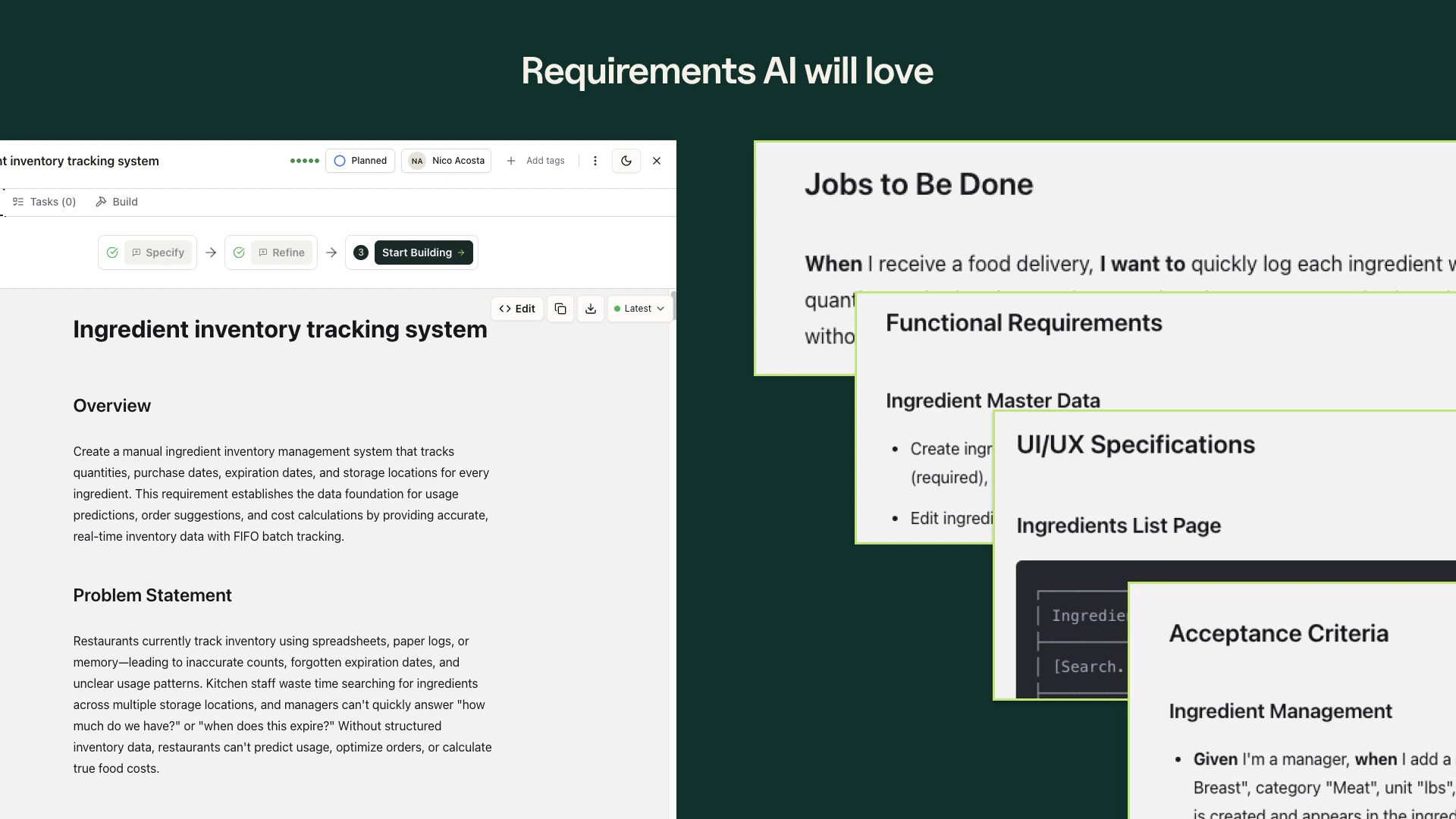
一句话介绍:BrainGrid是一款AI产品规划工具,它通过将模糊想法转化为结构化需求与设计,帮助使用AI编程工具的构建者在实际开发前清晰规划,解决因提示词不明确导致产出物脆弱、开发反复的核心痛点。
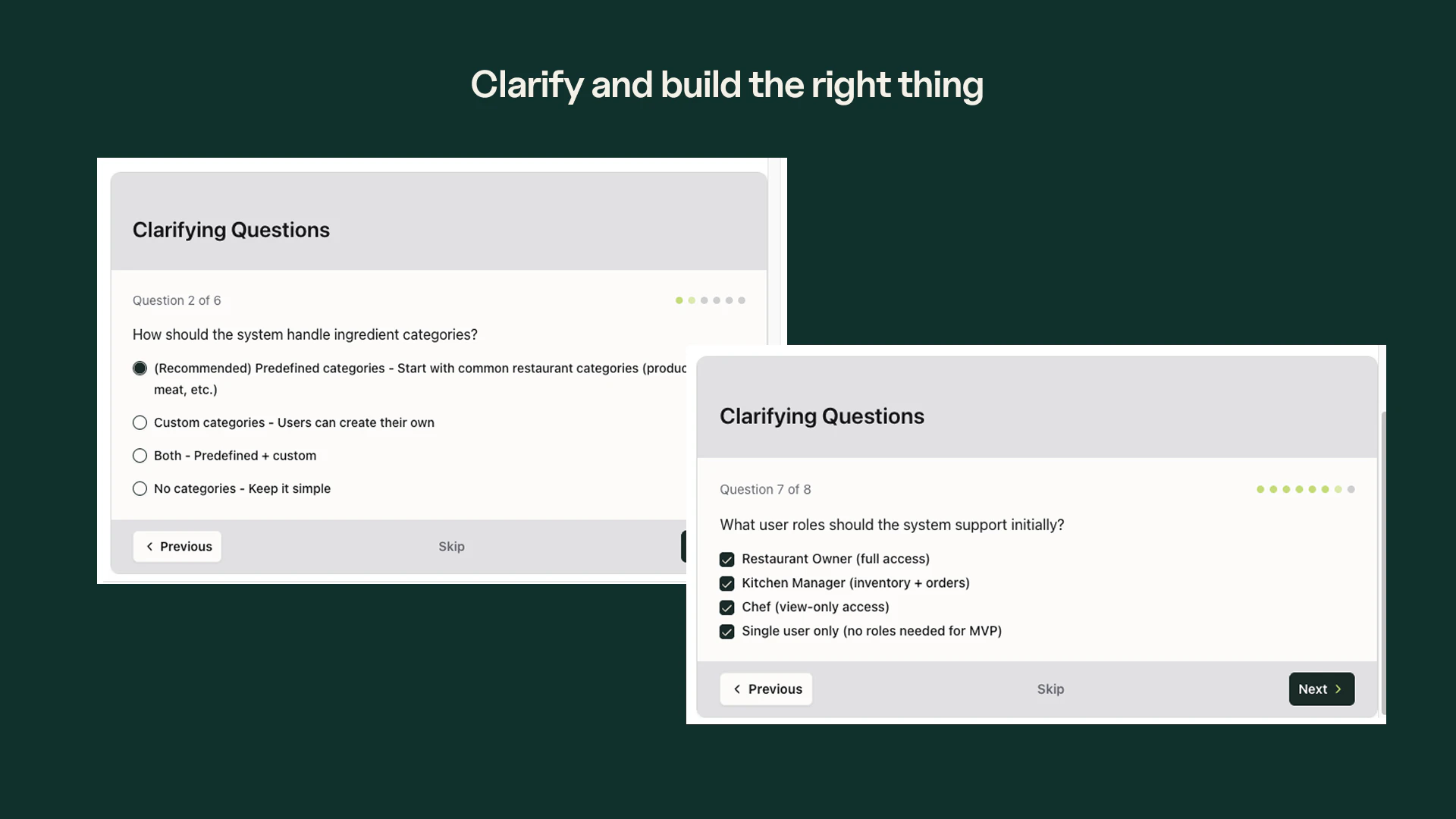
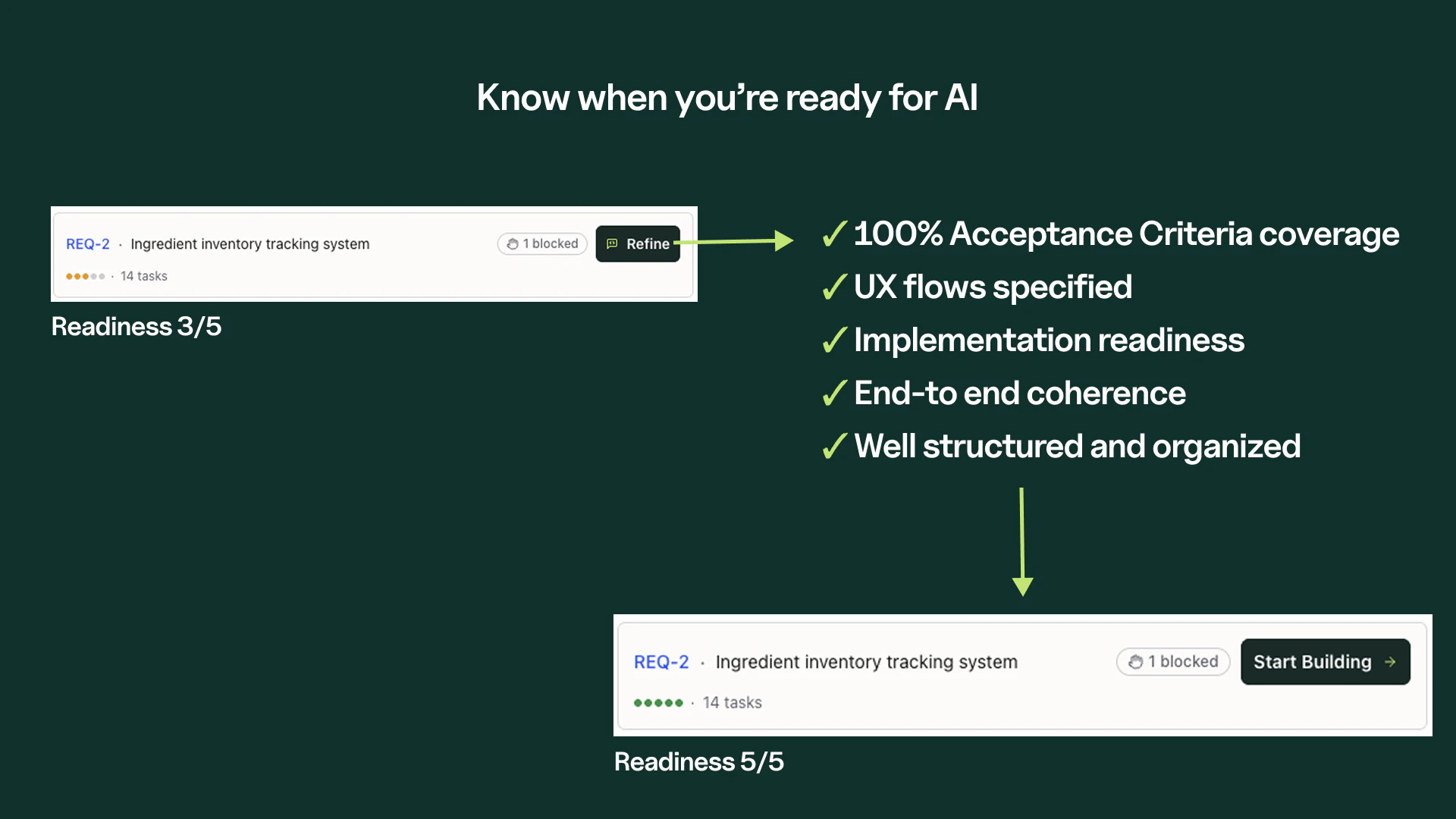
Developer Tools Artificial Intelligence Vibe coding
AI产品规划 需求管理 提示词工程 原型设计 开发提效 独立开发者 AI原生应用 项目管理 人机协作
用户评论摘要:用户反馈积极,认可其规划价值,已有用户将其作为开发前必备流程。主要问题聚焦在规划到执行的交接如何实现,以及是否有与Linear等工具的集成能力。创始人回复称产品自带待办事项跟踪功能。
AI 锐评

BrainGrid敏锐地捕捉到了AI编程时代下,开发瓶颈从“写代码”向“想清楚”转移的关键趋势。其真正价值并非简单的需求文档生成器,而在于试图成为连接人类模糊意图与AI确定性执行之间的“编译层”。

产品将传统产品经理的核心职能——需求结构化、依赖梳理、可视化设计——封装为AI可交互的服务,这直击了当前AI辅助开发的最大软肋:垃圾提示词进,垃圾代码出。通过“就绪度评分”和依赖分析,它试图将产品规划的隐性经验显性化、标准化,这对于缺乏工程背景的“新形态构建者”而言,意义重大。

然而,其面临的挑战同样尖锐。首先,其定位介于产品规划与项目管理之间,评论中关于“与Linear集成”的提问暴露了其可能面临的工具链整合困境——是成为独立的中枢,还是成为现有工作流中的一个环节?其次,其宣称的“工程级提示词”生成能力,高度依赖其对下游AI编程工具(如Claude、Cursor)的深度理解与同步更新,这构成了长期的技术护城河,也带来了持续的适配风险。最后,其商业模式的天花板在于,当主流AI编程工具自身不断强化需求理解与规划能力时,BrainGrid作为独立中间层的必要性是否会受到挤压?

总体而言,BrainGrid是一次极具前瞻性的探索,它不是在优化旧流程,而是在定义AI原生开发的新流程。其成功与否,取决于能否在AI编程工具生态中建立起不可替代的“规划层”标准,并真正将那些成功的用户故事,转化为可规模化的产品方法论。
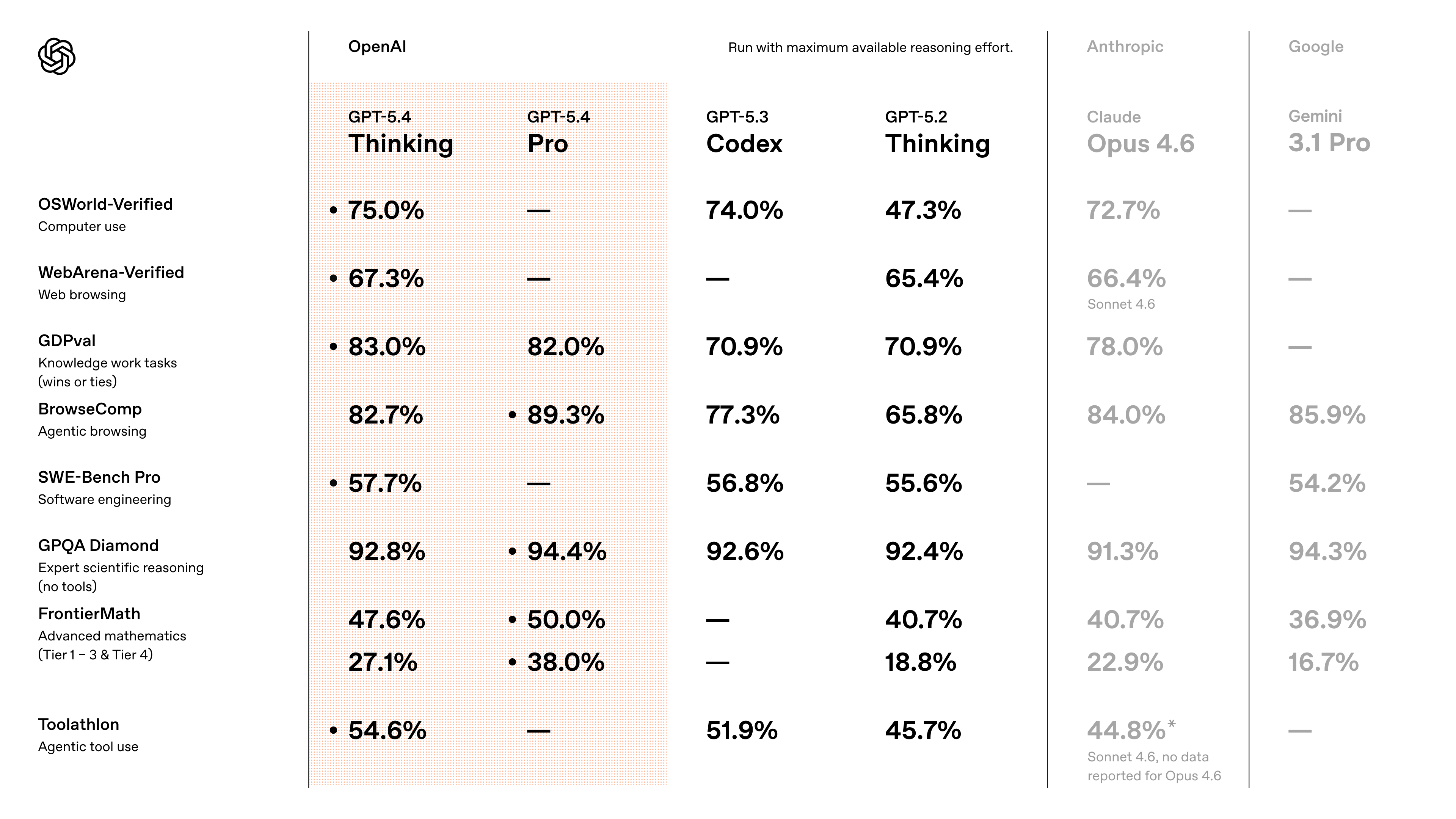
查看原始信息
BrainGrid
BrainGrid is the AI Product Planner that helps you shape ideas, plan features, and scope tasks your AI coding tools can build right the first time.

BrainGrid is the first thing I open before any serious Claude Code project. Not an exaggeration.

1
回复
@ryan_estes that’s amazing!
0
回复

Really interesting positioning — how does BrainGrid handle the handoff from planning to actual execution? That's always where things fall apart for solo builders.

1
回复

Hey Nico, really very impressive onboarding flow! Did you build this solo? I’m navigating my own launch today (ToolXray) as a solo dev, so I have huge respect for what you've executed here. Great job! Congrates.

1
回复

@toolxray Thank you! We're a small team behind BrainGrid.

0
回复
Hey Product Hunt 👋 I'm Nico, co-founder of BrainGrid. Tyler and I (ex-Twilio) have been building software for the last 25 years, across startups, enterprise teams, and everything in between. We've seen every era of the stack. This one is different. AI coding tools changed everything. Domain experts, creators, and founders with no engineering background are now shipping real applications. That's extraordinary. But the bottleneck moved. Writing code is no longer the constraint. Planning is. A vague prompt produces a fragile app. A clear, structured spec produces software that works. In traditional teams, that thinking is done by a Product Manager. In this new era, that role doesn't exist for most builders. So they get stuck. BrainGrid is the AI Product Planner, the missing layer between your idea and what your coding agent actually builds. Here's what we're shipping today: - AI Product Planner. Turn messy ideas into structured epics, fully specified requirements, and engineering-grade prompts. Readiness scoring tells you exactly what's ready to build and what still needs thinking. Dependencies surface blockers before they slow you down. - Designs. See what you're building before you build it. Describe what you want, get a real design (not generic AI output), iterate by chatting or annotating, and hand your coding agent both the spec and the visual reference. Frontend rework cycles drop dramatically. We've already helped over 2,000 builders ship real AI-native SaaS products with paying customers. Not prototypes. Shipped products. A few stories that keep us going: Saymon, a senior engineer in Brazil, cut a two-day planning session to 30 minutes. The feature shipped in two weeks instead of four, and his client used it for an event that generated $1M in revenue. Kaleen, a mechanical engineer and Pilates instructor, broke her app trying to add a feature. After days of spinning, she started fresh with BrainGrid and had it working immediately. She's now onboarded her first paying studio owner. Audris came from a marketing background. In three months he went from no engineering experience to a live app with OAuth, cross-device sync, shared focus sessions, and full Google Calendar integration. The pattern is always the same. AI coding tools are powerful. BrainGrid makes them productive. We'd love your feedback on the product, the positioning, anything. We read every comment. Let's build what wasn't possible before. 🚀
0
回复

I have been Using BrainGrid for a while. Great to see it doing well here on Product hunt. I have been suggesting it to teams who are working together and using AI tools like Claude or cursor, so they can get organized with their requirements on projects while moving fast and building.

0
回复

I'm a user and it's a great product. I suggest it to teams who are working together and using AI tools like Claude or cursor, so they can get organized with their requirements on projects while moving fast and building.

0
回复

Congrats on the launch! Loved testing out BrainGrid and believe everyone should add it to their vibecoding workflow 🫡

0
回复

Congrats @acossta & @tyler_wells2 !
I've used BrainGrid over the last few months and am very intrigued with all the new features.

0
回复

Congrats on this @acossta This is lovely! Does this support a Linear integration or does it locally help you track your to-dos, issues, etc as you go from plan to product?

0
回复
@jacklyn_i BrainGrid tracks your backlog for you.
0
回复