Product Hunt 每日热榜 2026-04-11

PH热榜 | 2026-04-11

#1
Claude for Word
Bring Claude natively into your Microsoft Word workflow
308
一句话介绍:一款将Claude AI原生集成至Microsoft Word侧边栏的工具,在文档编辑与协作场景中,通过AI直接处理草拟、编辑、批注回复等任务,解决了用户需频繁切换界面、手动调整格式及跨应用解释数据的工作流中断痛点。
Productivity Artificial Intelligence
AI办公集成 Microsoft Word插件 文档智能编辑 格式保持 变更跟踪 跨应用上下文共享 生产力工具 知识工作流优化
用户评论摘要:用户普遍认为该集成是“必备”工具,能显著减少格式调整与批注处理耗时。核心反馈肯定其“无需切换窗口”的流畅体验与跨Word、Excel、PowerPoint的上下文共享能力。主要关切点在于跨应用处理复杂工作流(如从表格自动生成报告)的实际效果。
AI 锐评

Claude for Word 看似是又一个“AI赋能Office”的插件,但其真正锋芒在于对知识工作者隐性痛点的精准手术刀式切入。它没有追求华而不实的全能,而是死死咬住“格式保持”和“原生追踪修订”这两个文档协作的命门。这意味着AI的输出不再是需要二次加工的“草稿”,而是可直接融入严肃工作流的“成品”,这极大地降低了AI工具的信任成本和使用摩擦。

然而,其宣称的“跨应用上下文共享”才是更具野心的棋局。这并非简单的数据搬运,而是试图在Office套件中构建一个统一的AI会话层,让一次对话贯穿整个工作流。如果真能实现从Excel提取数据、在Word生成分析、再到PowerPoint提炼要点这一套无缝流程,它将不再是工具,而是一个“工作流操作系统”。这直接动摇了以单点智能为主的插件生态,正如评论中那位创始人感到的“压力”——竞争维度已从功能点转向了生态整合能力。

但风险同样明显:其一,对复杂格式和长文档的处理能力尚待用户(尤其是200页规格文档这类极端用例)检验;其二,其价值深度绑定微软生态,天花板清晰可见;其三,在“格式保持”与“创造性重构”之间如何平衡,将是长期挑战。过度强调遵从现有格式,可能扼杀AI带来突破性改进的潜力。总而言之,这是一款在当下极其务实、在未来暗藏野心的产品,它标志着AI办公集成从“玩具”阶段正式迈入“工具”阶段,但能否升维至“平台”,取决于其上下文引擎的真正深度。

查看原始信息
Claude for Word
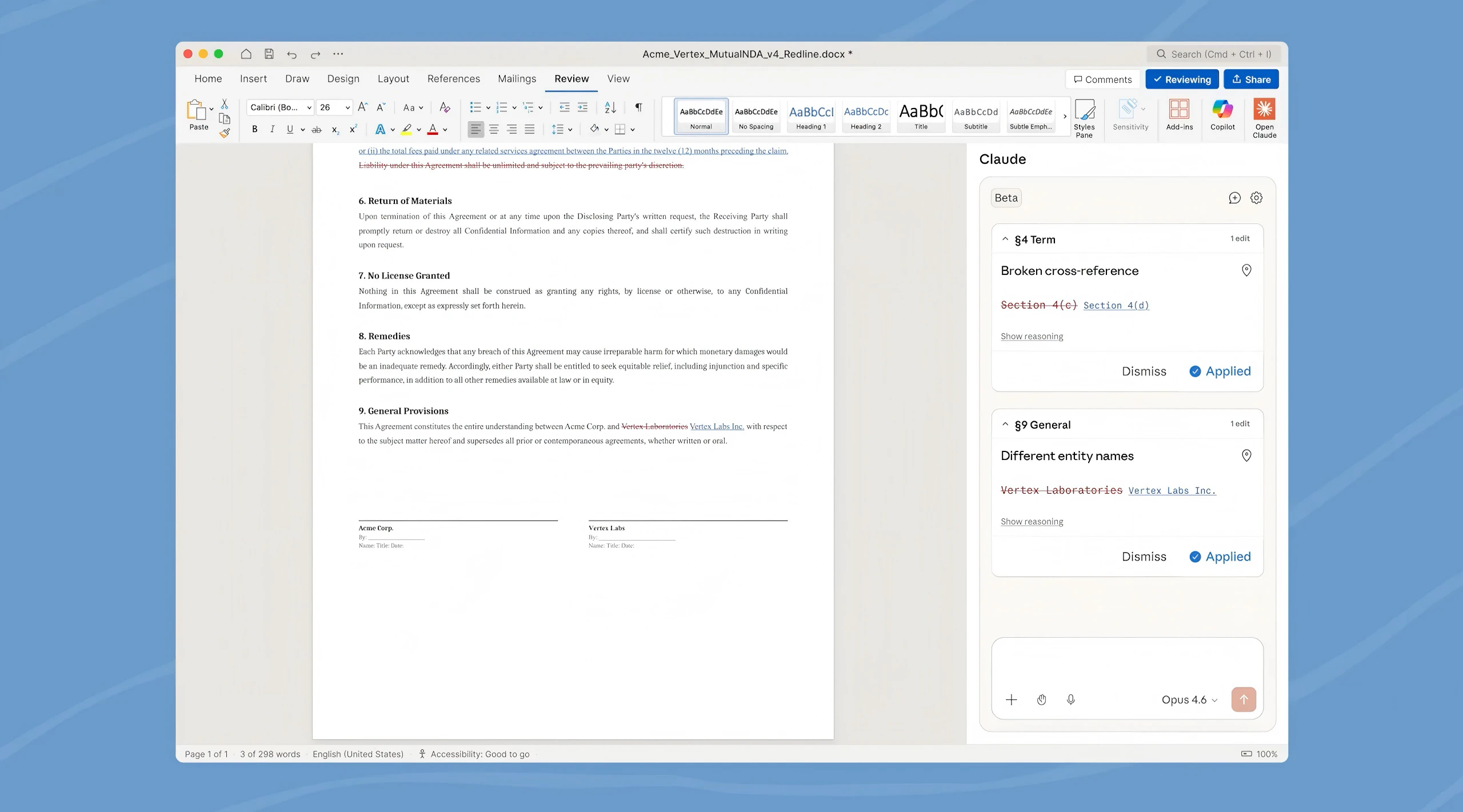
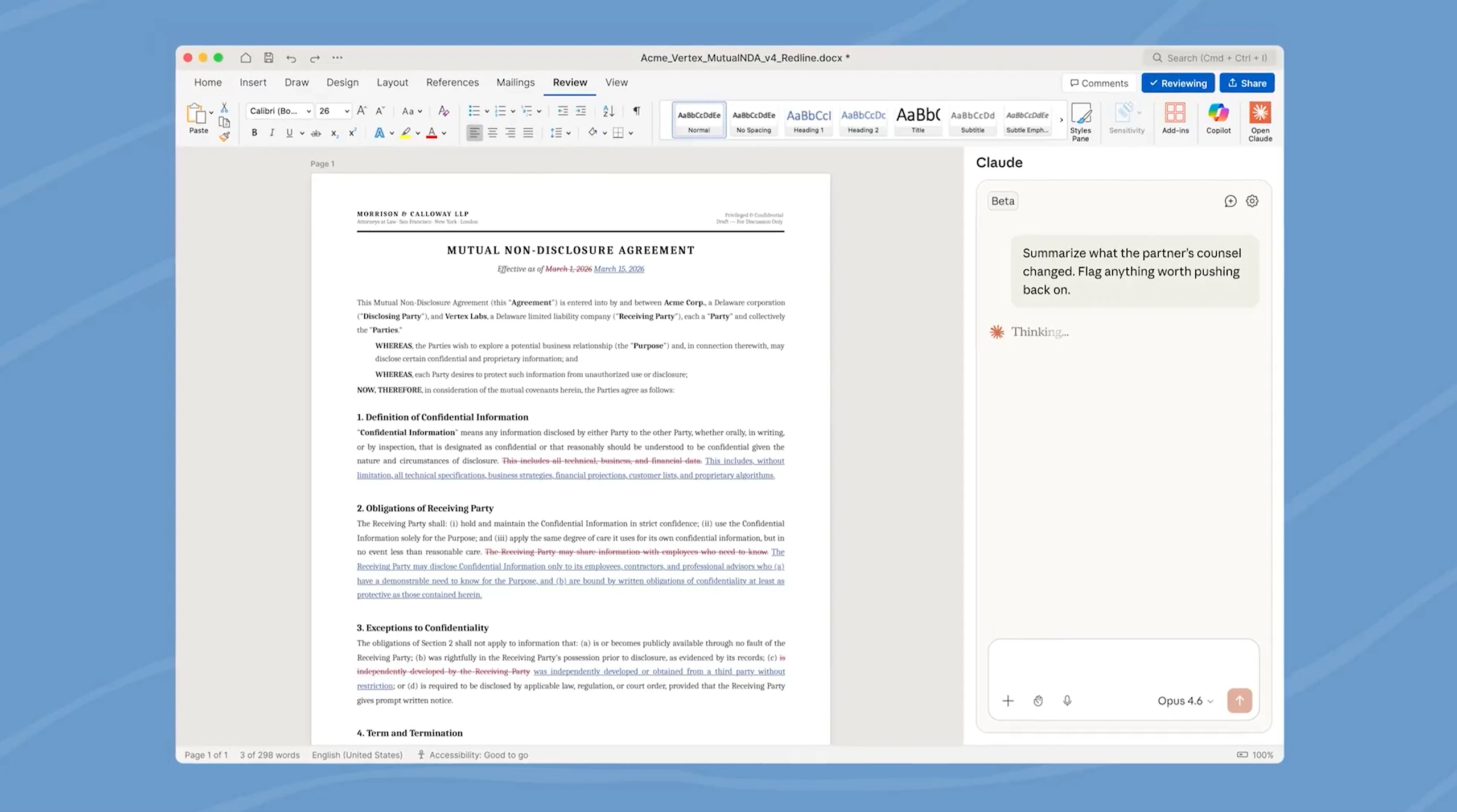
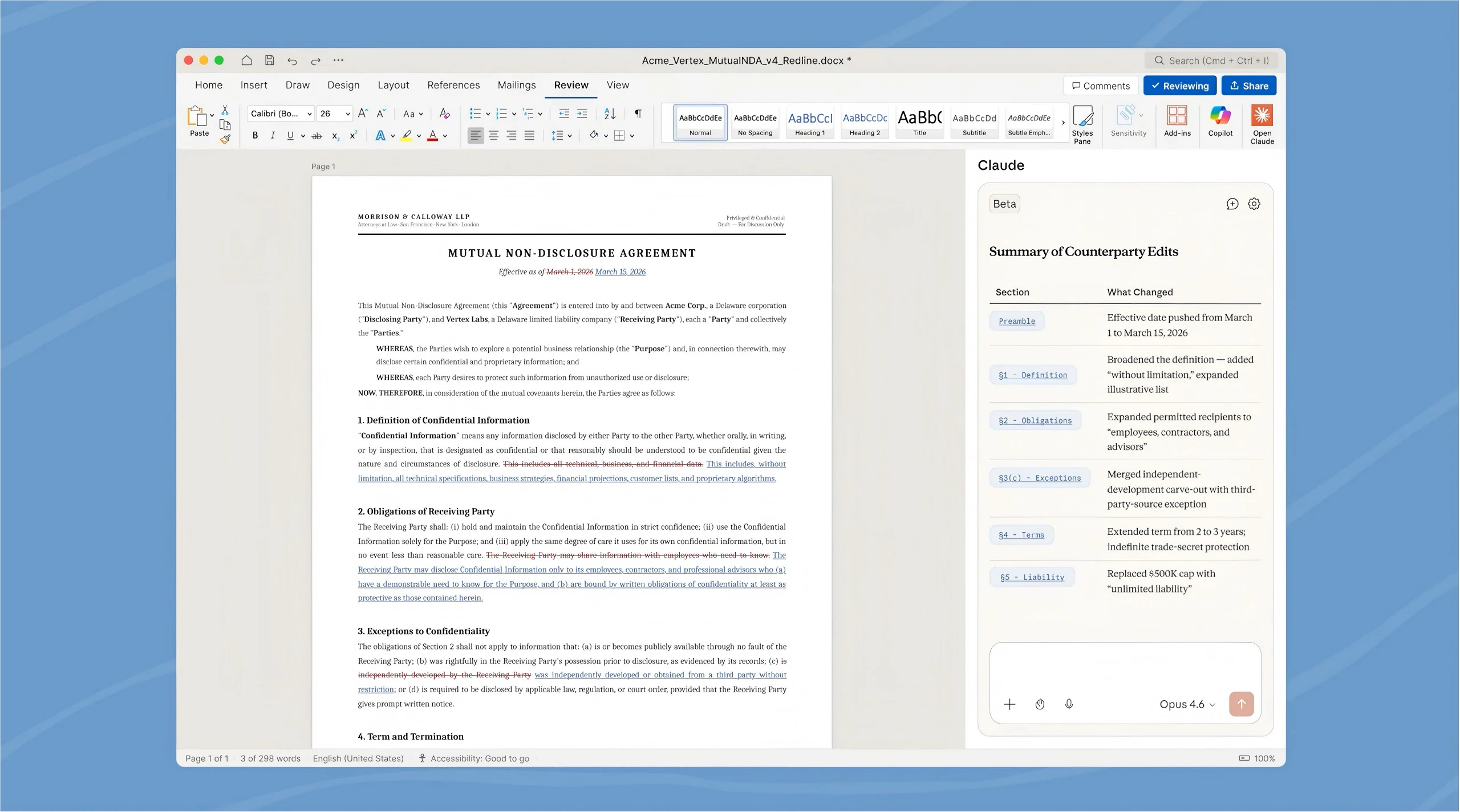
Claude is now natively integrated into Microsoft Word. Draft, edit, and resolve comments directly from the sidebar. It preserves your exact formatting, outputs edits as native tracked changes, and shares context with Excel and PowerPoint.

After seeing this, it feels like an essential.

5
回复

Hi everyone!

Claude is definitely entering every interface knowledge workers actually live in.

With Claude for Word, you no longer switch to a separate chat window. You stay inside your document: highlight text, leave a comment, or describe the edit, and Claude revises it as tracked changes while keeping all your formatting and styles intact.

It also shares context with Claude for Excel and PowerPoint, so one conversation can span your whole Office workflow.

P.S. Spoke with a founder building plugins in the M365 ecosystem today. He’s feeling the pressure but is still pretty optimistic—the game is still very much on!

4
回复

@zaczuo This seems so good. How seamless is the cross-app context between Claude for Word, Excel, and PowerPoint; does it handle complex workflows like pulling data from a spreadsheet into a report slide without manual copy-paste?​

0
回复

"Finally! As someone who spends 3 hours a week just resolving comment threads and formatting inconsistencies between stakeholders, this is a lifesaver. The fact that it shares context with Excel is huge – I can't count how many times I've had to manually re-explain a sales figure from a spreadsheet in a Word doc. Excited to test if it can handle my messy 200-page spec docs."

0
回复
#2
Claude Code ultraplan
Claude Code command that plans your codebase in the cloud
266
一句话介绍:Claude Code 的 /ultraplan 命令将代码实现规划从本地终端移至云端交互界面,允许工程师在代码执行前对计划进行可视化批注、修订和审批,解决了在 CLI 中线性、不可逆审批复杂代码计划的痛点。
Productivity Developer Tools Artificial Intelligence
AI编程助手 开发工作流 代码规划 云端协作 终端工具 代码重构 人机交互 工程效率
用户评论摘要:用户肯定将规划移至浏览器、支持分段批注的设计,认为其改变了终端线性审批的流程瓶颈。主要关注点在于团队协作场景(如共享与异步评审计划)的可行性,以及现有终端用户向新工作流的迁移路径。
AI 锐评

/ultraplan 表面上是一个将“规划”与“执行”环境分离的功能,但其深层价值在于对AI辅助编程工作流中“人机交互权”的一次重要重构。传统CLI中的AI规划是一个黑箱式、一锤子买卖的线性流程,开发者面对“文本墙”只能全盘接受或拒绝,导致在复杂任务前陷入被动。/ultraplan 将规划过程云端化、文档化,其引入的“分段批注”、“大纲导航”和“迭代修订”机制,实质上是将规划阶段从AI单方面输出,转变为一次人机可交互、可追溯、可精修的“协作会话”。这不仅仅是UI层面的迁移,更是将开发者的意图和专业知识,以结构化的方式(批注、反应)重新注入AI决策回路,从而提升最终计划的可靠性与共识度。

其“云端规划、本地执行”的架构选择也颇具匠心。它敏锐地意识到,规划是计算与推理密集型任务,适合云端AI处理;而执行往往高度依赖本地环境与上下文。这种分离既保障了规划阶段的交互体验与计算资源,又尊重了开发工作的最终落地场景。然而,其真正的考验在于“协作闭环”的完成度。当前展示侧重于个人工作流,而用户评论直指核心:它能否成为团队异步沟通、评审技术方案的桥梁?如果计划评审能无缝对接项目管理系统或形成团队知识沉淀,其价值将从个人效率工具升维为团队研发流程的协调中枢。反之,若仅停留在个人使用的改良,则其影响力将大打折扣。此外,它对现有CLI重度用户的迁移成本考虑,也将影响其采纳广度。

查看原始信息
Claude Code ultraplan
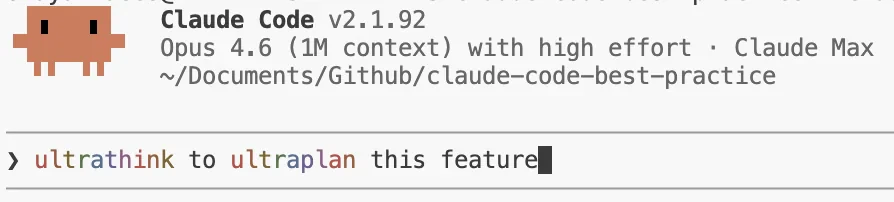
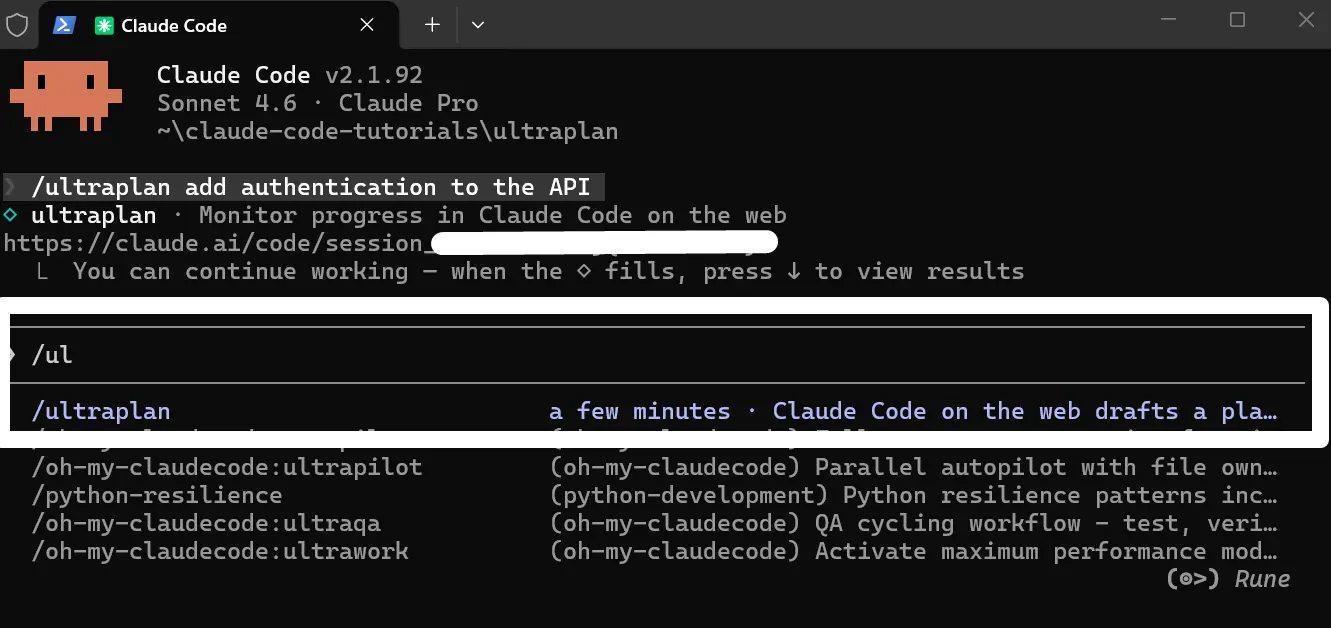
/ultraplan offloads implementation planning from your terminal to a cloud session, where you can annotate, revise, and approve the plan before execution. For engineers using Claude Code.


Claude Code just added a new slash command,/ultraplan, that moves the planning phase of your coding workflow out of the terminal and into the browser.

The problem with planning in a CLI is that you're stuck in a linear, terminal-bound loop.

You run /plan, read a wall of text, approve or reject the whole thing, and move on.

There's no way to comment on a specific section, annotate what you agree with, or flag what you want changed without rewriting the entire prompt.

/ultraplan fixes this.

You run the command from your local CLI, and Claude generates the implementation plan remotely on Anthropic's cloud infrastructure.

Your terminal stays free while that's happening.

When the plan is ready, you open it in a browser on claude.ai and interact with it like a document: inline comments on specific passages, emoji reactions per section, and an outline sidebar to jump around.

You can ask Claude to revise, iterate, and re-draft until the plan looks right.

Once approved, you choose: execute the plan in the same cloud session and get a PR, or teleport it back to your terminal with full local environment access.

What makes it interesting is the split between where planning happens and where execution happens.

Planning is mostly reading and reasoning, so the cloud is fine.

Execution often needs your local environment. /ultraplan respects that distinction.

Who it's for: engineers and teams already using Claude Code who need more control over the planning phase before code gets written.

Particularly useful for larger refactors, migrations, or anything where approving a plan blindly feels risky.

Worth noting: requires Claude Code v2.1.91 or later, Claude Code on the Web enabled, and a GitHub repo. Not available on Bedrock, Vertex, or Foundry.

2
回复

@rohanrecommends How has /ultraplan changed your workflow for team collaborations, like sharing annotated plans before execution? Would love some real insight.

0
回复

Been using Claude Code daily building 9 AI products

solo in 4 months. The planning phase is genuinely

the bottleneck — /ultraplan moving it to browser

is the right call.

The terminal loop (plan → approve → forget context)

kills flow. Visual annotation of specific sections

would be a game changer.

1
回复

planning in the cloud while keeping execution local is the right call. curious if teams can share the plan for async review before execution - that changes the migration use case.

1
回复

We are use to terminal. So is there a migration path for existing users?

0
回复
#3
Capso
Free open-source screenshot & screen recorder for Mac
203
一句话介绍:一款免费开源的 macOS 截图录屏工具,为追求高效、美观且不愿付费的用户,提供了媲美付费软件的本地化功能集成解决方案。
Productivity Open Source GitHub Apple
截图工具 录屏软件 macOS应用 开源软件 免费工具 效率工具 原生开发 OCR识别 图像标注 Apple Silicon
用户评论摘要:用户普遍赞赏其免费开源、原生Swift开发的品质。主要问题集中在:与系统自带工具及付费软件(如CleanShot X)的功能对比、OCR识别能力、音频处理细节以及开源动机。开发者积极回应,详细阐述了功能优势及未来规划。
AI 锐评

Capso的出现,精准刺中了效率工具领域一个微妙的痛点:在“系统基础功能”与“成熟付费软件”之间,存在一个对体验有要求、但对价格敏感的用户断层。它并非简单的功能堆砌,其核心价值在于通过“原生Swift开发”和“开源”这两面旗帜,构建了一个可信赖的体验承诺。

“原生Swift”直指Electron等跨平台框架工具的性能与体验痼疾,承诺了更低的资源占用和更跟手的系统级集成,这是其敢于对标CleanShot X的底气。而“开源”则超越了“免费”的范畴,它解除了用户对隐私(无埋点)、锁定的担忧,并吸引了开发者社区的潜在共建,为其长期迭代注入了不同于独立付费模式的生命力。

然而,其挑战也同样鲜明。首先,生态位略显尴尬:普通用户可能满足于系统自带,专业用户则依赖付费软件的云存储、团队协作等深度集成功能。Capso卡在中间,其“瑞士军刀”式的功能集需要极高的完成度才能形成不可替代性。其次,开源项目的可持续性是一把双刃剑,在缺乏明确商业模型支撑下,如何保持与用户需求同步的快速迭代,是对主创者的长期考验。评论中关于OCR精度、音频混合等具体技术点的提问,正是其需要跨越的“好用”与“能用”之间的鸿沟。

总而言之,Capso更像是一个精心设计的“价值宣言”,它证明了在特定平台(macOS)上,用原生技术栈打造高品质免费替代品的可行性。它的成功与否,将取决于其能否在“轻量开源项目”与“需要持续打磨的复杂生产力工具”这一对矛盾中找到平衡点,并构建起活跃的贡献者社区。它可能无法颠覆付费巨头,但足以成为搅动市场、迫使竞争者重新审视定价与价值匹配的一股重要力量。

查看原始信息
Capso

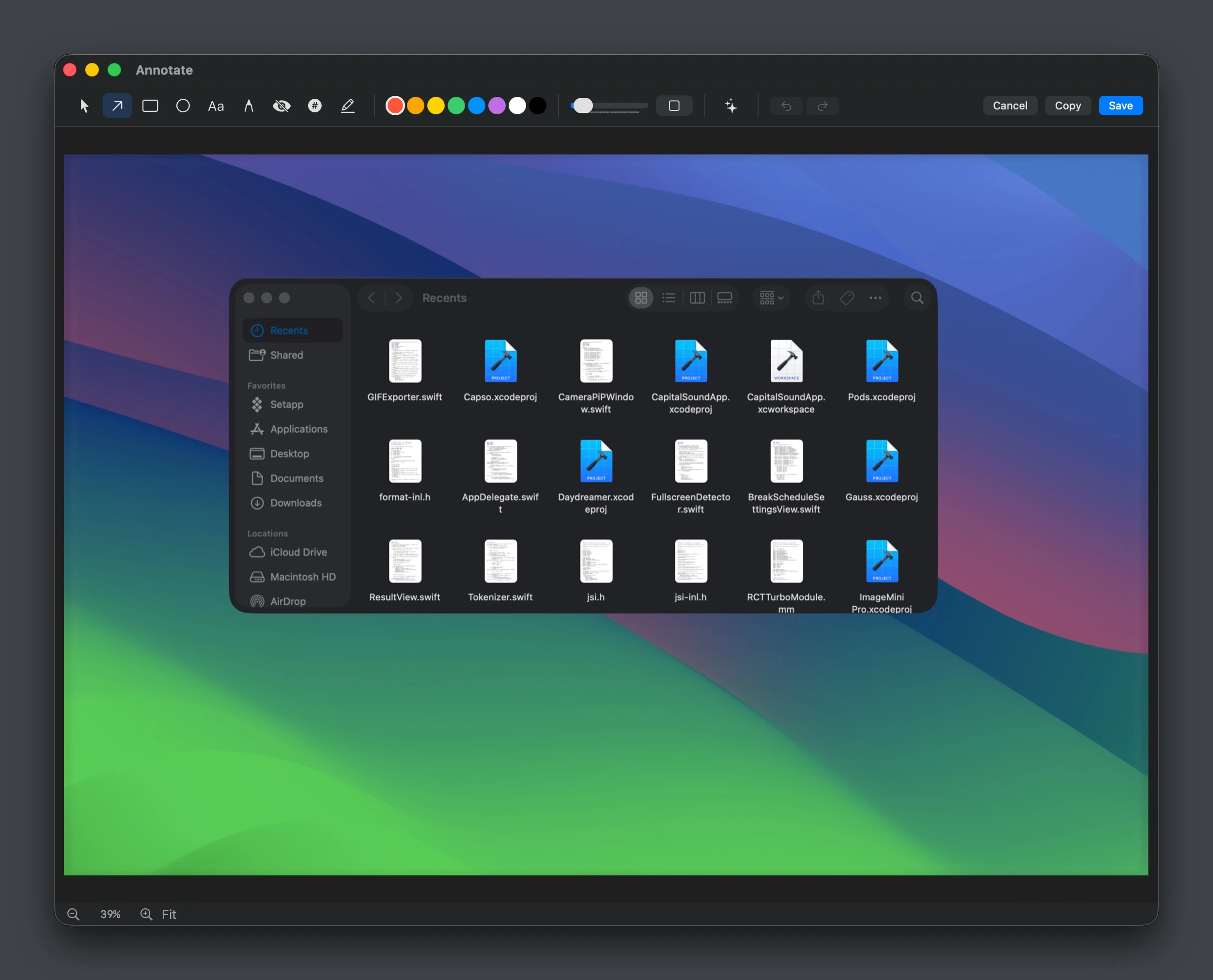
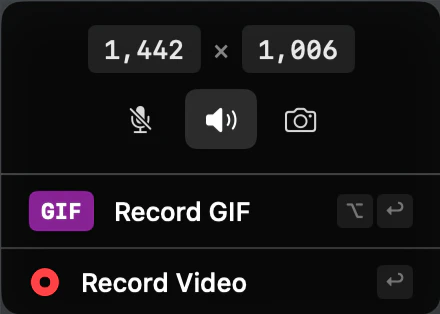
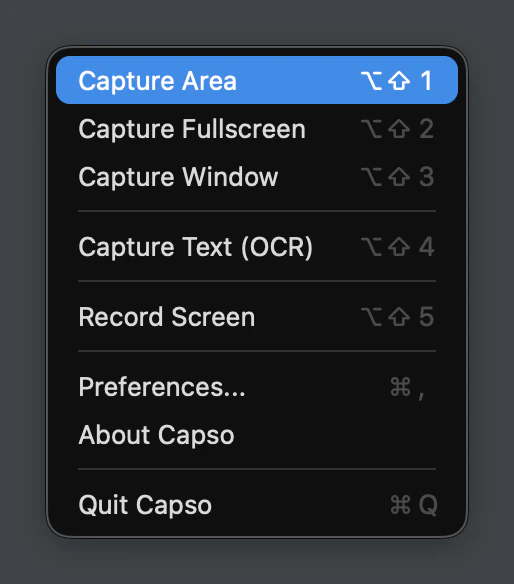
Capso is a free, open-source screenshot and screen recording app for Mac (Apple Silicon), built entirely in Swift. ✨ Features: • Screenshot (area, window, fullscreen) • Screen recording • Annotation tools • OCR (text from images) • Image beautification Think CleanShot X or Cap — but completely free and open source. No subscriptions, no paywalls, no telemetry. Just a clean, native Mac app that does everything you need.
Hey everyone! I'm Kevin, the maker of Capso. I've been a macOS user and Apple fan for years, and I always loved how polished the ecosystem feels. But as someone who relies on screenshot and screen recording tools daily, I kept running into the same problem: the best tools out there are genuinely great, but they come with a price tag that not everyone can justify, especially indie developers, students, or folks just getting started. That's what inspired me to build Capso. It's completely free and open source, built natively for Apple Silicon in Swift. I wanted to make something that actually feels at home on a Mac, without asking anyone to open their wallet. I'm honestly a little nervous sharing this with the Product Hunt community, but also incredibly excited. Capso is still young and has a lot of room to grow, and I'd love to hear what you think. If you find it useful, or if you have ideas for how to make it better, please don't hesitate to share. Your feedback means everything to a solo builder like me. Thank you so much for taking the time to check it out!
3
回复

@lzhgus This is great, kudos on the launch. how does Capso's OCR handle tricky fonts or handwriting in screenshots compared to paid tools like CleanShot?

0
回复
Yeahhh! Exactly what I needed. Just guessing why do you open source it. Congrats btw! All the best
2
回复

@german_merlo1 Thanks Germán! I built Capso because I use screenshot tools every day and wanted something that fits exactly how I work. Figured if it's useful to me, it might be useful to others too, so why not share it with the community. Hope you enjoy it!

0
回复

free, open source, native Swift, OCR included - that's a rare combo. most tools compromise somewhere on the annotation layer.

2
回复

@mykola_kondratiuk Thanks Mykola! You're right, the annotation layer is where a lot of tools cut corners, and honestly ours still has a long way to go too.

I am working on adding more tools like spotlight, magnifier, and image overlays. If there's anything specific you'd like to see in the annotation side, we're all ears, GitHub issues are always open!

0
回复

One question - why we need this if mac already have this feature inbuild?

1
回复

@ankit_narang1 Great question. A few things Capso adds on top of the native macOS screenshot:

  1. Annotation editor: arrows, shapes, text, pixelate/blur, counters, highlighter

  2. Screenshot beautification, add backgrounds, rounded corners, shadows with one click

  3. OCR: select any area and extract text instantly

  4. Pin to screen: float screenshots as always-on-top windows

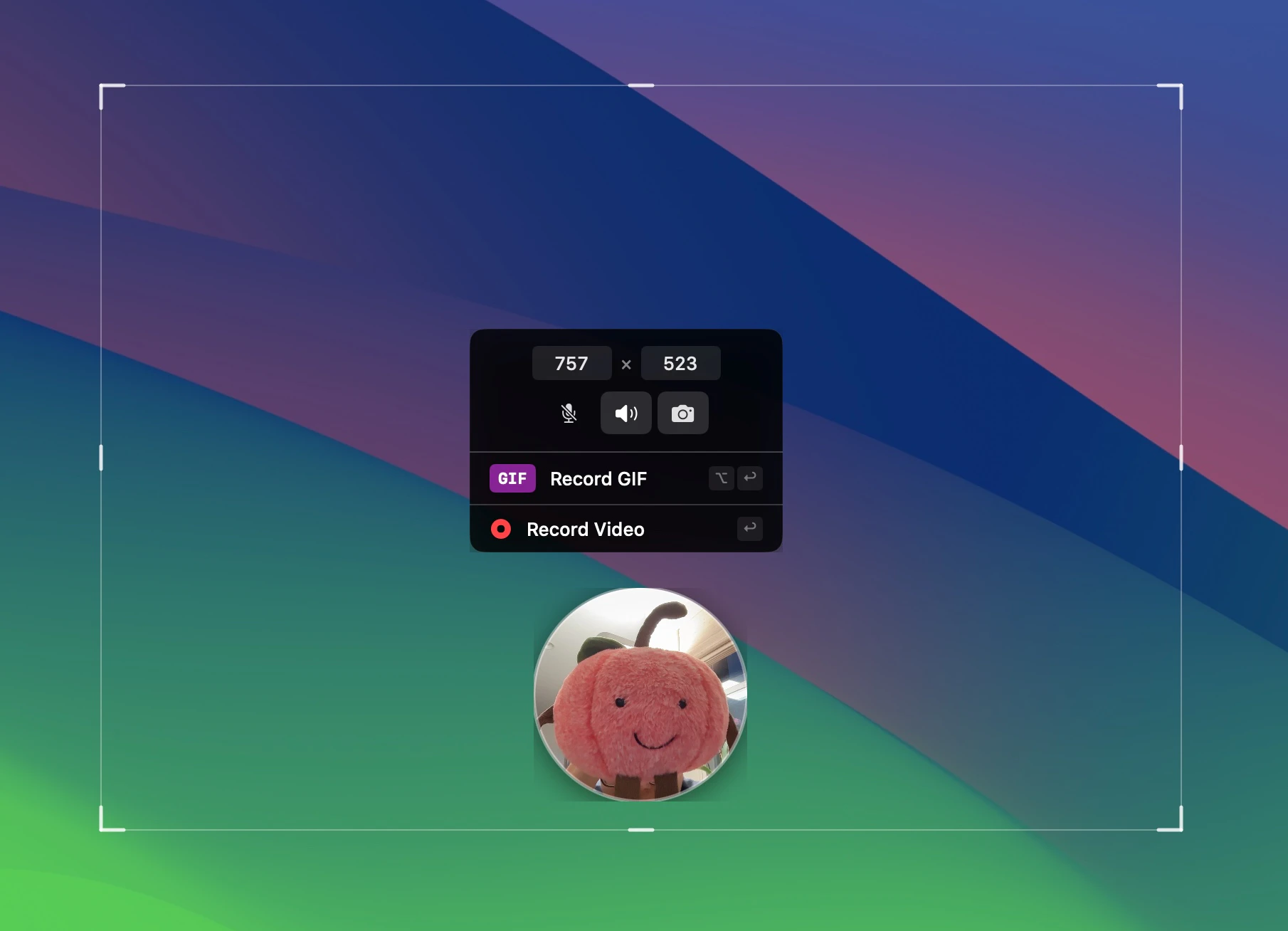
  5. Screen recording with webcam PiP, 4 shapes, drag-resize, presentation mode

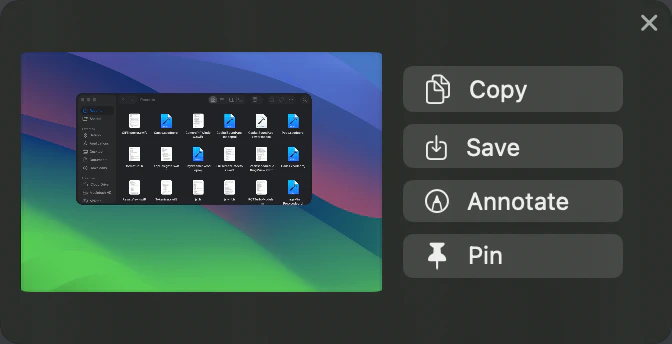
  6. Quick Access panel, floating preview after capture with copy/save/annotate/pin actions

Basically macOS gives you the raw capture, Capso adds everything you'd want to do with it afterwards.
Please give it a try and let me know what you think!

0
回复

Based on the screenshots and videos it seems to have a very nice look and feel. Amazing that you provide that as open source and free! Despite the look and feel are there more upsides in comparison to the native mac os screenshot and video capture functionality?

1
回复

@drunreal  Thanks Marvin! Great question. A few things Capso adds on top of the native macOS screenshot:

  1. Annotation editor: arrows, shapes, text, pixelate/blur, counters, highlighter

  2. Screenshot beautification, add backgrounds, rounded corners, shadows with one click

  3. OCR: select any area and extract text instantly

  4. Pin to screen: float screenshots as always-on-top windows

  5. Screen recording with webcam PiP, 4 shapes, drag-resize, presentation mode

  6. Quick Access panel, floating preview after capture with copy/save/annotate/pin actions

Basically macOS gives you the raw capture, Capso adds everything you'd want to do with it afterwards. Give it a try and let me know what you think!

0
回复

Finally a free alternative to CleanShot X that doesn't feel cheap. The fact that it's built natively in Swift makes a real difference on Apple Silicon.

1
回复

@farrukh_butt1 That means a lot, "doesn't feel cheap" is exactly what we're going for.
Being native Swift is a deliberate choice. Screenshot tools should feel instant and lightweight, not like a browser tab running in the background. Still lots to improve, but glad the foundation feels right!

1
回复

Building a native Mac screen recorder is no easy feat given all the strict capture permissions Apple requires. I can see myself using this daily to grab quick bug repros for my GitHub repositories. I would love to know if you built this with pure Swift or used a cross-platform framework like Tauri under the hood.

1
回复

@y_taka Thank you, Takahito! Really appreciate the kind words, and yes, the ScreenCaptureKit permissions dance was quite a journey 😅

To answer your question, Capso is 100% native Swift 6 + SwiftUI/AppKit, no Electron, no Tauri, no web views. I wanted it to feel like a true Mac app, and the core capture/recording/annotation pieces are all independent Swift packages (CaptureKit, RecordingKit, AnnotationKit, etc.) that you can actually drop into your own projects if you find them useful.

Hope it serves you well, and any feedback is always welcome on our GitHub!

0
回复
Thats great @lzhgus ! Were you able to solve the dual channel voice input issue that is common in most of the screen recorders? Looking forward to test it!
1
回复

@_anasansari  Thanks for the kind words, Anas! Great question.


Capso does support capturing system audio and microphone simultaneously as separate audio tracks, so they don't interfere with each other. That said, we're still pretty early and there's definitely room for improvement in the

audio mixing department.


Would love for you to give it a try and let us know how it works for your use case! If you run into any issues, feel free to open an issue on GitHub, your feedback would really help us improve.

1
回复
#4
LaReview
Open-source free next-generation code review
168
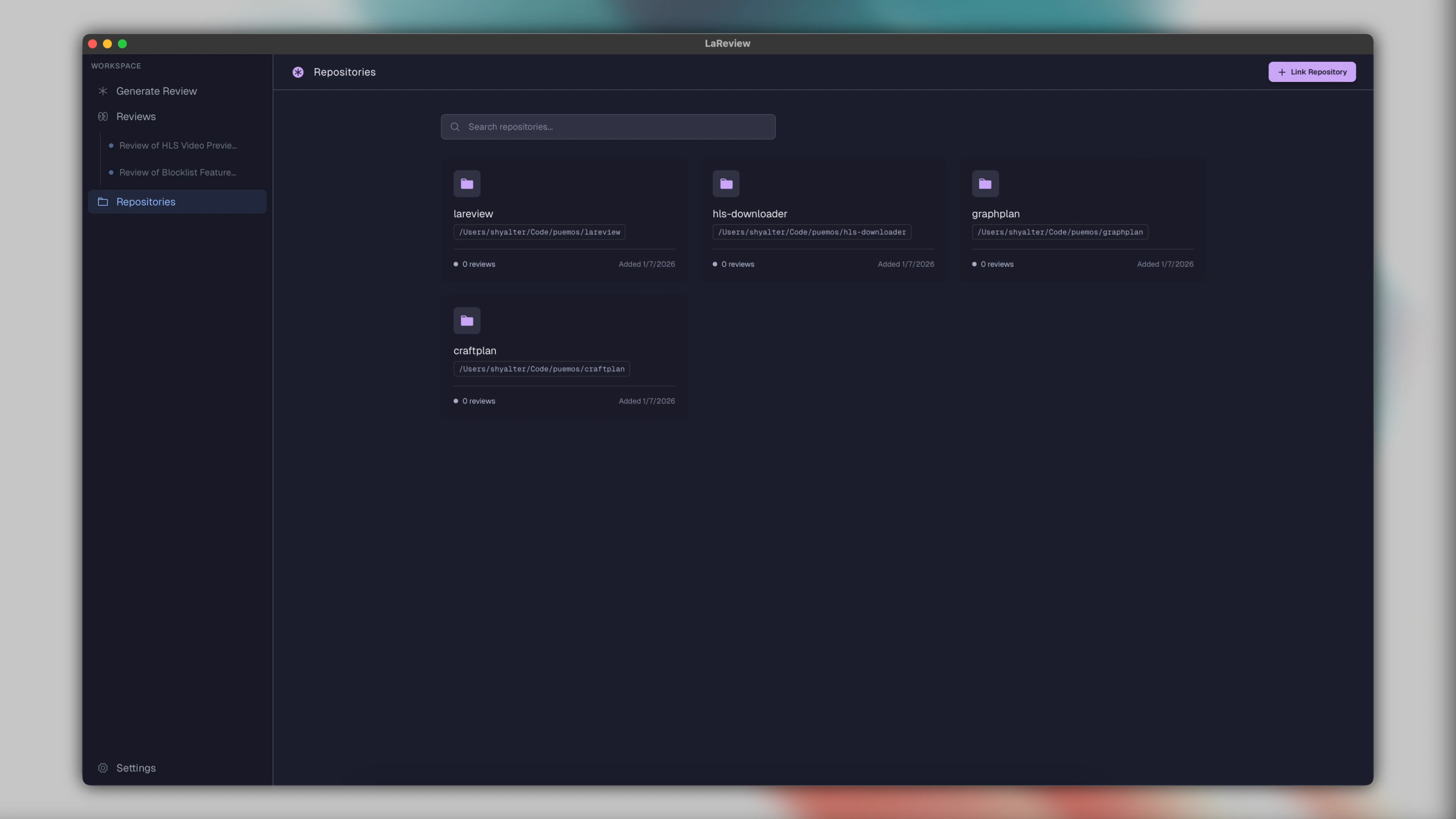
一句话介绍:LaReview是一款开源免费的本地化代码审查工具,通过将GitHub PR或差异文件转化为结构化任务树,引导开发者按意图和任务顺序审查关键代码片段,解决了传统代码审查中上下文切换频繁、效率低下的痛点。
Productivity Open Source Developer Tools GitHub
代码审查工具 开源软件 本地化AI 开发者体验 任务树审查 GitHub集成 桌面应用程序 Rust开发 AI代理集成 结构化工作流
用户评论摘要:用户反馈集中于:创始人解释产品动机为改善传统审查流程并避免重复AI计费;用户询问任务树模式在大型PR中的实际效果差异;有评论指出AI在流程中“阻止”与“建议”的权限差异影响重大;另有用户询问支持平台。
AI 锐评

LaReview的颠覆性不在于“AI辅助代码审查”这个已趋拥挤的赛道,而在于其通过“任务树重构审查流程”的本质创新和“彻底本地化”的激进立场。它没有选择在现有diff界面叠加AI评论这种增量优化,而是将PR解构为意图、任务和代码块的三层抽象,强制审查者进行自上而下的逻辑审查。这实际上是将软件工程中的“关注点分离”和“逐步求精”思想硬编码到了工具层,试图纠正人类开发者跳跃式、碎片化阅读代码的本能。

其价值核心有双重维度:一是流程价值,通过结构化对抗认知负载,尤其针对大型重构或功能交叉的复杂PR;二是经济与安全架构,巧妙地利用本地AI代理(如ACP)和GitHub CLI,将自己定位为“胶水层”而非服务提供商。这既消除了代码上传的隐私顾虑,也精准切中了已为本地AI编码工具付费的开发者不愿被重复收费的痛点。

然而,其挑战同样尖锐。任务树的生成质量完全依赖对PR意图的AI理解,这本身就是NLP的硬骨头;强制性的线性审查流程可能与某些紧急修复或简单PR的快速验证需求相悖。产品将“控制权”作为卖点,但早期评论已触及关键矛盾:AI代理的审查建议应具何种“权威性”?是阻塞性门禁还是仅供参考?这并非技术问题,而是团队协作文化和工程哲学的抉择。LaReview若想成功,必须证明其预设的“结构化审查”方法论,在提升长期代码质量方面的收益,足以覆盖其强加给开发者的流程约束成本。它更像一个关于“如何更好地进行代码审查”的激进提案,其成败将是对开发者社区工程纪律性的一次测试。

查看原始信息
LaReview
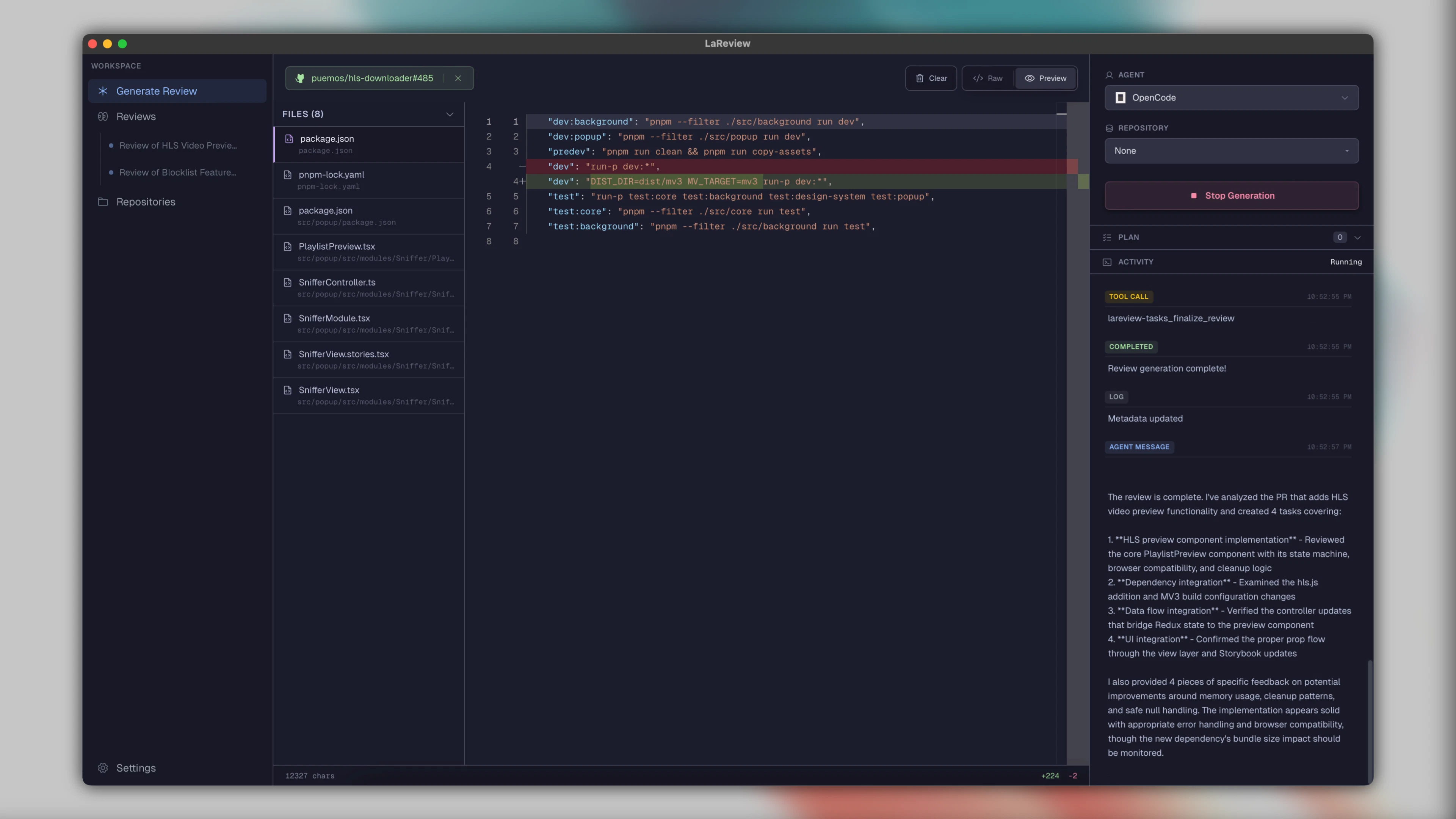
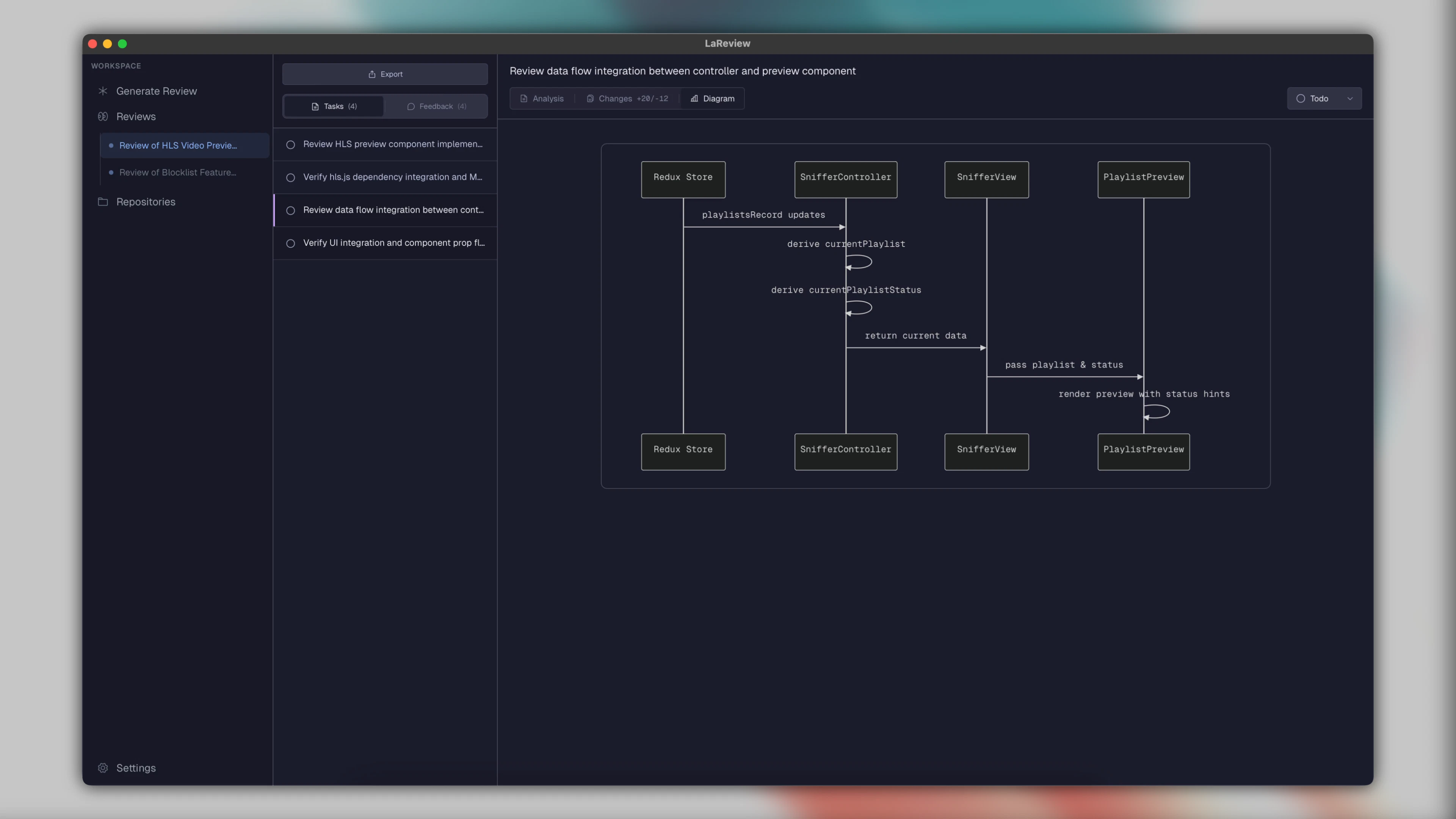
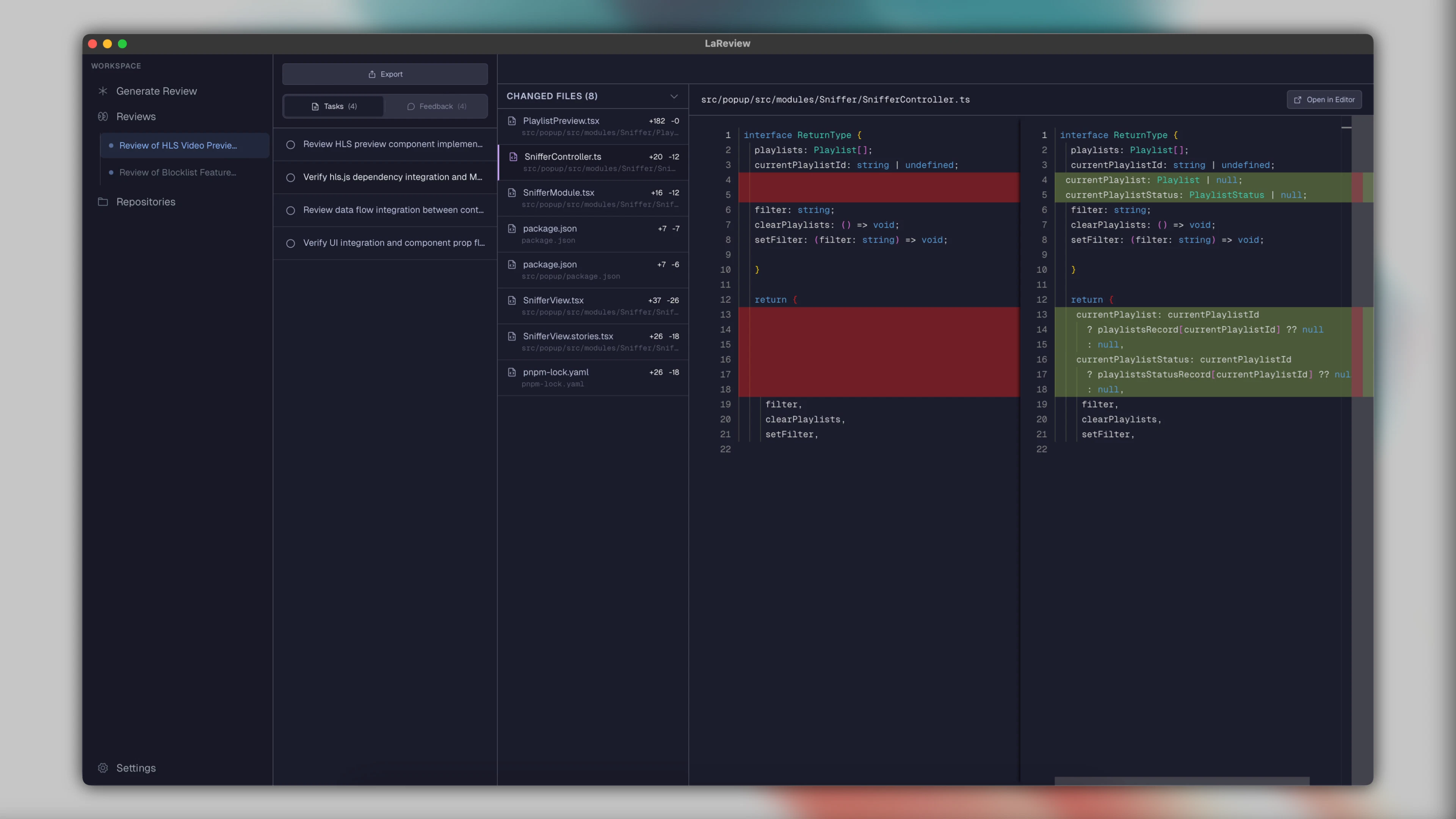
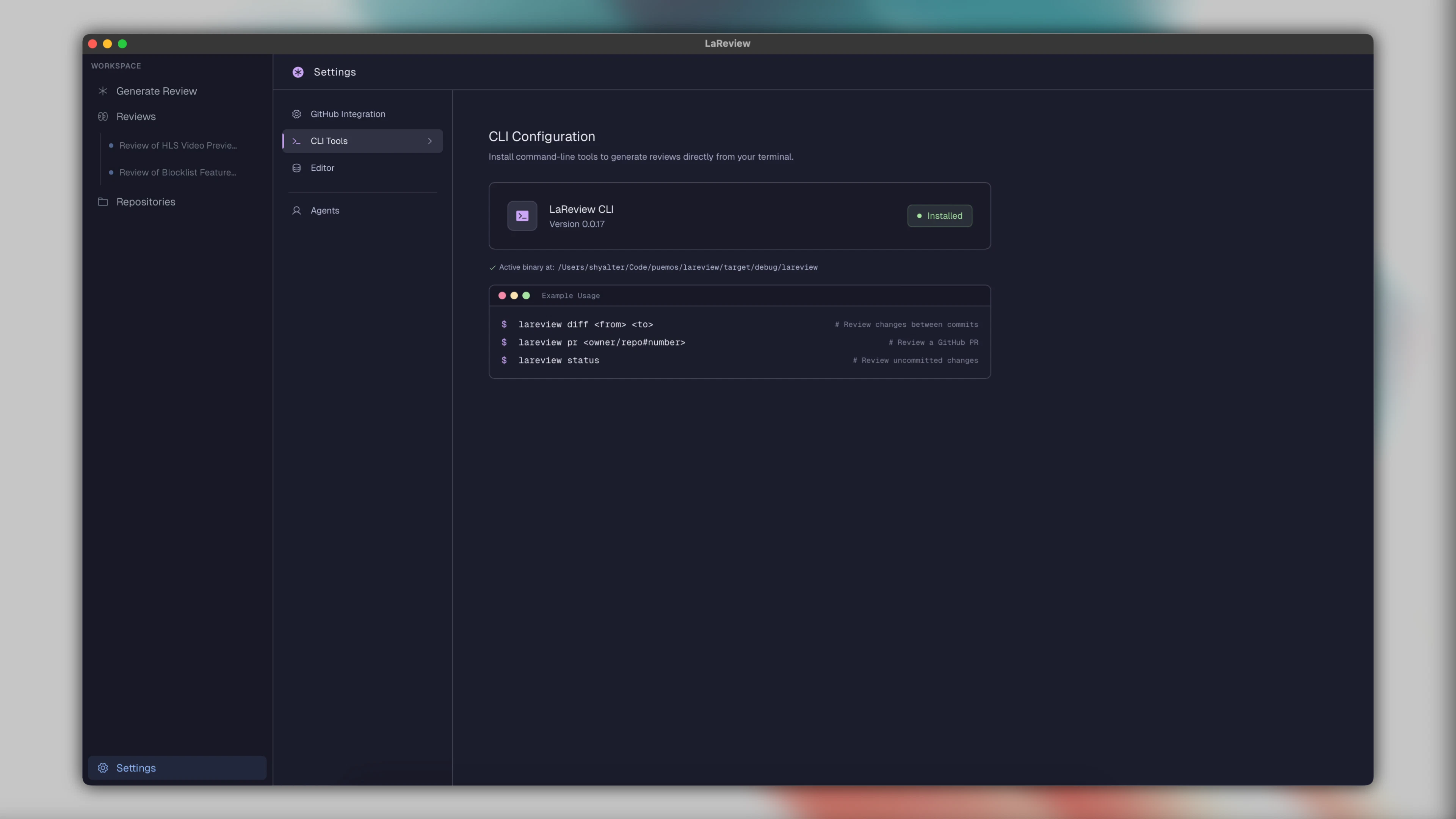
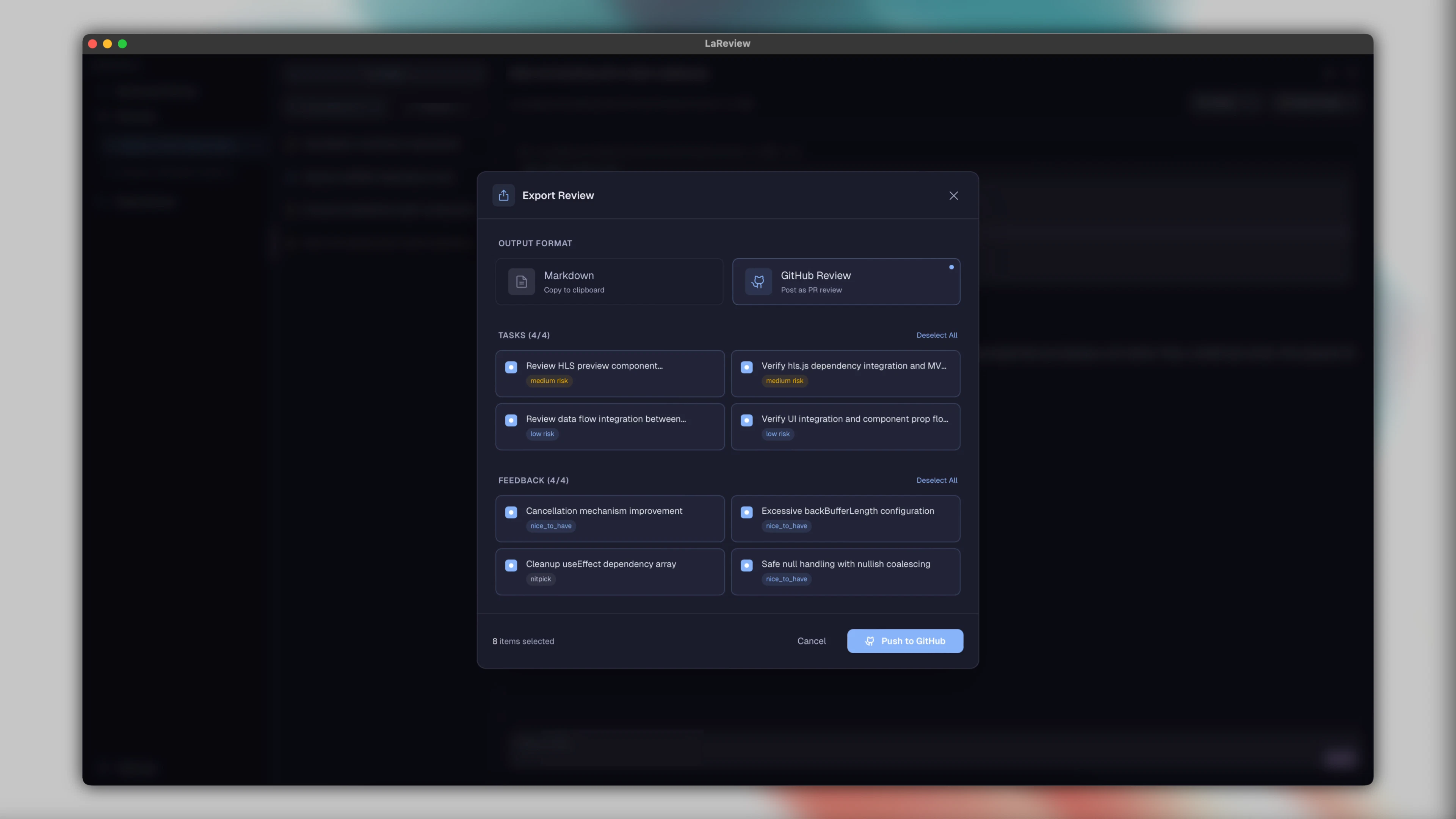
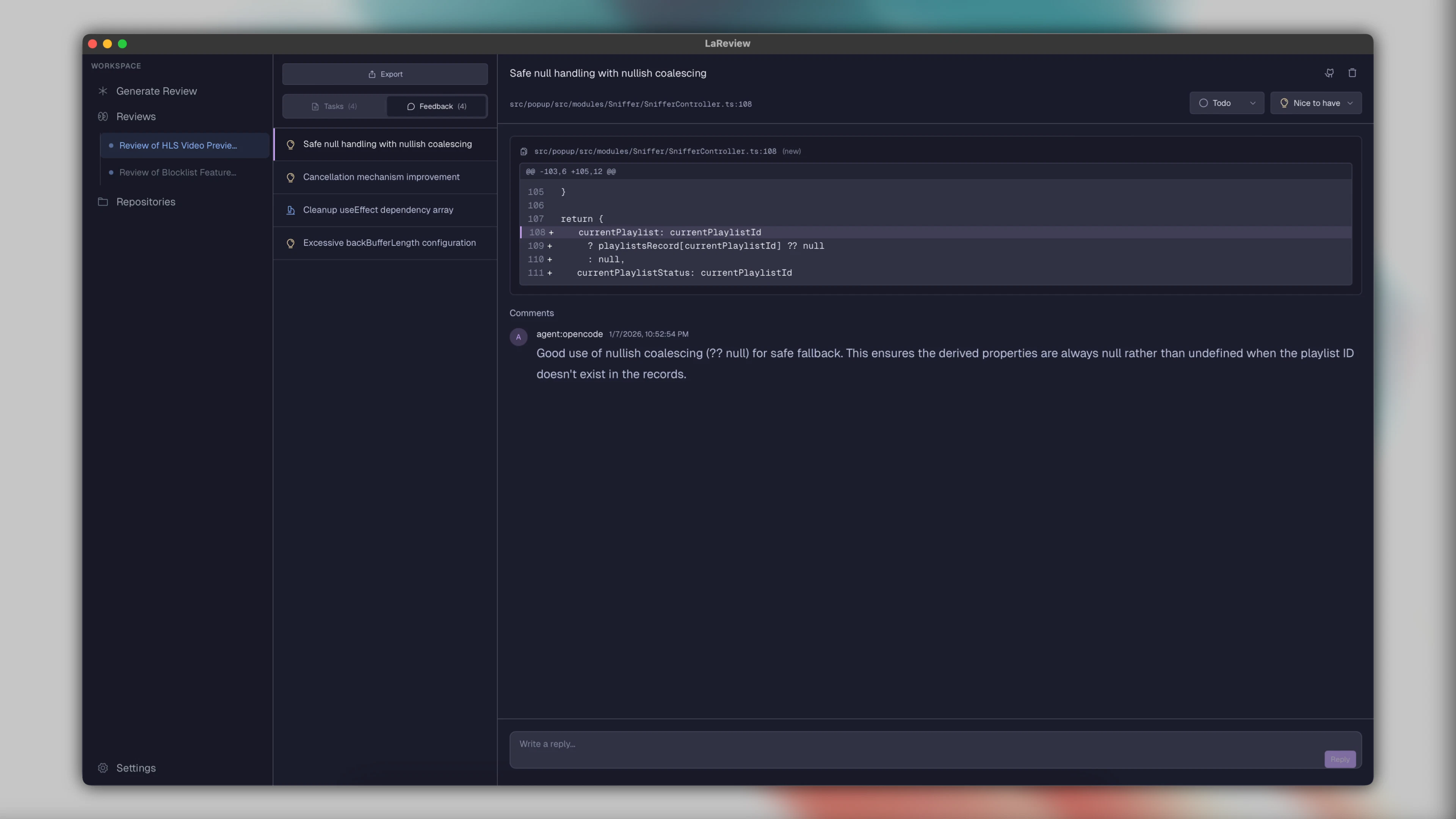
LaReview turns a GitHub PR or unified diff into a structured review plan. Instead of scrolling files, you review intent, tasks, and relevant hunks in a deliberate order. Everything runs locally using your own GitHub CLI and AI agent.
Hey Product Hunt 🥒 I built LaReview because the DX of code review has barely changed in years. We still scroll diffs, jump between files, and hold too much context in our heads. Most new AI review tools just add more comments on top of the same old workflow. I wanted to try a different approach. Instead of layering more output onto the diff, LaReview restructures the review itself. A PR or unified diff is turned into a task tree, so you start with intent and then validate changes step by step, only seeing the hunks that matter for the current task. Another big motivation was cost and control. If I already run a coding agent locally, I do not want to pay again for a bundled AI. LaReview uses the agent you already have via ACP and fetches PRs through your own GitHub CLI. No servers, no uploads, no double billing. LaReview is fully open source and built as a cross platform desktop app using Rust. This is an early alpha and I would love feedback, especially from people who review large or complex PRs. Happy to answer questions.
7
回复

@puemos Congrats on the launch. How have you seen the task tree approach change review outcomes on big, multi-file PRs compared to traditional diff scrolling; any standout wins or tweaks from early testers?

0
回复

running code review through an AI agent is solid. whether it blocks or just suggests matters a lot - one is a tool, the other is actually an authority in the workflow.

3
回复

what all platforms are supported for this?

0
回复
#5
Tech Marketing Framework
Forkable GTM system for builders struggling with marketing
157
一句话介绍:一款基于Claude构建、可复制的“开箱即用”营销框架,为不擅长推广的独立开发者和初创团队提供从信息定位、内容生成到渠道分发的全流程AI营销引擎,解决“产品优秀却无人问津”的核心痛点。
Open Source Marketing Developer Tools GitHub
AI营销自动化 GTM策略 独立开发者工具 开源营销框架 Claude应用 产品发布 内容生成 渠道目录 零预算营销 初创公司
用户评论摘要:用户认可其精准击中“发布后零反馈”的痛点,赞赏信息定位工作坊和基于产品简报生成内容的功能。主要问题集中于使用环境(是否支持Claude Desktop)和具体使用技巧。开发者积极回应,并透露框架针对零预算的独立构建者设计。
AI 锐评

这款产品远不止是又一个AI营销工具集,它本质上是在尝试将“营销副总裁”的决策框架与工作流进行代码化封装。其真正价值在于两个层面的“压缩”:一是时间压缩,通过预设的Agents和技能,将市场研究、内容创作、资产优化等漫长过程变成即时可执行的指令;二是认知压缩,将专业营销知识(如渠道目录、信息定位方法论)沉淀为可交互、可迭代的数字化系统,让构建者能绕过学习曲线直接调用。

产品巧妙地避开了“替代营销人员”的宏大叙事,而是精准聚焦于“为构建者提供拐杖”。其“基于产品简报生成”的设计,是区别于泛用型AI工具的关键,试图解决输出“泛泛而谈”的行业通病。然而,其深度捆绑Claude Code(而非更通用的ChatGPT)既是特色也是风险,这可能导致使用门槛和迁移成本。此外,作为一套“最佳实践”的集合,其效果高度依赖于背后框架的更新质量与对市场趋势的判断力,本质上是在出售一种持续更新的“营销认知”。它的成功与否,将验证“关键业务工作流能否通过一个精心维护的开源AI框架实现民主化”这一命题。目前看来,它更像是一个充满潜力的“最小可行脑”,而非一个完整的自动化解决方案。

查看原始信息
Tech Marketing Framework
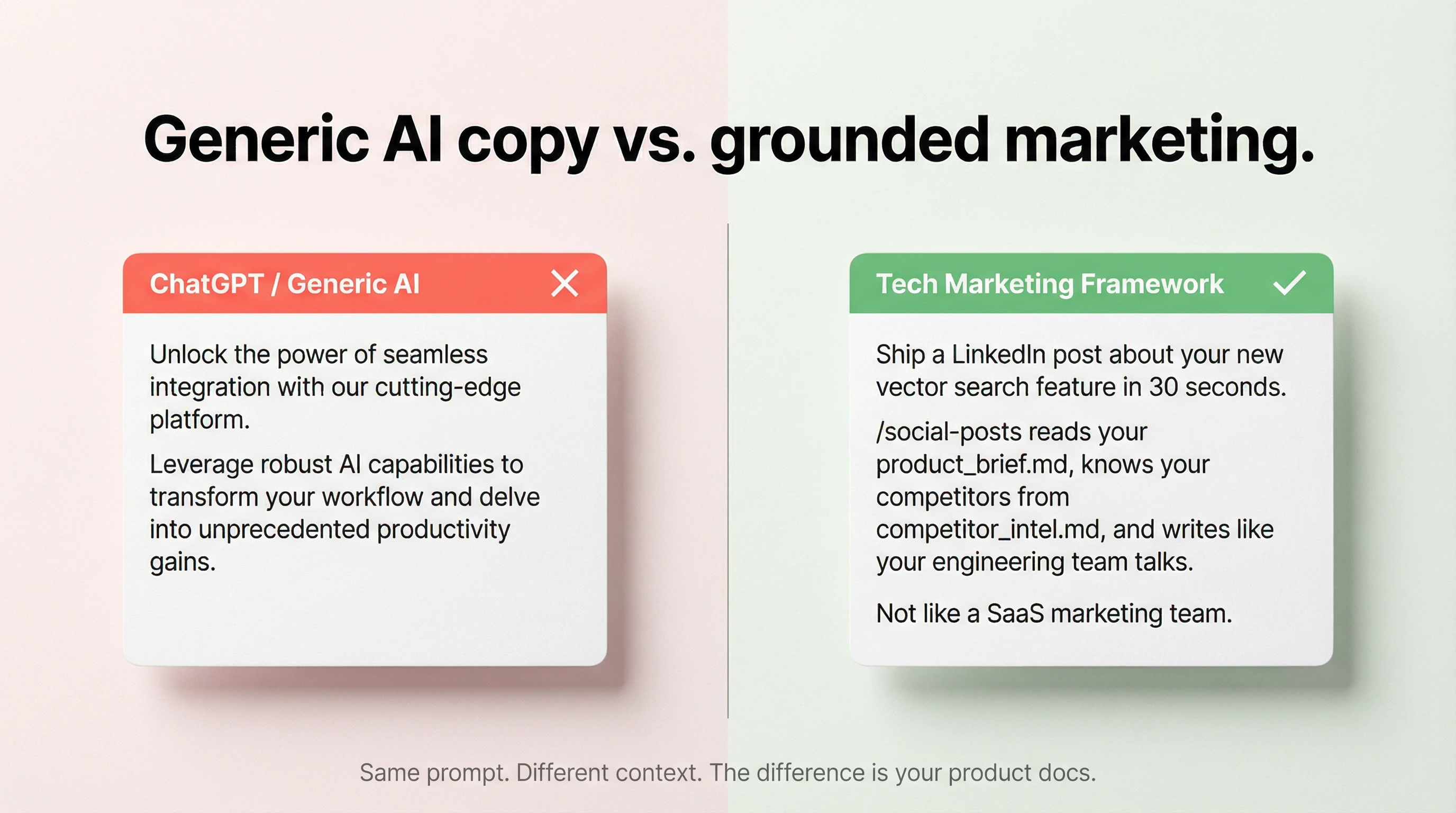
You built something awesome. You post it on X and....get 2 likes. Distribution is hard. This Claude GTM system gives you a marketing engine, distilled from my experience as an AI pilled marketing VP for early stage tech startups. It has: - Agents and skills that compress your time to launch - Interactive workshop to nail messaging - Extensive channel directory to find where your audience actually hangs out - Asset generation (incl imgs!) Free to use, updated daily, obsessively maintained.
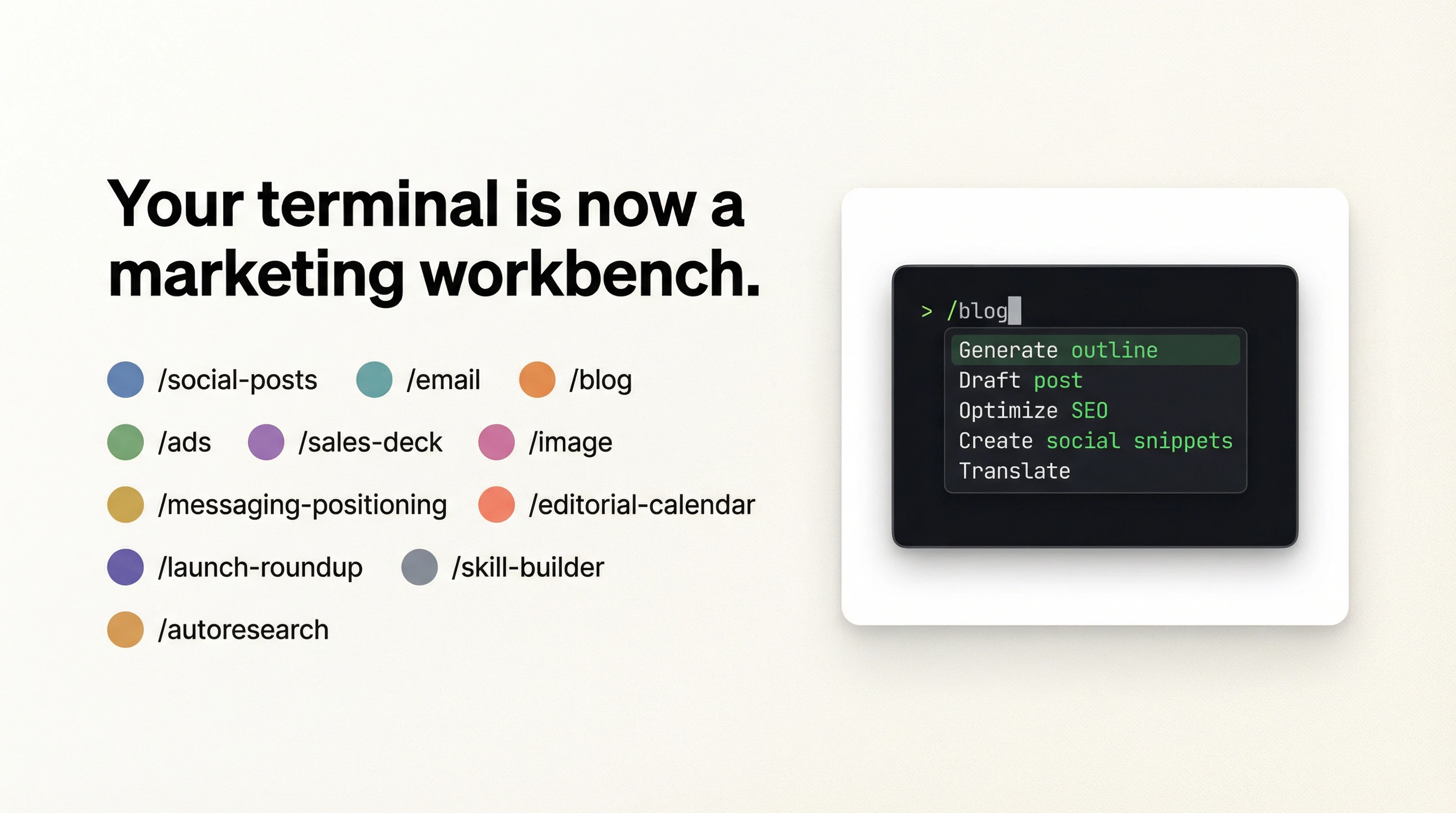
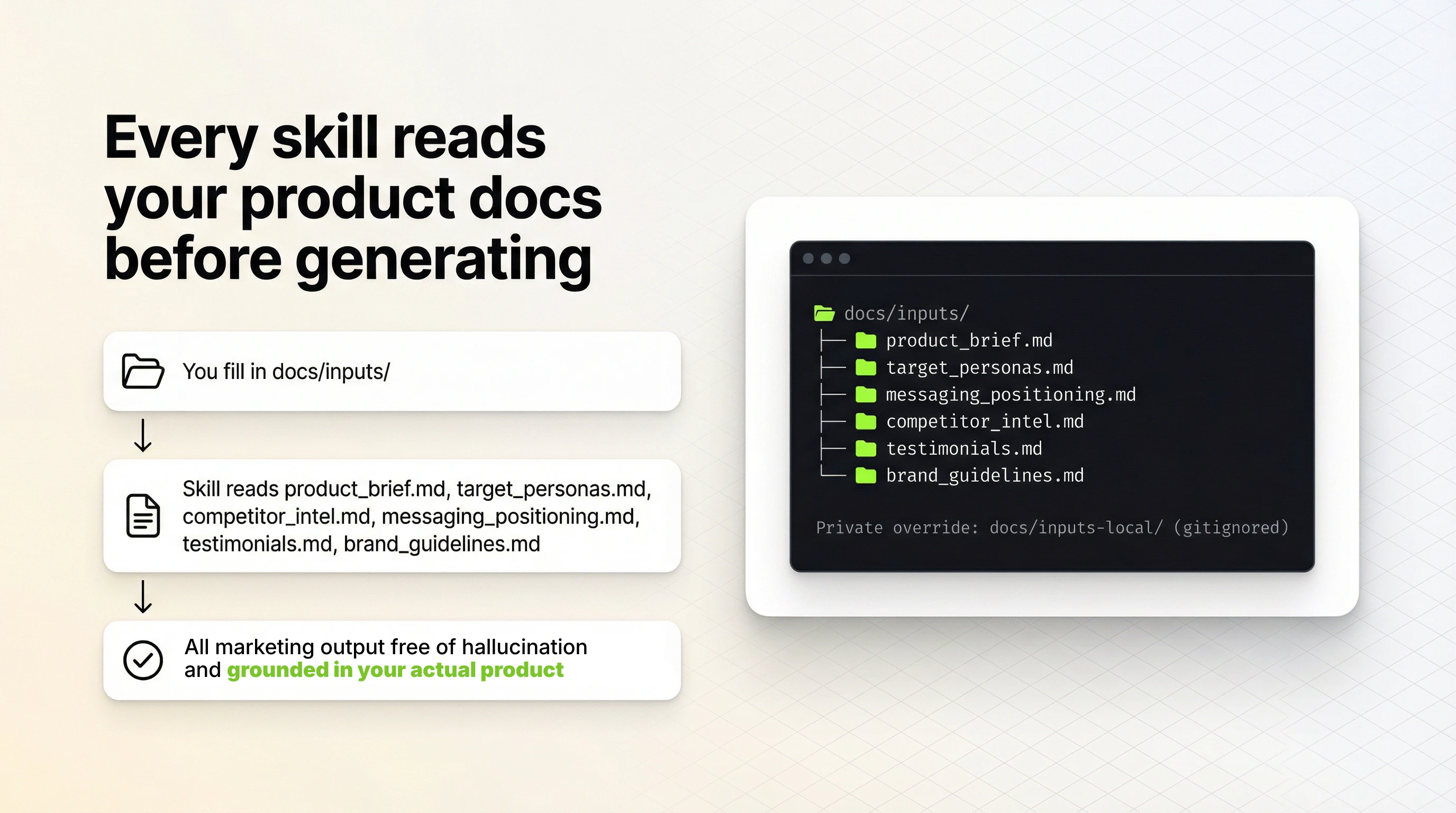
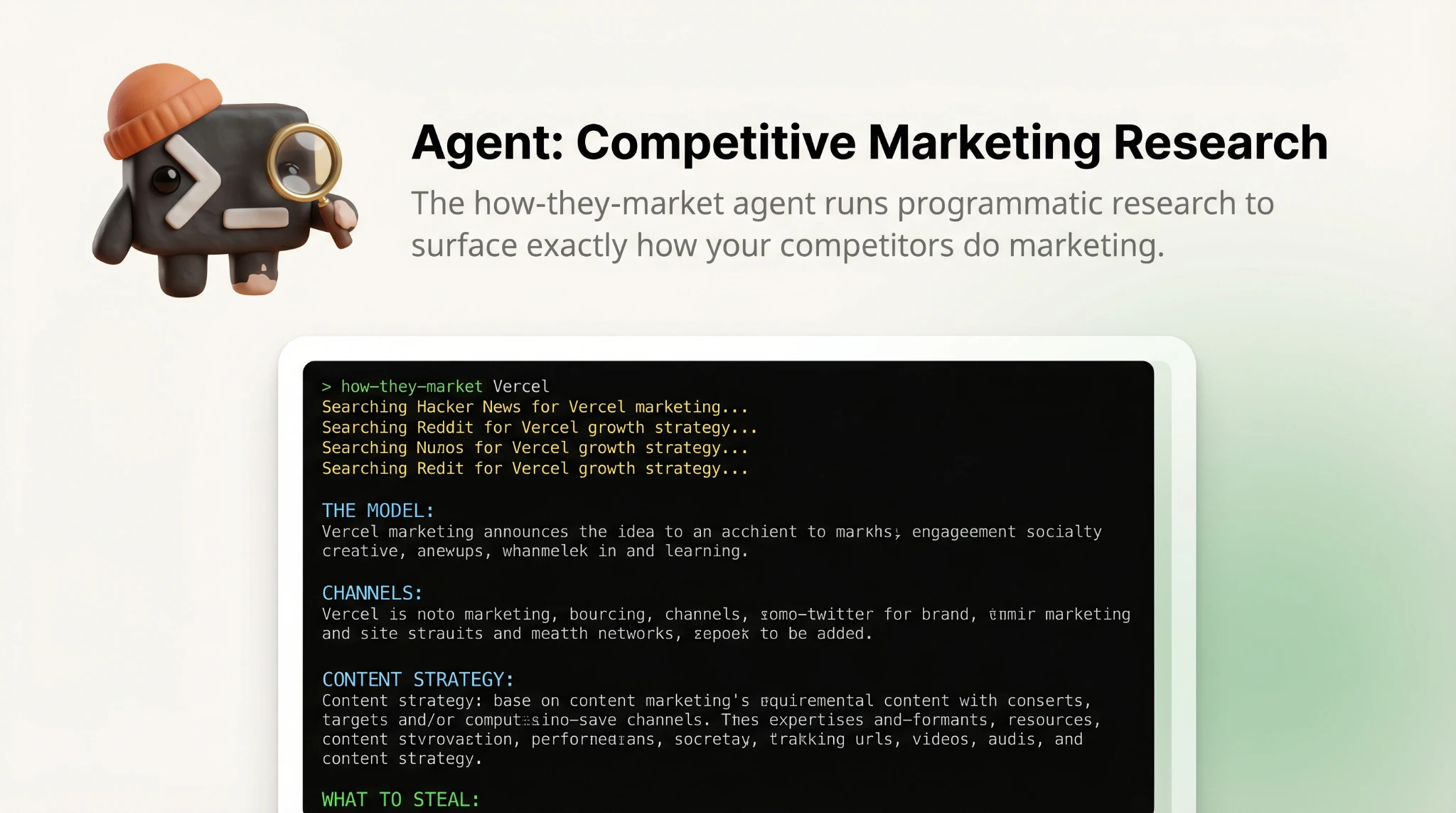
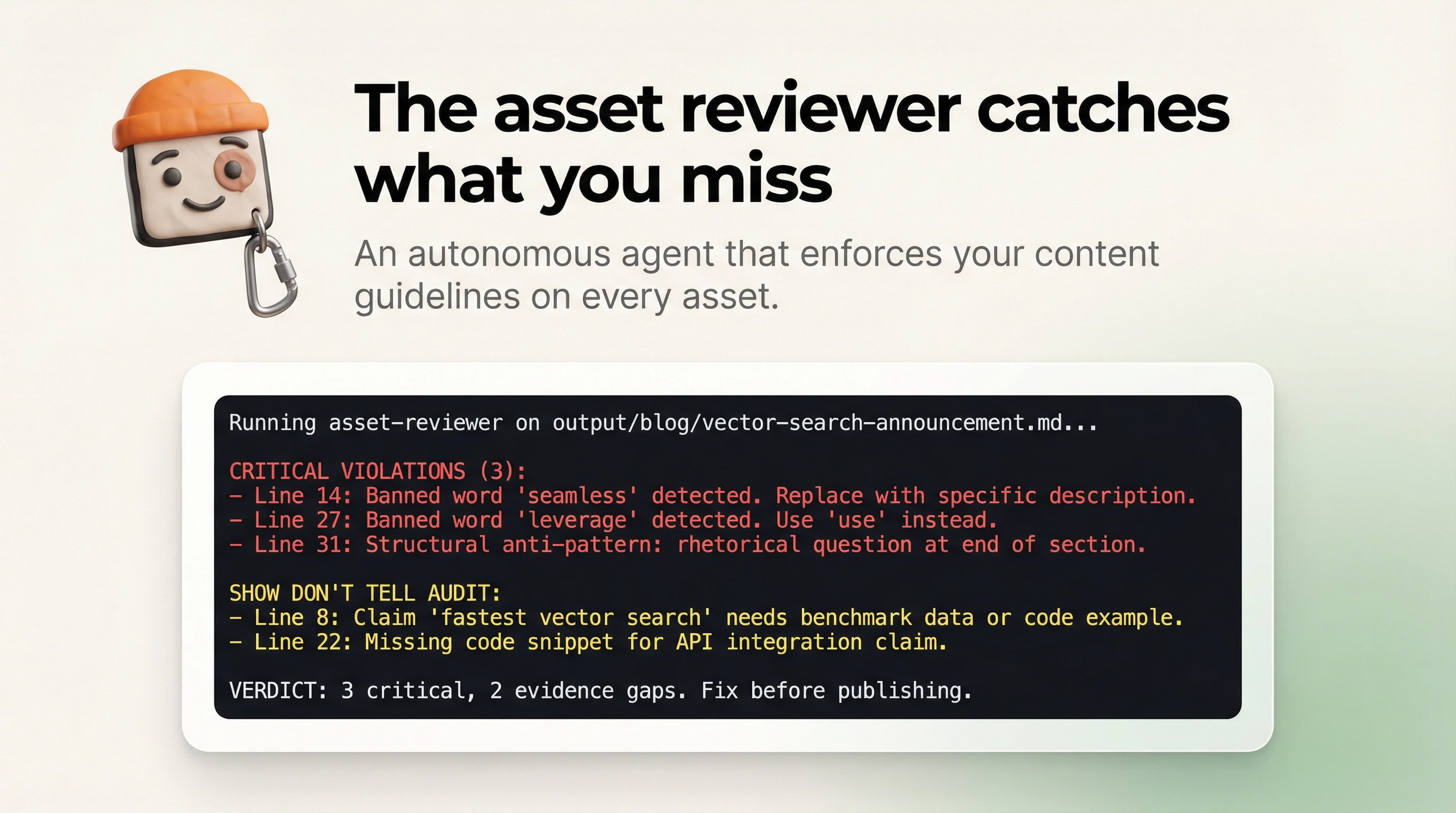
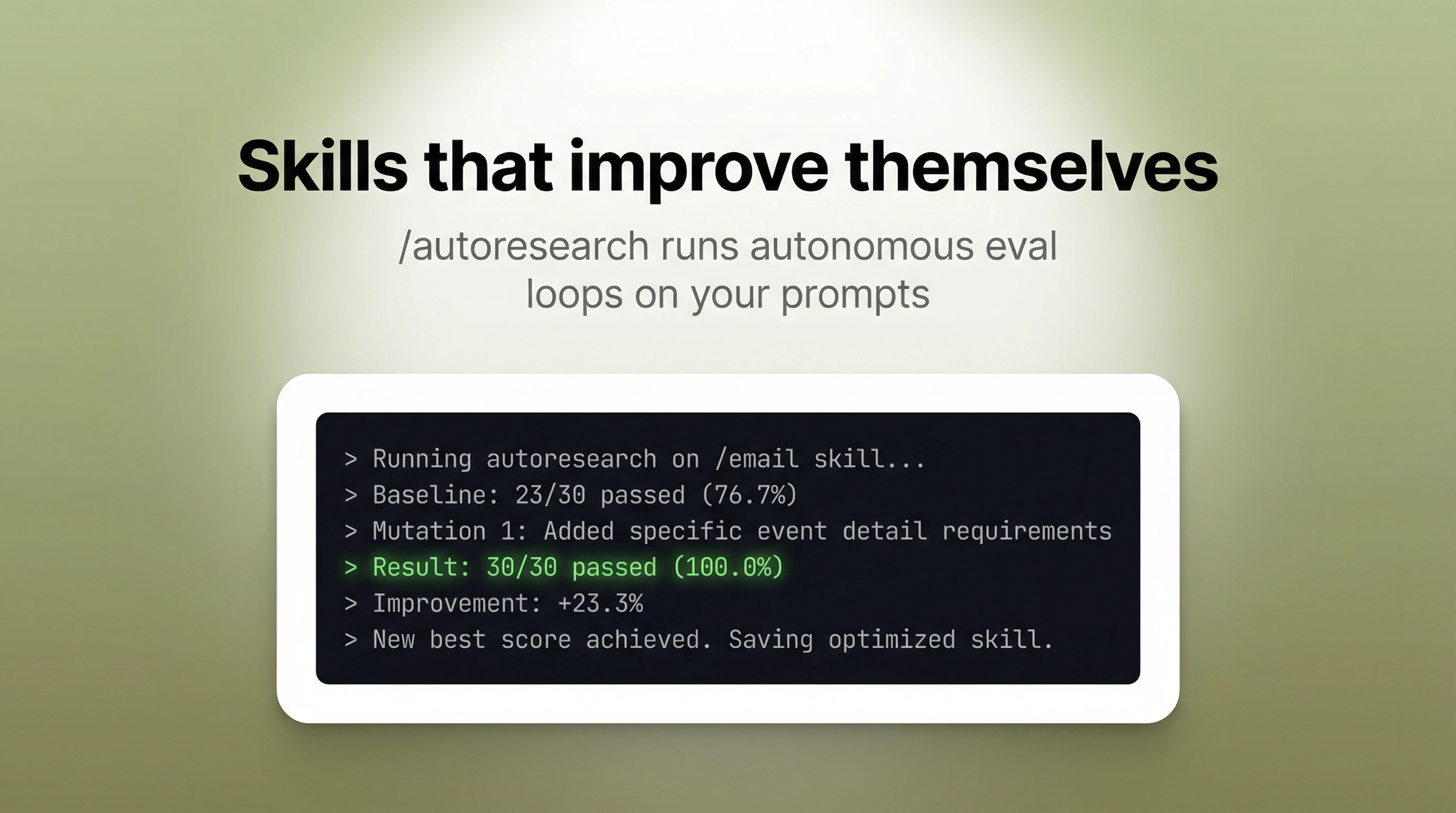
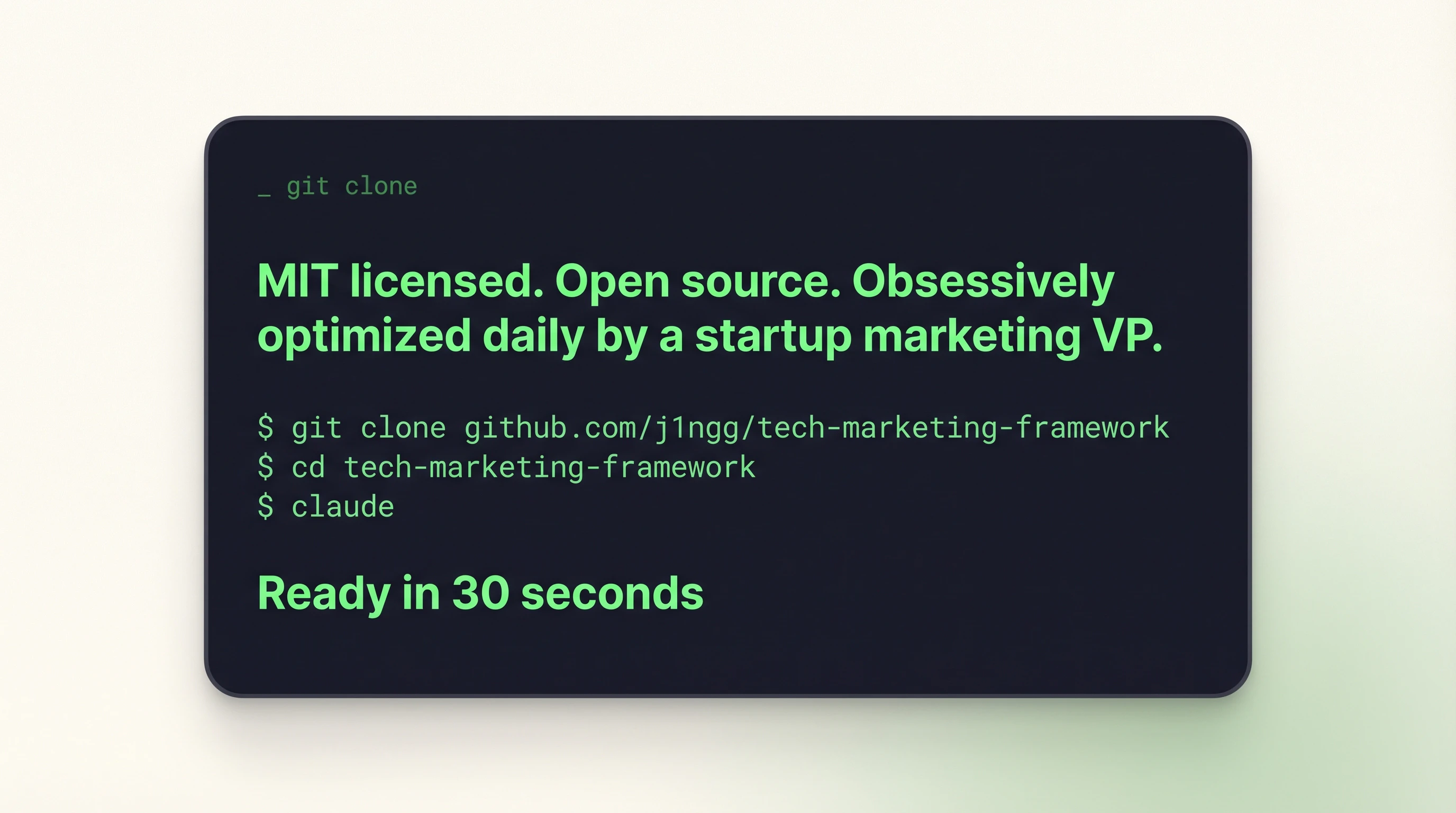
I built this because I know a lot of world-class builders who ship interesting products that never get off the ground because they didn't know how to do distribution. This is "marketing in a box" that me and my team use daily. Built on Claude Code and getting updates daily. I truly obsessive over getting the newest research, best practices, and workflow optimizations in there. Right now there are: > 11 slash command skills: /social-posts, /email, /blog, /ads, /sales-deck, /messaging-positioning, /image, /skill-builder, and /autoresearch (for skill optimization) > 3 agents for competitive research, asset QA, and ads conversion optimizer > Each skill & agent reads your product brief and messaging docs before generating, so the output is grounded in your actual product. > Marketing channel directory that covers Github lists, Reddit, and other launch channels Try it in 30 seconds: git clone https://github.com/j1ngg/tech-ma... cd tech-marketing-framework && claude And open an issue on GitHub with skill requests. Happy building and distributing!
10
回复

@j1ngg What's one slash command that's saved you the most time on launches, and how do you tweak it for niche tech audiences?

0
回复
yo! as a marketer i really like this! i have a question, Can it be used in Claude app on PC or ONLY in terminal? 🍀 also Wish you all the best with your project! 🤍
3
回复

@hustlerv you should be able to clone it and point Claude code on PC to it vs terminal but since the form is a repo I do think you need Claude code. And thank you all the best to you too! Let me know how it goes, I’d love to keep improving this!

2
回复

Two likes after posting on Xwitter is painfully specific and that's why your product lands. Most marketing advice for people who build stuff is either too abstract or too startup-bro to actually use. The interactive messaging workshop is the part I'd go to first. Like your product!

2
回复

@artstavenka1 let me know how it goes! There’s also an inventory of launch channels that I’ve collected over the years in the repo for quick hit inspo on where to distribute 🚀

2
回复
Does this work with Claude Desktop?
1
回复
@billchirico if you point Claude to the repo it should work! But in its current iteration, it’s defs optimized for Claude code (which technically is available on the desktop app but I don’t think that’s what you’re asking for). I’ll think on how to adapt it for non-Claude code usage.
0
回复

"@fmerian is a key hunter and Product Hunt optimization expert."

thanks for the mention, @j1ngg! keep up the great work

1
回复
@fmerian likewise! It was a very obvious recommendation for folks wanting to launch tech products!
1
回复

the fact that each skill reads your product brief first is a cool approach. most marketing tools just generate generic output because they don't know what you actually built. i'm having trouble with (and learning lots about) distribution at the moment, will give this a shot :) congrats on launching!

1
回复
@bengauss thank you! Yes marketing with hallucinations is no bueno. Let me know how it goes!
0
回复

The '2 likes' opening hit too close to home, literally went through this yesterday with my first ever X post about my app. The messaging workshop part is what I need most right now, I can build the product but translating it into words that actually land is a completely different skill.

is this framework designed for solo makers with zero marketing budget, or does it assume you have some paid channels to work with?

1
回复
@misbah_abdel i assume that there’s no budget 😅 the solo builder is who i had in mind for this. And tbh budget is an accelerator but 100x0 is still 0 so i much prefer to see products show some traction first before paid campaigns
0
回复
@misbah_abdel what’s your app btw? I’d love to check it out
0
回复
#6
Clicky
AI buddy next to your cursor on Mac—sees, guides, helps you!
123
一句话介绍:Clicky是一款在Mac上紧贴光标的AI助手,通过实时“看见”屏幕内容和语音交互,在用户使用设计、视频、代码等专业软件时,提供无需切换上下文、沉浸式的实时指导,解决了复杂软件学习成本高和工作流中断的痛点。
Mac Open Source Artificial Intelligence
桌面AI助手 屏幕识别 语音交互 实时指导 开源工具 生产力工具 工作流集成 macOS应用 隐私安全 创作者工具
用户评论摘要:用户普遍认可其“工作流内集成”的创新理念,认为它可能重塑AI交互界面。主要关注点与建议包括:对隐私和持续屏幕捕获的担忧,建议增加触发式或定时捕获;询问本地AI集成与鼠标控制可能性;以及对其是否会造成干扰的顾虑。
AI 锐评

Clicky所描绘的“光标旁的AI伙伴”愿景,其真正价值不在于“又一个AI聊天框”,而在于对“人机交互界面”的一次激进简化尝试。它试图将AI从需要“供奉”的独立聊天页签,降维成一个可随时呼出、基于具体视觉上下文进行对话的“数字同事”。这直击了当前AI工具的核心矛盾:功能强大但脱离具体操作环境,导致用户需要在应用与聊天窗口间频繁进行“脑力上下文切换”,体验割裂。

产品整合屏幕识别、语音流式交互,并指向具体UI元素,这在技术路径上选择了高难度动作,但也可能是唯一正确的方向。它不再要求用户成为“AI提示词专家”去抽象描述问题,而是让AI“亲眼所见”,极大降低了沟通成本。然而,其面临的挑战同样尖锐:一是“隐私信任”关卡,即便宣称“无被动录制”,持续的热键捕获能力仍会引发用户本能的警觉,这需要极透明的数据政策和可能的本地方案来化解;二是“注意力”挑战,评论中关于“干扰”和“双刃剑”的担忧非常精准,如何设计出“招之即来、挥之即去”、智能且不突兀的介入方式,是其体验成败的关键。若成功,它将成为专业软件的高级“沉浸式教程”和“实时调试伙伴”;若失败,则只是一个烦人的屏幕浮层。

其开源属性是一步妙棋,既回应了隐私关切,也为开发者生态提供了可能。长远看,Clicky的模式若被验证,其“视觉上下文+语音”的交互范式,可能比其具体功能更具颠覆性,为操作系统级的AI原生交互铺平道路。

查看原始信息
Clicky

Clicky is a free macOS AI buddy that lives right next to your cursor. It sees your screen, listens to your voice, and walks you through whatever you're working on... whether it’s Figma, DaVinci, or code. Ask questions, get step-by-step guidance, and real-time help like a super-skilled friend. Powered by Claude, AssemblyAI, and ElevenLabs, Clicky is open-source and runs on both Apple Silicon and Intel Macs.

@farzatv just dropped something very interesting...

Clicky is an AI buddy that lives right next to your cursor on Mac. It sees your screen, hears your question, and walks you through whatever you’re working on like a friend who’s insanely good at everything.

AI lives in chat tabs. You explain context. It guesses. Slow and broken. Clicky works inside your workflow, no context switching. It sees exactly what you see and guides you in real time.

What stands out:

  • Screen-aware (on hotkey) 👁️

  • Voice-first with spoken responses 🎙️

  • Points directly at UI elements 🖱️

  • Real-time streaming (AssemblyAI + Claude) ⚡

  • Privacy-first (no passive recording) 🔒

  • Free & open-source 🆓

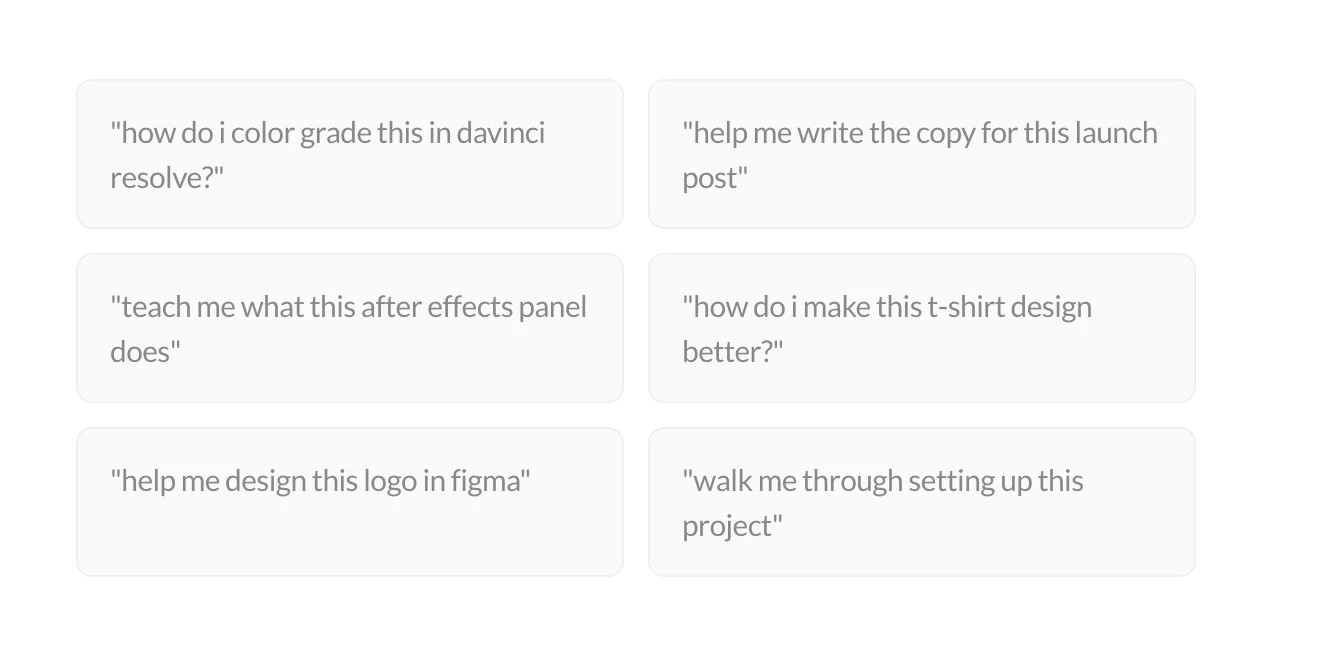
Use cases: learning tools like Blender, DaVinci, After Effects, designing in Figma, writing, debugging, even analyzing stock charts. Possibilities are endless.

This isn’t just another AI chat. It’s a new interface for interacting with AI. If you’re a creator, builder, or someone who learns by doing, this is worth checking out.

P.S. I hunt the latest and greatest launches in tech, SaaS and AI, follow to be notified @rohanrecommends

4
回复

@farzatv  This seems quite interesting to me. What's one unexpected workflow it's unlocked for you so far?

0
回复

Very interesting idea, is it able to control the mouse? That would elevate the abilities intensively.
Might be more difficult to convince people that it won't do something weird than to actually achieve it ahhaha

1
回复

does it supports local AI integration?

1
回复

@farzatv Well done Farza. Clicky feels like a thoughtful idea, and I like how naturally it brings AI into the workflow. The key will be keeping it helpful without adding distraction or friction.

1
回复

The constant visibility is the double-edged sword here. I'd want a timed context window, not always-on capture.

1
回复
Crazy that this is open source. We should add Farza as a maker if he’s on PH.
1
回复

Before i try it, somehow I have i feeling that it would be too much of a distruction? or im too old 🫣

1
回复
#7
aperture
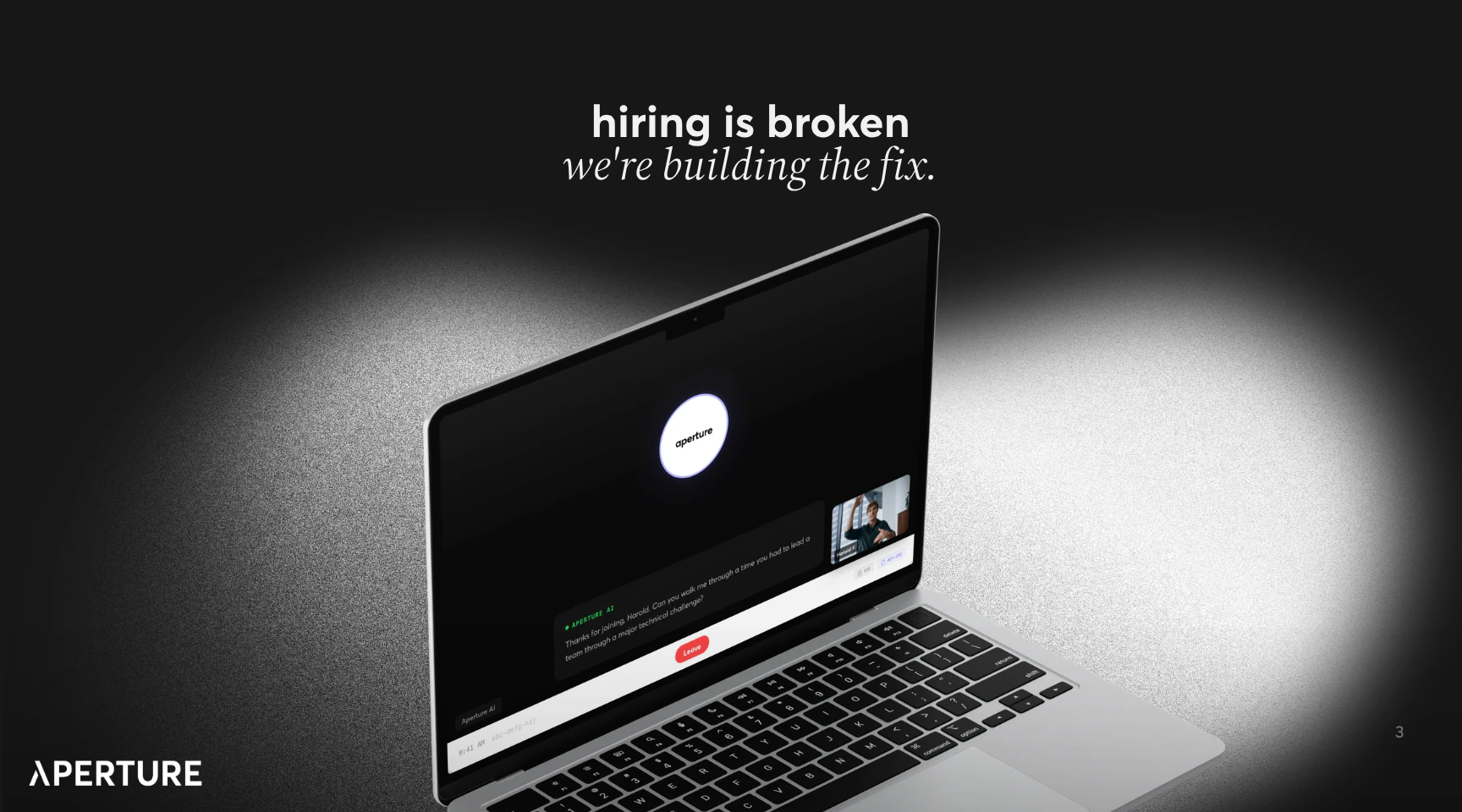
hiring is broken. we're building the fix.
107
一句话介绍:Aperture是一款利用AI主导的行为面试和对比排名来取代传统简历筛选的招聘工具,旨在解决企业在海量申请中无法有效评估候选人真实能力的痛点。
Hiring Artificial Intelligence Tech
招聘科技 AI面试 行为评估 简历筛选替代 人才评估 HR SaaS 智能招聘 招聘流程优化 候选人排名 ATS替代方案
用户评论摘要:用户共鸣招聘流程的挫败感,认可产品理念。核心疑问集中于与Micro、JacknJill等现有AI面试工具的具体差异化和独特优势,要求明确产品核心竞争力。
AI 锐评

Aperture直指招聘系统“简历造假、关键词游戏、ATS盲目”三大痼疾,其价值主张并非简单优化流程,而是试图颠覆以文本匹配为核心的初筛逻辑。用“行为面试”和“对比排名”作为核心卖点,本质上是将评估重心从“过去经历描述”转向“潜在能力模拟”,这确实切中了传统招聘中能力与表述错配的核心痛点。

然而,产品目前披露的信息存在关键模糊地带。首先,“AI主导的行为面试”具体形态不明——是异步视频面试分析,还是模拟对话?其信效度数据缺失。其次,“对比排名”的维度标准语焉不详,若缺乏透明性,易沦为新的“黑箱”,引发公平性质疑。评论区的追问非常尖锐:在已存在Micro(专注异步视频面试)、JacknJill(游戏化评估)等细分玩家的市场,Aperture的差异化技术壁垒与场景定位究竟是什么?是面试分析算法更优,还是排名模型更科学,或是整合体验更流畅?

真正的挑战在于,替换简历筛选意味着要改变HR根深蒂固的“快速浏览-关键词定位”工作习惯,教育成本极高。其成功不仅依赖于技术优越性,更取决于能否提供显著高于旧习惯的决策质量与效率提升,并构建起雇主与求职者双向信任的评估体系。若仅停留在“更好的筛选工具”层面,恐难突破同质化竞争;若能真正定义并量化“能力潜质”,形成行业新标准,则可能重塑招聘价值链的入口。目前来看,理念先进,但证明其颠覆性,仍需更多硬核证据与清晰的战略定位。

查看原始信息
aperture
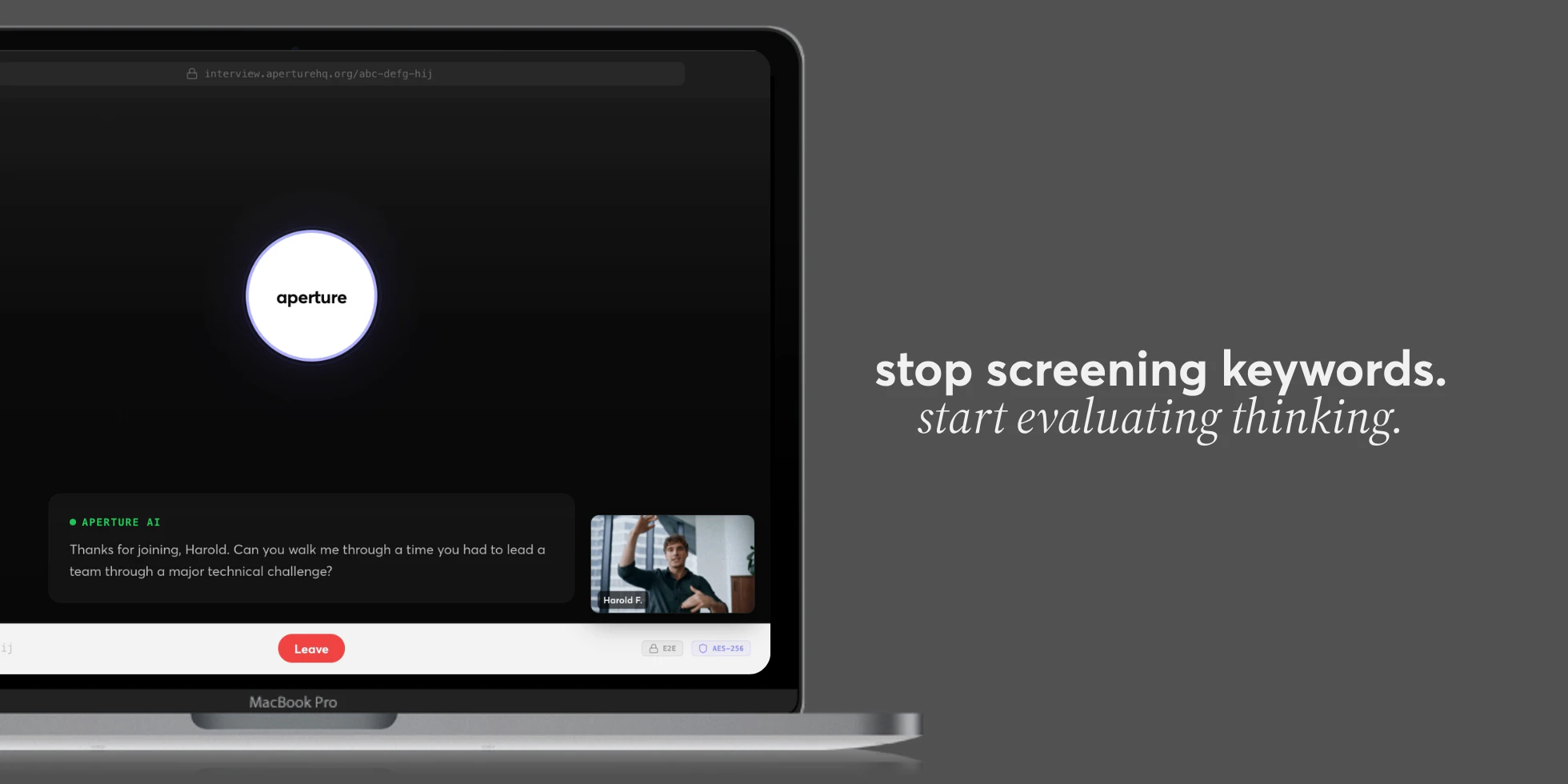

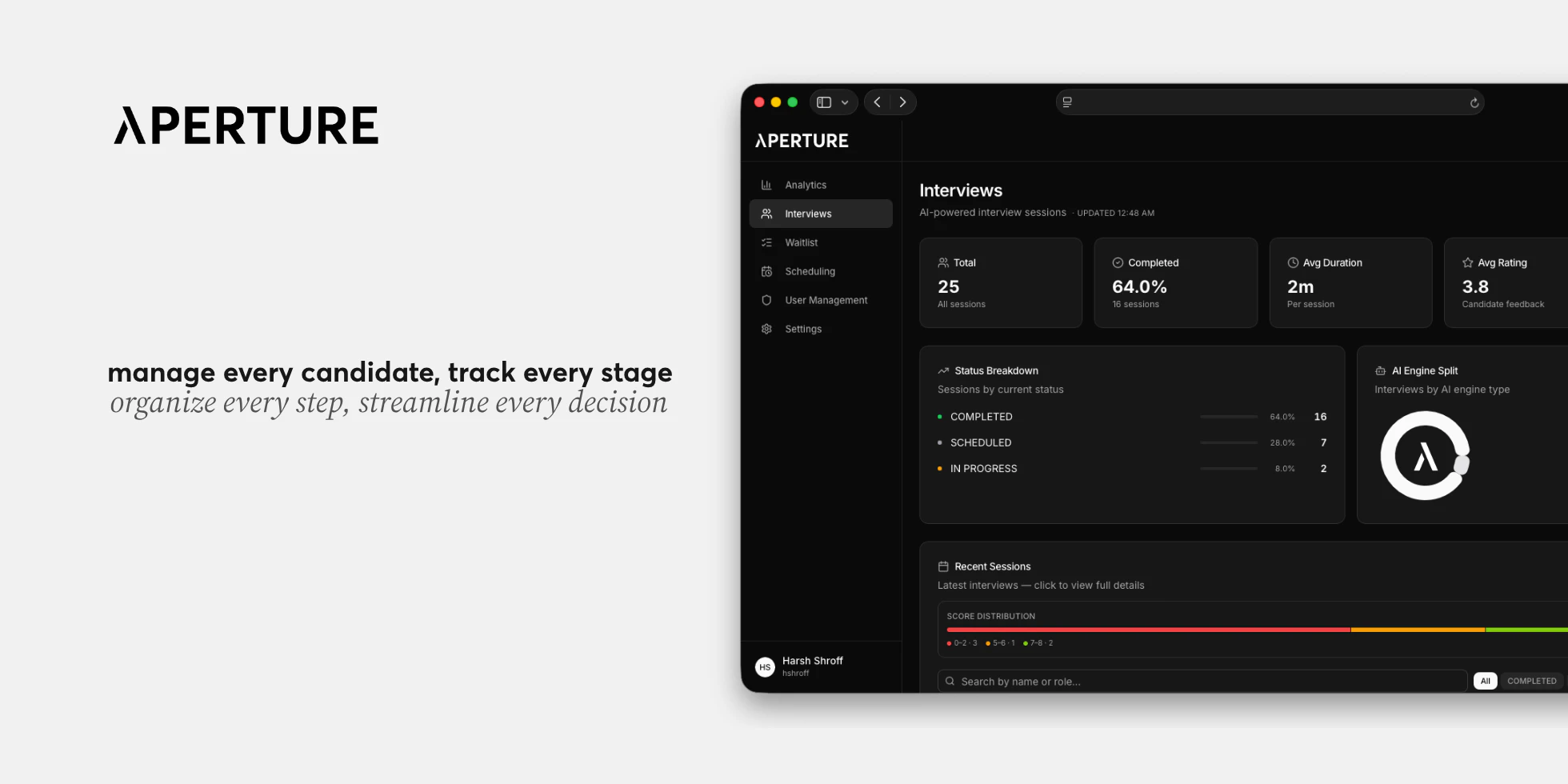
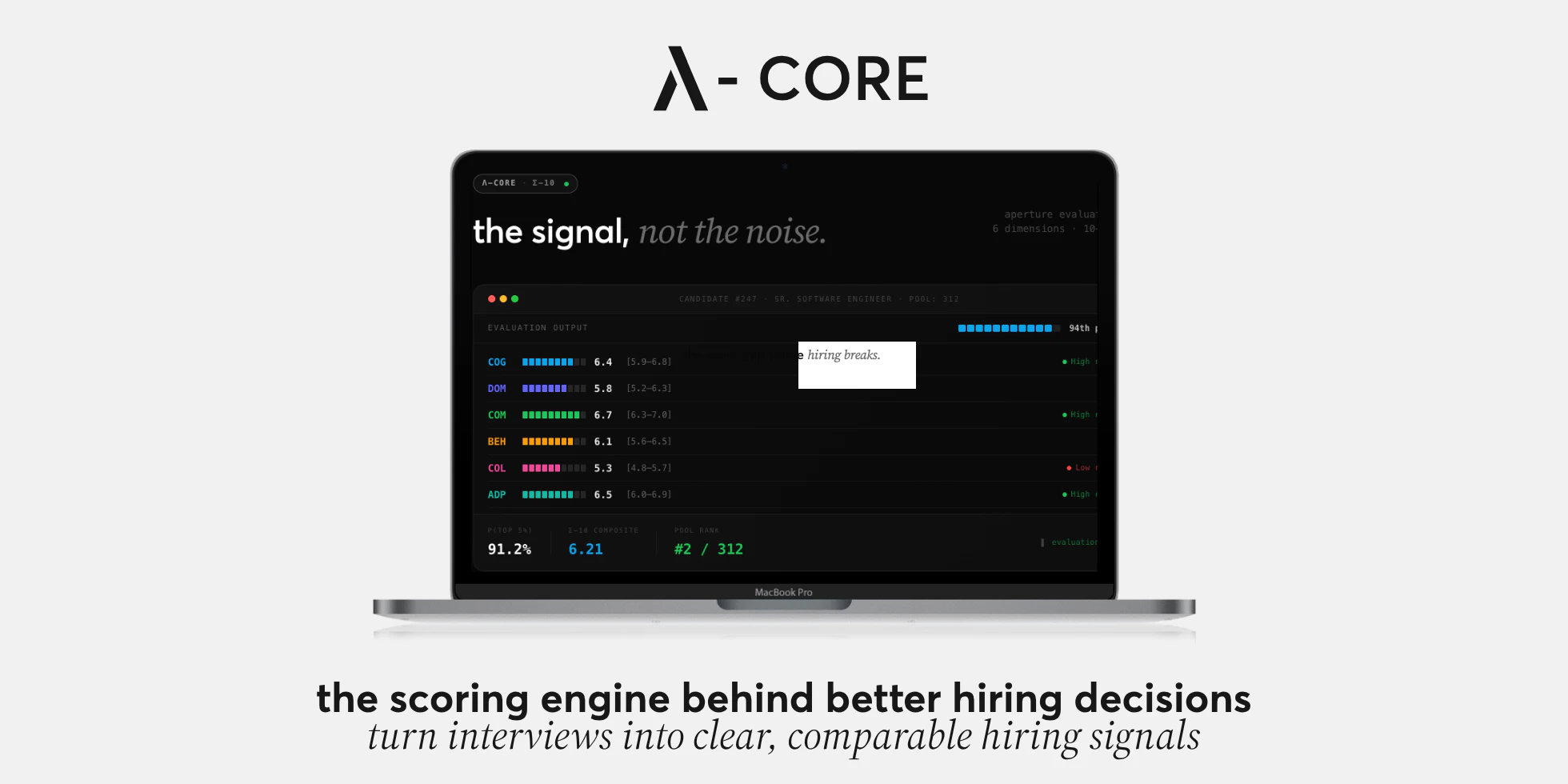
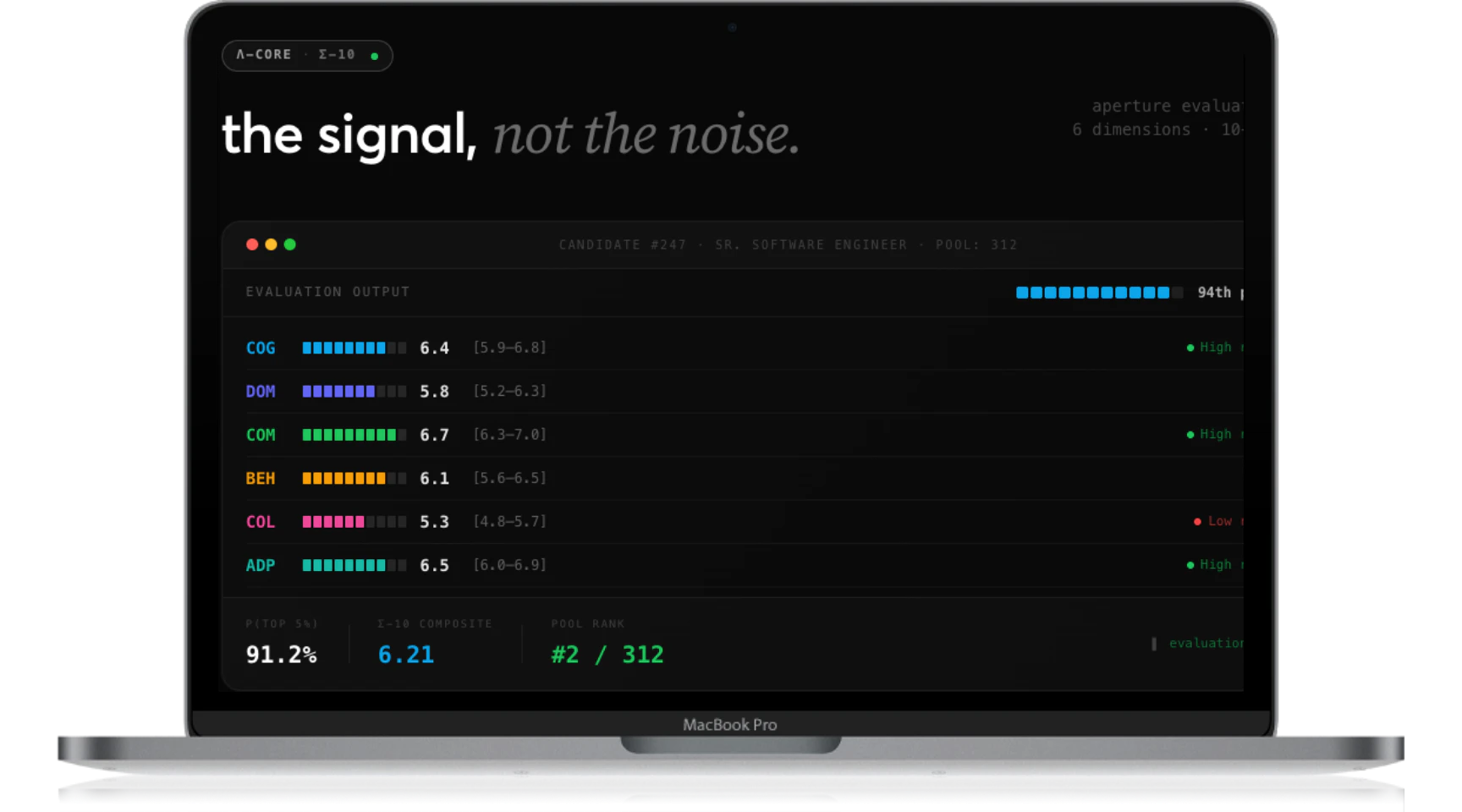
Resumes lie. Keywords are gamed. ATS filters are blind. aperture replaces resume screening with AI-led behavioral interviews and comparative ranking, so teams see who actually stands out before investing time.
Didn’t we all feel this at some point? You see a job and think, “I can do this better than most people applying.” You have the skills, the education, the experience. And then… rejection. No call. No conversation. No chance to prove it. You start wondering, what are they even looking for? Someone way better? How did they decide that without even talking to me? The truth is, companies are looking for people like you. But when hundreds or thousands apply, they rely on systems that can’t actually evaluate ability. ATS filters look for keywords, not capability. So you’re not being compared on what you can do. You’re being compared on how well your resume matches buzzwords. That’s the gap we’re trying to fix with aperture.
2
回复
Great but i want to know one thing how it is different from tool like micro and other tools for ai interview?
1
回复

Ai interview prep is great, now how does it compare to JacknJill or Juicebox? What are you the best in the world at?

0
回复
#8
Voicr for Mac
Dictate and get improved or translated text
102
一句话介绍:Voicr for Mac 是一款菜单栏常驻的轻量级语音工具箱,通过单一快捷键实现高质量听写、多语言翻译、文本润色及灵感速记,为多语言工作者和内容创作者解决了跨工具切换繁琐、写作效率低下的核心痛点。
Productivity Writing Notes
语音输入 文本听写 实时翻译 AI写作助手 效率工具 macOS应用 菜单栏工具 轻量级应用 多语言支持 文本润色
用户评论摘要:开发者自述为解决非母语者专业写作效率问题而创建,产品从听写工具演进为集成化语音工具箱。用户肯定其概念清晰、便捷高效。主要提问集中于其对非标准口音和随意说话模式的识别准确度,这是其相较于原生工具的核心优势关切点。
AI 锐评

Voicr 展现了一个典型的“工具聚合”微创新路径,但其真正的锋芒并非简单的功能堆砌,而在于对“瞬时性语言处理”场景的精准捕捉与无缝封装。

产品价值首先体现在“降维打击”式的集成策略。它将听写(输入)、翻译(转译)、润色(加工)、速记(捕获)这四个本需跨越不同软件、不同界面的动作,压缩至一个统一的语音入口和全局快捷键中。这本质上不是在创造新功能,而是在消灭“工具间缝隙”带来的心流中断,其3MB的体积和菜单栏常驻形态,强化了这种“无感工具”的定位,与追求大而全的AI套件形成差异化。

然而,其面临的挑战也同样尖锐。其一,技术护城河问题。其核心卖点——准确度,尤其是对复杂口语、非母语口音的识别与润色,高度依赖底层语音识别与AI模型能力。开发者需要证明,Voicr的体验能持续超越系统原生工具及Wispr等专业竞品,否则极易被集成能力更强的系统更新或平台级应用覆盖。其二,场景深度与粘性风险。作为轻量级工具,它解决了“顺手”的问题,但每个垂直功能都可能面临专业工具的挑战。例如,专业译者不会满足于其翻译,严肃写作者可能需要更深入的润色指令。它更像一个出色的“语音快捷指令”,而非不可替代的专业生产工具。

评论区的提问直指核心:对非标准语音模式的处理能力。这恰恰是Voicr能否从“好用”跃升为“必用”的关键。如果它能真正解决主流工具处理不佳的口语化、口音化输入,并产出优质文本,它就构建了短期难以被替代的独特价值。反之,则可能停留为一个面向特定人群(如非母语专业写作者)的精致效率插件。

总体而言,Voicr是“AI平民化”和“工作流极简主义”趋势下的一个优秀产物。它证明了在巨头环伺的AI工具市场,通过极致的场景聚焦、优雅的体验设计和轻量的产品形态,依然存在打造“小而美”产品的机会。但其长期生存,取决于能否在某个核心痛点(如口音听写)上建立足够深的技术或数据壁垒。

查看原始信息
Voicr for Mac
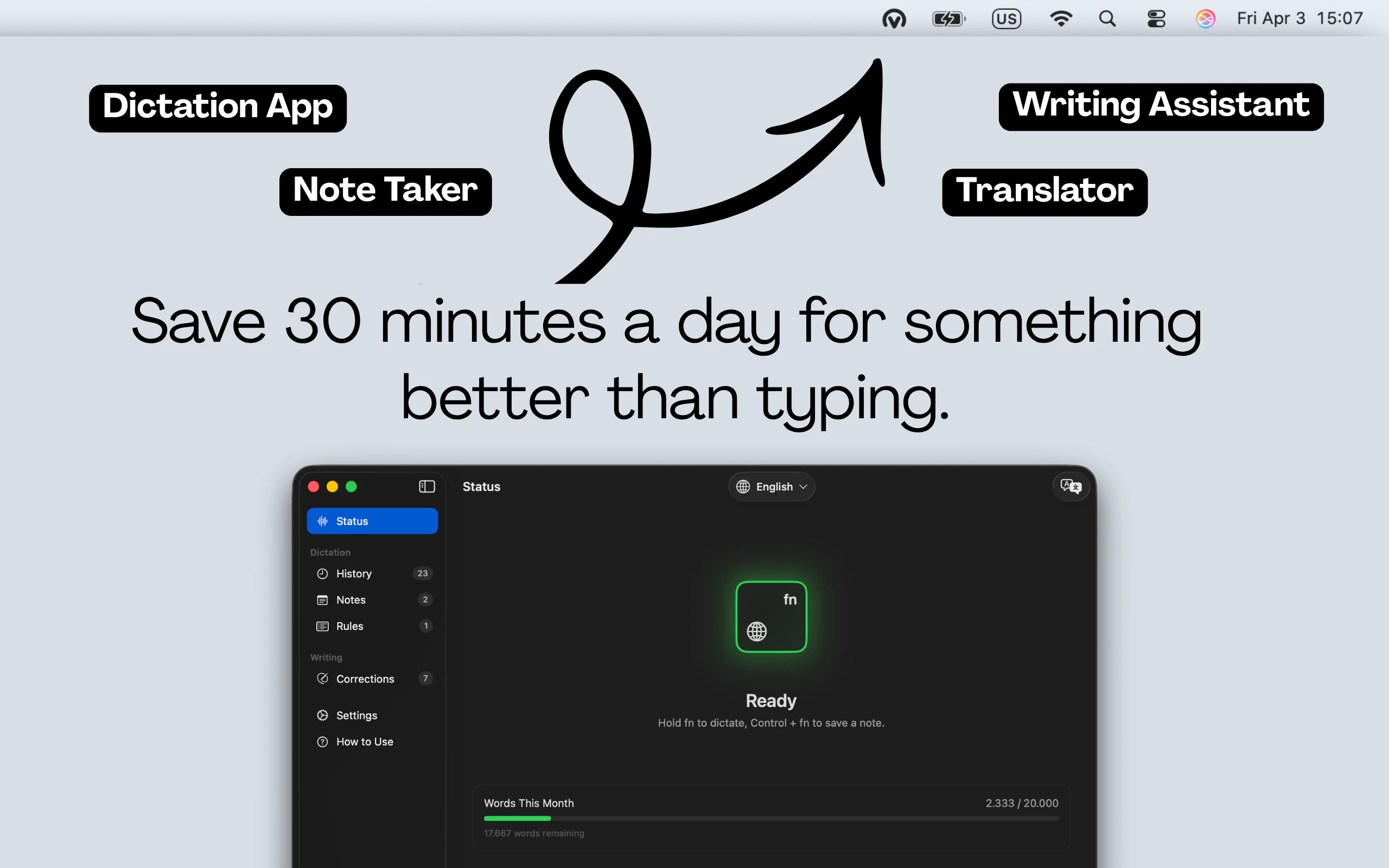
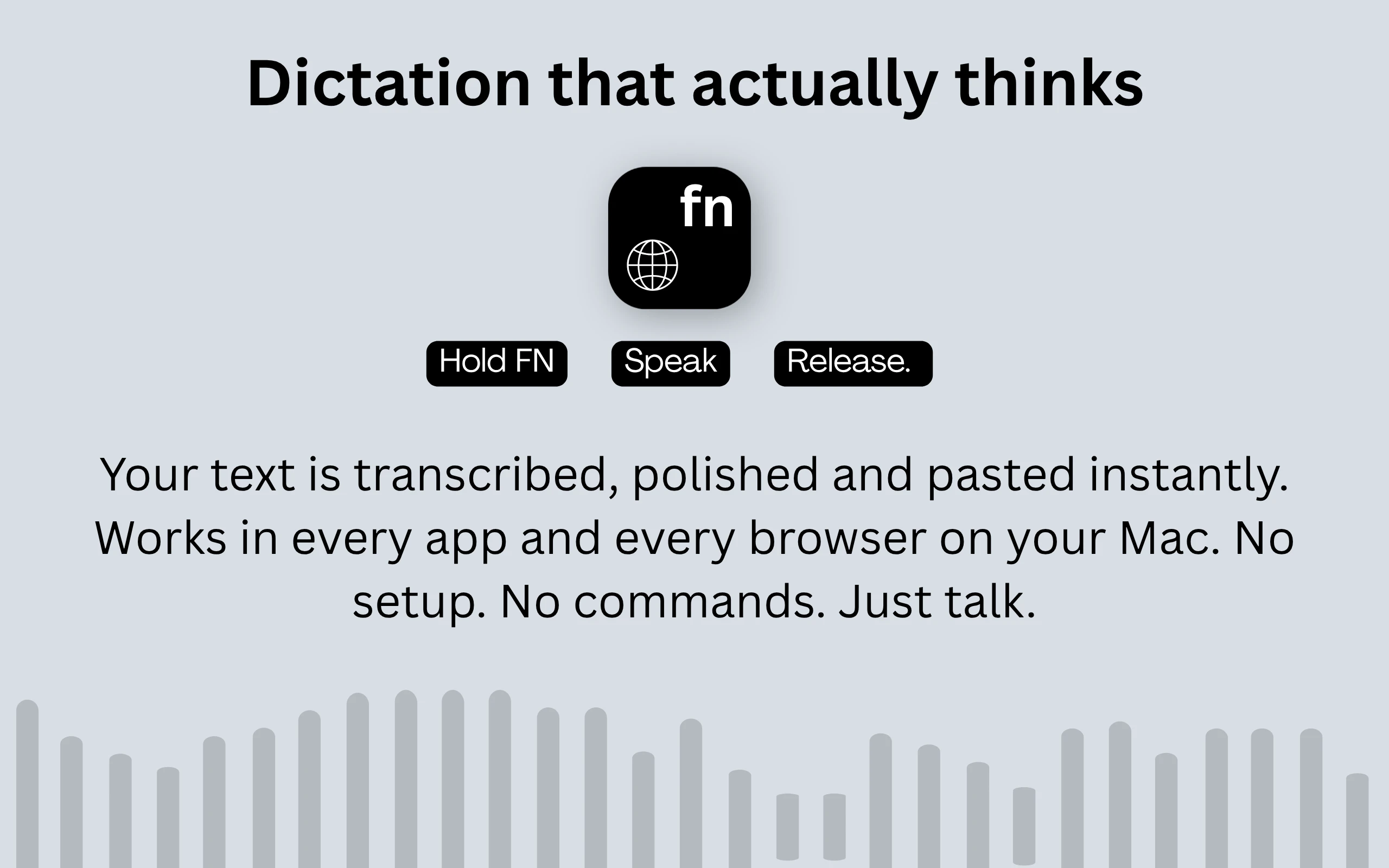
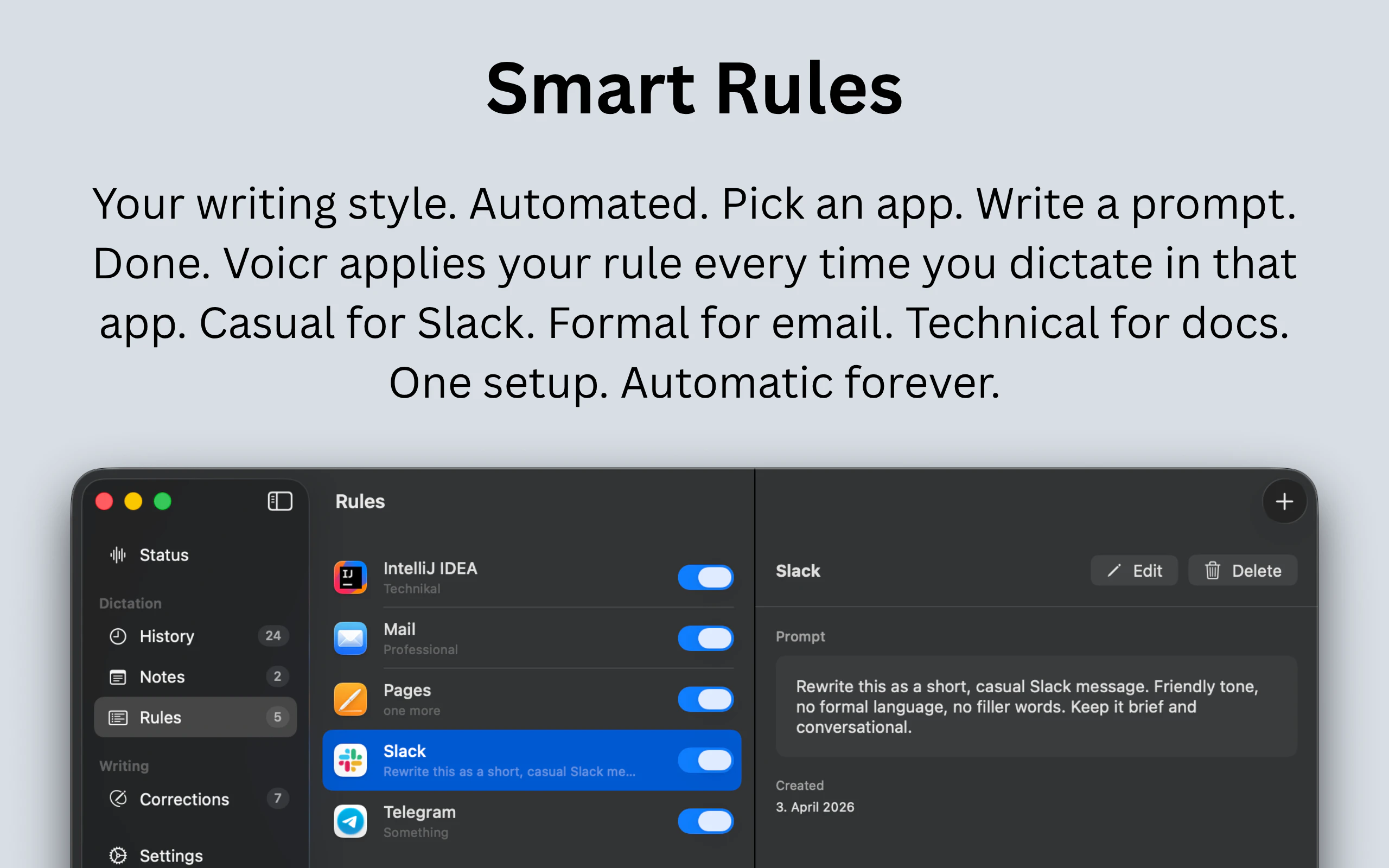
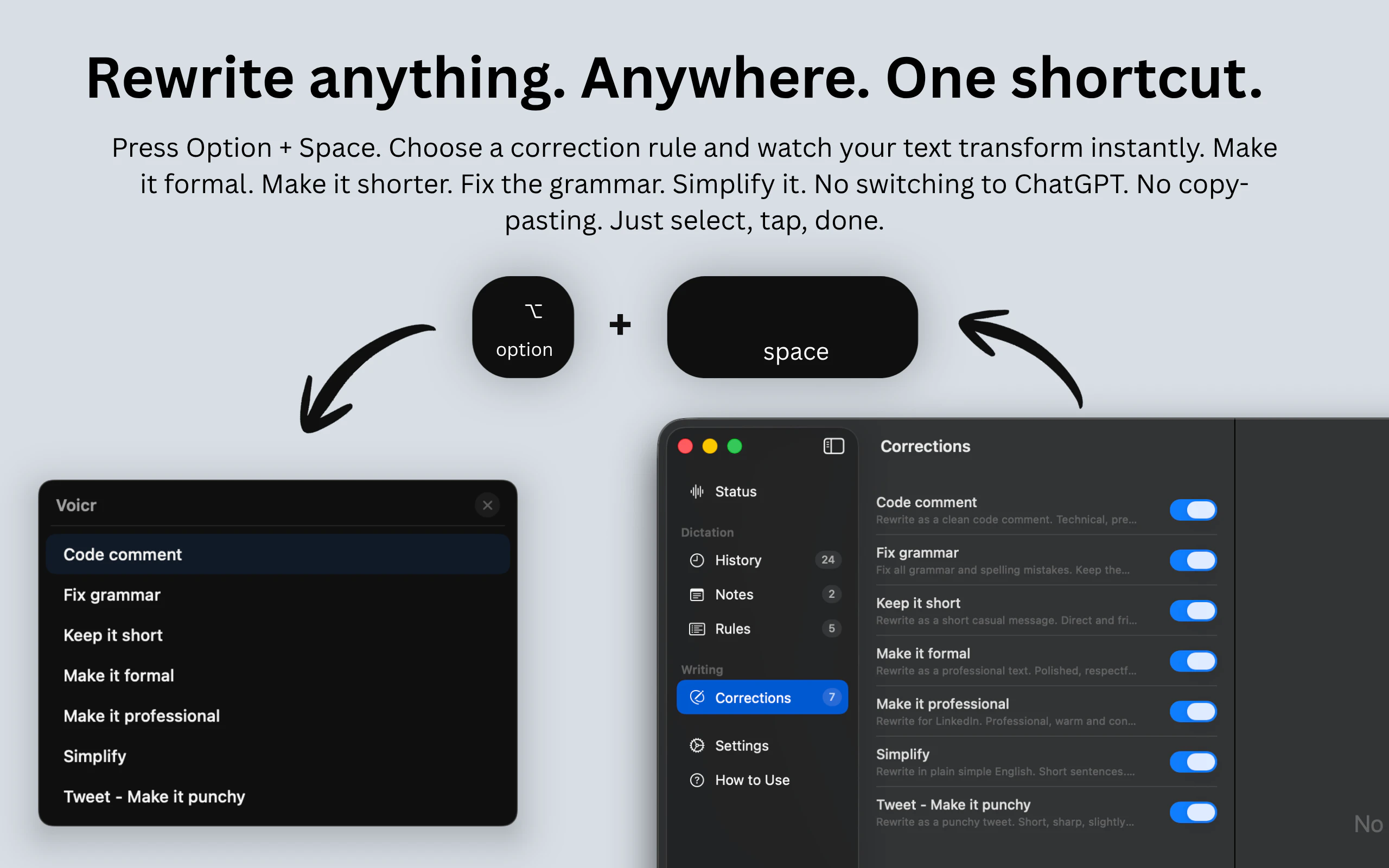
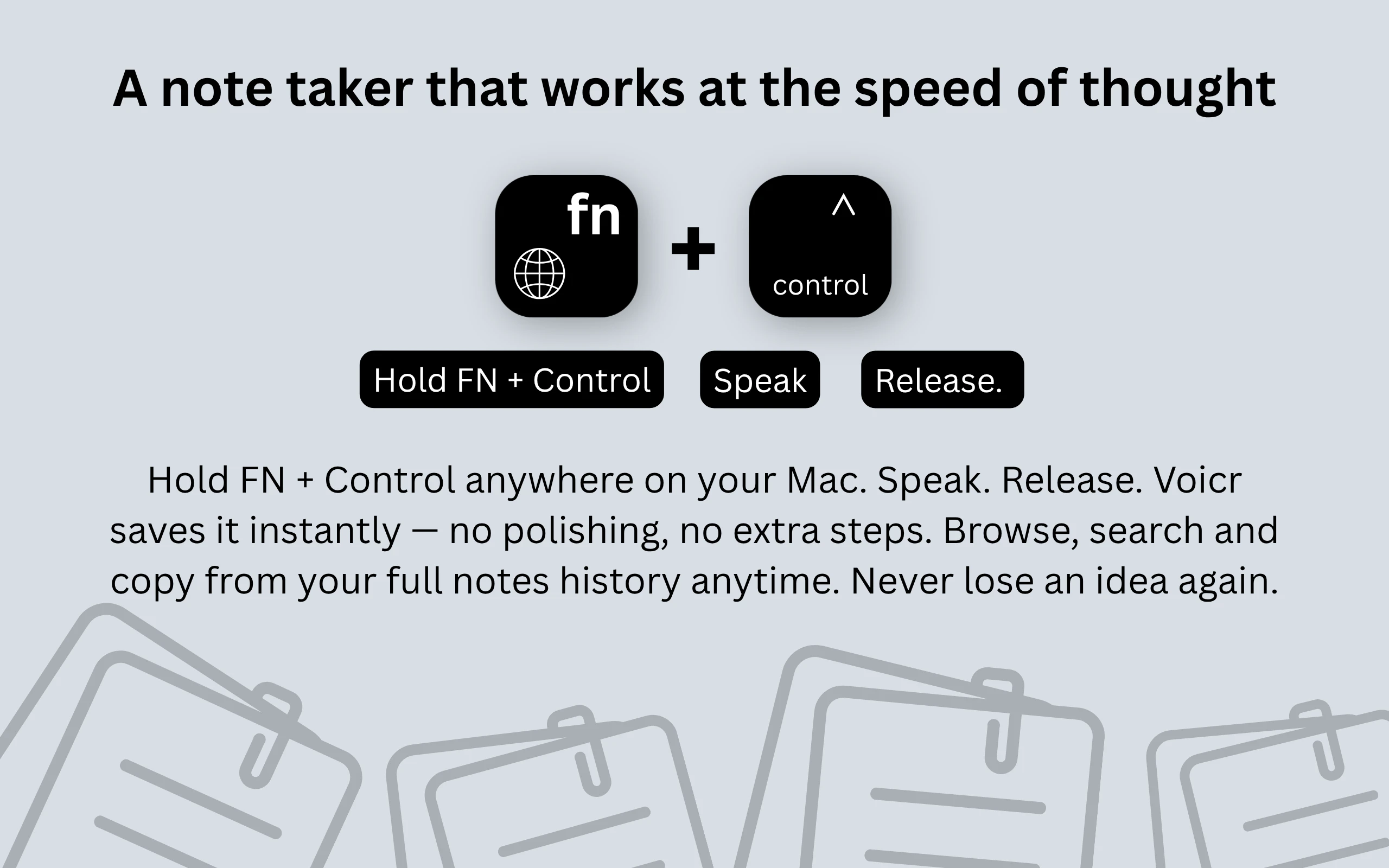
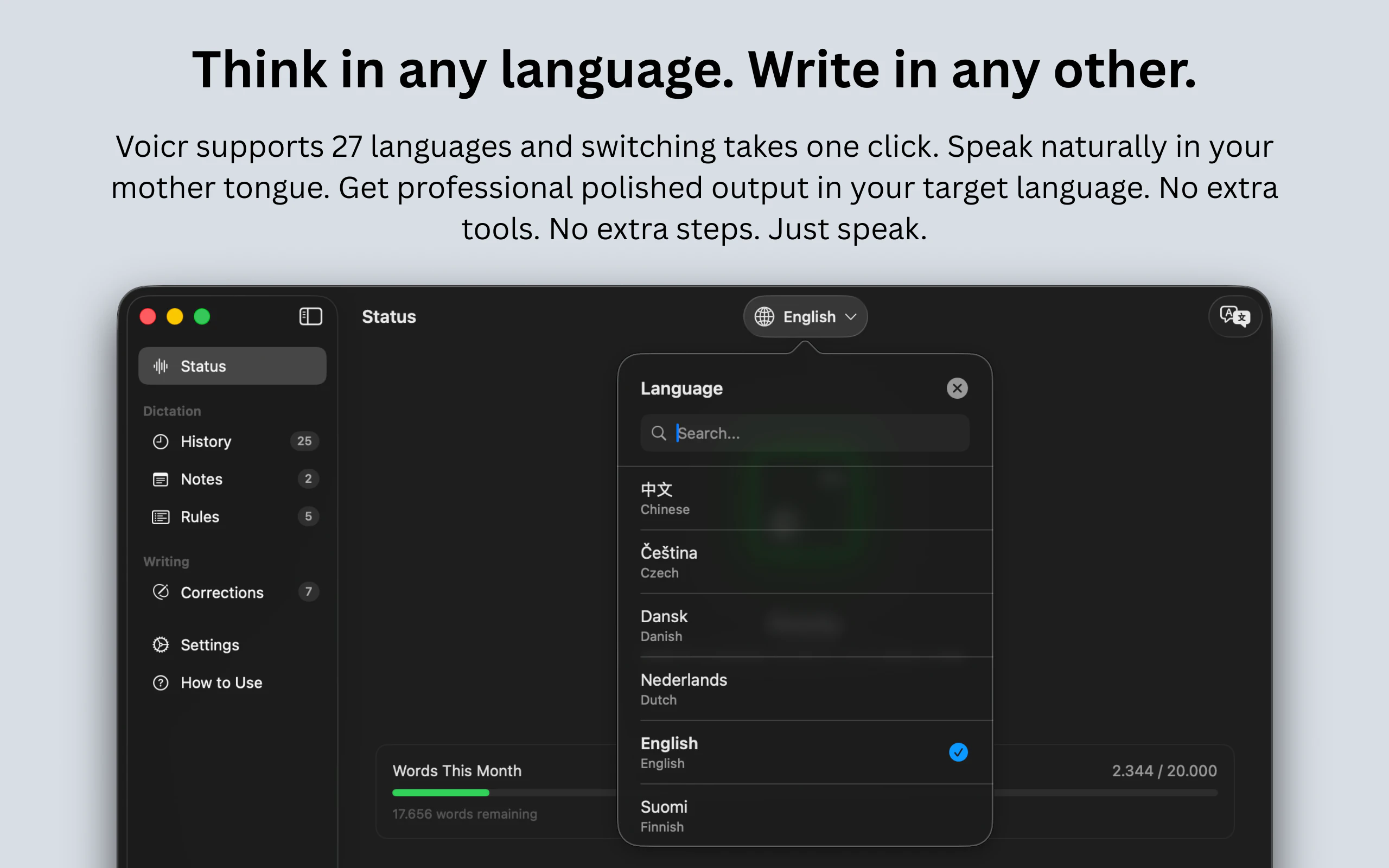
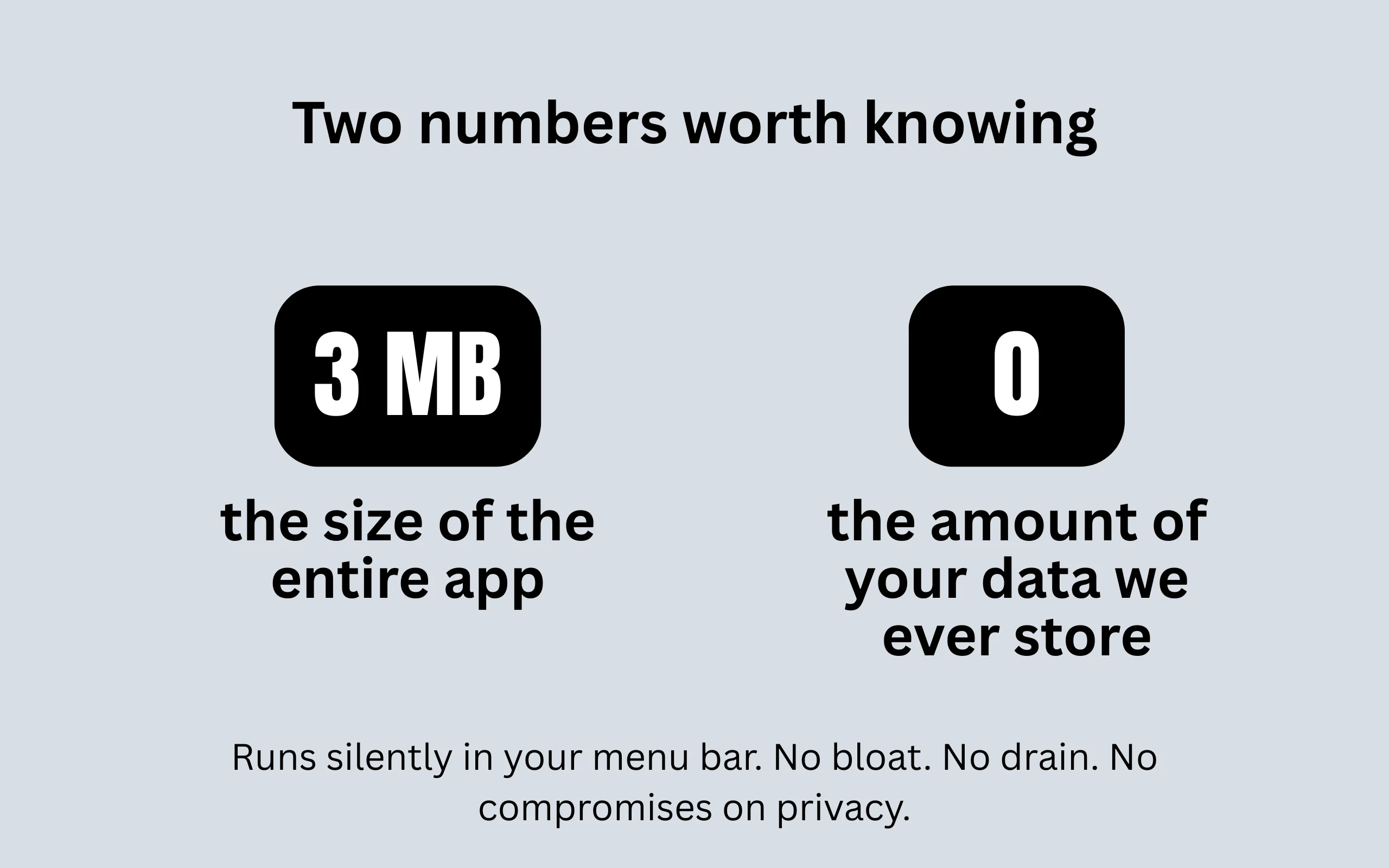
Voicr is not just a dictation app. It's your complete voice toolkit for Mac. Speak and get polished text instantly. Translate across 27 languages without switching tools. Fix and rewrite any text anywhere with one shortcut. Capture ideas as notes before they disappear. All in one 3 MB app that lives quietly in your menu bar.
Hey ProductHunt 👋 I built Voicr because I had a problem nobody was solving well enough. English is my second language. Speaking it is fine — writing it professionally takes me 3x longer than it should. I tried Wispr Flow, tried native dictation, tried everything. Nothing felt right. So I built my own. Voicr started as a dictation app. Then I added notes, translation, writing assistant — and realized I'd accidentally built the voice toolkit I always wanted. All in 3 MB. Today it does four things most people use four different apps for — dictation, notes, translation and AI writing assistant. One hotkey. Works everywhere on your Mac. Ask me anything 👇
1
回复

@justonedev What's been the biggest surprise in accuracy for accents or casual speech patterns beyond what native tools like Wispr handle?

0
回复

@justonedev Nice work Aleks. Voicr has a clear and useful concept, with a strong focus on speed, convenience, and low friction.

1
回复

@alosefer thank you Yaser!

0
回复
#9
1% Better
Visualise the compounding effect of your daily habits
101
一句话介绍:** 一款基于复利数学模型的极简习惯追踪应用,通过每日仅需回答“今天是否进步1%”的Yes/No提问,在健身、学习等个人成长场景中,解决了传统习惯追踪应用因操作繁琐、数据录入负担而难以坚持的痛点。
iOS Health & Fitness Productivity
** 习惯追踪 复利模型 极简设计 个人成长 数据可视化 隐私优先 每日打卡 生产力工具 行为心理学 iOS应用
用户评论摘要:** 用户普遍认可其极简设计和复利可视化带来的持续动力,认为其降低了坚持门槛。主要疑问包括:是否会在保持简洁的同时增加分析功能、长期使用后用户是否会渴望更多记录维度,以及复利曲线对比传统连续打卡对动机的实际影响。
AI 锐评

**

1% Better 巧妙地将金融领域的复利概念转化为习惯养成的心理杠杆,其真正价值并非在于功能创新,而在于对用户行为心理的精准拿捏。传统习惯追踪应用往往陷入“功能膨胀”陷阱,过度强调数据完整性,反而将用户变成枯燥的数据录入员,违背了习惯养成的本质——持续的行动而非完美的记录。

该应用以“1%进步”的极低门槛和“指数增长曲线”的视觉反馈,构建了一套轻量而强大的激励系统:Yes/No的二元选择降低了决策疲劳,而那条不断上扬的复利曲线,则将抽象的长远收益转化为即时、可见的成就感,直击人性中渴望即时反馈的弱点。

然而,其长期挑战也显而易见。复利模型在数学上严谨,但人类习惯的养成并非线性累积,更非每日恒定“进步1%”。这种过度简化的模型,可能在初期带来新鲜感,但长期可能面临动力衰减——当用户遇到平台期或倒退时,简单的Yes/No和一条理论曲线能否提供足够的反思与调整支持?评论中关于“是否渴望更多细节”的疑问,正暗示了这种潜在需求。

此外,其商业模式依赖付费解锁多习惯追踪,这本身可能与其“极简”哲学产生微妙冲突:用户为管理更多习惯而付费后,是否会重回“数据录入”的窠臼?开发者需要在“保持核心哲学”与“满足深度用户需求”之间谨慎平衡。未来若能在不破坏简洁体验的前提下,通过智能分析(如波动周期识别、挫折期鼓励)深化数据价值,产品才能真正从“有趣的工具”进化为“可持续的习惯伙伴”。

本质上,这是一款将行为经济学原理产品化的聪明尝试,但它能否成为用户长期的“行为镜鉴”,而非另一款被短暂使用后遗忘的应用,取决于它能否在“极简”与“洞察”之间找到更深刻的平衡点。

查看原始信息
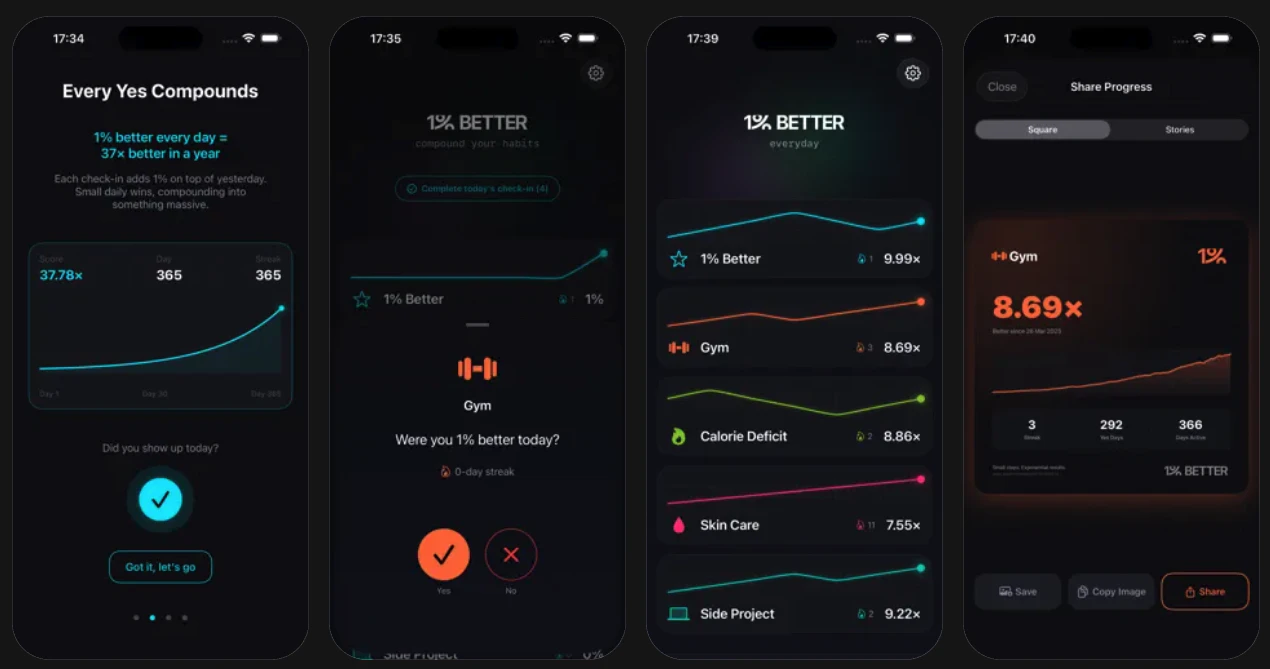
1% Better
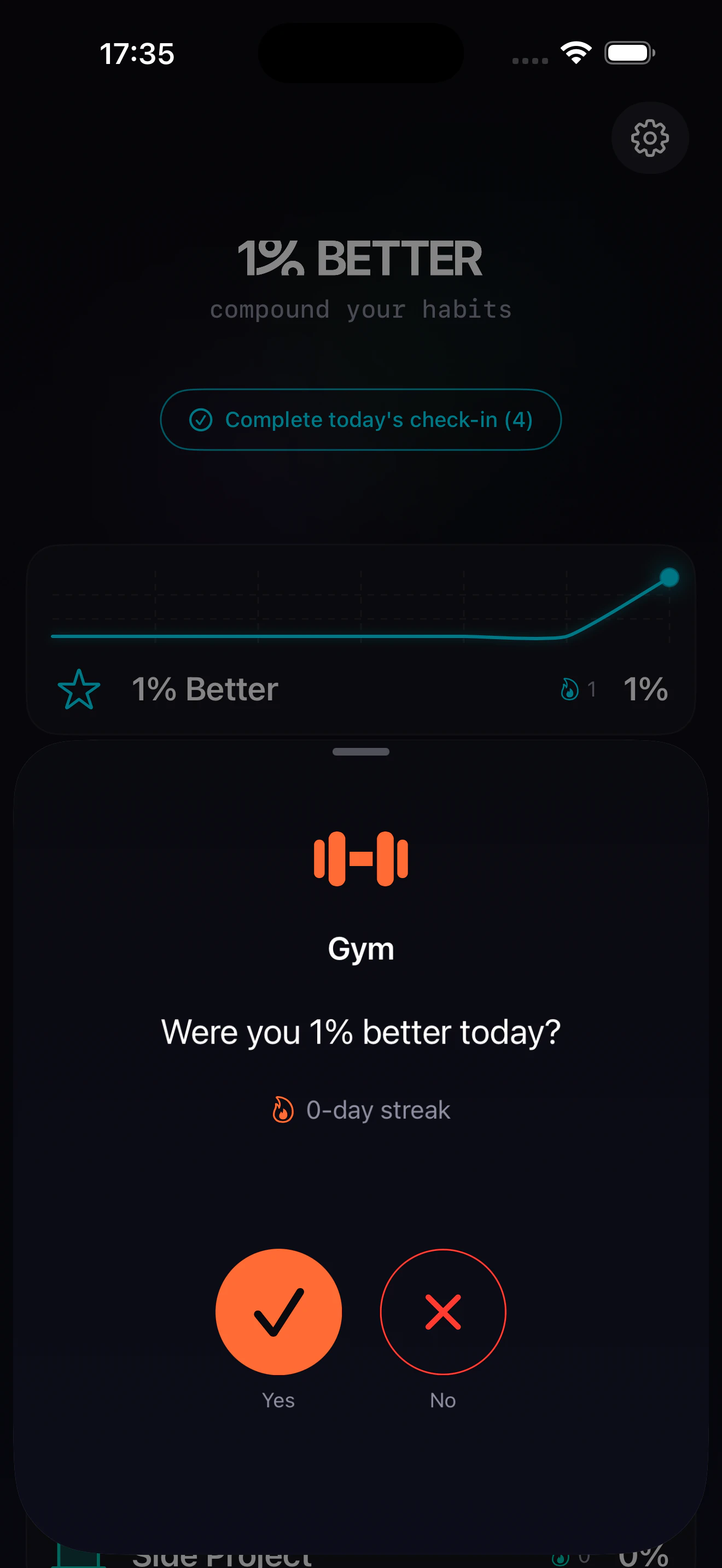
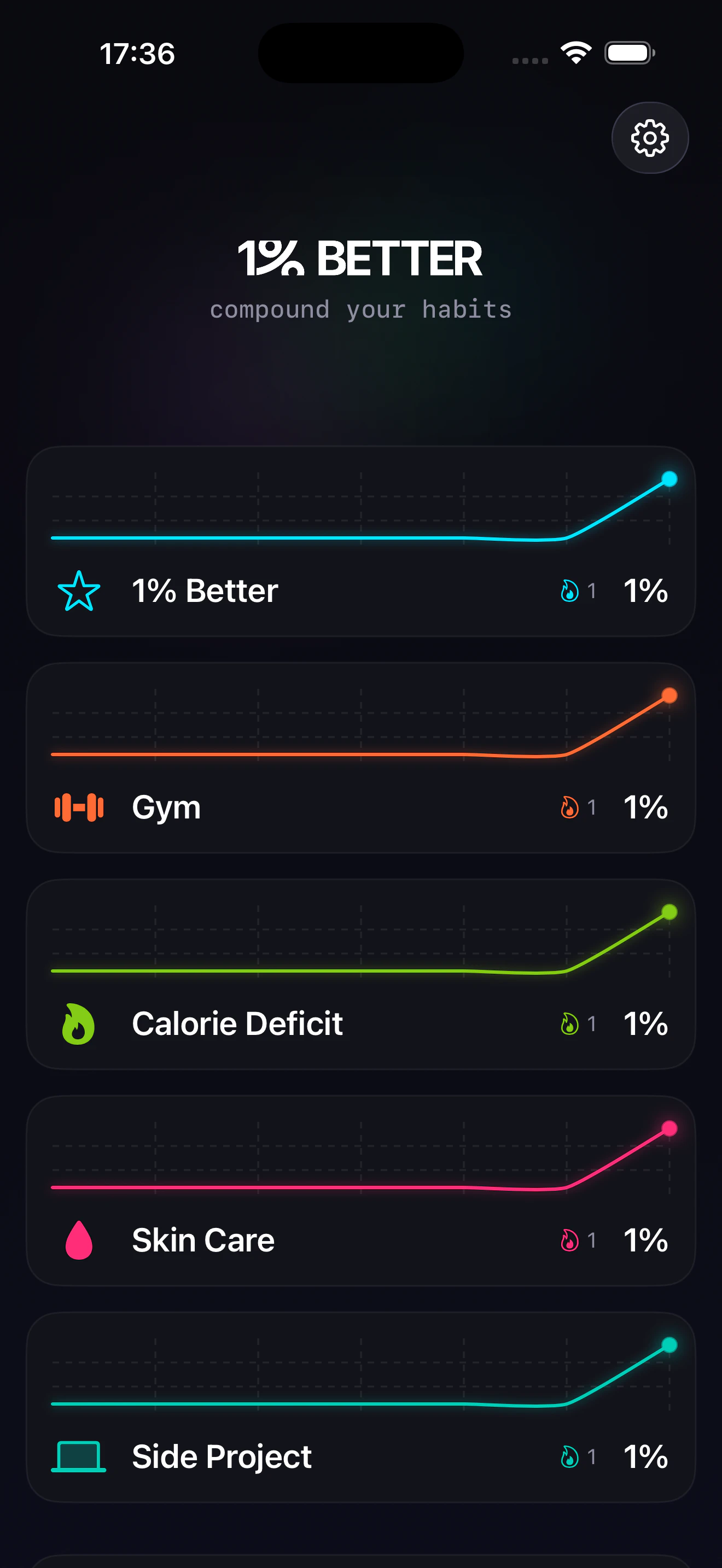
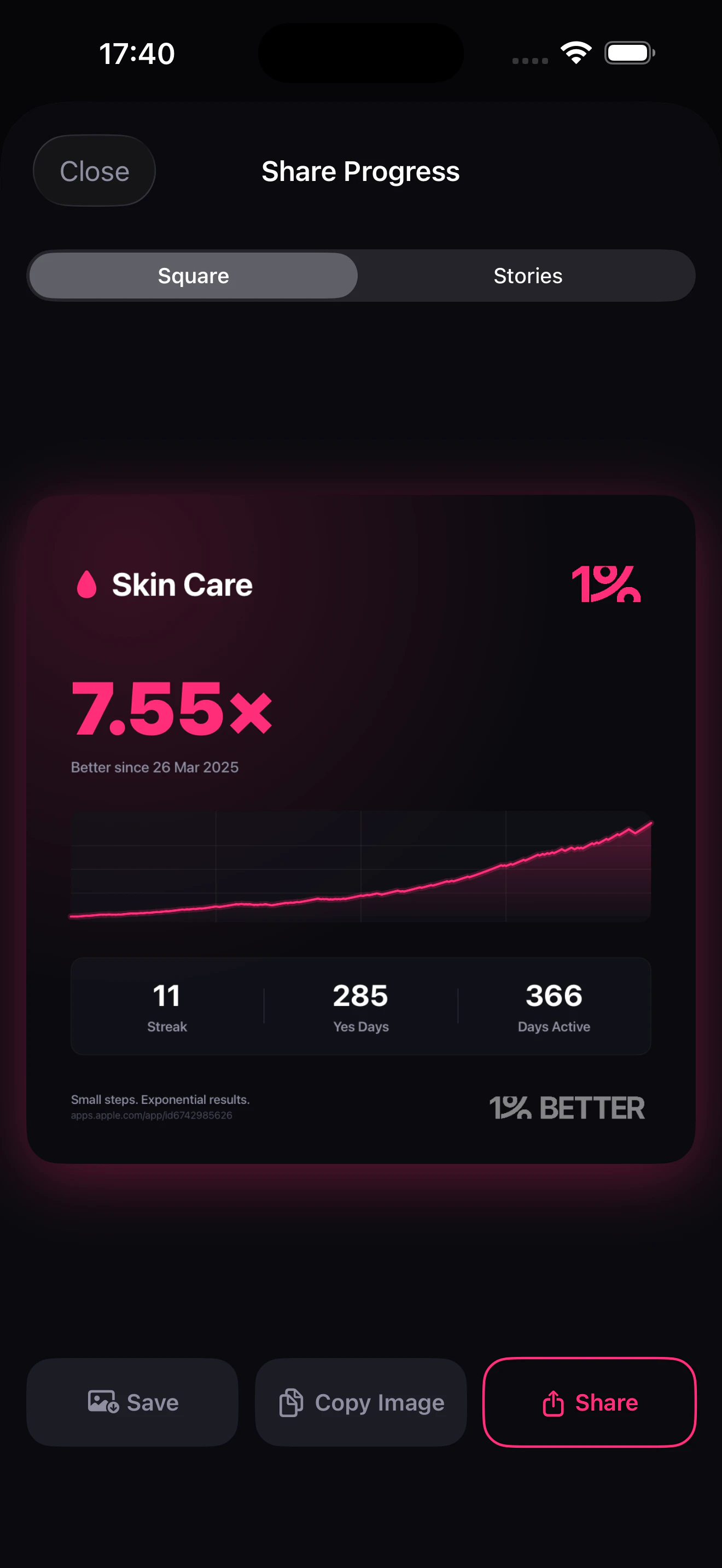
The only habit tracker built around the mathematics of compounding. If you're 1% better every day for a year, you are 37x better than today. The app simplifies habit tracking to just one question: "Were you 1% better today?" Just respond with Yes / No and watch your graph grow exponentially. It's designed to be minimal, privacy-first and encourages you to stick to your habits. Because habit tracking shouldn't feel like a data-entry job.

Hey Product Hunters 👋🏼

I'm Jugal, maker of 1% Better app.

This came out of a personal need. I tried 20+ habit tracking apps but eventually gave up on all of them in under a week. Main problem was that they feel like data entry job. So I made a clean minimal non-intrusive version of a habit tracker.

And here's the kicker: What most people don't realise about streaks is that it compounds. And compounding isn't intuitive. If you got just 1% better every day, in a year you'd be 37x better than today.

That's the math: 1.01^365 = 37.78x 🚀

This app helps you visualise the compounding effect of your progress.

Practice your music, go to the gym, have a calorie deficit day or an alcohol free day, you now have a simple way to track whether you were just 1% better today and watch those tiny wins stack into exponential results over time.

In Premium version you can:
✅ Add multiple trackers and answer "Were you 1% better today?" for each habit you want to track
✅ Set custom notifications at pre-defined time of the day for each of your trackers
✅ iCloud backup & sync
✅ Export your data to CSV (in bulk and for individual trackers)

I wanted a simple app that takes <3 seconds a day, is clutter-free and works on the concept of compounding your habits rather than a static streak.

I'm planning to do more with the data-crunching to help you understand your progress better, will be releasing cool new updates soon. Would love to hear your feedback after you've tried it for yourself.

Thank you.

App link: https://apps.apple.com/app/apple-store/id6761054951?pt=128677803&ct=producthunt&mt=8
Website: https://1better.today

4
回复

@holy_photon Congrats on the launch 🚀Quick question — are you planning to add more insights/analytics while keeping the minimal vibe?

0
回复

@holy_photon As someone chasing small daily wins in content creation, how did visualizing the compounding curve shift your own motivation compared to plain streaks?

1
回复

Love the concept.

I’ve been using this for over a week and I can say this has been the only one that doesn't overwhelm me.

I track my workouts and meditation with it and the compound math thing actually keeps me coming back.

Most tracking apps I download, use for a week, and forget. This one stuck because the daily check in takes like 3 seconds and watching the curve grow is oddly satisfying.

1
回复

@thecarabiner Thanks, let me know what all trackers do you have right now

0
回复

Someone a James Clear fan huh? Love the build here. The dark + neon UI is refreshing. The compounding line graphs here are a powerful visual! Will be following this one

0
回复

Simple idea, I like the focus. Are people actually sticking with the yes/no approach, or do they start wanting more detail over time?

0
回复

@becky_gaskell Yes, from my early testers as well as data from posthog suggests people are sticking to a quick yes/no every day. The app usage is less than 10 seconds per open but that's the whole idea of it. Will know long term data as time passes.

1
回复
#10
shush
Room-aware noise. Quieter. Smarter. Better REM sleep.
97
一句话介绍:Shush是一款通过分析房间声学特征并智能过滤已有噪音频率的睡眠辅助应用,在夜间睡眠场景中,以更低音量提供完整白噪音频谱,解决传统噪音应用因与环境噪音“对抗”而被迫提高音量、损害睡眠质量的核心痛点。
Health & Fitness Meditation Health
睡眠辅助 白噪音应用 声学优化 主动降噪 健康科技 智能音频 REM睡眠 耳鸣掩蔽 实时音频合成 房间校准
用户评论摘要:开发者主动介绍产品理念,寻求目标用户反馈。现有用户称赞其UI设计和功能细节。有潜在用户因手机硬件问题无法测试核心功能,开发者仍鼓励其尝试其他功能。
AI 锐评

Shush提出的“房间感知”概念,看似是睡眠噪音应用领域的一次微创新,实则尖锐地刺破了整个品类的长期伪命题:即预先录制或生成的循环音频,本质上是在与千差万别的真实声学环境进行低效的“声波叠加”,而非“声学补充”。其核心价值不在于增加了新功能,而在于颠覆了传统产品的底层逻辑——从“掩盖”转向“填补”。

然而,其真正的挑战与价值深度并存。技术上,在移动设备上实现实时、准确的房间频率分析并动态合成“互补声景”,对算法精度和计算效率要求极高,任何偏差都可能适得其反。产品逻辑上,它试图将专业音频工程中的“房间校准”概念消费化、普适化,这需要极其简化的用户交互,目前看其“一键分析”模式成败在此一举。

市场层面,它聪明地切入了一个高感知痛点——“音量墙”,即用户不断调高音量以图压过环境噪音的恶性循环。这直接关联到睡眠质量和听力健康,诉求明确。但风险在于,普通用户对“频谱不全”的体感是否足够敏锐,以至于愿意为此付费?抑或这只是音频极客的“自嗨”?从开发者音频专业的背景和产品介绍的措辞来看,这是一款由技术洞察驱动、略显“硬核”的产品,其市场教育成本可能不低。若其技术真如所述般有效,它有望从“助眠工具”升级为“声学环境优化器”,开辟一个更专业的细分赛道。反之,则可能只是一个营销噱头。其97票的关注度,反映了市场对新颖概念的初步好奇,但可持续性完全取决于实际降噪增效体验能否形成口碑。

查看原始信息
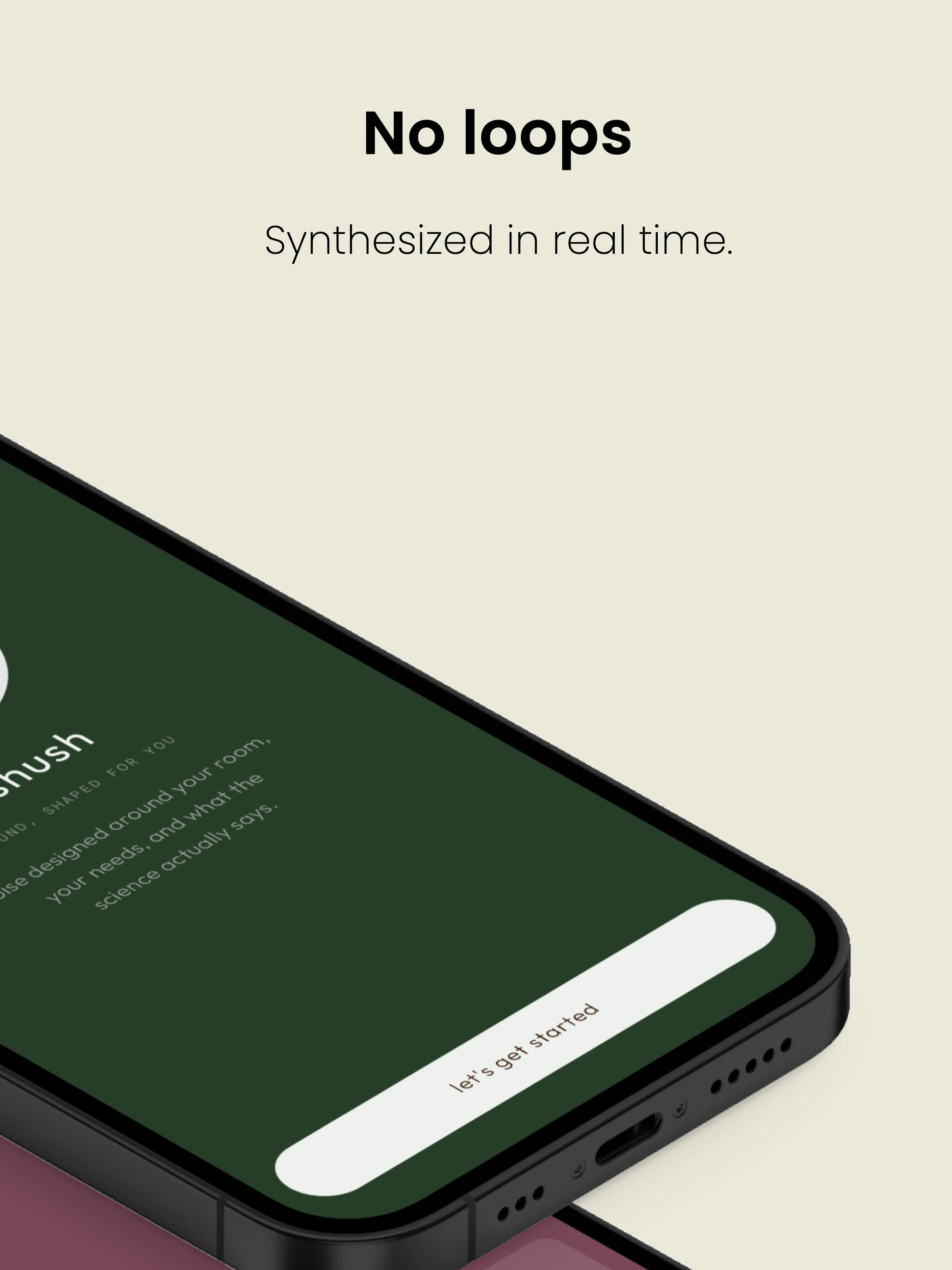
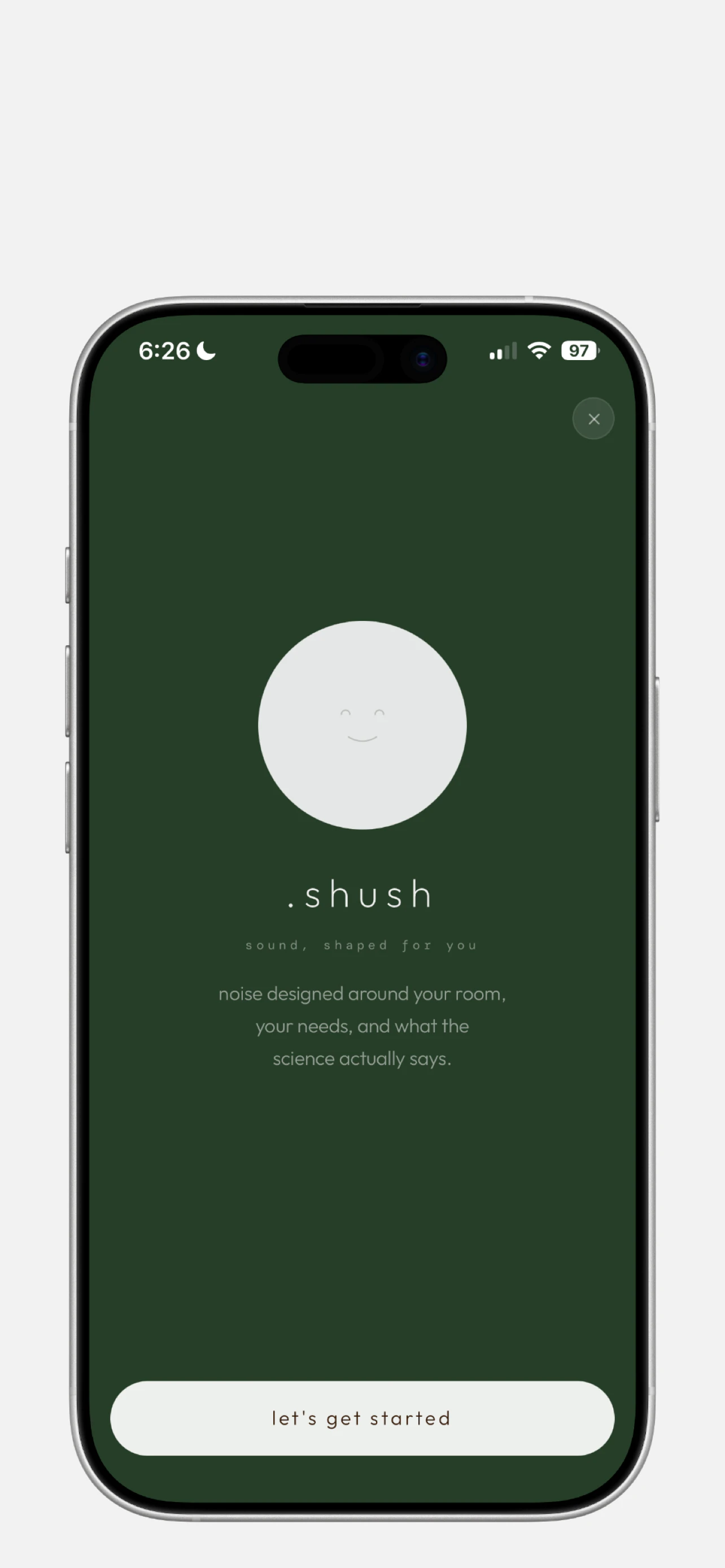
shush
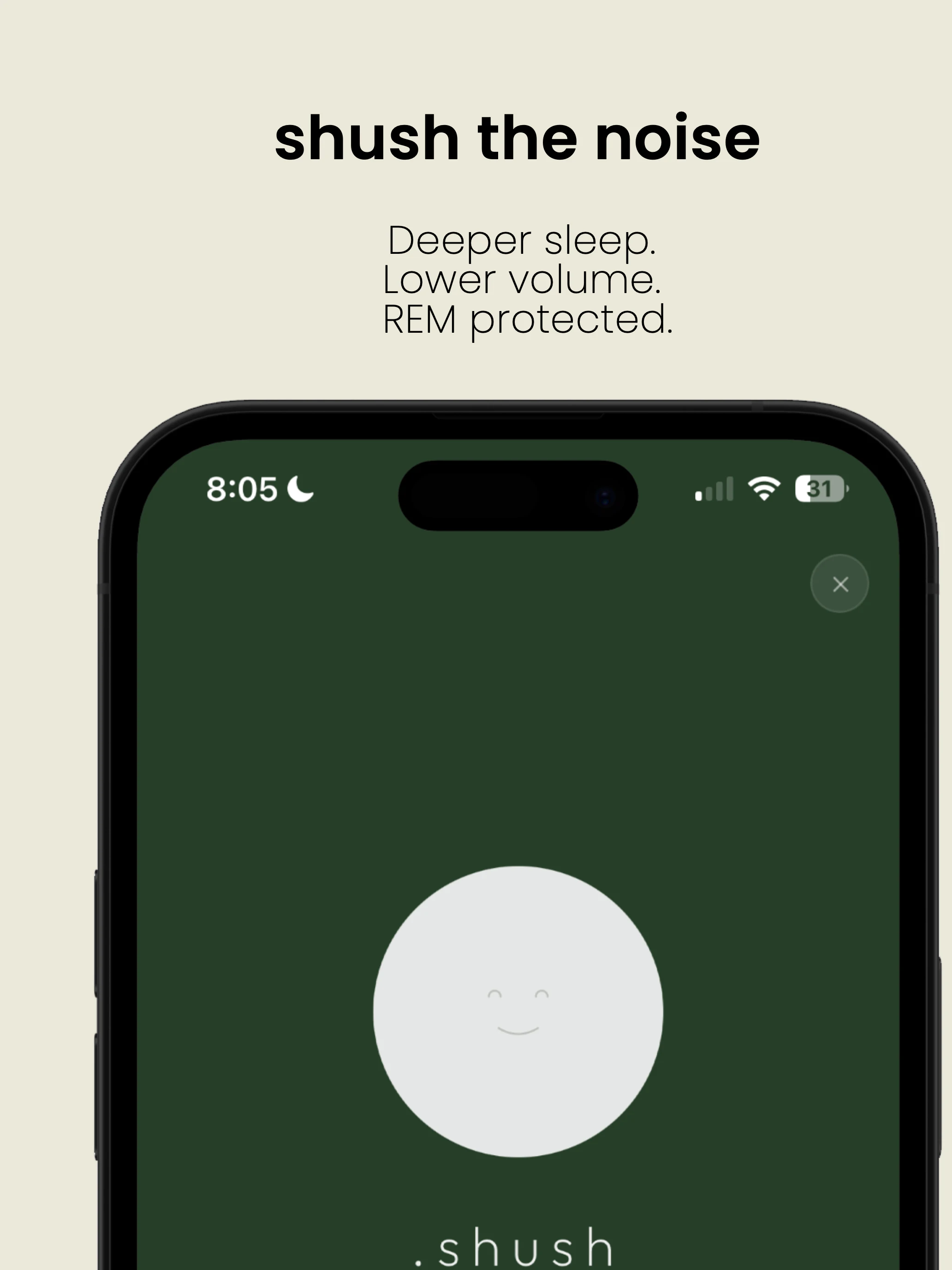
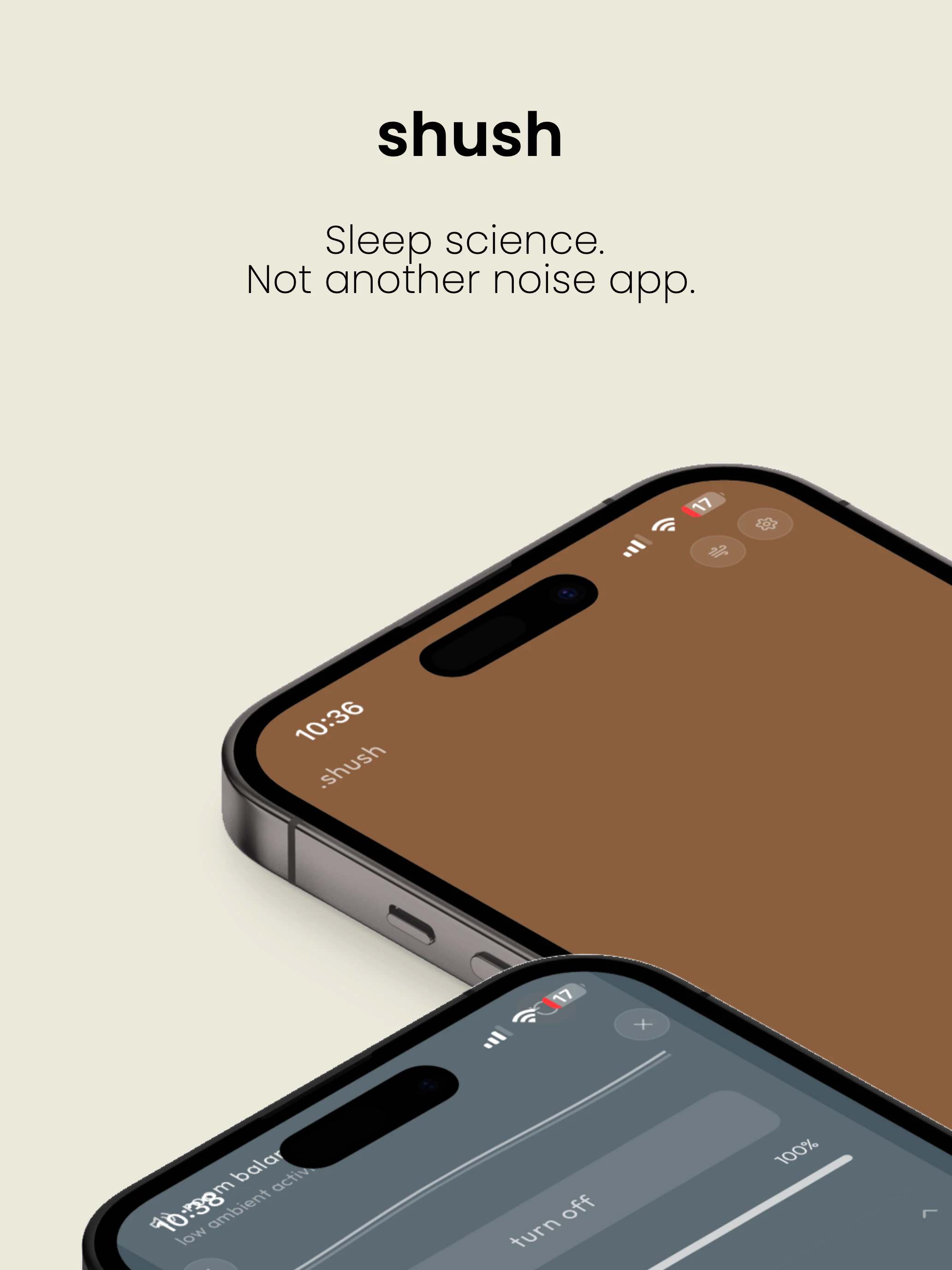
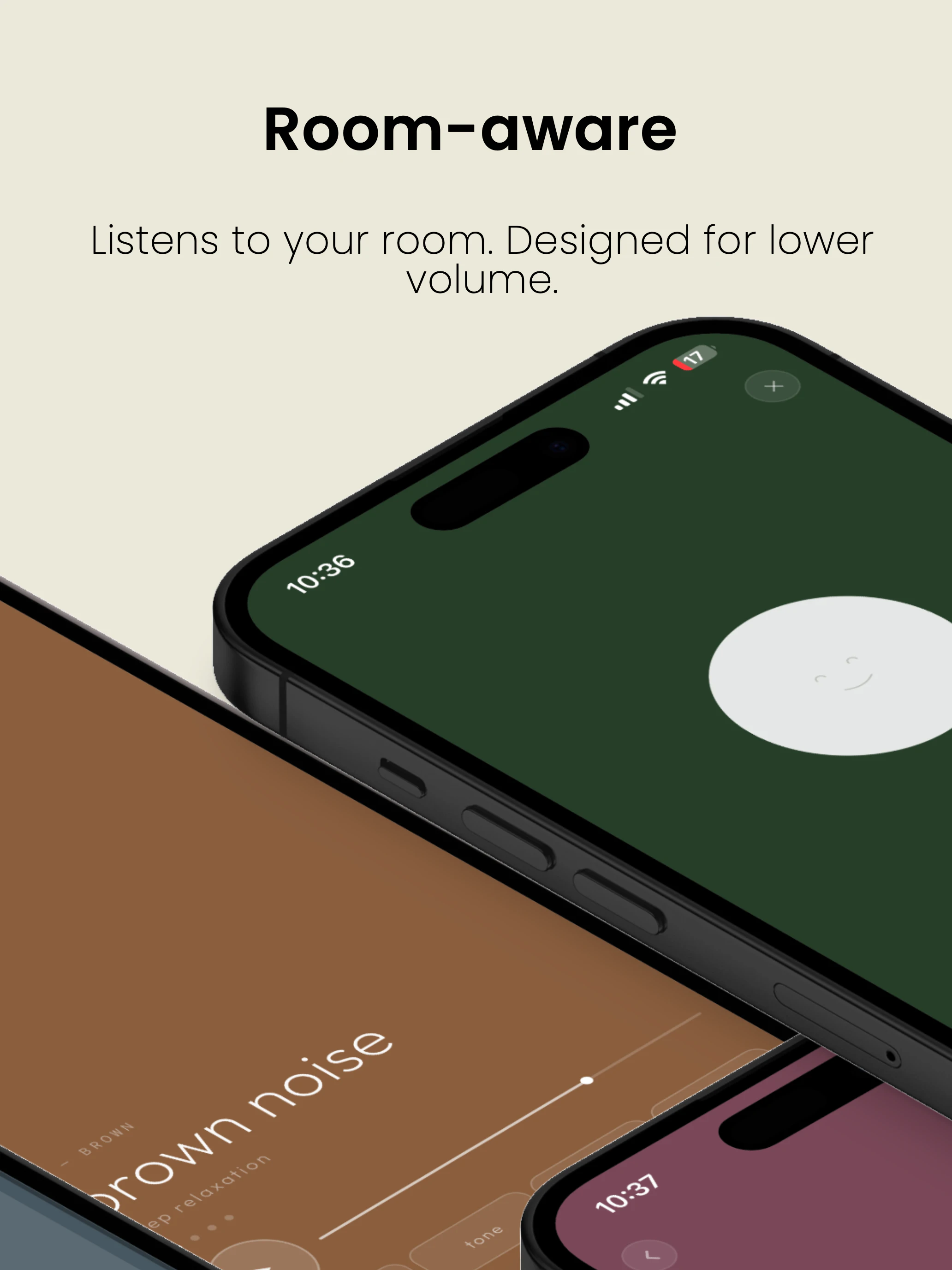
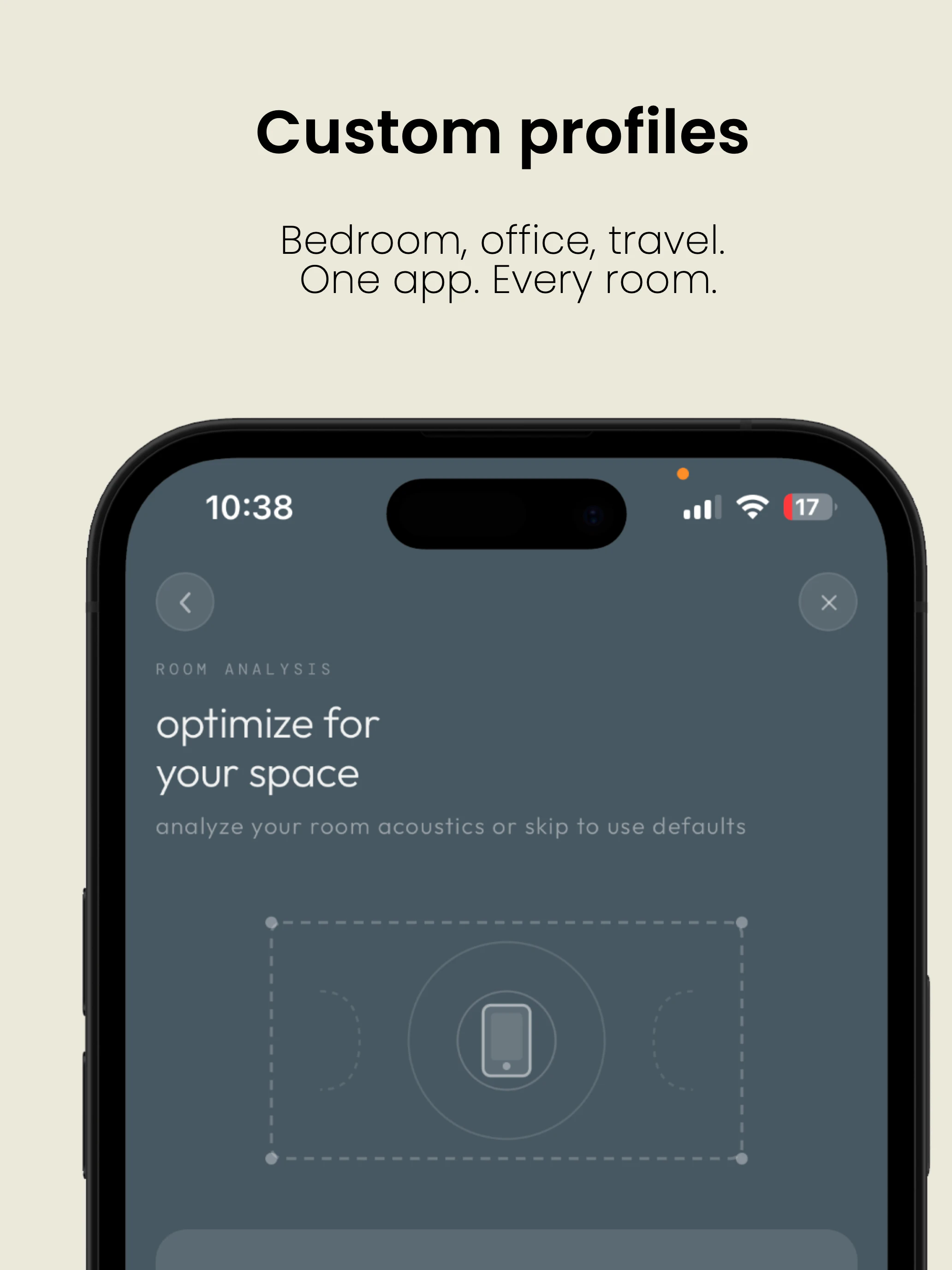
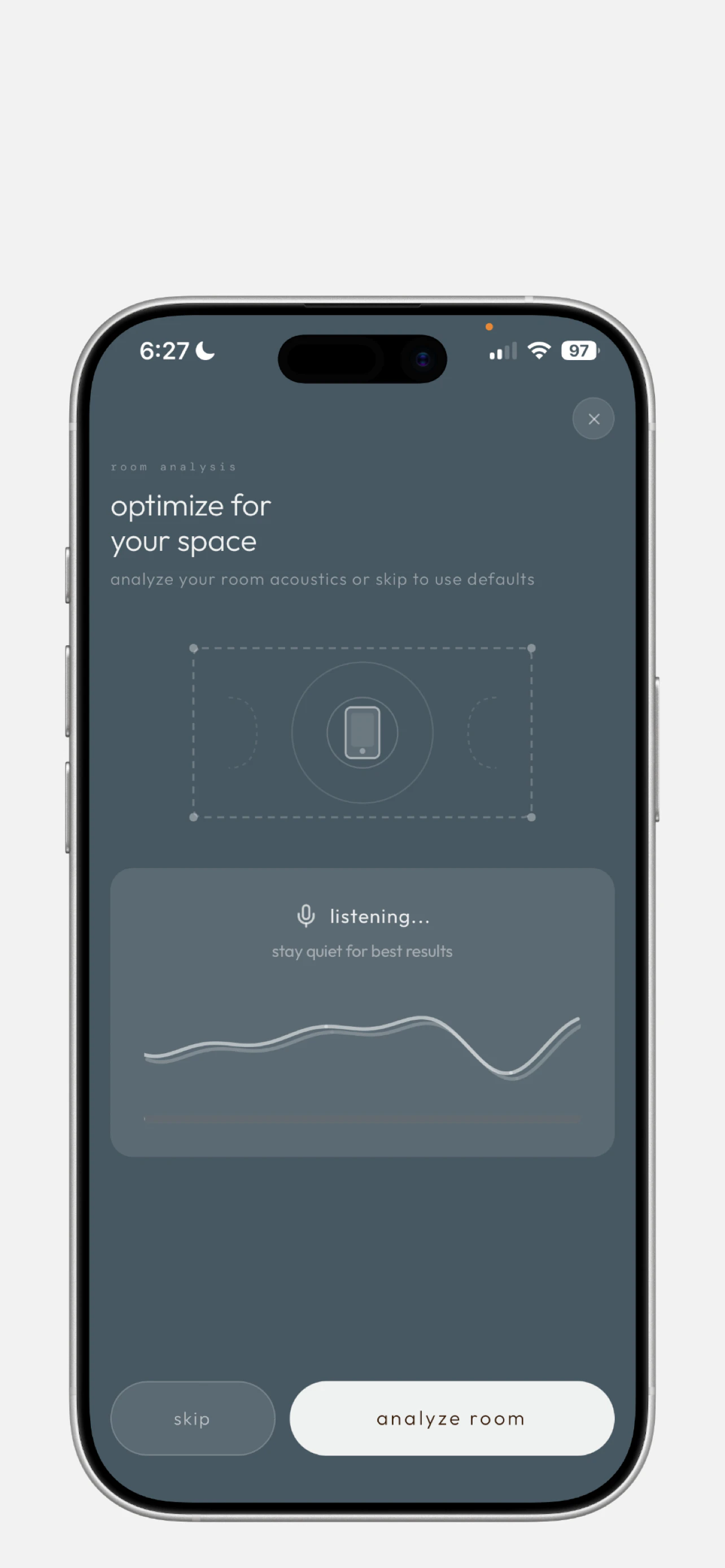
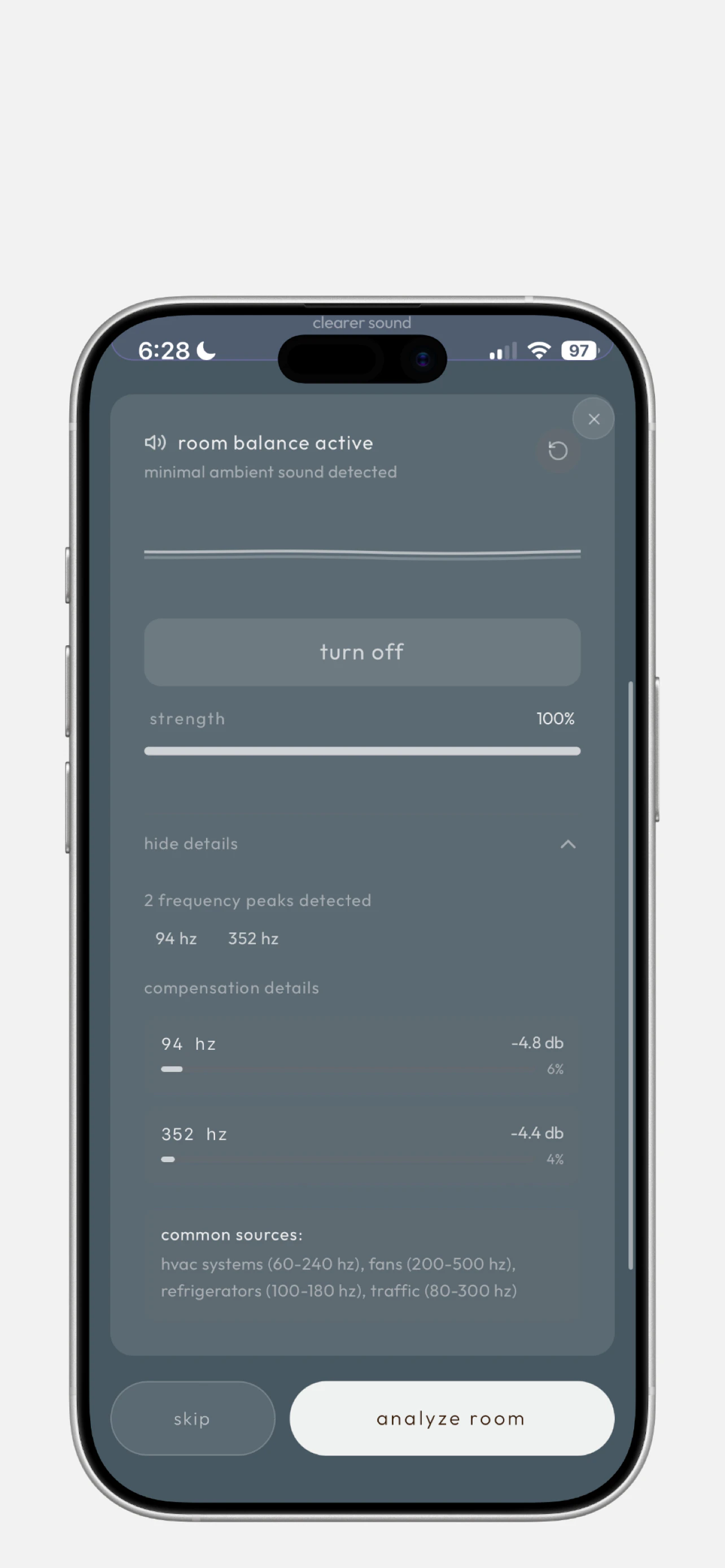
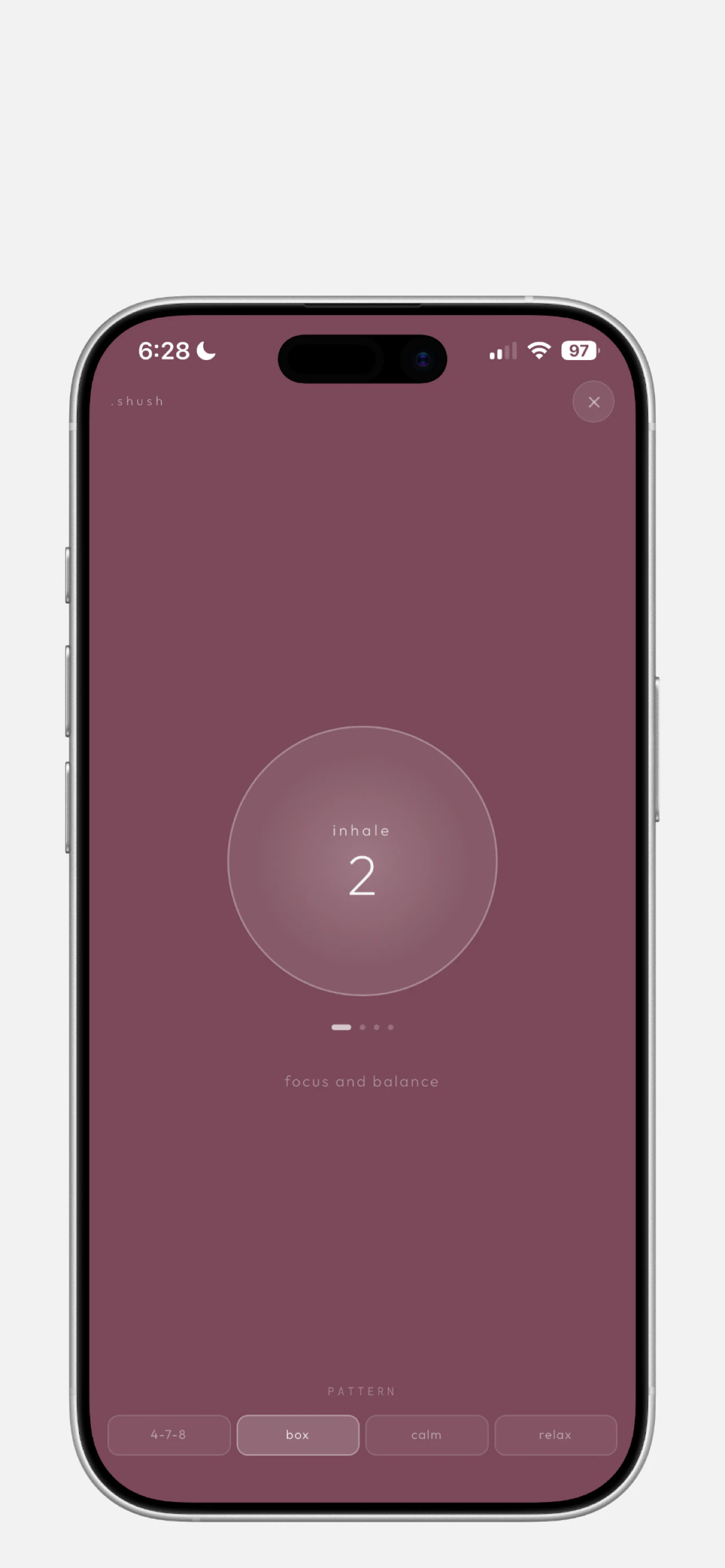
Every noise app ignores your room — playing the same sound regardless of what's already in the air, forcing you to turn it up. That volume is costing you REM sleep. Shush analyzes your room's frequency signature and removes those tones from its output. Complete broadband spectrum at a fraction of the volume. No other app does this. Smart sleep timer. Tinnitus notch filter. Real-time synthesis. Never loops.
Hey Product Hunt 👋 Dave here, the developer behind Shush. I've spent my career in professional audio and kept running into the same problem — every noise app fights your room instead of working with it. So I built something different. Shush listens to your room first, removes those frequencies from its output, and generates only what's missing. Lower volume. Complete spectrum. Better sleep. Would love to hear from anyone who's tried other noise apps and hit the volume wall — that's exactly who this is built for.
1
回复

Love the app! The UI, the muted pastels, the adjustable fadeout. Chefs kiss.

0
回复

@derek_curtis1 thank you for your feedback. Honestly means so much. Appreciated

0
回复

Looks like a great idea, but the mics on my iPhone don't work properly so I can't test it :(

0
回复

@houbsta you could try out all the other features. Would love to get your thoughts.

0
回复
#11
MolmoWeb
Open web agents from data to deployment
94
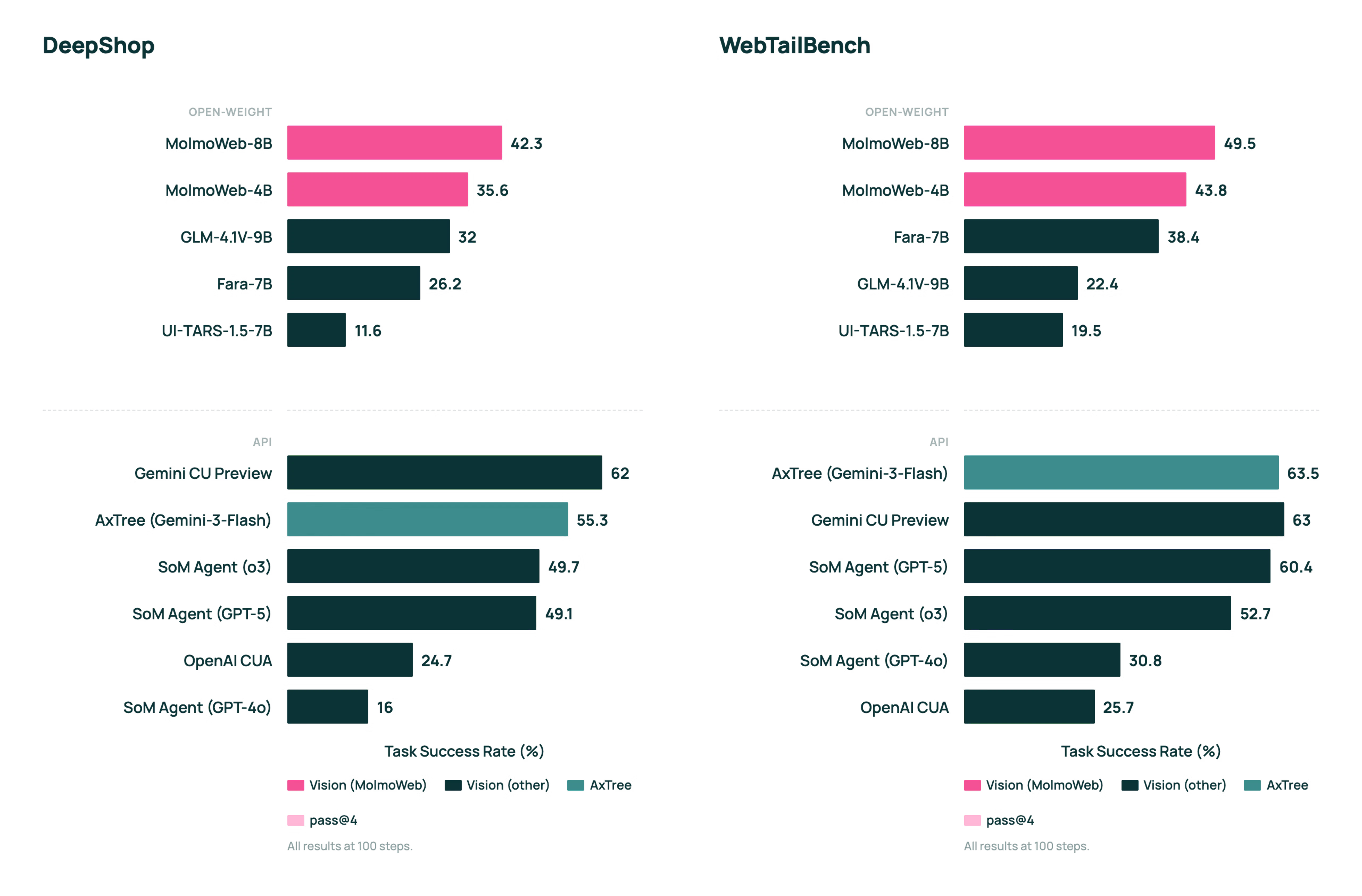
一句话介绍:MolmoWeb是一款仅依靠屏幕截图就能在浏览器中导航并完成任务的开源视觉网页智能体,解决了在无需复杂API集成或环境模拟的情况下,自动化执行网页任务的痛点。
Open Source Artificial Intelligence
网页智能体 开源AI 视觉代理 自动化 数据集 屏幕截图 任务完成 AI研究 网络导航 开源生态
用户评论摘要:用户高度赞扬其全面、深度的开源(包括模型、训练代码、完整数据集和工具链),认为为开源智能体生态奠定了重要基础。同时,有用户对其仅依赖截图的技术路径提出犀利质疑,关心其如何处理截图与点击动作之间的动态内容延迟问题。
AI 锐评

MolmoWeb的发布,与其说是一款产品,不如说是一次对当前AI代理发展路径的严肃批判与范式展示。其核心价值不在于“又一个网页自动化工具”,而在于其“仅凭截图”的极端约束设定和“全栈开源”的生态级诚意。

“仅凭截图”是一个看似倒退的技术选择,实则直击当前智能体技术的阿喀琉斯之踵:对精确DOM结构或API的过度依赖。这迫使模型必须建立真正的视觉理解和基于像素的推理能力,走向更接近人类交互方式的“所见即所得”代理。这提升了泛化能力的上限,但也将动态内容处理的延迟与准确性难题赤裸暴露,评论中的质疑正是对此要害的精准打击。能否跨过这一关,决定了它是实验室玩具还是实用化工具。

更深层的价值在于其附带的MolmoWebMix数据集及全栈开源。AI2团队并非简单“扔出一个模型”,而是系统性地提供了从数据生产、标注、训练到评估的完整基础设施。这在充斥“伪开源”(仅发布权重)的当下,是一种罕见的、真正旨在推动领域进步的学术与工程伦理。它降低了整个社区的研究门槛,将竞争从模型微调引导至基础架构与数据质量的比拼,为构建健壮、可复现的智能体生态提供了不可或缺的公共基石。

然而,其高投票数与近乎零点赞的评论形成的反差,也揭示了现状:行业对深度开源行为充满敬意,但对其核心技术的实际效能与鲁棒性仍持谨慎观望态度。MolmoWeb树立了一个标杆,但它的成功,最终需要由社区基于其开源基石所构建出的、能经受真实复杂网页考验的应用来证明。

查看原始信息
MolmoWeb
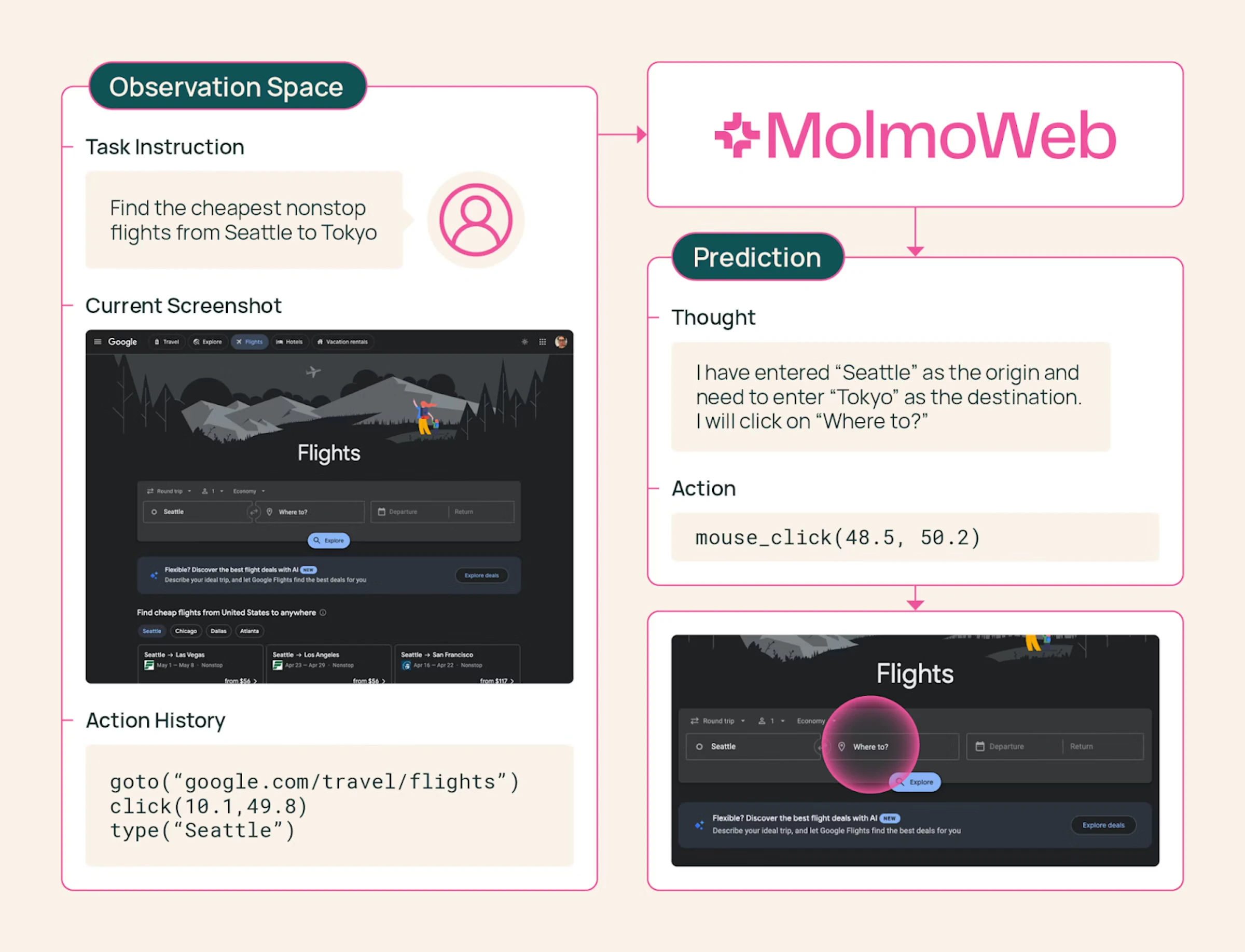
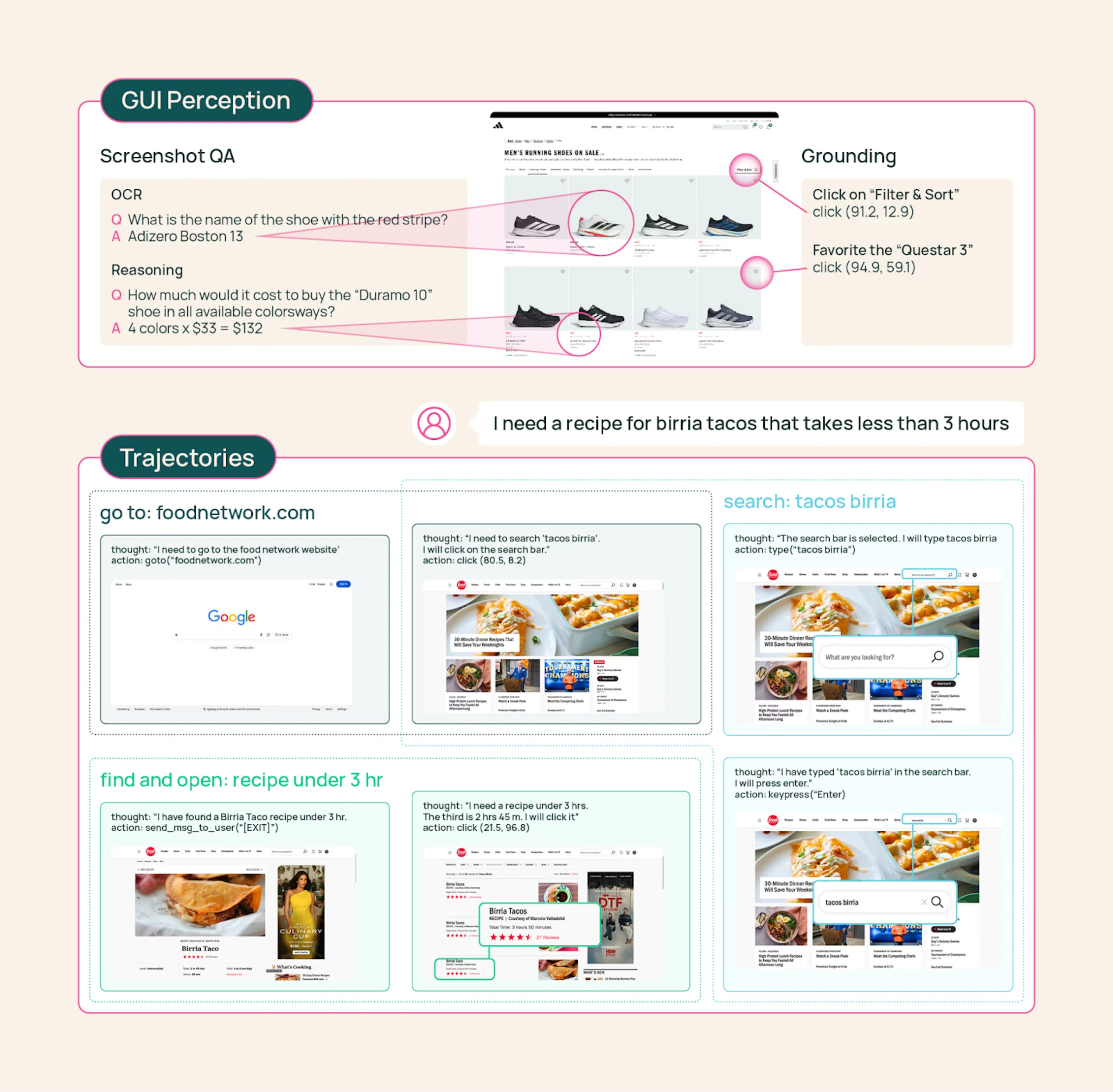
Introducing MolmoWeb, an open visual web agent that navigates and completes tasks in a browser using screenshots alone, along with MolmoWebMix, the largest public dataset for training web agents.

Hi everyone!

MolmoWeb is one of those rare open releases that really stands out.

It is one of the strongest open web agents out there, able to actually see the screen and act on it. But what is even more impressive is that Ai2 did not stop at open-sourcing the weights — they released the whole stack: training code, eval harness, annotation tooling, synthetic data generation pipeline, client-side demo code, and the full MolmoWebMix dataset.

I honestly do not have much to add beyond respect. Open-sourcing is not an obligation, but doing it at this depth and quality, consistently, is extremely hard. The Ai2 team continues to set a high bar.

This is the kind of foundation the open agent ecosystem actually needs.

0
回复

screenshots-only is a bold constraint. how does it handle dynamic content that changes between screenshot and click?

0
回复
#12
Upvotics
AI-Powered Competitive Intelligence and Tracker on Autopilot
91
一句话介绍:Upvotics是一款AI驱动的自动化竞争对手监控工具,通过全天候自动追踪竞品网站变化并生成AI摘要报告,帮助创业者及市场团队及时发现定价、功能、营销信息等关键变动,从而摆脱被动反应、抢占市场先机。
SaaS Artificial Intelligence Business Intelligence
竞争对手监控 竞品分析 AI摘要 市场情报自动化 网站变更追踪 SaaS工具 创业工具 营销智能 定价监控 竞争情报
用户评论摘要:目前仅有一条来自创始人的产品发布自述评论,尚无真实用户反馈。评论中创始人阐述了痛点与产品构建理念,并主动寻求用户关于“如何让工具对团队真正有用”的诚实反馈与建议。
AI 锐评

Upvotics切入了一个经典且真实的企业需求点——竞争情报监控,但其宣称的“自动驾驶”式AI解决方案,内核仍是基础监控与摘要生成的结合。产品逻辑清晰:自动化抓取+AI提炼,旨在将海量噪音转化为可行动洞察。其真正的价值不在于技术上的颠覆,而在于对“决策者时间”这一稀缺资源的精准定位。

创始人强调“创始人是否会据此行动”作为功能取舍标准,这击中了当前许多SaaS工具的软肋:数据堆砌而非决策驱动。然而,这也恰恰暴露了其潜在风险:AI生成的“原因”与“重要性”分析是否足够精准、深入,足以支撑关键商业决策?这高度依赖于训练数据的质量与业务理解的深度,否则极易流于表面概括。

当前阶段,它更像一个高效的“信息差分报警器”,其核心壁垒在于监控的广度、准确性与AI摘要的可靠性。在竞争情报市场,它面临的是从手动搜索到成熟商业智能平台的全谱系竞争。其成功关键在于能否形成“感知-理解-建议”的闭环,而不仅仅是停留在“感知”层面。用户最终为之付费的,不是“知道了什么”,而是“因此该做什么”。若其AI能随着用户行业与反馈持续进化,提供更具预见性和策略性的洞察,而非仅事后报告,方有可能从工具升级为不可或缺的竞争参谋。

查看原始信息
Upvotics
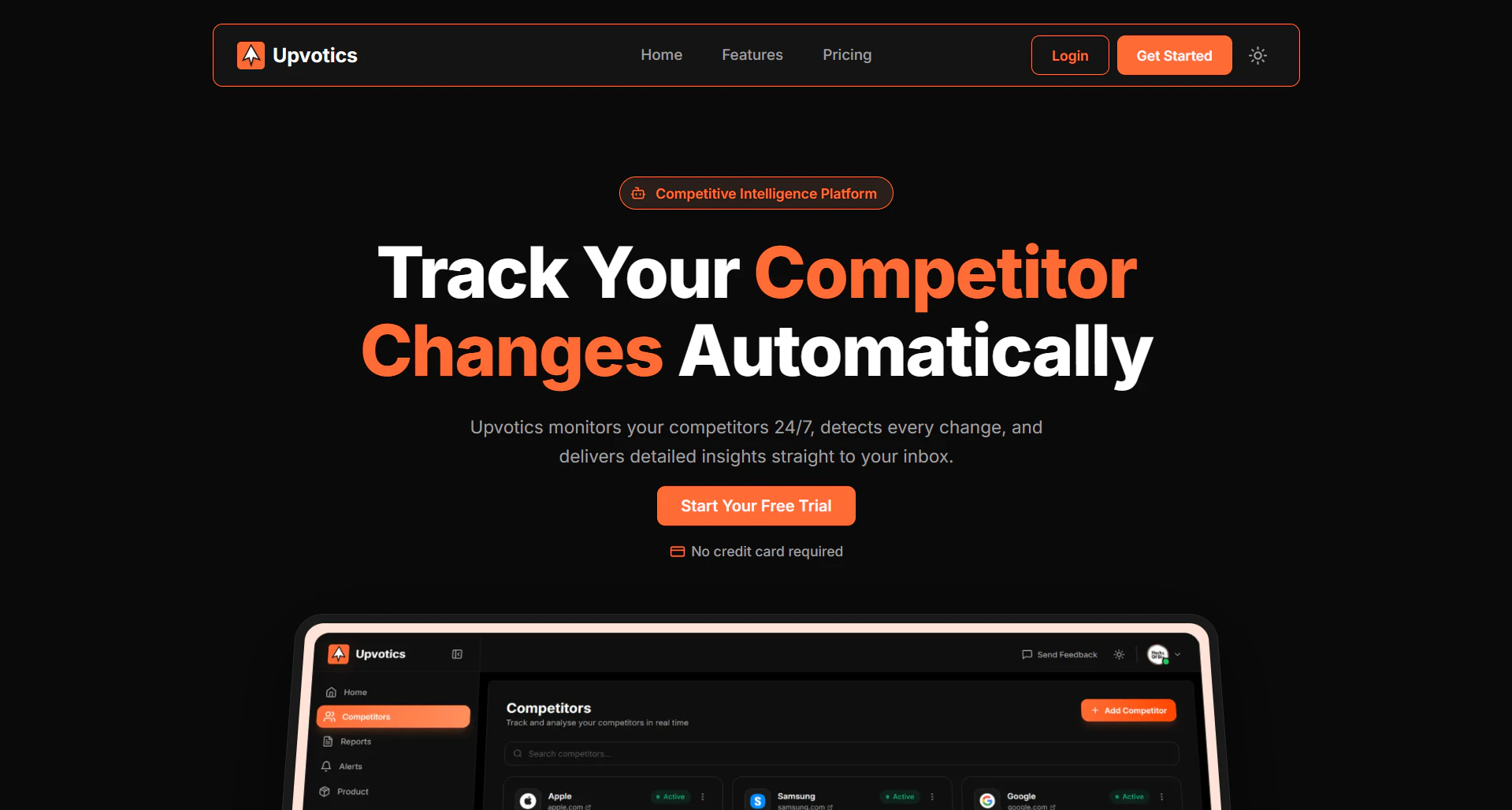
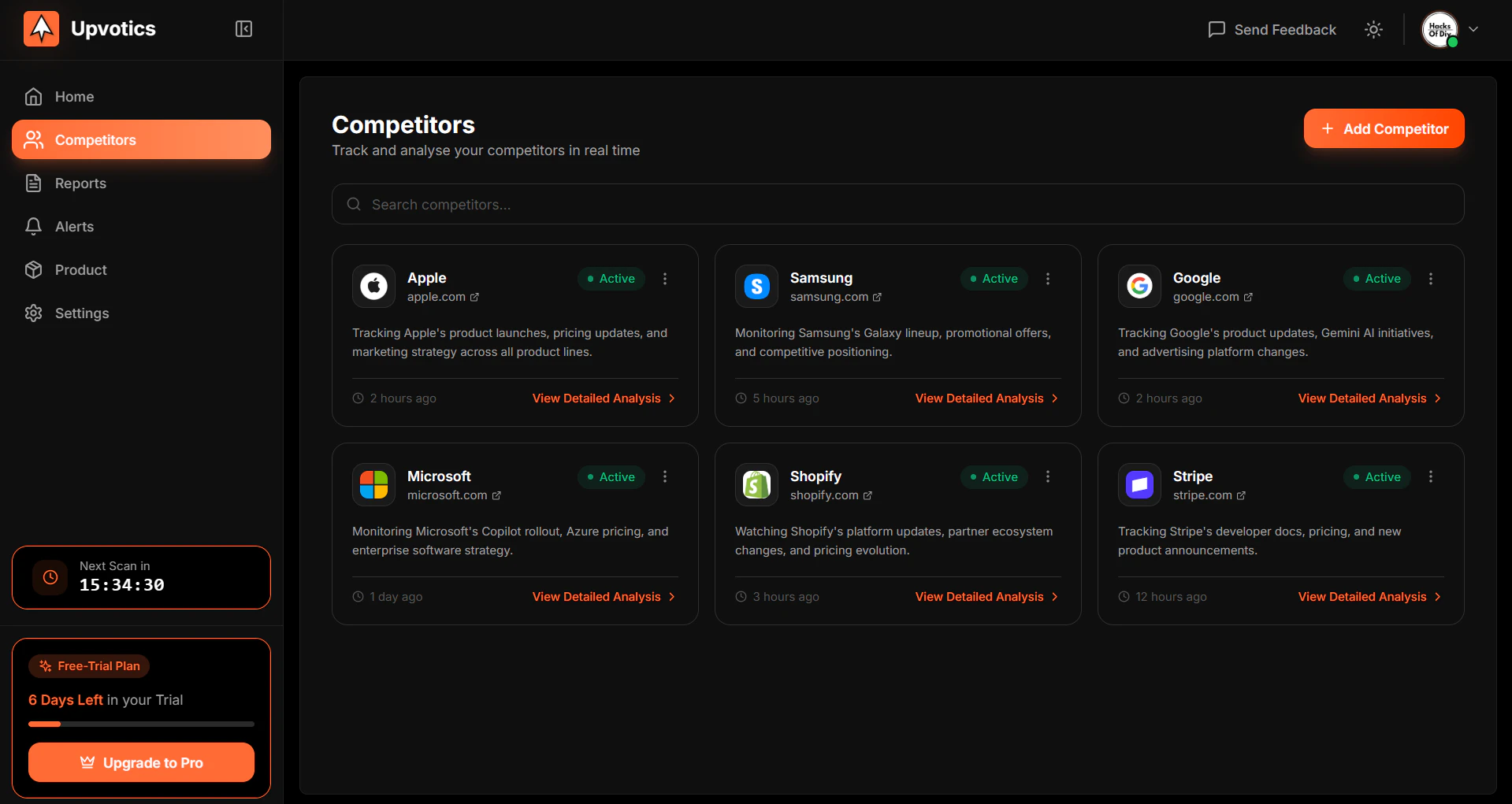
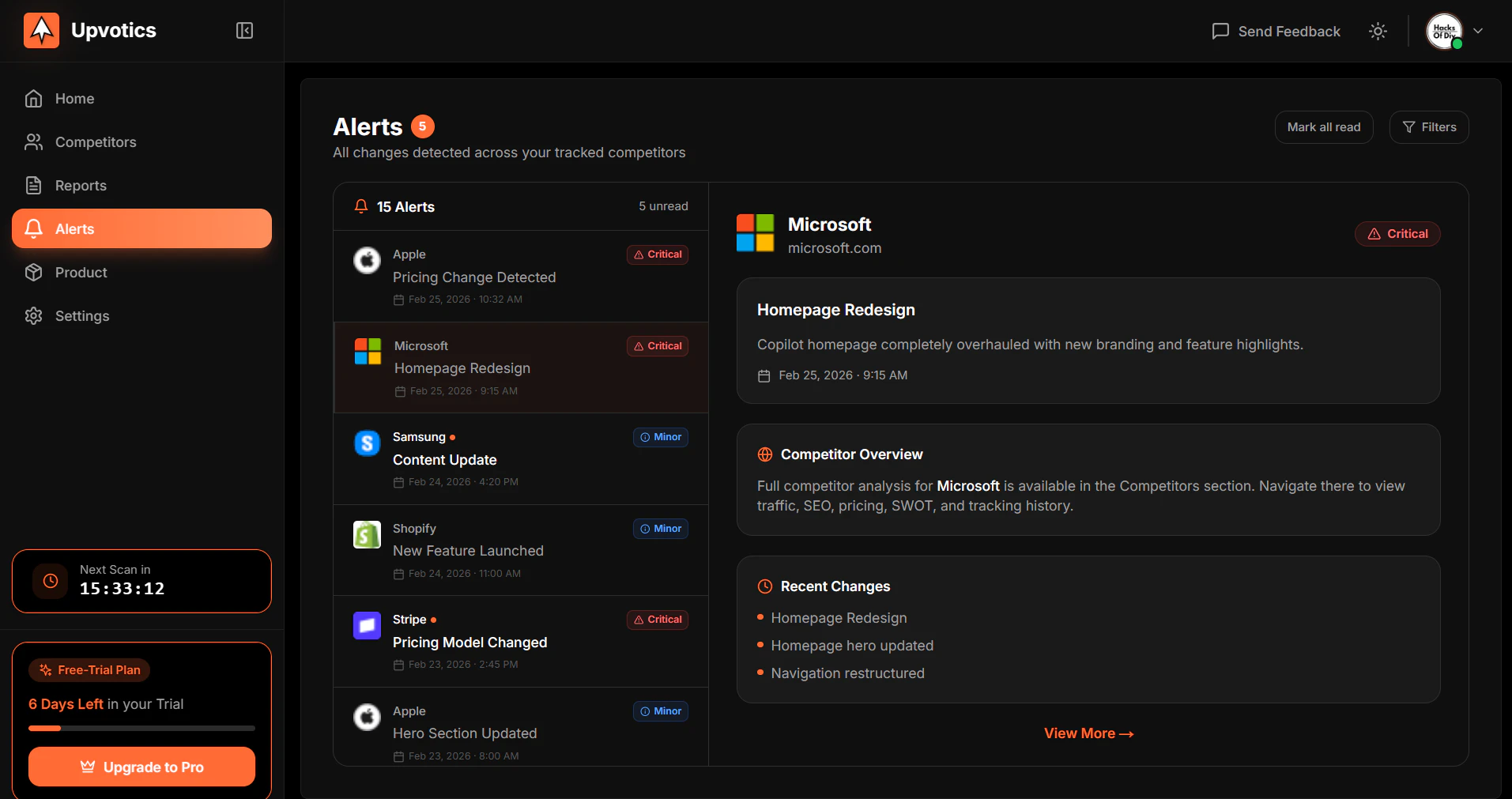
Upvotics is a competitor monitoring tool that tracks competitor website changes automatically and turns them into actionable insights like pricing updates, new features, and messaging shifts.
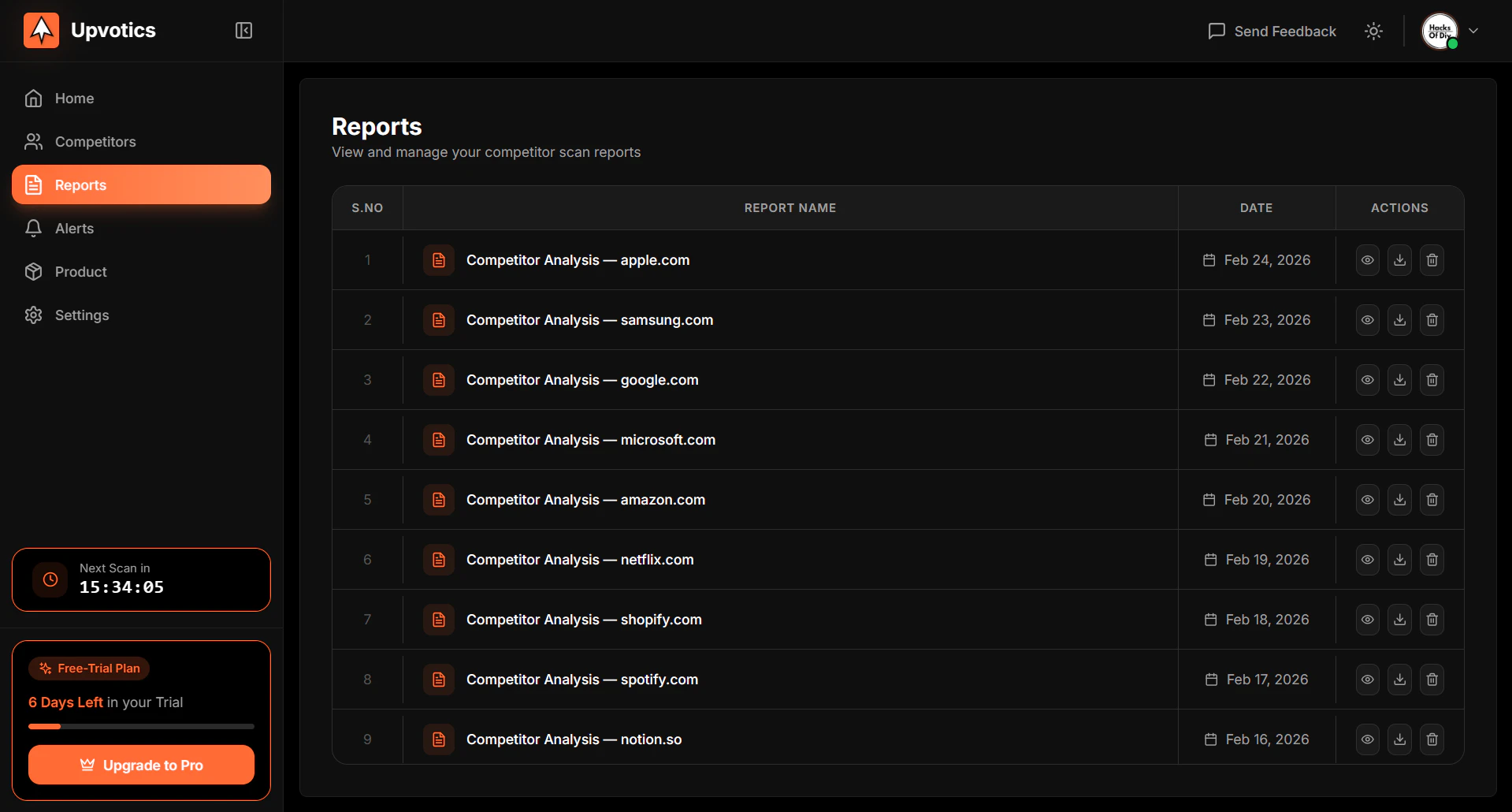
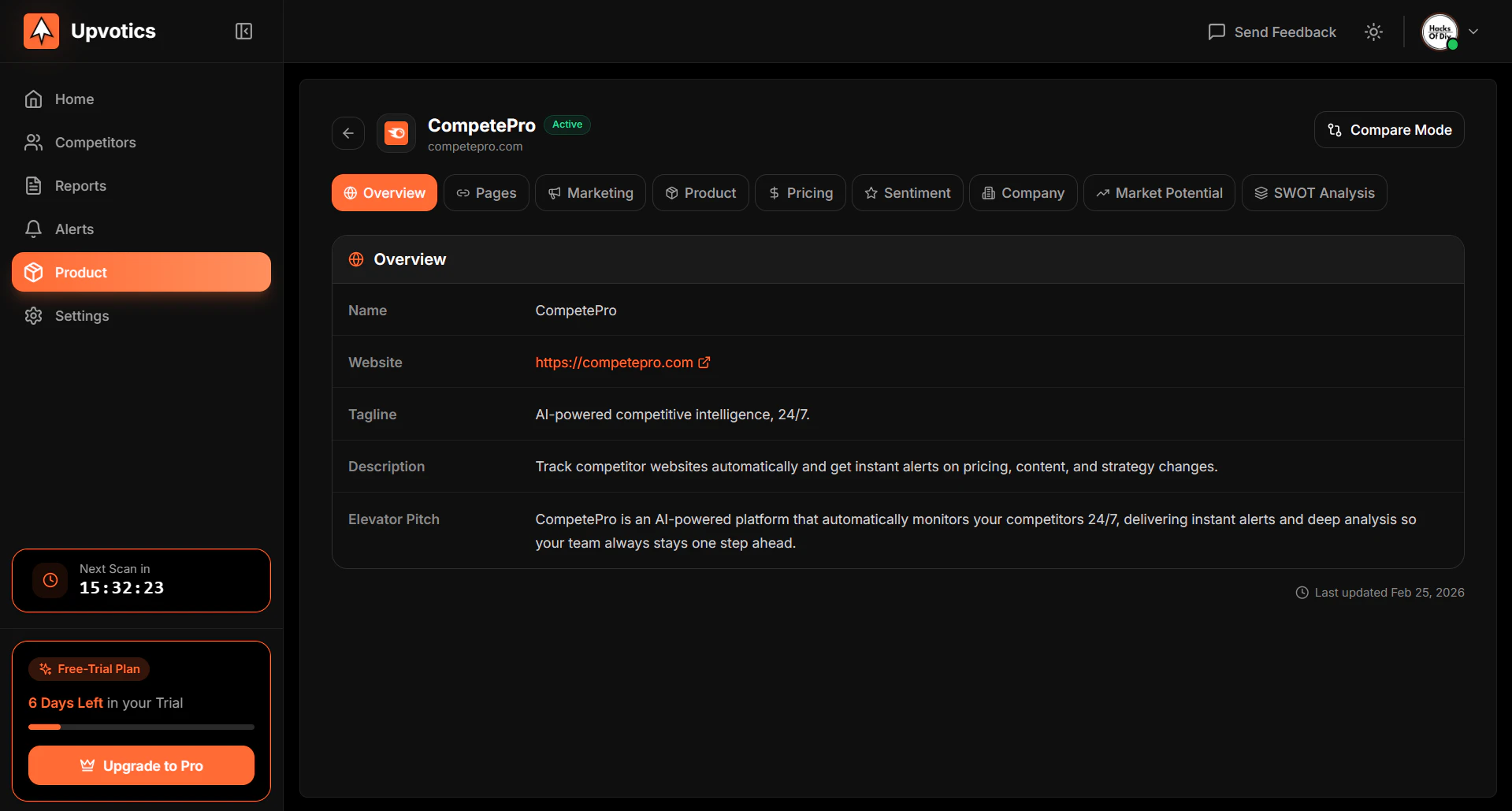
Hey Product Hunt 👋 I built Upvotics because I was tired of finding out what my competitors changed way too late. A redesigned pricing page. A new feature quietly launched. Messaging that shifted overnight. By the time I noticed, they had already moved. I was always reacting instead of staying ahead. So I built a tool that watches your competitors for you, around the clock. You add your website and your competitors. Upvotics scans their pages automatically, detects every change, and sends you an AI-powered summary explaining what changed and why it likely matters for your business. No noise. No manual checking. Just clear intelligence delivered to your inbox. Right now it covers website tracking with AI summaries, severity-based alerts (Critical to Minor), detailed competitor analysis across pricing, marketing, product and more, PDF reports, and scan frequencies from daily to every 4 hours on Pro. The core question I kept asking while building this was "would a founder actually act on this information?" Every feature had to answer yes to that question or it got cut. Would love your honest feedback. What would make this genuinely useful for your team? Happy to answer anything 👇
0
回复
#13
Buildermark
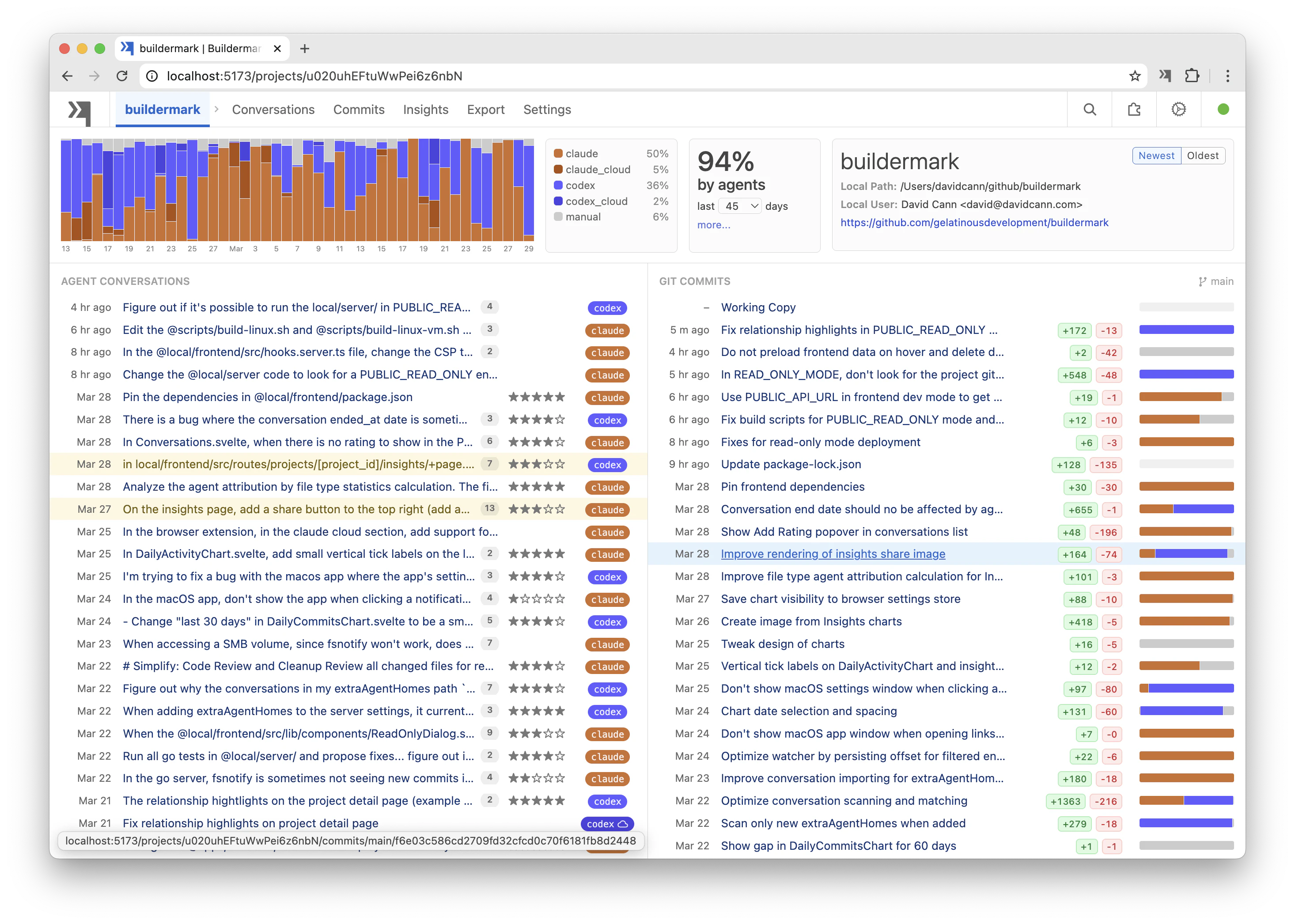
Measure how much of your code is AI-generated. Open source.
89
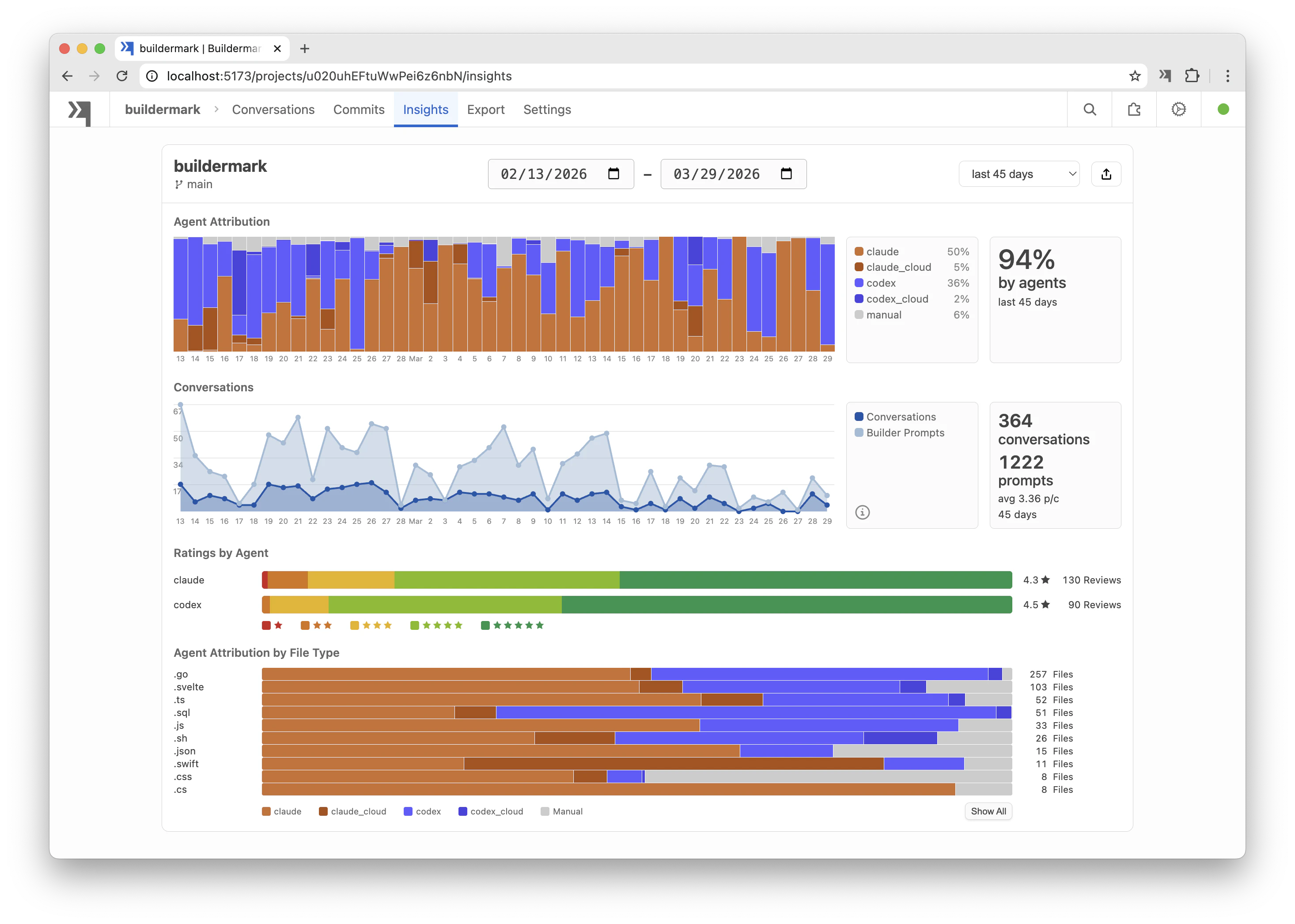
一句话介绍:Buildermark是一款开源工具,通过匹配AI编码代理的代码差异与最终提交记录,精准量化团队代码库中AI生成代码的比例,解决了开发者与团队在AI编程时代难以客观衡量和优化AI工具实际贡献的痛点。
Open Source Developer Tools Artificial Intelligence GitHub
AI代码分析 开发效率工具 开源软件 代码度量 团队协作 编程助手分析 开发流程洞察 跨平台 数据驱动开发 DevOps
用户评论摘要:用户主要关注AI生成代码的界定标准(如开发者深度参与后的归属问题),并好奇工具自身的AI使用比例(官方回复94%)。开发者认为其解决了行业仅凭猜测的痛点,并期待团队数据聚合功能以进行横向比较与学习。
AI 锐评

Buildermark切入了一个看似“元”却极具潜力的赛道——为AI编程本身提供可观测性。在“AI写代码”从炫技变为标配的当下,其核心价值并非简单的百分比数字,而在于将模糊的“AI辅助”感受转化为可追溯、可分析的结构化数据。

产品犀利地戳破了当前行业的一个泡沫:许多高调宣传的“AI代码占比”实则缺乏严谨的测量基础。它通过匹配代理对话差异与提交记录,试图建立一套客观的度量标准。然而,其最深刻的挑战也隐含在用户的提问中:当开发者的角色从“写代码”转变为“写规范、审阅和调试AI产出”时,简单的行数或差异占比能否真正衡量生产力革命?工具的回复(“写了详细规范,AI产出90%代码仍算AI生成”)暴露了其当前逻辑仍偏向机械度量,未能完全捕捉人机协同中创造性思维与决策的转移。

真正的亮点在于其开源性与数据归档设想。开源降低了信任门槛,并可能催生更复杂的度量模型。而将散落各处的AI编程对话统一归档、分析,为团队提供了宝贵的“第二大脑”,使其能系统性对比不同模型、提示词在不同项目中的效能,从而从经验主义走向数据驱动的AI工具链优化。

长远看,Buildermark若止步于一个“比例计算器”,其价值有限。但它若演变为团队AI编程实践的“黑匣子”与分析平台,则可能成为工程团队管理范式升级的基础设施——从管理人的产出,到管理人机协作的流程与质量。当前版本是一个坚实的技术性起点,但其商业与洞察层面的成功,完全取决于能否超越“测量”,迈向更深度的“分析与洞察”。

查看原始信息
Buildermark
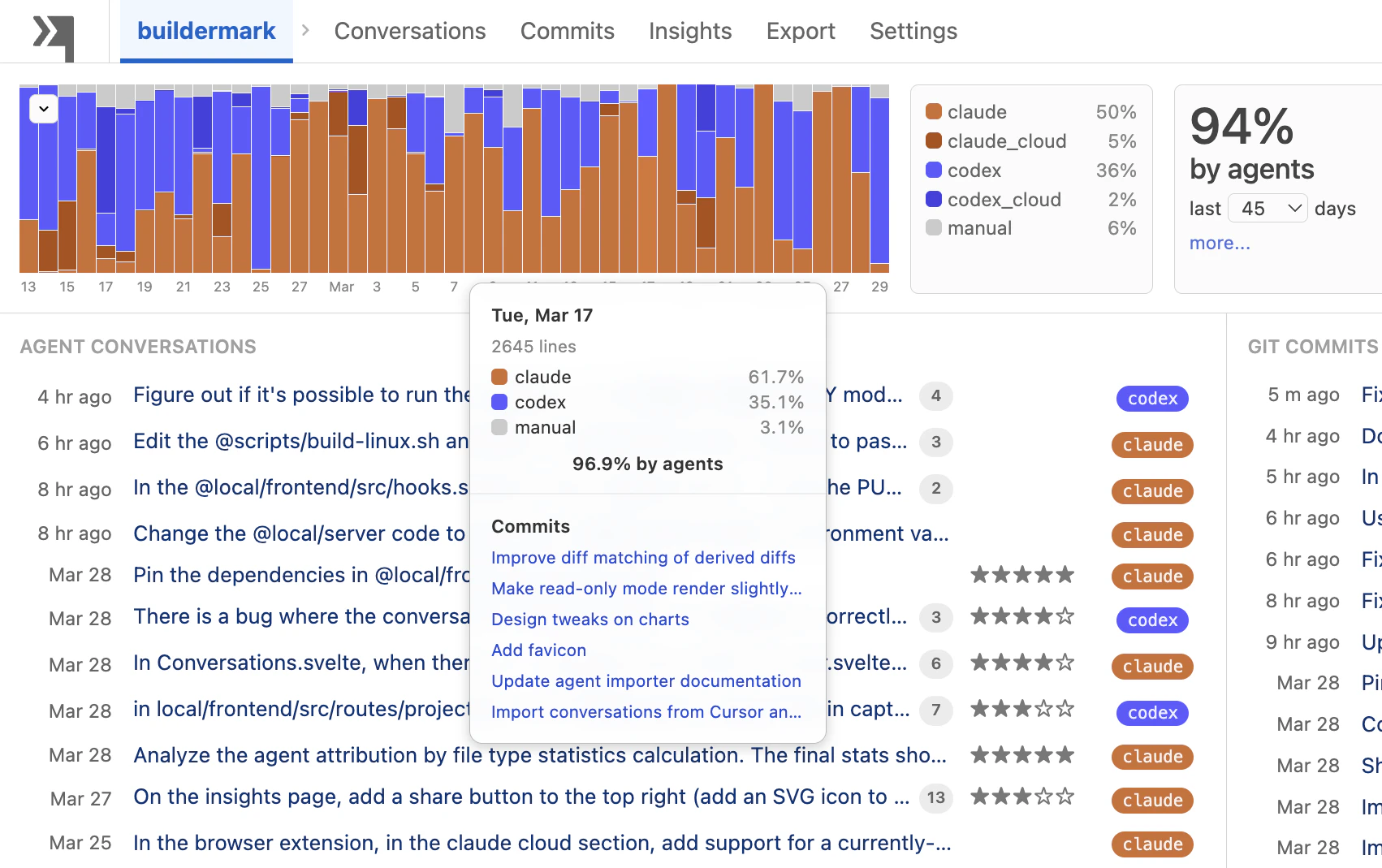
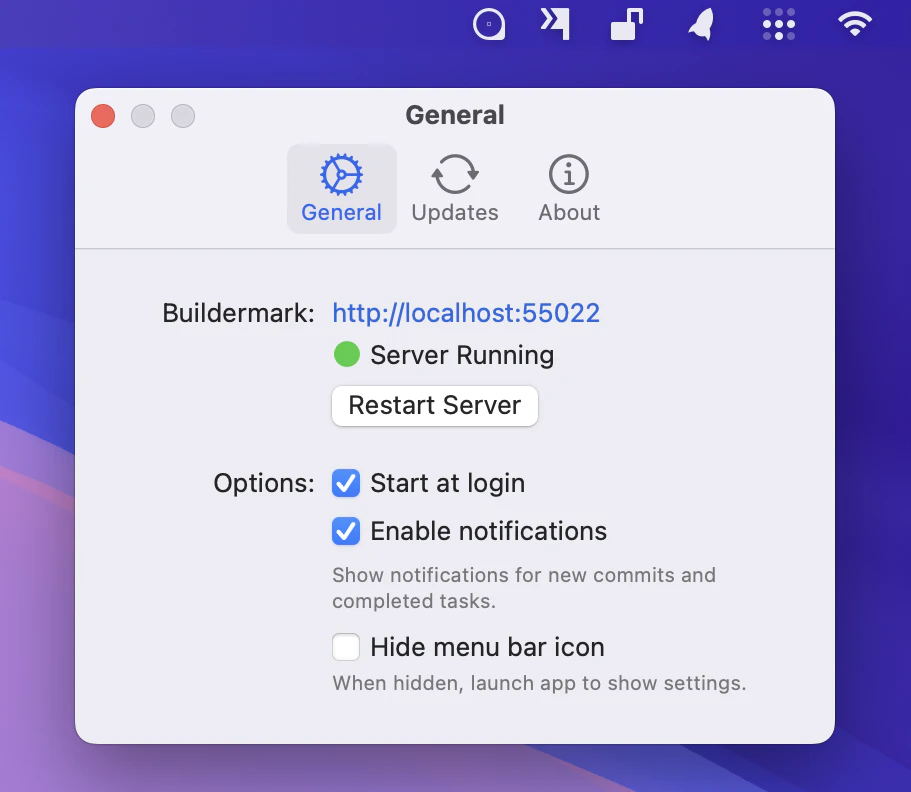
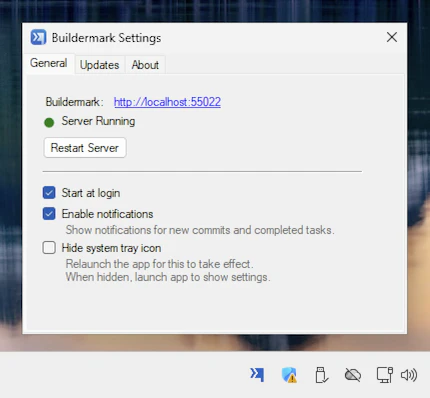
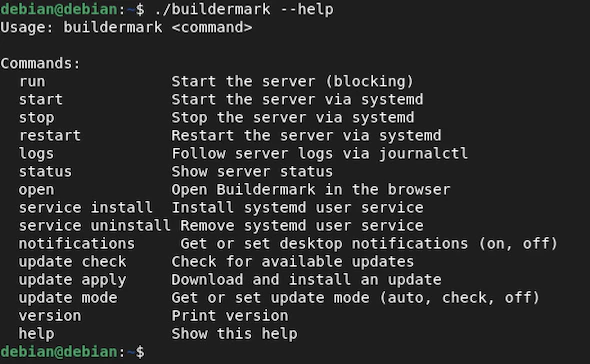
Measure how much of your code is AI-generated. Buildermark matches your coding agent diffs with commits to calculate how much is by agents. Open source. Runs natively on macOS, Windows, and Linux.

Hey! Looks interesting! How much of Buildermark's code is AI-generated? :)

1
回复

@antoninkus 94%! You can browse all 364 coding agent conversations that created it here: https://demo.buildermark.dev/projects/u020uhEFtuWwPei6z6nbN

1
回复

What counts as AI-generated though? Pure agent output is easy to measure. A dev who wrote the spec, accepted 90% of agent suggestions, and debugged the rest - how does your tool categorize that?

1
回复

@mykola_kondratiuk It matches all diffs in the conversation generated by the agent against committed code, so that would count 90% by the agent. Presumably, a modern workflow where the developer writes a thorough spec and the agent writes 90% of the code is still going to be more efficient and faster than traditional coding.

It’s not meant as a judgement good or bad, but more of a metric to track and compare across developers on the team, so devs can learn from each other.

Combined with ratings, you can also track which models work best in each project/language/style. I think that this will be more valuable with a future Team Server that aggregates the data for the whole team of developers.

0
回复

Developers and companies are claiming to have X% of their code written by AI, but most are just guessing and not actually measuring. Buildermark matches coding agent diffs with commits to calculate how much is by agents.

It also generates a convenient archive of all conversations from all of your agents, like Claude Code, Codex, Gemini, and Cursor.

Online Demo: Browse all 364 agent conversations that wrote 94% of Buildermark's code

https://demo.buildermark.dev/projects/u020uhEFtuWwPei6z6nbN

0
回复
#14
Tidy for Group Chats
Share personal assistant w/ friends in iMessage group chats
87
一句话介绍:Tidy for Group Chats是一款植入iMessage群聊的共享AI助手,通过在朋友间的群聊场景中自动处理提醒、协调地点、规划行程等任务,解决了多人沟通中信息琐碎、协调效率低的痛点。
Productivity Party
群聊AI助手 iMessage扩展 效率工具 社交协调 任务自动化 SaaS订阅 共享经济 智能生活 团队协作
用户评论摘要:用户反馈积极,认为群聊共享功能是重大升级。有效评论突出了其在组织聚会、规划旅行、家庭事务管理(如查Wi-Fi密码)等具体场景的实用性。用户期待用于分摊费用(Venmo)等场景,开发者回应了部分功能因安全原因未开放(如代写邮件)。
AI 锐评

Tidy for Group Chats的实质,是将孤立的个人AI助手改造为嵌入社交关系的“群体协作者”。其真正价值不在于技术突破,而在于精准捕捉并商品化了“社交协调”这一隐性成本极高的需求。产品聪明地利用了iMessage这一封闭且高粘性的生态,将协调动作从“复制信息-切换App-执行-返回告知”的冗长流程,压缩为在聊天窗口内的一句@指令,大幅降低了群体决策的摩擦。

然而,其商业模式与功能边界存在值得玩味的矛盾。10美元/月的“共享订阅”模式颇具巧思,通过一个付费者赋能整个群组,利用了社交压力与便利性驱动病毒式传播,但这也可能成为增长瓶颈——非付费用户的转化路径模糊。更关键的是,产品在“便利”与“隐私/安全”之间的走钢丝。评论中提及因安全原因限制某些功能(如代发邮件),恰恰暴露了其核心风险:在群聊场景下,如何界定AI的代理权限?当AI能基于群聊历史主动浏览网页、预订服务时,误操作或信息泄露的责任归属将变得异常复杂。

目前看来,它更像一个“趣味性”大于“革命性”的工具,其列举的用例(找餐厅、查密码)虽贴心但略显轻薄,尚未触及企业级协同的复杂需求。若想从“玩具”进阶为“工具”,它必须在自动化深度(如直接整合支付、票务系统)与安全架构上做出更坚实的承诺。否则,它可能只是昙花一现的社交谈资,而非不可或缺的效率基建。

查看原始信息
Tidy for Group Chats
Tidy, the personal assistant that can do things for you, now better with friends! Reminders, coordinating places, & more in group chats. $10/mo to put Tidy in unlimited group chats.

Hi again PH,

When we launched Tidy on Product Hunt a month ago, we found people were really excited to use it with their friends in their iMessage group chats! Today, we are launching tidy for group chats, which we've rebuilt to be more fun and helpful. What did we change?

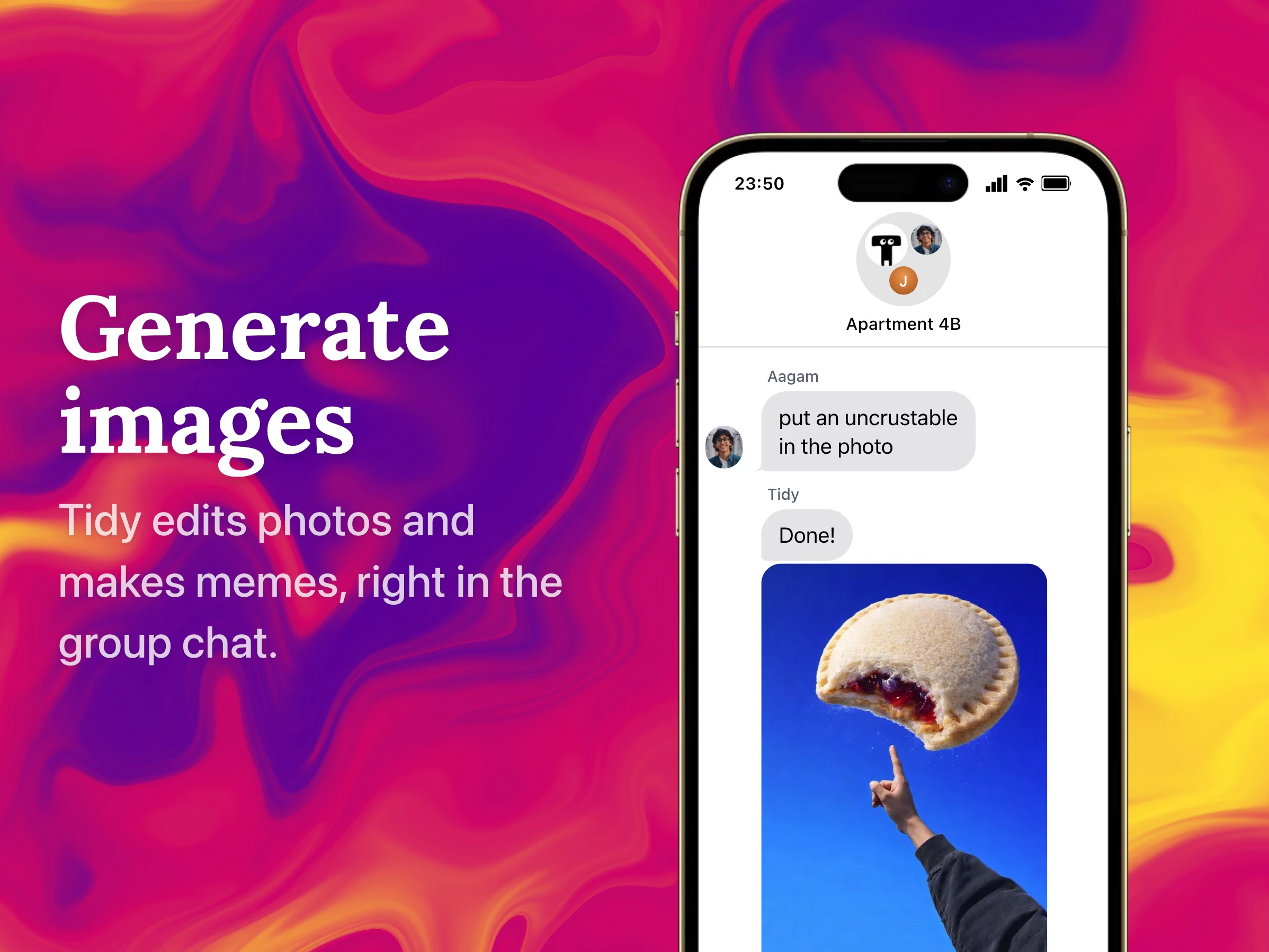
  • We added image generation and the ability to nickname Tidy for a chat (which we've found makes Tidy fun to use)

  • Tidy only wakes up when mentioned, and stays awake for a short period. It still has access to your messages in between.

  • You can set reminders, make reservations, search & autonomously browse the web and more in group chats

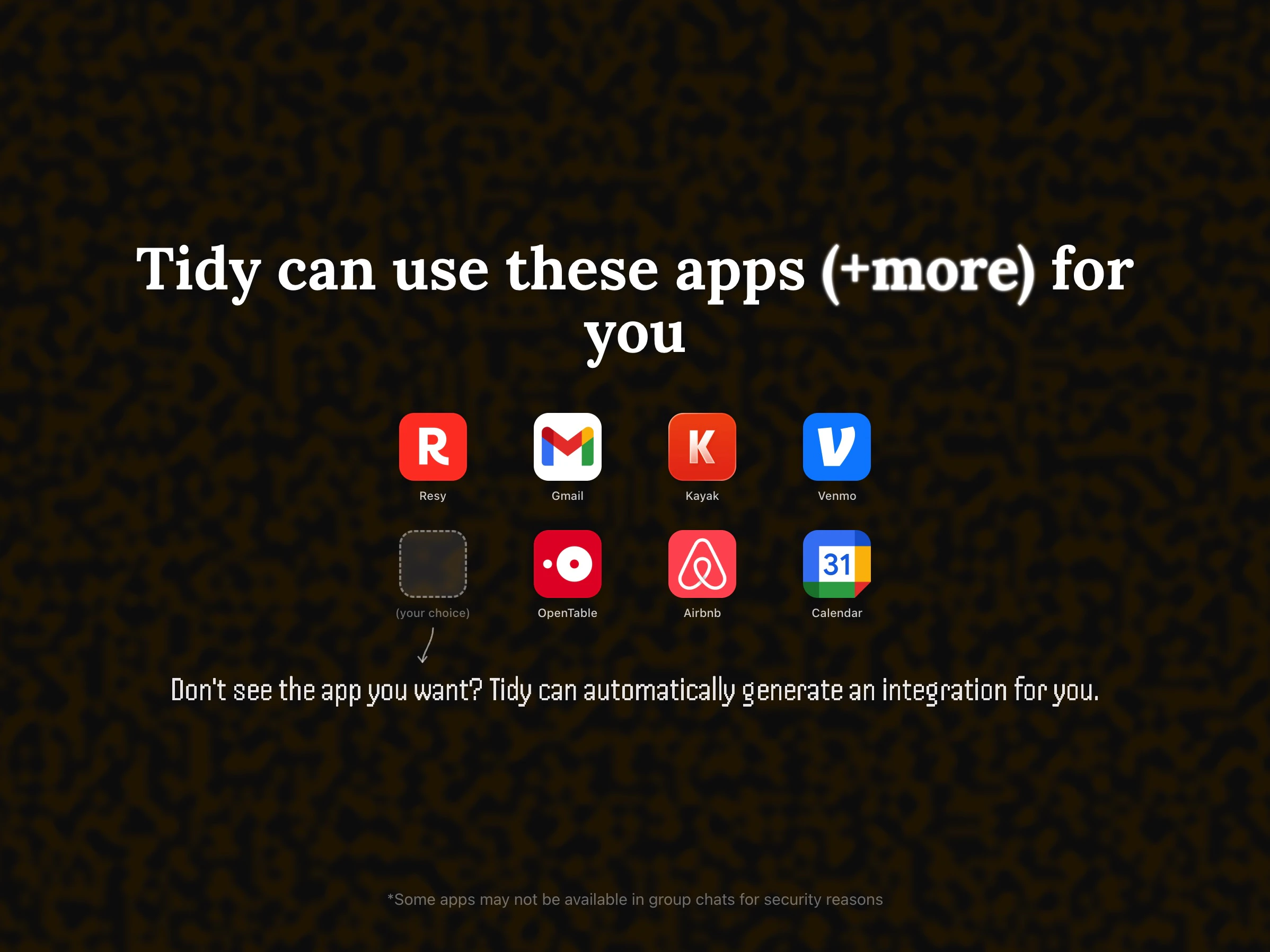
  • A load of new apps (a quick note - certain apps aren't available in group chats for security reasons; we don't want other people to write emails for you!)

It's built to be shared with friends, so you just need 1 person with a Tidy Group Chats membership ($10/mo) for everyone to be able to use Tidy, unlimited in the group chat.

We'd love you to try it out at withtidy.chat 🫶

Onwards!

Aagam

7
回复

Hey Product Hunt,

I wanted to share a bit on why I personally love using Tidy in group chats:

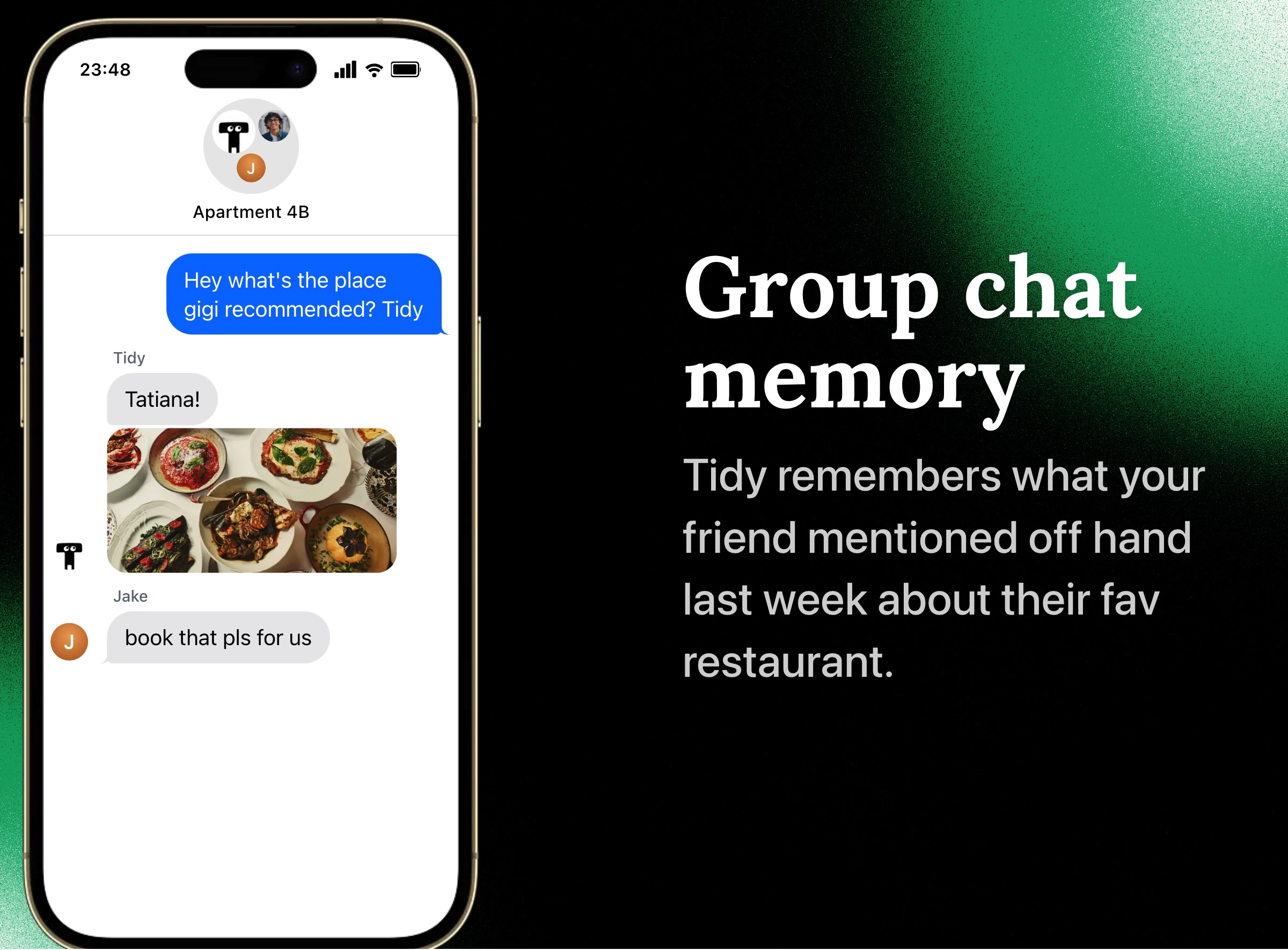
  • Organizing meetups- as people discuss dinner preferences or meetup times, Tidy finds restaurants or places that make sense for everyone, and can ultimately book something the group.

  • Planning trips- Tidy can check regularly for cheap flights, research places, and write a travel planning doc for the whole group.

  • Family/group admin- one day my family decided to add Tidy to our group chat, which turned out to be great for organizing all our schedules together and answering questions like "what's the wifi password again?"

If you have something exciting you've done with Tidy (especially in group chats), please feel free to share!

--Brian

4
回复

Best feature yet!! Super excited to use it in my college group chats

2
回复

@kaushik_akula Thanks kaushik!

0
回复

Wow what an awesome feature! Always wondered if something like this existed…

2
回复

@darweenist Thank you dawson!

0
回复

Being able to share Tidy in a groupchat is huge!!

2
回复

@baehenrys thank you!

0
回复

Having Tidy be in my groupchats makes organizing events so much more fun!

2
回复

@dhruv_roongta thanks Dhruv! We aspire.

0
回复

Using this to settle up on Venmo after an outing? Yes please.

0
回复

super fun!! congrats on the launch guys

0
回复

@hazhubble Thank you Haz!

0
回复

This is awesome! In addition to the leap from personal to group/organizational assistant, adding Tidy to some group chats has let me see how others use Tidy and exposed me to several new use cases. Huge update, congrats!

0
回复

@ethan_weisberg Thank you Ethan!

0
回复
#15
Osintir
Protect your identity from deepfakes
83
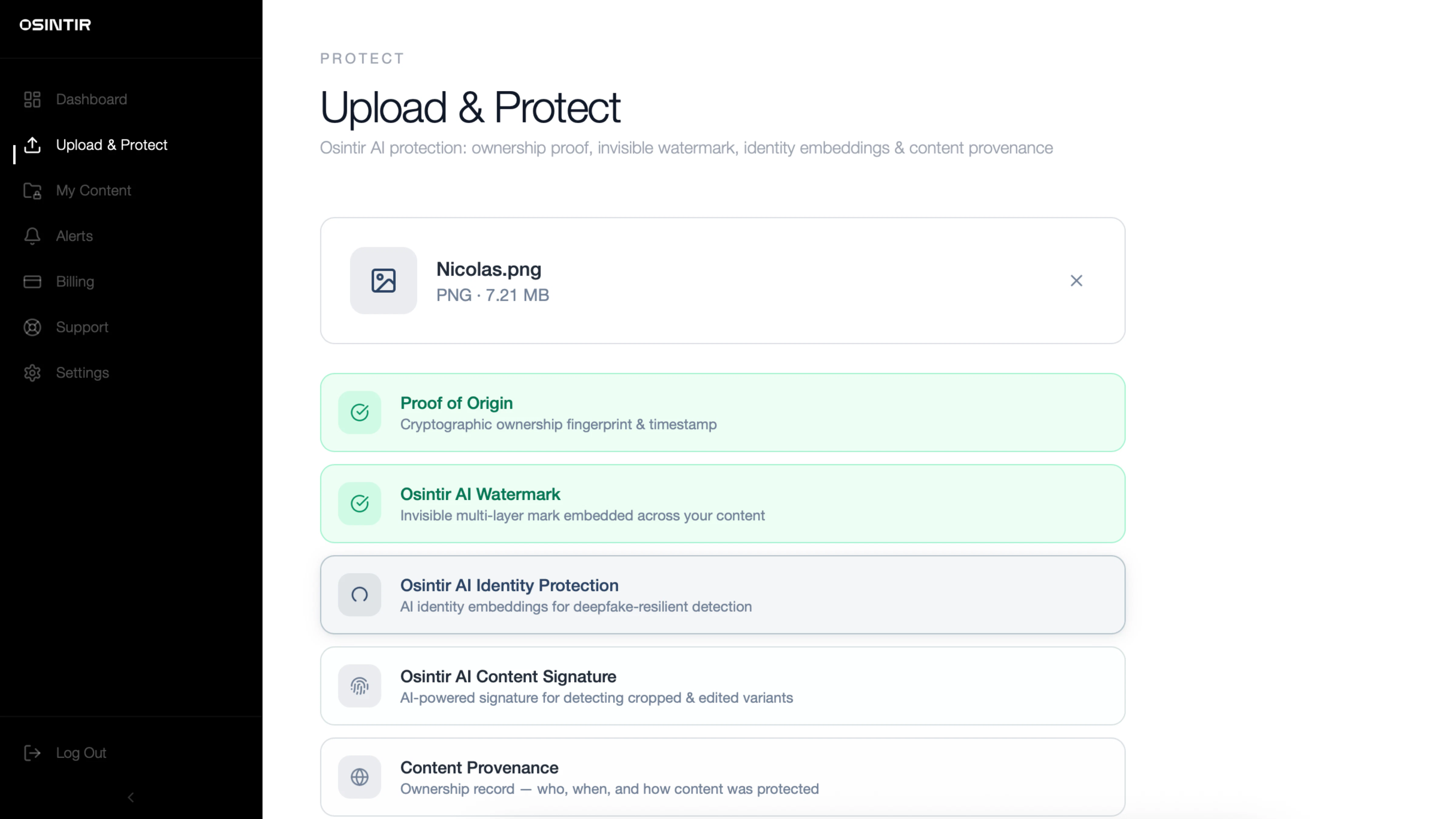
一句话介绍:一款通过嵌入隐形AI指纹和提供加密凭证,来保护用户图像视频免受深度伪造和未经授权使用,并在全网进行监控和实时警报的数字身份防护工具。
Social Media Artificial Intelligence Security
数字身份保护 深度伪造检测 内容监控 图像水印 AI安全 隐私工具 版权保护 实时警报 OSINT 身份盗窃防护
用户评论摘要:创始人自述创作源于个人内容被篡改的经历,强调平台不保护用户内容的痛点。用户反馈积极,认为工具在深度伪造威胁下“夺回了一些权力”,并具体询问了“隐形AI指纹”的技术原理。
AI 锐评

Osintir切入了一个日益尖锐且充满焦虑的赛道:对抗AI生成的深度伪造和身份盗用。其宣称的“隐形AI指纹”与“加密证明”是技术核心,这本质上是一种主动的数字内容溯源与认证方案,试图在内容发布之初就打下不可篡改的所有权烙印,与事后被动搜索的版权保护工具形成差异。

产品价值不在于“防止”内容被复制——这在开放网络中几乎不可能——而在于“发现”滥用并“证明”所有权。它真正的卖点是“可行动的警报”,将用户从无助的旁观者变为有权介入的取证方,为后续的法律或平台投诉提供关键证据。这正是其“夺回权力”口号的实质。

然而,其挑战同样明显。首先,技术有效性存疑:“隐形”指纹能否抵抗常见的图像压缩、裁剪等处理而不丢失?其次,监控范围与准确性:宣称“全网”监控,但面对暗网或私密群组,其OSINT(开源情报)能力边界何在?误报率可能带来警报疲劳。最后,商业模式与用户习惯:这是面向个人的“数字保险”服务,还是更应瞄准高风险的品牌与公众人物?普通用户是否为这种持续性防护服务付费的意愿和频率,需要打一个问号。

总体而言,Osintir的方向精准击中了时代痛点,但其长期生存不取决于焦虑营销,而取决于其技术护城河的深度、警报系统的可靠性,以及能否构建一个被法律或大型平台认可的“所有权证明”标准。否则,它可能只是一个让用户更清晰地目睹自己数字身份如何被盗用的“高级通知器”。

查看原始信息
Osintir
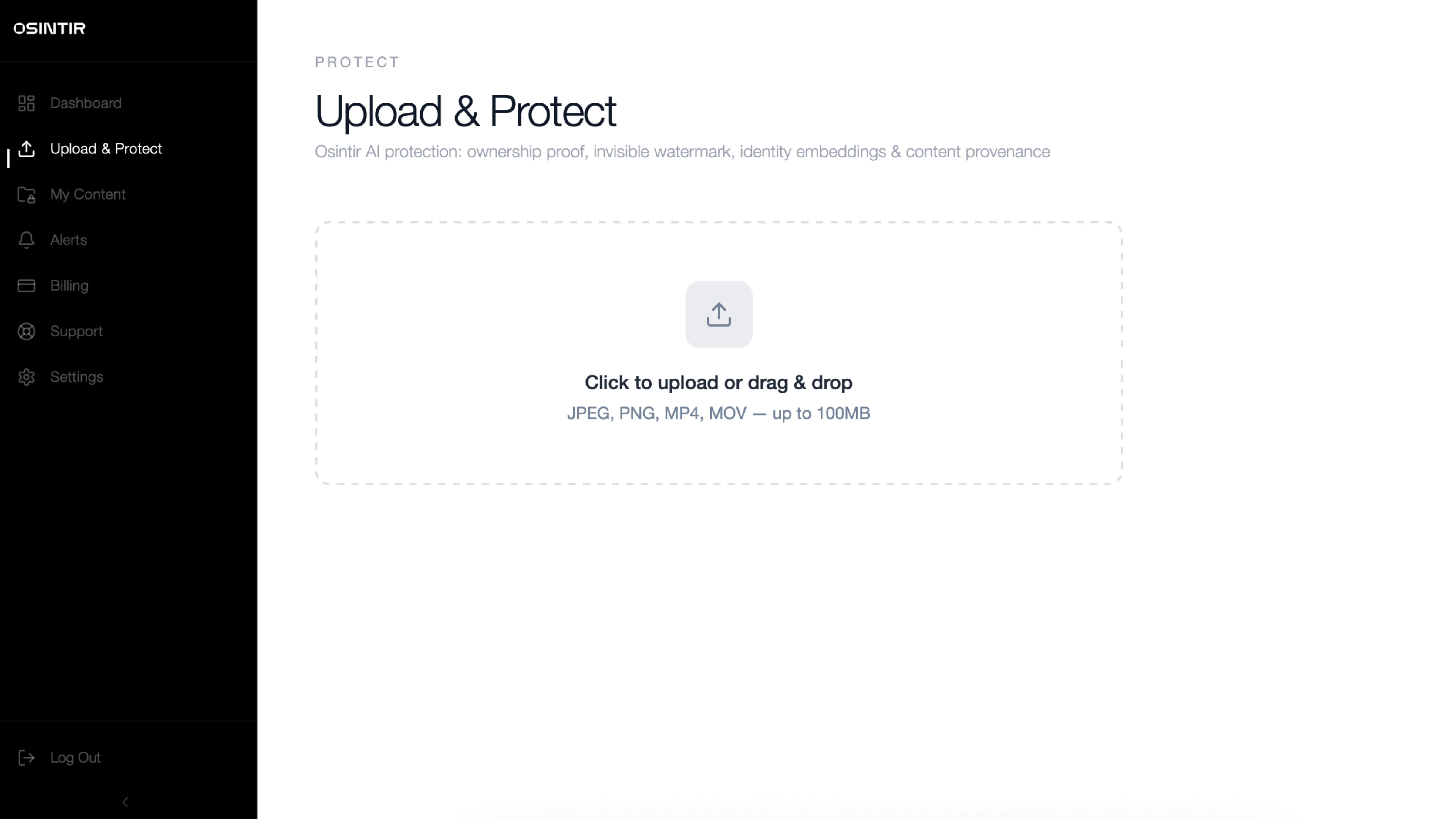
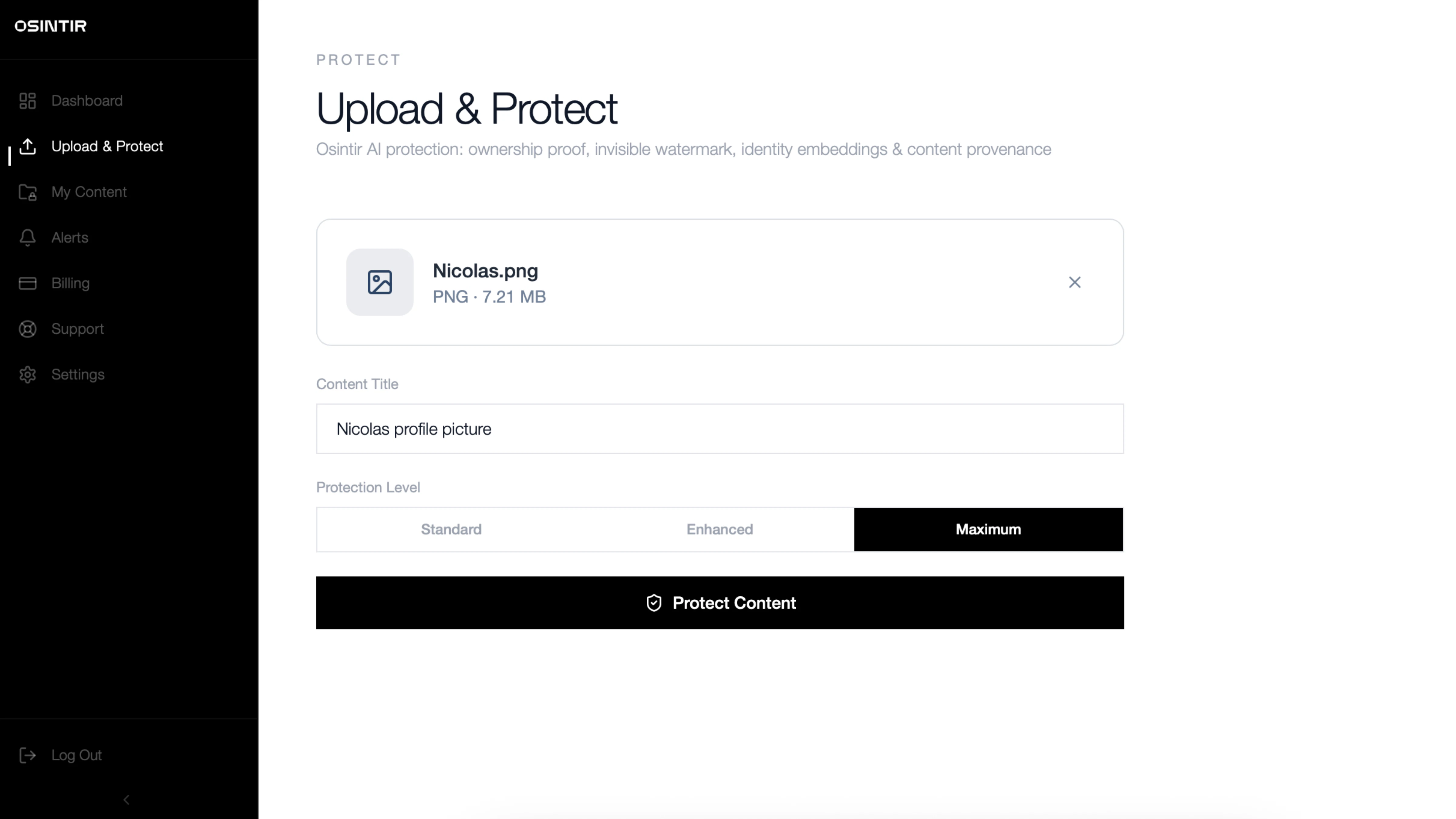
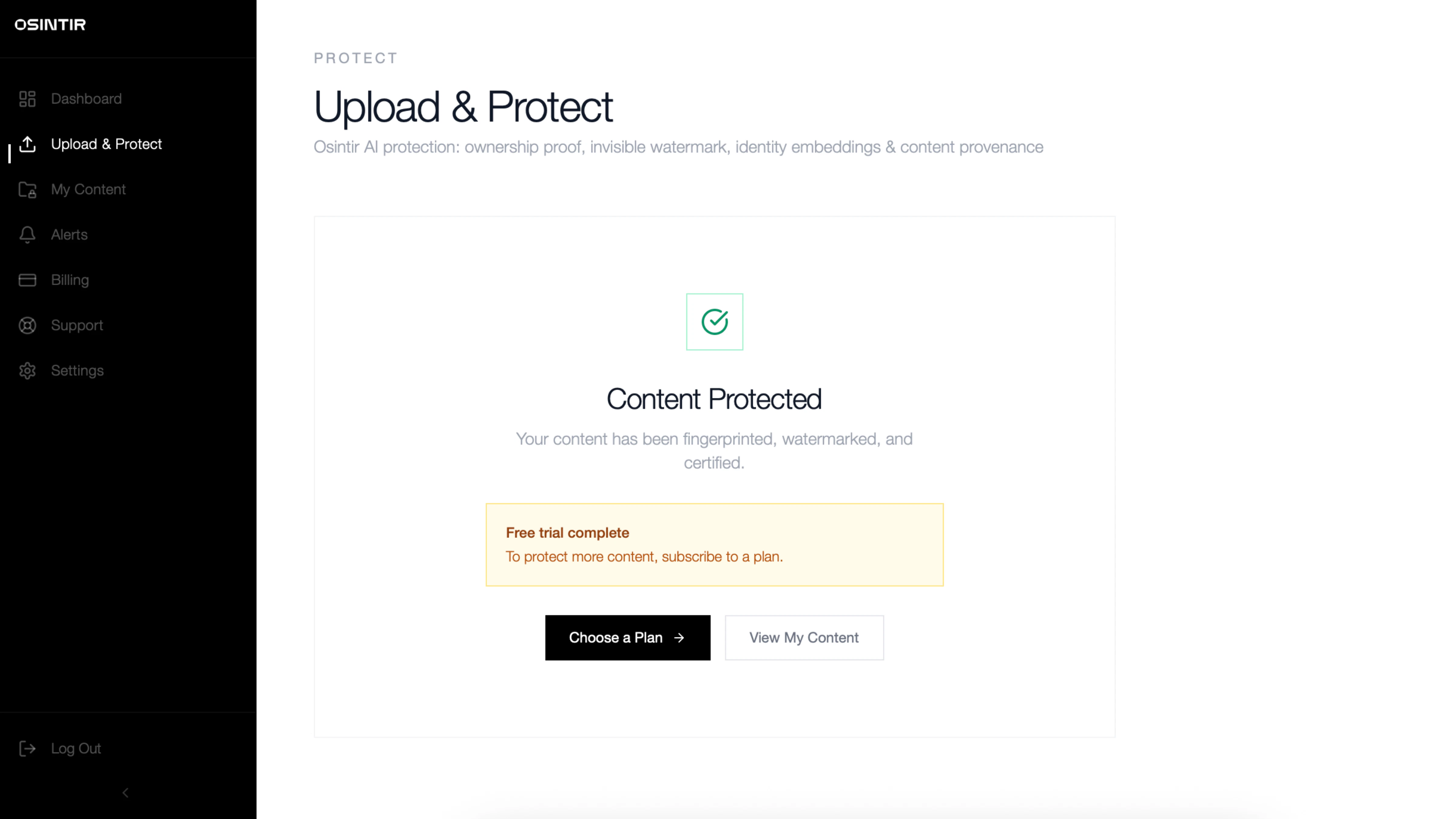
Osintir protects your images and videos with invisible AI fingerprints and cryptographic proof, detecting deepfakes, unauthorized use, and identity theft across the web.

I founded Osintir after realizing a hard truth: social media platforms don’t actually protect the content you upload. Once something about you enters the internet, it can be copied, manipulated, and redistributed without your control.

I’ve experienced this firsthand — my content has been altered and misused without consent. And now, with the rapid advancement of deepfake technology and AI-generated media, the scale of this problem has grown exponentially, impacting millions of individuals and brands worldwide.

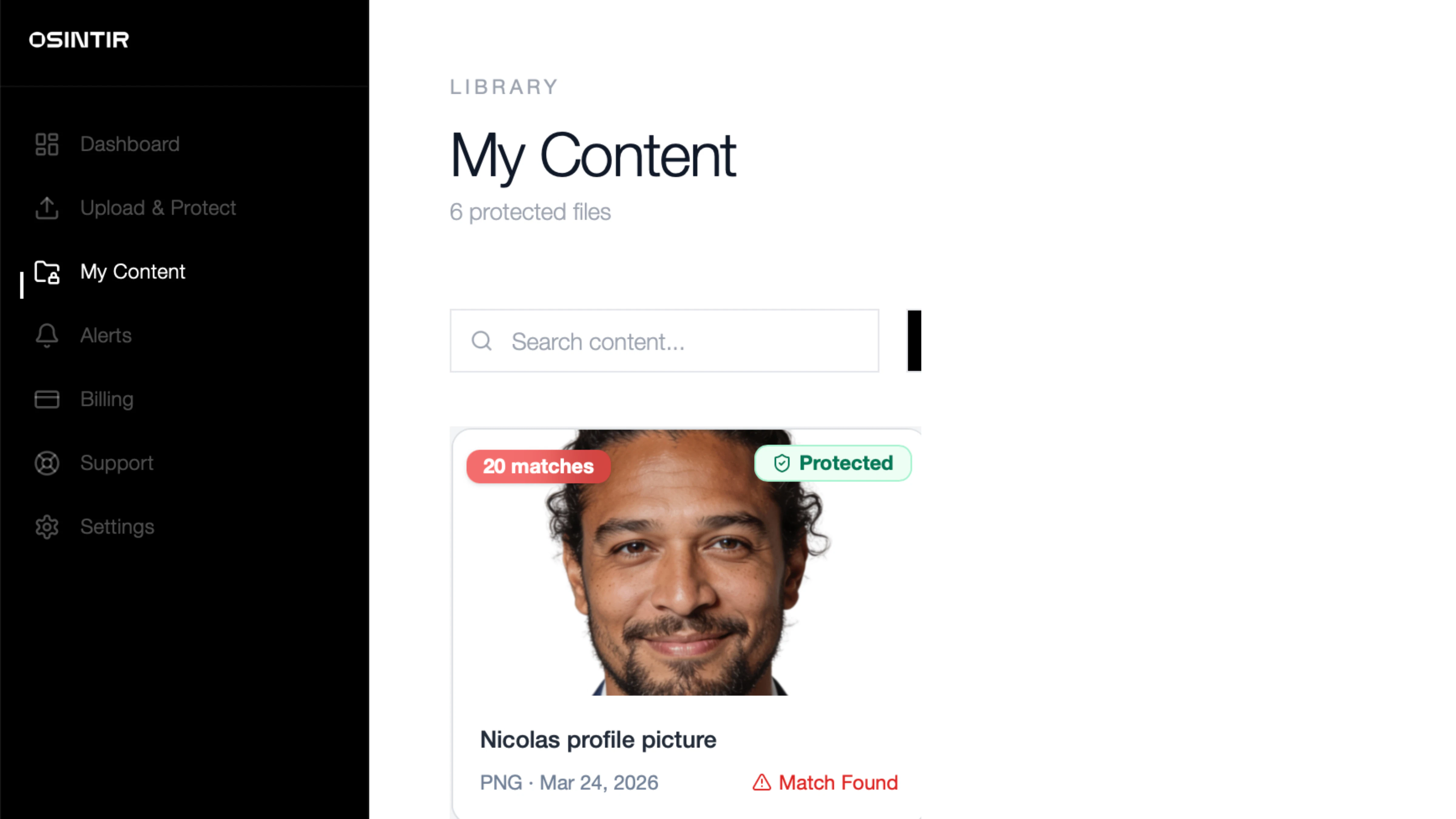
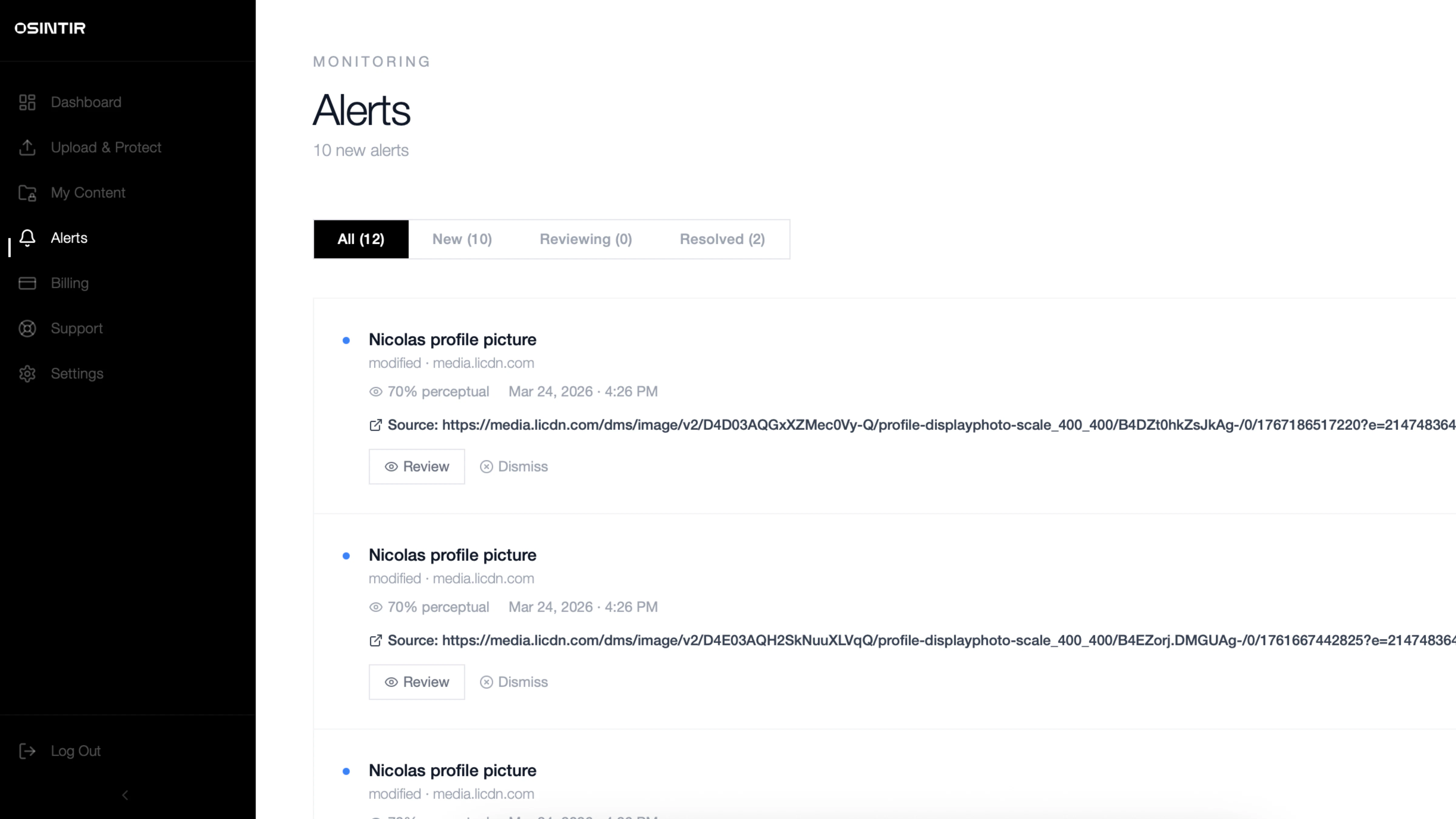
Osintir was built to change that. It continuously monitors open sources across the web, using multi-layered protection to detect where your images and videos appear. You receive real-time alerts the moment your content is reused, giving you the ability to act immediately — whether that means removing the content, responding to misuse, or escalating the issue to authorities.

Osintir isn’t just a tool — it’s peace of mind. It means knowing you’re no longer powerless in a digital world that moves too fast.

Because your identity belongs to you.

3
回复

@inca_aurora invisible AI fingerprints caught my attention. How does it actually work? Sounds like extremely useful solution

0
回复

@inca_aurora the deepfake stuff is getting scary. it’s one thing for a photo to be stolen, but having it manipulated by ai is a whole different level of a nightmare. glad to see a tool that actually gives us some power back.

0
回复
#16
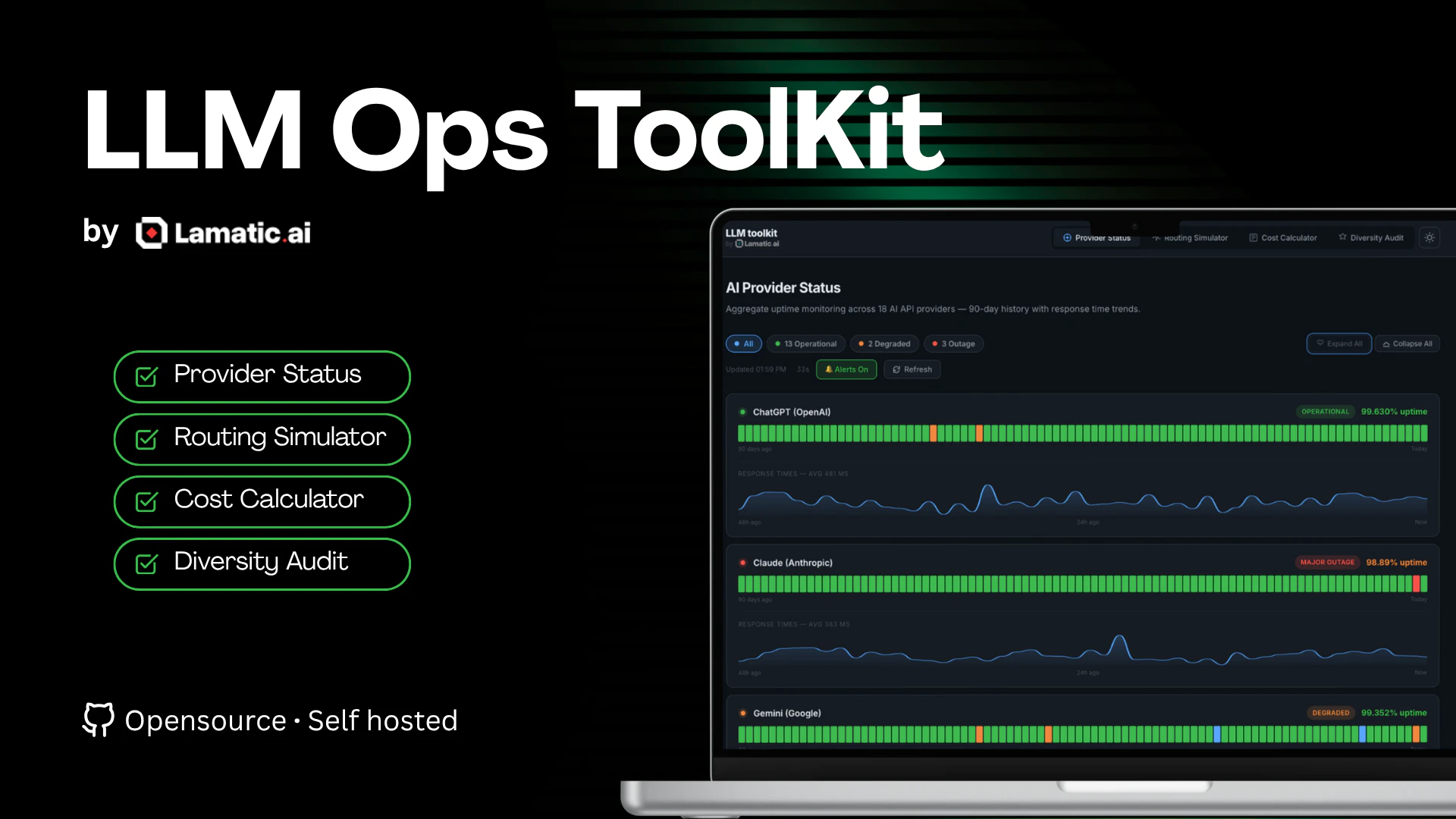
LLM Ops Toolkit by Lamatic.ai
Aggregate uptime monitoring across OpenAI, Claude, and more
82
一句话介绍:一款集成了多厂商LLM API聚合监控、成本计算与路由模拟的本地化运维工具,为AI工程团队在生产环境中管理模型调用、控制成本与保障稳定性提供了开箱即用的解决方案。
API Open Source Developer Tools
LLM运维 API监控 成本优化 路由模拟 开源工具 AI工程化 运维仪表板 生产就绪 本地部署 多厂商聚合
用户评论摘要:用户关注点超出基础API可用性,指向更核心的“模型输出质量漂移”监控需求。开发者回应确认当前仅监控延迟与可用性,但将此需求列入路线图。发布者主动说明产品初衷与开源理念,并征集后续指标与集成建议。
AI 锐评

这款产品精准切中了当前AI应用开发中的一个普遍但隐性的痛点:随着生产环境中调用多个LLM API成为常态,团队被迫重复造轮子来监控分散的供应商状态与成本。其真正价值不在于单个功能的创新,而在于将“运维可见性”这一工程要素进行了系统化、产品化的封装。

然而,其面临的挑战与评论中的质疑一脉相承。当前工具聚焦于“基础设施层”的可用性与延迟,这仅是LLM运维的冰山一角。更本质、更复杂的挑战在于“模型表现层”的监控——提示词效果衰减、输出质量漂移、内容安全策略合规性等。这些无法用简单的HTTP状态码或响应时间衡量,需要定义业务相关的质量指标并持续评估。产品若停留在当前层面,易被视作一个“加强版的API状态页面”,其护城河较浅。

其开源与本地部署策略是双刃剑。一方面降低了采用门槛,符合企业对敏感数据与调用日志不外泄的需求;另一方面,作为本地静态页面,其功能深度、实时报警集成与团队协作能力可能受限。未来的竞争维度在于能否深入模型推理的黑盒,提供更深度的可观测性,并形成从监控、诊断到自动调优的闭环。否则,它可能只是一个有价值的“临时解决方案”,最终被更全面的AI应用平台或可观测性巨头所整合。

查看原始信息
LLM Ops Toolkit by Lamatic.ai
Interactive tools for managing 20+ LLM APIs in production. Cost calculator, diversity audit, and routing simulator.

LLMs don't 404 - they drift. are you tracking output quality degradation, or just API availability?

2
回复
@mykola_kondratiuk great thought, would put that on roadmap. For now only latency and uptime.
0
回复

Hello Producthunt Community,

Thanks for checking out our launch!

LLM Ops Toolkit started as an internal dashboard our AI team used to monitor API uptime and cost drift across models. We open‑sourced it because every AI engineer ends up building something like this eventually.

It combines monitoring, cost analysis, routing simulation, and a maturity audit - all running locally in a static page.

Would love your thoughts on what metrics or integrations you’d want next!

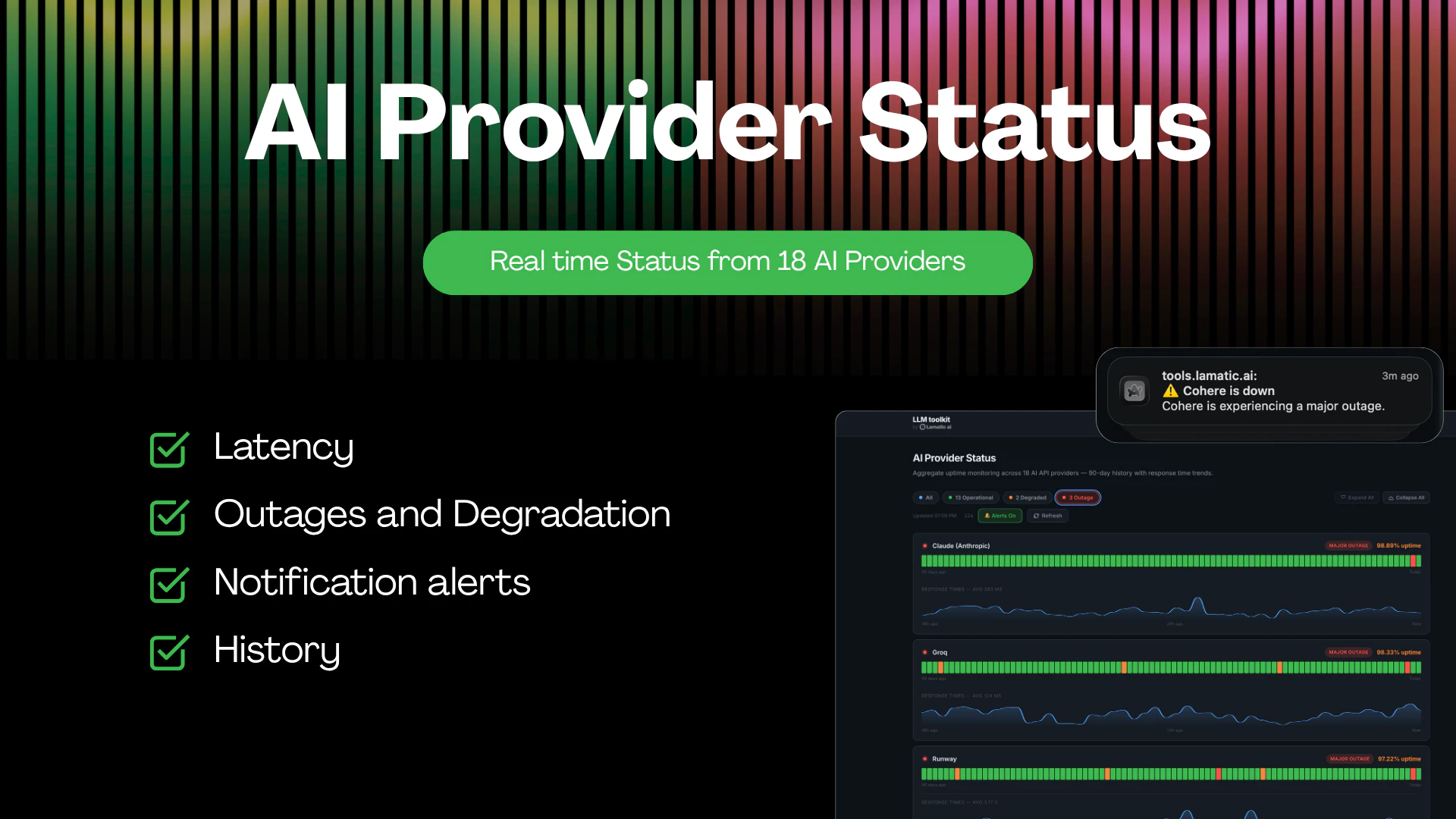
🟢 Provider Status Monitor — Aggregate uptime across 18+ AI API providers with 90-day history and live response-time sparklines
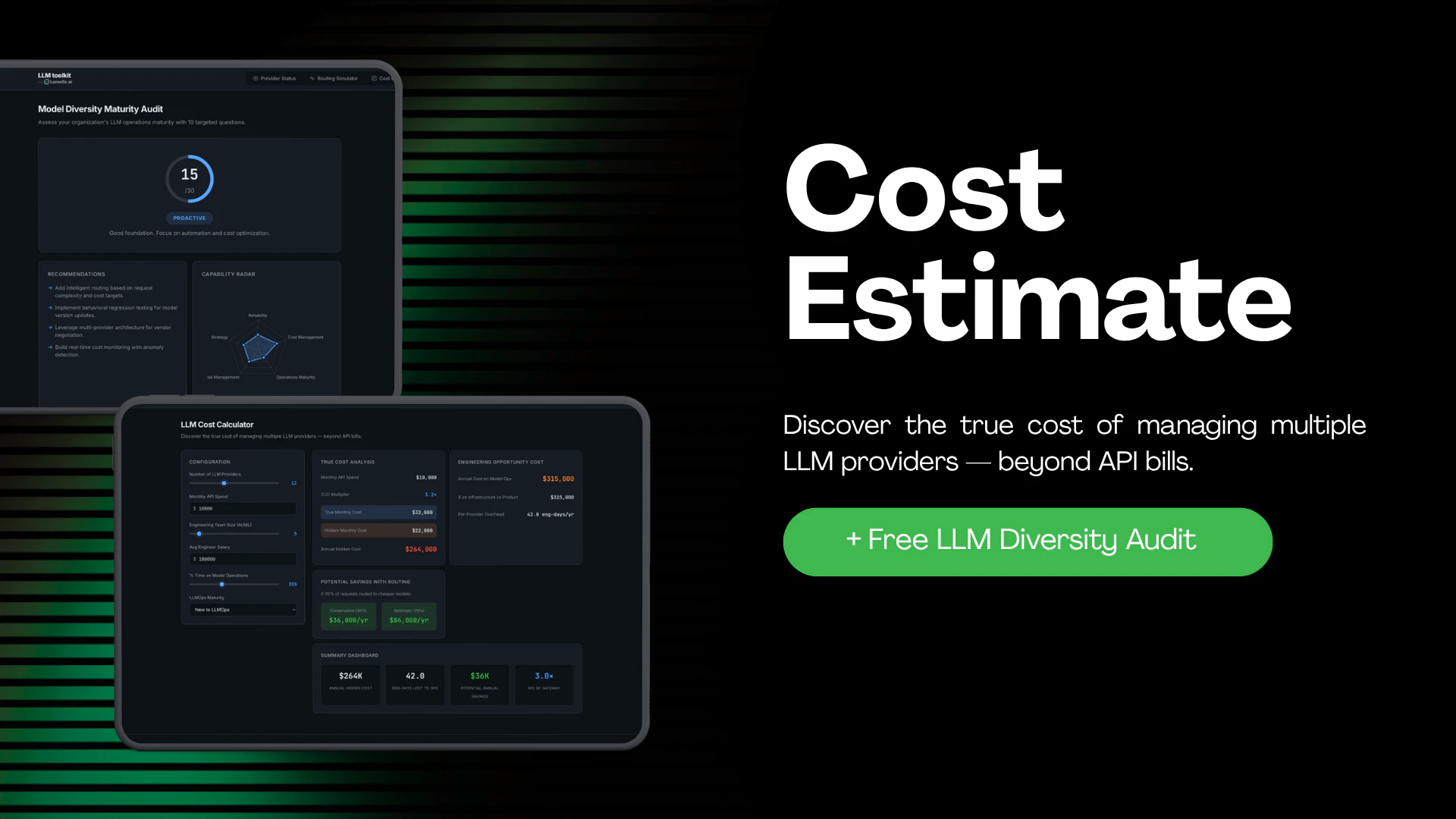
💰 Cost Calculator — True cost analysis including hidden engineering overhead and routing savings
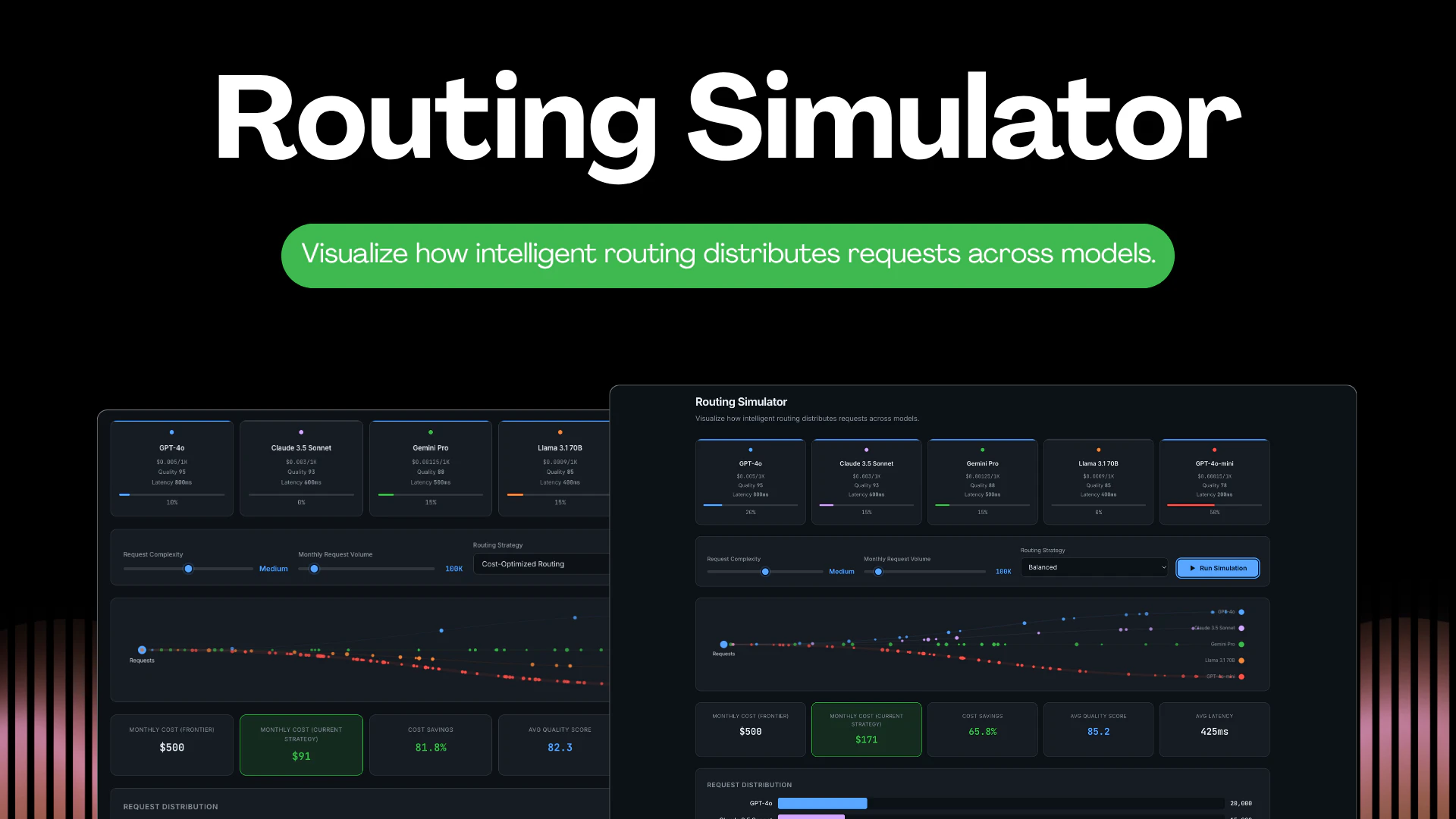
🔀 Routing Simulator — Visualise intelligent request distribution across models with cost/quality trade-offs
📊 Diversity Audit — 10-question maturity assessment with radar chart and personalised recommendations
🌙 Dark/Light mode, auto-refresh, browser notifications for outages, and a dynamic favicon that mirrors overall provider health

0
回复
#17
uTerminal
A desktop terminal built for day-to-day remote access
79
一句话介绍:uTerminal是一款集SSH、RDP、本地终端和串口访问于一体的桌面应用,通过统一工作台和AI辅助,解决了运维人员日常远程管理时需频繁切换工具、界面混乱的效率痛点。
Developer Tools
远程终端 一体化运维工具 SSH客户端 RDP客户端 会话管理 开发者工具 生产力软件 AI辅助 桌面应用 系统管理
用户评论摘要:用户高度评价其为一款超越传统SSH客户端的“一体化”综合工具,界面设计(类似JetBrains侧边栏)集成度高,能减少工具切换开销,并支持拖拽自定义布局。评论中未提及具体问题或改进建议。
AI 锐评

uTerminal的野心,不在于做一个更好的终端,而在于成为远程访问的“指挥中心”。它将运维工程师散落各处的碎片化工具(SSH、RDP、串口、SFTP、端口转发)强行整合进一个类似IDE的框架内,这个思路切中了专业用户的核心诉求:上下文连贯。传统工作流中,每切换一个工具就意味着一次认知中断和窗口管理灾难。uTerminal试图用“一个窗口解决所有战斗”,其价值并非功能堆砌,而是通过界面重构(可拖拽面板、会话管理)创造了沉浸式的操作环境。

然而,其真正的挑战与机遇并存于“集成深度”。简单的功能聚合已被Tabby、WindTerm等开源工具部分实现。uTerminal的差异化在于两点:一是将“系统监控”、“日志回放”等观测能力嵌入终端上下文,让操作与诊断无缝衔接;二是引入“终端上下文AI建议”。后者颇具想象空间,却也风险巨大——若AI仅是肤浅的代码补全,则成鸡肋;若能基于当前会话、系统状态和运维知识库,主动提示故障排查路径或安全风险,则可能重塑交互范式。

目前从有限信息看,其设计哲学清晰(IDE化、一体化),但成熟度存疑。对于追求极致稳定和可控的资深运维,是否愿意将关键生产连接托付给一个集成众多复杂功能的“新中心”,而非久经考验的独立工具链,将是其市场渗透的关键障碍。它更像是一个为“现代运维工程师”打造的、带有前瞻性的工作台原型,其成功与否,取决于后续在稳定性、性能及AI功能实用性上能否兑现承诺,而非停留在概念上的“All-in-One”。

查看原始信息
uTerminal
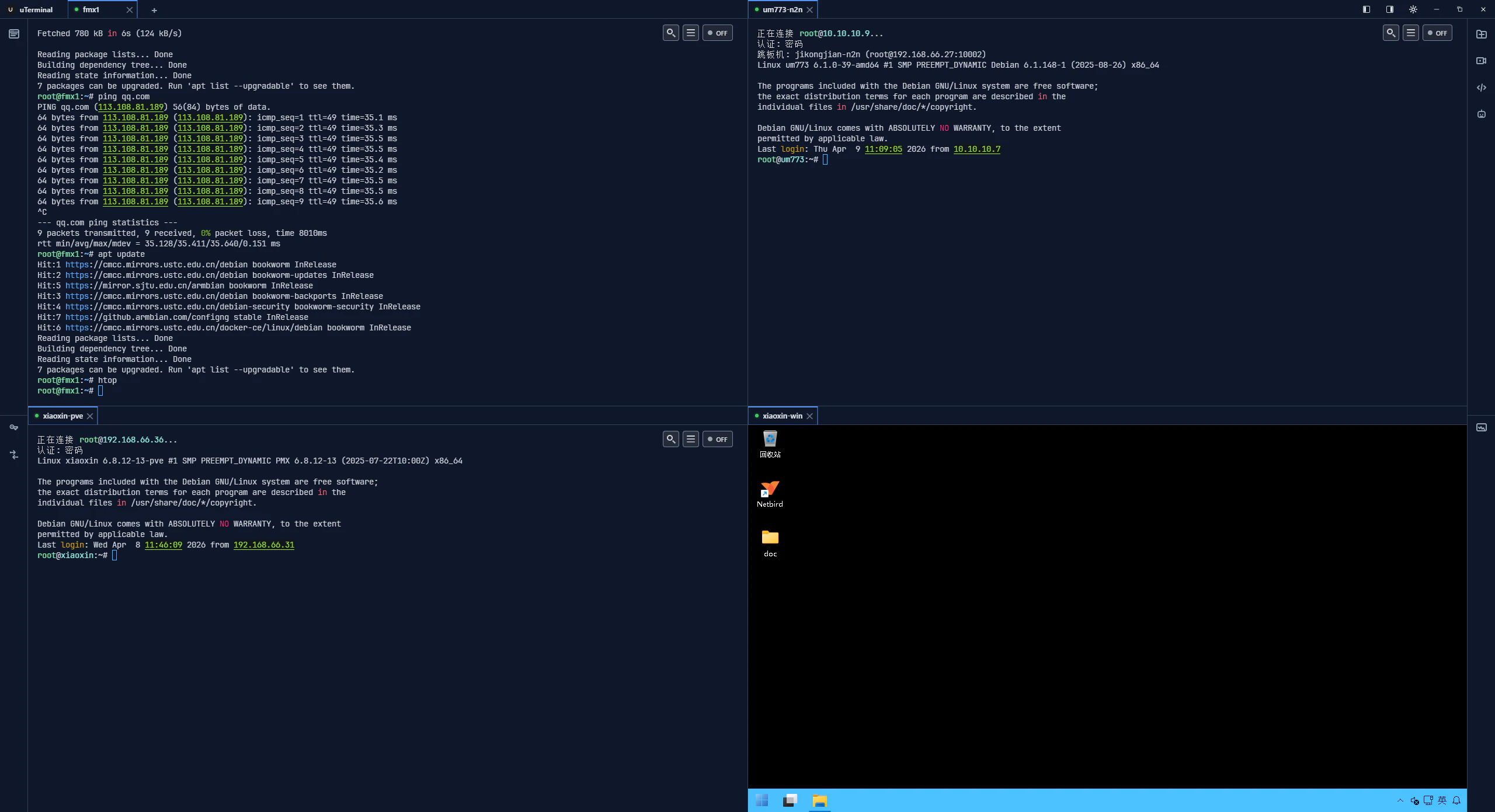
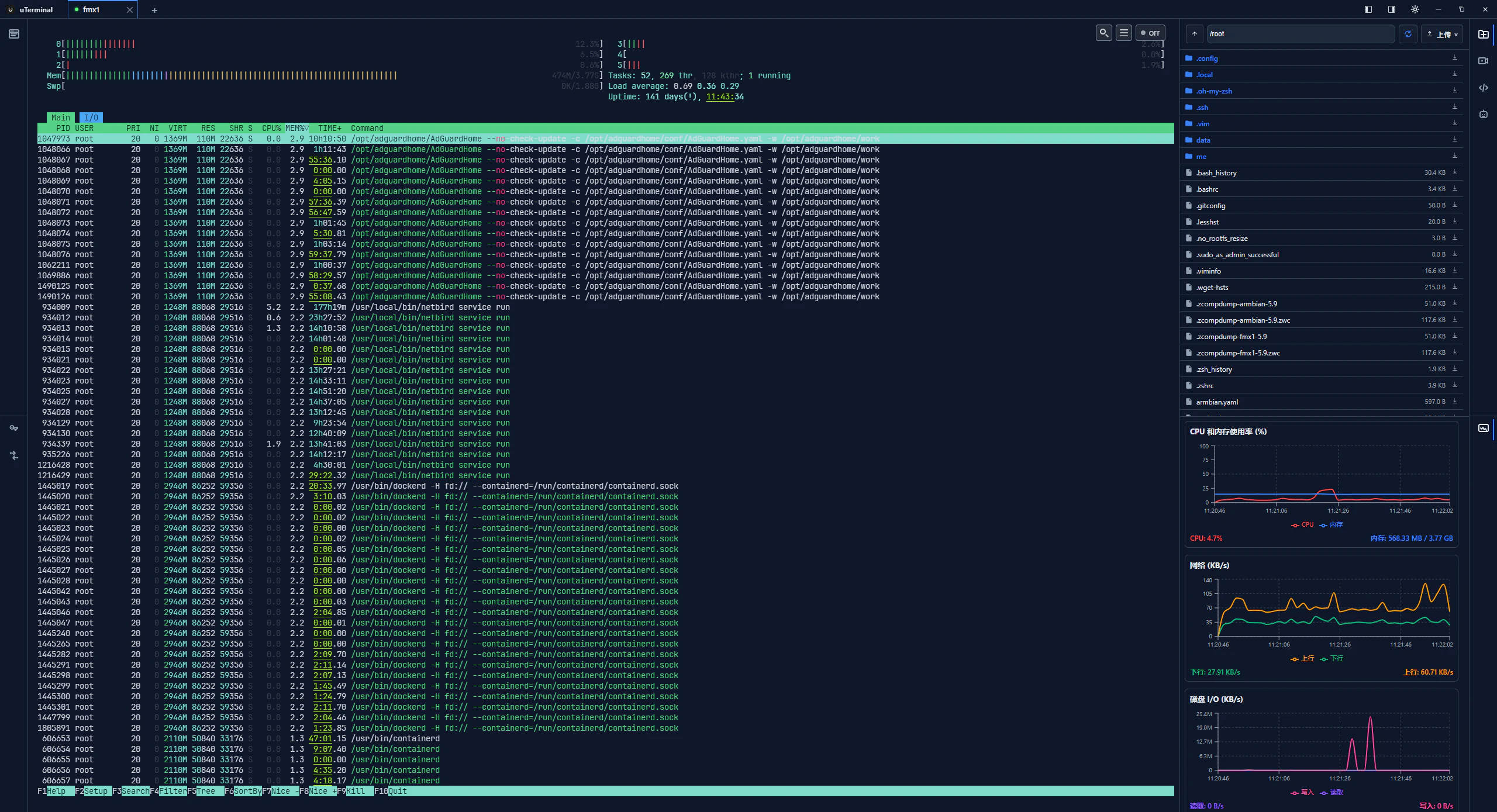
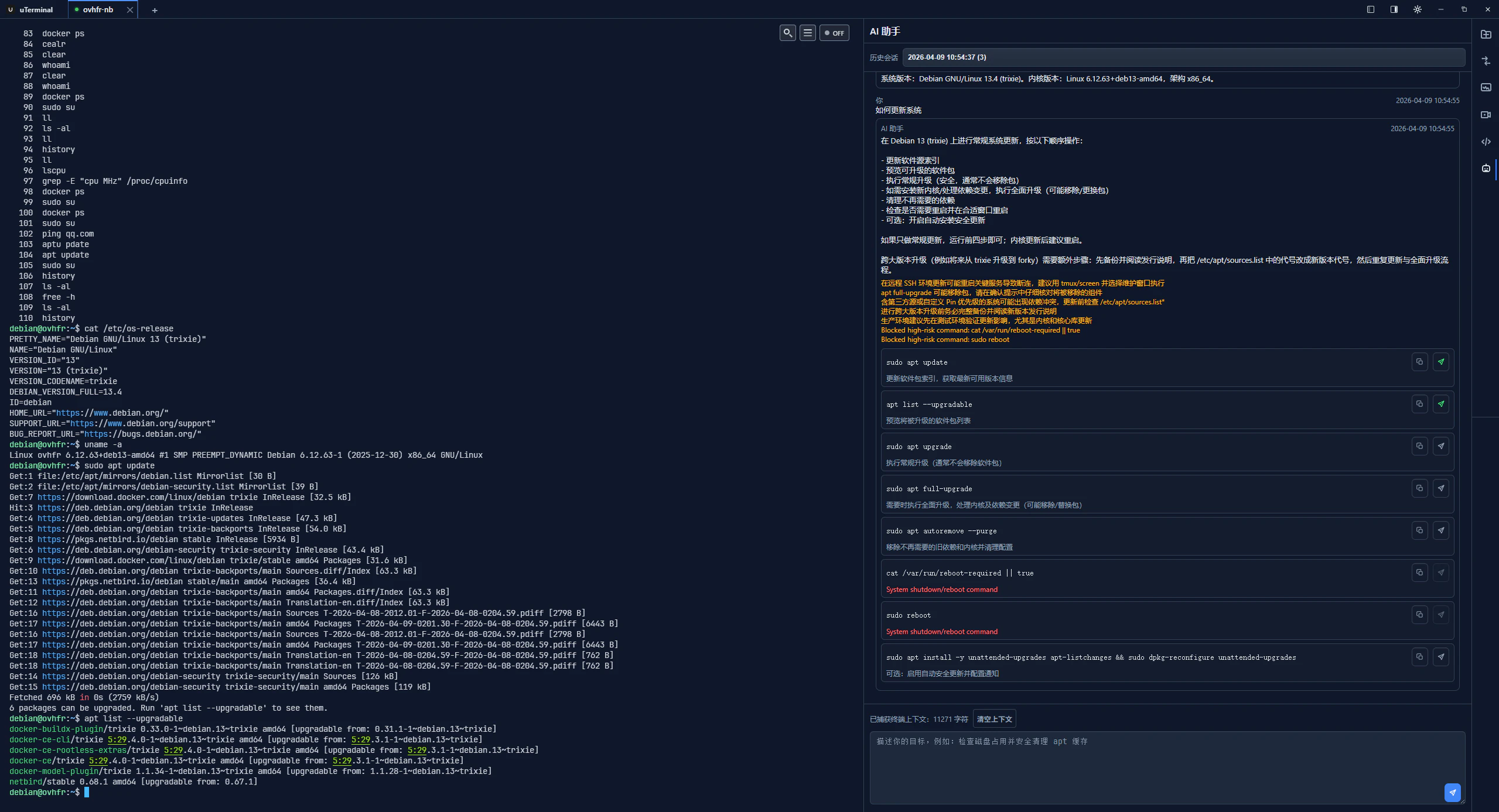
SSH, RDP, local shell, and serial access in one desktop app. Open multiple hosts and sessions at once, then arrange the workspace the way you prefer. Manage saved connections, folders, reusable credentials, and basic account state in one place. Use terminal-context AI suggestions and side panels for system info and related helpers.
uTerminal is far more than just an SSH client stuffed into a window; it is a comprehensive, all-in-one tool designed specifically for routine operations and maintenance, network device management, and collaborative session scenarios. Its interface adopts a sidebar layout—reminiscent of the design style found in JetBrains' IDEA—to seamlessly integrate a diverse array of tools. This single application consolidates SSH, RDP, local terminals, and serial connections, while simultaneously integrating advanced capabilities—such as SFTP, port forwarding, session management, system monitoring, log replay, and AI assistance—within a unified interface. This approach minimizes the overhead of constantly switching between different tools, while also offering the flexibility to rearrange interface elements via drag-and-drop.
1
回复
#18
InboxJoy - Filter Noise from Social DMs
AI Social Media Automations for a Lifetime License
75
一句话介绍:InboxJoy是一款AI驱动的统一社交收件箱工具,通过智能过滤Instagram、Twitter等平台的私信噪音,帮助创作者、营销者和商务人士在信息过载场景下快速识别高价值消息,追踪营收机会。
Messaging Social Media Artificial Intelligence
社交收件箱管理 AI消息过滤 私信自动化 效率工具 创作者经济 社交媒体营销 客户互动 噪音过滤 统一收件箱 终身许可
用户评论摘要:用户核心关切在于AI如何定义“重要性”。开发者回应强调其基于消息内容、意图、历史对话等上下文信号,而非粉丝数等虚荣指标,并计划通过用户反馈持续个性化。创始人背景及产品初衷也获展示。
AI 锐评

InboxJoy切入了一个真实且日益尖锐的痛点——社交DM的“信号噪声比”失衡。其宣称的“基于上下文而非虚荣指标”的AI过滤逻辑,是产品立意的正确方向,直击了传统社交管理工具依赖表面数据的盲区。将“意图识别”置于“粉丝规模”之上,理论上能更精准地捕捉小账户的高价值合作请求或大账户的无效骚扰,这在创作者经济与B2B社交挖矿场景下具备潜在高价值。

然而,其真正的挑战与价值天花板也在于此。首先,“重要性”是高度主观且动态的概念。商务合作、粉丝互动、朋友交流的重要性权重因人、因时、因业务阶段而异。产品目前依赖的“内容、意图、历史”信号,在冷启动阶段如何保证准确性?其“用户反馈”训练闭环的构建效率,将直接决定过滤效果是“智能助手”还是“恼人的错杀机器”。

其次,产品形态“统一收件箱”虽是刚需,但壁垒不高。其长期竞争力必须建立在AI过滤的“超预期精准度”和“深度个性化”上,这需要持续的数据喂养与算法迭代。创始人提到的“终身许可证”模式,在带来早期现金流的同时,也可能与长期高昂的模型训练成本形成潜在矛盾。

总体而言,InboxJoy展现了一个务实且有洞察力的起点。它不应止步于一个“更好的过滤器”,而应致力于成为“社交关系价值挖掘引擎”。其未来在于能否将过滤逻辑,深化为可量化的“关系价值评估”与“机会预测”,从“帮你看到重要消息”进化到“帮你预判哪些互动能带来增长与收益”。这条路漫长且技术密集,但正是其从工具蜕变为平台的关键。

查看原始信息
InboxJoy - Filter Noise from Social DMs
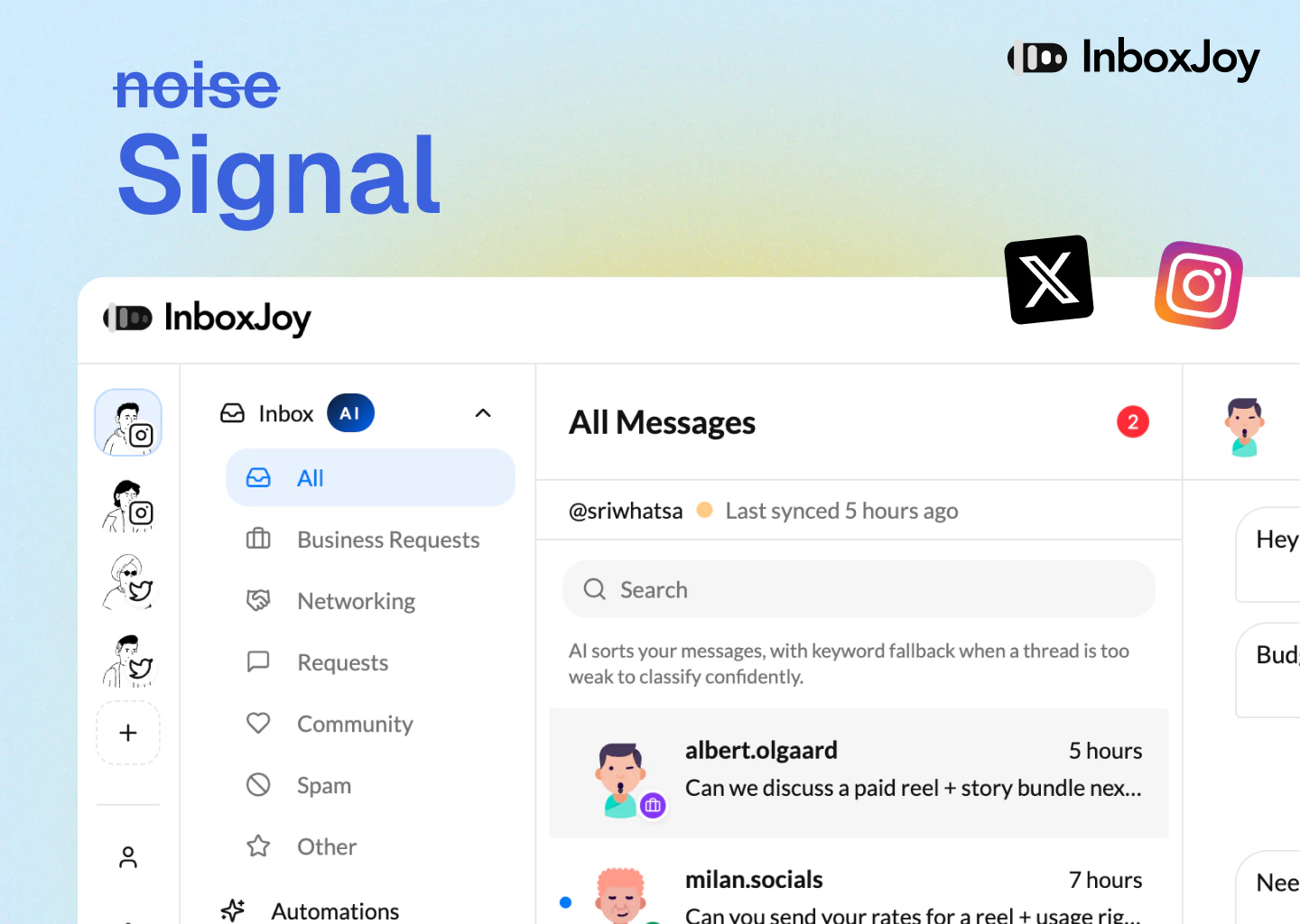
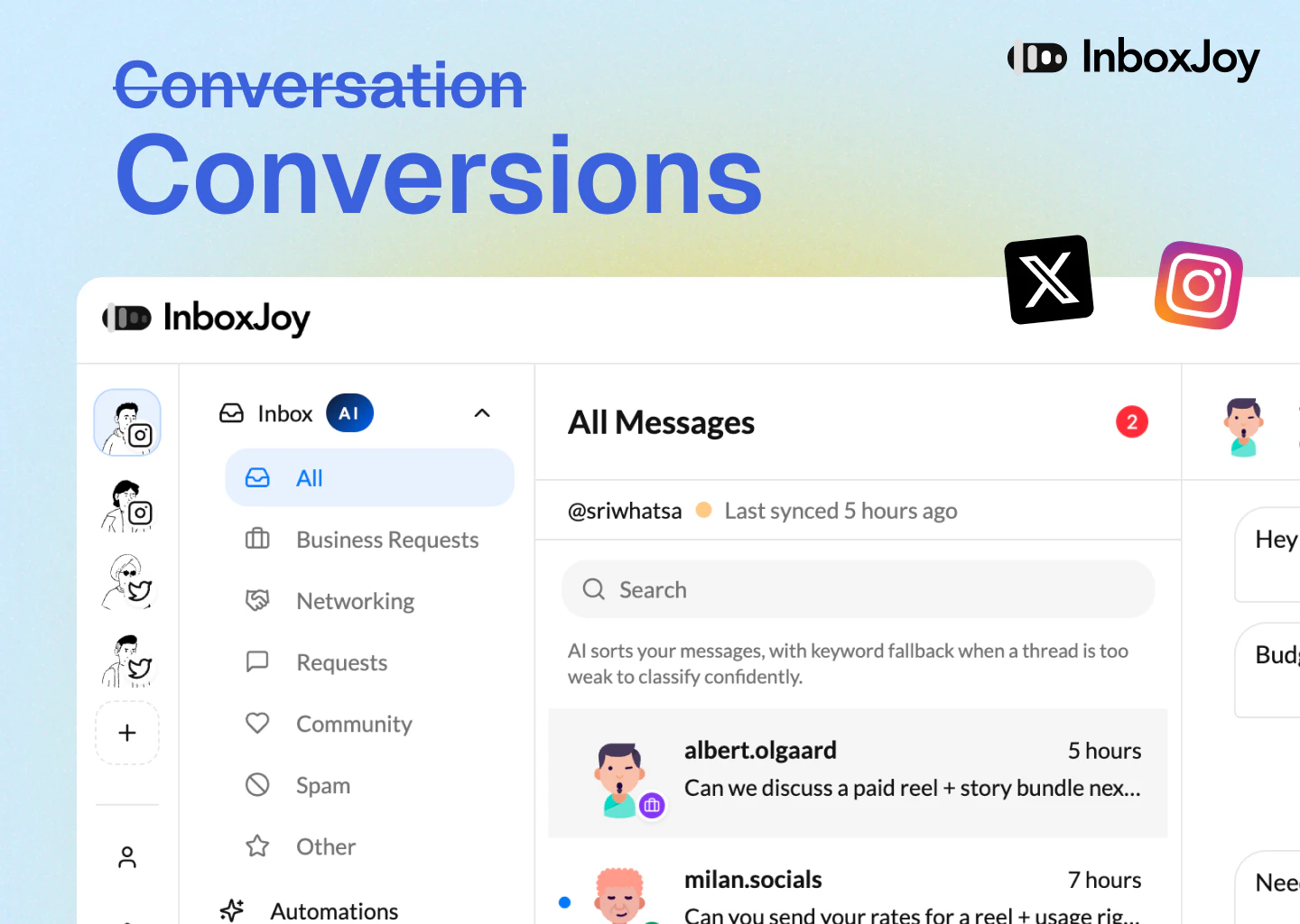
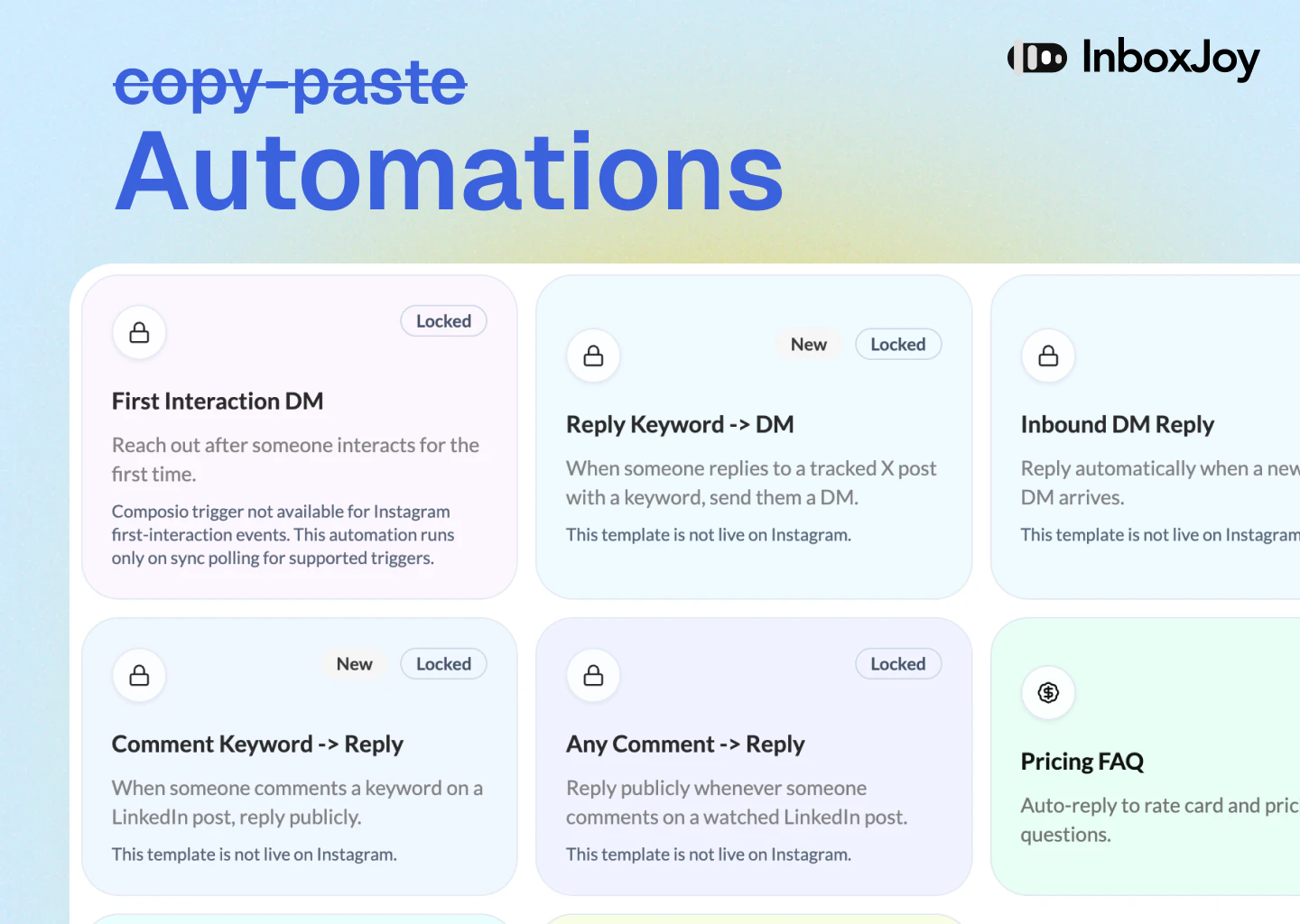
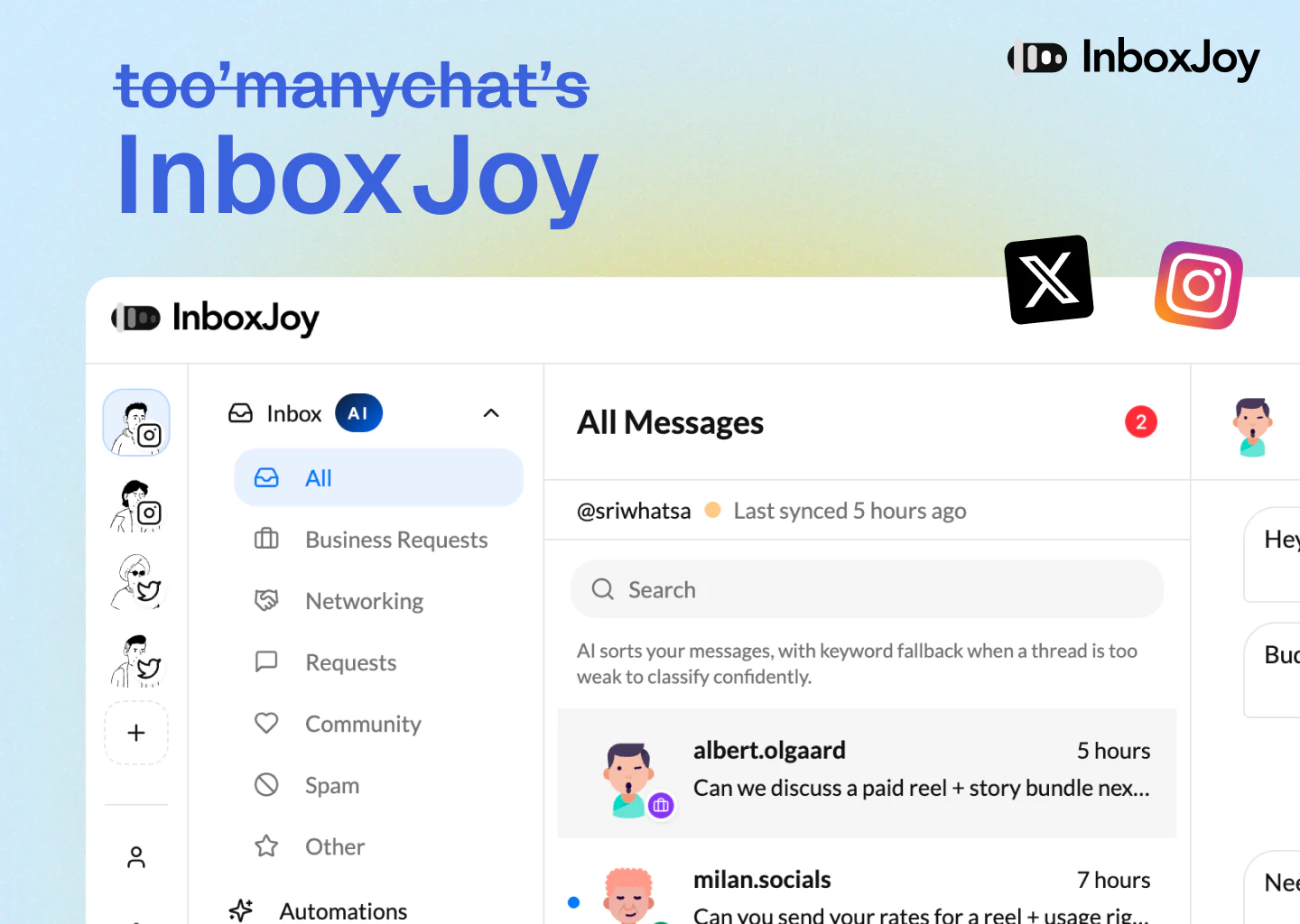
InboxJoy is a clean AI-powered Unified Inbox that connects with Instagram, Twitter etc., to surface what's important, so you can track revenue opportunities faster.

Filtering DM noise is a real problem — especially on Instagram where 90% of DMs are spam or cold pitches. How are you training the 'importance' signal? Is it based on engagement history, follower count, or something more contextual like message content?

1
回复

@bahaa_khateeb We treat importance as mostly contextual, not vanity-based.

Right now the strongest signals come from:

  • message content and intent

  • conversation history

  • whether it looks like a buyer, support request, collaboration, networking, or spam

  • user-specific context from onboarding and relabel feedback

We don’t rely heavily on follower count or surface-level metrics because those often miss real intent. A small account can be highly valuable, and a large account can still send noise.

Over time, the goal is to personalize importance more deeply based on how each user actually responds, who they engage with, and what types of conversations turn into outcomes.

1
回复

👋 Hey everyone — I’m Sree, a maker who loves building internet products.

InboxJoy is born out of a personal problem, "too many DMs"! It's a simple product to help people cut through noise and focus on the messages that matter.

Before this, I built Superpage, which exited to a YC-backed company. I’m also currently building Replyless.ai, exploring how AI can make email inboxes less chaotic and more useful.

Happy to answer any questions, and I’d really value your feedback.

0
回复
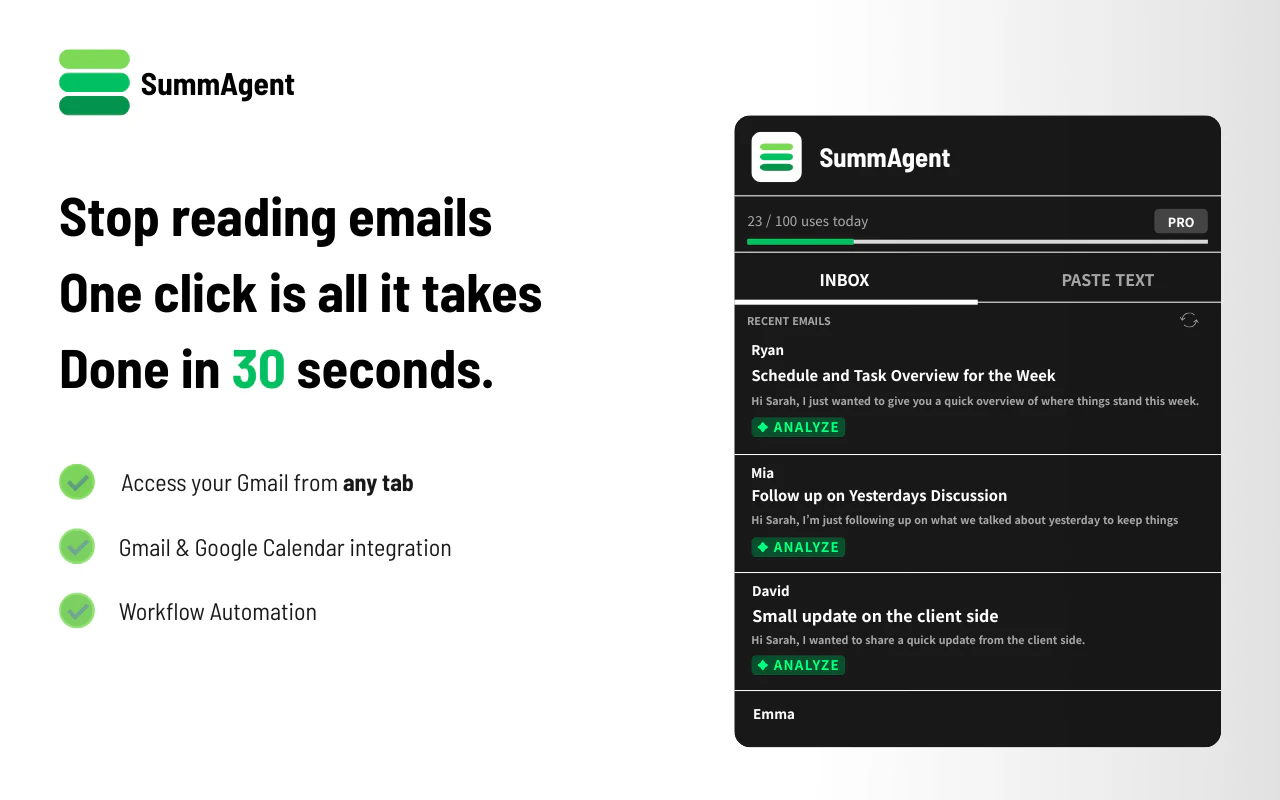
#19
SummAgent
Spend less time reading emails, more time making moves
72
一句话介绍:一款集成在Gmail内的Chrome扩展,通过深度理解邮件内容,在无需切换页面的场景下,为用户自动生成摘要、提取待办事项并起草回复,解决邮件处理效率低下、信息过载的痛点。
Chrome Extensions Email Productivity Artificial Intelligence
邮件效率工具 Chrome扩展 AI邮件助手 自动摘要 智能回复 待办事项提取 Gmail集成 生产力工具 工作流自动化
用户评论摘要:用户肯定其集成于Gmail、减少切换的价值,并关注其对复杂邮件线程的处理能力、回复是否可能变得重复模板化,以及AI提取隐性承诺(如“我们再议”)等模糊待办事项的实际效果。创始人回应了技术细节与优化思路。
AI 锐评

SummAgent 精准切入了一个高价值但竞争渐起的赛道:邮件收件箱的AI化改造。其宣称的“深度上下文摘要”和“零工作流摩擦”是核心卖点,直击用户在Gmail与各类AI工具间反复切换、复制粘贴的深层低效痛点。产品形态(Chrome扩展)轻巧且聚焦,试图成为用户“工作流中的流”,而非另一个需要“被工作”的工具。

然而,从评论反馈看,其面临的真正挑战并非基础功能实现,而是AI处理邮件沟通中“模糊性”的极限。例如,如何从“Let's revisit this”中准确提取出有明确时间属性的行动项,这涉及对非结构化语言、隐含意图乃至企业文化的理解。创始人回应的“标记为未指定”是一种妥协方案,揭示了当前技术边界——AI尚难完全替代人类对复杂社交语义的判读。

另一个潜在风险是“智能”带来的同质化。尽管创始人强调避免重复,但基于规则和有限上下文生成的“专业语气”回复,长期可能形成一种新的、可被察觉的AI腔调,削弱沟通的个性与真诚度。其价值将从“生成回复”的惊艳期,逐步过渡到“能否真正理解并适配我(及我的公司)的沟通风格”的深耕期。

总体而言,SummAgent 在提升邮件处理“效率”上价值明确,但其天花板在于处理沟通“效力”的能力。它更像一位高度专业化、不知疲倦的初级助理,能极大过滤噪音、梳理框架,但在需要深度判断、微妙措辞和关系维护的沟通核心层,仍需人类主导。其成功将取决于能否在“自动化”与“个性化”之间找到精妙的平衡,并持续深化对垂直场景与用户个体习惯的理解。

查看原始信息
SummAgent
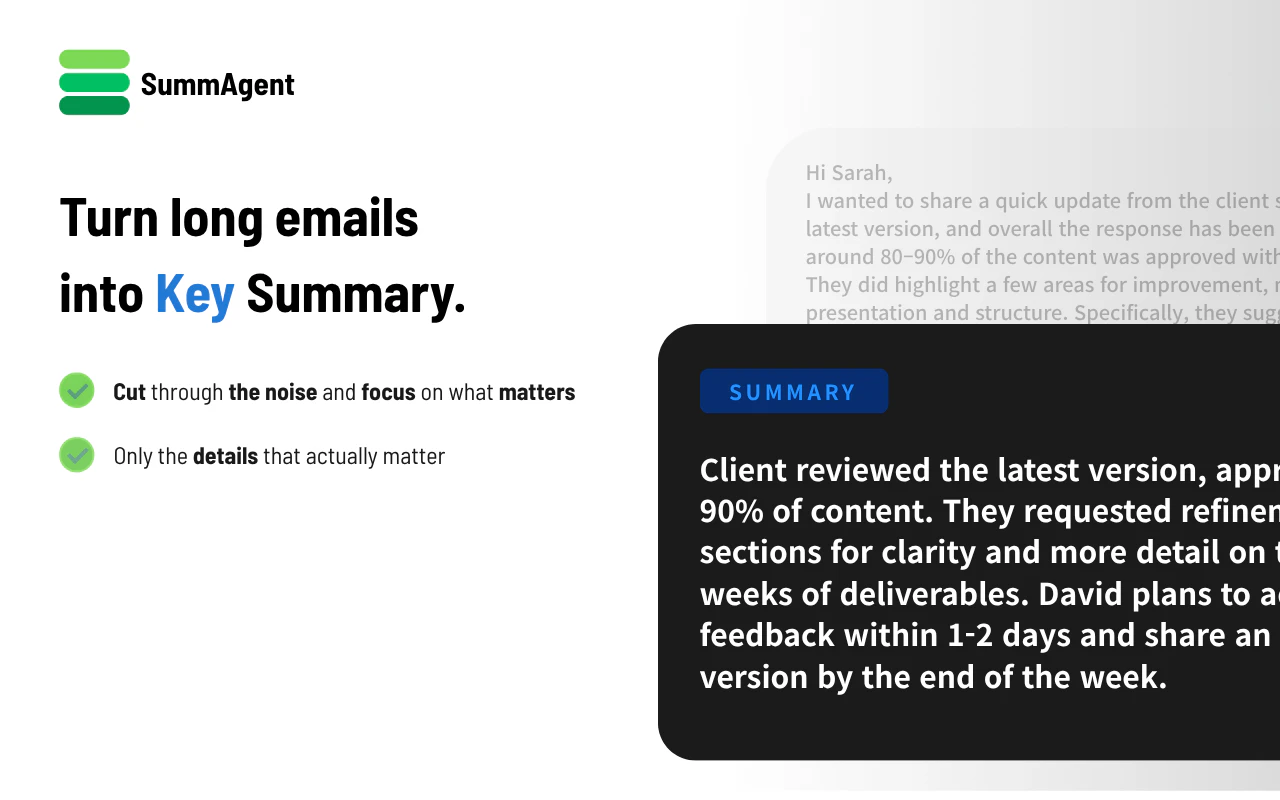
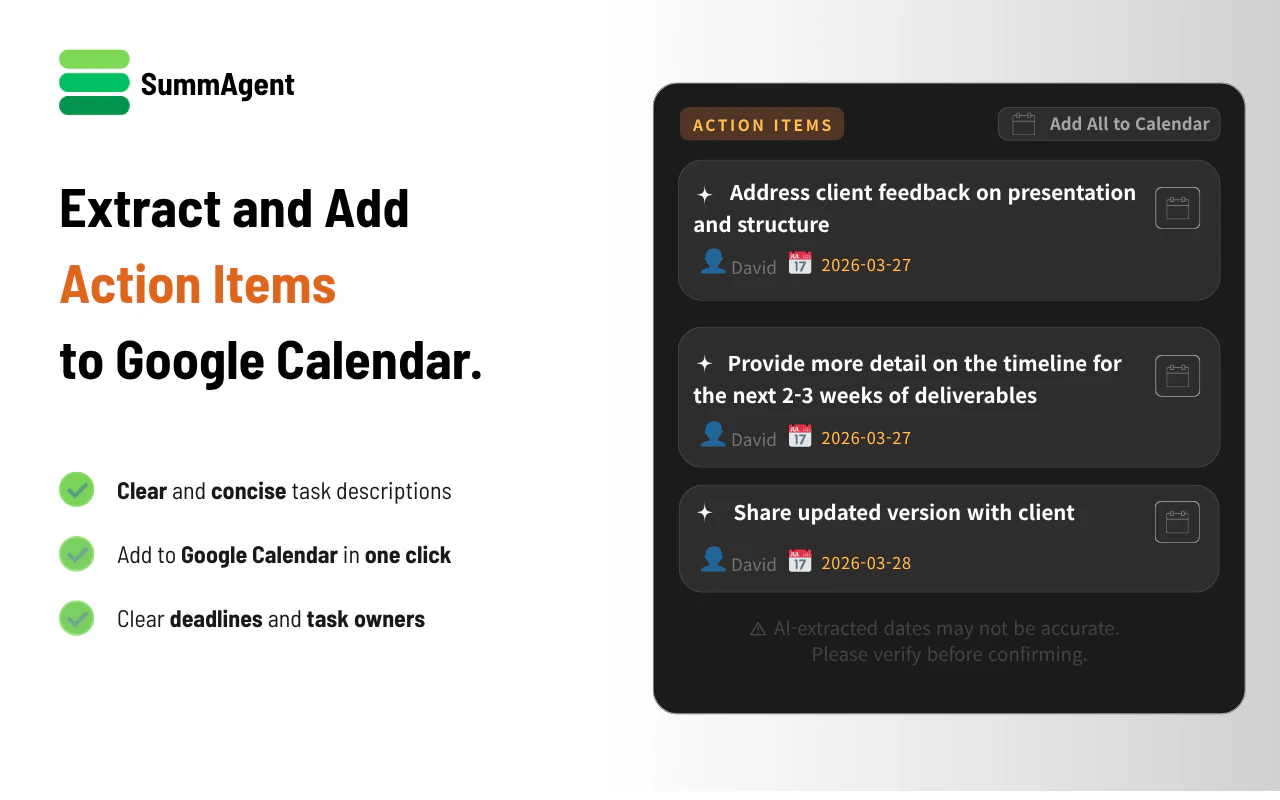
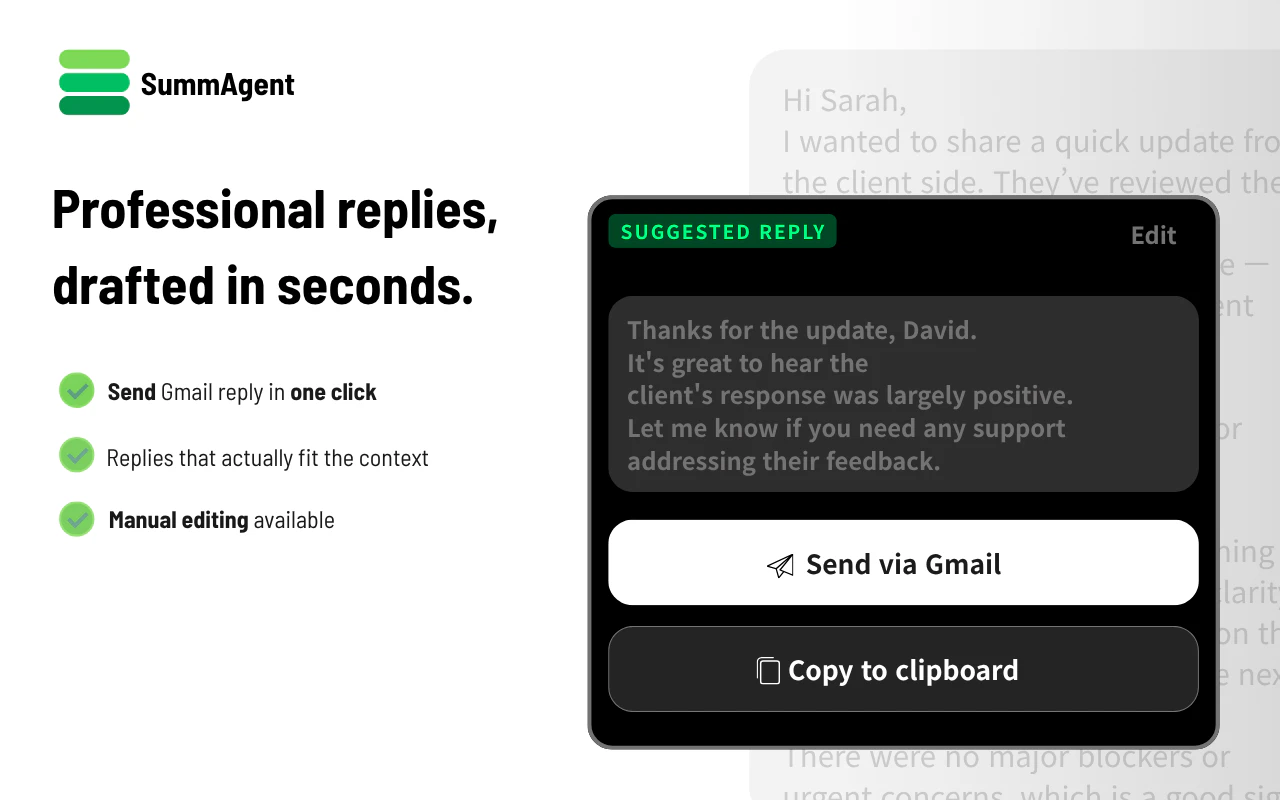
SummAgent is a Chrome extension that lives inside your Gmail. It doesn't just summarize; it understands and acts. Deep Context Summarization: Get the core of long threads instantly. Seamless Drafting: High-quality reply drafts that maintain professional tone. Action Items extraction: Automatically extracts what you need to do. Zero Workflow Friction: No switching tabs. It stays where you work.
Inbox fatigue is real, but the solution shouldn't be more work. I built SummAgent to eliminate the friction of switching between your emails and AI tools. By integrating directly into Gmail, SummAgent doesn't just summarize—it analyzes threads, extracts key action items, and drafts replies in one seamless flow. We focused on building a native experience that lets you stop managing your inbox and start focusing on execution. I’m excited to share this with you all today. I’ll be here to answer any questions and would love to hear your thoughts on how we can make your workflow even sharper. Let's make productivity effortless. Best, Tae-woo Founder, SummAgent"
1
回复

I like the idea of keeping everything inside Gmail !! How does it deal with messy threads where several people reply at the same time?

0
回复

This will save us time, but will it make the replies repetitive after some time?

0
回复

@prateek_kumar28 

Thank you for sharing your feedback.

First, I have established a rule that requires responses to always be based on numbers and facts.

Therefore, meaningless repetition does not occur.

Additionally, I have designed the system to prevent the use of words that people generally do not use, ensuring the conversation flows as smoothly as possible.

Finally, I eliminated the "repetitive" feeling by generating responses that match the sender's tone or context.

Of course, I am not saying it is perfect;

I will continue to listen carefully customer's opinion and feedback in the future to create the best app for users.

Thank you again for your valuable feedback 🙏🙏🙏

0
回复

action item extraction is the real value. 'let's revisit this' won't surface as a clean item though - those implicit commitments are the ones that actually get dropped.

0
回复

@mykola_kondratiuk 

That is a good point.

I also encountered the same problem during the early stages of development.

The solution I ultimately came up with utilized the AI's ability to grasp context to convert things

as clearly as possible into the YYYY-MM-DD format.

For schedules or appointments that could not be clearly determined,

I marked them as "Not specified" and added them to the day's schedule,

so they could be reviewed and checked later.

Thank so much for sharing your insight!! 🙏

0
回复
Hey Tewoo, that friction of switching between email and AI tools is such a quiet time sink. Was there a specific day where you caught yourself copying and pasting emails into ChatGPT over and over and thought why am I still doing this outside my inbox?
0
回复

@rapidly First of all thanks for your comment!

the reason I built this app is since I'm solo developer and korean, I can read and write english some degree but I found that It is quite tired to reading all english email and understanding the core of it and to understand emails, I had to frequently move chatGPT and translators...So I

built this! only keypoints and refined reply for clients!!

0
回复
#20
LinkShell
Control your AI terminal sessions from your phone.
71
一句话介绍:LinkShell是一款能让开发者通过手机远程查看和控制本地AI编程终端会话的工具,解决了离开电脑后无法监控和交互AI编码进程的痛点。
GitHub
远程终端控制 开发者工具 AI编程助手 移动办公 PTY桥接 自托管 WebSocket 局域网访问 开源软件 生产力工具
用户评论摘要:目前仅有一条来自开发者的产品发布自述评论,尚无真实用户反馈。评论中阐述了产品开发的初衷(远程管理AI编码会话)并详细介绍了技术原理与使用方法。
AI 锐评

LinkShell精准切入了一个新兴且具体的生产力缝隙:AI辅助编程场景下的“人机分离”困境。其价值不在于技术上的惊天突破,而在于对现有技术栈(PTY、WebSocket)进行针对性缝合,解决了AI编码助手(如Claude Code)交互过程中需要实时授权、确认这一刚产生的、真实的 workflow 断点。

产品思路犀利之处在于,它识别到AI编程并非纯被动输出,而是一个需要频繁交互的会话过程。将终端会话,特别是保留色彩、光标控制和信号传输的完整PTY,桥接到手机端,本质上是将手机扩展为这个特定工作流的轻量级控制面板。其提供的局域网直连和自托管远程网关两种模式,也体现了对开发者安全与隐私需求的务实理解。

然而,其面临的挑战同样清晰。首先,市场天花板可能有限,它深度绑定“使用本地终端AI编程助手”这一相对专业且可能演进的开发模式。若未来AI助手的交互模式或部署方式发生变革,其存在基础可能动摇。其次,作为开源自托管方案,对普通用户的易用性和商业化潜力构成约束。当前缺乏真实用户评论,其连接稳定性、延迟体验及实际场景下的不可替代性,仍需市场检验。

总体而言,LinkShell是一个构思巧妙、解决瞬时痛点的“手术刀式”工具。它未必会成为现象级产品,但足以在特定开发者群体中建立牢固的实用价值口碑,是观察AI工具如何催生周边生态补丁的一个典型样本。
查看原始信息
LinkShell
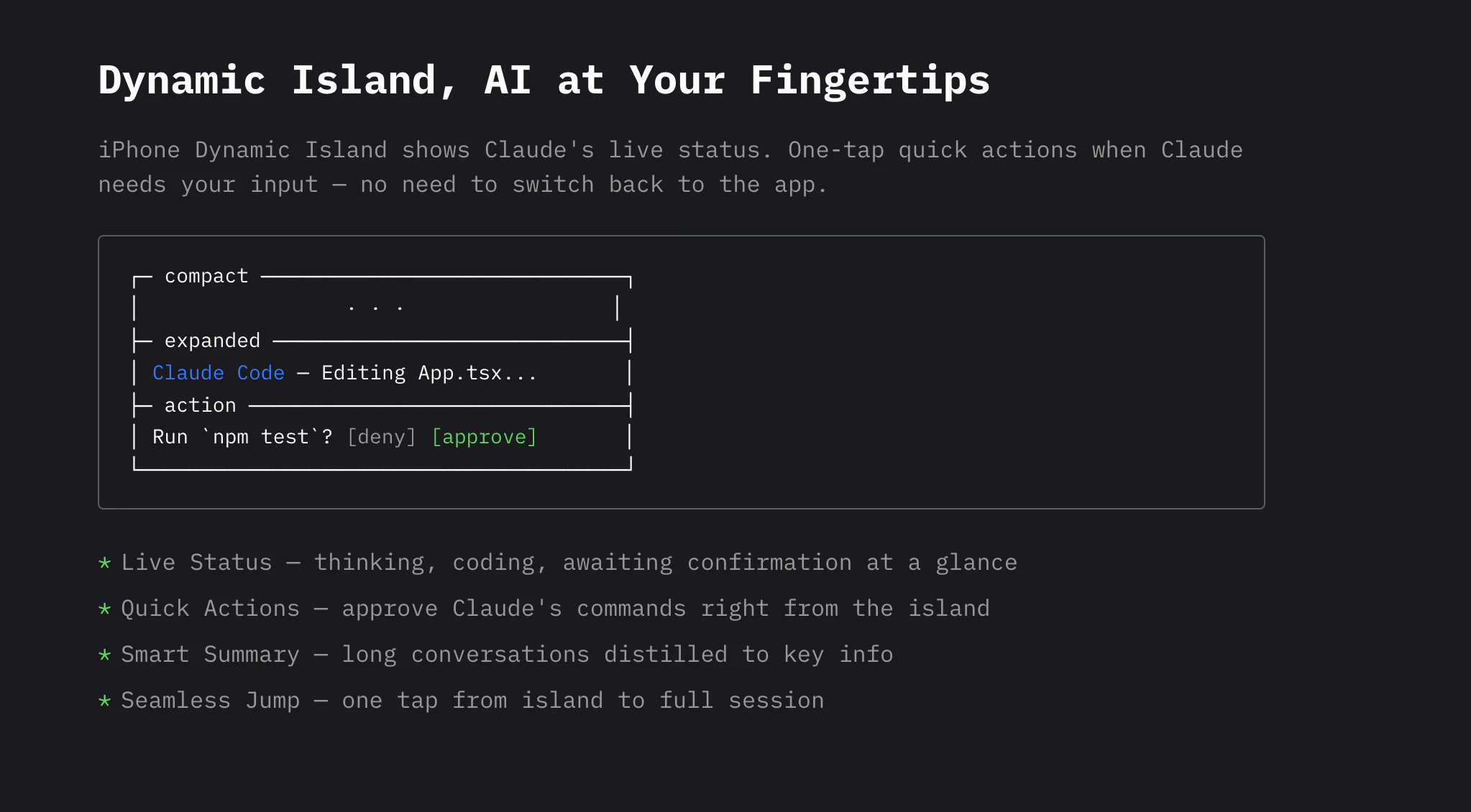
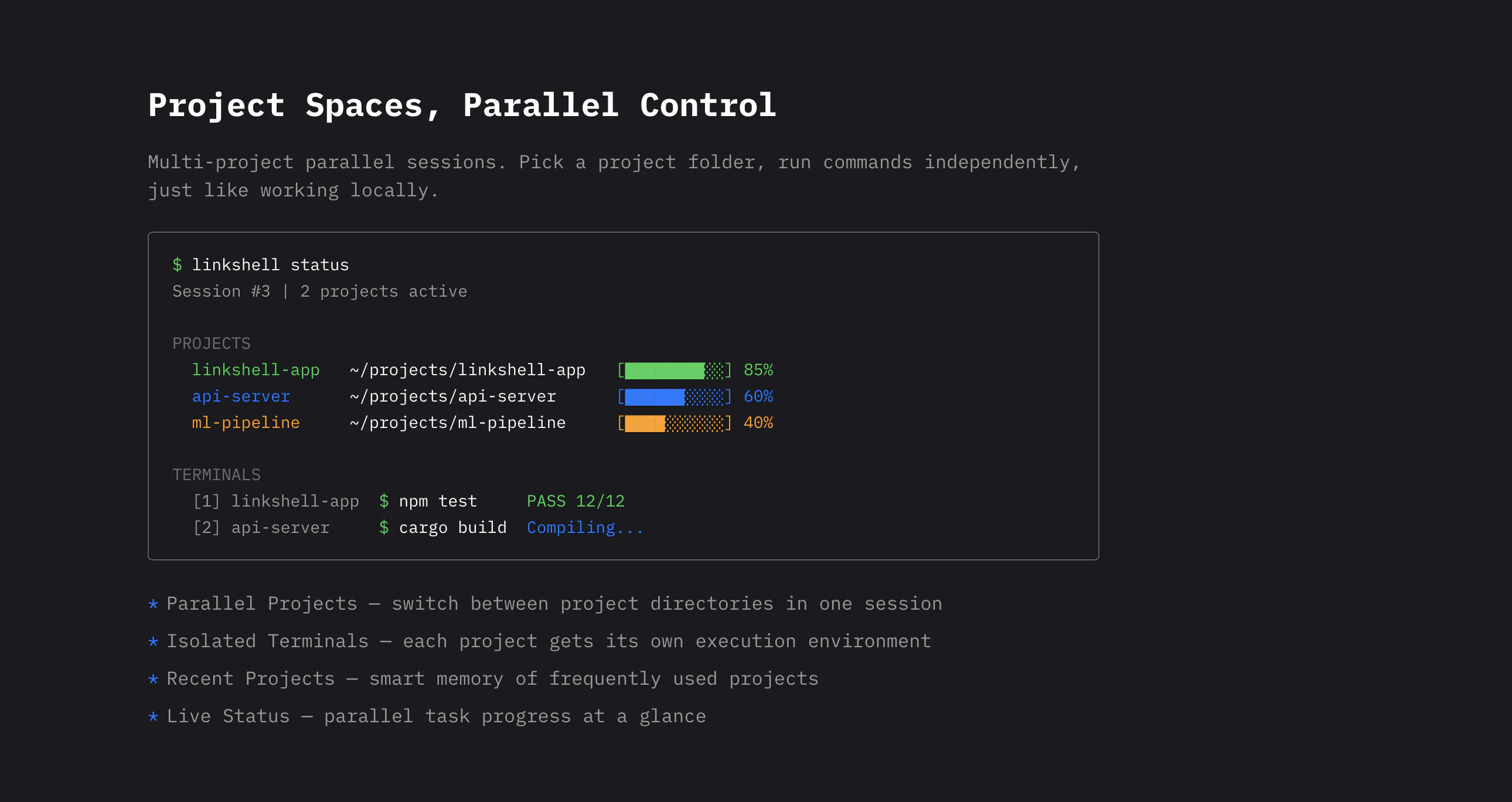
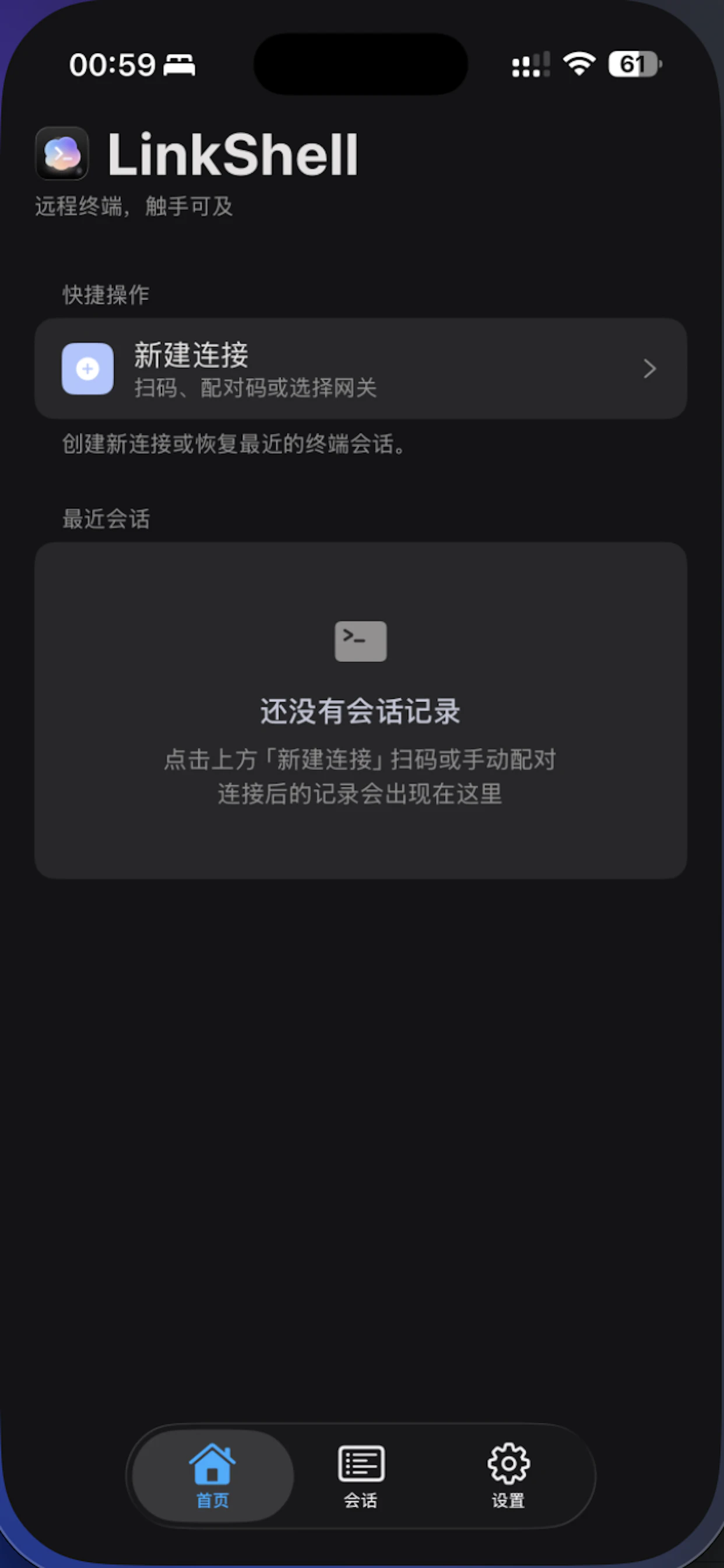
LinkShell lets you view and control Claude Code, Codex, Gemini, or Copilot terminal sessions from your phone. It bridges a real PTY session over WebSocket, preserving colors, cursor control, and signals. Start with one command, pair via QR code, and you're connected. Works on LAN with built-in gateway or across networks with a remote server. Supports reconnection recovery, scrollback buffer, and optional desktop screen sharing. Built for developers who use AI coding assistants.
👋 Hey Product Hunt! I built LinkShell because I kept running into the same problem — I'd kick off a Claude Code session on my laptop, walk away to grab coffee, and have no way to check on it or approve permission requests from my phone. LinkShell bridges your local AI terminal (Claude Code, Codex, Gemini, Copilot) to your phone over WebSocket. It's a real PTY bridge, not just text mirroring — colors, cursor control, Ctrl+C, everything works. How it works: - Run linkshell start --provider claude on your machine - Scan the QR code with the app - You're connected. Full terminal control from your phone. It works on LAN out of the box (built-in gateway, zero config), or you can deploy the gateway on a server for remote access. The whole thing is open source and self-hosted. Would love to hear your feedback!
0
回复