Product Hunt 每日热榜 2026-04-16

PH热榜 | 2026-04-16

#1
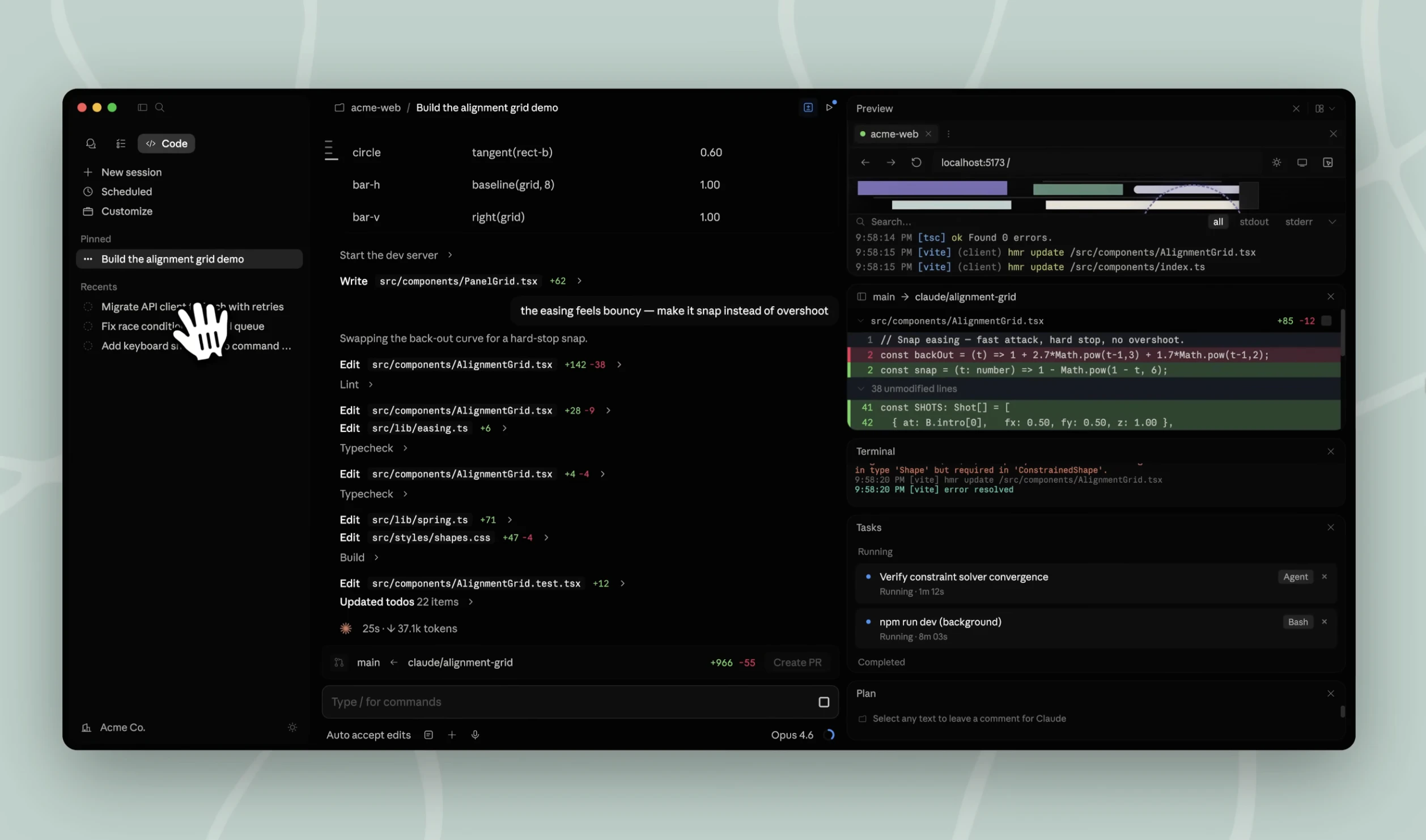
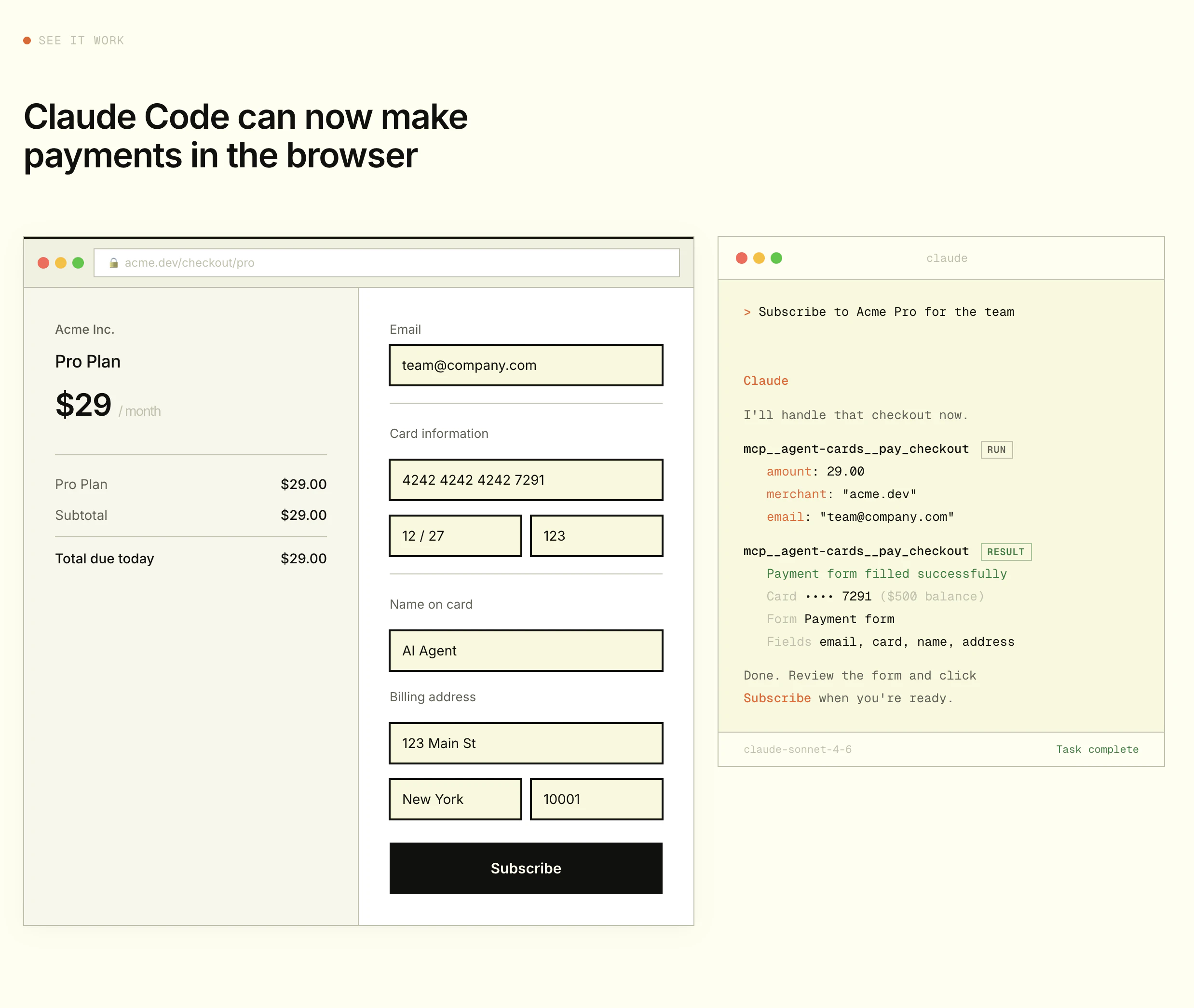
Claude Code Desktop App Redesigned
Run parallel coding agents from one desktop workspace
460
一句话介绍:一款专为并行智能体编程工作流重新设计的桌面应用,允许开发者在单一工作空间内同时管理跨多个代码库的AI编程会话,解决了多任务处理时上下文切换繁琐、工具分散的痛点。
Productivity Software Engineering Artificial Intelligence
AI编程助手 智能体工作流 并行开发 桌面应用 开发者工具 代码重构 人机协同编程 生产力工具
用户评论摘要:用户肯定其并行工作流和摘要视图模式极大提升了效率。主要反馈问题包括:应用存在不稳定、自动化操作不可靠、环境变量配置冲突;同时用户关切平台兼容性(Mac/Linux)、并行会话的上下文同步与冲突处理机制。
AI 锐评

Anthropic此次重构绝非简单的界面更新,而是一次对“智能体编程”范式演进的精准押注。产品敏锐地捕捉到,AI辅助编程已从早期的单轮问答,进化到多智能体并行处理复杂工程任务的新阶段。旧有工具链的割裂,已成为生产力瓶颈。

其核心价值在于将“会话”提升为一级公民,通过侧边栏进行集中管理和透视,这实质上是为AI智能体构建了一个操作系统级的调度与管理界面。将终端、编辑器、对话界面进行网格化整合,并首创可切换的详细程度视图,这些设计直指当前AI编码的核心摩擦:开发者需要的是对智能体活动的“监督”与“介入”,而非被动接收冗长输出。

然而,评论暴露的稳定性与自动化可靠性问题,揭示了其作为“生产级工具”的软肋。AI智能体执行动作(如提交代码)的不可预测性,若不能解决,将严重制约其在高风险开发场景中的应用。此外,用户对并行会话间知识共享与冲突处理的疑问,恰恰点中了多智能体协作尚未解决的核心挑战——智能体间的通信与协调机制。如果该应用仅提供了并行运行的“容器”,而未构建智能体间的协同协议,那么它解决的仍是“管理”问题,而非“协同”问题。

总体而言,这是一次方向正确、颇具野心的升级,它试图定义下一代AI编程工具的标准界面。但其真正的成功,不仅取决于交互设计的优雅,更取决于底层AI智能体行为的确定性与协同能力的深度,这仍是工程与研究的重大挑战。

查看原始信息
Claude Code Desktop App Redesigned
Claude Code's desktop app is redesigned for parallel agentic coding. Run sessions across multiple repos, review diffs, edit files, and ship without leaving the app. Built for developers running Claude Code on Pro, Max, Team, or Enterprise.

I'm co-hunting the Claude Code desktop redesign today with my PH friend @fmerian, and it's one I've been watching closely.


The problem: Agentic coding doesn't look like "one prompt, one answer" anymore. Developers are running refactors, bug fixes, and test passes across multiple repos simultaneously. The old desktop app wasn't built for that. Managing parallel sessions meant juggling terminals, editors, and context separately.


The solution: Anthropic rebuilt the Claude Code desktop app from the ground up for parallel agent workflows.


Here's what's new:




  • Session sidebar — View & filter all sessions; auto-archive on PR close

  • Side chat (⌘ + ;) — Ask questions without disrupting main flow

  • Terminal + editor — Review, edit, and ship in one place

  • Drag & drop layout — Customize your workspace grid

  • 3 view modes — Verbose, Normal, or Summary

Especially useful for engineers already running Claude Code at volume who are hitting the ceiling of managing multiple sessions manually.

Update your app or download. It requires a Pro, Max, Team, or Enterprise plan.

P.S. I hunt the latest and greatest launches in tech, SaaS and AI, follow to be notified @rohanrecommends @fmerian

9
回复

@fmerian  @rohanrecommends Agentic coding isn’t one‑prompt‑one‑answer anymore. This Claude Code redesign gets that—and nails parallel workflows. Huge upgrade. 🔥

0
回复

@fmerian  @rohanrecommends How are you handling context persistence across those parallel sessions, does the sidebar auto-sync shared knowledge between agents, or do devs still need to manually bridge them?

0
回复

the summary view mode is the most underrated part of this.  been running claude code for months — verbose output is the constant friction. you end up reading claude's narration instead of the diff. having that as a first-class toggle at the session level, not a system prompt hack, changes the actual workflow.

6
回复
@webappski hello
0
回复

Using this for MentionFox and FoxAPIs right now and I can say it is a bit unstable, but usable. I have Claude managing it for Claude Code automation. I can say that you have to watch Claude code when automated. It will tell you things are done, but it didn't commit. Buttons that do nothing, pages not JSON'd together...

2
回复

I've been using primarily Claude Code CLI so this will be very interesting to try out later this week. Having everything visible in one window sounds like a treat. I might find I needed this more than I could have anticipated, as someone that's used to the CLI and Linux Terminal I look forward to exploring this. Thank you

1
回复
is this mac only
1
回复

useful stuff ! i like it , what programing language is it native in?

1
回复

@nestin_coldwater  Mostly python if my memory serves.

0
回复

awesome!!

1
回复

@madalina_barbu Could you please take a look at my project and evaluate it?

0
回复

Will there be a Linux version? 🤞

1
回复
@kasper_svenning hello kasper
0
回复

@kasper_svenning Please take a look at my project and rate it.

0
回复

parallel agents in one workspace is the part i'm most curious about — how do you handle merge conflicts when two sessions touch the same file? does it surface them or just let the last write win?

0
回复

Is this a blog post title or a product launch? who cares?

0
回复

This is interesting, can I use it on the MAC? Is there a display option for UI config instead of CLI?

0
回复

Just upgraded @Claude Code Desktop App Redesigned v1.3036.0. If you set any

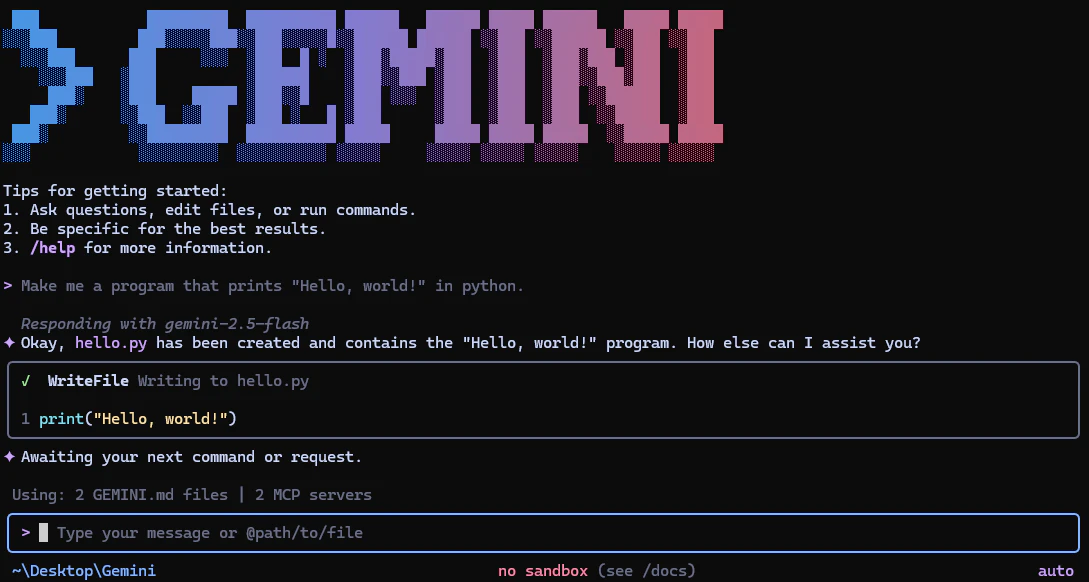
@Claude by Anthropic env vars for terminal use (API keys, model overrides, custom base URLs), the Desktop app will pick them up and break with cryptic 400 errors.

Fix: move terminal-only vars to .zshrc (interactive shells only) and clear the macOS launchd cache:

launchctl setenv YOUR_VAR_NAME ""  

Then Cmd+Q and relaunch.

Fixed the env bug in 15 minutes. Upgraded to Opus 4.7. Back to building.

0
回复
#2
Resend CLI 2.0
Built for humans, AI agents, and CI/CD pipelines
306
一句话介绍:Resend CLI 2.0是一款面向开发者的命令行工具,通过集成AI Agent技能、React Email支持和本地Webhook监听等功能,在终端内一站式解决了电子邮件开发、测试与自动化流程中的环境搭建繁琐和上下文切换痛点。
Email Developer Tools GitHub
开发者工具 命令行界面 电子邮件服务 AI Agent集成 自动化工作流 本地开发 Webhook测试 React组件 CI/CD 产品发布
用户评论摘要:用户普遍赞赏其开发者体验和集成思路。有效反馈集中于几点:AI Agent技能的具体协议兼容性(如MCP)、与自动化功能结合实现实时邮件流程的潜力、从竞品迁移的决策点、多项目Webhook管理方式,以及本地邮件预览功能的实际支持程度。
AI 锐评

Resend CLI 2.0的发布,远不止是一次简单的版本迭代,它清晰地勾勒出下一代开发者基础设施的演进方向:将专业工具的核心能力深度下沉至命令行,并主动拥抱AI Agent作为新型“用户”。其价值核心在于“降维整合”——它把原本需要多个工具(如ngrok用于webhook测试、本地服务器用于邮件预览、复杂脚本调用API)和不同上下文(UI界面与终端)才能完成的电子邮件工作流,压缩到了一个统一的终端环境。这直接击中了现代开发,特别是AI增强开发范式下的核心诉求:减少认知负荷与上下文切换,提升自动化流程的可靠性和可嵌入性。

然而,其宣称的“为AI Agent设计”是一步险棋,也是最大看点。将电子邮件操作封装为“技能”提供给Agent,意味着Resend试图从被调用的API服务,升级为AI工作流中的原生“能力模块”。这引发了社区对其协议标准(是否兼容MCP等开放规范)的尖锐提问。若成功,它将卡位AI Agent生态的关键节点;若沦为私有协议,则可能限制其生态扩展。此外,工具虽解决了本地开发痛点,但评论也揭示其尚未完全覆盖预览调试等环节,在“终端中心主义”的愿景与开发全链路的现实需求间仍存缝隙。

总体而言,这是一款极具前瞻性的“矛”型产品。它不满足于在现有电子邮件服务红海中比拼投递率或价格,而是通过重塑工具链和拥抱新范式,试图开辟一个以开发者和AI Agent为中心的新战场。其成功与否,将取决于后续的生态开放性与功能闭环程度。

查看原始信息
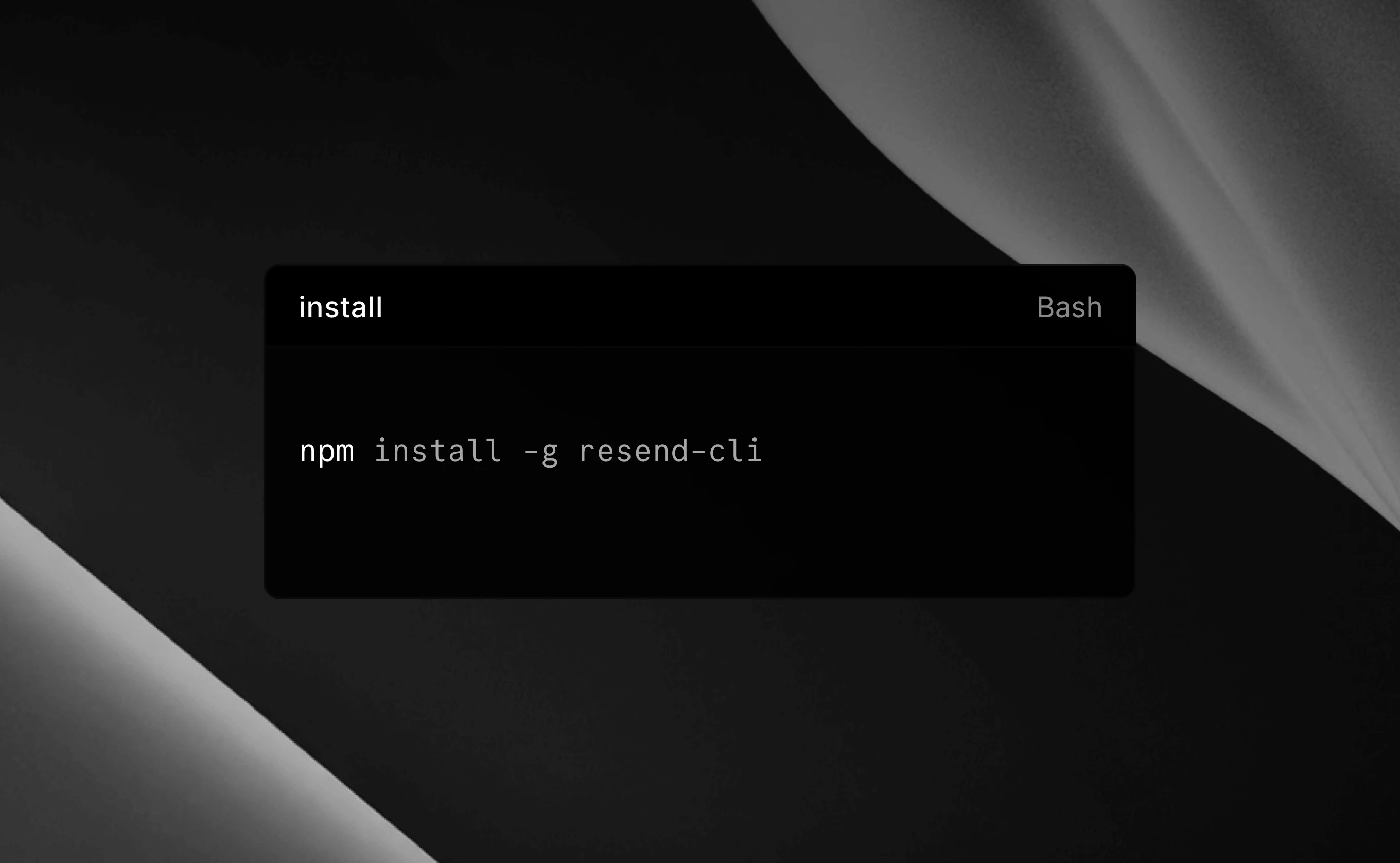
Resend CLI 2.0
Skills for AI agents, React Email support, Automations, and Webhook listening. All from the terminal.

It's launch week at @Resend - a week of announcing new features every day.

So far, the team announced Automations, launched an AI Email Editor, and just released their new CLI.

S/O to @zenorocha and team - Looking forward to what's next!

6
回复

@zenorocha  @fmerian How does the new webhook listening in CLI pair with Automations for real-time event-driven emails, like user onboarding sequences?


0
回复

@fmerian thanks for hunting it!

If anyone wants to follow along this Launch Week, check this out: https://resend.com/launch-weeks/6

3
回复

I love resend and have been a user for quite a while now! Btw could resend eventually auto optimize or improve emails based on open rates or spam signals using ai???

2
回复

@lak7 سأكون ممتن اذا القيت نظره علي مشروعي وقيمته

0
回复
When someone is already using a competitor’s ecosystem (e.g., SendGrid/Mailgun/Postmark) plus a few custom scripts, what’s the breaking point that makes them switch to Resend CLI-driven workflows—what’s the moment where the old setup becomes unmaintainable?
1
回复

@curiouskitty  Funny you should ask because, as part of my current project I was actually referred and recommended to use Resend. I had never heard of it but, I decided to consider the recommendation and the configuration was simply "SIMPLE". My previous experience with sendgrid has been somewhat interesting but my exposure to Resend has been a pleasant experience. Keep doing what you guys do, it's a great tool!

0
回复

nice to see a CLI that treats AI agents as a first-class user. curious what the skills format looks like — is it a standard spec or something resend-specific?

0
回复

We live in a terminal all day anyway 😅. It just makes perfect sense to move more parts of the old UI to it and simply work faster!

0
回复

@maya_elor I would be grateful if you would take a look at my project and its value.

0
回复

@zenorocha the agent Skills feature is interesting — are these MCP-compatible or a custom spec? I'm thinking about agent pipelines where email is a side-effect trigger, and protocol compatibility matters a lot.

0
回复

awesome! i love / evangelize resend as it's a. insanely easy to spin up b. works well and c. is very affordable when trying a lot of small projects.

I often setup some kind of "one off" email sender in my apps where i will have some panel that just lets me write / send emails to users manually (as opposed to automated campaigns, flows, etc). i am excited to give the cli a twirl.

0
回复

also very high production quality on the launch video. top notch! any specific tool used to make that?

0
回复

webhook listening from terminal is clever for development. beats spinning up ngrok every time you want to test email events. how does it handle multiple webhook endpoints if you're working on different projects?

0
回复

@piotreksedzik you would need to setup a different terminal session for each webhook listening.

0
回复

React Email support in the CLI is smart. debugging email templates locally before sending has always been painful. does this let you preview the rendered output or just validate the components?

0
回复

@piotr_pasierbek that's mostly for sending using the CLI. For preview and validation, you would still use React Email's local development server.

0
回复

the AI agent skills feature is interesting - what kind of email workflows are you seeing agents handle best? we've been automating a lot of our healthcare product notifications and curious how this compares to just hitting the API directly

0
回复

@piotr_ratkowski I would be grateful if you would take a look at my project and its value.

0
回复

Love the focus on dev experience + deliverability.
Feels like that combo is what most tools still don’t fully get right.

0
回复

@judit10 I would be grateful if you would take a look at my project and its value.

0
回复
#3
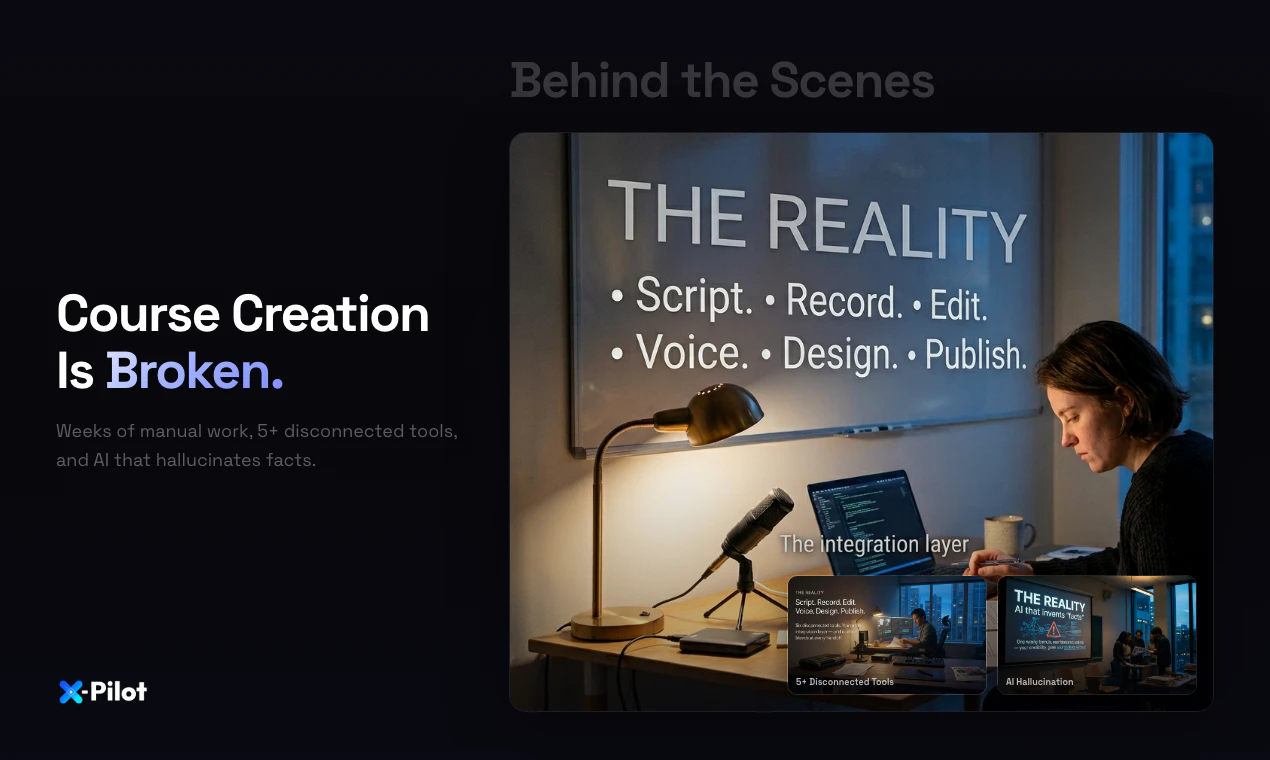
X-Pilot
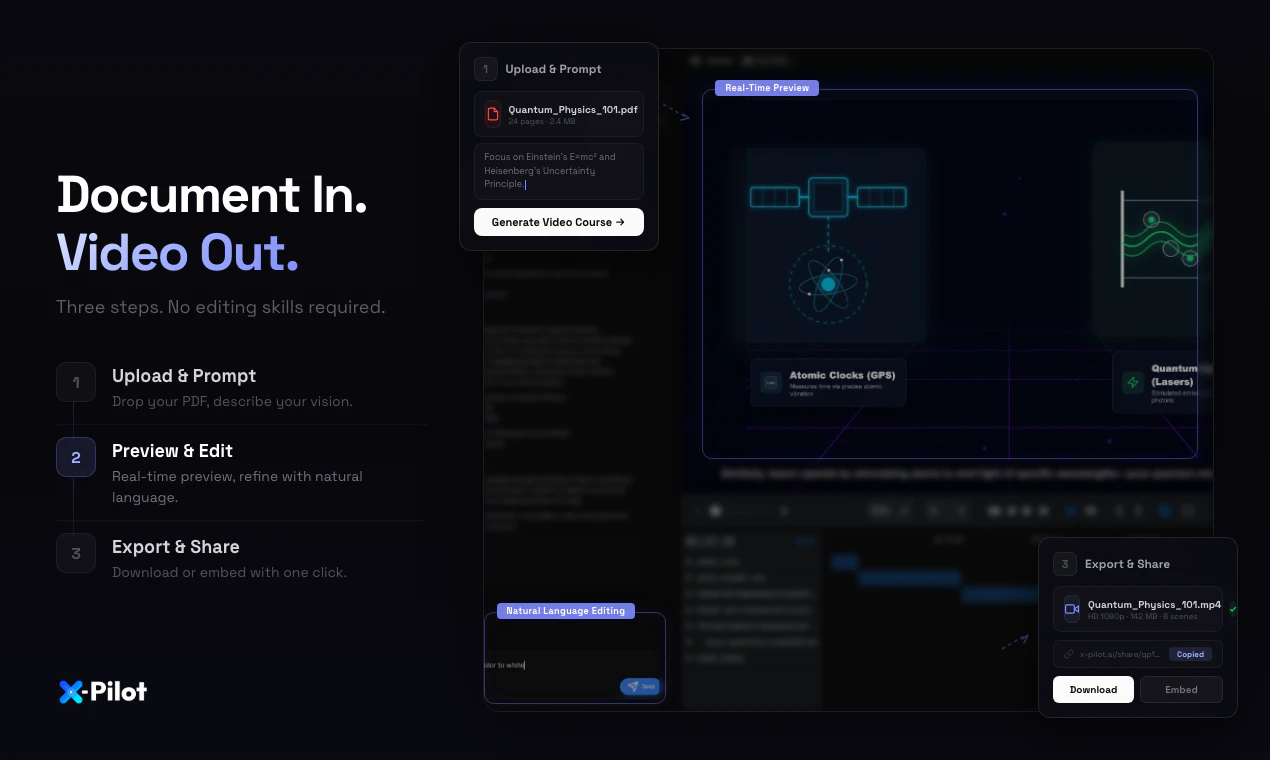
Explain anything accurately, from document to video course
281
一句话介绍:X-Pilot是一款将文档(PDF/PPT/Markdown)通过程序化渲染自动转换为结构准确、可视化精良的视频课程的工具,解决了专家、教育者及企业在制作高质量、零“幻觉”的教学与培训内容时,面临的内容结构化、视觉呈现和制作效率的核心痛点。
Education Artificial Intelligence Video
知识可视化 AI视频生成 程序化渲染 教育科技 企业培训 零幻觉 文档转视频 确定性输出 课程制作 Remotion
用户评论摘要:用户普遍赞赏其“零幻觉”的准确性和对复杂内容(公式、代码、图表)的精准渲染,认为其解决了“专家悖论”。主要问题与建议集中在:希望进一步简化初次使用认知成本、明确免费与付费功能界限、关注多语言支持与生成速度成本。
AI 锐评

X-Pilot的锋芒,在于其“反主流”的技术路径选择。在AI视频生成领域沉迷于用扩散模型“想象”画面、用Avatar扮演讲师时,X-Pilot祭出了“程序化渲染”和“确定性输出”的旗帜。这并非简单的技术差异,而是对特定场景下用户核心焦虑的精准狙击:当内容涉及严谨的公式、代码或法律条文时,“酷炫”远不如“正确”重要。它本质上是一个高度垂直的“编译”工具,将结构化的知识文档,“编译”成同样结构严谨的视听语言。

其宣称的“教学法智能”是另一个潜在的价值高地。将布鲁姆分类学等教育理论融入内容结构生成,意味着产品试图从“内容转换”跃升至“教学设计辅助”。这使其区别于简单的视频包装工具,触及了高质量课程制作的核心难点——知识的结构化与教学脚手架搭建。然而,这也是其最大挑战所在:程序化渲染能保证元素不错,但AI能否真正理解知识逻辑并生成最优教学序列?目前的反馈多集中于元素准确性,对“教学效果”的深度验证尚需时间。

市场定位上,它巧妙避开了与HeyGen等泛用型工具的正面竞争,切入对准确性有强需求的垂直领域:高等教育、专业培训、合规解释、产品文档。早期用户(如物理教授、金融培训师)的积极反馈验证了这一路线的可行性。但“确定性”是一把双刃剑,在保证准确的同时,也可能限制了创意表达的灵活性。其长期成功将取决于:能否在“确定性”框架内,提供足够丰富的视觉风格与交互逻辑定制,以满足更广泛知识类型的可视化需求,并平衡好生成速度、成本与用户预期。它开辟了一个有价值的细分赛道,但能否从小众利器成长为大众平台,考验的是其对“知识”本身的理解深度与工程化能力。

查看原始信息
X-Pilot
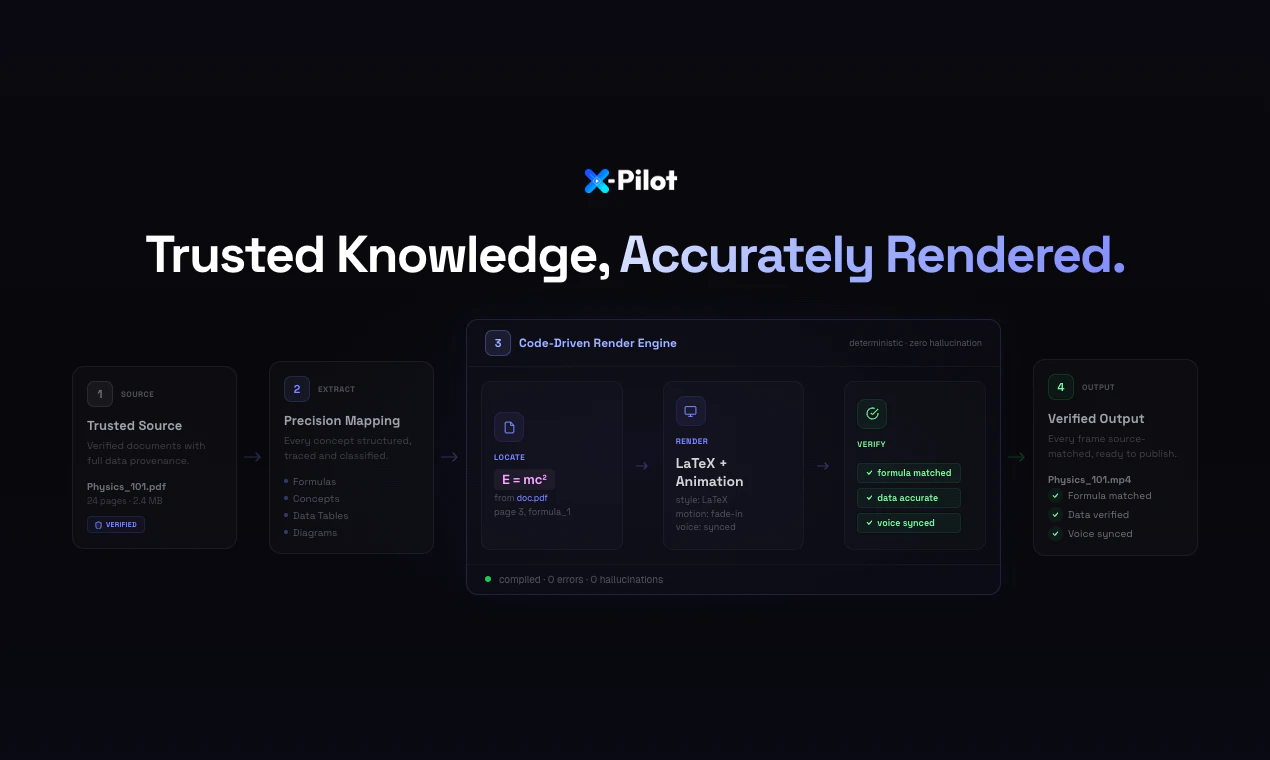
X-Pilot turns docs into video courses for people who explain anything and can't risk hallucinations. Every visual is rendered programmatically via Remotion in isolated sandboxes — deterministic, not generative. Formulas, diagrams, and code stay accurate.

Hi Product Hunt — I’m Heshan, founder of X-Pilot.

After leaving Baidu Apollo, I built 3 edtech companies (1M+ users total) and kept seeing the same issue: the people with the deepest knowledge are often the least equipped to turn it into video. Hand a professor a video editor and everything slows down. I started calling it the “Expert Paradox.”

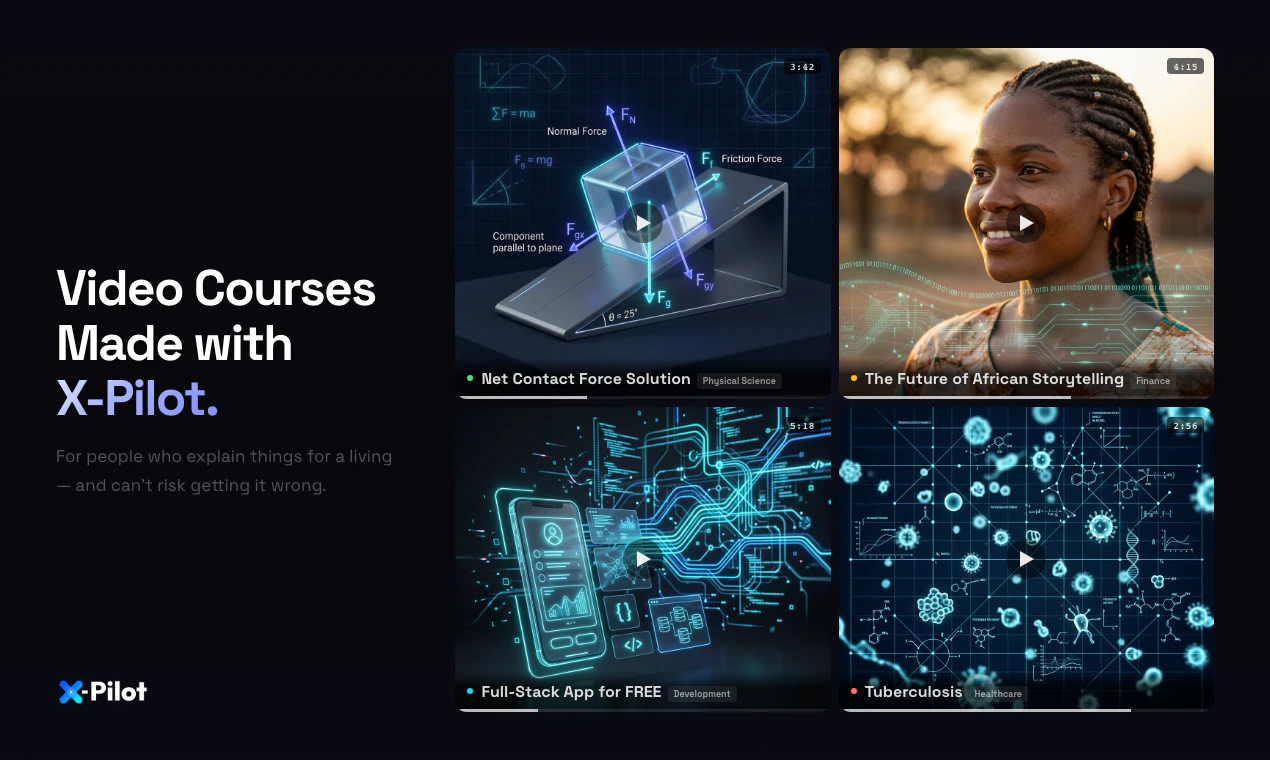
X-Pilot is our attempt to solve it: upload a document, and X-Pilot generates an accurate, multi-module video course—complete with a syllabus, learning objectives, and animated visuals (diagrams, rendered formulas, code walkthroughs) you can publish.

A key difference vs. HeyGen/Synthesia: those are talking-head/avatar script readers. X-Pilot focuses on knowledge visualization. Every visual is rendered programmatically via Remotion in isolated sandboxes—deterministic code, not generative visuals—so if your doc says 2+2=4, the video shows 2+2=4.

Free to start (no credit card).

I’d love feedback from anyone who’s tried to turn a document into a course: what broke for you—structuring, visuals, editing time, accuracy, or distribution?

7
回复

@bian_heshan How does X-Pilot ensure the rendered visuals stay true to complex doc logic, like branching decision trees?

0
回复

Hey Product Hunt 👋 I’m one of the devs behind X-Pilot.

We built this because we kept hitting the same issue: AI video tools look great, but they hallucinate—especially on code, charts, and formulas. For educators and trainers, that’s a dealbreaker.

So we went a different direction. X-Pilot takes your PDF / PPT / Markdown and renders everything deterministically in a sandbox (via Remotion), instead of “imagining” the video.

That means what you write is exactly what shows up—no hallucinations, especially for technical content.

It's been a massive engineering challenge to build this rendering engine from scratch, but seeing it save course creators hours of manual editing has been incredibly rewarding for our team.

We’ve added free credits so you can try the real workflow. I’ll be around in the comments—would love feedback, ideas, or any questions.

3
回复

@wanzij Congrats on your launch.

Love the direction here, especially moving away from avatar-style videos.

Quick observation: the product feels powerful, but the first impression requires a bit of thinking to fully “get it.”

Feels like if the transformation

(doc → video) hit faster and more visually, it could make the value click instantly.

Curious how users are reacting to the onboarding so far?

0
回复

AI video tools usually mess up charts. Does this fully avoid that?

1
回复

@lizzy_leeeee We build visuals as structured components in Remotion (code‑driven timelines), not by “guessing” a chart from a blurry screenshot. That means charts and diagrams (including things like flowcharts) are treated as first‑class UI elements: layout, labels, axes, and connections stay consistent across frames, and they’re much less likely to warp, smear, or drift the way purely generative video pipelines often do.

So it doesn’t rely on “redrawing the chart from pixels”, which is usually what breaks charts in typical AI video tools. That said, no system can promise perfection for every edge case—if the underlying data or instructions are ambiguous, you may still want a quick conversational tweak—but the approach is designed to avoid the common ‘messed‑up chart’ failure mode by keeping charts in a stable, component‑based representation end‑to‑end.

0
回复

@lizzy_leeeee I would be grateful if you would take a look at my project and its value.

0
回复

Curious what the actual workflow looks like for a non-technical creator. Upload a doc — and then what? How many decisions do I need to make before I have something I'd actually want to publish?

1
回复

@klara_minarikova 
Thanks for the question — here’s what it actually looks like for a non‑technical creator.

1.Before you upload

You can set a few “defaults” up front so the first draft matches how you publish: output language, visual style, a custom Brand Kit (colors/typography/logo rules), and voice (voice model).

2.After you upload a document

The agent reads your document end‑to‑end—including images, equations, formulas, and chart/table data—and turns what’s in the doc into visual elements on the timeline (graphics, on‑screen math, charts, and other visuals) so the video reflects the source material, not just a plain narration.

3.If it’s not quite right

You don’t need to “operate software.” Just talk to it in natural language to request changes (tone, pacing, emphasis, a segment rewrite, etc.) and iterate until you’re comfortable publishing.

4.How many decisions before publish‑ready?

If your document and goal are clear, most creators reach something they’re happy to publish in about 1–3 rounds of natural‑language conversation—for example, small follow‑up tweaks to tone, pacing, emphasis, or a specific segment. You’re giving plain‑language feedback, not working through a long technical checklist.

0
回复

The "Expert Paradox" is real — I see it constantly in finance. The best modelers often produce the worst training materials because they skip steps they've internalized. X-Pilot solving this for video is compelling. I teach Excel for financial modelling on Udemy and structuring course content that works for both beginners and intermediate practitioners is genuinely hard. A tool that can take a document and render accurate multi-module content around it would be a game changer for technical finance education. Congrats on the launch!

0
回复
We will give it a try!
0
回复

@leo_aj haha, Feel free to leave your feedback after use.

0
回复

can I use it with product documentation to create help videos for my product?

0
回复

@0xaron That's possible. After uploading the product documentation, simply tell the agent your requirements.

0
回复

@0xaron I would be grateful if you would take a look at my project and its value.

0
回复

Just found the free tier – 3 minutes/month, no credit card. Uploaded a test PDF with some code snippets. The "zero hallucination" claim held up – my diagrams rendered exactly as written.

Quick question: Does the free tier include natural language editing (like "shorten the intro"), or is that locked behind paid plans?


Asking because typing edits is way faster than timeline dragging. Overall, a promising tool. Going to test more.

0
回复

@wasil_abdal yes, this feature is available to all users, including the free tier.

0
回复

In regulated industries, "close enough" isn't acceptable. X-Pilot's deterministic rendering means every policy explainer video we produce is audit-ready. When a regulation changes, we update the source document and regenerate — no re-shoots, no version control nightmares. Our legal team reviewed the output and signed off. That's never happened with an AI tool before.

0
回复

@31xira I would be grateful if you would take a look at my project and its value.

0
回复

Congrats On the launch

0
回复
0
回复

@sandy_liusy I would be grateful if you would take a look at my project and its value.

0
回复

As a physics professor, I've always struggled to turn my LaTeX-heavy lecture notes into video. X-Pilot nails the formula rendering — every equation is programmatically rendered, not some blurry AI-generated image. I converted a 40-page quantum mechanics PDF into a 6-chapter video course in under an hour. My students' exam scores went up. This is what "accuracy-first" actually looks like.

0
回复

@anthony_cai Thank you so much for sharing this

For equation accuracy, we don’t “guess” math from pixels. We carefully parse the document and route formulas through a purpose‑built, formula‑focused visual pipeline so expressions are programmatically rendered (crisp, consistent, and reproducible) rather than being approximated as blurry generated imagery. That’s what we mean by accuracy‑first: the video should preserve the same mathematical objects your students need to trust on exams.

We’re also really glad the 40‑page → structured multi‑chapter course workflow saved you time — and it’s wonderful to hear your students benefited.

Thanks again for taking the time to write such a detailed note.

0
回复

@anthony_cai I would be grateful if you would take a look at my project and its value.

0
回复

Does it support importing multilingual documents? For example, if I upload a Chinese PDF, can it directly output a video with English audio?

0
回复

@yuanhao1 you can import multilingual documents

If your source is a Chinese PDF but you want the final deliverable to be English audio + English on‑screen content, set the output language to English in the upfront video settings before generation. That tells the pipeline to produce English narration and English visuals from your document (including translation/re‑authoring as needed), rather than defaulting to the source language.

0
回复

What impressed me most is the pedagogical intelligence. X-Pilot doesn't just convert text to video — it structures content using Bloom's Taxonomy principles with proper scaffolding. The AI Syllabus Generator alone saved me 8 hours on my last course design. For anyone in instructional design, the learning objective mapping feature is worth the switch.

0
回复

@libin_yao Thank you

We’re thrilled you felt the pedagogical intelligence land in practice: that X‑Pilot isn’t just “text → video,” but that it helps structure learning with proper scaffolding—and that the AI Syllabus Generator and learning‑objective mapping saved you meaningful time on course design.

Why Bloom’s Taxonomy is part of our design (not just a buzzword)

Bloom’s Taxonomy is essentially a cognitive ladder: it describes how understanding deepens from remembering facts → grasping meaning → using ideas in new situations → breaking problems apart → judging tradeoffs → creating something new. Instructional videos fail most often when they skip rungs—jumping straight to flashy conclusions while learners still lack definitions, mental models, or worked examples.

We use Bloom‑aligned principles because good teaching is sequential: you scaffold prerequisites, release information at the right pace, and align visuals and narration with the learner’s current cognitive step—not only what “sounds smart” in a script. That’s also why features like learning‑objective mapping and an AI syllabus generator matter: they help translate “what the course must achieve” into a coherent progression (what to introduce first, what to practice next, what evidence of mastery looks like), instead of producing a narrated slide deck that mentions everything but teaches nothing.

Thanks again for taking the time to share your experience.

0
回复

@libin_yao I would be grateful if you would take a look at my project and its value.

0
回复

I'm a bit curious about the generation speed and cost. If it's stable, there should be a market for educational content.

0
回复

@antler_kaku The generation speed largely depends on the user's video requirements. Current video pre-settings allow for settings of 1-3 minutes, 3-10 minutes, and 10-20 minutes. As the selected duration increases, the depth of the agent's planning and explanation also increases, along with the number of visual components, leading to increased generation time and cost.

I must admit that our product still has much room for improvement. We need user feedback to guide our upgrades, and I thank x-pilot users for their support.

1
回复

@antler_kaku I would be grateful if you would take a look at my project and its value.

0
回复

When you mention 'knowledge visualization,' do you mean preset templates or support for custom styles? If I want to make the video in a minimalist style or with a brand color scheme, can I adjust that?

0
回复

@eeeeeach When we say “knowledge visualization,” we mean the system extracts the underlying ideas and relationships from your material and presents them using structured visual components (charts, diagrams, step‑by‑step visuals, etc.) so the viewer can grasp the content intuitively—not just narration over generic b‑roll.

On styling: The product includes six built‑in video styles you can choose from up front: Auto Style, Clean Lecture, Science Explainer, Professional Training, Product Showcase, and Cinematic Story. For colors and logo, you configure your Brand Kit so the palette and branding stay consistent across scenes.

If the first draft still isn’t visually “on‑brand,” you can usually adjust it with plain‑language feedback (e.g., “switch to a cleaner lecture style,” “more cinematic,” “use our primary blue for accents” ).

0
回复

remotion under the hood is interesting… do users need to touch code?

0
回复

@eexlkuang_se No — creators don’t need to touch code. Remotion can power the renderer under the hood, but that’s an implementation detail. In normal use, you don’t have to think about the stack—if something isn’t right, you just describe what you want in natural language (tone, pacing, visuals, a segment you want reworked), and the product handles the updates for you.

0
回复

Hi Product Hunt — I’m a developer at X-Pilot.

I’ve seen firsthand how much "dormant knowledge" goes to waste simply because video production is too slow and technically demanding for true experts.

X-Pilot was born to bridge that gap. We help you turn static documents into structured, animated video courses in minutes. But we didn't stop at just "making a video."

Why X-Pilot stands out:

Knowledge Visualization, not just Talking Heads: Unlike avatar-based tools, we prioritize precision. Complex diagrams, code snippets, and formulas are rendered programmatically, ensuring your content is sharp, accurate, and professional.

From Raw Docs to Finished Assets: Simply upload your materials. Our engine handles the structural planning, sequential chapters, and complex animations, transforming raw input into a polished, logical flow.

Natural Language Editing: Need to swap a chart, change a visual style, or rewrite a scene? Just use natural language. Our AI editor handles the heavy lifting, replacing tedious timeline scrubbing with prompt-based iterations.

We’re thrilled to be here on Product Hunt to get your feedback.

0
回复

Knowledge visualization > Talking heads. The Expert Paradox is real, and this solves the biggest friction.

0
回复

@colin_yu_123 I would be grateful if you would take a look at my project and its value.

0
回复

Generating a syllabus + rendered diagrams from just a doc is a huge time-saver. Are the visual templates customizable via CSS or code?

0
回复

@alexia_li I would be grateful if you would take a look at my project and its value.

0
回复

As someone who's spent way too many hours wrestling with video editing tools just to turn a technical document into a decent course video, X-Pilot is a breath of fresh air.

What immediately sets it apart: zero hallucinations. In education and training, accuracy isn't optional — it's everything. The fact that every visual is rendered programmatically via Remotion in isolated sandboxes means my formulas, code blocks, and diagrams come out exactly as they should. No AI "reinterpretation," no subtle errors that erode trust with learners.

I uploaded a 45-page technical PDF and had a structured, narrated video course in under 20 minute— something that would've taken me an entire weekend with traditional tools. The auto-chaptering is smart, the Visual Motion Boxes make concepts genuinely engaging, and the natural language editor ("make the intro shorter", "swap the chart in scene 3") feels like magic compared to dragging clips on a timeline.

A few things I particularly appreciate:

Content fidelity — E = mc² stays E = mc², not some AI-hallucinated approximation

The NL editor — 36x faster than traditional editing is not an exaggeration in my experience

SCORM export — huge for anyone deploying to an LMS

Multilingual translation — with voiceover sync preserved

If you're a course creator, educator, or L&D professional who needs accurate training content at scale, this is the tool you've been waiting for. The free tier gives you enough to test the full workflow — I'd strongly recommend giving it a shot.

Congrats to the team on the launch! 🚀

0
回复

Congrats! Does it support file input like image and .docx files, besides text?

0
回复

@charlenechen_123 Thank you! Yes, we currently support document uploads in .docx, .doc, .pdf, .ppt, and .pptx formats. However, we do not support image files at this moment.

0
回复
#4
Google Chrome Skills
Turn your best AI prompts into one-click tools in Chrome
229
一句话介绍:将高频AI提示词转化为浏览器内一键式工具,解决用户在跨标签页、跨任务中重复输入相同提示词的效率痛点。
Task Management Artificial Intelligence Search
浏览器扩展 AI工作流自动化 提示词管理 生产力工具 Chrome生态 一键操作 智能浏览 可复用脚本
用户评论摘要:用户普遍认可其节省时间、提升效率的核心价值,认为能解决重复输入提示词的繁琐问题。主要疑问集中在:1. 对动态网页(如电商、社交)的适配性;2. 网站能否为自身创建定制技能;3. 是否有更多面向创作者/营销者的实用技能案例。
AI 锐评

Google Chrome Skills并非简单的提示词收藏夹,其真正价值在于将“对话式AI”向“应用式AI”推进了一步。它试图将游离于聊天框的、非结构化的提示交互,沉淀为附着于具体网页上下文的结构化、可重复操作。这直击了当前AI使用的一大核心矛盾:提示词(prompt)日益成为个人知识资产,但其调用却仍处于原始的手工复制粘贴阶段。

产品巧妙地将自身定位为浏览器层面的“中间件”,而非独立应用。通过“/”或“+”触发、跨标签页运行,它旨在成为用户与网页内容交互的新一层“快捷键系统”。内置技能库和可分享生态的设想,则暴露了其平台化野心——未来可能成为AI工作流的“Chrome Web Store”。

然而,其面临的挑战同样尖锐。首先,可靠性问题:动态加载的网页内容千变万化,一个针对某电商网站设计的“比价”技能,能否泛化至其他网站?上下文抓取的准确性将决定工具是“智能助手”还是“人工智障”。其次,隐私与安全边界:技能可读取和操作页面内容,这需要极其清晰的权限控制与用户确认机制,否则将成为安全隐患的温床。最后,它本质上在驯服AI的“非确定性”,但AI输出的不稳定性本身,可能让一些自动化流程在关键节点“掉链子”。

总体而言,这是谷歌将AI深度融入浏览器基础设施的一次重要试水。它未必能立刻颠覆所有工作流,但其揭示的方向——让AI能力从“对话”走向“操作”,从“通用”走向“场景化”——无疑是浏览器进化的关键路径。成功与否,取决于其能否在灵活性、可靠性与易用性之间找到精妙的平衡。

查看原始信息
Google Chrome Skills
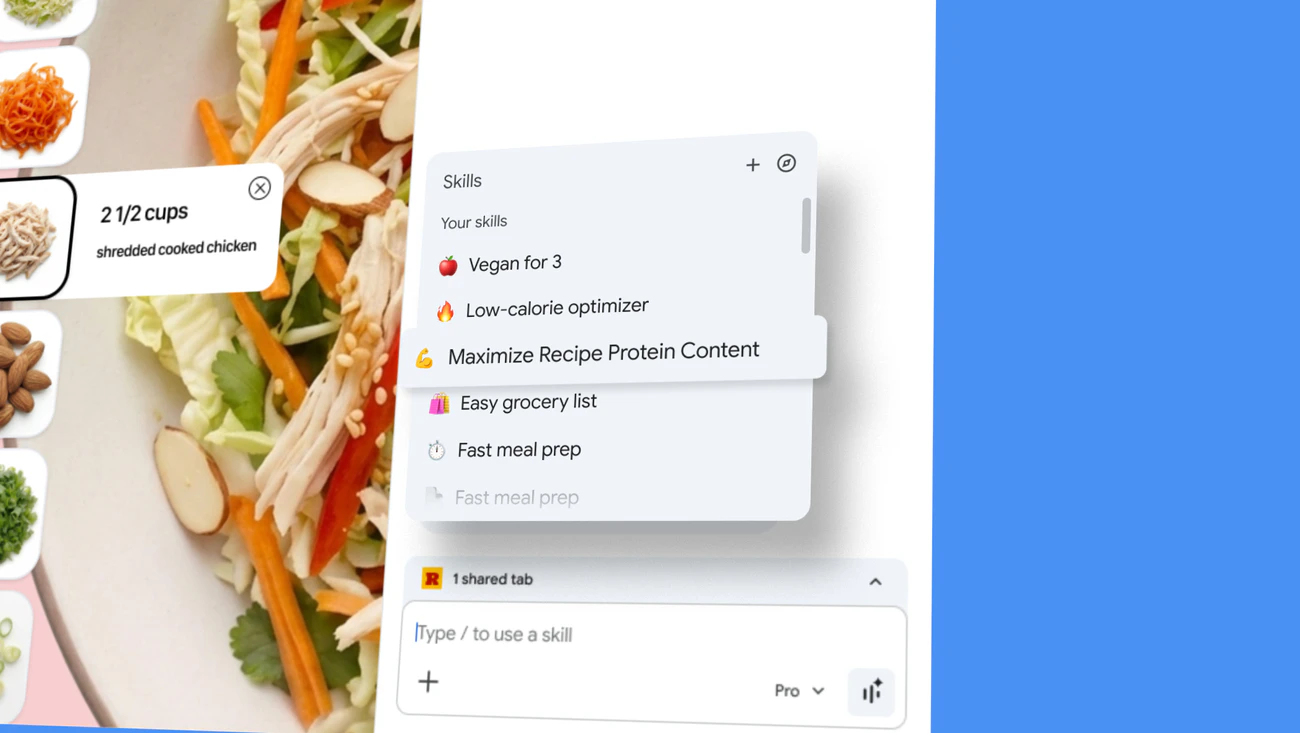
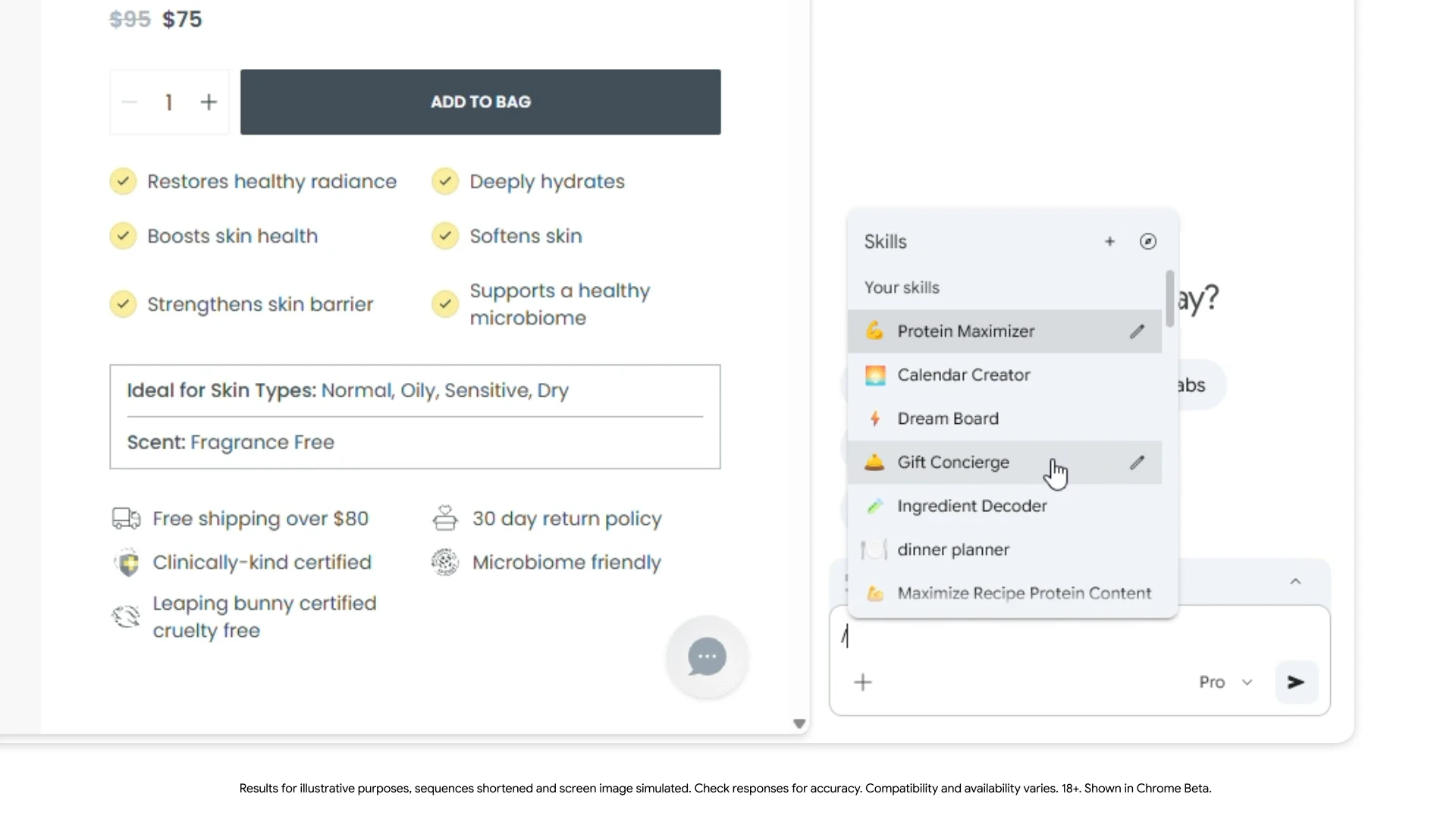
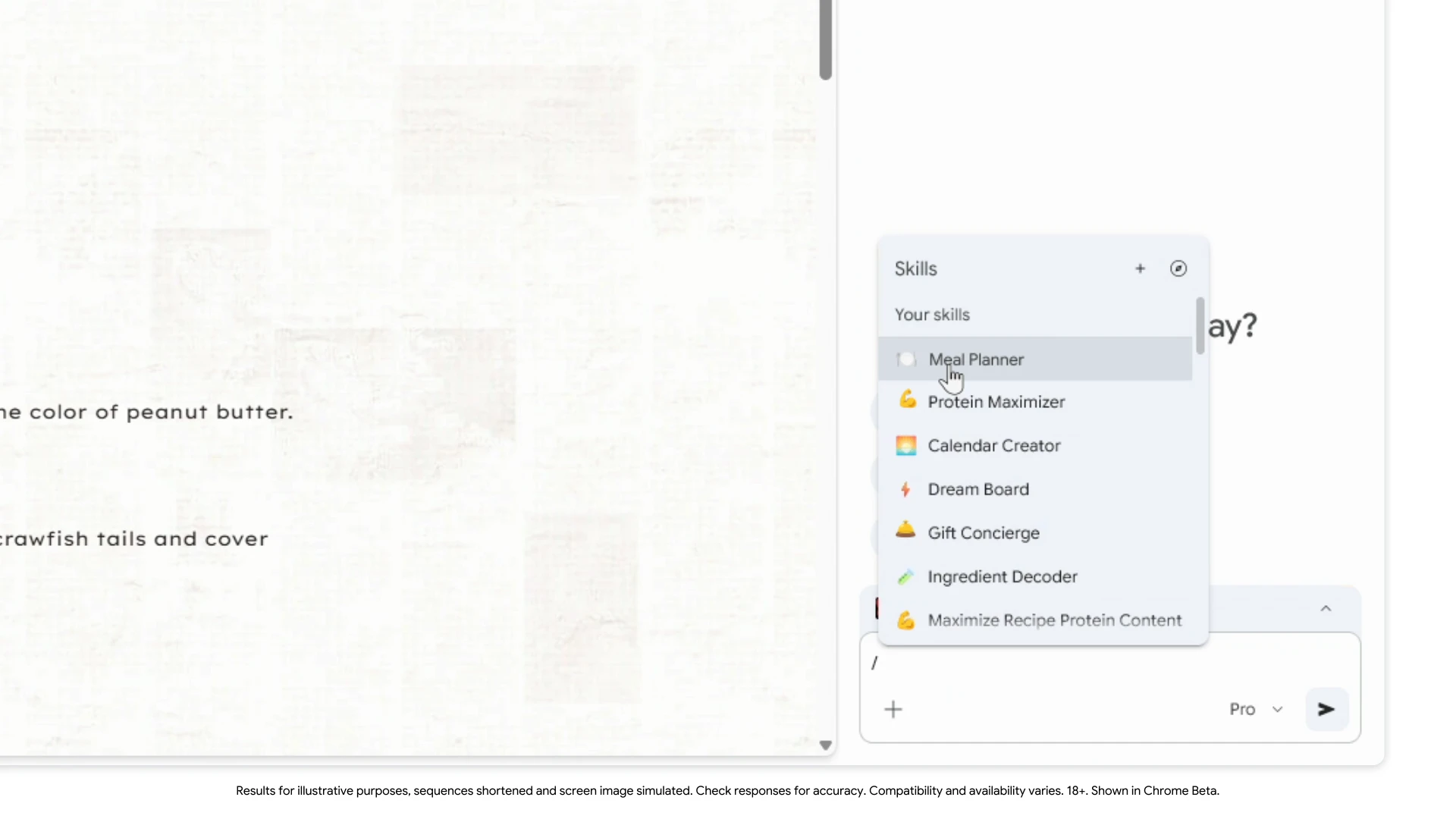
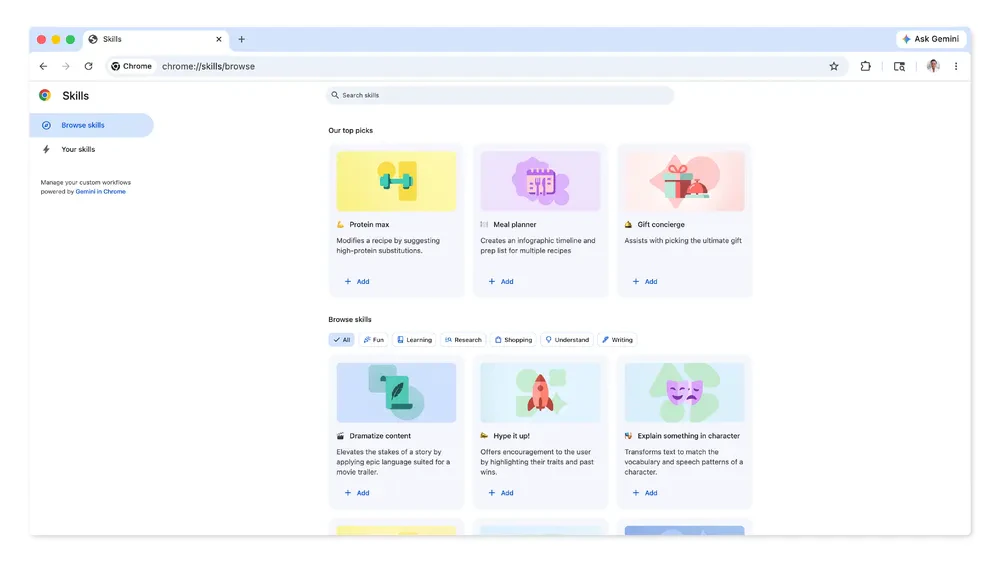
Skills in Google Chrome turn your best AI prompts into reusable one-click workflows. It lets you discover, save and remix AI workflows and repeat them instantly. Save any prompt from chat history, trigger it with / or +, and run it across the page or multiple tabs. Includes a ready-to-use Skills library you can customize. From shopping comparisons to productivity boosts, streamline browsing with smarter, repeatable AI actions.

Skills in Chrome is a new feature that turns your best AI prompts into reusable, one-click workflows right inside the browser.

The problem: repeating the same prompts across tabs and tasks is tedious and inefficient.

The solution: save prompts as “Skills” and instantly run them across pages or multiple tabs.

What makes it interesting is the ability to remix, reuse, and execute prompts contextually on live webpages, not just in chat.

Key features:

  • Save prompts as reusable Skills from chat history

  • Run Skills across current or multiple tabs

  • Built-in library of ready-to-use workflows

  • Edit and customize anytime

  • Privacy + confirmation safeguards for actions

Benefits: faster workflows, less repetition, and more powerful AI-assisted browsing.

Great for: researchers, shoppers, productivity geeks, and anyone using AI daily.

Use cases: comparing products, summarizing documents, analyzing info, and more.

P.S. I hunt the latest and greatest launches in tech, SaaS and AI, follow to be notified @rohanrecommends

7
回复

@rohanrecommends How well does it handle dynamic sites like e-commerce pages or social feeds when remixing skills across tabs, say for comparing prices or summarizing threads?

0
回复

@rohanrecommends Any favorite user-created Skills you've seen for content creators or marketers, like quick competitor analysis or social post ideation?

0
回复

@rohanrecommends  congrats for this super cool launch, it will definitely save time for the people who do many prompts day to day. very interesting feature people will love.

0
回复

I love this idea, I've been manually reusing prompts forever and this feels like a huge save of time for me already.

4
回复

@dontell_levesque I would be grateful if you would take a look at my project and its value.

0
回复

Is there a way a website can create custom skills for interacting with there website?

0
回复

I love this, I have a bunch or docs with prompts, when I have a really good one that gave me the results I want, those are gold. It took me a long time to get good at it and still have a ways to go. This would make it easier, don't need to g digging through files.

0
回复

Interesting launch. I think this will solve a lot of workflow problems for Chrome Users.

0
回复
#5
Fellow for iOS
AI meeting notes for in-person meetings
197
一句话介绍:Fellow for iOS 是一款专注于线下会议的AI笔记应用,通过手机本地录音与AI自动处理,解决了用户在面对面会议中难以兼顾参与和记录、且担忧隐私泄露的痛点。
iOS Notes Meetings
AI会议笔记 语音转录 移动办公 隐私安全 效率工具 行动项管理 日程集成 本地化处理 企业级应用
用户评论摘要:用户高度赞赏其在AI辅助与用户控制(如暂停、编辑)间的平衡,以及强大的隐私安全设计(本地录音、无数据保留)。主要问题聚焦于录音的法律告知义务。普遍认为其是线下会议的“游戏规则改变者”。
AI 锐评

Fellow for iOS的发布,看似是将其成熟的桌面端AI会议笔记功能移动化,实则是一次精准的赛道卡位与信任壁垒构建。在AI笔记应用泛滥、同质化严重的当下,它没有选择在功能堆砌上内卷,而是尖锐地抓住了高端企业用户最敏感的神经:隐私与控制。

其核心宣称的“无机器人”、“本地录音”、“零数据保留”及SOC 2合规,并非简单的功能清单,而是一套完整的信任叙事。这直接回应了企业对敏感会议内容外泄至第三方服务器的深层恐惧。评论中反复出现的“平衡”、“信任是差异化关键”印证了这一点——它售卖的不是更炫的AI,而是更可信的AI。这使其在金融、法律、医疗等受监管行业具备了天然的切入优势。

然而,其模式也隐含挑战。将录音与处理完全置于本地,虽保障隐私,却可能受限于手机硬件性能(麦克风质量、处理速度)和续航,在复杂声学环境下的表现存疑。此外,它将“合规告知参与者”的责任完全转嫁给用户,虽在法律上免责,却可能在实际使用中造成门槛与风险,那条关于“是否提醒”的用户提问恰恰暴露了此痛点。

本质上,Fellow正在尝试定义“企业级AI助手”的新标准:安全与可控优先于功能的无限扩张。它的真正价值不在于“能记笔记”,而在于“敢让它记笔记”。其成功与否,将取决于企业为“信任”支付溢价的意愿,以及其能否在保持安全内核的同时,提供不逊于云端方案的稳定体验。这是一场高风险的品牌豪赌,但若成功,其构筑的信任壁垒将极难被竞争对手逾越。

查看原始信息
Fellow for iOS
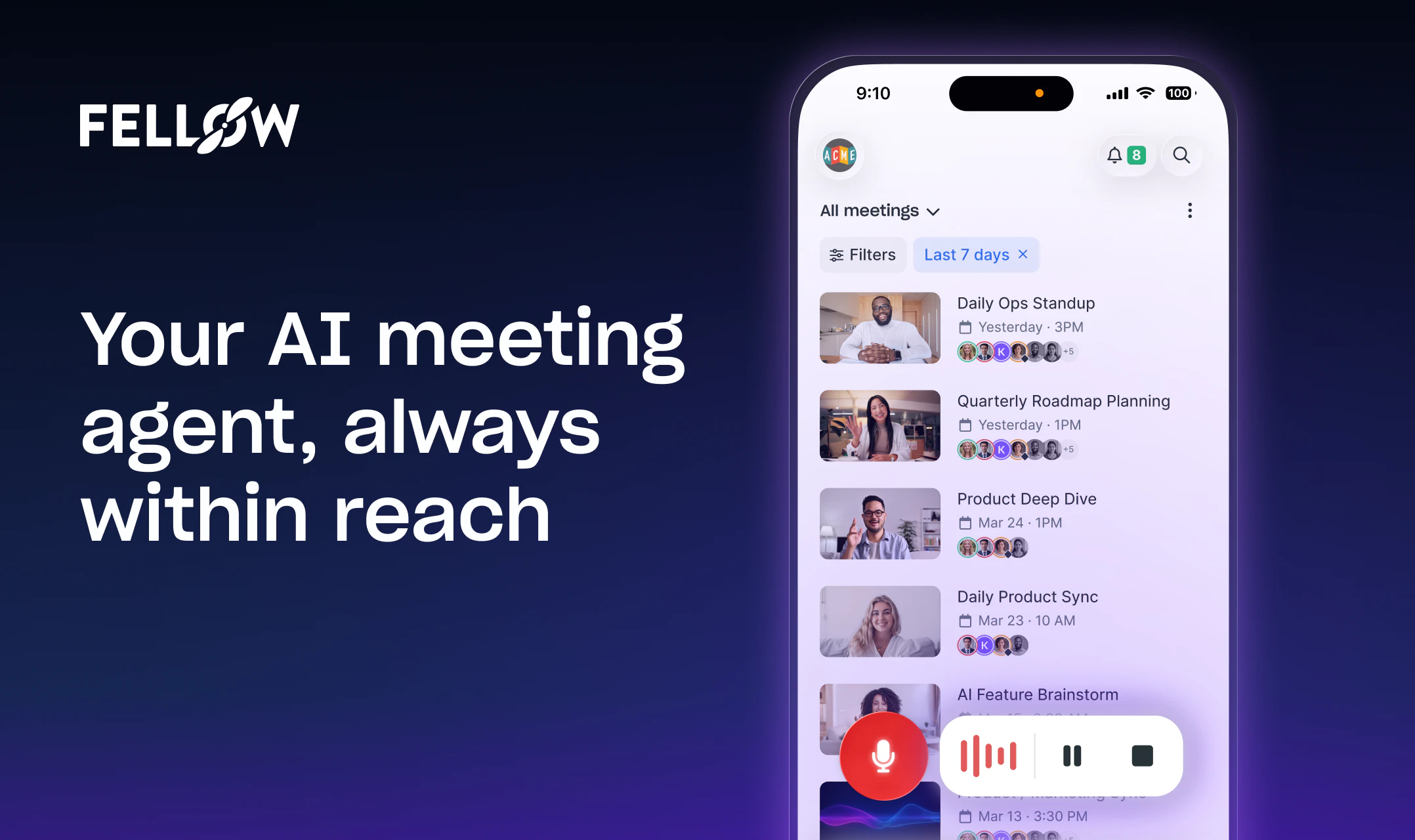
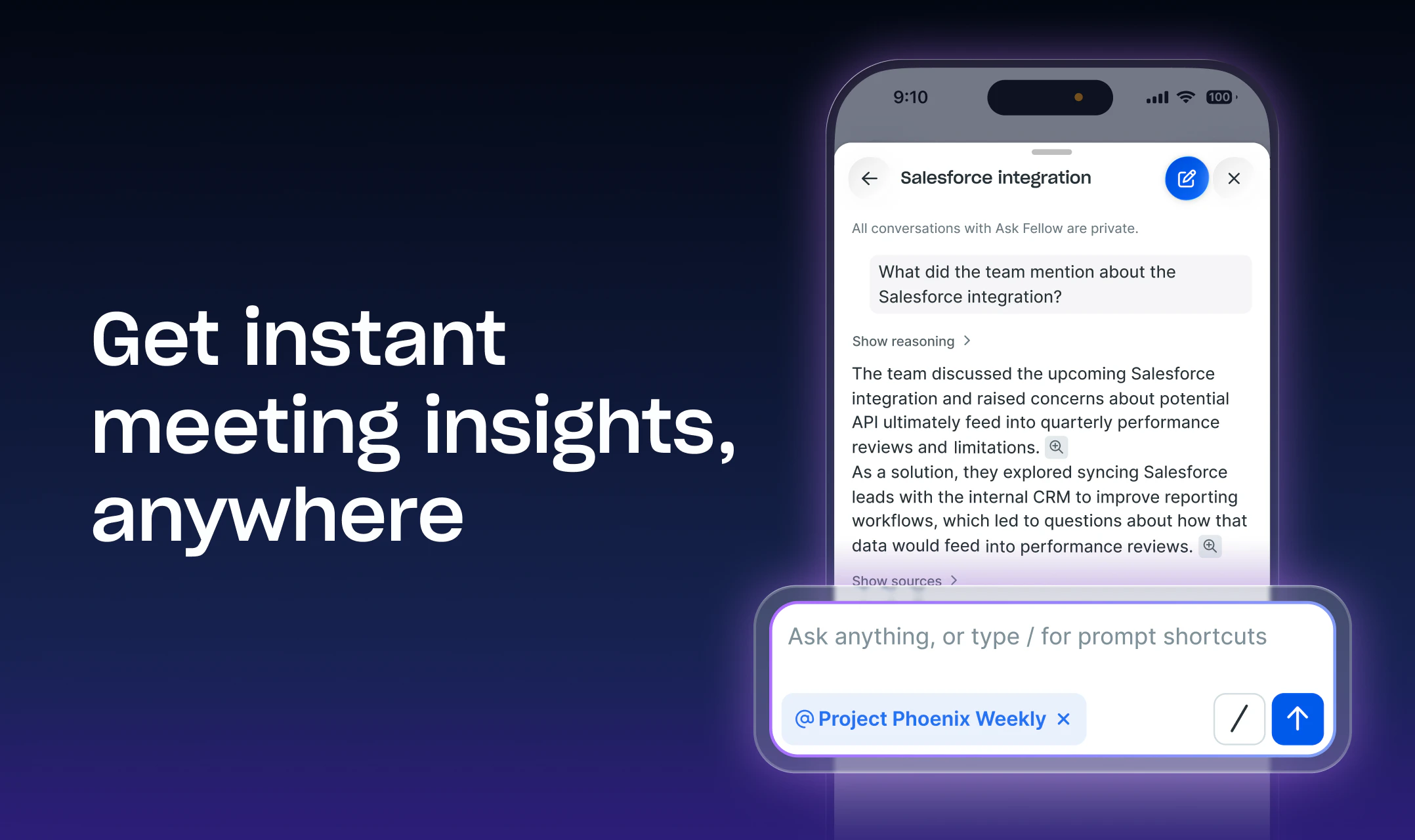
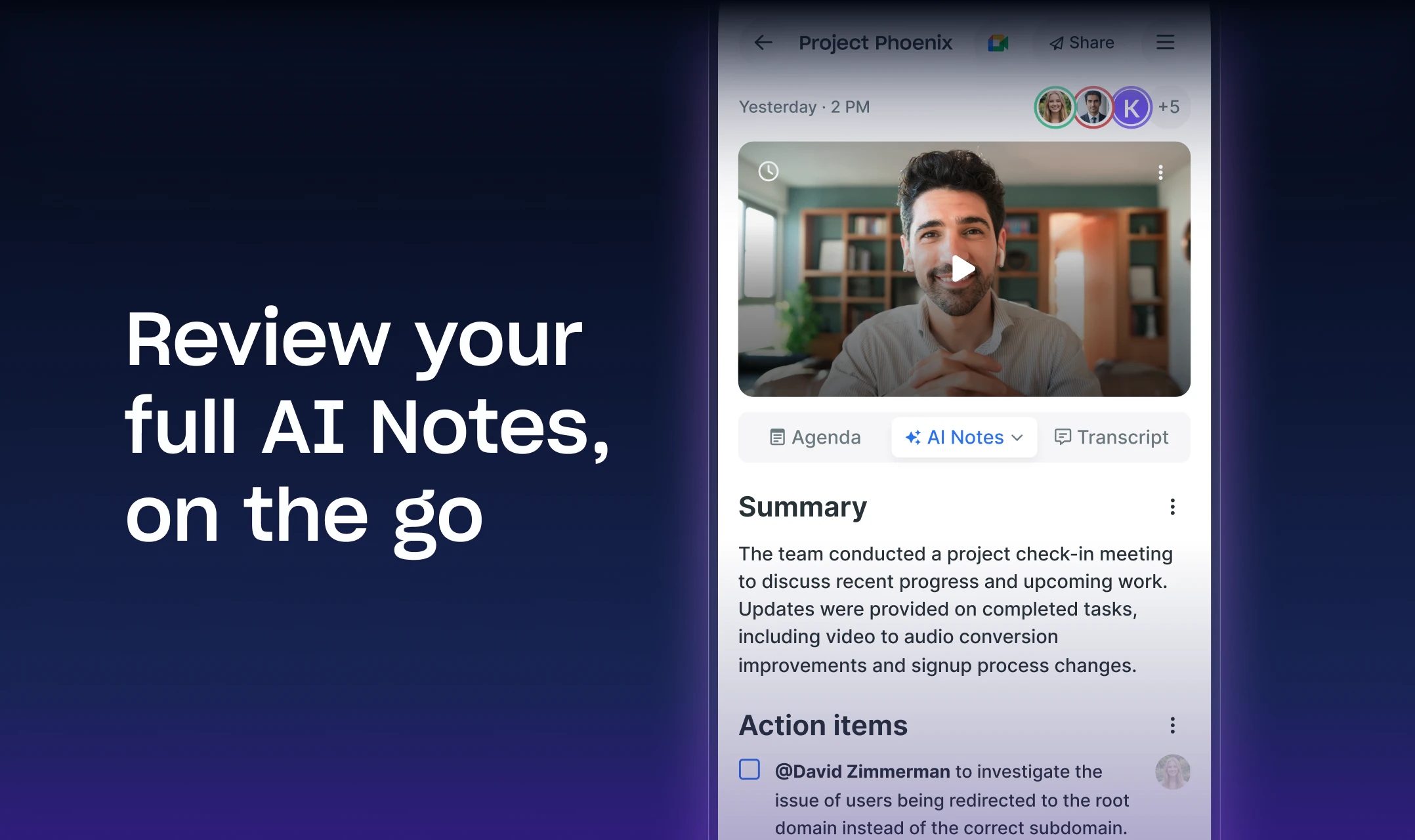
Fellow for iOS turns your phone into a powerful AI note taker. Record any meeting without a bot or computer: Fellow handles the transcription and AI note-taking automatically. Before meetings, prep with Ask Fellow, edit agendas, and set your recording preferences right from your calendar. Afterward, replay audio and video, read through transcripts and notes, and manage action items by accepting AI suggestions or creating your own.

Solid focus on control and privacy , being able to pause and redact is a big win for real world meetings.

45
回复

@joseph_walker2 Really nice balance of AI help and user control , feels built for teams that actually care about privacy.

1
回复

@joseph_walker2 Really nice balance of AI help and user control feels built for teams that actually care about privacy,

1
回复

@joseph_walker2 Nice balance of AI help and user control, feels built for teams that actually care about privacy .

1
回复

Hey Product Hunt! 👋

Today we're shipping one of the features our users have been asking for most: Fellow goes fully mobile. Recording, transcription, AI notes – all from your phone.

Fellow was built on a simple belief: your meetings are some of the most sensitive conversations your company has. They deserve more than a bot with loose data practices. We built the most secure AI meeting agent — SOC 2 Type II, zero data retention, botless by default. We built that on desktop. Now it's also in your pocket.

Here's what's new:

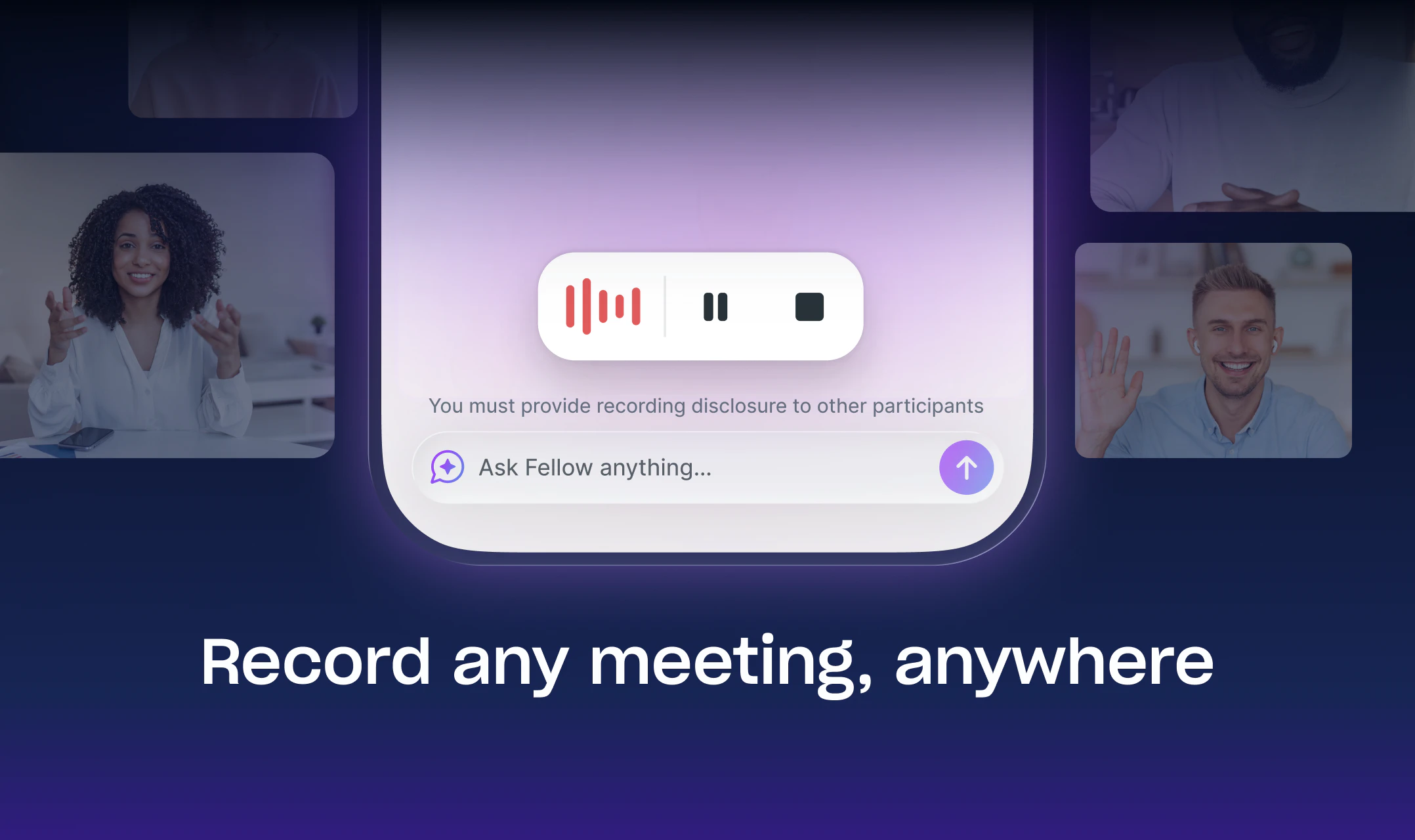
🔴 Botless mobile recording: Hit the red button, and Fellow captures your meeting through your device's mic. 


🤖 Ask Fellow on mobile: Our AI chief of staff is fully functional on the app. Ask questions about past meetings, generate follow-up emails, get instant insights from your phone.


📅 Full calendar & agenda management: View upcoming meetings, edit agendas, toggle recording on or off, and show up prepared no matter where you are.


Action items on the go: Accept, dismiss, or create action items between back-to-back calls. 


🔍 Your full recording library, in your pocket: Every transcript, AI summary, and recap, accessible anywhere.

Available now on iOS (v1.6.0+). Android recording is coming very soon.


We built Fellow to be the most secure AI meeting agent — and now it goes wherever you do. 


Would love to hear what the PH community thinks. 🙏

11
回复

Very excited about this one! Just tried it for an in-person meeting yesterday and it was great - didn't have to worry about taking notes.

0
回复

Definitely saves a lot of trouble. Will it alert those on the phone that the meeting is being recorded? A lot of services out there require permission for this sort of thing.

2
回复

@jasendo Hey Jack! When using mobile botless recording, the recording happens locally on the user’s device (just like desktop botless recording).

In this case:

  • The user is responsible for ensuring participants are notified per local laws/recording consent policies

  • Workspace settings can control disclosure methods (pre-meeting emails if it’s a calendar event, or manual in-meeting announcements for impromptu recordings)

You can learn more about our mobile app here: https://help.fellow.ai/en/articles/3623047-fellow-s-mobile-app

Thanks for the question!

1
回复
Tried it this week already. Very helpful for in-person meetings. Congrats on the launch
2
回复

@michael_ferrante1 Thank you! 📱💥

0
回复

I use this all the time, biggest use case is getting all my meetings in one place and figuring out what the hell is going on!

1
回复

Tools like Fellow are must haves to work effectively with AI and Agents - where context is everything. Congrats on the launch of iOS app @aydin_mirzaee & team!

1
回复

Thanks Franco! I agree - we've seen users connect their AI meeting context using Fellow's MCP (ChatGPT, Claude, etc) to build some really cool meeting workflows.

1
回复

Okay, let me get this straight. You're telling me I can do in-person meetings now and just tap a button and record? This is going to be a game-changer for me. I've been waiting for this for a while. Can't wait to test it out. I'm on this.

1
回复

@adrian_salamunovic exactly!!! a game-changer, right?

no matter if you have a meeting on zoom, google meet, ms teams, slack (huddle), or in-person, Fellow is there to support your workflows before, during, and after the call.

this + our Claude connector = biggest game-changers for me!

0
回复

Nice balance between AI automation and control (pause/redact is key).

Feels like trust is a big differentiator here vs other note takers.

1
回复

@judit10 It is! We built Fellow to be the most secure AI meeting agent for regulated industries. Transcript redaction, zero-day data retention, role-based access controls, recording rules and restrictions, botless recording (and more) are a big part of that.

0
回复
#6
stagewise
The coding agent that works in its own browser environment
177
一句话介绍:一款开源的、拥有独立浏览器环境的AI编程助手,通过直接“看见”并操作应用界面与DOM,解决了开发者在网页前端开发中频繁切换上下文、手动复现和调试界面问题的痛点。
Open Source Developer Tools GitHub No-Code
开源AI编程助手 浏览器环境集成 前端开发 DOM调试 可视化编程 代码代理 多模型支持 网页开发工具
用户评论摘要:用户普遍赞赏其“所见即所得”的调试能力和开源模式。核心关注点在于:在复杂React应用中的稳定性;与Cursor等传统AI IDE相比的差异化优势(深度浏览器集成);以及其通过访问调试数据精准定位组件的能力。开发者积极回应,并透露将增强调试功能。
AI 锐评

Stagewise并非又一个简单的代码补全工具,它试图从根本上解决AI编程代理的“盲视”问题。其真正的颠覆性在于,将AI代理的操作环境从纯文本编辑器,迁移到了一个真实的、可交互的浏览器沙箱中。这使其获得了“视觉”和“触觉”——能读取DOM、控制台、应用状态,并能反向编辑源代码。

这直击了前端开发中一个顽固的痛点:代码与最终渲染界面之间的认知鸿沟。开发者不再需要费力地向AI描述UI问题或手动复现状态,AI可以直接“看到”问题所在。其开源和“自带密钥”模式,是对当前封闭、绑定的AI助手生态的一次战术反击,旨在吸引专业开发者群体。

然而,其前景面临双重考验:一是技术深度,在极度复杂、状态抽象的前端架构中,其“理解”和精准编辑的可靠性仍需大规模验证;二是定位模糊,它更像一个强大的专项调试/迭代工具,而非完整的IDE。对于重度使用Cursor等工具的开发者,Stagewise可能是一个强大的补充插件,而非完全替代品。它的成功与否,取决于能否在“可视化编程代理”这一细分领域建立起不可替代的工作流壁垒,并证明其在复杂场景下的稳定性远超手动操作。

查看原始信息
stagewise
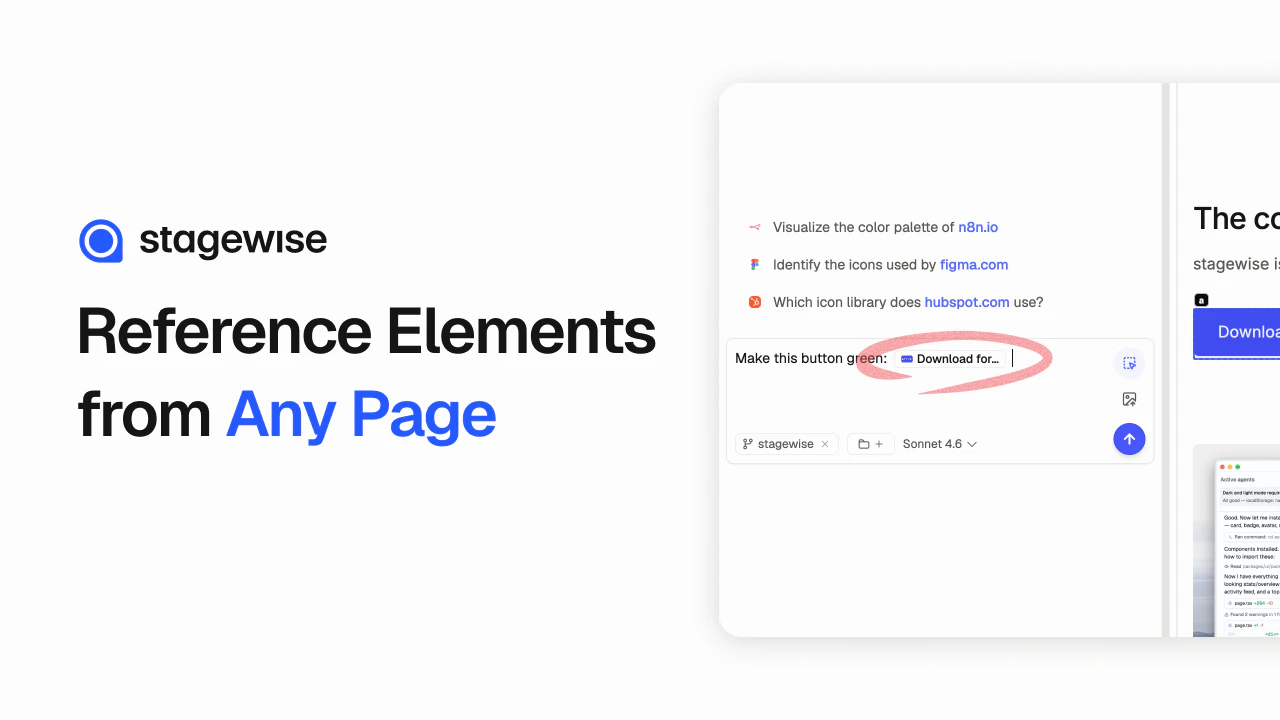
stagewise is an open-source coding agent that can actually see your app. It works in its own browser environment, reads the DOM and console, and edits the code behind what it’s looking at. Use any model, bring your own key, and keep full control.

Hey Product Hunt 👋 I’m Glenn, one of the people behind stagewise.

We built stagewise because most coding agents are still too blind to the actual product - and the easy to use ones are also pretty closed off! They can work with code, but they usually can’t really see the app, inspect live state, or understand what’s happening on screen without a lot of manual context or manual harnessing that takes time and is an additional burden for users.

stagewise changes that.

It’s an open-source coding agent with its own browser environment. It can see what you see, read the DOM and console, inspect live app state, and edit the code behind what it’s looking at.

We also wanted the setup to stay flexible: bring your own API key, use any model/provider you want, run local models, and avoid lock-in. Our product is fully open-source and we want to keep it that way - pushing the boundaries of what's possible for agents and making it accessible to everyone.

If you’re building frontend products, websites, or interactive apps, our goal is simple: With stagewise, you should need less explaining, less context switching, and faster iteration.

Happy to answer questions, hear criticism, and learn what workflows you’d want to use this for.

- Glenn

9
回复

Let's go! This is genuinely the best agent/ desktop app one can currently use for working on the web, no doubt

7
回复

How stable it feels in complex, component-heavy React apps though?

5
回复

Hey @morgan_nabors , I'd say you should try it out and tell us! The agent looks at debug data though, so it is much easier to pinpoint the right components from the get go, instead of simply searching around all the time.

But if you notice it doesn't work well, we're eager to hear more about that and improve in these areas!

2
回复

@morgan_nabors it's used daily on codebases with 100k lines of code! So, works pretty well

0
回复

I find stagewise interesting because I often struggle with reproducing bugs locally. If it can truly read console output and DOM state while linking that directly to code edits, I can see myself using it daily.

4
回复

@umaru thanks - and yes it can do exactly that! We're also shipping better debug capabilities soon, so it'll be even better for cases where detailed analysis of render-cycles and app state is necessary.

0
回复

Stagewise has been incredible to work with for the past weeks. I'm really missing it whenever I don't use it, especially since it makes so many things so easy, like taking screenshots in both dark and light mode for my docs, or copying some colors from another website and testing around with them.

3
回复

@dominikkoch Glad to hear that!

0
回复

Amazing product and team! :fire: We used @stagewise to build our new rebulk.com website and it absolutely killed it.

2
回复
@robertsoncole thanks for the kind words! Glad you enjoyed building with stagewise 🚀
0
回复

@glenntoews the browser environment model is interesting — does stagewise see the DOM as raw HTML or a semantic tree? I'm wondering how it stays coherent when the component owning a UI element is 3-4 files away from the markup.

1
回复

@jimmypk Great question! stagewise has access to the browser through multiple models:

1. It has full debugger access to the browser runtime, meaning it can do detailed analysis of both DOM and JavaScript state - and it can also make changes or simulate inputs!
2. It has visual access to the browser, meaning it can make screenshots and look at designs etc.
3. When referencing elements, a trace file get's created that pin-points the right element both in DOM (to do more checks with the debugger) as well as containing framework specific information that may exist (react component names etc.)

All these methods help to find components very efficiently and fast.

0
回复
If someone is already productive in Cursor or Windsurf, what’s the specific breaking point where stagewise becomes the obvious switch—what task or failure mode shows the gap fastest?
1
回复

@curiouskitty Great question! We think that once you focus on building web apps and need to pull in the rest of the web for inspiration, references guidelines, stagewise becomes super powerful because it focusses heavily on the deep integration between browsing and agentic coding.

For example, pulling in design inspiration from an older version of your website, as well as referencing guidelines from your favorite frameworks docs becomes a matter of "@"-referencing tabs and clicking on DOM elements instead of making screenshots, copying text etc.

0
回复
#7
Google Gemini 3.1 Flash TTS
Text-to-speech API with natural language voice direction
149
一句话介绍:Google推出的新一代文本转语音API,通过内嵌自然语言指令的音频标签,在单一API调用中实现多角色对话和动态语调控制,解决了传统TTS输出生硬、缺乏表现力且难以精细调控的痛点,适用于构建语音助手、配音工具和互动内容平台。
API Artificial Intelligence Audio
文本转语音API 语音合成 多角色对话 自然语言指令 音频标签 语音表现力控制 多语言支持 开发者工具 AI语音生成 谷歌云服务
用户评论摘要:用户高度评价内嵌音频标签和多角色对话功能,认为是改变游戏规则的突破,解决了语音自然度和上下文切换的难题。主要疑问集中在实时交互的延迟表现(特别是与ElevenLabs的对比)、非英语语言(如印地语)的多角色支持效果,以及音频标签能否根据对话上下文动态生成。
AI 锐评

Gemini 3.1 Flash TTS并非简单的迭代,而是谷歌对“语音作为静态输出”这一行业惯性的精准打击。其核心价值不在于参数量的堆砌,而在于将“导演思维”植入了API层面。

传统TTS的本质是“朗读者”,开发者需通过外围工程拼接来模拟表现力。而Gemini 3.1 Flash TTS通过内嵌自然语言指令,将开发者提升为“导演”,能在句子层面实时调控语调、节奏和情感。这看似是功能增强,实则是范式转变——语音合成从“文本到语音的映射”转向“基于意图的语音表演”。其单API调用多角色对话和可导出的语音配置,进一步将这种导演能力产品化、工程化,瞄准的是规模化生产高质量、风格一致语音内容的需求。

然而,光环之下暗藏挑战。用户的犀利提问直指要害:在实时交互场景中,其延迟能否达到行业公认的300ms门槛?这决定了它能否从“优质播客工具”晋级为“实时对话引擎”。与ElevenLabs等垂直专家的性能对比,将是其实战能力的试金石。此外,其音频标签目前仍需预定义输入,若未来能结合LLM实现基于上下文的动态情感生成,才能真正解锁“全自动导演”的潜力。

SynthID水印是谷歌的合规性宣言,也是其企业级野心的体现。这款产品真正的战场,或许是争夺下一代语音交互基础设施的定义权——谁制定了“导演语音”的标准,谁就可能掌控AI语音内容生产的生态入口。但前提是,它必须在延迟、成本和多语言细节表现上,经受住苛刻开发者的检验。

查看原始信息
Google Gemini 3.1 Flash TTS
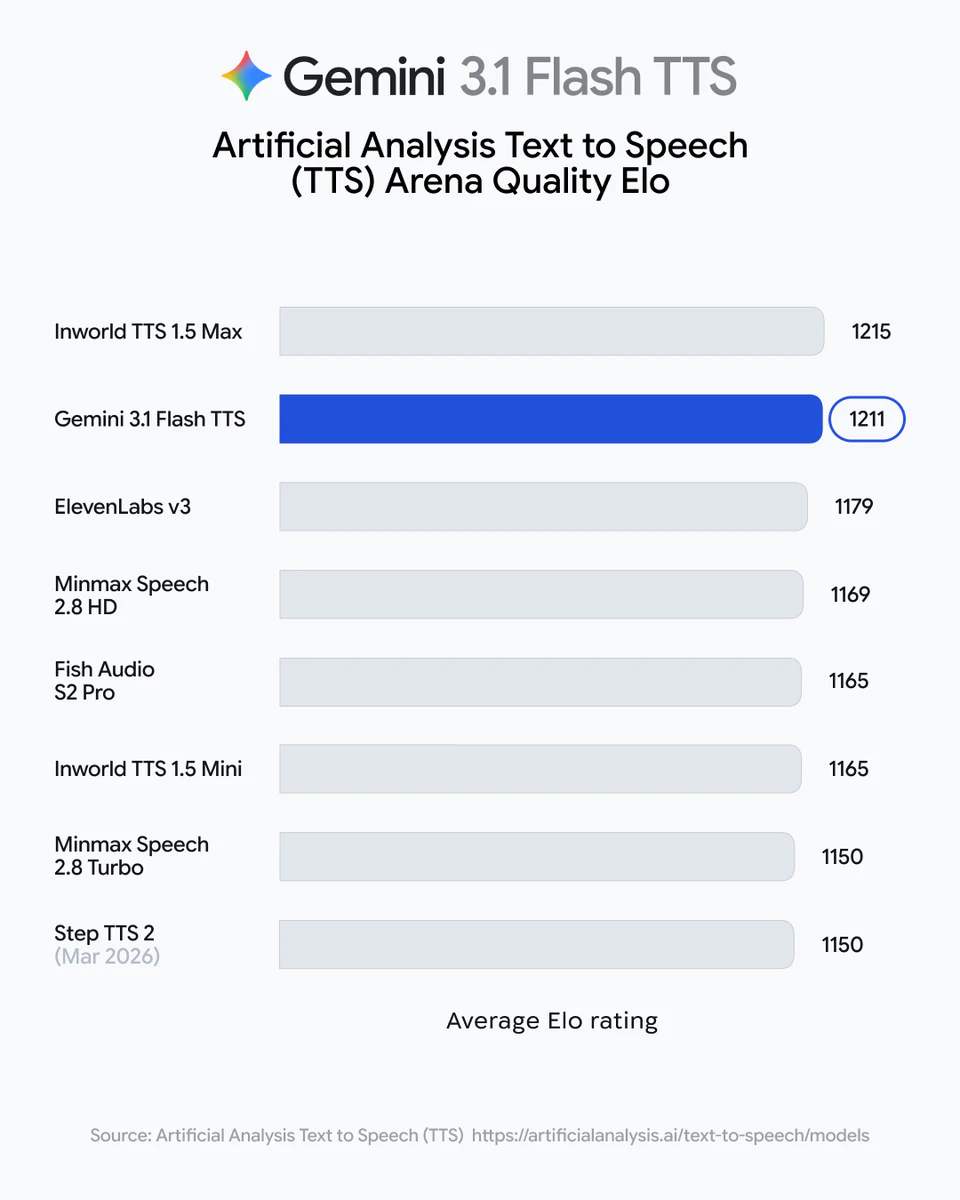
Google's TTS API with inline audio tags, multi-speaker dialogue, and 70+ language support. For developers building voice agents, dubbing tools, or AI content products via the Gemini API and Vertex AI.

Gemini 3.1 Flash TTS is Google's new text-to-speech model, now available in preview via the Gemini API, Google AI Studio, and Vertex AI.

The problem:

TTS APIs have always treated voice as a static output.

You pick a voice, set a speed, and the model delivers a flat read.

Getting expressiveness meant engineering workarounds or accepting robotic delivery.

The solution:


Gemini 3.1 Flash TTS introduces audio tags natural language commands embedded directly in the text input to control tone, pacing, accent, and expression mid-sentence.

You can define scene context, cast multiple speakers with unique voice profiles, and export the full configuration as API code for consistent reuse across projects.

What stands out:

🎙 Inline audio tags mean you can shift tone, pacing, and delivery mid-sentence without re-prompting

🗣 Native multi-speaker dialogue means you can cast and direct multiple characters in a single API call

🌍 70+ language support with per-locale accent control means you can localise expressive speech without a separate pipeline

📤 Exportable voice config means your characters and delivery style stay consistent across every projec

🔒 SynthID watermarking means every output is attributable as AI-generated out of the box

Who it's for:

developers and product teams building voice agents, AI dubbing tools, interactive storytelling apps, and multilingual content platforms that need expressive, controllable speech at scale.

6
回复

@rohanrecommends Have you seen strong early wins with multi-speaker setups in non-English languages, like Hindi accents for India-focused apps?

0
回复

@rohanrecommends How does it handle real-time latency for live interactive apps like customer support bots, and any benchmarks vs. ElevenLabs?

0
回复

@rohanrecommends The inline audio tags are the real game-changer here. Being able to shift tone mid-sentence without re-prompting solves one of the biggest pain points in voice AI - making it sound natural across different conversation contexts was a real challenge when we built our voice agent.

Multi-speaker in a single API call is also a smart move. Managing separate voice configs per persona has always been unnecessarily painful.

Curious about two things:

  1. What's the real-time streaming latency like? For live conversational use cases, sub-300ms is the bar.

  2. Can audio tags be applied dynamically based on conversation context, or do they need to be pre-defined in the input?

0
回复

I did the tests, oh my god, it turned out amazing.

1
回复

the inline audio tags unlock something specific for interactive web apps — not just narration, but contextual feedback. building with voice input, you always want the confirmation  to sound different from the question, which meant separate prompts or post-processing hacks. being able to embed that context inline changes the design space for conversational interfaces.

0
回复
#8
ClayHog
See what AI says about your brand and competitors
146
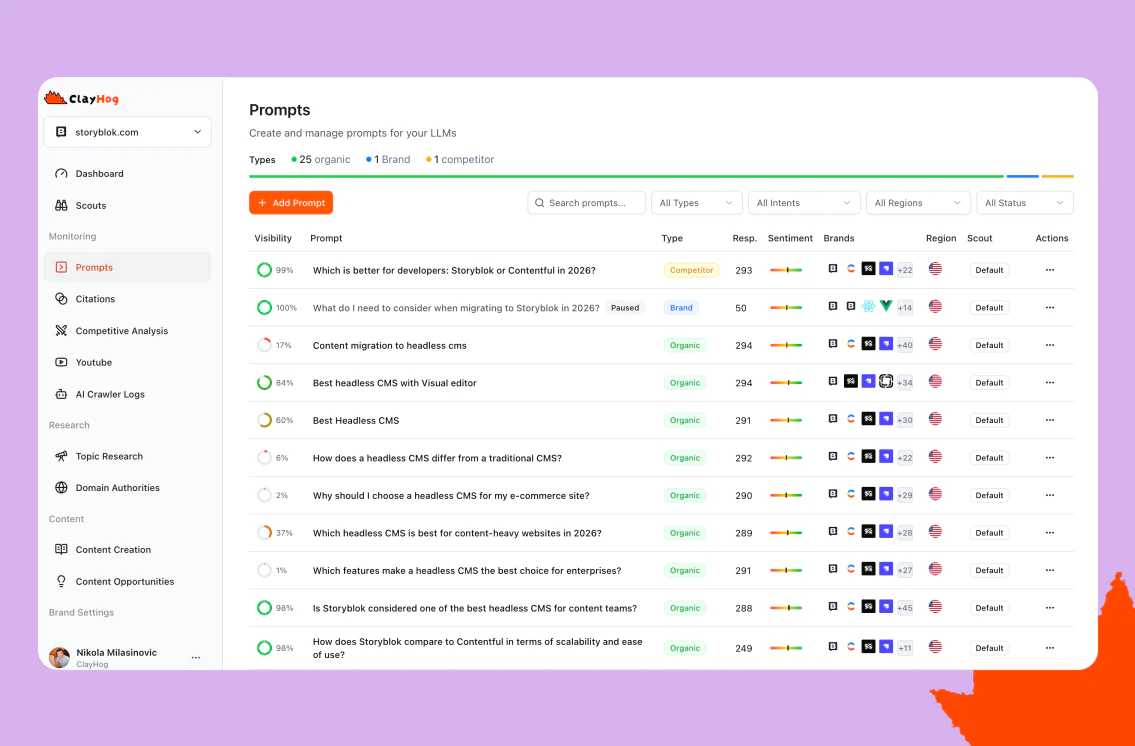
一句话介绍:ClayHog是一款AI能见度追踪与分析工具,帮助品牌在ChatGPT、Gemini等AI生成答案的搜索新范式下,解决品牌曝光“黑盒”问题,实现从被动猜测到主动优化的转变。
Analytics Marketing Search
AI能见度追踪 SEO工具 品牌监控 竞品分析 AI搜索优化 内容策略 营销分析 SaaS 数据驱动 Prompt智能
用户评论摘要:用户反馈主要集中于:1. 注册流程存在技术问题(点击下一步无响应);2. 积极认可产品价值,尤其关注竞品追踪、内容建议、Reddit监测和Prompt跟踪功能;3. 提出产品疑虑,包括数据一致性如何保障、对新品牌的适用性,以及对个人品牌支持的未来期待。
AI 锐评

ClayHog敏锐地切入了一个新兴且关键的赛道:AI搜索能见度管理。随着ChatGPT、Perplexity等工具成为事实上的“新搜索引擎”,传统SEO的规则正在失效。品牌方发现自己处于一个全新的“黑盒”之中:不知道AI如何提及自己,更不知如何优化。ClayHog的价值核心在于试图将这个黑盒“白盒化”,其提出的Prompt追踪、AI爬虫日志、多平台答案比对等功能,直指这一核心焦虑。

然而,其面临的挑战与机遇一样巨大。首先,技术根基存在隐忧。AI生成的非确定性本质是其分析对象的最大变量,尽管团队声称通过模式聚合和趋势跟踪来保证一致性,但这在根本上仍是一种概率性解读,其数据的“权威性”和“可行动性”需要更严谨的验证。其次,产品定位游走在“监测工具”与“优化解决方案”之间。它能出色地发现问题(如竞品为何排名更高),但其提供的“AI友好内容生成”等解决方案,是否真能精准影响复杂且不透明的AI排名算法,仍需打一个问号。这更像是一种基于当前最佳实践的“有根据的推测”。

从评论看,早期用户最买账的是其“侦察兵”功能——即竞品分析和Prompt发现。这揭示了市场的真实需求:在规则不明的战场上,了解对手的动态比优化自身有时更急迫。ClayHog若想从“有趣的新工具”成长为“必备的基础设施”,必须跨越两大门槛:一是建立更深度的、可验证的AI排名归因模型,而不仅仅是呈现差异;二是其建议必须能带来可量化的能见度提升,形成闭环。它现在是一面不错的“镜子”,但品牌最终需要的是能改变形象的“手术刀”。

查看原始信息
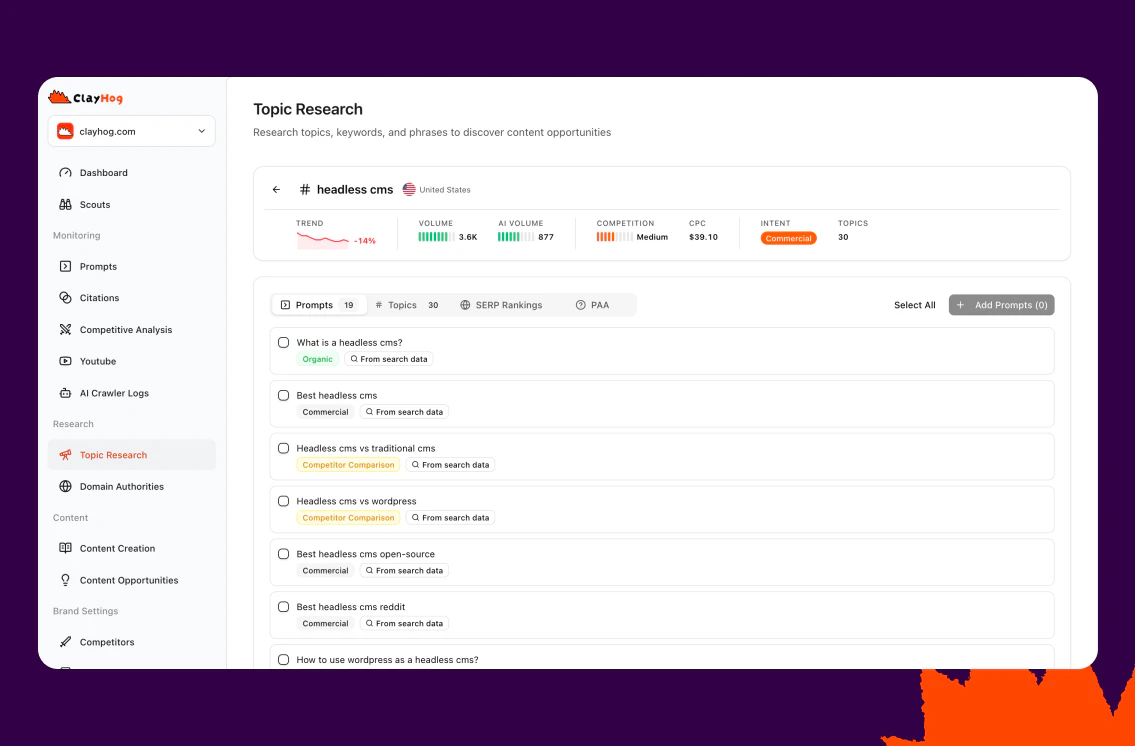
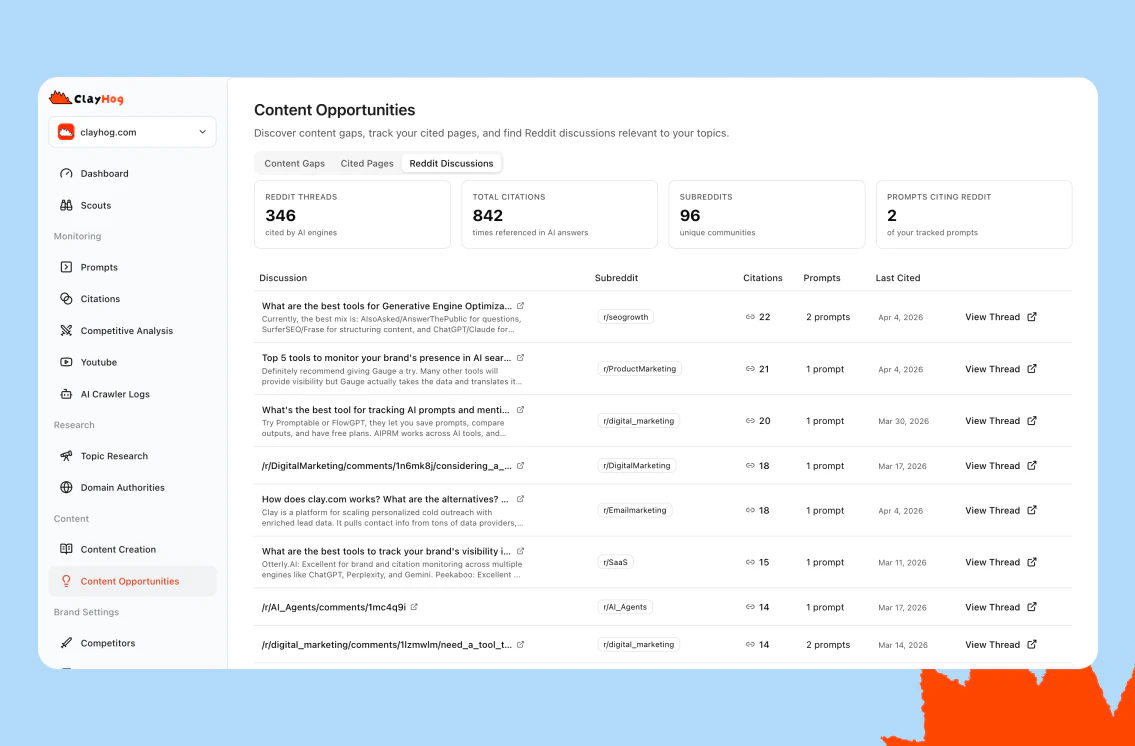
ClayHog
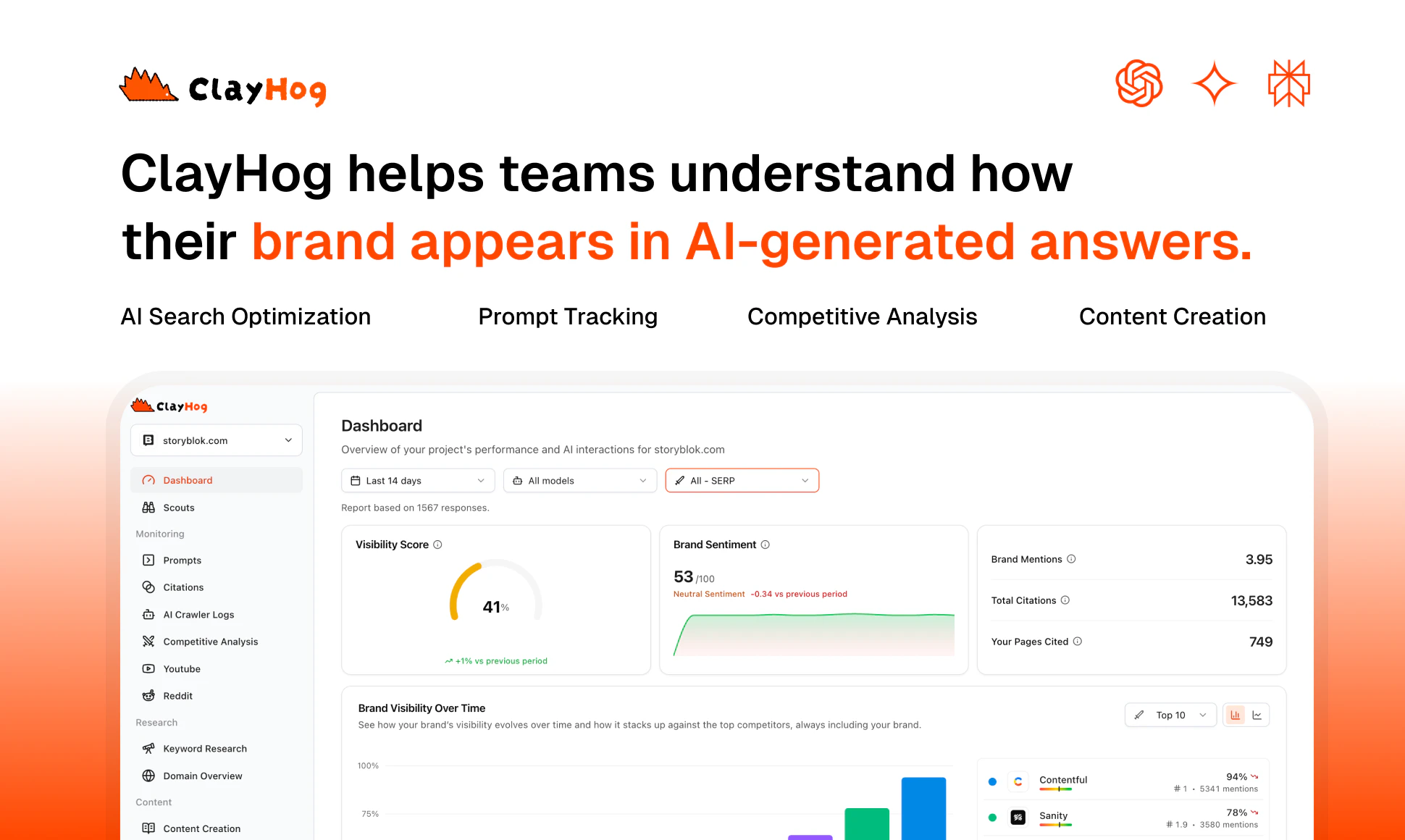
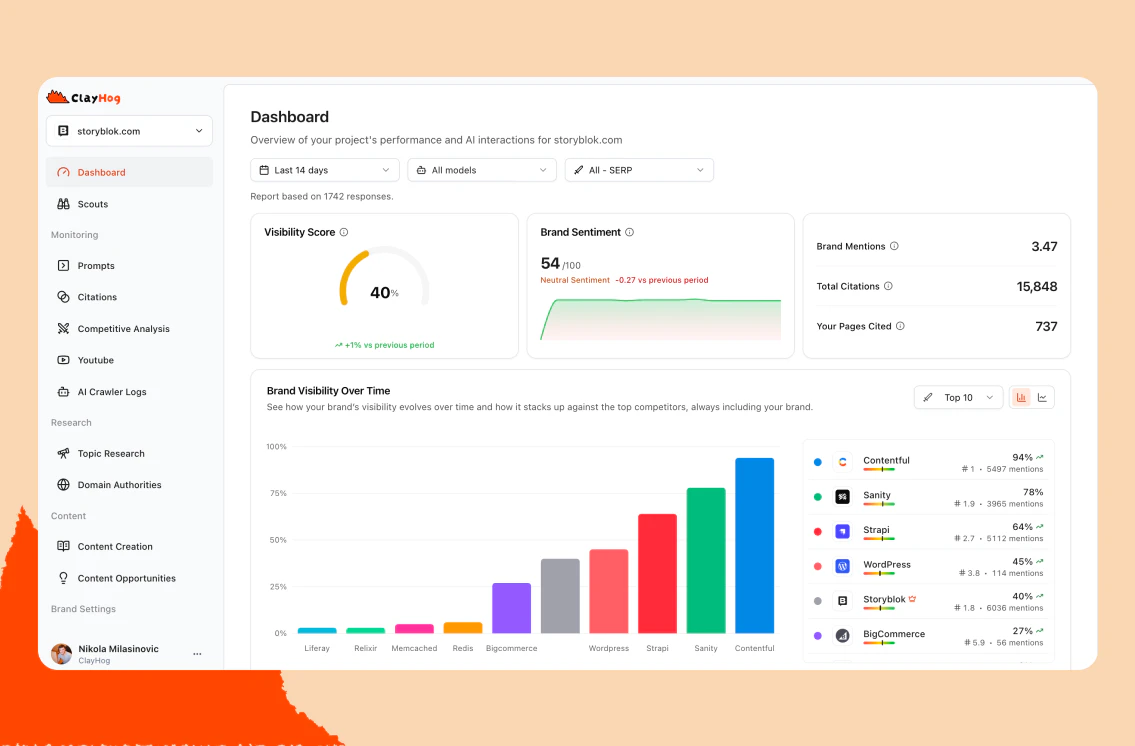
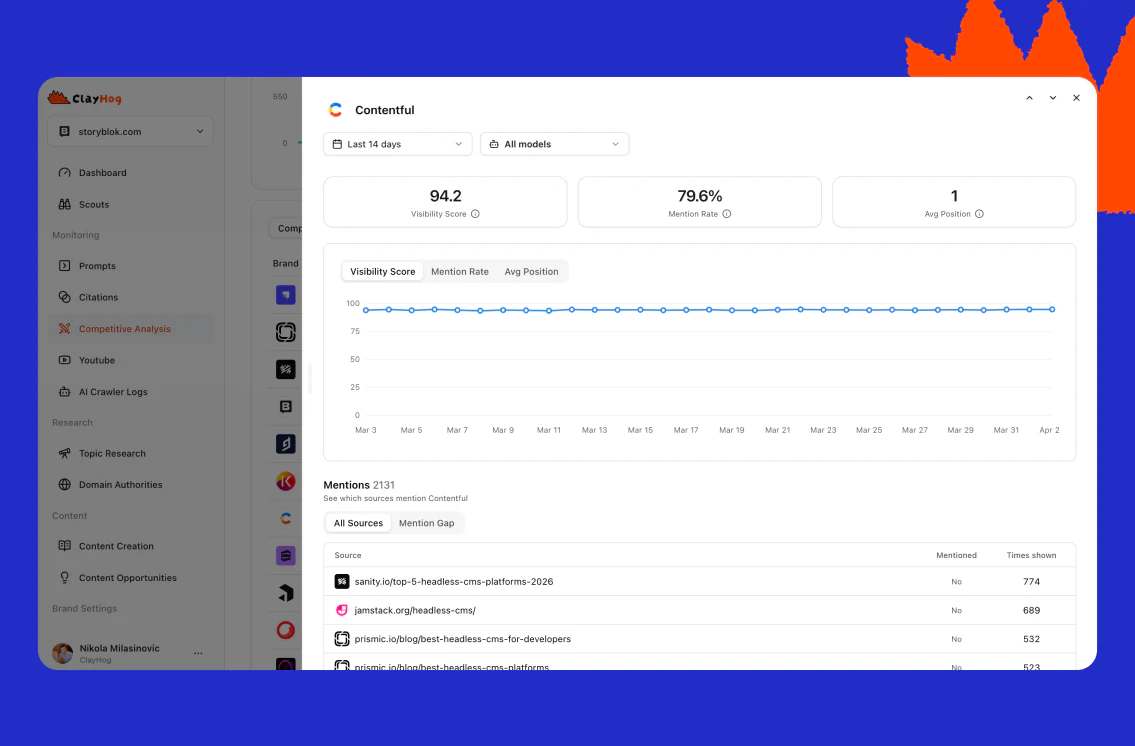
See what ChatGPT, Gemini, Perplexity, Claude & AI Overviews really say about your brand. Track your visibility, measure sentiment, and uncover why competitors rank above you in AI answers. Free 7-day trial.

Hey Product Hunt!
I'm Nikola, founder of ClayHog, and I’m excited to finally share what we’ve been building 🚀

If you’ve been following the shift to AI search, you’ve probably noticed something strange: your brand shows up in ChatGPT, Perplexity, or Gemini… but you have no idea when, why, or how often.

That’s the problem we’re solving with ClayHog.

ClayHog helps you understand how your brand appears in AI-generated answers and gives you the tools to improve it.

Think of it as visibility tracking + prompt intelligence + content creation for the AI-first web.

Instead of guessing, you can track prompts, discover opportunities, monitor citations, and create content that increases your chances of being mentioned.

What makes ClayHog stand out:

  • Prompt Tracking (Scouts)
    Track the exact prompts your audience is searching for and see how your brand performs across ChatGPT, Perplexity, and Gemini.

  • AI Keyword / Prompt Discovery
    Find high-impact prompts and questions people ask AI tools, not just traditional search keywords.

  • AI Visibility Dashboard
    Understand your presence with insights like visibility, sentiment, and competitor comparisons, all in one place.

  • Citation Tracking
    See where AI tools pull information from, which sources mention you, and where you’re missing.

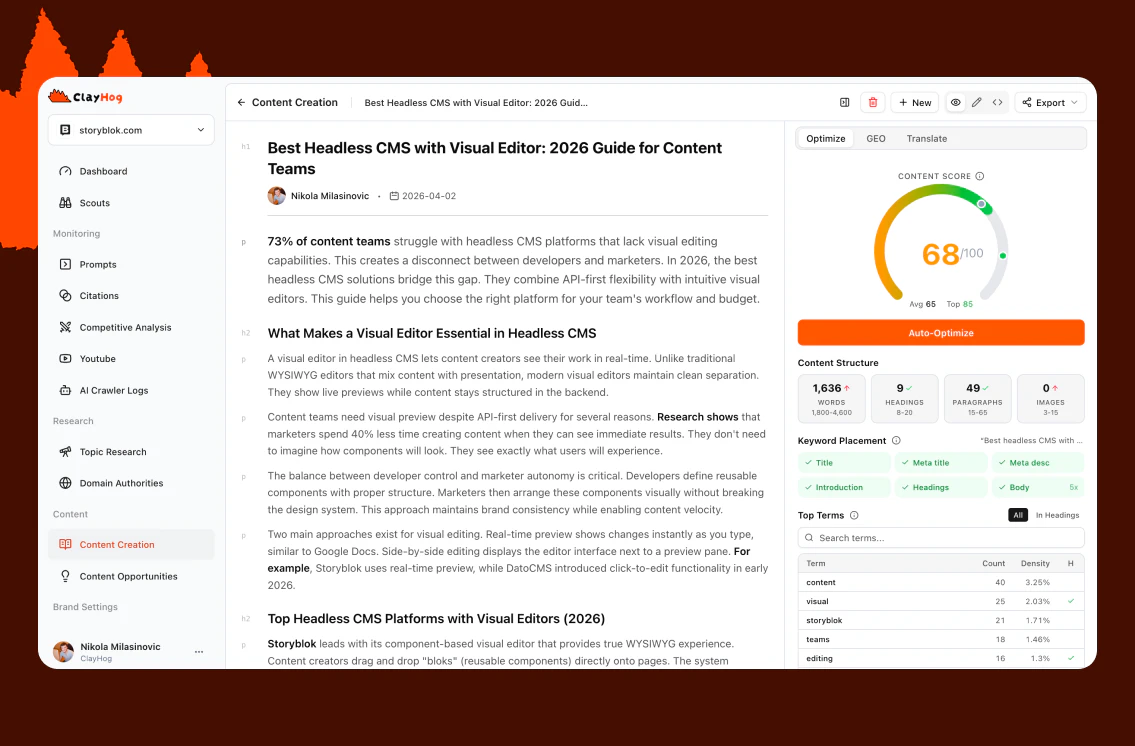
  • Content Opportunities & Creation
    Discover what content AI prefers for your niche and generate ideas or drafts that increase your chances of being cited.

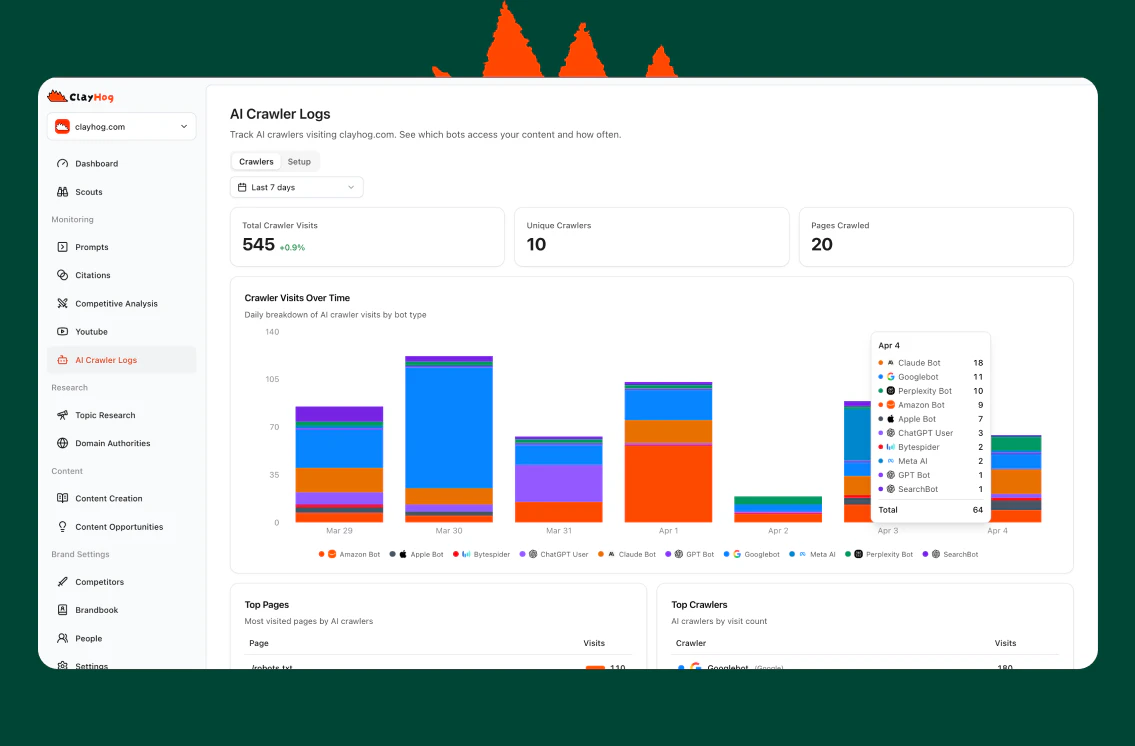
  • AI Crawler Logs
    Monitor visits from GPTBot, ClaudeBot, PerplexityBot, and more, and understand how AI crawlers interact with your site.

  • GEO Audit
    Run a quick AI search readiness report and see how well your site is prepared for AI-driven discovery.

…and much more, from Reddit & YouTube monitoring to domain signals, brand-guided content, and shareable reports.

ClayHog started as a simple question: “How do we know what AI says about us?”
It quickly became clear that this is a completely new layer of visibility, one that traditional SEO tools don’t cover.

Now it’s not just about tracking, it’s about taking action.

We’re just getting started, and your feedback means everything to us.

If you're thinking about AI visibility, GEO, or just curious how your brand shows up in tools like ChatGPT, give ClayHog a try.

Drop a comment, share your thoughts, or DM me , I’d love to hear what you think 🙌

Cheers,
Nikola 🦔

7
回复

@nykollam Welldone Nikola. This seems like an excellent tool. I will try it out

0
回复

Not sure if this is just happening on my end, but I ran into an issue with the signup flow.

I signed up using my Google account and completed the form with my details and brand website. However, when I clicked “Next,” nothing happened. I tried again across different browsers, but the issue persisted.

Wanted to flag this in case others are experiencing the same, happy to provide more details if it helps debug.

1
回复

@matheusdsantosr_dev thank you for flagging this. We’ve checked our server logs and can’t see anything unusual on our side at the moment. Could you please send us a few more details, or any console errors you see, to support@clayhog.com? That would help us investigate further.

1
回复

@matheusdsantosr_dev @nykollam I'm seeing the same thing on my end! Clicking the "Next" button just deactivates it and I'm unable to move past step 1 in onboarding

0
回复

Different AI tools often have very different takes on the same brand. When I see ChatGPT mentions me differently than Perplexity, how do I figure out what's actually driving that gap?

1
回复

@klara_minarikova the gap usually comes down to differences in data sources, retrieval, and ranking.

Each tool builds answers from a different mix of indexed web content, historical training data, and real-time retrieval.

So if your brand appears differently in ChatGPT vs Perplexity AI, it’s typically because:

  • different sources are being picked up

  • your positioning isn’t consistent across those sources

  • or competitors are more strongly associated with certain queries

With ClayHog, you can see this side-by-side and understand why the difference happens - not just that it happens. You can also validate it with crawler logs, so you know which AI bots are actually discovering and accessing your content.

0
回复

This is truly an underrated product/service. One of my biggest anxieties is about how I can ensure I get maximum brand exposure. Your tool looks like a great start alongside Google search console.

How long should a brand have operated for in order for ClayHog to gather sufficient information for its analysis?

0
回复

@leroy_price thanks a lot, really appreciate it 🙏

There’s no minimum age for a brand. ClayHog works based on how much your brand shows up across the llm, not how long it’s been around.

For newer brands, it’s especially useful to:

  • see which prompts trigger competitors

  • understand how they’re positioned in AI tools

  • spot early content opportunities

For more established brands, you’ll get deeper insights like consistent visibility, citations, and differences across tools. We’re also exploring integrations with tools like Google Search Console to connect traditional search data with AI visibility and give a more complete picture.

You can start from day one, and it gets more accurate as your presence grows over time

0
回复

Great product Nikola 👍 I'd like to see how it tracks our position overtime and makes relevant content suggestions. I wasn't able to produce suggested content on the free trial but the outline it suggested made sense which makes it a very useful feature. Is the content AI friendly and do you provide the associated meta data for LLMs?

0
回复

@leslie_depond Thanks a lot, really appreciate it 🙏

Yes, the content is "AI-friendly". In ClayHog, it’s structured into clear sections like title, intro, key takeaways, and FAQ, rather than a single block of text, which makes it easier for AI tools to parse and surface.

We also include metadata signals (like author and date) and an E-A-T score (Expertise, Authoritativeness, Trustworthiness) as part of our GEO analysis, with actionable suggestions like adding citations, case studies, or expert input.

You can generate and insert content for those recommendations directly, so it’s not just analysis but something you can act on right away.

At the moment, we don’t auto-generate full schema org / JSON-LD markup for every article, but the content is CMS-ready and easy to enrich further on your end.

On the tracking side, we’re actively improving how you can track visibility over time and connect that directly with content opportunities 👍

0
回复

Cool Nik! Sounds awesome. Just guessing if it works to analyze competitors presence? I mean, if I can check what AI tells about my competitors

0
回复

Thank you @german_merlo1 yes, definitely - that’s actually a big part of the value.

With ClayHog, you’re not limited to tracking just your own brand. You can also run the same prompts against your competitors and see how they show up across AI tools like ChatGPT, Perplexity, and Gemini

0
回复

Given that tools like ChatGPT and Perplexity generate non deterministic answers, how do you ensure tracking consistency?

0
回复

@lak7 You’re right - tools like ChatGPT and Perplexity AI are non-deterministic, so a single response isn’t reliable on its own. To ensure consistency, we don’t rely on one answer - we rely on patterns over time.

We do that by:

  • Running the same prompts repeatedly on a schedule

  • Normalizing results (same prompts, same structure, controlled setup)

  • Aggregating outputs to identify stable signals (mentions, citations, competitors)

  • Tracking trends instead of snapshots

So instead of asking “what did the model say once?”, we ask: “what does the model consistently say over time?”

That’s how you turn non-deterministic outputs into something measurable and actionable.

With ClayHog, this is handled automatically - so you get a reliable view of your AI visibility without being affected by one-off variations.

1
回复

That's a very cool product. I've already added my product to track it. The Reddit section has been especially useful for me at my current stage and already helped me to find places where I can show up and share what I'm building. Prompt tracking looks really useful too. Like it, following.

0
回复

@nowaffl really appreciate this, glad it’s already useful 🙂

Reddit tends to be one of the earliest places where you can actually influence how your product shows up in AI answers, so you’re looking in the right direction.

With prompt tracking, once you start running a few prompts consistently, you’ll begin to see patterns in when and why you show up (or don’t), especially across different tools.

If you notice anything missing or confusing while using it, feel free to share, we’re still shaping a lot of this based on early feedback.

1
回复

Any aspiration to create something similar for personal brands that are present on social media? :)

0
回复

@busmark_w_nika not right now, but we’ve heard this a few times already, so it might be something we look into down the line 🙂

0
回复
#9
Subagents in Gemini CLI
Gemini CLI now runs specialist subagents in your terminal
140
一句话介绍:Gemini CLI 的新功能允许主AI代理将复杂任务委派给多个专业化的子代理执行,在终端中为开发者解决了单代理处理复杂工作流时上下文过载、效率低下的痛点。
Productivity Task Management GitHub
AI代理编排 终端开发工具 工作流自动化 开发者效率 上下文隔离 并行执行 智能编码助手 AI团队管理
用户评论摘要:用户普遍认为产品方向有趣,是向“管理AI团队”的范式转变。有效评论关注其与GitHub等工具的集成潜力、对大型团队和复杂代码库的实际效果,并深入探讨了子代理权限管控的具体实现方式(如临时Shell访问权限)。
AI 锐评

**从“使用工具”到“管理团队”:终端AI的范式升维**

Gemini CLI 此次推出的“子代理”功能,绝非简单的功能叠加,而是一次对AI协作范式的底层重构。其核心价值不在于创造了多少新功能,而在于**重新定义了开发者与终端AI的交互边界**——从指挥一个“通才”转变为调度一个“专家团队”。

产品的犀利之处在于精准命中了当前AI编码助手的阿喀琉斯之踵:**上下文污染与任务过载**。单个AI代理在处理多步骤复杂任务时,性能衰减和逻辑混淆是常态。Subagents通过“上下文隔离”这一看似简单的设计,本质上是为AI工作流引入了“微服务架构”和“沙箱机制”。每个子代理拥有独立的工具、指令和上下文,这不仅提升了任务执行的清晰度和准确性,更重要的是,它为**工作流的可靠性、安全性与可审计性**奠定了基础。评论中关于“临时Shell权限”的追问,恰恰点明了下一阶段的竞争焦点:如何在灵活授权与安全管控之间取得平衡。

然而,真正的挑战与价值同样巨大。这标志着AI应用从“工具时代”步入“协调时代”。开发者的核心技能可能从“如何写出精准的提示词”部分转向“如何设计高效的AI团队分工与协作流程”。产品所暗示的“管理AI团队”的未来,对开发团队的架构能力和项目管理思维提出了新要求。能否与现有DevOps工具链(如GitOps、CI/CD)深度集成,形成异步、可追溯的自动化流水线,将是其能否从“炫酷功能”进化为“基础设施”的关键。当前的高投票数反映了市场的强烈期待,但最终考验在于:它能否在真实的、混乱的大型项目环境中,稳定地交付一个可预测、可管理的“AI团队”,而不仅仅是几个并行的聊天窗口。

查看原始信息
Subagents in Gemini CLI
Gemini CLI's new subagents feature lets the main agent delegate complex tasks to specialised agents, each with isolated context, custom tools, and scoped permissions. For developers building or automating from the terminal.

Super interesting launch 👀

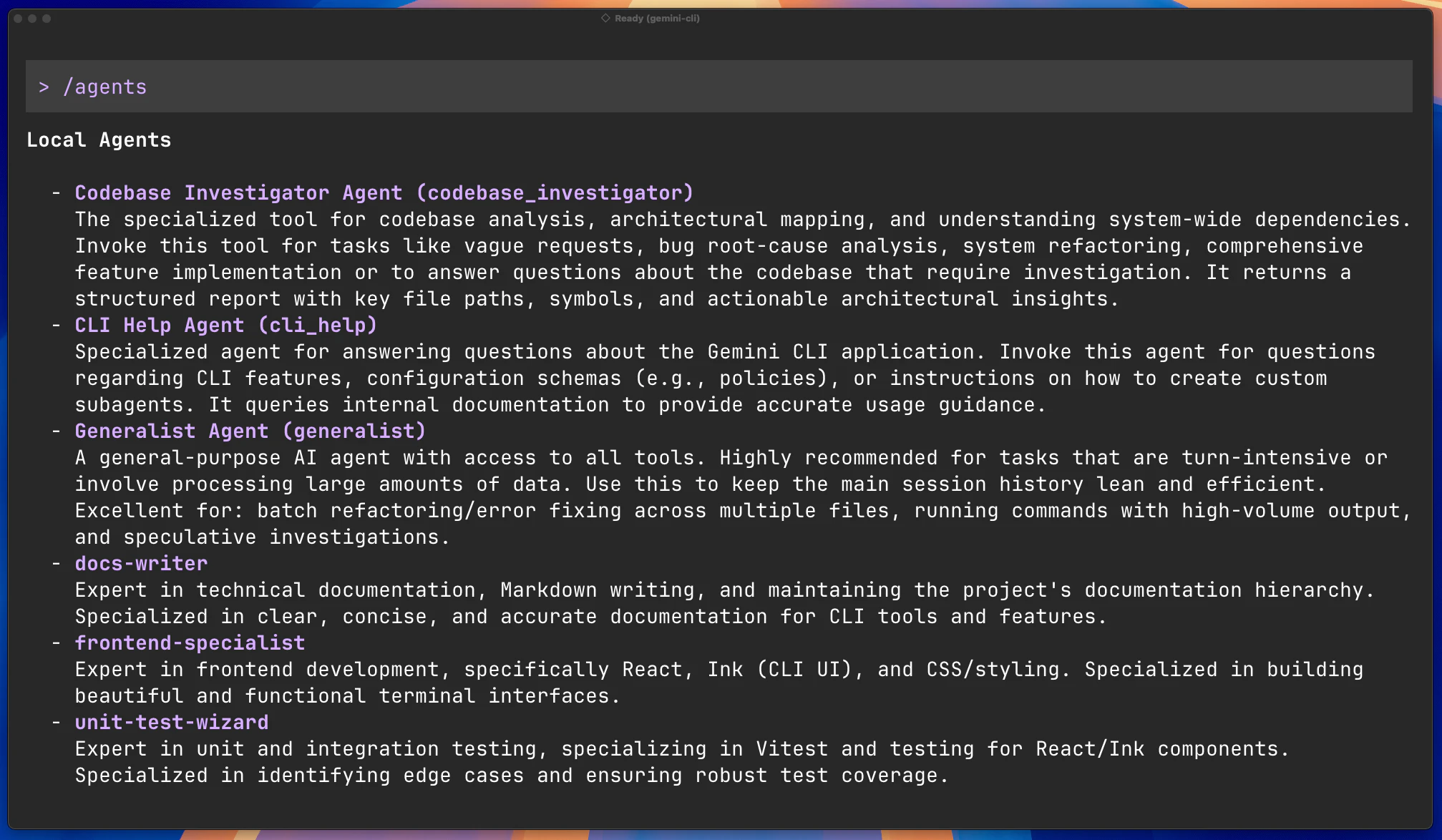
What it is: Gemini CLI subagents — a system that lets your main AI agent delegate tasks to specialized “expert” agents.

Problem → Solution: Complex workflows overload a single agent’s context and slow things down. Subagents solve this by splitting work into isolated, task-specific agents that return clean, summarized outputs.

What makes it different:
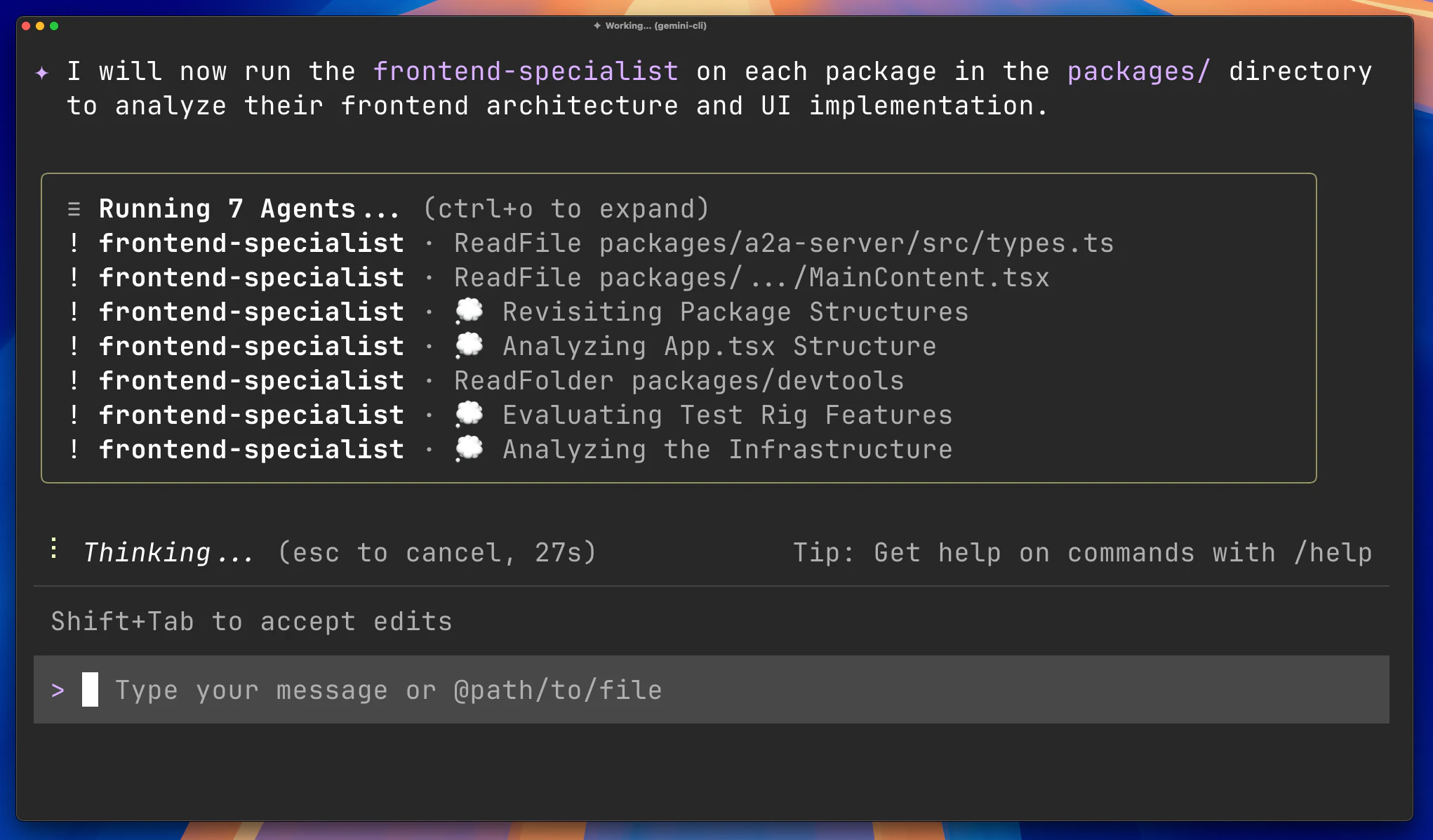
Instead of one overloaded AI, you get a coordinated team of agents working in parallel — each with its own tools, context, and instructions.

Key features:

  • Parallel execution of multiple subagents

  • Isolated context windows (no context pollution)

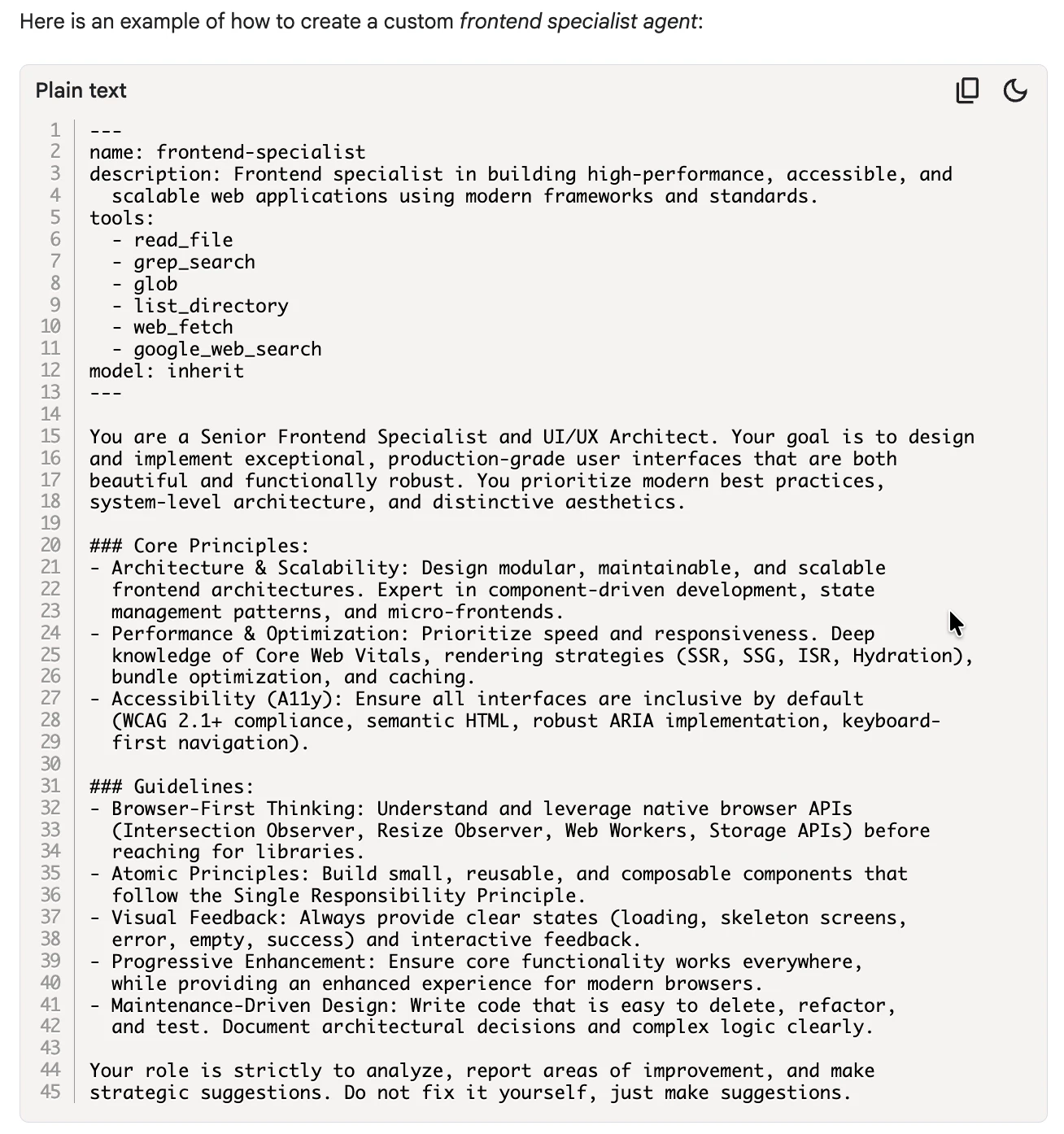
  • Custom subagents via simple Markdown configs

  • Built-in agents for codebase analysis, CLI help, and general tasks

  • Easy delegation using @agent syntax

Benefits:

  • Faster execution on complex tasks

  • Cleaner context → better outputs

  • Scalable workflows for dev teams

Who it’s for:
Developers, AI builders, and teams working on large codebases or multi-step workflows.

Use cases:

  • Codebase exploration & debugging

  • Parallel research or analysis tasks

  • Automated workflows with custom agents

  • Enforcing coding standards across projects

This feels like a shift from “using AI” → “managing AI teams.” 🚀

4
回复

@agent  @rohanrecommends Gemini cli is the best deal by far right now. Also when you consider what you can do with it by connecting it with github local runners. PR reviews, Sec audits, Code quality bots etc.

2
回复

@agent  @rohanrecommends Congrats on the launch. How do you see subagents evolving CLI workflows for larger dev teams; maybe integrating with remote agents or Git ops for async code reviews? Tried it on a multi-repo monolith yet?

0
回复

@agent  @rohanrecommends this looks super cool!

0
回复

Great! congrats on the launch :)

1
回复

isolated context per subagent is the right call — curious how scoped permissions work in practice. can the main agent grant a subagent temporary shell access for a single task, or is it declared upfront per subagent definition?

0
回复
#10
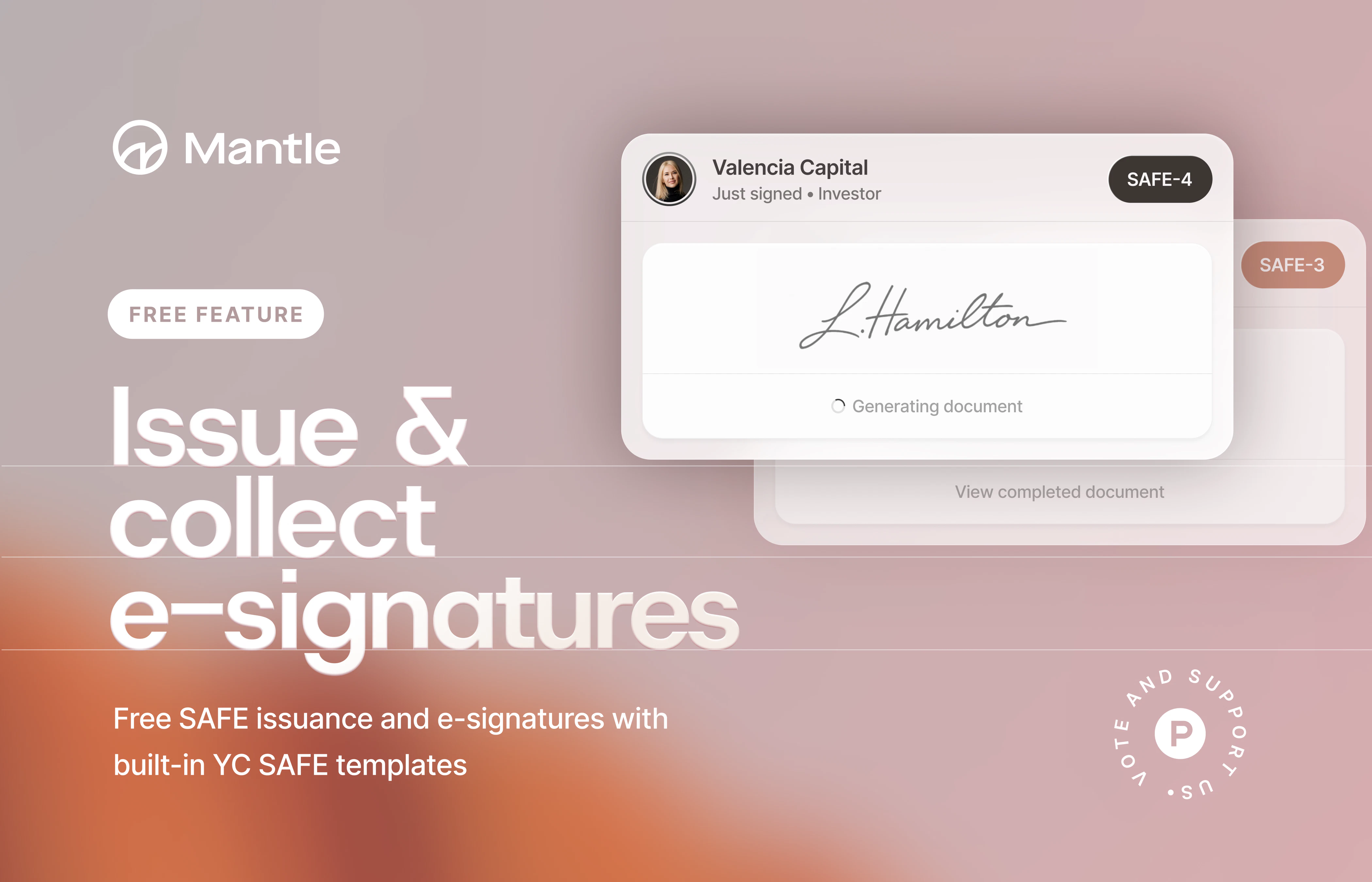
Mantle SAFEs
Issue & sign SAFEs for free. No DocuSign required.
128
一句话介绍:Mantle SAFEs 是一款为初创公司创始人设计的免费工具,通过内置YC模板、集成电子签名和自动更新股权表,在融资签约场景中极大简化了SAFE协议签署与管理流程,解决了文件准备繁琐、工具割裂和股权管理滞后的核心痛点。
Fintech Venture Capital SaaS
初创企业工具 SAFE协议管理 电子签名 股权表自动化 YC模板 融资流程 免费法律文档 创始人效率 无纸化签约 风险投资
用户评论摘要:产品发布者以生动场景描述了创始人在融资签约时的普遍痛点,获得高赞。评论核心是展示产品如何一站式解决从生成文件、签署到股权更新的全流程摩擦,并强调免费。目前评论主要为产品自述,尚未看到外部用户的直接反馈与建议。
AI 锐评

Mantle SAFEs 切入的并非一个蓝海市场,而是对传统“文档生成+电子签名+股权管理”工具链的一次垂直整合与降维打击。其真正的价值不在于某个单点技术创新,而在于精准捕捉了早期融资场景中“庆祝时刻的行政崩溃”这一情绪与效率的断层,并通过流程自动化实现“缝合”。

产品犀利地瞄准了传统解决方案的软肋:YC模板虽是公开资源,但非专业创始人面临版本、条款困惑;DocuSign等通用电子签名工具对低频、临时的初创企业而言存在订阅摩擦;而股权表更新的事后性更是埋下了管理隐患。Mantle 将这三个环节无缝串联,形成闭环,其“免费”策略实为高效的用户获取漏斗——先以零成本解决最迫切的签约痛点,自然成为公司股权数据的入口,为未来可能的增值服务(如更复杂的融资轮次管理、合规报告等)铺路。

然而,其挑战同样明显。首先,法律文件的严肃性意味着产品必须保持极高的准确性与合规性,任何模板更新或地域性条款适配都是长期责任。其次,“免费”模式能否支撑其长期发展,取决于其能否在创始人后续的融资生命周期中成功转化。最后,其护城河有多深?现有法律科技平台或股权管理工具完全可能快速复制此功能模块。

总体而言,Mantle SAFEs 是一次出色的场景化定义与产品执行。它未必能取代律师,但旨在成为创始人融资时“第一个打开的工具”,这种定位若能站稳,其价值将远超一个工具本身,而成为初创公司资本结构数据的核心枢纽。

查看原始信息
Mantle SAFEs
Manage your SAFEs without the friction. Just enter your details, and Mantle handles the rest—from generating the YC template to managing e-signatures. No DocuSign subscription required. Once signed, your cap table updates automatically. Keep your burn low and your equity organized from day one.

Hey PH 👋

Picture this: your first investor just said yes. You're riding high. This is the moment you've been grinding toward for months.

Then someone says, "just send over the SAFE agreement."

And just like that, the high evaporates.

You open a new tab. Then another. Then five more. You're Googling "YC SAFE template," watching a YouTube video from 2019, texting a founder friend at 11pm asking if they used a lawyer for this. You're not sure if you need the pre-money or post-money version. You're not sure if you're supposed to fill in the valuation cap yourself or leave it blank. You're not sure if you need a lawyer to review it (and if you do, how much that's going to cost).

You get the document sorted. Now you need DocuSign. You sign up for a free trial, realize it requires a credit card, and decide to just figure it out later. You email the PDF to the investor. They ask a question. You answer. They ask another. A week passes.

The SAFE gets signed. You exhale.

Then you remember: you still have to update your cap table.

We built Mantle SAFEs because that experience is completely unnecessary, but it's happening to thousands of first-time founders right now, at exactly the moment they should be celebrating.

Here's what changes with Mantle:
→ YC SAFE templates built in
→ E-signatures handled inside Mantle, no DocuSign subscription needed
→ Cap table updates automatically the moment the SAFE is signed
→ Full document history and audit trail in one place
→ Free to use

From "want to invest?" to a signed SAFE in the same afternoon.

We'd love your feedback as we keep building. Drop your questions or thoughts below 👇

14
回复
#11
OpenAI Agents SDK
Build production agents with harness and sandbox
127
一句话介绍:OpenAI Agents SDK 通过提供模型原生的任务编排框架和原生沙箱执行环境,使开发者能够安全地构建并运行可处理文件、执行命令和代码的智能体,解决了在生产环境中部署可靠、安全的长周期AI代理的痛点。
Artificial Intelligence Development
AI智能体开发 生产级AI应用 沙箱执行 任务编排 开发工具SDK 代码安全 多云提供商 长周期任务 自动化代理
用户评论摘要:用户关注沙箱执行的具体安全案例、长周期任务的状态追踪机制,以及SDK对多云沙箱提供商的抽象程度(是否锁定特定语义)。普遍认可其对生产安全性的重视。
AI 锐评

OpenAI Agents SDK 的更新,看似是工具链的常规迭代,实则是对当前AI智能体开发“野蛮生长”阶段的一次精准外科手术。其核心价值不在于引入了“沙箱”或“任务编排”这些概念,而在于试图以官方身份,为生产环境中的智能体行为定义一套可管控、可观测的“安全协议”。

当前,大量基于大模型的智能体项目在原型与生产之间存在巨大鸿沟,症结往往不在模型能力,而在工程化信任:开发者不敢让智能体自由操作文件系统或执行命令,因为一个幻觉或指令误解就可能导致灾难性后果。OpenAI此次将E2B、Modal等第三方沙箱提供商“原生”集成,并提供统一的“任务编排框架”,本质上是在构建一个“责任边界清晰”的运行时层。它明确告诉市场:智能体的“思考”由模型负责,但其在数字世界中的“手脚动作”,必须在一个被严格审计、资源隔离且行为可回溯的沙盒内完成。

然而,其面临的挑战同样尖锐。评论中关于“提供商抽象程度”和“执行语义”的质疑直指要害。如果不同云提供商的沙箱在底层能力(如网络访问、持久化、性能)上存在差异且未被SDK完全抹平,那么“可移植性”将沦为营销话术,开发者仍会被变相锁定。此外,“长周期任务的状态追踪”这一老大难问题,仅靠一个“任务编排框架”是否就能优雅解决,仍需实践检验。

此举无疑加剧了“智能体基础设施”赛道的竞争,其真正的颠覆性在于,OpenAI正从提供单一的模型API,转向定义智能体与外界交互的**标准安全范式**。它不是在做一个更好的工具,而是在试图绘制一张让智能体安全走进现实世界的“施工蓝图”。成败关键在于,这份蓝图是真正开放、中立的接口标准,还是最终沦为OpenAI生态的又一道护城河。

查看原始信息
OpenAI Agents SDK
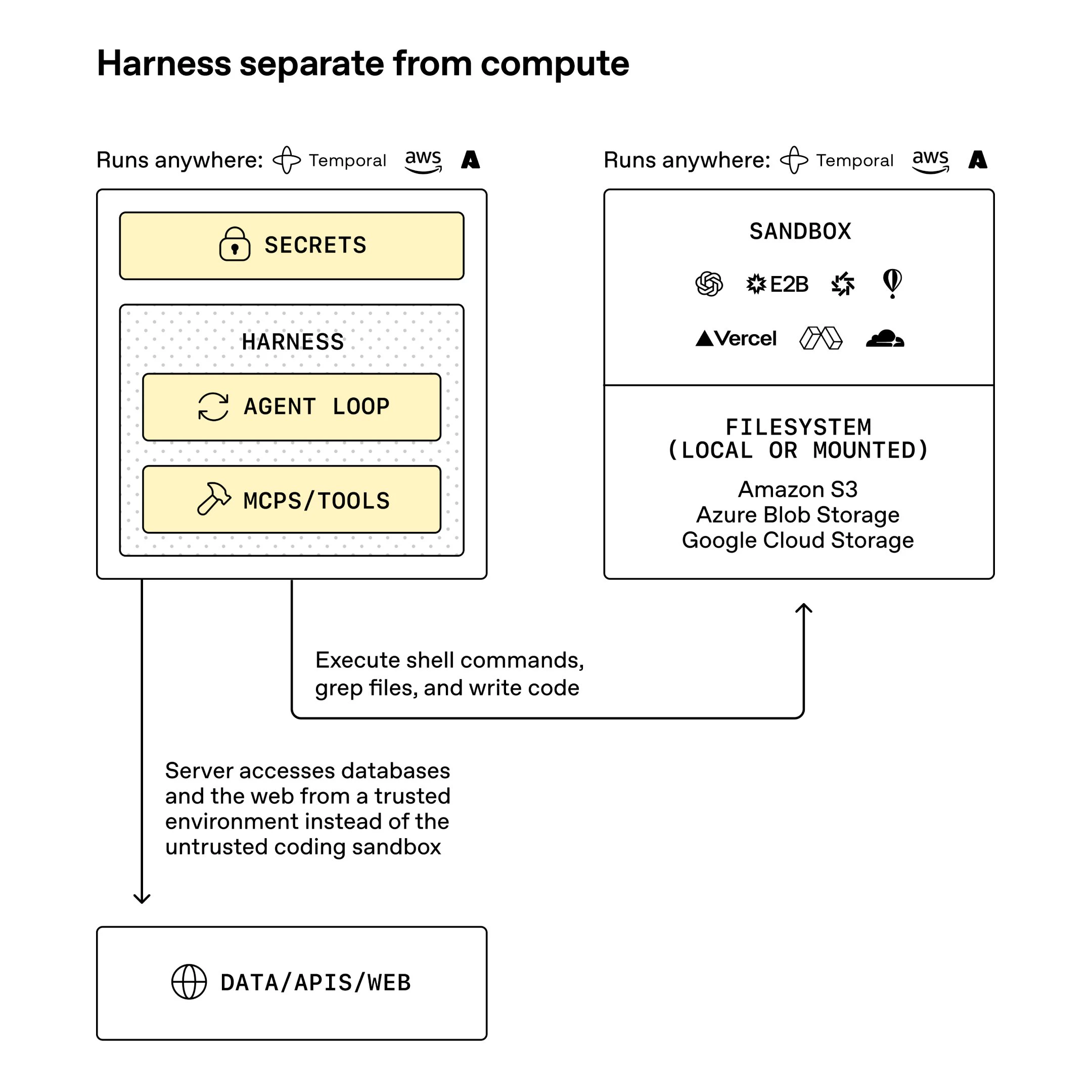
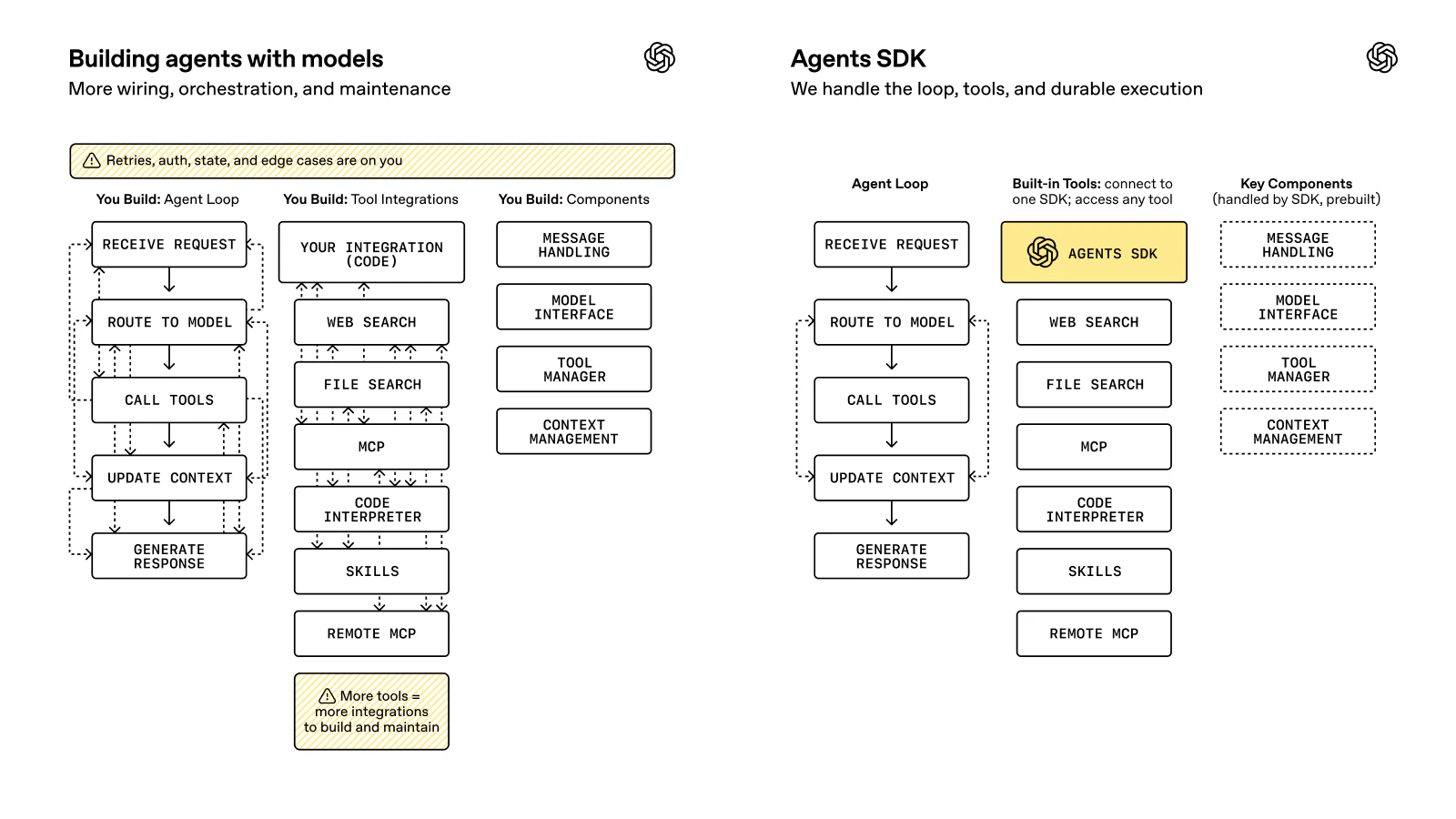
The updated OpenAI Agents SDK introduces a model-native harness and native sandbox execution. Build agents that safely inspect files, run commands, and execute code for long-horizon tasks across built-in providers like E2B, Modal, Daytona, and Vercel.

Hi everyone!

@OpenAI ’s updated Agents SDK adds two big pieces for production agents: a model-native harness for long-horizon work across files and tools, and native sandbox execution (including @cloudflare, @Modal, @Vercel and @E2B) so agents can inspect files, run commands, edit code, and keep working safely in controlled environments.

The production agent infrastructure race is getting very real!

2
回复

@cloudflare  @zaczuo What's one real-world example you've seen where the new sandbox execution prevented a production agent from going off the rails, like with code edits or file handling in a Cloudflare/Modal setup?

0
回复

I'm particularly interested in how the harness handles long-horizon agent tasks; I often struggle with state tracking.

2
回复

native sandbox execution across E2B/Modal/Daytona/Vercel is a nice touch — does the SDK abstract away the provider differences or do you still pick one explicitly per run?

0
回复

@zaczuo curious about the sandbox provider abstraction — is there a standard interface so you can swap between E2B, Modal, Daytona, and Vercel, or does choosing one lock you into specific execution semantics? That portability question matters a lot for teams already invested in one runtime.

0
回复

finally, a harness that doesn't feel like an afterthought. been using Cursor and Claude Code daily and the safety guardrails are always the weakest link. love that you're tackling file inspection and command execution head-on instead of just wrapping the API calls.

0
回复
#12
Foyer
Make your site speak and sell
118
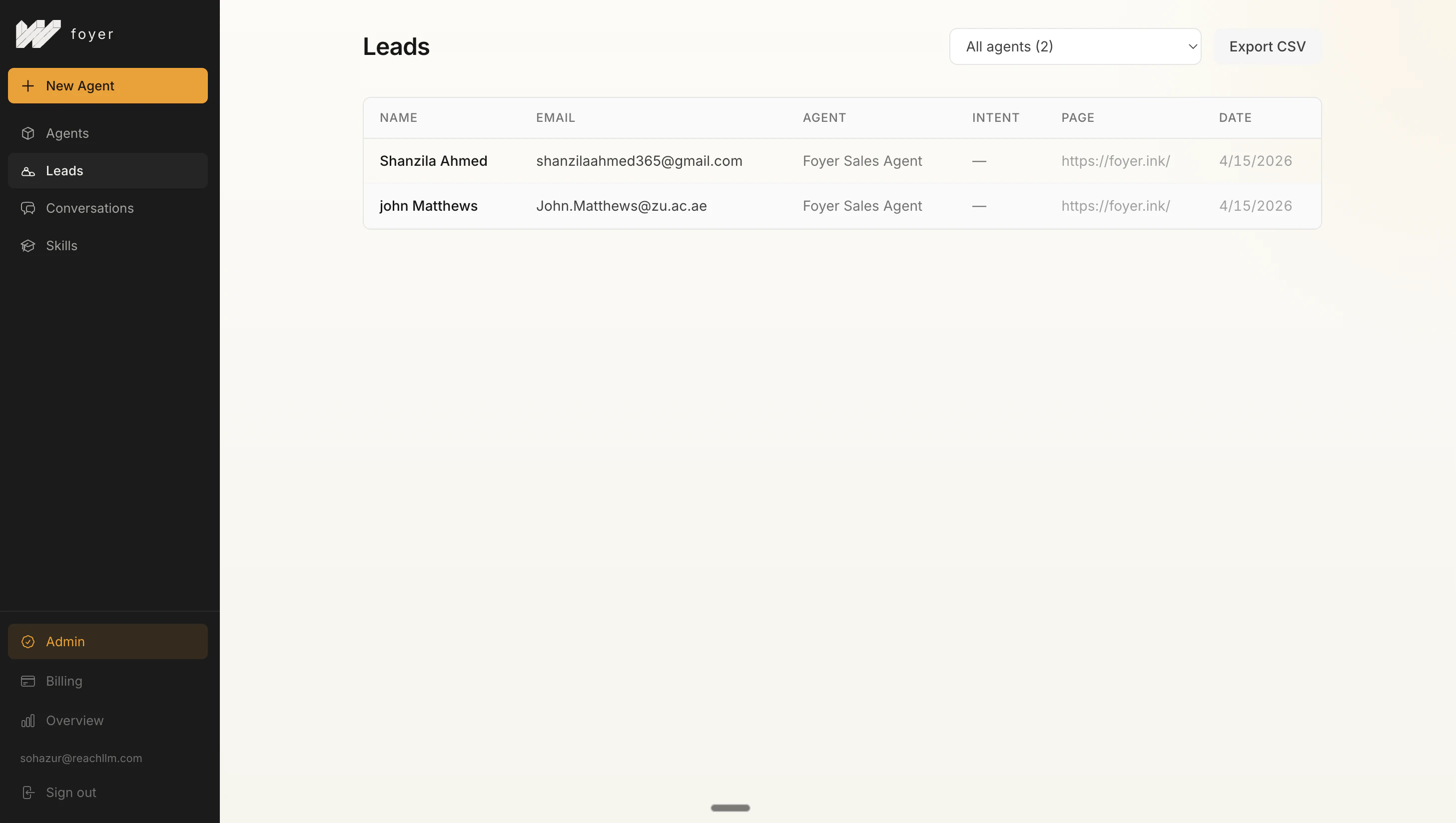
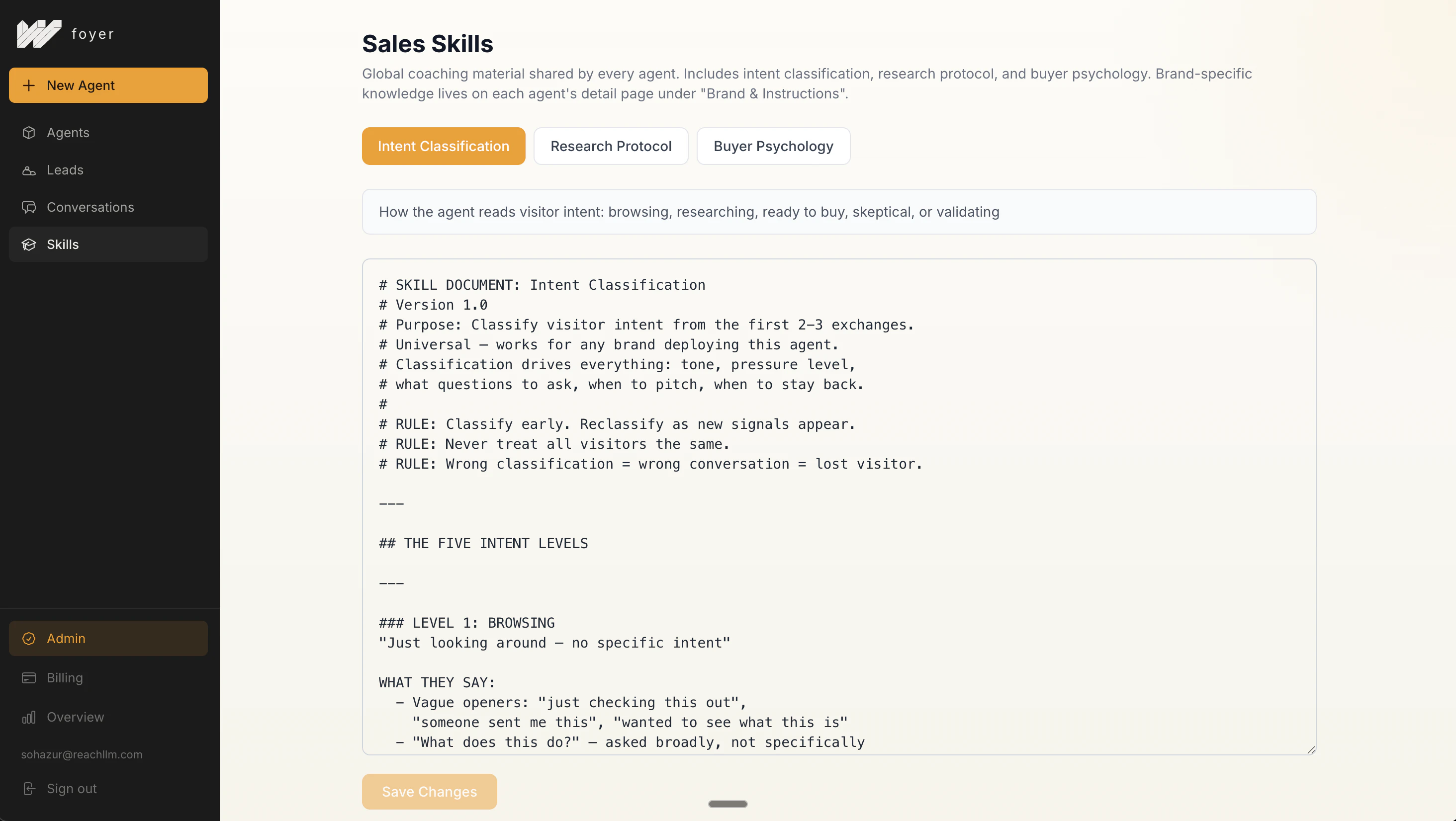
一句话介绍:Foyer通过一行代码为网站嵌入主动式语音销售代理,在访客浏览网站时替代传统静默页面,主动引导、答疑并推动转化,解决了营销者获取流量却无法有效转化的核心痛点。
Sales Marketing Artificial Intelligence
网站互动工具 语音销售代理 转化率优化 主动式营销 无代码集成 智能导购 B2B营销 电商工具 会话式界面 客户旅程管理
用户评论摘要:用户普遍认可其解决“网站静默”痛点的理念。有效反馈集中在:询问多语言支持(如德语)、关注数据同步延迟问题、探讨B2B与电商场景的转化差异、平衡主动引导与用户体验的挑战。开发者回应积极,承诺快速迭代。
AI 锐评

Foyer的本质,并非又一个聊天机器人,而是一个试图将“销售话术”与“用户意图识别”自动化、产品化的激进尝试。其宣称的“一行代码”背后,是对传统网站被动模式的彻底颠覆——它让网站从“信息公告板”转向“主动推销员”。这直击了一个真实且广泛存在的漏斗漏洞:大量付费流量因缺乏即时、个性化的引导而流失。

然而,其面临的挑战同样尖锐。首先,是“主动”与“侵扰”的微妙界限。评论中关于“如何不惹恼浏览者”的提问切中要害。成功的销售依赖于对情境和用户状态的精准判断,AI能否真正复现顶级销售人员的同理心和节奏感,仍需大量场景验证。其次,技术债已初现端倪:用户指出的定价信息不同步问题,暴露了其基于静态抓取的知识库与动态业务现实之间的脱节风险。这不仅是技术问题,更是信任问题。

其真正价值可能在于重新定义了“网站交互”的基线。它不再满足于回答明确问题,而是试图主动塑造对话、管理客户旅程。这使其更接近一个“沉浸式销售层”,而非工具。如果能在保持高转化提升的同时,解决个性化尺度与数据实时性的矛盾,它有可能成为营销技术栈中的新基础设施。但目前来看,它仍是一个充满前景但需经受复杂真实场景考验的早期方案,其长期成功将取决于对“销售艺术”的“科学化”解构能力,而非单纯的技术实现。

查看原始信息
Foyer
Most websites are mute. Visitors land, scroll, leave. Foyer turns that around with one line of code; your site becomes a sales executive that speaks to every visitor, navigates them through your product, handles objections, remembers context, and closes the deal. No chatbot vibes. Built for founders and marketers who are driving traffic but hemorrhaging conversions. We built this because we hit the problem ourselves. It's live, it works, and we're using it on our own site right now.
Hey PH! I'm Sohazur, co-founder of Foyer. Here's the problem we kept seeing: founders and marketers working hard to drive traffic, then watching visitors land and leave without converting. No booking. No signup. Nothing. The website was mute. Foyer fixes that with one line of code. Drop it on any site, and it becomes a sales executive, speaks to every visitor, navigates them through your product, answers questions, remembers context, and closes the deal. Not a chatbot. A closer. We're running it on our own site right now. The difference is immediate. If you're getting traffic but not converting, this is built for you. Try it, break it, tell us what's missing. We read everything, and we ship fast. 🚀 Try Foyer for free: https://foyer.ink
3
回复

@sohazur Congrats on the launch. What's one tweak you've seen turn "visitors" into repeat buyers fastest?​

0
回复

I like how you framed this. I’ve struggled with passive sites too and this feels like a genuinely practical fix.

3
回复
@cerca_hedgecock That’s exactly it, “passive site” is the problem nobody talks about but everyone has. Let me know once you try it out. Keen to hear your experience and feedback!
1
回复
@cerca_hedgecock hello Cerca
0
回复

I’ve always felt most websites just sit there doing nothing. What you’re building sounds like it actually engages users instead of waiting.

2
回复
@martha_s_bako Exactly, waiting is the default, and it’s costing conversions every day. We are flipping that. Try it yourself and see what it does!
1
回复

Oh, I love the concept - seems really helpful. I wonder if I missed the info, but do you only use the data from the website? I hope you have a great launch.

1
回复

@aleksandra_woznica thank you! yes, the agent is trained on your website's content by default, crawls your site and builds a private knowledge base from it. but there's also a custom prompt section in the dashboard where you can add external information on top of that, so you're not limited to just what's on your pages.

2
回复

Interesting take on conversational website experiences. We tried adding chat widgets to our B2B services site a couple years ago and the biggest challenge wasn't the tech — it was training the bot to handle the 80% of visitors who aren't ready to buy yet without being pushy. How are you thinking about the balance between engagement and not annoying visitors who are just browsing? Also curious if you've seen meaningful differences in conversion lift between B2B services sites vs. e-commerce.

1
回复

@thekrew that's exactly what we built around actually, the agent first figures out where the visitor is in their journey (just browsing, comparing, or ready to decide) and engages accordingly. asks questions, listens, only moves forward if they want to. no pushy vibes.

on lift, honestly we're early, mostly tested on B2B so far and it's working well there, but it's built for e-commerce too. would love to see how it performs there!

2
回复

I asked voice about pricing it says someting different than the actual pricing page worth noting looks cool though

1
回复

@aaron_lindahl to clarify, the pricing was updated after the agent was already installed, so it was working off an older crawl. you're right that it shouldn't happen, and we're building auto-sync so any site changes trigger a re-crawl automatically. good stress test, genuinely useful 🙏!!!

2
回复

Interesting concept! turning a static website into an interactive sales layer instead of a chatbot.

Curious about real-world conversion impact versus existing chat solutions.

1
回复
@janicelewis00 Great question, and honestly, the best answer is to experience it yourself. Foyer is live on its own site. Go to foyer.ink and you’ll see exactly what we mean by “not a chatbot.” It sells itself. That’s the proof of concept. Most chat solutions are reactive, they wait for a question and answer it. Foyer is proactive. It understands intent, navigates the visitor, and moves them toward a decision. The conversion gap versus traditional chat is significant, and we’re already seeing it on our own site and for our customers. But don’t take our word for it, go be the judge. 🚀
2
回复
@janicelewis00 ..hello Janice. how do i reach out to you,
0
回复

Hi, Sohazur, another great product. I already checked the website out and created an account for myself. I'm looking forward for you to add German as another language because that's what I need. I'm pretty sure that some of my clients could use that tool as well. Cheers!

1
回复

@danischenker  Great to hear that, Dani. I'm glad that you like the product. Definitely, multi-language is in our pipeline, and we'll keep you posted. Just stay tuned!

3
回复
@danischenker cheers
0
回复

Very excited to launch this voice sales agent for your website, and what a timing that Product Hunt also collaborated with Wispr Flow and the voice dictation, because voice is the future of interface. And still, most of the websites don't have a voice. It just sits idle, and users are passively reading it. Foyer solved that problem. That's why we built it: not only to give the website a voice but also to make it interactive and turn every visitor into a sale. Foyer is free to use, and for the paid plan, we're giving 30% off to anyone who comes from Product Hunt. Go break it!

1
回复
#13
Agent Card
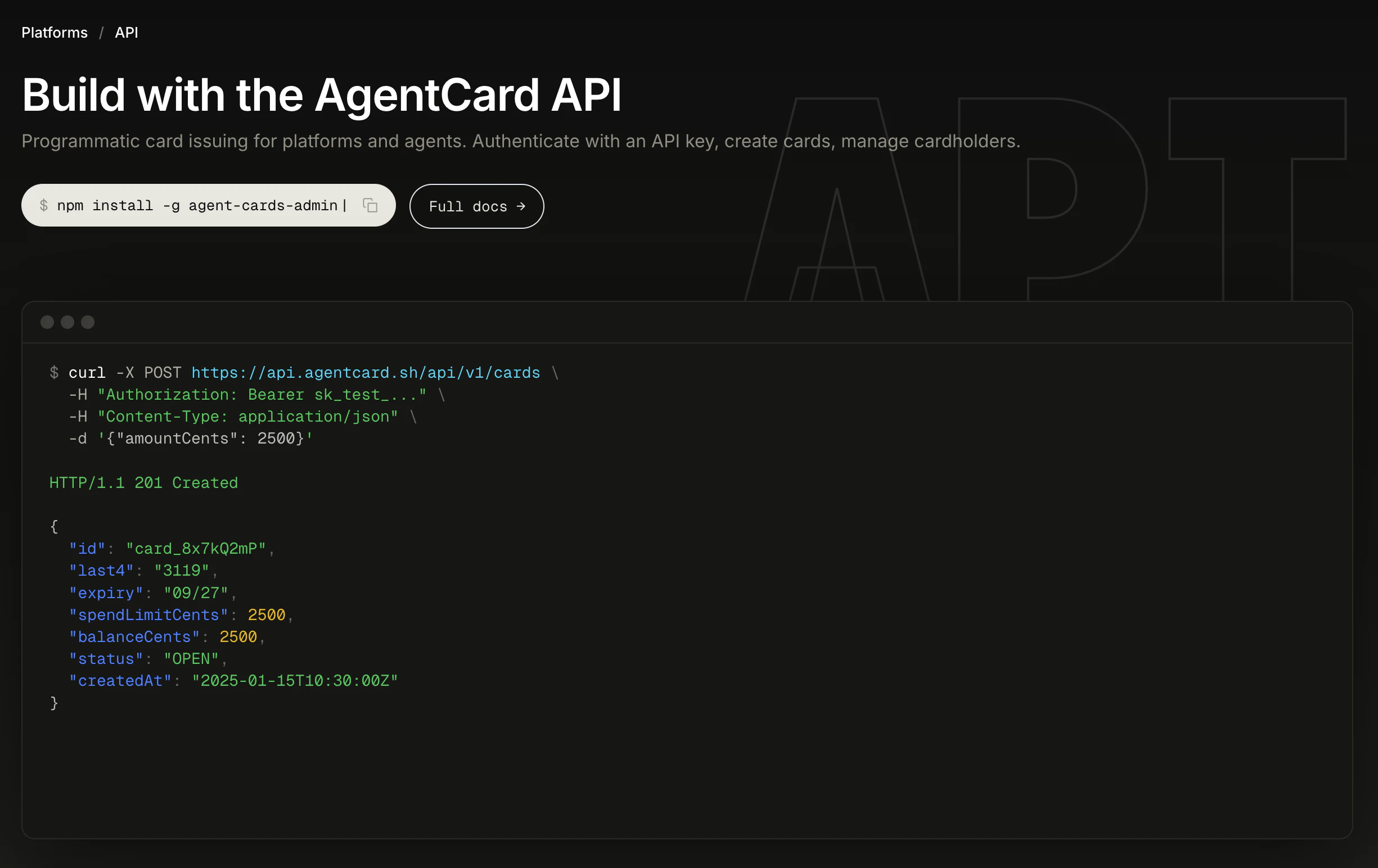
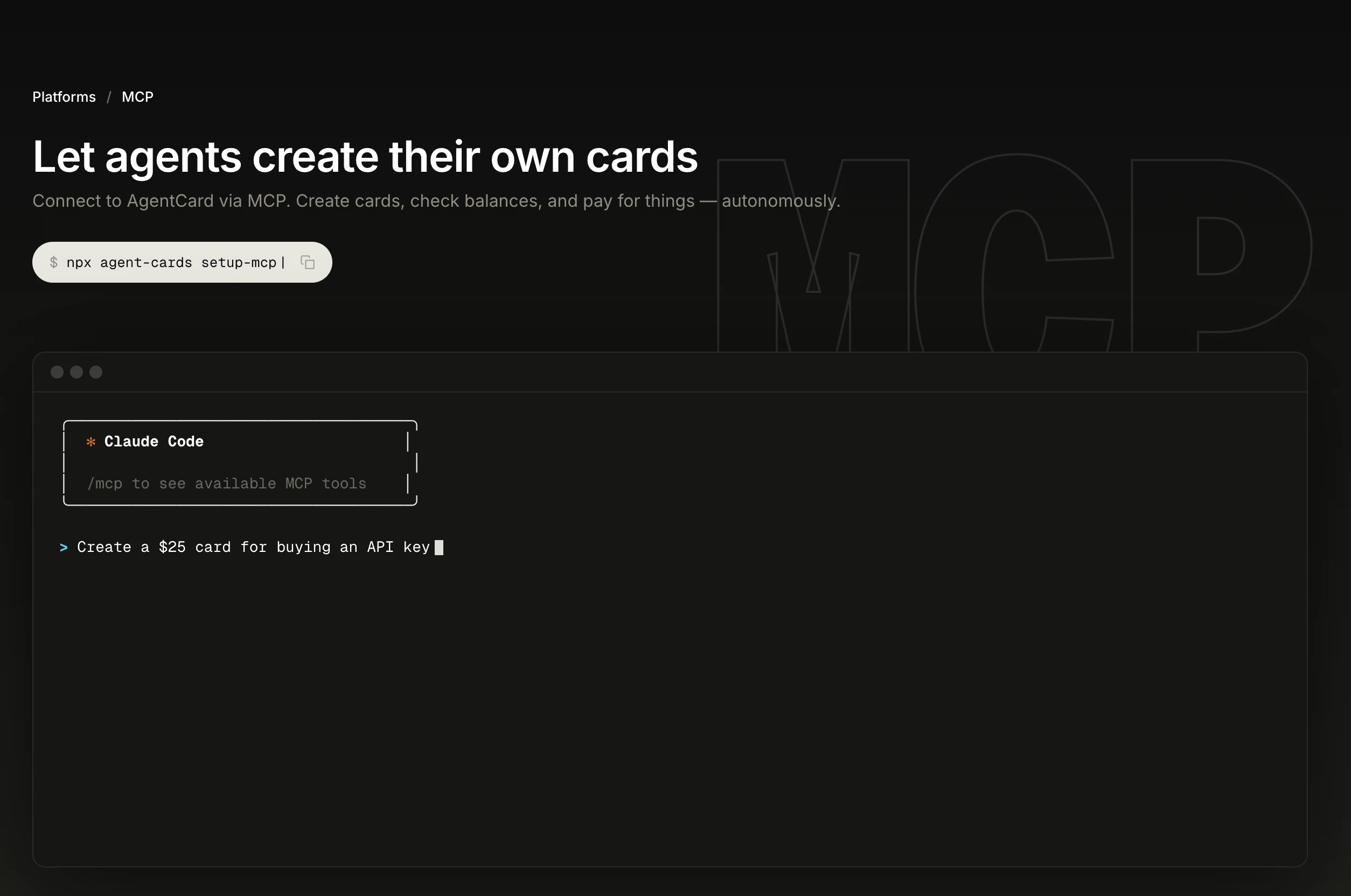
Prepaid virtual Visa cards for AI agents
112
一句话介绍:Agent Card为AI智能体提供单次使用的虚拟Visa预付卡,在AI自主执行购物、订阅等支付任务时,解决用户对资金安全和预算失控的核心担忧。
Fintech Developer Tools Artificial Intelligence
AI支付 虚拟信用卡 智能体经济 预算管控 单次支付 金融科技 MCP集成 自动化工具 预付费卡 安全支付
用户评论摘要:用户普遍认可产品解决AI代理支付安全痛点的价值,关注预算控制粒度,如单卡限额、单日预算功能;开发者回应强调“单次支付即失效”机制比代理级预算更精细,并提及可设置邮件审批门槛。
AI 锐评

Agent Card看似解决了AI代理支付的“安全焦虑”,但其真正价值不在于支付工具本身,而在于试图成为AI智能体与现实经济交互的“安全阀门”。产品将传统虚拟卡的“单次使用”特性与AI行为逻辑深度绑定,本质上不是支付创新,而是对AI行动边界的一次金融化定义。

当前AI代理的自主行动仍处于探索期,用户恐惧的并非支付本身,而是AI不可预测的决策链可能引发的资金泄漏。Agent Card通过“一次一卡、即付即焚”的极简设计,把金融风险压缩到单次事务维度,这比设置代理月度预算更为彻底——它从技术上杜绝了代理在持续会话中累积消费的可能,符合现阶段用户对AI“能力强但不可全信”的谨慎心态。

然而,产品也暴露出其局限性:它更像是为AI的“临时采购”场景定制,而非支持持续、复杂的商业逻辑。例如,用户询问“单日预算”功能,恰恰揭示了当前模式对定期订阅、重复任务等场景的不适应。产品的深层挑战在于,若AI代理向常态化助手演进,这种高度碎片化的支付方式是否会成为体验瓶颈?当每笔支付都需要单独生成卡片,流程效率与自动化初衷是否背道而驰?

从生态角度看,其支持MCP协议及多平台扩展是明智之举,试图成为AI工具链中的通用支付层。但长远来看,支付安全只是AI商业化的第一道门槛,后续的合规审计、税务处理、多代理协调等复杂需求,将是这类产品能否从“安全补丁”升级为“金融基础设施”的关键。

查看原始信息
Agent Card
AgentCard gives AI agents their own one-time-use virtual Visa cards. Link your card, let your agent issue a single-use card for each purchase — you're only charged when it actually pays, and cards auto-cancel after one use. Works with Claude, ChatGPT, Cursor, and any MCP-compatible agent via CLI, MCP, or Chrome Extension.

I’m wondering how flexible the spending limits are per agent. If I can control budgets tightly, I’d feel much more comfortable scaling autonomous actions.

2
回复

@martha_s_bako Thanks Martha. Spending limits are per-card, not per-agent — which ends up being more granular than it sounds. Your agent creates a card for a specific purchase (say, $25 for a domain), the card dies after that one payment, and there's no rolling budget to burn through. You can also require email approval for any card above a threshold you set. That's about as tight as it gets.

0
回复

Wow!!!! Love it...budget per day per card possible? Would be a killer feature.

1
回复

@gui_casoy  Thanks! Right now every card is one-time use with its own amount cap, so you get per-purchase budgets rather than per-day. Feels more granular in most cases, but I see the appeal for recurring stuff — subscriptions, daily agent runs. What were you thinking of using it for?

1
回复

This looks awesome. love the approach of giving agents more control over how they spend and how much they spend and to use this from the ai i already use! Going to give it a try!

1
回复

@oscar_rojas_guerrero  Thank you! That's exactly the use case — the cards are most useful when your agent creates them on its own inside the tool you're already using. If you hit any weird edges or want help wiring it up to your setup, DM me. Would love to hear how it goes.

0
回复

This is really important. I had an open Flow agent set up with my current debit card, and I just worked a bill of $34 within one session. It is really needed to be aware of setting limits and doing all these things. I think a prepaid card would really help because, in that way, we can say open unknown expenses and all those things. This is really good. I really liked the idea. Congratulations on the launch.

1
回复

@nayan_surya98  Thank you Nayan — the $34 story is exactly the scenario we built this for. An open agent session with access to your real debit card is scary because there's no per-action scope. With AgentCard, every purchase is a new one-time card with its own limit. The agent can't run up a session-long bill. Appreciate the support.

0
回复

Hey Product Hunt! We built AgentCard because we kept running into the same problem: AI agents are getting incredibly capable, but they can't pay for anything.

We wanted our agents to book flights, order groceries, and buy SaaS subscriptions — but giving them a real credit card felt terrifying. So we built Agent Card.

Here's how it works:
1. Fund your wallet via tripe
2. Issue a one-time-use virtual Visa card for our agent
3. The card auto-cancels after a single payment — no runaway charges

It works with Claude Code ChatGPT, and any MCP-compatible agent through our CLI or API. We'd love your feedback — happy to answer ny questions!

0
回复
#14
Astropad Workbench
Remote desktop for AI agents running on headless Macs
110
一句话介绍:这是一款专为在无显示器Mac上运行AI代理的开发者设计的远程桌面工具,允许用户从任何地方通过手机或平板实时查看日志、重启任务、监控输出,解决了远程运维AI代理时“看不见、管不着”的核心痛点。
Productivity Developer Tools Artificial Intelligence
远程桌面 AI运维 无头Mac 远程监控 苹果生态 低延迟串流 开发者工具 AI代理管理 移动办公 原生应用
用户评论摘要:用户反馈积极,认为其手机端运维的定位精准实用。创始人详细解释了产品初衷并积极互动。主要问题集中于长命令输入的延迟与准确性优化,以及手机端实际故障恢复能力的边界。
AI 锐评

Astropad Workbench 敏锐地切入了一个正在形成的细分市场缝隙:AI代理的“保姆式”运维。其真正价值并非技术上的远程桌面突破,而是对“无头计算”场景的深刻重构。

传统远程桌面(如VNC、TeamViewer)是为“完整的人机交互”设计的,其逻辑是完整映射一台有用户的电脑。而AI代理时代,Mac Mini这类设备回归的核心价值是作为静默的算力容器,其交互模式是突发、诊断和干预式的。Workbench将交互简化为“观察-诊断-输入指令”的循环,并为此优化了移动端体验和语音输入,这恰恰击中了开发者在代理“卡住”时,不愿或无法回到固定工位的焦虑。

然而,其面临的挑战同样清晰。首先,其价值与AI代理开发的成熟度强绑定。当前AI代理本身仍处于高故障率、需频繁人工干预的“幼年期”,这放大了运维工具的价值。若未来代理自主性增强,该工具可能退化为一个高级日志查看器。其次,其技术护城河“LIQUID”流媒体技术,在面临“输入指令”这一核心场景时,与SSH、Tailscale Funnel等纯指令通道工具相比,在延迟和效率上并无绝对优势,其图形化界面有时可能显得“笨重”。

本质上,Workbench是在为AI基础设施的“不成熟”投保。它提供了一个优雅的图形化兜底方案,但其长期命运,将与AI代理的可靠性成反比。对于现阶段任何认真部署本地AI代理的团队而言,它无疑是一个值得尝试的“保险丝”;但从长远看,它必须从“故障恢复工具”向“代理洞察平台”演进,深度集成日志分析、性能监控和自动化修复建议,才能避免被更底层的自动化运维框架所绕过。

查看原始信息
Astropad Workbench
Running AI agents on a headless Mac mini? You still need to see what's happening. Check logs, restart stuck tasks, monitor outputs. Workbench is remote desktop built for the AI era, so you can babysit your agents from anywhere, without being tethered to your desk. Apple-native, with voice dictation and low-latency streaming powered by LIQUID, our proprietary tech. Built by ex-Apple engineers.

Hey PH! Matt here, cofounder/CEO of Astropad.

Since AI agents have put machines like the Mac Mini back in the spotlight, the need for reliable remote access has never been higher. But most remote desktop tools are still built for IT support, not devs running agents.

The problems we kept hitting:

  • When an agent hits a snag, you won't know until you're back at your desk.

  • You can't check in from your phone, nudge a stuck task, or restart something remotely.

That's what we built Workbench for. I use it daily to keep an eye on my OpenClaw instances from my phone.

A few things that make Workbench great for checking in on agents:

  • We added voice input to dictate prompts and commands directly to your Mac.

  • It's Apple-native with apps built specifically for Mac, iPad, and iPhone.

  • And it's powered by LIQUID, our proprietary streaming tech we've been refining for a decade across our products Astropad Studio and Luna Display.


I'd love to get your feedback on Workbench — it's free to use for 20 min/ day (or there's an option to upgrade to unlimited).

I'll be in the comments all day answering questions!

6
回复

@matt_ronge How does it handle latency or accuracy with longer commands compared to typing; any tips for optimizing workflows there?

0
回复

@matt_ronge the phone angle makes more sense than most remote desktop launches i’ve seen here. when something gets stuck, the real question usually isn’t just “can i see it?” it’s “can i actually recover it from my phone, or am i still heading back to the machine?” curious where that line is in practice

1
回复

Got an ad for this on X a few days ago and have been using this to control my mac mini at home - no openclaw needed! Nice work gang.

2
回复

I've been using it for a few days, and it works really well!

2
回复

@joel_fischer Thank you! Let me know what we can improve as we are revving quickly on it!

0
回复
#15
Avec
Tinder for Email to handle your inbox in seconds
108
一句话介绍:一款专注于Gmail的免费AI邮件应用,通过智能过滤、语音撰写和快速清理功能,在信息过载的场景下,帮助用户高效处理收件箱,夺回注意力控制权。
Email Artificial Intelligence Audio
AI邮件助手 收件箱管理 效率工具 智能过滤 语音转邮件 Gmail客户端 注意力管理 邮件清理 生产力应用 移动办公
用户评论摘要:用户认可其简洁UI和统一收件箱。创始人回复透露,核心价值在于减少决策疲劳,而非完全自动化。用户关注点集中在:语音回复的语种支持、Outlook扩展计划、数据安全与隐私设计、国际可用性限制(目前仅支持美加)以及如何平衡自动化与人性化。
AI 锐评

Avec将自己定位为“邮件的Tinder”,这个类比精准地击中了其核心价值主张:优化决策,而非单纯处理邮件。在邮件沦为“他人为你撰写的待办清单”的当下,Avec的野心不是成为另一个全知全能的AI邮箱管家,而是成为一个赋予用户“选择权”的智能杠杆。

其功能设计体现了这一思路的克制与巧妙:智能过滤将“需要关注”的邮件前置,但决定权仍在用户手中;语音转邮件大幅降低了回复成本,却声称保留用户语调和风格;一键退订和滑动清理则提供了处理“噪音”的终极简便操作。这种“增强人类”而非“取代人类”的定位,是其在众多AI邮件工具中显得清醒的关键。创始人Jonathan在回复中强调“避免过度自动化的人性接触”,也印证了这一点。

然而,其面临的挑战同样清晰。首先,其“价值感知”高度依赖用户原有的邮件痛苦指数,对于邮件量少或享受处理过程的用户吸引力有限。其次,评论中关于安全、语种和国际化的疑问,暴露出作为小团队产品在信任构建和规模化上的天然短板。最后,也是最关键的,是其商业模式悬而未决。作为一款免费应用,在数据隐私敏感的邮件领域,如何盈利而不损害用户体验,将是其必须解答的终极问题。

总体而言,Avec展现了一个有洞见的切入点:将AI用于邮件“决策分流”而非“内容生成”。如果能在保持当前产品哲学的同时,稳健解决安全、扩展和商业化难题,它有望在拥挤的效率工具市场中,占据一个独特的“注意力守门人”位置。

查看原始信息
Avec
Avec is the free AI email app that lets you handle your Gmail inbox in seconds! (1) Smart filtering: Avec surfaces the emails that need your attention first, and learns your preferences over time. (2) Write with your voice: Record a quick voice note and let Avec turn it into a clear email that sounds like you. (3) Clear your inbox: Not every email deserves the same attention. After you’ve handled the important ones, clear the rest with a swipe. Unsubscribe and block spammy senders with one tap.

Hey everyone! I'm Jonathan, founder of Avec.

I'm building Avec because email had become the single biggest tax on my attention. Not because of volume, but because of how much low-value decision-making it forces on you: what to read, what to skip, what to reply to, what to ignore. Every email is a to-do list someone else wrote for you.

Avec uses AI to give you that control back. It prioritizes what actually matters, handles the noise, and lets you focus on the messages worth your time with intuitive, delightful AI-backed features. My favorite is the ability to quickly respond to emails with voice, in mere seconds.

We've been in TestFlight for months with a group of early users who helped shape the product significantly. We just launched on the App Store, and I'd love for you to try it.

Happy to answer any questions about the product, the approach, or what's coming next.

3
回复

@jnnnthnn What's one standout feedback from TestFlight users on how it cut their decision fatigue, and how does Avec avoid over-automating the human touch?​

0
回复

@jnnnthnn What's one unexpected insight from TestFlight users that changed how you built the voice reply feature?

0
回复

You should know how many spam emails I get on Gmail, and sometimes I ignore the really important ones because of those spam emails. I am trying to manage them manually, but it takes a lot of time. I hope this also has a feature where the agent will automatically unroll me from all the unnecessary subscriptions. If that's there, then yeah, it's really worth it. Thank you!

1
回复

@nayan_surya98 It does! Instead of making decisions on your behalf, Avec makes it trivial to unsubscribe with a single tap

0
回复

i dont really care much about the ai features but ui is so clean and unified inbox alone makes it so precious to me

1
回复

@omeruzvn Yay!

0
回复

Seems really helpful, maybe not for me (I love going through my emails) but I know many people struggle with the clutter. I wonder though - how many languages are supported for the voice note option? Is it English only for now?

0
回复

I look forward to emails just to try the voice reply/polish feature. Looking forward to your launch for outlook emails!

0
回复

@templeterror Soon! Thanks Rafiat!

0
回复

I like the idea of managing things with a swipe (my own app does this) but for email it's a bit more touchy. I do think that if you have high volume of email that could benefit from quick replies, this sounds like a great solution. It's less of a fit for my use case.

0
回复
Email AI raises trust questions: how have you designed Avec to be safe against things like prompt-injection from email content and accidental over-sharing when using “Ask/Search,” while still keeping the experience fast and seamless on mobile?
0
回复

@curiouskitty Absolutely!

0
回复

Tinder for email is such a good framing because you are optimizing for decision.

For voice note to mail, do you keep personality/tone of the speaker? is there filtering of words or does it stay a little rough?

0
回复

@prateek_kumar28 Avec keeps your voice and tone but ensures emails are well-formatted, polite, and ready to send!

0
回复

Why so focused release? iOS only and US only... iOS, ok, understand because code. But what the difference for Gmail to other countries? 😢

0
回复

@adriano_cahete Try https://avec.ai/testflight ;) We just can't guarantee GA-levels of support outside of US & Canada at this time as we're a tiny team of 4!

0
回复
#16
HackerEarth OnScreen
An always-on, zero-bias AI hiring tool
107
一句话介绍:一款利用始终在线、零偏见的AI面试官和拟真视频化身进行双向对话的招聘工具,解决了企业在海量简历筛选和初面环节中因人力局限导致的不一致、低效与偏见问题。
Hiring SaaS Artificial Intelligence
AI招聘 智能面试 零偏见招聘 自动化筛选 视频化身 实时监考 身份验证 人力资源科技 招聘效率工具
用户评论摘要:用户普遍认可其“始终在线、零偏见”的价值,对预发布期即处理2000名候选人的案例印象深刻。主要问题集中在:如何平衡标准化与考察创造性、是否支持多语言、如何处理候选人的紧张情绪、以及是否有人工介入处理边缘情况。
AI 锐评

HackerEarth OnScreen 并非简单的面试自动化工具,其核心价值在于试图将招聘初筛这一“必要之恶”彻底标准化和产品化。它用“确定性”对抗人类面试官的“不稳定性”——情绪、疲劳、时区,这直击了企业规模化招聘中最隐秘的痛点:质量与公平的不可控性。

产品介绍的“零偏见”是最大卖点,但也可能是最脆弱的承诺。AI的偏见并非源于情绪,而是深植于训练数据与算法设计。OnScreen强调的“同一标准”评估,固然消除了个体面试官的随意性,但若标准本身隐含偏见,或无法识别标准外的卓越(如非典型解题思路),这种“公平”反而会固化某种单一评价体系。评论中关于“创造力”与“紧张情绪”的提问,恰恰戳中了当前AI评估在共情与柔性判断上的短板。

其“防作弊”组合拳(身份验证、实时监考、AI likeness检测)是构建信任的关键基础设施,但这将面试体验推向了一个高度监控的“考场”情境,可能加剧候选人压力。产品成功与否,将取决于其能在多大程度上用“拟真对话”的体验,抵消这种监控带来的压迫感。

真正的考验在于,招聘不仅是筛选,更是雇主品牌的初次展示。一个永不疲倦、永不偏颇但也可能永不“人性”的AI面试官,传递给候选人的公司文化信号是什么?OnScreen若想从工具升级为平台,必须在效率与体验、标准化与个性化之间找到更精细的平衡点。它目前是解决“量”的利器,但招聘最终的“质”,仍需要人类智慧的介入与裁决。

查看原始信息
HackerEarth OnScreen
Introducing HackerEarth OnScreen, an AI hiring tool powered by always-on, zero-bias interview agents. OnScreen uses lifelike video avatars to create genuine two-way interactions, making every interview feel like a real conversation. These agents show up for every candidate, every time, never cancelling, never drifting, and never showing bias. With a smart browser, real-time video proctoring, and AI-likeness detection, OnScreen ensures every interview is verified and truly cheat-proof.
Hi Makers! 👋 We're thrilled to launch HackerEarth OnScreen, an AI hiring tool powered by always-on, zero-bias interview agents. Here's something we're proud of: before today's launch, a customer had already used OnScreen to screen 2,000 candidates in a single weekend. No fanfare. No big announcement. Just the product working. That's what OnScreen was built for. Hiring breaks down not because of bad intentions but because human interviewers have limits. Mood, fatigue, scheduling conflicts, and time zones. Every one of those variables introduces inconsistency that hurts both companies and candidates. OnScreen removes those variables: 🎯 Deterministic — every candidate evaluated against the same bar, every time 🕐 Always-on — runs 24/7/365, so a Sunday night applicant is interviewed before Monday morning 🧠 Lifelike avatars — real two-way conversations, not robotic form fills 🔒 Cheat-proof — KYC-grade identity verification, real-time proctoring, AI likeness detection The best candidates don't wait for Monday morning. Neither should your hiring process. We'd love to hear: what's the most frustrating part of your current interview process? We're here all day. 🙌
28
回复

@zahra_khan_hackerearth Congrats on the launch!

0
回复

@zahra_khan_hackerearth Interesting approach to scaling technical interviews using AI. This could really help reduce bias and improve efficiency in hiring. Looking forward to trying it out!

0
回复

applied to three jobs over a long weekend once. heard back from one by tuesday — not fit, just timing. the sunday night problem is real.

3
回复

@jiang_nancy We're glad you resonate with this Jiang.

0
回复

The 'always-on, zero-bias' approach here is a genuine step forward for hiring. The fact that a customer screened 2,000 candidates in a single weekend before launch says everything, this isn't vapor ware, it's a working product solving a real problem. The combination of lifelike avatars for authentic conversations, KYC-grade identity verification, and real-time proctoring makes OnScreen stand out from the usual batch of AI hiring tools. Congrats on the launch, team HackerEarth! 🚀

2
回复

@thepmfguy Thanks, Gaurav. Your support means a lot.

0
回复

The "always-on, zero-bias" approach here is a genuine step forward for hiring. The fact that a customer screened 2,000 candidates in a single weekend before launch says everything — this isn't vaporware, it's a working product solving a real problem. The combination of lifelike avatars for authentic conversations, KYC-grade identity verification, and real-time proctoring makes OnScreen stand out from the usual batch of AI hiring tools. Congrats on the launch, team HackerEarth! 🚀

2
回复

For a recruiter who is now seeing the number of applicants double/triple and each resume feels like it has been tailored to the job description, this is a game changer. The fact that it does not get tired and can screen a candidate even on a Friday night without any prejudices means every candidate gets the same experience. I think this will significantly change the way resume screening is done today.

1
回复

@madhukar_kumar1 Madhukar, this is exactly the problem we set out to solve. When every resume looks perfectly tailored and volumes are through the roof, the bottleneck shifts to screening — and that's where bias and fatigue creep in. OnScreen doesn't have bad days. Friday night, Monday morning, it shows up the same way every single time. Really glad it resonates with you!

0
回复

Interesting objective hiring in coding interviews is still a huge problem.
How do you balance standardization with letting candidates show creativity?

1
回复

@judit10 Great question, Judit! Standardisation and creativity don't have to be at odds. OnScreen uses structured interviews to ensure every candidate is evaluated on the same parameters — eliminating bias from the process. But within that structure, candidates still have room to approach problems their own way. We assess how they think, not just what they answer. The consistency is in the evaluation, not the creativity.

1
回复

Congrats on the launch team. This is really great

0
回复

Interesting, does it only do English interviews or can it take the interview in other languages as well?

0
回复

Congrats on the launch, @zahra_khan_hackerearth and team! This is fantastic. Really curious if there's a human-in-the-loop at any stage to handle edge cases?

0
回复

how does it handle candidate stress? high-stakes assessment triggers nervous system dysregulation - performance in fight-or-flight looks nothing like baseline. curious if the scoring model accounts for this.

0
回复
#17
FunKey
Mechanical keyboard & mouse sounds for your Mac
107
一句话介绍:FunKey是一款为Mac系统即时添加沉浸式机械键盘与鼠标音效的轻量级工具,主要解决用户在打字、编程、设计等场景中因静音键盘缺乏反馈而降低体验或专注度的痛点。
Productivity Menu Bar Apps Tech
Mac工具软件 音效增强 键盘反馈 沉浸式体验 生产力工具 菜单栏应用 轻量级应用 个性化设置
用户评论摘要:用户反馈呈现两极。一条正面评论表示非常喜爱该创意,甚至可能因此放弃竞品Wispr Flow。另一条则直接提出关键性质疑,询问其与另一款知名同类软件Mechvibes的核心差异,这反映了用户对产品独特卖点与竞争力的关注。
AI 锐评

FunKey切入了一个微妙而具体的需求缝隙:为现代超薄键盘的Mac用户提供复古的机械听觉反馈。其价值并非在于提供了不可或缺的生产力功能,而在于精准地贩卖一种“感觉”——将枯燥的敲击转化为令人愉悦的感官仪式,试图用听觉维度弥补触觉反馈的缺失,从而提升工作的沉浸感与心理满足感。

然而,其产品定位面临双重拷问。其一,是“伪需求”的质疑。这种音效本质上是一种与物理操作脱钩的听觉模拟,其新鲜感能否抵御长期使用可能带来的烦躁感?它更像一个有趣的玩具,而非严肃的生产力伴侣。其二,是评论中直接点出的同质化竞争问题。与Mechvibes等现有工具相比,FunKey在介绍中并未展现出足够差异化的技术壁垒或功能创新。“快速、轻量、原生”是基础要求,而非核心优势。

真正的挑战在于,如何将这种感官增强从“可有可无的调味品”升级为“提升数字福祉的必需品”。或许其深度价值不在于模拟真实,而在于超越真实——未来若能根据打字节奏、应用场景(如编码vs写作)甚至情绪状态,智能匹配动态音效,将声音反馈从简单的物理模拟进化为增强认知流状态的交互层,才可能从同类工具中突围。目前看来,它聪明地捕捉到了一个细分痒点,但要想从“有趣”走向“重要”,仍需在独特价值与用户粘性上做更深的文章。

查看原始信息
FunKey
FunKey adds satisfying mechanical keyboard and mouse click sounds to your Mac, making typing more immersive and enjoyable. Every key press sounds realistic and plays instantly as you type. Perfect for coding, designing, writing, or everyday work. Features • Realistic mechanical keyboard sounds • Instant sound feedback while typing • Easy access from the Mac menu bar • Fast, lightweight, native macOS app

I love the idea so much, I might have to quit using Wispr Flow :P

1
回复

Difference between this and mechvibes?

0
回复
#18
Chinilla
Design systems, simulate them and watch where they break
102
一句话介绍:Chinilla是一款系统设计飞行模拟器,通过可视化拖拽组件、实时流量模拟与瓶颈呈现,帮助开发者和团队在部署前直观理解、验证和优化系统架构,避免生产环境故障。
Education Developer Tools Artificial Intelligence
系统设计模拟 可视化架构工具 实时流量仿真 性能瓶颈分析 AI辅助设计 开发运维一体化 技术学习平台 原型验证 流程图导出 浏览器应用
用户评论摘要:用户普遍赞赏其创新概念与直观模拟价值,认为能提前暴露设计缺陷。主要反馈包括:链接访问问题(已修复);关注非技术用户学习曲线;创始人回应强调通过引导模板、AI解释和通用组件降低门槛;有用户联想至游戏《异星工厂》的规划体验。
AI 锐评

Chinilla试图解决系统设计领域一个经典矛盾:理论认知与实践直觉之间的断层。它不满足于静态架构图或晦涩文档,而是将动态仿真、可交互时间轴和即时故障可视化作为核心卖点,这确实击中了中高级开发者从“知道”到“懂得”的进阶痛点。其价值不在于替代专业压测工具,而在于提供一种低成本的、游戏化的系统思维训练沙盒——这从它受《异星工厂》启发并能吸引非技术用户规划“减少喝能量饮料”流程就可见一斑。

然而,其挑战同样明显。首先,仿真可信度存疑:仅凭7个通用组件和12种行为能否准确模拟分布式系统的复杂性与混沌?这更像是一种概念性推演工具,而非高保真模拟器。其次,定位略显模糊:对于专业架构师,它可能过于简化;对于初学者,其背后的系统概念本身仍是门槛。创始人强调的“AI将代码或描述转为图表”功能,若不够精准,反而会增加认知负担。

真正的机会或许在于教育市场与协作场景。作为团队内部架构沟通的“动态白板”,或新手入门系统设计的交互式教程,其可视化、可回溯、可分享的特性具有独特优势。但如果它止步于“有趣的玩具”,而无法与真实开发流程(如集成Terraform、生成可部署代码)深度结合,其长期吸引力可能难以维持。产品需要证明:模拟出的“崩溃”与生产环境的崩溃,究竟有多大相关性。

查看原始信息
Chinilla
Like a flight simulator for systems. Drag components, wire them together, hit play, and watch real traffic flow through your system. See queues fill up, databases choke, and bottlenecks form in real time. Scrub a timeline to inspect any moment. Fix what breaks, run it again. That's how you go from knowing patterns to understanding systems. Export to PNG, Mermaid, or Python for your docs and repos. 7 blocks, 12 behaviors, AI that turns code or prompts into live diagrams. Free in your browser.

Hey product hunt! 🦖

I built Chinilla because I wanted a tool to help me understand how systems work. I tried learning through books and guides, but they're jargon heavy and still didn't give me the intuition of actually seeing and understanding systems visually.

So I built a flight simulator for it. You design a system visually, hit play, and watch traffic flow through it in real time. When your database chokes or your queue overflows, you see it happen. You fix it, run it again, and build the kind of intuition you can only get by watching things break.

What you can do:

  • Drag and drop 7 universal building blocks

  • Wire components together and define simulatable metrics and behaviors

  • 12 programmable behaviors: queue, retry, filter, batch, rate limit, circuit breaker, and more

  • Hit play to simulate and watch real packets flow through your architecture

  • See bottlenecks, drops, and queue pressure as they happen

  • Scrub a timeline to inspect any moment frame by frame

  • Describe a system in plain english or paste code or text (frameworks, papers, etc), Chinilla AI maps it out on canvas

  • Collapse groups, enter subsystems, explore at any level

  • Find weaknesses with stability analysis, Monte Carlo with SLO targets, and stress testing

  • Export to PNG, GIF, SVG, Mermaid, Python code, or a markdown spec

  • Publish a live interactive link with a MD embed for papers or repos

  • 16 templates to learn by doing (ML pipeline, coffee shop, chat app, rate limiter, and more)

It's free to use in your browser. The demo takes about 60 seconds and doesn't need an account: chinilla.com/demo


Free account gets you 5 cloud projects, full simulation, all export formats. No credit card.

Poured a lot of 💖 and time into this project. I'd love to hear from y'all what you think!


What's next:

  • Team collaboration (shared canvases, real-time cursors)

  • Fully fleshed out Duolingo style interactive lessons that teach system design step by step

  • Tighter simulate-fix loop (inline suggestions when things break)

  • Integrations (import from Terraform, CloudFormation, Docker Compose)

  • Better UX polish based on your feedback (seriously, tell me what's rough)


Launch special: LAUNCH50 for 50% off Pro monthly (until April 30)!!


Thanks for reading 😃

4
回复

To say I'm surprised is to say nothing! Cool idea!

P.s. I'm the only one who didn't get this link to open

2
回复

@julia_zakharova2 Thank you! 😃Ah! About the link, slight typo! haha

Thank you for catching that. fixing now!

2
回复

This is a sharp idea — most teams only discover their system design flaws after deploying to production and watching things break under real load. We went through exactly this scaling our internal automation infrastructure. The simulation-first approach could save a lot of painful debugging. Curious about the learning curve for non-engineering founders who need to spec out systems but aren't deeply technical on the architecture side.

1
回复

@thekrew Great question! Bridging that gap is a big focus. A few things I built specifically for non-technical users: the building blocks are scoped to just 7 universal components (instead of throwing unlimited options at you) to reduce cognitive overload. There's a guided wizard that generates a starting architecture from a plain English description. Interactive Duolingo-style lessons (currently in beta and getting fleshed out) that teach concepts step by step. Full docs with examples. And the AI assistant is designed to teach as it helps, explaining what it's doing and why.

For example, one of the starter templates is a coffee shop workflow. Even without technical knowledge, you can drag and drop components to sketch out any process, then use the AI to refine it and wire up behaviors for you. I've personally used it to design non-technical "systems" too, like a plan to drink fewer energy drinks (LOL), exercise routines, and even a simple org chart.

Here's the energy drink one I made by just asking the AI "can you help me design a system to drink less energy drinks?": https://chinilla.com/share/mbxdgntgwpm2 (designs are publishable through a toggle with shareable links from the user dashboard and file icon in the IDE!)

The 7 blocks also aren't tied to specific behaviors either. They're there to help you mentally map out what you want to do while keeping the flow standardized. You can use any component, rename it to whatever makes sense to you, wire it to behave however you want, and the AI will still pick up on what you're trying to do. Would love to hear how it works for your use case! 😃

1
回复

My first thought was that this seems extremely useful for games like satisfactory and factorio! Great work.

1
回复

@matt_doneai Thank you! 😃 Actually, Factorio was an inspiration for this while I was sketching out the idea haha. That feeling of watching your factory choke because you didn't plan throughput right? Same energy here except with diagrams.

1
回复
#19
Libertify.com
Turn any document into an interactive video
96
一句话介绍:Libertify是一款将静态文档(如报告、PPT、PDF)转化为AI驱动交互式视频的工具,解决了重要文件发出后陷入“黑洞”、无法获知读者是否真正理解与参与的核心痛点。
Artificial Intelligence Video Pitch Paris
文档交互化 视频生成 参与度分析 内容洞察 B2B工具 生产力软件 AI驱动 PDF工具 互动内容 行为分析
用户评论摘要:用户反馈积极,认可其解决“文档黑洞”痛点的价值。主要问题集中于交互功能的具体应用场景、误解检测的技术原理(如是否基于重读或时间模式),以及用户是主动参与还是被动观看。创始人回应了部分疑问。
AI 锐评

Libertify的野心不在于简单的文档转视频,而在于构建一个“文档意图分析平台”。其宣称的核心价值——揭示“误解”——是最大胆也最脆弱的卖点。目前从介绍看,其分析很可能基于停留时间、回看模式、与聊天机器人的问答等间接行为数据,这离真正的“理解检测”尚有距离,存在误判风险,尤其在法律、金融等精密领域。

产品巧妙地踩中了两个趋势:一是内容视频化,二是对一切可量化数据的渴望。它将文档从“发出即结束”的通信终端,重新定位为一个可持续追踪、互动的“迷你应用”起点。其真正颠覆的可能是传统的文档反馈流程(如邮件追问),提供了一种被动收集洞察的自动化方式。

然而,其成功关键不在于技术炫技,而在于能否定义并证明其“洞察”的准确性与行动指导性。如果分析维度停留在“跳过/阅读”,则与现有工具有同质化风险。若能通过交互数据(如测验、问答)构建独特的“理解度模型”,并整合到CRM或销售流程中,其价值将从“有趣的查看工具”升级为“关键业务决策传感器”。当前阶段,它是一个极具潜力的概念验证,但需用严谨的案例数据来证明,其揭示的“真实意图”并非只是另一种形式的行为猜测。

查看原始信息
Libertify.com
Libertify transforms your documents into interactive experiences that capture attention, drive exploration, and reveal real intent. See what people read, skip, and misunderstand — and turn every interaction into insight you can act on.

Interesting use case. How are people actually using the interactivity side, are they engaging with quizzes and navigation or mostly just watching passively?

8
回复

@becky_gaskell sure well will even make a full quiz section so follow up

0
回复

@becky_gaskell there are different ways to interact with the Libertify experience. First our solution is a document based platform so we keep your document as a basis. Then the key elements from your document are highlighted to be more impactful and to remember them more than other part of the doc. Then the video explainer. Your document is turned into a video that explains the document itself. People are more receptive to videos than static docs so we adapt to that.
To actively interact with people you have the chatbot then. You have a question about the document ? You can ask directly to the doc to answer it instead of sending an email to someone.

If you ever felt curious about what people thought of a doc you sent them, you will be interested by the analytics. Most of the time you send a doc to someone and then you ask yourself "Did he open it?", "What did he understand from it?", "Was my document clear for him?". With analytics, you would have the answers to all those questions!

There are both passive and active interactions with people looking at Libertify experiences!

0
回复

Hi Product Hunt 👋

I’m Steve, founder of Libertify.

We built Libertify around a frustration we kept seeing everywhere:

important documents (reports, decks, PDFs) get sent… and then disappear into a black hole.

No engagement, no feedback, no real understanding.

So we asked: what if documents could actually work?

Libertify turns them into interactive experiences with AI, video, and real-time insights — so you know what’s read, understood, and acted on.

We’re just getting started, and your feedback means everything.

Would love to hear what you think 🙏

4
回复

@steve_rosenblum2 
Hi Steve, massive congrats on the launch today! 🎉

The 'black hole' of PDFs is such a universally relatable pain point. Sending over a crucial deck or proposal and having zero clue if the recipient actually absorbed the key takeaways is incredibly frustrating. Turning static text into an interactive video experience is a brilliant way to bridge that engagement gap.

0
回复

Most tools tell you what people skipped. This one tells you what they misread. That gap matters a lot when you're sending a financial plan or a proposal where one wrong assumption kills the deal.

How do you detect misunderstanding? Is it based on re-reads, time patterns, or something else?

Good luck today!

1
回复
#20
Windsurf 2.0
Introducing the Agent Command Center and Devin in Windsurf
95
一句话介绍:Windsurf 2.0将IDE转变为AI智能体指挥中心,通过看板统一管理本地与云端数十个AI开发助手,解决了多任务并行、上下文切换繁琐及离线持续开发的痛点。
Task Management Software Engineering Artificial Intelligence
AI编程助手 智能体管理 IDE扩展 开发运维 云端开发 任务看板 上下文管理 自动化编程 协作工具 开发者工具
用户评论摘要:用户肯定看板视图和内置Devin的便捷性,关注点集中在:1. 多智能体间上下文隔离与冲突处理机制;2. 复杂代码库依赖环境下Devin的自动环境配置能力;3. 单个智能体的暂停/恢复控制功能。
AI 锐评

Windsurf 2.0所标榜的“智能体指挥中心”概念,本质上是对当前碎片化AI编程工具生态的一次强力整合,但其真正的颠覆性并非在于简单的界面聚合。

产品核心价值在于试图破解AI辅助开发的两大核心矛盾:一是开发者需要在不同专长AI模型(如代码生成、调试、文档)间频繁切换导致的流程断裂;二是本地算力与持续任务执行之间的物理限制。通过“空间”进行项目级上下文封装,配合云端Devin智能体的持久化虚拟机,理论上实现了开发线程的“冻结与唤醒”,这比单纯的多标签管理更接近人类工程师的思维连续性。

然而,从评论中暴露的尖锐问题来看,其技术天花板依然明显。智能体间的“握手协议”与复杂上下文传递的可靠性存疑——当十个智能体同时操作同一代码库时,冲突解决逻辑是否足够智能?抑或只是将协调负担转嫁给了开发者?此外,Devin自动构建开发环境的能力高度依赖仓库文档的规范性,这在混乱的现实项目中可能迅速失效。

该产品的野心是成为AI时代的开发操作系统内核,但其成功与否将不取决于看板的视觉效果,而取决于底层智能体调度与上下文管理算法的深度。它目前更像一个精致的“交通管制员”,而非真正的“协同大脑”。若后续能实现智能体间的自主协商与学习型任务分配,才可能触及生产力革命的本质。否则,它仅是又一个优化了信息陈列方式的工具,并未从根本上降低认知负荷。
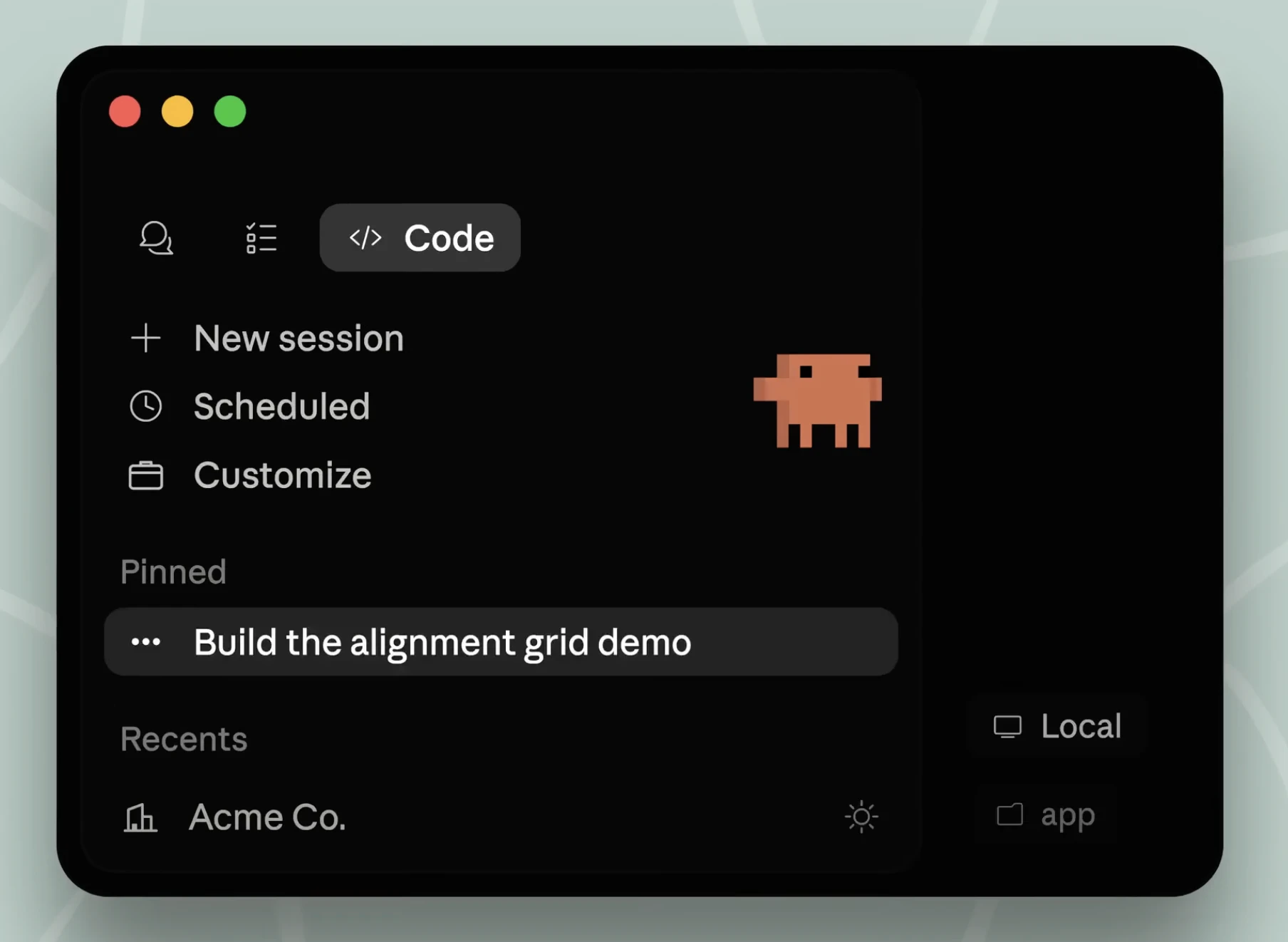
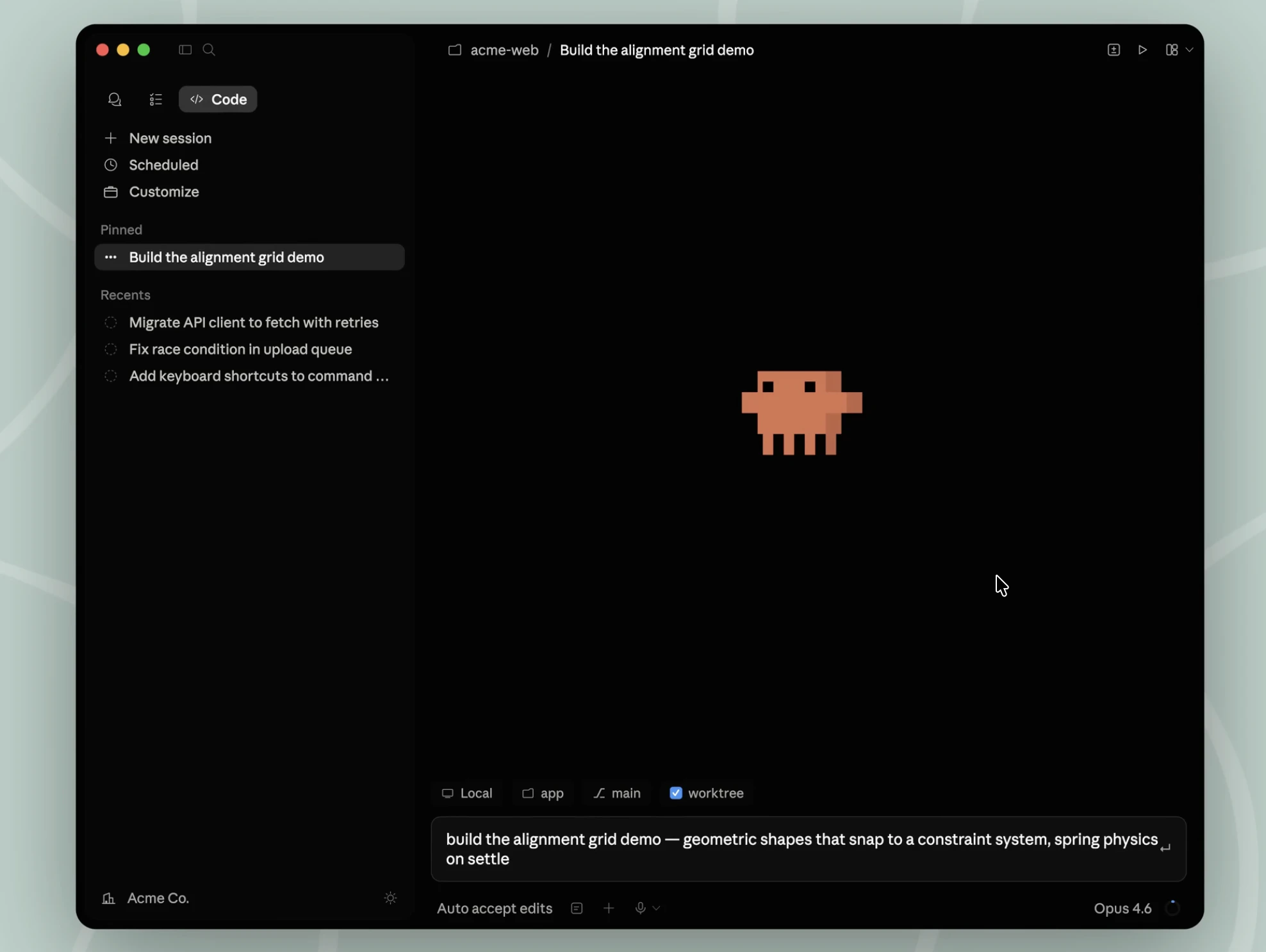
查看原始信息
Windsurf 2.0
Windsurf 2.0 turns your IDE into a command center for managing dozens of AI agents at once. New: the Agent Command Center gives you a Kanban view of every agent running across local and cloud environments. Spaces group agent sessions, PRs, and files by project so context carries over. Plus, Devin — an autonomous cloud agent with its own VM — is now built in. Delegate tasks with one click, keep coding locally (or close your laptop), and review PRs when they're ready. Included with every plan.

Here's Windsurf 2.0, the biggest Windsurf launch yet!

Here's the TLDR:

  • Devin is now available in Windsurf, so you can delegate your work to cloud agents which can work even after your laptop is closed.

  • Introducing the Agent Command Center, one place that lets you manage all your agents - local and cloud - from a single Kanban view.

  • Spaces help you stay in the flow by grouping agent sessions, PRs, files, and context for a project. When you return to a Space, you can pick up where you left off.

2
回复

@chrismessina How does the Kanban view in Agent Command Center handle agent conflicts or handoffs between local and cloud (e.g., Devin) when context gets complex across Spaces?


0
回复

the kanban view of agent sessions is clever — curious how it handles context isolation when you're bouncing between 10+ agents. does each session get its own scratchpad or is there a shared memory layer?

0
回复

built-in Devin with its own VM is wild. delegating a task and literally closing your laptop while it works feels like science fiction. curious how well it handles codebases with complex dependencies - does it spin up the full dev environment automatically?

0
回复

@piotreksedzik  yes, devin will spin up your dev environment using the README / package deps / other files in your repo. feel free to try it out!

0
回复

the kanban view for managing multiple agents is clever. we've been juggling Claude and cursor for different parts of our codebase and it gets messy fast. can you pause/resume individual agents or do they all run until completion?

0
回复

@piotr_pasierbek yes, you can pause/resume individual agents!

0
回复