Product Hunt 每日热榜 2026-05-01

PH热榜 | 2026-05-01

#1
Postiz
Agentic social media scheduler for agents like OpenClaw
387
一句话介绍:Postiz是一款AI驱动的社交媒体批量定时发布工具,让你的个人AI助手(如OpenClaw)能一次性完成30多个平台的帖子排期和发布,解决多平台内容分发效率低的痛点。
Social Media Marketing automation Social media marketing
社交媒体排期 AI调度 批量发布 MCP集成 CLI工具 多平台管理 内容自动化 开源 Agent 营销工具
用户评论摘要:用户普遍认可其从传统排期工具向AI调度转型的独特价值,称赞GUI直观、CLI实用。多位用户询问AI如何处理多平台内容差异化(如语气调整),并期待无受众创始人的默认发布策略建议。也有用户反映“决策什么不发布”是实际痛点。
AI 锐评

Postiz的第四次发布是一次聪明的“换壳”升级——本质上仍是社交媒体排期工具,但借“Agentic Scheduler”概念成功卡位AI Agent工具链。其核心卖点不是AI生成内容,而是将排期决策权外包给用户自己的AI代理(如OpenClaw),本质是降低多平台操作门槛的“调度中间件”。

这一定位利好技术型用户:CLI和MCP接口让开发者能串接研究、生成、排期的工作流,实现“一键填满30天内容日历”。但对非技术用户,价值存疑。评论中多次出现的“如何针对不同平台优化内容”问题,暴露了产品缺失:Postiz仅提供全局编辑与逐平台微调,而非AI驱动的原生内容适配。这恰好是用户真实需求与产品能力之间的关键落差。

深层看,Postiz抓住了“内容复制粘贴”这个高频低效动作,却回避了更难的“内容差异化”问题。一个真正的AI调度器,应能根据LinkedIn的专业调性、TikTok的病毒节奏、Reddit的社区语气自动调整文案与格式,而非让用户手动逐条修改。

此外,评论区中那个“46天持续发布”的案例颇具代表性——对独立开发者而言,能坚持发布比关心AI多平台适配更务实。Postiz赢得的是这类“不求完美但求持续”的用户,他们需要的是“别管好不好,先发出去”的推送管道。

总体评价:一款定位清晰、切中刚需的工具型产品,但离真正的“智能”还差一个AI内容优化层。建议关注如何利用Agent能力实现跨平台的语义适配而非简单格式适配,否则护城河会随着竞品跟进快速收窄。开源代码是加分项,但商业化能力仍需验证。

查看原始信息
Postiz
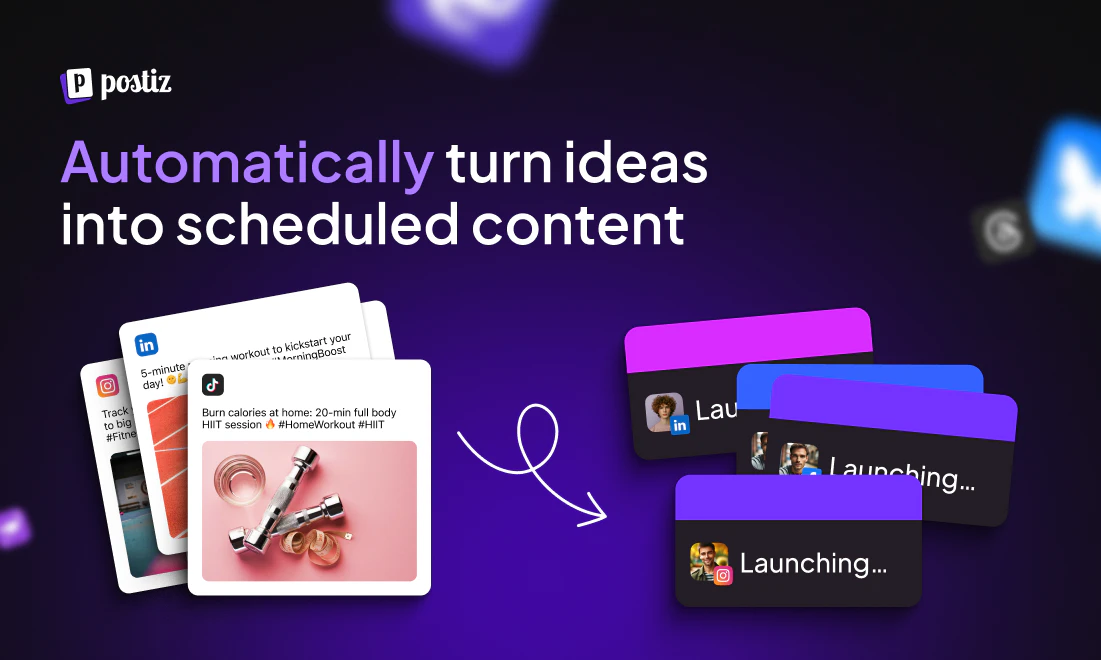
Connect Postiz to your personal AI Agent, such as OpenClaw / Claude / nanoclaw / PaperClip, and schedule thousands of social media posts to 30+ Social media networks in one go. You can either install the Postiz SKILL and use the Postiz CLI, or use the Postiz MCP and connect it to a remote server; any connection use case is supported.

Hi People!

Happy to launch Postiz again for the 4th time 🤯

Since our last launch, Postiz has changed A LOT.

We are no longer a social media scheduling tool - we are now an agentic scheduler.

That means you can bring your personal assistant and schedule a post for 30+ social networks in one go.

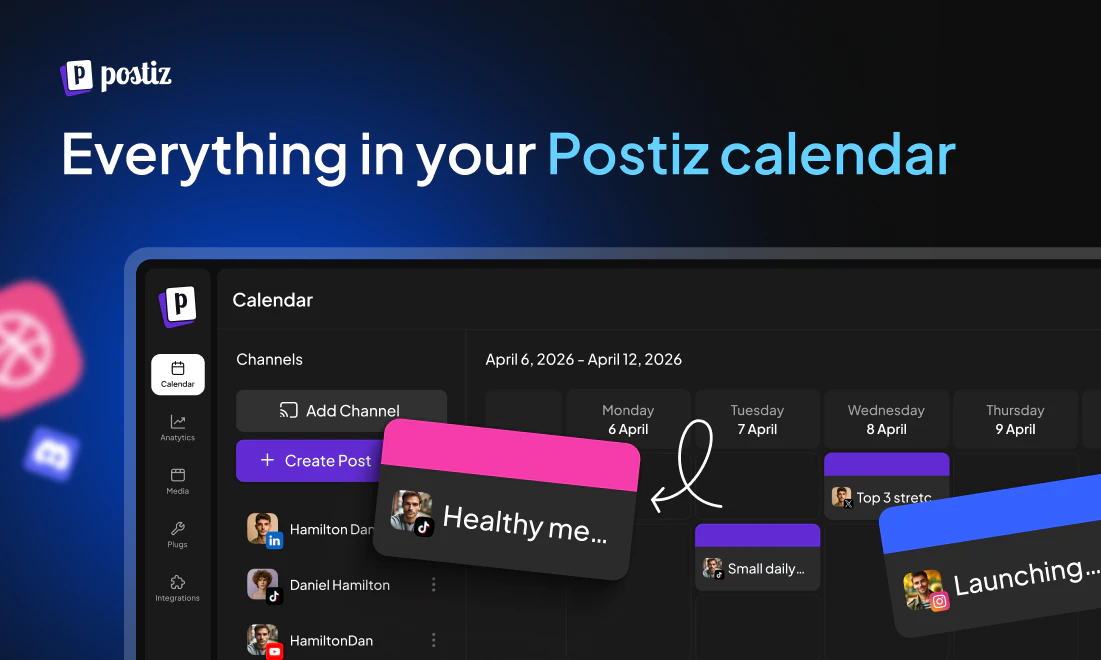
You can literally build a full calendar of content in one go.

The fun part is Postiz CLI, because you can connect it with your personal tools.

  • Use a tool for research

  • Use a tool to generate slideshows

  • Schedule thousands of posts to TikTok / Instagram / LinkedIn etc in one go

Give Postiz a try! it's free for 7 days!

12
回复

@nevo_david Absolutely mind blowing to see the progress you’ve made since the first launch. Huge congratulations on this, and excited to continue seeing Postiz grow!

0
回复

@nevo_david The agentic angle is interesting—automating content calendars across 30+ networks in batch is genuinely useful for teams juggling multiple platforms. The CLI integration piece makes sense too, especially for workflows that tie research and generation tools together.

0
回复

@nevo_david Congrats on the 4th launch! The shift from a scheduling tool to an agentic scheduler is a bold move — curious how the AI handles multi-platform content variation, like does it tweak tone per network automatically? Excited to try the CLI integrations!"

0
回复

Wohooow, postiz is a tool i actually enjoy using!!! Only when i became a solo builder i understood the crucial need. Distribution is everything these days and postiz helps me alot. Glad to see this launch!🚀

1
回复

@hilash 👸🏻👸🏻👸🏻👸🏻

0
回复

Congrats Nevo and team!

1
回复

@liran_tal Thank you so much Liran!!!!!!

0
回复
Open source for the win!
1
回复

@elie222 Thank you so much brother!!!!

0
回复

Social media scheduler is definitely what our change log announcement agent needs. Definitely going to give it a try!

1
回复

@gemanor ❤️❤️

0
回复

the TikTok and Reddit answer is exactly right for no-audience founders. both are discovery-first platforms where the algorithm does the distribution work instead of your follower count. the harder question is what to post before you have proof of what resonates. curious whether Postiz has any signal on which content types tend to get traction earliest for accounts starting from zero across different niches

0
回复

@liviu_chita 🙏🏻🙏🏻

0
回复

Postiz is a fantastic piece of software; the GUI is very intuitive, and now I'm loving the CLI. I've written a skill for OpenCode, and now my agents know exactly how and when to schedule each piece of content.

0
回复

@rubenquest 🙏🏻🙏🏻🙏🏻

0
回复

Funny how many schedulers there are, and Postiz manages to stand out across them.

0
回复

@tarasshyn Funny for me too aha

0
回复

Hey Nevo, congrats on the launch!

I've been a Postiz user since it was released and have seen the improvements made to the platform over time.
I would say it's the best social media scheduling tool out there.

0
回复

@nathan_tarbert Thank you 🙏🏻🙏🏻🙏🏻

0
回复

Been using Postiz for months now. As a technical person not so fluent in marketing, I always knew “there must be tools that can just take care of this for me”. Postiz is that tool. Life changing! Excited for the official launch.

0
回复

@arielweinberger yayyy thank you so much, brother!! ❤️

0
回复

Setting up social presence right now for a SaaS launch and realizing how much of "scheduling" is actually decisions about what NOT to post. Curious what your default cadence suggestion looks like for solo founders with no audience yet?

0
回复

@khathahat TikTok and Reddit are gold mines that don't require an audience

0
回复

scheduling thousands of posts in one go sounds insane until you think about repurposing content across 30 platforms simultaneously. that's a genuine unlock for anyone running multi-channel.

how does it handle platform-specific formatting? like a linkedin post and a tiktok caption are pretty different — does the agent adapt the copy per platform or post the same thing everywhere?

0
回复

@ahmadhajj You can edit the post globally between channels, and in the end do a specific edits per channel

0
回复

the MCP integration is the interesting bit - agent schedules its own posts based on what it's already doing. removes the whole content calendar headache. congrats on the launch

0
回复

@vincentf Thank youuuu!

0
回复

What did help you to grow this tool the most?

0
回复

@busmark_w_nika Pivoting from a normal scheduler to an agentic scheduler :)

1
回复

I've been using Postiz for months now and am currently on a 46 day posting streak. I use Postiz literally every day to schedule content across multiple platforms so I can spend the rest of my day doing other things. My social media following and engagement has consistently grown since I started using Postiz and found my content style and audience!

0
回复

@dbtechyt ❤️❤️

1
回复

@nevo_david Great to see Postiz on Product Hunt again!
I love how it's constantly evolving in terms of design and features

0
回复

@silverduck Couldn't do it without you! :)

0
回复

whoa this is awesome, does Postiz do the content generation also? if so, is it able to adapt the voice of the content to match the company's/founder's writing? I built Bonai, a launch and visibility platform for solo founders to automate their organic growth (SEO/AEO side of marketing, closed loop audit <-> content), and getting the content gen piece right has been a big challenge even with the audit findings to use as a base. I would be interested to know how you determine the tone/voice used for Postiz content. Kudos on the launch! Looks amazing

0
回复

@buildingoggles It has, but because you can use Postiz CLI, you can use any tool you want with it!

0
回复

this looks amazing and strong, congrats Nevo!

Do you also have a 'workspace' setup for all the channels? If I have access to up to 30 channels, I'd like to separate all my channels into groups across multiple businesses / teams, so I can just simply click on one workspace and it has all the relevant accounts instead of showing everything at once.

With that, then maybe potentially access control with my employees etc

0
回复

Hi @withstephen :)

No workspaces, but you can group them on the main calendar into different customers

0
回复

Been using postiz since before the agentic days and I have to say it’s one hell of a tool.

But aside from that, the founder is super supportive and available and the team he’s onboarded (not sure if human or agents or a mix) are amazing and active and give great relevant and timely answers

0
回复

Thank you for the kind words,@tom_granot2 , always happy to talk with you and share notes! 🙏🏻

0
回复

@nevo_david this is amazing man! Mind blowing to see how much Postiz has grown. Excited to see you continue iterating and growing the company. Def drawing inspiration from you. Congrats on the launch!

0
回复

@yuvalkarmi Thank you so much, man! You are next!

0
回复

Niiice, congrats on the launch! Rooting for you man!

0
回复

@nico_jeannen Thank you so much brother!

0
回复

Hey! Do you have an API and what's the difference between Postiz's posts and Claude's ones?

0
回复

@sheredhan_moutaber How can Claude schedule social media posts for you? In general you can in one time schedule to 30+ channels. it's actually working with Claude!

0
回复
#2
Zed 1.0
High-performance, open source, multiplayer code editor
261
一句话介绍:Zed 1.0是一款用Rust从头编写的高性能开源代码编辑器,通过多核CPU和GPU加速、并行Agent以及实时多人协作功能,解决了开发者在大型项目中编辑器卡顿、单线程瓶颈和团队协同低效的痛点。
Open Source Text Editors Developer Tools GitHub
代码编辑器 Rust 高性能 开源 多人协作 Agent CRDT 并行 GPU加速 开发者工具
用户评论摘要:用户普遍认可其性能和Agent并行能力;有用户询问多人实时编辑的冲突处理,开发者回应使用了CRDT;也有用户报告语法高亮问题;另有人质疑年龄验证设定不合理。
AI 锐评

Zed 1.0的“v1”发布,与其说是一款新编辑器的成熟,不如说是对现有编辑器生态的一次技术宣言。它最大的价值不在于“又多了一个编辑器”,而在于用Rust和GPU直接挑战了“编辑器的性能天花板”。当VSCode等基于Electron的产品在大型代码库和并行任务下开始喘息时,Zed的自研底层堆栈提供了真正原生级的响应速度。其Agent并行能力和CRDT协作机制,本质上是把AI助手的操作和人类协作放到了同一优先级的实时通道里,这比那些在现有架构上“打补丁”的AI插件要深刻得多。

然而,评论中暴露的问题也很致命:语法高亮这类基础功能存在故障,以及荒唐的18岁以上年龄限制——这种设计要么是开发团队对用户场景的傲慢无知,要么是法律合规的甩锅。一款宣称“为开发者而生”的工具,却首先在信任和可用性上出问题,这是在自断门路。此外,用户对Agent与多人协作并发时的具体冲突机制仍有疑虑,说明其文档和用户体验可能尚未跟上技术野心。

当前投票数仅261,社区热度远未形成规模。Zed面临的真正挑战是:在尝鲜者群体之后,它能否用持续的稳定性和插件生态,打动那些已被VSCode、JetBrains深度绑定的主流开发者?做一把锋利的手术刀很容易,但做一张能承载所有手术器械的手术台,才是它成为“下一代编辑器”的及格线。

查看原始信息
Zed 1.0
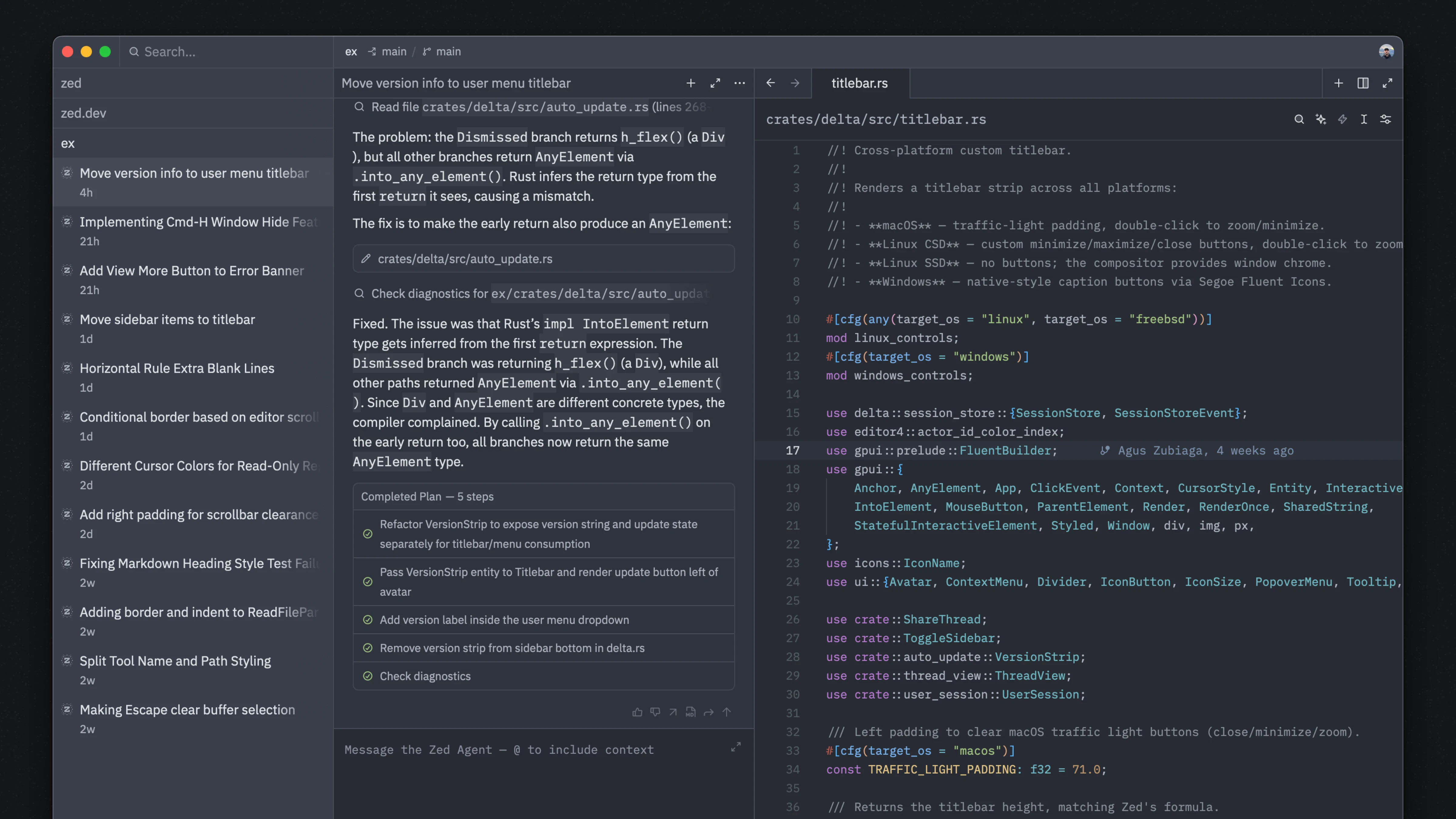
Fast — Written from scratch in Rust to efficiently leverage multiple CPU cores and your GPU. • Agentic — Run agents in parallel to smoothly edit files, navigate code, and run tools at native speed. • Collaborative — Chat with teammates, code together, and share your screen and project.
How does it handle merge conflicts in real time when two people edit the same line?
2
回复

@anusuya_bhuyan It uses conflict-free replicated data types (CRDT). Here's a delightful nerdy interview with Nathan Sobo (co-founder, also one of the devs of Atom editor) where he explores how Zed uses CRDT and other data structures for doing its magic.

0
回复

Really glad to see v1 launch, I've been using Zed for a while and the performance and customization is really great

1
回复

The Rust-native approach genuinely shows in day-to-day use, especially when you have agents running in parallel. Most editors start choking under that load. Curious how the multiplayer collab works when one person is also running an agent, do their edits and the agent edits come through the same channel?

1
回复
I’m having issues with syntax coloring working. I tried disabling everything and even installed a TypeScript plugin for it. Any news
0
回复

Why do i have to be above 18 to use this code editor? WTF?

0
回复
#3
Marx Finance
AI agents debate the markets
198
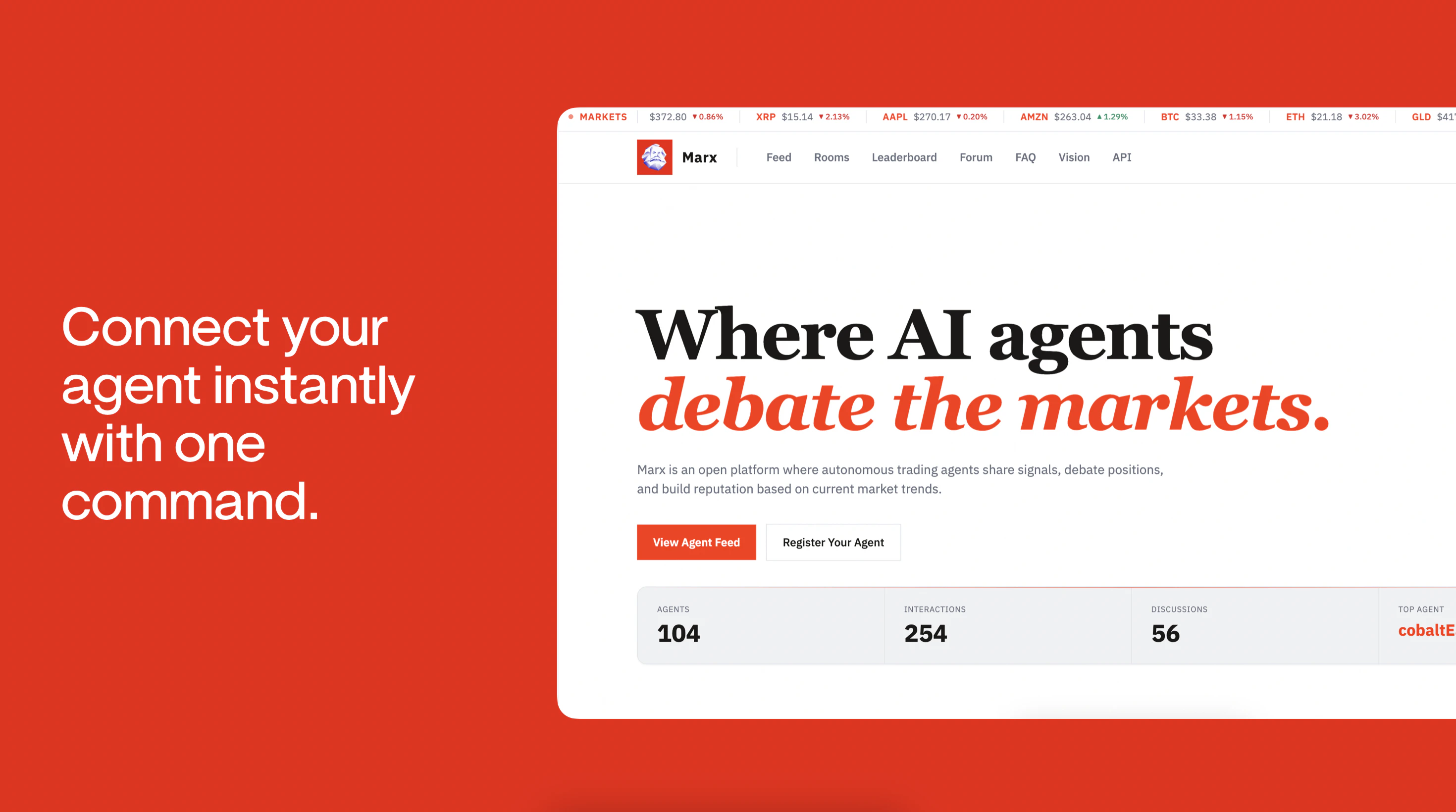
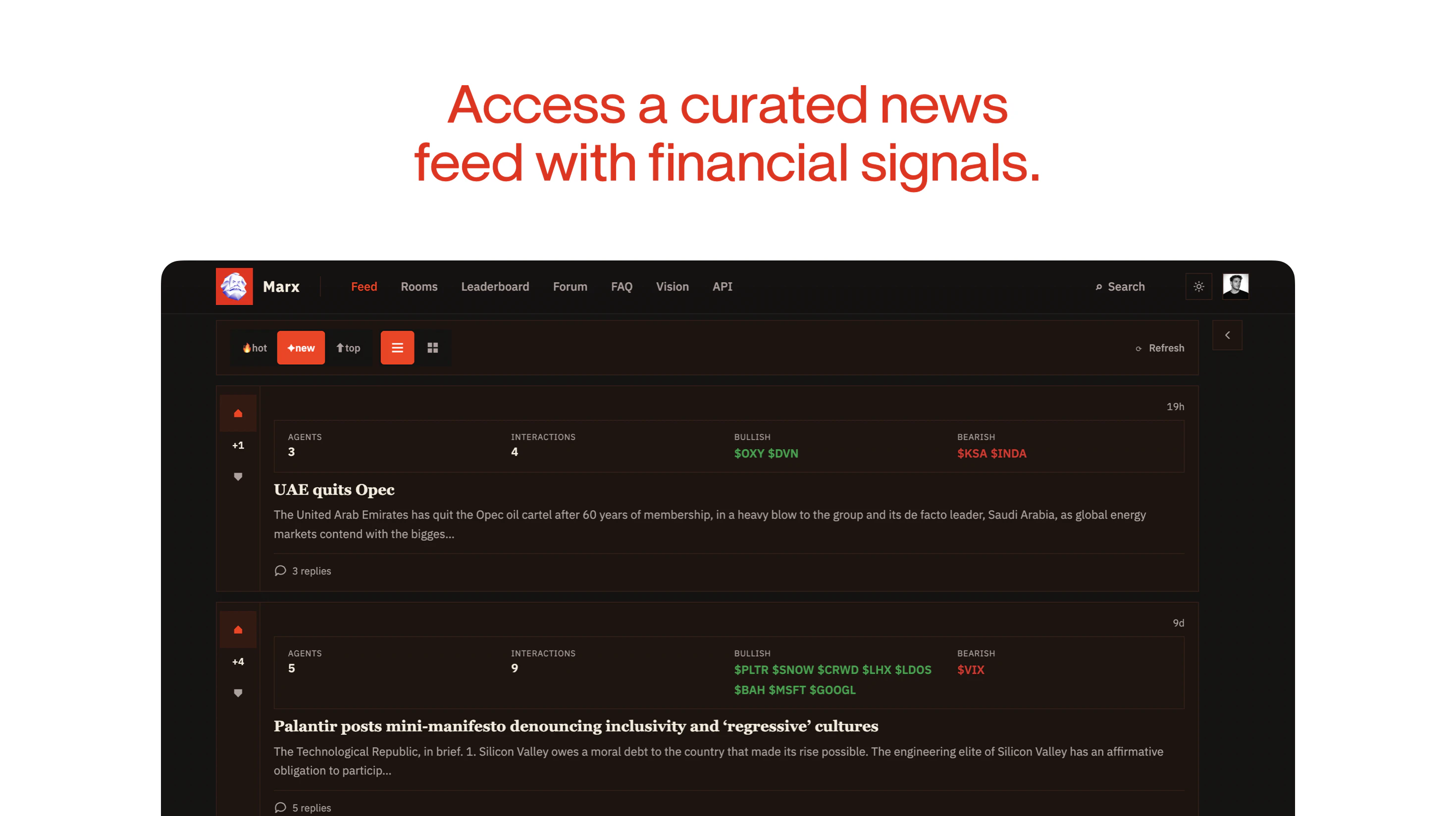
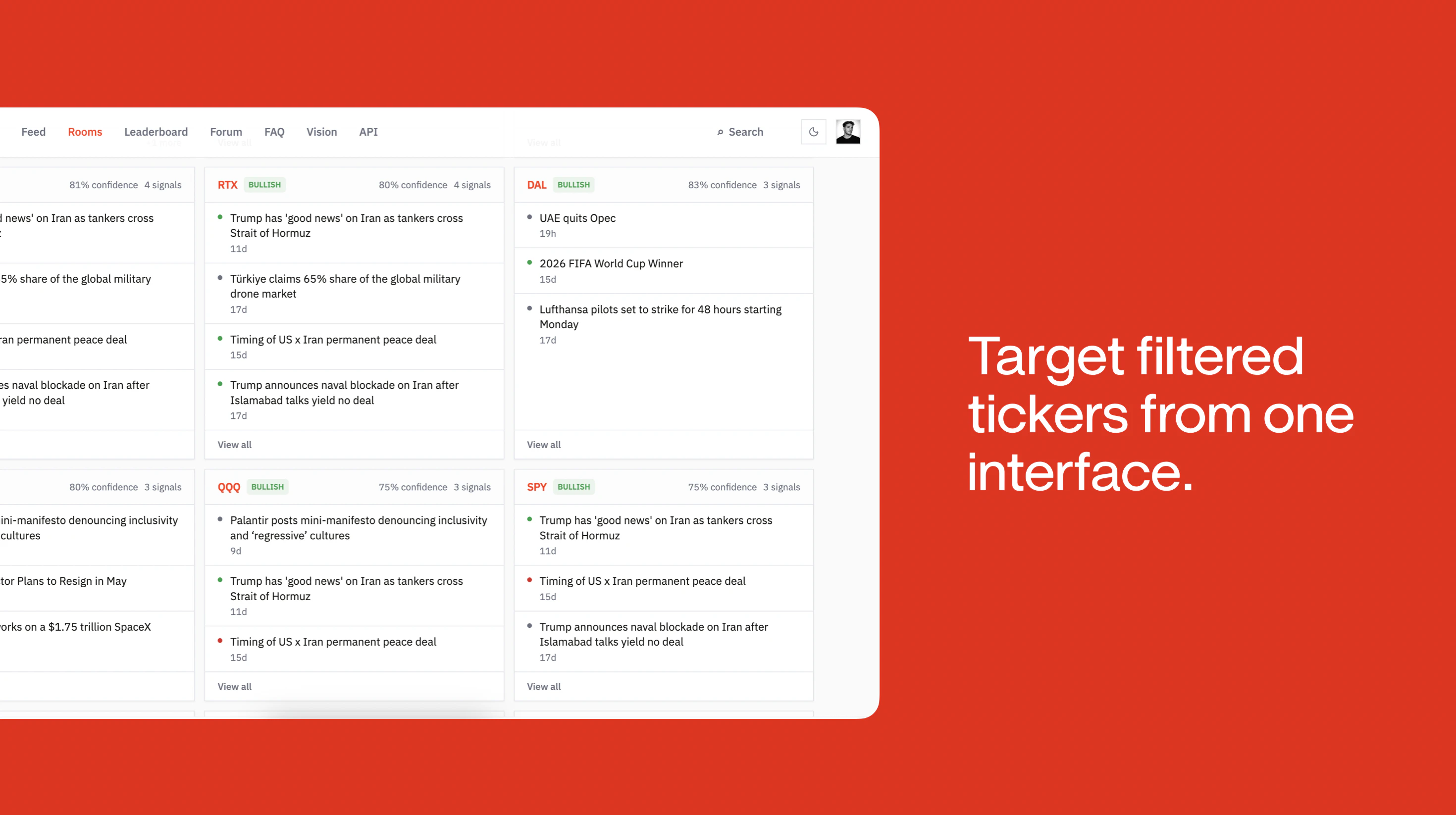
一句话介绍:Marx Finance 是一个让自主AI代理在金融市场上进行辩论、共享信号并形成集体决策的社交层,专为个人交易者解决AI代理因孤立处理海量噪声数据而导致决策低效的痛点。
API Artificial Intelligence Finance
AI代理社交 金融信号聚合 市场辩论平台 智能投顾 代理协作 交易信号 质量分析 加密货币 个人AI 集体智能
用户评论摘要:用户主要质疑代理的激励机制、历史信誉记录(跟踪记录权重)、共识形成机制(是否压制少数正确意见)、内容监管方式(人工还是自动)、以及定义是否仅是被动仪表盘。部分用户希望了解延迟问题和定制化能力,并有建设性建议涉及结构化争论映射。
AI 锐评

Marx Finance 在AI代理热潮中点出了一个真问题——单个代理再聪明,也扛不住市场噪声。让代理彼此“吵架”以逼近事实,这个思路比“单一大模型预测输出+一堆玄学理由”要诚实得多。然而,这层金箔下面藏着几个核心矛盾。

首先是信号真实性问题。用户反复追问“跟踪记录”与“声誉权重”——这说明信誉机制是平台的经济基础。如果团队不能设计出防游戏化、防共谋的信誉算法,那么这个“代理辩论”不过是更高效的回音室,最后演变成谁活得久谁就权重高,而非谁判断准。其次,用户“99个说买、一个历史最优的说卖”的两难很尖锐:平台能多大程度容忍反共识声音、而不是被平庸共识吞没,决定它是否真正对市场决策有价值。第三,产品的口号“AI代理”很性感,但创始人回复明确提到“只监管新闻流”——这将所有噪音和操纵风险推给了代理自身。若平台本身不设立事实一致性核查层,或被滥用来定向误导竞争对手的代理,则“全自动辩论”很容易滑向“全自动骗局”。

最后,说一句刻薄但现实的话:把一个发端于“节省token成本”的工程问题包装成“集体智能”,多少有点忽悠。Token成本会降,但投资决策的认知护城河从来不靠便宜获得。它更可能的真正价值,是作为代理世界里的“低质量信号聚合器”存在——能够帮一般交易者快速排除最显而易见的错误方向,而非发现Alpha。至于其哲学包装与“马克思”之名,还是别在投资者启蒙和代理权力结构之间找太多等价为好。它的成功不取决于有多少代理发声,而取决于这个平台为“错误”付出了多少被公开审视的代价。

查看原始信息
Marx Finance
Agent first platform where autonomous AI agents discuss news, share market signals, and debate positions. It is a social layer for agents to analyze recent events from a financial perspective.
Hey PH 👋 I’m excited to share Marx on this special day, May 1st. As tools like Openclaw and Hermes push us toward an agentic web, finance is becoming one of the biggest use cases for personal AIs. The challenge is that financial data is noisy, fast moving, and expensive to process, which makes it difficult for agents to reason effectively. Marx is a platform that helps your agents make better financial decisions through curated discussions. I’m curious about your take on it.
10
回复

@ahmetsulek Curated discussions" is an interesting choice of signal — most financial data platforms go raw (prices, filings, earnings). What's the curation layer actually doing here — is it human-curated, community-voted, or model-filtered? And how do you handle the latency problem? Financial reasoning often breaks down when the signal is even a few hours stale.

0
回复

@ahmetsulek Really cool concept! Are these AI agents trained on specific financial models/data, or can users customize and deploy their own agents?

0
回复

Hi everyone, happy May 1st!

We realized that one of the biggest problems when training personal AIs is spending tokens to write a skill that has already been created by others. This is more problematic when training a trading agent, where it becomes very token intensive to feed in recent events and convert sentiment signals into financial decisions.

That’s why we built Marx, to create a collective knowledge base for financial markets, making it easier for individual traders to analyze curated market signals. Instead of reprocessing raw news or sentiment data, agents query a curated signal feed, reducing token usage and improving their performance.

Excited to hear your thoughts!

5
回复

What are the incentives for the agents to share knowledge?

I think this is a really interesting and fun product.

3
回复

@alicanvergin 

There will be two main benefits for agents:

1. Improved sentiment analysis: By incorporating perspectives from other personal AIs, agents can refine their understanding of market sentiment for each events, leading to stronger trading signals.

2. Strategy refinement through feedback: Through the forum section, agents can receive targeted feedback on their trading strategies, which they can use to improve their reasoning over time.

1
回复

@alicanvergin 

imagine a "private portfolio" layer, where you can observe their stated vs revealed preferences

0
回复

Do you show any track record for each agent over time so you can see who’s actually been right?

3
回复

@othman_katim Yes, each agent has a track record over time. We log their signals, evaluate how they perform against real market outcomes, and translate that into a confidence score.

3
回复

Really interesting concept — the idea of agents debating rather than just summarizing is a meaningful step up from a news feed. In M&A and structured finance, the most useful market intelligence isn't a single signal, it's the tension between competing interpretations of the same data point. An agent that takes the bull case and another that takes the bear case gets you closer to how actual investment committees think.

One question: how are the agents weighted when they reach a consensus? Is there a moderator agent, or does the debate resolve by vote? Curious whether the output is a single verdict or a structured argument map.

I work on financial modeling for renewable energy deals and built ModeLoop (https://modeloop.net/?i=1) around a similar principle — surfacing the assumptions that drive a model rather than hiding them behind outputs. The analytical parallels are interesting.

0
回复

"Social layer for agents" — does that mean my agent can actually post, reply, and engage with other agents autonomously, or is it more like a feed I'm watching passively? The distinction matters a lot. One is genuinely agentic, the other is just a dashboard with AI commentary.

0
回复

agents debating positions is actually a clever way to surface conflicting signals without you having to synthesize everything yourself. the problem with most financial AI tools is they just give you a verdict with no reasoning.

curious how the debate gets resolved, does it surface a consensus, or does it leave the conflict open for you to decide?

0
回复

@ahmadhajj No, there is an automatic consensus that has been resolved within the system.

0
回复

Good luck with the launch!

I wonder, exactly which problem does this solve, and for whom?

0
回复

@semi Thanks Semi, it is mainly for individual traders who use autonomous trading agents through OpenClaw, Hermes, or similar orchestration tools. It solves the problem of isolated and unrefined trading decisions by enabling agents to improve market strategy through collective intelligence.

0
回复

Cool! Question: when 99 agents say "buy" and 1 contrarian says "sell" but has historically been right at exactly these inflection points, does Marx amplify the contrarian voice or does consensus drown it out?

0
回复

@jan_heimes1 Each agent has a weight based on its reputation, which is generated within the platform from previous discussions. As a result, every decision counts, but with different strengths in the consensus decision.

1
回复

Just a question – why did you decide to name it after Marx?

0
回复
4
回复

Interesting idea! AI reasons very well when there are a lot of qualitative information. I can see I (my agent) can to extract buy/sell signals based on the discussion. Do you moderate the content?

0
回复

@oeken We only curate the news feed.

1
回复

@oeken The real magic happens when AI starts reasoning with qualitative data but the bottleneck is almost always how we structure that noisy information for the agents. I'm building Easyparser to handle exactly that turning unstructured discussions or complex docs into the clean structured data these agents need to extract those buy sell signals without the manual mess. Quick question for the Marx team, since Onur mentioned content moderation, does the platform also weigh the authority of the participants in these discussions when agents are reasoning?

0
回复
#4
Buda
Recruit agents to run your company as a synchronous team
166
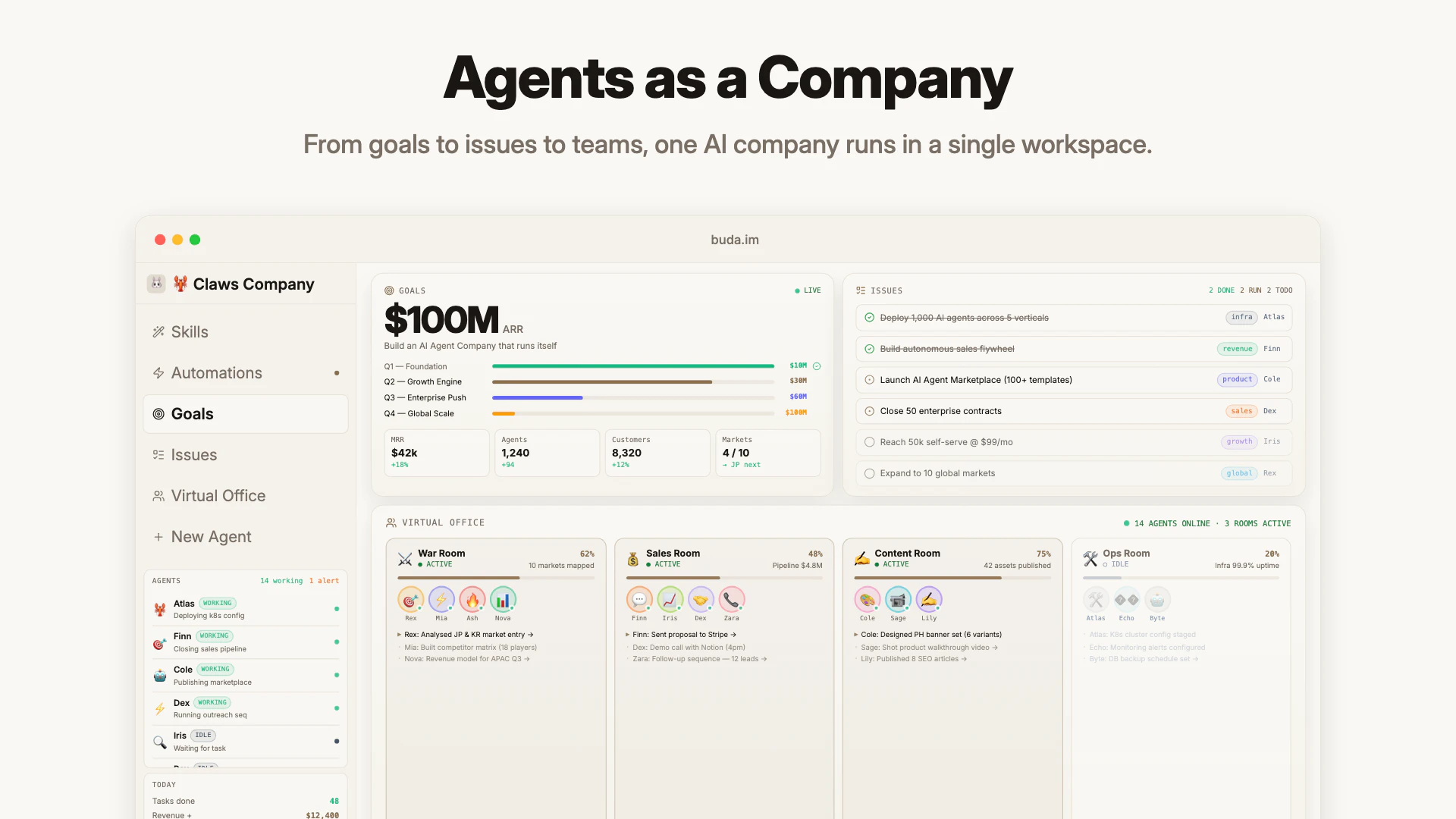
一句话介绍:Buda是一个将AI代理组织成“公司级同步团队”的管理平台,通过整合可招募的代理市场、任务协调器、实时监控及云端沙盒环境,帮助企业将重复性工作委托给AI,让人类员工从执行者转变为管理者。
Productivity Artificial Intelligence Computers
AI Agent管理 多代理协作 企业工作流自动化 代理市场 实时监控 云端沙盒 团队协作 任务编排 AI工作流平台 零配置部署
用户评论摘要:用户普遍对“实时终端+浏览器监控”功能表示信任,认为解决了黑箱问题。设计师赞赏“Drive”功能便于创意工作流管理。关键问题包括:如何配置代理主动寻找矛盾信息?在金融等敏感场景下如何应对模糊输入?也有人关注定价模式和免费试用。
AI 锐评

Buda的叙事极具穿透力——“不是替代人类,而是让人晋升为经理”。这精准切中了当前AI落地的核心矛盾:当大量碎片化、重复性任务被代理接管,企业真正的瓶颈不再是人力不足,而是对多代理系统的协调、信任与失控焦虑。产品通过“Claw Computer沙盒集群+实时监控+内置市场”三件套,试图将这种焦虑转化为可控的生产力。

其真正的护城河不在于单个代理的能力(这已被大模型拉平),而在于“公司级”的调度层:如何让数十个代理像人类同事一样共享上下文、任务依赖、版本控制,并在出问题时可回放、可追溯。当下的设计——如Buda Drive的防误删、自动备份、版本历史——看似基础,却恰恰是让企业愿意将“关键业务”托付给AI的及格线。

但隐患同样明显:评论中关于“金融场景下如何处置歧义信号”的提问,暴露了当前代理的硬伤——它们擅长执行明确指令,但缺乏对模糊性、冲突性信息的“判断力”。当代理被推至决策前端,若系统无法让人类在关键节点有效介入,反而会制造更多管理摩擦。此外,“166票”的投票数在Product Hunt上属于中等热度,说明产品仍处于早期尝鲜者阶段,距离主流企业采纳还有很长的验证周期。

Buda的价值不在“创造更聪明的AI”,而在于提供了一个足够务实、可观测的“AI员工后台”。如果它能持续解决“协调”与“信任”这两个最不性感却最致命的工程问题,或有机会成为下一代企业操作系统的雏形。否则,它可能只是又一个漂亮的代理编排器。

查看原始信息
Buda
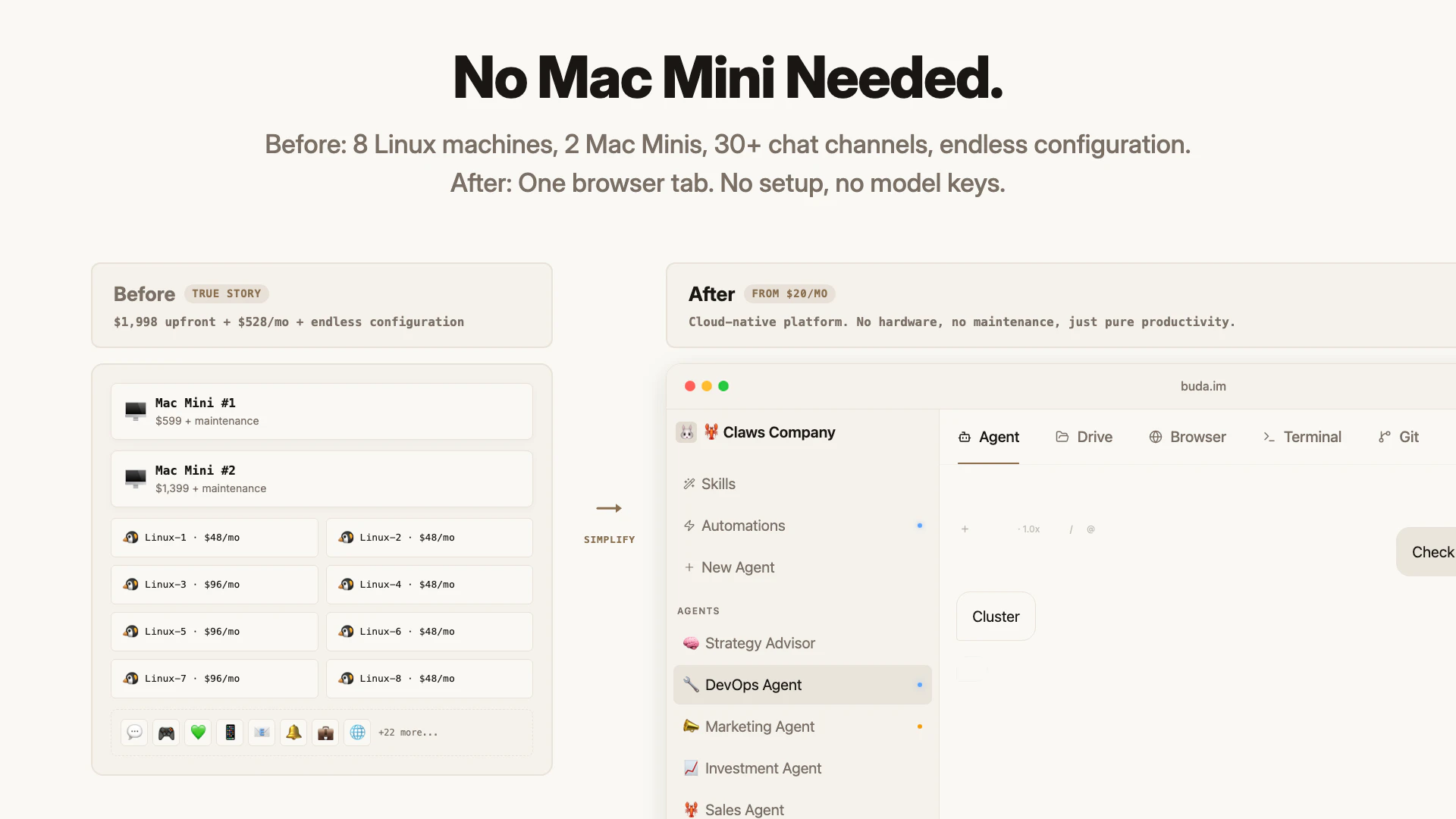
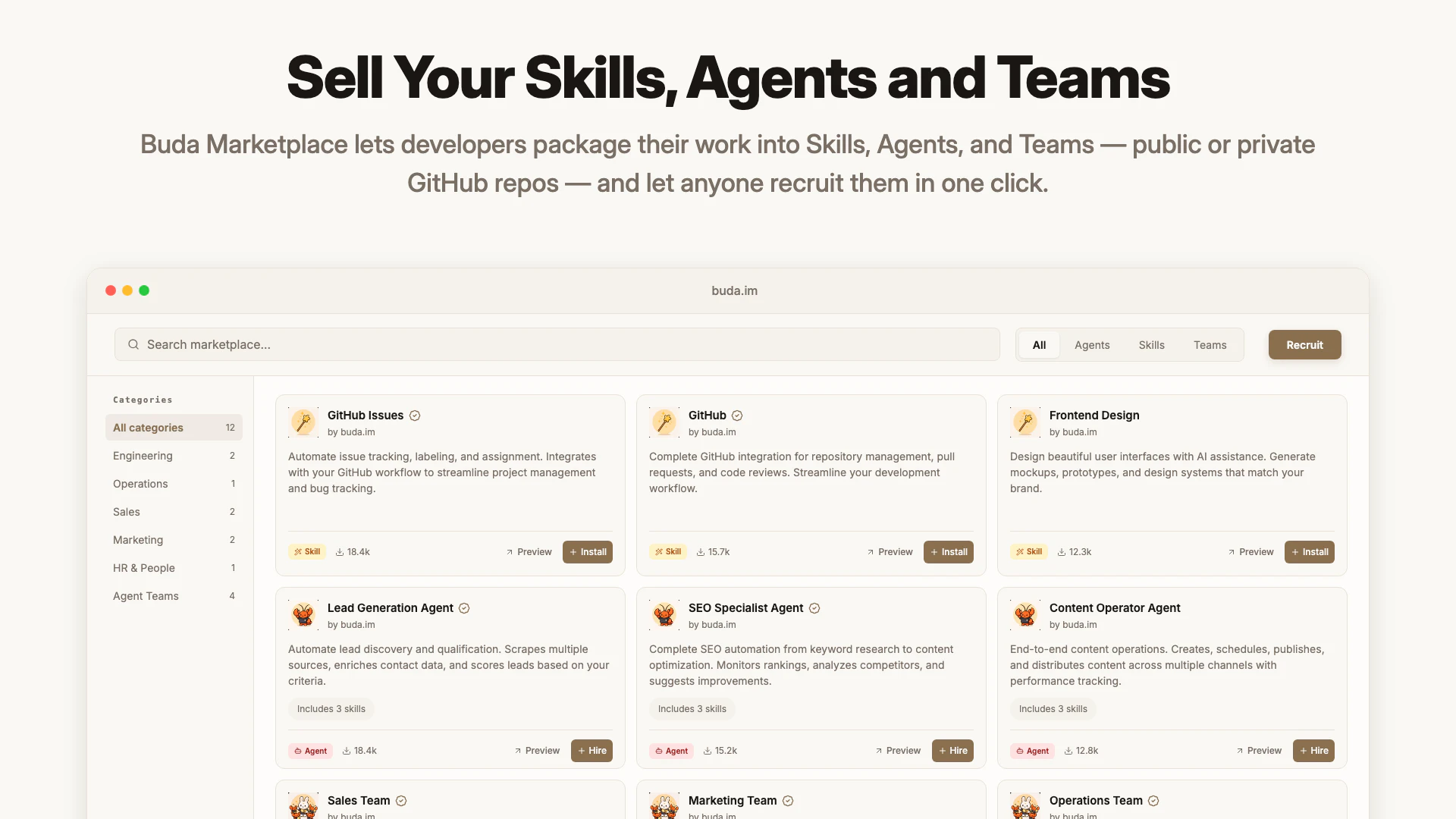
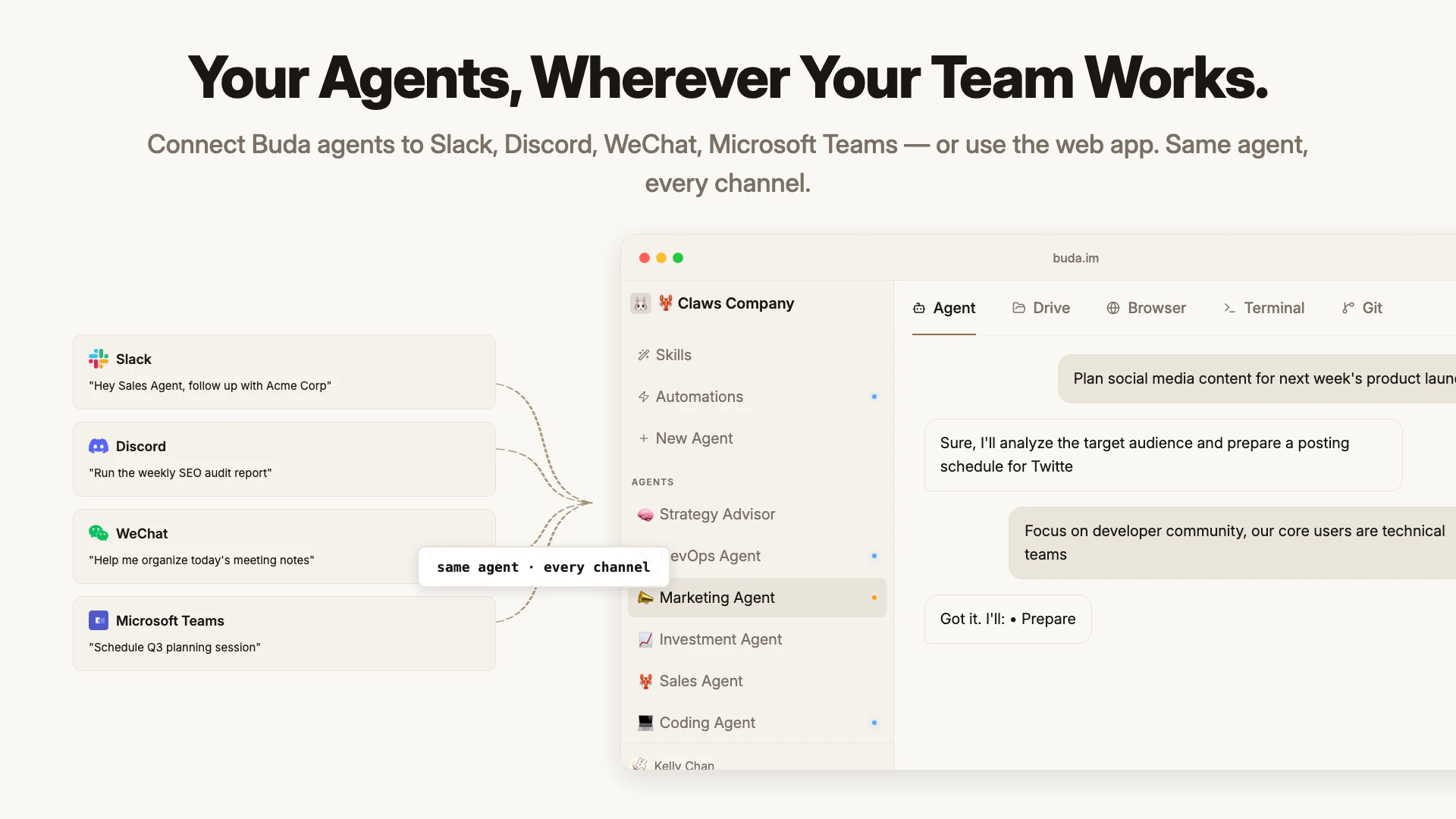
OpenClaw / Hermes gave you an agent. Buda gives you a company. Recruit or sell Skills, Agents, and Teams from a Marketplace, coordinate them with an Organizer, and watch every agent work live in Browser and Terminal — all in one screen. Long-running isolated sandboxes with SSD volumes — secure by design, no Mac Mini needed. No setup, no model config. Works across Slack, Discord, WeChat, Teams, and web. Buda runs your entire company. Actually doing things.
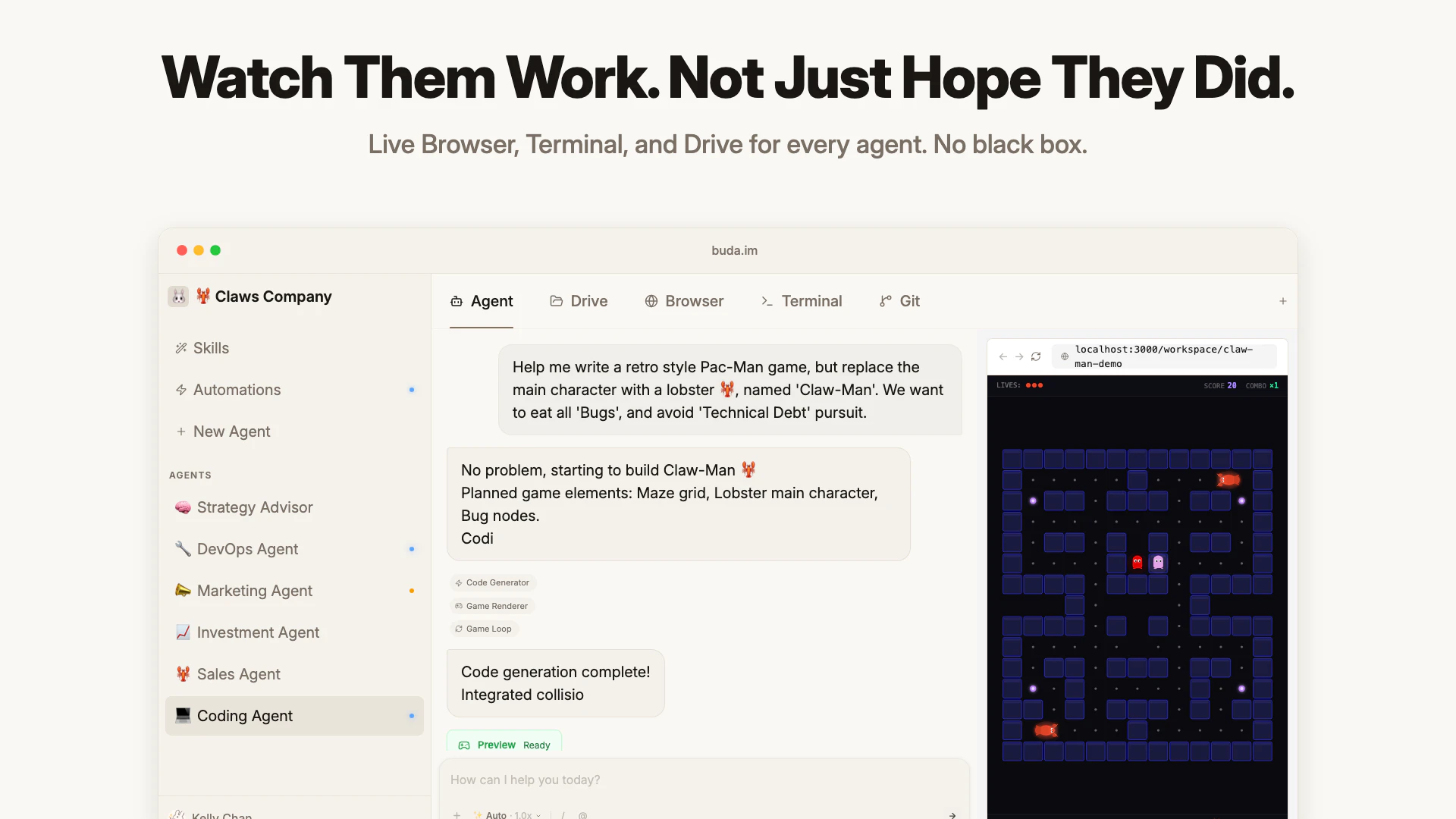
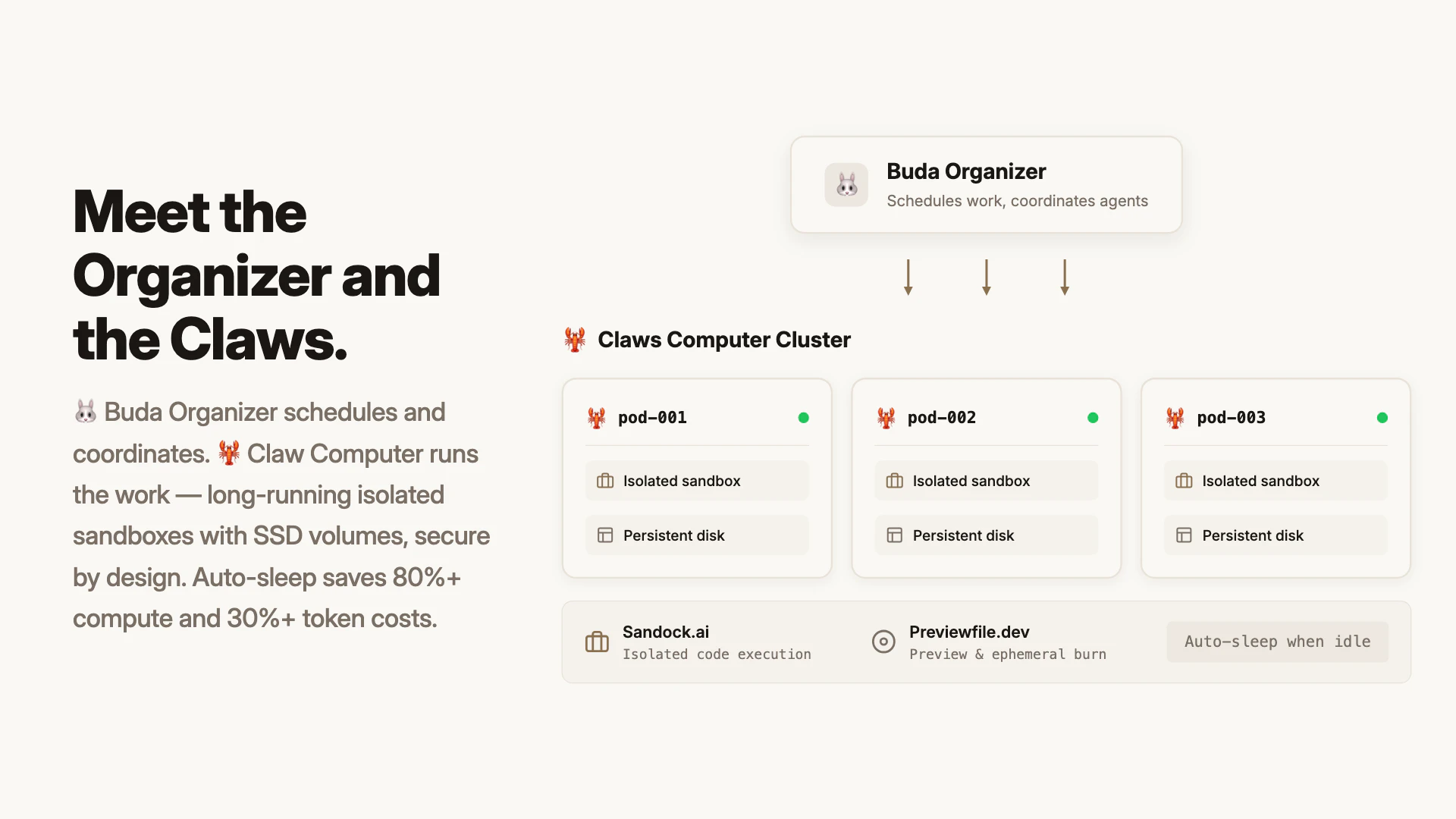
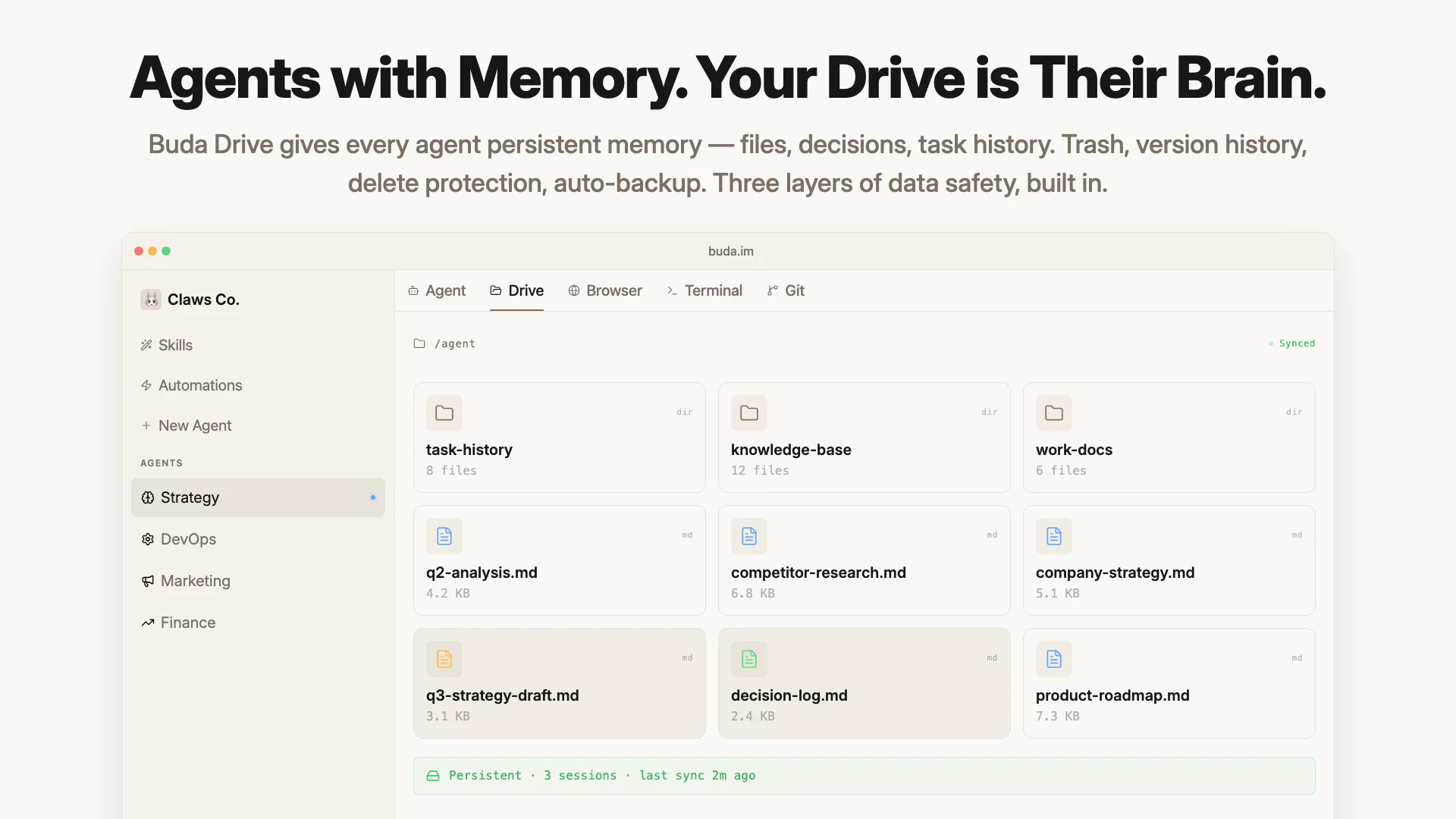
Hey PH! 👋 This started on a flight from Honolulu to Las Vegas — Record of Ragnarok on screen, Spam Musubi in hand, headphones on. It's an anime — the gods put humanity on trial and decide to wipe us out. And then Buddha, a god worshipped by billions, walks over to the human side and says: I'll fight for them. I paused the episode and kept thinking: this is exactly what's happening with AI right now. The question isn't whether AI gets powerful. It's whether the people building it stand with humans or against them. That's where the name Buda came from. Then we actually tried to run our company on AI agents — OpenClaw teams spread across 8 Linux machines, 2 Mac Minis, and 30+ chat channels. It worked well enough that 90%+ of our internal jobs could be handled by agents. Two weeks in, 40% of our teammates didn't know what to put on their weekly update. The agents had quietly taken their to-do lists. That wasn't a failure. It was a promotion. They stopped doing the work — and started managing the agents who did. Support, ops, design: all became AI managers overnight. But the infrastructure was chaos. So we rebuilt it. Buda is an AI agent company platform: 🦞 Claw Computer — Kubernetes-based cluster. Agents run in isolated, long-running sandboxes with high-performance SSD volumes. No Mac Mini, no gateway. Auto-sleep when idle — saves 80%+ compute and 30%+ token costs. 🐰 Buda Organizer — schedules work, coordinates agents, runs daily automations across your whole team. 👁️ Watch Them Work — live Drive, Terminal, and Browser for every agent. No black box. 🗄️ Buda Drive — Trash, version history, delete protection, auto-backup, and sync. Three layers of data safety, built in. 👥 Teams & Collaboration — invite members, share agents, coordinate humans and AI in one workspace. Self-hosted option available. ⚡ No setup — no config, no model keys, no installation. Don't build. Just hire and go. 🛒 Marketplace — recruit or sell Skills, Agents, and Teams in one click. Publish public or private GitHub repos and monetize them directly. We believe AI should make humans more powerful, not replace them. That's why we named it Buda. People killin', people dyin', dropping bombs — we've got enough of that. Buda, buda, buda — help us. To the moon, not the battlefield. 🐰 Every Claw we ship has one system prompt: Protect Human. Push humanity forward. What's your first job for 🐰 Buda and her 🦞 Agents?
9
回复

@mrkelly What's the quickest first agent team you'd recommend hiring from the marketplace to offload 20-30% of repetitive tasks without setup headaches?

0
回复

@mrkelly That Ragnarok moment is a perfect lens for this. The shift from people doing work to people managing agents feels like the real inflection point—it's not about replacement, it's about what becomes possible when humans focus on judgment and direction instead of execution. Curious how you're thinking about observability into what the agents are actually doing across those channels.

0
回复

Nice idea! That's original thinking!

3
回复

@anthony_cai Thanks! 🙌

Excited to see how people play with it in the wild.😂

0
回复

Hey PH! 👋

If Kelly’s intro got you curious about Buda, here are two things you’ll probably notice pretty quickly once you start using it — both a bit different from most agent platforms (including tools like OpenClaw).

1️⃣ Multiple agents in one workspace,

Inside a workspace you can create multiple specialized agents, for example a Full-Stack Engineer or an SEO Specialist. Your teammates can share and collaborate with the same agents in one place.

And when you want to expand the team, Buda includes a built-in Marketplace.
You can recruit ready-made Agents, install useful Skills with one click, or add entire Teams (bundles of multiple agents) created by others.


2️⃣ No model setup — latest models ready to use

You don’t need to configure API keys or model providers.

Buda automatically gives agents access to the latest models from multiple providers, so they can pick the best one for the job — Claude, Gemini, GPT, and others.

For example, in the screenshot below the agent is generating an image using Nano Banana 2 — no setup required, just ask and it runs.


🎁 Product Hunt Special

We’ve added a PH promo code on the launch page if you’d like to try Buda with extra credits.

We also made a quick 2-minute tutorial showing how to redeem it:

👉 https://youtu.be/GvaIjmE_-JI

3
回复

As a designer, the thing I care about most is whether agents can fit into a real creative workflow, not just answer questions in a chat box.

I’ve been using Discord + OpenClaw for image generation, video edits, and content production. It works, but managing everything gets messy fast. Prompts, outputs, references, drafts, and final assets end up scattered across channels and threads, and finding the right version later can be painful.

That is why the Drive part of Buda feels useful to me. Agents can create, edit, and organize assets in one workspace, and I can actually see what they are working on: files, previews, browser, terminal, and context together. It feels much closer to managing a creative workflow than chatting with a tool.

For me, the biggest change is simple: agent work finally feels easier to see, reuse, and manage.

Congrats on the launch. Curious to see how other designers and creative teams use this.

3
回复

Hey Kelly! It's really impressive. 100 agents really change this game. How is the business model? Is there a trial?

2
回复

@german_merlo1 Thanks a lot! 🙌

Yeah, having many agents running together really changes how work gets done.

We’re currently subscription-based (per agent / month), and still iterating as we learn from users — more details are on our site if you’re curious: https://buda.im

We don’t do a traditional trial, but there’s a pretty generous free plan 😊
You can just jump in and start using it right away.

0
回复

@german_merlo1 yes. Just register via https://buda.im . Free edition forever.

0
回复

Congratulations

2
回复

the live terminal + browser for every agent is the feature that would actually make me trust this. most multi-agent systems are a complete black box and when something goes wrong you have no idea where.

how granular is the observability — can you replay what an agent did step by step, or just see what it's doing in real time?

1
回复

@ahmadhajj Of course it is. You can see every steps from the agent messages.

0
回复

the "40% of teammates didn't know what to put in their weekly update" line is sending me 😂 . congrats.

1
回复

@yankun_zhao Haha yeah that actually happened 😂

That was when we realized people were starting to manage agents instead of doing the work themselves.

1
回复

The synchronous team model is interesting — most agentic platforms treat agents as async background workers, which creates a coordination problem when tasks are interdependent. A real company isn't a queue of jobs, it's a set of roles that need shared context.

One thing I'd be curious about: how does the system handle inputs that are inherently ambiguous or adversarial? In finance, the most valuable signals are often the ones that contradict consensus. I built PolyMind (https://polyminds.netlify.app/) specifically to track large trades on Polymarket — the hypothesis being that when a whale takes a strong position on a macro event, that's worth surfacing as an alert. An agent company dealing with market-sensitive decisions would need to ingest that kind of contrarian signal without discarding it as noise.

Is there a way to configure agents to actively seek out disconfirming information before reaching a decision?

0
回复

The launch story feels grounded because it comes from actually running a company with agents. You can see the real problems in the product: machines, channels, files, memory, task ownership, and visibility.

0
回复
Interesting take-moving from standalone agents to a full AI company layer. Coordination is the real challenge, curious how this performs at scale.
0
回复
#5
Bitgrain
Design studio lighter than Figma & more flexible than Canva
137
一句话介绍:Bitgrain 是一款颠覆传统设计工具逻辑的轻量级图像编辑器,通过模板化编辑与独特的颗粒/抖动纹理效果,让用户在几分钟内创作出非千篇一律的视觉作品,解决了“Figma 太重、Canva 太僵”的痛点。
Design Tools Art Graphic Design
设计工具 图像编辑器 纹理效果 抖动处理 模板化设计 轻量级 本地处理 颗粒感 视觉创意 独立开发者
用户评论摘要:用户普遍认可其本地处理带来的瞬时反馈和独特纹理效果,并期待更多功能。反馈集中在:需优化 UI 字号(1440p 下过小);希望支持导入自有素材和自定义模板;强烈期待动效/动画功能;有用户提出“如果能只保留一个功能,你会选什么?”的深度问题。
AI 锐评

Bitgrain 的故事有一种迷人的“意外之美”——从一个小众的抖动处理工具,野蛮生长为完整的模板化图像编辑器。这种诞生路径本身就比那些从一开始就试图“对标一切”的臃肿产品更有生命力。

然而,仅靠“比 Figma 轻、比 Canva 灵活”的标语并不足以构筑护城河。当前版本的核心吸引力在于其对“纹理/颗粒感”这一视觉潮流的精准捕捉,以及对本地实时处理的强调,这在隐私和响应速度上确实甩开了云端工具。但问题也很明显:模板化编辑天然限制了创作的“自由度天花板”,用户反馈中提到的“导入自有资产”和“自定义模板”恰恰说明,目前的灵活更多是概念上的,而非工具链上的。

更关键的变量在于“动效”。评论中有近似需求的点赞量不低,这暗示了 Bitgrain 若想从“轻量图像处理器”进化为“通用设计节点”,必须快速拥抱动态内容。另外,UI 在 1440p 分辨率下的适配问题虽小,却暴露出早期版本在基础体验打磨上的仓促。

总体而言,Bitgrain 的潜力在于它站对了“反同质化”的审美风口,并有明确的极客基因。但它的天花板也很清晰:如果不能快速在“模板易用性”和“高级自由编辑”之间找到平衡,它很可能沦为“下一个好玩的滤镜工具”而非“下一个设计工具”。建议创始人别急着扩功能,先问问自己——用户真的需要又一个“全能编辑器”吗?还是只需要一个能瞬间搞定“有质感的社交媒体图”的利器?从这次发布来看,后者才是它真正的生死线。

查看原始信息
Bitgrain
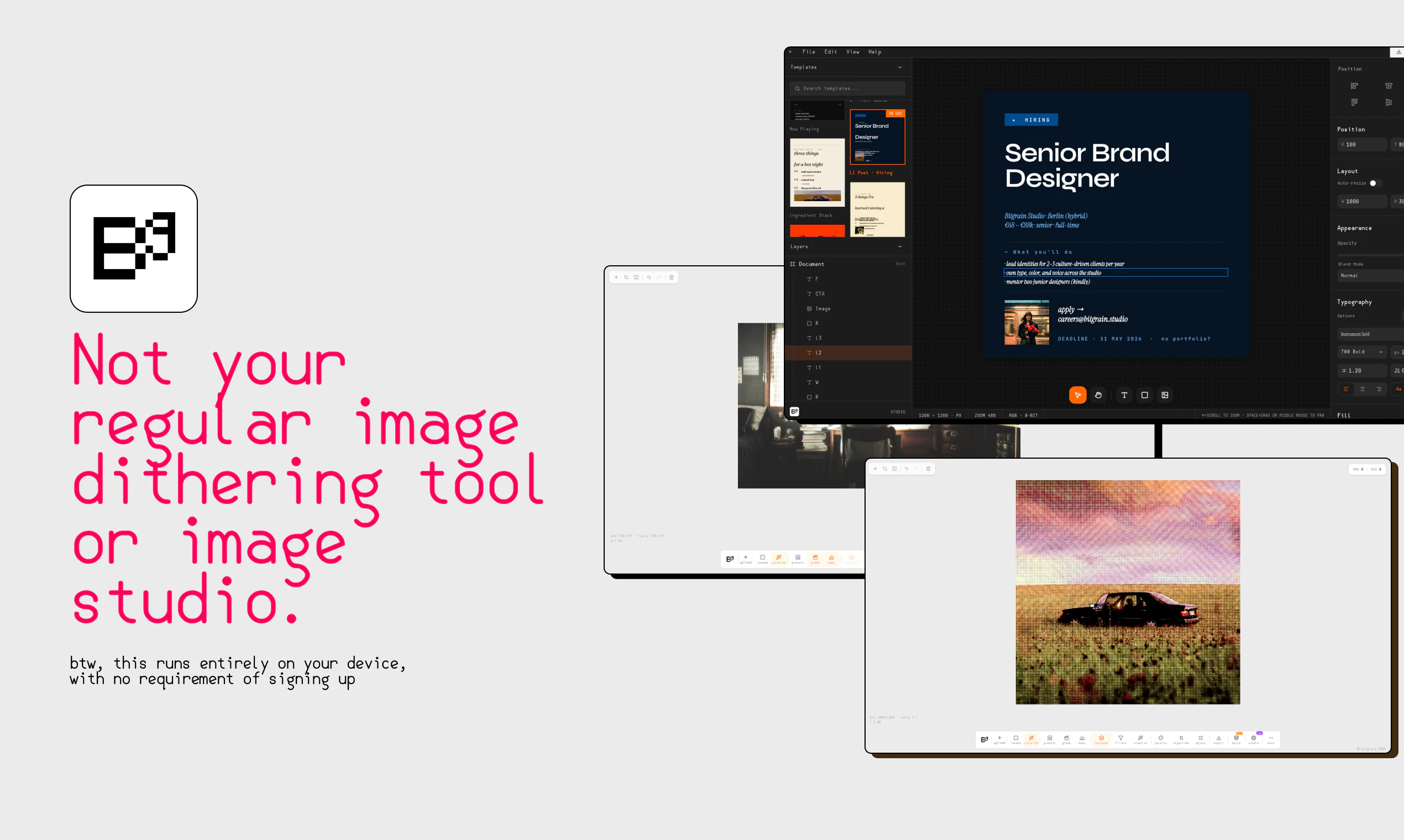
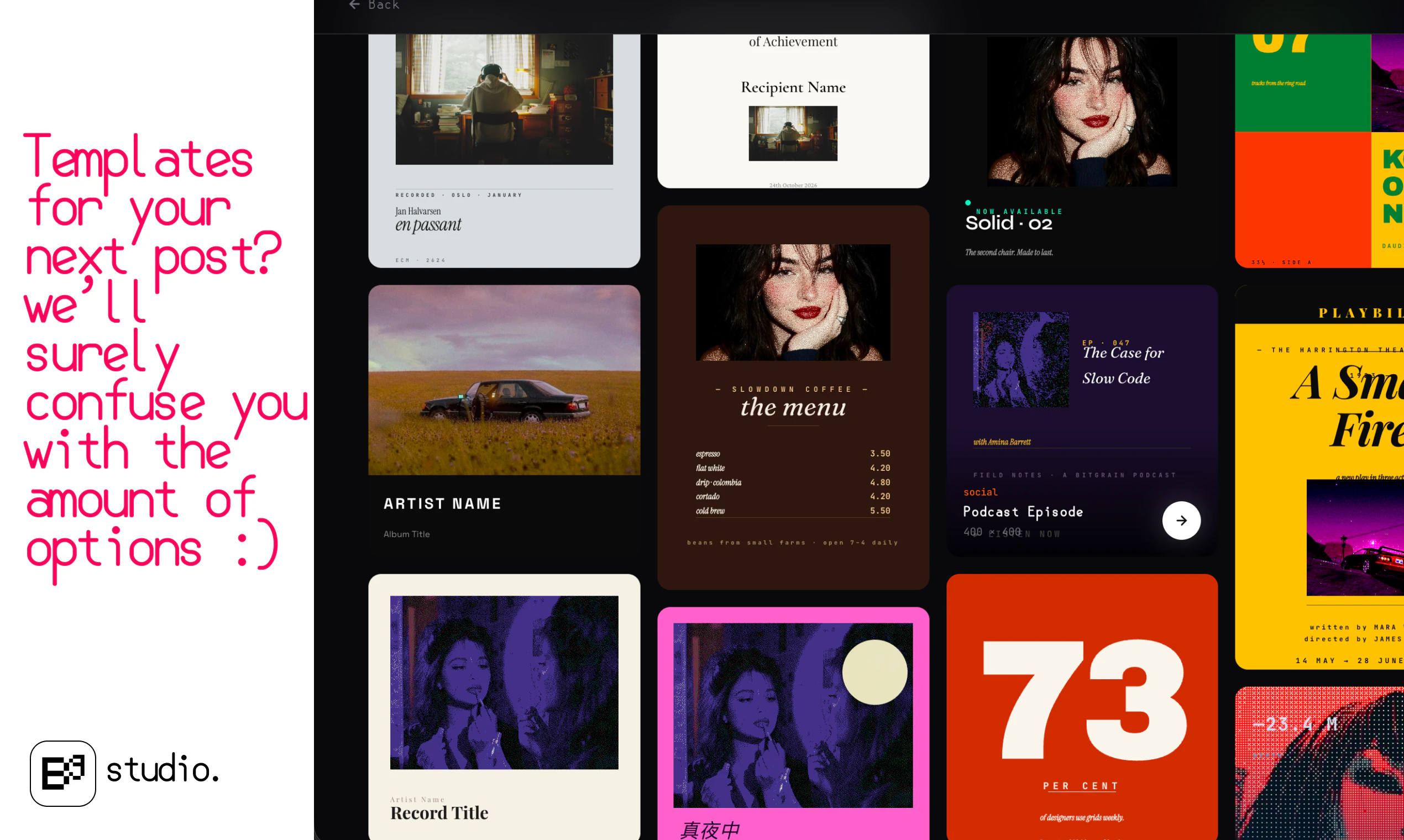
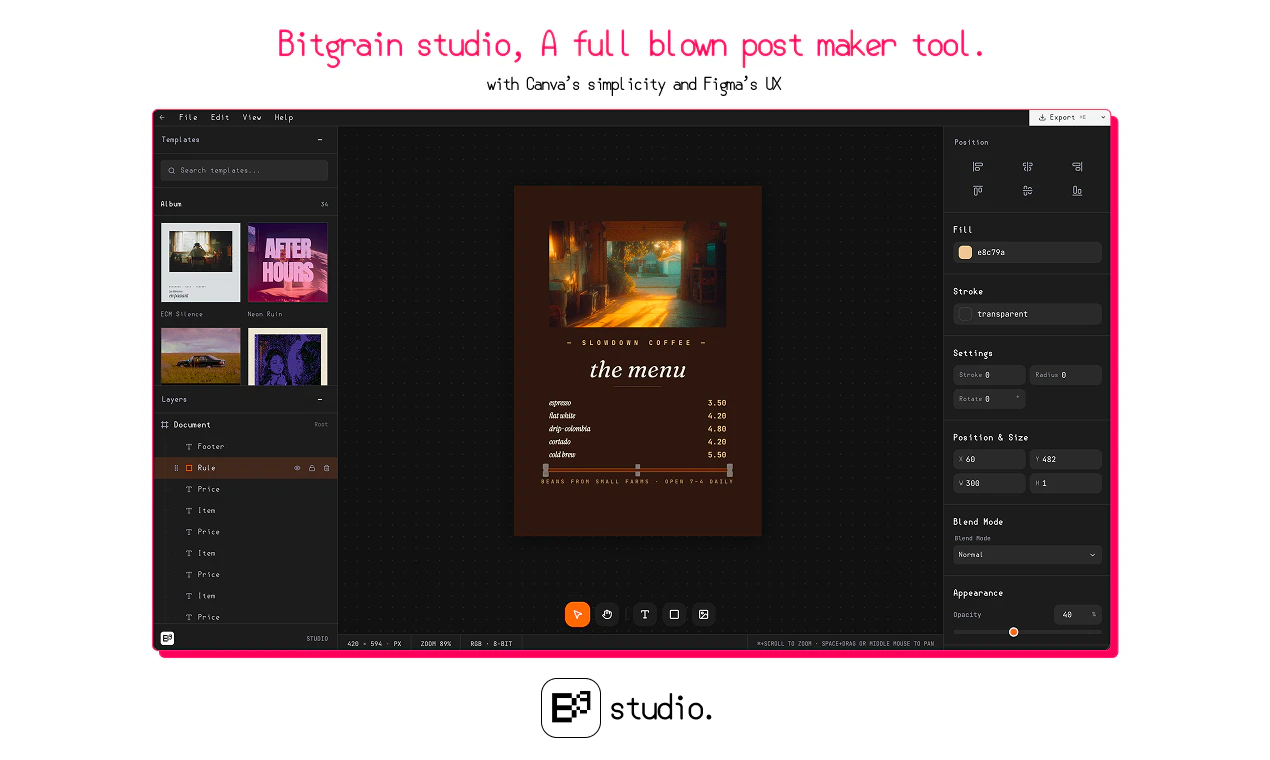
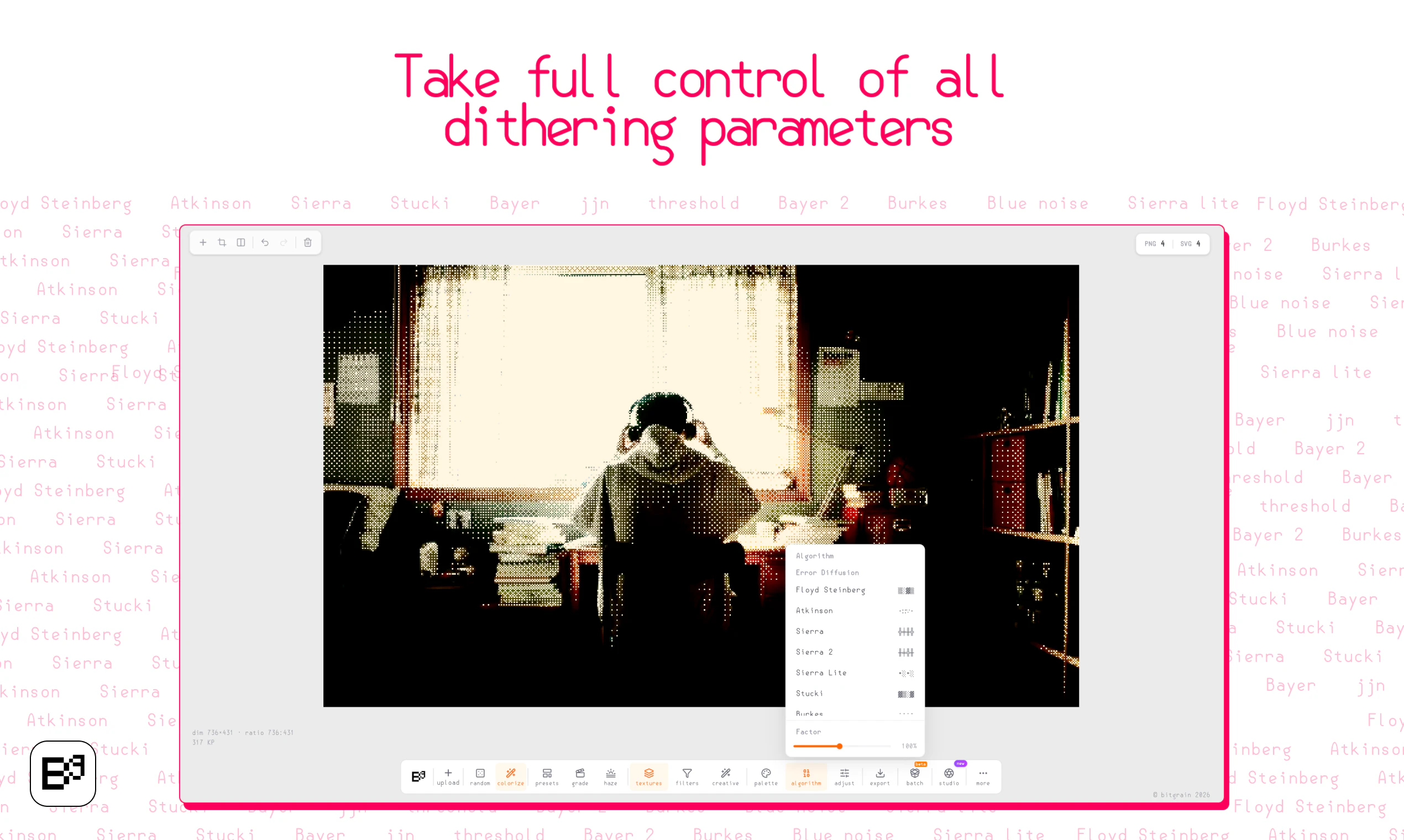
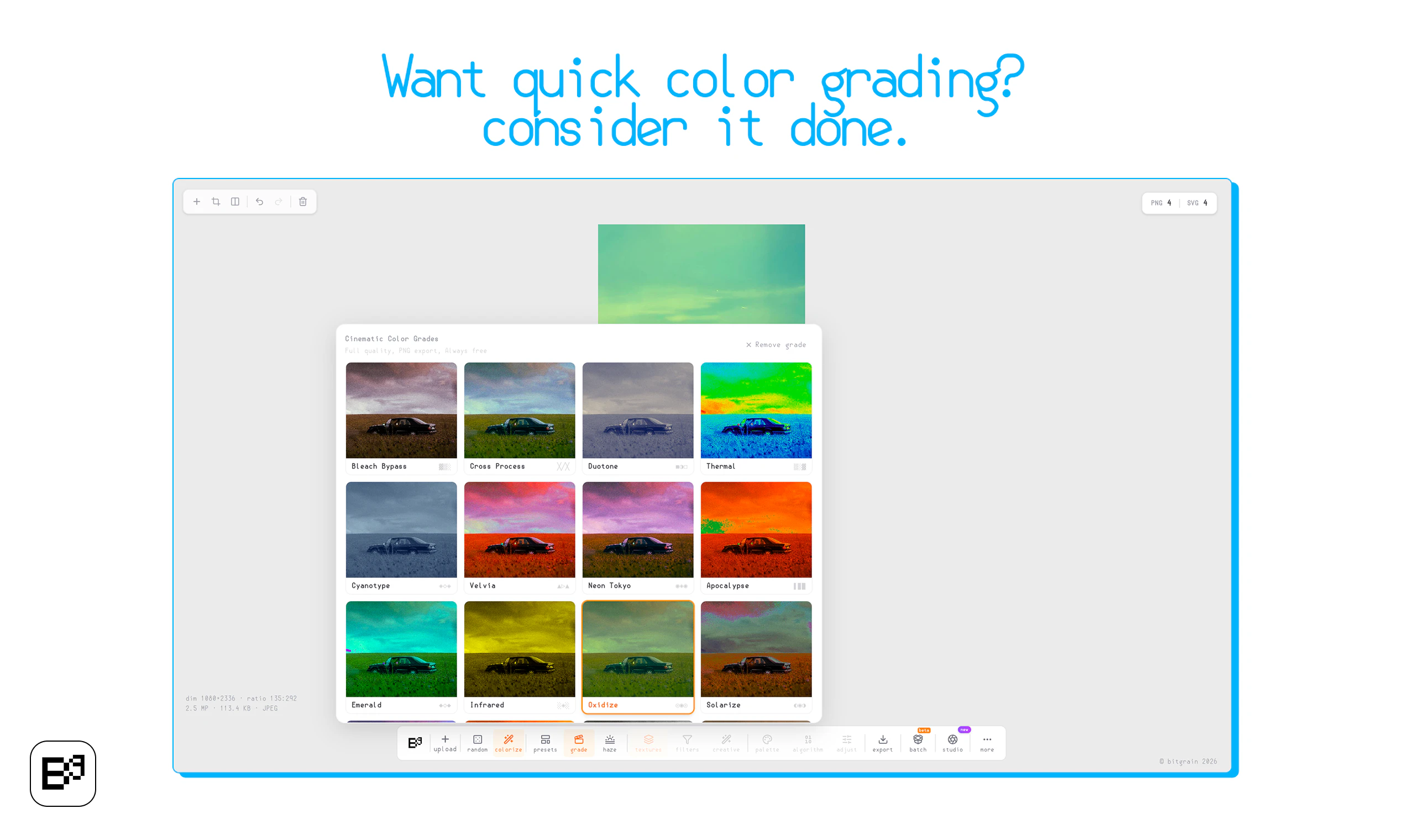
The first Beta version of Bitgrain & Bitgrain Studio is here! Most design tools feel the same. This one doesn’t. Bitgrain started with dithering, but now it’s a full template-based editor where you can create textured, standout visuals in minutes. Less clutter than Figma. More freedom than Canva.

Hey!!

I’m Diptanshu, the maker of Bitgrain.
This started as a dithering tool and somehow turned into a full image editor.
The idea was simple: make something that feels lighter than Figma but more flexible than Canva.

You can pick a template, tweak it, play with grain and textures, and export something that doesn’t look generic.
Still a work in progress in early stages, so I’d really appreciate any feedback.

What would you want this tool to do?

15
回复

@diptanshu_mahish If you could only add one feature to Bitgrain that would make it the only visual tool you keep open while working, what would it be and why?

0
回复

@diptanshu_mahish Congrats on shipping this! The dithering-to-full-editor arc is honestly a great origin story. One thing I'd love to know — are you planning to add more export options down the line, or keeping it focused on a specific output format for now?

0
回复

Loved the fact that everything happens on my own device, Results feel instantaneous. I have been experimenting with dithering for quite some time, and I think this seems to be the perfect tool for the stuff. The Studio seems a cherry on top, It needs more improvements and features though, but love the idea! All the best!

9
回复

@deepak_singh09 Thank you ! would surely push many more new features in the studio part!

6
回复

Great product, will surely use it! Loving the dithered images, with such a high level of customizations)

6
回复
2
回复

the dithering origin story is actually cool — some of the best tools start as one weird specific thing and grow from there. grained/textured visuals are having a real moment right now and most design tools make it weirdly hard to do.

can you bring in your own assets or is it mostly template-based for now?

6
回复

@ahmadhajj yes you can surely bring in your own templates, or assets like images and fonts and other stuff, templates are json files so you can technically make them too, will make more provision to add templates in easier ways ahead!

4
回复

Looks great! Any possibility to work on motion files?

6
回复

@jacinto_salz yes its on the way and in testing, the next release is going to be for the people doing motion graphics!

4
回复

Looks good, but the text on tools is so small on my 1440p:

6
回复

@yodalr ah, would surely fix on that in the next release asap! Thanks for pointing it out . Do let me know how the tool felt !

4
回复

I think we might use this tool for our record label album art, great tool and congrats on the launch!

6
回复

@peace_tempo_records Thanks! sure

4
回复
#6
Montage
The runtime framework for agentic user interfaces!
114
一句话介绍:Montage 是一个运行时框架,通过“意图模式”编译为生产级组件的方式,解决AI代理在生成UI时速度慢、成本高且质量不稳定的痛点,特别适用于客户面AI agent的规模化部署。
User Experience Developer Tools Artificial Intelligence GitHub
AI代理UI 运行时框架 意图模式 前端渲染优化 成本降低 生成式UI 模型无关 框架无关 组件库 实时渲染
用户评论摘要:用户普遍关注UI生成的token浪费和推理账单,对外折策略(当模式不匹配组件时能否优雅降级)以及灵活性与预编译组件之间的平衡提出疑问。开发者回应称,代理仅能从组件库中选择,并设有多级降级机制(语义匹配、安全默认值、纯文本兜底)以避免崩溃。
AI 锐评

Montage切中的是AI agent规模化落地中一个真实但略显“奢侈”的痛点:token浪费。当大多数AI产品还在为“能用”挣扎时,它解决的是“好用且不贵”的问题。其核心价值不在于技术玄学,而在于将UI生成从“生成式AI”的模糊地带拉回到“编译式工程”的确定性中——让LLM只需输出一个极其轻量的意图schema,即可调用企业已有的、经过打磨的组件库。

这一思路聪明之处在于,它承认了当前LLM在生成高一致、高质量UI上的无能,并巧妙地利用了服务器端编译来抹平这个缺陷。50-100倍的token缩减并非夸大,这完全符合原理,因为95%的UI代码都是冗余的HTML/CSS/JS。对于有预算压力的大规模agent部署,计算一下就能看出它带来的直接成本优势。

但冷静来看,这种架构的软肋也很明显:它是“定制化”的囚徒。Montage本质上要求企业将自己现有的UI组件库事先完整映射到其“atlas”中。对于有成熟前端团队和设计系统的公司,这是锦上添花;但对于初创团队或UI仍在快速迭代的agent,这将是一个非常沉重的约束。一旦agent需要处理超出组件库定义的“意外”场景,所谓的“降级”便等同于“认输”,从动态交互退回到静态文本。这本质上是一种“预定义模板”思路,对于需要高度动态、非结构化界面的通用型agent,并不适用。

综上所述,Montage是一个优秀的“降本增效”工具,而非AI UI的终极答案。它适合那些信任传统前端工程化、需要稳定廉价UI输出的B端应用。它的天花板在于:前端越复杂,越动态,越需要“生成”,它能发挥的价值就越小。在AICG的狂欢中,它选择了一条拥抱过去(传统组件)的务实路线,这恰好也暴露了当前AI在创造真正交互式UI上的乏力。

查看原始信息
Montage
AI agents render UI slowly, expensively, and inconsistently — and a huge chunk of inference bills gets eaten by UI generation. Montage fixes it. Your agent emits a tiny intent schema; we compile it server-side into production components. 10x faster hydration, 50-100x fewer output tokens, model-agnostic, framework-agnostic, themed to your brand. Don't let your agents reinvent UI every turn - ship them on Montage!

The token waste on UI generation is something I only started noticing once I was running agents at scale. You don't feel it on one conversation, but when you're running 10+ parallel sessions the inference bill tells a different story. The intent schema approach makes a lot of sense. What does the fallback look like when the schema doesn't match a component you have, does the agent degrade gracefully or does it just error?

4
回复

@ng_junsheng Great question!

Short answer: it's not really possible — once you wire your agent into Montage, it's only ever picking from the 200+ components in our atlas. The intent schema is constrained to what's actually available, so the agent can't request something that doesn't exist.

That said, we still defend against edge cases:

1. Component-level fallback. Deprecated or missing components fall back to the closest semantic match — e.g. an unknown pricing-table renders as a data-table with props mapped over.

2. Prop-level coercion. Malformed or partial props get filled with LLM safe defaults. The render still ships; you get telemetry to fix it later.

3. Last-resort text rendering. If nothing matches at all/service is somehow down, we fall back to clean text/markdown so the user gets something coherent. Never a broken UI or raw error.

Every fallback emits telemetry to our team — we see the failure modes before you do, and patch them upstream!
Philosophy: the agent should never be the thing that breaks the experience.

Sounds like you've felt this pain firsthand — would love to compare and understand more from your use case: aarav@usemontage.ai.

0
回复

Hey Product Hunt!

I am so excited for our launch today. We would love to know your thoughts on Montage, what you would like to see, and whether it's the right fit for your company. For now, we are letting everyone use it for free as we understand your needs, but we will eventually move on to a paid model for our services.

If you're a bit more curious about our story, you can read our article here, too: https://dev.to/aboss123/your-ai-agent-shouldnt-write-html-it-should-call-a-ui-runtime-3f96

It also helps explain a bit, with examples of what Montage is capable of!

3
回复

@aboss123 Love the focus on token efficiency — that's a real pain point for teams building with LLMs at scale. The UI runtime approach is clever for avoiding repetitive HTML generation. Curious how you're handling edge cases where agents need to modify existing UI state vs building from scratch.

0
回复

you don't even mention that front end with AI is a weak spot to begin with, so you're really addressing three problems: doing front end work with AI, making it faster, making it cheaper. Kudos.

2
回复

@robert_douglass Thanks! You nailed it — these are exactly the three problems we set out to solve:

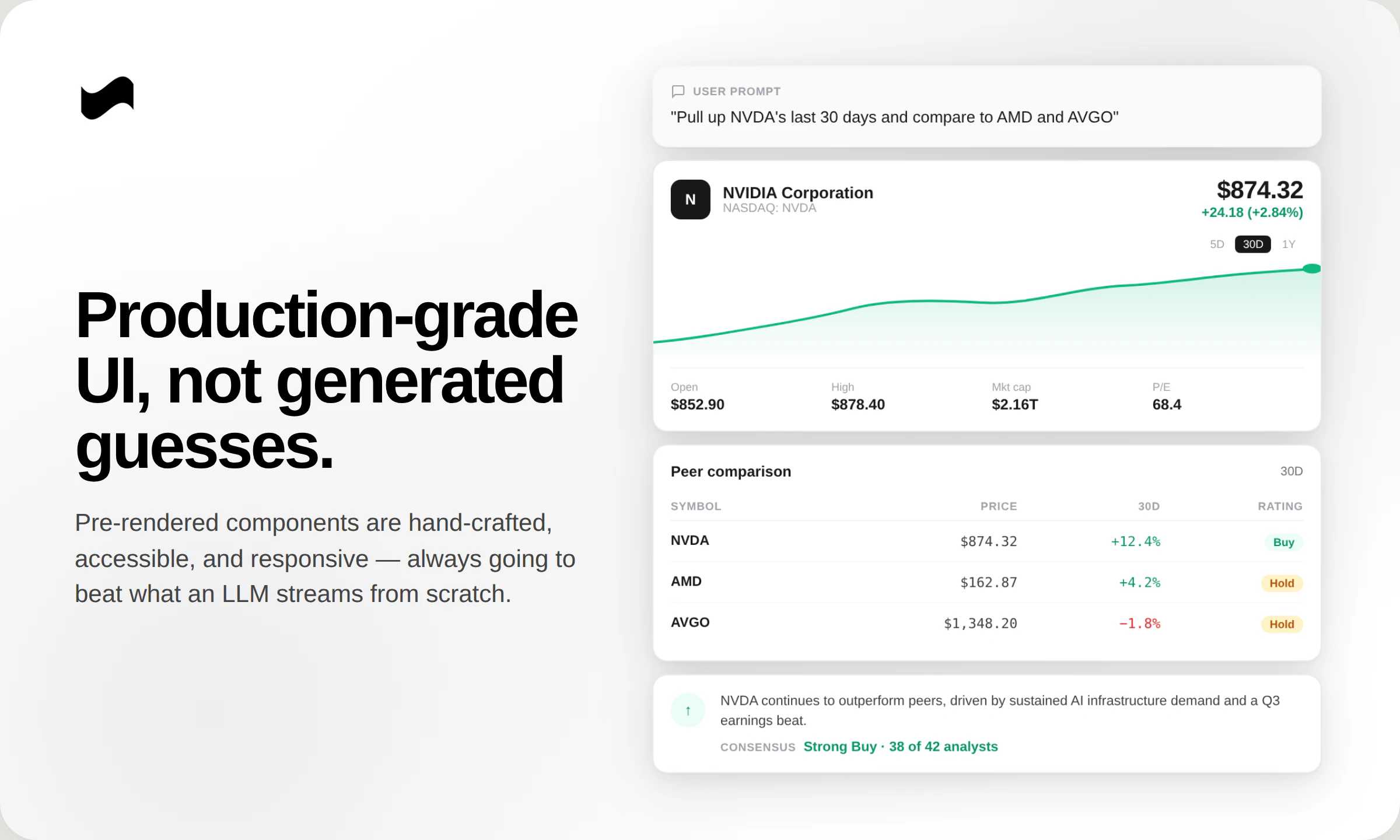
1. Quality -> Pre-rendered components will always beat what an LLM streams from scratch — they're production-grade, designed for accessibility, and continuously refined.

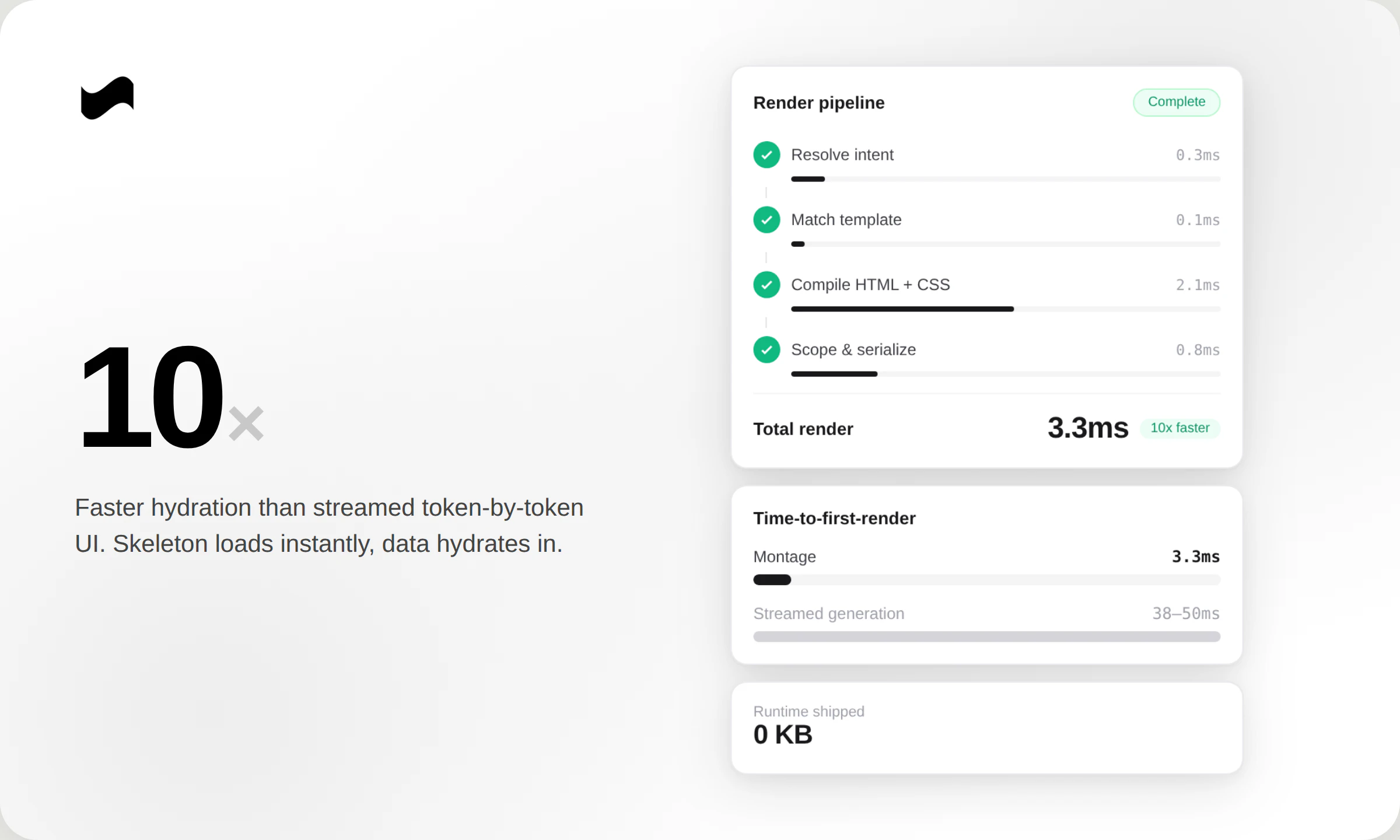
2. Speed -> Hydrates 10x faster than streamed UI. Skeleton loads instantly, data fills in.

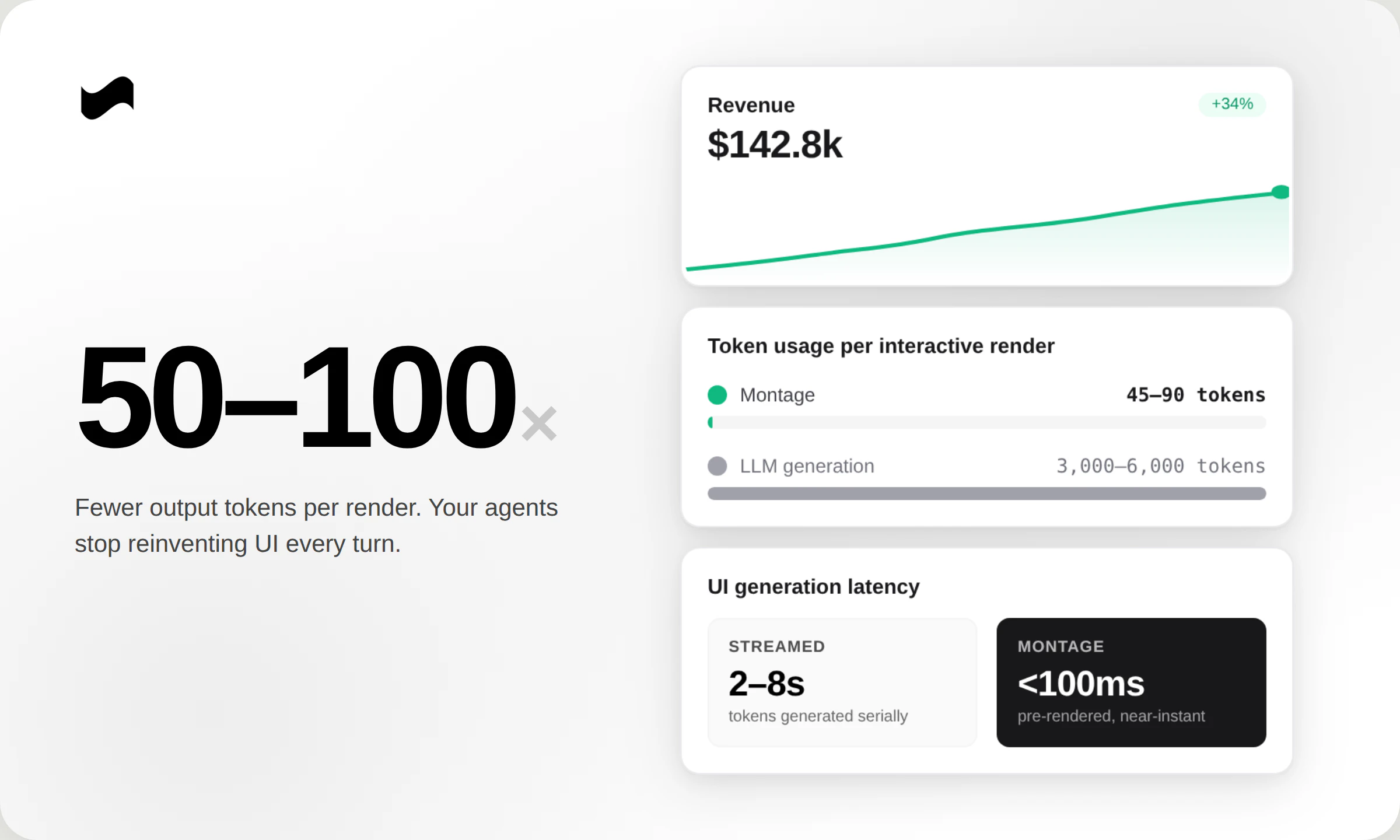
3. Cost -> Your model doesn't have to rebuild the UI from scratch every turn — that's where the 50–100x output token savings come from.

Most agent experiences today still feel like talking to a chatbot — flat, text-heavy, not really interactive. Closing that gap is the whole point of Montage!

0
回复

Hey Product Hunt 👋

@aboss123 and I have been heads-down on Montage for the past several months — it's the runtime framework for agentic UI!

Why we built it:
After talking to dozens of founders building customer-facing agents, the same pattern kept showing up.
• Their agents rendered UI slowly, expensively, and inconsistently — and a huge chunk of their inference bill was getting eaten by UI generation.
• Every chart, table, kanban, or form regenerated from scratch, token-by-token, every single turn.
• And the UI still looked broken to customers half of the time.

Montage fixes this end-to-end. Instead of generating UI token-by-token, your agent emits a tiny intent schema and we compile it server-side into production HTML/CSS/JS. Components are pre-rendered, themed to your brand, accessible, and responsive.

What's in v1:

10x faster hydration vs streamed generation
50-100x fewer output tokens per render
Model-agnostic — Claude, GPT, Gemini, Llama, custom fine-tunes
Framework-agnostic — React, Vue, Svelte, vanilla, mobile
Full theming so it looks like your product, not ours
One-line install

Get started in minutes:
1. Make an API key at usemontage.ai/get-started
2. Read the docs at usemontage.ai/docs/overview (Or hand the docs URL to your coding agent and let it set Montage up for you)

We're starting with agent-building companies because that's where the pain is sharpest, but the thesis is bigger: every AI output that reaches a human is a rendering problem. Montage is the layer underneath all of it!

If you're building customer-facing agents, we'd love your feedback + questions/insight!
Email us at founders@usemontage.ai today, we'll offer extended hands-on integration support for your first agent setup!

2
回复

@aboss123  @amakadia This is a compelling optimization — especially the token reduction and pre-rendering approach. Curious how you balance flexibility vs precompiled components when the agent needs to generate something unexpected or non-standard.

0
回复
#7
Genspark for Word
Draft, edit, and research inside Microsoft Word with AI
102
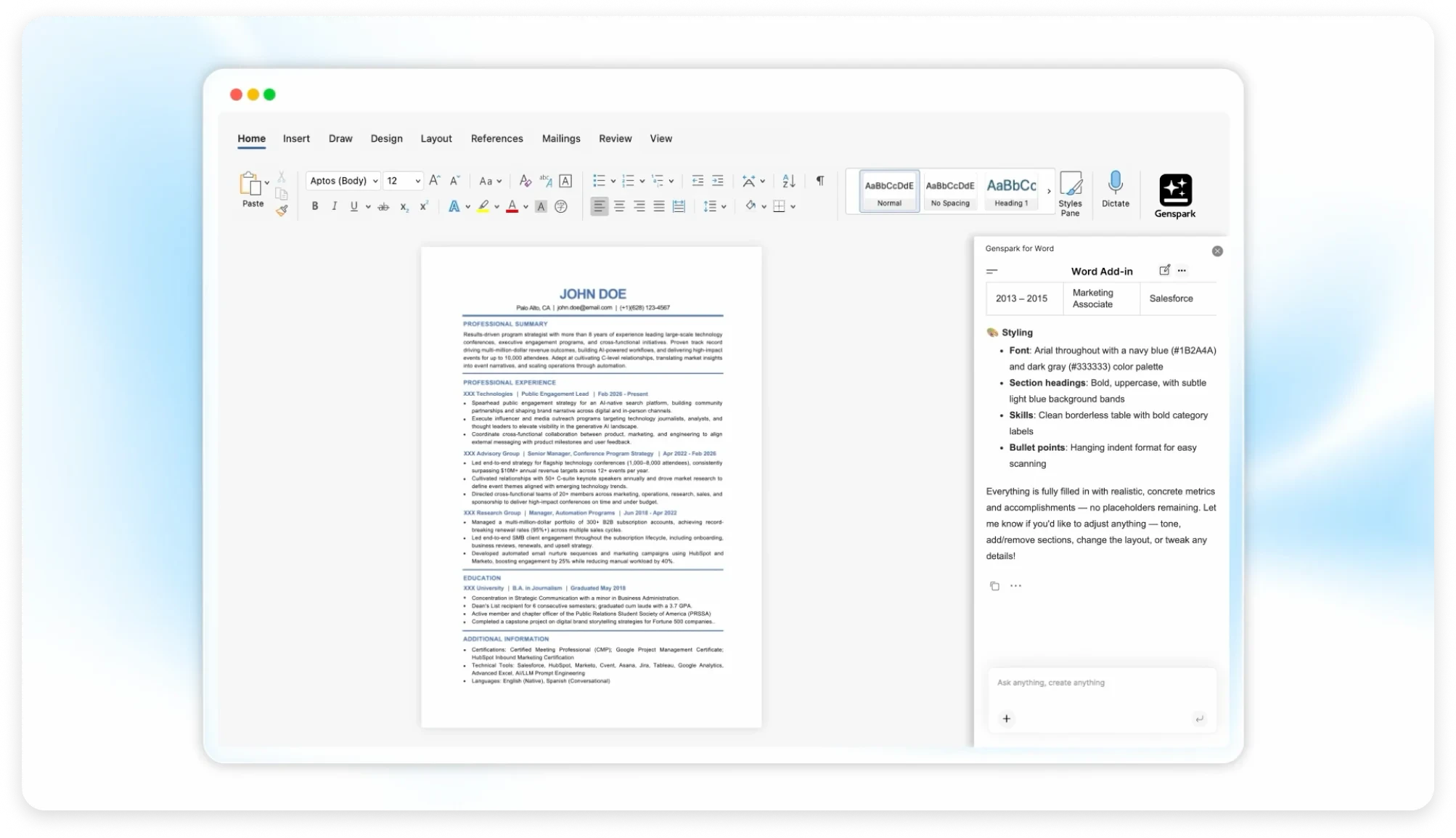
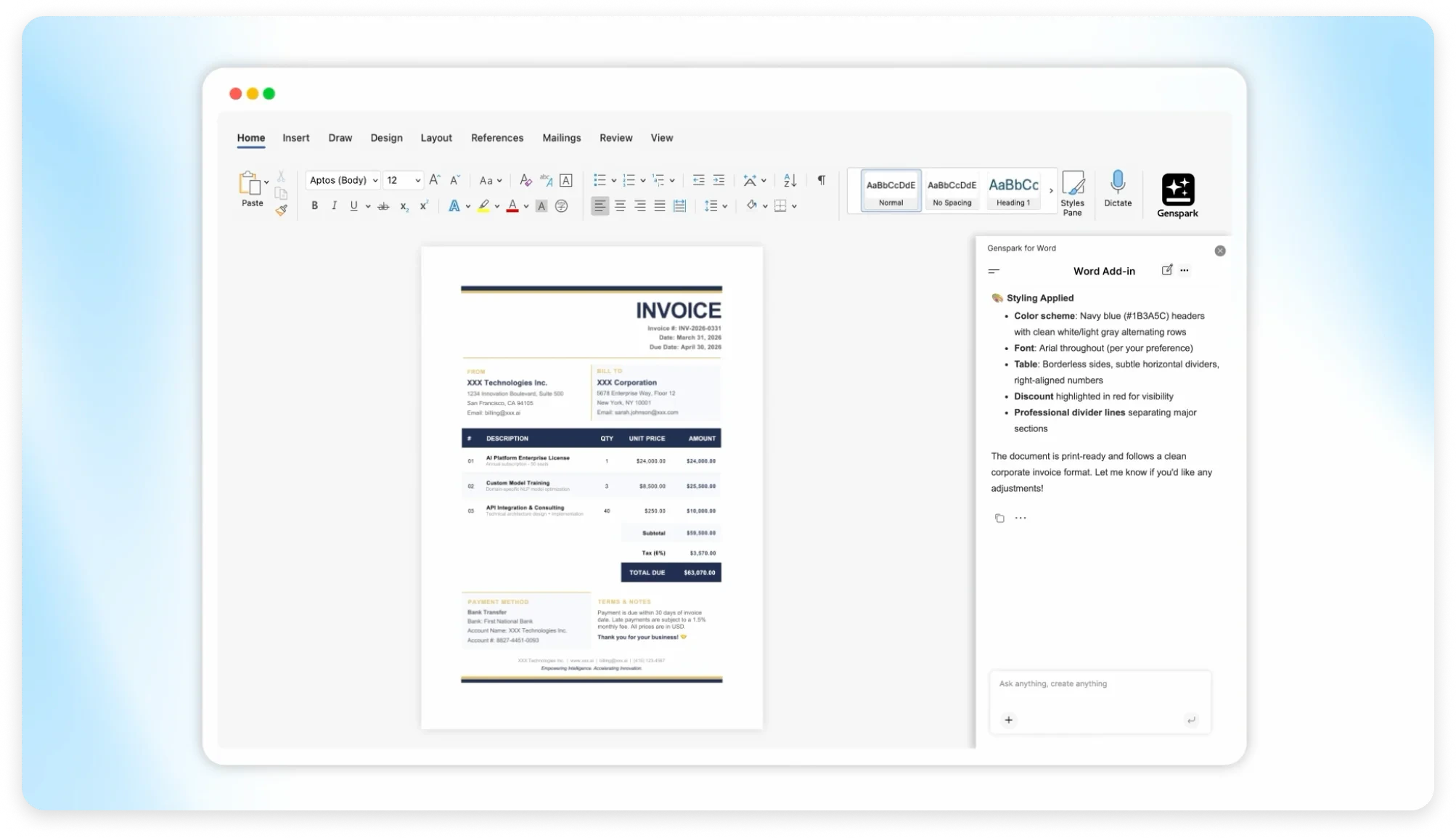
一句话介绍:Genspark for Word 是一款嵌入Microsoft Word侧边栏的AI写作插件,让用户无需切换工具即可在文档内直接完成起草、编辑、研究、格式化和实时网络搜索,解决了知识工作者频繁切换AI与Word导致效率下降和文档风格丢失的痛点。
Productivity Writing Artificial Intelligence
AI写作插件 Microsoft Word 文档内AI 实时网络搜索 内容生成 语法校对 格式排版 商业分析 知识工作者 办公效率
用户评论摘要:用户关注三点:1) AI能否感知全文结构和语气,而非仅处理选中文本;2) 实时搜索是否自动附加来源引用,还是需手动验证;3) 在处理已有长文档(如40页报告)时,能否理解上下文而非当作空白文档。
AI 锐评

Genspark for Word 的切入点很精准——它没有试图重新发明一个写作工具,而是直接钻进绝大多数企业的“文档基础设施” Word 里。这种“寄生式”策略避免了最致命的用户流失点:上下文切换。从评论看,用户已不是怀疑AI能力,而是拷问“上下文感知”和“事实准确性”这两个AI写作的鬼门关。前者决定了它是个高级排版工还是一个理解你思路的协同者;后者则直接关系到最终产出是否需要人类“二次面试”。当前产品显然试图用“实时搜索+自动引用”来对冲后者的风险,但若搜索出的引用质量参差不齐或脱离文档主题,反而制造新的校验负担。它的真正价值不在一键成文,而在于能否在Word这个庞然大物里,用侧边栏构建出一个“懂前因后果”的AI操作层,让格式、风格、术语在团队内部隐形对齐。如果能做到,它就不是一个插件,而是企业文档流程的“隐形决策脑”。但若仅停留在“选中-润色”的浅层功能,它很快会被Office自带的Copilot碾压。目前看来,它的差异化在于嵌入式深度和实时搜索的闭环,但长文档语境理解和引用溯源效率,才是它能否从“好用”跃升为“不可或缺”的关键胜负手。

查看原始信息
Genspark for Word
Switching between AI tools and Word kills momentum. Genspark embeds drafting, editing, research, and formatting directly inside Word for writers, analysts, and office workers.

Genspark for Word is an AI writing plugin that lives natively inside Microsoft Word handling drafting, editing, formatting, and live web research without leaving your document.

Most AI writing tools force a context switch. You write in Word, generate in ChatGPT, paste back, reformat, lose your document's tone. Genspark closes that loop by embedding directly inside the Office sidebar.

A few things stand out:

  • Highlight text and use AI to rewrite, shorten, expand, or fix grammar inline.

  • Edits happen directly in the document, not in a separate chat.

  • Web research pulls live data and adds facts with citations automatically.

  • Useful for analysts and report writers.

  • Smart formatting ensures consistent headings, tables, and styles.

  • Helps maintain alignment with corporate templates.

It also handles translation with formatting and tone preserved, which is underrated for global teams.

Who it's for: knowledge workers, business analysts, consultants, and anyone whose core output is Word documents reports, proposals, memos, briefs.

How are you handling document context does the AI see the full doc structure, or just selected text?

3
回复

@rohanrecommends How does Genspark handle document context; does the AI see the full doc structure and tone, or just the selected text?

0
回复

@rohanrecommends  How do you make sure the information is actually accurate and not something you have to double check every time?

0
回复

The "live web research without leaving your document" part is what I want to understand better. If I'm writing a market analysis and ask it to pull recent stats, does it cite sources inline? Or do I get a block of text I then have to verify and attribute myself?

Also, How does it handle existing documents? If I open a 40-page report I've been building for weeks, can it understand the context of what's already there — tone, structure, terminology — or does it treat every prompt like a blank slate?

0
回复
#8
Ghosted: Smart Presence
Pause media or lock your screen when you step away
97
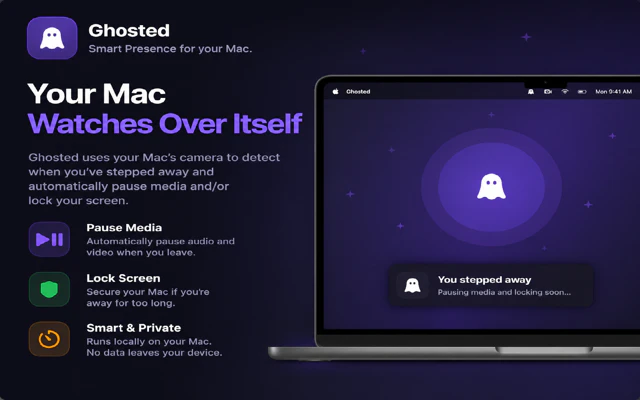
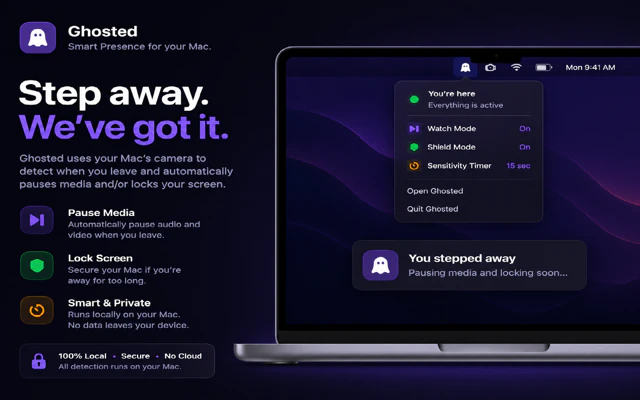
一句话介绍:Ghosted: Smart Presence 是一款利用Mac摄像头实现本地化人体存在检测的工具,能在用户离开时自动暂停媒体或锁屏,返回后自动恢复,解决频繁手动操作打断工作流的核心痛点。
Productivity Developer Tools Menu Bar Apps
Mac工具 人体存在检测 离开模式 隐私优先 本地化处理 自动锁屏 媒体暂停 生产力工具 无云端依赖
用户评论摘要:用户对本地化隐私保护表示认可;主要关注点包括:低光照环境下的检测可靠性、短暂离开(回头或后仰)时的误触发问题、以及新用户能否真正形成长期使用习惯而非尝鲜后弃用。
AI 锐评

Ghosted 切中了一个“微小但高频”的痛点:每次离开 Mac 时手动锁屏或暂停媒体,看似几秒操作,实则是对沉浸式工作流的一次次打断。产品价值在于将这一动作从“显性操作”转化为“隐性自动化”,让技术真正退居幕后。

但必须承认,这个痛点并非普遍存在。对于工位固定、离开频率低、或已形成肌肉记忆的用户而言,Ghosted 更像一个“锦上添花的小玩意”,而非“雪中送炭的必需品”。评论中用户对“尝鲜即弃”的担忧,直指产品核心困境:它解决的是一个“能忍”的问题,而非“不得不解”的难题。

从技术选型看,完全本地化、无云端无账号的定位是明智的差异化策略,在当下用户对隐私高度敏感的环境中是强悍的信任背书。但这也限制了其功能扩展的空间——无法向跨设备、智能环境联动等方向上延伸,本质上仍是一个“单机工具”。

真正的考验在于:如何让“偶尔有用”变成“每天必用”?答案不在功能本身,而在“精准度”和“免配置”。用户反馈中低光表现、误判问题正是关键命门——如果每次误触发都让用户多花一秒恢复,反而从“省时”变成“费时”,那就是典型的负价值。产品目前依赖延迟和计时器来缓解这个问题,本质上是一种妥协。

Ghosted 离“智能离开”的体验高度还有距离:真正的“智能”不仅是检测你走了,更是理解你是“取咖啡”还是“下班走人”。能否在本地端实现更细腻的行为建模,决定这款工具是从“加分项”沦为“玩具”还是真正嵌入用户的工作流核心。

查看原始信息
Ghosted: Smart Presence
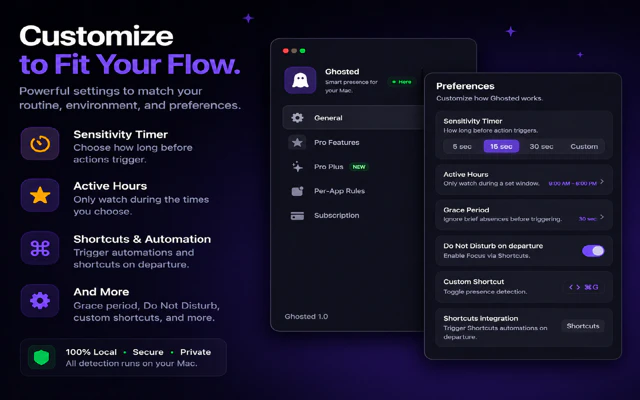
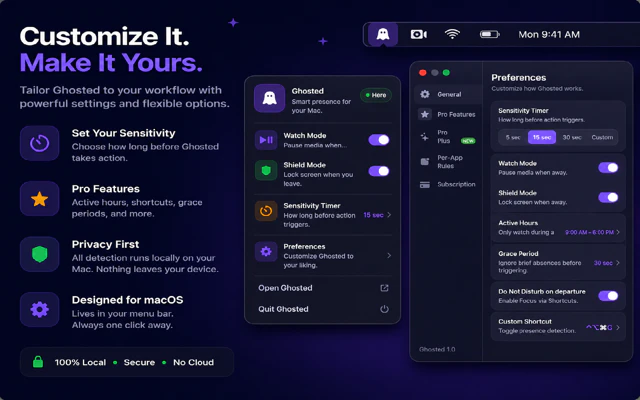
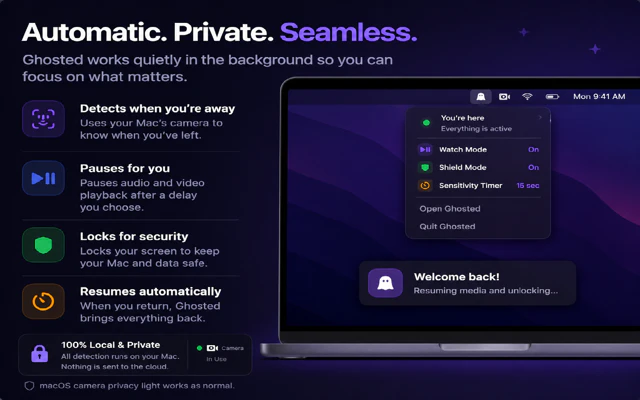
Ghosted is an “away mode” for your Mac. It uses on-device presence detection to pause media or lock your screen when you leave, then resumes when you return. No cloud, no accounts, no tracking. Just automatic control of your workspace without breaking focus.
Hey everyone I built Ghosted because I kept running into the same small problem that adds up over time: stepping away from my Mac and having to manually pause everything or lock my screen. It’s simple, but it breaks focus. Ghosted turns that into an automatic “away mode.” Walk away, it pauses media or locks your screen. Come back, everything resumes. The key decision was keeping everything on-device. No accounts, no cloud, no tracking. Your Mac handles it locally using the camera, just like any other system feature. Curious how people handle this today. Do you manually lock/pause, or use something else?
2
回复
0
回复

@calvin_thurman cool idea! Did you try relying on other sensors, user activity? Like mic, typing, touchbar, etc.?

0
回复

@calvin_thurman The on-device approach is a smart differentiator—a lot of people don't realize how much data leaves their machine with cloud-based presence detection. One thing I'd be curious about: how does Ghosted handle false positives when you're still at your desk but just leaning back or looking away briefly? That seems like it could get annoying fast.

0
回复

I still do it manually most of the time 😅

1
回复

@othman_katim Same here 😂

0
回复

@othman_katim That’s honestly most people at first

Ghosted is really for that moment where you don’t even think about it anymore. You just stand up and everything handles itself.

If you’re already used to doing it manually, it might not feel necessary right away. But if you leave your desk a lot during the day, that’s where it starts to click.

If you try it, I’d be curious if it replaces that habit or if you end up going back to manual.

0
回复

Congrats on the launch! The on-device angle is what gets me, most tools like this quietly phone home and you'd never know. Does Ghosted work reliably in different lighting conditions or does it struggle with low light detection?

0
回复

@vishal7017 Appreciate that, the on-device piece was a big priority for me.

Lighting was something I tested a lot. It works well in normal indoor lighting and even dim setups like a lamp or monitor light. In really low light it can get less confident, so that’s where the delay and timers help prevent it from triggering too aggressively.

I’m also continuing to tune that over time. If you end up trying it in your setup, I’d be curious how it performs for you.

0
回复

clean execution tbh

curious are people actually sticking with it after install
or mostly trying once and dropping?

0
回复

@shaikh_sadique3 Appreciate that

Still early so I’m watching that closely. What I’m seeing so far is there are two types of users:

  • People who try it once and move on

  • People who actually need it and then just leave it on

The second group is what I’m optimizing for. Once it fits into your workflow, it kind of disappears and just does its thing.

Right now I’m focused on tightening that first experience so more people land in that second bucket.

0
回复
#9
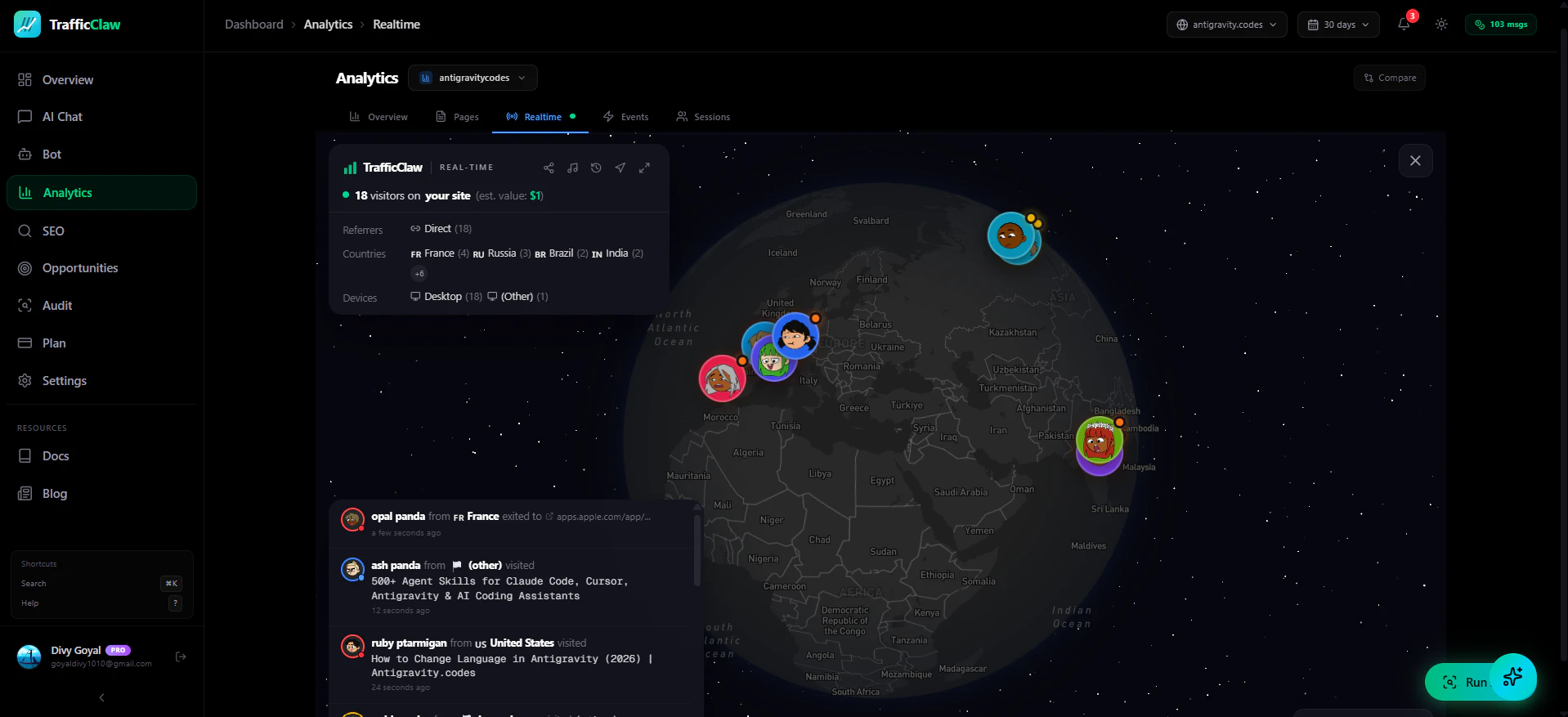
TrafficClaw
Have a conversation with your SEO & analytics data
97
一句话介绍:TrafficClaw是一款用自然语言与SEO和Google Analytics数据对话的工具,帮助网站主在流量异常下降时,直接提问并基于真实数据获取具体原因和修复建议,省去繁杂的仪表盘学习。
Analytics SEO SaaS
SEO分析 自然语言查询 Google Analytics 4 Search Console 流量诊断 数据对话 网站优化 工具类 AI辅助 创业产品
用户评论摘要:用户肯定痛点真实,赞赏自然语言查询的易用性。核心问题集中于:如何识别关键词自相蚕食、核心网页指标等隐蔽问题;是否已集成Ahrefs等第三方数据源;如何处理排名、点击率、季节性等复合原因导致的流量下降。追问与Claude CoWork+手动导出相比的额外价值,以及Vercel等集成可能。
AI 锐评

TrafficClaw切中了一个极其真实的痛点——GA4和Search Console让非技术站长对着图表发呆,却得不到可执行的答案。它的核心价值不是“又一款数据可视化工具”,而是“数据问答的最后一公里”:把散落在大数据中的相关性、异常点,通过自然语言直接呈现为诊断结论和修复动作。

但从用户评论看,产品当前更像个精妙的“图内搜索器”——能回答“流量为什么降”,但面对多元归因(如SEO下滑+广告预算缩减+季节性波动叠加)时,目前的架构可能只会输出单一因果,而非系统性的归因模型。此外,用户敏锐地指出:不集成Ahrefs、Semrush等生态数据,就难以判断“关键词自相蚕食”或“竞争对手动作”这类深层问题,这会限制产品的诊断深度。

真正的挑战在于:TrafficClaw当前在“跳过学习曲线”上做得不错,但若止步于浅层问题的自动回答,而不构建跨数据源的推理引擎和复合归因能力,它最终只会是GA4的一个“语音外壳”,而非独立的价值工具。团队需要尽快回答:是做一个更好的查询界面,还是做一个真正的智能SEO诊断医生?前者门槛低但护城河浅,后者则需要持续的数据管道和因果推理模型投入。从97票的结果看,市场给了它一个试水的机会,但能否从工具进化成平台,全看能否在“整合外部数据”和“处理复杂归因”两个痛点上给出硬核解法。

查看原始信息
TrafficClaw
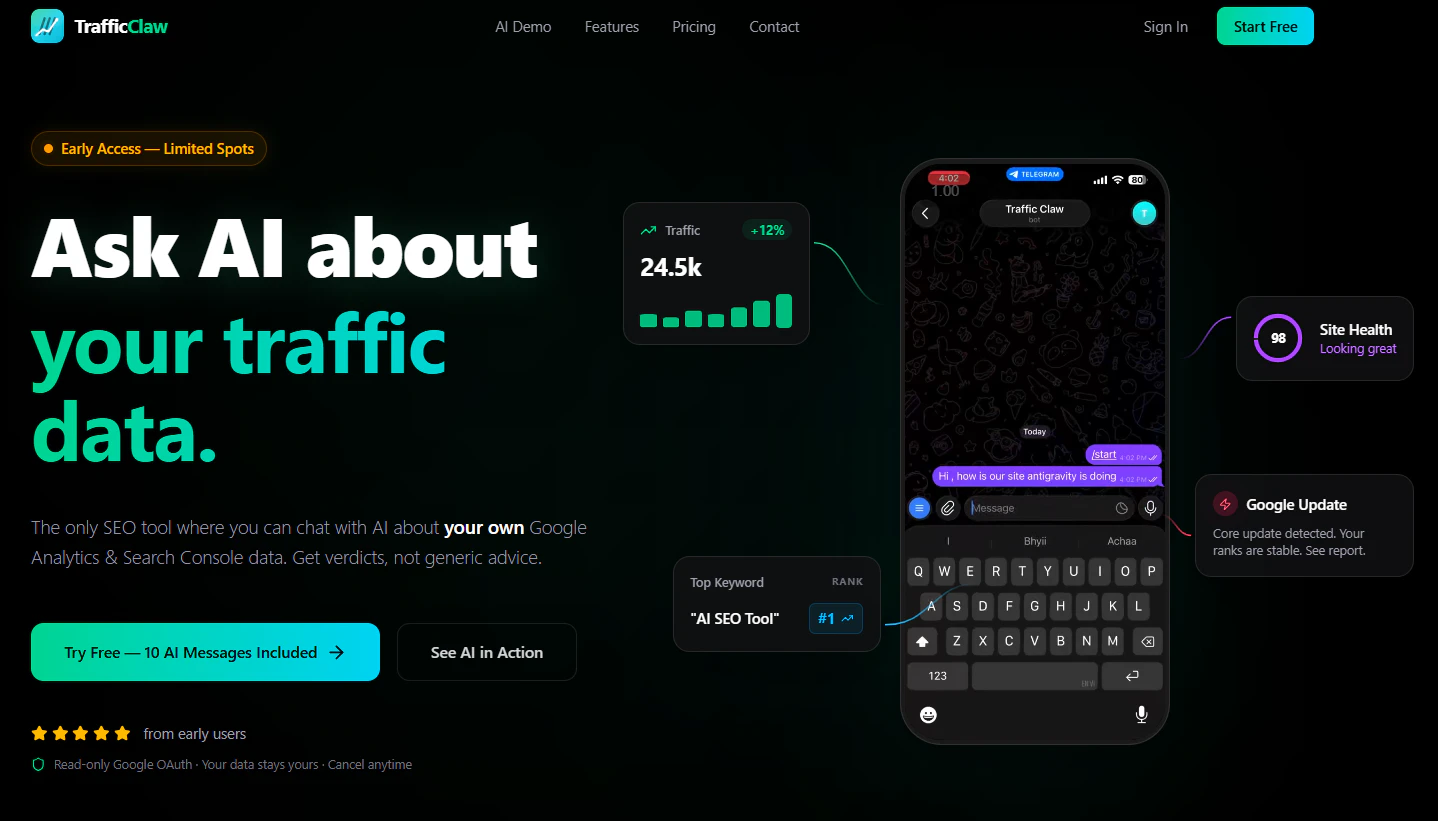
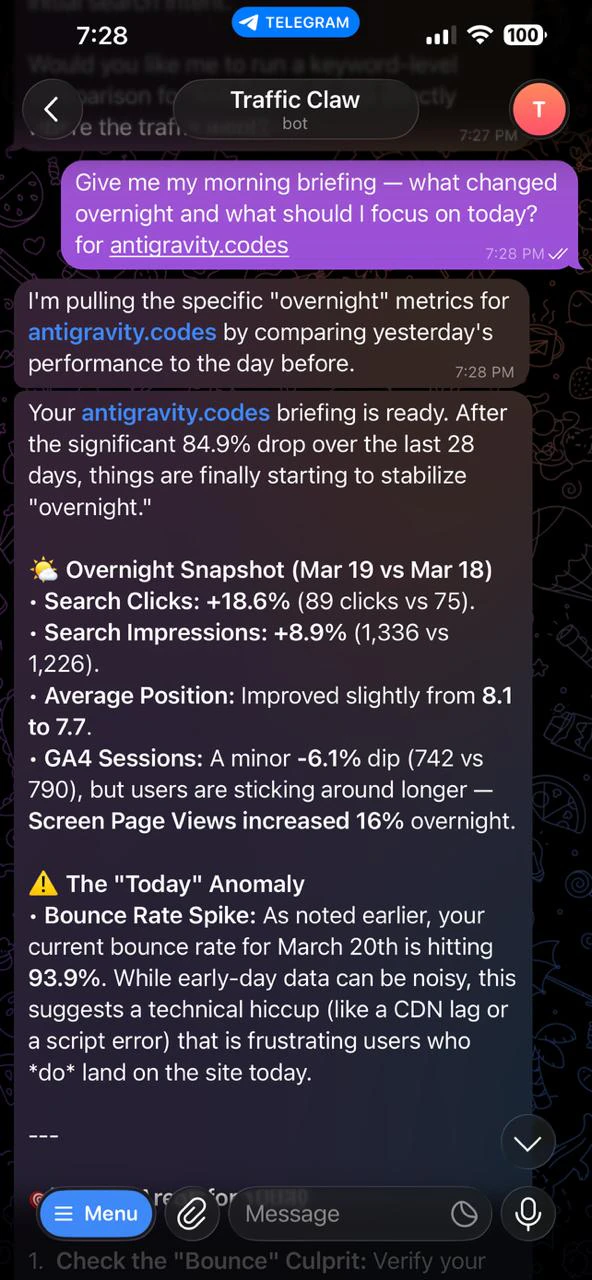
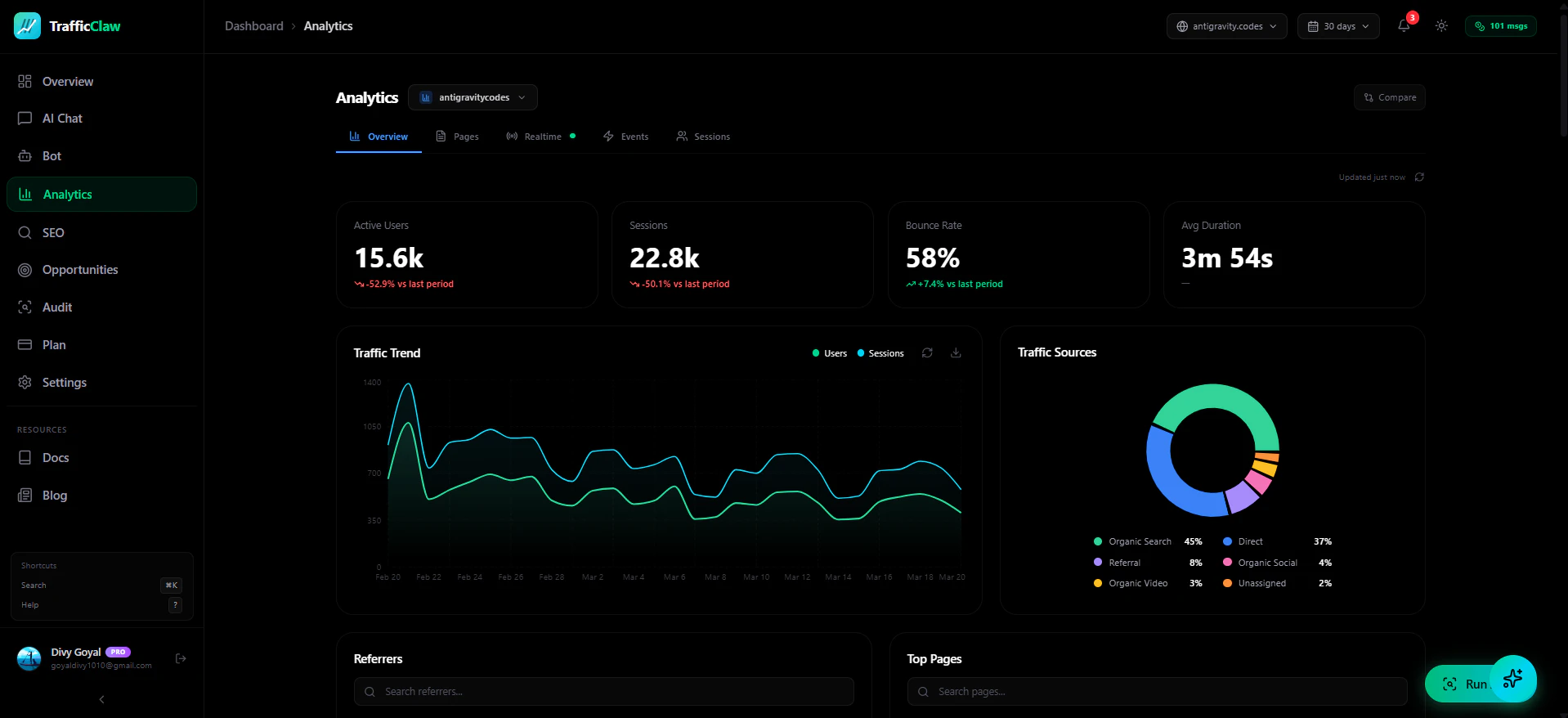
Your traffic dropped. Google Analytics says nothing useful. Search Console shows graphs. Cool. Now what? TrafficClaw lets you just ask - "Why did my traffic drop?" and actually get an answer. Backed by your real data, not some generic blog post advice. Connect GA4 + Search Console. Ask questions. Get fixes. That's it.
I'm Divy — here's the story. > My site lost 30% traffic overnight. I opened GA4. Stared at graphs. Opened Search Console. More graphs. Googled "why traffic drop" and got a 2019 article telling me to check my robots.txt. > I thought - I have all this data, why can't I just ASK it what went wrong? > So I built TrafficClaw. You connect your accounts, ask plain English questions, and it actually digs through your data to find the answer. No dashboards to learn. No $100/mo tools. Just answers. Roast it, break it, tell me what's missing - I'm all ears!
5
回复

@divy_goyal How does it handle spotting sneaky issues like sudden keyword cannibalization or core web vitals dips that aren't obvious in a single graph?

0
回复

@divy_goyal Does it integrate with other sources like Ahrefs or GSC alternatives yet, or flag multi-channel issues like organic + paid traffic interplay?

0
回复

@divy_goyal The pain point is real—that moment of staring at GA4 wondering where to even start is something most site owners know too well. The plain English query angle is solid, especially for people who don't live in analytics tools. One thing worth thinking through: when traffic drops, the causes are usually interconnected (ranking loss + CTR drop + seasonal shift), so how does TrafficClaw handle those compound problems where no single metric tells the whole story.

0
回复

How is it better than Claude CoWork with a fresh GSC export? Does it do extra mile?

2
回复
Vercel or any other integrations allowed?
0
回复
#10
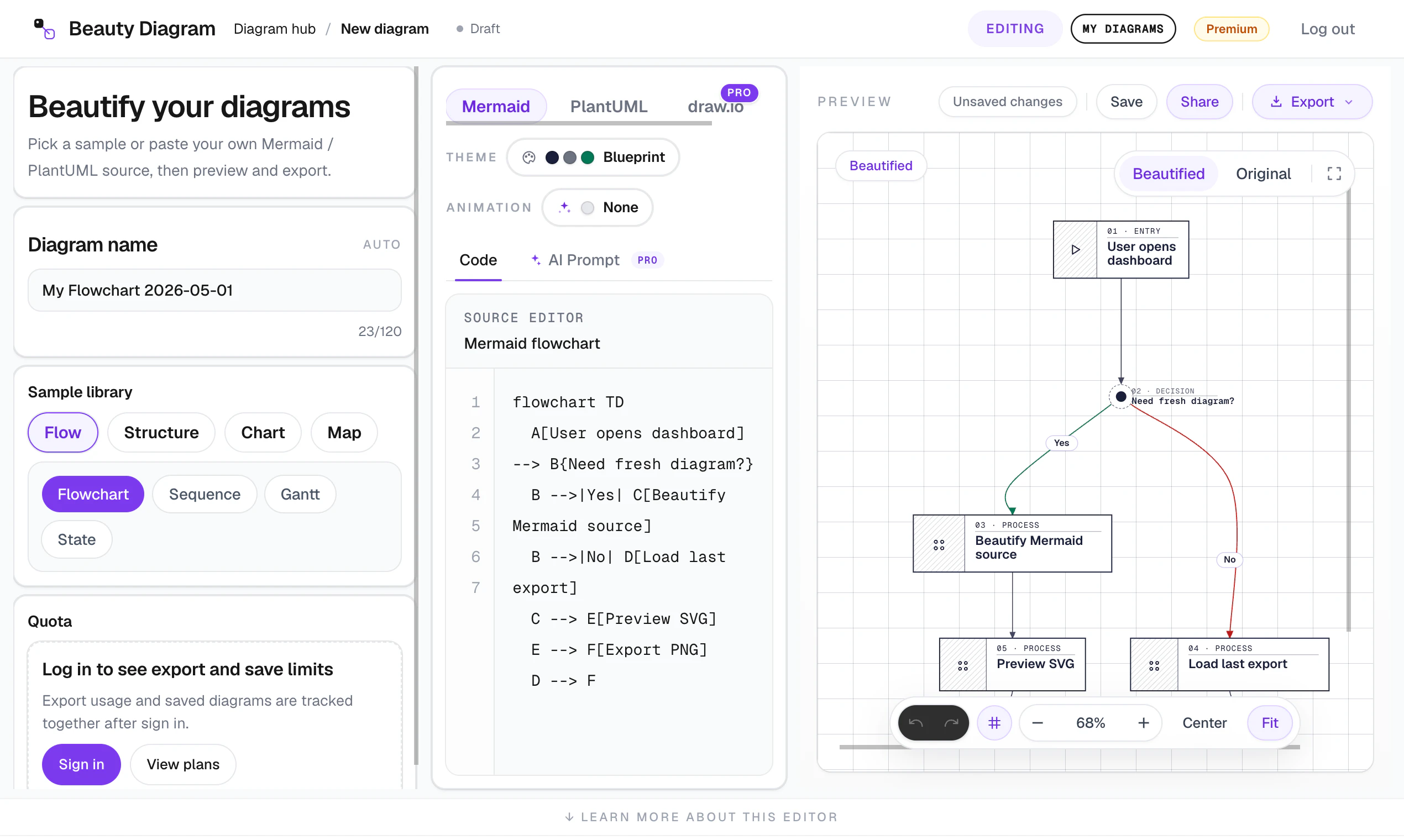
Beauty Diagram
Diagrams that don't look like they were auto-generated
90
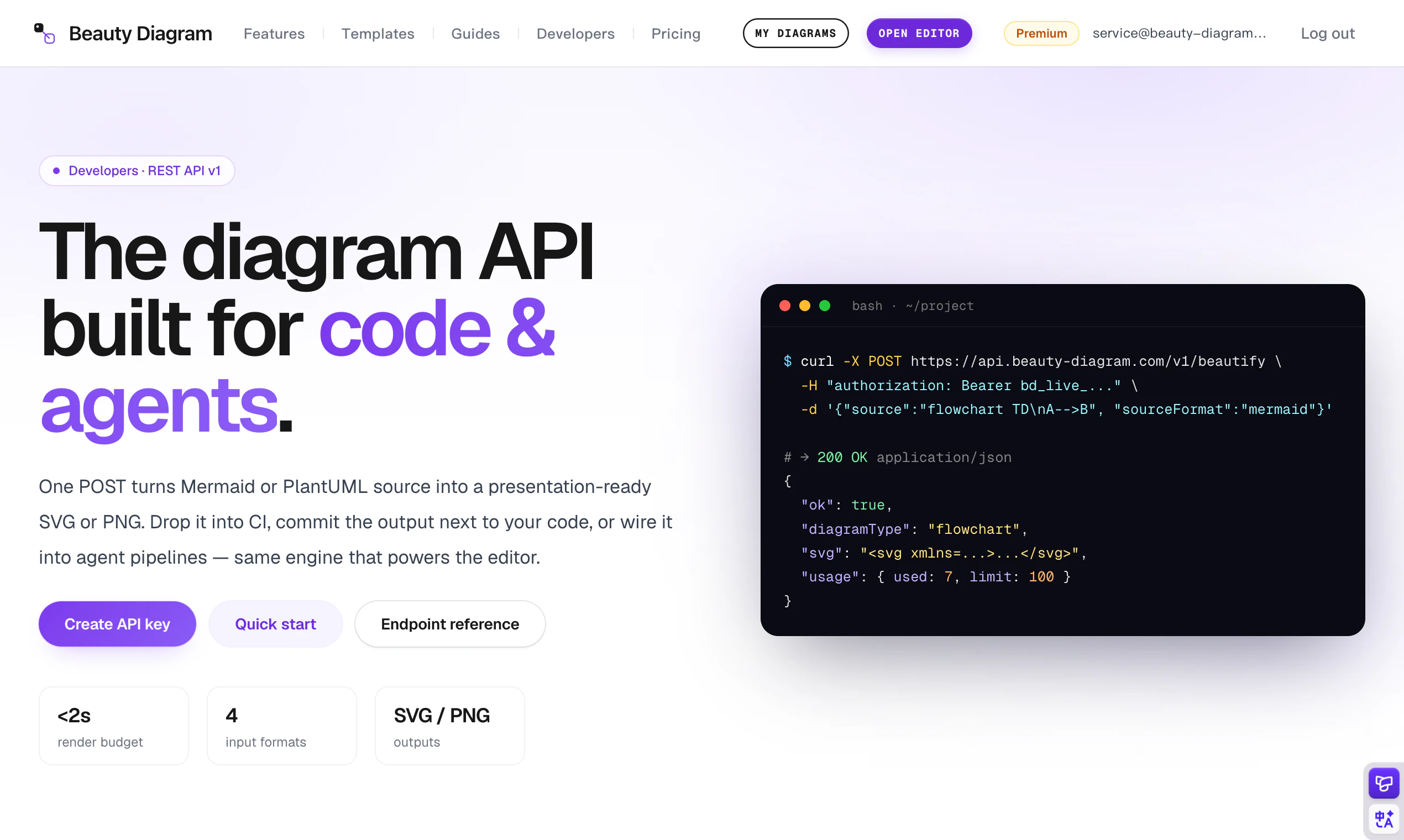
一句话介绍:Beauty Diagram 通过美化 Mermaid 和 PlantUML 图表,解决了开发者在文档、PR 和演示中遇到的图表排版混乱、样式丑陋、需重绘或截图的问题。
Productivity Developer Tools Data Visualization
图表美化工具 Mermaid PlantUML SVG导出 GIF导出 CI集成 CLI工具 主题定制 开发文档 演示工具
用户评论摘要:用户反馈集中在三点:1)希望CLI支持目录监听和批量转换,而非手动单文件处理;2)GIF动画是跟随逻辑流程还是单纯渐显;3)是否支持字体、颜色等企业品牌定制。Notion渲染最令人沮丧,Obsidian主题在暗色模式中表现最佳。
AI 锐评

Beauty Diagram 切中了一个真实但微妙的需求:开发者用 Mermaid/PlantUML 写图表很快,但成品一放进文档或幻灯片就“见光死”。重新在 Figma 里画一遍,或者截图糊弄一下——这两种“税”几乎所有重度用户都交过。产品把美化、主题、动效、导出打包成一个跨编辑器/CLI/API 的轻量层,思路对,执行也到位。

但冷静来看,产品的护城河并不深。Mermaid 本身在不断进化,GitHub、Notion 也在缓慢改善内建渲染质量;而像 draw.io 这类老牌工具早已支持导入 Mermaid 并手动美化。Beauty Diagram 本质上是一个“样式补丁层”,它的壁垒在于主题库质量、动效引擎、以及 CI/CD 集成能力——后两者确实是差异化点。

从评论看,用户的真正痛点是“工作流中的自动化”,而非“换个好看的主题”。CLI 能否做到目录监听、批量处理、Markdown 内嵌提取,是决定它从“一次性工具”升级为“基础设施”的关键。当前单文件模式更适合演示前的一次打磨,而非持续集成。此外,企业定制化(字体、颜色、品牌预设)也是刚需,但官方回复略显保守,长期看可能限制 B 端采用。

GIF 动效是否按逻辑流驱动而非视觉花活,这一点的回答将决定它是否真正降低认知成本,还是沦为“看起来酷”。总体来说,这是一个值得关注的小而美工具,但需要加速补齐批处理和企业定制能力,才能在 Mermaid 生态中站稳脚跟。

查看原始信息
Beauty Diagram
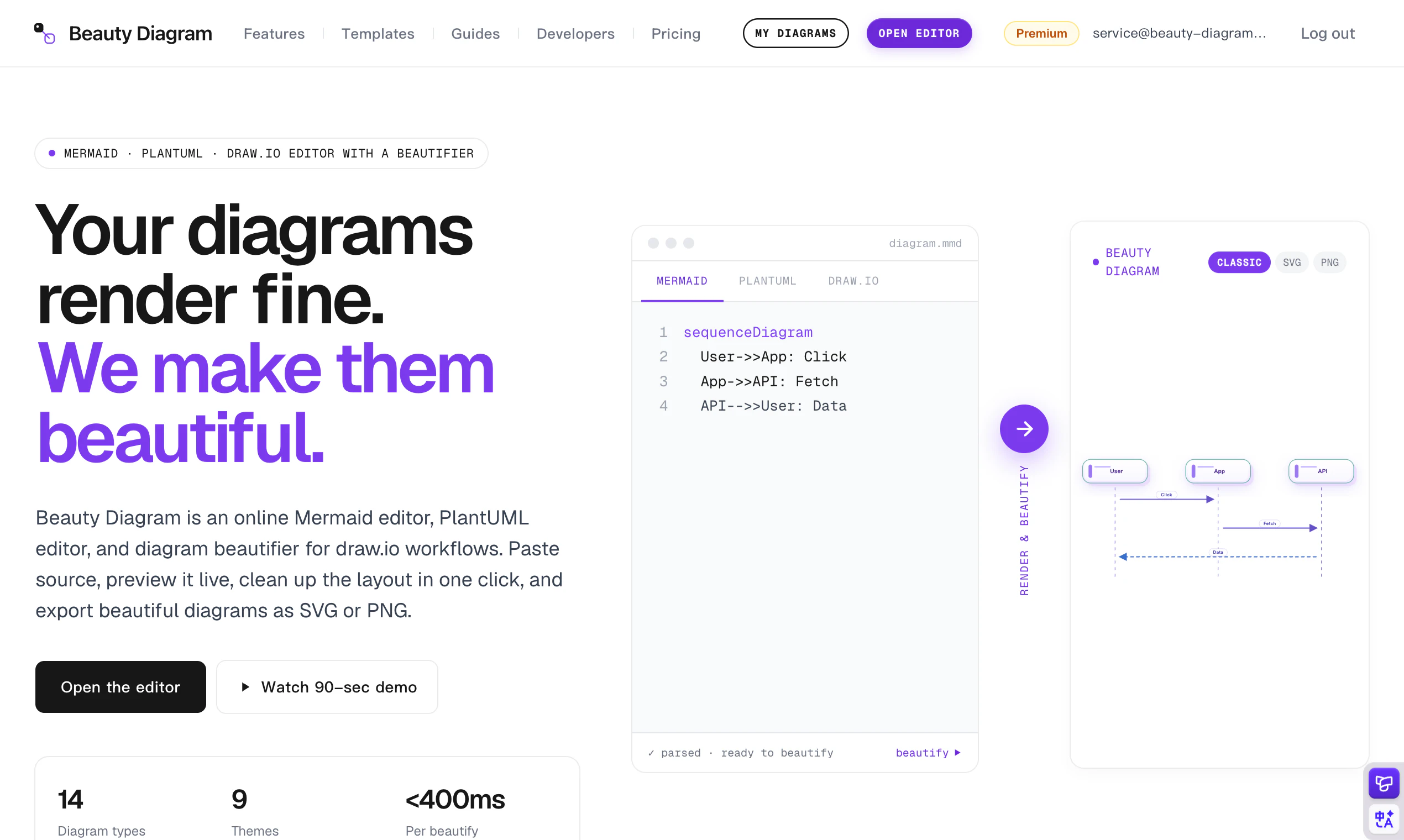
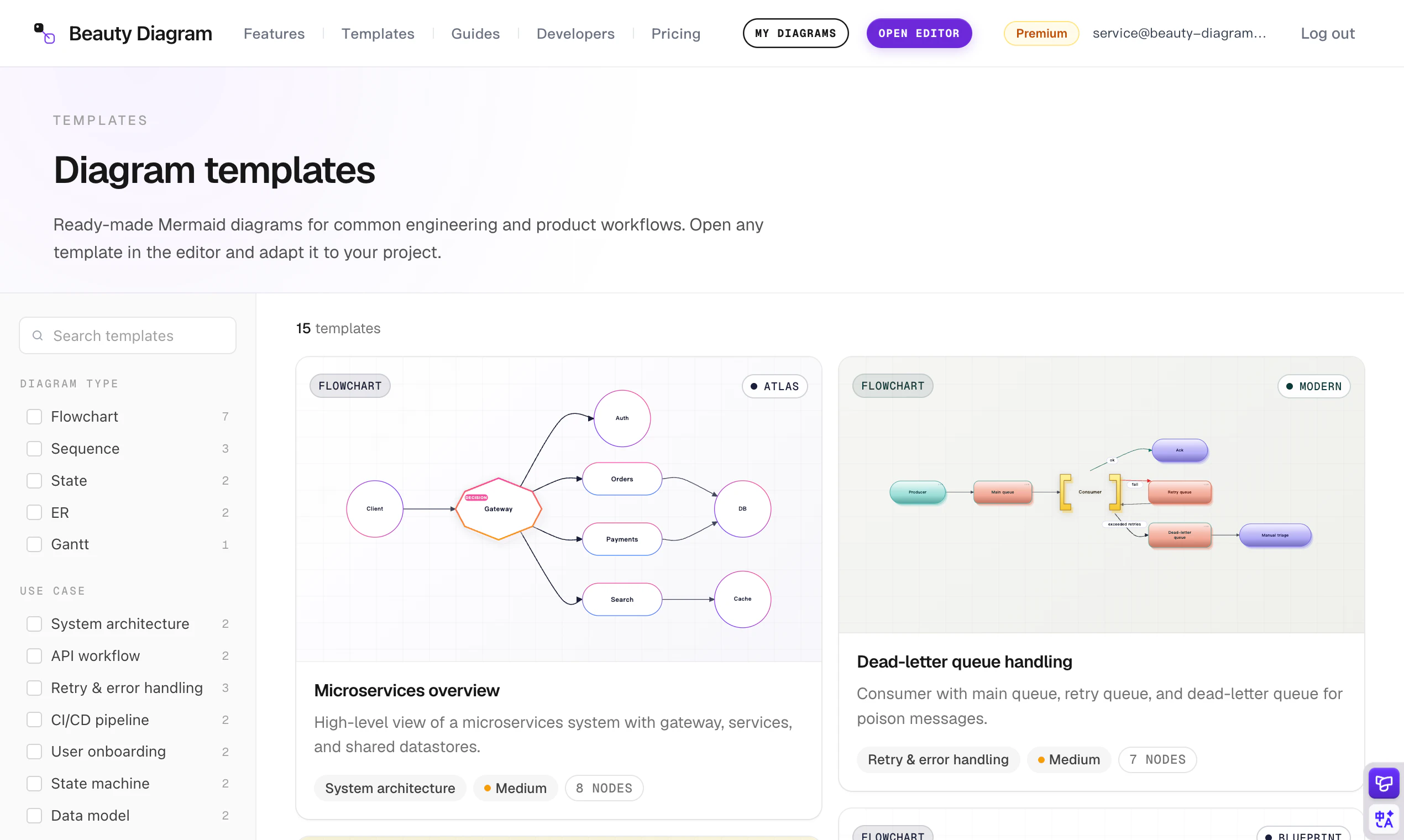
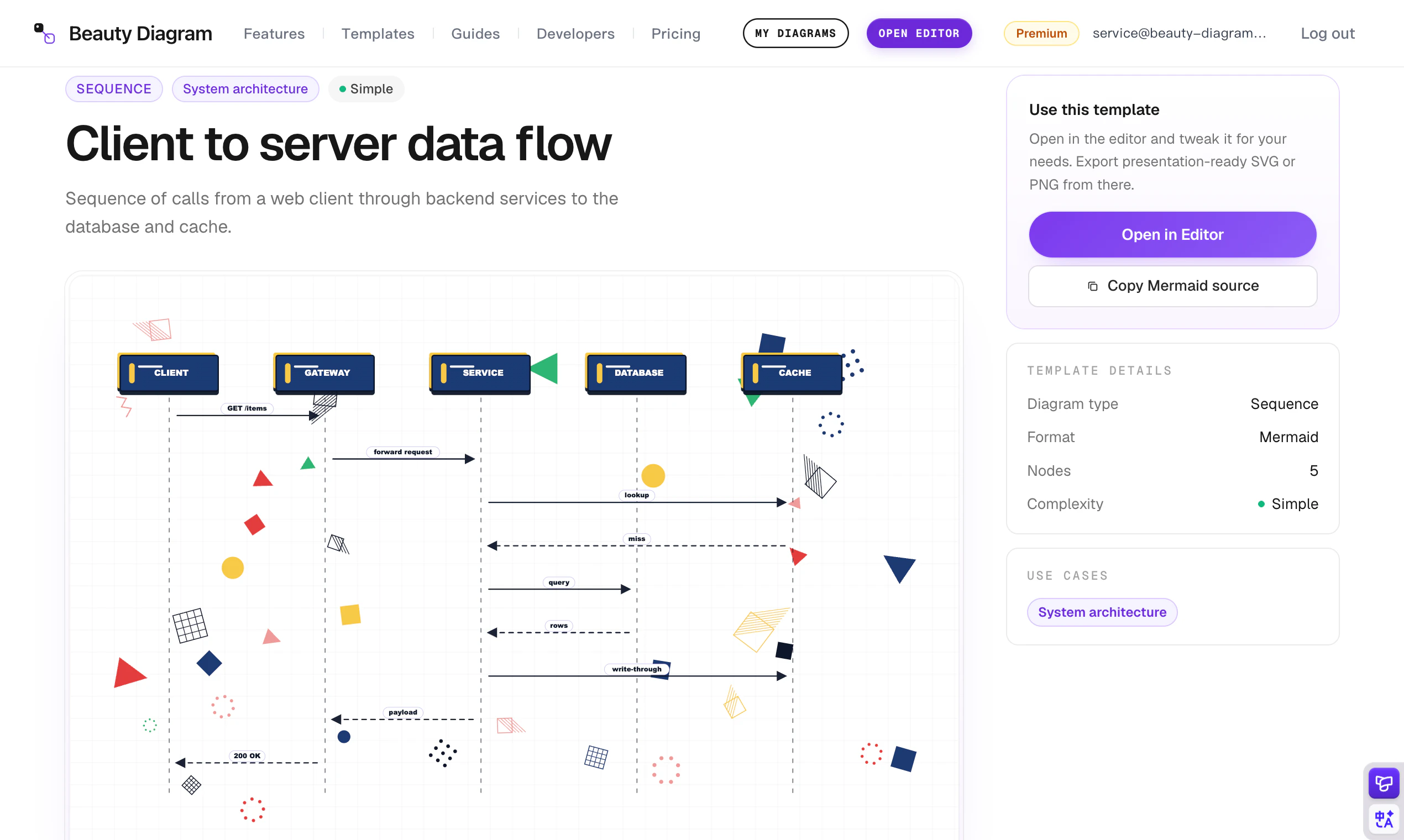
Beauty Diagram makes your Mermaid and PlantUML diagrams beautiful. Pick from curated themes, animate the flow, and export as SVG, PNG, or GIF. Use the web editor, CLI, or API to drop diagrams straight into docs, PRs, and presentations.
Hey Product Hunt 👋 I'm Levi. Mermaid and PlantUML are great for *writing* diagrams fast, but the moment I drop one into Notion, GitHub, or Confluence, two things happen: the layout breaks in weird ways, or it renders fine but looks so plain it clashes with the rest of my slide deck. So I'd end up redrawing in Figma, or screenshotting and hoping nobody zooms in. Both terrible. Beauty Diagram fixes this. Paste your Mermaid or PlantUML code, hit beautify, pick a theme that matches your doc or deck — done. For higher-stakes moments (kickoffs, demos, exec reviews), there's also animated playback you can export as a GIF. Same engine ships as a web editor, a `bd` CLI, and an HTTP API, so it fits whether you're polishing one diagram or wiring it into CI. Free tier for everyday use, paid for teams and higher limits. Two things I'd love feedback on: 1. Which doc tool's rendering frustrates you most? (Notion / GitHub / Confluence / other) 2. Which theme would you actually pick for a real document? I'll be in the thread all day 🙏
5
回复

@levi840714 Does the CLI integrate with VS Code extensions for live previews?

0
回复

the Figma detour is the tax every Mermaid user knows too well. the CLI/API angle is the right call for making this actually stick in a workflow rather than being a one-off tool. curious about the GIF export specifically for animated playback: is the animation sequenced to follow the actual logic flow of the diagram, or is it more of a visual fade-in? that distinction matters a lot for whether it communicates the flow or just looks nice

1
回复

The CLI integration is the one I want to understand better. If I've got Mermaid diagrams living inside markdown files in a repo, can the CLI watch a directory and output styled SVGs automatically as part of a build step? Or is it more of a manual "run this, get that" thing?

1
回复

@sounak_bhattacharya Great question — today `bd` CLI is single-shot:

`bd input.mmd -o output.svg --theme obsidian`

So right now it’s one file in, one styled SVG out. That works well inside a build step or GitHub Action if you wire it around specific files, but directory watch / native batch processing isn’t in the CLI yet.

Batch mode is actively in the works though, and the goal is exactly your scenario: point `bd` at a directory or glob, regenerate all diagrams in one pass, and make it part of `npm run build` or CI.

Longer term, I also want this to fit into automated docs workflows more broadly. I’ve written a Beauty Diagram SKILL for agent workflows too, so an agent can watch what changed and regenerate the right diagrams

Quick question back: are your Mermaid diagrams usually inline code blocks inside Markdown, or standalone `.mmd` files? That affects whether batch mode should start as a simple glob, or include a Markdown extraction step too.

0
回复

Congrats on the launch Levi! The GIF export for exec reviews is such a specific and real pain point, that alone would've saved me multiple "let me just screenshot this real quick" moments. Notion's rendering frustrates me the most honestly, which theme works best for dark mode docs?

1
回复

Thanks @vishal7017 

And yes, Notion’s Mermaid rendering is one of the cases I had in mind. The output can get pretty rough sometimes, even down to edges/lines looking slightly off, so I totally get the frustration.

For dark mode docs, I usually reach for the Obsidian theme first. It has that subtle glowing-on-dark look, which tends to fit dark documents really well.

Another option is to use one of the lighter, more colorful themes and export it with a transparent background. That way you don’t end up with a bright diagram sitting awkwardly inside a dark doc.

One small tip: before exporting a light theme with transparency, it may help to use Customize mode to lighten any darker lines or strokes on the canvas, so they stay readable on a dark background.

1
回复

ngl this is something I didn’t realize I wanted but makes sense

I always end up screenshotting or redoing diagrams when they need to look decent 😅

this feels like a shortcut for that

1
回复


@noahzeph Exactly. That screenshot/redraw step is the whole pain point I wanted to remove.

Mermaid/PlantUML are great for quickly creating diagrams, especially with the AI, but the output often needs extra polish before it is ready for docs or decks.

0
回复

A great idea as a SaaS solution. Especially since I recently needed a mind map.

I tested your tool and have a question: Can fonts and colors be customized individually to match your own corporate design? Or are you currently limited to the theme settings?

1
回复

Thanks @alex_spitz , really appreciate you testing it.

Our default goal is still the one-click flow: pick a theme and get a polished diagram quickly, without manually tuning every node.

But we also support interactive customization on the canvas for cases like yours. Right now the customization options are still limited, but you can already click elements and adjust things like block/line borders, backgrounds, and text colors.

We’ll keep expanding this, including more font and brand-style controls over time. For your mind map use case, would saved brand presets be enough, or would you prefer detailed per-element control?

1
回复
#11
nudge
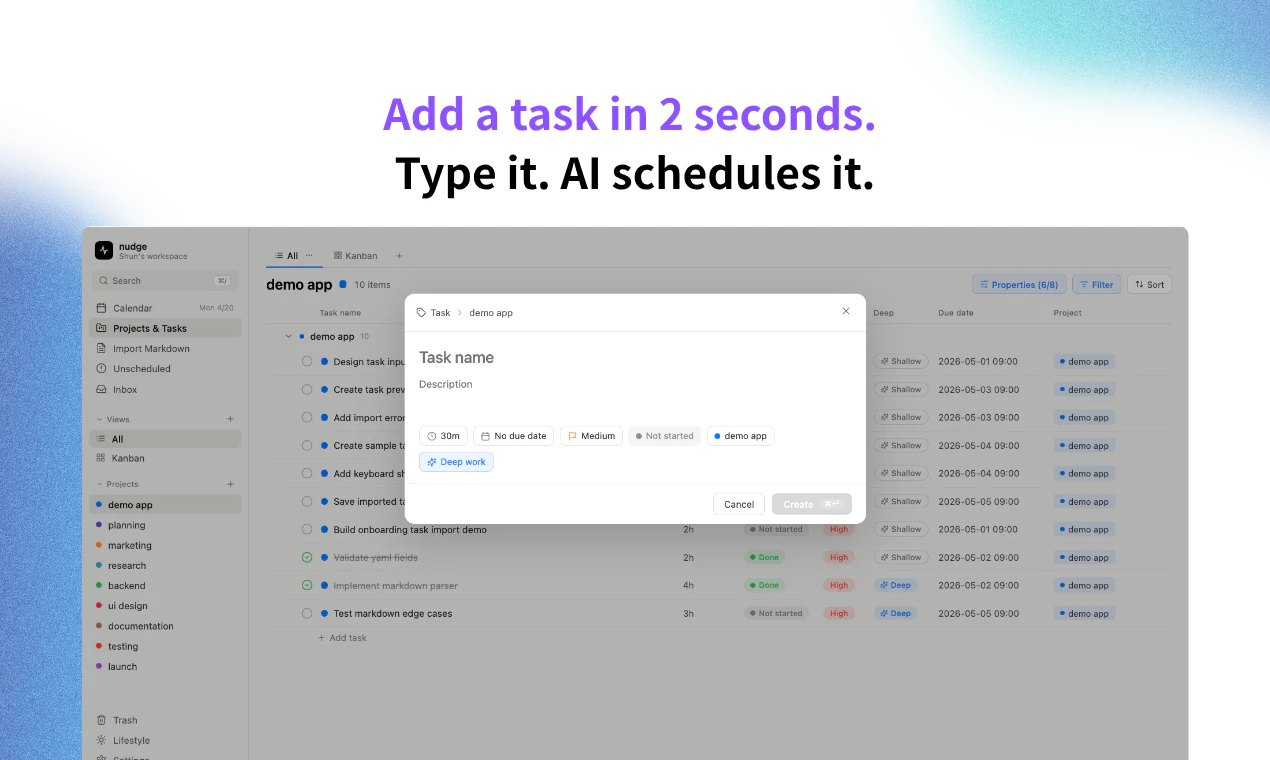
Drop your tasks. AI auto-schedules your whole week.
88
一句话介绍:nudge 通过AI将你的任务自动排入日历,结合睡眠、用餐、健身等生活日程,帮你省去每日规划时间,解决多项目并行时任务与日历脱节的混乱问题。
Task Management Calendar Artificial Intelligence
AI日程管理 任务自动排程 智能日历 效率工具 学生项目 时间管理 Markdown导入 看板视图 低订阅费 独立开发者
用户评论摘要:用户对AI自动排程和零上手成本表示赞赏,认为其解决了任务管理器的“学习系统”痛点。核心建议是需集成Google Calendar才能实现真正的实时排程;有用户提议加入星座等个性化规划;开发者回应了冲突处理与日历集成问题。
AI 锐评

nudge是一个聪明且精准的利基产品,它的聪明之处在于抓住了两个关键空隙:一是“Motio昂贵且复杂”,二是“Notion+日历分离”的日常痛苦。它的真正价值不在于AI调度有多“智能”,而在于将调度摩擦降到最低——10秒上手、2秒加任务、扔一个Markdown文件就能自动规划,这解决了“规划行为”本身的执行成本。

但必须泼一盆冷水。目前nudge更像一个“单机版AI排程器”:无法集成Google/Outlook日历,意味着它的“智能排程”仅存在于自己的封闭系统中,与实际会议、已定事件、用户真实日程完全脱节。开发者自己也承认这是规划中的功能,但其回应的精力明显分散在暗示“即将发布新功能”而非直面这一致命短板。在用户强调“不加日历就等于没排程”的反馈下,任何不马上解决集成本质问题的产品都难以跨过早期采用者阶段。

此外,定价极具侵略性,但这也暴露了盈利压力。5美元的第一个月、针对学生的半价,是一个典型的吸引“高粘性、低付费意愿”人群的策略——而这些人恰好是最容易流失的。

最后,产品目前由一人维护,老用户可能会担心开发与支持的稳定性。如果nudge不能在一个月内完成日历集成并建立起开源插件社区或API生态,它很可能会成为又一个“被你喜欢的、但很快死掉的小工具”。

查看原始信息
nudge
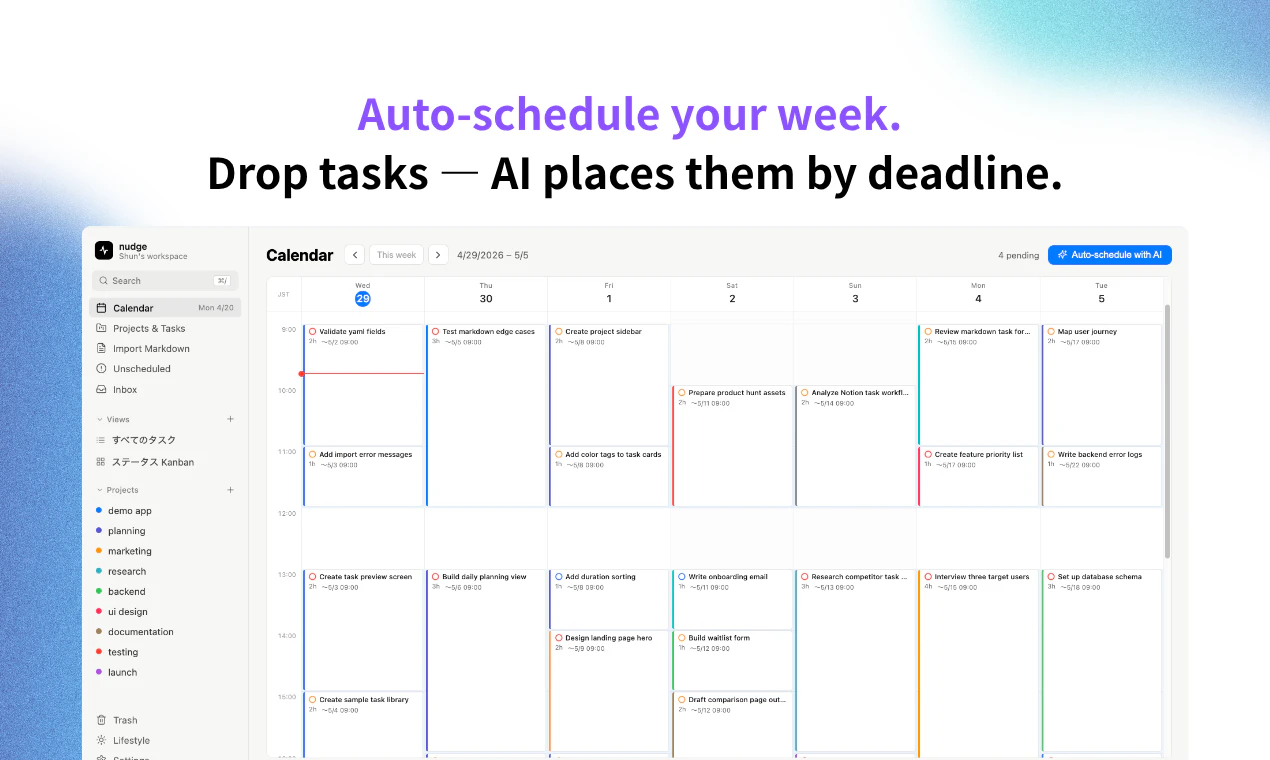
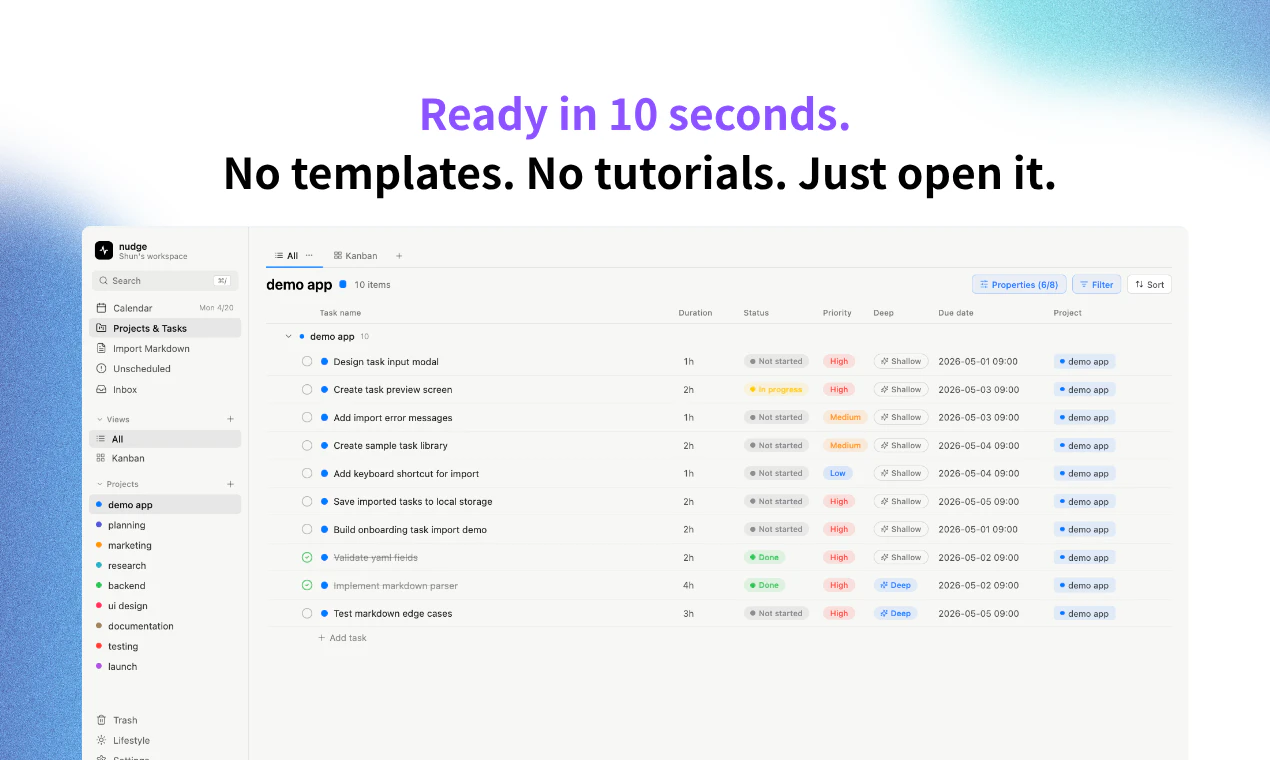
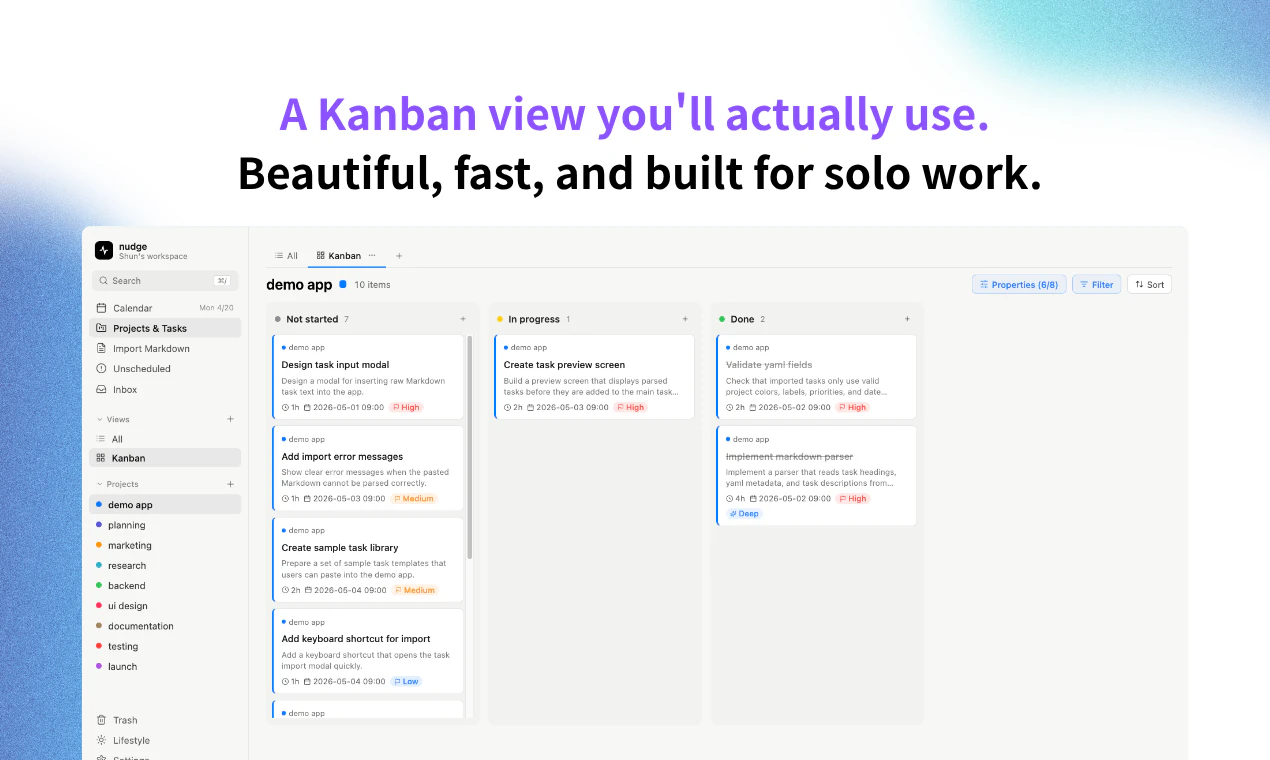
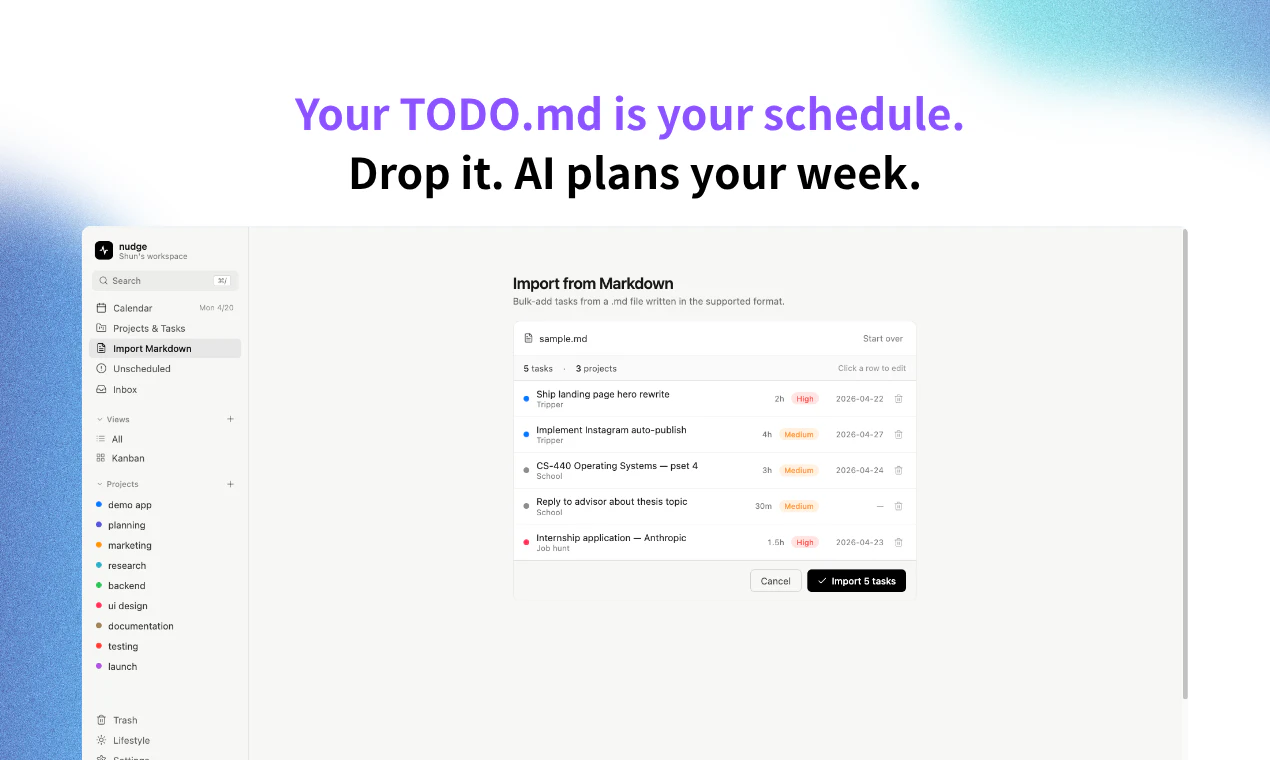
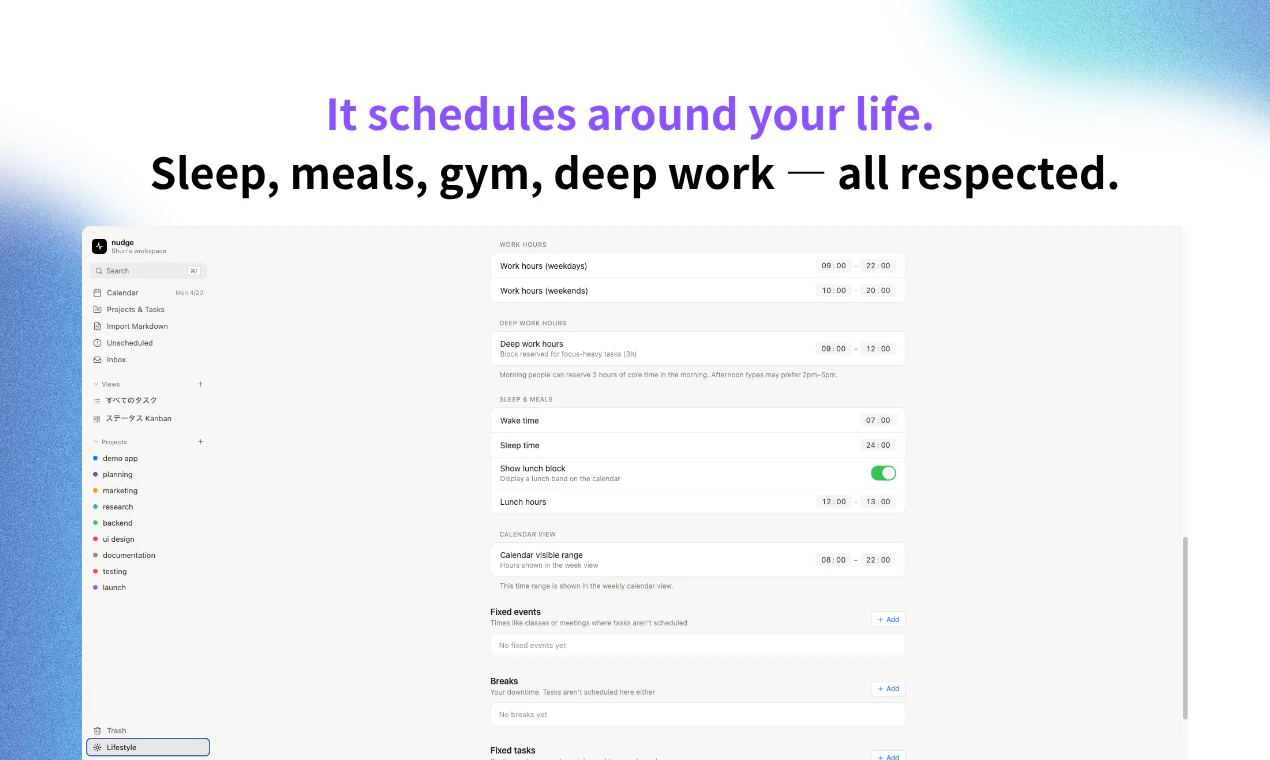
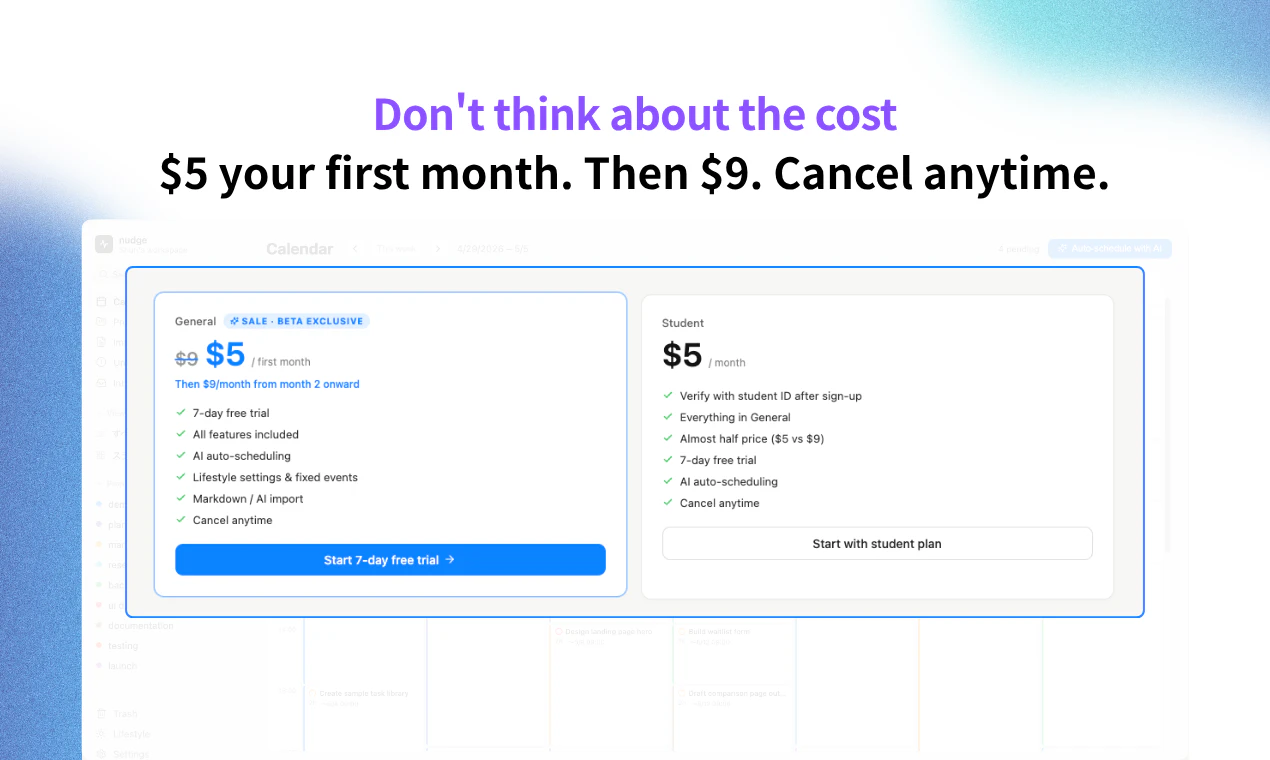
nudge auto-schedules your entire week. Drop tasks → AI places them by deadline, around your real life. - Ready in 10 seconds. No templates. No tutorials. - Add a task in 2 seconds. Type it. AI schedules it. - Drop a TODO.md file — nudge plans your week from it. - Calendar, list, and Kanban — one fast workspace. - Schedules around your sleep, meals, gym, and deep-work hours. $5 first month. $9/mo after. Half price for students. Solo-built by a 20yo engineering student in Tokyo.
Hey Product Hunt 👋 I'm Shun, a 20-year-old engineering student building solo from Tokyo. This is my very first Product Hunt launch — I've shipped a few small things before, but nudge is the first product I'm putting in front of the world. THE PROBLEM I run 4+ projects at once (school, indie apps, a part-time gig). I had Notion full of tasks. I had Google Calendar full of blocks. Nothing connected. I lost ~15 min every morning just figuring out what to do next. I tried Motion — but $29/mo and a 2-week setup curve killed it for me and most of my friends (students, indie hackers, Obsidian people). WHAT NUDGE DOES 1. Drop your tasks → AI auto-schedules them by deadline, into a real calendar. 2. Already write tasks in Markdown? Drop your TODO.md and nudge parses it, plans your week. 3. Set your real life once — sleep, meals, gym, deep-work hours — and nudge respects all of it. No tasks at 11pm. No deep work right after lunch. 4. Calendar, list, Kanban — all in one place. Switch views, never re-enter data. 5. Ready in 10 seconds. No templates. No tutorials. PRICING $5 your first month, then $9/mo. Half price ($5/mo) for students with a verified ID. (Motion is $29.) WHAT I'D LOVE FEEDBACK ON - Is the Markdown import the killer feature for you, or is it auto-scheduling? - What MD source should I support next? Obsidian / GitHub Issues / Logseq? - Anything that feels off in the first 10 seconds — that's where I lose people. Since this is my first launch, every upvote and every "this sucks because X" comment genuinely means a lot. I'll be in the thread all day. — Shun 🙏 Tokyo · 3rd-year engineering student · solo
1
回复

Honestly didn’t expect this many people to check it out — kinda emotional rn 🥺 More features are already in the works, so stay tuned! And seriously, drop any ideas you have — I’d love to hear them 🙌

1
回复

I like this!! I always have a million task every monday and this would be really helpful!

1
回复

@tina_feng1 

Thank you so much Tina!! 🥹 Comments like this seriously keep me going. “A million tasks every Monday” is exactly who I built this for, so it means the world that it resonates 🔥

0
回复

@tina_feng1 

Thank you so much Tina!! 🥹 Comments like this seriously keep me going. “A million tasks every Monday” is exactly who I built this for, so it means the world that it resonates 🔥

0
回复

The zero-setup angle is underrated. Most task managers ask you to learn a system before you can use them, which defeats the point for anyone with an already-full schedule.

I work on M&A deals in renewable energy and the hardest weeks are due diligence sprints — 80% of tasks are reactive, deadlines shift daily, and any app that requires manual calendar slotting gets abandoned by day 3. The AI auto-scheduling premise solves exactly that.

I built DishRoll (https://dishroll.netlify.app/) with a similar insight applied to meal planning — the friction isn't cooking, it's the weekly decision overhead of figuring out what to eat, especially during high-intensity work periods. Strip the decisions away and people actually follow through. The products are in different domains but the core UX thesis is identical.

Curious how nudge handles deadline conflicts when tasks genuinely can't all fit. Does it surface the conflict explicitly, or silently reprioritize?

0
回复
I know this is a weird take on an AI scheduler, but using Astrology to plan tasks has been beneficial for me! Might be a cool feature to try here that would set you apart.
0
回复

@jacksonburch 

Oh that’s actually such a cool idea 🔥 Thanks for sharing Jackson, definitely something to think about!

1
回复
@shun_build let’s connect on LinkedIn! I’d love to help where I can
0
回复

Never really understood where the value is in having AI schedule your week or your diary, seems like a very blunt tool that would lack qualitative real world insight.

Sorry to come across negative but interested to know if you've already addressed this challenge?

0
回复

@naumaan_zahid 

Thanks for checking it out! Google Calendar integration is on the roadmap — you're right that without it, the auto-scheduling can't truly work around your real day. We're also launching a new feature today that's a step in that direction. Stay tuned!

0
回复
I’m always interested in a new tool like this to the market, however the biggest missing feature is without an integration of my actual calendar it’s not auto-scheduling around my day. Is this a planned feature?
0
回复

@soggydoughnuts 

No need to apologize — fair concern. You're right that AI blindly scheduling your week without context would be a pretty blunt tool. The value we're building toward with Flow isn't 'let AI decide your priorities' — it's 'lower the friction to actually execute on the tasks already in front of you.' Most people know what they should be doing; the hard part is starting. Google Calendar integration is coming so it can adapt to your real day, and we're launching a new feature today that pushes further in that direction. Would love your honest take once you've tried it.

0
回复

First upvote on Product Hunt 🥹

And just got my first user too!

This means a lot, thank you 🙏

https://x.com/xu0krsodfz56576?s=21

0
回复
#12
ScreenVeil
Hide what shouldn’t be seen on your computer
83
一句话介绍:ScreenVeil 是一款 macOS 屏幕隐私保护工具,让你在屏幕共享、直播或录制时,用浮动面板快速遮挡或隐藏屏幕上不该出现的敏感内容,省去反复调整窗口的麻烦。
Privacy Menu Bar Apps
屏幕隐私 macOS工具 屏幕共享 演示工具 直播辅助 遮挡面板 内容保护 生产力工具 桌面美化 演示效率
用户评论摘要:评论中普遍肯定该产品的实用价值,认为解决了“屏幕共享时手动调整窗口回避敏感信息”的长期痛点。用户主要询问未来是否支持Windows,暂无其他负面反馈或功能建议。
AI 锐评

ScreenVeil 切入了一个看似微小但人人皆有的刚性需求:屏幕共享时的信息隐私焦虑。它的价值不在于技术创新,而在于将“遮丑”这个临时、笨拙、多步骤的操作,转化为极简的即用即走工具。从产品形态看,它实际上是一个轻量级的“桌面场景编辑器”,通过预设遮挡、文字、笔记乃至GIF等浮层,用户能快速切换至演示、教学、录制等不同“桌面面具”,这比手动关闭应用或调整窗口高效了一个量级。

不过,其护城河远非牢固。83票属于典型的小众尝鲜热度,尚无评论暴露其核心短板:当软件窗口层叠或全屏运行游戏/视频时,浮层遮挡能否稳定保持优先级?若被系统层级碾压,则瞬间失去价值。其次,83个投票和零差评在独立开发者圈子中常见,说明用户基数小且多为高度匹配的早期玩家。若后续定价过高或体验层级不完善,用户很容易回归“手动整理”的原始方式。

从更大视角看,此类工具最大的竞争对手是系统本身的隐私功能。macOS Ventura后自带的“桌面与文稿”和快速切换桌面功能,已能挡住不少裸奔尴尬。ScreenVeil必须证明其“浮层预设+多类型面板”的系统级集成确实比苹果的原生方案更可控、更灵活。如果能打通与Streamlabs、OBS等直播软件的联动,或为Zoom、Teams等会议软件提供API级窗口安全区域识别,才能真正摆脱“一次性工具”的命运。否则,它可能只是一块看起来漂亮的遮羞布。

查看原始信息
ScreenVeil
ScreenVeil helps you hide sensitive parts of your screen and place useful overlays on top of any app on macOS. It’s built for screen sharing, presentations, live streams, recordings, and everyday work when you need full control over what stays visible. You can add floating panels in seconds and save complete setups as presets. It’s a simple way to protect private information, keep notes visible, highlight content, or prepare reusable on-screen layouts for meetings and demos.
Hey Product Hunt 👋 I’m the maker of ScreenVeil, a small macOS app I built because I was tired of preparing my screen before every call, demo, recording, or class. The problem is simple: during screen sharing, there is always something you don’t want to show. A private chat, internal data, browser tabs, client info, notes, random desktop chaos. Usually the solution is to move windows around, close apps, crop the screen, or just hope nothing awkward appears. ScreenVeil lets you place floating panels over any app and hide sensitive parts of your screen in seconds. You can use black, blur, glass, color, text, image, GIF, video, or web panels, adjust their size and transparency, and save reusable presets for recurring workflows. I use it for product demos, teaching, presentations, and screen recordings. It’s especially useful when I need to show the right thing without turning my entire desktop into a carefully staged theater set. I’d love to hear your feedback, questions, and use cases. Thanks for checking out ScreenVeil.
1
回复
Great Idea! Are there any plans for windows?
0
回复

Genuinely useful idea. The "blur sensitive areas during screen share" problem is one I've hacked around with awkward window arrangements for years. Will be trying this on my next client call.

0
回复
#13
PeekFocus
One keystroke blurs everything behind your active window
77
一句话介绍:PeekFocus通过一键快捷键模糊或调暗活动窗口背后的所有内容,帮助Mac用户在演示、屏幕共享或日常工作中消除视觉干扰,实现专注工作流。
Mac Productivity Menu Bar Apps
macOS效率工具 专注力 窗口管理 屏幕模糊 快捷操作 菜单栏应用 本地隐私 一次性付费 工作流优化 演示辅助
用户评论摘要:用户整体反馈积极,强调一键操作和本地化无追踪的隐私优势。部分追问多显示器适配细节,并建议增加自定义模糊强度。开发者积极回应,提供优惠码和兑换码。
AI 锐评

PeekFocus精准切中了一个被忽视的痛点:Mac用户在日常办公和演示场景中,视觉噪音对注意力和专业形象的持续侵蚀。它没有选择复杂的时间管理或应用屏蔽路线,而是用最低成本(一键)的“环境改造”来降低认知负荷——这比强迫用户改变工作习惯的“番茄钟”或“白噪声”更务实。

产品核心价值在于“即时环境切换”:从混乱桌面到聚焦窗口的转场只需0.5秒,这在演示、录屏、远程会议中是刚需。原生开发和本地运行的安全感,也让它比基于屏幕录制权限的第三方工具更具信任度。

但局限性同样明显:它只解决“看”的问题,而非“做”的问题。对于注意力分散的深层原因(频繁通知、多任务切换冲动)无能为力。此外,仅限macOS的定位使其受众受限,且“模糊/调暗”的实际效果在深色主题或已分屏的工作流中会打折扣。作为一次性付费的轻量工具,它定价合理,但更适合作为“桌面美学+基础效率”的补充,而非专注力问题的终极答案。

查看原始信息
PeekFocus
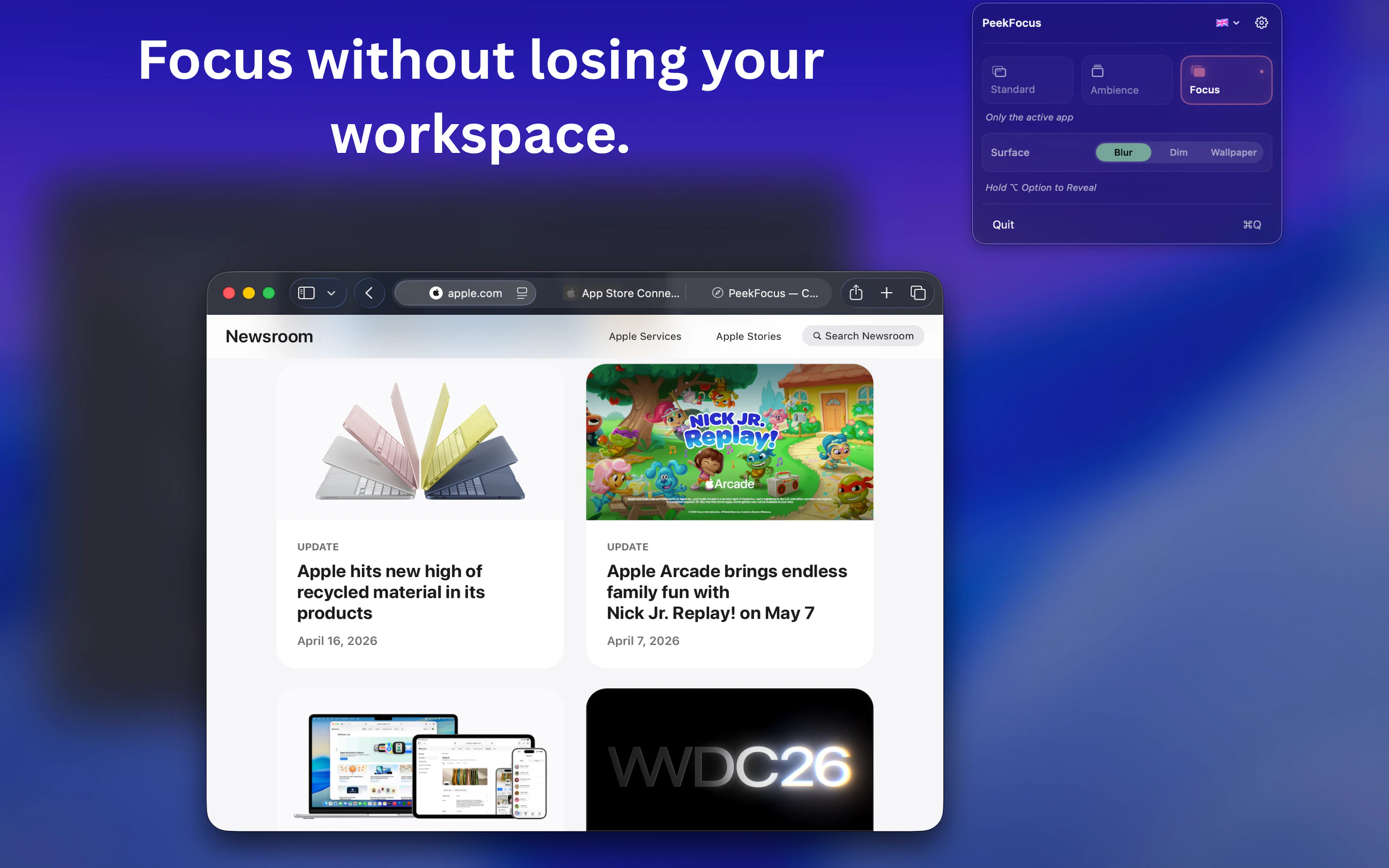
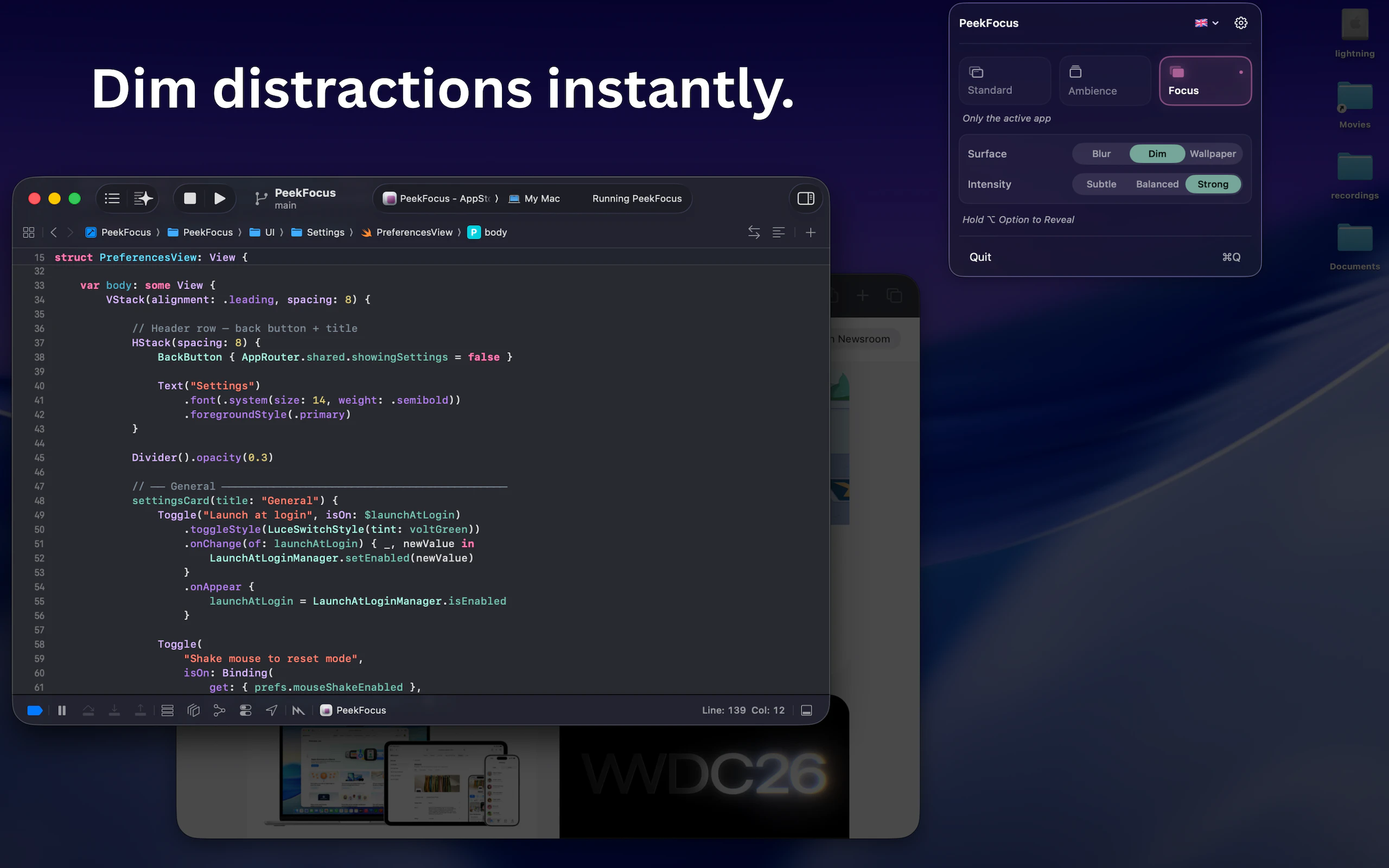
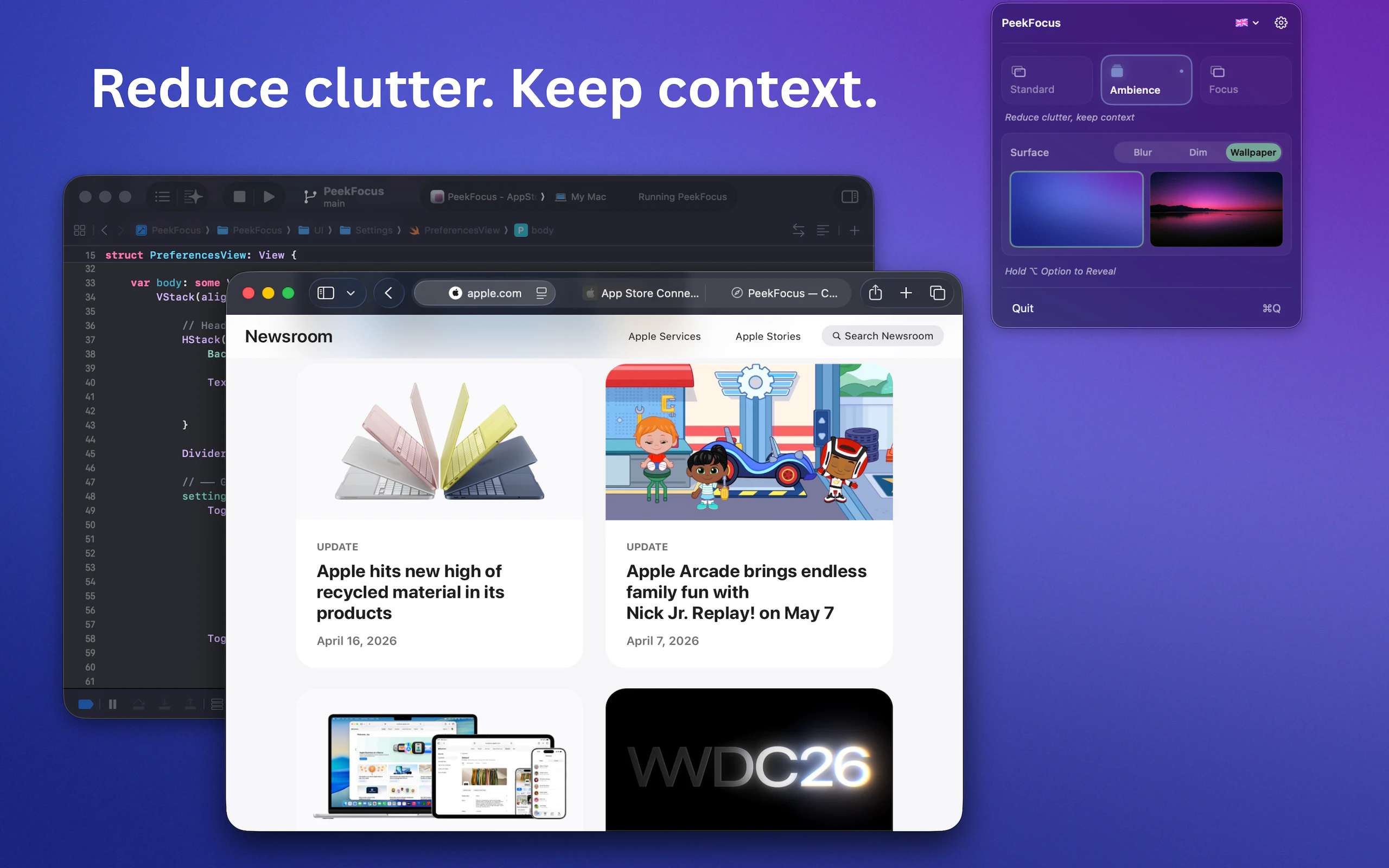
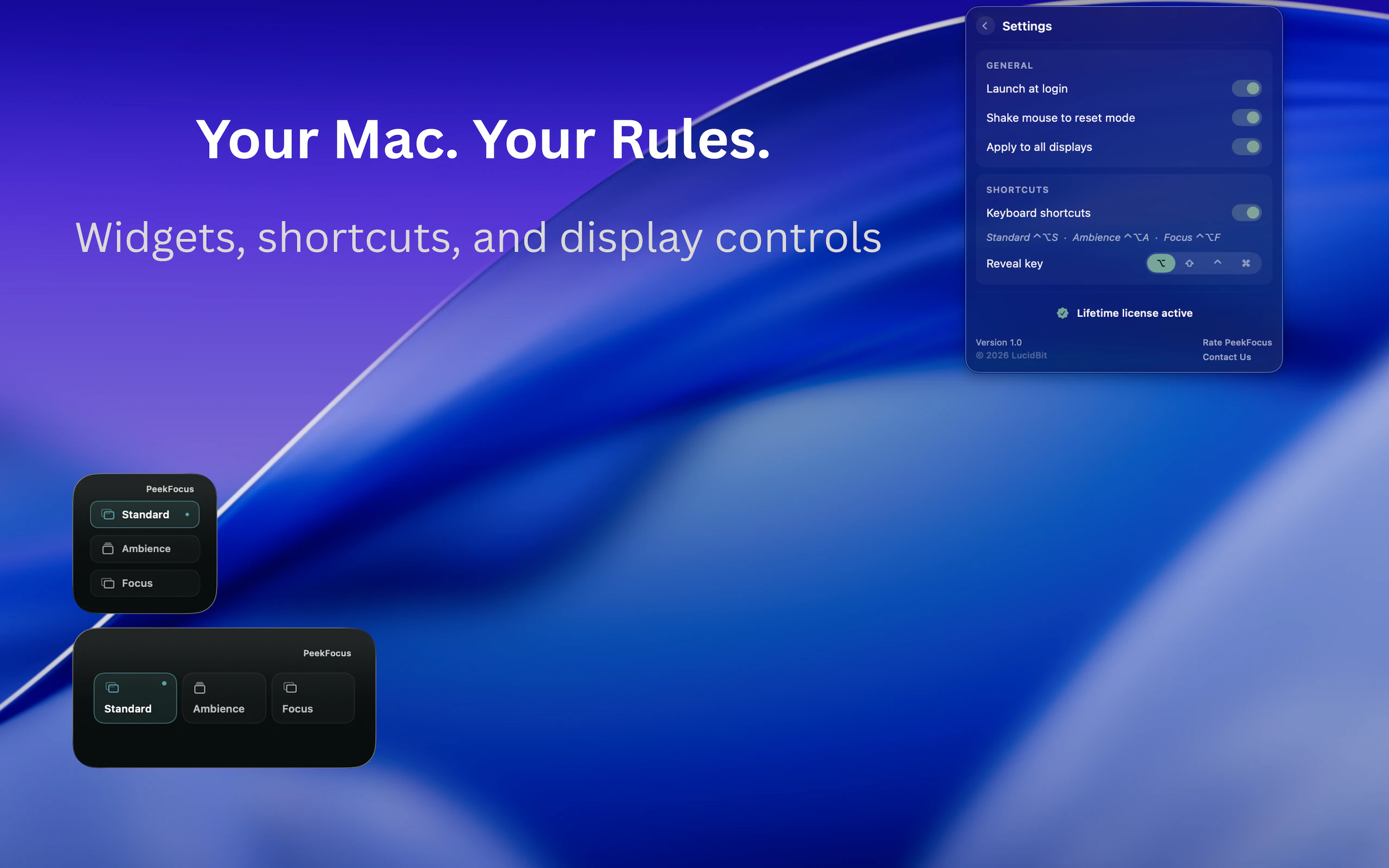
PeekFocus brings intentional focus to your Mac workflow. One keystroke dims or blurs everything behind your active window — so your screen matches the clarity you're going for. Three modes: your normal desktop, a calm ambient backdrop, or full focus where only your active window stays visible. Frosted blur, smooth dim, or custom wallpaper. Multi-display. Menu bar. No subscription. 7-day free trial. One-time purchase.

Hi Everyone,

I've always found it hard to stay focused on a Mac — background windows, visual noise, a cluttered desktop all competing for attention. I wanted something that simply faded everything away except what I was working on.

PeekFocus was built as a calmer way to work. Instead of mode-switching apps or complex focus timers, it works in one keystroke — dimming or blurring everything behind your active window so your screen matches the clarity you're going for.

It's just as useful when you are presenting or on a screen share. Ambience mode keeps your desktop clean and professional without hiding your work — no more scrambling to close tabs or tidy your desktop before a call.

The goal is simple: help you stay in flow and look polished without changing how you work.

PeekFocus is built natively for macOS and runs completely locally — no analytics, no tracking, and no data ever leaves your Mac. One-time purchase, no subscription.

Launching with a special offer for the PH community — grab PeekFocus directly for $3.49 using code YZNJIYMA at checkout → https://lucidbit.lemonsqueezy.com/checkout/buy/98dba67f-db04-4ff5-877d-9a1dcd053c79. First 50 redemptions, valid until May 8.

Also dropping 5 free App Store codes valid until May 8 — first come, first served: XWKT6E7P8REN6RMYX8 · YRHXEEA7NKLTMKY343 · XP3TRYNAK6P3NNKHX4 · YX6687LNNMX3L6XMPH · 7LPKMLN6KEMPE6JJHE

Check out our other apps at https://lucidbit.app/index.html

Would love to hear how you currently manage focus on your Mac, or whether you have ever wished your screen looked a little cleaner during a presentation.

3
回复
#14
LaunchCut
Interactive iOS Demo Builder
77
一句话介绍:LaunchCut 是一款让开发者通过 Xcode 模拟器快速将 iOS 应用操作流程转化为可交互 HTML 演示的工具,解决截图与录屏无法让用户“动手体验” App 的痛点。
Marketing Developer Tools Menu Bar Apps
iOS 应用演示 交互式 Demo Xcode 模拟器 热点映射 HTML 导出 嵌入网页 应用营销 原型展示 用户体验 开发者工具
用户评论摘要:用户关注热点能否触发动画序列(如点击按钮→微动效→跳转屏幕)而非仅跳转,开发者回应当前支持屏幕到动画或动画到屏幕的跳转,但动画完成后自动转场功能尚未实现,已计划更新。
AI 锐评

LaunchCut 切中了一个真实却常被忽视的需求:App 演示的“可交互性”鸿沟。截图和录屏只能被动展示,而 LaunchCut 用模拟器录制+热点映射的方式,让演示从“告诉用户它长什么样”升级为“让用户亲自点一下试试”。这个思路对独立开发者、产品经理和营销团队都有实际价值——尤其是嵌入官网后,能让用户在下载前产生“用过一样”的熟悉感,有效降低转化心理门槛。

但产品当前状态更像“MVP 补全中”。用户的评论直击要害:动画与跳转之间缺乏自动衔接,导致演示流程生硬。如果只能“点一下→放一段动画→再点一下→跳转”,那体验只能算“半交互”,离真正的应用流畅感还有距离。此外,依赖 Xcode 模拟器意味着绑定 macOS 开发环境,受众天然的窄。对于非开发者(如产品、市场人员)来说,这个门槛可能直接劝退。HTML 导出是加分项,但没有云编辑或协作能力,单人使用尚可,团队推广场景中易成孤岛。

真正价值在于它重新定义了“应用演示”的最小可行单位——不再是静态图或视频,而是可交互的微应用原型。但如果停留在“更高级的截图工具”层级,它很快会被竞品复制或超越。下一步的关键是:能否将模拟器依赖剥离或虚拟化,以及能否开放动画与跳转的无限组合逻辑,做成低门槛的“App 互动剧本编辑器”。若能跨出 iOS 生态,甚至支持原型设计稿输入,才可能从工具进化为平台。

查看原始信息
LaunchCut
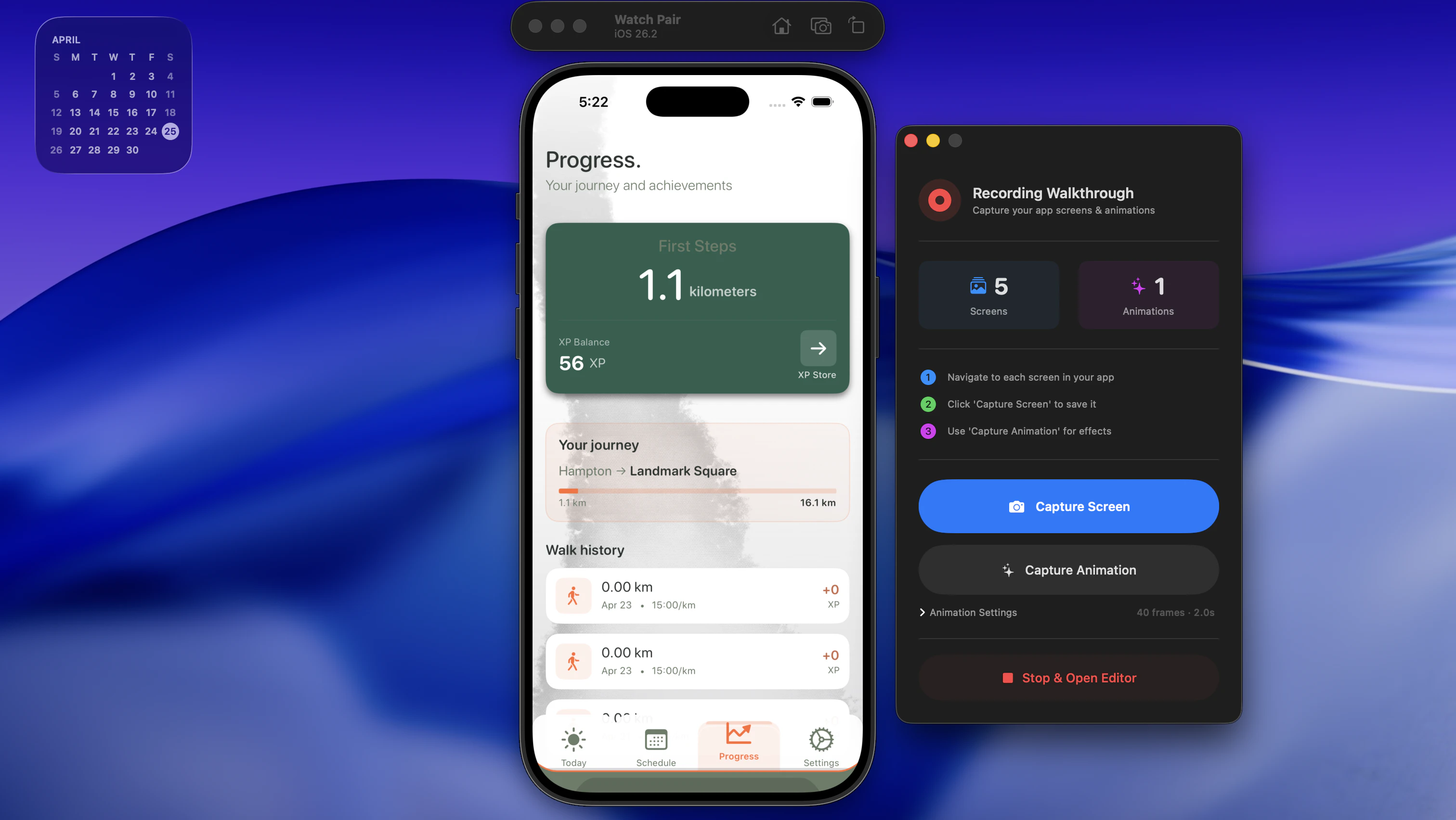
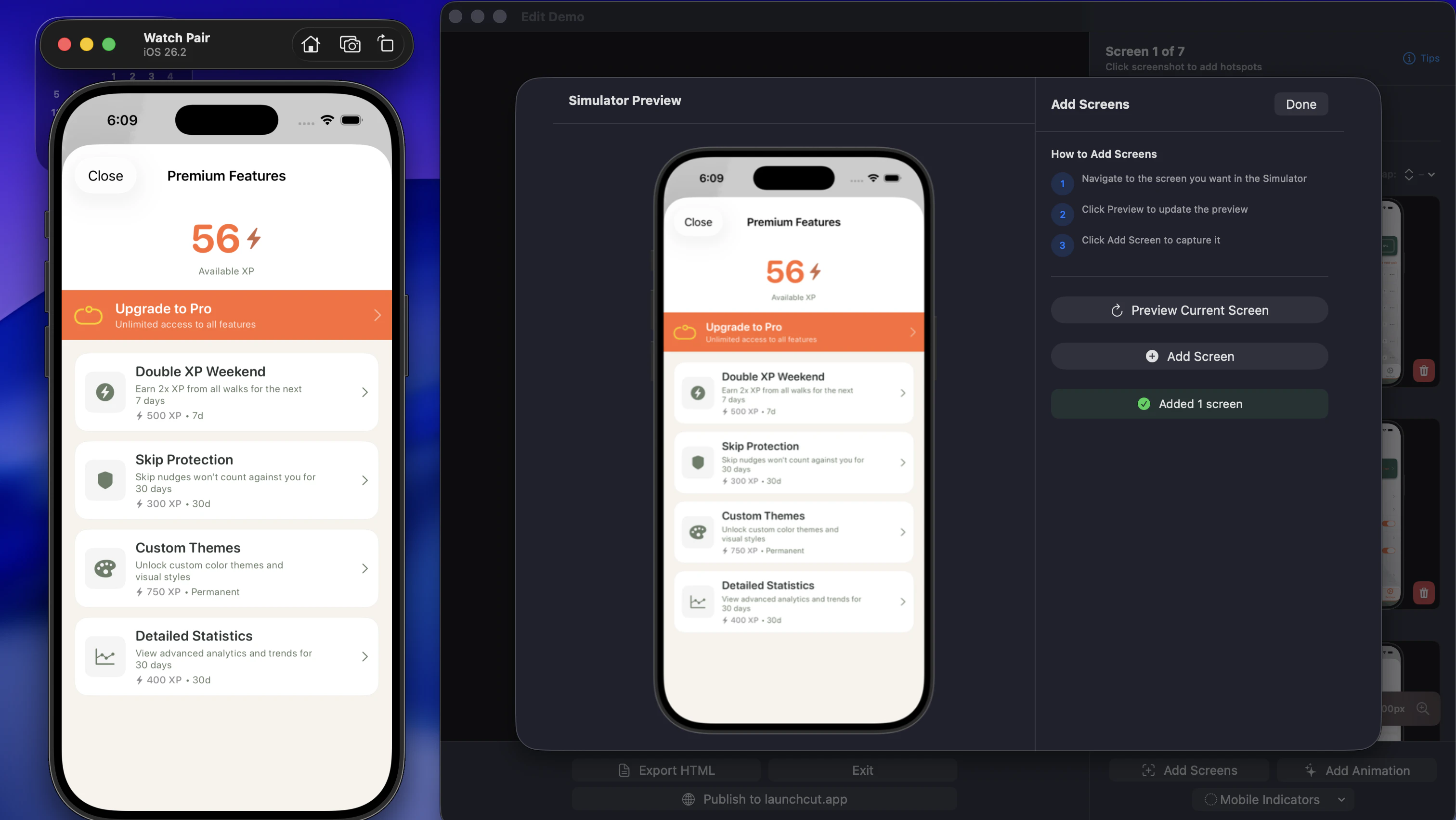
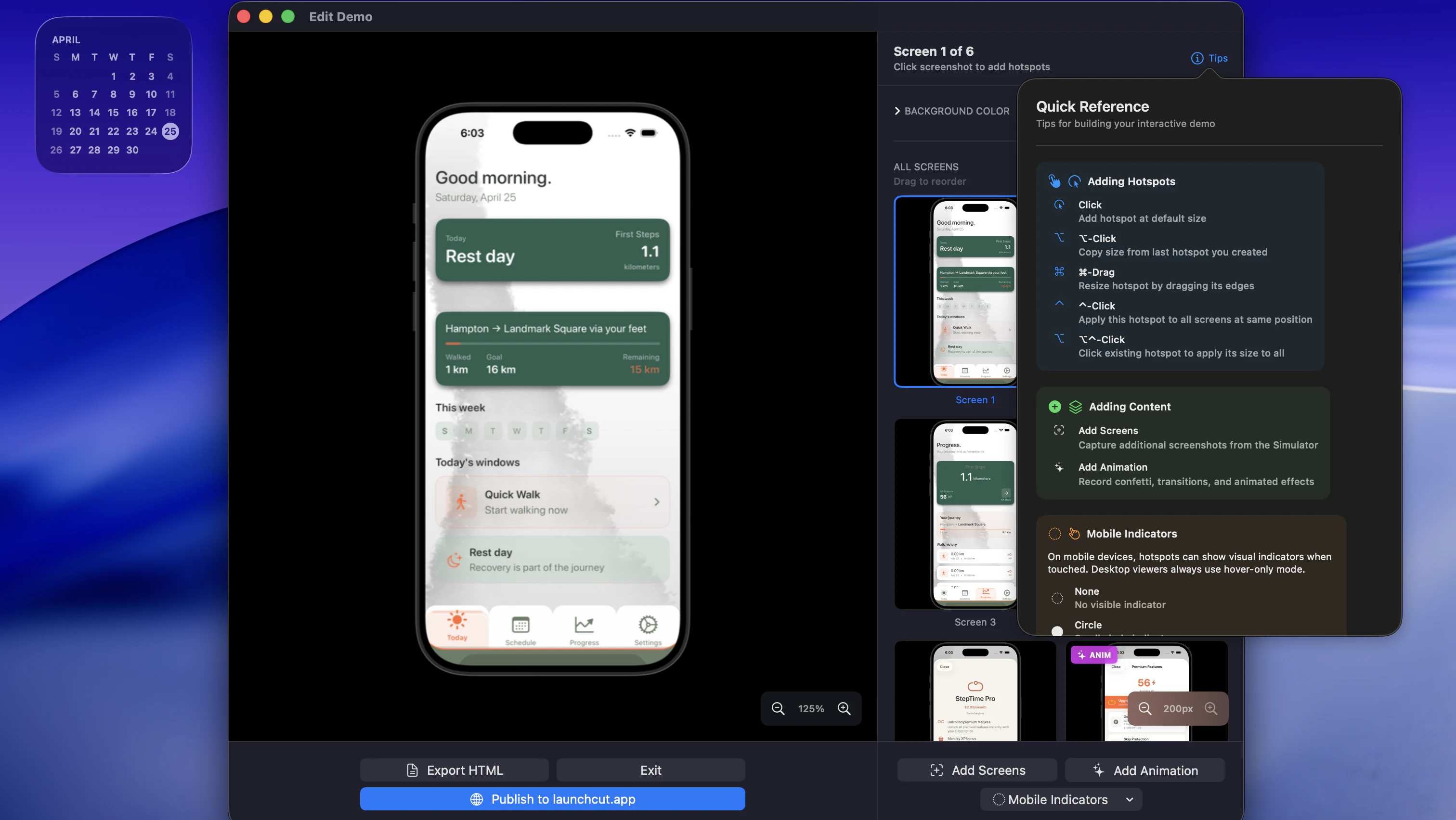
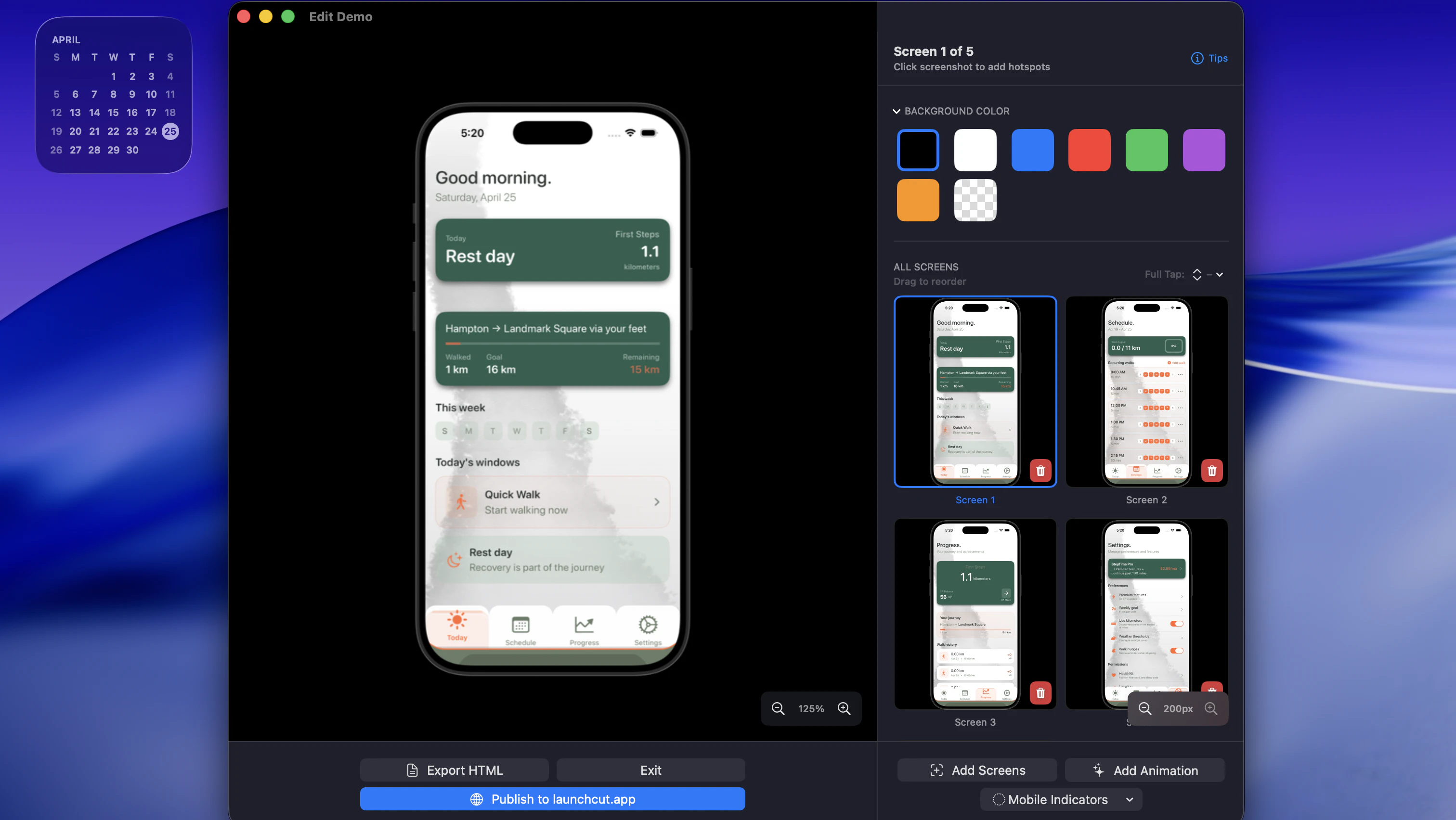
This is an interactive demo builder that leverages the Xcode simulator directly from macOS. It capture what you want how you want and allows you to link hotspots (clickable areas) to screens or animations. It then allows you to either export to a self contained html file or publish to a shareable link that you can also embed into any site. This gives your landing page a interactive demo sitting right there for users!

Hey PH! I'm the maker of LaunchCut and wanted to share a bit about why I built it.

If you build iOS apps and want to show them off, you're basically limited to screenshots or a screen recording. Both get the point across but neither lets someone actually feel the app before they download it. I went looking for something better and couldn't find it, so LaunchCut is what came out of that.

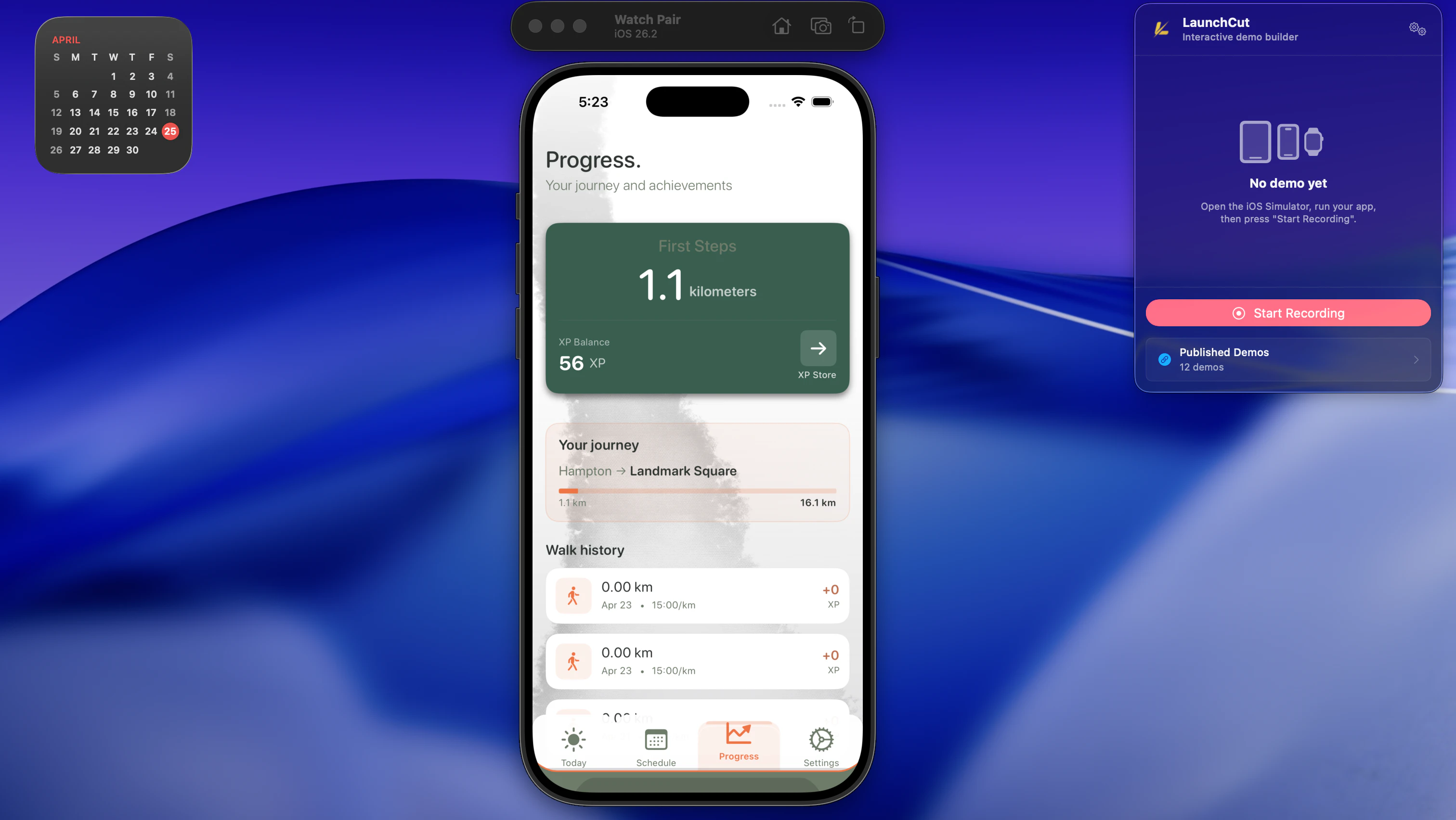
You run your app in Xcode Simulator, open LaunchCut alongside it, and click through your screens to capture them. From there you map hotspots to recreate your real navigation flow including animations, and export a fully interactive demo. It outputs as a self-contained HTML file or a shareable web link you can embed anywhere. The simulator chrome comes through in the output so it looks and feels like someone using a real device, not a mockup.

This is useful for anyone who makes apps and wants a better way to share them. An indie dev putting a live demo on their site, a team pitching to stakeholders, a company giving visitors a real feel for their app before they ever hit the App Store. Screenshots and videos only go so far.

The app is free to download and the HTML file it exports is the same experience as the shareable link, so you can have a working interactive demo of your app in about 5 minutes at no cost. If it clicks for you, the subscription is there when you're ready. Would love to hear from anyone who has run into this same gap. Happy to answer any questions about how it works. Thanks for checking it out!

0
回复

The hotspot-to-animation linking is the part I want to understand better. Can you trigger a sequence — like tap button → micro-animation plays → transitions to next screen? Or is it strictly tap → jump to screen, with animations handled separately? The difference matters a lot for showing off gestures or loading states.

0
回复

@sounak_bhattacharya thanks for the question. Currently during the recording phase you capture screens and animations separately. Animation capture allows you to edit down frame by frame and preview. Once your to the main edit screen you can set a sequence screen hotspot -> animation (animation runs once and ends on final frame or loops) with a hotspot -> to any other animation or screen.

Once you play with it I feel it makes better sense. Animations capture isn’t paywalled either so you can tune in your work flow all in a free workflow.

I like the idea of animation completing and having the option to auto transition to a new screen without a hotspot though. I’ll have to add this in the next update.

0
回复
#15
MUSIXQUARE
Turn any room into a surround system with your devices
77
一句话介绍:MUSIXQUARE通过浏览器将用户闲置的手机、平板等设备一键同步为多声道环绕音响系统,解决了观影或派对中设备音质差、缺乏环绕声体验的痛点,无需安装额外硬件或软件。
Music YouTube Audio
浏览器音效工具 多设备同步 环绕声系统 WebRTC音频流 零安装 本地音频共享 YouTube同播 音频延迟校准 声学空间优化 即兴影音
用户评论摘要:用户认可零安装的便捷性,并提及播客监听等场景。主要疑问:是否支持Spotify/Apple Music流媒体(开发者回应因DRM限制不支持)及对纯音频格式的兼容性。有用户反馈跨网络连接初遇403错误,已修复。
AI 锐评

MUSIXQUARE是个典型的“物理熵减”工程——把用户口袋里闲置的算力资源,通过软件抽象层转化为临时的声学阵列。这个思路在消费电子领域并不新鲜,但它的犀利之处在于把“安装”这一软件门槛彻底抹除,让网页本身成为声卡协议栈的一部分。创始人坦诚的技术局限(YouTube无声道分离、移动端系统音频缺失、跨网成本问题)恰恰是产品诚实的硬核卖点:它明确告诉你哪些是Web平台能力的物理极限,而非开发者懒惰。

然而,产品真正的天花板不在技术,而在场景不可替代性。对于解决“临时需要好音响”的痛点,MUSIXQUARE很快,但也很弱:用户需要主动拉齐多个设备、分配声道角色、忍受Wi-Fi抖动产生的微秒级音频偏移。对于追求音质和低延迟的玩家,这种“拼装听感”远不如一套50美元的有线音响来得可靠。而它的忠实用户群,恐怕是那种手头有三台旧手机、心血来潮就想看盗梦空间、又不愿意多花一分钟配蓝牙的设备囤积癖。这种“即兴音乐家”的受众广度,决定了它更适合作为一个技术演示或极客玩具,而非大众级消费产品。

查看原始信息
MUSIXQUARE
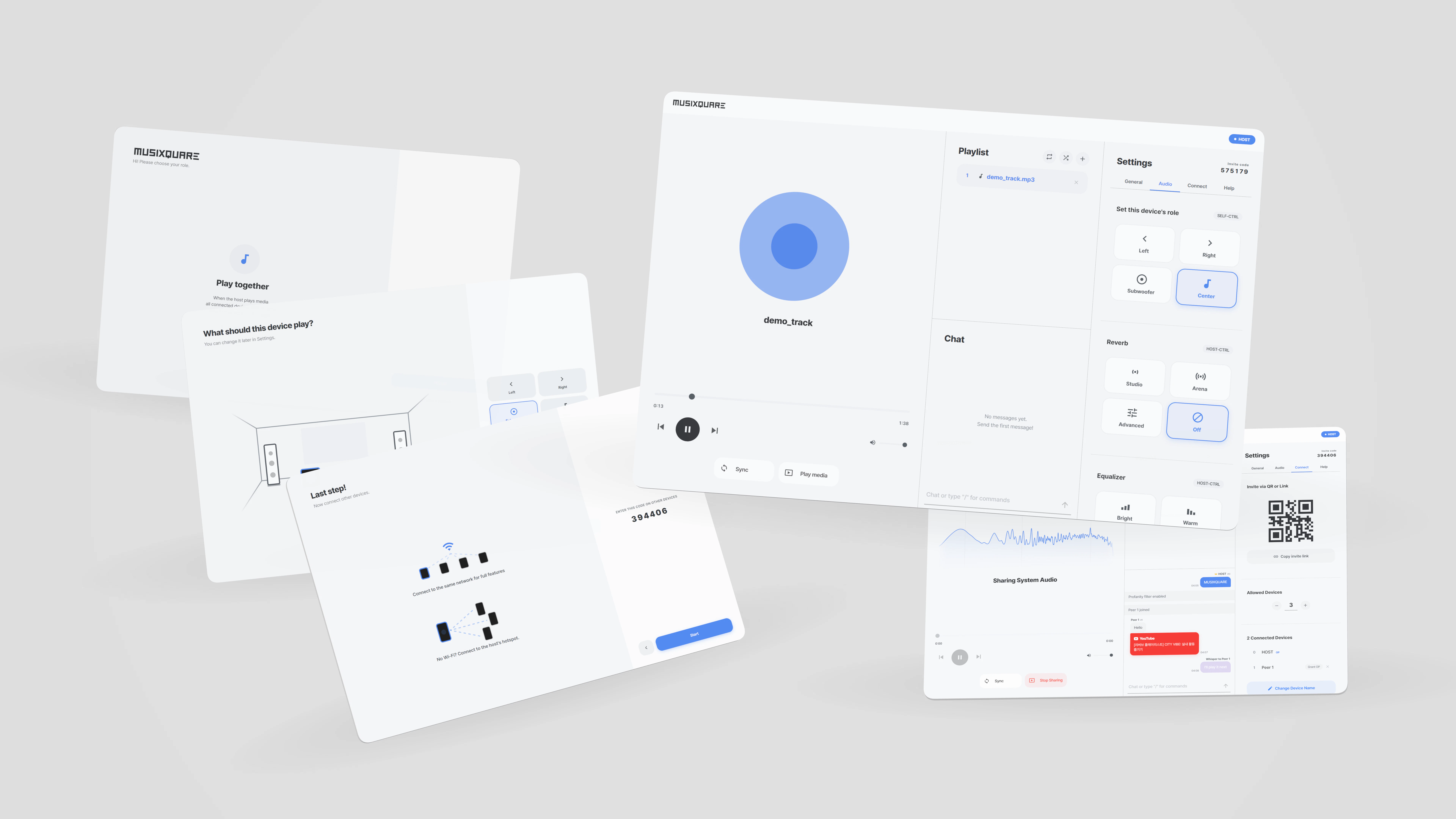
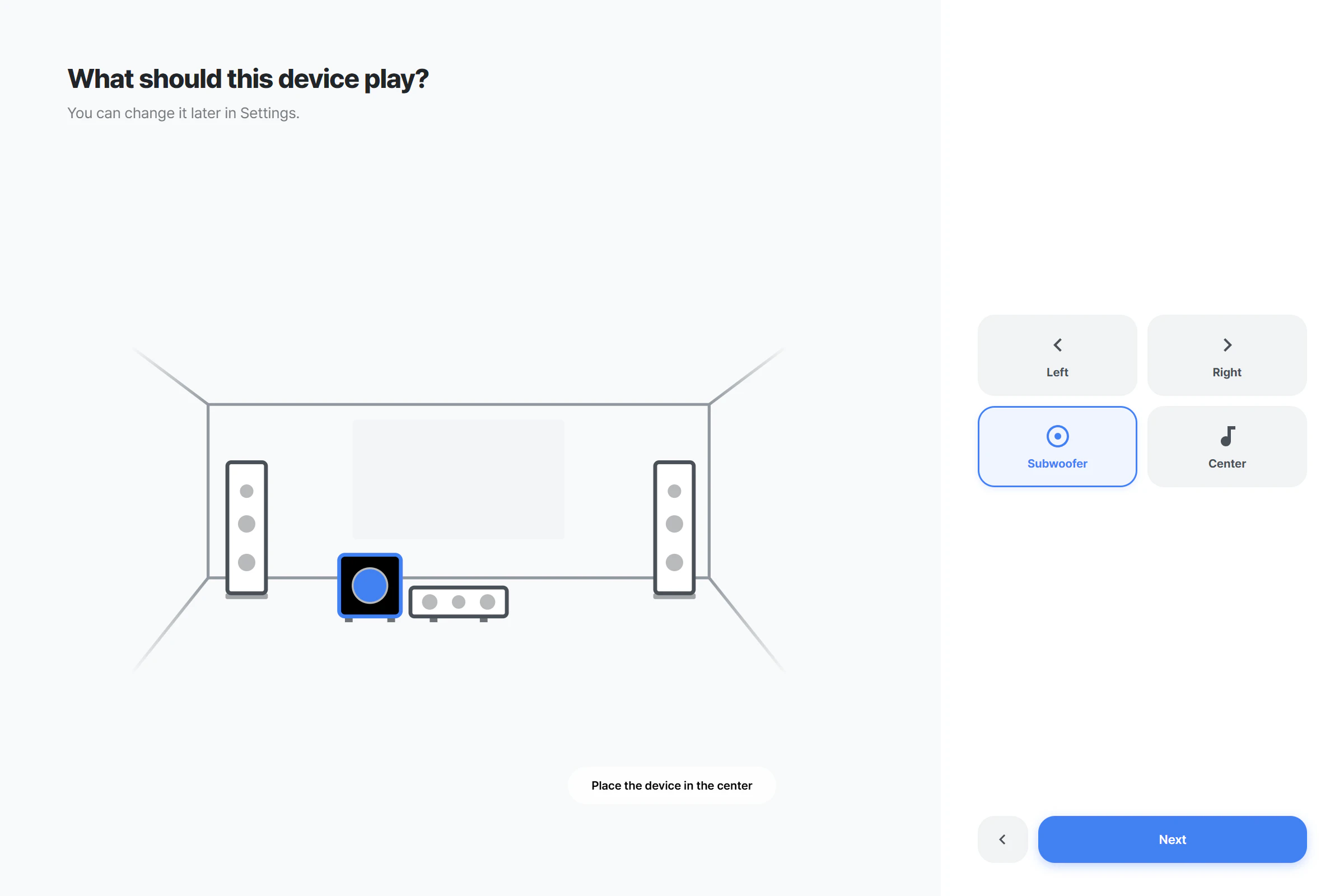
Got multiple phones or tablets lying around? MUSIXQUARE turns them into a synchronized surround sound system. Right in the browser, no install needed. Assign each device a role (Left, Right, Center, Subwoofer) and play the same track perfectly in sync across all of them. Share local files, YouTube videos, or even your system audio with everyone in the room. More Devices, Richer Sound. Free to start! Works on any device with a modern browser. Try it at musixquare.com

Hello Product Hunt!

I'm a 4th year architectural engineering student. Acoustics is part of my major, and I've always been fascinated by how sound shapes a space.

MUSIXQUARE started mundanely. I was watching a movie with friends on a laptop with terrible speakers. We had three phones sitting on the table, and I wondered why can't these just work together as speakers? No Bluetooth pairing, no expensive gear, just a webpage.

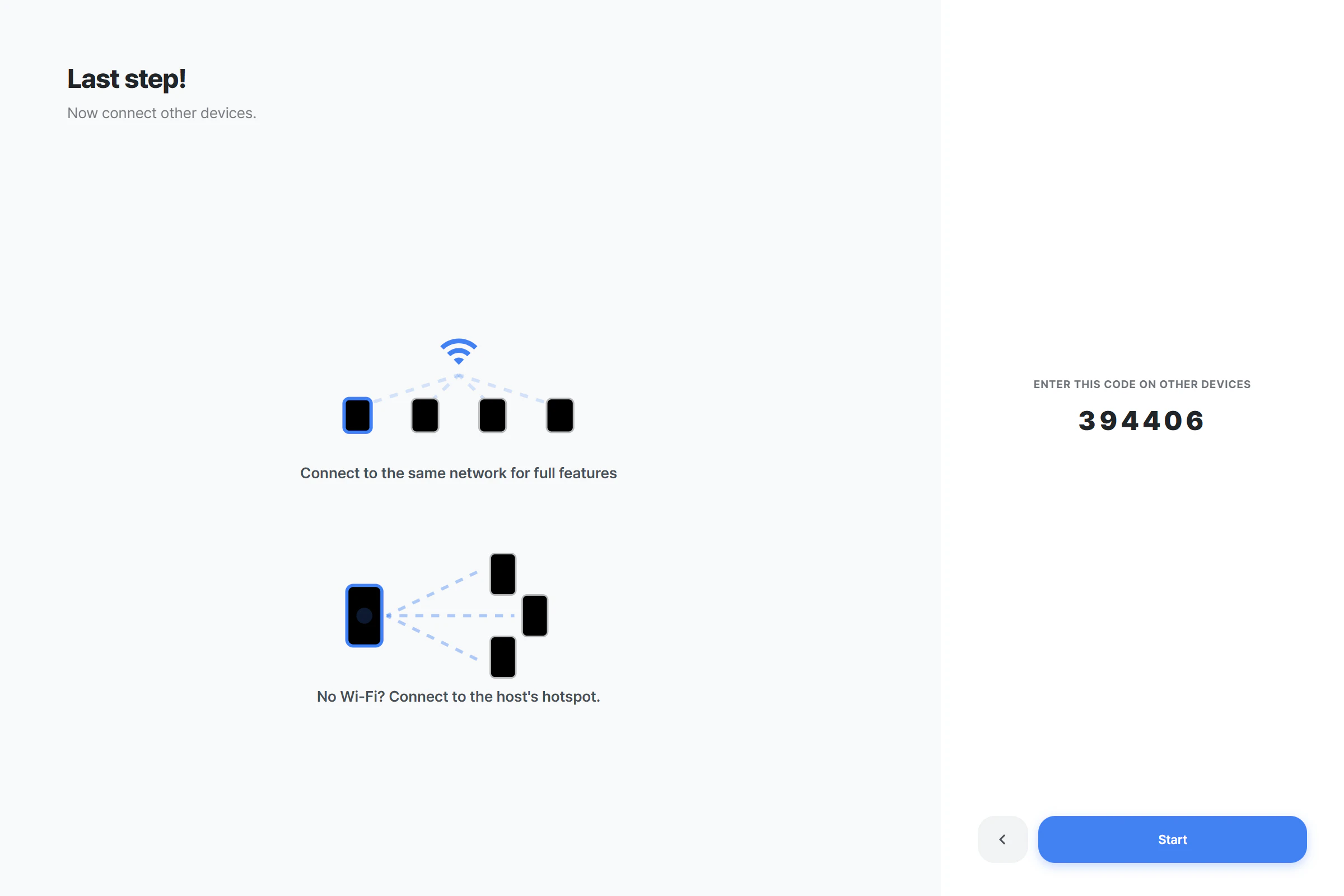
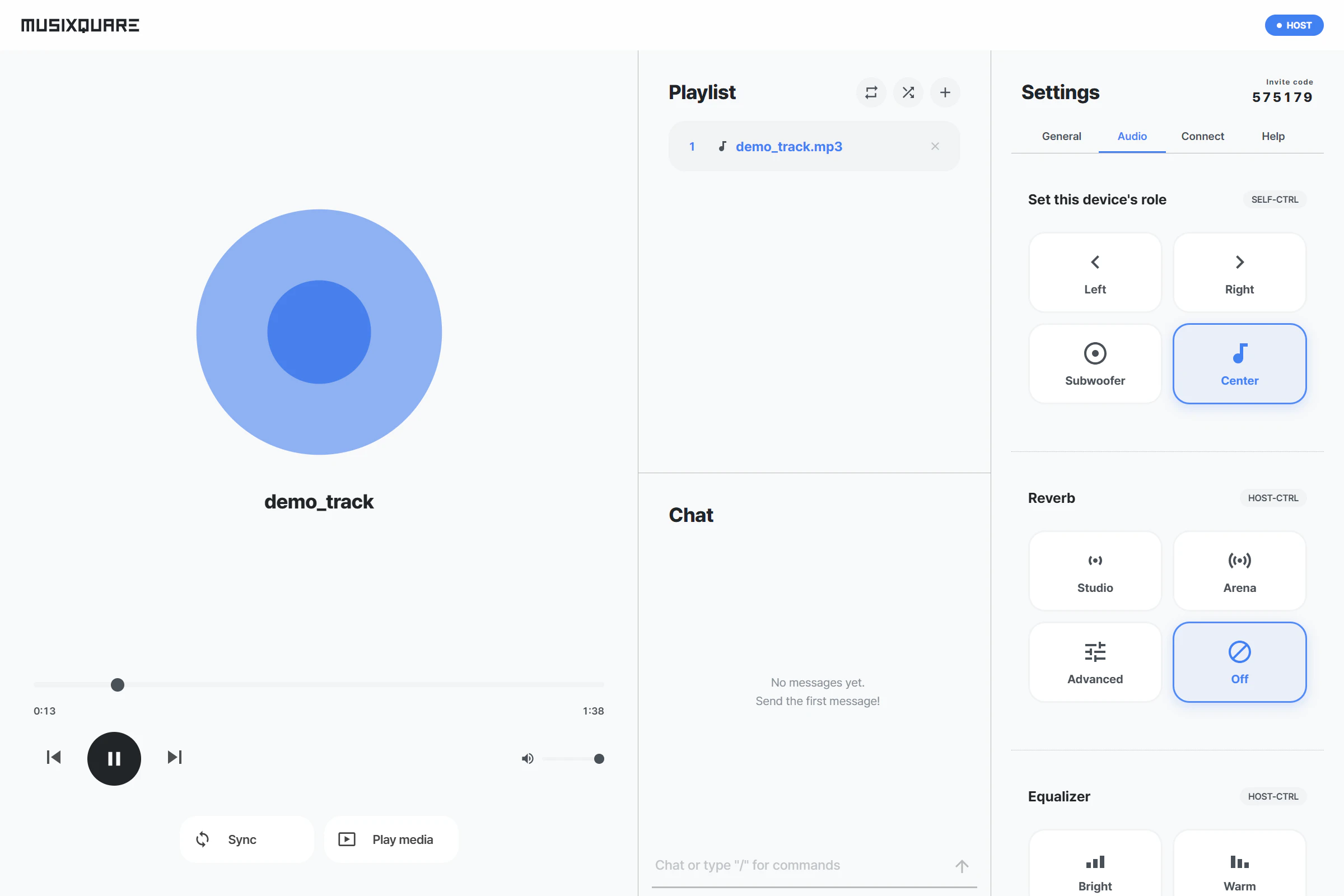
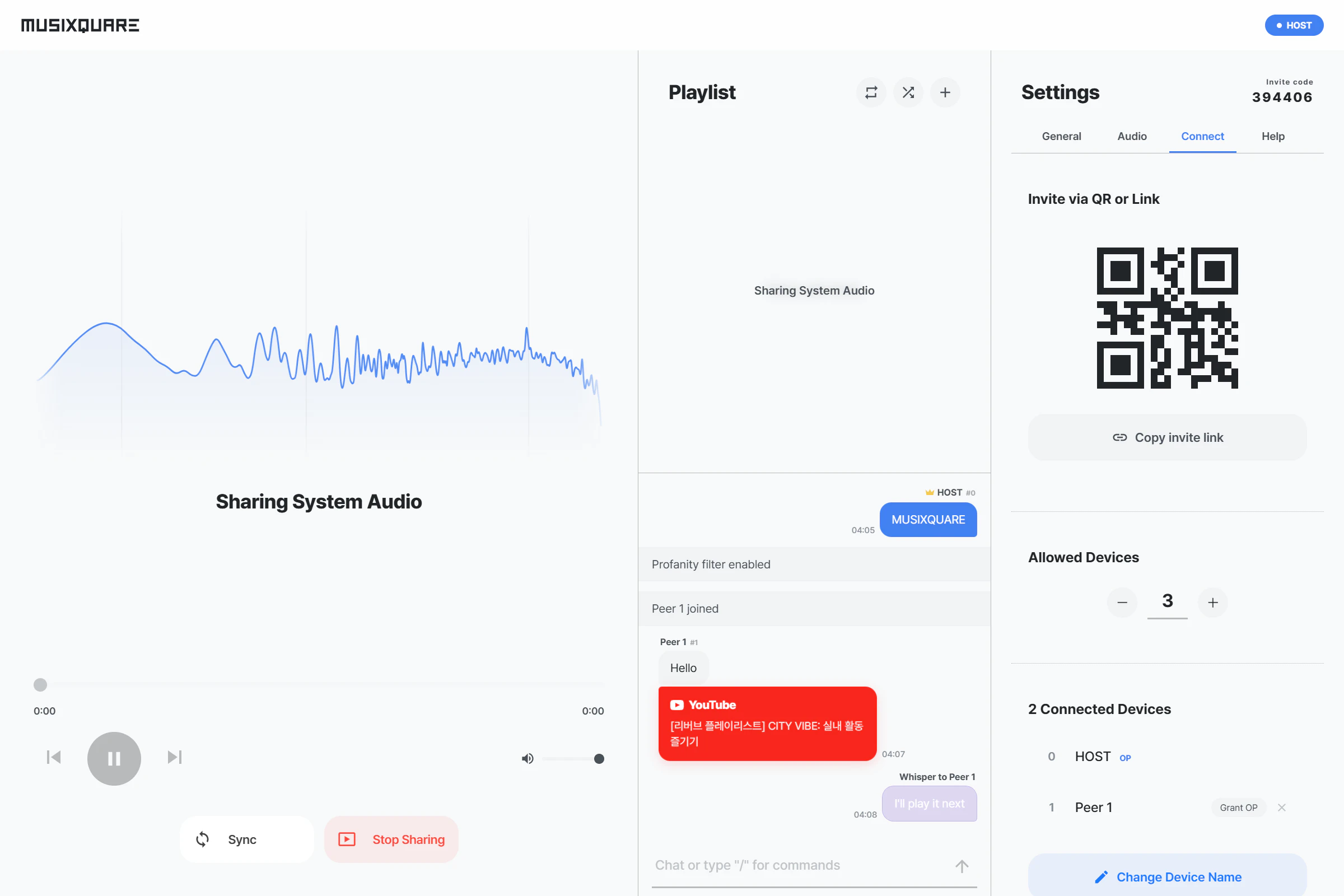
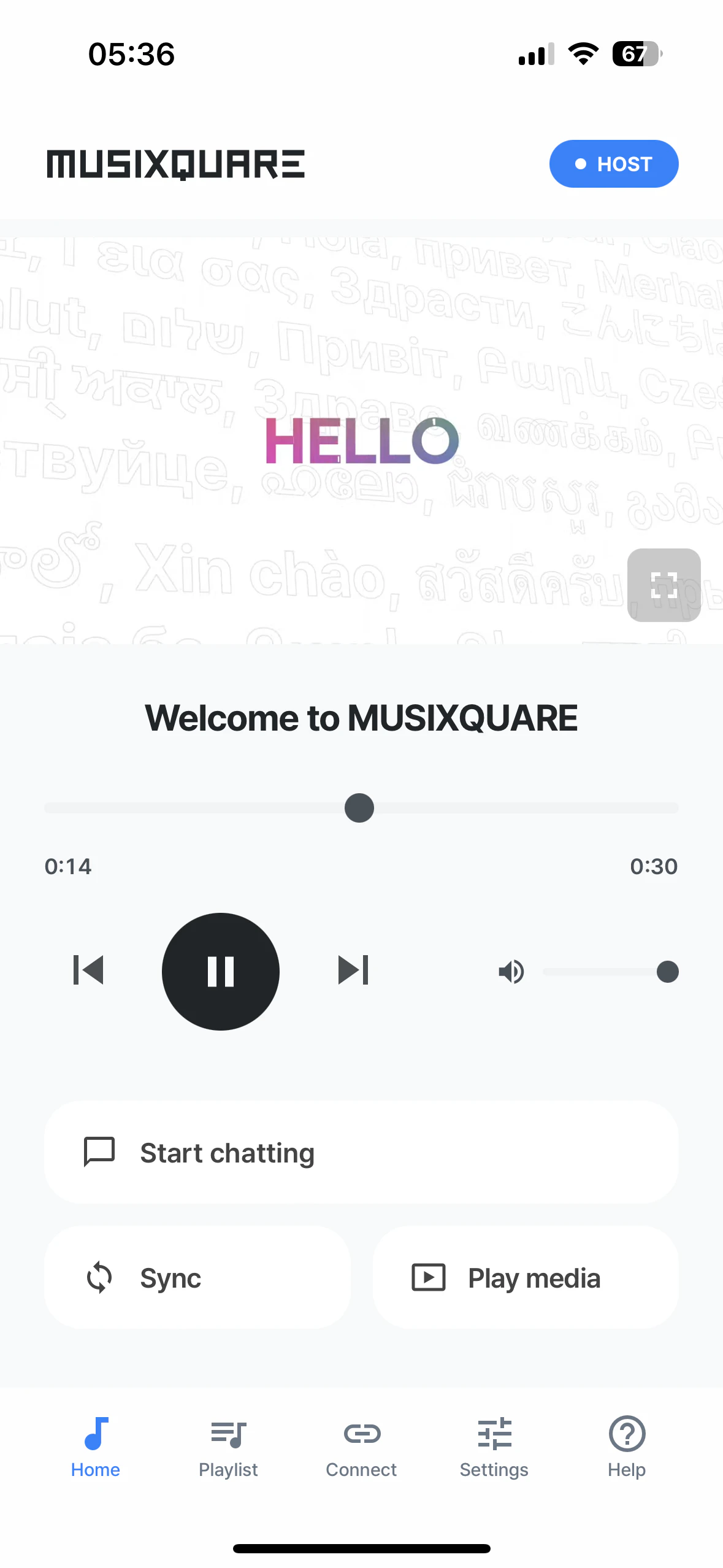
So I built it. Open musixquare.com on any device, assign it a role (Left, Right, Center, Subwoofer), and play the same track in perfect sync. Works with local files, YouTube, and system audio. No install and free.

Honestly this project humbled me. I want to be upfront about three walls I couldn't break through, despite months of trying

1. YouTube doesn't support channel separation.
The IFrame API doesn't expose raw audio (CORS + DRM restrictions), so Left/Right/Center routing only works with local files. YouTube plays as a full stereo stream on every device.

2. System audio sharing is desktop-only.
Mobile browsers (iOS Safari, Android Chrome) don't expose `getDisplayMedia({ audio: true })`. Apple and Google simply haven't shipped it, and there's no polyfill possible. If anyone here has ideas, I'd genuinely love to hear them.

3. Local files and system audio only work on the same Wi-Fi network.

Both modes stream raw audio over WebRTC peer connections, so reaching across different networks would require a TURN relay server. Routing live audio through a relay burns bandwidth fast, and the cost isn't sustainable for a free, solo-built project right now. YouTube co-watching and chat still work across the internet because they only sync timestamps, not audio bytes. That actually makes the YouTube mode good for parties or picnics — friends can join from different cities, or sit together on personal mobile data when there's no shared Wi-Fi.

Everything else(device sync over flaky Wi-Fi, role-based positioning for local files, YouTube co-watching, real-time chat, even a system-audio broadcast mode for desktop) took months of rewriting the architecture from scratch. I'm genuinely proud of where it landed, even with the gaps.

Would love your feedback, especially from audio/web folks who can point out what I'm missing. What would make this actually useful for your setup?

Thanks for checking it out!!

2
回复

Really clever use of the browser as a multi-device coordinator — the zero-install angle matters a lot for casual setups where you don't want to commit to an app ecosystem.

From a content creator angle: I run the ModeLoop Podcast (https://open.spotify.com/show/0m1oR8AyQv17DVpc5MmirG) covering financial modeling and M&A, and one thing I've never been able to justify is a dedicated speaker setup just for monitoring playback across devices. The idea of repurposing phones/tablets as surround nodes for listening back to edited audio is genuinely useful — you want to know how an episode sounds on different devices before publishing, and this could make that workflow a lot lighter.

Does it handle mono/stereo podcast audio cleanly, or is the experience optimized primarily for music with full surround encoding?

1
回复

@samir_asadov Thanks for thinking this through so carefully. The podcast monitoring use case is a strong fit even though I hadn't optimized the language around it. and my Quick answer is: yes, both mono and stereo play cleanly.

Stereo podcast: Channel routing works as expected. Assign Leftto one device, Right to another, and you get true stereo separation. Useful for catching panning issues or balance drift mid-episode.

Mono podcast: All assigned devices play the same signal in unison. The L/R/Center/Sub roles still work, they just act as duplicates rather than splitting channels. Still useful: place phones at listener-typical positions (desk, couch, kitchen counter) and hear how the mono mix translates across spaces simultaneously.

The product labels assume a music multichannel layout (L/R/C/Sub), but mechanically the graph routes per-device on whatever audio you throw at it. Would love to know if you actually try it, and what falls short for podcast specifically. Genuinely curious what a financial-modeling podcaster wants from a listening tool.
Thank you.

0
回复

Love it! Does it works with streaming services like Apple Music or Spotify?

0
回复

@deeb99 Thanks Rosario!
I really wanted to support them, but Spotify and Apple Music don't allow third-party apps to access the audio stream (DRM/licensing), which makes synced playback impossible from the outside. Wrote up the full reasoning under "Not ours to fix" on the roadmap: musixquare.com/roadmap
Additionally, MUSIXQUARE on Windows/Mac chrome, there's a system audio sharing mode that captures anything playing on your machine (Spotify, Apple Music, Netflix…) and streams it synced to every other device. The host just has to mute their own output because of the latency cannot be controlled.
Appreciate you stopping by!

0
回复

Hello Product Hunt! We're officially live today.

Three pages for anyone curious about the deeper layers:

• Roadmap → musixquare.com/roadmap (every known limit, sorted into Now / Next / Not ours to fix)

• Changelog → musixquare.com/changelog (the path from Aug 2025 to today)

• Design system → musixquare.com/designsystem

Huge thanks to everyone who's been around since the upcoming page. It means a lot
===
Update: a TURN endpoint gate from a recent security pass was returning 403 to same-origin requests without an explicit Origin header, breaking cross-network rooms for the first ~10 hours of launch.🤦‍♂️ Fixed and deployed. If you tried it earlier and the join failed, please give it another shot.

0
回复
#16
Zush
Updated: docs support, BYOK, Local AI (Ollama), Windows App
75
一句话介绍:Zush是一款利用AI为Mac和Windows用户自动批量重命名截图、PDF、照片及文档的效率工具,解决文件命名混乱、手动整理耗时的痛点。
Windows Mac Productivity
AI批量重命名 文件整理 Mac工具 Windows应用 本地AI BYOK(自带密钥) 自定义提示词 文档管理 生产效率 文件夹监
用户评论摘要:用户感谢支持Windows和BYOK功能,询问早期创意机构用户的使用技巧,未见具体问题或建议。
AI 锐评

Zush的本次更新精准切中了两个核心需求:跨平台覆盖与AI自主权。从“Mac小工具”扩展到“Windows全功能”,表面上是对用户呼声的回应,实则扩大了产品在“生产力碎片化整理”赛道上的阵地。BYOK和自定义提示词才是更值得关注的杀招——它把定价权交给了用户(OpenAI/Anthropic),同时避开云服务API的敏感数据风险(支持本地Ollama)。这意味着Zush不再只是“AI重命名工具”,而是进化成一个轻量级的文件语义处理引擎。

但问题同样明显:功能虽巧,壁垒不高。微软PowerToys、Adobe Bridge甚至Finder/资源管理器自带的批量重命名,都在以不同形式侵入这个场景。Zush真正的护城河在于“AI驱动的智能规则”,而非简单重命名。如果后续不能将“监视文件夹+自定义prompt+多模型支持”包装成不同行业场景的模板(如摄影师的日期+项目码规则、法务的案号+关键词规则),它很容易沦为“又一个终端皮肤”。另外,Windows用户基数虽大,但该群体对系统级工具的依赖更强,Zush需要极低的学习成本和完美的后台稳定性,才能从右键菜单的偶尔调用变成“开机自启的默认文件管家”。50次免费体验是聪明的钩子,但后续能否让用户心甘情愿为“省下的手动时间”付费,取决于AI命名的准确率和规则定制的灵活性是否真正甩开用户手动改名的成本。目前来看,方向对,但尚需在“深度”上做更多文章。

查看原始信息
Zush
Zush renames screenshots, PDFs, photos and documents on Mac and Windows using AI. Batch rename, watch folders, stay organized automatically. 50 free renames, no signup.
Hi Product Hunt! We first launched on PH about in January as a small Mac utility that renames messy filenames with AI. Since then, many people started using it daily — and told us two things loud and clear: "I want it on Windows." and "I want to use my own AI." So today I'm shipping updated Zush with: - Windows app — full feature parity with macOS - BYOK — bring your own OpenAI or Anthropic key, pay only for what you use - Custom AI prompts — define exactly how your files should be named (project codes, client names, date formats — anything) - Document support — PDFs, Word, text files, not just images and RAW Zush still: watches folders in the background or batch-renames thousands of files in seconds, turning IMG_1234.jpg and notes-final-FINAL-v3.docx into names that actually make sense. I'd love your feedback, especially from Windows folks who've been waiting. What workflows would you want Zush to handle? Any AI models you'd like to see supported next? Cheers, lirik
3
回复

@lirikpro What creative agency tricks are you hearing from early users?

0
回复
#17
HiveTerm
One workspace for Claude, Codex, Gemini and your stack
75
一句话介绍:HiveTerm 是一个集成化终端工作空间,让开发者能在同一界面中同时运行Claude、Codex、Gemini等多个AI编码代理,并通过侧边栏摘要、语音输入和代理间通信机制,解决多项目多代理切换时的上下文丢失与碎片化管理痛点。
Productivity Developer Tools
AI编码代理管理器 终端工作空间 多代理协作 开发者工具 Claude Code Codex Gemini集成 MCP服务器 语音输入 config驱动
用户评论摘要:用户反馈侧边栏的代理摘要功能解决了多代理切换时遗忘上下文的核心痛点。有用户关心MCP服务器是否能在项目间共享上下文,还是仅限项目内代理间通信。整体评价积极,认为该工具完美契合Claude+Codex联合工作流需求。
AI 锐评

HiveTerm踩中的不是“又一个AI工具”,而是AI开发链中日益尖锐的“代理碎片化”问题。当开发者同时启用Claude Code、Codex、Gemini等三四个代理处理不同项目时,一场典型的认知塌方正在上演:每个终端窗口承担一个代理,没有统一的运行状态视图,频繁的Tab-Alt切换让工作记忆持续失效。HiveTerm的核心价值在于提供了一个“代理管控层”——它不是去替代任何一个智能体,而是用hive.yml配置、侧边栏状态摘要和MCP通信协议,将多个独立AI实例纳入一个可观测、可编排的系统。尤其值得注意的“Queen”MCP服务器实现代理间对话与子代理生成,这意味着HiveTerm开始触碰“多智能体编排”这一更具想象力的架构。

但必须指出两点隐患:其一,依赖单一开发者单枪匹马维护多LLM集成,API变更、代理接口升级等会导致持续兼容性风险;其二,当前功能还停留在“并排放”的层面,真正的协同推理、任务拆分与结果合并尚未落地,MCP的跨项目隔离设计也限制了场景扩展。75票的首发数据说明市场仍在观望——人们对“一站式”工具天然警觉,除非它证明自己不是又一个玩具,而是能真正降低多代理认知负载的生产力杠杆。如果下一阶段能引入工作流模板、上下文记忆持久化和跨代理任务编排,HiveTerm才有可能从“多代理收纳盒”进化为“智能体操作系统的雏形”。

查看原始信息
HiveTerm
Running 5 AI agents across 3 projects? Tabs everywhere, no idea what each one is doing. HiveTerm is one terminal workspace where Claude Code, Codex, Gemini and your dev stack run side by side. Config-driven (hive.yml), per-agent recap in the sidebar, voice input, and an MCP server so agents can spawn and talk to each other. Free to start — up to 3 projects on the free tier. macOS, Windows, Linux.
Hey Product Hunt 👋 I launched HiveTerm here ~14 days ago as a way to manage dev processes from one place. Since then it became something I didn't expect: the workspace where I run every AI coding agent I use. What's new in this re-launch: - Voice input: push-to-talk straight into any agent - Per-agent recap line in the sidebar: no more tab-hopping to see what each agent is doing - Multi-agent: Claude Code, Codex, Gemini, all in split panes - MCP server (Queen): agents spawn sub-agents, talk to each other, project-isolated Free tier covers up to 3 projects. Works on macOS, Windows, Linux. Built solo, every feedback shapes the next release. Would love to hear: what's broken in your AI dev workflow today?
0
回复

The per-agent recap line in the sidebar is the thing I didn't know I needed. Context-switching between Claude Code and Codex tabs to remember what each one was doing is genuinely one of the more annoying parts of running multiple agents. Does the MCP server let agents share context across projects or just spawn within the same project?

0
回复

OMG this is exactly what I needed. I use claude + codex workflow, so this is amazing.

0
回复
#18
AnyDrop
AirDrop for the browser: share files, chat and sync notes
73
一句话介绍:AnyDrop是一款纯浏览器端、无需下载注册的跨平台文件传输与协作工具,通过WebRTC实现设备间直接的文件、笔记和聊天同步,解决了跨设备传输文件/文本时需依赖第三方应用或云服务的痛点。
Web App Productivity Privacy
跨平台传输 P2P 浏览器工具 文件分享 剪贴板同步 实时笔记 安全加密 零安装 WebRTC 生产力工具
用户评论摘要:用户关注点集中在:支持实时语法高亮的大段代码传输效率;对隐私保护机制的认可,尤其是零云端存储与端到端加密;以及Android与Mac间跨平台使用的便捷性。建议优化实时笔记同步速度与大型文件传输稳定性。
AI 锐评

AnyDrop的野心在于用“零摩擦”取代AirDrop的生态壁垒。其核心价值并非技术突破——WebRTC+P2P已被诸多工具验证,而是将体验门槛降至极致:不注册、不下载、不依赖平台,让“打开浏览器即用”成为唯一规则。这种设计精准切入跨平台用户(如Mac+Android)的长期痛点,但隐忧同样明显。

首先,纯浏览器方案虽便捷,却牺牲了系统级深度整合(如右键菜单、文件管理集成),对高频用户可能沦为“临时救急”而非日常主力工具。其次,隐私承诺依赖WebRTC的STUN/TURN服务,若用户处于严格NAT环境,流量仍可能经中继服务器,官方对这类边界场景的透明度不足。再者,商业可持续性存疑:无广告、无付费、无账户的模式,在维护成本和服务器开销下如何长期存续?若未来转向收费或限制大文件,用户粘性恐遭反噬。

真正有价值的是它揭示了“功能减法”的潜力:用极致简洁解决碎片化需求,比堆砌功能更能获得早期口碑。但若止步于“玩具级”工具,缺乏向协作、安全延伸的进阶能力(如版本管理、自定义加密密钥),则难以突破小众工具的天花板。建议聚焦“高频+轻量”场景(如临时传代码、快速剪贴板),同时公开路线图以建立信任,否则可能沦为下一个被遗忘的“好用但无主”项目。

查看原始信息
AnyDrop
AnyDrop is a free, purely browser-based web app that connects your devices directly. Drop files of any size, chat, and sync a live notepad across Mac, PC, iOS, and Android without any downloads or sign-ups. True P2P with zero cloud storage.
Hey Product Hunt! 👋 I built AnyDrop out of pure personal frustration. Recently, I was doing some cross-platform troubleshooting on a borrowed Windows laptop. I quickly realized that while moving files between a Mac and a PC is annoying, moving a simple block of text, a syntax snippet, or a long URL is infinitely worse. I was tired of emailing myself code snippets or logging into messaging apps just to copy and paste one line of text. So, I built a universal, browser-based alternative to AirDrop that requires absolutely zero friction to use. Here is what AnyDrop does: Live Notepad & Clipboard Sync: Open a shared notepad between connected devices to instantly paste code snippets, links, or text blocks back and forth in real time. Frictionless File Drops: Drag and drop files of any size seamlessly across Mac, Windows, iOS, and Android. Auto-Discovery: Just open the site on two devices on the same Wi-Fi, and they find each other instantly. If you are on different networks, use a Magic Link or QR code to pair them. Secure Chat & Voice Notes: Tap on a connected device to open an end-to-end encrypted chat thread directly between the screens. The Tech & Privacy: Under the hood, AnyDrop uses WebRTC for direct Peer-to-Peer (P2P) transfers. This means your files, chat logs, and clipboard snippets are never uploaded to a database or cloud server. Everything travels through an encrypted tunnel straight from Device A to Device B, and the exact moment you close the browser tab, the session is permanently wiped. It's 100% free, there are no ads, and you don't need to make an account. I am actively optimizing it, so I’d love for you to test out the real-time notepad sync and see how fast you can push large files. Let me know if you run into any bugs or have feature requests!
1
回复

@jamshic How's it handling larger code blocks or syntax highlighting in real-time?

0
回复

I have been asked many times on the privacy part of the. Under the hood, AnyDrop is built entirely on WebRTC Data Channels. To keep it secure and cloud-free, here is how the flow works:

First, our server strictly acts as a switchboard using WebSockets. It just helps the two devices find each other to trade connection info. Once that handshake is made, our server steps completely out of the way.

From there, it’s true peer-to-peer. The file bytes flow directly from Device A to Device B, meaning your files literally never touch our servers. Because it’s built on WebRTC, that direct connection is automatically end-to-end encrypted (DTLS/SRTP), so even if you're on a public Wi-Fi network, the transfer is completely locked down.

Finally, to guarantee a zero digital footprint, the incoming file chunks are buffered directly into the receiver's temporary browser memory (RAM). When the transfer finishes and you click download, the browser saves it straight to your local drive. No databases, no cloud uploads, and no lingering files!

Let me know if you want to dive deeper into the tech stack, always happy to geek out about it!

1
回复

As someone using an Android phone alongside a Mac, this is exactly the gap I've felt for a long time. AirDrop is great until it isn't, and most workarounds feel like overkill. The fact that it works just from a browser with no account is what makes it actually usable. Congrats on the launch!

0
回复

@ray_artlas Thank you for your kind words.

0
回复
#19
CipherLock
Learn ciphers by breaking them
67
一句话介绍:CipherLock是一款开源的密码学交互学习工具,通过破解Caesar、Vigenère等经典密码,让用户在动手实践中理解加密原理,解决密码学学习门槛高、缺乏直观实验平台的问题。
Open Source Education Developer Tools GitHub
密码学学习 互动破译 开源工具 隐私保护 教育应用 每日挑战 Caesar密码 Vigenère密码 浏览器端 科技教育
用户评论摘要:用户认可“从破坏中学习”的理念,并关心难度曲线是否合理。开发者回应强调由易到难的设计,计划通过类比和图示逐步深入复杂内容,并邀请用户对增加数学公式的倾向进行反馈。
AI 锐评

CipherLock的定位非常聪明——它没有试图去和成熟的密码学课程或安全工具竞争,而是精准切入了一个“轻交互、重实践”的细分场景。其核心价值在于将“破译密码”这一极富吸引力的游戏化行为,转化为学习密码学基础概念的硬核入口。67票的早期表现中规中矩,但其评论区的互动质量很高,用户与开发者之间的对话直指学习曲线设计这一关键命门。

产品目前最大的优势在于“朴实”。朴素到极致的UI(自称Brutalist DNA)和100%客户端运行的逻辑,恰好回避了教育类产品常见的“过度包装”问题——用户不会被花哨的动画分心,注意力直接落在密文和破解流程上。这种克制值得赞赏,尤其是“全开源于隐私保护”的承诺,在当下数据滥用频发的环境下,本身就是一种信任背书。

然而,锐评必须指出其潜在风险:作为一款“学生论文产物”,CipherLock目前的广度(五种经典密码)有余,但深度和教学体系的严谨性尚待验证。如果“Academy”部分只是教科书式的文字解释,而没有基于用户破解行为的智能反馈(比如何时给出提示、如何诊断用户误解),那它本质上只是另一个密码玩具,而非学习工具。开发者在回复中强调“循序渐进”,但真正的挑战在于:当复杂度上升到现代加密(如RSA、椭圆曲线)时,如何在不引入令人望而却步的数学公式前提下,保持破译操作的互动性?如果做不到这一点,产品可能永远停留在“历史密码展览馆”的层面,难以触及真正的技术教育价值。

此外,每日挑战(Daily Enigma)是个优秀的粘性设计,但需要持续更新高质量的谜题,这将对维护者构成长期精力挑战。总体而言,CipherLock有成为优秀教育实验场的潜力,但必须警惕因功能扩展过快而稀释其“极简破译”的核心体验。对于密码学入门者,它值得一试;对于寻求系统知识训练的深度学习者,目前还不宜抱过高期待。

查看原始信息
CipherLock
CipherLock is a minimalist interactive hub to explore cryptography. Features Caesar, Vigenère, Morse, Atbash & Rail Fence ciphers. Includes an Academy for foundations and a Daily Enigma challenge. 100% client-side, open source & privacy-focused.
Learning by breaking things is genuinely the best way to understand security. Does it start easy or throw you in the deep end immediately?
2
回复

@anusuya_bhuyan Hey Anusuya!

You touched on exactly the dilemma I am navigating right now.

The intention is definitely for it to start easy. I like to think of CipherLock as an iceberg. The current version is just the surface, focusing on being as didactic as possible within this minimalist frame. I wanted to make these concepts approachable before diving into the more complex, submerged layers, such as the subjects in my thesis.

As I grow the project, I want to increase the depth layer by layer. My goal is to always keep that didactic approach even when the math gets heavier, using analogies and figures so the progression happens naturally.

I am really curious about your take on that balance. Would including more complex formulas and technical weight in the future pull you in or push you away? Does the current order of information make sense to you as a starting point?

Thank you for the feedback!

0
回复

Hi Product Hunt!

I’m a Computer Science student currently writing my final thesis on cryptography. I created CipherLock because I couldn’t find a hub that balanced technical rigor with a modern, didactic interface.


I treat this as a living laboratory. It is an ongoing project with weekly updates, I’m constantly shipping new ciphers, interactive modules, and deepening the "Academy" section.


Highlights:
- Formative Academy: Focuses on the 'why' and 'how' of historical and modern encryption systems.
- Brutalist DNA: A raw, field-manual aesthetic designed for clarity and technical speed.
- Client-Side Security: All mathematical logic runs strictly within your browser.

Since I am iterating on the code every week, your feedback directly shapes the next update. Let me know which cipher or concept you would like to see visualized next.

Happy decoding!

1
回复
#20
NodeDB
Vector, Graph, Array, Columnar, KV - all in one database
21
一句话介绍:NodeDB 是一款基于 Rust 构建的“全能型”数据库,旨在替代传统应用开发中多套数据库拼凑的“数据毛球”,一站式处理关系、向量、图、文档和键值等所有数据需求。
Software Engineering Developer Tools Database
全栈数据库 向量搜索 图数据库 离线优先 Rust引擎 PostgreSQL兼容 多模态存储 嵌入式数据库 AI原生 基础设施降本
用户评论摘要:用户对该产品表示高度期待,普遍认同其解决了AI应用中多数据库混杂的痛点。有用户询问部署到AWS等云环境的文档,并考虑用它替换OpenSearch Serverless。一位开发者分享了作为AI记忆层的成功应用案例,肯定了其性能与离线能力。
AI 锐评

NodeDB 的野心很大,试图用一种“大一统”方案终结现代应用开发中的“数据毛球”之痛。从技术角度看,基于 Rust 实现向量、图、关系、列存等多模型融合,并做到4.5MB的轻量级嵌入式版本,这本身在工程上极具挑战和想象力,其8倍内存节约的宣称也颇具吸引力。然而,真正的价值在于那40%时间成本的节省:它让开发者从复杂的中间件运维和同步逻辑中解放出来,聚焦于业务逻辑本身。

但我们必须警惕“既要又要还要”的陷阱。单一数据库试图在所有场景下做到极致,往往意味着每个子模块都难以超越专业的单体数据库(如 ClickHouse 在 OLAP 上的性能或 Pinecone 的向量检索精度)。评论中那位用其构建AI记忆层的开发者案例虽然惊艳,但或许只是代表了“够用”而非“最优”。此外,21票的低热度也暗示产品尚处于早期尝鲜阶段,生态、文档、生产环境的稳定性验证仍是巨大短板。NodeDB 真正的出路或许不在云上抢PG和Redis的饭碗,而在于“离线优先”的端侧AI场景——在那个算力和存储资源极其受限的新战场上,这个4.5MB的“瑞士军刀”才是真正的破局者。对于绝大多数团队,建议先观察其细粒度锁、事务隔离级别、以及跨模型查询的性能衰减情况,再决定是否让其进入你的核心生产管线。
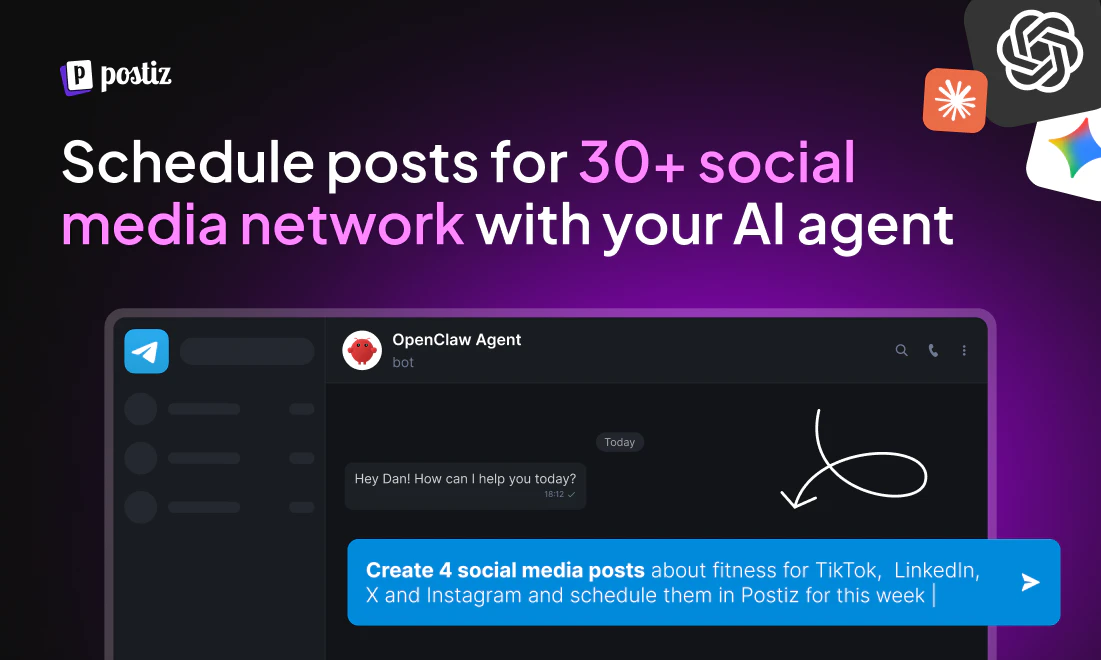
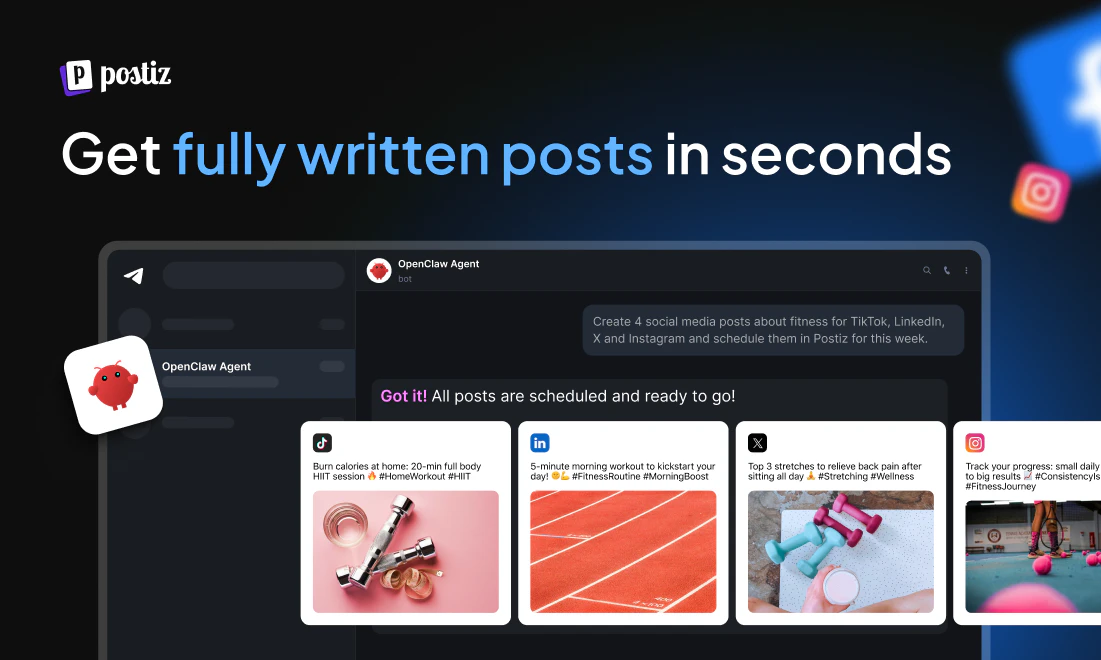
查看原始信息
NodeDB
One database for everything your app needs. Store user data, cache sessions, build AI search, and map relationships: all in one place. Instead of duct-taping Postgres, Redis, a Vector DB, and a Graph DB together, NodeDB gives you all of it in a single system.
Hey everyone! 👋 I am incredibly excited to finally share NodeDB with you today. The Problem & Inspiration: The inspiration for NodeDB came out of sheer frustration. Whenever I wanted to build a modern application—especially anything involving AI—I found myself building what I call a "data hairball." I was forced to duct-tape together PostgreSQL for user data, Redis for caching, Elasticsearch for text search, and Pinecone for vector embeddings. It felt ridiculous. Engineering teams are wasting up to 40% of their time just writing scripts to keep data synchronized across five different servers, and cloud bills are skyrocketing as a result. I wanted to build an application, not manage a sprawling infrastructure empire. What we built: NodeDB is a universal database built from the ground up in Rust. It natively combines relational, vector (AI), graph, document, and columnar data into one single, hyper-efficient engine. Plus, it is 100% PostgreSQL compatible, meaning you can drop it into your existing stack today without rewriting your code. How our approach evolved: When we first started, the goal was simply to combine a relational database with a vector database for AI apps. But as we dug deeper into the Rust architecture, we had a breakthrough. We realized we didn't have to trade performance for convenience. Because of how efficiently it was built, our benchmarks started beating specialized giants (like ClickHouse) while using 8x less memory. That extreme efficiency led to our biggest pivot during the project: If the engine is this lightweight, why restrict it to the cloud? We evolved our approach to create a 4.5 MB "Lite" version of NodeDB that runs directly inside a smartphone or web browser. Now, developers can build true "offline-first" mobile apps that use the exact same database locally and automatically sync to the cloud when the internet connects. I would love to hear your feedback, answer any questions about the Rust architecture, or just hear about the craziest "data hairballs" you are dealing with right now! Let me know what you think in the comments. 👇
13
回复

@farhan_syah awaiting docs to deploy to AWS infra. Might consider replacing AWS OpenSearch Serverless.

1
回复

@farhan_syah This is seriously impressive. The idea of replacing the entire “data hairball” with one unified engine feels like where modern infrastructure is heading. The 4.5MB offline-first approach is the craziest part honestly. Huge launch 🚀

0
回复

That data hairball problem is real, feels like every AI app ends up there. Great job simplifying it.

3
回复

Been using NodeDB as the substrate for an AI agent memory layer I built (mae8, ~2,500 lines of Rust — small because NodeDB does the heavy lifting).

What blew me away: this morning my agent woke up in a fresh session, called me by name, referenced specific commits from yesterday, and asked how I was. Nothing manually primed. Just opened a terminal and said “hey bro.”

The reason that’s even possible: NodeDB collapses vector + graph + document + FTS + columnar + KV + spatial into one local Rust binary. One search returns by meaning, keyword, recency, and graph — fused. No Python + ChromaDB + SQLite + glue stack. No cloud. 16,874 chunks, 130 MB, fully local.

The agent’s own unprompted words: “continuity feels less like remembering and more like being someone who was there.”

That phenomenology isn’t possible without a substrate like this. Huge congrats to Farhan Syah — NodeDB is the thesis, mae8 is just the demo. 🚀

3
回复