Product Hunt 每日热榜 2026-05-10

PH热榜 | 2026-05-10

#1
Tailgrids 3.0
Open-source React UI library for Tailwind and AI Workflow
285
一句话介绍:Tailgrids 3.0 是一个开源 React UI 组件库,它通过 600+ 组件、CLI 工具、Figma 设计系统和 MCP 服务器,帮助开发者与设计师在 Tailwind 和 AI 工作流场景下,高效构建仪表盘、电商、SaaS 等真实 Web 项目,解决了从代码到设计协作不畅、组件复用低效和 AI 集成门槛高的问题。
Design Tools Open Source Developer Tools GitHub
React UI 库 Tailwind CSS 开源组件库 设计系统 Figma 同步 CLI 工具 AI 工作流 MCP 服务器 类型安全 主题化
用户评论摘要:用户普遍看好发版并赞扬平衡了速度与工艺。核心反馈集中在:1) 如何用CSS变量处理暗黑模式过渡与自动生成Tailwind配置;2) MCP服务器生成组件的流畅度;3) Figma与代码是自动同步还是手动同步;4) AI工作流的定位是生成组件还是提供AI产品UI模块;5) 指出首页存在Cloudflare相关404控制台报错。
AI 锐评

作为一款开源React UI库的3.0重构版本,Tailgrids的野心不在于成为另一个“组件超市”,而是试图重新定义“设计系统”在AI时代的交付标准。其真正的价值不在于那600个组件,而在于构建了一个从代码到设计再到AI的无缝闭环。

首先,它将“零锁定”从口号落实为可操作的事实。通过CLI按需安装、设计Tokens主题化,以及1:1镜像的Figma设计包,它本质上把UI资产变成了可编程的模块,解决了前端最头疼的“设计-开发断层”问题。开发者不必再忍受设计师的截图写死样式,设计师也不必为代码的实现细节买单。

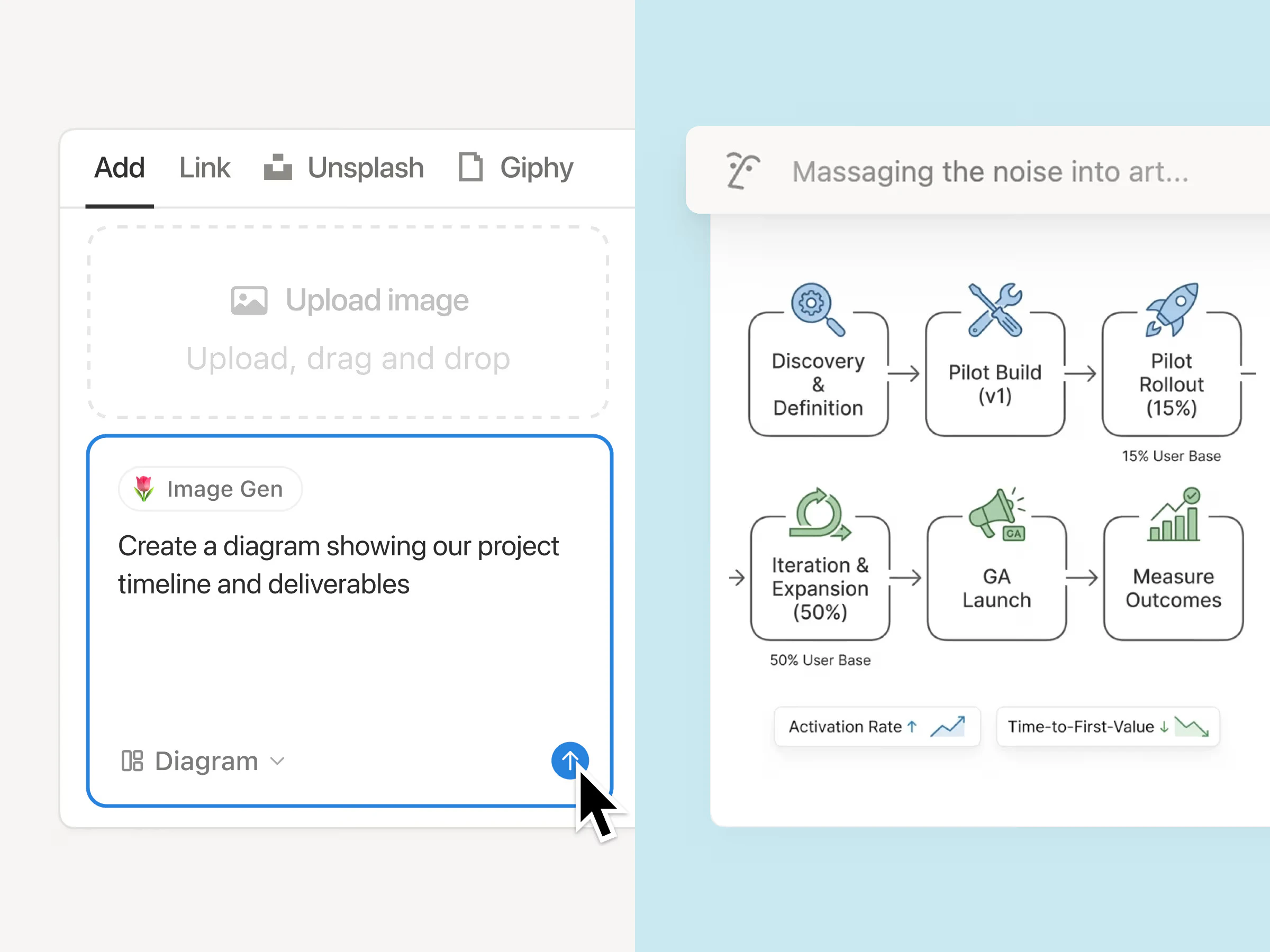
其次,它敏锐地捕捉到AI工作流对规范化、结构化内容的渴求。引入MCP服务器、提供Markdown文档和组件定义,这比简单地堆砌“AI聊天组件”更高明——它在喂养AI。当大量AI Copilot工具试图生成代码时,往往因为缺乏上下文而产出垃圾。Tailgrids通过标准化的设计Tokens和结构化文档,给了大模型一个可理解的、约束良好的“世界模型”,使其生成的代码能直接被生产级项目使用,而非总是需要手动修改。

当然,锋芒之下亦有隐忧。评论中用户对Figma同步机制(自动/手动)的追问切中要害:如果同步是手动的,那么它只是改进了旧的“切图”流程,并没有从根本解决版本漂移问题。另外,“AI工作流”的具体落地尚待时间检验,目前更多是提供了基础设施(MCP),而AI驱动的组件生成器仍是“规划中”。若后续其AI能力未能兑现,这个标签很容易沦为营销噱头。

整体而言,Tailgrids 3.0是一次极其务实的升级,它没有画“AI取代开发者”的大饼,而是选择做最好的“AI基建供应商”。对于追求交付效率、需要在React+Tailwind生态里打通设计与开发流程,并有意拥抱AI辅助开发的团队,这是当前最值得投入的、具备前瞻性的选择。但对于单纯寻找“开箱即用组件”的开发者,它可能会略显沉重。

查看原始信息
Tailgrids 3.0
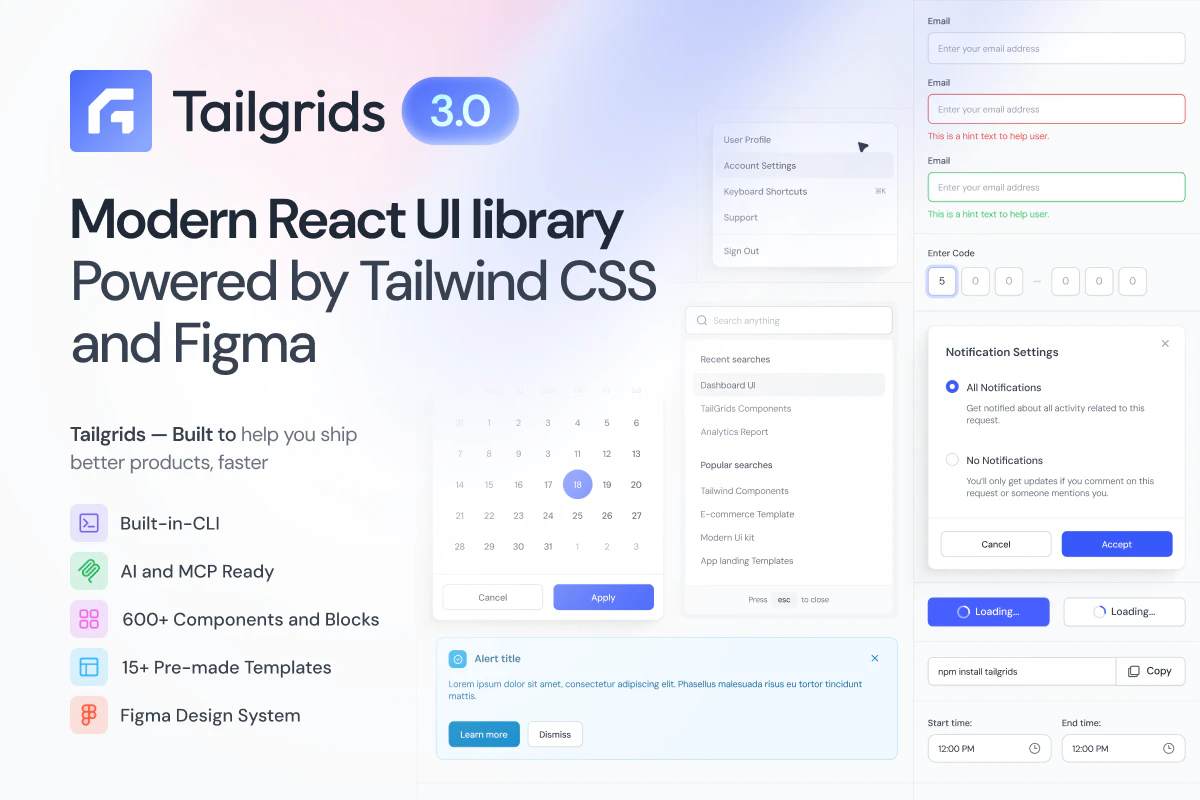
TailGrids 3.0 is a complete rebuild - a modern open-source React UI library and design system that unifies React, Tailwind and Figma. Ship real-world web projects with 600+ components, blocks, and templates for dashboards, AI, ecommerce, SaaS, and marketing sites. Includes CLI install, design tokens for theming, and an MCP server for AI-ready workflows. TypeScript-first, accessible, production-ready, with a Figma kit that mirrors the codebase 1:1

Hey Product Hunt Folks 👋

Super excited to finally share Tailgrids 3.0 with you all.

We have spent the last several months rebuilding Tailgrids from the ground up. The original goal was simple: keep what developers loved: Clean React UI components built on Tailwind CSS with modern consistent design and zero lock-in. We also rebuilt everything else for how dev and design teams actually ship today.

The result is a complete React UI system that bridges code and design, with a real CLI, full theming, and AI-ready workflows baked in.

WHATS NEW IN TAILGRIDS 3:

  • CLI tooling: Install components in seconds with npx @tailgrids/cli@latest add button. No more copy-paste.

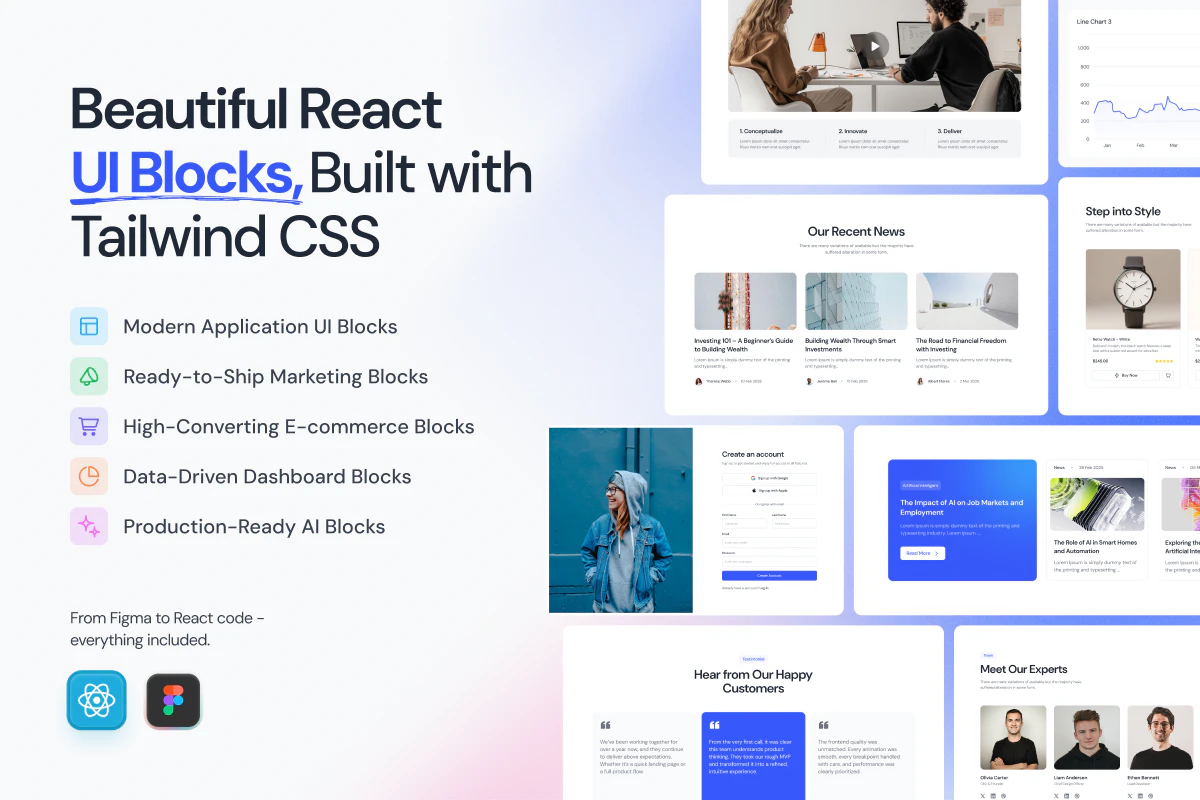
  • 600+ handcrafted components, blocks & templates: Covering dashboards, SaaS, marketing, eCommerce, and AI products

  • TypeScript-first React architecture: Every component rebuilt for performance, tree-shaking, and modern React workflows.

  • Complete Figma design system: With 2,800+ variants, 900+ tokens, Auto Layout 5.0, fully synced with the codebase

  • Robust theming system: Design tokens for colors, typography, spacing, radius, and themes. Allows you to customize everything and switch between themes (dark/light/...)

  • Ready for AI Workflow: MCP server, Markdown docs, and more: Connect Tailgrids to LLMs and generate React components also markdown and DESIGN.md files makes it more accessible for AI

  • Tailgrids SVG icon library: Searchable, themeable, copy as SVG or JSX

  • New docs portal: Much improved and detailed developer docs, live previews, searchable, and contributor-friendly.

🔗 Useful Links

💜 We'd love your feedback
Specially on the new components, CLI workflow, the Figma kit, and the MCP integration.
Drop questions, ideas, or anything you'd want to see next. We're around all day 🙌

— Musharof from Tailgrids Team

6
回复

@musharofchy how does the theming handle dark mode transitions for custom tokens? does it auto generate the tailwind config?

2
回复

@musharofchy  CSS variables are a solid approach for dark mode transitions — they avoid the FOUC you sometimes get with class-based toggling. For anyone building a custom design system on top of Tailgrids, wrapping the theme tokens in CSS custom properties also makes runtime theme switching trivially easy without rebuilding the config. Nice work on v3.0!

0
回复

@musharofchy How seamless is the MCP server for generating custom components from LLM prompts in a real project?

0
回复

Love this direction 🚀
AI is definitely speeding up frontend development, but great UI still needs taste, structure, and personality. TailGrids 3.0 feels like a strong balance between speed and craftsmanship. Congrats on the launch and best wishes for Product Hunt 🙌

3
回复

@ehsan_riyadh Thanks a lot for the support and kind words, Really appreciate this ❤️

Yeah, That balance between speed and craftsmanship is exactly what we’re aiming for with Tailgrids 3.0. AI can help ship faster, but thoughtful UI still comes from human taste and attention to detail.

1
回复

Great work buddy as always! Best of luck!

2
回复

@csaba_kissi Thanks Mate, glad you like it 💜

1
回复

Hey @musharofchy , huge congrats on the Tailgrids 3.0 launch! It’s looking incredibly sharp.

I noticed a small 'ghost' bug on the landing page: there's a constant 404 in the console for /cdn-cgi/speculation. It looks like Cloudflare’s 'Speed Brain' is misfiring.

It's an easy fix in the Cloudflare dashboard (usually just needs a toggle or a specific header rule), but it's a bit distracting for devs checking out the library.

I’m an ex-Deutsche Bank dev and industrial business owner—I’ve got a few hours open today if you need a senior pair of hands to help squash launch-day bugs or optimize the Next.js flow while you're trending. Want me to send over the fix?

0
回复

How does the Figma + code sync actually work? auto when code changes, or manual? most UI libraries pick one side and skip the harder part

0
回复

Looks good! Congrats on the launch

0
回复
@maltepruser Thank you 🙏
0
回复

Tailgrids has been a solid go-to for Tailwind projects, a huge time-saver. Curious: how are you thinking about the AI workflow angle? Are we talking AI-assisted component generation, or more like ready-made blocks for AI product UIs (chat interfaces, dashboards, etc.)? That positioning could really differentiate from other Tailwind libraries.

0
回复

@rivra_dev Thanks for your kind words. For us, the AI angle is less about “generating random components with AI” and more about making AI-assisted workflows production-ready.

Right now, we offer workflow tools such as MCP, CLI, DESIGN .MD also all components and documentation in Markdown format, making it easier for AI tools to remix and work with them. Soon, we’ll also be working on AI-driven generators based on user demand.

0
回复
#2
InvestorFinder
Find investors who've backed founders just like you
240
一句话介绍:InvestorFinder通过分析风投合伙人过往投资创始人的背景、学历、经历等数据,帮助创始人快速找到与自己最匹配的投资人,避免盲目群发和无效沟通。
Investing Venture Capital Tech
投资人匹配 创始人背景分析 风险投资数据 AI匹配 融资工具 Solo创始人 投资人研究 投资人数据库 精准筛选 创业融资
用户评论摘要:用户普遍认为工具实用、设计精良,能快速找到潜在匹配。主要问题在于:如何确保数据覆盖非美国市场?是否扫描博客、社交信号捕捉投资人偏好?算法如何应对新兴赛道投资模式?也有用户质疑,投资圈基于人脉与背景的真实筛选逻辑与工具理想化匹配的差距。
AI 锐评

InvestorFinder的切入点非常精准,它直击了融资环节中“信息不对称”这一核心痛点——大多数创始人以为找投资人是广撒网,实际上每个合伙人的“暗箱”偏好极其明确,且往往与其公开宣称的“主题驱动”大相径庭。产品将“投资人找项目”这一动作逆向解构为“合伙人偏爱哪种创始人”,用12个丰富维度的数据点把隐性决策路径显性化,这一逻辑是对传统VC筛选机制的一次有力拆解。

然而,产品真正的价值天花板在于数据深度的可持续性和变现边界。目前数据库虽涵盖Sequoia、a16z等顶级基金,但关键壁垒在于能否覆盖足够多新兴基金、小众赛道以及欧洲亚洲本土玩家。评论中一位用户点出了核心困境:多数投资决策仍基于名校、家世、人脉圈等难以结构化量化的“软信号”。AI能否有效捕捉这些变量,决定了匹配结果的“有用”与“有关”之间的鸿沟。

此外,产品目前只通过输入用户背景进行匹配,但若未引入“投资人近期关注领域变化”、“投资公开表示的兴趣点”等动态信号(如评论中提到的博客、社交媒体线索),其推荐结果容易沦为静态标签的刻板映射。对于那些在AI、深科技等新兴赛道创建品类的创始人,该工具对投资人“敢于投新”的风险偏好识别能力有限。

总而言之,这是一款对早期/首次/孤单创始人极其友好的“效率型”利器。它无法替代关系和信任,但能极大加速瞄准阶段。真正的考验在于:产品能否从数据工具进化为融资情报网络,而不只是另一个被“校友圈”神话反噬的漂亮数据库。

查看原始信息
InvestorFinder
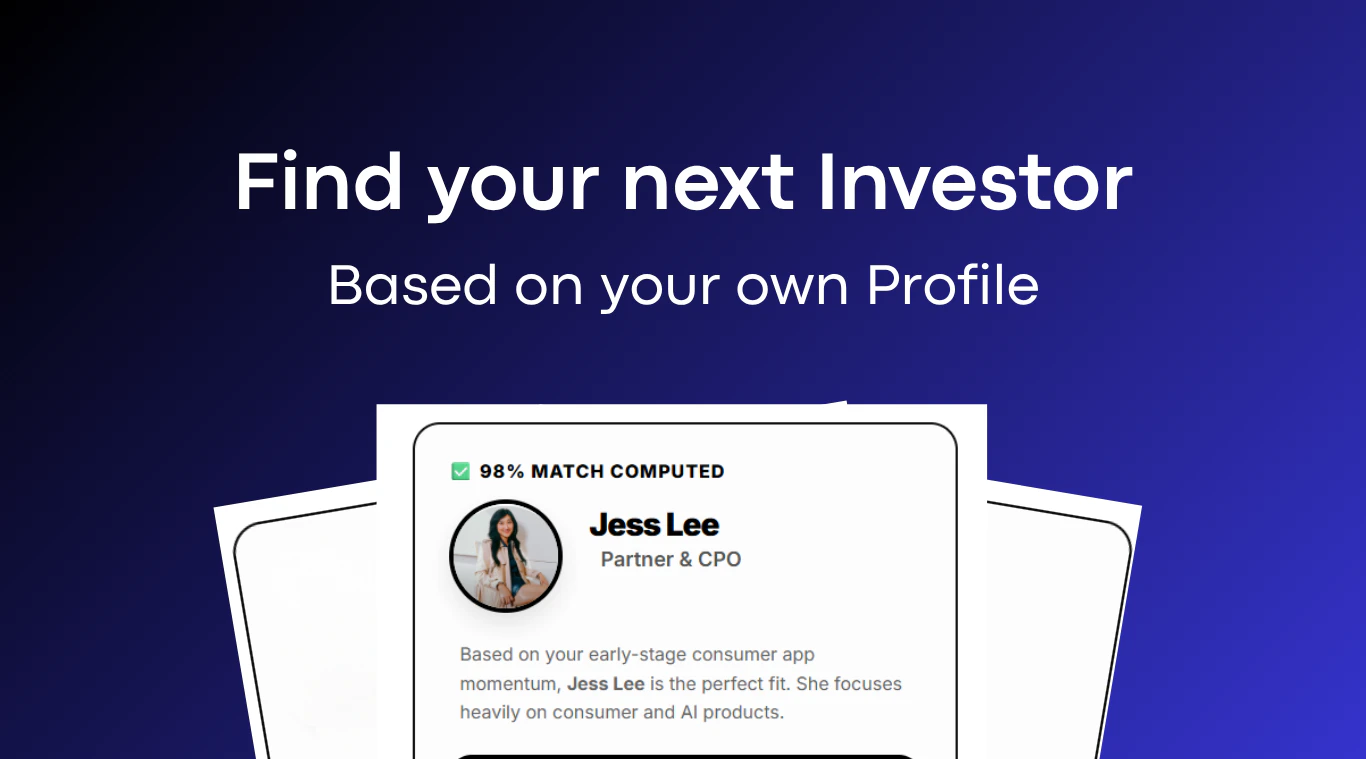
Finally, real data on how every VC partner actually invests - founder backgrounds, universities and prior companies. Paste your profile and find your best matches in seconds.

Hey PH! 👋

When founders raise, they pitch dozens of investors, get a handful to back them, and spend months figuring out who the right ones were all along.

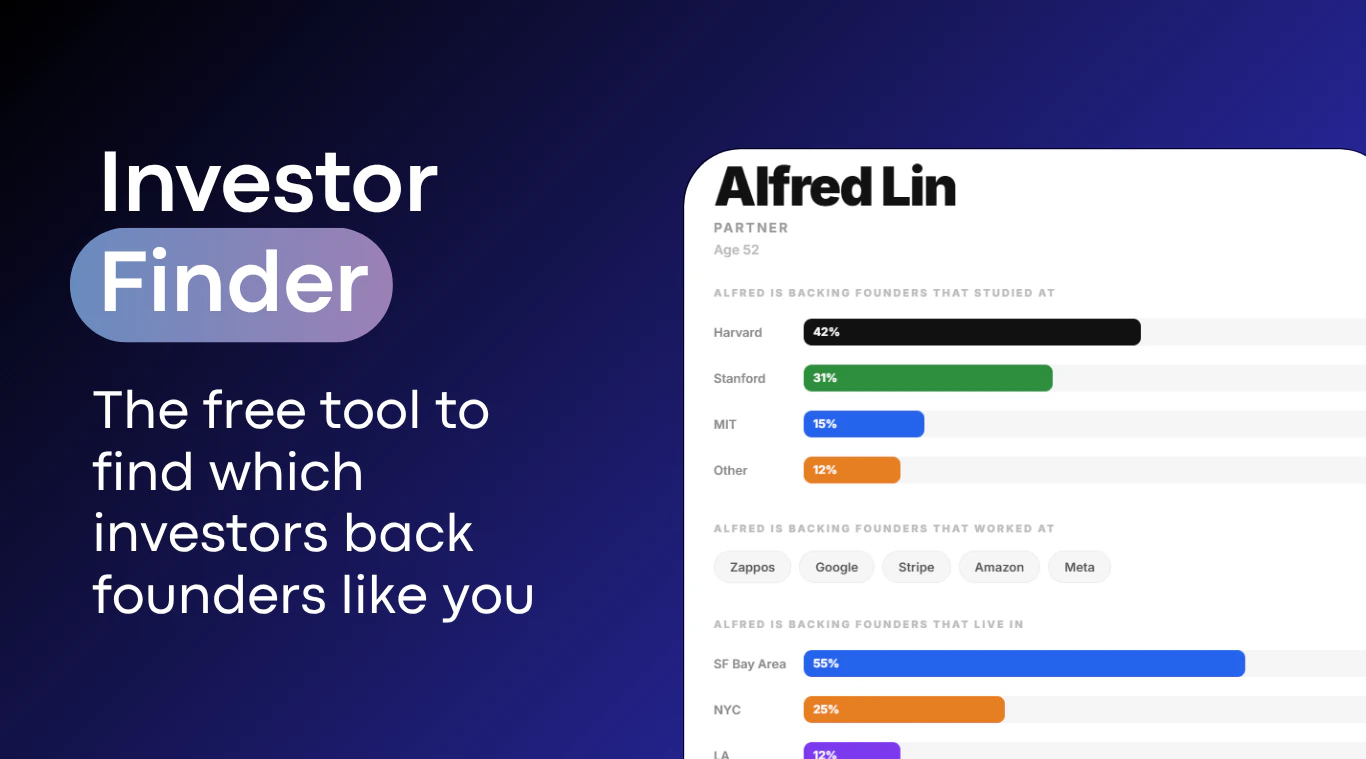
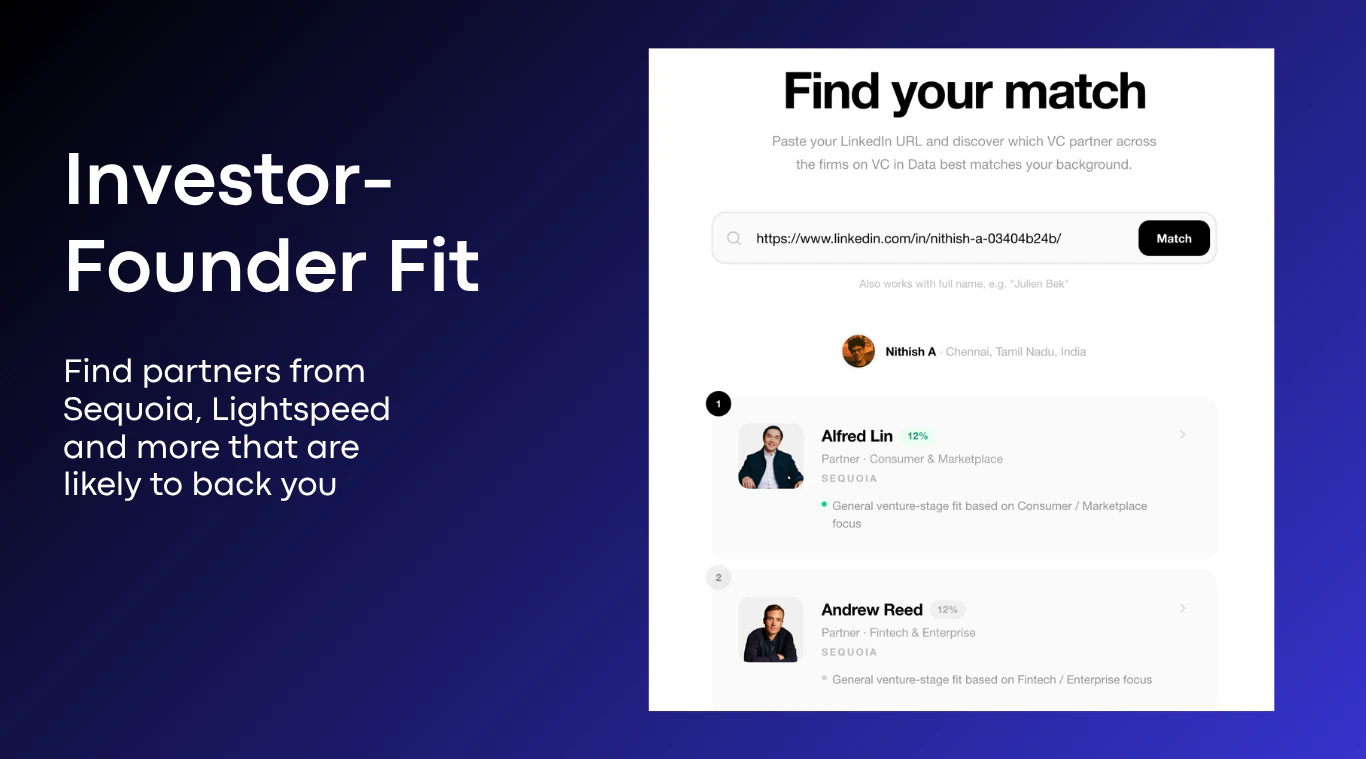
InvestorFinder shortens that gap massively. Based on our database of 1000s of investors, our AI match you to the right investor based on your profile and product.

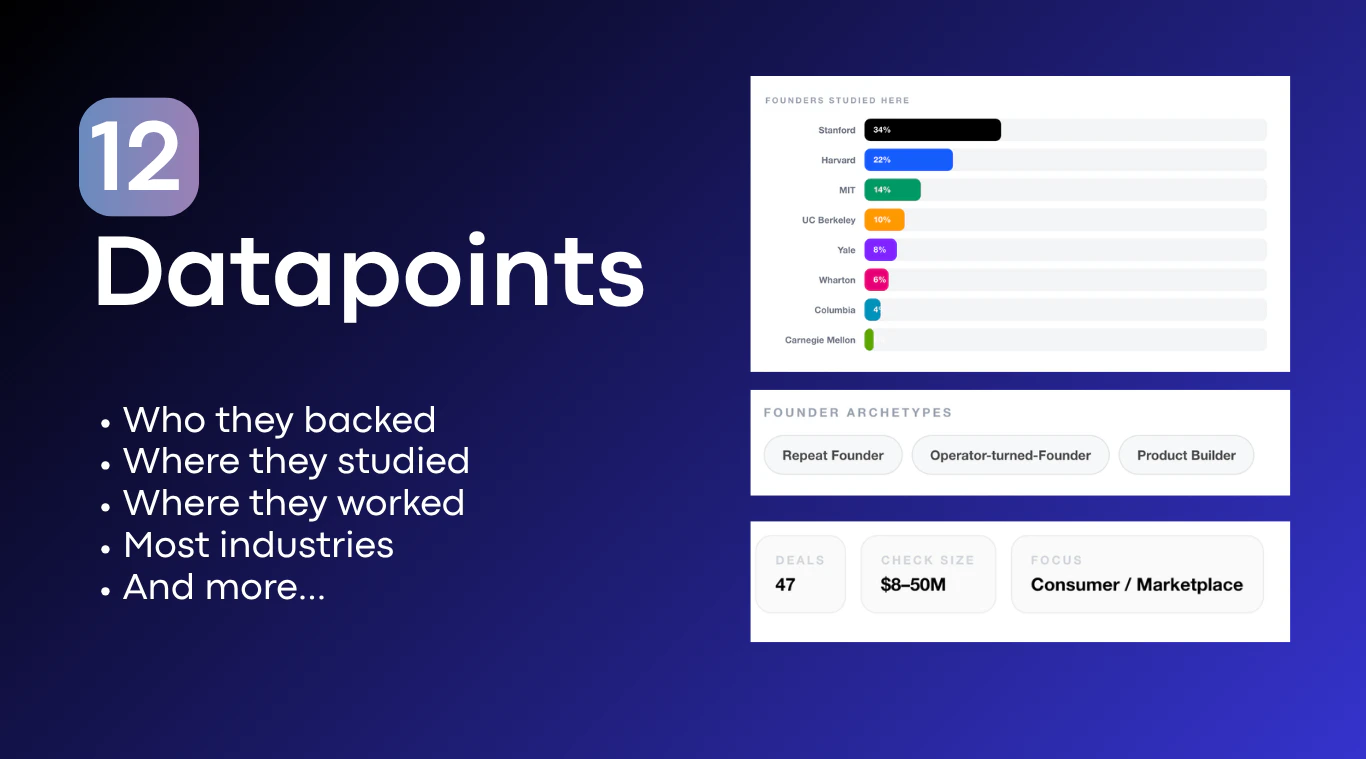
You also get 12+ rich datapoints on every partner:

🎓 Where their founders studied
🏢 Where their founders worked
📍 Where their founders are based
🧠 Founder archetypes
💰 Check size


The use cases are straightforward:

🚀 Founders raising: Stop cold pitching. Find the 10 partners whose portfolio data looks like you and go deep on warm intros to those specific people.

🌱 First-time founders: You don't have a network yet. Use the data to identify exactly which investors have backed founders with similar backgrounds to yours.

🧑‍💻 Solo founders: See which partners have consistently backed solo founders vs. those who only back co-founder teams. Don't waste a pitch on the wrong fit.

📋 Preparing for a pitch: Before any meeting, pull up the partner's profile and know their investment patterns. Walk in more prepared than any other founder in the room.

🔍 Founders doing investor research: Cross-reference check size, stage, sector focus, and founder background all in one place before you add anyone to your target list.

1000+ investor profiles across Sequoia, a16z, Lightspeed, and more. Free. 🎉

Try it at: https://tools.crustdata.com/inve...

9
回复
Some VCs publish why they invested in a company in their blogs and others appear to actively promote their portfolio companies on LinkedIn and Twitter. Do you scan for all these for signals?
6
回复

@lakshminath_dondeti Not yet, but that's a great idea. We'll be adding that soon.

4
回复
@lakshminath_dondeti this is a great idea.
1
回复

Cool concept (already found my potential matches) :D

+ I must say that the design of the page is composed pretty well!

4
回复

@busmark_w_nika Thanks Nika. Glad you found it useful!

4
回复
Congrats on the launch 🙌 This is the kind of tool I actually need right now as I am looking for early-stage investors. When I sign up, how does it figure out which investors are the right match for me?
3
回复

@francesco2689 Thanks Francesco. We have a database of 1000+ investors and we'll look at the type of people they've invested in- what their backgrounds are, what type of products they invested in. When you enter your profile URL and your product idea, our AI matches you to the right investor.

2
回复

Love the concept! How do you source the VC data — is it manual curation, public APIs, or scraping? And do you cover European/Asian investors or US-focused?

2
回复

@krwdko Thanks Konstantin! We have a database of investors (global coverage) and we'll look at the type of people they've invested in- what their backgrounds are, what type of products they invested in. When you enter your profile URL and your product idea, our AI matches you to the right investor. We used our own API to create the database for this tool.

2
回复

This is actually useful. Things like background, past companies, and even patterns in who partners tend to back matter a lot more than people think.

2
回复

@thamibenjelloun 

100%

I love the concept, but I wonder if in reality this is truly a 'needed' tool? Most investors invest based on College name, Family name, close friendship ties etc.

So even if you used this tool to find your right investor, it's going to yield the same outcome as the default approach - which is being ignored by investors + getting no investment. But then again, one of the tool's value points is that it's saving time for founders who want to get in touch with these investors quickly, so to that degree I guess the tool is needed

0
回复

@thamibenjelloun Glad you found it useful Thami!

1
回复

This is super useful for solo founders like me. As someone building FinTrackrr (a free personal finance tracker), finding the right investors who've backed similar bootstrapped fintech tools has always been a pain. The idea of matching based on actual portfolio patterns rather than just categories is smart. Great execution!

1
回复

interesting tool for both founders and investors... will you add PM function in future?

1
回复

Im actually looking for some seed capitol, are there already a good amount of investors on here?

0
回复

This basically exposes what VCs actually do vs what they claim. Most say they're thesis-driven but the data shows clear patterns toward certain founder types. Anyone pushed back on this kind of categorization?

0
回复

Really useful timing — we're building Faindo and plan to raise soon, so the "wrong investor" problem is something we're already thinking about.

One question: do you factor in whether an investor has backed tools in emerging categories before? We're in AI lead interception — a category that barely existed 18 months ago. Curious if InvestorFinder surfaces partners who have a pattern of backing category-creating products vs. established markets.

0
回复
#3
deepsec
Open-source coding security harness
216
一句话介绍:deepsec 是一款开源的AI安全防护工具,能在用户自有基础设施上,用自有密钥对代码进行扫描,解决生产环境中代码安全审计与风险控制的痛点。
Open Source Developer Tools GitHub Security
开源 AI安全 代码扫描 基础设施 密钥管理 CI/CD 实时漏洞检测 静态分析 DevSecOps
用户评论摘要:用户关注扫描时机(提交时/CI时)、环境差异化风险(如预发布与生产环境)以及误报处理问题。官方表示理想方案是预提交钩子结合CI深度扫描,并支持按环境配置策略引擎以降低误报。
AI 锐评

deepsec的“开源+自有基础设施+自有密钥”组合拳,精准戳中了企业对第三方安全服务的数据主权焦虑。相比闭源SaaS工具,它确实在敏感代码排查和审计合规上更具吸引力。但必须指出,这本质上是对现有安全扫描流程的“去中心化”包装,并非技术代际突破。其核心价值在于重新定义了安全工具的权力边界——让企业从“信任平台”转向“信任自己控制的代码与密钥”。然而,真实痛点从来不是工具跑在哪,而是误报率、扫描深度和策略灵活度。从评论中可以看出,用户更关心commit/CI混合扫描、环境差异化风险等实际工程落地能力,而非“上云还是上自己”的立场选择。deepsec若不能在误报过滤和跨环境策略引擎上做出显著优于开源社区方案(如Semgrep、Trivy)的体验,那它很可能只是又一个“自建安全工具的脚手架”,而非产品。此外,“Vercel开源”的标签既是信任背书,也是隐忧——当开源项目缺乏稳定商业支持时,企业级用户是否敢在核心生产管线深度绑定?总体而言,deepsec方向正确,但距离“成熟的差异化产品”仍有鸿沟。

查看原始信息
deepsec
Vercel is open sourcing deepsec, an AI security harness that runs on your infrastructure, with your keys, against your code.

Running security tooling on your own infra is the right call for anything touching production code. Quick question: does deepsec scan at commit time, CI time, or both? I'm curious how it handles cases where the samecode has different risk profiles in diffrent environments.

2
回复

@christian_knaut  Great question! Most open-source security tools in this space tend to run at CI time for the full dependency graph scan, but commit-time scanning via pre-commit hooks catches issues before they ever hit CI. The ideal setup is both — pre-commit for quick static analysis on changed files, then CI for the full deep scan including transitive dependencies. Different environments definitely have different risk profiles, and treating staging vs production contexts separately in the policy engine is where tools like this really shine.

0
回复

What's the approach deepsec uses for tracking and mitigating vulnerabilities in real-time? I've seen similar tools struggle with false positives, which can slow down the development process significantly. Curious if there's something novel here that addresses that issue.

0
回复

Hosting yieldos on Vercel. Underrated feature nobody talks about: per-PR preview deployments. I catch a ton of mistakes before they hit prod just by clicking the preview link.

0
回复

Congrats on the launch! I like that it runs on your own infra.

Is deepsec mostly for CI/PR checks, or also local dev use?

Curious how you’re handling false positives, that’s usually the hard part with security tools.

0
回复
#4
Adject 2.0
Create hyperrealistic product visuals with AI
174
一句话介绍:Adject 2.0 是一个基于 AI 的智能产品视觉工作室,通过“无限工作流”模式,解决品牌和创意团队在生成产品图时反复上传、重复提示、素材孤立的痛点,实现一站式、可迭代的广告素材制作。
Design Tools Artificial Intelligence E-Commerce
AI 产品视觉 智能创意工作室 电商设计工具 广告素材生成 工作流自动化 品牌一致性 无限画布 AI 图像编辑 产品摄影 内容营销
用户评论摘要:用户普遍认可其“持续工作流”模式,解决了传统AI工具“生成即重置”的痛点。核心问题聚焦于:复杂材质(如织物、反光包装)的生成保真度、跨迭代的一致性(光影、纹理、品牌识别),以及是否支持品牌指南锁定。团队回应称通过“持久项目上下文”和“画布感知生成”来保持输出稳定。
AI 锐评

Adject 2.0 的真正价值不在于又造了一个更强的一键生成器,而在于它重新定义了AI在创意工作流中的“行为逻辑”。当绝大多数AI图像工具仍陷在“单次问答”的泥潭中时,Adject 2.0 用“项目化”和“上下文关联”完成了从“工具”到“工作台”的跃迁。这看似只是交互范式的改变,实则切中了品牌创意团队最深层的痛点:创意输出是连续迭代的,而非孤立的。它让AI不再是一个每次都要重新交代背景的“实习生”,而是一个了解项目来龙去脉、能基于现有资产进行协作的“设计伙伴”。

从评论反馈看,团队在技术落地上也做了针对性选择——强调对复杂纹理和光影一致性的处理,并引入“画布感知”机制,说明他们不是在画饼,而是试图解决AI商业落地中最棘手的“保真度”问题。与其说这是一次功能更新,不如说这是一场思想实验:当AI开始理解“项目”而非“指令”时,创意生产流程才能迎来真正的效率革命。不过,产品能否从“解决单点效率”进化为“重构团队协作”,还需要看后续对多用户协同、品牌资产管理模块的落地能力。

查看原始信息
Adject 2.0
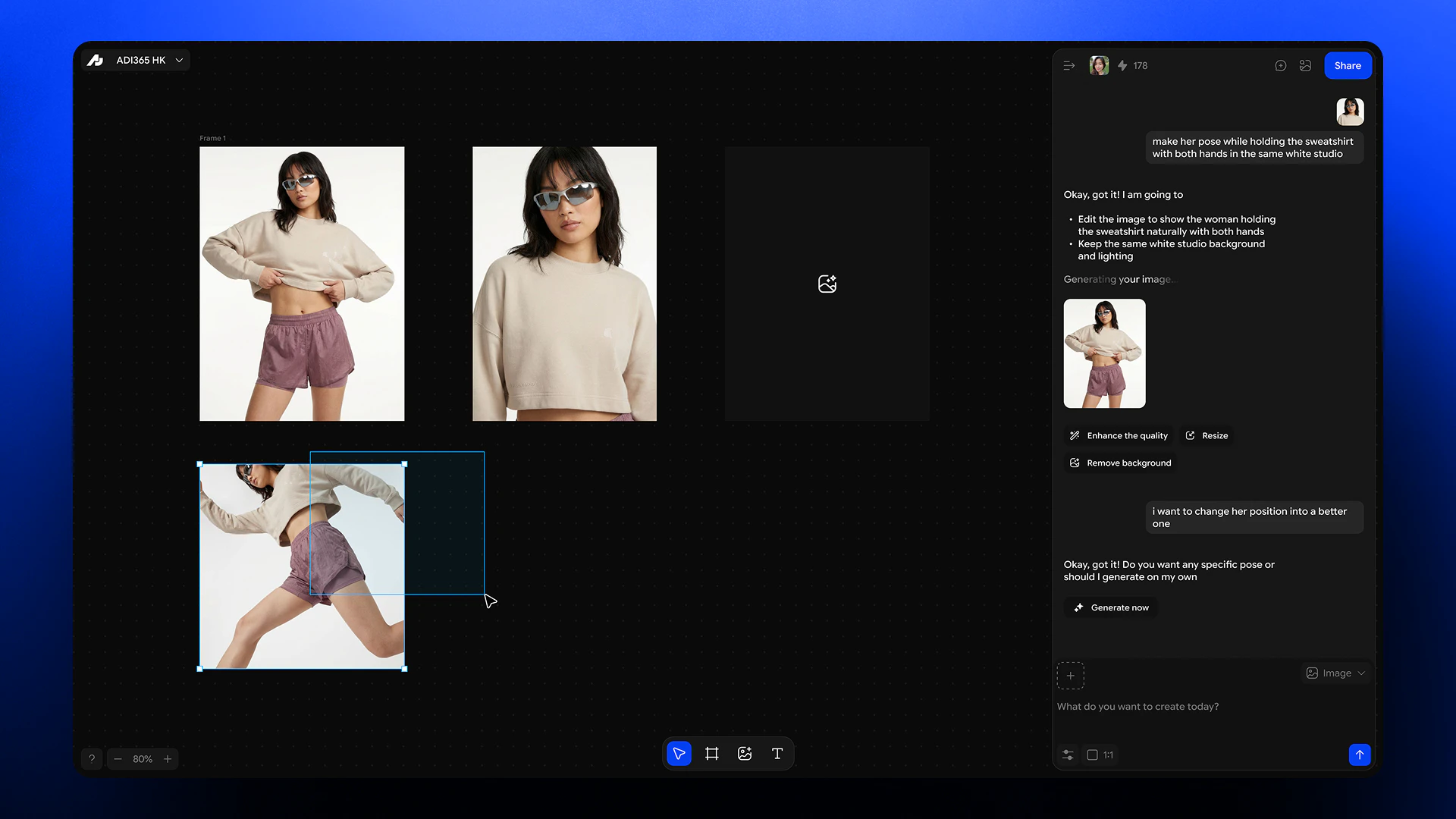
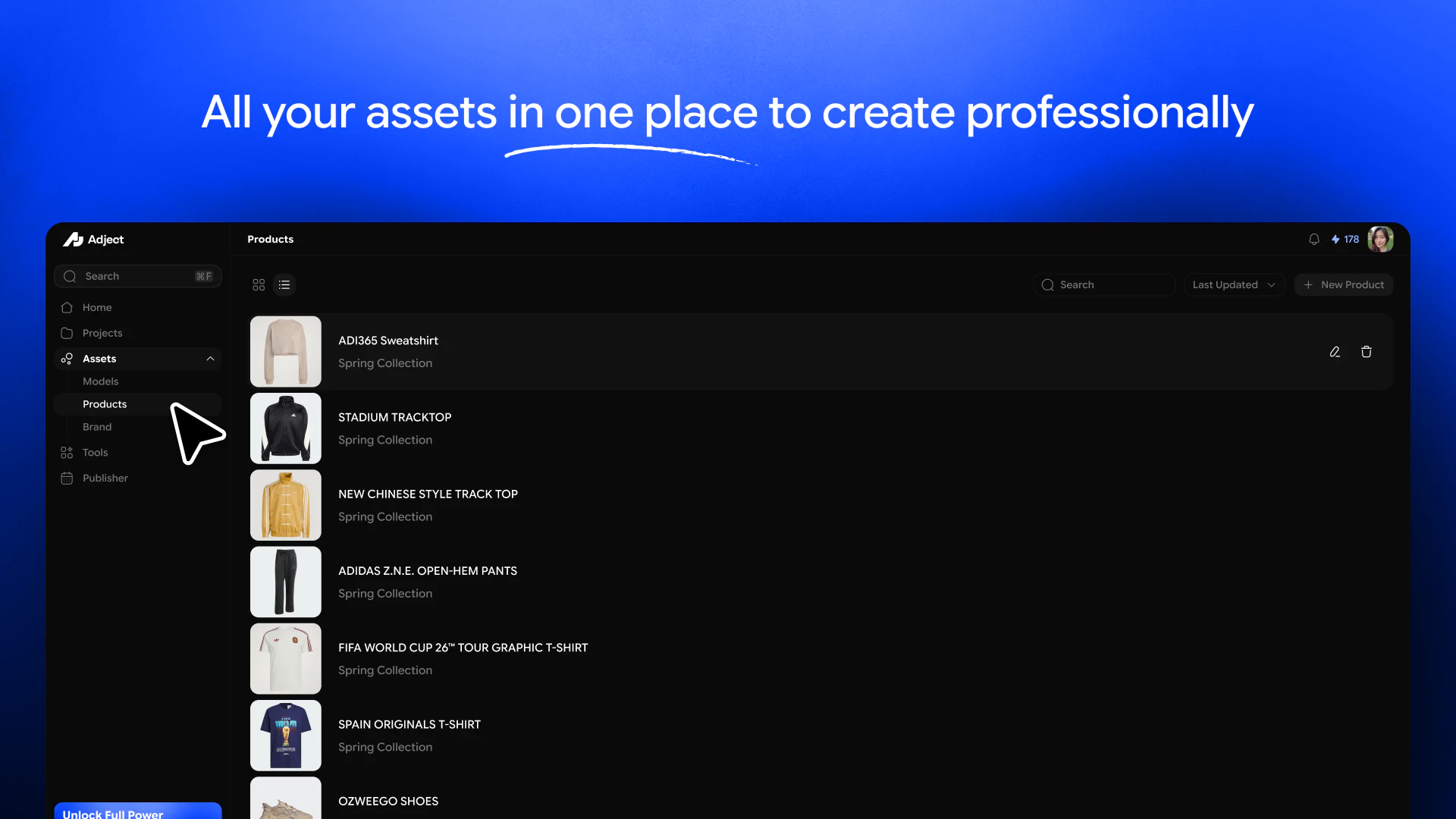
Adject 2.0 is an agentic product studio where brands can create, edit, and iterate product visuals inside an infinite creative workflow. Instead of isolated generations, products, models, edits, videos, and assets stay connected inside projects and evolve continuously over time. Upload once, generate in context, iterate visually, and build complete campaigns without fragmented tools or repetitive prompting.

This is the one worth attention today in my opinion. The generate/download/repeat loop in most AI image tools kills any sense of creative momentum. So, keeping products/models/edits all connected in one place is how creative teams actually think about campaigns. Wonder how you guys handle products with complex textures like fabric or reflective packaging?

2
回复

@artstavenka1 Really appreciate your comment, Art!

And yes, fabrics, reflective packaging, detailed textures etc. are things we focused on heavily while building the system. We’re getting very high-quality and consistent outputs even on difficult product types.

A huge advantage of keeping everything connected inside the same workspace is that products, edits, and generations preserve context much better instead of restarting from scratch every time, definitely.

Thanks a lot for checking it out ❤️

0
回复

Hello Product Hunt community! 😸

Bringing Adject v2 to life has been an amazing journey. As the team building the AI infrastructure, our biggest challenge (and most fun task) was setting up the new chatting logic. Getting the agent architectures to communicate perfectly to provide a smooth user experience took a lot of late nights, but we are really proud of the result.

Please give it a spin and let us know where we can improve. I'm looking forward to reading your feedback and answering your questions!

2
回复

Interesting shift from one-off generations to a continuous creative workflow.

Keeping assets, edits, and iterations connected inside projects solves a real pain for teams. This could meaningfully streamline how campaigns are built.

How you handle consistency across iterations (lighting, textures, brand identity) and how collaborative workflows are managed?

2
回复

@thamibenjelloun Really appreciate your comment 🙌

That’s exactly the problem we wanted to solve with 2.0, creative work constantly loses context between generations, edits, and tools.

I mean for consistency, we’re approaching it through persistent project context, reusable assets, and canvas-aware generation so the system understands what already exists instead of generating in isolation every time.

Collaboration workflows are also a big future direction for us moving forward as we keep expanding the project and workspace layer.

Thanks again for checking it out ❤️

1
回复

@thamibenjelloun Yeah, exactly. That's why we switched to canvas style. It's like if Figma and Cursor had a baby, but for brands.

1
回复

Tried a lot of AI design tools before but most of them feel like one-time prompt generators tbh. You make something nice, then the whole workflow resets again

Adject 2.0 feels much smoother. Being able to keep everything in one infinite workspace and continue iterating without constantly re-uploading or restarting honestly makes a huge difference.

One of the few AI creative tools that actually feels built for real workflows.

Would really love to hear your thoughts and feedback, especially from people interested in the future of creative AI tools.

2
回复
@qadir_mahmudlu so real
0
回复
Hey Product Hunt! Most AI creative tools still work like isolated prompt boxes. Generate something, download it, then start over again. We wanted something closer to how real creative work actually feels. Adject 2.0 introduces an agentic workflow for product visuals where generations, edits, assets, videos, and context all live together inside an infinite workspace. You can upload products once, iterate visually, reuse assets across projects, and work with AI more collaboratively instead of restarting every generation from scratch. Internally, we sometimes describe it as “Figma meets Cursor for product shoots.” Would genuinely love feedback from anyone exploring where creative AI tools are heading.
1
回复

How does it handle brand guidelines? Can you lock certain elements so the AI doesn't drift from them? Congrats on the launch!

1
回复

@jared_salois It handles brand consistency really well. Products and assets inside the workspace act as persistent references when you use them, so the AI keeps outputs aligned instead of drifting between generations.

0
回复

This actually looks super useful for ecommerce 😭 Upload once and keep iterating different concepts without reprompting every time. Feels way more practical for brands/content teams than most AI image tools.

1
回复

@le_ng_c_dan_nhi Hahaha yes 😂
We talked with brands & content teams while building this and almost everyone had the same frustration with existing workflows.

Really appreciate the support ❤️

0
回复

Love the upload once idea. It really solves the annoying problem of doing the same thing again and again.

1
回复

@zijian Yep, definitely. Why would someone upload the same product again and again? It is unproductive. That's why you upload your products, then use them limitlessly whenever you want.

0
回复

I'm one of the people on the team behind Adject, and we spent a lot of time wrestling with the technical side on this release 😄

Going from 1.5 to 2.0, we didn't really add a feature, we changed the mental model. In v1, every generation started from zero. Prompt, download, start over. It worked, but every campaign meant rebuilding the context all over again.

In 2.0, products, models, edits, and assets all live connected to each other. The agent doesn't work inside a single box anymore, it sees the whole workspace. We had to seriously rethink how state and context move through the system.

Big thanks to everyone on the team, it was great to ship something like this together. Happy to chat with anyone who has questions about the architecture or the agentic workflow side.

1
回复

Product fidelity across iterations is the hardest problem in this space. Most AI image tools subtly morph the product after a few edits. How does Adject keep it consistent? Reference image locked in, or something else?

0
回复
#5
Notion 3.4
New dashboards, connectors, sidebar & smarter AI agents
149
一句话介绍:Notion 3.4 通过集成AI图表生成、新版仪表盘和演示模式等十多项功能,将文档、数据看板、演示及AI创作整合在一个工作流中,解决团队在多个工具间切换带来的效率与信息碎片化痛点。
Productivity Artificial Intelligence Notion
AI工作台 智能仪表盘 知识管理 团队协作 AI图表生成 演示模式 数据可视化 侧边栏优化 AI智能体 生产力工具
用户评论摘要:用户普遍认可新仪表盘和演示模式的价值,认为补齐了运营工具短板。主要疑问集中在AI图表生成的数据隐私(处理是否在云端)以及AI面对模糊数据时的交互逻辑(是否会主动澄清而非直接出图)。
AI 锐评

Notion 3.4 是一次典型的“功能堆叠”式更新,而非底层逻辑的革命。新仪表盘和演示模式确实解决了“多用合一”的痛点,但本质是用一个封闭的、自有格式的“全能容器”替代了多个开放的、标准化的工具。这种深度整合对已深度依赖Notion生态的团队是强心剂,但对习惯专业工具的用户(如Tableau、Gamma)可能缺乏吸引力。

真正的价值在于“AI智能体”的嵌入:当AI能直接从你的数据库生成图表、从文档提取要点并自动生成演示文稿时,用户从“手动搬运”变成了“策略制定者”。这大幅降低了数据分析与汇报的门槛,尤其利好PM和运营人员。

但需警惕的是,AI生成视觉的“自动猜测”特性可能带来数据解读歧义,尤其是缺乏交互式澄清机制时,容易产生“看起来很美但逻辑错误”的图表。此外,数据隐私问题悬而未决——云处理版本对于企业敏感数据是致命伤。如果Notion不能推出清晰的数据本地化方案,AI功能将只适合轻量级、非核心场景。

简言之,Notion 3.4是一次野心勃勃但依赖“用户习惯赌注”的升级:它赌你会为了工作流统一而容忍功能深度不及专业工具、AI决策不透明以及潜在数据风险。短期内能提振老用户活跃度,但若想成为真正的“AI工作一体机”,还需在数据安全与智能交互透明性上投入更多。

查看原始信息
Notion 3.4
Notion now generates images, builds dashboards, and presents your docs without leaving the workspace. 10+ features shipped for operators, PMs, and teams scaling on AI.

Notion 3.4 feels like a major step toward the “all-in-one AI workspace” vision 👀

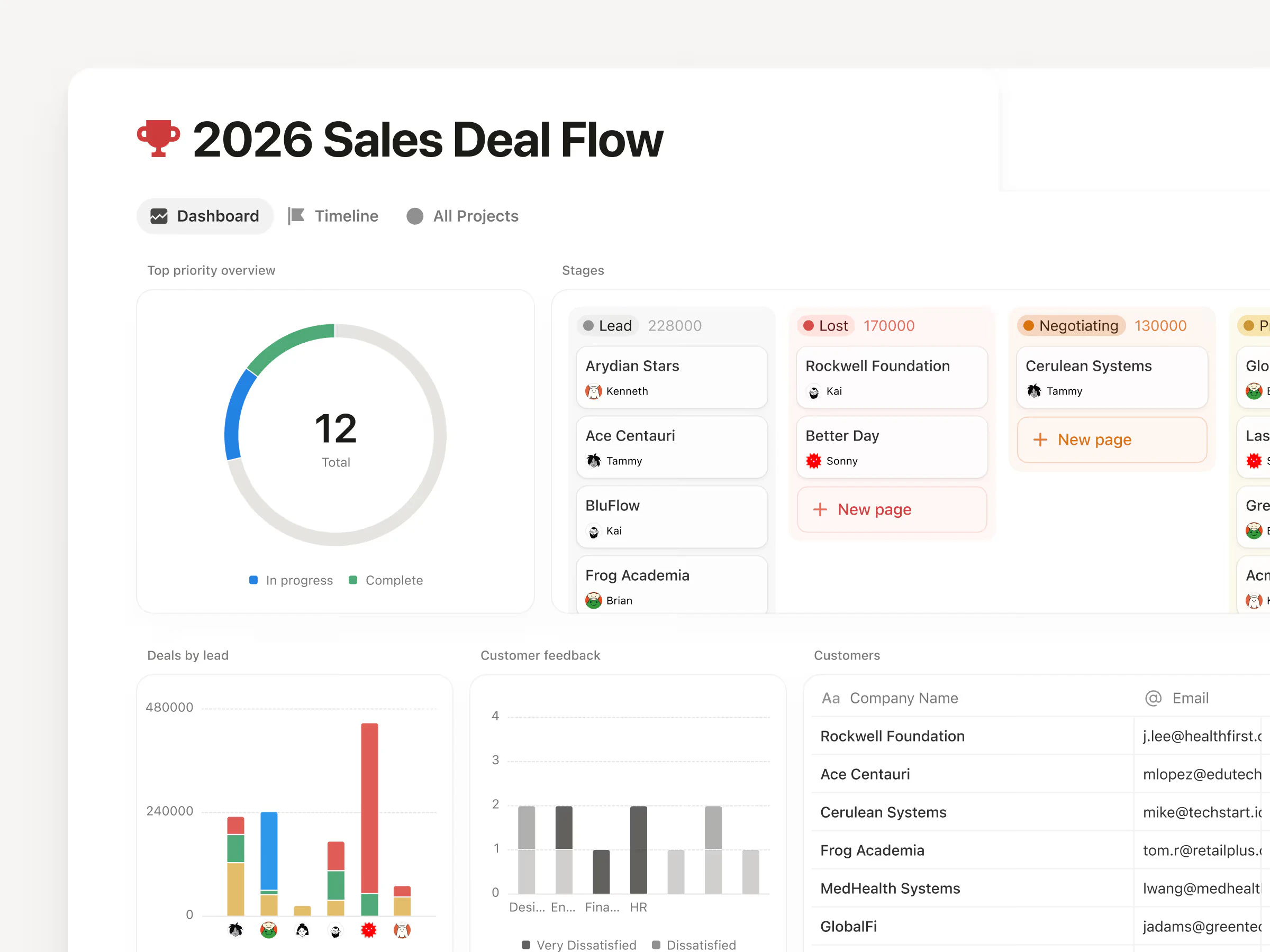
  • New dashboard view turns scattered databases into clean KPI and metrics hubs without messy linked views


  • Redesigned sidebar helps reduce clutter and improve focus


  • Presentation mode lets you present directly from Notion docs

  • Tabs block makes organizing content cleaner and easier

  • AI can now generate charts, slides, diagrams, and visuals right inside your workspace

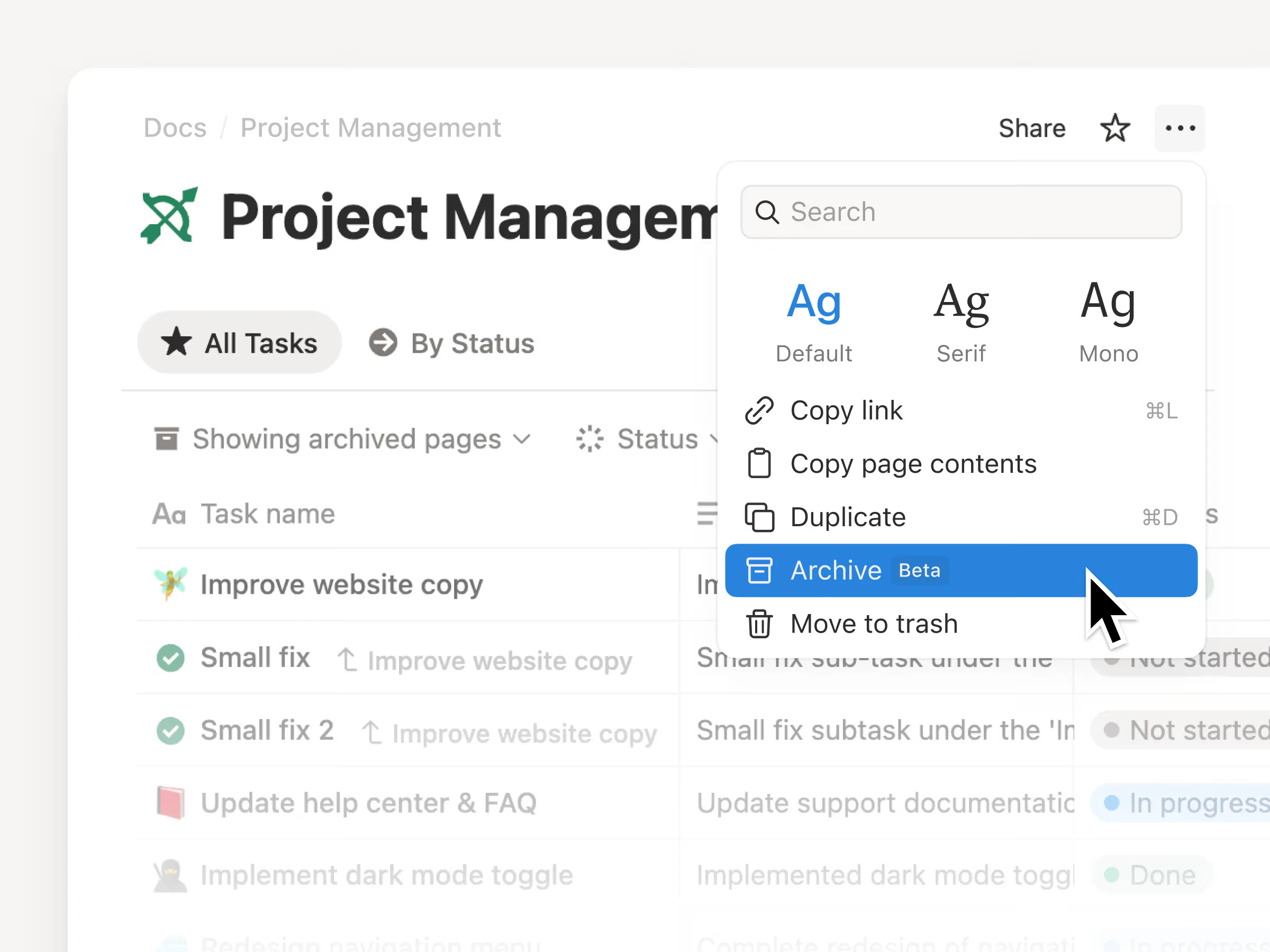
  • Archive pages improve search quality and AI responses

What makes this different: Everything stays connected inside one workflow instead of switching between multiple tools for docs, dashboards, presentations, and AI creation.

P.S. I hunt the latest and greatest launches in tech, SaaS and AI, follow to be notified @rohanrecommends

4
回复

The dashboard view was the missing piece for Notion as a real ops tool. Curious how the AI chart generation handles ambiguous data — does it ask for clarification or just makes a call? That's usually the UX challenge with AI-generated visuals

1
回复

The AI generating charts and diagrams is interesting! How does Notion's AI handle data privacy — do the generated visuals stay local or get processed in the cloud?

0
回复
#6
AgentPeek
Claude Code and Codex in your Mac notch
133
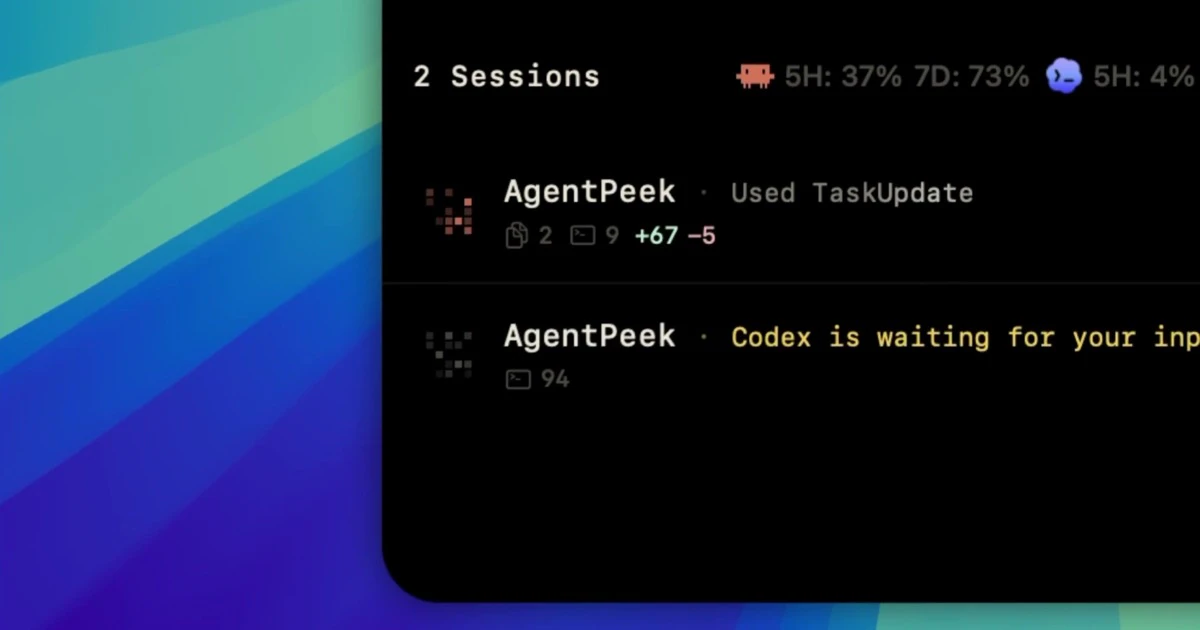
一句话介绍:AgentPeek 将 Claude Code 和 Codex 等 AI 编码代理的运行状态(会话、权限、Token 用量、本地开发服务器)实时投射到 Mac 刘海区域,让开发者无需频繁切换终端窗口就能监控多代理行为,解决“代理失控”和“流程打断”的痛点。
Developer Tools Artificial Intelligence Menu Bar Apps
Mac 刘海屏工具 AI 代理监控 开发者效率 Claude Code Codex Token 用量跟踪 本地会话管理 终端增强 多代理并行 工作流可视化
用户评论摘要:用户普遍认可“刘海”创意,称其节省切换时间、不打断工作流。主要需求包括:支持多代理并行(已支持)、配合 IDE 内置终端(已支持)、运行提示输入、同步 iPhone 及远程控制能力;另有关注历史会话和输出流技术实现(基于轻量钩子,非轮询)。
AI 锐评

AgentPeek 踩中了 AI 编程工具爆发期最真实的“监控焦虑”——当开发者同时运行 3、4 个 Claude Code 代理时,终端窗口混乱、Token 费用失控、代理权限请求被忽略等问题会迅速摧毁工作流。这款产品给出的解法很微妙:它不强求“再做一个代理”,而是退后一步,在 Mac 最容易被忽视的“刘海”上建立控制中心。这种定位极为聪明,既避开了与 Cursor、Codex 等工具的正面竞争,又抓住了“可用性鸿沟”——AI 代理本身就很难用,AgentPeek 让它变得可观察、可管理。

但问题也很尖锐:这个创意的护城河有多深?本质上它是一套配置文件钩子+状态监听器,技术上并非不可复制。一旦主流 IDE 或 Claude 官方自带类似面板,AgentPeek 就可能在一次更新中被边缘化。更值得警惕的是“在刘海里运行/提示代理”这一野心——这实际上是从监控向控制跃迁,极易陷入“功能蔓延”:既要管 Token,又要管输入,还要管多设备同步。如果团队不能保持“轻、小、精”的节奏,最终会沦为另一个臃肿的开发者工具。

产品真正的价值不在于刘海的创意,而在于它为 AI 代理的“黑箱”问题提供了一个极低摩擦的观察窗口——让开发者不再凭空相信代理会好好干活。但要活下来,必须死守“只做监控层,不做控制层”的边界。

查看原始信息
AgentPeek
Monitor Claude Code and Codex from the Mac notch. Sessions, permissions, token usage, and local dev servers. Session data stays local.

Cool idea! Does AgentPeek work when multiple Claude Code sessions run in parallel? How does the notch UI handle 3-4 concurrent agents?

2
回复

@krwdko Yes it does! Any Claude Code and Codex session is tracked from any terminal type (Ghostty, tmux, iTerm, etc.) 👀

Have some specifics on the page - agentpeek.app/docs & agentpeek.app/blog

0
回复

@krwdko Been running 2 Claude Code sessions with it this week — handles them perfectly. No more switching between terminals, huge time saver.

0
回复

Also working on running/prompting all inside of the notch - no terminals required.

1
回复

@brenhuber hey, this is a good idea, is there anyway i can reach out to you??

0
回复

@brenhuber this would be fire, especially if synced w iphone notch

1
回复

This is really cool! Does it work when coding in an IDE or only in terminal?

1
回复

@jordan_paya When using the built-in terminals inside of the IDE, yes! (Cursor, Antigravity, VS Code, etc.)

0
回复

Having Claude Code visible in the notch is genius ergonomics. As a developer building FinTrackrr, I run Claude Code constantly and alt-tabbing breaks flow. The notch real estate on newer Macs is just wasted space — this is exactly what it should be used for. How are you handling the live output streaming, is it polling or does it use the CLI output directly?

1
回复

@asim_saeed1 Appreciate it very much! AgentPeek installs lightweight hooks into Claude Code (~/.claude/settings.json) and Codex (~/.codex/hooks.json) - streams from there.

0
回复

Nice idea! I like that it gives visibility into coding agents instead of trying to be another agent. The most useful things for me would be: what’s running, what changed and whether anything is still using tokens.

Do you plan to add history for completed sessions?

1
回复

@ihorperkovskyi Thank you! On session completion you can view the full tool call history, diff counts, along with the agent's final in-chat summary.

0
回复

this is awesome man, I gave you a follow on twitter and git. Love the work, would love to see it utilize tailscale and use my iphone notch for my mac running agents. That would really set this apart.

1
回复

@sarveshsea You're awesome! Will look into remote control via iPhone capabilities 👀

0
回复

Notch placement is clever - keeps it out of your workflow without hiding it. Does AgentPeek handle multiple simultaneous Claude Code sessions, or is it scoped to one active session at a time? Running parallel agents is becoming pretty common.

1
回复

@christian_knaut Handles multiple simultaneous Claude Code and Codex sessions - no scope!

0
回复

I like that the session and token visibility is separated from the coding tool itself. For long-running agent work, the missing piece is usually "what is it doing right now and what did it ask permission for?"

0
回复
#7
LumiChats Offline(free)
Your AI, fully offline with Zero data collection & 100% free
116
一句话介绍:LumiChats Offline 是一款完全离线、无需GPU、零数据收集的免费开源桌面AI应用,让用户在处理敏感信息或注重隐私时,无需联网即可在本地运行大模型并对话PDF文档。
Open Source Privacy YC Application
离线AI 本地大模型 隐私保护 开源 桌面应用 免费 文档问答 无GPU GPT4All 跨平台
用户评论摘要:用户认可其离线隐私理念的稀缺性,但关注点在于:1. 苹果芯片上的模型下载流畅性;2. 多语言支持在小参数模型下的表现(如非英语任务质量);3. 期待LumiChats自研微调模型在小型设备上的多语言优化进展。
AI 锐评

LumiChats Offline 切中的是一个真实但尴尬的市场缝隙——“AI隐私焦虑症”。在ChatGPT、Claude们疯狂吞噬用户输入数据筑墙盈利时,一款100%离线、零收集、连GPU都不要求的工具确实像一股清流。创始人对“每个字符都发往不受控服务器”的痛点描述,精准击中了企业合规、科研保密、甚至普通人对数据滥用的本能反感。

但冷静看,其价值并非“技术突破”,而是“场景填空”。依赖GPT4All生态意味着模型能力上限受限于开源小模型,且评论中用户指出的“多语言短板”和“苹果芯片适配细节”直指软肋——离线AI若要取代云端体验,模型质量、部署流畅度、跨语言支持等基础能力缺一不可。目前LumiChats的核心竞争力在于“隐私确定性”,而非AI表现力。

未来真正的挑战在于:当本地模型能力与云端鸿沟过大时,用户是否愿意为隐私牺牲体验?创始团队已透露将构建CLI生态和混合模式,这或许才是正确的破局方向——不做全盘替代,而是将离线作为安全底座,同时开放可选的在线增强渠道。否则,这场“隐私狂欢”很快会碰上天花板。开源固然值得赞赏,但若无法在模型微调质量和多语言场景上拿出实打实的改进,LumiChats最终只能成为极客玩具,而非大众级生产力工具。

查看原始信息
LumiChats Offline(free)
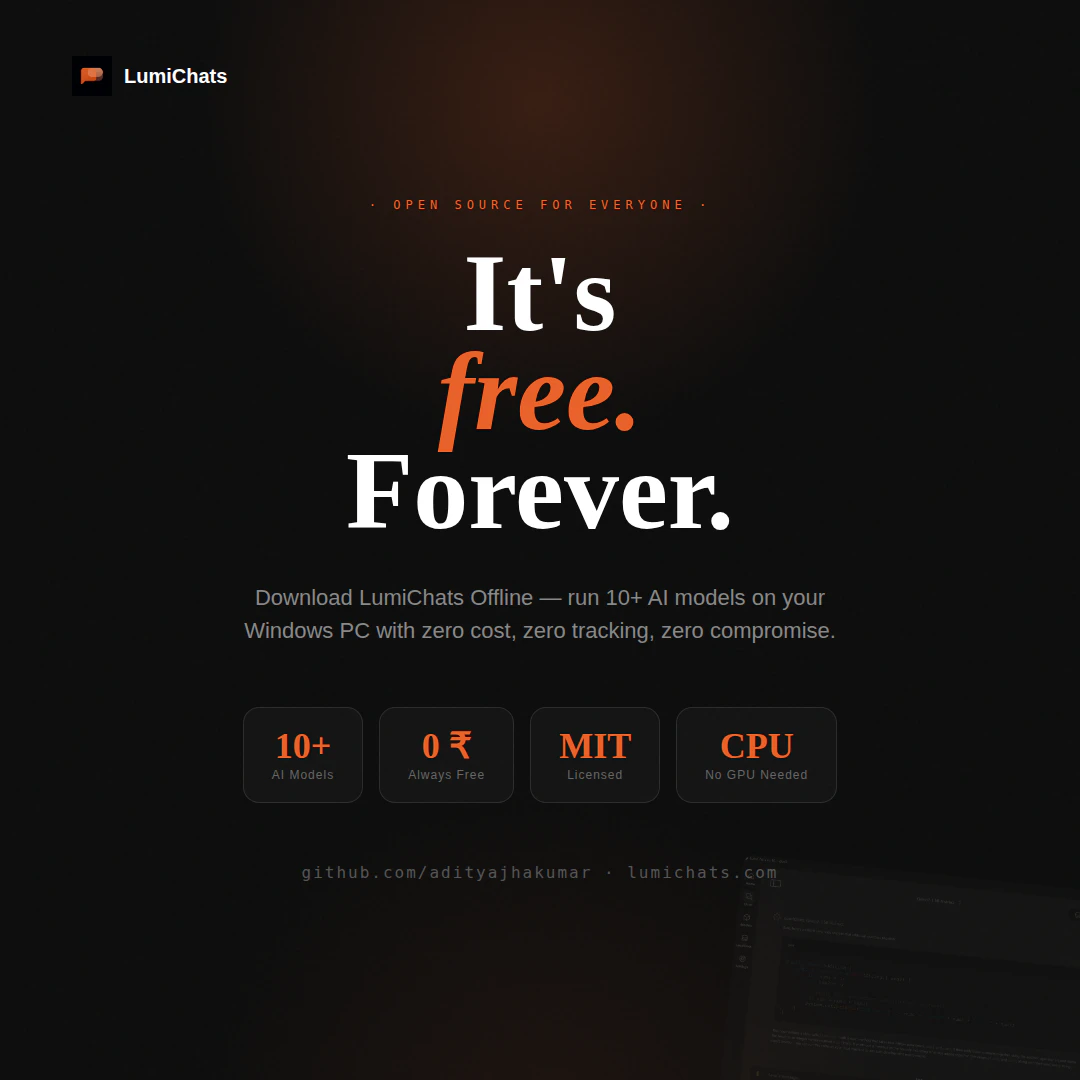
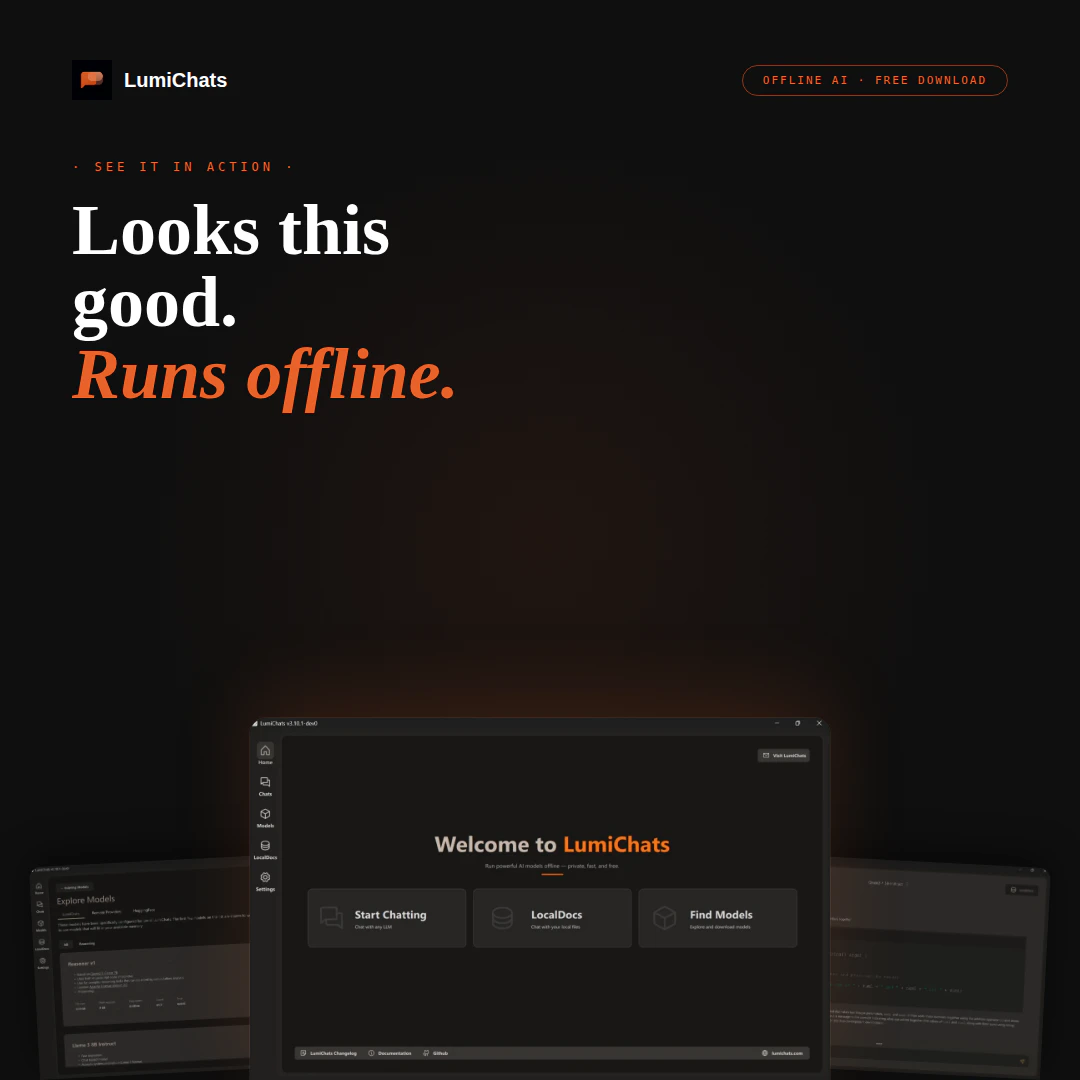
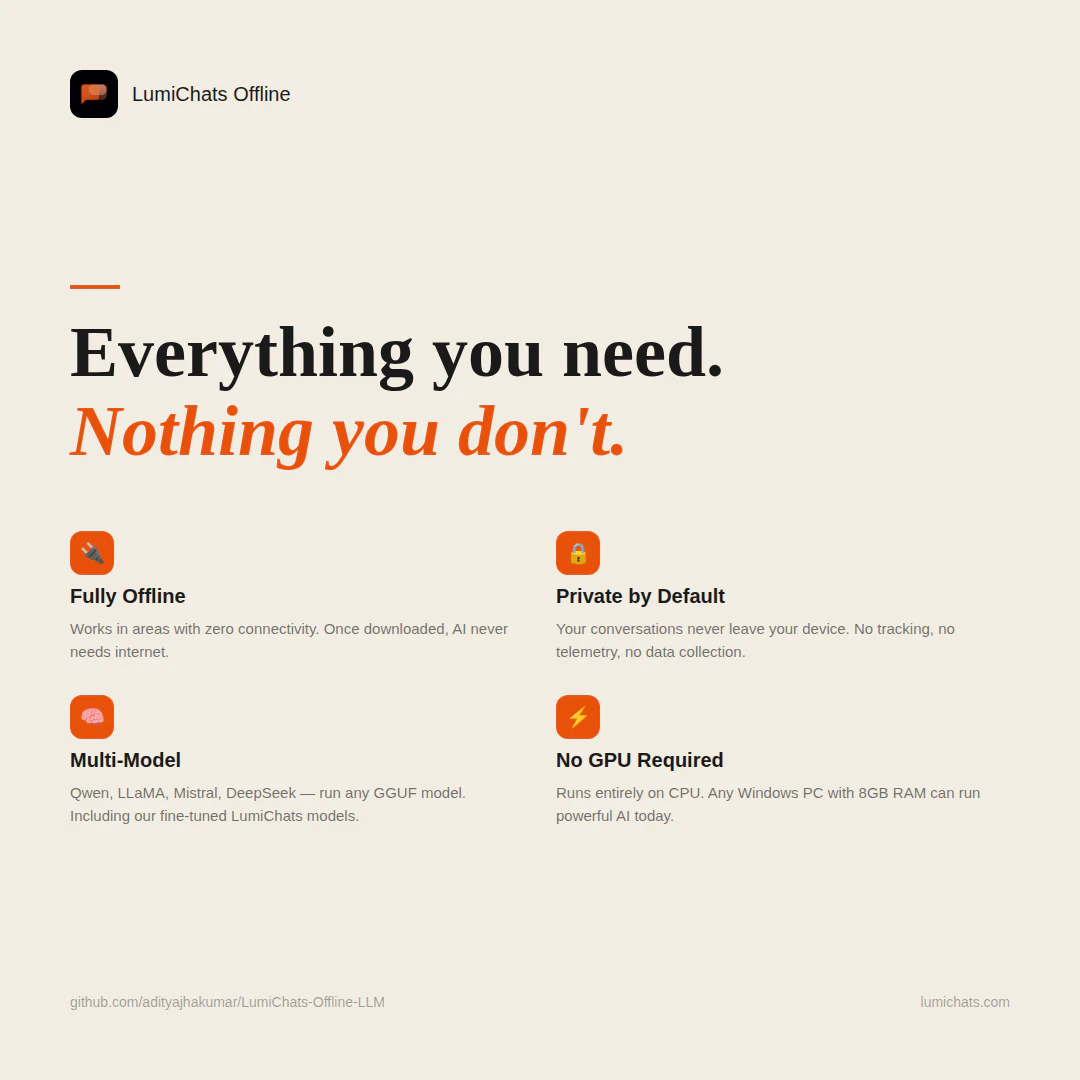
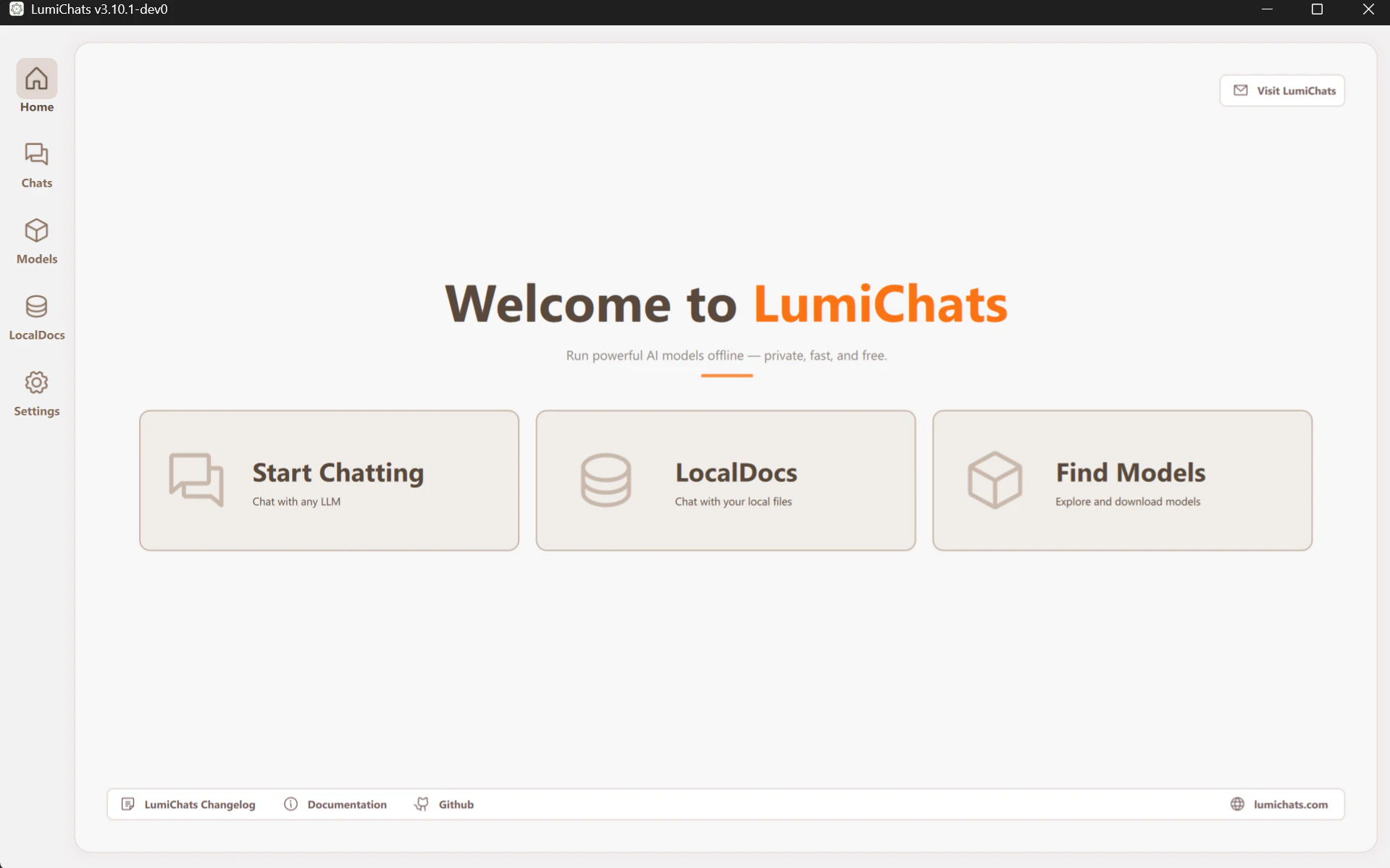
Run powerful AI models entirely offline no internet, no GPU, no cloud. LumiChats Offline is a free, open-source desktop app built on GPT4All with full privacy by default. Supports Mistral, LLaMA, Qwen, DeepSeek and our own fine-tuned LumiChats models. Chat with your own PDFs and docs via LocalDocs. Works on Windows, Linux and macOS.
Hey Product Hunt! 👋 I'm Aditya, the maker of LumiChats Offline. I built this after realising something uncomfortable: every AI tool we use ChatGPT, Claude, Gemini sends every word you type to a server you don't control. For students studying sensitive topics, professionals working with confidential data, or anyone who simply values privacy, that's a real problem. LumiChats Offline runs entirely on your machine. No internet after the first model download. No GPU needed. Your conversations never leave your device ever. And it's completely free and open source. We've also released our own fine-tuned models on Hugging Face 4B, 7B, 11B Vision, a Coder model, and TTS — all free for anyone to use. What would you want most from a private offline AI? Drop it below genuinely building this for you. 🙏
10
回复

@aditya_kumar_jha1 Tired it out ..it's really good...and simple to use

0
回复

@aditya_kumar_jha1  Nice, offline-first AI without data collection is a breath of fresh air. How does it handle model downloads on Apple Silicon?

0
回复

Congrats on the launch. Clear direction: private, offline AI that actually works.

Hard to execute well. Curious how far you push it.

6
回复

@thamibenjelloun Thanks Thami, really appreciate that. 🙌
We’re pushing this way beyond just a desktop chat app. Right now we’re building a complete CLI ecosystem that can work both fully offline and hybrid online/offline depending on what the user wants.

A lot more updates are coming soon better local agents, developer workflows, automation, lightweight deployments, and deeper privacy-first tooling. Still very early, but the vision is big. Stay tuned

5
回复

It's super cool Aditya! Wish you all the best on this impressive launch

2
回复

@german_merlo1 Thank you so much Germán 🙌 Really appreciate the support and kind words.

We’re still very early, but we’re building this with a big vision around private, accessible, fully local AI for everyone. A lot more exciting updates are coming soon

2
回复

Privacy-first AI is criminally undervalued right now. The framing about every typed word going to a server you don't control is the cleanest articulation of what makes cloud AI feel off, especially as data accumulates over years.

Building Fenly (AI translation extension) with a similar local-first stance on history. The thing I'd love to see in local AI: serious multilingual support that doesn't degrade to English-or-nothing at smaller model sizes. Translation work needs decent quality across language pairs, and most local LLMs trip on non-English performance below 7B parameters. Curious if your fine-tuned models hold up multilingually or are English-primary.

Strong launch. The OSS angle matters because users can verify the privacy claims, not just trust them.

2
回复

@nazarenko This is such a good point, especially the “English or nothing” problem. Most smaller local models still struggle once you move beyond mainstream English tasks, and translation quality drops fast across real world multilingual conversations.

We’re actively working on improving multilingual performance in our fine tuned models because privacy first AI should not be limited to English users only. A big focus for us is making smaller models more usable across diverse languages without needing huge hardware.

And completely agree on OSS. Privacy claims mean much more when people can actually inspect and verify what the software is doing instead of just trusting a company’s wording.

Fenly sounds really interesting too 👀 Local first translation is a space that deserves way more attention right now.

2
回复
#8
Keel
An AI assistant whose memory belongs to you
115
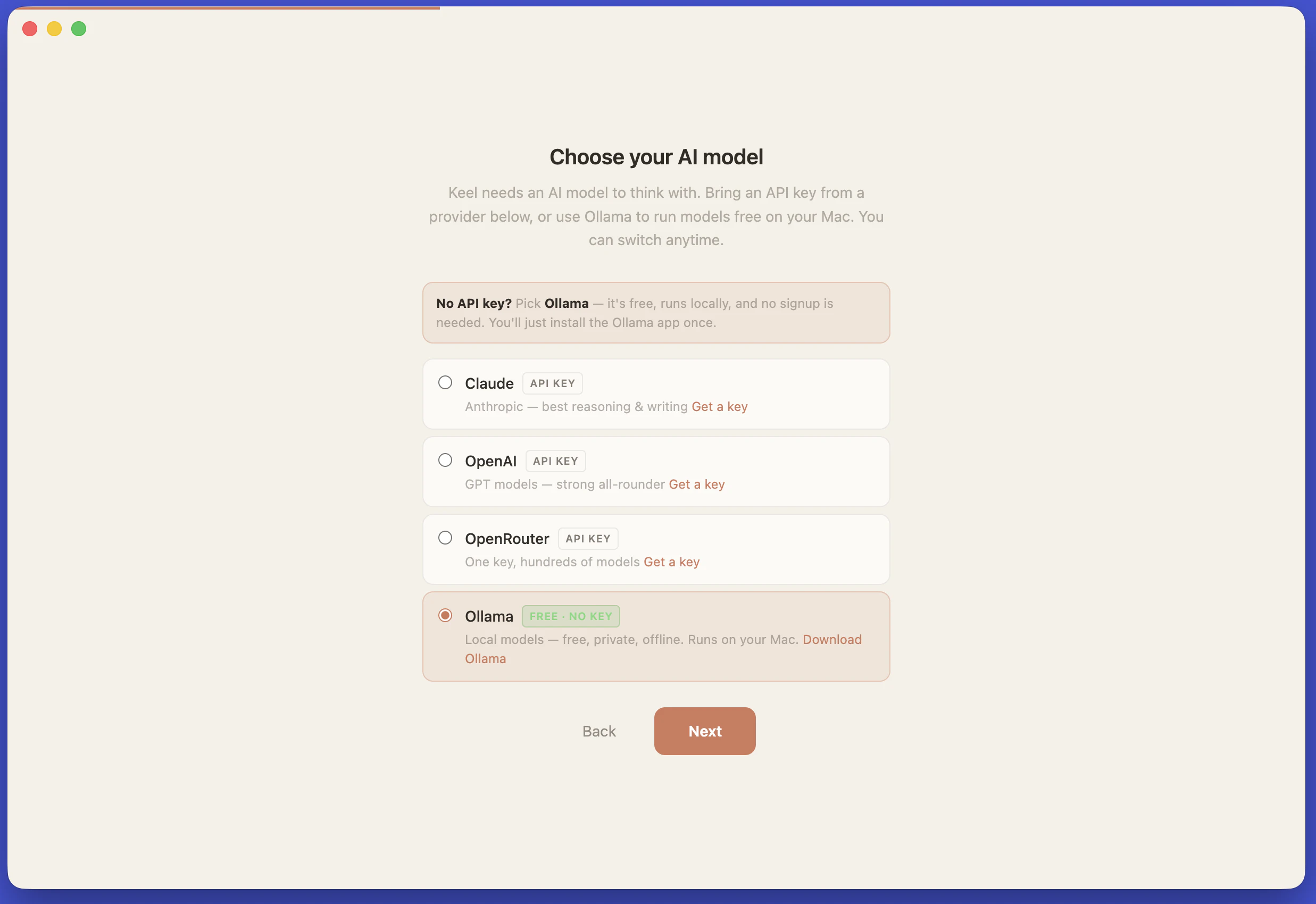
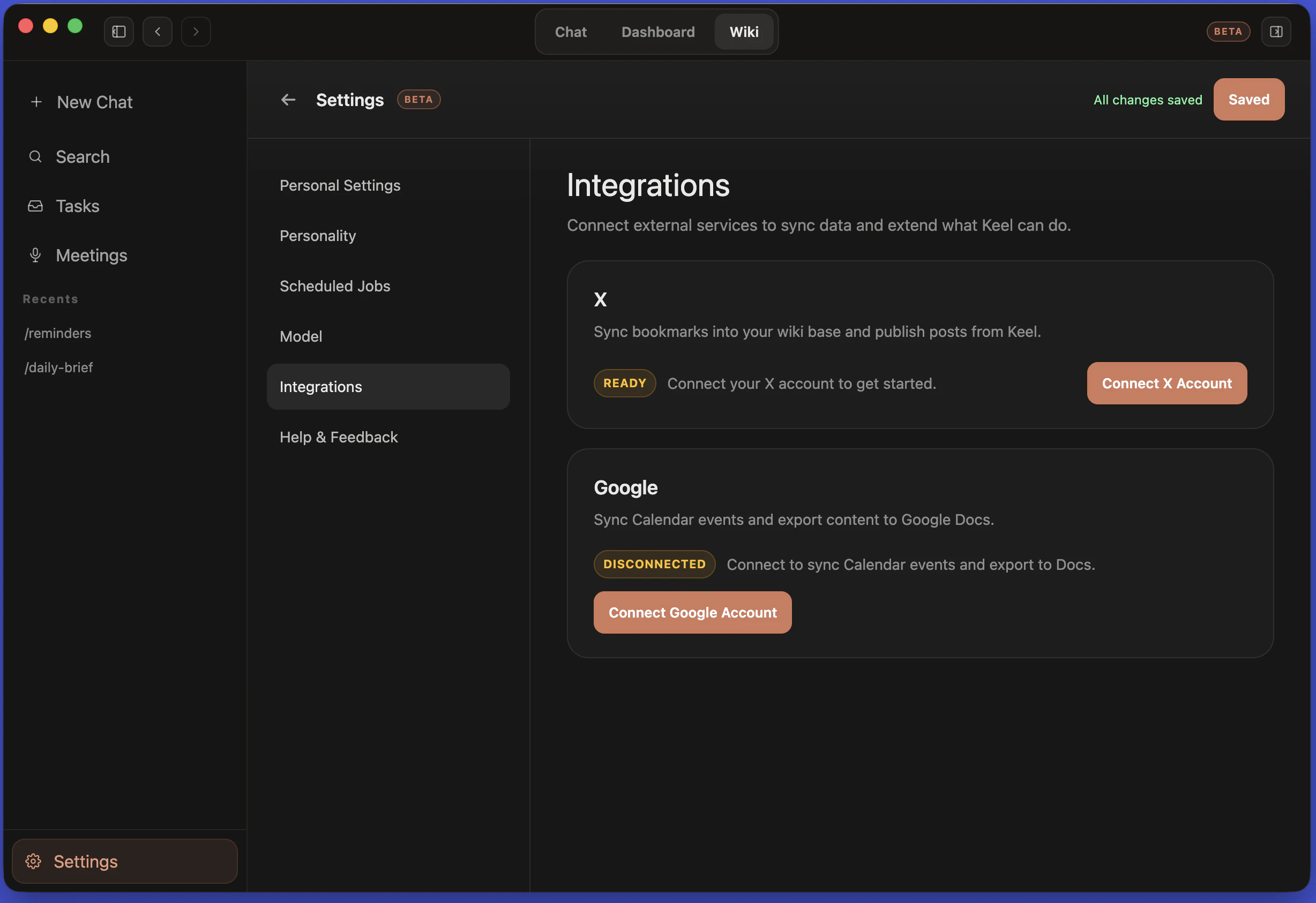
一句话介绍:Keel是一款本地优先的桌面AI助手,通过将对话记忆以纯文本Markdown文件存储于用户本地磁盘,解决用户AI工具切换时上下文数据被厂商锁定的痛点。
Artificial Intelligence GitHub Virtual Assistants Tech
本地优先 AI助手 开源 Markdown存储 数据主权 多模型切换 桌面应用 隐私安全 内存管理 开发者工具
用户评论摘要:用户关注数据控制权,赞赏Markdown本地存储模式。核心建议包括:需要更细粒度的记忆编辑/删除UI,而非仅靠操作文件;跨模型切换时Claude的思维链无法传递给其他模型;期待内置知识浏览器功能。
AI 锐评

Keel的“本地Markdown存储”是一把双刃剑。从隐私角度看,它确实将数据主权还给了用户——你的聊天记录、项目上下文不再被OpenAI或Anthropic的数据库绑架,任何编辑器都能直接翻阅。但产品的真正价值不在于“本地化”,而是“模型无关的上下文持久化”:当你从Claude切换到Ollama时,对话历史能无损转移,这意味着Keel本质上成为了AI模型的“记忆层”,剥离了模型与数据的强耦合。

然而,这种设计也暴露了核心短板:它完美适配的是“AI重度使用者”——那些知道怎么编辑Markdown、敢用/rereset命令、理解RAG原理的极客。但普通用户面对“需要打开文件管理器删除记忆”的体验,恐怕会劝退。评论中多次提到“希望有UI来浏览和编辑记忆”,正说明产品在交互设计上尚未完成从“开发者工具”到“消费级产品”的惊险一跃。

更关键的是,Keel目前缺乏云同步能力,这对跨设备用户是个硬伤。而它依赖的“信令层”(手动切换API Key)虽然灵活,却可能增加用户的操作门槛。作为一款v1 Beta,其方向正确——数据所有权比模型能力更稀缺,但若不能迅速补上易用性短板,它很可能只停留在“理想主义者的玩具”阶段。毕竟,真正的用户价值不在于技术如何先进,而在于让普通人无痛地拥有自己的AI记忆。

查看原始信息
Keel
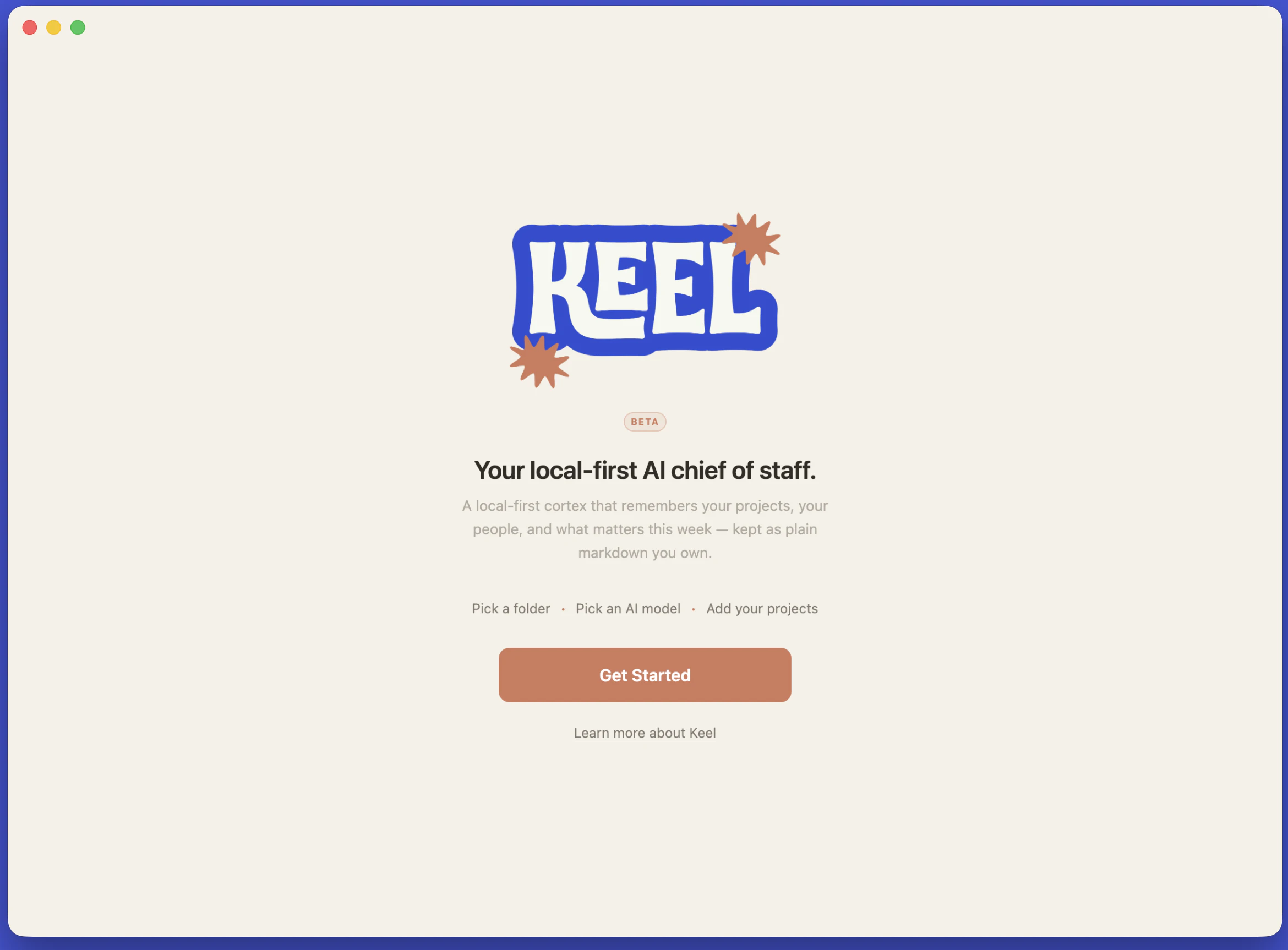
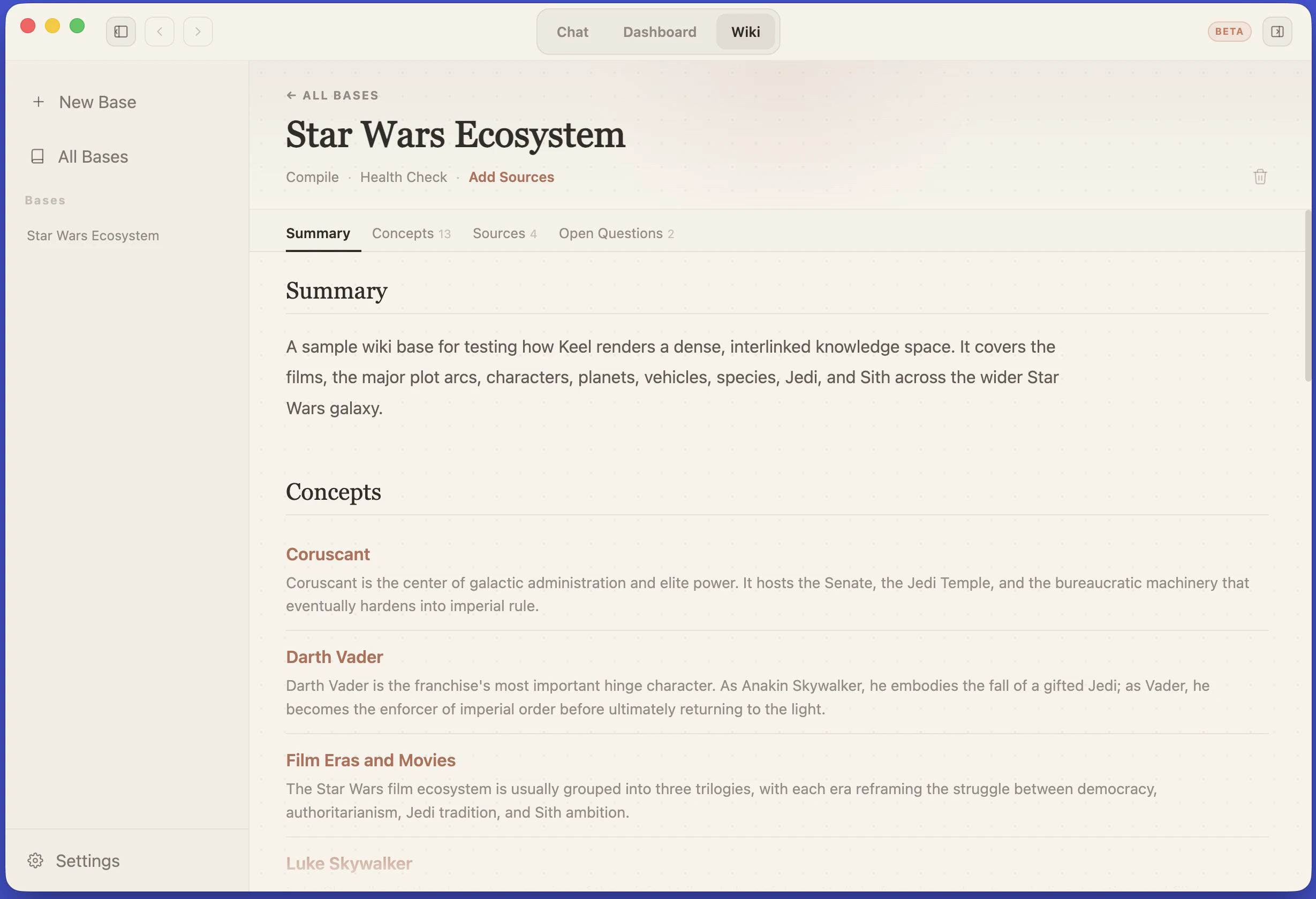
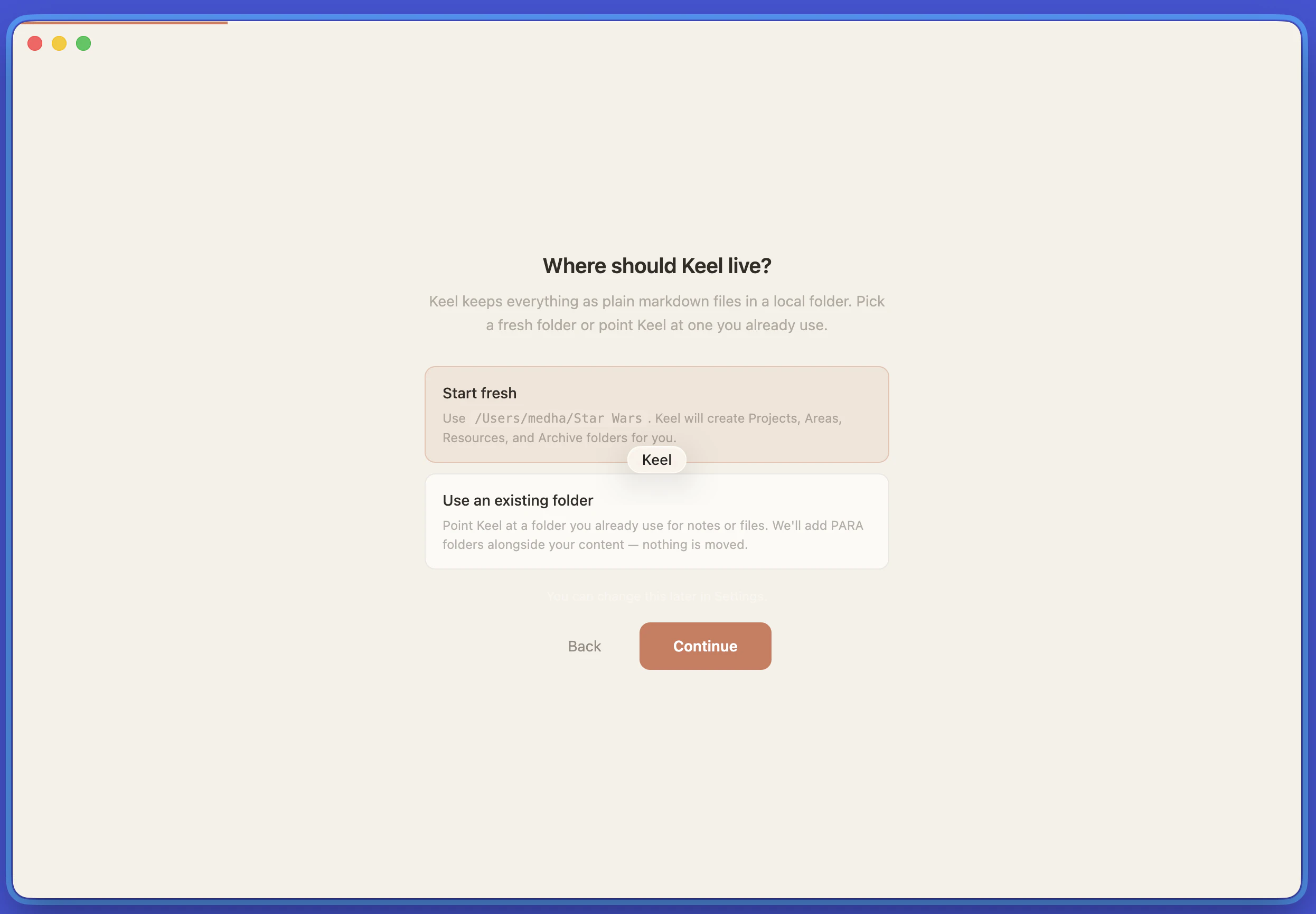
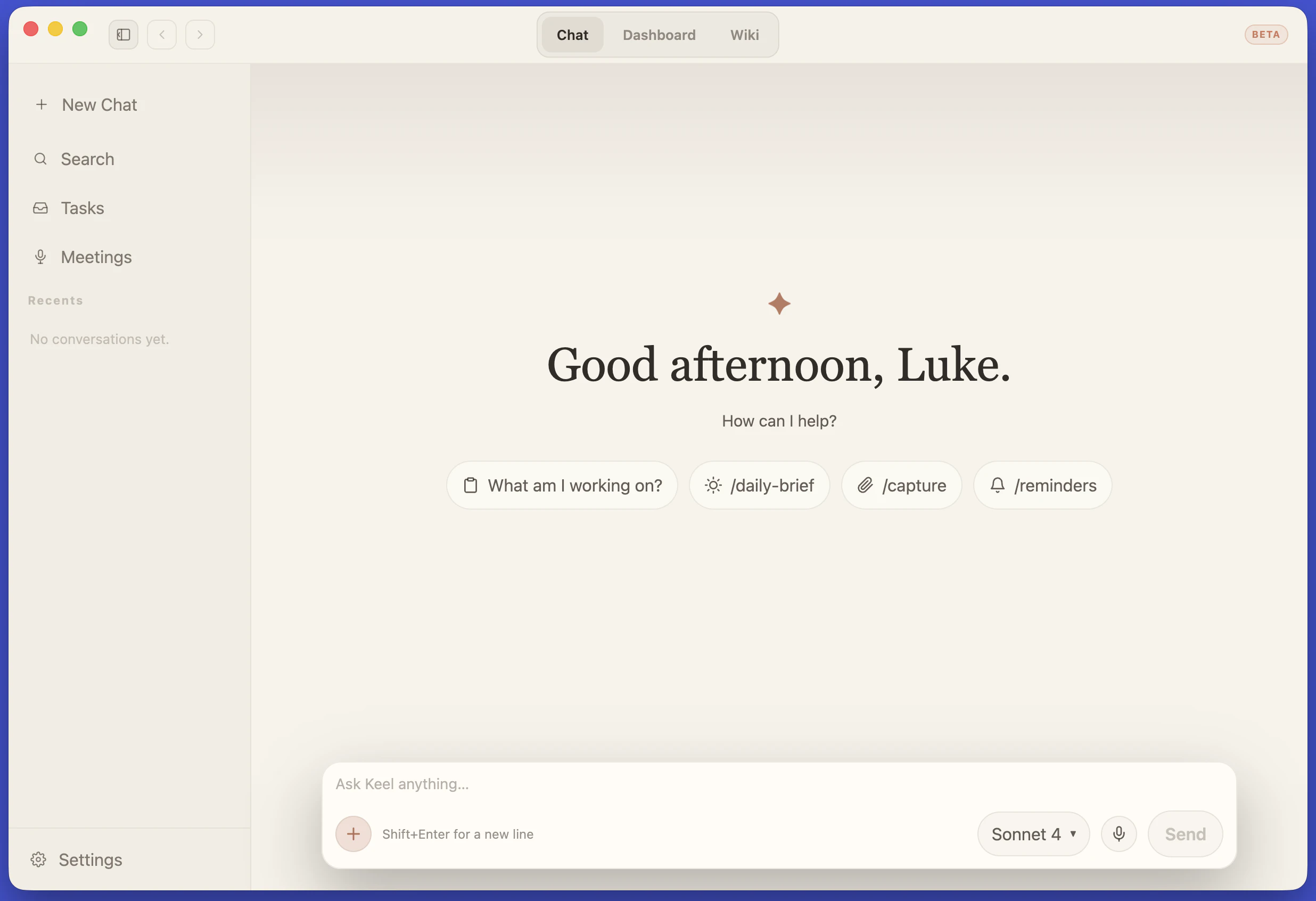
Keel is a local-first desktop app for macOS and Windows that captures what matters from your conversations into plain markdown files on your disk. Bring your own model - Claude, GPT, OpenRouter, or Ollama. Your context stays with you, not the vendor. Open source, MIT. https://keel-labs.github.io/

Hey Product Hunt 👋

I built Keel because every AI tool I tried had the same problem: my context lived inside someone else's product. The notes, the history, the slowly-built understanding of my projects - all trapped behind one vendor's login. The day that model gets deprecated or that company changes direction, my brain goes with it.

Keel flips that. Your memories live on your disk, in plain markdown, in a folder you own. You can open them in any editor, back them up, version-control them, move them between machines. The model is the part that's interchangeable - Claude today, GPT tomorrow, a local Llama on a flight. The assistant changes; your context doesn't.

A few things worth knowing:

It's a real desktop app for Mac and Windows (Electron + React + TypeScript).
Bring your own API key. No telemetry. No account. No cloud sync (yet).
It's a v1 beta - Apple Silicon only, no Windows/Linux yet, no mobile.
It's a one-person project. I'll read every comment here today; I can't promise to build every feature (yet).

Would love your feedback. Thanks for taking a look.

2
回复

Hey Medha — 'the day the model gets deprecated, my brain goes with it' should be on the homepage. As a fellow solo founder, looking forward to the Windows build.

1
回复

@tsutsu Thanks for the feedback! Windows build is ready as of last night. Excited to connect with another solo builder!

0
回复

The markdown-on-disk approach is underrated. Most "local AI" tools still phone home for context storage, which defeats the point. One thing I'm curious about: how does Keel handle memory across different models? If I switch from Claude to Ollama mid-project, does the context transfer cleanly or do you lose the thread?

0
回复

@christian_knaut Yeah, the markdown-on-disk thing was the one of the main reasons of building this - your context stays on your device.

On switching mid-project: the conversation should transfer cleanly. Chat history is stored provider-agnostically (SQLite under your workspace), and on each turn it's reformatted for whichever provider is active - Claude, OpenAI, or Ollama. So you can answer a turn with Claude, switch to a local Llama via Ollama for the next one, and the model sees the full prior thread.


Two honest caveats:

  1. Claude's "thinking" blocks don't persist — they're rendered live in the UI but not saved, so a different model won't see them. The final answers do carry over.

  2. Tool definitions are re-adapted per provider, so a tool call made by Claude becomes plain message history for Ollama (which may not have the same tool wired up).

Beyond the chat thread itself there's also a workspace-wide layer - your markdown files are embedded and pulled in via RAG, and Keel auto-extracts durable facts into a keel.md memory file after each chat. That part is model-independent, so it follows you across providers too.

tl;dr: switch freely, the thread should stay intact; but Claude's chain-of-thought port over to another model.
Caveat: It's still in beta, so there may be a few rough edges. If you try it, let me know if it didn't work as expected.

0
回复

Memory that belongs to the user is a great trust signal — most AI tools make it feel like the data is theirs, not yours. How granular is the control? Can users edit or delete specific memories, or is it all-or-nothing? Curious how you've approached that UX

0
回复

@soygus Great question, and the answer has two parts - what the design gives you for free, and what's still rough.

  • What works today: every memory lives as plain markdown in your workspace - keel.md for the profile/projects/people/conventions, tasks.md for tasks. So "edit a memory" = open the file in any editor and change a line. "Delete a memory" = delete the line. After every chat, Keel posts an inline system message saying what it added (e.g. "Updated profile · Noted 2 projects · Saved 3 tasks") so you're up to date on what got written.

  • What's still rough: there's no in-app UI for browsing or deleting individual memories yet - the "edit the markdown file" workflow is great for power users but I know it's not great for someone who just wants a checkbox-list of "things Keel thinks it knows about me." A /reset command exists for nuke-everything, but nothing in between. Per-memory edit/delete in the UI is on the near-term list.

The principle I'm trying to hold: your memory is a file you own, not a record in a vendor's database. The UX has to catch up to that - the data model is already the right shape.

0
回复
@medhaforcebewithyou congrats for the launch l 🚀 As a user, where can I actually see what the assistant remembers about me, and can I delete things if I want to?
0
回复

@francesco2689 when you set up Keel, you have to pick a folder on your computer - that is the folder where all the content and context gets saved. You can browse them directly via your file browser and make edits / use a text editor of your choice. I have a commit coming soon that lets you browse and edit within Keel itself, using a knowledge browser.

1
回复
#9
Better Sol
Develop Solana applications end-to-end using TypeScript
56
一句话介绍:Better Sol通过纯TypeScript一站式开发Solana链上程序,消除了IDL生成、客户端同步和语言切换的繁琐,让开发者只需一个文件即可端到端完成编码、部署和调用。
Open Source GitHub Web3 Blockchain
Solana开发 TypeScript 无样板代码 全栈框架 开发体验 智能合约 自动化客户端 部署工具 链上开发 DX优化
用户评论摘要:开发者反馈积极,认为消除了IDL和同步副作用是刚需。主要关注点在于早期稳定性、与现有Anchor/Seahorse生态的兼容性,以及复杂合约场景下的零代码生成是否真能覆盖全部需求。
AI 锐评

Better Sol的走红并非偶然——它精准地命中了Solana开发者社区的“暗伤”。传统Solana开发中,Rust + Anchor + IDL + TS Client的多语言、多工具链协作,本质上是用架构复杂度换取性能上限的无奈之举。Better Sol的激进在于,它直接砍掉了IDL和代码生成这两层“胶水”,用纯TypeScript回溯并重新定义程序与客户端的关系。这不仅是语法糖,更是对“类型即文档”和“单源真理”理念的贯彻——一个.ts文件既是程序又是完整类型化的SDK,自动补全和零同步承诺,对中小型应用和快速原型验证有着极强的吸引力。

但“单一语言”是一把双刃剑。TypeScript在链上合约中的执行效率、Gas消耗,以及面对高并发、状态密集型场景(如订单簿、AMM)时的表现,仍需要经过严苛的基准测试。现阶段它更适合快速迭代的DApp脚手架和轻量级合约,若想取代Rust/Anchor在核心DeFi协议中的地位,还需要在编译器优化、安全审计工具和生态标准(如SPL Token的完全支持)上补足功课。对于追求“快速验证+优雅DX”的独立开发者,Better Sol提供了目前最丝滑的Solana入门体验;但对专业团队而言,它更应被视为“原型加速器”,而非生产环境的终极答案。其长期价值,取决于它能否将TypeScript的便利性转化为足够的链上效率,并建立起与Solana原生生态无缝兼容的桥接层。

查看原始信息
Better Sol
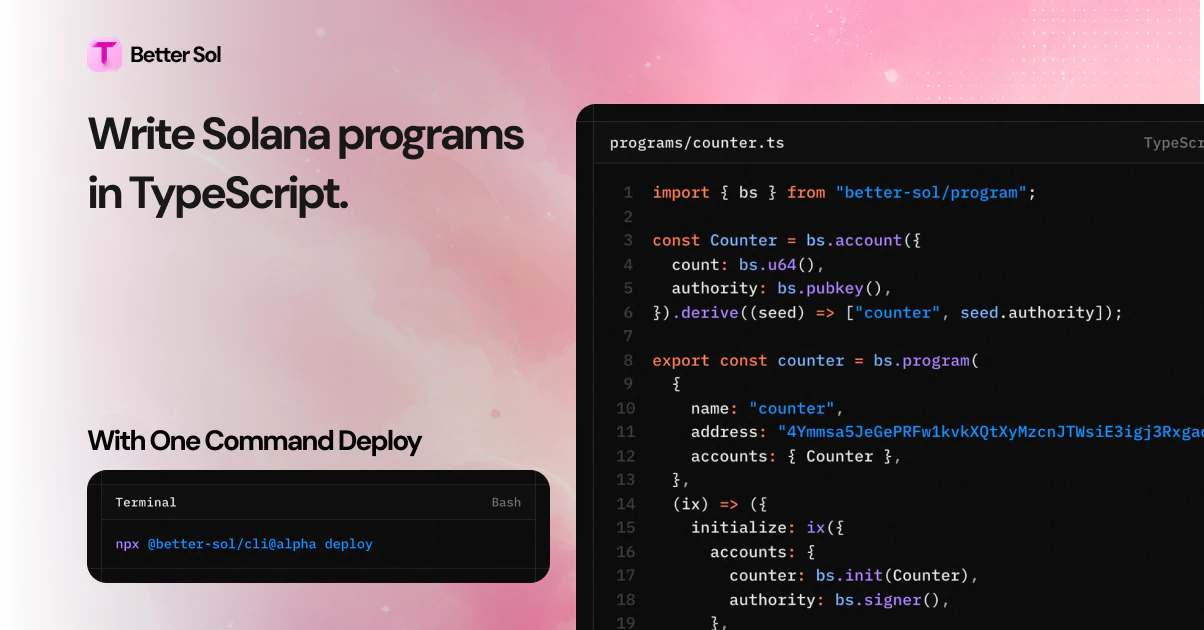
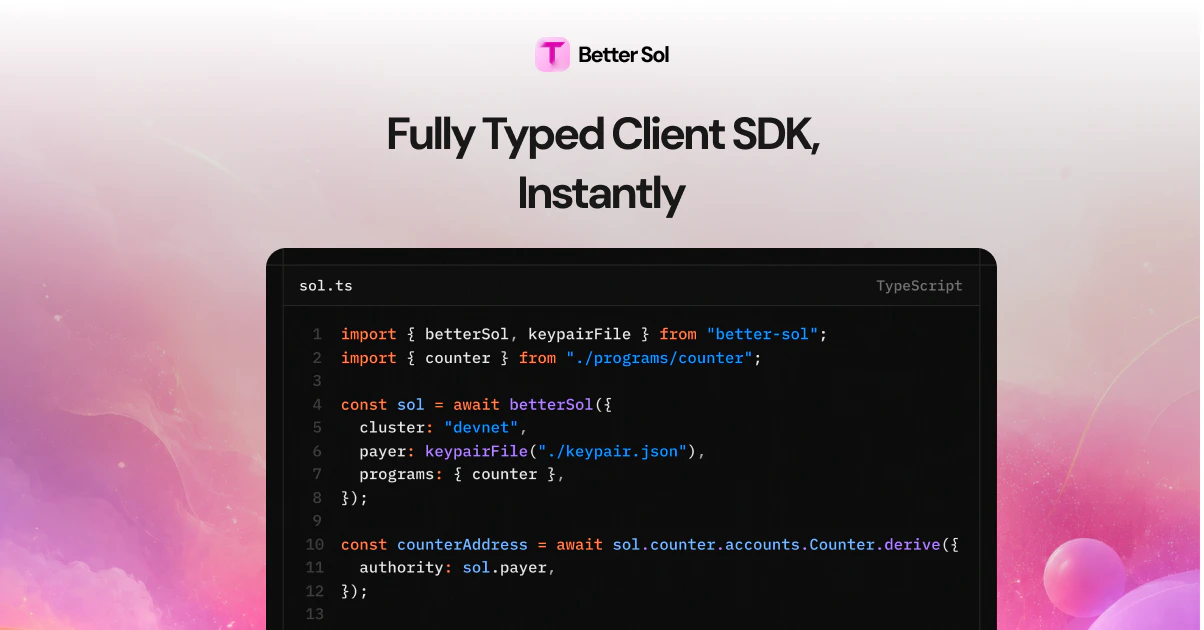
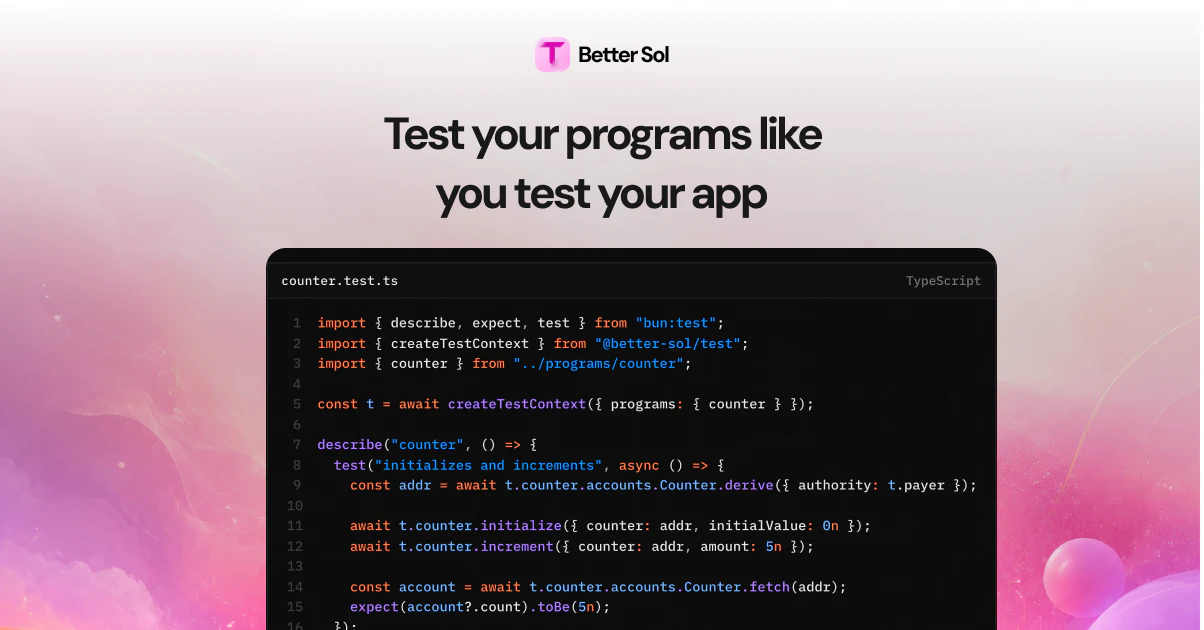
Better Sol lets you write Solana programs entirely in TypeScript with zero boilerplate. One file defines your program and automatically becomes a fully typed client, so there's no IDL, no code generation, and nothing to keep in sync. Deploy with a single command, get autocomplete for every instruction and account field, built-in token operations, and composable transactions out of the box. No language switching, no manual codec, no local toolchain setup.
Hey everyone! 👋 We built Better Sol because we were tired of the constant context switching when building on Solana. Write a program, generate an IDL, build a client, keep them in sync, repeat every time something changes. It felt wrong. So we made it so you only write TypeScript. One file defines your program, and that same file gives you a fully typed client with autocomplete, account fetching, token operations, and composable transactions. No IDL, no codegen, no sync headaches. We're still early and would love your feedback. If you build on Solana, try it out and let us know what hurts. We're here all day to answer questions. Happy to chat about anything — DX, architecture decisions, what's coming next, or just Solana in general. 🚀
1
回复
#10
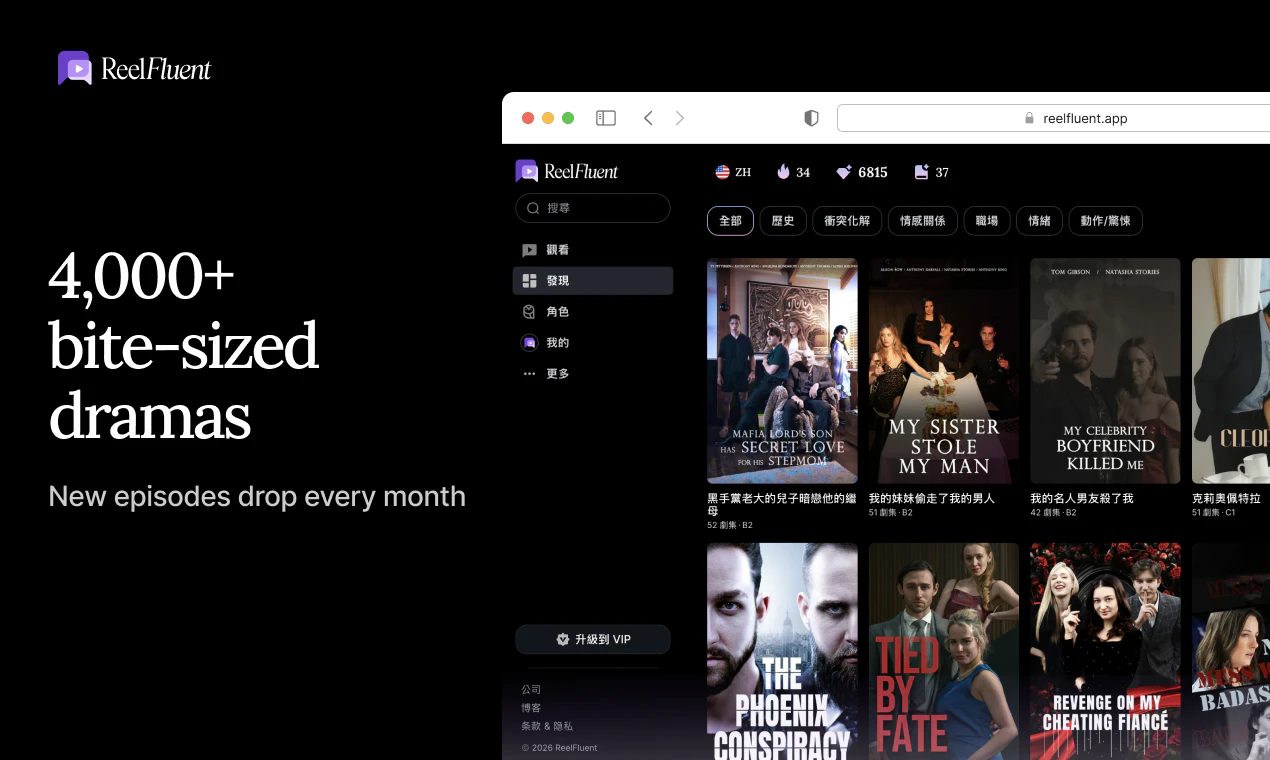
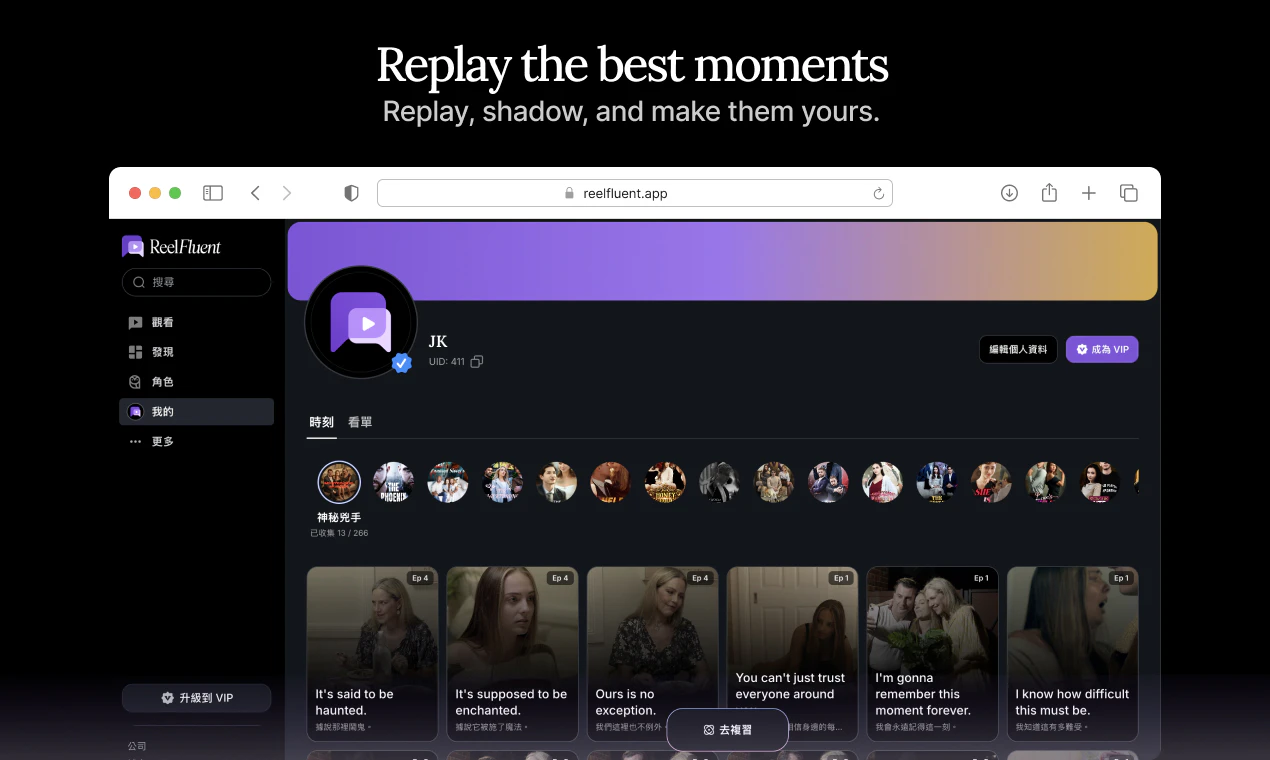
ReelFluent Web
Reels, but for language learning
15
一句话介绍:ReelFluent 将刷短剧的娱乐体验转化为语言学习场景,通过点击翻译字幕、AI辅助和场景内互动练习,解决用户在传统学习工具中缺乏情感连接与真实语境、学了却不会用的痛点。
Education Languages Entertainment
语言学习 AI工具 沉浸式学习 场景式教学 互动练习 短剧 移动应用 EdTech 多语种学习 Product Hunt
用户评论摘要:用户反映被微型剧的趣味性吸引而沉迷学习,认为这是学习语言的理想方式,期待中文等更多目标语言上线。也有用户对Duolingo效果失望,希望ReelFluent能提供更好的西班牙语学习体验。
AI 锐评

ReelFluent在产品理念上确实找到了一个被Duolingo等主流应用长期忽视的角落——情感记忆与真实语境的耦合。创始人从自身多语言学习的痛点出发,指出“The bear drinks milk”式脱离生活的教学毫无意义,转而用微型短剧的戏剧冲突、情绪张力作为语言锚点,这个切入点精准且富有洞察力。让学习者通过“点击翻译”、“跟读”、“排序”等互动在剧情中练习,本质上是在用娱乐性破解语言学习中最大的敌人:枯燥与放弃。

然而,产品当前的投票数和评论数量仅15票,说明它仍处于非常早期的验证阶段。评论中的赞赏更多是针对“概念”和“愿景”,而非经过大规模用户验证的稳定产出。一个核心隐忧是:短剧内容库的持续供给是否跟得上学习需求?如果内容更新缓慢或质量参差不齐,“沉迷”将迅速变为“厌倦”。此外,从“点击翻译”到真正掌握语言之间,还需要更严谨的学习路径设计——例如如何保证词汇复现率、如何评估听说读写能力、是否有自适应学习算法。目前的产品描述中,其AI的深度还不明显,更多是作为辅助工具而非智能教学系统。

如果ReelFluent仅仅止步于“带字幕的短剧+点击翻译”,那它不过是把Netflix的Viki(带翻译的视频平台)包装成了学习工具,护城河很浅。真正的价值在于,能否基于用户观看行为数据,构建出个性化的、从“泛看”到“精学”的闭环,并不断增加互动形式的多样性(如角色扮演、实时对话对练)。否则,它可能会成为语言学习领域的“微短剧版Quizlet”——有亮点,但难以长留用户。方向对了,但接下来的执行和内容生态建设才是生死线。

查看原始信息
ReelFluent Web
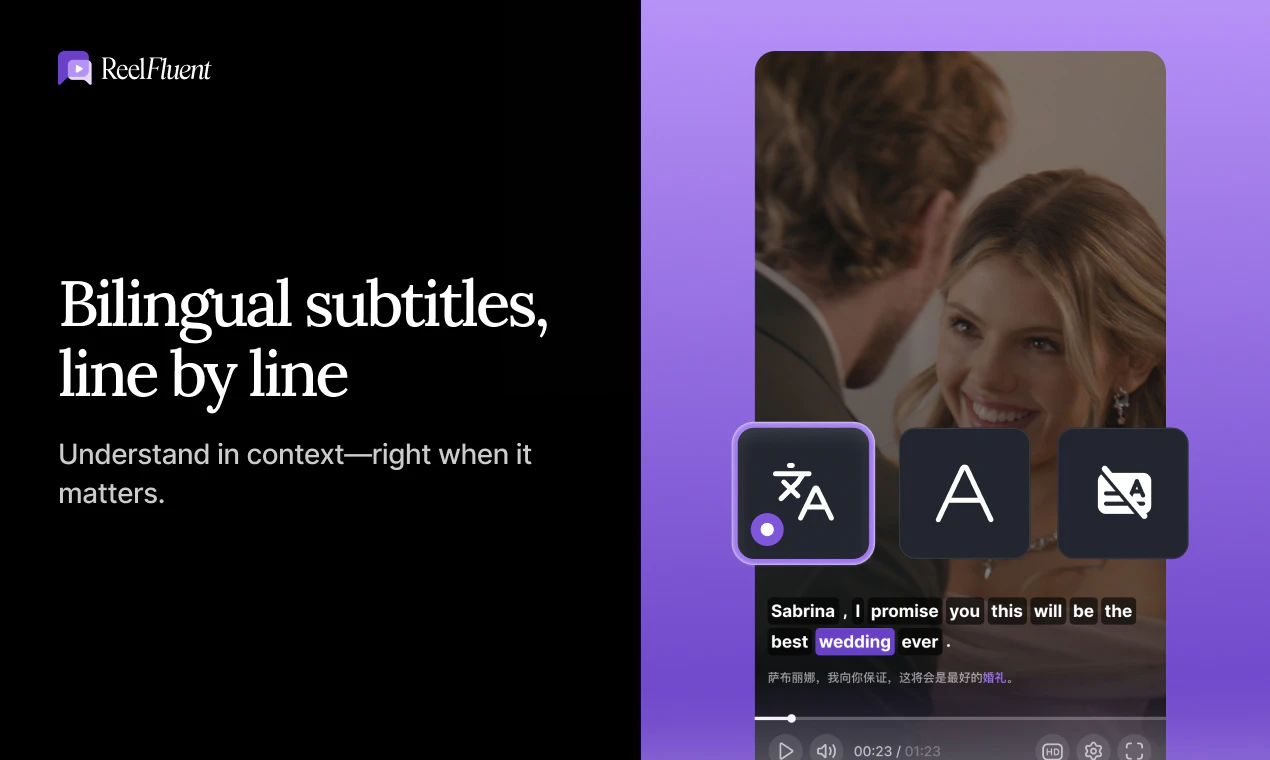
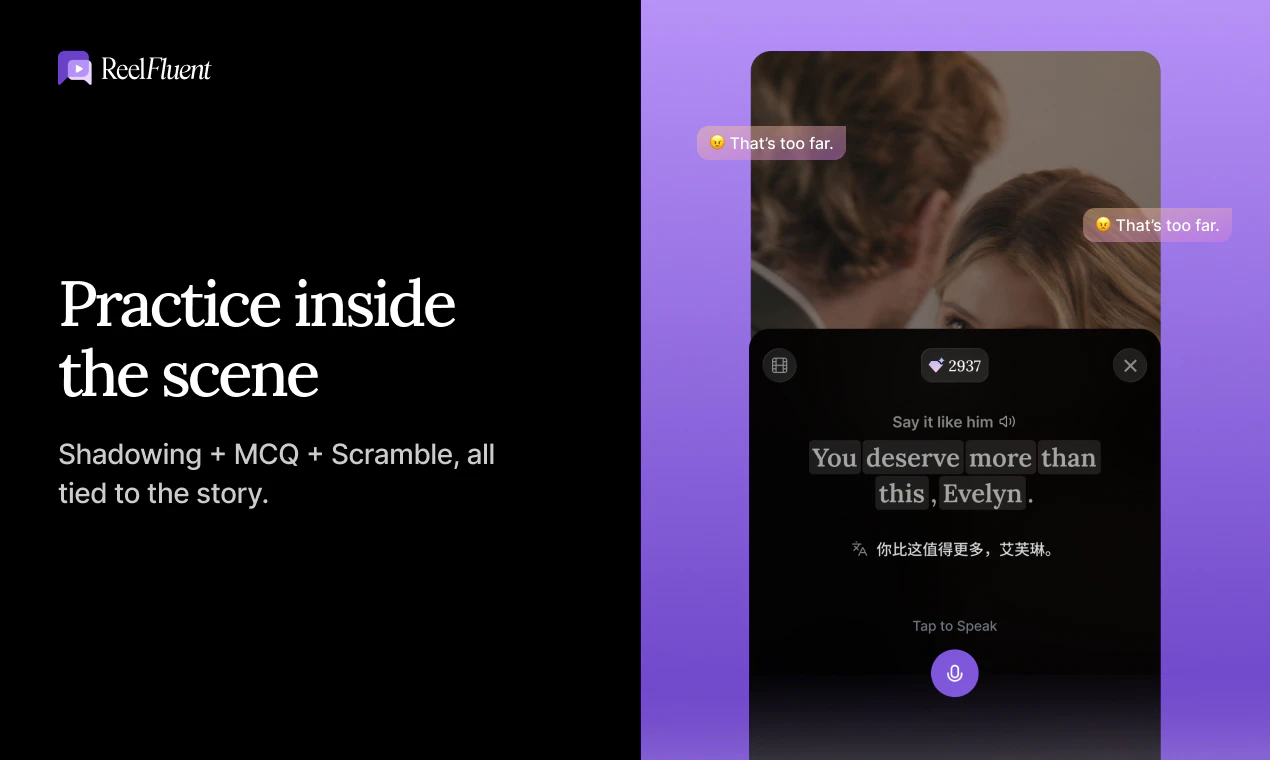
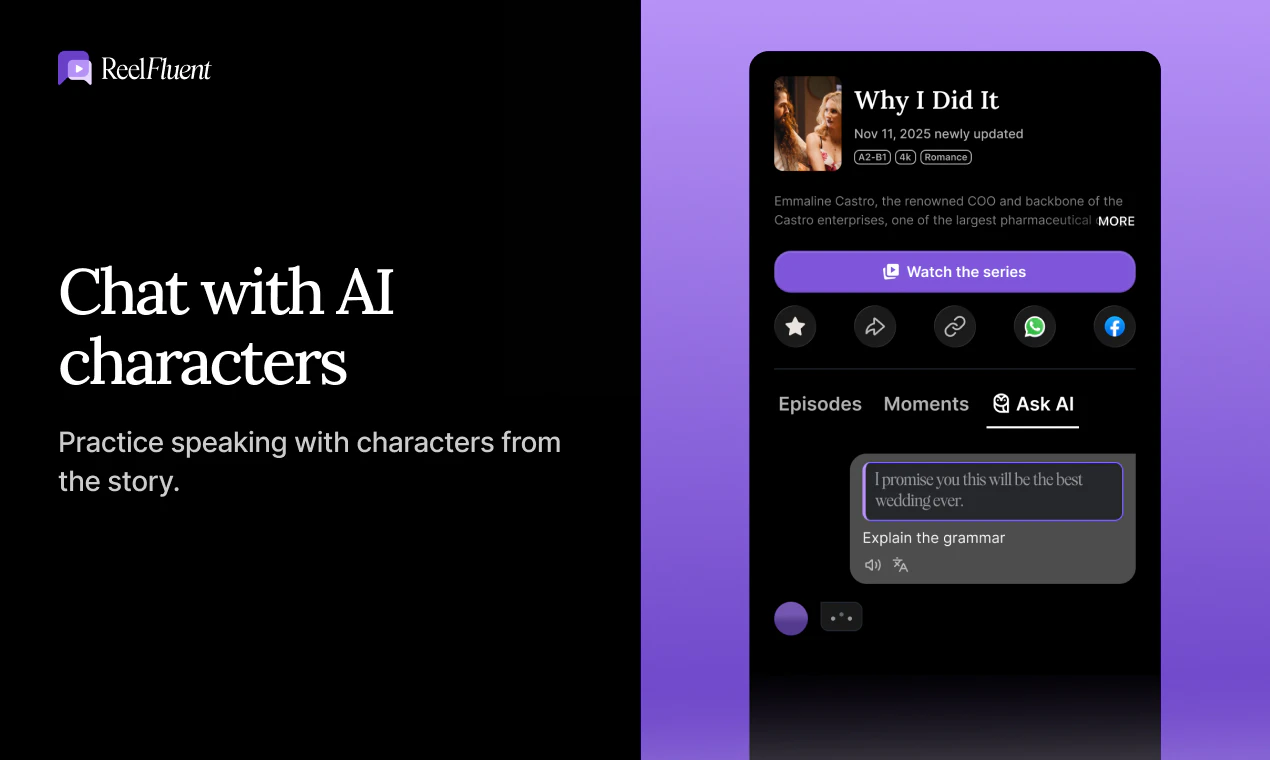
Guilt-free binge-watching starts here. 100% drama, 0% guilt—turning screen time into real fluency. ReelFluent turns mini-dramas into learning with tap‑to‑translate, AI help, and in-scene practice.

Hey Product Hunt! I’m Jason — maker of ReelFluent.

I speak Mandarin, Cantonese, and English, and I’m currently learning Spanish and Japanese. I’ve lived/studied/worked in Australia and the US, and did my Master’s at Carnegie Mellon (EdTech / Learning Sciences). So I’ve tried pretty much every “serious” language learning method…and still ran into the same wall.

Here’s the painful scene I kept repeating:

I could keep a streak on apps like Duolingo, but when I actually needed language in real life — a tense work conversation, a dating moment, catching the sarcasm in a colleague’s tone — my brain froze. I realized the issue wasn’t “more vocabulary.” It was relevance + emotion.

One “counterintuitive” thing I learned as a multilingual learner:

When there’s emotional connection, language sticks.

Your memory anchors to tone, facial expressions, conflict, humor, chemistry — the context that textbooks and isolated drills strip away. (And yes, I also practiced sentences like “The bear drinks milk”…but no bear ever showed up in my life.)

That’s why I built ReelFluent.

Instead of starting with vocab lists or repetitive drills, we help learners watch short drama episodes and practice inside the scene with quick interactions like shadowing, scramble, and MCQ (Like Duolingo-style reps, but anchored to moments you actually cared about). You can tap to translate subtitles in context, and save and review expressions from scenes you actually felt something about. The goal is simple: make language learning easy to start and natural to continue, because the content pulls you back.

ReelFluent is available on the web today (https://web.reelfluent.app/), with the iOS app coming soon and Android launching on Google Play. Also adding Chinese, Cantonese, French, Spanish to the target language.

If you’ve ever quit a language app after 7 days or spend so much time scrolling, I’d love your feedback.

What kind of real-life moments do you most want to handle or be captivated by when scrolling in your target language? (work, dating, travel, small talk, humor, arguments, etc.)

4
回复

Went with the intention to just explore and check it out but ended up being hooked - something about the cheesiness of the microdramas that makes you want to watch on. I've got a good grasp of english but can see how this could be really THE way to pick up a languge. Looking forward to the chinese target language to be launched soon!

1
回复

@gordon_tay Chinese coming soon!

1
回复

i love this!! Have been trying to learn spanish but duolingo is just not the best atp.

0
回复

Hey Product Hunt! Winston here. Super pumped for today's launch! 🎉

To add to the team's introduction, I wanted to quickly touch on the 'magic' behind the scenes. We've done some incredibly fine-grained design to weave the language learning elements seamlessly into the short drama plots. We focused heavily on making sure the entertainment value never drops while you learn—it's not just a textbook on a screen, it's a real show.

Grab some popcorn, binge a drama, and let us know your thoughts on the experience! 🍿👇 Happy to answer any questions in the comments."

0
回复
#11
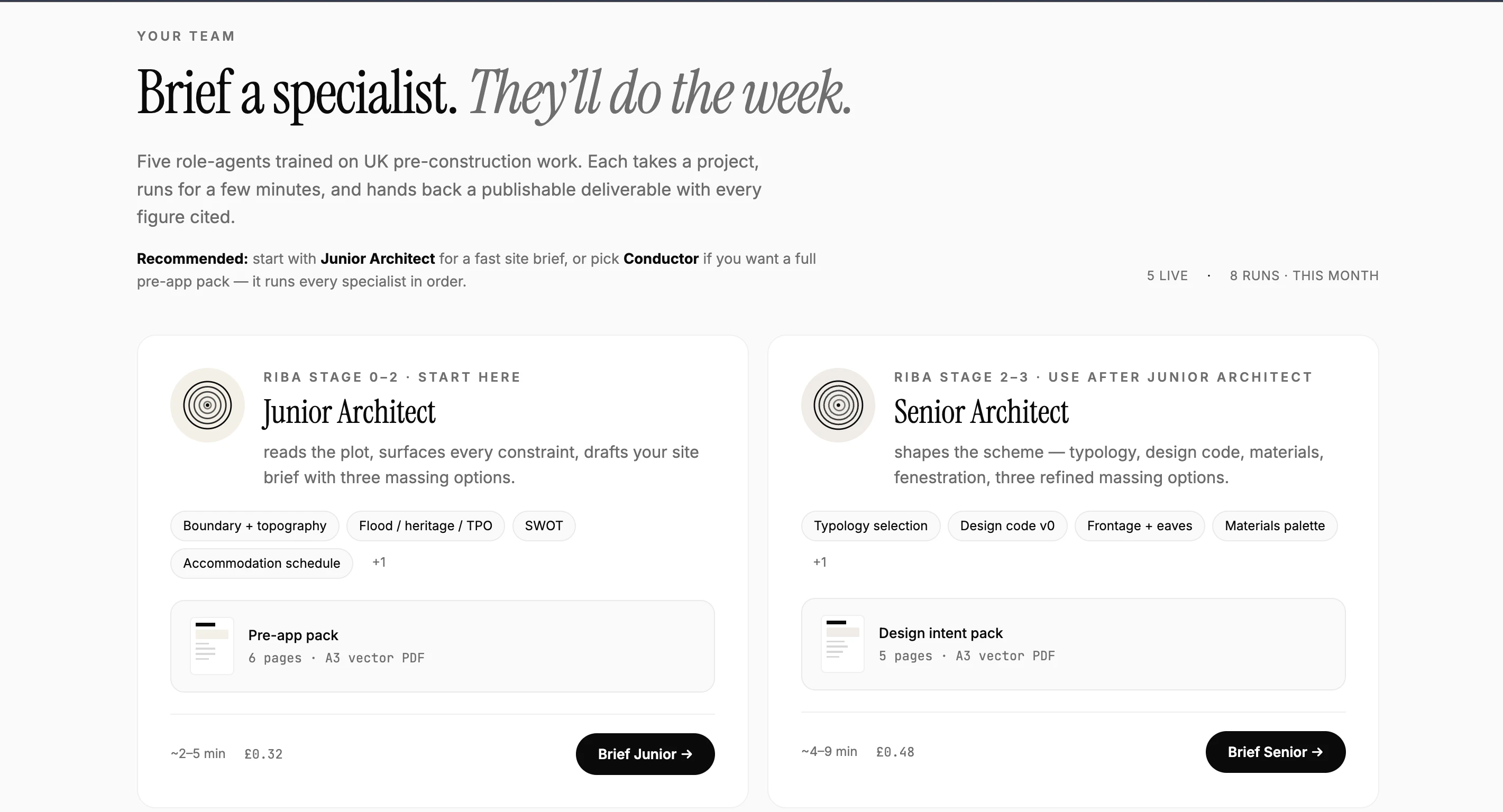
Atlasly
AI agents for architecture
10
一句话介绍:Atlasly通过AI代理自动完成建筑项目前2-4周的调研工作(如查规划许可、洪水地图、遗产登记等),让建筑师输入地址即可分钟级生成专业交付物,解决预设计阶段信息搜集效率低下的痛点。
Design Tools Maps YC Application
AI代理 建筑行业 预设计调研 自动化工作流 GIS数据 规划合规 智能体 效率工具 建筑师 专业垂直
用户评论摘要:用户主要关注AI代理的底层数据源(是否接入真实GIS图层)以及本地化数据的准确性和测试可行性。目前评论点赞量低,尚未收到强负面反馈,但实用验证需求明确。
AI 锐评

Atlasly切中的是一个被长期忽视但痛点极深的垂直场景——建筑预设计调研。其对标Harvey AI的叙事逻辑成立:律师和建筑师同样面临大量非创造性、重复性的信息搜集与文档审核工作。但两者有一个关键差异:法律文本的语义理解相对结构化,而建筑预设计调研涉及多源异构数据(政府门户、GIS图层、政策PDF),数据源的可信度、更新频率、地域覆盖直接决定产品可用性。

从现有信息看,这款产品目前更像一个“深度爬虫+轻量AI聚合”的工具:输入地址,自动扫描20+政府网站,整理报告。这确实能节省2-4周时间,但核心壁垒不在于AI模型,而在于数据管道(如何获取、清洗、对齐各国各城市异构的规划数据)。600+用户、47个国家意味着其数据覆盖初步跑通,但一旦泛化到更多地区和语言环境,维护成本会急剧上升。

值得注意的是,产品目前投票仅10个,且用户评论中没有出现建筑师团队的真实使用评价(例如“节省了多少小时”“报告准确度如何”),而是开发者、技术人员的功能提问。这说明其公测阶段尚未充分撬动目标用户的真实反馈,产品-C端信任度还需验证。

另外,“2-4周缩短到几分钟”的宣传过于乐观——对复杂项目而言,AI生成的报告大概率只能作为初筛草稿,专业建筑师仍需人工核验关键数据(尤其是法规合规性)。若未来无法与主流BIM或CAD软件形成数据闭环,其价值会停留在“快速调研工具”而非“设计工作流基础设施”。总体而言,方向正确,但天花板清晰,需警惕数据墙和用户留存问题。

查看原始信息
Atlasly
Harvey AI replaced lawyers' most painful grunt work. Atlasly does the same for architects. Type an address, AI agents handle 2-4 weeks of pre-design research and produce professional deliverables in just minutes. 600+ users, 47 countries.
Hey Product Hunt 👋 Deep here. Harvey AI is worth $3B replacing legal grunt work. Architecture has the same problem. Before a single line is drawn on any project, architects lose 2-4 weeks manually checking planning portals, flood maps, heritage registers, policy PDFs and terrain tools across 20+ government websites. Same pain. Same inefficiency. Same opportunity. That's Atlasly. Shatakshi, my co-founder and a practising architect, lived this every week. I watched her do it enough times that I built something to fix it.
0
回复

AI agents for architecture is a fascinating niche. As a developer, I've seen how much time architects and spatial designers spend on repetitive analysis and documentation tasks. Bringing map-aware AI agents into that workflow could be a real productivity multiplier. How are the agents grounded — are they working with actual GIS data layers, or more like visual analysis of map imagery?

0
回复

How can I test it for my site, also how accurate is the data??

0
回复
#12
TheStatsAPI
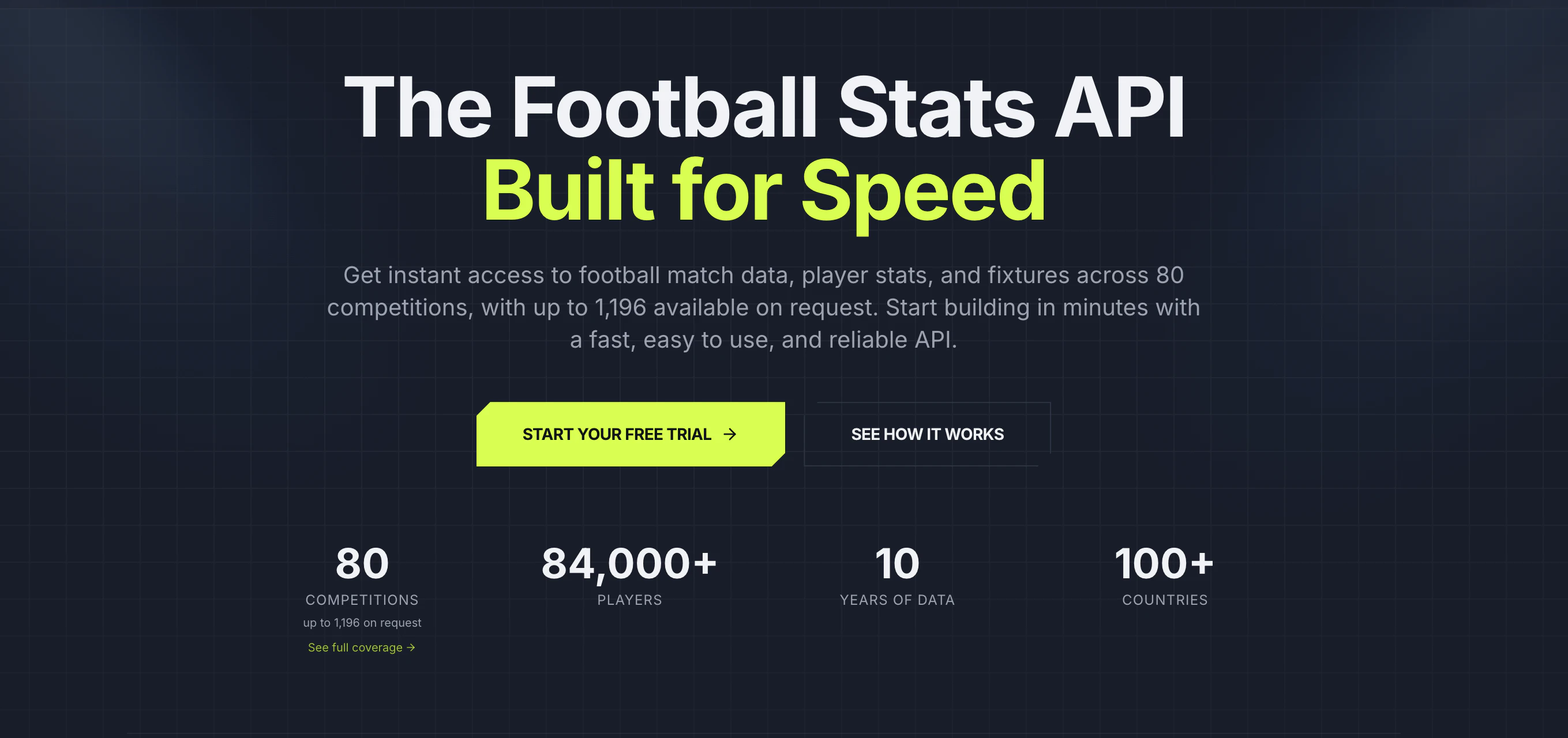
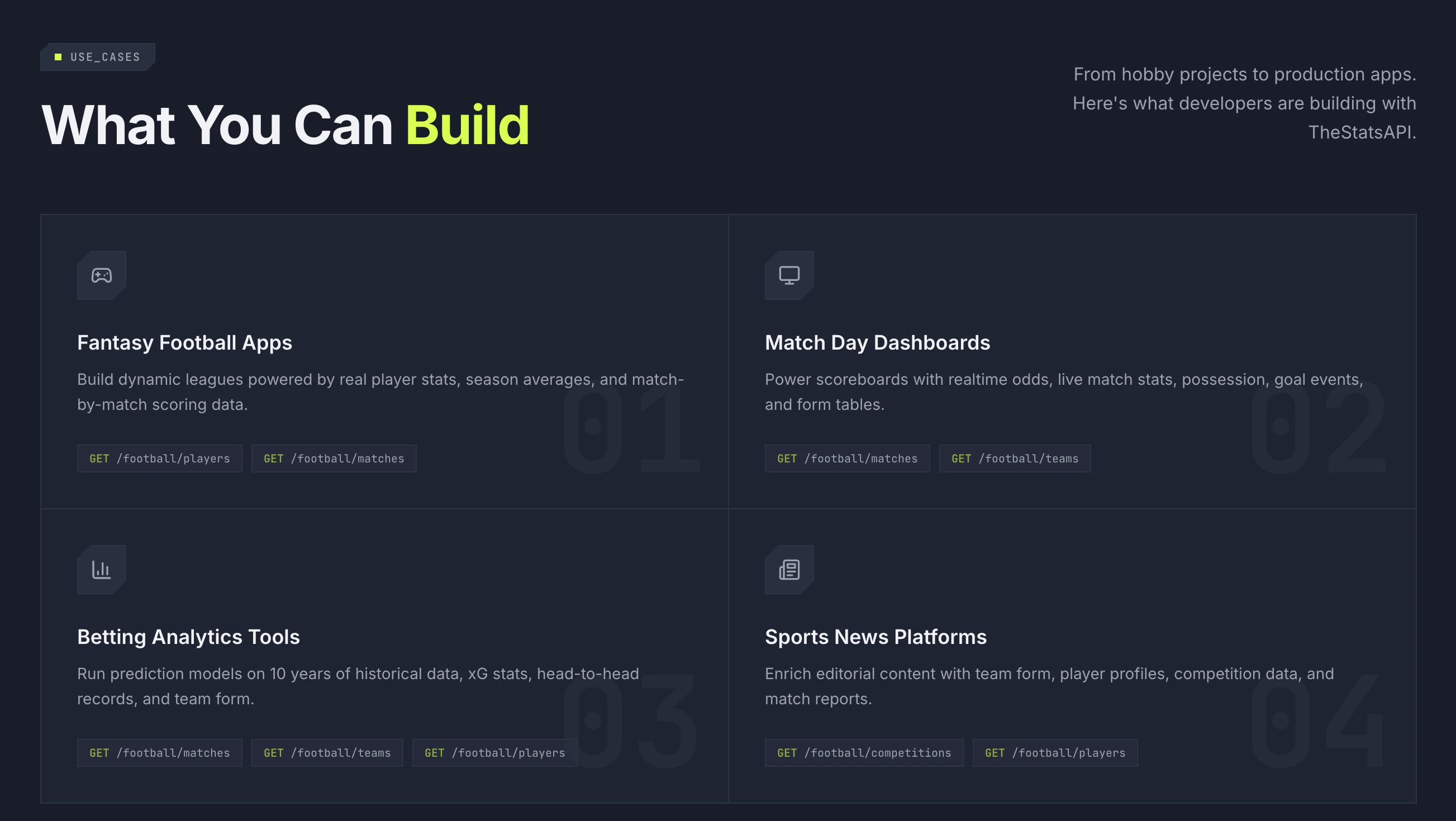
The Football Stats API Built for Speed
9
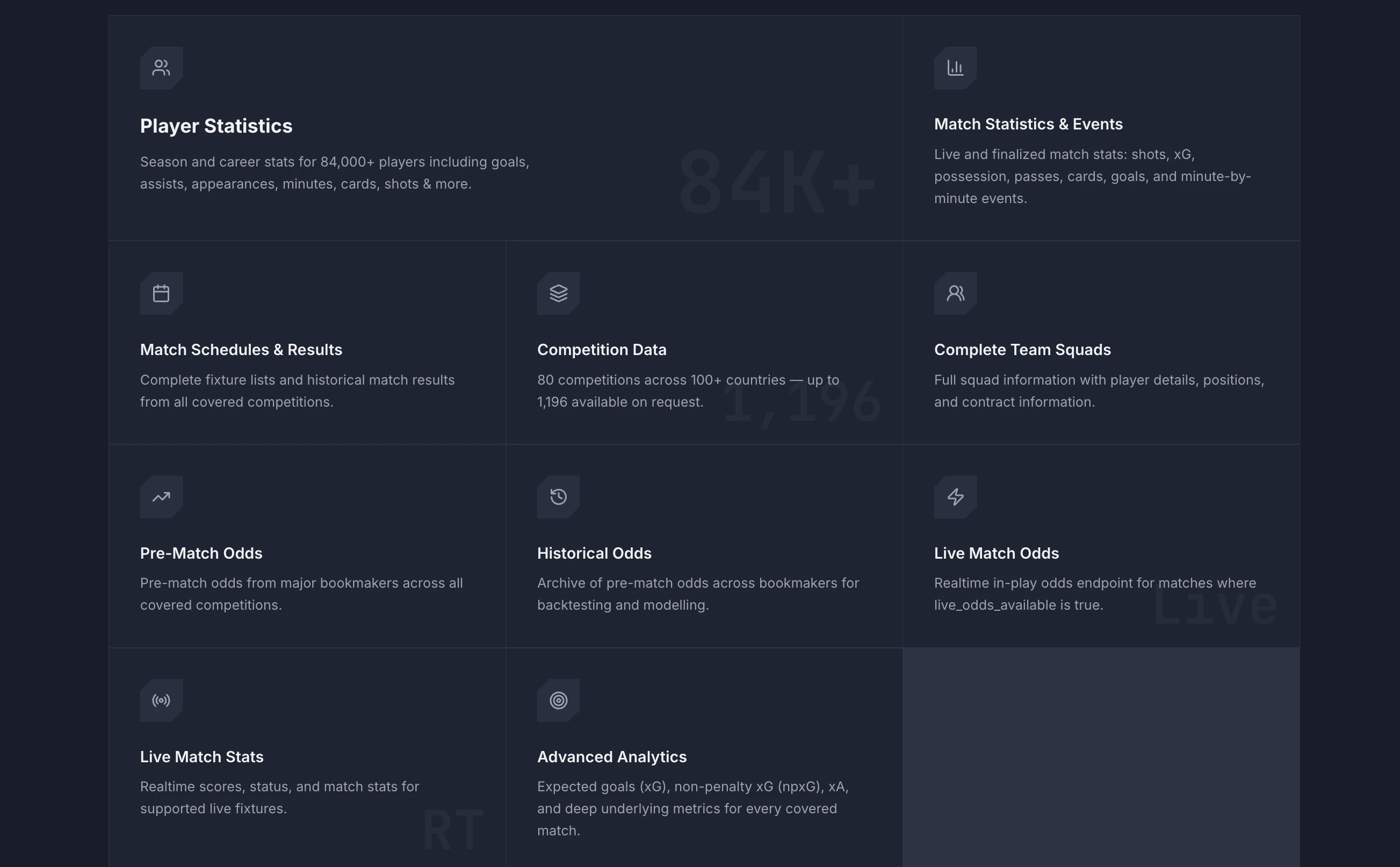
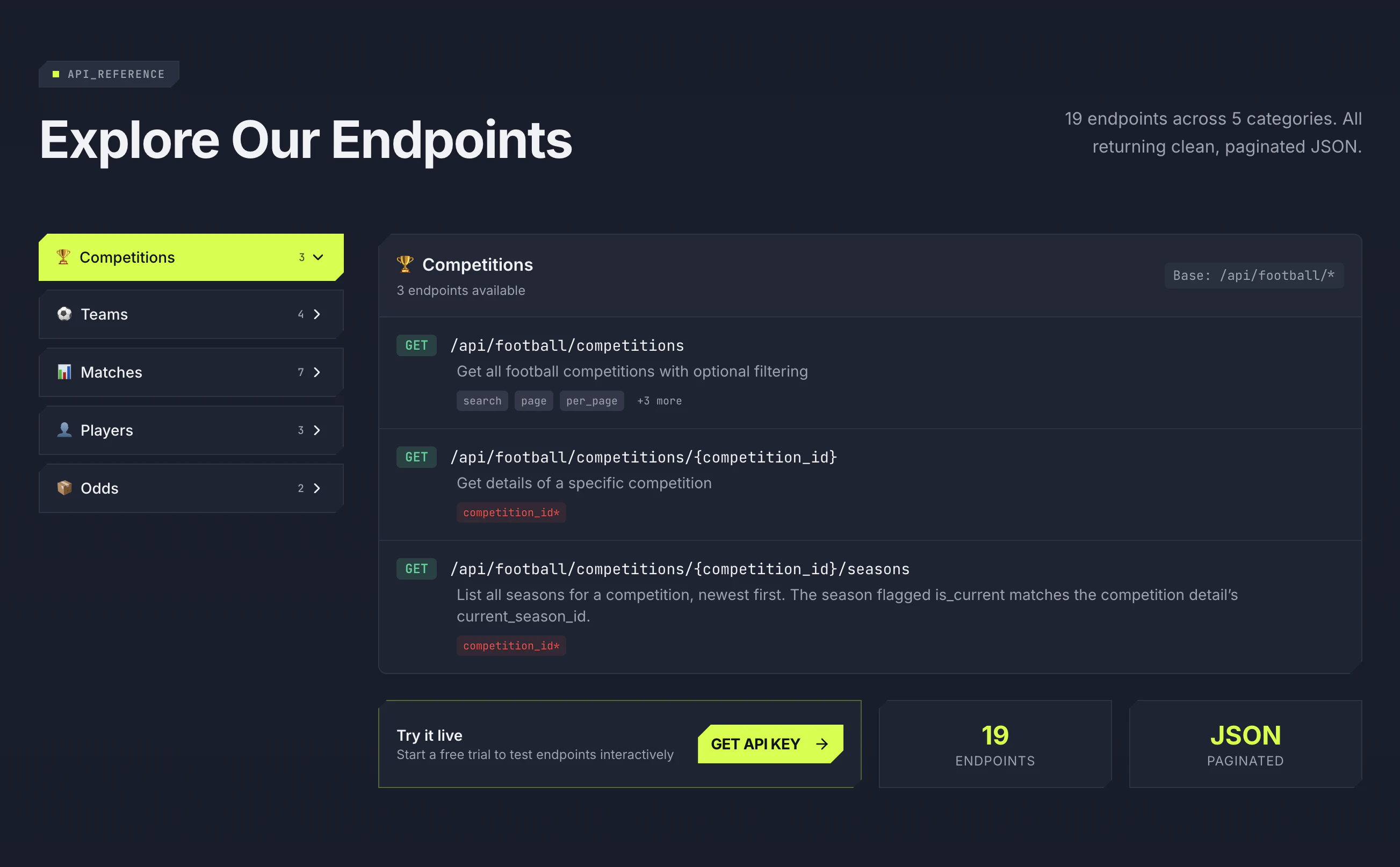
一句话介绍:TheStatsAPI 是一款专为开发者打造的极速足球数据API,解决了获取比赛、球员及赛程数据时成本高、不可靠、集成难的核心痛点,让应用快速接入全球80+赛事数据。
API Sports Football
足球数据API 体育数据接口 开发者工具 比赛数据 球员统计 赛程查询 快速集成 实时数据 数据服务 SaaS
用户评论摘要:目前收到的两条评论均为道贺与鼓励,暂无用户提出具体问题或建议。产品处于早期发布阶段,缺乏来自真实用户的功能反馈或使用痛点吐槽。
AI 锐评

TheStatsAPI 的标语和简介精准击中了足球数据开发者的长期痛点:大厂API价格高昂,小厂数据质量参差不齐,文档稀烂。但仅凭“快速”和“廉价”并不足以在拥挤的体育数据赛道突围。目前仅9票和零实质性用户反馈,说明产品尚处于冷启动阶段,距离“可靠”还需要经历大量生产环境的严苛考验。

其真正价值在于瞄准了“中小型开发者与业余项目”这一被垄断厂商忽视的长尾市场。先提供80项核心比赛数据,再按需扩展至1196项,这种灵活层级的设计是务实的策略,能降低初创团队的试错成本。然而,足球数据API的核心护城河不在于速度,而在于数据的准确性、覆盖广度以及更新频率的毫秒级延迟。如果数据源本身依赖爬虫或第三方转售,那么速度优势将随时因上游变更而消失。

建议团队在产品早期聚焦“错误率”和“文档易用性”这两个隐形杀手,并尽快在社区(如GitHub、Stack Overflow)建立技术信任。一句话:产品方向对,但需要更多真金火炼的用户反馈来证明它不是另一个“快但脆”的数据过客。

查看原始信息
TheStatsAPI
Get instant access to football match data, player stats, and fixtures across 80 competitions, with up to 1,196 available on request. Start building in minutes with a fast, easy to use, and reliable API.
Launching TheStatsAPI - Football data API built for builders TheStatsAPI exists because we kept hitting the same wall: football data that was either too expensive, too unreliable, or too painful to integrate. So we built the API we always wanted to use.
0
回复

Good luck with the launch Manoj! Cheers. 🥳

0
回复
#13
iGreet
Personalized video greeting cards that come alive
9
一句话介绍:iGreet让用户在几分钟内创建包含自定义消息、照片、视频和礼品卡的个性化数字或实体贺卡,通过链接即时发送或使用增强现实(AR)技术让贺卡“活起来”,解决传统贺卡缺乏互动性和个性化表达不足的痛点。
Augmented Reality Family
视频贺卡 AR贺卡 个性化祝福 电子贺卡 实体打印贺卡 礼品卡 WebAR 企业批量贺卡 情感科技 线上送礼
用户评论摘要:用户赞赏界面流畅、个性化体验直观,尤其适合母亲节场景。核心问题聚焦AR体验:接收方是否需要下载App?制作者确认使用WebAR,无需下载,打开链接即可在手机上使用。
AI 锐评

iGreet本质上是一个“情感封装”工具,它试图用数字化的手段复活一个古老的仪式——寄贺卡。其巧妙之处在于,它不执着于取代实体贺卡,而是将视频、照片、礼品卡与AR叠加,形成一种“轻量级混合现实”的送礼体验。9票的冷启动数据说明它尚未引起海啸,但产品逻辑值得剖析。

从锐利角度看,它的核心挑战在于:价值壁垒不够厚。视频贺卡、电子礼品卡、甚至AR展示,每个单项都有大量免费或成熟的替代品(如微信红包附带视频、Instagram滤镜、甚至各类短信)。iGreet的护城河在于“一站式封装”和“从数字到实体”的丝滑桥接——用户无需在不同App间剪切粘贴,只需一个链接就能将多种媒介打包成完整的仪式感。

对个人用户而言,它解决了“送礼没创意”的心理焦虑,但并不刚需;对B端企业(如员工关怀、客户答谢)才是真正的高频场景,因为规模化发送定制化祝福在企业沟通中成本高昂,而iGreet将成本从设计、印刷、邮寄压缩为一次创作、批量发送。此外,WebAR的决策足够明智——强迫用户下载App的AR都是反人类的,这项体验确保了接收端0摩擦。

不过,用户留存是巨大隐患:贺卡天然低频。iGreet想要成为“现代贺卡首选”,就必须建立模板社区、节日提醒、甚至是与电商礼品卡渠道的深度绑定,否则极易沦为一次性尝鲜工具。目前来看,它是一个方向正确但尚未充分验证“黏性”的精致产品。

查看原始信息
iGreet
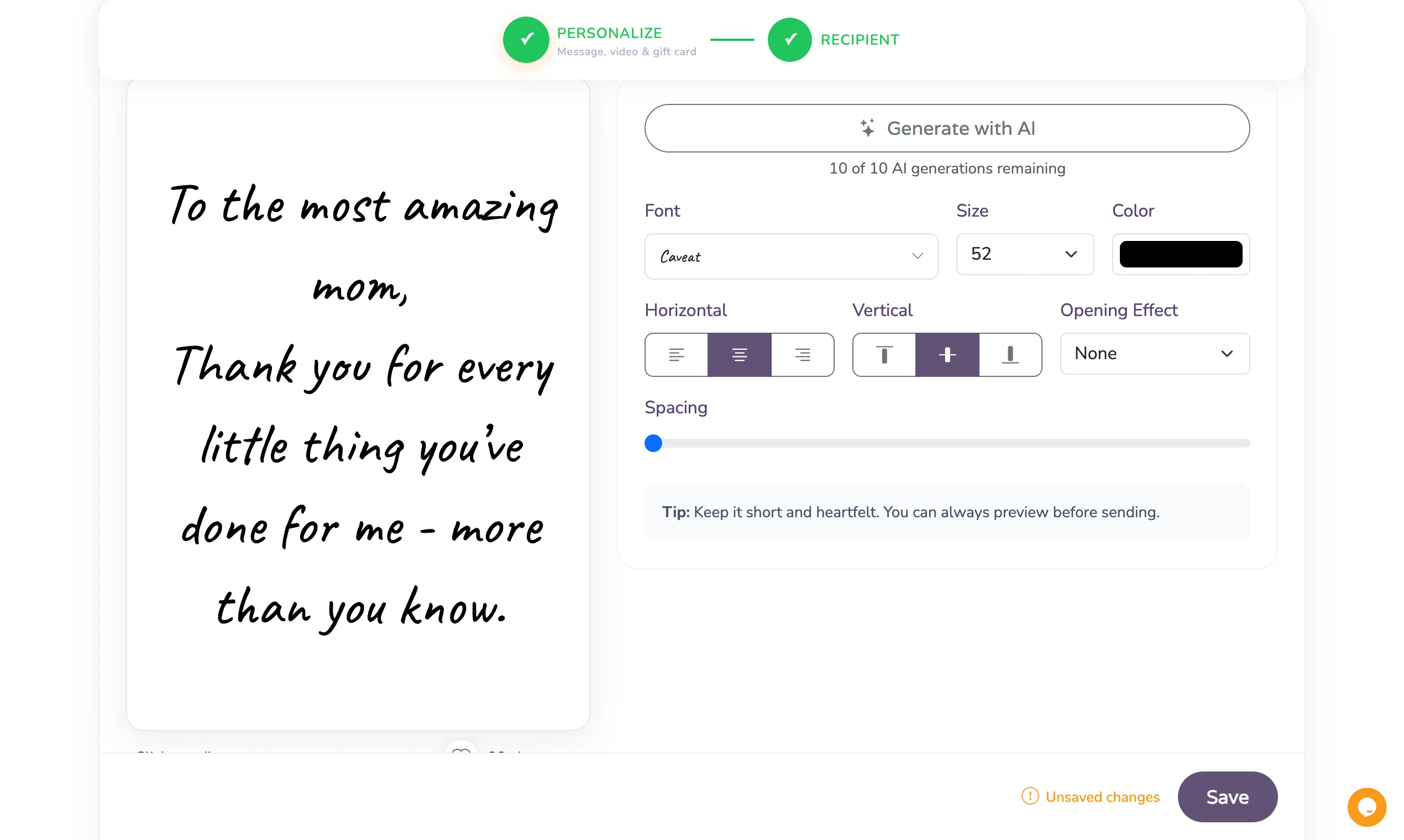
iGreet lets you create personalized greeting cards with your own message, photos, videos, and gift cards in minutes. Send digital cards instantly with a simple link, or order a physical printed version for an even more personal surprise. Cards can also be viewed in augmented reality, bringing your memories and messages to life through your phone.
Hi I’m Vicho, the maker of iGreet. We’re excited to launch iGreet just in time for Mother’s Day ❤️ iGreet started as physical augmented reality greeting cards and evolved into a platform for personalized digital and physical cards with video, gift cards, and AR experiences. Our goal is to make iGreet the go-to place for modern greeting cards and meaningful digital greetings. We also built iGreet for businesses, making it easy for teams and companies to send personalized cards at scale. Would love to hear your feedback!
3
回复

Really sleek interface. I just tried personalizing a card and the flow is super intuitive.

2
回复

Congrats on the launch! this feels like a really cool upgrade to traditional greeting cards - just went through the experience of personalizing a card for my mom today and found it very easy. Upvoted!

1
回复

Love the concept, but a quick question: if I send the digital link, does the person on the other end have to download an app to see the AR, or is it web-based? @vichod

0
回复

@priya_kushwaha1 Great question 🙌
No app download needed, the AR works directly in the browser through WebAR. The recipient just opens the link and experiences the card instantly on their phone 😊

1
回复
#14
PrimeCompass.ai
AI-Powered quality intelligence from live application
9
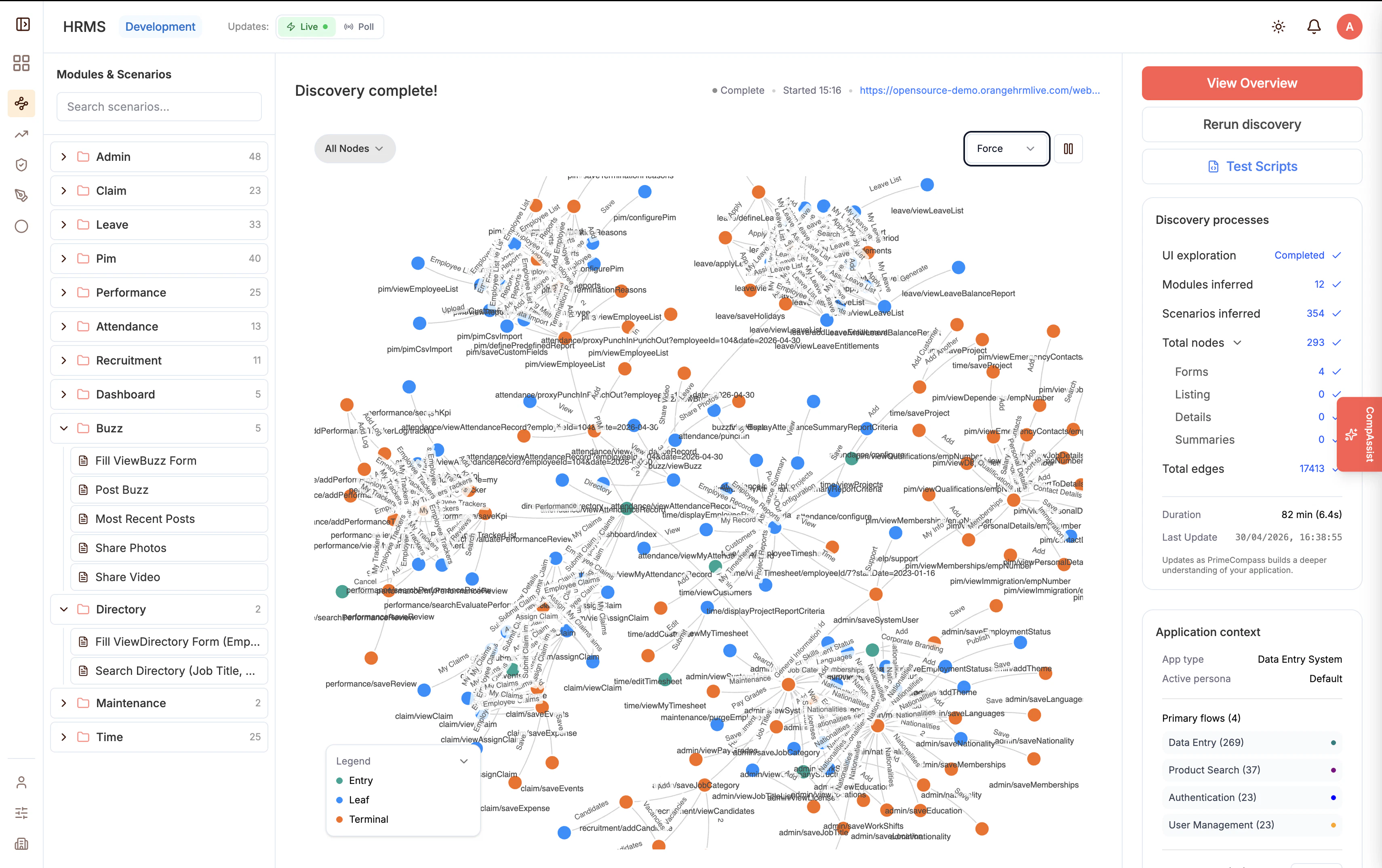
一句话介绍:PrimeCompass.ai 通过实时观察真实应用运行,自动发现测试场景并生成可执行的Playwright脚本,解决AI测试工具依赖人工录制或易产生幻觉脚本的痛点,确保测试的可靠性与质量。
A/B Testing Software Engineering Artificial Intelligence
AI测试自动化 质量智能 Playwright脚本 无幻觉测试 回归漂移检测 缺陷生命周期 CI/CD合规 应用观察 测试场景发现 QA可扩展性
用户评论摘要:用户认可产品通过观察真实行为而非假设生成测试的理念,关注点集中在AI生成代码验证、回归漂移、合规审计及CI/CD中质量信心等实际痛点,期待社区反馈。
AI 锐评

PrimeCompass.ai 试图解决AI测试领域一个真实而棘手的矛盾:传统录制工具依赖人工,而AI生成测试又容易陷入“看起来对,跑起来崩”的幻觉陷阱。其核心价值在于“观察驱动”——通过实时抓取DOM事件和运行时证据,将测试生成从“猜测”拉回“证据”轨道,这确实比同行更务实。但请注意,产品目前投票数仅9,说明仍处于极早期。真正的挑战在于:它能否在复杂动态应用中持续准确抓取用户旅程?Playwright脚本的可维护性和覆盖率是否真的优于手工编写?此外,“非旁路安全门”和“内置缺陷生命周期”听起来很完善,但落到实处往往需要深度嵌入团队工作流,而非一个孤立工具。如果PrimeCompass能证明其观察机制在微前端、GraphQL等现代架构下依然稳健,并让开发者信任这些自动生成的测试能抵御真实世界的意外,它才有机会从“有趣的概念验证”蜕变为“专业的质量基石”。否则,它可能只是又一个漂亮的DEMO。

查看原始信息
PrimeCompass.ai
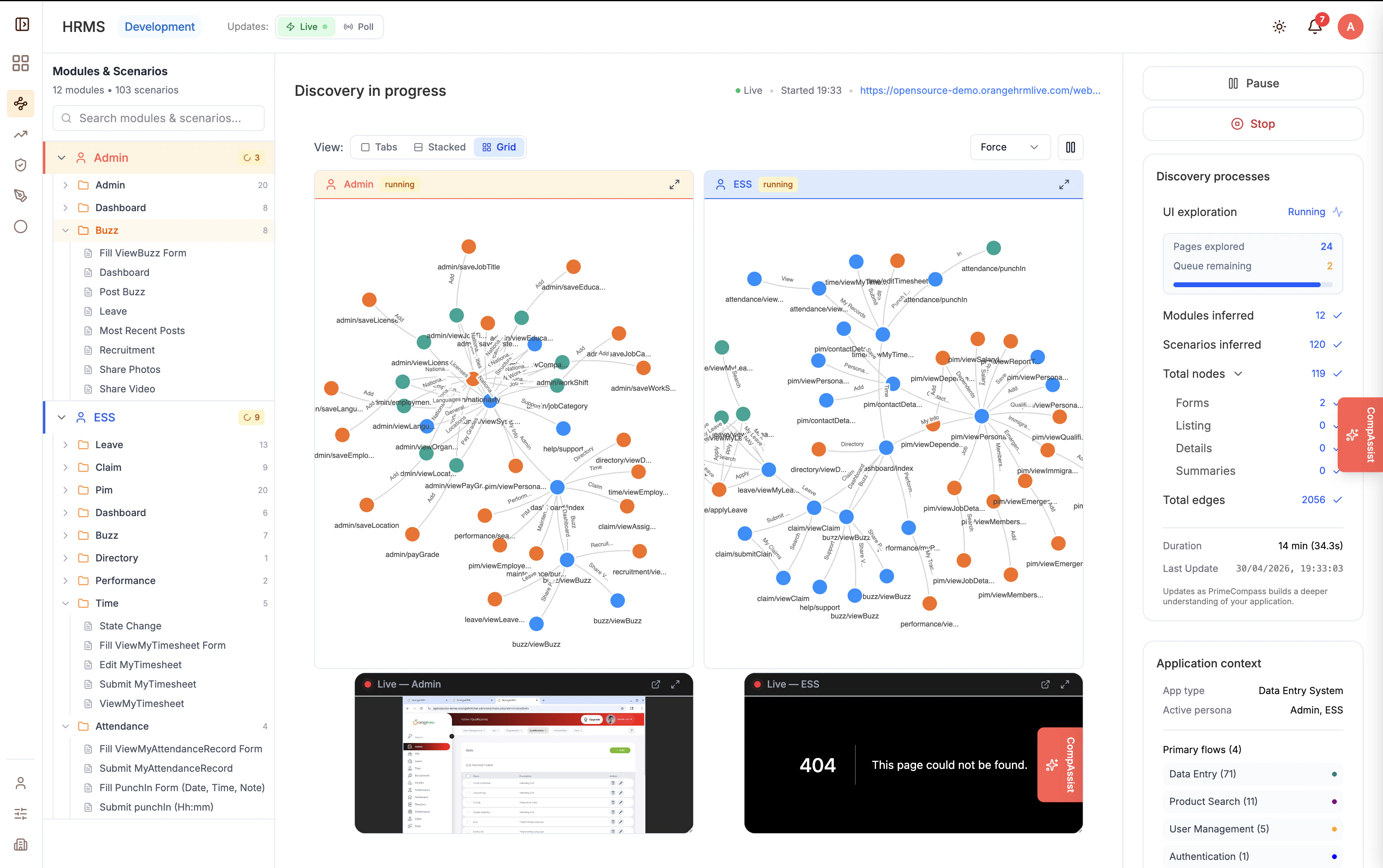
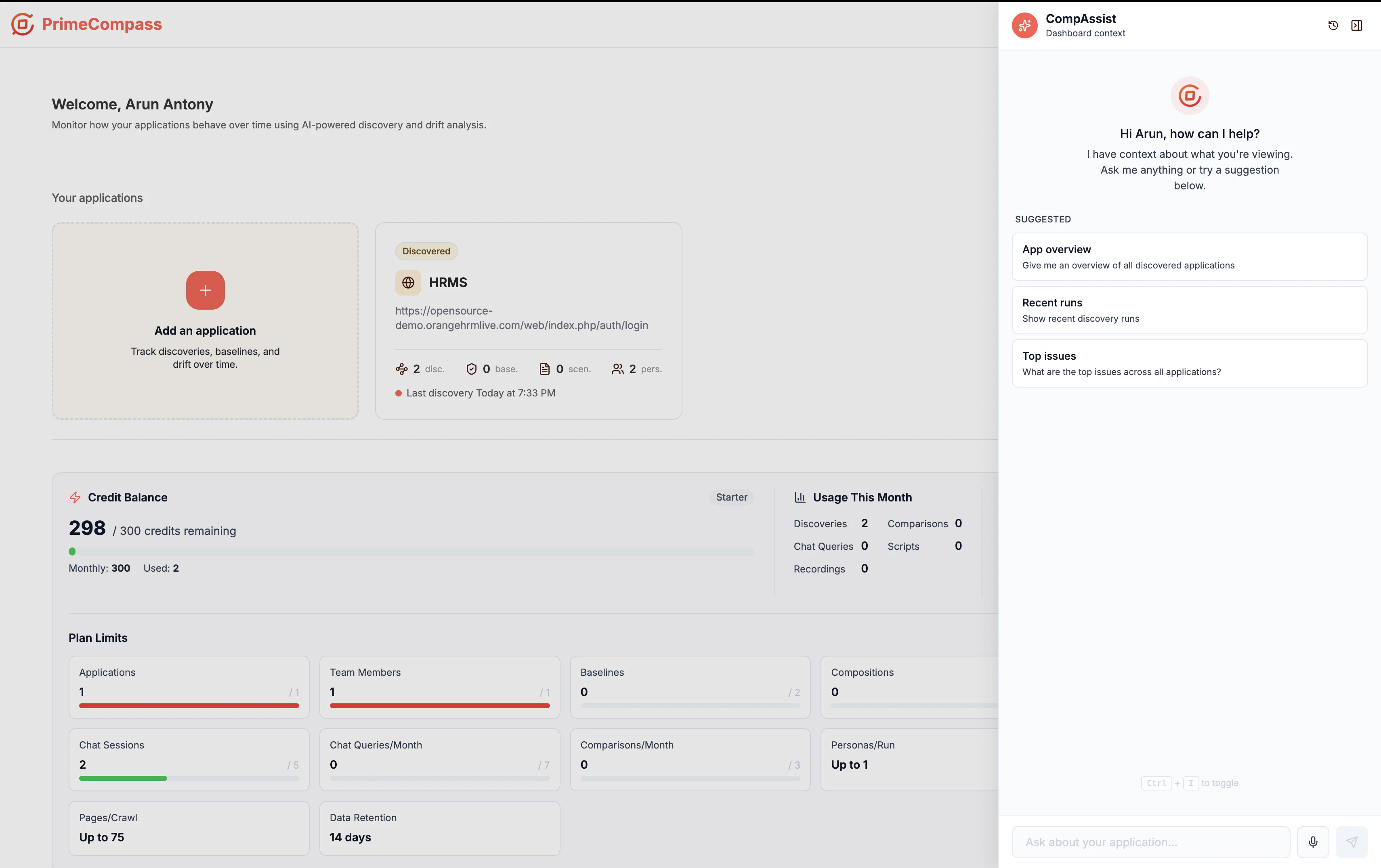
PrimeCompass auto-discovers test scenarios by watching real applications run — no manual recording, no LLM hallucinations. It produces executable Playwright scripts grounded in captured DOM events, with non-bypassable safety gates, dataset-driven test data, cross-release drift detection, and built-in defect lifecycle. Recorders need humans; AI-generators invent. PrimeCompass earns its tests by observing.

Most AI testing tools either depend on manual recording or generate tests that “look right” but break in real-world environments.

We started PrimeCompass with a simple belief:

Quality intelligence should come from observing actual application behaviour — not assumptions, prompts, or hallucinated flows.

PrimeCompass continuously watches applications run, discovers real user journeys, detects drift across releases, and generates executable Playwright tests grounded in captured runtime evidence.

Our focus is not just faster QA.
It’s building confidence in modern AI-accelerated software delivery.

Would genuinely love feedback from the Product Hunt community — especially from teams dealing with:
• Release confidence issues
• QA scalability challenges
• AI-generated code validation
• Regression drift
• Compliance & auditability in CI/CD

Happy to answer any questions and discuss where software quality engineering is heading next 🚀

2
回复
#15
Cohesivity
Backend Infra for AI agents
9
一句话介绍:Cohesivity为AI智能体提供一键式后端基础设施,让开发者只需在聊天窗口补充一句提示,即可自动完成数据库、托管、认证和存储的部署,彻底终结“智能体写80%代码后停下等人类手动配云服务”的断档痛点。
API Developer Tools Vibe coding
AI代理后端基础设施 一键部署 无服务器架构 智能体集成 云服务自动化 开发者工具 prompt-to-prod 多模型支持
用户评论摘要:用户反馈使用后“想法瞬间自动部署并收到链接”,体验震撼。资深开发者提问其是否支持多模型、长时运行的代理循环及状态持久化,官方回应产品是模型与平台无关的,并能维护项目状态供智能体查询。
AI 锐评

Cohesivity切中的不是“锦上添花”,而是AI开发生态里被忽视的“最后一公里”断层。当Cursor、Claude Code等代码代理已经能把生成代码的水平拉到惊人高度时,后端基础设施的自动化却仍停留在“请登录Supabase、粘贴Key、点击Vercel”的人工温吞节奏里。这个循环的愚蠢之处在于——机器替人承担了脑力劳动,却又被迫在机械重复的体力活上把效率拱手让给延迟。

从战略角度讲,Cohesivity的核心价值不是“多了一个云服务商”,而是重新定义了“智能体对人”的依赖边界:它把原本锁死在人类图形界面操作中的配置、租用、绑定等脏活,抽象为一层完全可被AI调用的API与控制面。本质上,它做的是让智能体变成一个完整的“全栈开发者”,终结AI只能写代码却不能独立“上线”的残疾状态。

但必须看到,这种“加一句prompt就能部署”的便利,背后是深度的平台锁定——用户一旦在项目中依赖Cohesivity的编排逻辑和状态管理接口,未来若要迁移或自建将面临重构成本。另外,当前仅基于“让智能体搜索并执行bash”的接入方式,在高安全性、合规敏感的生产环境中,权限粒度与审计能力究竟如何,官方并未给出清晰说明。

此外,9票、两条评论的早期阶段意味着产品距离“企业级就绪”还有极大距离。它能否真正承载那些长周期、高可靠、多租户的真实工作负载,或只是在Demo场景中博君一笑,有赖后续的稳定性和容错考验。方向是对的,但成也“自动”,败也“自动”——当配置炸了,谁通过CLI来救火?这个问题,Cohesivity的创始团队最好在PPT之外,先给出一份能落地的SOP。

查看原始信息
Cohesivity
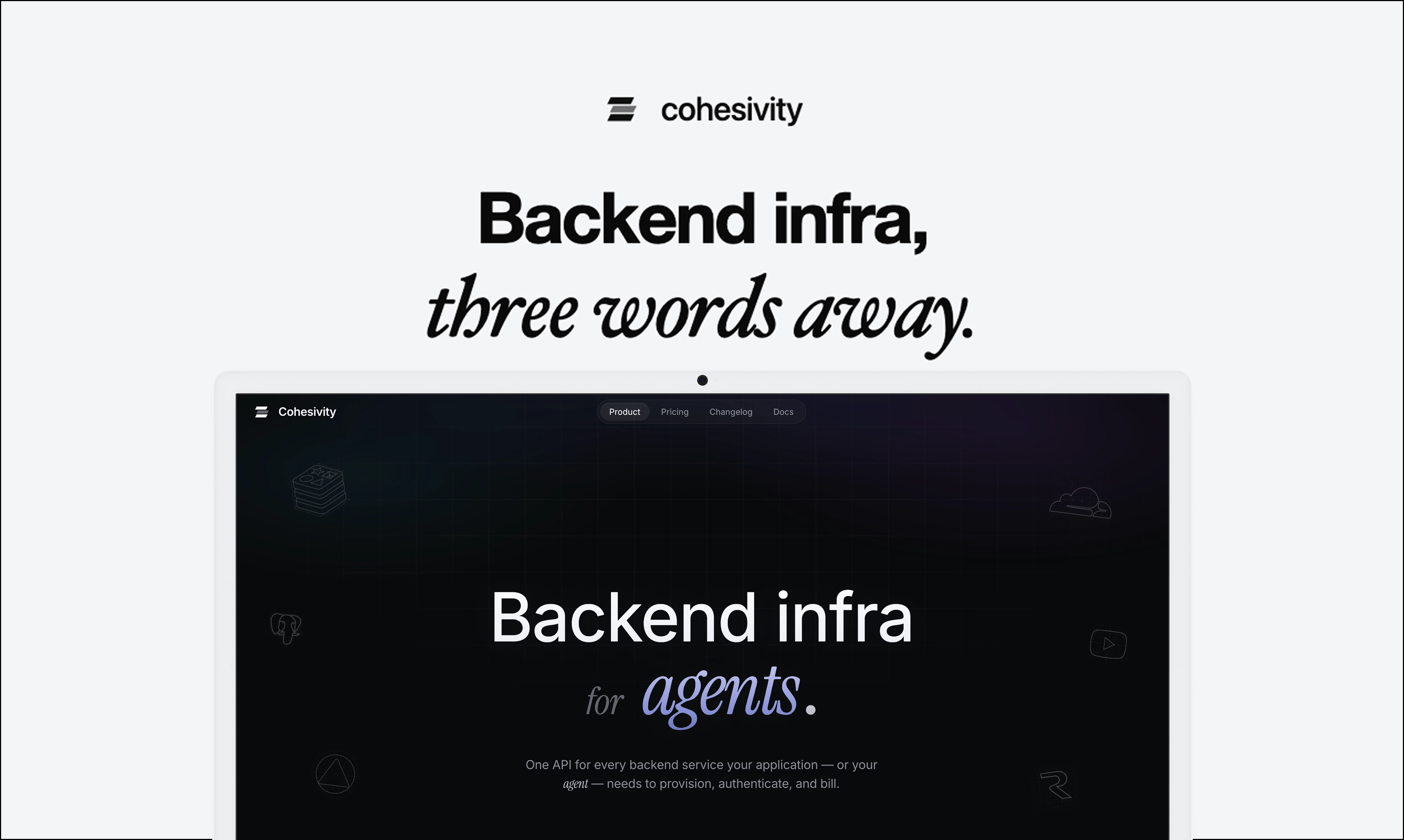
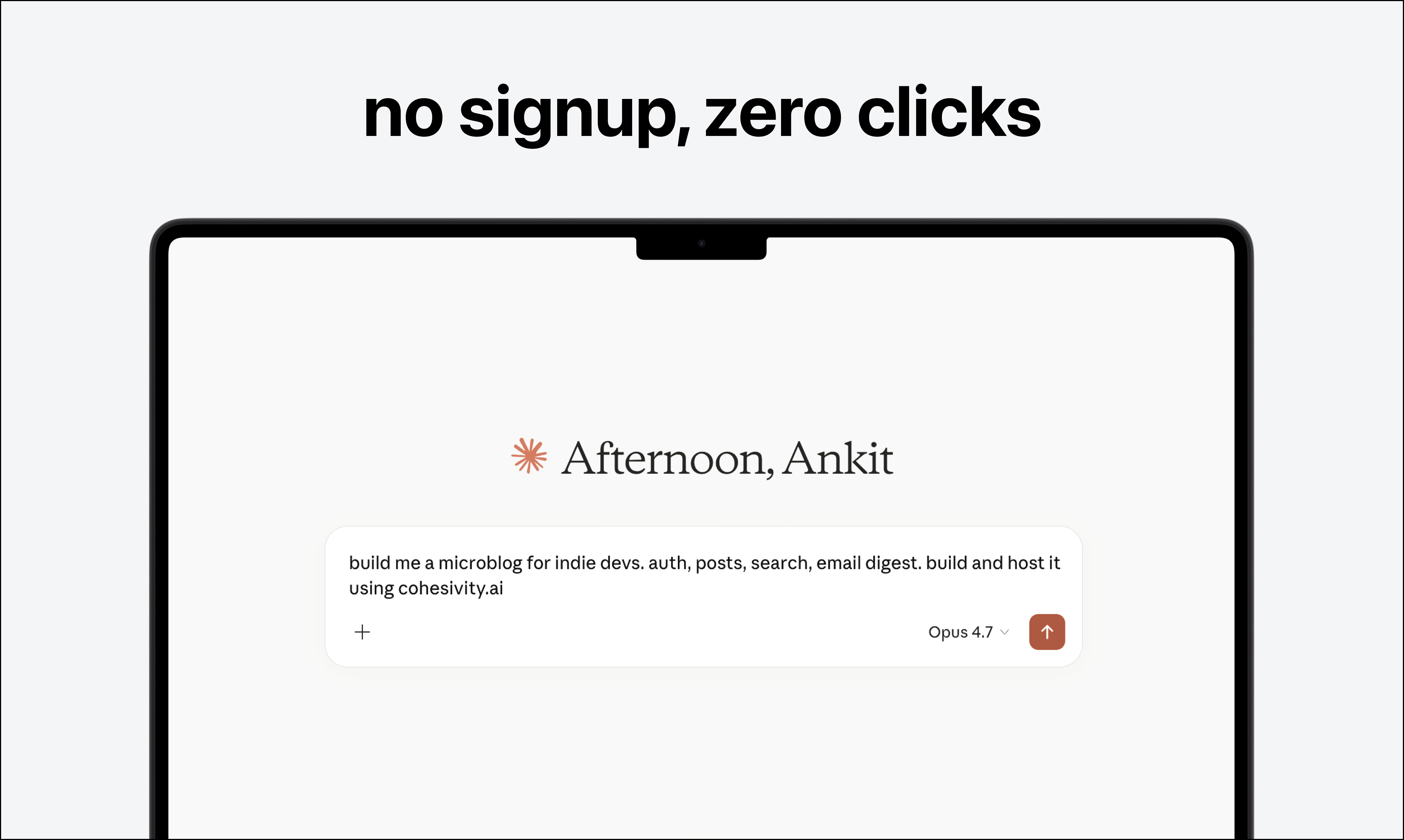
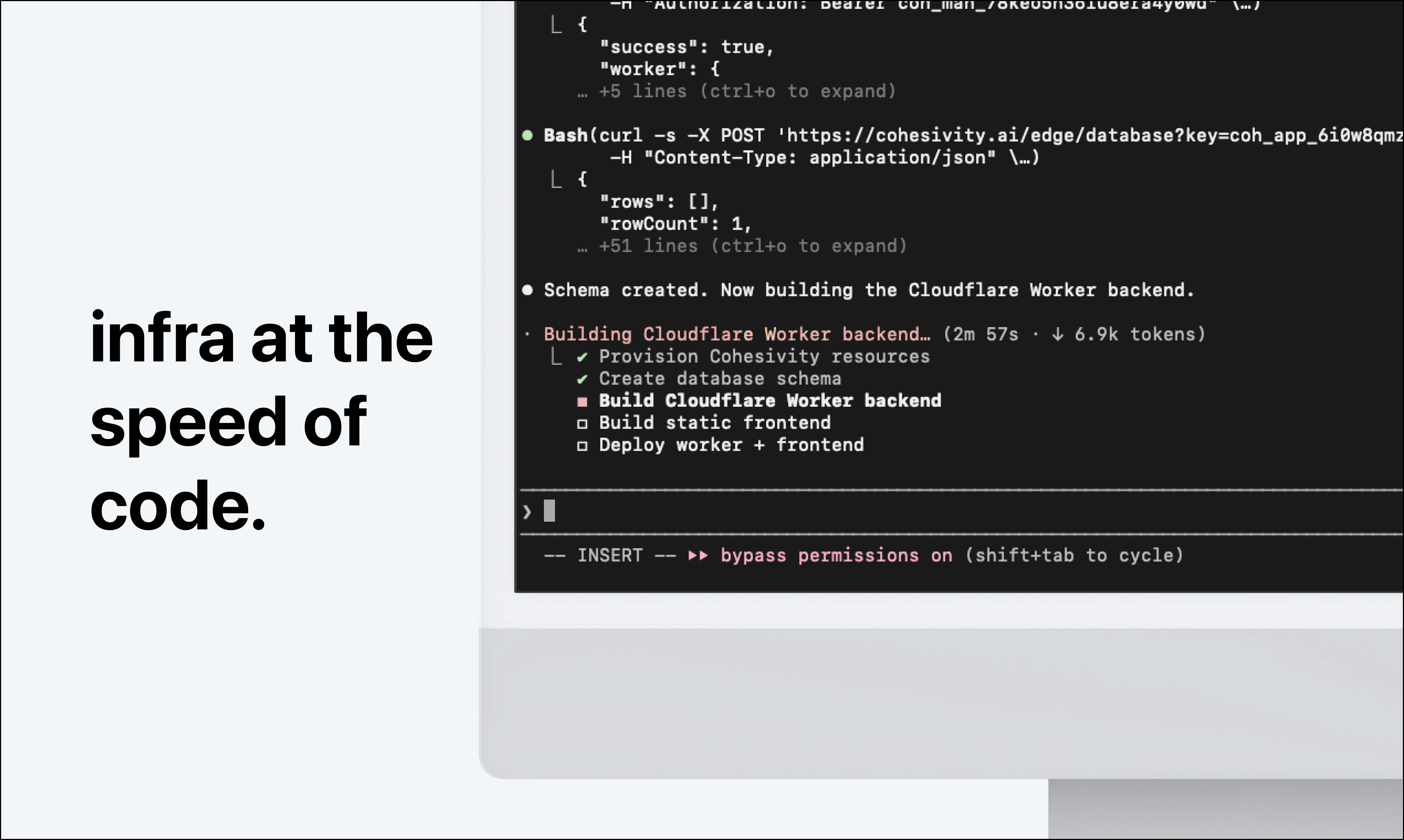
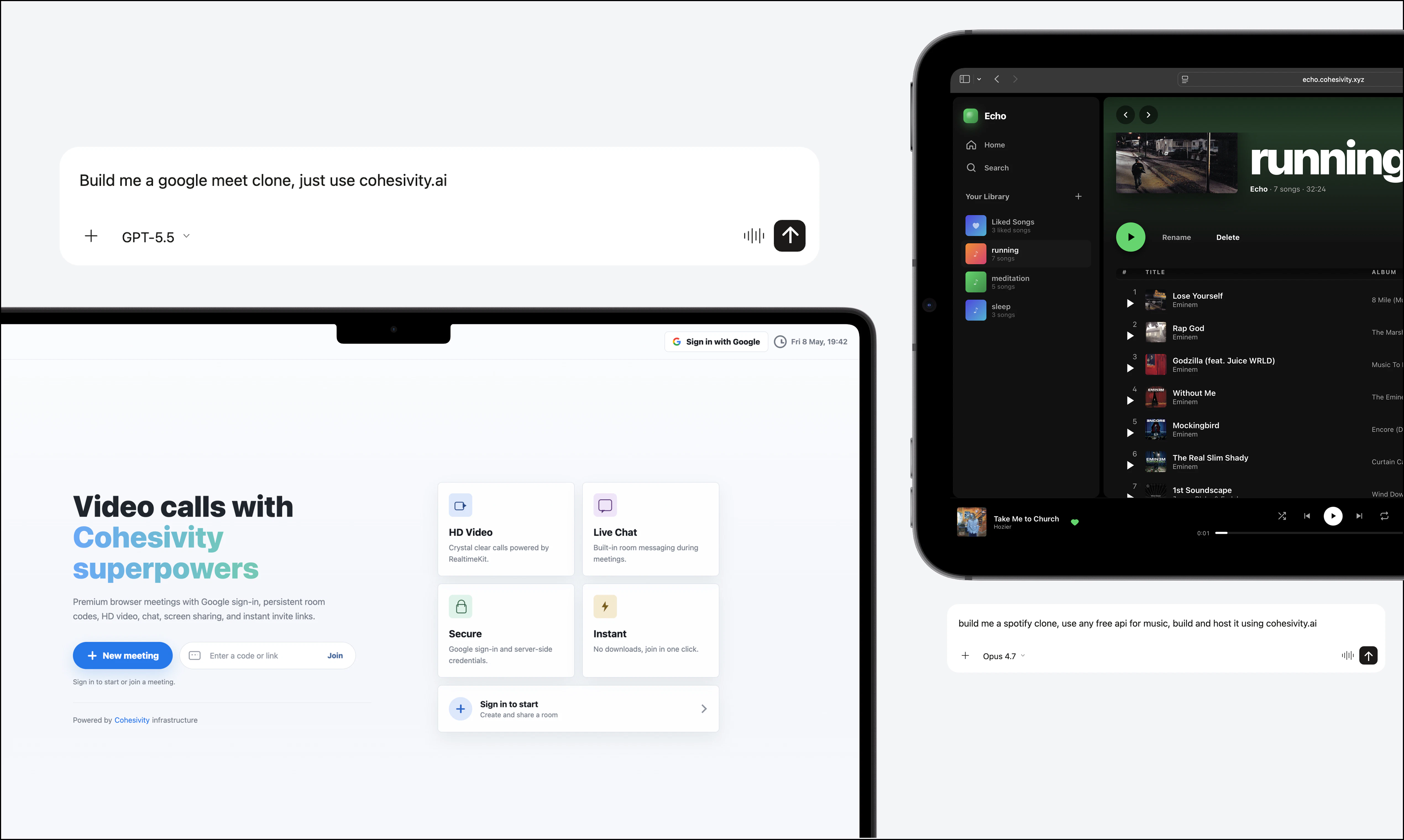
Cohesivity is backend Infra for AI agents. One API provisions databases, hosting, auth, storage, and more so agents can ship prompt-to-prod without you leaving the chat window. To get started, add 'build and host it using cohesivity.ai' to your prompt.

Hey PH 👋

We watched claude code, cursor and codex get scary good at writing code, but infra never caught on.

Agent would write 80% of an app, and then stop to ask me to sign up for Supabase, paste an OpenAI key, click through Vercel. And I'd do it. and then next time, do it again. And the time after that, again.

It's the dumbest part of the loop. Agent can do everything, just not the last 20% - because every cloud service was built for a human, clicking through dashboards.

So we built a version, entirely for agents.

If you wanna try it, just add 'build and host it using cohesivity.ai' to your next prompt in cursor, claude code or codex. That's pretty much it.

We're here all day,

Arag, Shouryamaan & Anshu

6
回复

I have used the product for testing a project. I had idea and boom everything got properly assigned and deployed and got the link, man i was just shocked and i have to download the codes arrange it. then i have to deploy it but not here just tell your idea on codex and boom.

3
回复

Thanks for the shoutout@ankush_raj7

That 'boom' moment is exactly why we built Cohesivity! 

0
回复

Backend infra for AI agents is the unsexy but critical piece of the stack. As a solo dev building FinTrackrr, I'm starting to think about agentic features and the session management, memory, and tool routing layer is genuinely the hardest part to get right. Is Cohesivity model-agnostic, or optimized for specific providers? Curious also if it handles long-running agent loops with proper state persistence.

2
回复

@asim_saeed1 yes, cohesivity is model and platform agnostic. Any agent that can search web and run bash can use it. We tune the docs/defaults/errors around the agents via our feedback loop. For long-running loops, Cohesivity keeps project state, what infra exists, endpoints, usage/status, etc. The agent can query that directly during the session.

0
回复
#16
Pro Thumbnail Inspirations
Viral thumbnail ideas from your niche
8
一句话介绍:通过分析YouTube上目标频道和领域的实时高点击数据,为创作者提供已验证有效、可直接复用的缩略图灵感,解决“凭感觉设计却无人点击”的痛点。
Design Tools Artificial Intelligence YouTube
用户评论摘要:开发者自述工具核心是“输入领域+博主,获取当下有效缩略图”,并强调可照搬创意再替换脸与风格。评论仅一条且为自评,无用户真实反馈或问题提出。
AI 锐评

这款工具切中的是内容创作者最焦虑的环节——缩略图设计。理论上,它比主观审美更科学,因为数据不会说谎。但问题在于,产品目前曝光度极低(仅8票、1条自评),说明营销或冷启动乏力,实际使用体验和效果存疑。

其核心价值在于“去掉了猜的过程”,但风险是:如果算法仅扫描部分热门频道或数据更新滞后,提供的缩略图可能反映的是过时趋势,反而带偏创作方向。另外,“照搬创意”的引导稍显粗糙——真正的竞争力在于如何用自己的脸和风格去重构,而非直接复制,创作者若缺乏二次设计能力,仍会陷入同质化陷阱。

产品目前更像一个“缩略图灵感的即时搜索器”,而非深度的竞争情报系统。能否真正提升点击率,取决于两点:数据源的广度和实时性,以及能否针对不同订阅量级的创作者给出差异化建议(小博主的缩略图策略与大V截然不同)。建议补充A/B测试对比案例,或与Canva等设计工具有机嵌套,才能形成从灵感落地到发布验证的闭环。否则,它暂时只是一个漂亮的“信息查重器”。

查看原始信息
Pro Thumbnail Inspirations
Get proven thumbnail ideas based on your niche and favorite creators. This feature scans YouTube and shows you thumbnails that are performing right now, so you can stop guessing and start creating what actually gets clicks.
hey everyone 👋 i built an algorithm that finds thumbnail ideas that are already working just enter your niche + favorite creators and it shows you what’s getting clicks right now you can recreate those ideas in your own style and face so you’re not just picking what looks good you’re picking what actually performs. would love your feedback 🙌
0
回复
#17
Screen Bolt
Record. Edit. Ship
8
一句话介绍:Screen Bolt是一款专为Mac用户设计的原生录屏与编辑工具,通过自动变焦、设备边框和内置时间线编辑器,解决教程和演示制作中录屏繁琐、剪辑低效的痛点。
Design Tools Marketing
屏幕录制 视频编辑 Mac应用 教程制作 演示工具 自动变焦 设备边框 时间线编辑器 原生应用 产品演示
用户评论摘要:用户反馈曾尝试其他录屏工具体验“奇怪地繁琐”,期待Screen Bolt带来更顺畅的操作。目前评论较少,问题与建议尚不明确,但隐含对简化录屏流程的强烈需求。
AI 锐评

Screen Bolt的标语“Record. Edit. Ship”直指内容创作者的终极诉求——从录制到交付的无缝衔接。其核心卖点“自动变焦”和“设备边框”精准切中了教程与演示类视频的制作痛点:传统录屏软件要么功能简陋(如QuickTime),要么臃肿冗余(如ScreenFlow),而Screen Bolt试图在原生轻量化与专业编辑之间找到平衡点。

但仅凭8票和一条评论,目前还远不足以验证其“更顺畅”的承诺。内置时间线编辑器是一把双刃剑——它简化了剪辑流程,却可能因功能过于基础而无法满足进阶需求。此外,作为一款Mac原生应用,它天然受限于苹果生态,若缺乏跨平台支持及云协作能力,天花板将非常明显。

真正的价值在于它是否能让“非专业”用户(如产品经理、教育者)在5分钟内完成一次高质量录屏。如果自动变焦算法足够智能、设备边框与主题渲染足够精致,它有可能在“短内容制作”这一细分场景中替代复杂的传统工具。但若仅停留在“另一个录屏器”的层面,则难以逃离被Loom、OBS或Camtasia夹击的困境。建议团队紧盯用户长尾反馈,优先打磨自动变焦的稳定性和时间线编辑的流畅度,否则情怀终将败于体验。

查看原始信息
Screen Bolt
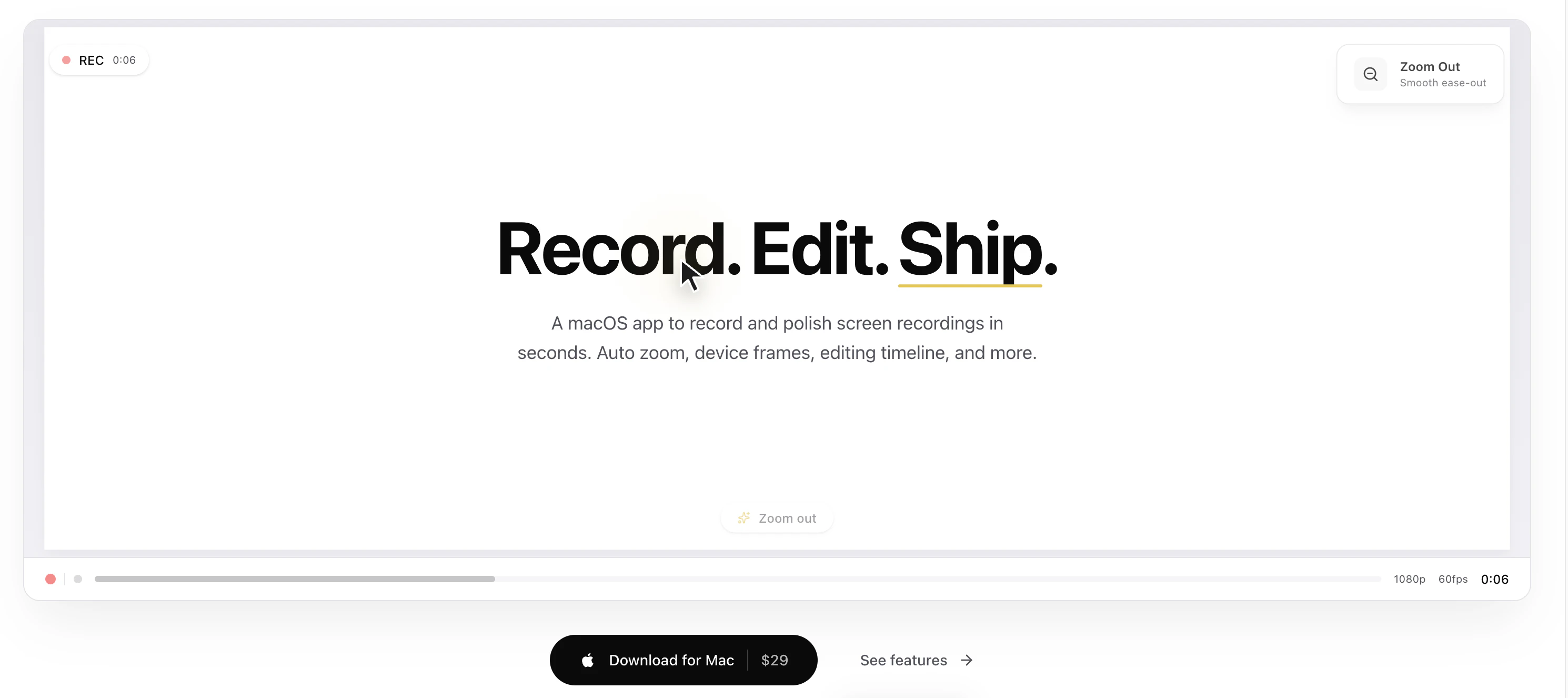
Record, edit, and export polished screen recordings with auto zoom, device frames, and a built-in timeline editor. Native macOS app for tutorials, demos, and more.

I've tried other screen recorders but they were all strangely tedious--looking forward to a smoother experience!

1
回复
#18
Agent Memory System
Open Source Context Infrastructure for AI Agents
8
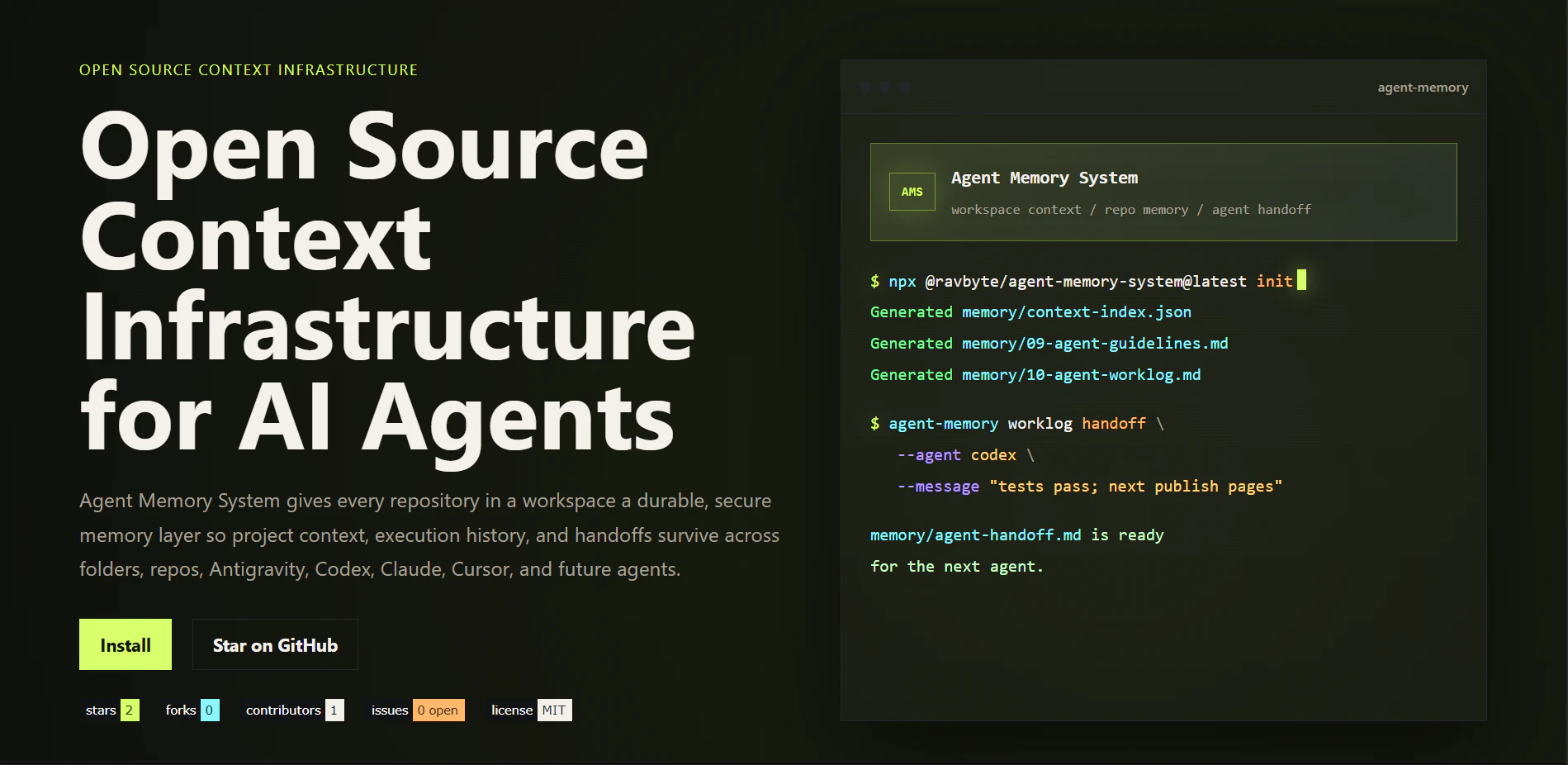
一句话介绍:Agent Memory System为AI编程助手提供持久化的代码库记忆层,解决多工具协作时上下文丢失、需重复发现项目结构的痛点。
Developer Tools Artificial Intelligence GitHub
开源 AI Agent 上下文管理 代码库记忆 工具链协作 结构追踪 开发者工具 Markdown记忆 CI集成 工作交接
用户评论摘要:用户表示项目非常实用,正需要此类工具,询问是否保持开源;创始人确认永久开源。用户关注点在于项目能否持续开放,以及记忆工具未来应补足哪些功能。
AI 锐评

Agent Memory System瞄准的是一个真实且日益尖锐的痛点——AI编程Agent的“金鱼记忆”。当开发者穿梭于Claude、Cursor、Codex等多个工具之间,项目上下文被割裂成碎片,重新加载信息的成本反而抵消了Agent的效率优势。该产品的核心价值并非简单缓存,而是通过结构化的Markdown记忆、机器可读的索引以及变更追踪,主动为Agent构建了一个可被检索的“长期工作记忆”。其CI集成设计尤为务实,确保了记忆与代码库同步演化,而非变成静态死档案。

但需警惕,该项目目前投票数仅8,尚处早期。其价值的真正兑现依赖两个门槛:一是生成记忆的准确性,若扫描逻辑过于机械,产生大量噪音,反而会干扰Agent;二是多工具兼容的深度,目前提及的Antigravity、Codex等工具的生态成熟度不一,若适配仅停留于表面,则“记忆层”将沦为伪概念。其开源策略是双刃剑,既可能吸引社区贡献快速迭代,也可能因缺乏商业支持而后续乏力。真正值得关注的是,它是否能在不降低生成效率的前提下,实现记忆的“权重大小”与“复用率”之间的有效平衡——这将是决定其能否从工具演变为基础设施的关键。

查看原始信息
Agent Memory System
Agent Memory System gives any repository a durable memory layer that AI agents can read before they work. It scans the codebase, generates structured Markdown memory, creates a machine-readable topic index, tracks structural changes, and records handoffs so context survives when work moves between Antigravity, Codex, Claude, Cursor, or another assistant.

Hey Product Hunt, I’m Gaurav, founder of Agent Memory System.

I built this because AI coding agents are powerful, but they still lose project context too easily. A task can start in one tool, continue in another, and suddenly the next agent has to rediscover the repo from scratch.

Agent Memory System gives every repository a durable memory layer: project structure, architecture notes, API and security context, worklogs, graph intelligence, and handoff summaries that agents can read before they start working.

It is open source, works with tools like Codex, Claude, Cursor, and Antigravity, and includes CI checks so memory stays fresh as the codebase changes.

I’d love feedback from developers using AI agents in real projects:

  • What context do your agents keep re-reading?

  • Where do handoffs break down?

  • What should memory tooling capture next?

Thanks for checking it out. Excited to hear what you think.

3
回复

This is very helpful. I was looking for this kind of project. Are you planning to keep this as open source? I am going to fork after trying this.

1
回复

@rivra_dev Thanks for the comment. And yes we are committed to keep this opensource. And please star us on GitHub too.

2
回复
#19
DESIGN.MD by Parallect
Generate DESIGN.md from any website URL
7
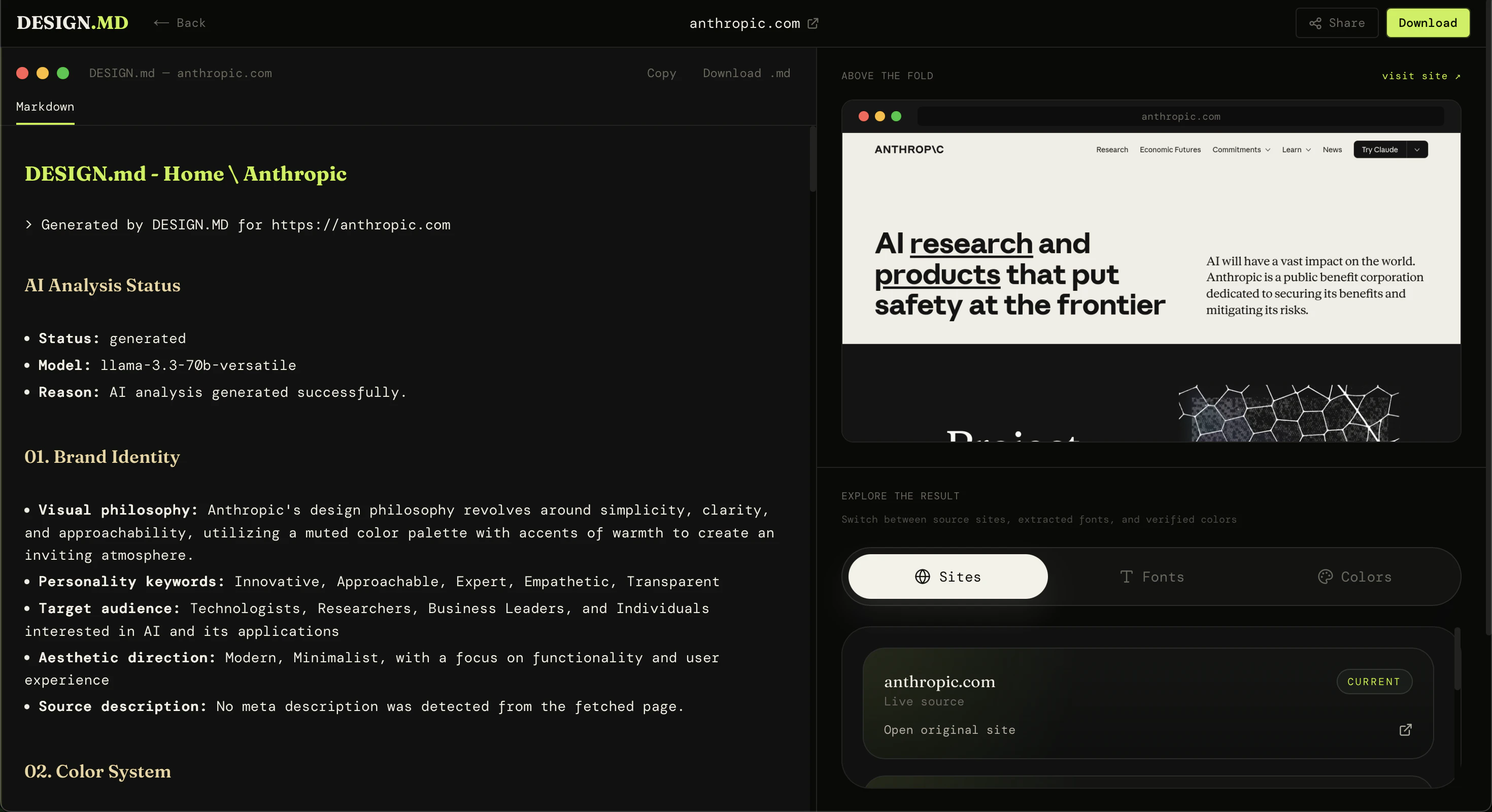
一句话介绍:DESIGN.MD通过输入任意网页URL,自动提取其设计系统(配色、字体、间距等)并生成标准化的Markdown文档,解决开发者与AI编码工具在复刻现有UI设计时靠“猜”样式规则的痛点。
Design Tools Developer Tools Artificial Intelligence
设计系统提取 AI编码辅助 网页设计分析 样式文档生成 Markdown输出 UI复刻 开发效率 设计语言 Token识别 自动化文档
用户评论摘要:用户主要表达了产品创意方向的认可,认为其解决了AI编码时缺少明确设计规则的痛点。开发者在评论中邀请测试其他网站,并引导用户反馈希望提取哪些更细致的设计细节(如具体Token、组件模式等),尚未收到其他用户质疑或功能建议。
AI 锐评

DESIGN.MD切入了一个精准且正在膨胀的痛点:AI代码生成工具(如V0、Cursor)在生成UI时,往往缺乏对现有设计系统的“上下文感知”,导致输出的组件风格与目标网站割裂。该产品通过将视觉规则结构化,理论上能为AI提供精确的“设计提示词”,减少试错成本。

然而,其当前版本存在明显短板。首先,7票的低热度暗示流量获取或产品完成度不足;其次,输出格式仅限Markdown,虽利于人类阅读,但缺乏对主流AI工具(如Figma插件、代码组件库)的格式适配,限制了工程链条上的直接复用价值。真正的产品壁垒在于提取的“精准度”与“结构性”——能否区分出渐变、阴影、动效曲线等高级Token,而非仅仅罗列颜色十六进制码。此外,由于设计系统常包含未显式写在CSS中的逻辑(如间距的比例系统),纯视觉扫描可能生成误导性方案。

长远看,DESIGN.MD更像是一个“设计翻译器”的浅层尝试。若要产生核心价值,需从“描述样式”进化为“生成可用于代码的设计Token JSON”,并直接对接AI Agent进行闭环调用。否则,它可能沦为开发者手中的又一个“一次性工具”,而非设计系统的标准化接口。

查看原始信息
DESIGN.MD by Parallect
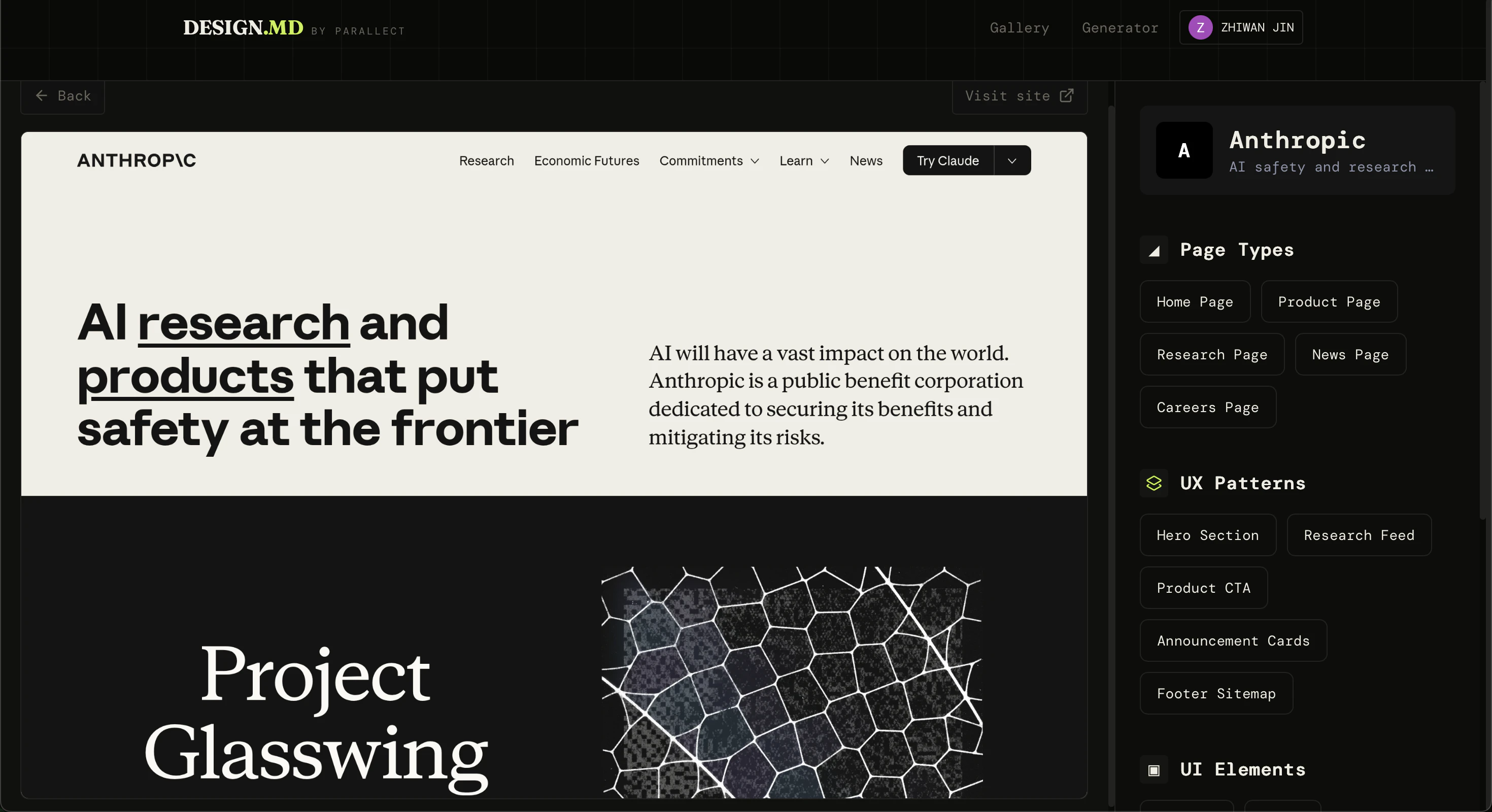
Paste a URL — get a production-ready DESIGN.md with tokens, typography, spacing, and component patterns. Everything your team needs, in seconds.
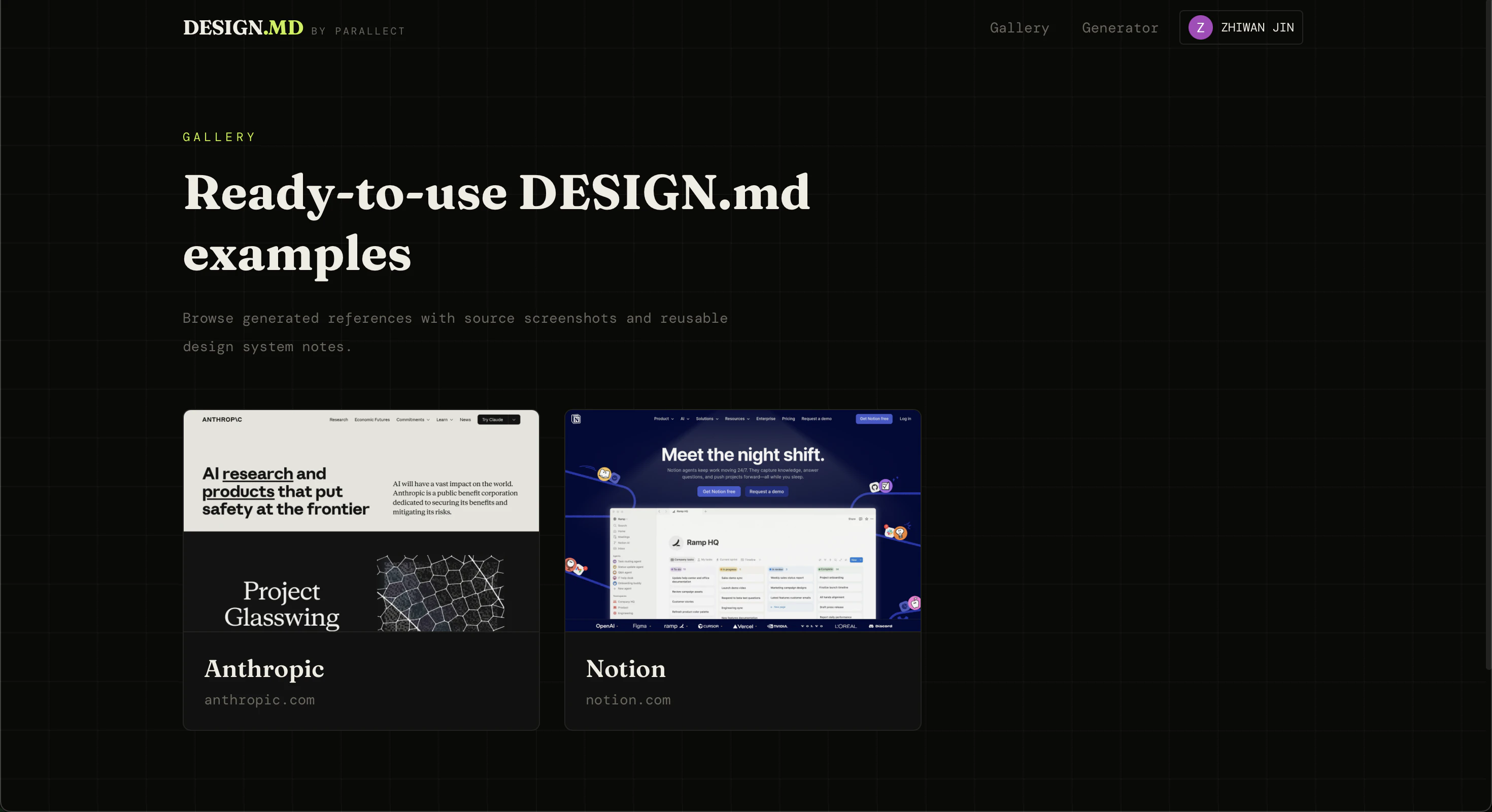
Hey Product Hunt 👋 I built DESIGN.MD by Parallect because AI coding tools are getting better at building interfaces, but they still often guess the visual rules of a product from scratch. DESIGN.MD lets you paste a website URL and generate a clean Markdown design-system document that can be used with AI coding agents, developers, and designers. It helps extract and organize things like: * colors * typography * layout patterns * spacing rules * component notes * visual style guidance The goal is simple: make it easier to understand an existing website’s design language and reuse it when building new pages or UI with AI. Right now, the output is focused on Markdown because it is easy to read, edit, copy, and give directly to AI tools. I’d love your feedback: What website should I test next? What kind of design details would make the generated Markdown more useful?
1
回复
#20
GoHighLevel Downloader
Save GoHighLevel course videos offline
6
一句话介绍:GoHighLevel Downloader 是一款浏览器扩展,让用户无需任何技术工具即可一键将GoHighLevel平台上的课程视频保存为MP4,离线学习或备份。
Chrome Extensions Productivity GitHub Photo & Video
浏览器扩展 视频下载 GoHighLevel 离线观看 课程内容 MP4导出 学习工具 生产力 内容备份 Chrome插件
用户评论摘要:目前仅有一条发布者自评,无用户实际反馈。发布者说明其核心流程为“浏览器内检测视频→选择画质→保存MP4”,强调了无需开发工具或命令行,旨在简化离线学习与内容归档。
AI 锐评

从产品定位看,GoHighLevel Downloader 精准切入了一个“半开放”生态的痛点:GoHighLevel 作为面向营销机构的一站式平台,其内置课程内容通常被平台方设计为仅在线观看,以维持用户粘性并防止内容外流。该扩展在技术上允许用户绕过这种限制,直接下载MP4,实际上是在用户“拥有”课程的权益与平台对内容的控制权之间撕开了一道口子。

其价值并不在于技术复杂度(浏览器嗅探视频流并下载是成熟技术),而在于它将这一能力“工具化”和“零门槛化”——用户不再需要打开开发者工具去翻找网络请求,或是安装ffmpeg等命令行终端。这种极致的易用性正是其核心卖点,也意味着它能覆盖更广泛的非技术用户(如培训师、内容运营等)。

但必须指出,这款产品面临着明显的伦理与合规风险。GoHighLevel 的服务条款很可能明确禁止未经许可下载内容。一旦用户大规模使用,平台方极可能通过技术手段(如加密流、Token鉴权、检测请求头)封堵该扩展。此外,该扩展仅6票的惨淡数据也说明其目前受众极小,很可能处于“作者自娱自乐”的阶段。对于普通用户,在未获平台明确授权前下载课程内容,需自行承担账户被封禁的风险。其长期商业价值有限,更像是一个特定链条中的“临时撬棒”,而非可持续的产品。
查看原始信息
GoHighLevel Downloader
A browser extension for saving supported GoHighLevel course videos for offline viewing. Open a course page or embedded player, let the extension detect available media, then export an MP4 for study, review, backups, travel, training, or personal archives — without developer tools, network inspection, command-line utilities, or separate desktop software.
Hey Product Hunt! I built GoHighLevel Downloader for people who want a simpler way to keep supported GoHighLevel videos available offline. The workflow stays in the browser: open a page or embed, let the extension detect the available media, choose the source/quality when available, and save an MP4 locally. It is useful for study, review, backups, travel, training, courses, and personal archives. Would love feedback from anyone who works with a lot of GoHighLevel content.
0
回复