Product Hunt 每日热榜 2026-06-14

PH热榜 | 2026-06-14

#1
Slashy
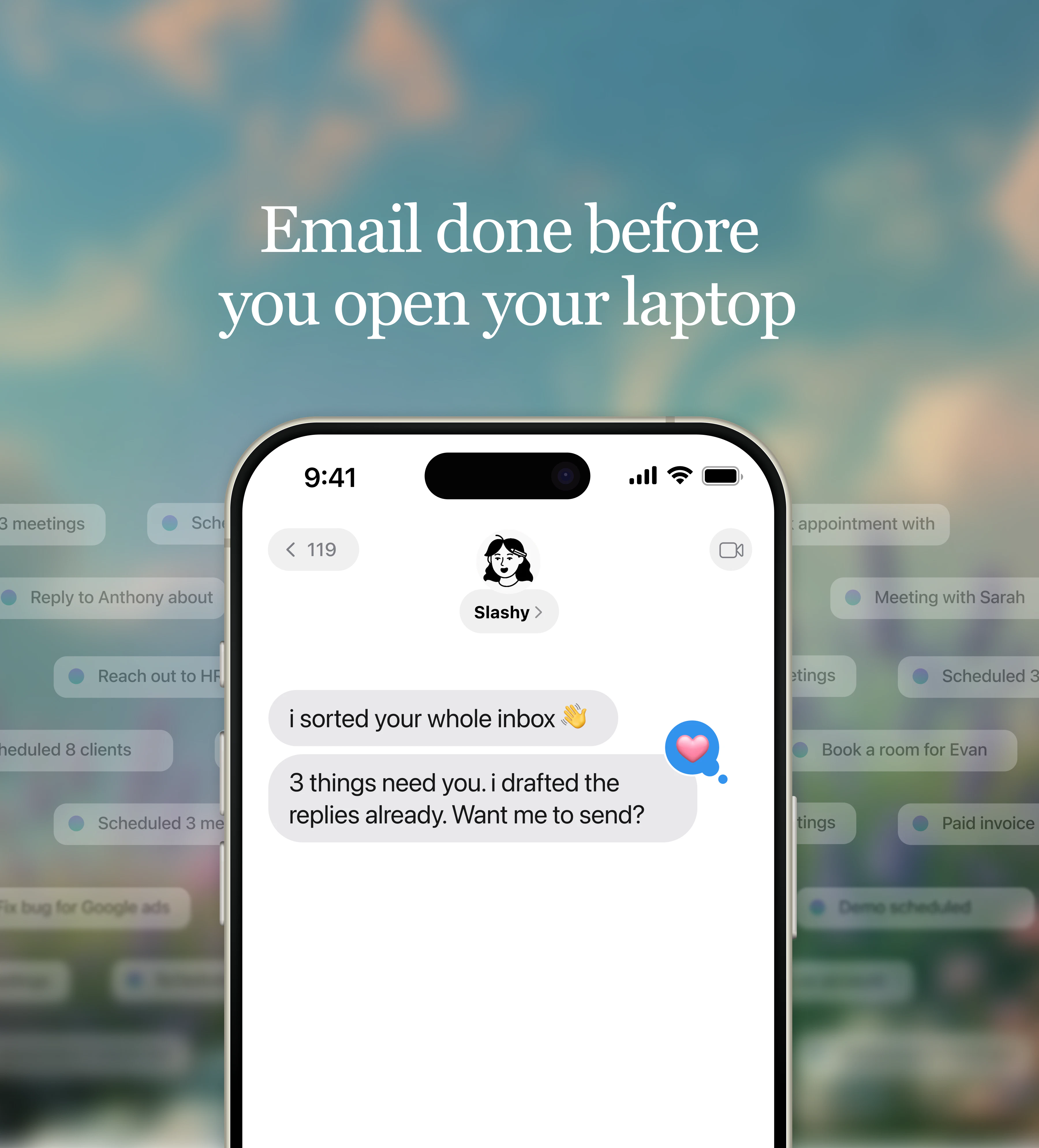
The AI assistant that does email for you
373
一句话介绍:Slashy是一款AI原生邮件客户端,通过连接日历、CRM和会议记录等上下文,自动学习用户写作风格,代写个性化邮件并管理跟进任务,帮用户把花在收件箱的时间从每天2小时以上压缩到10分钟。
Email Artificial Intelligence Virtual Assistants
AI邮件助手 智能收件箱 邮件自动化 AI写作 上下文记忆 日程管理 邮件优先级排序 多账户统一收件箱 iMessage/Slack集成 生产力工具
用户评论摘要:用户核心关注点:1. 跨账户品牌/上下文的完全隔离能力(已有支持);2. 个性化学习与强化不良习惯间的平衡;3. 除Gmail外、Outlook及其他平台支持现状(当前仅Gmail);4. 与Granola等笔记工具的自动起草联动(已有集成但需配置);5. 搜索功能获认可,期待MCP接口和代理进一步扩展。
AI 锐评

Slashy的聪明之处在于它没有把自己定位成一个“AI写作插件”,而是直接选择重建一个邮件客户端。这是一个成本极高但回报也极高的决策——因为只要搭在Gmail或Outlook上的套壳,永远拿不到最底层的操作权限和完整事件流,也就永远做不出真正的自动化。它通过连接日历、CRM、会议笔记,获得的不仅是语境,更是一个“你将要做什么、做过什么”的行为图谱。这才是AI代理真正的燃料,而非简单看几封邮件就能“复刻你的语气”,后者不过是营销上的漂亮说辞,技术上价值有限。

从用户反馈看,它确实解决了“隐形工作”的痛:那些不会跳进你日程、但一不跟进就会丢单的跟进事项。而自动起草+审核的模式,让AI扮演的是“助理起草、你先审后发”的角色,而非替你做决定——这一点决定了用户的信任下限。

但风险同样明显。高度依赖多源集成意味着每一个连接点都可能崩坏,而一旦日历或CRM同步出问题,Slashy的“智能”就立刻降格为普通的文笔优化器。此外,跨角色、跨场景的个性化记忆与其说是一种能力,不如说是一个隐形的信息管理成本——用户需要清醒地意识到,AI正在学习的是“你过去的惯性”,而不是“你更好的未来”。误用习惯与固化窠臼,是这类工具最容易忽略的副作用。

目前只能支撑Gmail,用户群里不少PC和Outlook用户被挡在门外,这是刚上线期必须快速补上的短板。总的来说,Slashy拿出了“客户端级”的诚意,而不仅仅是一个插件级的花活;但要从“让早期用户惊叹”跨越到“基础设施级产品”,还有一步之遥。

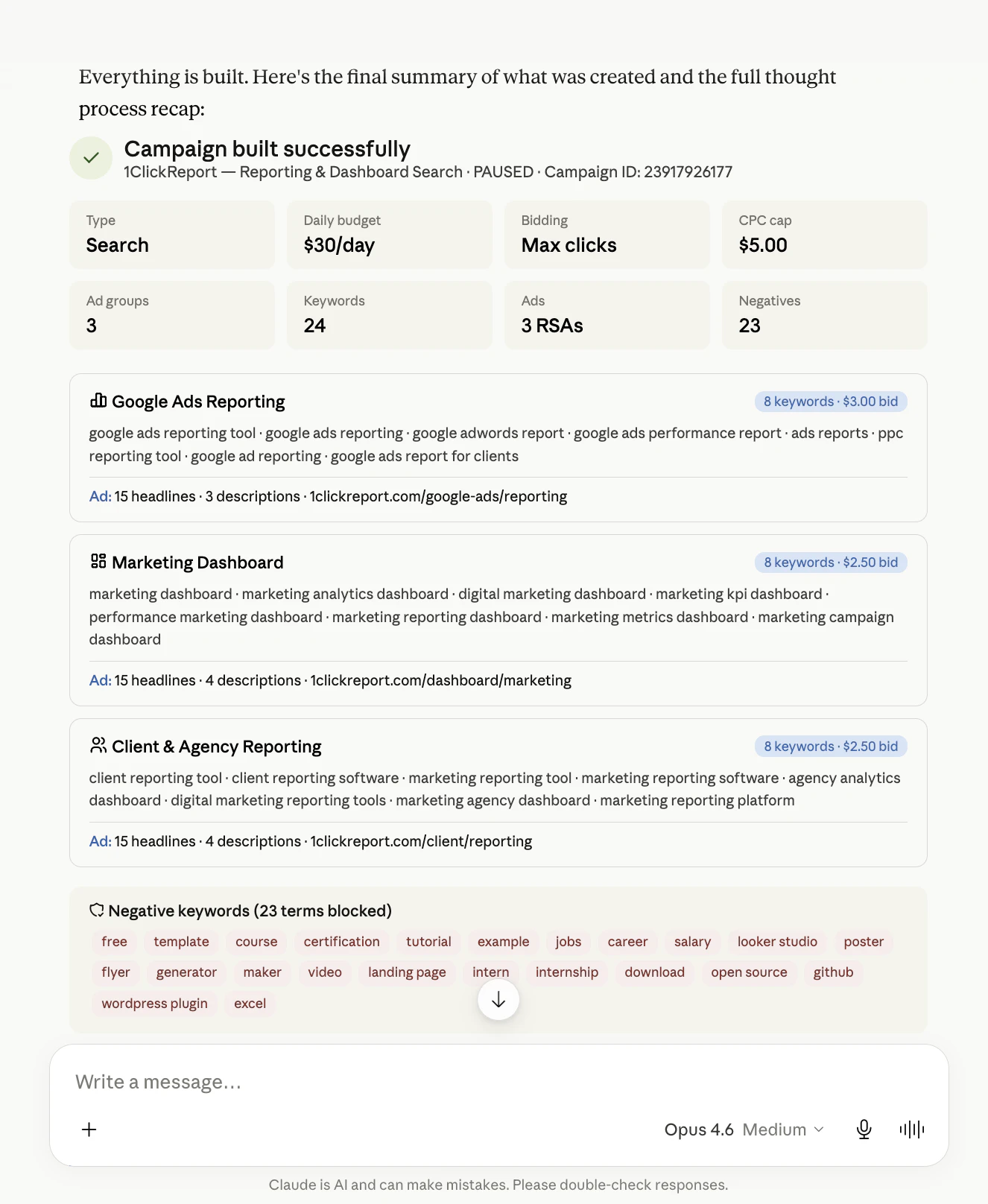
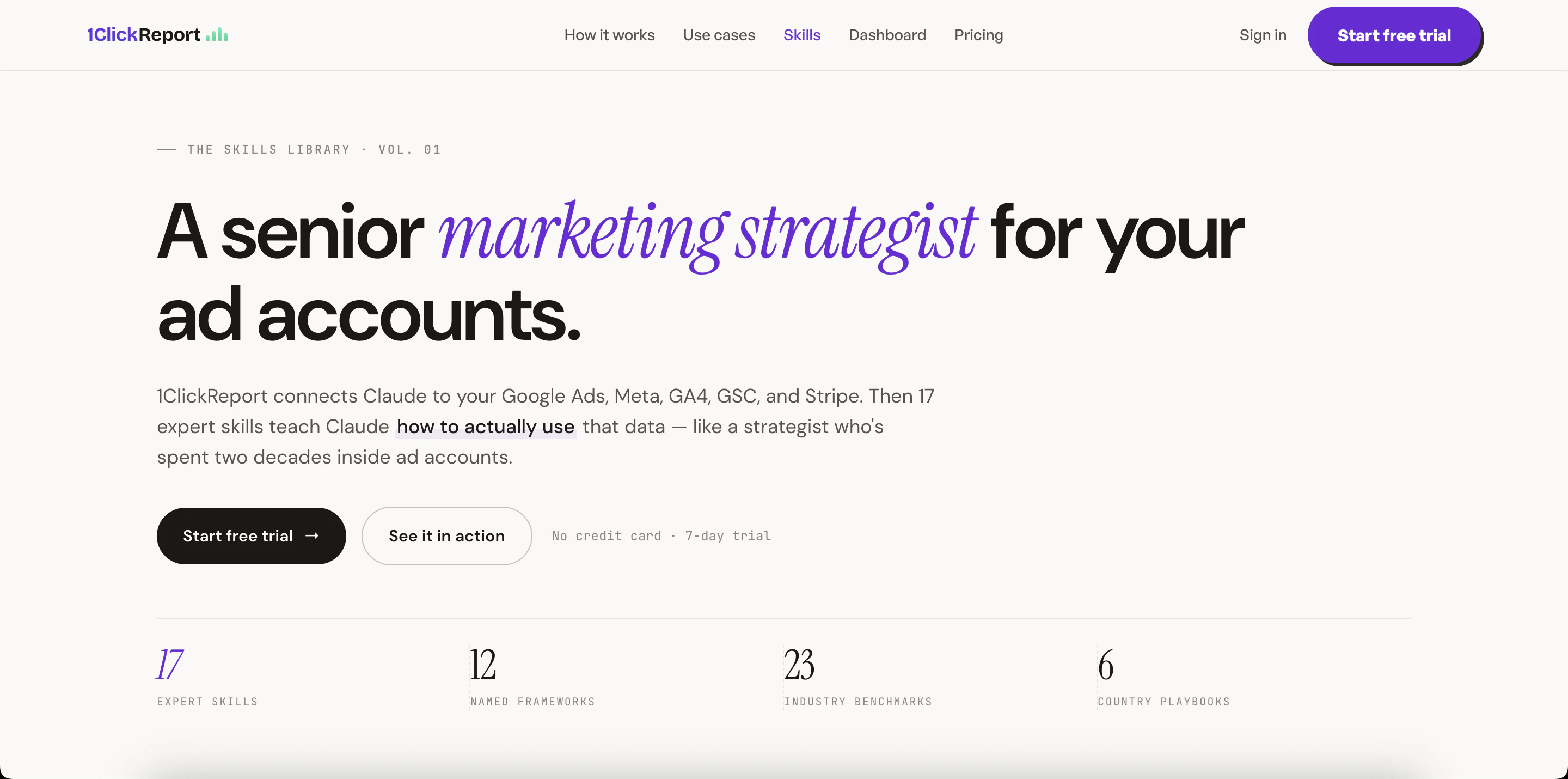
查看原始信息
Slashy
Slashy is an AI-native email client and assistant that drafts replies in your voice, triages what matters, and makes sure no follow-up slips, so you spend less time in your inbox and more time on what matters. It connects to your email, calendar, CRM, and meeting notes and learns how you work, so you can ask Slashy to prep you for your next meeting, draft a follow-up, clear your inbox to zero, track who still owes you a reply, or fire off an email from iMessage or Slack while you're on the go.
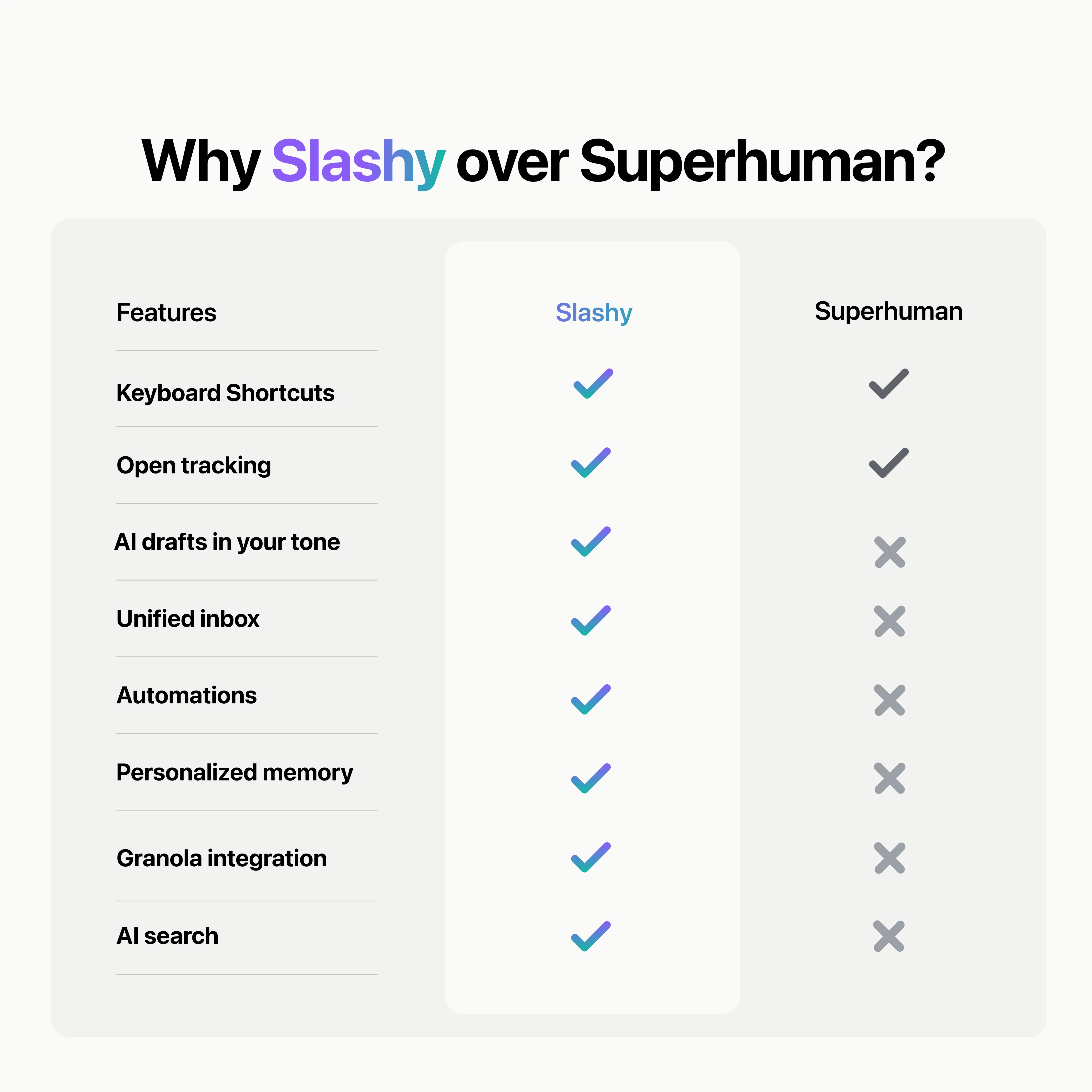
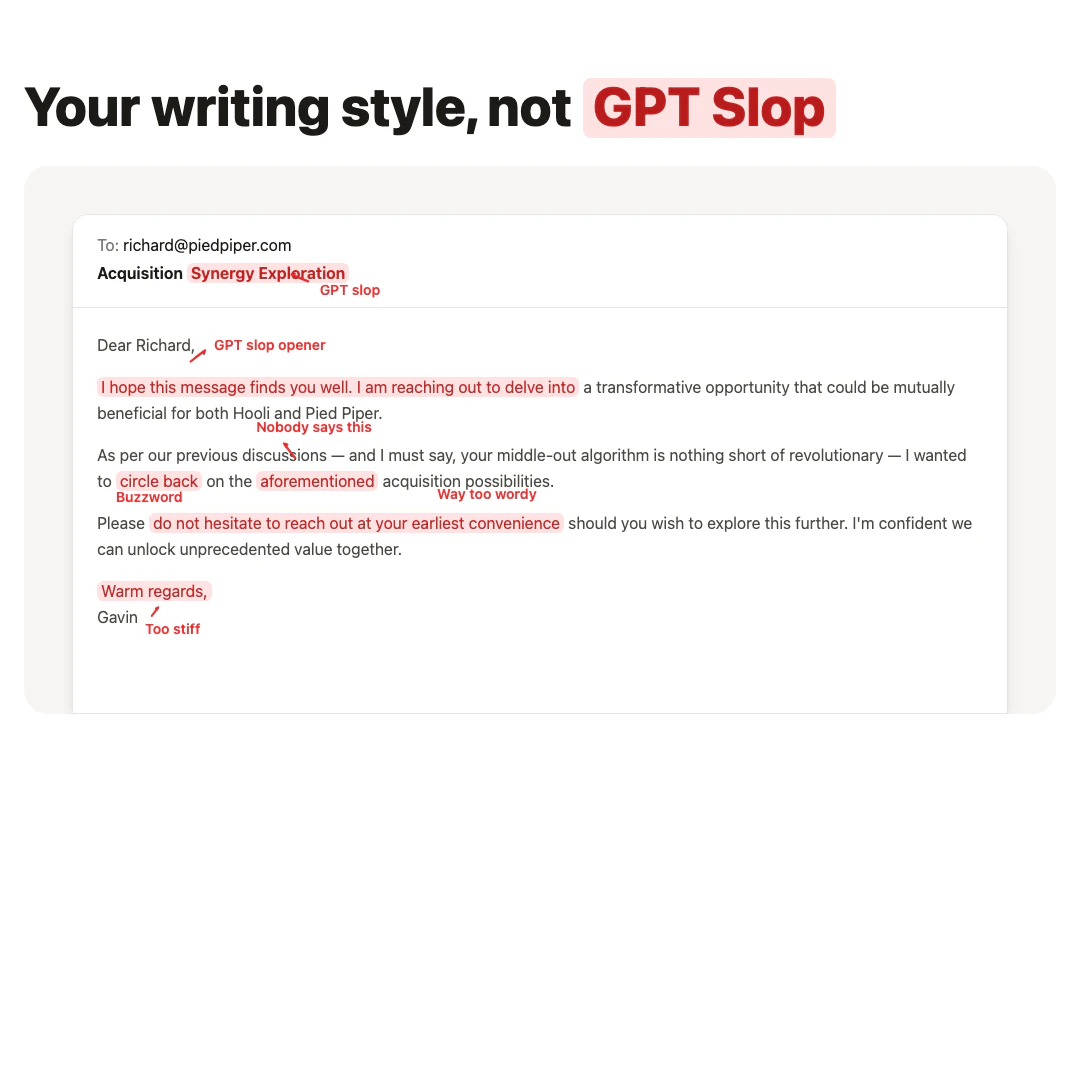
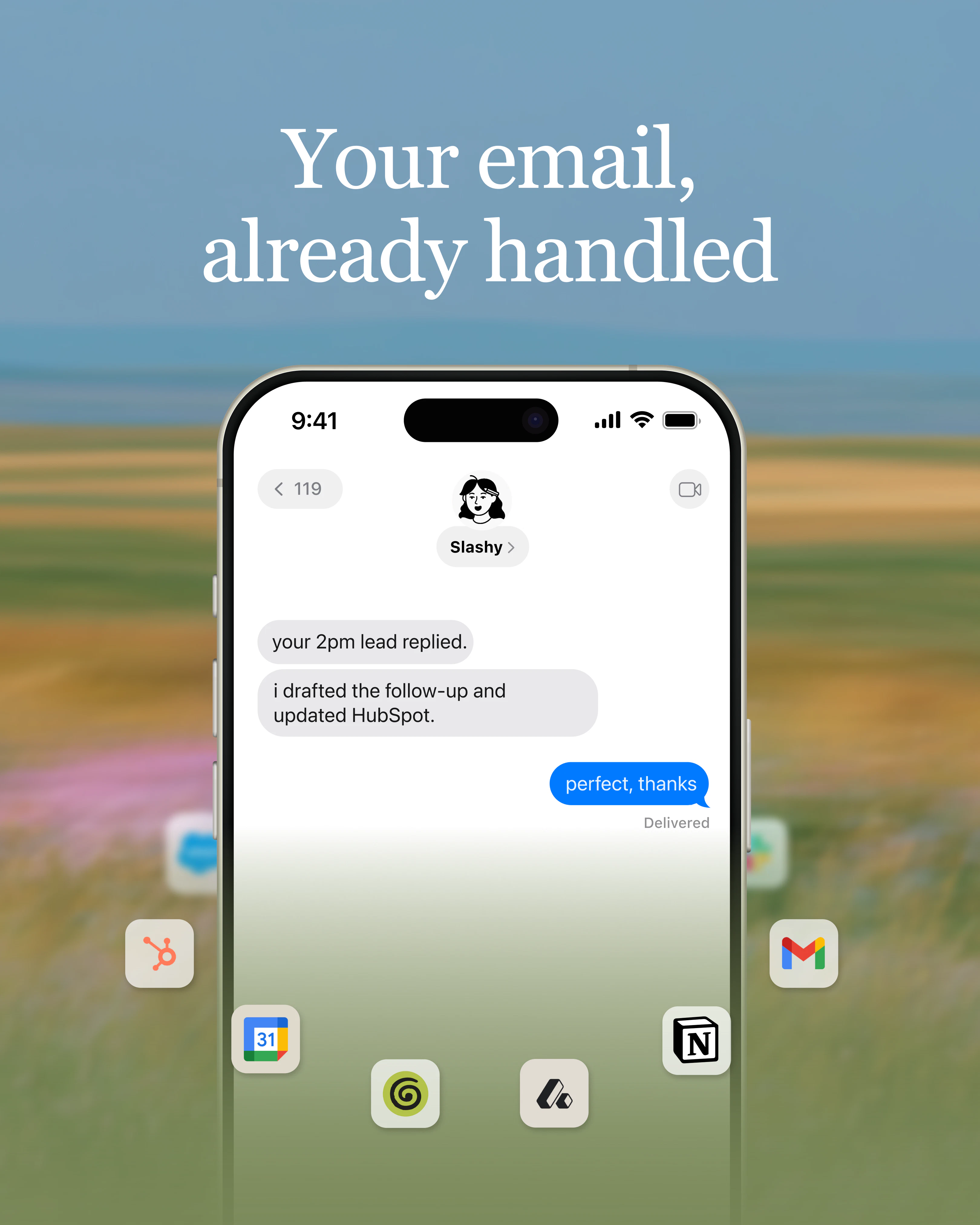
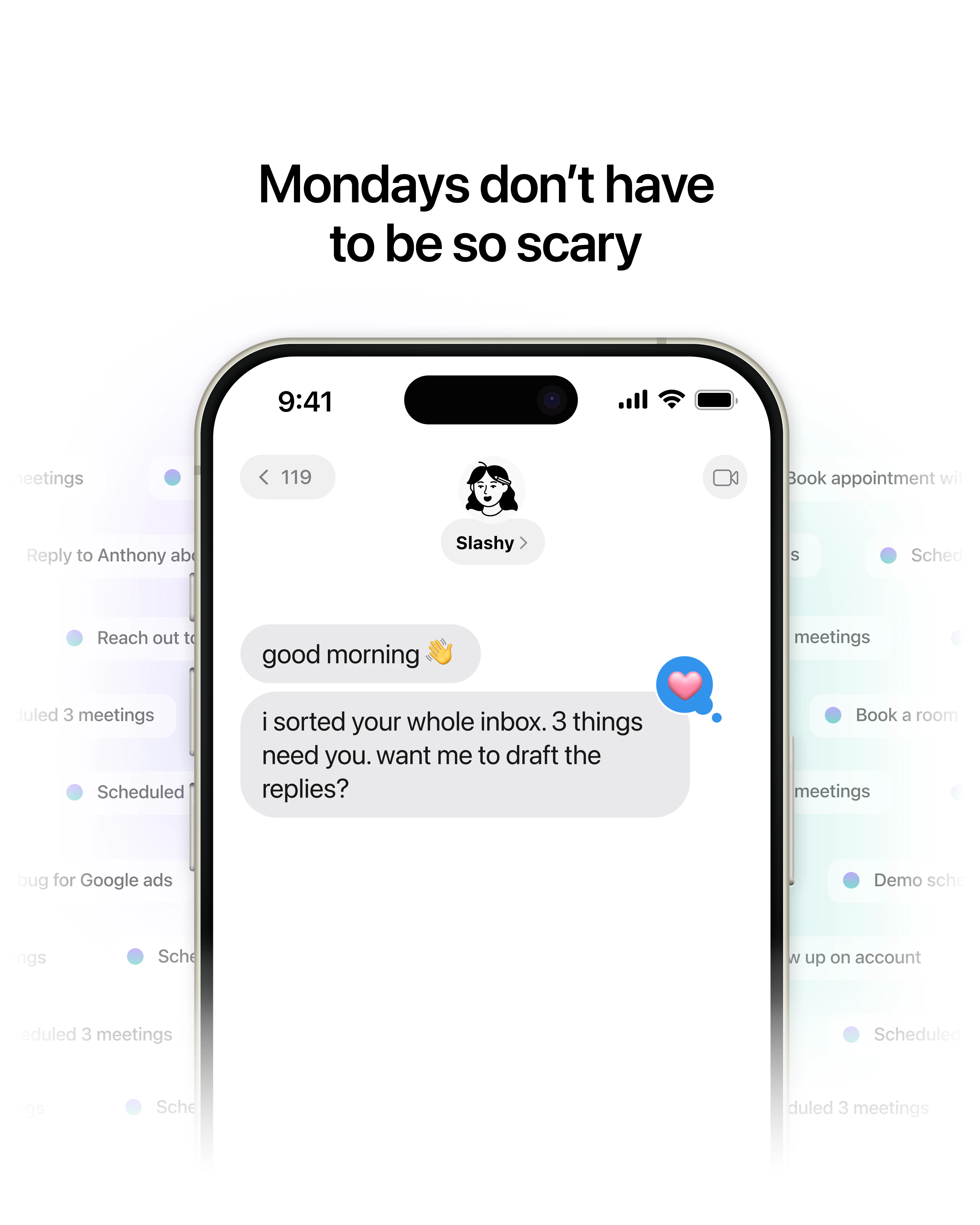
Hey Product Hunt 👋 I'm Harsha, co-founder/chief email officer of Slashy (text me at 262-271-5339). A few months ago we sat down and asked ourselves a simple question: why did every AI tool we used to write email suck? They could all write. But the drafts were generic. They didn't know who we were talking to, what we'd already said, what got discussed in the last meeting, or how we actually write. No context. No memory. You'd paste in the same background every single time and still get something that sounded like a press release instead of you. And none of them actually did anything. They'd hand you a draft, but never notice the follow-up you forgot or clear the noise out of your inbox. So we built Slashy. Slashy is an AI-native email client and assistant that drafts replies in your voice, triages what matters, and makes sure no follow-up slips. The drafts actually sound like you, not the generic AI slop you can spot a mile away, because Slashy connects to your calendar, CRM, and meeting notes for real context, and learns how you write. It gets sharper every time you correct it. That's the shift: with AI, software can finally learn from how you use it instead of waiting to be configured. If you've used Superhuman, think of it this way: Slashy has everything it does, the speed, the keyboard shortcuts, the command palette, plus it actually does the work for you. And it acts from wherever you are: your desk, iMessage, or Slack. It also works in the background. Set up automations once and Slashy runs them for you. It preps you before every call, pings you the moment a customer emails or opens something you sent, drafts your post-meeting follow-ups, and handles the repetitive inbox work so you don't have to think about it. Heck you can even text Slashy to create calendar events on the go. And there's a lot more under the hood: manage all your email accounts in one place, share your availability and book meetings without leaving your inbox, snippets, scheduled send, bulk unsubscribe, read receipts. Everything you'd expect from a serious email client, done well. Not just the AI parts. A few things Slashy has already done for early users: ✅ Took a founder from 2+ hours a day in email down to about ten minutes. In their words: "everything's already sorted and there are drafts waiting that actually sound like me, I don’t even need my EA anymore“ ✅ Saved a $500k deal that was about to slip through the cracks ✅ Helped a founder close their Series B, by managing all scheduling, and ensuring no investor got ghosted. ✅ Made countless users cancel their Superhuman and Fyxer subscriptions. The goal is simple: you spend your attention on the work only you can do, and Slashy handles the rest so nothing falls through the cracks. It's used by everyone from pre-seed founders to investors to sales teams at fast-growing startups like Corgi, Datafruit, and Autumn. 🎁 For Product Hunt: you can get started for $0, and SLASHYFRIENDS gets you 20% off all subscriptions, lifetime. I'll be here all day with the team, and every comment gets a reply. I'd love to hear: what's the thing you hate the most about email and scheduling 👇
13
回复

@harsha_gaddipati Great Man!!

0
回复

@harsha_gaddipati Massive congratulations on the launch! 💥

The biggest problem I've had with AI email tools isn't writing the email. It's remembering the context behind the email and making sure important follow ups don't disappear into the inbox.

One question: as Slashy learns from a user's writing style and behavior over time, how do you balance personalization with avoiding bad habits or mistakes being reinforced by the system?

Wishing you and the team an amazing launch! 🚀

0
回复

@harsha_gaddipati Ok, THIS might just be the answer to my prayers! Just tell me this isn't just for cool Apple users - us PCers need some love too!! AND hopefully I can connect Outlook email and not just Gmail fingers crossed. Congrats on building Slashy - it sounds amazing!

2
回复

the connects to email, calendar, CRM, and meeting notes all at once is the setup that determines whether this becomes infrastructure you depend on or a tool you trial and abandon. each integration is a potential point of failure and the value compounds only when all of them are working. what does onboarding actually look like and how long before the cross-context awareness starts producing useful outputs rather than just having access to the data

2
回复

@ansari_adin Only one way to find out!

But in all seriousness it should only take 5 minutes to get set up and started

0
回复

Kudos for making this serious, full-stack email client instead of just a wrapper plugin. Quick question. If run two different businesses from two different accounts, does Slashy keep the context and brand voices completely separate? @harsha_gaddipati

2
回复

@vikramp7470 Yep! We create memories, and look at past emails from each account to make sure, context that should be shared is, and context that should be separate is :)

We're the only email agent thats built for multi-inbox workflows

1
回复

been using it for 3months now, the email search is really good. i’m waiting for some upcoming updates where my agents can also use Slashy, that’d be pretty sick. are you folks working on that?

2
回复

@saksham_aggarwal7 Hey Saksham our MCP is actually the only one that supports multi-inbox, calendar, and can update Slashy's personalized memory.

Teams like Agentmail already love it :)

Can check it here: https://help.slashy.com/how-to-guides/slashy-mcp-claude-desktop

1
回复
Slashy is an awesome product. It’s the only email client I’ve stuck to. Been a user of the product for a few months now, and it’s the best email assistant I’ve used. Congrats on the launch @harsha_gaddipati and @dhruv_roongta
1
回复

@dhruv_roongta  @rahulkumaran313  Love the kind words <3

0
回复

By far one of the best productivity tools out there!!! Completely changed how I view email and how I manage my time. The texting agent is incredibly helpful in between meetings and when youre on the go. lets gooooo slashy team!!!

1
回复

@daniel_paredes5 <3 Knicks in 5

0
回复

Slashy is great! I use it for everything

1
回复

As a student, I receive a lot of emails from teachers, clubs, and projects. Slashy looks like a great way to save time and keep my inbox organized. The AI-powered reply feature seems especially useful for busy students. Congrats on the launch and good luck!

1
回复

@bhumi_yadav Thanks!

0
回复

slashy has been great for my founder inbox. huge congrats on the launch!

1
回复

@haokun_qin1 Thanks

0
回复

Building a full client instead of bolting onto Gmail is the part most people won't touch, I guess the switching cost scares everyone into shipping another wrapper! So the voice memory has to carry real weight to justify the move, and it reads like you know that. Congrats on the launch.

1
回复

@artstavenka1 Thanks, yep think you need to build the client to be the most useful

1
回复

Wow, this is amazing. Does it work with Gmail and other mail clients?

1
回复

@chilarai Currently only gmail/ Google Workspace

1
回复

What specifically does Slashy do that existing tools like Superhuman, Fyxer, Gmail AI, Outlook Copilot, and others cannot?

1
回复

@jn263 Hey!

1) It has a personalized memory system that self updates, and learns from you automatically. For example whenever you change a draft, send an email, or archive something.

2) Supports unified inbox, so you can have multiple accounts in one

3) Can run automations like meeting briefings, texts when someone opens an email, and more

4) Has AI that actually works

5) Has an iMessage/Slack bot you can use on the go.

There's a lot more, but usually tbh 4 is what gets people even though there's a lot of other cool features we have.

0
回复

This looks very useful, looks like a lot of the tedious work that I deal with in emails will be solved by this. Probably will be using the priority feature heavily, as it's becoming hard to find which emails need my attention now

1
回复

@kartik_sarangmath1 If you ever need help getting set up here's my cal link: cal.com/slashy/30min

1
回复

Happy user here, great product from a great team. The sippet insert feature is killer!

1
回复

@smyhre Thank you!!!

Still a lot to go :)

0
回复

Slashy is great — making it possible to avoid thinking about the minutiae of sending emails. Only feedback is more integrations or background work that leverage available context (eg auto drafts using notes from Granola meeting)

1
回复

@josephthomas Hey!

We have a Granola integration, if you go integrations -> Granola you can connect it.

Then just tell Slashy to draft automatically with notes from Granola meetings, and this should work!

Is a pretty common workflow :)

0
回复

Been using it for the last few months and honestly love it, especially the iMessage integration! One of the smoothest experiences I’ve had getting used to a new product.

1
回复

@wocheslander Thanks <3

Was a lot of work and user feedback/iterations to get here.

If only we had Fable for this 😅

0
回复
Congrats, going to try it.
1
回复

@vedhsaka Awesome if you need help, here's my cal: cal.com/slashy/30min

0
回复

Been using for over a month now. It’s saved so many hours for me plus my emails are now very personalized.

1
回复

@pratikmundra Appreciate it <3

0
回复

How do you stop Slashy from texting you every single email? Is there some way to filter out only important emails?

1
回复

@anmolcs Just text Slashy to only send you important ones!

1
回复

I've been following slashy for a while super excited to see what you guys shipped today!

Congrats on the launch @harsha_gaddipati

1
回复
1
回复
Looks promising! Bulk email management like delete, archive, labeling, moving, forwarding, and smart filtering would be great.
0
回复

Been using it every day. Especially enjoying the slashy text chat.

Phenomenal humans and phenomenal product.

0
回复

Firing off emails from iMessage while on the go is genuinely something I never knew I needed until just now. The voice-matching piece is what separates useful AI email from the stuff that sounds like a robot wrote it.

0
回复
Looks promising! Bulk email management like delete, archive, labeling, moving, forwarding, and smart filtering would be great.
0
回复

top tier product, top tier team

0
回复
0
回复

Awesome product! My cofounder and I use it a lot.

0
回复
0
回复

best sales team in the world, always on and the tool is actually better than superhuman no joke. if there is an issue - you ping them and they fix it.

0
回复

@adi_singh5 Thanks <3

0
回复

i can attest that slashy is excellent

0
回复

@dexter_horthy Appreiciate it <3

0
回复
I’m using Poke for these features at the moment, any significant features or reasons I should switch?
0
回复

@bigyahu If you're happy with poke no need!

But for people whose workloads are heavier/reliability is a concern find switching to an email client + an imessage agent meant for b2b/not consumer email/calendar workflows is a p big improvement.

0
回复

The "no memory, no context" diagnosis is spot on - it's why most AI email tools feel like a stranger writing on your behalf. The interesting bet here is the assistant noticing the follow-up you forgot; drafting is solved, triage and memory are where the real value is. One question: how do you handle the trust line on actually sending? For me the scary part of email automation isn't the draft, it's the irreversible click. Does Slashy ever send on its own or always hand you the wheel?

0
回复

@david_marko You'd need to do config on your end to have Slashy send on its own! By default it gives you the wheel always.

0
回复
#2
Taste Lab
Extract any website's design DNA
304
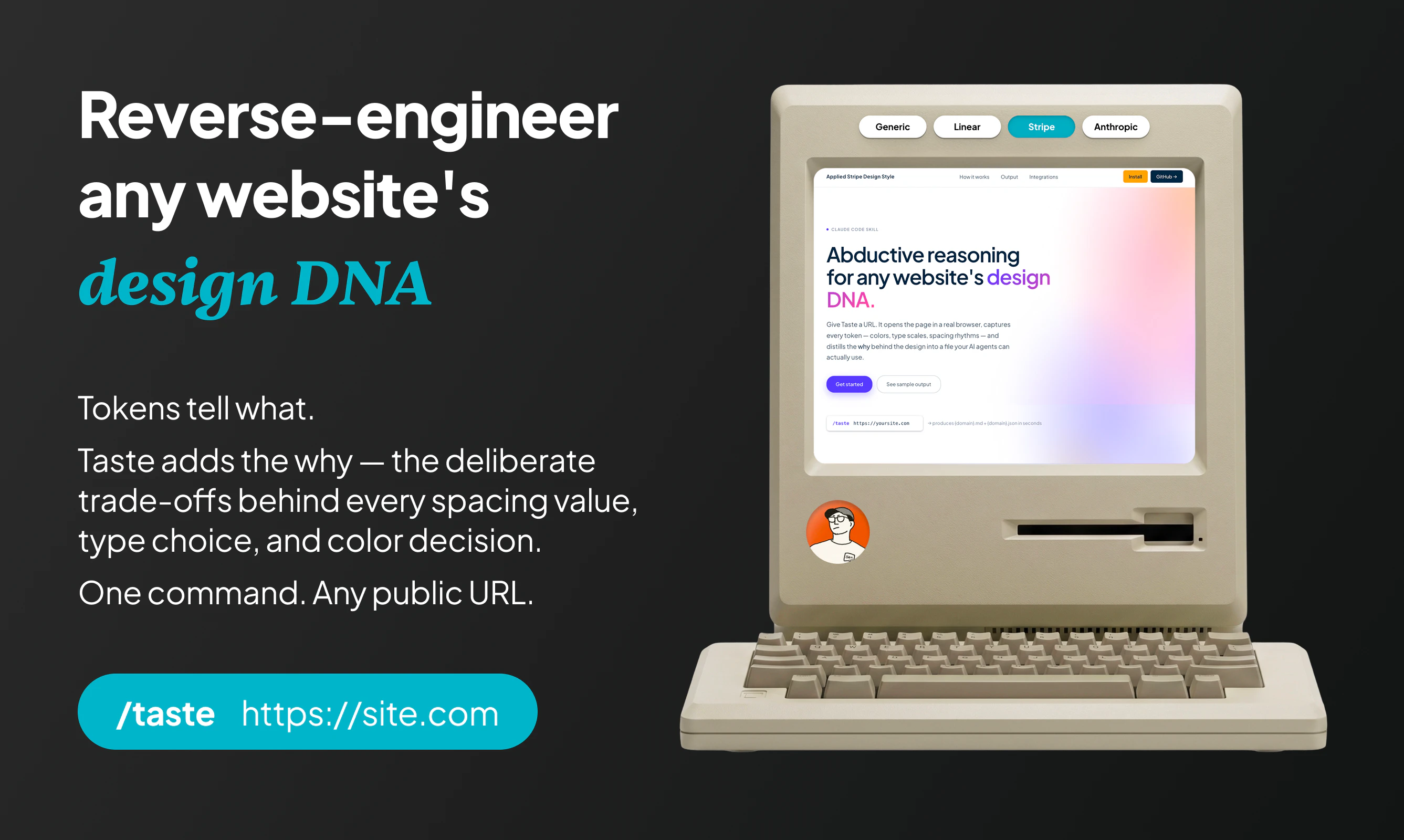
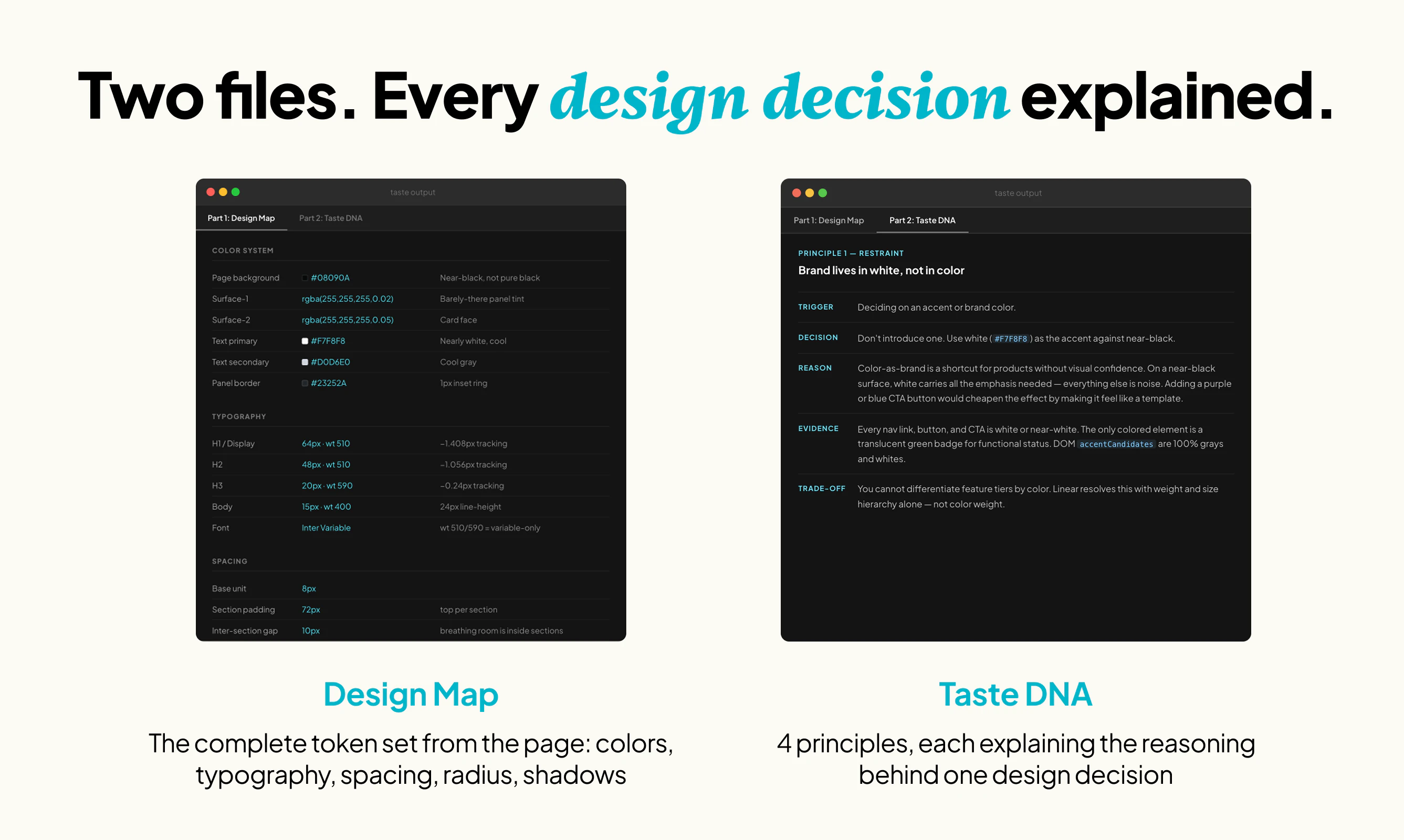
一句话介绍:Taste Lab是一款AI设计分析工具,通过扫描任意网站,提取其色彩、字体、间距等设计要素并解释背后决策逻辑,解决开发者向AI代理描述设计风格时因语言模糊而导致的还原度低、细节丢失的痛点。
Design Tools Artificial Intelligence Vibe coding
AI设计分析 设计系统提取 设计Token 前端开发工具 网页风格克隆 UI逆向工程 AI提示工程 Tailwind配置 设计决策推理 产品开发效率
用户评论摘要:用户普遍认可其解决了AI生成界面缺乏细节的问题,尤其赞赏“剔除通用描述词”的规则。争议点在于:能否处理动画和复杂动效?是否会产生过拟合(误将单页噪音当作品牌风格)?能否导出Tailwind配置或设计Token?是否支持分析跨页面/跨产品的设计系统一致性?能否保存历史分析记录?
AI 锐评

Taste Lab解决的不是“提取颜色字体”这种技术问题——这类工具已经烂大街了。它解决的是AI提示工程中一个极其隐蔽但致命的瓶颈:人类语言对视觉的认知压缩失真。当你说“简洁现代”时,AI理解的是词汇统计分布,而不是这个特定的呼吸感。

产品的核心刀刃在于那个“删除任何不针对该站点也能写出的原则”的规则。这本质上是把设计批评的逆向工程自动化:不是描述一个设计是什么,而是解释为什么它必须是那样。这比AI生成界面更接近设计认知的本质——设计是约束系统下的选择,而非风格的随机组合。

但风险同样明显。第一,它把单页当作全貌,容易把应急的样式妥协当成品牌偏好;第二,对动效、交互、负空间布局等动态或非结构化要素的捕捉能力存疑;第三,它解决的是“语言代沟”,但AI生成的代码质量是否匹配这些设计规则,仍然取决于下游工具的执行力。更值得警惕的是:它是否会让开发者习惯性地依赖“克隆”,而不是建立真正的设计决策能力?

不过,在对冲用户对“让Claude照着做”的挫败感这件事上,它找到了一个价值10亿美元的笑点——token是死的,taste才是活的。

查看原始信息
Taste Lab
Point your AI agent at any website. Get back a complete design breakdown — colors, type, spacing, and the reasoning behind every decision — ready to use in your next build.
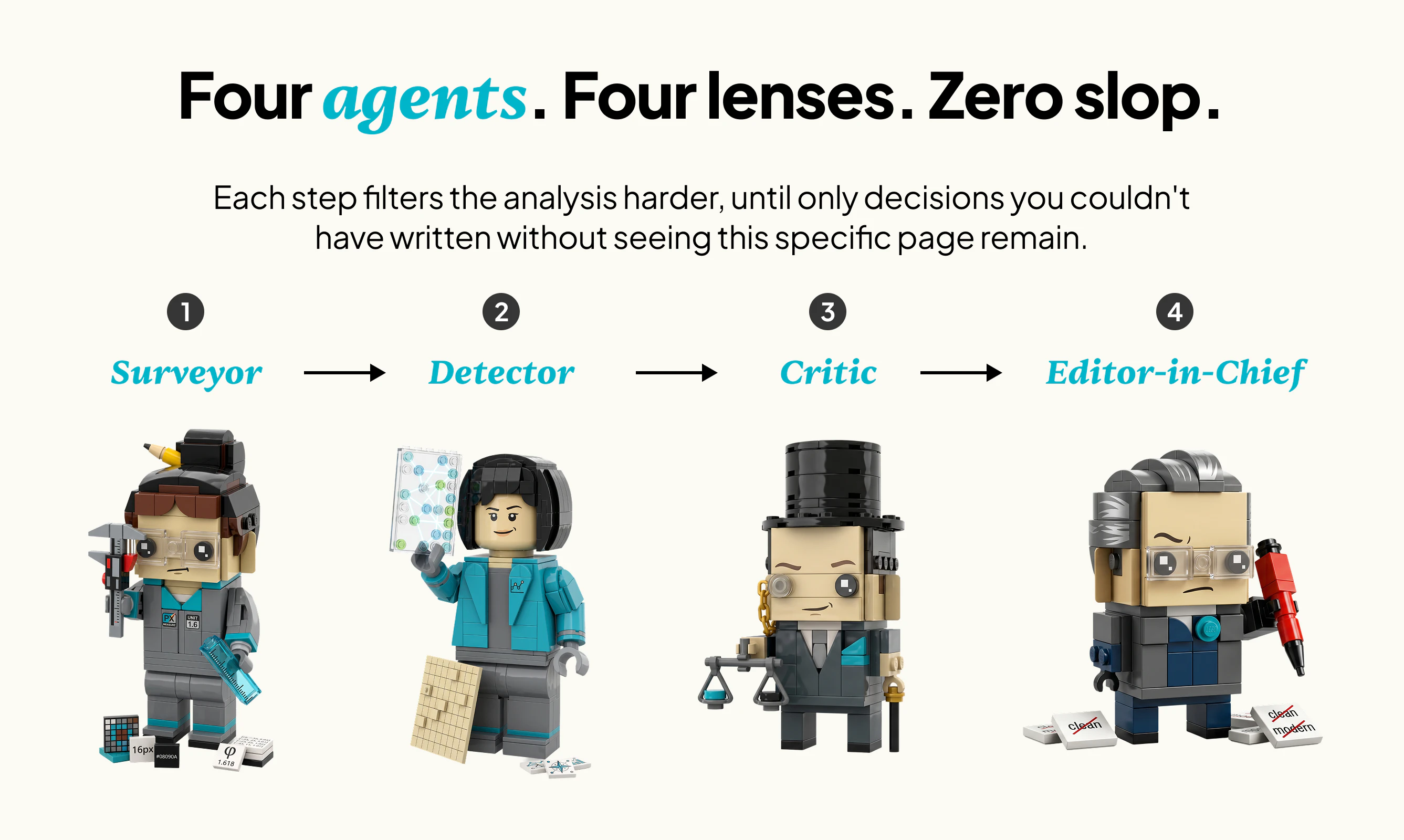
Hi Product Hunt! I built Taste Lab after hitting the same wall repeatedly: telling Claude "build this in the style of that site" and getting something that was technically close but clearly not it. The proportions were off. The spacing felt arbitrary. The problem wasn't capability. It was the language I was giving the agent. Tokens say what a design is. Taste adds the why: the trade-offs that explain each specific decision. The pipeline bans phrases like "clean and modern" entirely. If a principle could have been written without ever seeing this specific site, it gets deleted. I'd love to know what site you run it on first!
5
回复

@sunlinsen This is a massive time-saver. Trying to explain the subtle trade-offs of a good UI to an AI agent usually takes more time than just coding the CSS manually. Forcing the pipeline to extract strict design rules instead of generic adjectives is a game changer for building landing pages quickly. First thing I'm doing is running this on some top-tier e-commerce templates to see how it breaks down their conversion-focused spacing. Awesome product

0
回复

@sunlinsen love it.

0
回复

@sunlinsen The 'delete any principle that could've been written without seeing this site' rule is the sharp part. How do you stop it from over-fitting, treating one page's quirks as the brand's actual taste? Curious where you draw the line between a site's real signature and just noise on that specific page.

0
回复

The "why" behind design decisions is exactly what's missing when you hand off to AI agents. Tried it on a few sites and the output is way more useful than just extracting colors and fonts. Nice work, upvoted!

2
回复
Do you read motion design as well?
1
回复

Love this! Which coding tool integration with Taste Lab do you recommend the most? Which one do you enjoy using?

1
回复

This hits a real pain — telling an AI agent to build "in the style of X" almost always loses the spacing and type scale. Capturing the reasoning behind each design decision, not just the raw tokens, is the clever part. Does it export to a Tailwind config / design tokens I can drop straight into a build? Congrats on the launch!

0
回复

Websites are becoming increasingly animated, how does it captuer animations styles? and unconventional animations?

0
回复

Love the concept. Have you experimented with analyzing entire product ecosystems rather than individual pages? I'd be curious to see how Taste Lab handles consistency across marketing sites, product dashboards, and mobile experiences. 🤔

0
回复

I like that Taste Lab explains the reasoning behind visual choices, not just colors and fonts. For AI-built frontends, that context could help avoid generic-looking pages. Would be interesting to see how it handles sites with several design systems.

0
回复
I really liked ur idea,. But the logo is really not great. Please find ways to improve using product but not negatively attracting with logo
0
回复
This is super cool, I’ve also had similar problems prompting Claude like that
0
回复

The part I'd try first is running this on a messy personal portfolio, then using the breakdown as a prompt for a redesign instead of starting from a blank style guide. I like that it tries to explain why the spacing and type choices work, not just list tokens. Does Taste Lab keep a reusable brief/history for a site, or is each scan meant to be a fresh one-off export?

0
回复

Had a friend who put me on to taste lab to extract specific components and it was super helpful, thanks for the software going to be putting my boys into it that are in the space for sure.

0
回复

Very cool! Does it provide md files?

0
回复
@philip_sorensen Yes, it provides md and json file as output
0
回复

Very interesting product

0
回复

Nice. Does it save the templates for the future designs?

0
回复

@sunlinsen Congratulations, I like that this focuses on the reasoning behind the design, not just extracting colors and fonts. For AI-built interfaces, understanding why a layout works is much more useful than copying surface-level style tokens.

0
回复

Congrats on the launch. The idea of extracting a website’s design DNA is interesting, especially for people trying to improve their landing pages.

Are you mostly targeting designers right now, or founders who want to improve their own product pages?

0
回复

very cool idea! does it capture interaction and motion too (transitions, easing), or is it focused on the static layer for now?

0
回复

Not only the idea, but also your landing page is nailed! Good job!

0
回复
#3
Permute 4.0
The ultimate media converter for macOS
180
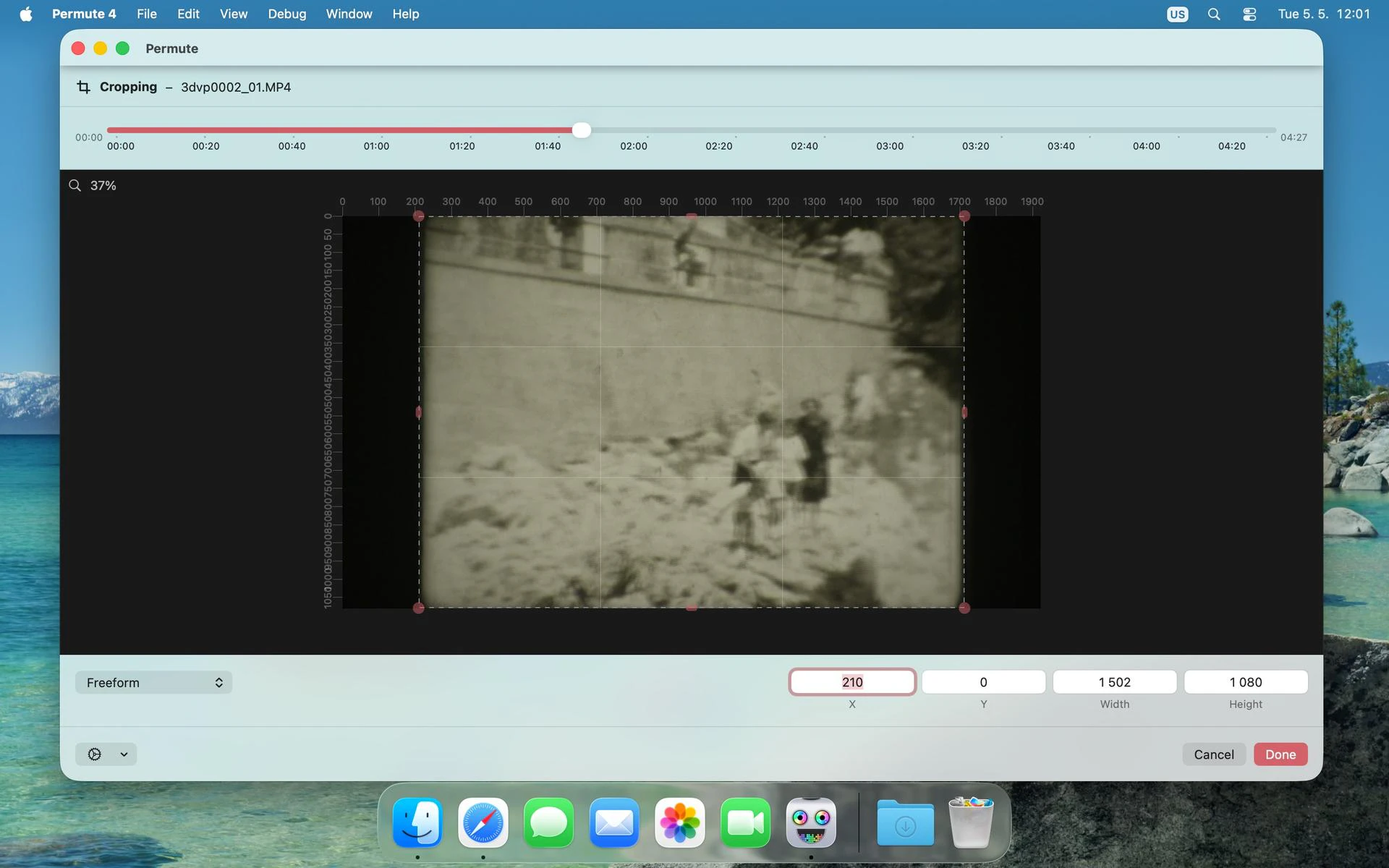
一句话介绍:Permute 4.0 是一款为 macOS 用户提供近乎全格式的音视频与图像转换工具,解决用户在专业剪辑或日常使用中需频繁切换多款转换软件的痛点,实现一键批量处理与格式统合。
Mac Photo & Video Video
macOS 媒体转换器 视频转换 音频转换 图像转换 格式兼容 批量处理 视频合并 字幕添加 Setapp
用户评论摘要:老用户肯定深度重构后性能与UI提升,反馈4.0在Intel Mac通过Setapp安装时有兼容性问题(显示仅支持Silicon),开发者快速协助解决。有用户建议能否增加SVG矢量转换(仅支持输入),并询问预设保存与批量拖放工作流是否支持。
AI 锐评

Permute 4.0 本质上不是一款“新应用”,而是一次对旧版技术债的强行清算。它砍掉了早已无用的DVD刻录功能,重构了UI以拥抱Apple新框架,并修复了老版本中脆弱的多媒体处理管线——这才是本次更新的真正价值。评论中反映出的Intel Mac兼容性问题是个危险信号:开发者是否在借“重构”之名,悄悄加速对旧硬件的抛弃?虽然Setapp上的安装引导可被快速修复,但用户若缺乏直接联系开发者的渠道,体验会大打折扣。

产品力层面,Permute最大的护城河并非极致的画质或速度,而是“一键全搞定”的懒人工作流。对于专业用户,它往往不如FFmpeg或Compressor灵活;但对于大量需要批量处理多格式文件的设计师、新媒体运营及轻度视频用户,它填补了macOS原生工具在这一领域的真空。值得注意的是,用户评论中提到的“预设保存”与“工作流自动化”仍存在模糊地带——如果开发者没能趁这次重构将批处理预设与触发的体验打磨得足够直觉化,那么它依然没能彻底将用户从“手动重设参数”的平庸泥潭中拉出来。

另一个隐患是:当大多数竞争对手开始拥抱AI驱动的智能识别与自适应编码时(例如自动根据目标平台调整码率),Permute 4.0依然停留在“手动选预设”的传统路径上。这使其更像是一个“高度进化的兼容性中转站”,而非一个具有前瞻性的媒体管理中枢。因此,它的真正价值在于稳定、高效、不折腾,但如果你在寻找“下一代”工作流工具,它可能让你失望。

查看原始信息
Permute 4.0
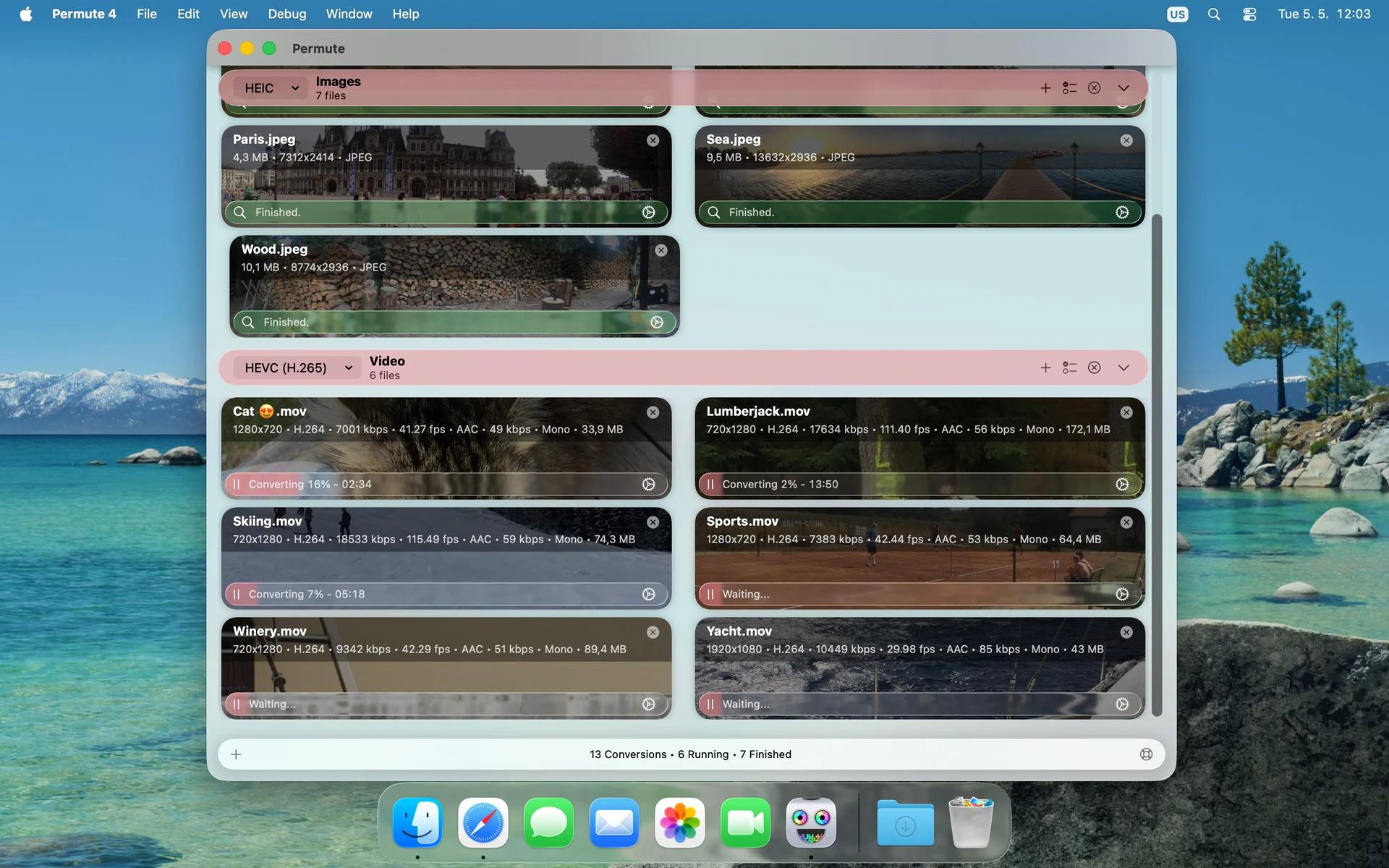
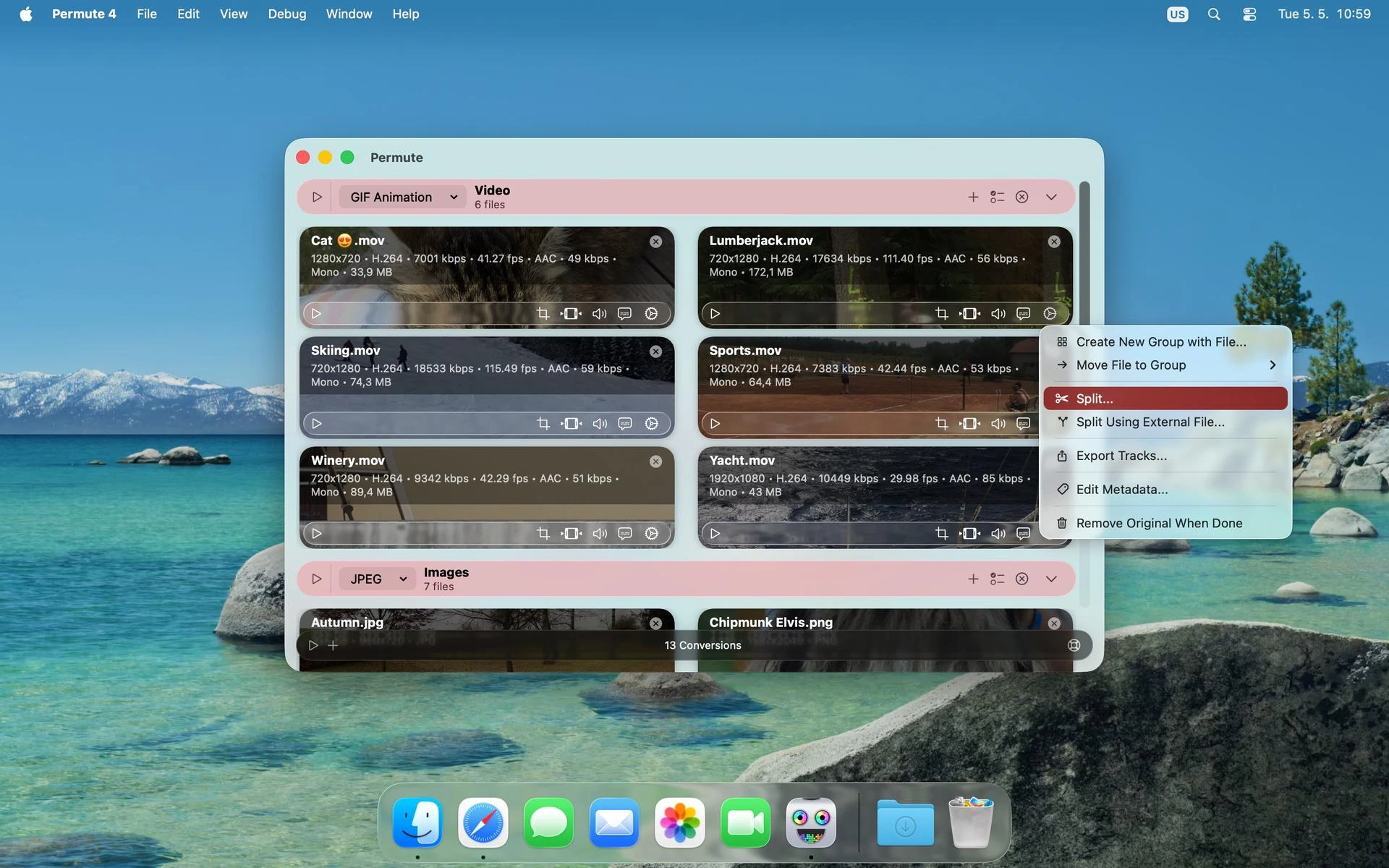
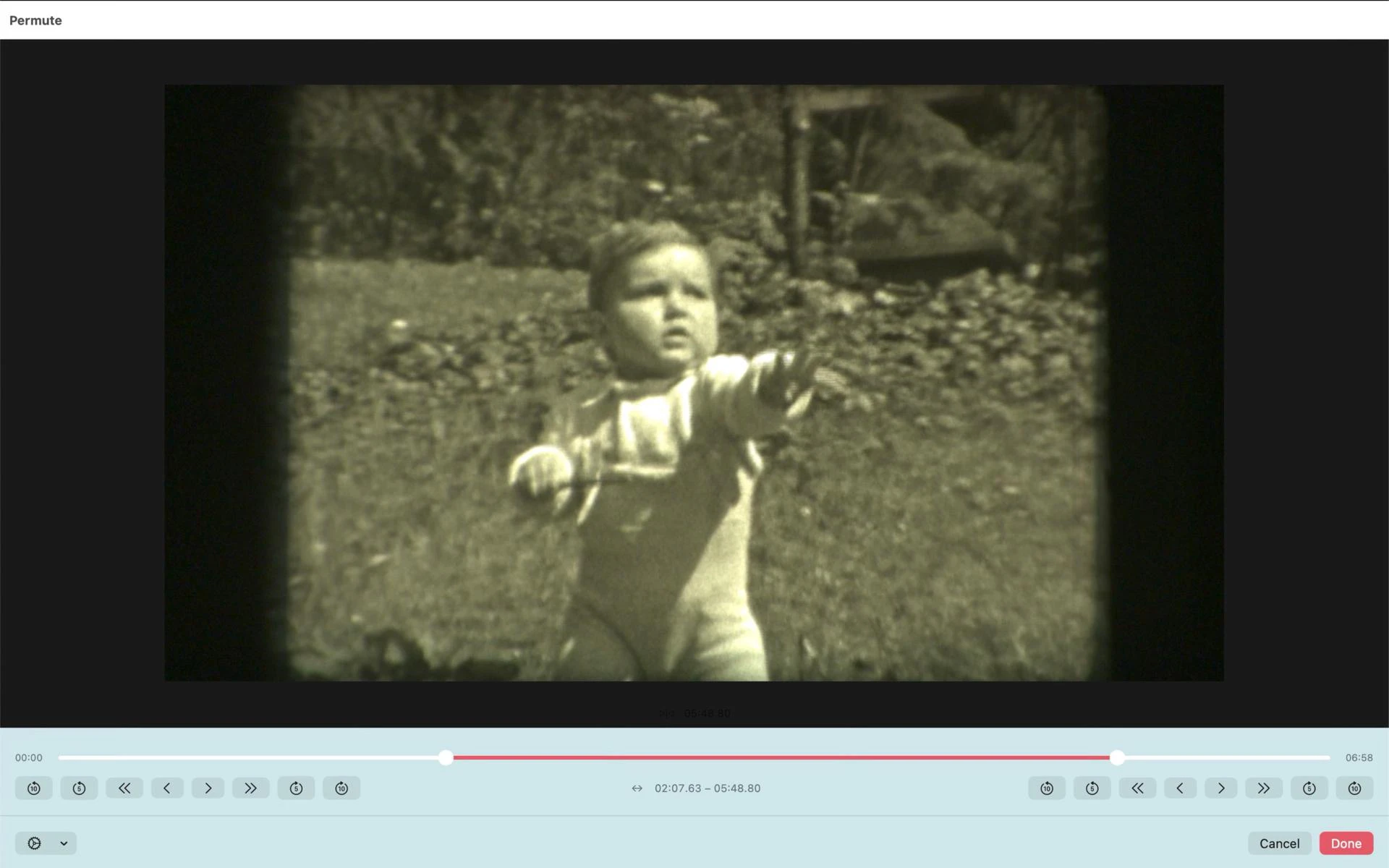
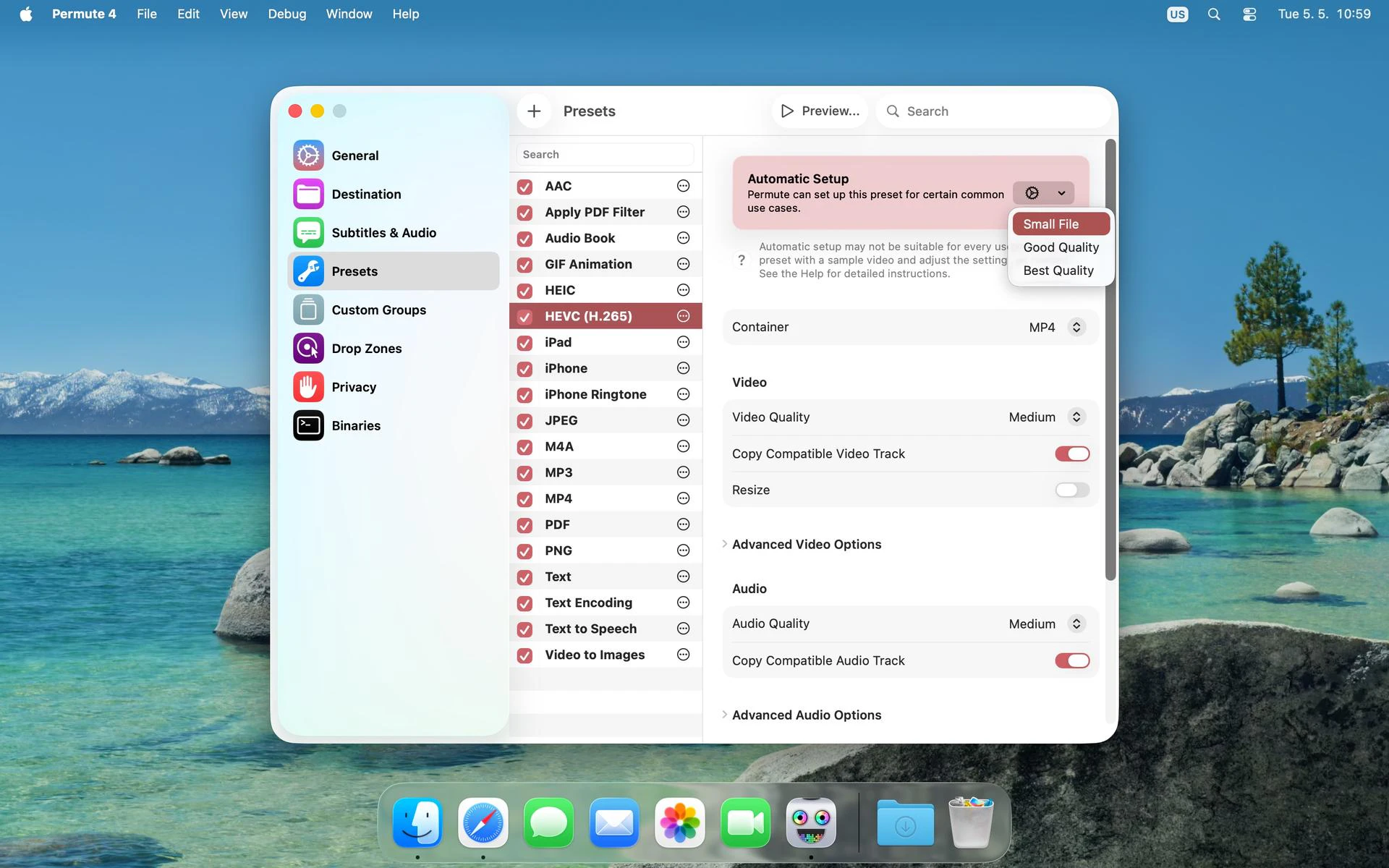
Permute is a quick image, audio, and video converter. You can use it for files of all formats because Permute can convert anything into anything (almost). For water to water-to-wine conversion, you’d have to refer to other authorities, but media files can become whatever format you need them to. Plus, Permute also has some additional goodies like merging two videos into one or adding a subtitle track.

I’ve used @Permute forever (I hunted Permute 3.0 seven years ago!!), so I was nervous but hopeful about @charlie_monroe's promise that “everything changed but you’ll still feel at home”.

After beta testing it for a while leading up to launch, I can confirm that he was right.

This isn’t a shiny-new-app launch so much as a deep refactor of a Mac workhorse: rewritten UI using Apple’s newer frameworks, better presets for modern hardware, cleaner cropping, stronger metadata handling, and Workshop folded back into the main window as file actions.

Also: RIP DVD authoring. 📀😅

I don't even remember the last Mac I bought with an optical disk drive — which is why I'm glad that Charlie's still maintaining this app — now there's less tech debt, fewer weird legacy branches, and a much more comfortable home for the stuff people actually use Permute for now.

4
回复
I’m telling you, Charlie and his apps are life savers through and through. I have a folder on my desktop called “Permuted, Baby” that is THICK w/ output! A couple of weeks ago I was having some issues with being on an Intel Mac downloading the new Permute through Setapp and there is a quirk where it says only Silicon. Was bumming big time because I thought I would be w/out my media munching homie, so I sent the dev a long shot email and he responded really fast and was super righteous to help walk me through how to get Permute 4.0 rocking on an Intel. Also, as someone who dabbles in mixed media DJ’ing, his other app Downie is awesome and has allowed me to put together some really fun music and video sets. Appreciate you!
0
回复
Hey! It’s awesome
0
回复

the preset layer is the part i'd sweat most — abstracting formats is easy, but hiding whether a job hits videotoolbox or falls back to software is where the speed/quality surprises come from.

0
回复

@charlie_monroe Thanks for sharing your work!

The @Permute tool will be useful on my design projects. Will it be able to handle conversion to and from SVG format vector graphics?

0
回复

@underuncertainty SVG -> bitmap yes. Bitmap to vector no.

0
回复

Have never had one clean tool for all my media conversions on Mac, usually I juggle three. A full rebuild that still feels at home is the hard kind to pull off, nice work. For batch jobs, can you save a conversion preset and just drop files onto it later, or do you set it up fresh each time?

0
回复
#4
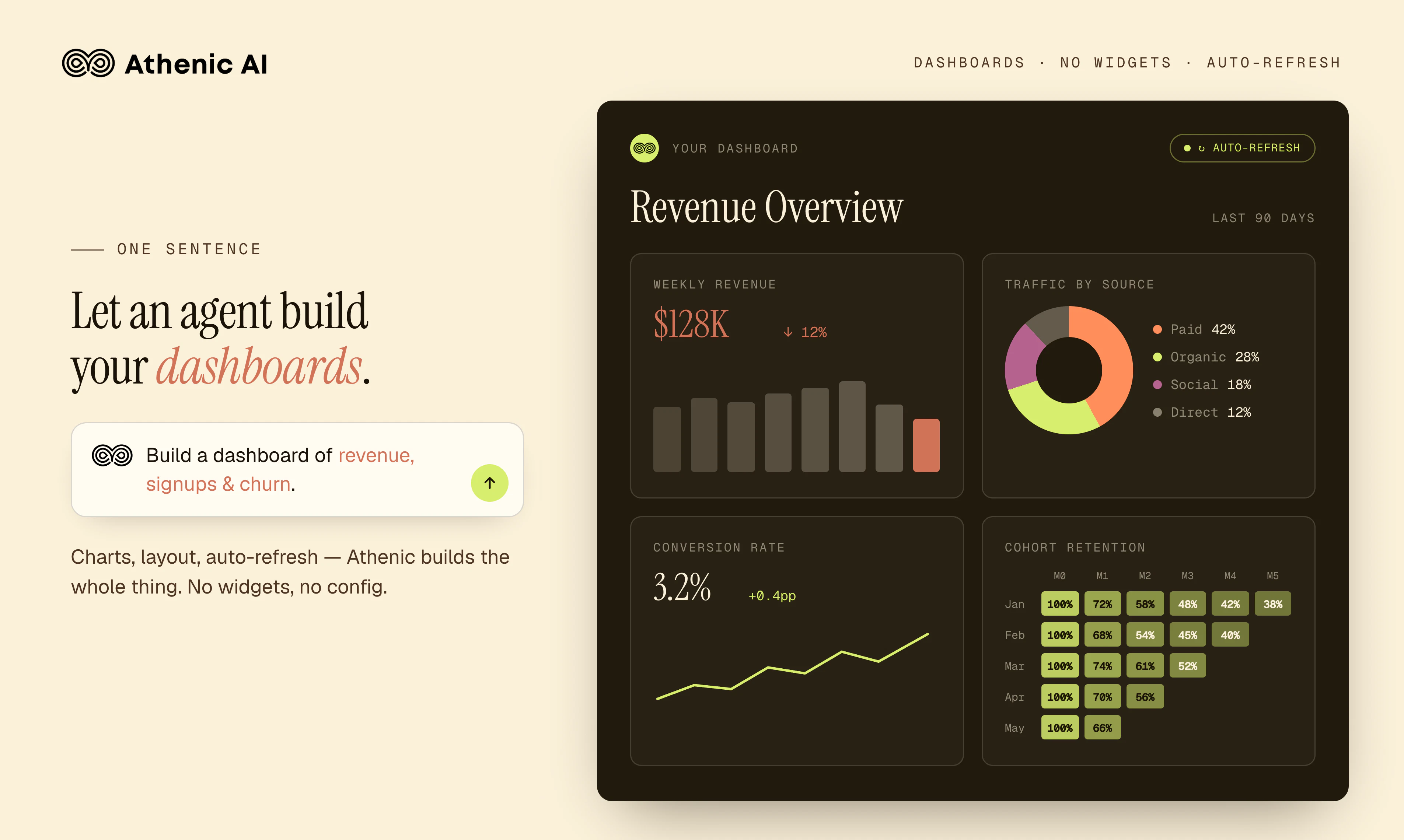
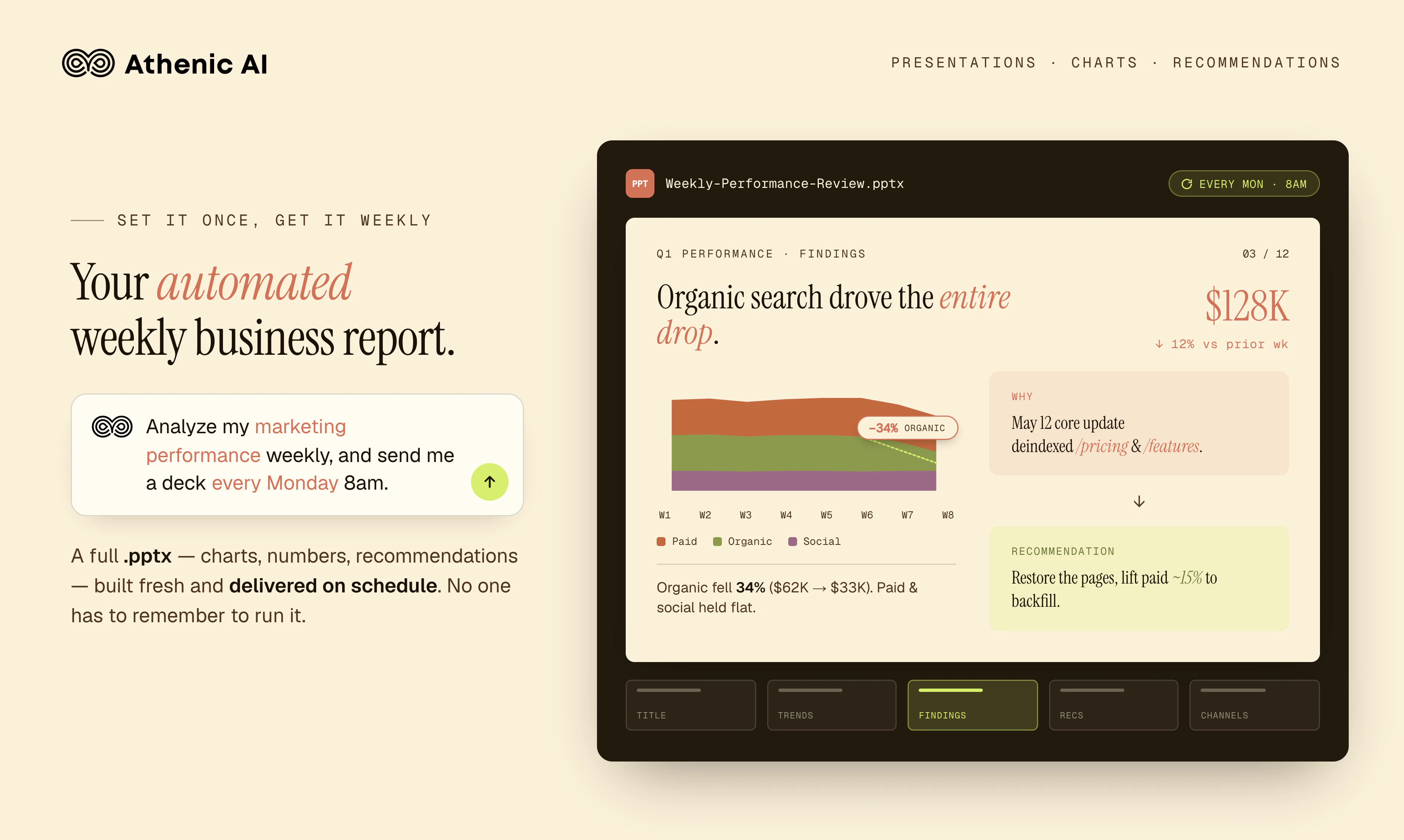
Athenic 2.0
A faster, smarter Athenic. Analyze on autopilot.
162
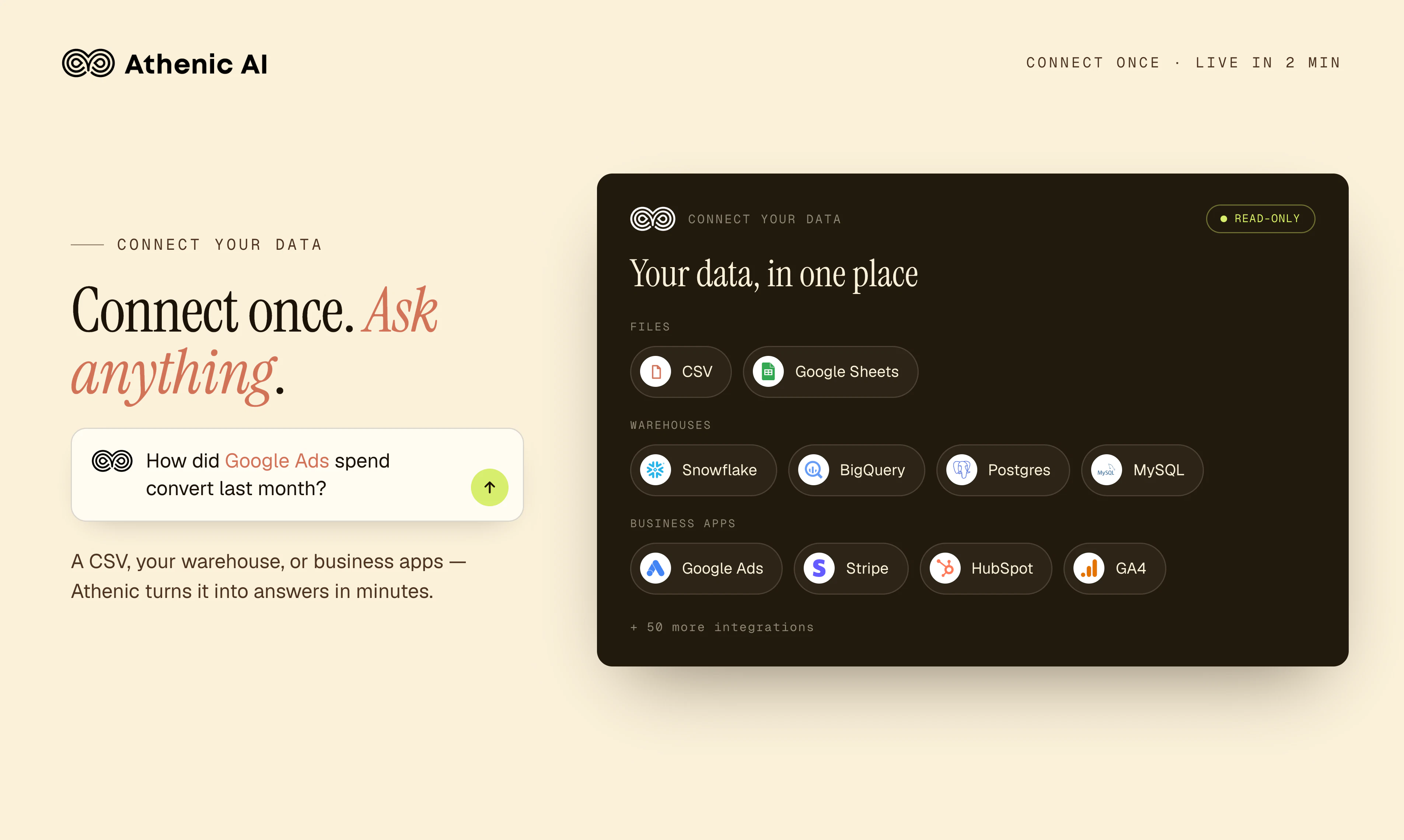
一句话介绍:Athenic 2.0 是一款面向从初创公司到世界500强企业的AI数据代理,通过自然语言连接CRM、ERP等业务应用,自动生成仪表盘和报告,并基于定时任务或异常事件执行自动化分析,解决了传统“问答式”分析工具缺乏主动性和工作流闭环的痛点。
Analytics Business Intelligence Data Visualization
AI数据分析 自动化工作流 自然语言查询 商业智能 数据代理 CRM/ERP集成 智能监控 云端分析
用户评论摘要:用户关注Athenic在多源数据建模、SQL可靠性与透明度、以及“代理”主动性的实际表现。有评论质疑AI处理复杂表关联的错误风险,建议增加推理过程与SQL展示。另一用户强调从被动回答到主动监控、异常预警的关键价值。创始人回应支持语义模型验证、自动异常检测和定时邮件简报。
AI 锐评

Athenic 2.0 的叙事方向很聪明:它切中了当前“Chat with data”工具的核心困境——给出答案容易,但让答案干活难。从“问一次就做完”到“自动重跑+异常触发”,本质上是把分析工具从“搜索器”升级为“运营机器人”。但真正值得深挖的不是“自动化”这个概念,而是它如何解决信任问题。

评论中已有人精准指出:Text-to-SQL 在复杂表关联时,哪怕逻辑有误也会自信地返回错误数值。这是所有AI分析工具的死穴。Athenic 的应对是“语义模型+管理员审核”,但这本质上把球踢回给用户——你依然需要一个懂数据的人来兜底。如果不解决透明度与可审计性的根本矛盾,自动化的规模越大,隐藏的错误风险也越大。AI“主动监控”听起来很美,但如果监控本身依赖一个可能“自信地犯错”的模型,那么每一封“自动发送到邮箱”的异常报告,都可能是一次误报或漏报。

Athenic 2.0 的产品力确实在产品功能广度上胜过多数竞品,但从“好用”到“可信”,中间还隔着一条“可审计的推理链”。对于追求低代码、快速看板的中小团队,它已经足够亮眼;但对财务、合规等领域的严肃用户,它的价值仍取决于“能否在不信任模型的前提下,低成本地验证模型结论”。这不是雅典尼克独有的难题,而是整个AI BI赛道的分水岭。

查看原始信息
Athenic 2.0
Athenic is an AI agent for analyzing data and automating work. Connect your data, chat in plain English, and ship dashboards, reports, and automations. Built for startups to Fortune 500.

👋 Hey, Product Hunt, long time no see!

We first launched Athenic in 2023, and a lot has changed since.


Most "chat with your data" tools (Athenic 1.0 included) stop at an answer. Athenic 2.0 keeps going: it builds the dashboard, writes the report, and re-runs analyses on schedule — ask once, not every Monday.

Here's what's new:

  • Automations — recurring analyses delivered to your inbox

  • Business apps — connect your CRM, ERP, paid media channels & more, not just SQL databases

  • Agentic Web research — Athenic monitors your competitors and surfaces market trends on its own

  • Improved Charting — build full dashboards though chat, with more chart types and customizations

New usage-based pricing too, pay only for what you use. 2,000 free credits to start, no credit card required.

Happy to answer any questions and always grateful for feedback. What's the first thing you'd put on autopilot? 👇

— Jared

6
回复

@jared_zhao As a data anylyst ,upgrading from just SQL databases to ERP and CRM data is a huge hurdle cleared. Data centralization is always the hardest part of these tools. How does Athenic handle data modeling/cleaning across those different business apps? love the idea

0
回复

@jared_zhao looks solid, good luck for the launch

0
回复

@eggro @jared_zhao The “analyze on autopilot” angle is strong if it helps teams move from dashboards to decisions. A lot of analytics tools show what happened, but the real value is surfacing what changed, why it matters, and what someone should look at next.

1
回复

The part I find most interesting is trusting an agent to pick the join paths across tables on its own — that's usually where text-to-SQL tools quietly get the number wrong but still return something confident-looking. How are you handling the cases where the schema is ambiguous: does Athenic show its reasoning / the SQL it ran so an analyst can sanity-check, or is it more of a trust-the-answer flow?

0
回复

@mikebrandswarm The setup is reasoned through and stored as a semantic model. The base SQL datasets and semantic models can be viewed by a team admin and verified or edited. Non admin users can also flag feedback for the admin. But the system is quite good at setting up autonomously. You're definitely spot on about that being a major failure point of text to SQL.

0
回复

the agentic data analyst framing implies the agent takes initiative rather than just responding. curious what the actual agent behavior looks like in practice. does it proactively flag anomalies in connected data, suggest analyses you haven't asked for, or is the agent label more about multi-step reasoning within a query than about autonomous action between sessions. the distinction matters a lot for how people would integrate this into their workflows

0
回复

@ansari_adin Hi, yes, the distinction is important and Athenic is capable of both. During your sessions Athenic will do multi step reasoning and suggest alternate analysis paths. It will also suggest automations or you can create them yourself. So you can do things like anomaly detection where it only emails you if it finds something interesting or if it crosses a threshold. Or check the web for events that may have impacted your business and give a summary at the top of the analysis. Automated workflows are the heart of 2.0

1
回复
#5
Cloudback for Linear
Automated backup and restore for Linear workspaces
130
一句话介绍:Cloudback for Linear 为Linear工作空间提供自动化快照备份与依赖顺序恢复,解决工程和产品团队因误操作、数据丢失而丢失完整项目上下文(问题、项目、文档、周期等)的痛点。
Productivity Software Engineering Developer Tools
Linear备份 自动化备份 数据恢复 快照备份 SaaS备份 企业级安全 SOC 2 开发者工具 工作空间保护
用户评论摘要:用户称赞恢复功能的设计,但质疑定价透明度,尤其是“多成员”计费逻辑。也有用户关心备份实时性与恢复粒度(如是否支持单项目时间点恢复)。开发者回应可免费试用并查看具体价格,恢复为按计划快照,非实时。
AI 锐评

Cloudback切中了Linear用户日益增长的“数据主权焦虑”——当工作空间从任务列表演化为产品全上下文容器,纯备份工具的价值就从“保险”升维为“业务连续性基础设施”。其产品设计的亮点不在于备份自动化(这是基本功),而在于“恢复依赖顺序”和“23类数据分类”——这实际上是在构建一套线性逻辑下的数据拓扑还原能力,比简单的导回CSV要复杂得多。

但问题也很明显:定价策略故作高深。“按成员数折算单位”本质上是对PMF的一种试探,但用“首次5成员每成员2单位,后续每成员4单位”这种解释,只会让用户觉得你在刻意模糊真实成本。老老实实按工作空间+存储量收费,反而更符合工具型SaaS的信任逻辑。

从评论看,恢复粒度(是否支持单项目时间点恢复)才是用户的真实诉求,而开发者轻飘飘甩一句“依赖顺序恢复”来搪塞,显然不够。对于大规模团队,一次恢复整个工作空间本身就是高风险操作,用户真正需要的不是“全盘恢复”,而是“手术刀式的定点回滚”。这才是Cloudback从“备份工具”跃升为“数据管理平台”的钥匙。

另外,作为售价依赖信任的产品,其SOC 2合规和加密背书确实构建了安全壁垒,但面对Zapier等自动化平台的低价备份方案,Cloudback必须通过“恢复速度”和“数据完整性”场景化营销来锚定高端定位,而非纠结于单位换算。一句话:工具做得很重,定价说得很绕,建议回归“值多少”而非“怎么算”。

查看原始信息
Cloudback for Linear
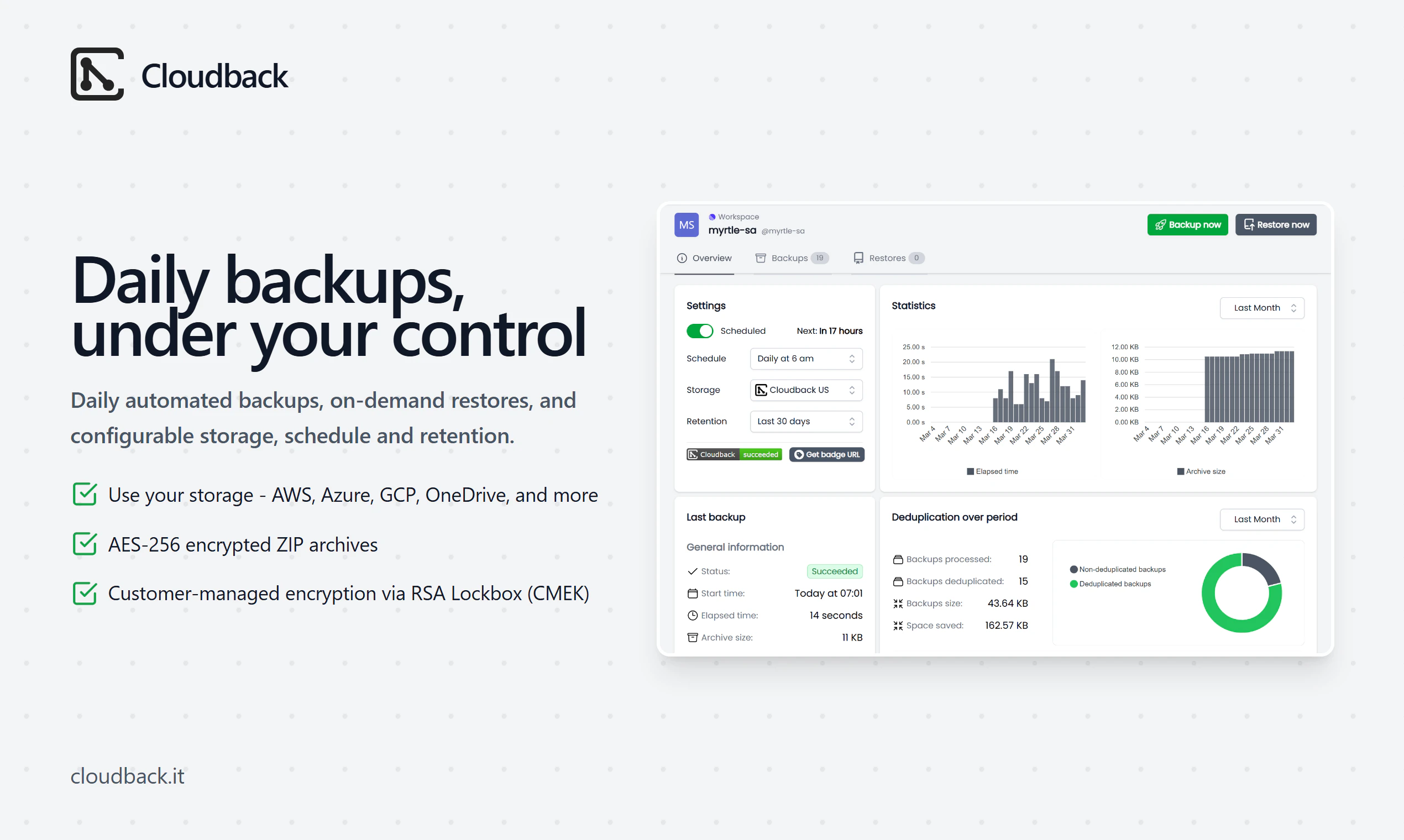
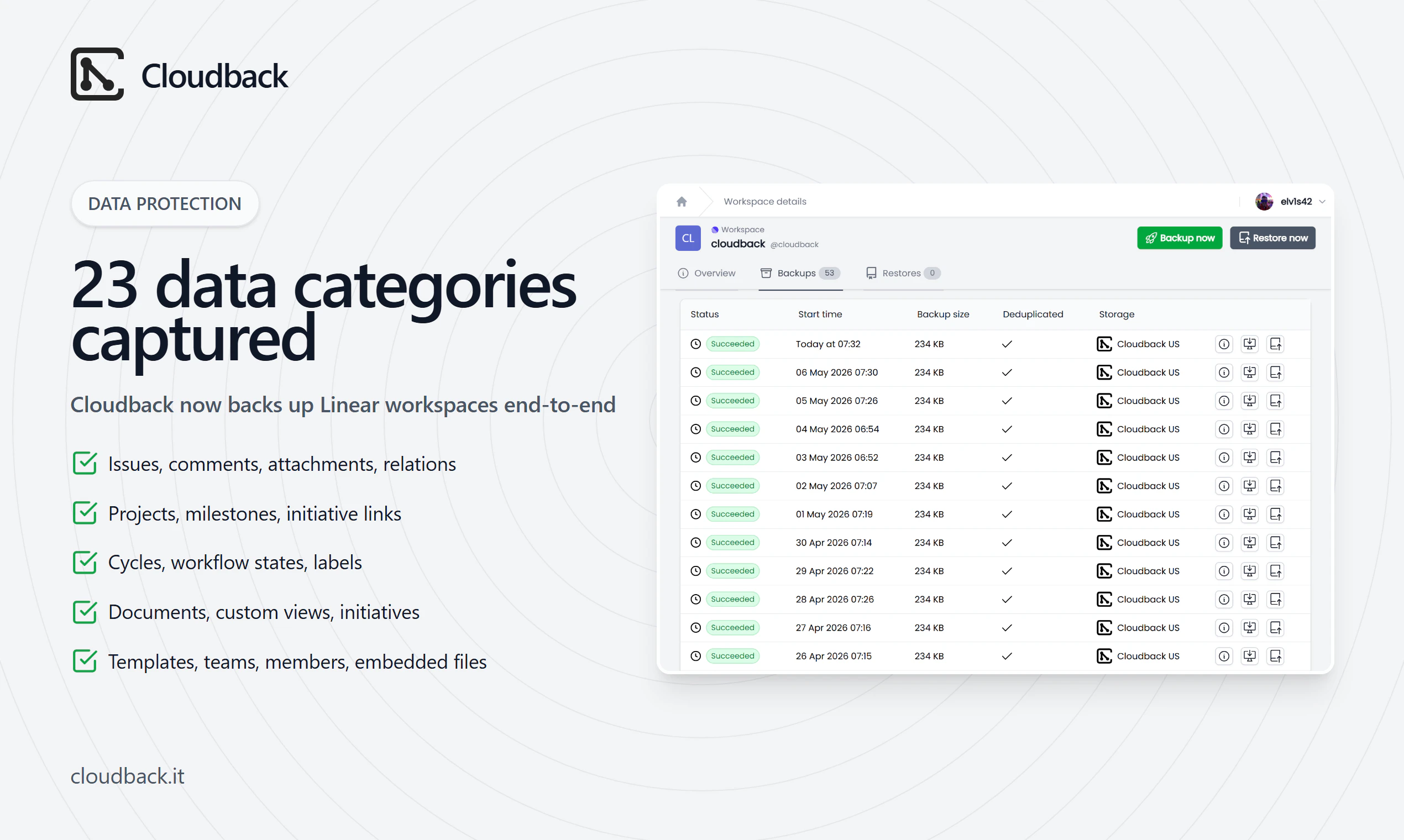
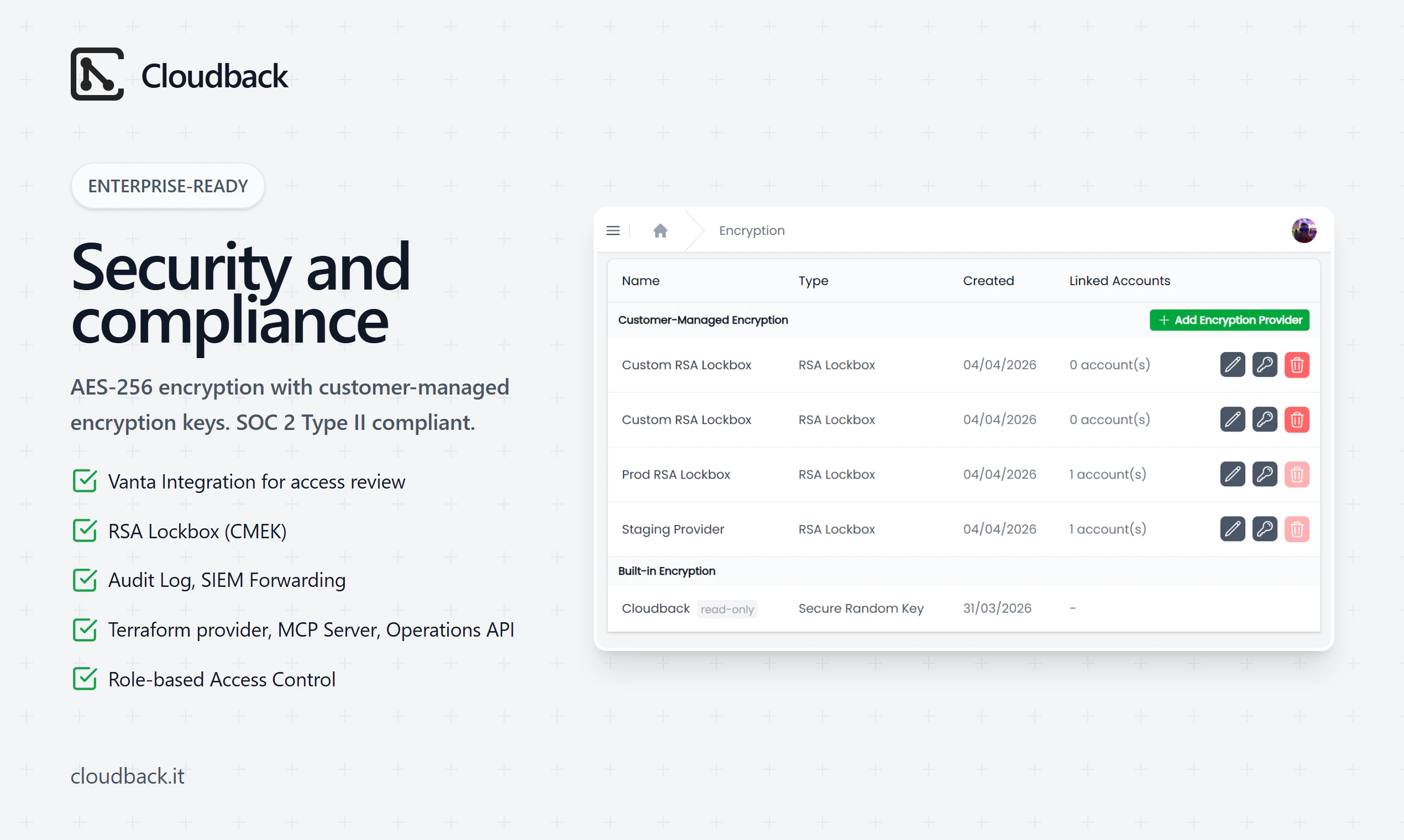
Cloudback runs automated, snapshot-based backups for Linear workspaces, GitHub, GitLab, and Azure DevOps. Linear capture covers 23 data categories: issues, projects, cycles, documents, comments, attachments, embedded files, and the workspace structure itself. Restore in dependency order from any backup, into a new target workspace. AES-256 with optional customer-managed keys (RSA Lockbox). SOC 2 Type II compliant. 1.7k+ customers, 14k+ repositories, 4M+ backups.

Hi PH 👋, I'm one of the makers of Cloudback. Today I'm bringing our Linear backup support to PH, because Linear is now where a lot of teams keep their full product context - issues, project decisions, cycle history, planning docs. Losing that overnight is a real risk, and Linear's native export only covers the issues table.

Here's what Cloudback does for a Linear workspace:

- Captures 23 data categories per workspace, including issues, projects, cycles, documents, custom views, initiatives, templates, comments, attachments, embedded files, workflow states, labels, teams, members, and the workspace structure itself.
- Restores the full workspace, not just a data dump - issues, projects, comments, and the structure all come back in the right order.
- Snapshot-based backup. Pick any backup, point it at an empty Linear workspace, confirm.

👥 Who it is built for:
- Engineering and product teams running their whole roadmap in Linear.
- Security and compliance teams that need backup evidence for SOC 2 audits.
- Founders who'd lose months of context if a workspace got wiped.

🔒 Security:
- AES-256 archives, customer-managed encryption keys via RSA Lockbox.
- SOC 2 Type II compliant.
- Cloudback Managed Storage in five regions, or bring your own storage across Amazon S3, Azure Blob, Google Cloud, OneDrive, Wasabi, Alibaba OSS, and OpenStack Swift.
- Audit log, Vanta integration, and many more.

Every plan starts with a free trial, so you can run a full backup and a restore drill before paying anything.

💬 Happy to answer any questions!

6
回复

I like the focus on recovery, not just backup. Most teams only think about repo protection after something goes wrong, so having automated snapshots and a fast restore path gives a lot more peace of mind.

2
回复

@jostin_trunerg Glad it resonated! Restore is the half most teams skip until they need it. Snapshots are easy to set and forget - the real value is bringing the whole workspace back fast and in order when something breaks.

2
回复
Congratulations on the launch! I find the pricing a little opaque - in particular it's unclear why there would be multiple workspace users for a backup? Please could you give me an example?
1
回复

@hex_miller_bakewell Good question! It's one backup of the whole workspace, not per user - member count just scales it with how much is in there (issues, projects, docs, comments). Example: a 10-member workspace works out to 30 units - the first 5 members are 2 units each, the next 5 are 4 each. Every plan starts with a free trial, so you can connect the workspace and see your exact units and price before paying.

2
回复
How realtime is the backup? Can I use it for context retrieval for my LLM?
1
回复

@zhen_han for getting context from Linear, you can use Linear MCP, it's better for operating Linear via LLM.

1
回复

@zhen_han Good question - it's snapshot-based, not real-time. Backups run on a schedule (daily by default, or weekly/monthly/custom, and you pick the time and time zone). You can also take an on-demand backup anytime - it's literally one click - so right before a risky migration you can grab a fresh snapshot. Your recovery point is your most recent scheduled or manual backup.

1
回复

The restore-in-dependency-order detail is useful. Linear holds roadmap context beyond issues, so a dry-run restore before paying is a smart trust step. Can teams preview how projects, cycles, docs, and comments map before restoring into a new workspace?

0
回复

Backup-and-restore is one of those things nobody values until the day they desperately do, which is exactly why it's a hard sell and an easy thing to under-price. The critique above about pricing clarity is the real one.

From a product-team angle: the question I'd want answered on the page isn't "do you back up Linear," it's "how fast and how granular is restore." If someone fat-fingers a bulk archive, can I recover one project to a point in time, or is it all-or-nothing? Recovery granularity is the actual product, the backup is just the prerequisite. Worth leading with that, because it's also what justifies the price.

0
回复
#6
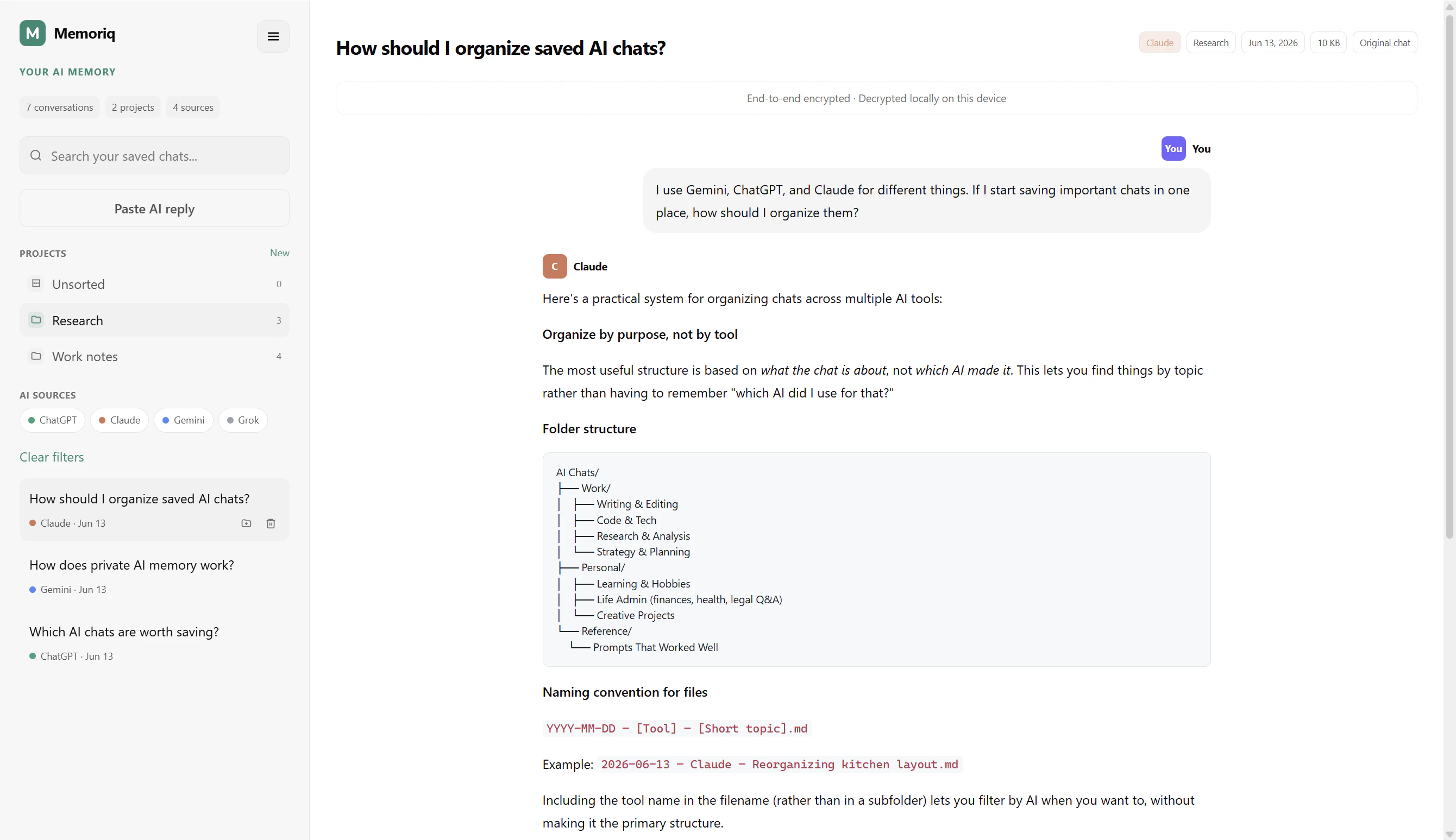
Memoriq
Your private AI memory for ChatGPT, Claude, Gemini and Grok
119
一句话介绍:Memoriq 是一款开源、端到端加密的AI记忆管理工具,帮你跨平台保存ChatGPT、Claude、Gemini和Grok上的重要对话,防止有价值的信息丢失在云端。
Productivity Privacy Artificial Intelligence
AI记忆管理 端到端加密 跨平台 开源 自托管 隐私保护 浏览器扩展 对话搜索 个人知识库 数据主权
用户评论摘要:用户普遍关注捕获机制跨平台可靠性差异,尤其ChatGPT基于API(稳定),Claude等依赖DOM抓取(易因UI更新失效)。建议改进自动记忆筛选、团队共享能力,并期望支持语义搜索及导出复用。
AI 锐评

Memoriq切中了一个真实但略显小众的痛点:重度AI用户在不同模型间切换时的“语境失忆”问题。其核心价值在于将自主权(开源、自托管、端到端加密)与实用性(跨平台捕获、本地解密搜索)结合,这在当前大模型服务普遍将用户对话视为自有资产的环境下,是一种清醒的“数据主权”主张。

然而,产品目前仍处于“漂亮的手工存档”阶段。首先,捕获机制的脆弱性是硬伤——Claude、Gemini等依赖DOM提取,这意味着产品维护成本极高且不稳定,任何一次UI改版都可能让核心功能失灵,开发者回复承认“持续跟进”听起来更像是权宜之计而非工程方案。其次,“用户手动策展”虽然规避了AI误判,但也将门槛抬高:大多数用户甚至记不起保存,更别说事后组织——这本质上是把一个认知负担从AI转嫁给了人类。最后,缺乏跨模型的知识应用(如用存下来的Claude对话去追问Gemini),让“记忆”更像一个静态文件夹,而非智能体。

从商业角度看,119票、寥寥数条深度评论,反映了市场处于早期教育阶段。产品真正的壁垒在于:能否从“备份工具”进化为“AI记忆代理”——即不仅能存,还要能理解、关联、复用时无需用户手动喂上下文。如果不能解决捕获可靠性和主动记忆提炼的问题,Memoriq很容易沦为极客终将放弃的又一个“自建方案”。其开源性是一把双刃剑:赢得了隐私至上的口碑,但也意味着商业化路径艰难。如果团队后续能推出可靠的跨平台语义检索和加密共享,并设计出更优雅的自动捕获策略,它会成为AI工作流中的暗夜灯塔;否则,就只是一次技术乌托邦的实验。

查看原始信息
Memoriq
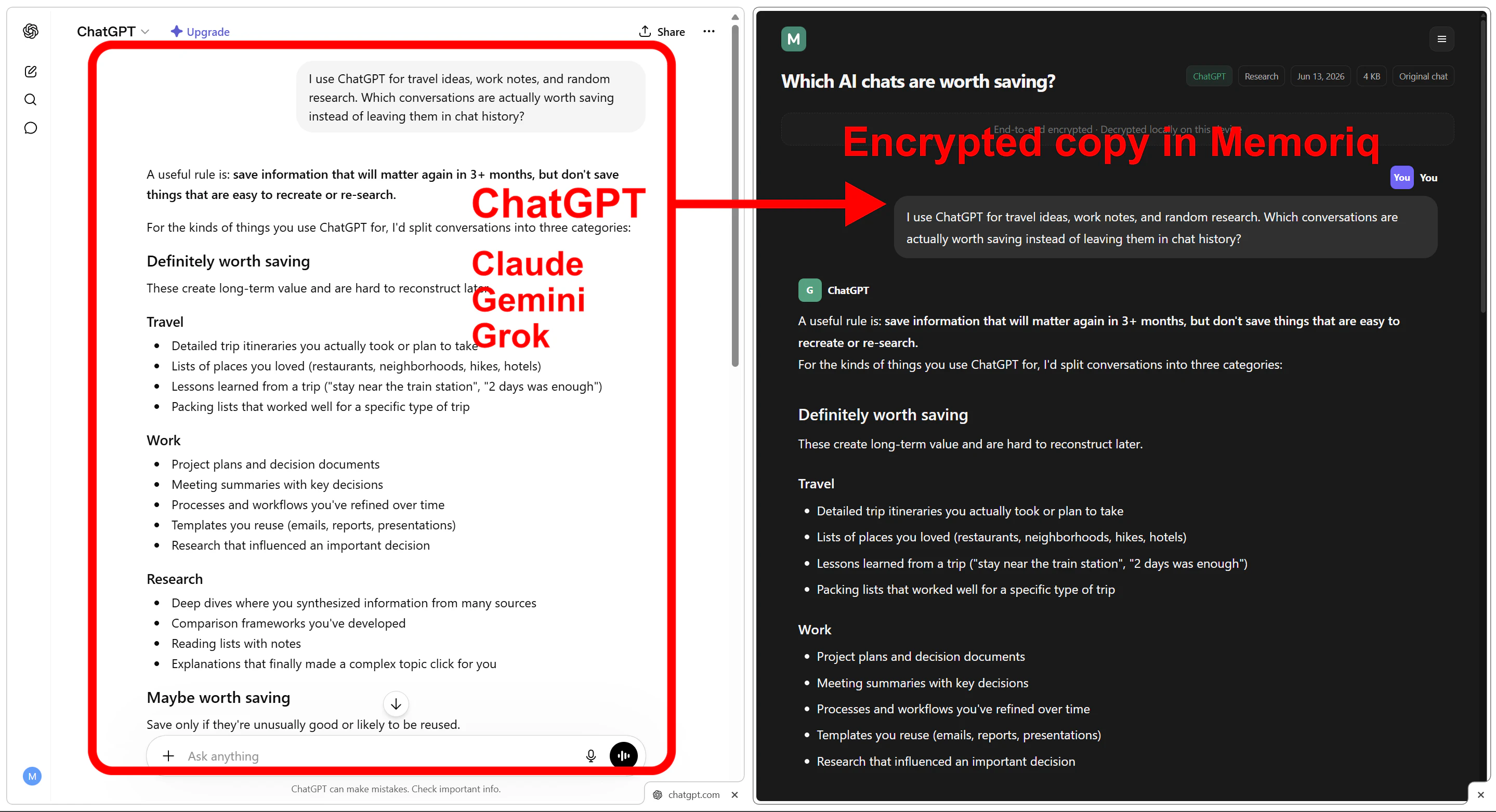
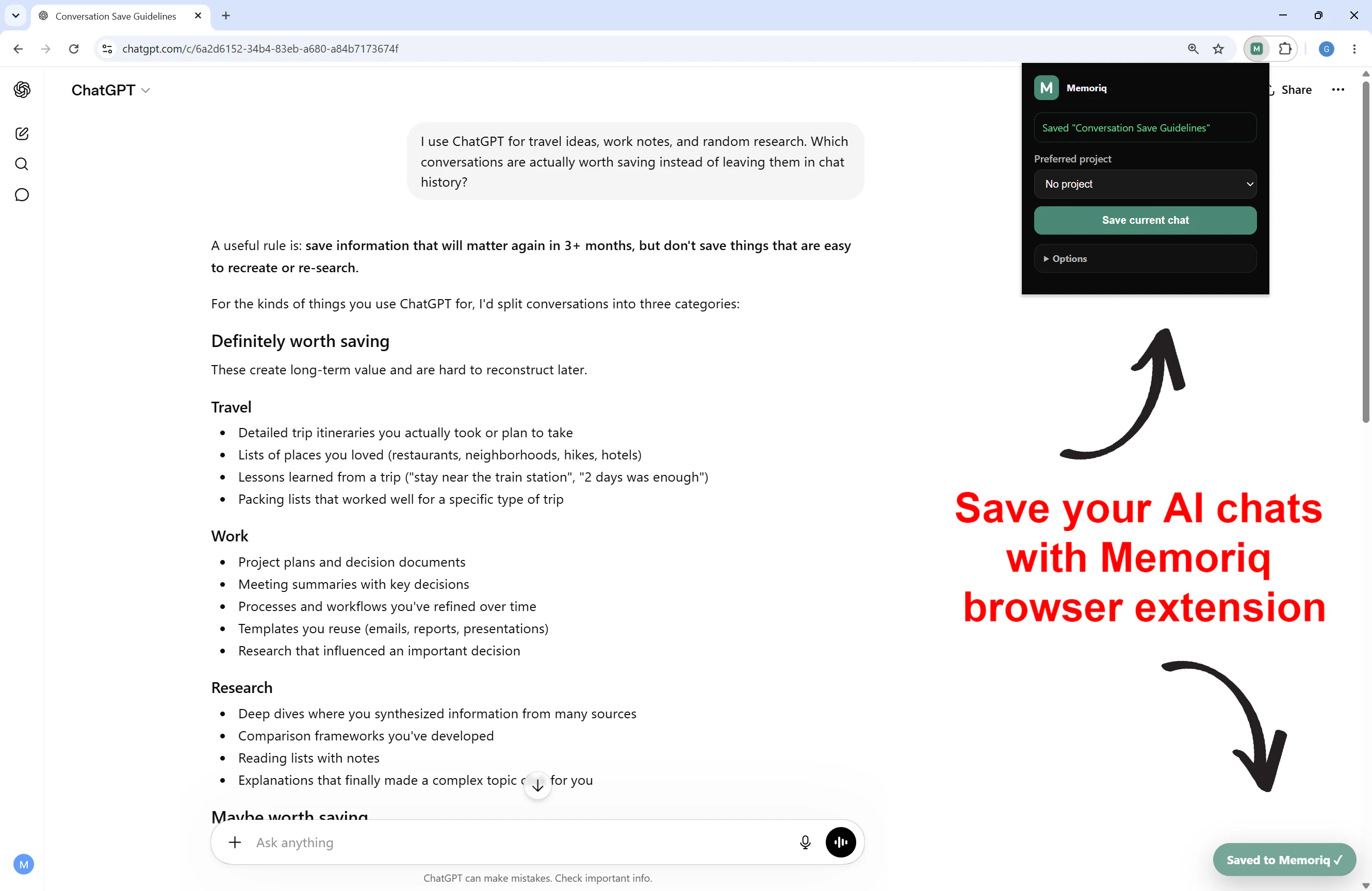
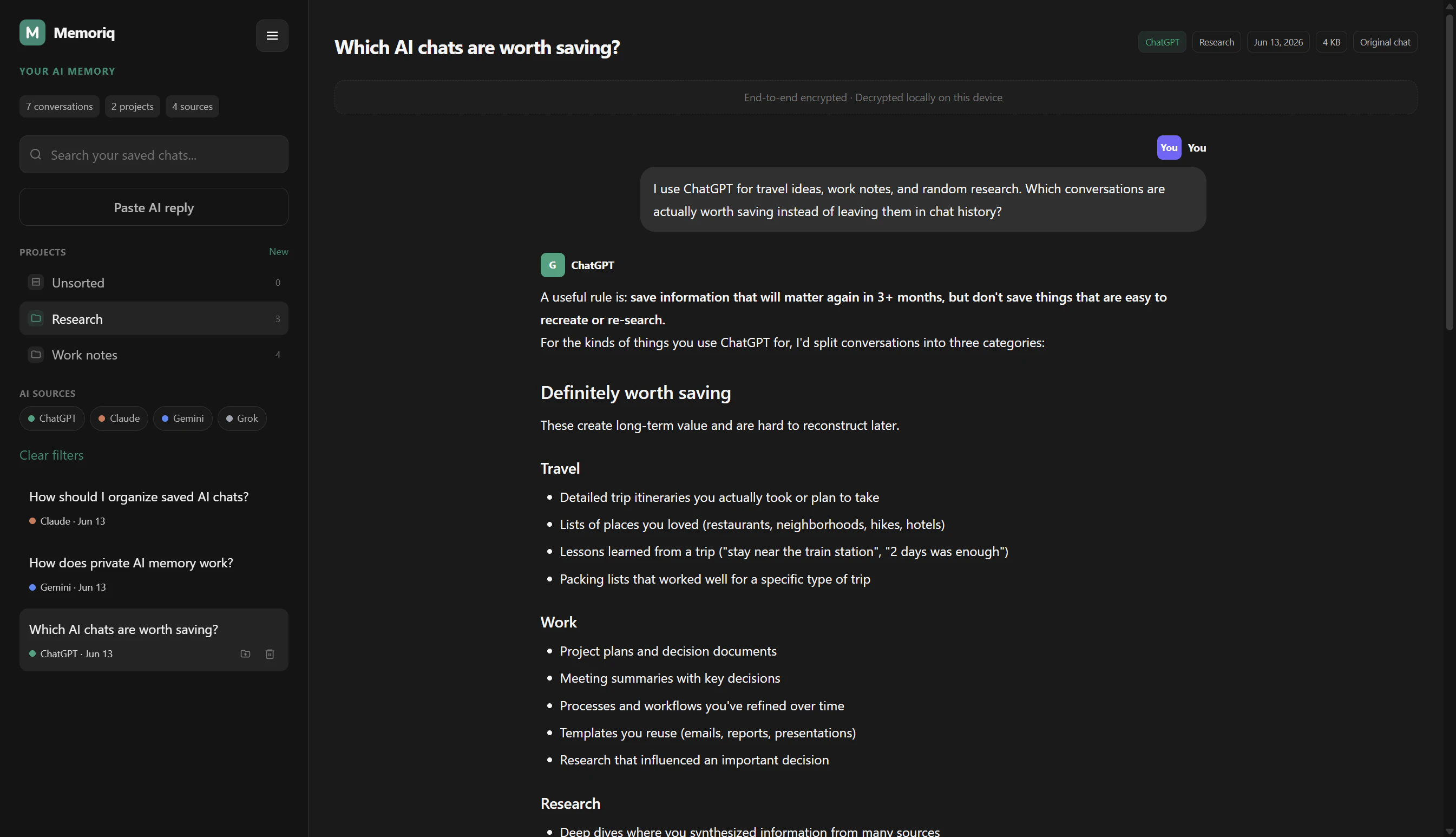
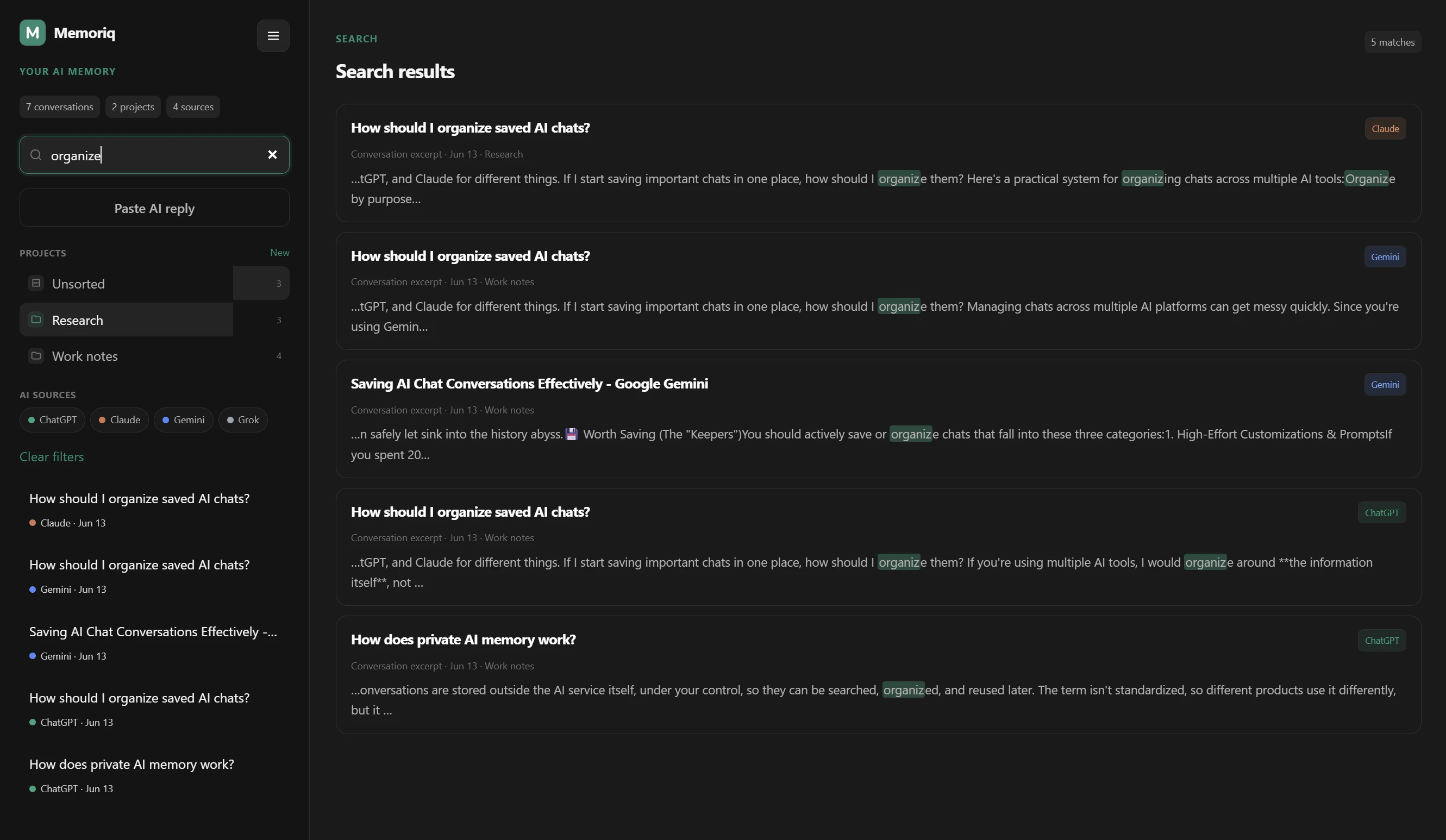
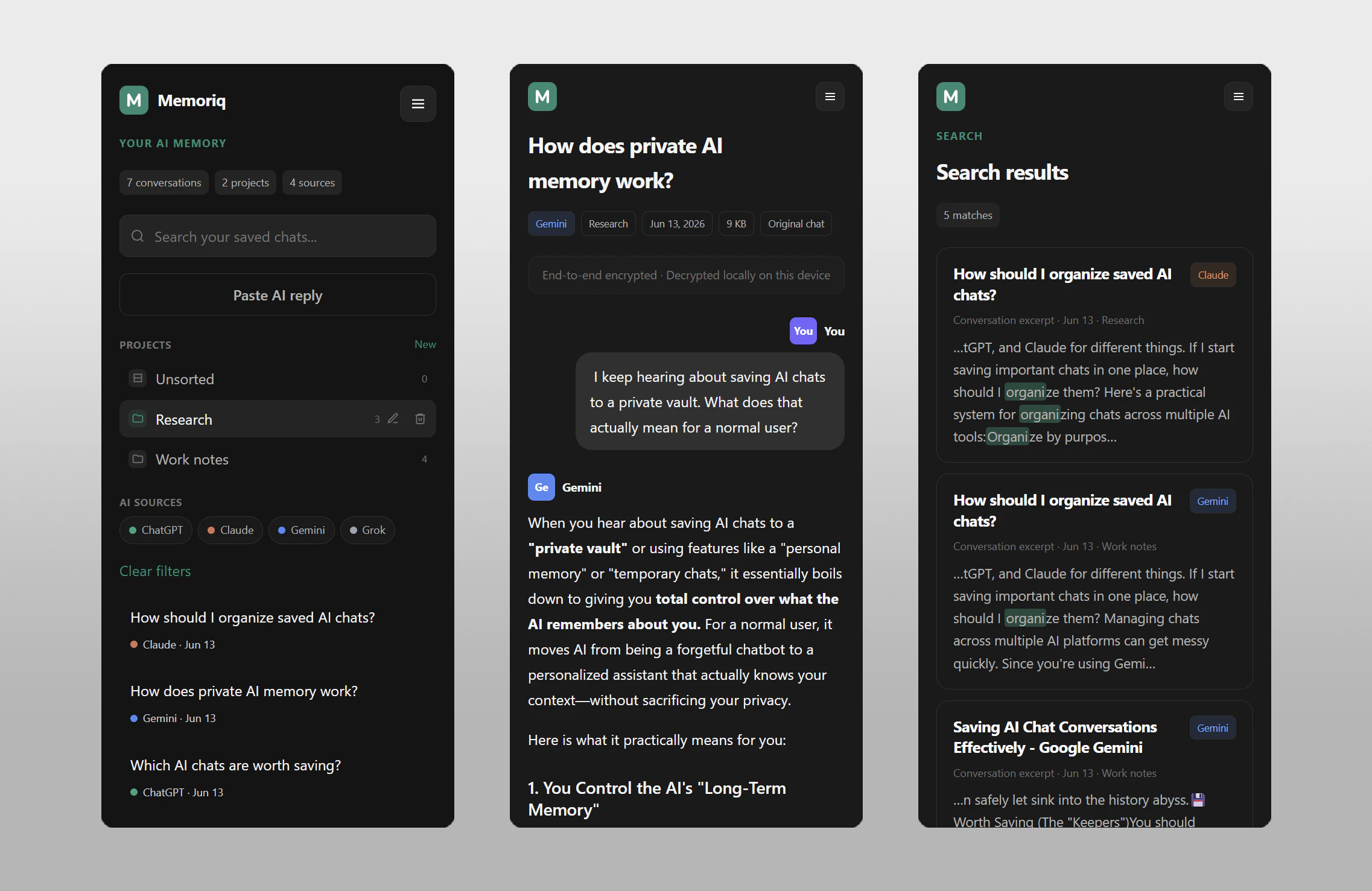
Memoriq is your private AI memory for ChatGPT, Claude, Gemini and Grok. Save the conversations that matter in an end-to-end encrypted vault that only you can access. Open source, self-hostable, and built for people who don't want to lose valuable AI chats or trust another plaintext cloud service. Search, organize, and keep your AI knowledge under your control.
Hi, I'm the creator of Memoriq. I built it because I kept losing useful conversations across ChatGPT, Claude, Gemini and Grok, and didn't want to rely on another plaintext cloud service. Memoriq is an open-source, end-to-end encrypted AI memory that you can self-host or use as a hosted service. Your conversations stay private, and only you can access them. I'd appreciate any feedback on the project. Happy to answer any technical or security questions!
2
回复

@giekaton I think the logo would be stronger if it carried a more meaningful concept that directly reflects the brand's core purpose. Since Memoriq is about preserving important memories, personal growth, and connecting life experiences, the logo could incorporate symbolism related to memory, connection, timelines, or meaningful moments. A concept-driven logo would not only look attractive but also create a deeper emotional connection with users and make the brand more memorable. After carefully exploring your brand, this was simply a thought that came to mind, so I wanted to share it with you. I hope you find it helpful.

0
回复

@giekaton The context problem with AI is real—switching between Claude and ChatGPT means losing institutional knowledge. Private memory that persists across models is exactly what teams need. Have you thought about team-level memory contexts where multiple people can contribute to shared knowledge bases, or is staying individual-focused intentional for privacy?

0
回复

the multi-platform support across ChatGPT, Claude, Gemini, and Grok is the right coverage but the capture mechanism for each is probably different. some of these have APIs, some require browser extension scraping, and the reliability and permissions vary a lot between them. curious how the actual capture works across platforms and whether there are any that work more reliably than others or require different setup steps

1
回复

@ansari_adin Good question!

The capture path is provider-specific. ChatGPT is currently the most reliable because the extension uses OpenAI's same-origin conversation API while you're logged in, so it can retrieve the conversation directly from the provider.

Claude, Gemini, and Grok currently rely on DOM extraction, since the goal is to work with the normal web interfaces rather than require separate API keys. Those providers change their UIs fairly often, so capture is best-effort. Gemini, for example, may require manual scrolling to the top for very long chats.

Since browser extensions are generally not available on mobile, the long-term vision is to support native sharing on mobile, whether through the Memoriq PWA or a dedicated app, so useful AI conversations can be saved as naturally as they are on desktop.

1
回复

The user-curated memory choice makes sense for launch and support workflows where only a few AI conversations are worth keeping as project history. The first thing I would test is whether a teammate can save a Claude/ChatGPT thread, search it later, and prove it stayed private without turning it into another shared knowledge base. Does Memoriq support any team handoff model yet, or is the intended boundary strictly one private vault per person?

0
回复

@hazy0 Right now, the focus is one private vault per person. End-to-end encrypted sharing is something I'd love to add in the future, and I think it could work well for teams.

0
回复

The capture asymmetry between platforms is the interesting engineering constraint here. ChatGPT via API is reliable, but Claude, Gemini, and Grok depend on DOM extraction. Meaning a UI change on any of those platforms can silently break capture or produce malformed saves.

How do you handle version drift detection? Is it a user-visible failure (capture stops until an extension update ships) or does Memoriq degrade gracefully and capture partial content? Claude in particular has changed its conversation UI structure multiple times this year. What does the extension update cadence look like when a platform breaks?

0
回复

@binu_george That's one of the main engineering challenges. Right now, if a provider changes its UI, capture quality can degrade until the extension is updated, although partial captures may still work depending on the change. Keeping up with provider changes is an ongoing part of the project.

0
回复

End-to-end encrypted + self-hostable is the combo that makes this trustworthy for anything work-related. The moment your AI history sits in someone else's plaintext cloud, you can't put real client or business context in it. Open source seals the deal because "private" only means something when you can verify it. The capture across four assistants is the hard part though - they don't all expose the same hooks. Curious how you handle that without it breaking every time one of them changes their UI.

0
回复

@david_marko Thanks! The capture path is provider-specific. ChatGPT is the most reliable because it can use the provider's conversation API, while Claude, Gemini, and Grok currently rely on DOM extraction. UI changes do happen, so the extension is designed to evolve alongside the providers and improve over time.

0
回复

I bounce between Claude and ChatGPT depending on the task and re-explaining my project context every time gets old fast. A shared memory layer makes sense in theory, but I'd want to know how it decides what's worth remembering vs noise. Is that automatic or do you curate it yourself?

0
回复

@josedamian Right now, it's user-curated rather than automatic. The idea is that you save the conversations you know you'll want later instead of having another AI guess what's important and what's noise.

Automatic memory is an interesting idea, but I think the right starting point is giving people a private place to save the conversations they care about.

0
回复

Congrats on the launch! The E2E encryption and self-hosting options are a huge win for anyone worried about data privacy with LLMs. What cryptographic primitives are you using to handle the end-to-end encryption without bottlenecking the search/retrieval speed?

0
回复

@luyanda_ntombela Thanks for the question!

The current approach is to keep the cryptography fairly conventional and avoid clever encrypted indexing schemes for now. Memoriq uses a browser-generated 256-bit AES-GCM master encryption key (MEK). The user's encryption password is processed with PBKDF2-SHA256, the MEK is wrapped with AES-KW, and conversations are encrypted locally before upload.

To avoid search becoming a bottleneck, the server doesn't perform content search at all. After you unlock the vault, encrypted conversation headers are decrypted locally in the browser and used for list and search operations, while full conversation bodies are decrypted on demand. Server-side semantic search is something I'd like to explore in the future, but only if it can preserve the privacy model.

There's a more detailed write-up of the encryption and extension architecture in the repo as well, if you're interested in the implementation details, you can find it on GitHub.

1
回复

Ok but what can I do with stored conversations? Can I search across all my saved chats? Can I use them in other LLMs?

0
回复

@zopteraa Yes, you can already search across conversations saved from different AI providers in one place.

Right now, exports are encrypted vault backups rather than a format for other LLMs. Memoriq is still in beta, and I'm focused on getting the core experience right first.

Longer term, I think there's a lot of potential for richer semantic search, privacy-preserving AI agents that can work with your own conversation library, end-to-end encrypted sharing, and new ways to connect knowledge across different AI providers.

0
回复
#7
Conan
A native Mac cockpit for Claude Code
115
一句话介绍:Conan 是一款原生 macOS 桌面应用,为 Claude Code 终端用户提供实时状态面板(HUD),解决开发者无法直观追踪 AI 代理工具调用、上下文窗口压力和 Token 消耗的痛点,将碎片化信息整合为可一眼掌控的“驾驶舱”。
Mac Developer Tools Artificial Intelligence
AI开发工具 Claude Code辅助 macOS桌面应用 实时监控 上下文窗口 Token消耗 本地隐私 多会话管理 开发者体验 HUD面板
用户评论摘要:用户普遍认可实时上下文窗口和技能调用追溯功能,并建议加入多会话概览、5分钟摘要和关键失败模式高亮。部分用户担心过度曝光增加认知负荷,但对本地优先、无遥测的隐私设计给予高度评价。
AI 锐评

Conan 精准切中了“AI辅助编程失控感”这一隐性痛点:当 Claude Code 变成黑盒,开发者只能通过终端滚动条猜测它正在做什么。它的真正价值不在于多出一个仪表盘,而在于将“隐形成本”显性化——上下文窗口压力、Token消耗、技能调用链,这些本是工程师优化AI交互的关键资产,却被原生终端主动隐藏了。Conan 选择了本地钩子事件流而非日志轮询,保证了实时性,并规避了远程追踪带来的隐私合规风险,这对企业级用户是杀手级卖点。

但产品有结构性问题:它本质上是一个“看板”,而非“控制台”。它告诉用户发生了什么,却不提供干预机制——当上下文压力飙升,用户只能看着它涨,然后手动切到 Claude Code 输入/compact。如果Conan下一步能嵌入动作(如一键压缩上下文、暂停或重试失败的工具调用),它才能从“副屏监控”升级为真正的开发驾驶舱。此外,持续监控AI行为本身存在边际效应递减——多数开发者最终只关心结果是否正确,而非过程干净与否。Conan在攻破初期神秘感后,需要证明自己是日常开发中不可绕过的生产力工具,而非又一令人分心的“闪光灯”。定价模式(免费+一次性$29)聪明且克制,但1.x的终身更新承诺在生态快速迭代下能否兑现,值得观望。

查看原始信息
Conan
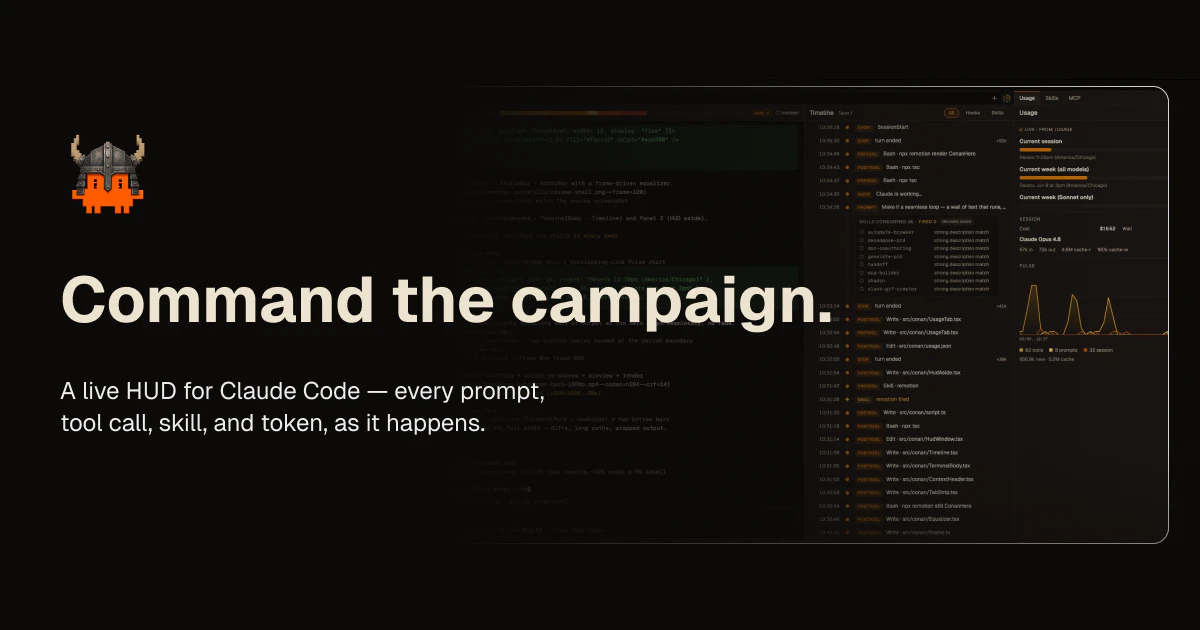
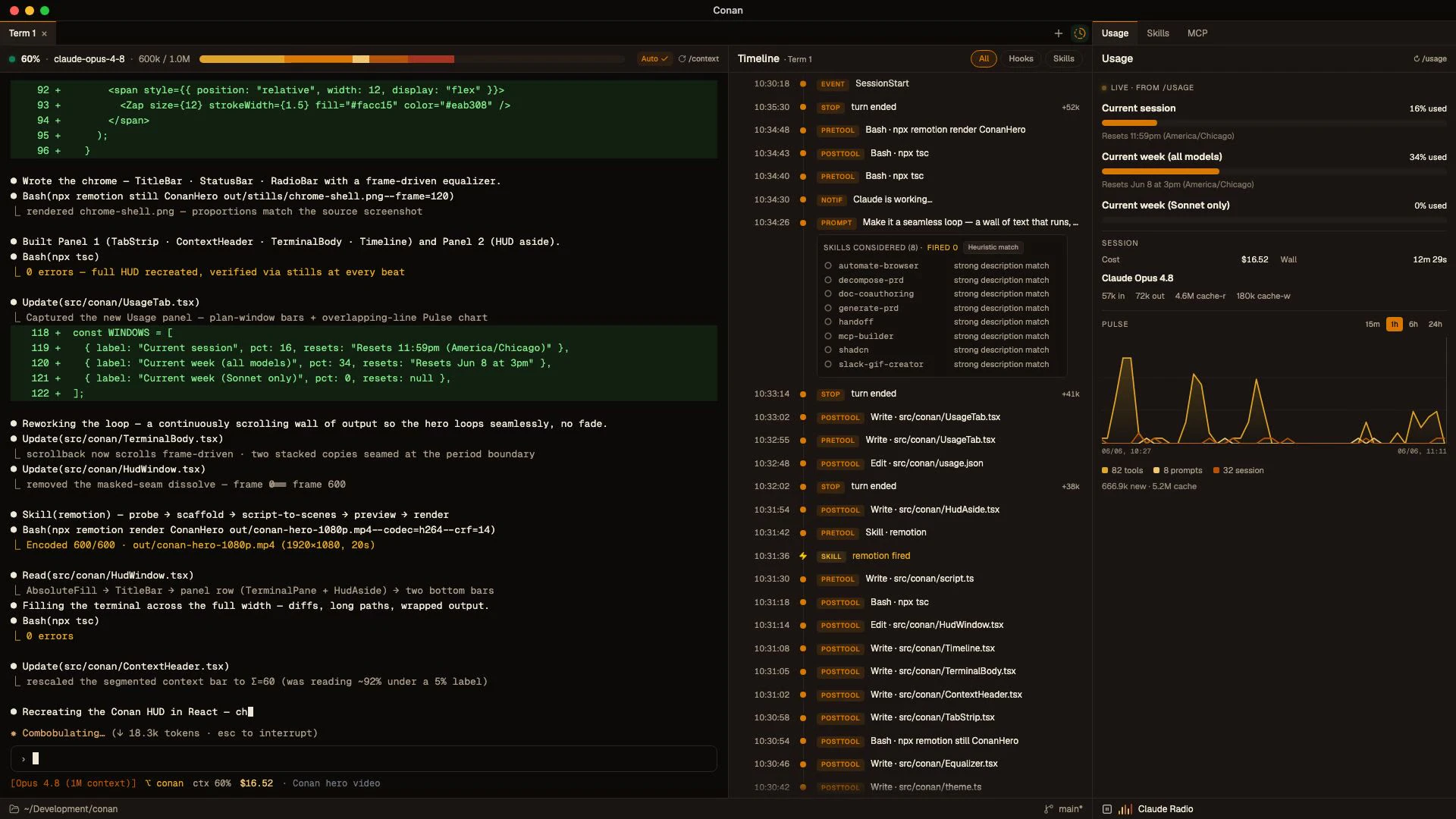
Conan is a native macOS app that wraps Claude Code in a live HUD — every prompt, tool call, skill, and token, surfaced as it happens.

Hey Product Hunt 👋 I'm Randy.

I use Claude Code all day, and I kept losing track of what it was actually doing. It'd go heads-down for two minutes firing tools and burning context, and the terminal showed me everything except what I cared about. Which tools did it just run? How full is the context window?

I ended up with a usage CLI in one tab, a cost tool in another, and a statusline I had to squint at. I didn't want three side-tools. I wanted one surface to glance at. A cockpit.

So I built Conan, a native macOS app that sits beside Claude Code and turns its live session into a HUD:

- a streaming timeline of every prompt, tool call, and skill as it fires
- a context-window gauge you watch fill
- a usage and cost pulse

It reads Claude Code's local data. No telemetry, nothing about your code or prompts ever leaves the machine.

It's free to use. A one-time $29 unlocks Premium, no subscription, lifetime 1.x updates. macOS-first today; Windows and Linux folks can grab the waitlist.

I'd love your honest feedback, especially from people who live in Claude Code. What would make this a daily driver for you?

Try it → https://www.conan.sh

2
回复

The local-only angle is important here; for a Claude Code HUD, I’d care less about another dashboard and more about making pauses, tool failures, and context pressure obvious at a glance.

1
回复

@jimmy_lee12 Yep, nailed the priorities. Context pressure's the headline number (with a handoff button right there when it spikes), and failures/pauses pop in the timeline instead of hiding in scrollback. Curious if there's a failure mode you'd want louder than the rest?

0
回复

@randydigital I understand the problem, but I keep wondering how many developers actually care about the mechanics versus the result.

If Claude spends 20 tool calls and 50k tokens but still produces the correct outcome, does the average developer want to inspect the journey? Or is this aimed more at engineering managers and power users who need visibility into cost and behavior?

Feels like there are potentially two very different customers hiding behind the same product.

1
回复

@josh_bennett1 Totally fair worry. Where it really earns its keep is build/loop runs, you can actually see the tasks the agent is working through instead of squinting at scrollback wondering what step it's on.

0
回复

@randydigital Interesting idea. One thing I’ve noticed with Claude Code is that the more information you expose, the more cognitive load you can accidentally create. At what point does the HUD become another dashboard people monitor instead of something that helps them stay focused?

I’m also curious whether users actually change their behavior after seeing token usage, tool calls, and context consumption in real time, or if it’s mostly reassurance that the agent is doing what they expect. Have you seen any surprising patterns there?

1
回复

@moh_codokiai Yeah, two real ones for me. The 60% rule, once context passes ~60% I compact/handoff instead of gambling, purely because I can see it climbing live. And confirming my skills actually fire without invocation, the timeline shows fired + considered, so I know whether the one I expected actually kicked in. Both changed how I work.

0
回复

I live in the Claude Code terminal all day and honestly the bare CLI experience is fine until you're juggling more than one session — then it's just tabs everywhere and losing track of what's running where. A proper native Mac UI for this seems overdue. Does it let you switch between multiple active sessions easily, or is it more of a single-session viewer?

1
回复

@josedamian Multi-session, not just a viewer. Each session opens in its own tab, and each tab holds onto its working directory, so you always know which project is running where.

The "tabs everywhere, losing track" pain is basically the whole reason it exists. Give it a try under your real workload and tell me if it holds up.

0
回复

the interesting fork for a claude code cockpit is where you tap state — parsing the .claude jsonl logs vs wrapping the process for live events. the log route is robust but always a step behind.

1
回复

@qifengzheng We went hooks-first instead of log-tailing. Claude Code's hook system pushes events to a local gateway live, so we dodge the "step behind" problem. Logs are still useful for history backfill, and we scrape the live TUI frame for the stuff that's neither logged nor hooked (/context, /usage token counts).

0
回复

Cool tool, the most pain point for me is skill usage, I don't know which skill claude code actual choose in conversation unless I specify to model.

1
回复

@sleekzheng this is actually one of the main things Conan tries to solve. the Timeline shows which skill fired on each turn, and since Claude Code doesn't expose its own skill scoring, there's a heuristic that also surfaces which skills were considered, not just the one that won. so you get to see the choice happening instead of guessing. curious if that's the kind of visibility you were after.

0
回复

Congrats on putting this together.

The problem is real IMO, especially when managing multiple concurrent agents. But to extend your analogy: if a cockpit has too many flashing lights and live streams, the pilot still gets overwhelmed.

For me, the ultimate HUD wouldn't just stream the raw data—it would summarize it. I’d love a feature inspired by how Gemini handles meetings: if I'm deeply focused on another task for 5 minutes and glance back, give me a quick "catch up" summary of what the agent actually achieved over those 5 minutes.

Distilling the chaos into a quick TL;DR status report.

1
回复

@rightsum Totally fair, the flashing-lights problem is real. right now Conan leans toward the raw stream (every prompt, tool call, skill, token as it happens) but you're right that past a certain pace you want the distilled version, not the firehose. a "what did the agent actually do in the last 5 min" catch-up summary is a great idea, especially with multiple agents running. putting it on the list. appreciate the thoughtful take.

0
回复

As someone who lives in Claude Code and Cursor daily, a native Mac cockpit is exactly what I've been missing — losing track of context across terminal tabs is the real pain. Does it handle multiple parallel Claude Code sessions/worktrees in one view? Congrats on the launch!

0
回复

The context-window gauge is the feature I didn't know I needed. I run long Claude Code sessions and the moment it starts compacting is exactly when things get fuzzy - having that fill level in sight beats finding out the hard way. The three-side-tools-into-one-cockpit framing is the right call too; I was squinting at a statusline for the same info. And keeping it all local (reads Claude Code's own data, nothing leaves the machine) is the detail that makes it actually usable for client work. How live is the timeline - true streaming as tools fire, or polled?

0
回复

@david_marko Appreciate this — you nailed the three things we obsessed over: the gauge, collapsing the scattered statuslines into one cockpit, and keeping everything on your machine.

On the timeline: it's true streaming, not polled. Claude Code itself tells Conan the moment something happens such as a tool firing, a prompt goes out, or a skill runs, and that row shows up instantly. There's no refresh loop sitting there checking every few seconds; the event pushes straight through. So what you're watching is exactly as live as the session itself.

1
回复
#8
Allergo
Translate your allergies, anywhere.
103
一句话介绍:Allergo帮助用户在旅行中通过生成75+语言/地区的过敏信息卡片并存入Apple Wallet,解决因语言不通导致的过敏原沟通障碍与饮食安全风险。
Health & Fitness Travel Health
过敏翻译卡 旅行健康 Apple Wallet集成 多语言沟通 饮食安全 无障碍出行 紧急翻译 医疗辅助APP 本地化翻译 健康工具
用户评论摘要:用户肯定了产品的实用性,尤其针对儿童或伴侣有过敏症状的家庭。主要建议:1. 需区分机器翻译与母语验证标识(已规划更新);2. 部分用户质疑是否需要独立App,希望提供物理卡片选项。
AI 锐评

Allergo切入的是一个真实但被严重低估的细分痛点——语言差异导致的过敏信息误读。其核心价值不在于翻译本身,而在于将“语义模糊”转化为“情境确定”:通过本地化措辞(如“花生”在不同西语国家的不同说法)和Apple Wallet的免App打开设计,降低了沟通摩擦与决策焦虑。但当前产品存在明显隐患:专业翻译与母语验证尚未覆盖所有73种语言,这意味着紧急场景下用户可能仍在用“不可靠的机器翻译”与服务员对峙,这违背了产品宣称的“清晰沟通”初衷。此外,独立App的形态在低频使用场景中显得冗余,若能进一步嵌入系统级快捷指令(如Siri捷径)或与机票/酒店预订平台联动,才可能真正形成护城河。从商业化角度看,轻量级工具很难支撑独立付费订阅,若未来能向保险公司、旅行社或过敏医疗社群(如食物过敏患者协会)提供定制化B端版本,或许比单纯追求C端下载量更有商业实质。总体而言,Allergo的“问题发现”极其精准,但“解决方案”距离“足够可靠”还有一到两个版本的距离。

查看原始信息
Allergo
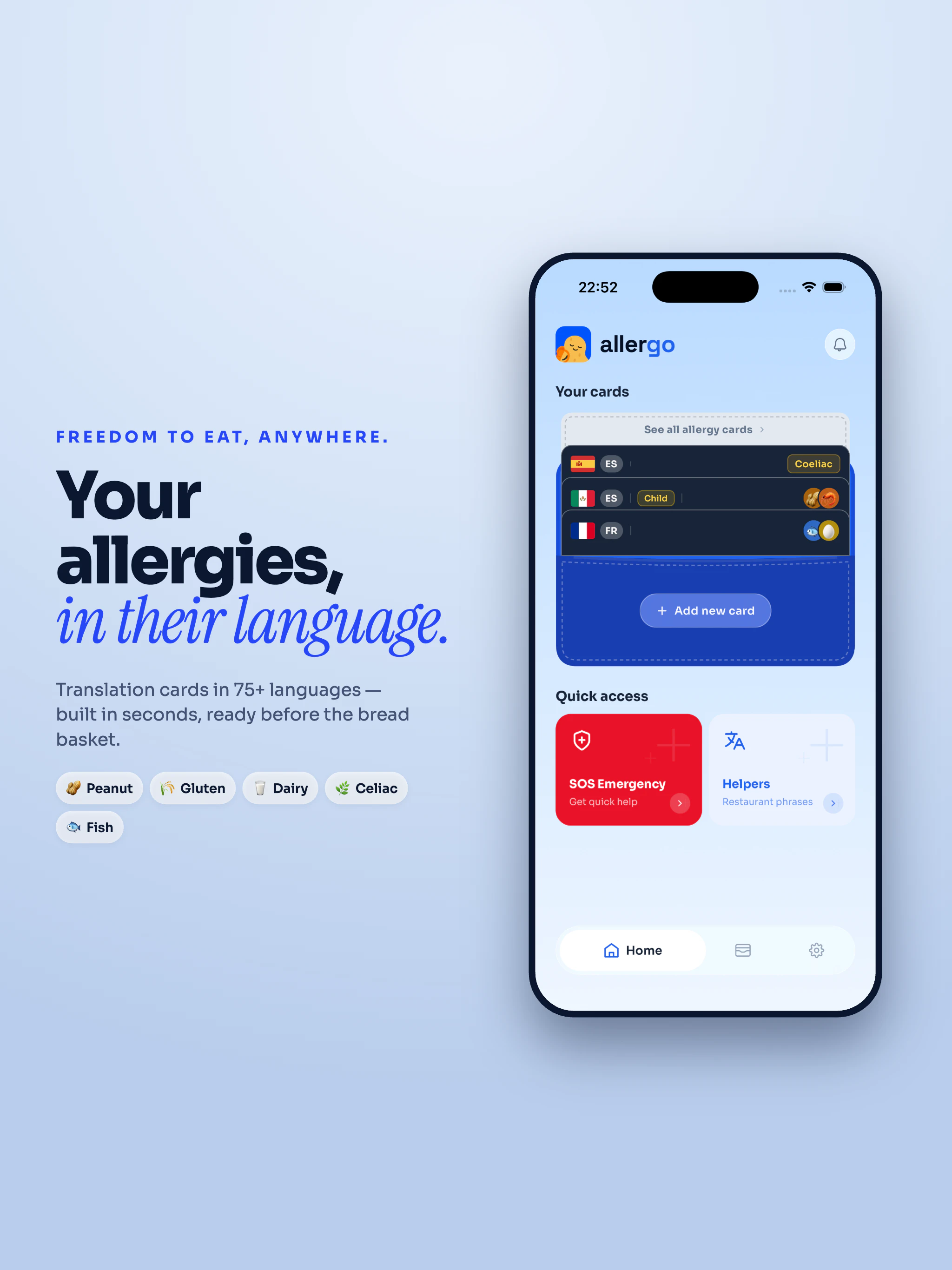
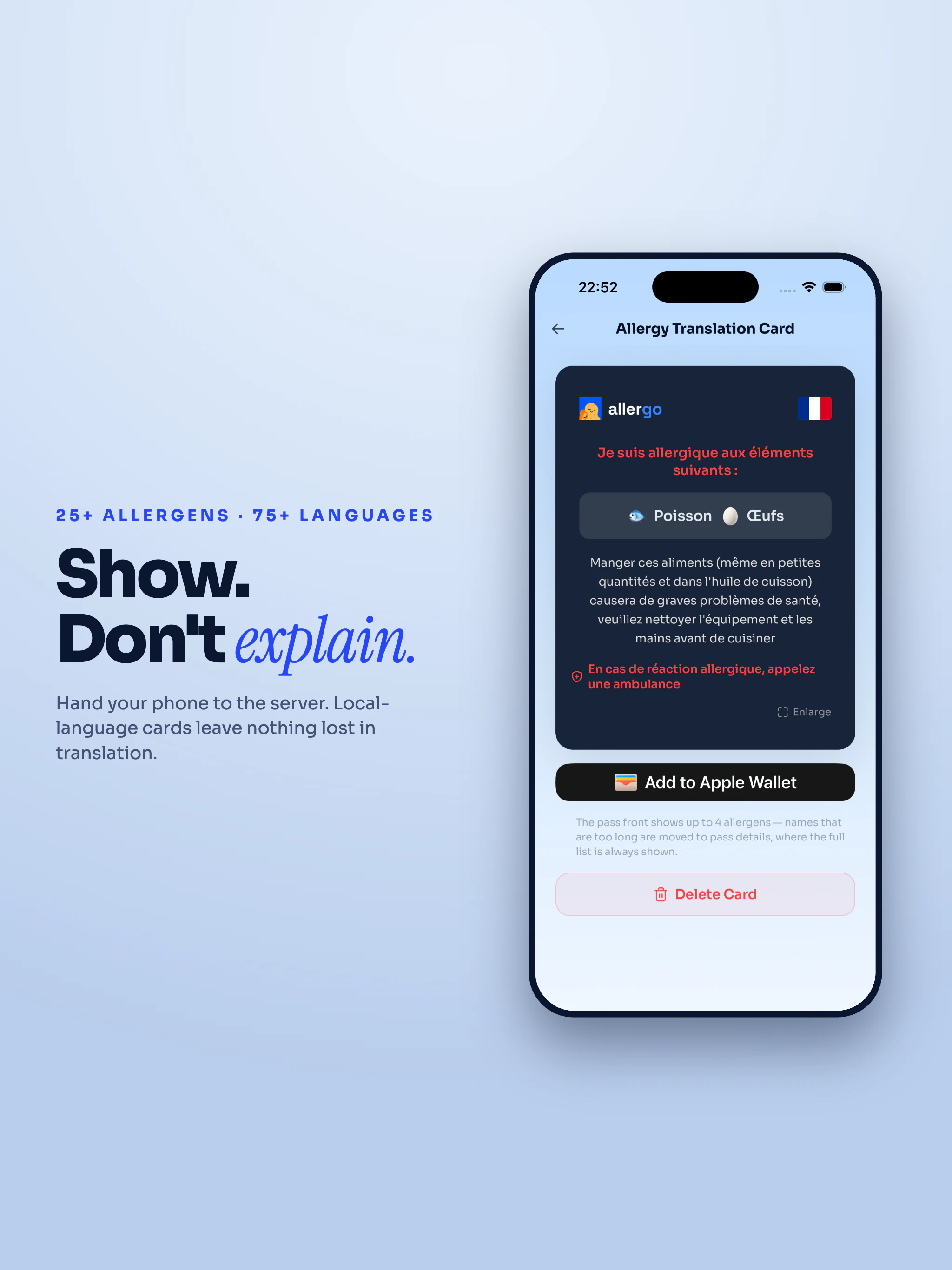
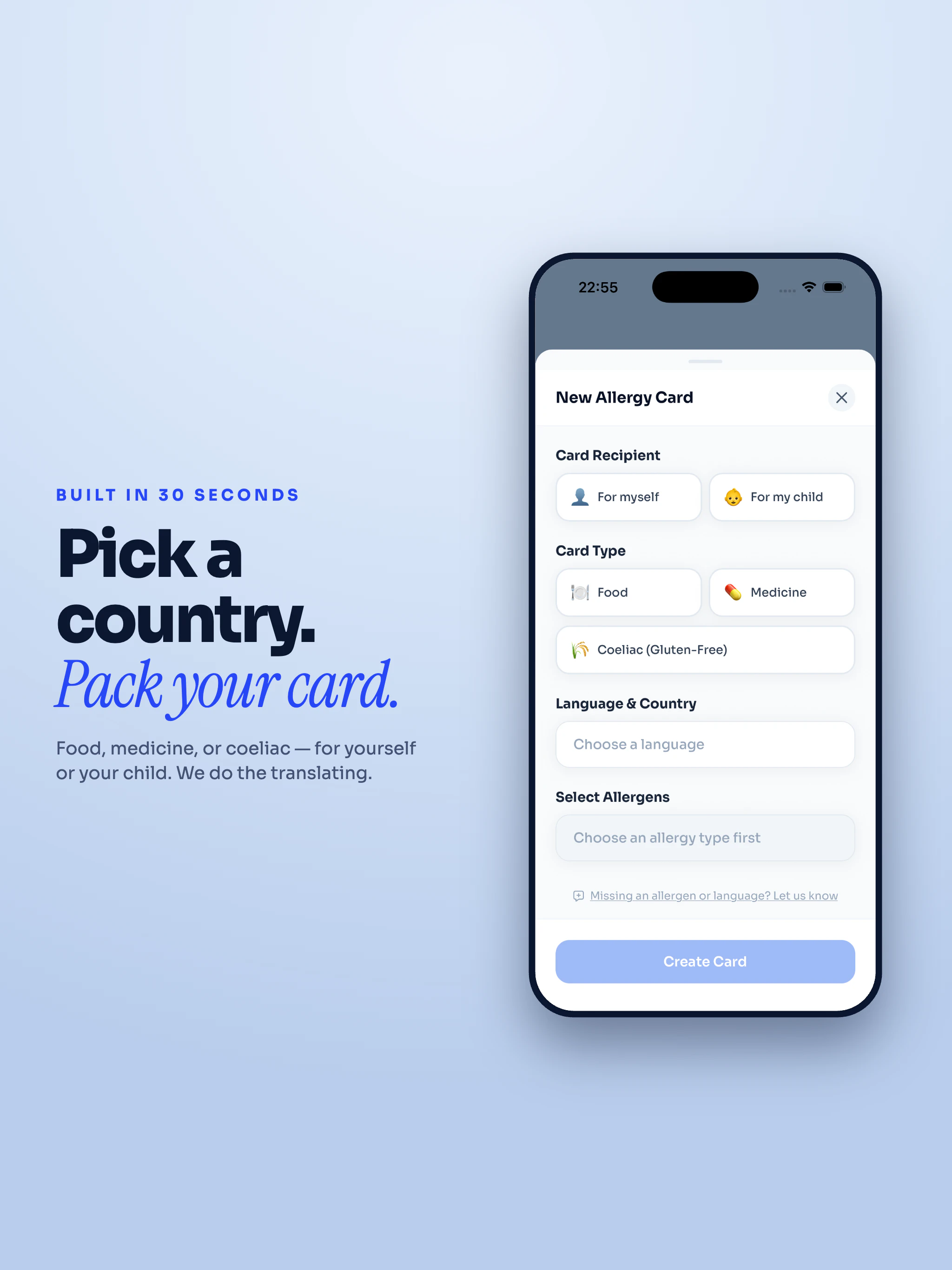
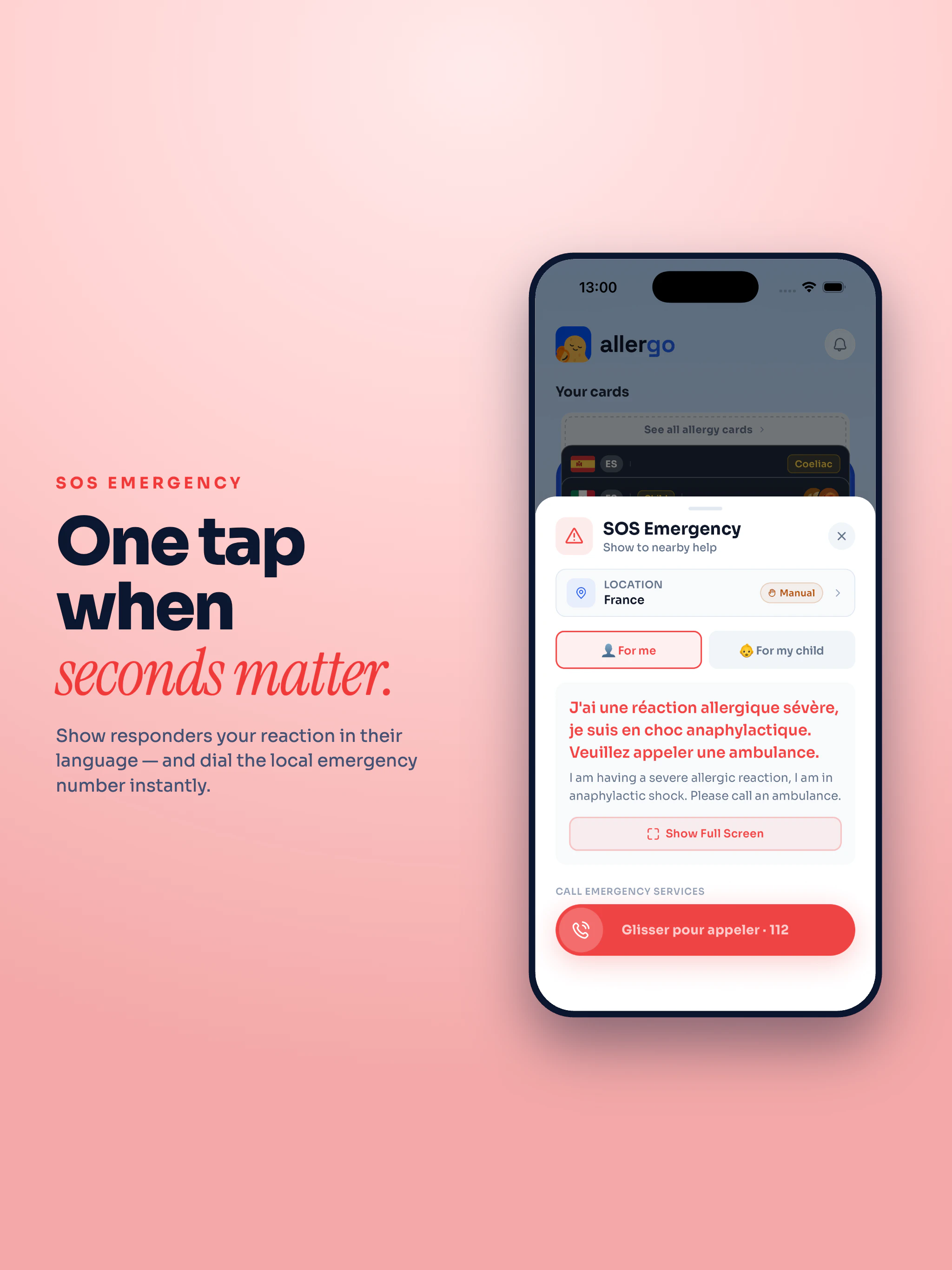
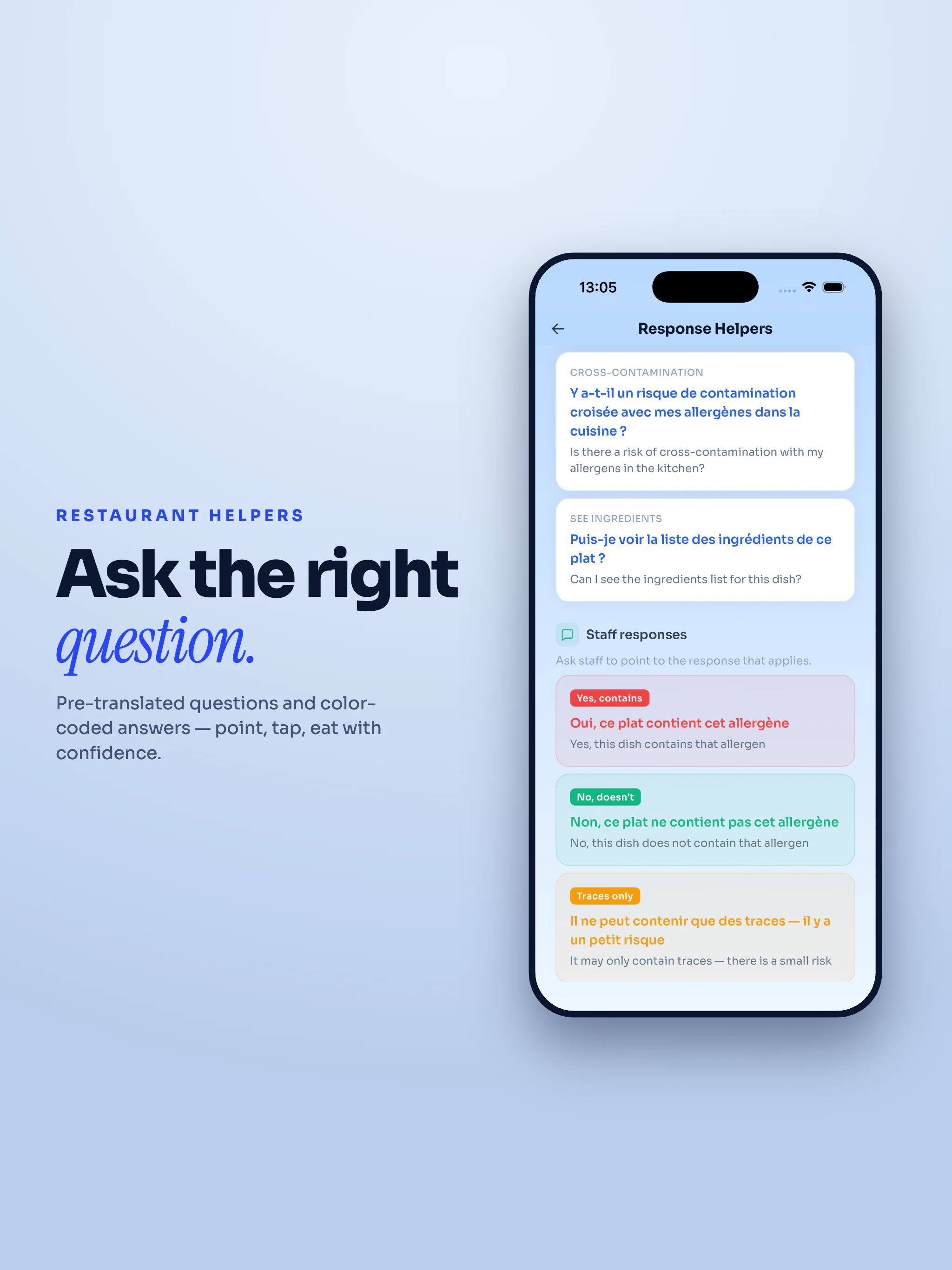
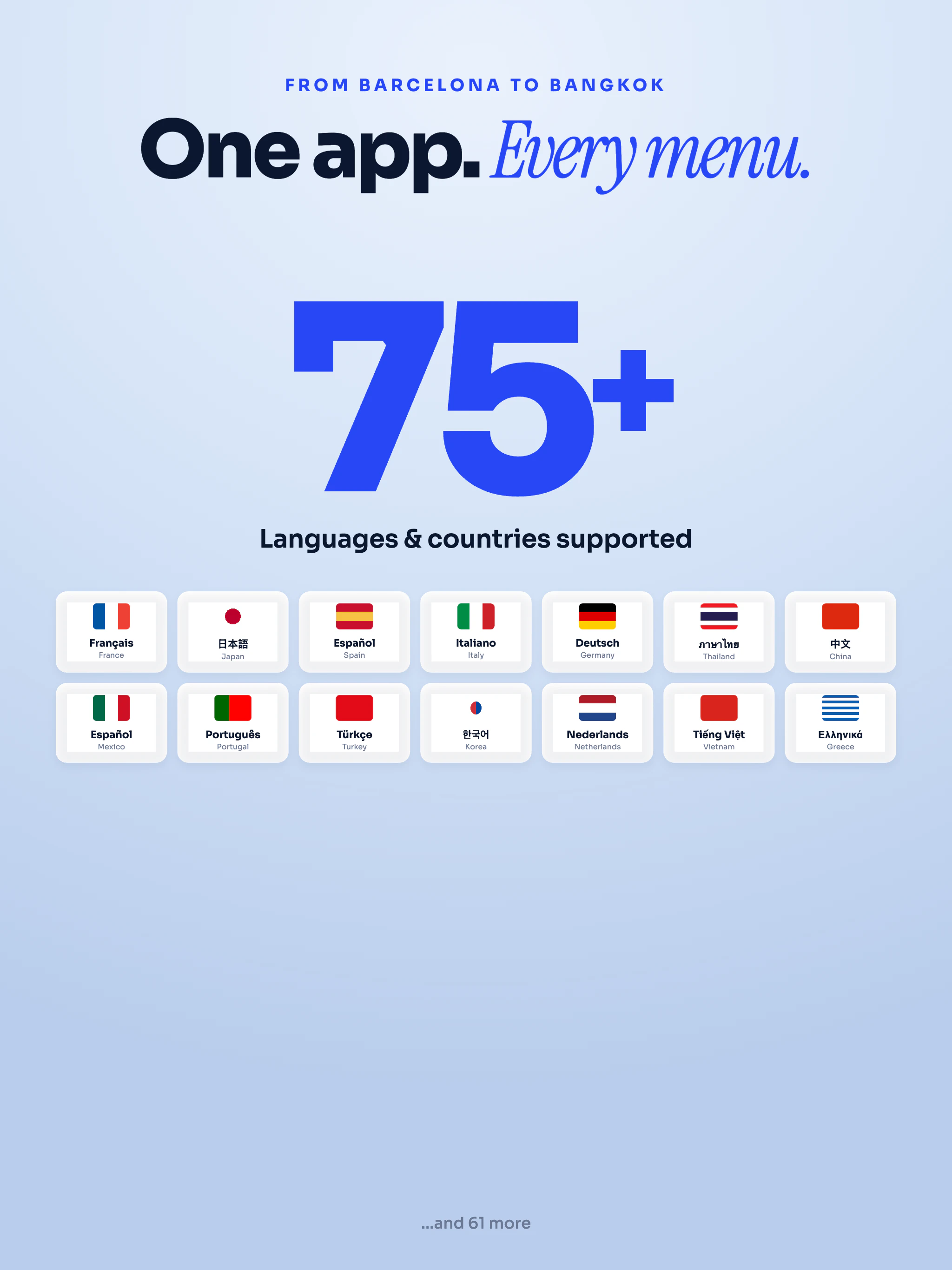
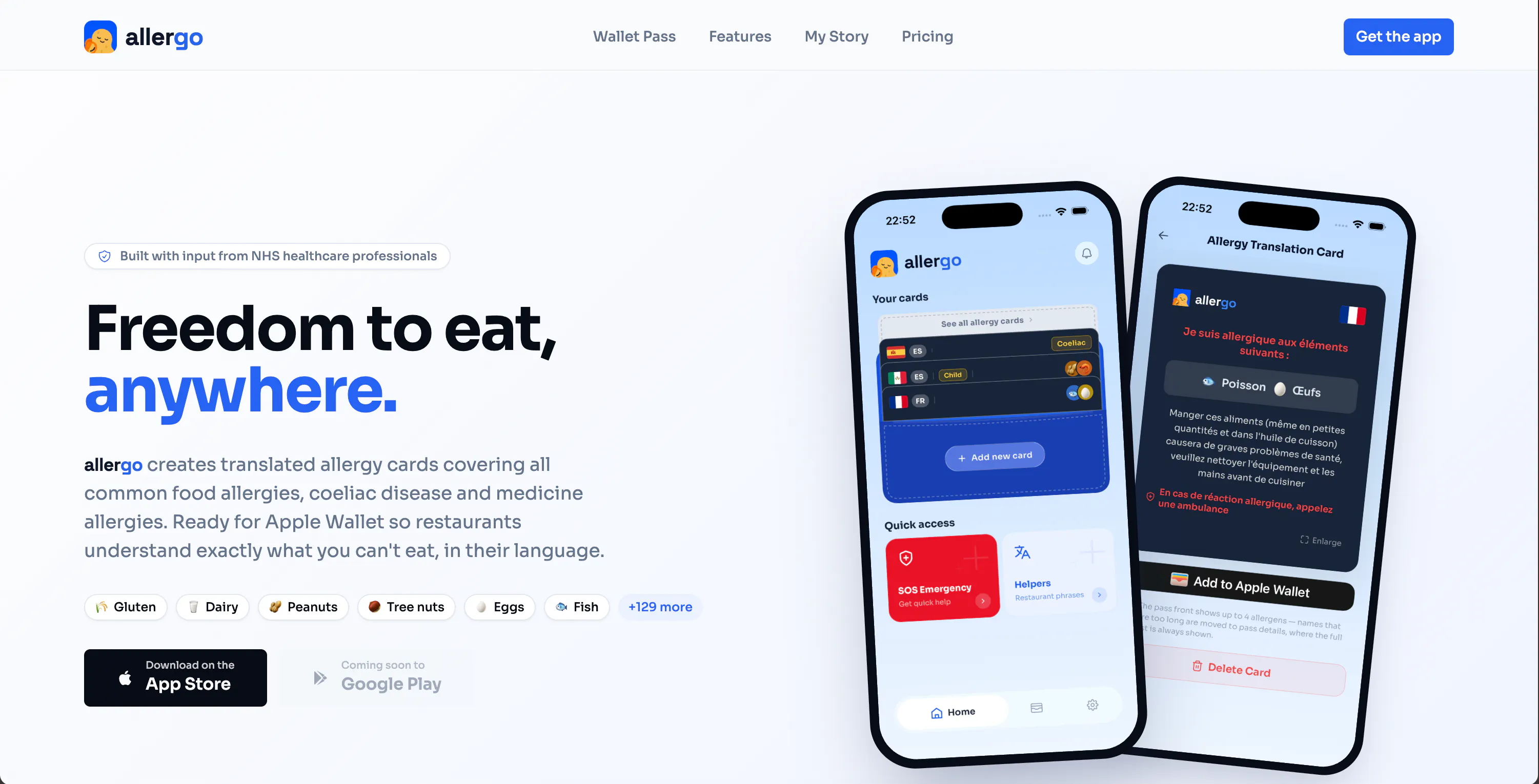
Allergo helps you create allergy translation cards for 75+ languages/countries. Add cards to Apple Wallet for quick access anywhere. Features also include conversation helpers and emergency SOS translations, automatically translated to the users location. Designed for real-world use, with localisation across countries. Professional translations, and more native speaker verifications, are coming soon via over-the-air updates. Built for anyone travelling with allergies or dietary restrictions.
Hey everyone 👋 I built Allergo after years of struggling to explain my food allergies while travelling - especially in places where even small translation differences can completely change the meaning. One moment that really stuck with me was realising that the word for “peanut” isn’t consistent across Spanish-speaking countries. That’s when I started thinking there should be something more reliable than Google Translate or standard allergy cards. Allergo focuses on: • Clear allergy communication (not generic translation) • Localised wording depending on country (work in progress) • Simple cards you can show in restaurants, available in-app and in Apple Wallet It’s still early, so I’d genuinely love feedback - especially from anyone who travels with allergies or manages them for family members. Happy to answer any questions, and really appreciate any support 🙏
3
回复

@benpoarch very thoughtful product, good luck for the launch

0
回复

@benpoarch Congrats on the launch! Very interesting and useful product. I have a sister with a severe peanut allergy, so I've seen what a struggle dining out can be. And when you add language as a barrier, the frustration (and risk) becomes real.

1
回复
@benpoarch i love when solutions come from a real problems and more when you are living the problem!! congrats i love it.
0
回复
This is a really cool app! My wife and I both have allergies and struggle to find places to eat comfortably.
1
回复

Putting it in Apple Wallet looks the right call, nobody's opening an app while the waiter stands there. Do the cards show which translations are machine-done vs native-verified yet?

1
回复

@artstavenka1 hi! I’m working on releasing an update in the next week or so including professional translations for Spanish and Portuguese (localised to the majority of Latin American countries as well as Spain/Portugal) and have natively verified Chinese, Italian, German and more! These will show as badges in the language dropdown list when you create a new card.

0
回复

Good job! I like the idea, specially given this can be a disaster when you're travelling with a kid.
Although I'm not sure if I want a seperate mobile application on my phone specifically for this.

1
回复

@rightsum Hi! Would you prefer a physical card? There are of course benefits of both, an app allows

wallet pass access, quick card creation and more

0
回复
#9
Reverie.fm
A fully private & offline location based music journal app
96
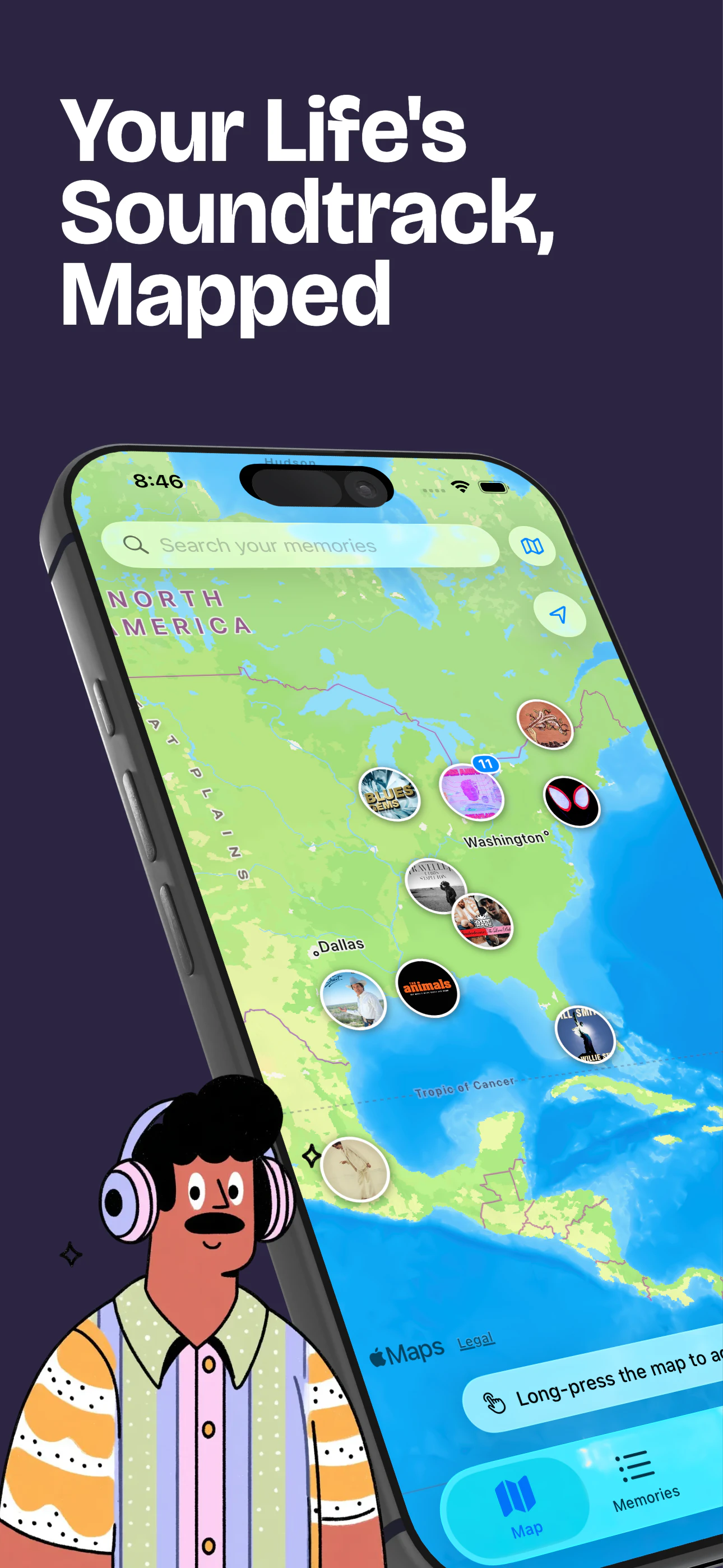
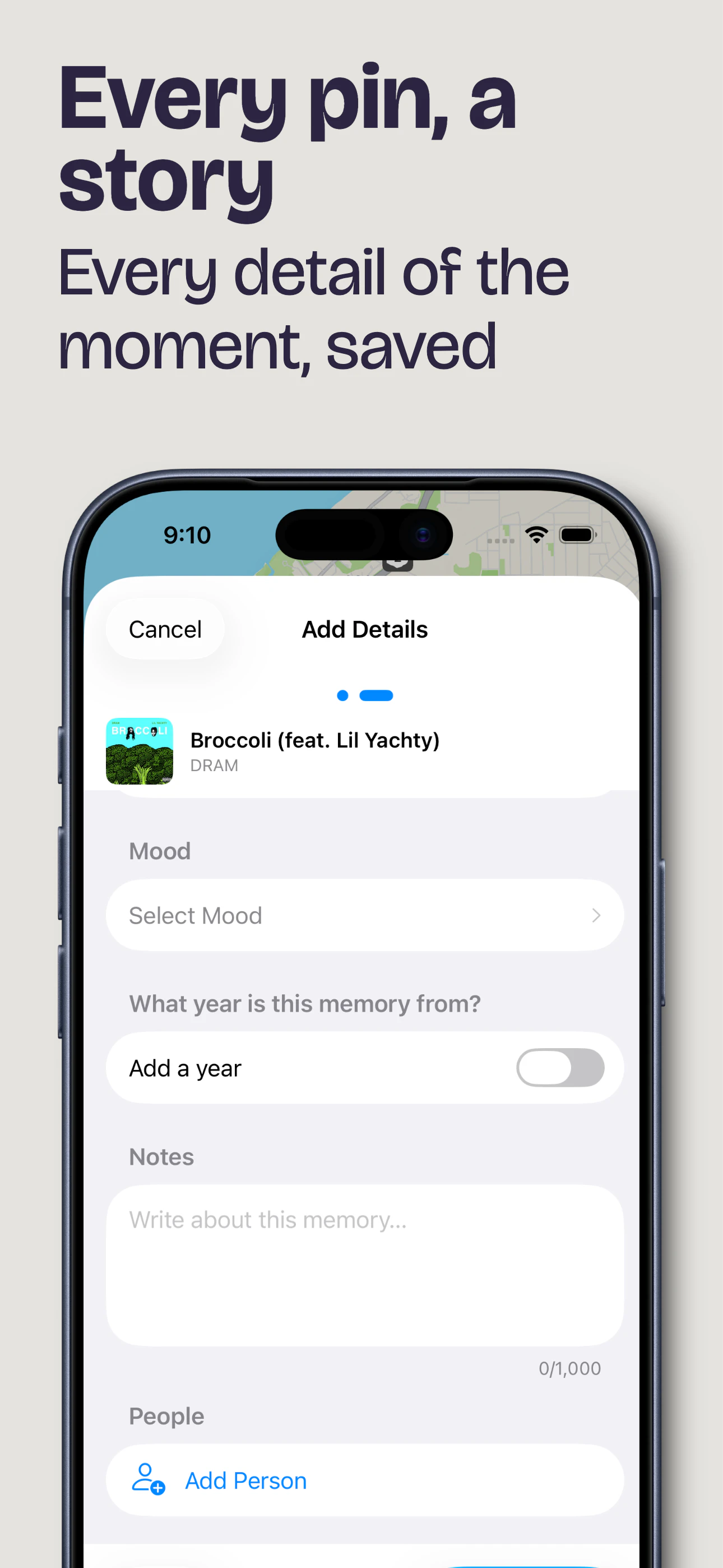
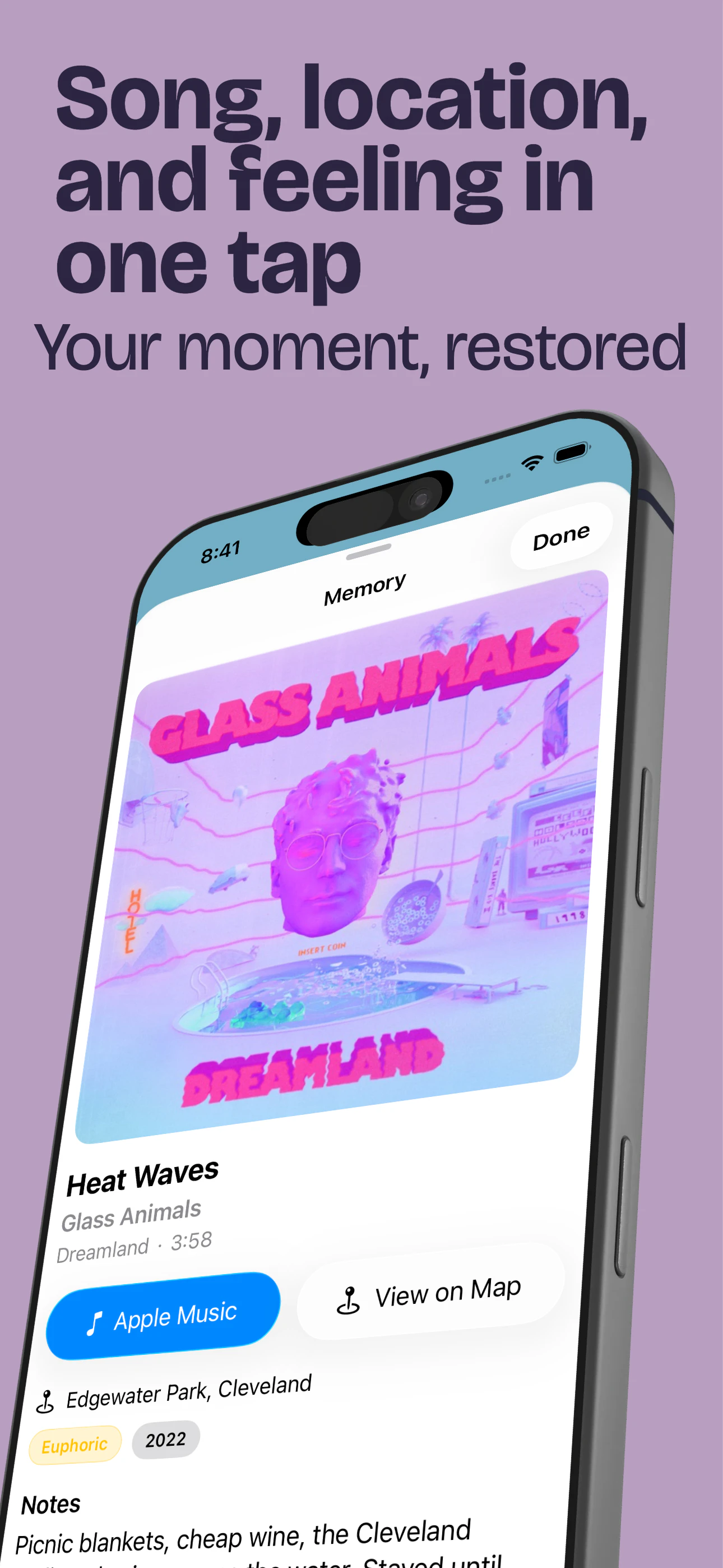
一句话介绍:Reverie.fm 将音乐与地理位置绑定,让用户在一张完全私密、离线可用的地图上记录每个地点曾听过的歌曲与心境,打造个人化的音乐记忆日记,解决“听到某首歌却想不起在哪里”的怀旧痛点。
Music Maps
音乐日记 位置绑定 离线优先 隐私保护 Apple Music 情感记忆 个人地图 音乐标签 记忆收藏 独立应用
用户评论摘要:用户普遍赞赏其私密、离线、个人化记忆日记的理念,认为比普通音乐应用更有意义。主要问题集中在仅支持 Apple Music 的限制,多位用户期待后续能接入 Spotify 以扩大使用群体。
AI 锐评

Reverie.fm 的聪明之处在于它刻意选择了“小而美”的边界。在流媒体平台争抢社交关系链和公共歌单的当下,它反其道而行之,将音乐从分享的货币变回私有的记忆载体。产品内核并非一个“更好的播放器”,而是一个“地理化的时间胶囊”。其离线优先和全本地存储的特性,精准击中了数字时代“数据所有权”的焦虑,让用户不必担心歌单日记因某天平台停止服务而消失。然而,Apple Music Only 的限制是一把双刃剑:它让开发者在早期得以聚焦打磨体验,但也将核心受众的规模锁死在了苹果生态的重度用户内,而这类用户往往不缺更好的音乐 App。更深层的问题是,这款产品本质上是在对抗流媒体的“云化”和“算法推荐”——它依赖用户主动创作记忆,缺乏 Spotify 的“年度总结”那种低成本高回报的社交激励。如果无法找到一种机制让“记录”变得像“播放”一样自然(例如自动识别耳机位置的听歌记录),它很可能成为一座精致的、但用户活跃度不高的数字博物馆。产品的真正价值不在于功能的多寡,而在于它帮用户回答了“我的人生音乐地图是什么样的”这个感性命题——前提是用户愿意自己动手画。

查看原始信息
Reverie.fm
Reverie FM maps your life's soundtrack. I built it because I wanted to remember not just where I was, but what I was listening to. It lets you pin songs to specific places on a map, attaching moods and memories to those spots. It's completely private, local, and built for Apple Music. It's a personal atlas of the songs that I was and the locations that remind me of them.

The Apple Music-only limitation is a real constraint but I get why, keeping it focused probably helped ship this. Spotify support would be huge though. The idea of tying songs to places and moods instead of just playlists is something I didn't know I needed. Good luck with the launch!

0
回复

Love how quiet and personal this is. Private, offline-first, songs pinned to places and moods, it feels much closer to a memory journal than another music app, and that's exactly the good part. I'm building in the private-memories space myself, so the "personal atlas of the songs you were" framing really lands for me.

One honest wish: Apple Music only is a tough gate. I'm not on it, so I can't actually try it, and I suspect a lot of people are in the same spot. Spotify support down the line would open this up to the audience the idea deserves. Rooting for it :)

0
回复

@keirodev Hey! You should be able to still connect Apple music without a subscription and the app will still work! You just won't be able to create a playlist

0
回复

I like the quiet, offline-first approach here. A music diary should feel personal instead of social by default, and tying songs to places and moods makes the listening history much more meaningful.

0
回复

I like how personal this idea is. Music is often tied to places and moments, so being able to pin songs to a private map makes it feel more like a memory journal than just another music app.

0
回复
#10
Pool
Save anything with a screenshot.
73
一句话介绍:Pool 是一款将截图自动识别并转化为结构化内容的效率工具,解决用户在相册中截图“拍完即忘”、难以检索和行动的痛点。
Productivity User Experience Photography
截图管理 信息整理 AI识别 自动化分类 链接提取 内容收藏 社交分享 效率工具 数据沉淀 知识管理
用户评论摘要:用户称赞Pool能自动提取截图中的关键信息(如网页链接、应用入口),并提供“注册”、“添加日历”等直接行动按钮,有效解决了截图信息“石沉大海”的问题,激活了被遗忘的内容价值。
AI 锐评

Pool的切入点非常精准——它没有去和成熟的笔记或云存储应用正面竞争,而是瞄准了智能手机用户最普遍但最被忽视的“截图堆积”痛点。其价值不在于“存储”,而在于“提取”与“行动”。通过AI自动解析截图内容,并将其转化为可操作的链接或条目,Pool实际上是在重塑用户的“数字记忆系统”。目前来看,它成功将静态的像素块,变成了动态的“信息连接点”。

然而,产品也面临严峻挑战。首先,AI识别的准确率与广度是命门,一旦遇到非标准页面或图片类截图,体验将急剧下降。其次,用户对“整理”本身的热情往往是三分钟热度,如何降低整理成本、利用算法实现真正的“免维护”自动化,而非仅仅提供“分类池”,才是留存关键。最后,分享功能虽轻巧,但若无法构建起类似Luma的社交资产沉淀壁垒,极易被Apple自带相册的OCR功能或第三方快捷指令所取代。Pool目前更像一个优秀的“截图管家”,但仅有管家不够,它需要进化成能主动帮你关联信息、提醒行动的“智能副驾”,才能避免沦为又一个美丽但易被遗忘的文件夹。

查看原始信息
Pool
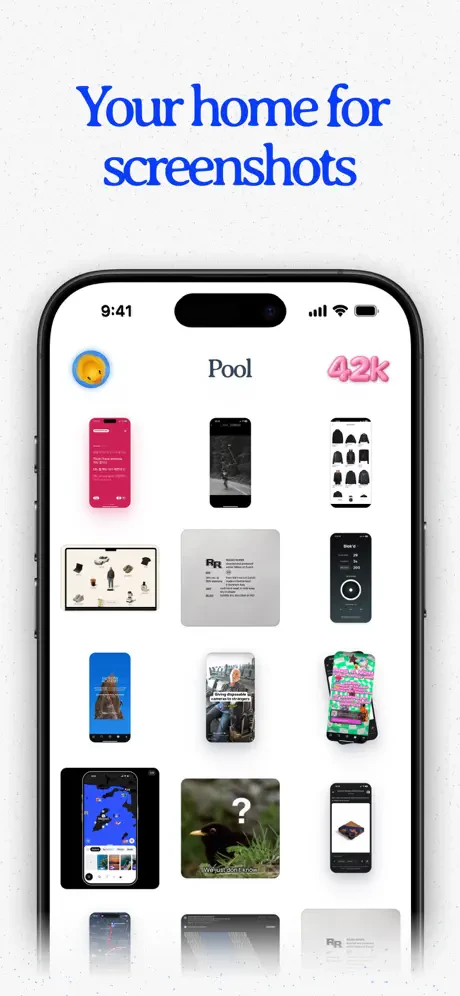
Save anything with a screenshot! Pool is a new way to save and organize the things you capture. We take screenshots to remember - a recipe, a podcast, a product, a place. But they usually disappear in your camera roll. Pool turns your screenshots into structured content you can organize, revisit, and act on. With Pool, you can: - Organize screenshots into pools - Automatically categorize content and find the original links - Share pools with friends - Keep everything searchable
I know my photos app is full of screenshots I'll never look at again. They certainly contain information, but unless it is explicitly stated, I've likely forgotten the context or the relevance. When you look at screenshots through Pool, it pulls the relevant information out and allows you to act on it. Open a photo in Insta, view a profile on LinkedIn, etc. I took a screenshot of the Pool App's App Store page and it automatically labeled it "Pool App Store page" and I could "View Pool on App Store" or "Copy App Name." The most useful example I have so far? Screenshot of a webinar info page with Pool-generated option buttons to: "Register for Webinar," "Add to Calendar," "Open Website." Give it a try!
3
回复
#11
Tinfoil Pigeons
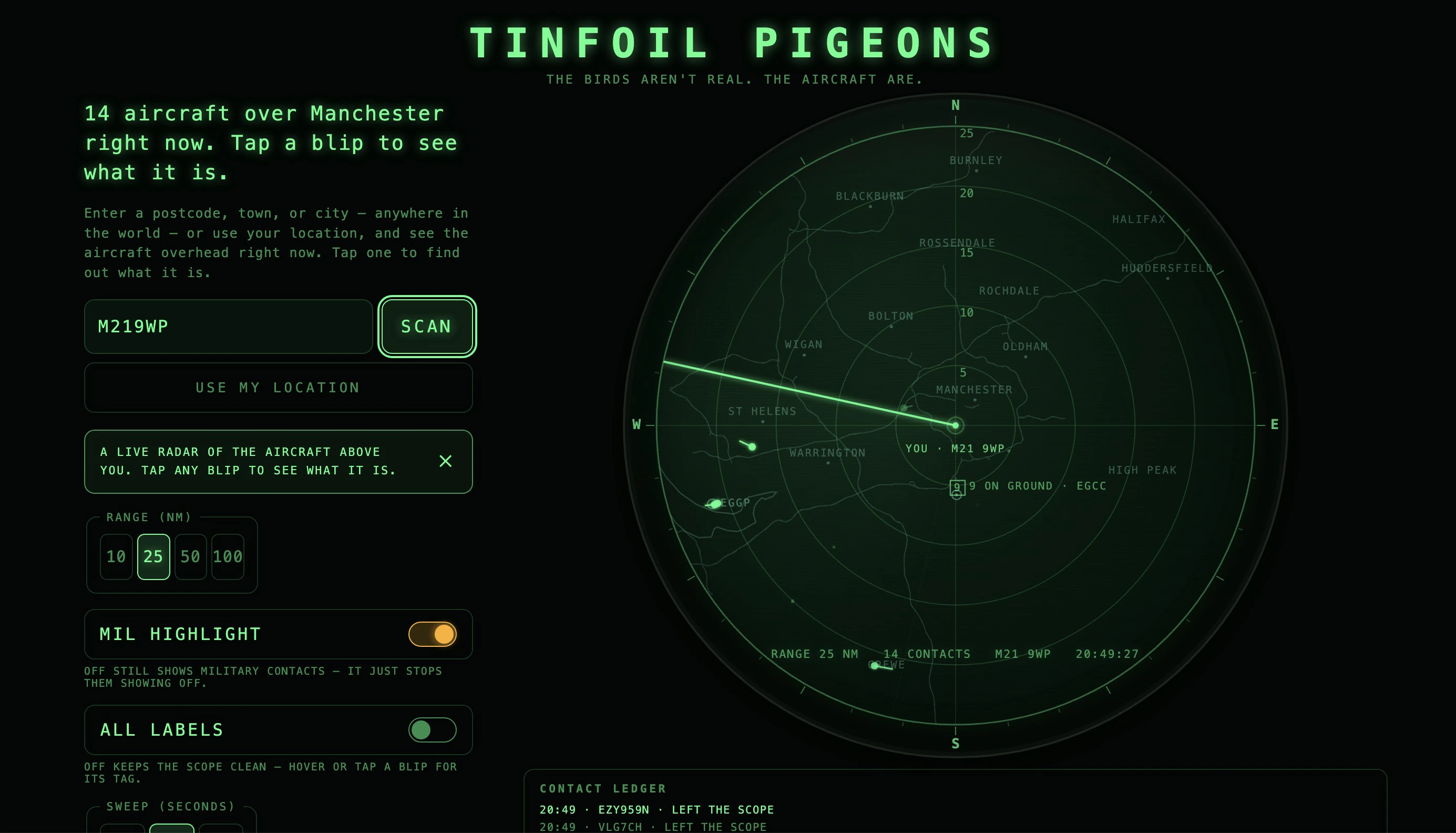
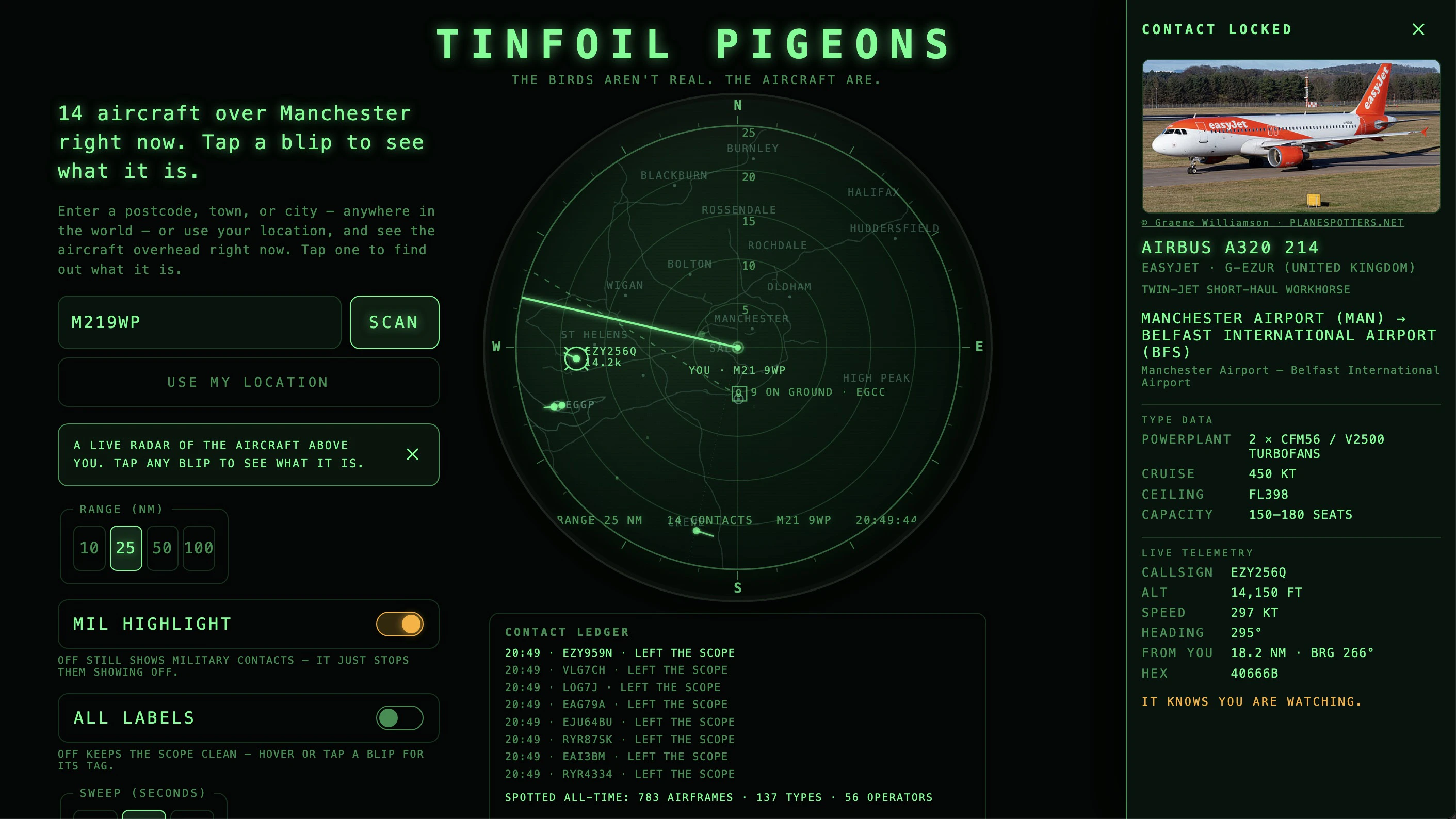
See the aircraft flying over you on a retro radar scope
63
一句话介绍:输入你的邮政编码,Tinfoil Pigeons 会以复古雷达示波器的形式实时显示头顶飞过的飞机,满足用户对航班信息的浪漫化、沉浸式探索需求。
Travel
航班追踪 复古雷达 航空数据 生活工具 趣味探索 社区网络 ADS-B 前端应用 实时位置 交互设计
用户评论摘要:开发者希望用复古雷达取代“无聊的谷歌地图”,强调浪漫感和趣味性。用户点赞其美学体验和UX设计,称其为“极客福音”,但暂无功能或问题反馈。
AI 锐评

Tinfoil Pigeons 的聪明之处在于它不试图做另一个更快的追踪器,而是重新定义了用户与数据的关系。当 Flightradar24 等巨头把航班追踪变成效率和地图精度的竞赛时,它用一个复古雷达的“错误”美学——扫描线的扫过、光晕的衰减——将实用工具变成了一个情感容器。这种反效率的设计正是其核心价值:它让用户从“查信息”切换到“玩雷达”的沉浸状态,用拟物化的仪式感创造了出乎意料的情感钩子。

但这款产品的脆弱性同样明显。作为一个非商业化项目,其数据源完全依赖社区ADS-B网络,一旦用户规模扩大,实时位置的准确性和覆盖密度将面临挑战;而从长远看,如果没有形成围绕“奇怪目击报告”的轻社交或UGC分享机制,用户的单次好奇很容易沦为一次性体验。此外,“输入邮编号查看头顶附近飞机”本质上是一个强地域、弱高频的场景,可能需要配合推送(如大型飞机经过或突发航班异常)才能提升留存。

它的真正价值不在于数据本身,而在于它证明了:在工具型应用高度同质化的今天,视觉叙事的差异化和情绪价值,远比多一个功能按钮更有杀伤力。但能否从“有趣的小玩意”进化为“持续可用的工具”,取决于开发者是否愿意在流量增长后,维持雷达美学与数据稳定之间的脆弱平衡。

查看原始信息
Tinfoil Pigeons
What plane is flying over my house? Tinfoil Pigeons is a live radar scope: enter your postcode and see the flights overhead right now, then tap one to find out what it is.
Hi Product Hunt. I built this because every flight tracker is a Google map, and I wanted the romance of a real radar, the sweep, the phosphor glow, the blips fading between passes. Type your postcode and you are the dot in the middle. Tap anything overhead to find out what it is. It is a non commercial side project built on Astro and Cloudflare, with positions from the community ADS-B network. Would love your feedback, and your weirdest local sighting.
0
回复

The retro radar aesthetic is a perfect fit for this. Way more fun than a boring list of flights.

0
回复

Love this. As a pilot, history buff, and aviation geek, I totally nerd out on this kind of stuff. Very cool UX.

0
回复
#12
Momentra
A cozy camera app for beautifully framed memories
59
一句话介绍:Momentra是一款以“艺术相框”为核心功能的怀旧相机应用,帮助用户在记录日常、旅行或手账场景时,一键将照片装点成具有叙事感的精美记忆卡片,省去复杂修图流程。
Android Photography
相机应用 艺术相框 怀旧美学 极简修图 日常记录 手账素材 旅行摄影 Pinterest风格 照片装饰 创意模板
用户评论摘要:开发者Jafar介绍了产品初衷是“轻记忆记录”,而非复杂修图。用户未直接留言,但开发者提出三个反馈方向:最独特的框架风格、希望新增的相框包、以及用户更倾向用于拍照、手账还是社交分享。这类问题暗示产品需确定核心使用场景。
AI 锐评

Momentra的差异化在于“以框为先”——它将“装饰”从后期步骤前置为拍摄核心,本质上是在创造一种仪式感。这种定位聪明地避开了与VSCO、Lightroom等老牌工具的正面竞争,转而瞄准了“Pinterest式视觉叙事”这一细分圈层。然而,59票和零用户评论意味着其曝光还远未到验证产品市场契合度的阶段。从开发者提出的三个问题来看,产品面临一个关键困惑:它到底是一个“相机”还是一个“相框编辑器”?如果定位相机,实时取景与框内构图的配合是刚需;如果定位编辑器,则意味着用户可能用原生相机拍好照再回来“加框”,这会让使用场景变得脆弱而低频。更具风险的是,这些相框风格虽美,却高度依赖审美迭代——用户对“复古”和“潦草”风格的忠诚度非常不稳定,一旦审美疲劳,产品将迅速沦为“照片贴纸仓库”。Momentra的真正价值不在于“框”本身,而在于能否将这种框架逻辑与特定行为(如旅行打卡、手账排版、社交媒体氛围图)深度绑定,形成不可替代的“记忆封装”体验。否则,它不过是一个漂亮的“滤镜贴纸机”,在轻量工具更迭如走马灯的当下,很难留住用户。

查看原始信息
Momentra
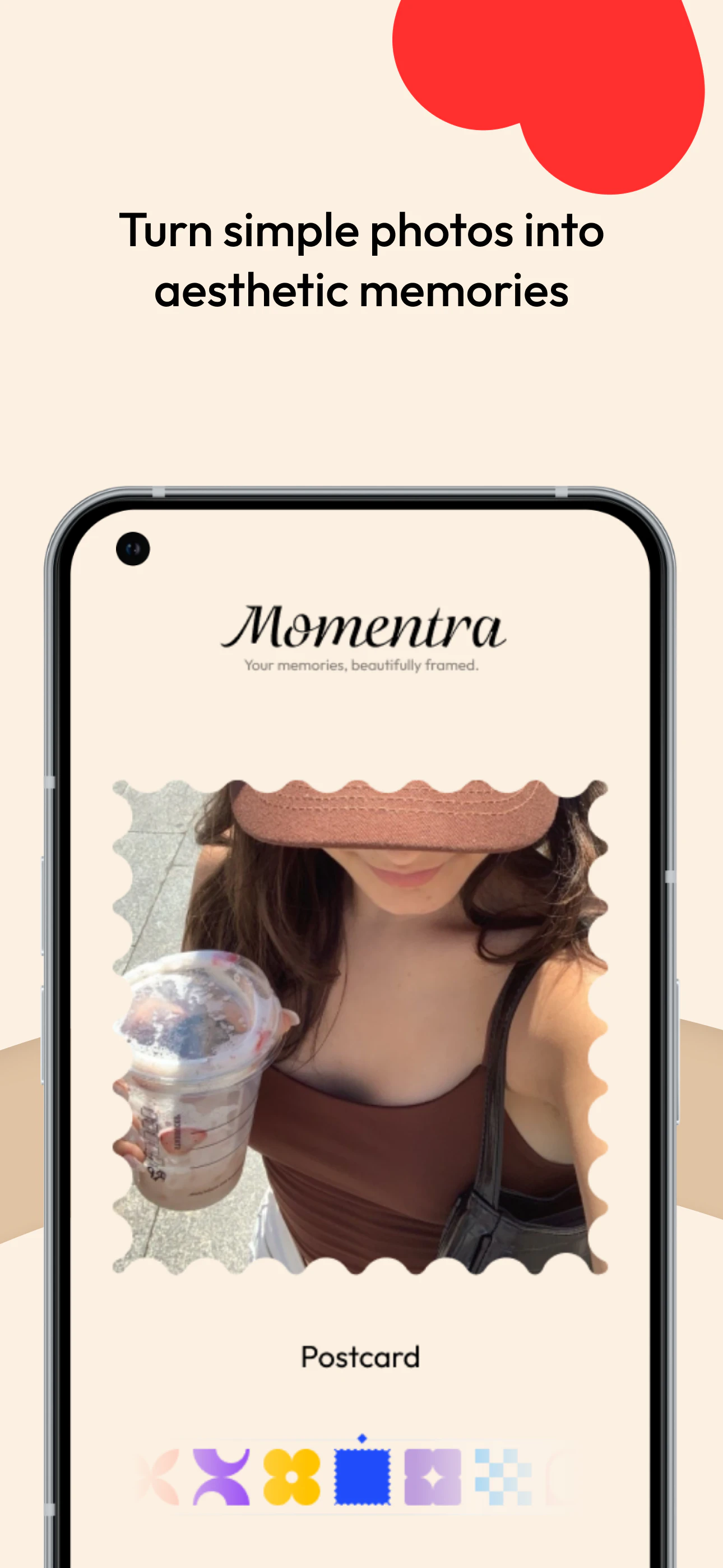
Momentra is a cozy aesthetic camera app that turns everyday photos into beautifully framed memories. Choose from artistic frame styles like Postcard, Petal Bloom, Retro Wave, Lucky Bloom, Cozy Grid, Pixel Charm, and Soft Corner. Capture a new photo or style an existing one, preview your framed memory, save it to your device, and share it anywhere. Momentra is made for cozy creators, travelers, journal lovers, Pinterest users, café photographers, scrapbook makers.
Hey Product Hunt 👋 I’m Jafar, the maker of Momentra. I built Momentra because I wanted a camera app that felt less like a heavy editing tool and more like a small memory-keeping experience. Most camera and photo apps focus on filters, effects, or complex editing. Momentra is different: it starts with the frame. The idea is simple: Pick a cozy frame → capture or choose a photo → save a beautifully framed memory. Momentra includes artistic frame styles like: 🌷 Petal Bloom 💌 Postcard 〰️ Retro Wave 🍀 Lucky Bloom ▦ Cozy Grid ▣ Pixel Charm ◯ Soft Corner It’s designed for people who love cozy photos, journaling, travel memories, café moments, Pinterest-style visuals, and soft nostalgic aesthetics. What I’d love feedback on: 1. Which frame feels the most unique? 2. What kind of frame pack should I add next? 3. Would you use this more for camera capture, journaling, or social sharing? Thanks for checking out Momentra. Your memories, beautifully framed 🤎
0
回复
#13
LabelLens
See Beyond the Label
29
一句话介绍:LabelLens 是一款AI驱动的食品标签扫描分析工具,帮助消费者在购买前快速解读成分表、添加剂和营养信息,并生成易懂的健康评分,解决看不懂复杂标签的痛点。
Health & Fitness Artificial Intelligence Nutrition
AI食品扫描 成分分析 健康评分 食品添加剂检测 营养解读 饮食管理 标签解读 血糖友好 过敏原识别 智能购物助手
用户评论摘要:用户普遍认为产品实用,尤其对节食人群有价值。主要建议是增加过敏原相关信息,如“可能含有”的交叉污染提示,并希望透明度更高,让用户了解评分背后的具体影响因素。
AI 锐评

LabelLens切入了一个真实且正在扩大的痛点:消费者对食品“清洁标签”的渴望与工业成分表晦涩难懂之间的鸿沟。用AI做“成分翻译官”,逻辑上走得通。

从产品本身看,29票的冷启动数据不算亮眼,但评论区反馈质量尚可,用户对“健康评分”和“成分明细”的认可说明需求存在。然而,必须泼一盆冷水:产品目前的功能深度和差异化壁垒严重不足。

第一,食品标签解读的核心在于**信任**。如果评分模型的算法、数据源(是否覆盖中国国标、FDA、欧盟标准?)、以及动态校准机制不透明,用户最终只会把它当成一个“玩具”。第二,场景局限明显。用户通常在线下超市购物,拍一张标签后需要快速决策,如果App处理速度不够快、或需要强联网,转化率会断崖式下跌。第三,国内已有AI识图解读成分表的工具,单纯的“扫描+评分”极易被复制。

真正的价值拐点在于:能否从“分析者”升级为“决策者”?例如:结合个人健康数据(血糖、过敏史)生成个性化购物清单;打通电商API,一键比价并推荐替代品;甚至反向为食品品牌提供配方优化建议。如果不能从“科普工具”进化为“饮食决策引擎”,LabelLens可能只会成为一个叫好不叫座的“电子百科全书”。开发者若想突围,建议先在过敏原、慢性病饮食等垂直领域做深做透,建立专业壁垒。

查看原始信息
LabelLens
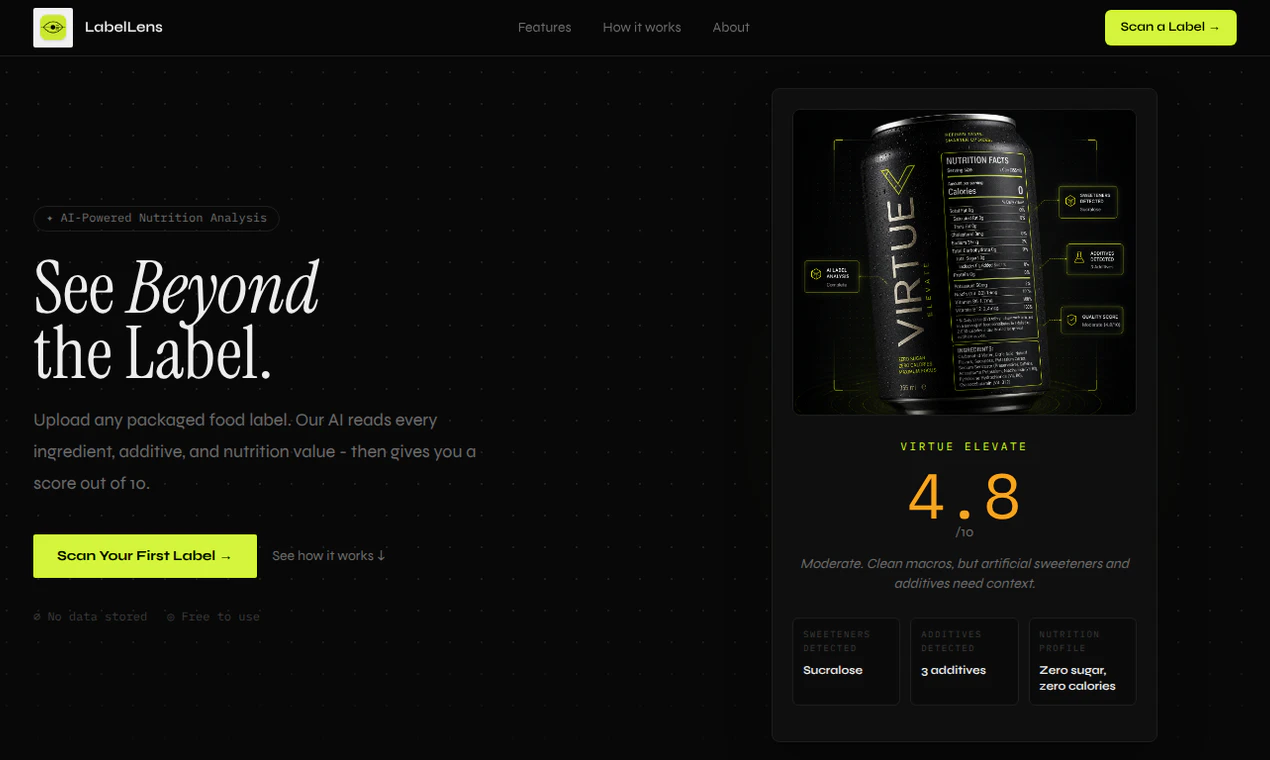
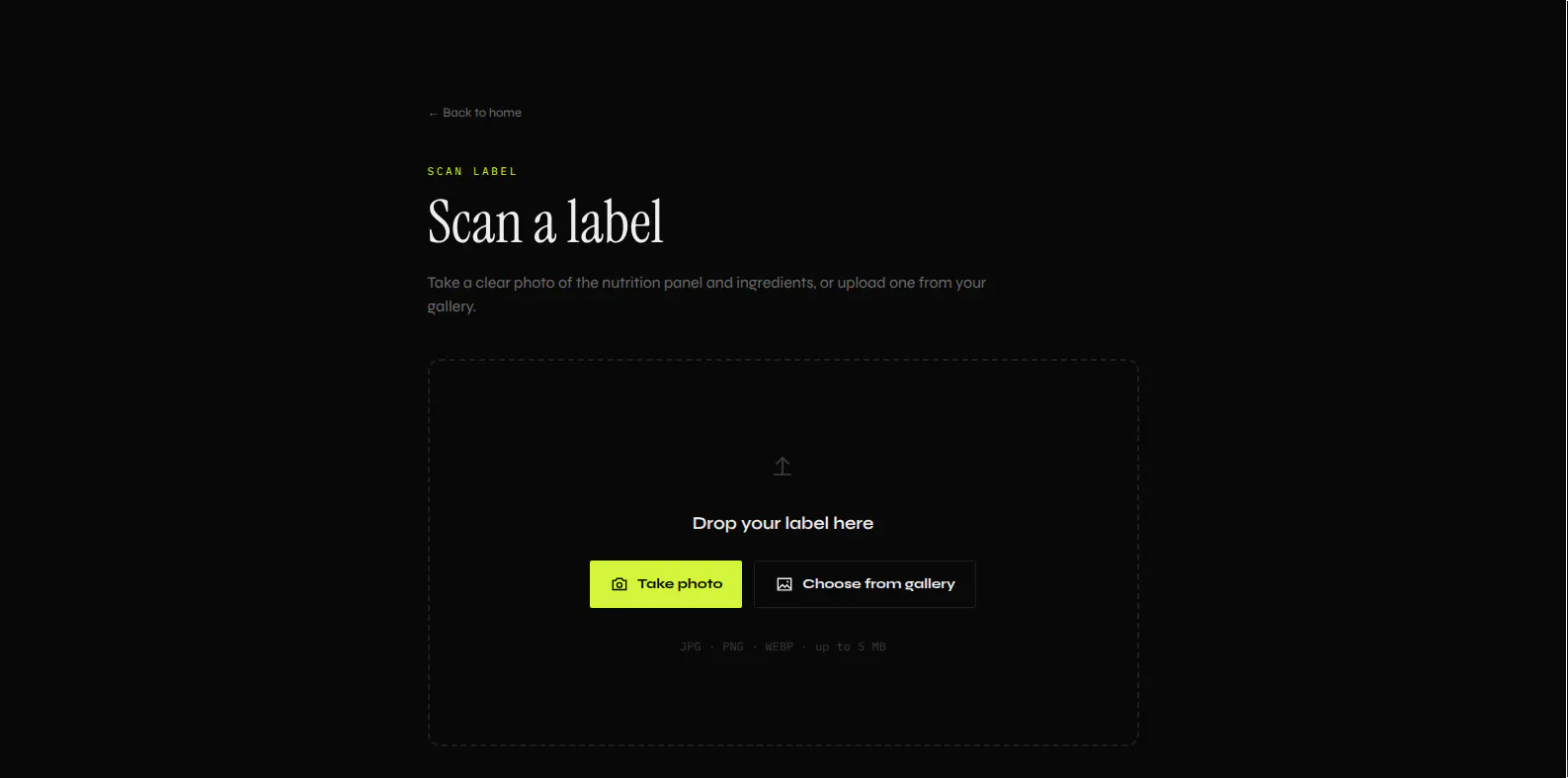
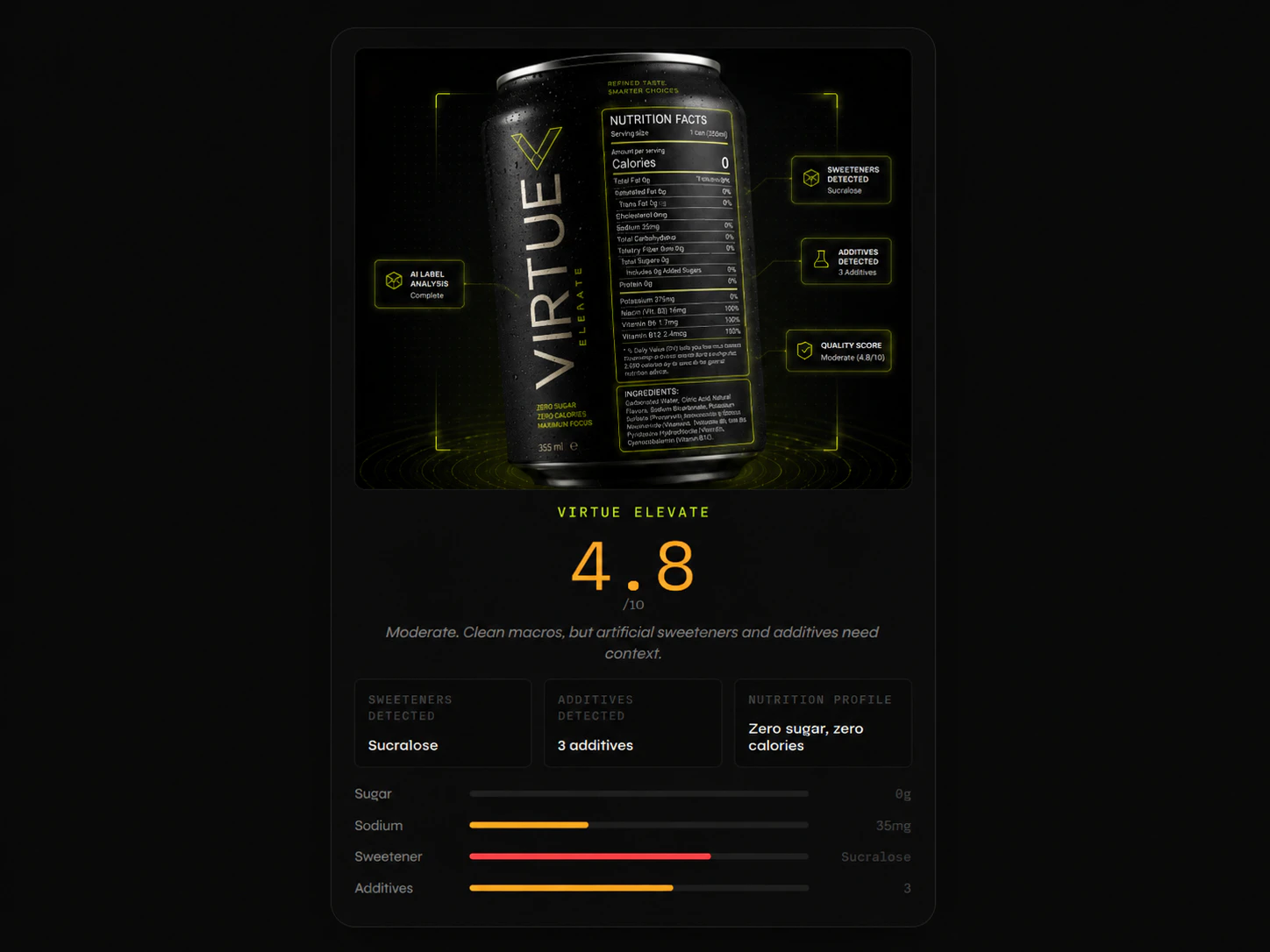
LabelLens analyzes packaged food labels using AI. Upload a product label and instantly get ingredient breakdowns, additive detection, nutrition insights, sweetener analysis, and an easy-to-understand health score. Instead of decoding confusing ingredient lists yourself, LabelLens helps you understand what you're actually eating before you buy.
Hey Product Hunt 👋 I'm Puneet, the maker of LabelLens. The idea started from a simple question: when we buy packaged food, do we actually understand what's on the label? Most ingredient lists are filled with scientific names, additives, sweeteners, and nutrition data that's difficult to interpret. Even when the information is technically available, understanding it takes time and knowledge that most consumers don't have. That's why I built LabelLens. Upload a food label, and LabelLens analyzes the ingredients, detects additives and sweeteners, evaluates nutrition information, and generates a simple health score with explanations you can actually understand. One thing I focused on while building was transparency. Instead of giving a score and expecting users to trust it, LabelLens shows what influenced the score and highlights ingredients that deserve attention. I'd love to hear your thoughts: • Would you use something like this before buying packaged food? • What information do you usually look for on food labels? • What features would make this more useful for you? Thanks for checking out LabelLens and for any feedback you share 🙌
11
回复

@raizen_dev Amazing product, all the best

0
回复

@raizen_dev sounds useful! Especially if you are dieting or something

2
回复

The LabelLens product seems useful for many different types of people in lots of situations. However, @raizen_dev , I noticed that your description makes no mention of allergies or related categories. For example, I think this would be especially helpful for people with certain types of sensitivities to know whether a product was made in a facility where un-listed ingredients were used that may have come into contact with the product.

Transparency on food labeling is an important issue to tackle. Thanks for sharing your work!

1
回复

@underuncertainThanks for bringing that up. That's actually a really good point.

Right now LabelLens focuses on helping people understand ingredients, additives, sweeteners, and nutrition information more easily, but allergy-related insights are definitely something worth exploring. For many people, that's even more important than the overall health score.

I appreciate the suggestion and the thoughtful feedback. It's given me something to think about for future updates.

2
回复

Looks good, I would certainly try this, I like the scoring factor

0
回复

@mark_okiki Thanks! Glad you liked the scoring factor. The goal was to make food labels easier to understand at a glance.

0
回复
#14
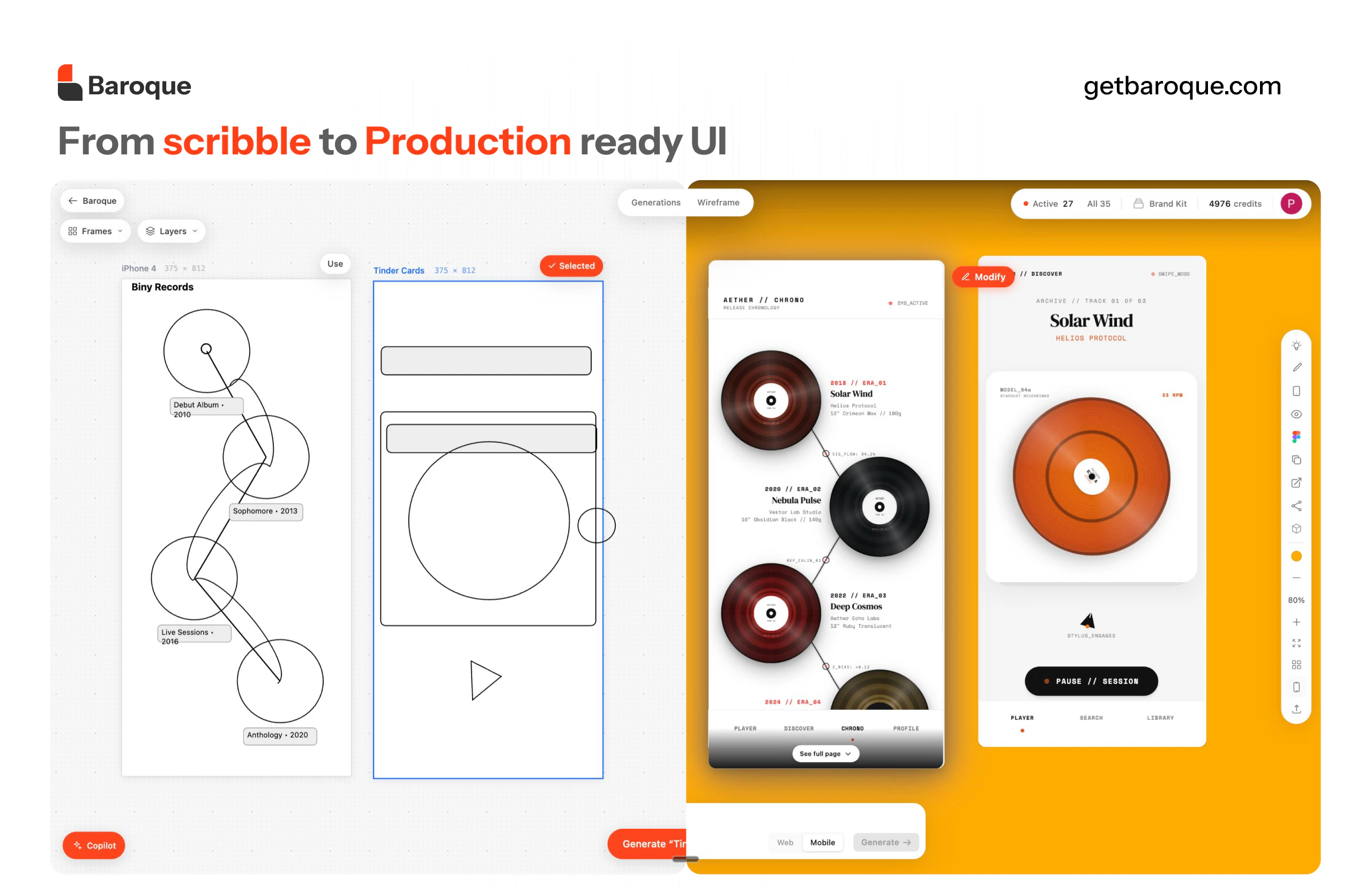
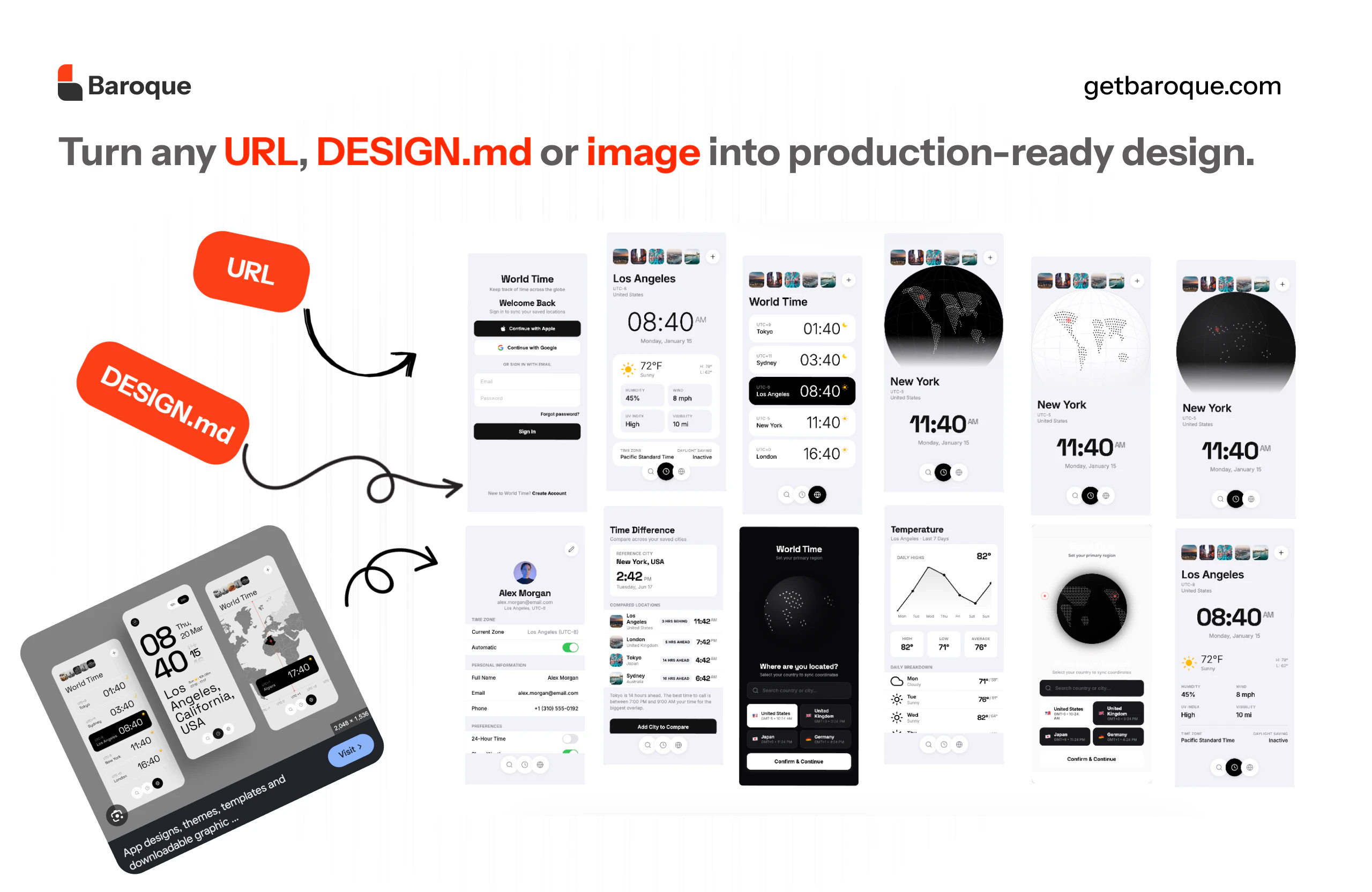
Baroque
The canvas where AI designs your whole product
22
一句话介绍:Baroque 是一款让用户从灵感设计出发、通过AI生成并保持全产品视觉一致性的设计工具,解决AI设计工具输出雷同、缺乏灵魂且无法跨屏一致的问题。
Design Tools Developer Tools Artificial Intelligence
AI设计 UI/UX工具 产品设计 灵感生成 视觉一致性 跨屏设计 设计系统 创意平台 设计辅助 产品开发
用户评论摘要:用户赞赏创始人从五次失败中提炼的洞察,但对AI设计工具的实用性存疑。核心关切包括:AI如何在灵感布局与风格之间权衡?是否真能在网页和移动端保持设计语言一致?创始人回应强调兼顾功能性与一致性。
AI 锐评

Baroque的标语很性感——“一个画布,设计整个产品”,这直击了当前AI设计工具的最大痛点:生成单屏好看但多屏脱节,沦为“漂亮废片”。创始人的“五款失败产品”故事是好的营销钩子,也确实道出了许多独立开发者和中小团队的切肤之痛:他们不缺想法,缺的是“不廉价”的视觉实现。但问题的关键在于“品味”二字——Baroque声称“将真正的设计品味注入每一屏”,这更像一个品牌宣言而非技术承诺。AI的本质是统计与仿制,它擅长模仿已被验证的流行布局和配色,却很难理解“为什么这个呼吸空间稀缺得恰到好处”或“这种留白传递的是孤独还是高级”。目前回应中提到的“功能性与风格平衡”仍停留在定性描述,缺乏可验证的指标(如用户是否可以自定义风格权重?能否锁定品牌色板、禁用某些布局?)。如果Baroque只是一个披着“灵感导入”外衣的生成式UI工具,它很快会陷入与Dora、Uizard等同类竞品的同质化泥潭。真正的护城河应该在于:让用户迭代的不是单个页面,而是整个产品的“设计DNA”——当用户修改一个按钮样式时,全产品所有相关按钮自动演变。若能实现这种“系统性设计语言”而非“单屏美化”,Baroque才配得上那句“build different”。目前22票的冷启动成绩说明市场还在观望,建议团队公开一个“从灵感图到5屏产品线”的完整实录视频,用具体案例堵住怀疑者的嘴。

查看原始信息
Baroque
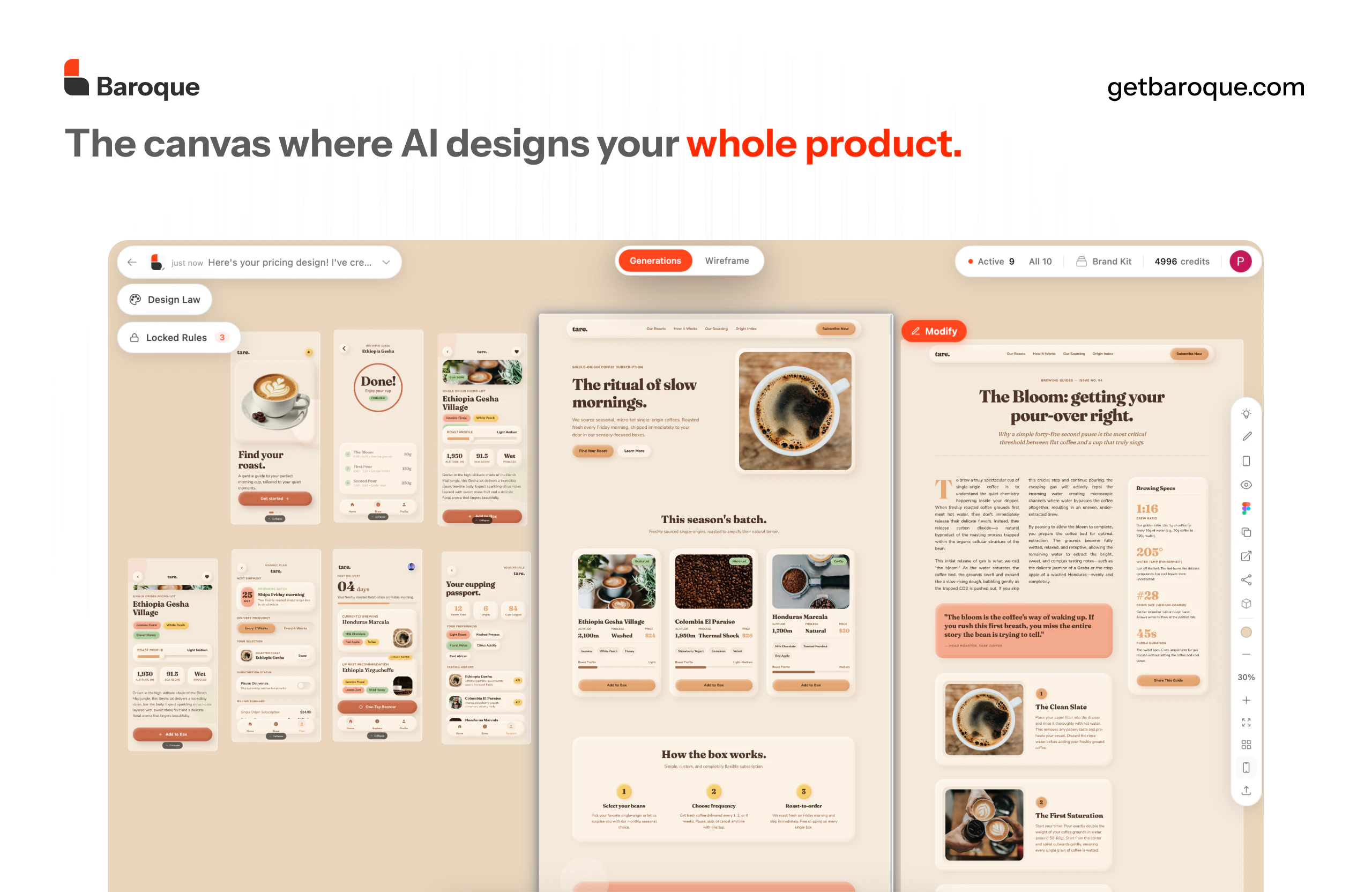
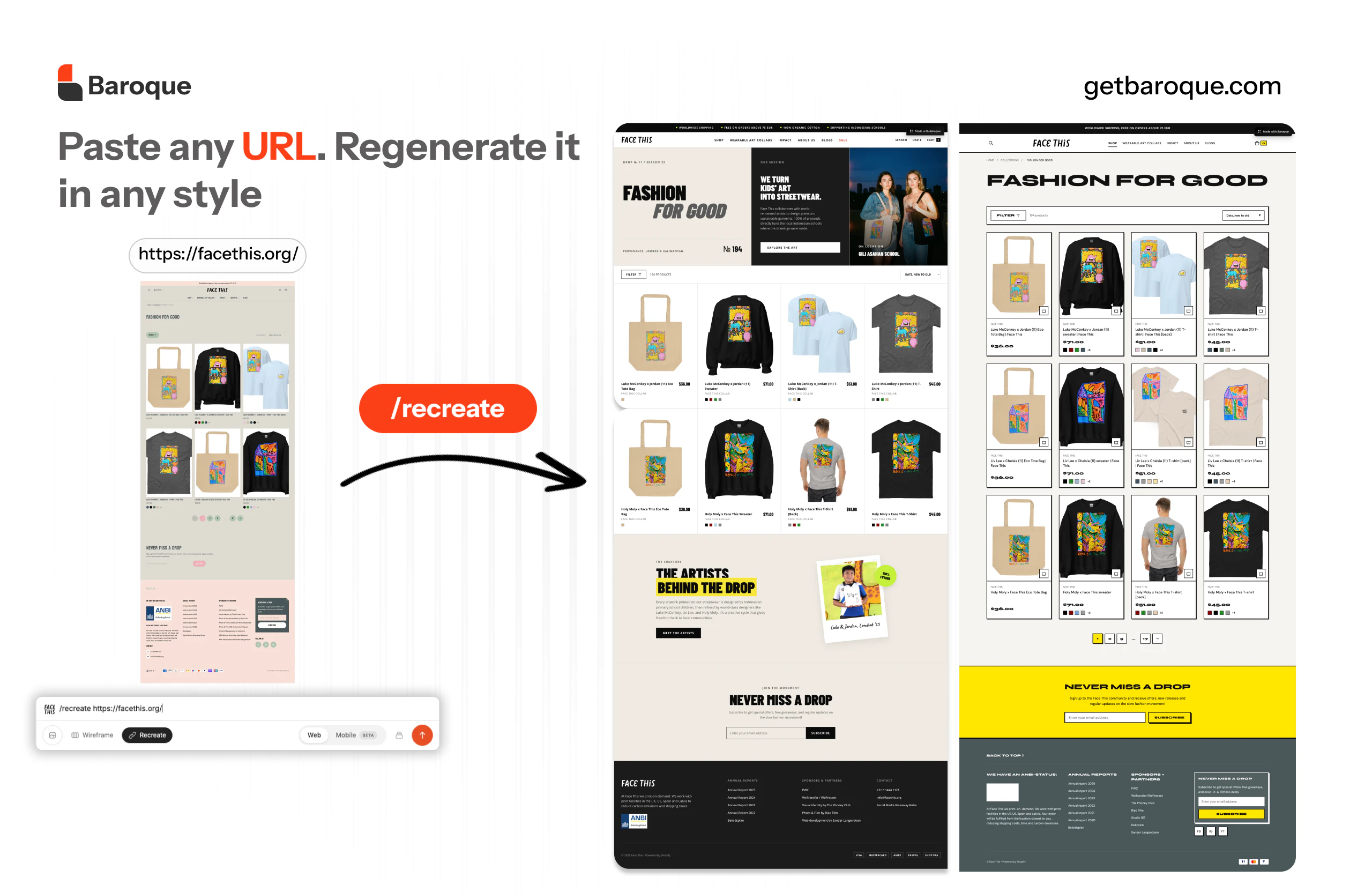
Every AI tool hands you the same generic slop. Same gradients, same layouts, no soul. Baroque is built different. Real design taste, baked into every screen. Recreate, remix, or start from scratch. One canvas for your whole product, not just one screen.
Hey Product Hunt 👋 Over the last three years we shipped five products. None of them clicked. But building them taught us something. We love good looking products. We just never had access to good design. Every time we tried an AI tool, it gave us the same generic output. Nothing we'd actually want to ship. So we built Baroque. Take inspiration from designs you love. Generate something beautiful. Stay consistent across your whole product. That's it. That's the whole pitch. Roast us, push us, tell us what's missing. We're here all day.
4
回复

Mad respect for shipping five products to get to this insight. The best tools always come from founder frustration. If I import a design I love as inspiration, how heavily does the AI rely on its layout versus its aesthetic style?

1
回复

@luyanda_ntombela it tries to stay consistent to design while being functional because in our eyes a good design needs to be functional as well .

0
回复

As a UI/UX designer I'm skeptical of most AI design tools but the "whole product" framing is interesting. Most just generate individual screens with no visual consistency. Does it maintain design language across different screen types?

0
回复

@vlad_zabavskiy yes it does either web or mobile it stays consistent

1
回复
#15
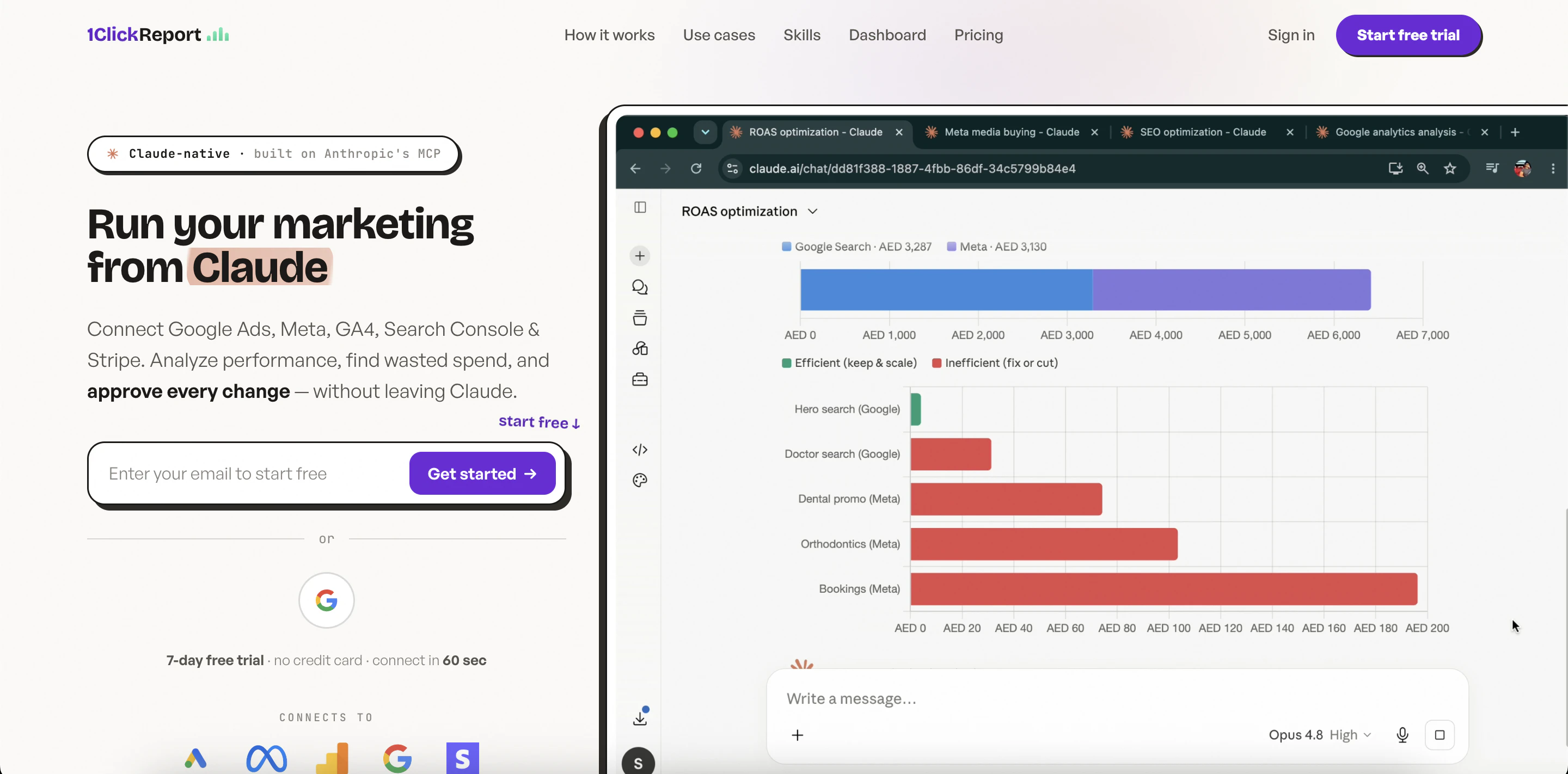
1ClickReport — Marketing AI in Claude
Run Google Ads, Meta & GA4 from Claude — you approve
16
一句话介绍:1ClickReport 是一个嵌入 Claude 的营销AI代理,能直接连接 Google Ads、Meta、GA4 等平台,用自然语言查询并执行广告调整、预算优化和异常监控,用户只需审批即可,彻底告别“只出报告不改投放”的痛点。
Analytics Marketing Artificial Intelligence
营销自动化 AI代理 Claude集成 MCP协议 广告管理 数据监控 跨平台分析 绩效营销 中小企业工具 低代码运营
用户评论摘要:用户反馈:1. 一位非营销背景用户通过实际数据自学绩效营销,认为比传统课程更有效;2. 另一位用户表示产品帮助其发现网站弱点并提升流量;3. 创始人提到靠3人团队服务30+客户,希望下一步集成LinkedIn、TikTok或Klaviyo。核心建议:B2B用户强烈期待LinkedIn Ads支持。
AI 锐评

1ClickReport 的野心并不在于做另一个漂亮的AI报表工具,而是直接杀入营销执行层。这从产品上线两个月便急转弯——从“AI仪表盘构建器”变为“跑起你的广告”就能看出:真正值钱的不是洞察,而是以洞察为蓝本的自动化操作。

其核心壁垒在于“MCP集成+审批流”的设计哲学。多数AI营销工具仍在卷数据可视化(Tableau、Grafana们早已红海),而1ClickReport让Claude直接调用Google Ads、Meta、GA4等API,并用“你审批,它执行”的围墙花园打破企业安全顾虑。这切中了营销团队长期以来的痛点:分析师出报告的速度永远跟不上投放经理的实操节奏。痛点越深,转化越猛。

但犀利点在于:这本质上是一种“功能堆叠型创新”,而非底层技术颠覆。MCP协议目前仍高度依赖Claude的推理能力,一旦Anthropic在营销垂直领域推出原生Agent,1ClickReport的“中间件”身份就将面临被边缘化的风险。此外,产品目前仅覆盖Google、Meta、GA4等主流平台,对LinkedIn、TikTok等B2B新势力的支持仍缺失——用户在评论中的呼吁并非偶然,这是实际营销预算流向的信号。

另一个隐忧是“学习曲线”与“信任建立”的平衡。评论中那位用真实数据自学营销的用户,恰恰暴露了产品功能与用户能力之间的鸿沟:只有当你已经理解CPA、ROAS、转化漏斗,才能用好“问任何问题”的能力。否则,AI给出的优化建议可能成为“黑箱操作”——你批准了,但真的懂为什么吗?

总而言之,1ClickReport 是一款极其务实、有执行力的营销中间件,尤其适合预算有限、希望用AI延伸团队能力的中小团队。但它的护城河不是技术,而是“快速适配更多API+打磨审批流程”的速度。未来三个月,能否抢在平台原生Agent成熟前卡住LinkedIn、Klaviyo等关键渠道,将决定它能否从“营销人的瑞士军刀”进化为“你的虚拟投放总监”。

查看原始信息
1ClickReport — Marketing AI in Claude
1ClickReport — Claude that RUNS your marketing, not just reports on it Two upgrades since our Nov 2025 beta: 🆕 MCP integration — Connect Google Ads, Meta, GA4, Search Console & Stripe. Ask "where am I wasting spend?" → Claude finds it AND fixes it (create, pause, adjust). You approve every change. 🆕 24/7 monitoring agents — Set a rule ("alert if CPA > $50"), approve in chat, runs every 6h & emails on breach. ⚡ Bonus: AI dashboards in 60s. 7-day trial, no card.

Hey Product Hunt 👋 Suryansh here founder of 1Click Report — and yes, some of you saw us launch before, as an AI dashboard builder.


Over the last 6 months we have listened to our users and built capability where the entire marketing and analytics can be now run using Claude or any of your favorite AI models.

We ourselves run an AI marketing agency and this platform has helped us to scale from 5 clients to 30+ clients with just 3 people team as the entire clients marketing is now run by agents built using 1click report MCP.

Few of the things you can do using the MCP are -

  • Ask anything in plain English. "Where am I wasting spend this week?" gets you one answer across Google Ads, Meta, GA4, Search Console and Stripe at once — instead of opening five tabs.

  • Launch and manage campaigns. Create and adjust Google and Meta campaigns, keywords, budgets and audiences right from chat. Every write is paused by default — you approve before anything goes live.

  • Audit and find waste. Point it at any account and it flags fatigued creative, broken tracking and runaway CPAs in minutes.

  • Fix your funnel. Analyze your GA4 conversion funnels and see exactly where users drop off, then ask why.

  • Stay on top of SEO and AEO. Pull Search Console data to see which queries are winning, which are slipping, and where the CTR opportunity is and automate SEO/AEO optimization

  • Research and plan. Keyword volumes, competition and CPCs, then draft new ad groups.

  • Set up 24/7 monitoring agents. "Alert me if CPA goes over $50" — it watches your accounts and emails you before it becomes Friday's surprise.

  • Still build dashboards. The thing we first launched with is still here — just one feature now, not the whole product.


Because it's all MCP, you can wire these tools into your own agents — exactly how our 3-person team runs 30+ clients.


It works in Claude (Code, Desktop, web) and any MCP client. 7-day free trial, no card — PH folks get 30 days with code HUNT.


One thing I'd genuinely love your take on: what should we connect next — Klaviyo, LinkedIn Ads, or TikTok Ads?


Around all day — ask me anything.

4
回复
@suryansh_jaiswal Congrats on the launch, Suryansh! Scaling from 5 to 30+ clients with just a 3-person team is an incredible testament to what you’ve built here. Managing cross-channel data (Google Ads, GA4, Meta, Stripe) in plain English through Claude sounds like an absolute game-changer for avoiding tab fatigue.The 24/7 monitoring agents feature is a brilliant addition to prevent 'Friday surprises.' To answer your question: I’d love to see LinkedIn Ads integrated next! It would be massive for B2B tracking. Wishing you tons of success today!
0
回复

I started out using 1ClickReport mostly for data analytics. The thing is, I wasn't really well-versed in how performance marketing actually works; the execution side of it always felt a bit out of reach. So at some point, I thought: why not use the real client data I already have in here to teach myself? Instead of doing a course, I'd just ask questions about our actual numbers and work through the concepts on real data until they properly clicked.

Honestly, it's been a better way to learn the subject than anything traditional I've tried.

1
回复

This cool product helped me find my website weeknesses and increased my traffic

1
回复
#16
Chessie
Scan chess matches. Find better moves. Increase your elo.
11
一句话介绍:Chessie 是一款无需联网的棋盘扫描与AI分析工具,通过拍照即可识别棋局并利用Stockfish引擎推荐前十佳着,帮助棋手随时随地复盘、提升等级分(Elo)。
Android Board Games Productivity Games
国际象棋分析 棋盘扫描 Stockfish引擎 离线工具 棋局复盘 AI棋力分析 一次付费 Chess.com导入 Lichess导入 PGN解析
用户评论摘要:评论主要是一个长篇幅的自我宣传,未出现用户真实反馈。内容详述了该产品的七个核心功能,但缺乏用户实际使用中的痛点、建议或错误报告,属于产品发布方自述。
AI 锐评

Chessie精准切中了国际象棋爱好者三大痛点:一、脱离棋盘后手动输入棋局繁琐耗时;二、多数分析工具需付费订阅且依赖联网;三、缺乏可视化、可对比的多种走法推荐。其拍照秒读、离线运行、Stockfish深度分析、一次买断定价,确实构建了一套清爽且实用的闭环。然而,其核心价值并非“超强功能”,而是“极简流程”与“隐私优先”——将专业级的复盘能力压缩进手机摄像头,并承诺游戏数据留存在本地,这对注重学习效率和数据安全的业余棋手与资深玩家都极具吸引力。

但需警惕:棋盘识别在光线、角度、非标准棋子或棋盘上的准确率是致命考验,Stockfish引擎的本地化深度调优是否影响分析速度也未可知。此外,11票的发布成绩在Product Hunt上极为冷清,说明产品在当前阶段的营销或差异化亮点不足。与其说是工具,不如说是“棋手的复盘习惯管理工具”——如果能进一步整合错棋标记、训练计划生成,甚至接入社交媒体进行对局发布,才有可能跳出小众工具圈,迈向平台型产品。一次买断定价虽良心,但若后续更新乏力(如新增AI教练、错题本),用户留存将面临挑战。

查看原始信息
Chessie
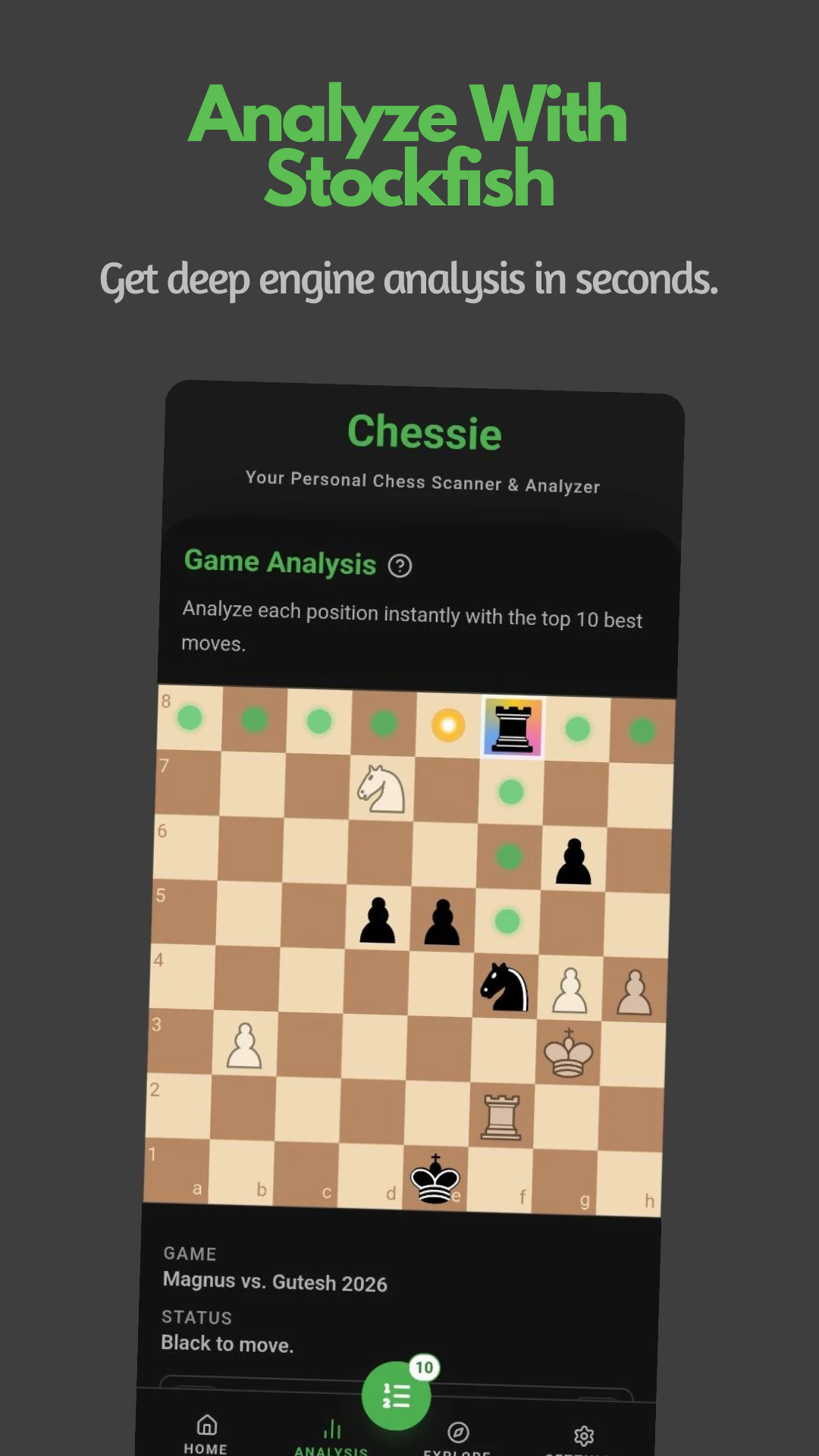
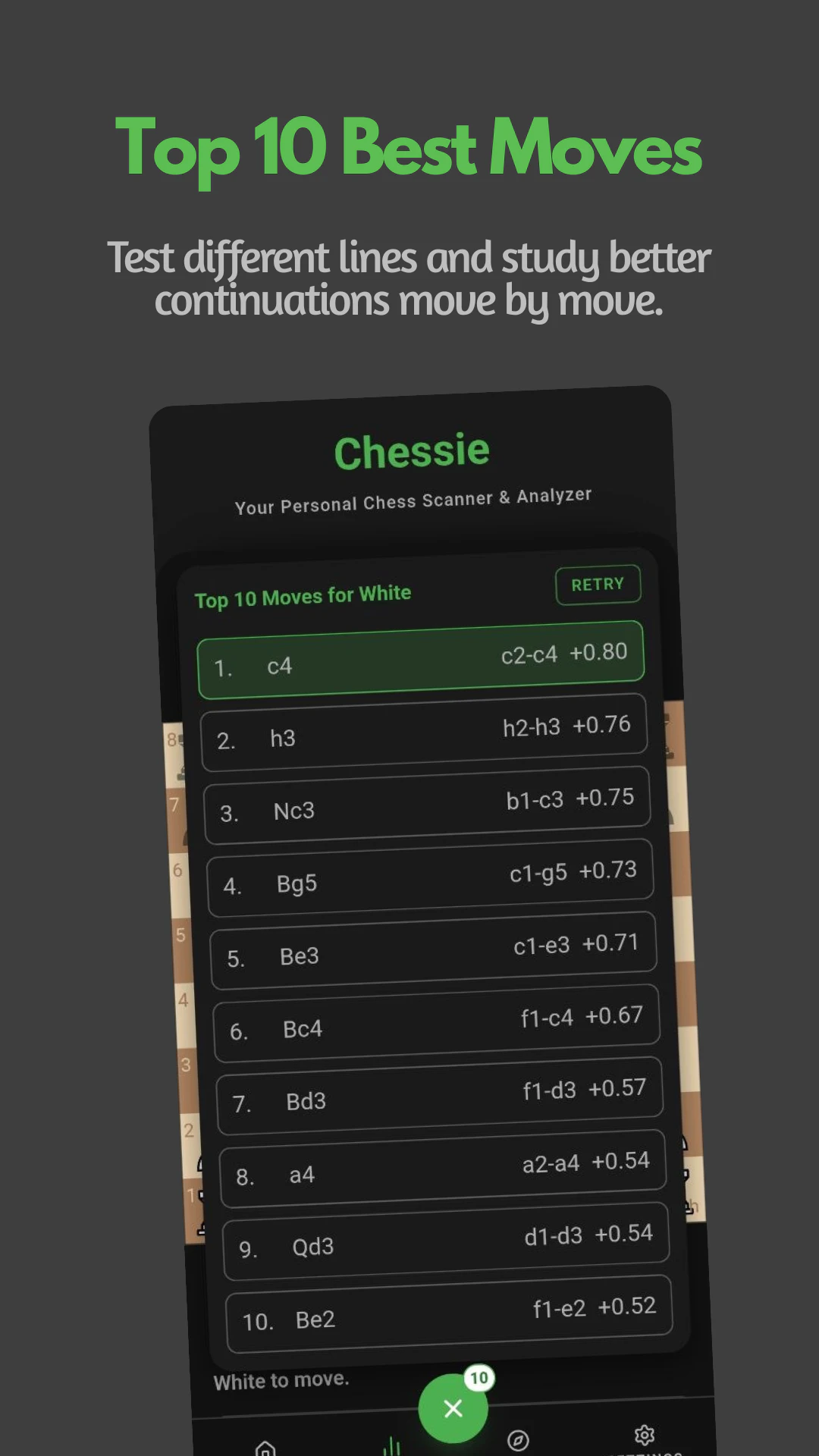
Chessie is a chessboard scanner and analyzer. It shows you the top 10 moves of every turn using Stockfish. No internet needed, your game stays yours.
Hello Hunters and Chess Masters, Everything you need to review your chess game and increase your elo - Scan any chess position: Point your camera at a board or upload a photo. Chessie reads the position in seconds so you can analyze real games from anywhere. - Instant board recognition: Pieces and squares are detected automatically. No manual setup, just confirm and jump straight into analysis. - Import games from Chess.com and Lichess: Paste a PGN from your clipboard, verify the board and moves, then run full game analysis in the app without retyping games by hand. - Analyze with Stockfish: Powered by Stockfish engine depth you can trust. See evaluations and lines that help you understand what’s really happening on the board. - Top 10 best moves: Every turn surfaces up to ten candidate moves ranked by strength. Compare options quickly and pick the line that fits your style. - Works offline: Unlimited scanning and analysis without Wi-Fi or mobile data. Your games stay on your device so you can practice and review wherever you are. - Pay once. Analyze forever: Most chess tools lock analysis behind monthly subscriptions.Chessie is a one-time unlock with unlimited offline Stockfish analysis.
1
回复
#17
DualChess
Chess — but a mini-game decides every capture
11
一句话介绍:DualChess 是一款将国际象棋与反应力小游戏结合的在线对战游戏,通过“吃子需赢小游戏”的机制,缩小棋手间的技术差距,让新手也有机会战胜高手,解决棋类游戏因实力悬殊导致的体验问题。
Web App Education Games
国际象棋 反应力游戏 变体棋类 多人对战 AI对战 休闲竞技 网页应用 PWA 免费游戏 创意玩法
用户评论摘要:开发者George介绍了创作初衷:让新手面对高手时仍有机会翻盘。游戏将每次吃子变为快节奏小游戏对决,削弱纯技术优势,强调临场反应。他还提到赠送首日100名玩家1天高级会员,并邀请玩家体验后反馈新增小游戏的建议。
AI 锐评

DualChess 的“棋弈+小游戏”本质上是在用“运气+反应”对冲“技术优势”,精准切入了硬核棋类游戏对新手极不友好的痛点。其核心价值并非做一款更好的国际象棋,而是制造一种“不公平中寻求公平”的社交娱乐体验——让棋力悬殊的两人也能玩得有来有回。这种设计巧妙地解决了棋类游戏“教玩家做事”的门槛,用随机性和反应力稀释了深度策略带来的挫败感。

但从专业角度审视,这种模式存在“两头不讨好”的风险。硬核棋手会认为小游戏干扰了棋盘的纯粹计算,是对策略性的破坏;而追求娱乐的玩家可能很快厌倦,因为小游戏的重复性与深度远逊于“糖豆人”等专门派对游戏,核心体验最终会回归到对弈本身。另外,反应力对决对老年或手残玩家并不友好,本质上只是换了一个门槛。

赞赏其在AI难度分级、实时在线、PWA免下载、免费策略上的成熟执行,但产品能否长存,取决于小游戏池的更新速度以及与棋局策略的真正融合度(如“特殊规则”对局势的微妙影响)。若只是“棋盘上插播小游戏”,则更像一个精致的沙雕游戏;若能打造出“策略布局+关键反应”的深度节奏,才有望开拓出独特的“智力与神经双重竞技”品类。目前来看,前者更接近现实。

查看原始信息
DualChess
Play chess online, locally, or vs AI (4 levels) — but here's the twist: every capture is settled by a fast reflex mini-game. Lining up a piece doesn't guarantee the take — you have to win Pong, Labyrinth, Quick Draw, Memory Match, Target Practice or Tug of War to claim it. Strategy meets nerve, so even a beginner can upset a stronger player. Real-time online play, a global leaderboard, installable as an app — and free, running instantly in your browser. No download.

Hey Product Hunt 👋

I'm George, and DualChess is my solo project.

I love chess, but I always felt bad watching friends bounce off it. When there's a skill gap, the weaker player just loses every single game, and it stops being fun. I wanted a version where one moment of focus or quick reflexes could swing things, so a beginner always has a fighting chance against a stronger player or the AI.

So in DualChess the board is real chess, but you don't simply *take* a piece. Every capture kicks off a fast mini-game, and you have to win it to claim the piece. Six so far: Pong, Labyrinth, Quick Draw, Memory Match, Target Practice and Tug of War. Suddenly a losing position can be rescued by nerve, and a winning one can slip away if you choke under pressure.

I've also baked in a few special rule twists that quietly tilt the board toward the underdog. I'll let you discover those as you play. 😉

It started as a tiny "vs computer" prototype and grew into real-time online multiplayer, 4 AI difficulty levels, a global leaderboard, and a full installable PWA, all running in the browser with no download.

It's free to play. 🎁 Just for launch day today, the first 100 players get 1 day of Premium free with code BETA100. Grab it while it's live.

I'd genuinely love your feedback: does the twist make chess more fun, or just delightfully chaotic? And what mini-game should I add next? 😄

Thanks for checking it out!

8
回复
#18
Hive
Babysits your agents from idea to PR, letting you think
9
一句话介绍:Hive是一个开源AI代理编排工具,能在终端中自动化管理多个顶级编码代理(如Claude、Codex)从创意构思到生成PR的全过程,让开发者只需做关键决策,无需紧盯代理运行避免“保姆式”监控。
Open Source Developer Tools Artificial Intelligence GitHub
开源 AI代理编排 编码自动化 PR生成 终端工具 多代理协调 Claude Codex 开发者效率 异步工作流
用户评论摘要:开发者关注其如何解决多代理输出冲突:Hive采用文档依次编写+Claude仲裁,不直接让代理互相通信。但用户对其默认消耗大量Token表示顾虑,并期待未来提供Docker化Web界面。
AI 锐评

Hive精准切中了当下AI编程狂潮中的一个隐痛:开发者从“手动写代码”变成了“手动喂代理、盯代理、调代理”,本质上只是从代码保姆变成了AI保姆,效率提升有限。Hive的价值在于它将“代理管理”本身自动化,通过文件系统隐喻(文件夹即任务,状态流转即工作流)把多代理协作变成可观测、可仲裁的异步流水线,这比单代理的简单调用要聪明得多。

但它的硬伤同样明显:极度依赖用户拥有高质量API订阅(Claude Max+ChatGPT Pro),且默认Token消耗巨大,这实际上把成本转嫁给了用户。作为一个单人维护的开源项目,其跨平台稳定性、脚本适配性及多代理冲突的粗粒度仲裁(仅靠Claude对文档的“三观”判断)能否在复杂工程中稳健运行,存疑。此外,“保姆式”工具本身就需要使用者具备高级的工程直觉和调试能力,这无形中抬高了门槛——它可能更适合已经深度理解Agent工作流、且不差Token的极客,而非普通开发者。Hive的野心方向正确,但离“让开发者只思考”这个宏大命题,还有数不清的边界条件和失败路径要磨平。

查看原始信息
Hive
Hive orchestrates work of SOTA coding agents (Claude/Codex/Pi), so they run autonomously and asynchronously from idea to PR, while you provide only the critical product decisions. Right in your terminal. So instead of watching 5 terminals, you can outsource agents babysitting to Hive and do something meaningful.

Hi Product Hunt — I'm Ivan, the maker of Hive.

Hive is an open-source agent harness that drives SOTA coding agents (Claude, Codex, Pi) from a rough idea to a merge-ready PR. The mental model, borrowed from Kieran Klaassen's "the folder is the agent," is that every task is a directory: the folder's location is its state, and the .md files inside are the work. A daemon moves a task through 'brainstorm → plan → code → multi-agent review → PR', and you only step in when an agent actually needs you — usually just answering the brainstorm questions in your own editor (vim, in my case).

I've been dogfooding it hard. Hive's own codebase — now 55k+ lines of Ruby, not counting tests — was mostly written by Hive itself (about 70% when I last measured), and the demo above is a real run on a fresh project that ended in this merged PR: https://github.com/ivankuznetsov....

The recently shipped Hive v0.2.0 added a repo patrol that opens PRs on its own, a babysitter daemon that keeps open PRs rebased and green, and Telegram idea capture with voice notes.

You don't even have to leave your agent: Hive ships an OpenClaw skill (`openclaw skills install hive-cli` gives you a `/hive` command with guided setup), and you can drive it from inside the Hermes agent the same way.

Honest caveats up front:

- Hive is token-heavy by default (many subagents + multiple coding agents). It's free and open source, but to really try it I'd recommend a Claude Max + ChatGPT Pro (Codex) subscription — that's where it shines.
- Claude's tmux mode (the default — it bills against your Claude subscription instead of API credits) is the newest part of the stack — expect some rough edges.
- I'm a solo dev building this in spare time, so testing across OSes and workflows is thin. Feedback and issues are very welcome.
- Prefer a browser? Hivebox — a dockerized Hive with a web UI — is the next release, about a two weeks out. The Discord hears about it first.

Full write-up with the same demo: https://ikuznetsov.com/posts/int...
Discord: https://discord.gg/Qg5E7rMt
Repo: https://github.com/ivankuznetsov...

Happy to answer anything in the thread today

1
回复

Interesting positioning. A lot of developers are comfortable delegating coding tasks to agents, but not necessarily the coordination layer around them.

How do you handle conflicting outputs from multiple agents? Is Hive choosing the "best" solution automatically, or does it surface tradeoffs for the developer to decide?

0
回复

@farrukh_butt1 triage with Claude. First of all agents don't talk to each other, they write documents one after another, and they Claude triage the findings.

0
回复
#19
Web Researcher MCP
The AI research assistant that cites real sources honestly
9
一句话介绍:Web Researcher MCP 是一个专为 AI 研究场景设计的验证层工具,能解决 AI 助手编造论文、引用失效或错把 SEO 垃圾当权威来源的痛点,确保输出的每条引用都可追溯、可验证、来源真实。
Open Source Artificial Intelligence GitHub Search
AI 助手 引用验证 学术搜索 文献可靠性 MCP 工具 法律/金融搜索 撤销检测 死链存档 开源工具 Go 语言
用户评论摘要:开发者指出核心问题是 AI 助手常自信地引用不存在的论文、被撤回的论文或 SEO 垃圾,而现有研究工具只搜索、不验证。实际用户(法律、金融、学术等)反馈该 MCP 已解决多领域的引用造假问题,但评论区暂无明显改进建议。
AI 锐评

Web Researcher MCP 的定位精准而刁钻——它不试图做大而全的 AI 搜索助手,而是直击当前大模型最羞耻的软肋:编造引用。当 ChatGPT 信誓旦旦给你一篇不存在的 Nature 论文,或者 Perplexity 把个人博客和最高法院判决并列引用时,用户需要的不是一个“更会搜”的代理,而是一个“敢说真话”的质检员。

从技术实现看,Go 二进制、零配置、支持任意 MCP 客户端,这些设计决定了它不是一个“工具”而是一个“协议层”。它拦截 AI 的生成物,把“搜索摘要”升级为“引用审计”——Crossref 做撤销检测、Wayback Machine 做死链修复、DOI 实时校验,这些动作让 AI 输出的“幻觉文献”无处遁形。这比那些堆砌搜索源却从不验证真伪的“研究助手”高出一个维度。

但也要泼冷水:它的核心价值高度依赖外部数据库的及时性和开放性。Crossref Retraction Watch 的覆盖并非完美,对中文、小众语种论文的撤销记录几乎空白;Wayback Machine 的存档延迟也让某些“刚死链”无法立刻补救。另外,它本质上是一个被动防御层——如果 AI 模型本身不调用它,或者用户不知道如何配置 MCP 客户端,那它就是个“没人用的死库”。当前 9 票的 Product Hunt 热度也说明,这仍是一个极客光环浓厚的工具,而非大众消费品。

真正值得关注的是它的模式:AI 产业的下一阶段,不是“更聪明的生成”,而是“更可靠的验证”。Web Researcher MCP 恰好是这条路上的一枚路标,虽然窄,但方向对了。

查看原始信息
Web Researcher MCP
Search the entire web or narrow it down to just the sites you trust; medical journals, court databases, news outlets, academic papers. Analyze the full source, not just snippets. Links that work, citations you can trust, no made up closed garden pre-synthesized results. Your AI links to papers that don't exist, invents DOIs, and presents SEO spam with the same confidence as peer-reviewed research. It can't even tell a blog post from a court filing. This MCP solves it.
Hey PH! I built web-researcher-mcp after watching AI assistants confidently cite papers that don't exist — or worse, cite real papers that were retracted years ago. The problem: most AI research tools just search and summarize. None of them check whether what they found is actually true. So I built the verification layer: citation verification against live DOI records, retraction detection via Crossref Retraction Watch, dead-link archiving via Wayback Machine, and full bibliography audit (BibTeX/RIS/CSL-JSON). Plus 35+ search tools — web, academic, patent, legal, financial data. It's a single Go binary, zero config, works with Claude, Cursor, or any MCP client. MIT licensed. Would love to hear how researchers and developers are using it — and what verification gaps you're still hitting!
1
回复

https://www.linkedin.com/pulse/sloptimization-ai-citation-rot-tools-fight-back-zohar-babin-xcahc

This article gives more background to the story of why this MCP exists with some real world examples.

Quality search is still a real problem with all the various AI assistants out there. This MCP has been in live real use by many people across different roles (legal, finance, academic, developers, product management, and every day use) for few months now, and I’ve been building and extending it per real world use-cases and needs. Feel free to try and share 🙏

0
回复
#20
Roast My Resume
AI roasts your resume. You screenshot the trauma.
8
一句话介绍:通过AI以幽默毒舌的“说唱式吐槽”解析简历内容,帮助用户在娱乐中审视简历中的夸大表述,轻松分享社交卡片,解决简历自我美化过度却无人指出的痛点。
Web App Hiring Career
简历吐槽 AI幽默反馈 职场娱乐 自我改进 简历优化 病毒传播 社交分享 简历审查 匿名工具 轻量实验
用户评论摘要:用户肯定其趣味性,但质疑是否真正能辅助简历改进,认为更像娱乐或社交传播内容。开发者回应称是基于阅读一本书的试验,未强调实用性。有效评论集中于功能定位模糊。
AI 锐评

“Roast My Resume”的本质是一场精心包装的“自嘲行为艺术”。它以8票的微小热度登陆Product Hunt,显然没打算成为下一个“简历优化独角兽”。其核心价值不在于“改善简历”——少有人会真靠一场AI毒舌来修改工作经历,而在于精准切入了一个全人类通用的社交需求:自黑。

产品设计逻辑非常清晰:低门槛(粘贴简历)、高传播性(截图分享卡片)、强情绪标签(“轻度创伤”)。这并非工具,而是内容生产器。用户生成的不是修改版简历,而是一张“我被AI骂了”的社交货币。从开发者直言“只是试验一本书”来看,产品本身是轻量级的,甚至不在意留存率。

但问题也很明显:AI的“吐槽”若缺乏结构化的分析建议,很快就沦为一次性玩具。用户评论中“是否真的有用”的疑问,正是产品天花板所在——若不接入实质性的简历优化建议(比如指出某种表述在ATS系统中的通过率),它永远只能是“办公室闲聊神器”,而非职场辅助工具。

一句话锐评:它痛击了简历造假的普遍焦虑,却把伤口当成了终点,而非起点。
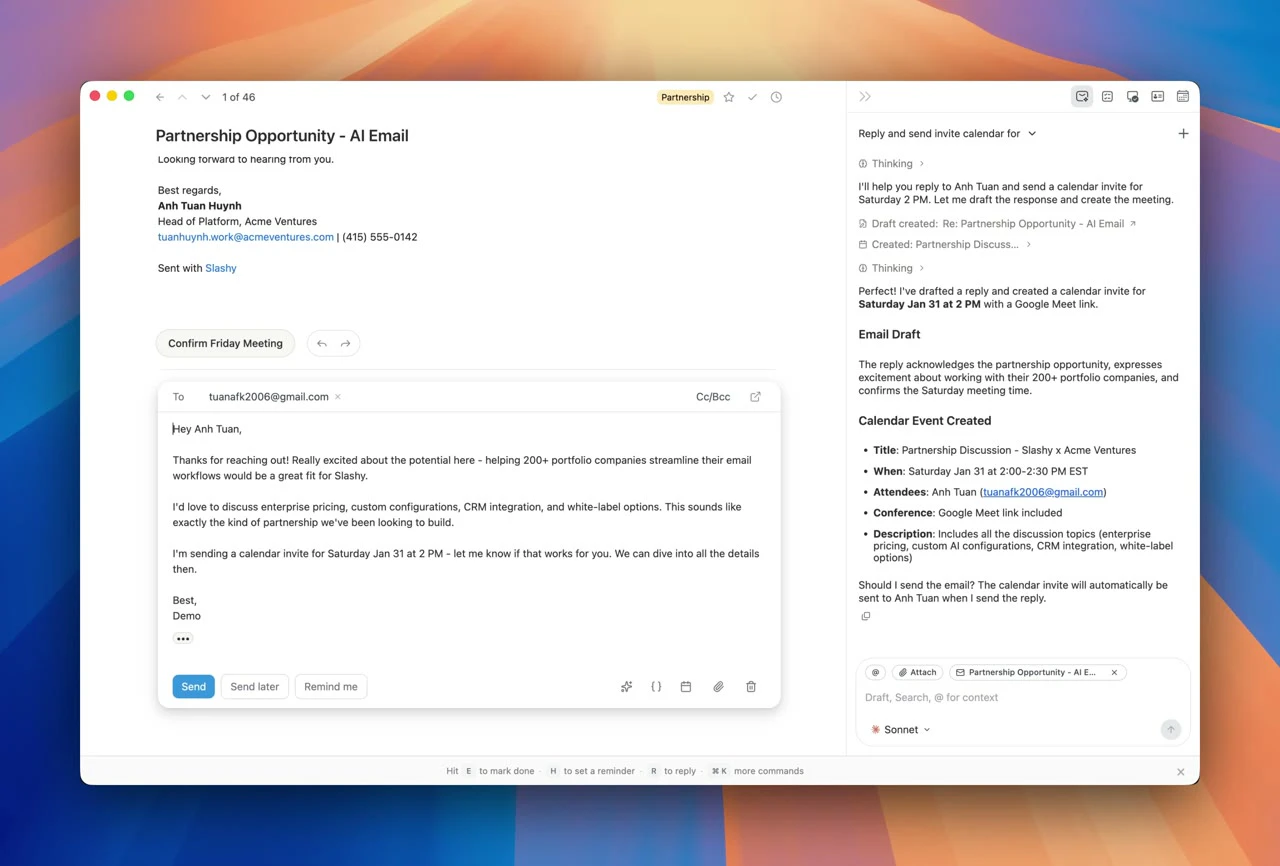
查看原始信息
Roast My Resume
AI roasts your resume with battle-rap energy. Paste your '7 years of robust full-stack experience' and watch it translate to '7 years of making stuff up as I go along.' Then screenshot the share card. Free. Anonymous. Mildly traumatic.
I built this because my resume said 'passionate self-starter' 4 times and I needed an intervention. Paste yours. I dare you. The AI finds every lie you've told yourself. 🔥 What's the cringiest line on your resume? Top 3 get roasted live in the replies. 👇
0
回复

This is a fun hook. Curious though, do you think the “roast” actually helps users improve their resume, or is it more purely entertainment/shareable content?

0
回复

@farrukh_butt1 i just build this to experiment a book i read. not a big thing. whats about you bro?

0
回复