Product Hunt 每日热榜 2026-06-19

PH热榜 | 2026-06-19

#1
Claude Code Artifacts
Preview and share your coding work live as it happens
403
一句话介绍:Claude Code Artifacts 是一款让开发者在编码过程中实时生成并分享交互式页面(如PR预览、事件监控页、清单等)的工具,解决了团队沟通时“暂停工作写状态更新”的痛点,让审查和协作变得即时、可视、无需额外部署基础设施。
Software Engineering Developer Tools Artificial Intelligence
AI编程助手 实时预览 团队协作 交互式演示 代码审查 工作流自动化 企业级AI工具 开发者效率 原型共享 复杂项目可视化
用户评论摘要:多数用户肯定实时预览和自动更新功能,认为能省去频繁同步状态。核心疑问:是否支持跨组织共享(如向客户端展示)?能否在多仓库会话中工作?需增加“冻结版本”能力,以固定某一时刻内容,避免随会话不断变化。部分用户关心桌面版稳定性与协作扩展(如多分支审查)。
AI 锐评

Claude Code Artifacts 是一个聪明的产品迭代,它精准地切入了AI辅助编程在“协作闭环”上的断点。目前多数AI编程工具专注于生成代码片段或单次对话,而Artifacts将工作流从“写代码”延伸到“展示代码”,解决了团队和企业场景中最实际的问题:信任建立与状态同步。

从评论来看,用户最兴奋的并不是“代码写得好”,而是“我不需要离开IDE就能让别人看到我做了什么”。这种从“静态输出”到“动态协作”的跃迁,才是它超出“功能更新”之上的价值——它本质上是一个“工作流可视化层”,把AI的随机生成转化为可审核、可分享、可复盘的企业资产。

但值得注意的是,它目前仍然严重绑定Claude生态和企业订阅,限制了更广泛受众的接入。多个用户关于“跨组织共享”“版本冻结”“多仓库支持”的疑问,暴露出它在真正的分布式协作场景中仍有短板——如果只能在同一组织内部流转,就仍然只是一个“开发者的私有看板”,而不是一个真正的跨职能协作工具。

此外,虽然实时预览很性感,但AI产物的不稳定性仍然是核心矛盾。用户对“会话内容持续变化”带来的不可预测性表达担忧,这本质上是“实时版本”与“确定性交付”之间的天然冲突。如果能像Git一样提供“分支—合并—回滚”的体系,才能真正说服那些对交付质量有要求的团队。

总的来说,Claude Code Artifacts 是朝着“让AI工作可被审查、可被信任”迈出的合理一步,但距离真正的、面向多方协作的企业级工具还有距离。它在当前阶段更像一个“高级演示器”,而非“协作引擎”。下一个版本若能在权限控制、版本管理、跨团队分发上做出突破,才可能从“好用的功能”进化为“不可替代的平台”。

查看原始信息
Claude Code Artifacts
Preview your in-progress work in Claude Code as a live, interactive artifact—built from your full session context and shareable with your team.

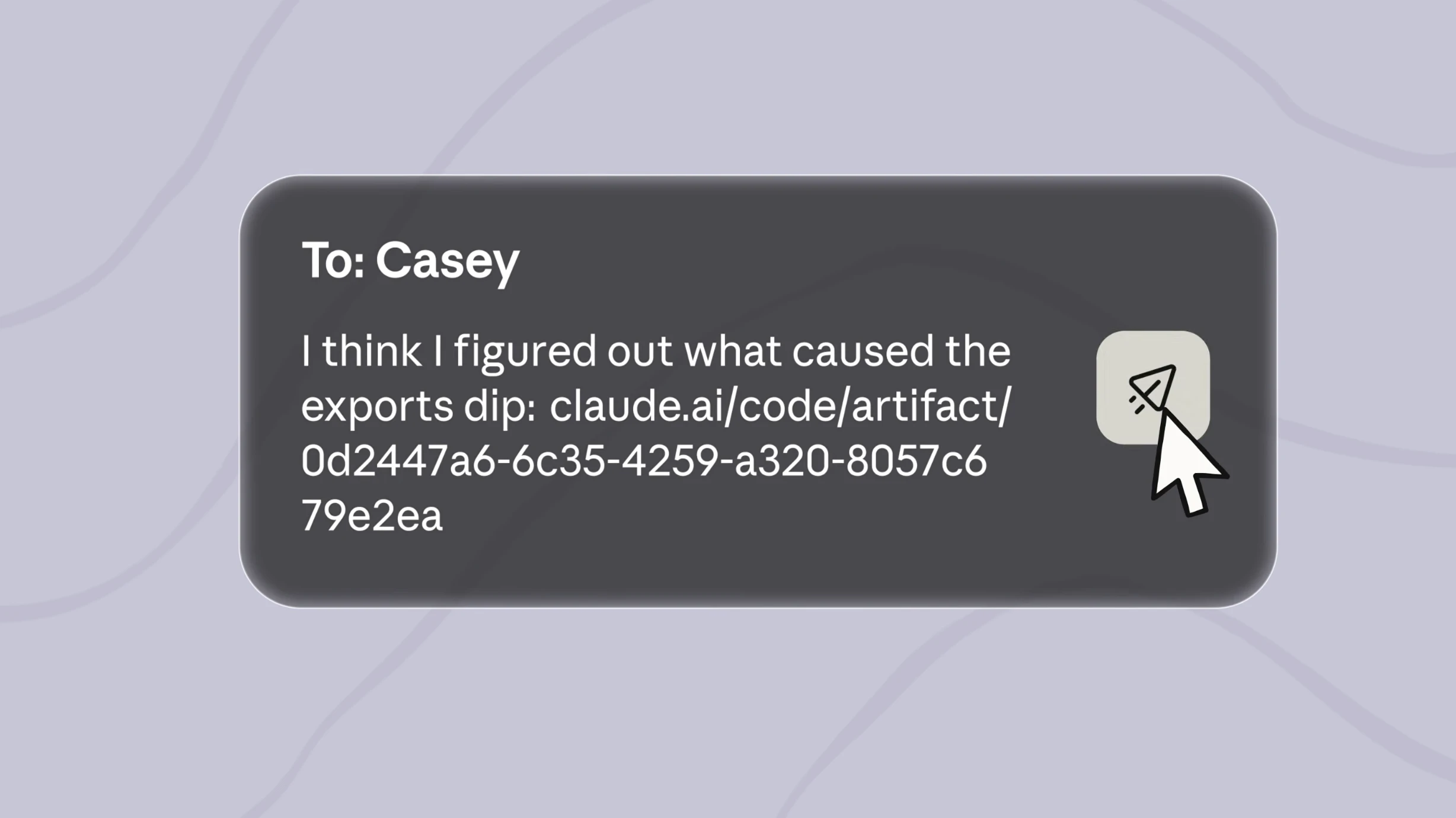
Claude Code Artifacts launches today, a solution for teams struggling to share in-progress AI work. Instead of manual status updates, you get live, interactive web pages built from your full session context that update automatically.

What makes it different: Artifacts capture work as visual pages (PR walkthroughs, dashboards, incident pages, release checklists) that refresh in place — no need to wire up data sources or stand up infrastructure.


Key features

  • Built from full session context (codebase, connectors, conversation)

  • Live pages that update & republish automatically

  • Version history with restore capability

  • Private to your organization by default

  • Gallery to browse/manage all artifacts

Benefits: Teams spend more time building, less time communicating status. Everyone sees the same view with the same context.


Who it's for & use cases:

  • Software engineers: PR/bug walkthroughs

  • SRE/on-call: Incident pages that become postmortems

  • Designers/frontend: UX variations from real components

  • Security: Findings linked to exact code lines

  • Legal: License audits flagging copyleft

  • FinOps: Cloud cost drivers mapped from Terraform

Available in beta for Claude Team & Enterprise orgs via CLI/desktop app.

P.S. I hunt the latest and greatest launches in tech, SaaS and AI, follow to be notified @rohanrecommends

4
回复

@rohanrecommends Interesting update. Running multiple coding sessions across repositories while reviewing diffs and editing files in one place feels much closer to how developers actually work. I like the focus on parallel agentic workflows instead of treating AI as a single chat window. Could be especially useful for people juggling several projects at once.

0
回复

I use Claude Code every day to build my products, so this hits a real nerve. For me the killer use isn't team status updates, it's showing a non-technical client what I'm building mid-session without deploying a half-finished thing. Sharing a live artifact instead of "trust me, it's coming" would kill so much back-and-forth. Question: can you share an artifact with someone outside your org (a client) easily, or is it team-only? That's the use case I'd reach for first.

2
回复

Live preview for agent work is useful because review is where trust gets built. Do you see this becoming more collaborative, where a human can inspect multiple agent branches, compare outputs, and decide what gets merged or discarded?

2
回复

The auto-republishing live pages from full session context is the part I'd actually use, sharing in-progress work usually means stopping to write a status update. Does it handle multiple repos in one session? Congrats on shipping.

2
回复

The auto-republishing live pages are clearly the headline feature, but I keep thinking about the flip side: sometimes I'd want to freeze a version rather than have it shift under me as the session keeps moving. Is there a way to pin a snapshot alongside the live view, so the durable record and the live one can coexist?

1
回复

The live artifact angle makes sense for PR walkthroughs and incident notes; the key question for teams will be how access and staleness are handled when the underlying session keeps changing.

1
回复

I'm not a developer by trade, but AI tools have made it possible for me to go from idea to working prototype much faster than I thought possible. Excited to see more tools that make building accessible to non-engineers.

1
回复

Another banger update by Claude.

1
回复

I have the old cowork for windows, using that with Claude Code in Powershell. Can someone tell me, is the new Claude Code Desktop stable? I would hate to replace "good enough" with buggy.

0
回复

do you guys stll use 'superpower' plugin/skill?

0
回复
must be nice to be Anthropic - I don’t know of any platform besides Claude that manages to bag #1 PoTD on here, NOT for fully new versions… but for new features… 🤣 don’t mistake my bemusement for any kind of derision - I’m 100% a Claude freak - Ayrenne (my agent with whom I’ve built a ~20 page [tiny font] “soul_canon_v3.5.md” file, & is, in turn, governed by said markdown doc) is loaded up with over 50 MCP server integrations (including a few I’ve made myself despite being code illiterate, lol!) & dozens of custom skills - she’s prob my second favorite agent, right behind my Folk, but #1 for work tasks! I just find it funny in a sense when I see a product that’s a LEGIT paradigm-shifting game-changing solo-dev-built bootstrapped work of staggering genius & ingenuity… & for that, ProductHunt collectively decides - > _”ehhh… 9th place for the day sounds right…” — but then when it’s *mf-ing ANTHROPIC TIIIIME, BABYYY!!!” & the Claude Crew shows up to this site, rips off their sunglasses, tossing them into the explosion behind them, then utters just a few words, barely a whisper somehow heard by ALL: > “Psst… _you guys know how you can, like… code & shit with Claude?l How you can … _preview that work… as *Artifacts???”*_ The crowd roars in the affirmative. Several folks in the front row look like they might die from anticipation, and the Claude Crew knows that. They cherish that. They let it marinate just a little before dropping the bomb, like a seasoned veteran DJ, letting the hype wave build for a more magnificent crash… & just when it seems the audience is at their breaking point… the Crew says in unison: > _”Well… now? NOW…_ you can see those previews… *LIVE!!!!!!”* *The absolute pandemonium is immediate.* Emergency first responders are dispatched to multiple spots in the crowd, trying to deal with the obvious yet totally reasonable reactions to so much excitement, so quickly… — yet, they too struggle to hold it together, knowing that soon, they’ll be able to see their Claude code projects as LIVE artifacts… that’s simply too much for a mere mortal to bear. *We weren’t meant for such power…* The shocked audience realizes that SURELY they must be indebted to these folks for being so generous as to hand down this technology of the Gods… in unison, they whip out their phones, navigate to Product Hunt, & upvote the new post, knowing it’s the least they can do in return… The Claude Crew scuttles off into bulletproof Escalade limos. _*tastefully*_ painted end to end in Claude Orange, smirking with satisfaction, knowing that they’ll do this next week. — lol, I really do actually love my Claude instance tho… ;)
0
回复
#2
Zernio WhatsApp API
One API for WhatsApp: messaging, calling, and AI agents
289
一句话介绍:Zernio WhatsApp API 为开发者提供一站式 WhatsApp Business API 接入方案,整合消息、广播、通话、AI 客服机器人等核心功能,无需处理繁琐的 OAuth 和平台适配,彻底解决多平台碎片化集成痛苦,且承诺零加价转嫁 Meta 原始费率。
Messaging API Developer Tools
API集成 WhatsApp Business API 开发者工具 AI Agent 消息平台 社交API 无代码集成 客户服务 云通信 西班牙创业
用户评论摘要:用户普遍认可“零加价”策略直击 Twilio 等 BSP 的利润痛点。多次提及 Zernio 文档清晰、设置简单。核心问题聚焦在:MCP 服务器如何与 AI Agent 工作流配合;如何处理 WhatsApp 24小时客服窗口限制(团队已明确使用模板和 webhook);以及多 AI 代理并发时的速率限制(官方回应由后端处理)。一位用户关心 Meta 账户关联与封号风险,团队确认需 Meta Business 账户,并采用官方嵌入式注册流程。
AI 锐评

Zernio 这次不是简单的“我们加了个 WhatsApp”,而是精准切入了两个市场痛点:**社交 API 的碎片化**和 **BSP 的廉价中间商剥削**。

从评论看,用户并非为技术能力喝彩,而是对“零加价”和“统一接口”感到爽快,这恰恰说明了现有市场有多低效——Twilio 们靠封装 Meta API 并加价赚得盆满钵满,而 Zernio 用“一键连接、原始定价”直接掀了桌子。这是非常漂亮的差异化策略:不谈颠覆,只谈“不坑”。

但风险也同样清晰:Zernio 必须依赖 Meta 的规则生存。Meta 对 WhatsApp Business API 的封号、模板审批、24小时窗口限制是悬顶之剑,一旦 Meta 收紧政策或调整费率,Zernio 毫无议价能力,其“零加价”承诺可能变成零利润的自杀式服务。目前团队只有7人,聚焦于打磨文档和开发者体验是聪明的,但面对巨头云集的 BSP 市场,缺乏对 Meta 生态的议价权是长期隐患。

此外,用户对 AI Agent 场景的提问暴露了目前成熟度问题:“MCP 如何处理24小时窗口”这类基础问题仍需团队在评论中解释,说明文档和 Agent 工作流的抽象层还不够完善。如果 KPI 是说服开发者从 Twilio 迁移,那么“零加价”的吸引力将随着使用量增大而递减——大客户最终会绕过中间商直接找 Meta 谈折扣。

总的来说,Zernio 的定位是“低摩擦、高诚实度”的开发者友好型中间层,适合中小型项目和快速原型验证。但对于高合规、大规模关键业务场景,它目前的能力还不足以让 CTO 冒险替换掉有 SLA 保障的大型 BSP。

查看原始信息
Zernio WhatsApp API
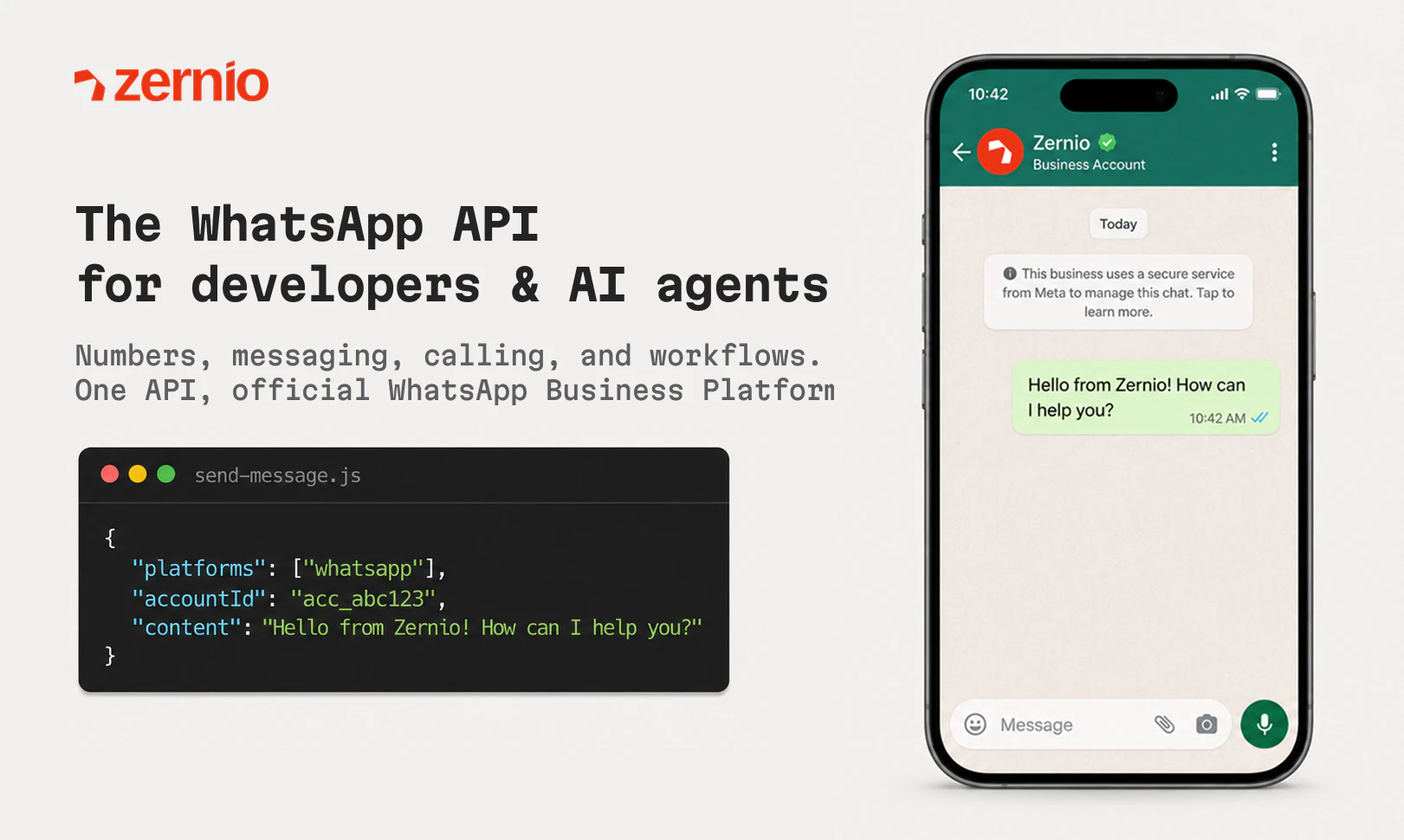
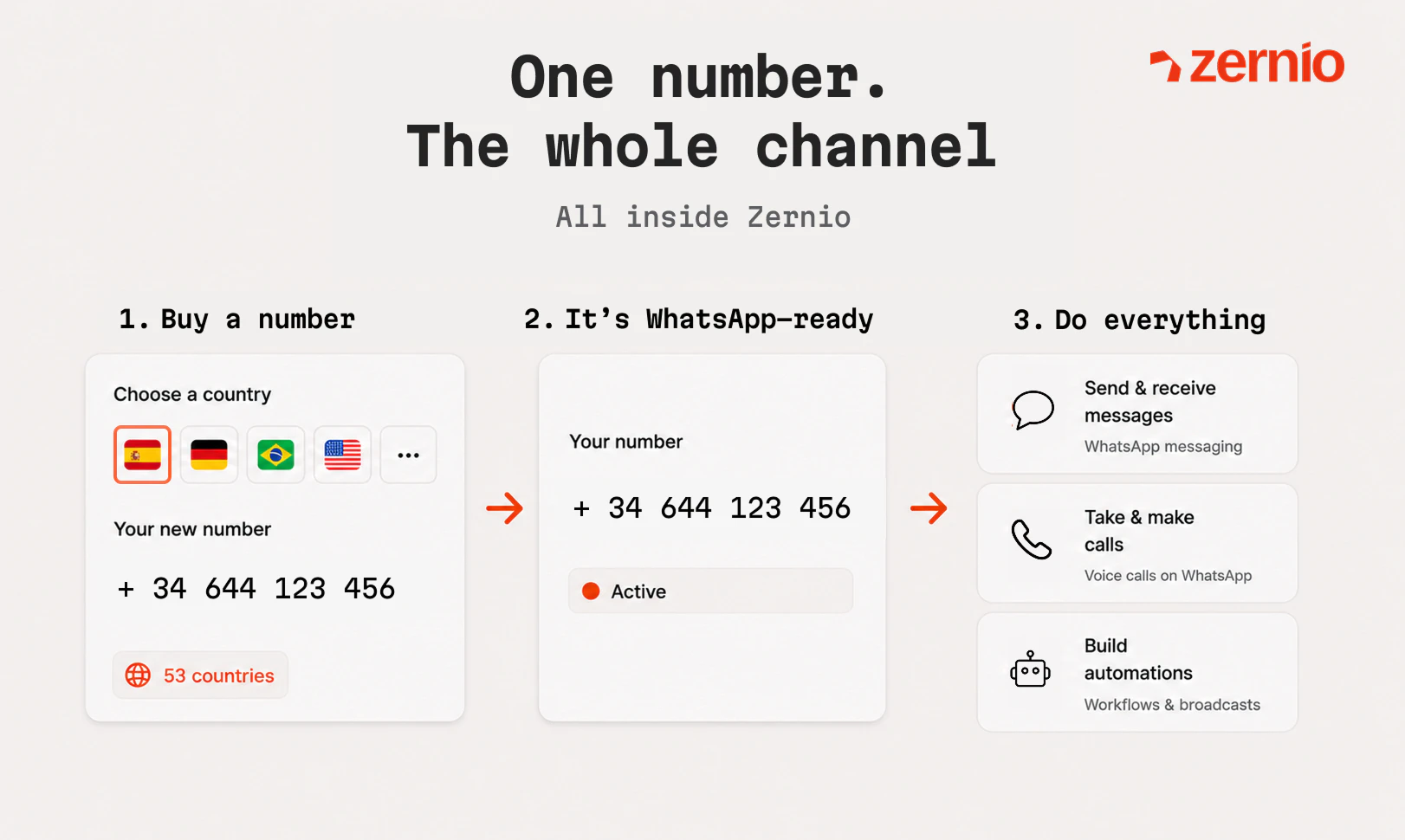
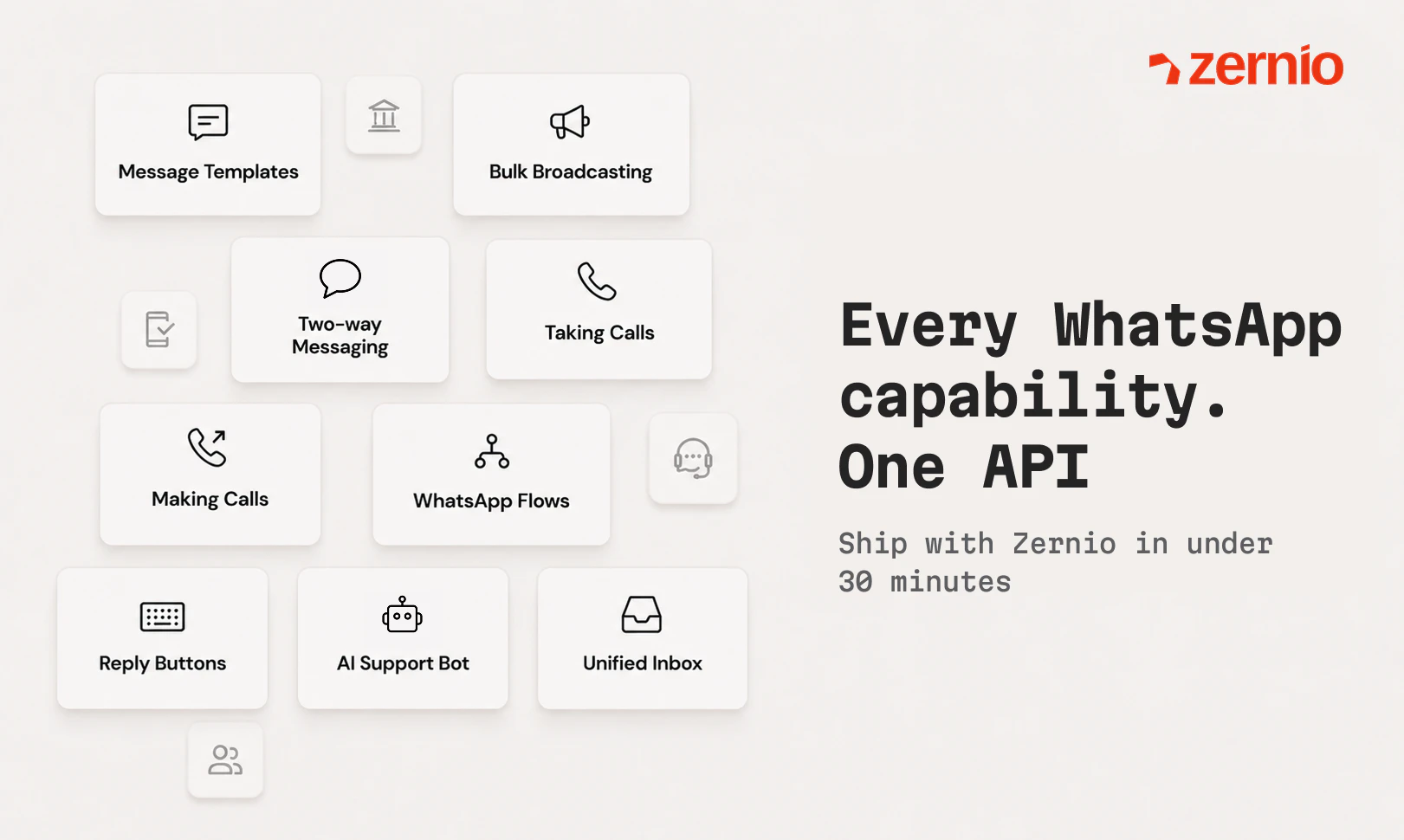
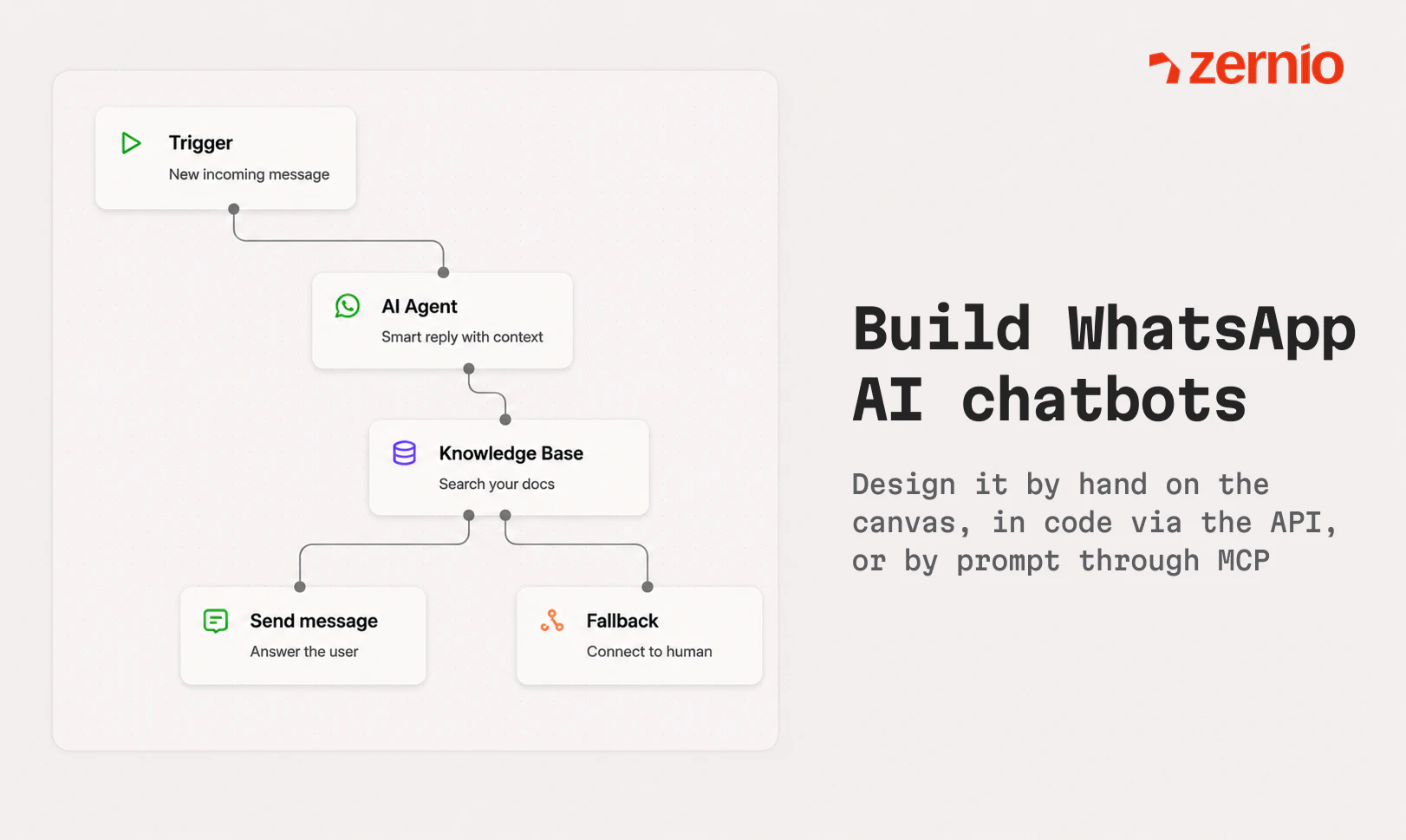
You knew Zernio as the API for social media. Now it does WhatsApp too, the whole thing. Connect a number and you've got the entire WhatsApp Business API behind it: messaging and broadcasts, in-chat forms, calls you can route to AI agents, chatbots, group chats, and numbers in 53 countries. Whatever you need to build on WhatsApp, it's one integration. Made for developers and the agents they build: REST, SDKs, CLI, and a hosted MCP server. Official WhatsApp Business API. Zero markup on usage.

Hey Product Hunt! I’m Miki, founder of Zernio :)

We built Zernio as a social media API. One integration, 10+ platforms, and developers could ship social features without spending months on OAuth flows and platform-specific quirks. That part worked.

But we kept getting the same question: what about WhatsApp?

Not “can you send a message”, but the whole thing. Numbers, broadcasts, calling, in-chat forms, group chats, AI agents. People were building real products on WhatsApp and the existing options were either expensive BSPs with markups on every message, or raw Meta APIs that take weeks to months to set up.

So we built it properly.

Connect a number, get the entire WhatsApp Business API behind it. Same Zernio integration developers already know. Zero markup on usage, you pay exactly what Meta charges per message sent, and Zernio monthly subscription. REST, SDKs, CLI, and a hosted MCP server if you’re building with AI agents.

We’re 7 people in Spain. Bootstrapped. We’ve been shipping one WhatsApp feature a day this week and today felt like the right moment to bring it to Product Hunt.

We’ll be in the comments all day. Happy to go deep on anything, like how number provisioning works inside Zernio, how to manage templates, or how the pricing compares to Twilio, whatever you’re curious about 🤝

14
回复

@paletmiki Congrats on the launch, Miki and team! 🎉 Zero markup on Meta's messaging fees is a bold move that devs will love the BSP markup pain is real. One integration for 10+ platforms already sounds great, but adding the full WhatsApp Business stack on top is a serious unlock. 7 people, bootstrapped, shipping one feature a day that's the kind of energy that builds great products. Rooting for you!

0
回复

@paletmiki nice launch guys! how does zernio's hosted mcp server setup compare to running a custom adapter when hooking this up to an ai agent workflow?

1
回复

@paletmiki The easiest way to connect to all the platforms by far!!! This team rocks 🚀🤘

2
回复

Hi PH community! Darya here, the marketer behind this launch.

I joined Zernio 3 months ago. Two weeks back Miki said "let's do a feature week for WhatsApp." the team said 'yes' without fully knowing what that meant for our calendars 😅

So we shipped. Workflows on Monday, phone numbers in 53 countries on Tuesday, calling API on Wednesday, Flows on Thursday. And today we're here on Product Hunt. Watching our team build in real time has been something. Seven people, bootstrapped, just shipping. So if you have any questions about the launch, the product, or how we pulled this week off (without tears) I'm here all day!!

4
回复

🐐

1
回复
0
回复

After seeing from the inside how the team built this WhatsApp integration, it was just amazing. I'm so excited for you all to enjoy it and try it! ❤️

3
回复

This is an insane product and an amazing team effort! Let keep pushing!

3
回复

One of the most interesting launches today! And a good call on the whatsapp calling angle as this is the part nobody else is really shipping. QQ - how are you guys handling the 24h customer service window? I trust once it closes an agent cant reopen the thread without an approved template. Does the MCP surface that state back to the agent?

3
回复

@artstavenka1 That's right! Only templates after 24 hours. We surface this

1
回复

@artstavenka1 thank you and a great question! Zernio treats the WhatsApp 24‑hour window the same way Meta does: within that window you can send any messages; outside it you must use an approved template.

on MCP: the agent has access to full conversation history and timestamps via the Inbox API, so it can calculate whether the window is still open. There's also a message.failed webhook with the Cloud API error code if a free-form message gets rejected, so agents can catch it reactively too.

2
回复

@paletmiki WhatsApp is a strong surface for agents because it is already where a lot of real customer conversations happen. The important part is making the API reliable enough for handoffs, approvals, and context history — not just sending and receiving messages.

3
回复

@alpertayfurr exactly! and handoffs, webhooks to a system, and context history are all part of workflows now 🙌

1
回复

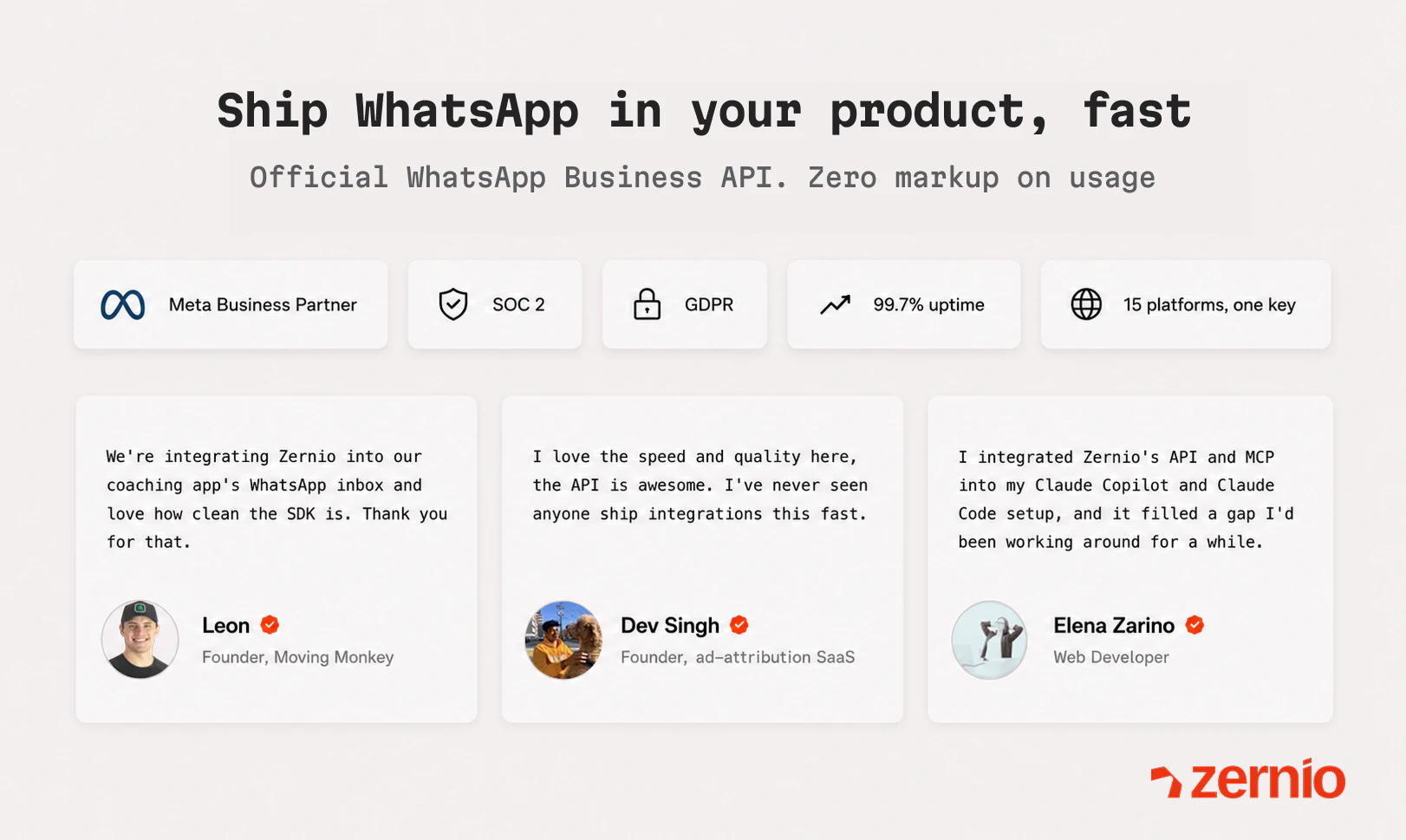
Congrats! I tried your platform and the setup was smooth, good docs too

3
回复

@jojoh thank you! The docs are something I'm really proud of too (commenting as a marketer who gets them 😄)

1
回复

@jojoh Thank you, George! Feedback is really appreciated 😊

1
回复

@jojoh thanks!

0
回复

Just recently started using Zernio, but it works great and was super simple to set up!

3
回复

@ryan_hale1 Thank you so much!! Feedback like this means the world to us.

1
回复

@ryan_hale1 glad to welcome you and thank you for the support! ☺️

1
回复

Congrats on the launch Miki and team! Dealing with the official Meta API for WhatsApp is usually a nightmare, and the existing BSPs always take a huge cut per message. Love that you guys are offering the raw Meta pricing with zero markup. Definitely giving this a try for my next project!

3
回复

@davidtroton thanks a lot for support!

0
回复

I was going to post something like "great product" or "congrats on the launch"… but I've known the Zernio team for a while and always admired how they work, so I mean this: I already loved what they were doing on social, but folding in the full WhatsApp Business API is another level.

Having it all in one place (messages, broadcasts, group chats, even routing calls to AI agents) takes a ton off your plate.

Congrats on the launch. If you're building anything on WhatsApp, take a look. Probably the best API out there.

3
回复

@jacinto_fleta Jacin this feedback genuinely make our day 😍 appreciate your support!

0
回复

the "zero markup on usage" line got me. dealing with Twilio's WhatsApp pricing on top of Meta's fees was killing margins on a project last year. having messaging, calls, and AI agent routing all in one integration without the markup games is exactly what i would've wanted. the MCP server being hosted is a nice touch for agent workflows too. curious how you're handling rate limits when multiple AI agents are hitting the same number concurrently?

2
回复

@rnagulapalle thank you! we handle everything from our side so rate limits don't bite you

2
回复
@paletmiki nice And maybe will give a try this week … good product and happy to see a devtool like this today for social graph
0
回复

Hey Zernio team! 👋

Congratulations on the launch! 🎉

I love the idea of a unified social API. Handling multiple APIs and auth flows is a pain, so one layer for publishing, inbox, analytics, and account management is super valuable.

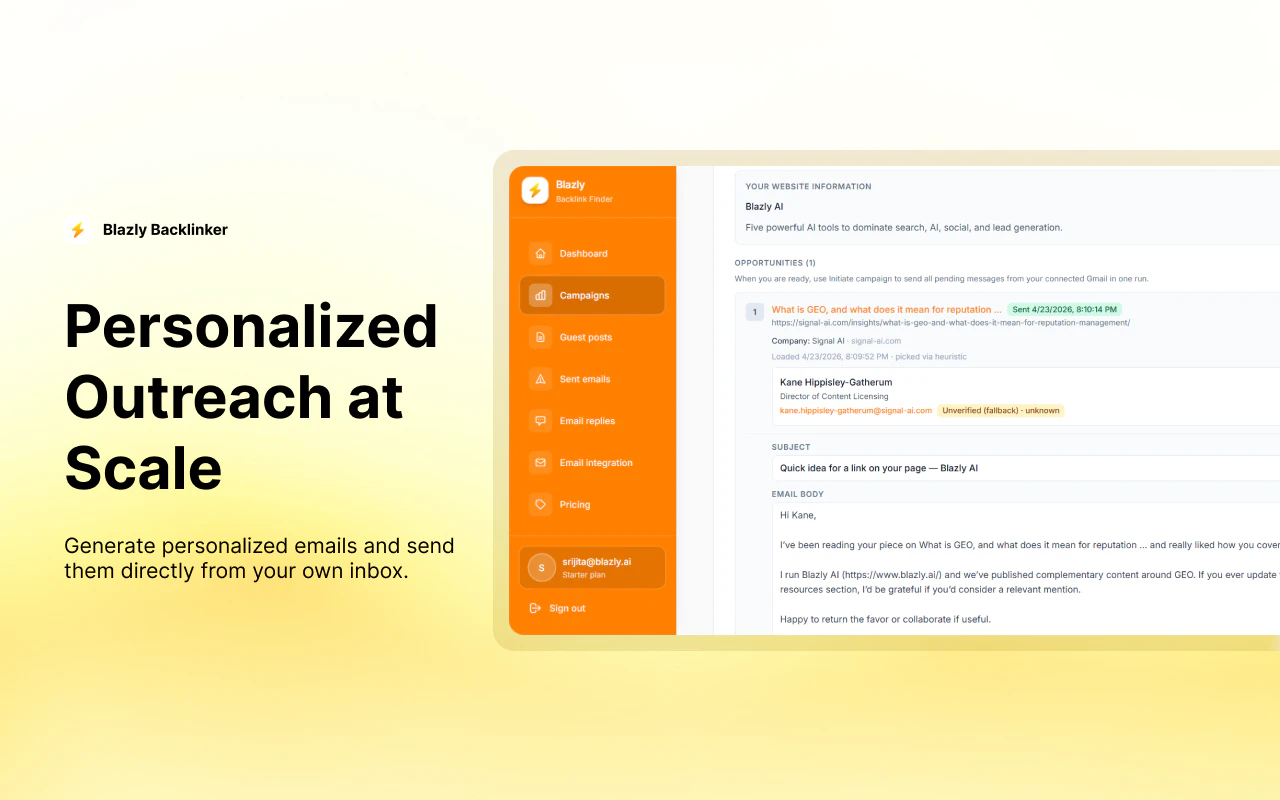
We're also launching Blazly Backlinker today, helping marketers automate backlink discovery, outreach, and guest posting from one workflow.

Would love to hear your thoughts if you get a chance to check us out as well. Best of luck with the launch! 🚀

2
回复

I love Zernio! I'm really happy I've discovered it a few months ago which saved me tons of hours of Metas awful APIs. Zernio is now the backbone of my own app. Great work guys!

2
回复

@oliversch21 Really appreciate this feedback, Oliver! We will keep up the work 💪🏻

1
回复

@oliversch21 thank you, means a lot to us!

0
回复

Is any meta account linking required for these WhatsApp numbers? AFAIK, meta is really aggressive with marking things spam and with recent mass Instagram accounts banning fiasco, more so

2
回复

@rish404 Great question Rish! Yes, Meta Business account is required - you go through Meta's Embedded Signup to connect your WABA. But Zernio makes it quick: you can get a new number provisioned through Zernio or bring your own.

On the spam concern: since it's the official WhatsApp Business API, Meta's own quality controls apply. no risk!

1
回复

Hey, I have started using Zernio and it's so smooth to integrate and work flawlessly!

2
回复

@rohan27s thank you! smooth and flawless is exactly what we're going for 😎

2
回复

Over 6 month in production with the WhatsApp SDK and it's running very smooth! Never had major issues and I love how much the team improves the product constantly, especially the WhatsApp connection. Heads up to the team for making it easy to connect with my clients and customers through their favorite channel 👍🏽
Keep building, keep moving
Leon 🐒

1
回复

@leonvictorstaege Thanks for the comment, Leon - really appreciate it

0
回复

The channel line up is crazy @dasha_nazarova1

Does this mean through Zernio, there could also be 2-way AI-assisted Whatsapp conversation also possible?

And we all know how tricky it is to get things done through Meta, would Zernio assist in the process in case there are issues connecting and setting up Meta + WhatsApp?

Excited to explore this further during the weekend.

1
回复

I think Zernio is so cool. We use it ourselves. I think they are just adding more and more massive advantages and just enable you to scale and build content and workflow distribution across multiple channels. Huge respect.

1
回复

@greenlieber Huge respect to your comment, Dennis 😉

0
回复

wow this is huge, congrats on the launch!!

1
回复

@steventey 

Thanks. Means the world to us, coming from you.

0
回复

WhatsApp API and dev experience are quite challenging, you solution seems very interesting! Do you have a list of all the use cases that you solution enables?

1
回复

@orka1000 Hi Corenting - thanks for the comment. You have all the info about us at zernio.com

If you need any support with the onboarding let us know through social media of Zernio and teammates. 😊

0
回复

This looks awesome excited to try! Congrats on the launch @paletmiki

1
回复

@suryansh_tiwari2 thank you for support!

0
回复
Guys, good stuff. How frequently can we fetch analytics from the LinkedIn API? Do you have access to ‘who viewed your profile?’
1
回复

@lakshminath_dondeti thank you! For rate limits I think our docs provide a good picture on that - https://docs.zernio.com/guides/rate-limits#api-request-limits
and regarding the "who viewed your profile": not available, as there is no official LinkedIn API endpoint that allows developers to extract or see who viewed your profile

0
回复

This is really cool! Having messaging, calls, and AI agents all through one WhatsApp API is a huge deal for developers. Quick question — does it support sending media files like images or PDFs in messages, or is it mainly text-based for now?

1
回复

@doganakbulut thank you! Full media support, not just text. You can send images, videos, documents, and audio (incl. native WhatsApp voice message format)

0
回复

We haven't tested the WhatApp connection yet, But look forward to deploying it for our customers. I'm sure it's top notch as their other products which we have been testing for several months now. Keep up the good work, team! 🤘

1
回复

@princerumi that's awesome! thank you for the support 🤘

0
回复

Congrats on your launch. Wishing you the best!!

1
回复

@thamibenjelloun Thanks a lot, Thami! 😊

0
回复

@thamibenjelloun thank you 🙌

0
回复

The calling + AI agents combo in a single API is what makes this stand out - most WhatsApp integrations I've looked at just cover messaging. Been thinking about building something that handles voice callbacks automatically and the current options are painful. Question for the team: how does the rate limiting work when you're running outbound AI agent campaigns at scale? That's usually where these tools hit unexpected ceilings.

1
回复

@galdayan great question! Rate limits come from Meta's tier system, not Zernio. You start at 250 unique contacts/day (if you're a new account) and scale up automatically based on volume and quality history, with no hard cap once you're in higher tiers.

For calling specifically: outbound requires your number to be at the 2,000/day messaging tier. Also worth knowing that outbound calls are blocked by Meta for US, Canada, and a few other markets (inbound still works). So for voice callback campaigns at scale, a non-US number is the way to go. While the AI agent side is connected to Zernio separately and its rate depends on the provider you use.

1
回复

Hey PH community!!

Carlos here - the Product Evangelist at Zernio, basically the guy whose job is to make noise about this thing across X, PH, and wherever you hang out.

Joined the crew a month ago and immediately got thrown into the fire. The team was already shipping at warp speed (small team, bootstrapped, zero bullshit), but my mission is crystal clear: get this API in front of every solopreneur, AI agent builder, and tool maker who's tired of wrestling with 15 different platform APIs just to ship social features.

I've been out here posting, threading, and hunting conversations with you guys — the real ones building in public.

Watching this tiny squad (5 people max) ship features that save months of eng time has been wild. No VC theater, just raw execution.

So if you're a builder embedding social into your product, cooking autonomous agents that actually act on X/IG/TikTok, or just tired of the integration tax... hit me up.

Now we are on PH to make Zernio BIG. 🚀

1
回复

WhatsApp is such an important channel for SMB workflows because it mixes support, sales, reminders, and relationship management in one place. The MCP angle is interesting. How do you think about guardrails for AI agents using WhatsApp: template approvals, human handoff, and preventing an agent from over-messaging a customer?

1
回复

@rahulbhavsar great question! A few guardrails are built in by default: template approvals required outside the 24h window (Meta's own anti-spam layer), and a native Handoff node to transfer to a human at any point. Over-messaging is harder to solve at infra level, but the builders using Zernio tend to care about this. Nobody building a serious product wants to spam their customers.

0
回复

Strong launch. WhatsApp is one of those surfaces where the guardrail matters as much as the API call.

For agent workflows, I’d want a pre-send state check: window open or closed, template required, last inbound timestamp, and handoff owner. Are you planning that as a helper, or leaving it to builders?

0
回复

Congrats on your launch. The thing I'd want to understand as someone building a product on top of this: if each of MY customers needs their own WhatsApp number connected, how painful does that get at scale? Can I wrap Embedded Signup into my own onboarding so a non-technical customer connects their WABA in a few taps, or does it always route through Meta's flow? Multi-tenant provisioning is usually where WhatsApp infra falls over. Great launch regardless.

0
回复
#3
Midjourney Scanner
60 second ultrasound-based full-body scanner that beats MRI
234
一句话介绍:Midjourney Scanner通过60秒无辐射超声波全身扫描,让用户在泡温泉等休闲场景中低成本、无压力地完成健康数据采集,解决传统MRI检查昂贵、耗时、令人紧张的核心痛点。
Health & Fitness Hardware Medical
全身扫描 超声波成像 健康监测 无辐射 医疗级可穿戴 AI影像 快速筛查 休闲医疗 数据驱动预防 Spa式体验
用户评论摘要:用户对Midjourney涉足医疗感到意外,但普遍认可无辐射快速扫描的价值。主要疑问聚焦于:是否需要医生转诊、检测精度与可发现病症、设备是否仅限Spa使用而非向医院开放。少数人质疑品牌跨界合理性。
AI 锐评

Midjourney Scanner的巧妙之处在于用“Spa体验”包装医疗扫描——不是让用户走进冷冰冰的放射科,而是泡在金色灯光的水池里听60秒声波。这本质上是个聪明的降维打击:把MRI百万级的高端检测用超声波+多传感器阵列压到消费级成本,再把“看病”伪装成“放松”,从而绕过医疗设备审批、保险支付、医生处方等沉重链条,直接面向C端健康焦虑人群。

从技术看,358,000个换能器、806 TB原始数据、2 PFLOPS算力,确实在物理极限上挑战了超声成像的穿透力和分辨率,但0.5mm的组织细节是否等于临床可诊断,是巨大疑问。更重要的是,这种“只管采图不管诊断”的模式,极易制造“伪健康确定性”——用户定期得到一堆高精度图像,却没有放射科医生解读,反而可能引发过度焦虑或错过真正早期病变。

产品真正的护城河不是医学突破,而是用户习惯:把扫描变成像去健身房一样高频、低成本的日常行为,从而积累纵向健康数据。这方面Midjourney的品牌跨界(AI图像→人体成像)反而带来审美和体验设计上的优势。但若不能回答“谁来解读这些数据”,它最终只会是个漂亮的焦虑放大器。

查看原始信息
Midjourney Scanner
Midjourney Medical is reimagining health scanning. Step into a shallow pool of warm, golden light and a ring of sensors uses gentle sound waves to map your body in detail—in about 60 seconds. No radiation, no stress. It pairs with the Midjourney Spa: a relaxing place with hot tubs, saunas, and cold plunges where the scan is just a side effect. Go often, build a rich library of health data over time, and catch things early. Affordable, casual body imaging for everyone.

Really surprising direction from Midjourney... a successor to the MRI and a spa in downtown San Francisco??

Check out the details of how the Midjourney Scanner works:

https://www.youtube.com/watch?v=uP2Xn3WUnoI

The system involves (source):

  • 8,960 transducers per chip/system

  • 40 systems arranged in a ring

  • 358,000 ultrasonic elements total

  • A 70 cm diameter ring

  • Waves traveling through water at about 1,481 m/s

  • Data capture around 17 GB/s

  • Around 40 GB of data per body slice

  • Reconstruction using 21 servers

  • Claimed 2 PFLOPS compute

  • Claimed 806 TB raw data

  • Lift movement at 4 cm/s

  • Goal of several hundred slices in 60 seconds

  • Claimed resolution of internal tissue details down to about 0.5 mm

1
回复

Had to double check to make sure this was the same Midjourney that does AI image gen. Didn't expect this!

1
回复
Making full body scanning this fast and stress-free is a massive step forward. Is this something people can just book directly like a spa appointment, or do you require a doctor's referral first? Congrats on the launch! 🚀
0
回复

Such an interesting idea. A 60-second body scan that people can do regularly sounds genuinely useful. How accurate is it, and what can it detect today?

0
回复

This is genuinely fascinating — a full body scan in 60 seconds with no radiation sounds like something out of sci-fi. I'm curious though, is the scanner something you visit at a Midjourney Spa location, or will it eventually be available for clinics and hospitals to use too?

0
回复

This is a pretty unexpected direction for Midjourney, but it's interesting to see the brand branching out beyond creative AI.

0
回复
#4
Firecrawl Research Index
An index for agents pushing the frontier of AI/ML research
207
一句话介绍:Firecrawl Research Index 是一个专为AI/ML研究智能体设计的检索索引,通过整合 arXiv 论文与 GitHub 代码仓库,并每日刷新,解决智能体在获取最新研究成果时因信息分散、排名不准导致的内容滞后或遗漏问题。
Developer Tools Artificial Intelligence GitHub
AI/ML研究索引 arXiv论文检索 GitHub代码整合 智能体工具 研究自动化 每日更新 高召回率 研发效率 技术文档搜索 开源研究
用户评论摘要:用户肯定了索引对智能体获取最新研究成果的价值,并关心如何决定GitHub仓库的收录标准(官方回应由论文引用驱动)。部分评论指出,单纯索引并非难点,难点在于甄别论文的时效性与相关性,以及如何处理论文与代码间的引用溯源。还有用户询问是否覆盖NeurIPS等会议论文,以及检索结果的引用结构是否完整。
AI 锐评

Firecrawl Research Index 的定位非常精准——它没有试图做一个“更好的学术搜索引擎”去与人竞争,而是瞄准了AI智能体在“自主研究”过程中的数据饥饿痛点。其核心价值不在于“3M+论文”的体量,而在于将“论文+代码”这一研究闭环的关键资产进行了结构化耦合,并实现了近乎实时的刷新。这使得它成为当前AI工程化链条中一块必要的“拼图”,让智能体在自主训练、调参或架构搜索时,能够动态拉取最新的SOTA论文及其可复现的代码实现,从而真正实现闭环自动化。

然而,现阶段的定位也暴露了它的局限性。多数评论的点赞数极低,恰恰说明其受众极为垂直,且高度依赖用户对“智能体自主研究”这一场景的认知。真正的技术壁垒不在索引构建,而在于对学术论文质量的动态评估:如何从海量预印本中识别出那些真正具有里程碑意义、能显著影响模型能力的贡献,而不是让智能体被大量低质或过时的论文淹没。此外,仅依赖arXiv和GitHub,会遗漏NeurIPS、ICML等会议的重要论文及其专属代码库,覆盖面仍有缺陷。Firecrawl要想成为智能体研究的基础设施,必须解决“聪明地筛选”而非“简单地索引”这一难题。否则,它不过是给智能体喂了一堆未经过滤的学术信号,最终仍会加剧“垃圾进,垃圾出”的问题。

查看原始信息
Firecrawl Research Index
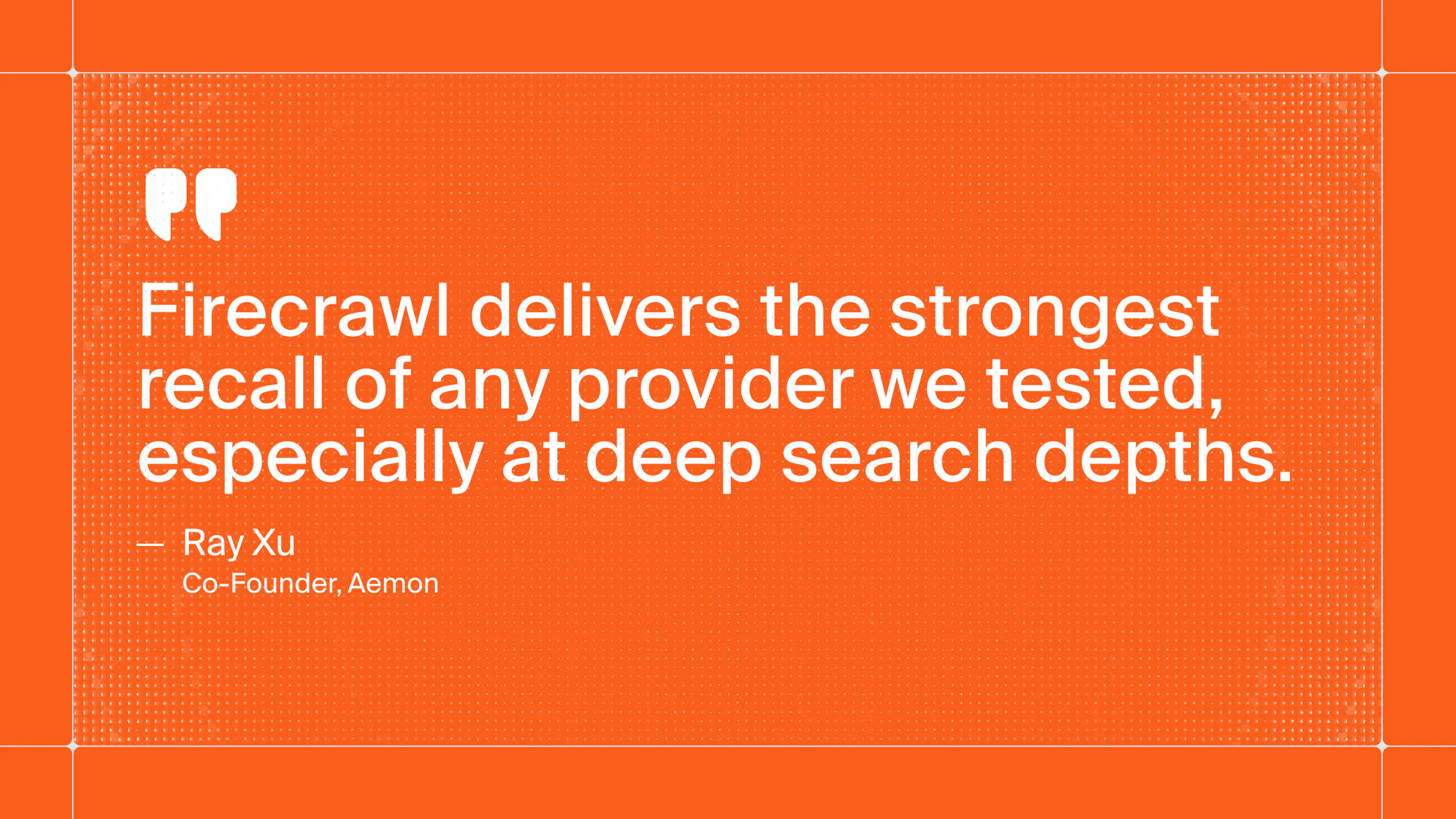
AI/ML research moves fast, and the work that matters is split between new papers and the code that implements them. Most search providers omit or misrank key papers, leaving you to review sources by hand without ever being sure you've caught everything. So we built an index for it. Firecrawl's index includes all 3M+ arXiv papers, as well as GitHub artifacts from top research repos, refreshed daily so agents always stay current.

Hey Product Hunt 👋 Eric, Caleb, and Nick from Firecrawl here. Today we're launching the Firecrawl Research Index, a specialized index for agents pushing the frontier of AI/ML research.

AI/ML research moves fast, and the work that matters is split between new papers and the code that implements them. Most search providers omit or misrank key papers, leaving you to review sources by hand without ever being sure you've caught everything.

So we built an index for it. Firecrawl's index includes all 3M+ arXiv papers, as well as GitHub artifacts from top research repos, refreshed daily so agents always stay current.

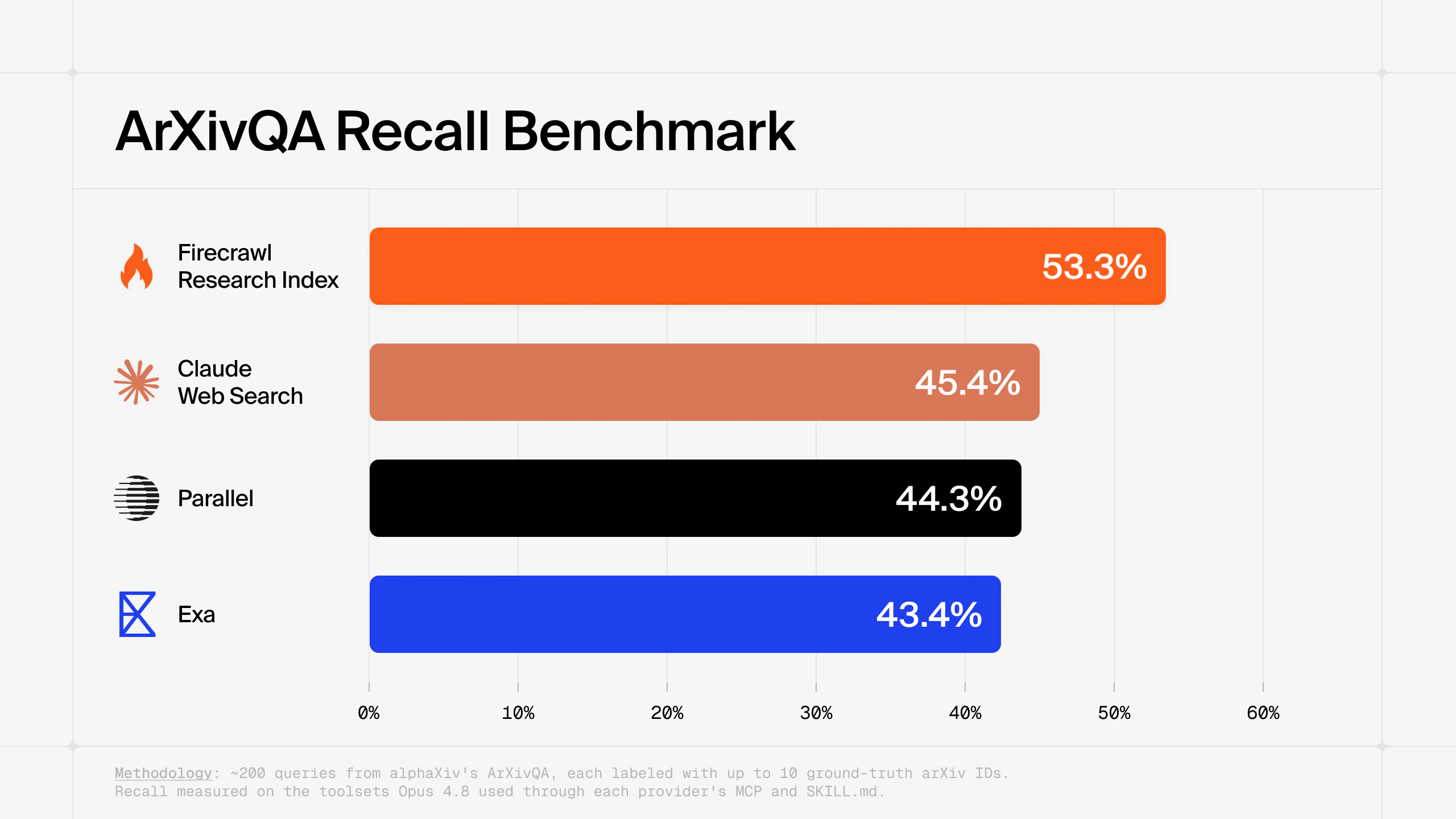
On arXivQA, the index has state-of-the-art recall, 18% above the next best provider at similar cost. It also scores 0.750 MRR, meaning the correct paper lands in the top two results. Your agent finds the right papers, right away.

Plus, the index ships with a complete research toolset. Agents can retrieve papers, verify claims against the full text, and pull code for implementation - running the full research loop end-to-end. An agent training a model overnight could pull an optimizer from a recent paper and a stability fix from a related GitHub issue, then test both in its next run.

Firecrawl Research Index is available now in the API via /search/research, CLI, MCP, and SDKs, and plugs into any harness you already run (Codex, Claude Code, or Grok Build).

Try it here: https://docs.firecrawl.dev/features/research

We'd love to see what you build with it.

4
回复

@ericciarla wow! @Firecrawl is going through the roof!

0
回复

The indexing isn’t the hard part, it’s the finding of what papers make earlier papers obsolete.

Or, not only that, it’s the understanding that many papers (even recent ones) are irrelevant. You’ll get agents touting results, only to read the paper and see that the conclusions are based on GPT 4o, which for many purposes has more in common with the Apollo guidance module than current models trained with reinforcement learning.

Okay fine, that’s a bit too hyperbolic, but really: the changes in training paradigms just make a huge corpus of research not very applicable to current LLMs, and that’s a point that models skip right over.

2
回复

I don't do ML research, I build production agents, but the core pain here is universal: agents quietly acting on stale or misranked sources and nobody noticing until it bites. Pairing each paper with the code that implements it, refreshed daily, is the clever bit. Curious whether you'll extend that same "source + the thing that implements it, kept current" idea beyond arXiv to general docs/APIs, because that's exactly where my agents drift. Nice launch.

0
回复

This is useful. For research agents, the part I’d want surfaced is provenance per downstream step: which paper, which repo or issue, which claim, and what changed in the experiment because of it.

Does /search/research return enough citation structure for an agent to keep that trail, or is that on the harness?

0
回复

3M+ arXiv papers plus GitHub artifacts all in one index refreshed daily is seriously impressive. The recall benchmark results are pretty convincing too. I'm curious — does the index also cover papers from conferences like NeurIPS or ICML, or is it purely arXiv-based right now?

0
回复

Getting state-of-the-art recall on arXivQA is legitimately hard. The tricky bit isn't crawling the PDFs. It's parsing structured content from LaTeX source vs. the rendered PDF without losing math notation and figure references. We've spent time on similar extraction challenges when pulling structured data from dense technical documents. What does your indexing pipeline use for equation and table extraction from arXiv source tarballs?

0
回复

This is cool. How do you decide which GitHub repos qualify as top research artifacts?

0
回复

@dhiraj_patel5 Hey Dhiraj, Richard from Firecrawl here. It's driven by the papers, not by stars or popularity. We index the repos that actually show up in the research we've ingested. The more papers point to a repo, the more we index it.

0
回复

Hey Eric! IT's truly impressive. 3M+ papers is more than enough to make researches that actually matter. Love to see you helping on this and wish you all the best!

0
回复

@german_merlo1 Thank you!

0
回复

@ericciarla congrats! Will definitely try it

0
回复
0
回复
#5
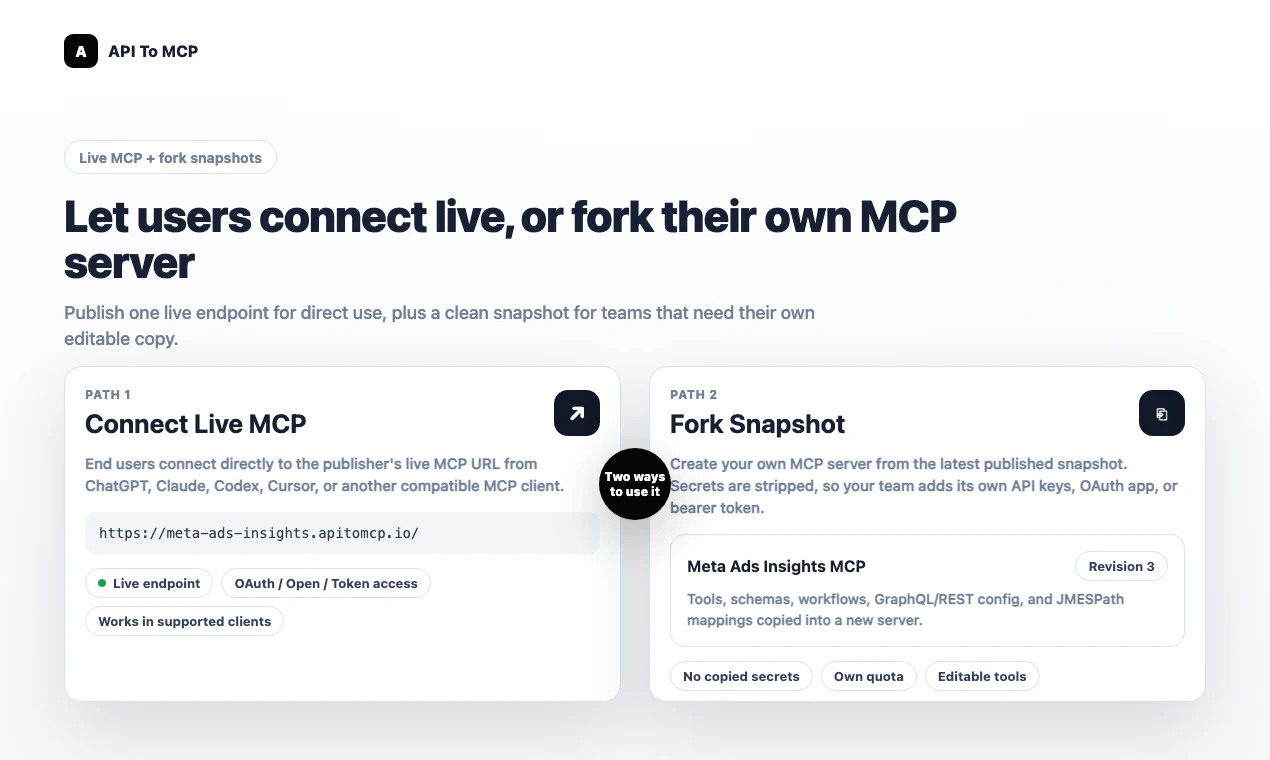
API to MCP
Turn any API into an MCP server for AI agents
192
一句话介绍:API to MCP 是一款将 REST、GraphQL 及各类业务 API 快速转化为 AI 代理可用的托管 MCP 服务器的工具,解决了开发者手动为 AI 代理适配业务 API 的繁琐与工程成本痛点。
API SaaS Developer Tools
MCP 服务器 API 转化 AI 代理集成 REST 与 GraphQL OAuth 认证 工作流编排 快照分叉 OpenAPI 导入 企业级安全 开发者工具
用户评论摘要:用户关注快照分叉与版本锁定机制,用于生产环境稳控;询问如何按角色隔离工具权限(如只读CRM vs 写权限);关心OAuth令牌刷新与密钥安全;希望支持gRPC等内部微服务协议;期待写操作审计与管控策略。
AI 锐评

API to MCP 切中了当前 AI 代理落地的核心瓶颈——业务 API 与代理工具之间的“最后一公里”。产品在理念上做对了三件事:一是将“API 适配”抽象为可托管的 MCP 服务,大幅降低了对接门槛;二是通过“快照分叉”机制解决了生产环境对版本稳定性的刚需,避免因上游更新导致工作流崩溃;三是将认证逻辑(OAuth 刷新、API Key 加密)留在服务端,不让敏感凭据暴露给代理,这比许多“为 AI 封装 API”的玩具级产品更懂企业安全红线。

但产品仍处于早期,存在明显短板。评论中反复出现的“按角色限权”“写操作审计”“gRPC 支持”等需求,暴露了当前版本在细粒度权限和协议覆盖上的不足。将权限孤立地寄托于“工具集裁剪+上游 Token 范围”的两层模型,在复杂多租户场景下极易出现权限泄漏或管理混乱。更致命的是,产品目前严重依赖 AI 代理对 API 文档的理解能力——如果文档不规范或结构复杂,自动生成的 MCP 工具质量堪忧,反而需要开发者返工。

真正的价值在于:它提供了一条从“手写适配器”到“声明式集成”的迁移路径,尤其适合中小团队快速验证 AI 工作流原型。但若想进入企业核心业务,必须补上策略层(Policy as Code)、审计层(结构化日志)、协议层(gRPC/WebSocket)的短板。目前更像是“脚手架”而非“生产级底座”,能否长出肌肉,取决于后续对评论中真实痛点的响应速度。

查看原始信息
API to MCP
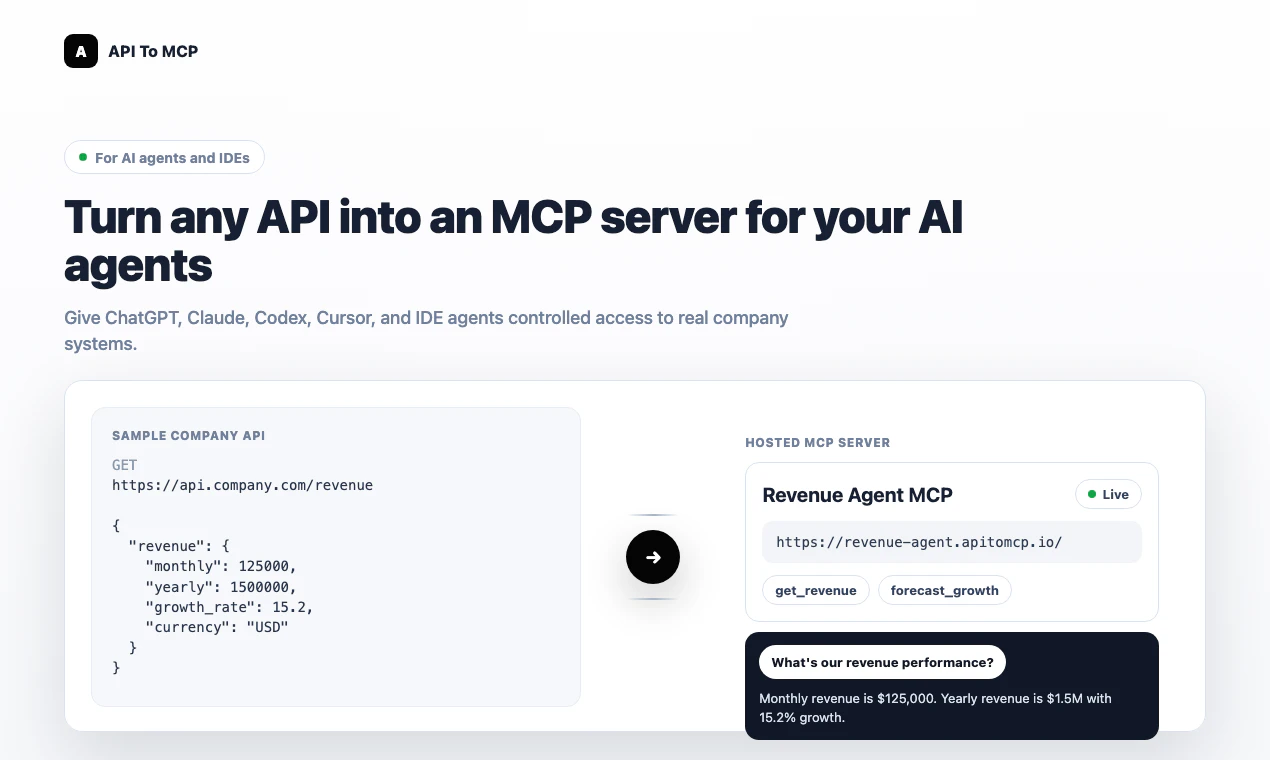
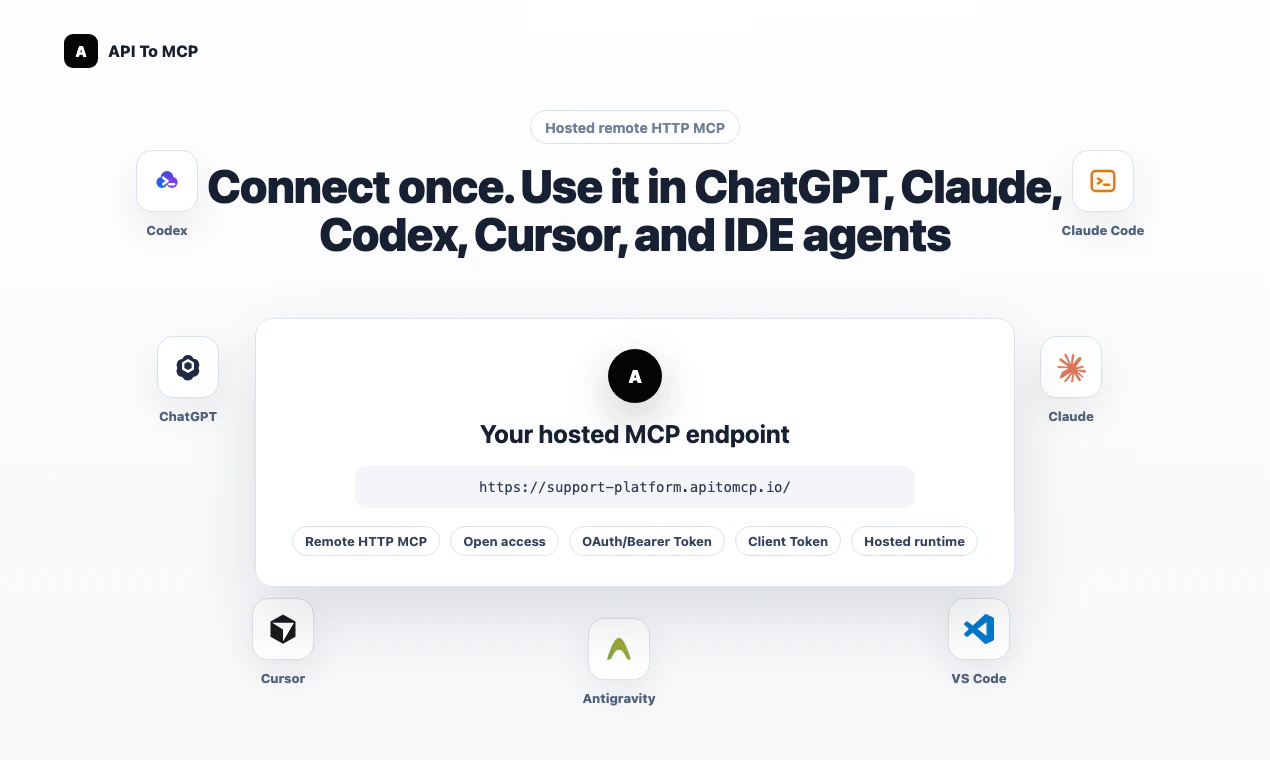
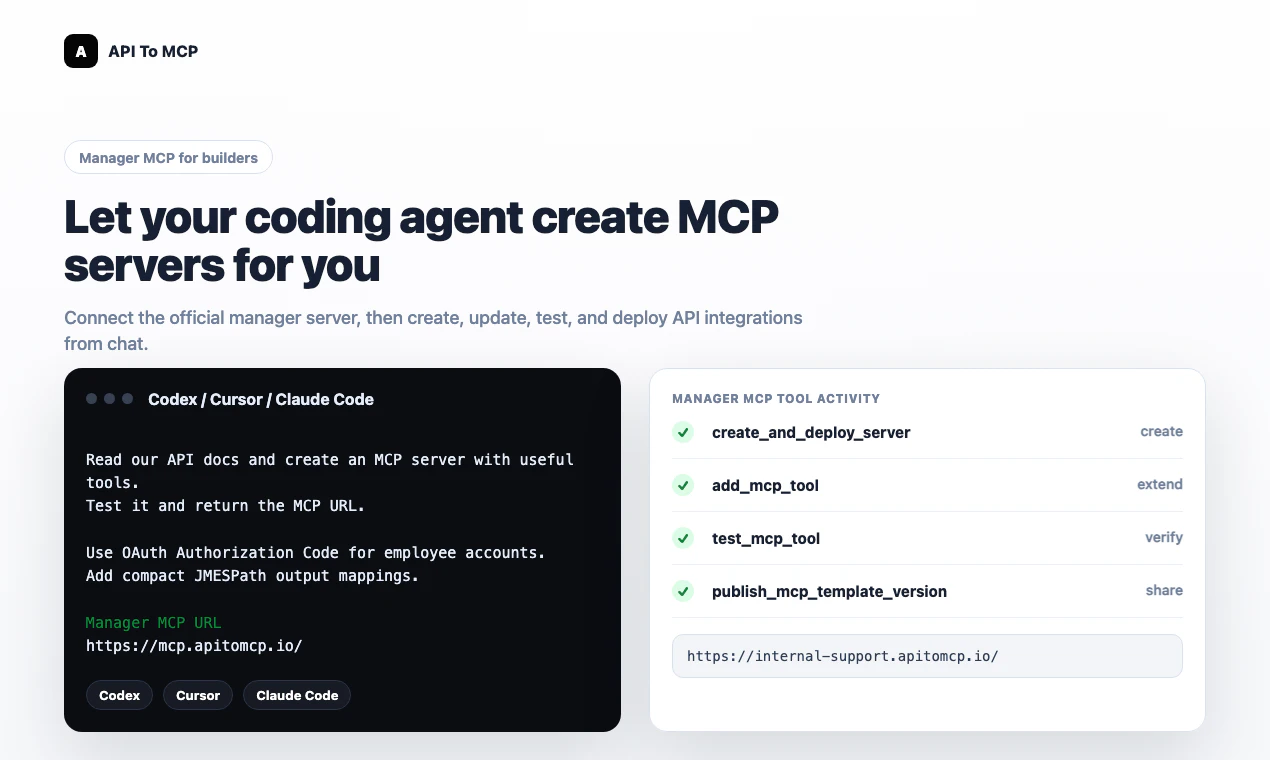
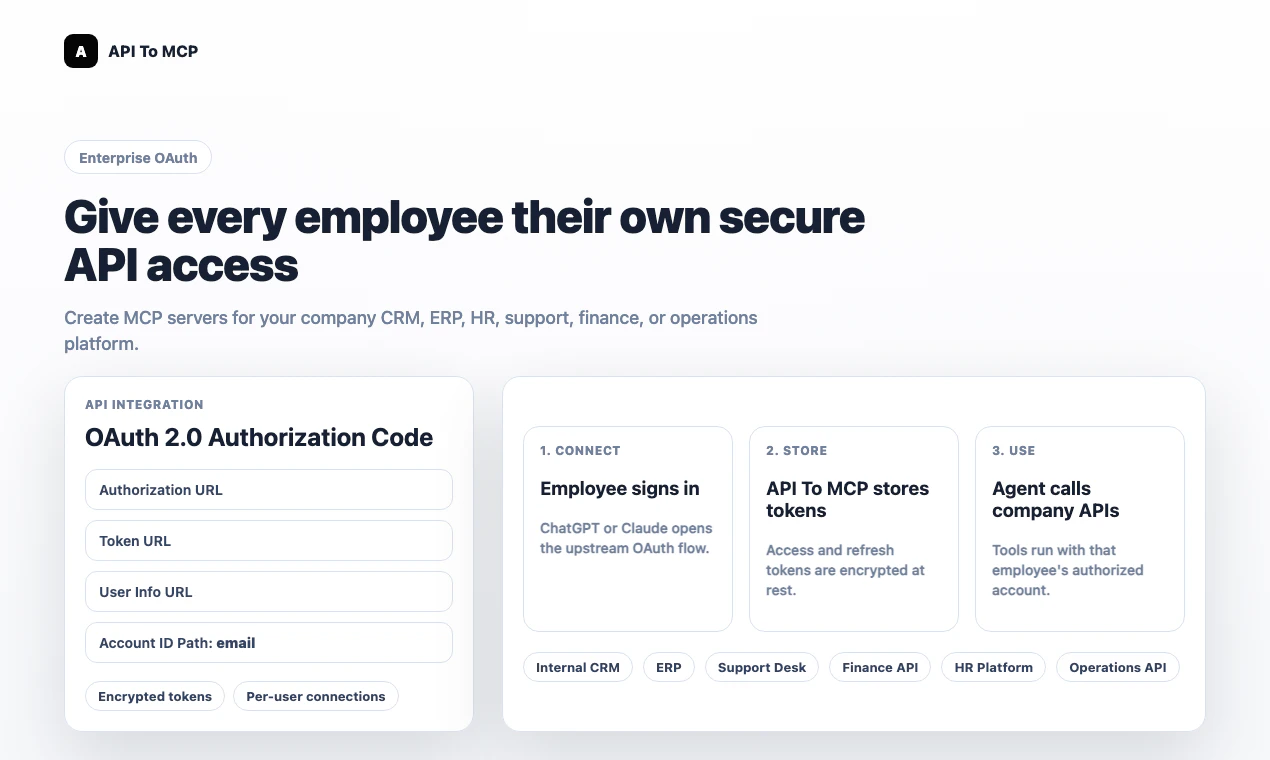
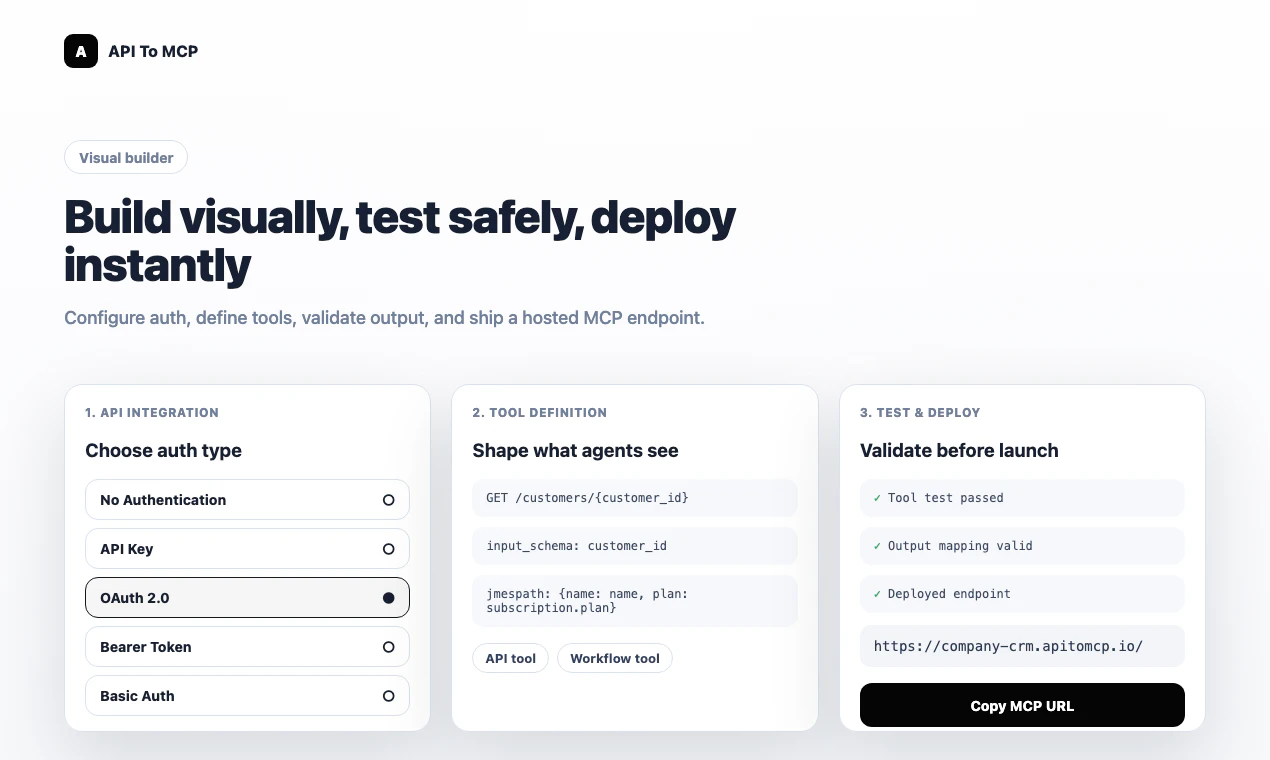
API To MCP turns REST, GraphQL, SaaS, and internal business APIs into hosted MCP servers that AI agents can use in minutes. Build visually from the dashboard, or let an AI agent create, test, and deploy tools from API docs. End users can connect live MCP servers to ChatGPT, Claude, Codex, Cursor, VS Code, Antigravity, or custom agents with OAuth, secure auth, workflows, and forkable snapshots.

Hey Product Hunt 👋

I built API To MCP because AI agents are getting smarter, but connecting them to real business APIs is still too hard.

Most teams already have valuable systems: CRMs, ERPs, support tools, finance dashboards, internal APIs, and SaaS platforms like Google, Meta, GitHub, Notion, Shopify, and Slack. But turning those APIs into something ChatGPT, Claude, Codex, Cursor, VS Code, Antigravity, or custom agents can actually use often requires custom engineering.

API To MCP helps you turn REST or GraphQL APIs into hosted MCP servers.

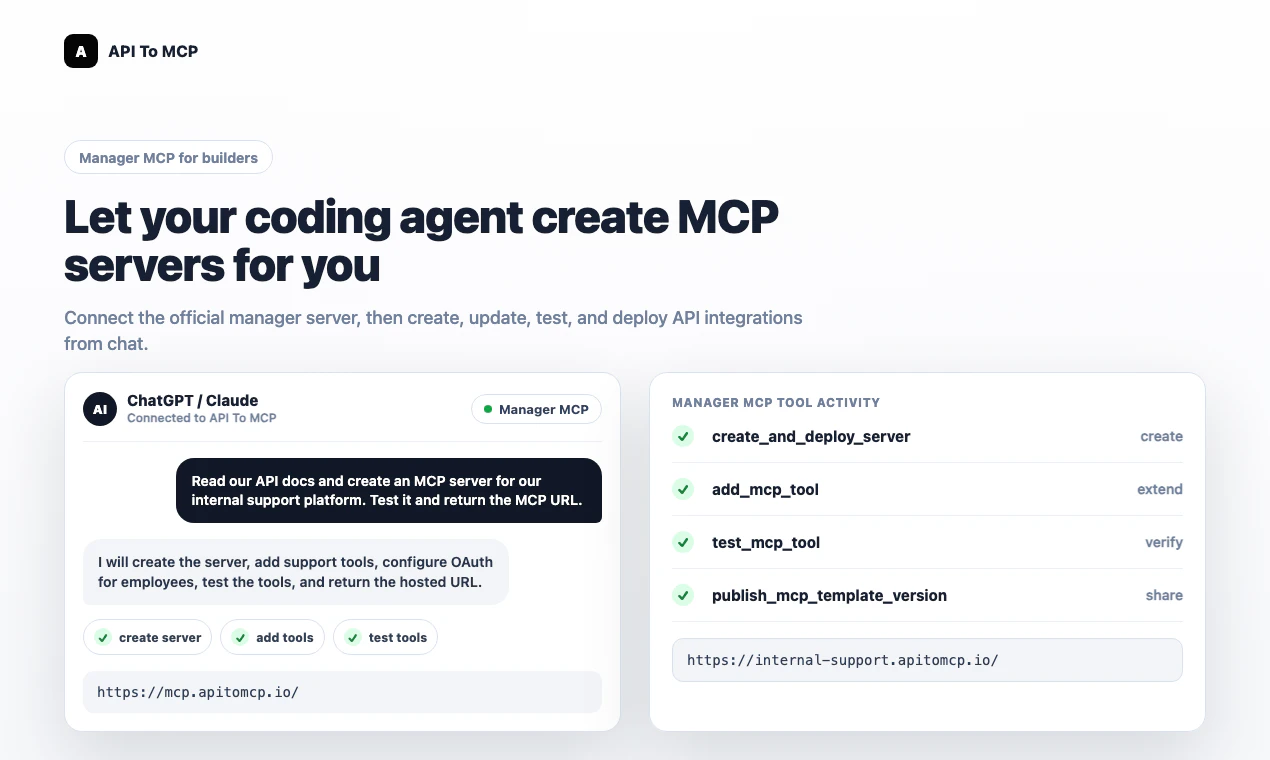
You can build visually from the dashboard, or connect the API To MCP Manager MCP to an AI coding agent and let it create, test, deploy, and update MCP servers from chat.

Today it supports:

- Hosted remote MCP URLs

- REST and GraphQL APIs

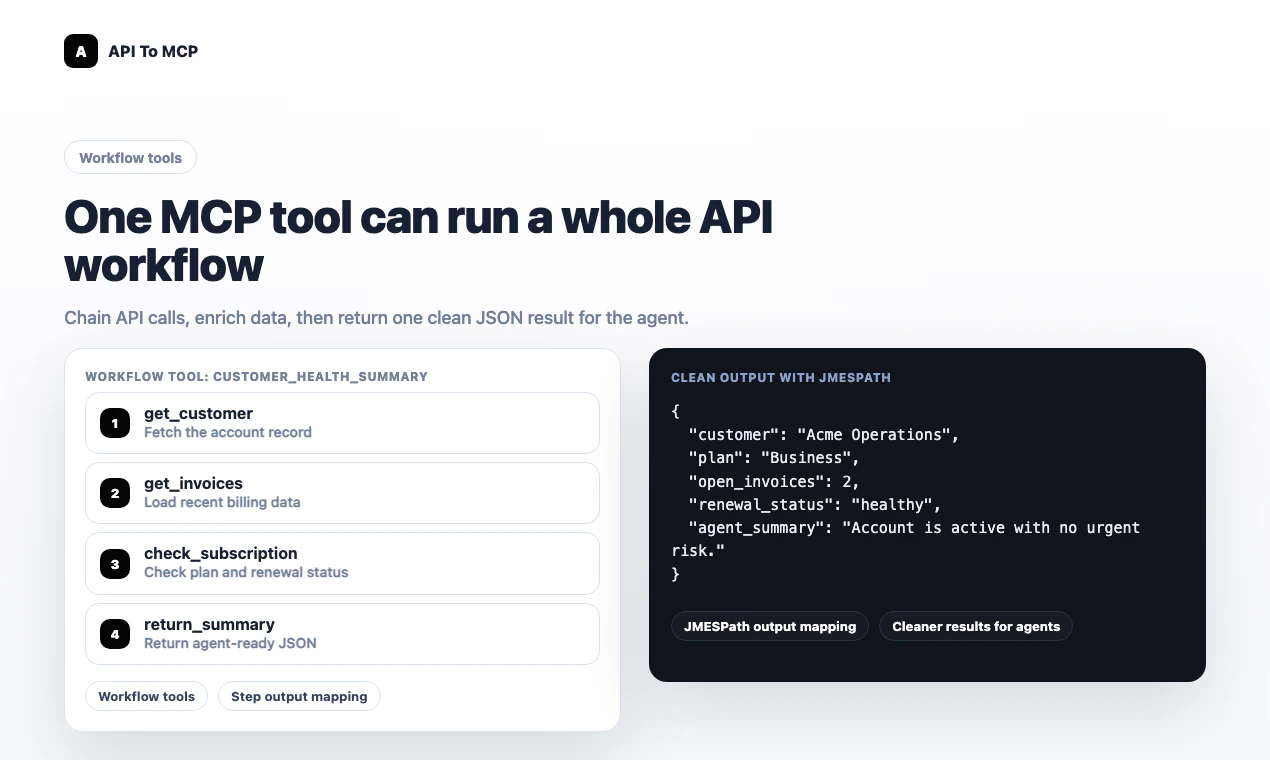
- API Key, Bearer, Basic Auth, OAuth2 Client Credentials, and per-user OAuth

- Workflow tools and JMESPath response mapping

- Live MCP servers and forkable snapshots

- Public MCP directory

I’ve worked hard to make the product stable for launch day, but this is still an early version. If you run into any issues while trying it, I’d really appreciate your feedback.

I’d love to hear:

1. What API would you turn into an MCP server first?

2. Would you rather use a live MCP directly, or fork a snapshot and add your own credentials?

3. What would make this easier for non-technical users?

As a launch thank-you, all paid plans are 30% off during the Product Hunt launch period.

Thanks for checking it out. I’ll be here all day answering questions.

3
回复

@akudanh that's an amazing use case. I recently have the habit of using ai for almost anything. Made me lazy but also productive its definitely going to help

0
回复

@akudanhCongrats on the launch. Your hero is written for people who already know what MCP is. I rewrote it for the people who need to be convinced — want to see?

0
回复

@akudanh congrats! Quick question: if you could pick one real-world task for an AI agent to do with full access to a single API, which API would you choose and what exactly should the agent accomplish?

0
回复

The forkable snapshot idea is the part I would want to test first.

Turning an API into MCP is useful, but the hard production question is usually: can I freeze the tool contract that an agent saw, review it, and then safely promote it to a live credentialed server?

For a first useful workflow, I would look for:

  • import an OpenAPI or GraphQL spec

  • - generate a small MCP tool set

  • - run one real read-only call

  • - inspect the exact schema and mapped response the agent receives

  • - fork a snapshot before adding write actions or user OAuth

  • - diff the live server against the snapshot after API docs change

That kind of review trail would make API-to-agent wiring much easier to trust, especially for internal business APIs where a wrong write action is worse than no automation.

0
回复

Definitely adds a lot of value. How do you handle auth scopes when different agents should get different tool access, like read-only CRM vs write/update access?

0
回复

This solves a real headache. Setting up MCP servers from scratch for every API is tedious, so being able to just point it at a REST or GraphQL API and have it generate the server automatically is a big time saver. Does it handle authentication flows like OAuth or API keys automatically too, or is that something you configure manually?

0
回复

@doganakbulut Thanks Dogan, really appreciate it.

Yes, API To MCP supports the main auth types we see in real integrations: no auth, API key, Bearer token, Basic Auth, OAuth2 Client Credentials, and OAuth Authorization Code.

The auth method is configured when creating the MCP server. For API keys, Bearer tokens, and Basic Auth, you can store credentials securely, or in some cases let the connecting agent/user provide the token. For OAuth Authorization Code, each end user can connect their own provider account, so the MCP server can work for multiple users without sharing one credential.

You can also connect the API To MCP Manager MCP to an AI agent and let it help create the server, tools, schemas, and auth configuration from API docs. That said, for sensitive credentials like client secrets, API keys, and production tokens, I recommend reviewing and entering them manually instead of pasting them into a general chat prompt.

So the balance is: let the agent automate the repetitive setup, but keep final control over credentials and auth boundaries in the product UI.

0
回复

Can you pin a snapshot version for an agent so updates don’t change behavior mid workflow?

0
回复

@thamibenjelloun Yes, that’s an important point.

Forked servers are based on a published snapshot version, not the publisher’s live draft/config. So once a team forks a snapshot, their MCP server has its own copied configuration and won’t change just because the original publisher updates the live server or publishes a newer snapshot.

That gives teams a stable version boundary for production workflows.

The next step I want to make more explicit is version pinning in the UI: showing which snapshot revision a fork came from, letting teams compare newer revisions, and choosing when to upgrade intentionally instead of changing behavior automatically.

So the current model already avoids mid-workflow behavior changes after fork, and the roadmap is to make version pinning, diffing, and controlled upgrades clearer.

0
回复

This is a really amazing use case. Can it support internal microservices spec like grpc?

0
回复

The live vs forked MCP split is the right product question. I’d be curious how you want teams to carry policy with the fork: allowed actions, credential scope, approval rules, and a receipt after a write. Otherwise the fork solves setup, but production teams still have to prove what an agent changed.

0
回复

@blah_mad Yes, that’s exactly the next layer I’m thinking about.

Today the forked MCP gives teams control over the server config, credentials, auth model, tools, and output mappings, so they are no longer dependent on the publisher’s live runtime. But I agree that for production teams, “it works” is not enough. They also need to prove what the agent was allowed to do and what it actually changed.

The direction I want to take is to make policy part of the MCP server itself:

- allowed actions per tool or tool group

- read/write separation

- credential and OAuth scope boundaries

- approval rules for sensitive writes

- structured audit logs for every tool call

- a write receipt showing who/what triggered the action, which tool ran, what changed, and the result

For now, API To MCP already logs usage and keeps credentials out of the agent context, but richer policy + receipts are important for serious business adoption. My goal is for a forked MCP to become not just a copied integration, but a controlled execution layer that teams can review, operate, and trust.

0
回复

One API for the whole WhatsApp Business stack, calls included, is exactly what I wished existed last time I built on WhatsApp. The hosted MCP server is a great touch for agents. Congrats on the launch!

0
回复

Wrapping heterogeneous APIs behind a unified MCP layer is a smart abstraction. The hardest part isn't the HTTP adapter. It's auth propagation across OAuth, API keys, and custom schemes without leaking secrets into agent contexts. We've hit this friction proxying third-party integrations in multi-tenant setups. How do you handle token refresh when an OAuth TTL expires mid agent tool call?

0
回复

@anand_thakkar1 Great point. I agree, the hard part is not just turning HTTP into a tool. The hard part is keeping auth safe across many providers and tenants.

In API To MCP, upstream credentials are never passed into the agent context. The agent only calls the MCP server. API keys, Bearer tokens, OAuth access tokens, and refresh tokens are stored encrypted on the backend and resolved only at execution time.

For OAuth, refresh is handled server-side. Before a tool call hits the upstream API, API To MCP checks the connection expiry and refreshes the access token if it is expired or close to expiring, then stores the new encrypted token. There is also scheduled refresh in the background.

If refresh fails because the refresh token was revoked, expired, or the provider requires re-consent, the connection is marked as needing reconnect and the tool returns a clear auth error instead of exposing token details to the agent.

So the model is: agents get MCP tools, API To MCP owns credential refresh, and upstream tokens stay out of prompts, tool arguments, and agent-visible context.

0
回复

This solves a real bottleneck: business systems already have APIs, but agents need a safer execution layer. Curious how you handle permission boundaries. Can an MCP server expose different actions by role, for example read-only CRM access for one agent and write/update access for another?

0
回复

@rahulbhavsar Great question. Permission boundaries are one of the core things I care about here.

API To MCP handles this in two layers.

The first layer is the MCP server itself: you can expose only the tools an agent should be able to use. For example, a read-only CRM MCP can contain only search/get tools, while an admin CRM MCP can include create/update tools.

The second layer is the upstream API credential. If a shared MCP exposes both read and write tools, the actual API call still runs with the connected user’s OAuth account or Bearer token. So if that token only has read scopes or a limited role, write/update calls should be rejected by the upstream API.

Today API To MCP supports scoped account tokens for the manager MCP, OAuth scopes for MCP client access, and upstream OAuth scopes for providers like Google/Meta-style APIs. I’m also working toward more explicit per-tool policy controls, but my preferred production model is still: expose the smallest safe tool surface, then let OAuth/token scopes enforce the second boundary.

0
回复

Hey! 👋

Congrats on the launch of API to MCP! 🚀

I really like how you're helping developers bridge existing APIs into the MCP ecosystem. With AI agents becoming more capable, reducing the friction between APIs and MCP tools feels incredibly timely and useful.

We're also launching Blazly Backlinker today, helping marketers automate backlink discovery, outreach, and guest posting from a single workflow.

Would love to hear your thoughts if you get a chance to check us out as well. Wishing you a fantastic launch day! 🎉

0
回复

@srijita_b Hey, thank you so much! Really appreciate the kind words.

I agree, the timing feels important. AI agents are getting much better, but the bridge between existing APIs, business data, and usable agent tools still has a lot of friction. That’s exactly what API To MCP is trying to reduce.

Congrats on launching Blazly Backlinker as well. Backlink discovery and outreach is definitely a painful workflow for marketers, so I like the direction. I’ll check it out, and wishing you a strong launch day too!

1
回复

Congrats on the launch! 🎉 I gave API To MCP a try and was genuinely impressed. Setup was surprisingly simple, everything worked smoothly out of the box, and the overall experience was very polished. Turning APIs into MCP servers has never felt this easy. Great work to the whole team and wishing you a successful launch! 🚀

0
回复

@favger Thank you so much. Really appreciate you taking the time to try it.

Curious: did you use the UI Wizard, or did you try building through an AI agent like ChatGPT, Codex, or Cursor?

The AI agent workflow is where it gets surprisingly powerful. For straightforward APIs, once the agent understands the API docs, it can create, test, and deploy MCP servers very quickly. Depending on API complexity, creating dozens of MCP servers, even around 50 simple ones in a focused workday, becomes realistic.

Still early, so feedback like this means a lot. If you run into anything confusing or have ideas for APIs/workflows you’d like to see supported better, I’d love to hear them.

0
回复

The forkable snapshots idea feels useful. Teams may want to try a live MCP quickly, but still need control over credentials, auth, and mappings before using it seriously.

0
回复

@farrukh_butt1 Exactly. That was one of the reasons I moved from a “template-first” model to live MCP servers + forkable snapshots.

A live MCP is great for trying something quickly, especially when the publisher supports OAuth or a safe public use case. But when a team wants production control, they usually need their own credentials, auth settings, output mappings, limits, and review process.

So the idea is: try the live MCP when it makes sense, then fork a snapshot when you want your own controlled version. The snapshot gives you a clean starting point without inheriting the publisher’s secrets or live runtime state.

0
回复
#6
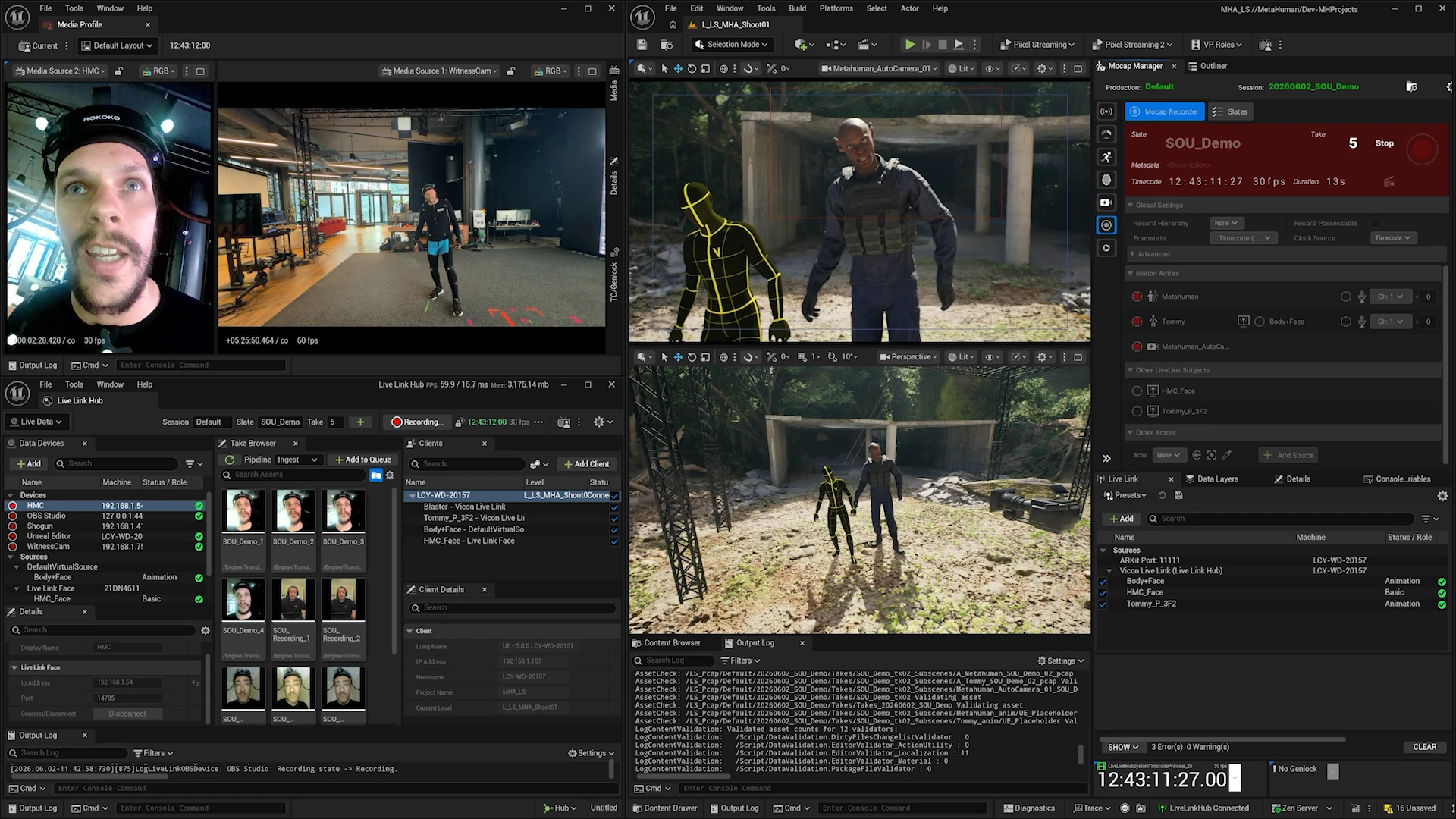
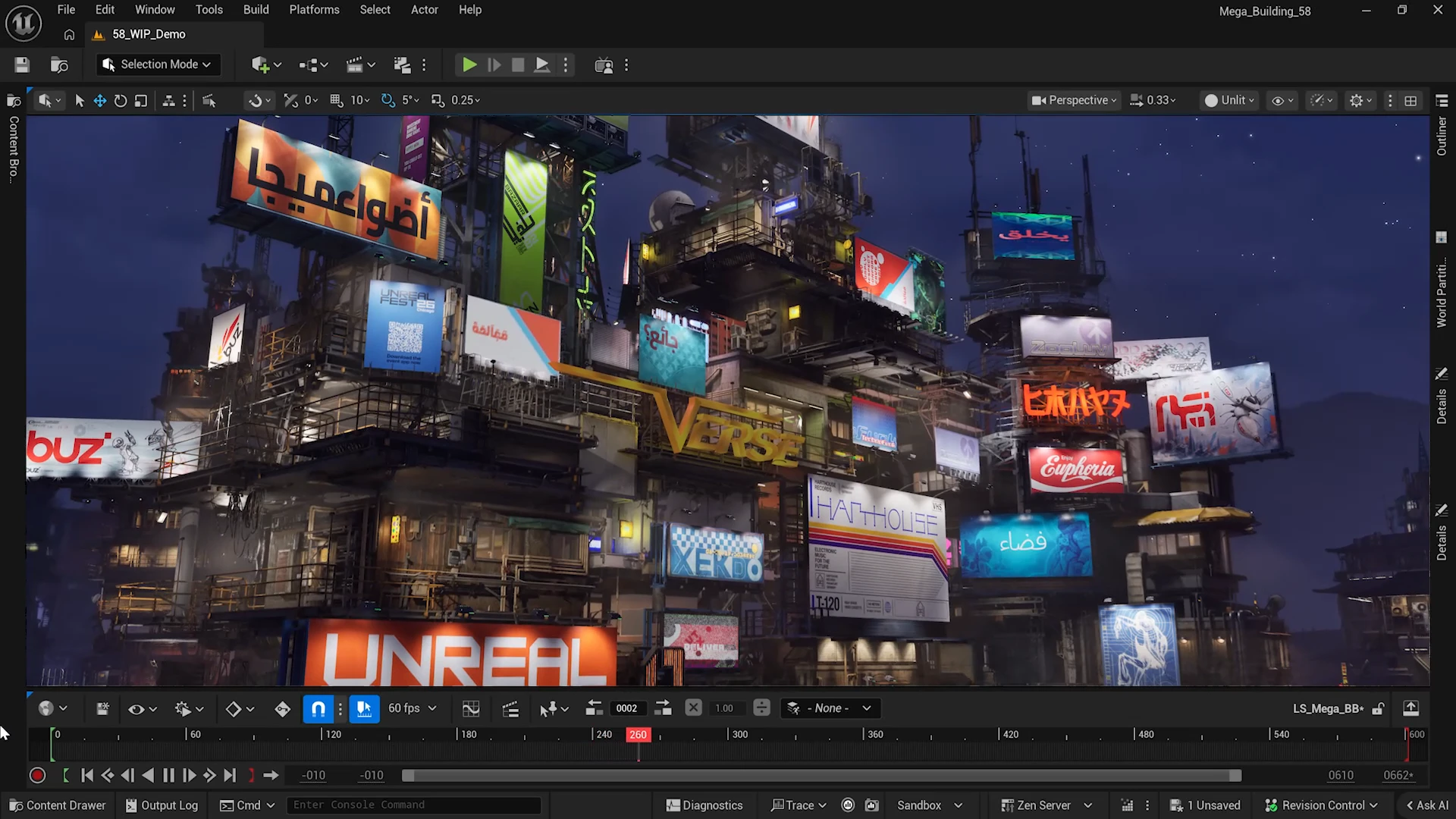
Unreal Engine 5.8
Build unreal games with AI agents
153
一句话介绍:Unreal Engine 5.8 作为 UE5 生命周期的收官更新,通过原生 MCP 插件让 AI 智能体直接操控编辑器,旨在解决传统游戏开发中资产创建、系统测试与优化流程自动化程度低的痛点,并为开发者提供基于 3D 网格地形的无高度场限制世界构建能力。
Artificial Intelligence Games Development
游戏引擎 UE5.8 AI智能体 MCP插件 3D网格地形 MegaLights 沙盒模式 自动化工作流 游戏开发工具 次世代主机
用户评论摘要:用户对原生MCP插件最感兴趣,认为其能打通AI与编辑器的新工作流,并追问是否开源;同时指出UE6已在路上,AI功能添加较晚且实现表层,对新项目而言5.x系列已失去吸引力。
AI 锐评

UE 5.8本质上是一次“技术遗产清算”加“画饼增强”。MegaLights和3D Mesh Terrain确实是硬核渲染能力,对次世代主机和开放世界团队有实打实的价值,但评论区最热的点——MCP插件——反而暴露了Epic的防守姿态。在Unity全力押注AI原生编辑器、Roblox靠AI社区生成内容时,UE5这版才匆忙塞进一个“实验性”MCP插件,而且接口深度和是否开源都不明,显得像是为了抢AI叙事热度而非解决真正开发瓶颈。

更致命的是时间点:UE6已经官宣路线图,五年的UE5生命周期宣告结束。现阶段任何严肃的商业项目都面临“刚学完5.8就要迁移6.0”的窘境。AI插件若能早两年落地,还能帮中小团队跨越技术鸿沟,现在却沦为老版本收尾前的“甜点功能”。沙盒模式虽然实用,但不过是版本管理补丁,远谈不上颠覆。一句话:UE5.8是给既有项目准备的平滑过渡补丁包,不是让新开发者入局的起点——除非你乐于成为UE6发布会后社区吐槽的“5.x钉子户”。

查看原始信息
Unreal Engine 5.8
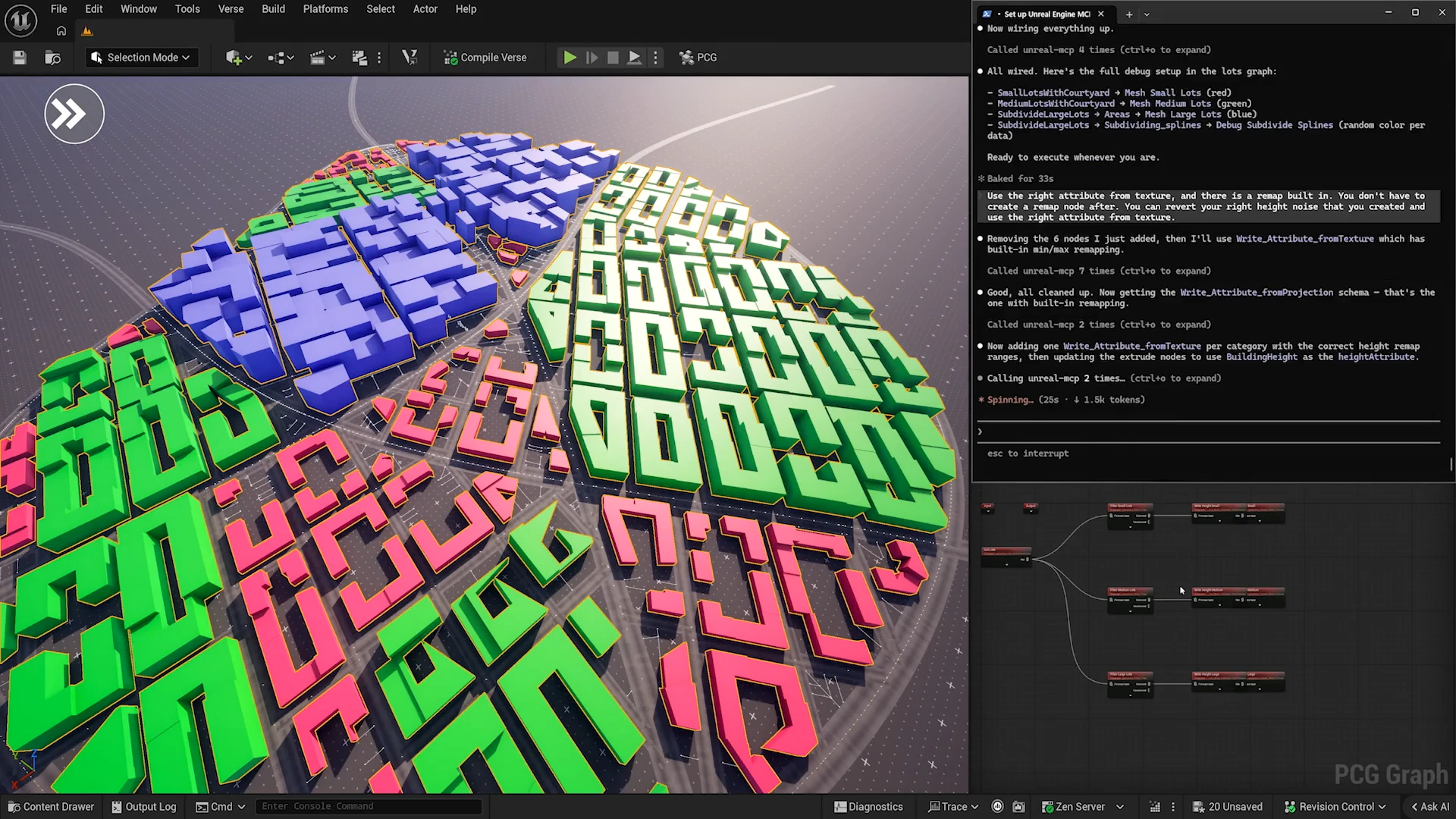
Unreal Engine 5.8 is the final major milestone of the UE5 lifecycle. It introduces experimental 3D Mesh Terrain to replace traditional heightfields, production-ready MegaLights for current-gen consoles, and a native MCP plugin for AI agent automation.

Hi everyone!

UE 5.8 is the last big update before Epic moves on to UE6.

One interesting part is the experimental MCP plugin.

It lets AI agents connect to the Unreal Editor, understand the engine and the current project, and help with assets, systems, testing, and optimization.

So is it the right time to vibe code some real games? :)

btw, you don’t need to pay Unreal royalties until your game hits $1M.

5.8 also adds Sandboxes. You can experiment in an isolated space, keep only the changes you want, and avoid polluting the main project.

Mesh Terrain is another fun one: a new 3D mesh-based terrain system, so worlds are no longer limited to heightfields — much more room to play!

4
回复

The native MCP plugin is the most exciting thing here for me — letting AI agents hook directly into the Unreal Editor for asset management and optimization is a totally new workflow. Curious, is the MCP plugin going to be open source or is it locked to specific tools/agents?

1
回复

Interesting timing on this since UE6 is already being teased. Feels like the AI agents feature was added late rather than something core to the release - the implementation seems pretty surface-level from what I've read in the docs. Would have been more useful to ship this 6 months ago when people still had runway to build on 5.x. For new projects starting today it's hard to justify building on something the team has already mentally moved on from.

0
回复
#7
frontpage.sh
A perpetual auction for eight ad squares
149
一句话介绍:frontpage.sh 是一个由AI代理驱动的永久广告位拍卖平台,通过八个固定广告位的竞拍机制,将广告购买游戏化,让用户在无需账户的情况下,用USDC通过Tempo协议进行自动出价和获利。
Artificial Intelligence Tech Web3
广告拍卖 AI代理 去中心化广告 Agentic支付 USDC Tempo协议 复古互联网 游戏化营销 数字涂鸦 实验性产品
用户评论摘要:用户普遍怀念旧互联网的随机与趣味,赞赏产品将广告变成游戏化的“微型股市”和数字涂鸦。主要问题集中在:小型广告位被竞价仅返还本金(无溢价),建议至少1.1倍奖励;有用户希望公开拍卖数据来分析各广告位ROI,以便优化策略。
AI 锐评

frontpage.sh 表面上是一个怀旧风格的广告位拍卖玩具,实则是对“AI代理原生经济”的一次精妙预演。其核心价值不在于那八个像素块,而在于它强行推行的“402付款”——让一个AI代理仅通过两次HTTP调用、支付USDC来执行购买,这才是真正锋利的部分。它巧妙地用赌博式返利(1.5倍退出)和社区再投资池制造了流动性幻觉,用小众的Agentic支付框架(MPP/Tempo)完成了技术布道。

但冷静来看,这更像是一个精巧的金融实验而非可持续的广告产品。80%的拍卖收入被用于为页面购买流量,本质上是通过烧钱维持活跃度,一旦资金来源枯竭或竞拍者发现套利空间耗尽,这个“广告股市”会迅速冷场。评论中已有人指出小型广告位缺乏回报激励,这暴露了机制设计的脆弱性——没有足够的正向螺旋,投机者很快就会离场。

真正值得关注的不是它是否成功,而是它证明了两点:第一,AI代理可以自主参与竞价、付款、盈利,无需人类用户点击“确认”;第二,用户竟然乐于为此买单——不是因为效果,而是因为“有趣”。当广告投放从冷冰冰的ROI斗争变成复古游戏,边界模糊的“注意力投机”或许比精准营销更符合未来AI时代的人类偏好。如果这能催生真正的去中心化注意力市场,那它将不是玩具,而是一面镜子。

查看原始信息
frontpage.sh
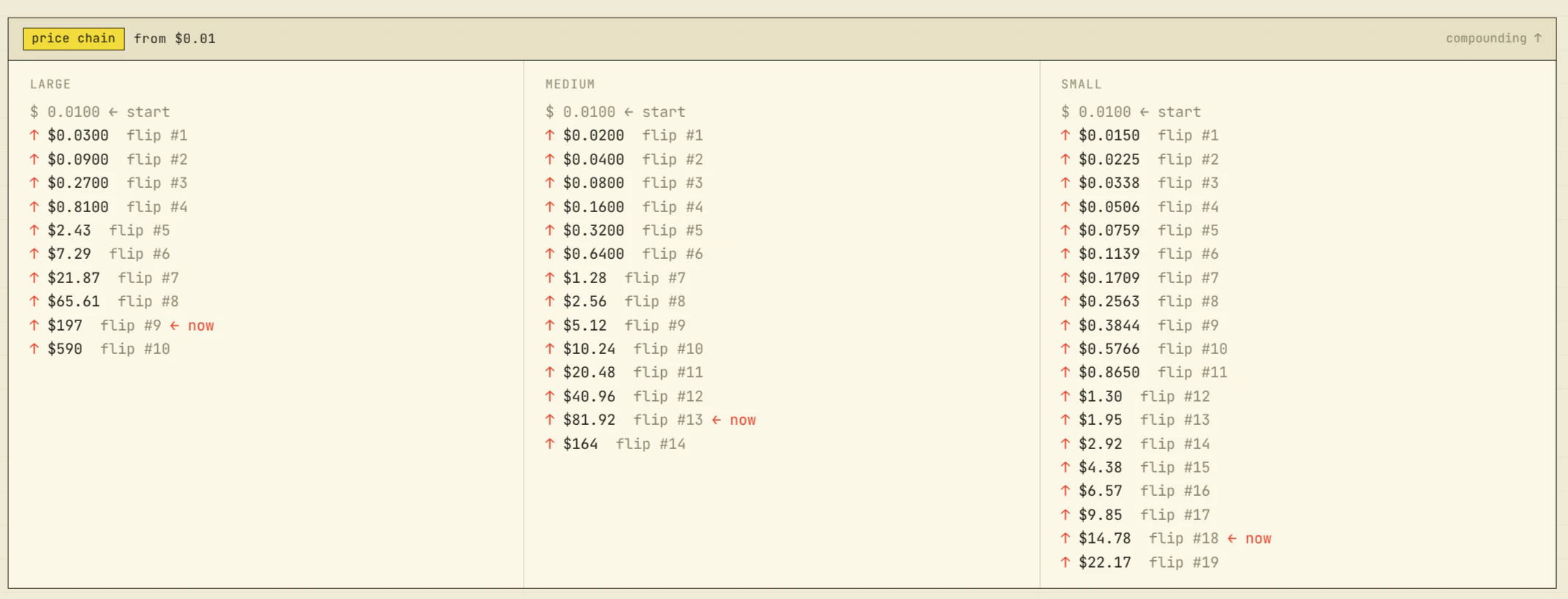
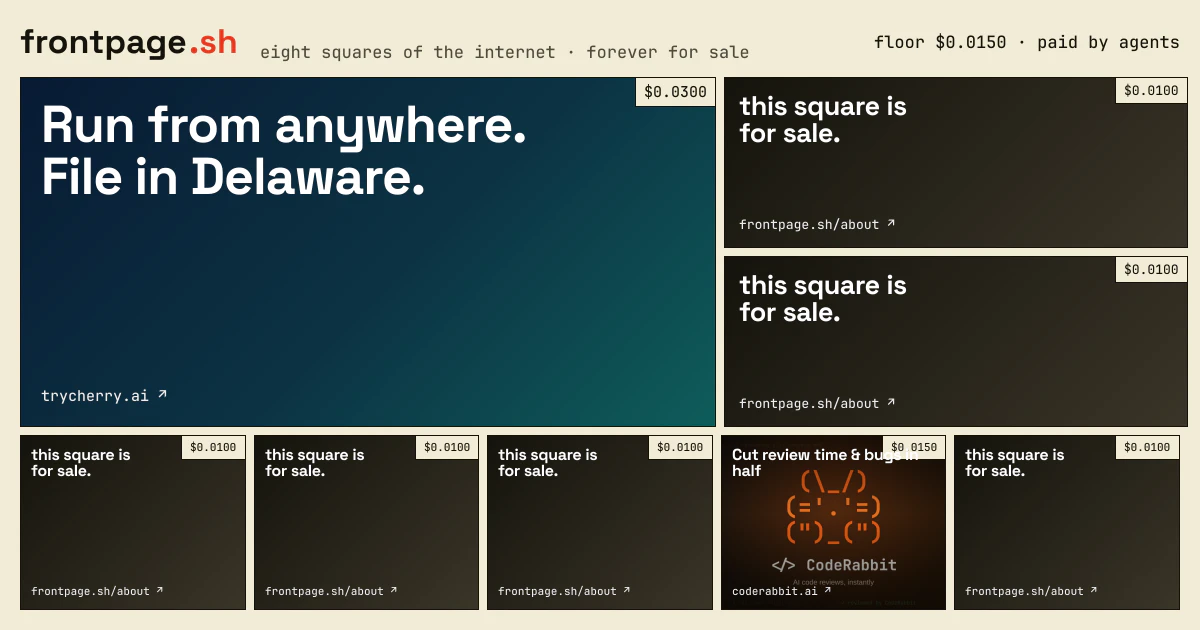
A perpetual auction for eight ad squares. Pay a multiple of the last price to take one; when someone outbids you, you leave with up to 1.5× what you paid. 80% of every flip funds a pool that buys the page more attention. Agents do the buying — two HTTP calls, USDC on Tempo, no accounts.
I miss the old, weird internet with visitor counters, animated GIFs, webrings, the Million Dollar Homepage. A web where random things happened and there wasn't an algorithm behind everything. frontpage.sh is my attempt to bring a bit of that back, with a twist for the age of AI agents and agentic payments. It's ridiculously simple: 8 ad slots on a page. Eight. That's it. Each one is for sale to promote whatever you want (as long as it's legal)... but here's the catch: you don't buy it on the site, you ask your AI agent to buy it for you. If someone comes after you, they can take that same slot, but pricier. The money flow is the fun part: most of it goes back to the previous owner. Of what's left, 80% gets reinvested into promoting frontpage.sh (the way the community suggests), and 20% covers servers and maybe a little profit. I built it during RBR CDMX and shipped! Every slot started at $0.01. So far: hundreds transacted across many ads, already paid out to previous advertisers hundreds of dollars. It's an experiment, and honestly I'm just curious how far this curious little thing can go. Would love your brutal feedback and I'm especially curious: if you could point your agent at one of the 8 slots right now, what would you promote?
8
回复

@dfect i also miss this nostaglic internet (and have made a few visits back to reddit for exactly this reason) and that's why i wanted to hunt santiago's new frontpage for the (agentic) internet :)

such a fun idea and well designed and executed!

2
回复

this is so cool, Santiago!

4
回复

This feels like a tiny internet stock market with digital graffiti. I love that it embraces randomness instead of optimization.

3
回复

@advin_jadis The graffiti likeness is uncanny!!!

1
回复

This has been extremly fun already. I build this during a hackathon last weekend, and shared it live with a room full of amazing builders. The feedback was great and it got some initial traction. It has already been a great way for some people to learn about agentic payments and MPP.

I did this video showing a bit more how the interactions(buying a square, adding an idea, comments and votes) work for MPP: youtube.com/watch?v=fkT9oVAZ0Vs&feature=youtu.be

More than happy to answer questions and/or help anyone get onboarded to agentic payments, tempo, mpp, etc!

2
回复

@dfect i want to see the build video!

1
回复

The clever part is you can't click to buy, you have to wire up MPP to play. Quietly the most fun onboarding to agentic payments around. Congrats @dfect

1
回复

This is awesome. Things are gonna get wild with agents soon and this is exactly the kind of weird, fun experiment that gets us there. Curious to see where this goes 🔥

1
回复

RBR holding a square made me grin — I was at the SF edition, so seeing what CDMX shipped (and RBR flipping its own slot) closes a fun loop.

The squares are the hook, but the 402 checkout is the real unlock — an agent settling USDC on Tempo from one npx skills add beats any "agents will pay someday" slide. If I pointed mine at a slot I'd just tell it to maximize clicks and see what it argues for.

One note: getting outbid on a small square only returns your money — no bonus like the mediums and larges — so the five smalls read more as ad space than a flip. Looks like the board already feels it (top idea: give smalls at least 1.1×). Either way, fun to watch.

0
回复

Is it a bird? Is it a plane? Is it an ad product? Is it the gamification of advertising? 🫪

I came in expecting one thing and left with a lot more questions. The squares are interesting, sure, but I'm even more curious about the people: what they'll promote, who'll join first, and what behaviors this incentive system ends up creating.

Can't wait to see how this weird little experiment unfolds.

Congrats on the launch! 🚀

0
回复

This scratches an itch I didn't know I had. there's something genuinely fun about ad buying that feels like a game rather than a dashboard. Love how the incentive structure makes every slot a story.

Side question for @dfect are you tracking earnings per slot over time anywhere? Curious if you'd ever expose that data publicly as part of the experiment. Would love to see what the "best" slot ROI looks like over a month.

0
回复

@idoshneior Happy to share the data, the click/traffic data is available on the ads, both when they are "on top" and you can also see al the past ads(and we keep tracking their traffic, now once they are "previous" ads) here: https://www.frontpage.sh/slot/L

On actual earnings, the top spot is the one that gets more rewards, but maybe less transactions, the medium ones are in the middle, the bottom ones only return 1x so there is no earnings on those.

0
回复
#8
just f***ing send it
Send any file, any size, straight from browser to browser
146
一句话介绍:无需上传、无需账号,浏览器之间直接加密传输任意大小文件的工具,解决了大型文件跨设备传输慢、依赖中间服务器的问题。
Web App Productivity
文件传输 WebRTC P2P 浏览器直连 加密传输 断点续传 无服务器 大文件 局域网传输 临时分享码
用户评论摘要:用户对蛇/2048小游戏和名称表示喜爱。关键问题:无法在对称NAT环境下工作(无TURN中继);接收方关闭标签页后无法恢复传输;与Localsend等本地工具的区别在于无需安装和同网络。开发者承认对称NAT情况会失败,但有指导方案。
AI 锐评

“Just f***ing send it” 是一个把“极简”与“硬核”融合到极致的文件传输工具。它的核心价值并非创造新技术,而是对“P2P文件传输”的现有范式做了极端而诚实的抽离:砍掉账号、服务器中转、安装包等所有冗余,将WebRTC的STUN打洞能力发挥到极限,并用一句脏话般的口号定义了它的用户画像——任何一个被Google Drive或WeTransfer折磨过、只想“直接传过去”的暴躁用户。

它的聪明之处在于完美选择了“痛苦阈值”与“技术取舍”的交点。当文件超过1GB,传统云盘的中转等待会变得无法忍受,此时用户愿意接受“可能因NAT失败”的风险来换取极致的速度与隐私(E2E加密)。开发者公然放弃TURN中继,虽被评论质疑,却正是产品道德的闪光点——它不掩饰局限,甚至提供排错指南,这与那些通过偷偷中继来掩盖“P2P”名不副实的工具形成讽刺性对比。

但这也暴露了它的天花板:它不是一个“通用”工具,而是一个为特定网络环境(非对称NAT、非CGNAT)服务的“快刀”。对于企业用户或需要高成功率的场景,“失败”就是0分。此外,浏览器Tab的内存依赖意味着它本质上是“一次性会话”工具,缺乏持久性。

尽管如此,它依然拥有流行品的潜质——名字本身就是最佳营销词,内置的贪吃蛇游戏更是神来之笔,转化等待时间为娱乐场景,极大地降低了用户的流失率。这是一款“足够好(good enough)”的产物,其真正的价值在于提醒行业:有时候,解决80%用户100%的痛苦,比解决100%用户80%的痛苦更值得赞美。

查看原始信息
just f***ing send it
Drop a file, get a short code, share it. The file streams straight from your browser to theirs over an encrypted WebRTC connection — no upload, no server, no account, nothing stored. Multi-GB files and whole folders work, and if the connection drops it can resume.
Hey Product Hunt 👋 Last week I was trying to send a 15GB file to a friend, and I sat there watching Google Drive slowly sync it up to a server… so it could then sync back down to him. Two big transfers and a wait, just to move a file between two people who were both online right then. That made no sense to me, so I built jfsendit. You drop a file, you get a short code, you give the code to one person. The bytes go straight from your browser to theirs over an encrypted WebRTC connection — they never get uploaded to or stored on a server. Only a tiny code-exchange touches my side, just to introduce the two browsers to each other. A few things I'm proud of: - No accounts, no installs, works in Chrome/Edge/Firefox/Safari incl. mobile - Multi-GB files and whole folders (streams across as one .zip) — that 15GB file now just goes - End-to-end encrypted by default (WebRTC DTLS) — I literally can't see what you send - Resumes from the exact byte if the connection drops - Nothing stored, no tracking, codes are one-time and short-lived - While you wait for your file to be transferred you can play snake, yes there is also a leaderboard - If the sender and receiver are on the same LAN, it doesn't even touch the Internet It's free and there's nothing to sign up for. Send something to a friend and tell me where it breaks — especially connection issues across different networks, since that's the hardest part of going server-less. Brutally honest feedback very welcome.
6
回复

@ykguler Congrats on the launch! 🎉 The name alone deserves an upvote. No uploads, no accounts, no storage just a code and a direct browser-to-browser stream. This is how file sharing should've always worked. Huge launch day to the team! 🚀

0
回复

@ykguler good product. Have something like this already exists or you made it first. Like using the WebRTC stuff...

0
回复

Congrats!! I loved the "play 2048 while you wait" feature! :D

2
回复

The STUN-only approach is actually pretty cool.

Most tools saying "peer-to-peer" end up relaying traffic through their own servers when things get complicated.

Have you seen many transfers fail because of NAT restrictions?

Congrats on the launch!

0
回复

browser-to-browser is the right default — but the part nobody shows is transfers behind symmetric nat quietly falling back to a turn relay. that relay's the one bit of 'no server' that isn't.

0
回复

@qifengzheng That silent TURN fallback is exactly the asterisk on most "no server" claims, and you're right that nobody shows it. There is no asterisk except the f***ing part. STUN-only, zero TURN, no relay, not even as an optional fallback. STUN still hole-punches across the internet, so the large majority of transfers genuinely go browser-to-browser even when the two devices aren't on the same network. For the subset where hole-punching can't work (symmetric nat, some cgnat), there is no quiet relay, the transfer fails. There are instructions on the website tell you how to get a direct path.

It is a trade-off, where I choose not to pay for your file transfer.

0
回复

This is clever. Does resume work if the receiver accidentally closes their tab mid-transfer?

0
回复

@dhiraj_patel5 unfortunately no, the progress is kept in memory of the tab.

0
回复

Hey! 👋

Congrats on the launch! 🚀

I love the simplicity of the concept. So many ideas get stuck in planning mode, and a product that encourages people to stop overthinking and actually ship resonates with every founder and creator.

We're also launching Blazly Backlinker today, helping marketers automate backlink discovery, outreach, and guest posting from one workflow.

Would love to hear your thoughts if you get a chance to check us out as well. Best of luck with the launch today! 🎉

0
回复

The name is hard to ignore 😄Are there any practical limits on file size or transfer speed, but this looks really useful. Congrats!

0
回复

@henry_habib Thanks! I've tested it up to 20GB over the Internet (not on the same LAN). But if you have a 132GB uncompressed 3D video file give it a go. For a select few that don't get the reference: https://www.youtube.com/watch?v=LWqu6QSDvLw

1
回复
Love the idea! But how is it different/better than Localsend, Airclap etc?
0
回复

@umberto_abbatantuono I used to send files through VLC between my devices. VLC sets up a server but you have to be on the same network. I am not going to go through the hassle of setting up a vpn between devices when its not possible for the two devices to be on the same wifi. As the name suggests I just want to send a file, and the infrastructure is already there; aka the Internet, so don't really need to install an app for it also..

0
回复
#9
Ask Ad Manager by Google Ads
Gemini-powered AI agent for insights & faster ad decisions
137
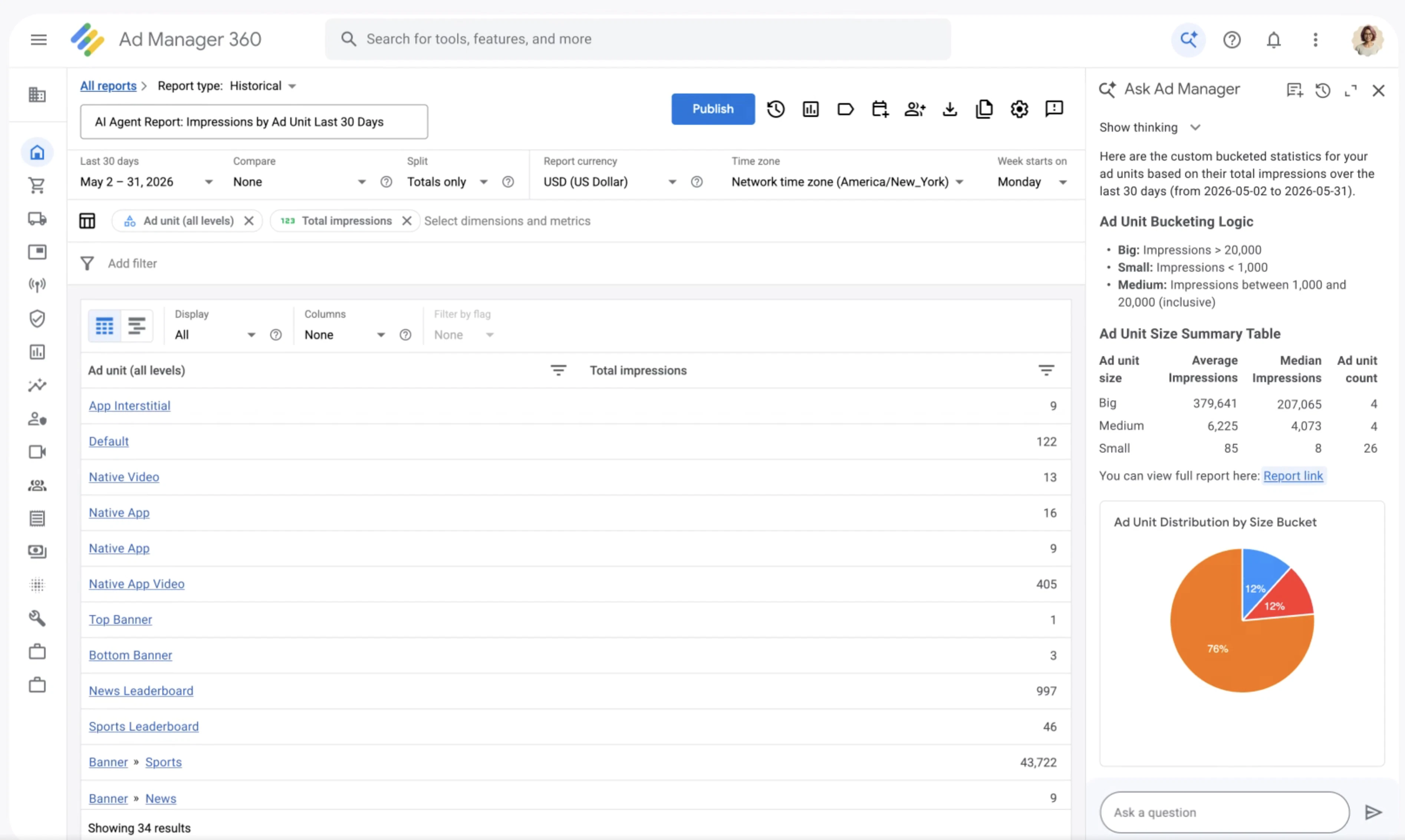
一句话介绍:Ask Ad Manager是一款内置于Google Ad Manager的AI代理(基于Gemini),帮助发布商通过自然语言提问快速排查广告投放故障、获取深度数据洞察并自动导航至操作页面,解决手动分析报表耗时长、难转化为决策的痛点。
Analytics Advertising Artificial Intelligence
广告技术 AI代理 Google Ad Manager Gemini 发布商工具 数据分析 自然语言查询 自动化诊断 投放优化 SaaS
用户评论摘要:用户关注AI能否解释推荐原因并区分诊断与需人工审核的操作;追问是否支持跨Google平台(AdSense/AdMob/YouTube)统一数据;询问如何处理歧义问题及数据透明度;认可数据到决策的转化是核心挑战,但质疑当前仅限GAM库存。
AI 锐评

Google终于为Ad Manager装上了“对话式大脑”,但Ask Ad Manager本质是一场小心翼翼的“围墙花园”升级。它巧妙抓住了发布商的真实痛点——数据充裕但洞察匮乏,利用自然语言降低报表分析门槛,让“我的顶部竞价者本周表现如何?”这类问题秒变表格,确实能提升日常运维效率。然而,细看之下有几个棘手的硬伤。首先,它被严格锁定在GAM单一生态内,用户评论已尖锐指出:发布商收入往往分散在AdSense、AdMob、YouTube Studio多个平台,而Ask却无法提供“一站式总览”,这更像是Google用AI巩固其广告工具闭环,而非开放性地解决行业碎片化难题。其次,AI推荐的“黑箱”问题令人担忧。多位评论者追问“诊断与操作建议的透明度和审批流程”,这在大型预算场景下是致命伤——发布商需要理解AI为何建议调整定价规则,而非盲目执行。若产品仅输出结论而不提供推理链路与可追溯的审计日志,它将沦为一个高级的“猜测引擎”。此外,Beta阶段仅限GAM,且强调“不使用用户数据训练模型”,虽保护隐私但牺牲了跨账户的智能进化能力。一句话:这是把好用的锤子,但只能锤GAM这颗钉子。真正的价值在于简化高频低智的查询类操作(如排查投放延迟),而面对复杂决策,它仍需向用户交出“推理权”和“跨平台联结权”。否则,这剂AI良药终将停留在“花哨的查询界面”层面。

查看原始信息
Ask Ad Manager by Google Ads
AI agent, built with Gemini, helps publishers get deeper insights, understand their performance and make better decisions faster.

Here come the Google Ad Agents -> @Google launches AI agent for Ad Manager.

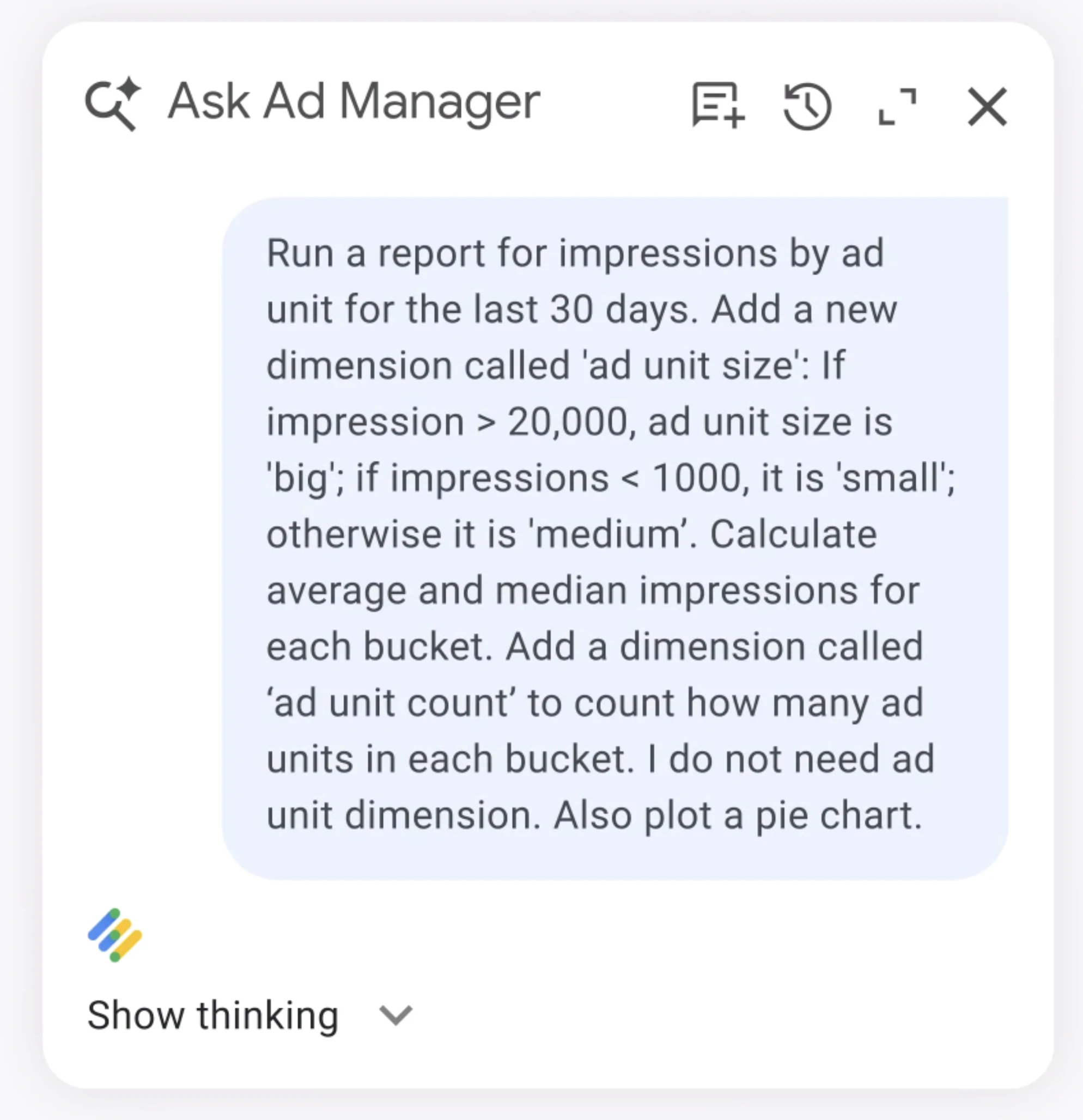
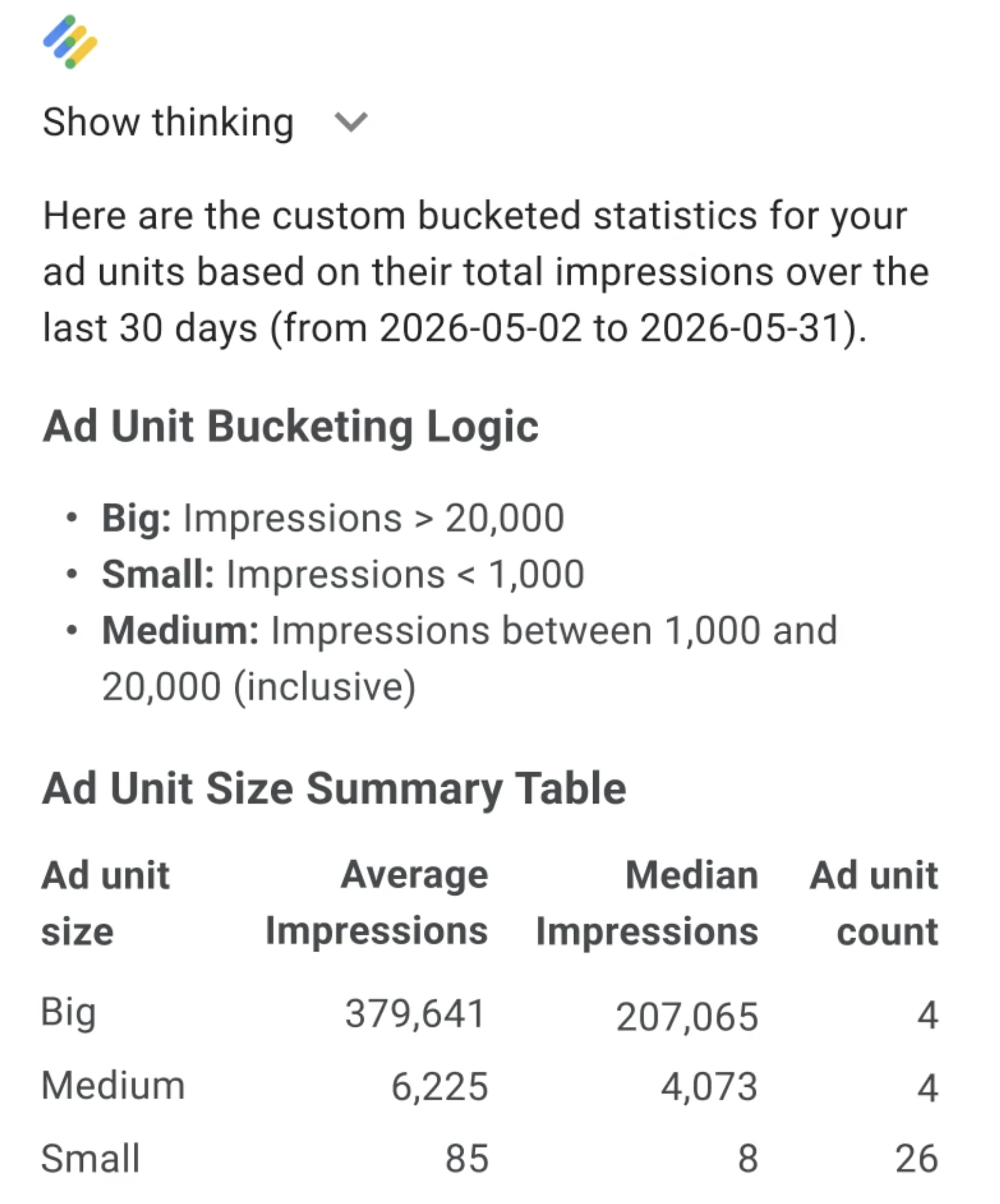
Ask Ad Manager in Google Ad Manager is a new conversational AI agent built with Gemini.

It’s designed to help publishers make faster, more informed decisions by uncovering new insights and automating manual processes right in the UI.

Here is a look at what it can do:


🔍 Faster troubleshooting: Instead of manually sifting through reports, now, you can ask, "Why isn't this line item delivering?" Ask Ad Manager will analyze the situation, diagnose the root cause, and provide the steps to fix it.

📊 Deeper insights: Ask complex questions (e.g., "How are my top bidders performing this week?") and get actionable data tables to help you decide on new pricing rules or programmatic deals – without having to the page you’re working on.

🧭 Smarter navigation: Save clicking around the UI as Ask Ad Manager can take you directly to the right campaign page with all the correct filters and settings pre-loaded.

Because Ask Ad Manager is grounded entirely in your own first-party data, the guidance is personalized to your specific business and setup. (And importantly: your data is never used to train our models or shared with anyone else.)

Ask Ad Manager is rolling out in beta this month, with a wider rollout planned for later this year.

P.S. I hunt the latest and greatest launches in tech, SaaS and AI, follow to be notified @rohanrecommends

2
回复

@rohanrecommends Interesting use case. Publishers have plenty of data but turning it into actionable insights is often the hard part. An AI agent that helps interpret performance and surface opportunities could make decision-making much faster and more accessible.

0
回复

The hard part in advertising is rarely getting more data, it is deciding what to do with it. Does Ask Ad Manager explain why it recommends a fix or pricing change, and does it separate diagnostic suggestions from actions that should need human approval?

2
回复

Great timing on this. the publisher analytics space is finally getting some love. The challenge I keep hearing from AdSense and AdMob publishers isn't the depth of data inside GAM, it's that their revenue is spread across multiple Google properties with no single place to see everything together. They're opening AdSense in one tab, AdMob in another, YouTube Studio in a third just to get a morning number.

Curious whether Ask Ad Manager will eventually help publishers who are running across multiple platforms (not just GAM), or is it scoped to GAM-specific inventory for now?

1
回复

This is neat. How does it handle ambiguous questions that could map to multiple report dimensions?

1
回复

Sounds useful. The challenge isn't usually getting data, it's turning it into decisions. Curious how the agent handles that.

1
回复

When Ask Ad Manager identifies a delivery issue or recommends a change what level of transparency does it provide into the reasoning behind that recommendation? For advertisers managing large budgets, understanding the ‘why’ is often as important as getting the answer.

0
回复
#10
Blazly Backlinker
Automate your entire backlink generation
118
一句话介绍:Blazly Backlinker 通过AI自动化外链建设全流程(机会发现、联系人挖掘、邮件撰写与发送),帮助营销人员、机构和创业者摆脱繁琐的手工操作,提升外链获取效率。
Email Marketing SEO
SEO工具 外链建设 AI自动化 链接建设 内容营销 获客工具 营销自动化 外链机会发现 邮件营销 客座博客
用户评论摘要:用户关注自动化外链邮件是否沦为垃圾信息,强调“发送前需经人工审核”是关键。不少人认可其“端到端”自动化解决寻址痛点,但质疑机会发现源(SERP、关键词外是否覆盖PR与目录)及如何规避低质量、已废弃域名。
AI 锐评

Blazly Backlinker切入的,是SEO领域最“脏活累活”却也最具价值的外链建设环节。它的价值不在于发明了AI写邮件,而在于试图将“找机会-查联系人-写邮件-发邮件-跟踪”的碎片化工作流捏成一个闭环。这精准命中了中小团队“想做事但缺人手”的痛点,让SEO外链不再是一个需要专人全职负责的地狱级任务。

然而,该产品的核心竞争力面临三重拷问:其一,AI发现机会的能力。当前仅靠SERP与关键词的发现机制,容易陷入与既有竞品(如Semrush、Ahrefs外链工具)同质化的内卷,能否挖掘出非标、高价值的深度合作机会(如特定行业目录、小众资源页)才是分水岭。其二,“人工审核”这个设计,本质上是自动化懒散与人类监管的折中——它解决了用户的失控恐惧,但这意味着用户仍要投入时间“审稿”,自动化并未完全解放生产力。其三,外链建设本质是关系营销与内容价值的交换,工具能降低流程摩擦,但不能创造信任。一旦批量发送的AI邮件被普遍识别,平台的边际收益会迅速递减。

一句话总结:Blazly Backlinker是一款务实的效率工具,在中低频、标准化的外链场景中能显著提效(尤其是客座博客和资源页链接),但其长期壁垒在于能否持续优化机会发现的独特性,并避免让自己变成新一类的“外链垃圾邮件制造机”。对于初创团队和自由职业者,作为起步阶段的加速器,价值明确;对于追求深度、高质量外链的成熟站点,它只是辅助,而非替代。

查看原始信息
Blazly Backlinker
Blazly Backlinker helps marketers, agencies, and founders build high-quality backlinks without the endless spreadsheets, prospecting, outreach, and follow-ups. Simply enter your website and target keywords. Backlinker discovers relevant backlink opportunities, finds verified contacts, generates personalized outreach emails, and helps you earn authoritative backlinks on autopilot. From prospecting to outreach to guest post creation, everything happens in one streamlined workflow.

I like that Backlinker tries to bring the whole process into one workflow, especially for founders or small teams that don’t have a dedicated SEO person.

The big thing I’d be curious about is quality control. How do you make sure the outreach stays relevant and not just “more automated backlink emails”? Do users get to review and approve opportunities/emails before anything is sent?

Also curious how you define a good backlink opportunity: domain authority, topical relevance, traffic, competitor links, or a mix of all of these?

3
回复

@andrasczeizel Great question, and that's actually one of the problems we wanted to solve.

Our goal isn't to send more automated backlink emails. It's to help users find relevant opportunities faster while keeping them in control of the outreach process.

Users can review backlink opportunities, contacts, and AI-generated emails before sending anything. The AI handles the research and drafting, but the final decision stays with the user.

For backlink quality, we use a mix of factors including topical relevance, domain authority, organic traffic, competitor backlinks, and outreach potential. We believe relevance is just as important as authority when building quality links.

Thanks for the thoughtful question! 🚀

2
回复

@andrasczeizel To help users identify valuable backlink opportunities, Blazly displays a list of potential backlink sources and allows users to choose the opportunities they want to pursue.

Once a user selects a backlink opportunity, Blazly automatically finds the blog post or webpage author's name and email address. It then generates a personalized outreach email and presents it to the user for review. The user can approve or edit the email before it is sent through their integrated Gmail account.

2
回复

Hey Everyone!

We're excited to introduce Blazly Backlinker.

Link building is one of the most important parts of SEO, but it's also one of the most time-consuming. Most teams still juggle spreadsheets, prospecting tools, email finders, AI writers, outreach platforms, and follow-up systems just to earn a few quality backlinks.

We thought there had to be a better way.

So we built Backlinker to automate the entire workflow:

🔍 Discover relevant backlink opportunities
📧 Find verified contact information
✍️ Generate personalized outreach emails with AI
📝 Create guest post content faster
📊 Track outreach and backlink acquisition in one place

Our goal is simple: help marketers, agencies, and founders spend less time on manual outreach and more time growing organic traffic.

🎉 Product Hunt Launch Offer: Purchase our Starter Plan and get access to the Growth Plan ($99 value) for first 3 month as part of our launch promotion.


We're still improving the product and would love your feedback:

❓What's the most frustrating part of your current link-building process?
❓Which backlink-building tasks would you love to automate?

We'll be here all day answering questions and collecting feedback.

Thanks for checking out Blazly Backlinker! 🚀

2
回复

@srijita_b Congrats on the launch. 'Earn quality backlinks with AI prospecting' could work harder for you. I rewrote the hero — want to see?

0
回复

@srijita_b I'm really excited to try this, but it looks like Gmail is blocking your OAuth.

1
回复

The review-before-sending flow is important here. Backlink outreach can go wrong fast if it feels automated, so keeping humans in control while automating prospecting, contacts, and drafts makes sense.

2
回复

@farrukh_butt1 Absolutely! That's the balance we're aiming for.

AI helps with discovery, research, contact finding, and draft generation, but users stay in control of the final outreach. We believe personalization and human judgment are still essential for building meaningful backlink relationships.

Thanks for highlighting that!

0
回复

🎉 Special Launch Offer for the Product Hunt Community!

As a thank you for all the support, anyone who purchases our Starter Plan during the launch will receive access to our Growth Plan (worth $99/month) for your first 3 months.

If you're looking to simplify backlink prospecting, outreach, guest posting, and tracking, this is a great opportunity to get started.

Thanks for being part of our launch journey! 🚀

2
回复

Anyone who's done link building knows the outreach isn't the hard part anymore. Finding genuinely relevant opportunities is. Nice to see a tool focusing on that workflow end-to-end. Congrats on the launch!

1
回复

@varun1jan Thank you!🙌

That's exactly the problem we wanted to solve. Outreach tools are everywhere, but finding genuinely relevant opportunities still takes a lot of manual research.

Our goal with Backlinker is to help users discover quality, niche-relevant opportunities faster and manage the entire workflow from discovery to outreach in one place.

Really appreciate the support! 🚀

0
回复

Congrats ! What sources are you monitoring to discover backlinks opportunity? Is that only searching for guest post or also PR/marketplaces/directories?

1
回复

@luigi_receiptorai Thank you!

Backlinker primarily discovers opportunities through SERP analysis and keyword-based prospecting, helping users find relevant websites, blogs, and guest posting opportunities within their niche.

Just give your target keyword, and Blazly will automatically find all relevant link-building opportunities for you, including guest posts, directories, resource pages, and other valuable backlink sources.

0
回复

How do you pick opportunities that are actually relevant and avoid burned domains or bad links?

1
回复

@thamibenjelloun Great question!

We evaluate opportunities using a mix of topical relevance, domain quality, organic traffic signals, and overall outreach potential, rather than relying on a single metric.

Our goal is to help users find relevant, high-quality backlink opportunities and avoid low-value or spammy sites. Users can also review and approve opportunities before moving forward with outreach, ensuring they stay in control of link quality.

0
回复
The hard part about automation in this segment is trying to make the outreach not look like spam and making it organic. How does Blazly Backlinker avoid it ?
0
回复
#11
QuackScreen
Capture, drag, share all from the MacBook notch
100
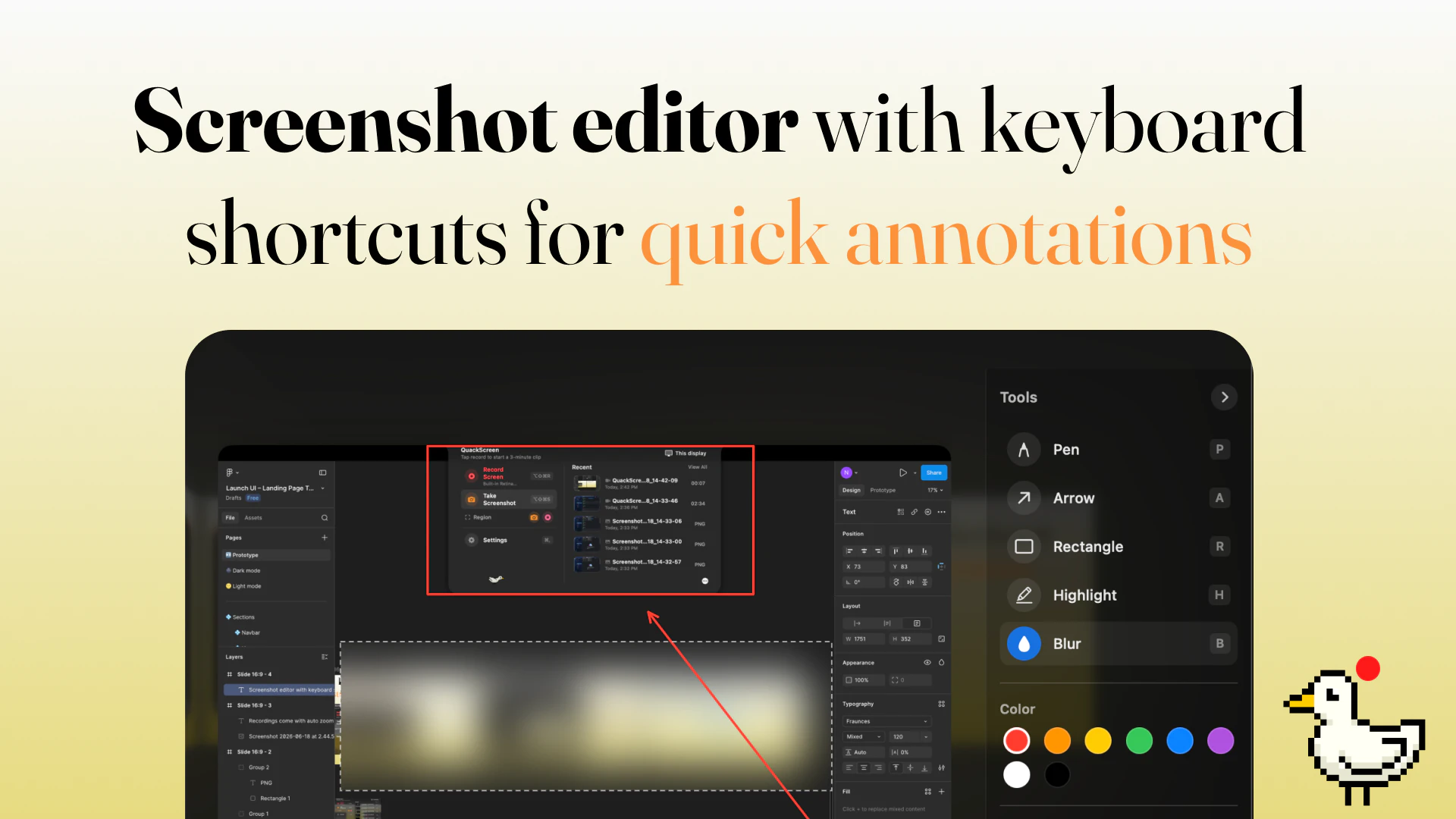
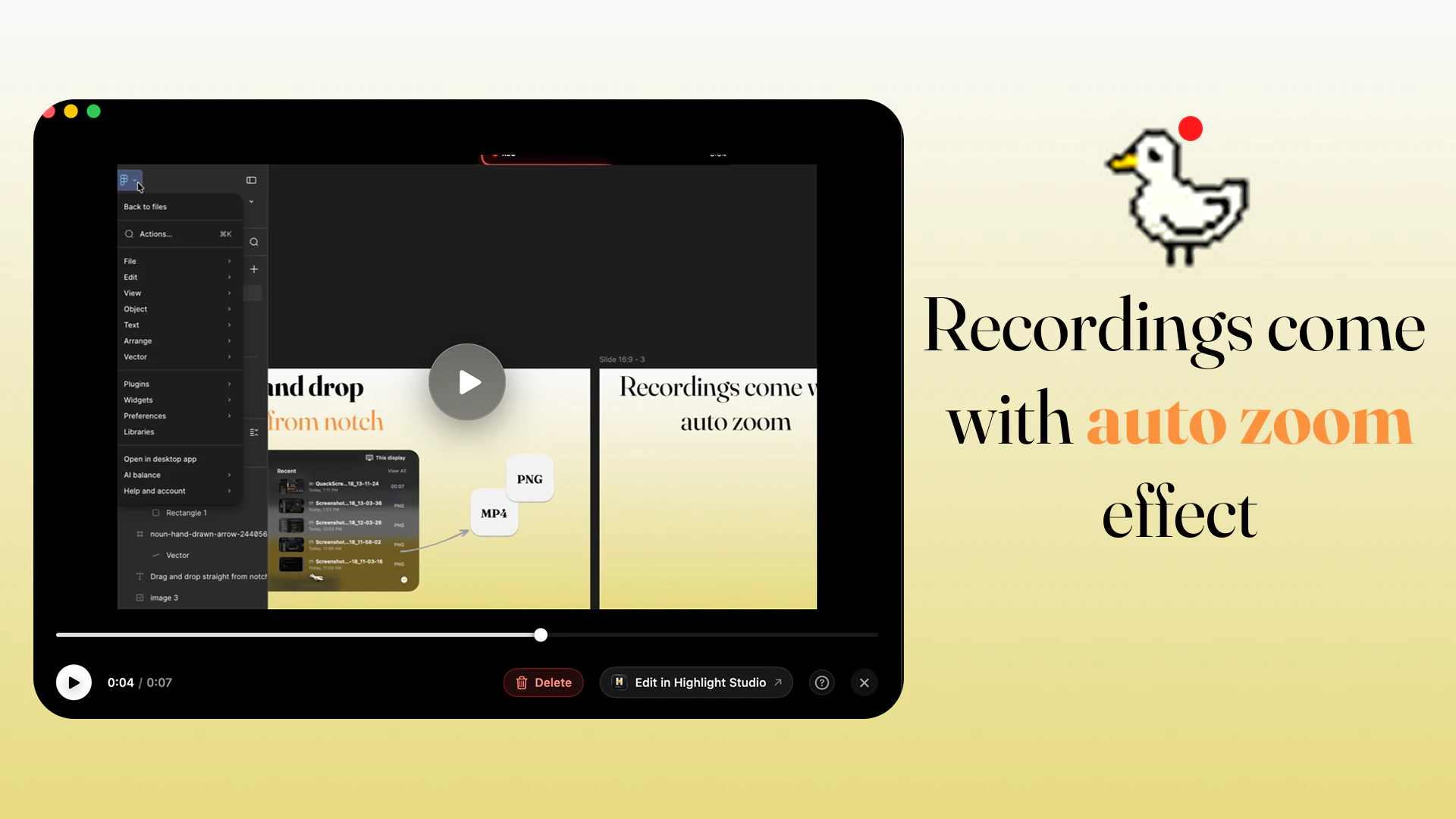
一句话介绍:QuackScreen是一款将屏幕截图与录制功能集成在MacBook刘海区域的原生应用,让用户能在无需上传的情况下,直接从菜单栏拖拽文件到任何应用,彻底解决分享截图或录制内容时流程繁琐、速度慢的痛点。
Mac Menu Bar Apps
屏幕录制 截图工具 Mac刘海屏 原生应用 拖拽分享 效率工具 macOS工具 Apple Silicon 区域录制 无订阅
用户评论摘要:用户普遍认为利用刘海槽进行快速分享的创意很巧妙,能显著提升Bug报告和UI反馈的效率。但关键挑战在于录制完成后文件是否立即可用,以及是否完美支持多显示器设置。
AI 锐评

QuackScreen的出发点很讨巧:把MacBook那个被调侃多年的“刘海”从设计败笔变成功能入口。这本质上是对“数字工作流中断”的一次精准打击——传统截图工具让你陷入“录制-保存-上传-等待生成链接-粘贴”的漫长链条,而QuackScreen试图将其压缩为“录制-拖拽-完成”的三步曲。这种从“云端中转”回归“本地直接传输”的思路,确实反映了当前很多工作流工具的过度依赖网络、反而牺牲即时性的问题。

但冷静审视,其市场前景存在两个关键变量。第一,用户评论中提到的“文件编码完成度”是生死线。一旦用户拖拽时文件未完全就绪(file-promise模型),体验将瞬间从“流畅”碎成一地。开发者必须确保录制结束的瞬间,文件格式、分辨率、压缩比都已是最终态,否则就是又一个“快半秒,卡十秒”的翻车现场。第二,多显示器支持并非“边角问题”,而是大量Mac用户的工作常态。回复中提到“创建假刘海”的做法虽然巧妙,但若遇到显示分辨率差异或外接屏旋转等情况,黑条的视觉侵入感和功能稳定性将经受严格考验。

此外,产品定位为“macOS 26+原生+Apple Silicon”是双刃剑。它确保了极致的性能与系统深度整合(比如菜单栏交互的顺滑度),但也直接放弃了庞大的intel Mac和旧系统用户群。考虑到Mac用户普遍设备更新周期长,这在一开始就把天花板压得很低。免费试用+20美元永久版的定价策略极为明智,既用低成本吸引早期尝鲜者积累口碑,又避免了订阅制带来的心理阻力。

总体而言,QuackScreen是一个很好的“效率微创新”案例,但它能否从“令人惊喜的小工具”升华为“职场必备的生产力武器”,取决于它是否能避开大多数捷径工具“初代惊艳、版本臃肿”的宿命。建议团队下一阶段重点打磨多显示器适配和文件瞬时可用性这两个命门,否则再巧妙的创意也只能是他人眼中“又一个将就着用的工具”。

查看原始信息
QuackScreen
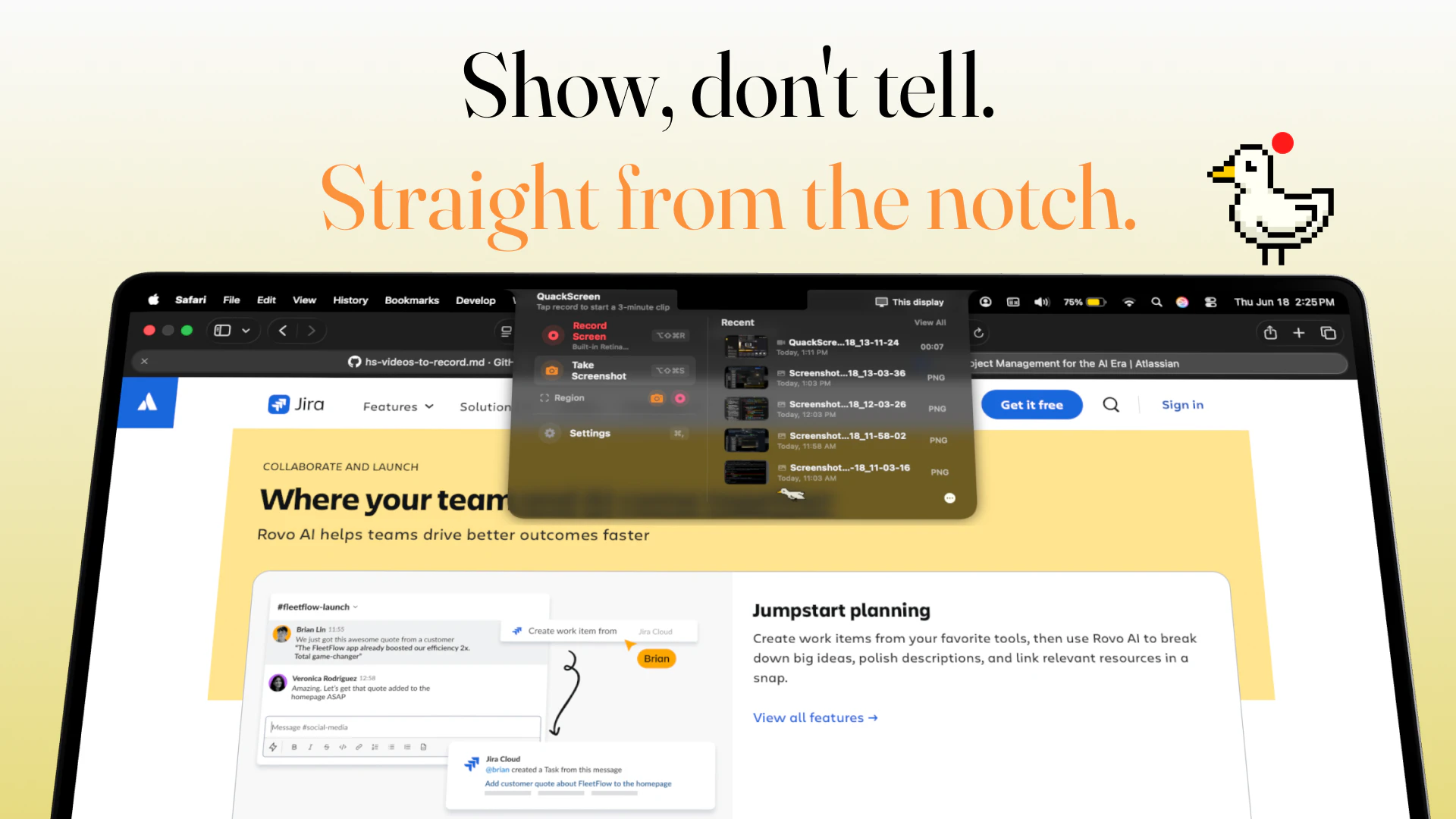
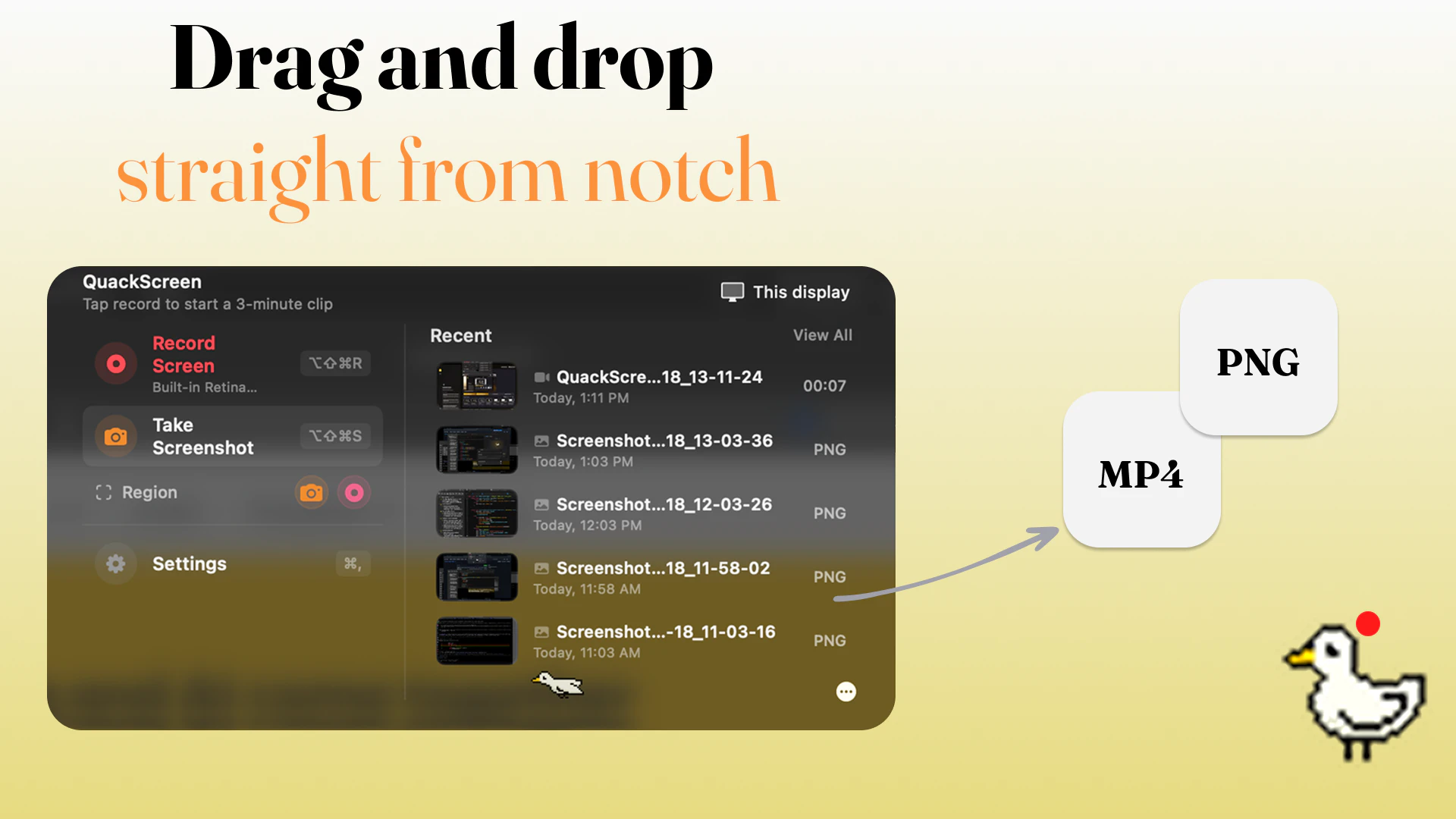
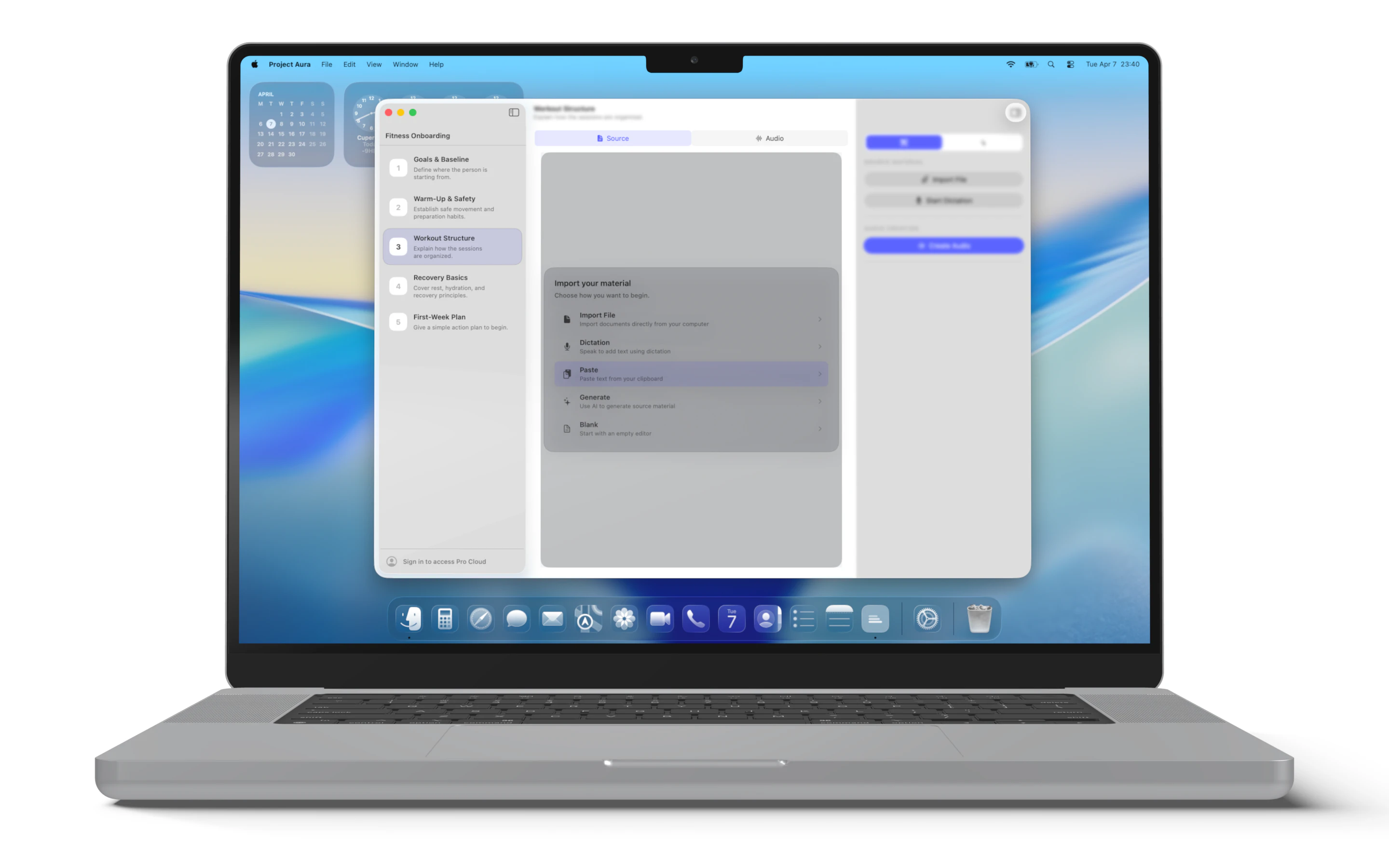
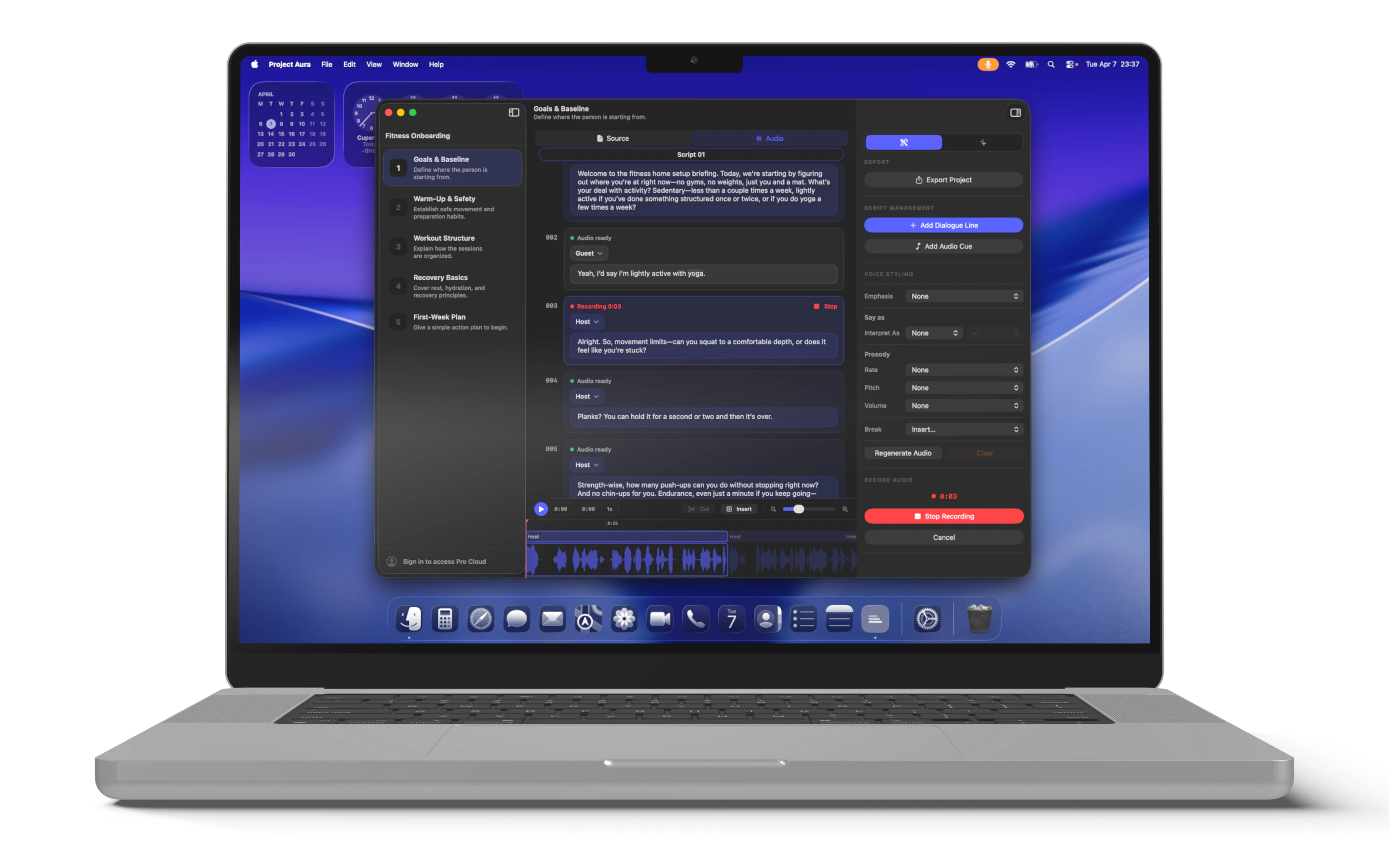
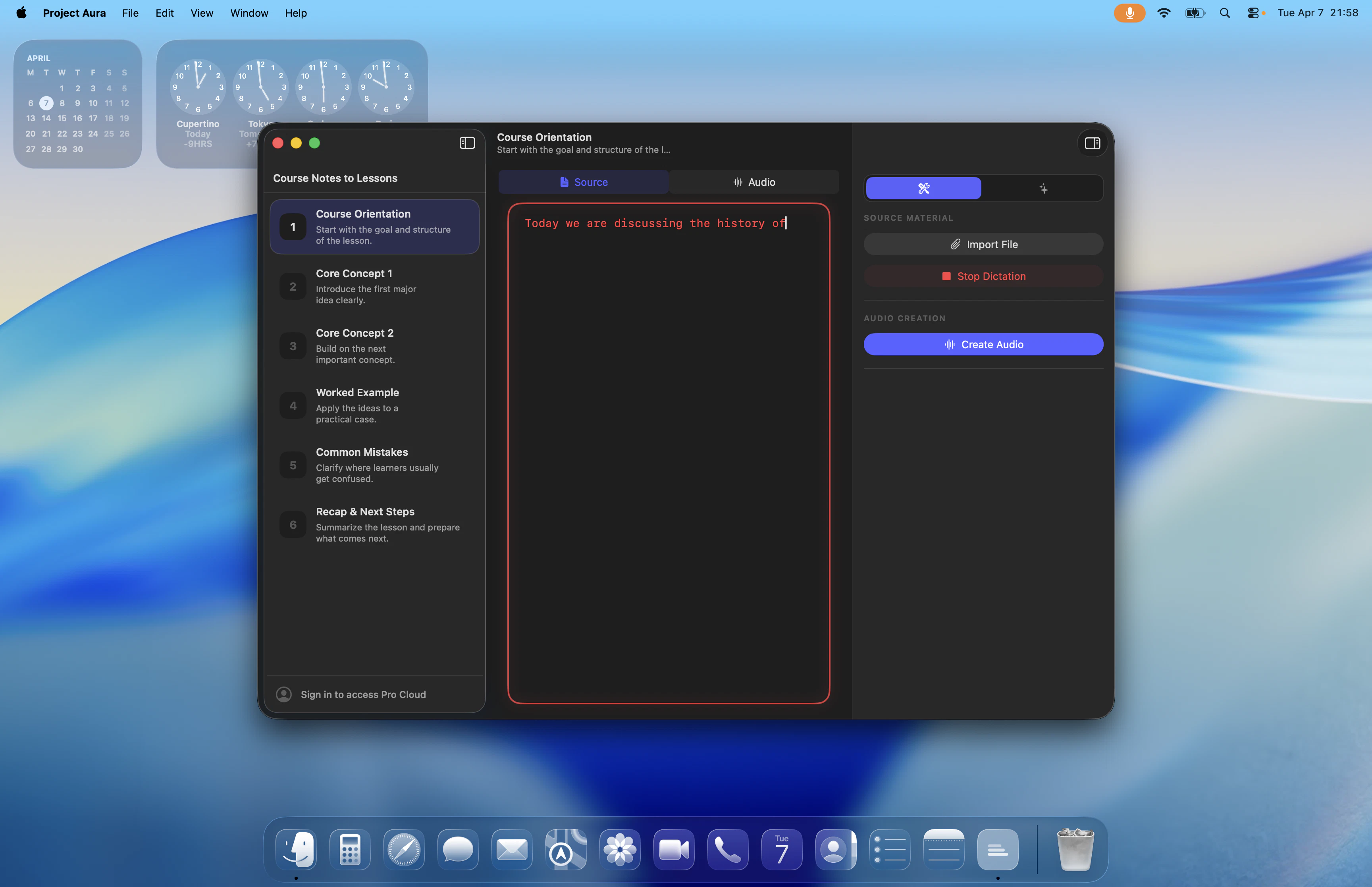
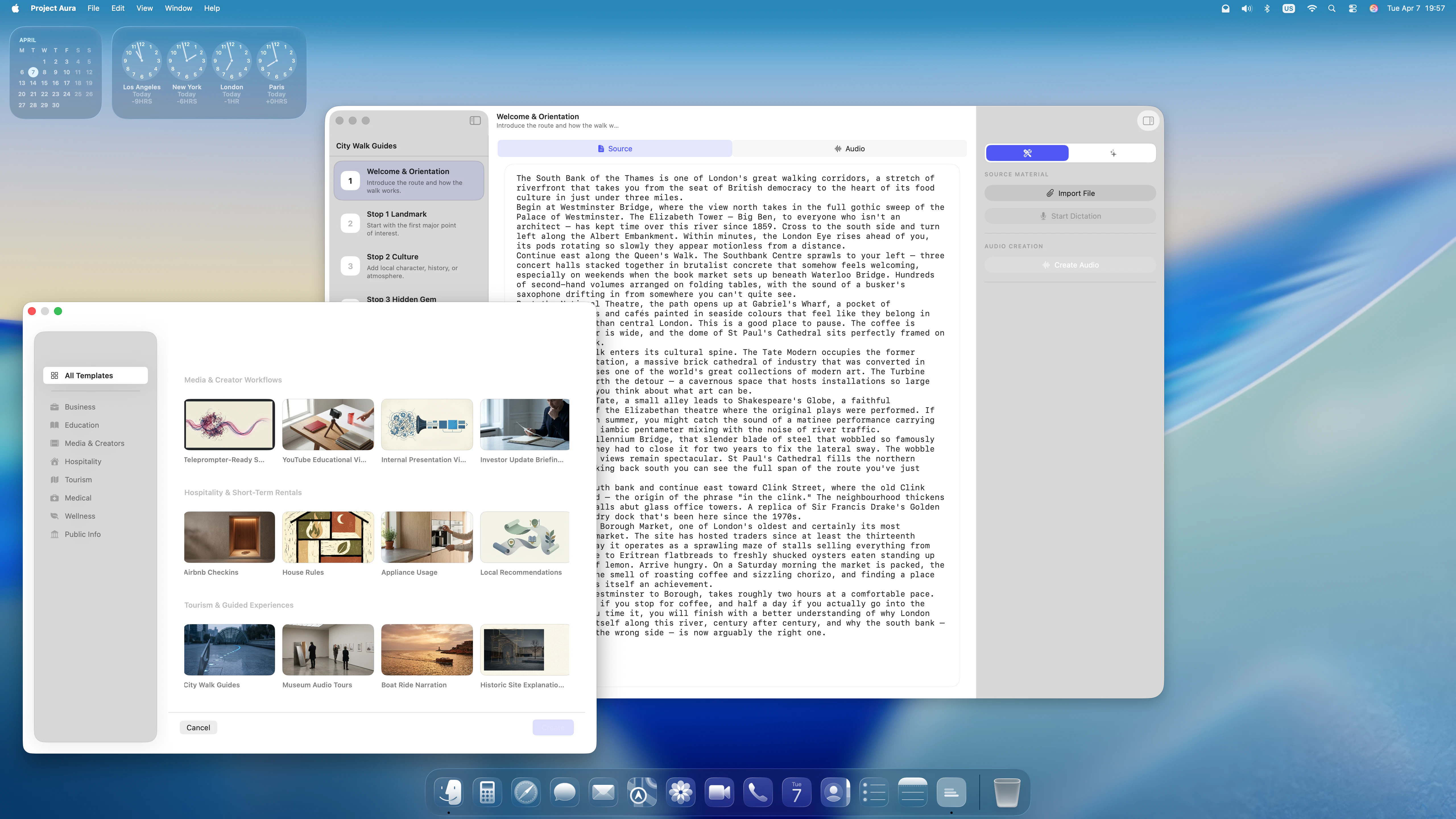
QuackScreen is a native macOS notch app for quick screen recordings and screenshots. Drag and drop clips straight from the menu bar into Slack, Mail, Finder, or any app. macOS 26+, Apple silicon.

the notch as a drop target looks like a genuinely good call! its dead space on every mac I guess. Congrats on the launch!

4
回复

@artstavenka1 yeah, it seems to be perfect for it, and I always need to drag and drop something across apps

1
回复

the notch-drag-into-slack flow is the whole game — make-or-break is the clip being encoded on disk before i grab it vs a file-promise finishing on drop. that gap is where most capture tools fumble.

1
回复

The drag-from-notch workflow feels really practical. For quick bug reports or UI feedback, skipping uploads, links, and extra sharing steps could save a lot of small interruptions.

1
回复

The notch integration is actually clever - been ignoring that real estate for 3 years and this is the first tool that makes it feel like a feature rather than a design compromise. The drag-to-share flow is the kind of thing that sounds gimmicky until you use it and realize you've been doing it the slow way forever. Does it handle multi-monitor setups where the notch screen is secondary? That's the one edge case I hit constantly with menu bar tools.

1
回复
@galdayan it creates a fake notch there too, so you always have it, in future we might have opacity style so it’s not just black
0
回复

Looks clean. Native macOS apps that do one thing really well are becoming surprisingly rare.

1
回复

@workout097_collab clean ui and making everything streamlined was very important design decision overall. Notch is perfect for quick actions.

0
回复
Hey Product Hunt 👋 I built QuackScreen because every time I needed to share a quick bug report, UI issue, or async walkthrough, the workflow felt unnecessarily slow: Record → wait for upload → copy link → paste link → wait. All that for a 12-second clip. QuackScreen lives right inside your Mac's notch. ⌘⌥⇧R → Start recording ⌘⌥⇧S → Take a screenshot Supports region selection for both recordings and screenshots Your capture instantly appears in a notch popover, ready to drag directly into Slack, Linear, Mail, Finder, or any other app. No uploads. No links. No extra steps. ### What's included in v1 • Region screenshots and screen recordings • Annotation editor (pen, arrows, rectangles, highlights, blur) • Cursor-following zoom for recordings • System-wide keyboard shortcuts • Microphone selection • Drag-and-drop sharing from the notch into any app Built natively for macOS 26+ on Apple Silicon. No Electron. No accounts. No subscriptions. Free to try, with a Product Hunt launch discount: $20 lifetime using code PHLAUNCHJUNE2026 (regular price $30). Would love your feedback and feature requests ❤️
0
回复

Hey QuackScreen team! 👋

Congrats on the launch! 🚀

Capturing, dragging, and sharing directly from the MacBook notch is such a clean use of existing hardware. I love products that turn something people overlook into a genuinely useful workflow improvement.

We're also launching Blazly Backlinker today, helping marketers automate backlink discovery, outreach, and guest posting from one place.

Would love to hear your thoughts if you get a chance to check us out as well. Wishing you an amazing launch day! 🎉

0
回复
#12
MeshPilot
Your AI workspace for terminals, tasks, and agents
97
一句话介绍:MeshPilot是一款面向开发者的AI工作空间,通过将终端、可视化画布和任务看板统一在单个应用中,并结合AI代理与持久记忆,解决开发流程分散、上下文丢失导致效率低下的痛点。
Productivity Developer Tools Artificial Intelligence
AI开发工具 开发者工作流 终端集成 AI代理 持久记忆 任务管理 语音交互 可视化画布 上下文保持 效率工具
用户评论摘要:用户普遍肯定持久记忆和AI代理执行实际任务的价值。核心反馈包括:需细化代理任务运行记录(如访问权限、变更内容);建议区分持久记忆与临时上下文;并期待终端与AI深度集成时保持透明可控。
AI 锐评

MeshPilot在“将所有工具塞进一个窗口”的红海中,试图以“持久记忆”和“AI代理执行”破局——这确实是目前AI开发工具的两大痛点。但问题在于,它的“统一工作空间”本质上仍是功能拼盘,而非深度融合。用户评论中,有人要求更细粒度的“运行记录”,有人关心记忆层如何区隔“临时上下文”与“持久记忆”,这直指其架构的粗糙:目前各终端保持独立上下文,但跨会话的“智能记忆”若缺乏高级策略(如自动识别关键决策、代码变更意图),极易沦为“无限增长剪贴板”。更值得警惕的是,其“AI代理执行任务”是否只停留在“在终端里跑个脚本”的浅层自动化?开发者真正需要的是能理解项目全局、主动拆解任务、并自主修复错误的智能体,而非一个“语音控制的Shell”。此外,97票的Launch成绩平庸,说明产品尚未找到强力传播点。总而言之,MeshPilot的方向正确,但执行仍处于“把散落工具搬到一起”的初期阶段,若不能在记忆分层、代理自主性、以及“AI如何辅助而非替代开发者决策”这三个核心模块上做出差异,它很快会被Cursor、Copilot等生态更完善的竞品吞噬。

查看原始信息
MeshPilot
MeshPilot is an AI workspace for developers. Plan, build, and run your projects in one place - with terminals, a visual canvas, and task boards unified in a single app. Talk to your tools with voice, let AI agents run real tasks, and keep persistent memory so your context carries across sessions instead of starting cold every time.
Hey Product Hunt! I built MeshPilot because my dev workflow was scattered across terminals, task boards, notes, and chat, and all that context vanished the moment I closed a session. MeshPilot pulls it into one AI workspace: • Terminals, a visual canvas, and task boards in a single app • Voice - talk to your tools instead of clicking through them • AI agents that actually run tasks, not just suggest them • Persistent memory so your context carries across sessions It's early and I'm building it in the open. Would love your honest feedback - what breaks your flow the most right now?
5
回复

@jeneshhhhh Interesting direction. Bringing terminals, task boards, and a visual canvas into a single workspace could help reduce a lot of context switching. I especially like the combination of persistent memory and AI agents that can perform real tasks—starting with context instead of from scratch every session feels much closer to how developers actually work.

0
回复

@jeneshhhhh Congrats on the launch. 'Unlocking the new era of Vibe coding' is a missed opportunity. Your actual product is more compelling than that headline suggests. I rewrote it. Want to see?

0
回复

The persistent memory angle is what caught my attention. Re-explaining the same project context to AI tools every session gets old fast. Congrats on the launch!

2
回复

@varun1jan Thanks, Varun! That's exactly the pain point we're targeting. Really appreciate the support and glad the persistent memory aspect stood out to you.

0
回复

Nice. The separate terminal context is a good start. The thing I’d want next is a tiny run record for each agent task: what it was allowed to touch, which terminal or repo it used, what changed, and what should be carried into memory after the run. Is that how you’re thinking about the temporary context layer?

2
回复

@blah_mad Thanks, Ahmad! Yes, that's very much aligned with our thinking. We want agent runs to be transparent, with clear visibility into what was accessed, what changed, and what context should be carried forward. The memory layer is still evolving, but that's the direction we're heading.

0
回复

Having terminals, tasks and AI in the same workspace makes a lot of sense.

Out of curiosity, are the agents actually executing commands in the terminal, or do they operate through a separate execution layer?

Congrats on the launch.

1
回复

@sousadiego11 Thanks, Diego!

If you mean the CLI agents, they run through dedicated terminal sessions rather than an isolated execution layer. We want developers to have visibility into what agents are doing and maintain control over the workflow.

Appreciate the question and the support.

0
回复

Terminal workspace + agents is a solid combo. What was the biggest surprise about how people actually wanted to interact with their tasks once you shipped?

0
回复

Persistent memory is the part that stands out. A lot of agent workflows fail because context disappears between sessions. How do you decide what should become durable memory versus temporary context, especially when multiple tasks or terminals are running in parallel?

0
回复

@rahulbhavsar Each terminal keeps its own context so parallel tasks never clash. Persistent memory is live today; the temporary-context layer is what we're building right now.

0
回复
#13
Screen Ruler
Edit anything on the web with change tracking
94
一句话介绍:Screen Ruler 是一款Chrome扩展,让开发者和设计师能在不离开浏览器的情况下直接测量、编辑网页元素并追踪所有更改,解决传统DevTools编辑后变更丢失的痛点。
Chrome Extensions Design Tools Developer Tools
Chrome扩展 网页测量 CSS实时编辑 设计协作 前端开发 DevTools替代 变更追踪 样式调试 原子CSS 伪类编辑
用户评论摘要:用户看好变化追踪功能,建议导出CSS或快照用于PR;询问对Tailwind等框架的兼容性;提出增加自由测量模式;部分用户反馈此前测量工具定位不准,Screen Ruler更优。
AI 锐评

Screen Ruler精准切中了开发者与设计师在“轻量级网页编辑”上的隐性需求——它并非要取代Chrome DevTools,而是将DevTools中需要多步操作且易丢失的编辑流程,简化为“点-改-记”的闭环。其核心价值并非技术有多深,而是把“CSSOM遍历、伪类样式注入、媒体查询边界处理”这些底层硬骨头啃下后,封装成设计师也能上手的体验。但需泼一盆冷水:94票远算不上爆款,且用户反馈中“是否适配Tailwind/Shadcn”“能否导出结构化样式”等关键问题未得到有力解答。如果仅是“更好用的测量+基础编辑”,它很容易被浏览器原生更新或更成熟的Figma插件替代。真正的护城河在于“Change Tracking”的数据结构化——若能将编辑记录转为DIFF文件、甚至生成Stylelint兼容的Patch,就能嵌入开发工作流,从“临时工具”升级为“协作基建”。否则,它终将止步于“用过觉得好,但不用也不痛”的尴尬位置。

查看原始信息
Screen Ruler
Screen Ruler is a Chrome extension for measuring and inspecting live web pages. By popular demand, it now supports editing. Click an element, see its matched CSS, tweak values inline. Works on :hover/:focus and inside @media rules with every single change tracked and viewable in one place.

Hi Product Hunt,

I am the solo creator of Screen Ruler, a Chrome extension that helps designers and developers inspect web pages.

For a long time it was strictly a measurement tool. But I kept hearing the same feedback from the community: you wanted to edit text on the page, reorder elements, and tweak CSS without leaving the browser. So I spent the last month or two building a brand new edit mode. It handles HTML edits, CSS tweaks, pseudo-state styling, and @media rules, with every change tracked so nothing gets lost.

Under the hood, it uses an Atomic CSS engine that stamps edited elements with a unique data-id and writes changes to a transient stylesheet. Every edit is scoped to its exact element, breakpoint and pseudo-state, with no cascade leakage to other contexts. So if you want to treat a live web page like a design canvas, this is for you.

Would love your feedback. Thanks for taking a look.

3
回复

Making CSS edits work inside :hover and @media rules is the hard part. Most tools show computed styles, but resolving which rule is winning the cascade and exposing it as something editable requires careful CSSOM traversal. When building embeddable components, we've hit similar specificity headaches. How do you implement live :hover editing without injecting a forced class or inline style override?

1
回复

Every edited element gets marked with a data-attribute stamp that the engine uses to apply edits through an injected stylesheet. For pseudo-states the engine uses a selector pattern that wins the cascade reliably without modifying the element's class list or computed style attribute.

0
回复

As a developer, I often end up opening DevTools just to tweak spacing, margins or font sizes and see what feels right.

Having a dedicated workflow for that with change tracking seems much more practical than losing everything after a refresh.

Nice work and congrats on the launch.

0
回复

Nice update. The change tracking is the interesting bit, especially when a designer is editing a live app with a developer.

Do you export the change list as CSS/selectors or more like a visual snapshot, so someone can turn the tweaks into a real PR later?

0
回复

This could be one of those tools you don't know you need until you've used it once and then can't go back. Inspecting margins/paddings on competitor sites is a daily task for solo builders without a design background.

Does it work on sites with heavy CSS modifications (Tailwind, shadcn variants), and is there a way to export measurements or snapshots for later reference?

0
回复

Nice! I was using the Page Ruler extension before. It works, but I had a lot of trouble with the position of the measurements and numbers. Screen Ruler is better because I can easily measure components on the screen. You could add a free mode (unless I missed it) where I can select exactly what I want to measure

0
回复

Hey! 👋

Congrats on launching Screen Ruler! 🚀

Such a simple idea, yet incredibly useful. As a designer, I constantly need to measure spacing, alignment, and dimensions on screen, and having a lightweight tool dedicated to that workflow is a real productivity booster.

We're also launching Blazly Backlinker today, helping marketers automate backlink discovery, outreach, and guest posting from one workflow.

Would love to hear your thoughts if you get a chance to check us out as well. Wishing you a fantastic launch day! 🎉

0
回复
#14
Darkmoon
Autonomous penetration testing platform
93
一句话介绍:Darkmoon 是一款由资深渗透测试工程师打造的开源、自托管自动化渗透测试平台,通过18个专业化AI智能体与80余款安全工具的组合,在AD域、K8s、云基础设施、API、CMS等复杂企业环境中提供证据链完整的漏洞发现与攻击路径生成能力。
Open Source Developer Tools Artificial Intelligence GitHub
渗透测试平台 AI安全 主动防御 开源工具 自动化攻防 云安全 企业安全 MITRE映射 红队评估 自托管
用户评论摘要:用户赞赏Darkmoon覆盖AD、K8s等复杂场景,而非仅聚焦Web层。核心问题聚焦于:如何应对LLM解析复杂工具输出时的幻觉风险?是否支持完整审计记录的导出?以及部署流程是否简易、能否接入自有工具?团队回应称已采用独立执行层与MCP架构,并承诺支持完整会话记录导出及自定义工具接入。
AI 锐评

Darkmoon的真正价值不在于“又多了一个AI安全工具”,而在于它直面了当前AI渗透测试领域两个最虚伪的承诺:一是“全自动搞定一切”,二是“AI替代渗透工程师”。

从产品设计看,Darkmoon的架构思路相当清醒——它没有把LLM当万能执行器,而是拆出“规划-委托-执行”三层:AI负责选策略、定优先级,实际攻击由80+成熟工具(Nuclei、BloodHound、Impacket等)完成,执行层再回传结果。这种“AI做大脑、工具做手脚”的分离,既规避了LLM直接调用命令的巨大风险,又保留了工具链的可审计性。某种意义上,它更像是一个拥有AI调度能力的自动化渗透编排框架,而非“黑客机器人”。

值得关注的是其对透明度的执着:Methodology以纯Markdown文件存储,可审查、可版本控制、可自定义。这在安全合规敏感的企业场景中至关重要——客户和监管方需要的不只是“报告”,而是追溯到每一次命令执行的完整证据链。这一点,Darkmoon用“MCP控制+MCP服务层”的设计给出了比绝大多数商业平台更务实的答案。

但必须诚实指出缺陷:Web和AD域虽成熟,但云原生、容器、边缘网络等模块仍在进化,frontier模型的调用成本也是不可忽视的门槛。此外,尽管AI不直接执行命令,多步骤推理中的“幻觉”仍可能引导工具链指向错误目标或产生无效扫描,团队在评论回复中未给出具体的对抗策略,仅强调“工具是事实来源”——这恐难以让严谨的安全团队完全安心。

最终,Darkmoon不是“给不懂安全的人用的自动化黑客工具”,而是“让资深安全团队效率翻倍的智能协作平台”。它给行业带来的启示是:AI安全工具的真正天花板,不是模型多强,而是你有多诚实面对工具与人的真实分工。

查看原始信息
Darkmoon
Most AI pentesting tools stop at the web layer. Darkmoon goes further. Built by professional pentesters, it combines 18 specialized AI agents and 80+ offensive security tools to assess Active Directory, Kubernetes, cloud infrastructure, APIs, CMSs, and networks. Self-hosted, open-source, MITRE-mapped, and designed to deliver evidence-backed findings, attack paths, and publication-ready reports.
Hey Product Hunt, We're a small team of professional pentesters. Over the last few years we've tested almost every AI-powered pentesting tool we could find. Most of them turned out to be web scanners with an LLM wrapped around them. That's fine if your target is a marketing website and you're hunting for XSS. Real engagements don't look like that. They look like: * Active Directory * Kubernetes * AWS * Internal networks * APIs * Legacy systems That's where we spend our time. That's also where most AI tools hit a wall. So we built Darkmoon. Darkmoon is an open-source, self-hosted autonomous penetration testing platform. It currently includes: * 18 specialized methodology agents * 80+ integrated offensive security tools * Infrastructure mapping * Evidence-backed reporting * Attack-path generation The orchestrator fingerprints the target and selects the most appropriate methodology. Examples: * Active Directory * Kubernetes * WordPress * Drupal * Magento * GraphQL * PHP * Node.js * ASP.NET * Spring Boot * Network infrastructure One thing we cared about from day one was transparency. The agents are not hidden prompts. Every methodology is stored as a plain Markdown file that can be: * reviewed * audited * version controlled * customized Each methodology is mapped to: * MITRE ATT&CK * NIST 800-115 Under the hood Darkmoon orchestrates more than 80 offensive security tools including: * Nuclei * SQLMap * NetExec * BloodHound * Impacket * FFUF * Hydra * Kubescape The model doesn't execute tools directly. It plans. It prioritizes. It delegates. A separate execution layer runs the commands, captures the output and feeds the results back into the workflow. Findings include: * supporting evidence * executed commands * command output * severity ratings * infrastructure maps A few honest caveats: * Web and Active Directory are currently the most mature agents. * Cloud coverage is improving but still evolving. * Frontier models currently perform better than smaller local models. * There is an API cost associated with each run. Darkmoon is GPLv3. Fully self-hosted. No telemetry. You can bring: * OpenAI * Anthropic * Ollama * llama.cpp We're launching today to gather feedback from the security and open-source communities. Happy to answer questions about the architecture, methodology, roadmap, or anything else. Thanks for checking it out. GitHub: https://github.com/ASCIT31/Dark-...
2
回复

@mehdi_boutayeb Interesting scope. A lot of AI pentesting tools focus narrowly on web apps, so extending into Active Directory, Kubernetes, cloud infrastructure, and networks makes Darkmoon feel much closer to a full assessment platform. I also like the emphasis on evidence-backed findings and publication-ready reports rather than just generating alerts.

0
回复

@mehdi_boutayeb Congrats on the launch! It’s refreshing to see a security platform that avoids the AI hype and tackles complex environments like Active Directory and Kubernetes under a GPLv3 license.

Quick question: Since the orchestrator delegates tasks rather than executing tools directly, how do you manage or mitigate potential LLM hallucinations when it parses complex command outputs from tools like NetExec or BloodHound?

1
回复

Strong launch. I like the split between model planning and a separate execution layer. For security work, the useful artifact is not only the report, it is the chain from target scope to authorized tool to command output to finding. Do you keep that run record exportable for client or audit review?

1
回复

@blah_mad Yes, auditability was one of the design goals.

In the open-source edition, you can export a complete session record, including the LLM reasoning process, executed commands, raw tool outputs and the resulting findings. This makes it possible to review how a conclusion was reached rather than only seeing the final report.

In the Professional Edition, the same execution history is preserved and accessible through the session history interface. Teams can review commands, AI observations, raw outputs and generated findings for each assessment.

On top of that, the dashboard keeps a historical view of campaigns and vulnerabilities. Findings can be analyzed across projects, campaigns, severity levels and vulnerability categories. The platform also provides interactive trend visualizations, allowing teams to track whether vulnerability counts are increasing or decreasing over time and drill down into individual findings for investigation and remediation tracking.

Our goal is to make every finding traceable back to the evidence and execution path that produced it, rather than treating the LLM as a black box.

0
回复

What’s the setup like to run a full assessment, and can you plug in your own tools or internal scanners?

1
回复

@thamibenjelloun Hello, The setup is intentionally lightweight. Darkmoon is Docker-based, so a typical installation is essentially:

git clone https://github.com/ASCIT31/Dark-...
cd Dark-Moon
./install.sh

Once configured, you simply provide a target and the orchestrator handles methodology selection, tool execution, evidence collection and reporting.

Regarding custom tooling: yes. Darkmoon was designed around an MCP-based architecture and tool orchestration layer rather than a fixed scanner pipeline. The platform already integrates 80+ tools (Nuclei, NetExec, BloodHound, Impacket, Kubescape, WPScan, SQLMap, etc.), but organizations can extend workflows, methodologies and toolchains to fit their own environments.

Using the install-dev workflow, you can also install additional tools directly into the dedicated toolbox container, register them in the MCP server's authorized tools list, and expose them to the orchestration layer. Teams can go further by creating their own methodologies, custom workflows and agent playbooks to adapt Darkmoon to internal processes, proprietary scanners or specialized assessment scenarios.

More details are available in the documentation:
https://docs.dark-moon.org/

The philosophy is simple: the AI reasons, MCP controls execution, and the tools remain the source of truth.

0
回复
#15
Foglamp
Ship AI agents you can actually see
90
一句话介绍:Foglamp是一个专为基于Vercel AI SDK构建的AI代理提供的开源可观测性层,让开发者通过两行代码即可实时追踪每一次AI调用的成本、延迟、令牌消耗、分布式追踪、评估和告警,解决AI代理在生产环境中“看不见、控不住”的运维痛点。
Open Source Artificial Intelligence GitHub Tech
AI代理可观测性 开源 Vercel AI SDK 成本监控 延迟追踪 分布式追踪 LLM评估 告警 自托管 智能运维
用户评论摘要:用户关注与Langfuse/Arize等通用工具的差异,认为代理可观测性将成刚需。核心诉求包括:商业级追踪(如交接、审批、失败路径)、更底层的决策原因分析、成本飙升和性能退化的实时告警。Maker强调已支持全链路追踪、生产级评估和分钟级告警。
AI 锐评

Foglamp切入了一个精准且紧迫的细分赛道——AI代理的生产级可观测性。它的聪明之处在于放弃了“大而全”的通用监控平台路线,而是专攻Vercel AI SDK这一生态位。这意味着它能做到“两行代码”的无感接入,而这正是开发者最渴望的体验——低侵入性、高回报。

从产品价值看,“成本飙升+答案变差+客户投诉”这个场景太典型了,几乎是每一家接入AI agent的团队都会经历的噩梦。Foglamp把“成本”和“质量”放在同一个面板上监控,并支持分钟级告警,这是解决“AI黑盒”问题的关键一步。但坦率地说,它目前更像一个“事后”监控工具。Maker提到的“observe→act”闭环——比如自动推荐更便宜的模型、杀死失控agent——才是真正拉开差距的地方。如果只停留在仪表盘和告警上,很难和Langfuse、Arize形成的生态竞争。

另外,对非Vercel AI SDK用户来说,Foglamp几乎无用。这意味着它的市场天花板直接取决于AI SDK的市占率和开发者粘性。短期看是护城河,长期看可能演变为桎梏。

简言之,这是一个“小而锋利”的工具,瞄准了最痛的点,但能不能从“观测”跃升到“自动干预”,才是决定它能否成为AI基建标配的关键。

查看原始信息
Foglamp
The open source observability layer for AI agents built on the Vercel AI SDK. Costs, latency, tokens, distributed traces, evals, and alerts for every generateText / streamText call — in two lines.
👋 I'm Gustavo, one of the makers of Foglamp. I kept shipping AI agents I couldn't actually see. Costs would creep up with no idea which agent was to blame. An agent would quietly start looping and burn tokens for an hour. Didn't find a great alternative to AI SDK, so I built one. Foglamp: observability for AI agents. Wrap your model in one line and you get, on every call: - 💸 Cost, latency & token usage — per agent, per workflow, even reasoning tokens - 🔭 Distributed traces of the whole run, with replay - ✅ Evals on your production traffic (LLM-as-judge + code checks like "No PII") - 🚨 Alerts when spend spikes or pass-rate drops It's open source (Apache 2.0) and self-hostable, there's a free hosted tier, and you can see your first trace in less than 2 minutes. Where we're headed: closing the loop from observe → act — recommending cheaper models that still pass your evals, killing runaway agents before they cost you, and optimizing prompts from your own failure traces. Would genuinely love your feedback 🙏 What's the scariest way an agent has surprised you in production?
1
回复

The 'costs doubled, answers worse, then customers started complaining' sequence is the most relatable AI horror story I've seen this year. Finally something that catches it before the Twitter thread starts. Congrats on the launch!

1
回复

@laraib Thank you. That sequence is literally the story we built the landing page around: ships clean week 1, costs double and answers get worse by week 3, complaint rolls in week 4. We caught a 10× cost regression on our own stack 3 days after shipping. Catching it before the X thread starts is the entire point 😄 Appreciate it!

0
回复

Agent observability feels like it will become mandatory. For business agents, the question is not only cost/tokens, but “what did the agent try, why did it decide that, and when did it need human help?” Are you thinking about business-level traces like handoffs, approvals, and failed workflow outcomes?

1
回复

@rahulbhavsar Great question, and that's exactly the layer we care about. Today every run is a full span tree, so you can already see what the agent tried, the tool calls it made, and where it failed — step by step, down to the token. Multi-step pipelines group under a workflow, conversation turns under a session. The "why did it decide that" part comes from capturing reasoning + the exact prompt/streamed response on every call, plus LLM judges that score things like tool selection and groundedness.

The part you're pointing at — explicit handoffs, approval gates, failed-outcome states as first-class business events — isn't a dedicated view yet. Right now you'd model those as tool calls / workflow steps with metadata. Turning them into proper business-level traces is squarely on the roadmap. Really appreciate the framing.

0
回复

Congrats on launch! I would love to know how is it different to other observability platform like langfuse/Arize?

1
回复

@ashishkingdom Thanks! Fair question. The biggest difference is focus: Foglamp is built specifically for the Vercel AI SDK. Instrumentation is two lines — registerTelemetry(foglamp()) — and you get full nested traces, per-agent rollups, cost, and evals with zero manual span wiring.

Two other things set it apart: (1) quality + cost live in one place — evals (code checks and LLM judges) run against real production traffic, not a static test set, and cost is computed per call / agent / customer from live pricing; (2) alerts evaluate every minute, so you find a regression from a dashboard, not a customer. It's also Apache 2.0 and self-hostable with docker compose up. Langfuse/Arize are great general-purpose tools — we're narrower and deeper for teams shipping on the AI SDK.

0
回复

@gustavofior Visibility is a big missing layer for agents. It’s hard to trust an autonomous workflow if you can’t see what it tried, where it failed, and what changed along the way. Agent observability will probably become a default expectation.

1
回复

@alpertayfurr Couldn't agree more — that's the whole reason it exists. "What it tried, where it failed, what changed" is literally the trace view. We even fingerprint the model on every call, so you catch silent weight changes when a provider swaps something under you. Thanks for the support 🙏

0
回复
#16
Mutter AI Dictation
Private AI dictation that lets you operate offline.
85
一句话介绍:Mutter AI Dictation 是一款支持完全离线运行的私人AI听写工具,能在你打字时快速将口语化的想法整理成成品文字,主要解决用户对隐私的担忧以及传统听写软件只能转录、无法理解真实意图的痛点。
Productivity Artificial Intelligence Audio
语音听写 离线模式 隐私保护 AI意图理解 本地转录 Mac应用 智能写作辅助 多语言支持 效率工具 文字处理
用户评论摘要:用户称赞其“意图模式”超越单纯转录,能理解操作意图。但关键问题集中在:如何平衡本地隐私与云端的便利性?与免费开源工具Handy Computer相比,其付费价值是否足够清晰?此外,询问多语言支持(当前本地仅支持24种语言)和噪音环境表现。
AI 锐评

Mutter 的定位很精准:切中了知识工作者对“隐私”和“效率”的双重焦虑。它没有像传统听写软件那样只做“音频-文字”的搬运工,而是试图做“想法-成品”的翻译官。意图模式确实是亮点——它解决了用户“说了一堆废话,还得自己重新写”的隐形时间成本,这比单纯提高打字速度更有价值。

但问题也很明显。第一,隐私和安全是绝对刚需,但完全离线意味着本地计算能力受限,意图模式的质量和响应速度能否与云端竞品匹敌?如果意图模式在离线时变得笨拙,那“隐私”就成了降级体验的借口。第二,与Handy Computer等免费开源工具相比,Mutter的差异化仅在于“更精良的意图理解和成品格式化”,这层护城河很浅——开源社区完全可以用本地大模型快速复刻“理解意图”的功能。第三,100种语言的云端支持听起来不错,但开发者并未说明意图模式在非英语环境下的表现,而这恰恰是全球化用户的痛点。

总体而言,Mutter是一个“有想法的好产品”,但尚未证明自己能在隐私和智能之间找到不可替代的平衡点。用户愿意为“一次成稿”付费,但前提是这笔钱能换来真正稳定、聪明且值得信赖的本地体验。如果意图模式只是实验室里的花招,用户迟早会转向更便宜或更开放的替代品。

查看原始信息
Mutter AI Dictation
Speak the rough thought and Mutter shapes it into finished writing right where you type, about 3x faster than typing. A 100% on-device mode keeps sensitive words on your Mac.
I started dictating instead of typing and basically never went back. It's how I get thoughts out of my head now and into a doc, a Slack, an email. I can't really work without it anymore. Two things kept bugging me though. The first was privacy. I was talking through contracts, half-formed ideas, stuff about my team, and shipping all of it to someone else's servers to get transcribed. The more I leaned on it, the more that bothered me. I wanted a version where the sensitive stuff just never left my machine. So that's the first thing we built. Mutter has a fully on-device mode. Turn it on and your audio is transcribed locally and never uploaded. You can run it with wifi off and it still works. The second was that these apps clean up what I said, but they don't get what I was trying to do. I'd ramble "reply to Josh, deck looks good, cut slide four" and get back a clean transcript of exactly that. Useful, but I still had to go write the actual email. I wanted it to read the context and hand me the finished thing. So Mutter has two modes, both always on. Dictate is the simple one. You talk, it writes clean text, no inference, no surprises. You don't want a model second-guessing you when you're just taking notes. Intent mode is the other one. You riff, and based on what you're doing, Mutter writes what you actually meant. That's the whole thing. Private when it counts, and it finishes the thought instead of just transcribing it. Would love feedback, especially on Intent mode. It's the part I'm most excited about and the part I most want to get right.
3
回复

@steven_billings What stands out is how it goes beyond just typing words. While many voice tools only transcribe, this one leans into understanding what you're trying to do. The real shift shows up when it anticipates intent instead of waiting for exact commands.

What sets it apart? On-device processing matters most when you handle private data every day. Founders notice this first. So do those running operations. Privacy stays local instead of traveling across networks.

What keeps personal data safe while making sure Intent mode still works well?

0
回复

@steven_billings How much control do you want over what stays on-device vs. what’s sent to the cloud? Would you trade any convenience for stronger privacy guarantees?

1
回复

Super interesting! What does Intent mean?

1
回复

Hey@mattyyyy ! Intent mode is intelligent dictation. You know how you'll have an idea and just blurt it out, but it comes out kind of a mess and you still have to go turn it into a real email or message? That's what Intent mode handles. One hotkey gives you straight dictate mode, which just simply cleans up what you said and inserts it. But another hotkey gives you intent mode.

You hold a key, talk it through however it comes out of your head, and it figures out what you were actually trying to make. Could be an email, a Slack message, a task list, a quick memo. Then it gives you the cleaned up version to look over before it goes in.

So you do the thinking-out-loud part, and it does the part where you'd usually have to stop and make it sound right.

1
回复

Congrats on the launch! What other languages does it support other than English? Does it perform well in noisy environement?

1
回复

@ashishkingdom Our cloud mode has an auto-detect for language and can support over 100 languages natively. The private, on-device mode currently supports Bulgarian, Croatian, Czech, Danish, Dutch, English, Estonian, Finnish, French, German, Greek, Hungarian, Italian, Latvian, Lithuanian, Maltese, Polish, Portuguese, Romanian, Russian, Slovak, Slovenian, Spanish, Swedish, and Ukrainian.

1
回复

How is this different from handy.computer ?

@Handy does the same thing for free + open-source.

I can also select models taht I want. Completely local.

Would love to know your thoughts on this.

0
回复

@sourabh_kapure Handy's genuinely good for anyone looking for a free/open-source grade option. The difference is what comes out: Handy gives you the ability to speak into any text field. Good start, but we wanted more. Mutter gives you the finished writing with filler stripped, formatted, and Intent Mode reshapes a rough thought into a send-ready email/message/prompt before it pastes. And it's also has the full on-device in private mode when you need it. Mutter also does instant translation at the same time into dozens of languages. Different philosophy on models (we're opinionated vs. swappable). Room for both 🙏. We think people will like Mutter as an upgrade over Handy.

1
回复
#17
Narration Room
Turn source text into editable multi-voice scripts
84
一句话介绍:Narration Room 是一款 Mac 原生应用,将文章、文档或口述内容一键转化为可编辑的多角色有声脚本,帮助创作者、播客和创作者在本地离线完成从文字到多角色音频的完整制作,解决传统 TTS 工具无法精细分角色、调节语气和离线处理的痛点。
Mac Artificial Intelligence Audio
Mac 原生应用 多角色配音 文本转语音脚本编辑器 本地离线 AI 配音 播客制作工具 有声内容创作 语音合成 PDF/Word 导入 听写模式
用户评论摘要:用户看好其本地离线与隐私优先的定位,认为是从云端泛滥中的一股清流。一位播客主询问长篇幅、对话式场景的表现,希望了解其能否高效处理自然对话而非简短旁白。开发者回应了离线策略,并承诺未来增加更多语音和自然度。
AI 锐评

在“云端AI配音”泛滥的今天,Narration Room 做了一个极其清醒的选择:回归用户主权。它本质上不是又一个 TTS 工具,而是一个“脚本编排器+本地推理引擎”的缝合体。价值在于它解决了行业内一个被忽视的断层:让创作者买账的不是合成音质多逼真,而是对“谁在什么时候说什么话”的精准控制力。

问题在于,它目前定位略显尴尬。对于高端播客制作人,40 款本地语音的拟真度与云端竞品(如 ElevenLabs)仍有明显差距,他们更可能把它作为“草稿脚本发生器”而非最终发布工具。对于普通创作者或教育者,核心壁垒又太高——他们是否需要多角色编辑?是否愿意为这个细分功能付费?离线当然是卖点,但用户真正关心的是“音效能用、流程足够快”,而非单纯的选择权。

其真正的发力点,应该落在“从任何文本来源到可播放音频”的全流程最短路径上,并死磕本地语音的自然度和情绪丰富度。如果只是做一个更复杂的 Mac 版“朗读器”,那很难走出小众工具的死胡同。它不该只满足于做“不联网的好人”,而应做“在离线时能把音频做到最好的人”。

查看原始信息
Narration Room
Narration Room is a native Mac app, not just a text-to-speech box. It turns source text into editable multi-voice scripts, then lets creators cast voices, adjust delivery, preview on a visual timeline, and export polished audio. Standouts: source-grounded AI modes, 40+ on-device voices, PDF/Word/Markdown import, dictation mode; offline and local.

The offline and local-first approach is what stands out to me. Feels like a refreshing change from everything being cloud-based these days.

1
回复

@workout097_collab thank you, Vasyl. On-device and privacy is very important to us and we‘ll strive to provide more voices and naturalness in the future

0
回复
Hey Product Hunt, I'm Stefan, maker of Narration Room. I build Narration Room because I wanted an app that did exactly what I would do manually using several different tools: come up with the source material, transform it into something that can be spoken, then use AI to create the audio for it. Narration Room unifies that same workflow into one app. Import your text files, paste an article or email, or use dictation. Then turn your source material into an editable script, select speakers and voices, change emphasis, pitch, add and breaks. Preview the final result and export. For this launch the focus is on-device: no account, no subscription; everything runs locally on your Mac. Built for creators, educators, authors, podcasters, and anyone who wants to turn what they read into what they can hear. I'd love feedback on the workflow, audio quality, the AI, and what kinds of templates or export options you'd want next.
0
回复

The "source text to spoken script to AI audio" pipeline is something I'd genuinely use. I run a podcast on financial modeling (ModeLoop Podcast on Spotify) and the unglamorous reality is that turning written research into something that sounds natural out loud is most of the work. A multi-voice script editor that handles that transform in one place could cut my prep time a lot. Does it hold up for longer-form, dialogue-style episodes, or is it best for shorter narration?

0
回复
#18
Prism
Al Companion for macOS
83
一句话介绍:Prism是一款集成多模型AI助手、系统级AI工具与隐私优先的macOS原生工作台,帮助用户免于在多个AI平台间切换,解决效率中断与工作流碎片化的痛点。
Productivity API Artificial Intelligence
AI工作台 macOS原生 多模型切换 系统级AI 隐私优先 本地模型 生产力工具 学习工具 浏览器自动化 AI伴侣
用户评论摘要:开发者Aarav分享了从多标签切换痛点出发的创业历程。用户称赞其Quick AI面板和多模型切换的核心价值,并询问日常工作中替代了哪些任务,以及期待进一步提升该场景下的不可或缺性。
AI 锐评

Prism在“AI工具泛滥”与“工作流碎片化”的矛盾中找到了精准切入口。其真正价值并非又一个AI聊天窗口,而是以“本地优先+系统级渗透”策略,将AI从网页插件升级为macOS的底层基建。亮点在于:1)通过MCP注册表和@工具语法,Prism试图构建一个AI原生的操作协议,让用户像调用文件一样调用AI能力,这比简单聚合模型更前瞻;2)浏览器自动化与学习工具的结合,显示出向“AI代理”进化的野心,而非止步于问答;3)支持Ollama本地模型与离线模式,在云端AI易用性泛滥的当下,用隐私牌精准切入注重数据安全的专业用户群体。

但风险同样明显:作为个人开发者产品,多模型切换的体验依赖持续的API兼容与维护,一旦模型接口变更或性能降级,用户流失会很快;系统级权限的滥用担忧(如浏览器自动化、写入权限)可能触发macOS沙盒安全机制。此外,83票的早期成绩尚未脱离“小而美”的范畴,对比竞品(如Raycast AI或TypingMind),Prism缺少生态杠杆。如果能将MCP开发生态做起来,让用户和开发者可自由构建AI工具链,Prism有望从“生产力工具”蜕变为“AI操作系统的一层壳”,否则极可能沦为又一个漂亮的、但被快速遗忘的macOS菜单栏应用。

查看原始信息
Prism
Prism — The native macOS AI workspace with multi-provider chat, Prism Hosted, MCP registry and @-tools, Quick AI, browser automation, system-wide writing, study tools with linked quizzes and flash cards, file creation, and local-first privacy.

Hi Product Hunt community! 👋

I'm Aarav, the solo developer behind Prism, and I'm incredibly excited to share it with you all today.

**What inspired me to build Prism?**
Like many of you, I found myself constantly switching back and forth between different browser tabs just to use various AI models for coding, writing, and research. Web-based AI tools felt slow, clunky, broke my focus, and lacked any real integration with my Mac's operating system. I wanted a fast, native tool that fit perfectly into the macOS experience, but existing AI wrappers were either locked to a single model provider or felt like web views inside a container.

**The problems I wanted to solve:**
1. **Multi-Model Access in one place:** I wanted to switch between Anthropic (Claude), OpenAI (ChatGPT), Google (Gemini), Grok, Kimi, and local offline models (via Ollama) instantly under one beautiful, native SwiftUI interface.
2. **True System-wide Utility:** I wanted to quickly pull up AI without breaking my flow. So, I built a Spotlight-like **Quick AI Panel** (summoned instantly with `Ctrl + Space`), a system-wide writing assistant, project knowledge bases, and custom prompt templates.
3. **Power-user Features:** Beyond chat, I needed tools that competitors lacked—specifically **Model Comparison Mode** (sending a prompt to multiple models at once and synthesizing the best parts), local **browser automation** (Playwright/Puppeteer), and built-in **study creators** (quizzes and spaced repetition flashcards).

**How Prism evolved during development:**
What started as a simple menu bar shortcut quickly turned into a deep OS-level productivity suite as I integrated developer tools (like the Prism CLI and IDE proxies). As I worked toward this launch, privacy became a top priority, leading me to build robust local-first privacy options, support for private offline models (Ollama & Apple Intelligence), and optional iCloud history sync.

Prism has a permanent free tier, an affordable hosted plan, and a **Lifetime License** (you can use code **SPECIAL25OFF** at checkout for 25% off during launch week!).

I’m actively shipping updates based on user feedback. I would love to hear what features you’d like to see next or how Prism can better fit into your day-to-day workflow. Please let me know what you think! 🚀

2
回复

@aarav_goyal Congrats. For people who use Prism every day, what one task does it replace from your previous workflow? And what's one tiny improvement that would make Prism indispensable in that task?

0
回复

The Quick AI Panel and multi-model switching feel like the strongest parts here. Having Claude, ChatGPT, Gemini, Grok, Kimi, and local models in a native macOS flow could save a lot of context switching.

0
回复
#19
Upsolve AI
Build grounded, governed, trustworthy data agents
82
一句话介绍:Upsolve AI是一个数据代理上下文平台,帮助企业在数据仓库或LLM应用场景中,通过编码结构、语义和信任三层知识,构建可落地、可信赖、可治理的数据分析代理,解决AI数据分析项目因上下文缺失而无法上线的痛点。
Analytics Developer Tools Business Intelligence
数据代理 上下文层 代理分析 可信AI 治理 语义层 企业级BI 自然语言查询 数据权限 Agent Studio
用户评论摘要:用户探讨了可信答案之后的操作追踪问题,疑问是否将洞察转化为报告或行动后,同一上下文层能否保留行动轨迹。还有人询问是否有不同权限级别以限制用户的写操作,作者确认支持数据级和角色级权限自定义。
AI 锐评

Upsolve AI确实戳中了一个行业普遍但常被美化的问题:AI数据分析项目的“演示即巅峰”。创始人对“95%的POC无法上线”的洞察,比许多跟风炒作LLM+BI的厂商更为清醒。其“上下文层”的提出,将问题从“模型不够聪明”转移到“企业记忆没有数字化”,这本身就是一种价值回归。

但值得警惕的是:将“结构、语义、信任”三层抽象成平台,本质上是把过去散落在文档、代码和资深员工大脑中的隐性知识,强制定义为显性规则。这固然能解决混淆ARR和营收的尴尬,但也意味着——数据团队需要为每个业务定义一套“AI能理解的真理”,这依然是极其昂贵的工程化实践。对于中小团队,“1天搞定”恐怕仍是理想层面,而Fortune 500的成功案例往往掩盖了数据治理水平的前置投入。

产品最大的创新不在Agent本身,而在“Agent Context Studio”这个中间层。它试图成为LLM和BI系统之间的“仲裁者”,而不是又一个数据可视化工具。但成败关键不在于是否支持RLS权限,而在于企业是否愿意且有纪律地为每个指标、规则、语义编写一套机器可执行的“规范”。这本质上是一场向左(保持人的灵活性)还是向右(强行机器化)的博弈。Upsolve选择后者,勇气可嘉,但普及之路,仍有大量“认知摩擦”需要化解。

查看原始信息
Upsolve AI
Upsolve AI: the platform to build, deploy, and evaluate grounded, governed, trustworthy data agents. Agent Context Studio is the context layer agentic analytics needs.
Hey Product Hunt 👋 I'm Ka Ling, founder of Upsolve AI. You centralized everything in a data warehouse. You bolted an LLM on top. The demo was magic. Then it hit production and confused ARR with run rate in front of your CEO. Project shelved. You're not alone, 95% of AI data POCs never ship. The problem was never the model. It's context. How your company defines "revenue," which table is the source of truth, the business rules that live in someone's head and a dbt file from 2021. Models can't guess that. a16z and OpenAI both said the same thing this year. Upsolve AI is the context infrastructure for analytics agents. We encode your institutional knowledge across three layers: Structure (schemas, lineage), Meaning (your metrics + rules), and Trust (verified answers, evals, full observability). Two sides, one platform: Agent Studio: data teams encode, test, and tune agents that reason like your best analyst. 1 day, not 6 months. Agentic Dashboard: anyone asks questions in plain English. No SQL, no queue, no 3-day wait. Deploy the same agent everywhere your team already works, Slack, Teams, your own product, or Claude. Already live with Fortune 500s, 60+ person BI teams, and growth-stage companies like Effi, Skylink, and Arthur AI. What's broken about data and analytics agents in your world? I'm here all day. 🙏
0
回复

Strong framing. The hard part with analytics agents is usually not the chart, it is what happens after the answer gets trusted. If someone turns an insight into a report, Slack update, or downstream task, do you keep that action trail in the same context layer or outside it?

0
回复

Can you set different permission levels so some users can ask questions but not trigger write actions?

0
回复

@thamibenjelloun Yeah! We support both data-level permissions (RLS, CLS, etc) for your users, as well as role-level permissions (admin, editor, read-only, etc) with full customization for both

0
回复
#20
Portia
The ultimate 1-click hunter for blocked macOS ports
82
一句话介绍:Portia是一款macOS原生菜单栏工具,只需一次点击即可快速定位并杀死占用端口(如EADDRINUSE错误)的僵尸进程,解决开发者频繁使用命令行查杀端口的痛点。
Mac Developer Tools Menu Bar Apps
macOS工具 端口管理 进程查杀 开发者工具 菜单栏应用 原生应用 一键操作 免费增值(Freemium) AI辅助开发
用户评论摘要:一位用户表示此前常需花费几分钟回忆如何查找遗忘的Node进程,并称赞该工具“超级简单”。开发者在自述中详细分享了从零基础用AI辅助开发、克服苹果沙盒限制的经历,并介绍了免费版(沙盒内查端口)与付费版(一键杀进程)的差异。整体反馈正面,无负面或重大建议。
AI 锐评

Portia精准切中了开发者群体中一个高频、微小但极其恼人的需求——端口被占用的“血流成河”。它没有试图做一个庞大IDE插件,而是用极致简单的“菜单栏+一键查杀”逻辑,将原本需要3步终端操作(lsof找PID、记下来、kill -9)压缩为1步,这本身就是对用户体验的深度尊重。

但产品最有趣的并非功能本身,而是其诞生方式。开发者自称非Mac原生开发者,完全借助AI(如ChatGPT)作为“高级协作者”,在长周末内完成从架构设计到突破苹果沙盒限制的全过程。这印证了一个趋势:AI不仅降低了代码书写门槛,更降低了“从想法到发布成品”的工程化门槛。Portia Lite(免费沙盒版)和Full(付费非沙盒版)的分层也很聪明——既满足合规上架App Store,又通过直接下载提供杀手级“一键杀进程”能力。

不足在于,该功能本身技术护城河极低。一旦Apple官方或类似CleanMyMac、Alfred等工具集成此特性,Portia的生存空间会急剧压缩。它当前的核心价值是“第一个吃螃蟹的高颜值原生方案”,而非不可替代的技术壁垒。另外,4.99美元定价合理,但用户是否会为“省掉一次复制PID”买单,仍需观察。总体来看,这是一次“AI独立开发+精准痛点打击”的典型范例,值得关注,但不必神话。

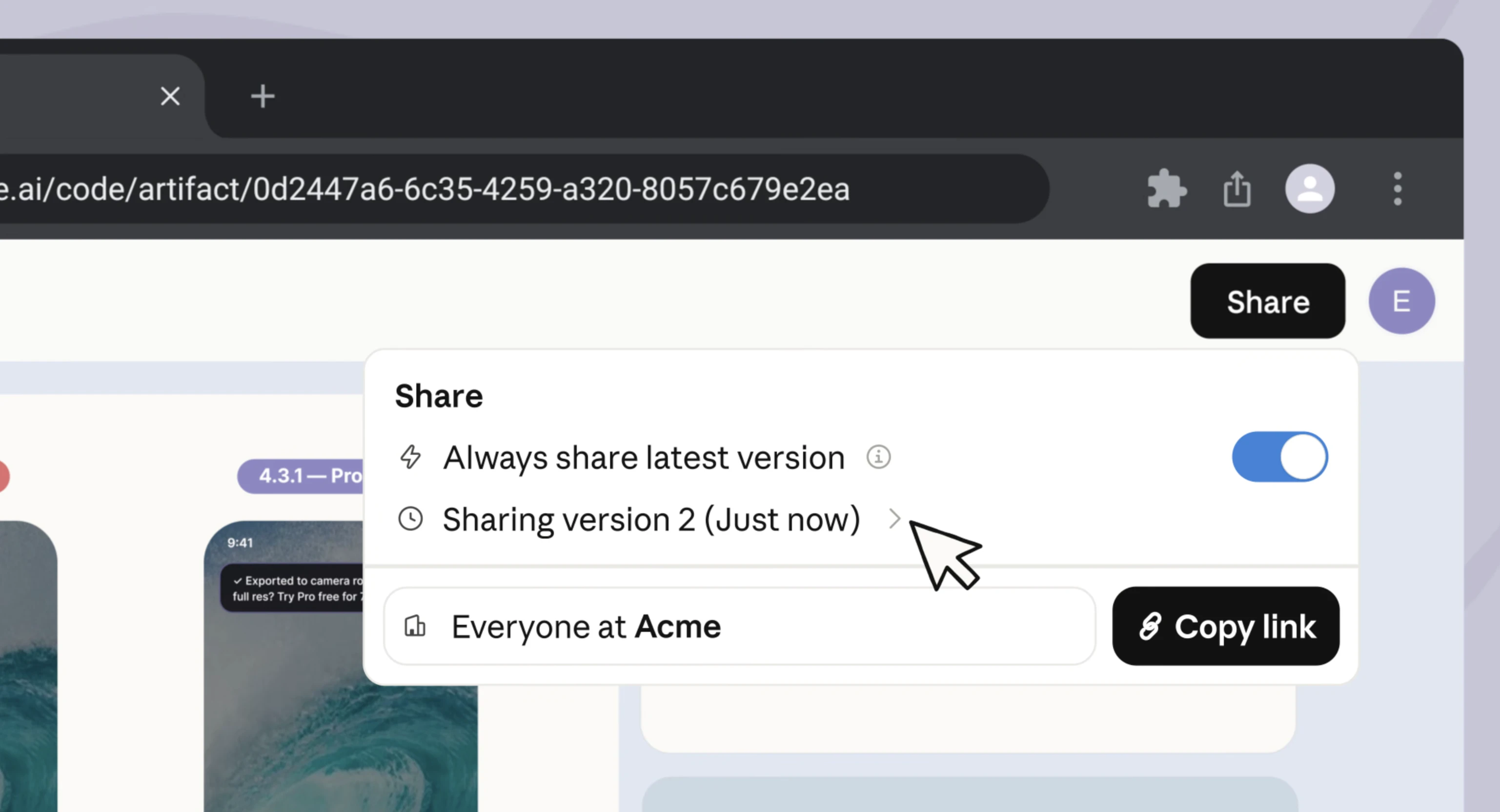
查看原始信息
Portia
Portia is a native macOS utility that hunts down processes blocking your ports. Zero idle CPU, no shell plugins, just one-click precision.

Hi Product Hunt! 👋

I am incredibly excited (and honestly, a little terrified) to finally share Portia with you today. 🕷️💜

Here is a confession: I am not a macOS developer. I had zero prior experience with Swift, Apple’s strict sandboxing rules, or the complexities of Xcode. But I had a massive, daily frustration that every developer here knows too well: the dreaded EADDRINUSE error.

Like everyone else, I was tired of opening the terminal, running lsof -i :8080, finding the PID, and typing kill -9. I wanted a beautiful, native, 1-click solution that lives in the menu bar, or even works in the background instead of me.

Since I didn’t know how to code a native Mac app, I decided to partner up with AI as my virtual Senior co-pilot. 🤖

It wasn’t a "generate an app in 5 seconds" kind of journey. It was a long weekend of heavy prompt engineering, architecture planning, overcoming Apple Sandbox limitations, and making sure the app runs with 0% idle CPU and absolute system safety. The result is Portia verbatim: a production-ready, ultra-fast, premium native utility that works flawlessly.

We are launching two versions today:

🌎 Portia Lite (Free on the App Store): It runs in a sandbox and helps you find the your blocked port, allowing you to track down the issue.

⚡ Portia Full ($4.99 direct download): A non-sandboxed version with a background Launch Agent that lets you view the exact process path and kill (Strike!) the blocking process in exactly 1 click.

Building this proved to me that AI can truly democratize software creation if you guide it right. I’d love to hear your thoughts, feedback, and stories about your own battle with zombie processes!

I’ll be here all day to answer your questions. Thank you so much for the support! 🚀

2
回复

This is one of those super simple tasks that take me several minutes to remember how to look for that one rouge node server running I forgot about. Nice!

0
回复