Product Hunt 每日热榜 2026-06-20

PH热榜 | 2026-06-20

#1
WorkClaw
Collaborative, proactive AI coworkers who work in Slack
324
一句话介绍:WorkClaw在Slack和Teams中部署了可协作、能主动执行任务的AI同事,通过赋予它们职位、管理者和云端电脑,解决团队级AI协作碎片化、无法融入真实工作流程的痛点。
Productivity Artificial Intelligence Business
AI同事 团队协作 工作流程自动化 多智能体系统 Slack集成 企业管理 SOC2安全 技能训练 项目管理 云端AI
用户评论摘要:用户关注多代理协作的管理责任(谁为10个Claw的错误负责?)、防止任务冲突与聊天噪音、训练成本与效果、企业级治理与审计追踪(如LUXCRYPTA提到的连续性工程)。也有人质疑定价模式与内部负责人问题,但核心担忧集中于治理而非能力。
AI 锐评

WorkClaw的定位聪明且精准——它没有重造一个“更聪明的聊天机器人”,而是试图解决AI落地的终极难题:如何让AI像员工一样融入组织。给AI“职位”“管理器”和“云端电脑”,本质上是把AI从工具转化为“合规的劳动力单元”,这直击了企业部署AI时“可用但不敢用”的软肋。

然而,犀利点在于:评论区关于“责任归属”和“审计轨迹”的追问,恰好暴露了其当前形态的脆弱性。用户@moh_codokiai的灵魂拷问——“谁为10个Claw的决策负责?”——WorkClaw创始人用“加一个Orchestrator Claw”来回应,这本质上是把责任问题推给了另一个AI。当10个Claw协同出错时,审计只能查到“谁说了什么”,而无法像管理人类一样追溯“为什么做这个决定”。LUXCRYPTA创始人提出的“连续性工程”才是真正的解药,但WorkClaw目前缺失这一层。

其核心价值在于:用“拟人化组织架构”降低了非技术团队使用多代理的心理门槛,同时利用SOC 2合规和精细权限控制给了IT部门一个安全的入门券。但真正的护城河不应是“协作”这个概念,而是从“Claw之间会协作”进化到“我们能证明并追溯每次协作的决策逻辑”。如果WorkClaw止步于“像同事一样聊天”,它很快会被MCP协议和Slack原生集成所吞噬。真正的赢家是将“协作性”转化为“可审计的治理性”的产品。

查看原始信息
WorkClaw
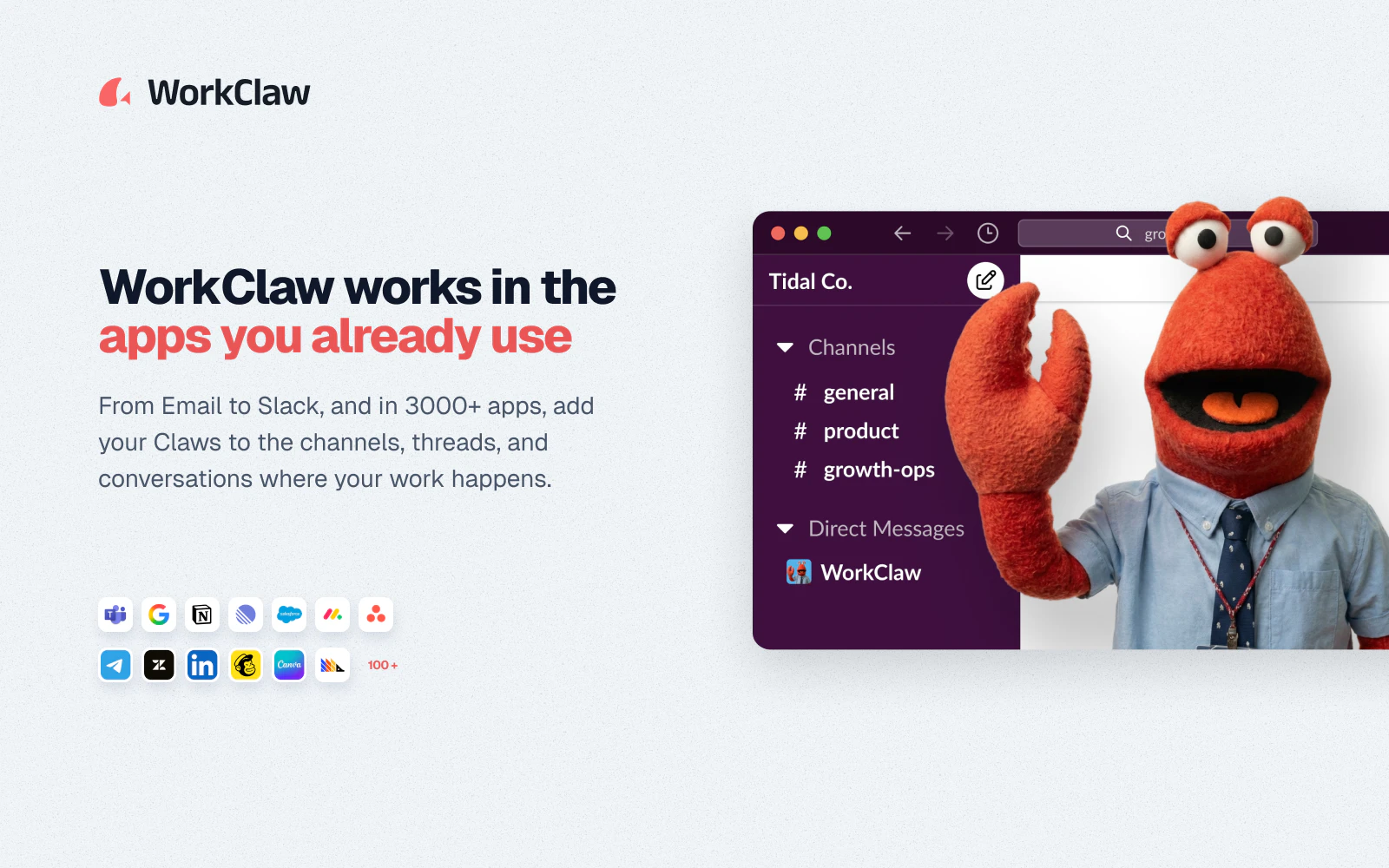
Meet the AI team for your team. WorkClaws are collaborative, proactive AI coworkers who work in Slack and Microsoft Teams just like every other colleague. They're fully customizable to get work done your way by learning skills and routines. Unlike most AI products that pair one person with one assistant, WorkClaws can collaborate 24/7 with your whole team. Each Claw has a job title, a manager in your org chart, and a cloud-hosted ClawOS computer with the ability to access more than 3,000 apps.

Hey Product Hunt! 👋 I'm Will, founder of WorkClaw.

I'm excited to introduce WorkClaw: the AI team for your team. Your team is about to get bigger. A lot bigger!

Most AI agents work in silos. One person, one assistant. But that’s not how real teams collaborate.

WorkClaws are AI coworkers who can collaborate with your whole team to get actual work done, your way.

We make it easy to hire and onboard proactive, collaborative AI teammates who work in Slack and Microsoft Teams, just like every other colleague.

Each Claw gets:

  • A job title

  • A manager in your org chart

  • A cloud-hosted ClawOS computer

  • The ability to access more than 3,000 apps and any MCP server

Then, you train them with skills and routines so they work the way your team actually works.


What makes us different from most AI tools?

  1. WorkClaws are collaborative, like a real teammate. They can even message one another in their ClawChat app!

  2. Our platform is built for security-minded teams. It has robust access controls and is SOC 2 compliant.

  3. Each Claw has a specialized role, preventing context drift and confusion.

  4. Admin access controls: one Claw can work with your whole team simultaneously, another might be accessible just to you, and another might be available only to one team within your organization.

We've just opened up Early Access, and you can use the code PHEXTRA100 to get an extra $100 in credits when you sign up at https://workclaw.com?ref=producthunt

Happy to answer any questions!

7
回复

@willruben Will, @sierra_li_xing_bustos , myself, and our team have been heads-down for months on building and refining WorkClaw. Proud to be making it available today!

2
回复

@willruben ok the idea of AI coworkers having managers, job titles, and literally messaging each other is kinda wild in the best way 😅

most AI tools feel like individual assistants. this feels much closer to how actual teams operate.

one thing I'm curious about: as companies start deploying multiple Claws across different departments, what have you found to be the biggest challenge? coordination between Claws, keeping them aligned with company processes, or preventing them from stepping on each other's toes? 👀

congrats on the launch and the Early Access release!!!

0
回复
@willruben The challenge with AI teammates isn’t creating them, it’s managing them. If I create 10 Claws, who is responsible when something goes wrong? For example, one Claw researches, another executes, and a third communicates the result. How do customers track accountability and understand why a decision was made? I’m asking because I’ve seen teams struggle with ownership even between humans. Adding multiple AI workers seems powerful, but also introduces a new layer of management complexity. Have you found customers naturally adopting several specialized Claws, or do most end up relying on only a few core ones after the initial setup?
5
回复

@willruben  @moh_codokiai Great question. It is actually a mix of both. A lot of customers will create a few specialized Claws and then one orchestrator Claw who is responsible for synthesizing their outputs and reporting to the customer.

Many of our more successful implementations have specialized claws isolated from each other who can only interact with their orchestrator claw, but the human can set up the org chart however they like and choose which claws and humans on the team can talk to each other.

4
回复

@willruben  @moh_codokiai 

Ammon's answer covers the org-chart problem well. But "who is responsible" is actually two separate questions:

1. Who approved the decision? (org structure answers this)

2. Can you prove what the AI actually decided, why it decided it, and whether it was allowed to? (org structure doesn't touch this)

That second question is what we call a continuity problem. When you have 10 Claws collaborating — one researching, one executing, one communicating — each one is a decision node. If something goes wrong downstream, you need a complete, replayable record of every decision in the chain, not just a log of who talked to whom. Without that, "accountability" is really just blame assignment after the fact. With it, you can reconstruct exactly what happened and prove it to whoever is asking — an auditor, a client, a regulator, or just your own team.

This is the layer that multi-agent systems are almost universally missing right now. The intelligence is improving fast. The governance infrastructure underneath it is not keeping up. We build that infrastructure at LUXCRYPTA.AI as a substrate of AL Governance called Continuity Engineering.

Thomas Coleman, Founder — LUXCRYPTA Technologies

0
回复

@moh_codokiai Great question. Many of our most successful claws are very specialized to the way their managers and companies like to get work done. You can also create a claw manager to help with the overhead of coordination since they can all talk to each other in the ClawChat app.

1
回复

@willruben Nice job here. Have used this - it’s a nice mix of flexible and enterprise ready

We are looking to roll out company wide

2
回复
@mike_tannenbaum appreciate it and we’re looking forward to rolling it out with you!
0
回复

@mike_tannenbaum Glad you think it's flexible and enterprise ready! Excited to support you in the roll out!

0
回复
How do two Claws avoid stepping on each other if they're working the same task? Also curious how long it takes to train one before it's actually useful day-to-day.
2
回复

@abod_rehman Great question. They each run in a VM, so they are isolated to two separate tasks, but they can coordinate through chat and ClawMail, a backend messaging system. When they are working in Slack, you can control the Slack channels they are in and if two are in a channel, you invoke them by name and they can coordinate with each other there, too. In addition, they would typically not be assigned the same task, as you can control who can give each Claw tasks. We also recommend making them specialists - BloggerClaw, RecruiterClaw, etc.

1
回复

@abod_rehman we have a skill library to help make training easy. We also help our customers with setting up claws, so feel free to reach out!

0
回复
Love WorkClaw! Works well for project management and marketing. What else are people using it for?
1
回复
@lak1989 marketing, analytics, ads management, project management and lots lots more.
0
回复

Congrats on the #1 launch! The orchestrator-Claw-as-single-point-of-accountability pattern is the smart call. I build AI agents for small businesses and the moment you go multi-agent the bottleneck stops being capability and becomes "what did each one actually do?" Curious how much of WorkClaw is observability / audit trail vs the agents themselves — that's usually where trust is won or lost with a team.

1
回复

@david_marko I feel this! I have a general purpose "sidekick" claw that I throw random ad hoc tasks at, and then I have a series of specialists that all flow through an orchestrator Claw. Works well, orchestrator keeps everyone on task.

0
回复

Do Claws have memory that persists across projects and reorgs or does a Claw's 'institutional knowledge reset if it gets reassigned to a different team or manager?

1
回复

@chen_hao3 Great question. They have institutional knowledge that persists, and they can share knowledge between each other as needed. They're quite good at accessing the memories they need and filing institutional knowledge away for later use.

0
回复

@chen_hao3 Their memories persist. They recall what tasks and apps they have and have used, so that when you change the permissions for humans they do not miss a beat with a new manager.

0
回复

Is this basically just OpenClaw or something else?

1
回复

@david_sipos While we are based on OpenClaw, it is effectively a team, admin, and security layer on top of a modified version of it. We saw some of the drawbacks of OpenClaw, such as the memory confusion, context drift, and lack of team access controls and decided to take the great features of OpenClaw (always-on, autonomous, proactive, etc) and make those available to the enterprise in a controlled environment.

2
回复

Since Claws operate continuously rather than just responding when prompted how do you prevent them from being overly chatty or noisy in Slack? Proactive is great in theory but team channels can get noisy fast if every Claw is initiating threads.

1
回复

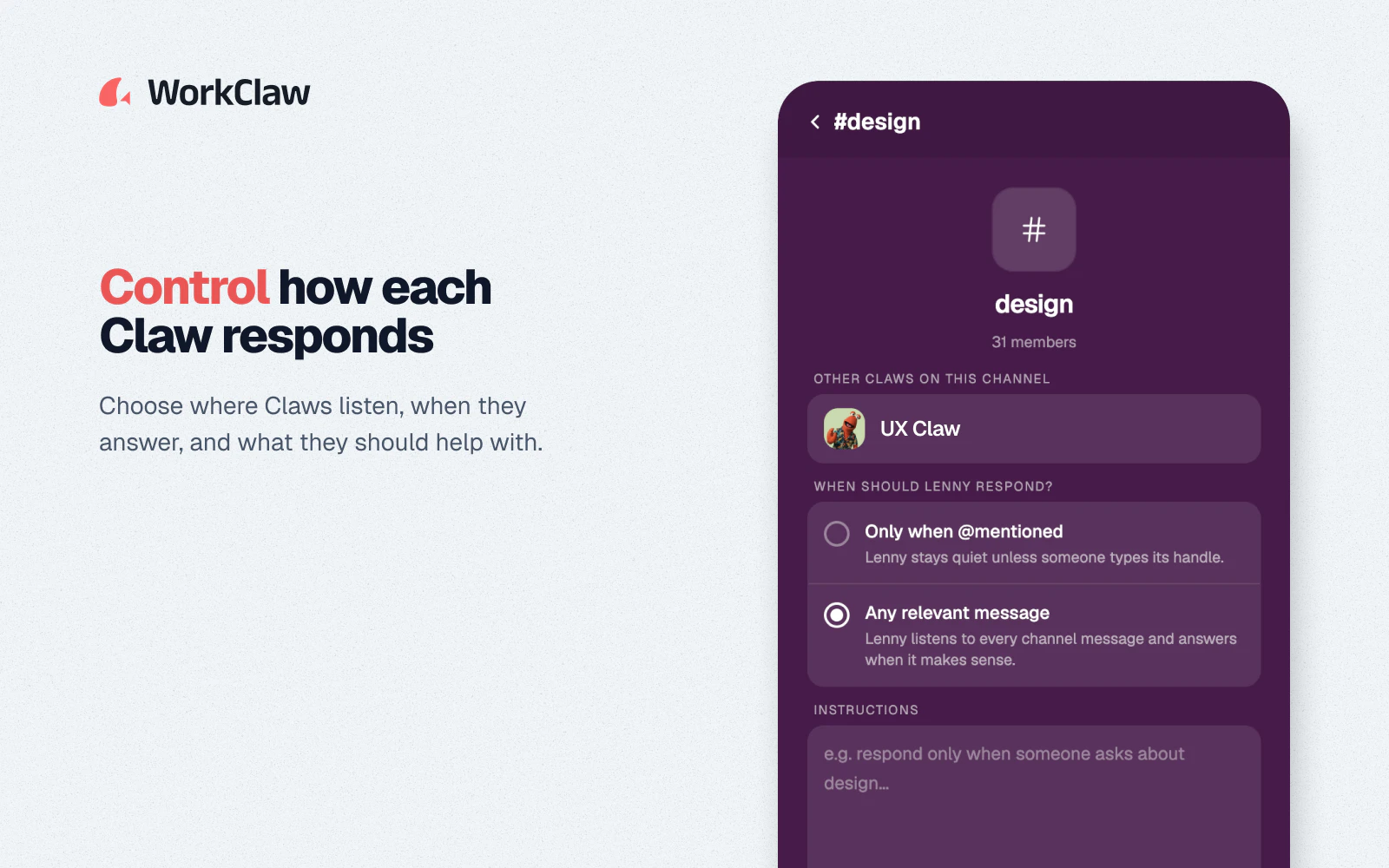
@carter_son You can actually control whether they operate continuously or only speak when spoken to. Since each one has its own identity and Slack handle, you can have one that listens to everything, and you can have the rest that only speak when they are mentioned.

This is part of the admin and control layer that we implemented on top of our teams of isolated agents.

0
回复

@carter_son A couple of ways:

  1. You can restrict the channels each Claw is listening to

  2. You can choose to have them actively listen or respond when mentioned. The default is "when summoned"

  3. They tend to see that another Claw is responding in Slack when there is a collision and they coordinate pretty well.

0
回复

Genuinely curious about the economics here are you pricing per Claw like a headcount or per seat/usage like typical SaaS? The AI coworker framing kind of implies the former which would be a bold pricing model.

1
回复

@carlos_leonardo1 We are pricing it purely on AI usage and cloud hosting. That is the fairest way to price a product like this so that pricing is died to usage.

0
回复

This feels like it's solving for team level AI adoption rather than individual productivity which is a much harder go to market. How are you handling the internal champion problem i.e. who inside a company actually owns hiring and managing a Claw?

1
回复

@antonio_manuel1 That can actually be different for each Claw. There are multiple levels of admin controls. You can control who is on the team, which Claws they can access, and which Claws their Claws can access. In many cases, there will be multiple shared Claws as well as a personal Claw for various team members. I have access to five or six on our team, and I have one that is just my own.

0
回复

@antonio_manuel1, sometimes it happens bottoms up within a company and other times it's more top down where we get in touch with a leader or IT manager who is attracted to our admin and security controls to help roll out AI in a safe way to the whole org.

0
回复

Curious how learning skills and routines actually works under the hood is this more like fine tuning per org or is it closer to a Claw building its own internal playbook from observing how the team works over time?

1
回复

@ana_popescu2 We are built on top of OpenClaw, and so we use a lot of the infrastructure built there. And each Claude does build its own internal playbook with guidance from its human manager.

0
回复
The idea of having AI handle repetitive work is compelling, but what caught my attention is the focus on actual workflows rather than just chat. Curious…what's the most common task users automate first when they start using WorkClaw?
1
回复

@harini_mukesh It's hard to pin down just one task, but a lot of people do email triage, go to market, content writing and social media monitoring. Lots of task management and engineering work as well.

0
回复

@harini_mukesh, most common tasks are research (news summaries, market research), analysis (connecting internal data sources), marketing (social media, blogging, ad management), and project management (making sure things get done).

0
回复

Most AI coworker tools are 1:1 with a human. You're explicitly going multiplayer Claws collaborating with each other and with the team. Has that introduced any weird emergent behavior like Claws looping on tasks or duplicating work without a human in the loop?

1
回复

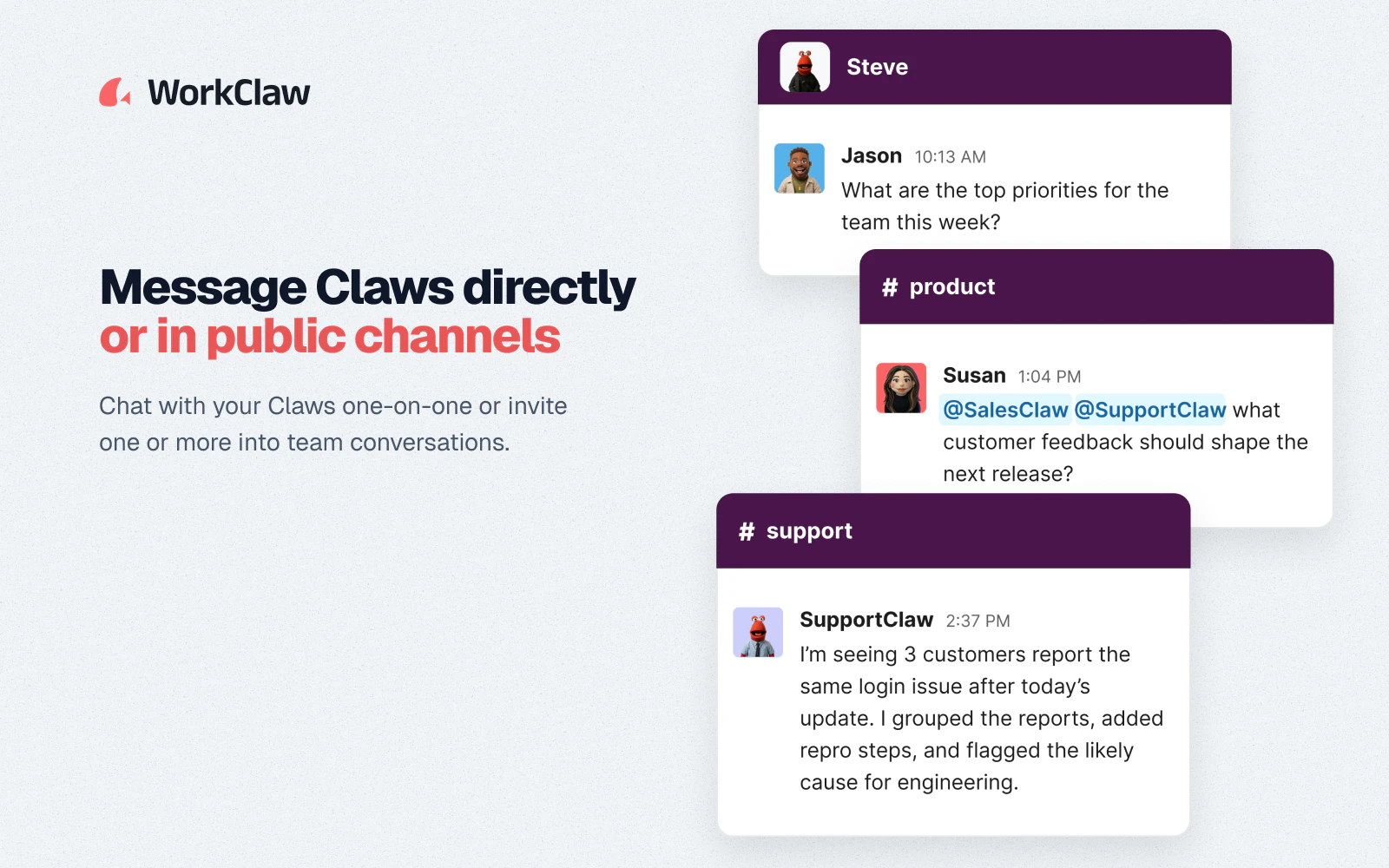
@amna9 We have not seen much of that. Claws are usually invoked in Slack by name and won't respond unless they see their name. You can have them listen to public channels and then control which channels they're in.

They avoid stepping on each other's toes by communicating with each other in Slack or on the backend.

1
回复

Giving each Claw a manager and a job title is such a clever framing for adoption but how does performance review work in practice? Does the human manager actually rate the Claw's output and does that feedback loop back into how it behaves?

1
回复

@alexander_gray3 Yes, and on an ongoing basis, period. The Claws do what's called introspection and think about what went on during the day and what feedback they got, and they improve themselves that way.

2
回复

Congratulations on your launch!

0
回复

@moon10 thank you!

0
回复

I met the team behind WorkClaw during Tech Week New York at a comedy event that they hosted. Hey, great tech and a sense of humor tick all the right boxes for a product I'd like to test drive.

0
回复

@luxnarayan was great meeting you! Glad you enjoy our creativity and sense of humor!

0
回复

Interesting to see AI moving from "assistant" to "coworker." I'm a non-developer founder building an AI-powered health product, and the biggest shift for me has been treating AI less like a chatbot and more like a collaborator in the workflow. Congrats on the launch.

0
回复
@suzychase exactly! What use cases do you find most useful?
0
回复

Amazing, I like that this is built into existing apps. How do you stop two Claws from working on the same task or giving conflicting answers? Can admins see a clear record of who asked for what and what each Claw changed?

0
回复
@margharitha each claw has a different job so usually they work in different things.
0
回复

@margharitha claws usually have different jobs in the organization. Works the same way as people in the organization.

0
回复

Strong launch. The org-chart model is the interesting bit.

For a Claw that can touch 3,000 apps, I’d want each task to leave a work receipt: who assigned it, which app/account it used, what changed, and whether another Claw or human approved. Do those receipts live in Slack/Teams, or in WorkClaw?

0
回复

@blah_mad The Claws have memory, so they remember who said what, but a proper audit log is also on the roadmap. Enterprises have asked.

0
回复

@blah_mad yes, we let you audit each action in apps. Also you can choose which ones to connect to which claws.

0
回复

Hi @willruben, congrats on your launch. I love the playful look of the muppet-claws. "Worky Clawson" is an excellent name. I wish I had a better understanding of how credits translated to actual tok. The pricing is a little confusing for me. It's hard for me to tell if the team plan includes VM rental space or if that is in addition to subscription fee. Overall, this looks like an elegant way to productize OpenClaw and provide users with a no-fuss way to get started with multi-agent Claw workers! Looking forward to giving it a try.

0
回复

@ligaya_beebe thanks! happy to take feedback on credit efficiency. It's something we're very focused on.

0
回复
Love the idea! What are the most common use cases?
0
回复

Thanks@zachary_dewitt! Most common use cases are research (news summaries, market research, writing reports how you like them), analysis (connecting internal data sources or accessing public data via subscriptions), marketing (social media, blogging, ad management), and project management (making sure things get done).

0
回复

@zachary_dewitt Social media, GTM, content creation, task management, and email triage, I would say. Although users keep coming up with new use cases all the time!

Also... Notorious PLG... 🤣

0
回复

The proactive part is the exciting and scary part in the same breath. A coworker who waits to be asked is safe; one that acts on its own across 3,000 apps can do the wrong thing at scale before anyone notices. I'd want to know what the approval and rollback model looks like for actions that touch money or customers, because that's the line between a helpful coworker and a very fast liability.

0
回复

@hunter_upscale we have a ton of security controls. you control which apps each claw gets and who can talk to each claw.

0
回复

@hunter_upscale You connect each app separately to each claw, so they can have their own set of apps that are just the ones they need to get their work done.

You can also choose whether they are proactive or just respond when they are spoken to AND you can choose which channels they should be lurking in claw by claw.

0
回复

With access to that many integrated apps how do you handle the inevitable API changes or outages on the other end? Does a Claw degrade gracefully if one of its 3,000 connected tools goes down or does it just stall?

0
回复

@new_user___10520260379921a76fc2d64 We use a third party that manages the connections for us via a secure OAuth bridge. Worst case scenario, point your Claw at the updated API documentation and tell it to update itself! 😁

0
回复

@willruben I’m really impressed with so much about Workclaw as a person well versed in AI but also tech in general, how do we know when it’s time for us to do an upgrade vs you doing the upgrade? And how long does it take dev to get back to me on a simple thing like putting in a plugin when I gave dev the exact coding plugin the workclaw asked to be put in the system 2 days ago so I can see my system we built together in workclaw instead of outsourcing it to Vercel that isn’t as safely locked in security vs you guys that are on top of that very well?

0
回复
@andrea_denney happy to help get you set up. Feel free to reach out!
0
回复

What's the onboarding experience like for a new Claw versus a new human hire? Is there an equivalent of a 30 60 90 day ramp or is it closer to instant productivity from day one?

0
回复

@daniel_juan2 good question! we try to make it instant productivity from day one but they get better with more training like a person!

0
回复

Congrats on the launch! Do WorkClaw agents only do what they're told or do they feel like part of the team too, brainstorm, push back, have fun with people?

0
回复

@mcarmonas They feel like they're part of the team in a lot of ways. When they interact on Slack, they can be proactive and are very conversational. You can define their personality and tone, and so they can be as goofy as you want them to be!

1
回复

@mcarmonas Honestly, they mostly do what they are told. They can be amusing and goofy and we are working on refining their tone and allowing users to define it a bit better.

0
回复

What happens when two Claws on the same team disagree about how to execute a task? Is there an escalation path or does one just defer to org hierarchy the way a human would defer to their manager?

0
回复

@andrew_paul11 We've actually seen them negotiate between each other to some degree. If they collide in Slack, they will talk to each other and read each other's messages and realize that the other has taken the task. They do a good job of coordinating between each other because they have communication channels.

0
回复

access to 3,000+ apps is a big surface area and the actual hard part isn't connecting to that many apps, it's knowing which app to use for which task without a human specifying it every time. curious whether a Claw figures that routing out itself from context or whether someone has to explicitly configure which apps it's allowed to touch for which routines

0
回复

@ansari_adin It is not connected to 3,000 apps out of the box. You can connect different Claws to a different set of apps depending on which jobs it needs to take on. The usual sequencing is: create a Claw, connect some apps, and then give it skills and instructions on how to use those apps to accomplish its work.

0
回复
#2
Reframe
Surf like it's 1999
230
一句话介绍:Reframe 是一款基于 Chromium 引擎的开源复古浏览器,通过还原 Safari 1.0、Netscape 4.8 等经典浏览器的 UI 和交互,并在 Help 菜单中内置“Wayback Mode”(调用 Wayback Machine),让用户既能正常浏览现代网页,又能瞬间穿越回 1999 年的网络视觉风格,满足了追求怀旧感、极简界面和专注氛围的用户需求。
Open Source User Experience GitHub
复古浏览器 macOS 开源 Electron Safari 1.0 Netscape 4.8 Wayback Machine 怀旧 扁平极简 Web 浏览器
用户评论摘要:多数用户称赞怀旧创意和“Wayback Mode”功能,称其“回忆满满”且“去除复杂性”。热门问题集中在:何时推出 Windows 版(开发者回应 3 周内)?如何抓取旧版网站(开发者回应调用 archive.org)。有用户幽默问是否包含 1999 年的延迟,开发者回应“下次更新加”。
AI 锐评

Reframe 的本质不是“浏览器”,而是一款**带怀旧滤镜的皮肤化 Electron 应用**。它精准地切中了两类人群的神经:一是怀念早期互联网美学的老用户,二是厌倦当下臃肿、信息轰炸式界面,渴望“数字断舍离”的新用户。其核心创新在于将复古 UI 与现代渲染引擎(Chromium)解耦,既保证了实用性,又用“Wayback Mode”提供了超越普通浏览器皮肤的文化价值——它让用户能真正“重访”历史网页,而不仅是在视觉上贴个复古标签。

但需冷静看待其天花板:作为基于 Electron 的应用,内存占用和启动速度注定无法与原生浏览器匹敌,且“Wayback Mode”高度依赖第三方 Wayback Machine 服务的稳定性和索引深度。长期看,它难以成为日常主力工具,更像一个“情绪价值”驱动的尝鲜型产品。Windows 版的快速推进是正确方向,但若只停留在“换肤”层面,用户的新鲜感会随使用次数衰减。真正的护城河在于能否围绕“怀旧浏览”构建生态,比如内置怀旧版 RSS 阅读器、旧版网页快照社区分享等功能,将情怀转化为可复用的场景。否则,这股“1999 年冲浪”的风潮,可能比 Netscape 的消亡更快。

查看原始信息
Reframe
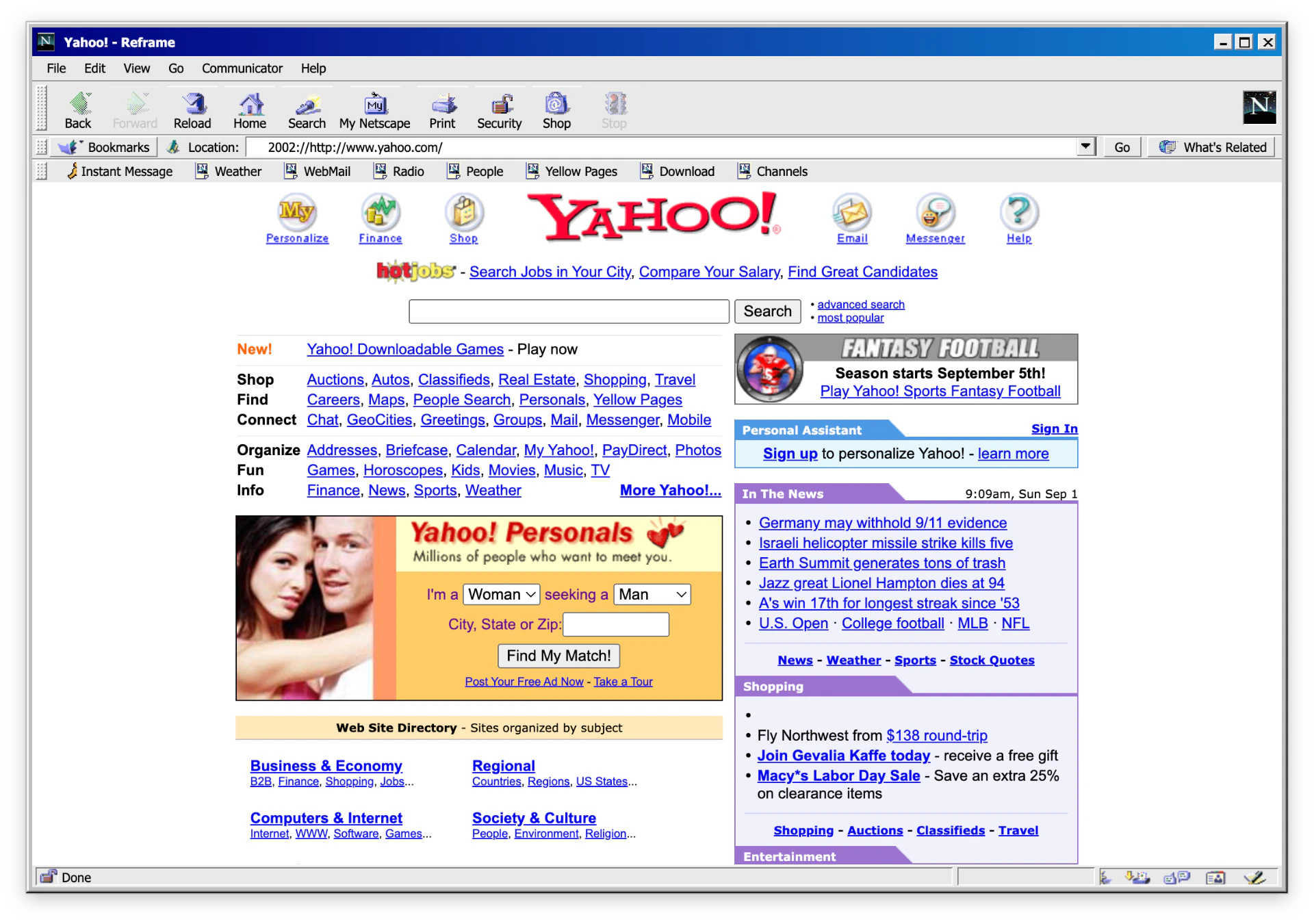
Reframe is an open-source browser based on Electron for macOS that brings back the look & feel of Safari 1.0, Netscape 4.8, Firefox 1.0 and Internet Explorer 5.0, with a built-in Wayback Mode.
Hey Product Hunt 👋 I'm Maik, maker of RetroMac, and today I'm launching Reframe, an open-source retro browser for macOS that lets you surf like it's 1999, powered by a modern Chromium engine. Reframe recreates the look and feel of classic browsers: Safari 1.0, Internet Explorer 5.0, Netscape 4.8, Firefox 1.0, and many more coming. Toolbar icons, status bar, spinning throbber, the whole deal. But underneath, it loads today's web just fine: modern apps, JavaScript, video, all of it. The fun part: there's a built-in Wayback Mode (find it in the Help menu) that lets you browse pages as they actually looked back then. It's not meant to replace your daily browser. It's for the moments when you want nostalgia, vibes, and a different kind of focus.
7
回复

@maik_klotz This is such a fun idea! 🕹️ The nostalgia factor is real —

I remember the spinning throbber like it was yesterday.

Love that you kept modern Chromium underneath so it actually

works. The Wayback Mode is a brilliant touch — browsing pages

as they looked in 1999 sounds like a rabbit hole I'll happily

lose an hour in 😄

Congrats on the launch Maik! Following to see where this goes 🚀

0
回复

@maik_klotz Congrats on the launch! LOVE the retro vibe - a pleasant trip back in time for us oldies! Are you doing a Windows version soon?

1
回复

Wow, that's awesome! Memory unlocked. Like traveling back in time.
When for windows or android?

2
回复

@manuel_mojica within the next 3 Weeks ◡̈ (Windows)

0
回复

This is the vibe I remember when I first tried a computer in my early years. Totally basic UI, and I was amazed as a kid. Brilliant!

2
回复

@busmark_w_nika yes the good old times ◡̈ maybe you like retromac as well…

1
回复

Love this idea. The older I get, the more I appreciate products that remove complexity instead of adding it. There's something refreshing about software that remembers simplicity.

1
回复

Does this also include 1999-level latency?

1
回复

@ligaya_beebe Nope, but I love the idea

0
回复

@ligaya_beebe In the next Update!

0
回复

The modern Chromium engine under a classic browser UI is a fun mix. Wayback Mode also makes it more than nostalgia, since you can actually browse the web in its old context.

1
回复

This is so fun! Yeah, sometimes I really do want to go back in time. World of Warcraft Classic is really popular, and this is pretty much internet classic mode :D. Nice work!

1
回复

@gmedlin thx <3

0
回复

Looks fun to use. How exactly does it pull the old version of a website?

0
回复

@aymnart It use the waybackmachine: http://wayback.archive.org/

1
回复
#3
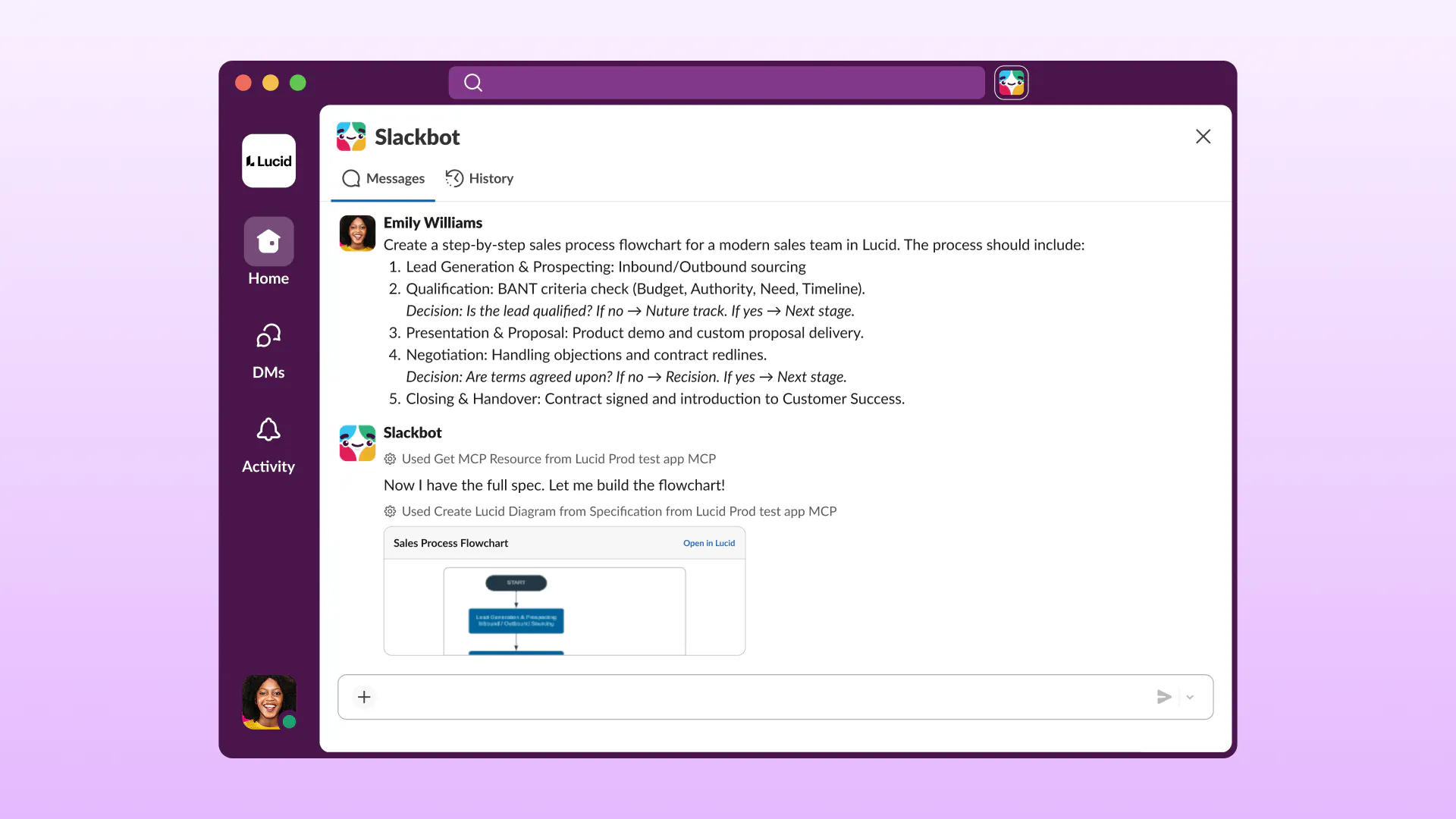
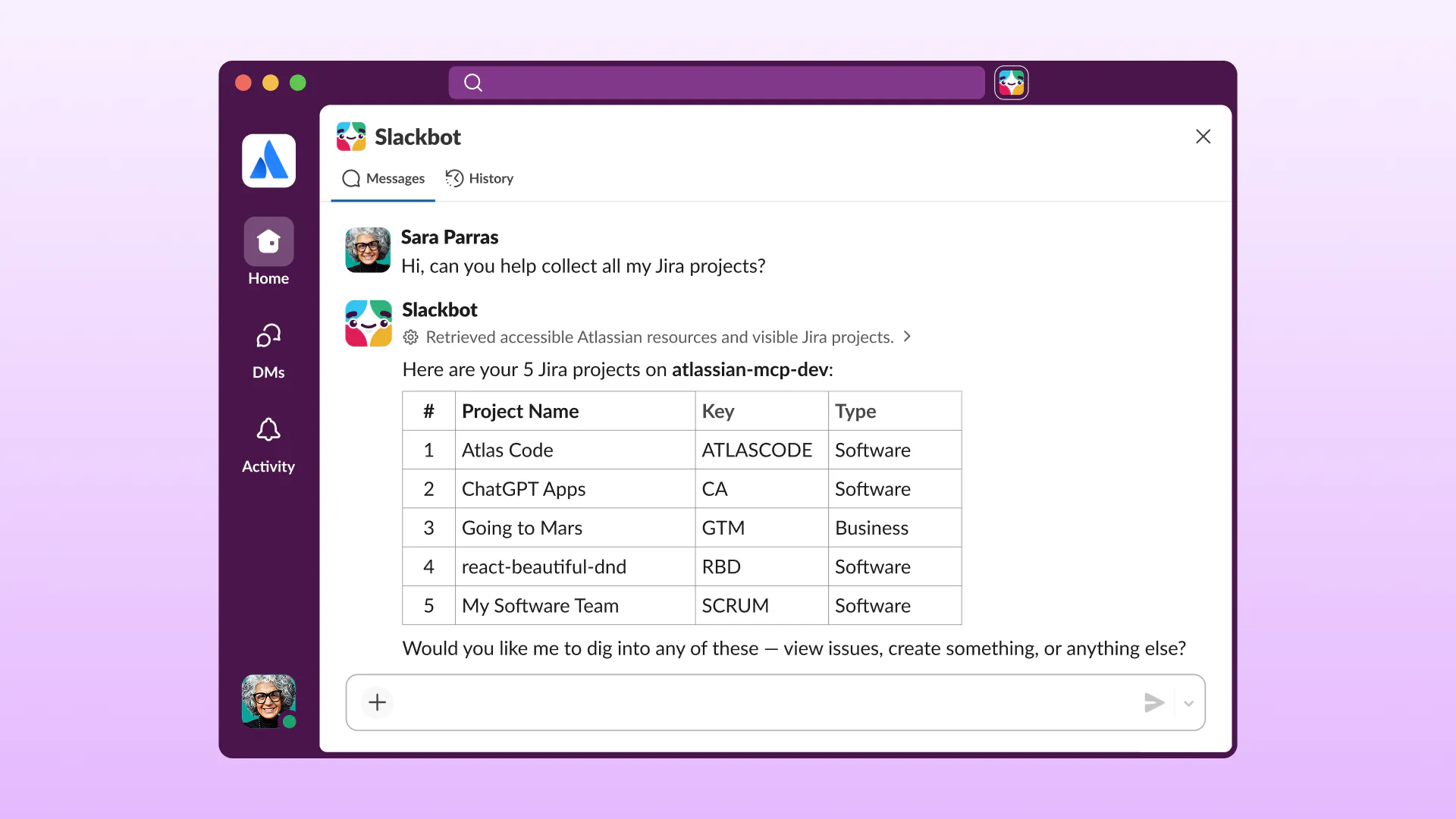
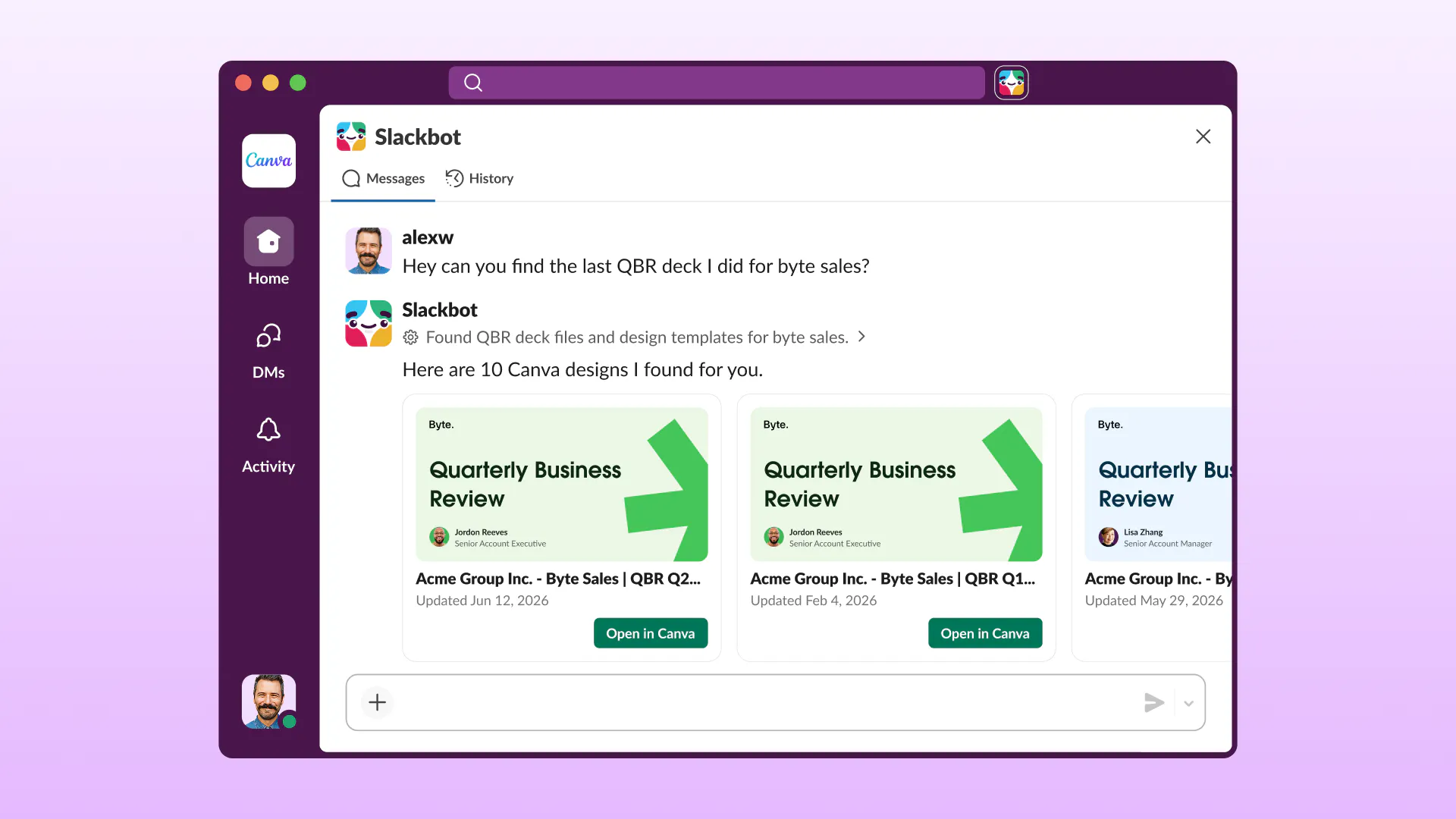
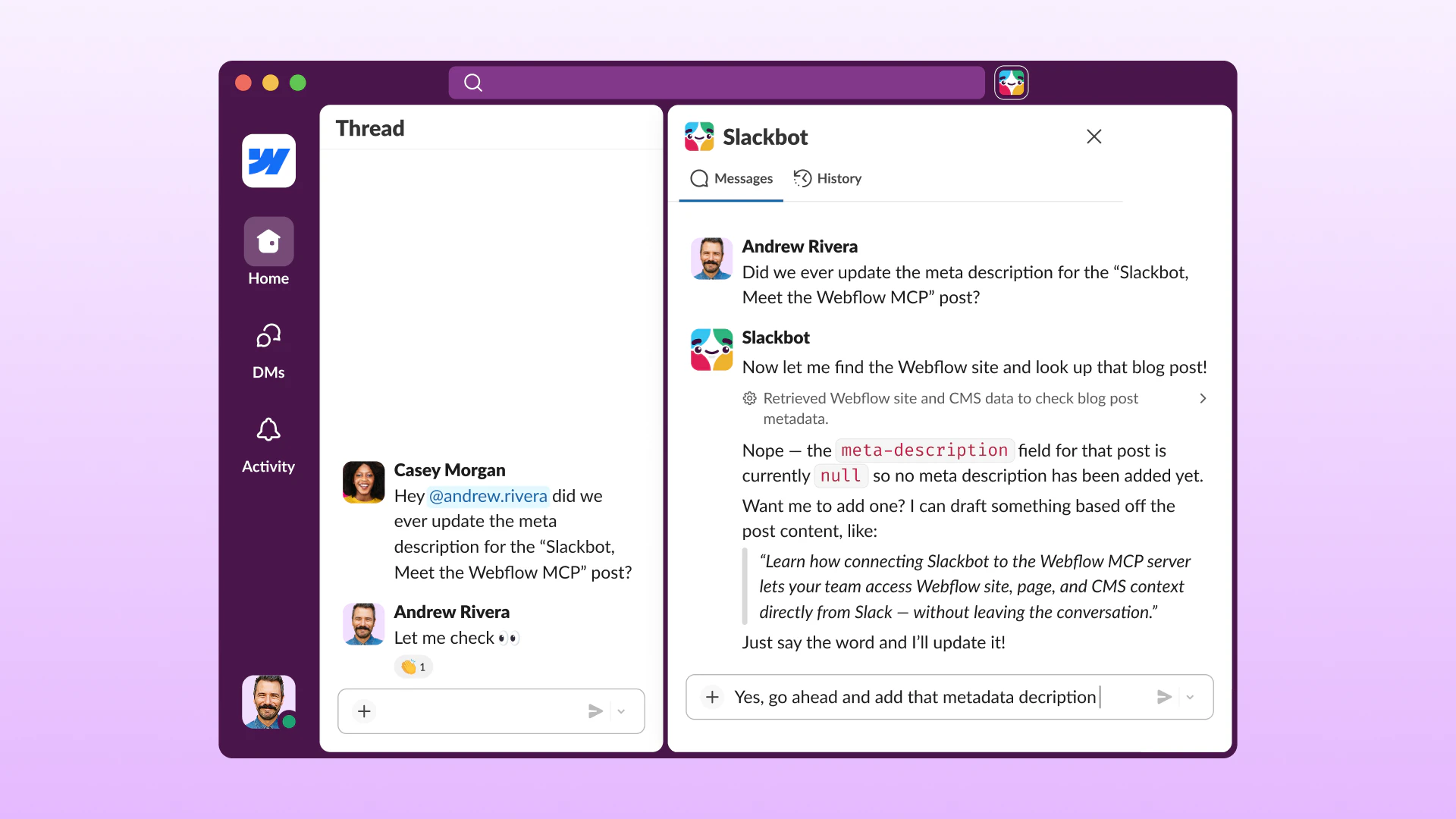
Slackbot’s MCP Client
Work across 20+ apps in Slack with multiplayer collaboration
200
一句话介绍:Slackbot’s MCP Client 将 Slack 转化为AI协作中枢,让团队通过自然语言在同一个聊天界面中跨20+应用执行操作(如签文档、更新工单、查看看板),终结了AI工具孤岛,实现“多人实时协作”而非单机私聊。
Slack Task Management Artificial Intelligence
Slackbot MCP客户端 AI协作 多人协同 工作流自动化 企业级安全 对话式操作 应用集成 Block Kit
用户评论摘要:用户普遍认可“读取”价值,但对“写入”行动的信任成本提出质疑,担心错误操作风险高;多人共享频道作为操作记录和审计日志被视为亮点;有用户明确询问操作身份边界(频道、用户还是应用)及确认步骤;企业用户反馈MCP配置选项未在API中显示,需优化引导。
AI 锐评

Slackbot’s MCP Client 的价值不在于“又多了一个AI插件”,而在于它试图重塑企业协作的底层逻辑:把AI从私有标签页里拽出来,扔进公开频道。这本质上是在解决AI工具“单机化”的致命缺陷——当每个人都对着自己的Copilot私聊,团队协同反而变得更碎片化。它用“Slack频道即操作面板”的思路,让AI的行为透明化、可追溯,天然形成了审计日志和知识沉淀。

然而,它的命门在于“写权限”的信任鸿沟。从用户反馈来看,大家愿意让AI查数据,但让AI签合同、更新工单,意味着模型要在权限边界、意图歧义和容错机制上做到近乎零失误。当前产品对“确认步”和“操作身份绑定”(是哪个用户、哪个频道发起的动作)的回应仍显模糊,这恰恰是企业采购最敏感的合规红线。更棘手的是,MCP生态的开放性和配置复杂度,让普通团队在“即插即用”的宣传和实际搭建门槛之间感到落差(已有企业用户反映找不到配置入口)。

真正的护城河不在“连了多少应用”,而在于能否把“授权-执行-审计”的闭环做成SOP级的零摩擦体验。如果它只解决了读取层面的联通,却逃避写操作的责任界定,最终只会沦为另一个漂亮的AI搜索框,而非大家期待的工作流发动机。

查看原始信息
Slackbot’s MCP Client
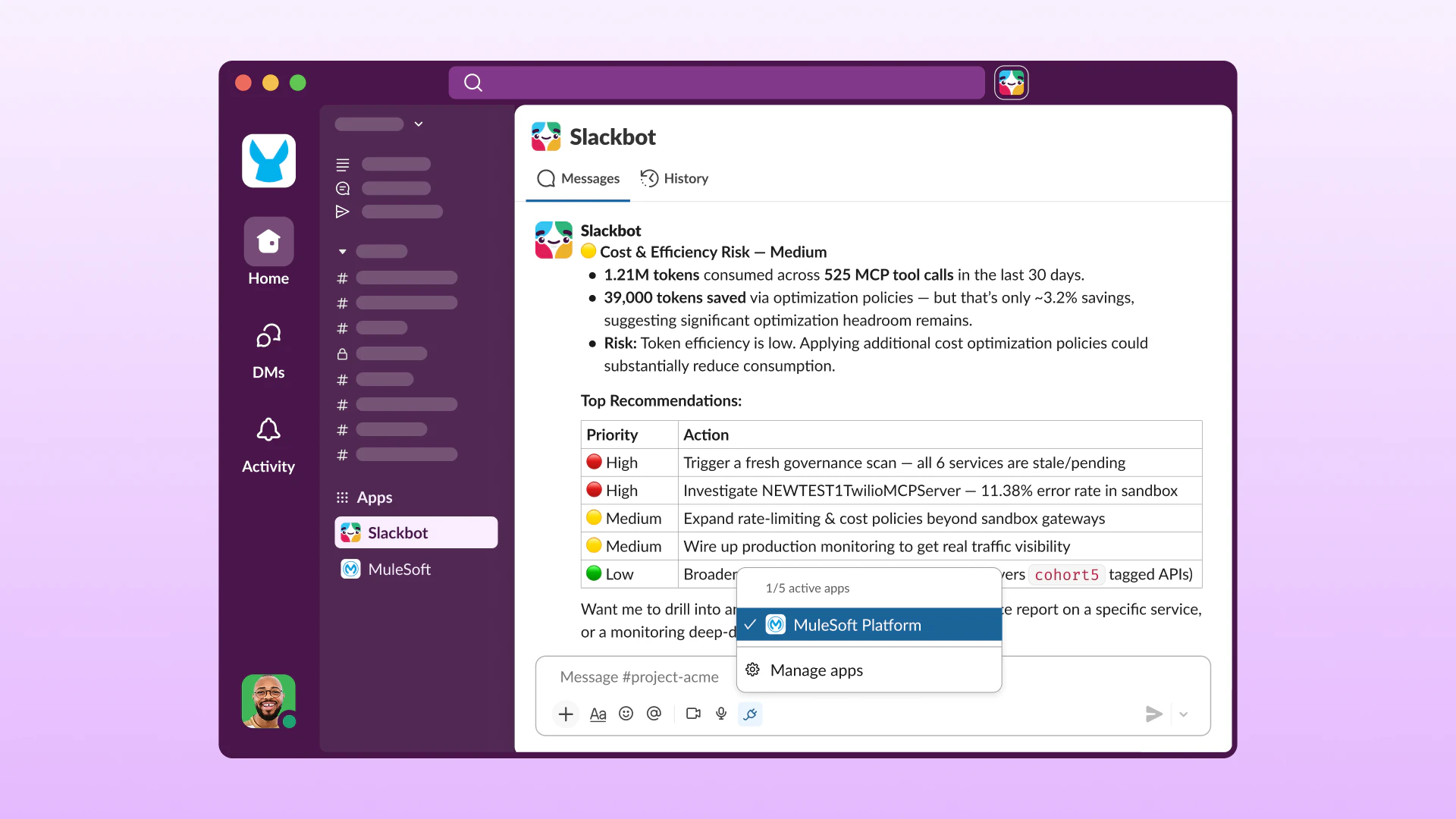
Slackbot’s new MCP Client ends fragmented AI work by connecting 20+ apps (Atlassian, Linear, Canva, Zoom) to one conversational interface. Ask Slackbot in plain language to act across tools—sign docs, update tickets, view dashboards—then share results in team channels for true multiplayer collaboration.

Slackbot's MCP client is Slackbot's AI that connects 20+ apps into one multiplayer conversation.

Teams use isolated AI tools across private tabs, manually carrying data between systems. Slackbot becomes the connective layer for your entire stack, coordinating actions in plain language in team channels.

Work is multiplayer from the start in Slack channels, not single-player silos in private tabs.

Features:

  • Actions, not just answers: sign docs, update tickets, review dashboards right from Slackbot

  • Native Block Kit support (coming soon): rich visuals like data tables update in real time

  • Multiplayer execution: share Slackbot's response into a channel for team collaboration

  • Plug-and-play MCP integration: connect any tool via MCP server in minutes

  • Enterprise-grade security: user-specific data boundaries, IT admin audit console

Benefits: Finish tasks faster, scale best practices, maximize software ROI, collaborate with live data.

Who it's for: Engineering, sales, marketing, product teams

Use cases:

  • Track Linear tickets + PagerDuty incidents (Product & development)

  • Find Q2 pitch decks (Document management)

  • Review Canva layouts (Creative & design)

  • Draft Docusign agreements (Business operations)

  • Analyze Tableau trends + Lucidchart diagrams (Visual collaboration)

P.S. I hunt the latest and greatest launches in tech, SaaS and AI, follow to be notified @rohanrecommends

4
回复
What I find most interesting is that this turns Slack into the interface rather than another tool to switch to. Curious… have you seen users adopt it more for retrieving information across apps or for actually taking actions and completing workflows from Slack?
2
回复

@harini_mukesh In my own experience building something in the AI inbox/routing space, the "retrieval vs action" split usually tracks with trust, not capability. People will let AI surface info from day one, but handing over the "do the thing" step (sign, update, send) takes longer because the cost of a wrong action is so much higher than a wrong summary.

1
回复

The shared-channel angle is the part I’d test hardest.

If Slackbot takes an action from a channel, is authority bound to the requester, the channel, or the app install? For things like signing docs or updating tickets, that identity boundary is what makes the audit console useful.

0
回复

I use Slack daily, and I really appreciate the MCP client ecosystem, the ease it makes in connecting the context and the actions you need to an AI chat interface. Everyone has their own personal preference on where they like that interface to live, and I think more options make it easier for everyone to find their ideal interface. The personalization in that way is very useful while at the same time giving everyone the same access to the tools and "middleware" we all use.

0
回复

We are on an enterprise account, but when I follow the instructions on https://docs.slack.dev/ai/slackbot-mcp-client/ and go to https://api.slack.com/apps and do a "Create a new app", I do not see the MCP option.

0
回复

The "multiplayer" framing is the underrated part. Read side is an easy yes; the write side across 20 apps is where small teams freeze. But running actions in a shared channel instead of a private DM means the team sees what got done in real time — the channel becomes a free audit log. That visibility might do more for trust than any confirm dialog. Does it post a structured "here's what I changed" back to the channel after a write?

0
回复

The read side of this is an easy yes; the write side is where I'd want detail. "Sign docs" and "update tickets" from a plain-language command means the model is interpreting intent and then taking an irreversible action inside someone else's app. As someone who ships an MCP server, the thing that earns trust is a clear confirm step on anything destructive and a visible log of what it actually did, not just what you asked it to do.

0
回复
#4
Mellum by JetBrains
Fast LLMs for low-latency and high-performance workflows
173
一句话介绍:Mellum 是 JetBrains 推出的高速语言模型家族,专为低延迟、高性能推理场景设计,旨在替代通用前沿模型,解决开发者在代码补全、实时交互等任务中因模型响应慢而影响工作流效率的痛点。
Open Source Developer Tools Artificial Intelligence
AI模型 低延迟推理 代码补全 高性能工作流 JetBrains 专用模型 实时交互 开源权重 开发者工具 NLP
用户评论摘要:用户关注性能对比(如与Qwen、Gemma的比较),质疑仅列旧模型有误导;核心疑问集中在实际上下文窗口、FIM训练方式以及是否适用实时语音场景。正面反馈认为80%开发者任务可由专用模型替代云模型,并认可开源侧重代码补全的定位。
AI 锐评

Mellum 的发布是 JetBrains 在 AI 赛道一次务实的“降维打击”。当整个行业还在追逐“更大、更通用”的前沿模型时,它选择了一条更聪明的路:用“足够好”的模型,死磕延迟和性能。这本质上是对当前 AI 开发体验的一次纠偏——IDE 里的代码补全如果滞后两秒,用户在心理上已经“断片”了,而 Mellum 把痛点从“模型强不强”转移到了“响应快不快”。评论区的核心争议在于基准测试的缺失和实际上下文窗口的模糊,这明显是“藏着掖着”的前期沟通陷阱,如果开箱体验无法对齐小模型常见的“断片式”上下文理解,那它很快就沦为“另一个花架子”。值得肯定的是,针对现实场景(代码补全)而非通用能力做深度适配,再加上开源权重的开放姿态,有望让 JetBrains 在开发者本地的 AI 工具链中重新夺回话语权。但需要警惕的是,如果它只是快,却无法处理复杂跨文件重构,最终还是会沦为“高配版 TabNine”——好用,但不足以改变竞争格局。

查看原始信息
Mellum by JetBrains
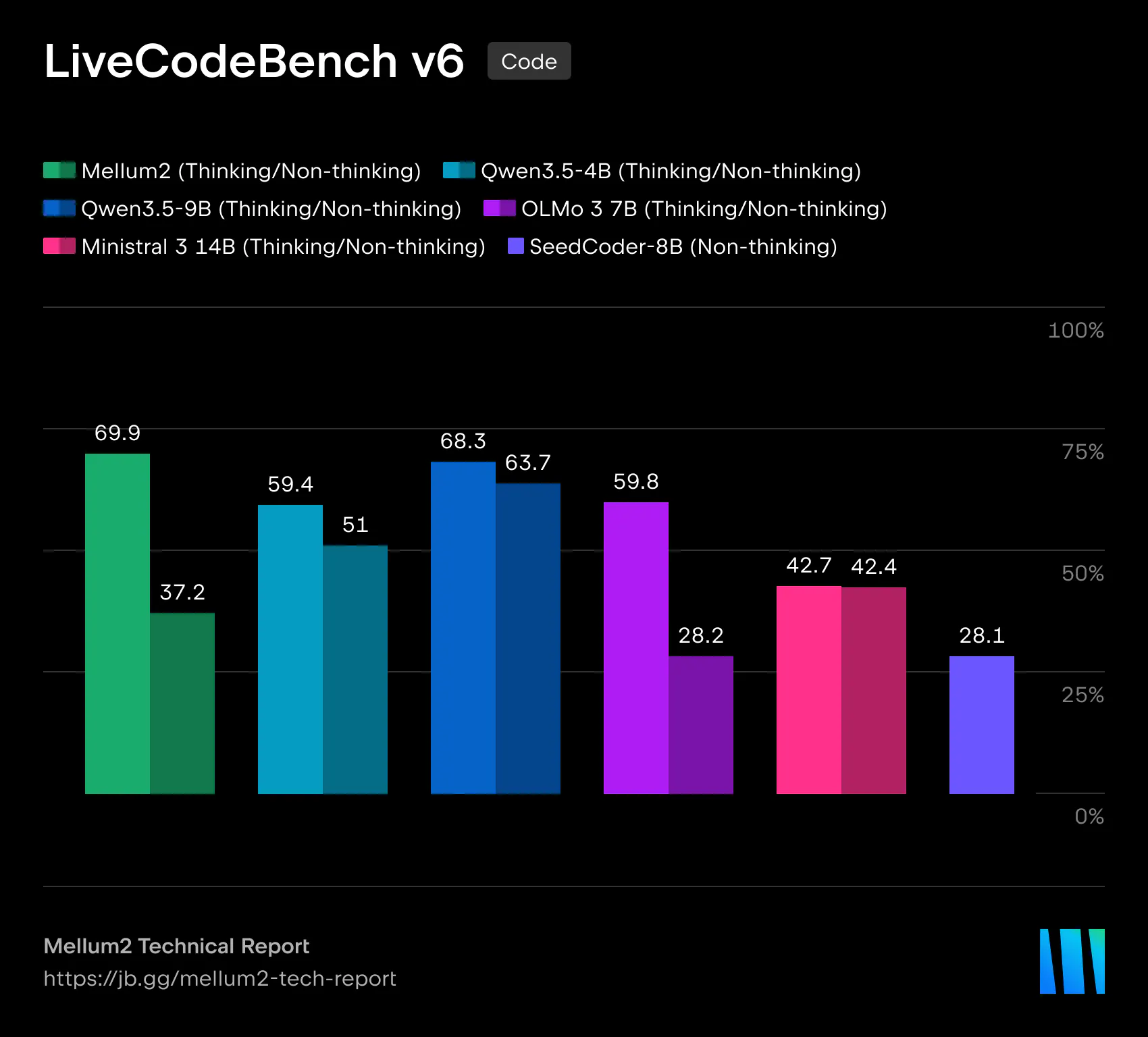
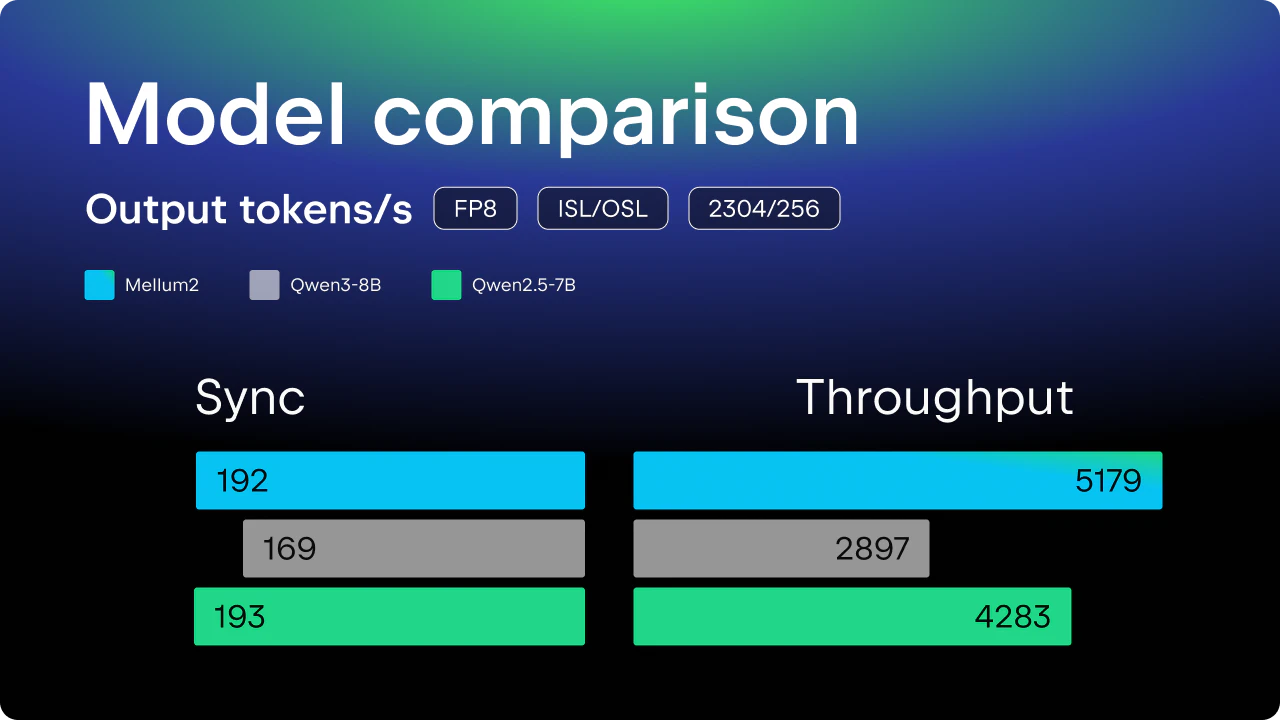
Meet Mellum, a family of fast language models, including a next-generation model for ultra-low-latency and high-performance inference.
What percentage of real-world developer tasks do you believe can eventually be handled by specialized models like Mellum without needing a frontier model at all?
6
回复
@harshchandgotia I would say 80% in the next 3-5 year time frame.
2
回复
We need to see more of this to remove the dependency on the cloud based models
1
回复

How does it compare with the Qwen 3.6 and Gemma 4 models? It's disappointing to only see the old models. It seems misleading.

0
回复

Shipping a focused, smaller coding model as open weights is the interesting bet here — the frontier-model-for-everything approach is expensive and overkill for completion. What I'd want to know: what context window does Mellum practically use for repo-level completion, and is it trained for fill-in-the-middle specifically, or general next-token? FIM quality is usually what separates a good in-IDE model from a chat model bolted into an editor.

0
回复

Latency-first models are underrated. I run AI voice agents and on a live phone call latency isn't a nice-to-have, it's the whole UX — a 2-second pause feels broken to a caller in a way it never does inside an IDE. For narrow, well-scoped tasks I'll take fast-and-good-enough over slow-and-brilliant every time. Is Mellum something you'd consider for real-time / voice use cases, or is it squarely aimed at the coding loop?

0
回复

Yeah! Workflow performance became key and this is bringing a clear advantage there. @fmerian doing what Flo does! The real hunting goat!

0
回复
#5
pumaDB
a small hosted memory layer for AI agents
143
一句话介绍:pumaDB为AI代理提供一个轻量级共享内存层,无需搭建数据库或基础设施,解决跨会话、工具和聊天间上下文丢失的痛点。
Developer Tools Artificial Intelligence Database
AI代理记忆 上下文管理 MCP协议 轻量级数据库 会话状态持久化 开发者工具 工作流优化 内存存储 无服务器 代理工程
用户评论摘要:用户认同“代理冷启动需重喂上下文”的痛点,关注如何区分记忆与非记忆、如何检查和过期错误记忆。建议自动记录失败尝试与原因,而非仅保留成功结果。对MCP集成Claude表示可行,期待记忆可查询索引。
AI 锐评

pumaDB精准切中了当前AI代理工程中一个高频但被忽视的“脏活”:跨会话上下文泄漏。比起动辄上向量数据库或RAG栈的“牛刀杀鸡”方案,它选择用极简的键值记忆层做减法,这种务实定位值得肯定。但问题也随之而来:如果它本质上只是轻量化的内存存储,那么与MCP协议中已有的FileSystem或Memory Server相比,差异化究竟在哪里?仅靠“托管”和“免运维”或许能吸引早期尝鲜者,但一旦代理记忆涉及复杂关系、语义检索或版本冲突,pumaDB的“非向量、非数据库”立场可能迅速变成天花板。

评论中用户提出的“记录失败尝试”和“让记忆可过期”是更深刻的需求——真正有价值的记忆层不应只是静态的笔记堆,而应是可审计、可追溯、可纠错的执行日志。如果pumaDB只是提供了一个共享的文本存储空间,那它本质上就是个微型的云端剪贴板,而不是“智能记忆”。代理工程需要的不是又一个存储桶,而是能理解“该记住什么”与“该忘记什么”的上层治理逻辑。

此外,投票数仅143,核心讨论集中在“很轻便,但如何保证准确性和可控性?”,说明产品尚处在早期验证阶段。开发者是否愿意为了“轻量”而放弃向量搜索、自动过期和冲突解决等进阶能力,将是pumaDB能否从小众工具跃升为基础设施的关键。一句话总结:它解决了一个真实问题,但提供的答案还不完整。

查看原始信息
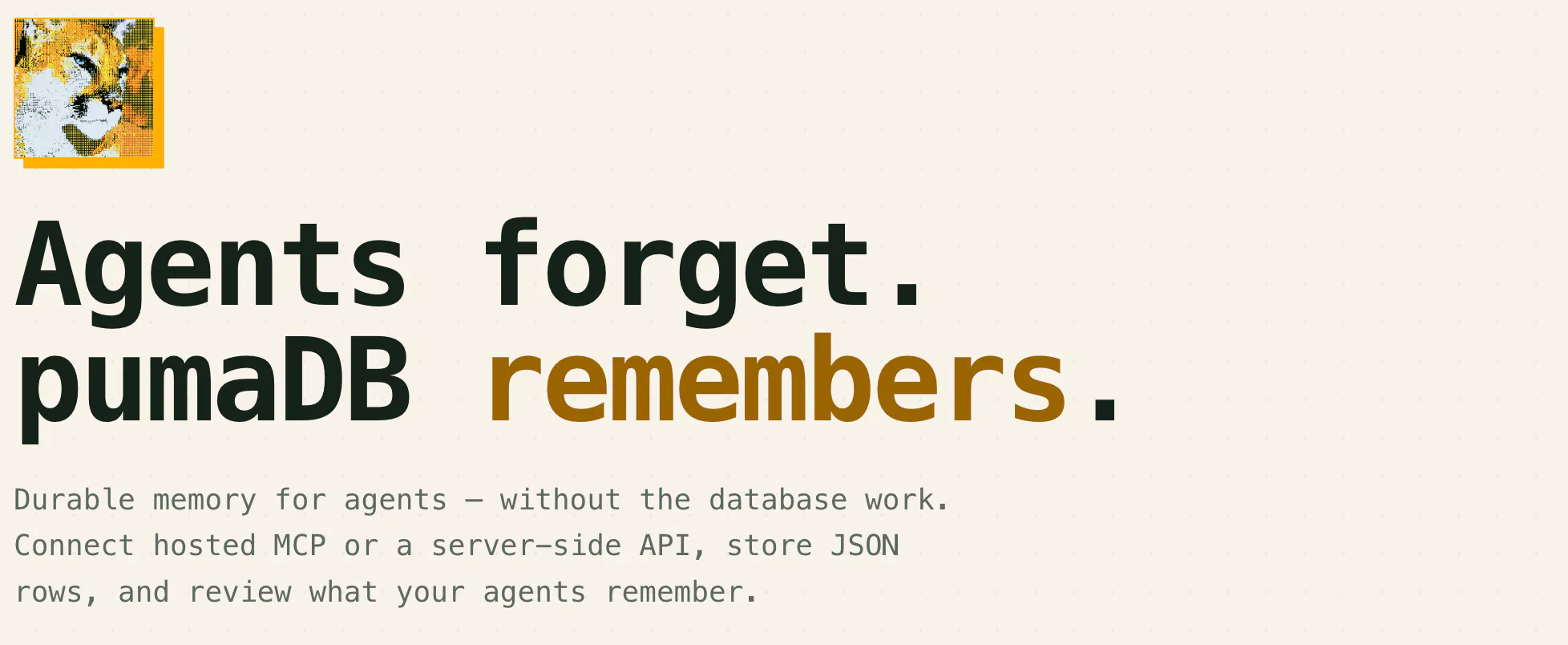
pumaDB
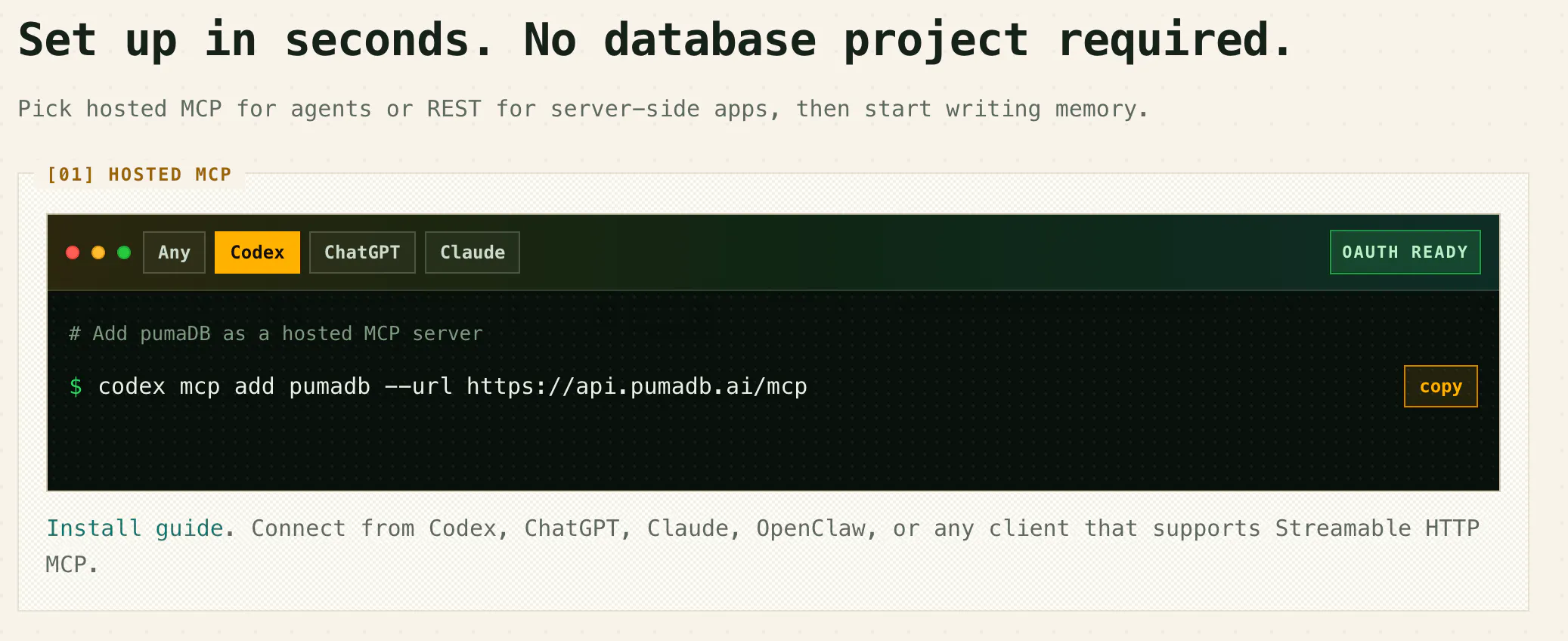
Most AI agent workflows lose useful context between sessions, tools, and chats. The usual fixes are either too manual, like copying notes into docs, or too heavy, like setting up a database, vector store, or custom RAG stack. pumaDB gives agents a simple shared place to save and reuse notes, facts, preferences, project context, transcripts, task state, and other useful memory. No database setup, vector DB, or infrastructure to manage
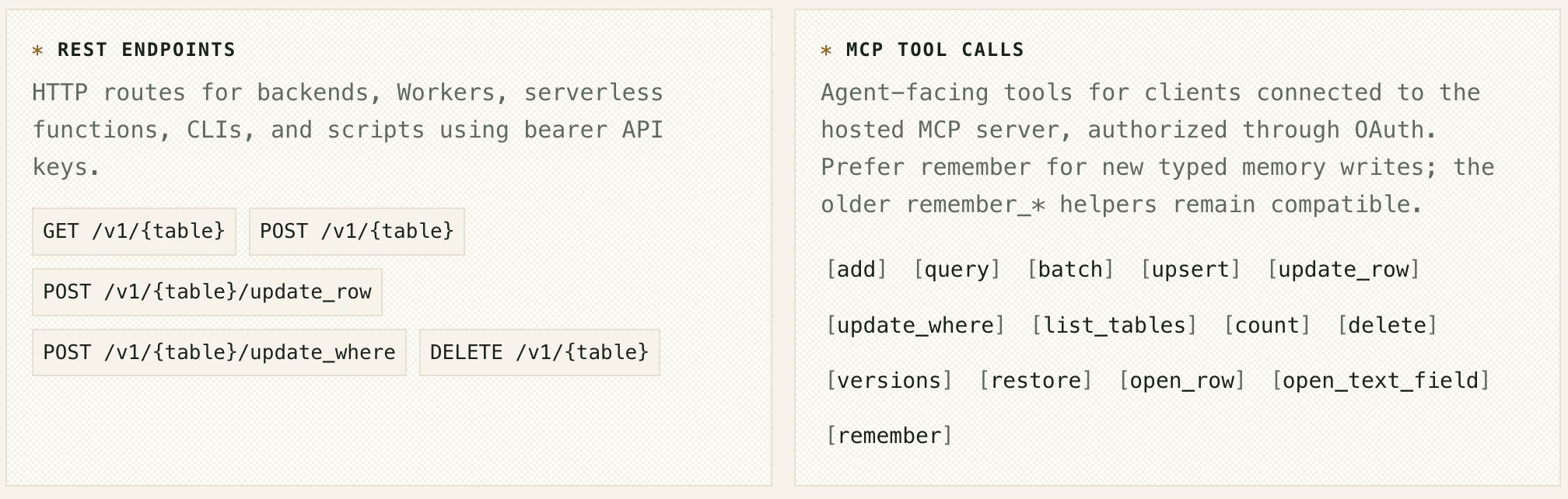
I built pumaDB because I kept running into the same problem with AI agents: they do useful work, then the useful context disappears into chat history, local files, Notion, GitHub, or some custom setup. I wanted something simpler. pumaDB gives agents a shared memory they can read and write through MCP or a server-side API. You can use it for things like project context, research notes, transcripts, reusable snippets, preferences, decisions, task state, and things already tried. It is intentionally lightweight. It is not trying to replace Postgres, vector search, or your production database. It is for the smaller but very common problem of giving agents a reliable place to remember useful context across sessions and tools. A simple example: I moved transcripts from my last 23 videos into pumaDB. Now I can ask Claude, ChatGPT, Codex, or Conductor to summarize, repurpose, or search that same content without copying it between tools. Would love feedback from anyone building with agents: - What do you currently use for agent memory? - Do you prefer MCP, API, or both? - What would you want agents to remember automatically? - What would make you trust a shared memory layer?
1
回复
The exact same idea I was thinking about. is it possible to integrate it in chatgpt or claude web interface?
1
回复
@naresh_chandanbatve I’m not affiliated with this project at all, and refuse to use ChatGPT, but - seeing as this primarily connects via MCP server, Claude users can absolutely add MCP servers from the web interface under Settings-> Customize -> the “+” button atop your list of MCP Servers -> Add Custom - should do it. :)
0
回复

Nice launch. The memory I’d trust most is not just facts, but attempts: what the agent tried, why it failed, and which tool or write it was allowed to use next.

If a memory is wrong or stale, does pumaDB show who or what wrote it and let builders expire or correct it?

0
回复

I have seen teams, including my own, avoid memory because setting up a database or vector store feels too heavy for early workflows. How do you decide what should be saved as memory and what should stay out? Can developers inspect and clean up memory when an agent saves something wrong or outdated?

0
回复

I really like the pitch for this. I too have run into this problem, and not everyone has the time, energy, and willpower to research all of the different skills and scaffolding and harness options to make your own ideal memory layer. Speeding up that whole process, to me, is a very empowering thing to give to people.

0
回复

The transcripts example resonates. I've got the same problem with a different domain. Iterative LLM workflows where each session starts cold means re-feeding context that should persist.

For "what would agents remember automatically": the thing I'd actually pay for is automatic capture of failed attempts and why they failed. Most memory tools focus on remembering successful artifacts. The harder and more valuable thing is remembering the dead ends so the agent doesn't try the same broken approach next session.

MCP-first feels right for the dev audience. Curious if you're planning to expose the memory as a queryable index later or keeping it strictly key/notes.

0
回复
#6
Are you in the Weights?
Find out if you live forever in the brain of the LLMs
119
一句话介绍:输入任意名称,即可查询主流大模型对其的认知强度,揭示你的信息在AI模型中留下的“数字痕迹”。
Artificial Intelligence Tech Games
AI模型检测 大模型认知 信息追溯 数字身份 LLM权重 产品猎奇 品牌分析 搜索引擎 AI评论 市场洞察
用户评论摘要:用户肯定了UI设计、音效及概念创意,但也有反馈指出:对同名人物不适用;开发者自述希望用于科研,并主动征集问题与发现;另有用户认为该方法可用于品牌、产品或公司的市场分析。
AI 锐评

“Are you in the Weights?” 是一个典型的“时代情绪”产物——它精准捕捉了人们从Web搜索转向LLM对话后产生的身份焦虑:AI如何看待我?我的数据是否被建模?但剥开猎奇的外壳,这款产品的真正价值不在娱乐,而在它意外揭示了一个深层技术盲区:大模型的“认知”是模糊、随机且缺乏身份边界的。

从技术角度看,同时查询多个并行的前沿与小模型,并聚类响应,确实能提供有趣的横向对比。但它的核心缺陷也显而易见:模型对“名字”的识别高度依赖训练数据中的文本频率与语境关联,而非真正的个体认知。例如“爱因斯坦”可能因语料过时或噪声干扰而“缺席”,这不仅暴露了模型的记忆偏差,也说明该工具更像是一个“语料频率探测器”,而非个人影响力的度量衡。

商业上,它的确存在微弱的ToB潜力——品牌、产品在多个模型中被提及的强度与情感倾向,或可作为一种另类的舆情指标。但个人用户的热度注定短暂,新鲜感过后极易沦为“查完即走”的工具。开发者若想延续生命,必须从“查询认知”转向“分析认知的偏差”,比如对比不同模型对事实的还原度、时效性差异,甚至追踪模型间的知识冲突。否则,它只会是AI狂欢中一朵好看的浪花,而非沙滩上留下的持久痕迹。

查看原始信息
Are you in the Weights?
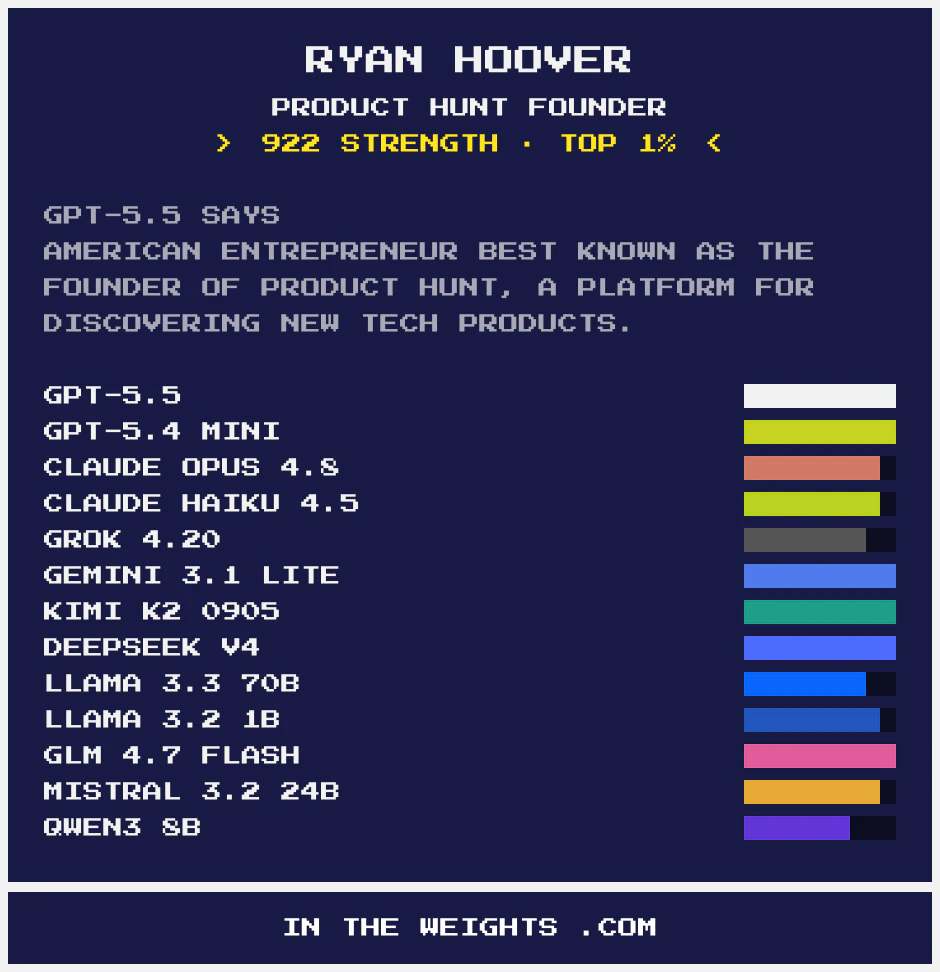
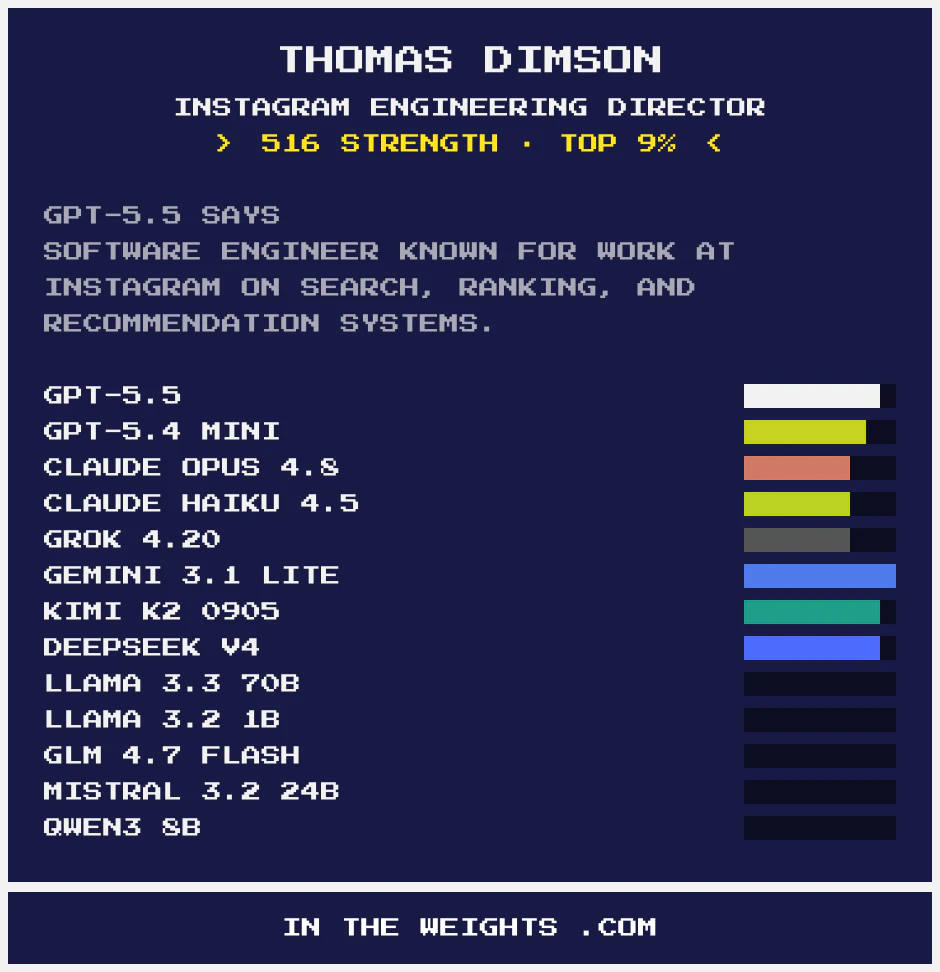
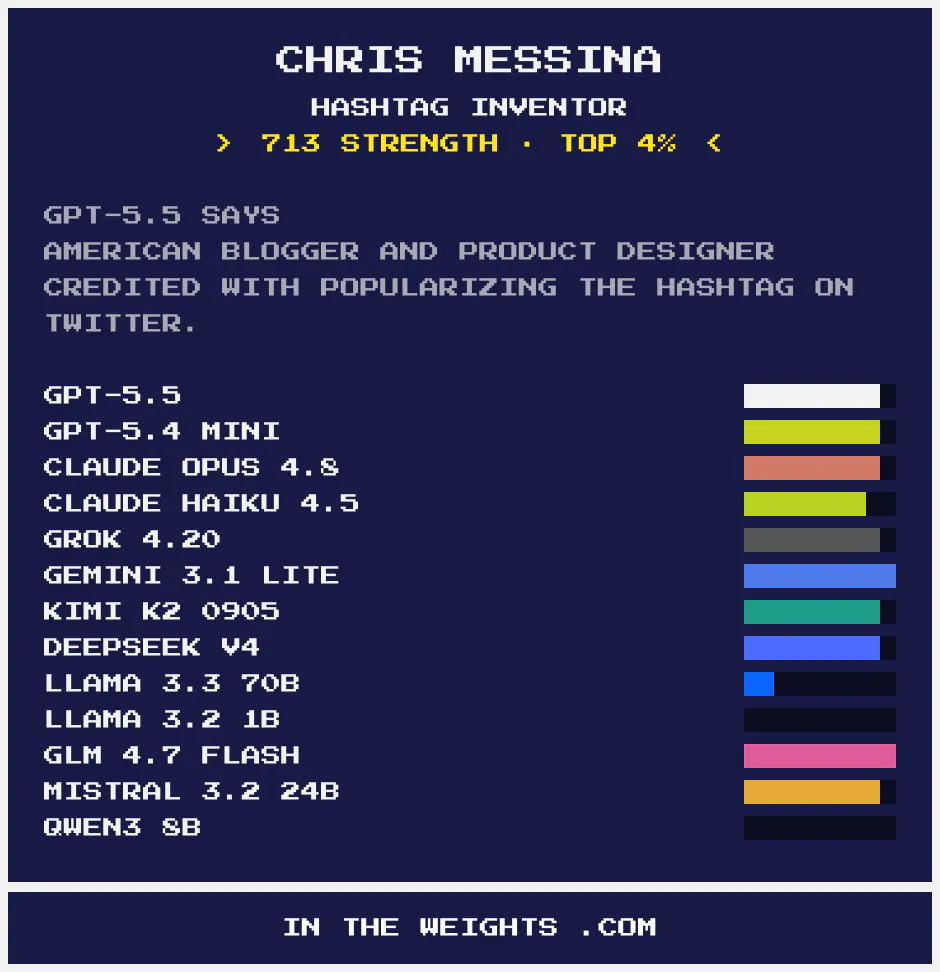
The weights are the billions of numbers forming an AI's brain. Type a name and see how strongly the leading AI models recognize it. Are you in the weights?
With more traffic moving off-web and into LLMs, I got curious about what traces we leave "in the weights". My design partner and I built a site in the past few weeks that checks recognition across frontier and small models. It queries many of them in parallel, clusters the responses, and tells you how strongly they recognize you. I'd like to use this for some science questions later, and I'm curious if people find any warts / problems / interesting findings. Let me know!
4
回复

Used this yesterday and loved it, the details on the UI, the sounds, the concept, and of course the insights you get from searching the weights. I love this kind of projects!

1
回复
0
回复

I heard about this on an IT news website. They used it to identify the 10 most famous people in the world (though, in my opinion, Albert Einstein was missing from the list). Another drawback: This method doesn't work when there are people with the same name.
I find this method interesting when conducting market analyses of brands, products, or companies.

0
回复
#7
Foyer
Build a room of ambient sound that lives in your notch
116
一句话介绍:Foyer将环境声音转化为可视化的空间布局,让Mac用户通过Notch栏在无干扰状态下享受可定位的3D音景,解决传统音效App“平面开关式”操作缺乏沉浸感的问题。
Mac Productivity Music
环境音App Mac原生应用 空间音频 Notch栏交互 像素画场景 音景定制 专注工具 CC0音源 无订阅 无广告
用户评论摘要:用户盛赞将音效转化为空间摆放的创意,视觉与交互比喻贴合;但反馈Web版有音效延迟,影响“置身室内”的即时感;建议未来支持Windows/Ubuntu;提问UI在深度工作时能否保持低存在感。
AI 锐评

Foyer的“把音效变成场所”绝非仅是一个营销话术,它直击了现有环境音应用的一个致命软肋:绝大多数产品仍然停留在调音台逻辑,用户面对的是列表、开关与滑块,而Foyer给出了一个空间隐喻——它在MacBook的Notch立面里制造了一个真正的“虚拟房间”。这种隐喻的自然逼真性意味着用户几乎不需要学习成本就能自如操控“火的远近与雨的方位”,其空间音频的底层支撑让这个隐喻不仅是视觉的,更是听觉的。

但从更严苛的产品视角来看,这种创新还停在一个精致的原型阶段。Web版评测中反复出现的音效延迟,恰恰暴露出其核心体验的瓶颈:在“把声音置于空间中”的关键时刻,哪怕毫秒级的迟缓都会立刻戳破“置身其中”的幻象。原生版能否达成零延迟交互,将决定这个产品是“优雅的摆设”还是“真正的工具”。

其次,其对macOS生态的深度绑定是一把双刃剑。让应用“住在Notch”实现了无侵入感的操作方式,美学上无可挑剔,但也剔除了所有其他平台的用户。考虑到许多知识工作者、播客创作者或深度专注者活跃在Windows和Linux上,Foyer核心的空间音景理念如果只孤悬于一个系统,将注定难以形成更广泛的社区影响力。

最后,免费与“一次性购买”是一次勇敢的取舍,对用户的诚意的确胜过目前主流的订阅制喧嚣。但这也是一个商业考验——产品究竟能否获得足够的付费用户来支撑它的迭代和完整的功能拓展。如果未来“无限音效”的解锁内容无法形成持续价值,Foyer很可能成为Dribbble上另一个令人赞叹却止步于Demo的作品。总体来说,它看到并回答了“声音应该发生在哪里”,但它还需要回答“这个发生在哪里”能持续多久。

查看原始信息
Foyer
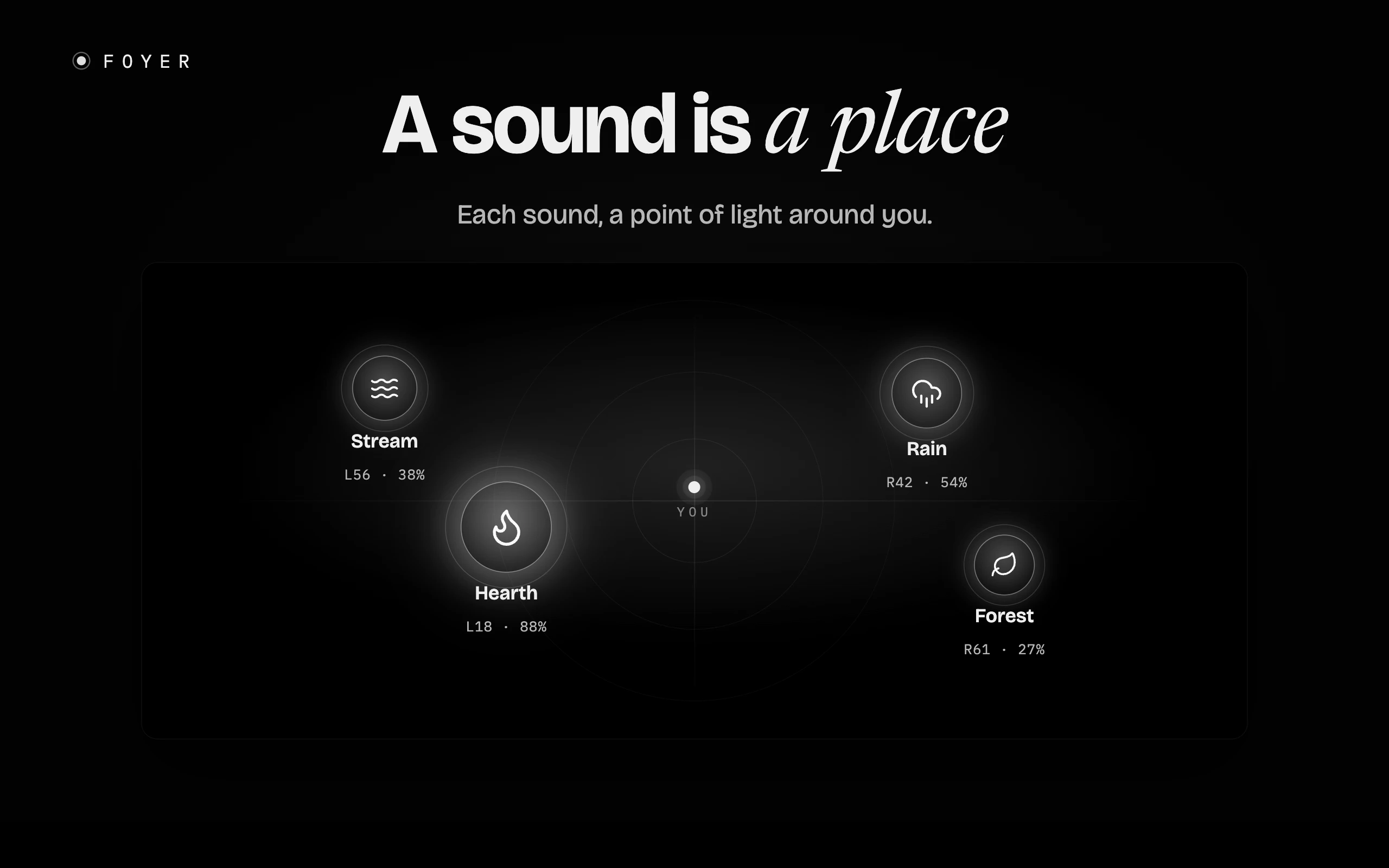
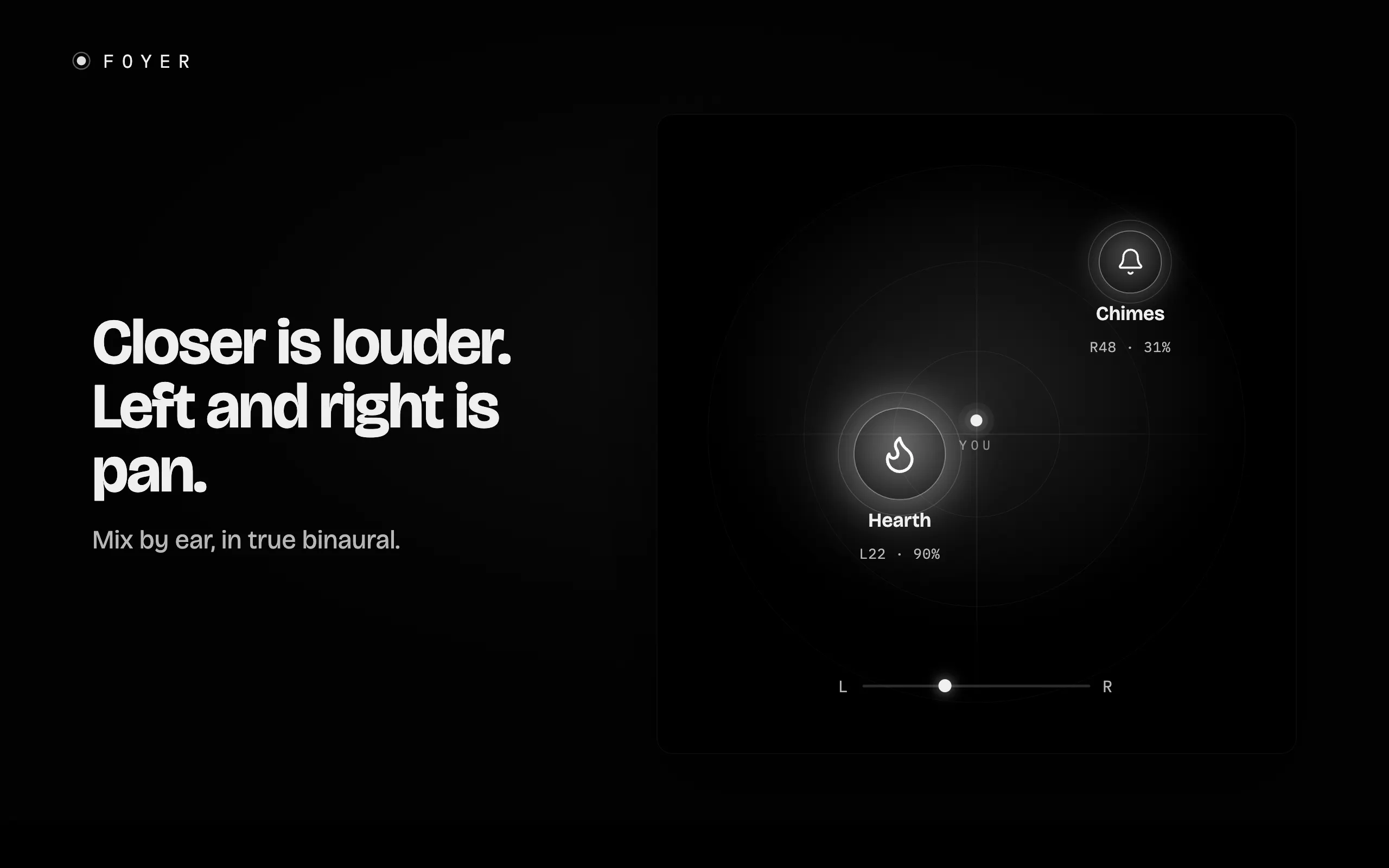
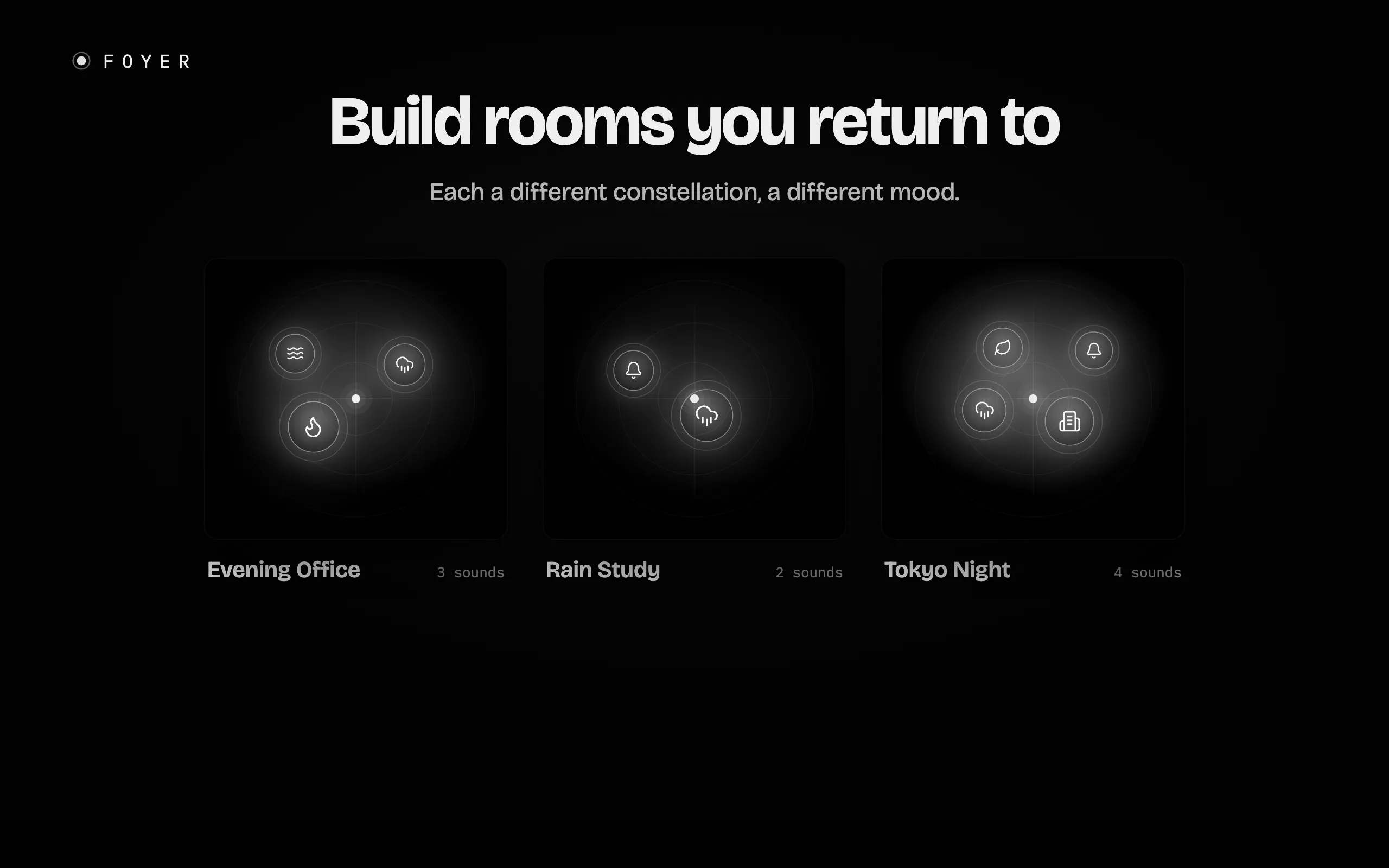
Foyer turns ambient sound into a place. On a black canvas you're a point of light, and each sound — a crackling hearth, a fountain, rain, birdsong — is a glowing orb you place around yourself. Pull one closer and it swells; slide it left or right and it pans there. It's real spatial audio, and it folds into your MacBook notch while you work.
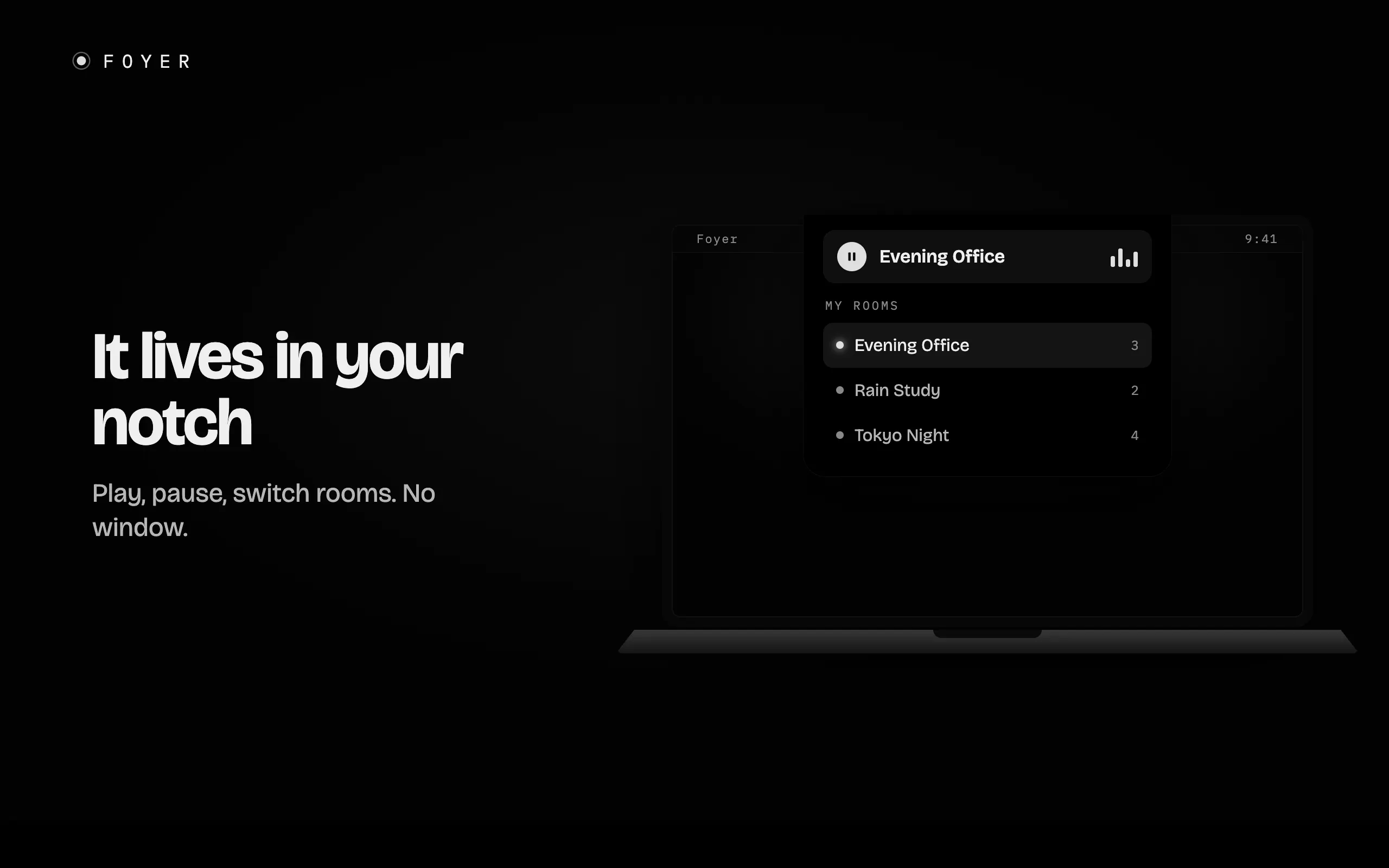
Hey Product Hunt, I built Foyer because every ambient-sound app I tried felt like a list of switches. You toggle "rain," you toggle "fire," and it all comes out of the same flat speaker in front of you. It never felt like anywhere. So I made the sound into a place instead. In Foyer you furnish a small pixel-art office, and the objects you put down are the sounds. A hearth in the corner crackles from the corner. A window onto a rainy street sits to your left, so the rain comes from your left. Drag a fountain closer and it gets louder. It's real spatial audio under the hood, so put headphones on and you're sitting inside the room. It lives in the MacBook notch, so you switch rooms or pause without a window in your face. I made a few rooms for different parts of the day: a bright morning office, a rainy evening, a workshop. I switch between them depending on what I'm doing. A few things I care about. No account, no ads, nothing collected, ever. Every sound is a CC0 field recording, picked for long listening rather than a quick demo. It's a native Mac app, light on battery. Foyer is free to use for real. Up to three sounds in a room, and you can decorate as much as you want. One purchase unlocks unlimited sounds in every room. No subscription, yours to keep. I'd love to know which room you'd build first, and what sound is missing for you. I'm here all day.
3
回复
@fberrez1 ok, nice
0
回复

Beautiful work, Florent. The core idea, turning a list of toggles into a place you furnish, is one of those framings that feels obvious only after someone nails it. I'm not on Mac at the moment so I couldn't grab the app, but I spent some time in the web version and the concept really shines: being able to position each source to the millimetre, pull it closer, pan it left or right, is genuinely satisfying. Visually it's super clean and the pixel-art room sells the metaphor instantly :)

One honest bit of feedback from the web build: the interaction is the star, the drag-and-drop is immediate and tactile, but the audio payoff didn't quite keep up with it for me. There was a touch of latency before a sound faded in when I placed it, so the spatial sensation felt a step behind the gesture. Since the whole promise is "you're sitting inside the room," that tiny gap between moving the orb and feeling it move is exactly the moment that needs to feel instant. Could well be a web-only limitation that the native app doesn't have.

Which brings me to my actual question: any plan for other OS down the line? I'm mostly on Windows/Ubuntu, Mac only occasionally, so I'd love to actually live in this rather than visit it through the web demo. Congrats on the launch either way :)

0
回复

I really like the way of mixing different ambient sounds using 2D space, looks awesome!

0
回复

A room of ambient sound living in the notch is a great Mac-native idea. The best part is that it feels like it belongs to the machine instead of another floating app window. Curious how subtle you keep the UI during deep work?

0
回复
#8
Basedash Access Controls
Control exactly who can access your company data
115
一句话介绍:Basedash Access Controls 通过精细的群组权限和AI上下文隔离,让企业数据在内部团队、外部客户等不同角色间,实现“所见即所得”的安全访问与控制。
Artificial Intelligence Data Business Intelligence
BI工具 访问控制 权限管理 数据安全 AI上下文 行级安全 群组管理 SaaS 企业级 产品发布
用户评论摘要:用户高度关注“群组级AI上下文”功能,肯定其价值但也提出关键疑问:自动化任务是否继承相同边界?团队分离权限是从开始就需要,还是随使用规模增长才变得重要?产品方回应强调AI上下文在跨团队部署中后期价值显著。
AI 锐评

Basedash这次的更新,看起来是在BI工具普遍的内卷战场上找到了一个“降维打击”的支点。常规的访问控制,不过是“谁能看什么数据”的静态权限表,了无新意。但“群组级AI上下文”这个设定,让这件工具从数据仓库的“看门人”变成了真正的“翻译官”。

从技术层面讲,它实际是在数据与人类认知之间建立了一层动态的耦合。当CEO问“这个季度的增速如何?”和实习生问同一句话,AI不仅能根据行级权限过滤数据,更能基于群组配置,将晦涩的数据库字段转化为对方能听懂的语言:对财务讲“利润率”,对销售讲“成单率”。这本质上是将数据产品的多态性做到了极致,一个数据源,N种“人格”解读。

这比单纯用标签库或语气词作弊高明了不止一个档次。它直击了一个核心矛盾:企业引进AI时,最怕的不是AI不聪明,而是AI在错的人面前说错了话,或者在内部团队面前把B2B数据错当成B2C分析。Basedash用“语境”替代了“禁令”,用“引导”替代了“围墙”,这是产品设计上的一次微妙但居功至伟的跃进。

不过,我们不能忽视风险。当AI的“独立思考”被严格限定在给定的上下文和行级过滤中,虽然保证了安全,但会不会也阉割了AI跨域洞察的能力?一个工程师偶然看到财务数据趋势,从而启发产品优化的“意外”价值正在消失。此外,自动化任务与工具访问的继承问题,在回复中并未得到直接解决,这可能是埋下的雷。如果执行自动化触发时,AI不能正确识别自己的“身份角色”,权限隔离就会出乱子。

总的来说,Basedash Access Controls提供了当前市场上最优雅的“AI+权限”落地范式之一。它聪明地避开了硬堆功能的陷阱,转而用软性的上下文隔离来塑造AI的行为,让安全不再是制约业务效率的枷锁。但对于大企业的复杂权限模型和动态上下文切换,它能否跑通所有边缘case,还需市场检验。

查看原始信息
Basedash Access Controls
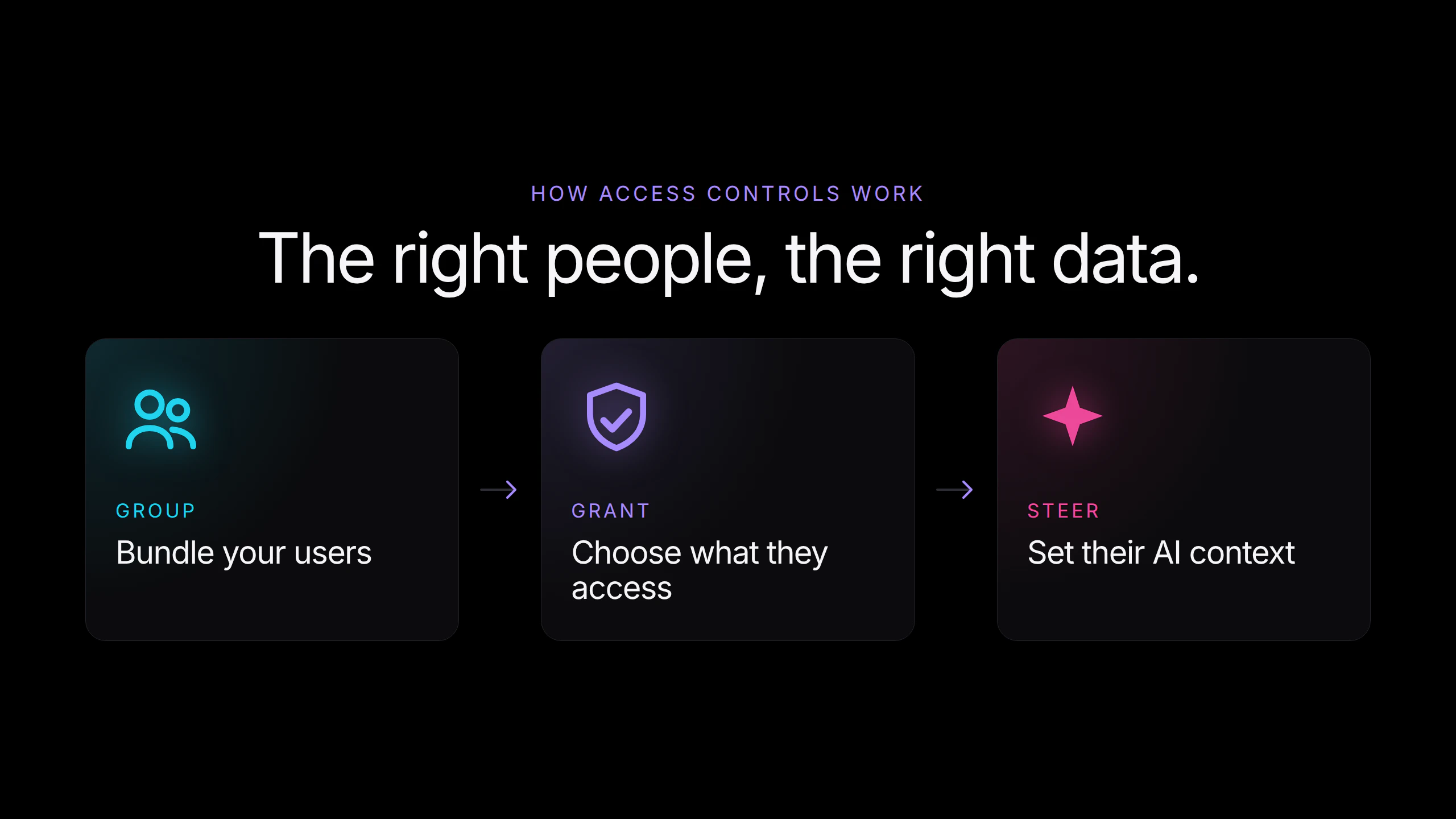
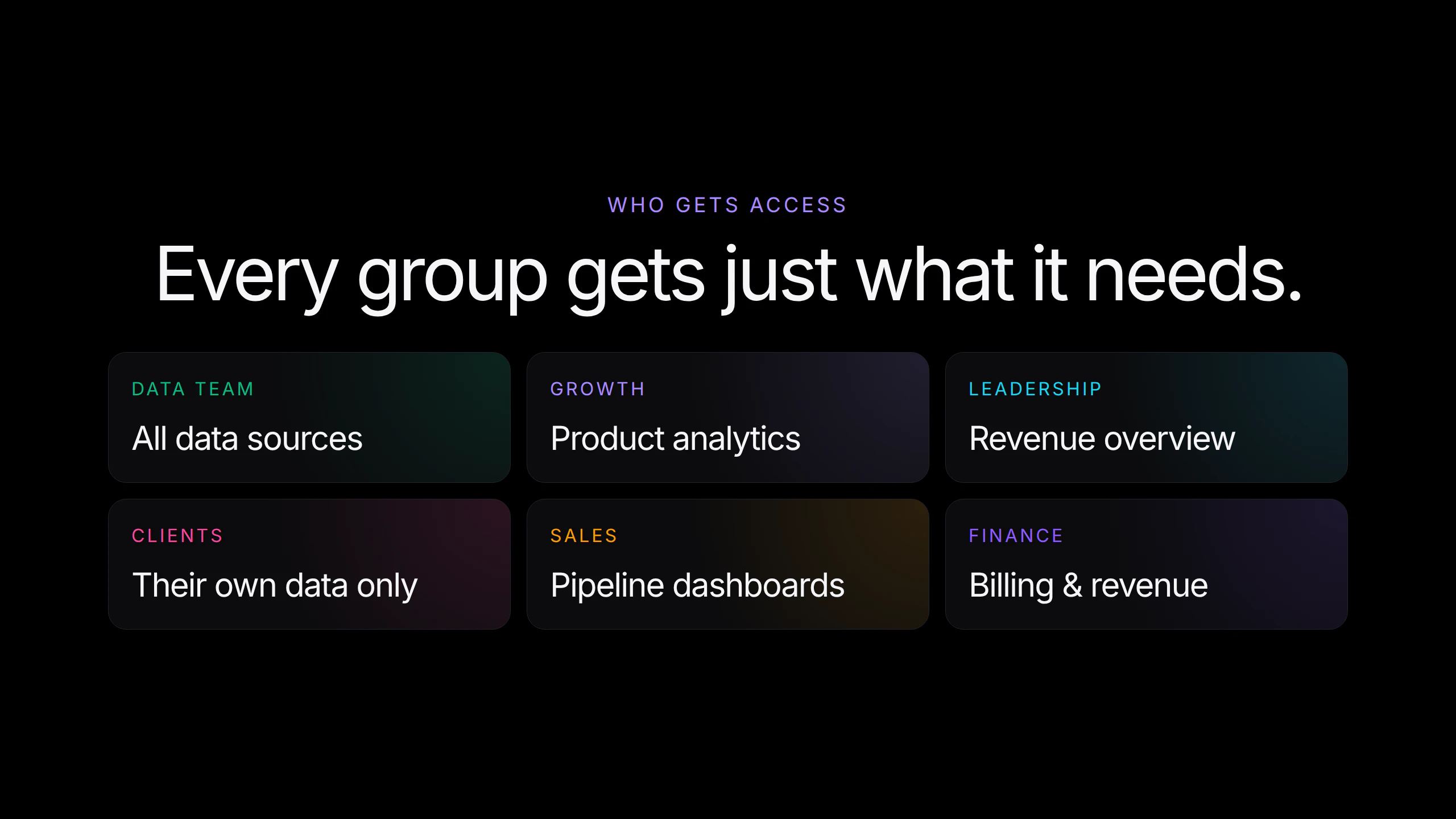
Basedash now has groups and access controls. Bundle users into groups — internal teams, external clients, leadership — and give each one access to exactly what it needs: data sources, MCP servers, dashboards, chats, and automations. Set a group's AI context so the assistant answers differently per audience, and row-level security applies to every question. The right people see the right data.
Hey everyone, Max here from Basedash. Today we're launching groups and access controls. Basedash is a BI tool the whole company touches, so who can see what really matters, and now you control it precisely. You create groups for the way your company actually works: your data team, growth, leadership, an external client, and grant each group access to exactly what it needs: specific data sources, MCP servers, dashboards, chats, and automations. Nothing more. The part I'm most excited about: each group gets its own AI context. Tell the assistant "you're talking to an external client, only reference their own data, keep it non-technical" and every answer for that group follows it automatically. Same product, different behavior per audience, on top of the row-level security that already applies to every question. We run Basedash on this ourselves: our team has full access, and the clients we share dashboards with only ever see their own numbers. Happy to answer anything.
3
回复
Very excited for this launch! Group-level context is quickly becoming one of the biggest things you need to offer for team-wide AI deployments so it’s pretty cool for us to be leading the charge here. Give it a spin today and see what results your sales team gets versus, say, engineering based on each group’s respective context. Let us know what you find!
1
回复

Nice launch. The group-level AI context is the part I’d pressure test.

Access says what data someone can see, but the assistant also needs to know what it is allowed to do with that context. Do automations inherit the same group boundary, including MCP server and tool access?

0
回复

Congrats on the launch. The audience-specific AI context part is interesting.

Most access control tools make me think about who can see which data, but changing how the assistant responds depending on the team seems like the part that could matter a lot once more departments are using the same BI tool.

Do teams usually need that separation from the start, or does it become more important as usage spreads across the company?

0
回复

Thanks @kevin_napier! Usually depends on the size of company. Once customers start onboarding multiple teams, they can benefit from group-level AI context. Especially when users have varying levels of technical experience.

1
回复
#9
ReleaseDock
AI support agent, help center & changelogs in a single inbox
105
一句话介绍:ReleaseDock是一个将AI客服、帮助中心与更新日志整合为统一收件箱的产品,帮助初创团队避免在重复搭建客服基础设施上浪费精力,专注于核心产品开发。
User Experience Customer Communication SaaS
AI客服 统一收件箱 帮助中心 更新日志 嵌入式组件 客户支持 初创工具 SaaS 知识库 产品运营
用户评论摘要:用户关注AI是否能执行退款、改套餐等操作;是否针对早期或中型SaaS团队;能否发现重复问题并优化文档。开发者回应称系统可自动发现重复问题并建议文档更新,但最终仍需优化产品文案。
AI 锐评

ReleaseDock的标语“让团队专注产品,而非支持基建”切中了许多初创团队的痛点——客服系统、帮助中心和更新日志通常是三个孤立的工程模块,它们本应服务于同一个目标:降低用户摩擦。将三者统一到一个AI驱动的收件箱中,并用一个可嵌入的Widget整合,确实比硬编码或拼接多个工具聪明得多。

从产品设计看,核心卖点并非“AI客服”本身——目前AI能做的事情还停留在“回答问题”和“被动建议文档更新”。唯一能称得上“行动”的,是AI可以执行账户设置调整或退款(需确认功能成熟度),但真正的价值在于“自动纠错文档”:当重复问题涌入,系统能自动建议修改帮助文档。这比大多数只会生成“FAQ”AI工具更务实,因为它闭环了用户的反馈流。

不过,必须泼一盆冷水:套件式产品的最大敌人是“样样通,样样松”。竞品如Intercom(客服)+Notion(文档)+LaunchNotes(更新日志)的组合虽然费时,但每个模块都在各自领域拥有深度。ReleaseDock若想突围,需要证明其生成的帮助中心SEO能力不输Documenso,其AI客服的意图识别准确率不低于Kustomer。

此外,创始人将“终身折扣”作为获取早期反馈的钩子,说明产品尚处MVP阶段。中小SaaS团队短期内可能买单,但对于月咨询量超过5000的成熟团队,这个“统一收件箱”能否扛住并发压力、是否支持复杂的工作流自动化(如SLA、工单分配),目前仍是未知数。

一句话真相:如果你是个还没被支持系统折腾惨的创业团队,ReleaseDock能省下你两三个周的集成时间;但别指望它瞬间解决所有客服效率问题——先把你产品的TLDR部分写好吧。

查看原始信息
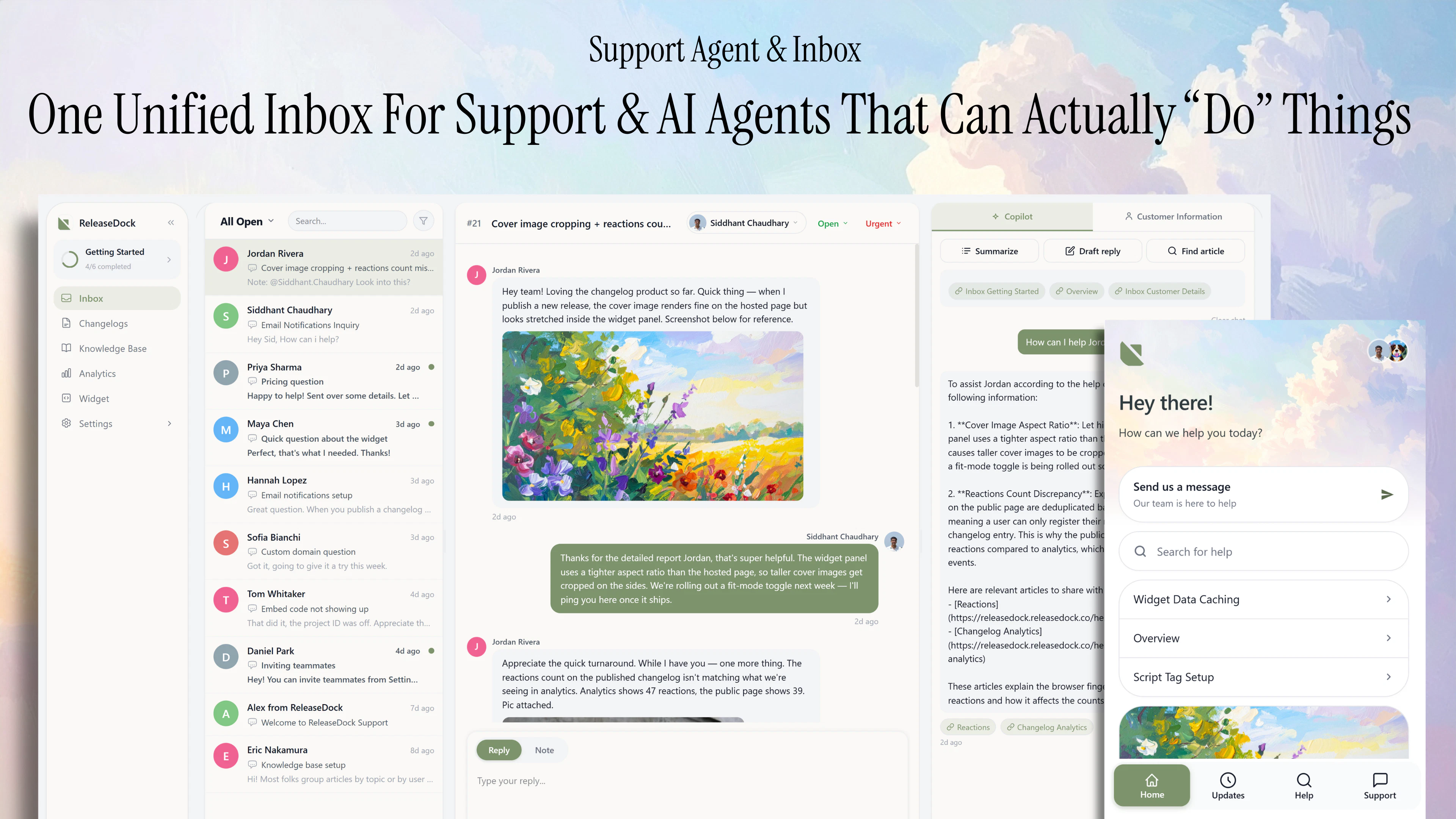
ReleaseDock
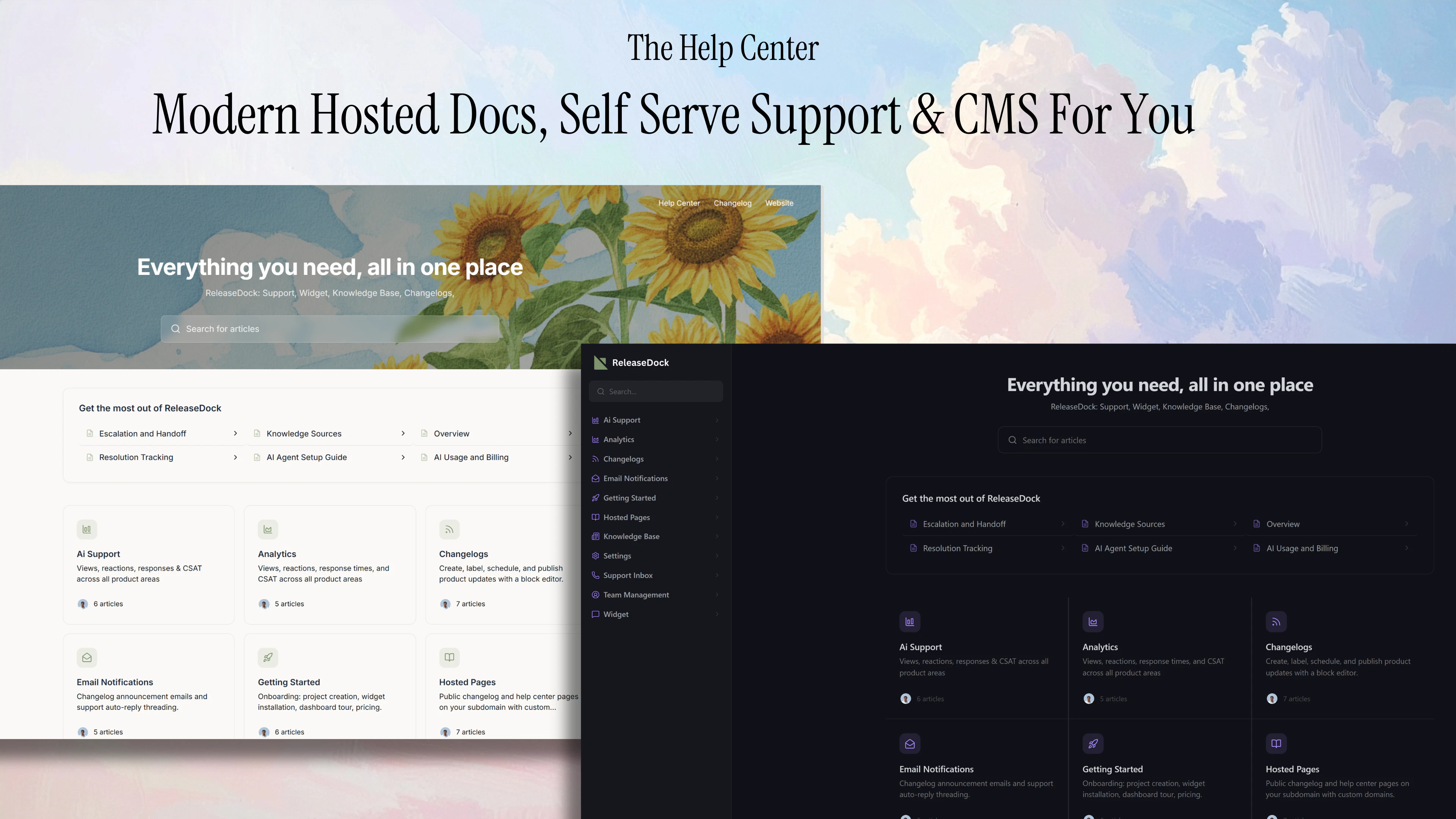
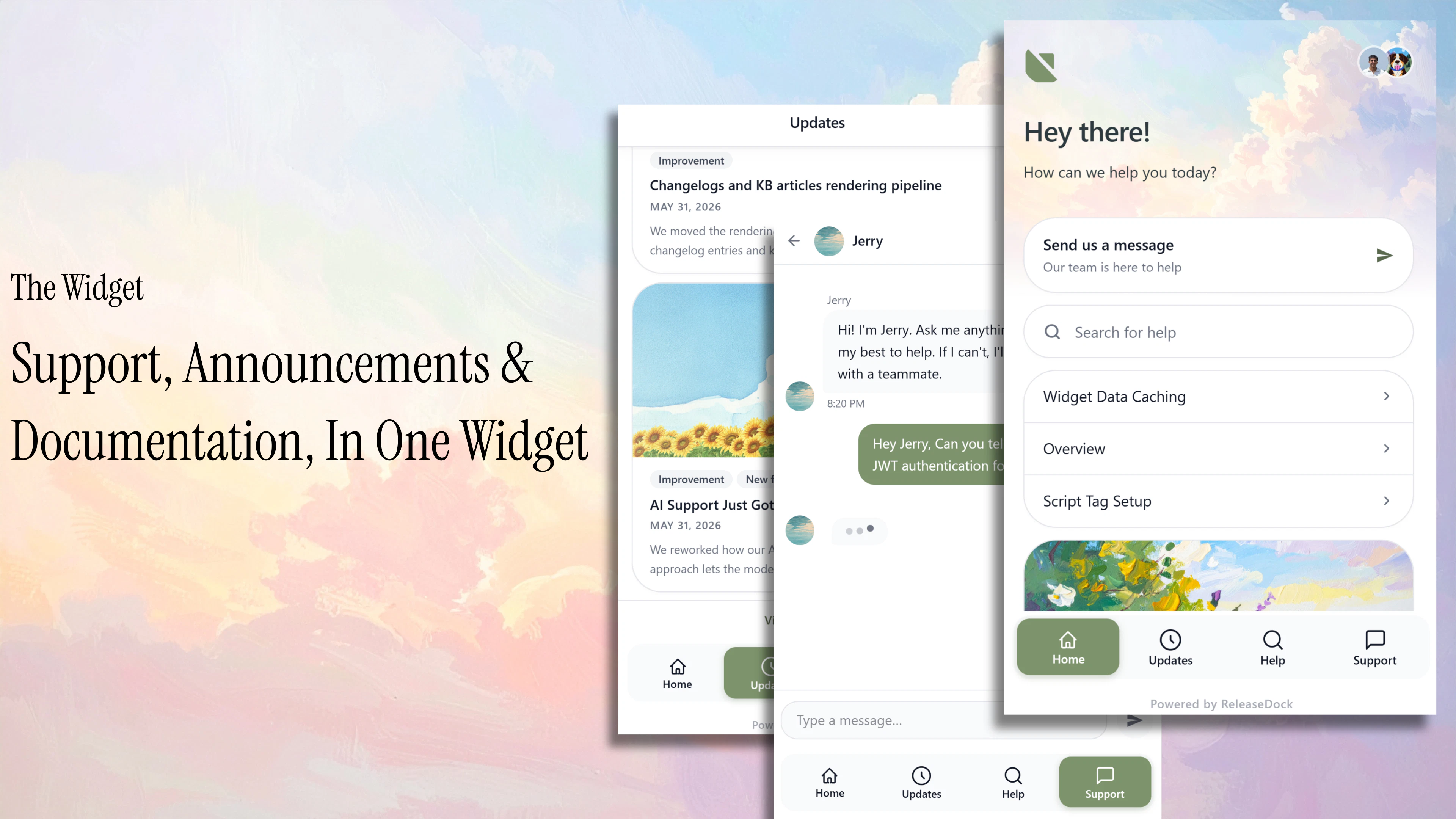
Your team should be building your product not the support infrastructure around it. ReleaseDock provides a unified support inbox, a support agent that can not only answer questions but also take action. A hosted help center and changelog. And a widget that embeds right into your website with announcements, support, etc. P.S. ReleaseDock is currently offering a Lifetime Deal for founding memebers!
ReleaseDock is currently offering a Lifetime Deal to new founding members for a while to accumulate feedback before changing to the industry standard per seat pricing. I hope some of you will find the value enough to participate. Our Story: 👋 Every Startup we have worked at ended up with the same mess: a contact email/number that gets absolutely swamped when the product scales & this leads to long wait times for customer support and bad reviews. Once a team was hardcoding their help center with no CMS for article maintenance. What bugged me most: every doc or release-note edit meant an engineering task and a redeploy. The people who actually knew the content couldn't publish it. Many professional teams also built their own systems which were amazing, but I believe a company should be spending time building their core product and not the infrastructure around it. ReleaseDock is one embeddable widget with AI support, a unified support inbox with automatic email threading & much more, a help center, and a changelog. Your team writes and ships in-app, on your own brand. No code, no duct tape. Your docs should look like part of your product, not a side project. The whole point is to let you spend your time on your product. Would genuinely love your honest feedback today.
1
回复

@siddhant_chaudhary1 Congrats on the launch Siddhant! The lifetime deal for founding members is a smart move. Are you targeting early-stage startups specifically, or also going after mid-size SaaS teams? Curious about your ideal customer profile.

0
回复

What kind of actions can it do today, like refunds, plan changes, or updating account settings?

1
回复

Congrats on the launch. I like the idea of support, docs, and changelogs living closer together.

As a founder, repeated support questions are usually a signal that something needs to change, either in the product, the docs, or the onboarding flow.

Does ReleaseDock help surface those patterns, or is it more focused on managing the support flow itself?

1
回复

@kevin_napier Hey, ReleaseDock also has self correcting documentation, after repeat messages pile in ReleaseDock automatically notifies you of suggested changes which can be accepted with the click of a button.

This way your documentation always optimizes to answer your most asked questions. Although, many users tend to ask the AI these questions anyway because it is easier for them to do this rather than scroll through a help center. So website messaging/copywriting is always what will matter the most.

0
回复
#10
Pixlie
AI video studio: text & image to video, with real control
104
一句话介绍:Pixlie 是一款面向创作者的AI视频工作室,通过文本或图片生成视频,并提供资源库、云端队列、跨端同步等功能,解决用户在使用现有AI视频工具时“输入即祈祷”、缺乏控制感和工作流效率低下的痛点。
Android Artificial Intelligence Photo & Video Video
AI视频生成 文本转视频 图片转视频 云端渲染队列 素材库管理 跨平台应用 创作者工具 独立开发者 创意控制 iOS应用
用户评论摘要:用户认可其“拒绝黑盒生成”的理念,并询问跨片段一致性(角色/风格锁定)的解决方案;关注视频渲染时长及iOS端任务完成通知;建议明确目标客户以优化获客策略,并有用户指出其积分付费墙可能造成用户流失。
AI 锐评

Pixlie的核心价值并不在于“生成视频”,而在于将生成过程结构化。它敏锐地捕捉到了主流AI视频工具(如Runway、Pika)的一个致命缺陷:将创作降级为一次性的赌博。用户需要的不只是输出一个视频,而是可复用、可管理、可迭代的生产流程。Pixlie的“素材库”和“云端队列”正是对此需求的正向回应,试图将AI视频从“玩具”拉回“工具”的范畴。

然而,它的挑战同样尖锐。从用户评论中可以窥见,作为一款单人冲刺22天诞生的产品,其目前的完成度尚停留在“功能跑通”阶段。用户关心的多片段风格一致性(角色锁定)这一AI视频领域的核心难题,Pixlie并未给出明确解法。而渲染时长、任务通知等基础体验的瑕疵,以及评论区尖锐指出的“付费墙导致测试断流”问题,都暴露了产品打磨和商业化策略上的青涩。

创始人“从福利金出发,单人开发”的叙事极具感染力,也确实打动了Product Hunt社区。但Pixlie的可持续性取决于它能否从“开发者讲故事”快速过渡到“产品本身讲故事”。如果没有工程上的突破来解决风格/角色一致性,并设计出更平滑的付费转化路径(而非一上来就让用户决策),它很容易被Runway等巨头对标跟进的功能升级所淹没。对于正在申请YC的团队而言,当前最紧迫的任务不是寻找GTM联合创始人,而是优先将那1%被社区指出的、导致用户流失的UX问题修复,并证明自己能在有限资源下推进核心AI能力。

查看原始信息
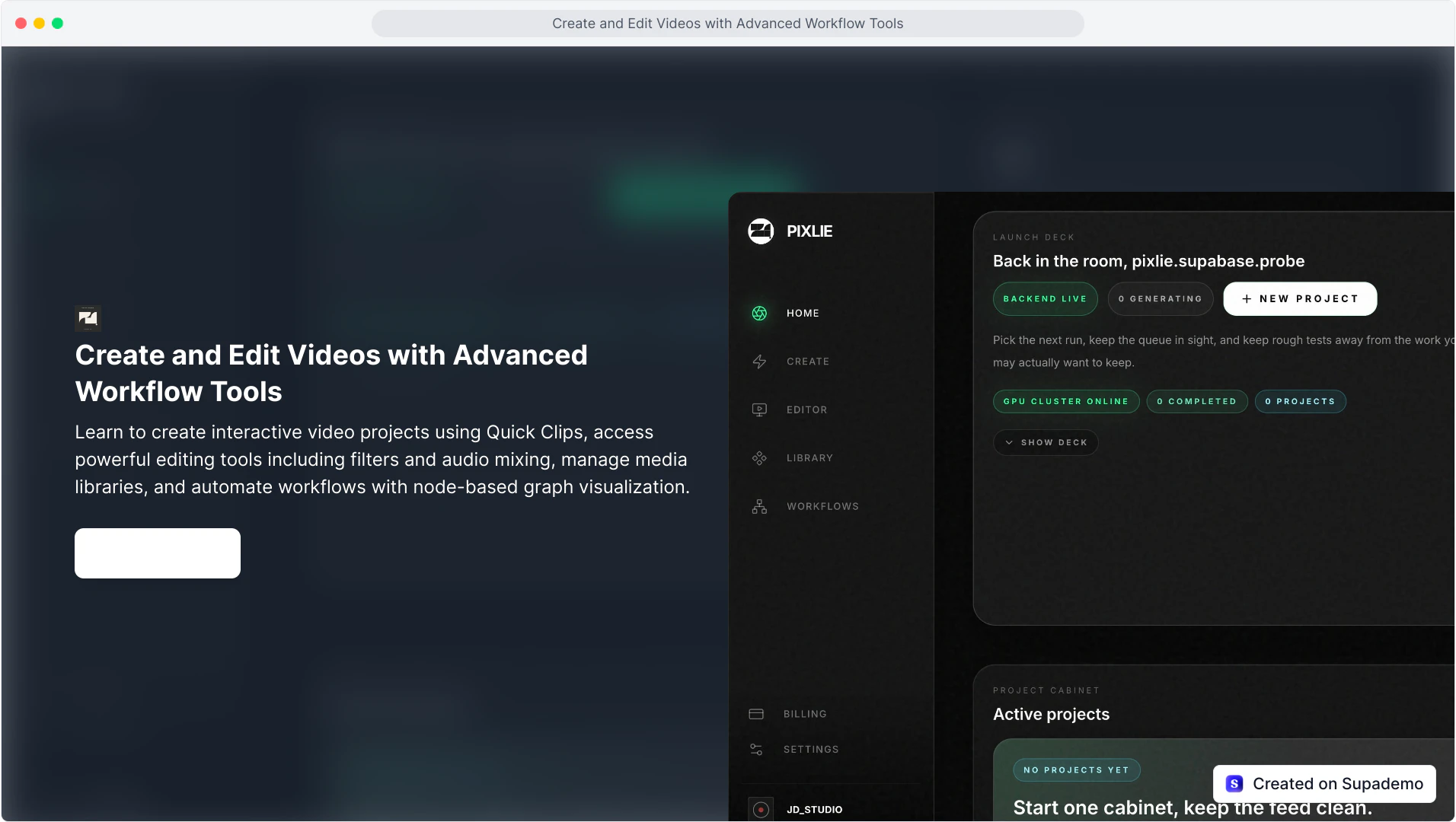
Pixlie
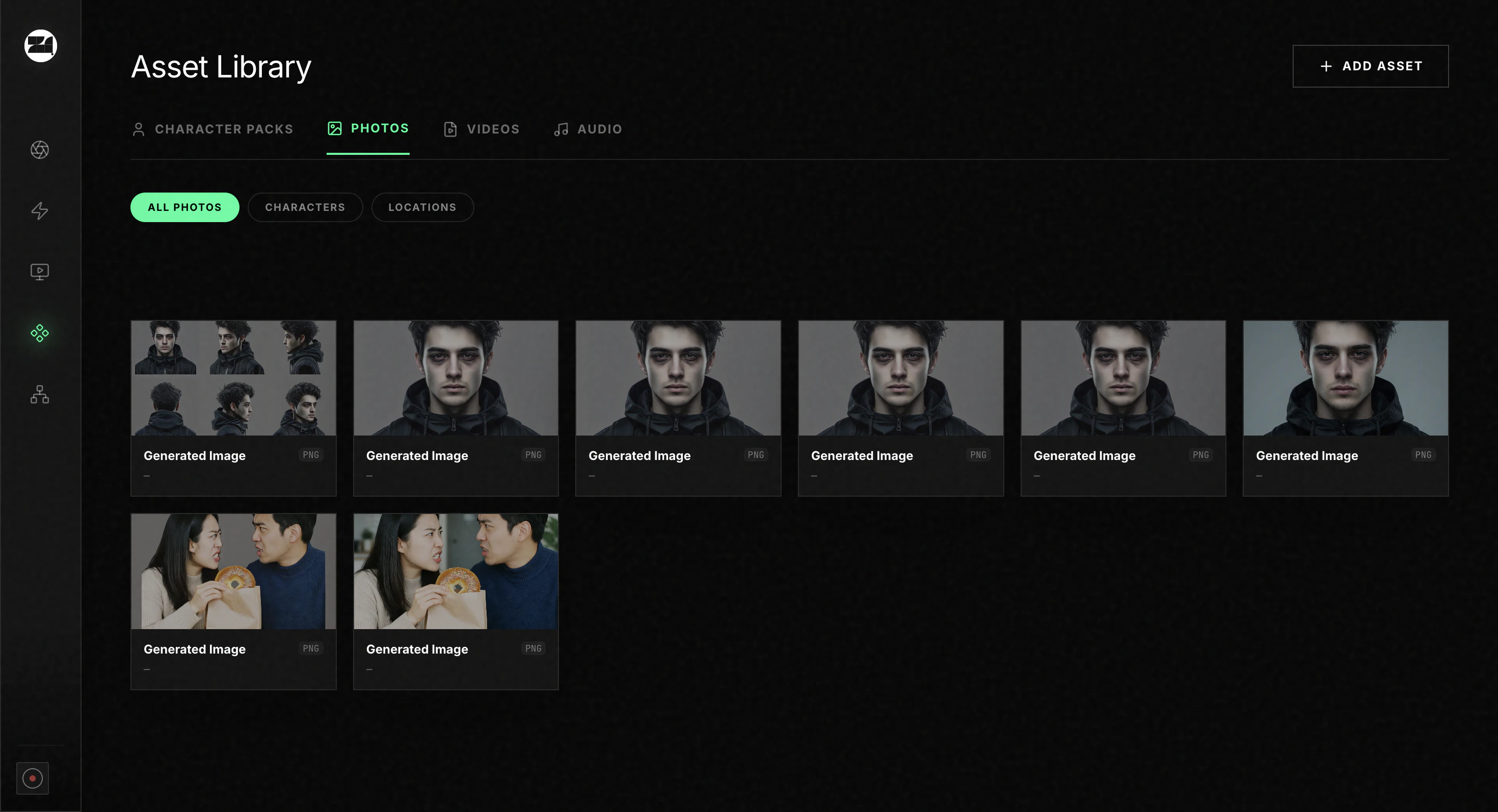
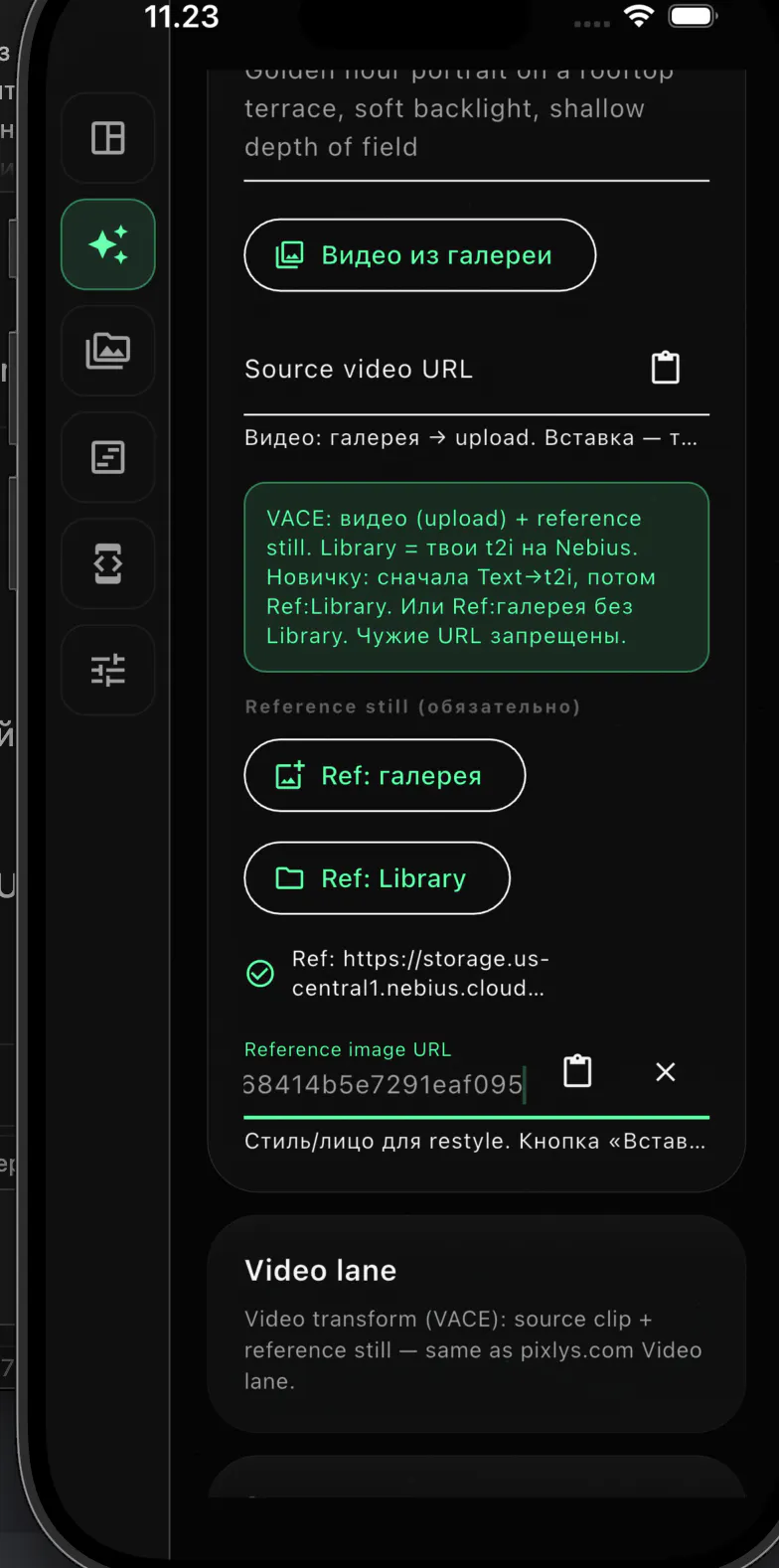
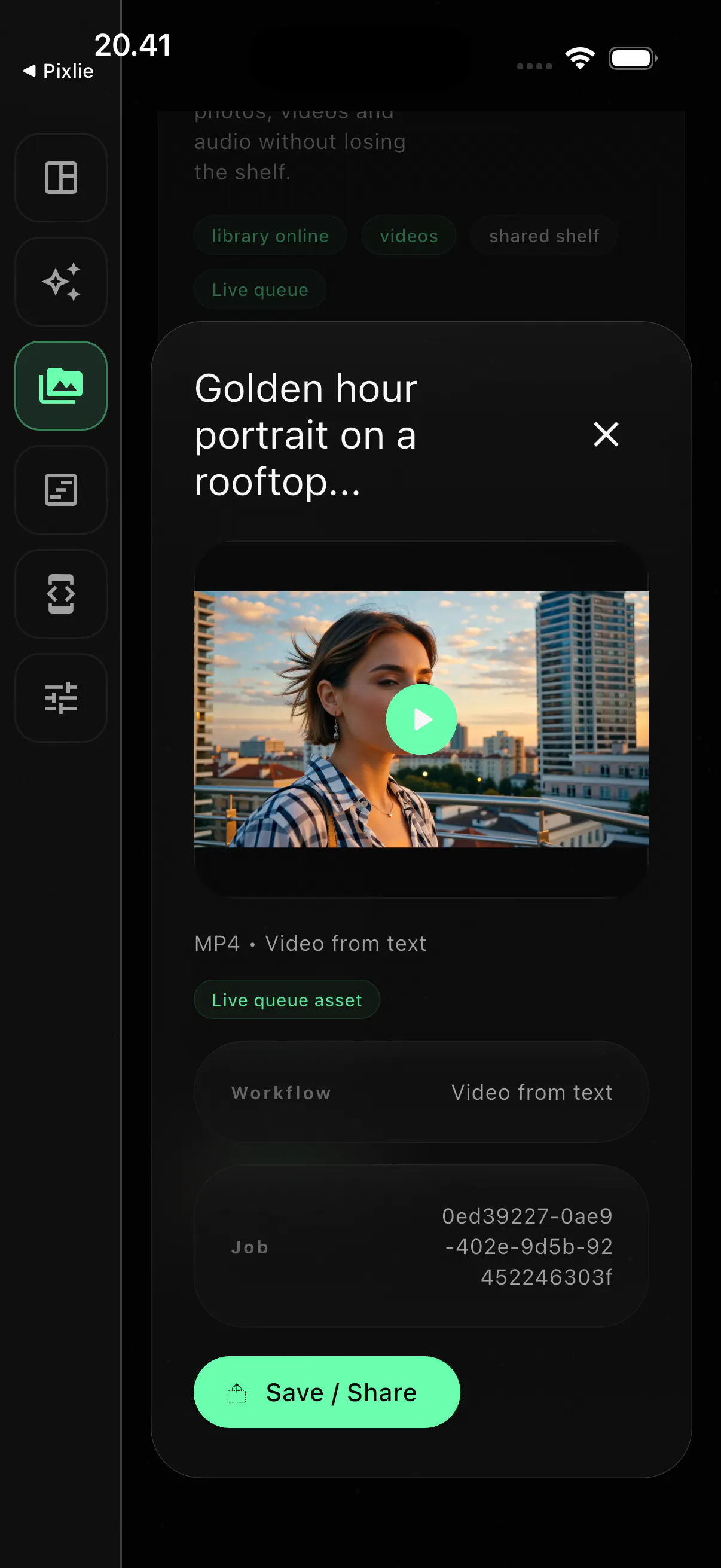
Pixlie is an AI video studio for creators who want control—not a black-box generator. Browse your library, queue jobs in the cloud, and track renders in the app. Same account on pixlys.com and iOS.What makes it different: Text2Video, Image2Video, library & cloud queue Granular creative workflow not just “type and pray” Live on iOS App Store; Google play web at pixlys.com -Built solo by a refugee founder in Helsinki shipped fast, iterated in production
Hey PH 👋 I'm Illia, solo founder of Brightforge (Delaware C-Corp, building from Helsinki). I started Pixlie because most AI video tools feel like a slot machine you prompt, you hope. I wanted a studio: queue jobs, reuse assets, same account on web and iOS, and actually ship clips for marketing and social. V1 went from zero to live product in ~22 days of brutal solo 350 hours sprint to first full scale working prototype to 6 months in production till release. iOS flutter native is on the App Store; Android is in Play; Web version. Bootstrapped on welfare while learning Finnish NVIDIA Inception, Nebius/Lambda infra, YC Startup School alum, applying to YC Fall. Would love feedback on: 1) Create flow (text vs image to video) 2) What would make you switch from Runway/Pika/Kling? 4) Rate and review AppStore/ PlayMarket/Web desktop version any social media activity on product pages Linkedin/IG/ X.com/YC co-founder (Mobile app not available in EU yet - GDPR, EU act...) 5) Co-founder intros if you know someone strong on GTM/ops Try it: pixlys.com happy to answer anything in the comments.
3
回复

@illia_ovcharenko the slot machine line nails why people bounce off these tools. asset reuse is what turns generation into a real workflow not a toy. how are you keeping consistency across clips, locked character and style or freeform per job?

0
回复

Hey PH 👋 I'm Illia, solo founder of Brightforge (Delaware C-Corp, building from Helsinki).
I started Pixlie because most AI video tools feel like a slot machine you prompt, you hope. I wanted a studio: queue jobs, reuse assets, same account on web and iOS, and actually ship clips for marketing and social.

V1 went from zero to live product in ~22 days of brutal solo 350 hours sprint to first full scale working prototype to 6 months in production till release. iOS flutter native is on the App Store; Android is in Play; Web version. Bootstrapped on welfare while learning Finnish NVIDIA Inception, Nebius/Lambda infra, YC Startup School alum, applying to YC Fall.

Would love feedback on:
1) Create flow (text vs image to video)
2) What would make you switch from Runway/Pika/Kling?
4) Rate and review AppStore/ PlayMarket/Web desktop version any social media activity on product pages Linkedin/IG/ X.com/YC co-founder (Mobile app not available in EU yet - GDPR, EU act...)
5) Co-founder intros if you know someone strong on GTM/ops

Try it: pixlys.com happy to answer anything in the comments.

2
回复

@illia_ovcharenko Congrats on the launch Illia! Shipping a full AI video studio solo in 22 days is impressive. On your GTM question — what's your current ideal customer? Creators, marketers, or agencies? That would shape the outreach strategy significantly.

0
回复

@illia_ovcharenko Hey Illia, congrats on the launch!

I ran an user-behavioral simulation on pixlys.com targeting creator personas. The agent completely dropped off at your credit-tier barrier. Since you are applying to YC Fall, stopping this revenue leakage before scaling is critical.

I have a 1-page log of the AI-agent's step-by-step thoughts and the UX fix for it. Let me know where I can send the PDF (dm me - https://x.com/helixberg_).

0
回复

How long are renders typically, and do you get notified when a job finishes on iOS?

1
回复
#11
GitSync for macOS
Visual GitHub management directly from a graphical interface
85
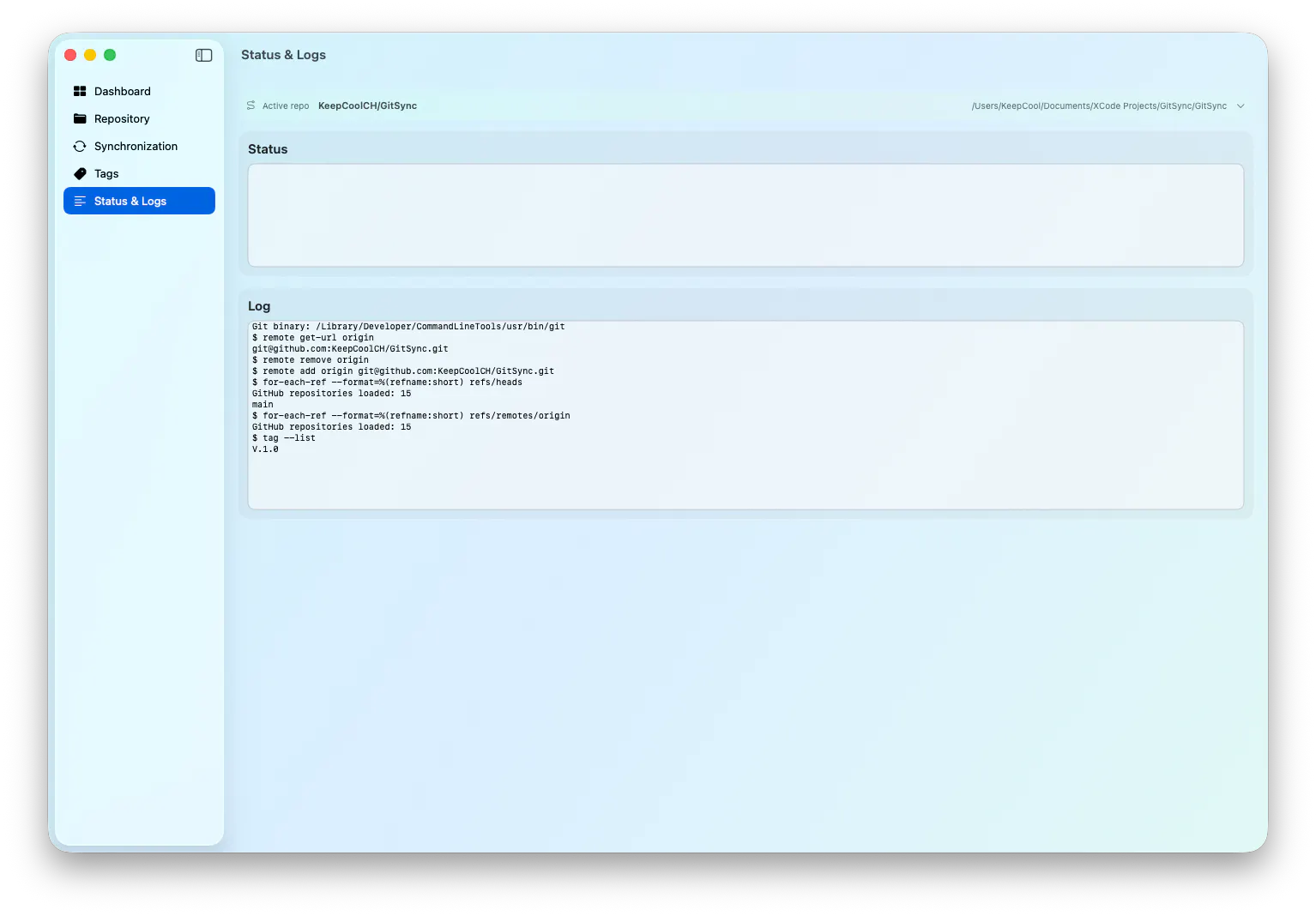
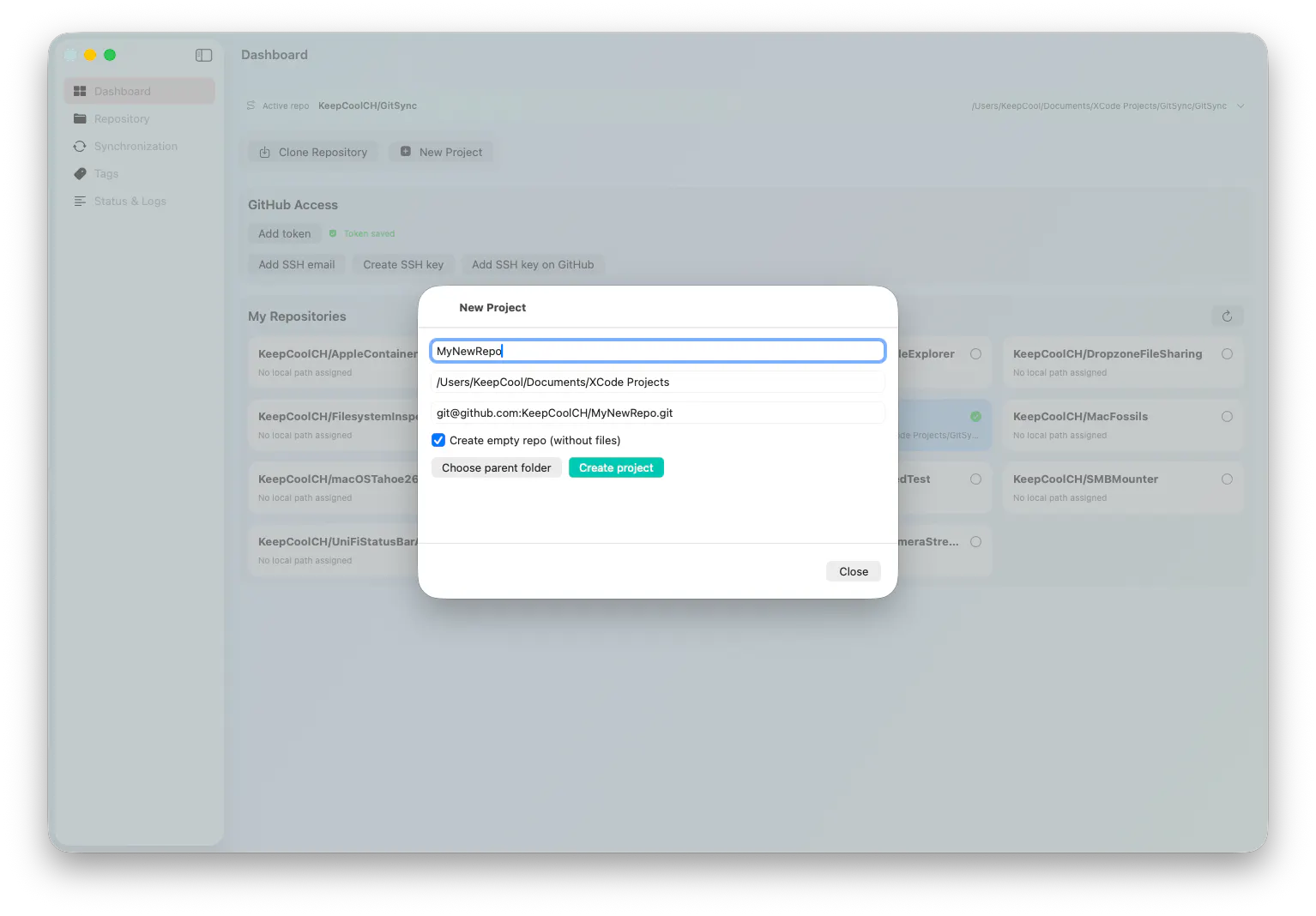
一句话介绍:GitSync for macOS 是一款让非技术用户和开发者通过图形界面直观管理 GitHub 仓库、同步本地项目、执行常用 Git 操作,从而完全摆脱终端依赖的 macOS 原生应用。
Open Source Developer Tools GitHub
Git图形界面 GitHub管理 macOS工具 代码版本控制 仓库同步 可视化Git 开发效率 菜单栏监控 忽略文件备份 非开发者工具
用户评论摘要:用户赞赏其图形化替代终端的思路,但指出底层使用 libgit2 或 shell 会影响功能完整性;建议增加对 Windows/Linux 的支持;反馈菜单栏监控和忽略文件备份功能实用;询问 PR 审查和冲突解决等高级功能是否优先,开发者表示目前优先优化分支同步与冲突检测,复杂冲突仍需手动处理。
AI 锐评

GitSync 的诞生精准切中了一个长期被忽视的“中间地带”:它既不是面向资深工程师的终端工具,也不是 GitHub Desktop 那样的通用型“笨客户端”。其真正的价值在于,它专为非编码角色(如产品经理、设计师、技术写作者)及轻度使用 Git 的开发者构建了一个“零学习成本”的 Git 操作入口。通过将 “fetch/pull/push/commit” 等高频低复杂度动作菜单化、视觉化,并加入菜单栏监控和忽略文件备份这类“防手滑”功能,它实际上在降低协作门槛,缩小了“懂代码的人”与“用代码的人”之间的操作鸿沟。

然而,锐评必须指出其核心风险:依赖 libgit2 还是 shell 出子进程,这一架构选择将直接决定产品的天花板。libgit2 虽干净但功能阉割(缺少部分认证、partial clone 路径);shell 方式虽完整但需持续跟踪 Git 版本变动,维护成本高昂。开发者目前偏向同步分支这一基础场景回避了深水区,但一旦面对复杂冲突、稀疏检出或大规模仓库,性能与兼容性问题就会暴露。此外,macOS Only 的策略在当前跨平台协作环境下显得格局偏小,虽然开发者提到正在做 Windows 版本,但错过早期跨平台用户,会失去成为“全民级 Git 可视化管理工具”的机会。简言之,GitSync 是一款定位精准、打磨有感的工具,但它的长期价值取决于能否在“简单易用”和“功能完整性”之间找到可持续的平衡点,而非停留在“替代终端的基础操作”这一安全区。

查看原始信息
GitSync for macOS
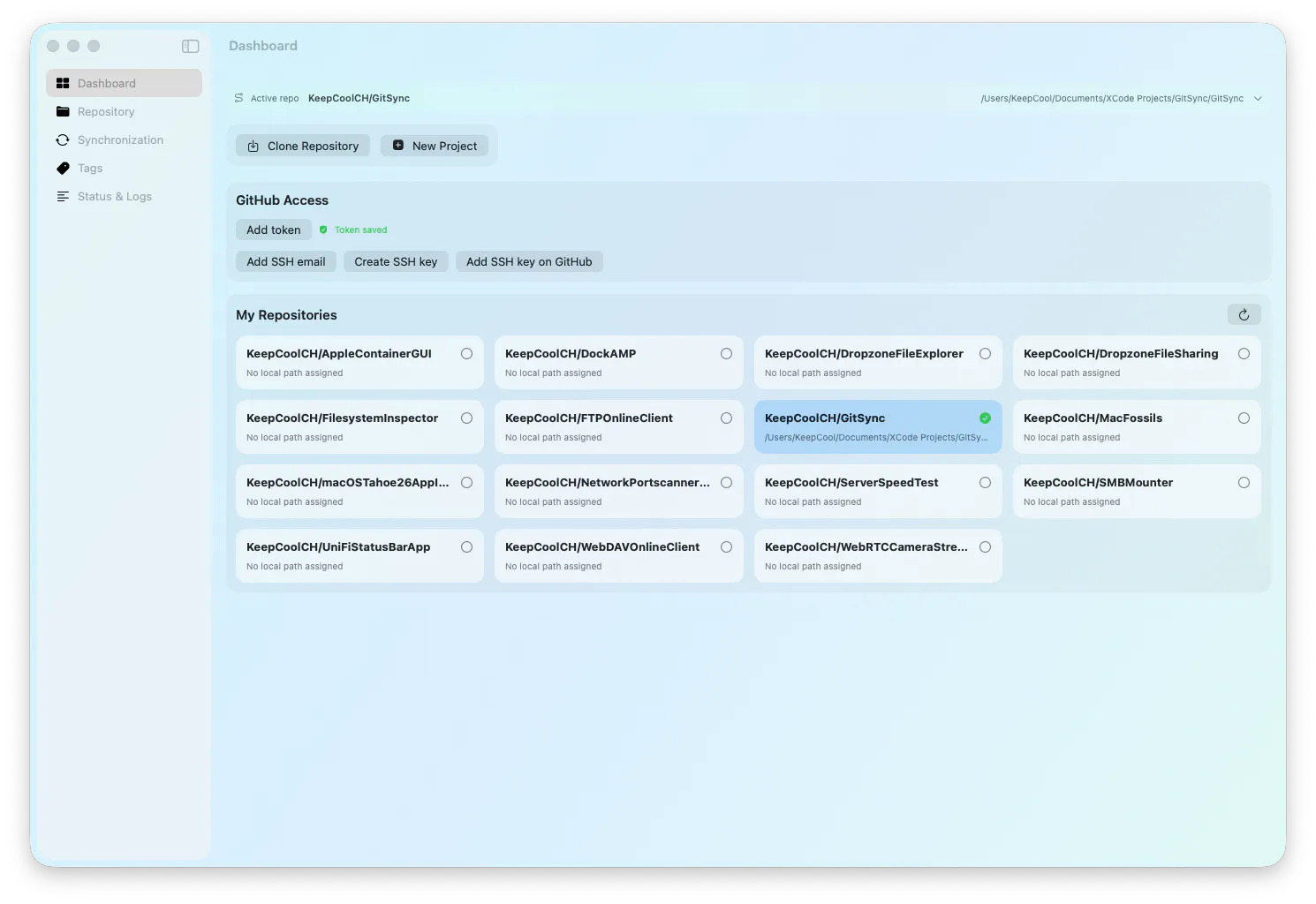
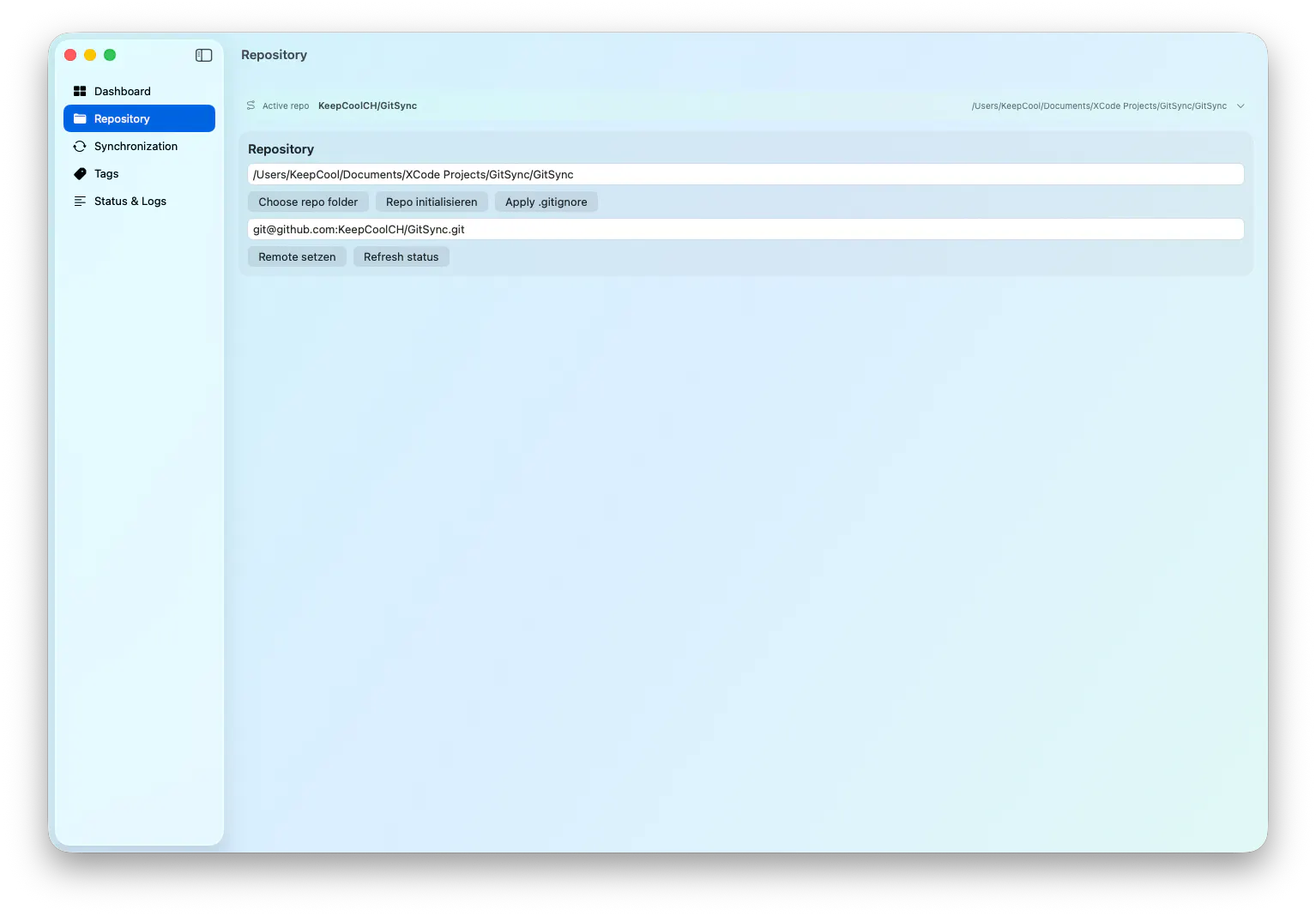
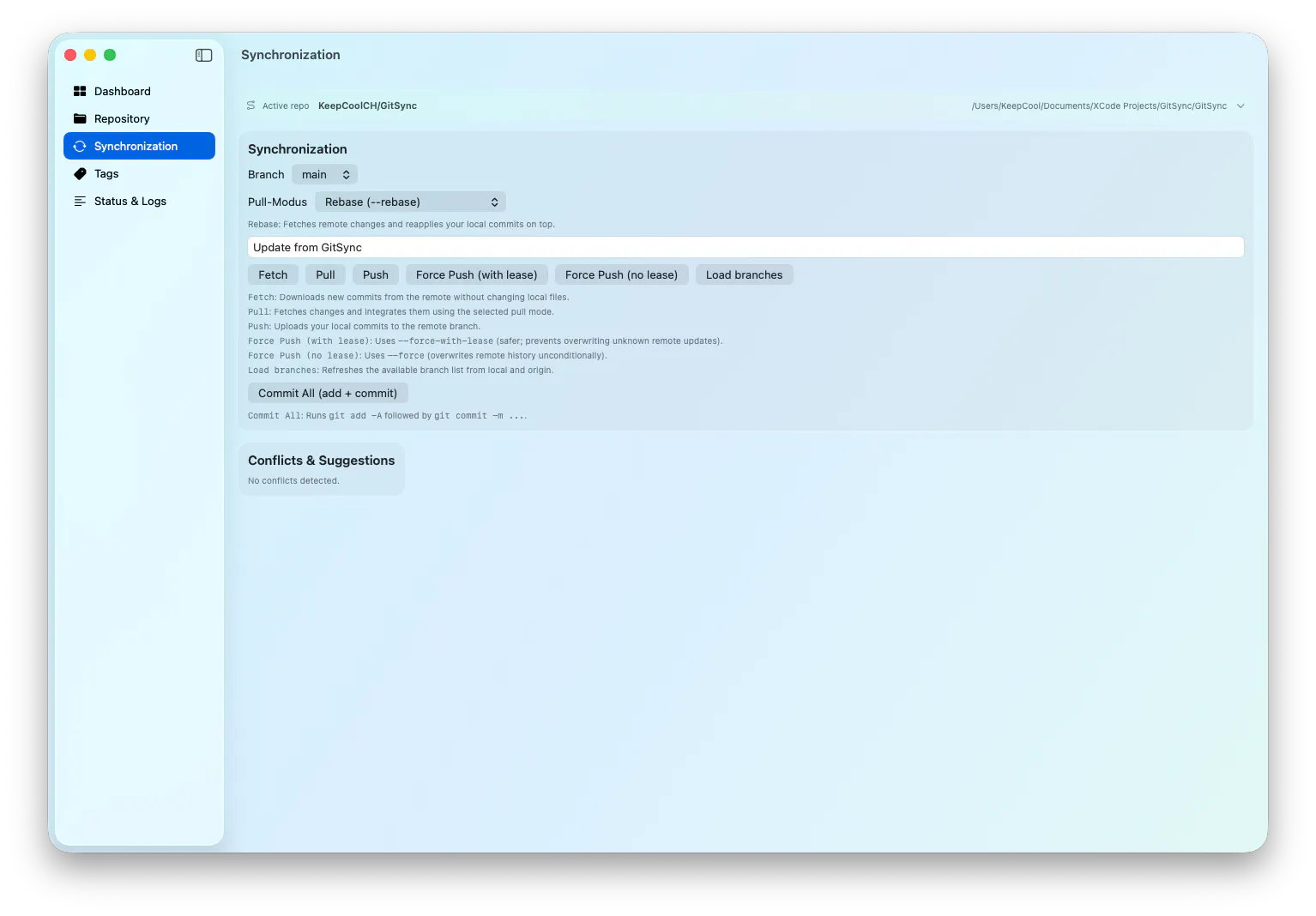
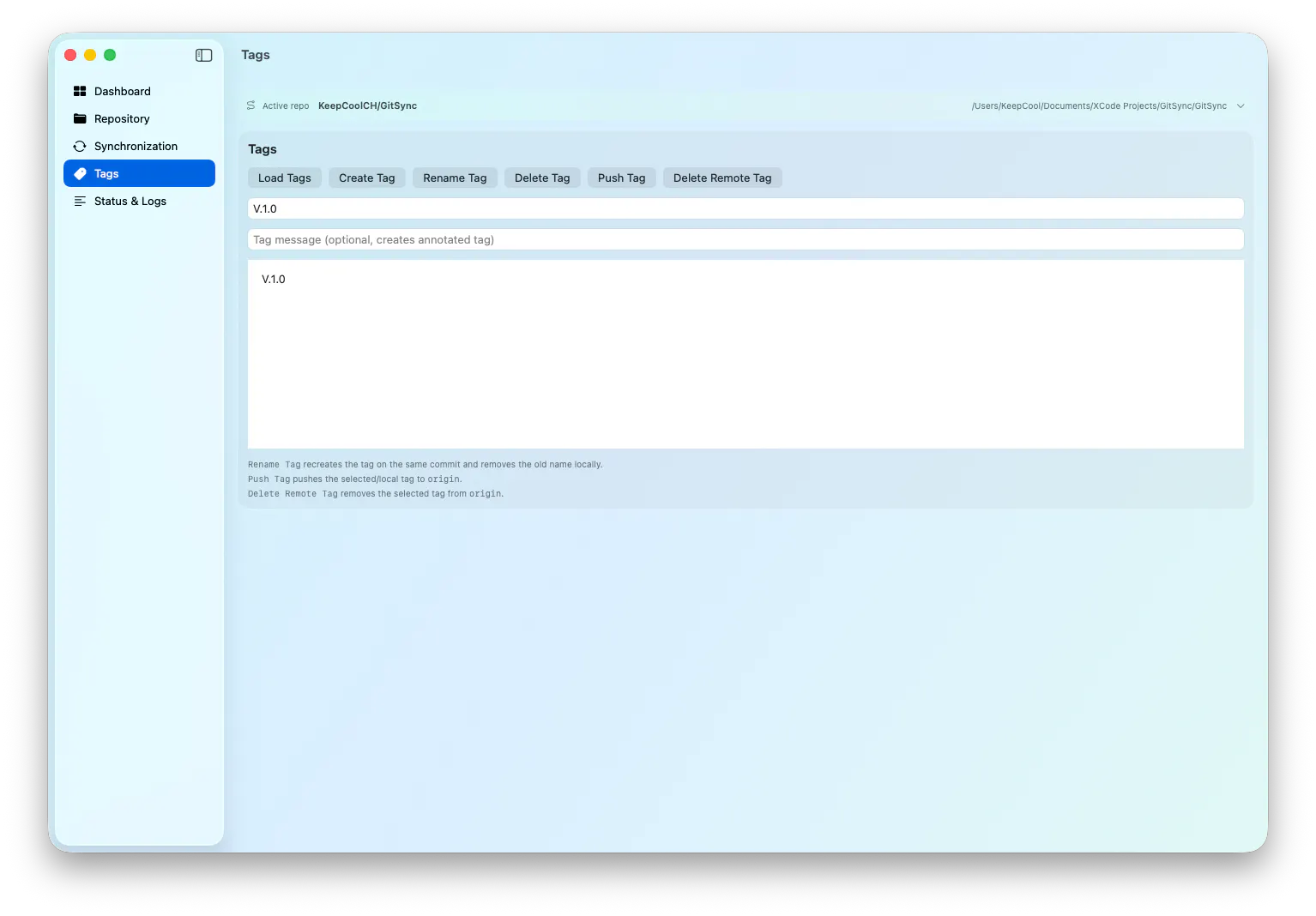
GitSync is a macOS app for visual Git/GitHub management directly from a graphical interface. You can sync local projects with GitHub, clone repositories, create new repositories, and run common Git workflows without using the terminal.
Really nice, and already have 20 requests 😊 even as an engineer I’ve always been a fan of GitHub Desktop, and think a tool like this, a bit more polished, will be the ideal companion to non-coders in Claude code /codex
1
回复

native git gui without the terminal — the real fork is libgit2 vs shelling out to the git binary. libgit2 misses some auth + partial-clone paths; shelling out means parsing porcelain that drifts each release. whichever you picked quietly shapes the whole app.

0
回复

The menu bar monitoring is useful, but the ignored-file backup is the bigger painkiller. Losing or rebuilding .env files and local configs after moving machines is exactly the kind of small dev friction that adds up.

0
回复

Awesome, is it coming for Windows/ Linux too?

0
回复

@sousadiego11 Hi Diego,

At the moment, I don't have any plans to release a Windows or Linux version, but I appreciate your suggestion and support.

0
回复

@sousadiego11  I am working on bringing it to Windows

0
回复

Visual GitHub management on macOS is a nice angle. Git tools usually make people choose between terminal power and GUI clarity. Curious what workflow you optimized for first: reviewing PRs, syncing branches, or resolving conflicts?

0
回复

@vidur_saini Hi Vidur,
The first workflow I optimized for was syncing branches and local repositories with GitHub. That felt like the most useful foundation: selecting a repo, linking it to a local folder, then running fetch, pull, push, commits, and different pull strategies from a clear macOS interface.

Conflict handling is supported with detection and suggestions, but complex conflicts still need manual review. PR review is not the main focus yet. The current strength of GitSync is making the everyday sync workflow easier and more visual without having to jump into the terminal.

0
回复
#12
UISqueezy
Design tokens and Figma variables, always in sync.
17
一句话介绍:UISqueezy通过双向自动同步设计令牌和Figma变量,解决了设计与开发之间因手动复制导致的设计稿与代码不一致的痛点。
Design Tools Design Books Developer Tools
设计令牌 Figma变量 双向同步 设计系统 前端开发 Figma插件 样式管理 开发效率 设计工程化 令牌冲突
用户评论摘要:用户认可双向同步是核心价值,但普遍关注冲突处理:当同一令牌在Figma和代码同时修改时如何解决。有用户询问是否支持Style Dictionary或W3C DTCG格式导出,开发者回应当前仅支持CSS/SCSS变量,格式扩展已列入计划。
AI 锐评

UISqueezy切入了一个真实且持续的痛点——设计系统维护中“代码与设计稿脱节”的古老难题。其双向同步机制在方向上是对的:将Figma变量作为设计侧的可编辑器,将令牌作为代码侧的可执行单位,用自动化消除人工复制带来的“蝙蝠侠效应”。但真正的考验不在方向,而在细节。

从用户评论和开发者的回帖能清晰看到软肋:冲突处理机制目前过于原始。当一个令牌在同步周期内两侧同时被修改时,后执行的同步直接覆盖,没有合并、没有警告、没有版本回溯。这在单人小项目中或许够用,但一旦进入多人协作的真实设计系统工作流,这种“笨办法”可能导致设计师辛苦调整的语义化值被开发者的一次PR默默吞没,或者反过来。这会让“One source of truth”变成“Who syncs last wins”。

另一个值得警惕的信号是导出格式的局限。当前仅支持CSS/SCSS,而行业标准正快速向W3C Design Tokens Format和Style Dictionary迁移。功能缺失意味着UISqueezy现阶段的“同步”更像是Figma到CSS的传输通道,而非真正的设计令牌全生命周期管理平台。团队在格式兼容上的投入速度,将决定它是一门精巧的Figma插件,还是一个基础设施级别的设计工程化工具。

此外,同步机制依赖于“稳定源ID”进行令牌匹配,这意味着对现有的Figma文件和代码文件有较强的结构化要求。对于尚未形成良好命名规范或组件化体系的团队,入门门槛并不低——它更像是给已经“铺好路”的团队代驾,而不是帮草创团队修路。

总体来看,UISqueezy选对了赛道,踩对了节奏,但当前阶段更像一个“有前途的原型”而非“高可用的产品”。如果团队能快速补齐冲突可视化、版本历史和多格式导出这三大短板,它有机会成为设计系统维护中的标准配件;反之,停留在“同步器”定位,很快会被Figma的API开放生态和更多全栈协作工具替代。

查看原始信息
UISqueezy
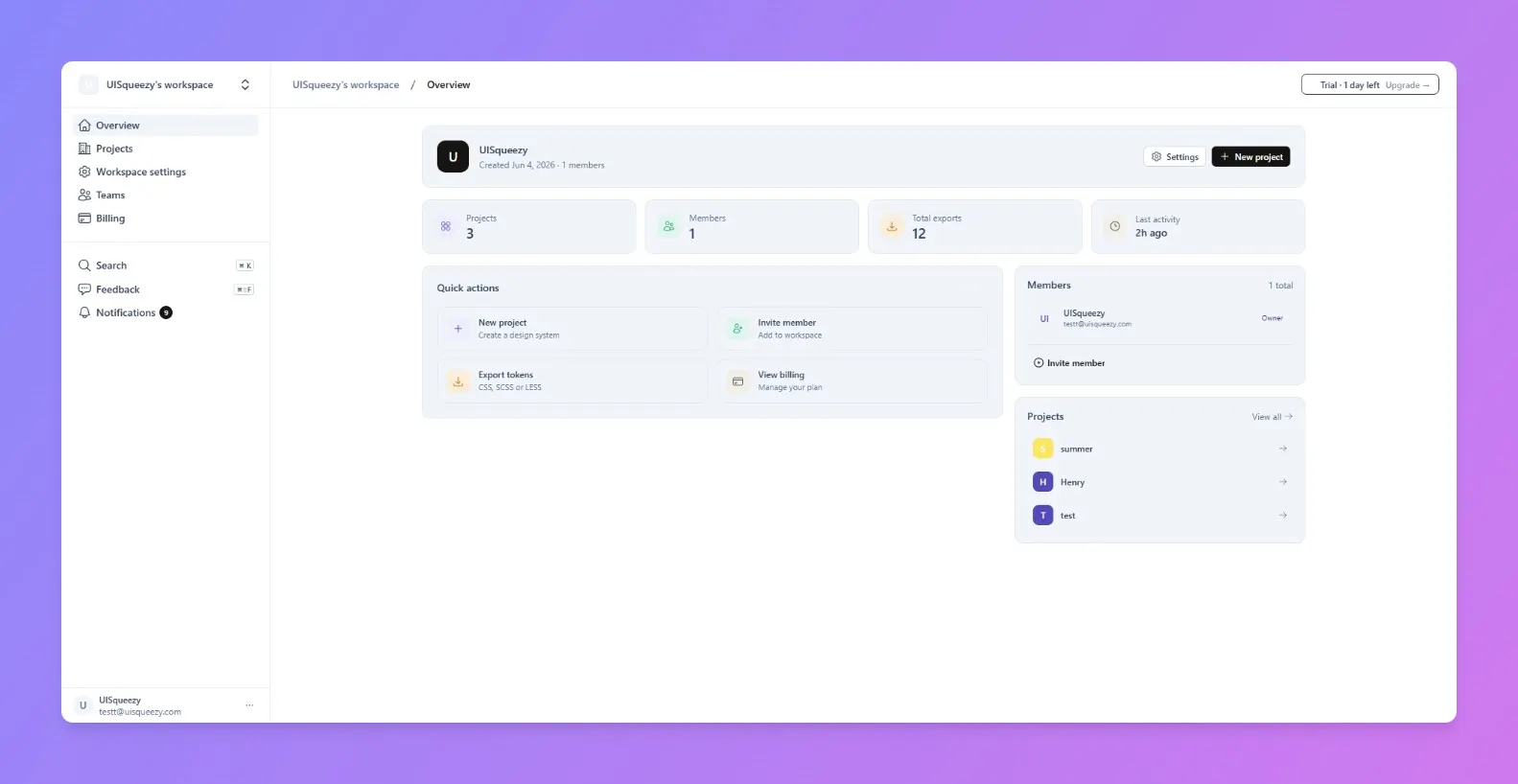
UISqueezy keeps your design tokens and Figma variables in sync, automatically, in both directions. Push color, typography, spacing, radius, size, breakpoint, and shadow tokens straight into native Figma variables. Pull changes made in Figma back into your codebase. No copy-paste, no drift. - Two-way sync: push to Figma, pull from Figma - Native Figma plugin, connect any file in seconds - One source of truth for design and code tokens
Hey Product Hunt! I'm Onur, one of the makers of UISqueezy. If you've ever maintained a design system, you know the pain: someone updates a color in Figma, someone else changes it in the codebase, and within a sprint your tokens have drifted apart. We built UISqueezy to fix that for good. UISqueezy keeps your design tokens and Figma variables in sync automatically, in both directions. Push color, typography, spacing, radius, size, breakpoint, and shadow tokens straight into native Figma variables — or pull changes made directly in Figma back into your codebase. One source of truth, no manual reconciliation. It runs as a native Figma plugin: connect a file, sign in, and you're syncing in seconds. We're just getting started and would love your feedback — what would make this fit your workflow? I'll be in the comments all day answering questions.
1
回复

@onrpamukk That's the exact pain point we see teams run into constantly. The two-way sync is solid, but yeah, conflict resolution is where a lot of tools fall short — curious to hear how UISqueezy handles simultaneous edits, since that's usually the tricky part that separates good sync from great sync.

0
回复

Good! Two-way sync is definitely the strongest part here — token drift between Figma and code gets painful fast. Curious how you handle conflicts when both sides change the same token.

1
回复

@anton_tomilov1 Thanks! Right now, push and pull are separate paths: some token edits push to Figma automatically, the rest go out when you hit Sync in the plugin. Figma → UISqueezy is always a manual Pull. Either way, the blast radius is per-token, not a full overwrite each token matches by a stable source id, so unrelated tokens are untouched. The one real gap: if the same token changes on both sides between syncs, there's no merge or warning whichever sync runs last wins for that token, and that's something we're actively working on.

0
回复

Two-way sync is the part that gets me, token drift between Figma and code has bitten every design system I've worked on. What format do you pull back into the codebase, Style Dictionary or W3C design tokens JSON? Congrats on shipping this.

0
回复

@i_sanjay_gautam Thanks! Right now it's plain CSS custom properties (plus SCSS variables) flat name/value pairs, not Style Dictionary or W3C DTCG format yet. You're the second person in this thread asking about token format compatibility, so it's clearly worth adding. Thanks, and congrats noted appreciate you trying it out.

0
回复
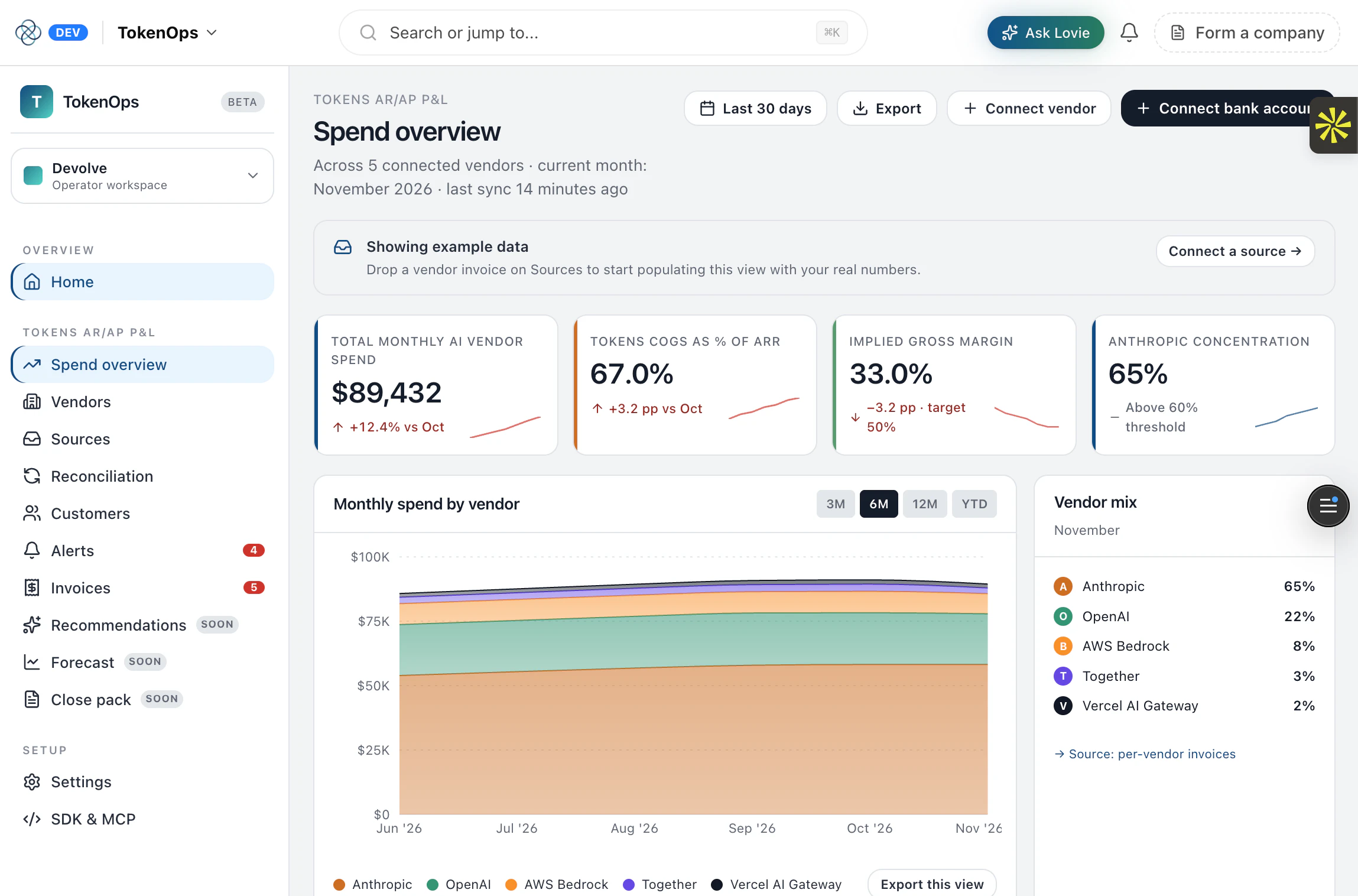
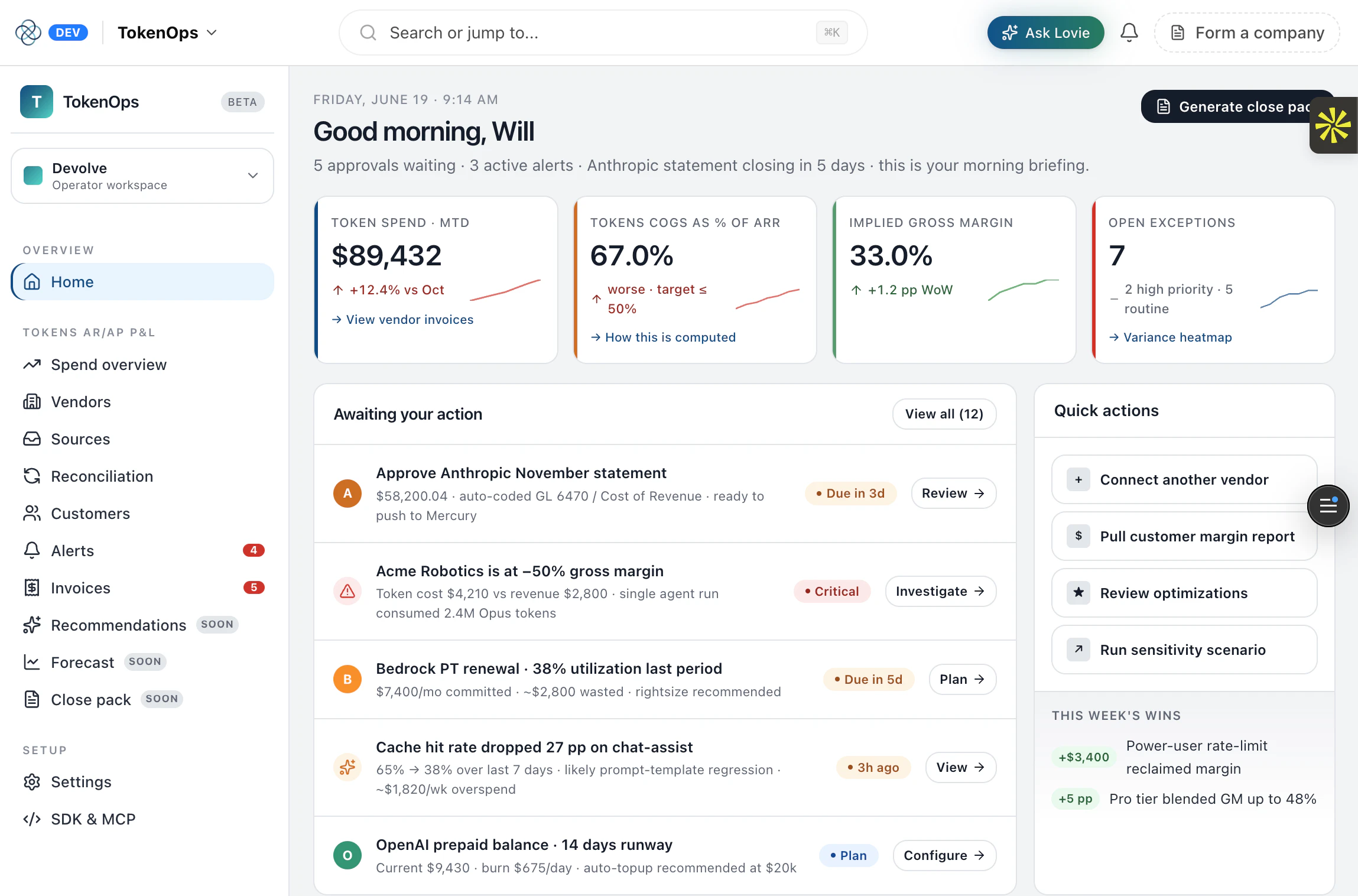
#13
TokenOps by Lovie
AI unit economics platform for AI companies
15
一句话介绍:TokenOps 为AI企业提供一站式单元经济学平台,自动捕获各主流模型API调用事件、对账月账单,并通过MCP协议让AI代理直接回答财务问题,解决AI公司“算不清每分钱花在哪”的计量与对账痛点。
Productivity Fintech Artificial Intelligence
AI成本管理 单元经济学 大模型API对账 MCP协议 用量监控 计费分析 企业级SaaS 收入确认 AI财务自动化 开发者工具
用户评论摘要:用户关注API集成安全性与方式。官方回复称通过单行SDK代码集成,不代理流量、不持有供应商密钥,支持可选的月度账单PDF/CSV拉取,内容默认不入库,兼顾安全与轻量。
AI 锐评

TokenOps精准切中AI行业“收入成本倒挂”的暗流——当大模型API调用成为生产线核心投入,其用量、账期与定价复杂性远超传统云资源,却长期缺乏专有计量工具。其产品设计体现深度用户洞察:摒弃“作为中间人代理流量”的常见做法,选择在客户端捕获元数据,既规避安全合规红线,又不对延迟产生干扰,这种“轻触点+深还原”的架构在数据敏感的AI企业眼中是必要入场券。

然而,产品面临三重挑战:一是生态锁定风险——当前支持六大主流API,但MCP协议的开放性可能被垂直厂商垄断性拒绝,若Google或Anthropic自建类似服务,TokenOps将成为“管道”。二是客户价值验证难题——“30个MCP工具”看似震撼,但企业财务团队能否真正信任AI生成的对账结果?低票数(15)反映其尚未形成口碑闭环,早期客户多为尝鲜者。三是定价模型悬而未决——作为“计量工具”本身,按API调用量收费可能侵蚀客户利润,同时与云厂商的分成博弈也需谨慎,历史上AWS、Azure的计费审计集成均以低价甚至免费作为护城河。

一句话总结:TokenOps解决的是AI公司“被放大的财务盲区”,但要让CFO而非工程师买单,需证明ROI远超“每月省下两小时对账时间”。其真正的未来,或许在于成为AI领域“收入成本分摊与利润分析”的新型财务中台。

查看原始信息
TokenOps by Lovie
Unit economics platform for AI companies. TokenOps captures every event across Anthropic, OpenAI, Bedrock, Google, Vercel AI, Azure, and more, reconciles your monthly invoice, and exposes a 30-tool MCP so agents can answer your finance questions.

Very important problem to solve.

How do you integrate securely via these API providers? Is it via their admin APIs or making code changes?

Any plans to have an open source version to host?

2
回复

@yigit Thanks — this is exactly the right question to poke at. Integration is a code change, not admin access. You add our SDK and wrap your existing LLM client in one line.

That's the whole integration. A few things that matter for security:

  • We never take your Anthropic/OpenAI/Bedrock keys. You give us a TokenOps key (ours), never your vendor credentials.

  • We don't proxy your traffic. Your calls go straight to the vendor in your own runtime — we're not a man-in-the-middle. We read the usage metadata the vendor already returns (model, token counts, latency) after the response lands, attribute it to the customerId you pass, and send that to your tenant.

  • Prompt/response content is opt-in and stays in your tenant by default. Most teams leave it off — we only need the usage numbers to do the math.

The only place a provider's billing API comes in is monthly invoice reconciliation, and it's optional + read-only: you forward the PDF/CSV, or we pull it via the vendor's billing API where one exists. No write access, ever.

0
回复
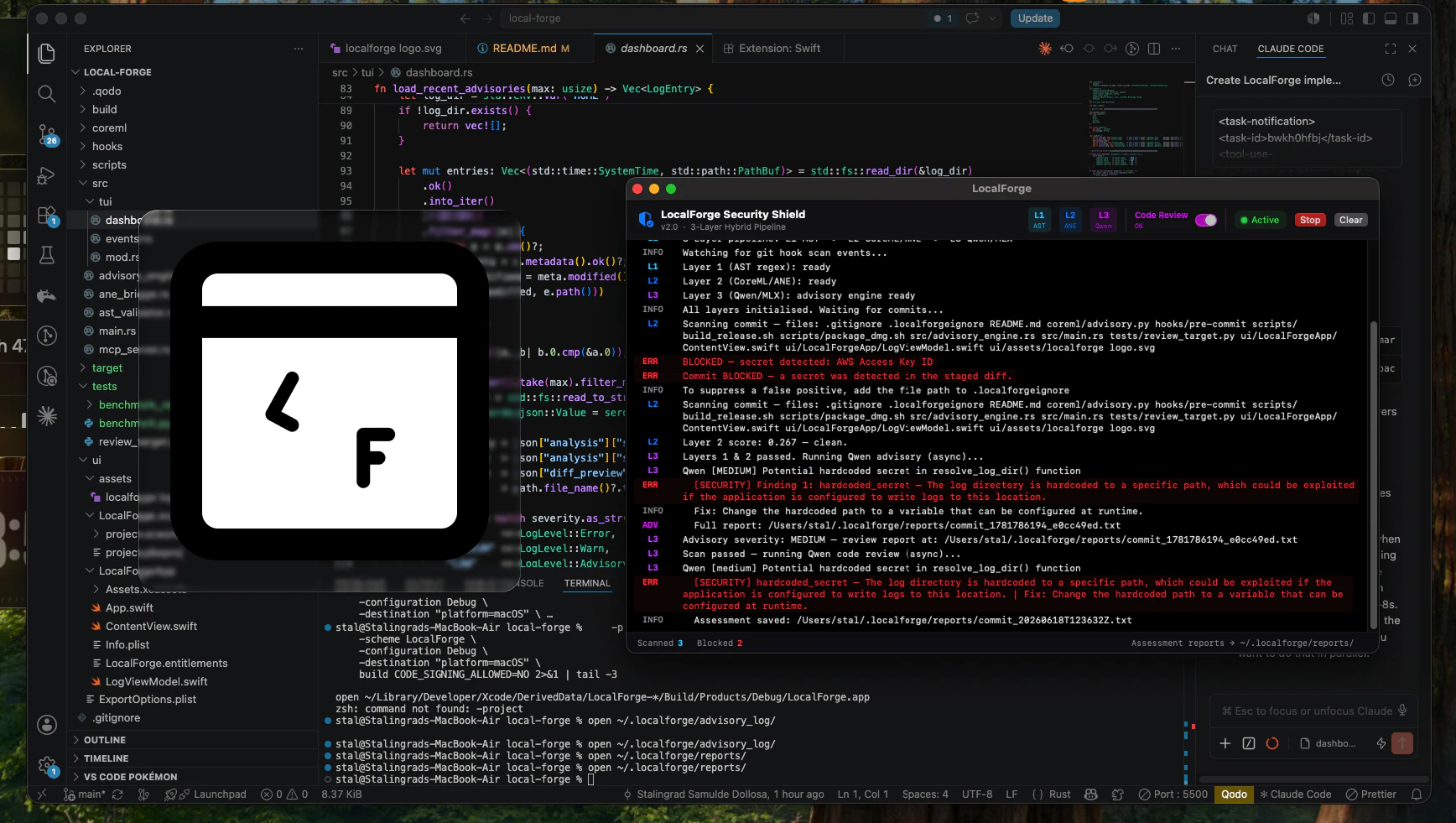
#14
LocalForge
The last line of defence before your code hits git history
12
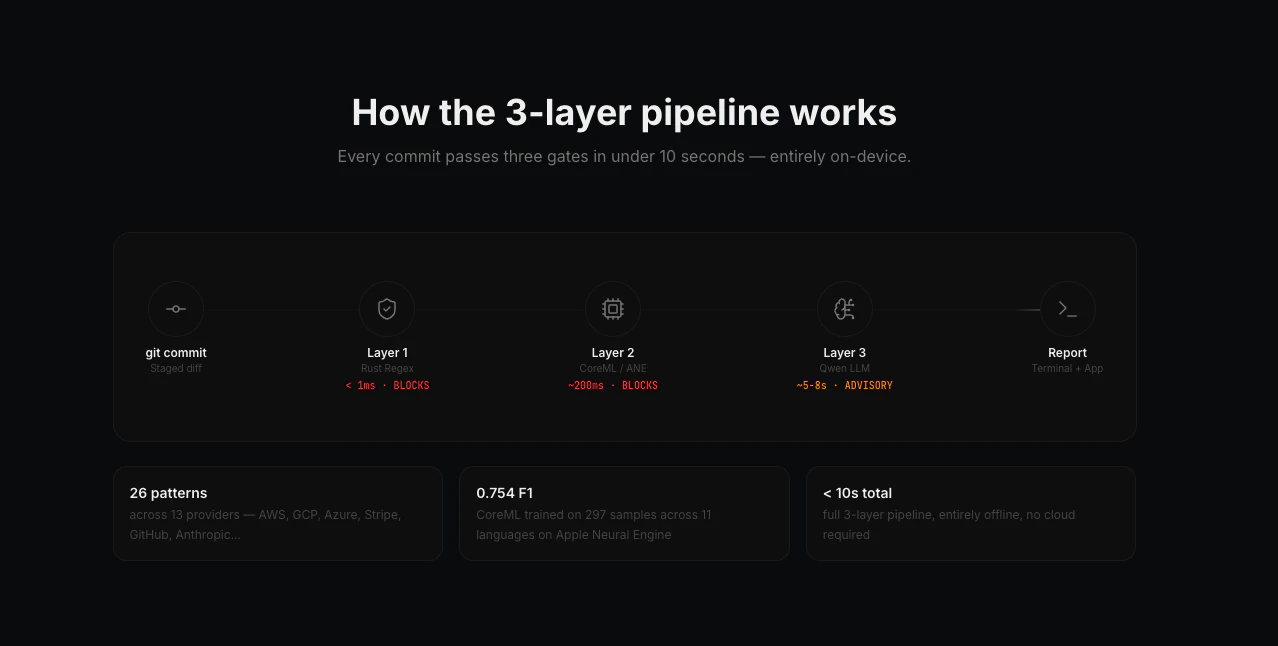
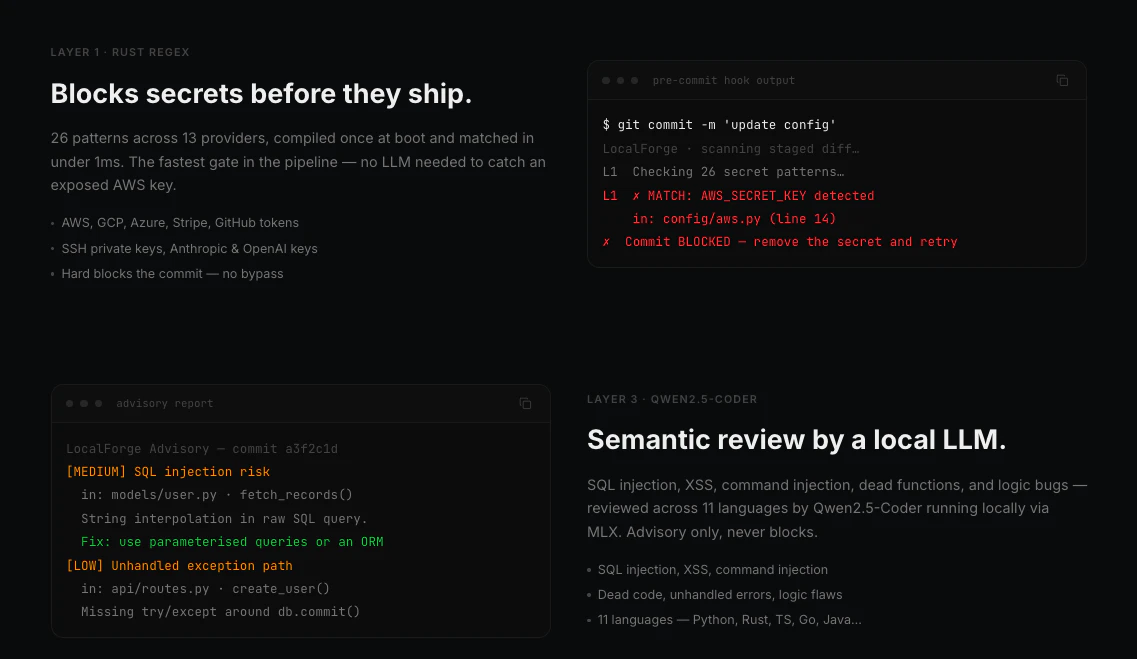
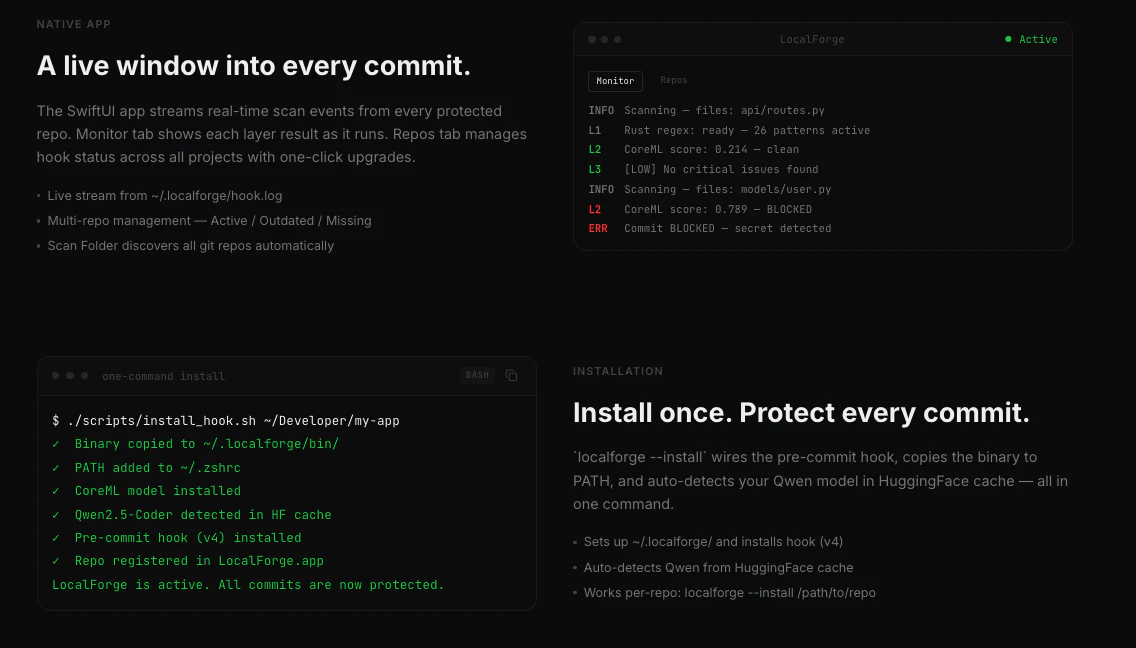
一句话介绍:LocalForge 在Git提交前通过本地三层扫描(Rust正则、CoreML统计、本地LLM语义分析)拦截密钥与不安全代码,专治AI辅助编程时代“写代码快过审代码”的痛点,确保敏感信息永不离开Mac。
Developer Tools GitHub Tech Security
Git预提交钩子 密钥泄漏防护 本地AI代码审查 Apple Silicon优化 静态分析 安全隐患检测 开发工具 开源 隐私保护
用户评论摘要:用户认可预提交拦截比事后修复更有价值,关注本地LLM的误报率与真实检出率。开发者自曝训练集仅297个样本,承认VSCode插件和Linux移植是后续方向,并主动征集更多危险代码样本。
AI 锐评

LocalForge精准切中了AI编码时代最被低估的安全漏洞——不是恶意,而是速度。当LLM以毫秒级生成代码,人类review的节奏彻底被击穿,传统pre-commit正则扫描在语意层面形同虚设。它的三层架构设计很聪明:Rust正则做第一道防线过滤确定性的密钥格式,CoreML在不消耗网络和算力的情况下处理模式化异常,最后的本地Qwen模型则用自然语言理解能力填补正则和统计无法覆盖的“看起来安全但逻辑有风险”的案例。不过,亮点和隐患同样突出。297个样本的训练集几乎就是一个学术Demo的数据量级,这意味着Layer 2的误报和漏报率在真实项目中会非常高——对于开发者来说,一个每五分钟就虚假报警的工具,比没有工具更让人崩溃。而且,Apple Silicon的限定意味着Linux CI服务器和Windows开发者社区直接被排除,这限制了产品在团队级部署的可能性。VSCode插件和开源策略是降低门槛的正确方向,但真正决定LocalForge能否从“个人实验”变为“团队标准”的,是它能否在有限的计算资源下提供足够低的误报率,以及社区能否快速贡献出质量远高于297条语料库的训练数据。最后,它解决的是“事后补救”的焦虑,但还没证明自己是“事前预防”的可靠伙伴。

查看原始信息
LocalForge
You're working fast or vibe-coding, the LLM is shipping faster than you can review, and three days later you're rotating AWS keys at 2am. LocalForge intercepts every git commit before it finalises. 3 layers: Rust regex blocks secrets in <1ms, CoreML on the Neural Engine catches unsafe patterns statistically, and a local Qwen LLM reviews your diff like a human and it's all fully offline on Apple Silicon. Nothing leaves your Mac.

Congrats on today's launch.

2
回复

Pre-commit is the right place for this. Catching secrets after they hit git history always feels too late. I’d be curious to see how often the local LLM flags useful issues vs noisy false positives in real projects.

1
回复

Hey PH 👋

I built this because I kept seeing the same thing in AI-assisted codebases. It's not malice but ultimately it's just speed. When you're vibe coding or working fast because of a deadline, and the LLM is generating 200 lines at a time, secrets and unsafe patterns slip through the review loop since it can't keep up with the generation loop.

The thing I wanted most was something that ran before git, not after. By the time a secret is in your history, the damage is done even if you rotate immediately since the commit hash is permanent and the exposure window already existed.

Three things I'd love feedback on:

1. The Layer 2 training set is 297 samples across 11 languages so it's still small. If anyone has labeled risky/clean code snippets they'd share, I'd love to grow it.
2.The VS Code extension is next and it'll reuse the same pipeline so you get inline squiggles without running a commit.
3. Apple Silicon only right now. A Linux port would need different runtimes for both CoreML and MLX so I'm, interested in whether there's appetite for it.

Repo is MIT and fully open. Would love issues, PRs, or just to hear what secret patterns you've seen slip through that I'm not covering yet.

0
回复
#15
Free AI Image Upscaler
Locally Increase Resolution of Images
12
一句话介绍:Free AI Image Upscaler 是一款完全在本地浏览器中运行、无需上传图片即可提升图像分辨率的隐私友好型在线工具,解决了用户对图像细节增强与数据安全并重的痛点。
Privacy Artificial Intelligence
AI图像放大 本地推理 WebGPU 隐私保护 免上传 图像增强 在线工具 免费
用户评论摘要:用户赞赏本地化与隐私保护的无上传卖点,但关心工具对人脸和细小文字的处理效果,并追问如何在提升画质的同时避免丢失自然细节。
AI 锐评

Free AI Image Upscaler 的核心价值不在于“免费”,而在于通过客户端WebGPU执行模型,彻底将隐私顾虑从图像处理流程中剥离。这切中了当前云端放大工具“上传即放弃控制权”的致命弱点,对于处理敏感材料(如证件、设计稿、私人照片)的用户而言,是一针强心剂。然而,仅12票的冷启动数据暴露了产品当下的尴尬:技术路径的前卫性(依赖WebGPU)与实用性(浏览器端算力限制)之间存在鸿沟。用户提出的“人脸与文字细节”“自然纹理保持”是超分辨率领域的经典难题,本地模型若想达到云端头部产品(如Topaz Gigapixel)的商用水准,需要极其精巧的轻量化网络结构,这绝非易事。产品本质上是一个极佳的“技术Demo”,展示了浏览器端AI的可能性,但若不能快速迭代模型质量并解决跨浏览器兼容性,很容易沦为“本地运行但效果平庸”的鸡肋,沦为技术爱好者尝鲜的玩具,而非下沉市场的生产力工具。其真正的突围点,应在于针对特定场景(如老照片修复、动漫风放大)做垂直优化,以局部优势撬动口碑。

查看原始信息
Free AI Image Upscaler
Enhance and clarify details of your photos using client-side WebGPU model execution. 100% private, no file uploads, and zero server storage.

Nice launch! I like the local/private angle — no uploads is a strong selling point for image tools. Curious how it handles faces and small text, since that’s where most upscalers usually break.

0
回复
I tested a few image upscalers before, and the biggest issue is usually losing natural details. How do you handle that while still improving image quality?
0
回复
#16
Inksightful
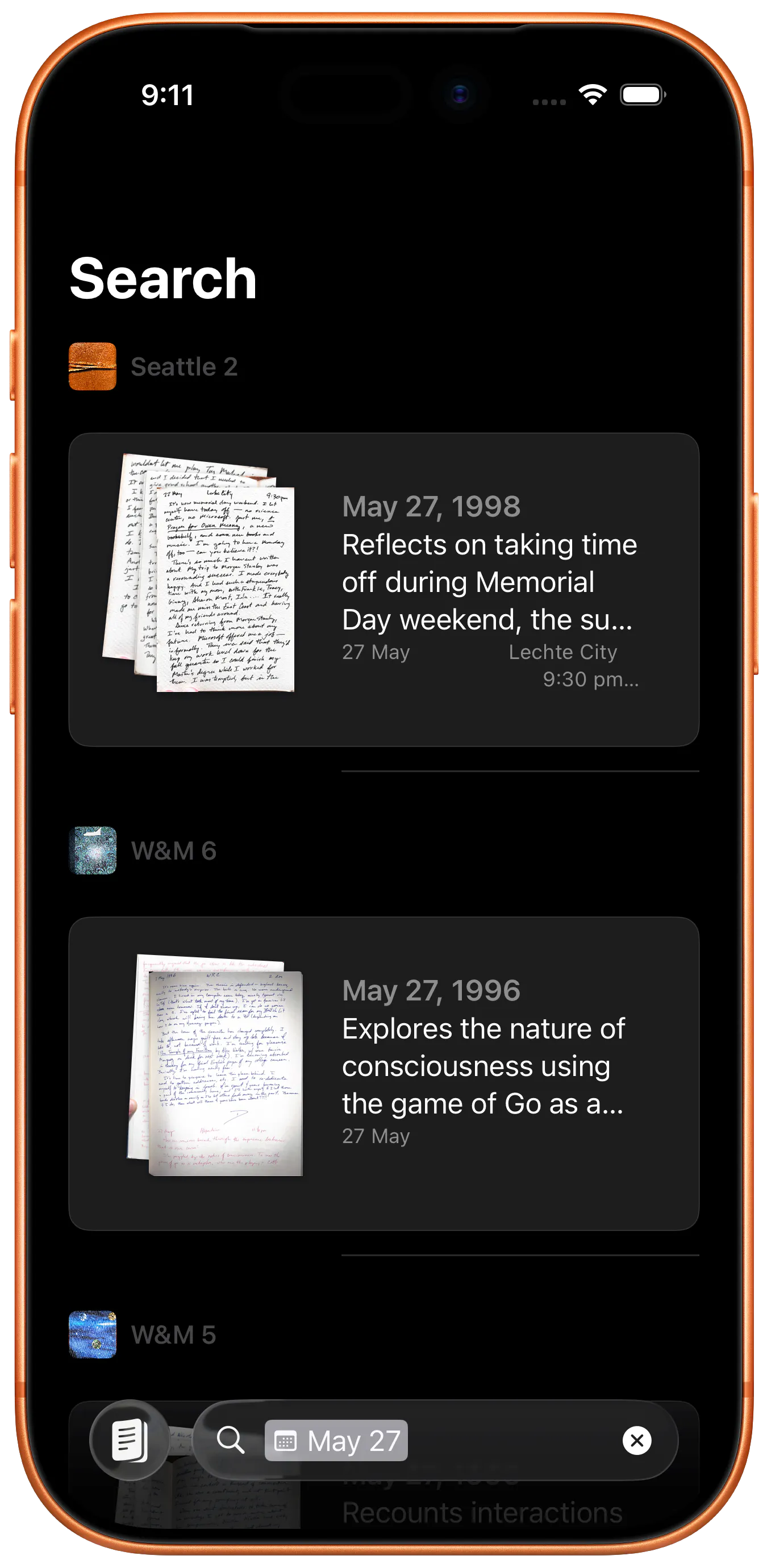
Search your handwritten diaries and notebooks
11
一句话介绍:Inksightful 将纸质手写笔记和日记拍照扫描后,利用 AI 手写识别转化为可搜索的电子文本,并保留原图链接,解决“手写内容难以查找与回顾”的痛点。
Productivity Writing Search
手写识别 日记数字化 笔记扫描 AI OCR 个人知识管理 纸质笔记搜索 iPhone扫描 用户隐私提醒 数字归档 手写体搜索
用户评论摘要:用户肯定了产品对创意手稿、绘图页的识别潜力,并询问对杂乱笔迹和混合内容页(如文字+草图)的处理效果。开发者回应表示对凌乱手写效果不错,并指出 LLM 识别效果远优于传统 OCR,但建议用户仍需核对原图。
AI 锐评

Inksightful 切入的痛点真实且细腻——手写笔记的“遗忘税”是重度笔记用户的心病。其核心价值不在于“扫描”或“存储”,而在于将纸张的物理私密性与数字的瞬时检索力打通。开发者坦诚地使用了云端 AI 处理并明确提示隐私风险,这既是诚实的缺陷,也是产品定位的边界:它只能服务于“可向第三方展示”的笔记。

从评论看,当前产品最大的想象力在于“非纯文字”内容的处理(如草图、混合页),这恰恰是手写场景最普遍的状态,也是传统 OCR 的硬伤。虽然开发者已用 LLM 提升了对潦草笔迹的识别,但 LLM 对草图、图表、批注等非结构元素的“理解”依然粗浅。如果 Inksightful 只停留于将手写体转换为可搜索的文本字符串,那它本质上不过是加了搜索功能的云扫描仪,价值有限。

更吸引人的可能性是:让产品不仅识别文字,更能识别“语境”——例如在同一页中区分“段落标题”与“正文”、“待办事项”与“灵感随笔”,甚至自动关联跨笔记本的相同人物或地点。但这需要持续的模型调优与用户行为数据反馈,对当前 11 票的冷启动应用而言,挑战巨大。目前它更像一个精致的 MVP:对日记爱好者够用,但对高要求的知识工作者,其“值得信任”的承诺仍悬在识别准确率与隐私取舍之间。

查看原始信息
Inksightful
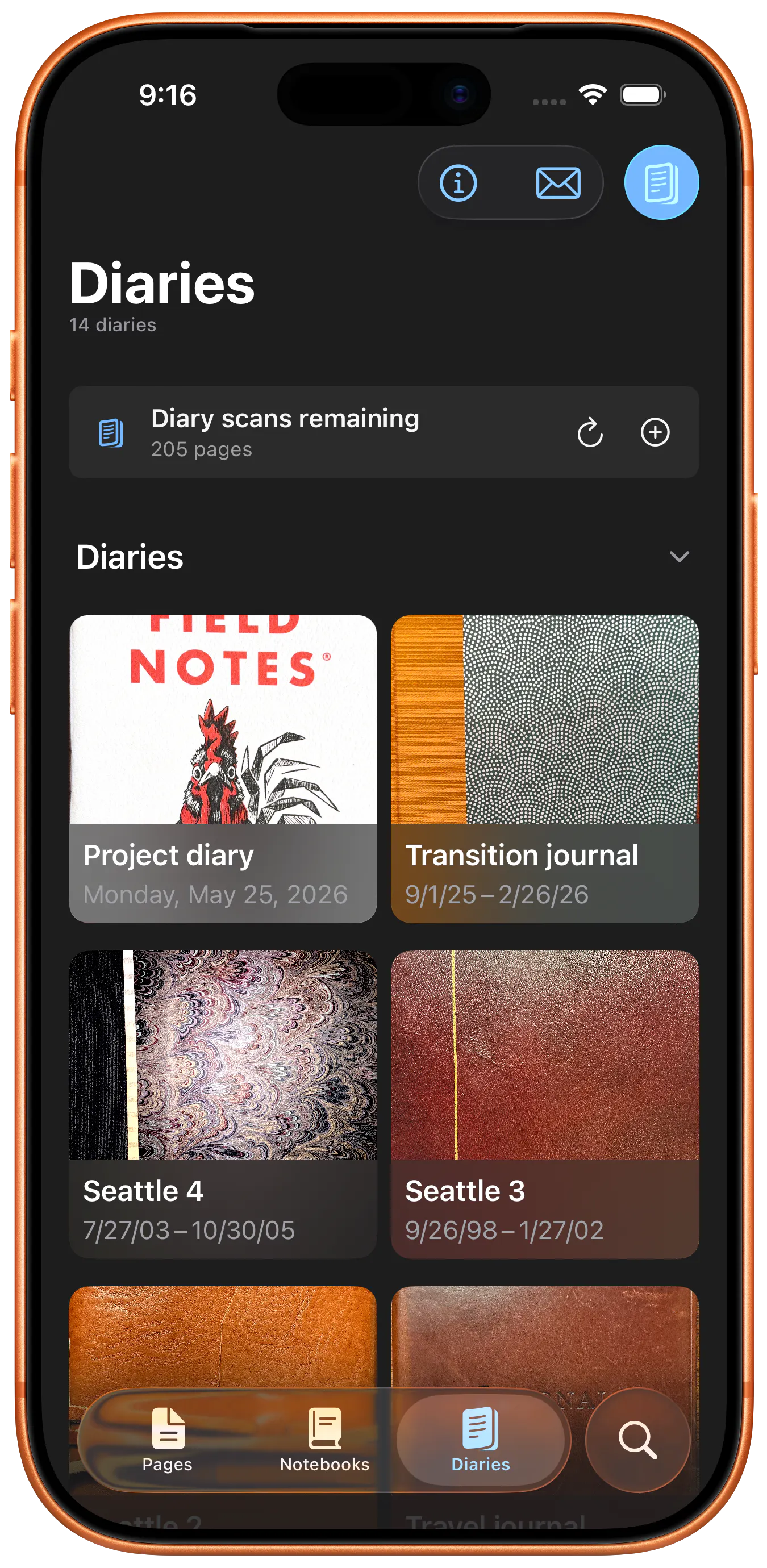
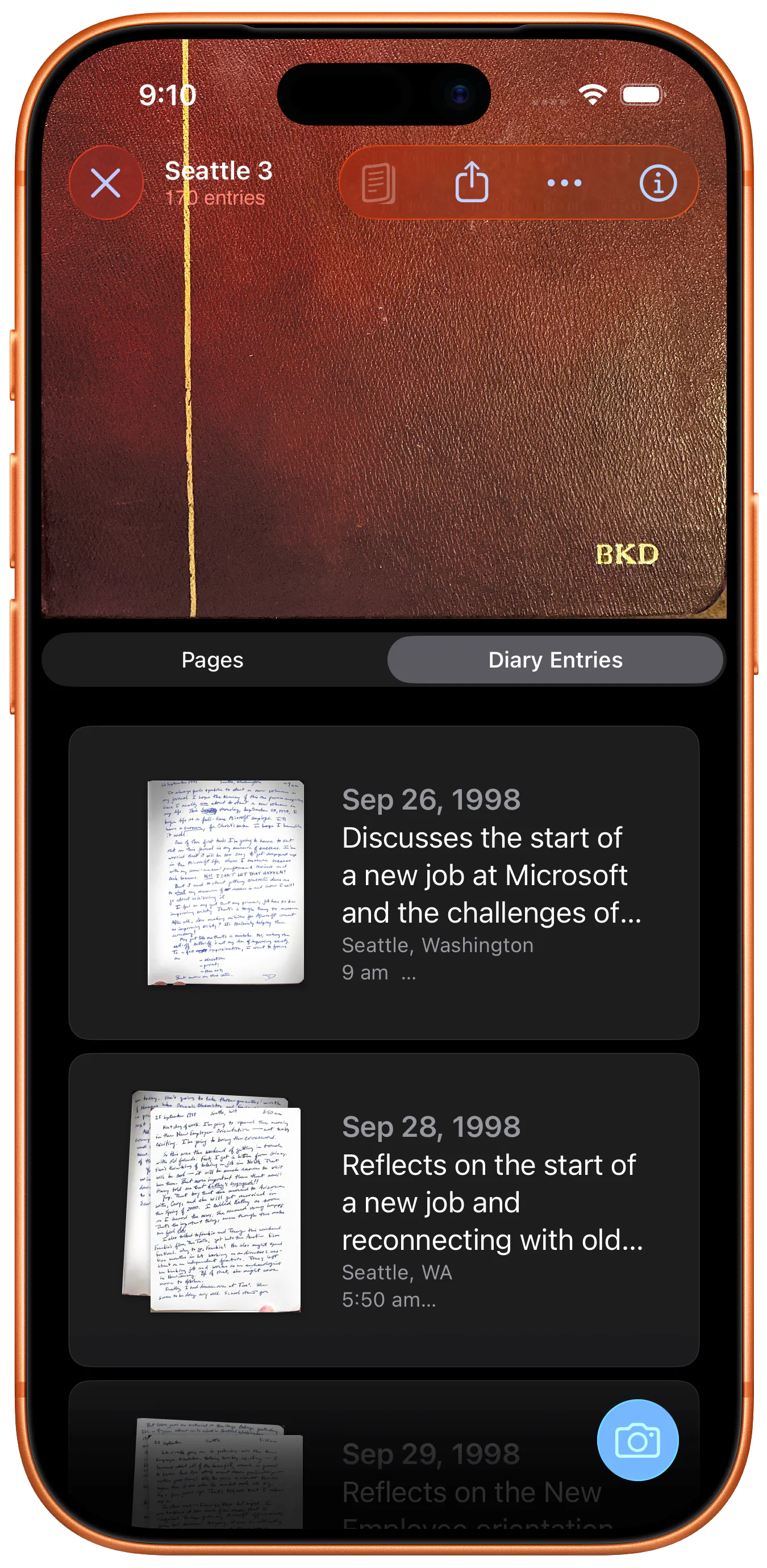
Inksightful turns paper notebooks and diaries into a searchable archive. Scan pages with your iPhone, use AI handwriting recognition, and find names, places, ideas, and memories later without flipping through old pages. Original scans stay linked to the text so you can check the source.
Hi Product Hunt, I am Brian, the maker of Inksightful. I built this because I have kept paper diaries for decades, but rarely reread them. My oldest notebooks were following me from shelf to shelf, getting more fragile, and staying mostly invisible. I wanted the benefits of paper without losing search, backup, and the small daily ritual of revisiting old entries. Inksightful is for people who still like writing by hand but want the convenience of digital copies. The app lets you scan paper notebook and journal pages with an iPhone, run AI handwriting recognition, and search the recognized text later. It keeps the original page scan linked to the text, so you can always check the source when something looks uncertain. For diaries, Inksightful can also group pages into dated entries and surface past entries from the same day in earlier years. The goal is to make the names, places, phrases, ideas, and dates you wrote on paper years ago findable. The part that convinced me this was worth building was seeing AI transcription beat normal phone OCR on my own messy handwriting. It is not perfect, and I still check the original scan when something looks off, but it crosses the practical line for me. A privacy note because personal notebooks can be sensitive: Inksightful uses cloud AI processing for handwriting recognition and organization. Models won't be trained on your data, but do not use it for pages you cannot share with third-party processors. I would especially like feedback from people with real stacks of notebooks, journals, field notes, meeting notes, or project logs. What would make this trustworthy enough for your paper archive?
1
回复

Hey mate! This looks fantastic.
If you do industrial design or UI sketches in a notebook, how will Inksightful interpret these?

0
回复

How well does it handle messy handwriting and mixed pages ?

0
回复

@karimbenkeroum I think it handles messy handwriting well! I wrote about it last year when I was developing the product. This post has an example page from one of my diaries, the results from Apple's on-device OCR, and the result from LLM handwriting recognition. Compared to on-device OCR, LLMs crossed a threshold for me; it's easier to read the LLM-recognized text than my own handwriting!

https://bdewey.substack.com/p/whats-new-with-notebook-index

Not sure what you mean by "mixed pages," though; can you elaborate?

0
回复
#17
LeGink Creator
Youtube Content Creation Tool
11
一句话介绍:LeGink Creator 是一款专为YouTube创作者打造的AI脚本生成工具,输入主题即可获得包含钩子、正文、CTA、标题、标签和缩略图构思的完整发布级脚本,解决传统AI工具不注重视频留存率与节奏感的痛点。
Productivity Artificial Intelligence YouTube
AI脚本生成 YouTube内容创作 视频留存率 内容日历 提词器 B-Roll清单 AI改写 频道分析 创作者工具 SaaS
用户评论摘要:创始人强调产品侧重留存率而非通用输出。用户关注AI如何创作高吸引力的前15秒钩子,是依赖结构模板还是训练于高留存开头。另一用户询问内容日历是否能避免重复已发布主题,确认可以分析频道并生成不重复的个性化计划。
AI 锐评

LeGink Creator 在拥挤的AI内容创作赛道中,切中了一个被泛化工具长期忽视的痛点:视频留存率。通用AI脚本往往信息堆砌却缺乏节奏感,而LeGink将“Retention”作为核心卖点,直接瞄准了YouTube算法与观众注意力的博弈关键——前15秒的钩子与后续的叙事节奏。其内容日历功能通过分析频道历史避免主题重复,解决了“选题枯竭”与“内容同质化”的隐性成本;内置提词器与B-Roll清单则进一步缩短了从脚本到拍摄的最后一公里。

然而,这个产品的挑战在于如何证明其“Retention-Tuned”并非营销话术。创始人必须持续迭代模型,使其真正理解YouTube不同利基(如教育、Vlog、评测)的差异化叙事逻辑,而非仅仅套用一个模板。11票的低热度反映出产品尚处早期,其价值能否在真实创作者的数据(如引流后停留时长提升)中得到验证,是关键分水岭。对独立开发者而言,LeGink的定位精准,但若不能快速构建社区口碑与差异化数据壁垒,很容易被大厂的泛化工具(如Opus Clip或ChatGPT的脚本变体)以更低的成本边缘化。一句话:方向对了,但需要硬核案例来撑起“Not Generic”的宣言。

查看原始信息
LeGink Creator
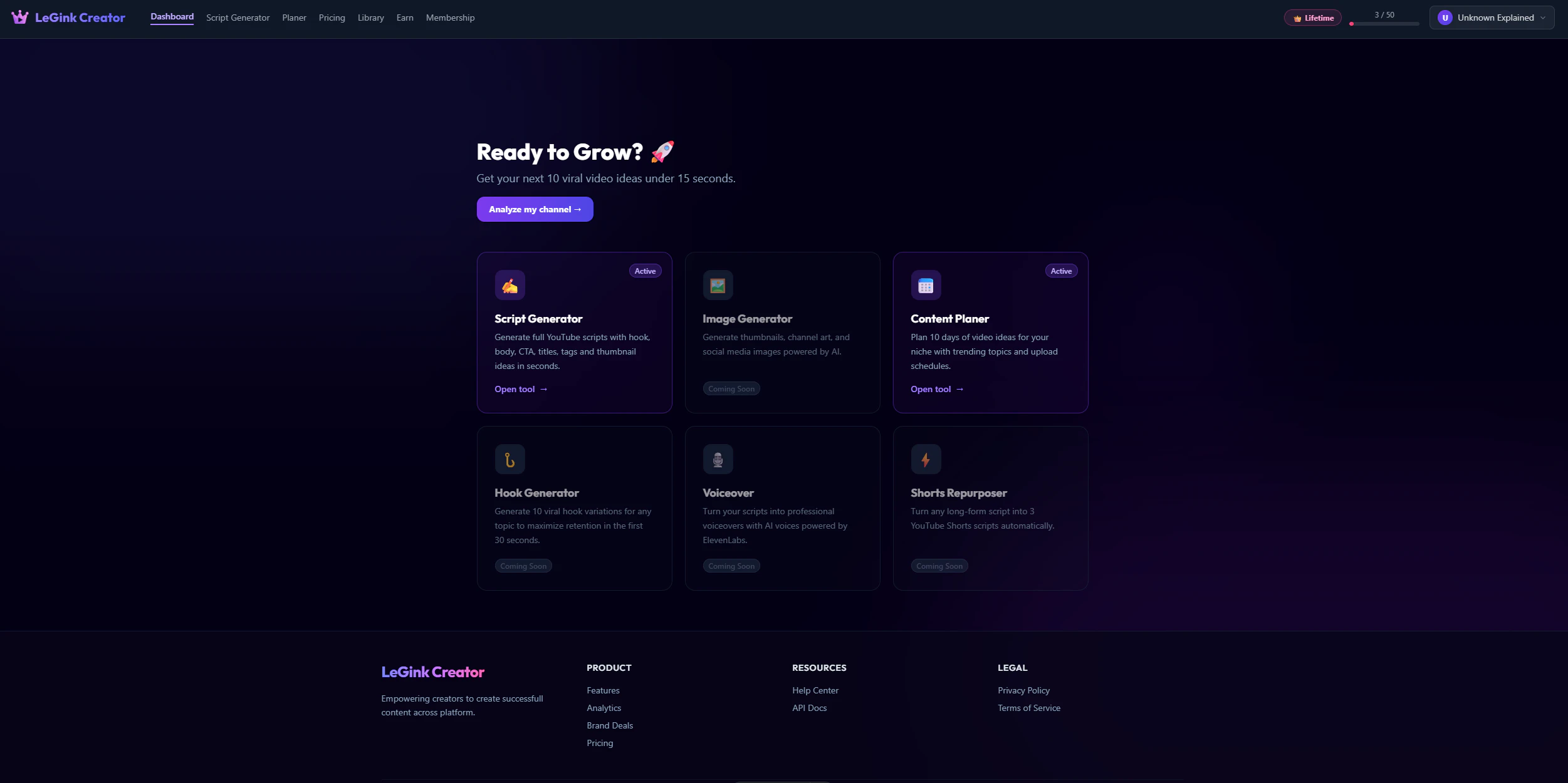
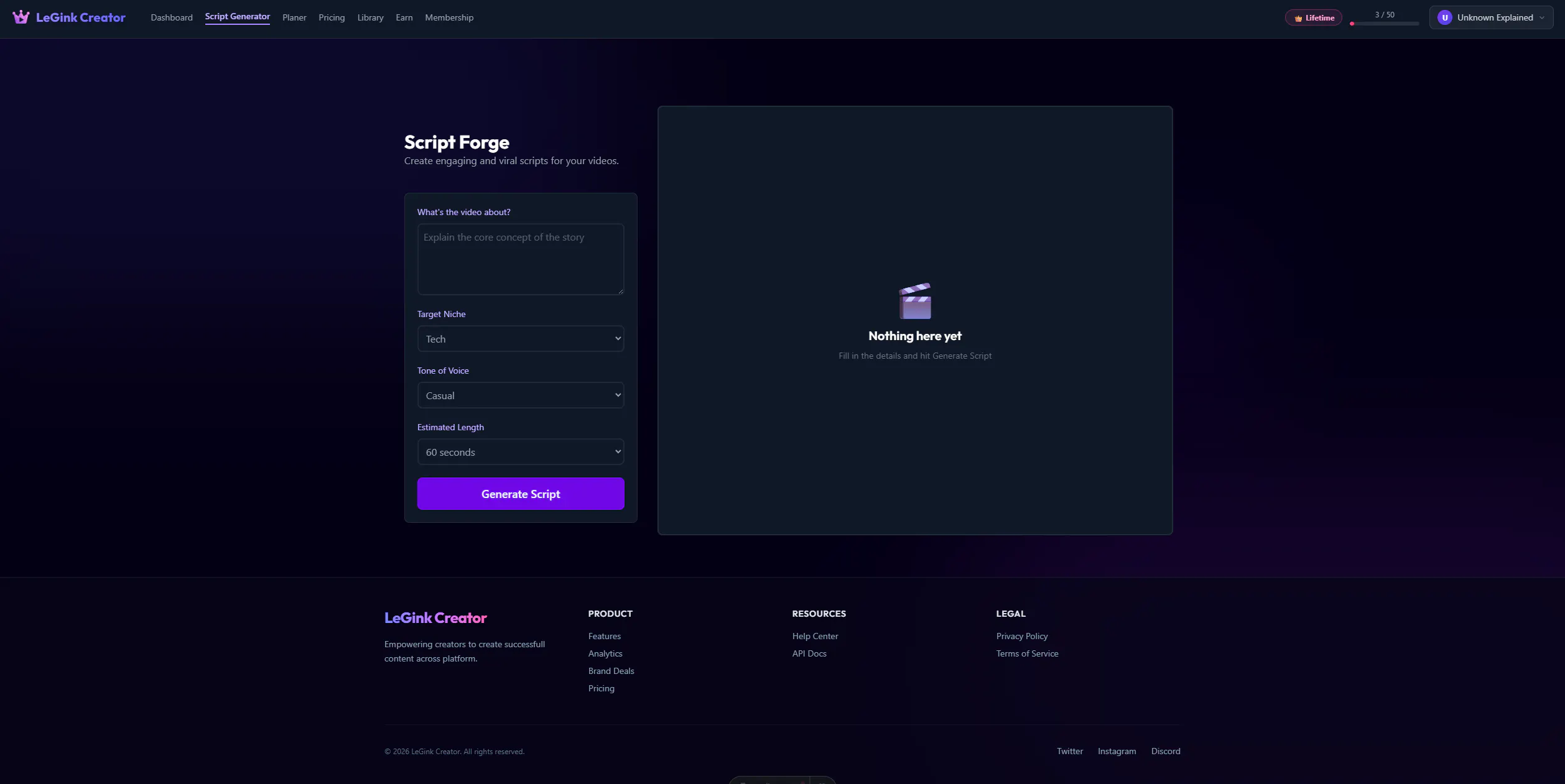
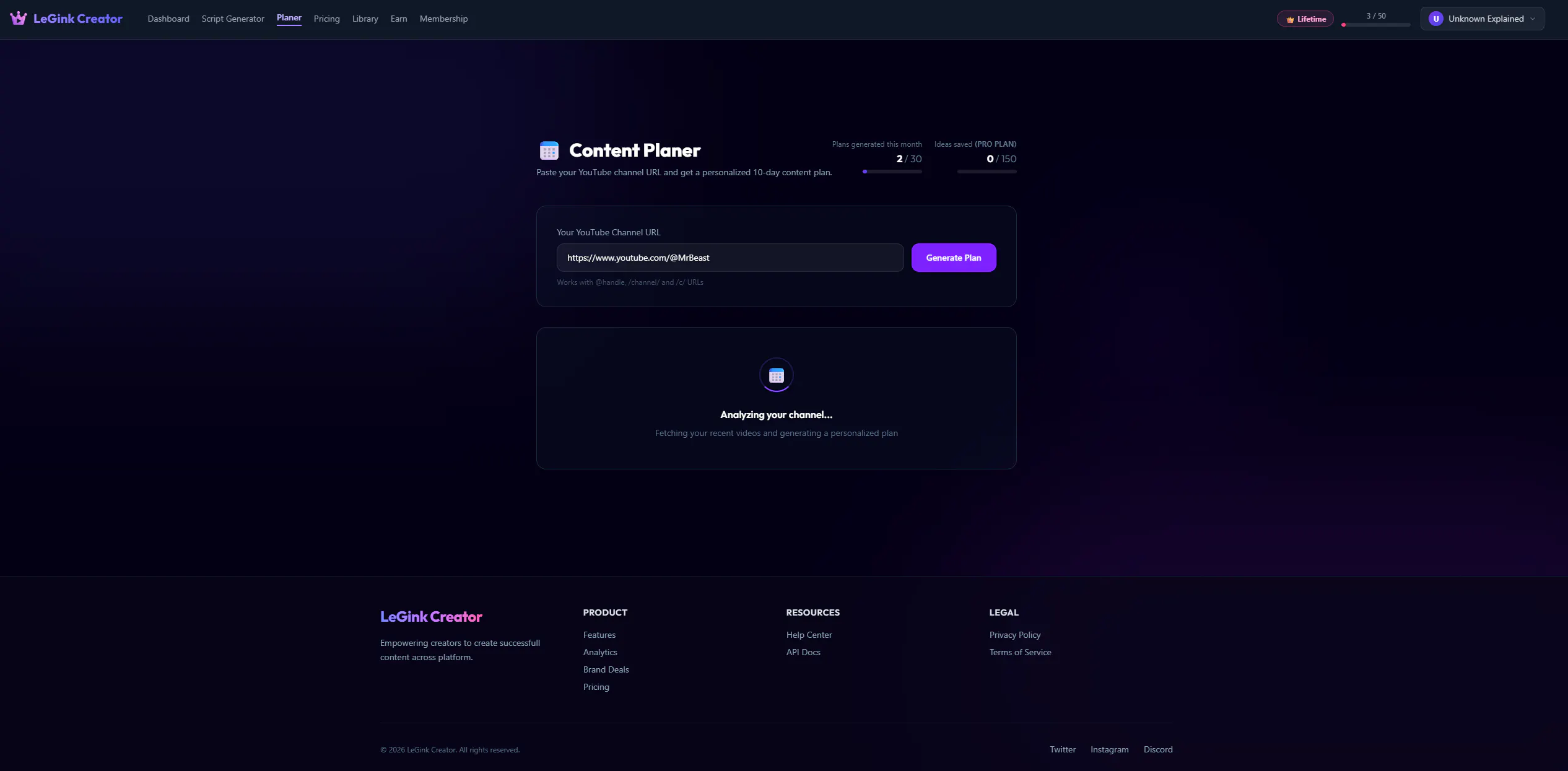
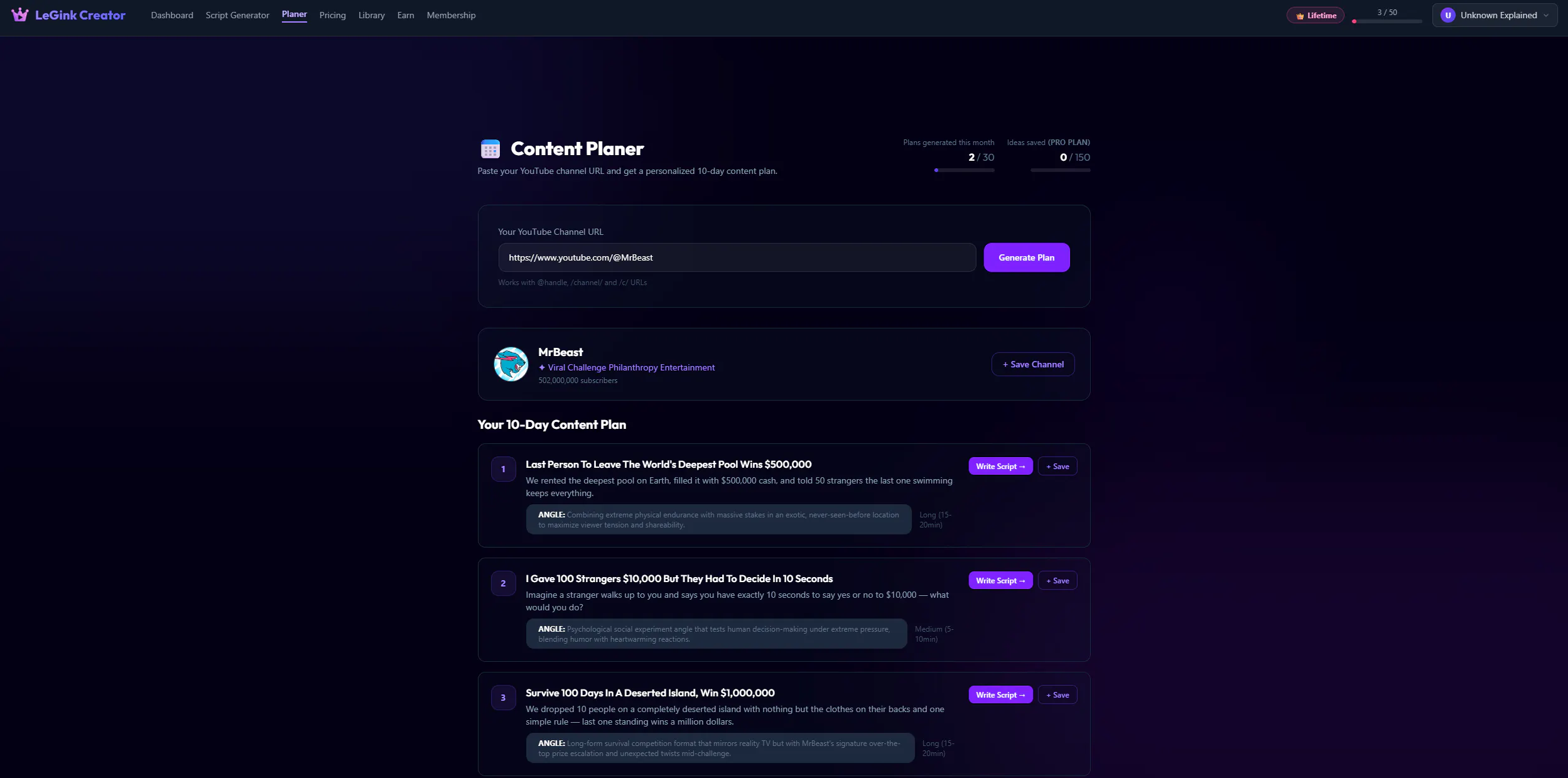
LeGink Creator is an AI-powered platform built for YouTube creators. Type your topic, pick a niche and tone, and get a full publish-ready script in seconds — hook, body, CTA, titles, tags, and thumbnail ideas, all tuned for retention, not generic AI output. Paste your channel URL and our Content Calendar analyzes your niche to build a personalized 10-day plan. Built-in editor with teleprompter, AI rewrites, and B-roll checklists. Free plan, no card required.
Hey Product Hunt 👋 I'm Gian Carlos, solo founder of LeGink Creator. I built this because I was spending hours every week writing scripts for my own YouTube channels and got tired of generic AI tools that don't understand retention or pacing. LeGink Creator generates a full script — hook, body, CTA, titles, tags, thumbnail ideas — all tuned for YouTube specifically. It also has a Content Calendar that analyzes your actual channel and gives you a personalized 10-day plan, plus a built-in editor with a teleprompter for when you're ready to film. Free to try, no card needed. Would love your feedback — what would make this more useful for your workflow?
1
回复

@gian_carlos_legon_suarez retention tuned not generic is the right thing to chase, and it all rides on the first 15 seconds. how does LeGink approach the hook, trained on high retention openers or more of a structural template? that part decides if a script holds.

0
回复

Does the calendar pull from your existing videos to avoid repeating topics you’ve already covered?

0
回复

@karimbenkeroum Yes, the tool is created so it analyzes your channel and your latest uploads, and develops ideas based on your channel and does not repeat ideas.

0
回复
#18
Math Shield - Focus & Unlock
Unlock Apps with Math
10
一句话介绍:Math Shield 通过强制解锁前完成数学挑战,将App封锁转化为专注力训练与数学练习,适用于孩子提升算术能力、成年人减少无意识刷屏并培养健康数字习惯。
iOS Kids Education
App锁 数学挑战 专注力训练 健康数字习惯 儿童算术 成人脑力 iOS应用 行为干预 屏幕时间管理 寓教于乐
用户评论摘要:用户认可“增加心理摩擦”而非简单封锁的理念。开发者提出问题:是否愿意用数学挑战减少屏幕时间、偏好何种挑战类型、期待后续功能。有评论询问是否计划为儿童和成人设置不同难度级别。
AI 锐评

Math Shield 的底层逻辑并非创新——将“解锁”动作绑定认知任务,本质是行为设计中的“预承诺”与“厌恶损失”叠加。其价值在于把“被动戒断”转化为“主动投入”,让每次分心都付出微小的脑力成本,从而降低无意识滑动的频率。

但当前仅凭10个投票和一条有效评论就上线,暴露了产品成熟度的不足。核心问题有三:

第一,数学挑战的难度梯度设计与用户动机的错配——儿童需要简单题建立信心,成人可能厌恶低智重复,缺乏个性化引擎会导致流失。

第二,“学习体验”的叙事在华而不实的边缘:碎片化的算术练习对数学能力的提升极其有限,更多是充当“惩罚性门槛”,而非真正的教育工具。与 Duolingo 或 Brilliant 的体系化学习不可同日而语。

第三,产品形态单一:仅依赖前置挑战,缺乏后置记录、分析或激励机制(如解锁后限时使用、错题本、成就系统),容易在新鲜感消退后被卸载。

真正值得深挖的方向,是让“分心”本身产生学习价值——例如,根据用户常点开的App类型(社交/游戏/工具)动态调整题目类型(逻辑题/速算/几何),或与断舍离理念结合,记录每日“学习换来的屏幕时间”对比。若只停留在“解道题才能进抖音”的浅层设计,很难从同类工具(如 One Sec、Forest)中杀出重围。

查看原始信息
Math Shield - Focus & Unlock
Math Shield transforms app blocking into a learning experience. Instead of passively locking apps, it requires users to solve math challenges before gaining access. It's useful for children building math skills and adults looking to sharpen mental arithmetic, improve focus, and create healthier digital habits.

👋 Hi everyone!

🚀 I'm excited to share Math Shield, an iOS app that helps people build healthier screen habits by turning app unlocking into a learning opportunity.

🧮 Instead of simply blocking distracting apps, Math Shield requires users to solve math problems before gaining access. It's designed for kids who want to improve their arithmetic skills, as well as adults who want to sharpen mental math, improve focus, and reduce mindless scrolling.

💡 The idea came from noticing how often we unlock apps without thinking. I wanted to create something that not only reduces distractions but also helps users learn and practice a useful skill every day.

🙏 I'd love to hear your feedback:

• 📱 Would you use math challenges to reduce screen time?
• 🎯 What types of challenges would motivate you the most?
• ✨ What features would you like to see next?

Thanks for checking out Math Shield! 🚀🧮

0
回复

Nice idea — I like that it adds a small “mental friction” instead of just blocking apps completely. Curious if you plan to add different difficulty levels for kids vs adults?

0
回复
#19
The Resistance
The hidden-role spy game you can play with friends online
9
一句话介绍:The Resistance是在线网页版“抵抗组织”桌游,无需注册安装,通过分享链接让3-12名好友远程进行身份推理与互骗,解决线下桌游无法远程同乐的痛点。
Board Games Free Games Games
社交推理 多人桌游 在线桌游 身份隐藏 网页游戏 远程聚会 零安装 语音聊天 抵抗组织 杀时间
用户评论摘要:用户作为开发者自述制作动机是解决无法线下玩原版桌游的痛点;强调无账号安装、跨设备、内置语音。有用户质疑移动端投票是否易紧张,作者回应设计为每人手机独立操作且界面统一,不会暴露身份。
AI 锐评

The Resistance Online本质上是一次精准的“物理桌游数字化”案例,而非创新。它的核心价值在于零摩擦:一链开房、无账号、无下载,这精准命中了“想玩但懒”的轻社交场景。9个投票属于冷启动,评论基本是开发者自问自答,说明产品尚未经历真实市场冲刷。

从产品逻辑看,它确实解决了原版桌游的远程痛点,但天花板明显。社交推理游戏的生命力在于“面对面微表情和气氛压迫”,纯线上模式虽降低门槛,却稀释了核心体验。内置语音聊天是对Discord的廉价替代,缺乏互动增强(如表情包、实时弹幕)来补偿线下仪式感。

更关键的是,同类产品如Werewolf Online、Among Us早已验证市场,且后者凭借美术和机制创新出圈。The Resistance仅做功能移植,缺乏视觉设计和游戏化激励(如成就、皮肤),长线留存堪忧。它更像是开发者的个人简历项目,而非具备商业潜力的产品。如果不上架App端并引入AI匹配和排位系统,这个“抵抗组织”可能永远停留在小众朋友的私密开黑里。

查看原始信息
The Resistance
Play The Resistance free in your browser. A hidden-role social deduction game for 3-12 players. Complete five missions, unmask the spies, trust no one. No account or install: create a room and share the link.
Hey Product Hunt 👋 My friends and I play the board game "The Resistance" constantly. It's our game night staple. The problem: whenever we couldn't all be in the same room, we had no good way to keep playing it. So I built one. The Resistance Online is a free, real-time multiplayer version you play right in your browser. No account, No install. One person creates a private room, shares the link (or a QR code), and 3–12 of you jump in from wherever you are. It's a hidden-role social deduction game: most players are loyal operatives trying to complete missions, while a few are secret spies sabotaging from within. The app handles all the fiddly bookkeeping - secret roles, the voting, mission cards, the spy count - so you can focus on the fun part: arguing, bluffing, and working out who to trust. There's built-in voice and text chat too, so it still feels like game night when you're apart. It works on phones and desktop, and there's genuinely nothing to download, just send the link and play. Would love your feedback, and happy to answer any questions! 🕵️
0
回复

Do you support private roles and mission voting on mobile without it getting stressful?

0
回复

@naimz Yes, the game is inherently a little stressful but its designed for everyone to play from their own phone and the screen looks identical across each role so you won't accidentally reveal your role.

0
回复
#20
Cutio
Skip YouTube sponsors with AI, even on TV
9
一句话介绍:Cutio利用AI自动识别并跳过YouTube视频中的赞助广告和自我推广段落,支持浏览器及配对电视观看,提供无中断的观看体验。
Chrome Extensions Artificial Intelligence YouTube
AI视频分析 YouTube广告跳过 赞助识别 电视配对 视频缓存 跨语言 创作者赞助 观看体验优化 Chrome扩展
用户评论摘要:用户关注AI准确性,担心创作者改变广告形式后检测失效;TV配对功能受认可,但需防止误跳过;提问使用场景集中于长视频;建议增加频道白名单和用户控制。
AI 锐评

Cutio的切入点精准,直击YouTube用户普遍厌恶但尚未被完美解决的赞助广告干扰痛点,尤其是电视端跳过的缺失。其核心亮点并非“AI检测”本身——这已趋于同质化,而是“跨语言+共享缓存+电视配对”形成的差异化体验闭环。然而,评论中暴露的致命风险不容忽视:创作者正将广告融入内容,检测精度(当前86% F1分数)的边际效益将递减,误判代价升高。产品宣称“用户控制”,但当前策略偏向保守,长期价值恐陷于“鸡肋”——低召回率下用户发现仍被广告打断,高精度则滥用降权。真正护城河应是基于用户反馈的个性化广告识别模型迭代,而非通用规则。团队需警惕将工具类产品做重的倾向,TV配对虽有创新,但若检测质量波动,反而放大不良体验。长远看,广告形态与检测算法的猫鼠游戏将常态化,Cutio需从“跳广告”转向“内容智能分段”,或与内容创作者形成合作而非对抗,才可能突破天花板。
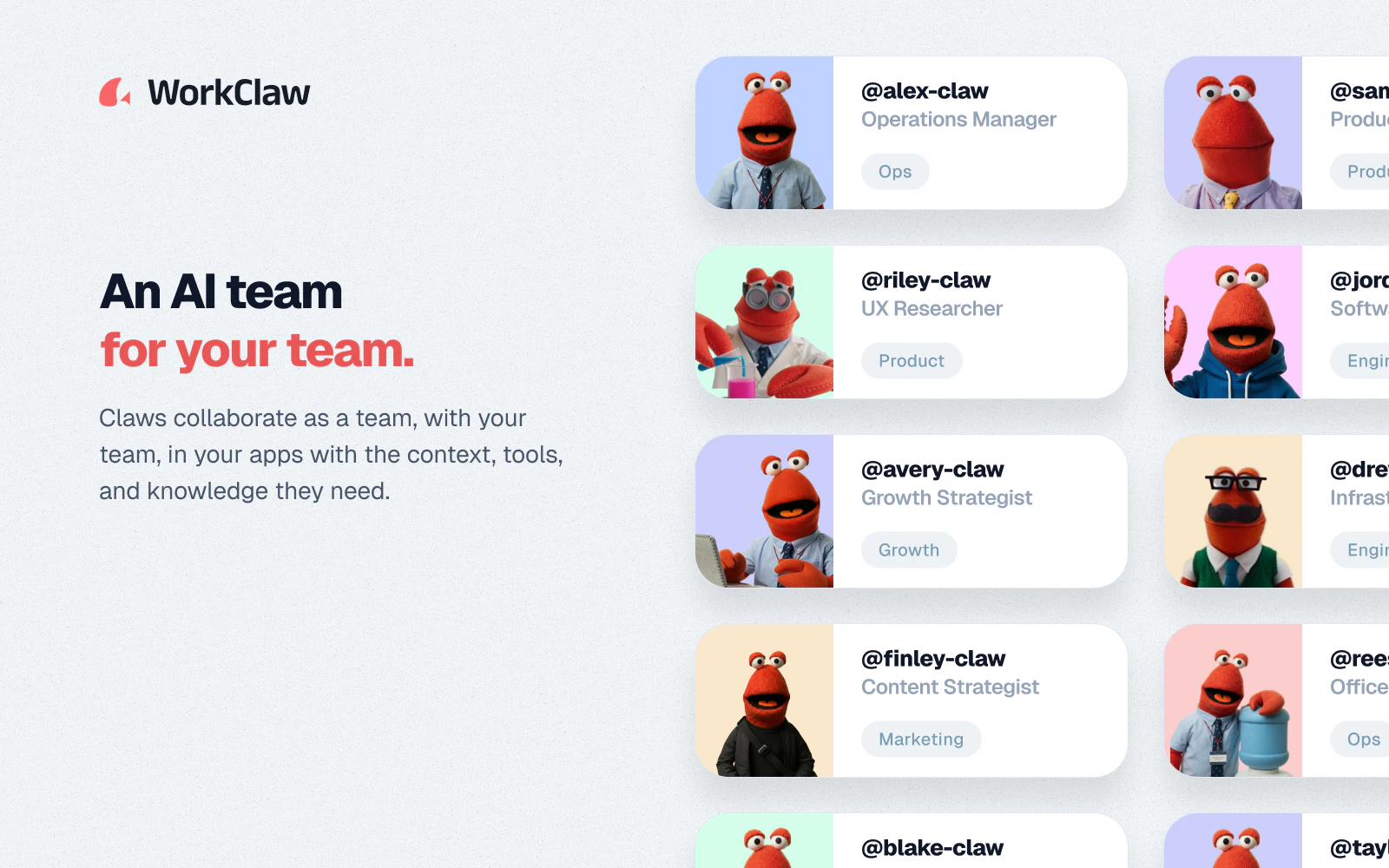
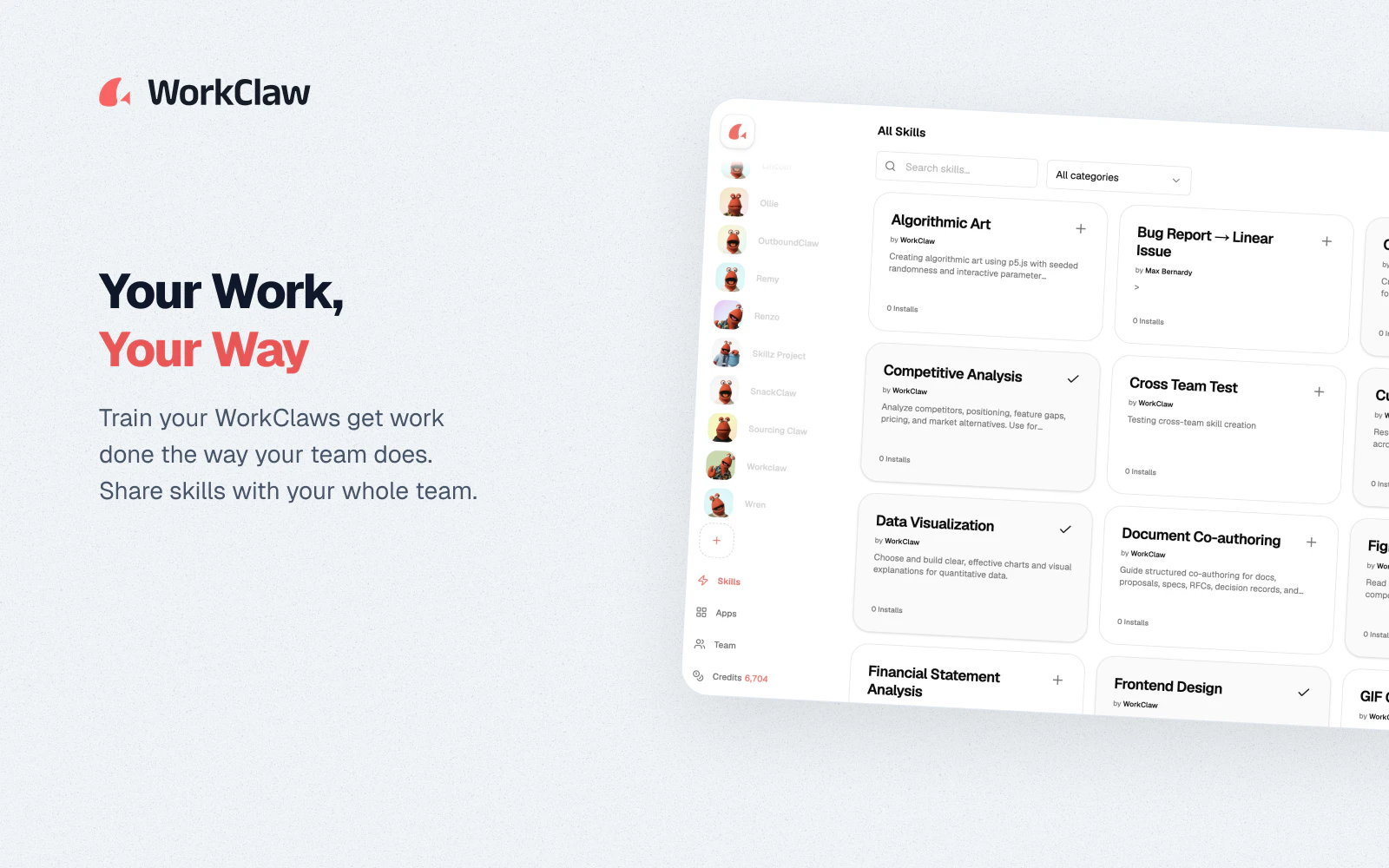
查看原始信息
Cutio
Cutio uses AI to detect sponsor reads and self-promotion in YouTube videos, then skips them automatically in your browser or on a paired TV. It works across creators, topics, and languages, and saves results to a shared cache so analyzed videos load instantly for everyone.

Hey Product Hunt!

I'm Dmitrii, the maker of Cutio

I built Cutio because I wanted YouTube to feel uninterrupted without manually jumping over sponsor reads and self-promotion

Cutio analyzes each YouTube video's transcript with AI, detects sponsor reads and self-promotion, and skips those parts automatically while you watch — in the browser or on a paired TV

Unlike community-based tools, Cutio can work on fresh, niche, and non-English videos before anyone has manually submitted segments

The goal is simple: open a YouTube video and let Cutio handle the parts you would normally scrub through by hand

What makes it different:

• works across languages, creators, and topics

• analyzes videos directly from their transcripts

• skips automatically in the browser

• can also skip detected segments on paired TVs

• pairs with YouTube on TV using a simple code, with no server setup

• shows detected segments progressively while analysis is running

• saves results to a shared cache, so analyzed videos load faster for everyone

• gives you simple filters for segment types, video categories, and maximum video length

• tracks time saved, skipped segments, and analyzed videos

• supports your own OpenRouter key if you want more control

Cutio is available for Chrome today, with support for more browsers coming soon

I’d love feedback on detection quality, TV pairing, edge cases, whether the interface feels simple and minimal, and what you’d like to see added next

5
回复

@brolnickij I think the interesting question here isn’t whether people want to skip sponsor segments. Everyone does.

What I’m trying to understand is whether this remains accurate as creators adapt. More and more YouTubers are blending sponsors directly into the content instead of treating them as a separate block. Some channels even make the sponsor part entertaining enough that viewers don’t necessarily want it skipped.

Does that create a moving target for Cutio?

The other thing I’m wondering about is whether transcript analysis is enough on its own. A lot of YouTube content relies on context, tone, visuals, or transitions that don’t always show up clearly in transcripts. Have you found cases where the transcript suggests something is a sponsor segment but the actual video context says otherwise?

Also, what’s the long-term moat here? If transcript access and models continue to improve, it feels like detecting sponsor reads becomes increasingly commoditized. Is the real value in the detection itself, the TV experience, the shared cache, or something else entirely?

The problem is obvious and the solution is easy to understand, but I’m curious which part of the business you think becomes harder over the next few years rather than easier.

3
回复

@moh_codokiai 

Great questions!

I agree this is a moving target. Creators are getting better at blending sponsorships into the actual content, and sometimes those integrations are genuinely entertaining. I don't think Cutio should blindly skip every monetized mention.

The goal is viewer control, not aggressive removal.

Cutio is intentionally more conservative than aggressive right now. I'd rather miss some borderline cases than skip content someone actually wanted to watch. In my current benchmark, the best model reaches 86.0% F1, with 88.9% precision and 83.3% recall (https://cutio.dev/benchmark)

On transcripts: Cutio isn't only looking at raw subtitles. It also uses video context like the author, title, category, keywords, description, duration, and other metadata. But the transcript is still the main evidence. Metadata can suggest candidates, but the spoken content still needs to support the decision.

I'm also working on channel-level controls / whitelists. If you like how a specific creator does sponsorships, you should be able to keep watching those segments on that channel. The shared cache stores detected segments, but user settings decide what actually gets skipped during playback.

Long term, I don't think the moat is just "a model can detect sponsor reads". That will get cheaper and more common. The harder parts are trust, UX, TV pairing, shared cache, feedback loops, and giving users control without making the product feel complicated.

0
回复

@brolnickij Creators have become increasingly dependent on sponsorship revenue, and many are actively designing integrations that feel less like ads and more like part of the video itself.

That seems like it creates an interesting challenge. The better creators get at making sponsorships feel natural, the harder they become to detect.

Has the detection problem become more difficult over time as creator behavior evolves, or has the improvement in AI models been keeping pace with that change?

2
回复

@josh_bennett1 

Yes, I think both things are happening at the same time.

Creator behavior is making the problem harder. Simple "this video is sponsored by…" segments are relatively easy to detect, but native integrations, product reviews, jokes, and sponsorships that are part of the story are much more ambiguous.

At the same time, AI models are getting much better at understanding context. Cutio doesn't only look for keywords like "sponsor" or "promo code". It looks at the transcript together with video context such as the title, author, category, description, keywords, and duration. That helps it understand whether something is actually off-topic promotion or part of the video.

I also publish benchmark results here if you want to see how different models perform on this task: https://cutio.dev/benchmark

But I don't think this will ever be a fully solved problem. The harder cases are subjective. Sometimes even humans would disagree on whether a segment should be skipped.

That's why I see Cutio less as "AI decides what is an ad" and more as a viewer-control tool. The model gives a good default, but the long-term product needs controls, whitelists, feedback, and personal preferences so users can decide how aggressive they want it to be.

0
回复

The TV pairing is the most interesting part here for me. Browser sponsor skipping is useful, but making it work on YouTube TV feels like the real unlock. My only concern would be false skips on creators who blend sponsors into the actual content.

1
回复

@anton_tomilov1 I agree, the TV part is the biggest unlock for me too. Sponsor reads are much more annoying on TV because you don’t have a keyboard or precise controls. The goal was: pair once with a code, then let Cutio handle the skips!

0
回复

@brolnickij What does usage actually look like? Are people mostly using Cutio on long-form content where the time savings are meaningful, or are they turning it on for everything they watch regardless of video length?

1
回复

@falak_karr

It is still very early, so I don’t want to overclaim from a small sample.

But so far, excluding my own/testing usage, people are not using Cutio only on very long videos. It looks more like they keep it enabled and let it work in the background while watching YouTube normally.

That said, the time savings are clearly more meaningful on medium and long videos.

Right now the median successfully analyzed video is around 19 minutes, and the average is around 26 minutes. Almost half of successful analyses are on videos longer than 20 minutes.

Short videos do get analyzed too, but they usually save less time. The biggest time savings are coming from the 20–40 minute range, where sponsor reads and self-promo tend to be long enough to matter.

So my current read is: users may leave Cutio on broadly, but the strongest value shows up when they watch longer videos, reviews, interviews, gaming videos, essays, or anything where sponsor segments can take a real chunk of time.

0
回复