Product Hunt 每日热榜 2026-06-23

PH热榜 | 2026-06-23

#1
Bluerails Discovery
The rails AI agents use to find and pay you
540
一句话介绍:Bluerails Discovery是一款帮助企业评估并优化其在AI Agent生态中“被发现”和“被交易”能力的SaaS工具,核心解决企业在新兴的AI驱动电商场景下,因缺乏可见性和交易能力而流失订单的痛点。
Fintech SEO Artificial Intelligence
AI Agent优化 代理商务 AI可见性评分 生成式引擎优化(GEO) Agent支付 合规结算 企业SaaS 数字库存
用户评论摘要:用户高度认可其结合“发现”与“支付”的差异化价值,并询问支付层的具体机制(如钱包、微支付)。有用户视其为新兴SEO工具,并关注定价模式(129-1999美元/月)及API支持情况。
AI 锐评

Bluerails Discovery踩准了从“AI搜索优化”到“AI交易优化”的浪潮切换点,其价值不在于又一个GEO(生成式引擎优化)评分工具,而在于率先搭建了从“被看见”到“被成交”的支付基建。创始人对Web2市场演化路径的复盘很有见地,对“Agent成为新收银台”的判断也足够前瞻。然而,这款产品目前面临两大现实拷问:第一,技术壁垒存疑。所谓的“Agent Score”在同行眼中可能只是结构化数据和sitemap的升级版,容易被头部AI平台或Stripe等支付巨头的原生功能覆盖。第二,生态位尴尬。它试图在AI模型(如ChatGPT)、数字钱包(如Coinbase)和传统支付网络(如Mastercard)之间插一脚,但自身既不拥有用户流量入口,也不控制最终结算通道。当前更像一个先行者的情报工具和合规层,长期价值取决于能否成为AI Agent发现与支付的“分布式标准”,而非一个中间层插件。产品定价从129到1999美元直接切向不同规模客户,策略务实但需要警惕社区版用户难以转化为高价值客户。总的来看,方向正确,但执行和生态卡位决定终局。

查看原始信息
Bluerails Discovery
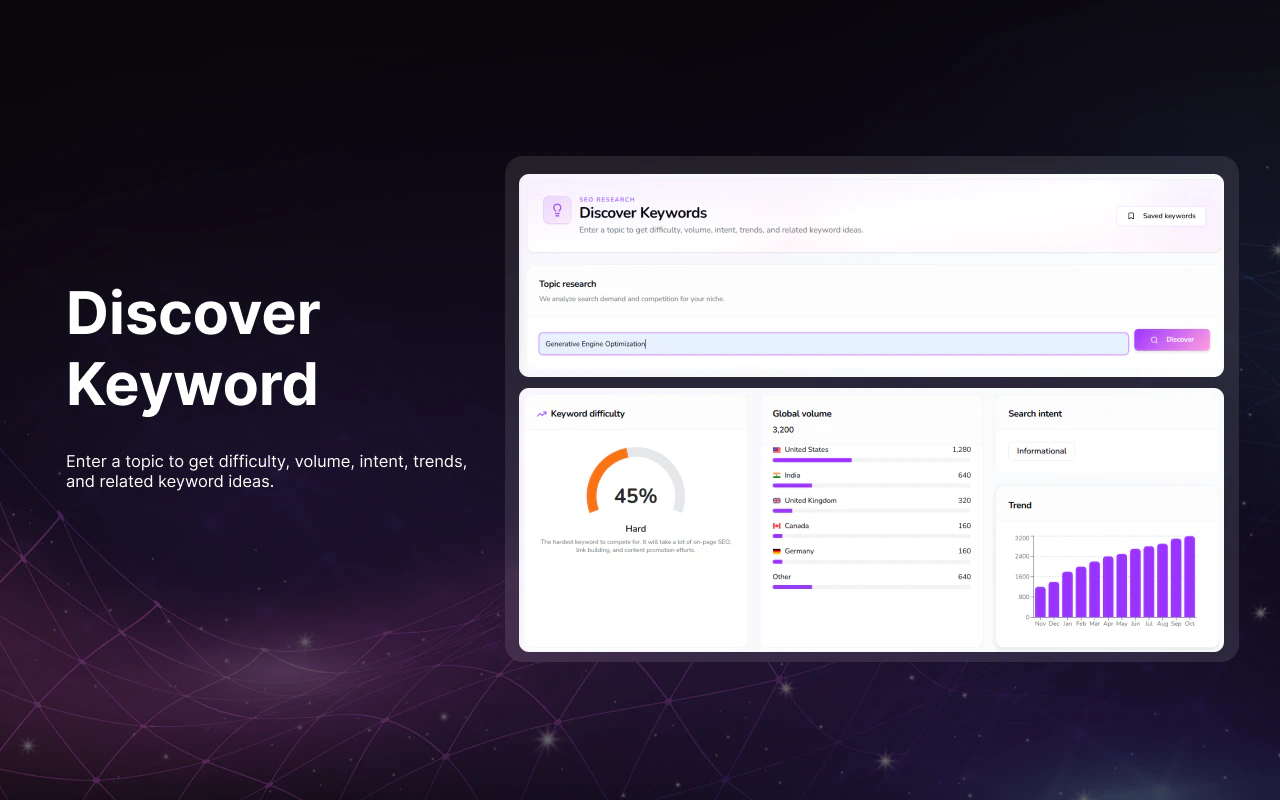
Most "AI visibility" tools stop at telling you if AI mentions your brand. Bluerails goes further. We make you discoverable to AI agents and ready to get paid by them, on the rails we already run for marketplaces. What stands out: • Discovery: a peer-reviewed AI-visibility score from 400 samples, not a one-off guess. Free, no signup. • Agent-ready checkout + global settlement • Compliance built in Try your free Discovery report today; agent payments roll out next.

Hi everyone, I'm Jens, co-founder of Bluerails. 👋🏾

I've spent my whole career watching how the internet decides who wins.

At GetYourGuide (2019 to 2021) I lived inside a textbook Web2 marketplace: aggregate supply, aggregate demand, match them, take a cut. It worked because the internet rewarded whoever owned the funnel.

So, at Passionfroot I built for that same world: software that gave creators their own storefronts. The market corrected us fast. Creators didn't want another storefront, they wanted demand. We pivoted into a marketplace and brought it to them.

Along the way I noticed something the playbook didn't predict: creators around the world were already asking to just get paid, as cheaply as possible. My first glimpse of where money was heading.

In 2025, I started Bluerails to build those rails for global companies and marketplaces. But the deeper we went, the more the ground shifted under the whole model.

The problem: discovery is moving into the AI layer!

  • Nearly a billion people a week now ask ChatGPT what to buy, and increasingly the AI buys it for them.

  • OpenAI, Google, Stripe, Mastercard and Coinbase are all racing to build agent led checkout right now.

  • The new top of funnel isn't ads. It's being discoverable and transactable by AI agents.

And to be transactable, you need a checkout that humans and agents can both use, one that speaks FIAT and stablecoins natively, because agents transact globally, instantly, around the clock, in amounts and ways cards were never built for.

The solution: that's Bluerails, the checkout that brings companies into the age of agentic commerce.

One integration, and your business is ready for both the customer and the agent buying on their behalf, in dollars or stablecoins.

What makes us different:

Most tools in this space stop at telling you how often a chatbot mentions you. We don't just make you findable, we make you buyable. Discovery now, agent commerce next. No intermediaries, no commission.

What you can do today:

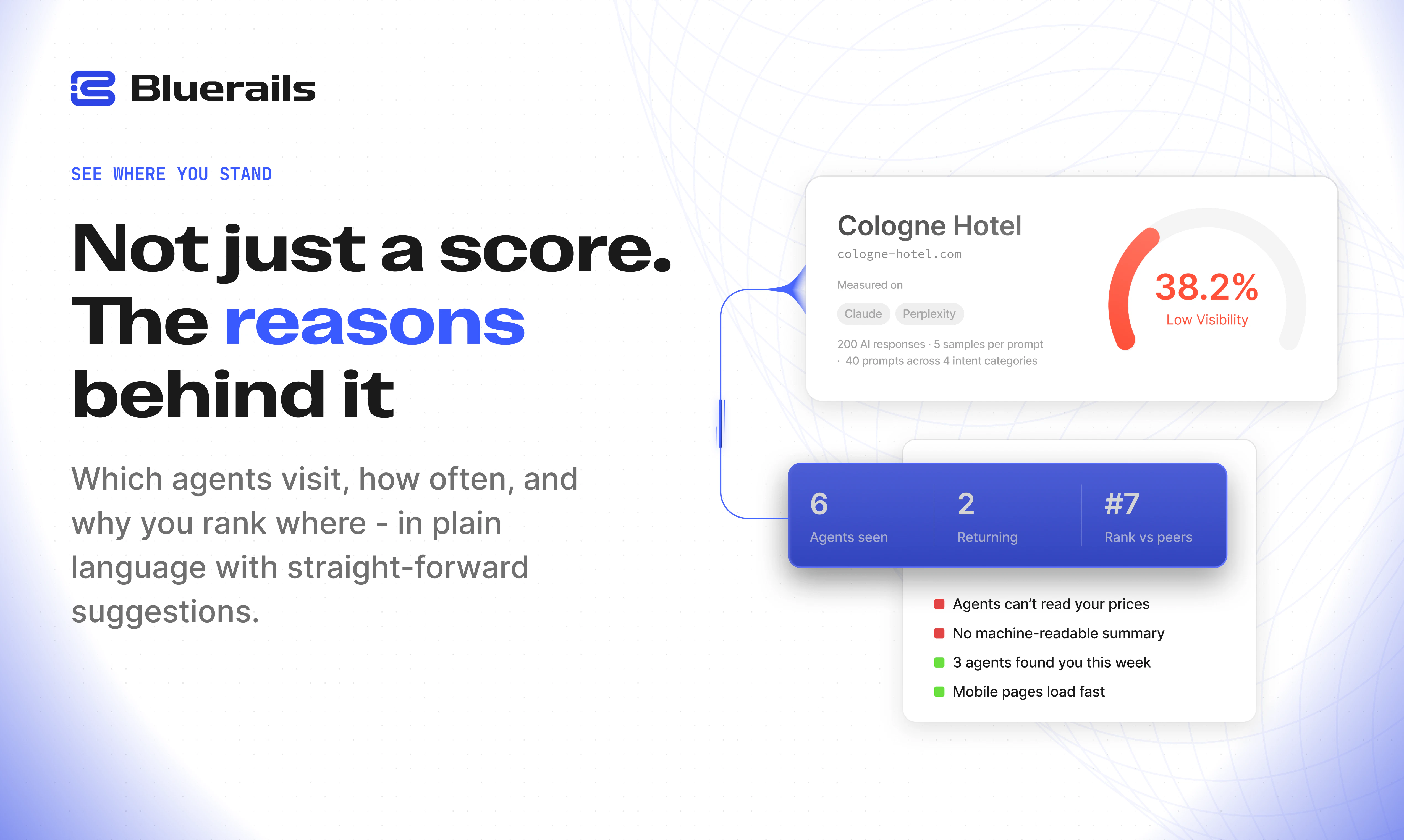
  • Agent Score: scan any URL and get an instant agent readiness score. See exactly how discoverable and payable your site is to AI agents.

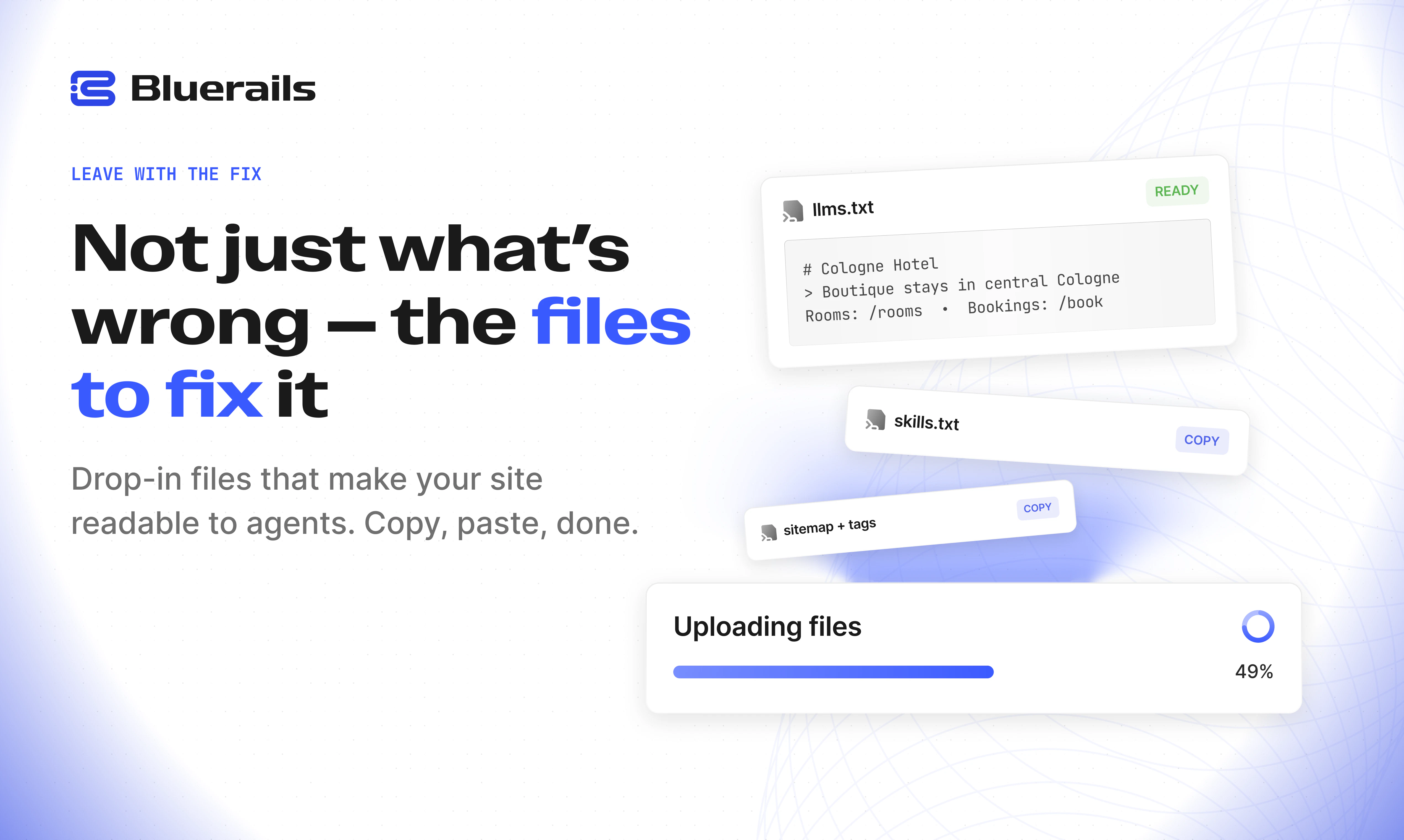
  • Instant Fix: get your llms.txt and a schema fix so you can make your site agent bookable in minutes.

  • Agent Analytics: measure real agent traffic hitting your site. Understand which AI agents are visiting, what they're trying to do, and how much revenue you're leaving on the table.

Who it's for:
Developers and product teams running sites with digital inventory. Content publishers, hotels, SaaS tools, anyone who wants to get discovered and paid by AI agents before their competitors do.

🎁 Special offer for the PH community: one free month.

We'd love your feedback, especially if you're building agents that need to move money. Drop a comment or reach me at jens@bluerails.com.

Huge thanks to @benlnfor hunting us, and to the PH community for the support. Let's make agentic commerce mainstream.

Jens

28
回复

@benln  @j_mannanal super cool what you are building, agents are going to be what moves the economy quite soon, so it makes sense!

6
回复

@benln  @j_mannanalCongrats on the launch! 🚀 The industry is moving fast from basic Generative Engine Optimization (GEO) to building the actual transactional rails for the agentic economy. It’s one thing for an AI model to mention a brand, but the real unlock is making that brand fully discoverable, structured, and ready to accept native payments directly from autonomous agents. 

0
回复

@benln  @j_mannanal amazing what you have built. This is the convenience we are gonna look for using AI agents. :) Interesting would be to understand how does the services gets ranked or picked in the background ?

0
回复

Hi Product Hunt! I'm Gurveen, one of the makers at Bluerails 👋

Coming from McKinsey, I worked across some of the world's most customer-obsessed companies. The best ones always had one thing figured out: exactly where their next customer was coming from.

That answer is shifting in a way most businesses aren't ready for. AI agents are increasingly the ones browsing, evaluating, and making purchase decisions on behalf of users. And right now, most companies are completely invisible to them.

That's the problem we're solving. Bluerails tells you exactly where you stand in the AI layer, how you compare to competitors, and what to fix; then takes you all the way through to getting discovered, booked, and paid by agents directly.

Try our free Discovery report today and see how visible your business is to AI agents. Would love to hear what you find! 😊

Gurveen

7
回复

Most "get discovered by AI" pitches boil down to structured data and a sitemap. The payment layer is what makes this different, and also where I'd want to understand the mechanics better. When an agent "pays" you through Bluerails, what's actually happening: is there a wallet layer, a per-query micropayment, a subscription the agent operator sets up in advance? And on the discovery side, curious whether you're building a proprietary index that agents query directly or whether you're influencing how existing models surface your content through retrieval.

5
回复

Hi @fberrez1 its true about the structured data and a sitemap, but depending on the vertical you're in different types of content and backlinks are also important.

You asked a very incisive question about Agentic payments, the answer is two out of the three you mentioned:
1. A wallet-layer: This allows agents to actually withdraw/deposit funds and make payments and bookings. This is the main payment layer that we are using in the hospitality space.

2. Per-query micropayments: We support the x402 and MPP protocols that allow us to do micropayments. We have partnered with AllUnity to enable these micropayments for publishers/newsletters https://www.linkedin.com/feed/update/urn:li:activity:7473648168367349760/

3
回复

Great launch :) The story behind Passionfroot and marketplace evolution makes the vision feel credible.

3
回复

@roopreddy Thanks, sir!

0
回复

As a SaaS founder, I genuinely don't know how discoverable my product is to AI agents today. Interested to try this out.

3
回复

@syed_shayanur_rahman Awesome, give it a spin and sign up here. Happy to give you a deep-dive personally.

0
回复

Congrats on the launch 😊 The combination of discovery analytics and payments makes this feel more complete.

3
回复

@zerotox Thanks!

0
回复

This stuff is going to be so crazy relevant to businesses in the future. „I’ve found you through chazgpt / Claude research“ is ALREADY out of date

2
回复

@julius_bachmann Agreed! That's clearly going to be relevant for so many companies much faster than they think today.

0
回复

We've been hitting walls for optimizing our ranks for the the AI chats. This is useful! Will surely give it a shot.

2
回复

@darsshan Awesome to hear! Please share your feedback with us whenever you have it!

0
回复

Congrats on the launch, @j_mannanal & team!

2
回复

@peter_tribelhorn Thanks, Peter!

0
回复

I'm loving the free report!

2
回复

@csells99 You are welcome, sir!

0
回复

This reminds me of early SEO tooling. Feels like we're watching a completely new optimization category emerge.

2
回复

@ranjan_kumar45 its already happening. We didn't have the tools to measure and optimise on it until now

0
回复

@ranjan_kumar45 Yes, not just SEO, but also Payment tooling!

0
回复

Hi @gurveen_ghai congrats!

2
回复

@danielwayne Thanks a lot! Always good to have feedback from the community 😊

1
回复

@gurveen_ghai  @danielwayne Thanks a lot!

0
回复

Super interesting, do you also have api support?

2
回复

Hey @berkant_ay , we can absolutely provide api support. If you reach out to operations@bluerails.com, we would be happy to understand your needs better and and get this going. You can also signup to the waitlist https://discovery.bluerails.com/signup

2
回复

Amazing launch, congratulations! Do you already have plans for how pricing will look like for this? Couldn't find it on the website :)

2
回复

@matthiasrossini Yes, our Base Report is available through our "Visibility" tier for 129$/ month, the "Action" tier (which is basically us optimising for Agent Commerce) is at 299$/ month and the all done for you "Settlement" tier is at 1,999$/ month

1
回复

Amazing launch!! Would this also work for individual airbnb listings?

2
回复

@quincyle the variables to change would be a bit more limited under a sole airbnb listing, but it can definitely be used

2
回复

@quincyle Yes, it could! Happy for you to put us in touch with anyone you could benefit from this! 😊

1
回复

Super interesting! Could this be used for my father‘s hotel?

2
回复

@torben_rabe absolutely! You can enter the hotel domain in the form and get your free report

1
回复

@torben_rabe Yes, in fact hospitality is the vertical we have most customers for! Happy to take your dad through the product!

0
回复

Super cool to see this - can’t wait to try it 💪🏻

1
回复

@mfreihaendig Don'T wait for it, try and tell us about it!

0
回复

Will this help me collect pizza money from my deadbeat friends who still owe me pizza money for a birthday party I hosted in 2023?

1
回复

@jordangray Great feature request! @ashwin_kumar46 will prioritise!

0
回复

Was at Stripe Sessions recently and agentic commerce was a hot topic! Big potential for people who especially start early and grow with it. Congrats on the launch!

1
回复

The shift from human buyers to AI agents as the discovery layer is underrated — most tools are still optimizing for Google. Congrats on the launch!

1
回复

@sabber_ahamed Absolutely. And none help to disintermediate!

0
回复

The 'discoverable to AI agents' half is the sleeper here, and underrated in most of the AI-visibility conversation. Everyone's still optimizing for human SEO; almost nobody's asked how an agent acting for a user actually PICKS which business to transact with. I build an agent that makes calls and bookings for people, and that selection step is the whole ballgame — today it basically inherits search results.

So the sharp question: once real money routes through a visibility score, you've created the strongest incentive in the world to game it — the same way SEO got gamed the moment it started moving rankings. What keeps the peer-reviewed score trustworthy when it's deciding where agent dollars flow? Is the 400-sample peer review the anti-gaming moat, or is there a verifiable fulfillment/settlement signal underneath it? That trust layer feels like the actual product.

Congrats on the launch — this is a real frontier.

1
回复

@getosmo great observation, but the 400-sample peer review kills noise. It's not an anti-gaming moat. Our sampling and calculation methodology kills variance and makes the score reproducible.

The anti-gaming layer is exactly what you pointed at. You can fake what an LLM says about you: content, citations; the same surface SEO gamed. You can't fake a settled, fulfilled transaction without actually delivering. Because we're the rail, the score can be anchored to that behavioral ground truth: did it transact, settle, get fulfilled, what's the  dispute/chargeback record? That's the Goodhart-resistant signal and that trust layer is the actual product. 

Visibility is the leading indicator; settlement is the arbiter.

0
回复

Curious how you think defensibility evolves here. If agent-ready checkout becomes a standard layer implemented by Stripe, OpenAI, or Shopify, what remains the durable moat for Bluerails?

1
回复

@tarqiya_forgah you're right agent checkout will commoditize and we at Bluerails are counting down to that day. But checkout is the interface, not the rail. Standardized agent checkout just pushes more volume to whatever settlement, identity and reconciliation layer the enterprise actually trusts. And right now all three things are up for grabs.

Three things stay defensible:

1. Fragmentation, not consolidation, is the near-term reality. ~28 agent-payment protocols across settlement / authorization/ identity / commerce-lifecycle tiers (x402, AP2, ACP, UCP, Visa TAP, ERC-8004…). No enterprise integrates 28. someone has to be the neutral orchestration + routing + reconciliation layer across them. That's our game, not the checkout box. The same game was played out across the Fiat rails with payrails.com primer.io and yuno.com trying to duke it out.

2. KYA. Standardized checkout doesn't answer "which agent, authorized by whom, under what policy, and is it auditable." That identity/compliance layer is the hardest unsolved problem and the deepest moat if you're first.

3. Regulatory. We're EU first . The checkout incumbents are US consumer-first; the regulated stablecoin settlement rail for European enterprise isn't a layer their checkout touches.

0
回复

@tarqiya_forgah I think Shopify is doing a great job helping E-Commerce brands solve Discovery + Payments. For other industries that combo doesn't exist. OpenAI and the other AI labs will own discovery, the FinTechs will own settlement, but the (connecting) tissue between those is not occupied. It's also arguably very vertical-dependent. That's why we are going to tackle one industry vertical at a time.

0
回复

'Discovery now, agent commerce next' makes sense, most agent-payment tools jump straight to checkout without figuring out how the agent even finds you.

How do you handle category bias with the 400 samples? A hotel and a SaaS tool need completely different evaluation criteria.

1
回复

@elias_motionfy you're right they absolutely do. We have different weights for each vertical. We break this down here https://discovery.bluerails.com/methodology

In the paid version of the app we also break this down by how easily a website can determine Agent intent and navigate it to product catalog, checkout and payment.

1
回复

Congrats on the launch! Moving past simple brand-mention tracking into an actual discovery score with native fiat/stablecoin checkouts is a massive step forward for agentic commerce.

How exactly does your analytics tracker differentiate high-intent purchasing agents from standard scraping bots or basic search crawlers?

1
回复

@doganakbulut thanks for your comment.  The analytics tracker is the wrong layer to ask that of. Heuristically guessing "purchasing agent vs scraper vs crawler" from user-agents and logs is exactly the noise trap that most tools fall into.

We differentiate at the rail. A high-intent purchasing agent has to present two things to transact: a verifiable identity (Web Bot Auth / Visa Trusted Agent Protocol / ERC-8004) and a signed authorization mandate. A scraper or search crawler has neither. So it's structural: intent is the  presence of a cryptographic spend mandate, by construction. No mandate → crawler noise, and should be treated as such.

1
回复

@benln Congrats on the launch. Really interesting take on where commerce is heading.

Quick question, do payments stay fully on-chain or are you converting to local fiat automatically for merchants?

1
回复

@benln  @parag_j_kalita Thanks! In Europe, we are partnering with AllUnity (Deutsche Bank, DWS backed) who do the off-ramp to FIAT for merchants. That's for fully agentic payments. What we are currently focused on is helping our early customer with receiving FIAT via the regular Payment gateways as an intermediary step.

0
回复

Spend my whole day in attack surface management making sure agents can't find my stuff. Wild to see one where getting discovered by an agent ends in a payment instead of an incident report. refreshing change of pace, time to point them at our terraform deploy script repos.

1
回复

@david_mchale One company's attack surface is another company's checkout page :D

1
回复

Congratulations on the launch! 🎉

Quick heads-up: the "Book a Demo" CTA in the footer doesn't seem to be working on my end. Might be worth checking so interested visitors can reach you without friction.

1
回复

@priyanktyagi thanks for raising this, fixing the CTA now

1
回复

Congrats on the launch! Thinking about the wallet layer - when an agent books and pays via stablecoin and the booking for example then gets cancelled, or the rate moves before settlement, how does the reversal actually run?

1
回复

@artstavenka1 for "refunds" in crypto we have a workflow engine that supports refunds, disputes/chargebacks. Natively supported for fiat currencies and fiat rails

0
回复

the identity layer is the part most people will overlook. knowing which agents are visiting your site, how often, and whether they're converting is basically analytics for a post-search world. right now most businesses have no idea how much agent traffic they're already getting. that visibility alone is worth setting up even before you care about the payment side.

1
回复

@shubham4real 100%. Most people can't even see this signal, so they can't fight for it.

0
回复

I'd love benchmarking against competitors. Knowing my score alone is useful, but context would help.

1
回复

@ragsyme the report also tells you how many times your competitors show up for the same queries. We can already use that to tailor your site's visibility.

The paid version of the app gives you a detailed breakdown of this competitor analysis

1
回复
#2
Cotypist
Local AI Autocomplete in your voice, anywhere on your Mac
360
一句话介绍:Cotypist是一款在Mac全系统运行的本地AI自动补全工具,为用户在邮件、Slack、笔记等任意输入场景中,通过Tab键快速补全句子,解决重复打字和思维中断的痛点,同时确保隐私和数据本地化。
Productivity Writing Artificial Intelligence
Mac工具 AI自动补全 本地运行 隐私保护 写作效率 系统级输入 智能打字辅助 生产力工具 离线使用
用户评论摘要:用户赞赏其本地运行、低延迟和“如影随形”的体验,认为它转化了打字习惯。主要问题包括:与macOS原生自动纠正的潜在冲突(开发者建议临时关闭)、电池续航与CPU/GPU效率的担忧(用户建议利用Apple Neural Engine)、以及对Windows和iOS版本的热切期待。
AI 锐评

Cotypist精准切中了“通用输入效率”这个被忽视的痛点。它聪明地绕过“嵌入特定编辑器”的陷阱,通过系统级别的监听和补全,把Copilot式的体验变成了Mac的底层能力。这种“去中心化”的AI应用思路,比单点突破更有商业想象力。

但它面临的挑战同样严峻。首先,用户反馈中提到的“电池续航”和“与系统原生功能的冲突”是硬伤。依赖CPU/GPU进行推理,在M系列芯片上会显著加重功耗,如果未能有效调用Apple Neural Engine,长时间使用就会变成电量杀手。其次,用户必须关闭macOS自身纠错功能来避免冲突,这本质上是产品不够“顺滑”的表现,暴露了系统集成的脆弱性。

从评论看,开发者Daniel对问题的回应偏向“容忍现有问题”而非“彻底解决”。例如对效率问题的解释是“偶尔的等待可以接受”,而不是承诺技术优化。这种态度在早期用户群体中或许可行,但若要破圈走向更广泛的普通用户,稳定性、低功耗和无感集成才是必争之地。

产品的护城河在于“体验的有机感”——学习用户的语音风格后实现“脑补式”补全,且支持不同应用的自定义指令,这是大厂通用模型难以提供的高定制化体验。但其长期价值取决于能否从“聪明的玩具”进化为“操作系统的基础组件”。如果能在未来版本中无缝接管或优雅协同macOS的输入管道,并攻克移动端这一更大战场,这才可能成为一个时代级的生产力工具,否则,它只能是一小撮效率狂人的小众宝贝。

查看原始信息
Cotypist
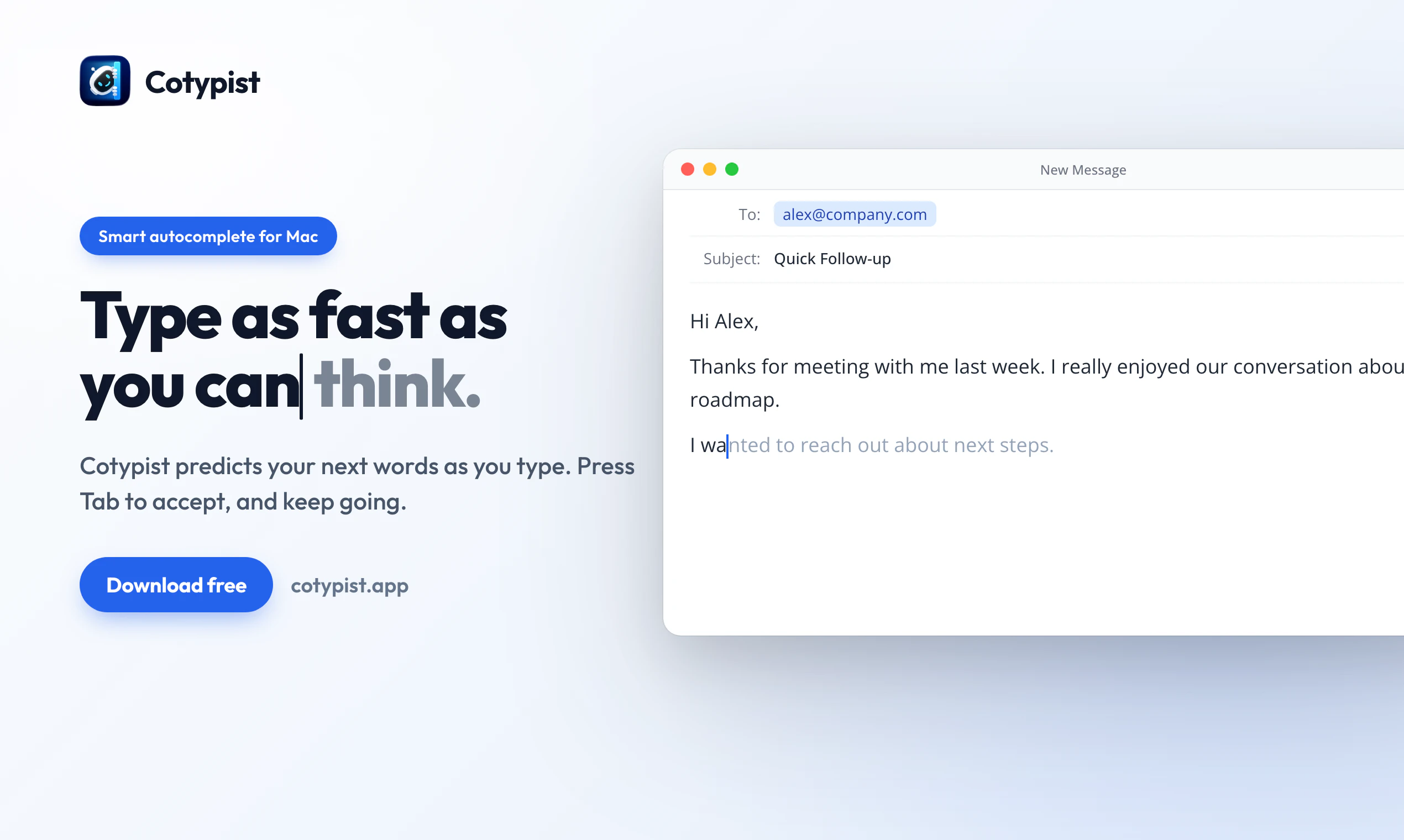
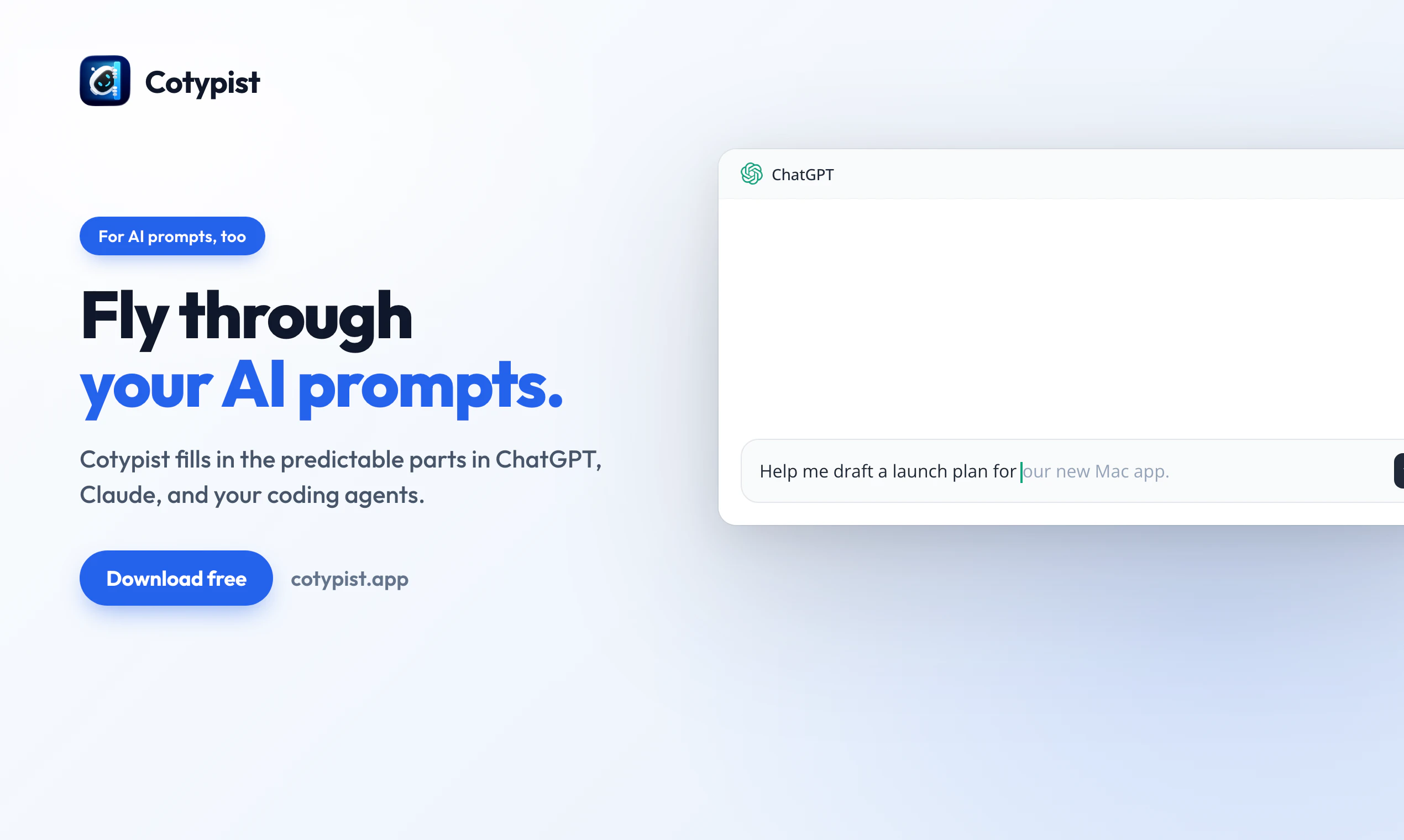
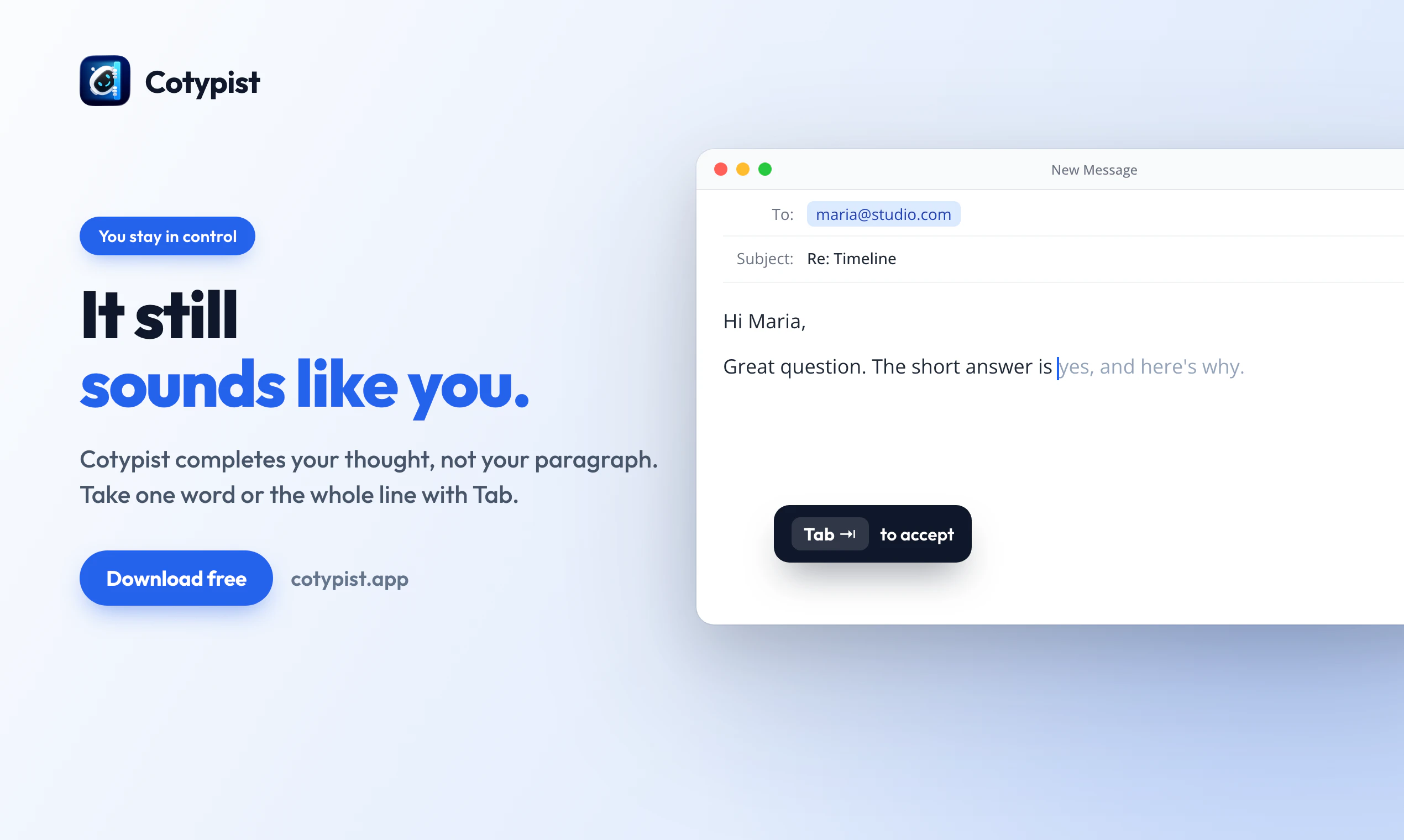
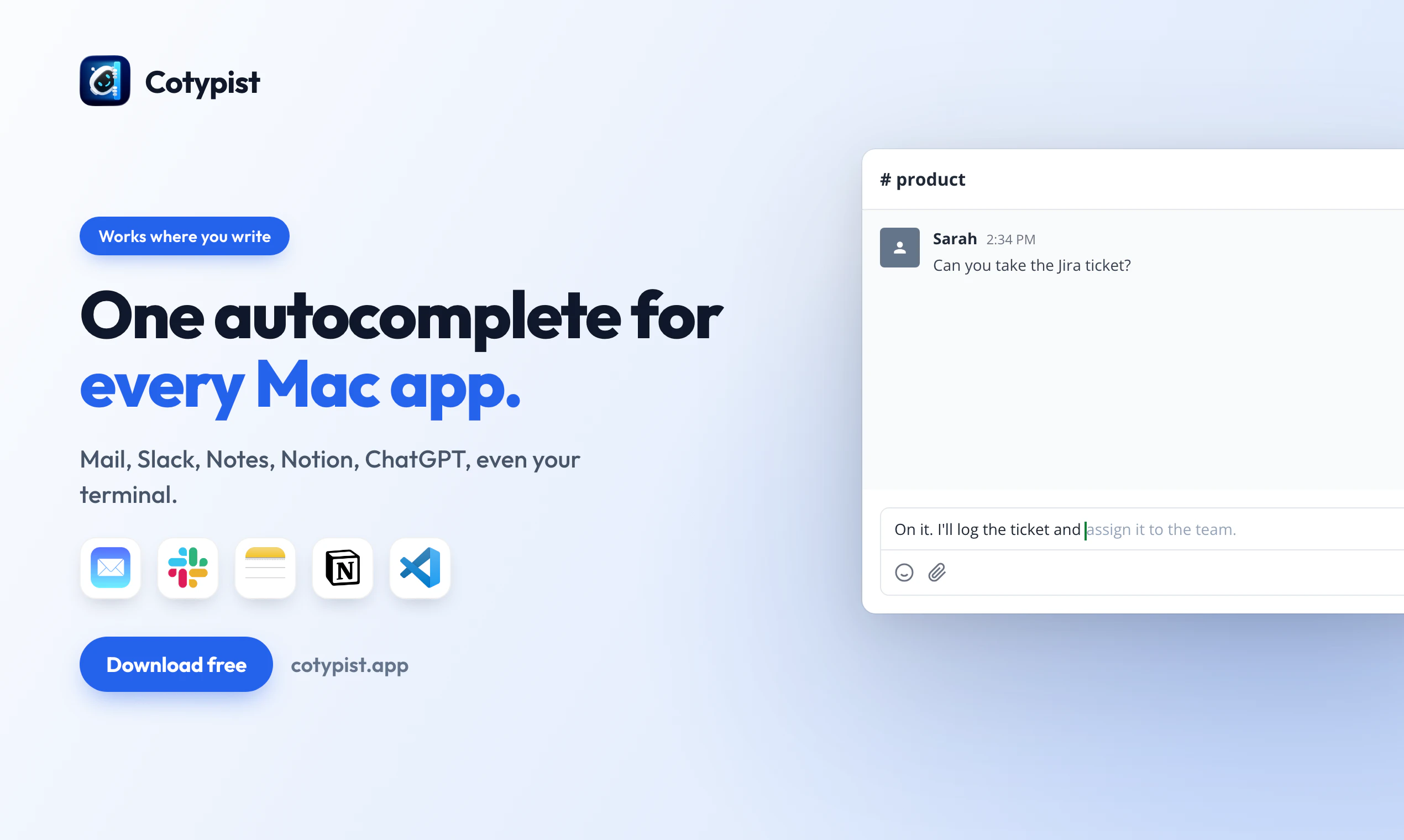
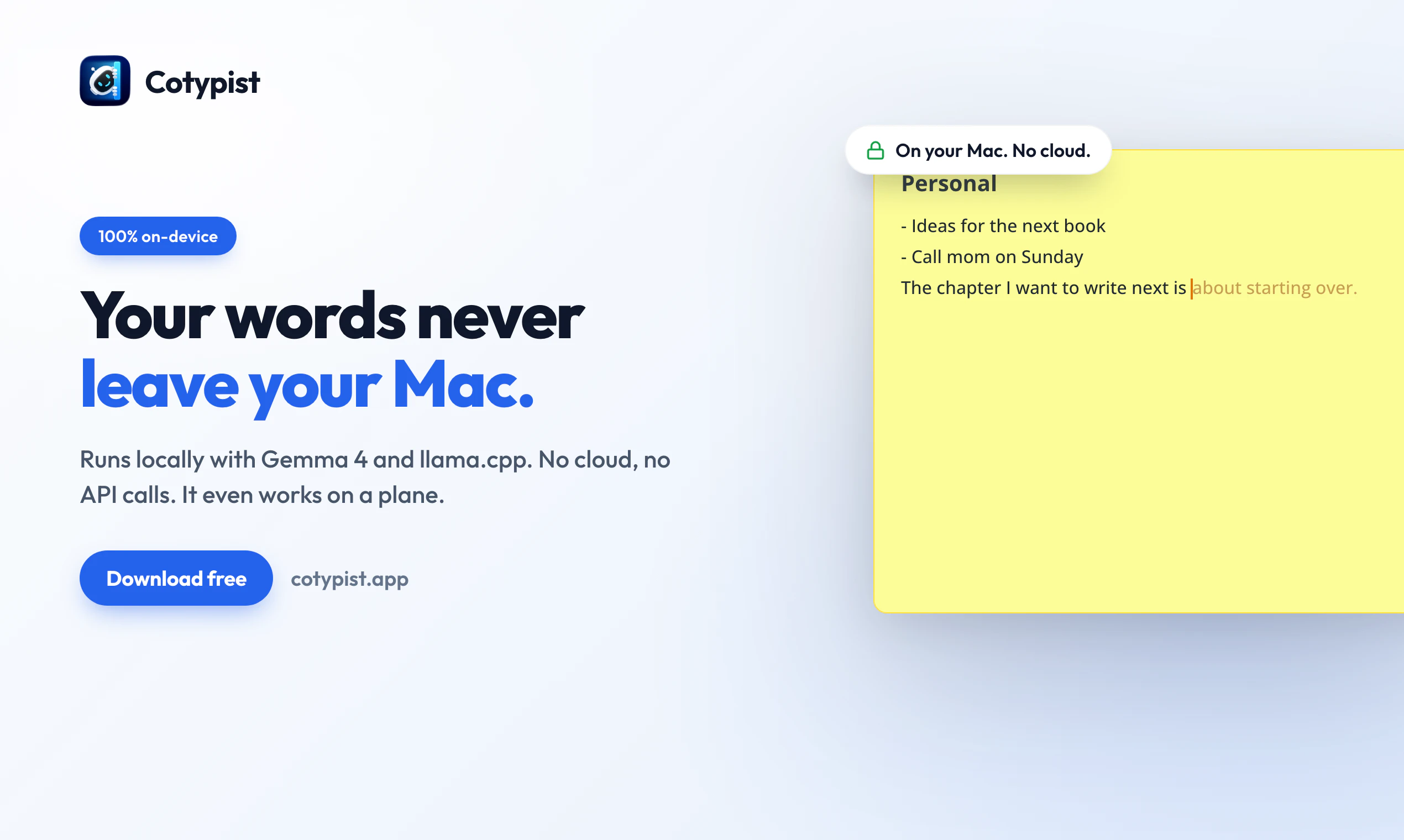
Cotypist is smart autocomplete for the Mac apps you already write in: Mail, Slack, Notes, docs, even AI prompts. Press Tab when a suggestion fits, or keep typing and watch it update in real time. Runs locally on your Mac. No cloud, no API calls.

Hey everyone, I'm Daniel, the developer behind Cotypist.

First, a quick thank-you to the Product Hunt team. After Cotypist launched back in May, they reached out and invited me back for a featured relaunch. I'm honestly a little stunned by that, and very grateful to be here again.

A few years ago, I noticed I'd developed a weird habit: copying conversations into Visual Studio Code, just to get GitHub Copilot's inline completions, then pasting them back into the app I should have been writing in. After enough of that, it clicked: autocomplete shouldn't live in one editor. It should work wherever you write.

So I built Cotypist. It's smart autocomplete that runs locally on your Mac (no cloud, no API calls), in basically every app you type into. Install it, give it a minute, and you're writing faster everywhere on your Mac. No long setup. Tab to accept a suggestion, keep going. Words still sound like you.

You can download Cotypist today from https://cotypist.app; there's a free 30-day trial with all the features, and there's also a free plan for casual use after that.

During early access, Cotypist has become a daily driver for founders, marketers, support folks, novelists, physicians, academics, and long-time Mac users. People who type a lot of email, Slack, and AI prompts. Plus a long tail I didn't see coming: non-native English speakers, one-handed typists, and (this still blows my mind!) not one but two Neuralink brain-implant wearers.

What still surprises me about Cotypist, even after building it, is how often it feels like it's reading your mind. Or almost like a colleague finishing your sentences.

Happy to take questions about the product, where it works (and where it doesn't), what's coming next, or anything else. I'll be here all day.

—Daniel

15
回复

@daniel_a_a one of the best desktop apps i tried for a while. i wish it was embedded in ios. but apple will never allow a keyboard that freedom. we already know that from dictation apps

0
回复

@daniel_a_a Many congratulations Daniel on the launch! :)

Daniel reached out to me, and I found Cotypist incredibly novel. We already have tools like Text Blaze for snippets, Wispr Flow and Aqua Voice for dictation, but this is different: it suggests what to write next while you’re typing, anywhere on your Mac.

The product clearly had real interest behind it since Product Hunt invited Daniel to relaunch, I was happy to support it fully through my hunt.

A few things stood out to me:

  • It runs locally. No cloud, no API calls, and it works offline on your Mac.

  • It’s fast. Predictions appear in real time, often with no noticeable delay.

  • It has a low-risk trial. There’s a free 30-day Pro trial, plus a free plan afterward.

  • It still sounds like you. Cotypist learns your voice, so the output feels like co-typing rather than AI writing.

  • It works everywhere. It’s not limited to one editor; it works across Mac apps like Mail, Slack, Notes, docs, and AI prompts.

  • It works when dictation doesn’t. It’s useful in places where speaking out loud isn’t practical, like libraries, meetings, or flights.

  • It’s built by someone deeply focused on the problem. Daniel has spent two years refining it, and that shows in the quality of the product and the support behind it.

Overall, Cotypist crosses two important thresholds at once: the suggestions are good enough that you actually want to accept them, and fast enough that they never interrupt your flow.

Give it a try and share your thoughts in the comments. :)

3
回复

@daniel_a_a Kudos on the launch. Quick question: what’s one unexpected real-world use or workflow where Cotypist has surprised you by making a big difference?

0
回复

I was in on the early release of Cotypist and saw it had great potential. It was then over-eager in the same way that the usual auto-correct is, causing a lot of backspacing. That is now totally gone with the tab completion. Start typing and it will provide a suggestion and if you like it, just press tab, but if not just keep typing. There's some tweaking when using apps with competing auto-corrects but that's not hard. If you've ever been in a relationship with someone where you get to the point of being able to ccomplete each other’s sentences, this will feel familiar. This goes into the day one new computer setup toolkit.

5
回复

@technocrat Thank you for the endorsement, Richard! I appreciate your support throughout the early access period and am glad to hear that the improvements I made have made a difference for you. Acknowledged on the conflicts with e.g. the built-in macOS autocorrect; I’ve been thinking whether to offer disabling macOS' built-in autocorrect when installing Cotypist, but didn’t want to mess with the user’s system settings too much. I’ll keep iterating on it, though!

1
回复

@daniel_a_a I'm curious why Cotypist doesn't the Apple Neural Engine at least as an option. It's much more efficient than inference on CPU/GPU, which would significantly improve concerns about battery life. It would also eliminate the obnoxious "chirping birds" sounds from coil whine as I type (M5 Max).

1
回复

One of my favorite products!!! Can't believe I've been working without it all this time. It's on the same level as having a voice dictation app — absolutely essential. Once you start using it, you'll never go back.

1
回复

Running a local Gemma model system-wide without choking the GPU is an awesome engineering feat. The privacy angle is a no-brainer, but honestly, just being able to tab-complete in my native flow across Slack and Mail sounds like an instant workflow upgrade.

Out of curiosity, how does Cotypist handle low-level conflicts with native macOS auto-correct features?

1
回复

@doganakbulut In my experience, those conflicts are surprisingly rare. That being said, for the time being, if this is a concern, I recommend to turn off the macOS autocorrect feature; Cotypist already comes with a built-in autocorrect feature for the current word that can even work as soon as you type the wrong letter but before you have even finished typing the (incorrect) word!

I am thinking about how to even better integrate Cotypist with the macOS autocorrect feature for the future, though.

1
回复

Hand-wrote 51 cold outreach emails to higher ed in CO last week, would have sold a kidney for autocomplete in my own voice. then I see it's Mac only while I'm staring at my Windows taskbar. genuinely cruel. someone port this.

1
回复

@david_mchale Sorry to hear that! If you visit https://cotypist.app from your Windows machine, you should have the option to sign up for a waitlist for a potential Windows version.

1
回复

How do you keep the first suggestion after an idle pause from eating a cold-read penalty? Do you pin a hot subset or just accept the occasional slow first token? Great work, you guys are on the right path!

1
回复

@artstavenka1 The current context is often relevant only for a few minutes at a time, which is easy to handle. And in the other cases, the occasional slightly longer wait time is usually acceptable.

1
回复

Cotypist has completely transformed how I work every single day. Typing is something we all do constantly without thinking, but Daniel has turned it into a seamless, high-productivity experience. For me, it means significantly less effort and a massive boost in speed—honestly, it feels like the app flows with my rhythm and sometimes even refines my thoughts as I type.

The real test of a great tool is how much you miss it when it’s not there. Once you adopt Cotypist, you simply cannot go back. In fact, whenever I have to switch over to a Windows machine or an Android phone, I instantly feel a bit irritated because the experience just feels clunky without it. It has truly become a 'day-one' essential for me.

Highly recommended!

1
回复

@mraza696 Thank you for sharing your experience! That is exactly the kind of experience I have been aiming for. Glad to hear it’s landing!

0
回复

Changed the way I type. Forever.

1
回复

❤️

0
回复

How Cotypist handles different writing styles across work emails, Slack messages, and personal notes??

1
回复

@ankur_jeswani Excellent question! Cotypist lets you provide custom instructions to generally tune it to your writing style. In addition, you also have the option to provide additional instructions for specific apps, to e.g. follow a more casual tone in Slack while keeping your emails more formal. Plus, Cotypist is also generally quick to pick up on the style of the current conversation, and will also learn from your writing in each app over time.

0
回复

Congratulations on the launch! I've been using it for a few months since David Sparks (MacSparky) recommended it. Looking forward to the next stages of this brilliant app 🚀

1
回复

@atrumgeost Thank you, Jorge! David has been a great supporter of Cotypist since the very beginning; I'm really happy that Cotypist has landed well with him and his community. Looking forward to expanding Cotypist even further in the future!

0
回复

What I found interesting is that typing is one of those things everyone does all day, yet most of us never think about improving it. Small gains in speed and accuracy can compound surprisingly fast over time. Nice reminder that productivity isn't always about adding more tools.

1
回复

@harini_mukesh Indeed! The cool part about Cotypist is that it just accelerates a task you would do anyway — typing — without changing your workflow. Just install it, and gain a quick and easy speed boost throughout your day, without the time investment of learning new tools or setting up complex automations.

1
回复

I love it so much I wish I had it on my phone.

1
回复

@jathan_mccollum Thank you; I'll consider a version for iOS ;-)

1
回复

This app is incredibly useful and I use it daily. It’s crafted with great care.
Keep up the good work Daniel!

1
回复

@b2a48b Thank you for the kind words! I’m glad to hear that the hard work and care I'm putting into Cotypist don’t go unnoticed.

0
回复

Did you ever compare Copilot's autocomplete and your own to see which one felt more like you? Curious to hear how most mainstream models compare in terms of speed, 'correctness', and any quirks they might have trying to do a similar thing. I've definitely fed Claude my slack + conversation history and told it to build a tone profile and write things like I would but it didn't really sound too much like me haha.

0
回复

It's a really great app. I've been using it for a month, and now I can hardly imagine working without it.

0
回复

This is one of my favorite apps because it not only helps me type, but also helps me think about what I could type next. It’s like having a personal assistant when I’m stuck for words. It’s been great to see its development over the last year. I’m not sure what else could be added to it, but I’m quite sure that the developers have some tricks up their sleeve.

0
回复

Local and in my own voice is the exact reason I'd turn this on. Cloud autocomplete always felt off inside Mail and Slack. Does it learn a style per app or share one across everything?

0
回复

I've been using @Cotypist since one of the earliest versions, and it’s been a game changer for me. Can you believe that the sentense you just read was written 100% by @Cotypist? ;) Using tabs to accept suggestions is so much faster. I'm addicted to it! Many many many thanks to @daniel_a_a and a lot of hopes that the product is going to grow and find more users and traction. More people should know about it!

0
回复

The system-wide angle is what actually makes this interesting - not just autocomplete in one app but everywhere you write. I keep context-switching between Slack, email, and docs all day and having suggestions that follow you across all of them without sending anything to the cloud is a real differentiator. Curious how it handles technical jargon and product-specific terms - does it adapt just from usage patterns or is there a way to seed it with your own vocabulary?

0
回复

@galdayan Thanks for the question! Cotypist will use a screenshot of the app you’re typing in as well as the contents of the current text field. This already helps establish context, so that Cotypist's initial "educated guesses" are already pretty good. On top of that, you can also provide custom instructions (either generally or app-specific) to help Cotypist better adapt to the context; that is a good place to put jargon and product-specific terms in — but the models are often smart enough to already pick up on those just from the context. For example, the models have already "seen" enough medical and technical terminology that in such contexts the suggestions will often already be appropriate for that domain. And finally, Cotypist also learns from your typing over time, so that also helps it adapt to your writing style without you having to lift a finger!

0
回复

"Autocomplete shouldn't live in one editor" is such a clean framing — the copy-into-VSCode-and-paste-back habit is painfully real. The local-only choice is what makes me trust it; I build voice/chat agents and privacy is usually the first objection. Question for you Daniel: how does "in your voice" stay accurate when it can't phone home — does it learn per-app (my Slack tone vs my email tone differ a lot), or is it one global style profile?

0
回复

@david_marko Cotyist learns your voice locally; that does not contradict the local-only choice. The adaptation is a mix of both "global" and context-specific. In addition, you can manually provide custom instructions (either generally or per app or website) to tailor Cotypist’s suggestions even further in certain contexts.

0
回复

It's become a standard part of my tool kit. It keeps surprising me by suggesting not the most generically likely completions, but ones ones that are relevant to what it's learned about my style andmy topics. It's a genuine time saver.

It also ticks the boxes for privacy, starting with the fact that its AI magic happens on your Mac.

0
回复

@david_weinberger4 Thank you for sharing your experience! I’m glad to hear that Cotypist is able to make suggestions that feel like they come from you.

0
回复

Cotypist is awesome. I can't get through 5 minutes without it. I use it constantly. I used to use Fixkey, but Cotypist is on a whole other level. It helped me write this post!

0
回复

@phillip_b Glad to hear that! I am with you on how frequently I use it. Cotypist has already completed 3250 words for me today, which, at about 7.5 hours of computer usage, translates into roughly one word every 8 seconds 🤯

0
回复

Since it operates globally across all text inputs, how does Cotypist handle low-level conflicts with native macOS auto-correct features or spelling engines in apps like Obsidian or Mail? Do you actively filter out system suggestions to prevent visual overlapping, or does the tab-completion mechanism override them? Congrats on shipping a very much needed product!

0
回复

@konstant_gk Good question! Cotypist automatically offers to disable macOS' built-in inline text completions when you install it. I similarly recommend disabling built-in autocompletion features in e.g. Gmail and Google Docs; Cotypist's own suggestions should generally be more useful, anyway.

1
回复

Cotypist is great! It is even helping me to write this comment.

The way it is able to so often anticipate what I want to write next is amazing. While at the same time, quickly taking into account changes as I type too.

Excited to see how it evolves going forward.

0
回复

@dylanb Thank you for the endorsement! I've indeed put a lot of effort into making sure that completions update quickly as you type, so even if the initial suggestion isn’t quite right, typing just one or two more letters will often give you exactly the word you were looking for, so that Cotypist still saves you the effort of typing the second half of the word.

0
回复

I should note that the free plan works a lot better than you might expect, especially if you're using CoTypist for auto-suggestions and not auto-complete. 100 completed words a day sounds like nothing, but in practice I've not hit that limit yet and I use CoTypist everywhere.

0
回复

@neilio Thank you for sharing your experience! The goal has been for the free plan to still be genuinely useful and sufficient for many users, so it’s great to have that confirmed. Enjoy!

0
回复

the "no cloud, no API calls" part is what makes this interesting. most AI writing tools send every keystroke to a server, which means your drafts, emails, and half-formed thoughts are all sitting in someone else's logs. running inference locally sidesteps that entirely. practical question though, how large is the model and how does it handle the tradeoff between suggestion quality and system resource usage? i'd want autocomplete that's fast enough to not interrupt my typing flow, but local models can get heavy on older machines.

0
回复

@shubham4real Hi Shubham, you've put your finger on exactly why I built it this way. Sending every keystroke to a server means your drafts and half-formed thoughts live in someone else's logs, and running inference locally is what avoids that completely. On your practical question, which is the right one to ask:

Model size. The default is Google's Gemma 4 E2B, running entirely on your Mac. It's a few gigabytes on disk, but only about 1 GB of it needs to be in active memory while it's generating. Even though it's a multi-billion-parameter model, Cotypist doesn't keep all of its weights resident at once: part of them are streamed in from disk only as they're needed, so they never have to sit in GPU memory. That's a big reason it punches above its weight, you get close to the quality of a much larger model for the footprint of a small one.

The quality vs. resources tradeoff. Cotypist matches the model to your hardware rather than running one heavy model everywhere. Lighter and older Macs get the roughly 1 GB E2B by default; stronger Macs (the M-series Max and Ultra chips) can step up to the larger E4B, around 2.5 GB in memory, for better suggestions. The heavier models are only offered on machines that can actually run them well, so you won't accidentally bog down an older Mac, and it winds down and frees that memory when you're not actively typing.

Speed. This is the part I've spent the most time on, because autocomplete only earns its place if it clears two bars at once: good enough that you usually want to accept it, and fast enough that you're never waiting on it. Suggestions appear in real time, usually with no noticeable delay, and they keep updating as you write. People run it comfortably even on a base MacBook Air. The honest test for your particular machine is the free trial, so you can feel the speed on your own hardware before deciding anything.

0
回复

Local-first is the right call for this category. The apps where autocomplete helps most are also where people write sensitive or unfinished material. The Mac-wide layer is the hard UX: suggestions useful enough to accept, quiet enough not to fight the writer.

0
回复

@krekeltronics Indeed! In my experience, Cotypist's suggestions at this point are so often relevant that it's better to err on the side of showing them. But there's still the challenge of making sure that you never have to wait for completions to appear, which is why I’ve put a lot of effort into optimizing Cotypist’s performance.

0
回复

I absolutely love it. The best part is, that it's constantly improving noticeably by itself. In addition, the developer is very responsive and adds cool features on a regular basis. Absolutely recommended.

0
回复

@lennarto Thank you for the kind words, I really appreciate it!

0
回复

The best productivity tools disappear into the background. Cotypist seems to fit that philosophy really well. :D

0
回复

@roopreddy Indeed! On the other hand, Cotypist being almost invisible does not stop user from relying on it; I've even heard from users who thought their Mac was broken when Cotypist was not active.

0
回复
#3
OpenArt Director
Direct cinematic videos through chat
360
一句话介绍:OpenArt Director通过对话式交互,让用户无需剪辑技能即可导演长达5分钟、角色与场景高度一致的电影级AI视频,解决传统AI视频创作中剪辑繁琐、一致性差、灵感碎片化的问题。
Design Tools Artificial Intelligence Video
AI视频生成 对话式导演 角色一致性 电影级视频 故事创作 AI创意工具 视频编辑 内容创作平台 OpenArt 长视频生成
用户评论摘要:用户高度认可“对话式导演”理念,认为其避免了传统工具提示词工程的繁琐。焦点集中在:角色和场景长片一致性是否真的可靠;对已有脚本和素材的兼容性;商业化使用政策;以及Filmmaker与Marketer使用场景差异。开发团队承诺通过工作流保证一致性,并支持用户自带资产。
AI 锐评

OpenArt Director的“出牌逻辑”确实漂亮——它不是又一个文生视频工具,而是试图用对话重构视频创作的“控制权”。这个产品切中了一个核心矛盾:当前AI视频生成的热潮催生了海量零散片段,但真正的故事创作需要的是“导演思维”而非“Prompt工程”。将复杂的连续画面、角色一致性、镜头语言包装进“自然聊天”的交互里,是降低创作门槛最优雅的做法。从技术层面看,团队敢打“5分钟一致性”这个硬仗,说明在底层工作流上下了功夫(如用户回帖中透露的“自动场景调度”),这比盲目卷画质更有意义。

但必须指出,产品的真实壁垒不在于“对话”这个前端UI,而在于后端的“无感连续性引擎”。评论中反复出现的“角色漂移”、“长篇叙事逻辑”等核心质疑,本质是对AI生成过程可控性的拷问。一旦视频变长、情节变复杂,单纯依赖对话修正可能会陷入“每改一次就重来”的循环,离“导演”的直觉式、非线性工作流仍有距离。此外,对版权检测、商业化使用权的明确回应是加分项,显露出团队对B端落地的野心。

长远看,OpenArt Director的真正价值不是做一个更聪慧的视频生成器,而是成为“AI时代的自然语言电影编辑器”。它试图把“用语言精准描述画面”这一高门槛技能还给用户,但“导演”这一概念背后包含的节奏、情绪、光影调度等专业能力,终究不能完全被对话替代。能否在“极简交互”与“专业可控”之间找到平衡,才是它从“有趣”走向“必需”的关键。目前来看,它更像一个超级MVP,下半场考验的是如何把“对话”沉淀为真正的“创作操作系统”。

查看原始信息
OpenArt Director
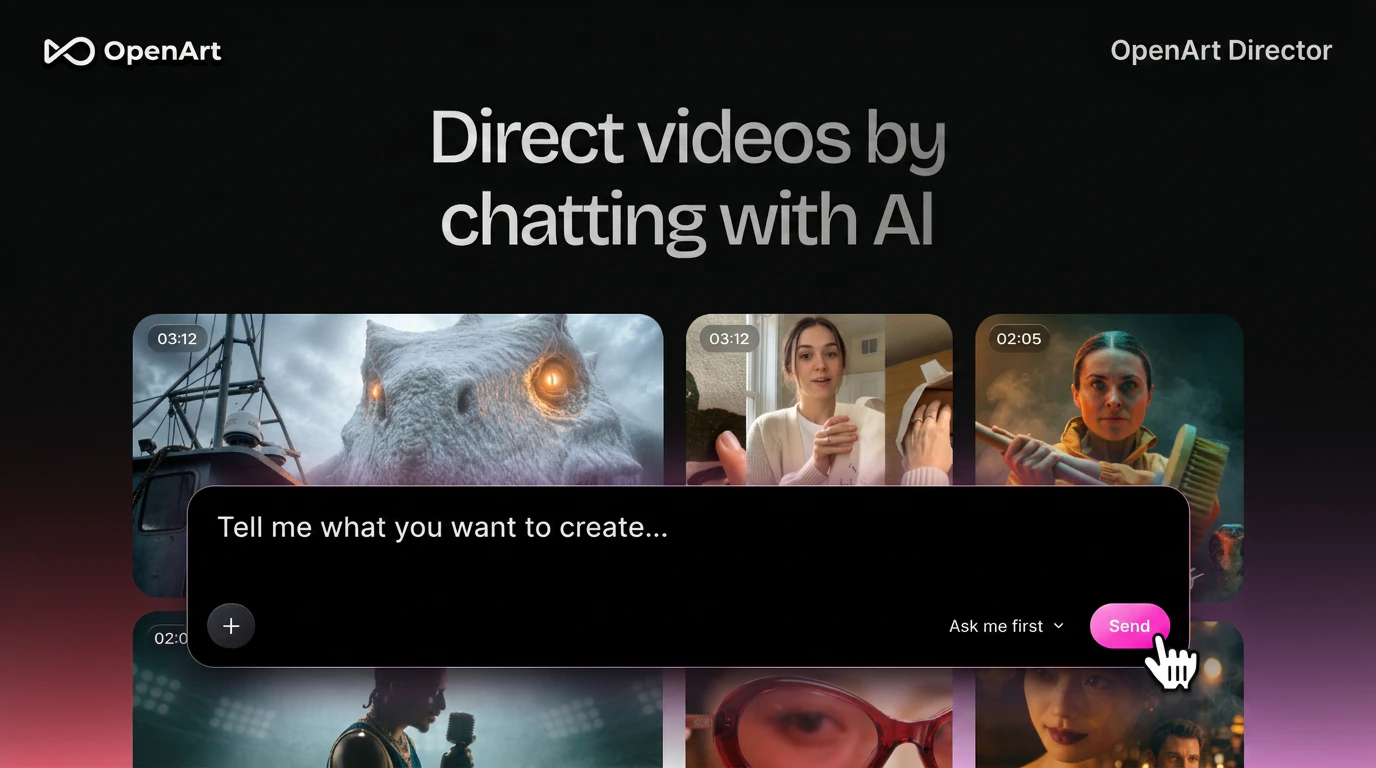
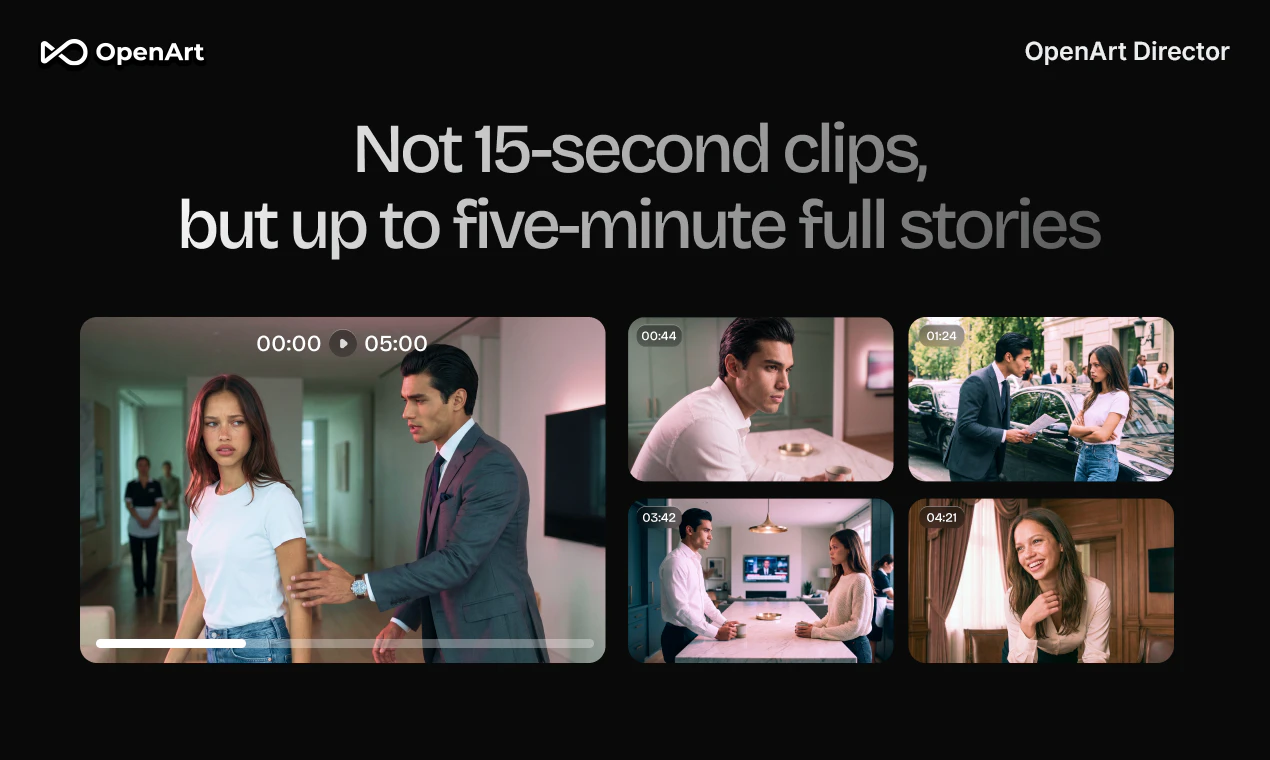
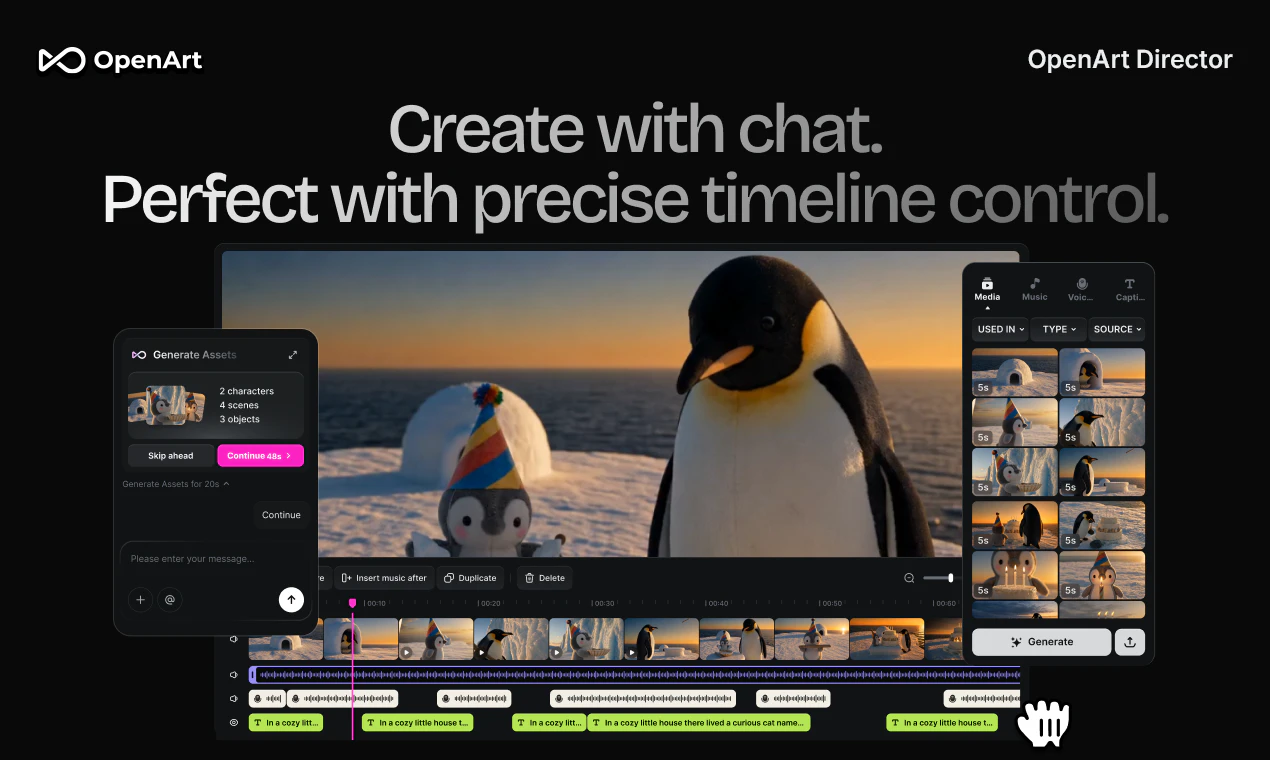
OpenArt Director lets you create cinematic AI videos simply by chatting. Generate videos up to 5 minutes long with consistent characters, scenes, voice, music, and visual style throughout. Director develops story arcs, plans scenes, maintains continuity, and helps refine videos through natural conversation - acting more like a creative director than a traditional video generator. You're not generating clips anymore - you're directing stories.

Hey Product Hunt community 👋

Coco here, co-founder and CEO of @OpenArt AI . We are excited to share with you what our team has been working on for the past few months - OpenArt Director.

Last year, we launched OpenArt One-Click Video Story on Product Hunt with one belief: AI video should make visual storytelling accessible to everyone.

Since then, we’ve watched millions of creators use OpenArt to make music videos, character stories, social content, and cinematic films.

Along the way, we learned something important: creators didn’t just want a one-click result.

They wanted to shape the story.

They wanted to guide the pacing.

They wanted to refine the video until it felt right.

They wanted to direct.

So today, we’re launching OpenArt Director - the next step in our vision for creative storytelling.

Director is a creative environment for creating cinematic videos through natural direction and conversation.

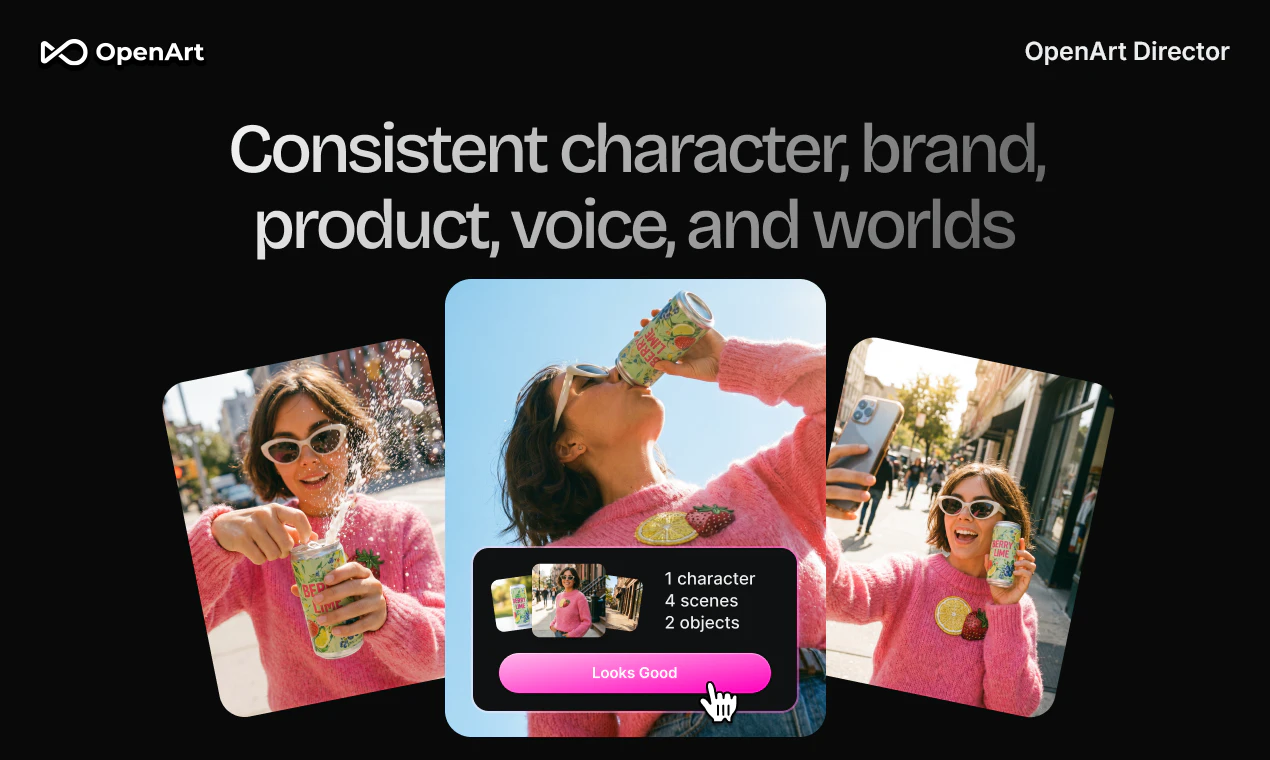
Start with an idea, script, image, song, voice, product, character, or even just a feeling. OpenArt Director helps you develop the story, generate the video, and refine it through conversation - while maintaining consistency across characters, visuals, voice, music, sound, and style.

Whether you're making a short film, a product ad, a music video, a social campaign, or simply bringing a story to life, Director keeps you in the creative seat from beginning to end.

You’re not prompting anymore.

You’re directing.

Director is a continuation of the same mission we've been pursuing from day one: making visual storytelling accessible to everyone.

We'd love for you to try it out and tell us what you think ❤️

Coco

196
回复

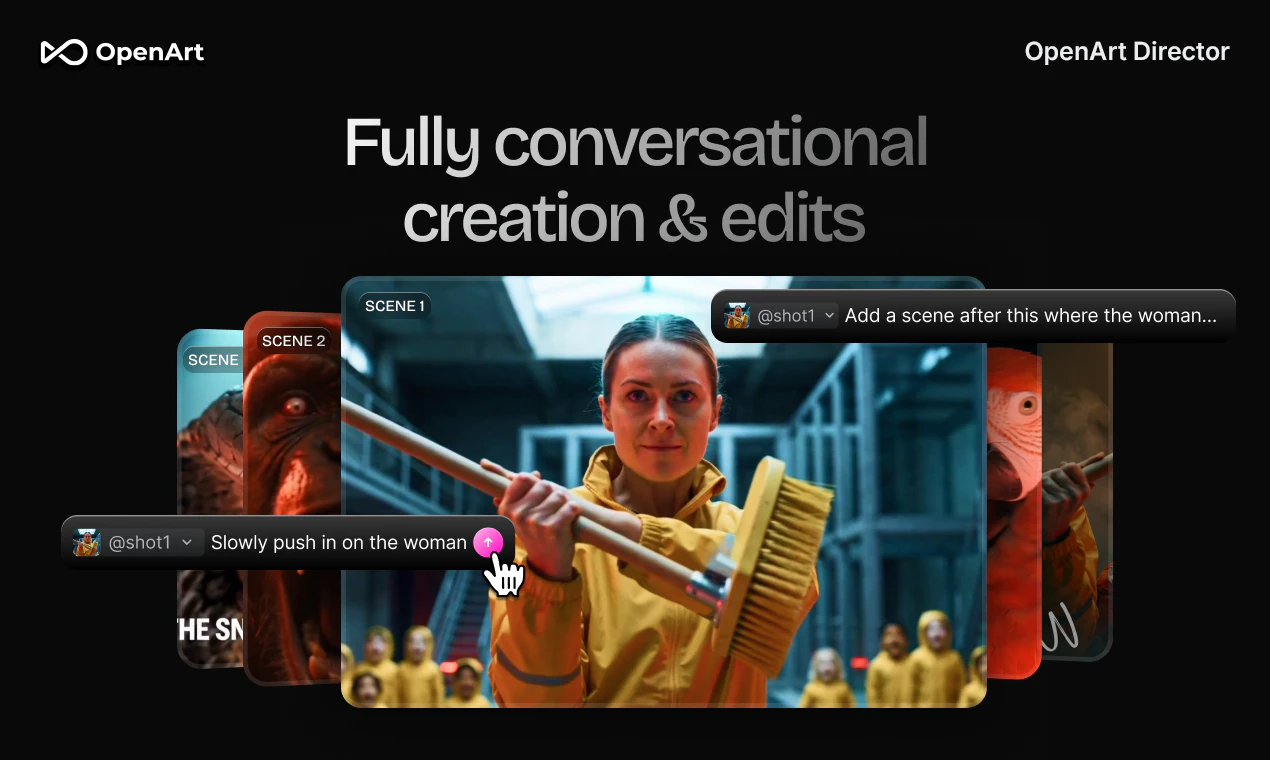
@cocoopenart OpenArt Director really changes how people would create videos - from prompting scenes and stitching them together, to just simply chatting. You can ideate, brainstorm characters, change almost everything, and iterate, until you get the final piece, all via chat.

46
回复

@cocoopenart merhaba ben bu özellige gercekten bayıldım ayrıca mcp ozelligi de çok iyi oldugunu söylemek isterim artık sadece bize dogru fikri bulmak kaldı 👍

18
回复

@cocoopenart Congratulations! Honestly the workflow here is more interesting to me than the underlying tech, which is rare!!

0
回复

The "direct through chat" framing is interesting because the hard part of cinematic video isn't describing what you want, it's maintaining consistency across cuts. Shot matching, lighting continuity, subject appearance staying stable from scene to scene. Curious whether OpenArt Director handles that continuity layer or whether you're essentially getting a series of independent generations that you have to stitch and grade yourself. Also wondering what "cinematic" actually means in terms of the underlying model, whether you have control over aspect ratio, frame rate, and depth-of-field behavior, or whether those are fixed aesthetic presets baked into the output.

30
回复

@fberrez1 well put! We handle the consistency layer via our workflow, so that the user doesn't have to repeatedly generate shots and pray that they stay consistent. And yes you can pick you aesthetic style, aspect ratio, etc. - you just need to say it. Different frame rate is currently not yet supported.

25
回复
Love the vision of moving from generating clips to directing stories. I've tried a few AI video tools and found that maintaining character consistency and narrative continuity over multiple scenes is still so hard. I am curious what OpenArt Director does differently when a story becomes longer and more complex? How much of the directing process is truly conversational versus requiring manual corrections along the way?
20
回复

@luki_notlowkey Great insight and question. The process for the user is truly conversational - you just need to chat to tell OpenArt Director where to edit (e.g., "this shot doesn't look like me, pls change"). What we have set up the system to work in the background is more complex, so that the inconsistency shows up less; and when it does, you can just chat to let it fix for you.

25
回复

Keeping characters and style consistent is impressive. Can this work with existing footage and assets, or is it designed primarily around AI generated content? Congrats on the launch!

10
回复

@henry_habib thanks Henry! It works on both. Bring your own assets as a reference, and we can follow the character / style as you wish.

3
回复

Is there a real learning curve here, or is the first video genuinely something I could make in an afternoon with zero prep? Asking as someone with no editing background.

10
回复

@robin_xw All you need is a sentence describing what story you want to create. Think of it as Claude Code for video creation - you don't need to know coding, and you sure don't need to know editing!

44
回复
@stella_guan That’s indeed impressive
0
回复

Just cut a demo video for an enterprise deal, spent more time corralling clips than actually telling the story. "directing not generating" is exactly the gap. if it nails continuity over 5 min that's a real unlock. Would love to be able to stitch product demo video with B-roll and some character environment interactions so we could have laptop-side conversations that lead into product demo segments.

9
回复

@david_mchale Instead of stitching product demo & B-roll & character environment interactions after generation, try talking to OpenArt Director and asking it to deliver just that. Hopefully that'll do the job directly! But if it doesn't, come tell us, and we will work on it =)

29
回复
Our team put in a lot of effort and time to create an agent product that offers superior video quality and stability in the market. Feel free to give it a try - we're sure it'll be your best helper
8
回复

Love watching OpenArt Evolve from one click stories to actually letting creators shape the whole thing, directing a 5 min video just by chatting feels like a real unlock.

Huge Congrats on Launch! @OpenArt AI

6
回复

@umar_saleem thanks Umar!

3
回复

If I make videos with Director and monetize them on YouTube, am I allowed to? Any restriction on commercial/monetized use of the output?

6
回复

@phoenixhu you're allowed as long as you have the copyright for the image/music/character that you bring to Director. To prevent unintended copyright infringement, we also offer a copyright detection feature on the platform.

3
回复

If I already have a finished script, does Director help me visualize it as-is, or does it want to rewrite the thing on me? I'm protective of the words.

6
回复

@irene_wang5 it can follow your script precisely if you tell it to

2
回复

Most AI video tools feel like prompt engineering with extra steps. This is the first one that reads like a genuinely different philosophy, not just a nicer wrapper.

6
回复

@fayann That's probably the biggest shift we're trying to make. Most creators don't actually think in prompts - they think in stories, characters, pacing, and emotions. We wanted the whole workflow to reflect that instead of forcing people to translate their ideas into prompt syntax.

3
回复

Filmmakers and marketers probably use something like this completely differently. Curious whether you're seeing that split already.

5
回复

@new_user___1742026db9d5ee155d02c1a Yes, very differently. Filmmakers focus on cinematic shots, camera language, story setup, while marketers cares about brand consistency, speed, and fast cuts. So trying to fulfill both demands have been one of the biggest challenges for Director - and hopefully we got it right.

3
回复

I've tried quite a few AI image tools, and the challenge is rarely generating the first image, it's getting from 80% to exactly what you had in mind. I like that OpenArt seems focused on giving creators more control over the creative process rather than just generating images faster.

5
回复

@harini_mukesh Harini you're spot on! We want to make sure that the creation process is easy and the result is what you expected (or even more!)

6
回复

How does it handle reference images? If I feed it a character design, does that character actually persist across the full five minutes, or does it quietly drift by the end like most tools do?

5
回复

@lee_dolly Feed in the character design and it's built to persist - face, voice, clothing, physicality - from minute one to minute five. Holding that consistency across a full piece was the core problem we set out to crack, so if you ever see drift, that's exactly the feedback we want to hear.

4
回复

Great launch! Congrats to the team!

5
回复

@gjdaniel99 Thanks Daniel for the support as always!

4
回复

"Vibe Directing" is such a cool concept. I'm so excited to see the continued progress in the field! I remember often that this was a science experiment 4 years ago, and a bit of a joke 2 years ago. Today, AI creative is starting to get really good... not perfect, but really really good. At this rate of improvement, 2027 is going to be mind-blowing!

4
回复

I have seen many platforms... Used many of them to give a visual treat to my audience, but it's sometime complicated when giving the instructions and explain the complex scene, but honestly the @OpenArt AI and specially openart Director it's just wow 🤯 now I can save my time, only I need to chat about the story and the special requirements. Honestly if you guys can open a new thing like this im expecting more ❤️ ( future of the Big screen industry )

4
回复

@babajebin thanks for the kind words! We hope to cover the big screen, and in fact, videos made by OpenArt Director will soon be airing on some big screens in cinemas across the US! Come find us!

1
回复

Character consistency across a 5-minute AI video is genuinely one of the hardest problems in this space - every tool I've tested struggles with face drift and lighting shifts between cuts. Would love to know how Director actually handles it under the hood, and whether that 5-min cap is a hard ceiling or just where quality starts degrading noticeably. Also curious what the chat-based direction looks like in practice - are you describing shots and moods in plain language, or is there more structured control for specific elements like camera angle or pacing?

4
回复

@galdayan thanks Gal for the thoughtful question! 5-min is not a hard ceiling - we have users that generate 11-min music videos! But we are modest by saying 5-mins as that's the length which we've tested significantly. Chat-based experience is fully based on your habit - you can give very high-level instructions or super detailed instruction, and it can handle both.

23
回复

This gave me super powers, as I never thought I'd be "creative media person". Awesome product and launch!

4
回复

@wilson_kyi we believe everyone is a creative media person - with the right tools =)

1
回复

So excited to see what people create with OpenArt Director!

4
回复

How granular is the brand integration, really? I need it to hold a tone of voice and a specific typographic system across a whole series, not just slap a logo in the corner.

4
回复

@alstonzhuang voice - yes. Brand kit - yes and we are further refining this version so that marketers can really rely on the tool for on-brand content.

3
回复

The gap between having an idea and actually being able to explore it looks a lot smaller here than anywhere else. That gap is where most of my ideas usually die.

4
回复

Finally an AI tool that creates complete story arcs, not just random short clips.

4
回复

This is awesome! I've used OpenArt before, but I can't wait to try out the new feature for making some longer form ads.

3
回复

@rob_blaine welcome back! Director works well with long-form ads (either narrative or visual effects)

0
回复

Love that I can iterate on a scene without regenerating the whole thing. Saves so much time and credits.

3
回复

Congrats on this launch! It's amazing!

3
回复

Congrats on the launch, I really want to try it, hopefully I'll find an easy tool to give life to some of my cinematic ads ideas! What's the pricing (translated in minute or number of videos I can get ideally)?

3
回复

I keep wondering if the future of AI video is just fewer prompts and more actual conversation. This reads like a bet on exactly that.

3
回复

@suryansh_tiwari2 that's exactly the future (or should I say present) that we are building towards

1
回复

If I come in with a rough storyboard already done, does Director throw it out and do its own thing, or actually build on what I bring?

3
回复

@chengfeng it builds on your rough script / storyboard and helps you to finish the story as you wish. So give it a try with a script, a storyboard, or just a line of idea!

2
回复

Most AI video tools are prompt roulette. OpenArt Director actually feels like directing—storyboard, shots, timeline, export. The AI collaborator has taste, not just templates. I went from a rough idea to a finished short without juggling five apps. Finally, AI video that thinks in scenes, not slots.

3
回复

@cefeng06 Thanks and please show us what you created!

2
回复
#4
Latitude
Fix what's breaking in your AI agent
322
一句话介绍:Latitude是一款开源的AI Agent监控平台,能自动检测生产环境中Agent的各类失败模式,并通过MCP服务器将问题信号直接注入开发者的编码环境中,实现从发现到修复的闭环。
Developer Tools Artificial Intelligence GitHub Data & Analytics
用户评论摘要:用户高度关注产品“从日志到问题信号”的定位,多数提问集中在:数据是否可自托管、安装后是否可回溯历史会话、如何区分真正的失败与预设的升级/转人工、自动生成的评估(Eval)如何避免过拟合于特定失败案例、主观质量(如回复正确但用户感受差)如何评估。
AI 锐评

在AI Agent监控这一快速拥挤的赛道,Latitude的初创团队展示了对开发者真实痛点的深刻洞察——而非简单复刻APM工具。

**价值核心在于“信号加工”而非“数据展示”**。绝大多数观测工具停留在“给你更美的日志”,而Latitude的关键一步是“把日志变成待办事项”。自动聚类失败模式,并将每个模式绑定一个可复现的评估用例,这一设计直击开发者心智:没人会去读海量日志,但每个人都愿意修一个标红的测试。将问题抽象为一等公民“信号”,并附带自动生成的Eval,使修复从“大海捞针”变成了“定向消除Bug”。

**“嵌入编辑器”是真正的杀手锏,但也藏着最大风险。** MCP服务器将信号、追踪、搜索直接推送回编码环境,绕过了仪表盘——这击中了“观测工具死于无人查看”的死穴。但这一闭环也引出了一个更棘手的问题:当编码Agent根据自动生成的Eval做修复时,社区提出的“过拟合风险”绝非杞人忧天。目前回应未提及是否存在“留出验证集”或“人工审核环节”,这可能导致Agent修复了特定报警,却引入了更隐蔽的退化。如果团队仅仅依赖“Eval通过即修复成功”,这一机制在复杂Agent行为面前可能陷入“修复了一个bug,制造了三个bug”的诅咒。

**尚未回答的关键问题:** 如何区分“正确的系统级转人工”与“无能的Agent放弃”?在用户反馈中,部分Agent设计有明确的升级策略(如敏感操作转人工),Latitude的聚类算法若无法区分这类预设行为,将产生大量误报,反而加剧噪音。

总体来看,Latitude 在“发现问题-确定原因-定位代码-验证修复”链路上迈出了关键一步,但它需要向市场证明:自己不仅是更好的日志聚合器,更是一套能避免“打补丁式修复”的、具备因果推理能力的故障诊断系统。如果能在“自动生成Eval”环节引入对抗测试或回归检查,它将成为Agent工程化运维的基础设施级产品。否则,它只是又一个更好看的看板。

查看原始信息
Latitude
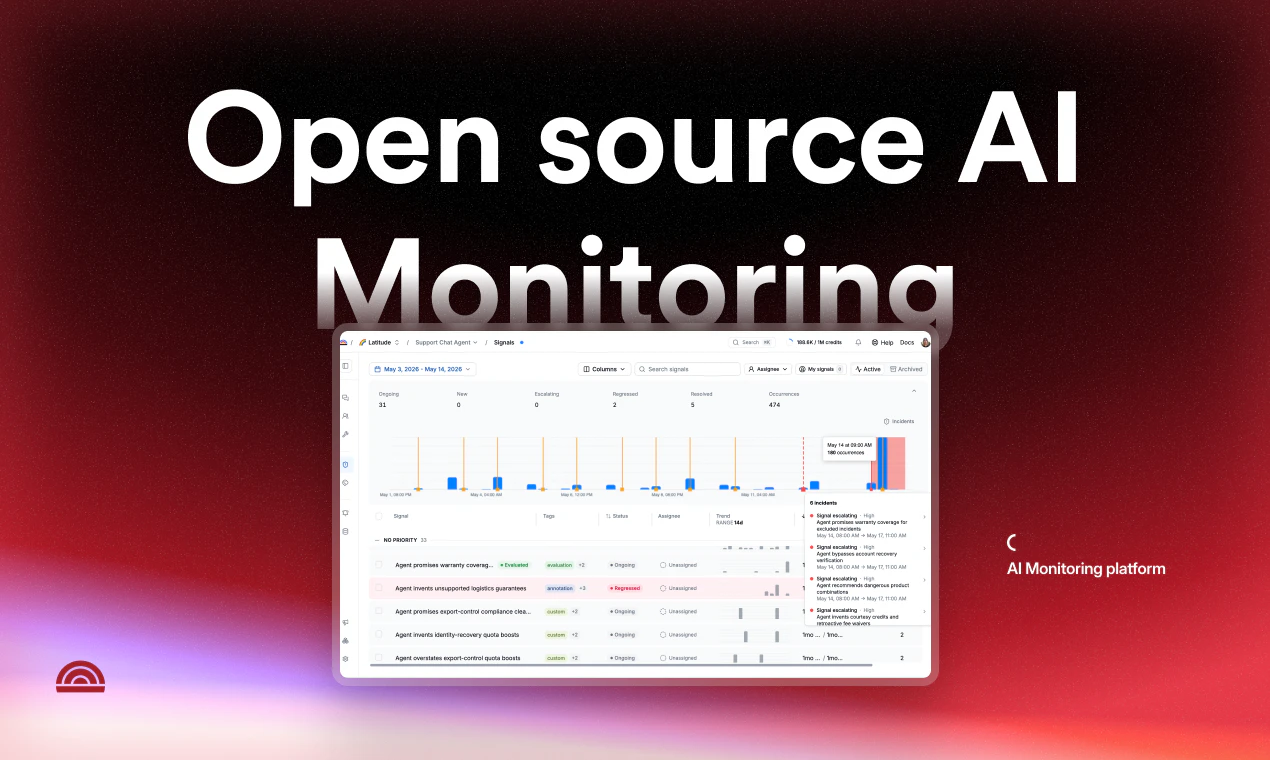
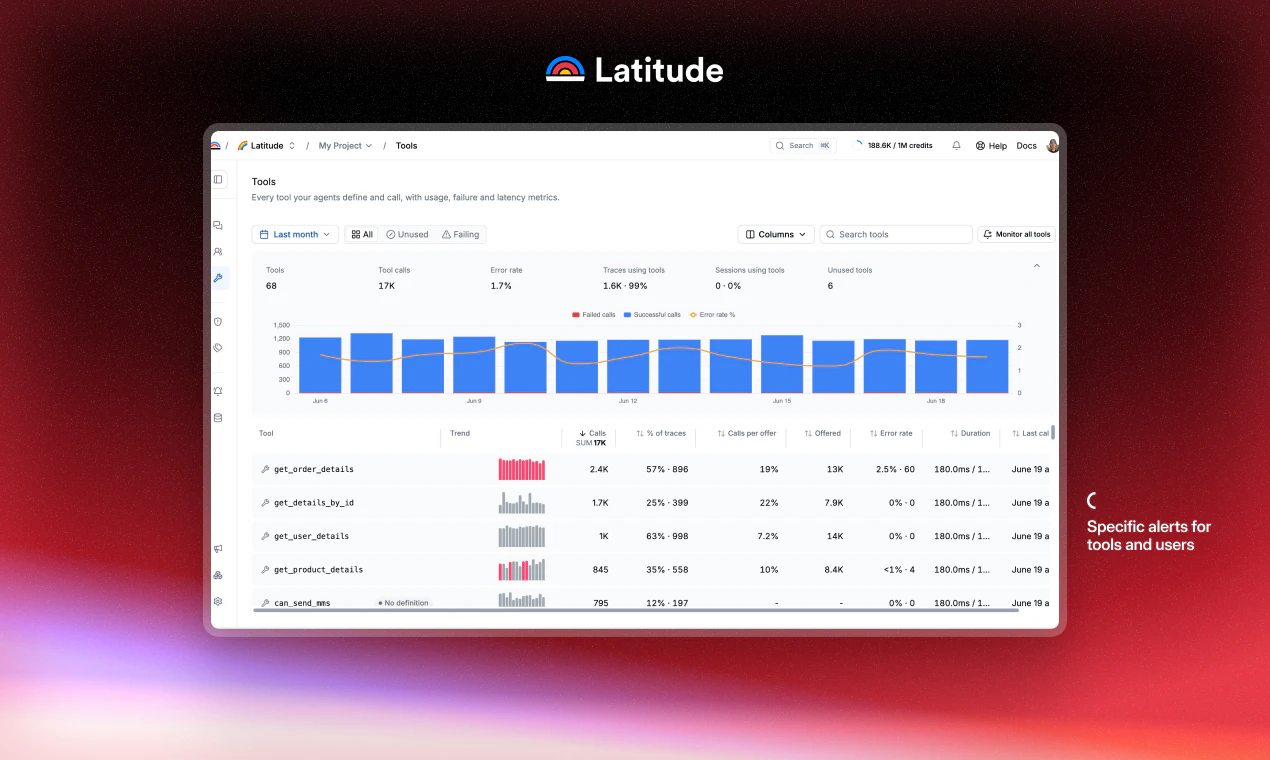
Open-source AI agent monitoring platform. Latitude automatically detects all the ways your agents fail at scale, and gives your coding agent the tools to fix it.

Hey there, it's Cesar, founder of Latitude.

Until now, companies have focused on collecting quantitative data about their products: user counts, churn rates, conversion. Qualitative insight was reserved for corporates who could afford to hire an agency. But agents changed that. We have the single most valuable source of knowledge about our product sitting right in front of us, and we're not using it. No one at your company talks to your users as much as your agent does. Latitude exists to tap into that.

Latitude does 3 things:

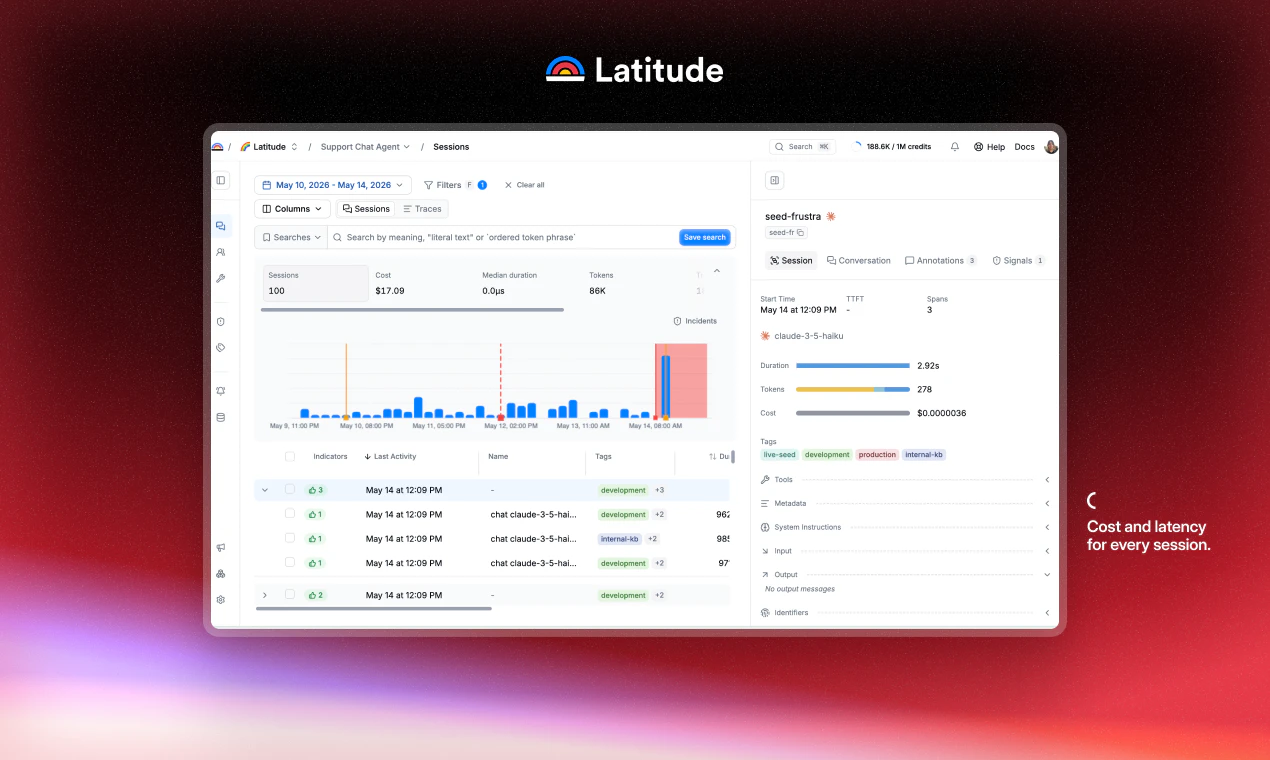
1. See what your agent really does in production

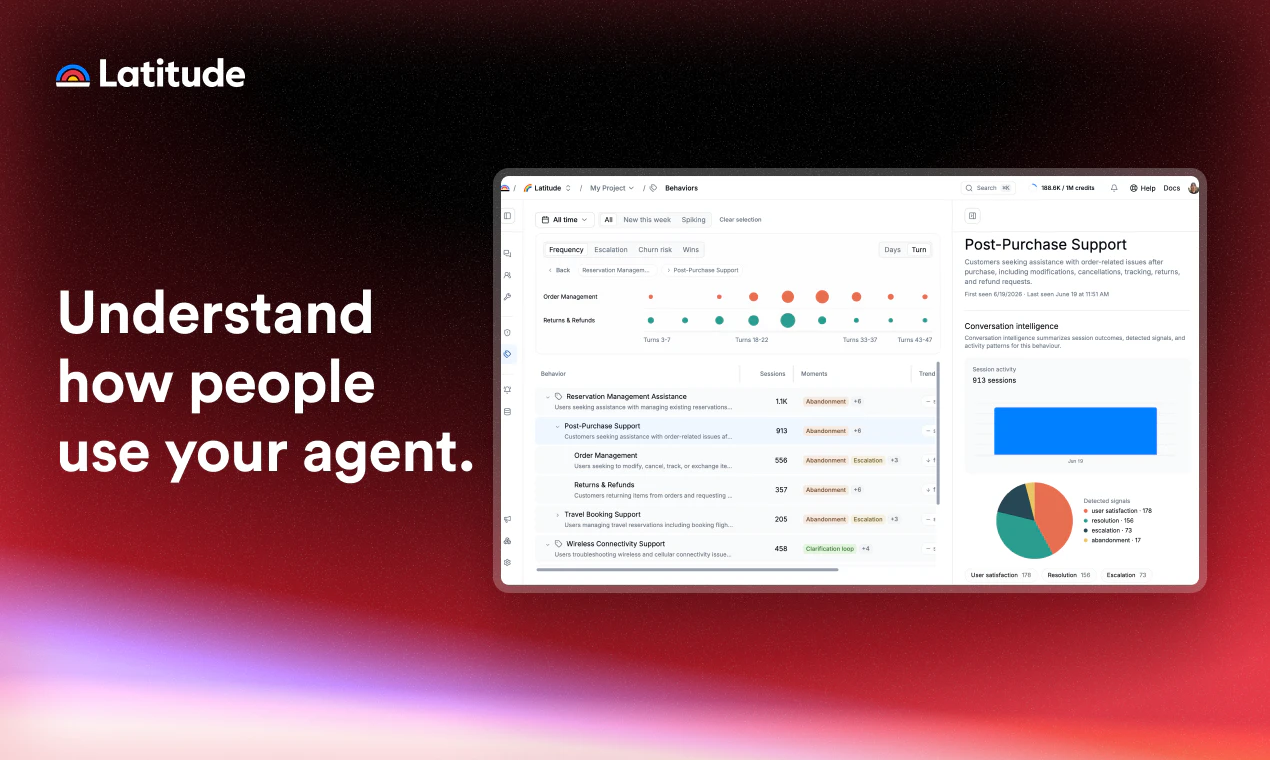
Latitude clusters thousands of conversations into one clear picture: what people ask for, and where they hesitate, escalate, or drop off.

2. Catch what's breaking before users do

When your agent keeps failing the same way, Latitude collapses those moments into one signal: the problem, how often it fires, and why. It detects issues automatically, or you set your own. Either way, you hear about problems first, and evals are created automatically for each signal.

3. Fix it without leaving your editor

The MCP server brings your signals, traces, and searches straight into your coding agent. Turn real failures into a dataset and verify the fix worked before you ship.

Latitude is open source and MIT licensed. Try it at latitude.so

13
回复

@heycesr Interesting positioning. I like the shift from raw logs to actionable issues. Treating failure modes as first-class objects with attached evaluations and states feels much closer to how developers actually debug and improve systems before they reach production.

0
回复

Congrats on the launch!
Does the install track historical sessions too, or only sessions going forward from when you run the command?

3
回复

@abod_rehman only sessions going forward. Time from installation to first trace is very fast, usually < 5 minutes!

0
回复
Most teams obsess over dashboards and metrics while thousands of conversations go largely unexplored. As agent capabilities improve and user behavior changes, how does Latitude distinguish between a genuine product issue, a prompt/design issue, and simply a limitation of the underlying model? Congrats on the launch and for open-sourcing it 😊
2
回复

The "gives your coding agent the tools to fix it" line is what I'd want to see in practice — most observability tools stop at surfacing the failure mode. When Latitude clusters a set of failures, how does that get back into the coding agent: an MCP server, a CLI, or a generated eval/test the agent runs against? And since it's open source, can I self-host so the production conversation traces stay in my own infra, or does evaluation route through your hosted backend?

1
回复

Honestly the part that gets me is the signal going back into the editor. i don't need another dashboard to ignore. running cc across a repo per client and the dream is catching the dumb stuff before the client does. Imho this is the right tool for people serious about AI agents!

1
回复

My Claude-Gmail agent ghosted me at an approval gate mid-campaign and I spent way too long not knowing why, reconnecting everything, before giving up. "most tools give you logs, Latitude gives you issues" hits different when you've lived it. following.

1
回复

Per-turn token cost breakdown is exactly what's missing from most setups.

Can you see which specific tool calls or subagents are the worst offenders, or is it more of an aggregate view?

1
回复

@boyuan_deng1 you can see specific costs per tool calls and subagents, and we also have a dedicated dashboard for tool calls, where you can see duration, error rate, number of times called...

0
回复

The useful bit here is closing the loop from failure mode to a runnable fix, not just another trace dashboard.

For agent monitoring, I’d want each clustered issue to produce a small acceptance case: trigger, tool/write that failed, expected boundary, and proof the fix changed behavior. Is that what the MCP server hands to the coding agent?

0
回复

the framing of agent conversations as qualitative data is really sharp. most teams just look at error rates and latency, but the actual content of what your agent says to users is where the real failure modes hide. curious how you handle the evaluation of subjective quality — like when an agent is technically correct but the response still feels wrong to the user?

0
回复

Logs vs issues is such a clean way to frame it. Nobody actually reads logs. Failure modes with evals attached is the thing you fix.

0
回复

Great work! How does this connect back to the development workflow, any process to do evals to validate the issue is actually resolved before deploying?

0
回复

Solving one of the most difficult parts when shipping AI agents!!! How to extract bugs, fixes and improvements from your traces...

This team rocks 🚀🤘

0
回复

Congrats on the launch, Cesar! The "cluster conversations into failure modes" piece is the part I'd get the most from. One question from running agents that deliberately hand off to a human: how does Latitude tell a real failure apart from a correct escalation? In our setup the agent is supposed to stop and route anything sensitive — refunds,

account changes — to a person, so a "drop-off" there is it doing its job, not breaking. Does it learn which escalations are intended vs the agent actually giving up?

0
回复

The MCP-into-the-coding-agent piece is the clever bit, and underrated in the thread so far. Most observability tools die at the dashboard — signals pile up where nobody looks, so failures just rot. Routing the signal to where the fix actually happens (the editor) is the real unlock; detection was never the bottleneck, action was.

One sharp question on that loop: when you auto-generate an eval per signal and hand it to the coding agent to fix against, how do you keep the agent from overfitting to the eval — patching the specific failing cases rather than the underlying behavior, so the cluster 'closes' but the real issue persists? Curious if there's a held-out/regression check or a human-in-the-loop on the generated evals. That's the failure mode I'd worry about most with auto-fix.

Congrats on shipping this — genuinely needed.

0
回复

This is a super clean approach to agent observability! Triage is a nightmare when you're just staring at a massive, unorganized stream of logs. Grouping traces into auto-clustered issue datasets makes finding where a trajectory went wrong way faster.

How does Latitude handle automated regression testing once a fix for a specific trace issue is pushed?

0
回复

For agent systems with non-deterministic outputs, how do you define failure in a way that's consistent enough to monitor reliably at scale?

0
回复

How does Latitude differentiate a genuine failure from an agent that's thinking out loud through a messy but ultimately correct reasoning path?

0
回复

While most agent tools stop at dumping logs, auto-building an eval from each failure cluster looks totally spot on! One thing I'd poke at - how do you stop those auto-evals from overfitting to the exact transcripts that triggered them instead of the general failure mode? Thanks!

0
回复

The phrase all the ways your agents fail is ambitious is failure detection here pattern based on known anti patterns or does it learn failure signatures from your own agent's history over time?

0
回复

the "issues not logs" framing resonates. i've lost hours scrolling through agent execution traces trying to find why something broke, only to realize the actual failure happened 6 steps earlier. how do the evals work here, do you define failure criteria upfront or does it infer patterns from the traces?

0
回复

Congrats on the launch! <3 desde bcn

0
回复

The issue abstraction is the important move. Raw traces are necessary, but small teams need a release gate: is this failure mode understood, reproducible, and covered by an eval before we ship again?

0
回复

The clustering of conversations into discrete failure modes is the clever part. Most observability tools dump raw traces and leave you to find patterns yourself. We've spent time manually sifting logs to spot recurring failures. How does the automatic issue detection work? Does it use embedding clustering on trace outputs, or is there a rule-based approach?

0
回复

@anand_thakkar1 Hey Anand! Great question. We have multiple ways of doing issue detection:

  1. Flaggers: We have some trained LLMs that find issues automatically for you, from:

    1. Common subjective behaviors such as of issues, like user frustration, agent laziness, tool thrashing...

    2. Deterministic actions like low cache hit rate, tool call errors...

  2. Semantic/lexical search: We have a search tool that works after embedding all sessions so you can find issues yourself from hunches you might have

  1. Human annotation: We let users annotate within conversations the issues they find from reading conversations. Once annotated, behind the scenes we group these into issues using semantic similarity

The other tools we have, such as sessions/tools/user page also helps gain visibility of how your agent is working in prod, to then spot potential errors

Let me know if you have further questions!

0
回复

What's the security model for agent run data especially for teams whose agents touch sensitive internal systems or customer data?

0
回复

Have you tested this against multi agent systems where failures cascade across agents rather than staying contained to one? That seems like the harder problem.

0
回复

What does onboarding look like for an existing agent fleet is there meaningful setup required or is it closer to drop-in instrumentation?

0
回复

@daniel_juan2 Depends what stack you have

We work with ingesting OTEL telemetry, so if you already have the fleet observed with another tool that ingests OTEL, just change the export to Latitude and you're 90% set! (you might have to add an additional OTEL tag to see Users page for example, but thats it)

If you don't have OTEL telemetry, and you use Python/Typescript, we have an SDK that is easy to integrate

If you have other languages, you will have to implement an OTEL exporter and point it to Latitude. Its a bit more of a pain, but its worth it as you can change observability provider later as you wish, as all other platforms also ingest OTEL

Hope this helps! Let me know if you have any more questions

0
回复

Is there a self hosted deployment option for teams with strict data residency requirements around agent logs and traces?

0
回复

How does Latitude handle false positives? I'd imagine flagging failures that are actually intentional edge-case behavior could get noisy at scale.

0
回复

@carter_son This is a balance we're constantly improving, however you can stop this way before it becomes noise at scale.

If you find yourself with false positives due to a flagger detecting an intentional edge case, you can:

  1. Ignore the created signal, so the edge case appearing will not bother you anymore (like Sentry/Datadog ignore of errors)

  2. Turn off the flacky flagger

Not all flaggers are meant to be on for each agent. Being wise in which one to turn on/off will help reduce these false positives and also save you credits

We already suggest some pre-enable ones based on what type of agent you have, and from there you can iterate.

Hope this helps! Let me know if you have any more questions

0
回复

What kinds of failure modes does it catch that traditional logging/observability tools typically miss?

0
回复

@carlos_leonardo1 Mostly subjective failure modes, those that are typical of agents that don't appear as an error always. Examples:

  • Agent calling same tool multiple times

  • User being angry as the agent is not doing what its supposed to

  • Agent looses context and calls the wrong API

We also cover more deterministic issues, but thats the main difference.

Lmk if you have more questions!

0
回复
looks great! Congrats 👏
0
回复
#5
Thumbmagic
AI thumbnail generator trained on top-performing thumbnails
298
一句话介绍:Thumbmagic 是一款基于海量高点击率缩略图数据训练的AI工具,创作者只需粘贴视频链接即可一键生成专为YouTube、TikTok等平台优化的缩略图,解决手动设计耗时且效果不确定的痛点。
Marketing YouTube Video
AI缩略图生成器 点击率优化 视频创作工具 YouTube缩略图 数据驱动设计 风格复制 多平台支持 创作者效率工具 无脸缩略图 A/B测试辅助
用户评论摘要:用户普遍认可其节省时间和数据驱动理念,但核心疑问聚焦于:风格复制是精确分析字体布局还是仅模仿色彩基调?如何适应非科技/金融的细分领域(如编码、健身)?是否兼顾内容真实性与点击率以避免诱饵?团队回应称工具基于视频内容与趋势分析,且免费可用。
AI 锐评

Thumbmagic 的聪明之处在于绕开了“好看”这个主观陷阱,直接锚定“能打”这一可量化结果。它本质上是一个数据驱动的模式识别引擎,而非传统的设计工具。通过对200+热门缩略图的解构,它实际上在帮创作者做两件事:一是降低重复性设计的时间成本,二是让新手瞬间借用成熟创作者验证过的视觉规律。评论区里关于“与内容真实性平衡”的质疑很关键——如果生成的缩略图仅优化CTR而忽略视频交付体验,最终会因高跳出率被平台算法反噬。团队强调“结合视频实际内容”是正确方向,但需要更透明的机制来证明这一点。另外,风格复制功能目前只能“克隆感觉”而非精确布局,对追求品牌视觉一致性的团队来说略显鸡肋。长远看,产品护城河不在生成速度,而在它积累的“CTR数据图谱”——当模板库足够大、细分领域足够精准时,才可能从“有意义的便利工具”进化为“创作者的基础设施”。目前定价和细分领域适配能力仍是待验证的变量。

查看原始信息
Thumbmagic
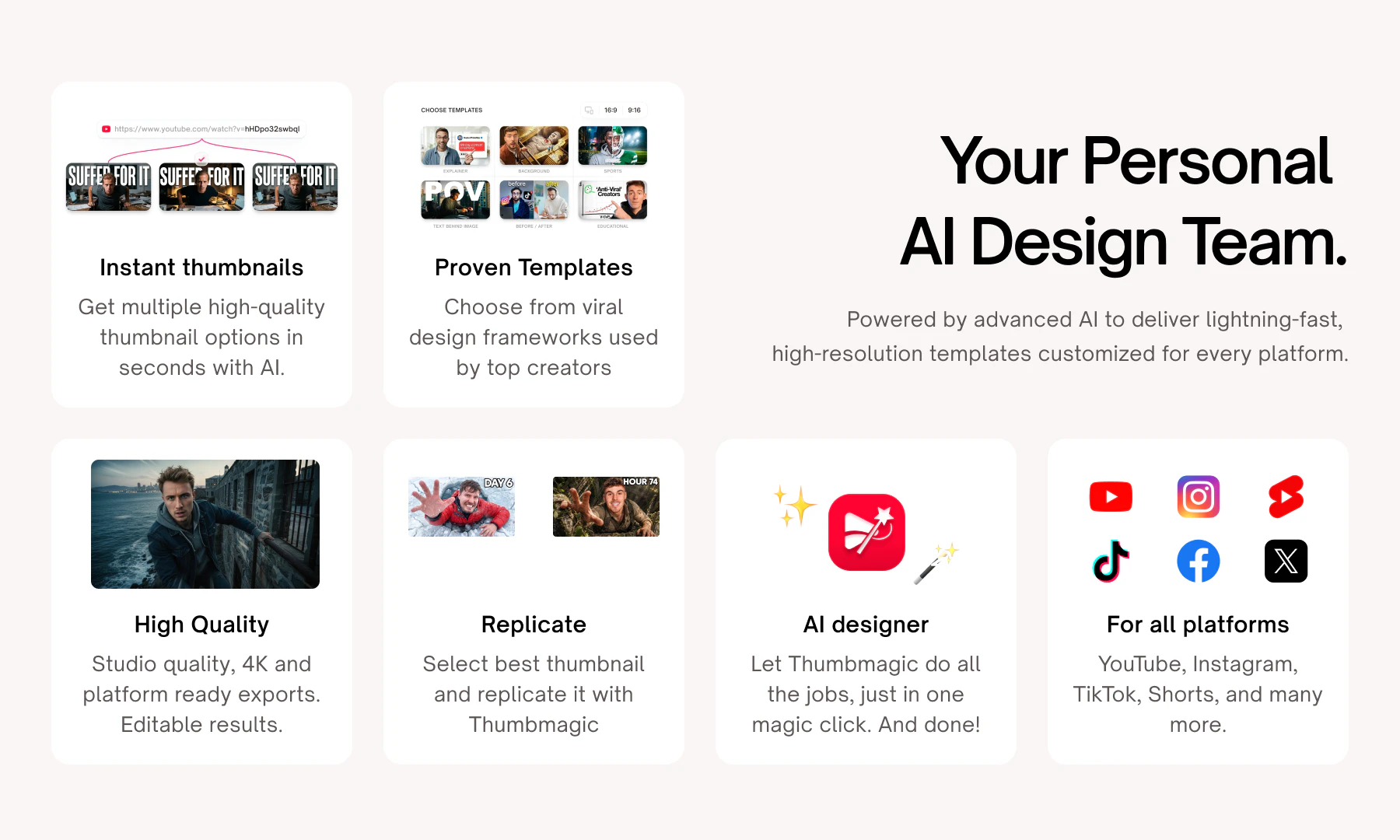
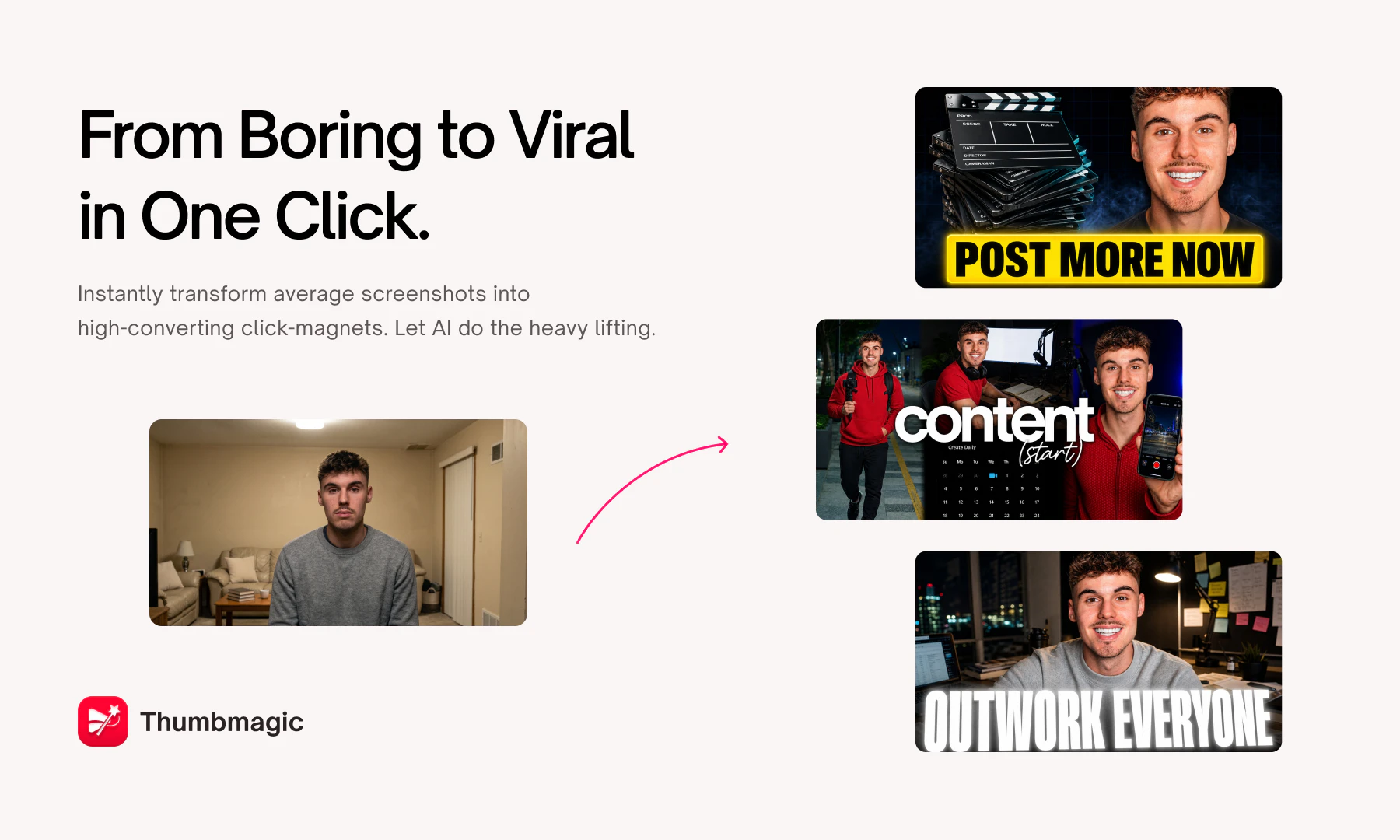
Most thumbnail tools give you generic templates. Thumbmagic gives you data. Before generating a single pixel, Thumbmagic analyzes 200+ top-performing thumbnails, studying what drives clicks for tech reviewers, finance creators, and more. The result? Thumbnails that don't just look good, they're engineered to perform.

Hey Product Hunters! 👋

I'm Tsifei, co-founder & CTO of Thumbmagic.

We launched here before, but this version is a different beast entirely.

So we're back.

The problem hasn't changed: Your video quality doesn't matter if nobody clicks. And great thumbnails are slow, expensive, and creatively exhausting to make consistently.

Thumbmagic solves this in one click.

Drop in your YouTube, TikTok, or Instagram video link then our AI watches it, understands it, and generates a high-CTR thumbnail tailored to your content.
No brief. No designer. No back and forth.

What's new since our last launch:

🎨 AI Designer — One click. One stunning thumbnail. Done.

🔁 Replicate — See a thumbnail you love? Clone its style for your own content instantly.

📱 All Social Media — Paste any YouTube, TikTok, or Instagram link and go. No manual uploads.

🎭 Faceless Thumbnails — Running a faceless channel? We've got you. Full thumbnail generation with zero face required.

Who's this for?

  • YouTubers testing 3+ thumbnail variants per video

  • Short-form creators publishing daily across TikTok & Reels

  • Faceless channels that can't rely on personality-driven design

  • Agencies and teams producing thumbnails at scale

We've seen creators go from spending 2+ hours per thumbnail to under 60 seconds.
That's not a feature.
That's your Sunday back.

Would love your honest feedback — what's working, what's missing, what you'd pay for.

Drop it below. 👇

6
回复

@tsifeichan Many congratulations on the launch Lakshya, Tsifei and team. :)

When Lakshya reached out and asked me to hunt this product, I was skeptical at first. I even wondered, “How is this really different from making something in Nano Banana?” But after seeing the interactive demo, I was genuinely impressed by how it analyzes the video, compares thumbnails, and pulls from 100+ templates to create something strong. I was sold immediately.

If you're a creator, give it a try!

2
回复

@tsifeichan Congrats on the launch! Thumbnails are deffo underlooked in getting videos out there to the masses. Curious how you're planning to grow the user base on TikTok/Instagram?

1
回复

@tsifeichan this is great, love it. Congratulations on the launch!

0
回复

Congrats on launching! Generating high-converting thumbnails straight from a YouTube or TikTok link is a massive timesaver for creators who hate shifting back and forth between different editing apps. The style replication feature is a great touch for keeping a consistent brand.

Quick question on the replication feature—does it actually analyze the font type and structural layout of the reference thumb, or is it mostly just cloning the color vibe?

2
回复

@doganakbulut It doesn't replicate what's there in the thumbnail you provided it but creates one in your style. You can give it a try for free.

1
回复

Run a small game studio on the side, have personally agonized over Steam capsule art at 1am wondering if it converts. "engineered to perform" beats "looks good" every time. the data-first angle is the right call, I always wind up pulling competitor pages and generating like 5 variants but 200 data points beats 5 easy.

2
回复

@david_mchale Thats universal creative experience at this point 😄
But yeah, "looks good" is just vibes, "engineered to perform" is a repeatable system. Glad the approach resonates with someone who's lived it.
Thanks for your support!

0
回复
Who’s making 500 thumbnails a month? 😅
2
回复

@lakshminath_dondeti A lot of serious creators constantly AB test thumbnails on their older videos. Swapping them out to revive performance on content that's already out there. It adds up fast for them!

0
回复

Thumbnail design feels simple until you try to consistently get people to stop scrolling 😅 What I like here is the focus on the first impression rather than the content itself. What's the biggest mistake creators make when designing thumbnails?

2
回复

@harini_mukesh Thank you for your support, Harini! Biggest mistake? Designing for themselves instead of the viewers. Most creators pick the frame they look best in, not the one that triggers curiosity. Overcrowded text is second! If you need to squint to read thumbnail text on mobile, it's already lost. Thumbmagic helps you fix both.

1
回复

Being part of the Thumbmagic journey has been genuinely exciting. When I first saw what the product could do, I knew this was something different! Not just another AI tool, but a real solution to a problem every creator deals with every single day.

What makes me most proud isn't just the product though. It's the team behind it. Everyone here is obsessed with building something creators actually love, and that energy shows up in every feature shipped, whether its Submagic or Thumbmagic!

Thumbnails are the first thing a viewer sees. We're making sure they're never the reason someone doesn't click on your video. That's a mission worth showing up for every day.

Grateful to be here! ✨

2
回复

@lakshya_singh Hey! How do you separate durable click patterns from short-lived styles everyone is copying?

0
回复
Training the AI on actual high-performing thumbnails instead of just giving generic templates is a smart angle. Quick question—how well does it handle niches outside of tech and finance? Like if we need something specific for a coding tutorial or a fitness channel, does it adapt the layout style automatically?
1
回复

@sa206 It adapts! Coding tutorials, fitness, lifestyle, gaming, it pulls from top performers and analyze the subject of the video properly before generating the thumbnail. Give it a shot on your niche and see how it holds up! Try the AI designer feature there. You might like that.

0
回复

This is exactly what I have been looking for, I have been posting on YT for a couple years now but having an easy affordable way to create Thumbnails is definitely something i need instead of hiring people because my pockets are not that deep.

1
回复

@mikereachium That's exactly who we built this for: creators who are serious about their channel but can't justify a designer on retainer. Give it a shot and let us know how it goes!

0
回复

The gap between a decent thumbnail and a viral one is pure pattern matching most of us don't have time to learn. Training on top performers is the obvious play. Does it adapt to a channel's existing look or start fresh each time?

1
回复

@attacomsian Right now it starts fresh but informed — analyzing top performers rather than your specific channel history. However, the Replicate feature gets you pretty close if you feed it your own best performers.

0
回复

Congrats! what are you using to decide what to generate?

1
回复

Congrats on the launch! Curious what factors go into deciding what thumbnail to generate?

1
回复

Have you tried any testing on YT, and how did they actually perform? :)

1
回复

@busmark_w_nika Some of the influencers we partnered with for promotion, updated the thumbnails of their older videos and saw spike in impressions and views right after that.

1
回复

Creating thumbnails are always so time consuming so having something to make this faster will be helpful! Is there a way to maintain consistency between thumbnails created (e.g. colour, font, etc)?

1
回复

@lienchueh Yes! Avatar helps you keep consistency in your thumbnails. And the Replicate feature lets you match the look of a thumbnail you've already made — so color, font, and overall feel stays consistent across your channel.

0
回复

Does it look at trends regarding heavily trafficked thumbnails and base the designs on that? Or is it only based on the content of the video?

1
回复

@tyler_bush Both actually! It analyzes the top performing thumbnails to pick up on what's working trend wise, and combines that with your video's actual content to make sure it's relevant. So you're not just chasing trends blindly, the output is grounded in the subject of your video. Its free to try. Would love it if you give it a spin!

1
回复

Training on what actually drives clicks (vs generic templates) is the right wedge — most thumbnail tools optimize for "looks nice" instead of "performs." Question for you Tsifei: where's the line between high-CTR and clickbait? If a thumbnail wins the click but the video underdelivers, retention/algorithm punish you. Does Thumbmagic optimize purely for CTR, or does it factor in matching the thumbnail to what the video actually delivers?

1
回复

"Generic templates vs data" hits the nail on the head, most AI design tools end up there because data is just harder to handle.

How does it work across niches? A finance creator thumbnail looks completely different from a tech reviewer thumbnail. Do you segment the 200+ analysis by niche, or are there generic CTR patterns that work everywhere?

1
回复

@elias_motionfy Great question! It does factor in niche context, so a finance thumbnail isn't getting the same treatment as a tech review. That said, some CTR patterns do hold universally (contrast, text readability, focal point clarity) and those are baked in regardless of niche. It's both: niche-specific pattern recognition on top of a universal performance baseline.

1
回复

Congratulations. Nice product.

1
回复

@thamibenjelloun Thank you so much for your support.

0
回复

Creators spend countless hours making something great and then a few minutes thinking about how people will discover it. Interesting approach to solving that problem.

1
回复

@suzychase Right! The discovery layer gets treated like an afterthought when it's actually the whole game. No one watches a video they never clicked on.

0
回复

Wow guys! it's really awesome. Currently analyzing many Youtube channels and noticed how key can be having viral thumbnails. I'm sure this is coming to change that game. Wish you all the best!

1
回复

@german_merlo1 Thank you! And you're absolutely right! After analyzing enough channels you start seeing how much a single thumbnail decision can swing a video's entire trajectory. That's exactly how we have trained Thumbmagic, feeding it the data from top performing thumbnails on Youtube.

0
回复

This solves a real creator problem. Making thumbnails consistently is often harder than making the video itself.

1
回复

@syed_shayanur_rahman Thats honestly the most underrated pain point in the creator workflow. The video takes days and the thumbnail gets 20 minutes before upload. And it's what 90% of viewers judge first. That's exactly why we built Thumbmagic.

0
回复

Can Thumbmagic generate multiple thumbnail concepts optimized for different audience segments?

1
回复

@nuseir_yassin1 Yes! Thumbmagic generates 2 variations at a time by default. But you can still generate multiple thumbnail variations with different templates or replicate feature and test which concept lands better with your audience. Different styles, emotions, and text angles, so you're not locked into one creative direction. Youtube's new A/B testing feature is underrated and Thumbmagic makes it easy to actually do it.

0
回复

Smart! Very useful!

1
回复

@ruvik_milkis Thanks a lot Ruvik!

0
回复

Congrats team Thumbmagic! The combination of video analysis plus thumbnail generation feels much more useful than template-based tools.

1
回复

@zerotox Thank you for your support! That's exactly the gap we wanted to close! Templates give you something that looks decent but has no connection to what actually performs. Analyzing the top performing thumbnails means your thumbnail is built around the data, not just what looks nice. Appreciate you getting that distinction!

0
回复

I'd love more control over typography and layout after generation. Great launch regardless :)

1
回复

@krutiparekh16 You actually have full control through the Modify feature! Typography, layout, whatever needs adjusting. But if something still feels missing, please let us know and we'll be adding it!

0
回复

Faceless channel support caught my attention. That's a growing niche most thumbnail tools seem to ignore.

1
回复

@divya_kothari1 IKR :) Faceless channels are blowing up and most tools are still built around "put a shocked face here."
Stock visuals, stylized text based designs, it's a whole different creative language and we wanted to get it right.

0
回复

The replicate feature is smart. Most creators save examples anyway, now the workflow feels much faster 😊

1
回复

@iamanantgupta Exactly! why start from scratch when you already know what works :)
Replicate feature just makes it a part of the workflow.

0
回复

Congrats on the launch. How the AI decides which thumbnail elements actually contributed to high-performing click-through rates?

1
回复

@himani_sah1 Thank you for your support and its a great question, Himani! The AI analyzes patterns across top performing thumbnails like colors, composition, text placement, facial expressions, contrast. It identifies what's actually driving clicks. That's then fed into the image generation models trained on high performing visual data. So it's not guessing, it's pattern-matching at scale.

0
回复

Love the idea. Just wondering how much control creators have over the final design style and branding. Congrats and good luck!

1
回复

@henry_habib Thank you for your support! You've got full control! Tweak emotions, style, text through the settings, or just type a prompt and it'll adjust on the spot.

0
回复

thumbnails decide most of whether a video gets the click and most creators phone them in. does it learn from a channel's own winners or just generic top performers?

1
回复

@reallynattu Totally agree! The click is won or lost at the thumbnail. Right now Thumbmagic analyzes top-performing thumbnails across YouTube broadly, not your specific channel's winners. Channel level learning is something we're actively thinking about though. Appreciate the nudge 🙌

0
回复
#6
Hush
Open-source noise suppression for voice AI agents
175
一句话介绍:Hush是一款开源实时语音增强模型,专为语音AI代理设计,能在嘈杂的实时通话中精准隔离主说话人,剔除背景噪音、人声干扰和音频杂音,解决因音频污染导致AI代理误判的行业痛点。
Open Source Developer Tools Artificial Intelligence GitHub
开源 语音增强 实时降噪 说话人隔离 语音AI代理 边缘计算 CPU推理 麦克风阵列处理 Apache 2.0 Rust运行时
用户评论摘要:用户认可CPU单帧1ms内推理的低延迟和开源策略,但提出三个核心关切:安静或含糊语音的削幅风险、多流并发时的性能衰减曲线、以及过滤后是否破坏下游语音活动检测(VAD)的时序信号。制作者回应称模型使用增益掩码而非硬门限,并发通过共享模型参数线性扩展,且保留帧边界。
AI 锐评

Hush的价值不在于提供了一个“更好的降噪模型”,而在于它精准戳中了一个被行业忽视的技术分层谬误——绝大多数开源语音增强模型(如DeepFilterNet、RNNoise)的评测标准是PESQ、DNSMOS等人类感知指标,优化的是“人听起来干不干净”;但语音AI代理的失败场景是ASR的字符错误率(WER)和意图误判,两者完全不是一回事。Hush在训练中引入60%的混合人声样本、辅助说话人分离头、以及直接优化WER的评估循环,本质上是将模型的设计目标从“追求听觉自然度”转向“追求转录语义的鲁棒性”。更关键的是,它在架构上刻意规避了HuggingFace生态中魔改Transformer的路径依赖,选择在DeepFilterNet3上做增量式改进,且通过10ms帧处理、无前瞻缓冲的Rust运行时确保了端到端12-13ms的工程级低延迟,这意味着它并非一个实验性Demo,而是具备直接接入生产级电话Agent管线的肌肉记忆。然而,Hush的软肋同样尖锐:其设计的核心假设是“明确的单一主说话人”,在面对老年人含糊语音、极低信噪比场景,或当干扰说话人比主说话人更响亮时,模型本身的鲁棒性仍未得到公开的压力测试验证。它不像Deepgram等商业方案那样内嵌于完整语音栈中,也不会解决下游STT、LLM的级联误差——它只是移除了一面“聋墙”,但之后的语音流仍需面对其他墙。可以预见,Hush会快速被集成进Rasa、LangChain等语音Agent框架的音频预处理层,但想要成为行业标准,它需要回答一个更具挑战性的问题:在嘈杂的、完全非合作的真实世界电话中,这种基于增益掩码的轻量分离方案,其天花板究竟在哪儿?目前来看,它是对“模型听得清”的切实改进,而不是对“模型能听懂”的彻底革命。

查看原始信息
Hush
Hush removes competing voices, background noise, and audio interference from real-time calls so your voice AI agents always hear what matters.

Hey Product Hunt! I'm @lordhasanali , CEO of weya AI.

We watched great voice AI fail in production, over and over, not because of the model, but because of the audio. Noisy environments, competing voices, background hum. Nobody was solving this properly, so we did.

Introducing Hush, our first in-house open-source speech enhancement model, which:

• Isolates the primary speaker and removes everything else in real time
• Runs entirely on CPU, under 1ms per frame - no GPU needed
• Language-agnostic - works across all spoken languages out of the box
• Apache 2.0 - free to use in production today

We launched at #5 on HuggingFace's Audio-to-Audio leaderboard, and this is just the start.


We'll be here all day answering questions. Try it, break it, and let us know what you think!

9
回复

Hey everyone 👋 I'm the maker of Hush. Here's the story behind why we built it.

We build Voice AI at Weya. AI agents that handle live phone calls for businesses. And the #1 issue that kept breaking our pipeline wasn't the LLM, wasn't the TTS. It was background speech.

A caller phones in from a busy restaurant. Their colleague is talking next to them. A TV is blaring in the background. What happens? The background speaker's words get picked up, transcribed, and fed into the AI agent as if the caller said them. The entire conversation derails.

We tried every open-source noise cancellation model out there: DeepFilterNet3, RNNoise, SEGAN, MetricGAN+, DNS Challenge entrants. They all do a great job suppressing stationary noise (fans, traffic, HVAC). But none of them treat a competing human voice as a first-class problem. When the interference is another person speaking, speech looks like speech in every feature these models have learned. They either let it leak through, or they suppress both speakers and destroy intelligibility.

So we built Hush from scratch to fix exactly this.

What it does: Hush removes both background noise AND background speech from live audio, isolating only the primary speaker. It's an 8 MB model that runs fully on CPU in real time (<1 ms per 10 ms frame), at 16 kHz (native telephony sample rate).

How we did it: We extended DeepFilterNet3 with one targeted change: teaching the encoder to distinguish speakers, not just speech from noise.

  • Training data that reflects the real problem: 60% of our training samples include a competing human speaker mixed in. The model cannot pass training without learning to suppress speech that sounds like speech.

  • Auxiliary Separation Head: A lightweight Linear(256→32) + Sigmoid head attached to the encoder bottleneck, trained with L1 loss to predict an ERB-domain mask for background speakers. This is a training-only objective. It forces the encoder to carry speaker-discriminative features without adding any inference cost.

  • Production runtime in Rust: We built libweya_nc, a C-ABI shared library (Rust + tract for ONNX inference) that ships as a ~10 MB .so/.dylib/.dll with no embedded model. It shares compiled model weights across concurrent sessions via Arc<TypedSimplePlan>, so each session costs only a few KB of memory. Plug it into any C, C++, or Python application.

We trained on 10,000+ hours of mixed audio: LibriSpeech, VCTK, Common Voice for clean speech, DNS Challenge + FreeSound + ESC-50 for noise, and MIT IR Survey + OpenAIR for room impulse responses.

Why we open-sourced it: This gap exists because the benchmarks that drive open-source development (DNS Challenge, CHiME) measure noise suppression, not speaker isolation. Models optimized for those benchmarks are not optimized for Voice AI. We want to change that. Every team building voice agents, call centre bots, real-time transcription, or conversational AI systems deserves a model that actually handles the acoustic chaos of real phone calls.

The model, training code, Rust runtime library, and pretrained weights are all on GitHub and Hugging Face. MIT / Apache 2.0 licensed.

We're also fine-tuning a v2 optimized for even louder background noise and speech. Stay tuned.

Would love your feedback. Happy to answer any questions about the architecture, training, or how to integrate it 🙌

4
回复

The CPU-only, sub-1ms-per-frame number is what jumped out at me. Most enhancement I've tried adds enough latency to break the natural turn-taking on a live call. We build voice AI that phones elderly parents at home, where the hard part is exactly what you describe: a TV going in the background, a spouse talking across the room, sometimes a hearing aid whistling. My question: when the primary speaker is quiet, slurred, or unsteady (pretty common with older users), does isolating them ever clip that softer speech? Planning to test Hush on some of our real call audio.

3
回复

@igorgurovich Thanks! That's a great use case. To answer your question: the model applies a gain mask and deep filtering per frame, it doesn't gate or hard-clip. So quieter speech gets enhanced, not cut. That said, we optimized primarily for telephony scenarios with a clearly dominant primary speaker. Slurred or very low-energy speech at low SNR is a harder edge case and I'd honestly want to see how it performs on your specific audio before making promises. Please do test it on your real call data and share what you find. Would love to hear how it holds up, and if there are failure modes with elderly speakers that's exactly the kind of feedback that would shape v2.

1
回复

@igorgurovich Congrats on the launch! 🚀 Voice AI agents are heavily reliant on clean input data, but real-world phone calls are filled with interruptions, background chatter, and cross-talk. Solving this at the infrastructure layer by actively filtering out competing voices before it hits the model's transcription loop is a massive win for agent accuracy and natural turn-taking.

0
回复

Sub-ms matters because voice UX breaks when the audio path gets clever but slow. The edge case I would watch is the handoff between suppression and downstream turn detection; a clean stream is useful only if it preserves the timing signals.

1
回复

@krekeltronics Exactly right, and this is an underappreciated failure mode in most voice AI stacks.

Hush processes in 10ms frames and preserves frame boundaries cleanly through the pipeline, so the timing signals VAD and turn detection rely on stay intact. We specifically avoided any lookahead buffering that would smear those boundaries, because we saw firsthand how that breaks turn-taking on live calls.


The gain mask approach also helps here since we're not hard-gating or dropping frames, silence and trailing speech edges are preserved naturally rather than getting clipped in ways that confuse downstream turn detection.


It's something we'll be stress-testing explicitly in v2. Keen to hear if you've seen specific failure patterns worth designing against.

0
回复

Thanks everyone for the amazing support so far! We're excited to hear your thoughts and answer any questions you have. Your feedback will help shape the future of Hush.

1
回复
Excited to test and use this in my ongoing peoject. The cpu only is a game changer. Thankyou for making this open source, I was searching, something like this!
1
回复

@princeperspect Glad you like it! Let us know how your experience with Hush.

0
回复

Most noise suppression libraries are built for human listeners, where "good enough" means the person on the other end doesn't notice. For voice AI agents the bar is different because the model is doing ASR first, and artifacts that a human brain filters out can wreck transcription accuracy pretty badly. Curious whether Hush is tuned specifically for that ASR pipeline use case or whether it's general-purpose suppression you're applying upstream. Also wondering how it handles near-field keyboard noise and fan hum during long agent sessions, since those tend to be the consistent offenders in real deployments.

1
回复

@fberrez1 Great framing, you've nailed exactly why we built this the way we did.

You're right that the bar for voice AI is fundamentally different from human-listener suppression. A human brain is remarkably forgiving of artifacts. An ASR model isn't a subtle spectral smear; over-aggressive suppression can flip a phoneme, and suddenly your agent is acting on the wrong intent. That's a real business failure, not just a quality issue.


Hush is explicitly tuned for the upstream-of-ASR use case. Our eval loop during training measured downstream transcription accuracy (WER), not just perceptual scores like PESQ or DNSMOS. If suppression was introducing artifacts that hurt WER, we treated that as a model failure regardless of how "clean" it sounded to a human ear.


On keyboard noise and fan hum: stationary and near-stationary noise is actually the easier problem — the model handles those well since it was trained heavily on DNS Challenge data, which includes exactly those profiles. Long agent sessions with consistent fan hum are arguably the cleanest scenario Hush faces. Where it earns its keep is when a second human voice enters the frame mid-session, which is what breaks every other model we tested.


Happy to share some WER comparison numbers across noisy conditions if that's useful for your evaluation.

1
回复

Sub-1ms on CPU is the claim that matters most here and also the one I'd want stress-tested. What's the degradation curve? Does it hold at 1ms with a single stream, and what happens at 10 or 50 concurrent calls on commodity hardware? That's the production reality for anyone running voice agents at scale.

The open-source angle is smart for adoption but the real question is where the commercial model sits. Apache 2.0 gets you into production stacks fast. What's the wedge that converts users to paying customers?

1
回复

@sergio_jivan  Good questions. On concurrency: the Rust runtime shares the compiled ONNX model across all sessions via a single Arc<TypedSimplePlan>. Each additional session allocates only its own frame buffers (a few KB), not a copy of the model. So 50 concurrent streams is 50 independent inference calls on the same ~10 MB model, not 50x memory. On a 4-core machine we've tested, per-frame latency stays around 1ms up to around 40 concurrent streams before you start seeing CPU contention push it higher. It scales linearly with cores.

On the commercial question: Hush is genuinely open source, no "open core" catch. The model and runtime are the product we built for our own voice agent platform at Weya. Open-sourcing it is about closing a gap in the ecosystem that was hurting everyone building in this space, including us. Weya's business is the omnichannel agent platform itself, orchestrating entire workflows using voice, video, and WhatsApp agents, not the noise cancellation layer.

1
回复

Real-time noise suppression always involves tradeoffs - curious what the actual pipeline latency looks like end-to-end, not just model inference. WebRTC jitter buffers, chunking, and resampling all add overhead on top of the model itself, and for voice AI phone agents that budget is already tight with STT + LLM + TTS in the chain. Also wondering how it handles overlapping speakers mid-sentence vs. steady-state noise - that's usually where suppression models fall apart. How does it compare to what Deepgram or Twilio already offer natively in their voice pipelines?

0
回复

@galdayan All fair and sharp questions: these are exactly the tradeoffs we live with daily, building Weya's voice agent pipeline.


On end-to-end latency: The <1ms model inference is just one slice. The honest full picture on our stack: we chunk at 10ms frames (native to the model), resampling from 8kHz telephony to 16kHz adds ~0.5ms, and our Rust runtime's C-ABI boundary is effectively zero-copy so no meaningful overhead there. Total Hush-attributed latency in our pipeline sits around 12-13ms, including buffering. That's the number that actually matters for your STT→LLM→TTS budget, not the raw inference figure.


On overlapping mid-sentence speech: This is honestly the hardest problem in the space, and I won't oversell it. Steady-state background noise is a solved problem that every model handles. Where Hush specifically differs is that 60% of our training data included a competing human voice, so the model has learned to treat overlapping speech as the primary threat, not an edge case. Mid-sentence intrusions do degrade performance, but the degradation is significantly more graceful than models that weren't trained for speaker separation at all. We're targeting this directly in v2.


On Deepgram/Twilio native suppression: Their built-in noise handling is solid for the human-listener use case, stationary noise, light background hum. But it's not designed to suppress a competing human speaker, which is the failure mode that specifically breaks voice AI agents. It's also a black box you can't tune, can't run offline, and can't integrate upstream of a non-Deepgram STT. Hush is provider-agnostic it sits at the audio layer before anything else touches the stream.

0
回复

Looks good! Congrats

0
回复

@samirrashed 🙌🏻

0
回复

This seems pretty useful. We would love to give it a try!

0
回复

@aj_123 🙌🏻

0
回复

This is exactly the kind of voice-agent infra where the test set matters more than the demo clip. I would love to see three numbers side by side: added latency per frame, word deletion rate for quiet primary speakers, and false retention when a second speaker is louder than the caller. The open-source angle is especially useful if teams can run the same stress clips before deploying it into live calls.

0
回复

@tang_weigang  You're speaking our language, we're infrastructure people too, and we share exactly that instinct. Demo clips are marketing. Reproducible numbers on hard audio are what actually matter before you put something in a production call path.

Here's where we stand on your three asks:

Added latency per frame: 10ms frame size, ~12-13ms total Hush-attributed latency including resampling and buffering. The <1ms inference figure is real, but as I've said to others here, that's one slice, not the full picture.


Word deletion rate on quiet primary speakers: This is the number we're most careful about overstating. The model applies a gain mask rather than hard gating, so quieter speech gets enhanced rather than cut. But at very low SNR with a louder competing speaker, your exact third scenario — the deletion risk does go up. We have internal WER benchmarks, but I'd rather you run your own stress clips on your own audio than take our word for it. Which brings me to your actual point.


False retention when the second speaker is louder than the caller: Genuinely the hardest case. We trained specifically for this, 60% of the training samples had a competing human voice, but "louder than the primary caller" is the stress condition where we'd want your numbers, not just ours.

The open-source release is precisely for this reason. The weights, runtime, and training config are all on GitHub. Run your worst clips. Break it. That feedback is worth more to us than any benchmark we self-report.

Drop your findings here or open an issue we're actively watching both.

0
回复

What’s the latency like in real time calls, and does it ever clip or distort the speaker’s voice?

0
回复

@thamibenjelloun Total pipeline latency sits around 12-13ms, including buffering and resampling, imperceptible on a live call.


On clipping: the model applies a per-frame gain mask rather than hard gating, so it enhances quieter speech rather than cutting it off. Distortion artifacts are something we specifically optimized against since we measured downstream ASR accuracy (WER), not just how it sounds to a human ear.


That said, the best way to know is to run it on your own audio. Weights are on GitHub, Apache 2.0. Would love to hear what you find.

0
回复
#7
Steam Machine
A tiny, powerful PC for big-screen gaming
172
一句话介绍:Steam Machine是一款定位于客厅大屏游戏场景的迷你PC主机,通过预装SteamOS和远超Steam Deck的性能,让玩家无需折腾即可在电视上流畅运行整个Steam游戏库(含4K 60帧AAA大作),核心解决PC游戏“连电视麻烦、配置繁琐、体积臃肿”的痛点。
Hardware Games
游戏主机 迷你PC SteamOS 客厅游戏 4K游戏 高性能PC 游戏硬件 掌机替代品 客厅娱乐 Steam生态
用户评论摘要:用户最关注价格:从2015年的449美元飙升至1049美元起,远超多数人预期(对标PS5的499美元)。多数人因价格过高放弃,认为它沦为小众发烧玩具;但也有人指出当前组件成本下此定价合理,且开发者会围绕该规格优化游戏。另有用户质疑SteamOS游戏兼容性是否真的改善,以及产品是否在印度发售。
AI 锐评

Steam Machine的回归,本质上是Valve对“客厅PC游戏”这个老命题的新一次昂贵赌注。2015年版本死于尴尬的性价比与糟糕的游戏兼容性;十年后,它带着1049美元起的标价和“六倍于Steam Deck性能”的硬参数卷土重来。

乍看之下,这是一个逻辑闭环的硬件:SteamOS解决软体一致性,Steam Deck的成功证明掌机市场可行,电视大屏是游戏体验升级的天然场景。但致命伤在于,Valve依然没有回答那个核心问题——**当一台PC摆进客厅,它凭什么比PS5或Xbox更值得选择?** 评论中用户的大量围观与一次调侃“我会选PS5”,已经说明了普通消费者的务实:绝大多数人不在乎你能不能装Windows、不在乎Linux生态的发展,他们只关心499美元能不能玩到《GTA6》和《使命召唤》。在高端市场,它面临来自DIY迷你PC(许多人自己用ITX机箱组装)和价格已腰斩的二手游戏本的夹击。

真正有价值的部分,其实隐藏在那句“开发者会针对这个固定规格优化”的评论中。一款固定的、性能强大的客厅游戏参考平台,对开发者而言意味着更少的碎片化适配成本。如果Valve能说服开发者将其视为“客厅游戏的指定标准”,并用持续的软件迭代(比如完善HDMI-CEC、优化SteamOS对反作弊系统的支持)堵住硬核玩家的嘴,那么Steam Machine或许能抓住一小撮“不愿折腾但追求极致体验”的富裕玩家。但对于大众市场,这个价格已经给自己判了死刑——它不是又一个增长故事,而是Valve给自家生态的奢侈品配件。

查看原始信息
Steam Machine
Steam Machine is a tiny, powerful PC for big-screen gaming. A roughly 6-inch cube with over six times the power of Steam Deck, it plays your entire Steam library—AAA titles included—at 4K 60 FPS. Sign in and your games are right there. It runs SteamOS for a plug-and-play experience, stays cool and whisper-quiet, and pairs instantly with the Steam Controller. It's still a full PC too: install your own apps or even another OS. Powerful PC gaming made easy, right under your TV.

STEEEEEEEEEEAM MACHIIIIIIIINE

https://www.youtube.com/watch?v=0sa2R-PM0Uk

2
回复

The first Steam Machines launched on November 10, 2015 starting around $449.

The new Steam Machine launches June 25 allocated to randomized pre-orders... so if you want one, get in now!

However, sticker shock might prevent you from jumping in, given prices start at $1,049 (512GB), with a 2TB model at $1,349.

Valve originally aimed for a lower, “affordable” price, but a global RAM/storage shortage drove component costs up and made that target “no longer viable.”

1
回复

@chrismessina Waiting for the first actual user reviews to start coming in before I consider getting one! But yeah, unexpected price tbh.

0
回复

@chrismessina The jump from the original $449 to $1,049+ is definitely steep, even factoring in the current RAM and storage shortages. It will be interesting to see if this premium price point pushes it into a niche enthusiast category rather than driving mainstream adoption.

0
回复

expect it to cost roughly the same as a PS5, but if that's the case, I'd probably choose the PS5 instead.

1
回复

valve’s bigger contribution here is making linux less exotic for regular buyers, while continuing the software and driver work that helps everyone on linux, not just their own hardware. pairing that with hardware-software polish around things like hdmi-cec removes a lot of annoying setup gaps.

1
回复

Valve tried this in 2015 and the original Steam Machines quietly faded - mostly because SteamOS game compatibility was spotty and the price-to-performance vs a PS4 or Xbox One didn't hold up. Starting at $1,049 this time around, I'm not sure the core problem has changed. A PS5 is still $499 and runs every game made for it. The "it's a full PC too" angle is compelling on paper, but that's also exactly what the original pitch was. What's the story on SteamOS compatibility now - are we actually at a point where the vast majority of Steam's library runs without workarounds?

0
回复

Wanted one, but price for me is a no-go sadly (I know it's due to factors out of their control atm). Assembled my own mini-itx case for my pc for the meantime.

Thinking of getting a Bambu Labs printing and designing a similar sized case, would love to chat if people have done similar things.

0
回复

Hear me out: The Steam Machine is actually a bargain. Game developers will be targeting this exact spec for years, and the form factor and quality of life benefits make it a unique proposition. Am I going to buy one? No. I already have a modest gaming PC and I don't need another one. But I think people who claim the Steam Machine is ridiculously overpriced just don't understand what the current market is like for components.

0
回复

PC gaming is still weirdly complicated for a lot of people. A simple living-room-friendly Steam box makes sense if it keeps the freedom of PC without feeling like you have to build and maintain one yourself.

0
回复

Ouf, any extra insight worth mentioning Chris?

0
回复
@mcarmonas it’s expensive? 🫤
0
回复

Will this be ever launched in India?

0
回复
#8
Jotform AI App Builder
Turn ideas into powerful apps within seconds
162
一句话介绍:Jotform AI App Builder 让用户通过自然语言描述需求,自动生成包含页面、表单、工作流和数据管理的完整应用,解决从零搭建应用的高门槛和空白页焦虑问题。
Productivity Artificial Intelligence No-Code
AI应用生成 无代码开发 工作流自动化 表单构建 低代码平台 企业工具 移动应用 网页应用 自定义组件 产品增强
用户评论摘要:用户关注AI能否处理复杂条件逻辑和权限结构,开发者回应称AI可推断常见模式但需手动微调。评论强调“空白页恐惧”是痛点,AI降低启动门槛。另有用户询问主流应用类型,官方回应用例包括客户门户、员工入职、库存追踪等。
AI 锐评

Jotform AI App Builder 本质上是一次对“无代码”概念的升级——从“拖拽组件”到“描述生成”。它的核心价值不在于“全自动”,而在于将“启动成本”降到几乎为零。对于非技术用户,描述需求远比设计页面结构、配置权限来得自然;对于企业场景,它暴露了一个被长期忽视的痛点:很多内部应用的价值并不高,不值得花大量时间从头配置,但定制化需求又真实存在。

然而,值得警惕的是,“描述即生成”容易陷入演示效果好、生产环境崩塌的怪圈。从评论来看,用户对多步骤条件逻辑、动态权限、边缘情况处理等问题非常敏感,而产品方回应中反复出现的“手动编辑”“继续优化”等措辞暗示,AI生成的初始版本大概率只是骨架,复杂逻辑仍需人工填坑。如果AI只能生成“好看但粗糙”的首版,那它的实际效率提升将局限于原型阶段,而非真正降低维护成本。

另外,Jotform已有表单、表格、代理和组件生态,AI App Builder更像是把这些既有能力包装成一个更自然的入口。真正有壁垒的,不是AI生成本身,而是Jotform能否让AI生成的“初稿”与后续手动微调之间做到无缝迭代,而不是“AI做一遍,人再改一遍”。一句话总结:这是降低启动门槛的好产品,但离“一个描述解决所有”还很远,不要高估AI的智能,也不要低估事后调整的工作量。

查看原始信息
Jotform AI App Builder
Build complete apps by describing what you need. Jotform AI App Builder generates pages, forms, workflows, and data management automatically, then lets you refine everything with AI or manual edits. If you need something more advanced, AI can automatically generate custom widgets for dashboards, charts, calculators, and interactive tools, or let you create your own with AI Widget Creator. Combine forms, tables, AI agents, and custom widgets in a single app.
Hey Product Hunt! 👋 We’ve had Jotform Apps for years, but we kept seeing the same challenge: building an app still required users to think through pages, workflows, data structures, permissions, and design before they could get started. With Jotform AI App Builder, we wanted to make app creation feel more natural. Instead of configuring everything manually, you can simply describe what you want to build, and AI generates the app for you. You can then continue refining it through conversation or switch to manual editing whenever you want. One feature we're especially excited about is AI Widgets. Instead of being limited to predefined building blocks, you can create entirely new functionality for your app just by describing what you want. Whether it's a custom calculator, inventory tracker, analytics dashboard, or something uniquely tailored to your workflow, AI turns your ideas into working app experiences without code. We'd love to hear what you'd build with it and what we can improve. Thanks for checking us out, and we're happy to answer any questions throughout the day! 🚀
3
回复

@aytekintank Hey! Since Jotform already has forms, tables, agents, and widgets, are there workflows where the AI App Builder surprised you by connecting those pieces in a new way?

0
回复

Working in B2B operations, one of the biggest time sinks is building intake forms for vendor and supplier onboarding. Every buyer has different requirements and you end up rebuilding the same workflow from scratch each time.

What I'm curious about is how the AI handles multi-step conditional logic. When someone needs to route different document types to different reviewers based on certification status, does the AI App Builder pick that up from a plain description? Or does that kind of branching still need manual configuration?

0
回复

Congrats guys!

0
回复

What fascinates me is the behavioral aspect. Many people abandon projects because the blank canvas feels overwhelming. Turning the first step into a simple description could dramatically increase how many ideas actually become usable apps.

0
回复

@darly_selby That's exactly what inspired a lot of this product. We wanted to remove the pressure of starting from scratch. Describing an idea is much easier than designing an entire app structure, and we've found that getting users to a working first version quickly makes it much easier for them to keep building.

0
回复

This is neat. What's the biggest type of app people are building with it right now?

0
回复

@dhiraj_patel5 Thanks a lot! We're seeing a lot of customer portals, employee onboarding apps, internal operations tools, inventory trackers, and event apps. What's been interesting is how users start with a basic app idea and then expand it with custom AI Widgets and workflows.

0
回复

Does it build mobile app only or web apps too?

0
回复

@nuseir_yassin1 Both! Jotform AI App Builder can generate apps that work across web and mobile, so you can create once and share the same app experience across different platforms.

0
回复

How accurately can the AI infer complex permission structures when the prompt doesn't explicitly define access rules?

0
回复

@crystalmei The AI can infer common role-based permission patterns and create a solid starting point, but it doesn't lock anything in. Users can refine permissions through prompts or manual edits as their requirements become more specific.

0
回复

Interesting shift from building apps manually to describing them in plain language. I wonder how well the AI handles complex permission structures and edge cases that usually appear after launch.

0
回复

@hana_salazars That's exactly why we designed it as a combination of AI generation and full manual control. The AI can create permissions, workflows, and app structure from a prompt, but users can continue refining those settings as requirements change and edge cases emerge.

0
回复
#9
Sakana Fugu
One Model to Command Them All
141
一句话介绍:Sakana Fugu通过单一API动态编排多个顶级AI模型,自动分解并解决复杂多步骤任务,帮助开发者避免单一供应商锁定,同时获得前沿级性能。
API Development
用户评论摘要:主要质疑定价过高(与Claude同级),担忧延迟与使用成本。用户关注路由规则是否自适应、API能否暴露成本/延迟预算控制参数。对单一API集成表示肯定,认为降低了多智能体系统的使用门槛。
AI 锐评

Sakana Fugu的定位非常精准——它不是在造另一个“大模型”,而是在做大模型时代的“调度中台”。从技术理念看,“多模型动态编排”是对当前单一模型垄断格局的祛魅:Claude、GPT-4各有短板,Fugu试图通过任务拆解和模型路由,让组合拳胜过单一王牌。这是反常识但极具工程理性的方向。

然而,现实远比Demo残酷。当前用户反馈集中在成本和延迟,这恰恰是编排模式的核心命门:调用N个模型,成本是N倍,延迟也是N倍。如果Fugu能以Claude的价格提供超Claude的性能,那商业模型成立;如果只是为了“去供应商依赖”而多花一倍钱,市场恐怕用脚投票。此外,评论中有人敏锐问到“路由规则是否自适应”——这其实就是Fugu的护城河是否存在的关键:如果只是静态规则+模型调参,那很快会被复制;如果真能做到基于任务结果的学习优化,才具备长期壁垒。

整体来看,Fugu是一个有野心的“中间层”产品,思路优于单打独斗,但落地需要解决经济学问题:用更多模型、更长时间,换来边际性能提升,这个溢价是否值得?对于中小开发者,价格敏感度极高;对于大企业,“去依赖”是政治正确但未必愿意立刻买单。建议Sakana AI尽快公开详细的成本/延迟对比基准,并考虑提供“性能-成本滑动条”API——让用户自己决定要多少“集体智能”,而不是被“前沿级”话术绑架。

查看原始信息
Sakana Fugu
Frontier-level performance without single-vendor dependency. Fugu dynamically orchestrates the world's best models to tackle complex, multi-step tasks. Plug collective intelligence directly into your workflows today with a single API.

Way too expensive. Have not tried it, but why would I if it's at price level with Claude, which is already the best, why bother?

1
回复
Looks amazing! What about prompt caching? Should the overall model cost increase significantly?
1
回复

Hey Hunters!

I’m excited to hunt Sakana Fugu today — a powerful new AI orchestration system from Japan 🇯🇵 that brings the capabilities of a full multi-agent team behind a single API endpoint.

Instead of relying on one giant model, Fugu intelligently coordinates multiple AI models and agents to solve complex tasks, handling model selection, delegation, verification, and synthesis automatically. The result is frontier-level performance while keeping the developer experience as simple as calling a single model.

🐡 What makes Fugu interesting?
• Multi-agent orchestration behind one OpenAI-compatible API
• Routes tasks to the most suitable models automatically
• Recursive agent coordination for difficult, multi-step problems
• Built-in resilience against vendor lock-in and model access restrictions
• Available in two versions: Fugu (speed-focused) and Fugu Ultra (maximum capability)

Whether you're building coding assistants, research tools, cybersecurity workflows, or advanced AI applications, Fugu aims to give you the power of an entire AI team without the orchestration complexity.

Congratulations to the Sakana AI team on the launch! 🇯🇵🚀

What would you build with a model that can orchestrate other models for you?

0
回复
The keys to this being usable will be latency and price/usage. Fugu standard performs at the level of currently available frontier models; fugu ultra performs better, but if it costs the same as fable and/or takes an inordinate amount of time to receive a response I don’t see people going for it.
0
回复

The 'dynamically orchestrates the world's best models' angle is genuinely interesting coming from Sakana - you've already shown that combining models can beat single-model approaches on specific tasks. Curious whether the orchestration decisions are fixed routing rules or if there's an adaptive layer that learns from task outcomes over time. Also wondering if there's cost/latency budgeting exposed in the API - so a workflow can say 'optimize for speed under $X per 1k tokens' rather than just defaulting to max performance.

0
回复

Wow, Japan enters the AI space with a big leap :)

0
回复

The single API part is the real hook for me. Multi-agent systems usually sound powerful until the integration starts feeling like a project of its own.

0
回复
#10
Blazly SEO
Dominate SEO with an AI content operating system
137
一句话介绍:Blazly SEO 是一个AI内容操作系统,帮助营销人员在一个平台上完成从关键词发现、策略制定、批量撰写、AI润色、SEO优化到直接发布到WordPress等网站的全流程,解决SEO工作依赖多工具、流程割裂的痛点。
Marketing SEO Artificial Intelligence
SEO工具 AI写作 内容优化 关键词研究 SEO自动化 WordPress发布 内容策略 Google Search Console AI人声化 批量生成
用户评论摘要:用户关注AI内容人声化效果与AI检测对抗机制;品牌声音一致性(Brain功能)被认可;有反馈免费版仅可写5篇博客、试用限制体验;核心问题:为何应切换至Blazly而非加购其他工具;用户询问能否识别老文章衰减并提出刷新建议。
AI 锐评

Blazly SEO的定位聪明但风险高。它试图在“AI内容操作系统”这一宏大叙事下,把SEO全链路捏成一个闭环——从策略到产出再到发布,正是目前多数营销团队用4-5个工具拼凑的痛苦所在。其“Brain”功能落地品牌知识库,相比纯AI生成器更贴近实际工作流,这是真正的产品力。但问题在于,SEO工具赛道上已经挤满了Surfer、Frase、Clearscope等成熟选手,它们要么深度绑定数据、要么有庞大的模板库,而Blazly目前131票的声量说明其市场穿透力还弱。评论区一个用户尖锐地问出“为何要切换而非加购”,回应的“减少上下文切换”虽然正确,但说服力不足——除非它能证明单一平台在关键词深挖、竞争分析、搜索意图预测等专业维度上不输单点工具。另一个隐忧是“人声化”与“AI检测”的猫鼠游戏:算法永远在烧钱换时间,且并非用户持续付费的理由。更关键的是,Blazly目前尚未展现强劲的“存量内容优化”能力,比如识别内容衰减并推荐刷新,而这是成熟SEO工具的核心壁垒。一句话:Blazly的方向对,但离“代替十款工具”还有很长的路要走,现阶段更适合轻量级内容团队尝鲜,而非严肃的SEO运营主力。

查看原始信息
Blazly SEO
Blazly SEO is the AI Content Operating System that helps marketers plan, write, optimize, humanize, and publish content from one platform. Discover keywords, build SEO strategies, generate blogs in bulk, automate workflows, connect Google Search Console, improve page speed, and publish directly to WordPress, Webflow, and more.
Hey Product Hunt! 👋 SEO shouldn't require 10 different tools. That's why we built Blazly SEO. A platform that helps you discover keywords, build content strategies, generate blogs, humanize AI content, automate SEO workflows, and publish directly to your website. With Blazly SEO 2.0 we've added: ✍️ AI Blog Writer ⚡ Bulk Content Generation 🧠 AI Humanizer 🔍 Keyword Discovery 📈 Strategy Builder 🚀 SEO Automation 📊 Google Search Console Integration ⚡ Page Speed Monitoring 🌐 WordPress & Webflow Publishing 🔗 LeadConnector & Webhook Integrations We'd love your feedback: ❓What's the most time-consuming part of your SEO workflow? ❓How many tools do you currently use to create and publish content? We'll be here all day answering questions. Thanks for checking out Blazly SEO! 🚀
2
回复

@srijita_b With the Google Search Console integration, does Blazly mainly help with new content ideas, or can it also spot decay and suggest refreshes for older articles?

0
回复
The SEO content space is one of the most competitive AI categories right now, with established players like Surfer SEO, Frase, Clearscope, MarketMuse, and newer AI-first tools all fighting for the same users. What is the strongest reason a marketer would switch from their existing workflow to Blazly instead of simply adding another tool to the stack?
2
回复

@luki_notlowkey Great question! We don't see Blazly as another tool in the stack. Our goal is to replace multiple disconnected tools with a single workflow.

Instead of jumping between keyword research, content planning, AI writing, optimization, publishing, and reporting tools, marketers can manage the entire content lifecycle in one place.

Less context switching, faster execution, and a workflow built around SEO outcomes rather than individual features. 🚀

0
回复

When keyword data, Search Console insights, content creation and publishing all happen in one platform which part of the workflow saving most time compared to using separate SEO tools?

1
回复

Do you have a way to enforce a brand voice or editorial checklist before publishing?

1
回复

@thamibenjelloun Yes!

That's one of the reasons we built the Brain feature.

Brain acts as a knowledge base for your brand, storing information about your products, services, audience, messaging, and content guidelines. This gives the AI more context when generating content, helping it stay aligned with your brand voice and editorial standards rather than producing generic content. 🚀

0
回复

Really impressed with Blazly SEO so far. It saves a lot of time by handling everything from keyword research to content creation in one place.

The platform is easy to use, and the content quality is surprisingly good. I especially like that it keeps helping optimize content after publishing instead of stopping at content generation.

Great tool for anyone looking to grow organic traffic without spending hours on manual SEO work.

1
回复

Hey, how do you evaluate whether content sounds genuinely better versus just less AI-detectable?

1
回复

@noah_ben Hi Noah, that's a great question.

It's one of the toughest algorithms we've created to balance content quality while humanizing the text in a natural and effective way.

0
回复

The website offers too few features—you can only write five blog posts! Since other features cannot be tested, it is difficult to decide whether to make a purchase. This design choice is somewhat problematic; I suggest the site owner reconsider it.

1
回复

@bob_bo 
Hi Bob,

Please share your Blazly SEO registered email address with me at jerry@blazly.ai, and I'll grant you a 3-day free trial with access to all features. I hope this helps

0
回复

Curious how does Blazly handle the cat-and-mouse game of staying ahead of AI detection algorithms that update their patterns weekly?

1
回复

@crystalmei Great Question, we have built an algorithm to humanize text, and we continuously monitor and improve it to eliminate AI detector flags. I suggest you try writing a blog with Blazly SEO and then check the AI score using QuillBot or any other AI content detection tool.

0
回复
Does it support Wordpress!
1
回复

@marc_vuit Hi Marc, Yes Blazly support WordPress integration.

The integration is very easy you can able to complete it in less than 2 minutes

0
回复
#11
Conduit
Fix the tool-list bloat slowing your AI agent
131
一句话介绍:Conduit是一个本地优先的AI代理工具网关,通过按需搜索工具定义而非一次性加载所有工具,有效削减了MCP服务器集成中高达90%的Token浪费与上下文膨胀问题。
Open Source Developer Tools Artificial Intelligence GitHub
MCP网关 Token优化 AI代理工具 上下文压缩 本地优先 工具发现 开源 开发者工具 Agent基础设施 成本控制
用户评论摘要:用户普遍认同工具列表膨胀是真实痛点。核心问题集中在:按需搜索策略在复杂多步骤任务中是否效率下降?如何防范工具模式中途变更导致的陈旧schema错误?与同类工具的根本差异在哪?开发者回应坦承了多工具规划场景的未测试缺口,并计划通过混合模式(常驻核心+延迟搜索)解决。
AI 锐评

Conduit切中了当前AI Agent外围工具链一个极其隐蔽却又成本高昂的“隐形成本”:上下文带宽的无限内耗。当整个行业都在鼓吹“连接一切MCP”时,很少有工具考虑到每一个未被调用的工具定义都在白嫖你模型的有效上下文窗口和API账单。Conduit的价值不在于发明了新的AI能力,而在于做了行业级的基础设施优化:用一次性的元工具代理交换了无尽的重复定义开销。其“RAG式”的按需发现机制,虽然被创始人坦承在复杂跨工具规划任务中仍面临收敛挑战,但这并不妨碍它成为当前解决多服务器滥加后模糊降速问题的首选方案。

然而,这种对“懒加载”的极致追求存在一个几乎明牌的悖论:当你的Agent需要制定全局最优策略时,它必须“知道它不知道什么”。隐藏整个工具菜单将扼杀长期的规划能力。Conduit的创始人对此的回应(混合模式)显得老练——他只是没有能力在有限时间内验证一个复杂场景。但作为媒体观察者,我们必须指出:Conduit所做的一切优化,本质上是在对抗大模型长上下文能力尚未到位的“临时性基建缺陷”。一旦模型在单位Token内能处理百万级上下文且成本趋零,这个痛点将自动消失。这意味着其商业模式的生命周期高度受限。目前来看,它更像是一个完美主义极客为现世混沌打造的一套优雅但终究会被浪潮冲刷过的修补方案。对于急需控制成本和响应速度的团队,它是一座坚实的浮岛;但要将其当作终极解决方案,则为时过早。

查看原始信息
Conduit
Your agent got slower the more MCP servers you added, and it's not the model. Every server dumps its whole tool list into context on every request: 3 servers cost ~24k tokens before you even say hi. Conduit puts them behind one local gateway that exposes 3 meta-tools the agent searches on demand. Measured: 97% less tool overhead per request, ~90% fewer tokens, same task success. Cloud or local, one tool or five. Keys in your OS keychain. Free and open source.

Hi Product Hunt 👋

I'm Tyler, the maker of Conduit

I kept adding MCP servers to my AI tools, and the more I added, the slower and less reliable my agents got. The reason surprised me: every MCP server loads its entire tool list into the model's context on every single request. On my setup that was roughly 24,000 tokens of tool definitions sitting in context before I'd typed a word, and the model discards all of it between calls, so you pay for it again on the next one.

Conduit fixes that. It's a local-first gateway that sits between your AI tools and your MCP servers. Each client connects to it once, and instead of exposing every tool, it exposes three meta-tools the agent searches on demand. The full catalog is still available; it just no longer sits in context on every request.

I benchmarked it on a real setup: 97% less tool overhead per request, around 90% fewer total tokens, at the same task success rate. The full method and numbers are in the repo.

This helps no matter how you work. On cloud models, those tokens are your bill. On local models, the tool definitions eat your context window. Either way, you stop paying for tools the agent never calls.

A few things I focused on:

• API keys stay in your OS keychain, never in a config file

• Nothing phones home, it's fully local-first

• Works with 17 clients today across Windows, macOS, and Linux

• Free and open source

I'd love your feedback, especially on which MCP servers or clients you'd like supported next. Thanks for checking it out 🙏

5
回复

@tsouth2 Interesting approach. Context bloat is an underrated problem with MCP setups, so reducing tool overhead by routing everything through a local gateway makes a lot of sense. I especially like the on-demand discovery model and the fact that it stays local with no accounts or cloud dependency—feels like a practical way to scale multi-server workflows without paying a huge token tax.

0
回复

@tsouth2 Hey, how does Conduit decide which tools to surface through the meta-tools: semantic search over tool descriptions, recent usage, server priority, or something else?

0
回复

@tsouth2 Congrats on the launch! Solid work on the engagement side - you're answering the hard questions straight, which builds real trust.

One thing I noticed is your positioning says "helps no matter how you work," but your thread answers point to something much tighter - teams at specific pressure points (token budgets are tight, catalog is massive, costs are real). That's not a weakness to hide, it's your ICP and the PROBLEM you solve.

Right now, someone reads your post and thinks "cool infrastructure fix," not "I need this Tuesday." But someone building a 62-tool agent setup already in pain reads Jaemin's question about per-tool visibility and goes "wait, I need that view now."

What if the opening named who's hitting this wall right now, and the urgency was "your agent stack is slow and you don't know why" instead of "tool definitions are expensive"? The tech stays the same, the landing just rotates to the person who's already searching for an answer.

1
回复

~90% token cut on MCP is a big claim and a real pain point. is that from trimming tool schemas/results or actual response compression?

1
回复

@reallynattu 

Great question, and it's neither exactly. It's lazy discovery: the gateway advertises 3 meta-tools (search / call / status) instead of your whole catalog. The agent searches for the tool it needs and pulls just that schema in on demand, so the full set of tool definitions never sits in context.

So it's not schema or result compression, it's keeping the bulk of the catalog out of context until it's actually needed. The per-request number is the tool-def overhead (62 tools = ~24k tokens of schemas, vs ~660 for 3 meta-tools); the ~90% over a full task is that amortized across an agent loop, where the whole list would otherwise re-send every turn.

Honest scope: it's tool definitions we cut, not result payloads, so a server that returns a giant blob is unchanged. Full method's in BENCHMARK.md if you want to pick it apart.

1
回复

The 90% token reduction claim is the part I want to understand better. Is that coming from stripping context on the client side before it ever hits the model, or are you doing something smarter like caching tool descriptions and only sending diffs when the schema hasn't changed? Those are pretty different architectures with pretty different failure modes. Also curious how Conduit handles situations where the MCP server schema changes mid-session, since a stale cached description passed to the model could cause subtle tool-call errors that are annoying to debug.

1
回复

@fberrez1 

Neither, actually, it's closer to retrieval than stripping or diffing. The gateway is itself the MCP server your client connects to, and it only ever advertises 3 meta-tools (search / call / status). So the model never receives the full catalog in the first place, nothing to strip client-side, no diff to send, because the full set of definitions was never in context to begin with. When the model needs something it calls the search meta-tool, gets back just the matching schemas, and calls through. Basically RAG, but for tools.

On the stale-schema risk, good instinct, that's the real failure mode with any tool caching. Honest status:

  • The cache refreshes on config changes (toggling/adding/removing a server, auth), and the gateway emits tools/list_changed upstream when it does.

  • It does NOT yet auto-refresh when a downstream server changes its own schema mid-session, those notifications are currently skipped. Real gap, and it's the obvious next step: listen for the downstream's tools/list_changed, re-fetch, refresh, propagate up.

Two things shrink the blast radius in the meantime, and they fall out of the lazy approach for free:

  1. The model retrieves a schema right before it calls, not once at session start, so what it gets is as fresh as the last rebuild instead of stale for the whole session.

  2. The call routes live to the server, which validates against its current schema. A stale description doesn't silently misbehave, it surfaces as a normal tool error from the real server, annoying but debuggable, not mysterious.

So not bulletproof against mid-session schema churn yet, but the architecture makes the window smaller and the failures louder than loading everything up front.

1
回复

This is exactly the kind of agent-infra pain that is easy to miss until it becomes a bill or latency problem. The tool-list bloat detail is useful because it names a concrete failure mode, not just “too many tokens.” Curious: do you see teams wanting per-server/per-tool usage visibility too, or is the gateway meant to stay invisible once configured?

1
回复

@jaemin_song 

Great question, and it's a both/and. The gateway is invisible in the request path, your client just talks to Conduit and never sees the routing, but because every call funnels through one place, that same chokepoint is where the visibility comes from for free.

So per-server and per-tool visibility is already in today: the Activity view logs every call and breaks it down by server and by tool, with volume, error rates, and latency (avg + p95). That came straight out of my own debugging, when an agent "mysteriously" stalls, you want to see exactly which server's tool errored or went slow.

Where it's thin right now is the team dimension. That audit log is local, per machine. Shared/aggregated visibility across a team (plus audit export, central policy) is the natural next layer, and honestly where I'd expect a paid tier to sit, but I'm holding off on the team backend until there's real pull for it. The local version is the validator.

So: invisible in the path, intentionally visible in the dashboard, and the team view is the obvious next step once the demand's there.

0
回复

Hey, congrats!

Could you please elaborate on benchmarking the solution - how did you measure the success rate, and what benchmarks did you use?

1
回复

@perrymason 

Thanks! Happy to break it down, and upfront: it's a small, honest benchmark, not a standardized suite.

Setup: 3 real MCP servers (Stripe, Neon, Vercel), 62 tools total, driven by a local model (Qwen2.5-7B via LM Studio). Tasks were simple real ones like "list the projects in Vercel" that force the agent to find and call the correct tool. Each ran in both modes, all 62 tools loaded vs Conduit's 3 meta-tools, 5 runs each, median reported.

Two numbers, two measurements:

  • The 97% less tool-def overhead per request is deterministic, just counting tokens in the advertised tool list (62 schemas = ~24k tokens vs ~660 for 3 meta-tools). No model involved, so no noise.

  • The ~90% fewer total tokens and the success rate come from running the agent loop. Success = the agent found and called the right tool and completed the task, scored pass/fail per run. Lazy mode matched all-tools-loaded on success while using ~90% fewer tokens. And at a tight context budget (8k), the full list actually overflowed before the first prompt, so lazy completed tasks the flat setup couldn't even fit.

Honest caveats: it's a handful of tasks on a small catalog, one local model, not a big eval. The harness is in the repo (benchmark/), so you can point it at your own servers, tasks, and model, that's the part worth trusting more than my numbers.

1
回复

The tool list bloat before you even start a task is so real, glad someone is fixing it at the gateway layer instead of inside each agent. Does it handle servers that change their tool list at runtime, or is the catalog cached per session? Congrats on shipping.

1
回复

@i_sanjay_gautam 

Thanks! The gateway layer was the whole bet: solve it once and every client benefits, instead of each agent reinventing it.

On the catalog: not per-session, it's a live cache. The gateway watches its config and rebuilds (re-fetching tools, re-emitting tools/list_changed to your client) whenever you toggle, add, remove, or auth a server.

Honest gap: if a server changes its own tool list at runtime with no config change, Conduit doesn't auto-detect that yet, it skips the server's tools/list_changed notification today, so that case stays cached until the next rebuild or a restart. Handling that notification is the clear next step.

What softens it: with lazy discovery the agent searches for a tool right before calling it, so it's working from the latest rebuild rather than a session-start snapshot, and the call routes live, so a tool that's actually gone fails loudly instead of silently.

1
回复

MCPs definitely eat into the token usage at ridiculous rates. How is your service different from other similar solutions?

1
回复

@ys_ryu 

Good question. Most MCP gateways solve a management problem: one place to configure many servers and point all your clients at it. Useful, but they still hand the model every server's full tool list, so the token cost stays the same (sometimes worse, since now it's one giant combined list).

Conduit's difference is that it actually cuts the tokens. Instead of exposing the whole catalog, the gateway advertises 3 meta-tools and the agent searches for what it needs on demand. Measured ~90% fewer tokens at the same task success. Aggregation that's also a reduction, not just a router.

A couple of other differences:

  • Local-first and native: no Docker, no cloud, no account. It runs as a desktop app with keys in your OS keychain, not a config file or a server.

  • It configures your clients for you (with a backup first) and can migrate a client's existing servers in, instead of you hand-editing JSON.

Honest version: if you just want many servers in one place, plenty of tools do that well. If you want that and your context bill cut, that's the specific thing Conduit is built around.

1
回复

The token overhead problem is real - 24k tokens before the agent does anything is a genuine waste. My question is about the 'same task success' benchmark scope. Tasks like 'list the projects in Vercel' are the easy case for lazy discovery because the right tool is obvious from the description. What happens on tasks where the agent needs to plan across tools it doesn't know upfront - say 'debug why my payment flow is broken' across Stripe, your DB, and Vercel logs simultaneously? Does the search-first approach still converge reliably, or does it end up doing multiple search round trips that eat back some of the savings?

0
回复

@galdayan This is the sharpest version of the question, and you're right, the benchmark is the easy case. Single-tool tasks where the description basically names the tool are where lazy discovery looks best, and I won't pretend the 90% transfers cleanly to "debug the payment flow across Stripe, the DB, and Vercel logs."

On tokens: the round-trips eat back some of the savings, but usually not all. Each search returns a bounded, ranked set of schemas, not the whole catalog, so a handful of searches costs a few thousand tokens total, versus flat re-sending all 62 definitions every single turn. On a multi-turn task the per-turn savings still compound; the round-trips shave the margin, they don't erase it. What does erase it is a task that needs most of the catalog, at that point you're paginating the whole thing in and lazy stops helping.

On convergence, that's the real open question, and the honest answer is I haven't benchmarked it. The cost I won't wave away: when the agent can't see the full menu, it loses awareness of what's even possible, which bites hardest on exactly the planning-heavy "I don't know what I'll need yet" tasks you're describing. Search ranking is built to help (one query for "payment" should surface the related Stripe/DB/logs tools together to cut round-trips), but "built to help" isn't "measured."

So the honest scope: clear win when a task uses a small slice of a big catalog (most tasks), genuinely open for hard multi-tool planning. That's what I want to measure next, and if search-first hurts convergence there, the answer is probably a hybrid, a small always-loaded core plus lazy for the long tail, not forcing one mode on everything. Great question!

0
回复

This matches the pain from long-running agent work: the tool catalog becomes infrastructure noise. I like that the agent asks for the catalog when it needs it instead of carrying every tool description into every turn. Stale schema handling is the contract I would keep very visible.

0
回复

@krekeltronics "Infrastructure noise" nails it, that's the whole thing.

And you're right about the contract. The honest current state: the catalog refreshes on config changes, and the call always routes live, so a stale description fails loudly from the real server rather than silently, but Conduit doesn't yet react to a server changing its own schema mid-session. I've been saying that out loud in this thread, and you're pushing me to make it a documented guarantee instead of a buried caveat, which is the right call.

So the plan: write the freshness behavior down as an actual contract (when the cache refreshes, what the staleness window is, how a stale call surfaces), then close the gap by reacting to the downstream's tools/list_changed. Genuinely useful framing, thank you.

0
回复
#12
jebi
A supercharged terminal for Mac with built-in local AI
130
一句话介绍:jebi 是一款内置本地 AI 的 Mac 终端,无需 API 密钥和订阅,能在命令出错时自动解释错误并给出修复建议,在用户执行命令后智能推荐下一步操作,解决了开发者频繁跳出终端搜索或遗忘指令的痛点,让 AI 辅助在不打断工作流的前提下融入终端操作。
Mac Developer Tools Artificial Intelligence GitHub
Mac 终端 本地 AI 开发者工具 开源 命令行增强 错误解释 智能建议 隐私优先 无云端依赖 终端美化
用户评论摘要:用户普遍认可本地 AI 带来的低延迟和隐私优势,重点询问了模型路由、内存占用、可调节的主动性、安全性(macOS 未验证开发者警告)以及是否支持 Quake 模式。开发团队回应称模型通过偏好设置统一调度,推荐 16GB 机型使用 Qwen2.5 1.5B,建议/解释功能均可独立开关,并针对安全提示给出了解决方案。
AI 锐评

jebi 的真正价值不在于“AI 进终端”,而在于它重新定义了 AI 作为工具而非替代者的角色。在大量 AI 产品追求“自动驾驶”式体验的当下,它选择了“辅助驾驶”——只建议、不执行,只解释、不代劳。这种克制反而是最聪明的产品决策,因为终端是少数让指令错误直接产生破坏性后果的界面,一旦 AI 越界,信任将瞬间归零。

从技术实现看,本地化部署 Qwen、Gemma、Phi-3 解决了云终端的两个核心矛盾:延迟破坏心流,以及隐私不可控。但“本地”也是双刃剑——1-2GB 的内存占用对 8GB Mac 仍是沉重负担,且小模型的解释质量在复杂错误场景下可能沦为“半懂装懂”。开发者选择在 3 个月内完成 xterm.js+PTY 渲染基础并集成 llama.cpp,技术执行力值得肯定,但目前功能仍偏基础:缺少会话持久化、多设备同步和插件体系,本质上还是一个“带 AI 助手的漂亮终端”,而非“下一代终端平台”。

最大的隐忧在于可持续性。开源免费叠加本地部署,缺乏变现路径;而社区一旦涌入,对模型能力、快捷键习惯、插件生态的诉求会迅速膨胀。jebi 目前最大的护城河是“不打扰”的产品哲学,但这恰恰容易被其他主流终端(如 iTerm2、Warp)复制。如果后续不能抓住开发者对“错误上下文关联”和“本地知识库检索”的刚性需求形成差异化,它很可能会沦为一次有趣的实验,而非真正改变开发者工作流的工具。

查看原始信息
jebi
jebi is a supercharged Mac terminal with built-in local AI — no API key, no subscription, no cloud. After every command, it suggests what to run next. Hit an error? jebi explains it in plain English and tells you how to fix it. Type /ask to chat with AI right in your terminal. All AI runs on-device with Qwen, Phi-3, and Gemma — your commands never leave your Mac. Beautiful UI, split panes, tabs, custom themes, grain texture, and slash commands like /ls and /ports.
Hey PH! 👋 I built jebi because I was tired of alt-tabbing to Google every time a command failed or I forgot a git flag. I wanted AI in the terminal — not as a separate app, not a cloud service, just quietly available when I need it. The hardest part was keeping it out of the way. Most AI tools interrupt your flow. jebi only speaks up after an error (to explain it) or after a command (to suggest what's next). Otherwise it stays silent. But beyond AI, I also wanted a terminal that actually looks good. jebi has split panes, tabs, custom themes, a grain texture, and a clean input bar with ghost-text suggestions — the kind of polish you'd expect from a modern Mac app, not a terminal emulator from 2005. Everything runs locally — Qwen, Phi-3, Gemma — no API key, no subscription. Your commands never leave your machine. It's free, open source, and installable in one line: brew install --cask jebi Would love to hear what you think — especially if something breaks 😅
3
回复

@jawahars16 Love the local-first approach. Running AI entirely on-device with no API keys or subscriptions removes a lot of friction, and explaining terminal errors in plain English feels especially useful. The combination of AI assistance and a polished terminal experience makes this an interesting alternative to traditional terminals.

0
回复

The restraint is what sells it for me — AI that only speaks up after an error or a finished command beats an always-on copilot stealing focus. With Qwen, Phi-3, and Gemma all running on-device, how do you route between them: is each model pinned to a task (error-explain vs /ask vs next-command suggestion), and what's the rough resident memory footprint with them loaded? On a 16GB Mac that's the one thing I'd want to know before switching my daily terminal.

1
回复

@hi_i_am_mimo Great question on the routing — right now jebi uses one active model across all AI features (error explanations, suggestions, /ask). You pick it in Preferences → AI and it serves everything. No per-task routing yet, though that's an interesting direction.

On memory: for 16GB, I'd recommend Qwen2.5 1.5B (1.1GB, fast) or Gemma 2 2B (1.6GB, balanced) — both leave plenty of headroom. If you want more quality, Phi-3 Mini 3.8B (2.2GB) or Qwen2.5-Coder 3B (1.9GB, code-focused) are solid mid-tier options. I run Qwen3 4B on a 24GB machine and it sits comfortably without impacting anything else.

0
回复

local model in the terminal is the right instinct — the cloud round-trip is what kills flow when you just want a quick command rewrite. the quality-vs-resident-size tradeoff is where this gets interesting.

1
回复

@qifengzheng Exactly — the round-trip latency is the killer for flow. On the tradeoff: jebi lets you choose from 7 models (Qwen3 4B/8B, Gemma 3, Phi-3, and more) so you can match the model to your machine — pick a lighter 1.1GB model for speed or go up to 5GB for quality. The scope is also narrow enough that you don't need GPT-4 scale — a model that understands shell commands and your session context beats a smarter model with a 2-second cloud round-trip.

0
回复

Suggest and explain, rather than act, is the right default for a terminal. The terminal is too close to real damage for autonomy-first UX; the product earns trust by making the next step legible and still requiring intent.

1
回复

@krekeltronics Exactly this. "Legible and requiring intent" is the right frame — the terminal is the one place where autonomy-first AI would genuinely erode trust rather than build it. Appreciate you putting it so clearly.

0
回复

Local and no cloud is what sells me. Keeping everything on my own machine beats having the smartest model. Nice work.

0
回复

Looks great! Any plans to implement a quake mode?

0
回复

@jebi unable to open after installing on mac

0
回复

@surenganne Thanks for trying it out.

This is a standard macOS security prompt for apps outside the App Store — jebi is safe to open! To fix it: go to System Settings → Privacy & Security, scroll down, and click "Open Anyway" next to jebi. You'll only need to do this once.

We also have this noted on the website (hover the ? icon in install section)

0
回复

Can you tune how proactive it is or turn suggestions off for certain commands?

0
回复

@naimz  Yes! Head to Preferences → AI → Advanced — you can toggle command suggestions, error explanations, directory context, and output analysis independently. Turn off just what you don't want.

0
回复

The terminal is such an interesting place for this because the cost of a wrong suggestion is higher than in a text editor. Curious how you're thinking about trust: does jebi mostly suggest/explain, or can it also take action directly inside the shell?

0
回复

@vidur_saini Really well put — that's exactly the tension we thought about a lot. jebi is strictly suggest-and-explain, never act. It shows next-command suggestions as chips, you click or press ⌘⌥1/2/3 to run — nothing executes without user consent.

0
回复
How long did it take you to build it
0
回复

@marc_vuit About 3 months of evenings and weekends! The terminal rendering (xterm.js + PTY) and getting llama.cpp running reliably on Apple Silicon were the hardest parts. The AI integration itself was actually faster once the foundation was solid.

0
回复
#13
Sipcode
Keep Claude Code's context clean for sharper answers
129
一句话介绍:Sipcode 为 Claude Code 提供上下文清洁层,通过去重同一会话中未变更文件的重复读取、截断冗长工具输出(如 npm install、grep 日志),确保模型只处理有效信号而非噪声,从而提升回答准确性与代理稳定性。
Open Source Developer Tools Artificial Intelligence GitHub
AI编程助手 上下文管理 Claude Code Token节省 工具输出截断 重复读取去重 MIT开源 开发者工具 代理可靠性 上下文污染修复
用户评论摘要:用户普遍认可重复读取与日志泛滥是真实痛点;问题聚焦在:截断是否隐藏结果(官方回答用原生参数注入并保留标记)、去重判断依据(基于文件内容哈希,变化立即放行)、是否可由模型主动禁用(当前仅支持逐调用绕过,全局配置待完善)。建议增加语音旁白。
AI 锐评

Sipcode 做了一件正确但吃力不讨好的脏活:在不引入语义理解的前提下,用机械规则硬化 Claude Code 的上下文边界。它的核心价值不在“节省 62.6% Token”这个数字,而在于通过 PreToolUse hook,内容哈希比较,原生参数注入三层设计,把“多少信号被丢弃”变得可量化、可审计——每个重写器声明 0-1 的完整性分数,每一笔节省背后都跟着能否让模型看见被截内容的透明承诺。这种“损失而非幻想”的务实姿态,比当下流行的大规模语义压缩更值得信任。

但必须指出几个并未解决的结构性问题:首先,它只能截断和去重,无法对早前上下文中的废弃路径、失败尝试进行主动清理——这些才是造成模型“决策漂移”的主因。其次,截断阈值(grep 由 50 提到 100)仍属静态启发,一旦真实需要第 101 条匹配,即使标注了截断标记,模型仍可能基于不完整信息做错误决策。最后,开发者承认缺少从模型侧自主调优“谨慎度”的反馈回路——这意味着遇到过度截断场景时,用户只能手动拆除整个钩子。

Sipcode 是最好的第一层过滤网,但不是上下文治理的代餐。它用 MIT 许可和 0 网络调用换来了社区信任,但要把“清白上下文”从工程技巧演进为可靠范式,需要在语义重要性排名和动态自适应上踏出下一步。对于重度 Claude Code 用户,装上是降噪必选项,但要留意它的边界。

查看原始信息
Sipcode
Context hygiene for Claude Code. Caps verbose tool output and dedupes same-session re-reads so the model sees signal, not noise. Anthropic measures 29% quality lift from cleaner context. Proof: 62.6% median tool-output savings on a locked 20-task benchmark. MIT.
Hey PH. I'm Anuj, solo indie dev. Built Sipcode because I kept watching Claude Code re-read the same files 6-8 times per session and re-print 4,000-line npm install logs into its context. Each unnecessary token in the window pushes signal out and makes the next answer worse. That is the reliability problem I built it to fix. It is a PreToolUse hook for Claude Code. Caps verbose output (git log, npm install, grep, tsc), dedupes same-session re-reads of unchanged files, exposes 15 MCP tools so Claude can read its own context-hygiene stats. Anthropic's own research: cleaner context lifts quality 29% and cuts agent errors 40%. That is the mechanism Sipcode targets. Tokens saved are the PROOF the context got cleaner. Locked 20-task benchmark: 62.6% median tool-output savings, $67.43 per corpus run, reproducible on any machine. The benchmark task list is checked into the repo. Honest disclosure that became the launch story: last week my drift tool said 624,940 tokens wasted in a single session. My proxy --stats credited only 7,553 saved. 83x undercount, my own tool lying to me. Root cause was mid-session installs leaving the first half of the session uncached. Shipped v1.6.15 with Verified Warm-Fill 24h later, drift now reads "no drift detected." Shipped v1.6.16 today with cache-defer and grep-cap fixes. Three releases in nine days. MIT, zero network calls in normal use (privacy test fails the build if anyone imports node:http in src/). Happy to answer anything technical, especially the Warm-Fill correctness proof or the benchmark methodology. If Sipcode saves you a session, a star on the repo at github.com/Anuj7411/sipcode would mean a lot to a solo project trying to find the people who would actually benefit from this.
4
回复

@axlerodd This is an incredibly smart utility. 🛠️ Anyone who uses Claude Code heavily knows how quickly repetitive file reads and long error dumps eat up the context window and cause model drift. Deduping same-session re-reads and capping tool output is a game-changer for keeping answers sharp. Love that you backed this up with hard benchmark data, and keeping it MIT-licensed is fantastic for the community!

0
回复

The re-read dedup looks like a clear win! QQ - when you inject a head_limit on a grep Claude ran without one, does the model see a "truncated, N more matches exist" marker? Does it read the capped list as the full set? Overall, very well done!

2
回复

@artstavenka1 Good question, and it gets at the exact risk I worried about with this rewriter.

Key thing: I inject the native head_limit parameter rather than truncating the output myself. So whatever Claude Code normally surfaces when a grep is capped is preserved untouched, I'm setting the same param a user could set by hand, not post-processing the result and stripping a marker. I never hide matches behind the model's back.

The honest residual risk is the one you're pointing at: if a real query genuinely needed more than the cap, the model works from the capped set. That's exactly why v1.6.16 raised the cap from 50 to 100. My dogfood data showed native-grep was the highest-volume and lowest-integrity rewriter, and 50 was clipping real symbol lookups across larger codebases. 100 covers the vast majority of real Claude Code greps while still bounding pathological ones. The rewriter declares a 0.78 integrity score precisely to keep that residual honest in the stats.

Two guardrails: it never reorders, it keeps ripgrep's native ordering for the first N, and if Claude sets its own head_limit I leave it alone and don't override. So the model can always opt out by being explicit.

Appreciate you reading down to this level.

1
回复

Claude Code users know how quickly context gets polluted with logs, repetitive outputs, and tool noise 😅 The idea of treating context as a limited resource rather than an infinite one really resonates. Curious... what was the most surprising source of context bloat you discovered while building Sipcode?

2
回复

@harini_mukesh Thanks Harini. Honest answer: it was not the verbose tool output, even though that is the biggest absolute number. It was watching Claude re-read the same file three times in a single task because each tool call thinks it is starting fresh.

I built a quick counter expecting maybe 5-10% of reads to be duplicates. The real number on a 4-hour refactor session was 38%. More than a third of every Read was the model looking at bytes it had literally just seen. Not a model failure, a memory architecture failure, the agent does not have a cheap way to remember "I already loaded this", so it just re-fetches and pays the token cost.

The surprising part is that this is invisible. You feel like the session is slowing down, you blame the model, you switch to a smaller context. You do not realize you are paying 800 tokens to re-read the same file Claude saw 90 seconds ago.

The npm install walls and tsc dumps are the obvious wins. The re-read pattern is the one that quietly eats half your context window before you notice.

What does your context-pollution profile look like when you actually measure it?

0
回复

The same-session re-read dedup is the part I'd test first — re-reading unchanged files 6-8x is exactly what quietly poisons a long Claude Code session. How do you decide a file is "unchanged" between reads: mtime, content hash, or git state, and does that still hold when a subagent reads the same file in its own context branch? Caps on npm/tsc output make sense too, but can the model pull the full uncapped log on demand when it actually needs it?

1
回复

Congrats on the launch, Anuj! As someone who lives in Claude Code all day (I've built a whole stack of custom skills around it), context bloat from verbose tool output is a very real pain, so a tool that caps it and dedupes same-session re-reads is solving something I actually feel.

Also have to call out the launch video. It's genuinely one of the best I've seen on PH, and the music gave me a wave of RPG nostalgia. Already chatted with you about it. Starring this and trying it on my setup today. 🌟

1
回复

@patrickaitrapp This means a lot, Patrick, thank you. Someone who lives in Claude Code all day and has built their own stack of skills is exactly who I built this for, so hearing the context-bloat pain land with you is the best signal I could get today.

And thank you on the video. The RPG-nostalgia read is the exact mood I was chasing, so it landing that way made my day. Would genuinely love to hear how it runs on your setup once you have tried it, your stack sounds like a real stress test.

0
回复

Claude Code rereading the same files and dumping huge logs into context is painfully familiar. I like that Sipcode tackles the boring cleanup layer instead of pretending a bigger context window fixes everything.

1
回复

@jostin_trunerg Thanks Jostin, that is exactly the bet. A bigger context window just means more room to make the same mess. The boring cleanup layer is unglamorous but it is where the actual reliability lives. Appreciate you seeing the angle.

0
回复

The dogfooding story sells this more than any benchmark — discovering your own drift tool read 624,940 tokens wasted while --stats credited 7,553 saved, then root-causing it to uncached mid-session installs and shipping Warm-Fill in 24h. Most launches would've quietly buried that. And the 38% duplicate-Read finding finally names that "why does this session feel sluggish" sensation I could never explain.

One question on the dedup: you canonicalize LF and BOM before the byte comparison. For files where whitespace carries meaning — Python, Makefiles, YAML — can that normalization ever flatten a real change into a false no-op, or is it strictly newline/BOM and never touches interior whitespace?

1
回复

@david_vilalta Great question, and it is the exact thing I was paranoid about when I wrote it
.

It is strictly line-ending plus a leading BOM, and it never touches interior whitespace. The whole canonicalizer is two operations: strip one leading U+FEFF, then replace CRLF and lone CR with LF. That is it. No tab/space folding, no indentation collapsing, no trailing-whitespace trimming. So a real change in a Python block's indentation, a tab-vs-space edit in a Makefile, or a re-nest in YAML all survive as genuine byte differences and the read passes through. They are never flattened to a false no-op.

The only thing it does flatten is a pure line-ending change or a BOM toggle with no other edit. For Python, Make, and YAML that is a semantic no-op anyway, so deduping it is the correct call rather than a risk. The one theoretical exception is a file whose meaning literally depends on CRLF bytes, like a fixture testing newline handling, but that is not Claude re-reading source for understanding, and even then the cost is one redundant read, never a wrong one.

Design rule I held to: when unsure, let the read through. A missed dedup costs tokens. A wrong dedup costs trust.

1
回复

Congrats on the launch! Keeping Claude Code context clean is a very real pain point for anyone building with AI coding tools. I like the focus on sharper answers instead of just longer context. How are you deciding what should stay in context versus what should be summarized or dropped?

1
回复

@rahulbhavsar Thanks Rahul. The rule is intentionally boring: I never summarize and I never drop anything model-facing. I only rewrite where I can prove the rewrite preserves every fact Claude could realistically need next.

So for Bash output I cap volume (head_limit on grep, truncating npm install walls). For Read I dedup byte-identical re-reads inside the same session, with a hash check against current disk so changed files always pass through. Each rewriter declares a 0-1 integrity score so the savings number is never decoupled from how lossy the rewrite is.

Semantic summarization and importance ranking are higher-leverage and I have research on both, but neither clears the bar I've set for shipping into someone else's session. Lossless first, lossy never.

Are you hitting a case where you wish it dropped more aggressively, or kept more?

0
回复

Context bloat is my #1 frustration with Claude Code in long sessions. You watch it re-read the same files and re-print npm install walls of text and by the end of a complex session the answers are noticeably worse. The 40% agent error reduction stat is the one that got my attention - quality lift is nice but errors are the thing that actually breaks workflows. The PreToolUse hook approach is smart because it intercepts before the context gets polluted rather than trying to clean up after. Installing this today. Does it handle situations where Claude Code genuinely needs to re-read a file because it changed, or does it dedupe those too?

1
回复

@galdayan Thanks Gal, that 40% number is exactly why I lean on it over the quality lift in the copy.

To your question: no, changed files are never deduped. On every potential dedup hit, the proxy compares cached bytes against current disk bytes after LF and BOM canonicalization. If they differ by even one byte, the read goes through untouched. The cost is one stat + hash per re-read, the benefit is I never feed Claude stale content. Designed it that way because a wrong dedup is worse than no dedup at all.

0
回复
Great minimal video you have I liked it but would have been more interesting with a voiceover!
1
回复

@divvsaxena Divv, thanks. Fair point on the voiceover. Went visual-only because most X/LinkedIn previews play muted, but you are right that it would carry more.

A voiceover cut with the dogfood story narrated is a really good post-launch follow-up. Adding to the list. Appreciate the eye.

0
回复

The context window management problem in Claude Code is real. Long sessions accumulate dead weight fast, old tool outputs, abandoned approaches, redundant file reads, and once the context gets bloated the model starts hedging more and the answers get muddier. Curious whether Sipcode is doing something principled to decide what to prune (like deprioritizing failed attempts or stale file state) or whether it's more of a manual curation layer where you're telling it what to keep. Also wondering if there's any handling for cases where something that looked like a dead end earlier in the session turns out to be relevant again.

1
回复

@fberrez1 Florent, sharp question. The distinction you are drawing is real.

Honest answer: Sipcode operates at the mechanical layer, not the semantic one. It does NOT currently decide "this approach was abandoned" or "this file is stale." That kind of semantic curation needs an LLM in the loop (kills the privacy story) or a structured intent trace (research territory).

What Sipcode does today:

1. Reads: dedup by file path + content hash. If Claude already read it and disk has not changed, the re-Read short-circuits. Original content stays in context.

2. Verbose tool output (git log, npm install, grep, find): cap volume via parameter injection. Static rules, not semantic.

On your dead-end-becomes-relevant-again case: Sipcode does not remove what is already in context. It catches DUPLICATIVE reads only. If something seemed irrelevant earlier and matters now, Claude still has the original bytes and can re-engage.

The real edge case: if Sipcode caps a verbose output (grep at 100 results) and result #500 was the one you needed. That is a failure mode. Every rewriter declares an integrity score on each fire so over-stripping is visible in sipcode why.

Semantic curation (deprioritize failed attempts, drop stale state) is the right next layer. Honest pre-commitment: it requires an architecture I have not figured out yet, or a privacy compromise I am not willing to make. Thinking on it.

0
回复

Hey, congrats!

A couple of questions.

Have you measured the quality performance somehow? I mean, the speed/quality on certain tasks.

Also - is it configurable be Claude to "disable" it if needed, if it things that the hook over-stripped the content?

Thanks!

1
回复

@perrymason Hey Viacheslav, thanks for the early look and the real questions.

On quality measurement: no controlled A/B on real user tasks yet. What I measure directly is per-rewriter signal kept (every rewriter declares an integrity score on each fire), tool-output savings on a locked 20-task benchmark (62.6% median, range 37.4% to 80.6%, reproducible via sipcode benchmark from the repo), and per-session proxy stats.

The 29% quality lift number is Anthropic's published research, not mine. I am careful not to claim Sipcode users specifically see 29%. The gap between "context got cleaner" (measurable) and "answers got better by X%" (requires controlled experiments) is real and I would rather flag it than oversell.

On configurability, three layers:

Per-tool-call: if Claude passes an explicit parameter (head_limit on Grep, count output mode, explicit offset on Read), the relevant rewriter detects the user-supplied value and steps aside. Claude can effectively opt out of compression for a specific call by being explicit. Rewriters skip rather than fight.

Per-rewriter selective disable via env var or config: not shipped yet. Honest gap. Today a user who hits over-stripping either passes an explicit param on that call or removes the proxy entirely via sipcode proxy --uninstall.

Per-session bypass triggered from inside the agent: also not shipped. Your specific scenario, where Claude itself decides "this hook over-stripped, back off for now", is a really good design idea I have not built. The per-fire integrity scores are there, so the data exists. Wiring it to an agent-side self-modulation primitive is something I want to think about for v1.7.

1
回复
#14
BestDefense.io
Pentest and patch every deploy with AI
127
一句话介绍:BestDefense.io 是一款将AI渗透测试与自动修复集成到CI/CD流程中的安全工具,专为高合规SaaS团队设计,解决传统扫描器误报率高、修复周期长的问题,确保每次部署后都能持续验证和修补真实可利用的漏洞。
Artificial Intelligence Development Security
AI渗透测试 持续安全验证 CI/CD集成 自动漏洞修复 误报过滤 SaaS合规 应用安全 基础设施安全 AI辅助修复 DevSecOps
用户评论摘要:用户称赞其自动渗透测试和AI修复功能,有效减少误报。关键建议:1. 优化复杂认证流程(如OAuth多步登录)的支持;2. 增加对GitLab的集成;3. 完善与Prometheus、Grafana等监控工具的整合;4. 对AI生成的补丁需有验证闭环,防止引入回归问题;5. 审计日志需提供完整交易凭证。
AI 锐评

BestDefense.io 在“安全左移”泛滥的市场中,选择了一条更务实的路径:不单纯增加扫描频率,而是通过“可执行化验证”直接消灭安全团队最头疼的假阳性噪音。其核心价值不在于“发现漏洞”,而在于“证明漏洞可被利用”并“自动生成最小修复补丁”,这直击了传统DAST/SAST工具沦为合规摆件、开发者与安全团队相互甩锅的行业痛点。

但从评论反馈看,产品的护城河可能不够深。用户提出的复杂认证流程支持(如OAuth多步登录)仍是技术难点,当前依赖Puppeteer脚本或自然语言描述,本质上仍是人工配置,并未完全实现“无感接入”。此外,AI自动修复在商业环境中是一把双刃剑——尽管官方强调“最小改动”和“回归测试”,但缺乏对业务逻辑变更的深度理解,补丁仍可能引入隐藏的逻辑漏洞,这在金融、医疗等强合规场景下风险极高。更关键的是,产品护城河在于“闭环”,如果对手(如GitLab、GitHub内置的AI漏洞修复)也能实现类似的验证-修复链路,BestDefense的独立价值将被大幅压缩。

本质上,BestDefense.io 做的是将渗透测试从“专家服务”产品化为“CI/CD组件”,并借AI降低了使用门槛。但真正的挑战不在于技术实现,而在于如何让安全负责人信任一个“自动修代码”的黑盒。公司需尽快构建可审计、可回滚、可解释的完整证据链,否则难以进入企业级市场。目前127票的曝光量偏低,证明团队仍需在开发者社区和合规专业人士中建立更强势的技术信任背书。

查看原始信息
BestDefense.io
AI attacks don’t wait for your next sprint. BestDefense continuously pentests every deploy, proves which vulnerabilities are actually exploitable, and generates fixes so high-compliance SaaS teams can patch real risks before remediation windows close. Unlike static scanners, BestDefense validates exploits through execution, cuts false positives, and helps developers move from finding issues to fixing them faster.

BestDefense helps teams continuously test, understand, and remediate web application and infrastructure risk from one dashboard.

We built it because security is still too expensive, fragmented, and manual for many startups, SMBs, MSPs, and lean engineering teams. Most tools either scan, report, load test, or suggest fixes. BestDefense connects those steps: validate your site, run automated security and scalability tests, review clear findings, and use AI-assisted remediation to move from vulnerability to fix faster.

For Product Hunt: use code PHLAUNCH30 for 30% off your first month plus a free onboarding/security posture review.

27
回复

@derek_foster5 This looks like an incredibly robust security tool. 🛠️ The real cost of traditional pentesting isn't just finding the bugs—it's the massive backlog of false positives that waste developer hours. Having an AI that actively validates vulnerabilities by execution and automatically generates the patches closes the remediation loop beautifully. Huge congrats to the team!

0
回复

@derek_foster5 Spend enough time on the compliance side and you learn fast that a scanner screaming about 400 "criticals" is worse than no scanner, everyone tunes it out by week two. validating through actual exploitation to cut false positives is the whole value prop. nice to see exploitability scored instead of just severity.

4
回复

This feels like a product built by people who truly understand the day-to-day frustrations of both developers and security engineers. Great job!

8
回复

@monir_ much appreciated 👏

1
回复

I've been using BestDefense.io for a few weeks now, and I'm impressed with how seamlessly it integrates into our CI/CD pipeline. The automated pentest feature is a game-changer - no more tedious manual testing or waiting for human experts to review our code. The AI-driven patching process has also saved us a significant amount of time and effort.

What I'd love to see next from the team is better integration with our existing monitoring tools, such as Prometheus and Grafana. This would allow us to get a more comprehensive view of our application's security posture in real-time. Has anyone else had experience with this?

8
回复

@demi_tan that sounds like an excellent roadmap integration! What kind of metrics would you hope to capture?

0
回复

@demi_tan, we appreciate your support and feedback!

0
回复

Most automated pentesting platforms completely choke on complex authentication loops, like a multi-step login with a specific oauth provider. qq to@derek_foster5 can we record a login sequence flow via an extension or session token setup to let the agent past the login wall?

8
回复

@priya_kushwaha1 great question!

There are two authentication options which may interest you:

  1. Puppeteer: you can write your own script, validate it works, and plug it into the test configuration

  2. AI Assisted: you can write in plain english the steps to perform a successful login into your application as if you were speaking to a QA person.

We provide examples in the platform that you can use as a baseline for each of those options.

3
回复

does it connect with gitlab?

6
回复

@marc_vuit it does!

We are currently looking to double our Integrations this quarter as well

1
回复

The auth flow is where this gets real. For AI-assisted login, I’d want every run to leave a receipt: test account used, scopes, destructive actions blocked, and the proof that made a finding exploitable.

Otherwise the fix is useful, but hard to trust in a compliance review.

5
回复

@blah_mad we cherish governance in this environment. You'll always know who ran what, why, and when

1
回复

@blah_mad That is a great mindset to have! Complete auditablility and visibility into what's going on for complete accountability. We have all of those things layered into our audit logging; they're also visible when you compare multiple reports across different environments (user access levels, etc). Please don't hesitate to reach out if you have any questions.

0
回复

This looks interesting. Does it matter what architecture the deployment runs on? So, for example, a web, desktop or mobile application.

5
回复

@iamjoshade nope you can run this against anything accessible on the internet... after you prove target ownership of course!

0
回复

@iamjoshade, that's a GREAT question!! The platform was designed to be agnostic to the development setup or runtime environment.

0
回复

The part I'd want to understand before trusting this on every deploy is the patch side. When the AI generates a fix, what stops it from quietly changing behavior or introducing a regression while it closes the hole? Is there a verification loop that re-runs the original exploit against the patched build to confirm the vuln is actually dead? That feedback loop feels like the whole ballgame.

4
回复

@peterdigitalis there are a few measures that we take for this.

  1. We identify traceability, no dead code updates, patches are intentionally built using the specific framework;

  2. You have two paths for fix confirmation; either rerun the same full test against the same target, or 'replay' a verified exploit individually without running a full spectrum test. Security regression testing.

  3. Leverage our guardrail mechanism to prevent risky changes to critical parts of the code base

0
回复

@peterdigitalis, that's a great question!

It's up to you how you want to set up the verification phases, but when it implements the fix, it takes a scalpel approach. (Smallest possible change to fix the problem). This leads to changes being more atomic commits and easier to digest if you choose to have a human do a formal review after your existing smoke and regression tests pass.

After the fix has been merged into a deployed environment or applied to a local Docker environment, you can rerun the exploits to verify closure.

The system was built to be a seamless addition to your existing CI/CD pipeline or SDLC process.

Please feel free to check out our Free trial of the system. We would love to hear any feedback on ways we can improve our solution.

To infinity & beyond!

0
回复
#15
wildbirds
Birdwatchers app to share and discover birds socially
107
一句话介绍:Wildbirds是一款专为鸟类爱好者设计的社交化观鸟APP,集鸟类识别、个人生命清单记录与社区分享于一体,帮助用户在充满政治负面信息的社交环境中,找到一个专注、积极且连接同好的纯净鸟类交流平台。
Social Media Photography Nature & Outdoors
观鸟社交 鸟类识别 生命清单 自然社区 摄影分享 内容发现 正念疗愈 跨平台应用 鸟类爱好者 产品猎人
用户评论摘要:用户普遍赞赏产品理念,认为其是AI泛滥中的一股清流。主要建议:有用户希望首页能预览更多功能(尤其是“生命清单”),降低注册门槛。开发者已回应并提供了公开页面示例。另有用户询问如何通过TikTok/Instagram增长用户。
AI 锐评

Wildbirds切入的是一个看似小众但粘性极强的垂直领域——观鸟爱好者。在AI工具泛滥、社交平台充斥政治噪音的当下,该产品精准抓住了“正向逃离”与“社区归属”的双重心理需求。其核心价值并不在“鸟类识别”这一成熟功能,而在于将分散的论坛、摄影社群、博客资源整合进一套优雅的“生命清单”社交体系,并且在内容分发上主动链接原始出处,尊重创作者版权——这在当下的内容生态中是一种罕见的良性策略。

然而,真正的挑战在于冷启动和用户留存。107票的Product Hunt热度不足以支撑社区自生长,评论中对增长策略的追问直击要害:没有足够多的高质量鸟类照片和当地新手任务,用户注册后很快会因缺乏互动而流失。目前“发现”功能以文章、播客等外部资源为主,本质是单向内容分发,缺乏促使用户产出新观察、引发讨论的社交钩子。此外,产品定位偏向“自然疗愈”,但若缺乏严谨的观鸟数据和权威图鉴背书,严肃的鸟类爱好者可能会优先选择eBird或Merlin Bird ID等专业工具。Wildbirds需要在“轻社交”与“专业性”之间找到不可替代的支点,否则容易沦为又一个漂亮的数字剪贴簿。

查看原始信息
wildbirds
Wildbirds is an app for the ones who always look up. A place where lifers get celebrated. For bird lovers by bird lovers. A kind, inclusive birding platform for everyone to share their bird photos and keep track of their life list. Our new Discovery feature to will help you discover new people to follow through articles, podcasts, documentaries and other curated birding resources. Available on iPhone, iPad, Android, Web, and Mac.

Hello Product Hunt!! 👋🏼

During my mental health journey, I rediscovered the joy of bird watching, bird photography - pretty much anything bird related. I joined communities and it seemed like they were all over the place. Then, I had to remember to login to all of those places and keep up. I wanted to try to bring as much of that together as possible.

Politics definitely played a role in developing this idea out. I was tired of seeing the negative stuff in my feed when i'm trying really hard to focus on the positive. You just can't escape it these days.

As for the app, it's very much community first focused, but it will help you identify birds and keep them in a very beautiful life list. The Discovery feature just launched this past weekend, but I've always been a fan of discovery in apps like Spotify and i've found some great artists that way. We'll be curating articles, podcasts, documentaries and other birding resources. The best part? We're linking directly back to the publication to encourage authors/creators to own their own content.

We're fresh out of Android beta and I still consider this day one. I hope you enjoy it and let me know if you have any issues.

5
回复

@oldbirddude Congrats on the launch Landon! On of my best mates is heavy into bird photography so I'll pass your app onto him. Curious how you're planning to grow the user base on TikTok/Instagram?"

1
回复

@oldbirddude I absolutely love birds!!! Such a breath of fresh air among all the AI apps helping other AI apps do more AI things 😄 Congratulations on the launch — let’s be friends :-)

2
回复

@oldbirddude Such a great concept, Landon! Will definitely take a look. My grandmother used to have 4 windows that faced out to the bird feeder and could ID all their calls by ear alone. Look forward to taking a look and congrats on the launch!

1
回复

@wildbirds any chance to get some more preview on the homepage? I was especially interested in the "Your life list". Homepage is interactive and beautiful, but for me it would need to show more before I actually sing up. Gotta catch them all!

1
回复

@daniellebe Yes, absolutely. I should probably update that now that we have web fully functional.

Here's my list https://wildbirds.io/@oldbirdvibes/birds

You can also see my profile since it's public - https://wildbirds.io/@oldbirdvibes

Let me know if you have any other questions. Hope to see you there, Daniel!

0
回复
#16
prepros
Run your brand shoots from start to finish
104
一句话介绍:Prepros 为品牌拍摄团队提供了一个从创意策划到拍摄执行的全流程协作空间,彻底解决过去依赖文档、线程和文件夹拼凑管理带来的混乱与低效问题。
Design Tools Productivity SaaS
品牌拍摄管理 创意制作工具 拍摄工作流 团队协作 情绪板 拍摄清单 通告单 预算管理 制片管理 SaaS
用户评论摘要:用户认可其解决了拍摄管理工具分散的痛点,并就实时协作和现场应变提出具体问题。创始人回应了多人编辑时数据同步的机制,并演示了当拍摄清单临时变更时,系统能自动同步至通告单和日程。
AI 锐评

Prepros 切入了一个极度“垂直”且“高频阵痛”的细分场景:品牌拍摄的制片管理。创始人 Victoria 作为资深从业者,产品嗅觉极其精准——她看到了一个被通用工具(Notion、Google Sheets、Dropbox)和定制化流程填满的碎片化灰色地带。这并非一个简单的项目管理软件平替,而是一个针对“视觉叙事生产链”的专用操作系统。

其真正的价值不在于功能堆砌(情绪板、通告单这些都有替代品),而在于“流程的强制标准化”。在过去,每个团队、甚至每次拍摄都在“重新发明轮子”,隐性成本极高。Prepros 将无形、无序的“制片流程”固化为有形、可复用的“产品”,这本身就创造了一种新的工作语言。

从技术角度看,用户对实时协作和现场应变的拷问触及了此类工具的灵魂。如果 Prepros 不能在“计划”和“应变”之间建立无缝的实时数据流转(如创始人演示的 shotlist 变更自动刷新 callsheet),它就会沦为另一个漂亮的“数字展示板”。此外,该产品的护城河在于能否形成网络效应:当摄影师、造型师、导演等自由职业者被客户要求统一使用 Prepros 时,其粘性将呈指数级上升。对于104票的首发成绩,这更像一个验证PMF(产品-市场匹配)的起点,而非终点。下一步的关键是看它如何从“工具”进化为品牌拍摄领域的“行业标准”。

查看原始信息
prepros
Brand shoot production has never had a single tool or standard process. Every team builds their own version from scratch, cobbling together docs, threads, and folders just to set up the scaffolding. prepros is one focused workspace for moodboards, shotlists, callsheets, crew, budgets, and shoot day tracking. Built by someone who spent a decade running shoots wishing it existed. Whether you're running your fiftieth shoot or your first, the planning should feel as considered as the work itself.

Hi Product Hunt! I'm Victoria, founder of prepros.

After a decade as a Senior Graphic Designer and Art Director at lululemon, Aritzia, and a DTC home goods start-up, I was on hundreds of sets and planned countless shoots. What I could never wrap my head around was the lack of structure around production planning. No single tool, no standard process. Every team built their own version from scratch.

So we built prepros. A focused workspace for creative teams running shoots. Moodboards, shot lists, call sheets, crew coordination, budget, and shoot day tracking, all in one place.

Would love to hear your thoughts, answer any questions, and connect with anyone who's ever felt the pain of managing a shoot across a dozen different tools.

Thank you for the support. It means everything on launch day.
Victoria

1
回复

@victoria_hall1 Hi Victoria, huge congrats on the launch! I’ve seen teams struggle with scattered files and messy spreadsheets for production planning, so this is a super solid problem to solve.

As an SQA Engineer, I’m really curious about the 'under the hood' experience—specifically, how you’re handling real-time collaboration. Like, if two people are editing the same shot list at the same time, does the system handle it smoothly without overwriting data?

Really impressive work! Looking forward to seeing where you take this.

0
回复

@victoria_hall1 Love this concept! 🎉 Cobbling together scattered docs and folders just to get a shoot off the ground is a massive creative drain. A dedicated tool that handles everything from moodboards to callsheets in one place is a dream for production crews. Massive congrats on shipping this!

0
回复

Looks solid. How's it handle shoot day chaos when the brief changes last minute?

0
回复

@dhiraj_patel5 Last-minute changes happen all the time! Since your shotlist is connected to your shoot day timeline and callsheet, you can add or remove shots and those changes flow through automatically. Your shared call sheet is updated automatically so your team can keep shooting.

0
回复
#17
NeuralAgent 3.0
AI that executes UI actions on your computer in ~285ms
101
一句话介绍:NeuralAgent 3.0 是一款能在约285毫秒内自主执行屏幕点击、键盘输入等UI操作的AI代理,解决了传统计算机自动化工具速度慢、无法适应界面变化、难以融入实际工作流的痛点,让用户通过自然语言即可完成桌面和浏览器端的复杂任务。
Productivity Artificial Intelligence Tech
AI自动化代理 计算机使用模型 UI操作 智能路由 工作流回放 屏幕识别 低延迟执行 桌面自动化 企业级RPA替代 多模型协同
用户评论摘要:用户普遍认可285ms执行速度的突破性,但追问该延迟是否端到端(从意图到点击)以及测试环境。多人关心故障恢复时重新规划的延迟成本,以及回放功能在界面未变化时与宏的延迟对比。另有用户询问是否可与Claude等模型结合,以及对原生应用适配和开源策略的关注。
AI 锐评

NeuralAgent 3.0的核心价值不在于“又一个AI自动化工具”,而在于它通过“快模型+推理模型”的分层架构,精准击穿了同类产品“看得懂但动得慢”的软肋。285ms的UI动作执行速度,如果真能实现端到端的低延迟,将使AI代理从“演示玩具”跃迁为可依赖的“生产力工具”。

然而,产品真正的护城河并非速度本身,而是“Fast Model Replays”的设计哲学。它抛弃了传统RPA的坐标脚本,让每个回放动作都基于实时视觉分析重新锚定,这恰好解决了自动化工具最大的痛点——环境变化即崩溃。这种“非线性回放”既保留了宏的速度感,又赋予了智能适应能力,是当前智能体领域少有的务实创新。

但产品仍面临几个硬骨头:首先,评论中反复出现的“端到端延迟”质疑尚未被完全澄清,如果285ms只是模型推理时间而非包含屏幕截图、动作编排的完整闭环,那这个数字的含金量将大打折扣。其次,“故障恢复延迟”和“界面变化时如何避免静默错误”是产品从炫技走向可靠的必经关卡——用户不需要一个“出错时很聪明但经常偷偷犯错”的助手。最后,能否与Claude、Codex等通用前沿模型协同,将决定其生态野心的大小:是做一个封闭的自动化孤岛,还是成为任意AI代理的“执行层”基础设施。

总体而言,NeuralAgent 3.0在“让AI真正干活”这条路上迈出了质变的一步。它没有重复造轮子做另一个慢吞吞的思考型Agent,而是精准聚焦在“执行”这个最机械、最需要速度的环节。如果后续能透明化端到端测试数据、强化错误可见性和恢复可控性,它很可能成为重塑RPA和桌面自动化市场的关键变量。至少,它让“AI替你操作电脑”这件事第一次看起来不那么像是慢动作催眠。

查看原始信息
NeuralAgent 3.0
New in 3.0: our Lightning-Fast computer-use model. NeuralAgent sees your screen and controls your computer to get real work done, now powered by our Fast model that executes UI actions in ~285ms, alongside Fast Model Replays (save a task, re-run it in seconds) and Smart Model Routing. It plans, executes at high speed, and supervises itself for recovery. Desktop + browser. Windows + macOS. The fast model got even faster since we recorded the launch video, check out the comment below.

Hey Product Hunt 👋 Khaled here, founder of NeuralAgent.

NeuralAgent is an AI that actually uses your computer, it sees your screen and controls the mouse and keyboard to get real work done across desktop and browser apps.

What's new in 3.0: this is the release where NeuralAgent gets fast. Our previous versions were about being able to use your computer, 3.0 is about doing it at lightning speed, powered by our new purpose-built Fast model.

We built the Fast model for one job: executing UI actions, clicks, typing, navigation, at ~285ms each. It's paired with a reasoning model that plans and supervises, so the Fast model flies through routine work while staying smart enough to recover when something goes wrong.

⚡ Quick update: it's gotten even faster since the launch video above was recorded! Here's a more recent one, NeuralAgent sending a WhatsApp message in real time. Keep an eye on the cursor, that's the Fast model executing at full speed. In the normal flow, it plans the task once and lets the Fast model fly through the execution, only re-planning when something goes wrong and the supervisor steps in to recover.

https://www.youtube.com/watch?v=imFEuXv7meM

Computer-use agents have been useful but slow, you sit there watching them think, click, and wait. We wanted it to feel instant.

Also new in 3.0: Fast Model Replays, do a task once, save it, and re-run the whole thing in seconds by text, voice, or a chat mention. Important part: a Replay is not a recorded macro. It doesn't fire saved coordinates like RPA, on every run, the Fast model re-analyzes the live screen and grounds each action fresh, so it adapts when the interface changes instead of breaking like a brittle script. You get the lightning-speed of a saved workflow with the resilience of a model that actually sees what it's doing and a supervisor that makes sure that the task was executed. And Smart Model Routing sends each step to the right model, so even long multi-step tasks stay fast.

And this sits on top of everything NeuralAgent already does, Watch & Learn to turn the way you work into reusable workflows, a library of Skills (Google, Excel, PowerPoint, PDF, coding, research), scheduled workflows, and Enterprise cloud computers for running UI work at scale.

A bit of context: NeuralAgent is used by tens of thousands of people around the world, and we're genuinely excited to launch this today.

The demo above is real-time. I'd love your feedback, and I'll be here all day answering everything 🚀

For more Fast model demos:
https://www.youtube.com/channel/UCXGEZyKZZMZzOkTAA_r5TVA

2
回复

Because screenshot → model → action chaining causes most agent stacks I've attempted to sit closer to multi-second loops, ~285ms for UI action execution is a meaningful benchmark if it's end-to-end from intent to click. What is the usual action granularity (single click vs. multi-step procedure) and is that figure based on local inference? I'd also like to know how you handle partial failures when a native app doesn't expose standard accessibility trees or when the DOM changes. Is the action layer proprietary or is it open-sourced?

0
回复

~285ms for UI action execution is a meaningful benchmark if it's end-to-end from intent to click — most agent stacks I've tried sit closer to multi-second loops because of screenshot → model → action chaining. Is that number measured on local inference, and what's the typical action granularity (single click vs. multi-step workflow)? Would also love to know how you recover from partial failures when the DOM shifts or a native app doesn't expose standard accessibility trees. Are you open-sourcing any of the action layer, or keeping that proprietary?

0
回复
Can we combine it with a frontier agent, like Claude or Codex, to handle computer-use tasks?
0
回复

The replay feature feels practical. Computer-use agents are useful, but saving a task and rerunning it quickly is what could make them part of a real workflow instead of a one-off demo.

0
回复

Love the Fast model plus reasoning model architecture, I am a little curious about, when the supervisor steps in to re-plan after an error, how much latency does that recovery typically add to the flow?

0
回复

A lot of computer-use demos still feel like watching a slow remote desktop session. The Fast model + supervisor split is the bit that makes NeuralAgent feel practical, not just impressive in a demo.

0
回复

The replay architecture is the most interesting thing here. Not-a-macro is doing a lot of work in that claim though. If the Fast model re-analyses the live screen on every replay run, what's the latency cost versus a recorded macro when the interface hasn't changed? And when it does adapt to an interface change, how does it signal to the user that it deviated from the original task path rather than silently doing something adjacent?

The brittle script problem is real. Curious how you surface the cases where "adapted" actually meant "got it wrong."

0
回复
#18
Buddy AI Note
Your daily memo that turns notes into a plan
96
一句话介绍:Buddy AI Note 是一款以“备忘优先”的日常笔记应用,通过语音或文字记录用户的一天,自动将内容转化为可执行的计划,并在涉及他人操作时设置人工确认环节,解决笔记变废纸、想法无法落地的痛点。
Productivity Notes Artificial Intelligence
AI笔记 待办计划 语音备忘 日程管理 AI自动化 智能工作流 隐私安全 效率工具 跨平台 产品管理
用户评论摘要:用户普遍赞赏“先计划后确认”的设计能保护关系安全,也关注AI执行层是否足够可靠。有用户提问AI如何处理跳跃性语音笔记,要求强制确认的边界是否可定义。另有用户希望增加Trello、Asana等外部任务工具集成,并希望免费试用完整AI功能。
AI 锐评

Buddy AI Note 试图解决的是生产力工具中一个经典但艰难的裂缝:从“记下来”到“做出来”。市面上大多数笔记应用满足于存储和整理,而 Buddy 放弃了“第二大脑”的宏大叙事,转而做一个“帮你动起来的执行助理”,这种务实定位值得肯定。

产品最大的设计亮点是“plan-then-confirm”的边界策略。AI自动执行对自己无外部影响的动作(如写研究简报、屏蔽专注时间),而对可能波及他人的操作(如发邮件、发会议邀请)则强制插入人工确认。这回应了用户对AI越权的普遍焦虑——不是靠宣传“我们很安全”,而是靠设计让安全可感知、可配置。尤其难得的是,用户可以在设置中针对每个动作自定义“始终询问/自动除非影响他人/始终执行”,把安全决策权交还用户,而非封闭的“安全品牌包装”。

但评论中一个追问直击要害:执行层才是真正产生价值却也最容易导致流失的地方。目前 Buddy 能执行的动作类型是有限且预设的(提醒、专注时间、研究简报等),如果用户预期它能像通用AI助手一样处理更复杂、跨系统的任务,而现在只能做一套边界清晰的原子操作,那么核心价值是优化了用户的“开关触达效率”,而非真正革命性的自主代理。

另外,产品的长期粘性取决于“重复执行率”——用户第一次让 Buddy 执行一个步骤后,是否愿意在下一周再做一次。这需要执行结果足够精准、错误成本足够低。目前尚缺大规模使用数据来验证这一点,创始人也坦诚仍在积累。

总结:Buddy AI Note 是一款冷静且有温度的产品,其边界策略是对AI产品“信任设计”的启发,适合那些笔记虽多但执行力弱、同时警惕AI越权的用户。但若想成为真正的日常AI代理,还需扩展执行能力范围,并跑通“信任循环”的闭环。

查看原始信息
Buddy AI Note
Buddy AI Note is a memo-first daily workspace. Write or speak your day; Buddy organizes it and turns what matters into a small plan it can run for you. Safe steps (reminders, focus time, a research brief...) run on one click; anything sent to others pauses for your review. Plan-then-confirm, not autopilot. Free to start: calendar, daily memo, and Google/Outlook sync. The AI agent (Buddy chat, task plan & execute, voice memos) is the paid upgrade. iOS, Android & web.

The plan-then-confirm boundary is the right design instinct. The question is whether you've drawn the line in the right place.

"Research brief" running on one click feels underspecified. If Buddy is searching the web, summarising sources, and writing a document, that's not obviously safer than sending an email. What's the actual definition of "safe" here and is it user-configurable or hardcoded by you?

The bigger validation question: how many of your current users have actually let Buddy execute a task rather than just organising their notes? The memo-to-plan loop is useful but that's a glorified to-do list. The execution layer is where the real value lives and also where churn will happen if it gets one step wrong on something important.

What does a successful week look like in your usage data right now?

4
回复

@sergio_jivan This is a very good question we've gotten on here, thanks for actually digging in. On "safe", you're right that "low-risk" was a lazy word. The real line isn't how much work the step does, it's who it touches and whether you can undo it. A research brief just writes a doc into your own workspace, so if it's garbage you delete it and nobody ever saw it. A sent email is gone the second it leaves, sitting in someone else's inbox with your name on it. The clearest example: blocking focus time on your own calendar runs automatically, but the exact same action stops and asks the moment there are other attendees on it, because now it's reaching someone else. So a research brief can totally be wrong, it just can't hurt a relationship, and that's the specific thing the confirm step is there to catch. On whether that's hardcoded by me or yours to change, this is the part I'm happy to point you to. The defaults are mine, but they're only defaults. There's a settings section with a row for every action Buddy can take and three options each: always ask, auto unless it touches someone else, or always run. "Execute all" only fires the ones you've set to auto. So if you think research briefs should ask first, flip that one and they will. The line I picked is just the starting point. On the to-do list thing, you're completely right. The memo to plan loop on its own is a fancy checklist, and the execution layer is where the actual value is and also where people will leave if it gets one important thing wrong. That's the bet and yeah, it's the scary part. On the data, honest answer is we launched on mobile today, so I don't have an execution rate I'd trust enough to quote you. I'd rather tell you that than throw out a number based on 10 people. The week I'm watching for isn't memos written, it's how many people let Buddy actually run a step and then come back and do it again the next week. That repeat is the whole thing. Ask me in three weeks and I'll give you the real number, and I'll come back here to tell you what it turned out to be.

2
回复

The gap between "wrote it down" and "actually did it" is where every note I've ever taken goes to die, so I like the idea of one that nudges itself toward done. And keeping the "sends to other people" stuff gated behind a confirm is the right instinct — that's the exact thing I'd be nervous about handing off.

Good one. Congrats on shipping 👏

4
回复

Thanks @oleg_tsizdyn🙏 This is exactly the two things we were obsessed with: closing that "wrote it down → actually did it" gap, and making sure anything that reaches another human stops for a human first. The confirm gate isn't a limitation, it's the whole point : trust has to be earned before automation. Really appreciate you taking the time to look.

2
回复

Turning notes into an actual daily plan is the part most note apps miss. The interesting question is whether the plan stays grounded in what the user actually captured, or starts becoming generic productivity advice. Curious how you keep it practical day to day.

3
回复

@vidur_saini Good question ! This is exactly the failure mode we were scared of. The plan only ever gets built from what you actually wrote or said, not from some generic "here's how to be productive" template. Buddy pulls the concrete things out of your memo and turns those into steps, so if you didn't capture it, it doesn't invent it. It also leans on your own past notes and docs rather than a generic model, which keeps it sounding like your day instead of a self help blog. The one rule we hold is that every step should trace back to something you said. And the longer you use it, the more it pulls from your own history, so it gets more like you over time, not more generic.

1
回复

Really like the idea of notes becoming action instead of just storage. The review step before anything reaches another person feels like a smart design choice rather than a limitation.

3
回复

Thanks @hana_salazars , really glad it lands that way. Out of curiosity, are you more a notes person or a calendar person day to day? Curious which side people tend to come in from.

1
回复
Hey Product Hunt 👋 I'm Maxence from PodTech Corp. We build Buddy AI Note. It started as our own problem: we live in our calendar and inbox, and our notes never turned into anything. Buddy is a daily memo that does. You write (or speak) your day, Buddy organizes it, and turns the things that matter into a small plan: a few ordered steps it can run for you. The part I'm proudest of: it's plan-then-confirm, not autopilot. Safe steps (a reminder, a research brief, blocking your own focus time) run on one click. Anything that goes to another person (an email, a meeting invite) pauses and says "Will be sent to others, review first." You stay in control. It's free to start: the daily memo, calendar and Google/Outlook sync cost nothing. The AI agent layer (Buddy advanced features, Tasks plan+execute, voice memos) is the paid upgrade, and it comes with a free trial, so you can run plan+execute and voice memos before you ever pay. Our first 100 sign-ups get 2 months of the full AI layer free, automatically, no code needed. Mobile (iOS + Android) is launching today; web's been live. Would genuinely love your feedback, especially on where the plan-then-confirm boundary feels right or wrong. I'm here all day. 🙏
2
回复

@maxence_leguery_podtech Love the philosophy behind this! 🎉 "Plan-then-confirm, not autopilot" is the exact right approach to personal AI productivity. Turning raw daily notes or voice memos into an organized, one-click execution plan removes so much mental friction. Massive congrats to the team on shipping cross-platform across iOS, Android, and web!

0
回复

Congrats on the launch! I love the memo-first idea.
Asking as a neurodivergent person: how does Buddy handle a voice note that jumps between five completely different things?

2
回复

@marie_saxon Thank you, and honestly this is one of the cases we most want to get right. A voice note that jumps around is normal, that is just how thinking out loud works. Buddy does not try to flatten it into one tidy summary. It pulls the separate threads apart, so a ramble that touches five different things comes back as those five things, each as its own item you can act on or ignore. The goal is messy in, structured out, you should never have to organize your thoughts before you say them. That is the whole point. I would genuinely love for you to try a real rambly one and tell me where it does and does not hold up, that kind of input is exactly what makes it better.

3
回复

What a day. I genuinely did not expect the conversations this would spark. Where notes go to die, whether you talk to your phone in public, where AI should stop and ask first. I have learned more from this comment section than from months of building.

Thank you to everyone who tried Buddy, pushed back, and shared their own note graveyards. I am still here reading every reply. Best possible start for us. 🙏

1
回复

I've been using Buddy AI Note for a week now and I'm impressed with how seamlessly it integrates into my daily workflow. The ability to add tags and prioritize tasks directly within the note-taking interface is a game-changer for me as a product manager. It's helped me declutter my notes and focus on what really matters.

What I'd love to see next is more integration with project management tools like Trello or Asana. Would the team consider exploring APIs or partnerships to make it easier for users to turn their plans into actionable tasks?

1
回复

@demi_tan Appreciate the note. Integrations are something we get asked about a lot, so it's clearly a real need. Right now the focus is making the capture to plan to execute loop solid inside Buddy itself, but opening that up so a plan can push into tools like Trello, Asana or Linear is squarely on the radar. Out of curiosity, in your workflow would you want Buddy to create the tasks over there automatically, or hand you a draft to push across yourself? That answer shapes how we'd build it.

1
回复

如果能试用完整AI功能就更好了。我很在意把自然文字变成待办的丝滑程度。

0
回复

Works on iPad too?

0
回复

@syed_shayanur_rahman On iPad the best experience right now is the web app at ainote.tech, runs great in Safari. A native iPad version is on the way as the current mobile app is designed for iPhone.

1
回复
#19
Deckwise
AI presentation agent for editable decks
94
一句话介绍:Deckwise是一款AI演示智能体,能将主题、笔记和文件转化为可编辑的幻灯片,并通过套索选中、局部重写等交互解决传统AI生成工具“一次生成、无法精修”的痛点。
Design Tools Productivity Artificial Intelligence
AI演示工具 智能体 幻灯片编辑 套索编辑 内容生成 设计迭代 品牌一致性 工作流工具 可编辑输出 Notion式布局
用户评论摘要:用户肯定“套索编辑”实现生成后迭代的价值,质疑点集中在:语义理解是否基于选中对象;长文档(30+页)品牌一致性控制;复杂堆叠元素与非线性布局的稳定性;如何区分于现有Gamma/Pitch等平台。
AI 锐评

Deckwise找到了一个被行业忽视的痛点:大多数AI演示工具是“生成器”而非“编辑器”。用户真正需要的不是一次性生成漂亮但无法修改的PPT,而是能像真人设计师一样,帮你改其中一页、调其中一块布局的“副驾驶”。套索编辑的交互直觉很对,但它只是前锋,后面的阵地战问题一个都没少:品牌一致性在长文档中会崩塌,复杂重叠元素的“世界模型”架构目前还是愿景,OpenAI的API能力更是悬在头顶的达摩克利斯之剑。本质上,Deckwise押注的是“AI agent在视觉编辑器中的执行能力”,这比写代码难得多——用户最终要的是一杯能随时搅拌的咖啡,而不是一杯必须喝完的速溶。目前看来,它还处在一个漂亮的Demo阶段,离真正替代枯燥的PPT修改工作,还有好几个“完整上下文窗口”的距离。

查看原始信息
Deckwise
Deckwise is the AI presentation agent that turns topics, notes, files, and sources into clear, editable decks.Deckwise is an AI presentation agent that turns topics, notes, files, and sources into clear, editable decks. It plans the outline first, creates structured slides, and lets you keep improving them with an agent: select any part with lasso, then ask Deckwise to rewrite, redesign, reorder, or polish it. Not just generated once — improved with you.

Why most AI presentation tools still feel like toys???

Been building in the AI presentation space recently and wanted to share a quick teardown of why current tools still frustrate us:

  • Gamma: Great for simple bullet points, but its Notion-like block structure kills spatial freedom. It fails at 90% of complex, real-world PPT tasks.

  • PowerPoint: Legacy XML is an absolute nightmare for AI to parse and generate reliably. It's just not built for the SaaS era.

  • Pitch: Beautiful canvas, but it’s a traditional tool with AI bolted on, not an AI-native agent.

  • Claude/HTML slides: Generating code is cool, but having no visual GUI editor is a dealbreaker. "Prompt-and-pray" is not a reliable workflow.

The takeaway?

The only logical path forward is a true 2D spatial canvas built for AI agents, paired with a real native editor and rich assets so you can actually tweak things 1:1. That’s exactly the paradigm we’re exploring with Deckwise.

Or maybe I'm just being too picky? 🤔

3
回复

@ao_xu1 Does Deckwise understand the selected object semantically, or is it using the selection mainly as visual context for the edit?

0
回复

lasso-selecting a slide and asking it to redesign is the part every other deck tool skips. does it hold brand styling consistent across the whole deck?

2
回复

@reallynattu Yes, that’s the idea. Lasso feels natural for working on a canvas.

We designed it so the agent can edit a selected area while still keeping the full deck context in mind: theme, typography, layout patterns, and brand direction.

Technically, we try to provide this information in the context. But the bottleneck is partly the base model capability from the API provider we use, OpenAI, and partly the context window itself. As the context gets larger, especially with longer decks, maybe 30+ slides, consistency becomes much harder.

That’s definitely one of the technical problems we care about.

Thanks for pointing it out!

0
回复

The lasso editing is the part that makes this feel different. Generating a deck is nice, but being able to point at one messy section and ask the AI to fix just that is much closer to how people actually revise slides.

1
回复

wow this feels closer to an actual workflow tool than a generator, especially with the iterative “edit after creation” loop.

the lasso-based refinement is what makes it feel usable for real deck work. good job

1
回复

How is it an agent exactly?

1
回复

@ragsyme Fair question. By “agent,” we mean it can keep editing on the deck after the first generation.

0
回复

How does the AI understand complex overlapping elements and layered layouts that aren't simple linear flows?

1
回复

@crystalmei Thanks! Yes, many AI presentation tools avoid this by constraining slides into non-overlapping, bento-style layouts. It’s more stable, but it also limits real editing. To be honest, we do this in some places today as well.

Technically, I think solving this properly requires something like a lightweight world model for presentations:

State: what’s on the slide now — text, images, layout, and style.

Actions: what the AI can do — edit text, move things, resize, or redesign.

Result: what the slide looks like after the change.

Rules: what to avoid — overlaps, overflow, or broken layouts.

Evaluation: whether it’s better — clearer, easier to read, and more balanced.

Goals: what the user wants — shorter, more like a pitch deck, or more suitable for ads or investors.

It’s more complex than today’s stable SaaS patterns, but I believe this is where next-generation AI presentation software has to go. That’s what we’re working toward.

1
回复
How it is different from other platforms out there?
1
回复

@divvsaxena Great question! Deckwise focuses on what happens after generation: editable decks + an AI agent that helps you refine slides inside the editor.

0
回复
#20
Amnesia
A Mac app that asks why you opened that tab
93
一句话介绍:Amnesia是一款macOS菜单栏应用,针对用户打开分心网站/应用后忘记初衷的场景,通过强制记录意图、跟踪时长和生成日报,帮助用户减少无意识的时间浪费。
Mac Productivity Menu Bar Apps
专注力工具 macOS 菜单栏 注意缺陷 时间追踪 意图管理 隐私优先 本地优先 分心阻断 效率提升
用户评论摘要:用户反馈集中肯定该产品对ADHD/注意力分散者的价值。核心问题包括:能否自定义追踪应用和网站(创作者确认可以),是否支持白名单和动态灵敏度(当前功能简要,计划改进)。也有Android开发者分享了同类竞品。
AI 锐评

Amnesia的巧妙之处在于它切中了一个被绝大多数效率工具忽视的“微时刻”:从“打开应用”到“忘记为何打开”之间的神经断层。它不是又一个任务管理器或番茄钟,而是直接在这个认知漏洞上植入一个“意图反射”。这个设计的价值在于承认了人在数字环境中的非理性——我们明知会迷失,却一次次主动跳入陷阱。Amnesia没有用时间限制或屏蔽来对抗分心,而是选择以轻微的“摩擦”唤醒元认知,这在行为设计上相当高级。

然而,这款产品面临两个核心挑战。第一,是“摩擦收益比”:强制输入意图的打断本身会破坏心流,用户是否愿意为此付费,取决于它能节省的时间是否大于打断带来的损失。从评论看,它的目标客群可能是ADHD人群和“无意识刷屏的自我厌恶者”,这个市场真实但未必足够大。第二,是保持“极简”与“功能膨胀”之间的平衡。目前它拒绝后台读取、云端同步,这种极致隐私主义是亮点,但也限制了从个人工具向团队协作工具的进化(如评论中提到的动态灵敏度、项目上下文感知)。一旦开始增加团队报告、工作区分析等功能,产品复杂度和隐私风险都会指数级上升。

开发者Vidur的变现策略是明智的——先做好一个19美元的本地小工具,而不是烧钱做免费+订阅的云服务。在工具类应用中,小而美的付费产品比“功能堆砌的免费+隐私换算法”更有生存机会。真正的考验在于:它能坚持“不读取内容”的承诺多久?当用户要求“帮我分析为什么在X上耗了30分钟”时,是否真能做到不碰数据?这不仅是技术问题,更是创始人的产品哲学分水岭。
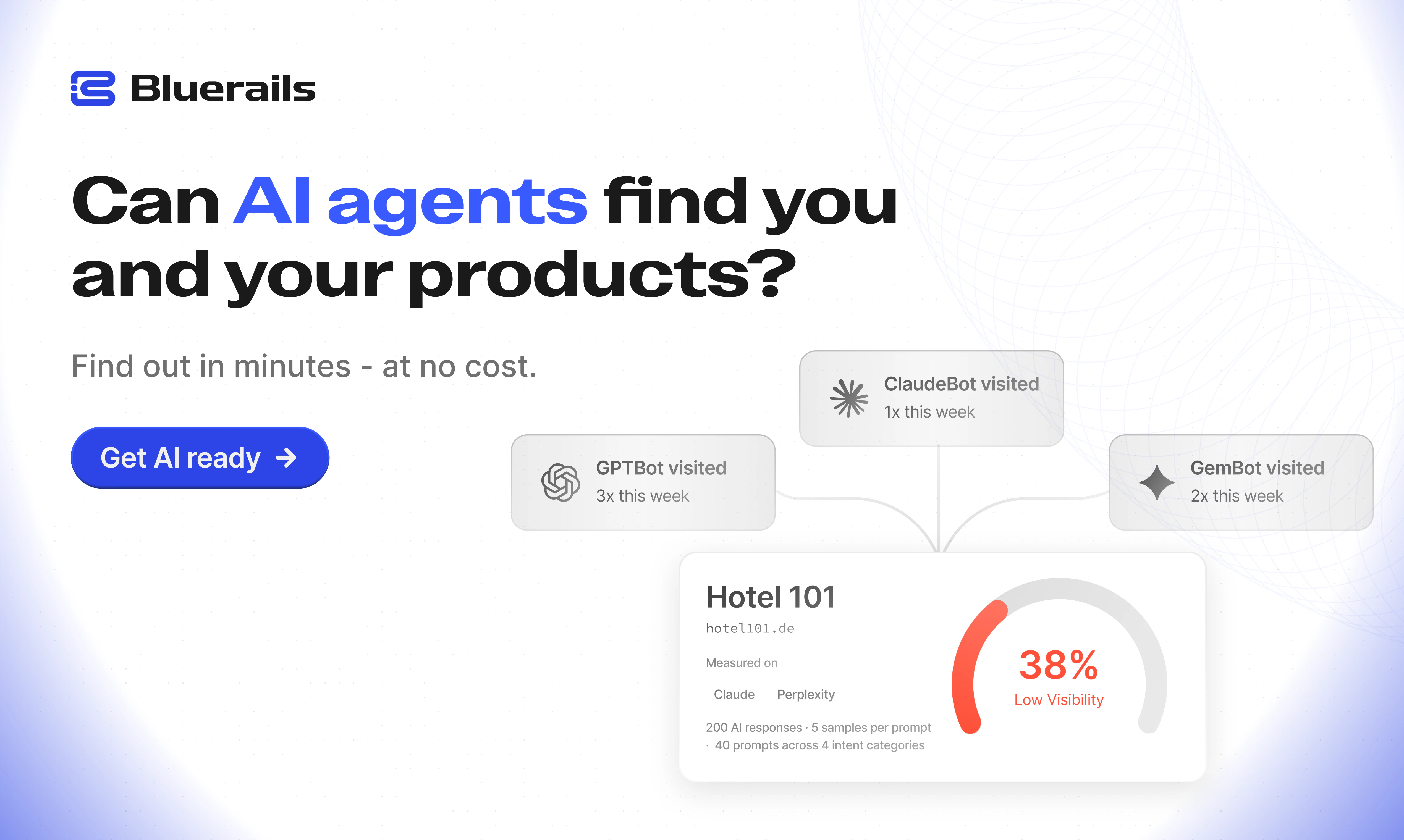
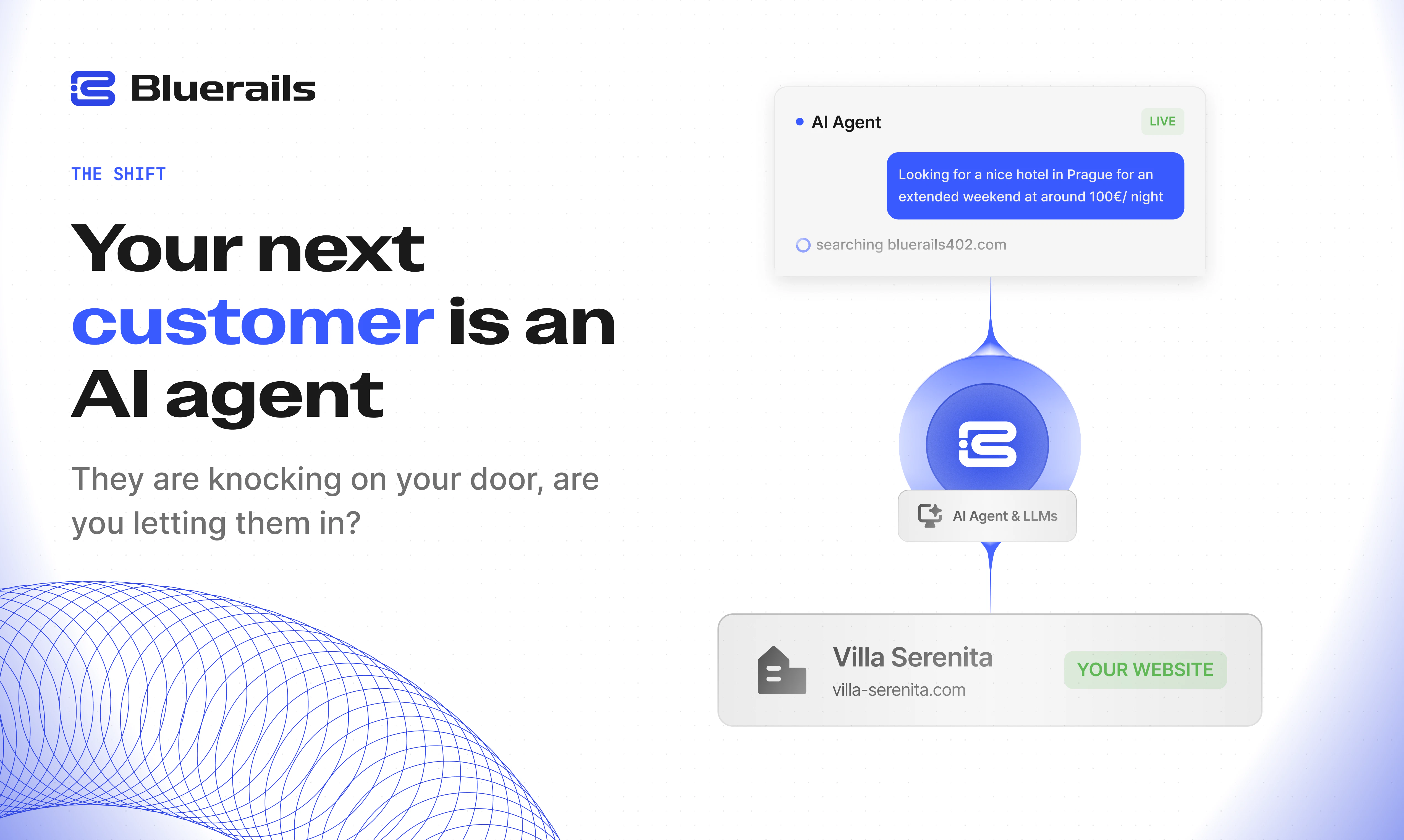
查看原始信息
Amnesia
Amnesia is a local-first macOS menu bar app for people who open X, YouTube, Reddit, Slack, or analytics dashboards and forget why. It asks for your intent, keeps a tiny timer on-screen, checks whether you did what you came to do, and turns the day into a private report of opens, forgotten intents, and time lost.
Hey Product Hunt - I built Amnesia after noticing I kept opening X "for one thing" and resurfacing 10 minutes later with no idea why I came there. It is a tiny local-first Mac menu bar app. When you open a distracting app or site, it asks: "Why are you here?" Then it keeps that intent floating on-screen, checks whether you actually did it, and gives you a private daily report of opens, forgotten intents, time lost, and worst loops. No cloud, no login, and no content capture. It does not read tweets, messages, prompts, source code, or revenue numbers. It only tracks coarse destinations and the intent you choose. I am launching it as a $19 early-access Mac app because I wanted to see if other people have the same app-amnesia problem. I would love feedback on whether this should stay a tiny personal tool or become something more team-focused.
1
回复

@vidur_saini Congrats on the launch Vidur! Funny timing, I shipped Meridian on Android and launched on PH today too. It's the same core question: Why are you here? Same thesis, different platform. Clearly we were both annoyed by the same thing. Parallel evolution is a good sign the problem is real.

0
回复

Im thinking this might well morph to a mobile app, notably because I frequently take my phone with me when I (e.g.) go to the basement to get a phillips-head screwdriver, and when I get there, I've completely forgotten why I came down to the basement in the first place. I have to go back upstairs and wander around until "Oh yeah, I needed it to screw in the door handle."

1
回复

@peter_farnsworth Hey Peter funny that you mentioned that. I found the same thesis and built this for Android. Meridian launched today on Play Store, on-device AI that asks why you're opening your most-used apps, no cloud, no data collection. A local AI companion runs entirely on your device. Would love your thoughts if you try it.

0
回复

This feels like it would be incredibly useful for people with ADHD. The intent prompt alone could be a game changer for them. Quick question though can you add your own custom apps and websites to track or is it limited to the ones you've pre-selected

1
回复

@pradyumna6 Thank you, that means a lot. ADHD / attention drift is one of the use cases I care about most here.

And yes, you can add your own custom websites and apps. The default list is just there to make setup fast, but Amnesia is meant to work with whatever tends to pull you off track personally.

0
回复

Forcing a moment of intent before the distraction loop kicks in is such a simple but high-leverage intervention. Congrats on the launch!

0
回复

Hey cool idea. I have a question regarding app-switching velocity: does Amnesia allow users to whitelist certain background apps that shouldn't trigger the intent prompt, or does it dynamically adjust its sensitivity based on the active project/workspace you are currently in? Sticking a timer right in the menu bar is smart. Congratulations on the launch!

0
回复

@konstant_gk Thanks! Right now Amnesia is intentionally simple: you choose the specific apps and sites you want it to catch, and everything else stays out of the way.

There isn’t dynamic workspace/project sensitivity yet, but that’s exactly the kind of direction we’re thinking about: letting Amnesia understand context better without making the setup feel heavy. For this first version, the goal was to make the interrupt explicit, predictable, and easy to trust.

0
回复

This is a very specific behavior that most productivity tools ignore. I don't lose time because I lack a task list. I lose time because I forget the reason I opened something in the first place. Clever framing.

0
回复

@darly_selby Totally. That was the exact itch behind Amnesia.

Most tools assume the problem is planning or discipline, but a lot of the leak happens in that tiny moment between “I opened this for a reason” and “wait, why am I here?” We wanted Amnesia to catch that moment without turning into another system to manage.

1
回复
interesting concept! curious if you plan on making profits from this?
0
回复

@luki_notlowkey Thank you! Yes, I’d like Amnesia to become a sustainable paid product. The important part for me is making money in a way that aligns with the product: local-first, privacy-conscious, no attention-harvesting, and useful enough that people are happy to pay for it. Right now I’m focused on learning from early users and improving the core experience.

0
回复
Fun! Adhd or just brain fog - this helps for both
0
回复

@arathy_kushalappa1 That was the goal! Thanks, Arathy :)

0
回复