Product Hunt 每日热榜 2026-07-02

PH热榜 | 2026-07-02

#1
Context.dev
One API to scrape, enrich, and extract the internet
609
一句话介绍:Context.dev 通过统一API为AI产品和Agent提供实时网页上下文,解决开发者自建爬虫、数据清洗、品牌信息提取等重复性基础设施的痛点。
API Artificial Intelligence Data
网页抓取API AI Agent LLM就绪Markdown 结构化数据提取 品牌富化 截图API JavaScript渲染 YC 开发者工具 数据管道
用户评论摘要:用户普遍好评,认为API可靠、速度快,输出干净的Markdown和准确的品牌数据。常见问题集中在:如何应对JavaScript动态加载内容;Agent自助注册的滥用风险如何防范。创始人回应称所有请求均通过真实浏览器处理,且有高级反欺诈机制。
AI 锐评

Context.dev 本质上是一个“披着API外衣的爬虫基础设施聚合器”,其价值不在于技术上的颠覆性创新,而在于将散落的“脏活累活”(抓取、渲染、清洗、提取)打包成一个开发者友好的接口。产品定位精准地切中了AI Agent和大模型应用对“实时、干净、结构化”网页数据的刚性需求——大模型本身是静态的,而Context.dev充当了“通往活网络的桥梁”。

从产品设计看,其“Agent-native”的注册和集成方式是一个聪明的差异化卖点:让AI Agent自己完成注册和API绑定,大幅降低了初次接入的门槛,也暗合了“AI自主运维”的未来趋势。但这也引出了安全隐忧:若缺乏上游控制,该API极易被用于数据爬取、CC攻击或滥用免费额度,创始人虽提及“高级反欺诈”,但未透露具体机制,这可能成为企业级客户采购时的核心顾虑。

目前,Context.dev面临的竞争压力不小,Firecrawl、Browserless等同类工具已有一定市场。其核心壁垒可能不在于API的“速度”或“功能”,而在于对“非标准网页”的兼容性(比如JS渲染、品牌提取)和围绕Agent生态的开发者体验优化。商业上,依靠YC光环和5000+客户积累的信誉,短期获客不成问题,但长期需警惕大客户自建替代方案,或云厂商(如Cloudflare、AWS)推出类似的功能集成。一句话总结:这是一个“好用但不性感”的工具,适合所有需要联网数据的开发者,但它很难成为护城河,除非能将“网页数据管道”的API内化为某个垂直AI应用的核心依赖。

查看原始信息
Context.dev
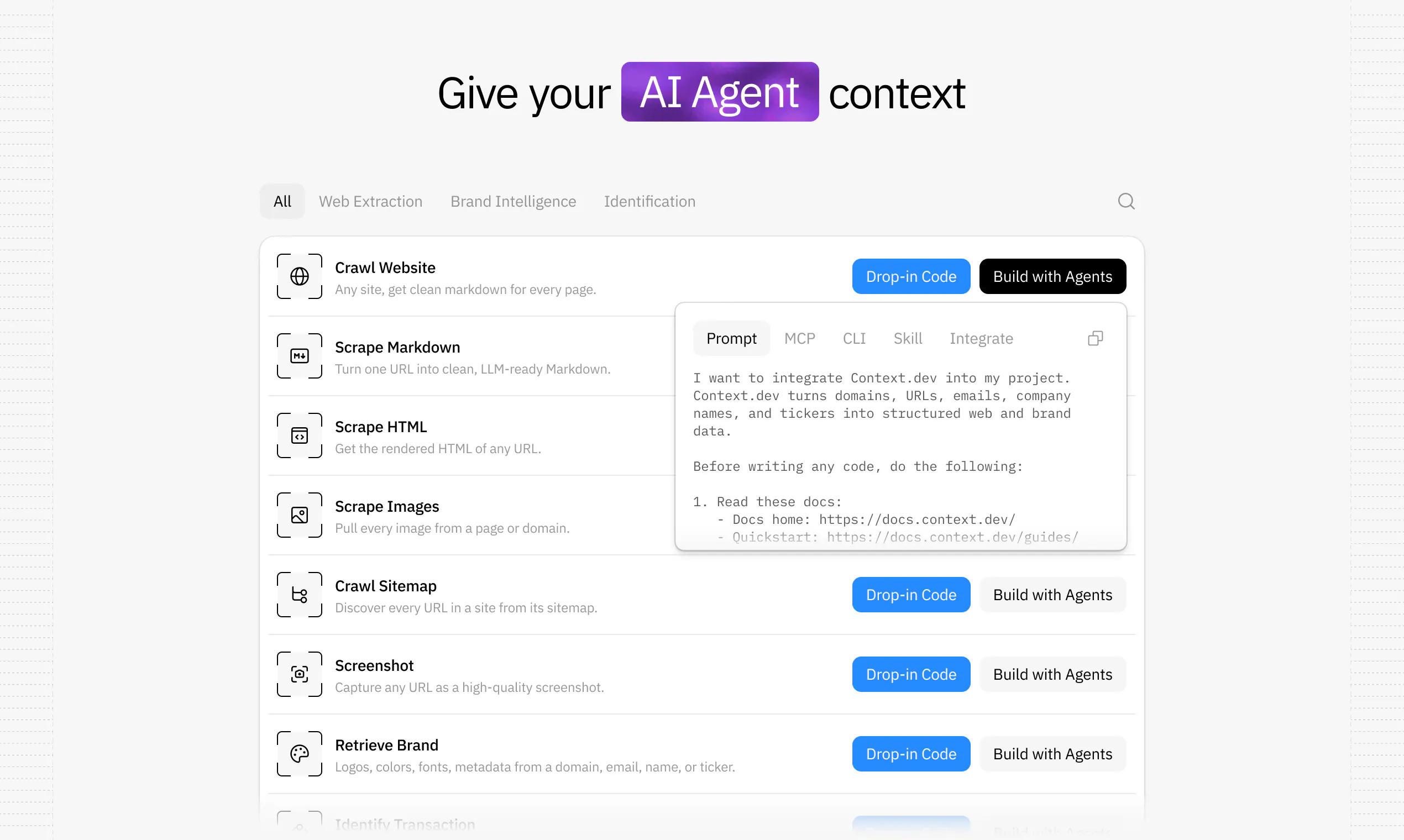
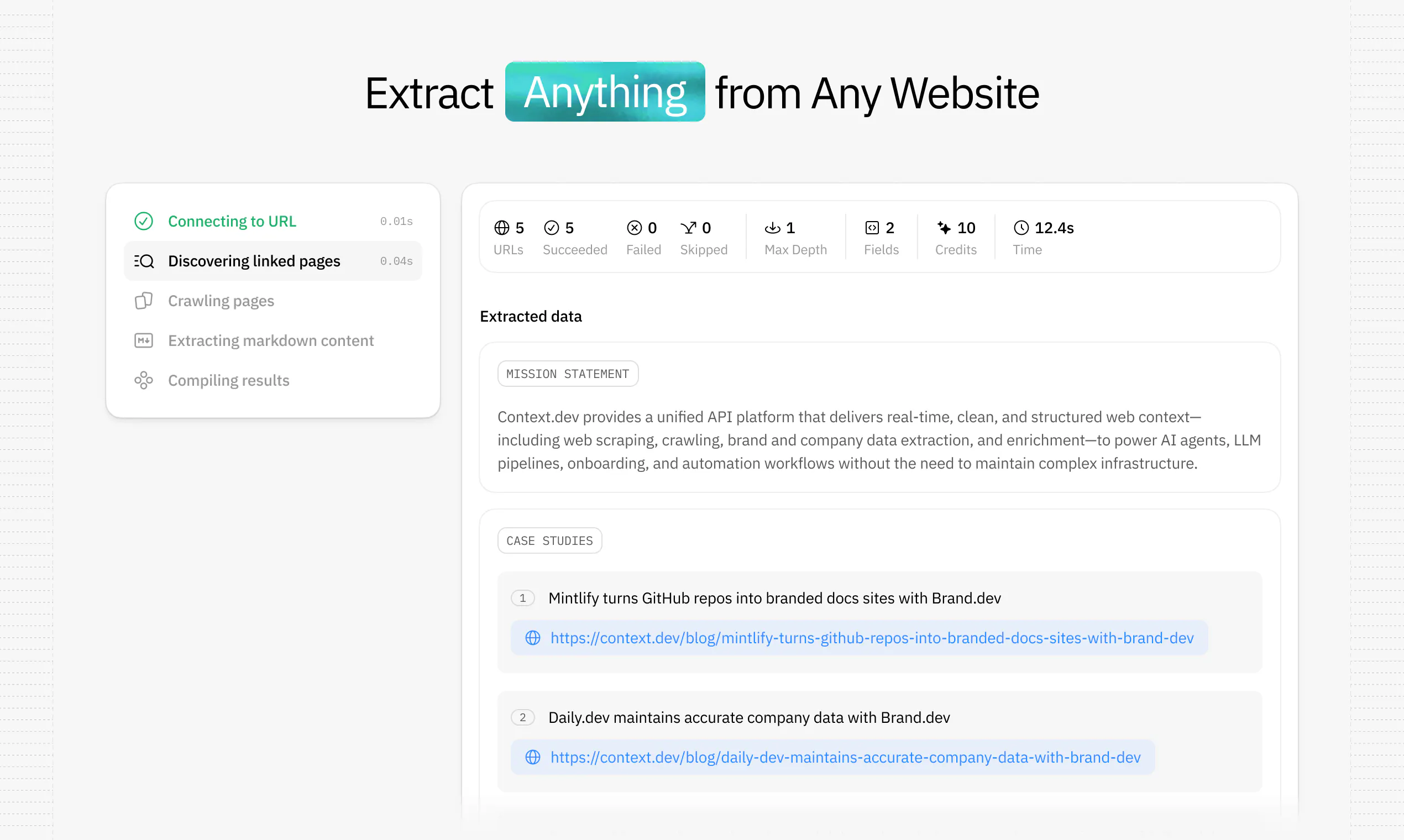
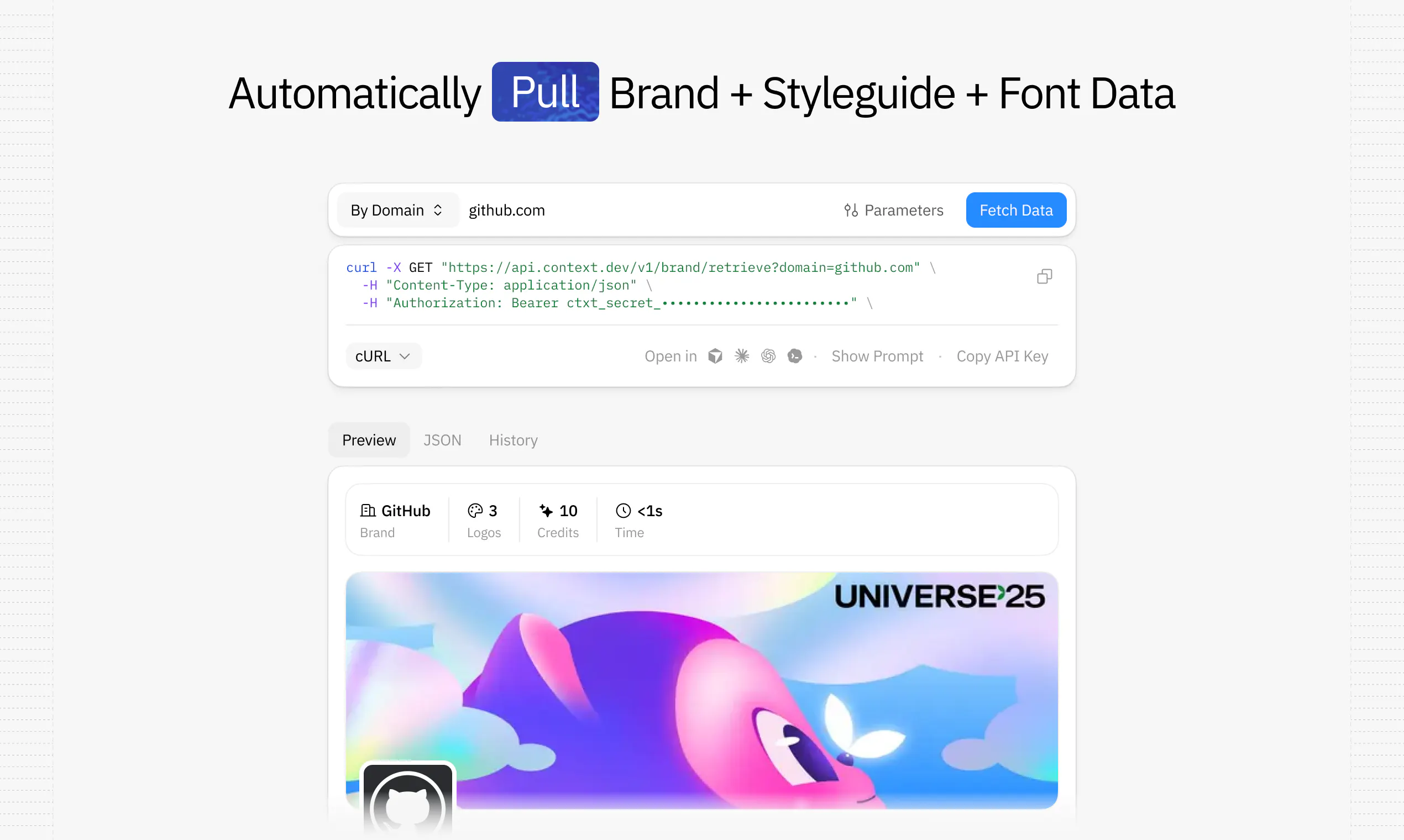
Context.dev is the web context API for AI products and agents. Scrape any URL, crawl sites, turn pages into LLM-ready Markdown, extract structured data into your own schema, capture screenshots, and retrieve logos, colors, fonts, styleguides, company data, and transaction enrichment through one API. YC-backed, no card required, and built so developers or coding agents can integrate in minutes.
Hey Product Hunt 👋 I’m Yahia, founder of Context.dev. I built Context.dev because every AI product eventually runs into the same problem: models are powerful, but they don’t know what’s happening on the live web. So teams end up building the same annoying infrastructure over and over again: scrapers, crawlers, browser rendering, proxy handling, sitemap parsing, Markdown cleanup, screenshots, logo extraction, brand enrichment, company data pipelines, and more. Context.dev turns all of that into one API. You can scrape any URL, crawl a site, extract clean LLM-ready Markdown, pull structured data into your own schema, capture screenshots, retrieve logos/colors/fonts/styleguides, enrich companies, and give your agents fresh web context in seconds. The part I’m most excited about: Context.dev is agent-native. You can integrate it yourself, or paste one line into your coding agent and let it sign up, grab an API key, and wire the API into your codebase. We’re YC-backed, have a free tier with no card required, and are already powering products at teams like Mintlify, daily.dev, DocsBot, Chatwoot, and more. Would genuinely love feedback from the PH community, especially from anyone building AI agents, RAG pipelines, onboarding flows, enrichment workflows, or anything that needs live web data. Happy to answer questions all day!
34
回复

@yahia_bakour3 Hey Yahia!

Awesome product, we plan to integrate it with the product we're building. Hopefully it improves our agents web capabilities :)

Cheers!

2
回复

@yahia_bakour3 Huge fan of Context.dev! Been using it for a while and the quality of the outputs and the support from Yahia and team has been amazing. Super easy to work with and genuinely one of my favorite pieces of our stack.

0
回复

@yahia_bakour3 No more broken scrapers. Clean markdown in minutes. Essential tool

0
回复

We are using Context.dev and we love it! Recommended

2
回复

@guicurcio1 Guido!!! Thank you so much for the kind words. I truly appreciate it :)

0
回复

We have been using Context.dev at Notra for a bit now and its great, much cheaper than Firecrawl which we used before and with no concurrent browser limits. The team also provides top tier support and listens to our crazy ideas! 10/10 left no crumbs

2
回复

@dominikkoch man, i really do appreciate you. Absolute pleasure working with you and really happy you're enjoying the platform :)

1
回复

the markdown output came back clean enough that i barely had to clean it up before feeding it into my agent. brand extraction on a few random sites was surprisingly on point too, definitely beats maintaining my own scrapers.

1
回复

@sat966633299516 incredible to hear!

0
回复

Been using this to replace a scraper that kept breaking. One API call, clean markdown back. The brand data extraction (logos, colors, fonts) is surprisingly useful for onboarding flows. Handles JS-heavy sites better than I expected. 5000+ customers is a decent trust signal. Some niche sites still struggle, but overall solid.

1
回复

@rick_borduur amazing! Thank you so much.

0
回复

🚀🌚

1
回复
0
回复

The tricky part on that hash is that 'material' is consumer-specific: a price flip matters to a catalog agent, a nav reshuffle doesn't, but an agent watching layout wants the reverse. If you can surface the structured diff and let the caller pick which spans count, with your materiality hash as the sensible default, you sidestep everyone fighting one baked-in definition of meaningful. Glad it's already on the roadmap.

1
回复

@dipankar_sarkar 100%, it's a really hard problem to solve developer-experience wise, we iterate more on the interface than the actual tech just because we want it to be intuitive for everyone.

What's your background btw? these are very solid questions.

0
回复

@yahia_bakour3 Congrats on the launch! We’ve been using your APIs for almost half a year now and they’ve been really reliable, fast, and delivering great results. Quality and speed are what matter most to us, and you’ve nailed both. Thank you, Yahia, for everything!

1
回复

@liam007 Thank you Liam! It's been an absolute pleasure to know you guys, not many tech Syrian founders like us out there :)

0
回复

I can already think of a ton of use case for this. Congrats on the launch Yahia!!

1
回复

@haita Amen, these fine people agree as well: https://www.context.dev/customers

0
回复

Have been a user for 9 months haven't had any problems.

Would recommend

1
回复

@harsha_gaddipati you were actually my first ever YC-backed customer! It's crazy that we now live 2 doors down from each other man.

Thank you.

0
回复

How does it actually handle sites that load content dynamically with JavaScript, does it run a real browser under the hood or just hit the raw HTML and miss half the page?

1
回复

@tahsincceuqp4 every single request goes through a browser. JS is always assumed to be there, we've found anything less affects quality dramatically.

0
回复

Didn’t know I’d love scraping websites, extracting style guides, and pulling font data until I tried context.dev.

There’s a surprising amount of knowledge to gain from doing things like this.

1
回复

@chmielwork AMEN, there's so many possibilities!

0
回复

How does the brand data extraction actually work under the hood when a site uses lazy loading or dynamically renders its content client-side?

1
回复

@melisao2k9 we use a near perfect custom browser, so doesn't matter if they use lazy loading or not! you can try it out now :)

0
回复

Plugged it into a side project and the brand extraction returned logos and fonts on the first try, which honestly surprised me for a 10 minute setup.

1
回复

@beratzgll SUPERB!

0
回复

The agent-native onboarding is the part that stopped me, most APIs assume a human reads docs and wires a key in manually. Letting a coding agent paste one line, sign itself up, and grab a key end to end is a genuinely different distribution bet.

That's also my real question: what stops that flow from becoming a free-tier abuse vector? If an agent can self-provision with no human in the loop, nothing stops another agent from looping ten signups to dodge rate limits. Is there verification or a review gate before a self-signed-up key actually starts working?

Congrats on the launch!

1
回复

@keirodev we have really advanced fraud protection. We get attacks nearly daily for the past year and have developed our own way of stopping it immediately and preventing it all-together

Really good question.

0
回复

@yahia_bakour3 The product looks solid, but I’m interested in the competitive side. If someone already has Firecrawl or a similar API in production, what’s the biggest reason they decide to move to Context.dev? I’d love to know which feature or capability ends up being the deciding factor in real customer deployments rather than just in demos.

1
回复

@josh_bennett1 

Do you want your error rate to plummet?

Do you want best in class quality?

Do you want to cut your bill by 50-80%?

If the answer to any of these 3 is yes, then the answer is clear.

Id like to emphasize firecrawl is a wonderful company and i look forward to winning vs them and much larger competitors.

0
回复
@yahia_bakour3 How do you measure extraction quality? Returning data is one thing, but making sure it’s accurate enough for production AI workflows is a much harder problem.
1
回复

@moh_codokiai Hey! We run constant quality checks on millions of requests daily and ship infra improvements 2x per day.

This is something we care about ALOT. Great question.

0
回复

Awesome product Yahia! Glad I never have to handle scraping on my own again!

1
回复

@ryan_volpi Truly appreciate you Ryan, it's been a pleasure to know you for years :)

0
回复

Congrats on the launch! Happy to have your MCP deployed on us!🫡

1
回复

@pederzh coming very very soon! (will dm u on shared slack), excited!!

0
回复

Putting crawl, Markdown cleanup, brand data, and schema extraction behind one API is a useful shape for agent builders! The place I would care about most is freshness, because stale web context can quietly poison a workflow. Do responses include enough source and timestamp detail for an app to decide when to reuse context and when to fetch again?

1
回复

@monolithdread We have a maxAgeMs parameter so you can control the cache down to the ms, we're also surfacing our own "hash" that takes into account the web is a mess and that content shifts on pages without being meaningful changes.

Great question.

1
回复

Typed SDKs across TS/Python/Ruby plus sub-10-min integration is a great combo. Curious how you handle caching/rate limits when a customer wants to enrich brand data for thousands of domains in one batch - queued async or synchronous per call?

1
回复

@dannyheng thousands is trivial, we only recommend calling us when you want to exceed 1K TPS or 60K requests/minute, all we have to do is one click to enable this for your account and it helps us forecast infrastructure demands!

0
回复

A customer here , product is very dope and save us lot of money and time.
If you are founder Yahia is kind of founder who go through every message and try to make himself available.

1
回复

@neuraoptima Hey Sudeep! Thank you so much for the kind words and being a customer :)

A-lot more coming soon

0
回复

Right, I wasn't doubting the render fidelity, I meant determinism across fetches. Same URL scraped today vs next week: if the live DOM reorders a section, the markdown shape moves with it and an agent that indexed against the first shape drifts. Do you expose a content hash or a diff between fetches, so a pipeline can tell 'page actually changed' from 'page just reordered'? That's the bit that decides whether I wire it into an agent loop or keep it a one-off pull.

1
回复

@dipankar_sarkar good point and a great idea, i will build this shortly :)

0
回复

@dipankar_sarkar 100000% this is an excellent point, we're working on a custom "hash" that takes into account whether a page materially changed rather than shipped a new design or animation. Excellent question!

0
回复

Treating web context as a first-class infrastructure concern rather than a DIY afterthought is exactly the kind of abstraction AI-native apps have been missing.

1
回复
0
回复

Thanks Yahia, this is game changer.

1
回复

@adam_lab appreciate you!

0
回复

Nice work! The UI looks clean. I'm curious, what was the biggest challenge while building this?

1
回复

@kian_1602 Everything. Maintaining stable infrastructure is a huge huge headache, we got it right and need to make sure we continue to deliver as we scale a ton more.

0
回复

@kian_1602 scaling fast, we use porter to deploy scalable infra so it works wonderfully.

Can handle 100K TPS if needed.

0
回复

Been using context.dev for a personal project since back when it was brand.dev. I'm not technical, I just build with AI, so being easy to use with an agent was my number one thing. Product aside, Yahia is just a really nice guy. Gave me some free credits, then topped me up again when I ran out. We're now a customer at the company level too, and I'll definitely be reaching for it on more projects going forward.

1
回复

@imrogb ROGER, so happy to see you here. Thank you for the extremely kind words, i hope i continue to earn your business into the future. Thank you.

0
回复

Amazing product, but more than that, amazing founder.

Context.dev solved an exact problem we had and we've actually shifted a lot of our architecture around their service because it's so good.

But beyond that, since I became a customer the founder Yahia has offered such amazing support that we have become friends. He's an intelligent, kind hearted guy and gives me a lot of advice on my business as we go through growth pains.

I highly recommend context and the ability to use something made by Yahia!

1
回复

@samraaj_bath1 Man, this is so kind of you to say, seriously. Thank you for being a customer and more importantly a friend!

Will only get better from here.

0
回复

Big fan of Context.dev using it to personalize all our sales outreach!

1
回复

@rgmvisser Appreciate you!!

0
回复

Been a happy customer for a while and case study. Best and most affordable for brand extraction APIs for highly personalized experiences in my SaaS and marketing.

Expanding usage to full scraping soon!

1
回复

@uglyrobot It's an absolute honor to have you as a customer for so long. I really do appreciate it.

THANK YOU

0
回复
#2
Fypro
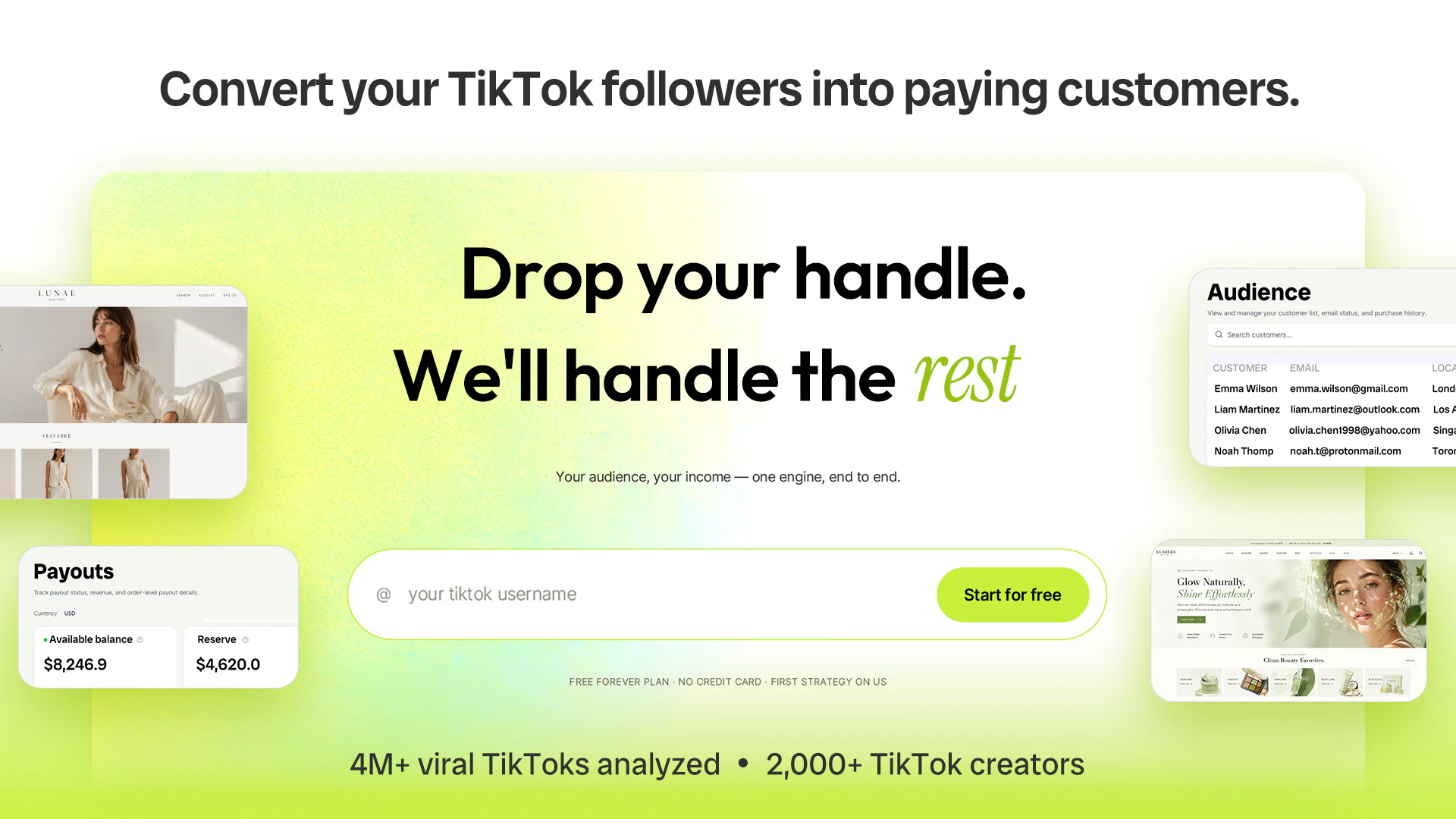
Convert your TikTok followers into paying customers
585
一句话介绍:通过TikTok账号一键生成品牌网站、商品店铺和视频内容,帮助创作者将粉丝转化为可自主掌握的付费客户,解决“有流量难变现”的核心痛点。
Social Media E-Commerce Shopping
TikTok变现 创作者经济 AI内容生成 店铺搭建 粉丝转化 视频营销 DTC品牌 无代码 商业自动化 客户数据所有权
用户评论摘要:用户普遍认可“一键从TikTok启动”的极简设计与变现价值,但集中关心三点:1)平台支持扩展至Instagram和YouTube;2)店铺是否与Shopify等现有系统协同;3)AI生成的“个人声音”真实度仍停留在风格匹配,而非深度的语境模仿。还有用户希望邮件营销功能从建名单延伸至自动化培育。
AI 锐评

Fypro切中了创作者经济最大的盲区:绝大多数TikTok网红拥有惊人的注意力,却缺乏变现基础设施。产品以“一键从Handle到商铺”的极简流程,把建站、选品、内容生成封装成黑盒服务,确实降低了创业门槛。2,000+创作者、585投票侧面印证了需求真实。

但需要警惕“万能工具”陷阱。产品实际由三层构成:AI内容生成(4M视频训练的语感)、选品推荐(绑定Dropshipping库存)、与CRM搭建(邮件列表所有权)。每一层都面临成熟的竞品——Jasper/Opus Clip做内容,Shopify/Spocket做供应链,ConvertKit做邮件——且单层能力都不算顶尖。用户“AI声音不够真”的反馈直指核心:若内容只是“模板化复刻”,很难建立粉丝真正信任的“个人IP商业”,最终可能只剩下一堆同质化的联盟营销页面。

真正的长期价值在于“数据归因”——当Fypro同时掌握内容表现、用户行为与购买数据时,它可以成为创作者商业的“操作系统”:知道哪类视频带来了复购,什么品类在下滑。但这需要足够多的用户深度(不只用一次导入工具),以及用户对数据隐私的信任。当前阶段,它更像一个针对TikTok的“变现实操课”而非技术护城河,核心壁垒在于能否通过持续迭代,让AI从“写稿机器”进化成为“了解你粉丝的销售顾问”。否则,当TikTok自己或Shopify推出类似的一键变现功能,Fypro将面临巨大生存压力。

查看原始信息
Fypro
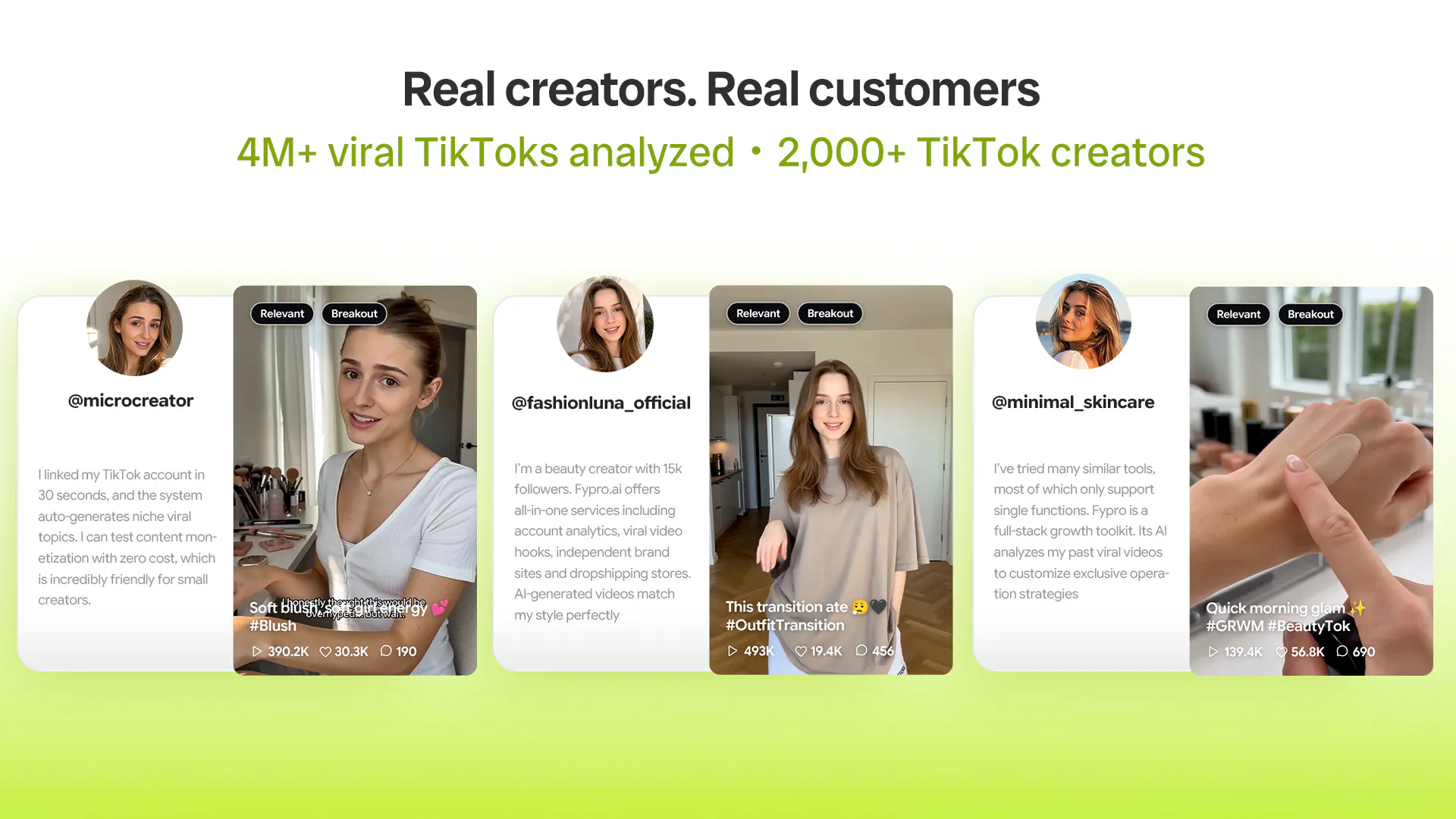
You built a TikTok following that trusts you. Fypro turns those followers into paying customers you actually own. Drop your handle and it reads your account, then builds the whole thing for you: a site from your content, a store stocked with products matched to your niche, videos in your own voice, and a customer and email list that's yours to keep. Trained on 4M+ viral TikToks. Used by 2,000+ creators.

Hey Product Hunt 👋

I'm Steven, Co-founder of Fypro.

Fypro turns your TikTok followers into paying customers you actually own.

We built this for creators who've grown a real audience — but haven't turned that trust into a business of their own yet.

If you post on TikTok and want your followers to become buyers, an email list, and real income, this is for you.

✍️ Here's how it works:

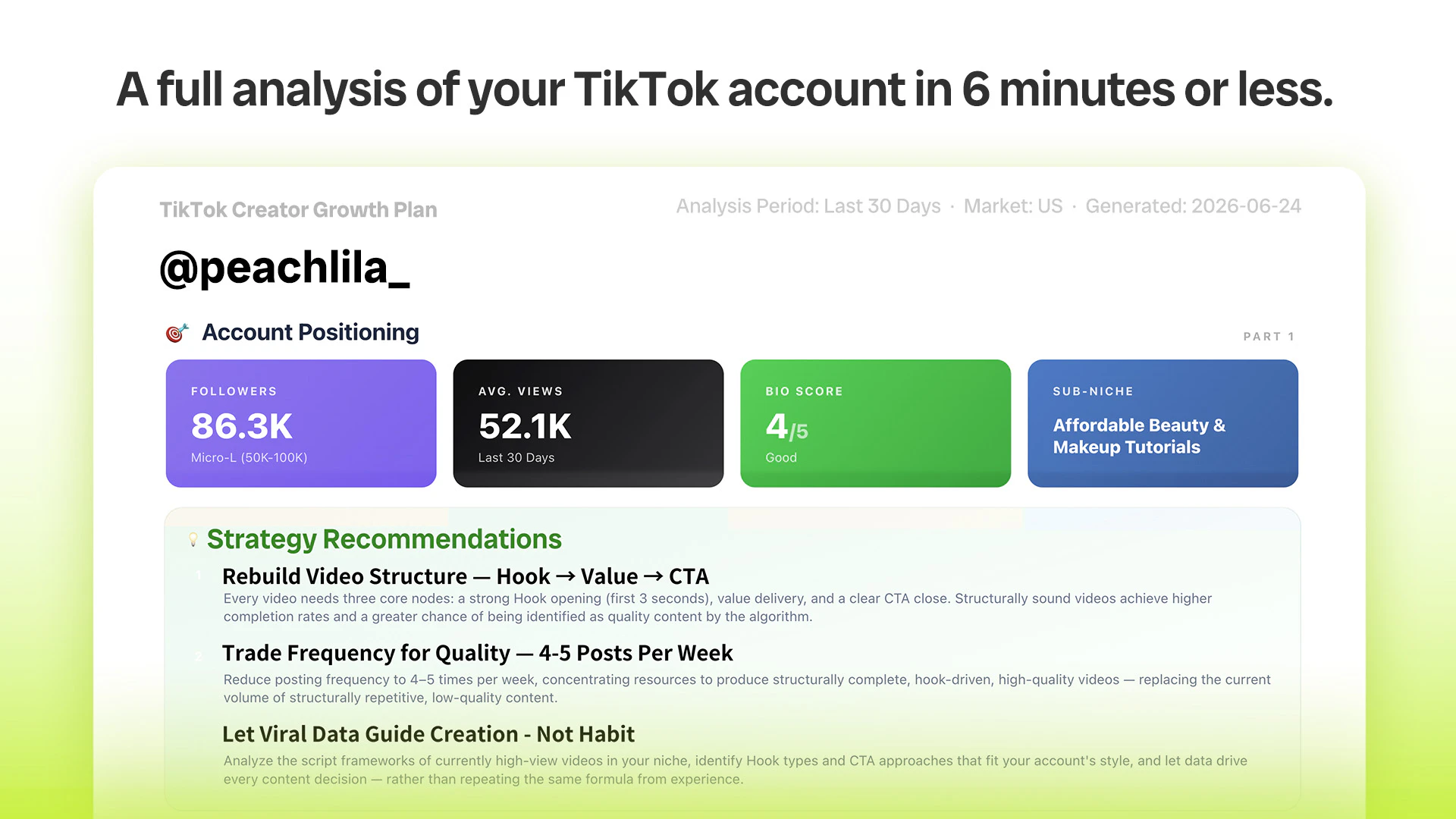
  1. Drop your TikTok handle. Fypro reads your account — your niche, your followers, and what's already working.

  2. Get your plan: what to post next, and what to sell.

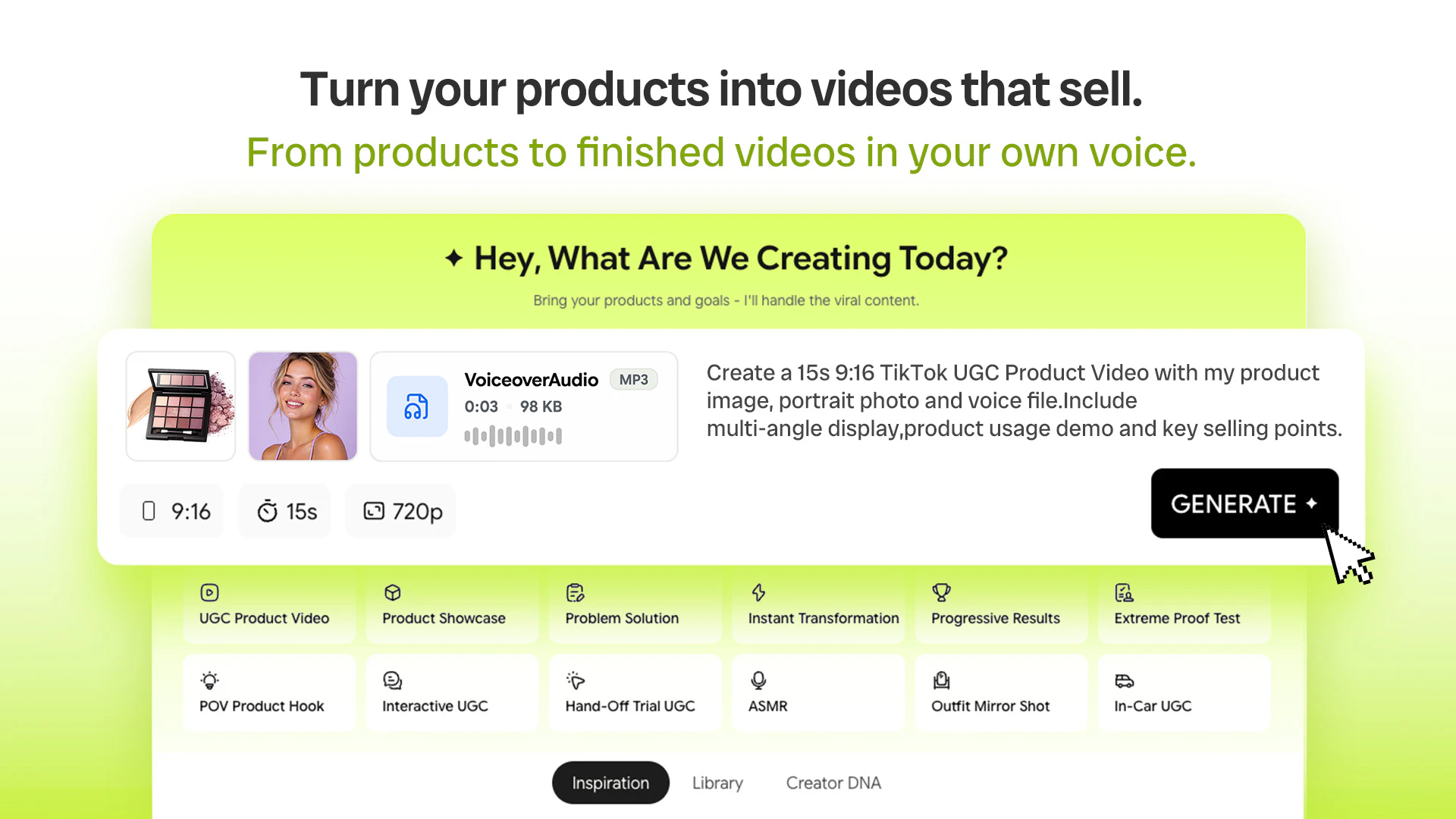
  3. Fypro builds it for you — your site, your store, and your content. Review, tweak, and go live.

Why you want Fypro:

  • Followers → customers: the audience you built becomes buyers you keep

  • Everything in one place: your site, store, content, and customer list

  • A store that stocks itself: trending products matched to your niche, margin shown on every pick

  • Content in your own voice: from product to finished video in minutes

  • Own what you build: emails and purchase history that are yours to keep, not just followers on a feed

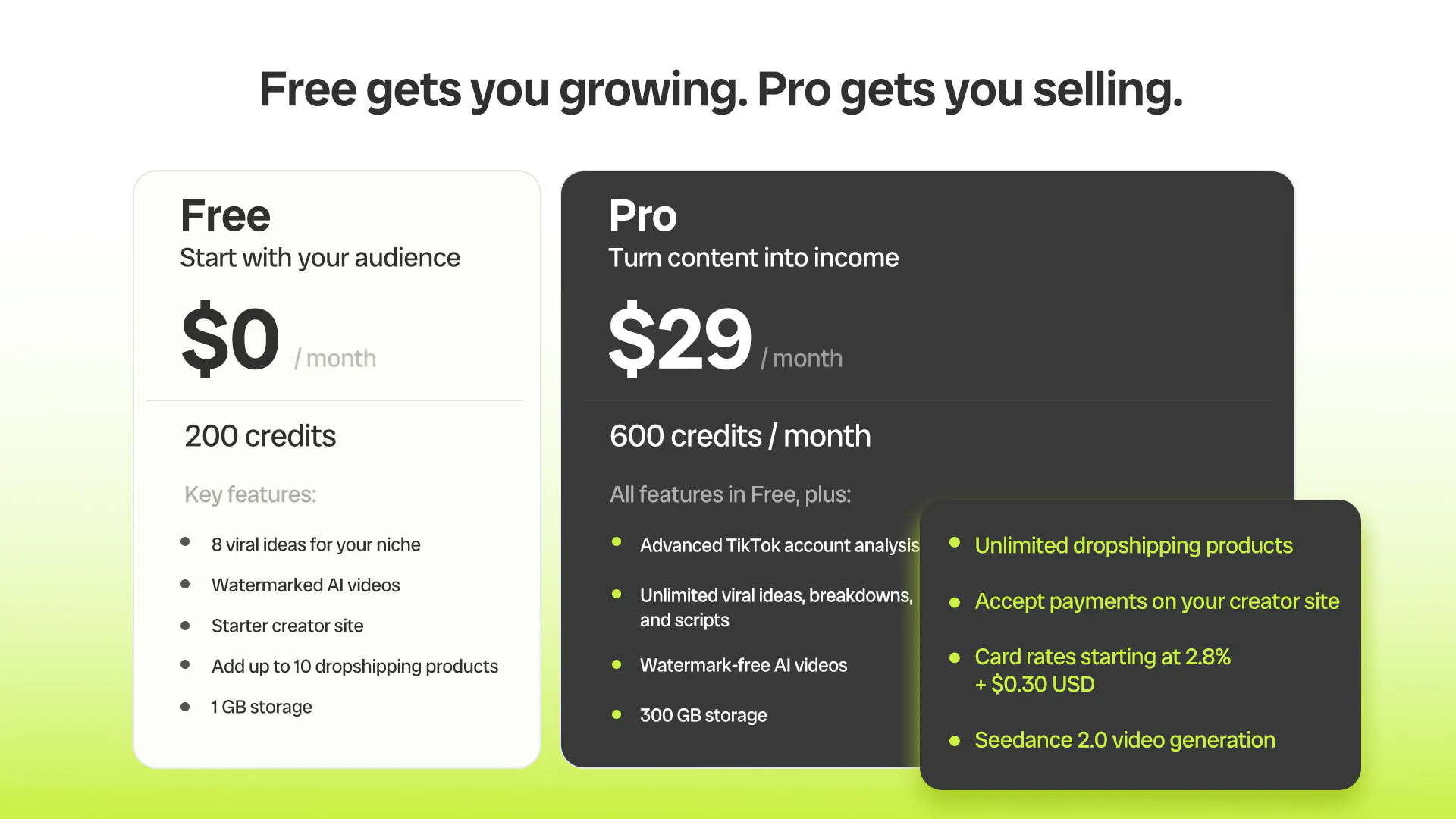
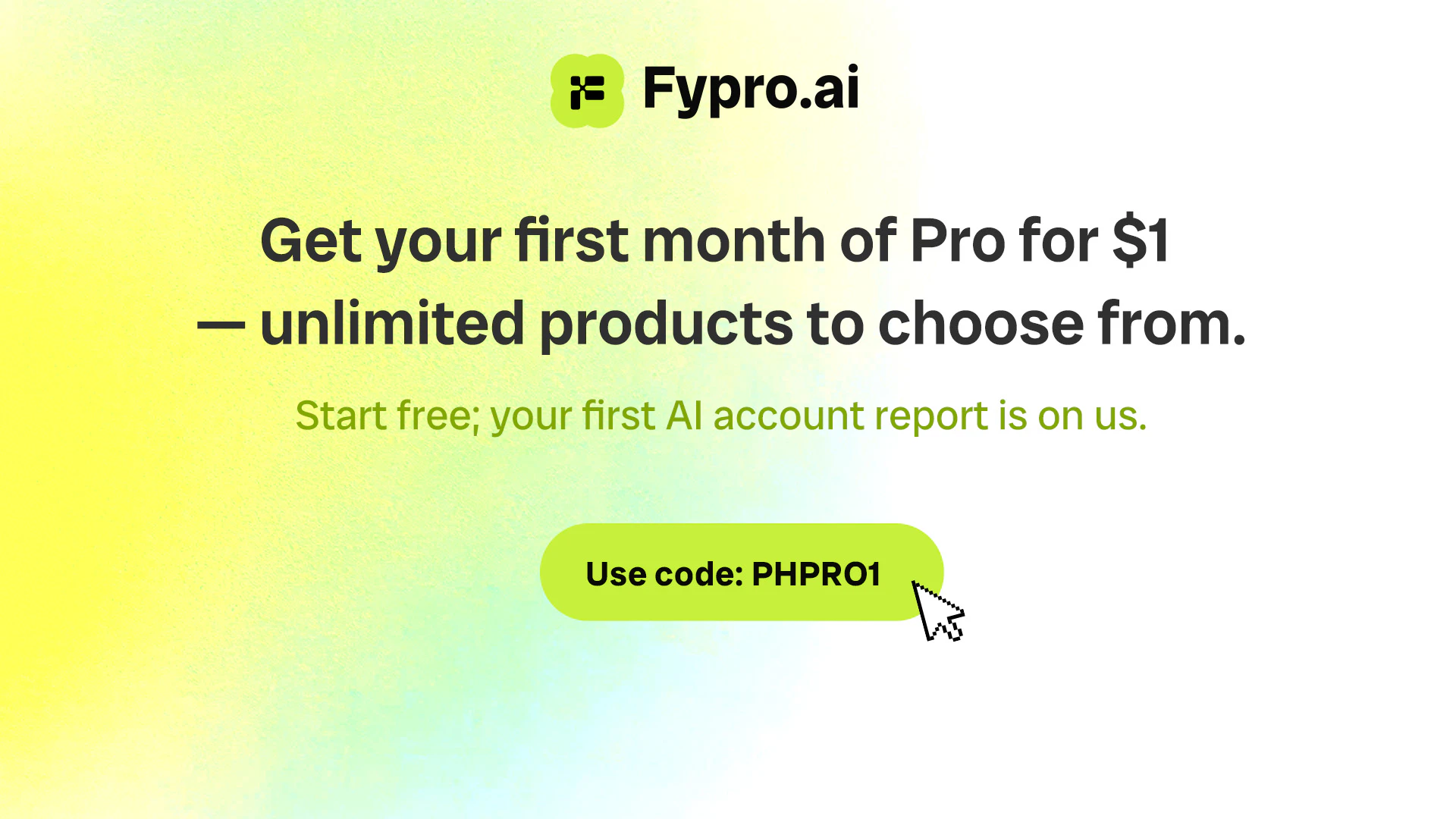
🎉 To celebrate our launch, use code PHPRO1 to get your first month of Pro for just $1!

💬 Join our Discord to get close to the Fypro team — share your account, ask us anything, and we'll help you set up your store: https://discord.gg/vXhq7mPDbB

Come drop your handle and build with us 🚀

21
回复

@steven_zhou8 is it for tiktok only?

8
回复

@steven_zhou8 I am happy this focuses on helping creators own their audience instead of depending on social platforms. nice direction.

0
回复

@steven_zhou8 that’s correct. It’s currently mainly built for TikTok because it’s the strongest channel for short-form video performance and rapid creative testing.

More social platforms commonly used in the market will be added over time to support broader distribution and workflows.

6
回复

I would love to see Instagram and YouTube support too. That would make Fypro even more useful.

16
回复

@georgiafor9p Totally agree! Instagram and YouTube support are definitely on our roadmap. We want Fypro to help creators work across more platforms smoothly, so this is absolutely something we’re planning for.

3
回复

@georgiafor9p Thank you for sharing this. Instagram and YouTube support is definitely something we’re actively exploring to better serve creators’ workflows.

2
回复

@georgiafor9p Thanks Georgia. You are reading our minds. TikTok is where we started, but Instagram and YouTube are exactly where we want to go next. Comments like this help us prioritize, so I really appreciate it. If you want, join our Discord and I will keep you posted as we roll them out: https://discord.gg/ukq75weRnw

0
回复

I like that everything is built from a TikTok handle. I think keeping the setup simple will help more creators get started.

15
回复

@carolina_ellen Thank you for noticing! 🙏 Simplicity isn’t just about ease; it’s about respecting your time so you can focus on creating. Happy creating! ✨

1
回复

@carolina_ellen Hi Carolina, thank you! That's exactly our goal.

0
回复

@carolina_ellen Yes!We wanted to remove as much friction as possible so creators can focus on creating, not setup. Starting with just a TikTok handle makes it super easy to get up and running

0
回复

Congrats on the launch!
For creators who've never run an email list before, does Fypro help with the actual nurture side too, or is building the list as far as it goes?

14
回复

@abod_rehman Thanks a ton! 🙏 And great question.

Right now Fypro nails the "build the list" part — every subscriber lands in your Audience CRM (and it's yours, one-click export, no lock-in). The nurture side — automated email sequences — is what we're building next, and it's one of our top priorities.

Honestly, folks who've never run a list before are exactly who we're building for — you shouldn't have to become an "email marketer" to stay in touch with your people. What are you building your list for? 👀

2
回复

@abod_rehman Thank you so much! 🙏 Fypro not only is building the list, but also conducts analysis for you, helping you with your creation and conversion.

1
回复

@abod_rehman Thanks! Fypro helps you build and manage your customer list in the Audience section, and you own all your customer data. For specifics on email nurture capabilities and what's available, feel free to reach out to customer.support@fypro.ai — our team can give you the full details.

0
回复

For a creator who's already got a Shopify store running, does Fypro work alongside it or is it more of a replace-everything setup?

7
回复

@boyuan_deng1 Great question! Fypro is designed to complement your Shopify store, not replace it. Keep Shopify as your commerce hub while using Fypro’s AI tools (Ideation, AI Studio) to accelerate content creation and audience engagement—especially for TikTok-driven traffic.

2
回复

@boyuan_deng1 Great question! Short version: Fypro is its own end-to-end setup, not a plugin that layers on top of Shopify.

So today it doesn't two-way sync with your existing store. But you're also not forced to rip Shopify out. Think of it less as "replace everything overnight" and more as a different engine: it reads your account, builds a growth plan, spins up a personalized site + link-in-bio, helps you create content, and keeps your audience and data yours.

If you've already got Shopify humming, a lot of the pull is the content → audience → growth side that a store alone doesn't cover.

Curious what's making you look beyond Shopify. Genuinely helps us prioritize. 🙏

4
回复

@boyuan_deng1 Fypro works alongside your existing Shopify store, it’s designed to enhance your content workflow, not replace your setup.

Give it a try and see how it fits into your current workflow.

3
回复

Huge congrats on shipping this. The creator economy has no shortage of content tools, but monetization tools are still underserved.

6
回复

@qiwap Thank you, QIQI! That's exactly the opportunity we're focused on.

2
回复

@qiwap Thank you so much! We really appreciate it. We completely agree that monetization is still underserved in the creator economy, and that’s exactly what we’re excited to work on with Fypro.

We’d love for you to try it out — really looking forward to hearing your feedback!

2
回复

@qiwap Thank you so much for the congratulations! Fypro empowers creators to both create and monetize, and we're dedicated to opening up more possibilities for them.

2
回复

Congrats on the launch! Feels like you're solving one of the biggest problems in the creator economy today.

5
回复

@eeeeeach  Thank you so much, Yichi. That is exactly the problem we care about. Many creators are great at earning attention, but turning that attention into owned customers and real revenue is still too hard. We are excited to keep building for that.

6
回复

@eeeeeach Thank you! We really appreciate it.

Our goal is to make content creation and growth much more efficient for creators and brands. We'd love for you to give Fypro a try and share your feedback!

4
回复

@eeeeeach Thanks so much — means a lot! We truly believe creators deserve better tools to turn their passion into real income, and we're just getting started.

0
回复

Huge congrats. Is the content generation optimized around conversion goals or audience growth goals?

4
回复

@nicole_h94 Thanks for the question. It’s designed to support both conversion and audience growth, depending on your objective.

2
回复

@nicole_h94 To add a bit more: we think of it as growth signals feeding conversion workflows. Fypro looks at what kind of content and hooks are already working, then uses that to shape scripts, product videos, store direction, and product recommendations. So it’s not “growth or conversion” as two separate tracks. the goal is to help creators turn audience attention into owned customers.

1
回复

@nicole_h94 Thank you for the congratulations! Ultimately, the goal of content creation is entirely up to you. You can achieve your preferred results by interacting with the AI, and Fypro is fully equipped to support both of these capabilities.

3
回复

someone i know has been trying to turn their TikTok audience into a small business. I'm definitely sending this their way because it seems built for exactly that challenge.

2
回复

@malani_willa  Really appreciate that, Malani. That is exactly the kind of creator we are building for. Many creators already have attention and trust, but need a simpler path from audience to owned customers, products, and revenue. Would love to hear what they think if they try it.

0
回复

@malani_willa That means so much to us, thank you for sharing! Converting organic followers into sustainable revenue is exactly what we built Fypro for, and we hope it helps your friend launch and scale their creator business smoothly.

0
回复

@malani_willa We truly appreciate your recommendation. Helping creators turn an audience into something they truly own and grow is exactly why we built Fypro.

0
回复

Does the system continuously update recommendations as audience behavior changes?

2
回复

@mia_qiao Yes. Recommendations evolve with your content performance and audience signals, so the system keeps improving what it suggests over time.

0
回复

Really interesting approach. Does the generated storefront keep updating as new TikTok content is posted?

2
回复

@prince__kumar Yes. As you continue creating and publishing content with Fypro, your projects, performance insights, and recommendations keep evolving to help you optimize your strategy over time. We’re continuously expanding these capabilities as well.

Learn more: Fypro Help Center

0
回复

@prince__kumar Great question. The storefront does not blindly change every time you post new TikTok content. Fypro can use your TikTok handle or connected account signals to inform the store direction, product recommendations, and content ideas, but creators stay in control of what gets updated and published. We want the store to get smarter from your content, without surprising you with automatic changes.

1
回复

@prince__kumar Great question. Now the storefront wouldn't update with the new posts. But it provides links to your different social media account. Do u want a storefront with latest contents?

1
回复

How does Fypro differentiate itself from traditional creator management platforms?

2
回复

@phoenixhu Great question! The core difference is that traditional platforms focus on managing creators (contracts, scheduling, analytics), while Fypro is built to empower creators directly with AI-native tools.

2
回复

@phoenixhu Fypro differs from traditional creator management platforms by focusing on AI-driven content creation and optimization, rather than manual creator coordination.

It aligns content directly with business goals like conversion, engagement, and growth, and streamlines creation, optimization, and distribution into one system.

More details: https://www.fypro.ai/help-center/articles/get-to-know-fypro

4
回复

Dropped in my handle and it pulled in my old videos without me having to upload anything, the site looked surprisingly on-brand within a couple minutes. Wish the email capture popup was a bit less aggressive but overall way easier than I expected.

1
回复

@birsenimdj Love hearing this. Getting creators from handle to a brand-ready site in minutes is exactly what we were aiming for, and thanks for the note on the email popup, that's helpful feedback.

0
回复

@birsenimdj  Thanks for trying it, Birsen. Really glad the setup felt fast and close to your brand. The email capture feedback is helpful too. We want creators to own their audience without making the experience feel too pushy, so this is useful signal for us as we keep tuning the storefront experience.

0
回复

The "audience you built becomes buyers you keep" framing is the part I wish more creators understood before they hit follower burnout. Watching a lot of DTC brands right now the pattern is the same at every stage, TikTok drives eyeballs, then everyone realizes eyeballs on TikTok aren't the same asset as email addresses on your own list. Getting people to make that translation before they need it is the hard part.

The AI-writes-in-your-voice claim is what I'd stress-test hardest. Voice for a creator isn't just word choice, it's rhythm and specific reference points that only work because their audience knows them. Trained on 4M viral TikToks probably captures the format layer well but voice is more parasocial than pattern-based. Curious how much of the voice replication is "match their content style" versus "match how they talk to their specific audience", because the second is a much harder problem and I don't know if it's solvable without deep sample data per creator.

Also congrats on the 2,000 creators. That's not a demo number, that's real evidence.

1
回复

@elias_motionfy This might be the sharpest comment in the thread, thank you Elias.

On the translation point, you are right that it is the hard part. Almost nobody makes the eyeballs-to-email jump until a bad month forces them to. Our whole bet is to make owning that list the default from day one, so it happens before the crisis instead of after.

On voice, I will be straight with you and not overclaim. Today it is closer to "match their content style" than "match how they talk to their specific audience." The 4M corpus is really the format and trend layer, structure, hooks, pacing. The personal layer comes from the creator's own past content as sample data, so the more of their own videos we learn from, the better it gets, and every script is theirs to review and edit before anything ships. The parasocial layer you described, the inside references that land only because their audience knows them, is genuinely the harder problem, and I agree it is not fully solvable from patterns alone. That is exactly why we keep the creator in the loop rather than pretending the model nails it on its own. It is an area we are still actively working on.

And thank you on the 2,000. It means a lot that you read it as real evidence, because that is how we treat it too.

0
回复

@elias_motionfy Appreciate this, Elias, especially the voice question because it's the right thing to push on.

Honestly it's closer to "match their content style" right now than the harder version you're describing. The 4M TikToks give us format, pacing, hook structure, that kind of thing. Getting to "talks to their specific audience" the way they actually do requires per creator sample data, you're right, and that's the part we're still working through rather than something we've solved. We'd rather be upfront about that than oversell it.

On the DTC point, that's basically the whole thesis. Most creators don't feel the eyeballs vs. owned audience gap until a platform shift forces it on them, and by then they're rebuilding from zero. Trying to get people there earlier, before the forcing function hits.

0
回复

@elias_motionfy Thank you so much for this thoughtful, in-depth feedback — we truly appreciate your sharp observations around audience ownership and creator voice authenticity.

You’re completely right about owned audience assets: our core design philosophy is to help creators move past vanity follower counts to build permanent, monetizable customer data they fully control via email lists, breaking reliance on platform algorithm traffic. Getting creators to prioritize long-term owned growth over short-term views is indeed a key educational goal for us.


On AI voice replication: our model first locks in your core content tone, pacing and stylistic habits from your public TikTok content. To nail the intimate, parasocial tone unique to your loyal audience, we let creators feed in their top-performing captions, comment replies and fan interactions as custom training samples. The more personalized context you provide, the closer the output matches how you naturally speak to your core fans, not just generic viral formatting. We keep refining fine-tuning tools to lower the sample data barrier for small creators too.

And thank you for celebrating our 2,000 active creators milestone! This community growth validates that our all-in-one content-to-commerce workflow solves real pain points for growing creators, and we’ll keep iterating based on feedback like yours.

0
回复

how does the matching actually work when it picks products for your niche, is it pulling from a database you choose or do you connect your own supplier somehow?

1
回复

@nevzaty1ns Good question. You do not need to line up your own supplier to start. Fypro matches products for you from a curated pool of trending dropshipping items, filtered to your niche, with the margin shown on every pick so you can see the economics before you add anything. If you already have your own products or supplier, supporting that is on our roadmap, but the default is built so you can launch a stocked store without sourcing anything yourself.

0
回复

Hello Steven, I know quite a few creators who have a good following but no real way to monetize it outside brand deals. This looks like it could help bridge that gap.

1
回复

@simran_kumar Exactly ! brand deals are great, but they're not always consistent or scalable. That's why we built Fypro: to give creators another way to monetize their audience through their own store, without needing to hold inventory or build everything from scratch.

0
回复

congratulations! the product recommendations sound smart. do you also estimate demand before suggesting products? or mainly calculate margins?


1
回复

@joshua_cooper2 Thanks! We look at a mix of factors when recommending products — both market demand and margins are part of the equation, along with how well the product fits the creator's niche. If you'd like to dive deeper into the specifics, feel free to reach out to customer.support@fypro.ai and our team can walk you through it.

0
回复

@joshua_cooper2 Thanks Joshua. Great question. It is both. Before a product ever gets suggested, Fypro looks at real demand signals from TikTok trends and what is selling in that niche, not just the margin. Then it weighs margin and how well the product fits the creator's audience. The goal is products people actually want to buy, with room to make it worth the creator's time.

0
回复

Have you seen any common traits among the creators getting the highest conversion rates with Fypro?

1
回复

@lukas__lang  Great question, Lukas. The strongest creators usually have a clear niche, a trusted point of view, and an audience that already looks to them for product ideas or taste. It is less about having the biggest follower count and more about having audience trust that can naturally connect to the right products.

0
回复

How does Fypro decide which products are the best match for a creator's audience and niche?

1
回复

@curtis_j_sanders Thanks for the question. Fypro uses your niche signals and content context to surface product recommendations that are most relevant to your audience, helping you quickly align content with potential conversions. You can refine, review, and adjust the selections as you go, so it stays aligned with your brand and strategy.

0
回复

Can creators connect their own product catalog if they already have an existing business?

1
回复

@leo__fournier Yes. Fypro supports managing and organizing products, so creators with existing businesses can work with their own product setup and structure it into collections within the system.

0
回复

can creators already selling products migrate their existing store? or is Fypro mainly designed for starting from scratch?


1
回复

@imogen_wallace Fypro is designed to support both. You can start from scratch or connect existing setups and build on top of them, so you don’t lose what you’ve already built, It’s flexible by design.

0
回复

@imogen_wallace Fypro works for both — it's great for creators starting from scratch, and creators with existing products can also use Fypro to manage and sell through their store. For specifics on migrating an existing store, feel free to reach out to customer.support@fypro.ai and our team can walk you through the options.

0
回复

Useful product! But I personally think people on the Internet nowadays don't really like commerce promotion videos, how do you help creators monetize without making their content feel too salesy or damaging audience trust?

1
回复

@xinrui1  That is a very real concern, Xinrui. We do not think monetization should mean turning every post into a hard sell. The goal is to help creators match products and content ideas to what their audience already trusts them for, so the result feels useful and natural instead of forced. Creator control and review are important parts of that.

1
回复

@xinrui1 Great question — this is something we care a lot about. The key is fit: we only recommend products that align with the creator's niche and content direction, so it feels natural rather than forced. Creators also have full control over what they promote and can pick what genuinely makes sense for their audience. The goal is for monetization to feel like an extension of their content, not a sales pitch.

1
回复

Congratulations

1
回复

@madalina_barbu thanks , Madalina

0
回复

@madalina_barbu  Thanks so much!

0
回复

When a follower buys, who handles fulfillment and shipping — the creator, or is that built in?

1
回复

@ryancheng Fulfillment and shipping are handled through integrated systems, so creators don’t need to manage logistics themselves.

0
回复

@ryancheng It's built in — fulfillment and shipping are handled by our supply chain partners and suppliers for products from the catalog. Creators don't need to hold inventory or handle logistics themselves.

0
回复

Turning content into an actual business is a much bigger challenge than growing folowers. I like that you're tackling that part.

1
回复

@hassan_ismail_rebe Thanks for the support! That’s exactly what we’re aiming to do.

1
回复

@hassan_ismail_rebe Thank you! That's exactly what we're building for.

Fypro is designed to help creators turn content into real business outcomes, not just grow an audience.

0
回复

@hassan_ismail_rebe Absolutely — building an audience is one thing, turning it into a sustainable business is another. That gap is exactly what Fypro is built to bridge, by bringing content, store, and monetization all into one place.

0
回复

how does it actually pick the products it puts in your store, do you pick from a catalog or does it just auto-match stuff from your niche without any approval step

1
回复

@idemx532 Great question. Fypro starts by matching products based on your niche, content style, and audience signals, but it’s not meant to be a blind auto fill. You can review the recommended products, check things like price, margin, variants, inventory, and shipping, then decide what to push to your store. The idea is to remove the blank-page problem, while still keeping the creator in control.

0
回复

@idemx532 Fypro helps identify products that fit your niche, while still giving you visibility and control throughout the process.

0
回复

@idemx532 

Give it a try and see how quickly it builds a store tailored to your content.

1
回复

Really curious to see what creators build with this. Feels like the kind of product that could change how creators approach monetization.

0
回复

This feels especially valuable for creators who aren't naturally entrepreneurial.

0
回复

Smart move focusing on commercialization rather than chasing content generation trends.

0
回复

Congratulations! the audience to business journey is a great vision.does Fypro help optimize existing products too?or mainly recommend new ones?

0
回复
#3
Needle
The proactive GTM agent in Slack and Teams
259
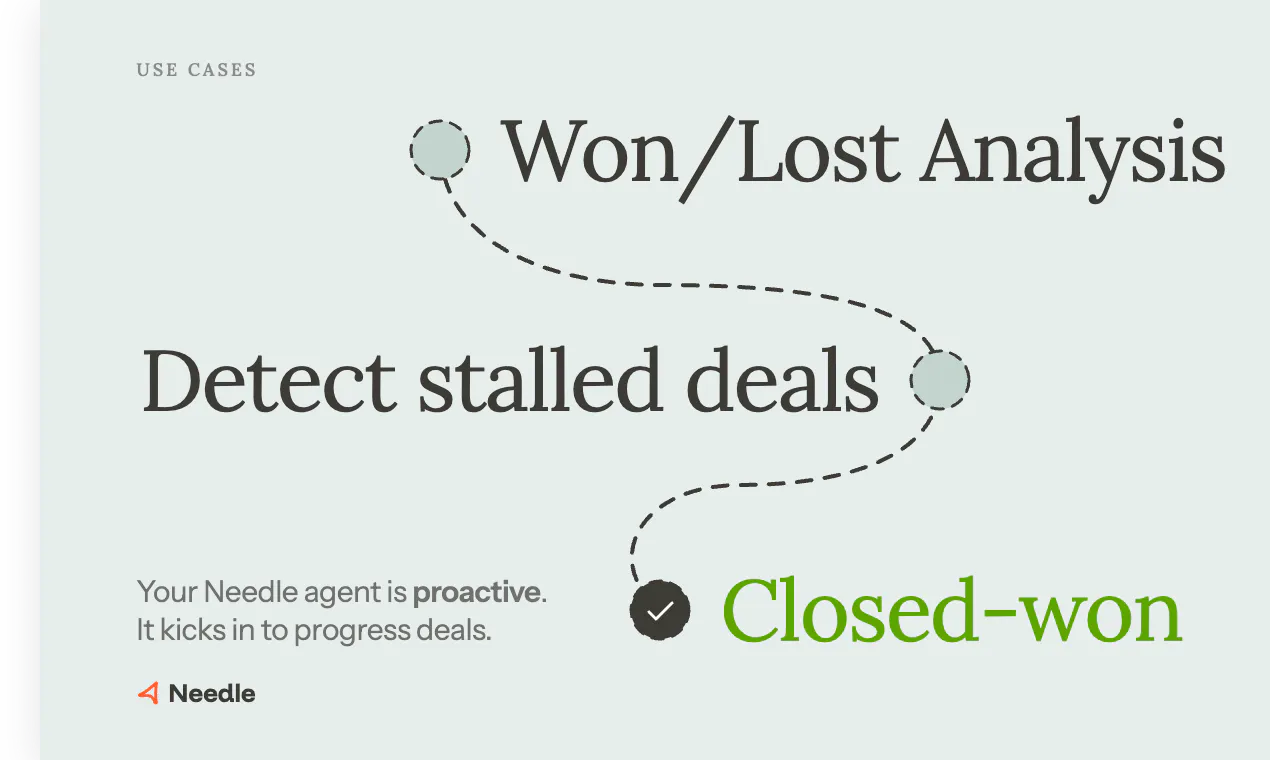
一句话介绍:Needle是一个内置于Slack和Teams的主动式GTM代理,自动监控销售管道、识别停滞交易、预写跟进邮件、准备通话背景并整理CRM,省去销售团队大量手动忙活,聚焦真正销售动作。
Productivity Sales Artificial Intelligence
销售AI GTM代理 Slack集成 主动式 CRM自动化 收入团队 交易管理 信号识别 权限继承 非侵入式
用户评论摘要:用户关注点集中在:主动推送如何避免噪音(需可配置阈值及附带可执行动作);权限继承如何运作(直接使用用户已有权限);区分真实停滞与有意冷却的难度(依赖多源上下文);早期团队适用性(无需完整销售栈)。赞其节省时间,但指出草案略显通用。
AI 锐评

Needle在“为销售AI正名”方面迈出了正确的一步——它不再是一个被动的问答机器人,而是一个主动的“GTM工程师”。产品核心洞察是,销售团队真正的效率瓶颈不在于“卖”,而在于“找”和“跟”:找人、找资料、跟进停滞、整理CRM。将AI嵌入Slack/Teams,用“提醒+草案”而非“仪表盘”的方式交付价值,是在正确场景做正确的事。

但有几个关键点需要诚实审视。首先,“主动”是一把双刃剑。从评论中“vibes”和“可配置阈值”的回应能看出,团队对噪音控制有意识,但“每个提醒都附带可执行动作”的承诺在实际中极易滑向“微无效通知”,尤其是对复杂销售周期中的多线索交叉场景。其次,产品宣称“无锁定”,但代理学习的记忆与风格偏好修复越深入,用户替代成本就越高——这本质上是一种软锁定。真正的护城河不是“不锁定”,而是“在你习惯它之后,你不想离开”。

此外,对于小团队,Needle的价值在于“秩序”;对于大团队,其价值在于“一致性与可扩展性”。但后者要面临的权限、信号噪声和跨团队协作问题远比前者复杂。最后,Needle的灵魂在于“代理学会像你一样思考”,而这需要大量高质量、高频次的交互反馈。如果初期用户仅将其视为“自动提醒工具”而缺乏迭代后的精准度,就会陷入被替代的困境。总的来说,Direction(方向)90分,Execution(执行)在Demo中表现良好,但需在规模化中证明它真的“有用”,而非只是“有趣”。

查看原始信息
Needle
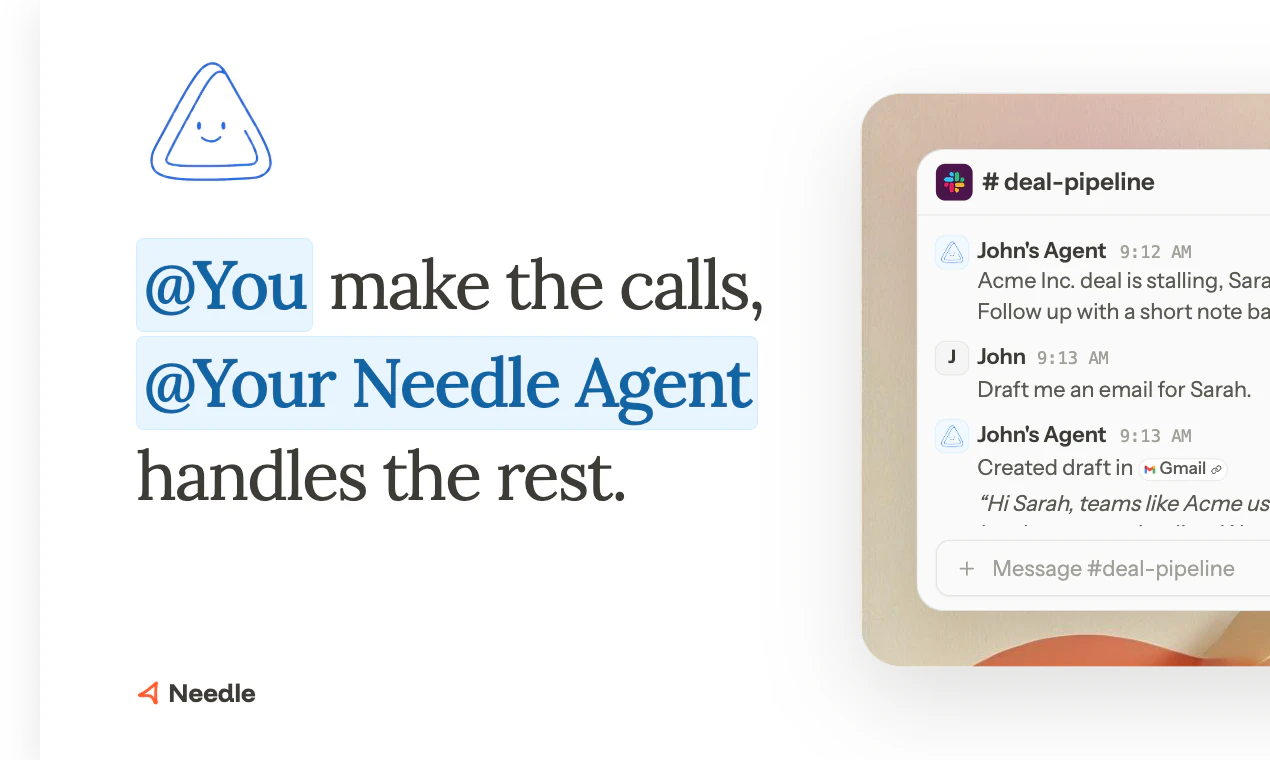
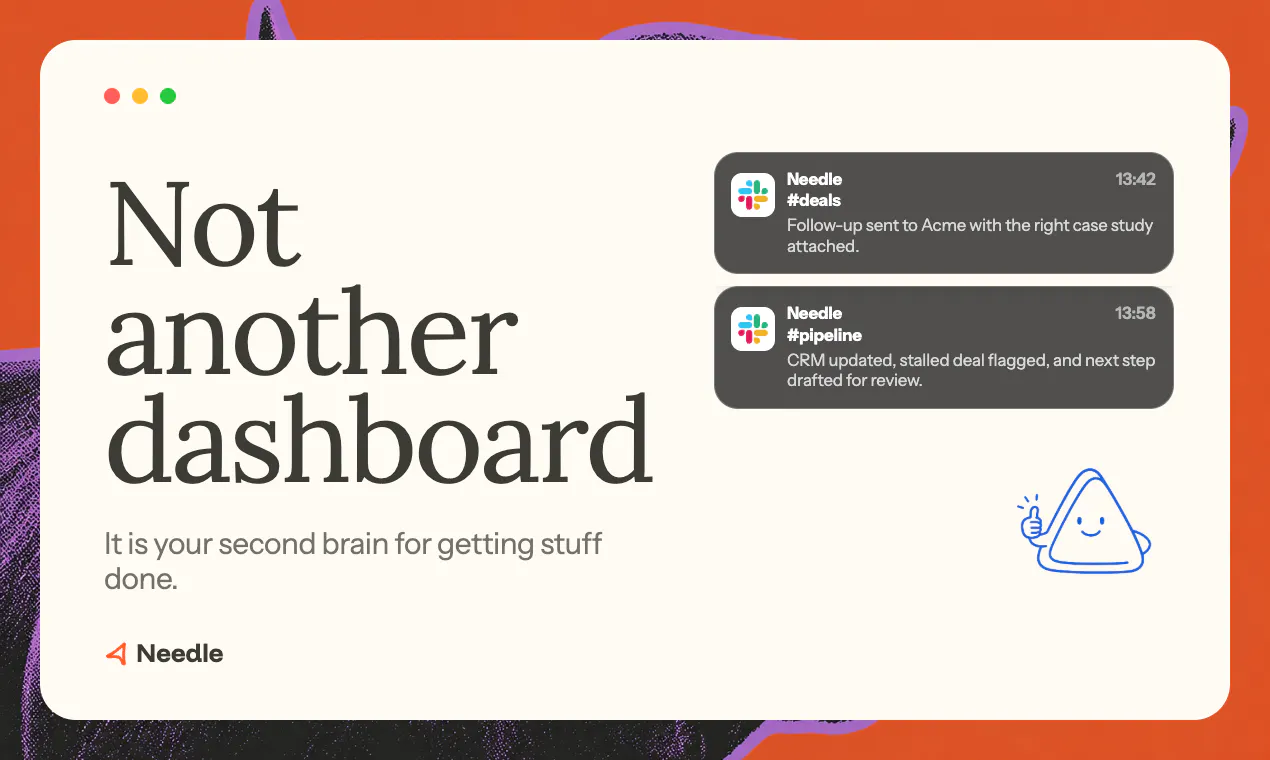
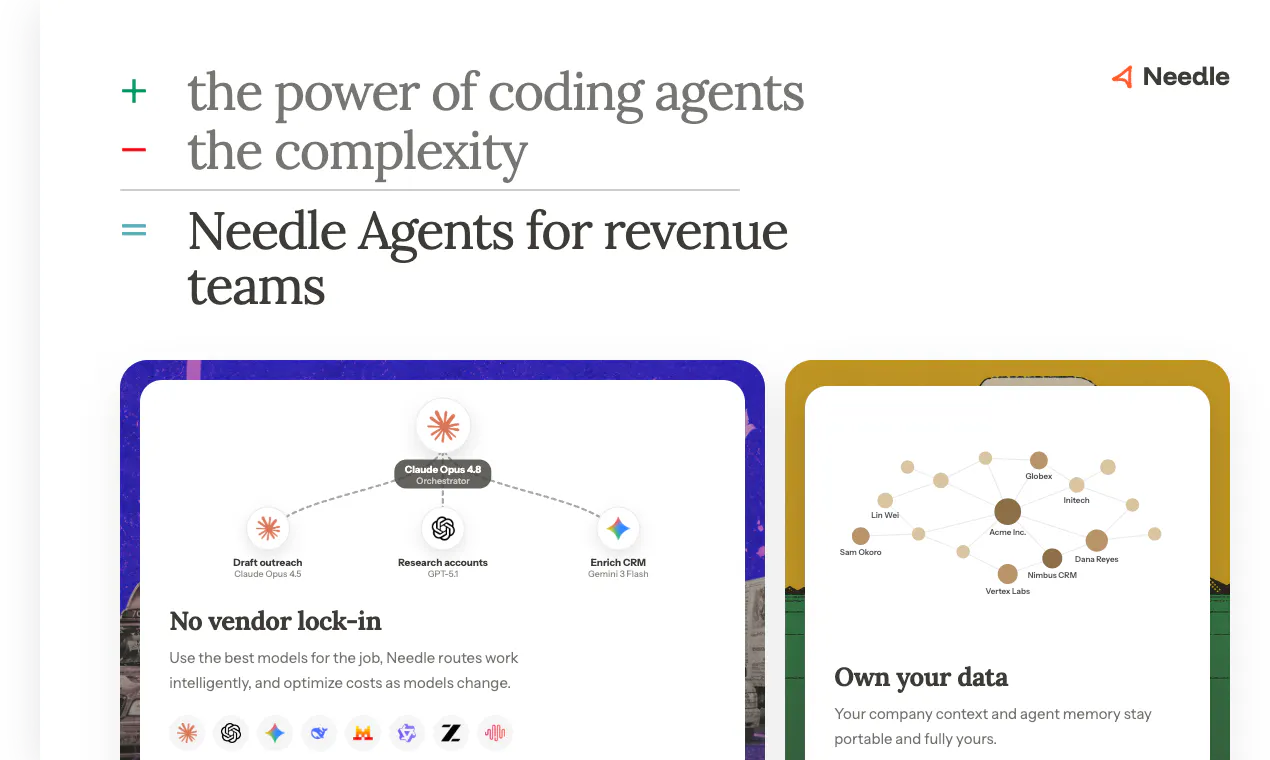
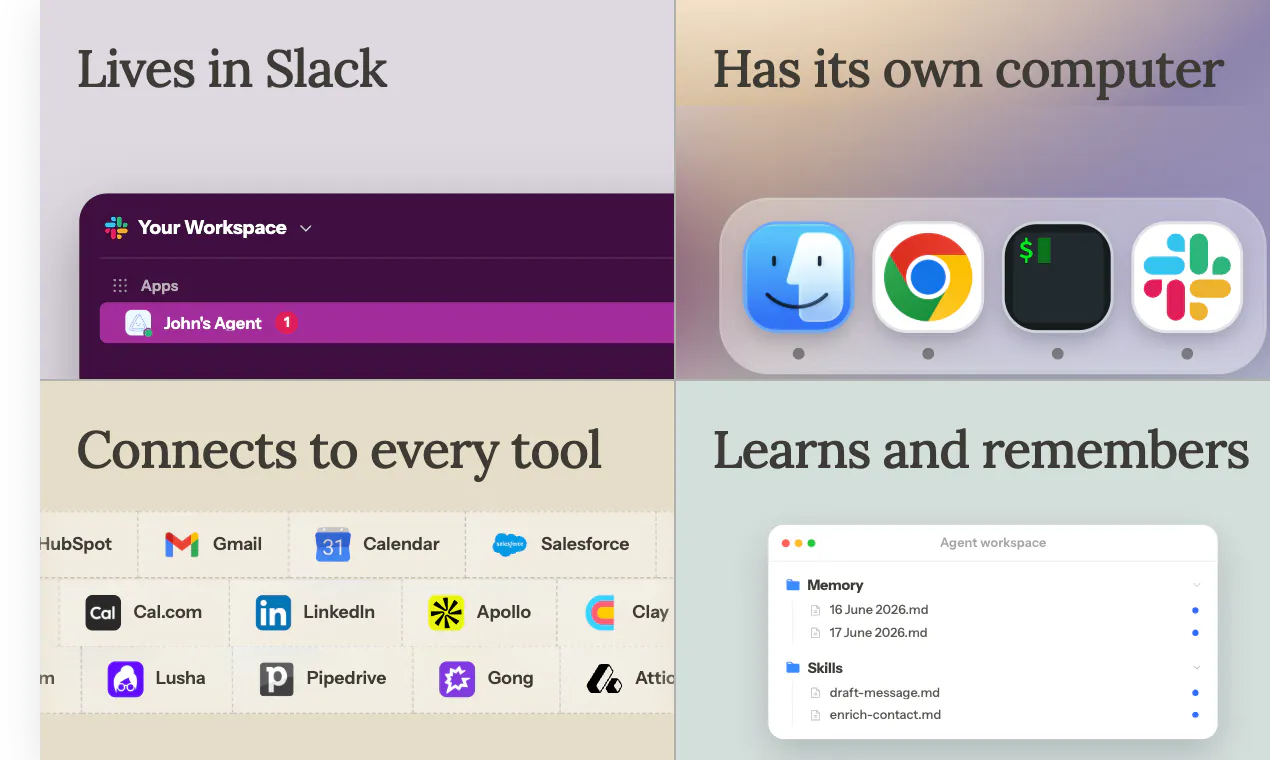
Most sales AI waits for you to ask. Needle is proactive. It works like a GTM engineer on your team: it watches your pipeline and acts before you do. Spots stalled deals and drafts the follow-up, preps you before calls, keeps your CRM tidy, surfaces real buying signals. It lives in Slack and Teams, wired into HubSpot, Gmail and Gong. Unlike horizontal agents, it is built for revenue teams, acts through your permissions, and your context and memory stay portable. No lock-in. Not another dashboard.
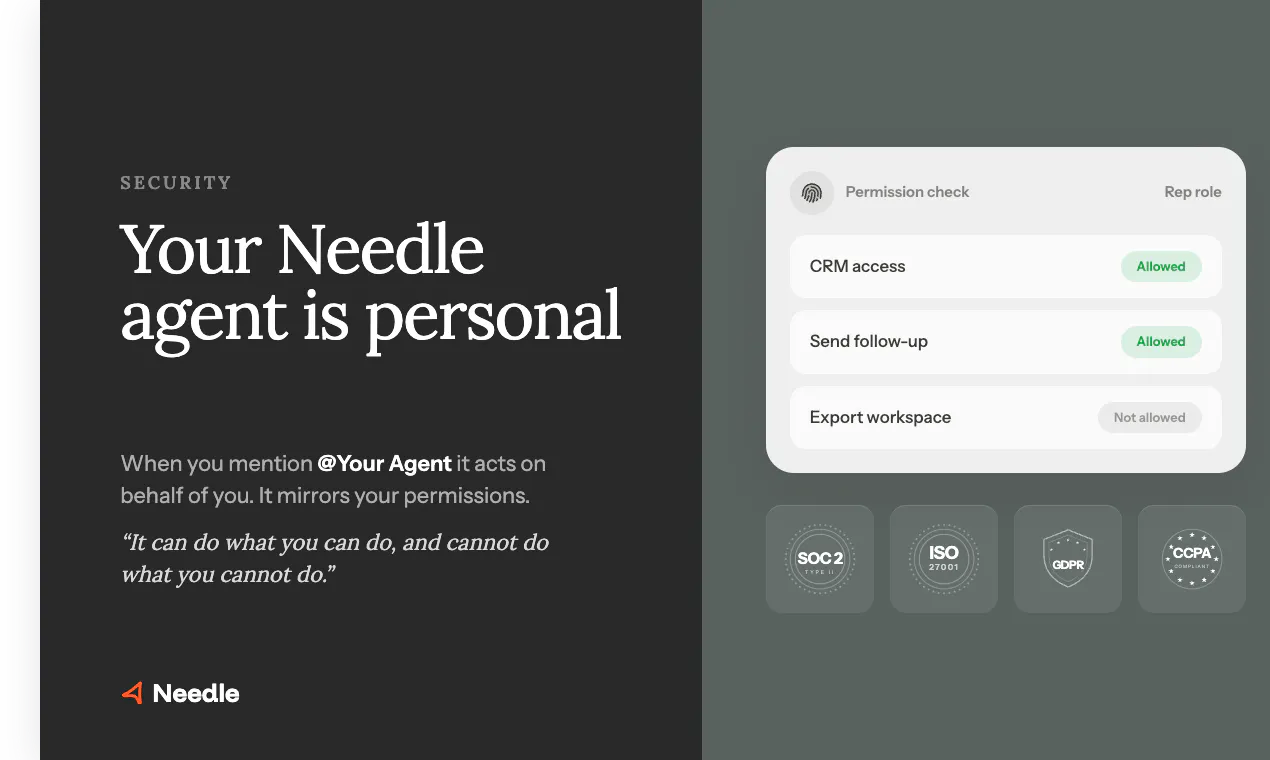
Hey Product Hunt, Jan here, cofounder of Needle. We spent months talking to 100+ GTM and RevOps leaders, and the same thing kept coming up: the work that actually moves deals isn't the selling. It's everything around it. Researching accounts, chasing stalled deals, prepping for calls, keeping the CRM honest, finding the right case study at the right moment. The context that wins deals is scattered across HubSpot, Slack, Gong and email, and reps drown in it. Most sales AI waits for you to ask it something. That never solved the real problem. So we built Needle to work like a GTM engineer that sits on your team. It's proactive: it watches your pipeline and acts before you ask. It spots a deal going quiet and drafts the follow-up. It preps you before every call. It tidies the CRM on its own. It surfaces the buying signal worth acting on and ignores the noise. All of it lives in Slack and Teams, where your team already works. You make the calls. Needle handles the busywork around them. It acts through your existing permissions, so it can do what you can do and nothing you can't, and your context and memory stay portable and fully yours. No lock-in. Not another dashboard. Think of it as your right hand to closed-won.
11
回复

@jan_heimes The 'no lock-in' detail buried at the end is actually your sharpest moat. Most sales AI demands you live in their interface. You stay in Slack/HubSpot and let Needle act through existing permissions. That's what RevOps leaders actually want. Real question: when deal velocity improves, do reps stick with CRM-driven workflows, or does proactivity create dependency on Needle nudges?

0
回复

@jan_heimes Love that it lives directly inside Slack and Teams. The last thing our sales reps need is another dashboard to log into. The seamless integration with HubSpot, Gmail, and Gong is flawless

0
回复

@jan_heimes Congrats on the launch! 🎉

A proactive GTM agent in Slack and

Teams is such a smart idea - spots

stalled deals before you even ask!

Quick question - when sales teams

search "AI GTM agent for Slack" on

ChatGPT, is Needle showing up?

I help SaaS tools get discovered on

ChatGPT & Google through Reddit

marketing. Communities like r/sales

and r/startups would love Needle.

Would love to connect!

- Priyesh Kharwar

0
回复

Very interesting one! Wondering how does Needle tell a deal that stalled from one that went quiet on purpose? Is it pulling that from CRM notes? Call transcripts?

4
回复

@artstavenka1 good question, and it's genuinely the hard part. Needle pulls from everything connected, CRM signals like stage and activity, but also email threads, Slack, and yes, call transcripts via Gong and Fireflies. That's what makes the distinction possible: a deal where the champion said "circle back after our board meeting in July" on a call reads completely differently from one that just went dark, even if both look identical in the CRM timeline. The more sources connected, the better it gets at telling stalled from quiet-on-purpose. Still not perfect, edge cases exist, but the whole point is judging from full context, not just a "no activity in X days" timer.

1
回复

How do you handle permissions?

4
回复

@darian_weingartner Permissions aren't a separate layer you configure, they're inherited. Since every agent is personal, it only ever sees and acts on what you can, across CRM, email, Drive, and Slack. What an agent can do maps to what the person behind it is allowed to do.

1
回复

'Proactive' is the interesting word here - most agents wait to be asked, and the value is in the ones that surface the thing you didn't know to ask about. How do you keep the proactive pings from becoming noise? That threshold (helpful vs annoying) is the hardest dial to tune in any agent I've shipped. Congrats on the launch.

4
回复

@david_marko thanks for the support! the agent learns how the rep and the company operates and matches the vibes so it learns not to be annoying.

0
回复

@david_marko fair callout, and I'll be more precise than the vibes answer above. Two things keep it from becoming noise. First, thresholds are explicit and rep-configurable. Second, and more important, every ping is scoped to something with a clear action attached, re-engage this person, review this field, not just an observation. If there's no decision for the rep to make, Needle doesn't ping.

1
回复

the deal nudges actually got me to follow up on stuff i'd completely forgotten about, which is rare for any tool i've tested

4
回复

@hiranurerkasap That's exactly the reaction we were hoping for. The stuff that quietly slips through the cracks is usually what costs a deal, glad Needle caught it for you!

2
回复

Finally gave this a spin in our Slack and the pre-call prep nudge saved me from walking into a discovery call blind. The stalled-deal drafts are a bit generic but honestly useful as a starting point.

4
回复

@berktrh4  Really appreciate the honest take, especially the generic part. That's fair, and it's exactly the kind of feedback that helps us tune it. The drafts are meant as a starting point Needle builds from what it knows about the deal, but there's clearly room to make them sharper and more specific. Glad the pre-call prep already earned its keep though, that's the one I personally use every day.

2
回复

Super excited to finally see this out in the open 🚀

One thing that stood out while building Needle is how much of a rep’s day is spent on everything except selling: research, CRM updates, follow-ups, finding the right context, preparing for calls. That’s exactly the problem we wanted to solve.


Proud of what the team has built, and we’re just getting started. We’d love to hear what the Product Hunt community thinks!

4
回复

@valentin_po Couldn't have said it better. The wildest part building this was realizing how little of a rep's day is actually spent selling. We built Needle so that everything else just happens in the background. Proud to be building this with you 🚀

2
回复

Congrats on the launch!

1. Curious how Needle decides that something is a signal in the first place. Is it mostly based on rules the team sets, or does it infer patterns from HubSpot, email and call context?

2. And once a rep acts on a suggestion, can that close the loop? Meaning, can Needle learn which plays worked, which got ignored, and turn that into better GTM moves over time?

3
回复

@ataniz thanks for the support!

  1. Needle agents analyze won/lost deals and recognize the patterns and learns what is a signal or not.

  2. i think my first point also answers this

2
回复

This looks genuinely useful - taking the admin work off a sales pipeline is exactly where I would want the help. One question before trying it: is it usable for a small, early team, or does it assume an established sales org already on HubSpot and Gong?

3
回复

@alieksia  you're not on HubSpot or Gong yet, Needle still plugs into Slack, email, and calendar and helps from there, the value shows up earlier with an early team since there's usually no one dedicated to keeping things tidy. It gets sharper as more of your stack connects, but it's not gated behind having an established org first.

3
回复

@alieksia glad to see you find it useful! you don't have to have an established sales org. you can plug it into your stack.

1
回复

Wow, great stuff! Congrats on the launch!
Love the video 🖤

3
回复

@dmitrysereda thanks a lot for the support! 🖤

1
回复

@dmitrysereda Appreciate you and yeah shoutout to the team. The video was teamwork.

1
回复

Hyped!

Built our GTM from scratch using Needle.

Now we have superpowers 🦸

LFGO 🚀

3
回复

@mauricevv LFGO indeed 🚀 happy to build this with you. Superpowers unlocked 🦸

0
回复

The Slack/Teams angle makes a lot of sense to me. From my perspective, a lot of GTM tools end up living outside the flow of work, so people either forget to use them or only check them when something has already gone cold.

How would you avoid this becoming noisy though? If Needle is proactive, how do you decide what is worth surfacing versus what just becomes another notification people start ignoring?

2
回复

@tobiasfleischer honestly, this is the thing that worries me most too. Right now we handle it two ways: every ping has to come with something the rep can actually do, not just an observation, if there's no decision attached we don't surface it. Notification fatigue is a real risk with anything proactive, and we're still learning where the line is as more people actually use it day to day.

2
回复
Haha, genuinely speaking, this system is so motherly. I mean you do start working but somebody has already done the job for you. I personally like that it connects to every tool itself .
2
回复

@prachi_nagwan thank you! we believe it's super helpful too.

1
回复

Proactive feels right, it pinged me about a stalled deal before I even opened HubSpot that morning and drafted a solid follow-up. The Slack-first setup keeps it out of my way.

2
回复

@erolsalmaney2h This is exactly the moment we built it for, catching the thing before you even go looking for it. Thanks for your comment!

1
回复

most ai waits to be asked. this one talks first. that flip is where the trust question gets real. reactive is easy because the worst case is a bad reply. proactive is scary because the worst case is a bad action nobody signed off on. the design job is making sure the actions are the ones the human would have taken 5 minutes later anyway.

curious how you handle disagreement. when needle drafts follow-up and the rep would have written it differently, does the rep edit and move on, or does needle learn to write more like that rep over time?

2
回复

@thenameisarian thanks for the question, great one! the agent is highly customized based on the preferences of the rep, it learns their style and how they handle conflicts. it always self-improves.

1
回复

@thenameisarian this is exactly the right framing! To your question: both, in sequence. Early on the rep edits almost everything, that's expected and fine, we treat every edit as a signal, not a failure. Over time the gap between what Needle drafts and what the rep would have written shrinks, but we never let it fully auto-send on judgment calls like tone or relationship nuance. It has memory.

2
回复

super hyped to build this!

2
回复

@onur_o, proud of you and the team man. 🙌

2
回复

I like the vision but I'd probably want to start with recommendations before giving an AI permission to take actions automatically. Is there a gradual adoption path for more cautious teams?

1
回复

the part that gives me pause is "tidies the CRM on its own" - CRM data being wrong silently is worse than it being stale, because nobody double checks a field that looks filled in. is there an audit trail showing what it changed and why, or do you just have to trust the drafts before they go out

1
回复

@omri_ben_shoham1 
The goal is that "tidy" never means "confidently wrong." Can start with propose only and write only if agreed / review. Once you trust after some time to you can let it run automatically end to end. Also has memory so it learns over time.

0
回复

Interesting approach 🙂. The 'mirrors your permissions' model avoids a lot of the config headache. Curious how it handles document-heavy steps (proposals, contracts, PDFs) in the pipeline. That's often the messiest part of automating a sales workflow.

1
回复

@benjouss 

Great question, and you're right that it's where most sales automation quietly breaks. Today Needle reads the docs already living in the deal (PDF proposals, email attachments, HubSpot files via Gmail/Drive/HubSpot) and treats them as context: it pulls the key terms, flags what's missing or inconsistent, and drafts the follow-up or proposal off the actual document instead of a generic template.

What it won't do yet is generate a fully redlined contract end to end. Curious which doc step is messiest for your team, proposals or contracts?

1
回复

A proactive GTM agent only works if the handoff is legible. The important part is not that it finds every possible signal; it is that sales/support can see why this account matters, what changed, and what action is safe to take next.

1
回复

@krekeltronics couldn't agree more, and you've put it better than most of our internal docs. Finding signals is honestly the easier half, models are good at that now. The hard part is exactly what you said: making the handoff legible enough that a rep trusts it in three seconds.

1
回复

Congrats on the launch! The Slack and Teams-first angle makes a lot of sense here, especially for the “act before someone opens the CRM” moments.

Curious how you handle trust when Needle suggests an action. Do reps get a clear reason for why something was surfaced, like the signal, source, and suggested next step, or is the goal to keep it mostly invisible unless they ask?

1
回复

@akashnawani not invisible, that would make it impossible to trust. Every suggestion comes with why it's showing up, what signal triggered it, where that signal came from, and what the suggested next step is. No black box nudges. The goal is you can glance at it and immediately know whether to act, snooze, or ignore, not have to go dig for context first. If it can't explain itself, we don't ship the nudge.

0
回复

Congrats on the launch @jan_heimes ! Needle feels strongest where sales teams usually lose momentum.

Curious how you recommend a team rolls this out in the first 2 weeks.

0
回复

The proactive angle is the interesting part since most of these just wait to be prompted. What actually triggers Needle to act: configurable rules/thresholds (deal untouched N days, no reply on a thread), or a model deciding on its own when something matters? And when it fires, does it act autonomously (send the follow-up, update the HubSpot field) or draft it and wait for the rep to approve? Trying to gauge how much CRM-hygiene work I could hand off on day one vs still babysitting.

0
回复

The reactive-to-proactive shift is where the interesting failure modes start. When AI just answers questions, wrong answers are annoying but recoverable. When AI acts before you ask, wrong actions cost you deals and worse, they cost you credibility with the prospect who now thinks your team is uncoordinated.

Running my own cold email ops solo right now (162 leads, personalized Loom video sequence) and the manual version of what Needle does is roughly 40% of my week, pipeline watching, follow-up drafting, CRM hygiene. The math on offloading that is real. But the trust boundary Mustafa raised is exactly right, the piece that has to feel right is "would this have been the follow-up I'd have written." Not just competent, but on-voice.

Curious about the calibration period, does Needle need a warm-up phase where it drafts and you approve before it moves to autonomous action, or is it comfortable acting on day 1 with just permission scoping?

0
回复

Congrats! How are you connecting to all the 3rd party tools? @onur_o ?

0
回复

the fact that it pings you in slack before a call with a quick brief is genuinely useful, not just another ai wrapper hype thing

0
回复

Nice work Jan! Congrats on the launch

0
回复

Great stuff! GTM is a pain, automating it is great

0
回复
One thing I keep seeing with AI agents is that context is everything. How do you balance being proactive without overwhelming reps with notifications? I'd imagine getting that signal-to-noise ratio right is one of the hardest parts.
0
回复

Curious how it handles the noise though - does it learn from feedback when a flagged "stalled deal" is actually just going slow on purpose, or does it keep pinging you the same way every time?

0
回复
#4
PixFit
Turn 1 creative into every ad format, instantly
199
一句话介绍:PixFit 是一款专为广告创意团队设计的自动化工具,能将单个主视觉一键适配成所有广告平台(如 Meta、Google、TikTok)所需的多种格式,同时保证品牌元素、安全区和文案布局的完美呈现,彻底解决设计师手动缩放、排版耗时长且易出错的痛点。
Design Tools Marketing Design resources
广告创意自动化 多格式适配 素材批量调整 AI设计工具 品牌一致性 平台安全区 人工兜底 创意生产流程 Winclap 付费广告优化
用户评论摘要:用户普遍认可其对“创意瓶颈”的解决价值,核心问题集中于:AI输出质量的主观判断机制(仅靠3次尝试触发人工兜底是否足够)、文本密集型素材的排版逻辑(重排 vs. 缩放)、视频适配功能缺失。同时,用户关心人工兜底是否额外收费及灵活编辑能力。
AI 锐评

PixFit 切中的是一个极其真实且昂贵的痛点:资深设计师把大量时间浪费在“调整尺寸”而非“创造”上。其价值不在于AI本身有多强,而在于它对广告行业生产流程的深刻理解——不是做一个“万能缩放”的玩具,而是将广告平台的安全区、CTA位置、文案层级这些隐性知识代码化。

然而,产品目前存在两个潜在风险。第一,“人工兜底”机制看似美好,但本质上是将“质量控制”的责任转嫁给了用户。3次AI尝试后用户手动判定“效果不佳”,这在实际高强度生产中会变成新的博弈和等待,尤其当用户缺乏专业审美判断力时,这个“安全网”反而可能成为效率黑洞。第二,团队坦诚“尚未获得外部大规模数据”,这意味着AI对复杂创意(如多文案层叠、非标准比例插图)的适应性仍需验证。目前解决的主要是“重复劳动”而非“创意决策”,对于需要深度理解品牌调性、目标受众心理的高阶适配,AI恐怕只能提供“及格”而非“惊艳”的初稿。

从商业角度看,切入“创意生产后半程”(从定稿到多格式分发)是聪明的策略,竞争壁垒不在于技术,而在于与平台(Meta、Google等)的深度对接能力和对“可交付性”的承诺。但若局限于此,产品最终会沦为“高级版Canva模板”。真正的进化方向,应是从“适配工具”转向“创意策略引擎”——不仅知道安全区在哪,更能针对不同平台的用户注意力模型,主动建议优化创意元素(如视觉重心、文案篇幅)。目前,PixFit更像是一个高效的“体力劳动替代者”,而不是“创意思维助手”。

查看原始信息
PixFit
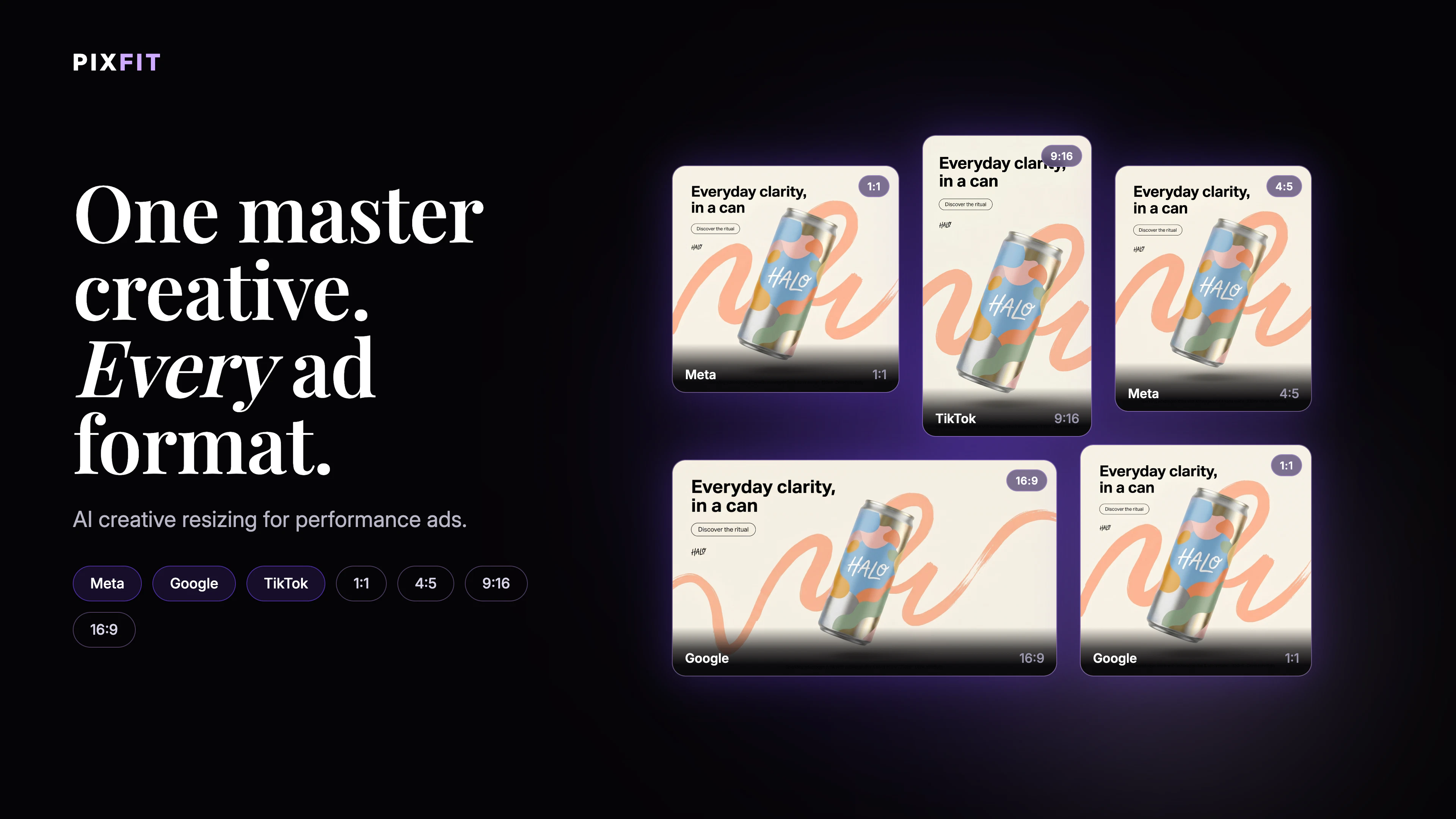
Senior Designers shouldn't be manually-resizing assets ready to run or being aware of TikTok safe zones. PixFit turns 1 key visual into every ad format — brand-perfect, platform-specific, ready to ship.
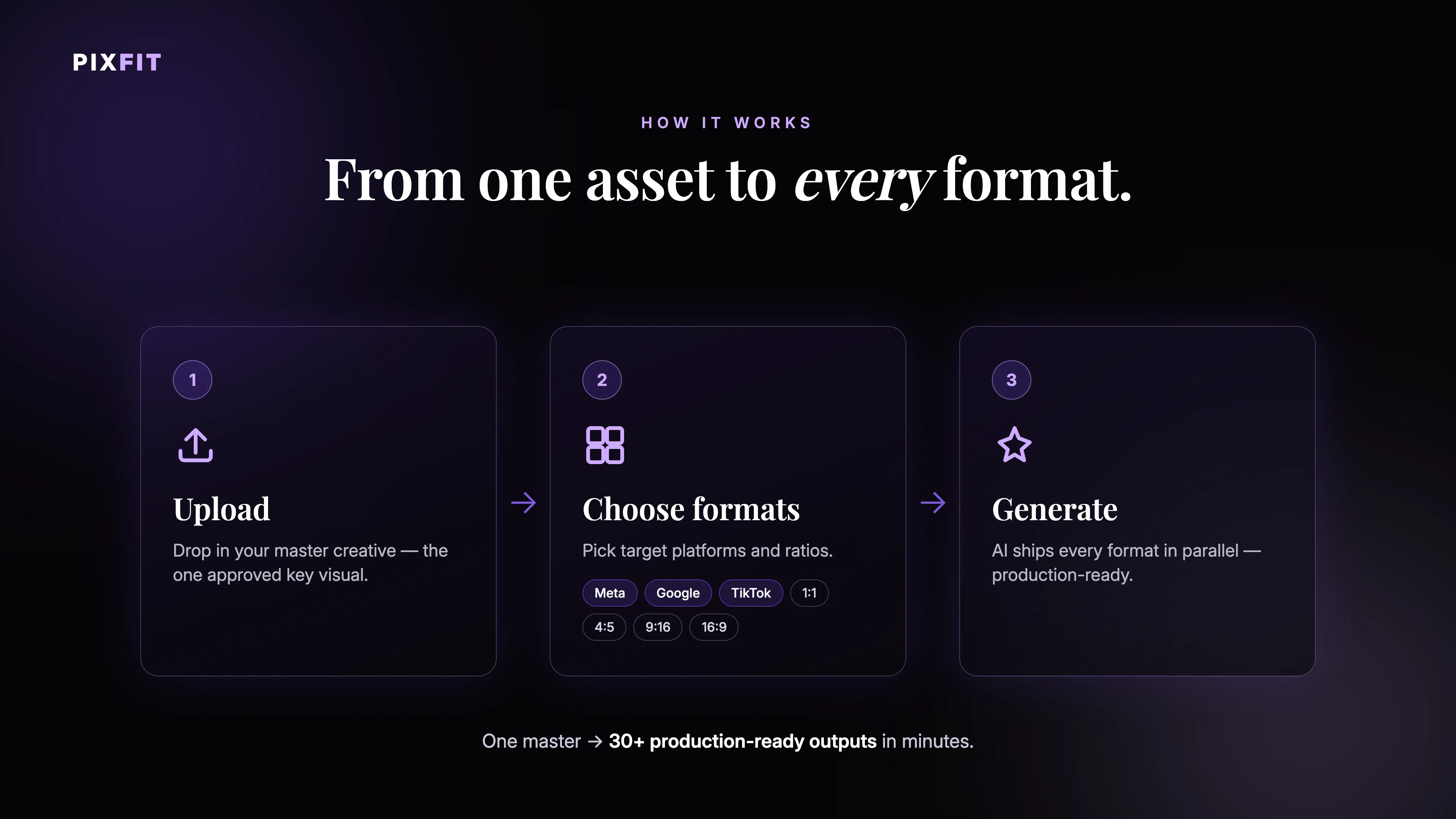
Hey Product Hunt! 👋 I'm Marco, currently leading GTM at Winclap - a performance advertising company that's been running content production at scale for years. PixFit started as our internal tool. We were spending serious senior designer hours on one repetitive task every single campaign: adapting a master creative to every media ad format. Safe zones, platform margins, CTA repositioning, background expansion - all manual, all blocking campaigns from going live. So we automated it, then decided to make it available to everyone. How it works: Upload your master creative. PixFit generates every format: brand-aware, safe-zone correct, with optimal branding and CTA placement per platform. The first output is delivered directly. No approval queue. Ready to ship. The part I'm most proud of: the human fallback. We could've shipped pure AI and called it done. We didn't. If an output doesn't meet your standard after 3 AI attempts, you can request a Winclap designer that delivers manually within 24–48h. You always get an output you can ship. It's not "AI with mandatory human QA" — it's AI-first, with a safety net that only activates when you decide you need it. We're going public for the first time today. Until now, this has only existed as an internal Winclap tool. What I'd genuinely love to know: What's your biggest headache in creative production right now? Are we solving the right pain or is there something we're missing? I'll be here all day answering every comment.
21
回复

@mbertone911 Congrats on the launch! 🎉

Turning 1 creative into every ad

format instantly is a game changer

for marketing teams!

Quick question - when marketers

search "AI ad resizing tool" on

ChatGPT, is PixFit showing up?

I help marketing tools get discovered

on ChatGPT & Google through Reddit

marketing. Communities like r/marketing

and r/digital_marketing would love

PixFit.

Would love to connect!

- Priyesh Kharwar

0
回复
@mbertone911 Resizing is easy. Preserving the reason a creative performs while adapting it across completely different placements is the part that usually breaks. If the output consistently keeps that intent intact, this solves a much bigger problem than automation.
0
回复

@mbertone911 As someone who's spent way too many Fridays resizing the same campaign into a hundred sizes, this hits home. The manual version of this is soul-crushing. How close to "final" are the outputs — usable as-is or more of a starting point?

0
回复

I lead the creative operations side at Winclap Studio — the team that actually produces the assets.

Before PixFit existed, we had great designers, solid processes, and still spent an embarrassing amount of time on mechanical adaptation work. The kind where a talented person is manually resizing the same creative into 12 formats at 11pm. Not because they lacked tools — because none of the tools truly understood the workflow behind the creative, not just the creative itself.

That frustration is where PixFit started. We built it first for ourselves, tested it with our own production load, and broke it enough times to know what actually had to work.

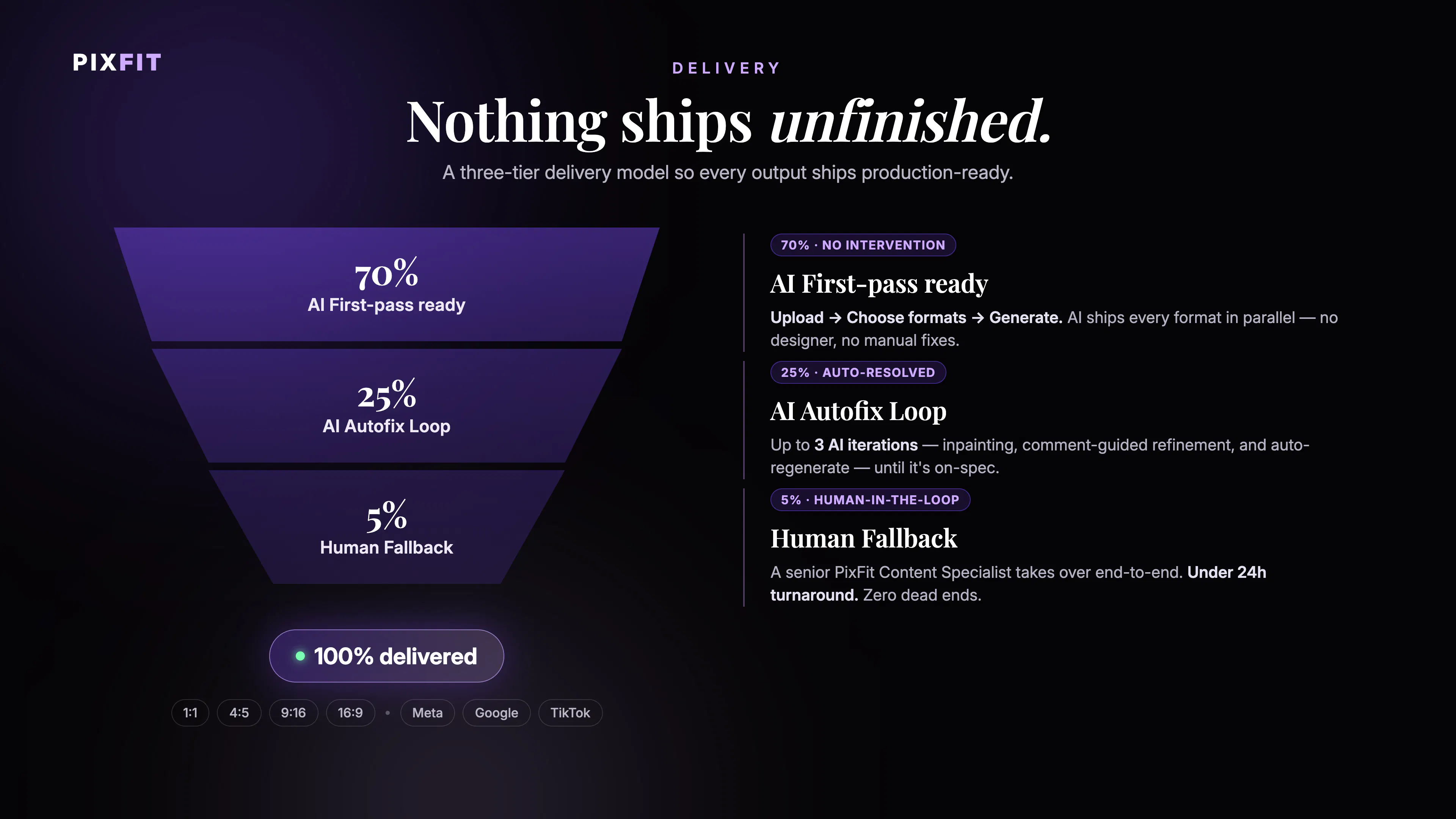
What I'm most proud of: we didn't ship a tool that promises 100% automation and quietly fails. We designed for the real number — the 70% you can automate confidently — and built a proper human review layer for the rest. That honesty in the product design is what makes it trustworthy at scale.

If your team is producing performance creatives across formats for multiple brands, you'll feel this immediately. Happy to share how we've been running it internally if anyone wants to dig in 🙏

3
回复

So the human fallback only kicks in after three AI attempts fail... how do you actually detect that an output "failed" versus just handing me something that technically fits the safe zones but looks off? Curious whether that's a confidence score or purely me hitting a button.

3
回复

@sezerufukyavuz 
Really sharp question and this is exactly the right thing to poke at 👇

Honest answer: the fallback trigger is you, not a magic score. We run automated checks on every output — safe zones, logo integrity, contrast, text legibility per placement and those are the ones to catch the hard failures (crop, overflow, unreadable CTA). But "technically fits the safe zone yet looks off" is a taste call, and we're not going to pretend an algorithm nails taste today.

So after 3 AI generations, "Request Designer Help" unlocks and a human takes over — you decide it's off, we don't gaslight you into accepting it. The 3-attempt gate is deliberate: it keeps the system honest (95% should be AI-solvable) while never leaving you stuck with something that's almost right.

Longer term, yes - we want a confidence signal that proactively flags the "meh" ones before you even ask. That's the interesting unsolved part. What would make you trust a score like that, showing you "why" it's low-confidence?

2
回复

This can be pretty helpful and time-saving. When I want to change something, it can take a pretty amount of time to customise it.

3
回复

@busmark_w_nika 

Thanks Nika, that means a lot 🙌🏼

And you're touching a real one, customization time is the thing we're pushing hardest on. The whole point is that adapting or tweaking an asset should take seconds, not an afternoon. If there's a specific step that felt slow for you, I'd genuinely love to hear which one, that kind of feedback is what shapes the next iteration.

1
回复

Hi Marco! Having a tool to turn 1 idea into multiple ad formats is life saving. I have one question. Do multiple formats have any negative impact in pixel quality? Congrats on the launch!

2
回复

@konstant_gk Absolutely none!

1
回复

La verdad que la herramienta me facilitó un montón parte de la operatividad de mi trabajo diario. Me pareció muy amigable y fácil de usar! Me sirvió más de lo que esperaba! Súper recomendado!

2
回复

@nadia_frontalini ¡Gracias Nadia, tu comentario nos alegra muchísimo! 🙌 Eso es exactamente lo que buscamos, que lo operativo deje de ser una carga y puedas enfocarte en lo que realmente importa. ¡Seguimos trabajando para que PixFit te sorprenda aún más!

0
回复

Been waiting for something like this. The worst part of running paid is the creative bottleneck - one good asset and then hours reformatting it into 20 placements before you can actually launch. Curious how PixFit handles the weird ones (Stories vs. feed vs. display banners). Congrats on the launch 🚀

2
回复

@ayda_golahmadi 
Thanks so much! 🙏 You nailed exactly the pain we built this for - the asset is never the bottleneck, the reformatting is. PixFit takes one master creative and generates every ratio and placement ad-ready, including the awkward ones like Stories and display banners (those were the hardest to get right, honestly). The idea is 95% done by AI, and if an output needs a human touch you can request a designer as a fallback. What's the placement mix that eats the most of your time right now?

0
回复

We built PixFit around a problem that sounds simple, but quietly consumes a huge amount of creative-production time:

You have one approved campaign asset. Now you need to rebuild it for every ratio, placement and platform — Meta, Google, TikTok — while preserving the hierarchy, branding, safe zones, logos, CTAs and legal copy.

But the part we cared about most was making it useful in real production, not just impressive in a demo.

AI handles the first pass and automatically retries or fixes most problematic outputs. When it still cannot produce something that meets the required standard, a senior creative steps in and finishes it.

95% resolved with AI.
5% refined by humans.
0% shipped unfinished.

You can try it with your own creative — the free trial includes five resizes and requires no credit card.

Give it something difficult. See where it works, where it struggles and tell us what you would change. That feedback is exactly what we want from this launch.

2
回复

Nice idea, especially the human fallback. How much flexibility is there to tweak the AI generated creatives before exporting them? Also, i sthe human fallback included in the pricing or charged separately? Congratulations!

2
回复

@henry_habib Thanks Henry, and great questions 🙏

On flexibility: outputs aren't a black box - before exporting you can adjust the crop, reframing, safe zones and copy placement per format, so you stay in control of the final creative rather than taking whatever the AI decides.

On the human fallback: it's built into the flow, not a surprise add-on, it unlocks as part of your plan once the AI has taken its passes, so you're not paying à la carte every time you want a human to polish something.

Curious: in your workflow, would you rather tweak outputs yourself or hand the edge cases straight to a designer?

3
回复

the human fallback after 3 attempts is the right call honestly, most of these tools pretend the AI output is always good enough and quietly ship the bad crops. curious what the actual failure rate looks like once you have real usage data, not just your own campaigns

2
回复

@omri_ben_shoham1 
Omri, this is the most honest question we've gotten all day and I'm not going to dodge it 😄

You're right that the tempting move is to quietly ship the bad crops, that's exactly why we put a hard gate at 3 attempts instead of pretending every output is gold.

Real talk on the failure rate: we're literally at launch, so the intellectually honest answer is we have solid numbers from our own volume but not yet at scale across other people's campaigns. Rather than hand-wave a number, I'd rather earn it with real usage data.

If you're up for it, I'd love to get you in early and actually share what the failure rate looks like on your creatives - that's the data that would make me trust a tool too. Deal?

1
回复

Amazing! Tired of waiting days for my agency to resize my assets

2
回复

@bernardo_tinti That wait is completely avoidable — and honestly, it shouldn't be a bottleneck in the first place! With PixFit you upload one master creative and get every format ready to ship in minutes, not days. Would love to hear how it compares to your current agency turnaround once you try it! 🚀

0
回复

resizing ad creatives across formats is genuinely one of those tasks that eats hours and adds zero creative value. the platform safe zones detail is what makes this useful, anyone can crop an image but knowing where tiktok puts its UI overlays vs where meta does is the actual knowledge being automated. how does it handle text-heavy creatives where a straight resize would break the layout? does it reflow elements or just scale everything proportionally?

2
回复

@shubham4real 
Really good question, and you nailed exactly why we built the tool.

You're right that the platform knowledge is the actual value. Anyone can crop; knowing where TikTok drops its UI overlays vs where Meta does is the hard part. That's also why it works: Meta, Google and TikTok are partners of Winclap, so the safe zones and overlay logic aren't guesswork, they come straight from working closely with the platforms. That's the part we trust most.

On text-heavy creatives: this is the key difference. We don't do a straight proportional scale. The flow actually understands the creative and recomposes it: it reads the individual elements and re-lays them out for the new format instead of stretching whatever was already there. Text gets the same treatment - it's understood as text, kept in the same typography, and reflowed to fit the new dimensions rather than squished or scaled into something that breaks the layout.

So the short answer: it reflows and adapts, it doesn't just scale everything proportionally. That's the whole point - keeping every version looking intentionally designed for its format, not warped.

Thanks for digging into the details! This is exactly the kind of questions and comments we love getting. 🙌

2
回复

Really interesting product!!! Curious.....what's the biggest challenge in keeping creatives brand-consistent across so many different ad formats?

2
回复

@worksforme 

Thanks Laiba, great question 👀

Honestly the hardest part isn't resizing, it's keeping the branding intact when a master asset gets stretched into 8+ ratios. Logos get cropped, safe zones break, text gets swallowed by platform UI (think TikTok buttons eating your CTA).

That's exactly what we obsessed over: PixFit doesn't just rescale, it unaderstands and re-composes for each format so the brand reads clean on every placement, ad-ready.

Curious, how are you handling that today, manually in canva or maybe a freelance designer?

2
回复

Tried the tool, works clean!

What about videos? that would be great ;)

2
回复

@timurr_l Love that, thanks for actually trying PixFit it Timur!

Great question on video resizing, we launched as fast as we could and left that feature on the backlog because it was not polished yet, we wanted images to feel bulletproof first.

But video adaptation is 100% where this is heading, it's the most requested thing already.

Want me to ping you when it drops? Your ;) is now officially motivation 😄

2
回复
Congrats! The human fallback is a really interesting touch. What percentage of creatives typically need to be escalated to a designer today?
1
回复

@luki_notlowkey Great question! In practice, only around -5% of creatives end up needing a human designer, the AI handles the vast majority on its own. And when an escalation does happen, we turn it around within 24 hours, so it never becomes a real blocker. The goal is that you get the speed of automation with the safety net of a professional eye when it truly matters.

0
回复

How does it handle brand fonts and custom typography when generating all those platform variants?

1
回复

@alparslanvfgl Great question! Under the hood, PixFit has a layer that vectorizes the typography from your master creative — so the font is preserved pixel-perfect across every platform variant. At most, text might reflow or reorder to fit a different aspect ratio, but the typeface itself is never substituted or lost. No more 'fallback font' surprises!

0
回复

This tool is amazing. Does it only support TikTok today?

1
回复

@chilaIt supports Meta, Tik Tok and Google and we'll keep enabling more formats!

1
回复

Finally a tool that gets ad resizing right. Batch processing 30+ formats in one click is insane – saves our design team days of work. Brand consistency across platforms is solid. The human fallback option is a nice safety net, though we haven't needed it much. Some complex layouts still need manual tweaks, but for 80% of our work, it's been a game changer.

0
回复

@rick_borduur Thank you for your support Rick!

0
回复

The auto-safe-zone logic looks incredibly thoughtful, especially the way it preserves focal points across formats rather than just cropping blindly. That kind of attention is exactly what senior designers actually need.

0
回复

@metehanzgg5 Absolutely!!!

0
回复
#5
Macro
Unifies your work into one app with shared memory
174
一句话介绍:Macro是一款集邮件、消息、文档、任务、代码、AI代理、通话和CRM于一体的一站式工作台,通过团队级共享记忆解决多工具切换导致的信息碎片化和上下文丢失问题。
Productivity Task Management Artificial Intelligence
一体化工作台 团队记忆 AI代理 开源 上下文整合 协作工具 邮件 任务管理 代码集成 知识管理
用户评论摘要:用户高度肯定其解决多工具切换痛点的思路,但核心疑问集中在“团队级记忆”的实际运作上:如何跨工具索引、如何遵循访问权限、离职人员信息处理、是否支持手动排除某些内容。同时,用户也关心是否真的能替代Notion/Slack等现有工具,以及桌面端应用的优先级。
AI 锐评

Macro的野心在于成为团队的“大统一理论”,但“超级应用”的坟场里从不缺少野心家,Slack和Teams的前车之鉴表明,功能堆砌不等于价值整合。Macro真正的杀手锏不是它有多少功能,而是那个“共同设计的共享记忆”和“权限继承的AI代理”。这比简单的API对接高明了一个维度——当所有数据本身就在一个数据库里,AI的检索和推理效率将远超MCP拼凑方案。然而,挑战也在于此:团队级记忆在隐私和权限间的平衡是悬顶之剑。用户评论中反复追问的“如何踢人、如何排除内容、如何确保模型不泄露不该说的”,直指产品最脆弱的信任边界。创始人对此的回应(权限继承代理)理论上正确,但在实际多层级、动态变化的团队权限中,这几乎是地狱级难题。此外,靠一个产品取代超级邮件、线性任务、Notion文档的成本不只是40美元,更是用户习惯的迁移成本。开源是聪明的信任背书和社区防御,但能否从“尝鲜者”的赞美走到“鸵鸟型”企业的日常,取决于这个“大脑”是否真的比人类更擅长忘记。

查看原始信息
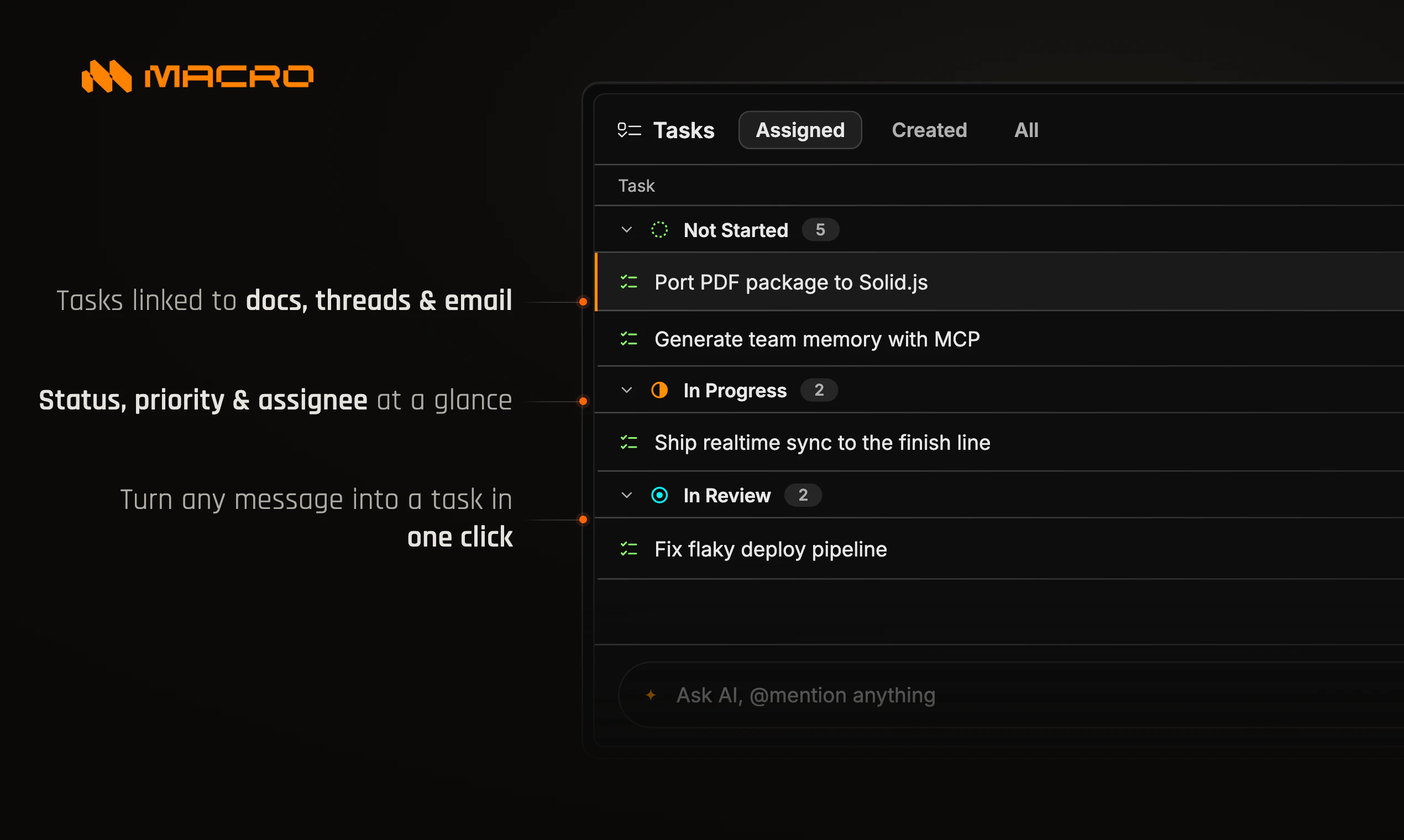
Macro
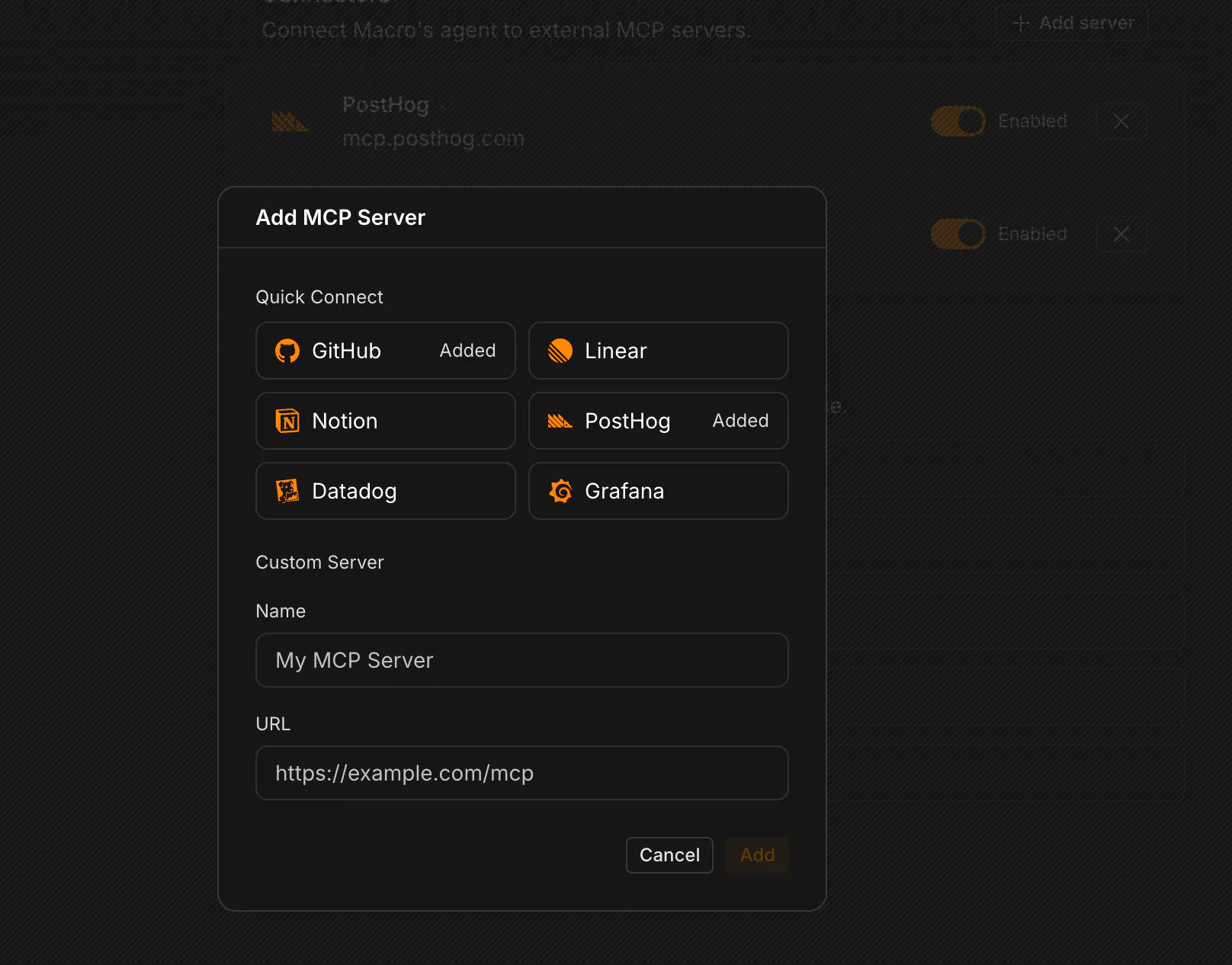
Macro is the all-in-one workspace that combines email, messages, docs, tasks, code, agents, calls, and CRM. With team-level memory, you can query your entire workspace and never lose context.

Hey Product Hunt!

I'm Jacob, the founder and CEO of Macro (macro.com) - an open source, all-in-one workspace.

In our last startup, we ran on Slack + Linear + Notion + Superhuman + 17 other tools. All of these are fine individually but as we scaled it became chaotic to manage, and information was everywhere.

We built Macro to replace siloed apps and put them all into a unified workspace with shared AI memory.

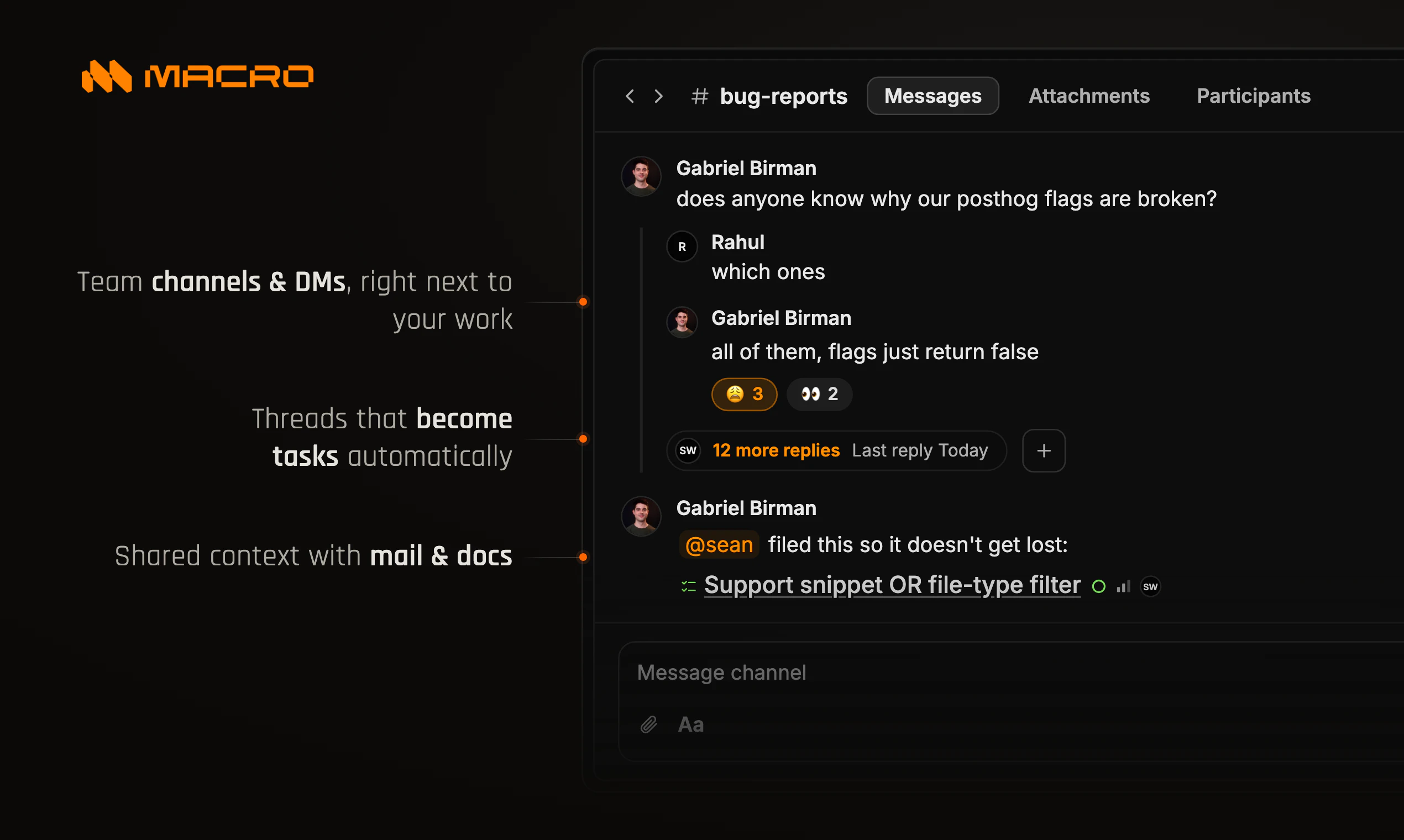
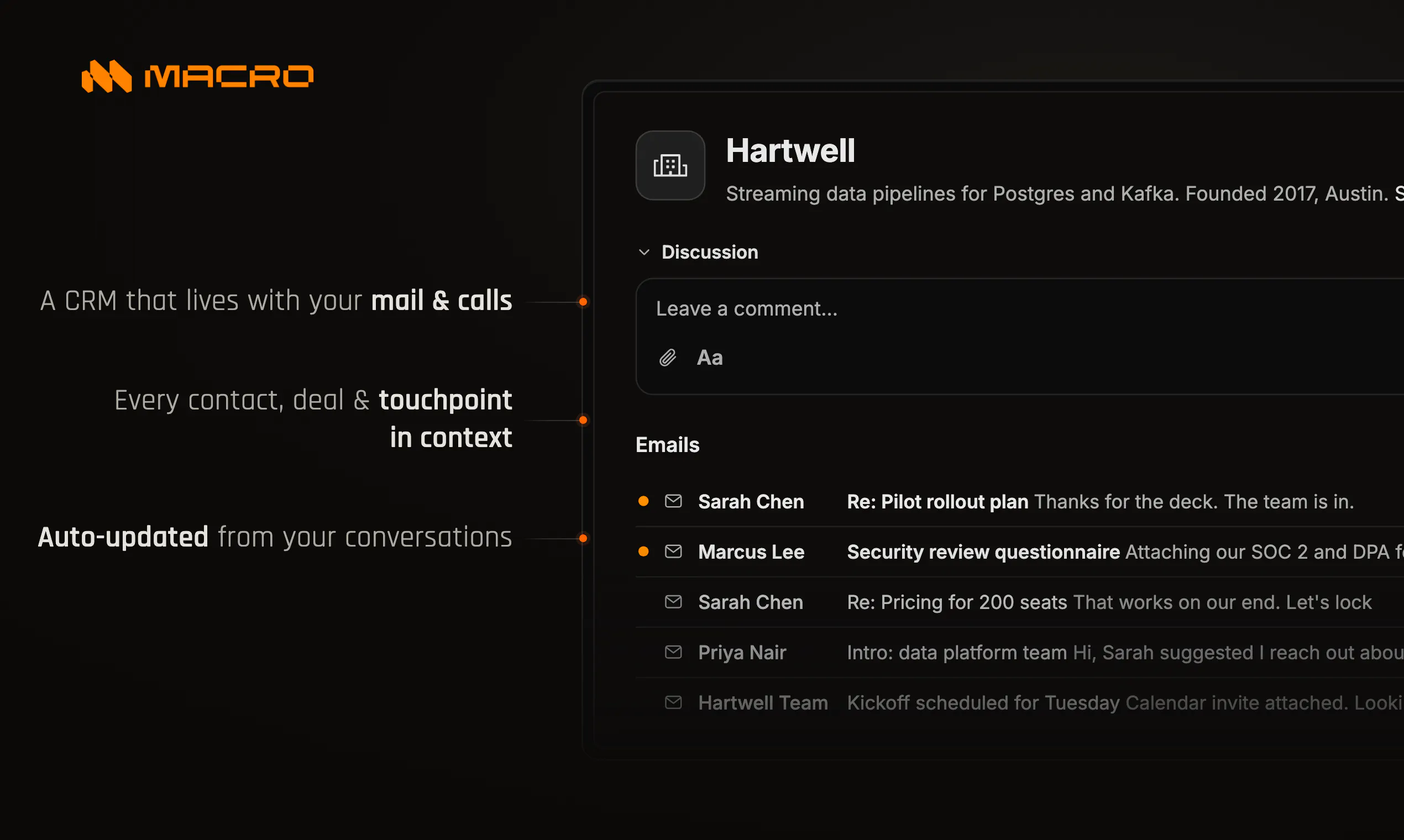
Already Macro has:

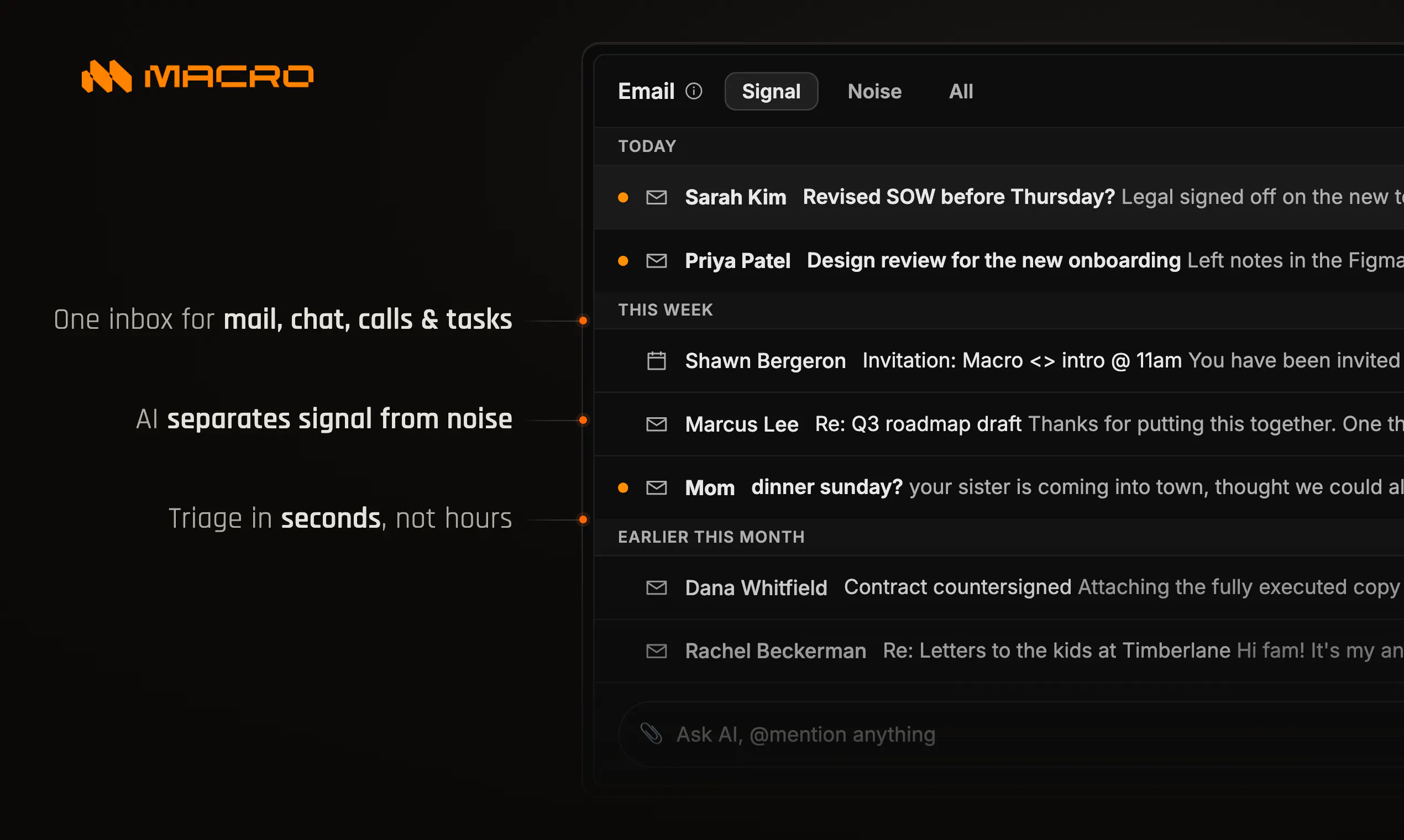
  • Email inspired by Superhuman, with better AI for triaging ("Signal vs. Noise")

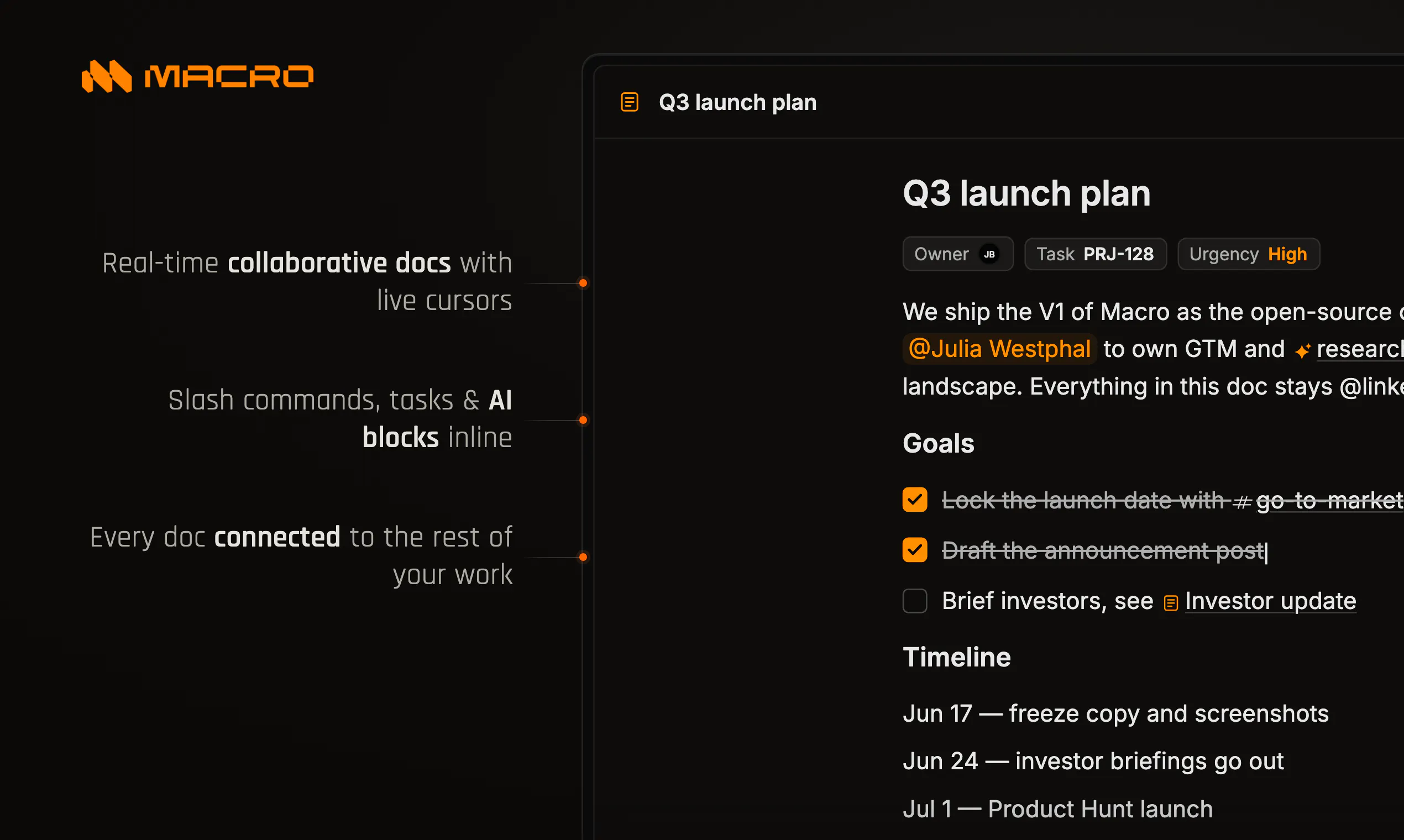
  • Notion-like documents with fast CRDT's instead of last-write-wins, @linked to everything

  • Messaging, like Slack, but more focused for deep work

  • Linear-like tasks but deeply integrated with channels, auto-created and auto-assigned

  • Video calls with Google Meet performance that are transcribed and added to your team

  • A unified brain for all of this, in one place, and much more

We've also chosen to be open source in order to keep customizability at the core of our company. You can check out the repo here https://github.com/macro-inc/macro and see what we're building in the Pull Requests tab.

Macro is an ambitious project. But that's also what makes it so useful and fun to work on.

Give it a try: https://macro.com/

25
回复

@linked  @jacob_beckerman Love the ambition behind this. Instead of adding another tool to the stack, you're trying to simplify the entire workflow. That's a problem worth solving. 👏

0
回复

@linked  @jacob_beckerman Congrats on the launch! What stood out to me is that Macro Workspace seems designed around how people actually work—not just adding more AI features.

0
回复

@linked  @jacob_beckerman Replacing four or five separate subscription tools with one unified application is a massive win for both team alignment and operational budget

0
回复

This is one of those products that immediately makes sense. Bringing docs, tasks, communication, and AI into a single workspace could eliminate so much context switching. The shared AI memory is an especially interesting idea. Looking forward to trying it out—congrats on the launch and best of luck! 🚀

15
回复

@1mirul Thanks! Yes, we think it is a pretty obvious pitch. When we set out to build it I knew I wanted it, but wasn't sure how good it would all feel. Now two years later with much of it polished, I can say it feels really really good. Our company is decluttered, everyone is aligned and we're shipping fast. It's not rocket science but it is super tedious design work. I take pleasure in doing it better than anyone else would have done it, if anyone else would have tried. The existing stuff is good, it's just not great and it's not well-integrated for teams and agents, and it's closed-source. Thanks!

0
回复

I've been waiting for a workspace where AI actually understands everything happening across emails, docs, and tasks. This looks like a promising step in that direction. Best of luck with the launch!

9
回复

@monir_ You can also accomplish this by MCP'ing Claude/Chat into all your tools. But:

  • MCP is often a limited subset of the app itself, or rate limited. Your agent received a partial representation of what you get as a human user. It often makes mistakes that aren't forgivable. Incentives are misaligned because each develop wants to keep you in their ecosystem, just just become something that lives under the LLM.

  • You're still paying for all of those tools. The cost adds up to much more than Macro's free version or $40/month plan. if you sum Superhuman, Notion, Linear, Slack, HubSpot, etc., etc., you get to a significant sum. And to save money, often you'll not give e.g. HubSpot seats to everyone who needs them which leads to further fragmentation of who-can-see-what in your company. Macro unifies all of this into one business system.

  • You still have to login, 2FA and have sign ins to a bunch of different tools. This is mostly a problem on mobile where you have links going across apps. It's easier, but still annoying, to context switch between different tabs on desktop. It's even harder on mobile.

  • Fundamentally, each tool was designed as a silo, only with limited integrations. For example there is no button in Superhuman to take a customer email and report it as a Linear ticket: that's a manual process you have to do of pasting an image in Slack and having an engineer (or you) create a ticket, which doesn't always happen. In Macro, because each product surface was co-designed you don't have to do this, just hit "task" from email to bidirectionally link a new task to that customer email.

  • There is no unified memory layer, in part because nobody is "in charge" of constructing this. Nobody has all the pieces. You buy a little slice of your stack from each vendor. Macro provides unified and team-level memory across all your tools, because it is all your tools, co-located in one ta and co-designed to work together.

1
回复

How does the team-level memory actually work across all those different tools, especially for things like email threads from a few months back that I barely remember starting?

4
回复

@zehra6lwq Recall (in the sense of precision and recall) is a problem for all AI systems, and humans too ;). One of the biggest benefits of having all your workspace in one database (Macro) not spread across a bunch of apps is the unified memory aiding in recall. Macro's Unified Search tool available to the agent allows it to search through all content types, rather than having to execute multiple MCP calls, dedup resonses, order chronologically, then make more calls to further investigate. Of course, our approach saves cost (tokens) and time (tokens, again) but it also improves performance on these types of queries.

0
回复

Huge shoutout for going open source with this 👏 @jacob_beckerman qq Is there a native desktop app with global shortcuts for quick capture, or is everything running out of the browser for now?

4
回复

@vikramp7470 Thanks Vikram - we believe the successor to legacy SaaS will be an open, modular, extensible workspace. I also believe most startups die from apathy: the most important thing you have to do as a founder is make a dent in the universe. If we succeed in improving things for users, I'm confident this is a great business as well. And over time as Macro matures, it will be silly to use proprietary closed-source SaaS when there's a unified and open alternative.

Right now there's a mobile app that's native with Tauri, which we will also use to make the Mac and Windows apps eventually. For now it's browser-only on desktop - would this be a top priority for you? Personally I prefer email in a desktop app, so I see the use caee, but since Arc browser I'm mostly using we versions of apps, except sometimes Figma for local fonts.

1
回复

The shared memory part is the bit I’m most curious about. Feels like a lot of tools are getting better at storing more context, but more context is not always the same as useful context. How does Macro decide what is actually worth remembering? Is it mostly things I tell it to save, or does it start picking up patterns from how I work over time?

1
回复

@tobiasfleischer What is worth remembering? That's a good research topic! Probably, whatever is salient, especially in light of future requests you expect the user to make. For us, right now, it depends highly on what you connect and who you're working with. My memory system is mostly filled with biographical details, history of the company (Macro), and what things I prefer and don't in AI responses, who I work with and what they're the technical owners for, and some quite personal information about my partner and pets (picked up from my connected personal email) and family.

(if you want to know what Macro knows about you so far, you can ask for it's memory dumb - after using it for a few months mine is super impressive)

2
回复

the super-app graveyard is real. slack tried to be your inbox, docs, calls, CRM. teams too. both ended up as chat with a lot of tabs nobody clicks. the thing that would actually make one of these work is the connective tissue between the parts. team memory is that, if it knows who said what where.

genuine question: is the memory a permission-scoped graph or a flat corpus? that's where team products either become invaluable or become HR nightmares.

1
回复

@thenameisarian Thanks for your comments Mustafa - see my reply to Dipankar!

0
回复

Shared memory is the hook here, but the trust boundary feels just as important. Can teams choose which channels, docs, or calls get added to agent memory, or is everything in the workspace queryable by default?

1
回复

@novamaker01 Great question. We have what we call Channel based permissions permissions (see https://docs.macro.com/product/channels) which means whenever you something in a channel is is auto-shared with participants. Compare that to, say, Notion + Slack or GDocs + Slack, where you need to also remember to manually share your link with everyone in the channel. Then, the memory system is built from your permissions because all Macro agents inherit your permissions; so memory includes all channels you're a part of, all email accounts connected, external services via MCP, and the text content of all channels, including Macro Calls aka standups/huddles spawned from those channels!

As I'm writing this, I'm realizing how important permissions is for building team-level memory. TBH we don't think about this much internally as we use Macro because it "just works". But yes, it would be a lot harder otherwise because you have no centralized permissions controller.

1
回复

The unified surface demos well, but the hard part is team memory respecting permissions at retrieval time. If I query 'the workspace' and the answer lives in a doc or DM I'm not on, does retrieval enforce ACLs per chunk, or is the index shared and you filter after? We built agent memory over mixed-permission sources and the lesson was that access control has to live inside retrieval, not the prompt, or the model will happily quote something the user was never allowed to see. Being open source makes that auditable, which is a real plus.

1
回复

@dipankar_sarkar Yea, there's no right answer and it's a hard problem. From a design perspective there's a couple options (i) let some LLM decide (ii) manually grant permissions at runtime (iii) the agent inherits permissions of some human. Four our case, at least for now, we've chosen ~3:the access control inherits from the user that launched the agent or that referenced them in the channel. This works pretty well and hasn't let to any embarrassments yet, since your agent is restricted to accessg things you have access to, it generally matches users' expectations and fails understandably.

2
回复

finally an app that actually unifies my inbox and tasks without feeling clunky, the memory search pulled up a thread from last month instantly

0
回复

This is very interesting, and I like the unified experience. But does that mean I have to move out of Notion and rebuild everything?

0
回复

how does team-level memory actually work when people leave or join a workspace, does it retain or wipe their context

0
回复

Finally tried Macro this morning and the team memory feature actually works like advertised. Asked it to pull up last week's client thread and got the email, doc, and follow up tasks in one view.

0
回复

How does team-level memory actually work across different tools like email and code, and is it really seamless or do you have to manually tag what gets stored?

0
回复

How does team-level memory actually work across different apps — does it just index everything or is there a way to exclude certain conversations or docs from being searchable by the rest of the team?

0
回复

the team-level memory idea is genuinely clever - being able to query your whole workspace instead of digging through tabs sounds like a real quality of life upgrade

0
回复

Finally tried Macro after hearing about it for weeks and the team memory feature is the real deal. Pulled up everything I needed across docs and messages without jumping tabs.

0
回复

Team-level memory that lets you query your whole workspace is the compelling part - most unified-workspace tools stop at search. Does the memory span everything (docs, calls, CRM) from day one, or is there a lookback window before it kicks in?

0
回复

Open source is a smart trust move for a workspace that wants to hold email, docs, tasks, calls, and CRM in one place! The adoption challenge is that most teams will not move their whole stack at once. Are early users starting with Macro as an email client first, or are they bringing docs and tasks in from day one?

0
回复

The constant hopping between apps is one of those small daily drains you stop noticing, so seeing it all pulled into one calm place is a relief.

0
回复

finally something that pulls my chaotic slack, gmail, and notion stuff into one place without me copy-pasting between tabs. the team memory search is genuinely useful for digging up old context

0
回复

How does the team-level memory actually work across different tools like email and code—does it pull context live or do you need to keep everything inside Macro for it to be useful?

0
回复

@ozkur99489 Email, it connects to your Google Workspace / Gmail accounts. We've had requests for IMAP and Outlook which is on our roadmap. For your other tools, you canconnect them here. Just hit MCP's in the bottom left to add integrations. From there, the agent will be able to access or import your content. Just say "import my docs from ..." etc.

0
回复

replacing 17 tools with one app is the pitch every all-in-one workspace makes, and it usually means each individual piece ends up 80% as good as the dedicated tool it replaced. what's actually best in class here vs just "good enough to not need Slack anymore" - email triage, docs, or something else

0
回复

@omri_ben_shoham1 I agree that historically you've had to choose between Let's run trough some comps of who's tried and why I think it went wrong. It's important to note that all of these attempts were pre-coding agents, so a reasonable answer to "why now" is "this problem [rebuilding the workspace] literally just became tractable". Of course, we started building Macro before coding agents, but they've allowed us to make progress on our roadmap much faster and expand our ambitious to more blocks.

  • Notion chose the wrong level of abstraction. Markdown docs and databases are super flexible but they're not as as good as purpose-built products. We ran our last company on it but had to migrate CRM and Tasks off of it as we scaled, leaving Notion hollowed out. Also, Notion really isn't an all-in-one, it's docs/notes/wikis and now agents. They just unshipped Notion Mail. They don't have calls, channels or mail. Their calendar is a different app that they acquired. So I think it's fair to say they're backing off the "all-in-one" pitch to focus on agents.

  • ClickUp figured out that most F500 teams can't discern slop from quality, and that sales matters more than product for that market. So they rapidly built an okay product with that market and layered sales and marketing. They never won with taste-makers and startups. They're super closed source, and not even as friendly as Notion when it comes to dev extensibility. But they were the only game in town for the all-in-one pitch. But still, to my knowledge, no email client integrated? That's an important part because it's where customer requests come in and it's the main comms channel for sales, customer support, etc.

  • Coda was like Notion but expanded a bit too quickly IMO whereas Notion stayed focused on docs, wikis and tasks for longer. Coda never won the mindshare that Notion got with solo users (and then lost to Obsidian a few years later, as they enshitified and moved upmarket).

  • Quip was a great mid-2010s attempt at this from Brett Taylor. I've asked a few people why this didn't go as planned and I'm not so sure why. They did spreadsheets, unlike Notion, and channels and it was pretty sleek. It got adopted by some big companies. Perhaps it was mismanaged by SFDC, I'm not sure. It had a very different vibe than Macro IIRC, it wasn't as good as the standalone tools, it was more of a light version of docs, spreadsheets, etc.

TL;DR: Macro is the only tool that doesn't make you choose. You get (i) best-in-class blocks (notes, email, etc.) as well as full integration across the suite. Coding agents are what make building this feasible.

See https://macro.com/posts/ for some more info about how we've designed Macro and how it compares to what came before it, and how those tools inspired/informed us!

1
回复

Inheriting the launching user's permissions is a sane default. Where it got us was memory writes: once the agent summarizes something into shared memory, a teammate with lower access can pull that derived summary later even if they were never allowed to see the source it came from. Does a memory entry carry the ACL of its most-restricted source, or does it just inherit the channel it was created in?

0
回复
#6
Solaris
Your company’s AI adoption and upskilling platform
151
一句话介绍:Solaris 通过AI素养测试、角色化学习路径和团队工作流实验,帮助企业将零散的AI工具使用转化为系统化的团队AI能力,解决“买了AI工具但没人会用”的落地困境。
Education Artificial Intelligence Online Learning
企业AI培训 AI工作流 员工AI素养 AI转型平台 团队AI能力 AI采纳平台 AI冠军 AI实验 SaaS 人机协作
用户评论摘要:用户关注行为改变(工作压力下回归旧习惯)和衡量指标(90天后AI原生状态)。反馈认为比单纯培训更落地,但需警惕培训后的习惯回弹。强调测试能暴露团队意外盲点,并建议区分不同职能(如PM与工程师)的AI素养标准。
AI 锐评

Solaris打动人的不是AI技术本身,而是它对“AI溃败”背后行为痛点的精准捕捉。当无数企业为ChatGPT买单后却发现员工依旧抱着Excel和旧流程不放时,Solaris用“测试→定制学习→实验→冠军→度量”的闭环回答了核心问题——AI转型的根本是改变工作习惯,而非购买软件。

产品巧妙避开了“AI功能堆砌”的陷阱,转而聚焦“如何用AI重塑工作流”的实操场。从评论中反复出现的“行为回弹”问题可以看出,团队缺乏的不是工具,而是将新行为固化为习惯的系统性环境。Solaris用每周实验提交和内部冠军机制,将AI融入持续互动而非一次性培训,这比单纯的知识灌输高出几个层次。

不过,产品面临的真正挑战在于:当员工在KPI压力下被迫“速度优先”时,是否有足够杠杆让新习惯真正扎根?另外,平台上“AI素养测试”的标尺是否能区分不同角色(如销售与工程师)的差异化深度,是产品能否避免流于表面的关键。若只给出通用评分,则可能沦为HR数据的又一噱头。

一句话:Solaris切的是“AI焦虑”市场的真需求,但能否从“咨询式服务”演变为“可规模化的行为引擎”,取决于它是否能证明90天后团队的自动化率和决策效率有了可衡量的提升——而非只是多掌握了几条提示词。

查看原始信息
Solaris
Solaris is an AI-native transformation platform that helps organisations build AI fluency across every team. Start with a fluency test to understand where people are today, then give each team tailored learning, practical use cases, workflow challenges, champions and adoption tracking. Solaris helps companies move from scattered AI experiments to measurable capability, so AI becomes part of how work actually gets done.

Hey Product Hunt 👋

Annie here, co-founder of Build Club.

Today we’re launching Solaris - an AI-native transformation platform that helps organisations turn AI access into real team capability.

We built Solaris because most companies already have AI tools inside the business (ChatGPT, Claude, Copilot, Gemini and more are already being used somewhere).

But usage is often scattered, shallow and inconsistent.

A few early adopters move quickly, while the rest of the organisation is unsure what to use, how to use it, or where AI actually fits into their work.

Solaris is designed to make AI adoption more structured.

It starts with an AI fluency baseline, so leaders can understand where teams are today: who is confident, who is stuck, what tools people are using, and where the biggest capability gaps are.

From there, each team gets guided through role-based learning pathways and practical AI use cases based on how they actually work. Instead of generic AI training, Solaris helps employees see where AI can improve their day-to-day workflows across functions like sales, ops, marketing, finance, HR, customer support and leadership.

Teams then submit real workflow experiments each week, turning learning into hands-on application. Internal champions are upskilled to support adoption inside the company, share examples, and help AI behaviour spread beyond the early adopters.

Leaders get visibility into adoption over time: which teams are progressing, what workflows are being tested, where support is needed, and how AI fluency is improving across the business.

The goal is simple:

AI should not be another tool sitting unused inside the organisation.

It should become part of how teams think, build, communicate and work.

We have seen this pattern again and again through Build Club, Campus, Manus Academy and our enterprise AI programs. One-off training is not enough. Real transformation needs baselining, tailored learning, practical workflows, champions and measurement.

That is what Solaris brings together in one platform.

We’re onboarding organisations now and would love your feedback, roasts and intros.

Explore Solaris: https://solaris.buildclub.ai/

Question for you: What is the hardest part of getting teams to actually adopt AI at work?

Built with ❤️,
The Build Club team - Annie, Kevin, Talin, Clinton, David and Andrew

8
回复
@annie_liao Most companies don't struggle because employees can't use AI. They struggle because people default to familiar workflows under pressure. Did that behavioral gap end up shaping the product more than the AI itself?
0
回复

What's the metric you point to when a company asks if this actually worked? Like what does 'AI-native' look like 90 days in vs day 1?

2
回复

Wherever you're starting from, Solaris meets your team where they are. Get your team started on their journey to becoming AI fluent and beyond 🚀

2
回复

@clinton_lui1 love the spirit!!

1
回复

Build Club helps anyone leverage AI. Solaris helps any company become AI-native.

Super excited to usher in an era of AI-native companies!

2
回复

@kevinzhu 🔥 it's an exciting time to be in the workforce!

2
回复

How does the community actually work day to day — is it mostly async discussions, weekly calls, or something else? Trying to figure out if it fits a busy schedule or if regular attendance is expected.

1
回复

@alperenoc52 it fits into your schedule! in enterprise settings we encourage activations like lunch and learns and showcases, for community, this is mainly opt in and in curated build labs.

0
回复

Joined a build session last week and the feedback loop felt really natural, people jump in with code reviews and resource links right when you need them. Surprised how active the Discord is even for niche AI topics.

1
回复

@kbra7nqg thank you! and glad to have you in the community!

0
回复

How does the free tier actually hold up compared to paid AI learning platforms — do you get hands-on project feedback from the community or is it more self-paced content?

1
回复
0
回复

Hi Annie, learning by actually building something has always stuck with me far more than watching a tutorial I forget by lunch. The idea of staying current while getting my hands dirty is really appealing.

1
回复

@joan_live thats so great to hear!

0
回复

Congrats on the launch, and really like the angle here.

I like that this is framed around adoption and not just training. Feels like a lot of companies can do an AI workshop, everyone nods along, and then a week later people are mostly back to the same old habits.

I guess what I’m wondering is: what actually changes the day after the training? Like what stops people from just going back to their old way of working?

1
回复

@tobiasfleischer 100% - that's where the governance and HR toolling we have built becomes relevant. Solaris takes AI transformation from giving someone a "tour" to being a long term "tour guide" on a companies AI journey.

In practise, this means an AI hub and project dojo where we help companies surface master templates and encourage a culture of sharing.

1
回复

Love how clean the community hub layout is, everything you need to dive into a lesson or connect with other builders is right there without feeling cluttered.

1
回复

@farukvbr9 Thank you Faruk! Appreciate the feedback

0
回复

Congratulations on your launch!

1
回复

@moon10 thank you !!

0
回复
Hi, like how you break down AI fluency into stages, when a company takes the benchmark test, does it usually reveal gaps that surprise teams about where they actually stand?
1
回复

@thys_beesman 100% - it's also a great tool to identify AI champions inside organisations

0
回复

interesting approach starting with the fluency test before prescribing learning paths. curious how you calibrate what "fluent" actually means for different roles — the bar for a product manager vs an engineer using AI is pretty different in practice. do you differentiate by function or is it a universal baseline?

0
回复
#7
Banger Mail
Shared mailboxes for teams and AI agents
139
一句话介绍:Banger Mail是一款专为团队打造的macOS原生共享邮箱应用,让客服、销售等团队协作和AI智能体在同一收件箱工作,核心解决多人共用一个邮箱时密码共享、重复回复、缺乏审核流等痛点,核心特色是AI草稿+人工审核后才发送的“邮件版拉取请求”模式。
Email Productivity Customer Success
共享邮箱 团队协作 AI智能体 邮件审核 Mac应用 客服工具 企业级邮箱 原生应用
用户评论摘要:用户普遍认可“邮件拉取请求”模式与自建邮件基础设施的诚意;核心质疑集中在:多人同时审查如何防重复回复(目前仅支持单次审查);AI代理的自主发送权限如何精细管控(支持按邮箱/代理设定);冷启动时易出现“审核疲劳”,缺少自动放行安全场景(如退款)的信任分级机制。
AI 锐评

Banger Mail 的切入点足够锋利:它精准捕捉到“共享邮箱”看似简单实则混乱的协作黑洞,并用原生性能和自建基础设施表达了不俗的技术决心。创始人自曝来自Beeper/Automattic,其“邮件即代码”的Pull Request思维确实戳中了企业级邮箱协作缺失的安全审核层,比那些只做UI包装的SaaS高明许多。

但冷静来看,产品的真正挑战在于平衡“安全”与“效率”。目前严格的“每封信都要人工审核”模式,对高频答复场景(如账单查询)绝对是效率毒药,而用户提出的“基于意图的自动放行/抽检”是本产品能否从极客玩具进化为团队工具的关键。虽然团队声称将探索“信任等级”,但路线图上尚未给出明确的优先级。

更值得警惕的是,自建邮件基础设施固然是长期壁垒,但也意味着团队必须死磕发送可达性、反垃圾策略等运维地狱,这极可能成为早期因小众域名或配置错误而劝退用户的隐形杀手。另外,作为Mac首发应用,在Windows和移动端推出前的这段时间,其市场声音可能被强劲的现成跨平台工具(如Front、Missive)快速吸走注意力。Banger Mail 想征服团队的收件箱,需要构建的远不止一个优雅的审查器,而是成熟的协作工作流与可靠性证明。

查看原始信息
Banger Mail
Banger is a native Mac app for teams running shared inboxes like support@, sales@, and founder@. You and AI agents work the same mailboxes: agents triage, label, and draft with scoped access, while you review before anything sends. Connect your own domain or Google Workspace accounts, search everything, assign threads, and track work on a board. Early access: 14 days free, 2 mailboxes, 100 AI credits, no card. 500 spots now. Mac first, Windows and mobile next.

If two teammates are reviewing the same conversation at the same time, how does Banger prevent duplicate replies or conflicts?

4
回复

@shawn_idrees hey Shawn, in this early implementation you can only request review one at a time. But in the future they will be just many revisions you can accept or merge yourself, i.e. the reviews won't be applied right away but live as changes that you can accept or not and resolve conflicts if any.

2
回复

Hey Product Hunt 👋 I'm Tiago.

I’ve spent the last few years building chat apps, first at Beeper, including Beeper Mini, and then at Automattic. Most of my work has been deep app engineering: native clients, messaging surfaces, sync, reliability.

One thing I kept running into is that email still feels built for one person, even though a lot of company work happens there. Support, sales, invoices, recruiting, partnerships. It all lands in the inbox, but teams still end up sharing passwords, forwarding threads around, or pasting drafts into Slack when they want someone else to review a reply.

So I left my job and started MuchBetterApps with a friend who has spent years building and operating infrastructure. Banger is the first thing we’re building.

The basic idea is shared email with review built in. You can have shared mailboxes, real permissions instead of one shared login, and a way to put an email up for review before it sends. That can be for a teammate’s draft, or for something an AI agent wrote. The closest analogy is probably a pull request, but for email.

One important detail: for custom domains, we are not just putting a nicer UI on top of someone else’s email product. We built our own mail infrastructure for receiving and sending email, including the domain setup layer. We are not relying on AWS SES, SendGrid, Postmark, Mailgun, or another hosted email service for that part. There is a lot of unglamorous work in deliverability, routing, queues, DNS setup, bounces, retries, and abuse prevention, but I think owning this layer matters if we want to build the kind of email product we have in mind.

Today we're launching the native Mac app. It supports your own domains and Google Workspace. For new domains, we’re trying to make setup less annoying. For existing Google Workspace teams, the goal is to add the collaboration layer that Gmail does not really have.

This is early access, so it’s not the whole vision yet. There are 500 open spots now and we plan to open more as the infrastructure scales.

I’ll be around in the comments. I’d love to hear what you like, what feels unclear, and what you think we’re missing. Thanks for checking it out.

3
回复

@tgloureiro A native Mac app for shared team inboxes with built-in AI triage and human approval? Exactly what early-stage startups need to scale founder@ and sales@. Huge congrats on the launch today! 👏

0
回复

How do you envision the AI agents handling email threads with multiple stakeholders or complex customer support issues?

3
回复

@aymnart 
1- We are going to enable you to use external agents, on which you shared the proper context and gave proper tools and skills to answer very complex issues.
2- The main Idea on Banger is that teammates or AI agents can make reviews without sending, i.e. they can suggest something and rely on an advanced opperator to approve sending as well.

2
回复

I appreciate that you built your own email infrastructure instead of just adding another interface on top of existing services. That is a much bigger undertaking than most people realize.

3
回复

@lakeesha_weatherwax Yes, we're just getting started on that but it will help us to create features no other email app has. ty for checking out!

1
回复

The "pull request for email" framing is exactly right. I build support and sales agents for ecommerce stores, and

review-before-send is the single thing that makes owners comfortable letting an agent anywhere near their inbox. So, it

is great to see it treated as a first-class feature instead of a bolt-on.

The question that I think decides whether this scales: what happens after a reviewer has approved 50 routine drafts in

a row and starts rubber-stamping? Do you plan per-agent or per-thread-type trust levels (auto-send the routine stuff,

always hold refunds, pricing, anything with money), or sampled review once an agent earns confidence? That dial

between safety and approval fatigue is the hardest part of this pattern in my experience.

Also, respect for owning the mail infrastructure yourselves. Deliverability, bounces and abuse handling are unglamorous, but that layer is usually where products like this live or die.

Congrats on the launch, Tiago.

3
回复

@syed_noor4 Hi Syed, ty for checking it out. When you add a human and teammate right now you can choose the permission level. I think we're well positioned to experiment with per-agent or per-thread type trust levels, similar on how code harnesses have the 'only ask for actions as detected as potentially unsafe'. We'll explore this idea on the second half of the year. Thank you for suggesting the per-thread-type trust level, I haven't received this feedback yet.

2
回复

Congrats! QQ, this is only for MacOS or any future plans to release on Win?

3
回复

Hey @ruvik_milkis , we have a Windows version that is very advanced right now, based on WinUI3 with Fluent Design. We'll launch it soon after it gets parity and similar quality as the native macOS version.

2
回复

Finally a shared inbox that doesn't feel like a hacked together web app. Loved the scoped AI access, draft stayed put until I hit send which is the right default.

2
回复

Building your own send/receive infrastructure instead of layering on SES or Postmark is the choice most teams talk themselves out of because the ROI takes years to show. But it's the one that separates products that stay flexible from ones that hit ceilings the moment their upstream provider decides to change something.

The "pull request for email" analogy is the tightest way to state that pattern I've heard. Review-before-send with AI drafts is exactly the missing layer, I've watched teams try to bolt this on with Slack channels, forwarded threads, and shared Google Docs, and it collapses within a month because the review context doesn't survive being ripped out of email.

Genuine question, for someone running cold email operations across multiple mailboxes and warmed domains, does Banger's shared inbox model extend to that use case, or is it strictly for shared team inboxes like support@ and sales@? The reason I ask: cold email is one of the places where "one draft, three eyes on it before it goes" would materially reduce misfires, but the current tooling assumes single-operator workflows.

2
回复

@elias_motionfy hey Elias, yes, you can share any mailbox, even gmail accounts with other teammates to do cold email and everything.

1
回复

Shared mailboxes where agents triage and draft but a human reviews before send is exactly the setup I'd want for a support@/founder@ inbox — the 'forward the thread into Slack for a second opinion' dance is real. One thing I'd test first: does the review-before-send gate apply to every agent-drafted reply forever, or can you whitelist specific labels/intents (say, shipping-status replies) for auto-send once you trust the triage? And is an agent's scoped access set per-mailbox, or can you restrict it to certain threads/labels within a single inbox?

2
回复

finally a shared inbox that feels built for mac, the scoped ai access for drafting is genuinely useful and the kanban board for threads makes support way easier to follow

2
回复

@cumaiftlikm5ln thank you Cuma

1
回复

finally a mac app that doesn't feel like a chrome wrapper for shared inboxes. love that ai drafts sit waiting for approval before sending, keeps things sane for support@

2
回复

@camderelit14271 thank you Tahir

1
回复

how does the AI scoping actually work in practice, like can two agents see different drafts of the same thread or is everything shared across the team

2
回复

@melihlidiphxj hey Melih, you can choose who access which mailbox(human or agent) and send permissions for each one.

1
回复

How do the AI agents actually decide when to draft a reply vs just label something, and can I set per-agent rules or do they all run on the same defaults?

2
回复

@naime162129 

Hi Naime, emails are always labelled by AI (being cloud or local AI).

Regarding processing of the queue:

When you create an internal agent, you can setup the per-agent rules and the send capabilities (draft and ask for review or can send). On your workspace you can have as many different agents as you want to deal with different needs.

On this early preview, you still need to assign the email to one of the agent so it does draft or send it depending on its permissions. We have auto-triage on the roadmap, on which you will define rules so the email/task is given automatically to one of the agents or a human.

1
回复

Shared inboxes are a good place for AI because the work is repetitive but the accountability is still human. The guardrail I would want is a clean separation between draft, suggested action, and actual send, especially for support or billing threads.

2
回复

@krekeltronics yeah, we already have that on the version we launched today. Give it a try and let me know if it works for you.

1
回复

How scoped exactly is the agent access — can it send on its own in some scenarios, or does every outbound always wait on a human click?

1
回复

@sedahykex4z You define its send permissions, if it's an inbox that's ok for the agent to eventually send it'll do that given the permission.

0
回复

Scoped access + human review before send is the right trust boundary for mixing AI agents into shared inboxes. How granular does the scoping get - can one agent draft-only on support@ while another gets broader access on sales@, or is it set per-mailbox rather than per-agent?

1
回复

@dannyheng hey Danny, yeah same for teammates and AI agents: you can choose which mailboxes they have access. For example, you can have a support agent answer on @support and @help and a sales agent answering only on @sales. Same as teammates, you can invite some people to some of the mailboxes only.

0
回复

shared password / forwarding threads around for a support@ inbox is such a specific, real pain that never gets fixed properly. glad you kept a review step before send instead of letting agents fire off replies on their own, that's the part that would actually make me trust it with a customer-facing mailbox

1
回复

@omri_ben_shoham1 thank you Omri, give it a try!

0
回复

This is very interesting. We're building an AI agent for outreach and encountered this issue. Will explore how it works. Congrats on the launch!

1
回复

@heyitsirenechan Cool Irene, maybe we could chat later if it helps, ty!

0
回复
#8
PieterPost MCP
Connect your AI agent to postal mail
129
一句话介绍:PieterPost MCP是一个AI代理物理邮件接口,让ChatGPT、Claude等智能体能够自动完成信件/明信片的撰写、地址填写、附件上传、支付链接生成及物流追踪,解决AI无法触达物理世界邮件的痛点。
API Developer Tools Artificial Intelligence
AI代理工具 物理邮件自动化 MCP服务器 智能体工作流 邮政API 明信片打印 邮递集成 支付链接 联络人管理 订单追踪
用户评论摘要:用户高度关注安全机制(幻觉地址不可逆、人工审核门的必要性),称赞Mailbook通讯录集成和“先审后发”的草稿模式;询问定价按用量计费、物理邮寄流程(打印投递而非自取)、以及明信片预览确认功能。评论区普遍认为该产品填补了AI与实体通信的空白,尤其适合节假日贺卡、商务函件等场景。
AI 锐评

PieterPost MCP本质上是一次“虚拟与物理的硬缝合”——它解决的并非技术难题,而是业务流中的“最后一公里”断裂:AI能生成完美的文案,却无法触达真正的信箱。其真正价值在于将传统邮政服务封装进MCP协议,使物理邮寄成为AI代理的一个可编程工具节点。然而,这恰恰也是产品的阿喀琉斯之踵:一旦进入实体世界,错误的代价从“重新生成”变为“信件送到陌生人手里”。从评论可见,用户最关心的并非技术实现,而是“不可逆”的容错边界——他们需要“硬性人工门”而非默认信任。当前产品以“先审后发”作为默认流程,聪明地规避了AI幻觉引发的法律风险,但也限制了自动化想象力:它本质上仍是一个“AI起草+人类最终确认”的半自动系统。商业上,按发送量计费且MCP免费的策略降低了试用门槛,但真正的挑战在于规模化后的信任机制——当用户希望实现彻底无人值守时,系统能否通过地址校验、内容审核和支付限额等内建栅栏来兜底?可以说,PieterPost MCP是AI原生应用从数字价值奔向物理价值的一场实验,它证明了“把信寄出去”远比“把信写好”更复杂。对于需要定期批量发函的小型商务和追求仪式感的个人用户,它确实提供了独特的便利;但对追求全自动化的工程师而言,它目前更像是含有人工审查的半成品——而这,恰恰是对物理世界该有的敬畏。

查看原始信息
PieterPost MCP
PieterPost MCP connects AI agents to postal mail. From ChatGPT, Claude, Codex, Claude Code, or any MCP client, agents can prepare letters and postcards, use Mailbook contacts, upload attachments or postcard images, create checkout links, and track orders. It brings PieterPost online mail, API, and payment-link workflows into agent tools.
Hey Product Hunt. We built PieterPost MCP because agents can write a message, but usually stop before the physical part: addresses, files, checkout, printing, and mailing. This launch adds a remote MCP server at pieterpost.com/mcp. Agents can quote a letter or postcard, create a checkout link, use Mailbook contacts, upload assets, and track the order. For normal one-off sends, payment happens before anything is mailed. For trusted integrations, the API and direct-send path is still there. MCP is one feature of PieterPost, not a separate company. PieterPost already helps people send letters and postcards online. This makes that postal layer available from agent workflows. Curious what you would trust an agent to send by mail first.
4
回复

@pieterpostcom Congrats on the launch! 🎉

Connecting AI agents to postal mail

is such a unique idea - never seen

anything like PieterPost MCP before!

When people search "AI agent postal

mail tool" on ChatGPT, is PieterPost

showing up?

I help SaaS tools get discovered on

ChatGPT & Google through Reddit

marketing. Communities like r/artificial

and r/ChatGPT would love this.

Would love to connect!

- Priyesh Kharwar

0
回复
@pieterpostcom Connecting AI to postal mail changes the margin for error quite a bit. What safeguards ended up being non-negotiable before you felt comfortable letting an agent trigger something that exists in the physical world?
0
回复

The Mailbook integration seems really useful. Having contacts ready instead of entering addresses every time could save quite a bit of effort

2
回复

@nitesh_kumar98  Totally agree. Mailbook is one of those small things that makes repeat mail much less annoying. Save the address once, send again later without digging it up, and use reminders for things like birthdays or regular cards. What kind of contacts would you keep in there first?

0
回复

Congrats on the launch. I never expected postal mail and AI agents to come together, but this actually makes a lot of sense for businesses that still rely on physical communication.

2
回复

@rahul_manjhi1  Thanks Rahul. That is the gap we kept running into: plenty of business workflows still end in physical mail, but the software side usually stops at a PDF or an email. What kind of business mail do you think this fits best?

0
回复

Love it! 😍 How are you thinking about pricing the MCP side? Is it just pay per letter/postcard sent, or will there also be something like a monthly/API plan if people start wiring this into their own tools? Mostly asking because this feels like something I’d try once manually, then immediately want to automate if it works.

1
回复

@nick_kramer  Yep, MCP is free. You only pay for the letters or postcards you actually send. We wanted it to feel like normal PieterPost: try one, review it, send it, and if it fits your workflow you can keep using it without a separate MCP subscription. What would you automate first?

0
回复

How does Pieter Post actually handle the physical delivery part, do you print and mail things on my behalf or is there some kind of kiosk pickup I need to visit nearby?

1
回复

@meryemvfjh  We print, stamp, and mail it for you. No kiosk and no post office trip needed. You write it online or through the API/MCP flow, review it, pay, and PieterPost handles the physical part. What would you send first?

0
回复

Letting an agent create a checkout link before anything mails is a clever gate, but I'm curious what the agent actually sees back after it uploads a postcard image. Does it get any confirmation of how the final print looks, or is it flying blind on the physical artifact once payment clears?

1
回复

@sezerufukyavuz  Great question. The agent can prepare the upload, message, recipient, and checkout. The person still reviews before payment and mailing, so it should not be flying blind. For postcards, we want the preview to show the image, recipient, price, and final send step clearly. What would you want confirmed before trusting it?

0
回复

Connecting AI agents to physical mail is a genuinely underexplored

space. The irreversibility angle is the interesting design challenge

here — curious if you're adding a confirmation step before anything

actually ships, since a hallucinated address isn't a retry, it's a

stranger's mailbox.

Would love to see a "draft mode" where agents prepare everything but

a human approves before it goes physical.

1
回复

@l_build  Yes, draft mode is the default shape we want people to use first. Let the agent prepare the recipient, message, assets, and quote, then a human approves before anything gets paid or mailed. Where would you use that kind of flow first?

1
回复

That tiny detail of skipping the stamp-licking step is honestly such a nice touch, love how clean the whole flow feels from envelope to sent.

1
回复

@adilewib  Thanks Adil. That no-stamp feeling is exactly what we wanted: write it like a normal message, then still get something physical sent properly. Would you use it more for personal notes or business mail?

0
回复

Physical mail as an MCP tool is a fun edge because it's one of the few agent actions that's genuinely irreversible once it's in the postbox. What's the confirm boundary here: does a human have to click through the checkout link, or can an agent with a saved payment method quote-and-send in one shot? For a tool that spends money on a physical artifact I'd want the resolved address read back and a hard human gate, since a hallucinated recipient isn't a retry, it's a stranger opening my letter.

1
回复

@dipankar_sarkar  Exactly. That boundary is the core design. The normal flow is quote, review the final text and resolved address, create a checkout link, then mail after payment. No silent send unless someone has set up a trusted direct-send path with explicit limits. What would you want on the approval screen before it goes physical?

1
回复

Loved how quick it was to send a letter from my phone, and the tracking kept me from worrying if it actually arrived.

0
回复

Really nice concept, way more convenient than running to the post office. The way it just works behind the scenes and you forget it's even mail feels seamless.

0
回复

That stamp-licking problem is such a classic annoyance, love how clean and focused the whole concept is. The branding feels really thoughtful too, the name and tone make it feel friendly instead of corporate.

0
回复

Gotta say, the branding here is genuinely charming. That name "Pieter Post" with the classic envelope vibe really sells the whole concept before you even read what it does. Smart move leaning into the postal heritage while modernizing the actual experience.

0
回复

@dnd1112360  Thank you, this means a lot. We wanted it to feel like mail, not another cold tool. Pieter Post doing old-school postal work from the browser is basically the whole thing.

0
回复

MCP for postal mail is a pretty novel idea! I can imagine a use-case where you'd want your agent to send out postal advertisements or have it send your friends and family holiday cards or even handle the shipping for small online businesses. I'm curious, is letter/package tracking also included w/ the PieterPost MCP tool? Because that could also be an interesting feature to have.

0
回复

@monolithdread  Thanks Jordan. Holiday cards are exactly one of those use cases that make this feel useful fast. Tracking depends a bit on the mail type and destination, but when tracking is available we show it and the MCP can check order status too. What would you try first?

1
回复

Love seeing MCP tools that result in real physical objects. Good stuff!

0
回复

@hsearcy  Thanks Houston. Same here, MCP gets a lot more fun when it leaves the screen a little.

0
回复

Two things for me. First, the fully resolved postal address read back verbatim, plus which Mailbook entry it matched, since 'John in London' quietly resolving to the wrong saved contact is the failure I'd never catch. Second, an idempotency key on the send, so if the agent's tool call times out and retries I get one postcard and not two. Duplicate physical sends are the money version of a double-submit.

0
回复

@dipankar_sarkar  Really appreciate this. Address readback and making sure retries do not create duplicate mail are exactly the kind of sharp edges we want to make boring. Thanks for trying it and writing this out, we will make this much better soon.

0
回复

Finally tried Pieter Post for a birthday card to my grandma and it worked like a charm. The whole process took under a minute and the handwriting on the envelope actually looks legit.

0
回复

@atakank18468  This is the best kind of test. Grandma birthday cards are secretly the perfect use case. Very happy the envelope passed the vibe check too.

0
回复

Uploaded a letter from my phone yesterday and it showed up at my mom's place two days later, tracking included. Genuinely didn't expect the whole process to feel that painless.

0
回复

@mihriban1580118  Love hearing this. That painless feeling is exactly what we are trying to get right: upload or write it, check it, and then it just shows up. What did you send her?

0
回复

There is something lovely about a real letter landing in someone's hands, and making that as effortless as tapping out a message is a delightful little bridge between the physical and the everyday. Nicely done, Pieter.

0
回复

@robin_de_lacroix  Thank you Robin. That bridge is exactly what keeps us excited about it: the message starts like any normal note, then ends up as something someone can actually hold.

0
回复
#9
Sidedoor
Paste any job, find who in your network can refer you
118
一句话介绍:Sidedoor是一款自动扫描用户邮箱及社交网络联系人的工具,帮助求职者快速找到能为自己内推的熟人,省去海投简历的麻烦。
Hiring Productivity Career
求职内推 社交网络分析 人脉挖掘 联系人群组 邮箱扫描 职场工具 招聘辅助 自动化 PRM(个人关系管理) 免费工具
用户评论摘要:用户普遍肯定其解决找内推痛点的创意,但强烈质疑数据隐私与安全(扫描后如何处理、是否存储)。核心问题包括:如何规避平台风控;未授权的“推荐人”是否被骚扰;如何准确判断熟人关系(如单方面认识)。免费模式反被质疑可持续性。
AI 锐评

Sidedoor切中了一个极其痛点的场景——“熟人不熟”。求职者往往高估自己对人脉的认知,而该工具通过暴力扫描Gmail、LinkedIn等社交图谱,把“弱连接”强行推到台前。从评论反馈看,用户确实发现了被遗忘的前同事或远亲,这验证了产品的核心价值:降低认知门槛,让隐性的社会资本显性化。

但问题同样尖锐。在用户极度敏感的隐私时代,声称“免费”且扫描全量通信录和社交网络,这种数据资产的去向含糊其辞,是最大的信任风险。更值得警惕的是,它的逻辑本质是“未经授权的人肉搜索”:将没有主动注册的社交关系链中的第三方(即你的朋友、前同事)标记为“潜在内推者”,这让他们被动地成为工具节点。一旦被骚扰,平台难辞其咎。此外,技术实现上如何绕过Gmail、LinkedIn的反爬机制而长期稳定运行,也令人存疑。

其真正价值不是提供内推,而是重塑求职者的“人脉可视化”。但若不能解决数据主权与“被推荐人”的知情同意问题,这只是一个收割隐私换瞬时效用的灰色工具。一句话:创意满分,落地危险。

查看原始信息
Sidedoor
Sidedoor searches your Gmail, LinkedIn, Instagram, Twitter, Outlook, and friends' connections to find who can refer you to any job. Most people are surprised by who shows up. 100% free.

That's a pretty wide access scope for a free tool - Gmail, LinkedIn, Instagram, Twitter, Outlook, plus friends' connections. What happens to that data once it's mapped my network? Is the graph stored on your end for future searches, or does it get processed and discarded after each job paste?

4
回复

Hey Product Hunt 👋

I built Sidedoor because I kept seeing the same thing: people grinding through hundreds of cold job applications while sitting one or two connections away from someone who could have just gotten them in.

The referral path was always there. They just couldn't see it.

Paste any job posting and Sidedoor maps your network to find who can refer you, across Gmail, LinkedIn, Instagram, Twitter, Outlook, and friends' connections. Not just people you know directly, but people your people know too. Sidedoor is powered by Happenstance (YC W24).


I'd love your feedback, especially if you try it and find someone unexpected. Drop a comment and let me know what you think!

1
回复

@jerry_feng Congrats on the launch! 🎉

Finding referrals through your network

is such a smart approach - Sidedoor

solves a real problem!

Quick question - when job seekers

search "find referrals for jobs" on

ChatGPT, is Sidedoor showing up?

I help SaaS tools get discovered on

ChatGPT & Google through Reddit

marketing. Communities like r/jobs

and r/cscareerquestions would be

perfect for Sidedoor.

Would love to connect!

- Priyesh Kharwar

0
回复

the thesis is right. cold applications lose to warm intros. every hire that actually closes came from someone the recruiter already trusted.

but reading every social graph a user has ever touched to find the "right" referrer is basically linkedin premium without asking. the referrer half of the marketplace didn't opt in, they just got tagged.

genuine question: how do you handle the case where the found "referrer" has never actually met the user? does the referrer know they're being pinged, and can they opt out of showing up?

1
回复

How does Sidedoor actually find my friends’ connections across LinkedIn and socials without me manually granting access to all those accounts?

0
回复

This is a great idea - LinkedIn is becoming worse and worse and something straightforward like this cuts more directly.

0
回复

the idea of scanning LinkedIn connections and Gmail threads together for warm intros is genuinely clever, and pulling it off for free feels almost suspicious in the best way

0
回复

Finally tried this and it surfaced a former coworker I completely forgot could vouch for me. Kinda wild how it just pulls the connections out of nowhere without making you dig.

0
回复

This is a cool idea! I've done this manually a few times with searching thru linkedin but I definitely will use this next time I know someone who is looking for a job!

And in case you want one, here's a free QR code you can use that goes to your site:

0
回复

how does it actually find referrals without getting flagged by gmail or linkedin for scraping? seems like a thin line to walk but i want to trust it works

0
回复

How do you handle data privacy and security for users' email and social media connections, especially when accessing their friends' connections?

0
回复

Hello Jerry, cool idea. The tool checks if someone from my personal network (social media, etc.) works a the company who published the job post so they can refer me? That could be quite useful for a lot of people. Thanks for the launch!

0
回复

Found three solid referrals for a role I had almost given up on, including someone I hadn't talked to in years. Kind of wild how it pulls from places I forgot to check.

0
回复

This solves a problem I've definitely run into. I usually end up searching LinkedIn manually, so having everything in one place sounds really useful.

0
回复

This is an interesting approach. I'm currently exploring career opportunities myself, so I'm curious how do you decide which connection is the best person to reach out to when there are several possible referral paths?

0
回复

The part that got me is how often the person who could vouch for you is already somewhere in your circle and you just never realized it. That quiet nudge toward a warm intro feels genuinely useful.

0
回复

The idea sounds brilliant, but I know that Linked In is quite strict about using side tools and block accounts for using such tools. Did you solve this somehow?

0
回复

Wow, this is clever! It can also be used for freelancing. When I switched to freelancing full time in 2021, I could use something like this. I did everything manually. I went through my emails, Facebook friends, and LinkedIn. I then checked who can help me out.

Worth checking out!

0
回复

This is clever, especially the second-degree connection piece. Most job search tools just show you your direct network, but the referral that actually matters is usually two hops away.

Quick question: when you surface those unexpected connections, how does it prioritize them? Like if Sidedoor finds 10 people who could refer you, does it weight by recency of contact, strength of connection, or something else? Wondering how useful the ranking is in practice when you're trying to actually reach out.

0
回复

@jerry_feng This is very cool and will make job hunt easy.
To login, Gmail is good but it should be Linkedin or a job portal by default.

0
回复
It’s wild that it can pull referrals from Gmail, LinkedIn, even Instagram, when you paste a job in, does it actually surprise you with connections you didn’t expect to have?
0
回复
#10
scritty
Shared, searchable memory for every AI coding agent
115
一句话介绍:Scritty 是一款终端模拟器,能够自动捕获并索引所有 AI 编码助手(如 Claude、Copilot 等)的对话记录,为开发者提供跨工具的、可搜索的本地记忆库,彻底告别重复粘贴上下文和“冷启动”困境。
Productivity Developer Tools Artificial Intelligence
终端模拟器 AI编码助手 记忆管理 本地优先 跨Agent 知识索引 开发者工具 生产力工具 MCP 上下文管理
用户评论摘要:用户主要关注定价过高、记忆力不准确导致误导、敏感信息泄漏、检索预算与模型兼容性等实际问题。多数建议集中在个人版定价折扣、上下文范围控制、内容溯源与声明周期管理,以及对模型间上下文差异的处理上。
AI 锐评

Scritty 切中的痛点是真实且普遍的,它描述的“在不同 AI 助手间反复粘贴上下文”的场景是每个重度 AI 编码用户的噩梦。其核心价值在于**解决了“记忆孤岛”问题**,将一个脆弱的、依赖单一供应商的“会话”升级为可由开发者控制的、跨工具的持久化“知识库”,并通过 MCP 协议实现了完整的“捕获-索引-反馈”闭环。这本质上是在 AI 工具链之上建立一个**中立的数据和控制平面**,让开发者从对工具的依赖中解脱出来,回归到对自身知识和数据的所有权。

然而,产品在技术实现和商业逻辑上存在几个不容忽视的风险点。第一,也是最关键的是 **“坏记忆”问题**。正如用户尖锐指出的,检索到错误的、过时的推理上下文比没有记忆更危险。Scritty 当前的解决方案(衰减、标记)过于“软性”,缺乏对事实的“确认/驳回”机制,这可能导致错误信息在多个 Agent 间自我强化,最终产出灾难性代码。这不仅需要技术上的“负反馈”回路,更需要一套元数据追踪系统来保证信任。第二,**隐私与安全是悬而未决的达摩克利斯之剑**。虽然“本地优先”是卖点,但“捕获一切”意味着包括 API Key、内网路径在内的敏感信息会毫无保留地进入索引。创始人“依赖用户自己注意”的回应对于企业级应用是绝对不可接受的,必须在捕获层提供可配置的、实时的脱敏机制。第三,**定价策略可能难以触达核心用户**。$19.99/月的个人订阅对于这个“解决纠结”而非“提升效率”的工具来说门槛偏高。评论区的定价争议并非孤例,它说明免费增值模式或更低的入门价才更符合独立开发者“尝鲜”的心理预期。

Scritty 的创意和技术框架无疑是惊艳的,它代表了 AI 工具从单体走向协作生态的必然趋势。但它能否从一个漂亮的个人项目进化为稳定可靠的生产力核心,取决于它能否在**记忆的准确性**和**数据的绝对安全**这两个最难啃的骨头上给出硬核方案。目前来看,它更像是给开发者的一张“记忆支票”,但兑现之前,仍有“信任”这座大山要翻越。

查看原始信息
scritty
scritty is a terminal emulator that captures every CLI agent's conversation (Claude, Codex, Copilot, Antigravity, Ollama), indexes it into one searchable corpus you control, and serves it back to your agents over MCP and to you over the CLI. One session across desktop, browser, and mobile. Your captures stay on your machine.

my only concern is the subscription for individual developers. A lower priced personal tier or a lightweight plan for solo builders might encourage more people to give it a try after the trial ends.

3
回复

@gwendolyn_kira fair concern. there is already a solo tier: personal is $19.99/mo with 14 day pilot, wanted that to stay in the “individual dev tool” range rather than forcing solo builders into team pricing. that said, pricing/packaging feedback like this is useful because I want the personal plan to feel reasonable/obtainable.

0
回复

The case I would test hard is stale or wrong memory, not just recall. If one agent records a bad debugging hypothesis and another agent asks about the same repo tomorrow, can I mark that capture as superseded or incorrect so it stops being retrieved?

For coding agents, I would want each memory hit to show source session, repo/branch, timestamp, and whether it was later contradicted. Local storage is a good default, but stale local facts can still send the next agent down the wrong path.

2
回复

@tang_weigang agreed bad memory can be more dangerous than no memory. there are levers like provenance, relevance/confidence decay, and mark_noise to demote bad hits, but I wouldn’t claim there’s an explicit “superseded/contradicted” the idea is the substrate improves upon itself dynamically via these tools rather than hard deletes.

0
回复

Hello, this solves a problem I run into quite often. I keep repeating the same project context every time I change AI tools. Having one shared memory across them all feels like a much cleaner workflow

2
回复

@mathew_chang exactly. repeating “let me restate the whole project to the next tool” loop was the thing I wanted (maybe even obsessively needed) to kill. shared memory across tools feels much closer to how people/teams actually work than keeping each agent in its own silo.

0
回复
I built scritty because I got tired of agents making me repeat myself. Deep into a problem on Claude, I'd hit the usage limit mid thought or debugging, so then I would go over to Copilot which is now a new empty session, so I'd bring it up to speed by pasting context back in. Hit that wall and then I do the same thing on Codex. Run that one dry and I'm off to Antigravity. Burn that out and don't want to wait for limit refreshes so switch to running local Ollama and repeat. Same project the whole way, and every switch turns into the same tedious, token-wasting chore: copy+pasting old conversation, dropping in screenshots, jamming as much as I can into the prompt and hoping for the best. So I built a terminal they all run inside. It sits where every one of them already is, captures the conversation as it happens, and turns it into one searchable memory that carries across every switch. You run any AI CLI inside scritty. It detects what agent is running from the process itself, tags every exchange with the provider, and indexes it locally into an embedded vector store (swappable if you already run qdrant, pgvector, chroma, or weaviate). Search is hybrid and fully offline. Then it exposes that knowledge base over an MCP server and a CLI, so your agents can query their own and each other's past turns, and you can query it as you work. Two things I use every day: - prompt.toml: Because I own the terminal, I can write my rules once and scritty injects them into every message before it reaches whichever agent is running, plus that vendor's own rule file. Markdown files with rules are great, but their relevance is prone to decay, whereas this is in the agent's face every turn (or toggle it off when you don't need/want it). - Phone sync: same terminal session is live on my phone as a PWA. I start something at my desk, walk away, and pick it up on my phone, both ends in sync. My favorite part. It is local-first and paid. Personal is $19.99/mo and runs entirely on your machine with no cloud account; there is a free 14-day pilot and no permanent free tier. Your agents already keep memory, but it is locked in each vendor's box and metered when you reach back into it; scritty's lives on your machine and is free to query, offline. One agent gives you a searchable memory of your own work; every agent you add shares the same corpus. It scales to teams as a shared enforcement layer and a federated, access-controlled, auditable knowledge base, with a per-org control plane for members, billing, seats, audit, license, SSO and SAML, which is a part I really care about coming from regulated environments (banking, healthcare, public sector). Sessions are private by default and you opt into what gets shared. And because capture is at the terminal and not inside any vendor, the agent vendor is swappable: Claude this quarter, Codex or Antigravity the next, nothing lost and no data migration, because the knowledge base is yours and agents rotate through it. There's a 3:09 demo on the site. The whole point is I never start cold again: whoever I'm working with (agent or dev team) can pull up everything the last one already figured out. Happy to answer anything.
1
回复

@scritty_dev Congrats on the launch! 🎉

Scritty sounds like a game-changer

for AI coding agents - shared memory

across Claude, Codex and Copilot is

exactly what developers need.

Quick question - when devs search

"shared memory for AI coding agents"

on ChatGPT, is Scritty showing up?

I help dev tools get discovered on

ChatGPT & Google through Reddit.

Communities like r/ClaudeAI and

r/LocalLLaMA would love Scritty.

Would love to connect!

- Priyesh Kharwar

0
回复
@scritty_dev Shared memory sounds powerful until different agents start inheriting context they probably shouldn't. Where did you draw the line between making knowledge reusable and preventing bad context from spreading across workflows?
0
回复

The immutable-transcript plus redact-at-share-boundary split makes sense, but the local index still holds plaintext secrets at rest — so any agent or MCP client with read access to the data dir (or a synced backup) can pull an old key straight out of search. Is there any at-rest encryption on the local store, or is the model explicitly 'your disk is the trust boundary'? And can the session-to-project scope widening be gated per MCP client, so one agent can't request the whole corpus?

0
回复

This tracks. The wall I hit doing hybrid retrieval over raw terminal exchanges is that tool output, the file dumps and stack traces, dominates the keyword side and matches great while carrying zero reasoning, and the actual 'why' lives in the model prose the vector side catches. Ended up down-weighting tool-output spans so the small budget didn't get eaten by noise that scored relevant. Do you tag span type at capture, or leave it to the ranker?

1
回复

@dipankar_sarkar bingo. tool output matches great on keyword and carries zero 'why' cause reasoning lives in prose the vector side catches. down weighting after the fact works but you're making ranker rederive span type on every query (which is wasteful and query order dependent) so we tag at capture. content gets classified into normal/thinking/tool-call by structural parsers + noise pass that strips tui chrome and pure status/tool call rows before they ever hit index. so span type is a stored property, not a per query guess. the ranker then does query specific part signed EMA down rank on explicit noise marks and axis-aware decay, on top of corpus that's already typed.

split we landed on was capture decides what a span is (stable, structural); ranker decides what it's worth for this query (dynamic, feedback driven). trying to do first job in ranker is the budget eaten by noise problem you hit cause you can't cheaply re-classify at query time, so you end up hand weighting. tag once, up front, and small budget goes to reasoning instead of stack traces.

0
回复

As a solo dev the prompt.toml part hits home lol — I keep a CLAUDE.md of rules and just watch its relevance decay the deeper a session goes, so injecting them every turn is way better. Quick q on the phone-sync PWA: can the agent keep chugging on a long task while I'm away from my desk, or is it read-only until I'm back at the terminal?

1
回复

@lennoxbeflying exactly the itch. CLAUDE.md is static and its pull decays as window fills with newer tokens so when youre ~40 turns deep it's buried. asserting rules right before each prompt keeps them on top of stack instead of fossilized at the bottom. that's the whole point of the assembly pipeline.

on the pwa: not read only. it's the same pty, not a mirror so your output and keystrokes both flow both ways. agent runs on your desktop and keeps chugging whether watching or not; phone is live window into that session, so you can read, approve step, or nudge it from the couch/toilet/car w.e. and it lands in same terminal.

caveats is since it is local first the work happens on your machine, so box has to stay awake. if it sleeps agent sleeps. "away" means on your network out of the box (binds  0.0.0.0:3000, hit http://:3000). truly off network you tunnel in (tailscale/vpn) no cloud relay by design, nothing leaves your box.

0
回复

The part that sells me is that it sits as the terminal the agents already run in and captures passively — the 'bring the new session up to speed' dance is exactly the tax I want gone. Since captures stay local, does secret/token redaction happen at capture time, or does raw terminal output (API keys, env dumps) land in the searchable index as-is? And when an agent pulls context back over MCP, is retrieval scoped per-project/repo, or does it serve the whole corpus so unrelated work bleeds into the prompt?

1
回复

@hi_i_am_mimo  1.) no capture-time redaction raw output lands as-is, but it's all local/no-telemetry, and I'd rather redact at share boundary (encrypted sidecar) than rewrite actual transcript as I treat it as immutable. that said I will happily roadmap this as a native feature vs relying on user. my methodology is a DRY wrapper around the same code for CLI and MCP so both you and your agent(s) can do it. 2.) auto-injected context is session-scoped by default, so unrelated work doesn't bleed in; widening to project/global is opt-in, and the hard "never mix" boundary is separate tenants/data dirs.

0
回复

love that it keeps everything local and still makes the corpus searchable across tools, the MCP piece is a really thoughtful bridge between agents and your own history.

1
回复

@tugaytakmaz appreciate it! local capture is only a third of it, MCP is what lets agents actually read their own history back instead of it just being a glorified log. glad it clicked. (other third is the prompt.toml layer)

0
回复

That's pretty interesting! I wonder if this would help w/ distillation of the model?

1
回复

@monolithdread  interesting angle. scritty isn't a distillation tool itself but capture + memory...that said it does produces the thing distillation needs: a local corpus of raw turns, tagged by which model produced them, that you own and can export. so it is a clean source for building distillation/fine-tune/eval sets from your actual work so that kind of downstream use case is possible. just not the product's intended job today (data model doesn't fight you on it though)

1
回复

how does it actually hook into the different CLI agents, do you need to run them through a wrapper or does it just sit and watch the terminal output?

1
回复

@ouzhan1949682 no wrapper around vendor APIs. scritty works by being the terminal the agents run inside so it is able to capture sessions directly. scritty spawns shell inside PTY and just watches. detects active agent by scanning child processes, tags it, and indexes locally.

I wanted the memory layer upstream of any vendor/tool rather than bolted on bespoke APIs.

0
回复

The cross-tool angle hides a mismatch I keep hitting: memory written by one model's sense of what mattered, read back by a different one. A summary of Claude's own debugging reasoning isn't always legible to Codex, which had a different plan for the same repo. You mentioned raw turns stay the source of truth, which is the right call, so the pressure moves to retrieval budget: what's the cap on turns pulled per query? Pull back 15 old sessions and you've rebuilt the exact context wall you're routing around.

1
回复

@dipankar_sarkar correct. so retrieval budget is intentionally small not “replay 15 sessions.” goal is a few high-signal exchanges/chunks so you don’t recreate same context wall you were trying to escape. agreed on model mismatch point too: codex should read claude’s raw exchange text, not claude’s self-summary of what mattered. raw turns stay source of truth; summaries are a derived helper.

0
回复

the fact that everything stays local and still feeds back to your agents via MCP is a really thoughtful bit of craft. local-first capture that actually closes the loop with the tools feels rare.

1
回复

@nesrin318706 thanks! "closes the loop" is exactly the framing I was going for. local capture + MCP readback is the difference between logs and actual memory. means a lot that it landed. :)

0
回复

finally a way to stop losing track of what claude told me in that one terminal two weeks ago, the local index feels snappy and the mcp handoff back to my agents actually worked on the first try

1
回复

@aslhan345499 exactly the loop we were chasing! thanks for saying it worked first try. local index so it's fast and yours, MCP handoff so your agents can actually read it back.

0
回复

this is the exact workflow i have, burning through Claude then hopping to Codex mid problem. one thing that worries me: terminal sessions end up full of API keys, .env dumps, stack traces with internal urls. if you're capturing and indexing everything by default, is there any redaction before it hits the searchable corpus, or is that on me to be careful about what i paste

1
回复

@omri_ben_shoham1 fair concern. local-first + no telemetry means by default this all stays on your machine. if you want to share/export, you can do that with normal controls:


selective export, regex passes for common key patterns, SQLCipher encrypted sqlite/packages, whatever policy your team uses. i’d rather keep the raw local transcript intact and secure the share boundary than mutate everything up front.

0
回复

finally a way to stop losing track of what claude said in that one terminal session two days ago. the local index idea is solid

1
回复

@esiladindoruk haha yes exact “finally” sentiment is what I was going for. answers stay local, searchable, and not trapped inside whichever tool happened to say it. "stop losing track of what claude said in that one terminal session two days ago" swap out claude for any N agent and this is pretty much the tagline :)

0
回复

The context loss between agents is real and nobody talks about it

enough. I've been using Claude Code heavily and the moment you hit

a usage limit mid-session the mental overhead of rebuilding context

somewhere else is brutal — you spend the first 10 messages just

catching the new agent up instead of actually solving the problem.

The MCP angle is the part that makes this different from just

"searchable logs." Agents querying each other's past turns rather

than starting cold is a genuinely different model. Curious how the

retrieval quality holds up on longer sessions — does it surface

the right past context or do you find yourself still needing to

manually point it at the right conversation?

Also the prompt.toml injection is underrated. Maintaining consistent

rules and persona across agent switches without copy-pasting is

something I'd use daily.

1
回复

@l_build appreciate this! retrieval quality question is the real one cause searchable logs alone aren’t enough. under the hood it’s hybrid keyword + vector retrieval over captured exchanges, exposed back to agents over MCP, so the goal is to surface the few prior turns that actually matter instead of making you reconstruct the session by hand. it might seem counter-intuitive but I let the retrieved results shape the context in the prompt vs try to shove all (what I deem) relevant context in myself

1
回复

The part that got me: it serves the captured history back to the agents over MCP. Most "agent memory" tools stop at making things searchable for the human.

I run Claude Code plus a couple of other CLI agents side by side, and they constantly re-derive context the other one already figured out. One local corpus they can all query is exactly the right shape for this.

And keeping captures on-machine instead of phoning home — nice call 👌

1
回复

@akbar_b thank you! MCP part was one of the main pieces I cared about most. lot of “memory” products stop at making history searchable for humans... wanted the agents themselves to be able to query the same local corpus. keeping captured content on local machine was non-negotiable for me. ZDR is the only thing that makes sense the way devs use these tools for coding out their IP

0
回复

If I'm working across multiple client projects that shouldn't ever mix, is the corpus scoped per project/repo by default, or is it one global memory that I'd have to manually wall off? Worried about an agent on project A accidentally surfacing something it learned while I was working on project B.

1
回复

@galdayan good question. i don’t want one giant memory blob either. today the real hard boundary is tenants/data dirs, not automatic per-project walls. sessions are private by default, and team visibility is opt-in. if client separation really matters, i’d use separate tenants/data dirs

0
回复

the piece i keep waiting for. every agent has its own memory silo which means every session gets rebuilt from scratch. cross-tool memory should be a standard everyone shares. also the fact that it stays local instead of getting phoned home makes this ok to leave running.

question for v2: does the index know when two conversations are about the same thing but happened in different tools, or is it just full text search? that dedupe is where this gets scary useful.

1
回复

@thenameisarian  exactly and for v2 this is why scritty does hybrid retrieval instead of semantic only search. fuses lexical + semantic results with RRF, and you can search across sessions/providers instead of being stuck in one agent thread. in practice helps a lot when you remember exact term/file/function name sometimes, and only rough idea or hazy memory other times.

0
回复

The context loss when you switch from Claude Code to another agent mid problem is exactly what kills me, so pulling it all into one searchable memory over MCP is a great idea. Does it keep the full transcript searchable or summarize once a session gets big? Congrats on shipping.

1
回复

@i_sanjay_gautam that mid prompt/problem agent switch pain was exactly the trigger for building it. raw exchanges stay searchable as a source of truth, and there are summary/compaction tools (I'm pretty wary of summaries replacing underlying turns) I want summaries to help navigation not become a lossy substitute for the actual transcribed session(s)

...and thanks :)

0
回复

how does it actually capture the conversation from agents like Codex and Copilot, do you have to wrap the calls or does it hook into the terminal session itself?

1
回复

@beyzaokhan works by being the terminal the agents run inside, not depending on vendor API(s). scritty detects active agent from process itself, captures exchanges in that terminal session, tags by provider, and indexes them locally. important to me because I wanted memory layer upstream of vendor lock-in and avoid dependency on things like spinners that are subject to UI updates making detection at 1 level down brittle at best

0
回复

finally something that pulls all my agent chats into one place without sending data anywhere, the MCP search back into claude worked surprisingly well on my session history

0
回复

@serhat273347  exactly intended loop :) capture stays local, and same corpus is an mcp server so any agent (claude included) can search its own history back. glad the recall landed and please shout if you uncover useful feedback or desired features.

0
回复

How does the indexing actually work under the hood when the agents stream output live, do you buffer the full transcript and re-embed after each turn or keep an incremental vector index in sync as the conversation grows?

0
回复

@sabanl51707 neither, really. split you drew is right question but answer is third option. granularity is exchange, not whole conversation. we don't buffer full transcript, and we don't re-embed session on each turn. only thing that ever gets re-indexed is the reply currently streaming. it's kept in sync in place as it grows, then it's done. everything already captured stays put. so cost scales with the size of current turn, not length of conversation that way a 200+ turn session isn't any more expensive to keep in sync than a 2-turn one. chunking is content shape aware (code, prose, and stack traces split differently), and unchanged turns are skipped on any rebuild.

0
回复
I’m not sure if a new terminal app is the right solution; I wish this was a layer I could wire into my existing agents. I don’t need to be locked into a terminal emulator with a subscription, a coordination layer I could stomach.
0
回复

@mdgld  it is the coordination layer you're describing exactly as you named it. it's not a new agent and there's nothing to wire in. claude/codex/copilot stay exactly as they are same cli, no wrapper, no plugin, no sdk.

scritty is the terminal they already run in and coordination happens at the pty boundary. so "wire a layer into my agents" is already what's happening. don't want the window? same corpus is an mcp server (scritty serve) + cli and just point your agents at it.

actual value is continuity. stateless agents rederive same repo map every run and decay occurs as a session advances. that's the tax a big repo charges you. scritty holds the map so the next run doesn't pay for it again, and cause capture sits at terminal instead of inside one agent, map built is there when agent wakes up.

on price: for single devs $19.99/mo, heartbeat enforced. basically youre buying the cross session and agent coordination those tools lack. now that everyone bills by the token it pays for itself: inject relevant slice, not wall of prose, and stop paying Nx times for same archaeological dig every task. free pilot is 5k turns / 14 days.

0
回复
#11
EasyAR Mega
Turn entire cities into your AR canvas.
113
一句话介绍:EasyAR Mega 是一款城市级视觉定位系统(VPS),让开发者用手机或普通全景相机即可将商场、景区乃至整座城市变成厘米级精准、持久可用的AR画布,解决户外大空间AR应用长期存在的定位漂移和高成本问题。
Developer Tools Augmented Reality Mixed Reality
视觉定位系统 VPS 空间计算 大空间AR 厘米级定位 AR导航 AR游戏 数字孪生 多终端部署 云地图
用户评论摘要:用户关注隐私合规(如GDPR)及人脸/车牌模糊处理;关心季节变化、人群拥挤及灯光变化对定位精度的影响;询问免费试用额度申请及非旗舰手机兼容性;期待用于AR游戏、导航等场景,并确认支持南美等地区部署。
AI 锐评

EasyAR Mega并非又一个AR SDK的微创新,而是直接捅破了AR行业“大空间难用、小空间鸡肋”的窗户纸。其核心价值在于两点:第一,将数据采集门槛降至“手机+全景相机”的消费品级,显著降低了开发者进入城市级AR的门槛;第二,厘米级精度与GPS盲区(如室内多层商场)的稳定表现,让AR导航、商业营销、游戏等场景从Demo走向了实际可运营。从评论回复中可以看出,团队对隐私合规、光线变化、拥挤场景等工程化难题给出了具体方案,而非画大饼,这表明产品已经过真实战场检验,具备较强的鲁棒性。但必须泼一盆冷水:用户最关心的“场景季节性变化”问题,回复仍偏理想化,且多地图融合、增量更新这样的高级功能意味着学习成本不低。此外,过度依赖开发者自建地图,既缺乏类似Google街景的底图数据储备,也无法解决小团队“地都测不起”的窘境。因此,EasyAR Mega当前的杀手锏仍然在B端、在固定场景的长期运维(如商场、博物馆),而非广大独立开发者幻想的一夜建成“城市级宝可梦GO”。它能解放生产力,但离让“每一个创作者拥有整座城市”还差一个大众化的地图资产池。

查看原始信息
EasyAR Mega
EasyAR Mega is a large-scale Visual Positioning System (VPS) that empowers developers to build persistent, centimeter-accurate AR experiences for cities, malls, and scenic spots with flexible data acquisition (phones, panoramic cameras, or scanners) and multi-terminal deployment.

Hello Product Hunt! I’m thrilled to introduce EasyAR Mega to the community today. 🚀
For years, AR development has been trapped in a "small-scale bottleneck." Building large-space AR navigation or city-scale AR marketing required massive budgets, specialized hardware, and months of tweaking.
We built EasyAR Mega to democratize spatial computing. We wanted to give every indie developer, creator, and studio the superpower to turn the physical world into a digital playground using just a smartphone or a consumer-grade 360 camera.
Whether you want to build:
🏛️ An interactive AR tour guide for an ancient museum,
🛍️ An immersive cyber-punk shopping mall assistant,
🎮 Or a massive city-wide multiplayer AR game...
EasyAR Mega has your back with out-of-the-box Unity plugins, WeChat mini-program integrations, and full XR headset compatibility.
🎁 Special Product Hunt Gift:
We would love to hear your feedback! Let us know what you'd like to build in the comments below. To celebrate our launch, everyone can enjoy our free trial credits starting today!
Let's build the Spatial Internet together. What will you create first? 👇

https://discord.gg/YNfVsYs56

17
回复

@yuha_crows 

Hi Product Hunt community, I’m Xiaojun Zhang, founder of EasyAR.

Thank you for checking out EasyAR Mega. We’ve been building AR infrastructure for many years, and one thing became very clear to us: for AR to become truly useful in the real world, apps need to understand where they are with much higher precision than GPS can provide — especially indoors, in dense urban environments, and in complex public spaces.

That’s why we built EasyAR Mega, a large-scale Visual Positioning System — VPS — for creating persistent, location-based AR experiences across malls, museums, campuses, hospitals, scenic areas, commercial districts, and city-scale spaces.

EasyAR Mega uses pre-built visual maps to help smartphones and supported XR glasses understand their precise location in the physical world — without QR codes, Bluetooth beacons, or extra on-site hardware for end users.

Once a space is mapped, developers can build AR navigation, digital human guides, location-based games, cultural tourism experiences, retail activations, exhibitions, and other spatial computing applications.

We’re especially excited to see what indie developers, AR studios, museums, tourism operators, and location-based experience teams will build with it.

Would love to hear your feedback from the Product Hunt community. What kind of real-world AR experience would you want to build first?

Thanks,

Xiaojun

Founder, EasyAR

11
回复

@yuha_crows What AR games can be made?

0
回复

@yuha_crows Congrats to the team! Turning entire cities into an AR canvas is a bold vision, and EasyAR Mega looks like a strong foundation for practical city-scale AR navigation and persistent experiences.

0
回复

Q: We care deeply about privacy and data compliance. Can we deploy this in the US, Europe, or Japan?

A: Absolutely. We are fully aware of regional compliance requirements (like GDPR in Europe or specific data localization laws in the US and Japan). EasyAR Mega is built with a flexible architecture that supports regional server deployment and strict data compliance framework isolation, ensuring that map data and user positioning requests are processed legally and securely within your target market.

8
回复

@yuha_crows Thanks! How do you handle privacy in captured imagery? Are faces and license plates automatically anonymized or removed during the mapping process?

3
回复

@yuha_crows Great to hear that regional deployment is supported. Does EasyAR Mega support South America as well? Can developers create maps and use positioning services for cities or venues there?

1
回复

Q: What exactly is EasyAR Mega, and how is it different from standard SLAM SDKs?

A: Standard AR SDKs (like basic SLAM) are built for room-scale or tabletop experiences, which easily drift in large open areas. EasyAR Mega is a city-scale Visual Positioning System (VPS) platform. It uses cloud-based spatial computing to bind digital content to persistent, real-world physical coordinates (from shopping malls to entire city blocks) with centimeter-level accuracy

5
回复

Q: Is there a free tier or trial available for Indie developers or startups?

A: Yes! We love indie creators. We offer a generous free trial quota that includes free credits for cloud mapping and positioning requests so you can test and build your proof-of-concept without touching your wallet. You can scale up to our usage-based pay-as-you-go tiers as your project grows.

2
回复

@yuha_crows Awesome, thanks! How do we apply for the free trial? And just to confirm, can we use it for the full process, including building the map and testing positioning requests?

2
回复

Q: How long does the cloud mapping process take after uploading the data?

A: For most standard locations (like a retail store, museum, or outdoor square), our automated cloud reconstruction engine will deliver a highly accurate, deployable 3D spatial map within 24 hours.

2
回复

Curious how well EasyAR Mega holds up when an area gets a lot of seasonal changes, like trees leafing out or storefronts swapping signage — does it drift or need re-mapping often?

1
回复

@orhansoykapwbr If storefronts swapping signage a lot, the ratio of successfuly localizations might be low. We provide serveral solutions :Incremental update which partial update your VPS data and lossless full update. You can find out more at https://www.easyar.com/doc/en/mega/scene-update/intro.html

0
回复

@orhansoykapwbr As for seasonal changes, in ubran scenes, it should not be a major issue since the system is pretty robust to seasonal changes. Some degradtion is expected indeed though.

0
回复

Curious how this handles GPS-denied indoor spaces like a multi-floor mall, and whether the centimeter accuracy holds up across different phone models or only flagships?

1
回复

@dndgynnnnx 

Hi Döndü,

Thank you for your question. Here is how EasyAR Mega handles these scenarios:

  1. Multi-Floor Indoor Spaces: Our solution has been extensively verified and is currently running long-term in many GPS-denied, multi-floor environments like the shopping malls you mentioned and hospitals. For spaces where floors have visually overlapping areas—such as stairwells—you can use our multi-map fusion feature to synthesize everything into a single, unified map. You can find more details on this workflow in our Multi-Map Fusion documentation.

  2. Device Accuracy and Hardware Variance: Our localizaiton quality has been tested across a massive range of devices with consistent results. You do not strictly need a flagship phone to achieve high accuracy, but the final experience will inevitably vary depending on the hardware. Generally, devices that natively support ARKit or ARCore provide more stable tracking and an overall better experience. For a detailed breakdown of how performance scales across different hardware tiers, please refer to our Device and platform support overview.

0
回复

Q: Which platforms and XR headsets are supported out of the box?

A: We believe in "Build Once, Deploy Anywhere." EasyAR Mega provides robust Unity plugins and natively supports:

Mobile: iOS, Android, and WeChat Mini-Program

XR Headsets: Apple Vision Pro, XREAL, Rokid, Meta Quest(in development), and Pico.

1
回复

Q: What kind of hardware do I need to scan an environment and create a map? Do I need expensive LiDAR?

A: No, you don't need expensive specialized gear! EasyAR Mega offers ultimate flexibility in data acquisition. You can use:

Smartphones: Standard iOS or Android devices.

Consumer hardware: Consumer-grade panoramic cameras (e.g., GoPro Max).

Professional gear: High-end laser scanners (like XGRIDS) for ultra-massive or highly complex industrial environments.

1
回复

How does the centimeter accuracy hold up in changing lighting or crowded outdoor scenes, and is the VPS data something I capture myself or does it need to come from your prebuilt maps?

0
回复

@medinecanboy 

Hi Medine,

Great questions. Here is how EasyAR Mega handles these situations:

  • Lighting Changes & Crowds: Our algorithm has built-in robustness to handle normal lighting variations and dynamic environments like crowded outdoor scenes. For extreme lighting differences (such as mapping the same scene during the day versus at night), you can utilize our multi-period fusion solution. This feature processes and fuse data acquired at different times, significantly improving the system's ability to adapt to drastic lighting shifts.

  • Data Capture: You capture the data yourself to build your own spatial maps. This can be done using a 360 camera (such as a GoPro MAX) or standard smartphones (iPhones and ARCore-supported Android devices). You can find more details in our Data Acquisition documentation.

0
回复

@medinecanboy  Great question. Localization accuracy degradtion is exepected for crowded scenes or chanllenging lightning conditions, we have put siginificant efforts to make sure the users get consistent accuacy as much as possible across all conditions. As for the VPS data, you can capature yourself with high end phone, panoramic cameras and selected lidar scanning devices. The guide is here at https://www.easyar.com/doc/en/mega/acquisition/intro.html

0
回复
@medinecanboy Great question. Outdoor VPS is challenging because lighting, crowds, and scene changes can all affect localization. EasyAR Mega is built with advanced underlying algorithms to improve robustness in real-world conditions, including changing illumination and complex outdoor environments. You can find more technical details in our documentation: https://www.easyar.com/doc/en/me... Our case studies are also a good way to get a feel for the centimeter-level accuracy in practice: https://www.easyar.com/cases/ For the data question: yes, you can use your own captured data. We provide a complete mapping service to build the VPS data required for localization. Today, we support data capture with devices such as GoPro, XGRIDS, and iPhone. The capture workflow is documented here: https://www.easyar.com/doc/en/me... Also, the generated data is not only used for localization maps. It can include spatial models and other assets that help teams create AR content. Privacy protection is applied throughout the data processing workflow.
1
回复
#12
Macuse
Give Your AI Superpowers on macOS
111
一句话介绍:Macuse 是一款原生 macOS 应用,通过本地 MCP 服务器将 Claude、Cursor 等 AI 客户端与日历、邮件、备忘录等 Mac 原生应用打通,让 AI 从“只能回答”进化为“能够执行操作”,解决 AI 在 macOS 上无法可靠调用本地应用和数据的痛点。
Mac Productivity Artificial Intelligence
macOS AI助手 MCP服务器 本地AI集成 计算机控制(Computer Use) 权限管理 应用自动化 生产力工具 原生应用 隐私优先 AI代理
用户评论摘要:用户普遍认可其原生体验和 MCP 连接效率,但核心关注点集中在权限粒度:是否支持按应用授权(如只读日历、不授权邮件)、敏感操作(发送消息、邮件)是否有二次确认;另对 Computer Use 的访问权限和审计日志存在疑问,希望提升操作透明度和事前规则设定。
AI 锐评

Macuse 的切入点极其刁钻且正确。当前 AI 工具链的最大鸿沟不是模型智商不够,而是“手不够长”——无法在用户的真实工作环境中执行操作。Macuse 通过 MCP 协议架设了一座本地桥梁,将日历、邮件、备忘录等高频生产力应用转化为 AI 可调用的“工具”,这比单纯的 RAG 或截图理解要实用得多。它本质上是在做 macOS 端的“API 化”工作,把原本只能靠眼睛看、手操作的 UI 层,抽象成 AI 可读写的接口。

其价值有两层:对普通用户,省去了复制粘贴的体力劳动;对开发者,它提供了一个统一、本地的 MCP 服务器,让 Raycast、Cursor、Claude 等工具能共享同一套本地能力中枢,极大地减少了“为每个 AI 客户端单独开发插件”的重复造轮子。

但风险同样明显。评论中反复出现的权限问题正是其最大软肋:用户既要 AI 强大,又怕它失控。目前的“按客户端授权”和“按应用授权”粒度还不够细,尤其是 Computer Use 打开了一个潘多拉魔盒——一次点击可能触发任意操作。如果 Macuse 不能在敏感操作(发消息、写邮件、删除日历事件)上提供“每次确认”或“可撤销的规则引擎”,那么它的用户群体将永远停留在少数技术爱好者层面,无法进入主流生产力市场。一句话总结:路走对了,但权限的“最后一公里”才是决定它能否从小众走向普及的关键。

查看原始信息
Macuse
Macuse is a native macOS app that connects Claude, Codex, Cursor, Raycast, and any MCP-compatible AI client to your Mac apps. It gives AI assistants local access to Calendar, Mail, Notes, Reminders, Messages, and real app control through Computer Use.

Hey Product Hunt,

I built Macuse because AI assistants are getting incredibly good at reasoning, but on macOS they still often hit a wall: they can answer questions, but they cannot reliably act across the apps where your work actually lives.

Macuse is a native macOS app that turns your Mac apps into local tools for AI assistants.

It runs as a local MCP server, connecting Claude, Codex, Cursor, Raycast, and any MCP-compatible client to your Mac. Your AI can manage Calendar events, read and draft Mail, work with Notes and Reminders, search Contacts, send Messages, and use Computer Use to click, type, scroll, and navigate real app interfaces.

A few things I cared about while building it:

• Local-first: your Mac app data is processed locally
• Permissioned: every connection requires approval and can be revoked
• Multi-client: one Macuse setup works across your AI tools
• Native integrations: Calendar, Mail, Notes, Reminders, Messages, Contacts, Shortcuts, Maps, and more
• Computer Use: control apps that do not have APIs, without taking over your active cursor/window

The goal is simple: make your AI assistant useful inside the Mac apps you already use every day.

I’d love feedback from Mac users, MCP builders, and anyone experimenting with AI agents on desktop workflows.

2
回复
@yuexunjiang AI feels a lot more valuable when it can act instead of just respond. The difficult part is making those actions predictable enough that users stop hesitating before letting AI interact with their desktop.
0
回复

Love how it stays truly native on macOS instead of wrapping everything in an Electron shell. Tying Calendar, Mail, and Notes together through one MCP layer is the kind of plumbing I have been waiting for.

1
回复

@hilalj1hg Thanks Hilal!

Native-first and a single MCP layer across your apps were exactly the goal. Give it a try and let me know what’s missing!

1
回复

The 'every connection requires approval and can be revoked' line is what matters most to me here, but how granular is that approval? Is it per-app (grant Calendar but withhold Messages/Mail), or one grant per client that then covers everything Macuse can touch? And for outbound actions like sending a Message or letting a Mail draft actually go out, is that gated separately each time, or does the initial connection approval cover silent sends?

0
回复

finally something that lets me ask claude to pull events from my calendar without weird workarounds, super clean mac feel too

0
回复

Finally a clean way to let Claude actually touch my Mac apps without weird workarounds. Setup with Calendar and Mail took like two minutes and the permissions prompt felt transparent instead of sketchy.

0
回复

How does Macuse handle permissions when giving an AI client access to Mail and Messages, and is there any sandboxing or audit log so I can see exactly what got read or sent?

0
回复

Finally a clean way to let Claude actually read my Mail and Calendar without weird workarounds. The MCP setup was painless and everything stayed local.

0
回复

Finally something that lets Claude actually touch my Mac apps without me copy-pasting between windows. Calendar and Mail worked right away once I granted the permissions, and the MCP setup was painless.

0
回复

Does Computer Use actually click around in your real apps without sandbox issues, or do you need to grant a bunch of accessibility permissions first?

0
回复

mcp calls and computer-use have very different blast radii — reading a calendar is a scopable tool call, but 'real app control' via computer use is an unscoped click that does whatever the frontmost app can. the gate between those two is the hard part

0
回复

the fact that it sits natively in the menu bar and just hands AI tools straight access to calendar and mail without weird workarounds is genuinely thoughtful engineering

0
回复

Hello yuexunjiang, I like the design a lot, it looks elegant. I have a quick question. What about the privacy issue? This AI agent will have access to all my emails, messages, reminders, prompts from my macOS apps? Congrats on the launch, let's connect!


0
回复
@konstant_gk Thank you! Privacy is a core part of Macuse. Macuse runs locally on your Mac and acts as a bridge between your AI client and your Mac apps. It does not store your emails, messages, or reminders on a server. If you use a cloud AI client, the data needed for your request may be sent to that provider, so the final privacy boundary also depends on the AI client/model you choose.
0
回复

How does it handle permissions when it needs to actually click around in apps via Computer Use, especially for things that need accessibility access every launch?

0
回复
@aykut526431 Accessibility is granted once through macOS System Settings, not every launch. But for Computer Use, Macuse still asks for permission for each individual app before operating it, so enabling Accessibility does not mean an AI client can control every app automatically.
0
回复

How does it actually handle permissions when an AI wants to send a message or move a calendar event, do you get a prompt each time or is there a way to set trusted rules upfront?

0
回复
@nurcanolak93273 Good question. Macuse is not a one-time “trust everything” setup. Native app access is gated by macOS permissions and approved AI client connections, and access can be revoked anytime. For sensitive actions like sending messages or changing calendar events, I’m working on more explicit confirmation controls so users can decide what should require approval.
0
回复

Hi Yuexun, the reassuring part for me is that it stays helpful without ever feeling like it might run off and do something behind my back. That sense of staying in the driver's seat matters a lot to me.

0
回复
@raphael_kamm Thank you, that’s exactly the goal. Macuse should make AI more useful inside your Mac apps, but still keep you in control through local access, explicit client approval, and revocable permissions.
0
回复

connecting MCP clients to native mac apps is the missing layer for local workflows. right now claude can browse the web and run code but can't touch the calendar sitting right there on the same machine. the messages and mail access is where it gets interesting and also where it gets risky. what does the permission model look like? per-app grants, per-action approval, or one big trust decision at install? that choice basically determines whether people feel safe using it for anything real.

0
回复
@shubham4real Totally agree, the permission model is the key part. Macuse is not a one-time “trust everything” install. It relies on macOS permissions, explicit AI client approval, and revocable access. You can choose what to enable, and I’m continuing to make the controls more granular, especially for sensitive apps like Mail and Messages.
0
回复

This looks great for the AI can reason but can't reach my apps problem. One thing I'm curious about: when Computer Use is driving clicks and typing in an app without an API, how do you handle it if it clicks the wrong thing in Mail or Messages before you can stop it? Is there some kind of review or undo step, or does it just fire at full speed once permission is granted?

0
回复
@galdayan Great question. For Computer Use, Macuse asks for permission for each individual app before operating it. So even after Accessibility is enabled at the macOS level, an AI client cannot just start controlling any app silently. The user stays in control of which apps Computer Use is allowed to access. https://macuse.app/docs/features...
0
回复
#13
Basedash Actions
A BI tool that can take action for you
108
一句话介绍:Basedash Actions 是一个将传统BI的“只读分析”升级为“可执行操作”的AI代理工具,让非技术用户能通过自然语言直接修改数据库或第三方工具(如延长试用、修复记录),同时通过严格的审批与权限机制保障操作安全。
Artificial Intelligence Data & Analytics Business Intelligence
AI BI 自然语言数据库操作 AI代理 数据操作 权限控制 MCP工具集成 SQL自动生成 自动化工作流 企业数据安全 分析工具
用户评论摘要:用户普遍认可其自然语言生成图表的能力,称赞操作流畅且准确。核心关注点集中在复杂查询(多表关联)的处理机制,以及数据库写入安全性的技术细节(如事务回滚、受影响行数预览的准确性)。部分用户反馈仪表板分享流程有待优化。
AI 锐评

Basedash Actions 的巧妙之处在于它没有试图重新发明轮子,而是精准地戳中了现代企业的两个痛点:分析结果的“落地难”与数据操作的“权限焦虑”。它把AI从“参谋”变成了“执行者”——这一跃迁的价值远大于单纯的图表美化或速度提升。

然而,产品真正的护城河并非自然语言对话,而是其“审批+权限+事务预览”的安全闭环设计。评论中用户追问的事务原子性、受影响行数估算精度等,正是从“玩具”走向“生产级”的试金石。创始团队展示的自用案例(三步骤变一次审批)虽好,但说服力有限——内部小团队的自律与外部复杂业务场景下的鲁棒性完全是两码事。

更现实的挑战在于:一旦用户习惯了“一句话改数据”,必然会要求更复杂的跨系统工作流(如MCP工具链),此时“Skills”编排能力将决定它是下一个低代码平台,还是沦为高级SQL工具。目前来看,产品在“生成”上下了功夫,但在“错误恢复”和“审计追溯”上缺少细节披露(例如:写操作的日志是否不可篡改?撤回机制是否支持?)。

一句话总结:它是一个包装在BI外壳下的“安全数据代理”,比门槛更高的低代码平台更亲民,但距离成为企业核心数据操作层仍有距离——尤其是在处理并发、脏数据与复杂事务时。如果团队能在后续更新中像重视“审批按钮”那样重视“回滚胶囊”,它或许能真正终结“看板很美,落地想哭”的窘境。

查看原始信息
Basedash Actions
Basedash answers questions about your data. Now it acts on them. Ask the agent to extend a trial, fix a record, or seed a demo org — it writes the SQL and runs it against any database an admin has enabled for edits. Ask it to update a Stripe subscription or create a HubSpot lead and it acts through any MCP tool you've connected. Every consequential action pauses for your approval, and every tool has its own permission. Skills chain it all into workflows. From answers to actions.
Hey everyone, Max here from Basedash. Today we're launching Actions: the Basedash agent can now change things, not just report on them. Turn on Allow edits for a database connection and the agent writes and runs SQL against it: extend a trial, fix a bad record, update the state of a hundred items, spin up a demo org. Connect an MCP server and it takes action in your other tools too: update a subscription in Stripe, create a lead in HubSpot, send an email through Resend. The part that makes this safe to actually use: nothing consequential runs without you. The agent shows you the exact SQL or tool payload and waits for approval, and every MCP tool has its own permission (always allow, needs approval, or blocked) so you decide which actions run automatically and which ones pause for a human. We run Basedash on this internally. Extending a customer's trial used to mean a database edit, a Stripe change, and a follow-up email across three tabs; it's now one skill the agent runs, with one approval. PH community gets an extra week on their trial this week. Happy to answer anything.
3
回复

@maxmusing Congrats on the launch! 🎉

Basedash Actions looks incredible -

BI tool that actually acts on data

is a game changer.

When analysts search "AI business

intelligence tool" on ChatGPT, is

Basedash showing up?

I help SaaS tools get discovered on

ChatGPT & Google through Reddit

marketing. Communities like

r/BusinessIntelligence and r/datascience

would be perfect for Basedash.

Would love to connect!

- Priyesh Kharwar

0
回复

@maxmusing S/O for this new launch! keep up the great work, and keep launching

1
回复
@maxmusing Dashboards have always been good at explaining what happened. The bigger leap starts when insights become actions. That's also the point where trust becomes far more important than the quality of the data itself.
0
回复

Kris from @Basedash: AI data analyst here! Super excited about this launch. We built this because we realized that we often wanted to act on all the insights we were getting from our own product. But carrying out these write tasks is still pretty tedious for a non-technical user, whereas technical teams need guardrails in place before non-coders like me can update the database. So we built both :)

Now the agent writes the fix, shows you exactly what it's about to run, and waits for your approval. One click. All with tons of controls. Admins enable edits per connection. Every tool gets its own permission level. Routine operations run automatically, sensitive ones pause for a human, dangerous ones stay blocked. Your rules, enforced every time.

We've run this internally for weeks and it has already changed how our own team operates. The person closest to the customer fixes the issue.

Happy to answer anything!

1
回复

Love that the natural language input sits front and center instead of burying it behind a SQL editor or settings panel. The "describe what you want" framing makes it feel like a creative tool rather than another BI dashboard.

1
回复

@mzeyyenrdjx yes exactly, that was super important to us. We market ourselves as AI-native because we really designed and built this product around AI from the start. In many ways, we're much closer to Lovable or v0 than Tableau or Looker.

0
回复

Finally something that lets me skip the SQL step entirely. Connected my Postgres in a couple minutes and asked for a churn chart by plan, which came out surprisingly clean without any fiddling.

0
回复

Curious how this handles more complex queries that need joins across multiple tables - does it figure out the relationships on its own or do you have to map those out somewhere first?

0
回复

Connected a Postgres database and asked it to show weekly churn by plan. The chart generated in seconds and was actually accurate, which I was not expecting.

0
回复

How does it handle complex joins across multiple tables when generating charts from natural language?

0
回复

Connecting my Postgres was painless and the natural language chart builder nailed the visualization on the first try. Wish the dashboard sharing flow was a bit smoother though.

0
回复

The conversational UI for generating charts feels really considered, you can tell the team obsessed over the small stuff like how follow-up questions modify the existing visualization instead of starting from scratch.

0
回复

Connected my Postgres database and asked it to show weekly churn by plan in plain English, and it built the chart in seconds. Way easier than dragging fields around in my usual BI tool.

0
回复

How does it handle really messy or unstructured data sources, like pulling from a NoSQL database or a third-party API that doesn't return clean tables?

0
回复

@duran_ml51620 we have an ETL pipeline built in that syncs third-party API data into structured tables. It can also work well with NoSQL databases like MongoDB.

Our AI harness is specifically built to handle these kinds of messy datasets well. It learns the shape of the data over time and improves its own context.

0
回复

The natural language to chart flow feels really polished, like the team actually thought through what happens when a query doesn't quite match the data. That's rare in AI BI tools.

0
回复

Thanks @sakin8461, those kinds of details are very important to us!

0
回复

Preview plus approve/reject covers the intent check nicely. The one that's bitten me: the affected-row count you show at preview is a separate query from the write, so under any concurrent traffic the number I approved and the number that actually changes can drift. Do you run the count and the update inside one transaction, or is that preview count more of an estimate?

0
回复

An LLM writing and running mutating SQL against a real database is exactly the part I'd want the guardrails on. When it says 'update the state of a hundred items', does it show me the statement and the affected-row count before it runs, and does it wrap the write in a transaction I can roll back? The classic failure is a dropped WHERE turning a 100-row update into 100k, and the model sounds equally confident either way. Preview plus row-count plus rollback is what would get me to flip 'allow edits' on in prod.

0
回复

@dipankar_sarkar yes exactly, you can preview the exact query and see what would be affected before deciding whether you want to approve or reject the action. Reliability and trust are super important for a feature like this.

0
回复
#14
Flowly
A personal AI agent that runs on your desktop and iPhone
106
一句话介绍:Flowly 是一款运行在桌面和 iPhone 上的个人 AI 代理,核心引擎已开源,使用用户自己的 API 密钥,通过持续自我修正的私有记忆模型,解决传统 AI 工具“用完即忘、数据上云、无法个性化”的痛点,让 AI 真正成为懂你且只属于你的智能助手。
Android Productivity Messaging Artificial Intelligence GitHub
个人AI代理 开源AI 本地优先 私有记忆 跨平台同步 桌面助手 iPhone客户端 自托管 AI工作流 持续学习
用户评论摘要:用户高度认可开源核心与本地化隐私设计,重点关注:记忆如何区分重要信息与噪声(可调优)、自托管安全与审计、离线同步机制、移动端区域限制。开发者明确回应记忆采用管道式提取+置信度评分+人工审查,同步依赖直连或中继但数据不落盘,无感知桌面调用体验获好评。
AI 锐评

Flowly 的核心价值不在于“又一个 AI 助手”,而在于它真正追问并回答了“什么才是一个属于你的 AI”。绝大多数桌面 Agent 是套壳 API + 临时聊天记录,本质仍是 SaaS 租赁思维。Flowly 通过全开源核心+本地记忆 SQLite + 自托管架构,将控制权彻底交还给用户——这不仅满足技术极客的安全偏好,更在商业逻辑上完成了一次关键切割:不再靠锁定数据赚钱,而是靠“更好地做你自己的 Agent”来赢得信任。

但必须指出,现状远非完美。记忆的自我修正机制仍处于“越用越准”的早期阶段,实际精确度依赖用户反馈打磨;跨设备同步依赖中继模式,虽然管道不落盘,但中继的可用性与延迟仍是体验瓶颈;手机端区域限售说明团队现阶段资源有限,全球覆盖尚需时日。此外,宣传中强调“它会主动做事”但并未明确支持复杂工作流编排,目前更擅长快速查询与单步操作,距离“首席参谋”还有距离。

真正值得关注的是其开源战略的选择——不是营销噱头,而是降低信任门槛的直接手段。当竞品还在争论“你的数据归谁”时,Flowly 直接用 Apache 2.0 让人看代码,同时用本地模型支持切断所有外传链路。这种激进而清晰的立场,恰好切中了 AI 普及过程中最深层的焦虑:我不一定要 AI 聪明,但我一定要它听我的。如果它能持续把“我记得你”做到惊艳而非鸡肋,Flowly 有机会成为个人隐私计算时代的一个锚点产品。

查看原始信息
Flowly
Flowly's whole agent core is now open source (Apache-2.0). A personal AI agent that runs on your desktop and iPhone, uses the AI keys you already have, and keeps a private memory of your world that learns and corrects itself. Knows your world. Answers to you.
Hi Hakan, It’s cool that the whole agent core is open source, how easy does it feel to self‑host and actually make it your own day to day?
2
回复

Thanks! The core is genuinely quick to self-host — "curl -fsSL https://useflowlyapp.com/install.sh | bash", flowly setup to pick a model (local or hosted) and your channels, then flowly. Two minutes on a laptop, a Mac mini, or a $5 VPS, no account needed. flowly service install keeps it running in the background, so it's just… always there.

Making it yours happens two ways. One, you extend it: drop in your own Markdown skills, write Python plugins for tools/commands/channels, swap models or personas whenever. Two — and honestly this is the point — the memory learns your world as you use it, so over a couple of weeks it turns from "an agent" into your agent.

The power-user bits (some channels, sandbox tuning) take a little more, but the day-to-day is meant to feel boringly simple. Happy to help you get set up if you give it a shot.

0
回复
Hey Product Hunt — Hakan from Nocetic, the team behind Flowly. Some of you saw our last launch. Since then I kept circling back to one thing that bugged me: every agent I tried lived in someone else's cloud, was stuck on one model, and forgot who I was the second I closed the tab. Powerful, but never really mine. So we rebuilt Flowly around three things: On your machine, your keys. It runs natively on your own computer and your phone, on the AI keys you already pay for — Anthropic, OpenAI, OpenRouter, or a local model, your call. Your data doesn't leave. A memory of your world. This is the part I care about most. It's not a chat log, it's closer to a model of your world — your people, your projects, the way you work. It tracks what changed and when, and quietly fixes itself when it gets something wrong. Everywhere you are. Native apps for Mac, Windows, Linux, and iPhone. One agent, in sync. The big one for this launch: the whole agent core is now open source (Apache 2.0). Read every line, self-host it, point it at any model. Honest state of things: the memory and the cross-session learning are live and I use them every day, but they're young — they get sharper the more you push them. If something feels off, that's genuinely useful for us. Two questions I'd love answered in the comments: 1. What's the first thing you'd want your agent to actually remember about trust an agent with your real data? The big one for this launch: the whole agent core is now open source (Apache 2.0). Read every line, self-host it, point it at any model. Honest state of things: the memory and the cross-session learning are live and I use them every day, but they're young — they get sharper the more you push them. If something feels off, that's genuinely useful for us. Two questions I'd love answered in the comments: 1. What's the first thing you'd want your agent to actually remember about you? 2. If you self-host, what would make you trust an agent with your real data? Thanks for taking a look — we'll be in the comments all day. — Hakan & the Nocetic team
1
回复
@hakanorensy Personal AI becomes far more valuable when it feels continuous instead of device-specific. The moment users stop thinking about whether they're on desktop or mobile and simply expect the same context to follow them everywhere, that's when the product starts changing behavior rather than adding another tool.
0
回复

'Relay is a pipe, not a home' is the right framing, but the live traffic still transits your relay when I'm remote — is that leg end-to-end encrypted so your relay operator can't read the agent exchange, or is it TLS-terminated at your box? And since the store is just SQLite + markdown under ~/.flowly, if I point a second tool at the same dir while the agent's running, does it lock, or can I read/query it concurrently without corrupting state?

0
回复

How does Flowly actually pull data across all my open tabs and apps at once, is that local on-device stuff or does everything get routed through your servers?

1
回复

@cal_turkan32795 All local. It doesn't passively scan anything — tab/screen/clipboard access are tools the agent uses on your machine when you ask, each one visible in the activity log. Nothing routes through our servers; the only thing that leaves is the prompt to whatever model you picked, on your keys.

Run a local model and literally nothing leaves the machine.

0
回复

Runs natively on your own machine with your own model keys, plus a persistent memory of your world rather than just a chat log - that's a meaningfully different bet than most desktop agents. How does it decide what's worth remembering vs noise, is that tunable per-user?

1
回复

@dannyheng  Great question — this is the part we've gone deepest on. Short version: memory here is a pipeline, not a transcript.

What gets in: during a conversation, durable facts get extracted (not the chat log itself), and each one lands as a governed record with its own confidence/trust score — dated, sourced, and tracked through a lifecycle (candidate → active → stale/superseded) instead of living forever as "true."

What kills the noise: a background pass reviews recent conversations after the fact, reconciles new candidates against what's already known — confident facts commit, uncertain ones go to a review queue for you. A separate consolidation pass merges duplicates and retires stale facts, so the memory self-corrects over time instead of silently rotting.

Tunable per-user — yes, three levers: (1) a commit mode — eager / selective / manual-review-everything, depending on how much you want to gate; (2) 👍/👎 on any memory, which actually retunes its trust score rather than just hiding it; (3) full inspect/edit/delete — memory panel in the apps, flowly memory list in the CLI. Nothing it knows is opaque to you.

It's the same bet as the rest of the product: the memory is yours, so you get the dials. Would love to hear how it holds up against your actual noise if you try it — that reconcile step is where real-world feedback matters most.

0
回复

Congrats on the launch! Flowly looks really interesting.

I wanted to try the mobile app, but it seems unavailable in Latin America. Is the mobile app currently limited to selected countries, or do you have plans to open availability for LatAm soon?

1
回复

@annki Thanks! And good catch — that's deliberate for now, not a bug. Some app-store regions require extra regulatory filings per country, and as a small team we launched with the regions we could get through first. LatAm is absolutely on the list — no date I can promise honestly yet, but it's a "when," not an "if."

Which country are you in? Genuinely helps us decide where to file next. In the meantime the desktop app and the open-source core work anywhere, no store involved — happy to help you get set up if you want to try it that way.

0
回复

This is interesting a personal AI with memory could be really useful. Curious how people can manage or edit what it remembers?

1
回复
@diksha_makode Thanks! People can manage via iOS, Android and Desktop apps. It’s so easy and useful. Take a look!
0
回复

Hakan, most helpers happily tell you how to do a task and then leave you to it, so one that quietly carries it out for you is refreshing. The quick shortcut to summon it is a nice touch too.

1
回复

@amine_aziz_alaoui That's honestly the exact bar we build against — less "here's how you'd do it," more a chief of staff who just handles it, quietly, and shows you the log if you want to look. Glad the shortcut landed too; "one keystroke away" was one of those small details we argued about way too long 😄

Curious what you end up handing it first — that's usually where we learn the most.

0
回复

To answer your self-host question: full offline capability with a local model, plus a visible action log I can actually audit after the fact - not just sandboxing. Right now the biggest trust gap with agents that touch my real data isn't whether they're capable, it's that I usually have no idea something happened until after it already changed. Open sourcing the core is a good first step toward that.

1
回复

@galdayan  You've basically described why we built it. Capability was never the gap — it's that most agents act first and tell you later, if at all.

So Flowly does three things about exactly that: a live activity log you can watch it work in (not a recap after the fact), a full audit log to go back through, and per-action approvals so anything touching real data gets gated before it runs — not reviewed after it already changed.

Local models (Ollama / LM Studio / vLLM) cover the fully-offline part, and open-sourcing the core is the point — you shouldn't have to take our word that any of that's true, you can read it.

If you give it a shot, I'd genuinely want to know where it still falls short of "I knew before it happened."

0
回复

the notch overlay is such a thoughtful choice, feels way less intrusive than another floating widget. really nice execution on something most AI tools get wrong.

0
回复

@aguvenoglu54912  Thank you — that one took way more iterations than it probably looks like 😄 The whole idea was that your agent should live where your eyes already are, and stay invisible until you summon it. "Less intrusive" is exactly the bar we were aiming for, so this genuinely made our day.

0
回复

The "memory of your world" being a model that tracks what changed and self-corrects is what would make me actually keep an agent around — a flat chat log always rots. Since data stays on-device but you've got Mac + iPhone in sync, how does that sync actually move: peer-to-peer / local network, or through a relay you host, and where does the memory live when one device is offline? And with the core open-sourced, is the memory store a documented local format I can inspect and back up, or an opaque embedded DB?

0
回复

@noctis06  Honest answer: there's no sync at all — that's on purpose. One memory, living on whatever machine runs the agent (Mac, Mac mini, cheap VPS). The phone is just a client into it: same network → direct IP+port+token, nothing of ours in between; out and about → our relay carries the live traffic, but it's a pipe, not a home — the memory never leaves your disk. Agent machine offline = phone can't reach it until it's back. No merge conflicts, no split brain. And no, not opaque: plain SQLite + markdown under ~/.flowly. Backup is literally cp -r ~/.flowly.

There's an architecture doc in the repo if you want the internals.

0
回复
#15
html.contact
A full form backend you can test before paying
105
一句话介绍:html.contact 让纯 HTML 表单无需后端即可发送带附件、日志、导出、反垃圾等完整功能的邮件,并且免费版就能测试全部生产环境,解决静态站、AI 建站用户在表单后端上“付费才能试关键功能”的痛点。
Email Productivity Developer Tools
表单后端即服务 静态站点工具 邮件表单 附件上传 域名白名单 反垃圾 免费测试 API 集成 无代码表单 开发者工具
用户评论摘要:用户普遍赞赏免费版可测试附件、路由、导出等真实功能,搭建速度极快(约十分钟)。主要疑问集中在:验证路由是否需要自行配置 SPF/DKIM(实测无需,用魔法链接验证目标邮箱);免费版附件大小限制为 4MB;反垃圾依赖客户端 JS(即将支持 Turnstile/Captcha);是否有月提交量或品牌注入限制。
AI 锐评

html.contact 在产品思路上做了一个很少人敢做的选择:把“完整功能”放到免费版里,让用户先测爽了再考虑升级。这在“免费即残废”的 SaaS 行业里,算是一种逆向信任策略,效果也确实拉了 105 票和一串真实好评。

但仔细拆开,产品的核心壁垒其实不高。它解决的是“把 HTML 表单变成可用邮件表单”这个老问题,竞品包括 Formspree、Netlify Forms、Web3Forms,甚至 Zapier + Email 的组合也能做到。html.contact 的差异化主要在“免费测附件/路由/导出/API”,而这是功能层面上的差异,而非技术或网络效应上的护城河。一旦竞品也放开免费测试,或者用户需求升级到需要自定义 SMTP、高并发、Webhook 扩展,html.contact 目前的能力边界就会暴露。

另外,评论区中 maker 对反垃圾策略的回答有点拖后腿:承认“目前需要客户端 JS,但正在加 Turnstile”。对于一个标榜“纯 HTML 无 JS 框架”的产品,反垃圾却依赖 JS 是一个明显的功能缺口,也是对核心卖点的削弱。同时,用户问的“是否限提交量”“是否品牌注入”被 maker 回避或回答模糊,说明定价文档和 FAQ 还够清晰。

真正值得肯定的,是产品对“开发者第一印象”的打磨。10 分钟上线、邮件直达、CSV 导出、域名白名单——这些细节让用户在第一次使用时不别扭,不卡壳。这种“用完即信”的体验,比功能清单更重要。

结论:一款定位清晰、执行合格的微小产品,适合个人站长、轻量客户站点和 AI 建站草稿期。但想要从“好用的工具”变成“不可替代的平台”,需要在反垃圾、API 扩展性和规模化定价上给出更硬的答案。否则,它大概率会停留在 Product Hunt 的热榜三天,然后慢慢变成一个“我知道它不错但懒得迁移”的典型工具。

查看原始信息
html.contact
html.contact turns plain HTML forms into working email forms with attachments, logs, exports, API access, verified routing, domain allowlists, and spam controls. The Free plan is built so you can test the real setup before upgrading, not just sample a few features.
Hey Product Hunt, I’m Will, maker of html.contact. I built this because most form backends make you upgrade before you can test the stuff that actually matters: attachments, routing, logs, exports, spam controls, API access, and whether the form works cleanly on your actual site. html.contact is for plain HTML forms, static sites, and AI-built websites. Create a form key, paste the form action into your HTML, and submissions go straight to email. The main difference: the Free plan lets you test the real production setup before paying. Upgrade only when accepted submission volume grows. For Product Hunt, I’m offering 50% off the first year for the first 10 paid customers with code PH50FIRST10. Would love feedback from anyone shipping static sites, client sites, docs sites, landing pages, or AI-built websites.
4
回复

Code:

PH50FIRST10

50% OFF forever

*Good for first 10 people who use it!

3
回复

How does the verified routing actually work in practice, and does it require setting up SPF/DKIM on my domain or is that handled on your end?

3
回复

@diyarzcuc Nope, verified to whoever you want to send to. Maybe that part should be rewritten. You can send notifications to whoever you want - to / cc / bcc and it verifies the email via a magic link.

2
回复

the attachment support without forcing an upgrade just to test the real flow is a nice touch, shows respect for the people actually trying to figure out if it works for their use case.

1
回复

@sude1363931 That's why I made it. thanks!

0
回复

Finally something that handles attachments without making me write a backend from scratch. Took about ten minutes to wire up and the verified routing actually felt safe, not just slapped together.

1
回复

@n_yalc43979 Thank you! pretty sure that is the first comment award I've ever given? Means a lot. Reply to the welcome email and i'll hook you up.

1
回复

How does the attachment size limit work on the free plan, and does the API allow sending through custom domains or only the html.contact subdomain for replies?

1
回复

@tekkanat_f95054 Good point, again i may have to adjust the wording on that - probably a tad confusing.

File attachments up to 4 megabytes. multipart form data for the form... stored securely (only accessible from your dashboard but i give you a quick link to get to it in the email).

but to your point - emails go to whoever you want to/cc/bcc (counts as 1 and spam doesn't count) but you have to verify the domain.

The API is to create forms / download emails etc from your api endpoint. This isn't a sending service like Sendgrid...

hope that clears it up some... you get everything on free so best to just give it a whirl.

0
回复

love that the free plan lets you actually test the real form setup with attachments and verification instead of just a stripped-down demo, shows respect for the people trying it out.

1
回复

@tahaoa4m Thank you! Did you try it out? hard to beat free!

0
回复

@hellowilly, the small stuff on a simple site is somehow always the most annoying, and a contact form that just quietly works and lands in your inbox removes a real headache. Feels like one less thing to worry about.

1
回复
1
回复

Since this is meant for plain HTML forms with no JS framework required, how do the spam controls actually work without something like a CAPTCHA widget? Is it server-side honeypot fields and rate-limiting, or would I still need to bolt on some client-side JS to get real protection against bot spam?

1
回复

@galdayan Unfortunately, yes to client side JS.

I have server side spam filtering. I'll call it pretty decent for most.

Still figuring out who the main users are going to be. At first I assumed non tech people building AI sites...

next week i'll have captcha, h and re. I have cloudflare turnstile implemented its just not pushed live.

Wish there was a way that didn't require more code or scripts for non technical users.... I'm open to suggestions!

1
回复

Honestly impressed that the Free plan mirrors the real setup instead of locking core features away, that kind of honesty is rare and it makes the upgrade feel earned rather than forced.

1
回复

@nurettinaybcmd Thank you!! If you end up using it for anything let me know!!!!!

1
回复

Plugged in a simple contact form and had it sending real emails with attachments in under ten minutes, which is wild for something this no-frills. Love that the free tier actually works the same as the paid one instead of gimping the important stuff.

0
回复

How does the Free plan actually work in practice, like is there a limit on submissions per month or any kind of branding injected on the emails sent out?

0
回复

set it up on a static site and the form was actually sending mail within like ten minutes, which never happens for me. the domain allowlist feels like a small thing but it's nice not having to babysit the inbox for spam.

0
回复

Honestly didn't expect the free tier to actually let me send a real test email with an attachment before any paywall. Routing by domain and the simple export to CSV made it feel like a grown-up tool, not a stripped-down trial.

0
回复

How does the verified routing actually work in practice, do I need to set up SPF or DKIM on my own domain, or does html.contact handle that for me?

0
回复
#16
Gaming Chat SDK by CometChat
Chat drops into Unreal like it was always there
97
一句话介绍:CometChat推出的Unreal引擎原生聊天SDK,解决了游戏开发者在多人游戏中集成实时文字聊天功能时耗时耗力、缺乏专业支持的问题,让玩家无需切屏即可在游戏内进行1对1或群组交流。
Developer Tools Tech Games
游戏内聊天SDK Unreal Engine插件 实时消息 多人游戏 UE5开发工具 GameInstanceSubsystem C++/蓝图支持 游戏社交 内容审核 跨平台
用户评论摘要:用户对审核功能和游戏内集成的实用性表示肯定;多位开发者关注定价模型(尤其是语音、视频、AI代理的叠加成本),以及无缝场景切换时聊天的持续性、服务器端防作弊审核机制、AI代理的底层模型可定制性。
AI 锐评

CometChat的这个SDK解决了一个实际但常被低估的痛点——游戏内聊天的“最后一公里”集成。它并非简单的API封装,而是深度适配UE5的GameInstanceSubsystem和异步蓝图节点,这直接降低了中小团队的技术门槛。然而,产品目前仍处于Beta阶段,评论区暴露了两个核心隐患:一是定价不透明,当语音、视频、AI代理叠加时,按量计费可能在DAU上升后迅速侵蚀利润,这对游戏创业团队尤为敏感;二是安全架构存疑——客服端过滤无法对抗作弊者,若未采用服务器端消息广播前的审核,在百人竞技场中反成毒瘤温床。产品真正的价值在于把“事后补丁”变成“原生组件”,但能否成为行业标准,取决于CometChat能否在规模化定价和服务端防作弊上给出令人信服的方案,而非仅靠“降本”吸引眼球。毕竟,游戏开发中“便宜但埋雷”的方案往往比贵但可靠的成本更高。

查看原始信息
Gaming Chat SDK by CometChat
Focus on building the game. We'll handle the chat. CometChat's Unreal SDK lets players talk to each other right inside the game, mid-match: 1:1 and group messaging, presence, moderation, and 40+ real-time delegates for messages, typing, and reactions. Full Blueprint and C++ support, so it fits your visual graph or your codebase. Ships with a chat panel and toggle button for your HUD, or build your own UI on CometChat's subsystem. Currently in beta, for Windows, macOS, iOS, and Android.

Hey Product Hunt!

Pourav here, PM at CometChat.

Your players can now talk to each other mid-match, right inside the game — no alt-tabbing to other apps, no bolted-on voice app. We built the CometChat Unreal SDK because we kept hearing the same thing from Unreal Engine studios: chat gets added last, and it's always the part nobody budgeted time for.

So we built a native plugin instead of a wrapper. The CometChat Unreal SDK is a real UE5 plugin: a GameInstanceSubsystem that owns the chat lifecycle, latent async nodes with Success/Failure pins for Blueprint, and multicast delegates for incoming events, all firing on the Game Thread so it's safe to update UI directly.
Messaging: 1:1 and group, with history and pagination.

Real-time events: 40+ delegates covering messages, typing, receipts, reactions, presence, calls, and connection state.

Groups and moderation: create, join, leave, member management, and message flagging built in.
UI, if you want it: a drop-in chat panel and toggle button, or build your own on top of the subsystem.
It runs on Windows, macOS, iOS, and Android, works in C++ or pure Blueprint.

Try it, and let us know what you think! We're in the comments all day.

3
回复

finally tried this with a side project and the moderation controls are way more useful than i expected, caught a spam pattern i'd have missed on my own.

1
回复

I haven't used this product yet but I use comet chat for other products and I have always had a great experience with them.

1
回复

How does pricing actually work once you start layering in voice, video, and the AI Agents — is that bundled or do usage-based costs stack up quickly at scale?

0
回复

How does pricing scale as concurrent users and AI agent usage ramp up on the platform?

0
回复

The GameInstanceSubsystem owning the chat lifecycle is a smart call for UE5, but I'm wondering how it behaves during seamless travel when the world tears down mid match. Does the connection and message history survive a level transition, or do players effectively rejoin the chat each time?

0
回复

For competitive lobbies where toxicity is a real problem (think 100-player battle royale), is moderation happening server-side before a message reaches other clients, or is it client-side filtering that a modified client could just bypass? That's usually the actual pain point studios hit with in-game chat, more than wiring up the API itself.

0
回复

Nice launch. In-game chat is one of those things that sounds simple until you actually have to build it, so having a ready-made SDK here makes a lot of sense.

0
回复

How does the AI Agents piece actually work under the hood. Is it your own models or can I bring my own and fine tune it for our specific use case.

0
回复

@srag4pb Upvoted! The phrase "stop duct-taping random tools and praying they play nice" resonates so deeply. 😅 Trying to sync separate video, voice, and text chat APIs—and then trying to layer AI agents on top—is usually an absolute engineering nightmare.

0
回复
#17
Retrace
Debug AI agents by replaying and forking runs
92
一句话介绍:Retrace 通过录制、回放和分叉(Fork)AI智能体的执行过程,让开发者像剪辑视频一样精准定位并调试LLM调用中的错误,解决“推理过程不可见、偶发问题难复现”的核心痛点。
Productivity Developer Tools Artificial Intelligence GitHub
AI Agent调试 LLM可观测性 Trace回放 分叉调试 智能体执行记录 Prompt工程 副作用控制 归因分析
用户评论摘要:用户高度认可“回放分叉”功能,视其为类似git分支的调试范式。核心问题集中在:分叉后对带副作用(支付、写库)的工具调用如何安全处理,以及在生产环境部署时如何接入、处理PII数据。部分用户关注复杂多智能体场景下的可视化能力。
AI 锐评

Retrace切中的是AI应用从“Demo”到“生产”之间最断裂的一环——不确定性。它没有停留在简单的日志记录层面,而是构建了一套“录制-重播-分叉-对比”的闭环调试范式。其核心价值在于“分叉”(Fork),这比单纯的“回放”更具破坏性:它允许开发者在不重跑整个Workflow的前提下,修改某个中间步骤的Prompt或模型参数并向下执行,这大幅提升了迭代效率,本质上是将程序调试中的“断点”和“分支预测”带入了LLM应用开发。

然而,评论中暴露出的“副作用”问题是其阿喀琉斯之踵。当分叉后的分支执行了与录制时不同的工具调用,工具调用结果的“位置匹配”而非“参数匹配”机制,会导致结果错位甚至断裂。这是当前版本必须承认的“受限智能体”状态。对于操作真实数据库或API的生产级智能体,其调试价值目前主要局限于纯LLM推理路径。产品的远期壁垒在于:能否优雅地处理副作用模拟(如沙箱接口)与确定性重放之间的矛盾。若仅限于“只读”或“沙箱”调试场景,其天花板将低于用户对“git分支式”调试的期待度。不过,在现今AI Agent开发普遍“摸黑走”的混沌期,能提供一个看得见的“慢动作回放+定向修改”工具,已属降维打击。

查看原始信息
Retrace
Record, replay, fork & share AI agent executions. See every LLM call, tool invocation, and error your agent makes, then debug and iterate in seconds. Free for 1,000 traces/mo.
Retrace records every LLM call, tool call, and error in a run as a span inside a trace. You can replay a past run step by step, like scrubbing through a video. When you find the step that broke, you fork it, change the input or model at that point and the agent re-executes from there, so you can compare the original and the new path side by side. The part I care most about is the forking: it's closer to git branching than to re-running a prompt. Pre-fork steps replay from the recording; everything downstream runs live. It's early, and I'd really like your feedback — especially on the replay and fork flow, and what would make it fit your stack. Which frameworks or providers are you using? Happy to answer anything here.
1
回复

@yash1511_bogam Congrats on the launch! 🎉

Debugging AI agents by replaying and

forking runs is genius - every AI

engineer needs this!

Quick question - when developers

search "AI agent debugging tool" on

ChatGPT, is Retrace showing up?

I help dev tools get discovered on

ChatGPT & Google through Reddit

marketing. Communities like r/artificial

and r/MachineLearning would love

Retrace.

Would love to connect!

- Priyesh Kharwar

0
回复
@yash1511_bogam The difficult part with AI agents isn't getting them to work once. It's understanding why they behaved differently the next time. Anything that makes those decisions reproducible changes how confidently teams can ship agent-based products.
0
回复

@yash1511_bogam Forking from the exact point where something broke instead of rerunning the entire workflow is the feature that caught my attention. That's a thoughtful approach to debugging.

0
回复

Finally a way to actually see what my agents are doing under the hood. The replay feature saved me a ton of time figuring out why one tool call was looping.

1
回复

@suna288943 Love hearing this, catching a looping tool call is exactly what replay is built for.

0
回复

Forking a run like a git branch is exactly how agent debugging should work. Replay alone rarely helps when the failure came from one weird tool response ten steps in.

Also went through your forum thread on separating real regressions from provider noise — nice to see nondeterminism treated as a first-class problem (first-divergence diff + verdict) instead of being waved away.

One thing I couldn't find though: when everything downstream of the fork runs live, do the agent's tool calls actually execute?

I work on agents with real side effects (checkout, payments, emails), and mocking those from the recording would be the difference between "safe to fork production runs" and not.

1
回复

@akbar_b Tool calls aren't re-executed on a fork; they replay from the recorded tape, so checkout, payments, and emails never fire again, and only the LLM calls are re-issued live (which is exactly where the divergence you care about shows up). You can also override a specific tool's output before replaying if you want to force a different branch.

0
回复

finally something that lets me actually see why my agent broke instead of digging through logs. the replay view caught a tool call loop in seconds, super useful.

1
回复

@muhammetbelgin Appreciate the kind words! If you want to try it on your own agent, you can sign up free and have your first trace replaying in a couple of minutes: retraceai.tech

0
回复

The first-divergence approach surfaces an input-side problem I've hit in my own agent harness: volatile tokens the harness itself embeds in prompts — timestamps, run ids, sampled examples — make every replay look like it diverges at step 1, before any real regression. My fix was blunt: ban wall-clock and randomness inside the orchestration layer entirely (time gets injected as an argument), so replays are byte-stable by construction. Curious where Retrace draws this line: do you normalize/mask known-volatile spans when computing first divergence, so a timestamp delta doesn't count as a fork point — or is the recommendation to make the harness deterministic upstream, like I did? And if it's masking, is the mask list configurable per project? Feels like the difference between a diff you trust and a diff you learn to ignore.

0
回复

The failures that actually bite me only show up on a real user's weird input in prod, never when I'm testing locally, so recording a run and replaying it after the fact is the dream. Two Qs: can I ingest traces from a deployed backend (not just a local dev harness), and since those recordings carry real user messages, is there any redaction/PII control before a trace gets stored or shared?

0
回复

Spent a few minutes replaying a flaky agent run and being able to fork the exact trace to try a different prompt without rerunning the whole thing was honestly a nice surprise. The tool call breakdown finally makes it obvious where my agent was looping.

0
回复

How does the free tier handle traces that get close to the limit mid-session — does it cut off or let you finish and just throttle new ones?

0
回复

Love how clean the replay view is, being able to scrub through each LLM call and tool invocation without losing context makes debugging agents feel way less like guesswork.

0
回复

The replay feature is genuinely useful, I reran a flaky agent run and could pinpoint exactly where it stalled without digging through logs. Free tier is enough to actually evaluate it before committing.

0
回复

Finally something that makes debugging AI agents less painful. The forking feature let me branch off a stuck trace and rerun it with a different prompt in like a minute. Super practical for anyone shipping agents right now.

0
回复

this solves a problem every team building agents eventually runs into.

how well does it scale when an agent has dozens of tool calls, nested workflows, and multiple sub-agents? would love to know how you've approached visualizing complex traces.

congrats on the launch!

0
回复

@sonali_nayak2 Thanks, really appreciate it! For big traces the spans render as a nested, scrubbable timeline (parent/child, so dozens of tool calls and nested workflows stay grouped instead of a flat wall), and for multi-agent runs every span carries an agent id/role with an agent-topology graph that shows how the sub-agents hand off, plus inter-agent detectors that flag things reasoning/action mismatches. Very large traces are the area I'm still actively hardening, so honest feedback there is genuinely welcome.

0
回复

The replay-from-tape answer makes sense for stopping side effects re-firing, but there's a subtle failure once you fork and swap the model. The new branch might call the same tool with different arguments than the recorded run did, so the taped response is now the answer to a question the new path never asked. Do you match a replay on the tool name only, or on the actual call arguments, and what happens when a forked run makes a tool call that has no matching entry on the tape?

0
回复

@dipankar_sarkar Honestly, you've spotted a real limit. Replay matches the recorded step positionally, not by tool name or arguments, so a forked model that calls the same tool with different args gets the taped (now-stale) answer, and a brand-new tool call has no tape entry at all. Since your tools run in your app we don't re-execute them server-side, so those runs are flagged best-effort and not authoritative for tool-calling agents, with a per-step override so you can drop in the correct output.

0
回复

the git branching analogy for forking a run is the right mental model, most "replay" tools stop at showing you what happened instead of letting you actually change the input at the broken step and re-run from there. i've lost hours re-running an entire agent chain from scratch just to test one fix at step 8. does forking work if the tool call at that step had side effects, like a real API write, or only for pure LLM steps

0
回复

@omri_ben_shoham1 re-running the whole chain just to test step 8 is exactly the pain that made me build this. It work for side-effecting steps too: the tool call at that step isn't re-fired against the real API, its recorded output is replayed (or you can override it), so no duplicate writes. Only the downstream LLM steps re-run live, which is where the fix actually shows up.

0
回复

The fork-as-git-branch model is the right call for agent debugging — re-running a whole prompt throws away the exact upstream state that caused the break. The thing I'd need pinned before wiring this into a real stack is side effects: when a forked run re-executes downstream live, does a tool call that writes to a DB or hits a payment/email API actually fire again, or can you stub specific tools so a fork doesn't repeat real-world writes? Being able to mark tools as replay-only vs live seems like the difference between using this on prod agents or only read-only ones.

0
回复

Replay + fork is exactly how agent debugging should work. Today my 'debugging' is reading transcripts of production calls and guessing which turn derailed it - being able to fork from the exact step and test a fix against the same context would save hours. Does it work with voice agents / live conversation logs, or is it aimed at tool-calling agents? Congrats on the launch.

0
回复

For Retrace, when you say users can replay and fork runs, does the fork preserve the full context of the original AI agent run, or is it more about starting from a selected point in the trace? I can imagine both being useful for debugging, especially when a bad tool call or prompt change happens midway through a run.

0
回复

@mia_qiao Both, and that's really the point. Everything before the fork point is preserved exactly from the original recording, so the run keeps its full context up to the step you pick, and from that step forward it re-executes with your change and cascades the new context to the downstream steps. So for a bad tool call or a prompt tweak midway, you fork right at that step and only the affected part re-runs, on the corrected context instead of from scratch.

0
回复
#18
Quick Sub 2: Video Subtitling
Quick, creative video subtitling with direct canvas control.
89
一句话介绍:Quick Sub 2 是一款专为 macOS 设计的字幕制作工具,通过直接拖拽字幕对象到视频画布精准定位,并支持独立控制文字样式、容器几何与旋转角度,解决了传统视频编辑器中字幕排版繁琐、缺乏创意自由度的问题。
Mac Design Tools Video
macOS 字幕工具 SwiftUI 视频画布拖拽 字幕自由排版 批量样式 动态时间轴 0.1x 缩放 .qsub2 格式 独立控制 创意字幕设计
用户评论摘要:用户肯定画布拖拽和批量样式,但主要问题集中在:1)是否支持帧对齐/吸气式捕捉(当前无帧吸附);2)输出是否支持独立字幕文件(.srt/.ass);3)拖拽操作对长视频大量字幕时响应较慢;4)能否处理 AI 转录后精调;5)希望添加方向键微调像素级定位。开发者明确表示暂不支持自动转录,帧吸附和新项目冲突。
AI 锐评

Quick Sub 2 走了一条介于“轻量工具”与“创意插件”之间的窄路。它的核心价值不在于“快”,而在于“让字幕融入画面”——通过画布直接拖拽和独立角度控制,把字幕从时间轴上的线性文本解放为二维空间内的设计元素。这在短视频、动态排版和视觉叙事领域,比 Premiere 的逐帧关键帧或剪映的预设模板要灵活得多。

但它的硬伤也恰恰出在“半专业定位”上:不支持帧吸附,让“精密配时”成为空谈;不支持输出. srt/.ass 侧车文件,等于自断与主流剪辑流水线的桥梁;拖拽性能在长视频中迟钝,更暴露了其作为初版 SwiftUI 应用在复杂交互下的力不从心。开发者对“自动转录”的明确拒绝,意味着它永远只能作为“精修环节”的辅助工具,而非独立的工作流终点。

这很聪明:避开大厂对语音识别和全栈字幕工具的投入,专攻“把字幕做漂亮”这一极小众审美需求。但也很危险:如果用户需要在 Final Cut 里复用它创造的倾斜布局,发现无法导出兼容格式,那一切美感都变成了“孤岛设计”。

一句话总结:它是一个面向设计师而非剪辑师的专业字幕草图本,但少了一扇可连通剪辑流水线的大门。

查看原始信息
Quick Sub 2: Video Subtitling
Quick Sub 2 is a streamlined macOS application built from the ground up in SwiftUI for creative video subtitling. Get independent control over text styling, container geometry, and rotation angles. Drag subtitle objects directly on the video canvas for perfect positioning, apply batch styles across multiple objects with a single command, and use a dynamic timeline that scales from 0.1x to 10x for precision timing. The application has full native Undo/Redo stacks andqsub2 file persistence.
Hi Product Hunt! 👋 I’m representing the developer behind Quick Sub 2. Traditional video editors make overlaying and styling individual subtitle callouts incredibly tedious. We've built Quick Sub 2 from the ground up using SwiftUI to fix that workflow. It gives you deep, independent creative control over text styling, container geometry, background colors, and rotation angles—without the bloat of a massive video editing suite. Here is what makes Quick Sub 2 completely different: ・ Direct Canvas Manipulation: Just drag your subtitle objects directly over the movie screen to position them. ・ Advanced Styling: Rotate selected subtitle objects to get the perfect structural angle for your layout. ・ Workflow Efficiency: Apply size and style parameters across multiple subtitle objects with a single menu command. ・ Dynamic Timeline: Effortlessly drag objects to change timing, and zoom your timeline from 0.1x to 10x for precision editing. ・ Full Undo/Redo & Native Saving: Built with a robust native undo stack and custom .qsub2 project persistence. We’d love to hear your thoughts, feedback, and feature requests. Thank you for the support!
0
回复
@tomato4266 Most subtitle tools solve speed. The harder problem is making text feel like it belongs to the video instead of looking like it was added after the fact. That's where the real differentiation starts.
0
回复

The drag-to-position subtitles directly on the video canvas is such a thoughtful touch. So many tools force you into separate preview windows, so this feels like it actually respects how creative work gets done.

0
回复

The drag-to-position directly on the video canvas is such a smart workflow choice, makes fine-tuning placement feel natural instead of fighting with sliders.

0
回复

How does the qsub2 file format handle compatibility with other subtitle tools or editors like Premiere or Final Cut, or is it pretty locked into its own ecosystem?

0
回复

this looks cool

0
回复

SwiftUI native on Mac is rare for video tools, nice to see. Dragging subtitles straight on the canvas feels way faster than keyframing in Premiere. Timeline zooming down to 0.1x is genuinely useful for tight caption timing.

0
回复

the on-canvas drag-and-rotate is the good part — the quiet killer is preview-to-export parity. canvas previews at display res, the burn-in composites at source res, so rotated text anti-aliases differently and slips off the placement you set by hand

0
回复

Finally tried this and the drag-on-canvas positioning feels really natural, especially with the timeline zoom for fine-tuning cues. Batch styling multiple subs at once is a nice time-saver too.

0
回复

I like the focus on subtitle editing instead of a full video editor. Can Quick Sub 2 work with subtitles generated by AI tools, so users can fine-tune the styling and timing afterward?

0
回复

SwiftUI-native and the timeline precision at 0.1x is genuinely useful for tight caption sync. Batch styling across multiple objects worked exactly as advertised, though I wish the canvas allowed nudging with arrow keys for pixel-level tweaks.

0
回复

The direct-canvas dragging plus batch styles across objects is the part that would actually save me time — positioning subtitles in a timeline-only editor is the tedious bit. Two workflow questions before I'd switch a video over: on export, does it burn the subtitles into the video, or can it also output a separate .srt/.ass sidecar so I can re-edit captions elsewhere? And does the .qsub2 file save styling as reusable presets I can reapply across a whole series, or does each new video start from scratch?

0
回复

Love that you can drag subtitle objects right on the canvas instead of fighting a properties panel. With that 0.1x to 10x timeline zoom, does the dragging snap to anything at the fine end, or is it pure freehand timing when you're lining up a fast cut?

0
回复

the direct canvas control is what most subtitle tools get wrong. dragging text exactly where you want it instead of picking from preset positions sounds small but it's the difference between subtitles that work with your footage and ones that fight it. does it handle auto-transcription too or is it purely for styling and placement after you have the text?

0
回复

@shubham4real 

dragging text exactly where you want it instead of picking from preset positions

You can click on the Save as Default button at the bottom of middle pane. Then you can either manually click on the Set saved settings at the top or turn on the Use saved settings checkbox under the canvas.

does it handle auto-transcription too or is it purely for styling and placement after you have the text?

Nope. I have no intention of having such a feature for the time being.

0
回复

Does the dynamic timeline let you snap to frames or audio cues, or is it strictly time-based scrubbing? Trying to gauge how it handles tight lip-sync adjustments.

0
回复

@halilekinmn7y It does not snap to a frame at this moment. I may take a look in the near feature. But I can't do it at this time since I've already started working on a new project.

0
回复
The drag‑and‑drop subtitle positioning looks slick, how natural does it feel when you’re working on a longer video with dozens of captions?
0
回复

@thys_beesman I see. Subtitle layers are indeed a bit too slow to move. I'll take a look to see what I can do about it in a week or two. I can't do it now since I've started working on a new project.

0
回复
#19
adsideō
Ambient AI layer that works before you ask
59
一句话介绍:Adsideō 是一款在Mac后台运行的“环境感知”AI层,能在用户开会、写作、编程等场景中,无需主动提问,自动将屏幕内容转化为任务、草稿、代码修复等具体行动,解决用户因需要手动打开聊天工具、编写提示词而导致的AI使用门槛高、效率低的问题。
Mac Productivity Artificial Intelligence
环境AI AI助手 Mac工具 上下文感知 自动化工作流 生产力工具 无提示交互 背景AI 智能辅助 原生AI层
用户评论摘要:用户主要关注点集中在:一是订阅费用与价值匹配的担忧(点赞2),二是何时介入与保持静默的决策机制(点赞2),三是如何保护敏感信息及透明度(点赞1)。也有用户赞赏“先于提问”的理念,认为能降低AI使用门槛(点赞2)。
AI 锐评

Adsideō的野心很明确:让AI从“被调用”进化到“自动在场”。这恰好命中了当前AI生产力工具的最大痛点——用户往往不是不想用AI,而是“忘记用”或“懒得写提示词”。通过持续分析屏幕、会议、代码等实时上下文,Adsideō试图将AI从主动交互的工具,变成一种隐形的操作系统级能力。

从产品逻辑看,它的差异化在于“接口革命”:不再依赖用户打开ChatGPT或Claude的聊天框,而是用静默的洞察降低使用摩擦。这种“环境AI”的设想在理念上是先进的,尤其对非重度AI用户、快速切换任务的内容工作者或开发者有潜在价值。

但我们需要保持冷静。目前仅支持Mac、依赖屏幕和音频的持续监控,意味着隐私是悬在头顶的达摩克利斯之剑。用户评论中关于敏感数据防护和透明度的追问,恰恰是决定产品能走多宽的关键。此外,何时介入、何时静默的“时机判断”是技术难题,一个错误的建议在最紧张的编码时刻弹出,反而会成为干扰。

Adsideō的根本价值不在于它“能做什么”,而在于它能否成为让用户“感觉不到存在”却又“离不开”的底层基础设施。在AI工具极度内卷的今天,它的方向值得关注,但若要规模化,必须在隐私信任、成本控制和体验的“隐形感”上拿出堪比苹果的硬功夫。否则,它很可能只是一个更智能的“通知系统”的翻版。

查看原始信息
adsideō
Adsideo understands your live context across your screen, meetings, writing, memory, and code. Instead of waiting for prompts, it quietly turns that context into useful actions like creating tasks, answering questions, drafting content, and fixing problems. Unlike chatbots, Adsideo works in the background of everyday computing, making AI feel natural, seamless, and accessible even for people who don’t actively use AI tools.

Hey Product Hunt 👋

What if AI didn’t wait for you to open a chatbot, write a prompt, and explain your context?

That’s the idea behind Adsideo.

Adsideo is a proactive ambient AI layer that understands what you’re doing across your Mac: your screen, meetings, writing, code, tasks, and memory, then helps at the right moment.

Instead of asking you to bring context to AI, Adsideo brings AI to your context.

It can help you:
• turn meeting asks into tasks
• improve prompts before you send them
• draft email replies using thread context
• explain and deep-dive code errors
• answer questions like “what did I work on today?”
• protect private apps/files from being captured

The bigger bet is that most people won’t use AI by opening 10 different tools every day. AI needs to become a natural layer on top of everyday computing.

Adsideo starts with Mac, but the vision is broader: ambient intelligence that works before you ask.

We’re launching early and would love honest feedback from the Product Hunt community.

What would you want an ambient AI layer to understand or help with?

https://adsideo.ai

4
回复

Interesting idea, and although I would not use today, mainly due to I'm getting frustrated by more and more subscriptions I need to sign up to for tools that may or may not help. I'm bootstrapping my own solo indie developer venture so I have to be very strict on which tools I give my money to. That said I do see the potential this tool provides and I may look again in the future. I do think that for other people happy to agree to yet another subscription this tool could be a game changer, and for that reason you still get my vote.

Best of luck with the Launch.

2
回复

@codeandsea Thank you, I really appreciate the honest feedback and the vote.

I completely understand the subscription fatigue, especially as a solo founder. Every tool has to justify its place, and “maybe useful” is not enough when you’re watching costs closely.

That’s also part of what we’re trying to solve with Adsideo. If AI becomes another app, another workflow, and another subscription to think about, it adds friction. Our goal is for it to earn its place by quietly saving time in the background: catching tasks, remembering context, improving drafts, and helping when you’re stuck.

But it still has to prove that value clearly.

Really appreciate you taking the time to share this perspective, and best of luck with your indie venture too.

0
回复
I really like the focus on helping before the user asks. Prompting is a difficult task for a lot of people, especially when they don’t know exactly what to ask. Suggestions relevant to context could make AI feels much more natural. How are you thinking about deciding when Adsideō should step in and when to stay quiet?
2
回复

@mrc_15j Thank you. This is one of the hardest and most important parts of the product.

We don’t want Adsideo to behave like another notification system. The goal is not to respond to every signal, but to understand when there is enough context and enough potential value to be helpful.

So we think about it in layers:

First, Adsideo quietly builds context from what you’re already doing. Then it looks for high-signal moments, like a clear task, repeated error, draft in progress, meeting commitment, or a question about past work. Even then, it checks timing: are you typing, presenting, in the middle of a meeting, scrolling, or clearly focused?

If the moment is useful but not urgent, it can stay quiet or capture it silently. If the confidence is high and the timing is right, it surfaces a small suggestion.

For us, “ambient” only works if it respects attention. A good suggestion at the wrong time is still a bad product experience.

1
回复

The “AI before you ask” is really interesting. I’ve seen my colleagues and even I avoid AI tools because we need to think what could be the right prompt which is an extra effort. If Adsideo can make AI useful without requiring people to learn prompting, that could be a big shift.

2
回复

@preeti_yadav10 Thank you, this is exactly the behavior we’re trying to change.

Today, most AI tools still depend on the user doing a lot of work first: realizing AI could help, opening the right tool, explaining the situation, writing a good prompt, and then moving the output back into their workflow.

That works for people who already use AI heavily, but it creates friction for everyone else.

With Adsideo, the goal is to remove that extra step. If the context is already visible in your work, the AI should be able to understand it and help at the right moment, without forcing you to become good at prompting.

We don’t think the next wave of AI adoption comes from making everyone better prompt engineers. We think it comes from making AI feel more natural, contextual, and ambient.

2
回复

@preeti_yadav10 Thank you so much for taking the time to check it out and share your thoughts! I really appreciate your support and feedback. 🙌

0
回复

I'm intrigued by the idea of an ambient AI layer. One potential improvement could be to add a transparency feature, so users can see what context Adsideo is picking up and how it's being used to generate actions.

1
回复

What safeguards do you use to ensure sensitive info never gets exposed or acted on without explicit permission? And are there easy ways for non-technical users to customize what context Adsideo can access?

1
回复
How is your product different to what’s out there?
1
回复

@danagoston Most AI products are still places you go to ask for help.

Adsideo is different because it is designed as an ambient intelligence layer that works around your existing workflow.

Instead of asking the user to open a chatbot, explain context, and write the right prompt, Adsideo understands live context from what you’re already doing: meetings, writing, code errors, tasks, and memory.

The goal is not to replace ChatGPT, Claude, or other AI tools. The goal is to make AI available in the moments where people normally forget to use it.

A few examples:

  • It can catch a follow-up task during a meeting.

  • It can improve an email using the thread context.

  • It can explain a code error when you’re stuck.

  • It can answer questions like “what did I work on today?”

  • It can suggest next steps without forcing you to switch apps.

So the difference is the interface.

We’re moving from prompt-first AI to context-first AI: AI that understands what you’re doing and helps before you ask, while staying quiet when it should.

0
回复
#20
ZCode
The official harness for GLM-5.2
51
一句话介绍:ZCode 是 GLM-5.2 的官方编程环境,专为需要长期稳定运行、多状态同步的复杂编码任务而设计,解决了开发者在长流程作业中上下文断裂、难以远程监控与操作的痛点。
Developer Tools Artificial Intelligence Development
AI编程助手 代码生成 开发环境 GLM-5.2 智能体 长上下文 远程控制 MIT许可 开源模型
用户评论摘要:用户对速度和简洁性给予高度肯定,尤其赞赏推理模型能清晰解释逻辑、处理棘手边界案例。主要疑问集中在免费用户的速率限制和积分上限,以及对长期任务中Agent陷入卡顿或做出风险编辑时的安全机制(如检查点、风险摘要)感兴趣。
AI 锐评

ZCode 本质上是在给 GLM-5.2 搭了一个“专属竞技场”,而非一个通用的开发工具。其核心卖点并非代码补全的精准度,而是“Agent 级的长久生命力”——能在冗长构建中持续缝合文件、终端、浏览器和Git状态,这让它天然适合面向复杂项目的“无人值守”开发。同时,手机遥控和Bot控制是值得注意的差异化设计,迎合了“异步开发”的隐性需求。

但产品的价值高度依赖底层模型 GLM-5.2 本身的实力。目前评论多为“推理模型演示”和“界面干净”的表层赞许,缺乏对长期任务容错机制的实质反馈。尤其是评论区“如何应对卡顿或风险编辑”这一追问,直接戳中了“长运行Agent”的软肋——如果缺乏可靠的检查点和回滚机制,一旦跑偏,损失的时间成本会远超手工编码。此外,MIT 许可证虽是加分项,但也意味着生态护城河全靠在GLM-5.2 上的“官方特权”,一旦模型本身开放或出现更优替代品,ZCode 极易被降级为“一个高配的API演示客户端”。

一句话总结:GLM-5.2 的最佳代言人,但先别急着吹它是个“革命性IDE”。在证明它可以跑完一个完整的中型项目而不用人介入擦屁股之前,它更像是一个带遥控器的炫酷演示器。
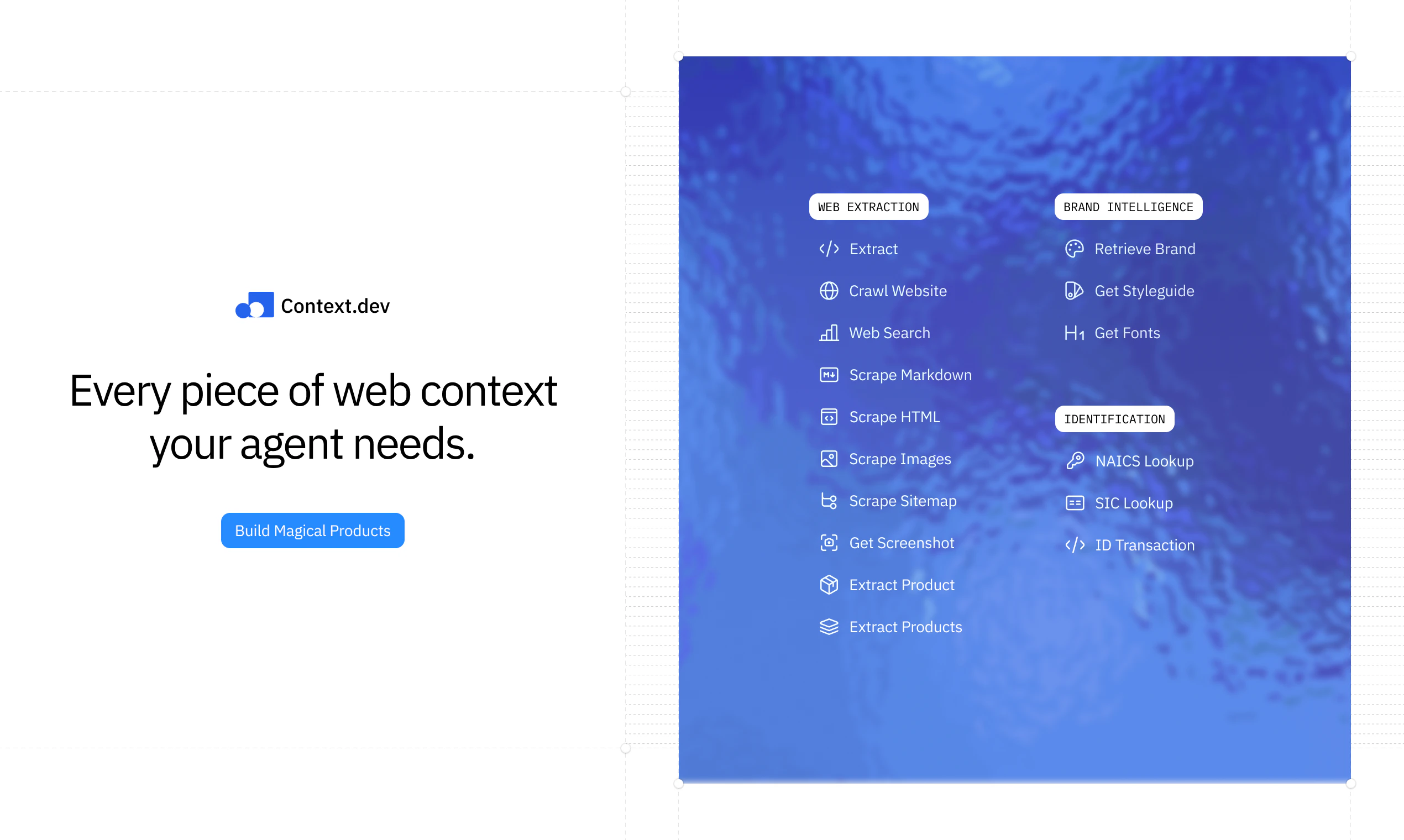
查看原始信息
ZCode
ZCode is the official agentic development environment for GLM-5.2, built for long-running coding tasks with stable context, file edits, terminal and browser state, Git review, mobile Remote, bot control, BYOK, and macOS, Windows, and Linux apps.

Hi everyone!

Have been using ZCode since its first version late last year. With the recent 3.0 upgrade, it's taken a massive leap forward. Here are a few reasons it’s worth a try:

It’s the official harness for GLM-5.2. Yes, try the tuning that understands the true upper bound of GLM-5.2 better than anything else!

It’s built for long-horizon execution. The in-house ZCode Agent keeps your files, terminal output, browser context, and Git state stitched together in the same task loop, so it doesn't lose the thread halfway through a complex build.

It lets you step away from the desk. You can steer the agent, check progress, and kick off tasks from your phone, or directly through messaging bots while the desktop keeps running.

And it’s moving fast!

4
回复

@zaczuo 10/10 for simplicity and speed. Highly recommend trying the new GLM models here.

0
回复

Congrats on the launch, MIT licensing is a nice touch. Quick question though, are there any rate limits or token caps per day for free users right now, or is the unlimited angle going to hold once traffic picks up?

0
回复

The reasoning model handled a tricky coding question without any hand-holding, which caught me off guard. Clean interface, no fuss, just straight to the response.

0
回复

Tried the reasoning model on a tricky coding question and it walked through the logic clearly instead of just spitting out an answer. The bare-bones UI is kind of refreshing honestly.

0
回复

Reasoning mode actually explains its thinking out loud, which helped me catch where it went off track. Nice to see solid open weights like this finally have a clean free playground to test in.

0
回复

The minimal UI really lets the models speak for themselves, no clutter or upsells getting in the way of actually trying them out.

0
回复

Tried the reasoning model on a coding problem and it nailed a tricky edge case I'd been stuck on for an hour. Really appreciate that the base models are MIT-licensed, makes it easy to experiment locally without worrying about restrictions.

0
回复

Congrats on the launch! 🚀

Long-running coding agents are where things usually get difficult, especially when the agent has to keep file state, terminal output, browser context, and Git changes aligned across one task.

Curious how ZCode handles situations where the agent gets stuck or starts making risky edits. Does it surface checkpoints or risk summaries before continuing?

0
回复

Curious how the rumination model handles long context sessions compared to the base version?

0
回复

the minimalist UI actually lets the models breathe instead of competing with them. nice to see a platform that trusts the work to speak for itself.

0
回复