Product Hunt 每日热榜 2026-07-15

PH热榜 | 2026-07-15

#1
Velo 3.0
AI video infrastructure to explain, train, and sell faster.
567
一句话介绍:Velo 3.0是一款能接入公司知识库、通过文字描述或屏幕录制自动生成多语言解说视频的AI基础设施,帮助团队快速制作精准的演示、培训和销售视频。
Productivity Sales Video
AI视频生成 企业知识库 智能脚本 语音克隆 多语言本地化 屏幕录制 编辑助手 内容创作 视频制作工具 内部培训
用户评论摘要:用户关注语音克隆准确度、AI编辑的可调性(如裁剪/配音质量)、及多源知识冲突时如何抉择。积极反馈集中于大幅缩短制作时间,使非专业用户也能产出高质量视频。
AI 锐评

Velo 3.0真正的价值并非“生成视频”,而是将“企业知识资产”与“视频内容”之间的鸿沟填平,实现从“制造视频”到“解释知识”的范式跃迁。其核心壁垒在于知识检索与事实性的锚定,而非单纯的TTS或剪辑自动化。

评论中反复提及的“上下文”正是关键——当AI能理解Slack对话、工单、文档中的动态信息时,视频不只是画面呈现,而是可追溯、可验证的知识切片。对于高频变化的SaaS或客服场景,这直击痛点:传统AI视频两个月后即过时,而Velo的系统可能让知识保鲜。

但注意,其“多源知识冲突”的处理仅依赖人工确认(如用户反馈所述),这使得自动化程度打折,却也避开了AI幻觉的灭顶之灾。而“仅文本编辑”的交互限制,说明它更类似一个知识脚本的“可视化包装器”,而非真正的导演工具。

商业化前景在于重塑企业内部培训与客户沟通的效率,但需警惕:当前产品更像是“企业版Descript”+“知识图谱接口”,若无法在长尾编辑、多模态审核上建立护城河,巨头可轻易通过MCP协议复制。对团队而言,快就是优势,但如何让知识本身而非视频生成成为长期黏性,才是Velo能否从工具跃升为平台的分水岭。

查看原始信息
Velo 3.0
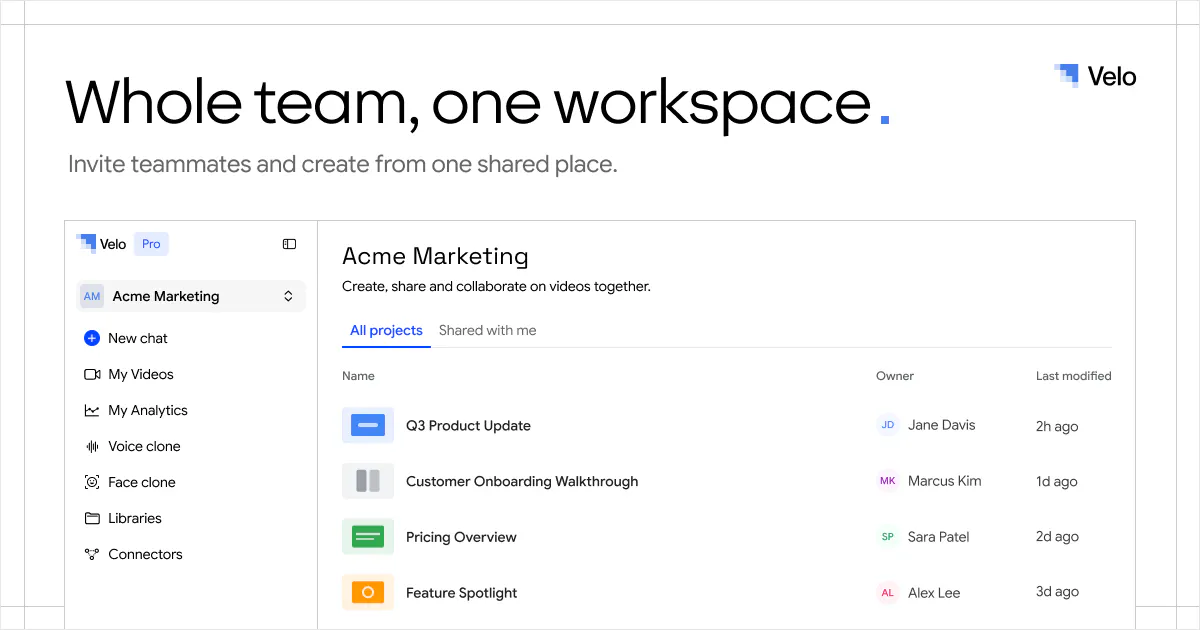
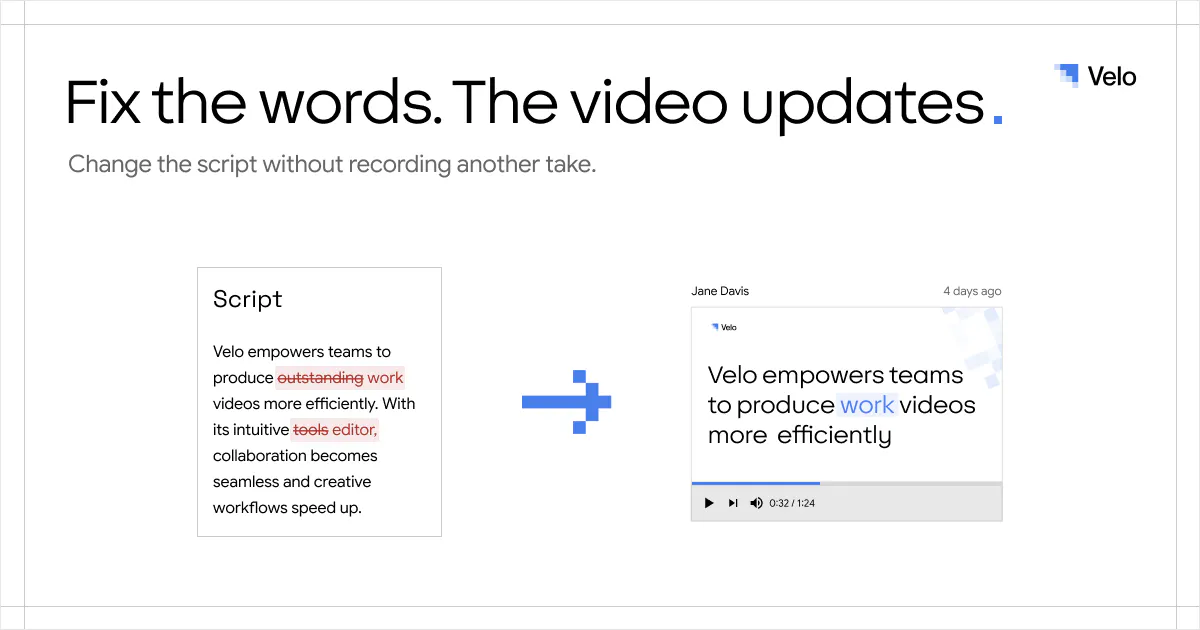
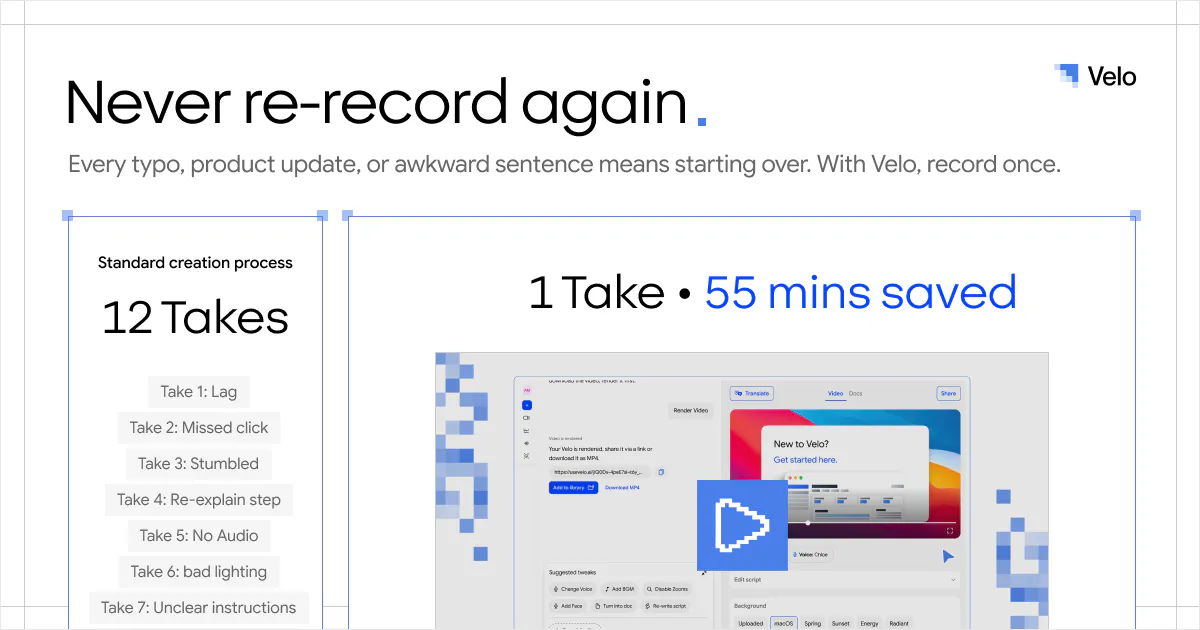
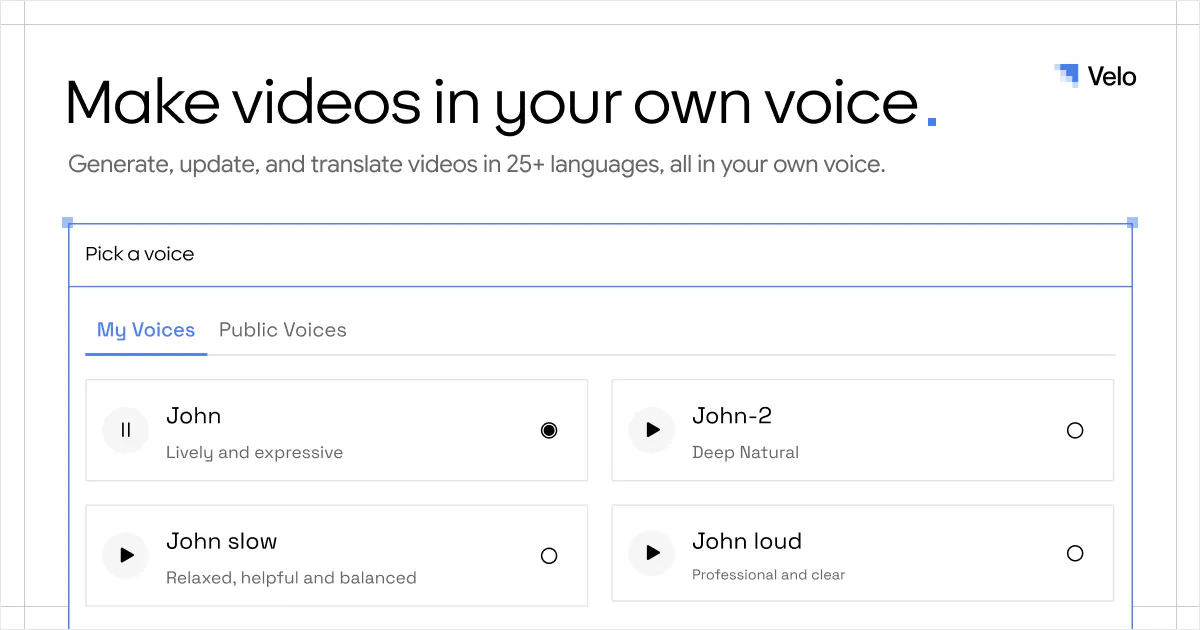
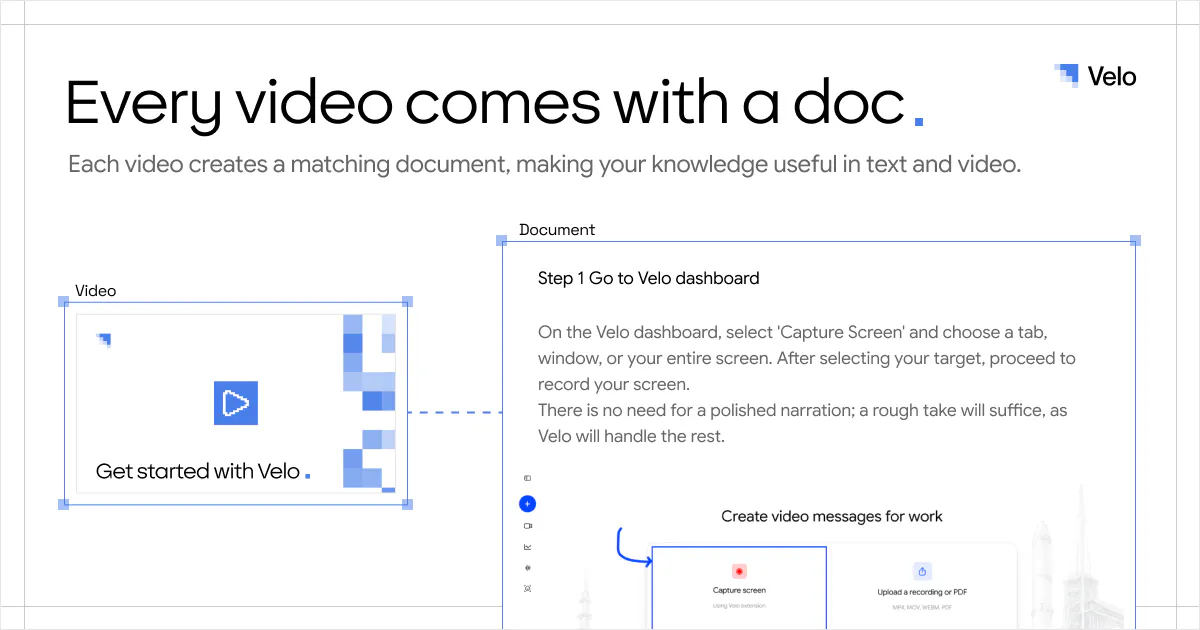
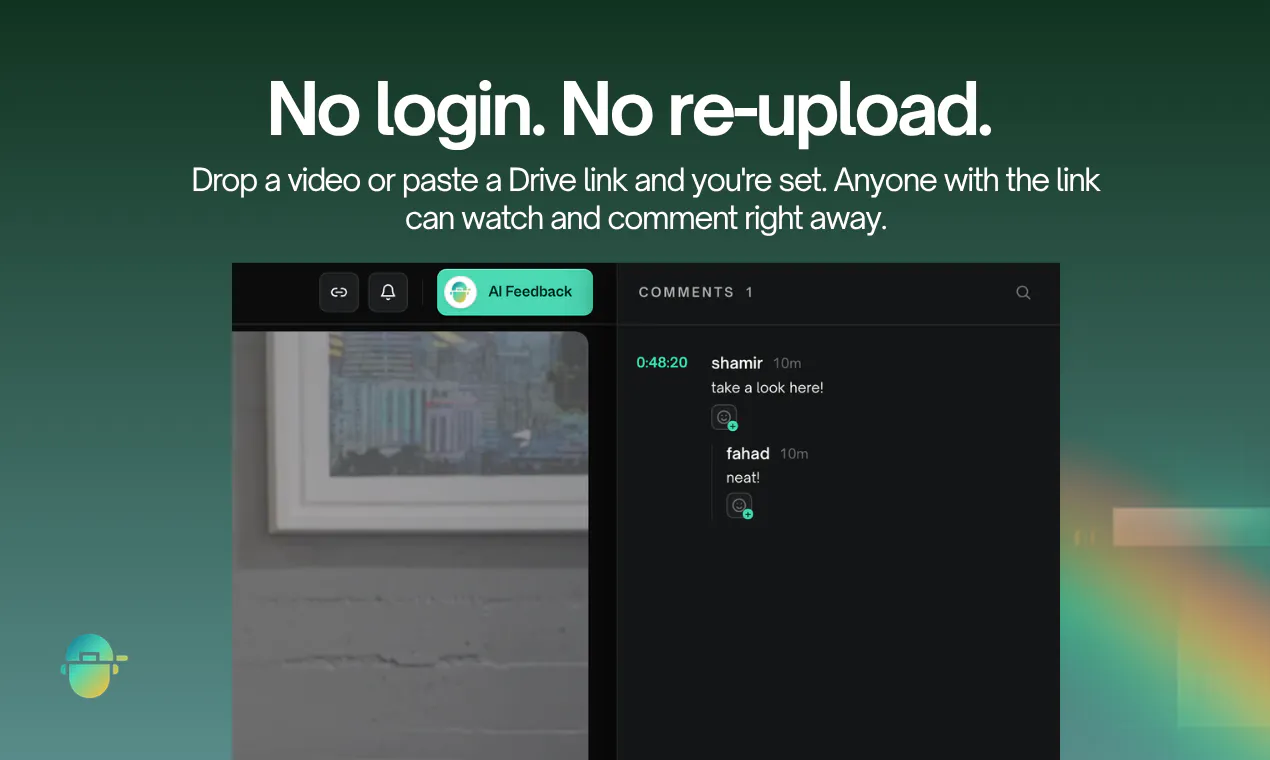
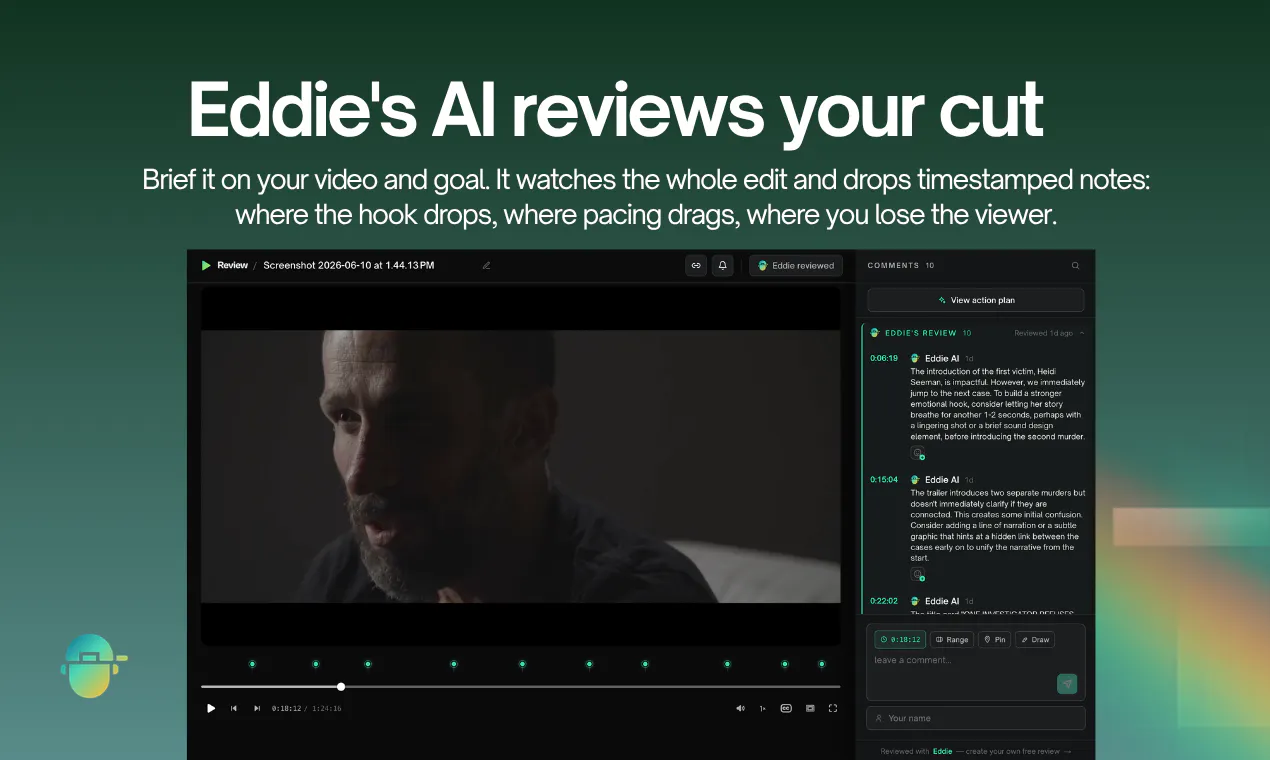
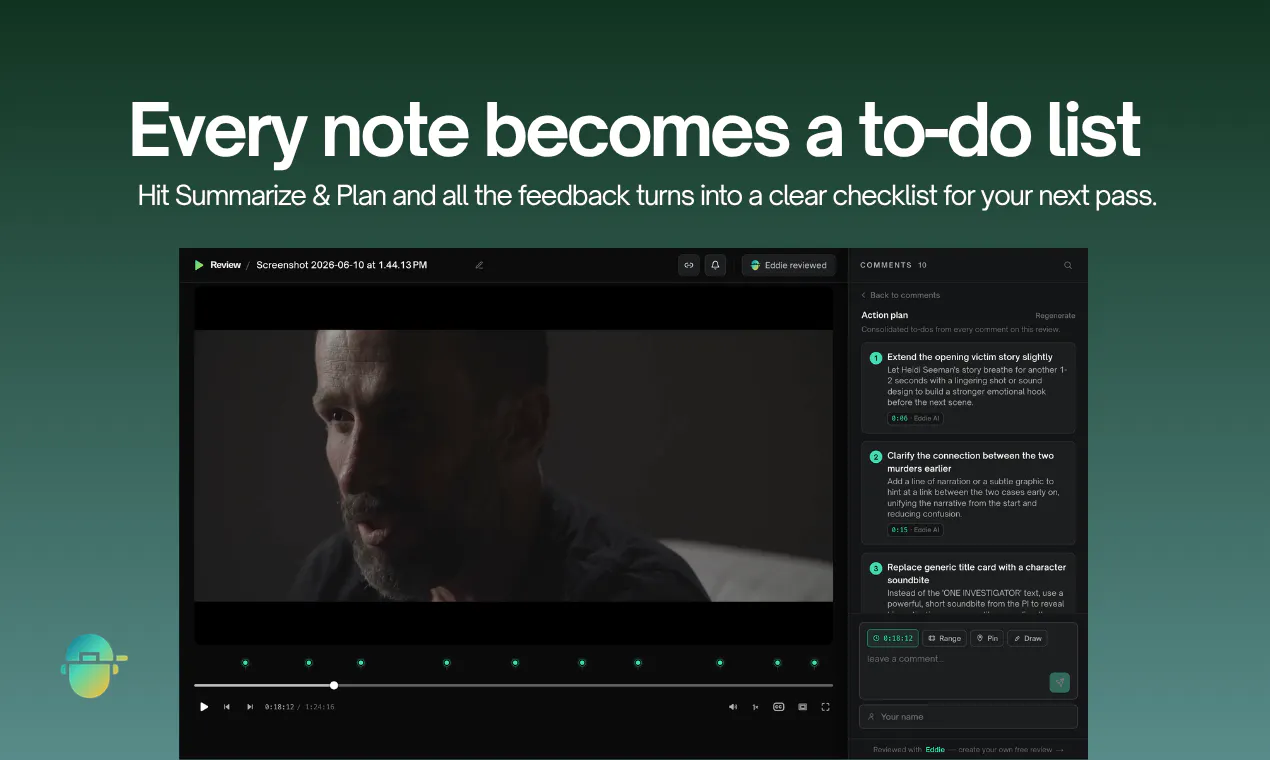
Velo 3.0 is here, our third and biggest launch yet. Start with a screen recording or a prompt. Describe the video you need, and Velo writes the script, narrates it in your own voice, and builds the finished cut. It stays grounded in your company knowledge, from your docs and tools you connect through connectors and MCP. Edit by typing changes. Localize the finished video into 25+ languages in one click. Recording or prompt, Velo turns either into a polished video you can ship anywhere.

Hi Product Hunt! 👋

I'm Ajay, CTO and co-founder of Velo.

When we started building Velo, we thought the challenge was making it easier to create work videos.

As we worked with more teams, we realized that wasn't the real bottleneck.

The hardest part wasn't creating the video, it was finding the right knowledge to put into it.

The context behind every product demo, onboarding guide, support reply, or training video already exists somewhere. It's just scattered across docs, help centers, Slack, Teams, tickets, and conversations.

That's what led us to build Velo 3.0

✨ What's new:

  • Simply describe what you want to explain and Velo finds the right company knowledge, grounds itself in that context and turns it into a polished video

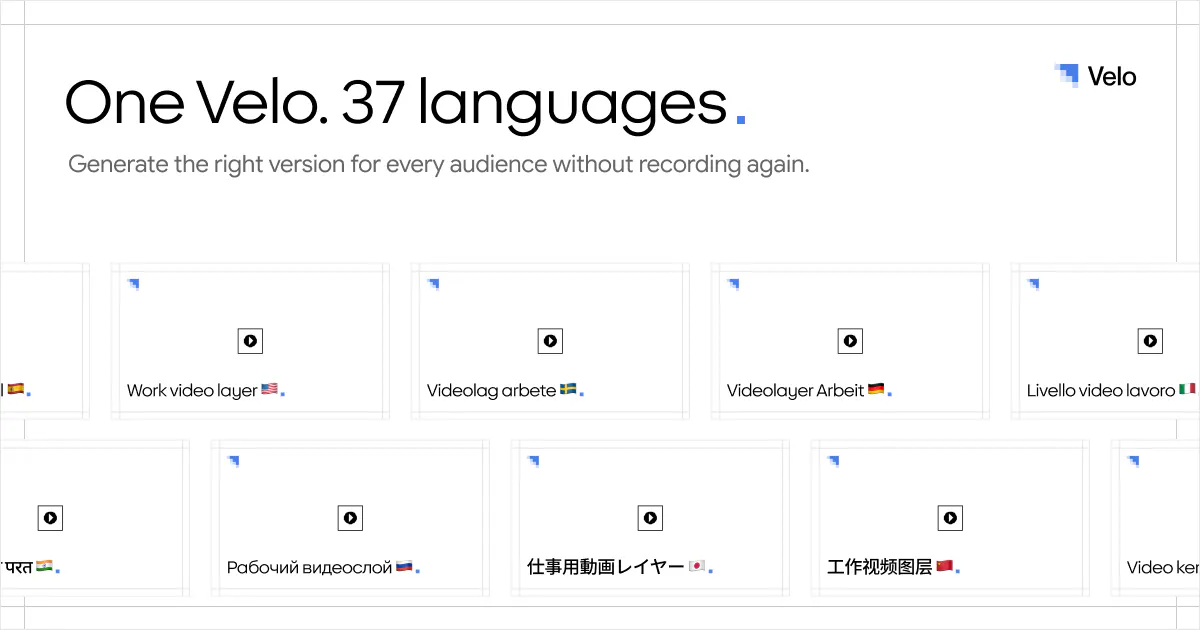
  • We taught every Velo to speak 37 languages, so the same explanation can reach teams and customers anywhere

This launch is a big step toward what we believe the future of workplace video looks like: not just creating videos faster, but making company knowledge instantly explainable.

We're excited to hear what you think, answer your questions, and learn from your feedback throughout the day. Thanks for stopping by! 🚀

Try for free: usevelo.ai

21
回复

@ajaykumar1018 Super excited about this launch

1
回复

@ajaykumar1018 Congrats on the launch! 🚀

I really like the shift in thinking here. The bottleneck isn't creating the video anymore, it's finding the right context to explain. That resonates with how many teams work today.

I'm curious, after rolling out Velo 3.0, what type of content has been the biggest surprise? Product demos, onboarding, internal training, customer support, or something you didn't expect people to generate so frequently?

Excited to see where you take this! 🔥

0
回复

@ajaykumar1018 @grege_rodrigues I like this product and Its awesome features initially there was some issues but now It is super cool and easy to use. You guys are doing really good work and always try to make the application robust.
many congratulations for this launch!!

0
回复

Super excited to launch again on PH.

Everyone talks about creating more content.

We think the bigger problem is explaining things better.

Every demo, onboarding guide, training video or customer walkthrough starts with one thing: context.

Without it, AI can generate a beautiful video that’s completely wrong.

That’s why we built Velo 3.0.

We want company knowledge to be as easy to explain as it is to search. Velo grounds every video in your company’s context and turns it into polished, accurate videos that can speak 37 different languages.

Excited to hear what you think. We’re listening all day!

12
回复

@sourav_sanyal Velo has been super helpful. We are now able to create video in minutes which used to take us many days.

4
回复

@sourav_sanyal Looking forward to all the feedback today. That's always the best part of launch day

0
回复

Editing videos usually means opening a timeline and hunting for the right frame.

With Velo 3.0, you just describe what you want differently.

“Make it shorter.” “Change the tone.” “Use this document instead.”

The agent reworks the video for you.

Would love to hear what you think after trying it.
www.usevelo.ai
🙌

9
回复

@jpinkman Lot's of work to make work videos

1
回复

@jpinkman "AI Rewrite" is my favourite feature for creating multiple versions of a single video

0
回复

Would love to see a way to trim or cut specific sections before sharing, like removing those awkward pauses or the bit where I fumbled through a tab. Right now it feels like I have to either take the whole thing as-is or edit elsewhere first.

7
回复

@c_oglu86713 Curious, we actually let you pause on our recorder. Would love for you to try it feedback

2
回复

@c_oglu86713 We actually support this today! Would love to hear how it works for your use case.

The agent understands what's happening on your screen, what you're saying, and your speaking style, then edits the video for you

2
回复

We put a lot of effort into making multilingual output feel effortless.

The goal wasn’t just translation. It was helping the same knowledge reach more people without extra work.

Excited for everyone to finally try it!

7
回复
0
回复

@tirth_nandha1I've had a front-row seat to how much work went into this, killed it 🙌

0
回复

Every team has knowledge worth sharing.

The hard part is turning it into something people will actually watch.

Velo 3.0 makes that much easier.

Connect your knowledge base, describe what you want and let the agent create the video. If you want changes, just type what you didn’t like and the agent will re-edit.

Excited to see how people use it!

7
回复

@rituparakh Lessgo

0
回复

@rituparakh Glad we finally get to share what we've been building 🚀

0
回复

Prompt-to-video honestly sounds more useful than recording first for products that change every week. BTW, do you support voice based edits or we have to type the edits?

6
回复

@zerotox Only text for now

3
回复

The knowledge-grounding piece is wow. Anyone can generate a clip. Knowing which of a company's scattered docs is the true one is the hard part. Wondering...a help doc, a Slack thread and a support ticket usually say three slightly different things about the same feature. When you guys write the script, does it pick a winning source or flag the disagreement before it narrates something confidently wrong?

5
回复

@artstavenka1 It asks you and looks at the entire time series of all events

2
回复

We started using Velo at Shadow back in 1.0, mostly because making demo videos for clients was such a pain.

You'd record something, then spend an hour cutting it down. Velo turned that hour into a few minutes.

By 2.0 the voice cloning was good enough that clients couldn't tell it wasn't us talking.


The new version is a bigger deal than it sounds.

Prompt-to-video means you describe the walkthrough instead of recording it, and because Velo now knows our product, it fills in the rest.

The interesting part isn't that it's faster. It's that anyone on the team can make these now, not just the one person who was good at it. That changes how many we can make.


Nice work. Curious to see where it goes. Congrats to the team!

5
回复

@hersh_singh This warms my heart

3
回复

@hersh_singh This made my day ❤️, thanks for sticking with us and sharing your experience

3
回复

One thing I love about Velo 3.0 is how conversational it feels.

You don’t edit the video, you just talk to the agent.

Describe the change, attach a document, point to a webpage and it’ll take care of the rest.

Really looking forward to seeing the different ways people use it!

5
回复

@myrabhatia Lessgo

1
回复

@myrabhatia Excited to see how people use it!

0
回复

Velo 3.0 feels less like a video editor and more like a teammate.


Give it a prompt, let it pull context from your knowledge sources, and it’ll create the video for you.


Need changes? Just tell it what to fix.


Hope you’ll give it a spin and tell us your thoughts!

5
回复
0
回复

@grege_rodrigues1 Really looking forward to all the feedback on Velo 3.0

0
回复

This is super cool! My only question is how accurate the voice cloning in and what the use cases are. Would I prompt Velo and they'd be able to clone my voice regardless of the context? Other than that I think this is gonna be super important in any workflow. Nice job!

4
回复
@ethan_cheng you’ll have to give us a voice sample and you prompt the rest to your best output
1
回复

How do you handle varying audio quality in the input recordings, and is there a way to adjust or fine-tune the AI's editing decisions?

4
回复

@aymnart You could do your own voice clone and edit every single word the AI generates in the edit script. On the prompt side of things you can just direct it however you want it to be

3
回复

@aymnart Yep, you can edit every word yourself or let AI Rewrite do it in different personality styles

0
回复

Congrats!I’m curious whether the product is more focused on internal enablement videos, customer-facing demos, or turning existing knowledge into reusable video assets.

4
回复

@crystalmei thank you, today it's all three, honestly. We see teams using Velo for customer demos, internal training, onboarding, support, and product updates. The common thread is turning company knowledge into videos people can actually use

0
回复

The magic isn’t that Velo 3.0 makes videos.

It’s that it knows where to look before it makes them.

Grounding the agent in your company’s knowledge makes all the difference.


Can’t wait for everyone to try it!

4
回复

@soni_karan Lessgo

1
回复

@soni_karan Excited for the feedback from users!!!!

0
回复

Loved Velo specially the part where i could natively change things thru natural language chat box. Kudos to the team on launch.

4
回复

@harshil_aru Thank you so much

1
回复

@harshil_aru Glad you liked it

0
回复

Nice work on Velo. Turning raw screen recordings into something polished without manual editing is a real time-saver for anyone doing product demos or sales outreach. Curious how the AI handles pacing and trimming on longer recordings: does it know when to cut dead air automatically, or is that still something you tune manually? Excited to see where the voice cloning improvements land too.

3
回复
@mshen316 it knows it all, would love for you try it out
0
回复

@mshen316 please do try and share us your feedback

0
回复

congrats on the launch @ajaykumar1018 @sourav_sanyal @rohanrecommends ! this looks like a huge step forward. one question i had: how do you make sure the generated script and narration stay factually grounded when pulling context from docs, mcp servers, and connected tools? do you have any review or verification layer before the final video is produced

3
回复

@ajaykumar1018  @rohanrecommends  @harkirat_singh3777 Yes, you chat and decide the outcome you want with relevant details and then we render the video

1
回复

How does Velo decide which documents to trust when different knowledge sources contradict each other?

3
回复

@iamanantgupta If there's a clear distinction between them we make it, else we ask you the user

2
回复

@iamanantgupta The conversation with the agent is a big part of it. It helps resolve ambiguity and frame the right story before the video gets generated

2
回复

Love how it skips the editing rabbit hole entirely. Dropped in a messy 20 minute screen recording and got a tight, shareable clip back in under a minute. That kind of speed is rare for AI tools that actually deliver usable output.

3
回复

@emircan1143 Appreciate it, you should try the prompt product too. It will genuinely delight you.

0
回复

@emircan1143 Thanks you so much for your feedback

0
回复

the "grounds itself in your company knowledge" part is the interesting bet here, most video tools just take what you type or record at face value. question about that: once a video's generated from your docs/connectors, what happens when the source doc changes afterward, does the video get flagged as possibly stale, or is it a snapshot that's accurate as of generation time and then just quietly drifts from the source over time?

3
回复

@galdayan Today, it’s a snapshot accurate at generation time. The sources stay attached for traceability. We’re building source-aware freshness so when a connected doc changes, Velo can flag the affected video and update only the relevant sections.

1
回复

@galdayan Right now, it's more of a snapshot at generation time, but regenerating pulls in the latest context from all your connected sources

2
回复

would love a way to auto-generate captions in different languages for the polished videos, that would save me a ton of time when sharing tutorials with international teammates.

3
回复

@adem1343093 Added to feature roster. We can add this super easy

1
回复

@adem1343093 We don't support it today, but I can definitely see how it'd save a lot of time

0
回复

honestly the auto-editing is so clean, like the cuts land right where you'd pause to explain something. basically turns a messy screen recording into something you'd actually post without cringing.

3
回复
@dtanta24444 thank you so much appreciate it
0
回复

@dtanta24444 Thank you, this is exactly the bar we had in mind ❤️

0
回复

Would love a feature to automatically add zoom-ins on cursor activity during the AI editing pass, it makes a huge difference for tutorial-style recordings where viewers would otherwise miss the small click targets.

3
回复

@ule882420426780 Yupp, you should try it out

0
回复

@ule882420426780 We support this today, please do try Velo and share your feedback :)

0
回复

Velo has been a great product that helps me make product videos quickly

3
回复

@shubham16180 Thank you so much!

1
回复

@shubham16180 Thanks a lot!

0
回复

Velo is something my team has been using since couple of weeks now and it has been amazing the speed at which we are shipping the product explainer videos to our clients.

3
回复

@shubham_converse_ai Appreciate it a lot

1
回复

@shubham_converse_ai Thanks you so much!

0
回复

I love the idea of grounding videos in company knowledge but documentation changes so fast. When I update a doc in one of the connected tools or through an MCP connector does Velo flag which videos are now out of date? and if there's a way to bulk update existing narrations without starting the prompt process from scratch every time.

2
回复

@ryker_rowan1 Yep, Velo knows when the underlying knowledge has changed and asks you to review the video before updating it.

We don't support bulk updates yet, but that's a great suggestion. Added it to our feature requests

0
回复

Nice! Was the product demo created using Velo? ;D

So based on my understanding the input is context and the output is any kind of video, not just product demos but explanatory video for new joiners in a company, to social media content, etc. But what is the quality of the editing and because for explainer videos it can be a generic template format that can apply to any kind of videos but when it comes to product demo or social media content taste and quality and differentiation matter more than just the product voice, as it should not look and feel generic when it comes to such thing. I hope am making my point clear, just curious to know.

2
回复

@shekhar_upadhaya_1 Yep, fully made with Velo. We spend a lot of time making the output feel tailored to the context and audience, rather than forcing everything into the same template.

Would love for you to give Velo a try and let us know what you think

0
回复

Can we give prompt in voice?

2
回复
@zareen_khan6 unfortunately not yet but soon
0
回复

@zareen_khan6 Added to the feature requests!

0
回复

the fact that it cuts out all the dead air and awkward pauses in one click is genuinely useful. nice work on making the editing feel invisible.

2
回复

@gkegn4c Thank you so much

0
回复
#2
V2Fun
Generate 3D character with 8K textures and AI motion capture
547
一句话介绍:V2Fun 是一款集AI 3D建模、8K纹理生成与AI动作捕捉于一体的云端平台,通过统一工作流解决创作者在建模、贴图、动画工具间反复切换的碎片化痛点,实现从图像/视频到可动画3D角色的快速转化。
Artificial Intelligence 3D Modeling Animation
AI 3D建模 8K纹理生成 AI动作捕捉 自动骨骼绑定 游戏开发 3D打印 角色动画 建模工作流 原生3D生成 视频驱动动画
用户评论摘要:用户普遍认可其“一体化工作流”的价值,核心关注点集中于:AI动捕对快速/复杂动作(如Breaking)的稳定性,以及肢体遮挡时的插值表现;是否支持非人形骨骼动捕;导出的模型能否直接用于Blender/Unity/3D打印(需水密网格)。团队回应积极,说明了自研动捕模型对遮挡的预测插值能力。
AI 锐评

V2Fun并非颠覆性创新,而是对当前AI 3D工具链进行了一次务实的“缝合”。其真正价值不在单一技术的极致突破,而在于将“建模→贴图→绑骨→动捕”这四个长期割裂的环节封装进一个浏览器窗口,直接切中中小型创作者“工具跳转即质量流失”的痛点。

但产品隐忧同样明显:从评论反馈可知,动捕能力目前“严格限用于人形”,且对极端遮挡、大幅度位移的鲁棒性仍表示“正在优化”。这暴露了其核心自研模型在通用性与极端场景下的能力天花板,距离“生产级”仍有距离。此外,8K纹理与自动绑骨等亮点,在竞品如Meshy、Luma AI中已非稀缺功能,V2Fun的差异化更多体现在“全流程体验”而非单项技术代差。

产品逻辑聪明的点是选择了“3D打印爱好者”作为锚点用户——这群人需要的是水密网格而非炫技动画,这反而降低了模型的通用性要求。但长远看,若不能持续提升动捕的非人形兼容性与常规视频下的追踪稳定性,V2Fun很容易沦为“前期尝鲜、后期吃灰”的集成工具。建议团队先死磕“普通手机视频→即用角色动画”这一高价值场景,再将技术外溢至其他方向。

查看原始信息
V2Fun
V2Fun is an AI 3D creation platform built with self-developed 3D modeling and AI motion capture models. It helps creators turn images, prompts, and videos into high-quality 3D models, enhance assets with advanced 8K texture generation, and create motion-ready characters without switching between separate modeling, texturing, and mocap tools. V2Fun also supports image generation through models including Nano Banana and others, so creators can explore visual concepts and bring them into 3D faster.

Hi Product Hunt! This is Tammy 👋 We’re excited to launch V2Fun today.

Creating a usable 3D character is still too fragmented. You often need one tool for modeling, another for texturing, another for animation, and sometimes even a motion capture setup just to make the character move.

V2Fun brings these steps into one AI-powered workflow.

You can start with an image or text prompt, generate a 3D character, enhance it with 8K textures, and bring it to life using AI motion capture from regular videos.

With this launch, we’re especially excited to introduce two new features:

- 8K textures for more detailed and presentation-ready 3D characters

- AI motion capture to turn regular videos into character motion

Our goal is to help game makers, character creators, 3D printing hobbyists, and animation-driven creators move faster from idea to usable 3D assets.

We’re just getting started, and we’d love to hear your thoughts, questions, or suggestions below.

🔗 Try V2Fun: https://v2fun.ai

🐦 Follow our updates: https://x.com/v2fun_ai

👥 Join our community: https://discord.com/invite/2uBMRp275u

📩 Reach out: tammy@vertexlab.ai

Can’t wait to see what you create with V2Fun!

35
回复

@tammytan516 I was pleasantly surprised by what I saw, as I already think 3D is pretty cool. By the way, could you tell me which large language model (LLM) is currently integrated here? Or do we have the option to choose our own model?

0
回复
@tammytan516 can it generate manufacturing ready hardware assets?
2
回复

@tammytan516 interesting that you call out 3d printing hobbyists. most tools in this space chase game devs only. are the exported meshes watertight enough to print without cleanup? that alone would win that crowd over. good luck today 👏

3
回复

Quick Q, How does the AI motion capture handle fast or complex movements? Does it stay accurate, or does it start to glitch out?

11
回复

@abod_rehman Excellent question. To handle high-speed and intricate actions, we utilize our proprietary AI motion capture model. In our testing, the system performs remarkably well even with highly demanding and complex movements, such as breakdancing, maintaining tracking stability with minimal glitching. We highly encourage you to test it out on the platform to see how it handles your specific motion requirements!

2
回复

The built-in retopology tool is nice. Most AI 3D demos look great in the preview then hand you a triangle soup nobody can animate, so quad remeshing inside the same pipeline is smarter to spend effort on than another texture upsell. On the mocap side, the breakdancing clips are a good stress test, but the case that usually breaks single-camera capture could be occlusion. Does the model interpolate through those moments? Great product!

6
回复

@artstavenka1 Thank you so much! Regarding occlusion during motion capture, you hit on a classic challenge. To handle those moments where limbs are blocked, our AI model is specifically trained to predict and interpolate hidden joint movements, keeping the animation fluid even when parts of the body are temporarily out of sight. Additionally, in our latest update, we’ve introduced a new feature for multi-person videos that allows you to select a specific subject to target and extract motion from, making the pipeline even more robust.

Thanks again for the support and the highly professional feedback!

2
回复

@artstavenka1 Thanks for noticing! Killing the "triangle soup" was a huge priority for us so these assets are actually usable.

To your mocap question: Yes! Our model understands spatial kinematics, so instead of failing during occlusion, it calculates and interpolates the physical trajectory through the blind spot.

We'd love to hear how further stress tests go!

3
回复

Hi Product Hunters! 👋

I’m Pan Ji, Founder & CEO of Vertex Lab, and I’m incredibly excited to introduce V2Fun to the community today!

Throughout my years working in Silicon Valley and later directing XR initiatives at Tencent, I experienced firsthand a persistent industry bottleneck: the barrier to entry for high-quality 3D content creation is simply too high. As we rapidly move into the era of spatial computing, creating 3D assets remains slow, expensive, and intensely technical.

That’s exactly why our team built V2Fun. Instead of relying on traditional 2D-to-3D distillation methods, we are pioneering Native 3D Generative AI and 3D World Models to fundamentally reshape spatial intelligence.

What you can do with V2Fun today:

  • AI-Driven Modeling: Generate high-fidelity 3D models in a fraction of the traditional time.

  • Seamless Animation: Bring your generated assets to life with intuitive animation and video tools.

  • Workflow Integration: Designed for both prosumers experimenting with 3D and professionals needing robust assets for spatial displays.

I’d love to hear your thoughts! What kind of 3D content are you looking to create? I’ll be hanging out in the comments all day to answer any questions about our tech stack, the platform, or the future of 3D Gen AI. 🚀

Cheers, Pan

4
回复

@pan_ji1 Thanks Pan! I’ll also be here today to collect feedback from creators and answer questions around launch offers, use cases, and community feedback.

0
回复

@pan_ji1 Thanks Pan! Excited to be here with the team today 🚀

0
回复

Hi Product Hunt! I’m a Founding Member & COO at Vertex Lab Tech, the team behind V2Fun 👋

We’re building V2Fun to make 3D creation more accessible for creators, indie developers, designers, and 3D printing users. Instead of starting from complex modeling tools, users can generate downloadable 3D drafts from text, images, or multi-view references.

It’s still early, and we’re actively improving quality, controllability, textures, and production workflows. We’d love to hear your feedback, use cases, and suggestions.

Thanks for checking out V2Fun and supporting our launch! 🚀

4
回复

@yifu_wang93 Well said! I’ll be here today collecting feedback from creators around quality, use cases, and workflow needs. Excited to see what people try with V2Fun~

0
回复

Can the motion capture output be used in Blender or Unity?

4
回复

@yuki1028 Yes, absolutely! The motion capture data generated on V2Fun can be easily exported to standard formats (such as .bvh .fbx or .glb).

0
回复

Would love to see more examples for game-ready characters.

4
回复

@jocky We are actively building out more game-ready showcases! You can find diverse presets on V2Fun. We also highly encourage users to share their creations on our platform. When others download your shared models, you’ll earn points that can be used for future generations!

2
回复

Hi Product Hunt! I’m the PM of V2Fun 👋

This is still an early product, and we know there is a lot to improve — generation quality, controllability, texture details, editing workflow, and more. But we believe AI can make 3D creation much more accessible, and we’re excited to keep building in this direction.


Would love to hear your feedback, use cases, and suggestions. Thanks so much for checking out V2Fun! 🚀

4
回复

@junya_li 💗

0
回复

@junya_li 😊

0
回复

8K textures directly in the same workflow is a nice touch. Congrats on the launch!

4
回复

@sandy_liusy Thank you for the kind words and support! We’re highly focused on delivering production-ready quality directly in the browser. Hope you enjoy the workflow!

2
回复

@tammytan516 Congrats on the launch )
Curious how V2Fun handles rigging though, does it auto-rig for standard humanoid skeletons or do you still need to do that manually after generating?

4
回复

@boyuan_deng1 Great question! V2Fun handles rigging through a highly intuitive marker-based auto-rigging system, so you don't have to do it manually. Instead of traditional manual bone weight painting, you simply place keypoint markers onto the front and side reference views of your character. The system then automatically identifies the joint locations and binds the skeleton to the mesh in just a few clicks.

0
回复

I often need to move between image tools, 3D tools, and animation tools. A unified workflow would be very helpful.

3
回复

@user_haze Thanks~

0
回复

the 3D + motion capture + texturing pipeline in one tool is the part that stands out, most of the AI 3D tools I've tried make you bounce between separate apps for modeling vs rigging vs texture, and that handoff is where most of the quality gets lost. curious how the motion capture holds up on non-humanoid rigs, or is it mainly tuned for character work right now?

3
回复

@omri_ben_shoham1 Thank you for the kind words! Keeping everything in a single pipeline to stop that "handoff" quality loss was exactly our goal. Regarding motion capture, it is currently tuned strictly for humanoid characters. We are actively working on expanding this capability to animal rigs and other non-humanoid shapes.

Those features are gradually being added to our roadmap, so please stay tuned!

0
回复

@omri_ben_shoham1 Thanks! That’s exactly the workflow gap we’re trying to reduce.

Right now, our mocap is mainly optimized for humanoid character motion. Non-humanoid rigs are an area we’re still exploring, and we’d love to support more creature/object-style motion workflows over time.

0
回复

Congrats on the launch! Bringing modeling, 8K texturing, and motion capture into one workflow solves a real pain — hopping between three tools just to get one character moving has always been the worst part. AI mocap from regular videos is the standout for me. Curious how well it handles fast or complex movements from plain phone footage?

3
回复

@ryancheng Thank you so much for the support! Eliminating that multi-tool friction was exactly our goal.

Regarding phone footage, our proprietary AI mocap model is optimized to handle rapid, complex movements very well. In our testing, it successfully tracks intense actions like breakdancing and fight sequences with clean stability. We’d love for you to try it with your own footage and see how it performs!

1
回复

The 8K texture feature caught my attention immediately. Does it also work with models imported from other tools?

3
回复

@thea5 Yes! We support uploading your own custom 3D models directly onto the platform to utilize our 8K texturing pipeline.

1
回复

The AI motion capture feature caught my attention. I'm curious how well it handles videos with heavy camera movement or partial occlusion? Since those tend to break tracking.

2
回复

@reda_roqai_chaoui Heavy camera movement and occlusion are definitely challenging cases. V2Fun performs best with relatively stable videos, and we’re continuously improving tracking robustness for more complex scenarios.

0
回复

@reda_roqai_chaoui Thanks for checking it out!

We've integrated robust tracking algorithms that offer great stability against heavy camera movement and partial occlusion. However, to be completely transparent, if the subject completely disappears from the frame, the tracking will still drop. We are actively researching how to tackle these extreme edge cases for future updates!

0
回复

The fact that the mocap only needs a regular video makes this much more accessible. Looking forward to trying it with some dance footage.

2
回复

@luke_pioneero Thank you so much for your support! We actually have several test cases ready on our platform, and you are more than welcome to upload your own video clips to experience it firsthand. We can't wait to hear your feedback!

0
回复

AI motion capture from regular videos is a very practical feature. This could save creators a lot of setup time. I will try to use V2fun when I need to finish my animation video~

2
回复

@shuyan_dong Thank you so much! Saving creators that tedious setup time is exactly why we built the integrated video-to-mocap feature. We can't wait to see what you create for your next animation project! Please feel free to share your work or drop us any feedback once you give V2Fun a try. Happy creating!

0
回复
It would be great to see 3D printing-specific workflows in the future.
2
回复

@new_user___1802026258df93399c32311 That is a spot-on suggestion! A dedicated 3D printing workflow is actually high on our roadmap. We are actively working on a seamless "AI design to manufacturing" integration that will allow you to generate models and send them directly to professional 3D printing software for manufacturing. We will also support exporting clean, print-ready file formats like STL and OBJ.

0
回复

Congratulations on your launch, and I am happy to test this 3D-generating tool. Sounds interesting!

1
回复

@charlenechen_123 Thank you so much! Hope you enjoy trying it out. We’d love to hear your feedback after you’ve had a chance to create something with V2Fun!

0
回复

the fragmentation pitch makes sense but the part I keep coming back to is IP risk - if someone prompts for a character that's clearly "inspired by" an existing game or anime design, does V2Fun do anything to flag that, or is the output just whatever the model gives you and the user is on their own for clearing rights before using it commercially? feels like a real question for the game dev crowd specifically

1
回复

@galdayan Great point. This is a massive challenge across the entire Gen AI industry right now. To address this, we are actively building a dedicated IP infringement firewall system to help mitigate these exact risks. We'd absolutely love to hear your thoughts or suggestions on what would work best for the game dev community!

0
回复

Congrats on the launch, this looks awesome! 🎉 The jump from prompt/image straight to a motion-ready character is the part that usually breaks in other tools. Curious, how V2Fun handles rigging for non-humanoid or stylized characters, is that fully automated too? Excited to see where this goes 🚀

1
回复

@aymi_malik Thanks so much! 🎉

For stylized characters, yes—the automated rigging works perfectly out of the box as long as they are humanoid. We don't support non-humanoids (like quadrupeds) just yet, but that is actively on our roadmap and will be supported in upcoming releases.

Appreciate the support! 🚀

0
回复

Congrats on the launch! For the AI motion capture output, does the rig map to standard skeletons like Unity's Humanoid or Unreal's Mannequin, or is it a custom rig you'd need to retarget before using it in an engine?

1
回复

@irahimiam Thanks! Yes, the output is designed to be engine-ready. It maps directly to standard skeletons like Unity's Humanoid and Unreal's Mannequin. You can drop the assets straight into your pipeline with minimal to no retargeting required.

0
回复

Is 3D modelling possible? If it can achieve results similar to Blender, I’d be happy to give it a go.

1
回复

@new_user___0712026671cee8595c89236 Yes! V2Fun generates editable 3D models from text, images, or multi-view references. It’s built to speed up your workflow and works great alongside Blender.

1
回复

The single-pipeline approach is the smart bet here. The painful part of AI 3D was never generating a mesh, it was everything after, rigging, texturing, getting motion onto it. Folding all of that into one flow removes exactly the handoffs where quality usually leaks. Congrats on the launch! 🚀

1
回复

@yang_liu51 You hit the nail on the head! The friction of jumping between five different tools just to get one usable, animated character is exactly what we wanted to eliminate. We are so glad the unified workflow is clicking with you. Thanks so much for the incredible support!

0
回复

Congrates on the launch. I have problem watching the video, do you have the link?

1
回复

@pjsu Thank you so much for your support! Here is the link:https://www.youtube.com/watch?v=9R4309075Zc

1
回复

Cool product! Can I connect it to my coding agent?

1
回复

@hongyin_luo Thank you! We've actually already begun collaborating with enterprise partners on our API.

We absolutely plan to open up the API interfaces directly on our platform for everyone in the near future, making it easy to connect V2Fun to your coding agents or custom pipelines. Stay tuned!

1
回复

Are there plans to support scene generation in the future?

1
回复

@xinlei_niu Yes, scene generation is definitely a direction we’re interested in our current focus is characters and motion workflows first, then expanding toward richer 3D environments over time.

0
回复

@xinlei_niu Yes, we definitely plan to support scene and environment generation in the future! While our immediate focus is on perfecting high-quality, game-ready characters and props, we see scene generation as the natural next step. Our ultimate goal is to evolve V2Fun beyond individual assets and into a complete spatial generation engine, allowing you to build fully textured 3D environments and layouts directly on the platform.

We are already researching and developing the foundational tech for this, so stay tuned!

0
回复

The idea-to-animated-character workflow is exciting, but I wonder how much manual cleanup is still needed.

1
回复

@parsons_wu_real V2Fun can already help speed up the idea-to-animated-character workflow, but some manual cleanup may still be needed depending on the quality bar and use case.

0
回复

Are you planning to support marketplace-style sharing for generated models?

1
回复

@phoenixhu Yes, it’s on our roadmap, we’d love to support community sharing and discovery for generated models once the core creation workflow is more mature.

0
回复

@phoenixhu Yes, we are definitely building toward that! Our current sharing system—where users can share their creations on the platform and earn generation points when others download them—is just the first step. It is the foundation of our creator loop.

0
回复

Do you plan to offer team accounts for studios or small game teams?

1
回复

@mingyouagi Thanks Ming! Yes, team accounts are something we’re planning for.

0
回复

@mingyouagi Yes, absolutely! Providing team and studio accounts is a key part of our roadmap. We've actually already begun collaborating with enterprise partners on our API. We absolutely plan to open up the API interfaces directly on our platform for everyone in the near future, stay tuned!

0
回复
#3
Campus
One project space for humans and AI agents
414
一句话介绍:Campus 为构建者提供了一个共享空间,将仓库、终端、项目知识、对话和AI Agent整合在同一个持久化工作区,解决了跨应用(如 Slack、文档、聊天)工作导致上下文碎片化和频繁切换的痛点。
Productivity Software Engineering Developer Tools
开发者协作平台 AI工作流 项目管理 上下文管理 远程团队协作 无限画布 Agent编排 终端整合 知识管理 空间计算
用户评论摘要:用户盛赞其减少了上下文切换和脑力负担,空间化组织让多项目管理更清晰;兴奋点是能直接在画布内执行操作和集成Agent。多用户提问数据权限、画布导航与版本控制(UI对比、分支回滚)等具体功能细节。
AI 锐评

Campus 的野心不在于再做一个“代码编辑器”,而是重构“软件构建的物理场”。它精准地摸到了开发者在现代AI工作流中最大的逆鳞:上下文地狱。当AI Agent从一个单点聊天工具演进为生产力核心时,现有的Slack-文档-终端-IDE-聊天窗口的拼接式工作流彻底失效。Campus 的“项目级持久化画布”本质上是为AI Agent提供了“短期记忆”,并为人类提供了“长期记忆”——让Agent的每一次行为、每一次决策都留下视觉痕迹,这才是解决“AI黑箱”和“团队异步协作”的钥匙。

其聪明之处在于引入了“Room”作为解耦模块,避免了单一画布再次沦为混乱的深渊。而评论中用户对GIF、表情等社交元素的意外追捧,恰恰揭示了远程协作的另一个真相:冰冷的工具无法诞生信任,只有“共享的在场感”才能催生高强度的协作。然而,风险同样明显:一旦项目规模膨胀,画布本身就变成了需要被管理的“新层级”。此外,Campus 目前高度绑定FlutterFlow生态,能否成为通用基础设施,取决于其开放程度和Agent CLI的标准化能力。它能否避免重蹈“电子白板”类产品沦为陈列室的覆辙,核心在于是否能成为团队日常工作的“源点”,而非又一个需要手动整理信息的“终点”。

查看原始信息
Campus
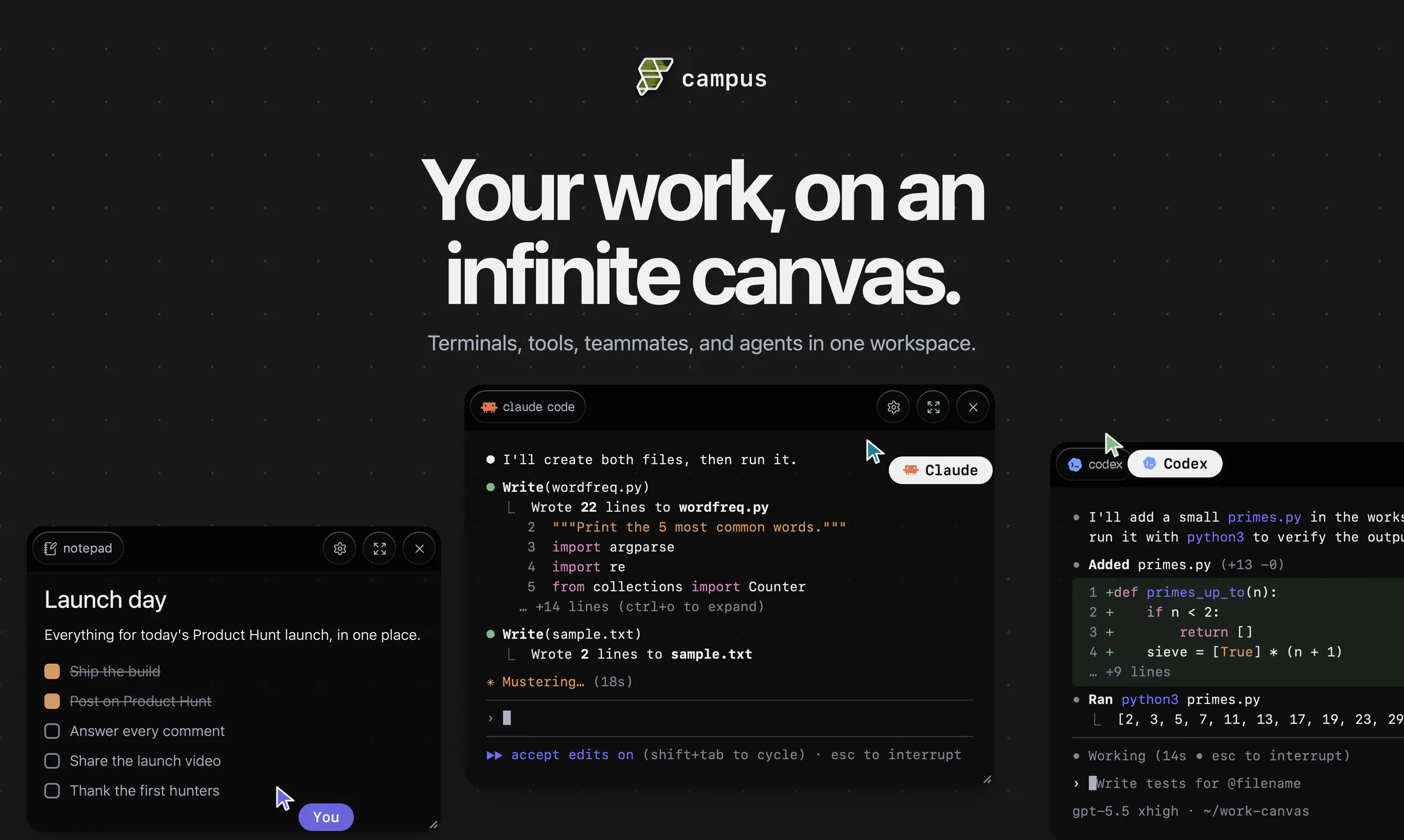
Campus gives builders a shared space to build with teammates and AI agents. Keep your repo, terminal, project knowledge, conversations, and agent work together in one persistent workspace, instead of scattering context across Slack threads, docs, tickets, canvases, and one-off AI chats. Campus is organized around the thing you are building, so humans and agents can pick up where the work left off.

Hey Product Hunt! Alex here, co-founder of FlutterFlow.

Not long ago, I used to have 20+ terminal tabs open, each connected to a different part of my projects. Claude in one. Codex in another. Browser tabs, docs, notes, Git worktrees, design files, all scattered across different windows. Every time I switched tasks, I had to remember where everything was and rebuild context.

It got even harder because we're a remote team. I wanted to share context, get feedback, and see what everyone was working on without scheduling another meeting or asking someone to share their screen.

So we built Campus.

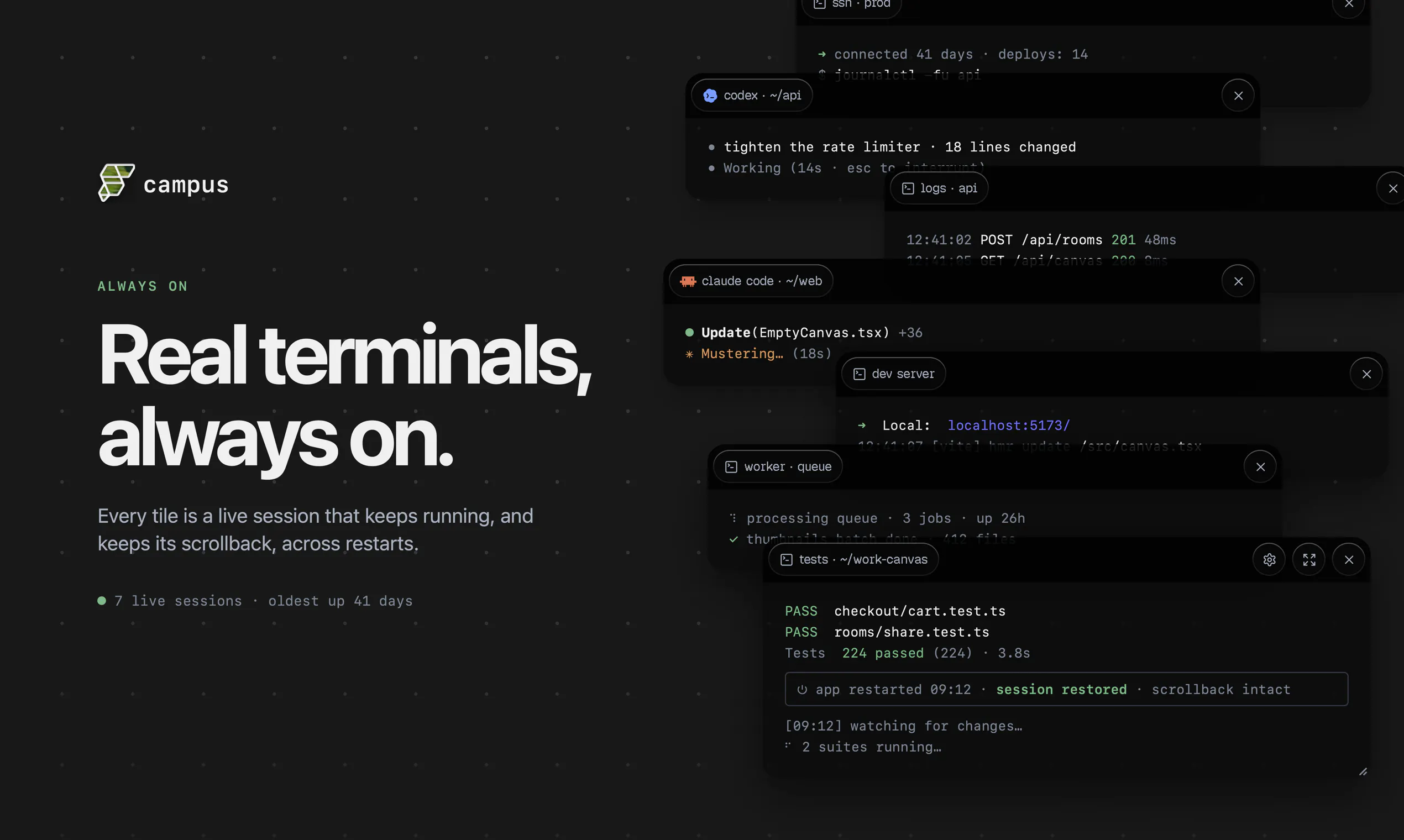
Campus gives every project its own persistent workspace. Instead of jumping between apps, everything lives together on one canvas: terminals, browsers, documents, designs, files, AI agents, and most importantly your teammates. When you come back tomorrow or someone new joins the project, the context is already there.

Today our entire team builds in Campus every day, and it's completely changed how we work together. My favorite part is the sense of connection - we’re dropping GIF reactions, memes, and screenshots into the canvas mid-build.

Download Campus and create your first work area: campus.flutterflow.io

Happy to answer anything in the comments.

— Alex, co-founder at FlutterFlow

23
回复

@agreaves okayyyy but being able to execute INSIDE of Campus is actually wild.

and the gifs/memes really do pop off over here.

everyone, get your whole team to join, build, AND joke together! literal best way to do team bonding :)

11
回复

@agreaves "20+ terminal tabs, Claude in one, Codex in another, rebuild context on every switch" is painfully accurate. Persistent per-project context is the right fix. Does Campus persist the agents' own history too, or just the workspace layout around them?

0
回复

@agreaves Really impressive direction. I'm curious, how are you thinking about balancing AI-generated speed with developer trust? For example, are you exploring ways for builders to understand why the AI generated a particular architecture or workflow, rather than only editing the final output? I think that level of transparency could become a real differentiator.

0
回复

Campus started as a tiny afternoon prototype exploring the question 'what if we put terminals in an actual virtual space' and we haven't been able to stop using and building it since.

Campus exists at this interesting intersection of agent orchestration, collaboration and fun. I'm excited to see what you all think!

16
回复

@norbert1 emphasis on the FUN

6
回复

@norbert1 Still remember the call where we saw the first demo. Campus has come so far along since that day and we should all be very proud.

5
回复

Excited for the feedback from this community - I've seen first hand what this has done for our dev team, and I'm thrilled we can get this in the hands of others for feedback. Tell us the good, bad, ugly! Do you see you - or your teams - using this in your workflows?

12
回复

Campus has been incredible in helping me reduce the amount of context switching and mental overhead from working on several projects at the same time - being able to spatially organise everything in an infinite canvas made it super simple to keep an eye on my agents and check in on all my workspaces. Highly recommend trying it out.

9
回复

@mike_diarmid1 hurray for spatial organization >>>>

4
回复

@mike_diarmid1 yes the reduction in context switching cost is huge!

3
回复

Big fan of Campus! It brings structure to my terminal chaos, lets me manage multiple projects in parallel using Rooms, and makes it easy to share my work with the whole team. 🚀

8
回复

@micmayer LETS GOOOOO

2
回复

@micmayer love to hear it, Michael! We're just getting started!

3
回复

@micmayer thanks Michael! Glad you're liking it! 🙂

2
回复

Huge fan of flutter flow! Excited to see what you've shipped today

Congrats on the launch

8
回复

@suryansh_tiwari2 thanks, Suryansh! Excited to hear what you think!

2
回复

@suryansh_tiwari2 thanks for the love <3

2
回复

Congratulations on the launch! Qq: as rooms and projects pile up, does the canvas itself start to become the thing you have to navigate e.g. the same clutter, just in one place? Curious how it holds up once there's a lot on it.

7
回复

@alieksia Thanks! And yes, we noticed things cluttering up a bit if you only have a singular space with everybody on it.


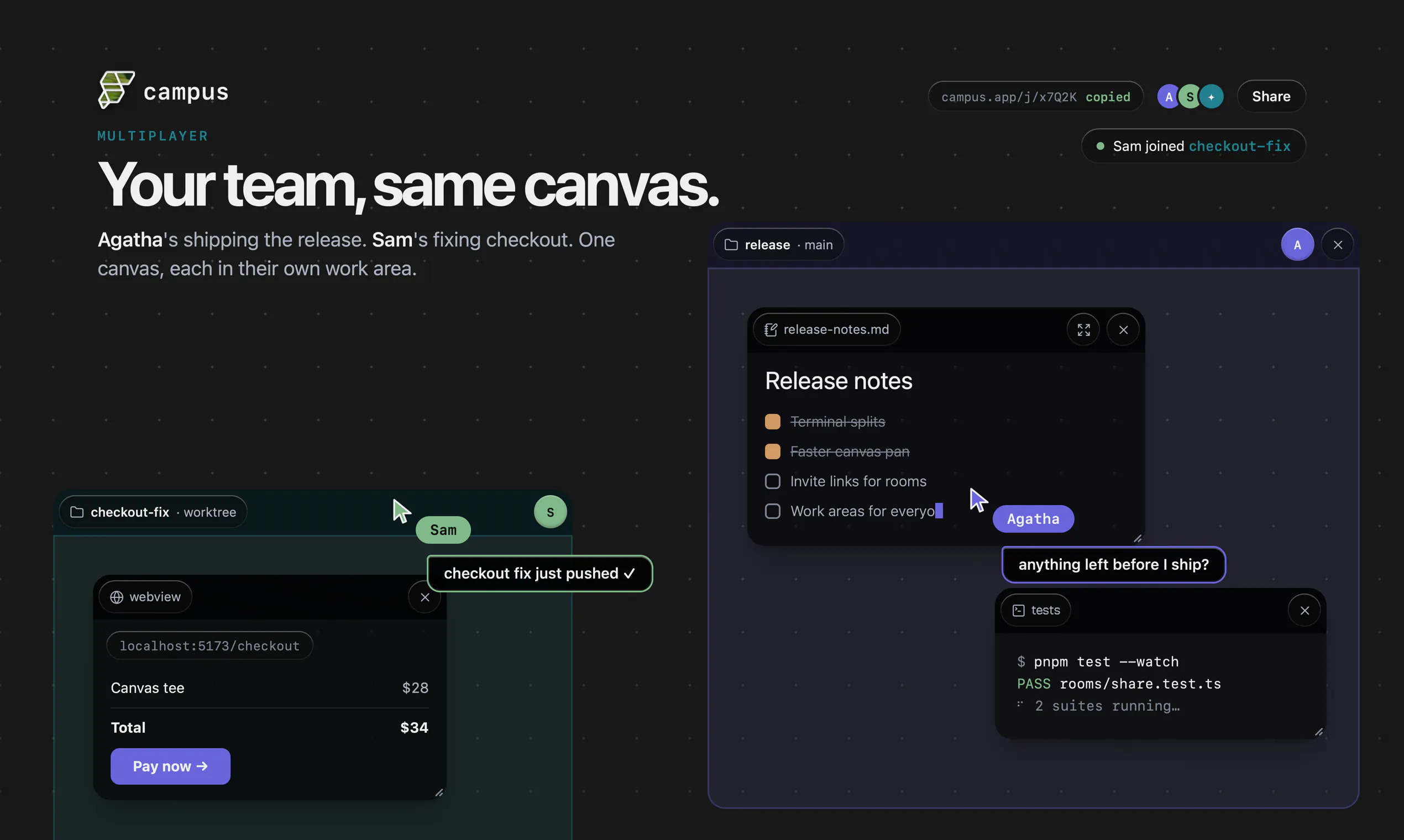
For this, we created rooms - they let you organize work in multiple canvases! Besides that, rooms also act as a nice collaboration boundary. You can choose who can access rooms and collaborate with any set of people!

3
回复

@alieksia great question! Like Norbert said, rooms help but also something about it being arranged in 2D makes it easier. And lastly, the whole canvas is searchable!

2
回复

One space for humans and agents is the right direction, the tab-switching between "my work" and "agent work" is real overhead. How do you handle permissions, can an agent touch anything a human can, or are there locked lanes?

7
回复

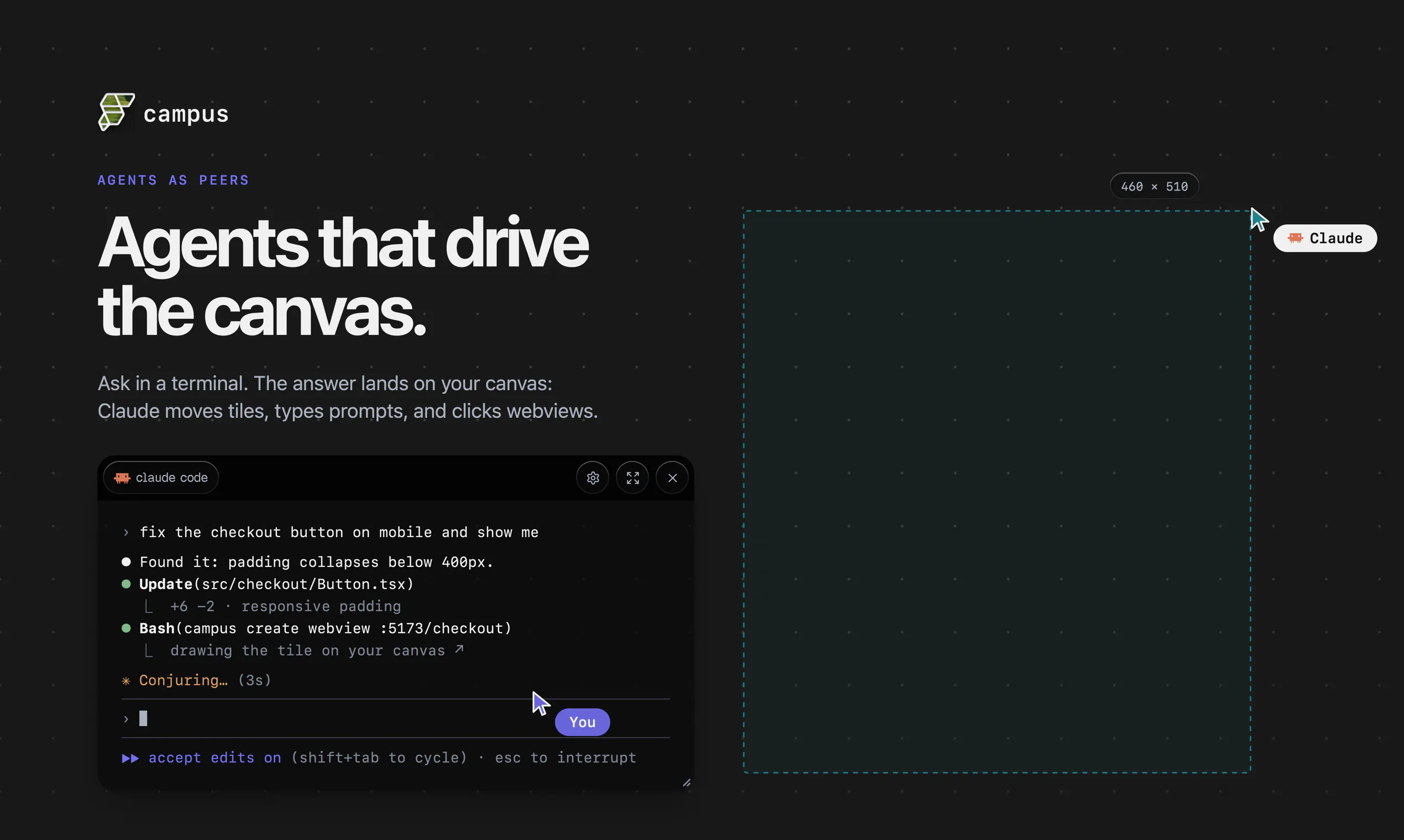
@vladimir_iudin yeah exactly one of the core pillars is that the agent can do anything a human can. More specifically, Campus ships with a CLI + a skill which an agent can use, so everything is just a tool call from your agent, gated by your agent's own permission management.

6
回复

Started using Campus to build out my own workspace, and it's been surprisingly fun. It's one of those products where you start with a simple idea, then end up organizing your entire workflow because it just feels natural.

Congrats on the launch! Excited to see what's next for Campus. 🎉

7
回复

@shadroi it really is so fun!!

1
回复

@shadroi thanks, Shad! That's what excites us as well, it just feels "right". Glad you've enjoyed it!

1
回复

This seems like a big step towards making AI teammates more than just another chat window, and I'm looking forward to seeing how developers use it in real projects.

6
回复

@1mirul 💯

We're also super excited to see what people use this for. Campus is engineered to be a sandbox for work, the rest is up to the user :)

1
回复

@1mirul we are too - give it a try and let us know!

1
回复

hey Product Hunt! Lydia here, growth lead at FlutterFlow.

i had three AI sessions running, a design file somewhere, a doc i couldn't find, and a teammate asking "can you share your screen?" for the fourth time that week.

on Campus, I dragged everything into one workarea: terminals, agents, the design file, the doc, and just kept working.

the REAL highlight for me are the memes. someone dropped a GIF mid-build and suddenly our remote team felt like we were actually in the same room.

Campus is in alpha and we want your honest feedback. tell us what's confusing, what's missing, and what would make you actually use this every day.

— lydia, FlutterFlow team

6
回复

@lydia_lee3 on "in the same room" note: I really like those instant messages which you can trigger with "/". others seeing in realtime what exactly are you typing (with all the typos and backspaces) - really feels like we're in the same space not just virtually

1
回复

Getting on campus to drop the most unhinged gif in the middle of a teammate's work area is now officially part of my morning 'preparing for work' routine 😅

Jokes aside - we're a distributed team, and this is the first thing that's actually made it feel like we share a space. Not a 'team bonding' tool, just a place where everyone gets their work done, and the connection happens on its own. And it's not just the humans: our agents are on campus too, which turned out to be weirdly great 🤖🤝🧑🏻‍💻

5
回复

@lesnitsky unhinged gifs are a regular occurrence fr

1
回复

@lesnitsky As much as I love all the other features and benefits of Campus, the team shenanigans are my favorite part :)

1
回复

One thing I'd love to see is a built-in versioning or git-style history view right inside the editor so I can visually compare UI states and roll back when a redesign doesn't land. Right now I'd have to rely on Firebase backups, which feels a bit clunky for quick iterations.

4
回复

@abdulsametjo5z that's a pretty compelling use-case! If you are working on a web project, the agent should be able to preview UI it built with the built in web browser!

Curious how you would envision the UX to be inside of Campus for this.

2
回复

@abdulsametjo5z thanks for the suggestion, Abdulsamet!

1
回复

The project-first structure makes a lot of sense. as someone building with a small team and using several AI tools, the hardest part is often not the work itself, but keeping terminals, conversations, docs, decisions, and agent context connected without constantly rebuilding the mental map.

I also like that Campus includes the social side of building, not just another serious productivity dashboard. GIFs, screenshots, and quick reactions probably matter more for remote teams than people admit :) Curious how Campus handles multiple agents or teammates changing the same project at once. can everyone clearly see what changed, why it changed, and safely roll back or branch the work?

4
回复

@andrasczeizel Campus runs 'local first', meaning everybody is working on their own local files and local terminal sessions. By default terminals are view-only for team-members in the same room (think, everybody sitting in the same physical room but working on their own computers). You can however setup shared workspaces where everybody has access to terminal/files etc. for collaborating on the same files. More on this in future Campus releases! :)

4
回复

@andrasczeizel Norbert gave a great answer, but "GIFs, screenshots, and quick reactions probably matter more for remote teams than people admit :)" is so true!

Once we started using it we felt instantly more connected as a team, it's almost like being in an office and feeling the "hum" of the room. Also, the easter eggs can be fun :)

3
回复

Pretty neat watching this evolve from a real problem for our team into something people can actually use. Excited to see where folks take it from here.

3
回复

@chris_at_flutterflow best products are built out of your own need!

2
回复

Campus feels most useful if it keeps the context handoff map, not just the tools, in one place.

When I run Claude/Codex alongside normal dev work, the hard part is usually returning later and knowing: what did the agent inspect, what assumption did it make, which terminal state mattered, and what still needs a human review.

If Campus can make that history easy for a teammate or future-me to scan, that is a stronger workflow win than simply having fewer tabs open.

3
回复

@grace_lee26 totally - that's the goal. Give it a try and let us know what you think!

1
回复

@grace_lee26 totally agree. The biggest bottleneck right now is context switching.

We're actively optimizing Campus to be equally easy to use for a human & an AI!

1
回复

@grace_lee26 future-me matters SO. MUCH.

2
回复

Love how quickly I can prototype in FlutterFlow, but please add proper state management for complex flows, something like scoped providers or a Riverpod-style pattern built in. Right now managing app-wide state across screens feels hacky with just shared widgets and global variables.

3
回复

@erdem536284 hey Erdem! This particular launch is for our new tool Campus, an infinite canvas for organizing your work (possibly including FlutterFlow!). But always appreciate feedback for FlutterFlow! We're always looking for ways to improve the tool.

0
回复
Congrats Alex and team! Everyone in the thread is asking the dev questions, so here’s the other side: I’m the non-technical guy who runs AI agents for marketing and ops at a 36-person company. My context is just as scattered as your 20 terminal tabs, except mine is Slack threads, Sheets, and a dozen Claude chats. Is Campus genuinely usable for someone like me working alongside agents, or is it dev-first for now with terminals and worktrees at the center? The answer decides whether I bring my whole team in or just watch the engineers have fun.
2
回复

@ridhwikvinod this is a great question! i'm a growth lead so i know what you mean hehe

we're still in alpha, but i've found that i really love to use Campus to see what my team is building in real-time and actually build my marketing campaigns that way. so instead of having product and marketing separated in silos, there's a more unified sense of vision (and PROGRESS UPDATES)

2
回复

@ridhwikvinod love this question! We initially built Campus for ourselves to make it as low friction as possible to manage our work, which also means keeping the technical barrier low. So as long as you're building with agents and want your team and other agents to share context, there's nothing stopping your whole team!

2
回复

Love seeing products focused on reducing context switching. Looking forward to trying this with a team project and seeing how the shared agents fit into the workflow.

2
回复

@angelaa that's what I really love about it - everything in one place. Let us know what you think!

1
回复

@angelaaa thanks, Angela! It's been huge for us, so looking forward to hearing your feedback!

1
回复

the context-switching problem is real, especially when you've got agents running across different tools that don't share state. curious whether Campus handles agent-to-agent handoffs — like when one agent's output needs to feed into another's context without manual copy-paste.

2
回复

@ozandag Campus is built to be a sandbox. Every tile has a dedicated API for the agent to interact with. If you want agents to collaborate, just tell them! They will be able to figure out the details :)

1
回复

@ozandag let us know if you have any other questions!

1
回复

the persistent context part is what gets me. losing where an agent left off between sessions is the single most annoying thing about building with them right now

2
回复

@alex_watson2110 agreed! We're entering an area where instead of asking 'how can we observe agents better?' we can start asking ourselves 'how can agents better surface information for us?'.

We believe an interactive canvas is a remarkable good surface for this! More exciting stuff coming soon 👀

1
回复

@alex_watson2110 this ^^^ the persistent context changes everything

1
回复

@alex_watson2110 yes! It felt like we were banging our heads against a wall before this

1
回复

I've played with visual app builders before, but the extensibility with custom code is a big plus. How does FlutterFlow handle complex state management or third-party library integration?

2
回复

@aymnart hey Aymen! This particular launch is for our new tool Campus, an infinite canvas for organizing your work (including FlutterFlow!). Hope you can check it out.

For FlutterFlow, I'd recommend checking out our YouTube channel for tutorials on building complex apps!

1
回复

@aymnart you can use FlutterFlow (and Designer) INSIDE of Campus, alongside your other agents and tools!

0
回复

I'm not sure I would be your target audience as my 9-5 is in construction project managment outside of tech, but honestly, I could really use this to keep track of multiple on-going projects without losing my space flipping between everything. Will show some colleagues and report back!

1
回复

@elliot_zoellner ooh this is AWESOME! can't wait to hear the report :)

0
回复

@abel_mengistu Voted for Campus today. "One space for humans and AI agents" is a message that's easy to make abstract, curious how you're keeping the first email concrete.

1
回复

@alex_iliescu thanks for the love!

0
回复

@Alex Greaves that makes sense for the code side. Curious about the CRDT part though - when two agents both propose changes to the same canvas node at nearly the same time, does one just silently win, or does a human get a merge prompt like you'd get in Figma multiplayer?

1
回复

The "scattered across Slack, docs, and one-off AI chats" line hit a little too close to home lol. As a solo builder I lose half my morning just reconstructing where I left off with an agent. Does the persistent workspace let an agent actually resume a task days later with the earlier terminal and repo state intact, or does it re-read context fresh each session?

1
回复

Interesting product

1
回复

@madalina_barbu thanks Madalina, give it a try and let us know what you think!

1
回复

Congrats on the launch! The humans-plus-agents handoff is the part I always find hardest, knowing when an agent should stop and pull a person in vs keep going. Curious how Campus draws that line. Looks slick.

1
回复

@bryanlparker thanks Bryan! That's a really good point, our main focus is to improve the handoff process and make it as easy as possible for your agent to get context from you and vice-versa. But the line of where to do the handoff we don't take an opinion on (yet) and leave that to the builder since it's a personal choice how much you want to be involved.

2
回复

Congrats on the launch! Since terminals and agents live on this shared canvas, if I close my laptop mid-task, does the agent keep running in the background, or does everything just pause until I'm back?

1
回复

@irahimiam thanks Arash! Work happens locally on your machine, so as long as it's awake the work continues. In my experience, the work pauses when my laptop closes but resumes as soon as I open it back up! So if I'm stepping out I generally leave it locked but open and let my agents do their thing :)

2
回复

The "context is already there when you come back" bit is the real unlock — losing state between sessions is the tax nobody budgets for, especially with agents. Curious: when an AI agent picks up work in Campus, how much of the human's messy context (half-finished threads, abandoned branches) does it actually use vs get confused by? The dream is shared memory; the risk is the agent inheriting the mess too.

1
回复
#4
Agently
Your whole stack, running itself!
318
一句话介绍:Agently通过一个永不遗忘的“公司大脑”连接100+工具(如Stripe、Slack、Linear),自动将跨系统的事件关联并驱动AI代理端到端执行任务,解决用户在不同工具间手动协调、信息碎片化和流程断裂的痛点。
Productivity SaaS Artificial Intelligence
用户评论摘要:用户高度关注产品的延迟与性能、知识图谱的“事实过期”处理机制、跨工具操作的权限与审计,以及新手引导如何证明“自运行”价值。团队回复聚焦于异步触发、语义冲突检测(非时间戳)、基于提案的审批层及保留完整审计溯源。
AI 锐评

Agently确实在试图用“一个大脑”解决AI工具链中普遍存在的“碎片化”问题,这种做法方向清晰且挑战极大。它最聪明的设计不在于所谓的知识图谱,而在于“提案-审批”机制:所有动作都被设计为建议,而非立即执行。这不仅在实际部署中降低了客户的风险顾虑(尤其是涉及计费等系统),更关键的是,它以一种隐性的方式收集了宝贵的人类反馈数据——每一次“批准”或“修改”都是一次高质量的监督学习信号。

但我们必须看到,Agently目前依然处于“重人工干预”的阶段。尽管团队强调长期价值在于“压缩判断”,但初期对复杂和模糊任务的处理仍需用户逐一确认,这本质上是以人力成本换取系统安全,并未真正实现“运行自己”。同时,“大脑”的智能高度依赖于底层大模型的能力和检索质量。在票务、计费等强规则领域表现尚可,一旦进入需要深度理解商业策略或模糊情境的复杂任务,模型幻觉和逻辑错误的风险依然存在。此外,连接100+工具后的权限治理和安全边界看似严密,但这种机制在面对规模化的多租户、多团队复杂权限模型时,其性能和维护成本将面临严峻考验。

与其说Agently是一个“自动驾驶”系统,不如说它是一个高度智能化的“工厂中控台”。它在正确的一站——让机器主动提议、人来做最终决策——建立了护城河。但它离标题所承诺的“一切自动运行”还有相当距离。真正的考验不在于它能否跑通一个Stripe到Slack的闭环,而在于六个月后,当用户积累大量“判断数据”后,它的代理能否真的学会自主决断,还是需要人不断地为每一个“意外”兜底。

查看原始信息
Agently
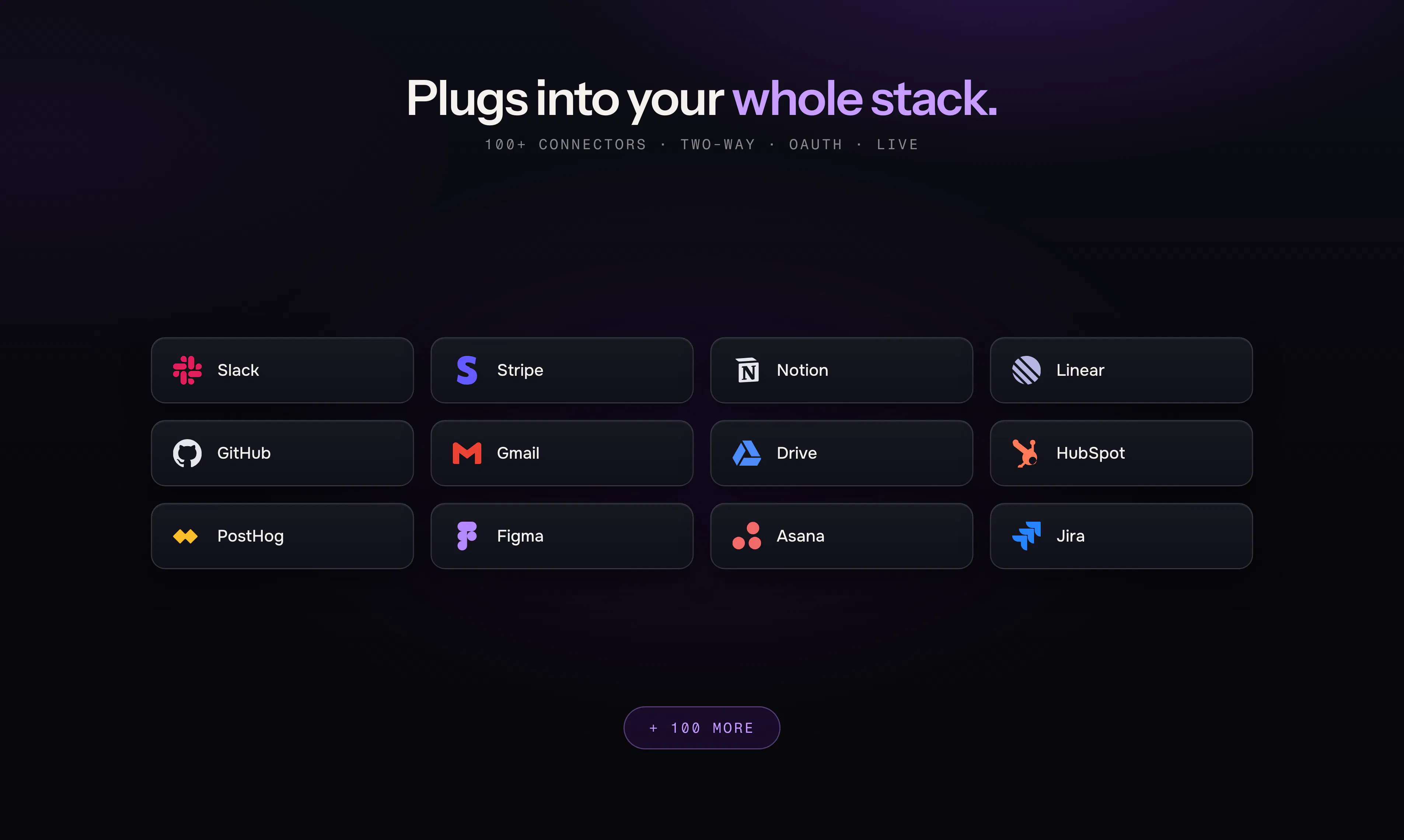
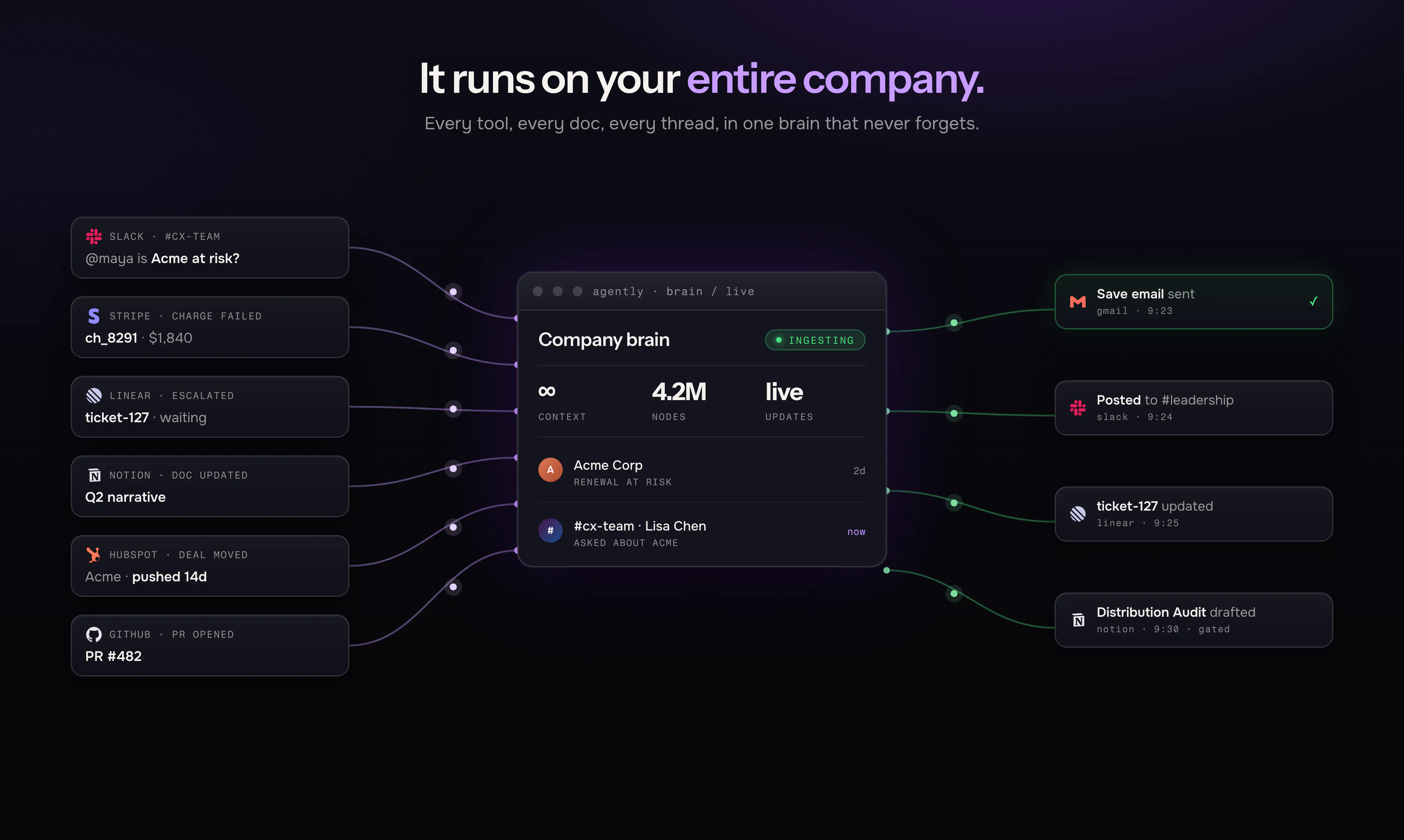
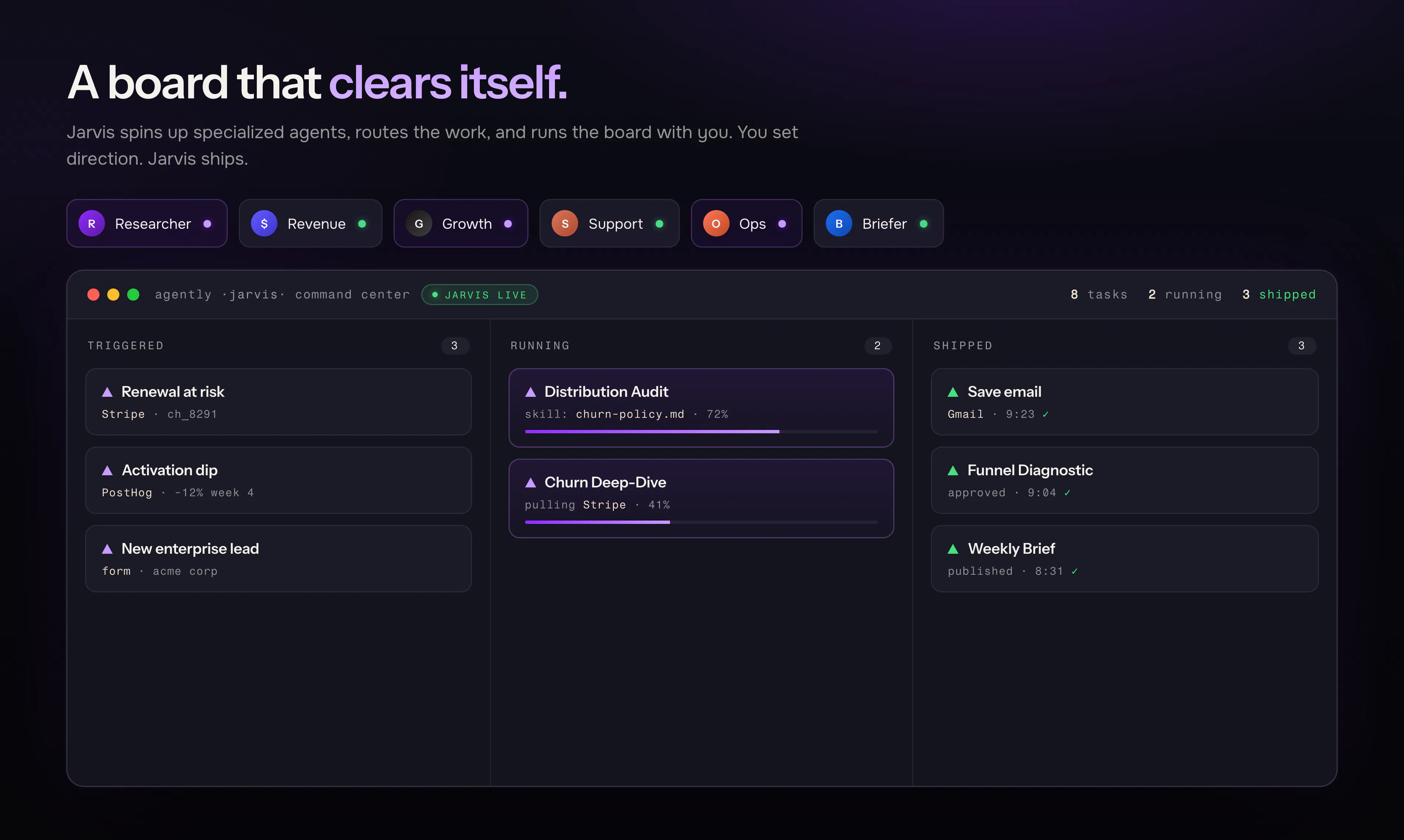
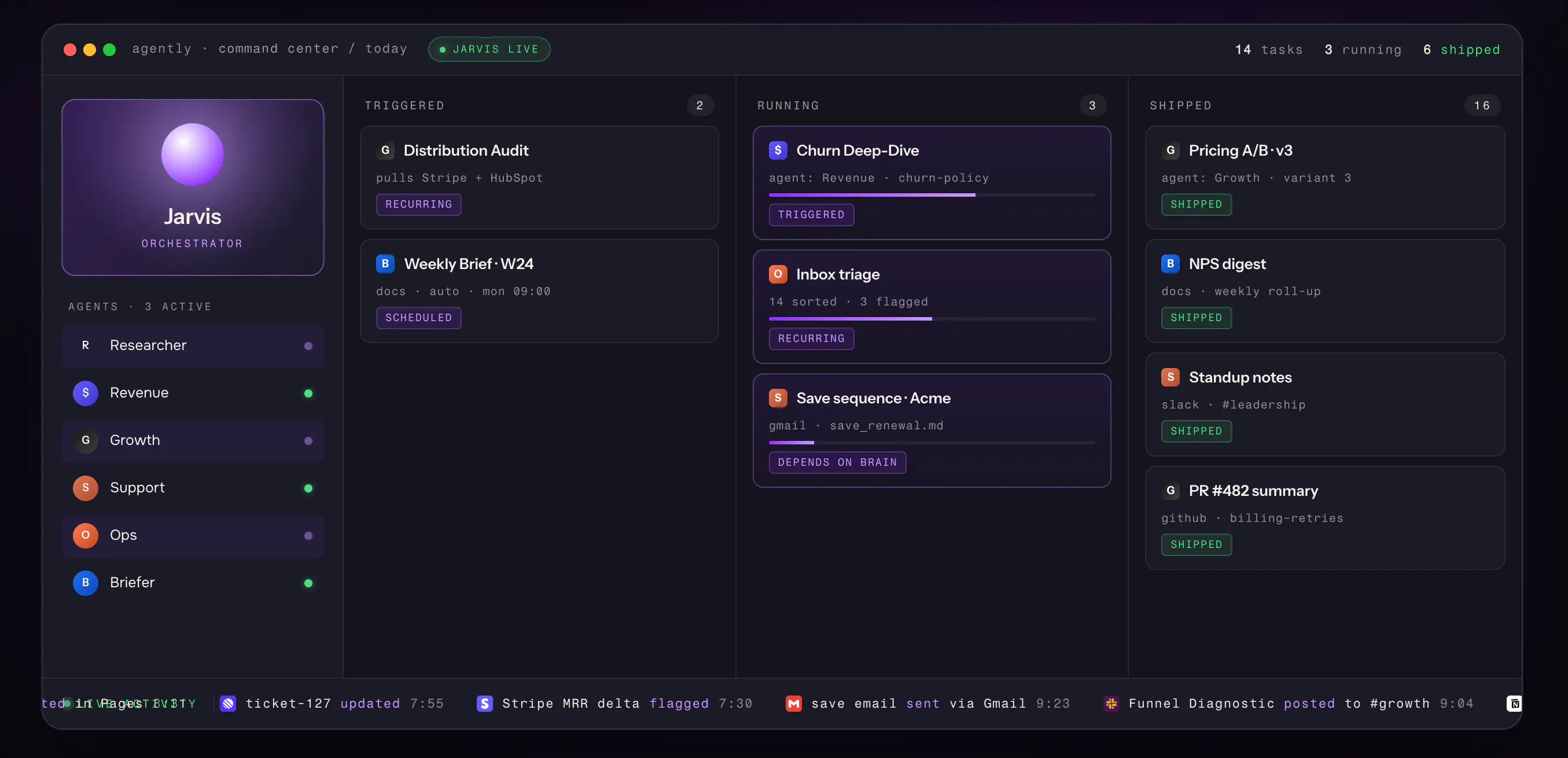
Every other tool answers, retrieves, or runs brittle rules. Agently holds your whole company in context and does the work. 100+ connectors flow into one brain that never forgets. It links a Stripe event to a Slack thread to a Linear ticket on its own. When something needs doing, Jarvis routes it to an agent that runs it end to end: triggered, running, shipped. The work lands without you, nothing falls through the cracks. Connecting takes minutes. The layer between today's AI and tomorrow's AGI.

Huge congrats @omarships on hitting the leaderboard.. qq what's the average millisecond latency overhead between an incoming trigger event and agent execution?

5
回复

@priya_kushwaha1 Great question.

We keep the trigger path deliberately thin: an incoming event (a webhook, or a manual dispatch from Command Center) is acknowledged and the run is handed off asynchronously, so the trigger-to-execution overhead is small and roughly constant.

The latency that actually dominates is the agent loop itself: brain retrieval + model inference + tool calls. That's seconds-scale, and it's where we spend our optimization budget (prompt caching, a frozen prompt prefix, incremental cache breakpoints so repeat runs stay fast).

Happy to go deeper. DM me and I'll share the real prod numbers we're seeing.

2
回复

@omarships  @priya_kushwaha1 This one's my corner 🙂 The pipeline: trigger comes in → validate + persist + hand off to a stateless agent service, all off the request path → then the loop runs (retrieval → inference → tool calls, iterating to done). We tag every stage with correlation IDs so we can see exactly where the time goes, and the trigger→handoff segment is by far the cheapest part. It's the tool round-trips and inference that set the pace. Ping me and I'll share real traces with the exact split.

3
回复
@omarships The underrated part here is the compounding. Most AI tools are identical on day 1 and day 100. If the brain genuinely gets sharper the more it ingests and the more you correct it, that's a real moat and a real switching cost, the opposite of a swappable wrapper. Congrats team 🔥 Does the value curve actually bend upward with usage, or plateau once the obvious sources are connected?
4
回复

@amraniyasser You just articulated our entire bet, thank you 🙏

It bends upward, and the reason is the part people miss: connecting sources is table stakes, that curve does flatten once your stack is in.

What keeps compounding is everything that happens after, every correction you make, every decision you approve or reject, every "no, do it this way." That gets encoded, so the brain stops just knowing your data and starts knowing your judgment.

That's the moat and the switching cost you're pointing at: a competitor can copy the features, they can't copy six months of your company's context and your decisions living in one place. The data is the commodity. What you've taught it is the moat.

2
回复

@omarships  @amraniyasser from a more technical standpoint:

Two curves here: raw source-connection does plateau once your big tools are in, you're right.

But the graph keeps compounding on a different axis, entity resolution links more previously-siloed things over time, the temporal history deepens, and every correction or approval becomes a durable signal, so the value curve keeps bending up well past "everything's connected."

0
回复

Congrats on the launch! The temporal knowledge graph is really interesting. How does it decide a fact has gone stale, like a customer that churned or a deal that moved vs just keeping the newer fact alongside the old one? Really like that you framed the brain as the moat and the agent as the commodity

3
回复

@artstavenka1 Appreciate it and definitely the right question 🙏

The way we see it: your company's brain should understand that reality changes, not just pile up facts. A customer isn't "active" forever, they're active until they churn. A deal doesn't sit in one stage, it moves. So the brain doesn't keep the new note next to the old one and shrug. It understands that "churned" replaces "active" because they can't both be true, and it remembers exactly when that flipped. You get the current truth and the history of how you got there. That's the difference between memory and a filing cabinet. Ahmad will give you the actual mechanics 

1
回复

@artstavenka1 Thanks Omar. So conceptually Omar's answer will be easier to understand but here's a more technical breakdown.

Here's the mechanic. Staleness isn't a timer or "newest overwrites," it's contradiction detection at write time. When a new fact comes in, we check whether it conflicts with an existing relationship. "Customer churned" contradicts "customer active," and a deal has one current stage, so those old edges get invalidated (we stamp them with an end time rather than deleting them). Additive facts that don't conflict, bought product A then product B, just coexist. So invalidation is semantic, not chronological: mutually-exclusive states supersede, independent facts accumulate. And because it's bi-temporal, you can still ask "when were they active" and get the exact interval. Honest caveat: the contradiction call is model-assisted, so clean state transitions are reliable, and for genuinely fuzzy ones we keep both and lean on recency + provenance instead of forcing a merge.

3
回复

@ahmadhajj Upvoted Agently, bold promise with "runs itself." Curious how the onboarding sequence proves that in the first few days after signup.

2
回复

@alex_iliescu only one way to find out 👀

0
回复

This is a really interesting idea, but how do you handle accuracy and permissioning when the agents are connecting across so many tools?

2
回复

@himani_sah1 Great question, Himani — it's the part we obsess over most. Two separate problems, handled separately:

Accuracy — agents don't answer from vibes. Everything is grounded in your company brain (a temporal knowledge graph of your docs, CRM, Slack, tickets), and retrieval is a cited lookup — the answer points back to the actual source, and the graph knows what was true when, so stale facts don't leak in. And for anything that changes a system of record, the agent doesn't fire blindly: it produces a drafted, context-aware proposal that waits for your yes. So accuracy failures surface as "here's what I'd do" before they become actions.

Permissioning — three layers. (1) Everything is scoped to a workspace — data and connections are isolated per tenant, never shared across. (2) Tools connect via OAuth, so the agent only ever acts within the scopes you actually granted — revoke the connection and it's gone. (3) Writes go through an allowlist of validated actions, gated by a policy layer + a kill switch, and every action is logged to an audit trail. Nothing runs outside that boundary.

Short version: read broadly, cite always, and act only through a narrow, approved, audited door. Happy to go deeper on any layer 🙌

0
回复

@himani_sah1 Accuracy comes from the brain, everything's grounded in your real source data, stale facts get superseded instead of lingering, and weak or conflicting signals get flagged, not guessed. Permissioning is by design, not trust: agents only get an allow-listed set of actions per tool, and anything consequential waits for your sign-off.

0
回复

Looks solid 🔥🔥🔥

2
回复

@duyk_me Appreciate you Duy

0
回复

@duyk_me Thanks for the support

0
回复

Congrats on the launch @ahmadhajj @omarships

The line that actually landed for me was the Stripe → Slack → Linear example - that's where I could picture the product working. That's a key point and something beneficial to lead with, as it establishes the problem that Agently solves.

Who do you see as the Ideal User for Agently - Solopreneurs? Large teams?

What's the one workflow you'd want a first-time user to feel relief on immediately?

2
回复

@ahmadhajj  @anna_ludwinowski  

On the ideal user, everyone who is using AI for work can and should use it. In our Cohorts, we had solo founders, small teams, mid sized startups, mid market companies, VC's even and 1 FAANG Enterprise.

The real question is, who benefits the most: today it's the lean operator, solo founders and small teams (think under ~20) who are drowning in tools and feel the coordination tax hardest. Big teams benefit too, but that's where the pain is sharpest and the "oh, I don't have to be the glue anymore" hits fastest, so that's who we build for first.

On first relief: exactly the loop you liked, the moment a signal in one tool becomes handled work in another without you shuttling between tabs. A failed payment that turns into a drafted, context-aware follow-up and a Slack heads-up, waiting for your yes. First time someone watches that happen, the relief is physical.

Really appreciate you 🙌

1
回复

@omarships  @anna_ludwinowski Thanks Anna 🙏 — You're right that we should lead with the Stripe → Slack → Linear moment; it's the clearest picture of the actual problem: today you're the glue between tools, and that coordination tax is invisible until someone removes it.

Omar nailed the who and the first-relief, so I'll just add the part that makes it safe to love: every one of those cross-tool actions comes to you as a drafted, context-aware proposal waiting for your yes — nothing fires blindly. You get the relief of "handled" without giving up control. That's the line we're building everything around.

Really grateful for the thoughtful questions 🙌

1
回复

How do you handle ownership and auditability when Agently routes work end-to-end across tools; can teams see who/what made each decision, why it was taken, and roll back or reassign actions if needed?

2
回复

@swati_paliwal Great question, and it's the line between a demo and something you'd actually run a team on.

Accountability is first-class: every action carries who proposed it (which agent), who approved it (which human), the reasoning, and the context it pulled from, so "who decided this and why" is never a mystery, it's on the record.

On rollback: anything reversible has a full trail and you can course-correct, but for irreversible actions we deliberately put the control before the action, not after, because you can't cleanly undo a sent email or a charge. Ahmad can walk the audit mechanics 👇

0
回复

@swati_paliwal On the mechanics: every action writes an audit record with the actor (the specific agent run, or the human approver), a timestamp, the reasoning, and the exact context it pulled from the brain, all traceable end to end by correlation ID across the tools it touched. Because we approve-and-replay, the executed action is provably the one a named human signed off on, no drift between "approved" and "ran."

On rollback and reassign, I'll be precise rather than oversell: reversible actions have a trail you can act on, reassigning ownership routes through the same task/approval layer, and for irreversible side effects the real control is the pre-execution gate. We prevent instead of promising a rollback physics won't allow.

0
回复

HELL YEAH! Congrats on the launch!!!

2
回复

@yahia_bakour3 Thanks Yahia, appreciate the support! 🙏

0
回复

@yahia_bakour3 Appreciate you Yahia, one step closer to figuring out AGI. Only saying this to raise an anthropic sized round, hopefully they dont see this

0
回复

Ahmad — the "writes carry an explicit reference time, conflicts reconcile by when the event actually happened, not arrival order" answer to Aymen is the detail I'd want to poke at. WinBidIQ ingests federal opportunity data (SAM.gov postings and amendments), and our version of "reference time" is messier than an internal system's clock: an amendment can get issued and only show up in the feed hours or days later, sometimes out of order relative to the original posting, and occasionally a correction supersedes a correction. For a one-way external feed like that, where you don't control the source and can't always trust its own reported timestamp either, does Agently's reference-time model take the source's self-reported time as ground truth, or is there a layer that sanity-checks it against ingestion order when the two disagree?

2
回复

@medal411 You've nailed the exact hard case, and honestly it's the line between a toy and a system: a one-way feed whose own clock you can't trust, out-of-order amendments, and corrections superseding corrections.

Short answer: we don't take the source's self-reported time as ground truth, and we don't collapse it into ingestion order either. It's bi-temporal, so both are first-class and stored separately. The source's reported time is treated as a claim (an attribute of the event), and our ingestion order is always retained independently, which is what lets the two disagree without forcing a destructive pick. When a correction supersedes a correction, each one invalidates the prior with a validity interval, so the lineage stays intact even when they land out of order.

Where I'd rather be precise than hand-wavy: for a feed like SAM.gov, where the timestamp itself is unreliable, the right reconciliation isn't a global rule, it's source-specific logic in the adapter. That's where you'd encode "order on the amendment/version sequence, not the reported clock," since those postings usually carry a monotonic version that's safer to trust than the timestamp. Some of that is turnkey, some we'd tune for your exact feed, and I'd rather scope it with you than oversell one answer.

Genuinely a fun problem. DM me and let's go deep.

1
回复

@medal411 Ahmad gave you the how, here's the principle: a source's clock is a claim, not the truth, so the brain reconciles reality rather than trusting whatever landed last. For a feed as adversarial as SAM.gov that's not a generic setting we'd flip, it's something we'd tune with you. Genuinely our favorite kind of hard, let's get into it.

0
回复

Really interesting launch. The strongest part for me is the persistent context across tools not just another AI assistant answering prompts, but a system that can connect events and move work forward automatically.

Curious how do you keep the shared memory accurate and prevent outdated context from affecting decisions?

Congrats on the launch! 🚀

2
回复

@muhammadtanveerabbas Thank you 🙏 Two layers keep it honest. The brain doesn't just stack facts, it understands state changes, so for example "churned" replaces "active" and the stale version stops driving decisions. And since nothing consequential runs without your sign-off, even if something outdated slipped through, it surfaces to you before it acts, not after. It remains a ultimate source of truth

0
回复

@muhammadtanveerabbas Thanks so much — really appreciate you zeroing in on the context layer, that's the part we care most about too. 🙏

On keeping shared memory accurate: a few things do the heavy lifting. Every piece of context is timestamped and tied to its source event, so nothing floats around as free-standing "facts" — it always knows where a memory came from and when. Newer signals supersede stale ones, and anything that hasn't been reinforced decays in weight rather than lingering with full authority. When two sources conflict, we surface the conflict instead of silently picking a winner, so a decision never quietly rides on outdated info.

Still plenty to sharpen here as we scale, but that's the core of how we stop old context from steering new decisions.

0
回复

@muhammadtanveerabbas Mechanically it's a temporal graph: contradicting facts invalidate the old version (with a validity interval, not a delete), and retrieval favors current, provenanced context over stale. So outdated facts don't quietly leak into a decision, they're either superseded or visibly flagged as old.

0
回复

Congrats on shipping @omarships! How do you handle messy and keep growing context?

2
回复

@nicklaunches  Thanks 🙏

On messy: when signals are weak or conflicting, it degrades to asking, not guessing, so bad input never becomes a confident action.

On growing: connecting sources is table stakes, but every correction and decision you make gets encoded, so it keeps getting sharper long after your stack is wired up.

0
回复

@nicklaunches Messy: we link on hard signals (shared IDs/domains), and when a match is weak we flag instead of forcing it.

Growing: as more episodes land, the graph's relationship density climbs and every human correction becomes a durable signal, so the curve bends up past "everything connected." It's not just more data, it's more resolved connections.

0
回复

Solo founder here, already running most of my ops through AI agents, so this one hits home. The part I'm curious about is trust: when Jarvis links a Stripe event to a Slack thread and acts on its own, what happens when it gets something wrong? Is there a review/undo layer before actions land, or do I find out from the logs? That's what would decide whether I let it anywhere near billing.

2
回复

@dmitrii_tolstikhin The data is coming straight from stipe and slack, the brain makes correlations based on how the data relates to each other through normalization, algorithms and embedding. The brain goes through a series of processes including validation and invalidation. Jarvis does not have access to the brain to act its own. In any case, the last de-risk attempt we integrated is -> you review before it lands, you never find out from the logs, and nothing hits Stripe until you say yes. We gate before the action instead of promising undo, because you can't cleanly un-charge a customer, so billing stays in the always-approve bucket until you decide otherwise.

0
回复

@dmitrii_tolstikhin Quick correction on the mechanics: ingestion, normalization, and embedding happen in the brain as a separate layer, so by the time Jarvis touches a Stripe event and a Slack thread they're already resolved into one grounded context built entirely from your source data, not stitched together at action time. Execution then sits behind an approval status no task passes without your sign-off, so even a bad read can't become a bad action, it stops at the gate.

There are such a thing as recurring tasks and skills (patterns your brain recognizes from your data then makes them into automated workflows). Those you approve and audit once under your own tolerance, then you don't need to going forward.

0
回复

Congrats on the launch!

2
回复

@karimbenkeroum your the best, thanks

0
回复

@karimbenkeroum Mailwarm definitely needs agently.

0
回复

This is clever. What does Jarvis do when it can't confidently route a task to any agent?

2
回复

@dhiraj_patel5 The architecture does not allow for it. The subagents are spun up based of the task that needs to be done. Jarvis injects the context into them and details the role and desired objective.

0
回复

@dhiraj_patel5 Routing always resolves, because Jarvis dynamically spins up a subagent for the task instead of matching against a static set, so "no agent fits" isn't a failure state. Confidence gating lives at the subagent's actions, not the routing, high-confidence reversible work runs, anything ambiguous or consequential routes back to you.

0
回复

How do you handle data consistency across 100+ connectors, especially when dealing with concurrent updates or network failures? Is there a specific data modeling approach or conflict resolution strategy in place?

2
回复

@aymnart Actually Great question (might give you the award), and the honest answer starts with humility: you can't wrap 100 third-party systems in one clean transaction, and any tool claiming to is lying to you. So we designed for the real world, where retries, duplicates, out-of-order events, and half-failed syncs are the normal case, not the exception. Every write is idempotent, so a flaky webhook firing three times still lands once. And we reconcile truth by when things actually happened, not when they showed up. The payoff for you: a network blip or a connector hiccup never corrupts your brain which remains the source of ultimate truth, it just converges on the right picture once things settle. Ahmad can take you under the hood 👇

2
回复

@aymnart Here's the mechanic. Consistency across connectors is eventual, not transactional, we don't pretend to two-phase-commit across Stripe and Slack. What makes it safe:

Idempotency — every synced record is keyed by (connection, source-record-id) with a uniqueness constraint, so at-least-once delivery from retries or failures collapses to exactly-once effect. Replays are free.

Failure handling — sync writes run off the request path, each tracked by a status column, so a failed or partial sync is observable and retryable instead of corrupting state. Webhooks ack fast, then process async.

Ordering + conflicts — writes carry an explicit reference time, so concurrent updates reconcile by when the event actually happened, not arrival order, and conflicts resolve through the temporal graph (contradiction detection + validity intervals), not last-write-wins.

So the model is idempotent ingestion + temporal reconciliation. Boring on purpose, because boring is what survives 100 flaky APIs.

1
回复

This hits a real pain point. Most "AI ops" tools still make you babysit the handoffs, Stripe fires an event, you check Slack, you manually open a Linear ticket. If Jarvis actually closes that loop end to end, that's the unlock. Curious how it handles edge cases where the "right" next step isn't obvious. Congrats on the launch, rooting for you.

2
回复

@anas_chhilif Thank you 🙏 and yes, closing that loop end to end is exactly the unlock. The babysitting between tools is the tax nobody talks about. On the ambiguous next step: a good chief of staff doesn't freeze, and doesn't wing it either. They come to you with "here's what happened, here's what I'd do and why, here's the call I need from you." That's the behavior we built. When the move is obvious and reversible, Jarvis just does it. When it's genuinely a judgment call, it brings you the decision with its reasoning instead of guessing, and it gets sharper at your judgment the more it watches you make those calls. Rooting for you too 🙌

0
回复

@anas_chhilif Ambiguity is confidence-gated. Every proposed next step carries a confidence signal from the brain context. High confidence + reversible, it executes. Low confidence or high stakes, it doesn't pick blindly, it generates the candidate next steps with its reasoning and routes them to you as a decision, same surface as the consequential-action gate. The part that makes it improve: it factors in how you've handled similar situations before, so "ambiguous" shrinks over time. What it'll never do is manufacture a "right" step to look autonomous. Ambiguity resolves to propose-and-defer, not guess-and-ship.

0
回复

the policy gate + approval queue answers in this thread are the most thorough I've seen on this, but they're all about what the gate does. what I haven't seen addressed: who can loosen it, and is that change logged the same way an agent action is? "handle refunds under $50 on your own" is a great rule until someone quietly bumps that number on a Friday and nobody notices until the damage is done. is changing the policy itself a consequential action that goes through the same approval/audit trail as everything else, or is it just an admin setting anyone with access can flip

2
回复

@galdayan Sharpest question in the thread shows that you have been reading up. It's the one most tools get wrong: governance has to be recursive. A gate anyone can quietly widen isn't a gate, it's a suggestion. Our stance is that changing the rules is itself a consequential action. It should be permission-gated, logged with who changed it and when, and loosening a limit should take the same kind of sign-off as the actions it governs, not a solo Friday toggle. I won't overstate exactly where every piece is today vs on the roadmap, but this principle is non-negotiable for us, and you just described the precise failure mode we're building against. Grateful you pushed here 🙏

0
回复

@galdayan Congrats on the launch! From a product strategy perspective, which user segment is showing the strongest pull today. solo founders, early-stage startups, or larger cross-functional teams? I'd be interested to know where you've seen the clearest product-market fit emerge during beta.

0
回复

I loved the video, does it work with BYOK or your own models ?

2
回复

@bengeekly I hope someone would say that. This was a placeholder video, more of an Add, the actual video didn't end up done in time.

Honest answer: today it's managed. We run on a mix of models and keep the whole system tuned around them so it just works. That's on purpose and ties straight to the "agent is the commodity" idea, the model is the layer we think you shouldn't have to babysit, so we manage it and keep it current for you. The brain, the part that's actually your moat, is 100% yours.

We have had 290 teams use it in private betas, some of which also requested opening it up to both BYOK and self hosting. Mainly enterprise for the obvious reasons, happy to have a conversation around it. DM me

1
回复

@bengeekly On the eng side: today it's managed, not BYOK. The reason is reliability, we tune the agent loop, prompt caching, and tool-use behavior around specific frontier models, and swapping in an arbitrary one changes how all of that behaves. We do have per-agent model selection internally (different jobs get different models), so the plumbing for choice already exists. BYOK and self-hosted are architecturally doable and a legit enterprise/on-prem ask, we just haven't exposed them yet, because we'd rather ship one stack that's rock-solid than a dozen that mostly work. If you've got a specific model or a data-residency constraint, happy to scope it with you.

0
回复
Been watching Agently take shape and this is the launch I've been waiting for. The thing that clicks for me: everyone's shipping "agents," but an agent with no memory of your company is just a chatbot with extra steps. Building the brain first is the right bet. Huge congrats to the team 🔥 Curious what the first workflow most teams reach for once it's connected?
2
回复

@abod_rehman Thank you 🙏

"chatbot with extra steps" might become our tagline.

The first workflow is almost always the recurring, boring, high-context one, the thing that quietly eats your Sunday. Weekly updates for the team or investors, personalized cold outreach, a competitor or account teardown.

It's the work that needs your whole company's context but not your genius, which is exactly what the brain unlocks. Once that one lands, people get bold fast. What's the one eating your week?

1
回复

@abod_rehman From the eng side there's a reason it's usually those: the first workflow people trust is read-heavy. Pull context from the brain, synthesize, draft. No consequential action, so nothing needs sign-off, which makes it the perfect on-ramp, real value at zero risk. It also stress-tests the brain in the best way (retrieval + cross-tool linking) before anyone hands it anything irreversible. So teams start with "summarize and draft," then graduate to "go do it" once they've watched it be right a few times 🔥

1
回复

honestly the "one brain that never forgets" pitch is what pulled me in, super cool approach. one thing i'd love though is a way to set confidence thresholds before an agent acts on its own. like if a Stripe charge fails and it's over a certain dollar amount, ping me first instead of just shipping the resolution. basically a safety net for the autonomous stuff so i'm not blindsided when something big gets handled without a heads up.

2
回复

@erkanaltnbkaas Good news: the enforcement layer this needs already exists. Every tool call runs through a policy gate before it executes, so "this action requires a human" is already how we stop consequential stuff from shipping. What you're describing is making that gate conditional on the tool's inputs (amount > $X, refund on an enterprise account, more than N per day → require approval). That's a policy predicate, and it's exactly the layer we're building user-facing rules on top of. The rails are there, we're putting the dashboard on them. Sharp spec 🙂

0
回复

@erkanaltnbkaas You basically just described our philosophy back to us, so this is a yes. You draw the line, and it shouldn't be a blunt on/off, it should be conditional. "Handle refunds under $50 on your own, ping me above that" is exactly the kind of rule we want in your hands. The point of Agently isn't maximum autonomy, it's autonomy you're never surprised by. You won't get blindsided by something big, because you decide what "big" means. Thank you for putting it so clearly 🙏

0
回复

Honestly the linking between Stripe, Slack, and Linear without me setting anything up kind of freaked me out in a good way. Curious how it handles edge cases when the context gets messy though.

2
回复

@saadetpz2y That auto-linking is entity resolution on hard signals (shared email, domain, IDs), so it connects the same customer/thread/ticket across tools with zero setup. For the messy stuff the rule is: degrade to asking, not guessing. Strong signal it acts, weak or conflicting it flags and defers to you instead of forcing a match. Edge cases get surfaced, not papered over.

0
回复

@saadetpz2y Appreciate that 🙏

Here's the belief behind it in a less technical manner: messy context isn't an edge case, it's the normal state of every company. Tools disagree, data goes stale, half of it lives in someone's head. So we made a deliberate call early: the system should be honest about what it doesn't know rather than confidently wrong.

Sounds small, but it's the whole product. The fastest way to lose a founder's trust is one confident action taken on bad data. So when context gets messy, Agently narrows down and tells you instead of guessing and shipping. We'd rather look a little less magic in that moment and earn the right to run more of your company over time.

The "freaked me out in a good way" part is the payoff of getting the boring foundation right. Glad it landed 🙌

0
回复

It looks like live Trello for agents (at least from this). Interesting concept. Wishing you GL! :)

2
回复

@busmark_w_nika Thank you 🙏

The Trello-familiarity is intentional, we wanted the surface to feel obvious on day one.

But the board is just the window. Underneath it is a company brain that ingests your whole stack, plus agents that actually do the work: they pull the context, draft the deliverable, run it across your tools, and drop it back for your sign-off. So"Trello for agents" + a board that fills and clears itself.

Really appreciate it, GL right back 🙌

2
回复

@busmark_w_nika Hahaha, love it. From where I sit it's almost the inverse of Trello: the board isn't the product, it's the control surface over an actual agent runtime. Every card is a real run with governance behind it, an approval queue and audit trail, and the agent proposes then waits for a human on anything that ships. The automations aren't bolted onto a board. The board is a window into the execution layer. 🙌

2
回复

Congrats on the launch, Omar and team! 🚀 The idea of having an AI chief of staff that keeps your entire company context and actually gets work done across tools is incredibly exciting. Building something this ambitious isn't easy, and it's great to see you pushing the boundaries of what's possible with AI agents. Wishing you an amazing Product Hunt day and can't wait to see where Agently goes from here! 🙌🔥

2
回复

@suryansh_tiwari2 Thank you, this genuinely made our day 🙏

You captured it perfectly.

The way we think about it: the agent is the commodity, the brain is the moat. Agently pulls your whole stack into one living temporal company brain, so Jarvis (our orchestrator) never knows your company better than even your cofounder. It cross-references that context, drafts the real work across your tools, and opens it for your sign-off before anything ships.

And the brain compounds the more you feed it, so it gets sharper and more yours over time. That's the part we're most excited about. Grateful for the support, especially today 🚀🔥

1
回复

@suryansh_tiwari2 Appreciate it 🙏 The part I'm proudest of on the eng side: agents don't get your company stuffed into a giant prompt. The brain is a temporal knowledge graph, and retrieval is a tool call the agent makes when it needs something. So it stays grounded, doesn't blow the context window, and can reason across tools without hallucinating the state of your company. Genuinely fun to build.

1
回复

Hey Product Hunt 👋,

I'm Omar, founder of Agently.dev.

Here's the bet I'd stake the company on: one person should be able to run a whole company without being its memory, and a small team should ship like a big one. That only happens if the agent stops being the product. The agent is the commodity. The brain is the product.

Most agents are stateless: grab data, do a task, forget. Fancy macros. Ours runs on a persistent, entity-resolved model of your whole company, what each thing is, why it matters, when it's relevant, how it connects, across every tool, never forgetting. A living graph, not a chat history, so work lands instead of waiting on you.

Jarvis reads that brain, decides what needs doing, and dispatches event-triggered agents that act back through 100+ two-way connectors, so the work closes instead of piling on you: triggered, running, shipped. Real artifacts, not summaries. The hard part everyone stops at is keeping that model live, correct, and safe to write back through.

It compounds. Months in, your brain knows your company in a way even your co-founder cant, and you come off the critical path. That's the moat.

The teams already running on it go from solo founders to enterprises. This is where work is going. Become part of the future. 🧠

2
回复

@omarships Looks super cool. Will give it a try!

2
回复

@omarships Super excited for this launch. First company of its kind

1
回复
What kind of LLM can you connect?
1
回复

@doganakbulut Agently runs on Claude (Anthropic's Opus 4.8), and we match the right model to each job under the hood — so you don't have to pick or wire anything up.

Curious though: is model choice something you'd want to control, or more a "just make it work" thing for you? 🙌

0
回复

Looks super useful

1
回复

@zvonimir_sabljic1 appreciate it legend!

0
回复

Congrats on the launch! With agents acting across 100+ connectors on their own, how do you control what they're actually allowed to do, like issuing a refund, versus just flagging it for a human?

1
回复

@irahimiam The key is that agents don't get root access to your tools. On every connector they get a defined, allow-listed set of actions, not free rein, so "100+ connectors" never means unbounded power across 100 systems. Within that, anything consequential like issuing a refund sits behind your approval by default: the agent flags it with its reasoning and waits, while low-risk read/draft work runs on its own. Control is by design, not by trusting the model to behave. Ahmad can go under the hood 👇


0
回复

@irahimiam Mechanically it's two layers. First, capability is bounded: each provider has an action catalog that's an explicit allowlist with schema validation, so if an action isn't in the catalog, the agent can't call it, full stop. The surface across 100 connectors is defined, not open-ended. Second, within what's allowed, a policy gate classifies each call before it runs, consequential actions like refunds route to human approval by default (and you set the conditions, e.g. auto under $X), while reversible ones execute autonomously. It's enforced in the runtime, not asked of the prompt, so "issue vs flag" is a rule, not a hope.

0
回复

I didn't understand much from the demo, apart from it was well made and entertaining. Can you comment on real practical examples that agently can do with precision, more the better.

1
回复

@shekhar_upadhaya_1 Fair — a 60-sec demo picks "entertaining" over "exhaustive." 🙂 The short version: Agently builds a company brain from your docs, CRM, Slack, tickets, etc., then puts agents on top that take real actions in your tools — grounded in that context, so drafts and answers cite the actual source instead of guessing.

Concretely:

- Sales — spot which HubSpot deals went quiet and why, then draft personalized re-engagement in your buyers' own language.

- Support — triage an Intercom inbox and post replies grounded in your help docs.

- Eng ops — turn a Slack bug thread into a labeled, assigned Linear/Jira issue with repro steps.

- Research — "what did we decide on pricing last quarter?" → cited answer from your real Notion/Drive, not a hallucination.

- Recurring work — save any of these as a one-click private skill.

Reads across ~20 connectors (Slack, HubSpot, Notion, Intercom, Linear, Jira, GitHub, Stripe…) and writes back to many too.

Happy to run a live example on a workflow you care about — tell me your stack.

2
回复

@shekhar_upadhaya_1 ill give you the answer from another pov.

The hard part for a normal assistant, and the easy part for Agently, is connecting signals across tools and moving the work forward:

• A key account's usage dips in your analytics, their champion goes quiet in Slack, and a support ticket's been open in Linear for a week. Agently connects those three into one "this account is at risk" flag, drafts outreach that references the actual open ticket, and routes it to the owner. Nobody had to notice the pattern.
• A lead fills out your form. It enriches them from the web and your brain (already in the CRM? attended a webinar? at a target account?), drafts a first reply that says why they're a fit, and routes it to the right rep, before they close the tab.
• After a customer call, it writes the recap, then actually creates the Linear tickets, assigns owners, and books the follow-up, holding anything customer-facing for your approval.

The pattern: it's not answering a prompt, it's watching your tools, connecting dots a human would miss, and moving work forward with your sign-off on anything that ships. Want me to pick one and show it live?

0
回复

Congrats @omarships @ahmadhajj The comments have quietly answered my biggest worry (does it ship stuff without me looking) and raised a new one (what happens when my tools disagree with each other about reality). How is conflicting data across tools resolved?

1
回复

@ahmadhajj  @kate_ramakaieva Great question, and it's exactly why the brain is a temporal knowledge graph and not a vector dump.

We don't do "latest tool wins" or silently overwrite. Every fact lands with a timestamp and its source, so when two tools disagree, both are kept, with provenance and when each was recorded. Resolution is temporal first: newer information supersedes stale facts, and the graph invalidates the outdated version instead of pretending it never existed. Recency and source both factor in.

And when a conflict is genuinely ambiguous, the agent surfaces it instead of guessing: "these two disagree, here's each side and when." Which ties back to the sign-off model, you resolve reality, it acts on it.

So conflicts aren't resolved by hiding them. They're resolved by remembering everything, when it was true, and where it came from.

1
回复

@omarships  @kate_ramakaieva This is my favorite part 🙂 Under the hood it's bi-temporal: every fact carries when it happened and when we ingested it as separate axes, so "my CRM updated late" and "the thing actually happened Tuesday" don't get confused. Writes are idempotent per source record, so re-syncing a tool doesn't spawn phantom conflicts. When new info contradicts old, we invalidate the specific relationship rather than deleting history, and retrieval is a query over that graph, so the agent pulls a resolved current view but can still see the contradiction and its provenance. For genuinely ambiguous cases we flag, we don't auto-merge and hope.

1
回复
#5
Crustdata Recruiter
Claude Skills to turn Claude into a 100x Recruiter
263
一句话介绍:Crustdata Recruiter 是一套嵌入 Claude 的招聘技能,利用超10亿实时档案数据,让AI学会并复制招聘者的个人判断力,实现候选人智能排序、解释推荐理由并自动将个性化邮件推送至ATS,从而解决传统工具“千人一面”的筛选痛点。
Hiring Artificial Intelligence Tech
AI招聘代理 候选人智能排序 实时数据源 个性化招聘 自动化邀约 ATS集成 招聘决策记忆 专业人才搜索 市场地图 联系信息补全
用户评论摘要:用户关注AI能否快速适应新职位判断、数据覆盖范围(尤其欧美外地区及实时更新)、数据来源合规性、是否提供联系信息、ATS集成广度及API沙盒测试。官方回应数据来自公开网络且实时更新,支持主流ATS,并提供免费API试用。
AI 锐评

Crustdata Recruiter 的核心价值不在于“搜得多”,而在于“想得准”。它绕开了传统SaaS工具“出租判断力”的致命缺陷——所有用户共享同一套静态算法,导致候选人列表同质化。通过让Claude在每次搜索中学习并记忆招聘者的主观倾向(如“不要大厂背景的人”“三个月实习不算经验”),它实际上将“招聘品味”从一个隐性经验变成了可积累、可复制、可迭代的资产。

但这份“品味”的粘性,恰是暗礁。产品过分依赖单次对话内的上下文记忆,一旦招聘者更换项目、加入新团队或需跨角色协作时,“个人记忆”的迁移与权限管理将构成重大工程挑战。目前用户留言中已有人担忧“私密规则泄露”——这暴露了当前方案在组织级知识沉淀与安全隔离上的薄弱。

另一隐忧是数据护城河的可持续性。公开Web抓取虽然避免了和猎头平台正面冲突,但在AI Agent大规模实时搜索的预期下,数据的实时性、完整性与合规性(如被要求支付费用或被封闭端口)将是长期隐患。用户对“数据新鲜度”的认可尚停留在感受层面,但缺少诸如置信度评分、数据溯源标签等可审计机制,这和产品主打的“透明度”宣传存在差距。

整体而言,这款产品的切入点精准:它让AI不再是批量发邮件的机器,而是招聘者的数字分身。但要真正实现“AI取代N个初级招聘专员”,它还需在多人协作、品味转移、数据可审计性上给出更硬的解法。否则,它只会成为资深招聘者手中的一柄利器,而难以规模化扩张到整个行业。

查看原始信息
Crustdata Recruiter
A set of recruiting skills that runs inside Claude on live data from 1B+ profiles from Crustdata. It learns your judgement with every search, ranks candidates the way you would, explains every candidate it picks, and drafts outreach into your ATS.
Hey Product Hunt 👋 We built a suite of recruiting skills so you can build your recruiting twin on Claude. These run inside Claude on Crustdata's live people data, and learn your judgement until searches come back the way you would have run them yourself. The problem with every sourcing tool we've used is that the candidate ranking is the same for everyone. Your competitors type the same role into the same box and see the same list. Whatever judgement the tool applies, everyone gets an identical copy of it. Claude running on our data eliminates that. The candidates you see are ranked by how you weigh a role, and nobody else sees your list. We think taste is the hardest skill to build and the most defensible one a recruiter has now that everyone has AI. Renting a sourcing tool's ranking means renting judgement you can't inspect or change. Own that layer and you can build a clone that sources the way you do. You tell it what factors matter for each kind of role, weigh them, and correct it in plain words. "Never anyone from big aerospace." "A 3-month internship doesn't count as PCB experience." Every ruling gets saved and applied to the next search. There is no text box for that in a sourcing tool. The workflow ends with Claude pushing customized outreach for each candidate into your ATS as drafts. You review and you hit send. Who it's for: 1. Recruiting agencies that want to take on more clients without hiring more recruiters 2. In-house talent teams sourcing hard technical roles (robotics, AI, defense) 3. Executive search, where the pool is small and your judgement is vital The skills it runs on: 1. Sourcing: ranked candidates with a reason for every pick 2. Market Mapping: the companies and teams worth searching, before you search 3. Contact Enrichment: personal emails and phone numbers on every finalist 4. Outreach + ATS Push: personalized drafts, staggered sends, you hit go The data it runs on: 1. Full career history on 1B+ people and 60M+ companies 2. 15+ sources: Full career histories, research papers, patents, developer profiles, social posts etc 3. Data refreshed on a real-time basis so there's never inaccurate profile about a candidate What The Firm, a two person recruiting agency, got out of it: 1. A full day of sourcing done in 2.5 hours 2. 700 profiles down to 50 worth calling 3. Roles closed 2x faster, 4x candidate response rates 4. Took on more clients without hiring a third recruiter That's the outcome we care about. More revenue without more headcount, and candidates other tools never surface. Happy to answer anything below. If you want to watch your own recruiting twin get built, book a demo at crustdata.com/demo.
12
回复

@nithish_a1 I'm curious, as AI agents increasingly rely on real-time search, how are you thinking about balancing freshness with trustworthiness? Are you exploring confidence scores or source-quality signals that developers can use when deciding how much their agents should rely on a particular result? I think that level of transparency could become a major differentiator.

0
回复

@nithish_a1 "A 3-month internship doesn't count as PCB experience" becomes a rule Claude actually remembers. 700 profiles down to 50 worth calling, a full day of sourcing in 2.5 hours. Taste, finally, as an asset instead of a bottleneck.

0
回复

@nithish_a1 Hey; this sounds powerful. Curious: how do you surface and explain the specific judgement signals your Claude-skill used for each ranking? Also, how easy is it to transfer or share a recruiter’s “taste” between teammates or clients without leaking that person’s private rules?

0
回复

honestly this looks really useful, one thing i'd love is a way to test the api in a sandbox with fake data before committing. like a playground where you can see what job change or promotion alerts actually look like in the response. would save a lot of trial and error

5
回复

@ferdi788603 That's a great idea Ferdi, thank you! Will pass this on to the team!

0
回复

@ferdi788603 Hey Ferdi, this is now possible! You can get an API key with free credits and test out the entire workflow without having to commit to anything!

0
回复

The memory part is great. feels like the real difference between this and other saas tools.

5
回复

@himanshi_kum563 Exactly Himanshu. Recruiters can literally clone their judgement with our skills in Claude. That's something that can't do with other saas tools right now.

1
回复

This is impressive! Curious, how quickly does the model adapt when a recruiter's judgement shifts for a new role with different requirements than previous searches?

Best of luck with the launch excited to see how this reshapes sourcing workflows!

4
回复

@aymi_malik Hey Muhammad, from our experience it does a pretty good job of adapting to different roles with different requirements, but the quality of it lies in the feedback the recruiter provides to the models. The better the feedback, the quicker and the better results they get!

4
回复

@nithish_a1 Whats the data source for candidates? outdated profiles have always felt like a flaw in the industry you just live with. how do you guys keep it fresh?

4
回复

@maurya_abhiranjan We get data from across the web for candidates. Any place where folks list their work history, their work, research papers - we get it from there. And we keep pulling this data from the web in real-time, hence the candidate data is always accurate.

5
回复

We've been using Crustdata for quite a while now, and honestly they've been one of the best vendors we've worked with.

Really like this direction too. I think the interesting part isn't just searching 1B+ profiles—it's that the system learns how you evaluate candidates over time instead of making you start from scratch on every search. The explainability is also a nice touch. As AI gets more involved in recruiting, understanding why a candidate was recommended becomes just as important as the recommendation itself.

Also just wanted to give a shoutout to the team. Every time we've had questions, missing data, or feature requests, they've been incredibly responsive and thoughtful. Great product, even better people.

Congrats on the launch! 🚀

3
回复

@carin_gan Thanks so much, Carin - we're so glad to hear this incredible feedback! 🙏

0
回复

How long before it actually starts thinking like me? like how many rounds of feedback until it's calibrated?

3
回复

@suyash_kr  Hey Suyash, there's no fixed number! It gets better with every search since Claude keeps the context. The better the feedback you give it, the faster it calibrates!

0
回复

@nithish_a1 Does it also give contact info (emails and phone numbers)? We are using rocketreach + our sourcing tool for that and if I somehow can replace both with Claude and your MCP that could be very interesting

2
回复

@praveen_baraik Yes it does! There's a contact enrichment skill that does exactly that!

0
回复

@nithish_a1 How is the coverage outside the US? most of our hiring is eastern europe and some LATAM and this is where every sourcing tool we've tried is falling short

2
回复

@nithish_a1  @abhiranjan_mehta Great question! Eastern Europe and LATAM are both well covered (part of the 1b+ profiles we currently have)

Give it a shot and let us know how it holds up against what you've tried before!

0
回复

This looks like a great tool - congratulations on the launch. 1 billion profiles is pretty impressive! My question is primarily about the way the data is harnessed and the sustainability of that model. Put simply, if you are pulling candidate data from a job board then you are potentially skipping the need for a recruiter to have a licence for that job board? In which case, there is a future risk to the job board's sustainability commercially. And then, of course, you lose that data source. Is that something you've got covered? If so, how do you compensate your data sources?

2
回复

@martin_tanner  Hey Martin, thanks for the thoughtful question! Our candidate data comes from the open web, places where people publicly list their own work history, projects, research and so on.

1
回复

What tools can i connect it to? if i wanted to hook up my email and slack, is that possible?

2
回复

@singh_ankit2 You can connect it to any tool that can connect with Claude. Email and Slack are possible and some of our users connect it so Claude can derive insights from their conversations there

0
回复

@Nithish A that's great, having it explain itself rather than just being a black box is honestly the difference between me trusting it and just double checking everything it does anyway. Good to hear it's already there at v1.

1
回复

@omri_ben_shoham1 Let's get you using it Omri! Would love your feedback to make this better!

0
回复

been running crustdata daily across concurrent searches in robotics, autonomy, defense, semi, and sensors, and the thing i keep coming back to is how fast it takes me from a fuzzy brief to a signal-heavy shortlist. between pre-checking filters before spending credits, reading employer + career arc + title-shape in one pass, and closing personal-email gaps other tools just won't touch, i'm getting to the right people before other desks even finish their booleans. the more i use it, the better it reads how i actually think about a candidate.

the speed isn't even the point though. because i'm not sinking hours into profiles that were never going to hit, i get to spend real time on the relationships that actually move the needle. the long-arc, stay-in-touch-through-three-job-changes kind that used to be the whole job before templated cold email flattened everything. right now most engineers are getting 20 near-identical emails a week from people who don't know the space, and the bar to call yourself a sourcer has never been lower. i feel like crustdata has been the way for me to get back to recruiting the way it worked before all this noise: fewer, sharper conversations, sent to the right inbox, compounding over time.

huge congrats team.

1
回复

@dominique_kimbrough Thank you so much for this incredible testimonial 🙏 it's been great seeing how far you've taken Crustdata across all your searches, and reading how you use it teaches us something about our own product every time 🚀

0
回复

Congrats on launching! which ATS integrations are live right now? we're on ashby and the push-to-ATS part is very challenging right now when I work with other tools

1
回复

@manjeet_kumar25 Congrats-back and good question 🙏 We have all major ATS as well very niche solutions integrated! Ashby being one of them!

0
回复
I’m not a recruiter, but I can immediately see how much time this could save. Filtering through endless profiles sounds simple until you’ve done it for hours and still don’t get the people you actually want. The fact that it learns what the recruiter values makes this much more useful than just another search tool. Congrats on the launch!!👏
1
回复

@etiennegarcia Thanks Etienne! Yes we want this to be customized to each recruiter and how they think. This is just not possible with another out of the box SaaS tool

1
回复

What about candidates who are not active on linkedin? recruiting a lot of engineers at the moment and not all of them have an active Linkedin profile so how are you handling that? And congrats on launching!

1
回复

Very interesting and potentially game changing.

As a recruiter in another life, one issue we would run into is out of date resumes, linkedin profiles, etc. Does Crustdata have a way to cross reference resumes with current jobs, resumes on other job boards, or some way to validate that the candidates profile is up to date?

0
回复

@mhimed_crustdata Just voted, congrats. Claims like "100x" need fast trust-building right after signup, curious what that first email looks like.

0
回复

I wonder if this works best for recruiters who already know exactly what they're looking for. If the hiring brief changes every week, does the learning still compound?

0
回复

Finally, a data provider that actually works!

0
回复

@iamarsenibragimov Thanks Arsen for the incredible Feedback! Glad you are happy with using Crustdata!

0
回复

@Mhimed thanks for the reply - good to hear it's feedback-driven rather than needing a big volume of searches first. that actually shifts my earlier concern a bit: if it adapts fast off explicit feedback, is there a way to see or edit what it's "learned" so far, like a running summary of preferences, or is it more opaque and you just keep correcting as you go?

0
回复

@omri_ben_shoham1 Hey Omri, yes you can ask the summary of preferences and it will provide you with what feedback you've given and how it's understood your preferences.

0
回复

is there a way to test it on one real role before committing? I have an open req where I already know the good candidates, if your list finds them plus some I missed I’ll be convinced

0
回复

@himanshu_kumar_mehta Thanks Himanshu for the great question! We offer a free trial before you having to make any Commitment!

0
回复

Does this run in normal claude.ai or do I need claude code? My sourcing team is not technical so curious what they should end up using?

0
回复

@himanshu_kumar61 It runs on either! What we usually recommend is using Claude Code since you have more freedom and can expect faster results.

0
回复

Can it monitor a search over time? I have 2-3 roles that are basically always open, would love to get notified when someone matching changes jobs instead of re-running the search every week

0
回复

@ravinath_mahto1 We offer a "Watcher API" within the Skillset! It's part of the custom Skill and you can watch any list of companies or, if you're not sure about the companies, any filter that you have in mind!

0
回复

the part that gives me pause is the opposite side of the personalization pitch. if it saves rulings like 'never anyone from big aerospace' as plain-language feedback and applies them going forward, some of that feedback is going to be legitimate judgement and some of it is going to be a recruiter's unexamined bias, and the tool has no way to tell those apart. a human recruiter's bias is inconsistent and limited in scale, this would encode it and run it the same way every time. is there any check on what kind of rulings get accepted, or does it save whatever plain-english correction it's given

0
回复

Congrats! how does it work with multiple recruiters in one team? we're 5 and we definitely don't rank candidates the same way. does everyone train their own version?

0
回复

@manjeet_kumar_mehta3 Great question! Each recruiter can train their own version, the system learns how you personally evaluate candidates, so all 5 of you can rank differently and it adapts to each of you rather than forcing one shared model. Give it a try with the team and let us know how it feels!

0
回复

the part i'd want to stress test is whether it actually learns your judgement or just keyword-matches titles under the hood. if it's really the former, that's the whole game for recruiting

0
回复

@alex_watson2110 As long as you provide the reasoning behind your decisions as context, the only limiting factor is your creativity! You can get as creative as possible and Claude will take that into account and run the search in the way that you want.

0
回复

Congrats on the launch @nithish_a1

0
回复

@nithish_a1  @lakshya_singh Thanks Lakshya!

0
回复

Looks Great! Congrats

0
回复

@samirrashed Thanks Samir!

0
回复

Building in the hiring space too, so this is right up my alley. Genuine question: as resumes get more AI-written and all read as equally polished, how does your setup separate real depth from a well-prompted CV? That is the wall I keep hitting. The Claude Skills angle is a smart way in.

0
回复

@virko_kask Hey Virko, our approach is to not rank on how the resume reads at all, we look at the verifiable footprint behind it. Work history, real projects, research papers, job changes and more across the web.

0
回复
#6
YAGNI
Proactive agent teams you manage like humans
193
一句话介绍:YAGNI 将 AI 代理组织成可管理的“团队”,赋予其职责、KPI 和规则,并通过“培训-监督-自主”的晋升阶梯让代理逐步赢得信任,解决企业采用 AI 时“不知从何下手”和“无法信任黑箱”的痛点。
SaaS Artificial Intelligence Remote Work
AI代理团队 自动化工作流 企业管理工具 人机协作 信任机制 开箱即用 开源模型 智能体治理 任务委派
用户评论摘要:用户普遍认可其“像管理人一样管理AI”的核心理念和渐进式信任阶梯。核心追问集中在:1) 修正如何反哺模型(规则 vs 记忆);2) 单一KPI如何避免Goodhart效应;3) 自主阶段出现错误后果时,撤销信号是否滞后;4) 能否私有化部署以满足合规。
AI 锐评

YAGNI 的聪明之处在于,它没有去解决“让AI一次做对”这个不可能的技术难题,而是巧妙地绕了过去,转而优雅地管理“AI可能做错”这一事实。它把一个纯技术产品,包装成了一个管理工具。

“培训-监督-自主”的梯子设计,以及“编辑过的通过比无脑批准更有价值”的信誉评分,是对当前AI agent现状的深刻讽刺。大多数竞品在吹嘘“零配置、全自动”,而YAGNI承认并接受了AI的不完美,并把管理不完美的责任和工具交还给了用户。这本质上是在卖一个组织流程,而不是一个智能体。

然而,危险也藏在“管理”而非“技术”的叙事里。其核心卖点“可被审查的track record”依然是滞后的。当AI在“自主”阶段犯错,而创始人当天正在处理更重要的事,错误链条的断裂是否能被及时捕捉?创始人将希望寄托于“Receipt”和“周报”,这听起来像人类管理者之间的信任关系,但AI的犯错逻辑与人类截然不同,它可能在不犯错的情况下持续产出低质量内容。将管理人的范式生搬硬套到AI上,可能是一个优雅但脆弱的隐喻。

整体而言,这是一个方向正确且打磨精良的产品,尤其适合希望渐进式拥抱AI又不敢放权的初创团队。但高层的信任依然需要创始人亲自把控,因为最致命的错误往往不是AI主动犯的,而是你相信它已经学会之后,它默默“优化”出来那些让你头皮发麻的新花样。

查看原始信息
YAGNI
AI today is reactive: it waits for your next prompt. YAGNI is proactive agent Teams you manage like people. Give a Team responsibilities and guardrails, review its work, and it earns autonomy through a track record you can read, while you keep the calls that matter. Paste your company's URL and YAGNI drafts your first team in seconds. You aren't gonna need more software. You need a team that gets better every week. Become a self-improving company.

Hey Product Hunt 👋 Jack here, founder of YAGNI.

The best teams I've been on ran on trust. It's what makes a team fast, and it's the hardest thing to build and the easiest to break. I've spent twelve years building and running teams, through two acquisitions, a Techstars batch, and orgs across healthcare, government, and startups big and small, B2C and B2B. That lesson held everywhere.

AI changed my own output more than any tool ever has. But it brought the trust problem back in a new form. More output means a worse signal-to-noise ratio, and the moment you try to put agents to work inside a business you hit a wall: where do you even start? Every tool assumes you'll be directive. Either you prompt each task ("do this thing"), or you wire up an if-this-then-that graph and hope you predicted the work correctly. That's not how anyone actually runs a team.

YAGNI takes the approach I learned managing people. You hand a Team a real slice of the business to own and give it the structure you'd give a new hire: Responsibilities, a Number it's measured on, Commitments with real deadlines, and Rhythms (its recurring work). Then you manage the early work closely. It drafts, you edit and approve, and every correction teaches it how you'd do it next time.

As its track record grows, it climbs a ladder you control: Training → Supervised → Autonomous. At the top it carries the routine, reversible work on its own, every action leaves a Receipt from the source system proving where things actually stand, and you stay in the loop for the calls that matter. Irreversible and high-risk actions stay behind your approval forever, at every level. That's a design commitment, not a model limitation.

Two things I decided early, because I'd want to know them as a buyer. First, it runs exclusively on open-weight models, so it's cheap enough to let Teams work continuously instead of sparingly. Second, it only uses first-party, official integrations, so your data is read where it lives, never sold, never used to train a model.

Humans and Teams work off the same context, and it all collates onto your Front Page, published as a Brief morning, midday, and evening. Monday's status meeting starts at the decisions instead of the recap. Dive into any work with a persistent chat sidebar to so that you always have the context to make the decision.

Who it's for: founders and operators who've become the bottleneck (the person everything routes through), and lean teams who want real leverage from agents without babysitting them.

What to try first, and don't sign up: go to https://yagni.app/build-your-team, paste your company's website, and about 30 seconds later YAGNI hands you a Brief with your first Teams already drafted: what it would own, which tools it would read, and what it would do in week one. Free, anonymous, no card. If the Team it drafts is wrong for your business, I genuinely want to hear why.

Paid plans start at $99/mo when you're ready to put a Team to work. Get 60% off ANY plan for 6 months with code YAGNIPH (60% because we can offer AT LEAST 60% savings of frontier models).

I'll be here all day. Ask me the hard ones: pricing, security, "isn't this just a wrapper," what happens when it screws up. I'd rather answer those in public than in a sales call.

16
回复

@jackcollinshq I like the shift from reactive AI assistants to proactive AI teams with defined responsibilities. The idea of giving agents guardrails, reviewing their work, and gradually increasing their autonomy based on a proven track record feels much closer to how real teams operate. Drafting a team from a company URL is also a great way to lower the barrier to getting started. Best of luck with the launch!

0
回复

@jackcollinshq I’m really curious about the “every correction teaches it” part. What actually happens after I edit or reject something? Does YAGNI save it as memory, turn it into a rule, or use it in some other way? And how do you avoid teaching the agent the wrong general lesson from one very specific case?

2
回复

@jackcollinshq Congrats on the launch! Looking ahead, do you see YAGNI evolving into a platform where organizations can build custom agent teams with department-specific memory and governance, or do you envision a more opinionated operating model? That roadmap choice feels really interesting from a product perspective.

0
回复

Congrats on the launch, @jackcollinshq — framing this as "manage like humans" instead of "hire an AI employee" genuinely reframes the category for me.

The piece I keep circling on is the Number each Team is measured on. Giving a Team a single metric to own is exactly how you'd brief a real hire, but it's also how you get Goodhart problems: a Sales Team measured on "qualified meetings/mo" has every incentive to quietly loosen what counts as qualified over time, and the Receipts would all still look clean. How do you keep a Team from optimizing the metric at the expense of the intent behind it, is there anything watching the gap between the Number climbing and the actual downstream outcome (closed deals, not just booked meetings)?

2
回复

@mitch_belsley1 This is the best kind of hard question, because you're right that a single Number plus clean Receipts is exactly where Goodhart creeps in. Let me split it into the part we structurally prevent and the part that's still a human's job, because I'd rather be straight than pretend we've closed the whole loop.

What we prevent: a Team cannot change its own Number, or what counts toward it. The definition is human-owned. An agent has no way to quietly redefine "qualified" from "took a real sales call" to "opened an email." That change is a deliberate human edit, not something a Team can propose or drift into on its own. So the specific move you're describing, a Team loosening its own bar over time, is blocked at the structural level. The goalposts aren't the agent's to move.

Where the judgment still lives with a human: watching whether the Number is still predicting the real outcome. If booked meetings climb while closed deals stay flat, that divergence is exactly the thing a manager should be looking at, and today we deliberately keep that read with the person, not an automated scorer. What we give them to do it well is Receipts, which verify that concrete things actually happened (a reply landed, a payment posted, a deal stage moved) instead of trusting that the work got done. Tying those downstream receipts more tightly to the Number, so the metric has to keep earning its status as a good proxy, is exactly where this goes next, and honestly you've framed the reason for it better than our own notes do.

So: the agent can't move the goalposts, and whether the goalposts still point at reality is a call we keep with the manager, backed by verified receipts rather than vibes.

Appreciate you pushing precisely where it matters - let me know if I can add more context!

1
回复

Congrats @jackcollinshq👏 on hitting the front page! the choice to run this entirely on open-weight models is a massive selling point for keeping costs scalable, are you guys hosting these models on your own cloud compute nodes or can we host the agent workers inside our own private cloud setup for compliance?

2
回复

@priya_kushwaha1 Thank you so much! Right now we are hosting our own as well as using US-hosted providers like Fireworks.ai and Together.ai for the open-weight model inference.

We can offer BYOK for those who want to manage their own LLM inference, and happy to support private cloud setup for compliance as well!

Let me know if you have any other questions - and thanks again!

4
回复

the 3-similar-edits threshold is a smart way to avoid over-fitting to one correction, but what happens after a rule gets promoted and it turns out to be wrong two weeks later, like it was right for the cases you saw but breaks on an edge case nobody corrected yet. is there a way to see which rules are actually firing and roll one back, or do you have to notice the bad output first and trace it back to the rule that caused it?

1
回复

@omri_ben_shoham1 Good scenario, and it really splits into three questions: can you see the rule firing, can you roll it back, and do you have to be the one who notices.

Seeing and rolling back: yes to both, and they're easy. Every rule is plain-language text in the Team's playbook, and each one carries its own track record, how often it was in play and whether the work under it got approved clean, edited, or undone. Retiring one is a single action that takes effect on the next run, and it's append-only and reversible, so you can pull a rule and reinstate it later without losing anything.

The trace-back is mostly automated, which I think is the part you're really asking about. When the Team drafts something, we fingerprint which rules were in context for it. So when an output later gets edited or reversed, that correction is already linked back to the rules that shaped it, you're not hand-tracing "which rule caused this." A rule that starts correlating with reversals gets proactively flagged for retirement, with its record attached.

The honest limit is the one baked into your example: that flag is driven by correction signals. For an edge case nobody has hit or corrected yet, there's no signal, so nothing can pre-detect it, you can't catch an error the world hasn't produced. What the system does is compress the loop once the first bad output surfaces: the offending rule is already in frame, and repeated hits escalate it from "here's a candidate" to an automatic retirement suggestion. So you're not reverse-engineering from scratch, but you are still the one who catches the first miss.

Thanks for the thoughtful question, and please let me know if I can add any more context!

0
回复

The Training → Supervised → Autonomous ladder, and especially counting edits-you-shipped as stronger evidence than a silent approval, is a sharper solution than most "trust the agent" products attempt. I've been circling the same problem from the read-only side rather than the action side: an AI Chief of Staff for founders running multiple businesses, where instead of earning autonomy to act, it earns the right to state something as fact vs. flag it as "Needs Review." Reversals eating earned trust is a great mechanic. Have you found any Team types where even Supervised-level trust turned out to be miscalibrated in hindsight, cases where the reversal signal came too late to prevent real damage?

1
回复

@stacywycof83995 Really like the read-only reframing. "Earn the right to state something as fact vs flag it for review" is its own ladder, and arguably a harder one, since a wrong fact does its damage silently where a wrong action at least tends to leave a mark.

On miscalibration: the cases I care most about aren't the ones you catch late, they're the ones you design so trust can never reach them. Because reversal is a lagging signal by nature, we treat some categories as permanently past what earned trust can buy: anything irreversible with wide blast (moving money, a broadcast send, a delete) stays human-approved no matter how clean the record. The honest answer to "where does the reversal come too late" is that for those classes we assume it always does, and never let a track record buy its way past them.

For your side, that's the transferable bit: reversal is a backstop, never the primary guard for anything whose damage lands on the first instance. The read-only analog is that some claim types should never be auto-stated as fact regardless of track record, because a confident wrong assertion harms on first read, before any correction fires. Match the ceiling to how recoverable the mistake is, not to how well the agent has behaved. Would genuinely like to compare notes as you push on this.

Thank you for your thoughtful question!

0
回复

The track record model is the right idea, and honestly a better answer than most agent products give to the trust question. But the hard part is measuring it. How do you actually know a run went well?

In support this is where it gets tricky for us. A customer who got a wrong answer usually does not complain, they just leave, or reopen the same thing a week later. So the easy signals (no complaint, ticket closed) look fine while the agent is quietly doing damage. The track record can read clean and still be wrong.

What signal do you use to decide a run succeeded? Human review of every run at the start, or something the agent grades itself on?

1
回复

@jernej_jan_kocica Great insight and thank you for the thoughtful question.

First of all, the Teams start in the "Training" phase. The success signal is never the agent grading itself, and it's never the absence of a complaint. Closed ticket and no-complaint are explicitly not counted as wins that count towards promotion to the next "Supervised" authority. At the start it's simple: a new Team drafts everything for review and ships nothing on its own, so early on you're looking at each run, not a proxy.

But I think your point is that, once it's running in Supervised or Autonomous, how do I really know it's doing the right thing?

Receipts are at least a partial answer here... a verified record that a concrete thing actually happened, written back onto the source record itself, the ticket or the contact, not a side dashboard. So the proof of a run lives where the work lives. And if something looked fine but proves wrong later, undoing it claws back the trust that run earned rather than leaving the record falsely clean.

Above the per-run layer, the briefing is the top-level review: a periodic roll-up of what the Team did and what held, so someone is reading the forest, not just approving trees. And all of it is interrogable in the YAGNI chat, you can just ask a Team about any run and pull the receipts.

The one thing I won't oversell: turning a week-later reopen into an automatic score is genuinely hard, and no system invents a signal reality doesn't emit. What we're careful about is never reading silence as success, which is the exact failure you're describing.

If you're up for it, I'd love to discuss this workflow more deeply with you to make sure we have the right "Trust" posture for the Autonomous workflows.

Thanks again for the great question!

0
回复

Congrats on the launch! Excited to see this in the wild. There's lots of "personal assistants" popping up, but figuring out how to manage context, guardrails and memory across an organization can be so tedious. I like that you can get started fast and train these teams over time.

1
回复

@aaron_stachel Thank you Aaron, means a lot to have you watching this go live!

You've put your finger on the whole bet. The single-user assistant part is getting commoditized fast, and it was never the hard problem. The hard problem is the org layer: shared context, guardrails that hold, and memory that accumulates across a team instead of living in one person's chat history. That part is genuinely tedious to get right, which is exactly why we think it's worth building and defensible once it exists.

And the "start fast, train over time" arc is the thing I most wanted to be true. You shouldn't have to configure trust up front, because nobody actually knows what to configure on day one. You get going in minutes, and the system earns its way into more responsibility off a real track record. Fast to start, slow to fully trust, and honest about the difference.

Grateful for the backing that let us take the harder path here. More soon!

1
回复

@jackcollinshq @YAGNI I entered a website and clicked through the YAGNI workflow. It looks very sharp, impressive, and powerful. Great work, Jack & team!

1
回复

@tiffany_korths So glad to hear that! I really appreciate it Tiffany!

0
回复

I really like the idea that we need to 'recruit a team member' first, which sets the tone for the agent's role within the team.

The 3-step ladder feels more tangible than simply claiming that an all-star AI team will just work out.

1
回复

@xueyanzhang Thank you, that's exactly the intuition we were hoping would land. The recruiting step isn't just onboarding UX, it's doing real work. Before you hand an agent anything, you're deciding what it's responsible for and where it fits. That framing is what makes everything after it make sense: an agent with a defined role can earn trust in that role, the same way a new hire earns it on their actual job, not in the abstract.

And you put your finger on why we avoid the "all-star AI team, just add water" pitch. Nobody manages that way with people, and it's not how trust actually forms. You bring someone in, you give them something small, you see how it goes, you give them more. The ladder is just that instinct made explicit, so the trust is legible instead of a leap of faith.

Really appreciate you seeing the intent here. Let me know if you have any other questions!

1
回复

the training→supervised→autonomous ladder is the honest part, most agent tools ship straight to autonomous. does a team ever drop back a rung, and why?

1
回复

@andrewzakonov Yes, a Team can drop back a rung. Here's how it works: once a Team has earned some autonomy, it can do certain things on its own without waiting for you to approve each one. If it does something on its own and you later undo it, that undo isn't just logged and forgotten. It costs the Team a rung on the ladder. Autonomy is earned from a track record, and it can be un-earned by that same track record.

The reason we treat an undo as the signal, rather than something softer, is that it's the one thing an approval can't fake. When you click approve, all that really tells us is that someone clicked approve. It doesn't tell us the work was good. An undo tells us something stronger: the Team acted, and once that action met the real world, it turned out to be wrong. That's a signal worth reacting to. So when it happens, the Team's track record takes the hit, it can cross the line that the next level up depends on, and it steps back down a rung until it rebuilds trust.

This only applies to work the Team did on its own. If you personally approved something and it later turned out wrong, that doesn't count against the Team, because a human made that call, not the agent. The ladder only reacts when the Team acted without you and got it wrong.

Let me know if that makes sense - happy to dive in deeper!

0
回复

Congrats on the Launch @jackcollinshq!

Obvious question: is YAGNI running launch day? Curious what you handed a Team and what you kept for yourself.

1
回复

@eriktaheri Love this question! But my honest answer... less than you'd guess, and I'd argue that's the on-brand answer.

By YAGNI's own rules, launch day is the worst possible thing to delegate. It's first-time work with no track record, it's high blast radius, and it's mostly 1:1 conversations with strangers that I genuinely want to have myself. In our model, a brand-new kind of work starts at the bottom of the ladder: training level, drafts only, human approves everything. That applies to my Teams the same as yours. If I'd handed launch day to an agent Team and called it a win, that would be exactly the unmanaged-agent move we built this product to prevent.

What YAGNI did do today is keep the normal machinery running in the background while I've been heads-down here all day. That's the actual promise of the product: not that an agent runs your launch, but that the routine work doesn't stall while you spend a whole day on something only you can do. Answering you is the part I kept, and the part I wanted!

Really appreciate the question - thanks!

0
回复

Looks Good! Congrats

1
回复

@samirrashed Thank you - I appreciate that. Let me know if you have any questions!

0
回复

It's perfect step away from pathologically complex graph scripts that break the second a minor frontend changes. Awesome launch @jackcollinshq 🙌

1
回复

@vikramp7470 That was one of the main driving forces to building this! Thanks for the kind words Vikram. Let me know if you have any questions or if I can provide more context.

1
回复

"Don't hire an AI employee. Run a team." That positioning alone is fantastic. Congrats to the entire team on building something genuinely different. Excited to see where this goes 🚀

1
回复

@suryansh_tiwari2 Thank you for the kind words! I appreciate it.

0
回复

Really like this, @jackcollinshq, the "earn autonomy rule by rule" model is the part most agent tools get wrong. They expect you to trust the thing on day one, here it's earned off a track record instead. What was the hardest part of getting that Training -> Supervised -> Autonomous ladder right, and how do you keep reviews from sliding into rubber-stamping once a Team is approved for a lot of work?

1
回复

@augustoody Great question!

Deciding on the ladder itself was the first challenge! I started naively just building AI automation, but the ladder came out of real user feedback, and I think it's become one of the most valuable parts of the product.

Beyond that, it was deciding what counts as evidence. Our first version only counted clean approvals, and it had an embarrassing flaw: nobody ever graduated. Because that's not how a good manager behaves. You don't approve a draft untouched, you reshape it a little and ship it. So Teams were doing steadily better work, getting edited-then-shipped every time, and the trust score sat at zero. The fix was realizing an edit you shipped is stronger evidence than a blind yes. You clearly looked at it, exercised judgment, and put your name on the result. Once edits counted, the ladder started matching how delegation actually feels.

The second hard part was accepting that some things should never graduate. How much trust a Team has earned and what a given action can ever be trusted with are two separate questions. Wiring money, mass sends, deleting things, a Team changing its own configuration: those stay human-approved forever, no matter how good the track record gets.

On rubber-stamping: my honest answer is that the ladder is the anti-rubber-stamping mechanism. Rubber-stamping happens when your queue fills up with low-stakes asks and your attention gets trained to wave things through. Earned autonomy exists to move the routine stuff out of the queue entirely, so what still reaches you is short and worth reading. And when attention does slip, reality collects the debt: if something you waved through gets undone later, that reversal eats the earned trust and can knock the Team down a level. So inattentive approving doesn't quietly compound, it gets repaid. There's also a weekly digest that shows how often you're editing versus approving, which is a decent mirror for whether you've gone quiet on review.

3
回复

Interesting approach. Does a team's autonomy score drop if it makes a costly mistake?

1
回复

@dhiraj_patel5 Indeed it does! We count "reversals" or substantial edits as mistakes and can even demote the team down in autonomy level.

0
回复

The Training → Supervised → Autonomous ladder is the part I keep thinking about — earning autonomy from a readable track record is such a thoughtful framing for trusting agents with real work.

A couple of gentle questions from an evals angle, if you have a moment. What signal actually promotes a Team up a rung — is it approval rate, and if so, how do you gently tell apart "approved because it was right" from "approved because I was busy and didn't look too closely"? I imagine that's a tricky line to draw.

And on the adversarial review step: does that reviewer run on the same open-weight model as the executor? Would love to understand how you keep it from leaning toward a rubber stamp when critic and author might share the same blind spots.

Really nice launch, congrats @jackcollinshq 👌

1
回复

@akbar_b Both of these hit exactly where the design effort went, so happy to go deep. Sorry if it's too deep :)

On promotion: the signal is not approval rate alone. Three kinds of outcomes feed the ladder. Clean approvals count for it. Edits you shipped also count for it. Reversals, where a human had to undo the agent's work, count against it. A Team levels up on the running total of those, and three separate checks have to pass at once: the total must clear a bar that scales with the Team's caution setting and with the riskiest action type it has actually touched, the reversal rate has to stay under a cap, and the evidence has to be recent. Even then, clearing the bar only produces a suggestion; a human confirms every level change. The system never promotes itself.

And yes, the busy-approval problem is real. We don't pretend to know how carefully you looked before clicking yes. Two things keep lazy approvals from quietly building trust.

  • First, the ladder actually values your edits more than your "yes". An edit you shipped is judgment you clearly exercised, so trust doesn't accumulate from unexamined approvals alone.

  • Second, reality is the tiebreaker. If you approved something without looking and it turned out wrong, undoing it counts as a reversal, which eats the earned evidence and can knock the Team down a level. A rubber-stamped yes only becomes lasting trust if nothing ever comes back to bite. And in the meantime, the actions where a careless yes would really hurt are exactly the ones that always stay in front of you, with an undo window or as a draft you have to approve.

On the reviewer: the critic and the author are not the same setup. We put the strongest model on the steps that decide what to do and catch what's wrong (planning and review), and a different one on the writing. But honestly, the model split is the smaller half of the defense. What matters more is structure.

The review fans out to three separate reviewers, each with a different brief: is it correct, does it solve what was asked, and will it hold up. Each one starts from a fresh context and can read and run the work or code but not touch it. That means none of them inherit the author's working context, which is where the rationalizations live. The correctness reviewer is non-negotiable: if it doesn't run, the whole review round fails rather than passing on a partial check. Serious findings send the work back to be fixed, and the loop repeats until they're cleared. And the last reviewer is always a human... that final gate never goes away.

I hope that helps - let me know if you have more questions or if I can provide any more context. Thank you!

0
回复

I like how YAGNI emphasizes proactive agent teams, but I'm curious - how do you envision the 'guardrails' working in practice? Would love to see some examples of what that looks like in a real-world setting.

1
回复

@aymnart Happy to add some extra context here...

Guardrails in YAGNI aren't a settings page of toggles. Two mechanics combine on every single action.

First, every action a Team can take carries a risk profile: is it reversible, how wide is the blast radius, does it touch money, etc. That profile sets a permanent ceiling on how autonomously that action can ever run. In practice:

  • Internal writes, scheduling, drafting a PR: reversible and contained, so this is the class that can eventually run autonomously. Still logged to the Feed with receipts, never silent.

  • A 1:1 customer email: contained but not reversible, so it's capped at supervised. It's surfaced per action with an undo window no matter how much trust the Team has earned.

  • Wiring money, blasting the whole list, deleting data: irreversible and high blast, so draft-only forever. A human approves every single one, and no amount of earned trust lifts that.

A Team changing its own configuration (its rhythms, its sources) is pinned at draft-only too. A Team never rewires itself silently.

Second, within those ceilings autonomy is earned, not granted. Every Team starts in training, where it drafts everything. Clean approvals and edits you shipped build evidence, reversals count against it, and riskier action types require more evidence. When the bar is met, YAGNI suggests the level up and a human confirms it. The system never promotes itself.

So the effective permission on any action is the minimum of what the Team has earned and what that action type can ever be trusted with. Proactive never means unattended.

Let me know if I can provide any more context, and thanks for the question!

2
回复

the rule-promotion system (3+ similar edits before it becomes a rule) is the part that stands out to me, most "agent memory" pitches are vague about how corrections actually turn into behavior change, this is the first concrete answer I've seen. one thing I'd want to know: if two different people on the same team review and correct the same kind of work differently, does the Team end up with conflicting rules, or does it pick up whoever's corrections happen to hit the 3-similar-edits threshold first?

1
回复

@galdayan I totally agree about the vague "agent memory" pitches. That was a big driving force for designing this (hopefully) clearer architecture.

To answer your question:

Similarity is required on both sides of the edit: what the agent drafted AND how it was revised. So two people correcting the same kind of work in different directions don't blend into one averaged rule... they form separate patterns. Whichever pattern reaches three similar edits first gets proposed first, but the other can still reach the threshold and get proposed too. In practice, the second reviewer's corrections become a competing rule proposal.

Which means yes, you can end up with two rules in tension. What we refuse to do is resolve that silently. Every rule is plain language in one shared playbook per Team, every proposal surfaces in the Feed, and members of that Team can dismiss or retire either one. YAGNI also remembers which rules were in play for each piece of work. If work done under a rule keeps getting reversed by a human, that rule gets flagged for retirement with evidence attached.

To take a step back though, the Team has one playbook in the same way a human team has one style guide. If two reviewers genuinely disagree about how the work should be done, that's a management conversation the system should surface and make legible, not hide behind the scenes. That's my opinion at least!

Let me know if you have any other questions!

0
回复

Pasted my site URL and got a surprisingly thoughtful first team draft within seconds, not just a generic org chart. The track record idea for earning autonomy feels like something I'd actually want before handing off real decisions.

1
回复

@zcanuslusoiuah I'm so happy to hear that!

The "empty room" challenge is one I put a lot of effort into. YAGNI needs context about your business to do its best work, and as a user it's always a pain to give a system a bunch of context just to get started.

So yes, we are building each Teams draft truly custom to your company as you get started, and of course you can edit and tweak their Goals / Responsibilities / Guardrails / etc as you go.

Let me know if you have any other questions!

0
回复

I run Claude Code and a couple of agents most of the day, so "manage like humans" resonates. The part I would love to see solved: knowing when an agent is genuinely blocked and waiting versus just thinking. Does the management layer surface that, or is it more about task assignment?

1
回复

@virko_kask glad to hear it resonates with you!

Yes, work that "Needs You" is flagged very clearly in the app.

The YAGNI Teams work through a loop like this for most of their work:

  1. Map - gather context about the work item)

  2. Plan - YAGNI presents a plan for your review and edits

  3. Execute - Complete the work

  4. Adversarial Review - Specific adversarial agents probe the work for issues, especially with the context of your previous work and corrections

  5. Final Review - your place to review the work before it's sent / pushed / merged

At the Plan and Final Review steps the work has a specific "Needs You" flag that automatically routes it to the top of the list. Additionally, we collate everything that needs you into a simple "Feed" so you can easily and efficiently unblock your YAGNI teams.

I hope that answers your question, but happy to provide more context as well. I appreciate it!

1
回复

@jackcollinshq Upvoted YAGNI today. "Manage agents like humans" is a concept that's easy to under-explain, curious how the onboarding handles that.

0
回复

@alex_iliescu The short version is that onboarding teaches it by having you do it, not by explaining it. You start by recruiting the Team and setting what it's responsible for, the same first move you'd make with a hire. Then it starts in training mode, drafting everything for your approval and acting on nothing, so from minute one you're managing: reviewing, editing, approving. You learn the loop by living it rather than reading about it.

The scaffolding is deliberately the curriculum. Seeing a Team draft real work and earn its way toward more responsibility is what makes "manage like humans" click, in a way a tooltip never could.

Thank you for your support!

1
回复

@jackcollinshq looking forward to seeing more on Yagni! clearly very thoroughly thought out product! I tested out the "Build your team" feature myself and the results it produced are all relevant and I can already see how impactful this will be. Congrats on the launch!

0
回复

@marco_cepeda Thank you so much for the kind words! I'm so glad to hear the generated Teams fit your use case well. Let me know if you have any questions!

0
回复

Great work! How quickly do teams tend to become autonomous and once they're autonomous what are the checks in place for new work?

0
回复

@ssadtler Great question!

Getting to Supervised is usually fast (within a matter of days). For Autonomous, honestly I recommend at least two weeks in Supervised before promoting. You can do it faster, but a few weeks of works provides a better level of confidence that the agent is on the right track.

On checks once autonomous: autonomy is never a blanket switch. Every action is still clamped by its own risk ceiling, so newer, higher-stakes work stays gated even for a Team that's earned autonomy on its routine work. Anything irreversible, anything touching money, anything going out broadly never auto-runs regardless of status. And even the work that does run on its own is recorded to the Feed and its work item, never silent, stays under a daily volume cap, and is still subject to reversal: if something it did autonomously turns out wrong, undoing it claws back a level. So "autonomous" means trusted on the work it has a track record for, not trusted on everything from here on.

Thanks again for your thoughts! Let me know if I can provide more context.

0
回复
#7
Flodesk Studio
A place to make beautiful emails.
183
一句话介绍:Flodesk Studio是一款AI驱动的邮件设计工具,让用户通过描述需求即可快速生成符合品牌调性的精美邮件,解决小企业和创作者缺乏设计能力与时间的痛点。
Email Design Tools Newsletters
邮件设计 AI生成 品牌模板 邮件营销 创作工具 Newsletter 小企业工具 设计自动化 用户体验 设计资产
用户评论摘要:用户普遍称赞其速度快、设计美观、品牌一致性高,尤其是对色盲/阅读障碍者友好的无障碍设计。建议增加:暗色模式预览开关;保存并复用自定义设计块(如签名横幅、定价表)。核心疑问:AI生成如何确保严格遵循已有品牌资产(字体、颜色)而非通用设计。
AI 锐评

Flodesk Studio的价值不在于“AI生成邮件”这个表面功能,而在于它重新定义了设计民主化的基本单元——品牌资产。大多数AI设计工具让用户从零开始“生成”,然后手动调整,这其实是在兜售“创作焦虑”;而Flodesk的聪明之处在于,它把“品牌套件”作为设计的底层逻辑,AI只是在品牌规范内做视觉组合与排版加速。

从用户反馈看,真正让用户尖叫的不是“AI多聪明”,而是“三分钟从白页到发送”——这才是对“邮件营销工具”这个品类的务实重构。长久以来,邮件设计工具要么是代码编辑器(复杂),要么是拖拽组件(僵化),Flodesk用“自然语言→品牌约束→人工收尾”的三段式流程,把邮件制作从“技术操作”变成了“创意对话”。

但问题也很明显:一旦品牌资产库足够丰富,AI的“理解能力”是否会成为瓶颈?用户提出“暗色模式下设计一致性”和“自定义组件复用”两个需求,暴露了当前产品在渲染层面的检测漏洞和复用层面的资产闭环不足。前者是技术问题,后者是产品架构问题——如果用户的核心生产力(自定义组件)无法在系统内沉淀和流转,那么“加速”只做了一半。

另外,8个用户评论中有4个来自公司内部或核心用户,评论结构的客观性存在一定水分。真正有价值的信号是那个既有用户提出的“品牌一致性疑虑”,这决定了产品能否从“尝鲜”走向“依赖”。Flodesk目前看起来足够漂亮,但要让用户从“发一封好邮件”变成“离不开这个工作流”,还需要在资产沉淀、跨设备校验和AI边界管理上做得更狠。

查看原始信息
Flodesk Studio
Describe it, and Flodesk Studio designs a beautifully on-brand email in seconds. Built by top designers, accelerated by AI, finished by you. Free in beta.
We're thrilled to launch Flodesk Studio! Flodesk has always believed that great design should be accessible to anyone. That belief took us to build a brand that looks like nothing else in our space. Flodesk Studio is a place to make beautiful emails, built by the world's top designers, accelerated by AI, finished by you. Describe what you want and Studio brings it to life on-brand, ready to refine in chat or perfect by hand. Use it inside Flodesk, or export to any ESP and send from there. Flodesk studio is free to try while we are in beta. We hope you like it!
11
回复

@axel_florence Congrats on the launch! From a product strategy perspective, which user behavior surprised you most during beta? Were people relying more on AI-generated first drafts, or spending more time refining designs manually? Those insights often reveal where the real product value lies.

0
回复

As a dyslexic and color-blind creator, I look at technology as an accessibility tool that levels the playing field, and Flodesk Studio is an absolute game-changer for my workflow. Instead of using AI to fake my voice or write generic copy, this tool uses it to completely eliminate the mechanical burden of coding and layout building. It respects my human eye, giving me three beautifully structured, design-forward directions based on a simple description of my goals, then lets me step in and tweak the pixels. It completely removes the blank-page paralysis and the visual noise of old-school editors, giving me world-class design simplicity in seconds so I can claw my time back for what actually matters…my family.

11
回复

@scottwyden Thank you for your thoughtful comment, this is so great to hear!

0
回复

@scottwyden Your post means the world to us. "Instead of using AI to fake my voice, this tool eliminates the mechanical burden" is exactly it. We built Studio to start with the human, use AI to accelerate, and end with the human, and you living that out is the whole point made real. The part that gets me most is the last line. Clawing time back for family is what leveling the playing field is actually for. Thank you, Scott.

1
回复

@scottwyden thank you for this lovely review! Appreciate you so much and glad you're finding value in this tool 🫶

0
回复

My emails are even MORE beautiful using Flodesk Studio. I can't believe how easy it is to use. Start by setting up your brand kit, and the Studio will work its magic. I created a book roundup, added covers, tweaked the text a bit, and voilà, I have a gorgeous book list with affiliate links.

5
回复

@peggy_fitzpatrick This made my whole morning. The brand kit doing the quiet work in the background is my favorite part, you set it up once and every email after just looks like you. Thank you for sharing.

3
回复

@peggy_fitzpatrick ahhh we're THRILLED to hear Studio is boosting your business's workflow 🫶🫶🫶

1
回复

Hi everyone 👋 really excited to finally share this.

I led design on Studio, and there are two sides I'm proud of. There's the part you see and play with, the new blocks with all the fun shapes, textures and little UI touches, which we had way too much fun making. And then there's the part you don't notice: the color logic that adapts to your brand, the defaults that quietly do the right thing so building feels light instead of like homework.

The whole point was to make your emails look like you, not like every other newsletter in the inbox. Keeping it flexible and simple at the same time was a proper puzzle, but it pays off where it counts: you get emails that look properly designed in minutes, and they still feel like yours.

I'll be around in the comments today. If you're curious how it all fits together, please poke at it. Ask me anything.

4
回复

@anja_seemuller So well done, Anja! 👏 There's so much thoughtful human touches and craft behind this. Thanks for highlighting some of the important design work that went into this. I'm sure users will feel the huge difference this makes!

1
回复

@anja_seemuller "The defaults that quietly do the right thing" is the whole product philosophy in one line. Everyone in this thread should take Anja up on the AMA, the thinking and care that went into building this product is truly inspiring. Thank you for all of your hard work.

1
回复

I like that the page sits between Design Tools and Newsletters rather than treating email as only a marketing channel. That framing makes the product feel more approachable for creators who care about the look of every send.

4
回复

@crystalmei Thank you so much! We're glad you found it approachable :)

0
回复

Flodesk Studio changes the email game for small businesses. Having on-brand email designs makes the messaging feel tailored, personal, and differentiated. This is a premium email experience that all small businesses can now have even if they are time or resource constrained. So excited Flodesk paving the way to level the playing field!

3
回复

@limin_lam 100%! Thank you for making it happen 🙌

0
回复

I’ve loved using STUDIO the last few weeks since its launch. My emails are so much better & it’s the place to create beautiful emails & connect with tour community. Loving it!

2
回复

This has been a game changer to use for the last few weeks since its launch. Even happier than usual to send emails with flodesk! Studio is the place to be! i love collaborating with studios AI to co-create beautiful email! 👌👏🤩

2
回复

@eiran_trethowan Thank you! This is great to hear ☺️

1
回复

Love how fast I can go from blank page to a polished email. One thing that would be a game changer for me is letting me save and reuse custom design blocks, like my own signature banner or pricing table, so I'm not rebuilding the same pieces across every campaign.

2
回复

@veyselsonal Thank you for giving it a try! There's a option to save a block to your favorites. Is this what you are looking for, or something else?

0
回复

Love how fast this puts together a polished email. One thing I'd love: a built-in dark mode preview toggle so I can see exactly how the design holds up for subscribers on dark-mode inboxes before hitting send. Would save me from exporting and testing manually every time.

2
回复

@zcanhasanoiulk Thank you! This is great feedback and something we have in the backlog for a future update. How are you currently going about testing dark mode? Sending a test email to yourself?

0
回复

I love using Flodesk Studio. I don’t dread creating emails. I never really did using Flodesk, but it just makes the experience better. I describe what I want even if I don’t know yet, and I get a beautiful on-brand email that knows and understands my voice. I don’t have to worry about my too-muchness. I decided to update my newsletter format using Flodesk Studio and it’s sooo me now! 💜😎

1
回复

@wynter_chatman This is exactly what we hoped Studio would do. 🥹

Not make your emails sound like everyone else's, but make it easier to sound like you. So happy it's helping your "too muchness" shine through because that's the good stuff. 💜

0
回复

I used it to send an email to my audience today. It took me three minutes from start to send and it was beautifully branded and ready to go!

1
回复

This looks incredibly polished. Curious—how are you balancing AI-generated designs with keeping each email feeling uniquely on-brand? Huge congratulations on the launch and excited to see where Flodesk Studio goes from here!

1
回复

@suryansh_tiwari2 Thank you so much! That was one of our biggest priorities while building Studio.

You upload your brand elements, like your colors, fonts, logos, and imagery, and Studio uses them alongside layouts created by our in-house design team. AI helps accelerate the process and refine the content, but the creative foundation is built by real designers, so every email still feels polished and unmistakably on-brand.

Really appreciate the kind words. Excited for you to try it!

0
回复

In love with Flodesk Studio!! My emails look sooooo much better and I love that it generates 3 designs for me to choose from, which I can then modify if need be. It makes creating emails so quick, easy and fun!

1
回复

@nicole_sroka This is so great to hear, Nicole!

0
回复

been using Flodesk for a while and the design quality has always been the selling point over other ESPs, so pairing that with AI generation makes sense. curious how it handles brand consistency though - if I describe an email casually, does it actually pull from my existing brand kit (fonts, colors, past templates) or does it default to generic AI-design taste and I'd need to manually fix it to match what I've already built?

1
回复

@omri_ben_shoham1 Awesome! Yes it will pull from your brand! Test it out and let us know how it goes 🙏

0
回复

Curious how this handles brand consistency across a series — if I make one email today and another next week, does it keep the same "look" or do I have to describe the brand from scratch each time? Free beta is a smart move, going to test it.

1
回复

@ringo_td5 You only need to set your brand once initially in Studio and it will be consistent across series / across all emails you create afterwards. If you have an existing Flodesk account (our full email marketing platform) it can pull your brand details from it automatically :) Give it a try and let us know how it goes!

0
回复

My favorite decision we made: you can export what you design in Studio to any email platform. Yes, including our competitors.


That sounds strange for an email marketing company to say, but the way we see it, there are over 100 million people sending email on other platforms who deserve beautiful design too. If Studio becomes the place you make your emails, we've done our job. Rooting for you all fiercely! Have fun creating.

1
回复

I like the email fashion business! Is there a plan to have the generated image interactive in the email?

1
回复

@pjsu Thanks! Do you mean inserting a GIF in the email? Or generating images within Studio? Or something else?

0
回复

Go team!!! So much love and craft went into Flodesk Studio, and I couldn't be prouder to see it out in the world. From day one, we believed beautiful design should be accessible to everyone, and this is that belief made real. Congratulations to every single person who poured themselves into it.

1
回复

@marthabitar So well said! Thank you for the support 🫶

1
回复

I started using Flodesk when it was still in beta. Their support staff are second to none. The templates and layouts are beautiful and easy to use. Flodesk Studio is dynamic and useful to have as an add-on to Flodesk itself. I'm excited to see where they're gonna bring it. Go do check it out. Highly recommend.

1
回复

@abby_wynne Hi Abby 👋 Thank you for the kind words!

0
回复

how's it do with longer emails tho, not just simple promo stuff.

1
回复

@hazel_brooks What kind of long emails are your thinking about? There's options for text-heavy emails, where the design leaves a lot of room for longer text content, for a newsletter for instance.

0
回复

does it give you a few options or just one design

1
回复

@brody_vincent There's endless outputs depending on what your initial prompt is and how your decide the customize the email. Once your prompt is in, the tool will generate 3 design options for you to choose from. And once you choose one, you can modify it via the agent or manually in the builder (with lots of difference blocks available). So there's plenty of design customization possible!

1
回复

Congrats on the launch! The design quality here is seriously impressive. Most AI design tools generate something that looks fine but feels generic, these actually look like a designer made them.

0
回复

@natalie_franke Upvoted, being in the email space myself this one's fun to watch. Genuinely curious how you frame your own onboarding emails when the product IS email design.

0
回复

the "export to any ESP" line in the pitch is the part I'd want to poke at. the fun shapes/textures/blocks Anja mentioned sound like they're rendered with Studio's own engine, and email HTML is notoriously bad at supporting that kind of thing across clients. when I export out to send from a different ESP, does the design hold up as real HTML/CSS, or does the fancier stuff quietly flatten into images or degrade once it's outside Flodesk's own renderer

0
回复

For me, I care more about what to send rather than how it should look. I'm curious if you've heard similar feedback from other users.

0
回复

Really nice experience overall! I noticed the Undo button seemed a little inconsistent for me after both a prompted change and a manual edit, although it may just be something on my end. I recorded a quick clip in case it’s helpful: https://createademo.com/v/cmrmo7xv80001jm0430sgfd3a

0
回复

So I just tried flodesk studio on day one - and love it. Here's my first edm using it. https://view.flodesk.com/emails/6a5806b6eda84c15c87fec35

0
回复

@Axel Florence just tried it on an old brand kit with a slightly unusual accent color and it actually kept it, didn't default to generic purple/blue. Nice. One follow up - does it also carry over font pairing choices or just colors/logo right now?

0
回复

I love Flodesk. I started using Flodesk when I first started with my business because it was so easy to make beautiful emails, especially when I had no idea how. I've used it for checkouts, and now I love their studio for design even more. I'm so excited to see how it develops and continues to improve, but I'm a ride-or-die customer, and I love it here.

0
回复

@erica_rooney This means the world to us. 💛 Thank you for trusting us from the very beginning and for letting us be a small part of your business journey.

We're so excited to keep building Studio, and we can't wait to show you what's next. Thanks for being with us every step of the way. 🫶

0
回复
#8
RecordMeeting
Record and transcribe any calls without announcement
169
一句话介绍:RecordMeeting是一款无需邀请机器人即可在Google Meet、Zoom等会议软件中本地录制通话并自动生成文字记录、摘要和搜索笔记的工具,解决了用户因机器人加入而破坏会议氛围和数据隐私暴露的痛点。
Chrome Extensions Productivity SaaS Artificial Intelligence
会议记录 通话转录 AI摘要 隐私保护 Chrome扩展 无机器人 本地录制 笔记共享 跨平台 自动化
用户评论摘要:用户普遍关注无机器人录制的隐私与合法性(需明确告知参会者)、本地录制可靠性(如断点续传/崩溃恢复)、技术实现差异(如何捕获音视频)、兼容多语言、与Notion等竞品对比,以及免费版时长限制(1小时/次)。
AI 锐评

RecordMeeting切中的是一个极其微妙但高频的痛点——“机器人参会尴尬”。从产品价值看,它并非革命性创新,而是对现有AI会议记录工具(如Otter、Fireflies)做了一次关键的减法:移除机器人标识,将录制与转录拉回本地。这直击两个核心场景:一是需要隐秘记录的高风险沟通(如销售谈判、竞品调研),二是有严格合规要求的内部会议。创始人强调的“一键录制、无机器人”本质上是一种体验设计上的降维打击,将原本需要协调、确认的协作环节变为单方面行为,从而大大降低使用门槛和社交摩擦。

然而,其最大卖点“无通知”也正是最大的风险敞口。评论中反复出现的“隐私与合法性”问题并非吹毛求疵——一长制同意法域(如加州、欧洲多国)对此类工具的合规性要求极高。RecordMeeting目前仅靠“用户自行告知”来规避,本质上将法律风险和道德成本转嫁给了用户,这可能在真正的高价值企业客户中成为关键否决项。此外,本地录制模式缺乏云端容灾回退机制,对可靠性要求高的场景(如客户访谈)存在丢失数据的硬伤,而竞品(如Notion AI、Zoom原生转录)虽不如其“无感”,但至少依赖云存储保障了完整性和可恢复性。

从技术护城河看,通过浏览器或系统音频口捕获麦克风扬声器数据并分离说话人并非特别难以复现的黑科技,许多Chrome扩展也能做到。RecordMeeting的短期壁垒在于这种“小而美”的体验差异化,长期则面临大平台(微软、Google)在跨平台深度集成上直接内嵌类似功能的碾压风险。因此,其最合理的路径不是做一个通用工具,而是聚焦于对“无感录制”有刚需的小众垂直场景(如记者采访、招聘面试、销售对练),在合规工具链和可靠性上补课,才有可能从“功能插件”进化成有价值的Saas产品。

查看原始信息
RecordMeeting
Records and transcribes your calls privately 🥷 No bots joining and No recording announcements. Get automatic transcripts, summaries, searchable notes, key points, and a shareable team link. Works with Google Meet, Zoom, WhatsApp, Microsoft Teams, Webex, Telegram, and Discord. Try it free today.
Hey Product Hunt! Nathan here, founder of Qualtir. We built Record Meeting because most AI notetakers still send a bot into your call. That awkward "Notetaker has joined" moment kills the vibe on sales calls, interviews, and internal meetings. Record Meeting works differently. One click inside Google Meet. No bot joins the room. Full video, transcript, and AI summary after the call. Free tier gives you 20 recordings to try on real meetings. I'd love your feedback. What meeting would you record first? Sales, hiring, or internal sync?
4
回复

@nthglsn 🦊 Foxy picked your launch out of today's batch.

One-click Meet capture and transcription with zero setup is the kind of utility people keep — the friction here was always the bot joining and the config.

That's why we didn't just upvote — FoxPlug takes a launch like this and spins it into a video, looping GIFs, and channel-native posts you can paste anywhere. Free, no signup.

https://www.youtube.com/watch?v=QEI-pISKKPM

The 30-second idea to steal right now: make a Show HN on the one-click / no-bot angle — HN respects tools that remove a step everyone just tolerates.

Do the same for your launch, free at foxplug.com

0
回复

@nthglsn Congrats on the launch! I'm curious, what has surprised you most during beta? Did users value the bot-free experience more than AI summaries, or was there another feature that ended up driving retention? Those insights are often the most interesting part of product building.

0
回复

@nthglsn How is this one different from the other such meeting recorders out there?

0
回复

Finally something that works across Meet and Teams without inviting another bot into the room. The auto summary pulled out the right action items from a 40 minute call, which was a nice surprise.

1
回复

@burhanmpux Thank you!

0
回复
How do you handle privacy and consent, especially since recordings happen without a visible bot?
1
回复

@thys_beesman The recording is local to your machine so we can't ask for other participants consent, it's up to you to tell them.

0
回复

@thys_beesman I was going to say the same thing. It is illegal in many jurisdictions to record without consent (all party consent is required)

0
回复

@thys_beesman This is the right area to be explicit about IMO. A lightweight participant-facing consent/reminder option could help teams use it in stricter jurisdictions without losing the local/private workflow. Curious if you're thinking about policy controls per workspace?

0
回复

@nthglsn Voted for this. Privacy-adjacent products live or die on how clearly intent gets explained, starting with the first email after signup.

0
回复

the consent thread here is the obvious question everyone's already asking, so I'll skip that. the part I'm more curious about is reliability, since this is local-only capture with no bot and presumably no cloud fallback. if my laptop sleeps, the meeting app crashes, or I close the lid halfway through a call, what happens to that recording, is there any partial-save/resume, or do I just lose the whole thing and have to explain to a client why there's no notes from the call I told them I was recording

0
回复

By the way, do you collect any data? No one wants their meeting data to leak.

0
回复

Happy to see this shipped, I've have been looking for something like that for a while. How are you handling to capture input and output sound to recognize each participant? Definitely will give it a try. Congrats

0
回复

How do you plan on competing with other apps like Notion that also have an AI notetaker?

0
回复

Really practical feature — invisible recording without killing the conversation flow.

0
回复

Great job, team ! I have French and English meetings; does it works with both ?

0
回复

@mathias_gilson Meet/Zoom/Teams certainly make sense for local capture since they're browser or desktop apps. However, how does the no-bot approach work for Telegram and WhatsApp calls specifically? Is it same local audio capture, or something different?

0
回复

Great tool. How do you ensure the transcription accuracy?

0
回复

Congrats guys! How does the technology works that allows to record without a bot joining? Why do all the other tools like that have a bot?

All the best 🫶

0
回复

Is there a time limit for meeting recordings?

0
回复

@pablo_vegas 1h max on the free plan and up to 6h on the paid plans

0
回复

The fact that no bot joins the call is a really thoughtful design choice, finally someone thought about how awkward it feels when a random attendee suddenly appears in your meeting.

0
回复

@aliyeu3327 Yes! also there are some times where you want to record a call for your own personal usage and don't want to make your attendees uncomfortable about it

0
回复

A custom dictionary for product names and team jargon would be huge, since auto transcription often mangles things like internal project names or client spellings and then the search and summary features carry those mistakes forward.

0
回复

@negistulay10984 Yes 100% It's coming soon in the next release!

0
回复
#9
Tiptap AI Toolkit
Empower your AI to directly edit documents in real time.
167
一句话介绍:Tiptap AI Toolkit 为开发者提供了一套安全、可靠的桥梁,让AI能直接在富文本文档中执行实时、精确的编辑操作,解决了将AI能力从“聊天框”迁移到“真实协作文档”时面临的复杂技术难题。
Text Editors Developer Tools Artificial Intelligence
富文本编辑 AI Toolkit 实时协作 文档编辑 开发者工具 服务端编辑 差异引擎 建议模式 内容平台 结构化文档
用户评论摘要:用户高度关注AI与人工协作的冲突解决,询问Diff引擎如何处理实时协同状态。开发者确认工具利用Tiptap的协作层,将AI编辑视为用户操作处理冲突。用户也关注长文档的上下文窗口控制,团队回应通过分块读取和可配置系统提示词解决。此外,多Agent权限管控是用户关心的未来方向。
AI 锐评

Tiptap AI Toolkit的真正价值不在于“让AI写文档”,而在于为开发者提供了解决“分布式系统级”编辑难题的成熟方案。它精准击中了当前AI应用领域的普遍痛点:几乎所有团队都想让AI在文档内“干活”,但多数人在面对ProseMirror的复杂性、CRDT的冲突解决以及节点身份识别时纷纷折戟。

从评论区的深度追问来看,核心技术人员最关心的并非“能否编辑”,而是“如何安全地编辑”。Tiptap通过将AI编辑转化为标准协作事务(而非粗暴的字符串替换),结合Smart Diff和Tracked Changes,巧妙地构建了一个“信任闭环”。这种设计思路非常务实:它承认AI会犯错,但通过让AI的每一次“操作”都像人类协作者一样可追溯、可回滚、可审查,从而降低了用户的信任门槛。

诚然,产品目前仍处于“生产就绪Beta”阶段,且作为基础设施层,其价值高度依赖上游AI模型和下游应用的成熟度。对于只想快速Demo的团队,它或显笨重;但对于构建严肃、复杂文档应用的团队,Tiptap解决了“从0到1”最痛苦的那部分工程问题。它不是让AI变聪明,而是给AI一个不会“捅娄子”的协作环境,这恰恰是目前最稀缺的能力。

查看原始信息
Tiptap AI Toolkit
AI Toolkit is now in production-ready beta — and we’re giving 100 builders a free lifetime license. Chatbots are easy. Editing inside a rich-text doc in real time is deceptively hard. Skip months of engineering: Tiptap delivers a safe, reliable bridge between your AI and the documents where your team actually does its work. Sign up for a Tiptap account and join our giveaway: 100 users get a free, lifetime AI Toolkit license (100k tool calls/mo) in exchange for feedback.

Hey Product Hunt! 👋

We’re a small team of EU-based developers who work on rich text editor frameworks every day. That's Tiptap.

A year ago we hit a problem we couldn't ignore: Everyone wants their AI to work inside documents, not in a chatbot and not with copy-paste. But building that so it actually works is way harder than it looks, because rich text is not plain text. There's a lot going on in how browsers render documents, and one wrong AI edit can break things: complex stuff like tables and charts, interactive stuff like buttons, or just the real-time collaboration happening while people work together.

So we spent months building Tiptap’s AI Toolkit to solve it once, properly, so you don't have to.

The AI Toolkit gives you:

  • Server-side editing: you don't need an open browser anymore. You can build agents that edit documents even when your users are away, and the changes flow back into their editors through our Collaboration service.

  • Document awareness: you can tell the AI to edit a specific paragraph or sentence and it knows where that is in the document. It can tell a table from a row from a header, and so on.

  • Precise edits: highlight any text in your document and ask the AI to change it.

  • Diff engine: a brand new diff algorithm that can compare structured documents.

This is great for anyone building a smart, AI-driven experience for documents (or document-like things) inside their app.

Check out our launch post at https://tiptap.dev/blog/release-... for more details, and a chance to get a free promo plan if you want to partner with us and give feedback.

Cheers,
Philip

15
回复

@philip_isik "Rich text is not plain text" — I build AI text editing on macOS and feel that line in my bones. The structured-document diff engine is exactly the piece I'd never have wanted to build from scratch. How does it handle a human editing the same paragraph mid-AI-edit — does the diff reconcile against the live collab state, or snapshot at request time?

5
回复

@philip_isik Congrats on the launch! Looking ahead, do you see Tiptap evolving beyond an editor toolkit into a broader collaborative content platform, or do you plan to stay focused on being the best infrastructure layer that other products build on? That positioning choice feels really interesting from a product strategy perspective.

0
回复

Hey PH! When OpenAI shipped the Assistants API in 2023, we built a first prototype of AI agents editing documents. It technically worked, but the agent did things to the document, not with you.

Two and a half years later, this is the version where it finally feels like collaboration: agents make precise tracked changes users accept or reject, edits stream in live, and server-side operations keep running after the tab closes.

It's headless just like our editor: no UI, no required agent framework. You own your agentic loop and models and the AI Toolkit handles the document operations.

If you've tried building this yourself, I'd love to hear about your experience!

9
回复

The server-side editing piece is what grabs me — agents that keep working after the tab closes is exactly the gap in most "AI in docs" setups. Question on document awareness: for a long, structured doc (nested tables, embedded nodes), what do you actually feed the model so it can target "this paragraph" reliably — a semantic/structural map of the doc, or the full serialized content? Curious how you keep that from eating the context window as documents grow.

4
回复

@hung_tran_from_notebook_os 
To help AI understand the custom nodes of the document, the AI Toolkit generates a systemPrompt string that explains the different elements of the document and how they are encoded. You can attach this string to the system prompt. The systemPrompt string always has the same value, so you'll benefit from your AI provider's caching and save token costs.

For large documents, the AI Toolkit reads them chunk by chunk so the document does not overflow the context window. The chunk size can be configured by the developer. We're also looking into dedicated search tools, to help AI navigate long documents. All of this should help you keep token costs low.

1
回复

The AI Toolkit unlocks a new frontier of collaborative working for your users, don’t miss out on the launch and give it a try now 🚀

4
回复

Plugged it into a side project and had a collaborative doc running by lunchtime. The extension API feels really intuitive compared to other editors I've wrestled with.

4
回复

@smet0b2o Very happy to hear that 😁

1
回复

Building a content tool on my own editor stack right now, so this hits close. The hard part I keep fighting: when AI edits a document live, how do you make the edit boundaries visible enough that a human reviewer trusts the diff? Curious how you handled that in the toolkit.

4
回复

@vladimir_iudin There are multiple ways. From a UX/UI perspective, one would be to let AI make edits in suggestion mode, like in our demo here: https://template.tiptap.dev/page-ai-toolkit/

3
回复

@vladimir_iudin 
That's a very good question. If the AI messes up the document, the user loses trust.

To tackle this, we first built the Smart Diff algorithm, which can accurately compare two documents. See it live here: https://tiptap.dev/docs/ai/ai-toolkit/client/advanced-guides/compare-documents

Then, we built the Tracked Changes extension. It allows you to display changes as suggested edits that users can accept or reject.

Finally, we set up the AI Toolkit so that, every time the AI makes a change to the document, we use the Smart Diff algorithm to find the places where the document changed, and then we use Tracked Changes to display each change as a suggested edit.

See a demo here: https://tiptap.dev/docs/ai/ai-toolkit/agents/tracked-changes

3
回复

It's been a few months working on this, so I'm happy for the launch. This is just the beginning though. In the following weeks, we're going to post many videos and demos about what the AI Toolkit can do. Stay tuned for our updates on LinkedIn and our website.

And props to @bdbch for working on Tracked Changes. Without it, the AI Toolkit would not be possible.

2
回复

the reconciliation and diff answers cover the single-agent case really well, curious about the multi-agent one: if I've got several different AI agents with different jobs (one summarizing, one restructuring, one fact-checking) all hitting the same doc through the server-side API, is there any way to scope an agent to only certain nodes or sections, or does anything with API access get edit rights to the whole document and you just have to trust your own orchestration to keep them in their lane

1
回复

@galdayan In the current version, the AI can edit any node in the document.

One of the items in our roadmap is to allow developers to define allowed/protected nodes, to restrict what content the agent can modify.

We'd like to know more about your requirements. You can contact us at humans@tiptap.dev and if it makes sense, we can add this feature to our product

0
回复

Real-time AI edits on a live document are a hard distributed systems problem. You're essentially layering an AI agent on top of CRDT or OT-based sync, and conflicts aren't always commutative. We've thought about this pattern when building structured data capture, and the ordering of writes matters a lot. How does the toolkit handle AI and human edits that conflict on the same node simultaneously?

1
回复

@anand_thakkar1 The AI Toolkit integrates with Tiptap collaboration and version history. Any conflicting edit made to the AI works the same way as edits made by two users simultaneously to the same document. If you're interested in using the AI Toolkit but and you have certain requirements you'd like it to cover for your application, write to us at humans@tiptap.dev and we'll work to make sure these requirements are met.

0
回复

Rich-text AI gets ugly the moment node identity matters. If an edit moves a table or custom node, does the diff preserve stable node IDs, comments, and plugin metadata, or rebuild that subtree? Text can look right while every external reference quietly breaks.

0
回复

@arnau_gomez_farell Just upvoted. Dev tools usually have the weakest onboarding emails in SaaS, curious if you're treating that as an edge here.

0
回复

The part that resonates is treating rich text as not plain text - an AI that blindly string-replaces will happily corrupt a table or a live collab cursor. Concretely: are the AI edits applied as ProseMirror transactions/steps so they merge with concurrent user edits through your collab layer, or as a diff that can clobber in-flight changes? And is the model constrained to your schema so it cannot emit invalid nodes, or do you validate and repair after the fact?

0
回复

Congrats on the launch. The part that stands out to me is the diff engine for structured documents. For AI editing, the trust boundary is usually not the model writing text, but proving exactly what changed and letting humans review it quickly. Are you planning source/intent annotations in the diff view, or is the focus mainly on reliable document operations first?

0
回复

Now this is something I can genuinely use!

0
回复
#10
CodeNearby 2.0
Tinder for developers! Find coding partners & build together
149
一句话介绍:CodeNearby 2.0 是一款开源社交平台,通过技能、兴趣和地理位置匹配开发者,解决他们在本地或远程寻找靠谱协作伙伴时的低效与随机性,让“一起写代码”像滑动卡片一样简单。
Productivity Open Source Developer Tools GitHub
开发者社交 编程伙伴匹配 开源社交网络 本地协作 AI 匹配 GitHub 集成 虚拟聚会 代码社区 Tinder for Devs 技术圈交友
用户评论摘要:用户普遍认可匹配创意和本地化价值,但对匹配质量存疑。核心反馈包括:需强化GitHub活跃度、项目完成记录等真实信号过滤;希望支持浏览个人资料后再决定;建议增加技能标签、项目仓库展示,并询问是否兼容产品经理等非开发角色。
AI 锐评

CodeNearby 2.0 的“Tinder for Developers”定位,本质上是在回答一个棘手问题:开发者的社交动力能否像情感冲动一样被产品机制撬动?从用户反馈看,它确实解决了“找到对的人”的第一步——靠兴趣、地理和AI描述来降噪,比通用论坛高效。但更关键的第二步——“证明这个人靠得住”——目前几乎空白。评论中反复出现的“完成项目记录”“过去协作评分”“真实仓库活跃度”等需求,指向了一个核心矛盾:开发者领域匹配的信任成本远高于约会市场。代码合作是长期、高强度、产出导向的,Tinder式轻滑只能降低初识门槛,却无法解决“一周后失联”或“全栈匹配到五个前端”的尴尬。AI-Connect 通过自然语言匹配GitHub数据是一个亮点,但如果只依赖自填技能和简历型资料,就仍然是“包装”而非“验证”。产品的真正价值不在于滑动动作本身,而在于能否将 GitHub 贡献图、PR 被合并率、项目迭代频率等客观指标引入匹配算法,形成一套“developer credit score”。否则,哪怕匹配再快,用户最终还是会回到社区的“口碑推荐”和“翻仓库”老路上。另外,从需求侧来看,开发者的匹配场景高度分化——是找黑客松搭子、创业联合创始人、还是本地咖啡店结对编程?Copy 上“all-in-one”的说法可能掩盖了不同场景下留存率的巨大差异。如果团队不在下一个版本里把“可信协作信号”做实,这款产品很可能止步于一个“有趣的尝试”,而非开发者社交的基础设施。

查看原始信息
CodeNearby 2.0
CodeNearby is open-source social network built for developers. Find coding partners by skill, interest, or location, chat real-time, share updates, host virtual meetups, and use AI-Connect to discover collaborators through natural conversation. GitHub-powered profiles, global reach, local focus.

Love the concept of matching devs by proximity and interests. One thing that would really help is adding skill tags and project repos to profiles so you can see what stack someone works in before matching. Right now it's hard to tell if a potential partner actually complements your skill set or if you're going to end up with five frontend devs in a row.

3
回复
Hey Product Hunt! 👋 We're back, **CodeNearby** is relaunching with a fresh UI and a bunch of new features. If you tried us before, this isn't the same app. If you haven't, now's the time. You won't be disappointed. **What's new & what it does:** - 🎨 Rebuilt UI, cleaner, faster, way less clunky - 🔍 Search devs by skill, interest, location - 🤖 AI-Connect, describe who you need in plain English, get matched via GitHub - 💬 Real-time chat to actually talk to them - 📢 Developer feed for sharing updates/snippets - 🎭 Virtual gatherings, polls, events, discussions - 🐙 GitHub-synced profiles, zero manual setup It's fully **open-source**, self-host it, contribute, or just poke around: github.com/subh05sus/codenearby Go have a look and find your dev partner. Feedback, bugs, roasts, all welcome. 🙏
2
回复

@subhh Congrats on the launch! I'm curious, which use case has shown the strongest traction so far: finding hackathon teammates, startup co-founders, open-source contributors, or local coding partners? It's always fascinating to see where real user behavior differs from the original product hypothesis.

0
回复

Finally tried matching with developers in my area and actually chatted with someone working on a similar side project. The swipe format feels a little tinder-ish but it's a clever way to cut through the noise of generic dev forums.

1
回复

@subhh Voted for CodeNearby. Fun concept, but matching-style products need the first email to build trust fast, curious how that's handled.

0
回复

The AI matching is interesting, but I still want to browse profiles myself before reaching out. However, how accurate is the AI when it comes to matches ?

0
回复

fun idea but the "Tinder for developers" framing makes me wonder about the actual filtering. matching on shared languages/interests is the easy part, the hard part is that half of building something together is figuring out if the other person actually finishes things or ghosts after week one. is there anything in the matching that surfaces track record, like completed projects or a rating from past collabs, or is it purely profile-based for now?

0
回复

Interesting angle, but its the same dating psychology applies here when it comes to matching, in dating the intrinsic motivation is driven by something more primal, a need for a companion. That driver is too strong which makes the tinder match kind of format works, can that apply to dev where that force (i am strugling with words here) is not exactly that strong so have someone look for fellow coders in the format. just a opinion. curious to know what your finding with any real trials or thoughts on this matter.

0
回复

Running a dev community, the recurring pain is turning "I need someone who knows X" into an actual intro, so AI-Connect matching from a plain-English ask via GitHub is the piece I would lean on. The thing I would test first: does the match weigh real signal like recent repo activity and languages, or mostly the profile bio and self-declared skills? Getting matched to someone who lists Rust vs someone actually shipping Rust this month is a very different intro.

0
回复

this is rad. is everyone i see in search actually on the platform?

0
回复

Can the developer also match with product manager or other roles? That would be cool

0
回复

Matched with a Python dev two streets over and we ended up pair-programming for three hours. Wild that this actually works offline-style.

0
回复
The local focus makes this much more interesting. Skills help you find the right person, but proximity and shared interests probably make it far more likely that something actually comes out of the connection.
0
回复
#11
nudge2.0
AI schedules your whole week to take action
134
一句话介绍:nudge 2.0 是一款由AI驱动的周计划工具,针对“周日在Notion做完美计划、周二就放弃”的拖延症用户,只需输入纯文本任务,AI自动将其拆解为带截止日期的真实事项,并围绕睡眠、用餐和固定事件一键排满整周,同时通过抵押5美元违约金的方式强化执行力。
Productivity Task Management Artificial Intelligence
AI日程规划 任务管理 拖延症工具 承诺机制 Slack/Discord集成 个人效率 自动化排期 时间管理 学生独立开发 产品猎
用户评论摘要:用户普遍认可纯文本输入和押金承诺机制,认为能真正推动行动。重点反馈包括:希望增加一键“整体后移”功能,应对临时变动;建议按截止日期或押金金额决定任务重排优先级;要求实现细粒度的任务分享链接,便于协作;部分用户对AI审核押金退款的伪造证据能力存疑。
AI 锐评

nudge 2.0 的价值不在于“更智能的日历”,而在于它精准触碰了效率工具市场一个长期被伪装的痛点:计划本身变成新的拖延。市面上大部分规划工具本质上在“管理任务”而不“治理行动”,用户越规划越焦虑,因为缺少一个让“不执行”产生真实成本的机制。nudge 把押金锁($5–$50)嵌入日程引擎,本质上是在任务上叠加了一个轻量契约,让“放弃”不再无痛。

不过,这个设计依赖于两个薄弱的信任环。一是押金审核环节目前靠AI对照片/截图做宽松判断,开发者自己承认“模糊的‘完成’也能过关”,这在早期可以接受,但规模放大后必然被投机者钻空子,要么退化为一纸空文,要么需引入人力审核而推高成本。二是整个日程重排逻辑过于初级——目前只按“最早被推迟的任务优先”填入空闲时段,不按截止日期或押金金额加权,且不会主动感知任务停滞并自动重排,依赖用户手动告知“这件事移了”。在真正的混乱工作中,用户不会记得给AI发命令,系统若不能主动嗅探异常并重新优化,那它离“不用管理、只需执行”的承诺还有不小距离。

创始人是独臂编程的20岁东京学生,产品迭代速度值得期待,且对社区反馈有真诚的响应(如改进“dawn sweep”和规划“push everything back”指令),这比很多成熟团队的客服话术更有杀伤力。但用户能否持续付费(首月$5、之后$20/月),取决于这些“beta debt”能否在几周内被实质性消除,而不是被浪漫化为“我们已经知道问题但还没做”。nudge 有成为“反拖延操作系统”的潜质,但目前更像一个聪明的押注——押在人类愿意用5美元绑定自己上。

查看原始信息
nudge2.0
Don't manage. Just do. nudge plans your week so you don't have to - Don't create. Type plain text — AI turns it into real tasks with deadlines. - Don't plan your day. One click, AI schedules around sleep, meals, and fixed events. - Don't let yourself off. Lock $5 on a deadline. Finish and prove it — you pay nothing. - Don't switch apps. Capture and reschedule from Slack & Discord. - Don't get lost. One workspace. $5 first month, then $20/mo. Solo-built by a 20yo engineering student in Tokyo.

dropped a few tasks and the AI slotted them around my sleep and lunch blocks without me lifting a finger, which actually saved me the usual sunday night planning headache.

3
回复
@nhanife56159 Thank you so much for trying it and sharing this 🙏 Killing the Sunday night planning headache is exactly why I built nudge — hearing it back from someone else means a lot. Treating sleep and meals as immovable was a deliberate call, so glad it landed!
0
回复
Hey Product Hunt 👋 I'm Shunsuke, a 20-year-old engineering student in Tokyo, building nudge solo. Some of you might remember nudge — I launched an early beta here about 3 months ago. That thread shaped this release more than anything else, so this relaunch is partly a thank-you note. The honest origin story: I'm the kind of person who plans a perfect week in Notion on Sunday and abandons it by Tuesday. I tried Motion, Todoist, TickTick — every tool eventually became one more thing to manage. The app itself turned into a task. So nudge 2.0 is built around one rule: don't manage. Just do. • Don't create. Hit ⌘K, type your tasks as plain text — AI turns them into real tasks with durations, priorities, and deadlines. • Don't plan your day. One click, and AI schedules your whole week around your actual life: sleep, meals, fixed events. • Don't let yourself off. For the tasks you can't afford to skip, lock $5 (up to $50) on the deadline. Finish and submit proof — you pay nothing. Miss it, and the penalty is real. That's why it works. • Don't switch apps. Capture tasks, get pinged, and reschedule right from Slack or Discord. • Don't get lost. One simple workspace: calendar, list, Kanban. No setup, no templates. • Don't fall behind. Missed a task? While you sleep, nudge quietly moves yesterday's unfinished tasks into today's open slots. That last one exists because of this community. In the last thread, someone asked what happens when a day goes sideways — whether you have to push everything forward by hand. I didn't have a good answer then. This release is the answer: we call it the dawn sweep. One honest caveat: Google Calendar sync is already built — it's going through Google's verification right now, and rolls out the moment it clears. Until then, nudge plans around the life you set up in the app: sleep, meals, fixed events. Pricing: $5 for your first month, then $20/mo (or $120/yr). I'd love brutally honest feedback — especially from fellow Notion/Motion refugees. I'll be here all day answering everything 🙏
2
回复

@shun_build 

はじめまして。シンガポール在住のロイ・マーティンと申します。

フルスタックエンジニアとして、これまでさまざまな日本企業・日本のお客様との開発プロジェクトに携わってまいりました。日本語で円滑かつ柔軟なコミュニケーションを取りながら、幅広く対応しております。

貴社のプロジェクトに大変魅力を感じており、ぜひ開発メンバーの一員として貢献したいと考え、ご連絡いたしました。

ユーザーに価値を提供できる素晴らしいプロダクトを、ぜひご一緒に創り上げていければ幸いです。

何卒よろしくお願いいたします。

0
回复

The "don't let yourself off" stake feature with the $5 deposit is genuinely clever, turns a todo list into a real commitment device rather than just another pretty planner.

2
回复
@oguzhanuzu51595 Thanks Oğuzhan! 😁🙏That's exactly the bet — planners fail because there's no cost to skipping. Kakugo just makes that cost real and small. $5 is enough to sting, not enough to hurt.
0
回复

plain text task entry actually worked way better than i expected, and the deposit lock idea is clever enough that id probably use it. pricing seems fair for what it does too.

2
回复
@onur1858256 Thanks so much for writing this 🙏 Plain text entry was the whole bet — if you have to learn a UI to add a task, the moment's already gone. Glad it held up. And hearing you'd actually use money lock means a lot — that was the part I was least sure about.
0
回复

honestly love the $5 stake idea, that's clever. one thing though, could you add a quick "reschedule" option when life happens? like if something comes up on tuesday and i need to push my whole day back an hour without manually dragging everything around. that would save me a lot of friction right when i'm already stressed about the change.

2
回复
@makbule1016505 @Makbule Thank you for taking the time to write this 🙏 You’re right — right now shifting a whole day means dragging everything manually, which is the worst possible friction at the worst possible moment. A “push everything back 1h” command from Slack/Discord is going high on my list. Thank you!
0
回复

the scheduling logic thread here is already really thorough. the part I'm curious about is the other side of the $5 stake, the "finish and submit proof" step. who's actually checking that proof, is it a photo/screenshot a human reviews, or something automated? and what stops someone from submitting something low effort just to get the lock back, a blurry photo of a "done" task that wasn't really done. seems like the honesty of the whole stake mechanic depends on that verification step being harder to game than the task itself

1
回复

@galdayan Thank you so much for sharing this 😁🙏

Right now: proof is a photo/screenshot judged by AI, no human in the loop, and the bar is deliberately loose. This is beta, so I'd rather err toward false-accepts than take $5 off someone because the model didn't like a badly lit photo. A wrongly-kept stake is annoying; a wrongly-taken one is a refund and a churned user.

So yes — a blurry "done" photo passes today. I'm treating that as acceptable beta debt, not a solved problem.

Where it goes: a stricter review process with real teeth — clearer proof specs per task type, human escalation on low-confidence cases, and ideally verification that doesn't rely on the user producing evidence at all (looking at screenpipe for this — if the task was "write the draft," the machine already knows).

0
回复

the "schedules your whole week to take action" part is the interesting bit vs just another calendar overlay. my actual pain isn't seeing a schedule, it's that priorities shift mid-week and I never go back and re-slot everything. does nudge actually re-plan the rest of the week automatically when something gets pushed, or do I still have to manually tell it what moved?

1
回复

@omri_ben_shoham1 Thanks so much for writing this 🙏
Honest answer: not yet. nudge doesn't automatically re-plan the rest of the week when something slips — it won't reshuffle priorities on its own.

What it does today is closer to conversational: when something gets pushed, you tell nudge in Slack and it slots the task back in around what's already there. So it's not "silently rebuilt your week," but it's also not you dragging blocks around a calendar — you say "this moved," it handles the re-slotting. That's honestly the ceiling of what the tool does right now.

But this is a great point and it's the version I want to build. The trigger shouldn't have to be you remembering to say something — a task going untouched past its slot is already a signal, and nudge should be the one starting that conversation, not waiting for you. Adding this to the roadmap.

0
回复

@shun_build the dawn sweep detail answers what I was going to ask about missed days. curious how it decides priority when several tasks get pushed at once. Is it weighted by original deadline, by the $ locked on each, or something else?

1
回复

@clement_avq hank you so much for this question — you went exactly where I hoped someone would. 🙏

Short honest answer: neither deadline nor $. It's oldest slip first:

• Tasks are ordered by their original date — the one that's been pushed the longest gets today's first free slot.
• Slots are your real availability: working hours minus calendar events and lunch, on a 15-min grid.
• The $ locked never buys priority — the lock is a commitment device, not a bid. And if something doesn't fit today, it isn't squeezed or hidden: it stays overdue, appears in your morning digest, and retries tomorrow.

Deadline weighting is a fair idea and honestly isn't in there yet — the current bet is that the longest-avoided task is the one that needs daylight first. Thanks again for asking the sharp version of this. 🌅

1
回复

The Slack and Discord integration is a nice touch, but I'd love to see a simple way to share specific tasks or deadlines with a teammate without giving them access to my whole week. Like a public link or one-off invite just for that task.

1
回复

@zlem82302231267 Wow, thank you — I really appreciate you taking the time to share this! 🙏

A scoped share link for a single task (without opening up your whole week) is a great idea, and honestly it fits perfectly with nudge's "never open the app" philosophy. I'll definitely look into including this in the next update.

Feedback like this means a lot to a solo builder. Thank you!😄

0
回复

@shun_build Just upvoted. Scheduling AI is a crowded space, so the first email someone gets from you matters more than most, curious about your approach.

0
回复

The honesty in this really stood out to me. “I plan a perfect week in Notion on Sunday and abandon it by Tuesday” is such a painfully relatable experience 😅
Love that you’re not building another tool that asks people to become perfectly disciplined, you’re building around how people actually work. Excited to see where nudge goes.

I actually put together a quick one-page voice guide inspired by the tone of nudge. If you’d ever like to take a look, I’d be happy to share… no pressure at all. I just enjoyed the honesty behind the product enough that it made me want to play around with the story a little.

0
回复

@tabitha_robyn Thank you so much🙏😄 — that's exactly the pain I built nudge around, so it means a lot that it landed.

And yes, I'd love to see the voice guide. Send it over whenever.😄

0
回复

Update from launch day: WE HAVE OUR FIRST PAYING CUSTOMER!! 🎉😭


i've never met this person and i love them.🎉🎉🎉

0
回复
#12
Copresent
Turn your phone into a Google Slides remote
127
一句话介绍:Copresent将手机变为Google Slides遥控器,支持最多10人通过共享链接协作控制同一演示文稿,无需嘉宾注册或下载应用,解决免费Workspace用户无法原生协同控制演示的痛点。
Chrome Extensions Productivity Education
演示遥控器 Google Slides 协同演示 手机控制 无需注册 共享链接 演示工具 PPT远程 现场演讲 团队协作
用户评论摘要:用户普遍认可“无需账户”的便捷性,但关注安全性与功能扩展。核心建议包括:支持PowerPoint、Figma等多平台,添加计时器与下一张幻灯片预览,增强多选手协同时的身份标识与控制权,以及提供主持人移除未授权协作者的机制。
AI 锐评

Copresent切中了一个被巨头忽视的“微小但高频”的痛点——免费Google Workspace用户无法原生协同控制演示。其核心价值不在于技术壁垒(手机变遥控器并非首创),而在于精准的“去摩擦”设计:零注册、零下载的协作链接,将协同成本降到最低。127票的Product Hunt成绩尚可,但更像是“基础需求满足”的红利。真正考验在于:它能否从轻量级工具升级为跨平台的协作层?若仅停留在Google Slides,天花板极低——PowerPoint仍是企业级霸主,而Figma Slides等新兴工具也在蚕食市场。产品需警惕功能膨胀陷阱(如Q&A、计时器等),这些功能虽有需求,但可能让产品从“极简工具”滑向“平庸套件”,而缺乏不可替代性。最致命的是安全隐患:无验证的协同链接在公共演讲中形同虚设,若无法动态回收权限,反而制造新的风险。长期看,Copresent若商业化,Pro定价必须克制——毕竟用户习惯了免费;若独立运营,需考虑被Google收购或嵌入Workspace的结局,否则难逃同类工具(如Laser Pointer、Slides Remote)的“叫好不叫座”宿命。

查看原始信息
Copresent
Copresent turns your phone into a Google Slides remote - swipe to advance, notes on screen. Need to co-present? Share one link and up to 10 people drive the same deck from any device. No app or account for guests.

@Copresent Very Cool Idea. Just tried it and it's very easy present slides. I will use it for next inperson demo.
Feature Request - It may me a totally different thing, but this is needed for Figma slides as well. Kudos on the launch.

2
回复

@roopesh_donde thanks for the feedback! Remote for Figma slides is actually a pretty cool idea🤔

0
回复

I really like this idea! Would it be possible to integrate this with PPT as well? Other than that this seems super useful and I can definitely see myself using this.

1
回复

@ethan_cheng thanks for your question! Quite a few people already asked about PPT, so I guess it becomes a priority now 🙂
Do you normally use PowerPoint Online or the desktop version?

0
回复

this is one of those tools that solves a problem so small everyone just lives with it instead of fixing it, fumbling for the trackpad or asking someone to advance slides for you. the co-present with a shared link and no account for guests is the actually useful part for panel talks or interviews where two people are driving the same deck. does the notes view stay in sync if the presenter jumps around out of order, or does it assume a linear walkthrough?

1
回复

@omri_ben_shoham1 thanks for support! As for the notes - yes, they stay in sync with all the cop-presenters. You can go back and forth and the notes will reflect whatever the current slide is. Even if the host updated notes after the presentation started (unlikely but can happen) - all the co-presenters get the updated notes right away.

0
回复
Hey Product Hunt! 👋 I'm the maker of Copresent. So Copresent does two things: 📱 Solo - your phone becomes the remote. Open a link, swipe to advance, notes right there on screen. No dongle. 🤝 Together - share one link and up to 10 people can control the same live deck from any device, with one-tap handoff mid-talk. No app, no account for anyone but the host. The reason it exists: Google locked native co-presenting behind paid Workspace plans. If you're on a free account, there's no built-in way to hand off slide control without the "ok, can you share your screen now?" fumble. Would genuinely love your feedback - especially what would make you actually use it in your next talk or class. I'm here all day to answer anything. 🙏
0
回复

loving copresent, especially the no-account-for-guests part. noticed it's fully free right now — any plans to add a paid/pro tier down the line, or keeping it free forever? curious how you're thinking about sustaining this.

0
回复

@irham_fatema thanks for your question! The main functionality, which is remote clicker and co-presenting will remain free forever. At the same time I'm introducing a Pro plan with extra features and support.

0
回复

the no-account-for-guests part is the right call for friction, but doesn't that cut both ways on the security side? if the link gets forwarded in a group chat or someone screenshots it during a public talk, anyone holding it can jump in and start driving the deck with zero identity attached. is there any way to revoke a specific guest mid-session, or does the host have to kill the whole link and reissue a new one to everyone

0
回复

@galdayan good question! Every co-presenter that joins needs to provide their name so the host can identify them in the host controller. I'm adding a new feature soon that will allow hosts to remove co-presenters they didn't invite.

0
回复

Do you see Copresent remaining a lightweight Google Slides companion, or do you envision becoming the collaboration layer for presentations regardless of platform (PowerPoint, Keynote, Canva, Figma, etc.)?

0
回复

@tarqiya_forgah thanks for your question! After I add more essential features to Google Slides, I'm planning to expand to other platforms.

0
回复

@PT that's exactly the answer I was hoping for, live sync on notes even mid-presentation is a genuinely useful edge case to have covered rather than punted on. curious what's next on your roadmap - are you thinking about supporting other deck formats beyond Google Slides (PowerPoint online, Keynote) or staying focused on Slides for now?

0
回复

@omri_ben_shoham1 for now I'm planning to build more features, specifically for Q&A so presenters on stage can see questions from the audience on their phones inside the clicker. After that will be looking into PowerPoint online and potentially Figma Slides.

0
回复

Installed it and had my phone acting as a clicker in under a minute — really smooth. My favourite part is that co-presenters don’t need to install anything or sign up, they just open a link. Out of curiosity: does the phone remote also show a talk/slide timer while presenting?

0
回复

@andrei_rebrov1 thanks for the support! Timer has actually been requested a few times so it will be added pretty soon 🙂

0
回复

A presenter view with a timer and slide thumbnails would be huge. Right now if I lose my place in a 40 slide deck I have to flip back through my phone blind. Maybe a tiny next slide preview strip at the bottom of the notes view?

0
回复

@nurcanzalp1zl8 thanks for a valuable feedback. Currently co-presenters can see the current slide preview but I guess the next slide is more valuable 🤔

0
回复

Would love a timer view on the presenter screen with a subtle color shift when you're getting close to your time limit. Helps keep things tight without checking a clock on the wall.

0
回复

@neslihanka91107 I was thinking of adding the time but now will definitely do it sooner rather than later😀

0
回复

The "no account needed for guests" part is genuinely thoughtful — anyone who's watched a co-presenter fumble with a download link knows that friction is real. Clean execution on something that sounds simple but rarely is.

0
回复

@sultankzbs thanks for your support!

0
回复

honestly this looks super handy for quick team presentations. one thing that would really help is if the co-presenter link showed who is currently driving the deck, like a little indicator next to each person's name. right now if two people swipe at the same time it could get chaotic and people would not know whose turn it is

0
回复

@lker1415706 this is very valuable feedback. Thanks heaps🙏

0
回复

love that guests don't need an account, way more people actually agree to co-present when you remove that friction. the swipe gesture feels just right too, kind of surprised more slide tools don't do this.

0
回复

@kuzeyozbas33462 yeah the swipe feature is actually pretty cool - glad that you liked it!

0
回复

Honestly the no-account guest link is such a smart call, that's the part that always kills momentum when presenting with someone else. Clean execution on something that's usually way more annoying than it needs to be.

0
回复

@dndjkwr thanks for the support 🙂

0
回复
#13
Review by Eddie AI
Time-stamped feedback on your video frm your team & AI. Free
127
一句话介绍:Review by Eddie AI是一款面向视频创作者和团队的免费在线反馈协作工具,通过帧级时间戳评论和AI审片功能,解决视频剪辑版本迭代中反馈混乱、耗时长、工具冗杂的痛点。
Productivity Artificial Intelligence Video
视频审片 时间戳评论 AI审片 视频协作 免费工具 剪辑反馈 待办清单 无需登录 帧级评论 视频编辑
用户评论摘要:用户普遍认可“无需登录、无需重新上传”的流畅体验和时间戳转待办清单的功能。核心问题集中在AI反馈的主观性与客观性平衡、是否支持多语言转录、能否与专业剪辑软件(如Premiere)直接集成,以及API批量处理需求。用户建议增加自定义提示模板和多语言支持。
AI 锐评

Eddie Review精准地切入了视频生产流程中一个被长期忽视但极其痛苦的环节:反馈循环。它没有试图颠覆剪辑本身,而是用一种极轻量、极低摩擦的方式,优化了“剪辑-反馈-修改”这一核心协作周期。其价值在于剥离了传统工具(如Frame.io)的复杂性和高昂成本,用“无登录”、“无上传”和“AI辅助”三个关键设计,将反馈时间从数小时压缩到分钟级。

产品最聪明的设计在于位置明确,它将AI审片定位为“辅助”而非“替代”,巧妙地规避了AI审美争议的雷区。AI反馈功能首先通过提问获取上下文(如视频类型、发布平台),再进行针对性分析,这比泛泛的AI质检要务实得多。这避免了评论中用户担心的“AI主观意见”问题,转而提供一种结构化的、可操作的初筛。

然而,产品目前有明显的“孤岛”风险。评论中反复出现的“能否跳转到Premiere/Resolve的精确时间码”这一核心问题,团队的回答仅停留在“试试看”的层面,这暴露了其在专业工作流集成上的短板。如果反馈只能停留在Eddie的网页界面,而无法与主流NLE软件深度联动,那么它充其量只是一个更漂亮的评论墙,而非效率革命。此外,对多语言项目的支持滞后,也是一个影响国际化团队使用的硬伤。

从商业模式看,完全免费的策略为其快速获取用户铺平了道路,但如何将用户粘性转化为付费(如团队版、API访问、高级分析)是团队必须尽快思考的命题。总体而言,Eddie Review是一个深刻理解痛点、且执行到位的“小而美”产品,它证明了在该领域,消除摩擦比堆叠功能更重要。但要想从“有用”进化为“不可或缺”,它必须跨越工具链集成的深壑。

查看原始信息
Review by Eddie AI
Eddie Review is the fastest way to get feedback on your cut, in minutes. No login, no re-upload, free. Collect frame-accurate comments from your team, get an AI review of your edit, and turn every note into a to-do list you can act on.

Thanks so much for the hunt, @thisiskp_

You know how this story goes: we were using a bunch of tools that weren’t great or were overpriced and we thought, what the heck, we can do this better.

And so we did.

Hello, Review by Eddie AI.

We’re an agentic AI video editing co for pros. We make a lot of videos in our team. I have lots and lots of feedback for my team in AI science, software eng, design, and video marketing.

Leaving timestamped comments on a video is not revolutionary.

So why is frame.io so expensive? And so many tools are meh.

This is a tax on video storytelling.

As a team and as a company we are driven to enable more people to tell more and better video stories.

Huddling with your team on the latest version of the edit and to get their feedback on how the cut lands is part of this.

So welcome Review.

It’s free.

And there is a novel twist: you can ask Eddie AI for feedback too. It’s surprisingly good!

Try it and let me know what you think. It's my turn to receive feedback :)

4
回复

The no-login, no-reupload flow is probably the strongest part here. getting feedback on a cut should be quick, but it often turns into another tool, another upload, version confusion, and scattered notes. as someone working on launch and product videos, turning frame-accurate comments directly into an actionable to-do list sounds genuinely useful :)

The AI reviewer is the part I'd be most curious to test. does Eddie mainly catch objective issues like pacing, dead space, audio, and unclear structure, or can it also understand the intended audience and give more subjective feedback on whether the story actually lands?

3
回复

@andrasczeizel Hey man, this is such a great question!! And something we considered while building this feature. To be clear, the AI feedback tool first asks you clarifying questions, such as what kind of video you're making (talking head, YouTube style, explainer, or short form content), and understands which platform you're publishing on and so on and so forth. Before analyzing your video, running it against data, and finally giving you (hopefully) and insightful feedback!!

What I'd love is for you to try it out with your launch and product videos and let us know what you think 💭 💪

2
回复

Timestamped feedback beats "make it pop" comments in a doc, no contest. I build approval flows for written content and the pattern matches: feedback anchored to the exact spot kills half the revision cycles. Does Eddie's AI feedback ever disagree with the human reviewers, and who wins?

2
回复

@vladimir_iudin Such an interesting thought. To be clear, Eddie's AI feedback feature works independently. It stands as supplemental to the human feedback. I would encourage you to try it out!!! Lmk what you think:)

0
回复

@amdfad Upvoted this today. Free-tier products need the first email to convert fast before people forget why they signed up, curious how that's handled.

1
回复

@alex_iliescu Awesome, thanks.

0
回复

The no-login, time-stamped feedback that becomes a to-do list is exactly the friction I hit sharing cuts with non-editors - they leave vague "the middle drags" notes with no timecode. Day-one question: does a reviewer just open a rendered preview link, or do they need anything installed? And when a note turns into a to-do, does it carry the exact timecode back into Premiere or Resolve so I jump straight to that frame, or is it a separate checklist I have to line up against the timeline myself?

1
回复

@leo404 Awesome, thanks. I would say try it out! You don't need anything installed.

0
回复

Congrats on the launch! The extension integrations are what stand out here: meeting editors where they already work rather than asking them to leave their timeline is the right call, and native R3D and BRAW ingestion is a detail that will matter a lot to the people who need it.

Curious how Eddie handles pacing decisions, specifically when there's no script to anchor against. For something like a run-and-gun interview where the story only becomes clear in the edit, how does it decide what to cut versus what to keep?

1
回复

@faithada Hey, this is a great point. The way it decides the edit is both using your stated objectives and using its understanding of what makes a good edit, which it has been trained on.

0
回复

Any plans for batch/API access? If this could fit into our remote video editor pipeline, that would be epic

1
回复

@tahsin_amio Great idea. Totally possible. I'll work on this and DM you soon.

0
回复

the "ask Eddie to review your edit before a human sees it" part is the feature I'd actually use daily. so much of editing feedback is just catching your own pacing/continuity mistakes before someone else has to point them out, and doing that at 2am before a client call is a real problem worth solving. does the AI review get sharper over time based on what your team actually flags as important vs what it flags, or is it the same generic pass every time regardless of who's on the review?

1
回复

@omri_ben_shoham1 Yes, the AI review does get sharper over time. We have another feature releasing next week, which will accentuate this even more. I would say just try it out and let me know what you think.

0
回复

Robbie, anyone who has traded muddled notes back and forth on a cut will feel the relief here. Getting feedback to land exactly where it belongs takes so much friction out of the whole thing. Really tidy.

1
回复

@raphael_kamm Awesome, thanks!!

0
回复

Hey PH fam 👋

Super excited to bring Eddie Review to the global tech and startup community today.

I hunted Eddie AI’s first version back in October 2024 when they reimagined editing with AI. Today they're going after the part of video production nobody builds for: the feedback loop.

Here's the thing about video work. The cut is never done when the editor says it's done. It's done when the team, the client, and the stakeholders say it's done. That review round-trip is where timelines quietly die. Version 7 in the group chat. Notes like "fix the middle part." A link that expires before the client opens it.

Eddie Review compresses that whole loop into minutes:

→ Share a cut and collect frame-accurate comments, no login or re-upload needed
→ Ask Eddie AI to review your edit before a human ever sees it (this part genuinely surprised me)
→ Every note becomes a to-do list you can actually work through

The AI review is the piece I'd watch closely. It's like having a second pair of editor eyes on your cut at 2am before the client call at 9. You catch the pacing issue yourself instead of hearing about it in the meeting.

And it's free. Not free trial. Just free.

Built by @amdfad @shamirallibhai and the Eddie team, who've been quietly building the full stack of agentic video tools for pros. They're all here today.

1
回复

@shamirallibhai  @thisiskp_ Amazing, thanks again for the hunt, @thisiskp_!

0
回复

One thing that would make Eddie even more useful for me is multi-language transcript support for interview cuts. Half my interviews are in Spanish and a few in Portuguese, and right now the auto-detect struggles with mixed-language dialogue. Adding a clean way to switch transcription language mid-project (or auto-detect per speaker) would save a ton of cleanup time before the rough cut lands in Premiere.

1
回复

@necla170457 Great question. Right now, we don't support projects with multiple languages in the same go, but we will soon.

0
回复

honestly the multi cam podcast support sounds great but it would be really useful to have some kind of auto transcription search so i can jump to specific moments in long interviews without scrubbing through the whole timeline

1
回复

@gizemezmj Yo, that's a good idea! I'll see what can be done. Thanks.

0
回复

The multicam sync is already a lifesaver for my podcast edits, so thanks for that. One thing that would make a real difference for me is a quick way to flag and pull only the best hook moments from long interview files, basically a highlight reel generator I can drop straight into a timeline.

1
回复

@kyakl74353 Glad to hear it. We already have a way to generate short-form clips. Please try it out and let me know what you think

0
回复

honestly this looks super useful for cutting down interview footage way faster. one thing that would help a lot is being able to save your own custom prompt templates for different types of edits, like a specific style for youtube shorts vs a documentary feel, so you dont have to re explain the tone every single time

1
回复

@abantakanancyy Duuudddeeee! You won't believe what we have cooking;) DM me on Li/X for early access haha

0
回复
How does Eddie AI decide which feedback is actually useful versus just subjective opinions?
1
回复

@thys_beesman To be fair, to some extent, all feedback is subjective. Let's try this again. The AI Feedback feature gets context from you, then analyzes the video, and then provides fine-tuned feedback. When your teammates provide feedback, the AI correlates and summarizes all of that and helps you build an action plan. Try it out. That's the best way to understand!!!! Let me know what you think :)

0
回复

Honestly, this was such a joy to work on!!! We were initially using this internally. We loved iterating on it, making it better, and ultimately sharing it w our video friends -- and we've heard such great things and have seen so many people take advantage of this free review tool that we are now opening it up to the wider community.

I am so, so excited to see how you use it and hear your feedback about how we can make it better! Like Shamir said, feedback is a gift, and making timestamped video comments expensive is a tax on video storytelling, which we definitely want to lift 💪

0
回复

Thank you @thisiskp_ for hunting this!!! 💐💐💐

0
回复
#14
Keepresso
Keep your Mac awake, on your terms. Free and open source
124
一句话介绍:Keepresso是一款macOS菜单栏工具,通过智能触发、定时会话和闭盖模式,精准防止Mac在下载、渲染或AI任务执行中意外休眠,解决“要么永远唤醒要么随时休眠”的粗放痛点。
Productivity Open Source Menu Bar Apps
Mac唤醒工具 开源 菜单栏应用 生产力 智能触发 闭盖模式 头戴显示 GPL-3.0 macOS 14+ 免费
用户评论摘要:用户普遍赞赏其真实电源断言和智能触发引擎,替代老旧Amphetamine。主要建议:增加“X分钟后停止”快捷选项、电池百分比渐弱滑条;争议点在于“保持活跃”模式可能被用于规避企业考勤监控,但开发者回应称该功能旨在日常场景,非恶意规避。
AI 锐评

Keepresso的出现并非偶然,它精准地切中了macOS用户长期被忽视的“半自动化”需求。从技术层面看,它聪明地放弃了老旧且被滥用的鼠标抖动和键盘模拟,转而使用macOS原生的电源断言与用户活动API,这不仅是技术洁癖的胜利,更是对系统稳定性和用户隐私的尊重——没有虚假输入干扰正常操作,没有探针窥探用户行为。

但更深层的价值在于,它重新定义了“唤醒”的语义:从“全有或全无”的二元开关,进化为一个可编程的条件引擎。用户不再是简单地告诉电脑“别睡”,而是通过触发器(下载、摄像头、CPU、网络)与定时器,构建一套“仅在合理时唤醒,任务完成即休眠”的动态节能策略。这本质上是将运维思维下沉到个人桌面,让工具学会“为结果负责”而非仅仅“维持状态”。

然而,其“保持活跃”功能令人警醒。尽管开发者解释为防通话掉线、防远程会话中断,但在企业信息化高度敏感的当下,任何模拟“人在”的软件都游走于灰色地带。这不仅是技术问题,更是职场伦理的博弈。Keepresso或许应更明确地将此功能定位为“避免误判性离线”,而非“规避合规性监控”,以防止其沦为职场内卷的帮凶。

其开源和免费策略是一把双刃剑。一方面能快速建立社区信任,但另一方面,缺乏持续的营收模型(无追踪、无邮件列表)可能让后续维护和功能迭代面临挑战。毕竟,一个只有热情没有面包的开源项目,常在用户基础扩大后面临“舒适区陷阱”。

总体而言,Keepresso是一款完成度极高、思路清晰的生产力工具,弥补了macOS在精细功耗管理上的空白。但它能否从“发烧友的优化工具”进化为“主流用户的默认守卫”,取决于其在功能与伦理之间如何找到平衡,以及是否能在“免费”与“可持续”之间探索出一条可行路径。

查看原始信息
Keepresso
Your Mac sleeps mid-download, mid-render, mid-agent-run. Keepresso keeps it awake exactly when it should, with smart triggers, timed sessions, closed-display mode, and a headless-Mac toolkit. Native menu-bar app. Free, open source, macOS 14+.

Hey Product Hunt 👋

I'm Gyorgy, the maker of Keepresso.

This started with a small, recurring annoyance. My Mac kept dozing off at the worst possible moment, mid-download, mid-render, and increasingly mid-agent-run while I was away from the keyboard. The old fix was caffeinate in a terminal, or an app that just holds the Mac awake forever. Neither is smart. Both are all or nothing.

And the moment I wanted more than that, the picture got messy. Most of the keep-awake tools I found were old and no longer maintained, closed source, or paid, and none of them did the whole job. To cover smart triggers, a headless virtual display, and the rest of the Mac optimizations, I would have needed four or five separate apps stitched together. I wanted one small, well-built system that handles it all.

What I really wanted was simple to say and surprisingly hard to find. I wanted to close my laptop in the middle of any work, keep it running even on battery with no cable attached, and have the screen stay off inside the closed lid so nothing sat there lit in my bag. And I wanted it to be smart about the other direction too, so that once the job actually finished, the Mac was allowed to sleep instead of burning power all night.

So I built the tool I wanted, one that keeps the Mac awake only when it actually should be, then lets it rest.

It began as a plain app with a manual on and off switch. Then I kept adding the thing I needed next, and the thing after that, until it quietly turned into the productivity app I think a lot of us Mac users always wanted: smart triggers, closed-display mode, gaming and streaming fixes, a headless-Mac toolkit, and sensible sleep behavior, all in one calm menu-bar app.

A few things I'm proud of:

- A real trigger engine. Stay awake while a download is running, a meeting is using the camera or mic, a build is pegging the CPU, an external drive is mounted, you are on a specific Wi-Fi or VPN, or your calendar says so. Combine conditions with any or all. It uses real macOS power assertions, no fake mouse jiggles, no faked keystrokes.
- Stay-active mode, done honestly. Tell Teams and Slack presence, remote-desktop sessions, and corporate idle-logout that you are here, so they stop marking you away. It uses the documented macOS user-activity API system-wide, not fake mouse jiggles or keystrokes, and only steps in after you have been idle a few seconds, so it never moves the pointer while you are actually working. Off by default.
- Closed-display mode that works on battery. No external monitor, no power cord required, unlike Apple's built-in clamshell. Shut the lid and Keepresso puts the display to sleep so nothing sits lit inside it, the Mac stays locked by your usual security settings, and downloads, builds, and agents keep running underneath.
- A headless-Mac toolkit for anyone running a Mac mini or Studio as a build server, agent host, or home server, including an experimental HiDPI virtual display so Screen Sharing looks crisp instead of a fuzzy 1080p.
- Gaming mode that pauses AWDL to stop the Wi-Fi stutter during cloud and streaming sessions.
- Shortcuts, a URL scheme, a CLI, widgets, 15 languages, and it lives quietly in the menu bar with no Dock icon.

It is native Swift and SwiftUI, free, open source (GPL-3.0), signed and notarized, macOS 14+. No trackers, no cookies, no license fee, for individuals and businesses alike.

Install is one line:

brew install --cask gyorgysh/keepresso/keepresso

(or grab the .DMG from Github Releases).

I would love your feedback, feature requests, and the situations where your Mac dozes off when it should not. I will be here all day answering everything ☕

2
回复

@gyorgysh brewed it right away on my mac. Easy to use and looks good - nice little tool! Now I can burn more tokens on @Claude by Anthropic haha.

1
回复

@gyorgysh Hey Gyorgy! Congrats on shipping Keepresso — saw it's live on Product Hunt today. Love the thumbshell mode concept, super clean idea.

I make short promo edits/reels for indie apps (the kind that do well on X/TikTok). Would you be down for me to put one together for Keepresso? No strings attached, just want to help it get more eyes — happy to send it over for you to use or tweak however you like.

Let me know!

0
回复

Would love to see a caffeine-level slider or "keep awake until X% battery" option so it can taper off gracefully instead of forcing a sudden sleep after a long render. Also helps avoid draining to zero on a forgotten session.

2
回复

@yunusdemirsoy Thank you for the suggestion! Good news: this already exists.
"Pause on low battery" in Preferences > General lets the Mac sleep once the charge dips below a level you pick, even mid-session. It was built exactly for forgotten sessions, so you don't pull a laptop out of your bag at 0%.

It also pairs well with closed-display mode: lid shut, screen off, and if the battery drops below your threshold it gracefully lets the Mac sleep instead of draining flat.

A caffeine-level slider that tapers off is an interesting angle though. If you mean something beyond the percentage cutoff, tell me more and I'll see how to work it in 🙏

0
回复

the stay-active mode for Teams/Slack presence is the feature I'd actually worry about, not technically but organizationally. it's honest in that it uses the real activity API rather than jiggling the mouse, but from an employer's perspective it's still software whose whole purpose is to make you look present when you're not at the keyboard. any thought to how that lands with corporate IT policies, or is the assumption that this is squarely a personal-machine feature and not something people would run on a managed work laptop

1
回复

@galdayan Hey Gal. Most managed corporate laptops today run detection well beyond a simple active/away state on Slack or Teams, so relying on this to game presence on a monitored device would likely run into other checks anyway.

The feature is really aimed at everyday cases: keeping Discord or Slack from flipping you to away during a long call or while reading something without touching the mouse, keeping a remote desktop session alive, or stopping apps that log you out after inactivity. Same idea applies to things like screen-share tools or dashboards that assume no input means nobody's watching.

Appreciate you raising it though, good signal that it needs clearer framing.

0
回复

Fellow Mac indie here, congrats! Menu bar apps that do one thing well are the best kind, and bonus points for open source. Caffeine has been my default forever, so happy to try a fresh take.

1
回复

@bryanlparker Hi Bryan, thanks! Took a look at Caffeine, you'll feel right at home with some extra flexibility and automations on top. Already got some great ideas from the comments that I'm working on now. If you have any suggestions or feedback, always welcome. Thanks a lot, keep shipping 🙌

1
回复

Nice to see this free and open source — a keep-awake tool is one of those small things you only miss the moment you don’t have it. Question: can it stay awake automatically only while a specific app is running (say a download or a call), instead of toggling it on and off manually?

1
回复

@andrei_rebrov1 Hey Andrei. Yes, that's exactly what the trigger engine handles. On first launch there's a "Meetings & calls" option you can tap to set it up, and it keeps the Mac awake only while a camera or mic is actually in use, so it covers Zoom, Teams, FaceTime, even a call in a browser tab, in one rule. It reads the system's "device in use" state, so no camera or mic permission is needed and you never get a prompt.

Downloads work the same way as a trigger: point it at a folder and it stays awake while a download is in progress, or use the network throughput rule. You can mix and match all of it under Preferences > Triggers.

Thank you! Let me know how it goes. Any issues, feature requests, or suggestions, I'd be happy to hear it. Cheers.

0
回复

honest question - what's the actual gap versus just running `caffeinate -s` in a launchd script or using Amphetamine, which already covers most of this (timed sessions, closed-display mode)? is the differentiator really the "agent-run" trigger detection, ie it can tell when a coding agent or long job is actually still working vs just idle, or is that more of a manual toggle too?

1
回复

@omri_ben_shoham1 Hey Omri! Fair question, and for the basics you're right. If timed sessions and closed-display are all you need, caffeinate -s in a launchd script or Amphetamine both do the job. I'm not going to pretend otherwise.

What sets it apart is that it's built on newer macOS foundations, open source, and genuinely flexible: triggers or manual timers deciding when to run and when not to. Closed-display mode works on battery too, so you can unplug, close the lid, and it keeps going, with a setting to allow sleep below a battery percentage you pick. It also lets the screen turn off when the lid closes, where a lot of tools keep the display running, which isn't a healthy way to handle it.

On the agent side: it can detect an app or process running, but not yet that an agent finished and went idle. You actually gave me a great feature idea there, and a clear direction to take the app to make agentic coding smoother. So expect something on this soon 🚀

Beyond that it's the things caffeinate doesn't touch: HiDPI screen sharing on a headless Mac with no dummy plug, the AWDL gaming and streaming lag fix, keeping Teams and Slack status active, a real CLI and Shortcuts control, macOS Widgets. Open source and notarized, so you can check exactly what it does.

If any of that sounds useful, give it a try. Perfectly fine if your existing tools already cover your workflow.

0
回复

Using real macOS power assertions instead of fake mouse jiggles, and knowing when to let the Mac sleep again, is such a thoughtful touch that most keep-awake tools miss.

1
回复

@ilko_kacharov Thanks Ilko! That was the plan, a truly native productivity app that does what you can't really find anywhere else. If you have any suggestions, requests, or feedback, feel free to share. Always happy to hear it.

0
回复

I'd been running Amphetamine for years, but it hasn't seen an update in 2+ years, so I started looking for something actively maintained. Keepresso looks like exactly what I needed — native menu-bar app, smart triggers instead of just a blanket "stay awake" toggle, timed sessions, and a closed-display mode for when I want to run things lid-closed. The headless-Mac toolkit is a nice bonus if you're using a Mac as a mini server/build box.

Being free and open source is a big plus too — means it won't just quietly stop getting updates the way Amphetamine did.

Will report back after some real-world use, but first impressions are solid.

1
回复

@mike_castellano Thanks Mike, tried to make it as useful as I could. Looking forward to hearing how it goes, feedback and suggestions always welcome. Cheers 🙌

0
回复

Been using this and honestly love it 🙌, and one small feature I'd request: I'd love a quick "stop in 15 min" option so the Mac sleeps on its own afterward and I don't have to remember to toggle it off.

1
回复
@otatechie I like your idea! I'm going to implement a similar feature, maybe as customizable options like quick shortcuts (stop in 15, 30, 1h, etc.) in the main menu, editable in settings to your preferences, with optional notifications and reminders. Thanks for the feedback! I hope it increases your everyday productivity 🤝
0
回复

the trigger engine using real power assertions instead of fake mouse jiggles is the detail that sold me. staying awake mid-agent-run is exactly the case the old caffeinate tools never saw coming

1
回复

@fberrez1 Thank you, I'm glad I wasn't the only one missing this kind of featureset.
Any feedback or suggestions after trying it are very welcome 👍

0
回复

Closed-display mode on battery is useful, but keeping a compiling Mac awake inside a bag sounds brutal for heat. Do you watch thermal pressure and drop the power assertion before macOS throttles? A finished build is not worth cooking the battery.

0
回复

@gyorgysh Voted for this. Open source tools rarely invest in onboarding emails, which is actually an edge if you do, curious if that's on the roadmap.

0
回复

@alex_iliescu Hey Alex. Not planned, no telemetry, no analytics, no cookies, no user data collection at all. Keepresso is a free open source productivity app, so no real need for an email list.

1
回复
#15
Clerk | AI Assistant for Cap Tables
Issue grants, model funding rounds, ask it anything equity
123
一句话介绍:Clerk是一款AI驱动的股权表(Cap Table)助手,让创始人通过问答、上传文档或描述交易,即可自动建模融资轮次、发放股权,解决股权信息碎片化与操作门槛高的痛点。
Fintech Venture Capital Artificial Intelligence
股权表管理 AI助手 初创企业工具 融资建模 股权发放 SaaS 合规审计 文档问答 创始人工具 协同办公
用户评论摘要:用户高度关注AI输出的准确性与信任问题,担心错误信息影响股权决策。建议提供数据来源链接、风险等级标注、修改可追溯版本和律师签审流程。部分用户强调SAFE转换建模、审计追踪等复杂场景下的可靠性需求。
AI 锐评

Clerk找准了早期创始人“想快速搞定股权表但不想学做律师”的硬核痛点,用AI将碎片化的法律直觉、邮件、行业经验整合成一个可对话的“股权知识库”。其核心价值未必是取代律师,而是将股权表从“月度的噩梦”降维成“分钟级的问询”。然而,评论区高频提问“如何确保我敢相信它?”一语道破了AI落地金融合规场景的核心矛盾:AI可以帮你生成模型,但错误模型的后果终归要由真人律师承担。产品用“律师最终签章”和“源文件可追溯编辑”来兜底,本质是一种“AI生成初稿 + 人工复核”的保险机制。但真正的差异化在于“生成后是否能被快速审计”,即用户能否清晰看到AI基于哪行数据、哪份合同做出了推断。目前产品中的“链接至源数据”和“版本化可修改”做得不错,但尚未看到风险置信度分级(如“建议确认”“需人工审查”“高可信”),这恰恰是避免创始人在激动中误用AI输出的关键。此外,SAFE转换这类精准演算,一旦公式被AI默认处理但隐含“选项池稀释”参数偏差,小陷阱就能造成大麻烦。横向对比,Clerk在“AI驱动股权管理”赛道补上了“解释和起草”环节的空白,但若不能在准确性上提供明确的置信指标,早晚会沦为一个“聪明但不够靠谱”的高级计算器。野心可以大,但信任必须细。

查看原始信息
Clerk | AI Assistant for Cap Tables
Everything you need to know about your cap table lives somewhere: in your lawyer's head, in a paralegal's inbox, in a VC's mental model built over decades. Mantle Clerk puts that knowledge in your corner. Ask a question, drop in a document, describe what just closed, and Mantle Clerk answers, records, and drafts what comes next.

the white-glove setup is such a smart move for founders who barely have time to eat, let alone migrate cap tables. love that it's actually built for day-one companies rather than scaling for an IPO you might never see.

4
回复

@emre9gjz It is one of our many differentiators. Tons of founders choose Mantle for the simplicity of adoption. The concierge service also includes migration from other providers.

0
回复

The free tier with unlimited stakeholders is honestly such a rare move, and the fact that it actually feels polished instead of stripped down makes a huge difference. Really solid execution for founders who don't want to wrestle with spreadsheet formulas at midnight.

3
回复

@aslhan345499 we've lived through the pain and we want to solve it for others properly.

1
回复

Suppose I ask this tool a question regarding my cap table, and it provides me with an answer. In such a case, how can I be sure whether this information is correct or not? Does this tool provide me with evidence from where it has taken this answer or not?

2
回复

@saksham_salvi we built Clerk to help users get the answers they need and see exactly where those answers come from. When Clerk responds, it biases toward including links to the relevant areas of your cap table in Mantle, so you can click through, review the underlying data, and confirm everything directly in the platform.

2
回复

Cap table questions are exactly the kind of thing founders need answered quickly, but really do not want answered incorrectly :)

As someone building a company with co-founders, the idea of asking plain-English questions, uploading documents, and having Clerk model a round or draft the next steps feels genuinely useful. The important part will be trust: does every answer show which documents, assumptions, and legal rules it relied on, and can founders require approval before anything is actually recorded or issued?

2
回复

@andrasczeizelI love the idea of collaboration rules - adding that to our next roadmap discussion. At its core, Clerk is here to keep your cap table compliant. There will always be a role for lawyers on corporate records and governance; we just want them focused on the high‑value work they’re called in for, not dragged into cap table cleanup.

3
回复

Running an early company, the cap table pain is less what do I own today and more modeling the next round accurately, so the model-a-funding-round piece is what I would test first. Concretely: does Clerk model SAFE conversions into the priced round - post-money vs pre-money caps, discount stacking, and the option-pool shuffle that dilutes founders - or is it mainly Q&A over the current table? Getting the SAFE math subtly wrong is exactly the kind of answer founders cannot afford to trust blindly.

0
回复

the cap table space has a real trust problem already (409A valuations, option pool math, everyone's spreadsheet disagreeing with everyone else's) so I get why "just ask it" is appealing. more curious about the boring failure mode than the AI one though - who's actually liable if Clerk's model of a funding round is wrong and a company issues grants based on it? is there some kind of audit trail or sign-off step before anything becomes official, or does the AI output basically become the record?

0
回复

@omri_ben_shoham1 Great question Omri; at the end of the day, no financing round is going to close unless you have sign off from legal counsel on both sides of the table. You can certainly use Mantle Clerk to generate your pro forma, but it will get hand reviewed by actual lawyers. That's not a bad thing, since the lawyers are fundamentally liable for the deal being successful. Thanks for the question.

1
回复

@omri_ben_shoham1 the "boring failure mode" framing is exactly right, and honestly the more dangerous one. I've been building an AI chief-of-staff for founders running multiple businesses, and the thing that took months to get right wasn't accuracy, it was getting the tool to say "I'm not sure" instead of quietly guessing. We ended up grading every output (Verified, Very Likely, Needs Review, Monitor Only) so nothing with real consequences ever looks as confident as a verified fact unless it actually is one. Sounds like Clerk is leaning on lawyer sign-off for the same reason. Curious if that confidence signal is visible to the founder before it reaches legal, or only surfaces after something's flagged.

0
回复

the trust question others raised is the right one for the Q&A side, but the part that would matter more to me is the write side. the description says Clerk 'records' things once you describe what closed, not just answers questions, so what's the safety net on the actual cap table data itself: if it records a grant or a round based on a misread document, is that a reversible, versioned change with a diff you can catch and undo, or does it write straight into the source of truth the same way a person fat-fingering a spreadsheet cell would

0
回复

@galdayan at Mantle we treat the cap table as a distillation of the actual filings and agreements over time - and that distillation can include mistakes that deserve to be fixed. Whether Clerk pulled something from an uploaded document, a description of what closed, or someone skipped Clerk altogether and typed it in manually, those entries can be amended. The source of truth is what the paperwork says happened, not whatever happened to get recorded in software on a given day.

2
回复
#16
Jam-Pod
A player for people who keep their own music collection
122
一句话介绍:Jam-Pod 是一款专为本地音乐收藏爱好者设计的极简播放器,通过摇杆操控的单色界面,让用户摆脱算法推荐和feed流干扰,专注于播放自己管理的Apple Music库、高解析度无损文件(FLAC/WAV/ALAC)和播客。
Music Apple
音乐播放器 本地音乐库 摇杆交互 单色界面 反算法 高解析音频 FLAC播放 Apple Music整合 播客播放 复古体验
用户评论摘要:用户认可其反算法理念和摇杆触感,但提出多个关键问题:元数据不规范时(如标签缺失、命名不一致)会自动分组到“未知”桶,但无法智能归一化;暂不支持播放列表导入和CSV统计导出;无损文件不提供位完美播放;缺少带淡出的睡眠定时器;希望支持文件夹无缝播放和曲目序号排序。
AI 锐评

Jam-Pod 精准切中了一个小众但忠诚的群体——那些厌倦了被算法投喂、怀念亲手打理音乐收藏的“数字音乐囤积症”患者。其摇杆+单色屏的设计并非噱头,而是对当代流媒体APP“信息过载与交互疲劳”的一次物理性反抗。将意图从“发现”重新拉回“聆听”,这种极简主义本身就是一款有态度的产品。

然而,它的硬伤同样明显。开发者坦诚的问答暴露了核心矛盾:一个依赖本地音乐库的播放器,却在元数据清洗这一基础能力上缺失智能归一化。对于拥有多年凌乱收藏的老用户而言,“正确元数据”的预设条件意味着大量手工作业,这直接削弱了“开箱即用”的体验。此外,诸多呼声很高的实用功能(睡眠定时、播放列表导入、位完美输出、下载统计)均被列为“未来计划”,使得当前版本更像一个功能演示的极客玩具,而非日常主力工具。

产品立意值得尊敬,但“反算法”不能成为功能缺失的遮羞布。真正的革命性产品,应在纯净的用户体验和底层数据管理能力之间找到平衡,而非强迫用户先完成一道整理家务的苦差事。如果后续更新能补齐上述短板,尤其是强化元数据的模糊匹配与自动化处理,它才有可能从“情怀玩物”进化为“本地音乐玩家的灯塔”。目前来看,它更适合已有清爽数据习惯的“整理控”尝鲜,而非广泛用户的替代方案。

查看原始信息
Jam-Pod
Jam-Pod is a distraction-free music player with a joystick-driven, monochrome interface. No feed, no algorithm, just your library. Play local Apple Music, hi-res lossless files (FLAC, WAV, ALAC), Apple Music catalog, and podcasts — all from one screen. Custom and smart playlists, retro color themes, haptic navigation. Your music back, not another feed to scroll.

the anti-feed pitch is great but the line that jumped out to me was "even with a messy library but correct metadata, it should work fine" - that correct metadata part is doing a lot of work. anyone with years of ripped FLACs has some fraction with missing album art, wrong genre tags, or inconsistent artist naming. does Jam-Pod just quietly drop those into an unsorted bucket, or does browsing break down in a more annoying way when the tags aren't clean

1
回复

@galdayan Fair point, you caught something real!

Missing tags (no album/artist/title) are handled cleanly: they land in an "Unknown Album/Artist" bucket, no crashes, nothing disappears. Missing art just falls back to a placeholder icon.

Inconsistent naming is the actual gap: grouping is exact string match, so "The Beatles" vs "Beatles, The" (or a stray typo/space) creates separate entries. No normalization yet.

Thanks, genuinely hadn't thought hard enough about this. "Correct metadata" was carrying more weight than I realized. Adding normalization to the list. thanks for your feedback!

0
回复

Congrats on the launch! Owning your collection instead of renting access is a hill I'll happily die on, so this premise is right up my alley. Takes me back to the old Winamp days.

1
回复

@bryanlparker I was there too man! :) Glad you liked my app. Thanks

1
回复

The joystick + monochrome screen over your own library is exactly the anti-algorithm thing I want on day one — scrolling my collection instead of being fed picks. Practical question with a messy local library: does Jam-Pod read my existing folders and playlists as-is, or do I have to re-import and rebuild playlists inside the app? And for the hi-res FLAC/ALAC files, does it play them bit-perfect or resample to the device output?

1
回复

@leo404 Hey! thanks for the feedback and for your questions. For the moment Jam-Pod doesn't support playlist import, nor from local or Apple Music, but you can build your own inside the app. It could be an interesting implementation for the future. Even with a messy library but correct metadata, Jam-Pod should work fine, putting them together in order for you :) For the second question, unfortunately it's a no. It's not bit-perfect as it wasn't my priority for the launch, but it is one of that things I want to put hands on soon.

0
回复

love the anti-feed premise here, feels like a real reaction to how bloated Apple Music/Spotify have gotten. question on the lossless side - if I've got a library of FLAC/hi-res files sitting outside the Apple Music library entirely (just files on my NAS or synced via Files app), is importing those into Jam-Pod straightforward, or does it really want everything routed through Apple Music first?

1
回复

@omri_ben_shoham1 hey! thanks for the comment! you can put all your FLAC files directly into the app via finder. the apple part is separate. you will have 2 different library (local and apple download) so you will know where to find your music. also you can just turn off Apple Music if you don't use :)

0
回复

Gianpaolo, this taps a nostalgic nerve for me. That calm, unhurried feel is something I have quietly missed for a long time, and the throwback control put a proper smile on my face.

1
回复

@fanny_guillou thanks for your beautiful comment! I am very happy you liked it. the first idea was to put a wheel there (and I have one that works great) but I was not allowed to do it. but in the end also the second choice maybe is better than the first. happy many people like it. thanks!

0
回复
Really nice to see this kind of simple, old-school interface again. It doesn’t throw every feature at you at once, but it also doesn’t feel stripped down. When I want to listen to music, I usually don’t want to think about where everything is or spend ten minutes searching. I just want to press play and get on with it.
1
回复

@etiennegarcia thanks a lot for your feedback! that was the purpose when I decided to create this app. Glad you appreciate it!

1
回复

I loved this app! The haptics on the joystick took me back to better times playing video games on a Saturday morning hahaha the graphics are also beautiful and love having ownership of my music as well as properly supporting smaller musicians by directing purchasing music from them and not from a platform that rips off their hard work. Love it!!!

1
回复

@christiana_pedroni Thanks a lot for your feedback!! :)

0
回复

Love the anti-feed approach, the joystick navigation sounds genuinely fun on a phone screen. One thing that would seal it for me is a proper sleep timer with a fade-out option, since most players either cut hard or don't offer one at all.

1
回复

@meral297601 Thanks for the feedback, really appreciate it! And yeah, already put the sleep timer on the todo list (interesting the fade-out option)!

0
回复

a player built around owning your music instead of renting it is a quiet rebellion i'm here for. the retro joystick nav is the kind of detail that makes people actually love a music app

1
回复

@fberrez1 Thanks man! I am trying to rebuild my library after years of streaming music. It seems like when you have access to everything you don't know how to use it. I think is important to get back to intentional listening. Glad you also appreciate the joystick!

0
回复

The joystick navigation feels surprisingly natural once you get used to it, and I love that everything is on one screen without any distractions. Playing my local FLAC files alongside Apple Music tracks just works.

1
回复

@sinansimayibwo Thanks a lot! I am glad you liked the joystick navigation. I focused a lot on that and on the feeling of the joystick. Can take a while to get used to it, but then it feels natural. I think I still can improve it anyway. thanks for the feedback!

0
回复

Loaded up my local FLACs on the joystick interface and honestly the haptic feedback makes skipping tracks feel weirdly satisfying. Love that there's nothing trying to pull me into a feed.

1
回复

@gnepalanclx6es That's the reaction I was hoping for — the haptic feedback took a few iterations to get the timing right (was the same for me), so it's great to hear it actually lands. And yeah, no feed, no "for you" page, just your FLACs and a joystick. That's the whole point. Thanks for giving it a real spin!

0
回复

honestly the joystick nav sounds super cool, one thing i'd love is a sleep timer built into the playback screen since i fall asleep to music pretty much every night. would fit the whole retro vibe too

1
回复

@aleynafranko Thanks for the feedback, I really appreciate! yeah definitely a sleep timer is missing here and for sure will be in the next update! :)

0
回复

Love the focus on getting back to actual music ownership. One thing I'd love is an option to export listening stats as a simple CSV so I can track what I actually play over time without needing a backend.

1
回复

@pelinxjgr Thanks, really glad that resonated! CSV export for listening stats is a great idea! I'm noting it down... no promises on timing yet, but it fits the philosophy of the app well, so it's a strong candidate for a future update.

0
回复
Hey everyone! Maker here. I built Jam-Pod because I missed the feeling of actually scrolling through my own music, instead of getting fed something an algorithm picked for me. I still have a soft spot for the old click-wheel days, so I rebuilt that feeling with a joystick-driven interface and a monochrome screen — no ads, no recommendations, just your library. It plays your local Apple Music library, hi-res/lossless files (FLAC, WAV, ALAC), the Apple Music catalog, and your podcasts, all in one place. It's still early and in TestFlight, so please be gentle — and even more, please tell me what breaks or what feels off. I read every comment. Thanks for checking it out!
0
回复

@gianpaolo_campoli  Appreciate the straight answer - the build-playlists-inside-the-app over a correctly-tagged library flow is enough for me day one, import can come later. Two small things that decide daily use: does it play a folder gaplessly with no gap between tracks on a live album, and does it order tracks by the track-number tag or by filename? Messy libraries usually have good tags but chaotic filenames, so tag-based ordering would save me a cleanup pass.

0
回复
#17
ccshare
multiplayer claude code
115
一句话介绍:ccshare通过6位码实现终端AI编程会话的实时多人协作,解决远程结对编程中只能一人操作、协作低效的痛点。
Developer Tools Artificial Intelligence GitHub Tech
终端协作 AI编程 实时共享 结对编程 零安装 AirDrop式连接 CLI工具 远程调试 教学协作 多用户输入
用户评论摘要:用户肯定实时画面同步和6位码快捷连接;核心疑问集中在多人同时输入的冲突处理、终端窗口尺寸差异导致显示错乱、安全隐私(如密钥泄露风险)、以及需增加用户状态指示功能。开发者回应类似Google文档式协作,安全性靠OTP控制。
AI 锐评

ccshare精准抓住了“AI编程时代”的协作断层——当Claude Code等终端代理成为编程核心工具时,传统的屏幕共享+一人驾驶模式将团队其余成员降级为看客。其“6位码秒连+零安装”的设计虽朴拙却直击要害,降低了协作的心理门槛。然而,产品目前面临的核心矛盾并非功能缺失,而是协作场景的“规则定义”尚未成熟。评论中反复出现的“同时输入冲突”“终端尺寸差异”“安全审计缺失”并非单纯的技术Bug,而是从个人工具迈向多人实时共享系统时必须解决的协议层问题。Google Docs式的自由编辑在代码终端中会迅速演变为灾难——一次意外的回车或错位光标就能打断整个AI的响应流。此外,中段加入的会话无法展示完整历史,这在涉及API密钥等敏感信息的场景下构成安全隐患,仅靠OTP无法彻底解决信任问题。ccshare真正的护城河不应是“共享屏幕”本身,而在于能否定义一套轻量级的“终端多人协作协议”:例如输入令牌轮转、回滚点机制、以及基于角色的读写权限(如教师可锁住输入权)。如果只停留在“实时镜像+自由输入”,它很快会被Cursor的协作模式或tmux的增强方案所替代。一句话总结:ccshare是一个聪明而实时的MVP,但它必须在“协作规则”上做出更硬核的取舍,才能从有趣的项目进化为团队信赖的生产力工具。

查看原始信息
ccshare
share your live Claude Code session with a 6-char code, AirDrop-style. your friend joins from their terminal - or just opens a link in their browser, nothing to install - sees your exact screen, and both of you can type. works over your wifi with zero setup, or anywhere through a free tunnel.
I built ccshare, a tool for using terminal-based coding agents collaboratively with up to five people in the same live session. The idea came from trying to pair program with tools like Claude Code and Codex. Screen sharing lets another person watch, but only one person can interact with the agent. Passing commands back and forth or copying prompts between machines quickly becomes awkward. veryone sees the same terminal and the same agent conversation, and everyone can type. It works with Claude Code, Codex, and other interactive terminal-based tools. For people on the same network, ccshare can discover the session locally. There is also an option to connect directly to the host. Some use cases I had in mind: Pair programming with an AI coding agent Debugging together during a call Teaching someone how to use coding agents Small teams collaborating in one shared agent session It is still early, and I would especially appreciate feedback on the interaction model, security expectations, and how simultaneous input should behave when several people are connected.
4
回复

@unworld11 the teaching use case feels underrated here. watching someone drive an agent is how most people actually learn this stuff, screen share always made it passive. can the second person type from the start or does the host grant access? congrats on shipping Vedanta 👏

0
回复

The “multiplayer Claude Code” framing makes me wonder how collaboration is handled in practice. Is ccshare more about sharing a live coding session, handing off Claude Code context between teammates, or keeping a shared history of prompts and edits? Those are pretty different workflows for engineering teams, so I’d be interested in where you’re focusing first.

2
回复

@crystalmei it is more like a live coding session , or where a non tech member can handoff his session to another technical user. i was focusing on just a terminal for now, but i want to scope it out to a point where people can communicate with each other and prompt together

0
回复

Congrats on the launch! I've spent way too much time in the running-multiple-Claudes rabbit hole, so this is a fun one to see. How do you handle shared context across people, does everyone see the same working state, or is it parallel sessions over a shared repo?

1
回复

@bryanlparker they see the same working state. i could do paralel sessions too in future releases

1
回复

This looks really cool, I see wifi mentioned in the repo, I imagine it can be used just as easily over VPN?

1
回复

@inferhaven yes can be. we also share a anywhere link so you can join over any network

1
回复

the pairing UX is the fun part but the thing I'd actually want answered before using this on a real project: if someone joins mid-session, do they just see the full scrollback, including anything that got printed or typed before they connected? things like env vars getting echoed, an api key pasted into a prompt earlier, secrets in a stack trace. screen sharing at least you can mute your screen for a second, a shared terminal session feels harder to un-leak once someone's in

1
回复

@galdayan they see a smaller window for now, like the last few prompts. also yes the otp is meant so we only share it with trusted users

0
回复

one thing that would make this way more useful for me would be a tiny status bar or last-activity timestamp so you can tell at a glance whether the other person is idle, typing, or disconnected. right now if my friend goes afk i have no idea if their session just froze or if they walked away

1
回复

@hanife786855 oh we get notified if they disconnect and connect

0
回复

Multiplayer for Claude Code is such a clever angle — the AirDrop-style 6-char join is slick. Curious how you handle input when two people type into the same session at once — free-for-all, or is there any turn-taking? Congrats on the launch!

1
回复

@rajasimon no turn taking, we can see when the other is typing.

0
回复

multiplayer claude code is obvious the second you see it, and the airdrop-style 6 char pairing is what makes it actually get used. genuinely curious how you handle two people typing into the same session at once

1
回复

@fberrez1 like google doc does, but i am looking for feedback

0
回复

shared a quick session with a coworker and the 6 char code thing actually works like airdrop, super smooth. the live screen mirroring felt instant which was way better than i expected for a small tool

1
回复

@anlyulujaos SO HAPPY IT WORKED FOR YOU. i will make new releases. what do you think would be a feature added to this which would make you pay for it!

0
回复

Shared terminals get weird when clients have different widths. Whose PTY size wins when one person is on a 13-inch terminal and another joins from a browser? If resize events race, readline and curses output can turn into garbage fast.

0
回复

separate from the leaked-secrets question below, I'm curious what happens when two people both type a prompt/response into the same session at close to the same moment. does one person's input just get queued behind the other, or is there some kind of lock so only one person can actually be "driving" the agent at a time?

0
回复

Congrats on the release, @unworld11 ! The standard text-mirroring approach to terminal collaboration usually suffers from massive latency or character drops, so hearing that the screen mirroring feels instantaneous is a great sign.

Regarding the simultaneous input behavior you asked about: when up to five developers are connected to the same active Claude Code session, how does ccshare handle terminal state conflicts?

0
回复

@varunvivek it works like google docs but not as sophisticated, it is a good point that i will address in the next release

0
回复
#18
QuickQuill
Private, on-device meeting notes for Mac
107
一句话介绍:QuickQuill是一款完全在Mac本地运行的会议记录工具,无需联网、无需账号、无需机器人加入会议,即可实时转录、翻译并生成会议摘要,彻底解决用户对云端隐私泄露和“机器人疲劳”的信任焦虑。
Mac Meetings Menu Bar Apps
会议记录 本地转录 隐私保护 离线运行 实时翻译 语音转文字 macOS 26 一人开发者 一次性购买 苹果芯片
用户评论摘要:用户高度认可“离线+无机器人”的隐私证明,但提出多个具体问题:原始音频存储位置及加密策略;扬声器无耳机时麦克风串扰导致回声;多人线下会议无法区分说话人;以及是否支持Markdown导出和全局搜索。开发者承认回声和说话人区分仍在规划中。
AI 锐评

QuickQuill的真正价值不在于“又一个会议记录工具”,而在于它用技术架构重新定义了“隐私”二字——不是靠一份写满“我们不会”的隐私协议,而是靠“Wi-Fi关掉也能用”的物理隔绝。在SaaS订阅模式泛滥的今天,它用49美元一口价和免费听写功能,戳破了工具赛道“按月收割”的泡沫,值得尊敬。

然而,产品目前尚存明显短板。回声消除和说话人区分这两项核心体验的缺失,会严重限制其从“极客玩具”跃升为“团队标配”的潜力。更致命的是,它深度绑定macOS 26的私有框架(SpeechAnalyzer),这意味着早期采纳者将被锁定在最新硬件与系统上,兼容性风险不容忽视。开发者本人在评论中坦言“使用Whisper会卡顿”,暴露了纯本地方案在算力与模型精度之间的现实妥协——当会议长达两小时、涉及多人高频对话时,本地模型的摘要质量能否胜过云端方案,仍是未知数。

此外,评论中一个被隐藏的伦理问题值得深思:当记录变得完全隐形,“用户本人”与“会议所有参与者”之间的知情权天平如何平衡?开发者诚实回答“尚未找到正确答案”,这既是诚实,也是产品的法律隐患。在欧盟GDPR或美国单方同意州,这款产品可能引发合规风险——你可以100%信任自己的机器,却未必能100%信任那个按下录音键的人。

一句话总结:它是隐私极客的理想之选,但若想征服主流职场,还需在功能完整性与法律透明性上补齐功课。

查看原始信息
QuickQuill
QuickQuill records your meetings and turns them into transcripts and summaries, and nothing is ever sent to the cloud. No bot joins the call, and it keeps working with Wi-Fi off, which is how the demo video was recorded. It also shows live subtitles with translation while you record, and there's push-to-talk dictation for any app. No account, no subscription. Dictation is free forever, and a single $49 purchase unlocks the full meeting workflow. Requires macOS 26 on Apple Silicon.

Congrats on the launch, @QuickQuill @taisei_ide ! The "bot fatigue" in modern meetings is incredibly real, and relying on cloud infrastructure for private conversations is a massive friction point for most operators.

From an engineering standpoint, grabbing system audio without forcing users to install clunky virtual audio drivers (like BlackHole) is a huge usability win. Since you are utilizing the new macOS 26 capabilities, I’m curious if QuickQuill relies on Apple's native SpeechAnalyzer framework for the local transcription and voice activity detection, or if you had to package a custom local model (like Whisper) directly into the app bundle to support the offline translations?

Recording the demo with Wi-Fi completely disabled is the ultimate flex. Great work!

1
回复

@varunvivek 

Thank you! You guessed it right.

The app requires macOS 26+ precisely because it depends on the SpeechAnalyzer and Translation frameworks. I did try Whisper as well, but on my MacBook it was a bit slow and sometimes froze.

Turning off Wi-Fi felt like the strongest way to prove the privacy claim.

Give it a try if you're interested!

1
回复
Hi Product Hunt, I'm a solo developer in Japan👋 I built QuickQuill because I never got comfortable with meeting notetakers. You invite some company's bot into the call, it sits there in the participant list, everyone acts like that's normal, and the recording ends up on a server you never see. The apps say they won't look at it, and maybe they don't. I just didn't want work conversations to depend on that kind of trust. QuickQuill does everything on your Mac. It records both sides of the meeting, transcribes it, shows live subtitles with translation if you need them, and writes a summary when you stop. Nothing appears in the participant list because nothing joins the call. I recorded the demo on my M1 Mac with Wi-Fi turned off. https://quickquill.app/demo.mp4 It requires macOS 26 on Apple Silicon. Dictation is free with no time limit. The meeting features are $49 once during launch, and $79 after that. I didn't want this to be another subscription, so there isn't one. Give it a try at quickquill.app🪶
0
回复

@taisei_ide 

はじめまして。シンガポール在住のロイ・マーティンと申します。

フルスタックエンジニアとして、これまでさまざまな日本企業・日本のお客様との開発プロジェクトに携わってまいりました。日本語で円滑かつ柔軟なコミュニケーションを取りながら、要件定義から開発・運用まで幅広く対応しております。

貴社のプロジェクトに大変魅力を感じており、ぜひ開発メンバーの一員として貢献したいと考え、ご連絡いたしました。

ユーザーに価値を提供できる素晴らしいプロダクトを、ぜひご一緒に創り上げていければ幸いです。

何卒よろしくお願いいたします。

0
回复

Wi-Fi-off is convincing. The ugly leak is usually after the meeting: Spotlight indexing, Time Machine, cloud-synced folders, crash logs. Where does QuickQuill store raw audio, and is it encrypted or deleted before any of those can see it?

0
回复

@taisei_ide Voted for this. Privacy-first products need the first email to reinforce trust, not just features, curious how that's framed.

0
回复

Taisei, keeping private conversations on my own machine is exactly the kind of thing I have wished for. Trust matters a lot to me here, and knowing nothing quietly wanders off elsewhere makes me far more relaxed about it.

0
回复

@benoit_rq 

Thank you, that's exactly the feeling I wanted to build for. Once your conversations stay on your own machine, you stop having to think about where they might end up. That peace of mind is the whole product, really.

0
回复

The "nothing joins the participant list because nothing joins the call" framing is the actual selling point for me — capturing system audio and mic locally instead of inviting a bot is the right privacy boundary. Two implementation things: for the both-sides capture, are you tapping system audio via Core Audio / a virtual device, and does that need a permission the user has to re-grant after macOS updates? And is transcription running fully on-device, or does the summary step call out to an API?

0
回复

@hi_i_am_mimo 

Thank you! It's ScreenCaptureKit, no virtual device. The system audio recording permission only needs to be granted once, and on my machine I've never had to re-grant it. Both transcription and summaries are fully on-device. That's why it works even with Wi-Fi off. Nothing is ever sent to a server.

0
回复

the mic + system-audio merge has one seam — on speaker with no headphones, the remote voice plays out your speakers and back into your mic, so the same line lands in both streams. timestamp merge then double-logs it, or tags the other side as "you".

0
回复

@qifengzheng 
At the moment, without headphones the system audio does bleed into the mic. For now I recommend using headphones, but echo cancellation is on the roadmap and I'm planning to implement it.

0
回复

Wow, is it bot less and local?

0
回复

@iamanantgupta 

Yes, both! No bot joins your meetings, and recording, transcription, summaries, and translation all run entirely on your Mac. Nothing is sent to any server.

0
回复

Runs offline and still pulls off live translation mid-meeting, which genuinely surprised me. The no-account, one-time-purchase setup is a nice change from the usual subscription grind.

0
回复

@erafettinrqqxz 

Thank you! It really is surprising that it keeps working even with the network off. And when we're already juggling so many subscriptions, the last thing anyone wants is to add another one. That's why I made it a one-time purchase!

0
回复

on-device is genuinely the only trust model that survives contact with real work conversations, that part's not even debatable anymore. the speaker separation question that hasn't come up yet: for a video call it's easy since you already know which audio stream is "you" vs "the call," but what about an in-person meeting where several people are talking into one Mac mic? is diarization from a single mixed audio source good enough to reliably tell people apart in the transcript, or does that mode work better as one undifferentiated transcript

0
回复

@galdayan 

That's right. At the moment there's no speaker separation for in-person meetings with multiple people. I want to make it work locally and I'm currently experimenting with it. For now, though, considering the difficulty and the stage the product is at, I've decided to leave mic audio without speaker labels. Showing no labels felt like a better choice than showing wrong ones at this point.

0
回复

The local-only approach is genuinely refreshing and the push-to-talk dictation across apps is the kind of simple utility I wish came built into macOS already. One thing that would make this a daily driver for me is a way to search across all past transcripts from a global hotkey, so I can jump straight to the moment someone mentioned a specific decision or action item without opening individual files.

0
回复

@ybingol49557 

Thank you! Full-text search across all past transcripts is already there, and it jumps you straight to the matched spot in the transcript. On top of that, I'm planning to add semantic search and a global hotkey to open search from anywhere. I think an Alfred-style launcher where you can do full-text or semantic search would be super convenient!

0
回复

The Wi-Fi-off demo is the right kind of proof, and the no-account / one-time-price call is one I really respect — we build free, no-signup tools in a different corner (consumer fraud) for the same reason: the moment you gate the thing behind an account, you've asked the user to trust you to be exactly what you're protecting them from.

One thing I keep turning over, from the other side of the table: with a cloud bot, everyone at least sees it sitting in the participant list — an ugly but honest "you're being recorded" signal. QuickQuill's best feature is that nothing joins the call, which also means the other people lose the one cue that told them. Do you think about that side at all — anything that surfaces "this is being captured" to the room, or is that squarely the recorder's call to make?

0
回复

@peterdigitalis 

Thank you! That's a good question, and I honestly haven't figured out the right answer yet.

You're right that nothing joins the call, so the other person doesn't get that visual cue. There's also nothing QuickQuill can technically show them.

Right now, the app only makes it obvious to the person recording with an on-screen indicator while it's capturing. Letting everyone else know is still up to the person recording.

Since you work on fraud prevention, I'm curious if you've come across any patterns that work well for making this kind of thing visible.

1
回复

runs fully offline and still nails live translation while recording, pretty rare combo for a mac app. the no bot joining the call thing is a nice touch too.

0
回复

@hirabakrdvnljo 

Thank you! I actually built a cloud-based voice AI agent before, and I never imagined that recording, transcription, summaries, and live translation could all be done locally. And that's what makes the no-bot approach possible. Everything stays local :)

0
回复

Ran the demo video with Wi-Fi off and it actually worked, which is a nice change from apps that quietly phone home. The live subtitle translation while recording is the kind of feature I didn't know I wanted until now.

0
回复

@volkan262158 

Thank you! I felt that running the app with Wi-Fi turned off would be the best proof that everything works locally. Live translated subtitles are a feature I wanted myself as a non-native speaker, and your "the kind of feature I didn't know I wanted" is the best compliment a product builder can get!

0
回复

"Nothing appears in the participant list because nothing joins the call" is the line that sells it for me — a bot sitting in the roster is a nonstarter for anything sensitive, and Wi-Fi-off recording proves the point better than any privacy policy. Two genuine questions: on a long, rambly meeting, how does the on-device summary hold up against the cloud notetakers, and which model is doing that work locally? And can I export the transcript plus summary as plain markdown? I live in Obsidian, so an export path matters more to me than an in-app archive.

0
回复

@hung_tran_from_notebook_os 

Thank you! That line came straight from my own discomfort with bots joining meetings.


On-device summary:

It runs on Apple's Foundation Models. It can't match cloud models in context window or raw intelligence, but QuickQuill improves summary quality by splitting the transcript into small chunks and summarizing them. Implementing it required the kind of techniques we all used in the early LLM days. Honestly, it felt a bit nostalgic.


Markdown export:

Yes! You can download a session's summary and transcript as markdown. I'm also planning to ship a CLI and MCP support, which should make it easy to wire into an Obsidian vault. Stay tuned!

0
回复

recording the demo with wifi off is the whole pitch in one move. on-device is the only trust model that makes sense once real business talk is in the room

0
回复

@fberrez1 

Thank you! I always believed showing a demo beats making claims. Running it with Wi-Fi off was my way of proving nothing gets sent to a server. When important business is being discussed, you really don't want a cloud service in the room.

0
回复

Recording the demo with Wi-Fi turned off is probably the best possible proof for this product :) I have never really liked meeting bots sitting in the participant list either, especially when the conversation may include private product or business details. keeping the recording, transcription, translation, and summary entirely on the Mac feels like the right trust model.

The one-time price is refreshing too. Curious how QuickQuill reliably captures both sides of a call across different apps without installing a virtual audio driver, and how well speaker separation works when several people are talking?

0
回复

@andrasczeizel 

Thank you! A demo that works with Wi-Fi turned off is more convincing than any privacy policy. Keeping bots out of meetings was also a must for me when thinking about privacy.

How it captures both sides without a virtual driver:

QuickQuill uses macOS's standard APIs to capture the mic and system audio, so it only needs the standard macOS permissions. The mic is captured separately in parallel, and the two streams are merged in timestamp order into a single transcript.

Speaker separation:

To be honest, right now it's source-based separation, not voice-based. In the transcript, the mic is labeled "You" and system audio is labeled "Others." So you can tell yourself apart from the other side, but if there are multiple people on the remote end, they're currently grouped together as "Others." That said, I do want to implement speaker diarization and I'm exploring whether it can be done fully on-device. I'll let you know when it's ready!

1
回复
#19
New AI tools by IFTTT
Automate with Grok, Gemini, Perplexity, and more
106
一句话介绍:IFTTT将Grok、Gemini、Perplexity等10款热门AI工具集成进自动化平台,让用户在会议结束后自动生成摘要、定时生成图片、自动转录音频并分发到Slack/Notion/Google Drive等应用,解决重复操作和手动对接AI工具的痛点。
Productivity Developer Tools Artificial Intelligence
AI自动化 工作流集成 智能体平台 无代码自动化 IFTTT 生产力工具 跨应用连接 内容创作 开发者工具 云端自动化
用户评论摘要:用户普遍赞赏新AI集成,但提出多项改进需求:需内置调试视图定位多步骤失效原因;希望增加“复制/暂停/定时运行”功能;要求版本控制与一键回滚;建议支持本地/Ollama本地AI以保护隐私。官方对部分建议表示会纳入产品路线图。
AI 锐评

IFTTT这次的AI工具集合,本质上是给旧瓶子贴了十张新标。它没有解决自动化行业的核心矛盾——“连接”本身从来不是门槛,“可靠地执行”才是。用户评论里反复出现的“调试难”“无法回滚”“无法定时”等诉求,恰恰暴露出IFTTT的底层架构仍是针对单一步骤、轻量任务的旧范式。当AI调用成为工作流中的核心节点,一次API超时、一个模型输出格式变更,就足以让整条链路上所有下游应用集体瘫痪,而IFTTT目前连基本的执行日志和失败定位都做不到。

更尴尬的是,这些AI工具的接入方式依然是“if this then that”的触发-响应逻辑,本质上是把大模型当成了高级IFTTT频道来用。但真正有价值的使用场景——比如多轮对话驱动的复杂决策、基于上下文的动态任务编排——根本不是这种刚性条件匹配能解决的。集成DeepSeek和Grok更多是营销意义上的“不缺席”,而不是产品能力上的“不可替代”。

对于日常用户,这依然是一个省事的工具:录音丢进去自动转文字存Notion,Slack消息触发自动画像,这些场景很实用。但热闹的AI集成功夫在表面,底层的自动化引擎已经明显落后于这个时代。真正的对手不是其他IPaaS厂商,而是Agent框架和AI原生工作流工具——它们不满足于连接应用,而是在重新定义“自动化”这个词。

查看原始信息
New AI tools by IFTTT
Ten of the most talked-about AI tools just landed on IFTTT. Summarize meetings the moment they end, transcribe audio and send it where it needs to go, generate images on a schedule, and get AI responses routed straight to the apps you already use. Set it up once and it runs every time the conditions are met. Whether you're a developer, a content creator, or just someone tired of doing things manually, there's something here for you. Hook it all up to Google Drive, Notion, Slack, SMS, and more.

Hey Product Hunt! 👋

Today we're introducing 10 brand new AI integrations on IFTTT: Gemini, Grok, Perplexity, DeepSeek, Cursor, Hugging Face, Leonardo AI, HeyGen, AssemblyAI, and Castmagic, joining ChatGPT, Claude, and more that are already live.

Connect your favorite AI tools to Slack, Google Sheets, and 1000+ other apps and services. You can even set up mobile notifications and widgets so your automations keep running while you're heads down.

We'd love to keep building for the AI community. What other AI tools or integrations would you like to see on IFTTT next? Drop them in the comments! 🤖

4
回复

@chelseaifttt Claude, ChatGPT, Gemini, Grok, Perplexity, DeepSeek all in one Applet, wired straight into 1000+ apps. AI automation just got its "if this then that" moment.

0
回复

Been using IFTTT for years and it really shines for simple automations, but I wish the team would add a built-in debugging view that shows exactly which step in a multi-action Applet failed and why. Right now when something breaks I have to dig through activity logs across services to figure out which piece misfired.

1
回复

@selmagentrj4jv Great idea! Where would you want this view to live? On your app's home screen or is there somewhere else that would be more helpful?

1
回复

@jenna_lakoff Upvoted the new AI tools. Big platform, but the onboarding email for a new feature often gets the least attention, curious how this one's handled.

0
回复

The AI integrations make a lot of sense. One thing I'm curious about: how do you think about observability? Once multiple AI services are chained together, debugging becomes much harder than traditional applets. Are richer execution traces on the roadmap?

0
回复

I remember the times when IFTTT just came out! It was a simple great tool back then but you took it to the next level :-)

0
回复

@sabrina_brown3 Thanks, Sabrina! We are working on fun and useful new tools every day.

1
回复

A "duplicate applet" button would save so much time when I want to tweak one small part of an existing workflow. Right now I have to build a new one from scratch and manually re-enter every service and field.

0
回复

@satemireono This is such a great suggestion, and one I would use a lot too, I'll make sure this gets added to our backlog.

1
回复

Hey Isa! Yeah this definitely would save everyone a bit of time, I know it definitely would save me some! I've gone ahead and filed a feature request for this, and will come back here and update you with any updates!

1
回复

Local/on-device AI would be a great addition — an Ollama or local-LLM trigger so automations can use a model without routing data through a cloud service. There's a whole privacy-conscious crowd who'd automate a lot more if the AI step stayed on their machine.

0
回复

@rudratosh We love service requests, I'll make sure the rest of the team sees this as well!

0
回复

Would love a way to pause or schedule an applet instead of just turning it on and off. Like having my work Slack logger only run during business hours, or my lights only flash for deliveries between certain days. A built-in time window or active hours condition would save me from juggling half a dozen applets just to get basic control.

0
回复

@glhanuieg You can do just that with filter code! With our MCP (ifttt.com/mcp) or AI filter code generator in our Applet creation flow, you don't need to know how to write code, the tools will format it for you!

1
回复

honestly the applet discovery is pretty solid, found a useful one for backing up my instagram posts to drive in like two minutes. kind of wild how many services it talks to these days, remember when it was just like 10 things.

0
回复

@kran271351 Thank you! We have come a long way since the few apps we launched with in 2010! There are over 1000 integrations currently available (and building more every day).

2
回复

@kran271351 It's awesome to see you've been with us since the early days, we've loved having you along for the ride! Instagram to Google Drive is a great one, what's next on your list? 🙂

1
回复

Been using IFTTT for years and one thing I keep wishing for is better version control for applets. When I tweak a complex multi-step applet and it breaks, I have no way to roll back to the previous working version. A simple history with a one-click revert would save me so much headache.

0
回复

@velizekidev7pf Thank you for sharing, this would be a really helpful addition. I will bring this to our product team!

1
回复

 Love this idea@velizekidev7pf!

1
回复
#20
DeskMat 1.3
Now hide individual files + folders for more private desktop
105
一句话介绍:DeskMat 是一款Mac端桌面整理工具,通过一键隐藏文件/文件夹,帮助用户在视频会议、屏幕共享或直播时快速清理桌面隐私内容,避免杂乱文件和敏感信息曝光。
Mac Privacy Apple
桌面清理 隐私保护 Mac工具 屏幕共享辅助 文件隐藏 生产力工具 一键整理 视频会议助手
用户评论摘要:用户普遍认可一键隐藏的实用价值,尤其对视频会议场景表示“终于能掩盖混乱桌面”。核心建议包括:希望增加自定义热键(已实现)、隐藏状态是否支持跨会话持久化(需确认)、以及能否处理通知横幅等“层上泄露”问题。另有用户询问Windows版本。
AI 锐评

DeskMat本质上是一个“数字桌布”——用极低的交互成本,解决了一个高频但尴尬的痛点:桌面隐私泄漏。其1.3版本新增的单项文件/文件夹隐藏功能,比“全桌覆盖”更为精准,避免了“为了遮三个文件而把工作图标全藏起来”的二次混乱,这正是从“笨重工具”到“日常装备”的关键进化。

然而,产品的护城河并不深。技术门槛极低(本质是macOS的NSWorkspace、killall Finder或类似API的包装),功能单一,难以支撑长期溢价。评论中用户已经提出了更深层的“层上泄露”(通知横幅、Spotlight预览),这恰恰是屏幕共享场景中比桌面图标更致命的隐私雷区。DeskMat对此束手无策,因为系统级别的DND或ScreenCaptureKit权限调用并非一个轻量App所能全权解决。

从商业逻辑看,它是一款典型的“痒点工具”——说服力强,但付费意愿可能仅停留在十几美元的冲动消费。如果没有后续向“屏幕共享隐私套装”(如自动检测会议应用并触发屏蔽、隐藏特定应用窗口、定制化桌面场景切换)演进,DeskMat大概率会沦为Mac用户收藏夹里的“镇桌之宝”,偶尔打开,但很少用上。真正的价值,或许在于它提醒了开发者:一个小痛点被包装得足够优雅,依然能收获掌声。

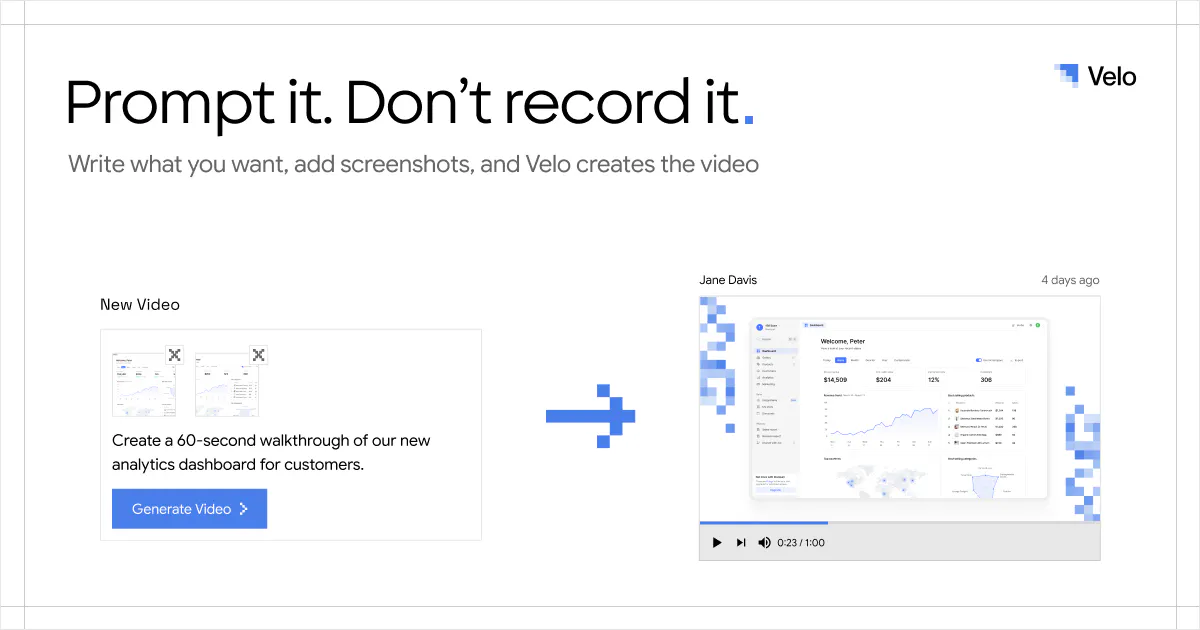
查看原始信息
DeskMat 1.3
Sweep things under the rug – virtually. DeskMat is your virtual mat that covers your mess of files and folders on your Desktop with the click of a button. For cleaner streams, more privacy during video conferences, screen sharing, and distraction-free work!

💡 Version 1.3 adds the ability to hide individual files and folders, or types of files, in addition to covering your entire Desktop.
This makes it easier to hide what you don't need during streams or video conferences, but keep access to important files.

➡️ For a short time, get 25% off DeskMat for Mac on my web store! (or try it for free for 28 days; download on the website)

2
回复

Curious to see the actual interaction model when the page has more media.

2
回复

@crystalmei it's literally just the button on your screen. Or the control widget. or the keyboard shortcut. Or a Focus mode integration, or an app toggle, or a Shortcut or Apple Script ; ) All the possibilities…

0
回复

covering the desktop handles the static clutter — the leak that still bites mid-share is the layer above the mat: a notification banner reading "download complete: [filename]", or a spotlight preview. those pop over everything, mat included.

1
回复

@qifengzheng right. some screen sharing tools make them vanish, though, especially those using macOS' ScreenCaptureKit APIs.

0
回复

My desktop is a genuine disaster, so this made me laugh in recognition and then quietly wish I had it before my last call.

1
回复
0
回复

The one-click toggle is genuinely clever. Tired of dragging icons into a folder every time I jump on a call, so having a single hotkey to swap "real desktop" for a clean one in an instant is exactly the kind of small utility that earns a permanent spot in my dock.

1
回复

@kazaz18975 thank you, much appreciated!

0
回复

Love the idea of a quick hide button for clutter. One thing that would make it even better is letting me set a custom hotkey so I can toggle the mat on and off mid-call without fumbling for the app icon.

1
回复

@esmanuratalar already in there : )

0
回复

the new feature in action 😉

1
回复
Hi. Any plans for a Windows version, or is DeskMat staying Mac-only?
1
回复

@thys_beesman Hi Brandon. Not at this time; I'm all-in on Apple's platforms. But it would be an interesting project to tip my toes into Windows programming : )

0
回复

Finally something useful for my chaotic desktop during Zoom calls, just one click and the mess disappears. The little peek feature is a nice touch so I can find stuff without un-hiding everything.

1
回复

@bernahrlg thank you, I'm glad you like my app : )

0
回复

hiding individual files instead of the whole desktop is actually the more useful version of this, I always end up with like 3 files I don't want visible during a screen share while everything else on the desktop is totally fine to show. does the hidden state survive a reboot/relogin, or do you have to re-hide things each session?

0
回复