Product Hunt 每日热榜 2026-08-02

PH热榜 | 2026-08-02

#1
Zinley
Your Personal AI Representative for calls, email, and tasks
350
一句话介绍:Zinley是一个拥有独立电话号码和邮箱的AI个人代表,能在用户设定的规则内代接电话、处理邮件和安排事务,让外界的联系能找到“你”本人,解决因忙碌而错失重要沟通的场景痛点。
Productivity Artificial Intelligence Virtual Assistants
AI代理 数字分身 电话接听 邮件管理 任务自动化 个人助理 关系记忆 权限控制 智能体 Product Hunt
用户评论摘要:用户关注点集中于AI的身份披露(是否告知对方是AI)、信任边界(自主执行与人工确认的阈值)、联系人仿冒风险(Caller ID伪造)、权限分级(不同联系人不同权限)以及记忆数据的可编辑/导出/删除。同时,多数评论认可独立号码和透明披露的设计,并建议增强对“高价值关系”的保护机制。
AI 锐评

Zinley的聪明之处在于它没有试图取代人,而是“代表”人。它把AI的交互入口从“我的手机”搬到了“你的来电”,用独立号码和邮箱解决了传统AI助手无法被外界触达的死穴。这看似是产品形态的创新,实则是信任机制的重新设计——给AI一个名分,而不是让它伪装成你。但真正的考验在于决策引擎的灰度:用户评论中高赞的疑虑几乎都指向同一个问题——“在哪个瞬间,AI会做错决定?”尽管团队声称有规则分层和联系人记忆,但现实中大多数信任崩塌并非源于恶意攻击,而是源于语义歧义(比如客户用隐晦措辞要求折扣)和关系动态变化(合作伙伴突然翻脸)。Caller ID仿冒只是表层威胁,更深层的风险在于:当AI需要维护“你”的形象时,它是否会过度拟合历史记录,而对突发语境(如对方情绪激动)做出冷淡或不恰当的回应?Zinley目前给出的“确认优先”方案看似稳妥,但代价是牺牲了“代表”的爽快感——如果每个关键决策都要请示,那它和带通知的日程管理工具有何区别?真正的护城河不在功能堆积,而在如何将“人类干预”本身做成一种可被AI学习的信号。若Zinley能记录下用户每次介入的原因和语气,并将其反哺为决策模型,它才可能从“聪明的执行者”进化为“懂分寸的分身”。否则,它只会是一个更体面的外包秘书,而非“第二个你”。

查看原始信息
Zinley
Most AI waits inside a chat. Zinley is reachable by you and the people around you. With its own phone number and email, it answers calls, handles email, books things, and gets work done within your rules. It remembers your people and relationships, then reports back in your language. Not another chatbot. A second you that shows up.

Hey Product Hunt 👋

Maker here.

Most AI waits in a chat box. We built the opposite.

Zinley is your personal extension — own phone number, email, and computer. It answers calls, handles email, books stuff, follows up, and gets work done inside your rules. Remembers your people. Reports back in your language.

Not another chatbot. We extend you so the people around you can actually reach “you” when you’re busy.

Curious what you’d hand off first — and what would make you trust an AI with your number and inbox.

Here all day. Roast us.

— Khoi + team

24
回复

@kn1026 If you had to pick one high-stakes relationship where missing a call or email could genuinely cost trust or opportunity, how would you start configuring Zinley to protect that relationship first; without sounding “off” or robotic?

0
回复

@kn1026 Handing calls and email to an AI rep is the nervous part from the buyer side, one weird reply to a prospect and the trust is gone. Where do you draw the line on what it does autonomously versus flags for you? I'd trust it fast on scheduling, slowly on anything that sounds like a commitment.

3
回复

@kn1026 congrats on the launch, seems like you guys hit with the formula that improves comunications and all thanks to an automatized a tool that act as an great assistant for users given them time and opportunities to perform another tasks without losing a potential lead, nicely done....

0
回复

The "people call it, not your personal line" framing is a good trust argument, but it cuts both ways. When Zinley answers a call, does the person on the other end get told upfront they're talking to an AI, or does it just present itself as reachable the way you would be? A few US states already require that disclosure for AI phone agents, worth having a clear answer to that before launch rather than after.

3
回复

@raffay_sajjad Yes. Zinley discloses this at the start of the call. For example: “Hi, you’ve reached Minh’s line. I’m Ming, Minh’s AI representative.”

Zinley has its own name, email and phone number, and thus it doesn't have to pretend to be you but rather show up as your AI representative. The goal is to represent you clearly and transparently, while still making the interaction feel natural :>

0
回复

@raffay_sajjad Yes. Zinley discloses upfront. Example: “Hi, you’ve reached Minh’s line. I’m Ming, Minh’s AI representative.”

It has its own name, email, and number — so it doesn’t pretend to be you. It shows up as your AI rep, clearly and transparently, while still keeping the call natural.

0
回复

Giving it its own phone number instead of just inbox access is the part that'll get people to actually trust it with something.

3
回复

@irahimiam Definitely. It is all about having a way for everyone to be able to reach it

0
回复

@irahimiam Exactly. Inbox access still feels like “you gave it the keys.” Its own number is a separate presence — people call it, not your personal line, so the trust bar is way lower and the use cases actually open up.

0
回复

the caller-ID angle is what worries me more than prompt injection - if part of how Zinley decides "is this a known relationship" leans on caller ID or the from-address, both are trivially spoofable. someone who's done a bit of recon on you (knows your assistant's name, knows a real contact's number) could call in pretending to be that trusted contact and get bumped into the more autonomous tier before Zinley ever has to guess anything risky. is there any out-of-band verification for "this really is the person Zinley thinks it is," or does trust level still ultimately trace back to caller ID/email address matching a stored contact?

2
回复

@galdayan Hi, yes actually Zinley when talking to the user actively review if there is anything weird about what they are saying: Are they probing private things? Are they asking stuff that aren't consistent with what Zinley know about that person? The understanding of the people help us not just make the conversation more proactive but also make Zinley able to detect, flag and close off these situations where the caller doesn't seem to be genuine or consistent with Zinley knowledge of them.

0
回复
One feature I'd enjoy is letting different contacts have different permission levels for what Zinley can handle.
2
回复

@abod_rehman We have an early version of this already. Zinley treats trusted contacts differently from unknown people and uses the relationship context to limit what it can share or do. And with previous memory of the relationship, Zinley is able to know what type of information it can disclose to the person automatically. The next step would be to make those permissions more explicit and editable for each person. Thanks for the suggestion.

0
回复

I was wondering about its boundaries, how does Zinley decide when to handle a request itself versus asking for your approval first?

2
回复

@iamanantgupta There’s a setting that lets you choose whether Zinley should be more autonomous or more careful with these decisions. Beyond that, it considers who is asking, your relationship and history with that person, what you’ve allowed Zinley to share or do on your behalf, and whether the request fits within the rules you’ve set. If the person is unfamiliar, the request goes beyond those permissions, or it would create a new commitment, Zinley asks you first.

0
回复

Ah! I like the idea of giving AI its own phone number instead of keeping it trapped inside another chat window. :P

2
回复

@himani_sah1 Thank you very much. Being able to talk and communicate with AI is definitely becoming more and more natural and convenient. :>

0
回复

@himani_sah1 Thanks — that’s exactly the bet. Phone + email means it’s reachable in the real world, not trapped in another chat tab. :)

0
回复

Congrats on the launch!

1
回复

@mcarmonas Thanks!

0
回复

Congrats on the launch! Can users inspect, edit, export, or fully delete Zinley’s memory about their contacts and relationships? That control feels essential for something this personal.

1
回复

@anishsarkars congrats thanks — and yes, that control matters. You can inspect and edit what Zinley knows about people/relationships, and delete it. Full export is on the list so you’re never stuck with memory you can’t take with you.

0
回复

Rare to see an AI tool that discloses itself upfront instead of trying to pass as human. The escalate-to-human-on-uncertainty design is the right call, most agent products optimize for autonomy first and trust second. Curious how you handle the handoff mid-call when something crosses that uncertainty line, does the caller notice a pause, or is it seamless?

1
回复

@ilyatrapeznikov appreciate that. Autonomy without an exit ramp is how trust dies. Mid-call, it doesn’t fake confidence — it says it’ll check with you and get back, and that becomes a real open item. Live warm transfer exists too when you want to jump on; otherwise no awkward “hold while the model thinks,” just a clean close and a real follow-up.

0
回复
The biggest innovation here might be letting AI represent you instead of simply responding to you.
1
回复

@priyankamandal that’s the whole bet. Responding to you is a chatbot. Representing you is a different product.

0
回复

the own-phone-number angle is the interesting part, most AI assistants die the moment someone outside your chat needs to reach them. curious how it handles calls it shouldn't answer for you though, like how granular the rules are before it hands something back to the human

1
回复

@ozkanhancioglu yeah — chat-only dies the second someone outside needs you. Rules can be pretty granular: trusted vs unknown, block list, what it can handle solo vs what always loops you in, and confirm-first on anything irreversible. If it’s outside the lane, it takes a message or hands it back instead of freelancing.

0
回复

It would be awesome if Zinley could recognize recurring requests and proactively automate similar tasks.

1
回复

@nir0b Hi actually Zinley already has scheduled task to build in. You can just chat to Zinley in your own natural voice and it is able setup these scheduled recurring task already. You can also give it workflows where for certain kind of contact/ communications it can know what to say and what kind of stuff to take in in those cases

0
回复

@jasonzinley Congratulations. And happy product launch.

1
回复
0
回复

Congrats @jasonzinley @peter_bakas How does Zinley adapt its tone when talking to family, customers, or business partners?

1
回复

@jasonzinley  @peter_bakas  @kate_ramakaieva When Zinley build up knowledge of the person, it known the way we treat that person and how close we are to them. From there it is able to be more casual/ open with certain kind of information of the users based on the previous conversation. :>

1
回复
Congrats on the launch. Interesting concept. How do you police the phone number to prevent abuse by unknown actors? Additionally, is there any handling for multiple projects? Or would that require multiple numbers? If so what is the mechanism for assigning numbers?
1
回复

@jacob_sherwood Hi, we have various guardrails to make sure the number isn't doing anything nefarious/ suspicious and would shut them down really quick if they try to do something that it should not do.

Currently we support 1 active numbers but it is definitely in the pipeline the plan to expand this to a sort of multi-profile thing where each profile can have their own numbers and emails.

0
回复
Congrats on your launch, I think this is a product that interests me, I want to ask how Zinley focuses on the rules. And can ai change the rules from time to time?
1
回复

@daniel_nwankwo Thank you, we build Zinley such that it doesn't just learn from interaction with people but also from interaction with you. Through chatting to Zinley, it will be able to proactively updating it rules on your preference and the way you like to communicate

0
回复

Congratulations on launching. I have some use cases in mind altogether.

What were some use cases that your initial users used it for that surprised you??

1
回复

@roopreddy One of the most interesting use case I have seen is one of the user actually use it to talk to their clients who were quite hard to communicate, often quite rough with words. With Zinley calling and handling the agenda for the user, they are able to skip the stress of having these incredibly difficult talk.

0
回复

This caught my attention. We live in times of dramatic distractions. Products that reduce communication overload instead of adding another inbox will always find an audience.

1
回复

@ranjan_kumar45 Definitely nowadays the amount of communications we have to do and take in are increasingly overwhelmed. It is extremely interesting now to have the agent standing between the 2 mediums to handle and reduce these loads

0
回复

Busy professionals would rely on something like this every single day once trust is established. Congrats on shipping this. Good stuff.

1
回复

@zerotox Definitely thank you so much for your support

0
回复

Can Zinley negotiate meeting times or bookings completely on its own within predefined limits?

1
回复

@nuseir_yassin1 Definitely. This is actually one of the usecase I am using a lot for Zinley. Telling someone to meet is really easy. Actually setting up a meeting to serve both free time is incredibly dull. Thus now whenever someone reaches me to set up a meeting, instead Zinley will stay in charge of that and coordinate the whole scheduling + meeting link and only get back to me after they are confirmed.

0
回复

Trusting an AI with email feel natural but handling over a phone number feels like ultimate test . I'd start with filtering out spam/cold calls before letting it talk to actual clients.

Also how it handles edge cases when someone speaks off-script on the call ?

1
回复

@farhan_nazir55 We have guardrails to detect when the call is irregular/ inconsistent to ensure that Zinley talks to the right and desired people. Furthermore, Zinley is designed such that it can interact with people reactively, not just following a script thus it can try to steer the conversation in the right direction or cut off the conversation if it is unusual

0
回复
I appreciate that you’re building around real communication channels people already use every day.
1
回复

@imtiaj_ahmad Thank you!

0
回复

What happens if someone asks Zinley to make a decision that's outside the rules you've defined?

1
回复

@istiakahmad Thank you for your question. We design Zinley to represent the owner to the world and thus behave in a way that is truthful and careful. Thus when Zinley has to make a decision outside of the rules, it will know to reach back to the owner after the call/ email to confirm what we would want to do. From there it can proactively go back and call/ email back the user with the follow up from our conversation.

1
回复

The detail that grabbed me is that it has its own phone number and is reachable by the people around you, not just by the account owner. I build voice AI that places daily outbound calls to aging parents, and the trust barrier on an unknown number is the hardest part. How are you handling that first-contact moment so people actually pick up instead of treating it as spam? And does the memory of "your people and relationships" persist across calls, or reset per session?

1
回复

@igorgurovich Hi we for these critical first-contact moment, we try to be as warm as possible while not disclosing too much information so user can feel a sense of calm instead of just a bot. The relationship layer we build is meant to definitely persists across not just calls but even emails from the same person and form a history and knowledge of the person across the whole history

0
回复
Giving Zinley its own phone, inbox and computer makes the idea feel much more tangible. Congrats on the launch!
1
回复

@etiennegarcia Thank you very much!

1
回复

An assistant with its own phone number is a different category from one sitting in a chat window. Most of these are built so only I can talk to them, this one the people around me can reach.

1
回复

@alex_watson2110 exactly — most AI only talks to you. This one the people around you can actually reach.

0
回复
The relationship memory feature feels like the real differentiator here, not just the voice capabilities.
1
回复

@odeth_negapatan1 Yes 100%. Otherwise each of the conversation your AI agent would just feel like a robot where you have to explain everything to it again :>

0
回复

@odeth_negapatan1 100%. Voice is cool, but without relationship memory every call/email resets to stranger mode. Continuity is what makes it feel like your rep, not a fresh bot each time.

0
回复

Congrats on the launch. Is there an analytics dashboard showing which tasks Zinley saved you the most time on each week? That will help determine true value of the product.

1
回复

@krutiparekh16 Thank you, that’s a great suggestion. Today, Overview shows what Zinley handled, what’s still in motion, and where you need to step in. It doesn’t yet break that down into weekly time saved by task, but that would make the value much more highlighted. We’d love to explore a deeper analytics view around exactly this.

0
回复

@krutiparekh16 Thanks — solid suggestion. Overview already shows what Zinley handled, what’s still moving, and where you need to step in. It doesn’t break out weekly time-saved by task yet, but that would make the value way clearer. Deeper analytics on exactly this is high on our list.

0
回复

It's good to see the focus is on relationships and memory instead of just automating isolated tasks. Congrats!

1
回复

@ankur_jeswani Definitely the relationship makes the conversation feels a lot less robotic and help move the conversation forward a lot more rather than just repeating previous conversation.

0
回复

@ankur_jeswani Appreciate it. Relationships + memory is the core bet — isolated task bots reset every time. Continuity is what makes it feel like your rep, not a fresh tool each session.

0
回复
#2
Capptivo
Free open-source screen recorder & demo editor
289
一句话介绍:Capptivo 是一款免费开源的跨平台录屏与演示视频编辑器,通过本地录制、跟随光标缩放、屏幕标注和端侧字幕烧录等功能,解决创作者和开发者无需订阅即可制作高质量产品演示视频的痛点。
Open Source Developer Tools GitHub Video
开源录屏工具 演示视频编辑器 屏幕录制 本地处理 屏幕标注 非订阅制 跨平台(macOS/Windows/Linux) 视频导出 创作者工具 Rust/Tauri
用户评论摘要:用户肯定开源、免费和本地处理隐私优势;主要反馈集中在bug(如Windows导出报错、macOS摄像头画面黑框)、缺失预录视频导入、设备录制预设不稳、未签名导致Gatekeeper拦截,以及询问与Recordly差异和何时支持外部音频合并。建议优先修复稳定性并补齐导入功能。
AI 锐评

Capptivo精准踩中了内容创作者对“订阅制疲劳”的集体反叛点——用MIT协议和$0价格直接叫板29美元/月的Screen Studio,这不仅是价格战,更是对工具私有化模式的嘲讽。其核心卖点“本地字幕烧录”和“屏幕标注”确实切中演示视频的两大隐性需求:隐私安全(无需上传未发布产品画面)和教学中的视觉引导,这比单纯堆“AI魔法”更务实。但评论中暴露的问题同样致命:Windows导出解码错误、macOS摄像头黑框、缺少预录视频导入、未签名安装包——这些问题在Product Hunt的“蜜月期”可能被宽容,但一旦进入真实工作流,稳定性缺陷会迅速消耗开源社区耐心。作者的回应暴露了典型独立开发者的局限:精力全在功能堆叠,却忽视了“开箱即用”的工程底线。策略上,他刻意强调“不是Screen Studio克隆”,但用户对比的正是Recordly、CleanShot这些成熟工具——差异化没错,但若连基础录制导出都出错,差异化就成了空中楼阁。真正有价值的是他的洞察:用Rust/Tauri做轻量级底层,把“注释+字幕+动作放大”做成工作流标配,这确实击中了付费工具的功能盲区。但开源的诚意需要配套治理:接受社区PR、建立issue响应机制、尽快完成代码签名——否则MIT许可证只会变成又一份“代码尸体”。若他能熬过稳定期,Capptivo有机会成为演示视频领域的“VLC”——但前提是,别让早期用户变成付费工具的回流客户。

查看原始信息
Capptivo
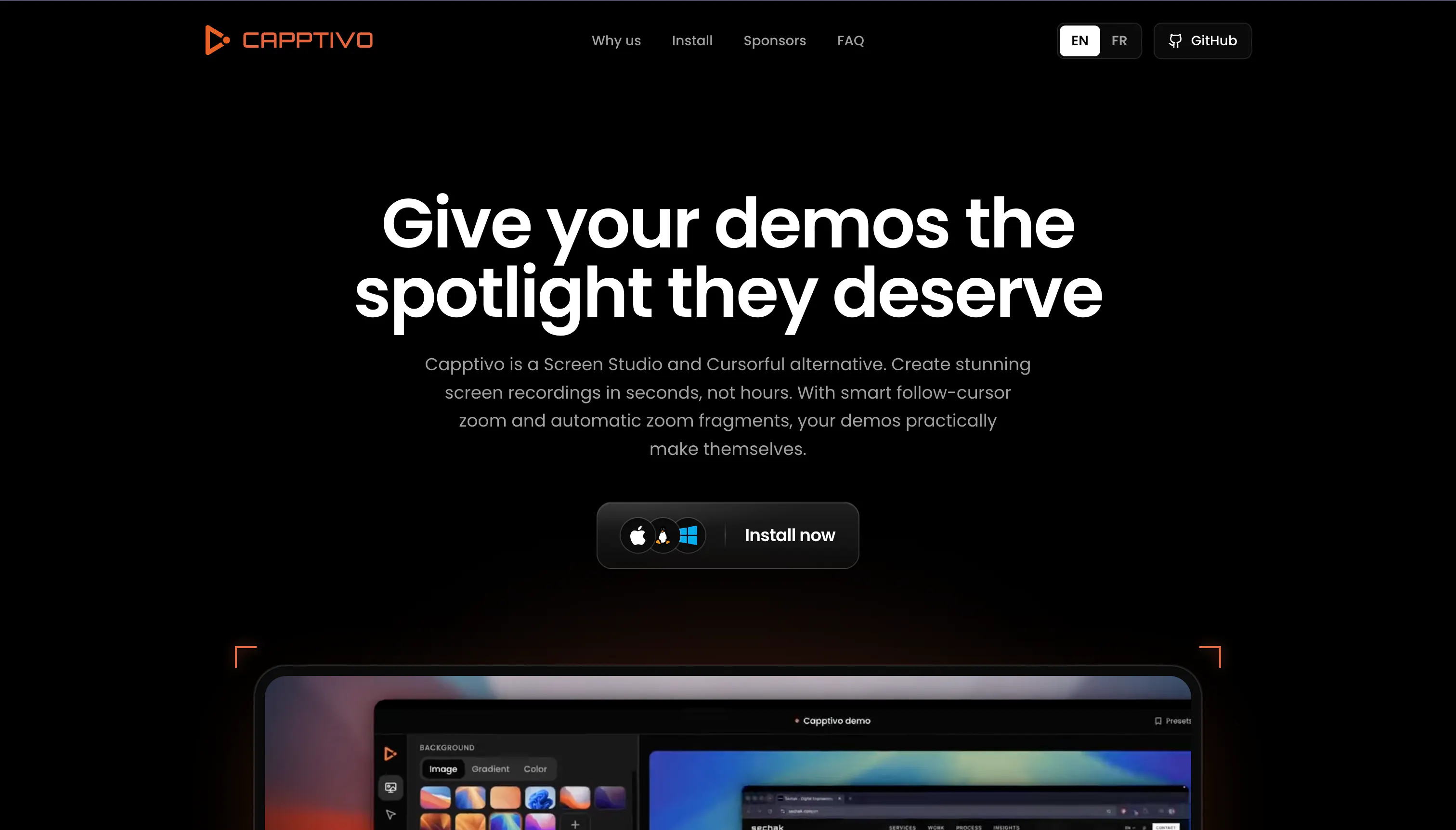
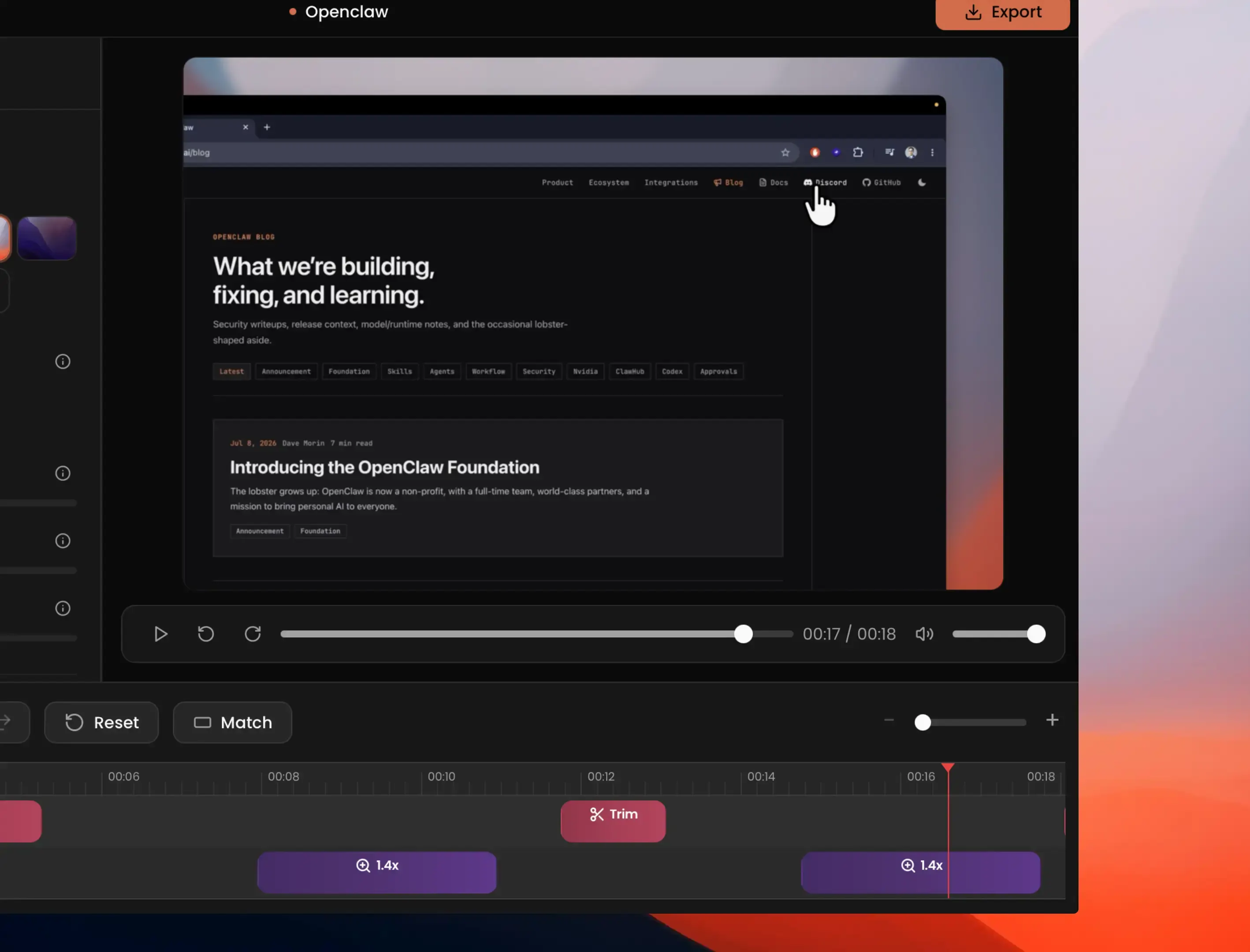
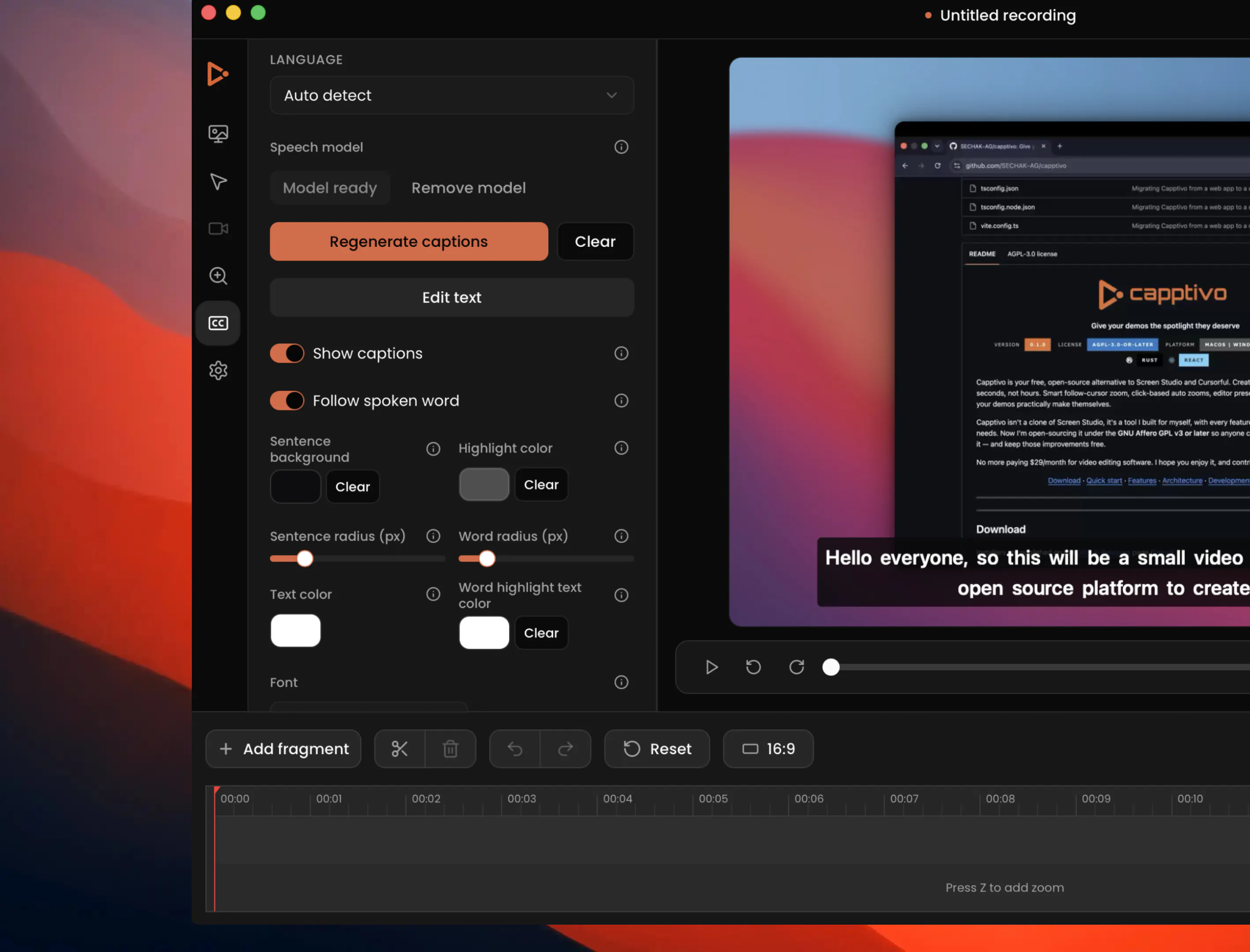
Capptivo is a free, open-source screen recorder and demo editor for macOS, Windows, and Linux. Record locally, add follow-cursor zooms, polish the look, burn on-device captions, and export, no account, no subscription. Give your demos the spotlight they deserve.
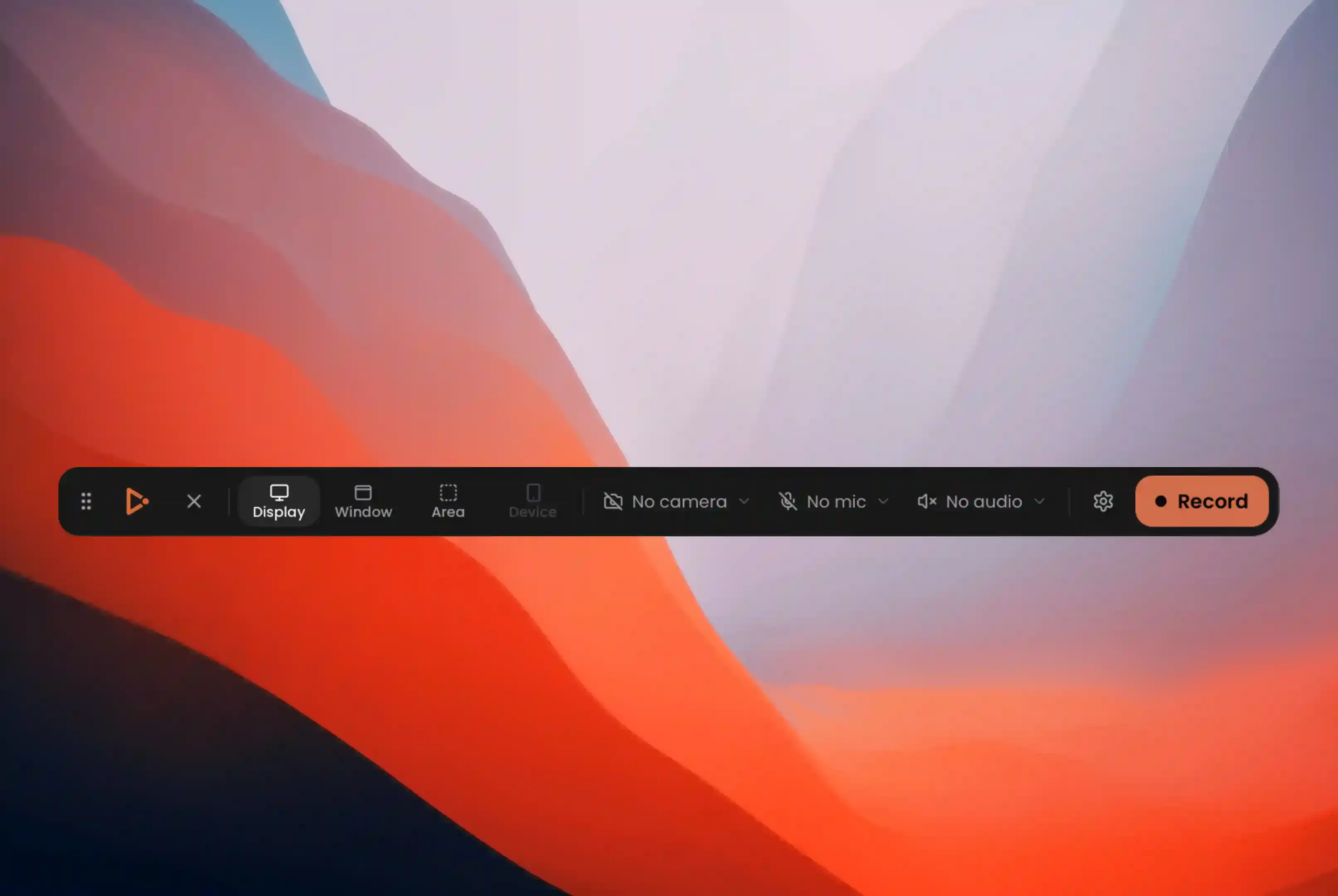
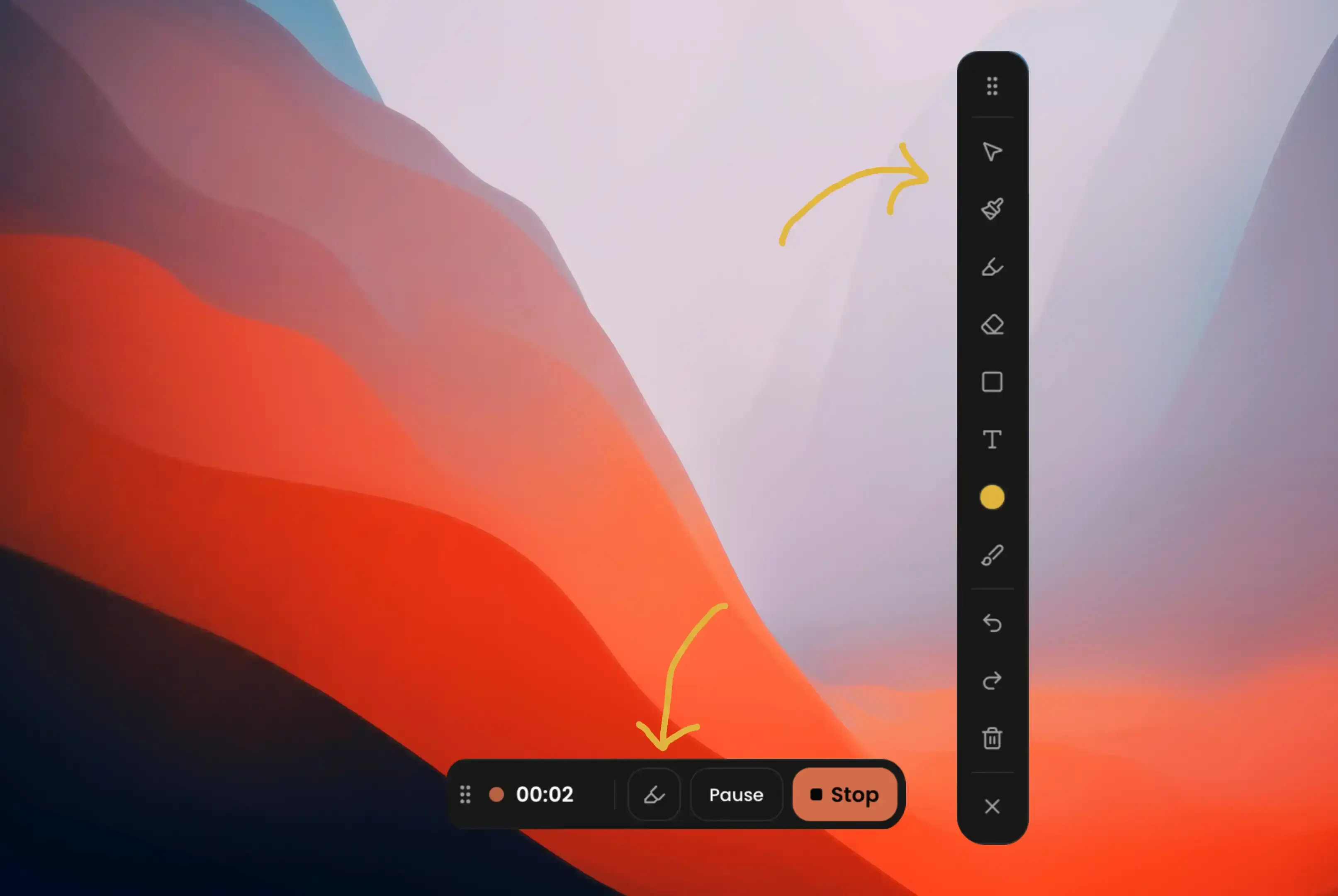
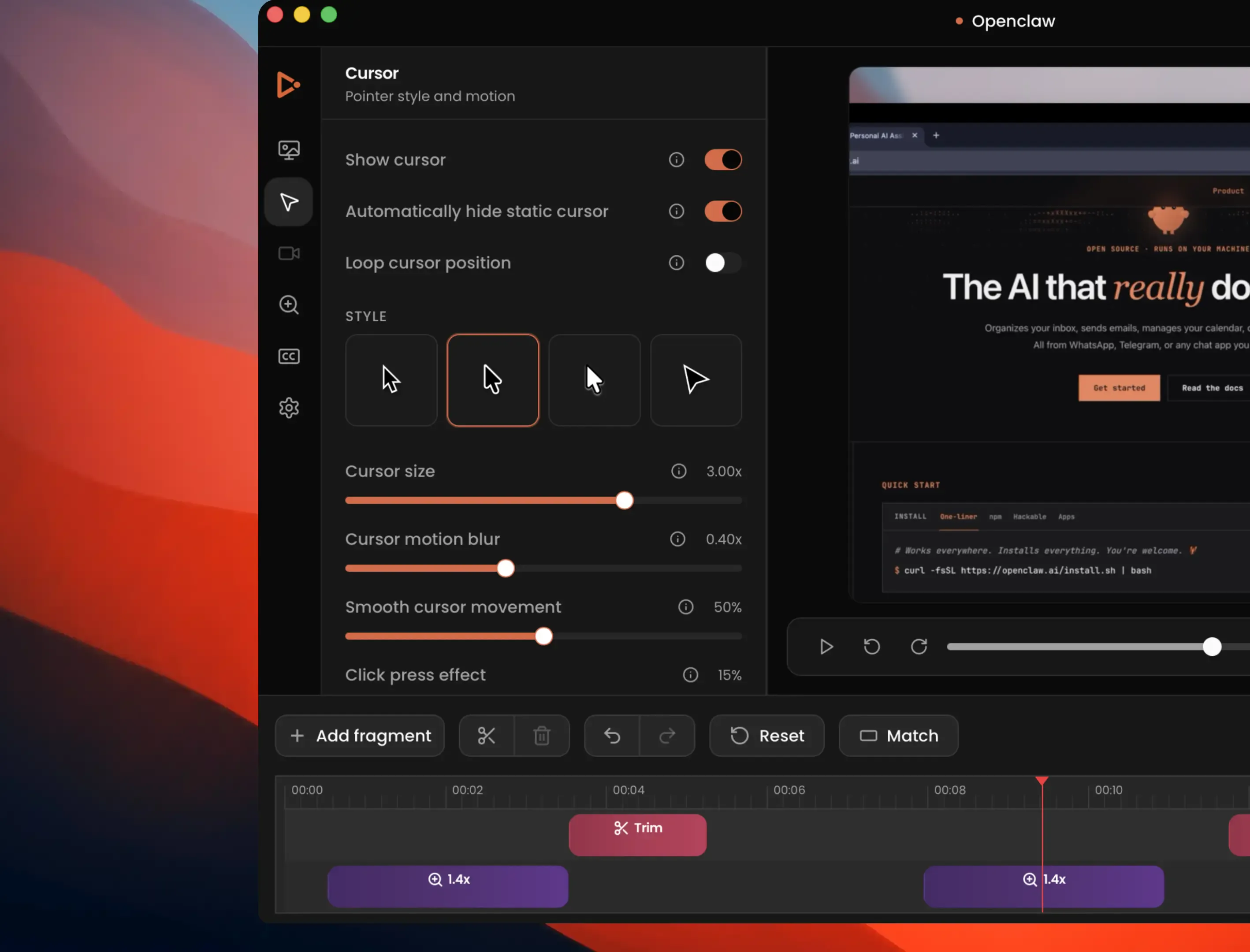
Hey everyone, Abdessamad here 👋 I'm a maker who got tired of paying monthly for polished demo videos — and every tool I tried either didn't quite fit how I work or was missing something I needed, like draw-on-screen annotations: a pen, a highlighter, a way to point at the thing I'm actually talking about. So I built Capptivo for myself. Record on macOS, Windows, or Linux, then polish in the editor: follow-cursor zoom, click-based auto-zooms, editor presets, face-cam, on-device captions, and draw-on-screen annotations pen, highlighter, and shapes you can lay over the screen mid-recording to point at exactly what matters. Create stunning screen recordings in seconds, not hours your demos practically make themselves. Capptivo isn't a clone of Screen Studio or Cursorful. Every feature was built from my own workflow and the problems. I'm now open-sourcing it under the MIT License so anyone can use it, improve it, customize it, or build on top of it without restrictions. No more paying $29/month just to ship a clean product video. It's early and I'm building it mostly solo, so I'd genuinely love your honest feedback. What would make this actually useful for your demos? What am I missing vs the tools you already use? Happy to answer anything and contributions are always welcome 🙏.
9
回复

@idboussadel Congratulations on the launch, Abdessamad!

As someone who watches a lot of product demos, I think people often underestimate how much a great demo influences whether someone tries a product. The difference between "I get it" and "Wow, I need this" is usually in how clearly the story is told.

I also like that Capptivo is opinionated around your own workflow instead of trying to copy what's already out there. The on-screen annotations especially stood out—they're such a simple way to guide attention, yet surprisingly few tools make them feel natural.

I'm curious, now that you've open-sourced Capptivo, what feature do you hope the community builds first? Is there something on your roadmap that you'd secretly love someone else to contribute? Wishing you a fantastic launch and lots of great contributions!

0
回复
@idboussadel Solopreneurs definitely feel subscription fatigue from 30 dollars a month demo tools. Open sourcing Capptivo is a great move for developers, but non technical creators need plug and play simplicity. What is your distribution roadmap for offering pre compiled installers to non technical users alongside the source code?
0
回复
Great work Abdessamad.. hats off for building this solo.. something like this is needed.. current functions look great.. will wait for screen in screen features.. good wishes for your success..
2
回复

@dhirajwohra Much appreciated thank you! Really glad you found the features useful. More features and optimizations coming soon.

1
回复
Congrats on the launch! I just gave it a try and found a small bug: when I record with the camera enabled, the face-cam frame just shows up as a black box in the editor. Testing on MacBook with Tahoe 26.6.
2
回复

@hannesh  Thank you! I really appreciate you trying it out and reporting this. I've received a few bug reports since the launch, and I'm working through them right now. I'll investigate the face-cam issue and get it fixed as soon as I can. Thanks again!

1
回复

MIT-licensing this after building it solo for your own workflow is a solid move, way better than watching people pay $29/month for something this scoped.

2
回复

@irahimiam Thank you, I really appreciate that!

I originally built Capptivo to solve my own workflow, and over time I kept adding features I genuinely needed, like Epic Pen-style annotations while recording etc. I use it every day, and because it's built with Rust and Tauri, it's lightweight, fast, and cross-platform.

At some point, I realized it was just sitting in my private GitHub repository when it could actually help students, teachers, creators, and anyone who can't justify paying $29/month for a screen recorder.

I believe Capptivo has a lot of potential, and with the help of the open-source community, it can grow into one of the best tools for creating demos and tutorials, while offering features that many paid products still don't have.

1
回复

love seeing more open source tools like this. the fact that everything runs locally with no account or subscription is a huge plus. Congrats on the launch!

1
回复

@heli_vora Thanks so much! Paying $29 for just a recording app felt like a real struggle as a student, so I built my own and open-sourced it for students and anyone who can’t afford a subscription but still wants something with the quality of a paid app, or even better.

1
回复

The on-device captions are the thing I'd actually use here, the cloud ones get awkward when the demo shows unreleased screens. Does the caption layout follow the export frame though? I crop demos down to 9:16 a lot and burned text is always the first thing that gets chopped.

1
回复

@berkaybuilds Yes, captions follow the export frame. They’re laid out and burned into the final aspect (including 9:16), with wrapping based on that width, so they shouldn’t get cropped when you switch ratios. You can also nudge size and bottom offset if you want more breathing room.

1
回复
Nice app. Can you use Capptivo with previously recorded videos? Or does it need to be recorded in Capptivo?
1
回复

@jacob_sherwood Thanks! Importing previously recorded videos isn’t supported in Capptivo yet, but I’m planning to add it soon so people can keep editing older demos in Capptivo. Give it a try I’d love your feedback!

1
回复

Love that captions are burned on-device, keeping demos private while still looking polished is a smart touch.

1
回复

@ilko_kacharov Thanks! Really appreciate that. Privacy mattered a lot to me for screen demos, so burning captions on-device felt like the right call and it also removes the cost of cloud processing or tokens. Hope it works well for you!

1
回复

Congrats on the launch!

I switched from Screen Studio to Recordly. What sets this apart from Recordly?

1
回复

@rwicqsi Thanks! Congrats appreciated. I tried Recordly too it’s a great product. Capptivo stands out because it’s built with Rust, so it’s lightweight, and it has features Recordly doesn’t, like annotations, word-follow-up captions, and deep customization. Use whatever fits your needs Recordly is a solid option too. If you give Capptivo a try, I’d love your feedback!

2
回复
I'm gonna give this a try later! I use CleanShot right now to do this kind of thing since it's a one-time-payment model. However, it doesn't let me easily annotate on the video like this promises and that's the standout feature to me.
1
回复

@zackdn Thanks so much! Really glad annotation stood out it’s my favorite part of Capptivo too.

Quick tip: you can use annotations on their own without recording, and also while you’re recording. Hope you enjoy it when you give it a try!

1
回复

Loving the app so far! I did run into a bug on Windows 11 that might help.

When I try to export, the process fails with:

EncodingError: Decoding error.

Also, the custom background I selected isn't applied during export—it ends up rendering as a solid black background instead.

Not sure if the two issues are related, but hopefully this helps. Keep up the awesome work!

1
回复

@alireza_moqadam Thank you for your feedback! I'm already working on the export error. I'll fix all the reported issues and optimize everything I can so Capptivo becomes the best free, open-source alternative on the market.

2
回复

Pretty nice app, I'll take a look. One piece of advice, though: having it signed is very important, especially for MDM-managed macOS computers in companies. Unsigned commands for Gatekeeper can be blocked for users.

1
回复

@nativlab Thank you! Yes, I'm planning to sign the app. I just have an issue with my Apple Developer account. I've contacted Apple Support and I'm still waiting for their response.

1
回复

Congratulations on the launch! I've been looking into video editors recently and Capptivo looks like it fills a nice place to help with demos.

Do you have any plans to add presets for recording iOS / Android device demos? I'm a mobile engineer and one of the problems I have is making sure app previews have the right setup when uploading them to the store. That would be a great addition to see.

Congratulations again! 👏

1
回复

@darryl_bayliss Thank you, I really appreciate that!

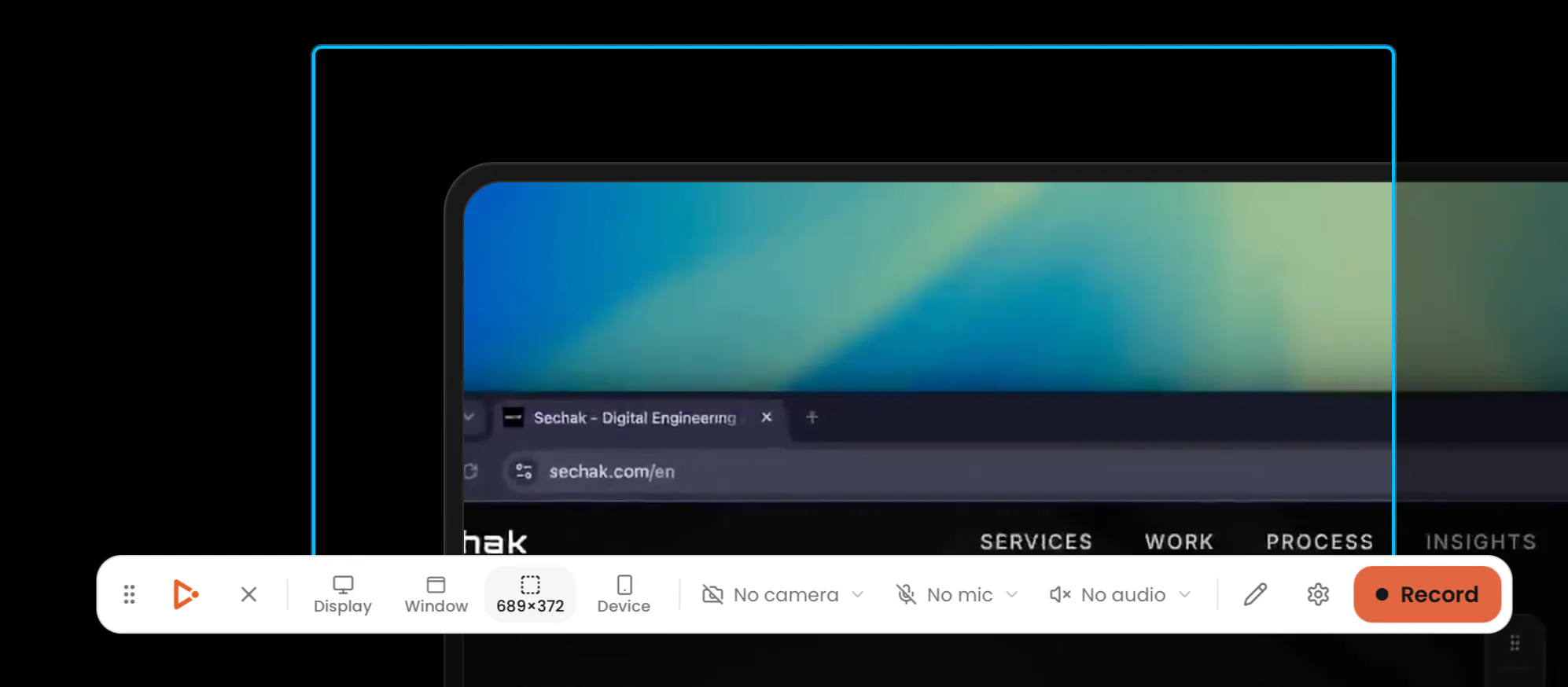
Yes, Capptivo supports presets for both normal screen recordings and device recordings (like iOS). I haven't really tested the mobile recording features much, though, so I'd love to hear your feedback.

1
回复

Glad to see more options! Hopefully can cancel my Screen Studio

1
回复

@guillaume_duvernay  Hopefully! Capptivo already has many features that Screen Studio doesn't. Right now, my main focus is refining the experience, fixing bugs, and optimizing performance so the quality matches or even exceeds other alternatives.

Since it's free and open source (MIT), anyone can contribute, customize it to their own needs, or even build on top of it. My goal is to make it the best cross-platform screen recording editor without locking anyone into a subscription.

3
回复

Good timing — I just skipped the video/demo field on my own Product Hunt draft because I didn't have a clean way to record one without a subscription tool. The click-based auto-zoom and local processing (no cloud upload for an unreleased product) are exactly what I'd want for a quick product demo. Does the caption burning work well with narration you record separately, or is it built around live mic capture during the recording itself?

0
回复

This seems to be a bug. After selecting the recording area, the application became completely unresponsive—I couldn't start the recording or even close the window. I had to restart my computer twice to resolve the issue.

0
回复

this is amazing dude! gonna use it for all my product launches going forward :)

0
回复

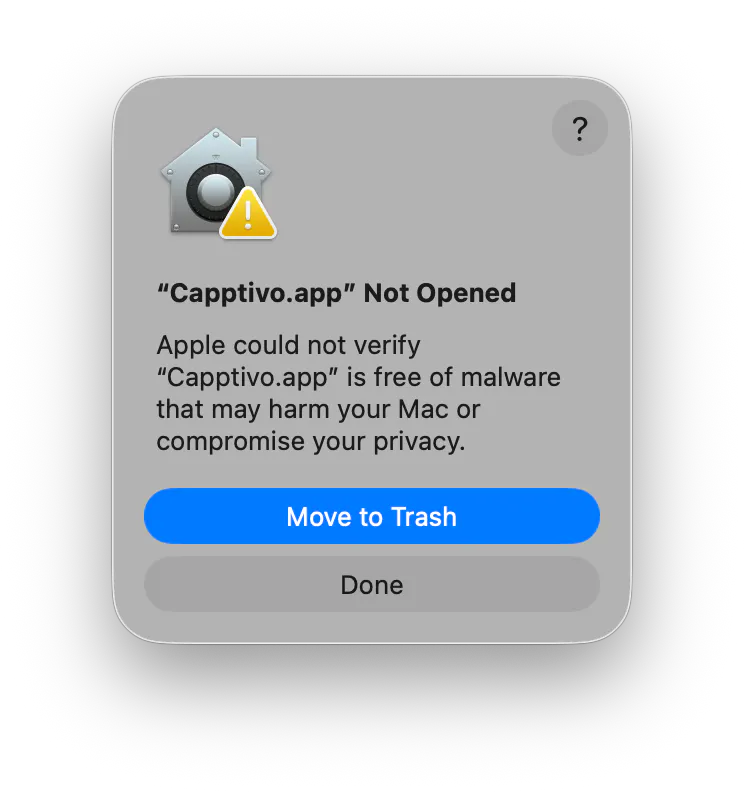
I tried with my Mac. macOS 26.5.2. After donloading, I try to open and:
"Capptivo.app" Not Opened

Apple could not verify

"Capptivo.app" is free of malware that may harm your Mac or compromise your privacy."


I know Apple is very strict, perhaps too much? but I think it is important to polish this security issues first. We, the users, cannot know all those details, what is right and what is wrong and in case of doubt we trust Apple first. This is what we know is always in our side.

0
回复

@narcismirandes The app isn't signed yet because I'm currently having some issues with my Apple Developer account. In the meantime, you can bypass the macOS warning by running this command:

xattr -rd com.apple.quarantine /Applications/Capptivo.app
0
回复

respect for open-sourcing this instead of just underpricing Screen Studio. the codesigning thread caught my eye though - Apple Developer Program is $99/year out of your own pocket for a free tool with no revenue, and that's a recurring cost, not a one-time fix. have you thought about how that gets sustained once it's not just you personally eating the bill, e.g. sponsorship/OpenCollective, or are you treating it as a cost of doing business for now? cross-platform + free + signed is a great combo for adoption but the signing part is the one piece that doesn't stay free by itself.

0
回复

@galdayan Thanks for your thoughtful comment! Signing the app isn't done yet. I actually plan to sign it, but I'm currently dealing with an issue with my Apple Developer account since this is the first app I'm releasing under it.

You're right that the $99/year fee is a recurring cost. For now, I'm planning to cover it myself at least for the first year. If the project grows and the community finds it valuable, I'd love to explore sponsorships or something like OpenCollective to help cover ongoing costs and keep Capptivo free and open source.

0
回复

on-device captions plus no signup wall on export is a combo that basically doesn't exist in this category right now.

0
回复

@alex_watson2110 Thank you, I really appreciate it.

0
回复

How does it compare to @Velo?

0
回复

@divya_kothari1 I haven't used Velo myself, but from what I can tell, it's more of an AI video platform for teams, you record, then AI handles the scripting, editing, and polishing. It's also a paid product.

Capptivo is a local-first desktop editor that's free and open source (MIT), with no account required. You record on macOS, Windows, or Linux, then you're in full control of the final result with features like follow-cursor zoom, click-based auto zooms, customizable cursor styles, backgrounds, and more. It's closer to Screen Studio, but cross-platform, open source, and everything stays on your machine.

1
回复
#3
YourSitee
Make your bio link worth clicking
205
一句话介绍:YourSitee 是一款将创作者散落的社交链接整合为可视化个人页面的“链接聚合”工具,通过20多种组件和AI导入功能,解决用户个人主页单调、管理分散、缺乏数据反馈的痛点,让个人品牌展示更个性化且可追踪点击效果。
Social Media Analytics No-Code
链接聚合 个人主页 AI导入 Linktree替代 可视化编辑器 创作者工具 数据分析 社交名片 免费增值 自定义组件
用户评论摘要:用户认可AI导入和组件简洁性,但核心诉求集中在两点:一是希望支持对特定组件(如PDF、优惠码)设置邮箱或密码门控,以保护数字内容;二是明确询问现有集成范围(如Instagram、Spotify等)及未来扩展方向。另有用户因免费版体验优于Linktree而迁移。
AI 锐评

YourSitee切中了“链接聚合”市场的一个真实缝隙:既不满足于Linktree的简陋列表,也拒绝Beacons式的复杂堆砌,试图以“视觉编辑+轻量数据”提供中间态体验。其AI导入功能直击迁移成本痛点,20+组件和内置分析也具备基础差异化。但产品护城河尚浅——组件和集成均为可复制功能,真正能形成壁垒的可能是“内容门控(邮箱/密码保护)”这类变现敏感功能,目前仍停留在路线图,若竞品(如Beacons、Stan Store)提前落地,优势将迅速消散。另外,创始人强调“免费体验不陈旧”,虽讨巧,但免费版功能限制与Pro的边界不清晰,容易导致低转化。值得肯定的是团队对反馈响应迅速,且用户评论中“帮你省去复制粘贴”的痛点抓得准。但长远看,这类工具的价值取决于能否从“链接页”演进为“个人数据中台”——即让创作者基于点击数据优化内容分发决策,否则仍难逃工具类产品的生命周期诅咒。建议优先落地门控功能和更细粒度的受众分析,否则容易停留在“漂亮但可替换”的定位。

查看原始信息
YourSitee
YourSitee turns your scattered online presence into one visual page that feels like you, not another list of buttons. Build with 20+ widgets, import your Linktree with AI, and see what people click with built-in analytics. All your links. One place.

👋🏻 Hey Product Hunt, I'm Andras, founder and CEO of YourSitee.

YourSitee is a visual link-in-bio platform for creators, businesses, communities, and anyone who needs one clean place for their online presence.

We built it because a lot of bio pages still feel like either a plain list of links or an overbuilt creator stack. We wanted something in the middle: simple to set up, flexible enough to feel personal, and useful enough to show what people actually click.

With YourSitee, you can:


🛠️ Build a customizable page for your links, socials, images, events, and content


🧩 Add 20+ widgets, from videos and posts to markdown, countdowns, events, and custom sections


📊 Track visits, clicks, countries, and top-performing links in one simple dashboard


🆓 Keep the core experience free, and try Pro for 30 days!

✨ Use the AI Editor to import your existing Linktree page or social profiles by pasting a URL

If you already use Linktree, you can paste your Linktree URL and YourSitee will help you create a starting version of your page for free. Migrating should not be the reason someone stays with a tool they no longer love.

Try it here: https://yoursit.ee

The most useful thing you can do today is build or import a page and tell us what feels good, what feels weak, and what would make you switch from your current setup.

@abelherfort and @szalovszky, my co-founders and close friends, are here too. They have started two focused threads ↓ below: one for a founder and investor roast, and one where you can share your page and get direct feedback.

If you want the longer story behind our launch, we wrote it here.

One small note: if you have 10k+ followers on any platform and currently use a website builder, Linktree, Beacons, or another link-in-bio tool, we may have a custom offer for you. Email me with your link at: andras@yoursit.ee

My question for the PH community:

What makes you stay and explore someone's personal page, and what makes you leave immediately?


I'll be here all day answering questions about our journey so far, and we'll award badges to some of the most thoughtful, helpful, and interesting comments throughout the day.

Thanks for taking a look!

— Andras

15
回复

@abelherfort  @szalovszky  @andrasczeizel  All the best for your launch. This product looks visually clean and powerful.

4
回复

@abelherfort  @szalovszky  @andrasczeizel Congrats on the launch, team YourSitee! 🚀 Love how clean and conversion-focused these bio links are. As someone building a digital ecosystem for students in Nigeria (Flames Nova), I can see a massive use case for students launching online side hustles who need a fast, ad-free link in bio. Upvoted and cheering you on today!

0
回复

@abelherfort  @szalovszky  @andrasczeizel a very useful tool that helps me a lot

0
回复

Hey Product Hunt!

I'm Abel, co-founder and CTO of YourSitee. I work on our backend architecture, integrations, and the systems that keep profiles fast and reliable as the product grows. Outside YourSitee, I'm a platform and backend engineer at BlackRock.

I'll be here for any technical questions.

Founder and investor roast thread 👇🧵

What would need to be true for YourSitee to become a durable company, not just a useful product? Roast our positioning, defensibility, business model, or anything else. Honest criticism is more useful than polite support.

5
回复

Nice launch @andrasczeizel qq Is there an option to password-protect or hide specific widgets/links behind an email capture gate for digital downloads?

4
回复

@vikramp7470 Not yet, but this is absolutely on our roadmap! We want to let users put links, PDFs, discount codes, and similar content behind an email, phone number, or another type of gate. Thanks for asking, Vikram :))

3
回复

@andrasczeizel  @vikramp7470 Great question! That's definitely something we've been discussing internally. We want to make gated content flexible enough to support different use cases - not just digital downloads, but things like exclusive resources, discount codes, and community access as well. Thanks for bringing it up.

3
回复

hey Product Hunt, David here. i'm a co-founder and lead engineer at YourSitee.

i work mostly on the interface and product experience, plus parts of our service architecture. the hard part has been keeping the editor simple while giving people enough freedom to make pages that don't all look the same.

👇 sitee showcase thread 👇

if you build or import a page today, drop the link below. i'll try to check out every page shared here and reply with one thing that works well and one thing i'd improve.

we'll also choose some of our favorite profiles from the thread to receive 6 months of YourSitee Pro for free.

4
回复
3
回复
3
回复

The AI Linktree import is genuinely smart, saves so much tedious copy-pasting. Love how the widgets feel curated instead of bloated, gives the whole page a clean editorial vibe.

3
回复

@sercankara68863 Thank you so much, Sercan! Making migration painless was one of the main reasons we built the importer, and hearing that the widgets feel curated rather than bloated is exactly what we hoped for. Really-really appreciate this :)))

2
回复

@sercankara68863 glad the importer stood out, removing that initial setup friction was one of the most important parts to get right. we also tried to keep the widget set focused, so adding flexibility would not turn the editor into a wall of options

3
回复

I actually really needed something like this since linktree feels so outdated on the free plan!

2
回复

@sarveshsea That's exactly why we built YourSitee, Sarvesh! We want the free experience to feel genuinely useful and customizable, not like an outdated version designed only to push you toward upgrading. We'd love to see what you create with it :)

1
回复

@sarveshsea glad this found you at the right time. we wanted the free plan to give people enough control to build something that actually feels personal, so hearing that it fills that gap is really good to hear

2
回复

What kind of integrations do you have?

2
回复

@doganakbulut We currently have 20+ widgets and integrations across social, content, music, and creator platforms. For example, you can connect Instagram, YouTube, TikTok, X, LinkedIn, GitHub, Spotify, Discord, Twitch, Cal.com, Product Hunt, Last.fm, SoundCloud, Patreon, Ko-fi, and Buy Me a Coffee. We also support videos, events, countdowns, images, articles, markdown, and custom sections, with many more integrations planned :)

Is there a specific platform you'd like to see next? :D

1
回复

@doganakbulut you can register for free and browse the current integrations directly in the editor, which is probably the easiest way to see what fits your setup. we're also expanding the selection, so i'd genuinely like to know which integration you're missing most.

1
回复

been a user for a while it was still in beta and so much small adjustments really made this one shine!

thanks team for pushing the details and congrats

2
回复

@nembal Thank you so much, Balazs! You're an amazing person, and it genuinely means a lot to us that Agent Community uses YourSitee. We're really grateful for all your support since the beta :))

2
回复

@nembal really appreciate you sticking with us! a lot of those small adjustments came directly from watching where the experience felt rough, so it means a lot that the polish is coming through now

3
回复

@nembal Thanks for being with us since the beta, Balazs! It has been really fun seeing YourSitee grow with feedback from early users like you. Really appreciate all the support

2
回复
#4
Lumichats
A Claude Code alternative for people who avoid the terminal
187
一句话介绍:Lumichats 是一款面向非技术用户的桌面端 AI 编程代理,让用户用自然语言操作真实文件与命令,替代 Claude Code 这类终端工具,解决“不会命令行但需要 AI 真正干活”的痛点。
Productivity Artificial Intelligence GitHub Development
AI编程代理 桌面应用 无代码操作 本地文件处理 按量付费 MCP支持 开源计划 非技术用户 文件自动化 权限控制
用户评论摘要:用户关注定价模式是否抑制使用频率;无终端闭环下错误如何暴露与自纠;权限提示对非技术用户是否沦为机械点击;本地/云模型隔离与数据安全;文件回滚能力存在脚本覆盖盲区;无代码签名安装风险;与Claude Cowork的差异化。
AI 锐评

Lumichats 的定位精准地切在“终端恐惧者”与“真实生产力”之间的裂缝上——它不试图教会用户命令行,而是把代理的执行能力装进 GUI 的壳里。其价值主张“按执行工作量付费”直击订阅制的痛点,但评论中“计价恐惧导致少用”的担忧并非杞人忧天:当用户感知到每次操作都在烧钱,探索欲和试错勇气会被理性计算抑制,而“一天通票”的设计看似缓解,实则可能让重度用户陷入另一种精打细算。

产品在安全透明性上做了大量诚实功课:工具调用即命令渲染、错误降级展示、文件写入前快照、权限作用域限制,这些都是比“AI能做什么”更重要的“AI敢怎么动”问题。然而致命短板在于——它绕过了终端的学习曲线,却把“信任决策”交给了非技术用户。当研究者面对“Create portfolio.html”和“Run npm install”时,其判断力与工程师在终端前的评估能力完全不对等,所谓“意图句渲染自实际参数”只是技术上的严谨,并未解决用户认知鸿沟。

更本质的矛盾在商业模式与产品使命的冲突:名为“让不会代码的人获得代理式生产力”,实则是“把边缘案例的兜底甩给用户自查”。“脚本覆盖文件无法回滚”“未签名安装包需手动验哈希”这类技术债,在任何非技术用户比例高的产品中都会被放大为信任危机,哪怕开源承诺能补足部分透明度,也只是把责任转嫁给“愿意读代码的人”——这恰恰是它声称要服务的那群人最不可能做的事。它是个有诚意的工具,但要成为“大众的 Claude Code”,还需在认知减负与容错机制上拿出更深层的设计,而不是把终端的技术债翻译成桌面端的免责声明。

查看原始信息
Lumichats
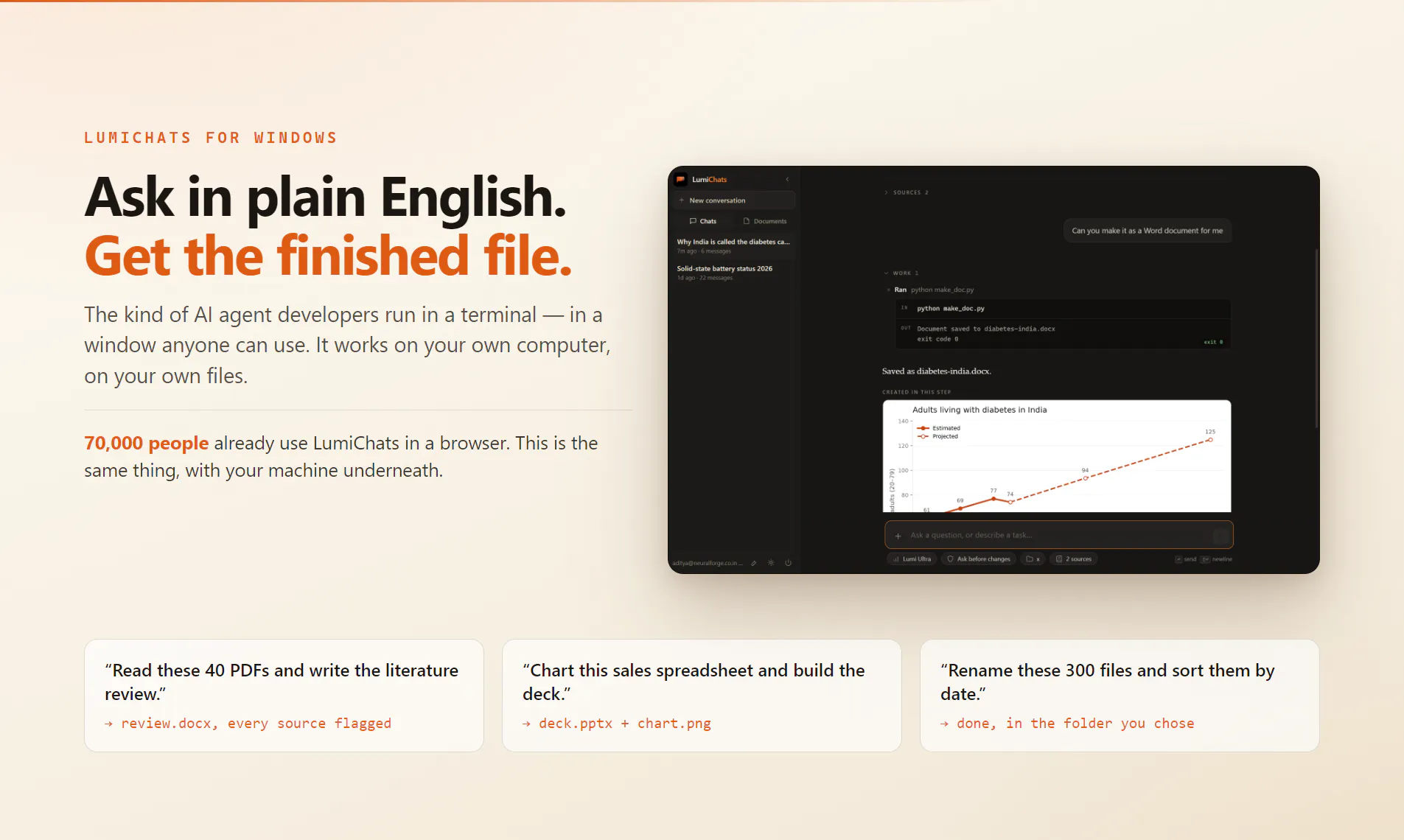
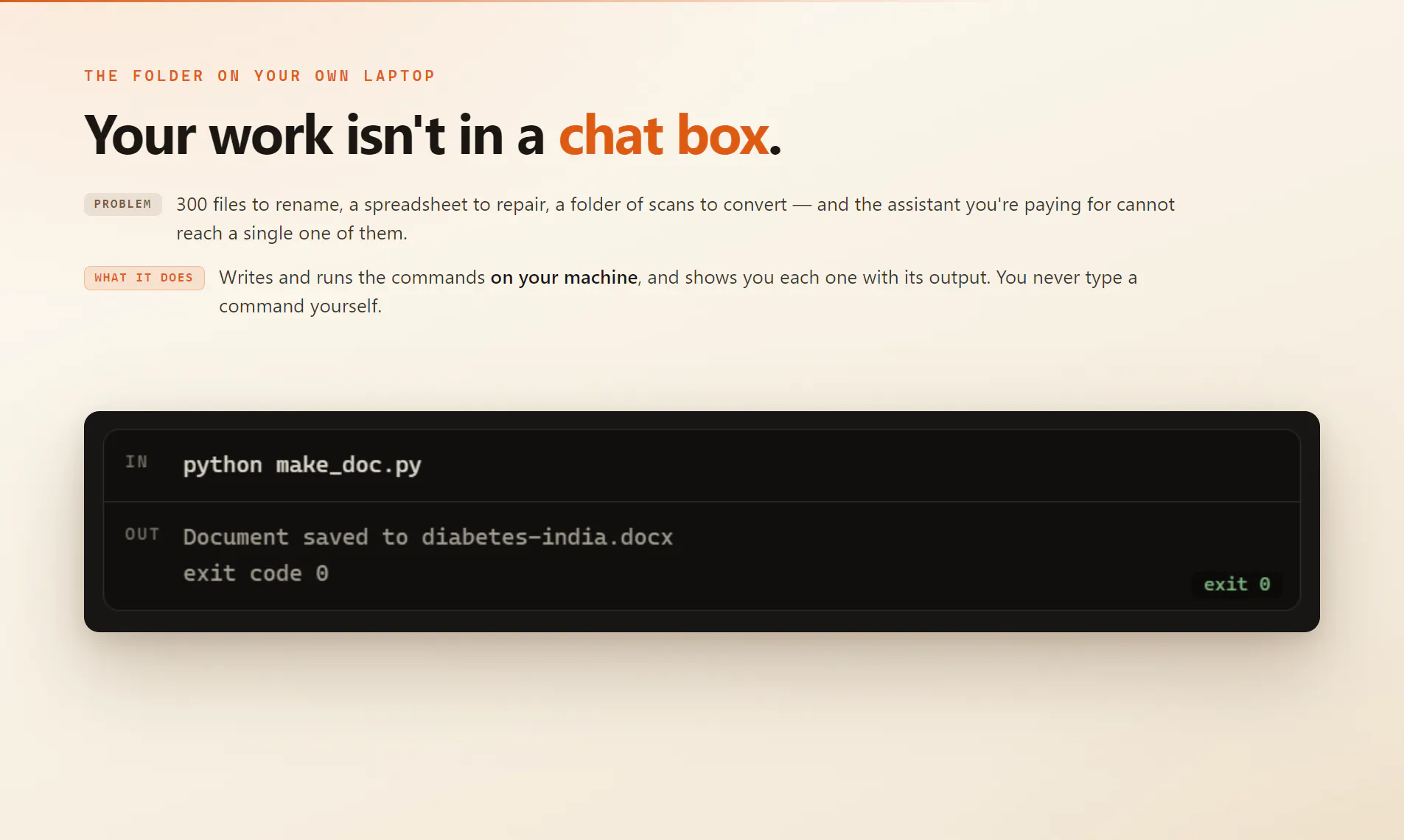
70,000 people use LumiChats in a browser and kept asking for the one thing a browser cannot do: touch their files. So we built the desktop one. It runs commands on your machine, writes real documents, and you pay only for the work you run.
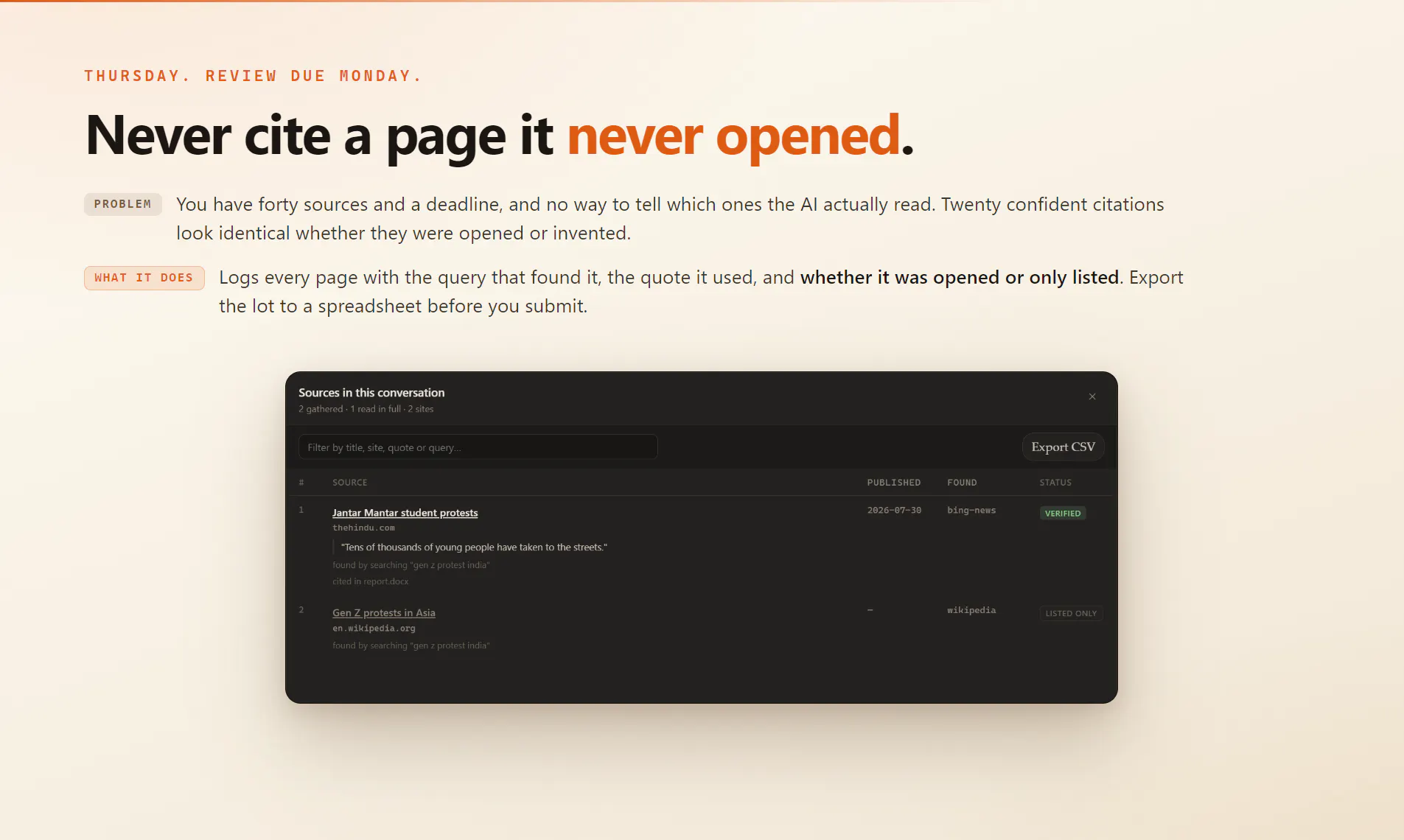
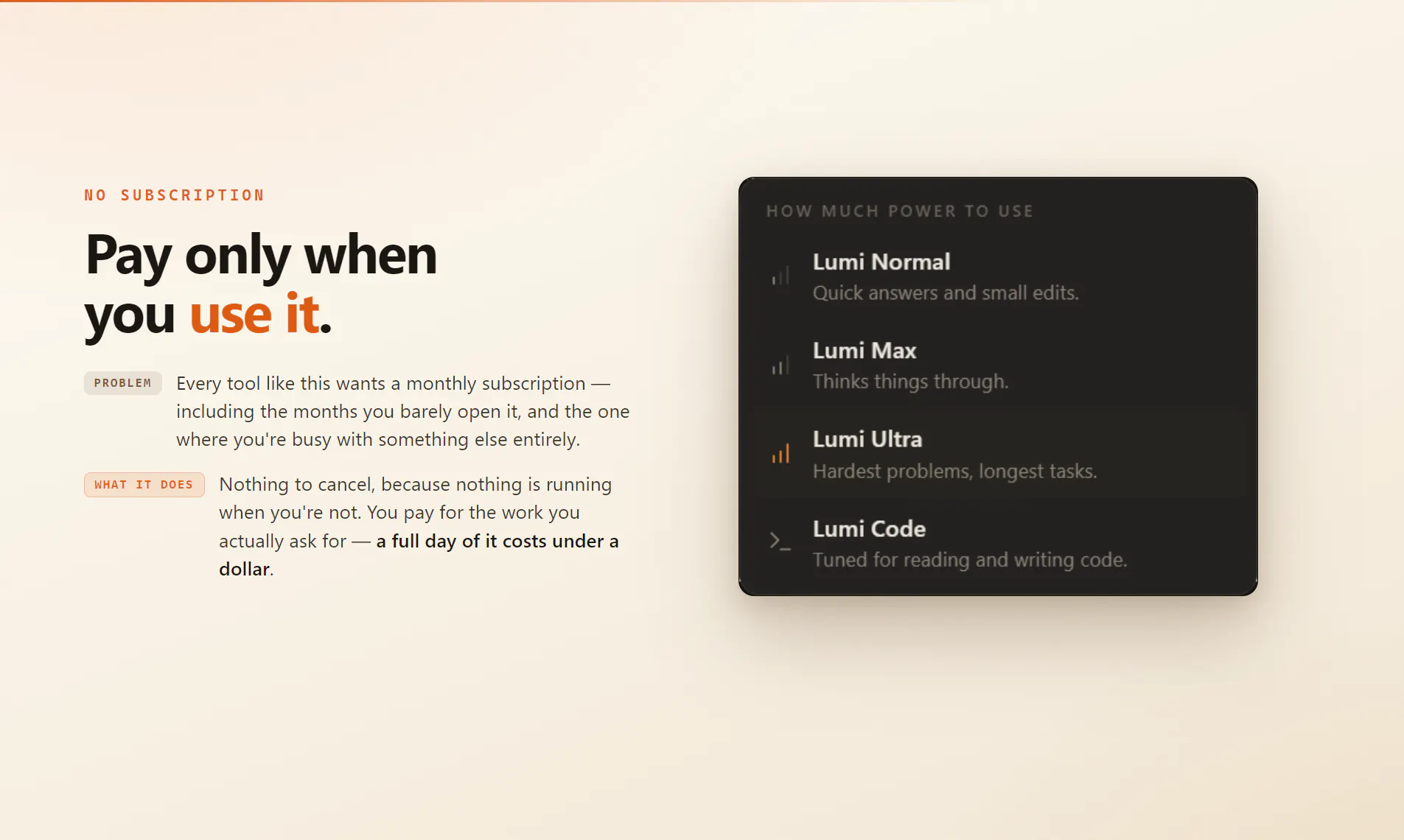
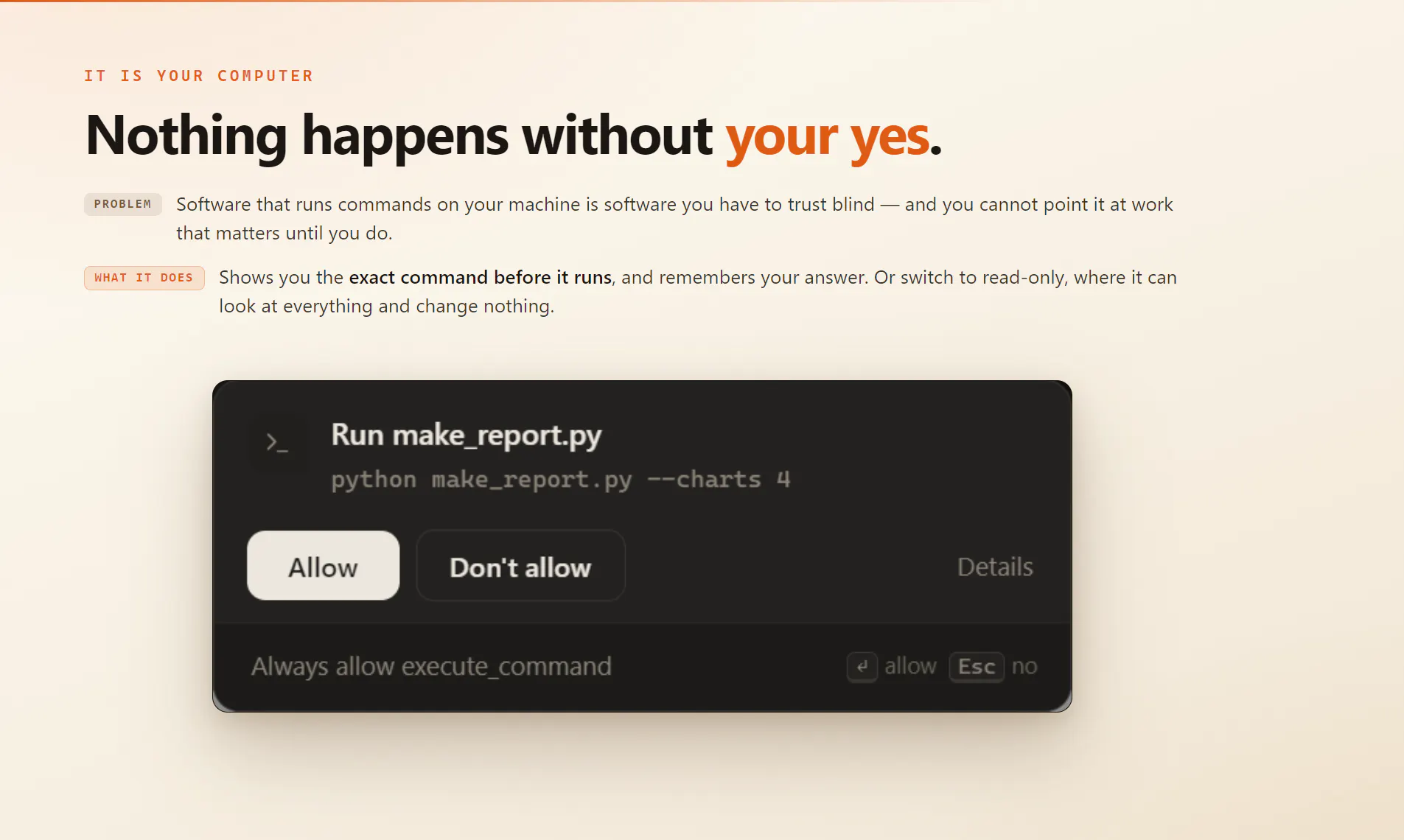
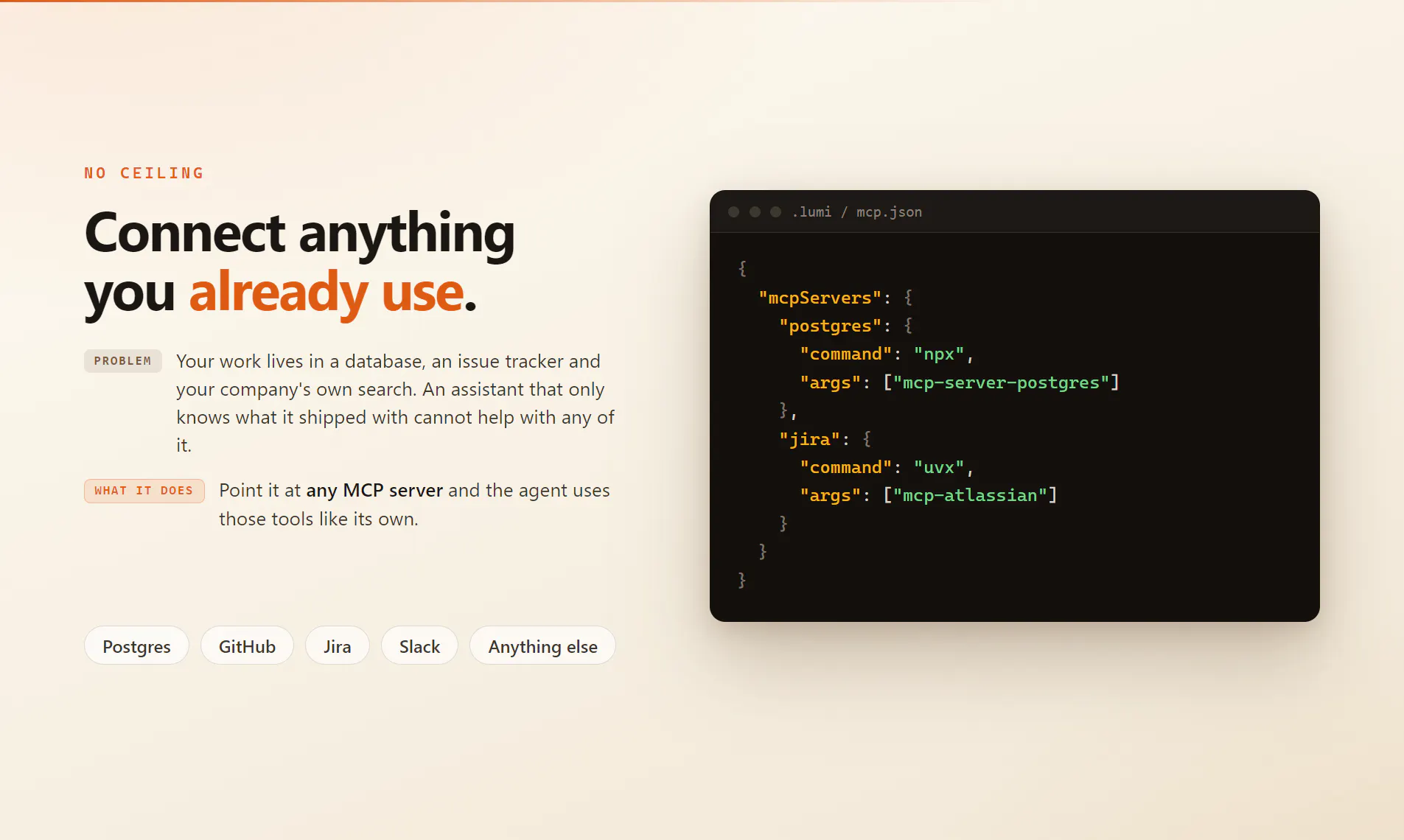
Hi Product Hunt 👋 About 70,000 people use LumiChats in a browser. For a year, the same request kept coming back in different words: can it open the files on my computer? It couldn't. No web app can. That's the ceiling — a chat box can describe the work perfectly and touch none of it. The tools that do get past that ceiling run in a terminal. Claude Code and the agents like it are genuinely extraordinary; I use one every day and this is not a swipe at them. But almost nobody I know outside engineering can. Not because they aren't capable — because it's a black window that expects you to already know the words. So the people who'd benefit most from an agent that can actually do things — the researcher with 200 PDFs, the analyst rebuilding the same spreadsheet every Monday, the student writing a thesis at 2am — are exactly the people it keeps out. That's who this is for, and it's why it had to be software you install rather than another tab. LumiChats is that power with a window on it. You ask in plain English; it writes the commands, runs them on your machine, works on your real files in your real folders, and hands you the finished .docx or .pptx or chart. You never type a command. You just watch it work — and stop it whenever you want. An afternoon of that costs under a dollar. And there's no subscription. You pay for the work you actually run, not for the calendar. Nothing is running when you're not using it, so there's nothing to cancel and nothing accruing during the month you're busy with something else. I've paid enough monthly bills for tools I opened twice to not want to send you one. It isn't a walled garden either: point it at any MCP server — your database, your issue tracker, your company's internal search — and it uses that too. And it's going open source. Something that runs commands on your computer should be something you can read. That's planned rather than done — I'd rather say so here than let the roadmap card imply otherwise. Two things I care about more than the feature list: It tells you what it actually read. Every source is logged with the query that found it and whether the page was opened or only appeared in a result list. A report citing twenty-six sources it never opened looks identical to one citing twenty-six it did — until you can see the difference. It asks before it touches anything. Ask before changes, auto-apply, or read-only. Read-only genuinely means read-only. One thing to be upfront about: the installer isn't code-signed yet, so Windows SmartScreen will warn you on first run — More info, then Run anyway. A certificate is coming. Every release publishes a SHA-256 hash you can check the download against in the meantime, and I'd rather say that here than have you find it out. Windows today. macOS and Linux build, but aren't released. I'm here all day — ask me anything, and please tell me what breaks.
8
回复

Pay for what you run sounds obviously fairer than a subscription, and it has one nasty failure mode: people start rationing. The moment someone can feel the meter, they stop asking the second and third question, and those are usually the ones that get them the answer. Watch actions per session in week two against week one. If that drops, the pricing is teaching people to use it less, and "under a dollar for an afternoon" won't save you.

2
回复

@asadmalik901 That's a really insightful point, Asad. It's something we've been thinking about as well. Our goal is to make costs predictable enough that people don't hesitate to use LumiChats, and we'll definitely be watching engagement patterns like actions per session. One thing we've tried to do is avoid making people feel like they're being charged for every tiny interaction—when you start a usage period, you're free to use it without constantly watching a meter. If we ever see pricing discouraging exploration, we'll iterate. Thanks for calling this out—it's genuinely valuable feedback. 🙌

0
回复

"A black window that expects you to already know the words" is exactly why terminal tools stay niche no matter how good they are.

2
回复

@irahimiam Thanks, Arash! That line came from hearing the same frustration over and over. The goal with LumiChats is to make that same power accessible without requiring people to learn terminal commands first. Really appreciate you taking the time to read and comment! 🙌

2
回复

Interesting angle — the terminal is doing more work than people realize, and it's not the typing.

When Claude Code generates something that doesn't compile, the terminal is where the loop closes: the agent sees the error, reads it, and retries. Take the terminal away and someone still has to close that loop. Does Lumichats surface the failure to the user, or does it self-correct silently before they ever see it?

I ask because in my experience that's where the whole "no-terminal" promise usually breaks: the moment a non-technical user is shown a stack trace, you've lost them — but if you hide it and retry blindly, you burn tokens and they wait without knowing why. Curious how you handled it.

1
回复

@rodrigo_baigorria It self-corrects, and the user sees that it's correcting without being shown what broke. The raw error goes to the model verbatim; the user gets one line in a collapsed panel — expandable to the full stack trace. Not hidden, just demoted.

Blind retry is the trap, so it's bounded: if the model asks for the same thing that just failed the same way, the run stops and says so. And a run that produced no file and no answer is never reported as finished — "it ran without erroring" isn't "it worked".

Honestly, the failure we hit wasn't stack traces, it was silence. A model writing a long file sends it as one tool argument, so the busiest minutes had nothing to show — which reads as a hang. Still finishing that one.

0
回复

The permission split (ask / auto-apply / read-only) covers whether it asks. The part I can't picture is what the ask looks like for someone who doesn't know the words. I run a terminal agent every day, and an approval prompt is only a safety feature because I can evaluate it — "run this command, write those files" carries information for me, so my yes/no does too. For the researcher with 200 PDFs, the same prompt is noise. By the third one they're clicking yes on reflex, and the ask has quietly become a ritual instead of a decision.

Do you translate each action into plain-language intent before asking — "unpack the images from this PDF" rather than the command itself? And if so, how do you handle the gap when the description and the actual action drift, since the user is approving the sentence, not the command? You solved the error side with "demoted, not hidden" — one line, expandable to the full trace. Wondering if approvals get the same treatment, because that gap between what's said and what runs seems like the hardest part of "no terminal" to me.

0
回复

@kyo_shino Yes, plain intent. The important part is that the sentence is generated from the call, not written by the model.

The card reads "Create portfolio.html" or "Install pandas" or "Run npm install", with the exact path or command on the line beneath it, plus one line on why the step needs to happen at all. For a missing library that reads "a library this step needs is missing, installing it lets the task continue."

That structure is the answer to your drift question. The description is not the model narrating what it is about to do. It is derived from the tool name and its actual arguments, so there is no prose layer in between that could describe one thing while another runs. You are approving a sentence, but the sentence is a rendering of the command rather than a claim about it, and the command sits right underneath, so the two can be compared without expanding anything.

Approvals do get the same treatment as errors, with one inversion. One line, Details expands. Except for file edits and destructive commands, which open expanded by default, because for those the diff is the decision and hiding it would be the wrong default.

On the third click becoming reflex: I think that is the real failure, and better wording does not fix it. Fewer prompts do. "Always allow writes in thesis" turns 200 asks into one scoped decision, made once, while the person still has the context to judge it. That button is hidden on anything destructive, because the engine refuses to persist that kind of grant, so offering it would be a lie.

0
回复

Zero data collection and fully offline is the first thing I check before recommending a tool on a security-sensitive project. That alone covers a lot of ground. What I want to understand is the model isolation side: does the app sandbox the model process away from the filesystem, or does it get direct read/write access to the project directory? And for the local models, are they bundled or bring-your-own?

0
回复

@hi_i_am_mimo Both of your questions are about our other product, so quickly: the fully offline one is separate software, and its models are bring your own. Nothing is bundled. You download one matched to your system specs.

LumiDesk, the one launching here, runs the model on our servers. So on your first question, there is no model process on your machine to sandbox, and it never gets direct read or write access to the project directory. It cannot open a file or run a command at all. It emits a tool call, the app executes it locally, and every write, edit and command passes the permission gate first. Grants are scoped to a folder, so anything outside the one you approved asks again, and destructive commands can never be pre approved.

The thing to weigh instead: whatever a tool reads becomes part of the conversation, and the conversation goes to the server. So the boundary is not the project directory, it is what you point the agent at. If the source itself is the sensitive material, the offline product is the one built for that.

0
回复

the ask-before-changes / auto-apply / read-only split covers permission, but what about undo? if it's written a real .docx or edited files in a folder and I don't like what it did, is there any versioning or rollback, or is the expectation that I'm backing my own files up before pointing it at a folder? that's the part that'd decide whether I trust it on anything important versus a scratch directory.

0
回复

@galdayan There's real rollback, and one gap you should know about before you trust it on anything that matters.

Every file a tool writes or patches is snapshotted immediately before that specific write not at the start of the run, right before the change so a rewind restores the exact bytes that were there. That covers the ordinary case: it edited four files, you don't like the result, you put them back.

The gap is the one you named. When it produces a document by writing and running a script which is how a lot of .docx and .xlsx output actually gets made the file is created by the script, not by a tool call, so there's no "before" snapshot for it. Creating a new file is harmless, you just delete it. A script that overwrites something you already had is the case rewind won't save you from.

So: it defaults to its own working folder, and pointing it at a real project is a deliberate act. If you do that on anything important, use git. The rewind is a convenience for the common case, not a substitute for version control — and I'd rather tell you that now than have you discover it.

0
回复

The CPU only inference is the quietly underappreciated constraint here most offline AI projects quietly assume you have a CUDA capable GPU, so running on any modern laptop without that dependency

0
回复

@mohammed_messeguem Thanks, Mohammed! That was a deliberate design goal. We wanted LumiChats to work on the hardware people already have, not just high-end GPU machines. If someone does have a GPU, they can use it, but CPU-only support was important so more people can run AI locally without extra requirements. 🙌

0
回复
@aditya_kumar_jha1 Running local commands without code signing yet feels a bit risky for non tech users who won't know how to check SHA-256 hashes. What's the timeline on that certificate?
0
回复

@tehreem_fatima5 That's a completely fair concern. We chose to launch before the code-signing certificate was ready because there was strong demand from early users, especially researchers and scientists who wanted the desktop version as soon as possible. An OV code-signing certificate is our top priority, and we're working to get it in place as soon as we can. We're also planning to open-source the codebase, because software that can run commands on your machine should be transparent and auditable. In the meantime, LumiChats is permission-first and always asks before making changes to your system.

0
回复

What's the difference with Claude Cowork ?

0
回复

@tacitefood Great question! Cowork is probably the closest comparison, and it's an excellent product. The main differences are that LumiChats lets you choose between running everything locally or using the cloud, supports 40+ models instead of locking you into one, and has flexible pay-as-you-go pricing with unlimited use during a day pass—no subscriptions or session limits. It's also designed to make powerful AI workflows accessible to non-developers through a simple desktop interface.

0
回复
#5
Zen Whisper
On-device Mac dictation that types into any app
139
一句话介绍:Zen Whisper 是一款本地优先的Mac端语音听写工具,通过按住快捷键即可在任意应用中快速输入,无需联网上传音频,从根本上解决了用户在追求高效输入时被迫牺牲隐私的痛点,并兼顾了长录音、媒体转写与写作优化等多元场景。
Productivity Writing Menu Bar Apps
Mac语音听写 本地优先 隐私保护 离线语音识别 效率工具 AI写作助手 语音转文字 多媒体转写 多语言支持 工作流增强
用户评论摘要:用户普遍认可本地化与隐私保护的价值,并对比Wispr Flow等竞品。核心疑问集中在技术术语的识别准确性及自定义词汇功能;此外,用户关心系统资源占用、iOS版本缺失及差异化优势,开发者承诺词典和片段功能可解决术语问题。
AI 锐评

Zen Whisper的聪明之处在于,它精准踩中了Mac端语音工具的两大痛点——隐私焦虑与云端依赖,并巧妙地将“本地优先”从技术特征包装成了高级的隐私卖点。在Wispr Flow和Superwhisper等竞品把资源倾注于云模型参数竞赛时,Zen Whisper选择固守本地算力,实则是一种清醒的战略定位:对注重隐私的专业用户而言,安全边际收益远大于顶尖的云端识别率。其在应用内整合词典、片段和长音频转写,试图从“听写工具”升维为“语音工作流”,布局了合理的商业化纵深。

然而,产品逻辑的硬伤同样显而易见。其一,“本地模型”规模有限,对于代码、API名词等高专业性内容的识别,即便有词典兜底,其开箱体验与云端Whisper大模型仍有代差,这决定了其天花板难以触及高端开发者。其二,Mac端Type-Style的交互壁垒早已被系统级输入法占据心智,硬件级别的生态整合是它无法逾越的鸿沟。其三,开发者回避了iOS版,本质上是苹果在麦克风唤醒权限上的制度性限制,这直接封死了移动端最大的想象空间。整体而言,Zen Whisper在“隐私友好效率工具”的垂直赛道里体验完成度高,但若无法在模型迭代速度和跨端生态上突破,极易成为小而美的过渡型产品,被平台原生能力或云服务巨头的端侧模型降维打击。其真正价值在于证明了“本地优先语音工作流”的商业可行性,而非颠覆性的技术垄断。

查看原始信息
Zen Whisper
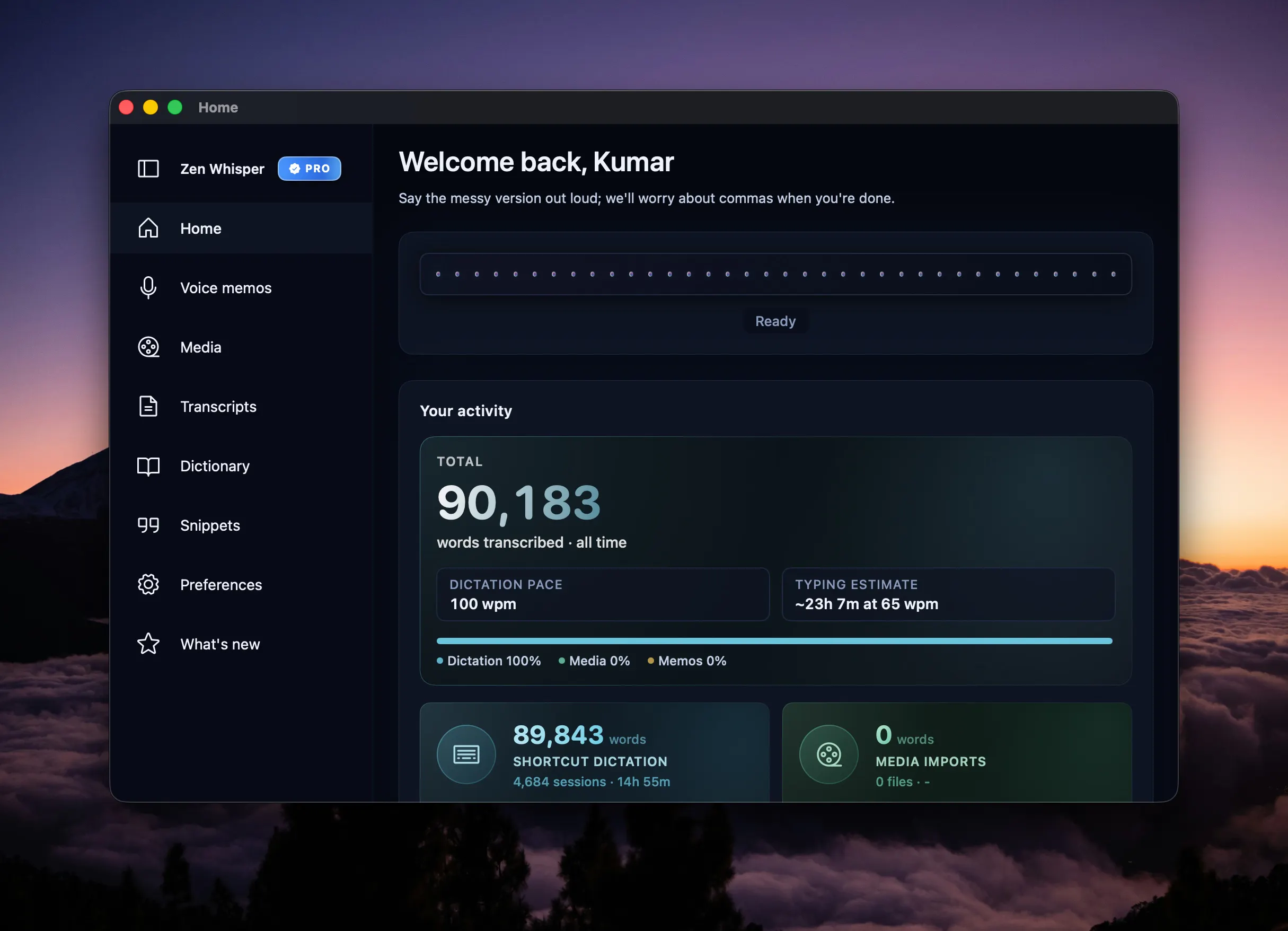
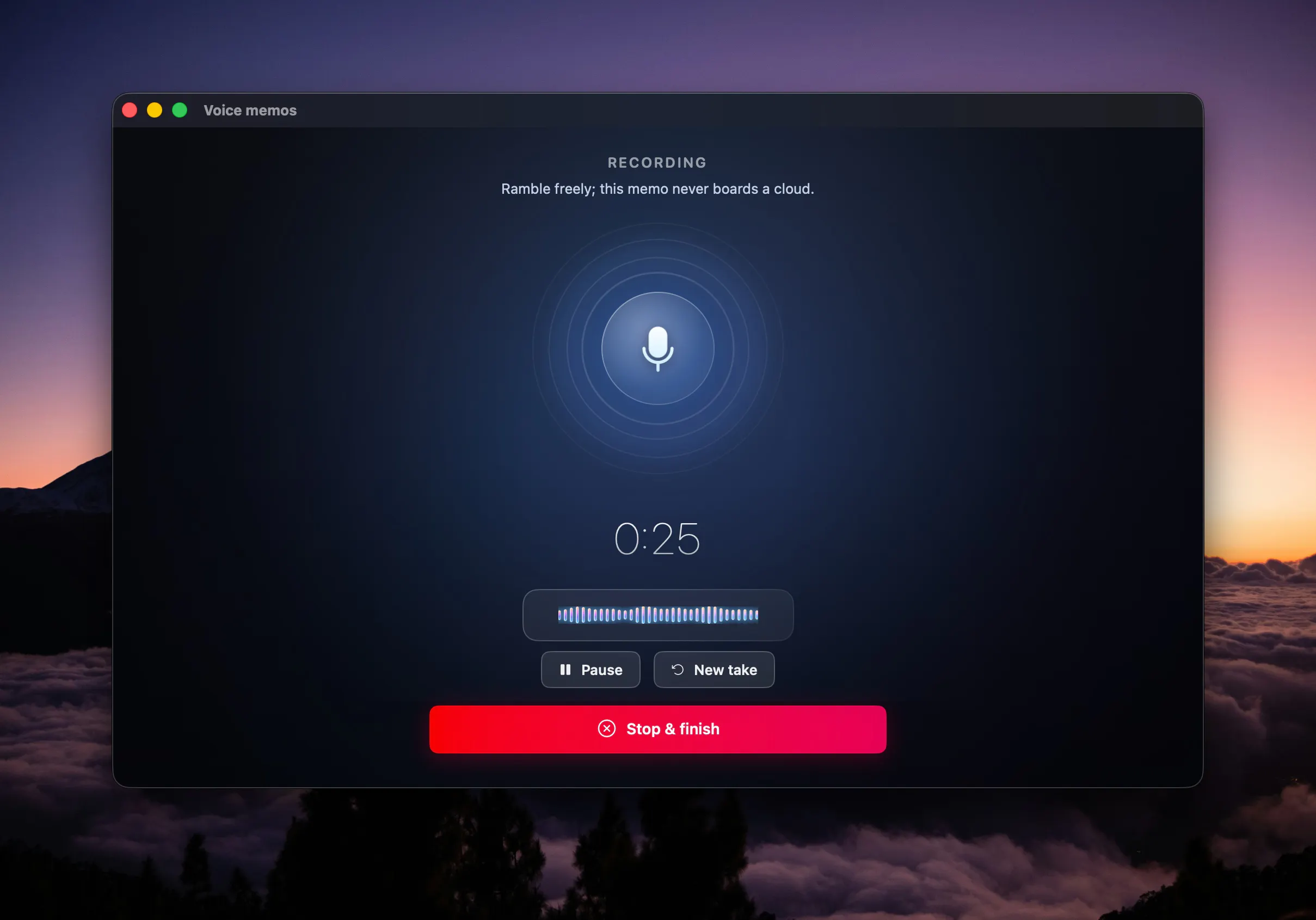
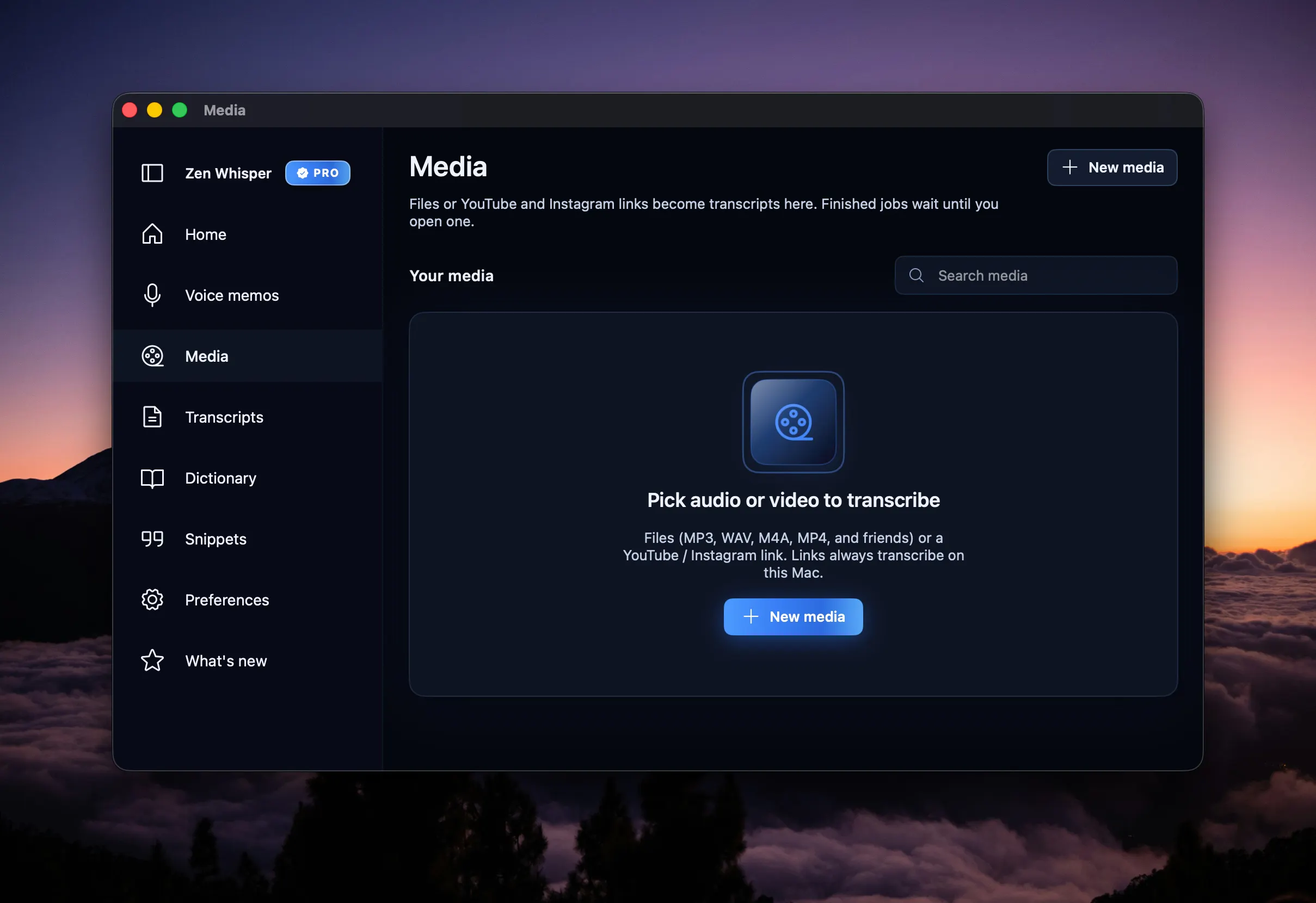
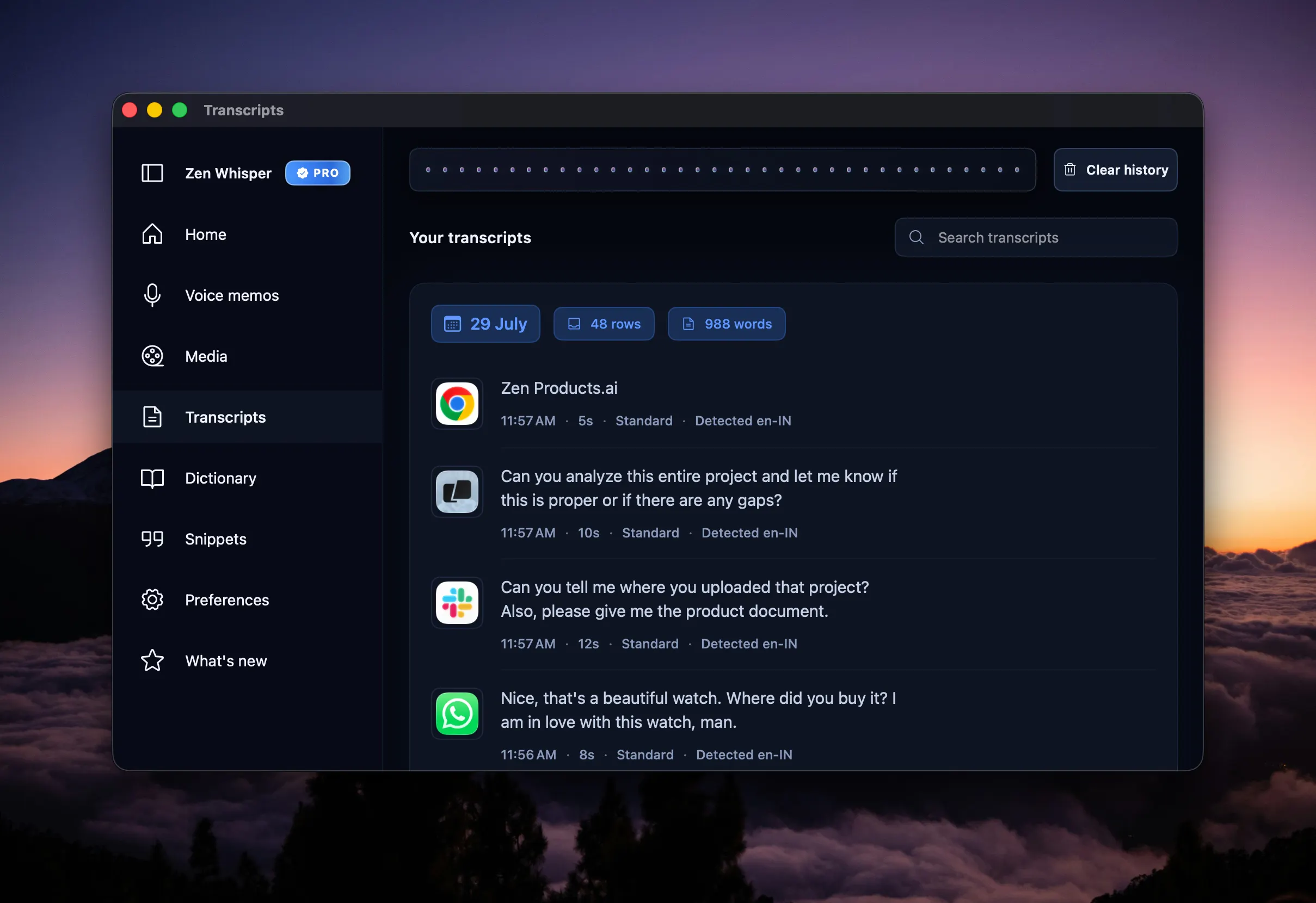
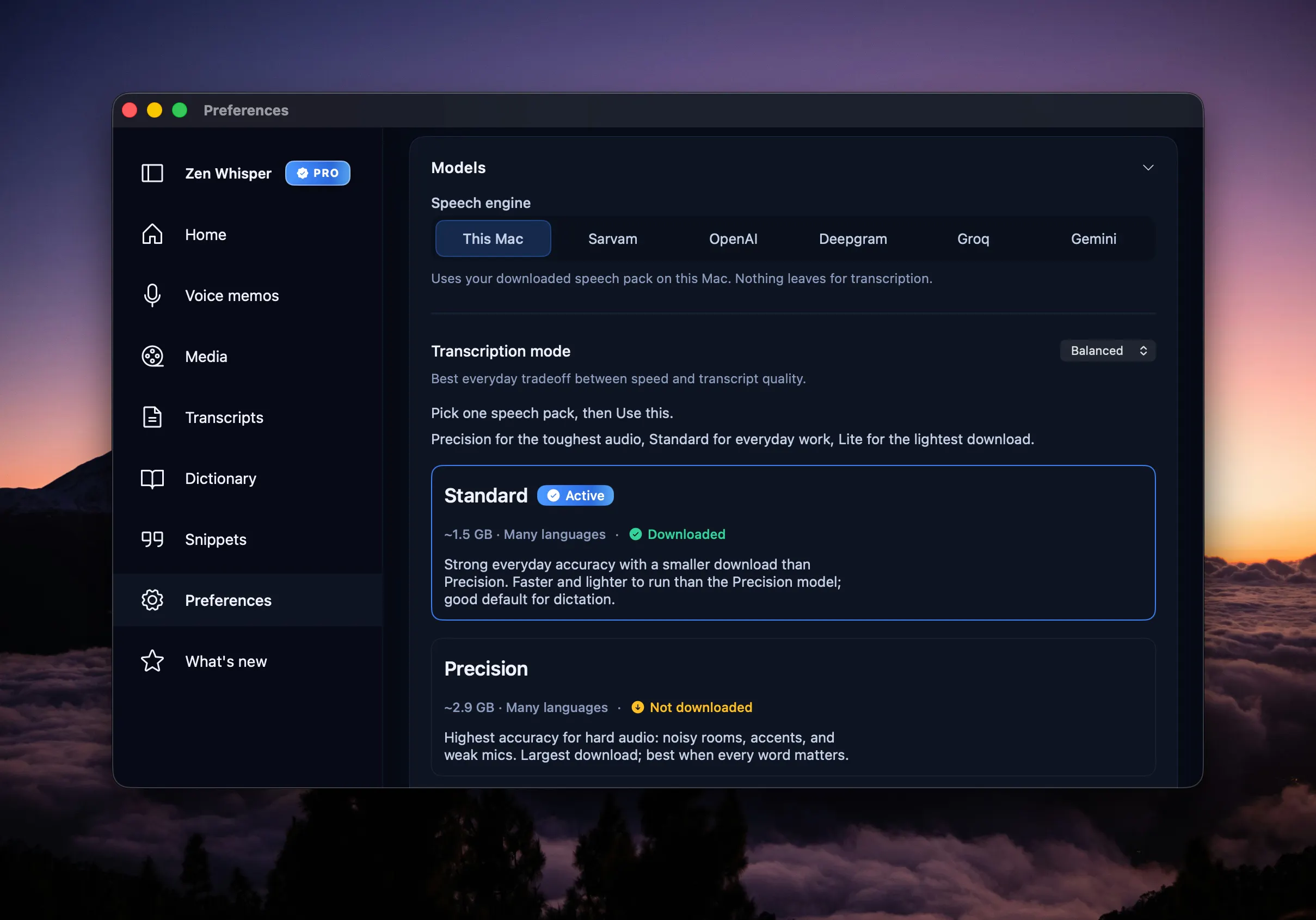
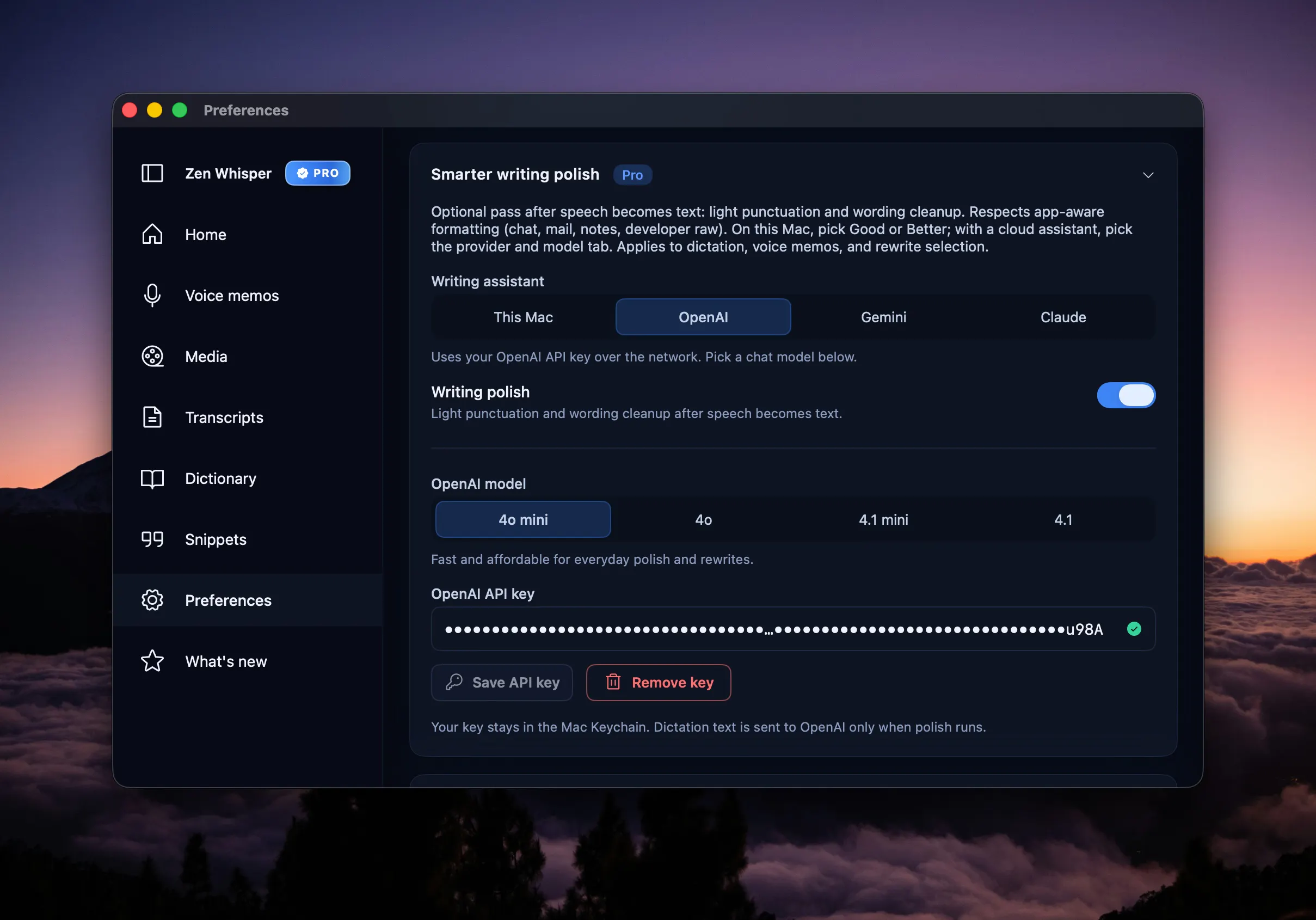
Hold a shortcut and dictate into any Mac app without sending audio to the cloud. Zen Whisper keeps core speech recognition on-device, with local models, searchable transcripts, voice memos, media transcription, and Pro tools for larger models and translation.

Any plans to launch the iOS version too?

2
回复

@ankur_jeswani We did explore an iPhone version, but we ran into one privacy issue we were not happy with.

On iOS, once the keyboard gets mic access, the microphone can stay active longer than we would like, even after you are done dictating. That means users may keep seeing the orange mic indicator at the top, and we did not feel that was a clean or private experience.

We did not want to ship something where the mic could feel “still on” unless you went back and stopped it manually. So for now, we chose not to release an iOS version until that experience gets better. If Apple loosens that control in the future, we could move on an iOS launch very quickly.

1
回复

honestly love that the shortcuts work system-wide without sending audio anywhere, that on-device approach feels rare these days. nice work on keeping the core stuff local.

2
回复

@okandg58 Thank you, Okan. That means a lot. We felt too many tools were making users trade away privacy just to get convenience, so we wanted to keep the core experience local while still making it fast and practical.

The system-wide shortcut piece was a huge part of that vision, so I’m really glad that stood out to you.

0
回复

Love that the transcript search lives right inside the app instead of needing yet another tab, and the on-device approach means my random shower thoughts stay mine. Clean execution.

2
回复

@oda_xing Really appreciate that, Avery. That exact “no extra tab, no unnecessary cloud hop” feeling is what we wanted Zen Whisper to have.

We wanted it to feel like one connected workflow: live dictation, transcript search, voice memos, long recordings, and media transcription all inside the app. So whether it’s a quick thought, a full meeting, or a YouTube/media upload, everything stays easy to find, cleanly formatted, and under your control. Thanks a lot for noticing the execution.

0
回复

I got hit with a bunch of Wispr Flow promos this morning and clicked on one for later viewing when I saw your launch. My first question was why another and tough timing! But reading it's local changes this (assuming Wisp Flow is not). I'd rather have yours! Good luck today.

1
回复

the local-first angle is what would actually get me to try this over Wispr Flow or Superwhisper. I dictate a lot of technical stuff - API names, package names, product names that don't exist in any dictionary - and that's usually where on-device models fall apart compared to cloud Whisper. does Zen Whisper let you teach it a custom vocabulary/glossary of recurring terms, or is accuracy on that kind of jargon just whatever the local model ships with out of the box?

1
回复

@galdayan Great question, and honestly, we do not believe in hiding behind jargon. If a product cannot handle real usage, users find out immediately.

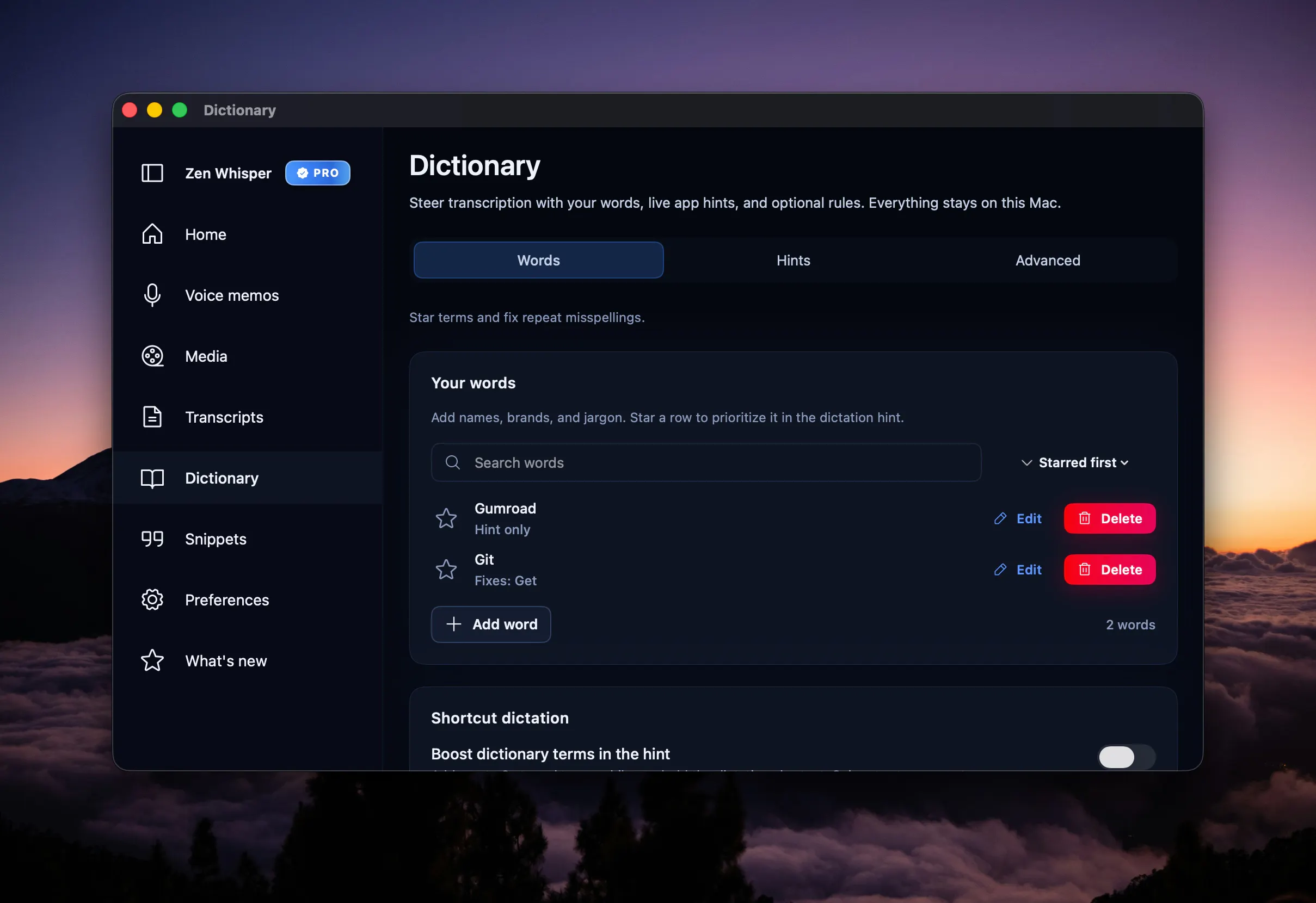
So no, it is not just “whatever the local model ships with out of the box.” Zen Whisper has both a dictionary and snippets built in, and they are meant exactly for recurring terms, product names, API names, package names, and other words that generic models usually miss.

We care a lot about that layer because for many people, the hard part is not everyday English, it is the repeated technical and domain-specific vocabulary. I’m also attaching a quick demo here that shows the dictionary/snippets flow in action: demo video

If helpful, I can also share more about how we think about technical dictation quality specifically.

And please be assured, I'm always here to help. I'm just an email (hello@zenproducts.ai) or a message away.

0
回复

There are one or more voice dictation apps everyday on PH. What makes this different?

1
回复

@iamanantgupta Thanks Anant. A few things make Zen Whisper genuinely different for us.

First, it’s local-first, so the core speech-to-text runs on your Mac instead of forcing a cloud workflow from day one. We’ve also worked hard to keep it light on system resources, because a lot of dictation apps feel surprisingly heavy while just sitting in the background.

Second, it’s not only for live dictation. You can record long voice memos or even full meetings, then get a clean full transcription inside the app. You can also upload audio or video, or paste supported media links like YouTube, and Zen Whisper will transcribe and format everything beautifully.

Third, we focused a lot on what happens after the words land. You can fix grammar locally, polish rough writing, or select text anywhere and ask Zen Whisper to rephrase, formalize, shorten, expand, or clean it up without breaking your flow.

And finally, a huge part of the product for us has been accuracy, formatting quality, and multilingual support, especially for Indian and regional language workflows. So we don’t think of it as just another voice dictation app, but as a lightweight private speech and writing workflow for Mac.

0
回复

Zen Whisper is live on Product Hunt today. 🎉

We built it because Mac dictation still felt too limited, too cloud-first, or too awkward for real everyday work.

Zen Whisper is our take on a better workflow:

  • 🎙️ hold a shortcut and dictate into the apps you already use

  • 🔒 keep core speech recognition local on your Mac

  • 🌍 work across 100+ languages, with especially strong multilingual workflows for India

  • 🎧 transcribe files, media, and supported links

  • ✍️ use snippets, transcript history, and writing tools in one place

It starts with a free trial, stays usable on the free tier after that, and scales up if you need more.

We’d love your feedback, especially on:

  • dictation quality

  • multilingual support

  • latency and responsiveness

  • anything that still feels clunky in the workflow

Happy to answer every question here today. 🙏

0
回复

On-device is the right call here — I've tried a couple cloud dictation tools and the round-trip latency makes them unusable for anything longer than a quick note. Does accuracy hold up for technical vocabulary / code-adjacent terms, or is it tuned more for plain prose?

0
回复

Really like this idea! How intensive is this on computer memory?

0
回复

Zen Whisper is live on Product Hunt today. 🎉

We built it because Mac dictation still felt too limited, too cloud-first, or too awkward for real everyday work.

Zen Whisper is our take on a better workflow:

  • 🎙️ hold a shortcut and dictate into the apps you already use

  • 🔒 keep core speech recognition local on your Mac

  • 🌍 work across 100+ languages, with especially strong multilingual workflows for India

  • 🎧 transcribe files, media, and supported links

  • ✍️ use snippets, transcript history, and writing tools in one place

It starts with a free trial, stays usable on the free tier after that, and scales up if you need more.

We’d love your feedback, especially on:

  • dictation quality

  • multilingual support

  • latency and responsiveness

  • anything that still feels clunky in the workflow

Happy to answer every question here today. 🙏

0
回复
#6
Finamie
Speak your expenses and get instant spending insights
110
一句话介绍:Finamie是一款用语音记账并自动生成个性化消费洞察的个人财务管理应用,解决用户手动记账繁琐、难以坚持的问题,让用户在说出支出的瞬间获得清晰的花钱分析。
Fintech Analytics Money
语音记账 个人理财 支出追踪 财务分析 自动分类 消费洞察 智能助手 移动应用 习惯养成 金融科技
用户评论摘要:用户普遍认可语音记账解决“坚持难”的痛点,但提出关键质疑:语音解析错误后的修正流程是否足够轻量(避免二次放弃);同时询问分类是否预置、是否有月度消费模式总结;另有用户困惑产品本质,得到“个性化分析”的解答。
AI 锐评

Finamie踩中了个人记账类产品最经典的死亡循环:用户因手动录入繁琐而放弃,数据残缺导致分析无意义,最终卸载。用语音作为输入交互确实是破局点,方向正确,且创始人展示了难得的用户同理心——在评论中直面“修正解析错误”这一核心摩擦,并承诺优化“捕获后即时确认”流程,这说明他理解产品生死的命门不止在“录得快”,更在“改得爽”。

然而,必须泼一盆冷水。语音解析的准确率天花板,加上多币种、口语化表达、同音词等复杂场景,注定修正操作不可能完全消失。Finamie目前“手动点击交易、编辑、保存”的修正流程,依然停留在传统UI的思维惯性里,没有真正重构“语音优先”的交互范式——“听到错误的瞬间,用另一句语音覆盖修正”才是更彻底的方案。否则,用户的耐心消耗点只是从“输入”转移到了“改错”。

另外,产品目前的壁垒极低。市面上YNAB、Money Manager等已具备语音条目快速输入,大模型加持下的AI记账工具(如Cleo、PocketGuard)也在快速迭代。Finamie若不能把“个性化分析”从“根据收入目标生成图表”的浅层功能,进化到真正基于自然语言的动态财务推理(如“我本月咖啡支出超预算15%,建议减少3次外卖”),就很容易沦为“更快的记账本”而非“财务副驾驶”。

创始人对用户问题的坦诚回应值得肯定,但产品仍处于“好想法,待验证”阶段。下一阶段的关键不是增加更多录音入口,而是把修正成本降到零、把分析深度做到“不可替代”。否则,110票的早期热度,会在两星期后重蹈用户“放弃记账”的覆辙。

查看原始信息
Finamie
Finamie turns your voice into detailed financial insights, automatically. Log expenses hands-free, track your spending, and understand your money like never before.
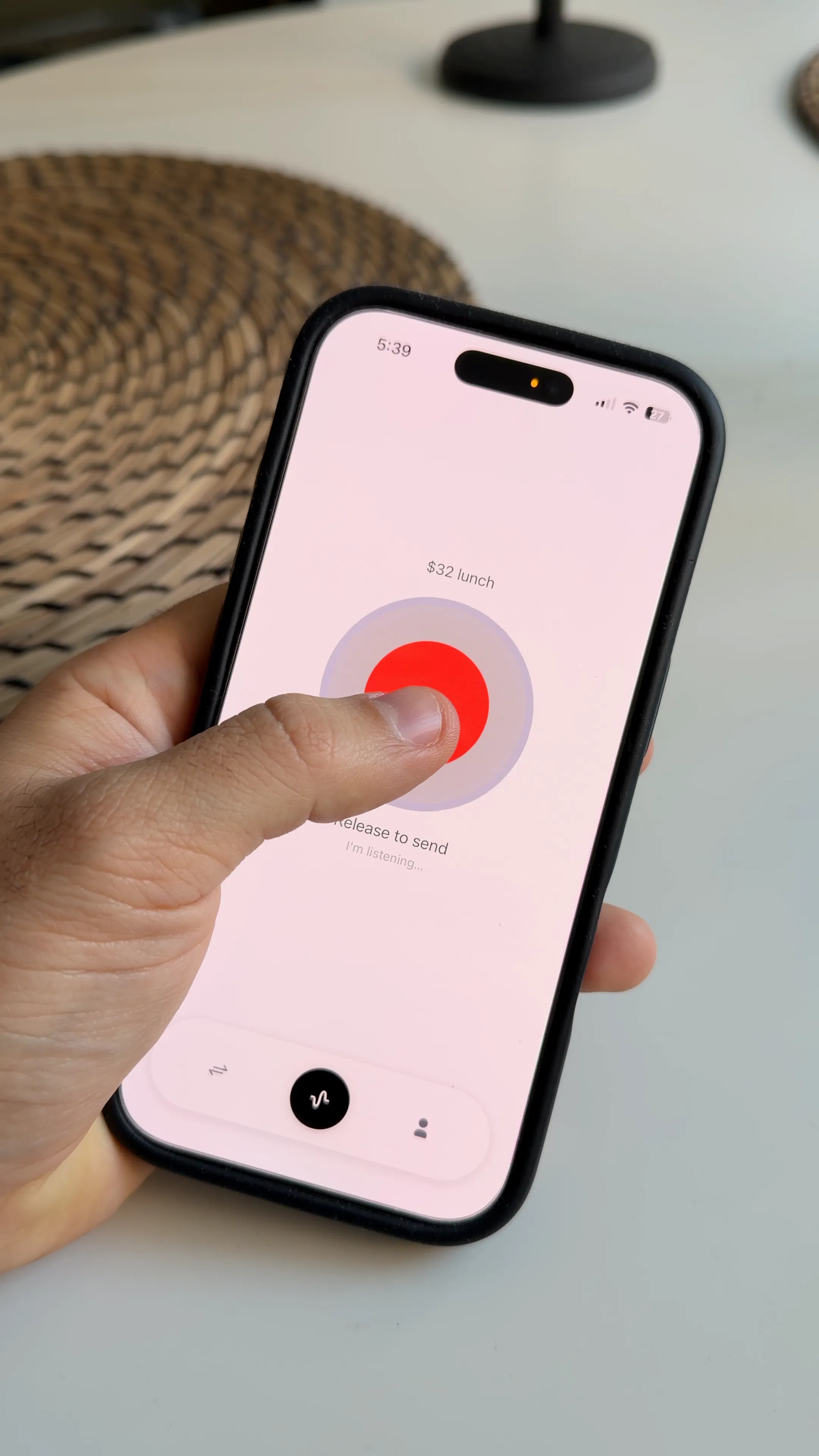
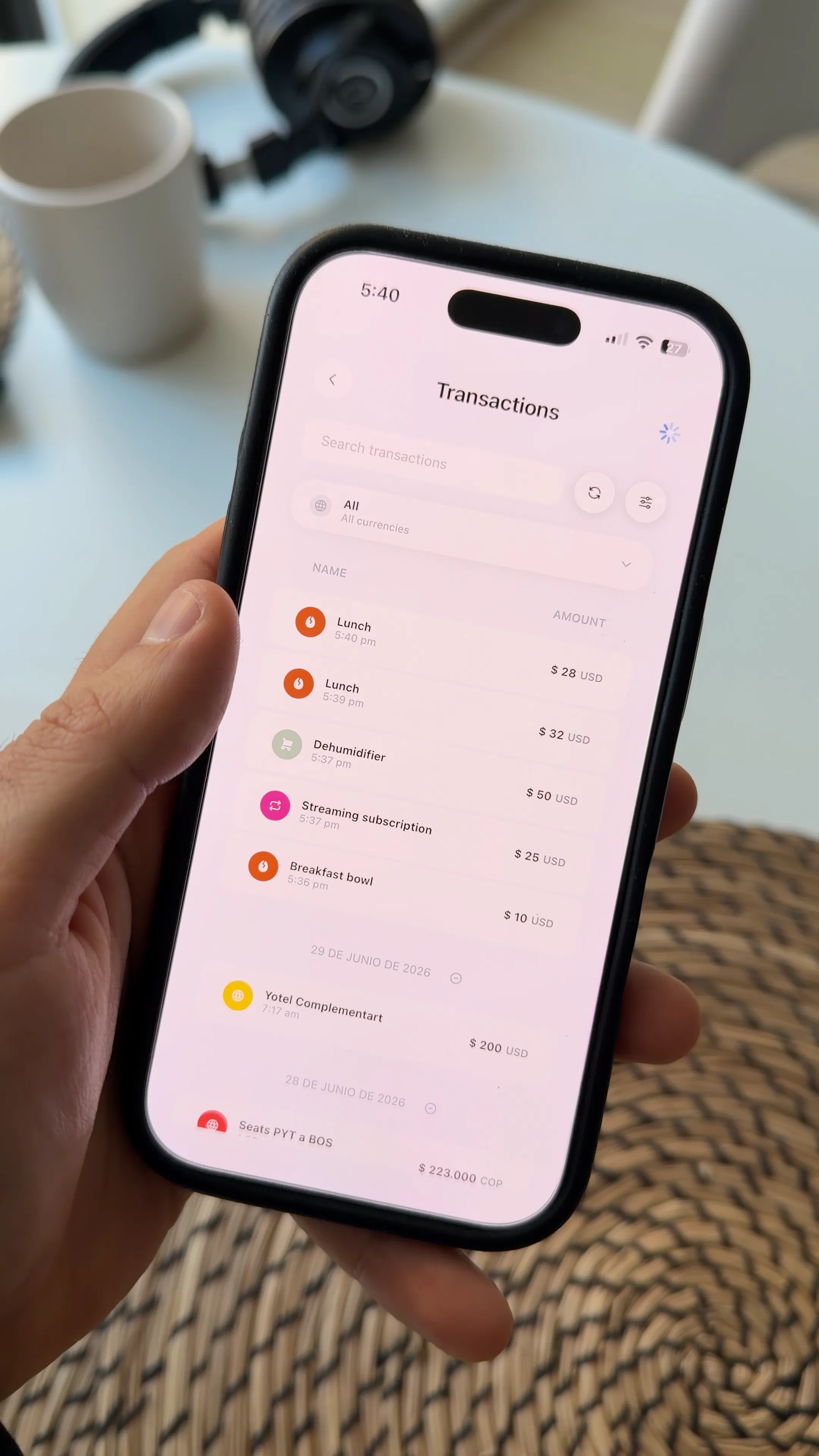
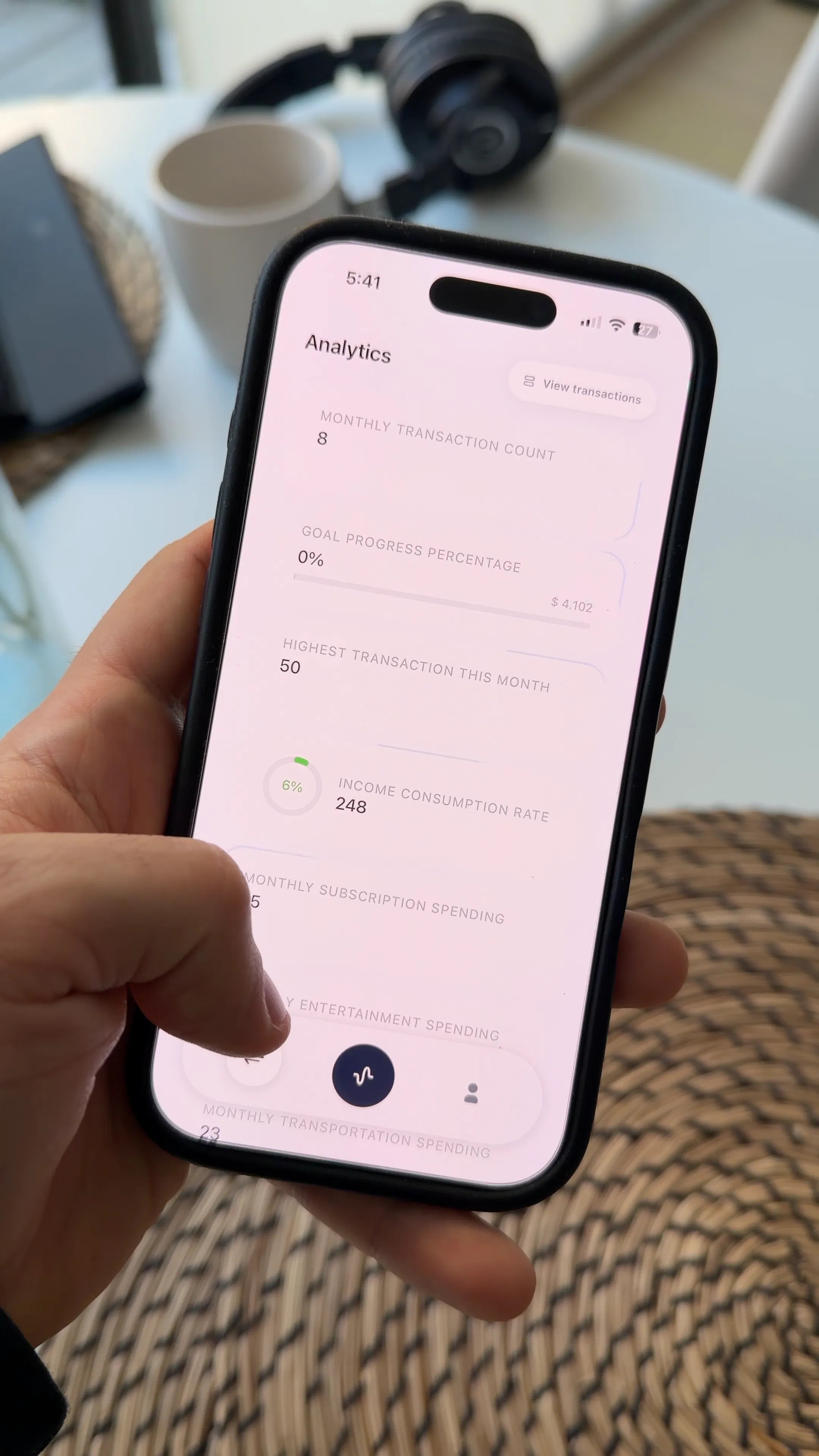
Every expense tracker I'd used wanted me to type things in. Open the app, add a transaction, pick a category, type the amount, type a note. I'd do that for a week and then stop, and after that the data was too incomplete to be useful. I started with just voice logging. Hold a button, say the amount and what it was for, and the app pulls out the amount, currency, category, and description on its own. After that worked, the transactions still didn't mean much on their own, so I connected them to income and financial goals so the analytics reflect the person's actual situation instead of generic charts. Later I added a way to create new analytics by describing what you want to track in a chat, instead of building it through settings screens. One thing changed from the original plan: I added a way to record a transaction and see it analyzed before creating an account, since requiring signup first didn't match what I was trying to do. Happy to answer questions about any of this.
3
回复

the "type a note for a week then stop" problem is real and voice is the right fix for it. what I'm curious about is the correction flow, since parsing is never going to be 100%. if I say "thirty five for lunch" and it hears "thirty five fifty" and files it under the wrong category, how many taps does it take to fix that transaction after the fact? that gap between "voice capture is fast" and "fixing a misparse is annoying" is usually where habits like this quietly die a second time.

1
回复

@galdayan Great question, honestly this is opening my eyes to a gap I hadn't really tackled head on. Right now correction is basically: tap the transaction, manually edit the amount or category, save. So it's the standard few taps to fix, not a "no, I meant X" one-tap flow. That's fine if you're already fluent with the app, but you're right that this is exactly the kind of friction that kills the habit a second time, especially when the whole pitch of voice is not having to think about the UI at all.

I really appreciate you naming this so precisely. "Voice capture is fast, but fixing a misparse is annoying" is a much sharper way to put the risk than how I'd been thinking about it. It's pushing me to treat the confirmation right after parsing as its own moment, like showing "heard: $35, Food, tap to fix" immediately after capture, instead of making people go hunt down the transaction later. I'm going to spend real time on this before pushing voice capture further. Thanks for calling it out, truly.

0
回复

Love it Santiago! Having spent control is key and you're making it so easy! Love to see this kind of projects launching here and wish you all the best

1
回复

@german_merlo1 Thank you so much! I really appreciate your input!

0
回复

Voice capture is the one thing that keeps me tracking expenses for longer than two weeks. Do categories come predefined or is it a blank slate? And I would love to know if there is a monthly summary that shows spending patterns over time, because a raw transaction list is where most finance apps lose me after the first week.

0
回复

Sorry I don't get it. What is it? Speech to text with database of what I spent?

0
回复

@landsman The most special aspect of this app is it gives you personalized analytics based on your recorded transactions

0
回复
#7
Termexo
A local Windows workbench for Claude Code and Codex
108
一句话介绍:Termexo 是一款 Windows 原生的本地工作台,将 Claude Code 和 Codex 整合进可恢复的 PTY 网格布局中,解决多代理并行开发时窗口混乱、会话丢失和审批遗漏的痛点。
Productivity Developer Tools Artificial Intelligence
Windows开发工具 AI编程助手 终端管理 Claude Code Codex 本地优先 会话恢复 多代理工作流 PTY终端 开发者工具
用户评论摘要:用户认可凭据隔离和审批通知,主要疑问集中在三处:会话恢复是否扛得住系统重启或崩溃(开发者澄清仅恢复原生CLI上下文,非进程级检查点);多代理并行时缺乏 token 消耗监控,易造成预算失控;以及原生 Windows 与 WSL 路径转换的兼容性。另有用户呼吁在恢复时注入中断提示,避免代理产生“工具未执行”的误判。
AI 锐评

Termexo 踩准了 Windows 开发者被 macOS 工具链长期忽视的憋屈感,用“本地优先+无需账号”的姿态收割了一波情绪认同,108票也印证了这个细分赛道确有空白。但表面是终端管理工具,本质是给 AI 代理当“保姆”——它解决的不是写代码的问题,而是“同时伺候多个 AI 写代码”的秩序问题。

开发者在评论区的回复很诚实:崩溃后恢复的只是对话上下文,而非进程状态。这就暴露了产品的天花板——它做的是会话的“皮”,恢复不了代理的“魂”。更致命的是,有评论一针见血地指出:代理在崩溃前可能已执行了写入或推送,恢复后却浑然不觉,Termexo 作为唯一知道“崩溃发生过”的组件,竟没有注入任何警示。这不仅是功能缺失,更是对代理安全边界的漠视。

另一个被忽视的痛点同样致命:多代理并行时,token 消耗像漏水的水管,用户根本不知道哪个代理在悄悄烧钱。审批提醒只是解决了“卡住”的问题,却没解决“烧钱”的焦虑。对一个本地工具而言,不做预算看板,等于把财务管理成本转嫁给用户。

不过,Termexo 在产品方向的取舍上是聪明的:不做重客户端,不碰进程虚拟化,专注把 CLI 生态接到 Windows 桌面上,把“可恢复性”定义在“上下文+布局”层面,既控制开发成本,又立住了人设。如果后续能把“异常恢复提示”和“按会话消耗监控”补上,它有机会成为 Windows 上 AI 开发的标准底座——否则,就只是个更漂亮的平铺终端,红利期一过,很容易被原生支持 Windows 的 CLI 更新冲垮。

查看原始信息
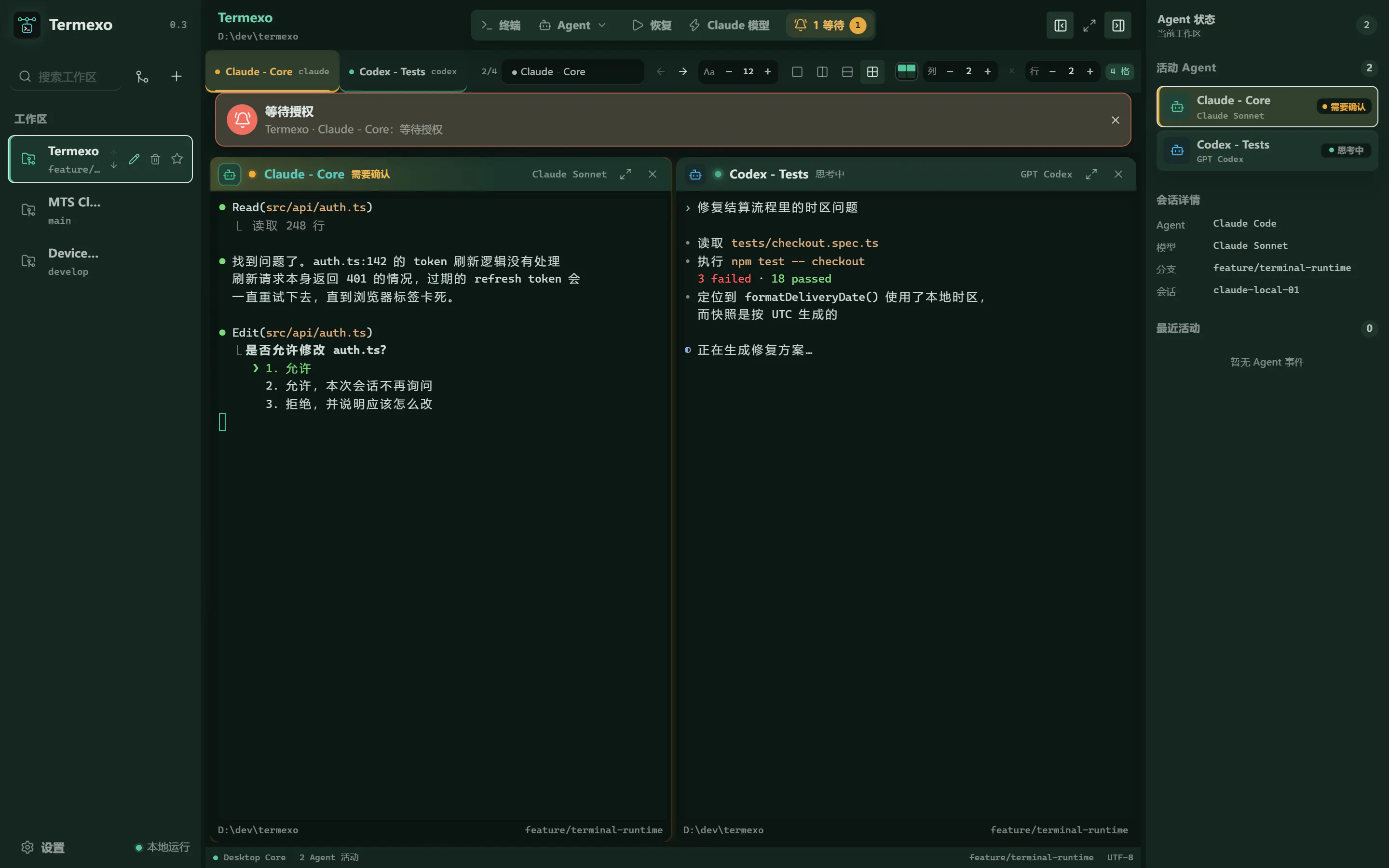
Termexo
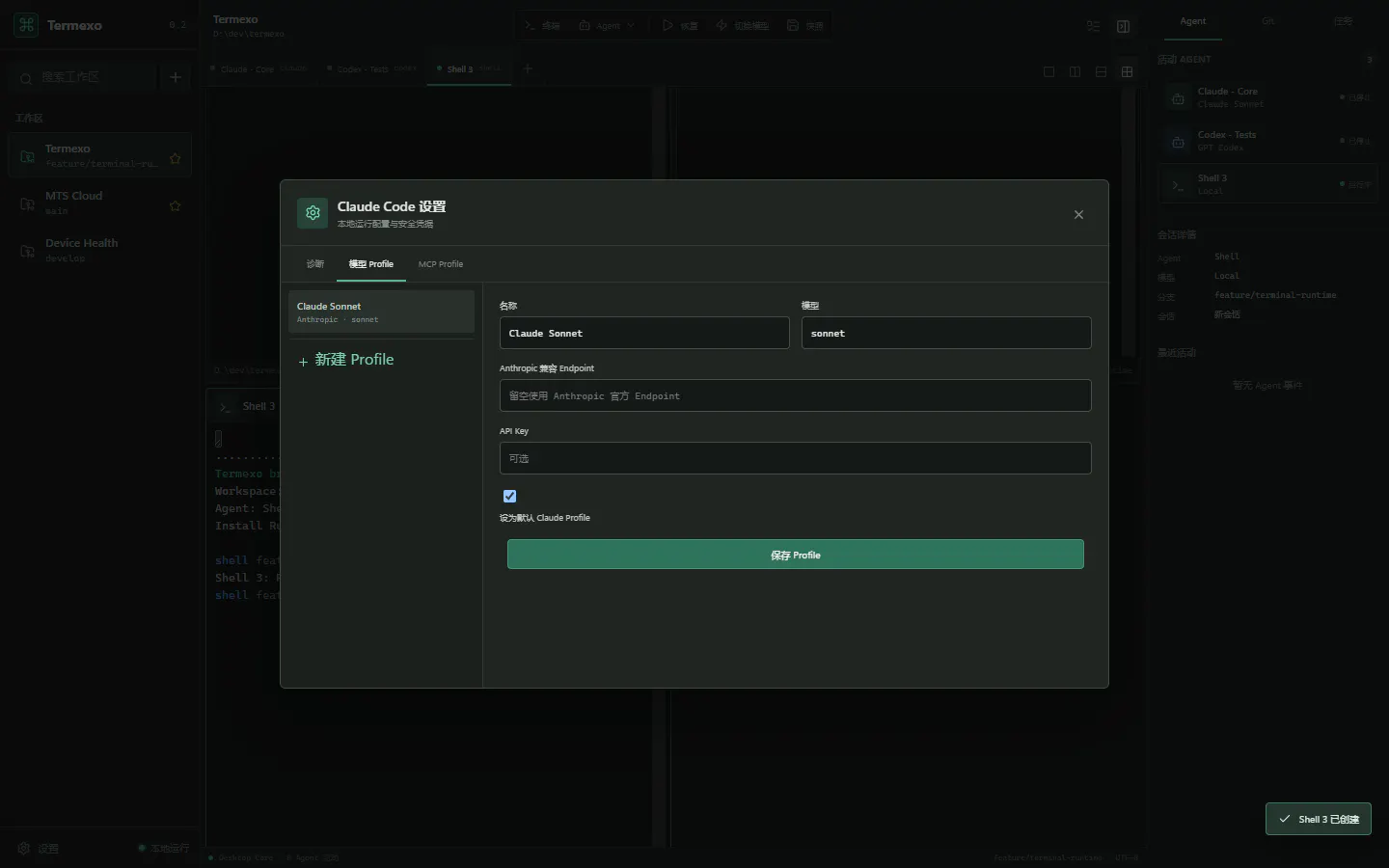
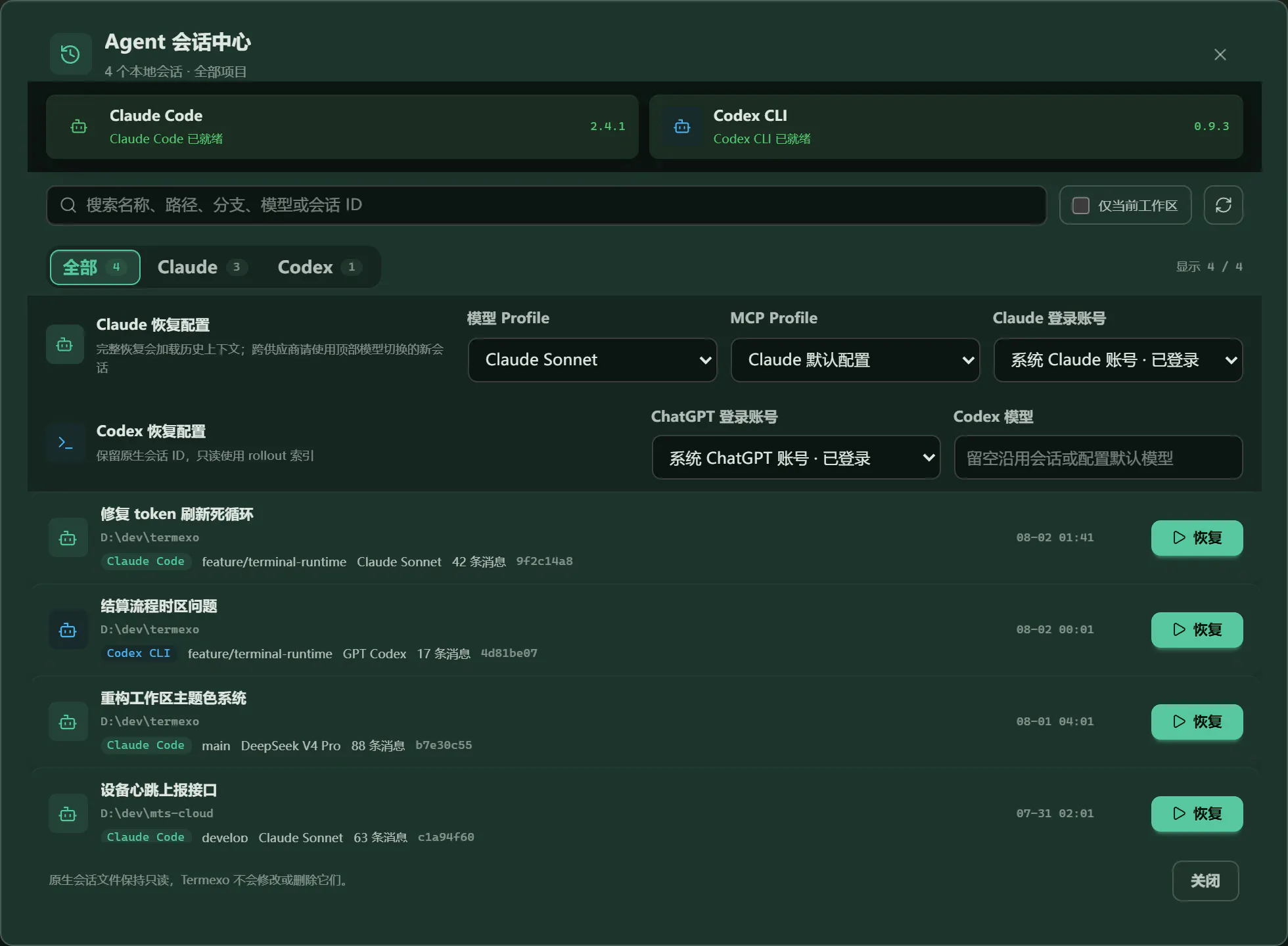
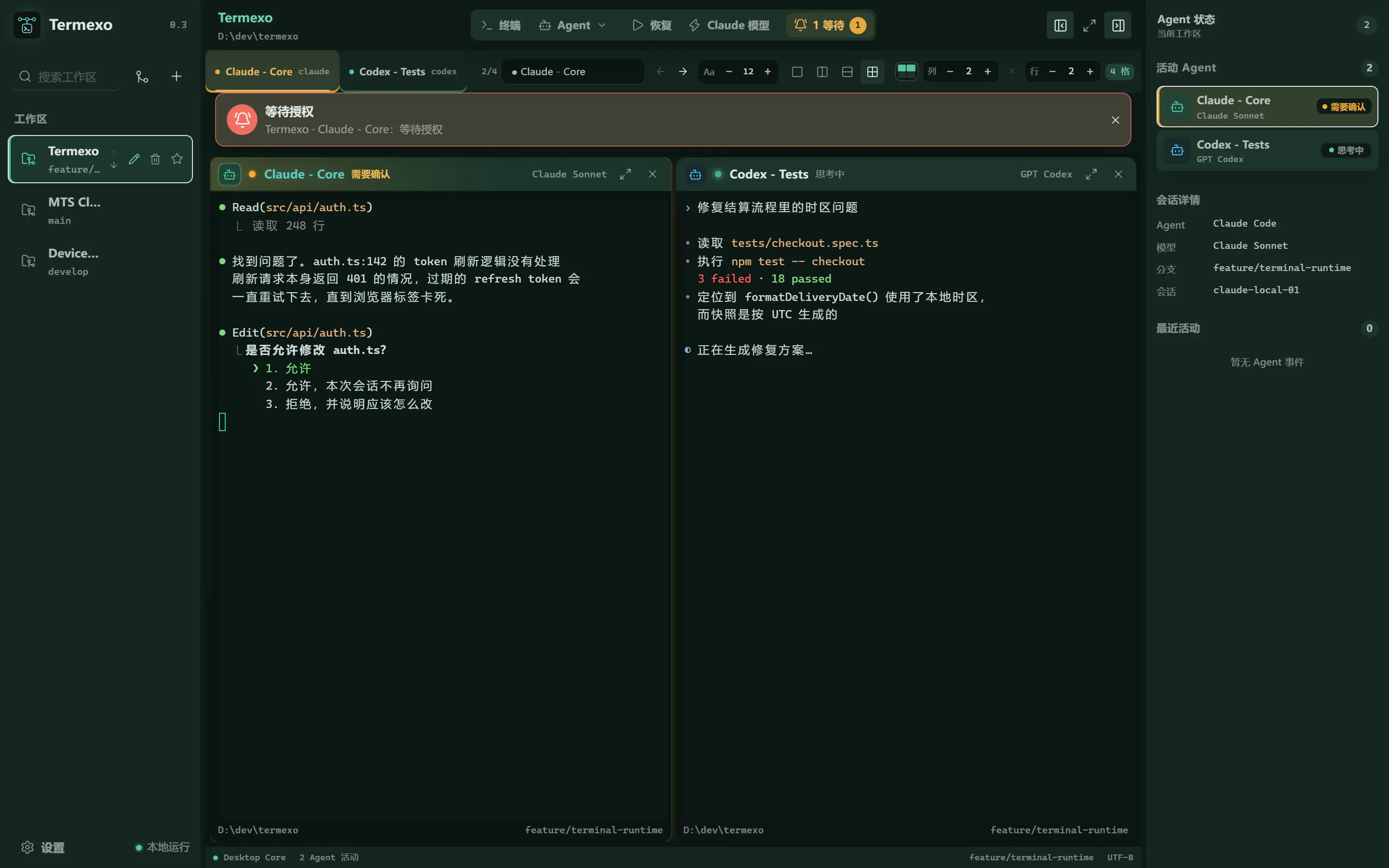
Termexo brings Claude Code and Codex into one recoverable Windows workspace. Arrange real PTY terminals in custom grids, search and resume native sessions, get notified when an agent needs approval, and switch Claude-compatible model profiles without rebuilding environment variables. Local-first, no Termexo account required.
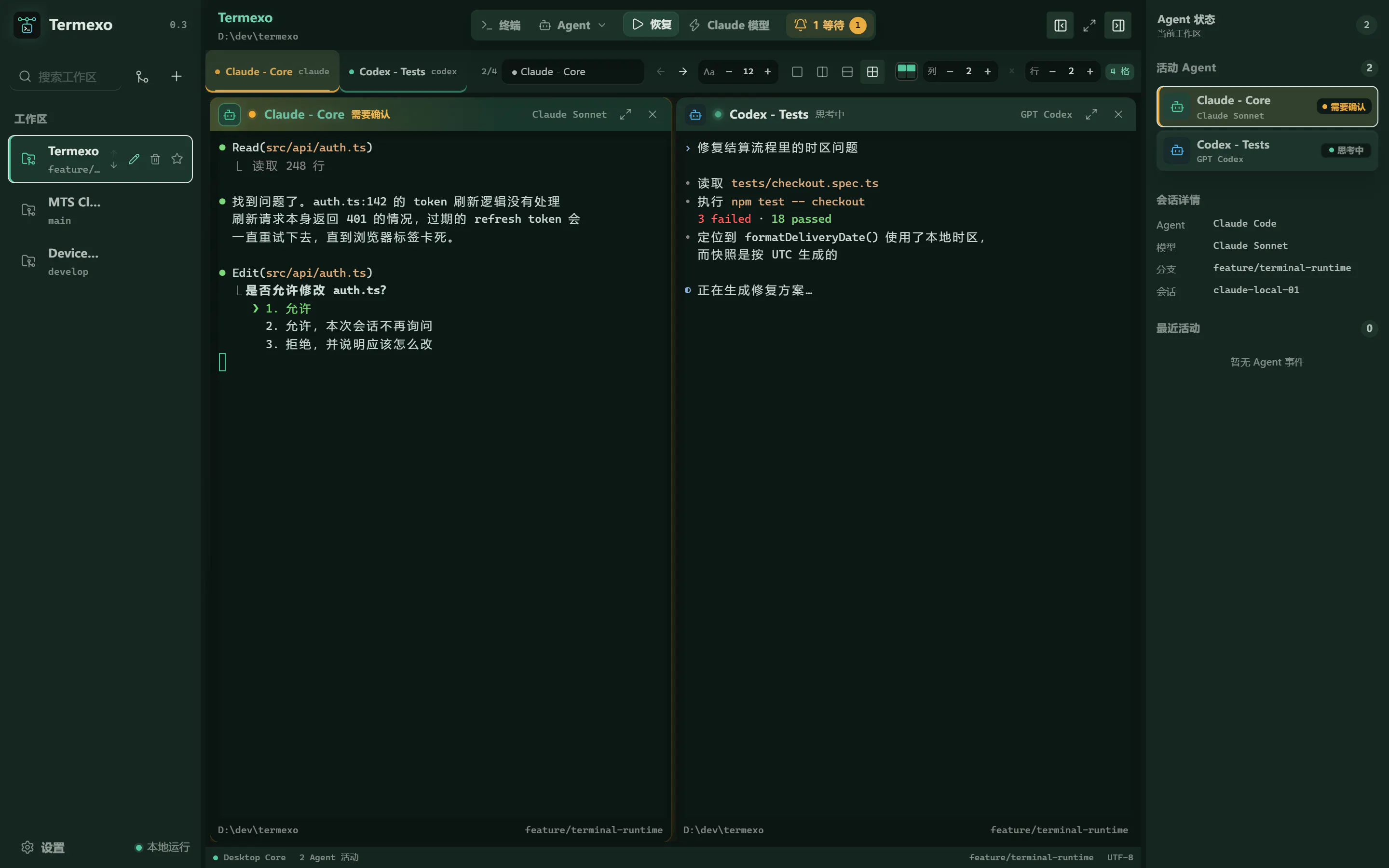
Hi Product Hunt! I built Termexo after my own terminal setup became harder to manage than the coding tasks themselves. I often run Claude Code and Codex side by side across several projects. One agent is working, another is waiting for approval, and yesterday's useful session is buried under a different path or branch. Termexo brings those native CLI workflows into one local Windows workspace. It keeps agents in real PTY terminals, restores workspace layouts, searches and resumes native sessions, alerts you when an agent needs attention, and supports Claude-compatible model profiles with API keys stored in Windows Credential Manager. Termexo is Windows-only today, does not require a Termexo account, and is still evolving. I'd especially value feedback from people who run multiple coding agents at once: what part of that workflow wastes the most time for you? — 爱玩科技
1
回复

Storing API keys in Credential Manager is the right call. One thing I would want to know: does each model profile get its own isolated key, or is it one key shared across all agent sessions at once? Running a client project next to a personal one, I would want those credentials fully separated at the profile level.

1
回复

@hi_i_am_mimo Yes—credentials are isolated per Model Profile, not shared globally.

Each profile gets its own Windows Credential Manager entry, keyed by the profile ID. When a terminal starts or resumes, Termexo loads only the key belonging to its selected profile and injects it into that terminal’s environment. This means a client profile and a personal profile can run side by side with different API keys without overwriting or sharing credentials. Only the credential reference is stored in Termexo’s database; the plaintext key is not. The security boundary is still the current Windows user account, but within Termexo the separation is fully profile-level.

0
回复

finally something that treats windows like a first class citizen for agent workflows. the grid layout for multiple ptys is honestly the part that sold me, way easier to keep track of what each agent is doing

1
回复

the recoverable part is what caught my eye more than the grid layout. when you say it resumes native sessions, does that survive an actual Windows update reboot or a crash, where the PTY process itself is gone, or is it more like restoring the pane arrangement and scrollback while the underlying agent process has to be kicked off fresh? that distinction matters a lot if you're mid-task on something long running.

1
回复

@omri_ben_shoham1 That distinction matters. Termexo restores a native session, but it does not checkpoint the live process. After a reboot or crash, the PTY and agent process are gone. Termexo creates a fresh PTY and relaunches Claude Code or Codex using the CLI’s native session ID—claude --resume or codex resume. The conversation context, workspace, model/profile selection, and layout survive because they are stored on disk. Raw terminal scrollback and an operation currently in flight do not survive. If the agent was midway through generating a response or running a tool, that action must be restarted or prompted to continue. Files already written remain on disk. So “recoverable” means fresh process plus restored native context, not process-level checkpointing

0
回复

the approval notification thing is honestly such a thoughtful touch, like that's exactly the kind of thing where you're away from your machine and an agent is just sitting there waiting on you. nice execution.

1
回复

Alerting when an agent needs attention is the right primitive. The one nobody builds is the opposite alert, for the agent that's quietly burning your tokens on a loop going nowhere. The profiles already hold the API key, so you could put spend per session next to each PTY tab, and that number changes behaviour faster than any layout feature will. Running two agents at once and having no idea which one ate the budget is the part that actually costs me.

1
回复

Windows-native is the underserved half of this space — most of the agent tooling assumes macOS, and the WSL workaround means your agent and your editor disagree about what a path is.

Does it run the agent inside WSL, on native Windows, or does it let you pick? I ask because the path translation is where I'd expect the friction to actually live. An agent that writes /home/user/... into a config a Windows tool has to read is the kind of thing that works in the demo and breaks in week two.

1
回复

@ark_y_k on native Windows

0
回复

Storing API keys in Windows Credential Manager instead of a config file is the kind of detail that gets this trusted fast.

1
回复

Your answer to Omri is the most interesting thing on this page and nobody has followed it.

Files already written remain on disk, and the in flight operation does not survive. So after a crash the filesystem has moved but the agent's belief about what it did is gone. On resume it reads a conversation that stops mid action, and nothing in that transcript tells it whether the tool actually completed. It cannot separate "the tool ran and I never saw the result" from "the tool never ran". If the action was idempotent that is harmless. If it was a migration, a push, a POST or an append, then redoing it and skipping it are both wrong and it has no basis to choose between them.

The useful part is that Termexo is the only component that knows a crash happened. The CLI does not, because from its side a resume looks like a resume.

Which means the fix is not process checkpointing, it is a note. On a resume that follows an abnormal exit, inject something the agent will read: this session was interrupted at 14:32 partway through an operation, verify state before continuing. That turns a confident silent continuation into a cautious one and it costs you one string.

At the moment a clean resume and a resume after the machine died look identical to the agent, and those are the two cases that most need to look different.

Asking as someone who runs agents on Windows daily: does the app currently know the difference between being closed properly and being killed?

0
回复

The "notified when an agent needs approval" bit is the killer feature — babysitting permission prompts across parallel sessions is exactly what breaks the multi-agent workflow right now. How are you detecting the approval state, hooking into the agent's own permission protocol or parsing the PTY output? And does session resume survive a full machine reboot or just app restarts?

0
回复
#8
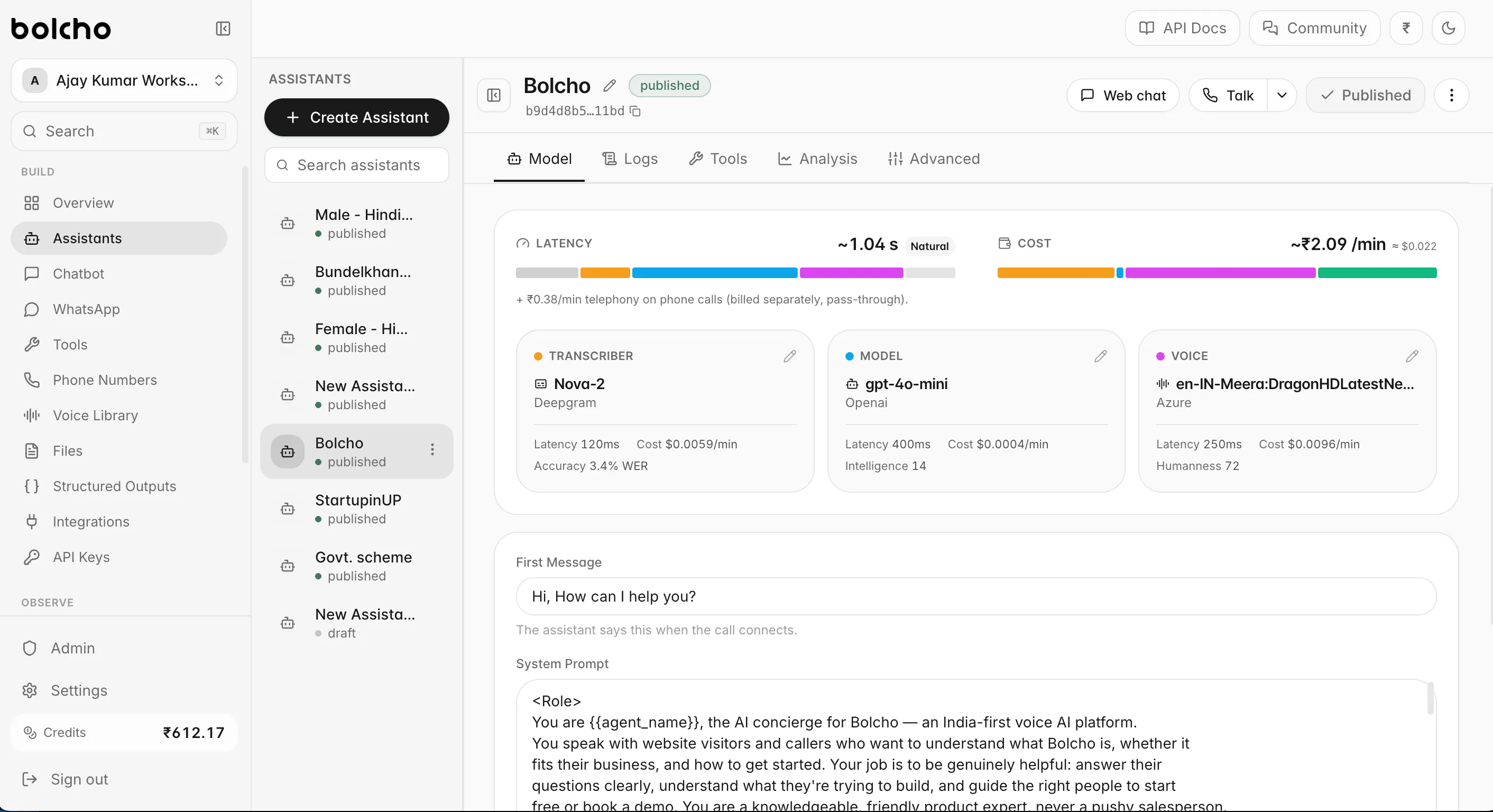
Bolcho AI
Build Voice AI agents that actually speak India
102
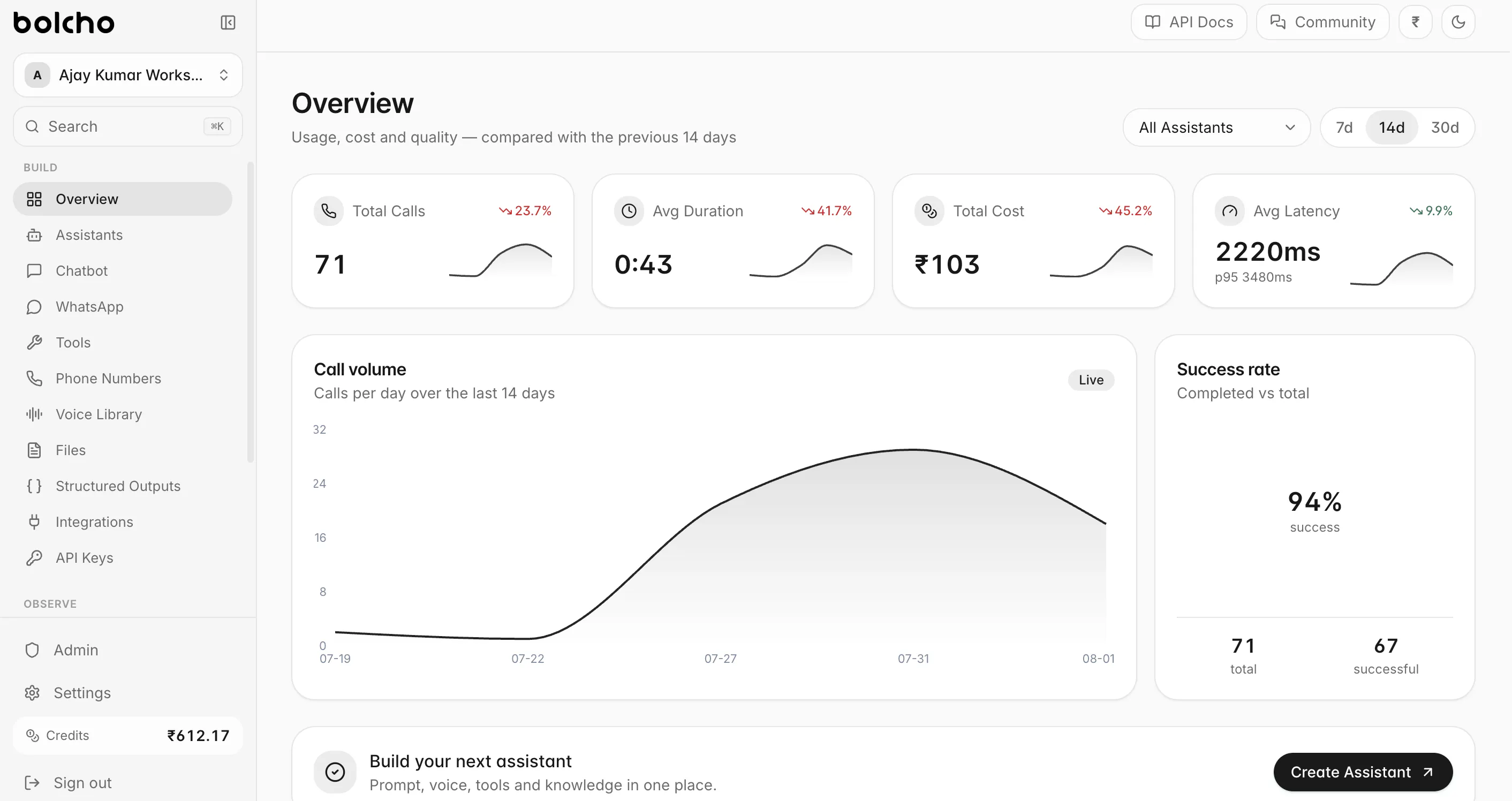
一句话介绍:Bolcho AI是一个为印度市场深度优化的多语言AI语音代理平台,帮助企业在销售、客服、预约等场景中快速部署支持印地语等本地语言、允许自带LLM/STT/TTS的电话和网页语音机器人,解决通用平台听不懂印度口音和语言混杂的痛点。
Productivity Artificial Intelligence Tech
AI语音代理 多语言支持 印度市场 电话机器人 客服自动化 语音识别 大模型集成 低延迟 电信集成 开发者平台
用户评论摘要:开发者普遍关注印地语与英语混说(code-switching)时的实时语言边界检测;质疑方言(如语法差异)的覆盖度;有用户强调数字串(订单号、电话号)的识别错误是隐性故障,建议支持在对话中直接对接业务数据校验,而非仅靠置信度;另有评论称赞开放技术栈是明智之举。
AI 锐评

Bolcho AI的切入角度精准——它没有试图做一个“更好的Voice AI”,而是做一个“更懂印度的Voice AI”。这个定位在技术层面是成立的:印度市场的核心痛点根本不是ASR准确率,而是语言混杂(Hinglish)时的实时语码切换、电话号码和订单号这类高价值数字的误听,以及电信线路的复杂性。从评论看,首批用户是懂行的开发者,他们最关心的不是“支持多少种语言”这种宣传口径,而是两个被行业普遍忽视的细节:一是语码切换的边界检测,二是对关键字段(如数字串)的“有效性校验”而非“置信度判断”。这个洞察极有价值——它揭示了语音代理在真实业务中的失败模式不是“听不懂”,而是“听错了还一本正经地重复错误信息”。Bolcho允许用户自带STT/TTS/LLM是一步好棋,但也是一步险棋:灵活性意味着责任转移到开发者身上,而平台自身的差异化能力(如语码切换检测、数字串校验机制)如果做不深,很容易沦为“套壳聚合器”。另外,回复中有人问“是否支持所有印度语言”,回答“是的”过于轻率——印度有22种官方语言和上百种主要方言,真正的多语言支持不是“模型能说”,而是“在电话噪音中、在语法不标准时还能准确理解”。当前102票的起步数据不算惊艳,但评论质量极高,说明吸引到了正确人群。Bolcho真正的护城河应该是那些“西方平台不愿做、印度开发者做不了”的工程细节:比如电话音频的编解码适配、方言连续体的建模、以及业务系统数据的实时校验接口。如果这些能沉淀为可复用的工具链,它就有机会从“平台”变成“印度语音代理的事实标准”。否则,一旦Google或Azure把印地语ASR做到足够好,这个生态位会迅速被吞噬。目前看,方向对,但深度还需验证。

查看原始信息
Bolcho AI
Bolcho AI is an AI voice platform that helps businesses build, deploy and scale multilingual AI phone and web agents. Unlike generic Voice AI platforms, Bolcho is built for India—with native language support, ultra-low latency, telephony integrations, and the flexibility to bring your own LLMs, STT, and TTS providers. From sales and support to appointment booking and customer engagement, launch production-ready voice agents in minutes.
Hey Product Hunt! 👋 I'm Ajay, one of the makers behind Bolcho AI. We noticed something strange over the past year. Voice AI has improved dramatically, but most platforms are still built with a Western-first approach. They struggle with Indian languages, regional accents, telephony complexity, and the latency required for natural conversations. So instead of building another chatbot, we built the infrastructure we wished existed. Bolcho AI helps businesses launch AI voice and chat agents that work naturally across Indian languages while giving developers the freedom to use their preferred LLMs, speech models, and telephony providers. Whether you're automating sales, customer support, healthcare, education, or government services, you shouldn't have to rebuild the stack every time. We'd genuinely love your feedback. Tell us what works, what doesn't, and what you'd build with it. Thanks for checking us out ❤️
2
回复

@kumar_ajay4 The "actually speak India" angle is the interesting bit, most voice agents fall apart the second someone code-switches Hindi and English mid-sentence. How does it handle that plus regional accents? We've shelved voice pilots before purely because transcription got the payment numbers wrong.

1
回复

The bring-your-own STT/TTS/LLM flexibility is what stood out to me, since most voice platforms lock you into one stack. I've been building voice AI for eldercare in the US, and latency plus natural turn-taking were the two hardest things to get right. I'm curious how you handle code-switching mid-sentence, where a caller mixes English and a regional language freely. How does Bolcho detect the language boundary in real time?

2
回复

This is actually a really good idea.
Just wanted to know whether you are considering dialects as well. Often, I have seen voice agents though they have Indian language support, they misinterpret grammar or dialect

1
回复

latency and code switching are both taken above, so the one nobody has raised: in a support call the hard part is not the sentence, it is the identifier inside it.

order number, phone number, pincode, an email spelled out. a language model cleans up grammar, it cannot repair a misheard digit, and that failure is silent. you read back the wrong order and the call still sounds perfectly fluent.

confidence scores do not help either, because seven and nine are both confident. what helps is validity rather than confidence, checking the captured string against the real list of orders before the agent says anything back. that turns a recognition problem into a lookup, which is a much easier thing to be right about.

genuinely asking on the multilingual side, since you have the data and i do not. do your callers say digits in the same language as the rest of the sentence, or do numbers come out in english inside a regional sentence? if it is the second, the digit is crossing a language boundary in the middle of the one field you least want wrong.

does bolcho let an agent validate a captured field against the business's own data mid call, or is capture whatever the stt returned?

1
回复

Does it cover all Indian languages?

1
回复
0
回复

@himani_sah1 What language are you looking for?

0
回复

Not locking people into one LLM/telephony stack is smart, that's usually the first thing devs want to swap out once they hit real usage.

1
回复

@irahimiam Yes, and if you keep drilling deeper and solving more engineering layers, you make them almost unstoppable. That's a powerful thing.

0
回复
#9
TimeOS 2.0
Work your tasks. Bill your clients with confidence.
95
一句话介绍:TimeOS 2.0 是一款基于 Notion 的工时追踪与开票插件,通过在 Notion 内记录任务时间,一键生成客户可用的 PDF 发票,解决自由职业者“工时记录与计费脱节”的痛点。
Productivity Finance Notion
Notion 时间追踪 工时记录 发票生成 PDF 开票 自由职业者工具 计费管理 生产力插件 项目管理 时间审计 SaaS 工具
用户评论摘要:用户主要关注三点:一是发票生成后工时条目是否冻结,防止数据变动导致发票与记录矛盾;二是已开票会话是否标记,避免重复计费;三是发票编号是否由系统生成,确保唯一且连续,满足税务合规。另有用户询问是否记录屏幕时间作为佐证,以及能否自定义企业标识。
AI 锐评

TimeOS 2.0 的定位很聪明——它没有试图再造一个全能时间管理工具,而是精准切入“Notion 用户中那些按小时计费的自由职业者”这一细分群体。其核心价值在于把“跟踪时间”和“开出账单”之间的鸿沟填平,这确实是很多独立开发者、设计师、咨询顾问的日常噩梦:活干了,时间记了,但月底对账时发现漏记、少算,或者客户质疑时拿不出依据。

但从用户评论可以看出,这款产品的护城河,恰恰也可能成为它的致命伤。最尖锐的质疑来自那个关于“发票是否冻结”的问题——Notion 是可变数据库,而 PDF 是静态快照。如果 TimeOS 2.0 只是“读取 Notion 里的时间条目并生成 PDF”,而没有建立一套“已开票条目锁定、编号唯一、生成后不可变”的账务逻辑,那它从根本上就不是一个可靠的商业文档工具,而只是一个“美化过得导出器”。客户不会每个月都对账,但只要有一次对不上,信任就崩塌了。

另一个隐患是“重复计费”风险。如果 Load 只拉取“未开票”时间,但生成发票后没有写回“已开票”标记(或者标记逻辑依赖用户手动操作),那么同一批工时出现在两张发票上是迟早的事。这不仅是钱的问题,是职业信誉问题。

开发者说“两个按钮搞定一切”,但商业场景永远不是两个按钮那么简单。对于个人开发者、极小型工作室,TimeOS 2.0 可能是一个一次性解决“从记录到收款”的便利工具;但如果它想服务真正的商业客户,必须补上三个硬伤:不可变的发票快照、防重复的计费标记、系统生成的连续编号。否则,它只能停留在“个人效率工具”的层面,而无法成为“商业财务可信”的软件。

一句话总结:创意好,切入点准,但当前版本更像一个“快速原型”,而不是一个“敢对客户负责”的计费系统。先把那三条评论里的问题解决掉,再谈 3.0 吧。

查看原始信息
TimeOS 2.0
Two years since the first TimeOS! And It's time for 2.0 update! TimeOS 2.0 closes the loop with companion Invoicing app. Hit Load, then Generate PDF and your sessions become line items! Customize the invoice if needed, download the PDF and sent to the client.
Two years ago I couldn't find a way to bill clients hourly from Notion. The closest thing was a plugin built for Jira, and I wasn't moving to Jira. So I built TimeOS for myself. TimeOS 2.0 adds a companion invoicing layer to a Notion time tracker. Two buttons turn your tracked hours into a client-ready PDF! 2.0 has grown a lot since 1.0! Check out the description! And I strongly recommend going through the manual with tons of gifs, so in under 2 minutes you'll see how easy it became!
1
回复

@krisxtheory The gap between time I tracked and time I can defensibly bill is where I lose money every month. Can I attach the actual work artifact to a time entry, so when a client questions an invoice I have something to point at? That's usually the argument, not the hours themselves.

1
回复

Building on Artur, from having built a small invoicing tool myself. The thing I would want to know before trusting this with real clients is what happens to an invoice after it has been sent.

Notion is mutable and a PDF is a snapshot. If somebody edits or deletes a time entry after the invoice went out, the document your client is holding and the data in Notion now disagree, and nothing reconciles them. Worse, if the invoice recomputes from live sessions, then hitting Load and Generate again next month can produce a different PDF carrying the same invoice number. That is the one thing an invoice must never do, because it is a commercial document rather than a report.

So the question is simply: are line items frozen at the moment of generation, or recomputed every time?

Two related ones that bite everybody who builds this.

Does a session get marked as billed once it lands on an invoice? If Load pulls unbilled time and nothing writes back, the same hours can end up on two invoices, and you find that out when a client notices rather than when you do.

And where does the invoice number come from? If it is a Notion property then somebody can duplicate a row or edit the field, and you get gaps or duplicates. For UK VAT the sequence has to be unique and unbroken, so it wants to be issued by something a human cannot type into.

None of this matters until the month a client queries an invoice. Then it is the only thing that matters.

0
回复

ooh this is so cool!! does it track your screentimes and stuff so you can show proof?

0
回复

That's time saving, but can the invoice be customized with the markings of the business?

0
回复
#10
FreqWave EQ
Customize your web audio with a real-time EQ
95
一句话介绍:FreqWave EQ是一款浏览器端实时八段均衡器扩展,通过语音增强模式与DSP压缩,解决播客音质浑浊、直播声音刺耳及视频对话音量过低的痛点,让网页音频即刻变得清晰可控。
Chrome Extensions Music GitHub Edge Extensions
音频均衡器 浏览器扩展 网页音效增强 播客优化 语音增强 实时音频处理 Chrome插件 DSP压缩 频谱可视化 声音修复
用户评论摘要:用户普遍认可其解决播客“金属罐”音质的效果,并称赞压缩模式实用。核心疑问集中在两点:一是是否支持按网站自动记忆预设(目前仅全局记忆,域名级预设已列入路线图);二是对DRM/EME保护内容(如Netflix)无效的边界需明确,开发者已承诺补充文档说明。
AI 锐评

FreqWave EQ精准切中了浏览器音频体验的长期盲区——当Chrome成为最大的媒体消费终端,系统级均衡器却对其束手无策。产品价值不在于技术复杂度,而在于将“调音台”压缩为三个核心动作:拖动频段、切换语音模式、开启压缩。这种极简交互设计直接降低了专业音频工具的使用门槛,使普通用户能立刻解决“听不清、听刺耳”的具象烦恼。

但产品面临双重天花板。第一层是技术边界:Chrome的tabCapture API无法触及EME加密流,这意味着Netflix、Disney+等主流流媒体平台天然免疫,而这恰是用户对音质最挑剔的场景。开发者虽坦诚回应,但这并非修复bug,而是平台锁死的物理限制。第二层是习惯壁垒:网页EQ的替代方案极多——系统级均衡器、播放器内置音效、甚至音响硬件调音。扩展需要靠“站点级预设自动切换”(如播客站点自动启用Voice模式)这种智能场景感知来建立黏性,否则“手动开EQ”终将败给用户的惰性。

商业前景尚不明朗。免费策略利于早期口碑,但若无法通过高级预设、云端配置同步或团队版等功能实现付费转化,项目恐难逃脱“开发者自嗨”的宿命。判断其潜力的关键节点在下一个版本:若域名级记忆功能体验流畅,且围绕“语音模式”形成UGC预设库,则有望在播客与网课人群间形成病毒传播;若更新迟缓,热度消散后,这将成为又一个“解决过我的问题”的Chrome商店僵尸插件。

查看原始信息
FreqWave EQ
8-band Web Audio Equalizer - fixing muddy podcasts, harsh streams and quiet dialogue. Featuring EQ modes and DSP Compression.

Hey Product Hunt!

I built my own tool to solve an annoying problem. And it works!
It's called FreqWave EQ and it brings the audio control I need straight to my browser.

Key features:
- 8-band parametric equalizer
- Voice Enhancer - four modes for speech and dialogue
- Real-time spectrum visualizer

It’s completely free on the Chrome Web Store.
I'd love to get your feedback and feature suggestions!

0
回复

nice, this is the kind of thing that should've been built into Chrome years ago. question on the day-to-day workflow: does it remember a preset per-site automatically (podcast site gets the voice mode, music site gets flat/whatever I set once), or is it a global setting I'd be re-adjusting every time I switch between a podcast tab and a music tab? that persistence detail is usually what decides whether I actually keep using an EQ extension after the first week or forget it exists.

0
回复

@galdayan Thanks a lot! You're right about missing cool features in Chrome.
Sure nobody wants to re-tune an EQ every time they open their browser. FreqWave EQ retains your last-configured EQ state globally and across browser restarts. So when you open Chrome or spin up a new video tab, your active preset and custom sliders are right where you left them - you just toggle it on.

True per-domain persistence (automatically auto-switching to 'Voice' on podcast URLs and 'Flat' on music sites) is on my list to be included in the next update. Which is on its way really soon!
So if you still want to give it a try, let me know how it feels.

0
回复

Real-time EQ in the browser runs into the same wall every extension in this space hits: sites using EME for protected playback block extension access to the audio graph entirely.

Which tabs does it actually work in? I'd want to know the boundary before installing rather than discovering it on the one site I care about. Since it's open source, is that documented anywhere, or is it more "try it and see"?

0
回复

@ark_y_k Spot on! Because FreqWave EQ uses chrome.tabCapture via the Web Audio API, it inherits the standard browser boundaries - it works great on standard media like YouTube, Twitch, SoundCloud, podcast, etc., but hits the web platform wall on DRM/EME-protected streams (like Netflix or Spotify Web).

You make a great point about documenting this upfront. I'm updating the README right away to list these technical boundaries clearly so users know what to expect before installing.
Thanks for the callout!

0
回复

Actually tried it on a podcast that always sounds like it’s recorded in a tin can, and the difference was pretty immediate. The compression mode is a nice touch too, kind of wish more browsers had this built in.

0
回复

@emirhana0qu Thank you for the great feedback! That tin-can audio effect on podcasts was actually one of the main reasons I built the extension in the first place - so hearing that it's useful for some one else made my day!

Really appreciate you taking the time to test it out. Did you tried tweaking the 8-band EQ manually and checked the other presets? Any recommendations are more then welcome!

0
回复
#11
UniwebPay Skill
Financial Infra for the AI era
86
一句话介绍:UniwebPay Skill 是一款面向AI开发者的支付基础设施工具,让用户通过安装“技能”即可在几分钟内生成支付链接、接收全球付款,省去传统商户入驻和KYC流程,解决AI产品“上线快但收款慢”的痛点。
Fintech Payments Artificial Intelligence
AI支付 支付链接 金融基础设施 无商户入驻 全球收款 开发者工具 变现效率 智能体支付 低门槛收款 产品化
用户评论摘要:用户核心质疑有三:一是KYC/合规并未消失,只是转移,需明确平台是否为商户记录方(MoR)及终止合作时资金处理;二是AI生成支付链接存在错误金额/币种风险,是否有人工审核环节;三是“全球支付”是否包含 payout(出金)通道,海外出金通常更难。
AI 锐评

UniwebPay Skill 踩中了AI创业者的真实焦虑:代码部署已进入分钟级,而支付接入仍停留在银行级。其“去流程化”的价值主张极具诱惑力,但评论区的质疑恰恰戳中了其商业模式的命门——合规不是被消除了,而是被转移了。

如果UniwebPay作为商户记录方(MoR),那么它本质上是一家披着“AI技能”外衣的传统支付聚合商,风险定价和商户风控的难题一个没少,只是把KYC的“时间成本”换成了“抽成成本”。如果KYC只是延迟,那么“先收款、后审核”带来的最大风险是:开发者投入营销成本获取真实用户后,资金被冻结或无法提现,这比慢启动的伤害大得多——它直接摧毁了“快速试错”的前提。

更值得警惕的是“Skill”形态带来的自主权问题。当AI代理可以自动生成并发送支付请求,错误不再是日志里的一行报错,而是用户账单上一个无法识别的扣款描述。这种“静默失败”对于依赖口碑的独立开发者是致命的。产品在宣传中刻意回避了“人在回路”(Human-in-the-loop)机制,这暗示了其目标用户是极客型独立开发者,而非需要对账和审计的团队。

长远来看,这款产品的真正价值不在于“去掉入驻”,而在于成为AI原生应用的“变现默认层”。但它的护城河很浅——Stripe、PayPal一旦推出同类AI插件,其合规底盘和风控模型会形成碾压。UniwebPay Skill 能否成功,取决于它能否将“快”沉淀为风控数据优势,而不是仅仅做一个轻量级的支付链接生成器。否则,它只是AI时代的一粒速效救心丸,治标不治本。

查看原始信息
UniwebPay Skill
Accept payments the moment you ship. UniwebPay Skill is the financial infrastructure for the AI era, helping builders turn AI products into businesses. Generate payment links, accept global payment methods, and start getting paid without the usual payment setup, merchant onboarding, or infrastructure overhead.
We think one part of building AI products hasn't caught up with the AI era. You can build an app in minutes. You can ship it in minutes. You can even acquire your first users in minutes. But getting paid still takes days. Merchant onboarding. KYC. Payment integrations. Regional payment methods. It feels like the slowest part of shipping has become payments. We built Uniweb Pay Skill because accepting payments should be as simple as prompting an AI. Install the skill. Generate a payment link. Start accepting payments in minutes. No complicated setup before you know whether people will even pay. We'd love to hear your feedback. What is the most frustrating part of payments today?
2
回复

The frustrating part of payments is the thing you have removed, so the useful question is where it went rather than whether it is gone.

Onboarding and KYC take days because somebody has to be accountable for who is collecting money from the public. That requirement does not disappear when the integration gets faster, it moves. So which is it: are you the merchant of record with builders sitting underneath you as sub-merchants, or is the KYC deferred rather than removed? Both are legitimate and they fail very differently. If it is deferred, the moment it lands matters enormously, because finding out you cannot withdraw after taking real money from real customers is a much worse problem than a slow start.

The related one is termination. If you are the merchant of record then my ability to keep collecting depends on your risk appetite, not mine. What does notice look like, and what happens to funds in flight? Nobody asks that until it has already happened to them.

Second thing, and it comes from this being a skill rather than an API. A payment link is a request for money in my name. If an agent can generate and send one, the failure is not a bad log line, it is a wrong amount, a wrong currency, or a description a customer reads on their statement and does not recognise. And it is quiet, because they either pay or they do not, and neither outcome tells me something went wrong. Is there a point where a human sees the amount before a link leaves, or is that entirely left to whoever installs the skill?

0
回复

The setup lag is what kills the 'just try it' window. We run experiments adding paywalls to new features, and merchant onboarding turns that into a multi-week detour before we even know if users will pay. One question on the global side: when you say 'accept global payment methods,' does that include the payout leg, or mainly acceptance? Outside the US that's usually the harder half.

0
回复
#12
PraiseEngine
Turn customer conversations into SEO-ready social proof.
25
一句话介绍:PraiseEngine 是一款面向独立开发者、SaaS 团队和代理机构的 AI 原生评论收集与展示工具,用 3 个自适应问题替代空白文本框,将客户对话转成可审核、可 SEO 索引的真实评价内容,解决“客户写不出好评”和“评价发布不可控”的双重痛点。
Marketing SaaS Artificial Intelligence
AI 评论平台 客户评价收集 社交证明 SEO 营销 评论组件 JSON-LD 结构化数据 归因引擎 审核流 SaaS 工具 营销自动化
用户评论摘要:用户核心反馈集中在“空白文本框导致客户写作障碍”这一痛点,认可 3 问访谈 + 真实素材生成的逻辑。官方发布了多项迭代:新增永久免费版、取消 14 天试用;付费版支持去品牌标、自定义品牌色;Widget 支持语言选择(11 种)、四种展示布局及排序功能;支持删除评论、默认按评分排序。无重大负面评价,主要诉求集中在价格门槛与品牌定制上。
AI 锐评

PraiseEngine 的切入点很精准:传统评价收集的漏斗断裂点从来不在“展示”,而在“采集”——客户不是没好评,而是不会写。用 3 个自适应问题把开放式写作变成结构化访谈,再借生成式 AI 完成任务,这是对“内容生产”环节的合理替代,而非伪需求。值得肯定的是它采用“先审后发”流程,避开了自动发布带来的虚假评价风险,在企业信任层面是明智底线。

但产品的本质仍是“周边工具”,而非增长引擎。即便有 JSON-LD schema 和可索引的公开评论页,所谓“SEO 飞轮”的实际流量效果取决于域名权重、评论数量与真实用户 UGC 密度——小团队很难仅靠一个第三方子域名撬动自然搜索。免费版是必要的获客手段,但 25 个 PH 投票意味着其社区热度一般,尚未形成病毒式口碑。更关键的挑战是:当大平台(G2、Capterra)和 Google 商家评价体系几乎垄断了“评价信任入口”时,独立站自建评论的带动力有限。

建议团队将重心从“生成评价”转向“评价分发场景”,例如打通 CRM 邮件回流、对接 Slack 审批流,以及与 Shopify/Webflow 等建站生态的深度插件化——否则它只会是又一个好看但可替代的营销小部件。真正的价值不在于 AI 替换写作,而在于是否把“客户表达转变为可复用的信任资产”做成标准协议,这才是 PraiseEngine 需要证明的护城河。

查看原始信息
PraiseEngine
PraiseEngine is an AI-native review platform that turns blank textareas into frictionless interviews. Using a 3-question adaptive AI Interview tailored to your business, it drafts grounded, accurate testimonials directly from your customer’s words. Teams moderate every entry before publishing via one-line website embeds or indexable SEO review profiles with JSON-LD schema. Built for solopreneurs, SaaS scaleups, and agencies needing automated trust generation without auto-publish risk.

A blank textarea is where customer testimonials go to die. 💀

When you ask a happy customer to write a review, you aren't just asking for feedback—you're handing them instant writer's block.

PraiseEngine completely rewrites how B2B teams collect, curate, and deploy social proof:

1️⃣ The 3-Question Interview: Replaces intimidating open-ended textareas with a 30-second conversational Q&A that guides customers through their real results.

2️⃣ Grounded AI: Extracts stated facts and outcomes—no hallucinated fluff—and structures them into a compelling narrative with an Approve-First moderation gate.

3️⃣ The SEO Flywheel: Turns static testimonials into programmatic backlink engines using indexable public profiles and native Review JSON-LD schema.

4
回复

Hey Product Hunt! 👋

I’m Austin, founder of @Salestrics. Today we’re launching PraiseEngine.

The Problem:

A blank textarea is a terrible customer interview.


When you ask happy customers to "leave a review," they hit writer's block. You get generic one-liners, or worse—nothing at all. On top of that, auto-publishing reviews creates risk, while manual collection leaves proof scattered across Google Docs and Slack messages.

How PraiseEngine Solves It:
We built an AI-native review loop that makes customer feedback frictionless and accurate:

- 3-Question Adaptive Interviews: Instead of an empty text box, PraiseEngine asks three short, context-aware questions tailored to your business.

- Grounded AI Drafts: It turns customer answers into a polished, editable review—using only their actual words (zero AI hallucinations).

- Approve-First Moderation: You stay in complete control. Approve or reject before anything goes live.

- Dual Embeds & SEO Flywheel: Drop a top 3–5 review widget on your site, or send buyers to your fully indexed public profile powered by Review JSON-LD schema and backlinks.

PH Exclusive Offer 🎁
Every plan comes with a 14-day free trial (no credit card required), but for the Product Hunt community, we're opening up all 3 plans FREE for 3 months so you can test out custom-branded widgets and white-label options. Use promo code PH2026 after your trial to claim.

We’d love for you to test out the adaptive interview right on our homepage and let us know your thoughts in the comments below! What’s your biggest friction point with collecting customer proof right now?

4
回复

Launch Day Changelog:

Pricing & plans

  • Free plan, forever — New accounts start on a permanent Free plan with no credit card. The old 14-day trial is gone; anyone still on a trial moves to Free when it ends.

  • Clearer paid tiers — Starter ($29), Growth ($79), and Agency ($199) each have defined team seat limits: 1, 5, or unlimited teammates.

  • Your brand on paid plans — All paid plans remove the “Powered by PraiseEngine” badge on widgets.

Branding

  • Custom profile colors — Paid plans can set accent, background, and text colors on public review profiles (/reviews/your-company).

  • Custom widget colors — Same paid-plan access for embed styling (already available; now aligned with profile branding).

Widgets

  • Widget language — Choose a language when creating collection or display widgets. The embed UI, success messages, and AI interview questions adapt to that language (11 locales supported).

  • Four display layouts — Display widgets now support Standard, Grid, Carousel, and Marquee. Pick a style when creating or editing a widget.

  • Sortable review widgets — Choose how reviews appear in display widgets: highest rated, lowest rated, newest, or oldest.

  • Delete widgets — Remove display or collection widgets you no longer need from the dashboard.

Reviews

  • Delete reviews — Permanently remove any review from your dashboard (with confirmation).

  • Highest rated first, by default — Reviews now sort by rating everywhere: dashboard, public profile, and widgets.

  • Filter and sort in dashboard — Filter reviews by status or website, and sort by rating or date.

  • Sort on public profiles — Visitors can change how reviews are ordered on your public review page.

Marketing & help text

  • Updated copy across the product — Landing page, pricing, dashboard help text, and onboarding now reflect layouts, sorting, delete, and the Free plan.

1
回复

By request, we now have a language selector built into the widgets.

1
回复
#13
Apoointly
Your 24/7 AI Front Desk Built for Healthcare Practice
21
一句话介绍:Apoointly为医疗机构提供7×24小时AI前台,自动接听患者来电、预约排期、管理随访,解决前台因繁忙而漏接电话、行政负担重的核心痛点。
Productivity SaaS Artificial Intelligence
AI前台 医疗保健 智能预约 患者沟通 电话应答 EMR集成 行政自动化 诊所运营 随访管理 美国医疗SaaS
用户评论摘要:创始人详述了漏接电话痛点,获赞最多;用户认可其解决运营问题的精准定位,并关注EMR集成能力。具体提问集中在支持哪些系统,官方回复称已支持NextGen、athenahealth、Google/Outlook日历、WhatsApp及邮件,并可定制或自建轻量管理平台。
AI 锐评

Apoointly切中的是医疗前台“接不完的电话”这一真实且高频的痛点,尤其在美国诊所场景,漏接电话直接等于丢患者、丢收入。其价值不是“AI替代人”,而是把AI作为永不疲倦的缓冲层,承接非紧急、重复性沟通,让人类前台聚焦高价值当面服务——这在劳动力短缺、前台流动率高的当下,逻辑成立。

但必须泼冷水:当前投票仅21,热度平淡,且评论区核心追问集中在“集成”,而官方回复虽列了NextGen、athenahealth,却刻意模糊了“深度双向同步”还是“仅日历级联动”。医疗领域的EMR集成是深水区,API权限、数据合规(HIPAA)、双向更新延迟都是隐形雷区。若只是通过iCal或API拉取日程,无法处理改期、取消、保险验证,那这个“AI前台”就降级为“智能答录机”,价值大打折扣。

另一隐忧是产品定位。它给自己留了“轻量管理平台”的后路,这反而暴露了生态位尴尬:向上拼不过Epic、Cerner系的大厂方案,向下要面对Luma Health、K Health等成熟玩家。差异化如果只靠“电话应答”单点突破,护城河太浅。真正的生死线在于:能否在3个月内拿下3-5家中型诊所的深度集成案例,并证明AI处理复杂会话(如医保询问、转诊分诊)的准确率。否则,即便24/7在线,也只是一个更贵的语音菜单而已。

查看原始信息
Apoointly
Apoointly is an AI front desk built for healthcare practices. It answers patient calls, schedules appointments, manages follow-ups, and helps clinics reduce missed calls without adding more administrative work. Designed for busy healthcare teams, Apoointly works around the clock to improve patient communication and streamline front desk operations.

👋 Hi Product Hunt! I'm Maulik, founder of @Apoointly

When we started speaking with healthcare practices, one problem kept coming up: missed patient calls.

Front desk teams are constantly balancing phone calls, walk-in patients, scheduling, and administrative work. No matter how dedicated the staff is, it's simply impossible to answer every call.

That's why we built @Apoointly.

Apoointly is an AI Front Desk for healthcare practices that answers calls, schedules appointments, answers common patient questions, and supports clinic staff 24/7.

Our goal has always been simple: reduce administrative workload so healthcare teams can spend more time with patients.

Whether it's after-hours calls, appointment scheduling, or repetitive patient questions, your front desk shouldn't have to do it all alone.

We're just getting started, and we'd love to build this together with your feedback.

Thanks for checking out Apoointly. We'd love your feedback and will be here all day to answer your questions.

7
回复
Really like the direction here. Healthcare needs AI Solution that solve operational problems. It looks thoughtful product with specific use-case. Curious to see the integration part. @maulikpatel_ai
3
回复

What kind of integrations do you have?

1
回复

@adamkamaneh Great question! 😊

@Apoointly supports integration with leading EMRs like NextGen and athenahealth to synchronize and manage patient appointments seamlessly.

Additional integration we support to Google Calendar, Microsoft Outlook Calendar, WhatsApp, Email integration.

For clinics that use a custom CRM or practice management system, we're building our integration capabilities and can support custom integrations based on their workflow.

And for practices that don't have an existing system, Apoointly includes a lightweight patient and appointment management platform, so they can start using the AI front desk without needing any third-party integration.

0
回复
#14
TextMyPill
WhatsApp medicine reminders. No app needed. 🦦
15
一句话介绍:TextMyPill通过WhatsApp发送服药提醒,让子女远程为全家(尤其是老人)设置药单,AI识别处方照片,无需患者下载任何新应用,解决“家人忘吃药、问也不说实话”的痛点。
Health & Fitness Messaging Artificial Intelligence
用药提醒 WhatsApp提醒 家人健康管理 AI处方识别 慢病管理 适老化设计 服药依从性 远程照护 印度市场 Saas工具
用户评论摘要:用户普遍认可“不装新App、直接用WhatsApp”的巧妙设计,贴合老人使用习惯。创始人自述被追问“吃药了吗”的痛点引发共鸣。有用户建议增加依从性激励(如连续打卡徽章),创始人回应已在开发,并感谢对“饭前/饭后”细分时长的认可。
AI 锐评

TextMyPill的聪明之处在于精准切入了家庭医疗场景中最反人性的环节:不是提醒本身,而是“让被提醒者愿意配合”。用WhatsApp作为载体,本质上是将药品依从性管理从“患者主动使用工具”降维成“被动接收消息”,彻底消灭了老年人学习成本——这比任何花哨的UI都更有价值。创始人对“haan haan liya”(吃了吃了)的洞察很真实,揭示了服药管理产品的核心壁垒不是技术,而是对“善意的谎言”的破解。

但产品目前有明显的天花板。其一,依赖WhatsApp API的交付可靠性,且对网络环境要求高,在印度偏远地区或跨国场景下,消息延迟可能导致提醒失效。其二,“AI读处方”是亮点也是雷点,手写处方、多药联用、剂量调整的识别误差在医疗场景中是致命的,一旦出错,责任归属将成为产品无法承受之重。其三,商业模式单一,7天免费试用后若仅靠订阅费,很难覆盖WhatsApp Business API的按会话计费成本,尤其是高频的家庭群聊场景,毛利堪忧。其四,数据隐私——将病历和用药信息放在第三方聊天平台上,缺乏医疗级合规背书,在欧美市场可能直接触碰HIPAA或GDPR红线。

真正的价值或许不在C端。如果TextMyPill能打通印度本土药房或诊所的SaaS系统,将服药确认数据反向同步给医生或药剂师,变成“远程随访工具”,而不是简单的“家庭闹钟”,其商业想象空间会大得多。但前提是,得先解决AI误差的合规问题,否则再好的场景洞察,也只是在替医疗事故做序。

查看原始信息
TextMyPill
Set medicine reminders for yourself or your entire family from one dashboard — anywhere in the world. Pillo delivers reminders on WhatsApp automatically. Snap a prescription, AI reads it, done. Track who took what. No app needed. Free 7-day trial.

honestly the move of putting everything in whatsapp instead of forcing another app download is pretty smart — feels like you actually thought through how people already live on their phones.

3
回复

@lamar_qian Thanks Ava! That was deliberate most caregivers already live in WhatsApp all day, so it's one less app to install and one less thing to forget. Glad that came through.

0
回复
Hey Product Hunt! 👋 I'm Bhavesh, engineer and founder of TextMyPill and I'll be honest about why I built this. My family member was on daily BP and diabetes medication. I'd call every day asking "did you take your medicine?" The answer was always "haan haan liya" (yes yes I took it). Sometimes that was true. Sometimes it wasn't. I looked for a solution. Every app I found had the same problem it required my elderly relative to download something new, create an account, and learn a new interface. That never happened. So I built TextMyPill. 🦦 Here's what makes it different from every other medicine reminder out there: 📸 Snap any prescription photo handwritten or printed our AI reads it automatically. Zero manual typing. 💬 Reminders go directly to WhatsApp the app your family already uses 10 times a day. No new app. No new password. 👨‍👩‍👧 Manage your entire family from one dashboard set reminders for parents, spouse, yourself. From anywhere in the world. ✅ Family members just tap on reply "Taken it" to confirm the dose. That's it. 🔔 Miss a dose? Pillo follows up automatically. You get notified on your WhatsApp too. 📊 Track adherence for every family member see who took what and when. 🌐 Works in English, Hindi, and Marathi because a reminder in your mother tongue feels more personal. The goal was simple zero behaviour change for the patient. They don't download anything. They don't learn anything new. They just get a friendly WhatsApp message at the right time. I'm building this solo from Maharashtra, India 🇮🇳 and this is our first public launch anywhere. Would love your honest feedback what would make this more useful for your family? Ask me anything. I'll be here all day. 🦦 textmypill.com
2
回复

@itsbhavesh Thats a great idea and very affordable. With WhatsApp reminders, it's easy for everyone to understand and take the medicine on time. The before and after lunch is a nice touch I see that you have a pharmacy partner option as well. Kudus on the launch.

2
回复

@roopesh_donde Thanks so much Roopesh! Glad the before/after-lunch timing landed that came from realizing "twice daily" wasn't precise enough for real households

1
回复
@roopesh_donde yeah, streaks and badges are actually already in the works you basically called it! Adherence gamification is next on my list. Thanks for the insight, appreciate you thinking through this with me 🙏
1
回复
#15
KlientFlow — Never forget client context
Never lose another client because you forgot to follow up.
11
一句话介绍:KlientFlow 是一款面向自由职业者和独立创始人的轻量级客户跟进工具,在 LinkedIn、Instagram、X 和邮件等多渠道场景下,自动保存对话上下文并定时提醒跟进,解决“忘记客户是谁、该说什么、何时联系”的核心痛点。
Freelance SaaS CRM
客户关系管理 跟进提醒 自由职业者工具 独立创始人 社交私信管理 上下文记忆 AI草稿 自动化工作流 轻量CRM 外展效率
用户评论摘要:创始人在评论中说明了产品动机:Excel/Notion混乱,传统CRM过重;核心痛点是“三个月后回访”需要记住人和上下文。目前为Beta v0.5,请求用户反馈,特别针对依赖外展的自由职业者。无其他用户有效评论或建议。
AI 锐评

KlientFlow 切中的痛点真实且尖锐——传统CRM记录“已发生”,但自由职业者真正需要的是“接下来该对谁说什么”。创始人从自身编辑代理业务中提炼需求,场景明确(20-50封DM/月),避免了功能臃肿,这是对的。

但Beta v0.5的投票数仅11,评论几乎只有创始人自述,反映产品尚未获得市场验证,或推广不足。其核心价值并非“跟进提醒”(日历工具可替代),而是“上下文保存”+“打开对应对话入口”——这本质上是将CRM的数据库属性与聊天工具的动作层耦合。如果AI草稿质量够高,才可能形成真正粘性。

风险在于:这类工具极易被平台功能吞并。LinkedIn已自带提醒,Notion模板也能实现60%功能。KlientFlow必须证明其AI草稿超越“模板替换”,且多平台跳转足够顺滑,否则只是伪需求。另外,创始人单打独斗,对X/Instagram等平台的API依赖会限制扩展,一旦被限流或封禁,产品即瘫痪。建议聚焦单一平台打透,再横向复制;同时强化“事后复盘”维度——不仅告诉你“谁等你”,还要告诉你“哪类话术产生了回复”,这才是数据壁垒。当前阶段,更像一个优雅的MVP,而非可持续的生意。

查看原始信息
KlientFlow — Never forget client context
Every CRM records what already happened. KlientFlow tells you who's waiting on you today. Built for freelancers and solo founders sending 20-50 DMs a month across LinkedIn, Instagram and email. It keeps the context of each conversation, schedules the follow-ups, and hands you the message when it's due. You still send it yourself.

Hi everyone, I’m Vignesh, founder of KlientFlow 👋

I built KlientFlow after struggling to track outreach for my editing agency. Excel and Notion became messy, while traditional CRMs felt overwhelming. The turning point came when a prospect said, “Get back to me in three months.” I realized a reminder wasn’t enough—I also needed to remember the person and the context behind our conversation.

KlientFlow automatically schedules follow-ups, helps preserve client context, prepares editable AI-assisted drafts, and opens the right LinkedIn, Instagram, X, or email conversation when it’s time to reply.

This is Beta v0.5, and we’re still improving it. I’d love your honest feedback, especially if you’re a freelancer, solopreneur, or founder who relies on outreach. Feel free to connect with me on X. Cheers! 🚀

0
回复

Visit KlientFlow and start free, Now!

0
回复
#16
InvoProof
Invoice-verified reviews for freelancers
11
一句话介绍:InvoProof 将自由职业者的发票与客户评价绑定——客户付款后才能基于一次性令牌留评,评价自动生成公开作品集案例,解决“好评难求、刷评泛滥、作品集空窗”的信任难题。
Productivity Freelance SaaS
自由职业者工具 发票管理 客户评价验证 作品集生成 支付绑定评价 防刷评价 独立开发者 SaaS工具 信任机制 案例营销
用户评论摘要:两位用户均未给出深度问题。其一为开发者自述动机与功能,强调防伪评价与自动案例生成,并提及定价策略;其二反馈“用Google登录失败”,导致无法体验产品,属高优先级技术缺陷,可能影响早期转化率。有效建议缺失,需等待更多实测反馈。
AI 锐评

InvoProof 的切入点精准且锋利:它攻击的不是“发票工具”红海,而是自由职业市场长期存在的“信任声明失真”问题。让支付行为本身成为评价的唯一前提,并用一次性令牌串联支付、评价、案例展示三个环节,从机制上杜绝了刷评与空壳主页,这比任何“人工审核”都更硬核。产品逻辑闭环清晰,免费额度(3个项目)也足以让独立开发者完成首次价值验证。

但必须泼冷水:第一,它把“评价意愿”押在付款瞬间——客户刚付完钱往往只想结束交易,而非再写一篇小作文,除非作品效果远超预期,否则触发率存疑。第二,其核心价值锚点是“公开案例”,但自由职业者的真实痛点是获客——InvoProof 目前只证明“你被付过钱”,却无法证明“你交付质量高”,而后者才是客户决策的关键。第三,投票数仅11,用户评论零质量反馈,叠加“Google登录故障”暴露早期体验粗糙,这比功能瑕疵更致命——工具类产品第一印象决定弃用率。

若想真正立足,InvoProof 需将“支付证明”从结果升级为过程:比如展示项目周期、沟通频率、交付迭代记录,让案例成为可追溯的服务过程剖面图。同时,尽快修复登录问题,并主动邀请早期用户分享“因该工具获得新客户”的真实案例,否则它只是又一个“更美的陈列柜”,而非“更准的弹药库”。

查看原始信息
InvoProof
InvoProof turns every paid invoice into a verified case study on your public portfolio. Send a professional invoice, get paid, and the client's review — provably tied to that real payment — becomes proof on your profile automatically. No chasing testimonials, no fake reviews, no blank portfolio pages. Free for up to 3 projects.
Hey PH! 👋 I built InvoProof because every "testimonials" section I saw as a freelancer was self-reported and easy to fake — including my own. So I tied the review flow directly to the invoice: a client can only leave a review after they've actually paid, using a one-time token generated at payment. That review then becomes a case study on your public portfolio automatically — no manual updating. It also does the boring-but-necessary stuff: clean invoice builder, PDF export, a status tracker for where every invoice stands, and a portfolio page you can share on LinkedIn/X. Free for up to 3 invoices/case studies, then $9/mo or $49 lifetime. Would love feedback, especially from anyone who's tried (and abandoned) other invoicing tools!
0
回复

Hey, I like the idea but wasn't able to try it out due to an issue with Sign in with Google!

0
回复
#17
MergeImage
Merge up to 30 images locally, privately, and free
10
一句话介绍:MergeImage是一款纯本地运行的浏览器端图片合并工具,无需上传文件即可将最多30张截图或照片拼接为长图、网格图,解决用户对隐私泄露的担忧和跨平台操作繁琐的痛点。
Design Tools
本地图片合并 隐私安全 浏览器工具 截图拼接 长图生成 无上传 免费工具 图像处理 WebP导出 网格布局
用户评论摘要:用户认可本地处理的隐私价值,尤其针对扫描件、含账户信息的截图。疑问集中在30张上限的设定逻辑——是受浏览器内存限制还是刻意保证响应速度?并指出不同体积图片(如手机照与扫描件)对内存压力差异大,建议明确说明或动态调整。
AI 锐评

MergeImage的卖点清晰且切中痛点:隐私敏感场景下,本地处理是刚需,尤其是证件、账单、聊天记录等“不愿过手他人服务器”的素材。但这款产品目前更像一个“精巧的临时工具”,而非“可持续的产品”。30张上限看似保守,实则暴露了技术妥协——浏览器内存管理是硬约束,这决定了它难以处理高分辨率大图批量拼接,用户评论中“30张扫描件和30张手机照差异巨大”正是精准质疑。更关键的是,该工具缺乏差异化壁垒:同类开源库(如fabric.js)和本地软件(如PowerToys Image Resizer)也能实现,且无数量限制。其真正的价值不在“合并”本身,而在“Smart Stitch”的保守算法——避免误裁导致内容丢失,这值得做深,甚至可作为API嵌入其他工具。但现阶段,它没有账号体系、无插件生态、无批量工作流,对高频用户黏性有限。建议团队聚焦两个方向:一是强化“智能拼接”场景,加入重叠区域预览和手动校准,成为长截图利刃;二是打包成桌面端(Tauri/Electron),绕开浏览器内存天花板,提供付费Pro版解锁无限张数和RAW支持。否则,它只会是Product Hunt上又一款“点赞即遗忘”的效率小工具。

查看原始信息
MergeImage
MergeImage combines up to 30 PNG, JPEG, or WebP files entirely in your browser. Arrange images horizontally, vertically, in a grid, or use conservative smart stitching for scrolling screenshots. Reorder, rotate, flip, resize, adjust spacing and background, preview, then export PNG, JPEG, or WebP. No account, watermark, paid API, or image upload to a processing server.
Hi Product Hunt! I built MergeImage because combining a few screenshots or product photos should not require uploading the originals to someone else’s server. The whole processing loop runs in the browser: add up to 30 images, reorder or transform them, choose horizontal, vertical, grid, or smart-stitch layout, preview, and export PNG, JPEG, or WebP. The smart-stitch mode is deliberately conservative. It trims a repeated screenshot region only when the match is confident; otherwise it keeps the complete images instead of risking silent content loss. I’d especially value feedback on mobile use, long screenshots, and mixed-size image sets. Thanks for taking a look!
0
回复

Local processing for image merging is the version I'd trust, since the files people batch together are usually the ones they'd rather not upload — scans, screenshots with account details in them, documents.

Where does the 30 limit come from? Browser memory, or a deliberate cap to keep it responsive? I ask because 30 is oddly specific, and if it's a memory ceiling then image size probably matters more than count — 30 phone photos and 30 scans are very different asks.

0
回复
#18
StoryVoice
Customer case studies from 5-minute voice interviews
9
一句话介绍:StoryVoice 让客户用 5 分钟语音访谈代替数周文字撰写,自动生成带真实引语和指标的可发布案例研究,解决企业案例生产周期长、客户配合难的核心痛点。
Marketing Artificial Intelligence Audio
AI案例生成 语音访谈 客户证言 内容自动化 销售赋能 B2B营销工具 异步语音AI 案例研究自动化 用户访谈工具 SaaS工具
用户评论摘要:用户认可“不虚构内容”的诚实设计,但担心访谈无产出时客户不知情会伤害信任。另一有效反馈指出审批环节才是真正瓶颈,建议增加“客户高亮引语+一键批准”功能,并追问客户是否可见初稿。开发者回应称目前仅制作者可见初稿,承认审批痛点,但认为真实引语可减少法务争议。
AI 锐评

StoryVoice 找到了一个真实的效率缺口:把案例生产从“数周”压缩到“5 分钟客户时间”,且用“AI 对话+真实引语”规避了伪造内容的信任风险。产品价值不在“生成文章”本身——那只是表面替代了一个文案,而在于它重新定义了客户参与案例的最低成本门槛。

但评论揭示了两个致命深层问题。

第一,它只解决了“写”的环节,而案例真正卡死的地方是“审批”。正如用户所说,六周里有五周死在法务或经理的邮箱里。StoryVoice 把六周变成五周,边际价值远低于“写作自动化”这个卖相。开发者回应承认缺口,却仅用“真实引语减少争议”来搪塞,这其实是避重就轻——审批流程的阻力是组织信任问题,不是文本真实性问题。若没有单点批准机制,产品很容易沦为“更快地写出没人批准的文档”。

第二,数据诚实是柄双刃剑。“无故事则拒写”维护了内容可信度,但用户敏锐指出:客户花了 5 分钟却毫无产出且无反馈,这是对客户关系的“高级损耗”。更优解是让 AI 在访谈中实时判断故事质量,不足时当场引导客户补充,而非事后静默失败。

此外,纯异步语音虽降低参与门槛,却牺牲了追问深度——真正有洞察的案例往往来自现场追问。当前产品更像“高效的素材采集器”,而非“完整的案例解决方案”。

一句话判词:它值得用,但别期待它能解决案例生产中最昂贵的环节——让客户组织内部点头。真正的护城河应该指向审批流程的重塑,而不是写得更快。

查看原始信息
StoryVoice
Send a link, your customer talks for 5 minutes, and AI generates a publish-ready case study with real quotes and metrics. No writer. No follow-ups.

Hey hunters, maker here.

I kept seeing the same gap at company after company. Hundreds of happy customers, but only a handful of case studies. Not because the stories aren't there but producing them is brutal. Chase the customer, schedule a 45-minute call, transcribe it, stare down a blank doc, write, edit, chase approvals. Three to six weeks per story.

The thing that unlocked it for me was that almost nobody fills in a written testimonial form or answer questions for 45 mins, but almost everybody will happily talk for 5 minutes async with an AI.

So StoryVoice works like this: you send your customer a link. They talk to our voice AI for about 5 minutes in an engaging conversation, whenever suits them. StoryVoice turns that conversation into a high-quality publish-ready case study in their own voice, plus a LinkedIn post, an X post, a pull quote, and a sales email.

Two things I care about that I'd love you to poke at. It computes headline metrics only from numbers your customer actually said, and if an interview doesn't contain a real story, it declines to write one instead of faking it.

The goal is simple: a case study should cost 5 minutes of your customer's time, not weeks of yours.

You can try the AI interview yourself at storyvoice.io/demo (no signup), and there's 20% off any plan for launch week. Would love your feedback. Happy to answer anything.

— Venkat

0
回复

the "decline to write one instead of faking it" bit is the detail that'd actually make me trust the output. what happens on the customer's end when that happens though - do they know their interview didn't produce anything, or does it just quietly vanish from the maker's dashboard? if a customer took the 5 minutes and nothing came of it with no explanation, that seems like the one way this could burn the exact goodwill it's built on.

0
回复

Said I'd come read this properly, so here it is. The five minutes isn't where our case studies died, approvals were. Every one I've tried to ship got stuck at the customer's manager or their legal person, so a fast draft turns a six week problem into a five week one. The thing I'd pay for is the approval step: send them the piece with their own quotes highlighted and a single approve link, so nobody has to read a whole doc to say yes. Does the customer see the draft before the maker does?

0
回复

@asadmalik901 Straight answer to your question: the maker sees it first. Customer talks, the draft lands in the maker's dashboard to edit and publish, and the customer never sees it unless the maker sends it over themselves. So you've found a real gap, not a nuance.

You're right about where the time goes, too. We compress the writing, and the writing was never your six weeks.

One thing that dents it slightly, though less than an approve link would: every quote is verbatim from what they actually said and nothing gets invented, so there's less for a legal reviewer to argue with than a ghostwritten piece where they're approving words they never spoke. Smaller effect than what you're describing, and I won't pretend otherwise.

Quotes highlighted, one approve link, nobody reads the whole doc. That's a good spec. Noting it properly rather than politely.

0
回复
#19
Taffy
Sort, don't budget
9
一句话介绍:Taffy是一款通过“分类桶”替代传统预算的个人消费追踪应用,连接银行后即可一键将交易归类,直观展示月度开支去向,解决用户懒得记账、预算繁琐的痛点。
iOS Fintech Personal Finance
消费追踪 交易分类 个人理财 银行连接 Plaid iOS应用 无预算记账 月度支出分析 自动归类 免费增值
用户评论摘要:用户(含开发者自述)核心反馈:赞赏“无需规划、即看即分”的轻量体验,认为分类操作比传统记账有趣快捷。但当前有效评论极少,主要疑问集中于多银行订阅定价是否合理、自动分类准确度及隐私安全细节。
AI 锐评

Taffy踩中了个人理财赛道的两个微妙痛点:一是“预算焦虑”,传统工具强迫用户对未来做计划,而多数人只想回顾过去;二是“数据惰性”,即使自动同步,手动分类仍是记账最大的心智负担。产品用“桶”+“单指滑动”将负担降至游戏化操作,这是聪明的减法。但必须冷眼指出三点:其一,9票的冷启动数据说明该玩法尚未引发共鸣,“有趣”仅是开发者自我感动,市场验证严重不足。其二,核心卖点“自动归类重复交易”依赖机器学习准确度,若误判率高,用户的“单指快乐”会迅速退化为“逐条纠错噩梦”,而评论中对此只字未提,不禁让人怀疑demo阶段的数据过于理想。其三,免费仅限单银行,多银行订阅——这本质上是对“需求强度”的逼问,而非对“功能价值”的定价。在Mint关停后,用户确实在寻找“无痛跟踪”的替代品,但Copilot、Rocket Money等已占据高位,Taffy若想突围,必须证明其分类算法比对手快三倍以上。否则,这只是一个做得更漂亮的记账本,而非新物种。建议开发者优先公开分类准确率实测,并考虑将“多银行”设为一次性买断而非订阅,以降低尝鲜门槛。否则,它很容易沦为“开发者为自己造的工具”的又一个注脚。

查看原始信息
Taffy
Spending awareness without the homework. Connect your bank, tap each transaction into a bucket, and see where your money went. No budget required.

Hi guys,

I'm the solo dev behind my take on a transaction tracker with a silly mascot sprinkled on top. I wanted an easy fun way to sort and view where my spending is month over month without the hassle of managing spreadsheets, exporting bank docs, and having to constantly update my tracker.

Over the last 5-6 months I built exactly what I wanted: my app Taffy pulls your transactions, stacks them like a deck, and groups all similar transactions for you to sort into a bucket with a single tap. Repeat transactions are automatically sorted into that bucket with options to split categories or edit the amount (for those split bills). Then it shows you where it all went, your trends over time, and your top merchants.

Connections run through Plaid, so it never sees your bank login. Works with Canadian and US banks, iOS only. Free with one bank connected — the whole app, every feature — and connecting more than one bank is where I'll charge a monthly subscription.

This is genuinely a "does anyone else want this?" moment for me, so I'd love your honest take — what's confusing, what's missing, what you like/don't like.

App store link


Full demo for reference.

0
回复

Finally, something that just shows me where my money went without making me plan six months ahead. Tapping each purchase into a bucket felt almost fun, like sorting receipts but quicker.

0
回复

@nisay39193 yes exactly! something quick and easy and not like a chore at all

0
回复
#20
Paste Drops
Cyclops calms your angry texts and roasts you a little
8
一句话介绍:Paste Drops 是一款利用毒舌桌面吉祥物“Cyclops”帮你把愤怒或冲动消息改写为得体版本的 AI 工具,在你即将发出后悔短信或邮件前,用幽默吐槽完成情绪冷却和措辞降火。
Android Funny Artificial Intelligence
AI写作助手 情绪管理 文本改写 幽默吐槽 多语言翻译 语音朗读 消息冷却 效率工具 独立开发 免费工具
用户评论摘要:用户认可吐槽式设计降低干预羞耻感,认为爱尔兰/苏格兰口音朗读效果好;核心疑虑是幽默是否会在第十次使用时失效,影响留存;开发者回应已增加变体和背景故事,并承认该工具或属“派对式”低频产品,将继续优化多样性算法。
AI 锐评

Paste Drops 的聪明之处在于把“劝你别冲动”这一高姿态行为,包装成“被一只独眼怪物嘲笑”的低姿态互动。这精准击中了情绪干预产品的核心悖论:用户需要被提醒,但拒绝被教育。它用喜剧的“牺牲”逻辑(Cyclops 嘲笑你,而不是你自嘲)保住了用户的尊严感,使干预成本大幅降低——这是它比任何“冷静期”App 都高明的地方。但产品价值锚点极其脆弱:其一是新鲜感衰减极快,吐槽梗在第十次触发时大概率变成噪音,尤其在用户真实愤怒时,固定模式的幽默会加剧烦躁而非缓解;其二是它没有解决“改写后发不发”的决策链,仅停留于措辞优化,未触及行为干预的深层奖励机制(比如记录你避免了多少次社死,形成正向反馈)。此外,多语言+口音朗读是炫技式差异化,但“回读”功能在公共场合的可用性存疑,更像是演示彩蛋而非核心场景。整体战术亮眼,战略单薄——它适合作为某个聊天软件的内置插件,而非独立生存的 App。目前 8 票的热度也印证了:猎奇者众,长留者寡。若开发者不能把“吐槽”进化为“个性化人格追随”,Paste Drops 终将沦为酒局上的派对玩具,而非输入法旁的日常保安。
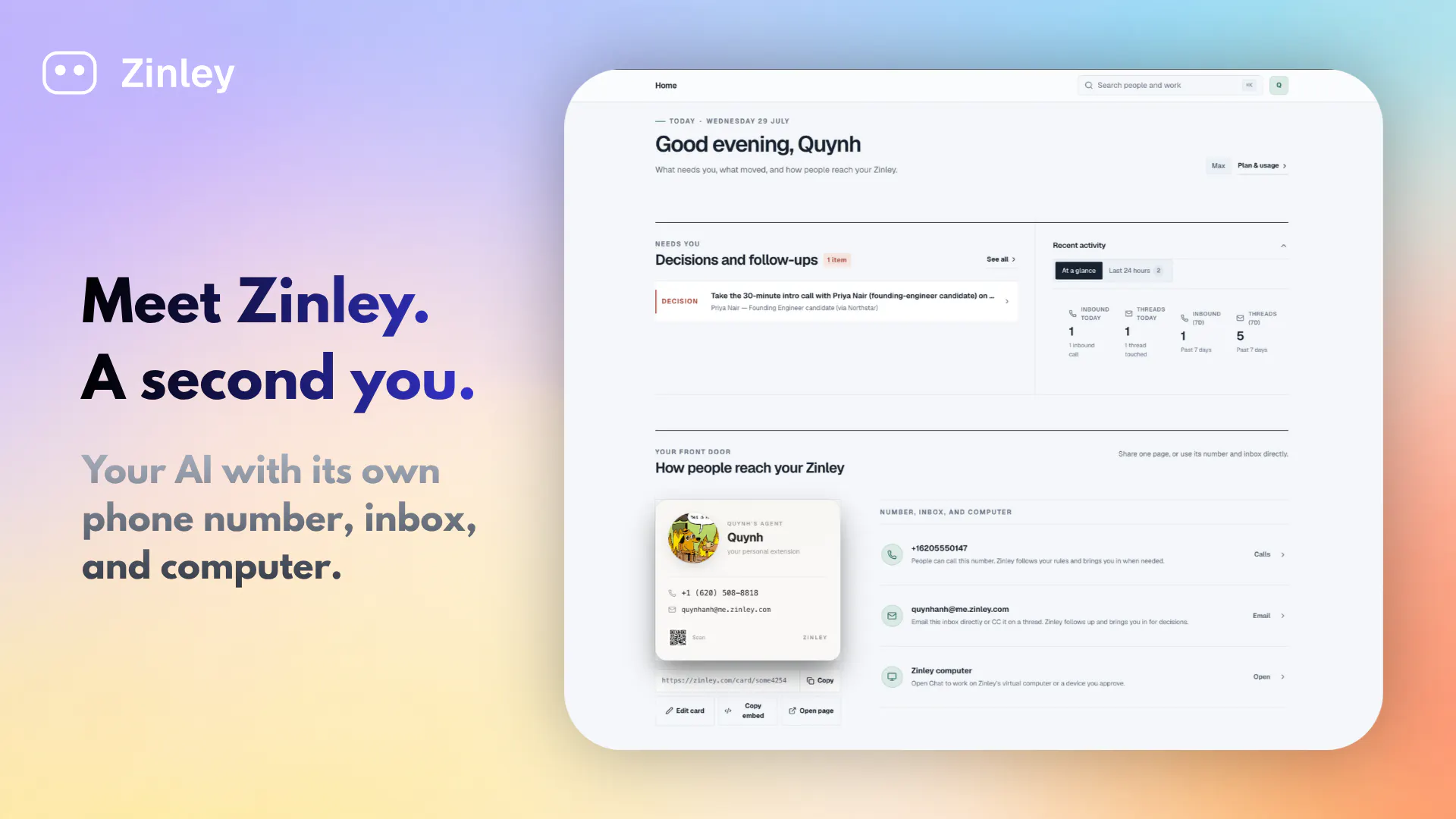
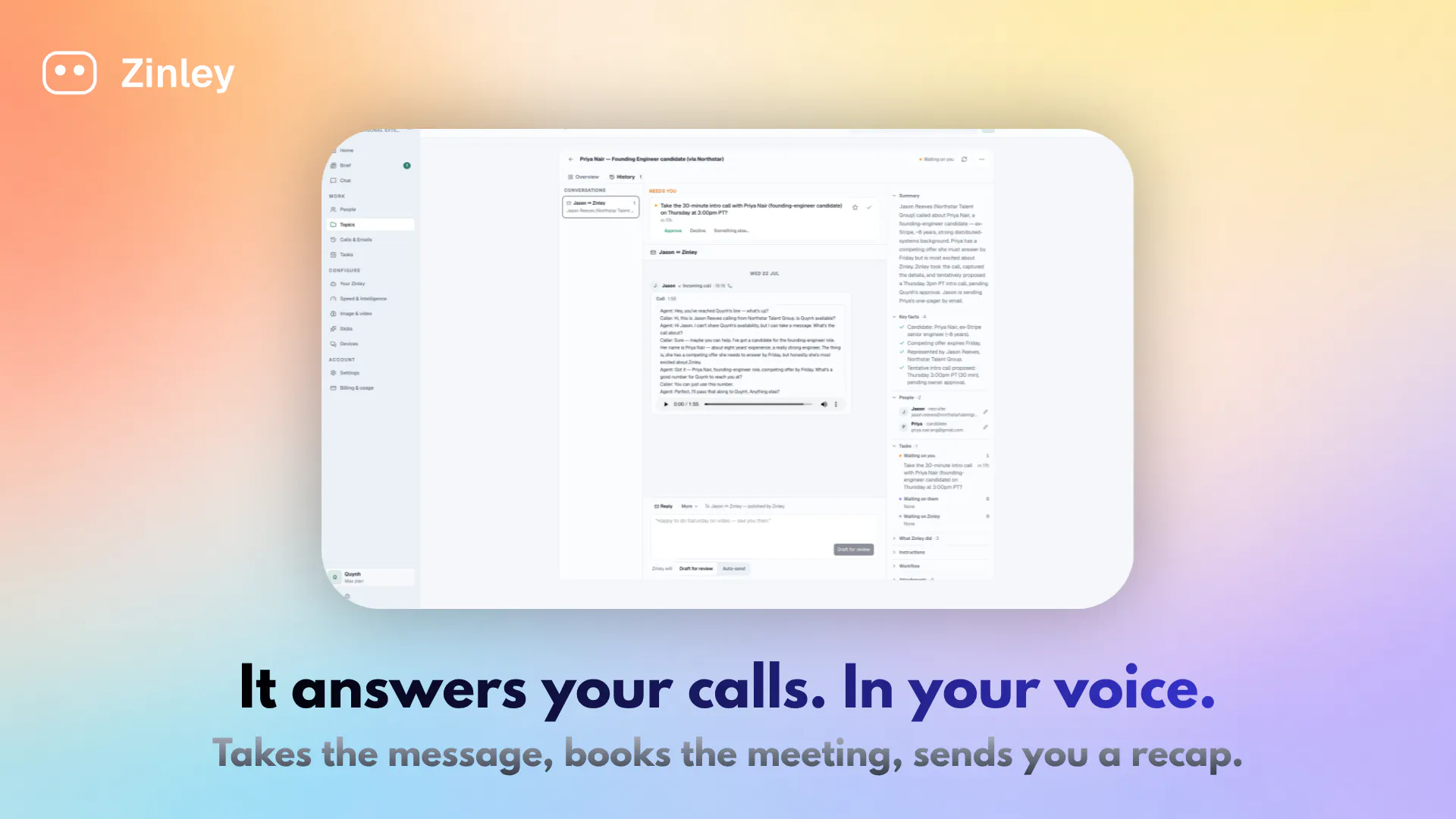
查看原始信息
Paste Drops
Paste (or speak) the message you're about to regret, and Cyclops, a one-eyed desk mascot, hands back a version that won't get you blocked or fired. He roasts you a bit for how heated you got, then reads the calm version aloud in the accent of your choice (Irish, Aussie, Scottish, British, American), in virtually any language. Pick your bite: sensible, petty, or talk-me-out. He steams, dozes, squeaks, and hides a few easter eggs. No account, no ads, nothing stored. Free.

Cyclops roasting me for losing it over a parking ticket then reading the calm version in an Irish accent genuinely cracked me up. The petty mode is dangerous but the talk-me-out option is unexpectedly useful.

1
回复

@birgl1s2z Thank you! It does crack me up myself over the month I developed it.

0
回复

The roast is the interesting design choice. A tool that just says "maybe don't send that" is a scold, and people uninstall scolds. Making it funny means the intervention costs the user less pride than it otherwise would.

Does the humor stay funny on the tenth time, though? That's the thing I'd expect to decide retention. A joke you've heard before while you're genuinely angry might land worse than no joke at all.

1
回复

@ark_y_k I've made some tweaks to make it even more varied, theres a back story now too why he has some many accents and languages. Anyway maybe it's just me it does continually make cry laugh with what it comes up with. I do give it some colourful, ahem, messages to cool.

0
回复
I built this because of the 1am texts we all almost send. My thumb has hovered over send on things that would've genuinely cost me, and I wanted a cooldown step that was fun rather than preachy. So Cyclops roasts you a little on the way to calming you down, and sometimes just flatly tells you you'll get fired if you send that. A few things I'd love thoughts on: Does the roast land as funny, or tip into annoying? I've been tuning that balance for a while. Which accent gets you? The broad Scottish reading back your polite message does something to me. It works in virtually any language, so I'm curious how the rewrites feel outside English. It's honestly just as fun to feed it something stupid when you're not even angry, so don't feel you need to be in a rage to try it. It's a solo project, no account, no ads, nothing stored. On Android now, plus a web version at app.pastedrops.com (fair warning, the web UI still needs love). Every bit of feedback genuinely helps, thank you for taking a look.
0
回复

Small over-the-air (ota) updates prelaunch. Good thing about ota updates are that the user doesn't need to download a new app version, it just silently delivers.

Tweaked the personality, range and accents of our resident mascot, Cyclops, who also got his own backstory for why he has so many accents and knows so many languages.

0
回复

Hey yeah that was an early UX worry and I've tried to make it vary a lot. Maybe it's not a daily use app anyway and possibly a party truck. But I will work on that algo for making it more varied.

0
回复