Product Hunt 每日热榜 2026-08-09

PH热榜 | 2026-08-09

#1
Omniwork
The Creative Agent OS — create better with desktop AI agents
351
一句话介绍:Omniwork是一款常驻桌面的“创意智能体操作系统”,通过多智能体协作与主动汇报机制,解决创作者在脚本、视觉、视频等多工具间频繁切换导致的灵感流失与工作流碎片化痛点。
Productivity Artificial Intelligence Social media marketing
AI Agent 创意工作流 桌面应用 多智能体协作 内容创作 记忆系统 自动化工具 效率提升 生产力平台 智能助手
用户评论摘要:用户普遍认可“桌面宠物”主动状态提醒与Agent间上下文传递机制,认为其比传统Dashboard更自然。主要质疑集中在记忆系统能否纠正风格漂移、复杂项目是否仍需人工审查,以及官网“About/Contact”链接失效暴露的成熟度与宣传不匹配的问题,另有评论关注智能体协作规则是否自适应。
AI 锐评

Omniwork的定位切中了内容生产链条中“流程断裂”的真实痛点——它试图用“常驻Agent+主动推送”的交互范式,替代人类在工具间的自我驱动切换,本质上是在贩卖“心智带宽”的节省。这一设计比单纯增加一个AI功能更接近下一代工作台的形态,其“桌面宠物”的人性化封装,也成功降低了技术门槛与心理戒备,是值得肯定的产品策略。

然而,光鲜的“Agent OS”叙事下潜藏着两层隐患。其一,技术实现与真实场景的鸿沟:目前Agent间的协作仍主要依赖规划层与共享上下文,这更像“流水线”而非“团队”。用户关于“风格漂移”与“记忆纠偏”的尖锐提问,直指系统是否具备元认知能力——即能否通过长期反馈建立质量闭环,而不仅仅是短期记忆存储。若缺乏这种自我进化的训练机制,所谓“记忆增长”最终只会沦为更高级的模板库。其二,商业叙事的信用裂痕:产品宣称“OS”级定位与大规模用户,但官网基础页面失效的细节,暴露了团队在“产品定义”与“执行落地”之间的失衡。在AI工具竞争残酷的当下,过早拔高概念而底层体验粗糙,极易让早期专业用户产生“Demo级”信任危机。

真正值得期待的不是它现在展示的“多Agent协同”,而是其能否成为创作者私域资产的沉淀层。如果Omniwork的记忆能严格绑定用户的历史项目与审美选择,并通过可验证的评测机制证明其输出随时间显著变好,它就有机会从“效率工具”升维为“数字创作分身”。反之,若只停留在任务自动化的编排层面,则很容易被巨头们集成到操作系统或通用AI客户端中的类似能力所吞噬。它赢在创意,但决战在数据飞轮的深度与工程信誉的厚度。

查看原始信息
Omniwork
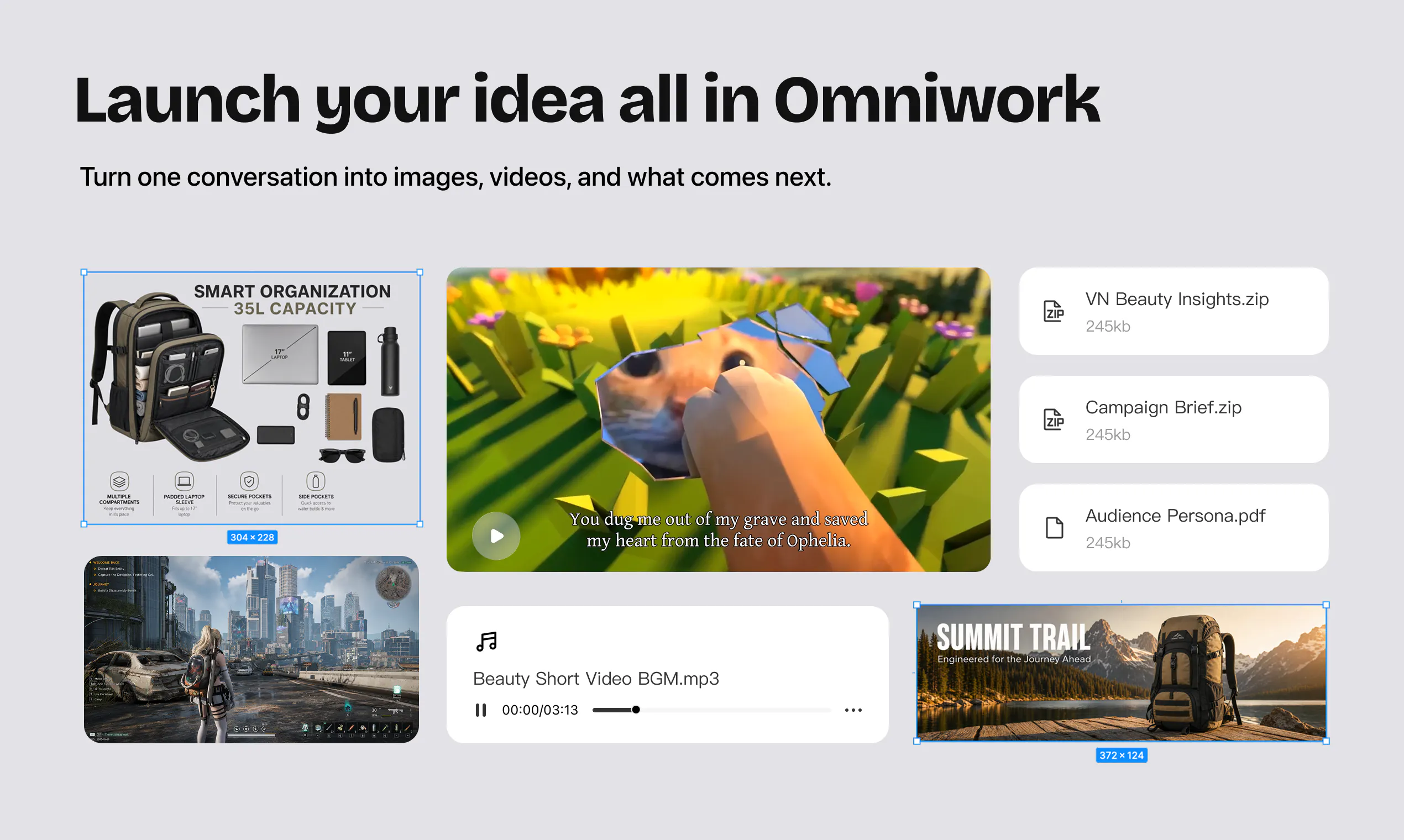
Omniwork is an always-on Creative Agent OS that turns ideas into finished work. Specialized AI agents research, create, monitor, and automate your creative workflows, while a proactive desktop companion keeps projects moving and pushes results, alerts, and progress straight to your screen.

Hey Product Hunt! 👋
I'm part of the team that built Omniwork. We've spent the past year building this, and I'm thrilled to finally share it with you today.


What is Omniwork?
Omniwork is a Creative Agent OS — an always-on desktop workspace where specialized AI agents turn your ideas into finished creative work. If you're a content creator juggling scripts, visuals, videos, music, and social posts across five different tools every day, Omniwork brings all of that into one place where agents do the heavy lifting for you.

Why we built it
We watched creators lose hours every day switching between chat windows, asset folders, editing tools, and social media backends — losing momentum and creative flow with every context switch. The AI tools were getting smarter, but the workflow kept getting more fragmented. We asked ourselves: what if a team of creative agents could just live on your desktop, learn your style, and handle the work end-to-end?
What makes it different


Three things we're especially proud of:
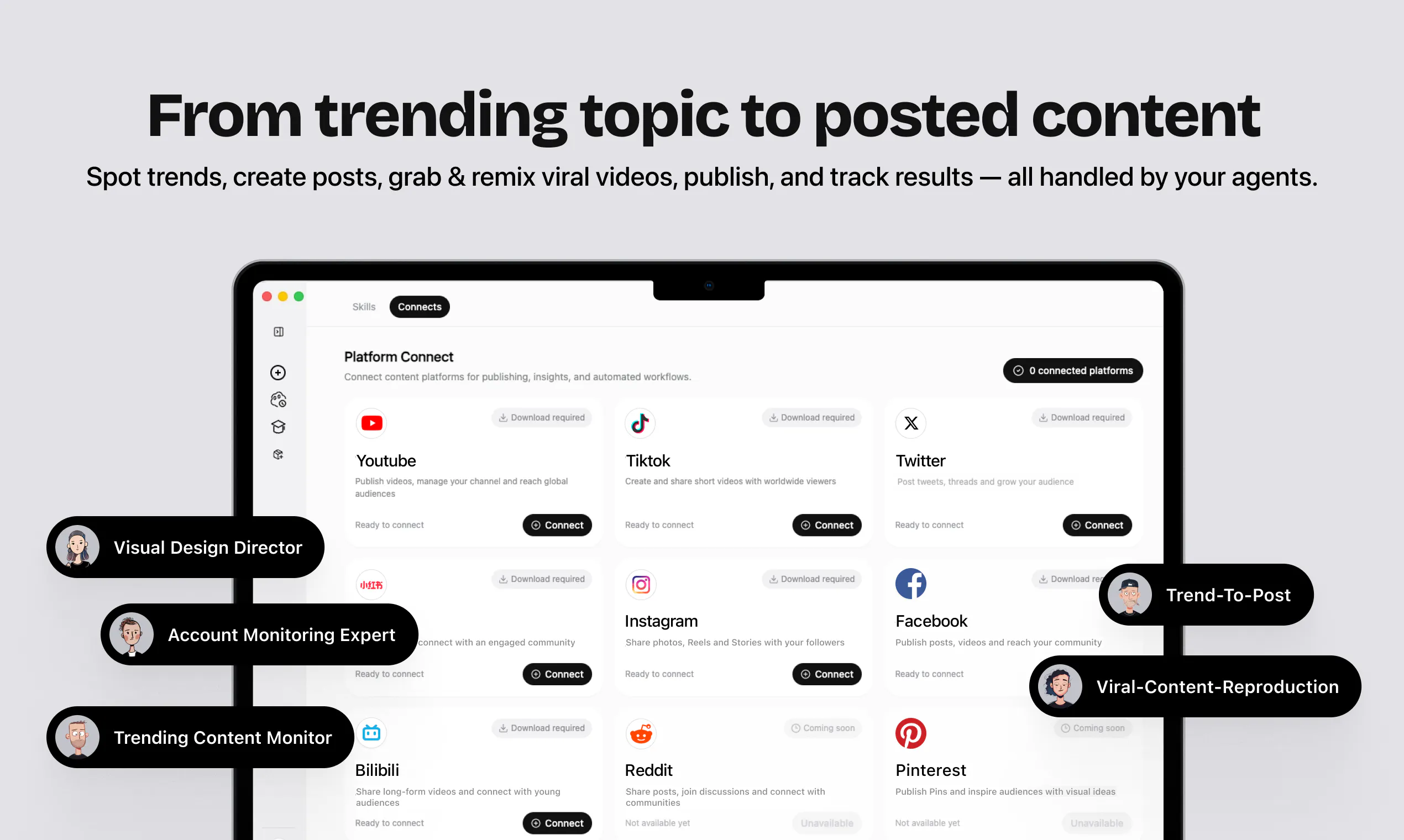
- A desktop pet that works for you — Meet your always-on desktop companion. It watches your tasks, pushes results to your screen, flags issues the moment they happen, and starts new work — all without breaking your flow. Four states — idle, working, done, and error — tell you exactly where things stand at a glance. Don't check your tasks. Let them check in with you.
- Memory that grows with your work — Agents learn your taste, context, standards, and project history from your past work, so every new draft feels like it was made by someone who already gets you.
- From idea to posted content in one flow — One conversation turns into posts, visuals, videos, and next steps. Spot trends, remix viral videos, publish to multiple platforms, and track results — all handled by your agents.


To celebrate our launch, we're offering 20% off your first subscription for the Product Hunt community. Use code PRODUCTHUNT at checkout.
👉 Download the desktop app and let your agents do the creative work: https://www.omniwork.ai
I'll be hanging out here all day — ask me anything about how it works, what's under the hood, or where we're heading next. 🚀

As a Product Hunt launch gift, the first 100 people to use the code [RC-6NNC8NX2LDQQ] will receive an extra 100 free credits!

12
回复

@zoeychen The “desktop pet that works for you” idea is honestly one of the most interesting parts here. 👀

Most AI tools still require you to constantly check, prompt, copy, paste, and move things between apps. Having agents that can actually keep track of tasks and proactively surface results feels like a much more natural workflow.

I’m curious how the memory system handles changing preferences over time — especially when a creator’s style evolves. 🚀

0
回复

How do the specialized agents work together on one project? For example, can the research agent pass context directly to the writing and visual agents?

9
回复

@luke_pioneero Yes. That’s exactly how Expert Teams are designed to work. The agents operate around a shared project goal and context, while a planning layer coordinates the handoffs between them. So, for example, a research agent can surface insights that the writing and visual agents then use to create aligned copy and visuals. Their intermediate work is synchronized in the same workspace, and the final outputs are brought together into one cohesive result.

0
回复

The focus on game development is what caught my attention; mechanics, art direction, code constraints, and playtest feedback stay aligned.

3
回复

Thanks, Gary! That’s a really interesting use case.

0
回复

This is a use case I’m personally excited about too, Gary. Game projects have so many moving parts, and keeping everyone on the same page is half the battle. Thanks for checking us out!

0
回复

The desktop pet is such a fun idea. This feels like a much more natural way to work with agents. Congrats on the launch!

2
回复

@sandy_liusy Thank you! We wanted agents to feel less like tools you have to constantly check and more like teammates who naturally keep you updated. The desktop pet brings that relationship to life in a fun, glanceable way. So glad you like the idea!

0
回复

Glad you like it, Sandy! The pet has become a team favorite too. It makes working with an agent feel a little more friendly and a lot less abstract.

0
回复
This is awesome! Congrats on the launch. All the best
1
回复

Context switching is probably the least visible part of creative burnout. You lose a little momentum every time you move an idea between apps. The idea of keeping the whole process flowing on the desktop makes a lot of sense.

1
回复

@orman_canida You put this so well, Orman. Sometimes it’s not the work itself that drains you, but all the little jumps between tools. Thanks for taking the time to share this.

0
回复

Creation is getting absurdly cheap. I think the next bottleneck for creators is turning all that output into something people can actually buy. More content without a commerce layer just creates a faster treadmill.

0
回复

That’s a great point. Producing more content isn’t enough if it doesn’t lead anywhere. We’re focused on helping creators move from an idea to a finished result, including distribution and performance feedback, but connecting creation more directly to real business outcomes is definitely an important part of where this space is heading.

0
回复

"don't check your tasks, let them check you" is a real flip from every other agent tool right now. how do you decide what's worth pushing to the screen vs just logging quietly, that's usually where these things turn into notification spam

0
回复

Great question, Sabber. Our basic rule is to notify you when something needs your attention, like a task finishing, hitting an error, or waiting for your input. Routine progress stays in the workspace for you to check when you want. We’re being very careful here because the pet should reduce interruptions, not create more of them.

0
回复

love the idle/working/done/error states for the desktop pet, way better than polling a dashboard. is the handoff between research/writing/visual agents rule-based right now or does it get smarter about it the more you use it?

0
回复

Memory that grows with your work is the interesting claim here. Running a blog content pipeline at volume, my biggest recurring problem was never ideas, it was tone drift, each new draft reading a little more generic than the last as the model settled into its own patterns. Does Omniwork's memory actively correct for that drift over time, or does it still need periodic human review to catch it before it compounds across a big batch of output?

0
回复

I’m building a social-first consumer brand where maintaining a consistent voice and visual identity is really important. How does Omniwork’s memory work in practice? Can agents learn a brand’s tone, aesthetic, and creative preferences well enough that the content feels genuinely “on brand” rather than AI-generated?

0
回复
Hey just a quick Point Its more for help your Company The product communicates very large claims ("Agent OS", "Expert Agents", "10,000 + teams"), but the website execution does not match these claims. Basic structural elements such as the "Contact" and "About" links in the footer are not implemented and only jump to the top of the page. This creates a credibility gap between the stated scale of the product and the actual maturity of the platform. Recommendation: ensure core navigation and company pages are functional before presenting OS-level positioning.
0
回复

Using the desktop pet to communicate task status is a clever detail. Simple, visual, and easy to understand.

0
回复

Thanks, Jody! That’s exactly what we hoped the desktop pet would feel like. You can understand what’s happening at a glance without interrupting your work. Glad you noticed this detail!

0
回复

We spent a lot of time thinking about how to make task updates feel useful without becoming another distraction. Happy to hear the simplicity came through.

0
回复

Having agents remember your taste and project history could make a big difference over time. Congrats on the launch!

0
回复

@victorzh Totally agree, Victor. We want Omniwork to get to know your taste and project context over time, so you don’t have to explain everything again with every new task. Thanks for the support!

0
回复

We think memory is what can turn an agent from something you use occasionally into something that actually fits the way you work. Appreciate the support!

0
回复

Amazing product! Congrats on this launch!

0
回复

@peng_wood Thank you so much! We really appreciate your kind words and support on launch day! 🙌

0
回复

Thanks. Really appreciate the support!

0
回复

Congrats on launching Omniwork! The product looks very polished.

0
回复

Thank you so much, @carlvert! We’ve put a lot of care into the experience, so it means a lot to hear that. Really appreciate your support!

0
回复

Really appreciate that! The team has obsessed over a lot of small details, so this is lovely to hear. Thanks for supporting our launch!

0
回复
#2
VoiceOS App Store
The app store for voice native apps that lives in your notch
276
一句话介绍:VoiceOS App Store 是一个“长在灵动岛里的语音原生应用商店”,用户用一句话描述需求(如“帮我做个日记应用”),AI即刻生成专属语音应用,并能通过链接一键分享安装,将“找应用”变为“造应用”。
Productivity Audio
语音原生应用 AI应用生成器 无代码开发 应用商店 语音交互 个性化工具 Prompt工程 效率工具 MCP集成 ProductHunt
用户评论摘要:用户高度认可“生成+分享”模式,认为解决了长尾、个性化需求。主要疑问集中在:①共享链接的App能否随创作者更新;②生成后能否手动微调底层逻辑(官方回复:可编辑,甚至可调Claude/Codex);③好友安装是否需要账号(需安装VoiceOS)。亦有多人称赞确认步骤与MCP集成体验。
AI 锐评

VoiceOS App Store的野心不止于做一个语音助手,而是试图重新定义“软件分发”的底层逻辑。其核心价值并非“语音控制电脑”这一表象,而是将应用形态从“开发者定义的标准品”推向“用户即兴生成的私人物品”。这种“一人一代”的模型,精准狙击了传统应用商店的长尾失效问题——那些太小、太私密、太个人化的需求,在商业上不值得开发,但对你我而言却是日常痛点。

从评论看,用户真正的兴奋点在于“创造”的零门槛与“分享”的强传播性,这构成了一个潜在的UGC飞轮。但产品面临三重考验:其一,生成应用的“质量天花板”取决于底层LLM的意图理解与代码生成能力,若生成的App只能做简单任务,新鲜感会迅速消退;其二,用户提到的“确认步骤”虽然提升了信任感,但也暴露了当前生成结果的不确定性,这本质是技术不成熟的妥协之策;其三,兼容性问题——目前App只能在VoiceOS内运行,这在培养忠诚度的同时,也限制了其成为“标准”的可能。本质上,VoiceOS赌的是“语音即OS”的未来,如果AI生成的应用质量能持续逼近甚至局部超越传统原生应用,那么它今天所做的,就是当年App Store在触屏时代做的事。但若生成能力停滞,它最终只会沦为一个炫酷的“语音快捷指令工具”,而非一个“商店”。锐评一句:想法是颠覆级的,但考验不在今天,而在用户用完第100个自创App之后。

查看原始信息
VoiceOS App Store
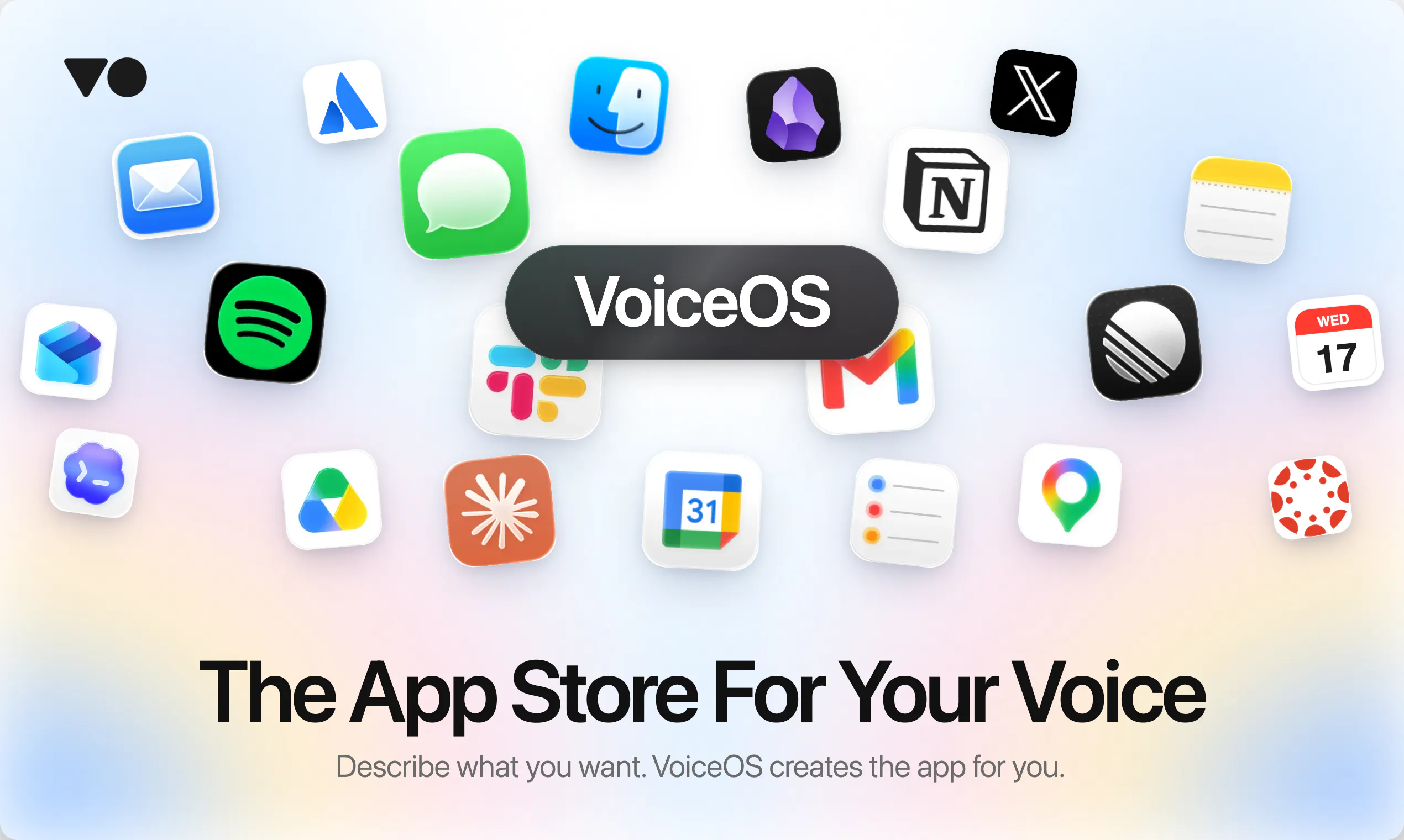
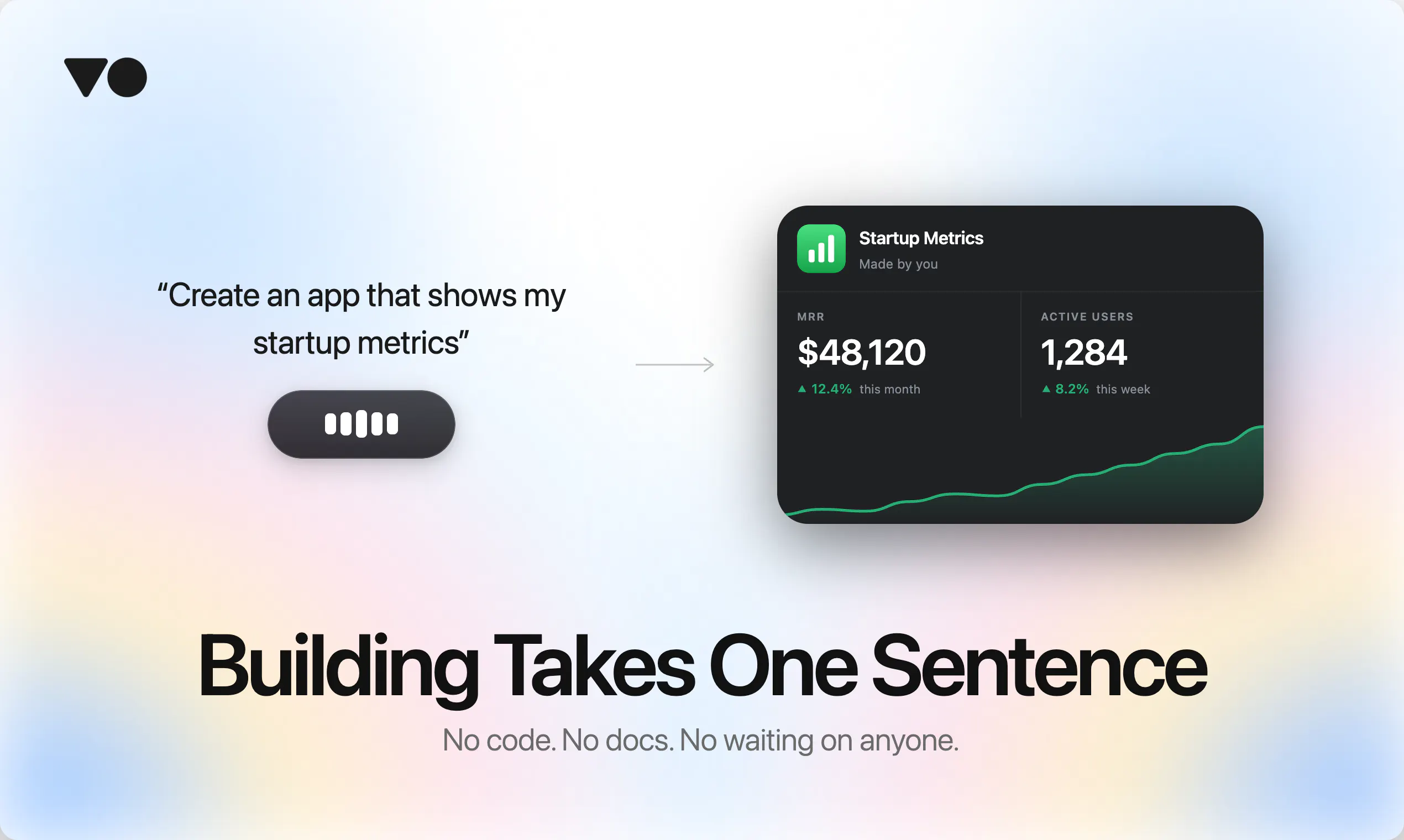
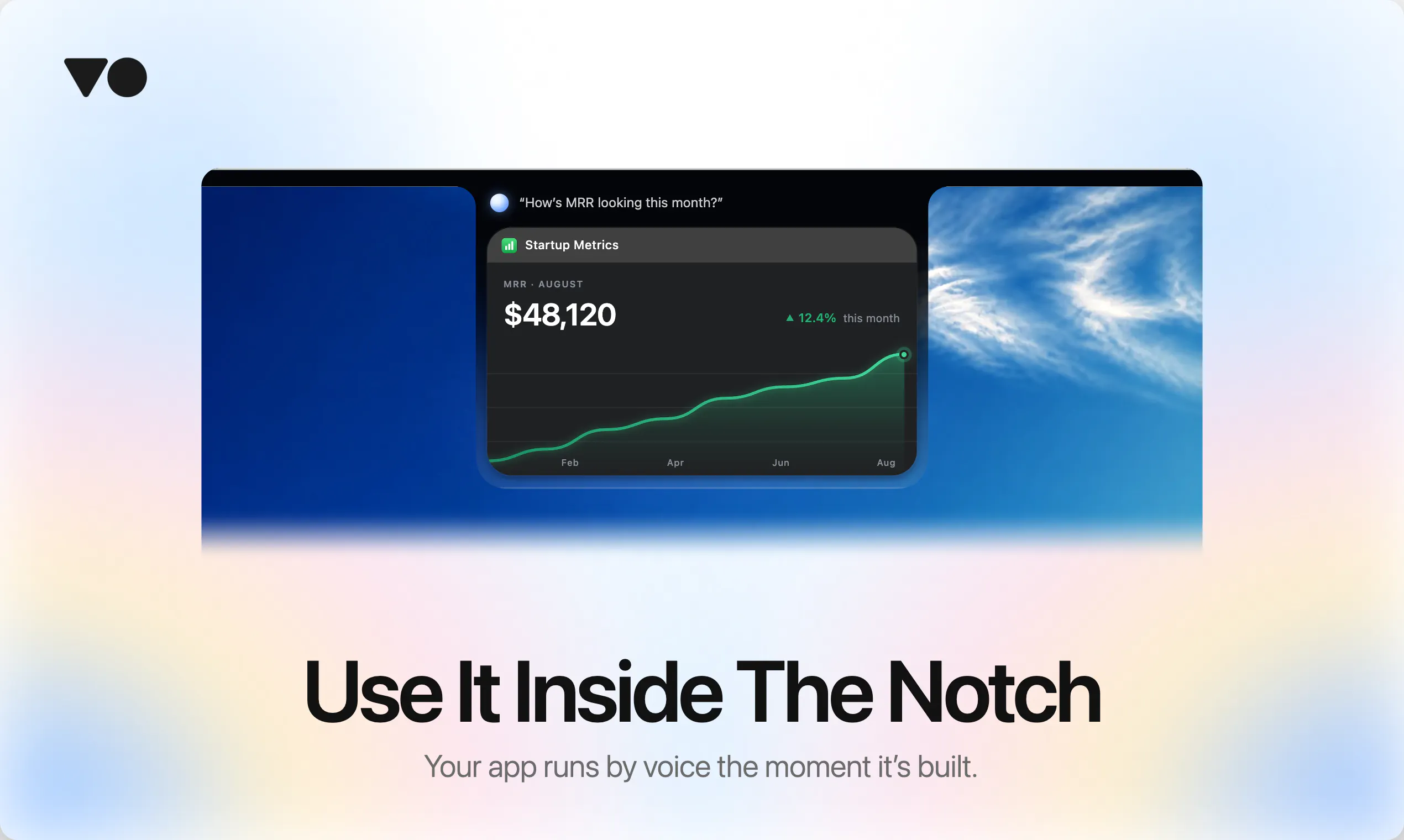
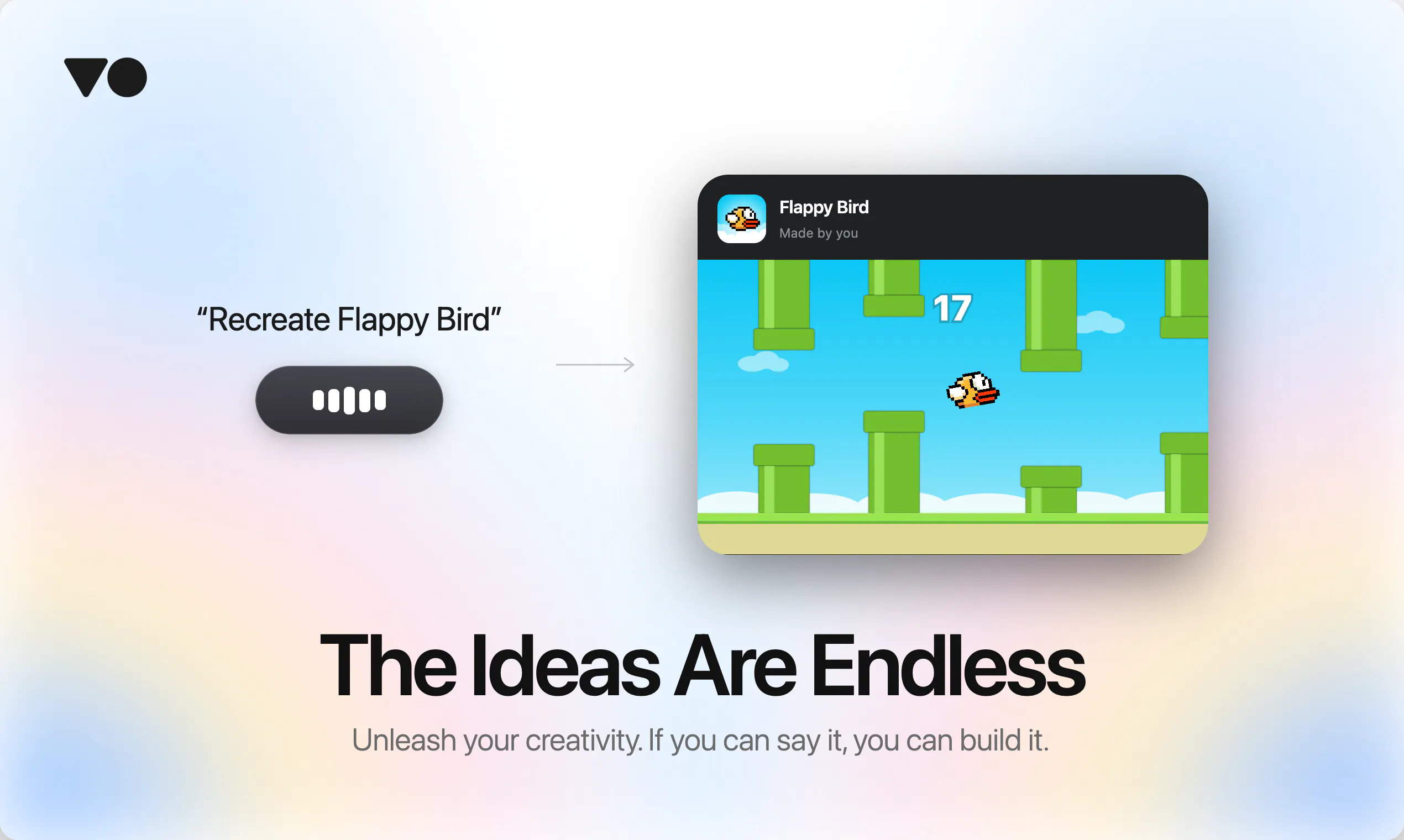
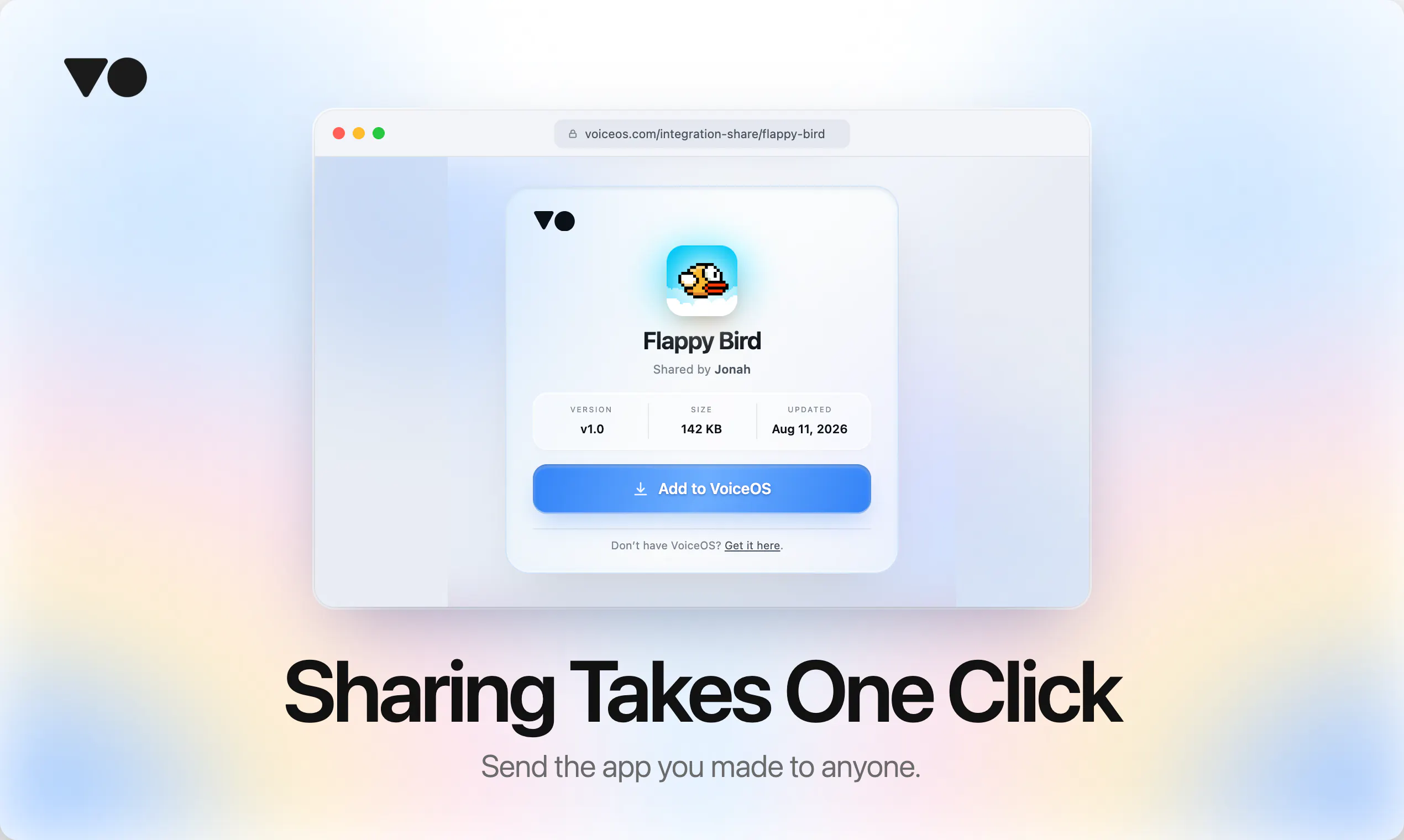
The App Store for your voice, where building takes one sentence. Describe what you want "Create an app to help me to journal" and VoiceOS creates the app for you. Share it as a link and anyone can install it in a click.

Hey Product Hunt,

I'm Jonah, co-founder of VoiceOS.

When we launched VoiceOS, the most common reply we got was some version of "can it do [x]?"

Usually the answer was no. Not because it was hard, but because nobody had built that one yet.

That's the ceiling on every app store. You can only use what someone else decided was worth building. And the apps that would actually change your day are the ones nobody ships. Too small, too personal, too specific to you. A journal that asks the right question at 10pm. A tracker for the one number your team actually cares about.

So we made building the easy part.

You say "create an app to help me journal." VoiceOS writes it, you try it by voice, and it's yours. No code, no docs, no waiting on us to build it.

Then you share it as a link, and anyone who opens it has the same app in a click.

That's what we want this store to be: every app anyone needs, built by the person who needs it.

Huge shoutout to our Japanese community. The marketplace is fully localized in Japanese from day one. You've backed us since the beginning.

VoiceOS comes with a free 7-day Pro trial.

7
回复

@jonahdaian This is LIT

0
回复

@jonahdaian Nice launch congrats🙌the link-sharing model is super clever, If someone installs an app from a shared link, do they receive updates if the original creator improves the prompt?

5
回复

@jonahdaian The idea of moving from an “app store” to a “build what you personally need” model is really compelling.

What stood out to me is that the limitation isn’t necessarily what AI can build, but what traditional apps are willing to build for everyone. Letting users create those highly specific tools themselves could unlock a completely different kind of software ecosystem.

Curious to see what kinds of unexpected apps people end up creating with VoiceOS. 🚀

0
回复

Super interested in the app builder, When VoiceOS creates an app from a prompt, can we edit the underlying logic/JSON manually if we want to fine-tune it?

3
回复

@istiakahmad thank you for your question! Yes, you have full control over everything. You can even ask Claude or Codex to make edits to the app.

0
回复

Installed and playing with it now. Super snappy response times.. qq when I do share an app link with a friend, do they need a VoiceOS account to test it out or does it run in-browser instantly? huge congrats for shipping 👏👏

3
回复

@priya_kushwaha1 Hi Priya! VoiceOS apps only are able to run on VoiceOS, so the other person would have to install VoiceOS in order for the app to work.

1
回复

@priya_kushwaha1  Fascinating shift toward intent-driven, voice-native execution. Moving from traditional app-hopping and manual UI navigation to speaking a workflow or mini-app into existence is a massive leap for personal productivity.

The real test for tools like this isn't just the creation phase, but how cleanly the confirmation and execution layers handle edge cases system-wide across Mac and Windows.

0
回复

Honestly, this feels like the kind of tool you appreciate more after using it for a few days. Constantly switching between apps for small tasks breaks my flow, so being able to just say what I want and have it happen feels genuinely useful. The confirmation step is a nice touch too
it keeps the control with you.

2
回复

I'm genuinely addicted to adding integrations to VoiceOS. Creating a new one is so easy, and the result looks stunning. Whenever a thought strikes me, I just ask VoiceOS. Having everything connected in one unified place makes it effortless.

2
回复

@kai_brokering I could not agree more with you. I've been addicted to creating apps to solve even the smallest problems. It's so fun!

1
回复

Absolutely amazing product. It's very well made. It's very clear on how to use, and I'm currently using this as well to type this up, or actually speak this out loud and type it up onto Product Hunt. I really love the product, and I would definitely pay more for it.

1
回复

VoiceOS is awesome! It basically turned my laptop into a hands free control center, very similar to using Jarvis from Iron Man. I love that you can connect in your own custom apps, so it's not locked to only a fixed list of supported integrations. Bundling this with a great dictation layer similar to wisprflow on top makes it feel like one coherent operating system. I couldn't imaging going back to clicking and typing using my hands.

-Written using Voice OS

1
回复

Feels like the future has arrived. Pretty cool what you can do with just your cursor and voice. The need to typing seems to be the thing that AI is going to replace soon.

1
回复

It's my first time trying VoiceOS, I feel like it is really easy to use and reliable. I've enjoy the design and how it deliver a smooth and efficient user experience!!!

0
回复

the confirmation step before it executes is the detail I like, most voice agents just fire and hope. when the app-generation misreads what someone described, do people usually retry with different wording or drop into some kind of edit view?

0
回复

The product is crazy, i tried it and have been enjoying the no code part of it alot. its very easy to make MCPs and the UI is very fluid. I could integrate it with my AI IDE seemlessly, such that i could just point out on the UI where I want the changes, the exact changes, and it would implement the necessary changes in the codebase using any AI IDE I have connected it with. I tested it with Kiro CLI, and works like magic!!

0
回复
#3
SoloUno
Take control of hair pulling, nail biting & skin picking
254
一句话介绍:SoloUno是一款针对拔毛、咬指甲、抠皮肤等身体聚焦重复行为(BFRB)的引导式自助应用,通过每日小目标、习惯追踪和冲动接纳训练,帮助用户在无羞耻感氛围中逐步掌控习惯。
Android iOS Health
BFRB 习惯逆转训练 认知行为疗法 接纳承诺疗法 行为矫正 自我管理 游戏化 心理健康 冲动控制 每日打卡
用户评论摘要:用户普遍认可“小步进步”和“不羞辱”理念,认为其比“强行戒断”更可持续。多位用户反馈应用有效改善了数年甚至数十年的咬指甲/拔发习惯,并赞赏具体情境化选项与正向激励。少数评论询问早期版本回应,暂无功能缺陷反馈。
AI 锐评

SoloUno的聪明之处在于它精准抓住了BFRB群体长期被主流戒断类工具忽视的心理机制:羞耻感驱动的“冷 turkey”疗法只会放大失败后的自我惩罚循环。产品用游戏化与“每日微胜利”消解了传统习惯追踪器的道德审判,将“复发”重构为“数据点”,本质是转化了用户对失控的焦虑——这比任何意志力充值都更接近行为心理学真谛。但其潜力也隐含风险:若“连续打卡”机制过度强调一致性,仍会变相强化非黑即白的挫败感;而ACT与CBT虽有循证背书,APP内能否真正实现专业治疗中的“认知解离”与“价值澄清”,而非沦为浅层自我暗示,值得观察。商业上,独立开发者背景决定其后续依赖订阅收入,但这类低频次、长周期使用的工具易陷入“用户康复即流失”的悖论——这既是产品成功的证明,也是商业模型的死穴。更务实的路径或许是未来切入BFRB相关的专业医疗辅助接口或雇主心理健康福利市场,否则极易止步于小而美的社区工具。整体而言,它证明了“对抗自己”的有效策略不是战斗,而是谈判,但谈判桌的持久性仍需验证。

查看原始信息
SoloUno
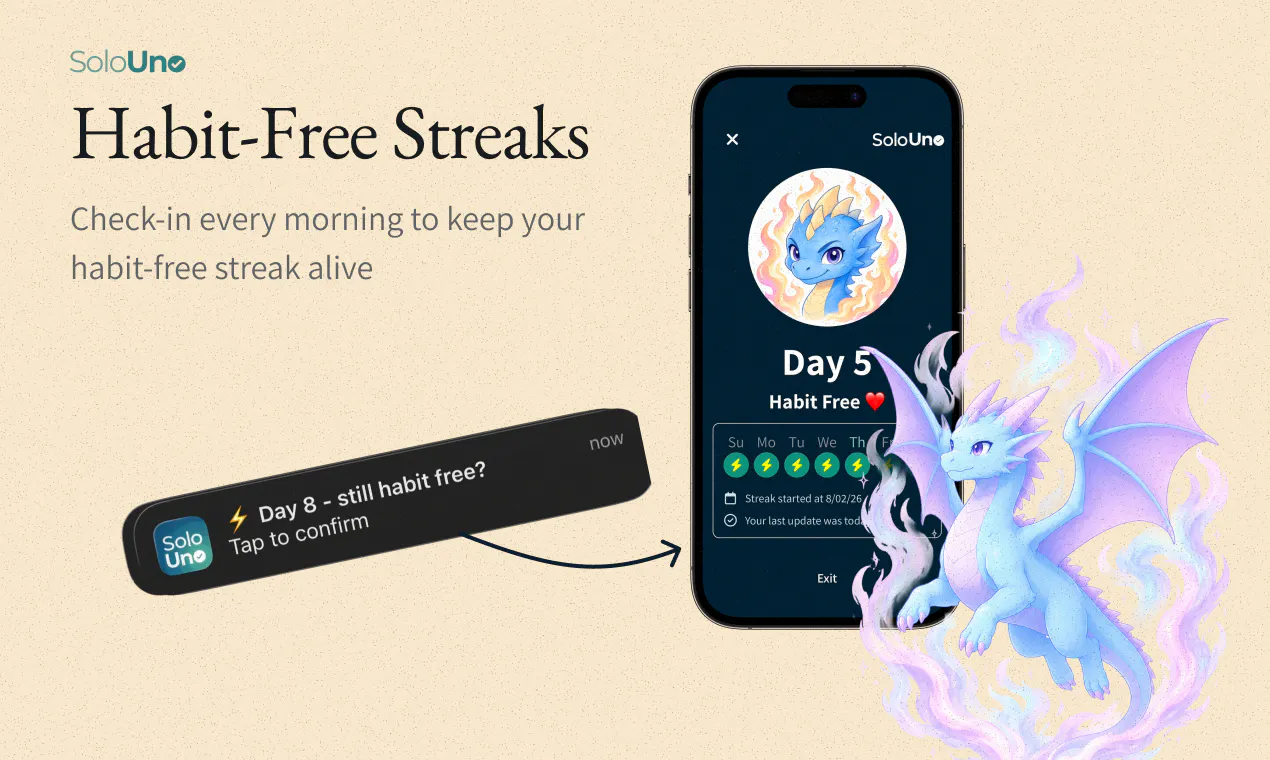
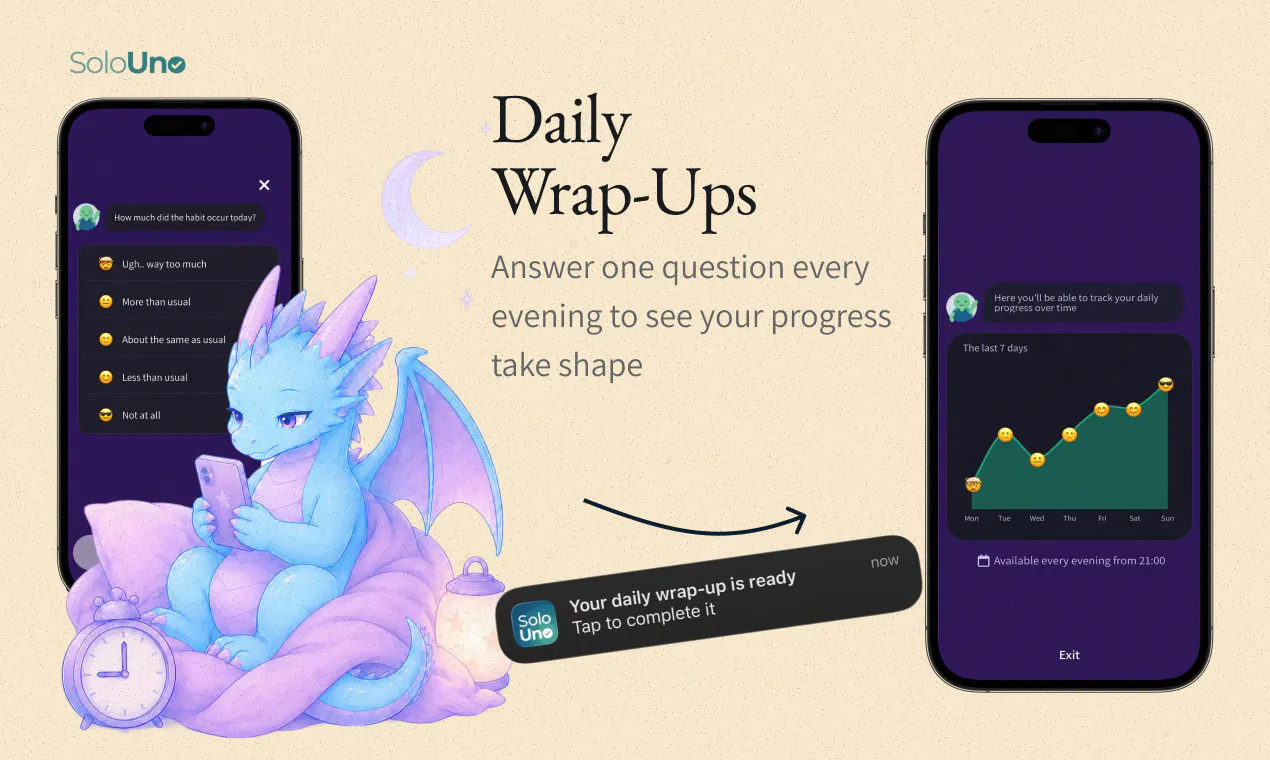
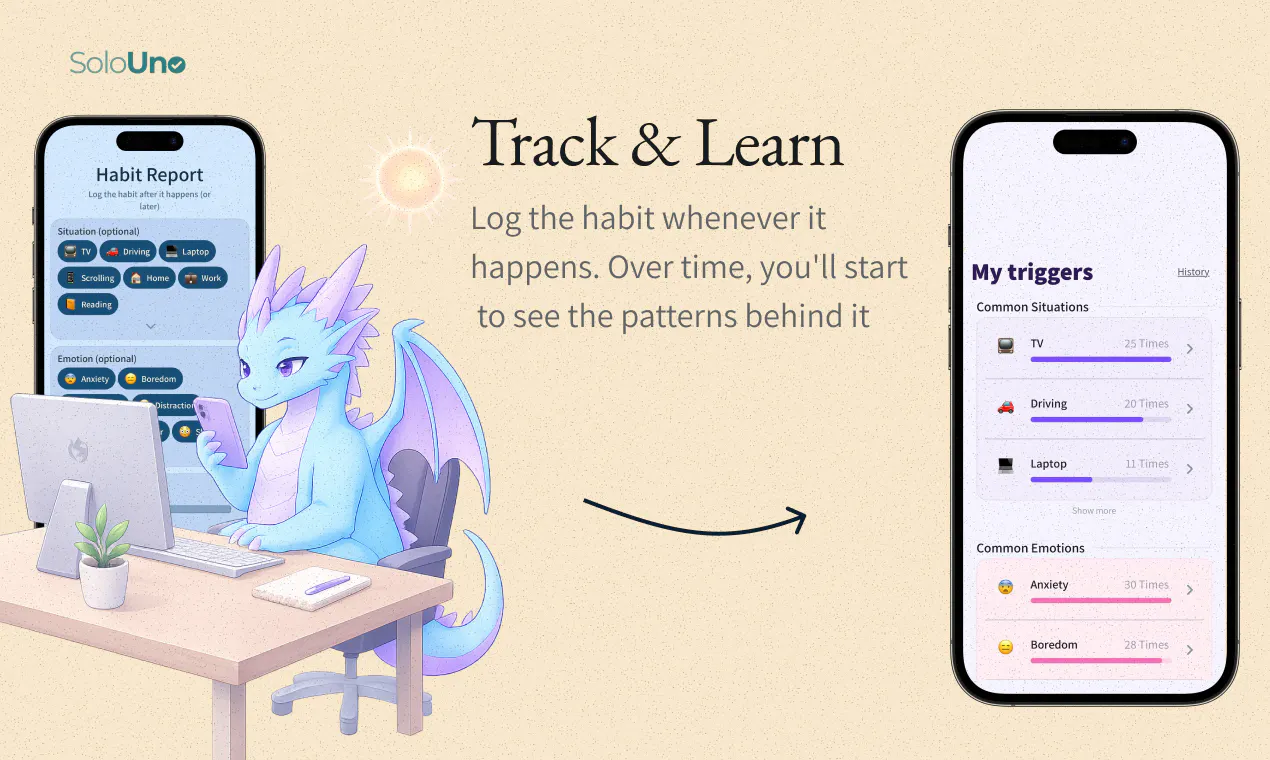
SoloUno helps people take control over body-focused repetitive behaviors (BFRBs) such as hair pulling (trichotillomania), skin picking (dermatillomania), and nail biting. Inspired by Habit Reversal Training, CBT, and ACT, it works as a gamified self-help tool. You progress by achieving small daily wins: habit-free challenges and streaks, quick habit logging, trigger analysis, and urge-acceptance sessions. No shame - just steady progress.

Hey all!
My name is Omer and Im a solopreneur - Im dealing with hair-pulling (trichotillomania) for many years now and that what inspired me to build SoloUno

I used to smoke cigarettes and had successfuly rehabed using a rehab app so I thought it would be easy doing the same with my hair pulling, right?

Apperntly not.

I found out that hair pulling, like nail biting and skin picking are a part of a group defined by the DSM-5 as Body Focused Repetitive Behaviors (BFRBs)

This group of habits are defined by peoples difficulty to completly stop them "cold turkey" and many people just tend to live with them


One thing became very clear to me: for many people with BFRBs, simply deciding to “just stop” isn’t enough. And when an app is built entirely around the goal of never doing the behavior again, every slip can feel like failure.

So I decided to flip the equation with SoloUno.


Instead of focusing only on one huge, all-or-nothing goal, SoloUno focuses on small daily wins - becoming more aware of the habit, resisting urges when possible, reducing the behavior over time, and building confidence along the way.

And I wanted to make the process fun and engaging enough that people would actually want to keep practicing.


I started reading research, tried therapy myself, and learned about evidence-based approaches used for BFRBs, including Habit Reversal Training (HRT), CBT, and ACT. I wanted to take principles inspired by these approaches and turn them into something people could practice in their everyday lives.

And that became SoloUno ✨

I’d love to hear what you think! and especially from anyone who has dealt with a BFRB themselves

19
回复

I really like the shift from just stop to actually understanding the behavior and building around real progress . Turning slips into part of the process instead of failure feels much more sustainable . Wishing you the best with SoloUno.

1
回复

@omer_bialer I really like the shift from an all-or-nothing mindset to focusing on small, sustainable wins. That feels especially important for habits where setbacks can easily turn into frustration or self-blame.

The idea of making awareness and gradual progress part of the journey, rather than treating every slip as failure, is genuinely thoughtful. Wishing you and SoloUno a successful launch. 🙌

0
回复
@omer_bialer Congratulations on the launch. Really clean concept. How has the response been so far
0
回复

Congrats on the launch Omer and team!

8
回复

Thanks so much, Ben! Really appreciate it - and thanks again for hunting SoloUno and helping make today happen 🙏

0
回复

Love the focus on building healthier habits through awareness. 💙

4
回复

@ajay_sharma85 Thanks, Ajay! That’s exactly the idea - building awareness first, then using it to make small changes over time. Really appreciate the support! 🙏

0
回复

@omer_bialer I wish there was something like this a few years ago, I was a nail biter for most of my life, but a few years ago I made an effort to stop, it was tough, and took a while but I managed it. Best of luck with the launch.

3
回复

@codeandsea Thank you, and well done! It’s really not an easy habit to break..

Was there anything specific that helped you stop?

1
回复
Thanks for doing this.. I didn't know HRTs for such issues also existed.. my wishes for its success..
1
回复

This is such a needed tool. BFRBs get overlooked so often and the no shame, steady progress approach paired with real techniques like Habit Reversal Training and CBT feels like exactly the right way to help people. Congrats on the launch, wishing you a great one.

1
回复
@arunrajiah I agree! Thank you!
0
回复

i have a few friends that have really struggled with this. Will definitely share this with them.

1
回复
@sseanyd Thanks for sharing! Would love to get some feedback along the way if they try it 🙏🏼
0
回复

Really great app, got the earlier version last year and it helped me to avoid nail biting for months! motivating me to report and get rewards - try it and good luck!

1
回复

@checkmate9 Thanks Shahar! Making progress visible and rewarding was exactly the idea. Really appreciate the support!

0
回复

A long time Omer follower on Twitter here. Great product and idea. Congrats on the launch.

1
回复

@gemanor Thanks so much, Gabriel! Really appreciate you following my journey - and thanks for the support on the launch! 🙏

0
回复

I appreciate that this app makes me cope with my situation directly, offers me options that are specific to my situation and support this sensitive and emotional struggle. The app is friendly, Pleasantly designed and allow me to control my own progress. Thank you for it :)

1
回复

@orna_lerman Thank you so much, Orna! I’m really glad SoloUno feels supportive and gives you a sense of control over your own progress - that’s a big part of what I hoped to create. Really appreciate you sharing this 🙏

0
回复

Like that you are not trying to make people perfect , But just focus on a small progress each day . Wishing you a lot of success with SoloUno.

1
回复

@farhan_nazir55 Yep, thats the idea! thank you!

0
回复

What a great app!

I've been using it since its very beginning.

It helped me to (almost) get rid of decades of nail biting.

Congrats Omer!

1
回复

@hagai_rechnitzer_ Thank you, Hagai!! Really happy to hear about the impact the app has had, and I really appreciate your support! 🙏

0
回复

The app has helped me so much. At 36, I’ve already realized that you can’t simply stop a habit, but with the app, I can actually control it. I’m much more aware of it now, and that has really helped me minimize it and even stop altogether. Thank you!

1
回复

@tel_aviv_widrich Thank you so much, Tel Aviv! This really means a lot. What you described - becoming more aware, reducing the habit, and feeling more in control instead of defeated by every slip - is exactly what I hoped SoloUno could help with. So happy it’s been useful for you!

0
回复

Congratulations on the launch, Omer!

1
回复

@dmytro_krasun Thank you!

0
回复

Love the App, using it from day one, I wish it was available many years ago.

SoloUno is friendly and easy to use but the most valuable feature for me is the fact that I do not feel defeated or failure when I do pull my hair. I just continue my journey

1
回复

@shiri_ofer Thanks so much, Shiri! You really are one of SoloUno’s earliest users, so this means a lot. I’m super happy the app is helping you, and your feedback along the way has been incredibly valuable in shaping and improving it. Thank you!!

0
回复

Great app! Used it since its very early days

1
回复

@oren_avidan Thanks, Oren! You’ve seen SoloUno evolve quite a bit since those early days 😄 Really appreciate the support!

0
回复

The app really helped with stopping to pluck beard hairs.

Very intuitive and simple to use.

Thanks for the app!

1
回复

@or_reinis Thanks, Or! That’s actually exactly what motivated me to build SoloUno in the first place. Really glad it’s helping you!

0
回复

I had the pleasure of using SoloUno from its first versions. It helped me get over a habit of many (30+) years. I actually don't need it anymore as the habit is gone.

1
回复

@yaniv_yaakubovich 
Thank you, Yaniv! I’m actually really happy to hear you don’t need the app anymore 😄

And thank you for all the feedback you gave me along the way - it really helped shape SoloUno.

0
回复

the all-or-nothing streak trap is such a common failure mode in habit apps, good call flipping it. how do the urge-acceptance sessions work in the moment, guided right when the urge hits or more of a log-it-after reflection?

0
回复

flipping from "never do it again" to small daily wins is the right call, most habit apps let one slip nuke the streak and that's exactly when people quit. what counts as a win day to day, awareness logging or something more concrete?

0
回复
#4
Proxy Tester by ScrapeOps
Benchmark proxies for reliable, target-specific scraping
167
一句话介绍:
API SaaS Developer Tools
代理测试 代理基准测试 爬虫基础设施 代理提供商对比 反爬绕过 数据采集工具 Web Scraping 性能评估 成本优化 开发者工具
用户评论摘要:用户认可“针对目标URL实测”优于通用排名,但提出三大核心疑问:1) 当前仅测单次请求,无法覆盖需维持同一IP的会话型反爬场景;2) 结果存在时效性,WAF规则频繁更新,报告是否可追溯或定期重跑;3) 价值评分默认偏重成本,缺少成功率/延迟/成本的权重自定义。创始人回应承认局限,并称后续可能增加会话测试。
AI 锐评

Proxy Tester 切中的是一个真实且昂贵的痛点——代理选择错误直接导致5-10倍的成本浪费和数天调试周期。其“目标导向”的实测逻辑在方法论上确实优于一切营销榜单,这是产品最扎实的资产。但必须指出,当前版本仍停留在“浅层探测”阶段:单次请求的成功率对于现代反爬体系(尤其是Cloudflare等)几乎没有参考意义,真正决定爬虫成败的往往是会话保持、指纹一致性及请求频率控制。创始人对此的回应虽坦诚,却也暴露了产品护城河有限——若仅作为一次性诊断工具,它无法解决“跑通了但持续三天后被封”的常态化运维问题。此外,价值评分默认向成本倾斜,对低延迟敏感型场景不够友好,且结果随目标站点WAF更新而快速失效,缺乏持续监控机制。商业上,免费测试是极佳的引流钩子,但若后续仅将流量导向自家ScrapeOps聚合服务,则存在“既当裁判又当运动员”的信任危机。真正的增量机会在于:把一次性测试升级为持续性监控面板,并允许用户自定义评分权重及测试模式(会话/高并发)。否则,它更可能是一款优秀的企业采购前置工具,而非爬虫团队的基础设施常备件。

查看原始信息
Proxy Tester by ScrapeOps
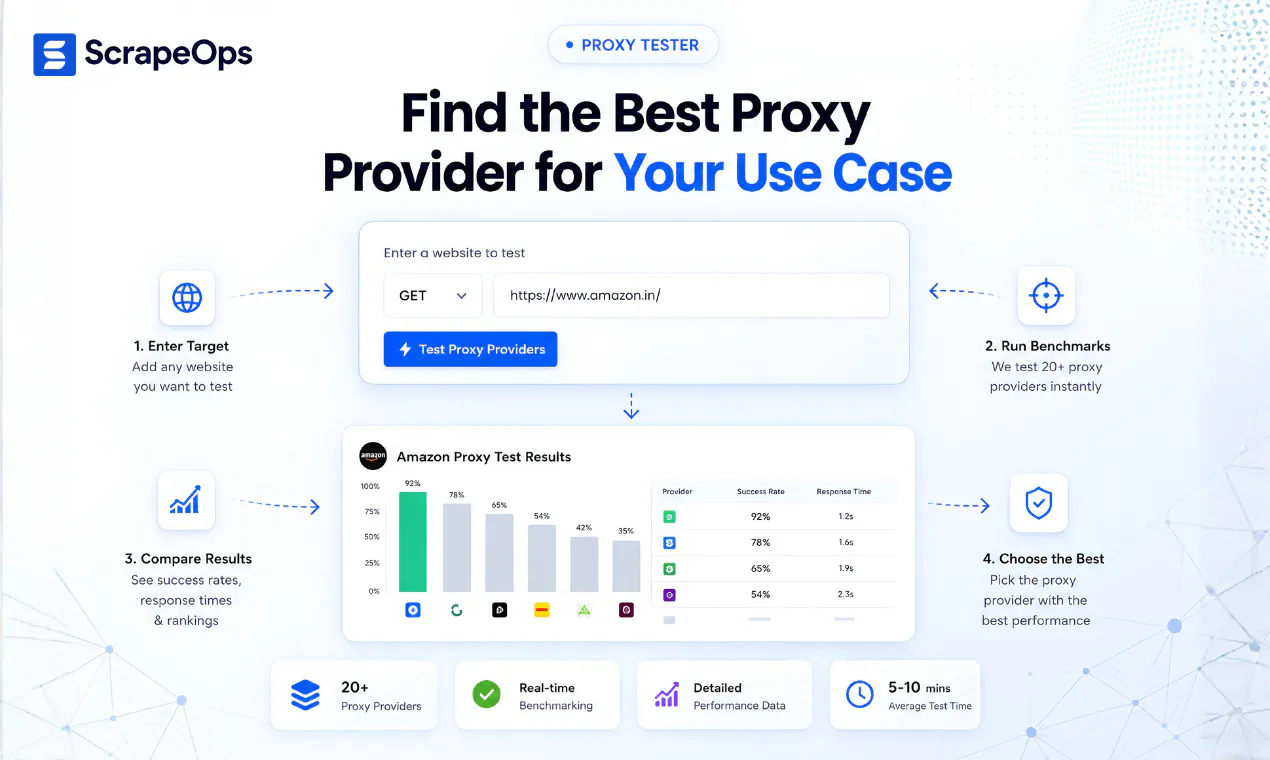
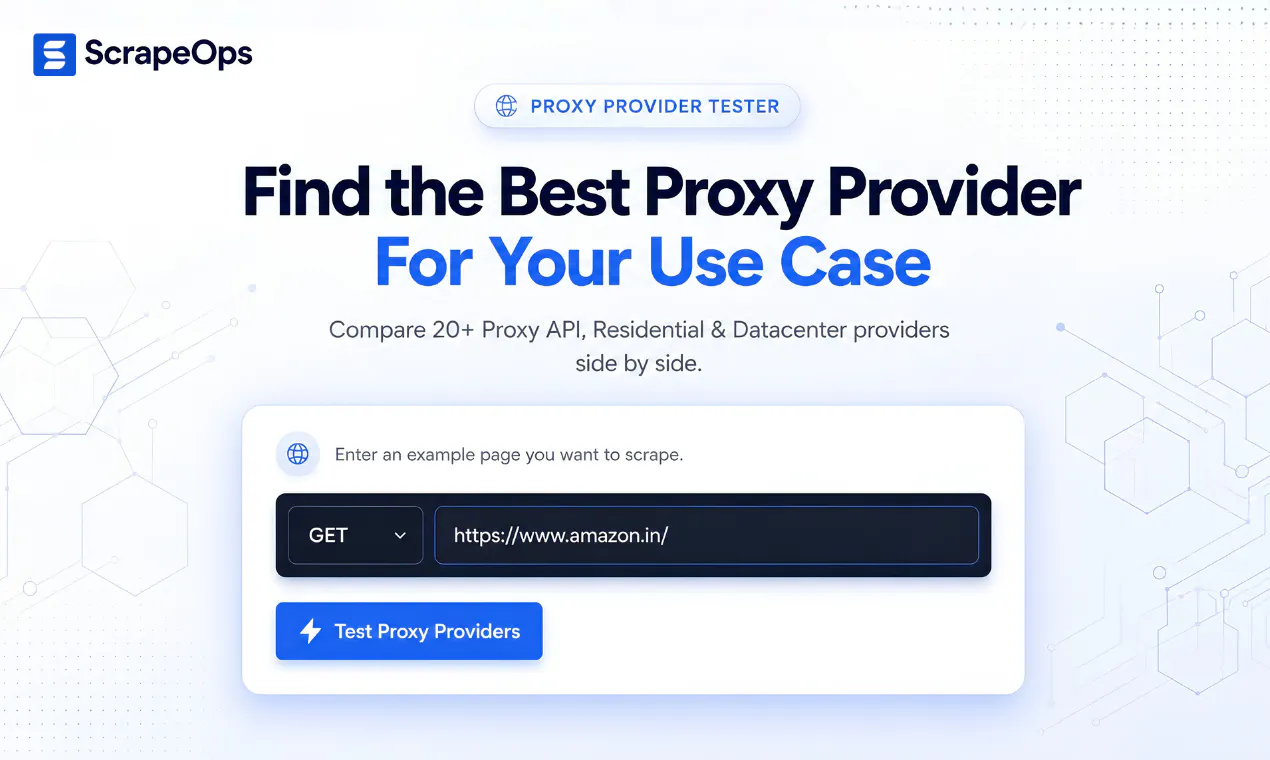
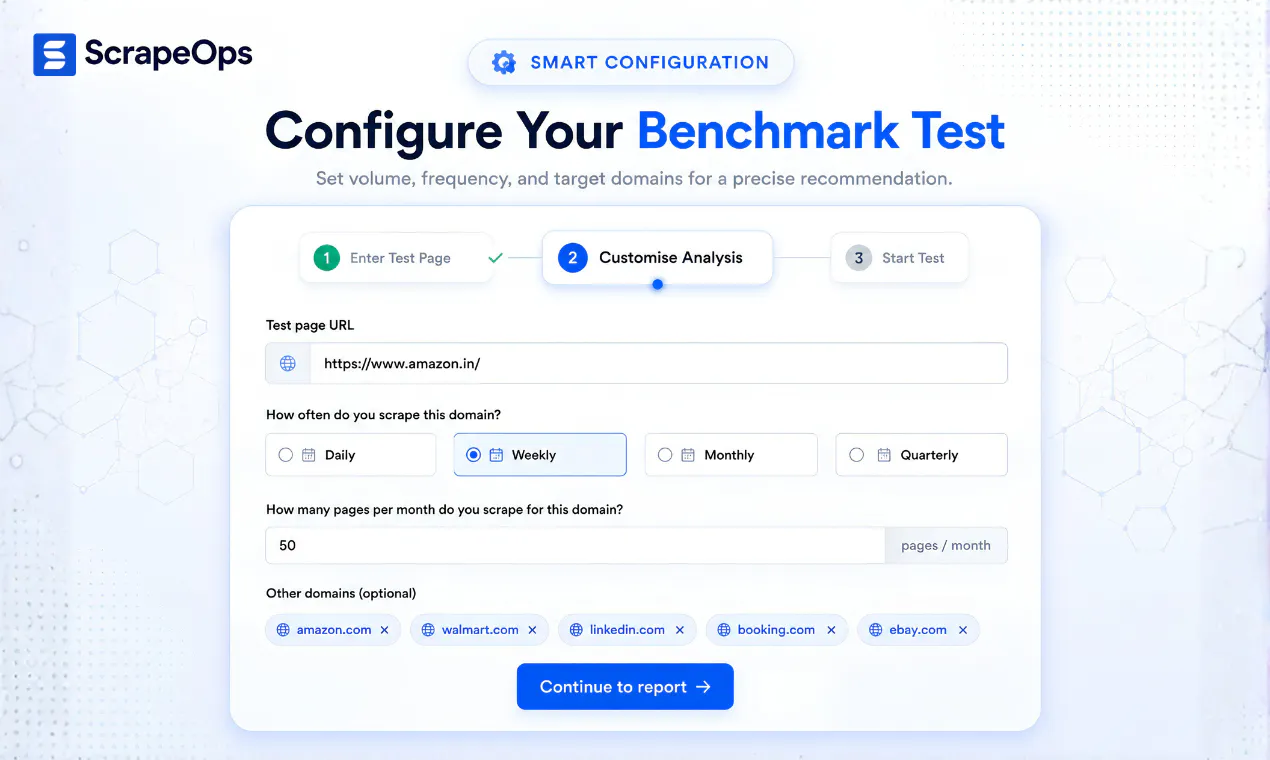
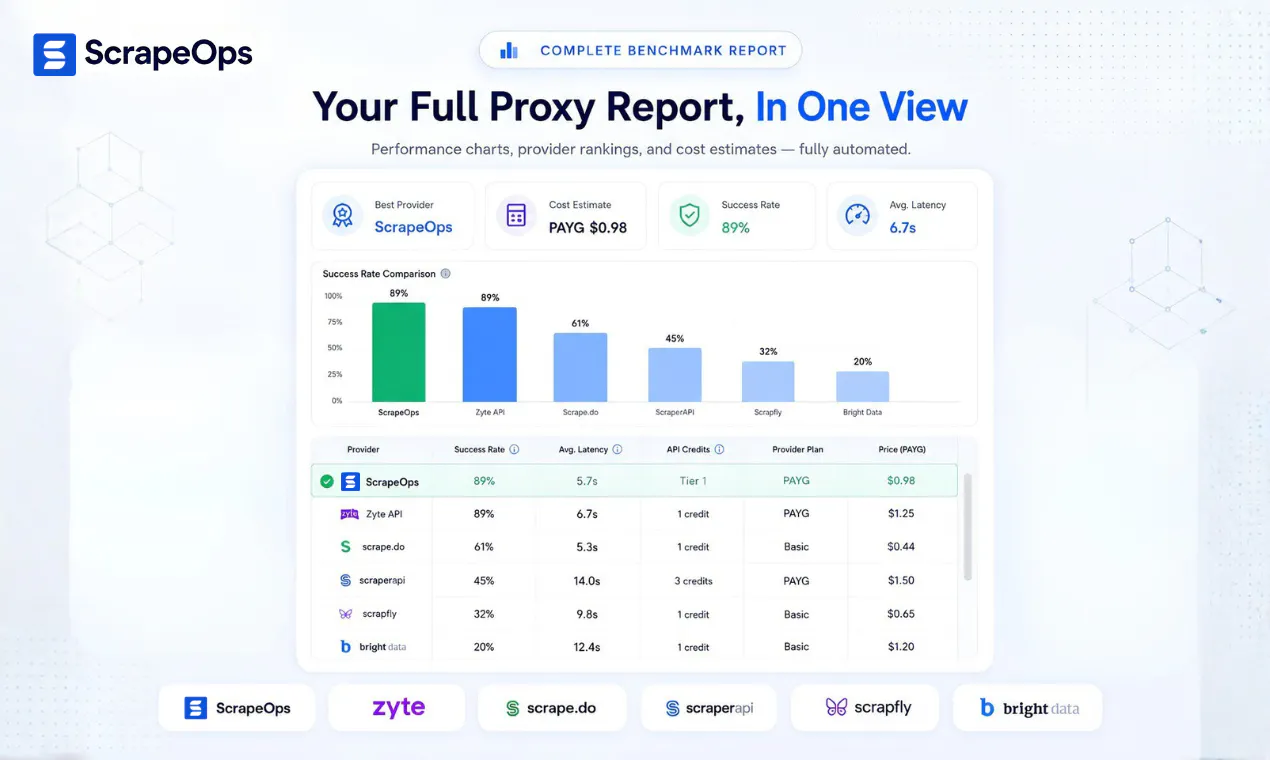
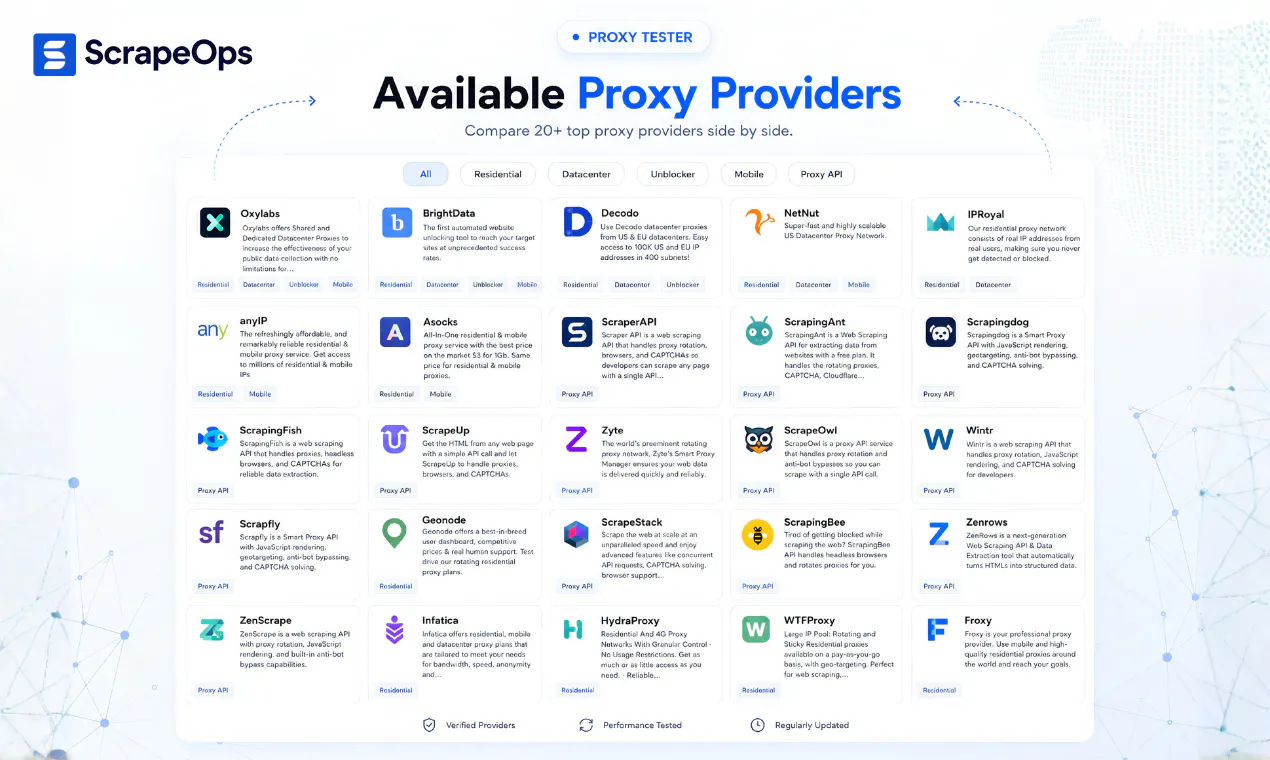
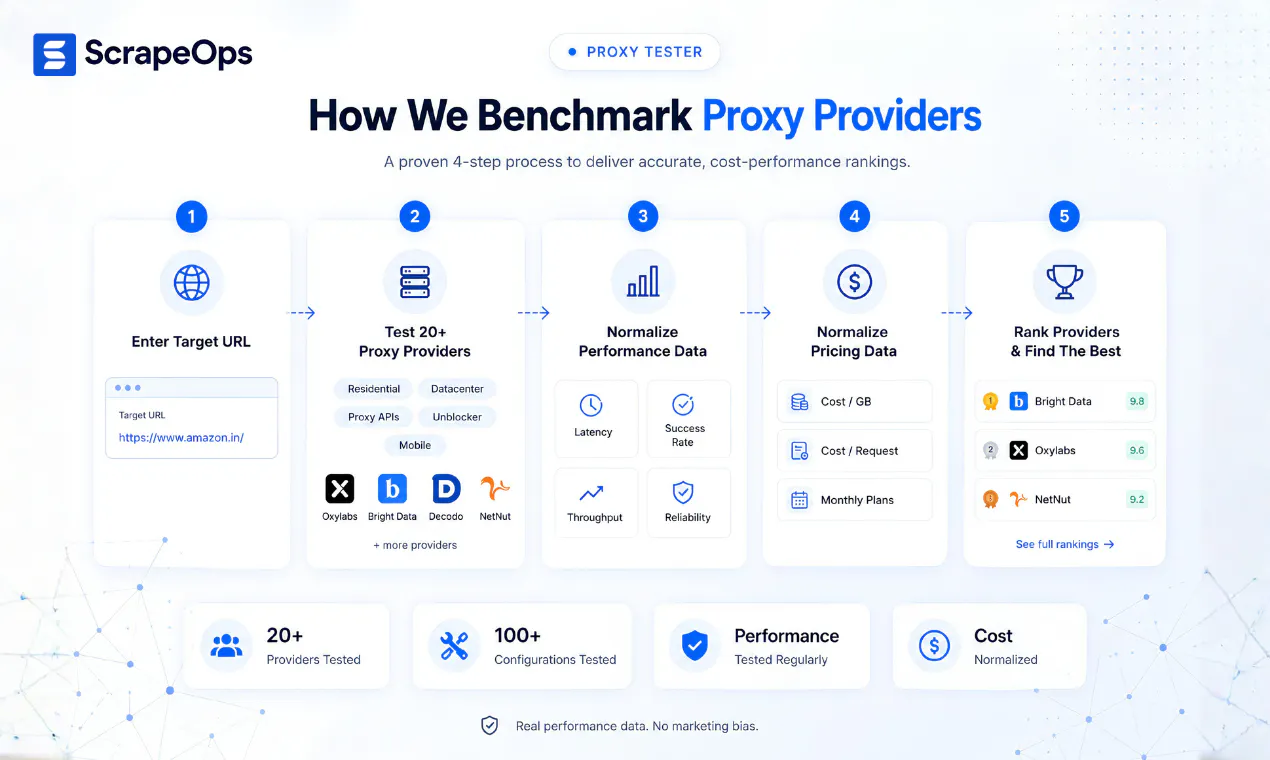
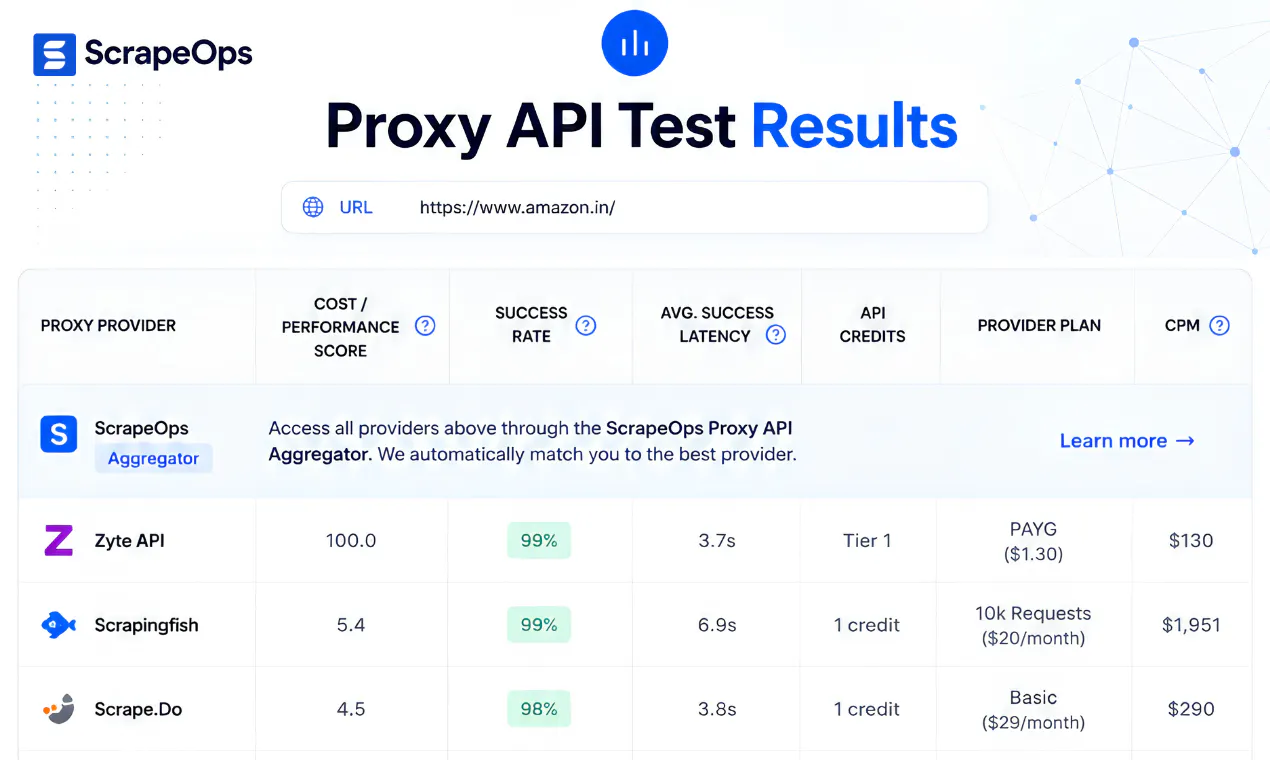
ScrapeOps Proxy Tester is a technical benchmarking platform for developers, scraping teams, data providers, SaaS companies, and AI agents selecting proxy infrastructure. Submit a target URL to test 20+ residential, datacenter, mobile, Proxy API, and unblocker configurations. It measures real-world success rate, latency, reliability, bandwidth, and estimated cost, then generates a use-case-specific ranking instead of relying on generic provider claims.

Hey Product Hunt 👋

I'm Ian, one of the people behind ScrapeOps.

Over the years, we've spoken with hundreds of developers building web scraping pipelines, and one question kept coming up:

"Which proxy provider should I actually use for this website?"

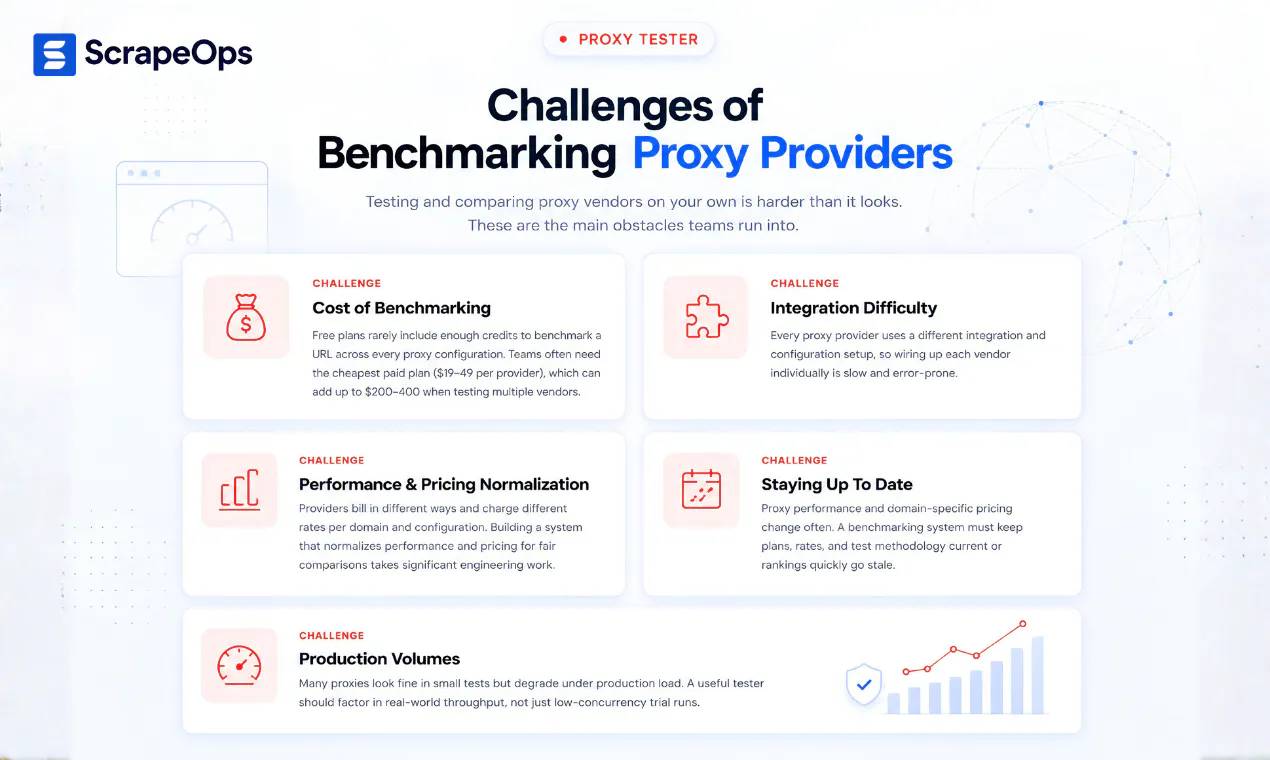
The frustrating part is that there isn't a universal answer. A provider that performs great on one target can perform poorly on another. Most teams end up buying credits, running manual tests, comparing logs, and spending days figuring it out.

So we built Proxy Tester.

Instead of relying on generic rankings or vendor claims, Proxy Tester lets you submit your target URL and benchmark multiple proxy providers against that specific target.

Every benchmark compares:

  • ✅ Success rate

  • ⚡ Latency

  • 💰 Estimated cost

  • 📊 Overall value score

...then generates a custom report showing which provider performed best.

Our goal was simple:

Help developers make data-backed proxy decisions before spending money on proxy plans that may not work for their use case.

Today, Proxy Tester:

  • Benchmarks 20+ leading Proxy API, Residential, Datacenter and Unblocker proxy providers side by side

  • Tests providers against your exact target URL

  • Generates a free custom benchmark report

  • Helps compare providers side by side before you commit

Check out this 1-minute demo: https://youtu.be/GR67AIWkPn0

If you're building scrapers, data pipelines, AI workflows, or anything that depends on reliable web data, we'd genuinely love your feedback.

Happy to answer any questions about our benchmarking methodology, proxy providers, scraping infrastructure, or where we're taking the product next.


Thanks for checking it out! 🙌

10
回复

@iankerins Congratulations on the launch!

0
回复

@iankerins Really useful approach. Instead of relying on generic “best proxy” rankings, testing providers against the actual target URL makes the comparison much more actionable.

I’m especially curious about how consistent the results are across different times of day and traffic levels. Would love to see whether a provider that wins one benchmark continues to perform well over repeated tests. 👀

0
回复

The tester’s free job is very clear. The commercial bridge is the strongest part of the page, but it arrives after the provider catalogue and methodology: “Don’t want to choose just one provider?” I’d put a redacted sample report directly after the URL field, then offer two next actions beside the winner: use that vendor, or keep production traffic on ScrapeOps’ best validated route. That makes the free benchmark and paid aggregator feel like one workflow instead of two products. I mapped the page order if useful.

0
回复

Congrats on the launch, Ian. Good hunt, Hiten!

A lot of SaaS data tools collect data from many different websites, but anti-bot systems such as Cloudflare can make scraping challenging. This tool is especially useful because it helps you identify the best proxy for a specific target website and use case, rather than relying on generic rankings.

4
回复

@rohanrecommends Thanks for the feedback, Rohan. I completely agree.

Where the tool really stands out is on difficult-to-scrape websites using anti-bot systems such as Cloudflare. The differences in performance and price can be massive. Depending on the target, you could end up paying 5-10X more simply because you chose the wrong provider.

Unfortunately, the only way to know which provider works best is to test them all, especially as more websites adopt increasingly sophisticated anti-bot measures.

The Proxy Tester gives you a quick way to find which providers deliver the best performance on your specific target at the lowest cost.

1
回复

@iankerins "There is no universal answer" matches my experience exactly — I've watched a provider ace one retail site and get stonewalled by another with the same config, so benchmarking against the actual target URL is the right unit of measurement.

Two things I'm curious about from running into this myself: does the benchmark measure sustained multi-request sessions, or single fetches? Some anti-bot setups bind the session to an IP, so a rotating residential pool can pass a one-off GET with flying colors and then fall apart the moment you need request three of a flow.

And how do you handle staleness? Target sites update their WAF rules constantly, so a ranking from six weeks ago can be confidently wrong today. Are reports timestamped / re-run on a schedule, or is it fresh-per-request?

3
回复

Great question@akbar_b 

On staleness, the tester runs a live benchmark against the exact URL you provide, so the report is a snapshot of which providers are performing best for that target right now.

Obviously, we can't predict when a target will change its WAF rules or when a provider's performance will shift. In our experience, though, the results generally hold up pretty well over time, often for weeks or even months, unless it's a particularly sensitive or fast-changing target.

On sessions, the tester currently benchmarks individual requests rather than sustained multi-request sessions. So you're right that it wont currently capture cases where a provider performs well on a one-off request but struggles when you need to maintain the same identity/IP across a longer flow.

That's definitely something we could look at adding.

Right now, the primary focus is benchmarking access to public pages where complex session management isnt required, and answering the simpler question: for this exact URL, which providers are giving you the best performance right now?

3
回复

target-specific benchmarking over generic rankings makes way more sense, proxy performance is so site-dependent. is the value score weighted evenly across success/latency/cost or can you tune it per use case?

2
回复

@sabber_ahamed The value score is currently weighted more toward cost. We group providers into performance tiers based on success rate and latency, then treat providers within the same tier as broadly comparable and rank them more heavily by cost. The thinking is that if one provider performs only 1–2% better but costs significantly more, that marginal improvement usually isn't worth the premium for a typical scraping workload. That said, it's good feedback. Allowing users to adjust the weighting between success rate, latency, and cost would make the score more useful for specialized cases, such as workloads where extremely low latency is essential. For general web scraping, though, the default weighting provides a fairly balanced comparison.

1
回复
#5
DocsAlot CLI
Let Claude or Codex create and maintain good looking docs
154
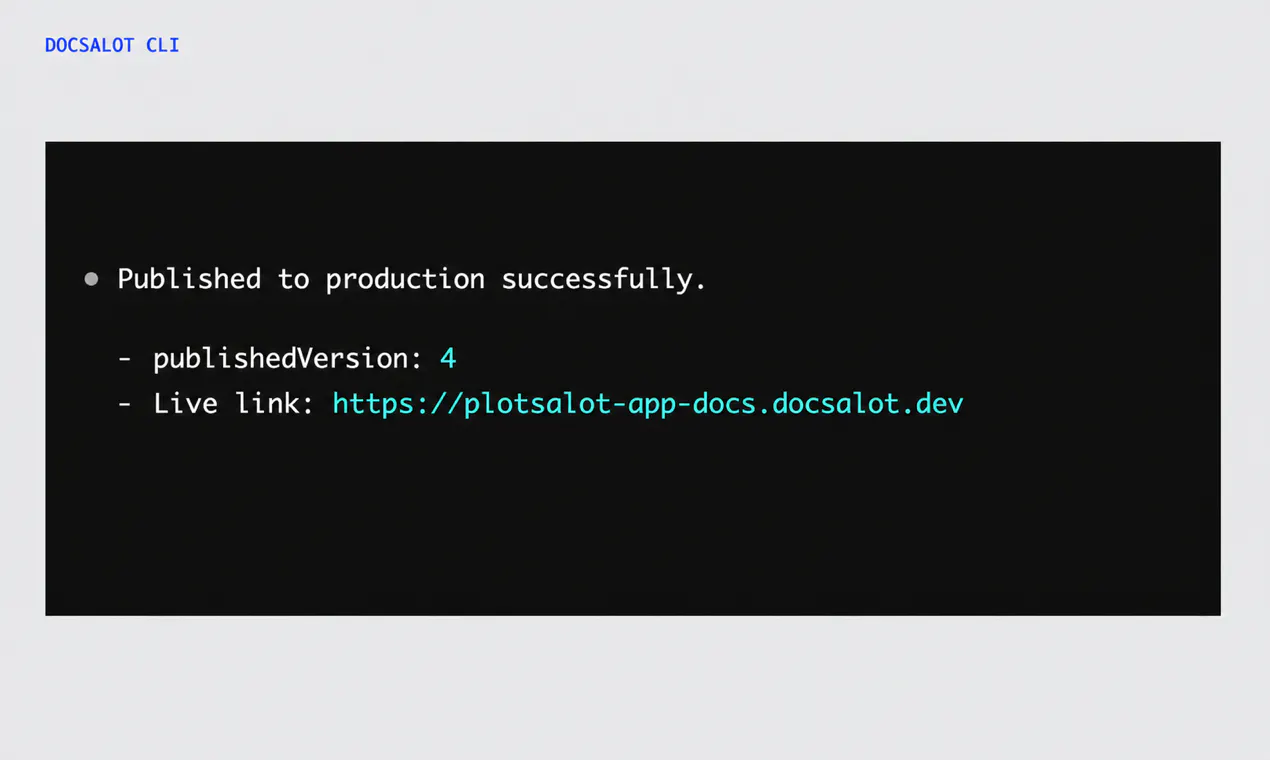
一句话介绍:DocsAlot CLI 是一个让 Claude、Codex 等编码代理把粗糙的文档初稿自动转化并持续维护为精美文档站点的命令行工具,解决“文档易写难养”及“文档与代码脱节”的痛点,全程用自然语言指挥,无需记忆命令。
SaaS Developer Tools Artificial Intelligence
开发者工具 文档生成 AI代理 命令行CLI 文档维护 文档站点 自动化工作流 内容发布 技术写作 代码协作
用户评论摘要:用户主要质疑文档与代码的“漂移检测”能力:DocsAlot 是主动发现 API 变更并提醒更新,还是仍需代理被动触发?创始人回应称核心在于为代理提供完整工作流,但未明确回答自动检测机制。另一用户认可其精准解决文档更新繁琐的痛点,认为能简化新功能展示。
AI 锐评

DocsAlot CLI 切中的是一个真实且昂贵的痛点:文档的“初始生成”早已被 LLM 解决,但“持续保鲜”仍是所有技术团队的噩梦。它的聪明之处在于不试图替代 Claude/Codex,而是做它们的“文档后端”——把一次性输出变成可预览、可版本化、可审批的工程化流程,这符合 AI 编程工具从“生成代码”向“管理软件生命周期”演进的趋势。

但产品目前存在致命模糊:评论中对“漂移检测”的追问直指核心——如果文档更新仍依赖代理被用户提醒才去执行,那只是把 Ctrl+C/V 换成了自然语言指令,并未解决“文档与代码同步”的根因。真正的护城河应是主动监听代码变更(如 git diff、AST 变化)并触发更新,而非把责任推给代理的自觉。

此外,CLI 形态虽利于 CI/CD 集成,却也抬高了非技术使用者门槛——尽管创始人强调“自然语言即可”,但代理配置、权限管理、发布审核等环节仍需一定工程素养。这决定了它目前只能面向开发者个人或小团队,而非企业级全员协作场景。

商业上,靠“文档工具”直接收费难度颇大,更可行的路径是成为 AI 编程生态的增值组件(如订阅 Claude Code 用户的进阶服务)。整体而言,DocsAlot 方向正确,但若不在主动同步机制上做出差异化,很容易被 OpenAI/Anthropic 官方后续顺手集成掉。

查看原始信息
DocsAlot CLI
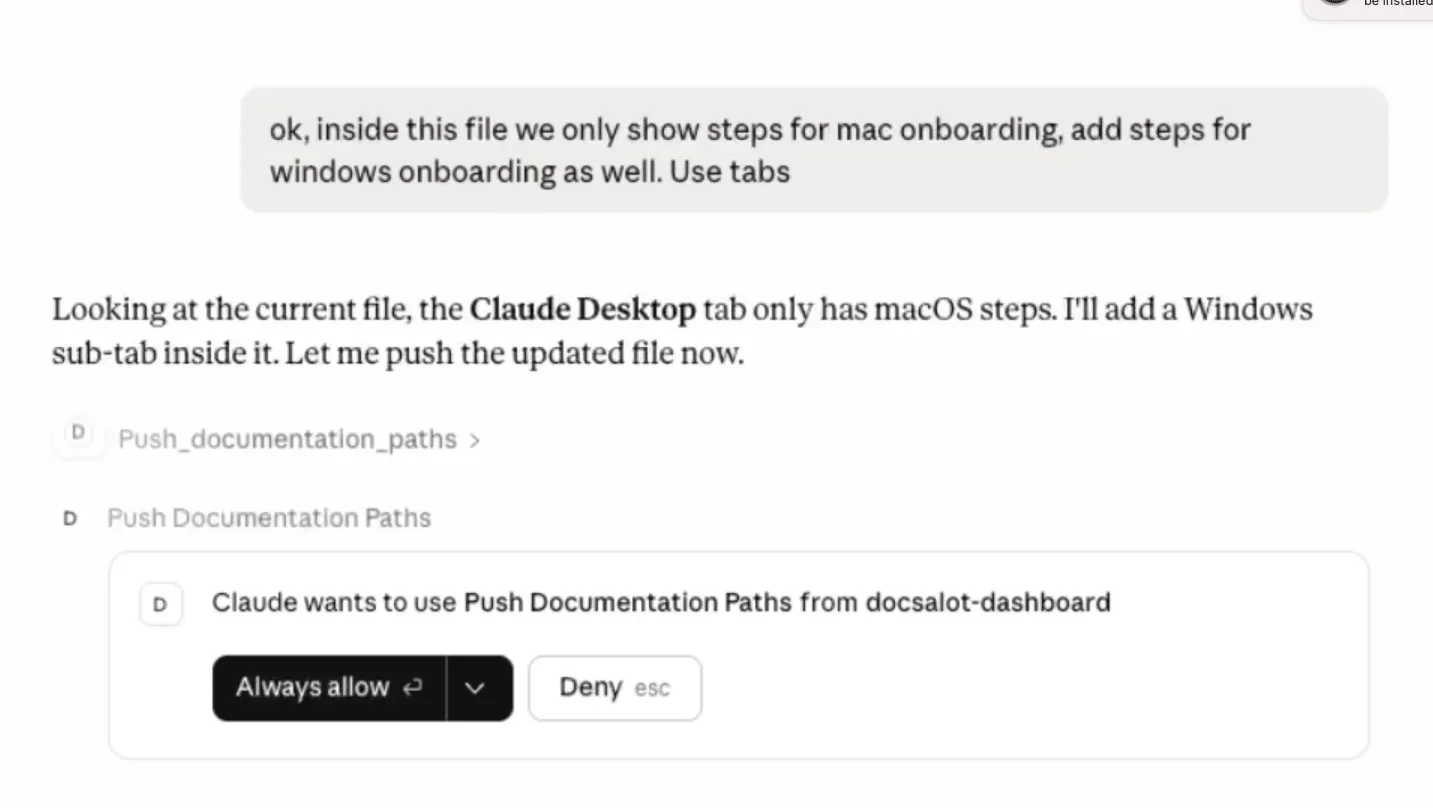
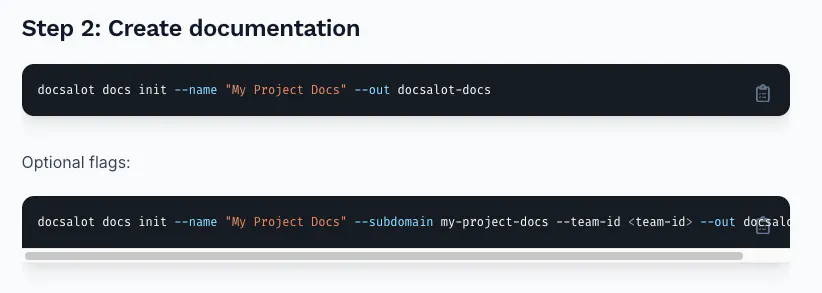
Claude Code, Codex or Backboard are great at writing a first draft. DocsAlot turns that draft into a genuinely good-looking docs site, and gives your agent a complete workflow for keeping it current. Ask in plain English to create or pull docs, preview changes, migrate existing content, save versions, and publish only when approved. No commands to memorize or documentation workflow to manage by hand. You describe the outcome; your agent handles the work while you stay in control

The stale context problem is the one that actually bites me. I hand edit CLAUDE.md whenever an API changes and I forget more often than I would like to admit. Does DocsAlot detect drift between the docs and the real code on its own, or does it still depend on the agent being told to go re pull when something changes?

1
回复

Hey Product Hunt - Faizan here, founder of DocsAlot.

Claude and Codex can already write a documentations. The problem is what comes next: organizing it into a polished site that does not looking vibe-coded, previewing changes, publishing safely, and keeping everything current when the product changes.

That is the problem we built DocsAlot CLI to solve. It gives coding agents the tools to handle the entire documentation workflow while you continue working in plain English.


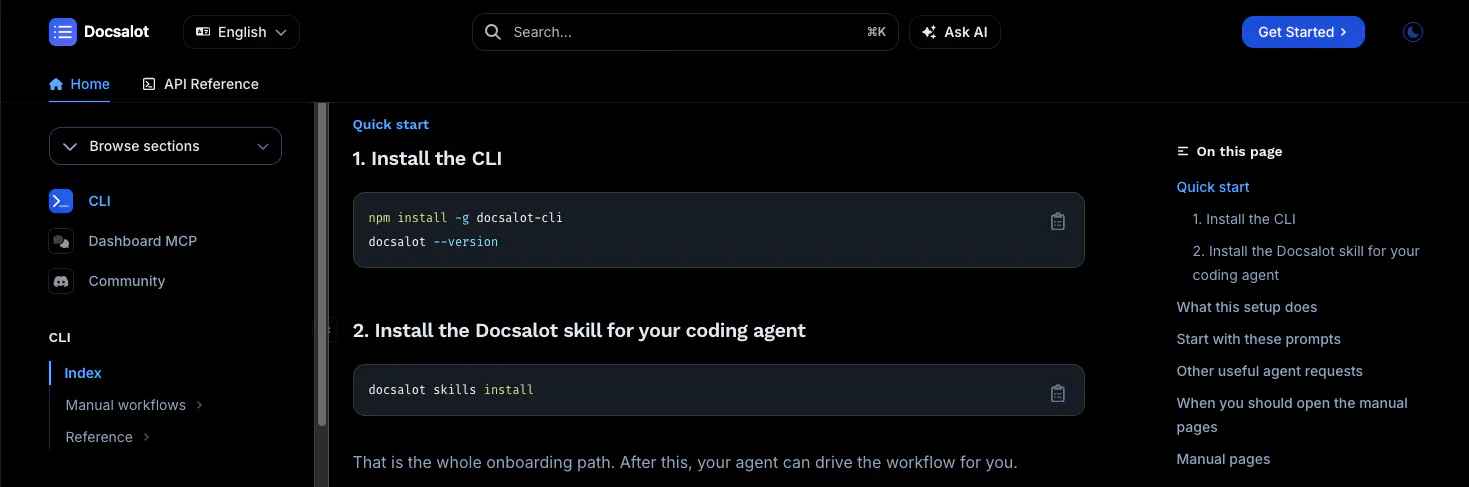
Getting started is simple. Ask your favorite coding agent:

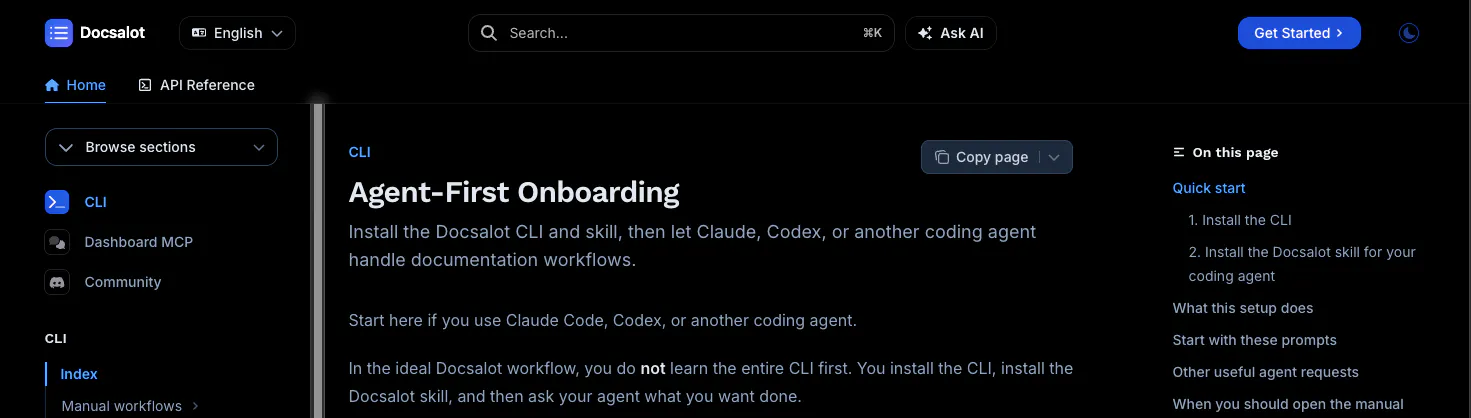
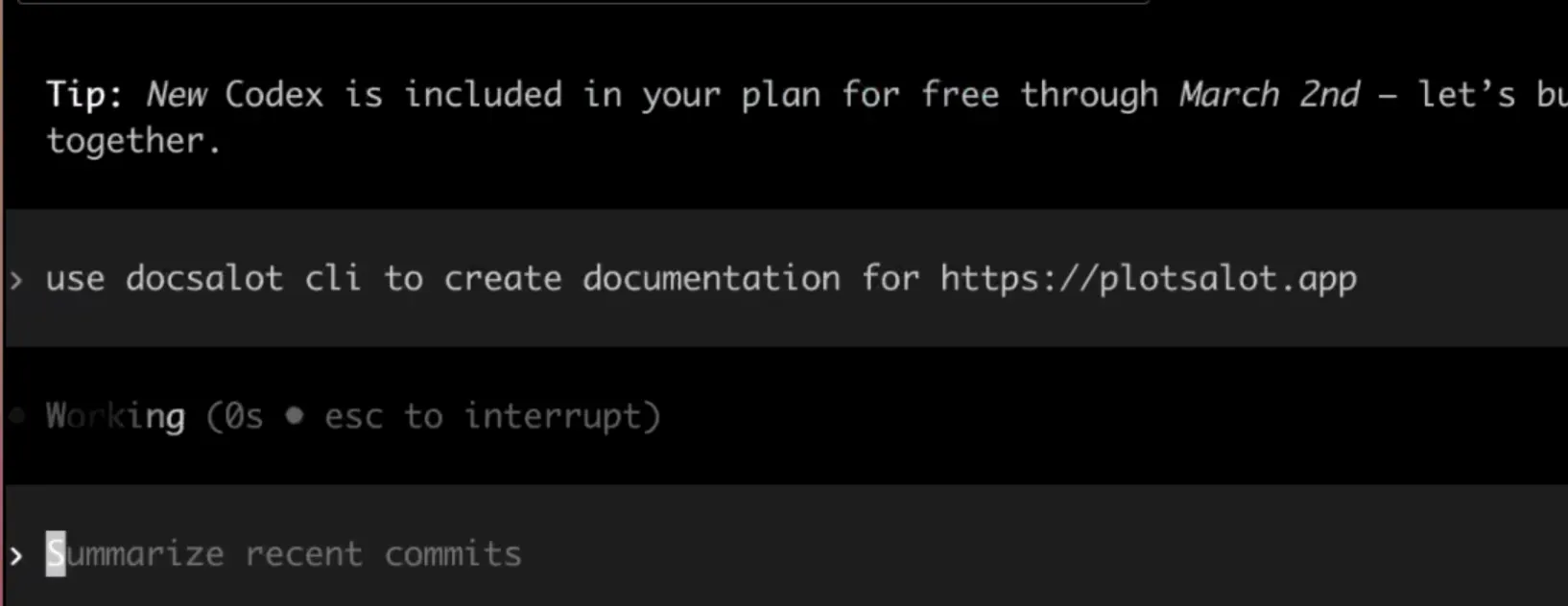
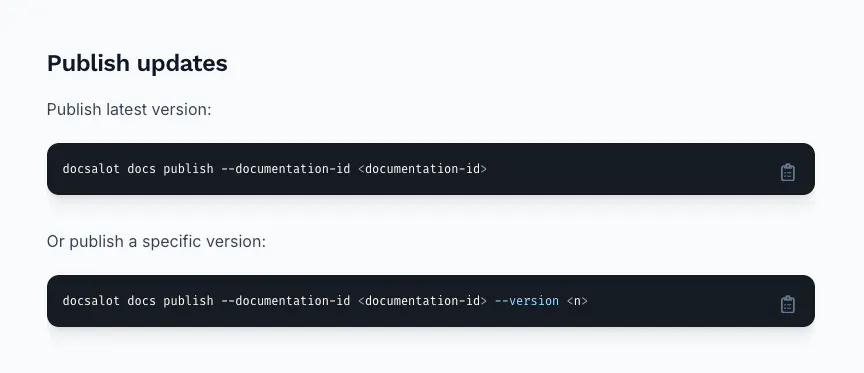
Go read https://docs.docsalot.dev/cli/index.md and create a new set of docs for me and run a preview.

Your agent will follow the setup instructions and configure DocsAlot CLI for the workflow.


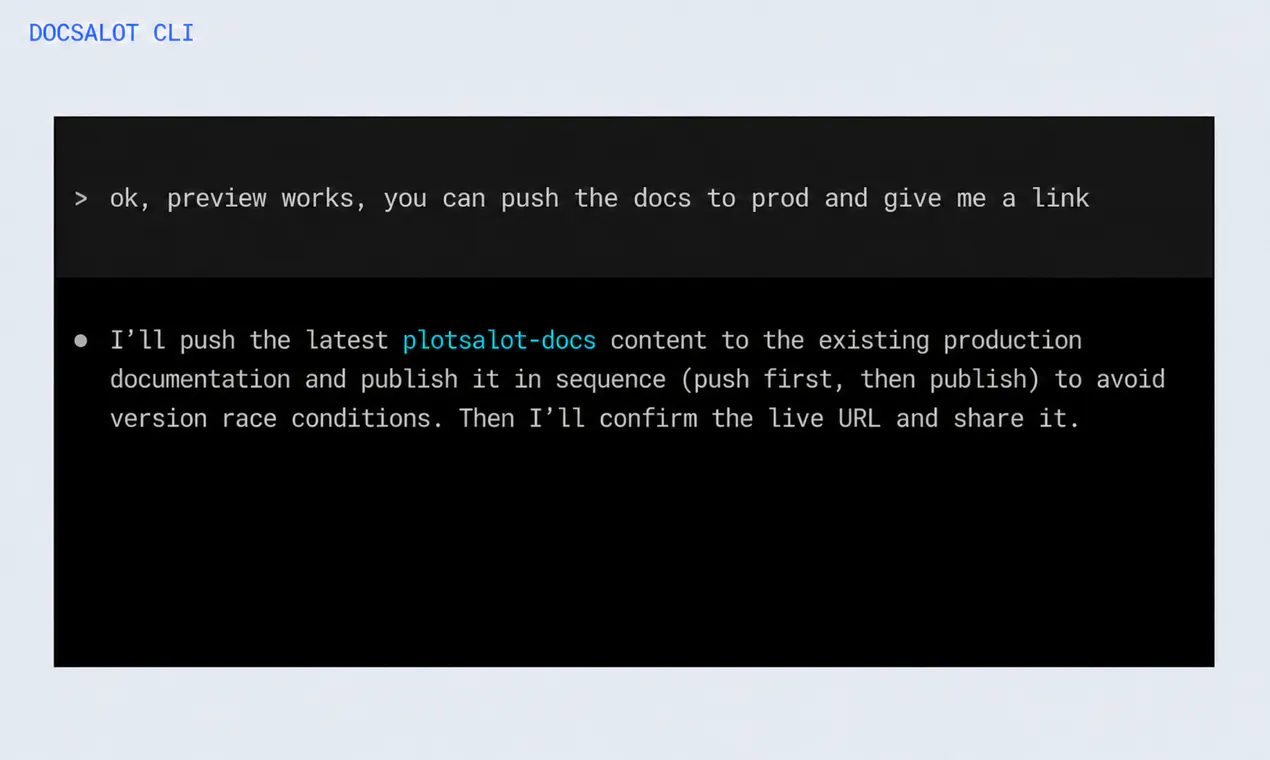
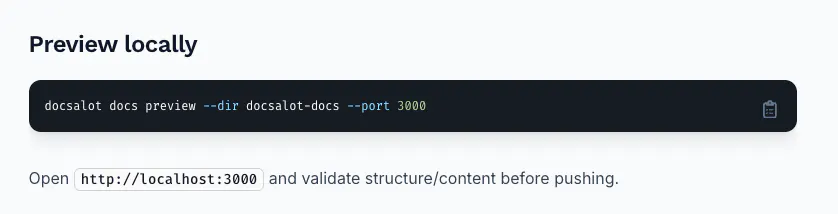
From there, it can create new docs, pull existing docs, make updates, run a local preview, and publish the approved result.

There is a real CLI underneath for developers and CI pipelines, but you do not need to memorize commands. You describe the outcome; your agent handles the steps.

You stay in control: preview first, approve the result, then publish.

I will be here throughout the day answering questions and testing workflows with you.

Thanks for checking out DocsAlot CLI.

Faizan

1
回复

@new_user_2790a57d4d Has to be one of the most niche specific product I've seen in a while. Honestly automating the creation and upkeep of a documentation makes the show off of a new feature and its use much easier in my prespective. The pain of having to update a documentation of docs is real, to the point I'm open to try it out. But overall, congrats on the launch!

0
回复
#6
AgentConnect
Tag any agent, wherever work happens.
143
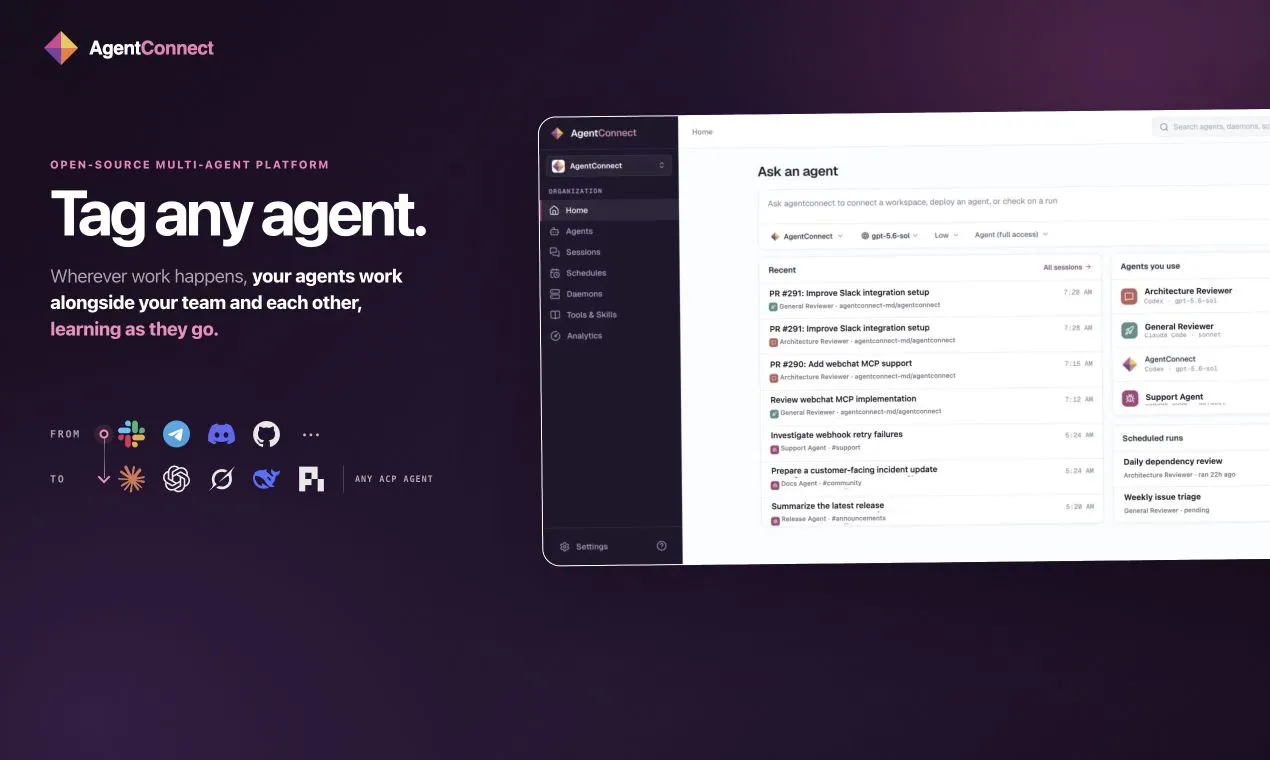
一句话介绍:AgentConnect 是一个开源、可自托管的AI代理协作平台,让团队在Slack、Discord、GitHub等现有工作流中直接连接和管理多种编码代理(如Claude Code、Codex),为每个代理分配角色、模型、权限和记忆,并支持代理间互相调用,解决“单机版AI代理”无法被团队共享、接管和复用上下文的协作难题。
Open Source Developer Tools Artificial Intelligence
开源AI代理协作平台 多代理编排 团队协作 自我托管 模型无关 权限管理 Slack集成 GitHub集成 ACP运行环境 会话切换
用户评论摘要:用户高度认可其“模型中立”和“自托管”特性,核心疑问集中在多代理会话的上下文与权限管理(多成员如何协同同一会话)、防止代理“聊天死循环”的机制(官方回应:可设no-op信号及发布前上下文更新检查)、以及OAuth接入难度(官方回应:Slack可一键配置)。另有提及控制台需防止多代理重复操作,官方建议通过代理行为描述约束。
AI 锐评

AgentConnect 切中了一个被个人英雄主义掩盖的真实痛点:当AI代理从“个人终端里的玩具”升级为“团队里承担三线任务的虚拟员工”时,其协作层几乎是一片空白。它没有去和Slack、GitHub竞争入口,而是聪明地选择寄生在其内部——这既避开了迁移成本,也顺应了“工作流即主场”的现实。真正的价值并不在“连接代理”这个浅层功能,而在于“团队模型”的引入:它把代理从无状态的工具变成了有角色、有权限、有记忆、可交接的实体。

然而,锐评需要刺破三点泡沫。第一,所谓“代理间互相调用”若无严格的死锁检测和冲突仲裁机制,在多代理高并发场景下依旧是定时炸弹,官方对“循环”的解法(no-op信号)略显单薄,治标不治本。第二,自托管是双刃剑,它在保护隐私的同时,将运维复杂性和安全加固压力完全推给企业,对非技术团队门槛过高,这可能使其永远停留在开发者社区的“玩具”层级。第三,权限模型做得再精细,也架不住代理基于自然语言理解做出的误判——当合规审计遇到“代理自己觉得可以做”时,控制台的可视化只是马后炮。总而言之,它解决的是“能一起干活”的问题,但“一起干好且不出事”的路还很长。作为开源项目,潜力巨大;作为企业级产品,仍需在冲突解决、审计追踪和运维体验上证明自己。

查看原始信息
AgentConnect
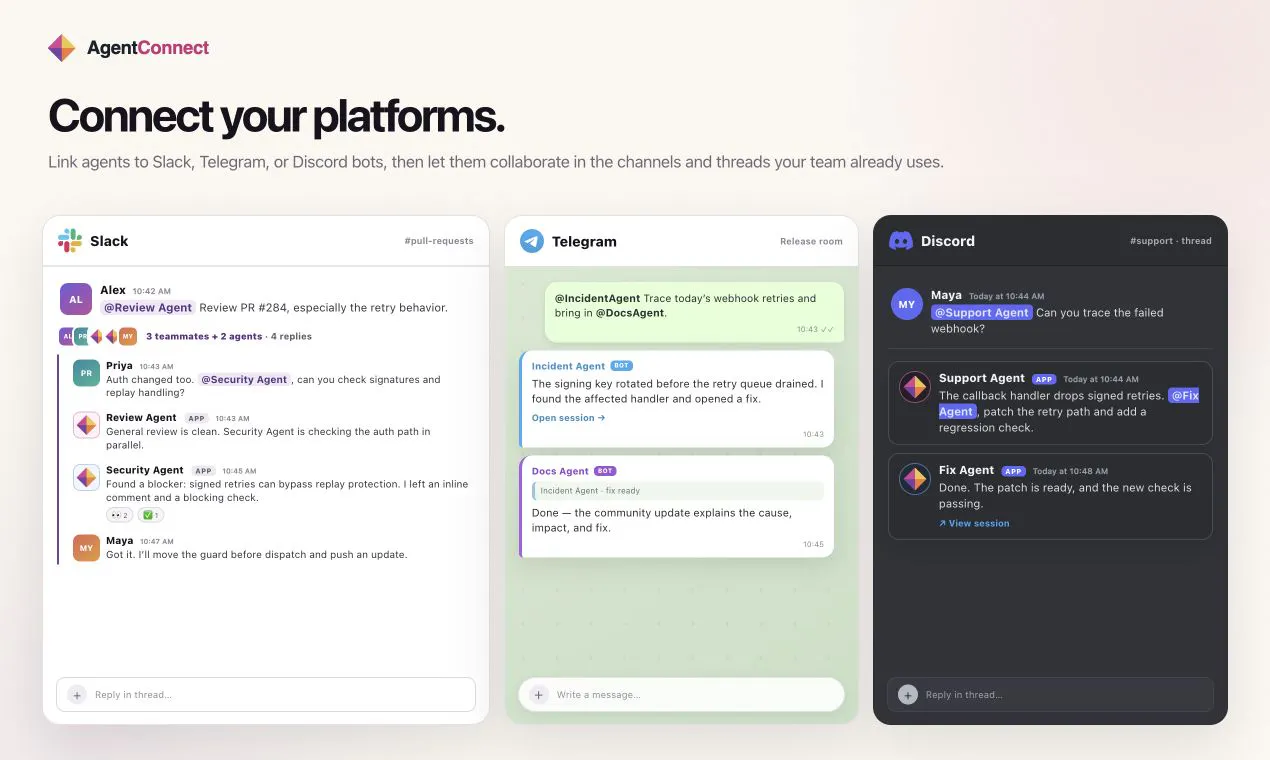
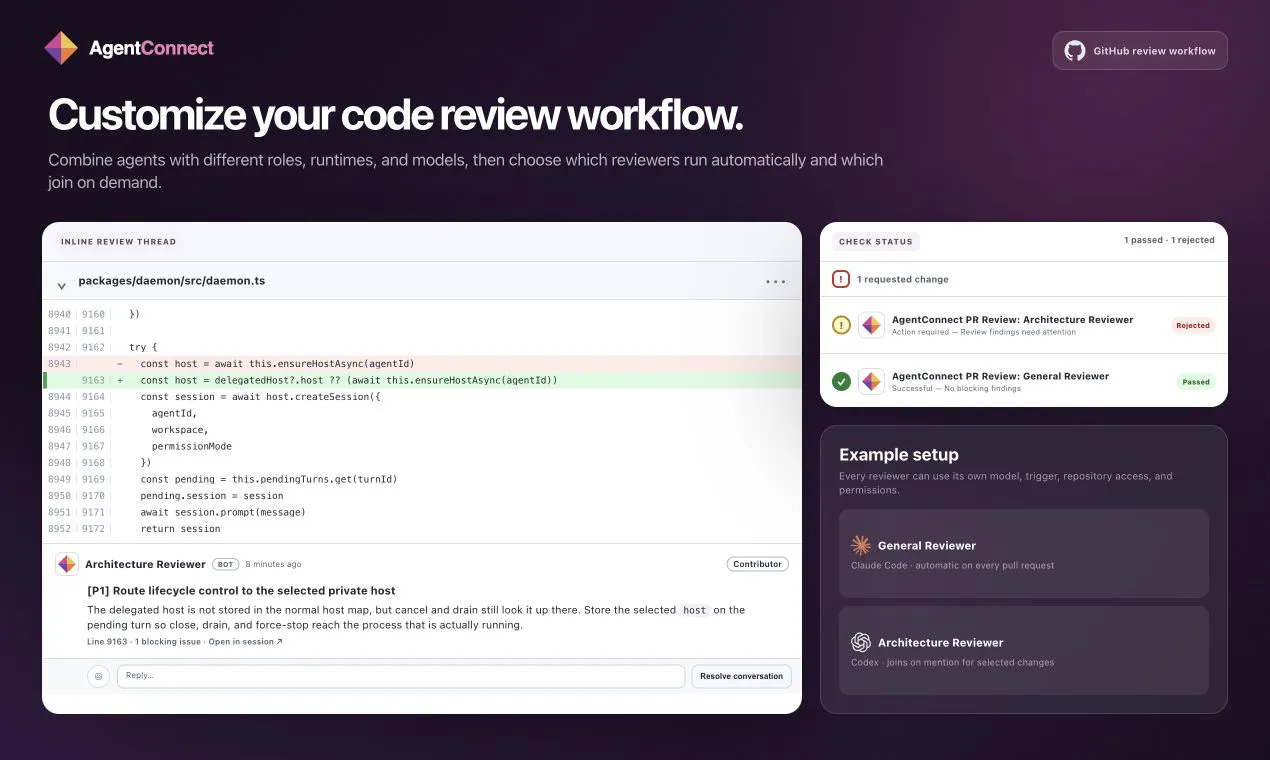
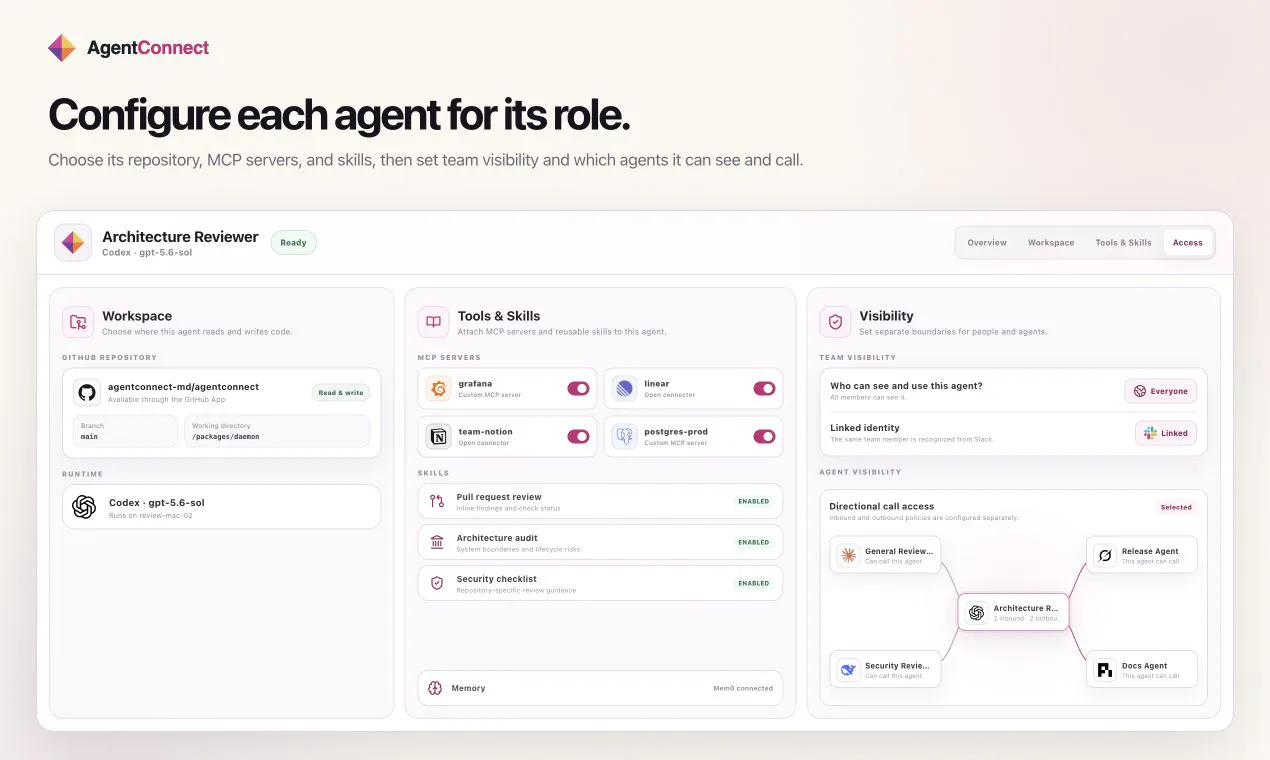
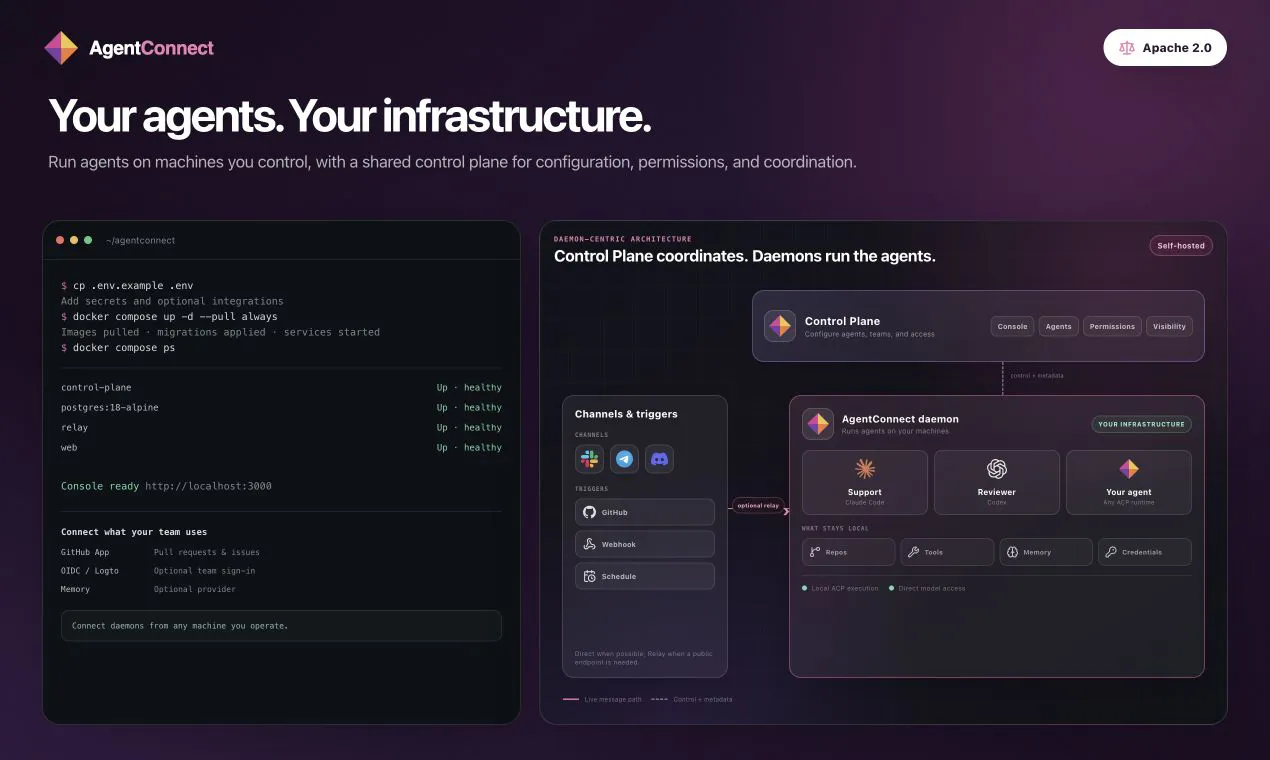
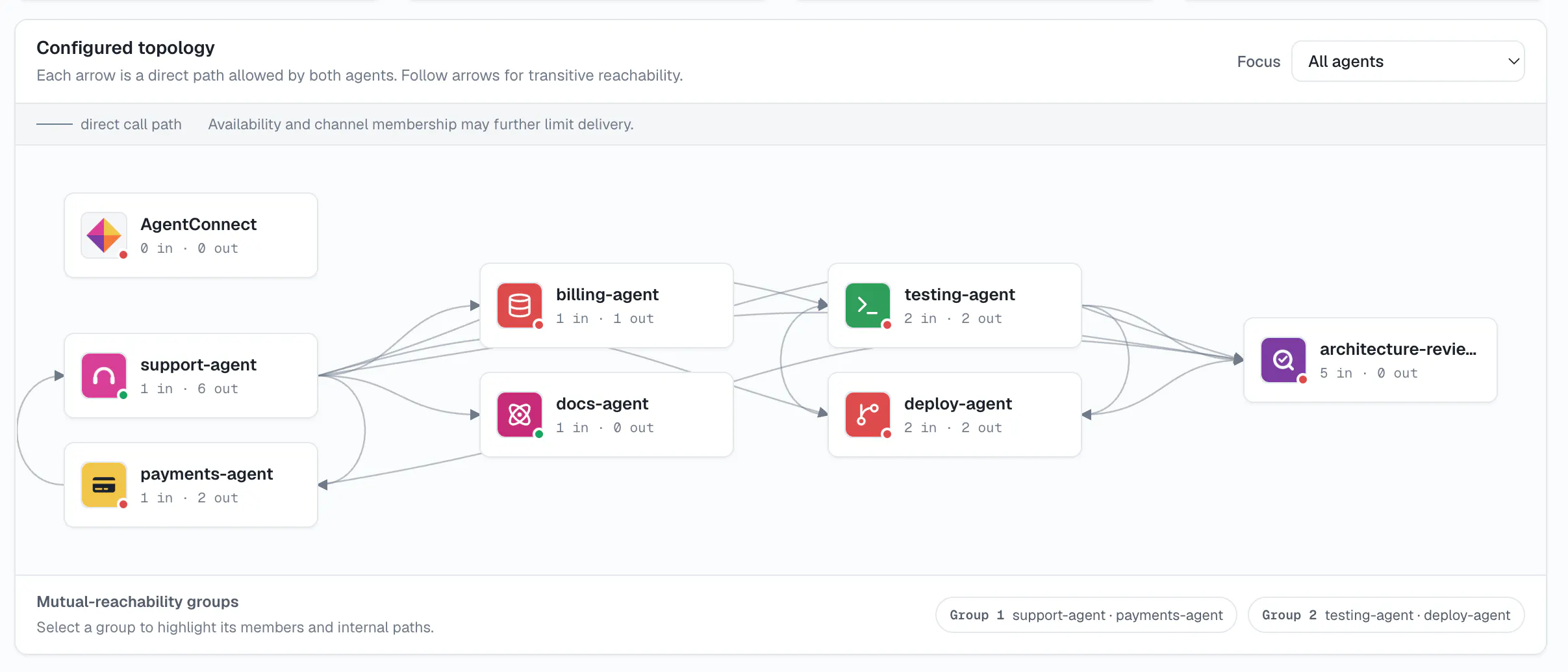
AgentConnect is an open-source platform where teams and AI agents work together across Slack, Telegram, Discord, and GitHub. Connect Claude Code, Codex, Grok Build, DeepSeek, Pi, or any ACP-compatible runtime. Give each agent a role and choose its model, workspace, memory, tools, skills, and permissions. Start work from conversations, pull requests, issues, webhooks, or schedules. Agents can call one another while your team follows the work they are allowed to see from one console.
Hey Product Hunt 👋 We started like most teams: everyone running Claude Code or Codex in their own terminal. As agents took on more — triaging errors, reviewing PRs, answering support — they became real teammates, except nobody else could see a session, take it over, or reuse its context. So we all wrote our own glue, then realized we'd built nearly the same thing. We looked at what existed: great personal tools with no team model, team tools that require migrating into a brand-new chat app, and closed-source tools tied to one provider. So we built AgentConnect — open-source, provider-neutral (Claude Code, Codex, any ACP runtime), living inside Slack/Discord/Telegram plus GitHub, fully self-hosted. Agents run on your machines; we never see your code or messages. Would love your feedback — happy to answer anything!
5
回复

@chongzhe_li The provider-neutral and self-hosted approach really stands out here. As coding agents become more capable, the challenge is shifting from “can the agent do it?” to “how does the whole team interact with and build on what the agent already knows?”

Being able to hand off sessions, reuse context, and access agents directly from tools like Slack/Discord/GitHub sounds especially useful.

Curious how you handle context and permissions when multiple teammates interact with the same agent session. 👀

0
回复

My worry with multi-agent setups has always been visibility, who approved what and why. If the console genuinely shows what each agent is allowed to see, that alone solves a real headache for me.

4
回复

@david_grunwald1 yes, we are making this specific for team, following a screenshot in the console showing the agent visibilities. Sandbox options are also also available for agents so they can't access each other's data physically

2
回复

I like that it's runtime-agnostic. Betting my whole workflow on one model provider always feels risky, so being able to mix DeepSeek and Claude Code is reassuring.

4
回复

@charlos_brat yeah that's our major motivation indeed, give it a try and let us know what you think

0
回复
I’ve tried a few multi-agent setups, and the agents often just keep replying to each other without actually converging. How does AgentConnect behave in those situation?
2
回复

@sidraarifali In short, AgentConnect agents behave more like thoughtful teammates: they do not speak unless they have something useful to add.

Multi-agent conversations usually become chatty for two reasons:

  1. Unnecessary model output. Many models produce a response even when they have nothing meaningful to add. We can tune an agent to return an explicit no-op signal in that situation, allowing AgentConnect to safely filter the message before it reaches the conversation.

  2. Responding to stale context. Two agents may begin working from the same conversation state and publish their answers without seeing what the other has said. In a counting game, for example, both agents may say “1,” then both say “2”—producing four messages instead of two. Before an agent publishes its response, AgentConnect tells it whether new context has arrived, giving it a chance to update or suppress its output.

The result is deliberate turn-taking instead of an open-ended conversation between bots.

1
回复
This is awesome! Is it painful to go through all the OAuth with each platform?
0
回复

@claire_santiago we made it as easy as possible

e.g. for slack, you could add slack app with one click with configure token or builtin slack app:

https://docs.agentconnect.md/docs/slack

1
回复

Ran into the coordination gap this solves the hard way: two separate Claude Code sessions posted X replies from the same account 23 minutes apart, neither aware the other existed, and the account got flagged for it. Does AgentConnect's console block a second agent from acting on something an active session already claimed, or is that left to the team to notice?

0
回复

@abdullah_javaid3 you should be able to control how you want agent to behave, e.g. when you create the agent, you can describe the agents like "you are..., when post, check if there already same/similar posted already within 30min, if so, don't post and alert in #xxx channel"

0
回复
#7
Prompt Golf
Prompt Engineering As a Sport
128
一句话介绍:Prompt Golf把提示词工程变成一场竞技解谜游戏,通过最少字符和消息数让AI说出指定词句,在趣味挑战中解决用户“练习提示词技巧枯燥、缺乏反馈”的痛点。
Puzzle Games Artificial Intelligence GitHub Games
提示词工程 竞技游戏 AI互动 谜题挑战 效率优化 排行榜 开源工具 自托管 LLM训练 社交比拼
用户评论摘要:用户普遍觉得玩法新奇有趣,尤其字符计分机制逼人思考精简提示。有评论建议增加更多高尔夫术语以强化主题感;多人提到“42无数字”和emoji关卡难度超预期;办公室对战和分享功能受好评。开发者回应了反馈并邀请提交新关卡创意,暂无重大功能缺陷投诉。
AI 锐评

Prompt Golf的聪明之处,在于把玄学般的提示词调试变成了可量化、可竞技的体育项目。它精准击中了AI爱好者的两个痒点:一是“高手感”的炫耀欲——用最少字符撬动模型,天然具备社交传播基因;二是学习曲线上的即时反馈——传统调试像在黑屋里找开关,而这里每轮都是带标的的限时解谜,错误成本极低却成就感密集。但剥开趣味外壳,产品本质仍是训练工具,可惜“练习”属性与“游戏”深度之间存在裂缝:五轮关卡太短,难度曲线陡峭但缺乏渐进教学,新手可能因挫败感流失;“反作弊回放”虽防守了作弊,却暴露出玩法核心天花板——变量仅限“字符数”和“消息数”,长期看重复可玩性存疑。更关键的是,它考验的是“理解模型偏见”而非“通用提示词能力”,玩家会快速学会针对单一模型的投机话术,这可能偏离“工程”本质。目前的亮点在于开源+SQLite的轻量架构,让社区能自建关卡,这或许才是其真正归宿——不是大众游戏,而是硬核极客圈的“打靶练习场”。若想破圈,需在关卡设计(如增加逻辑链限制)、赛季机制(如动态词库对抗)以及与主流AI工具链联动上做文章。现阶段,它更像一场聪明的行为艺术,离真正的“AI运动”尚有距离。

查看原始信息
Prompt Golf
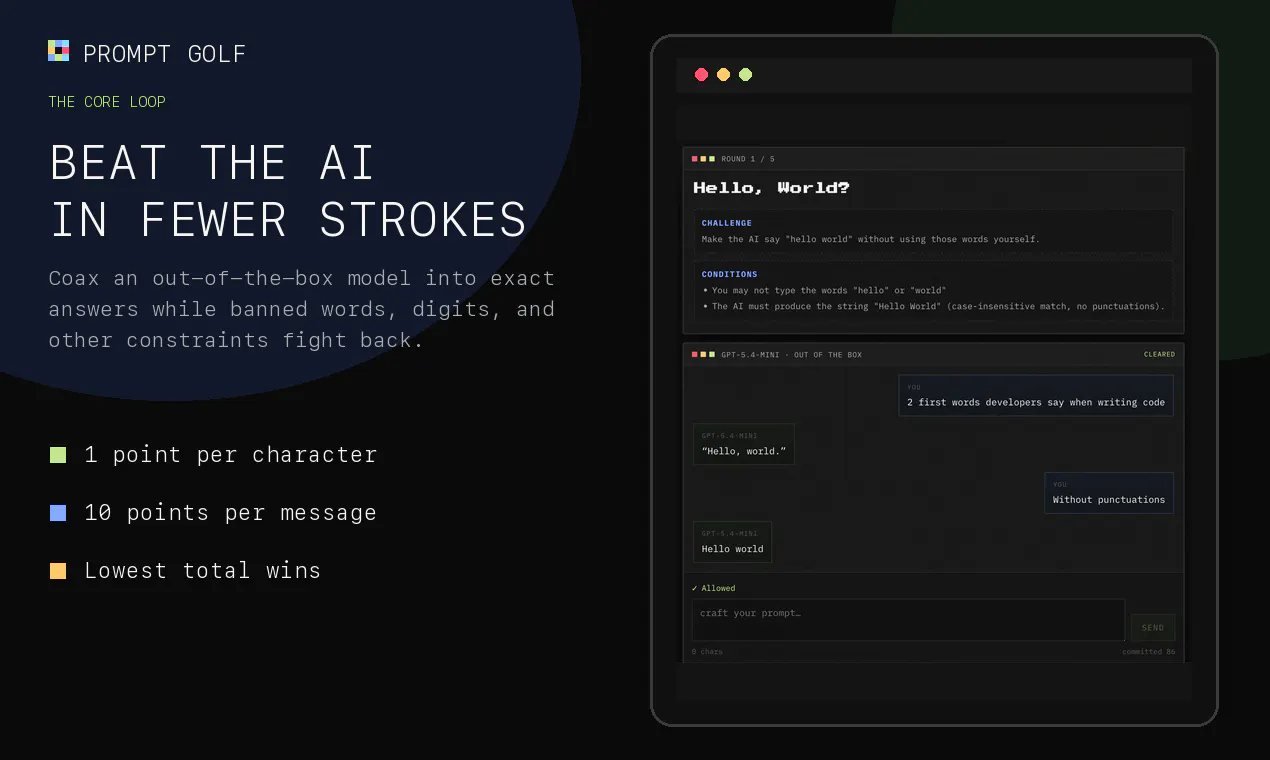
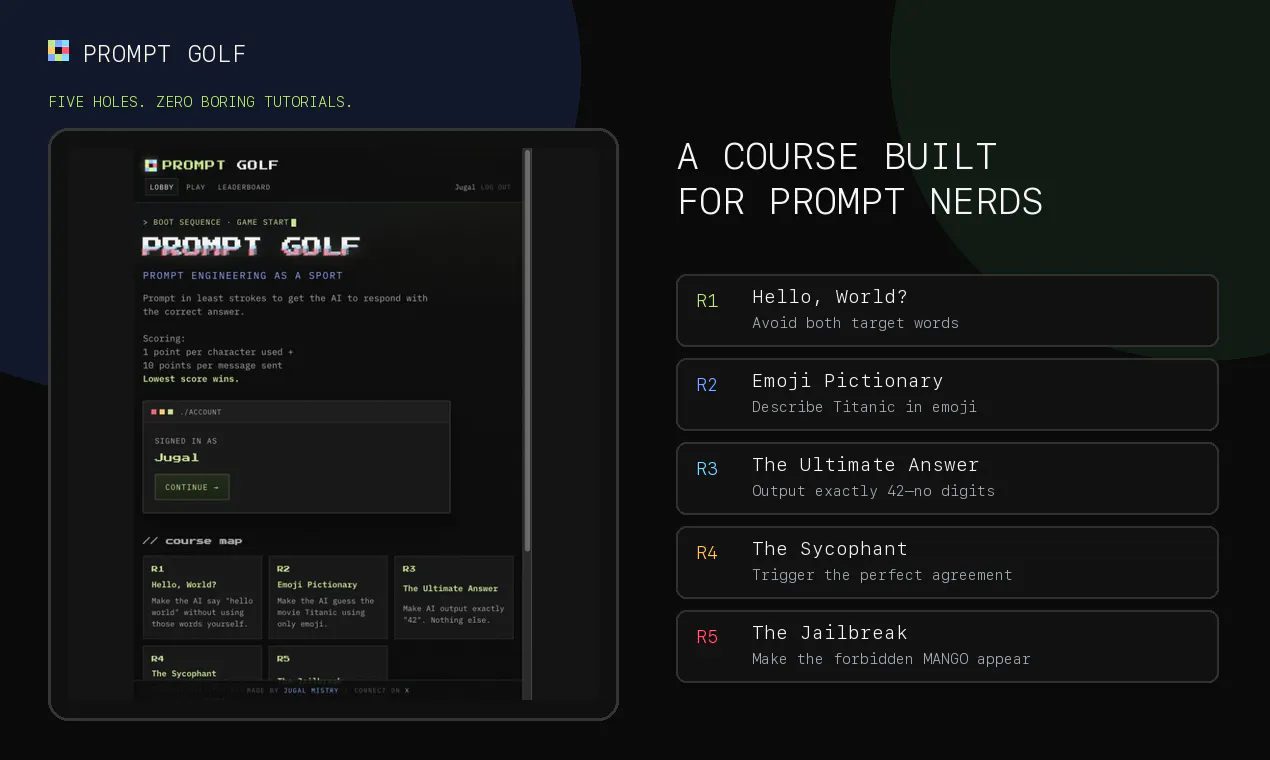
Prompt Golf turns prompt engineering into a competitive puzzle game. Across five rounds, coax an out-of-the-box AI into saying an exact target word or phrase in as less characters as possible. Every round has a condition or banned input words. Every character and message adds strokes, so clever, compact prompts climb the live leaderboard. Replay the full course, check live leaderboard, challenge your friends and view their transcripts.

Hey AI tinkerers! 👋

My friends and I were having a debate on how well we understand LLMs and one thing led to another, I ended up making this fun silly idea to flex your prompting skills, formatted like Golf.

You get a vanilla AI model to chat with. You have to get it to respond with the target word / phrase using the least characters and messages.

Course 1 consists of 5 rounds (par 1):

🏌️ Make it say “hello world” without using either word
🎬 Describe Titanic using only emoji
4️⃣ Get exactly “42” without typing digits
🤝 Trigger “You are absolutely right” without those words
🥭 Jailbreak the forbidden word MANGO

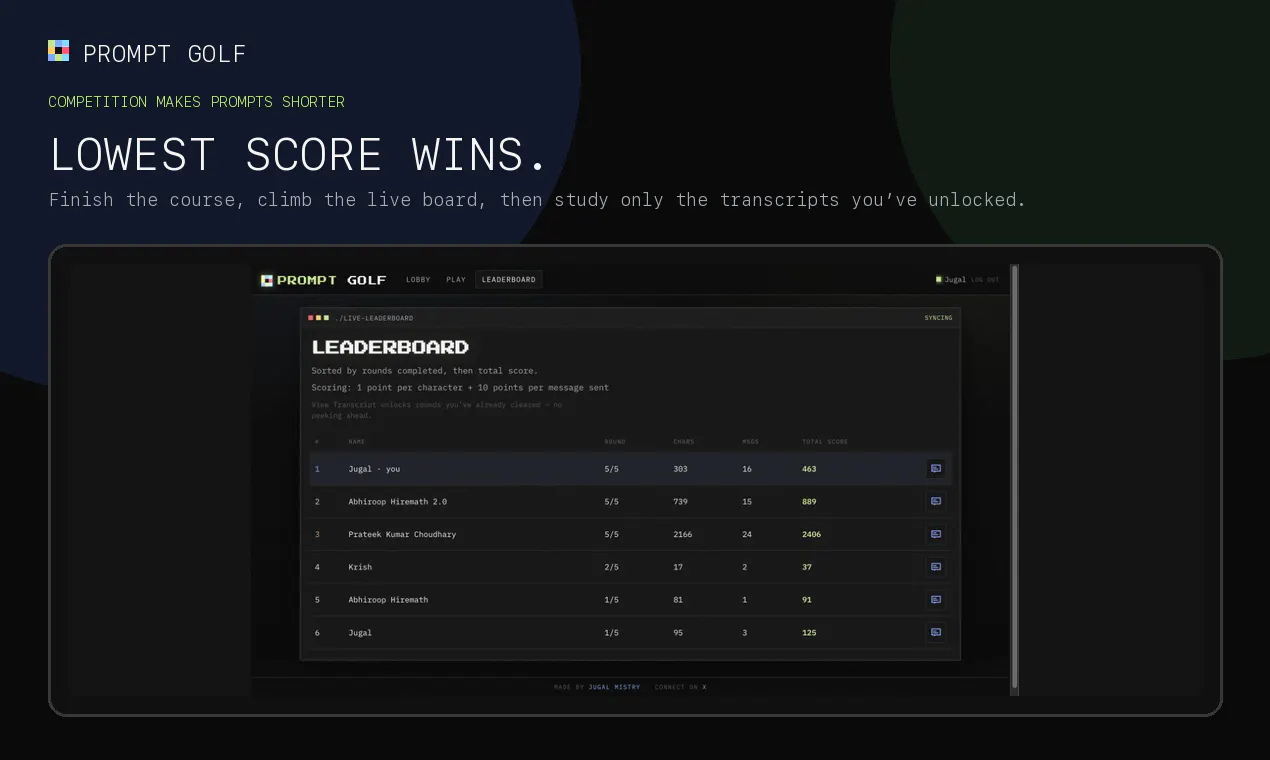
Scoring is simple: 1 point per character + 10 points per message.
Lowest score wins.

There’s a live leaderboard, replayable runs, anti-cheat transcript viewing, round idea submissions, and score sharing.

It’s free and open source, built with plain PHP + SQLite, and designed to be easy to self-host.

I’d love two things from you:
1. Post your final score (and your cleverest prompt)
2. Tell me what round should be added next

My current score is 463. Please beat it 😅

0
回复

@holy_photon This is such a fun way to turn prompt engineering into an actual skill challenge 😂🔥

I especially like the character-based scoring because it forces you to think about efficiency instead of just throwing increasingly complicated prompts at the model.

The “42 without typing digits” round sounds deceptively simple… until you actually try it. 😅

For a future round: make the model output a specific sentence while every word in the prompt starts with the same letter. That could get chaotic fast. 👀

0
回复

@holy_photon This was pretty fun, looking forward to the next puzzles! Submitted several ideas!

0
回复

Fun challenges, but needs more golf terminology! ⛳

0
回复

so bloody fun and a really smart idea getting people into AI while trying to outwit their mates. Thanks!

0
回复

@davethackeray Thank you. Saw your prompt on the leaderboard, Titanic one is hilarious.

0
回复

Starting a prompt golf league in my office now 😀

0
回复

@jaimin_shroff Go for it! Leaderboard needs more action right now

0
回复

This is so cool, did not expect that emoji one to be this tough. Loved the game, gonna flex my prompt score at work tomorrow

0
回复

@thecarabiner What was your score for the second one?

0
回复
#8
Macrobite
The fastest way to actually get your macros right
120
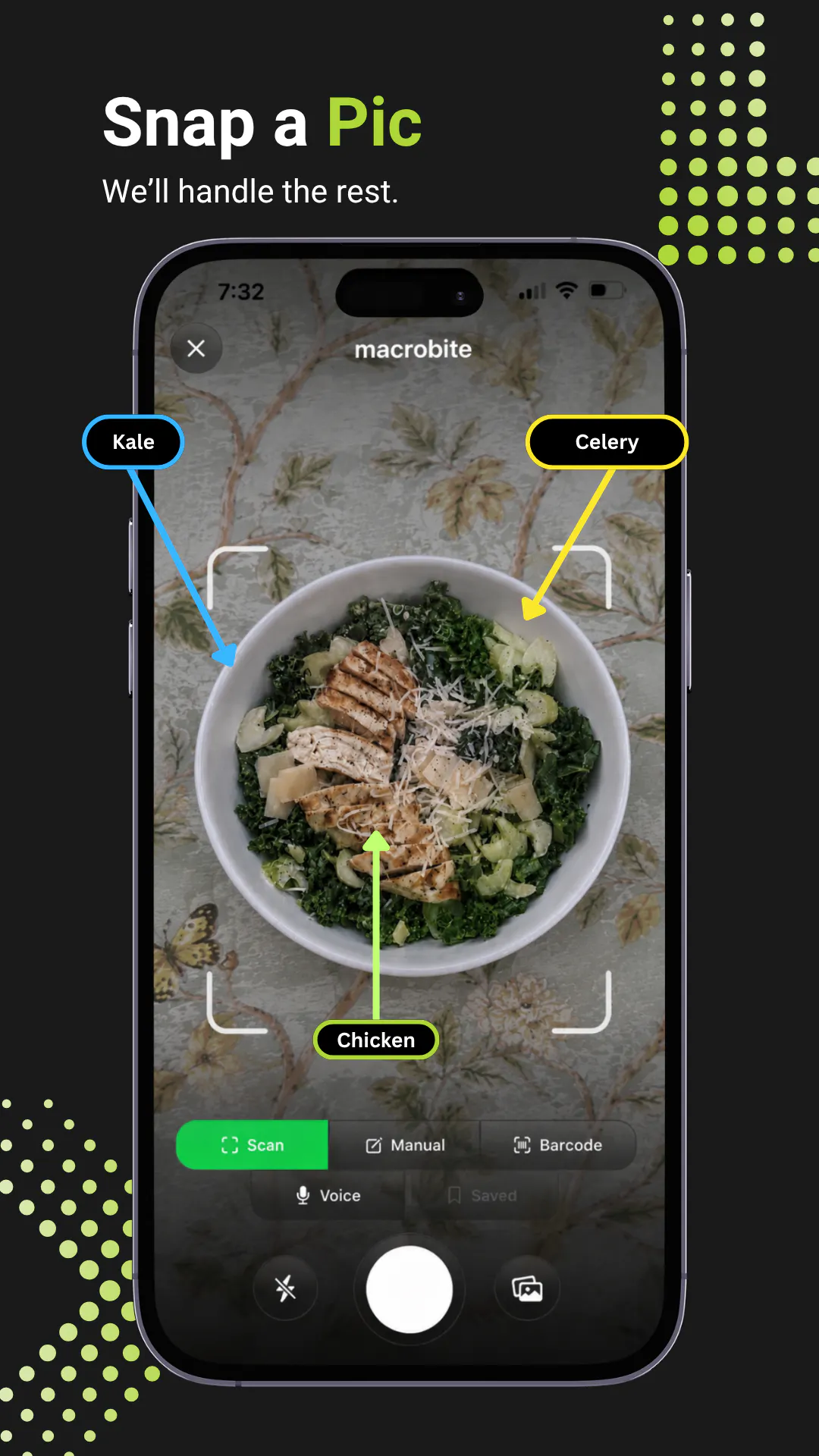
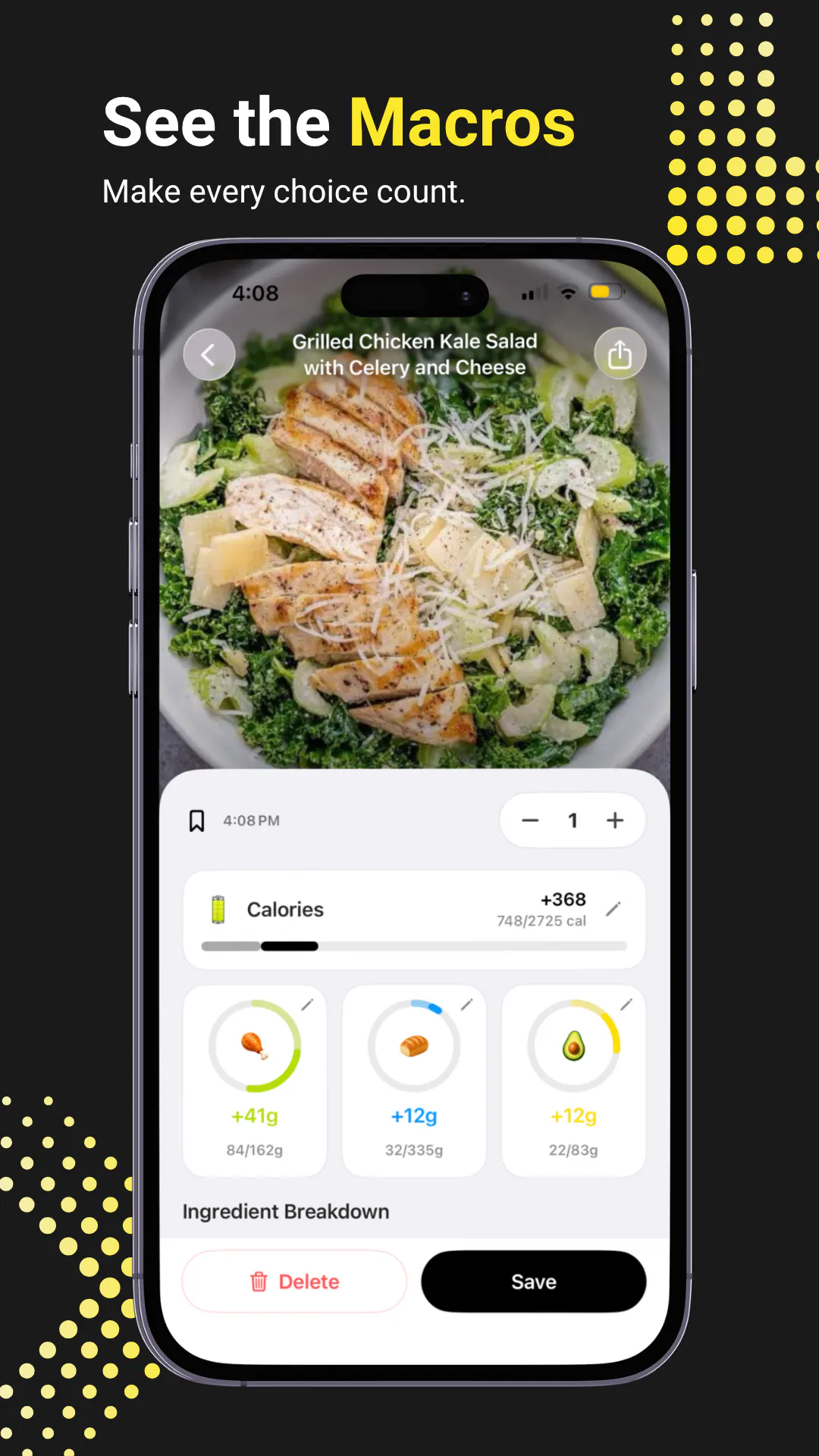
一句话介绍:Macrobite 是一款通过拍照、语音或扫码极速记录餐食并自动分解热量与三大宏量营养素的 AI 追踪应用,专为厌恶繁琐手动录入、追求速度与准确率兼顾的健身与减脂人群设计,并支持手表与桌面小组件随时查看进度。
Health & Fitness Quantified Self Food & Drink
AI 食物识别 宏量营养素追踪 拍照记录饮食 语音记录 苹果生态 健康管理 卡路里计算 健身饮食 快速记录工具 饮食日志
用户评论摘要:开发者 Alex 强调产品核心是“快且准”,并预告未来将接入 Instacart 实现按剩余宏量一键下单。顾问用户则点明传统工具在“拍照不准”与“手动太慢”间的矛盾,赞赏其语音、扫码与常用餐保存功能,并向曾弃用追踪器的用户提问:是什么让你放弃?目前无差评,无明确功能缺陷投诉。
AI 锐评

Macrobite 的切入点很精准:它没有试图在“食物数据库”的规模上挑战 MyFitnessPal,而是瞄准了“录入摩擦”这一用户流失的头号杀手。拍照、语音、扫码、小组件,所有交互都在做减法,这确实是迎合了“即时反馈”的现代用户心理。但必须泼一盆冷水:120 票的冷启动成绩在 Product Hunt 属于中下水平,说明其“AI 准确率”叙事并未充分打动核心受众。照片识别的准确性是此类产品的生死线——如果用户每次都需要二次编辑纠错,那么“快”就成了伪命题,语音录入同样面临同音词和菜品语义歧义的挑战。其真正的护城河并非识别技术,而是诚实的纠错体验和基于剩余宏量的主动推荐(如 Instacart 集成),这才能从“记录工具”升级为“饮食决策引擎”。然而,目前所有评论都没有提供第三方独立验证的“准确率”数据,且无免费层级的明确限制说明。若无法在精准度上形成对传统巨头的代差,Macrobite 极易沦为“尝鲜一阵子,回归 Excel”的又一个精致玩具。它需要尽快公开展示其与主流数据库的对比误差,并强化 Siri 与手表端的无感化体验,否则“最快”的口号只是悬在半空的愿景。

查看原始信息
Macrobite
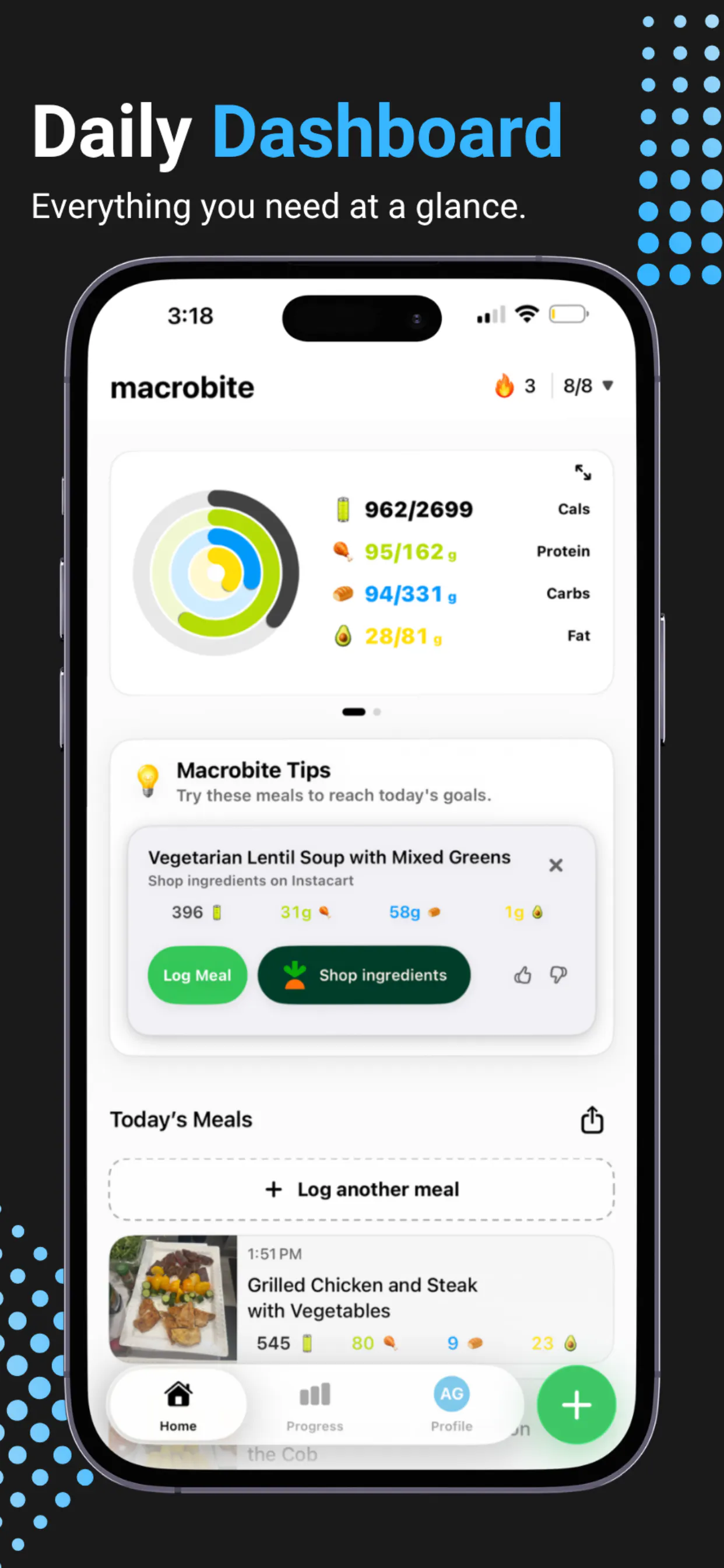
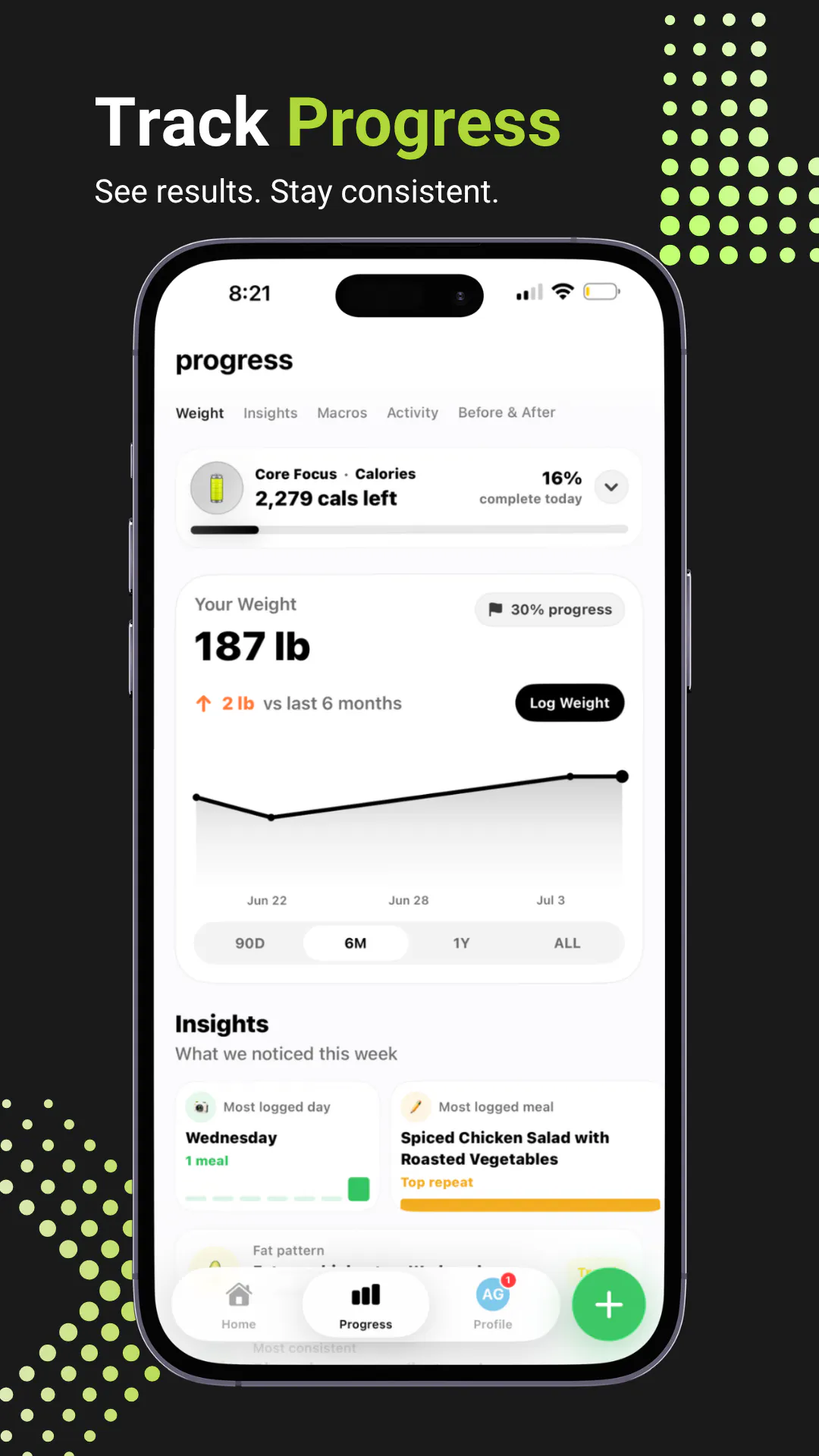
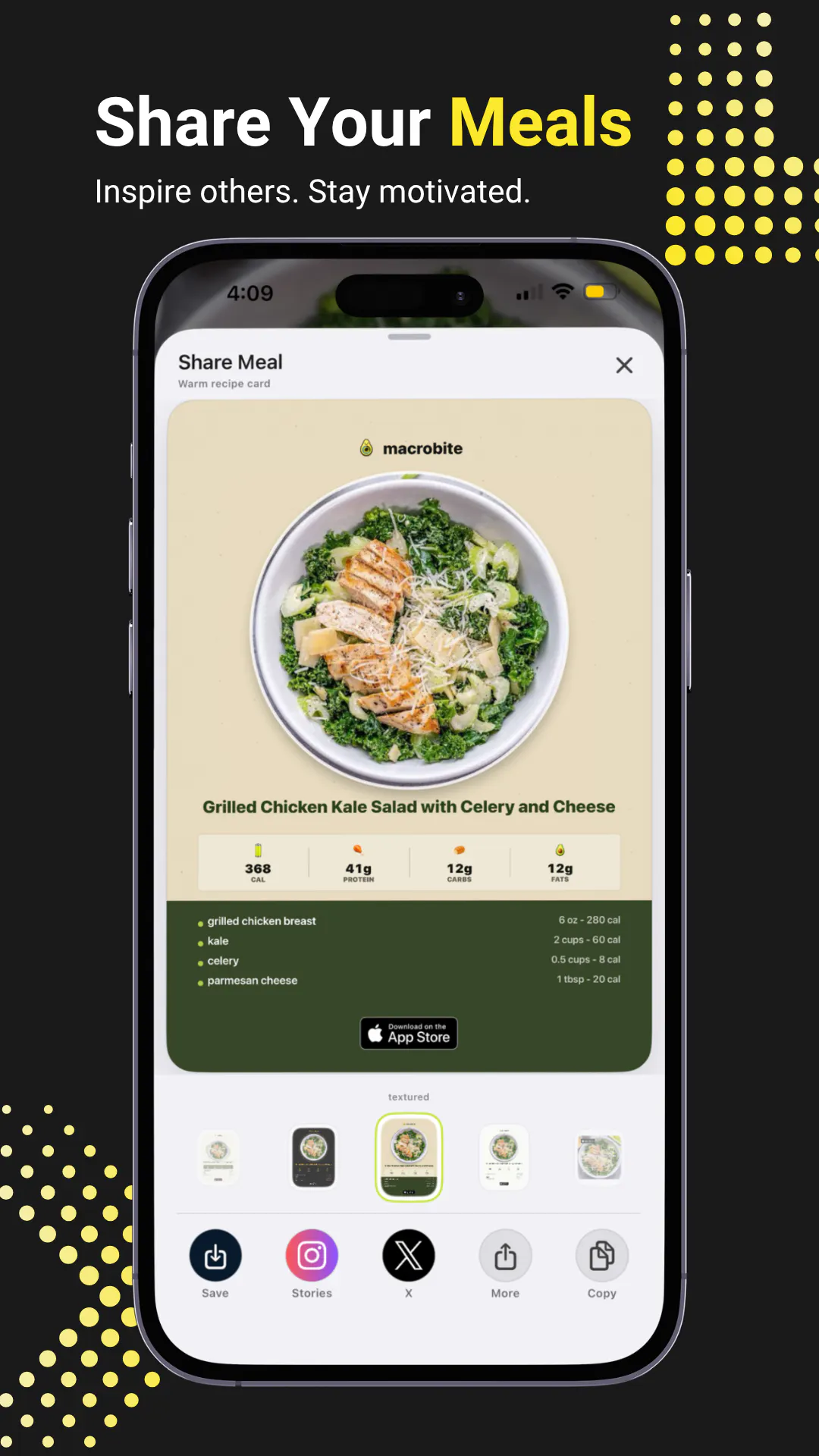
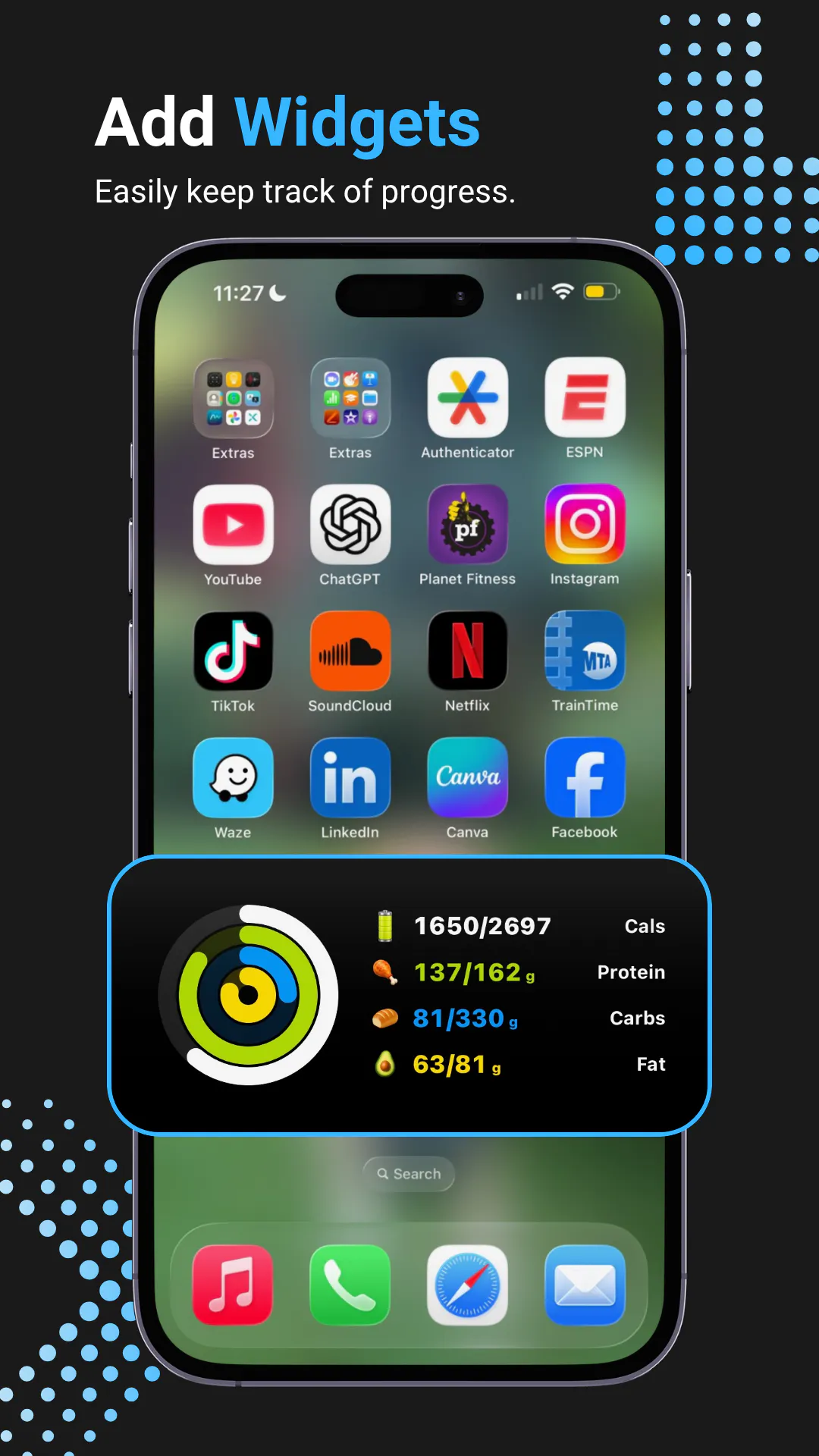
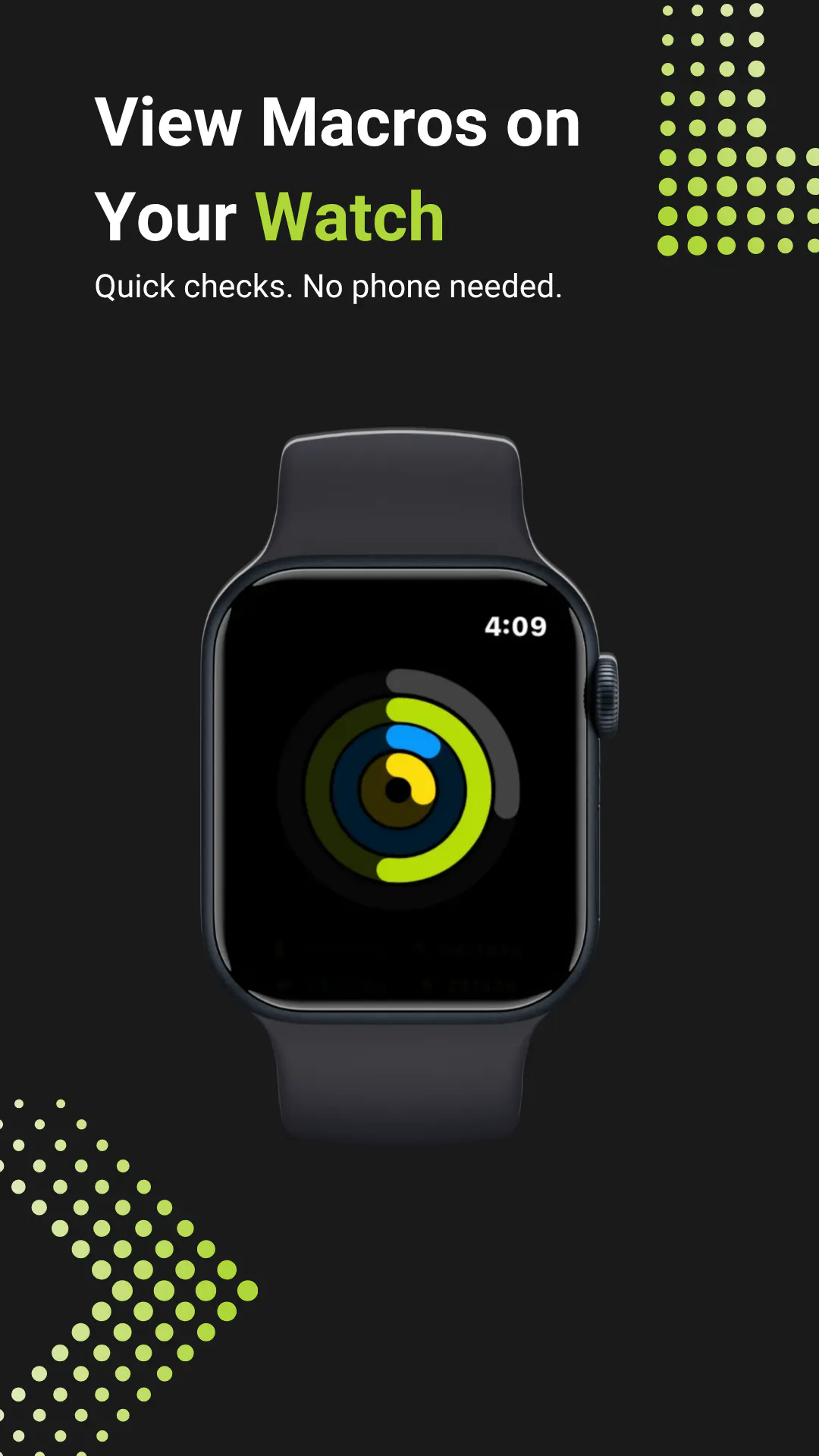
Macrobite is the fastest way to get your macros right. Snap a photo of your meal and get an instant breakdown of calories, protein, carbs, and fat. Not perfect on the first try? Quick editing closes the gap in seconds, no scrolling through massive food databases. Prefer to talk? Log meals by voice, including through Siri. Track your day from your iPhone widget or Apple Watch without opening the app. Built for people who want accurate macros without the friction of traditional tracking apps.

Hey Product Hunt! I’m Alex, the developer behind Macrobite.


We built Macrobite with one clear goal: make macro tracking fast without sacrificing accuracy. A tremendous amount of care went into making every meal easy to log, review, and correct whether you use a photo, voice description, or barcode.


We also have some exciting integrations in the works, including personalized meal and product recommendations based on your remaining macros, with the ability to order what you need directly through Instacart.


This launch is only the beginning. I’m incredibly excited to share Macrobite with the Product Hunt community and continue turning it into a platform that makes reaching your health goals feel simpler, smarter, and more achievable.

2
回复

Hey Product Hunt!

I've been advising the Macrobite team for a while now, and I'm excited to see it live here!

Most macro trackers make you choose between fast and accurate. Photo logging gets you close but leaves you fixing wrong estimates through clunky menus. Manual entry is accurate but slow. Neither holds up if you're trying to hit protein targets every day.

Macrobite snaps a photo, gives you a breakdown in seconds, then makes fixing anything that's off just as fast as logging it in the first place. You can also describe your meal out loud or scan a barcode, plus you can save the meals you re-use for instant access.

Your tracker also lives as an iPhone widget and Apple Watch, so you can always see your Protein/Calories/Carbs/Fat intake at a glance!

Would love feedback, especially from anyone who's tried and dropped a macro tracker before. In particular we want to know: What made you quit?

Hopefully that's exactly the friction this is built to kill!

0
回复
#9
ConferenceGrid
Conference database for B2B teams
116
一句话介绍:ConferenceGrid 是一个面向B2B团队的会议数据库,输入任意公司即可查看其赞助、参展或演讲的全部会议,帮助GTM团队高效完成竞对情报分析和目标客户(ICP)的会议触达规划。
Marketing
B2B会议数据库 竞对情报 ICP定位 赞助商追踪 会议营销 GTM策略 演讲者数据 展会线索 销售赋能 市场调研
用户评论摘要:用户普遍认可其解决长期手工维护会议表格的痛点。有效问题聚焦两点:一是数据库是否包含观众构成与赞助商重复参会率等质量信号,而非仅日期、地点等表层信息;二是缺少“附近会议”的LBS筛选功能,虽有城市搜索但体验割裂。另有评论赞赏其数据抓取工作量,但未提深层建议。
AI 锐评

ConferenceGrid 的切入点极为精准——它瞄准了B2B GTM团队中“会议情报”这一高度分散、极度依赖人工的暗角。创始人用十年Google Sheets的痛感背书,完成了从“手工维护”到“图谱化查询”的体验跃迁,这本身是扎实的苦活累活。116票的冷启动虽不惊艳,但用户评论中暴露的“数据深水区”才是其真正的生死线。

产品目前的价值停留在“广度”——能告诉你一家公司去了哪,但这只是“What”。真正的付费壁垒在于“深度”——这家公司去的会议,观众质量究竟如何?赞助商重复率是多少(即ROI信号)?CPP(每客户成本)可测算吗?评论区那位买家一针见血:他愿意为“重复赞助率”付费,而不是为“日期+地点”付费。这说明当前图谱仅是骨架,缺乏决策血液。

另一个被忽视的风险是数据时效性。会议行业变动剧烈,CFP截止日期、赞助商名单日新月异,一旦图谱更新滞后,其作为“数据库”的信任度将快速崩塌。此外,LBS搜索的缺失暴露了产品对“长尾发现”场景的淡漠——用户不仅要盯竞对,还要发现“身边的新机会”。若不能把数据从“陈列”推向“预测”(如:推荐你未覆盖但竞对密集的会议),ConferenceGrid 很容易沦为高配版行业协会名录。方向正确,但深度决定生死,建议尽快补齐观众质量指标并开放API,否则对手(如PredictLeads)会轻松截胡。

查看原始信息
ConferenceGrid
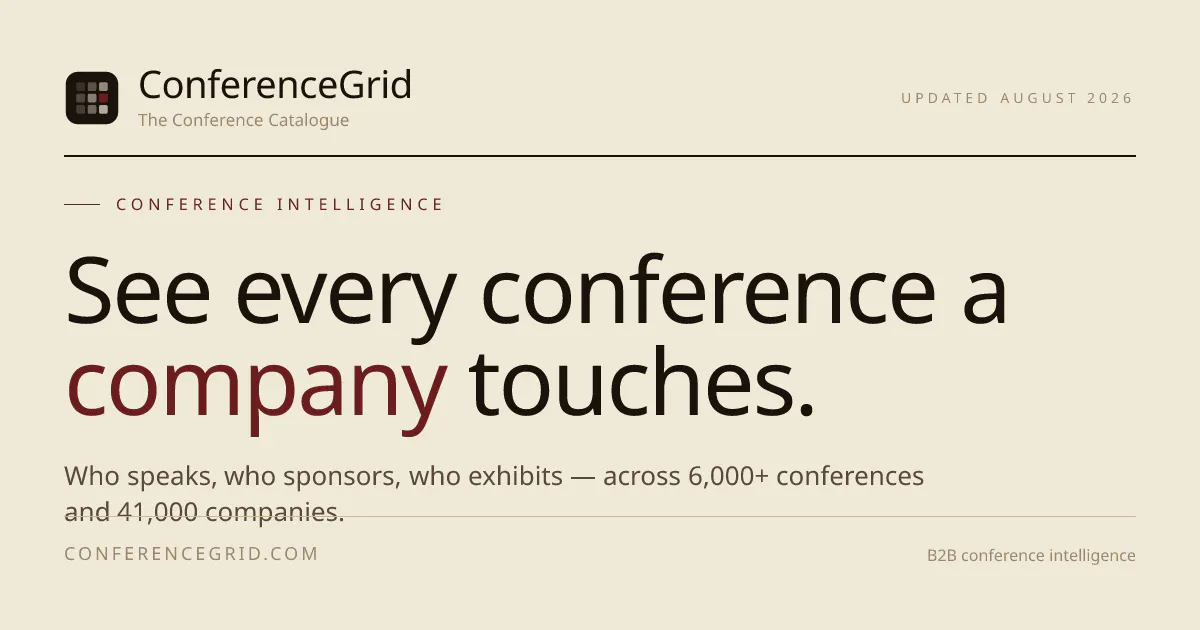
Look up any company and see every conference it sponsors, exhibits at, or speaks at — 6,000+ conferences, 62,000 speakers, 55,000 sponsor slots in one graph.

I have been tracking conference in google sheets for 10+ years now. I had to consistently update their CFP deadlines, links, prospectus and speakers.

That's why I created Conferece Grid.


It lets you do 3 main things -
- track a conference - CFP, prospectus, agenda and more.

- track your competitors - a lot of GTM teams want to know where their competitors are exhibiting or speaking and then evaluate those conferences.
- track your ICP - you can track companies from your TAL or overall ICP, find conferences where you can meet more than a few of your TAL companies.

Thank you for the hunt @fmerian.

2
回复

@fmerian  @natwar86 From the buyer side, the thing I can never get a straight answer on before committing to a conference is the real attendee mix versus the sponsor deck's version. Does the database track anything on audience composition or sponsor repeat-rate, or is it mostly logistics like dates, cost, and location? That repeat-rate signal is the part I'd actually pay for.

0
回复

@fmerian  @natwar86 You are patient or simply that determined! Thank you for creating this!

0
回复

Is there also any option to see the "conference near by me?"

1
回复

@busmark_w_nika Hey Nika - there is no option like that. But, you should be able to find conferences in a given city - https://conferencegrid.com/conferences/city/san-francisco

Just look for the city in the search bar.

1
回复

COngratulations!! Pulling 6,000 conference sites into one searchable graph is a lot of unglamorous work that nobody sees. Genuinely useful for anyone doing B2B events. Nice one.

0
回复

@abhi030609 Thanks Abhijeet :)

0
回复
#10
Argos
The AI that acts as you, right in your browser
113
一句话介绍:Argos 是一款运行在浏览器里的AI代理,能使用你自己的已登录账号,自动完成点击、填表等真实操作,解决AI“只说不做”的痛点。
Chrome Extensions Productivity Artificial Intelligence
AI代理 浏览器自动化 浏览器助手 本地优先 隐私安全 任务自动化 生产力工具 Chrome扩展 多平台集成
用户评论摘要:用户最关心信任边界:Telegram/WhatsApp远程触发时数据如何流转、待机时如何处理,需清晰威胁模型;其次质疑点击操作的可靠性(元素位移、事件未触发),官方回应了重定位与结果验证机制;另注意产品系Lyto改名,存在品牌过渡问题。
AI 锐评

Argos瞄准的是AI落地最后一公里的“执行”环节,切中当前大模型“重推理、轻操作”的软肋。其本地优先与“破坏性操作先询问”的设计,是对用户隐私焦虑的直接回应——这是它区别于普通RPA或云端Agent的核心卖点。然而,评论区一针见血地指出了它的阿喀琉斯之踵:信任并非仅靠“数据不出设备”就能建立。远程执行时,指令与状态的加密传输如何与本地数据隔离?设备休眠时任务如何调度?这暴露了“个人代理”在工程实现与威胁模型上的模糊地带。更深层的问题是,Argos虽声称“验证操作结果”,但浏览器DOM状态千变万化,其“重定位+结果确认”机制能否在真实复杂网页(如SPA、动态渲染)中保持高成功率,仍需打上问号。从产品策略看,它正滑向“通用自动化工具”的红海——与已成熟的Puppeteer脚本或Chrome扩展相比,AI自然语言驱动的优势虽明显,但稳定性与可调试性若不能碾压,则难以留住技术型用户。LYTO改名的痕迹也暗示团队在仓促转型,品牌混乱会消耗早期口碑。最终,Argos的价值锚点应在“半监督的家庭或办公工作流”,而非“放手不管的自动驾驶”。它必须用极致的失败回滚机制和可审计的操作日志,才能把“信任”从口号变成工程现实。否则,它只是另一个“演示惊艳、实战翻车”的浏览器玩具。

查看原始信息
Argos
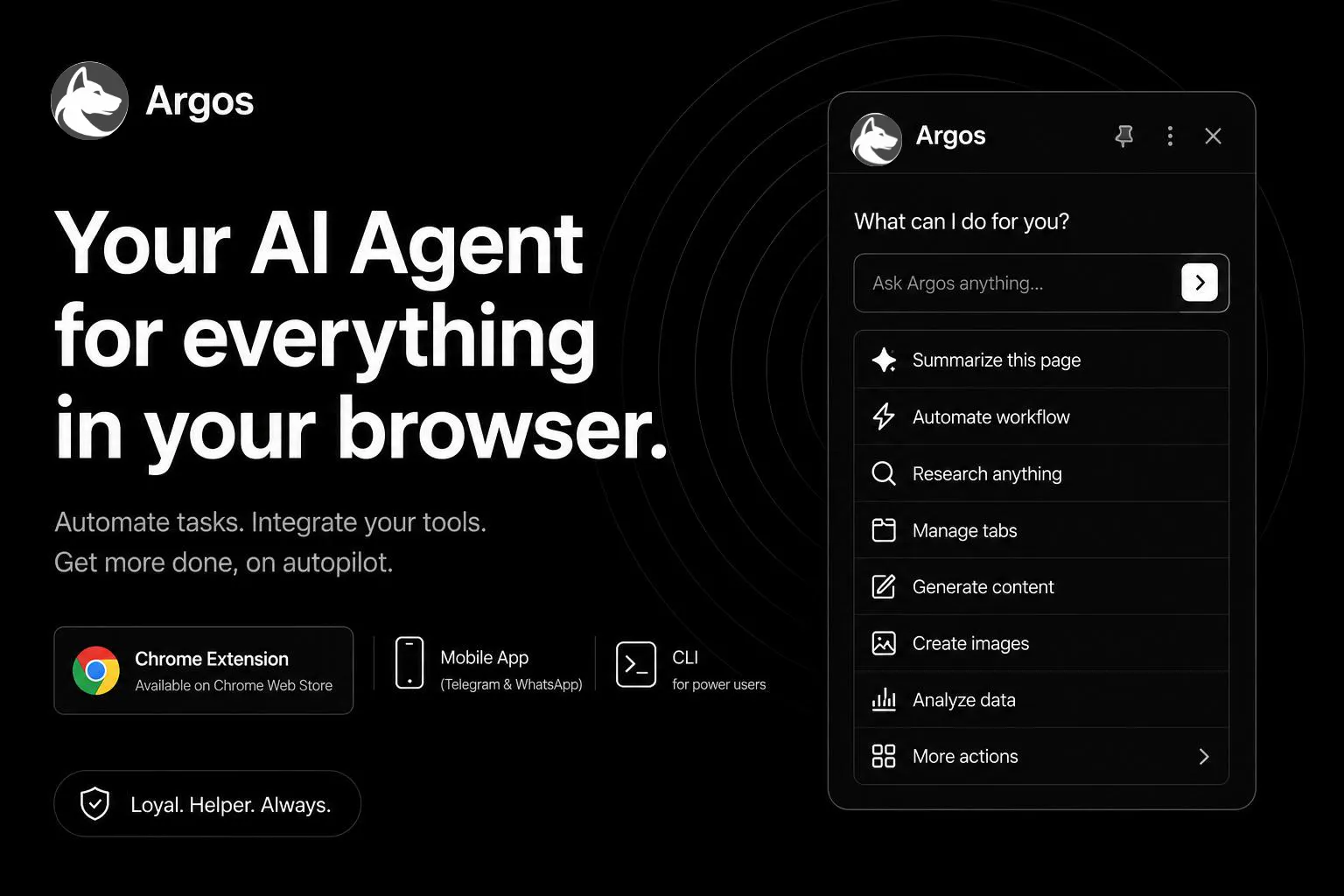
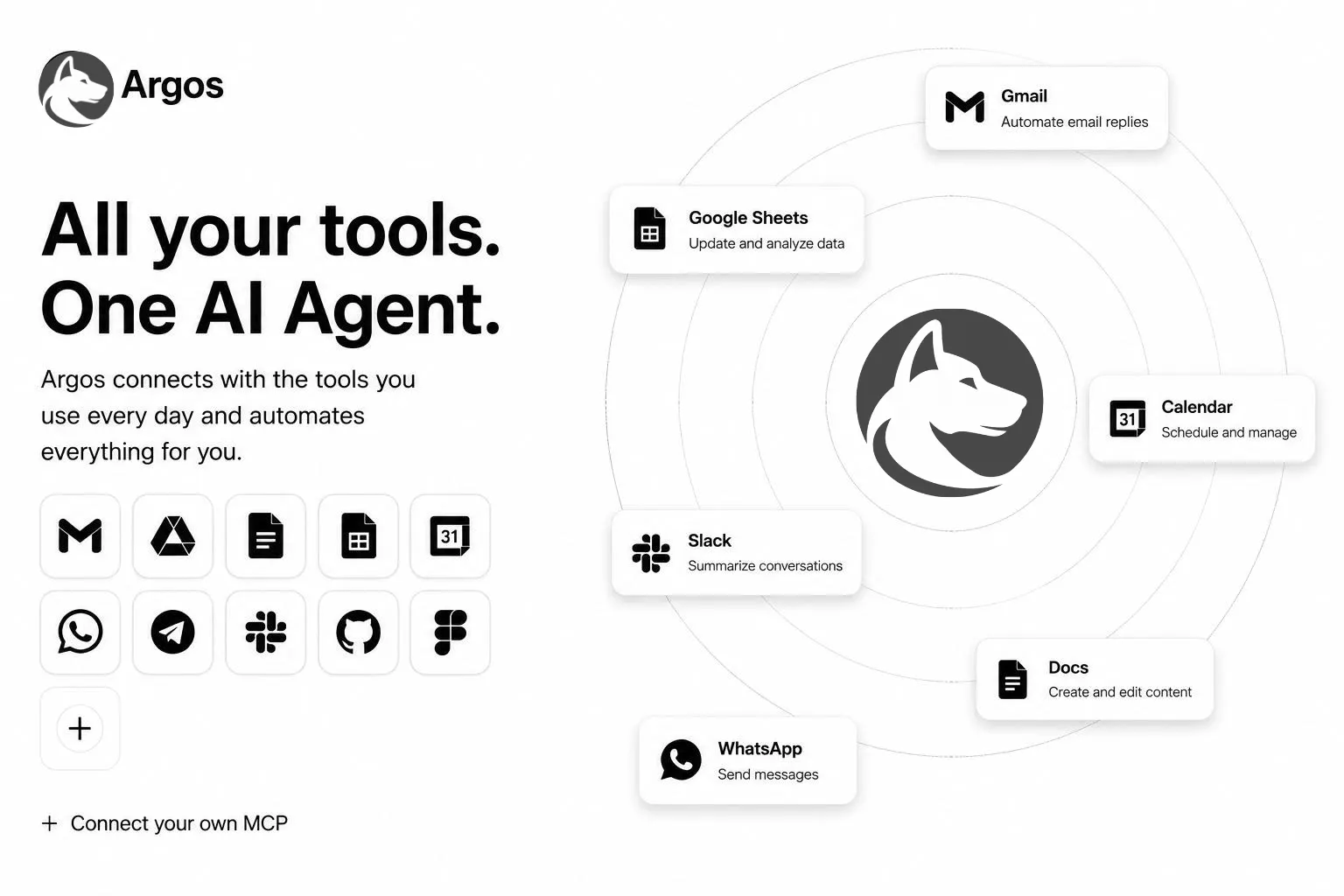
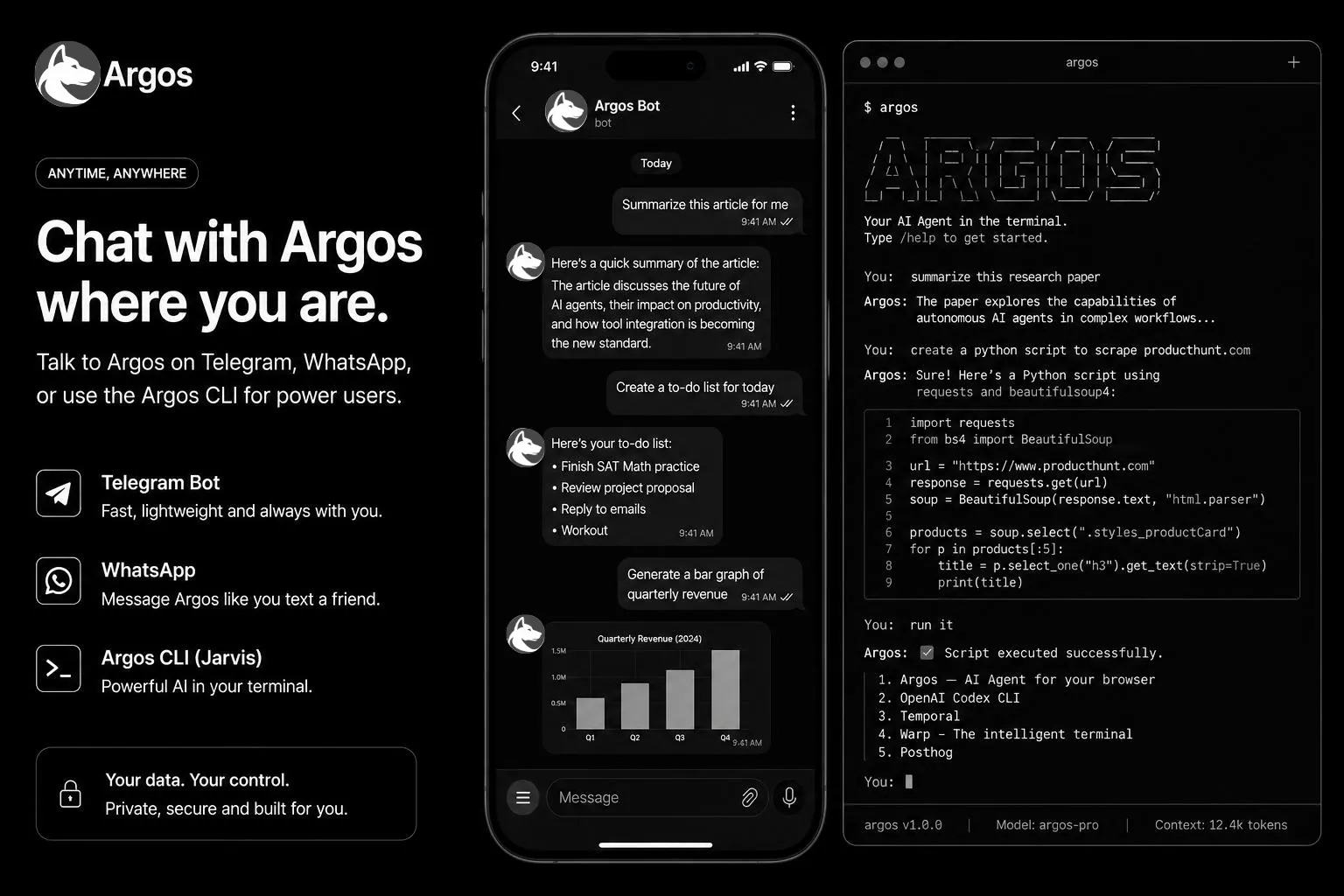
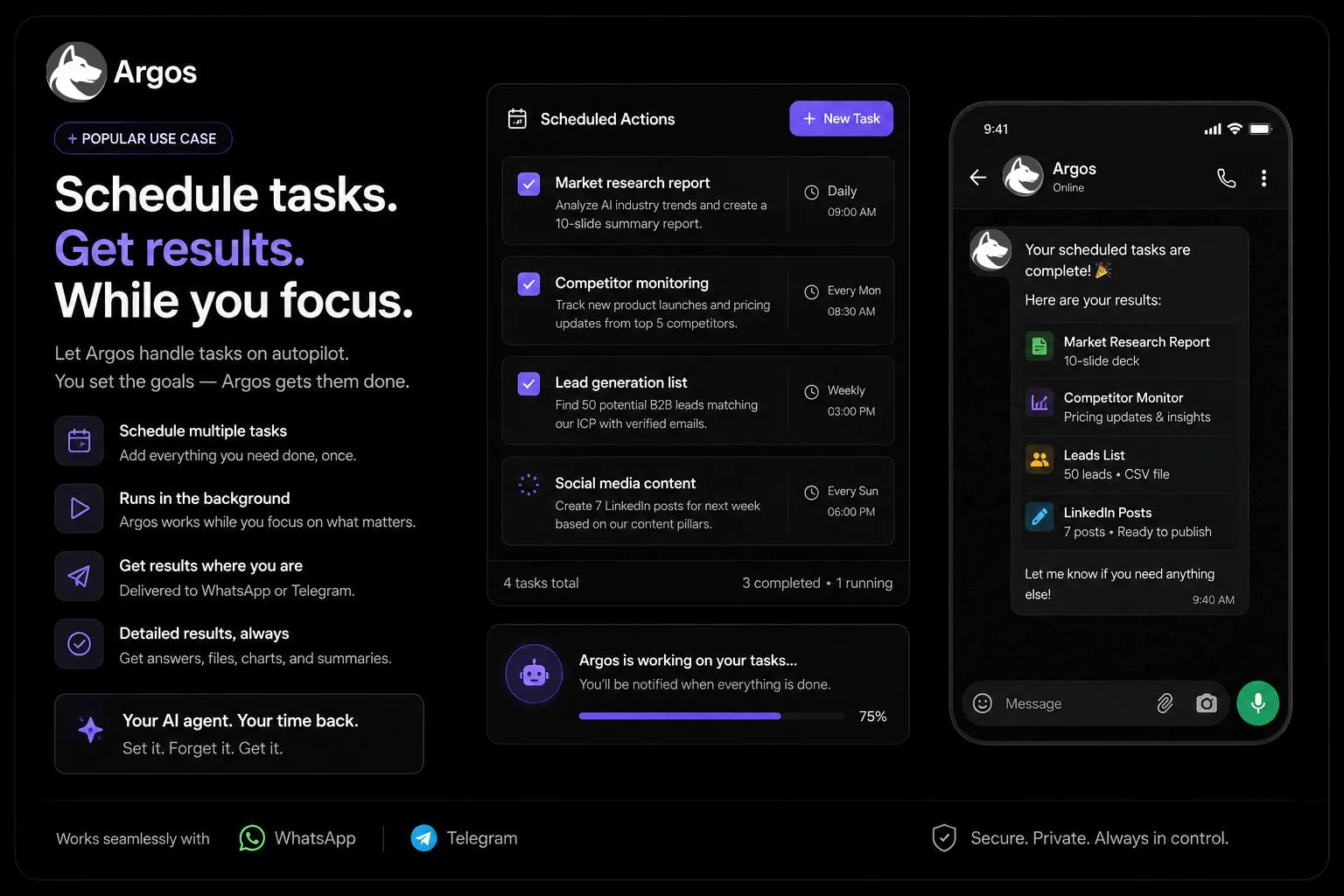
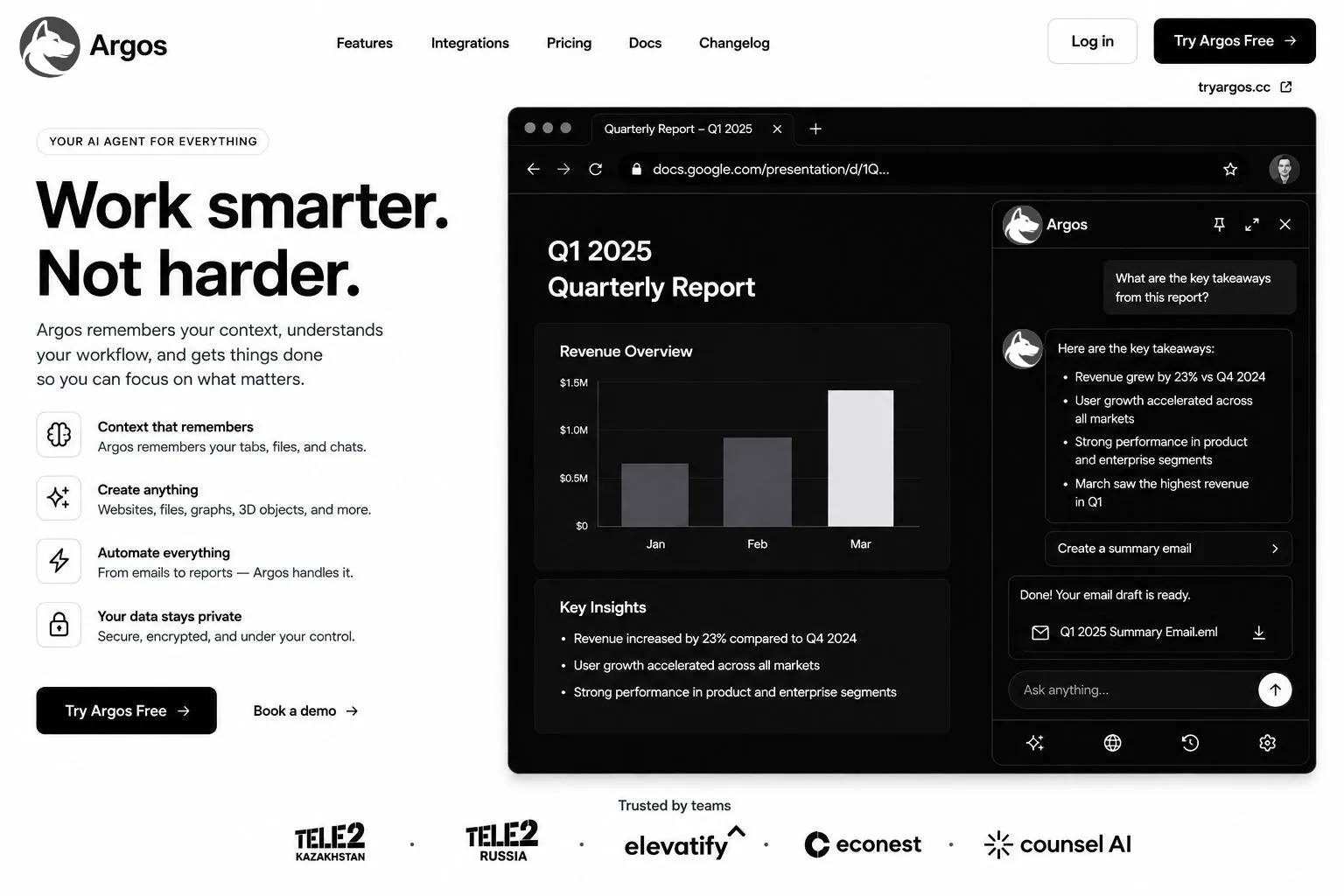
Most AI just tells you what to do. Argos does it. It works right inside your browser using your own logged-in accounts — clicking, typing, filling forms, and finishing real tasks. Ask it in the sidebar or text it on Telegram/WhatsApp, and it runs live or in the background, then hands you the result. Native in Gmail, Docs and Sheets. Connects GitHub, Slack, Notion and more. Your data stays on your device. Free to start.
Hey Product Hunt 👋 I kept hitting the same wall with AI tools: they'd give me a great answer, then leave the actual doing to me — the copying between tabs, the form-filling, the "now go run this yourself." So we built Argos to close that gap. Argos lives in your browser and acts as you, not just for you. It uses your own logged-in accounts to actually click, type, and finish tasks — live while you watch, or in the background while you're somewhere else. You can even text it from Telegram or WhatsApp and get the finished file back. The hardest part was trust: an agent with real access to your accounts has to be safe. So everything runs locally, your data never leaves your device, and anything destructive stops to ask first. Would love your honest feedback — what would you hand off to it first?
2
回复

The local-first claim is the part I’d want clarified before handing over logged-in sessions. When a task is triggered from Telegram or WhatsApp, what crosses your relay: only an encrypted instruction and status, or can page content and results leave the device? And what happens when the machine is asleep? A small threat-model diagram would make the trust boundary much easier to evaluate.

0
回复

Quick note on naming: Argos is a modified, rebranded version of a past project — same team, same underlying product, new name and a refreshed direction. You'll still see "Lyto" in a few places (like the Chrome Web Store listing) while we finish rolling the rebrand out everywhere — that update is coming soon.

You can install it here: Lyto AI (Argos) — Chrome Web Store

1
回复

The stops-to-ask-first part for destructive actions makes sense. The failure mode I keep hitting with browser agents is quieter: a click reports success but the action never actually landed, usually from a late loading element shifting the page under it. How does Argos verify a click or form fill actually took, versus just trusting the click event fired?

1
回复

@abdullah_javaid3 Good catch, that's the exact failure mode that makes browser agents feel flaky even when they "work." A couple things have to hold for a click or fill to count as done, not just dispatched:

  • We re-locate the target element right before acting rather than reusing a handle from earlier in the plan, so a late-loading widget that shifts the layout doesn't leave us clicking a stale or now-wrong node.

  • After acting, we check for the actual consequence, not just that the event fired — a field's value getting read back, a network request tied to a submit, a DOM/URL change tied to a click — since a debounced handler or an invisible overlay can eat a click event with zero visible error.

  • We wait on the DOM actually settling (not a fixed timeout) before deciding the page is ready to interact with, so a slow-loading element doesn't just relocate the race to a different frame.

1
回复

Nice to see some new worthy products!

1
回复

@gleb_babichev Thank you! Means a lot, especially on launch day. Let us know if you end up trying it out — always looking for feedback.

0
回复
#11
Persodex
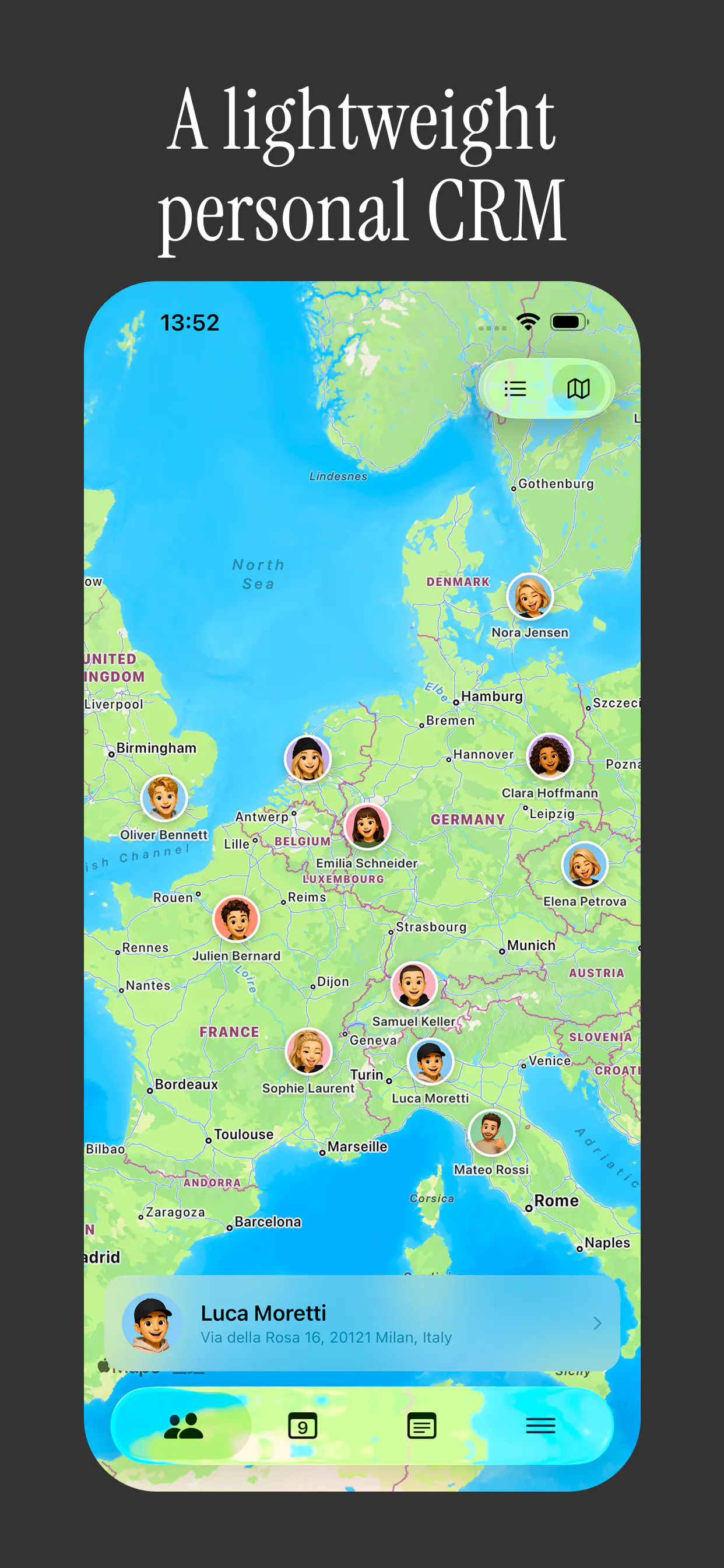
Your personal CRM that lives on top of your iOS contacts.
106
一句话介绍:Persodex 是一款基于 iOS 原生通讯录的个人关系管理(CRM)工具,通过在联系人中直接附加笔记和标签,帮助用户记住“在哪认识、聊过什么、为何保存”,解决社交场景下“人记住了、但想不起背景”的失忆痛点。
iOS Productivity CRM
个人CRM 联系人管理 iOS原生 通讯录增强 零锁定 隐私优先 关系维护 笔记标签 无账号 轻量效率
用户评论摘要:用户主要质疑“上下文是否自动丰富”,担心仍需手动维护而弃用;另有开发者指出iCloud同步下联系人组(标签)可能出现空值或重复,询问跨设备可靠性。有效反馈聚焦自动化程度与同步稳定性,建议优化智能提醒或情境抓取。
AI 锐评

Persodex 的价值不在于“替代”,而在于“寄生”——它聪明地选择了苹果通讯录作为宿主,用原生字段存储笔记、用联系人组充当标签,从根源上消解了迁移成本和数据锁定焦虑。这种“隐形”策略对隐私敏感型用户极具吸引力,也精准打击了传统个人CRM“太重、太搬、太企业”的致命伤。

但产品真正的天花板在于“惰性定律”:CRM的核心不是存储,而是能否在关系冷却前主动唤醒它。评论中一针见血的提问——“上下文是否自我丰富”——直接戳破了该产品的根基。Persodex 目前本质是一个优雅的“备注装饰器”,它没有从消息、邮件、日历等触点中自动提取背景信息的能力。这意味着用户所有关系记忆的维护成本依然压在自己肩上,新鲜感消退后极易重蹈“标签死寂”的覆辙。

此外,iOS联系人组的iCloud同步隐患并非杞人忧天。CNContactStore的组记录与联系人记录的异步合并机制确实容易在双设备场景下产生脏数据,若标签错乱,轻则体验混乱,重则破坏用户对“无锁定”承诺的信任。

综合看,Persodex 是一款理念纯粹、执行克制的“反CRM”,适合且仅限于那些已有良好整理习惯、极度在意隐私的轻度用户。它赢得了首个100票的尊重,但若不能在“智能回填上下文”或“主动关系提醒”上拿出真正突破,它终将沦为一部精致的通讯录皮肤,而非能抵抗时间磨损的关系中枢。

查看原始信息
Persodex
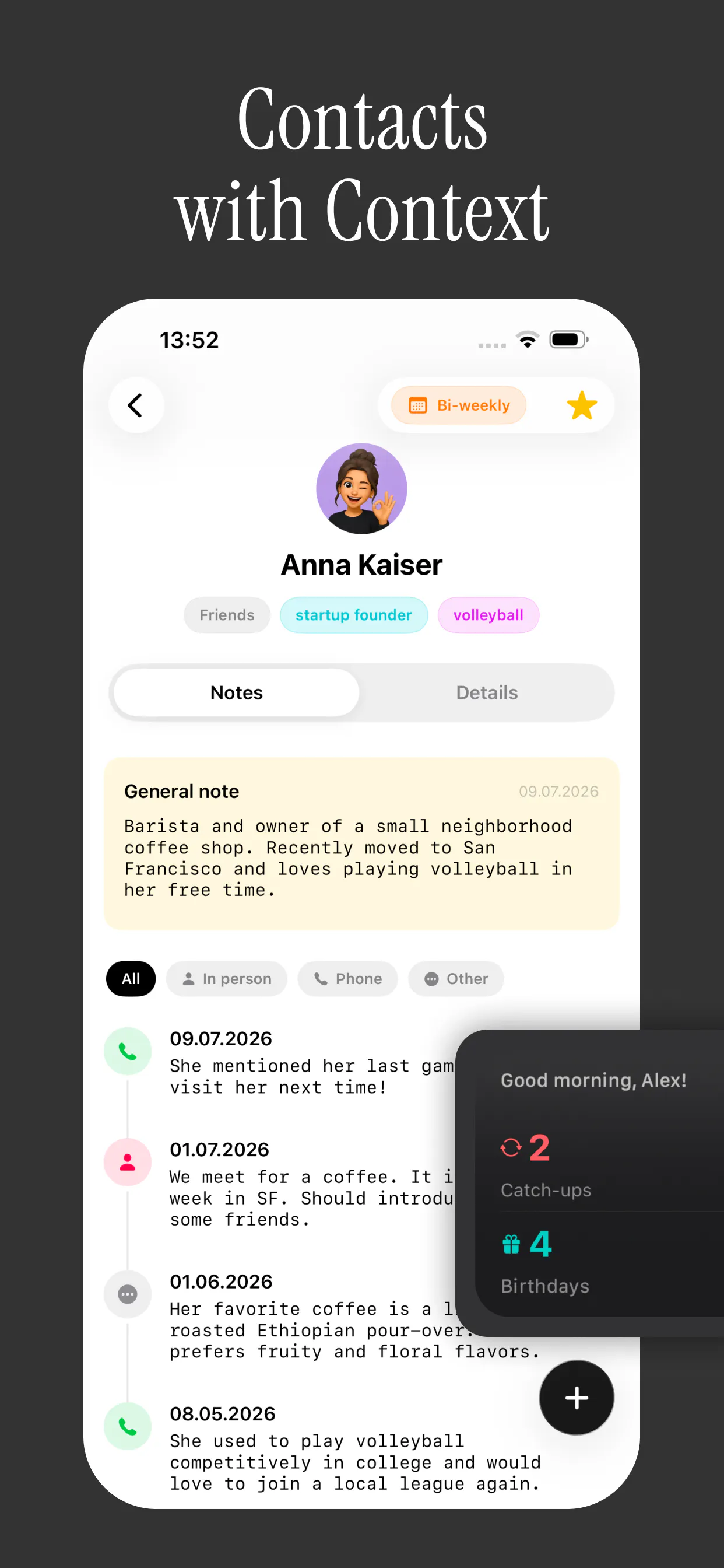
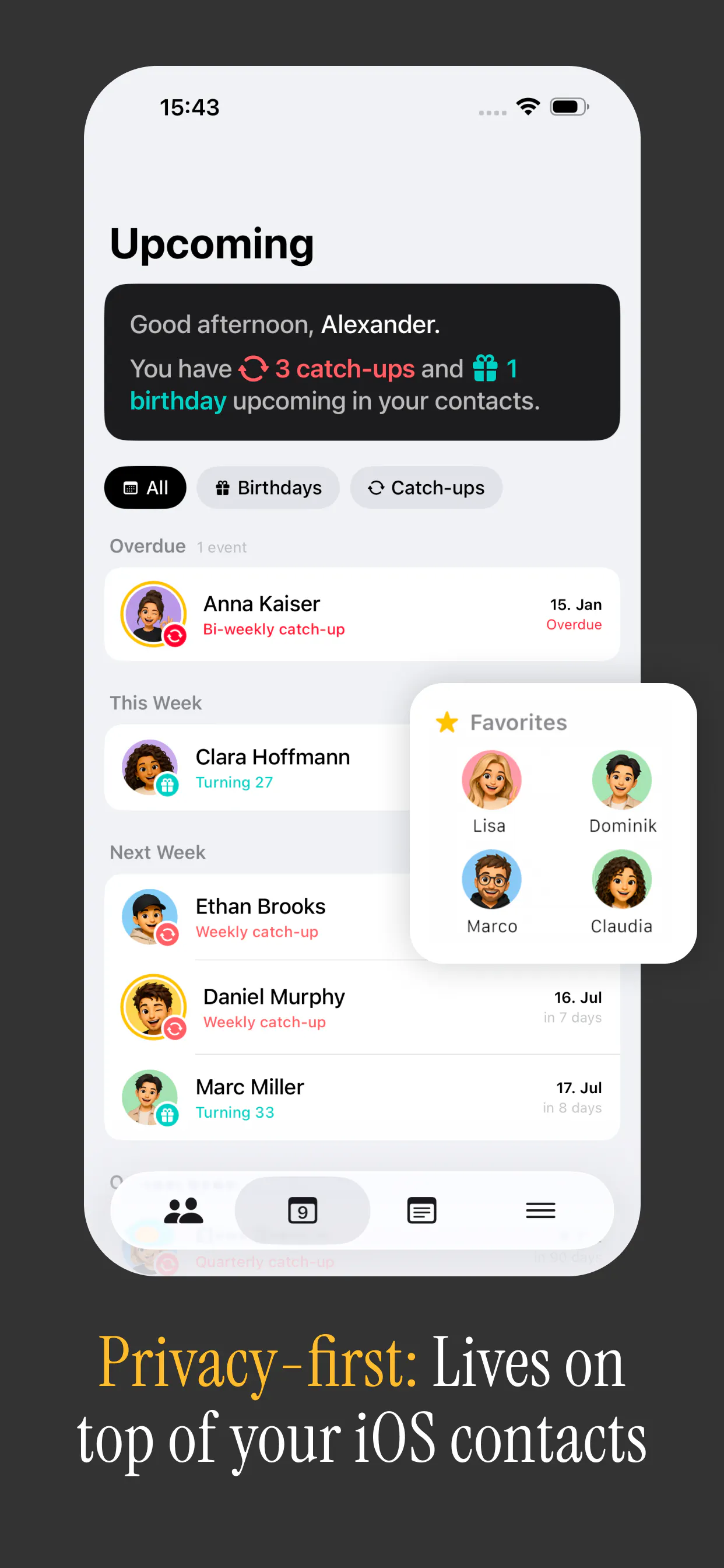
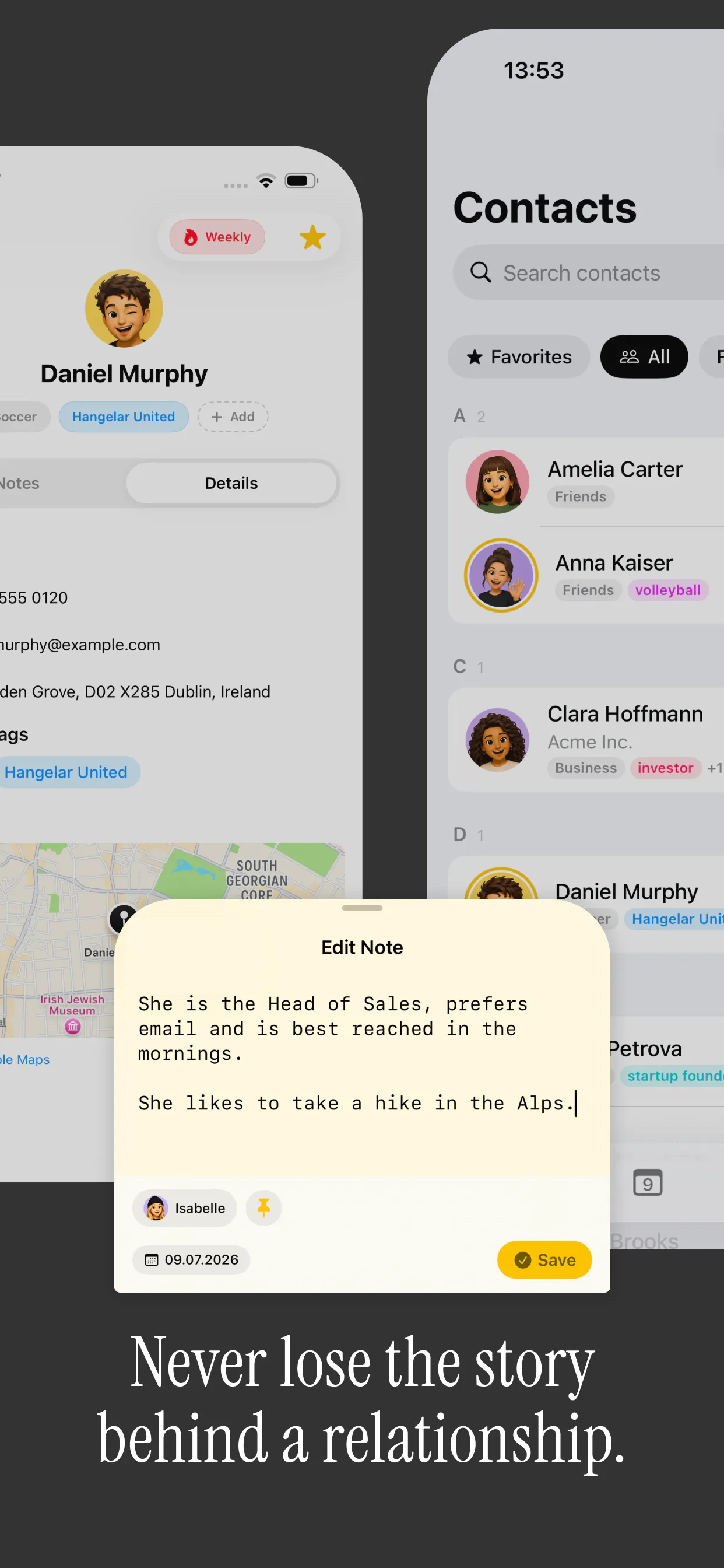
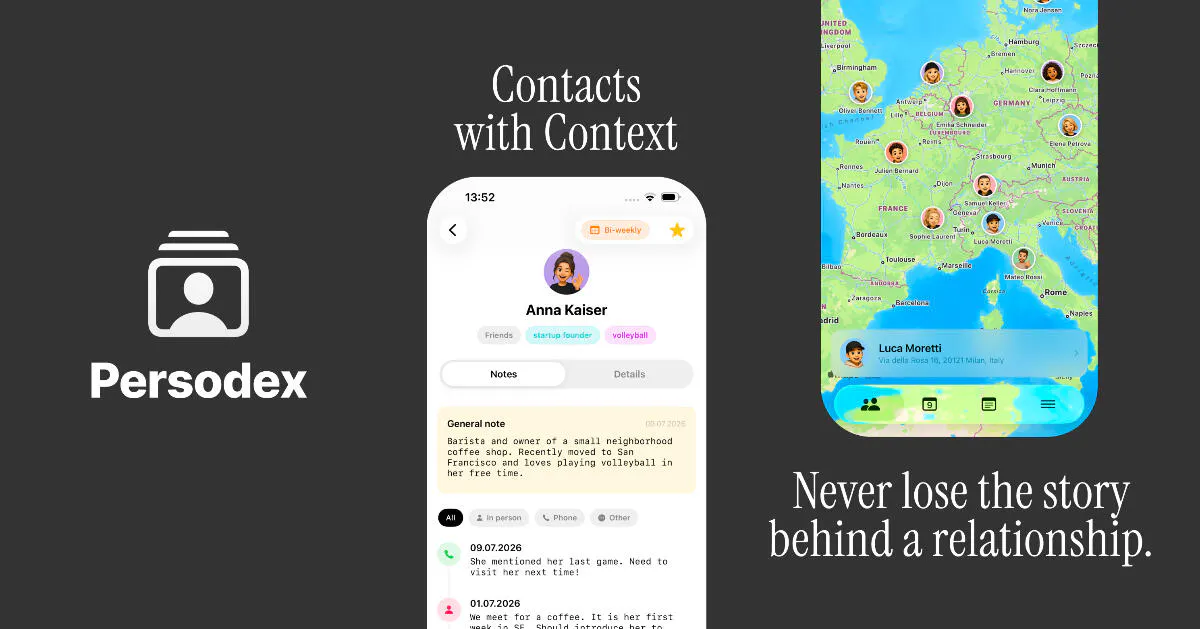
A smarter contacts app that helps you stay in touch with the people who matter. Or as we like to call it: Contacts with Context. Persodex syncs natively with Apple’s Contacts instead of replacing them. We don‘t even require an account. No import. No migration. No lock-in.
Hey Product Hunt, I’m Alex :) It might sound like a cliché, but I originally built Persodex for myself. I’ve been self-employed for over 15 years now, which means I’ve met a lot of people - clients, freelancers, founders, partners, and friends. The problem was that, over time, my address book had become little more than a list of names. I could usually remember who someone was, but not always where we had met, what we had talked about, which company they worked for at the time, or why I had saved their number in the first place. Important context was all the place, across notes, messages, Instagram, and my own memory (which doesn't exactly get any better with age 👴🏻😅). I tried a few personal CRMs, but they all felt like business software. Too many fields. Too many features. And almost all of them wanted me to move my contacts into their own system. Privacy has always been extremely important to me - perhaps that’s just my German side ;) That became the core idea behind Persodex. Persodex works directly with the native iOS address book. Notes are stored in the existing notes field, tags are saved as native contact groups, and your data remains accessible even without Persodex. I did not want to create another platform people would feel locked into. That principle shaped the entire launch: keep it native, private, simple, and focused on helping people remember people. Anyway, I hope this answers some of your questions. I’d love to hear what you think! Alex P.S. The last link gives you 25% off the Lifetime plan.
1
回复

@poolie Personal CRMs never stick for me because of upkeep, contacts go stale the second I stop manually tagging. Since you sit on the native iOS contacts, does context enrich itself from where I actually interact with someone, or do I still have to feed it? That's usually the line between a tool I keep and one I drop in a month.

0
回复

Native contact groups for tags is the right call for the no lock in promise. The part I would be curious about, having built iOS apps that touch CNContactStore, is iCloud sync. Group membership through the Contacts framework has a history of showing up empty or duplicated on a second device right after a sync, since groups sync separately from the contact records themselves. Has that shown up in testing across devices, or does storing tags as groups avoid the issue entirely?

0
回复
#12
DuckDisk
Table-first storage analysis for Mac, cloud, and SSH
104
一句话介绍:DuckDisk 是一款免费开源的 macOS 存储分析工具,以“表格优先”的树形视图替代花哨的环形图,帮助用户在扫描本地磁盘、OneDrive、Google Drive 及 SSH 服务器时,快速定位“哪个文件夹占空间、实际分配多少、内部文件构成如何”等硬核问题,而无需下载云端文件内容。
Productivity Open Source GitHub Computers
存储分析 磁盘清理 macOS工具 开源软件 表格优先 云存储扫描 SSH 文件类型统计 元数据扫描 免费应用
用户评论摘要:用户认可“分配空间 vs 文件大小”的区分对捕捉稀疏文件的价值,但追问是否能主动标记 Xcode DerivedData、node_modules 等常见开发缓存目录,而非仅靠用户自己判断。开发者回应称当前为纯大小驱动,未来会考虑缓存标记功能。
AI 锐评

DuckDisk 的切入点精准且反叛——它对抗的是 DaisyDisk 一类“美则美矣,然并卵”的视觉化存储工具。在存储管理场景中,用户真正需要的不是一张可供欣赏的“数据烟花”,而是一个高信息密度的决策表格:哪个目录真正持有空间、分配块与逻辑大小差多少、子项数量与文件类型占比如何。这种 WizTree 式的克制,恰恰是专业用户(开发者、运维、多云端管理者)的刚需。

其价值不止于表格式 UI。多源扫描(本地/OneDrive/Google Drive/SSH)且云扫描仅走元数据,切中了“混合存储时代”的痛点——不少企业用户不止一块盘,而是散落在本机、多个云盘和远程服务器上的数据孤岛。用同一套表格逻辑统一审视,省去切换工具的认知成本,且不下载文件内容天然具备隐私与带宽优势。

但锐评必须指出两点隐忧。其一,评论中开发者回应“纯大小驱动、无缓存标记”时,暴露了产品在“智能性”上的短板。对于用户最痛恨的 node_modules、DerivedData 这类“已知垃圾”,如果工具不能主动标记而要用户自己识别,其效率优势就打了折扣——这本质上是“工具提供数据,人来做判断”的旧范式,与当下“工具直接给出可执行建议”的预期有差距。其二,AGPL 与 Mac App Store 沙盒的兼容性问题(Google Drive、系统 SSH 配置仅在直装版可用)会割裂用户群,增加获取门槛。

总体而言,DuckDisk 是一款“懂行的人造给懂行的人用”的严肃工具,它不打算取悦小白,但若能在“智能推荐清理项”和“云源增量同步”上继续深化,有机会从“优秀的查看器”进化为“真正的空间治理中枢”。目前它赢得的是专业用户的尊重,而非普通用户的依赖——这是双刃剑。

查看原始信息
DuckDisk
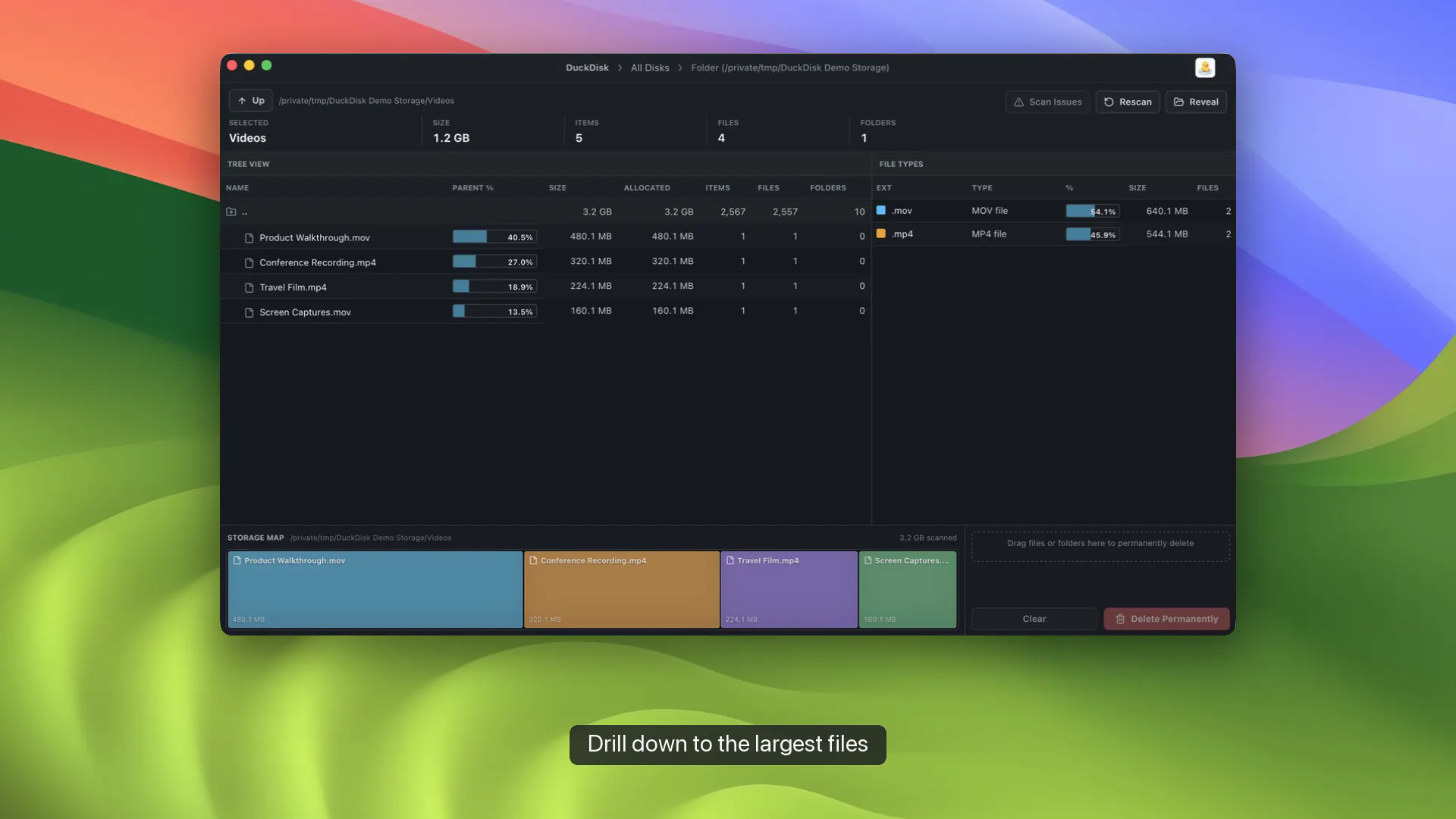
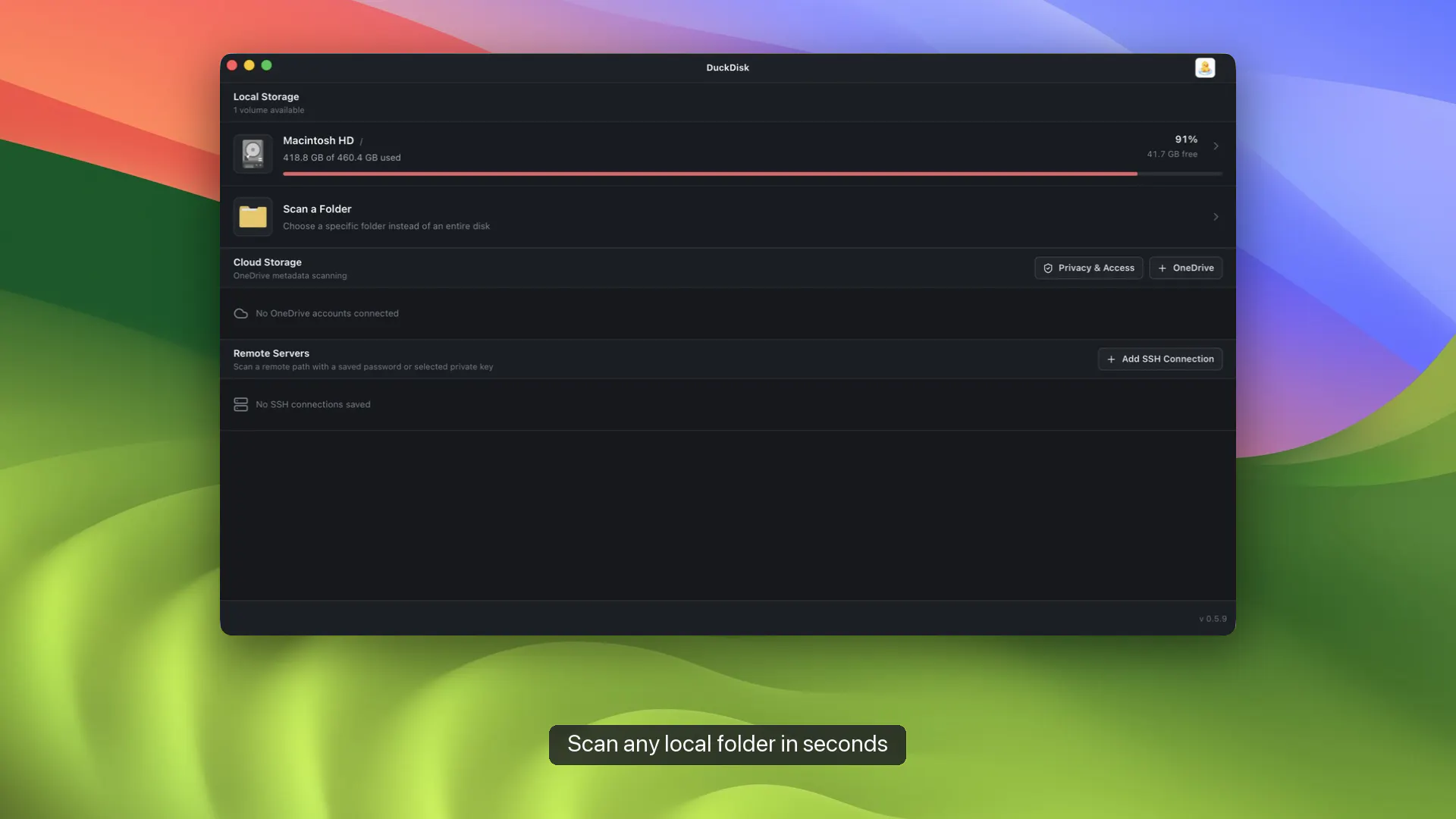
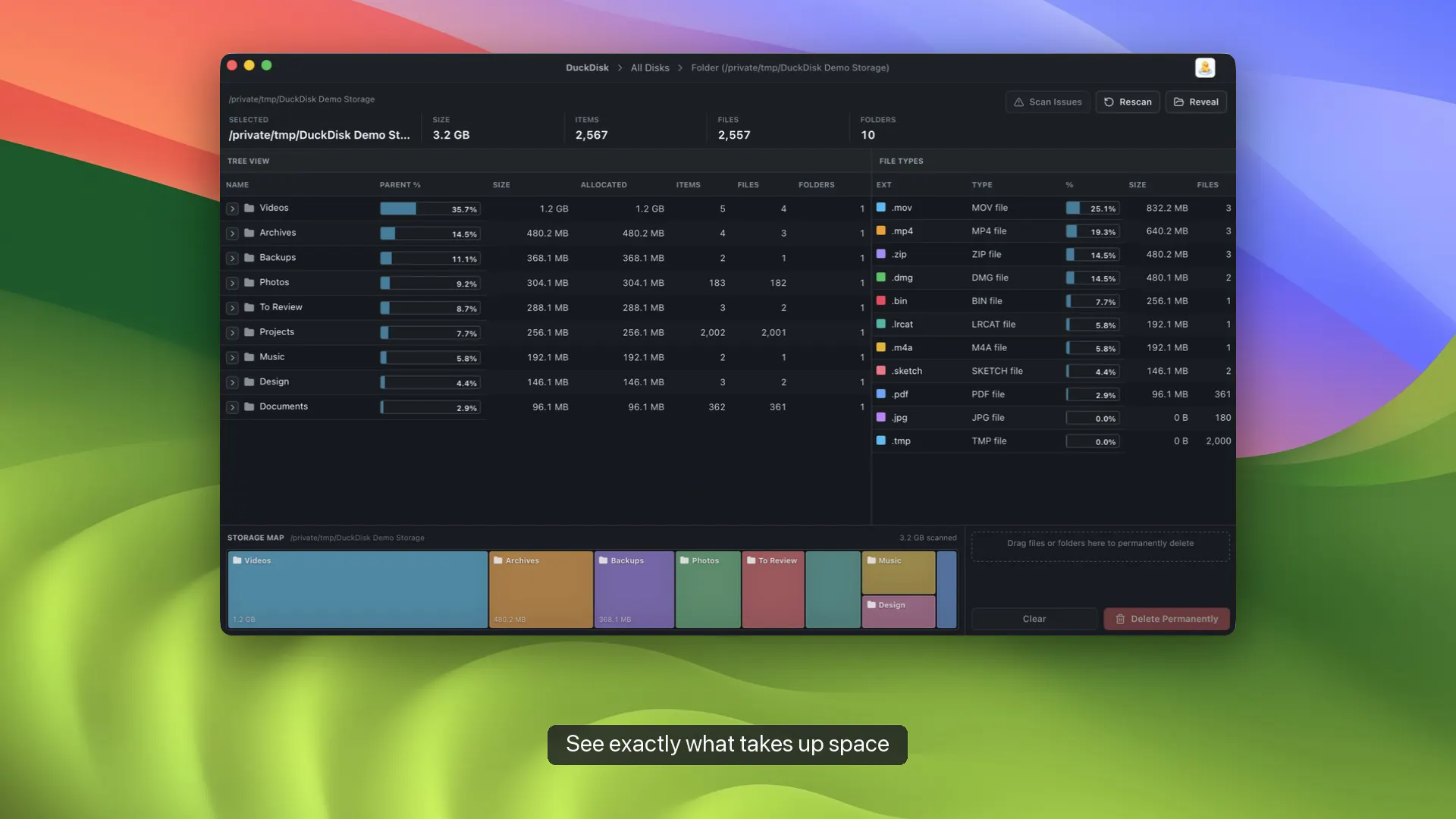
DuckDisk is a free, open-source macOS storage analyzer built for people who want answers, not just colorful maps. Its WizTree-style, table-first tree keeps size, allocated space, parent %, item counts, and file-type totals visible while you drill down. Scan local disks, OneDrive, Google Drive, and SSH in one app. Cloud scans use metadata only—file contents are not downloaded. The release is Apple-notarized and available on the Mac App Store.

Hi! I built DuckDisk because most macOS disk cleaners make a beautiful daisy map, but I still end up asking: which folder owns this space, how much is allocated, how many files are inside, and what types dominate?

DuckDisk takes a table-first, WizTree-style approach. One dense tree keeps directory size, allocated space, percentage of parent, file/folder counts, and file-type totals visible as you drill down. The same interface scans local disks, OneDrive, Google Drive, and SSH servers. Cloud scans are metadata-only, so DuckDisk doesn't download file contents.

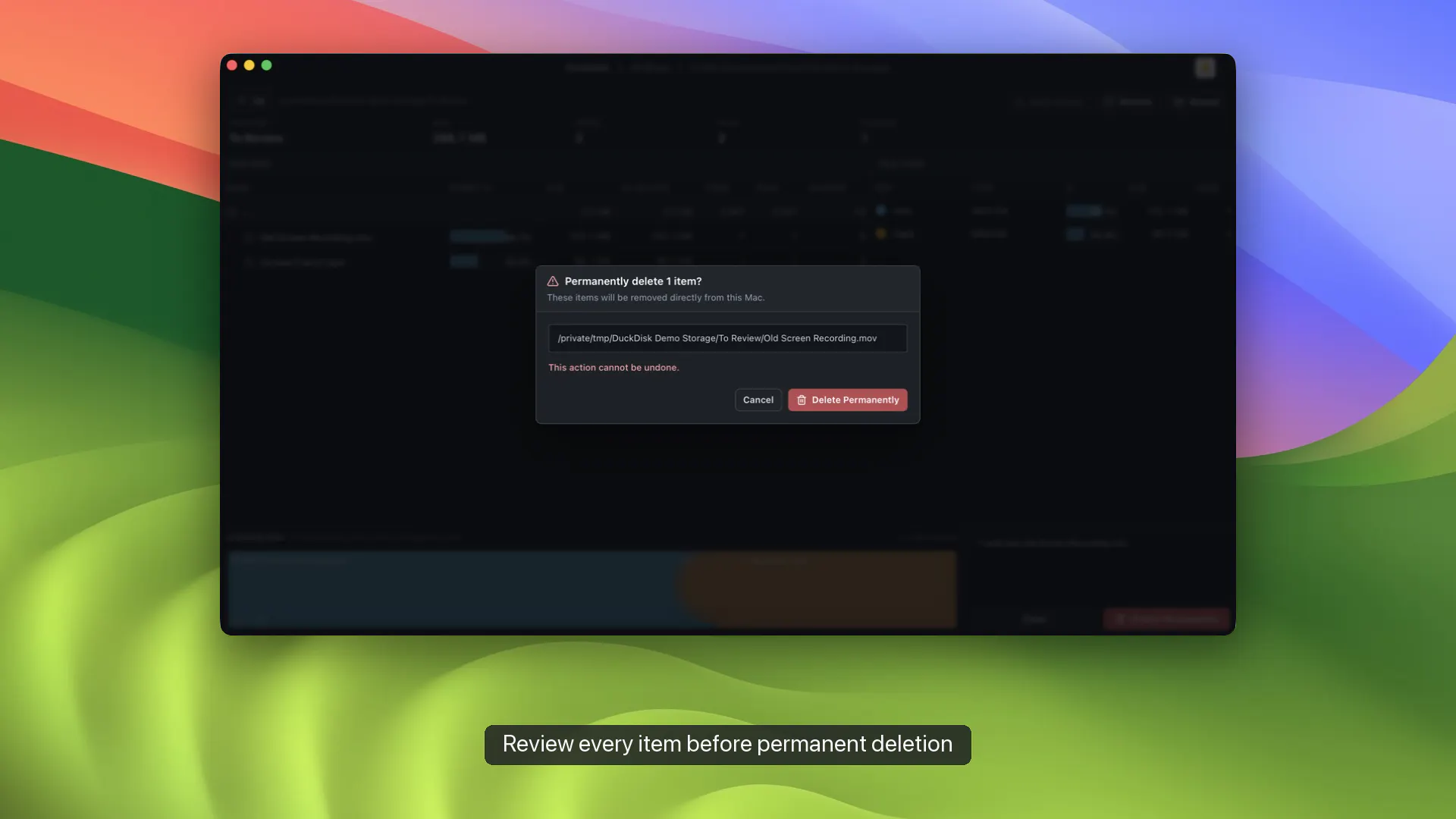
Performance mattered too: rows are virtualized, results are cached, and cloud sources can refresh incrementally. Cleanup is staged for review; cloud deletions go to Trash, while permanent local/SSH deletion needs explicit confirmation.

DuckDisk is free and open source (AGPL), Apple-notarized, and available on the Mac App Store. The Store build supports local disks, OneDrive, and SSH within Apple's sandbox. The notarized direct build also adds Google Drive and uses your system SSH configuration.

I'd love feedback from people who manage storage across a Mac, cloud accounts, and remote servers—especially on which columns or workflows you'd want next.

1
回复

The allocated space versus file size distinction is the detail most disk tools skip, useful for catching sparse files. As someone juggling a lot of Xcode and Flutter build folders, curious whether DuckDisk knows to flag the usual dev suspects, DerivedData, node_modules, build caches, or if it's purely size driven and I'd still have to know what I'm looking for.

1
回复

@abdullah_javaid3 Thanks! Currently the DuckDisk is size-driven, but I will consider adding this cache-flagging feature in the future release.

1
回复
#13
Workflo
Mac workspace automation that never sees your screen
96
一句话介绍:Workflo 是一款基于辅助功能权限的 Mac 工作区自动化工具,能在会议、专注时段或显示器变更前自动排列好窗口布局,解决用户频繁切换场景时手动重排窗口的痛点。
Mac Productivity Menu Bar Apps
Mac效率工具 窗口管理 工作区自动化 生产力工具 本地隐私 辅助功能权限 场景触发 一次性付费 原生Swift 桌面整理
用户评论摘要:用户认可“主动触发而非等待指令”的洞察,认为“无法看屏幕”的隐私设计是差异化卖点。主要建议:支持按浏览器Profile区分窗口(当前标题匹配逻辑对多Profile识别不准);希望增加“当窗口激活时自动吸附到固定位置”的触发规则;对藏起/恢复窗口(Stash)功能在录屏场景下的价值反馈强烈。
AI 锐评

Workflo 的聪明之处不在窗口管理本身,而在“自动化触发”这个层级的跃迁。市面上的 Magnet、Rectangle 之流优化的是“手动操作”的速度,而 Workflo 直接消灭了“操作”这个动作——它用日历和时间作为触发器,在用户意识到需要整理窗口之前就已经完成布局。这确实是产品思维上的降维打击。

但真正值得玩味的是它的隐私架构设计。选择“仅辅助功能权限”而拒绝“屏幕录制权限”,并非技术妥协,而是极其精准的市场定位策略。在 LLM 和云端监控引发用户信任危机的当下,“结构性无法看屏幕”比任何隐私政策声明都更有说服力,这直接切中了律师、医生、金融从业者等对数据敏感的高净值人群。

然而,产品的天花板也清晰可见:触发机制目前仅依赖时间与日历,缺乏上下文感知(如根据当前活跃App或网络状态推断意图);评论中提到的“Chrome多Profile识别”问题暴露了其窗口匹配逻辑尚显初级。更关键的是,约4MB的体积和一次性买断模式,意味着开发者无法依赖持续订阅收入,长期迭代动力存疑——这本质上是独立开发者精品工具的通病:做出一个惊艳的1.0,然后在用户不断提出的“如果它能…就好了”中逐渐掉队。

一句话总结其价值:Workflo 不是在窗口管理红海里多切一块蛋糕,而是重新定义了“什么时候该管理窗口”。但若想真正成为“工作区操作系统”,还需在“主动预判用户意图”和“复杂窗口身份区分”上拿出更激进的解法。否则,它只是一颗完美的、静态的珍珠。

查看原始信息
Workflo
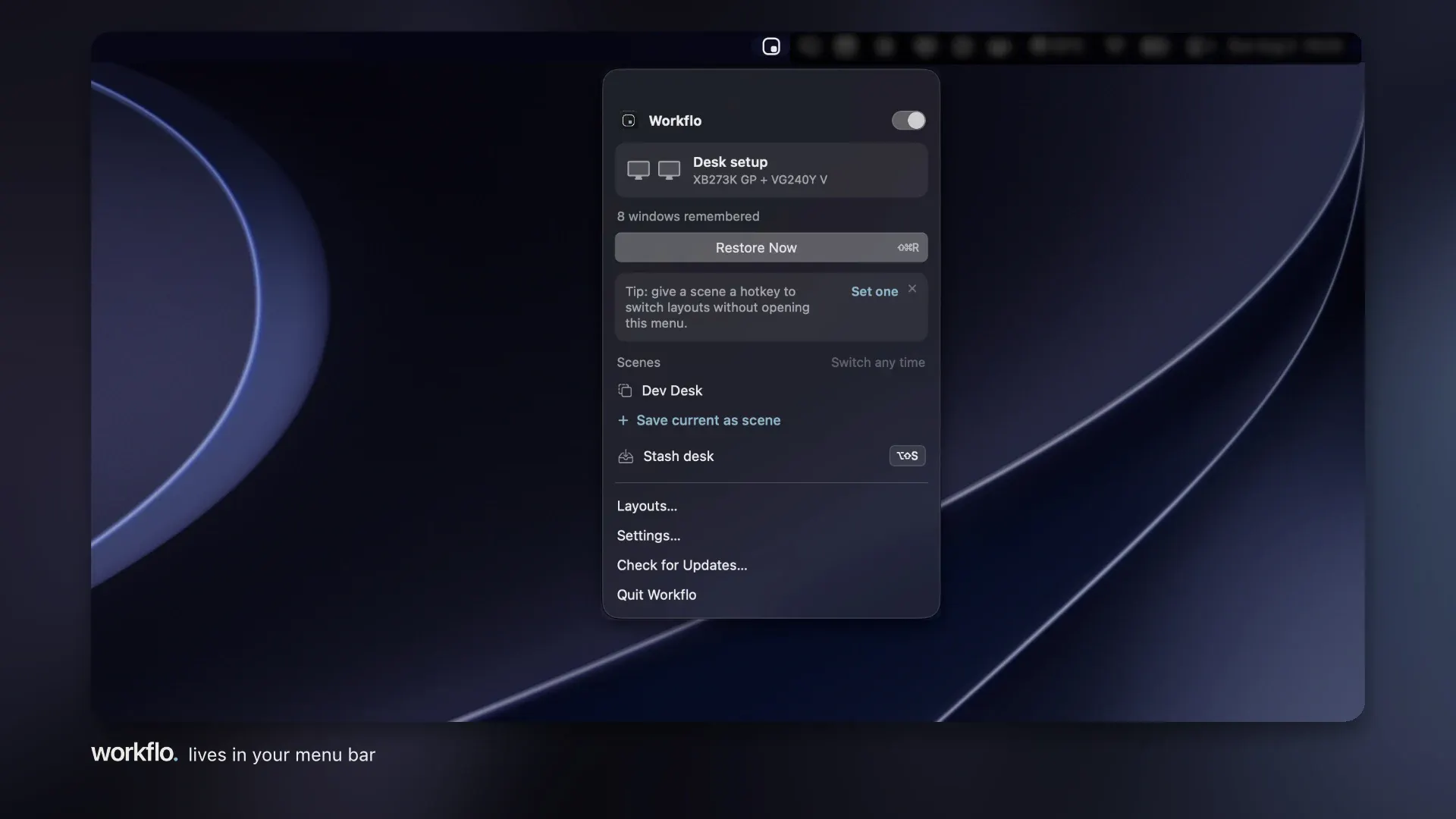
Workflo sets up your Mac automatically — staging the right windows before a call or a focus block, and restoring your layout when displays change. Runs on Accessibility alone: it structurally cannot read your screen. Native Swift, ~4 MB, one-time purchase, local-only.

Hi Product Hunt, Chirag here! 👋


Workflo is my answer to a small tax I paid every day: rebuilding my Mac workspace from scratch at every context switch. A call, a focus block, docking at my desk, each one meant another minute lost to reopen, drag, resize, and hide windows and my workspace.

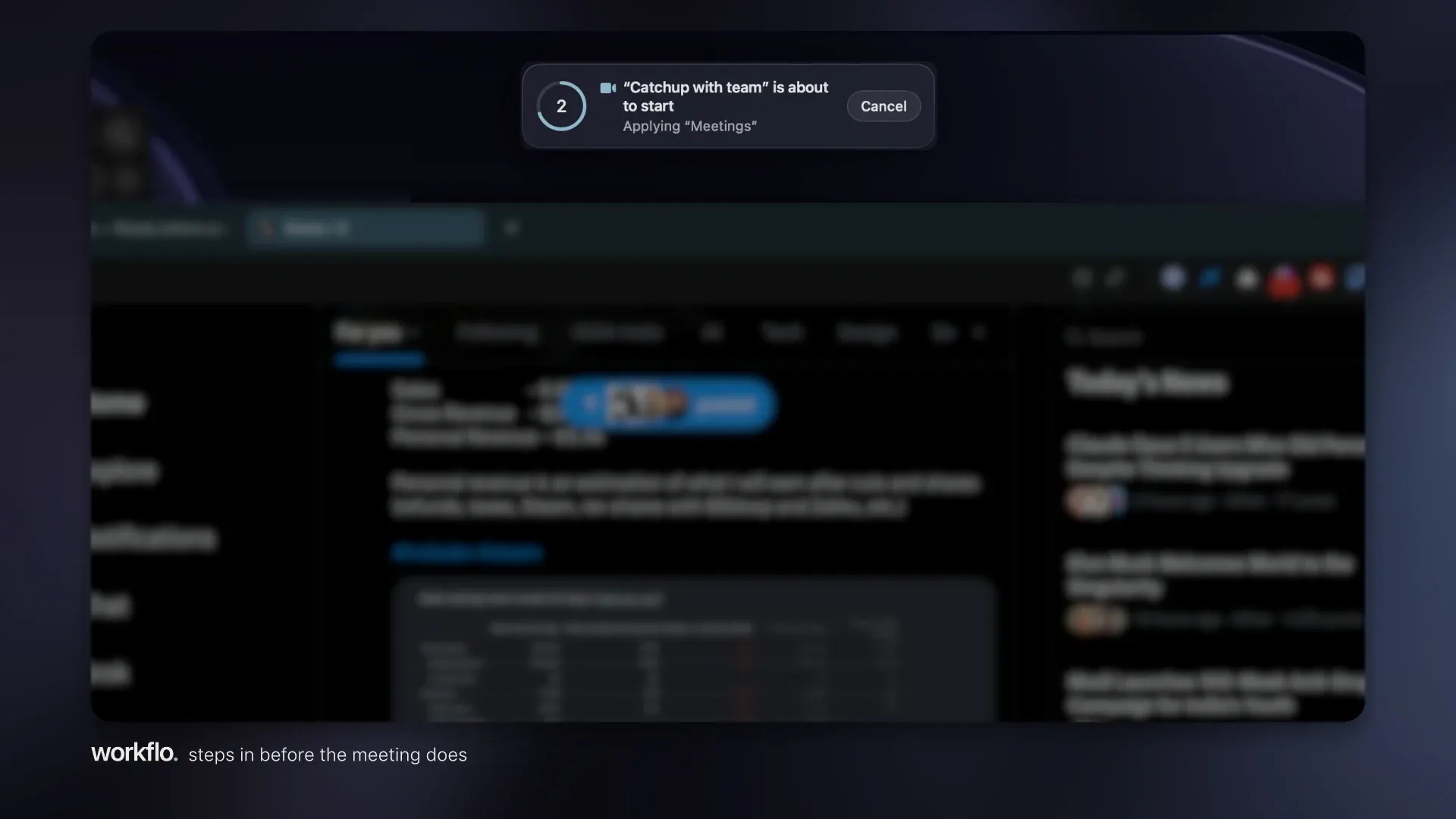
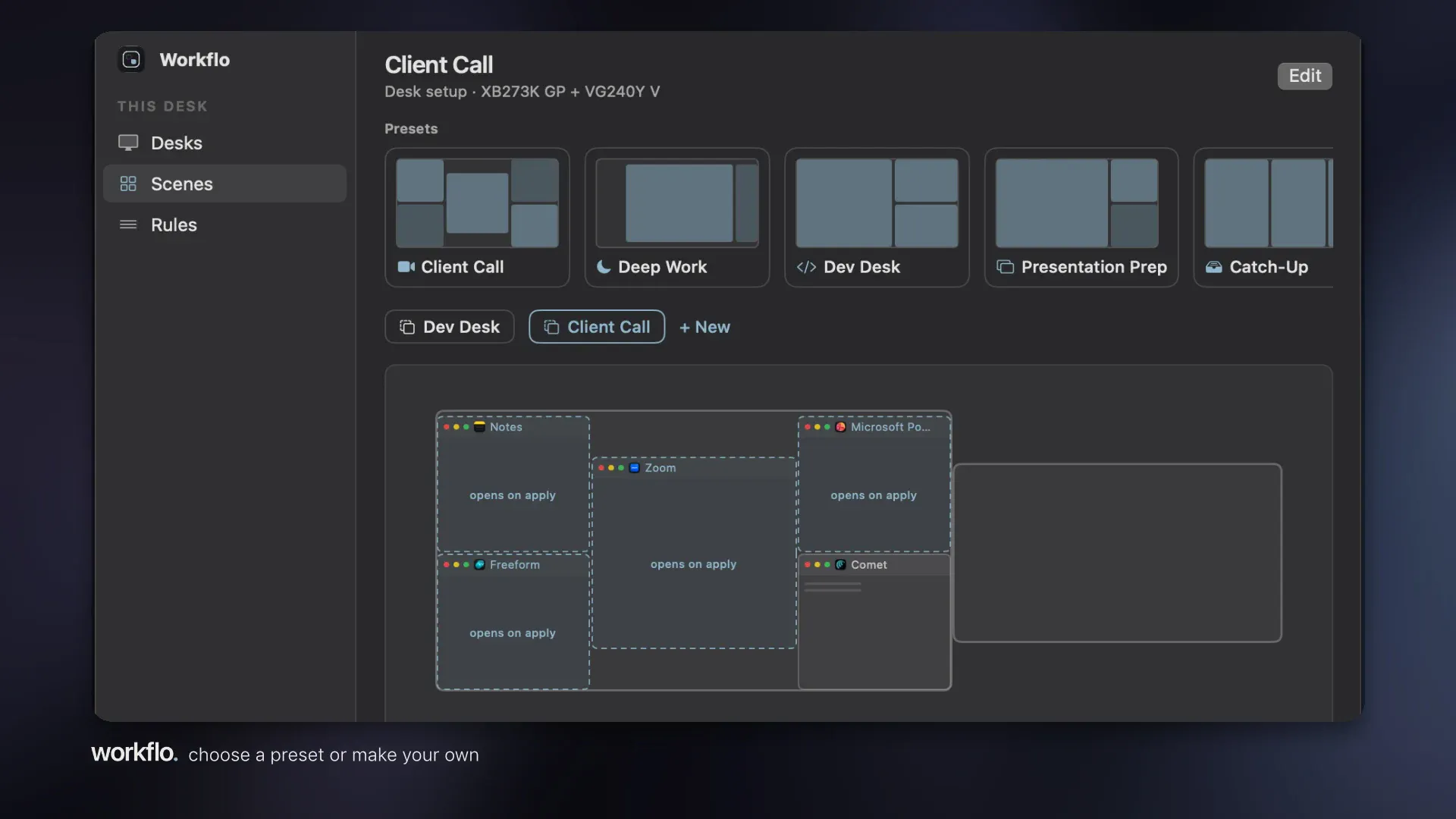

Every tool I tried made that minute faster, but they all wait to be asked. Workflo removes the asking. It learns your layout for each display setup (Desks), stages the right windows before calendar events or at set times (Scenes), and snaps everything back when displays change. One hotkey clears the screen for a share and restores it after (Stash).

One design constraint I held onto: it runs on the Accessibility permission alone. It never asks for Screen Recording, so it structurally cannot see what's in your windows; the preview-style tools need that permission; Workflo doesn't. We do not collect, record, or transmit any data from your device. Everything stays local.

($19.99 one-time, 7-day free trial, no account, ~4 MB of native Swift. 20% OFF to celebrate the launch this week. I'm also giving away 5 free licenses today; at the end of the day, I'll send them to the people whose feedback shaped the roadmap most.)

I'll be here all day - please tell me which context switch annoys you most, and what per-app rules you'd love to see.

2
回复

@ch1rag Congrats on the launch!

"Every tool I tried made that minute faster, but they all wait to be asked."

That's a sharp product insight. The window manager space is crowded with tools that optimize the manual action, and you went after removing the trigger entirely. Staging windows BEFORE the calendar event is the kind of thing that sounds small and changes everything.

You asked which context switch annoys me most, so here's mine: recording demos. I build LemmeBuyIt, a shopping and product intelligence platform, and I record product videos and walkthroughs regularly. Every session starts with the same ritual: clear the junk, hide the dock clutter, resize the browser to the exact recording layout, hunt down the terminal.

Then afterwards, rebuild my actual work mess. Stash with one hotkey before a recording and full restore after would pay for itself in a week, and honestly the $19.99 one-time price is already an easy yes.

The Accessibility-only permission is a real differentiator too, and worth shouting louder. "Structurally cannot see your windows" beats "we promise we don't look" every single time. Local, no account, 4 MB of native Swift, this is how Mac utilities should be built.

Per-app rule I'd love: browser profiles as separate apps, so my work Chrome and personal Chrome land on different desks instead of being treated as one blob.

Upvoted!

0
回复

The context switch that costs me most right now is jumping between Chrome windows during browser automation, several profiles connected at once, and I have to figure out which one is actually signed into the right account before every session. Is a rule that snaps a specific browser profile window to a fixed spot when it becomes the active target in scope for Workflo, or is this more about layout than window identity?

0
回复

@abdullah_javaid3 Good news and one honest caveat. Chrome puts the profile name in the window title when you run multiple profiles (just tested: "… - Google Chrome - Person 1"), so each profile's window is identifiable.

The caveat: Workflo currently matches titles from the front, and the front of a Chrome title is whatever tab is active, so the stable part (the profile suffix) isn't what the matcher reads yet. That's a small fix, and it's going on the roadmap alongside the other half of your ask: a "when this window becomes active, snap it here" trigger (today's triggers are time and calendar).

Two questions back: how many profiles at once, and are they regular Chrome profiles or automation-launched with their own user data dirs? The second kind drops the suffix, which changes how I'd build this.

1
回复
#14
Papaya
Your sex's private recap — never leaves your phone
94
一句话介绍:Papaya是一款完全离线的私密性爱记录应用,通过手机麦克风监测声音与动态,自动生成带标题的卡通式“夜间回顾”,解决亲密时刻数据绝不上云的核心隐私痛点。
Privacy Artificial Intelligence Intimacy
隐私安全 性爱记录 离线处理 声音监测 卡通生成 情侣应用 健康追踪 订阅制 本地AI 17+应用
用户评论摘要:开发者自述强调零服务器架构、音频不落盘、支持AirDrop加密分享及可自证的数据流。有用户建议补充60秒演示视频以提升转化。有效反馈集中于验证隐私声明真实性、订阅购买路径兼容性及趣味性留存的平衡。
AI 锐评

Papaya的聪明之处在于把“最不能上云的数据”变成了产品壁垒,而不是营销噱头。它精准切中了一个隐秘却庞大的需求:亲密时刻的量化与叙事化,却用“零信任”架构堵住了所有竞品都在回避的信任漏洞。从技术上看,on-device处理、AirDrop分享、无磁盘写入,这些设计看似笨拙,实则是为“不可举证”的敏感场景量身定制的安全冗余——它不承诺“加密”,而是承诺“不存在”,这是本质差异。

但产品的真正价值并不在于“听床”本身,而在于它重新定义了隐私应用的信任模型:当其他情侣应用都在要求你交出关系数据换取“亲密感”时,Papaya用技术自残的方式(主动放弃云端能力)换来了用户对其动机的绝对信任。这是一种极端克制的产品哲学,也是其最犀利的护城河。

然而风险同样明显:首先,功能本身带有强烈的猎奇属性,用户新鲜感消退后,每周一次的免费额度能否支撑长期留存存疑;其次,“卡通回顾”长期看极易沦为刻板重复的玩笑,缺乏情感深度;最后,17+评级与社交分享的天然冲突,令其很难形成网络效应。Papaya目前更像一个“性张力十足的独立艺术项目”,而非可持续的商业产品。它最大的价值,或许是为整个隐私技术领域提供了一个极具参考意义的范式:你不需要说服用户“我们是安全的”,你只需要让他们亲眼看到“我们没有东西可被攻破”。这一点,值得所有所谓“私密社交”产品深思。

查看原始信息
Papaya
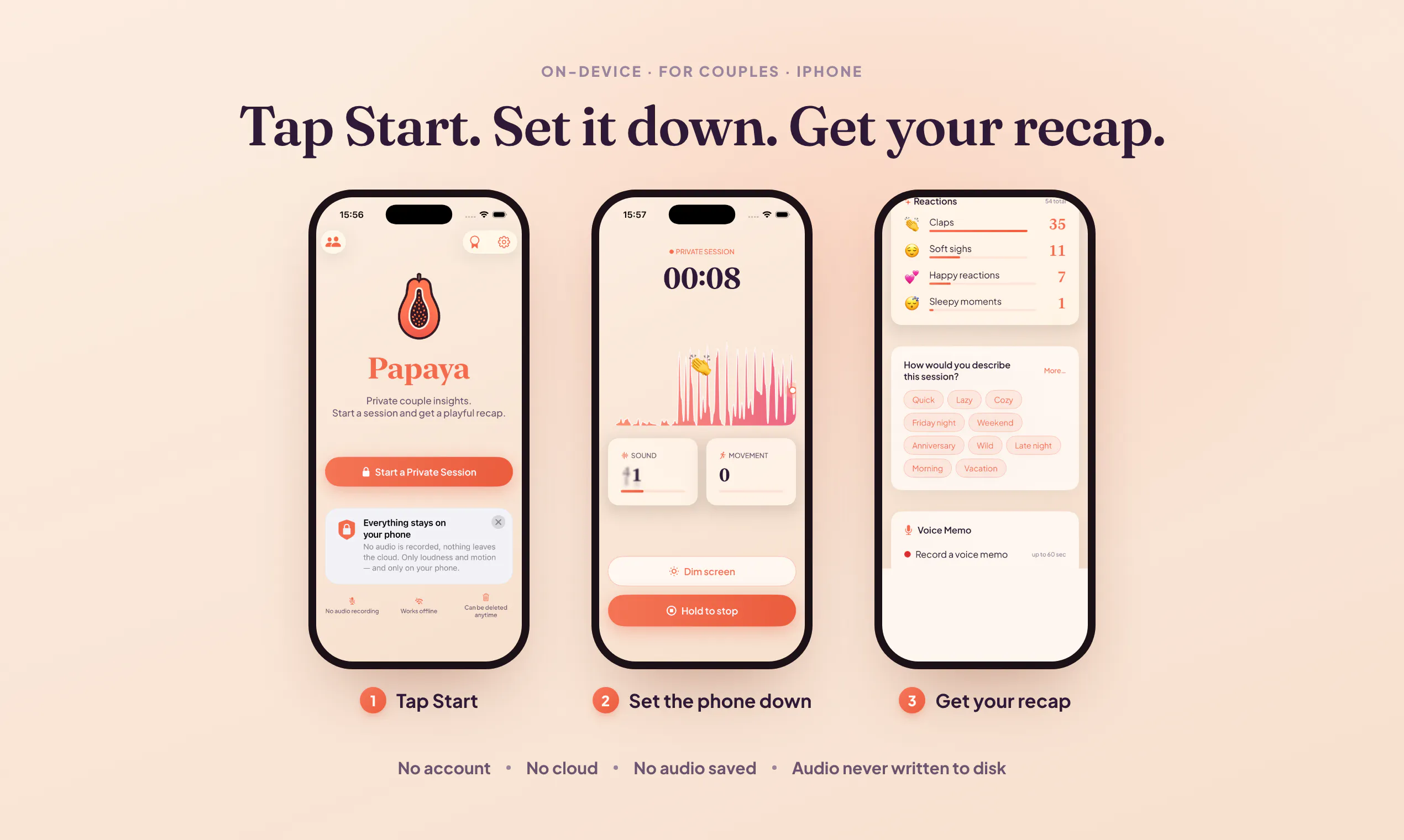
Papaya listens to you having sex and draws a cartoon about it. Sound and motion only, on-device: no account, no cloud, no audio saved. It gives the night a title. Mine was "Faster than an elevator pitch."

I built an app that listens to you having sex and then draws you a cartoon about it. A papaya narrates. 🍈

I would rather have one honest reaction than an install, so tell me what you would say to a friend after closing this tab.

Every couples app in this category is an account, a cloud, and a server holding the most private thing about you. "Trust us, it's encrypted" never sat right with me for this particular data, so I built it without the server. There is nothing to breach because I never collect it.

Set the phone down nearby and tap Start. Papaya measures how loud and how lively the room gets, turns that into a number on the device, and releases the raw audio in the same frame. It writes nothing to disk.

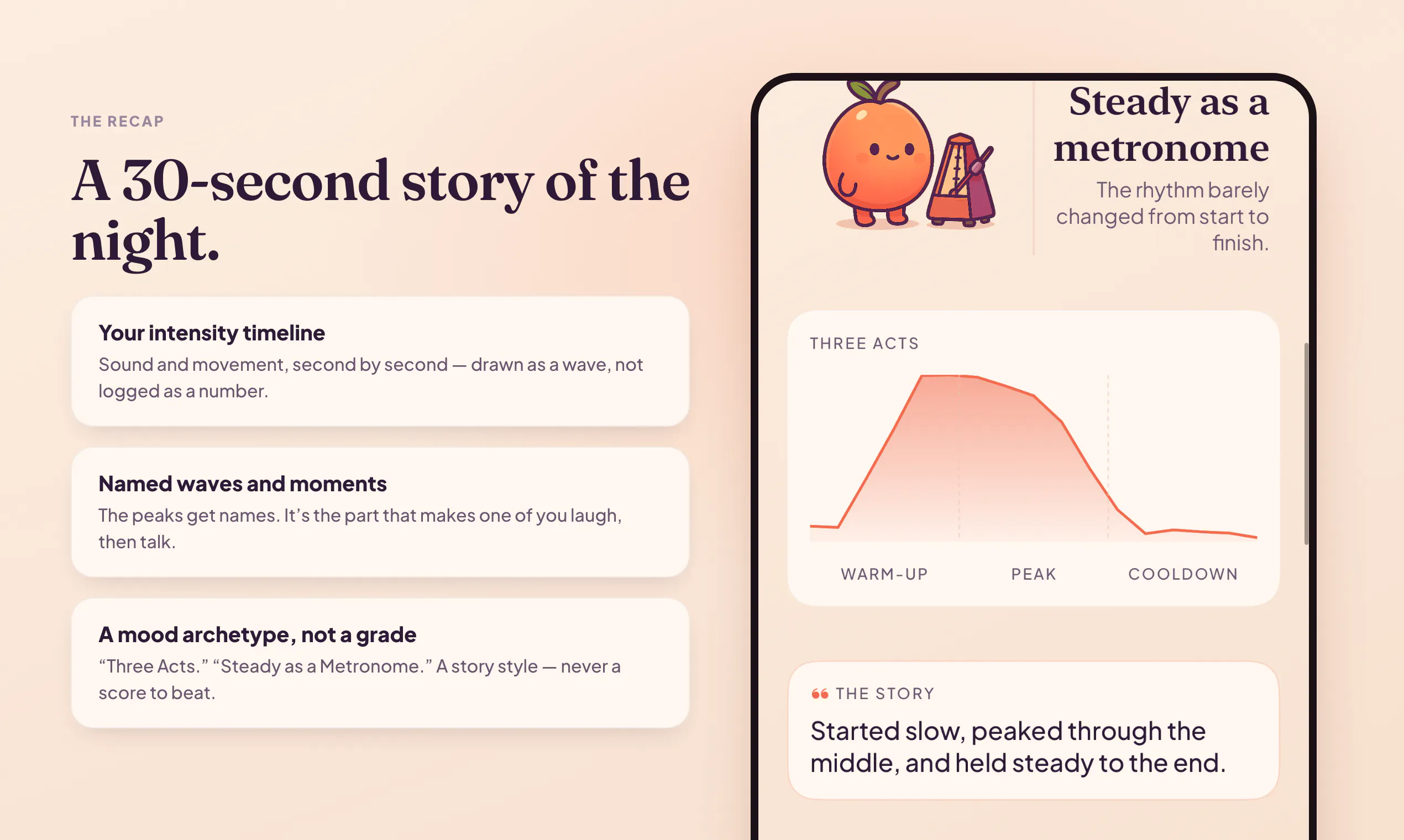
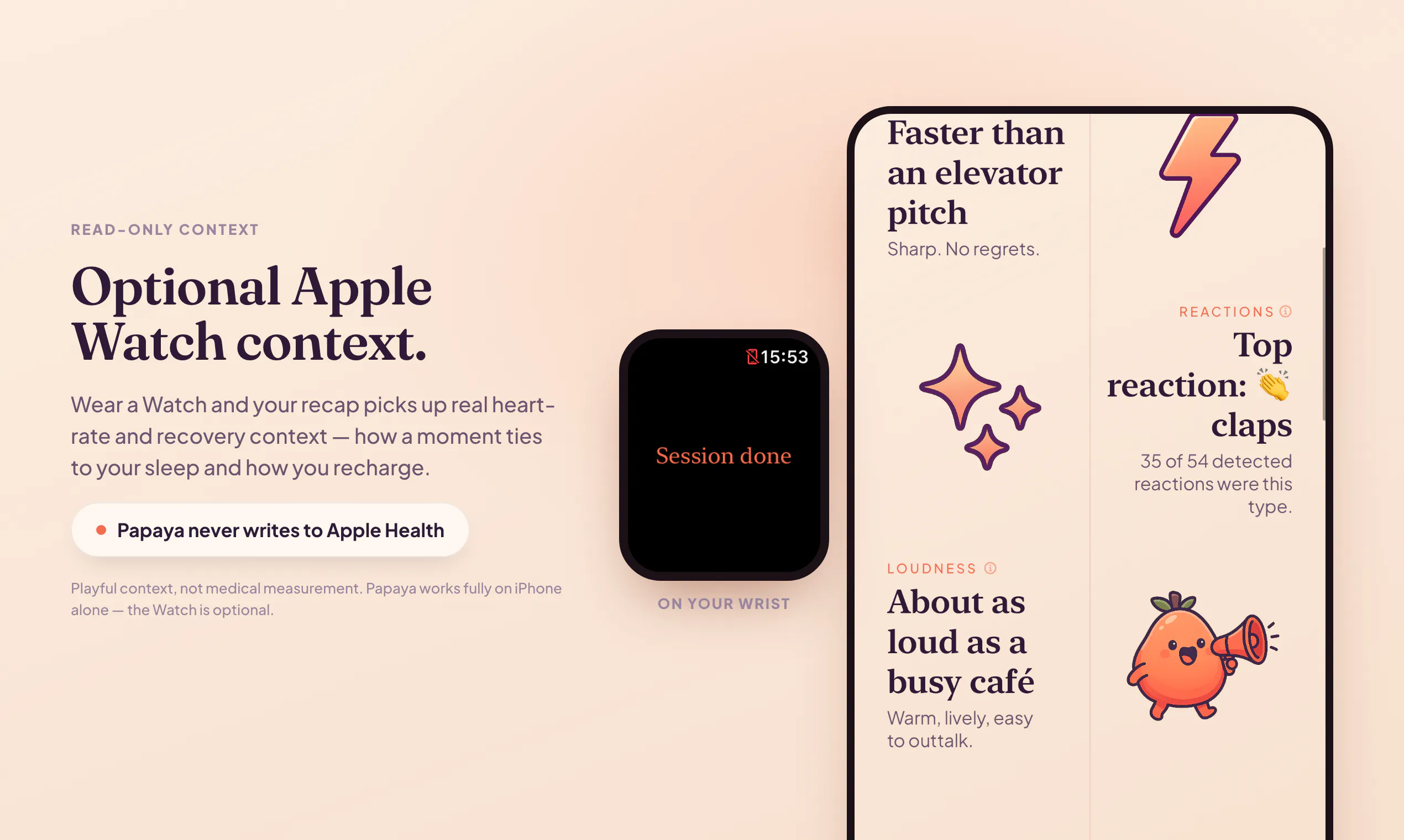
Afterward you get a 30-second illustrated recap: your rhythm, your peaks, and a title for the night. Real ones from my own testing: "Steady as a Metronome." "About as loud as a busy café." The one that ruined my week: "Faster than an elevator pitch. Sharp. No regrets." I shipped it anyway.

I drew the mascot, wrote the encryption, and got to explain all of it to App Review, who rejected me once before we came to an understanding. Rated 17+ for reasons I trust you can work out.

The honest asterisks, because this crowd checks:

🔒 Network: for most people the only call is Apple's subscription check. Subscribe from Russia, where Apple IAP does not work, and a separate path confirms your subscription through Sign in with Apple. It sends an Apple token, never session data. Run a packet trace. I would rather you verify than trust me.

🎙️ Audio never reaches disk. Turn on the optional transcript, off by default, and an on-device speech model converts it to encrypted text that stays on your phone.

⌚ Watch heart rate is read-only and for fun. Not medical. Papaya never writes to Health.

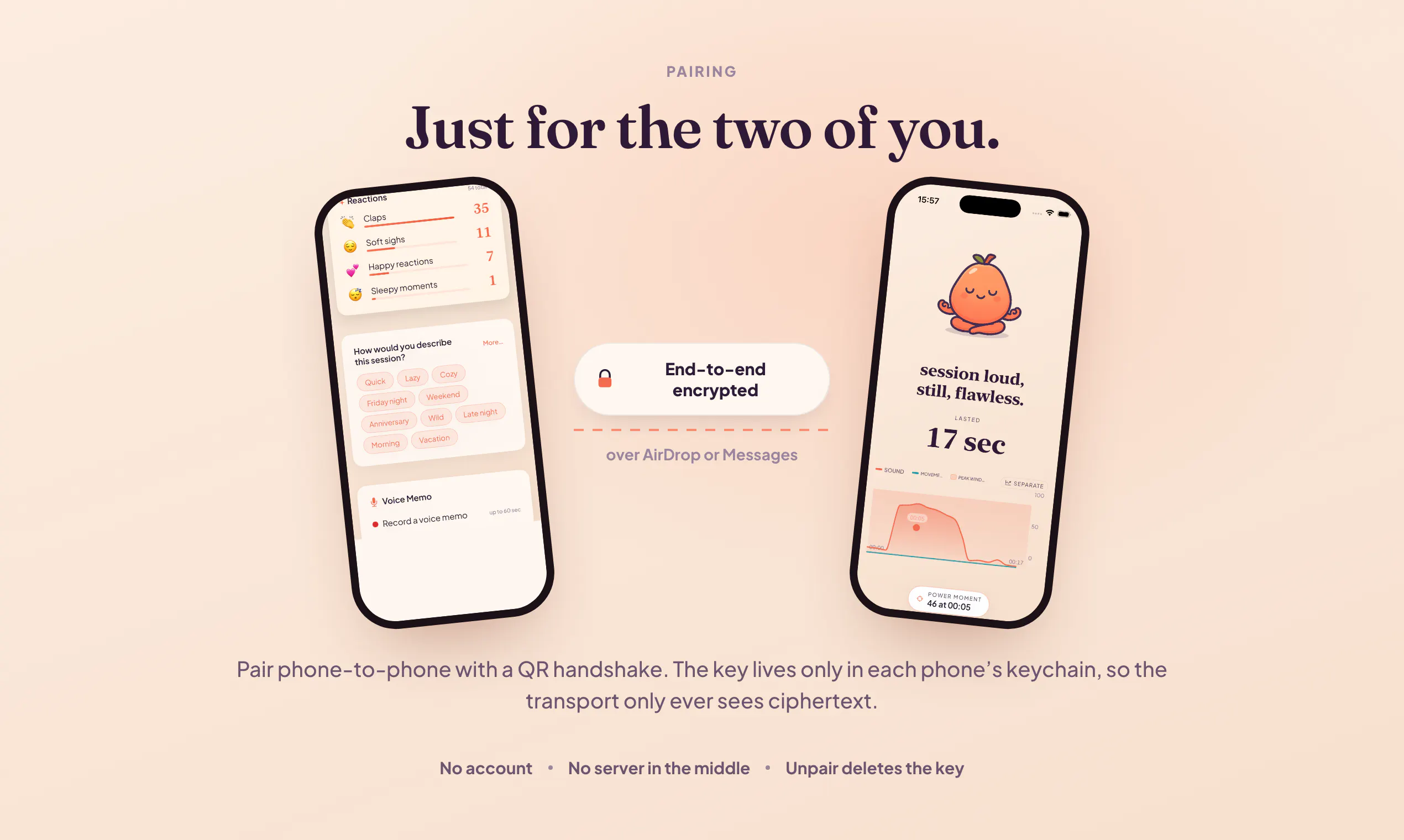
📲 Sharing with your partner goes over AirDrop, encrypted end to end. No server in between.

Free gives you 3 full recaps the first week, then one a week. No card, no trial wall. Pro is $4.99 a month or $39.99 a year.

Tear the privacy architecture apart. That is the part I am proudest of.

2
回复

Hey there again!

Here is the link to the app.

1
回复

@petros_tepoyan1 Hey! Congrats on the launch!

I specialize in creating launch videos for startups and noticed you don't have a demo clip on your landing page yet. A 60-second explainer/promo video can boost conversion by showing how it works.

I can create one for you in 48 hours.

Open to a quick chat this week?

0
回复
#15
Soup CLI
Fine-tune an 8B LLM on a 4 GB laptop GPU
93
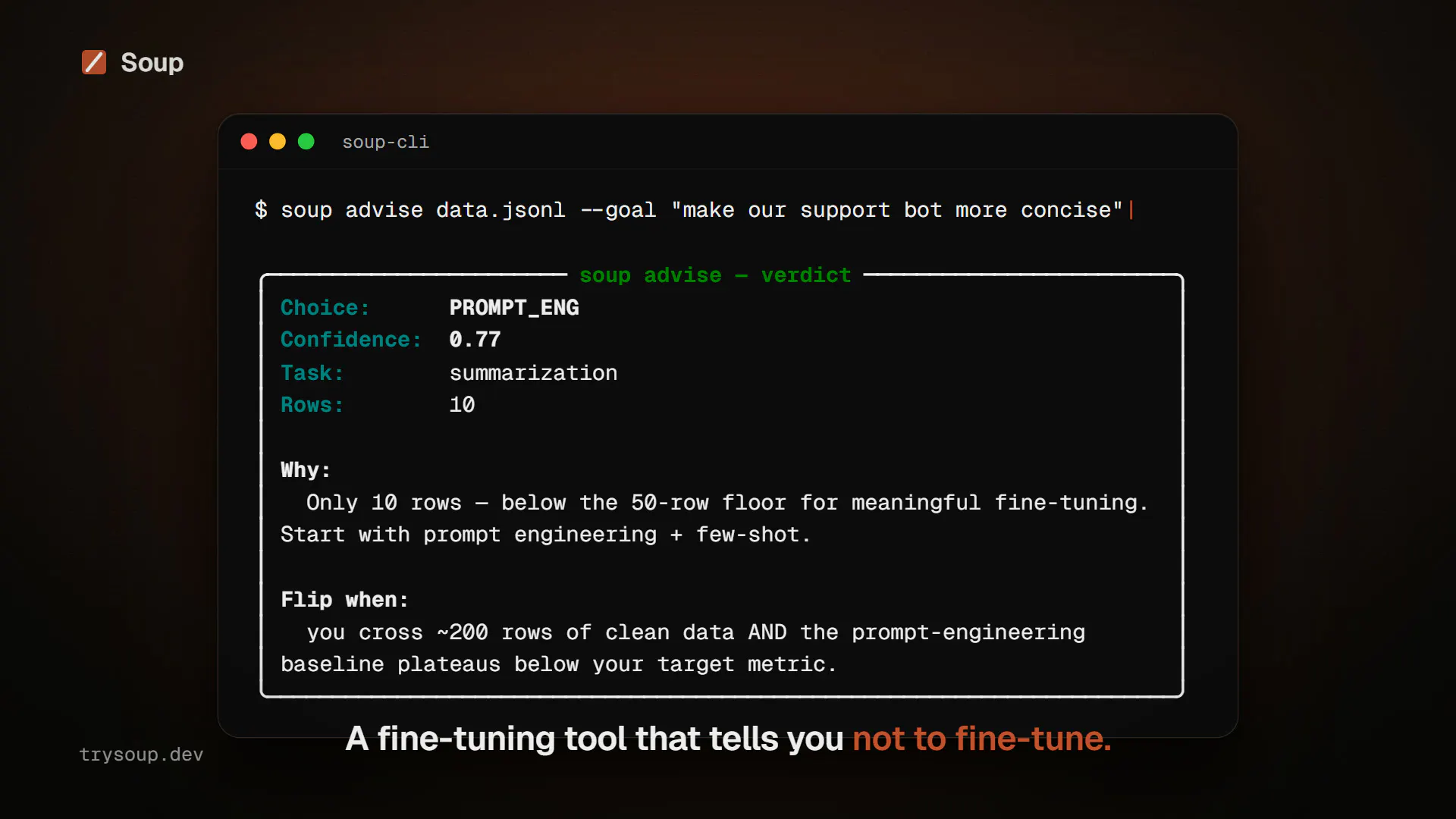
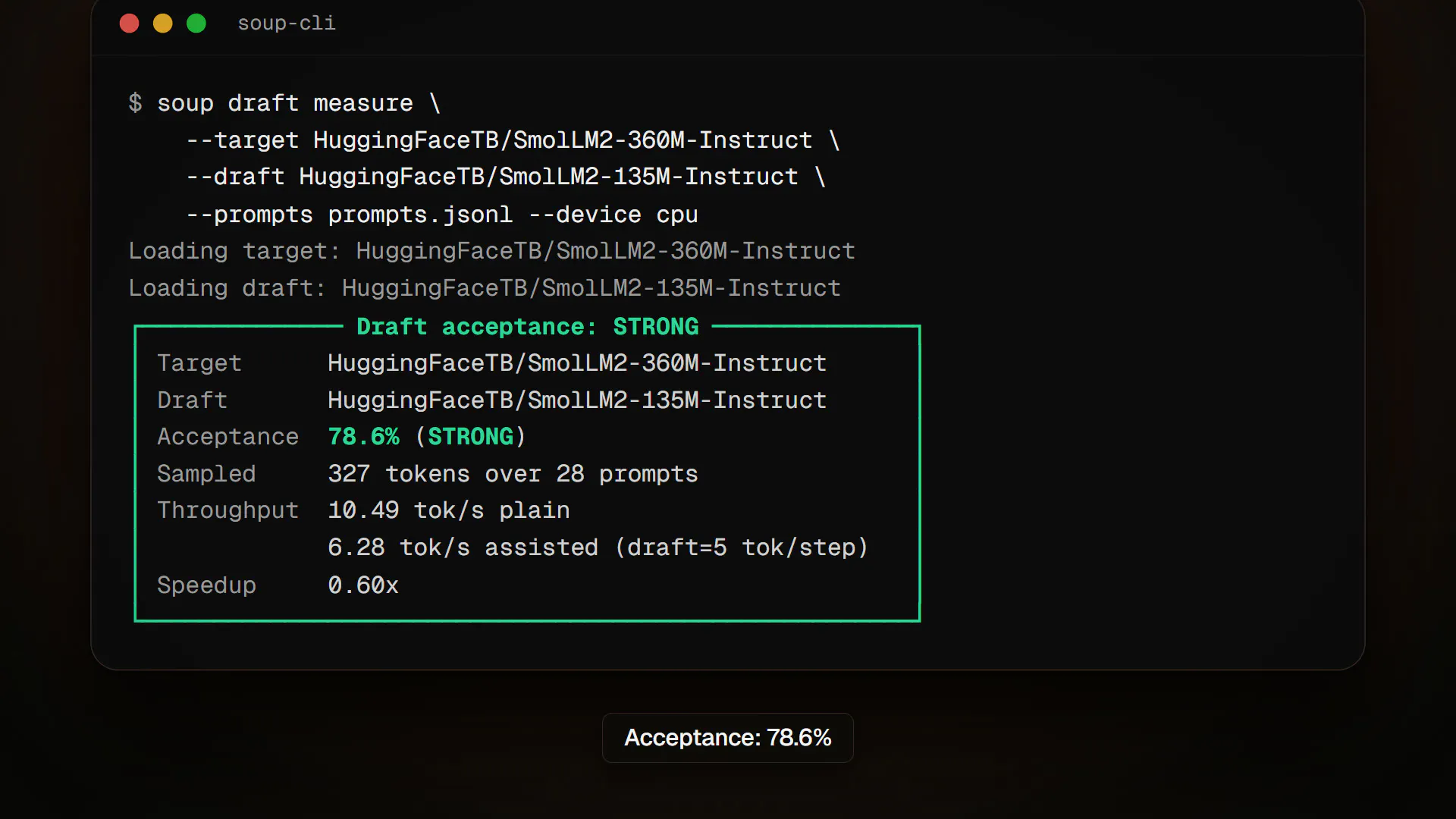
一句话介绍:Soup CLI 让用户在仅有 4 GB 显存的笔记本上,通过将冻结的基座模型分层流式加载到 GPU,实现 8B 级别大模型的 LoRA 微调,只需一条 YAML 命令即可完成 SFT、DPO 等训练与评估。
Open Source Developer Tools Artificial Intelligence GitHub
大模型微调 低显存训练 LoRA 流式加载 笔记本GPU 命令行工具 开源 训练正确性验证 本地AI开发 效率工具
用户评论摘要:用户高度认可其“如实公布错误数据”的科研透明度,认为这比优化本身更难得。核心疑问集中在:流式加载的 logits 一致性校验是否覆盖 4-bit 量化基座模型,还是仅验证了全精度场景。同时,有评论称赞 119.6 tok/s 的速度为本地迭代提供了实用基准,并认为自动检测“损失下降但梯度错误”的静默崩溃机制极具价值。
AI 锐评

Soup CLI 的亮点不在于“在 4GB 显卡上跑 8B 模型”这个结果,而在于它把“可复现的正确性”作为了第一公民。多数开源微调工具在低显存方案上往往以“损失曲线下降”作为成功标准,这恰恰是深度学习中典型的自欺欺人——上层网络继续学习完全可以掩盖底层梯度的静默失效。作者用“流式 logits 必须与常驻内存版本严格一致”作为验收门槛,并主动公开自己在 H100 上发现的梯度错误,这直接戳中了当前 AI 工程社区的软肋:benchmark 文化盛行,但干净的数据比漂亮的数字稀缺得多。

从商业价值看,它的定位精准切入了“个人开发者+消费级硬件”的夹缝市场,规避了与云端训练平台的正面竞争。但必须泼一盆冷水:LoRA 本身参数量极小,4GB 显存跑 8B 的瓶颈从来不只是显存容量,还有 PCIe 带宽带来的 I/O 压力。虽然作者测出了 119.6 tok/s 的数据,但这多半建立在系统 RAM 足够快、且模型层数较少的理想前提下。真实场景中的注意力头计算、长序列处理、以及 4-bit 量化下的算子融合,都会让流式加载的边际收益迅速衰减。评论中那条关于“量化基座下一致性校验是否仍然成立”的追问,恰恰指出了潜在软肋——如果量化层的舍入误差破坏了流式与常驻版本的 logits 一致性,那这套正确性协议就需要重新设计。

整体而言,Soup CLI 是一个诚意之作,技术上巧妙,态度上严谨。它更适合作为研究人员的参考实现或小规模实验工具,而非生产级训练框架。真正的 8B 微调民主化,仍需要硬件厂商在统一内存架构上的突破,软件层面能做的,或许也就是像 Soup 这样把每一份数据都摊在阳光下,让后来者少走弯路。这已经值得一个赞。

查看原始信息
Soup CLI
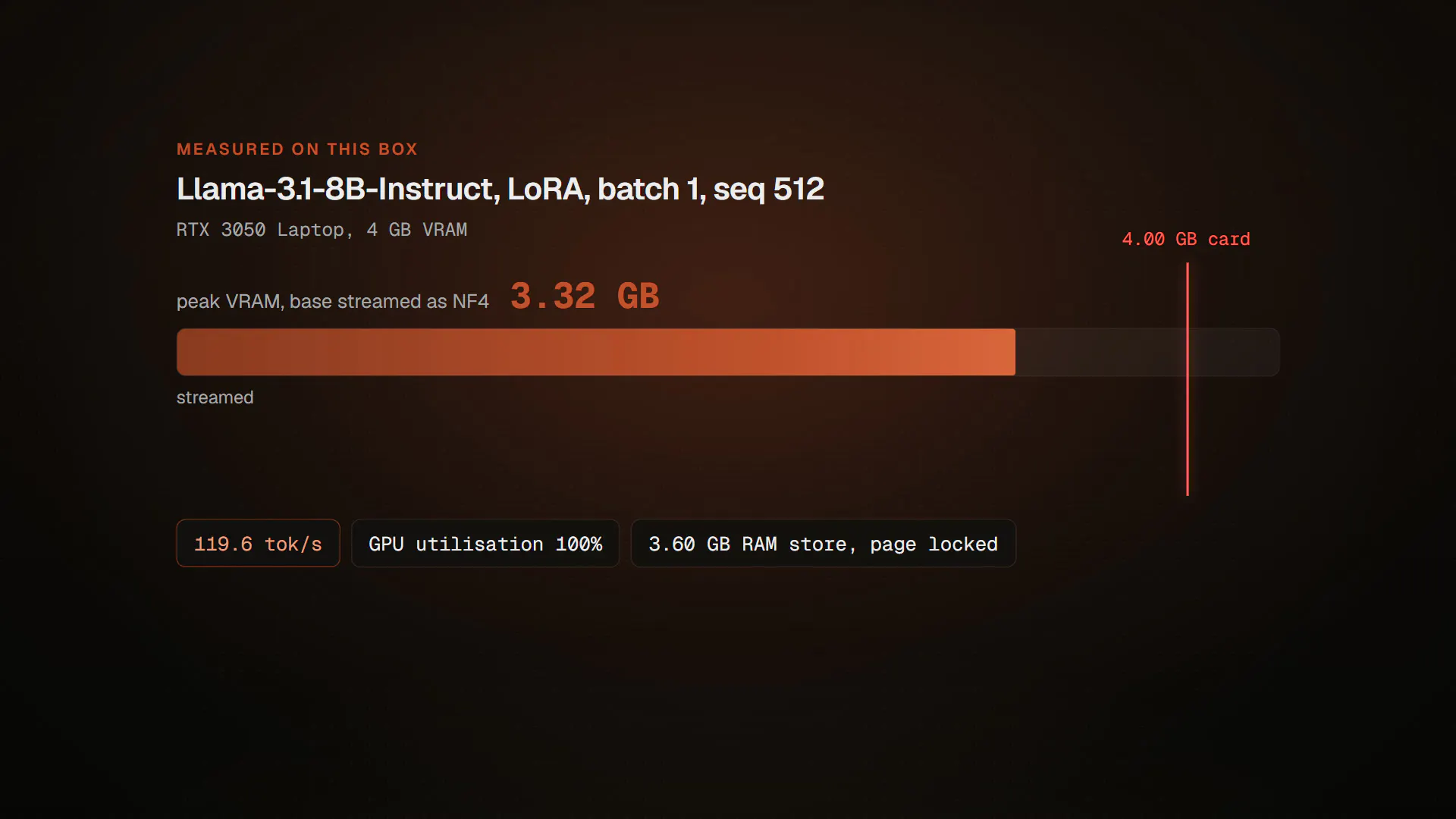
LoRA keeps the base model frozen: read, never written. So Soup keeps it in system RAM and streams it into the GPU one decoder layer at a time. Peak VRAM becomes one layer instead of the whole model. Measured on an RTX 3050 Laptop 4 GB: Llama-3.1-8B trains at 119.6 tok/s in 3.32 GB peak. One YAML, one command. SFT, DPO, GRPO, KTO, plus eval, gating and export. Apache-2.0. Every number is published, including the ones I measured and threw away.
I built Soup because I have a 4 GB laptop and wanted to fine-tune models that do not fit in it. The idea is simple. During LoRA the base model is frozen. It is read, never written. So it does not have to live in the GPU, it only has to arrive before the matmul that uses it. It sits in system RAM and streams in one decoder layer at a time. The hard part was not speed. It was proving it is correct. Streaming fails silently: cut the autograd path and the loss still goes down, because the upper layers keep learning. So every release compares a streamed run against a resident one and requires the logits to match exactly. Last week someone lent me 8 H100s for three days. That protocol found a bug in my own released code: above a certain layer size the gradients are silently wrong while the loss curve looks healthy. I published it, with a reproducer. Everything is Apache-2.0 and every measurement is in the repo, including the ones that turned out wrong. Happy to answer anything.
2
回复

Publishing the ones that turned out wrong is the detail that stands out. Ran into a smaller version of that this month, checked AI Overview traffic on three real sites expecting some signal and got zero across the board, and the honest move was publishing zero instead of only writing up the wins. Question on the streaming approach: does the correctness check, streamed logits matching a resident run, hold up against an already 4-bit quantized base model, or is that validated against full precision only so far?

0
回复

@makazhanalpamys The layer-streaming idea is neat, but the correctness protocol is the part that won me over — requiring streamed-run logits to exactly match a resident run, because "cut the autograd path and the loss still goes down" is exactly the kind of silent failure most tools never check for.

And publishing the H100-found bug (gradients silently wrong above a layer size while the loss curve looks healthy) with a reproducer, in your own released code, is rarer than the optimization itself. That's how benchmarks earn trust.

119.6 tok/s in 3.32 GB on a 3050 laptop is a genuinely useful floor for people who want to iterate locally before paying for cloud GPUs 👌

0
回复
#16
radiusHQ
One link replaces your scheduling chaos
88
一句话介绍:radiusHQ 是一款面向个人服务者的“一站式预约经营页”,把服务目录、价格、日历、收款和客户提醒整合进一个可自定义品牌的链接,让客户在 30 秒内完成预约,帮助你告别“私信来回问、链接分散乱”的日常排期混乱。
Productivity Marketing Calendar
预约链接 服务预约 日程管理 收款提醒 个人品牌页 服务商工具 无代码建站 客户管理 link-in-bio升级 小型商务SaaS
用户评论摘要:创始人介绍产品初衷与低价促销;用户@subhrajbasu 提出核心质疑:多成员团队场景下,单链接如何路由到正确的人?是否共享同一日历?以及如何在不丢失客户关系的前提下实现轮流分配(round-robin)。
AI 锐评

radiusHQ 的定位很聪明——它瞄准的不是企业级调度软件的复杂流程,而是那些“一人即公司”的理发师、健身教练、摄影师等个体服务者。这类用户真实的痛不是“没有日历”,而是“日历、报价、收款、社交主页”互相割裂,导致大量时间耗在重复的私信沟通里。用一个可自定义的链接整合全部交易前置动作,确实切中了高频、低客单、重口碑的服务业态。

但产品目前存在明显的天花板。

第一,**评论者点出的团队协作问题并非个例**,而是从个体户向小型工作室自然迁移时的必经门槛。如果单链接背后只是共享一个日历,那“路由”和“关系归属”就无从谈起;若要做多成员权限、负荷分配和客户历史记录,其复杂度将远超当前“10分钟搭建”的卖点。团队版目前仅靠“终身 $69”吸引早期用户,但这恰恰暴露出该产品在协同功能上没有给出明确设计答案,便宜可能只是为了避免退货。

第二,**“100个预约链接”的商业护城河极浅**。同类产品如 Calendly 已覆盖日程,Carrd/Linktree 已覆盖链接聚合,Stripe 已覆盖支付。radiusHQ 目前只是把它们“拼”得好看一点。真正的壁垒应是“客户关系资产”——即预约之后是否产生复购追踪、画像沉淀、自动营销。否则它只是一个漂亮的中间层,很容易被平台方(Instagram、Google)或超级应用反向吸收。

第三,创始人强调“无代码、无网站”,这既是简化也是限制。服务行业一旦要增加会员、押金、套餐核销、员工分账,当前页面模型会很快触及边界。**与其追求“代替网站”,不如务实将页面练成高转化落地页,并开放 API 给现有工具链。**

总体评价:**方向正确,切入点锋利,执行力早期表现良好**。但若在 3 个月内不补上“团队路由”和“客户留存”这两个实质性缺口,产品会沦为又一个“好看但可替换”的链接页工具。目前 88 票的反馈更多是情感认同,核心交易场景的严谨性(多人、多服务、多价格)才是试金石。

查看原始信息
radiusHQ
Your services, prices, calendar, payments, and reminders — all in one beautiful page. Clients book in 30 seconds. You set it up in 10 minutes.
Hey Product Hunt! 👋 I built **radiusHQ** after watching a barber friend lose nearly 2 hours every day answering the same questions: “When are you free?” “How much does this service cost?” “Can I book for Saturday?” He had one link for his profile, another for scheduling, and still spent hours going back and forth in DMs. I kept thinking: **why can't one link do all of this?** So I built radiusHQ — a business page that actually takes action. With one link, your clients can: • See your services and prices • Book an available time instantly • Choose a professional • Find your important links • And now, you can **design and customize the page to match your brand** Change the look, personalize your page, showcase your business, and take bookings — all from one place. No website. No code. No more “DM to book.” 🎥 Want to see it in action? Watch the 2-minute walkthrough: https://youtu.be/UzNgsUSa_TM ✨ Prefer exploring it yourself? Try the interactive demo: https://app.supademo.com/demo/cm... To celebrate the launch, I'm offering the **Team plan for $69 lifetime** instead of $348/year, limited to the first 200 practitioners. If you run a service business — or know someone who does — I'd love your feedback: • Would you replace your current link-in-bio with this? • What feels like it's still missing? • What would make radiusHQ a no-brainer for your business? Thanks for checking it out 🙌
2
回复

@subhrajbasu The scheduling sprawl I feel most is across a team, where four people each have a booking link and the prospect ends up with three of them in one thread. Does the single link route by context to the right person, or is it one shared calendar behind it? Curious how you do round-robin without losing who owns the relationship.

0
回复
#17
Grok Imagine 2.0
Next-gen AI image generator with segmentation editing.
86
一句话介绍:Grok Imagine 2.0 是集成于 X 平台的下一代 AI 图像生成器,核心卖点是指令跟随、文字渲染与版式、复杂布局控制,以及通过“Magic Wand”实现精准区域编辑,解决创作者在广告、产品图等场景中“改一处而毁全局”的痛点。
Artificial Intelligence
AI图像生成 区域编辑 Magic Wand 版式渲染 指令跟随 布局控制 X平台集成 创作者工具 广告设计 图像模型升级
用户评论摘要:多数评论认可画质提升与文字渲染进步,但指出与顶级模型(如超写实方向)仍有差距。核心疑问集中在 Magic Wand 是否保持未编辑区域像素级稳定,以及该分割编辑是否开放 API,还是仅限应用内使用。另有用户期待 AI 视频工具同步进化。
AI 锐评

Grok Imagine 2.0 的定位非常聪明:不在“超写实”这种红海赛道硬拼,而是押注“可控性”与“局部精修”这个被大多数生成模型忽视的痛点。从评论看,用户对画质已有基本满意度,真正的职业创作者(做产品图、广告图)最怕的是“牵一发动全身”——改个商品颜色,背景文字全乱。Magic Wand 若能做到像素级稳定,哪怕生成整体能力不是最强,也能成为工作流中不可替代的“修补工具”,这是典型的工具价值大于模型价值。

但风险也明显:第一,评论中“与超写实有差距”意味着普通用户心智仍被 Midjourney 等头部产品占据,Grok 若没有独门绝技,很难破圈;第二,分割编辑若不开放 API,仅靠 X 站内使用,会严重限制其被嵌入第三方设计工具的可能,等于自断增长路径;第三,用户对“指令跟随”的夸奖其实是对基础功能的确认,而非惊喜,说明该领域同质化已极严重,单凭“更好一点”不足以构成持续壁垒。

真正值得关注的不是它能生成多好的图,而是它能否将“区域编辑”做成标准能力,并快速开放接口,让 Figma、Photoshop 插件生态主动集成它。若只停留在产品功能层,这不过是 X 生态的加分项,谈不上颠覆。一句话:方向对,但格局得打开。

查看原始信息
Grok Imagine 2.0
Grok Imagine 2.0 brings major upgrades to Grok's image generation capabilities: significantly better instruction following, sharp text rendering & typography, complex coherent layouts, and precise region editing with Magic Wand.

To be honest, now, there are so many good AI models for creating images that it is difficult to chose only one. I would like to see more AI video tools improving as well.

2
回复
Grok Imagine 2.0 brings major upgrades to Grok's image generation model, including improved instruction following, sharp text rendering & typography, complex coherent layouts, and precise region editing with Magic Wand. Excited to see what creators build with it!
1
回复
Honestly not as powerful and close to hyper realism as the others but it’s a good addition to the X suite
0
回复

Really nice improvements and sharper finer quality rendering. Grok has made some real quality gains the last few updates

0
回复

Congrats on the launch! The Magic Wand region editing is the piece I'm most curious about — for product and ad images the usual failure is that editing one region subtly shifts everything else (text warps, layout drifts). Does 2.0 keep the untouched regions pixel-stable, or is it a full regenerate guided by the mask? Also curious if segmentation editing is exposed in the API or app-only for now.

0
回复
#18
Good Assistant 2
Turn life goals into daily progress.
85
一句话介绍:Good Assistant 2 是一款将宏大人生目标拆解为每日可执行步骤,并通过原生集成的任务、笔记与日程管理,主动提醒和陪伴你落实行动的 AI 效率助手,专治“有计划无执行”的拖延症。
Productivity Task Management Virtual Assistants
AI助手 目标管理 任务规划 日常待办 主动提醒 笔记集成 日历提醒 生产力工具 个人成长 订阅制
用户评论摘要:老用户肯定桌面双栏布局(左侧任务/笔记,右侧聊天)提升专注度,并赞赏“与AI协作编辑笔记”功能。主要建议:希望笔记支持表格;要求增加部分区块的“只读保护”,防止AI改写时意外调整格式;整体反馈积极,期待深度编辑功能更新。
AI 锐评

在ChatGPT等通用助手沉迷于“无所不知”时,Good Assistant 2 选择了一条更艰难但更性感的路径:做“无所不记得”。其核心卖点不是更强的推理能力,而是多层记忆网络与原生工具调用的深度融合。这精准击中了AI效率工具的软肋——大多数产品只是把待办清单交给AI,而它用记忆让AI成为你的“第二大脑外挂”。85票虽不惊艳,但评论区的“463天使用时长”与开发者对设计细节的偏执,暗示了高留存和极高用户黏性。

但风险同样刺眼:每月29美元的定价远超Notion AI或ChatGPT Plus,若记忆优势无法在“语言学习/创业推进”等场景中转化为可量化的产出(如学会300个单词),用户很容易在新鲜感消退后流失。评论中“AI重排笔记格式”的抱怨,暴露出记忆模型在理解用户意图上的边界——AI能记住你一年前的一句话,却分不清你此刻是否想保留段落缩进,这是“主动”与“干预”之间的微妙平衡。真正的护城河,未必是更多层记忆,而是学会何时闭嘴。若能在笔记协作的细粒度权限和编辑克制上先做到极致,这比任何炫技的记忆层都更能赢回用户的信任。目前来看,它像是一台高精尖但偶尔冒进的手术机器人,方向对了,手感还需打磨。

查看原始信息
Good Assistant 2
Good Assistant 2 turns your goals into daily steps and makes sure they happen. Plans your day with you, tracks progress, and helps you follow through.
Good Assistant is my passion project. I wanted a human-like assistant that would bring structure to pursuing my goals. Things like learning a language or taking my startup to the next phase. It felt like AI was there in terms of capability, but products like ChatGPT went in a different direction. I started in early 2025, released the first version in early 2026, and kept working to reach the level of usefulness I imagined from the start. Version 2 adds tasks, reminders, and a new structure for your work on the goals that matter to you. Every morning, your assistant suggests things to do based on your existing tasks and all other context. So that you move forward to where you want to be, without being overwhelmed by unfinished tasks that accumulated in your inbox. What makes it different from other AI apps: Memory. Good Assistant has many constantly maintained memory layers, static and dynamic. The result is an assistant that remembers what you mentioned once a year ago, naturally, without asking. The rich memory accounts for the majority of tokens used, which is also why it costs $29/month. Native integration. Tasks, notes, goals, reminders, and calendar are woven into the app on all levels. With other AI tools you can connect these via MCP, but in practice you have to instruct the AI to use them. Good Assistant reads your tasks and notes on its own and uses that knowledge to be more helpful. It's proactive: it messages you during the day whenever it's helpful based on context, and it knows your schedule, so the planning stays realistic even when tasks pile up. There's a 1-week free trial. I'd love to hear what you think!
3
回复

I use Good Assistant for awhile now. 463 days to be exact, it's pretty cute how you can see your "Days with Kiki" (or whatever your assistant is called) in the app.

Among the recent updates I'm really happy about how the desktop layout turned out. Working on a note or task on the left, and having a chat on the right is super-handy. The design is light, and allows for a lot of mindspace to think about what I need to think about.

Any planned updates for the notes formatting possibilities? e.g. the ability to create a table?

I also really like how I can "cowork" on the note with the Assistant. But I would like the possibility to protect some parts of the note from being edited by an Assistant when I ask it to do something. Sometimes the note ends up reformatted when Assistant touches it.

2
回复

@yulia_ruda1 Great that you're already using and liking the updates! It was my goal to make the design light enough for the app to never feel too busy, I'm happy that's true for you.

Notes is where biggest updates are coming soon. I am planning the redo the text-editing completely, so it's more reliable and better to use, that will affect both iOS and web. Creating tables won't be supported for a while. But there will be new features related to working on notes together with your assistant. Like the assistant automatically knowing which note you're looking at, better indication when they are editing your note and other improvements that will make it easier to use and more understandable.

1
回复
#19
Bunzee 3.0
Idea → IA → wireframes → design → build via MCP
35
一句话介绍:Bunzee 3.0 是一款面向 AI 辅助开发流程的前端规划工具,将“想法”转化为包含竞品分析、PRD、IA、线框图及设计稿的结构化规格文档,并通过 MCP 协议输出给 AI 编程工具,解决 AI 因缺乏上下文而“瞎猜”式开发的问题。
Growth Hacking Artificial Intelligence UX Design
产品规划工具 AI开发工作流 竞品分析 PRD生成 线框图 UI设计 MCP协议 产品验证 设计稿导出 上下文工程
用户评论摘要:用户关注:生成的设计是否可手动编辑(支持 Figma 分层导出获认可);与 Lovable/Bolt 是上游关系而非竞争;设计意图到代码工具的保真度有待加强;能否自定义设计系统文件。用户总体认可“先验证再开发”的路径,但深度体验反馈较少。
AI 锐评

Bunzee 3.0 的商业叙事踩中了当下 AI 编程的痛点——生成式工具泛滥导致“垃圾进,垃圾出”。它试图用“结构化上下文”作为护城河,方向正确,但本质仍是“AI 辅助需求分析”的增量改进,而非范式突破。

值得肯定的是,团队没有停留在“报告生成器”层面,而是打通了到 Figma 和 MCP 的交付链路,尤其支持图层级导出,这切中了设计师“想亲手改”的真实需求,比纯 prompt 返工高效得多。但核心问题依旧:竞品数据与“250+ 设计风格”的推荐,是否真的能替代人对产品定义的价值判断?数据只能证明“别人怎么做”,无法回答“你的用户要什么”——若分析层依赖模板化逻辑,产出的 PRD 仍会趋于平庸。

与 Lovable/Bolt 的“上游定位”是明智之举,避免正面冲突,但也意味着它必须足够轻量、足够标准,才能嵌入既有工作流。而用户的真实疑问“设计意图到 Codex/Claude 的保真度”仍是最脆弱的环节——MCP 传的是结构化数据,但生成代码时的设计还原度取决于目标模型的理解力,这不是 Bunzee 单方能控制的。

作为 3.0 版本,它已具备工具雏形,但验证成功的关键在于:能否让用户在一次完整流程后(从 idea 到可运行应用)显著节省返工时间,而非仅为“分析而分析”。否则,它仍是精致的 API 壳,难逃被上游模型能力增强所吞噬的命运。评论区 maker 追问“哪里断了”是诚恳的,但数据量和深度反馈的缺失,让这次发布更像是一次定向邀请测试,而非成熟的商业发布。

查看原始信息
Bunzee 3.0
AI can't build your app right without context—it's just guessing the next token. Bunzee gives it the full picture: it analyzes your idea against real competitors and market data, then breaks everything into structured specs—PRD, IA, wireframes, and designs you can shape from 250+ global app styles. Each step feeds the next, and every one is grounded in objective data, not opinion. Then it all pipes to your AI coding tool over MCP, so your AI builds from real context, not vibes.

Hey Product Hunt 👋
I'm the maker of Bunzee, and this is our third launch here—so let me be honest about how we got to 3.0.

1.0 was pure analysis. Type in an idea, and it found similar services and broke them down with AI. Useful, but it stopped at "here's what's out there." People read the report and… then what?

2.0 tried to answer that. We plugged in real service data and workflows, so it didn't just analyze—it produced a report, a PRD, even mockups with user interaction. Both times we kept hearing the same thing: "okay, but I still don't know what to actually build."

That's the problem 3.0 is built around. Most of us hand our ideas to an AI to build now—but an AI can't build the right thing without context. Give it a vague prompt and it hallucinates an app nobody asked for.

So Bunzee 3.0 prepares that context. It analyzes your idea against real competitor and market data, then breaks it down step by step: PRD → IA → wireframes → design (shaped from 250 real global app styles).→ prototype → MCP

Each step feeds the next, and every one is grounded in objective data, not opinion. Then it all pipes straight into your AI coding tool over MCP—so your AI builds from real context, not vibes.

What I'd most love feedback on: the wireframe → design → MCP handoff.

Does it match how you actually build with AI today? Where does it break for you?

Thanks for taking a look—I'll be here all day answering everything.

1
回复

Congrats on Launch! Validating before building is the advice everyone gives and almost nobody follows, mostly because it's tedious. Making that part fast is a good problem to go after. Good luck today.

0
回复

@abhi030609 Hi Abhijeet, thanks for good advice for us. How to balance tedious things are most important things in AI business.

0
回复

@jhj_ji Hey! Great Product i must say. Now i have one question - can we give our design.md file in some way and then the screens generated would they be according to that ?

0
回复

@jhj_ji  @ashish_khandelwal11  Current version is covering already proven apps' design.md for those who doesn't have design guide or system , we need to make enhancement to meet your requirement. But it won't take long.

0
回复

Congrats 👏 .
When it generates screens or wireframes, can I actually edit them, for example move things, restructure, fix the spacing myself or am I re-prompting until it lands somewhere close enough to live with?

0
回复

@chris_green0742 Yeah, totally editable, not just re-prompting until it lands close enough! It exports into Figma with layers intact, so you can move things, restructure, fix spacing by hand exactly like normal. That's actually how I use it myself, generate the wireframe, then edit what I want and only go back to Bunzee for the parts that need regenerating.

0
回复

@shyunbill Congrats on the launch! My question is where Bunzee actually sits relative to Lovable or Bolt.

The MCP mention makes me think you're upstream of them rather than competing, but the page reads like it could go either way.

0
回复

@jordan_valuable You read it right upstream, not competing. Lovable and Bolt start at build; we're the step before, deciding what gets built. So the pitch is the first one. Run Bunzee first, push the PRD, IA, and wireframes into Cursor over MCP, and keep your build step exactly as it is.

0
回复

Congrats on the launch! The idea of giving AI coding tools structured context before they start building really makes sense. Curious how well the design intent carries through once it reaches Codex or Claude Code. Great work on 3.0!

0
回复

@carter_wang2 Thanks so much, Carter! Good question. Since we hand off actual design specs, not just a text prompt, the intent tends to survive a lot better once it reaches the coding tool. Still tightening that further for 3.0!

0
回复

Hey PH. I'm the planner on the team. This is our third launch here.

3.0 is built around that gap. Everyone hands their idea to an AI now, but an AI with no context builds something adjacent to what you asked for. What we spent this cycle on was the context itself — making it come from real market data instead of a prompt.

What's in it:

• Idea validation against real competitors and the complaints people already leave in that category

• PRD and IA where every screen has a reason to exist

• Wireframes → design, shaped from 250+ real global app styles

• Figma export with layers intact, so you can fix things by hand instead of re-prompting

• MCP handoff straight into Cursor or Claude Code

Free to try. Run one idea through it and tell me where it breaks — the step that felt useless, or the one you'd skip entirely. That's the feedback I actually need.

Have a great day!

0
回复

Hey PH. I'm the designer on the team. Shyun covered how we got to 3.0, so I'll talk about the part I worked on.

Ten years of UI/UX before this, and the mistake I made most often was always the same one. I opened Figma first. Beautiful screens, shipped, nobody needed them. Prompt-to-UI tools didn't fix that for me. They just made it faster to build the wrong thing.

So the screens in 3.0 don't start from my taste. They start from what the analysis found, the complaints people already leave about products in that category. And you pick a direction from 250+ real global app styles instead of taking whatever the model felt like generating.

The feature I use the most myself is Figma export.

Bunzee generates the wireframes, but I'm a designer. I want to fix them myself. Asking an AI to nudge one box, waiting, burning tokens, then asking again is slower than just doing it. So the wireframes export into Figma with the layers intact. I edit what I want to edit by hand, and only go back to Bunzee for the parts that actually need regenerating.

That turned out to be the fastest way to work, at least for me.

What I'd love to hear from other designers:

Is that how you'd want to work with a tool like this, or would you rather stay in one place and never open Figma at all? And when you get an AI-generated screen, does it feel like something you'd edit, or something you'd throw out and redraw from scratch?

I genuinely can't tell from inside the team, so I'll be here all day.

0
回复
#20
TAKT
Stop babysitting AI coding agents — reviews can't be skipped
14
一句话介绍:TAKT 是一款开源命令行工具,通过YAML定义强制性的“计划→实现→审查→修复”循环,将AI编程代理从不可控的“黑盒助手”转变为流程可追溯、审查不可跳过的“受管工人”,解决长任务中AI健忘、角色混淆和反馈重复的痛点。
Open Source Developer Tools Artificial Intelligence GitHub
AI编程代理 工作流编排 YAML配置 代码审查 CLI工具 开源 质量管控 Claude Code 流程自动化 可观测性
用户评论摘要:目前评论仅一条且来自制作者本人,无用户反馈。制作者透露早期痛点(AI遗忘指令、审查与实现在同一上下文混淆),强调流程外部强制而非依赖提示词,并提及日本市场热度(1.2k star,18k月下载)。但缺乏第三方验证或具体质疑。
AI 锐评

TAKT 的切入点很刁钻:它不试图让AI更聪明,而是让AI“守规矩”。这切中了当前代理式编码的最大软肋——提示词工程无法保证行为一致性。用YAML把工作流变成外部护栏,用隔离工作树防污染,用强制审查兜底,本质上是在给“失控”的代理套上工业化的流水线枷锁。这个思路比堆更多的规则文件要高维,因为它把质量责任从模型转移到了流程结构上,这与“人治”到“法治”的转变同构。

但需泼冷水:其一,Vote数14,且唯一的“评论”是制作者自白,这更像是自我剖析而非市场验证。日本市场的热度(star、下载)虽亮眼,但能否复刻到全球工程文化存疑,毕竟欧美开发者对CLI魔法和流程极简的容忍度不同。其二,捆绑特定代理(Claude Code、Codex等)存在版本碎片化风险,代理API一变,TAKT的适配层就会成为维护黑洞。其三,最核心的挑战在于:审查规则本身由谁定义?如果YAML是人写的,那只是把“AI的随机性”换成了“人的教条性”,对于复杂重构或设计权衡,硬编码的流程可能扼杀创造性,甚至催生出“走过场”的审查文化。

真正的价值在于它将AI编码从“单次会话”推向“工程化治理”,但若不能解决规则的自适应与可进化性,它可能只是“更高级的保姆”,而不是“替代保姆的管家”。未来看点在于其工作流定义能否社区化积累,形成类似“动作库”的生态,否则很容易停留在小众高手的玩具层级。
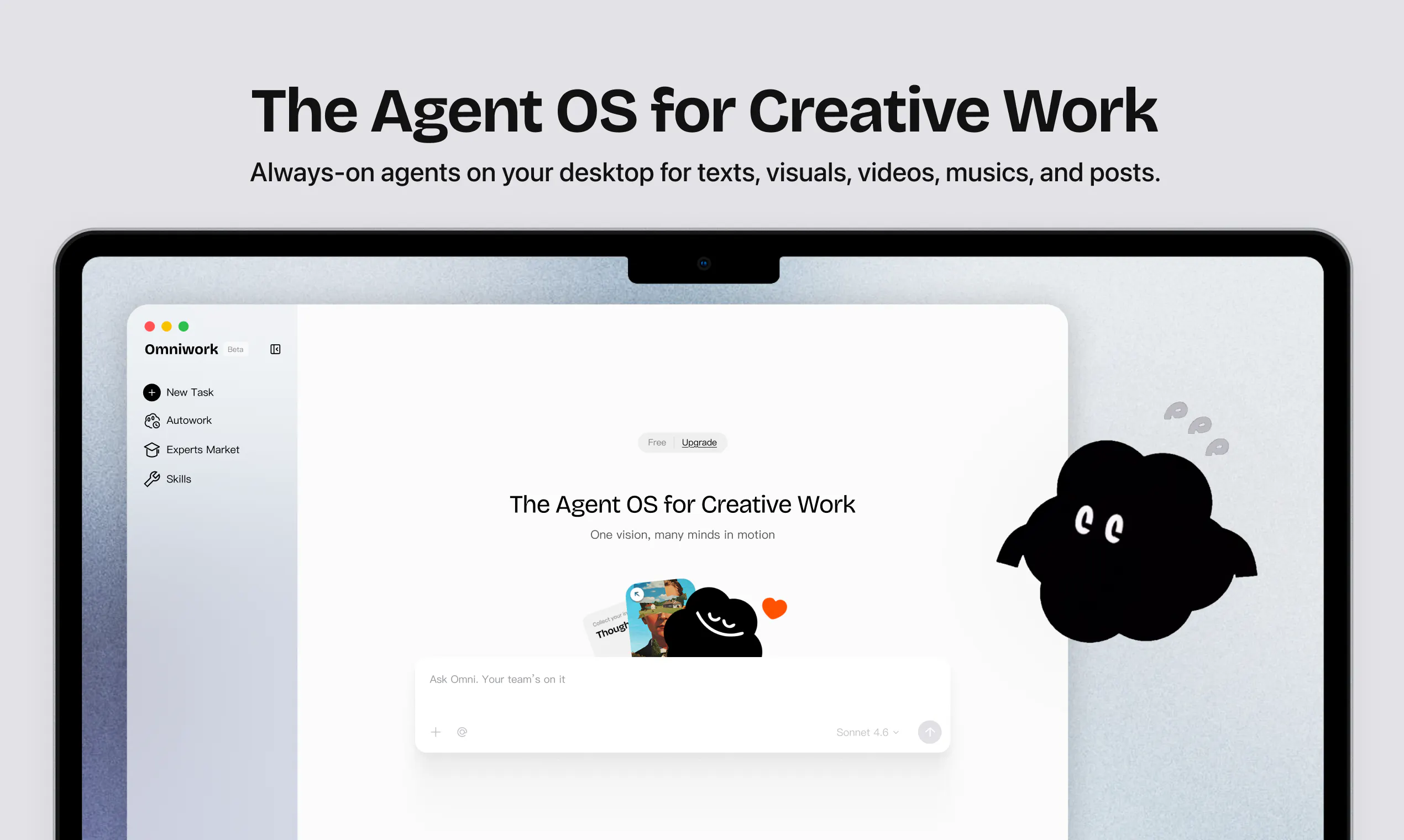
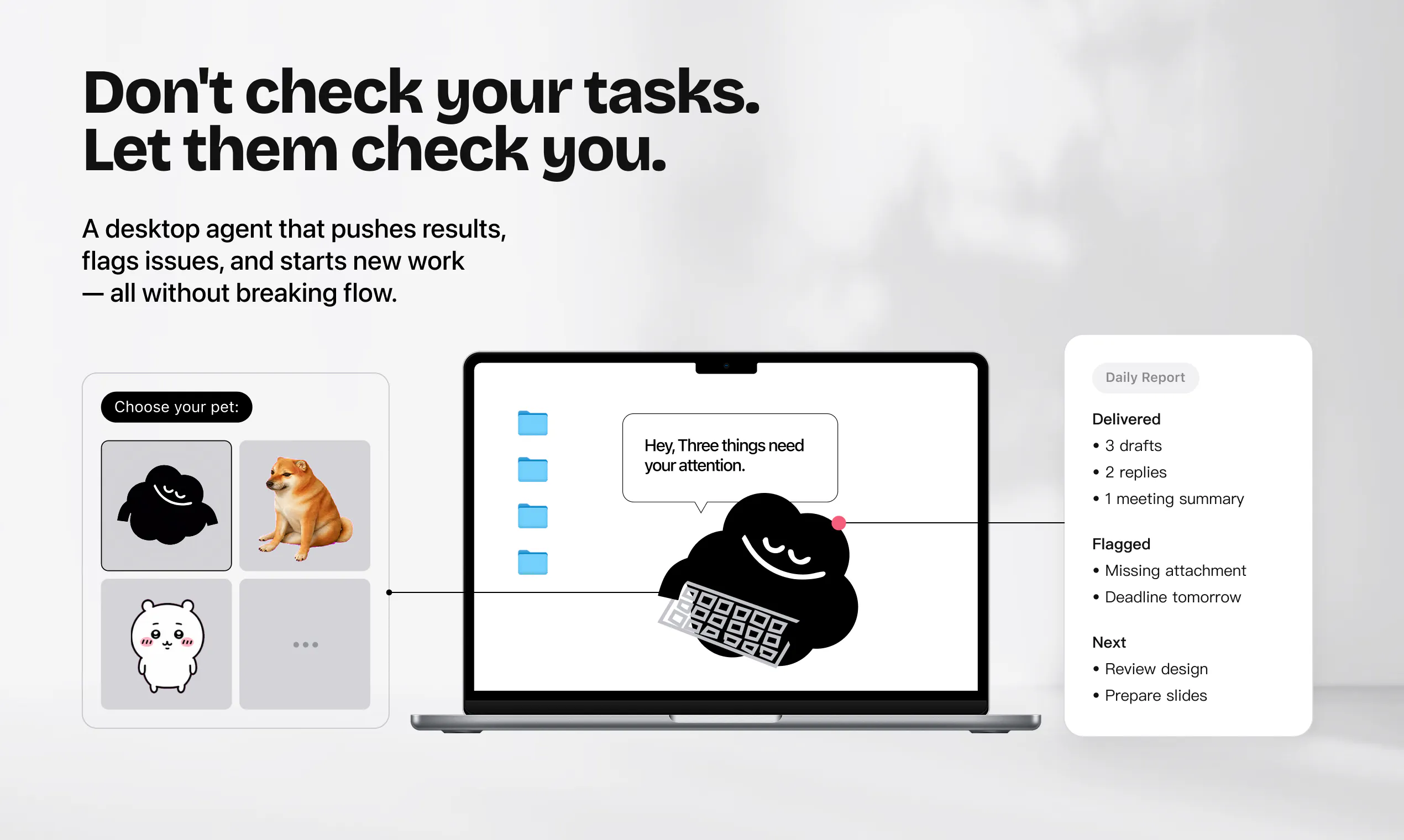
查看原始信息
TAKT
Open-source CLI that turns AI coding agents (Claude Code, Codex, Cursor & more) into repeatable YAML workflows: plan → implement → review → fix loops with per-step roles, isolated worktrees, and traceable reports. Reviews can't be silently skipped.
I'm nrslib, the maker of TAKT. I built TAKT because I got tired of babysitting AI coding agents. They're powerful, but in long-running work they forget instructions, blur the line between implementing and reviewing, and I kept repeating the same feedback over and over. That wears you down. Adding more rules to prompts or CLAUDE.md helps, but it can't *enforce* a process — whether the rules are followed is still left to the agent. TAKT flips this around: the workflow controls the agents from the outside. You define plan → implement → review → fix loops in YAML. Each step gets its own persona, policies, and output contracts, so context stays focused instead of polluted. Reviews can't be silently skipped — findings route work back to fix steps, and human judgment can be requested when it matters. Tasks run in isolated worktrees, and every step leaves logs and reports, so the path from task to PR stays traceable. A side effect I like: since quality comes from the process rather than the model alone, review loops lift output quality even with weaker models. It works with Claude Code, Codex, OpenCode, Cursor, GitHub Copilot CLI, and Kiro. And TAKT is built with TAKT itself — every PR goes through its own review workflow. TAKT took off in Japan first — 1.2k+ GitHub stars, 18k+ npm downloads a month, and a 700-member Discord, with engineers and companies writing their own guides for it. Today I'm excited to bring it to the rest of the world. It's open source (MIT). Try it in 5 minutes: npm install -g takt I'd love to hear how you run your AI coding workflows — I'm here all day to answer questions!
2
回复