Product Hunt 每日热榜 2025-12-12

PH热榜 | 2025-12-12

#1
Gemini Deep Research Agent
The best research agent is open for devs
369
一句话介绍:一款基于Gemini 3.0 Pro的深度研究智能体API,可自主规划、执行并整合多步骤研究任务,为开发者在构建会议助手、生产力工具等场景中,解决了从海量信息中自动获取并结构化深度见解的痛点。
API Artificial Intelligence Development
AI智能体 研究助手 多步推理 API服务 信息整合 自动化工作流 开发者工具 谷歌Gemini 深度分析
用户评论摘要:用户普遍认可其超越简单搜索的深度研究能力,特别是自主规划与迭代填补知识缺口的功能。主要建议与问题集中在:增加结果溯源透明度以显示关键来源;支持对接私有或领域特定知识库;明确复杂多步任务的具体API定价。
AI 锐评

Gemini Deep Research Agent 的发布,与其说是一个新功能,不如说是谷歌将“智能体即基础设施”理念的一次重要落地。它剥离了AI研究中花哨的前端,直接以API形式提供“自主研究”的核心能力,这标志着AI应用开发正从“调用模型”迈向“调用智能工作流”。

其真正价值在于将研究任务“工程化”。它并非简单串联搜索与总结,而是引入了“规划-执行-识别缺口-迭代”的闭环逻辑,这模仿了人类研究者的思维过程,试图解决当前AI在复杂任务中逻辑断裂、浅尝辄止的核心缺陷。这对于需要背景深度研究的场景(如市场分析、会议准备)是质变,开发者可将其作为认知引擎嵌入各类应用。

然而,光环之下暗藏挑战。首先,其“黑箱”式的研究过程缺乏可解释性,正如用户所指,缺少关键来源溯源,这在严谨的商业或学术场景中是致命伤。其次,其能力边界受限于通用模型与公开网络信息,如何与企业的私有知识图谱深度融合,是决定其能否打入高价值企业市场的关键,目前看仍是空白。最后,多步骤、长耗时的任务成本难以预估,虽然目前搜索免费,但长期看,复杂研究的成本控制仍是悬在开发者头上的达摩克利斯之剑。

总之,这是一个强大的范式展示,证明了多步推理智能体在垂直领域的可行性。但它更像是一台性能卓越的“原型机”,要成为各行各业可靠的基础设施,必须在透明度、定制化与成本确定性上,给出更成熟的工业级解决方案。它的出现,拉开了下一代AI应用竞争的序幕:竞争焦点将从模型能力,转向智能体工作流的可靠性与生态整合深度。

查看原始信息
Gemini Deep Research Agent
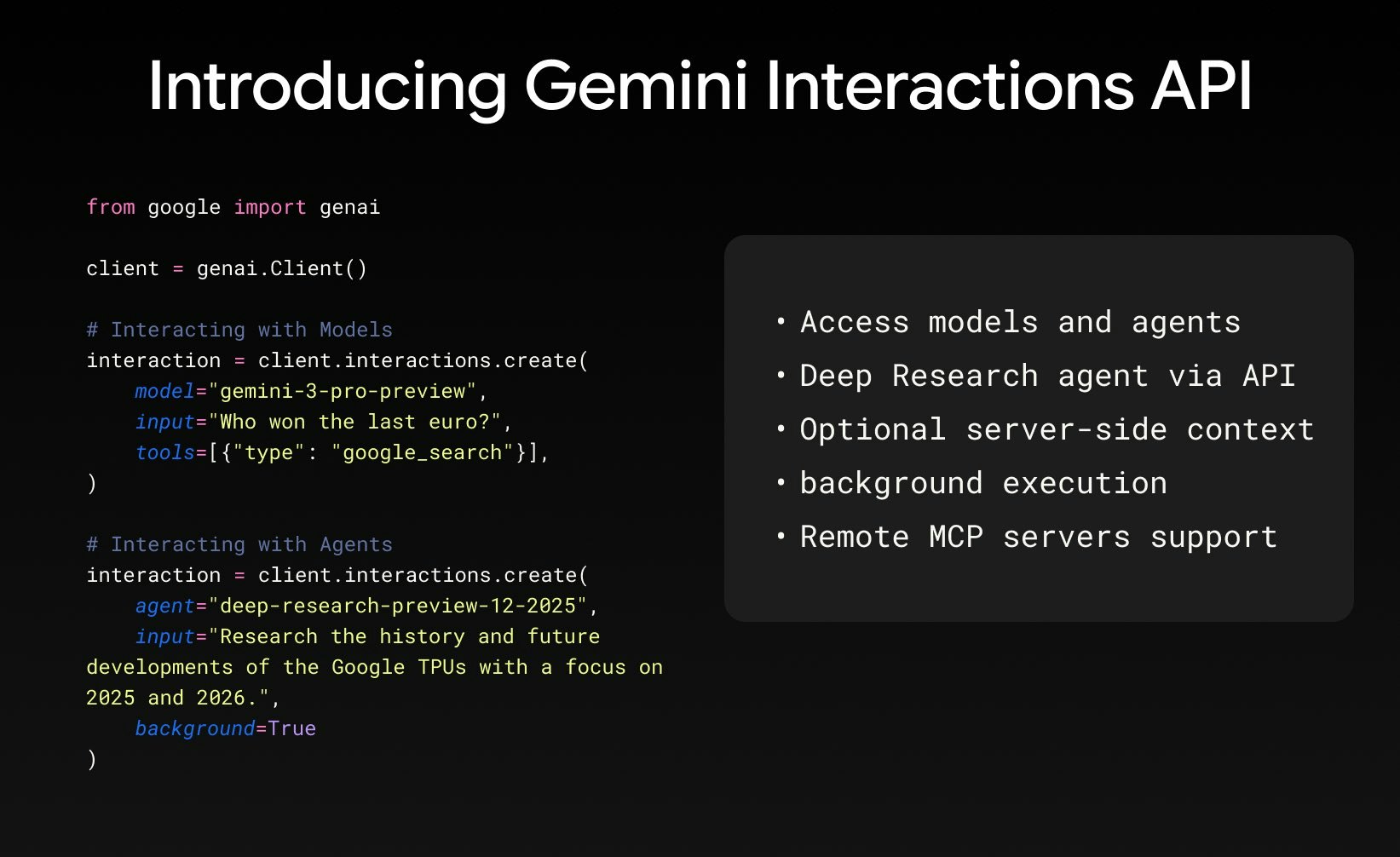
The Gemini Deep Research Agent is now available to developers via the Interactions API. Powered by Gemini 3.0 Pro, it autonomously plans, executes, and synthesizes multi-step research tasks.

Hi everyone!

I've been waiting for this one.

Among all the "deep research" features out there, Gemini's implementation has consistently been my #1 recommendation and the only one I use long-term. Now, every developer can embed this capability via the new Interactions API.

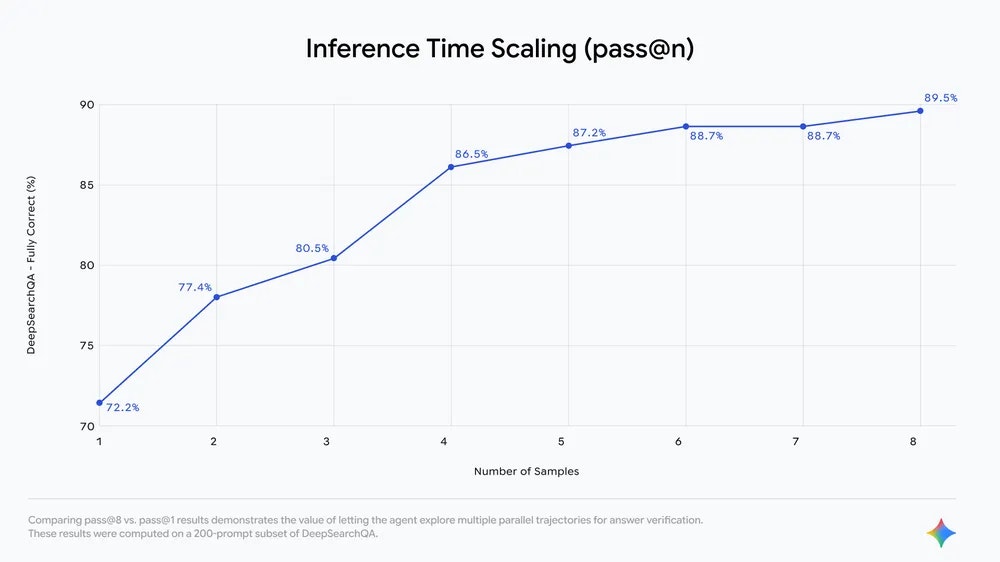
This agent goes beyond simple queries. Instead of just searching, the system autonomously plans, reads results, identifies knowledge gaps, and iterates on the fly. You get support for long-running background tasks that synthesize massive amounts of info into detailed reports, with full control over the output structure via prompting.

This is perfect for meeting assistants and productivity tools. I can't wait to add this to @Flowtica Scribe to automate background research :))

Kudos!

10
回复

@zaczuo That's fantastic news about the Interactions API! The autonomous, iterative planning to fill knowledge gaps is exactly what takes an agent from a simple search tool to a genuine research assistant. Exciting to see how you integrate this into Flowtica Scribe!

0
回复

@zaczuo 

Love how you described the gap between simple search features and true deep-research workflows. Your breakdown makes it clear why this API is a big deal for builders—especially the part about iterative gap-filling and controlled output structure. Excited to see how you bring this into Flowtica Scribe!

0
回复

@zaczuo 

Gemini is by far one of my favorite models out there! I use it often and even implemented Gemini into my own project. I am definitely checking this one out here soon as well.

1
回复

Hey there,

As someone who works with mood boards, floor plans, and client notes all day, the idea of a single tool that can genuinely understand and connect text, images, and sketches is incredibly promising. If Gemini works as described, it could help me quickly pull themes from a pile of inspiration photos or summarize a lengthy client brief into clear visual directives. Having that kind of multimodal analysis in one place would cut down on a lot of manual cross-referencing. I'm cautiously optimistic to see if it can handle the nuance of subjective taste, or if it'll just suggest gray everything. The potential here is massive.

1
回复

This looks very powerful for long-form research. A feature showing which sources were most influential in the final output would add transparency.

1
回复

I just had Gemini deep research perform some market sizing research and run a bottom-up calculation. Genuinely impressed by the results. It reasoned well, found solid sources and explained the calculation and future outlook well. Excited to use this product more often!

0
回复

Really impressed with the Gemini Deep Research Agent capabilities. The autonomous planning and multi-step synthesis is a huge unlock for research workflows. Key question though - how does it handle proprietary datasets or domain-specific knowledge that need fine-tuning? That's where most enterprise buyers get stuck. Would love to see integration patterns for custom knowledge bases!

0
回复

What is the price for the API? I can't find it

0
回复

@daniel_d7 See here. It seems to match Gemini 3.0 Pro pricing. Hard to estimate the exact cost per task given the multi-step workflow, but the good news is that Google Search tool calls are free until Jan 5, 2026, which should offset part of the cost these days.

1
回复
#2
Visual Editor
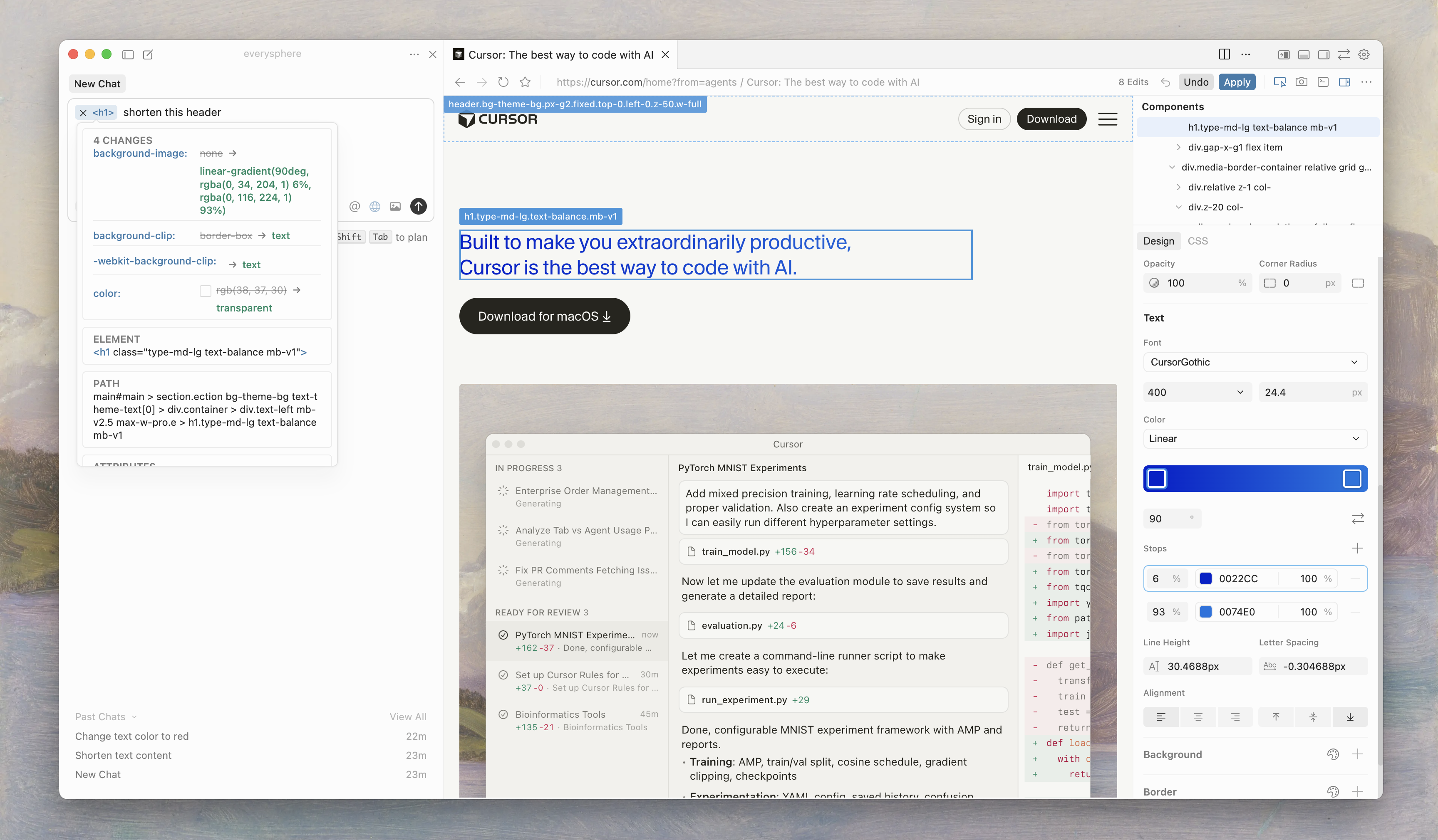
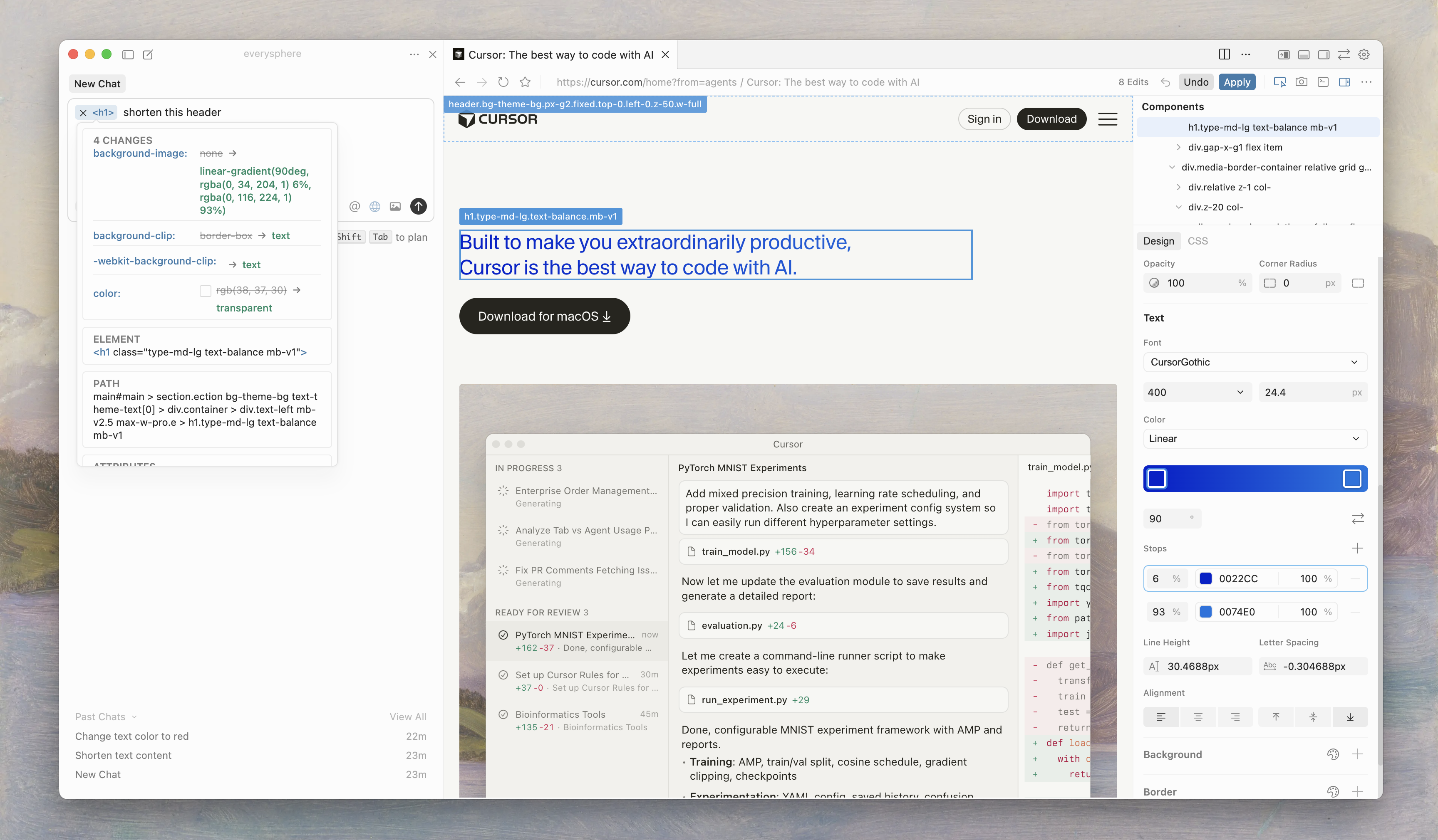
Edit web apps visually in the Cursor Browser
350
一句话介绍:一款集成在 Cursor 浏览器内的可视化编辑器,允许开发者在可视化界面中编辑网页应用,同时由AI代理同步更新代码,旨在弥合视觉设计与实际代码之间的鸿沟,提升开发效率。
Software Engineering
AI编程助手 可视化开发 低代码 网页应用开发 Cursor生态 智能代码编辑 实时同步 开发效率工具
用户评论摘要:用户反馈积极,认为Cursor是游戏规则改变者,AI助手实用性强。主要问题集中在发布时的错误链接(已修复)。有评论质疑其是否进入Framer/Webflow的领域,另有用户询问AI处理大块代码的能力。
AI 锐评

Cursor Browser 的 Visual Editor 并非简单的“又一个”低代码工具,其真正锋芒在于试图用AI作为粘合剂,强行缝合“视觉编辑”与“代码生成”这两个长期割裂的维度。传统低代码平台(如Webflow)的终点是生成黑箱代码或受限模板,而专业IDE的起点是纯文本代码。Cursor此举,是让开发者在一个兼具浏览器渲染和代码编辑能力的统一环境中,以“所见即所得”的方式操作,并由AI实时推导并修改底层代码。这本质上是对“开发环境”的一次重构,将AI从“代码建议者”提升为“代码同步执行者”。

然而,其面临的挑战同样尖锐。首先,技术天花板显著:AI能否精准无误地将复杂的视觉调整映射为正确的、可维护的代码逻辑,尤其是在涉及状态管理和交互逻辑时?这仍是未知数。其次,定位略显模糊:对于追求极致控制的前端开发者,它可能显得笨重且不够透明;对于真正的无代码用户,其仍需与代码概念打交道,门槛不低。评论中将其与Framer/Webflow类比,恰恰点出了这种定位焦虑——它似乎在争夺一个尚未被清晰定义的中间市场。

真正的价值或许不在于“替代”,而在于“融合”。它为资深开发者提供了一个快速原型和迭代视觉层的强大沙盒,也为全栈或小型团队压缩了前后端沟通成本。如果其AI代理的代码更新能力足够可靠,它可能开创一种“人机协同”的新开发范式:人类负责创意、决策与审查,AI负责执行繁琐、机械的代码转换。成功与否,将完全取决于其AI“代理”在真实、复杂项目中的“智商”与稳定性。目前看来,它迈出了大胆且方向正确的一步,但离引爆革命还有很长的路要走。

查看原始信息
Visual Editor
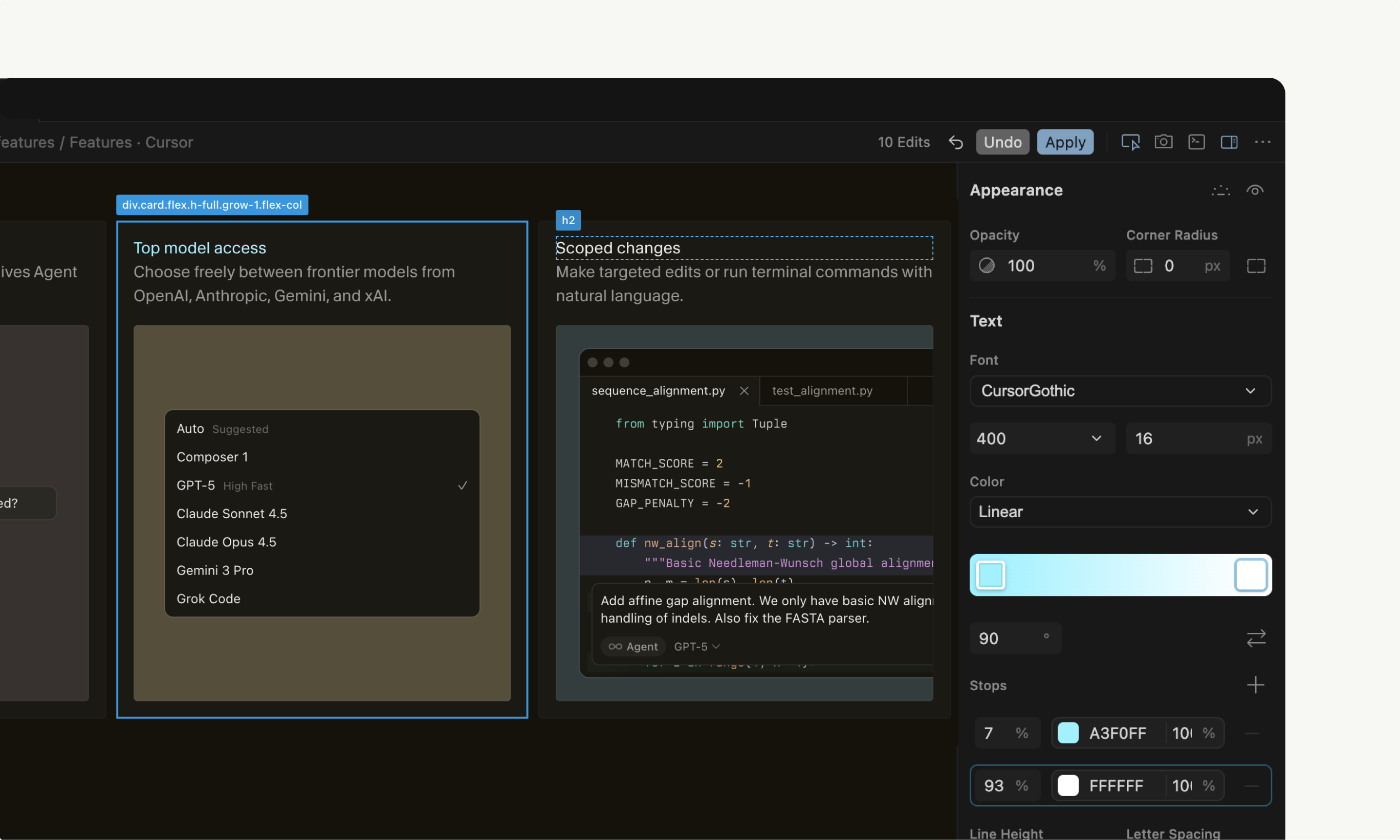
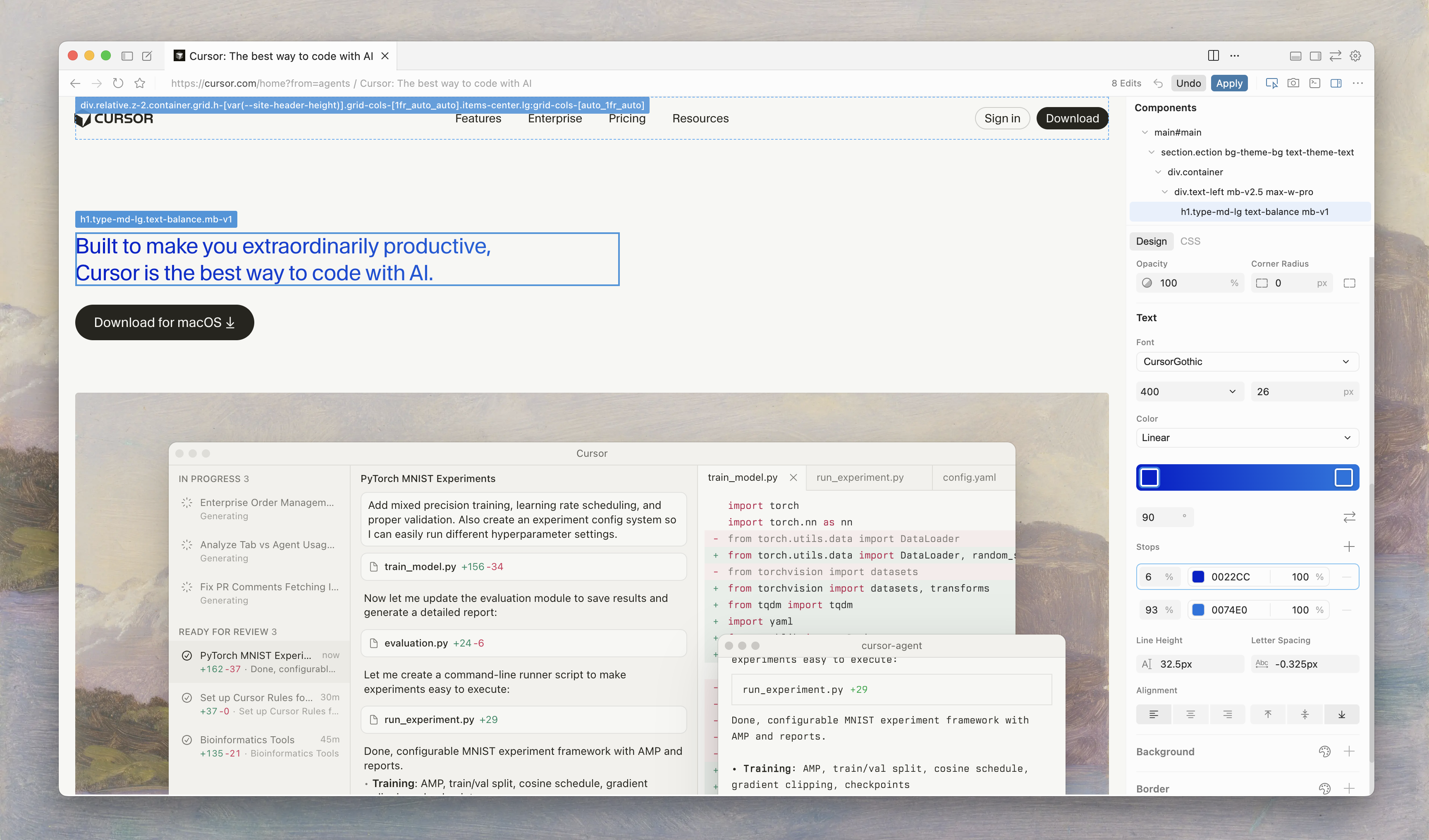
A new Visual Editor in the Cursor Browser that lets you edit web apps visually while the agent works alongside you to update code.

Looking forward to everyones thoughts!

9
回复

@jason_ginsberg_  FYI this leads to a 404 https://cursor.com/blog/visual-editor?ref=producthunt i.e., the linked URL

0
回复

@jason_ginsberg_ This launch is scheduled with a broken link. Could you please update it?

Here's the correct link: https://cursor.com/blog/browser-visual-editor

1
回复

@jason_ginsberg_ We will test it and post our experience.

1
回复

Using the Cursor Browser has been a game changer. The new Visual Editor connects your thoughts directly with your code - we hope you love it!

6
回复

Cursor steping in on Framer/Webflow field or am I missing something?

2
回复

Wow, this looks awesome!
I’ve been hearing a lot about Cursor as an AI-first code editor that feels way smarter than traditional autocomplete and actually understands context across files.

Quick question: do most people use it for little features or big chunks of code? Curious how the AI handles turning messy ideas into something real.

Upvoted!

2
回复

Folks, the URL leads to a 404. Please fix. Love Cursor.

Congrats on the launch

2
回复
3
回复

Finally! Will test and post experience!

0
回复

Dope!

0
回复

Hey everyone,

I've been using Cursor for a few weeks now on some internal tools, and it's honestly the first AI coding assistant that feels seamlessly integrated into a real workflow. The way it understands the full context of a project and lets you quickly edit or refactor chunks of code with a simple prompt is a genuine time-saver. It doesn't feel like a toy; it feels like a practical tool that helps you move faster, especially when you're working on something solo and just need a second pair of eyes on the logic. It hasn't magically written my whole app yet, but it has definitely saved me from a few boring afternoons of tedious refactoring. Solid tool.

0
回复
@nik_barf thanks
0
回复
#3
Korgi
AI-built project boards powered by your productivity stack
255
一句话介绍:Korgi是一款AI驱动的项目管理应用,通过连接用户现有的生产力工具栈(如Google、Microsoft、Zoom等),在不到一分钟内自动生成包含内容、步骤和链接的项目看板,解决了团队在多应用、多标签页间频繁切换、信息散落导致的“标签税”和规划瘫痪痛点。
Productivity SaaS Artificial Intelligence
AI项目管理 生产力工具集成 自动化工作流 项目看板 Google Workspace集成 Microsoft 365集成 远程协作 数据主权 AI生成 上下文切换
用户评论摘要:用户普遍赞赏其集成现有工具而非替代、AI快速生成看板解决“空白看板恐惧”、以及减少标签混乱的核心价值。主要问题与建议集中在:对大型团队协作的适用性、多用户实时编辑冲突处理、与更多工具(如GitHub、Jira)的深度集成路线图,以及品牌记忆点(狗狗形象)的积极反馈。
AI 锐评

Korgi的野心并非再造一个Notion或Asana,而是试图成为凌驾于现有生产力工具栈之上的“连接层”与“自动化中枢”。其真正价值在于两点:一是“数据主权”策略,它不存储用户数据,而是作为智能管道连接用户自己的云盘和账户,这精准击中了企业客户对安全性和所有权的敏感点;二是将AI定位为“规划破冰器”,从执行环节前置到规划环节,用一分钟的看板生成解决项目启动时的决策瘫痪,这比单纯用AI生成内容更贴合实际工作流的痛点。

然而,其面临的挑战同样尖锐。首先,其“连接一切”的模式高度依赖各平台API的稳定性和权限复杂度,实时同步与冲突处理将是技术上的持续攻坚战。其次,产品价值随用户工具栈复杂度提升而增加,但对习惯单一生态或工具链简单的轻量用户吸引力可能不足,存在一定的用户门槛。最后,其商业模式本质是售卖“效率提升”,需在客户侧清晰量化“节省5-6小时/周”的实际效果,并应对其他平台(如微软Copilot、谷歌Duet AI)日益深入的原生集成竞争。

总体而言,Korgi在混乱的SaaS工具泛滥时代提出了一个清醒的解决方案:不增加新工具,而是让现有工具协同得更好。其成败关键在于能否在技术层面实现无缝、可靠的“连接魔法”,并在用户心智中牢牢占据“跨平台工作流操作系统”的生态位。

查看原始信息
Korgi
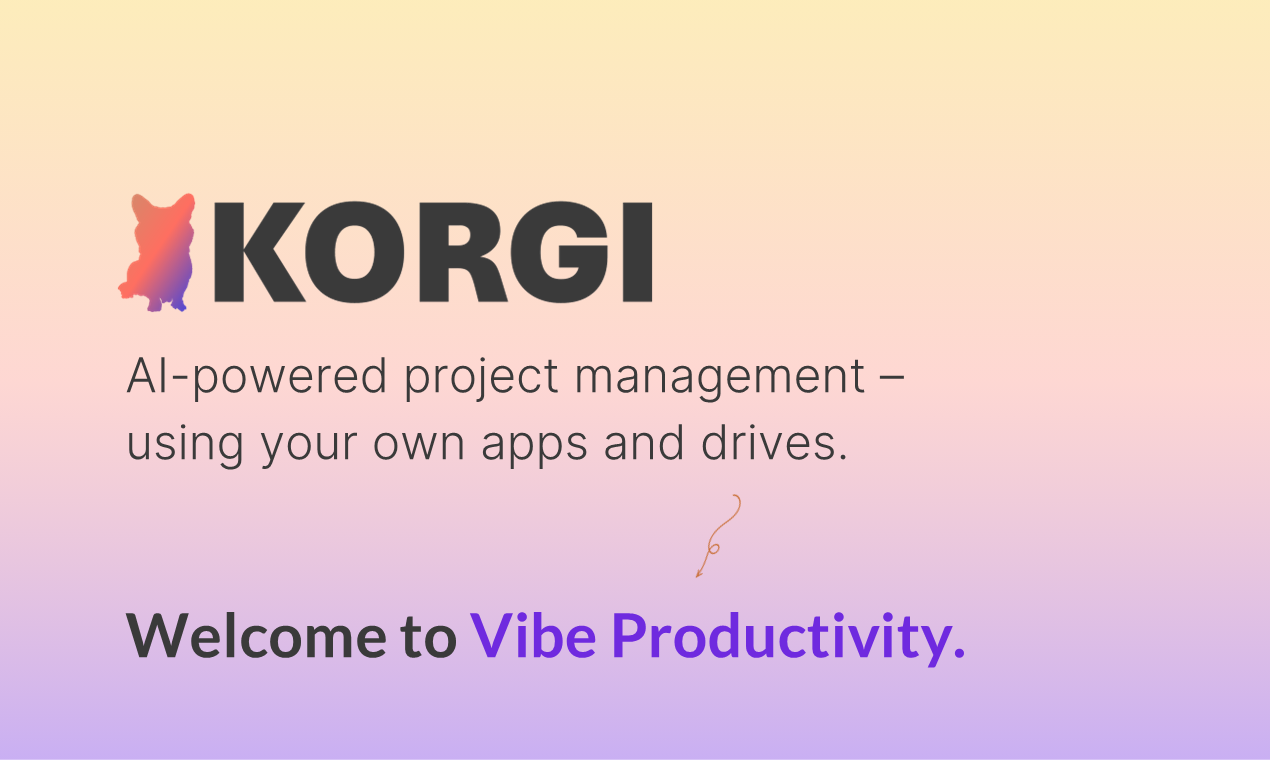
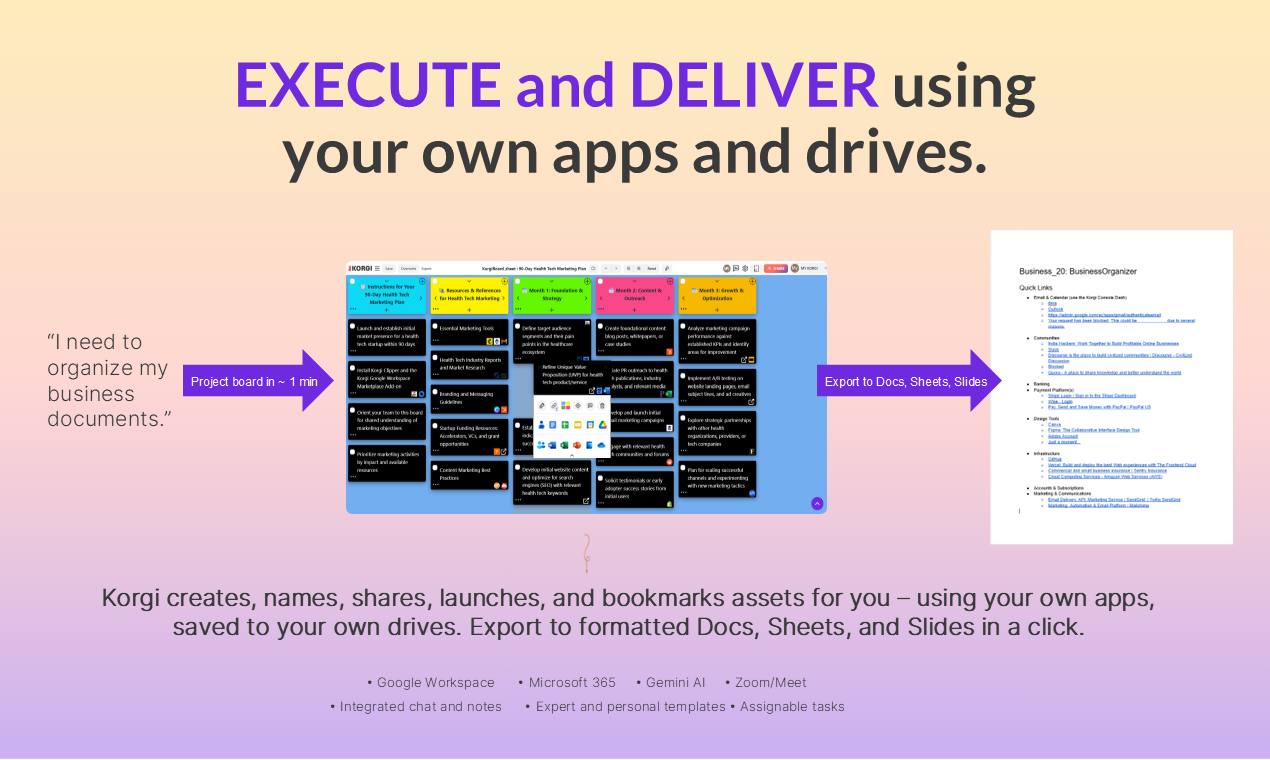
Korgi connects your scattered productivity stack in a single project management app. AI generates your project board with content, steps, and links in less than a minute. You take action while Korgi creates, shares, and launches assets in a click, using your own apps and drives (Google, Microsoft, Zoom, and more) – with integrated chat and AI. Deliver finished boards as formatted files instantly. No more planning paralysis and hunting through files and tabs. Where is it? It's ON THE BOARD.

Hey Product Hunt, I'm DMA from Korgi 👋

Last year, we released Korgi 1.0 to solve the so-called "tab tax" – the hours you lose every week switching between tabs, apps, and windows trying to find things and get things done. (Check your browser – are there 40 open tabs you're afraid to close because you'll never find anything again?)

We asked: What if we connected the world's leading productivity apps in one workspace? What if you could plan your to-dos AND execute them in the same place?

🚀 Korgi 1.0 - How It Started

Korgi 1.0 connected Google Workspace and Microsoft 365 in a shareable project management platform. It did all the admin work: created, named, shared, bookmarked, and launched files in a click – using your own accounts, stored to your own drives. You could instantly export finished boards as formatted Docs, Sheets, and Slides.

We built Korgi using Korgi and launched with business users in under a year. They found us organically, searching for a project management solution for Google Workspace or for Google and Microsoft together. Most were solo founders managing remote teams - VAs, contractors, clients - juggling their own tech stack plus everyone else's.

Once they started, they were vocal about more ways to save time! We added professional templates, then user-generated ones. We added the Korgi AI assistant in every board. And when we launched integrated chat 💬 – solving their multiple-chat-apps chaos – it immediately became our top feature.

✨ How It Delivered

A year in, we were saving customers 5-6 hours per team member per week (good dog, Korgi!). Tabs were closed. No more context switching. No more hunting through folders and threads for critical assets.

"Where is it? It's ON THE BOARD." 🎯

But we didn't work for everybody – yet.

Potential users sometimes said: 'I love what this could do, but building a board looks hard.' They didn't know how to structure a project plan, or didn't have time to. We realized we could help them too - by starting even earlier in the process.

Project management has three stages: planning (figure out what to do), execution (do the work), and delivery (distribute its final form). We'd solved execution and delivery. But planning paralysis was stopping people before they even started. We needed to solve for step one.

Korgi 2.0 - Welcome to "Vibe Productivity" 

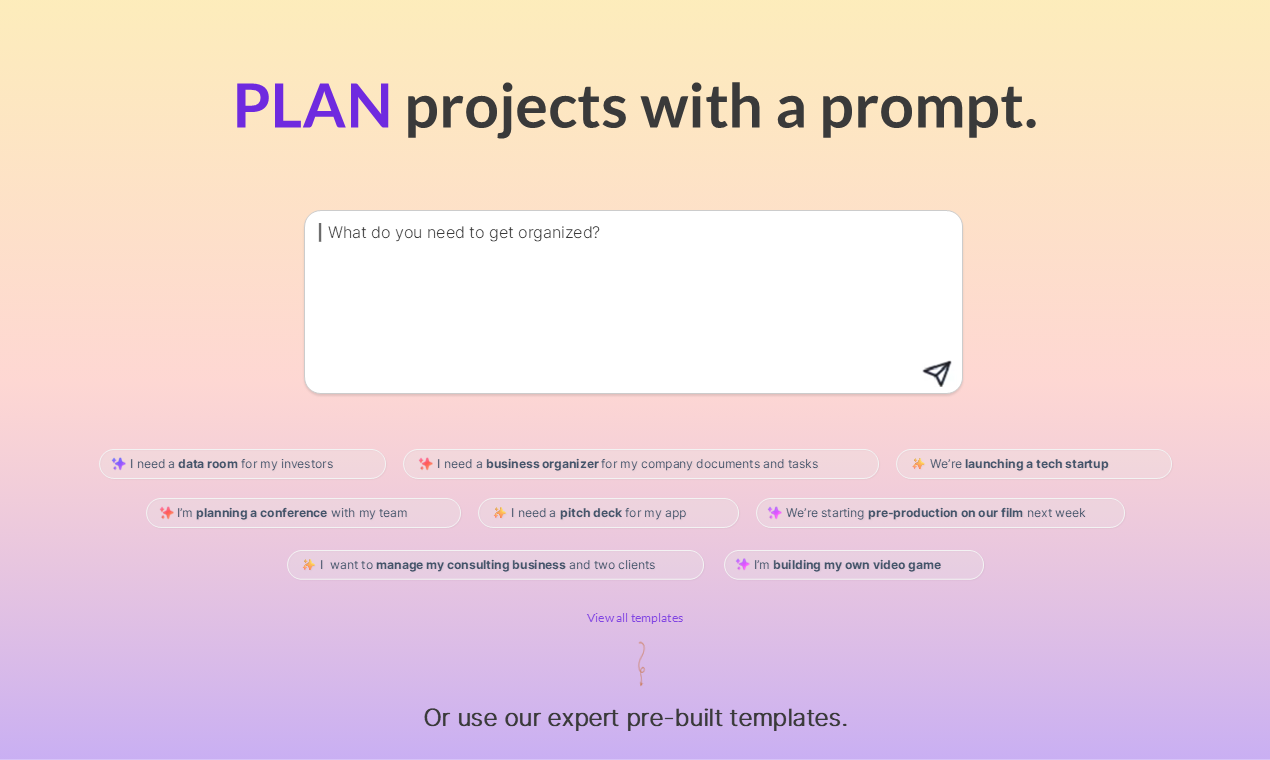
With Korgi 2.0, launching today in alpha, you tell Korgi AI what you need to get done, and it builds the board for you. Here's the new Korgi workflow:

⚡ Planning (< 1 minute):
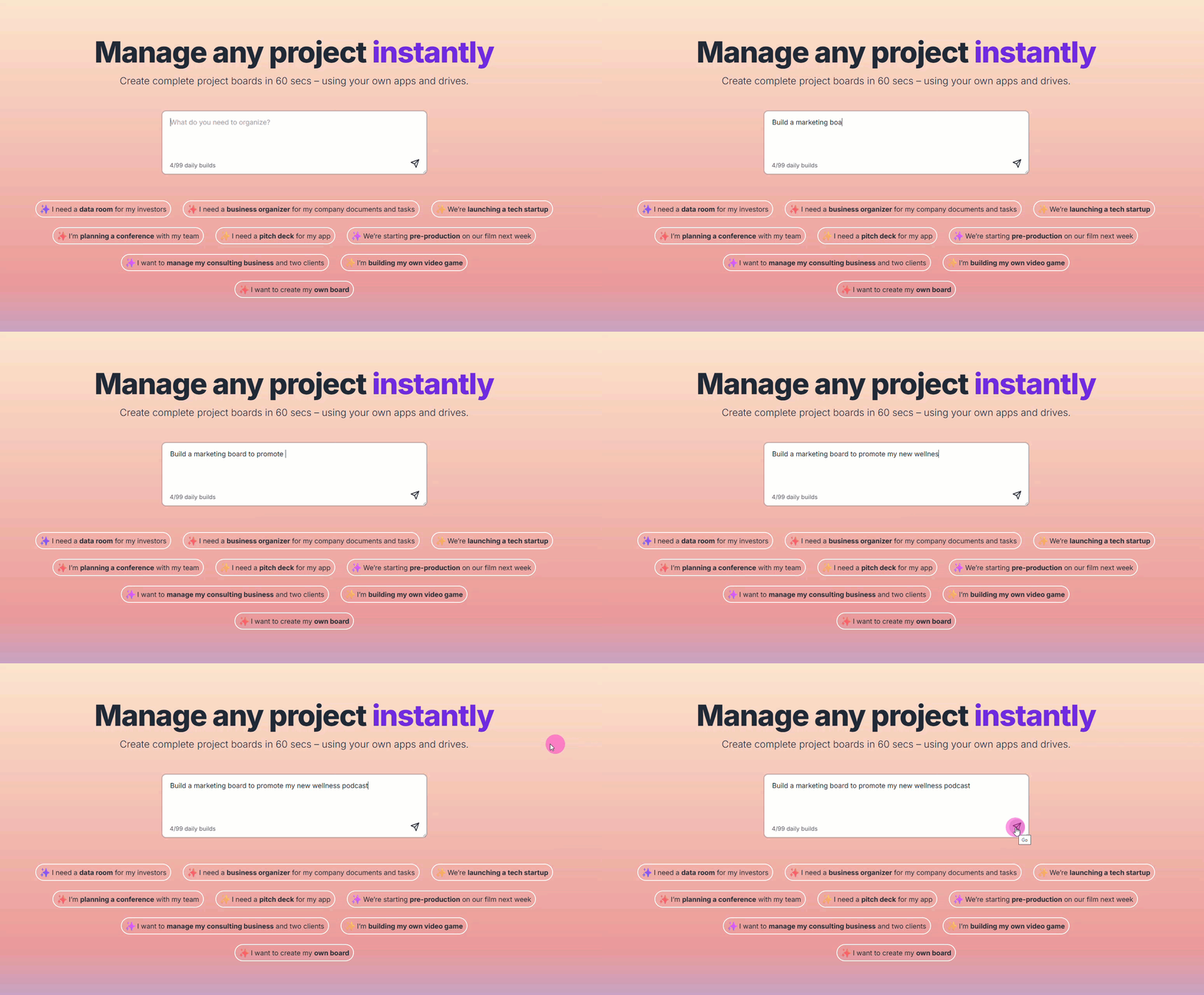
Tell Korgi what you need to do. AI generates a comprehensive project execution board with content, steps, and links. No blank boards to stare at – and our expert template library's still there, too.

🛠️ Execution (still your favorite apps in one workspace):
Work from the board using your own Google, Microsoft, Zoom, and other apps. Korgi does the admin work – creates, shares, and launches assets, with integrated chat and AI assistant. Everything saved to YOUR drives with YOUR permissions.

📤 Delivery (instantly):
Export finished boards as formatted Docs, Sheets, or Slides in one click.

There's even more in store with Korgi 2.0 beta! 🎉

💙 Why users love Korgi:

Connected stack: Most productivity tools are either too simple (list your tasks, but execute elsewhere) or too complex (use proprietary tools instead of apps you already use). Korgi doesn't replace your current tech stack; it finally connects it.

Dual environment: We're the only platform that runs Google Workspace and M365 together. You log in with Google, and board content is stored to Google Sheets. Connect M365 accounts at the board level.

Data sovereignty: Your team, contractors, and clients manage everything from the board, but it's all stored to YOUR accounts and drives. When projects end or people leave, their work stays with you.

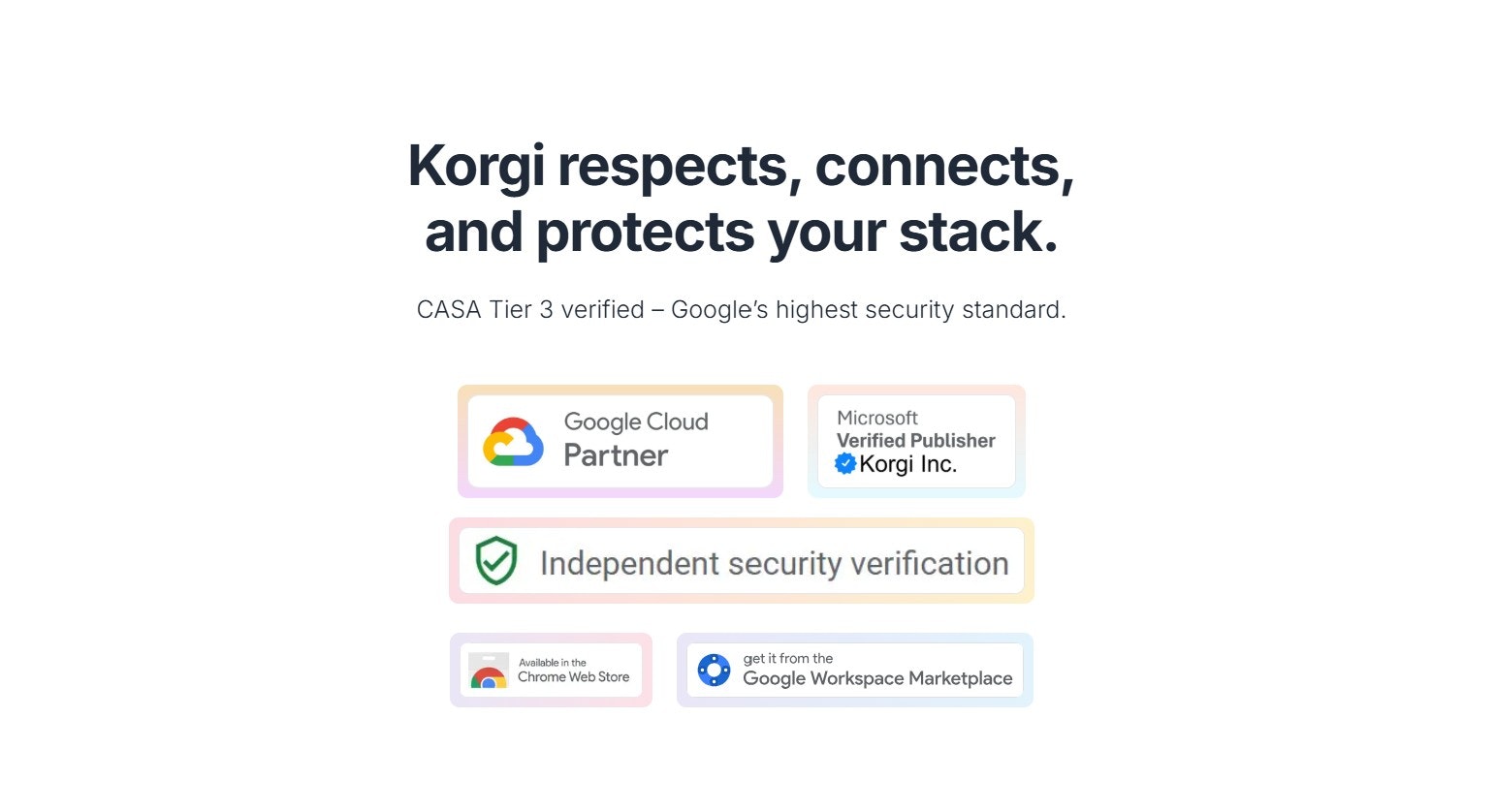
Trusted partners: Korgi is Google CASA Tier 3 certified, a Microsoft Verified Publisher, and a Google Cloud Partner.

🎁 Try it today!

This is the official Product Hunt launch for Korgi 1.0 – and we're adding alpha access to Korgi 2.0! You get:

  • AI-generated boards (available now!)

  • Execution and delivery with over a dozen of the world's leading apps and drives

  • The full AI-native rebuild rolling out over the coming months

  • Free 14-day trial, no credit card required

  • Special Product Hunt launch pricing - enter code PHKORGI20

We don't just support small startups with remote teams - we ARE one. Let's grow our companies together, as we build a true operating system for human ambition.

🙏 Thanks!

Thanks to our incredible customers and to our hunter, Rohan Chaubey, for believing in what we're building and helping us bring it to the world.

And thanks to this community for being the launchpad that turns "what if" into "what's next."

Where is it? It's ON THE BOARD. 🎯

#TeamGoodDog

12
回复

@dmitcha Super cool launch! The idea of generating full project boards from just a prompt feels like a big unlockespecially for people who get stuck at the planning stage. Excited to see how Korgi changes the way teams organize and execute work!

0
回复

@dmitcha Let's go!!! What inspired you to start Korgi?

1
回复

@dmitcha Impressive. how do you handle conflict when multiple users edit or move assets on the same board at the same time?

1
回复

Congratulation @dmitcha @rohanrecommends Korgi 2.0 takes project management from “Where do I start?” to “It’s already done.”

The instant planning + connected workspace combo is a game-changer for anyone drowning in tabs.

Feels like the first tool that actually understands how real teams get work done.

3
回复

@rohanrecommends  @digitalpreetam Loving "from 'Where do I start?' to 'It’s already done.'"! Thanks for this - we took out the tab tax with 1.0, and that instant planning piece was the missing piece. We still have so much in store for 2.0.

0
回复

Saw this shared on Rohan's community and instantly wanted to check out after reading the tagline. The USP I see here is that it is not asking us to move away from our Google Docs or Microsoft ecosystem unlike Notion / ClickUp. Congrats on the launch DMA and team.

2
回复

@roopreddy That's a big differentiator and value driver for users - they're not using proprietary tools saved to third-party servers, and everything you create with Korgi is being stored to your own apps and drives. This is really big for teams, since your team member's work product is automatically being added to your company's Google Drive and OneDrive, not somewhere in their personal cloud.

0
回复

Juggling Google + M365 across clients daily. Blank board dread is real. If Korgi can spin up a sane board and launch the right files from one spot, that’s a win. Exports to Docs/Slides is handy. My tab bar needs a nap. Trying the alpha.

2
回复

@alexcloudstar "My tab bar needs a nap" - may we please quote you...this is IT, exactly. That blank board dread was the big motivator to move to AI-first even earlier than planned.

1
回复

Does Korgi work well with big teams or is it mainly for solo use?

2
回复

@abod_rehman We learned from users early last year that Korgi was a time saver AND a revenue driver for teams, especially remote or hybrid ones. The more apps, tabs, and headcount teams have, the more pain Korgi solves - because each team member potentially brings more chaos to a project and company: their preferred set of apps, their storage style (dumping everything to the desktop, using personal drives and transferring later, etc.), and their preferred communication platforms. If you're wrangling all of this preference across a few dozen (or hundred) people, you're spending a lot of time hunting for things instead of analyzing your big picture and taking action. That level of app and attention sprawl is uncomfortable for a solopreneur but it will cost a team or company trust, contracts, and revenue due to the delays and errors it creates. With Korgi, you just say, "Where is it?" or "Where does this go?" and the answer is always, "ON THE BOARD."

1
回复

The multi-app integration approach is brilliant. Enterprise teams are drowning in context-switching between Jira, Asana, Monday, Notion, etc. Critical question: How does Korgi handle real-time sync when statuses change across different tools? And what's the expansion roadmap - more integrations planned like GitHub, Linear? This could be massive for complex org structures.

2
回复

@imraju Thanks very much - the sync magic is a trade secret we're proud of and constantly refining. The roadmap includes some critical customer integrations, particularly for M365-first customers, as well as a very sharp path forward in the AI lane.

0
回复

@imraju Thank you Raju, this is a great question.

Our roadmap is massive, and integrations are a core part of it. Our goal is simple: if your team uses it, Korgi should be able to pull it into a single actionable workspace - watch this space.

GitHub is definitely on the list - we've already been using Korgi to build Korgi, and the GitHub integration will connect the dev workflow to the rest of our workspace.

1
回复

Why is no one talking about the dogs on the website, launch assets and pricing page?!?! :D

This is one of the most personality-driven launches and products I have ever seen on Product Hunt yet. The branding will be quite memorable. :)

1
回复

@himani_sah1 Thanks for noting! We want users to feel how much we're invested in and supporting them as Korgi herds all those scattered apps, team members, and clients into a calming, focused, powerful space.

0
回复

Whoa, the product has an instant Aha! moment. You enter what you need to organize and it instantly builds a sample structure to build on top of. Impressive!!

1
回复

@zerotox Thank you! That's what we focused on with 2.0 alpha: adding the vibe board steps gives users 60 seconds to value, and it's a big moment when they see those boards and links.

0
回复

It allows importing Google Docs, yes?

1
回复

@nuseir_yassin1 Yes, you can create new and connect existing Google Docs straight from the board. To literally import to create a board, you can use Google Sheets.

0
回复

I love tools that are purposeful built to help increase efficiency for people with multiple tech stacks. Some of the loudest feedback that I hear is "I don't want to have to log into another platform...." Sounds like Korgi eliminates that for PMs.

1
回复

@bryce_york_ag We love a one-and-dobe sign in experience at Korgi - thanks for your note!

0
回复

Upvoting for dog.

1
回复

@ravi_bajnath Yes! Good dog, Korgi!

0
回复

I'm upvoting this to support the founder. It's just amazing how much effort you put into creating this and I wish this launch will inspire you to move further. True PH founder 👍🏻

1
回复

@pasha_tseluyko From #TeamGoodDog to you, this means a lot, thank you! It's been joyful work, honestly - we're building Korgi using Korgi, and it has made dev, customer success, sales, outreach, etc. so clean and focused. We even used our Product Hunt launch template to prep to work with @rohanrecommends!

0
回复

Congrats on the launch, Korgi team.
Connecting the entire productivity stack into one AI-generated project board is such a smart approach. The ability to instantly spin up boards, link the right assets, and launch deliverables straight from your existing tools is a huge win for teams drowning in tabs and scattered workflows.

This is exactly the kind of clarity and momentum modern teams need. Big cheers to the team excited to see Korgi in action.

1
回复

@priyankamandal Thanks, Priyanka! There's so much dialogue around using AI for content gen or issues with hallucinations. For us, customer conversations made it clear that AI for efficiency was a much-needed win. Adding the prompt for planning took users to a new level of speed, clarity, and confidence. Our conversations with them are very exciting right now.

0
回复

🚀 Love the problem you’re solving, DMA & team!

Too many productivity tools split planning, execution, and delivery, and context switching kills focus. The idea of AI-built boards that generate steps & links based on your stack in under a minute is a fresh and practical way to cut through that noise.

Curious, when users share a complex workflow (e.g., launch planning + content + customer follow-ups), what’s the primary signal you use to structure the board? Is it the tool metadata (Drive/Calendar/Docs) or the prompt context they enter?

Excited to see where this goes! 👏

1
回复

@joydeep_pandey Right now, the prompt context - earlier on, we learned so much about what our users were trying to do when they aked for help building boards. Those insight sessions were invaluable, and a lot of training went into 2.0 to deliver actionable boards. And the tool insights are coming next.

1
回复

Korgi must be extremely hard to SEO as that’s about dogs, no? :)

1
回复

@nikitaeverywhere thankfully, the dogs are spelled with a "C"! On the truly bright side, our AI Korgi mascot is one of our most popular design features for users!

0
回复

Congratulations on the launch!

1
回复

@getsiful Thank you - we had a great time getting to 2.0 and learned and incorporated so much from our customers!

0
回复

Congrats on the launch! The Google+M365 dual environment is a real painkiller.

for teams with heavy video/content pipelines, how do you keep board-generation accurate when the stack includes lots of external links/assets (Drive, M365, Zoom) m do you prefetch structure from those apps or rely on the prompt only?

1
回复

@llm_driven Thanks for your support and very insightful comment! Are you dual environment, too?

We learned at Google Next earlier this year what persistent pain points dual environments presented - both for migrating companies and co-existing ones. Add many of our users that are Google Workspace companies but have multiple clients using M365 Copilot, and we decided, as a starting point, to ground Korgi 1.0 in GW and allow users to connect M365 accounts at the board level (which often represents the project level).

Also, for this initial release of 2.0, AI connects the boards to third-party resources. We have a different approach to connecting the internal assets that's coming soon.

0
回复

Sign me up! Btw, 40 tabs sounds calm and luxurious to me, like an inbox with only 5 unread messages.

1
回复

@blakehcaldwell 40 tabs definitely beats 40 windows! Here we are at 2.0, Blake - the AI boards take everything to light speed!

0
回复

Congrats on the launch! The idea of generating a fully built project board from a simple prompt feels like a huge unlock for anyone stuck at the planning stage.

0
回复
#4
Kaily
AI agent that helps, solves, and closes. All day, every day
213
一句话介绍:Kaily是一款AI智能体,能作为自动化队友处理跨渠道的客户对话,在客服、销售、入职等多种场景中,解决团队因重复性工作及多工具切换导致的效率低下与响应迟缓痛点。
Customer Success Artificial Intelligence Bots
AI智能体 客户互动自动化 多渠道支持 销售支持 任务自动化 SaaS 对话式AI 团队效率工具 多语言支持 CRM集成
用户评论摘要:用户普遍认可其“AI队友”定位与跨渠道执行+任务自动化的差异化优势。主要问题集中于:复杂工作流中如何智能移交人工、数据源动态更新机制、AI理解与执行准确性的原理,以及高价值客户场景下的风险控制。
AI 锐评

Kaily并非又一个聊天机器人,其宣称的核心价值在于“感知与执行”——即理解跨渠道对话后,能主动在工具栈中执行任务(如更新CRM)。这直击了当前企业自动化流程中的“最后一公里”痛点:许多AI能回答,但无法行动。

然而,其面临的挑战同样尖锐。首先,定位“全能队友”意味着与垂直领域的专业客服AI、销售自动化工具及RPA平台多线作战,产品边界与聚焦点面临考验。其次,评论中关于“准确性与移交机制”的提问,揭示了市场最大的疑虑:在非脚本化、高风险的商业交互中,如何平衡自动化效率与人工干预的精准性?仅靠“设置触发条件”的回答略显单薄,这需要深厚的行业工作流理解与可靠的置信度判断体系作为支撑。

其真正的护城河可能在于两点:一是通过“完整MCP支持”构建的、易于配置的异构工具连接能力,降低集成成本;二是对品牌语调和多模态(语音、视频)交互的打磨,试图提升交互自然度以区别于“机械感”。但成功与否,取决于其能否在特定行业场景中,证明其自动化动作的可靠性与ROI,而非停留在“90种语言”或“众多用例”的广度宣传上。在AI智能体从“对话”迈向“执行”的进化赛中,Kaily展示了清晰的愿景,但最艰难的工程与信任爬坡才刚刚开始。

查看原始信息
Kaily
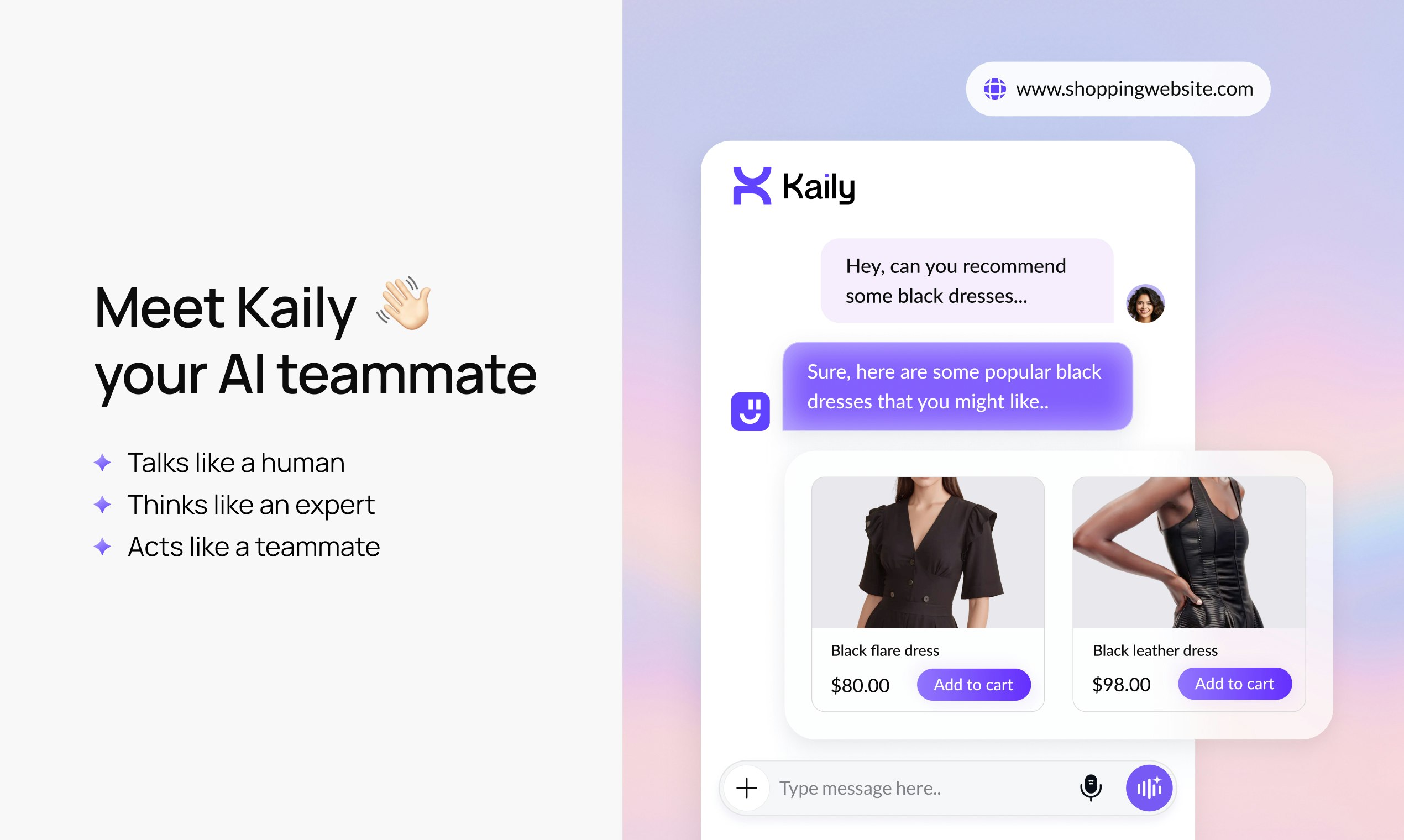
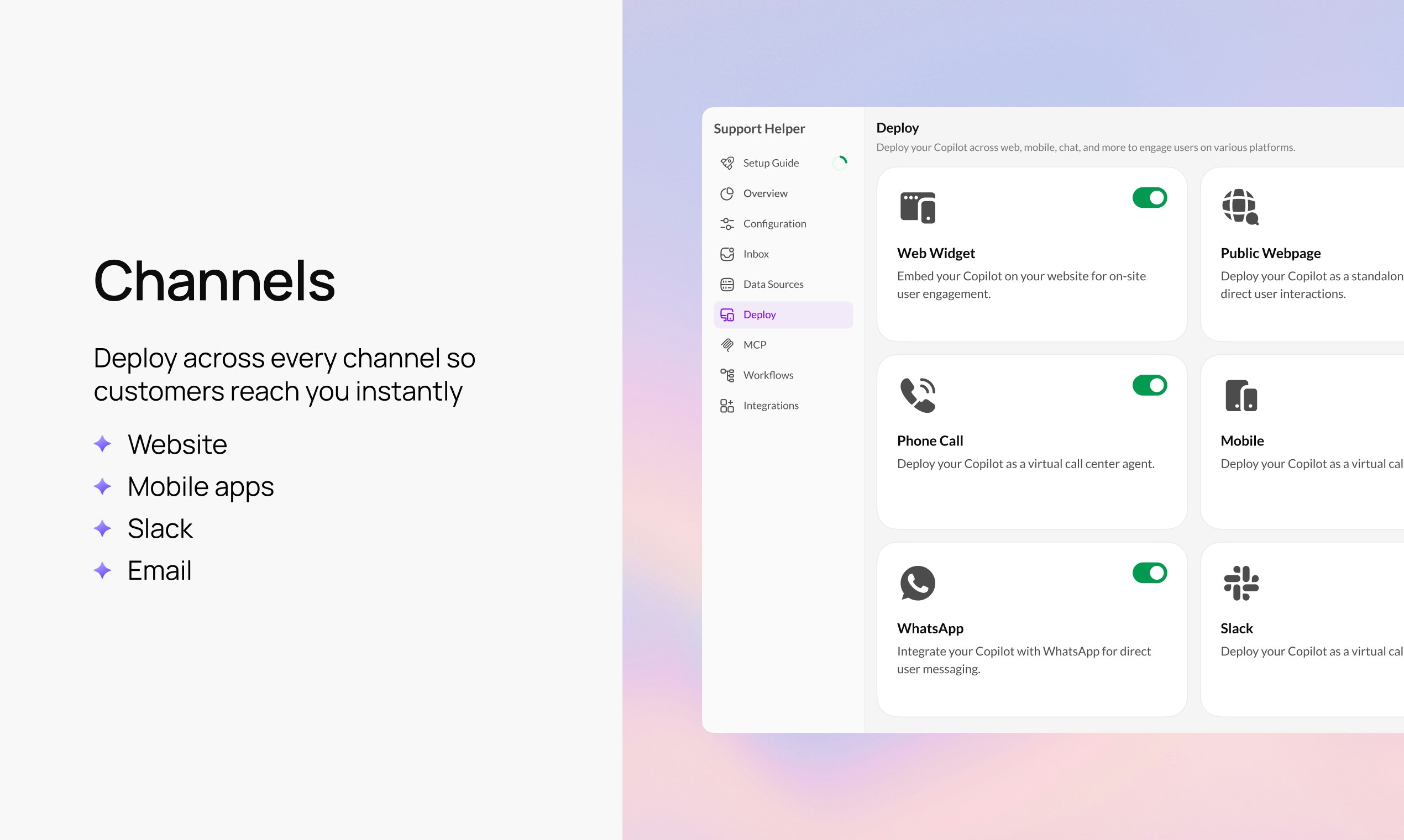
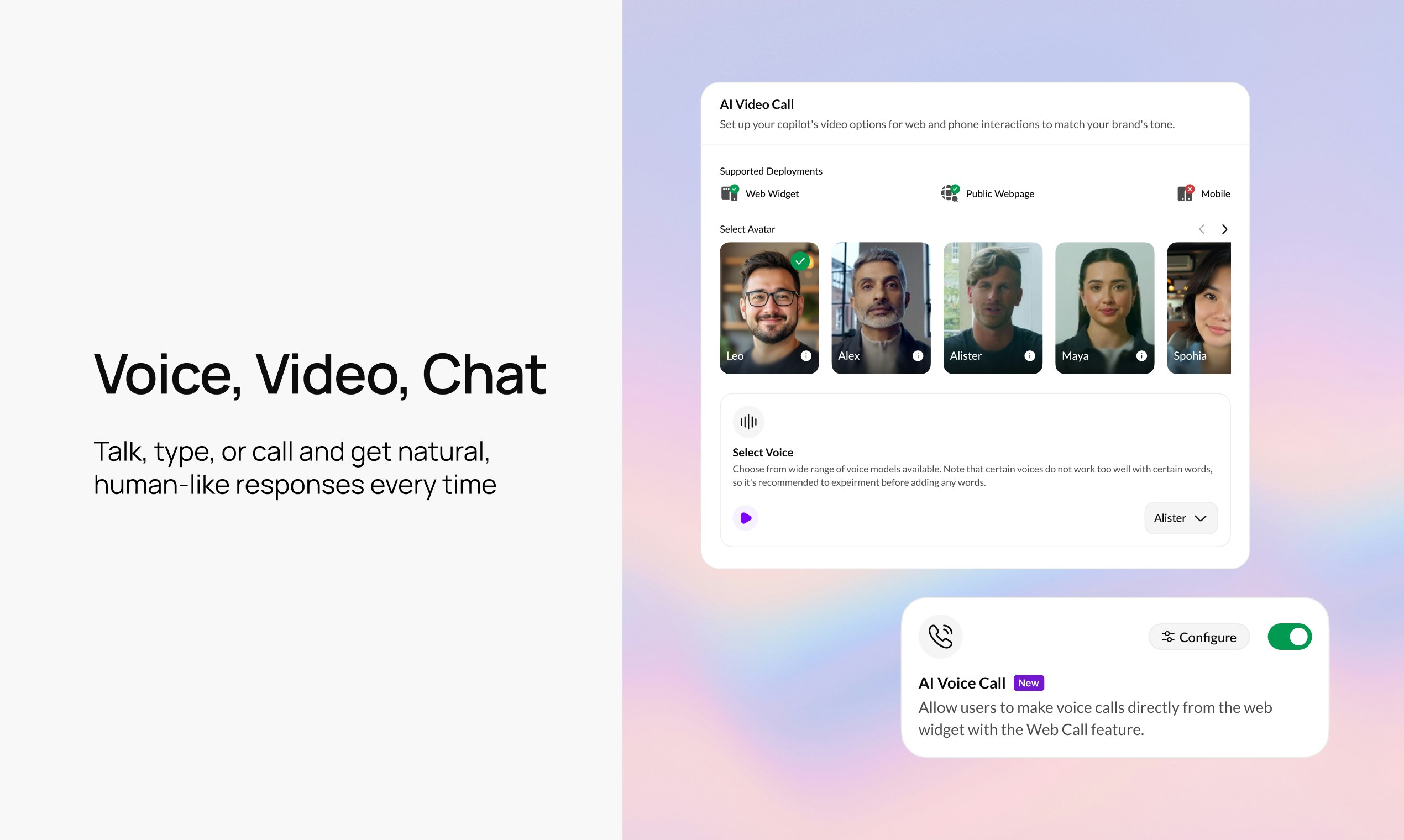
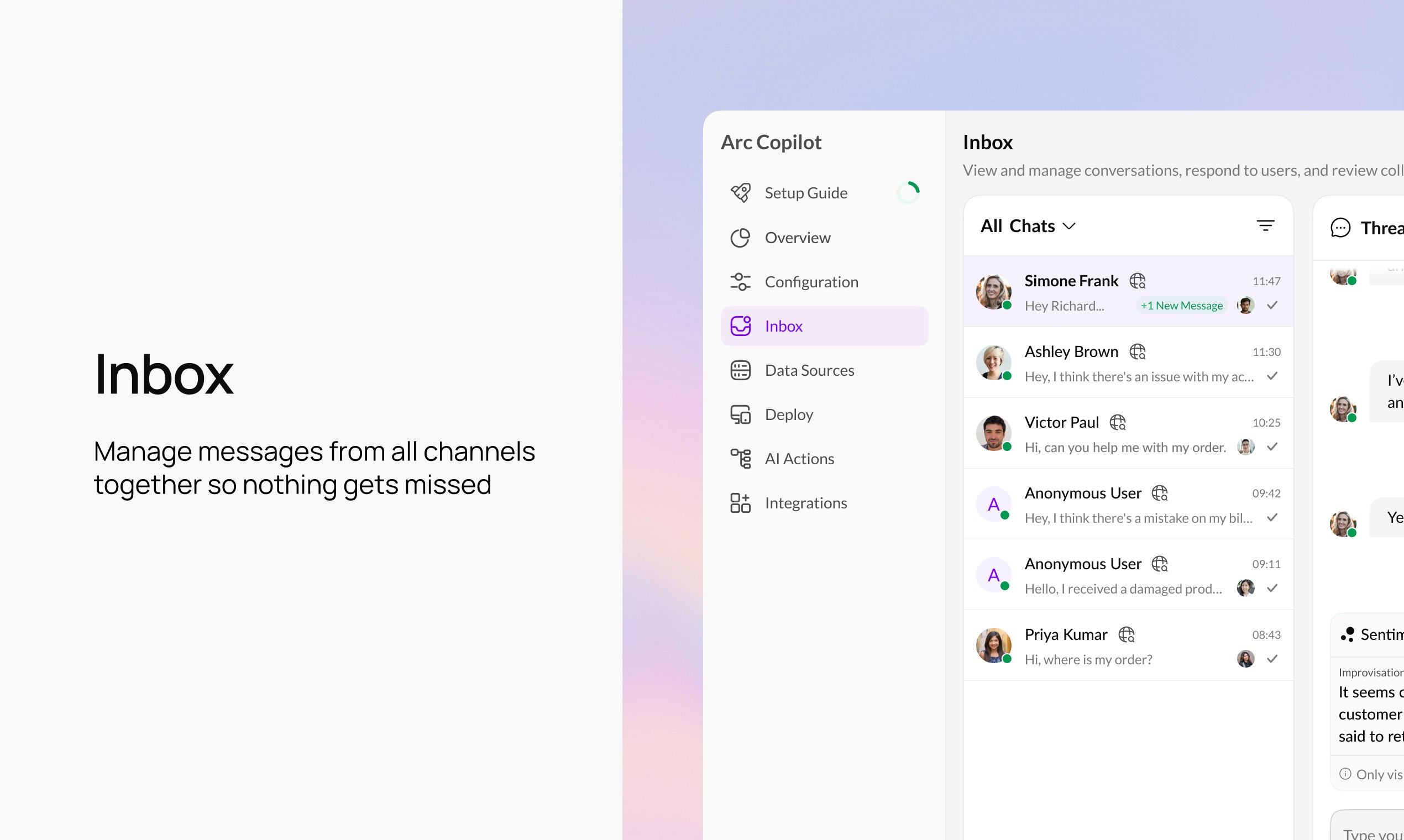
Meet Kaily, your AI teammate that automates every customer conversation. Handle support, sales, onboarding, bookings, and more across web, mobile, WhatsApp, Slack, email, voice, and video. Start in minutes with premade templates, train on your data, deploy everywhere. Operates in 90+ languages. Try free for 30 days!

Hey PH community 👋

I'm SMG, one of the founders at Fynd (backed by Google & Reliance).
After 12+ years of working with more than 2,300 brands, we kept seeing the same challenge: customers want quick, human answers, and teams spend hours trying to keep up, switching tools and drowning in busywork.

Regular bots are everywhere, but most of them only reply to messages. Teams need something SMARTER: an AI agent that handles customer interactions across channels and also automates actions, freeing up your team from tedious repetitive tasks. That led us to build Kaily.

What is Kaily?
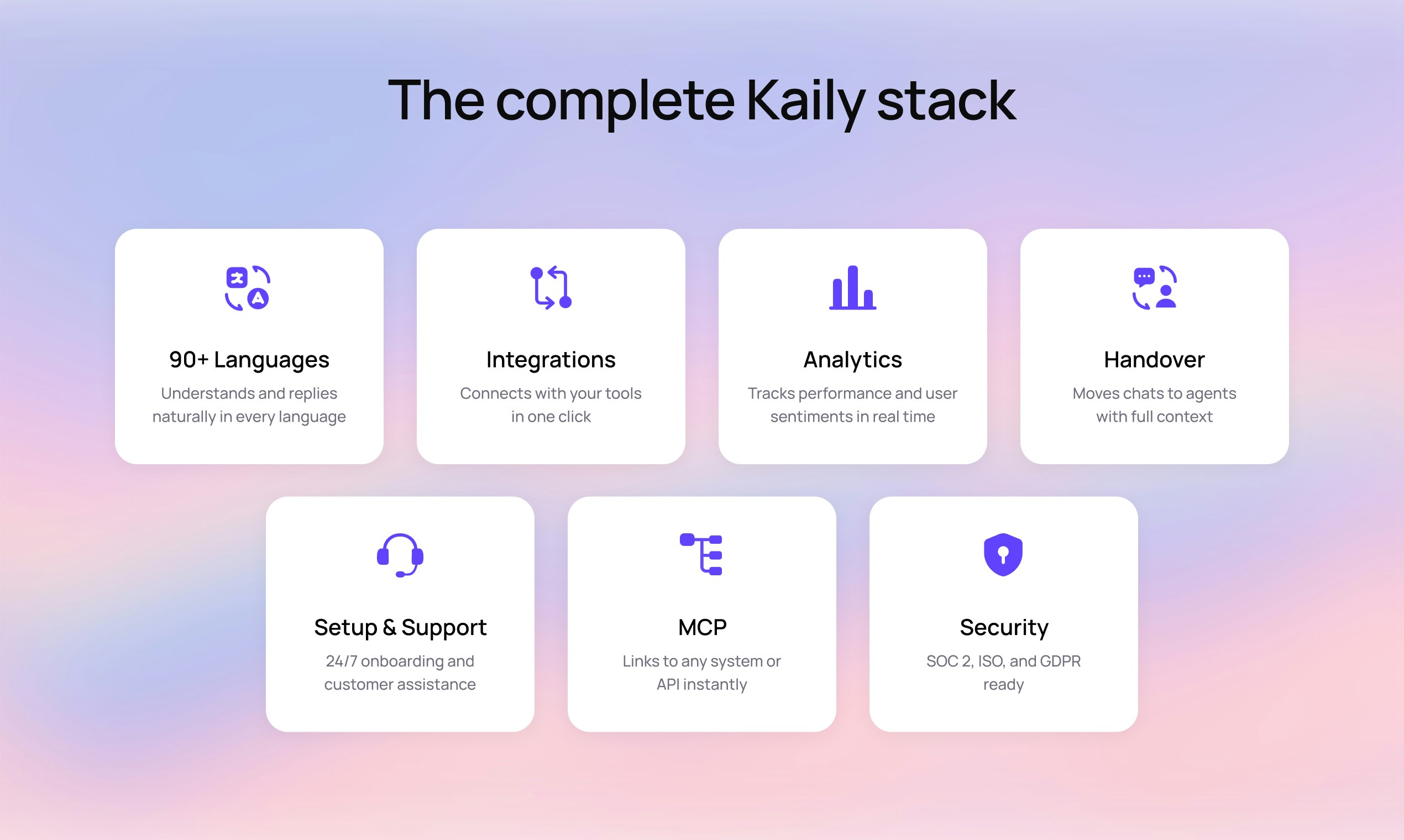
• Conversational AI agent for support, sales, and actions
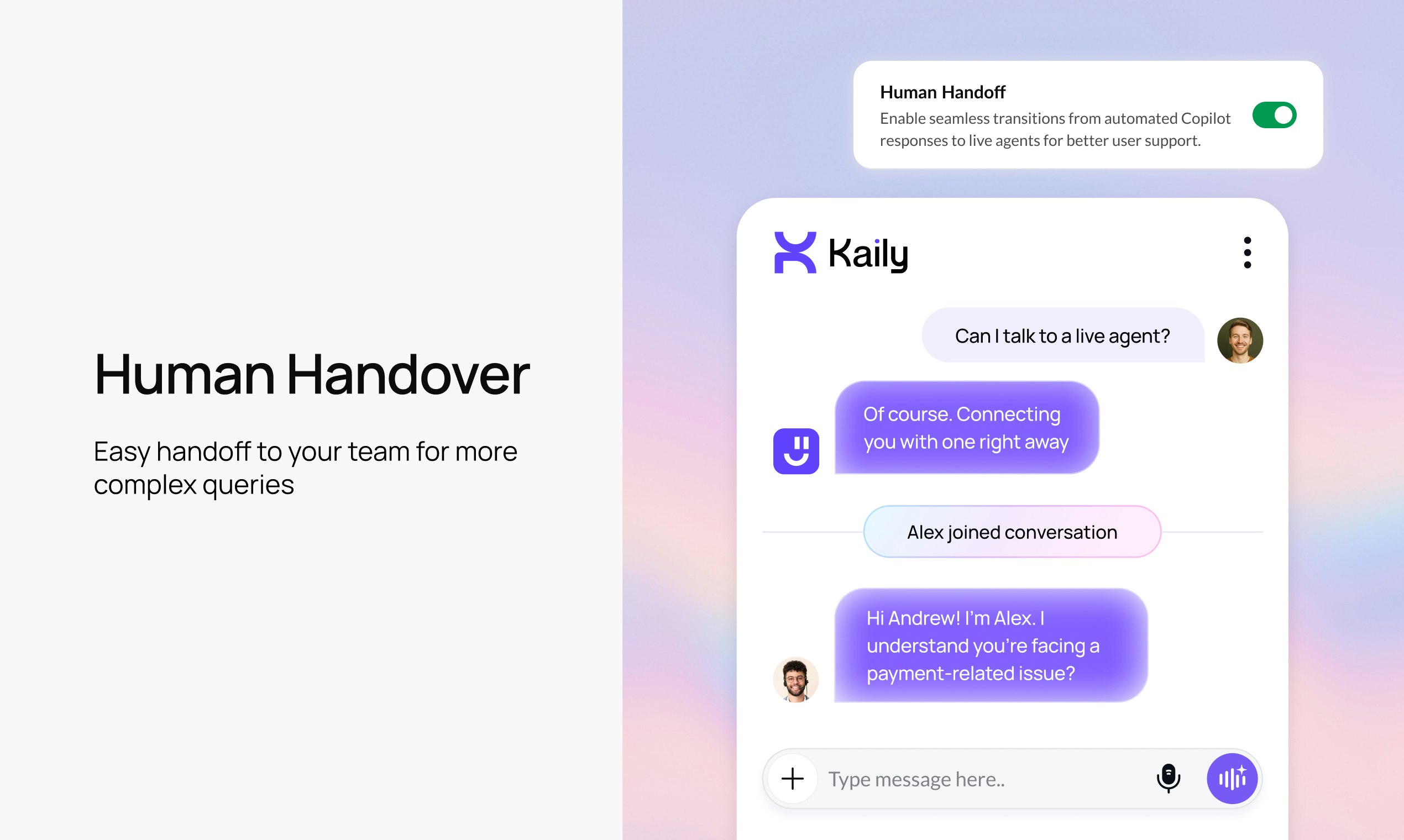
• Talks, chats, and joins video calls
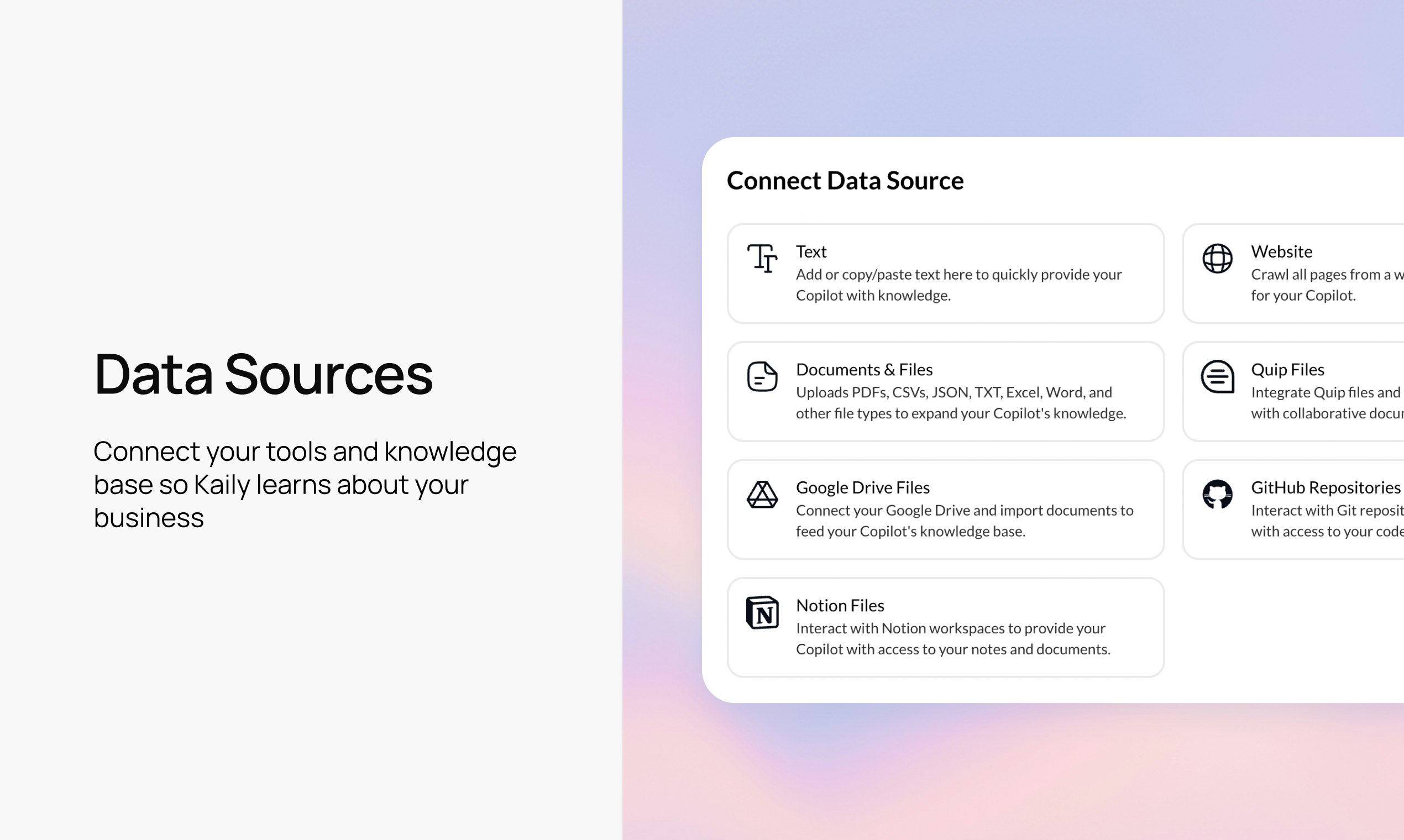
• Fetches information from your data sources and toolstack
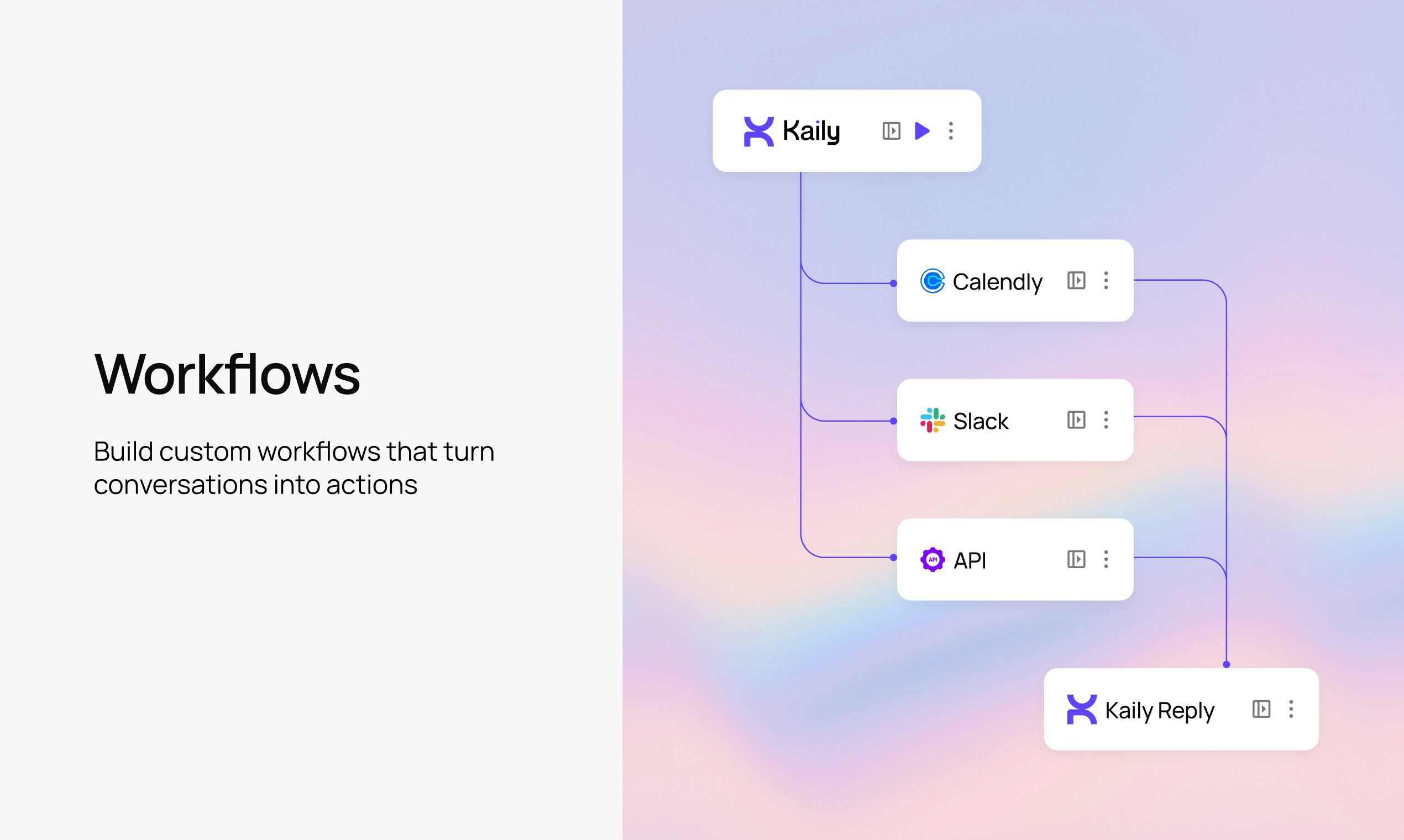
• Updates CRMs and systems
• Automates tasks and follow-ups
• Supports 90+ languages
• Hands conversations to a human when needed

Who Kaily is for:
• Small and mid-size teams that want faster customer conversations
• Support teams repeating the same work
• Sales teams needing quick follow-ups
• CX and ops teams wanting automation
• Solopreneurs wanting an AI agent takes action

We also cover these cool use cases:
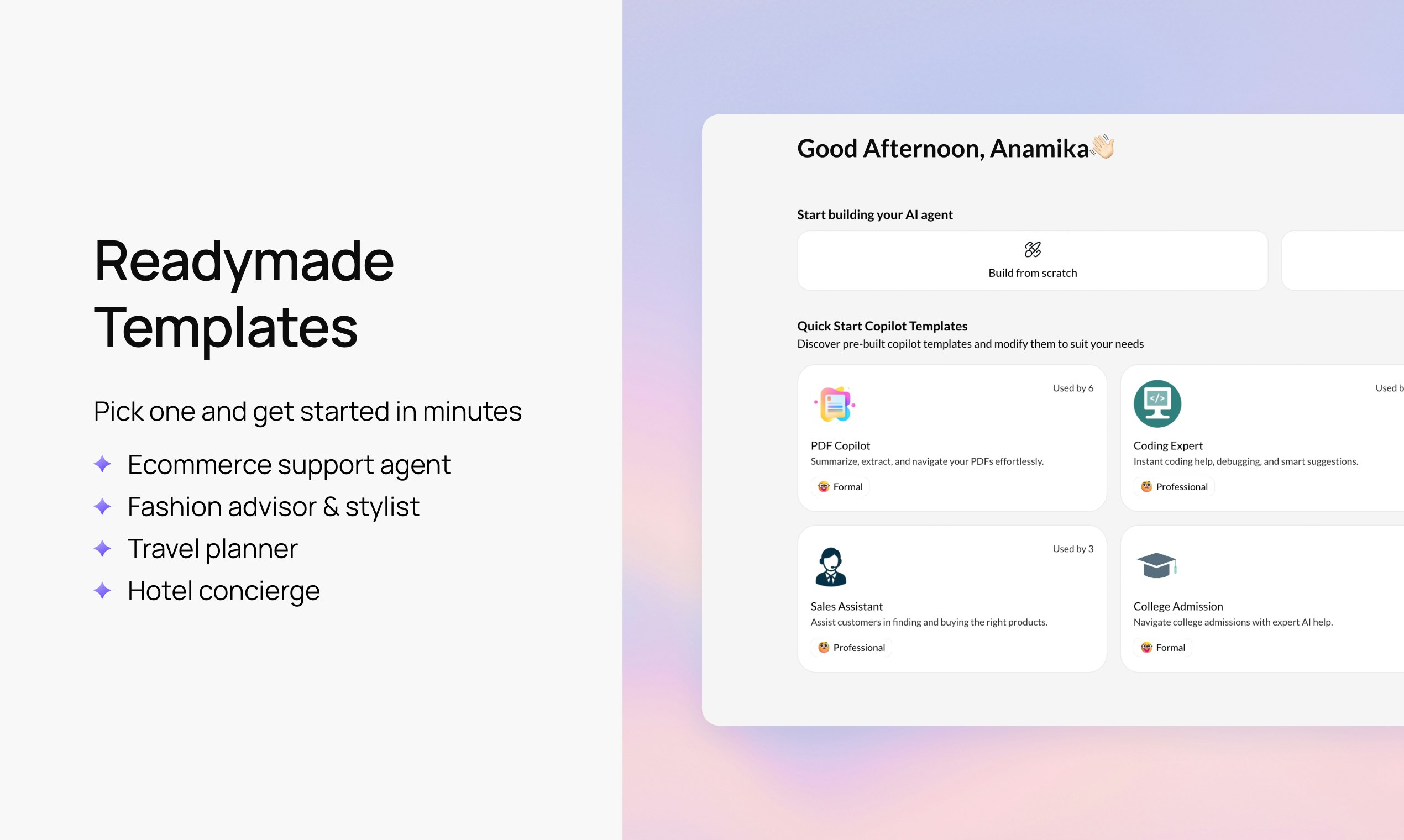
Fashion advisor • Travel agent • Education admin • Event booker • Hotel concierge • Onboarding guide • HR assistant • Appointment scheduler • Product recommender • Order tracker

🎉 Launch offer for Product Hunt users: Use PH25 for 25% off annual plans.
If you try Kaily and leave us a review, we have an additional offer waiting for you as a thank you.

Thanks 💜

9
回复

@sreeramanmg Really appreciate how you’re positioning Kaily as an actual teammate, not just another chatbot. The multi-channel execution + task automation stands out that’s where most tools fall short.

3
回复
@sreeramanmg congrats on the launch, still one of the most important parts of any business
2
回复

@sreeramanmg Great tool! What options do you have for sales follow-ups: emails, WhatsApp messages?
As far as I understand, we create a workflow, right?

1
回复

hi PH community! Maker here =)

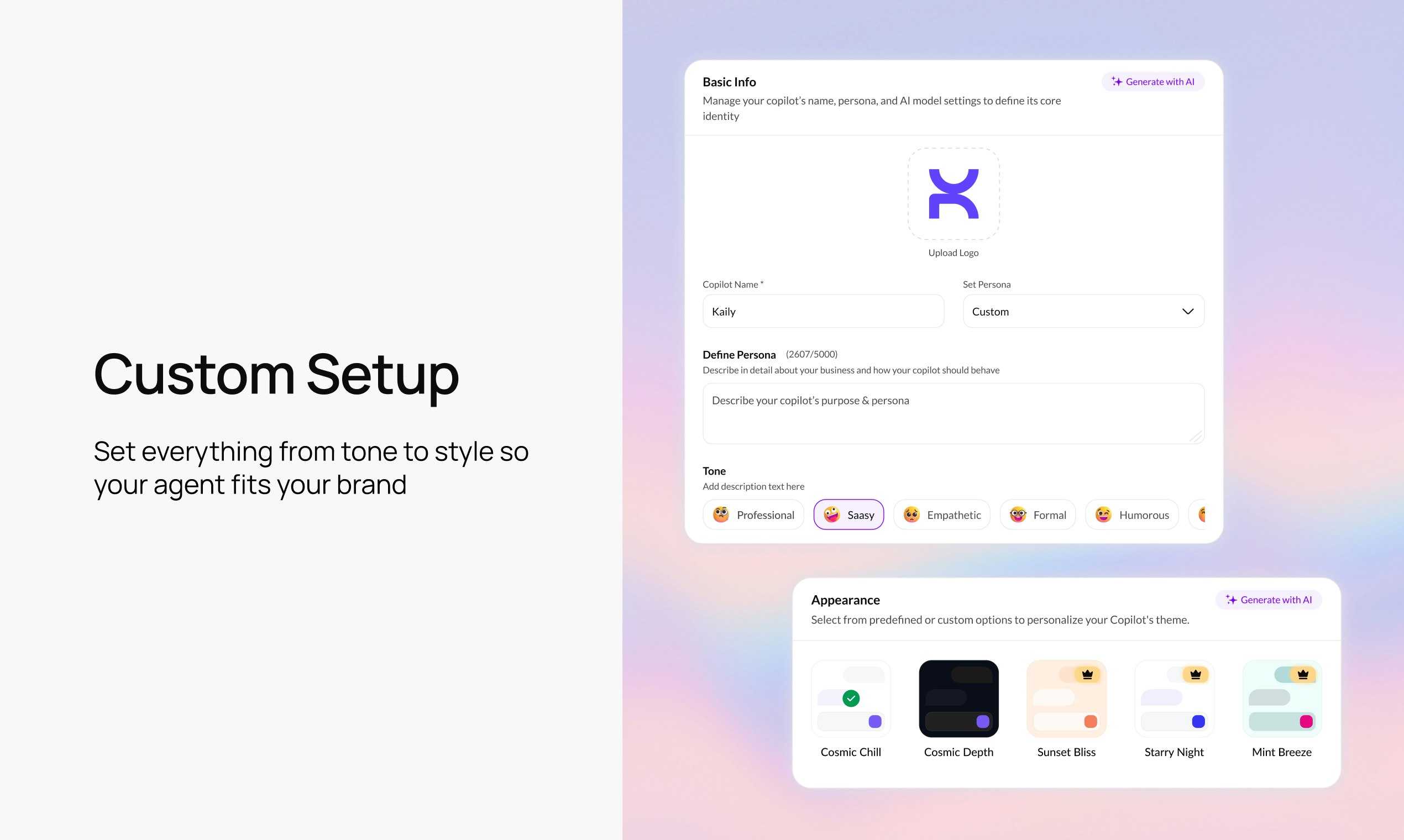
the wildest part of building Kaily was teaching it to not sound like a typical chatbot. we wanted something that actually feels like talking to a teammate who gets your brand.

look, I know everyone's tired of bots. But the reality is, they're solving repetitive issues way faster than any human team can. The trick is making them not feel like bots. That's what we're obsessed with over here at Kaily.

we want to hear your honest takes on this!

8
回复

@kritikasinghania Totally agree — most bots feel robotic because they’re just scripted responders. The focus on brand-aligned tone + real actions makes Kaily feel more like a teammate than a widget. Curious to see how far you push this.

1
回复

I love your product explainer video! Was it done internally or did an agency do it for you? Also, congrats on the launch :) customer support bots is a very competitive industry right now, best of luck!

6
回复

@peterclaridge love this question! it's all in-house =)

@anand_singh37 is our scriptwriter.
@ekta_mahadik and @licketh_chauhan brought it to life with their superb visuals.

0
回复
Super proud to see Kaily go live today. A lot of engineering work went into making the agent fast, reliable, and easy to deploy. The key vision we set out to implement with Kaily was making AI agents versatile, super customisable and a breeze to use. We're doing this via complete MCP support and lots of cool things. Excited for everyone to try it and tell us how we can keep improving. Happy to answer any technical questions in the thread!
5
回复

looks great!

5
回复

@madalina_barbu Thanks Madalina! We're glad you like the product. Be sure to check us out on www.kaily.ai

0
回复

Congrats on the launch! This solves a real need in the market.

4
回复

@abod_rehman Thanks Abdul! Happy to see the support.

0
回复

The multi-channel approach is spot-on - most support teams are fragmented across Slack, WhatsApp, email, and voice. Key question: How does Kaily handle complex workflows that need human handoff? Especially for high-value customers where wrong answers have revenue impact. Does it flag confidence levels and escalate intelligently?

4
回复

@imraju Thanks Raju! Kaily can execute the handoff based on any conditions you deem important. The platform lets you set customer triggers for the handover.

You can either ask Kaily to make the decision herself based on customer value and sentiment or drill down and set hyper specific conditions.

0
回复

Super excited to be launching today. It has definitely been a journey!

Kaily feels so natural across channels, and we finally get to showcase the features that really set it apart. My favourite are real-time voice agents, seamless video calling, and support for more than 90+ languages make this feel like a completely different level compared to most AI tools out there.


Thanks again for supporting Kaily!

4
回复

How well does Kaily handle updates to the original docs? if the content changes frequently, does the bot automatically stay in sync?

4
回复

@getsiful Kaily allows you to customise how often you'd like to sync your sources!

For dynamic data sources like Notion Docs, Google Drive, Github repos, etc you can set a custom frequency (via dropdown or a simple cron expression)

Static docs and PDFs of course, will need to be re-uploaded manually.

Additionally, we've also added a "deep web search" integration. Enable it and Kaily will be able to use the wider internet to get info for better answers!

Hope this helps,

- Team Kaily

0
回复

Really excited to share that we just launched Kaily on Product Hunt today. Our team has worked hard to build an AI agent that helps teams automate support, onboarding, sales, and more. If you check it out, I would love to hear your feedback. Thank you for the support.

4
回复
congratulations Team @Kaily Your idea seems like a real helpful product to help businesses get all things sales, support, onboarding done one time and with precision. While I am optimistic about it, I am also going to tell my team to try it out. Best wishes 🙏
4
回复

@ishwarjha Thanks Ishwar! We've built Kaily with this very purpose in mind- to function not as a bot but an overall AI teammate. We hope your team has a great time trying it out. Please reach out in case y'all need any help with the product!

Thanks

- Team Kaily

0
回复

Seems like a really great tool for handling sales and support. Excited to try it out. Do you have a trial plan?

4
回复

@chilarai we do have a generous 30 day trial plan.

we're also offering 15+25% off on any of our annual plans: https://www.kaily.ai/pricing

once you try it out, leave us an honest review of your experience, and i'd be happy to offer you an exclusive offer as well.

2
回复

@chilarai Totally agree it looks promising for sales/support. They mentioned there’s a 30-day trial, so definitely worth giving it a try.

1
回复

The main question is about how AI gets the right data (and understands it's right)? It's just magic if can do it with a few MCP connected without predefined flows.

3
回复

@pasha_tseluyko I'd say it's a little bit of the right data sources + accurate persona + the right MCP connections. Kaily like any AI agent needs all 3 to work well. We've just made it super easy to configure all three so the agent becomes infinitely more smart and customisable. (But yes a little bit of it is pure AI magic where Kaily does understand context and content better than most other agents)

0
回复
Yeah! Making it in autopilot is more than great. Definitely I’ll give it a try hoping to close some deals. Btw wish you all the best here!
3
回复

@german_merlo1 Thanks! Let us know how that goes

0
回复

Congratulations on the Kaily launch, team! The 90+ language support is genuinely impressive, excited to see where you take this.

3
回复

@debadrita_banik Thanks :) We partner with the latest AI models in the backend to power it, and I'm so happy to see you appreciate it. Are you interested in a specific language?

0
回复

@abhay_gawade Congratulations. And happy product launch.

2
回复

Congrats team on your launch! Really clean landing page :)

2
回复

@purva_guptaa Thanks Purva! Appreciate it

0
回复

Early days, but Kaily looks thoughtfully designed. The product feels focused on solving a real problem instead of chasing features. Curious to see how it evolves.

2
回复

@tushar_wadhwani Thanks Tushar! That's the idea. We're building Kaily as a teammate that's easy and fun to work with. That flows from thoughtful UI and functionality

1
回复

Is it like Intercom but with proper AI?

2
回复

@michael_vavilov Exactly! I couldn't describe it better myself. Where intercom is a support tool with added AI, Kaily is built around GenAI. It's treating AI as an afterthought vs building with AI at the core.

How this manifests - For my money Kaily is more "thoughtful" and context aware than most other support agents. We've had teams try and implement super complex handover workflows. They seem to work well because Kaily understands what conditions to trigger entirely on her own!

1
回复

This looks promising for support volume.

Quick question: How does Kaily integrate with milestone-based customer journeys? For example, if someone makes their first purchase, can it automatically shift the conversation strategy from acquisition to retention mode?

2
回复

@juliagomx 

Thanks Julia! Kaily is built to handle support across multiple channels (and can take care of upto 1M concurrent conversations across them)! She responds to them with smarts and empathy and hands over to human agents when she's not able to reach a swift solution.

As for milestone-based journeys, Kaily integrates with your CDP, loyalty platforms, etc so she knows exactly where in their journey a customer is. You can then just add persona instructions to respond to these customers based on past purchases, wishlist, time of the day they're active and other things.

In short: Integrations + some persona nuances should get you the result you want!

0
回复

Been burned by dumb chatbots. The fact it can take actions and update CRM is what I’m after. WhatsApp + email + voice in one is nice. If the human handoff’s smooth, I’m in. Gonna poke the templates later today.

1
回复

@alexcloudstar Haven’t we all! That action layer is exactly what we focused on because real workflows need more than replies. Can't wait to hear what you think of Kaily, and the team's always happy to take you through it.

0
回复

Congrats on the launch! Love how Kaily goes beyond basic chatbots and actually takes real actions across a team's systems, that’s where most tools fall short. How well does it handle switching between automation and handing off to a human?

0
回复
#5
Music Videos by Mozart
Chat → Song → Music Video → Publish
197
一句话介绍:一款通过自然语言对话快速生成60秒音乐视频的AI工具,为独立音乐人和内容创作者解决了从音乐创意到视觉化呈现的高门槛和耗时痛点。
Music Artificial Intelligence Electronic Music
AI音乐生成 AI视频生成 音乐创作工具 多轨编辑 独立音乐人 AIGC 创意工具 音视频一体化 自然语言交互 Stem分离
用户评论摘要:用户普遍对音乐视频功能上线时机(紧随Spotify)表示兴奋,认为其具有变革性。核心问题聚焦于生成视频与音乐情绪的匹配精度、风格自定义选项、商用版权清晰度,以及工作流集成(如提供精确时间线的Stem文件)。也有用户请求专辑模板等扩展功能。
AI 锐评

Mozart AI此次迭代,本质上是将“AI音乐生成”的战场,从听觉单向度竞争,升级为“音视频一体化内容生成”的维度竞赛。其真正的价值不在于简单地叠加视频模块,而在于试图构建一个从“灵感→歌曲→视频→发布”的完整、封闭的创意工作流闭环。

“Vibe Sessions”的对话式创作与“Studio Session”的专业编辑环境形成高低搭配,策略清晰:用低门槛吸引海量尝鲜者,用专业功能留住核心创作者。然而,其面临的挑战与机遇同样尖锐。技术上,如何确保AI生成的、往往基于通用素材库的视觉画面,能与音乐独特的情感起伏和抽象“氛围”精准共振,而非沦为精美但空洞的幻灯片?这仍是行业通病。产品上,它正从工具向平台演进,“Discover”和协作功能预示其社区野心,但如何避免成为一次性尝鲜的玩具,构建持续的创作者生态和网络效应,是比技术迭代更难的课题。

商业上,“免费下载+商用授权”的组合拳极具侵略性,直接切中了独立创作者最核心的版权与成本痛点,有望迅速攫取用户。但这也将成本压力转回自身,其即将公布的融资详情与付费计划转化率,将是观察其模式健康度的关键。在Spotify等平台重新拥抱音乐视频的行业背景下,Mozart AI卡位精准,但它提供的究竟是颠覆性的“创作平权”工具,还是仅为音乐营销提供了一种高效的视觉包装流水线?这取决于它能否在“易用性”与“深度控制”、“AI自动化”与“创作者个性”之间找到真正的平衡点,从而让生成的内容不止于新奇,更拥有灵魂。

查看原始信息
Music Videos by Mozart
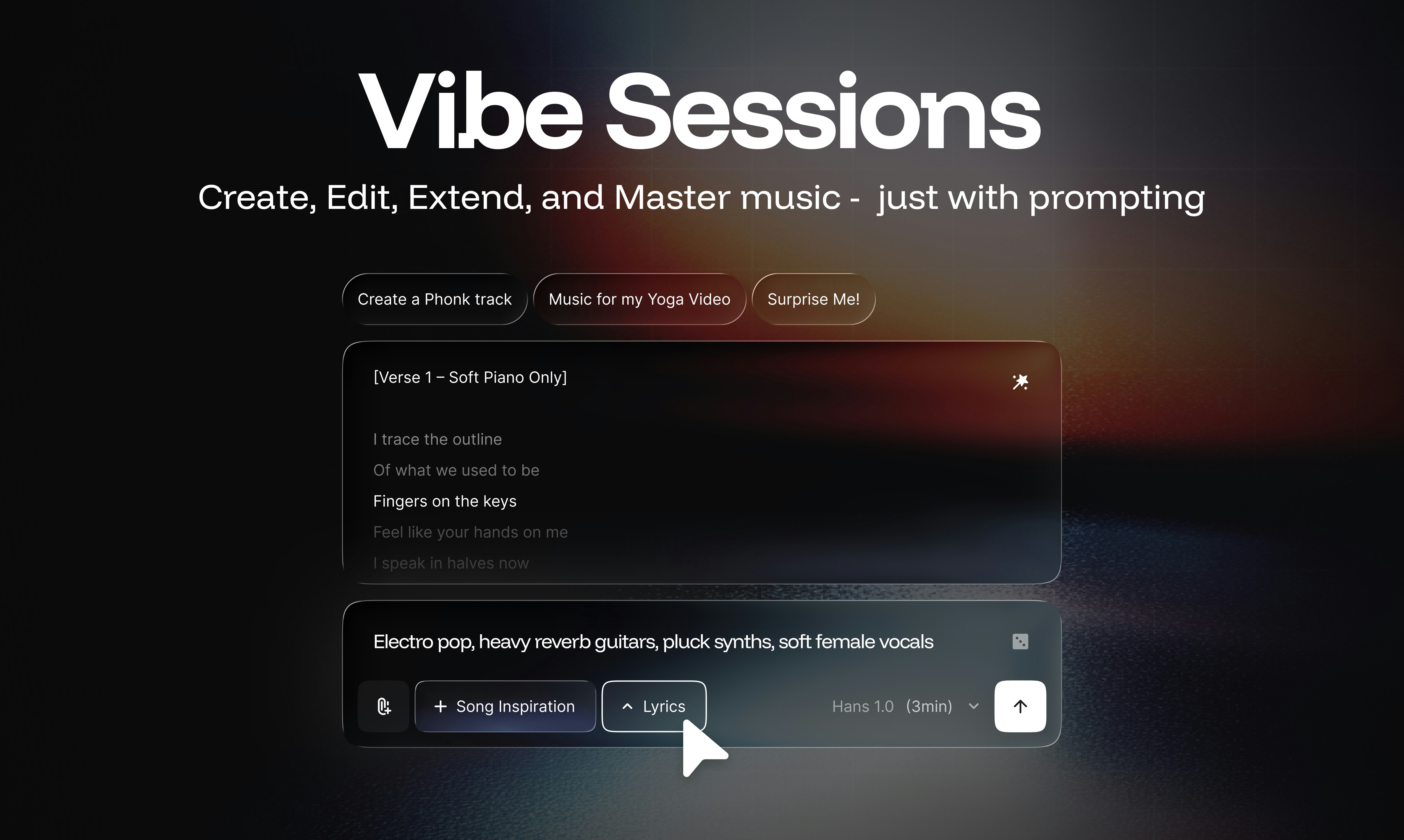
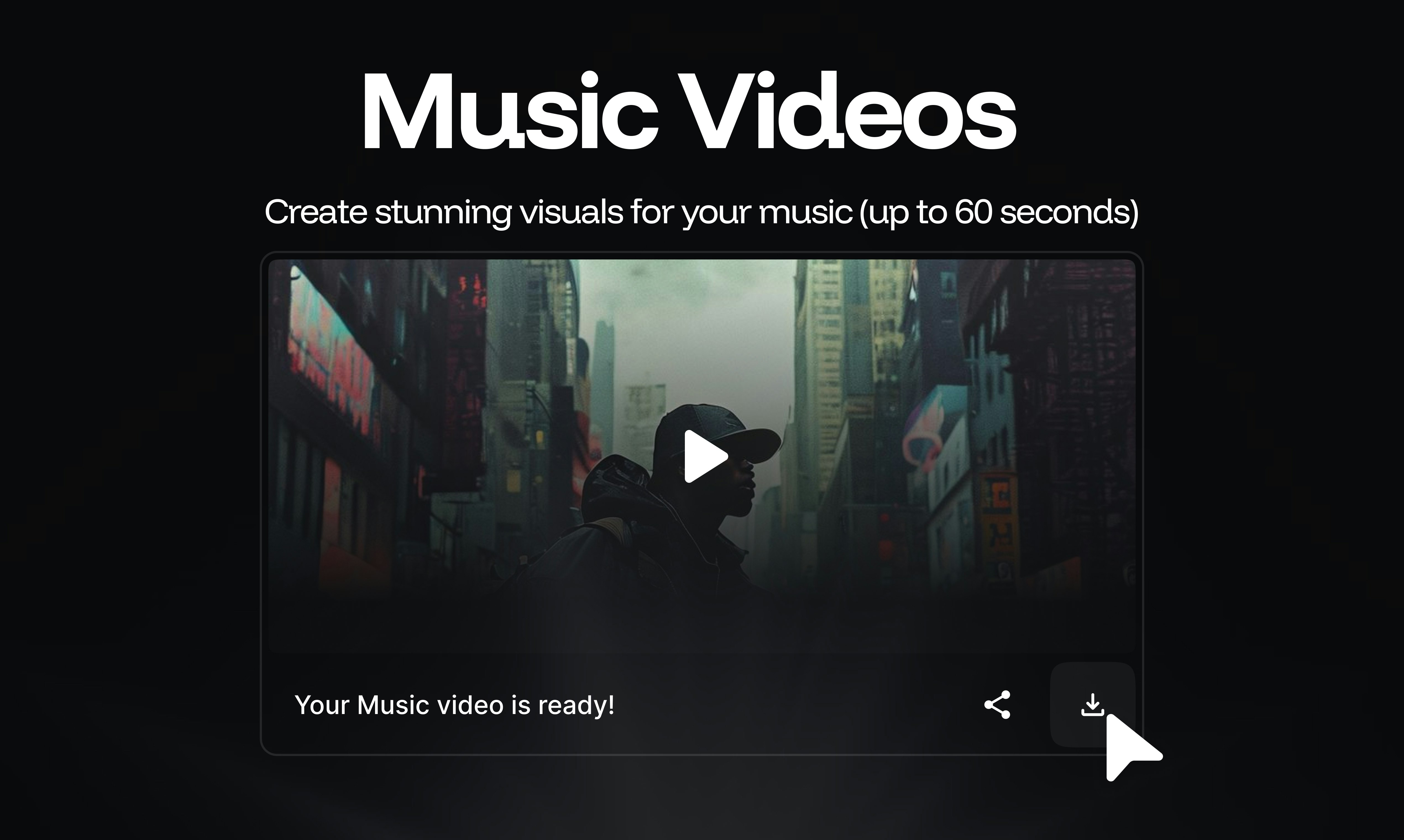
Mozart AI now lets you generate sixty second music videos to bring visual resonance to your sonic creations. We're also launching Vibe Sessions — a conversational journey from idea → finished song → short music video. For deeper control, jump into a Studio Session for multitrack editing, clean stem generation, effects, MIDI, and more.

Hey Product Hunt 👋 Sundar here, co-founder of Mozart AI. We won Product of the Day #2 twice in the last few months, and we're back to share an exciting launch with this amazing community! I'm super excited to share we've raised a mega Seed round (details forthcoming) — just a month after our Pre-Seed!

Introducing Music Videos by Mozart AI — the best way to create visual resonance for your sonic creations, all through natural language. Create stunning music videos (up to 60 seconds) for your songs by describing a storyboard, generating/uploading a character, and selecting the desired song region.


Mozart AI is the fastest and most creative way to go from idea → song → music video -> share on YouTube/Spotify.

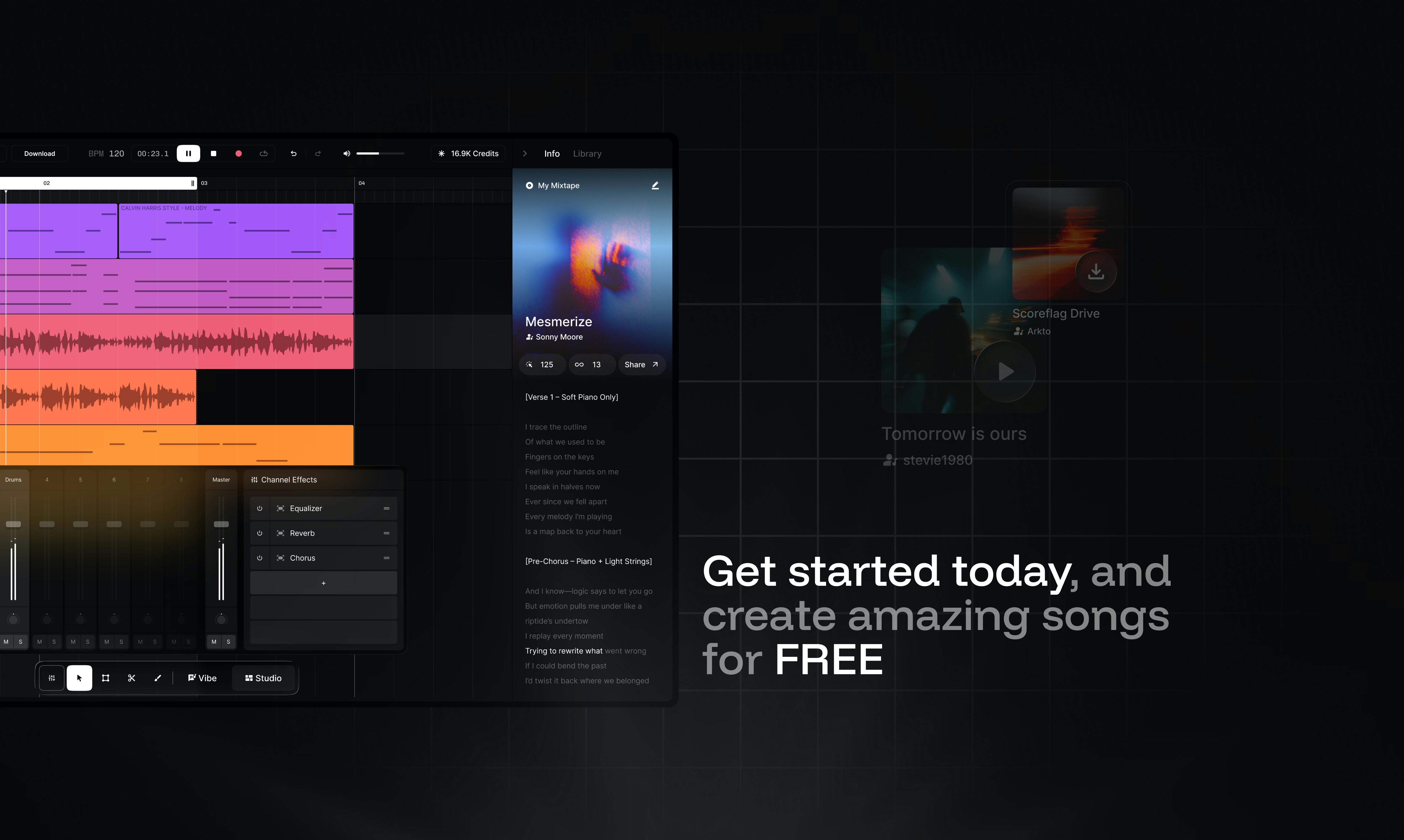
And when you need serious control, jump into a Studio Session, our multitrack environment with clean stem generation, effects, MIDI, Track Agents, Audio-to-MIDI, Synth Generation, Inpainting, and more.

We also added:


🎬 Vibe Sessions: Create, edit, and master music through a conversational journey
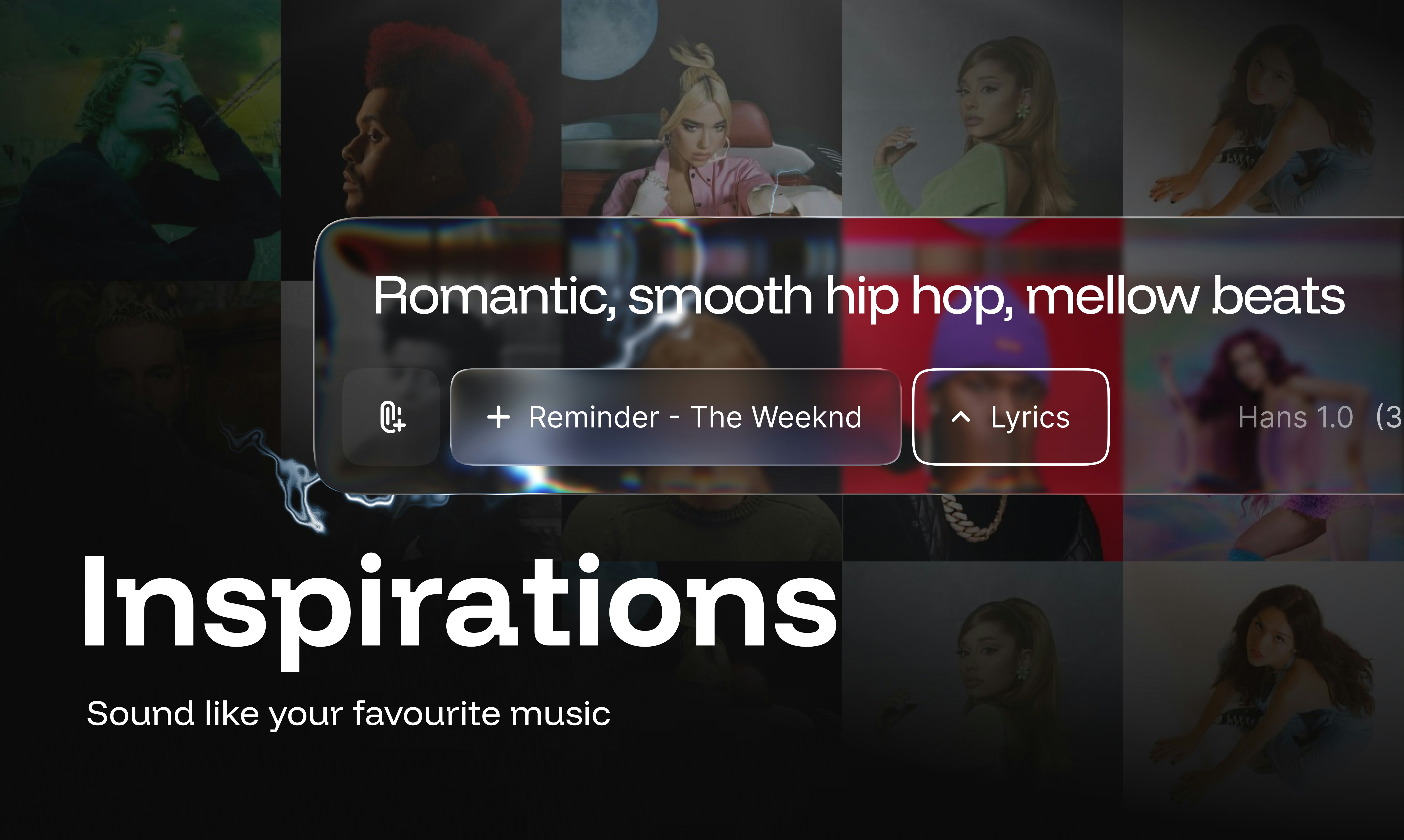
🎧 Inspiration: Sound like your favourite artists
🖼️ Library + Albums: Given your music some life with artwork, albums, and share it with the world
🌍 Discover: Explore the community's creations and collaborate (soon) with other creators
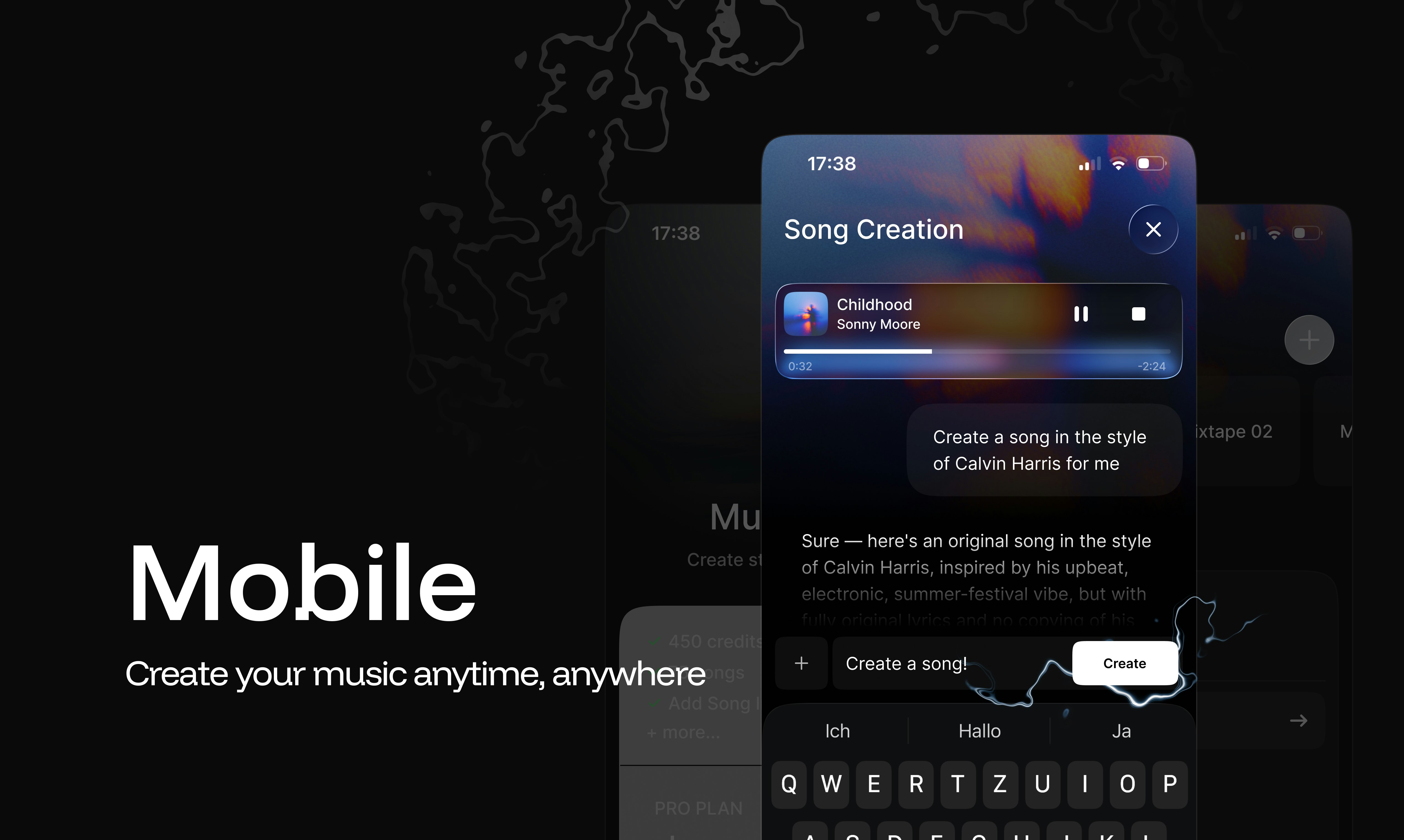
📱 Mobile UI: Mozart is now live on mobile browsers (App Store/Play Store coming soon)

Rights and Pricing

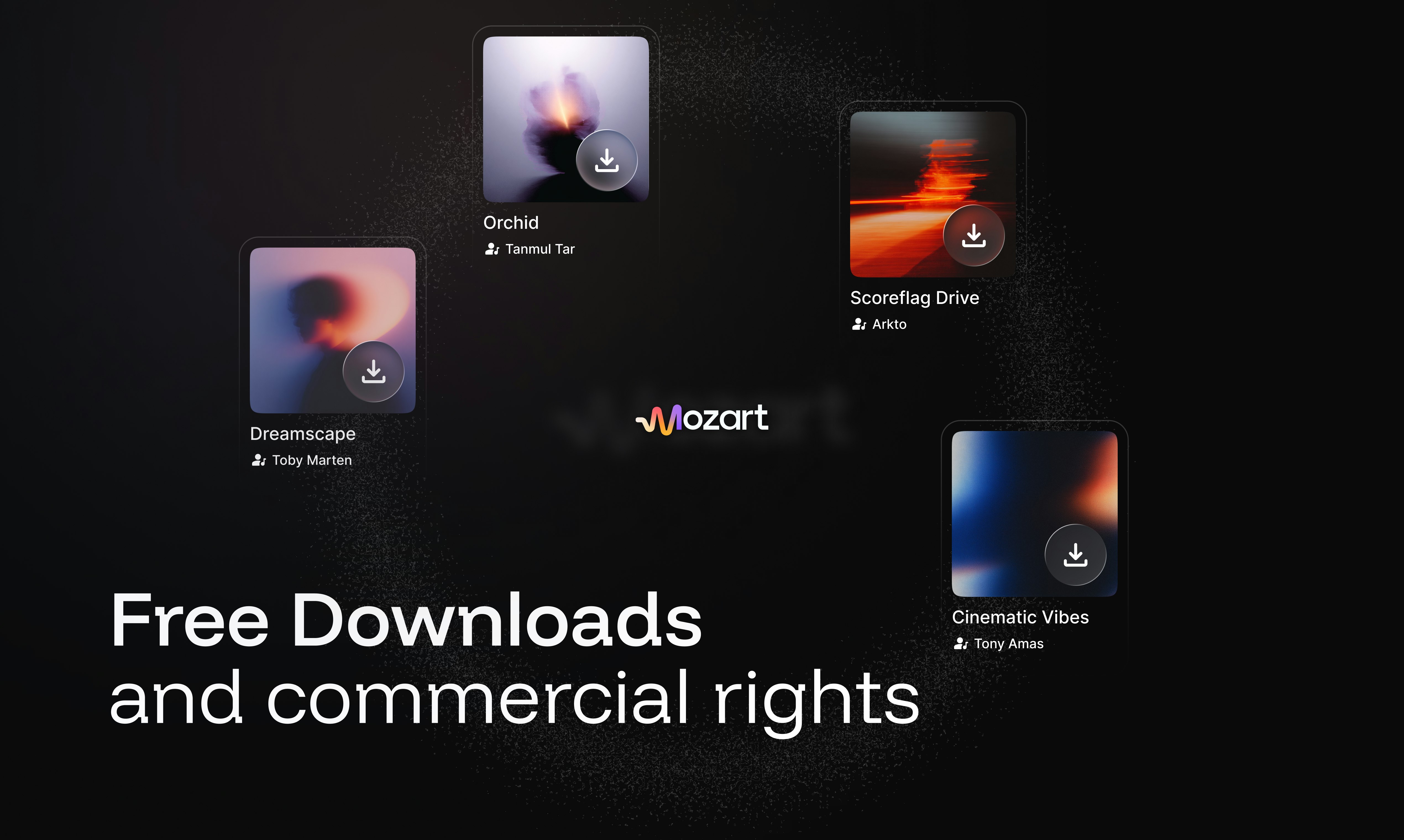
  • Free downloads across all plans: yes you heard that right!

  • Commercial rights included: it's your music, do whatever you want with it!

  • FREE to try: daily credits granted for up to five songs daily.

  • Affordable paid plans to choose from: Creator, Pro, and Premium (Music Videos are available on Pro and above)

Why now (and who it’s for)

Music is having its Instagram/Capcut moment. For the first time ever, everyone is a creator. People like Princess Nostalgia are turning their wildest ideas into professional music. In this world, taste is all that matters, and Mozart AI is building tools for musicians to translate their taste into sound.

If you’re a studio/educator/artist, drop any feedback or suggestions in the comments below. And big thanks to @chrismessina for the hunt and for helping shape the story yet again! 🚀


- Sundar

19
回复

@chrismessina  @sundararvind1244 let's go team congrats on the Launch can't wait to see what you've shipped today

7
回复

Such good timing! Right after Spotify announces that they're bringing music videos, Mozart adds the ability to generate music videos to add visual resonance to your sonic creations.

I can't wait to take this for a spin...!

9
回复

@chrismessina Make some videos and upload it to Spotify!

2
回复

Big Fan of your product from the past 6 months! keep building and keep improving your product man!

5
回复

@kshitij_mishra4 that's so good to hear!

0
回复

introducing "vibe musicians"!!

4
回复

@pascual_merita Vibe musicians >> Vibe coders!

2
回复

We believe music is becoming a full-stack creative medium; sound, visuals, and story combined. This launch is one step towards making that seamless for everyone!

3
回复

Check my artist profile out and a banger I cooked this morning!

3
回复

@kshitij_mishra4 that's so good to hear!

0
回复

Music videos are the missing piece that creators have been waiting for. The fact that you can go from idea → finished song → music video in minutes is genuinely transformative. Questions: How do you ensure the generated visuals align with the mood/vibe of the track? Any style customization options? This could be game-changing for independent artists and labels trying to move faster.

2
回复

Whish you guys to take the #1 place today!

2
回复

congrats on the launch guys

2
回复

@armash_ansari1 thank you!

0
回复

Not a producer, just a guy with way too many humming voice notes. Vibe Sessions sounds like my speed. The 60s music video thing is neat. If I can spit out clean stems and toss them into Ableton later, that’d be perfect.

1
回复

Congrats! Quick question on rights/workflow: for Pro/Premium music videos, do you also provide clean stems with the exact timing of the 60s cut so editors can sync/replace shots externally, and is commercial use fully cleared for both audio + generated video?

1
回复

@llm_driven this is a great feature request - honestly never came to us! For now you can download the video and stems individually, and the rights are yours for both!

1
回复

Just tried the vibe session and used the featured inspiration to create a really nice song. The creation process was easy and smooth, and the outcome is amazing. I didn’t create the MV because it requires more credits. I’ve tried many AI music tools, and this is one of the best. Congratulations!

0
回复

This is great. Any plans for album templates or visual packs?

0
回复
#6
GPT-5.2
Frontier model for professional work and long-running agents
181
一句话介绍:GPT-5.2是一款面向专业工作和长期运行智能体的前沿模型,通过在电子表格、演示文稿、代码编写、图像理解及复杂多步骤项目管理等场景提供更强能力,旨在为用户解锁更高的经济价值。
Spreadsheets Artificial Intelligence Bots
大型语言模型 生产力工具 专业工作流 智能体 多模态AI 代码生成 办公自动化 长上下文处理
用户评论摘要:用户评论数量极少且反馈消极。主要疑问集中在两点:一是质疑模型迭代后智能体是否出现能力退化(“变得更笨”);二是关注付费用户的访问权限是否即时开放。有效评论反映了用户对模型性能稳定性和商业承诺的信任焦虑。
AI 锐评

GPT-5.2的发布文案充斥着熟悉的“价值解锁”叙事与全栈能力罗列,从电子表格到复杂项目,俨然一副“AI超级员工”的蓝图。然而,寥寥无几的用户评论却揭示了理想与现实间的尖锐断层:一边是官方描绘的“前沿模型”,另一边却是用户对模型变“笨”的直观感受和对接入权限的困惑。

这凸显了当前大模型赛道的一个核心矛盾:厂商热衷于堆砌参数、扩展场景,进行“军备竞赛”式的功能宣示,但用户体验的细腻度、性能的一致性与承诺的透明度,这些构成产品信任的基石,却在高速迭代中被轻易忽视。“更擅长处理复杂多步骤项目”的宣称,若没有在真实、长期的智能体运行中得到稳定验证,则易沦为营销话术。用户对智能体“变笨”的吐槽,虽主观,却可能指向了模型优化过程中出现的“对齐税”或特定能力退化问题,这是技术团队必须严肃回应的。

本质上,GPT-5.2的价值主张并非技术创新本身,而在于其作为“经济价值”转换器的可靠性。它真正的考验不在于功能列表的长度,而在于能否成为专业工作流中可信赖、可预测的基石。目前,稀疏且存疑的用户反馈表明,其从“宣称的前沿”到“可信赖的生产力”之间,仍有巨大的沟壑需要跨越。产品成功的关键,将从追求 benchmark 的“峰值表现”,转向保障用户体验的“稳定输出”。

查看原始信息
GPT-5.2
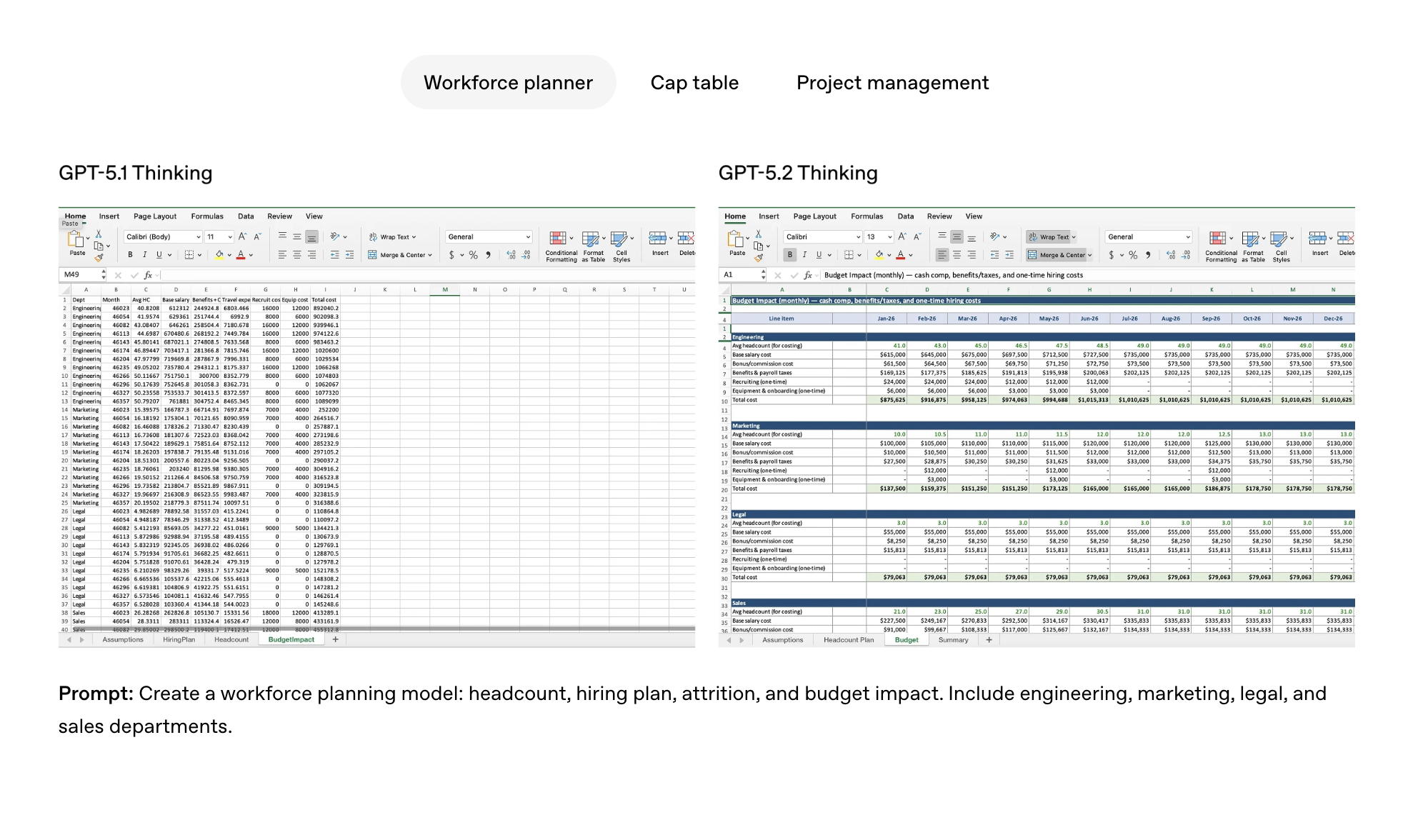
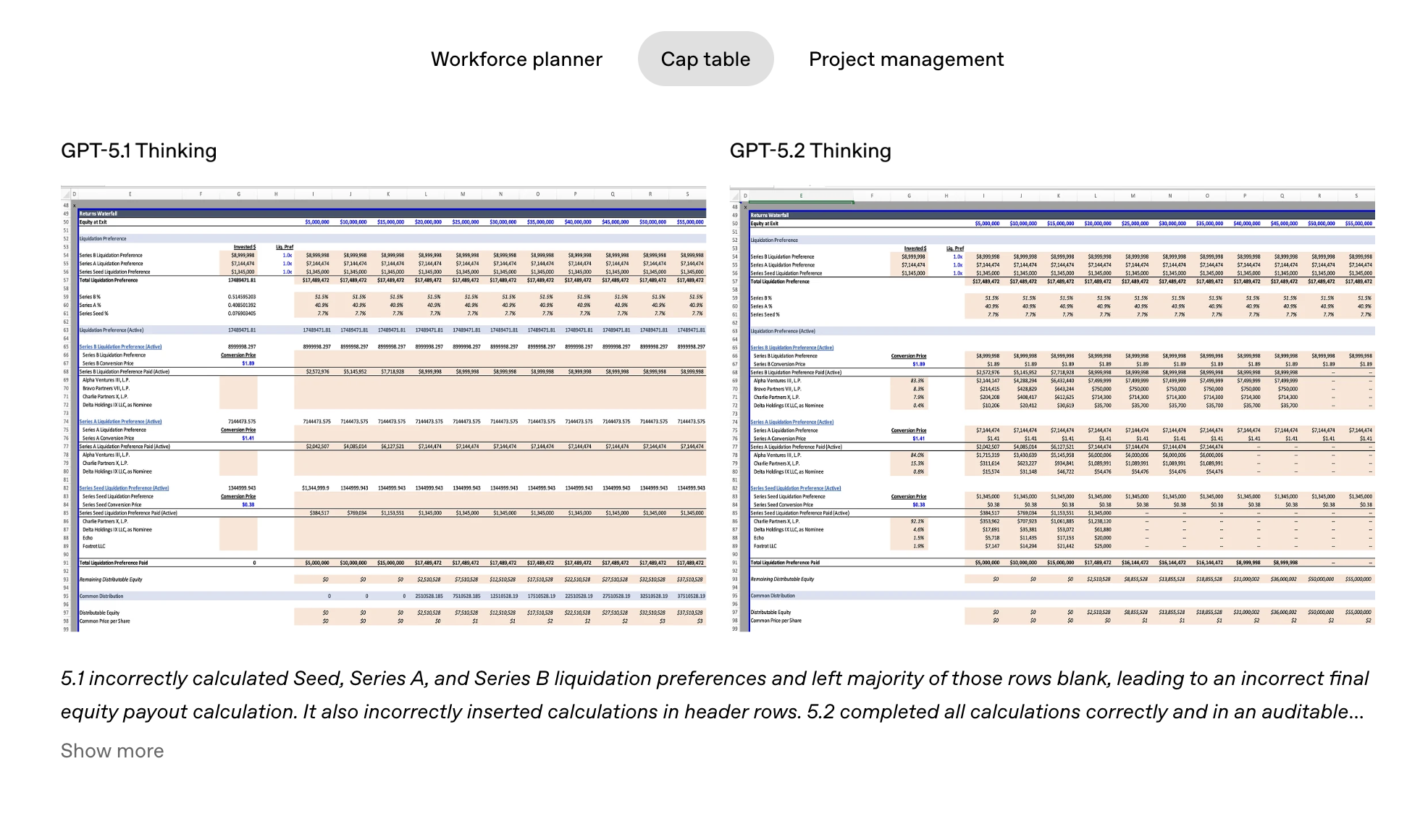
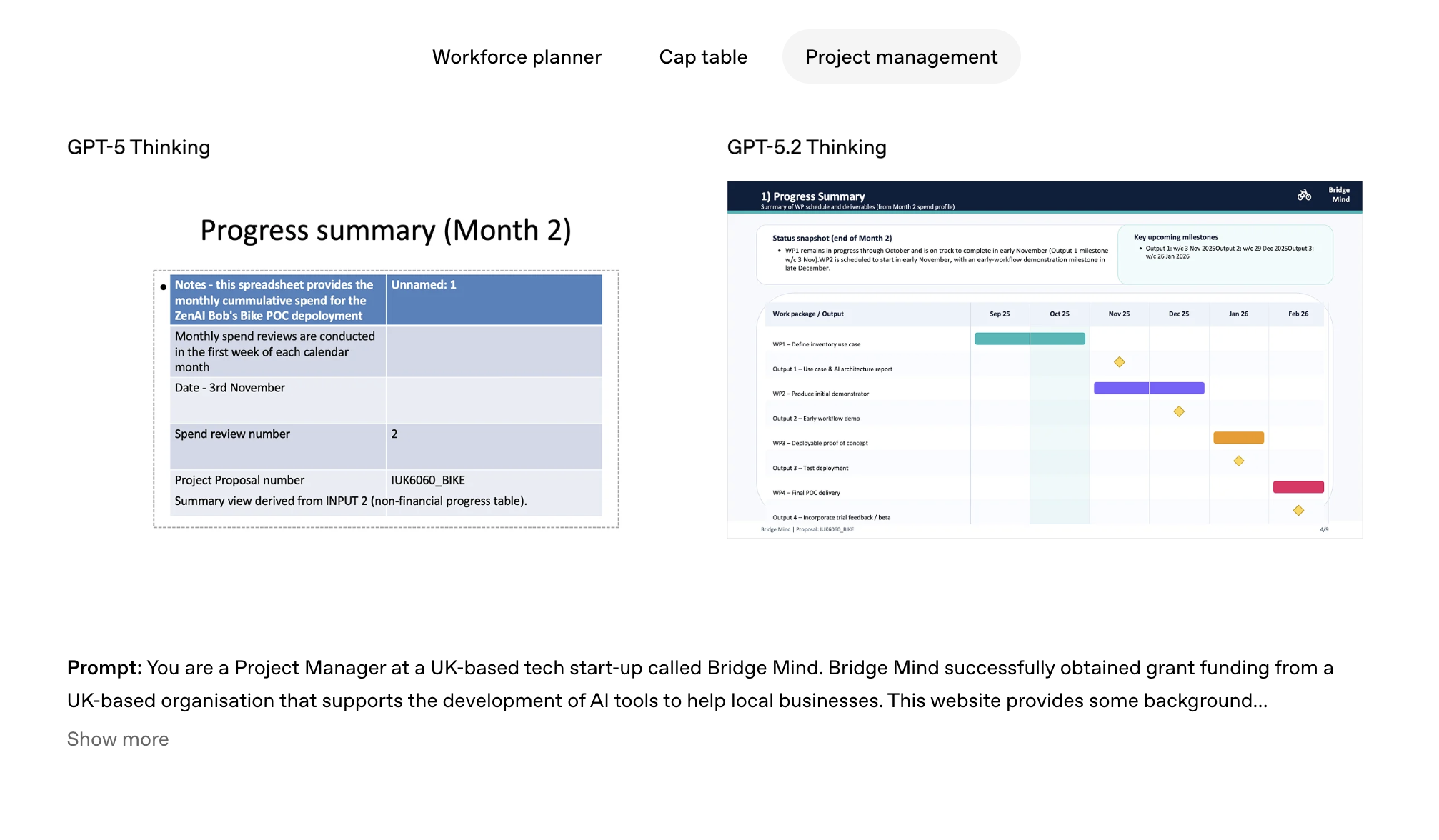
GPT‑5.2 is designed to unlock even more economic value for people; it’s better at creating spreadsheets, building presentations, writing code, perceiving images, understanding long contexts, using tools, and handling complex, multi-step projects.

Does everyone feel how it's become more stupid each time?

3
回复
Do all paying users get immediate access to this?
0
回复
#7
Google Mixboard 2.0
Now w/ Nano Banana Pro, new file types & multi-board project
173
一句话介绍:Google Mixboard 2.0是一款集成先进AI图像模型(Nano Banana Pro)的创意工作台,它通过在单一平台内融合多画板项目管理、多样化文件支持及一键生成演示文稿等功能,解决了创意工作者在构思、整理和呈现想法过程中流程割裂、效率低下的痛点。
Design Tools Productivity Artificial Intelligence
创意协作平台 AI演示生成 多画板项目管理 文件格式支持 视觉构思工具 Google实验产品 Gemini图像模型 工作流整合 快速原型设计
用户评论摘要:用户反馈主要来自产品发布方,积极介绍更新亮点(Nano Banana Pro、多画板、新文件格式)。其他评论注意到Google频繁推出独特实验性产品,并对Nano Banana Pro表示关注。暂无直接用户问题或批评性建议。
AI 锐评

Google Mixboard 2.0的此次升级,与其说是一次功能迭代,不如说是Google对其“实验性产品”战略与AI原生应用理念的一次集中演练。产品核心价值并非在于单个功能的堆砌(如支持HEIC或内置自拍相机),而在于它试图用AI重新定义“创意工作流”的闭环。

其真正的犀利之处在于“Nano Banana Pro”的集成。这不仅仅是“更好的视觉和布局”,其深层意图是让AI充当从混沌“画板”到结构化“演示文稿”的翻译官与策展人。这直接攻击了传统创意流程中最耗时的环节:将发散性、非线性的构思(Board)转化为线性、可传播的故事(Presentation)。AI在此扮演了关键的中介角色,降低了从“想法”到“可交付成果”的表达门槛。

然而,产品也暴露了Google在应用层一贯的挑战:功能缝合与定位模糊。它试图同时服务头脑风暴、视觉编辑、文件管理和演示输出,这使其在垂直领域面临专业工具的竞争。多画板项目看似解决了大规模项目管理,但若无强大的团队协作与版本控制,其效力存疑。评论中用户提及“Google频繁推出实验产品”,恰恰点出了其潜在风险:这究竟是又一个充满野心但终将被遗忘的“实验室玩具”,还是一个能真正沉淀用户、形成工作习惯的生态入口?

Mixboard 2.0的价值,在于它展示了AI如何渗透并重塑非标准化的创意生产过程。它不是简单的效率工具,而是一个试图理解创作者意图并协助完成表达的“协作者”。它的成功与否,将不取决于功能列表的长度,而取决于其AI模型对创意意图理解的深度,以及能否形成一个从构思到输出的、足够流畅自然的“魔法般”体验。否则,它很可能只是Google庞大AI能力矩阵中,又一个炫技却难以扎根的演示案例。

查看原始信息
Google Mixboard 2.0
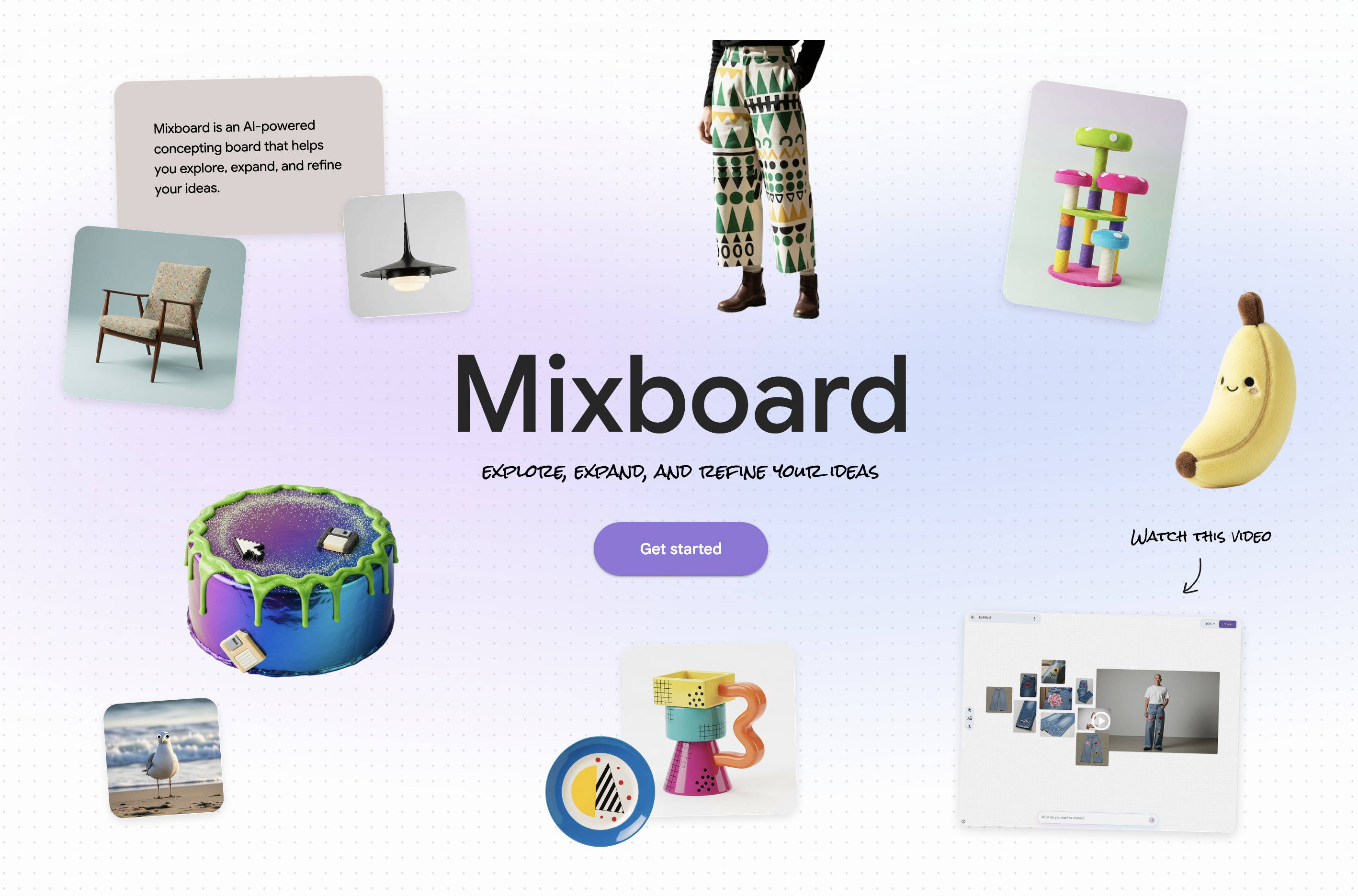
Mixboard just got a major tune-up! Create presentations from your boards with Nano Banana Pro, support for new file types including PDF / HEIC / TIFF, multi-board projects and more. A faster, smoother way to explore ideas and turn boards into polished outputs.

Super excited to share a big Mixboard update with you all!

Mixboard has always been a playground for ideas and this release makes it even more powerful.

Google has introduced a bundle of updates to help you keep exploring your ideas:

  • Nano Banana Pro: You can now turn your boards directly into presentations using Nano Banana Pro, Google's latest Gemini image model. Better visuals, smarter layouts, and a way faster path from concept to something you can actually share.

  • New File Types: They have also added support for new file types (including PDFs, HEIC & TIFF), a built-in selfie camera, and even doodle-based editing for more control over your visuals.

  • Multi-Board Projects: For bigger projects, you can now work across multiple boards within one project, giving you space to separate brainstorming, exploration and final vision.

& more!

Try it -> http://labs.google/mixboard

3
回复

Lately been noticing Google shipping a lot of experimental products. All of them very interesting and unique.

0
回复

Super neat! The nano banana pro is making waves!

0
回复
#8
Vibary
What if every book was a unique website?
147
一句话介绍:Vibary将书籍转化为具有独特“氛围感”的网页,通过AI驱动的“氛围编码”可视化书籍内核,为读者提供一种超越文本的、沉浸式的书籍探索新体验。
Books Digital Art Design
AI内容生成 书籍可视化 媒介转换 网页实验 前端项目 AI辅助创作 数字阅读 创新体验 氛围设计
用户评论摘要:用户赞赏其概念创新与快速执行,对多AI协作(叙事、设计、代码)的技术实验尤为感兴趣。主要疑问与建议集中在:内容生成方式(AI自动生成可能不准确)、未来是否开放用户自创书籍网页、以及如何确保不同书籍页面“氛围”传达的准确性与设计一致性。
AI 锐评

Vibary与其说是一款成熟的产品,不如说是一份关于“AI时代媒介转化可能性”的激进宣言。它粗暴地将“深度”的书籍塞进“古老”的网页框架,其真正价值不在于当前略显粗糙的42个网页,而在于其背后近乎偏执的方法论实验。

项目核心是“氛围编码”,这本质上是一种由AI主导的、高度风格化的摘要可视化。它放弃了传统知识提炼的准确性追求,转而捕捉一种基于文本情绪的“感觉”。这既是其魅力所在,也是最大风险——当《思考,快与慢》被简化为一系列闪烁的图形时,其严谨的学术内核是否已被“氛围”所消解?评论中关于内容准确性的担忧,恰恰击中了这种实验性转化的阿喀琉斯之踵。

更深层看,Vibary揭示了当前AI应用的一个前沿范式:将AI视为一种“创意副驾驶”的集合,而非单一工具。通过让Claude、Gemini、Codex各司其职,并行处理叙事、设计与代码,它展示了一种人机协作的“导演”模式。开发者扮演策展人与系统架构师,而AI负责重型创作。这为小型团队实现高概念项目提供了新路径,但同时也暴露了协调成本与风格统一性的挑战。

其未来面临的拷问非常尖锐:它是止步于一个酷炫的技术演示,还是能演化成一个有价值的阅读或知识消费平台?若开放用户自创,如何保证产出质量与“氛围”的深度?它最终是在增强书籍,还是在解构甚至消遣书籍?Vibary勇敢地打开了潘多拉魔盒,但盒子里飞出的,是阅读的未来,还是又一场华丽的AI烟花?时间会给出答案,但此刻,它无疑提供了一个绝佳的观察样本。

查看原始信息
Vibary
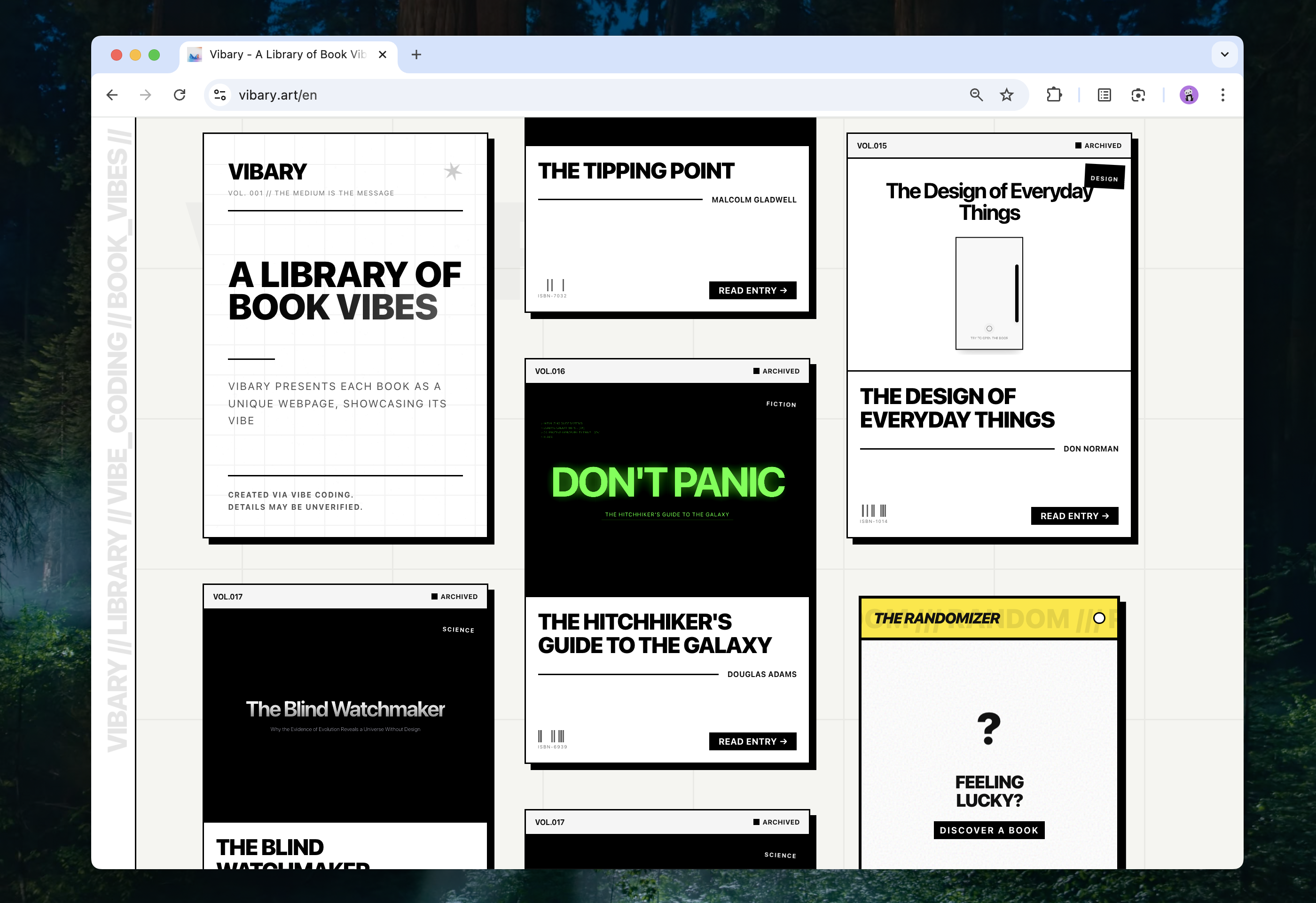
Vibary presents each book as a unique webpage, showcasing its vibe, manifested through vibe coding.

Hi

In just 2 weeks, I used Gemini 3 to turn 42 books into 42 unique webpages, visualizing the unique "Vibe" of each one.

I imagine you’ve seen plenty of flashy webpages built by Gemini 3 lately and might be getting a bit tired of them—let alone books, which some find conducive only to sleep.

But if you’re curious to see what’s down the rabbit hole, the entrance is here.

This project stems from my reflections on media. Different mediums convey different information and sensations—something you feel the moment you interact with them.

If you want specificity, watch a video. If you want efficiency, scroll through social media. If you want emotion, listen to music. If you want an experience, play a game. If you want depth, read a book. Don't resist the medium.

The existence of AI allows for the transformation between different mediums, and many attempts have been made in this regard. Among the multitude of mediums, the web—that ancient medium—always manages to capture my attention. So, I’ve been conducting various experiments to explore what exactly we can hold within a webpage.

Vibary is one such humble attempt. I tried to translate an even older medium—books—into webpages, just to see what would happen.

This project spans nearly 100,000 lines of code, 99.9% of which were written by AI. For a purely frontend project with no backend, where each part of the site is relatively independent, "vibe coding" is perfectly up to the task.

I run multiple code editors simultaneously, tasking different AIs in parallel. Sonnet 4.5 crafts the narrative arc for each book, Gemini 3 handles the design and frontend, and Codex takes care of the grunt work.

Because the code was written by AI, combined with limited time, the content and experience of Vibary are currently imperfect—perhaps even erroneous. So please explore with caution. But don't panic; this website is mostly harmless.

4
回复

@rand_cat Love the experimentation behind Vibary — especially how you’re mixing different AIs for narrative, design, and code. Even with imperfections, it already sparks a lot of imagination about what books could become on the web.

0
回复

@rand_cat This is really cool, how do you make sure the vibe from each book actually comes across to people? coordinating multiple ai tools sounds tricky so how do you keep the design feeling consistent across pages?

0
回复

I looked into your website, and it's actually really cool and well structured. It's really neatly done considering you developed everything in 2 weeks.

4
回复

@chilarai it is also an experiment about how we can do with the help of AI.

1
回复

One thing I’m curious about is whether we need to create all the content manually, or does Vibary include any AI that can take a books topic, do proper research, and generate the script/content for the website automatically?

1
回复

@getsiful AI do it automatically, so the content may be wrong.

0
回复

Love the concept and quick execution! I tried reading "Thinking In Systems" at least 3 times, could never get into it. A website is an interesting way to bring it to life! Good luck with the launch!

1
回复

@skitobyte thinks. i am try to make it even better

0
回复

Is it possible to create own website according to the book in the future? Because now, I can see only the library.

1
回复

@busmark_w_nika that's a good idea, i am thinking about it, there are so many books, i can't do it on my own. and people may like different style.

1
回复

Love the design! Do you write these summaries manually or is it AI?

0
回复

Interesting project! I kept scrolling and thinking, “Hmm, what would this look like for fiction vs non-fiction?” 😄

Also curious if there are plans to build your own vibe for a book or if it’s auto-generated?

Either way, it's a cool exploration of how content can look on the web.

0
回复

@joydeep_pandey no plans. AI may do the 80% of work, and i may do the 20% of it, just little ideas.

1
回复
#9
VibeCSS
AI Design Agent for Google Chrome
115
一句话介绍:VibeCSS是一款Chrome AI设计助手,允许用户在真实网页上通过自然语言指令直接修改元素样式,解决了设计师和开发者在浏览器中手动调试CSS进行原型设计时效率低下的痛点。
Chrome Extensions Developer Tools Artificial Intelligence
AI设计工具 浏览器插件 前端原型设计 无代码开发 CSS实时编辑 自然语言交互 设计效率工具 网页设计助手
用户评论摘要:用户普遍对产品理念表示赞赏。主要反馈集中在功能询问上,核心问题是能否永久保存修改后的页面状态。开发者回复称,由于AI修改HTML可能导致事件监听器失效,目前暂不支持此功能,产品定位是原型设计而非永久修改。
AI 锐评

VibeCSS精准地切入了一个高频但被忽视的缝隙市场——浏览器内实时设计迭代。它将“检查元素”这一开发者工具,从面向代码的调试面板,重塑为面向创意的自然语言画布,价值显著。其真正的颠覆性不在于“AI写CSS”这一技术实现,而在于它试图将“设计意图”与“实现手段”在最终载体(真实网页)上直接对齐,极大压缩了从想法到视觉反馈的循环周期。

然而,其局限性同样鲜明。开发者明确表示不支持保存状态,这看似是功能缺失,实则暴露了其作为“原型工具”的本质与用户期望将其作为“生产工具”之间的根本矛盾。AI直接操作DOM是一把双刃剑:它带来了无与伦比的灵活性,但也破坏了页面的原始结构和逻辑完整性,使其难以产出可维护、可交付的代码。这决定了它目前只能是创意发散阶段的“草图本”,而非设计流程的终点。

产品标语中的“Agent”一词暗示了更大的野心,但当前版本更像一个聪明的、一次性的样式涂抹器。它的长远挑战在于,能否从“修改视觉表现”进化到“理解并重构组件逻辑”,从而在灵活性与工程化之间找到平衡。否则,它可能永远停留在“令人惊叹的玩具”范畴,无法深入核心工作流。

查看原始信息
VibeCSS
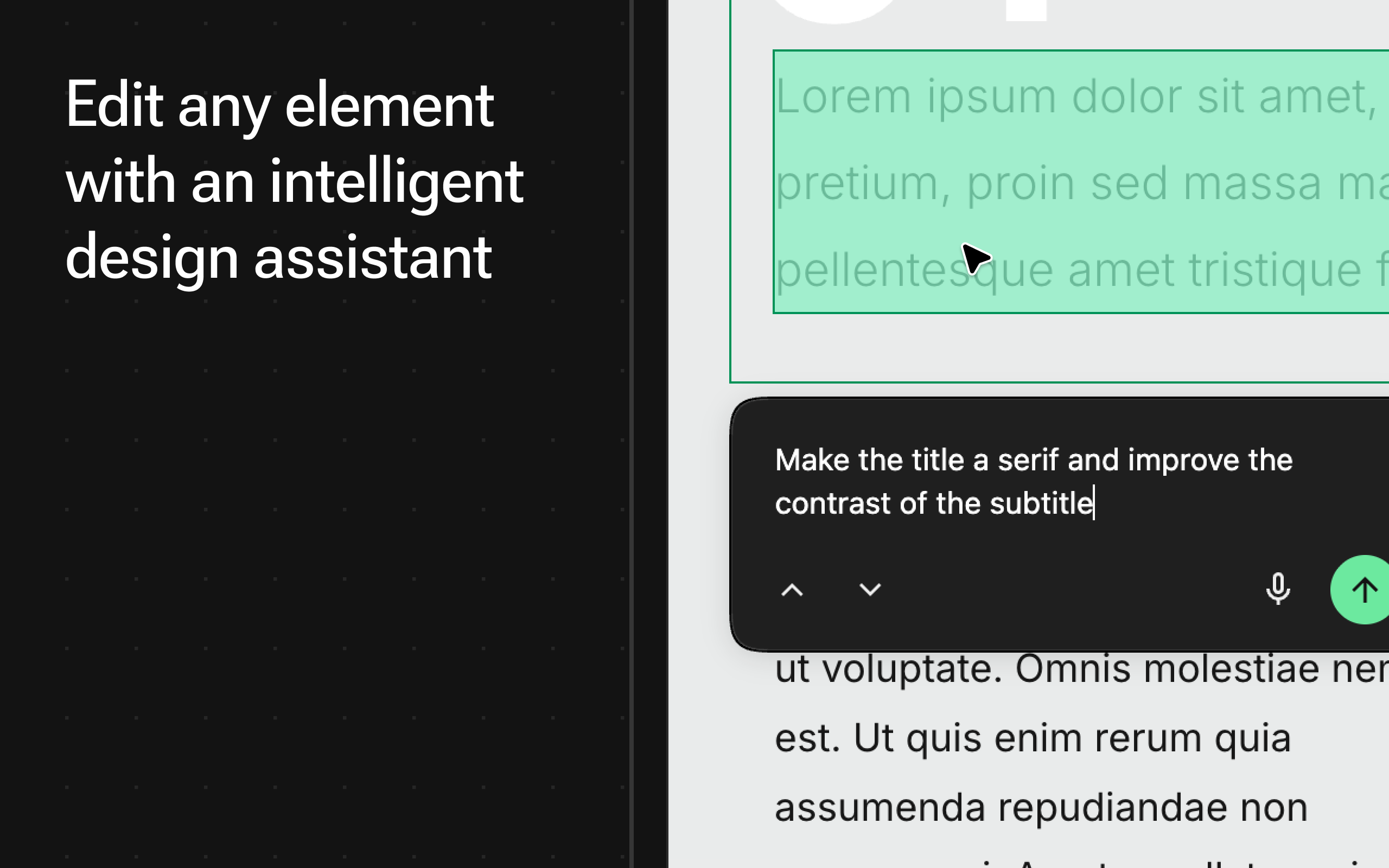
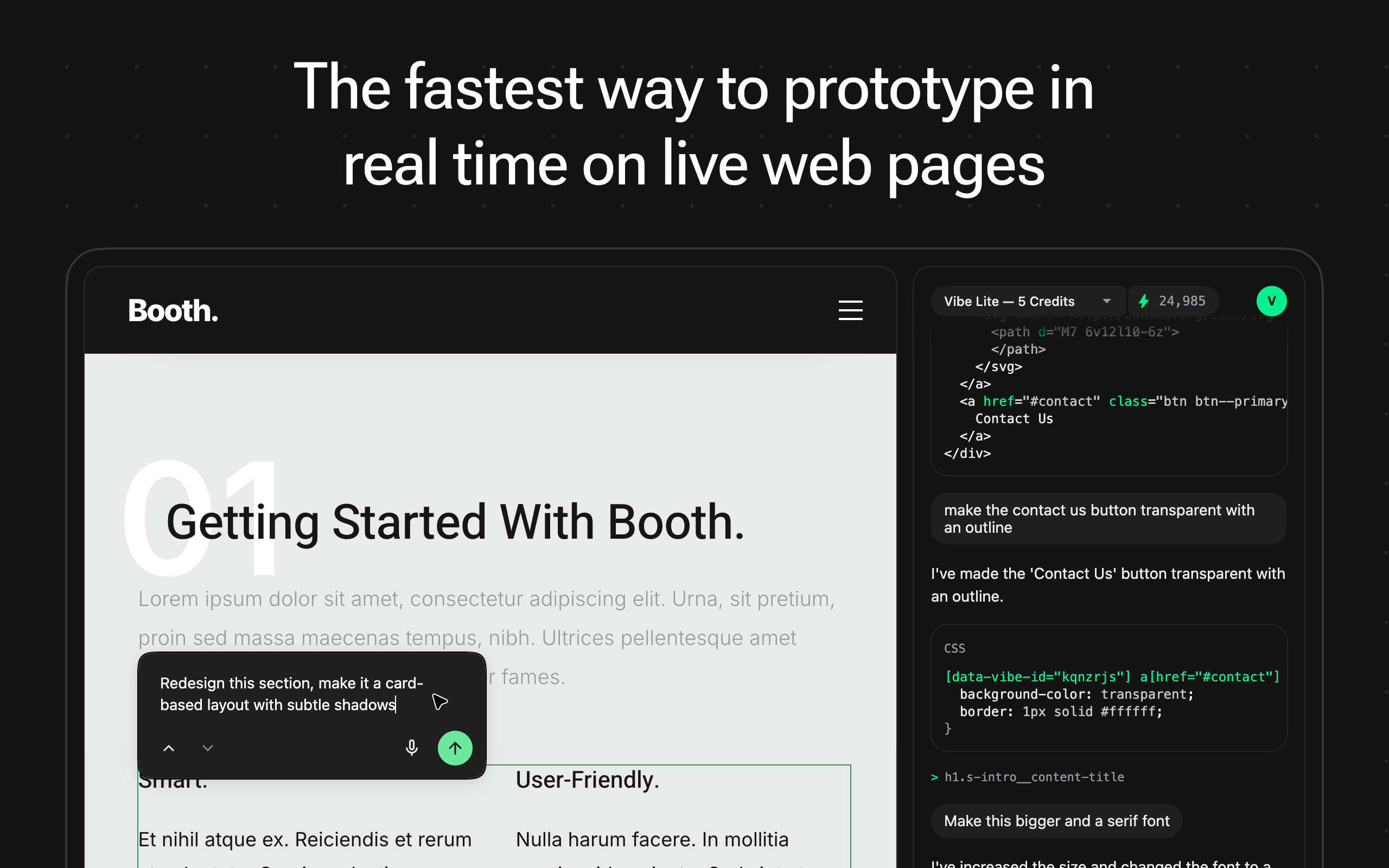
The fastest way to prototype and experiment with web design directly on live pages. Select any element, describe what you want in plain language, and watch AI instantly apply CSS changes. No code required. No dev tools needed. Just pure creative flow.

This is amazing. Congrats on the launch!

1
回复

Hi Product Hunt,

I'm Mr Violets. I love building developer tools that solve the specific frustrations that I face daily. Today I’m excited to share my latest project: VibeCSS.

We’ve all spent way too much time trying to prototype inside Chrome's "Inspect Element," manually toggling CSS checkboxes and guessing pixel values just to see if an idea works. I built VibeCSS to replace that friction with an intelligent assistant that actually understands the page. VibeCSS is perfect for designers and developers who want to rapidly prototype ideas or new UI on live sites instantly.

Instead of static mockups, Vibes lets you iterate on the actual DOM. Want to test a new design style, swap a color, or generate new copy? You can do it in seconds, directly in the browser.

Under the hood, it runs on a custom Atomic State Engine that handles specificity and conflicts automatically. Meaning you can prototype freely without accidentally breaking the rest of the layout.

Features:

  • Pure Vibes: Select any element, describe what you want in plain language, and watch AI instantly apply CSS changes. No code required. No dev tools needed. Just pure creative flow.

  • Context-Aware: It knows your site's purpose, color palette, typography, and more so new elements look like they belong there.

  • Smart Refactoring: It can rewrite copy, swap icons, and restructure HTML.

I’d be over the moon to hear your feedback, bug reports, or wild feature ideas.

0
回复

Congrats on the launch! Turning Inspect Element–style tinkering into an AI-powered prototyping tool feels like a dream for anyone who iterates directly in the browser. What’s the most surprising change you’ve seen VibeCSS handle well?

0
回复
Hi! Can I save new page state? For example: I use some extention to change my jira board 😁 (or other websites) permanently. I write custom css for some pages and saving. Would be cool if I could save changes for page.
0
回复

@vadim_archugov Thanks for your question! Saving page state isn't currently supported, and it's not on the roadmap right now. The AI often modifies HTML to fulfil requests, which can cause issues like event handlers becoming detached. For now, the tool focuses on prototyping visual changes rather than permanent modifications.

0
回复
#10
Buildstash
Organize, share, and distribute your software binaries
110
一句话介绍:Buildstash是一个软件二进制文件管理平台,帮助开发团队在移动应用、游戏、嵌入式系统等多平台开发场景中,解决构建产物杂乱存储、难以安全共享和分发的痛点。
Software Engineering Developer Tools Development
软件构建管理 二进制文件托管 开发者工具 版本分发 内测分发 游戏开发 移动开发 嵌入式开发 团队协作 CI/CD扩展
用户评论摘要:创始人阐述了产品源于团队管理二进制文件的真实痛点,现有工具多聚焦包管理,而Buildstash填补了通用二进制文件管理的空白。用户反馈积极,认为其方向正确,尤其赞赏“门户”功能能解决多构建目标团队的协同问题,并询问了初期用户的使用模式。
AI 锐评

Buildstash瞄准的是一个被主流“DevOps”叙事长期忽略的灰色地带:非标准化部署的二进制产物管理。它的真正价值不在于技术颠覆,而在于场景化洞察。当业界痴迷于容器化和云原生时,大量游戏、嵌入式、客户端软件的开发团队仍在用网盘、共享文件夹甚至FTP来传递动辄数十GB的构建包,版本混乱、分发低效、安全存疑。

产品聪明地避开了与JFrog、GitHub Packages等巨头的正面竞争,它们本质是“仓库”,服务于依赖管理和自动化流水线。而Buildstash更偏向于“分发中枢”和“展示门户”,其核心价值流是“管理 -> 共享 -> 展示”。新推出的“门户”功能是点睛之笔,它将内部构建流程与外部反馈(测试者、用户)乃至品牌展示(嵌入官网)无缝连接,把枯燥的二进制文件变成了可交互的发布节点。

然而,其挑战也显而易见。首先,市场教育成本高:需要让团队意识到“二进制管理”本身是一个值得付费的专业问题。其次,场景虽分散但每个垂直领域(如游戏发行)都有潜在的强大专业工具竞争。最后,其商业模式可能受制于大文件存储和传输的物理成本,如何平衡免费体验与盈利将是关键。

它能否成功,取决于能否从“好用的共享工具”深化为“构建分发流程中不可绕过的协作平台”,并建立起围绕二进制文件的轻量级工作流生态。目前看来,它找到了一个真实的缝隙,但缝里能长出多大的生意,仍需观察。

查看原始信息
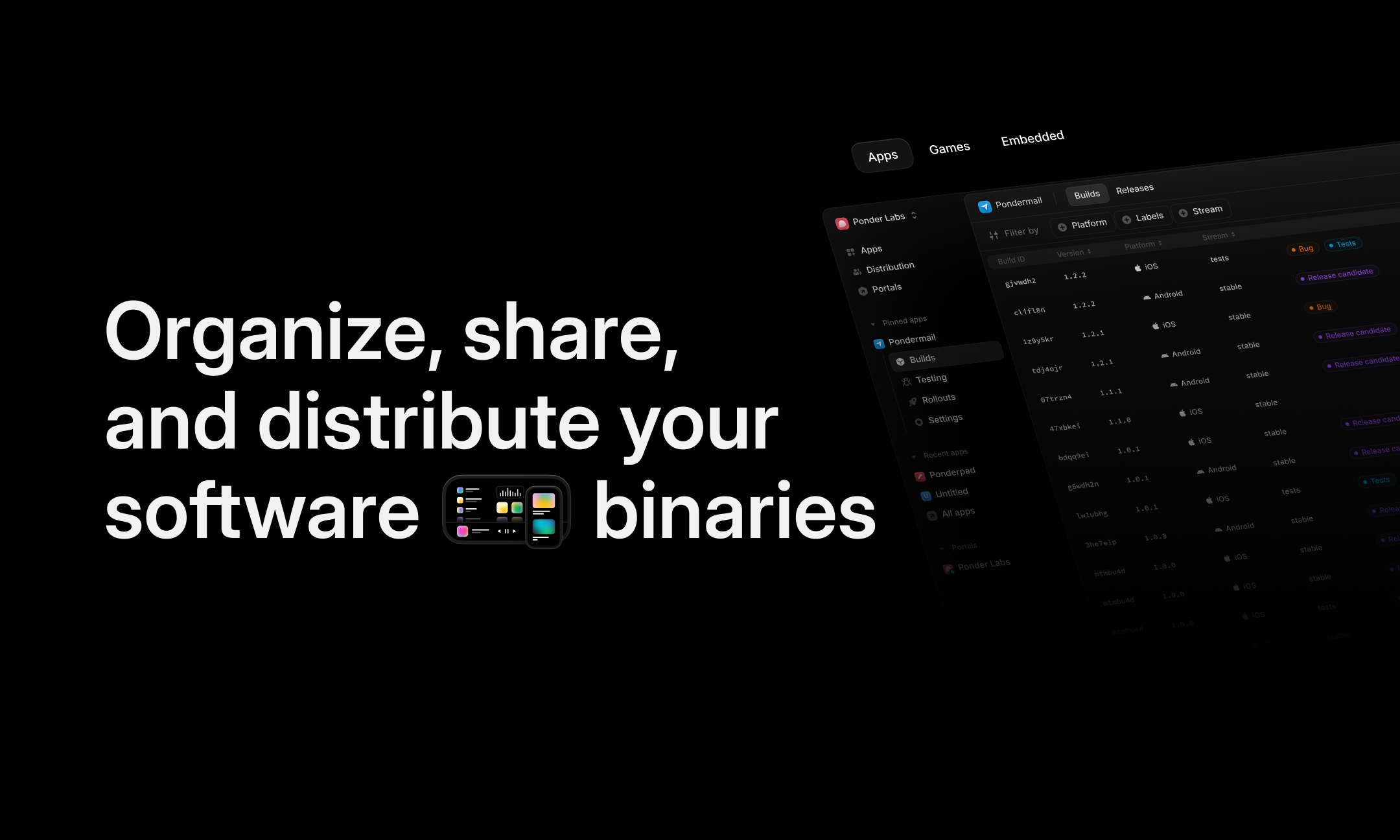
Buildstash
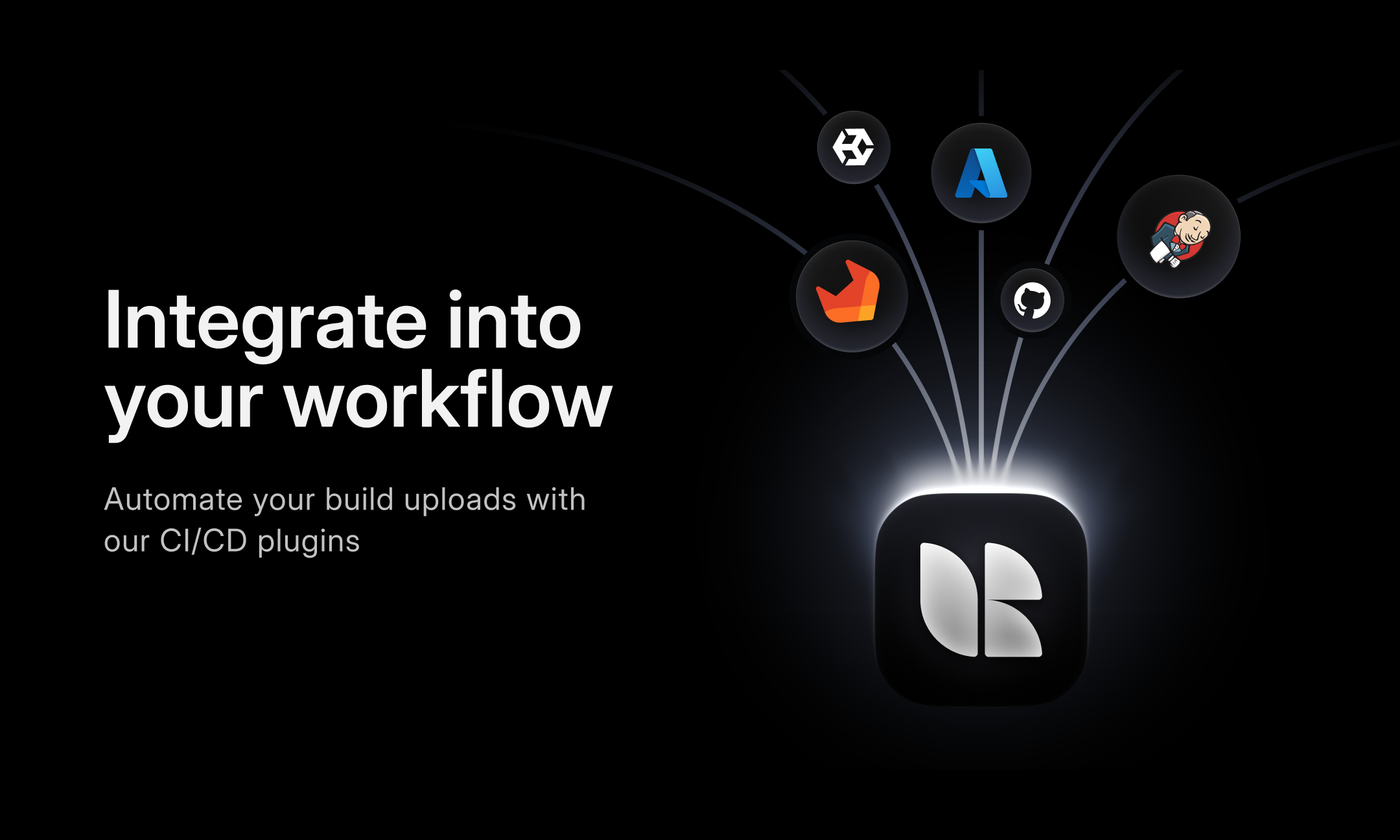
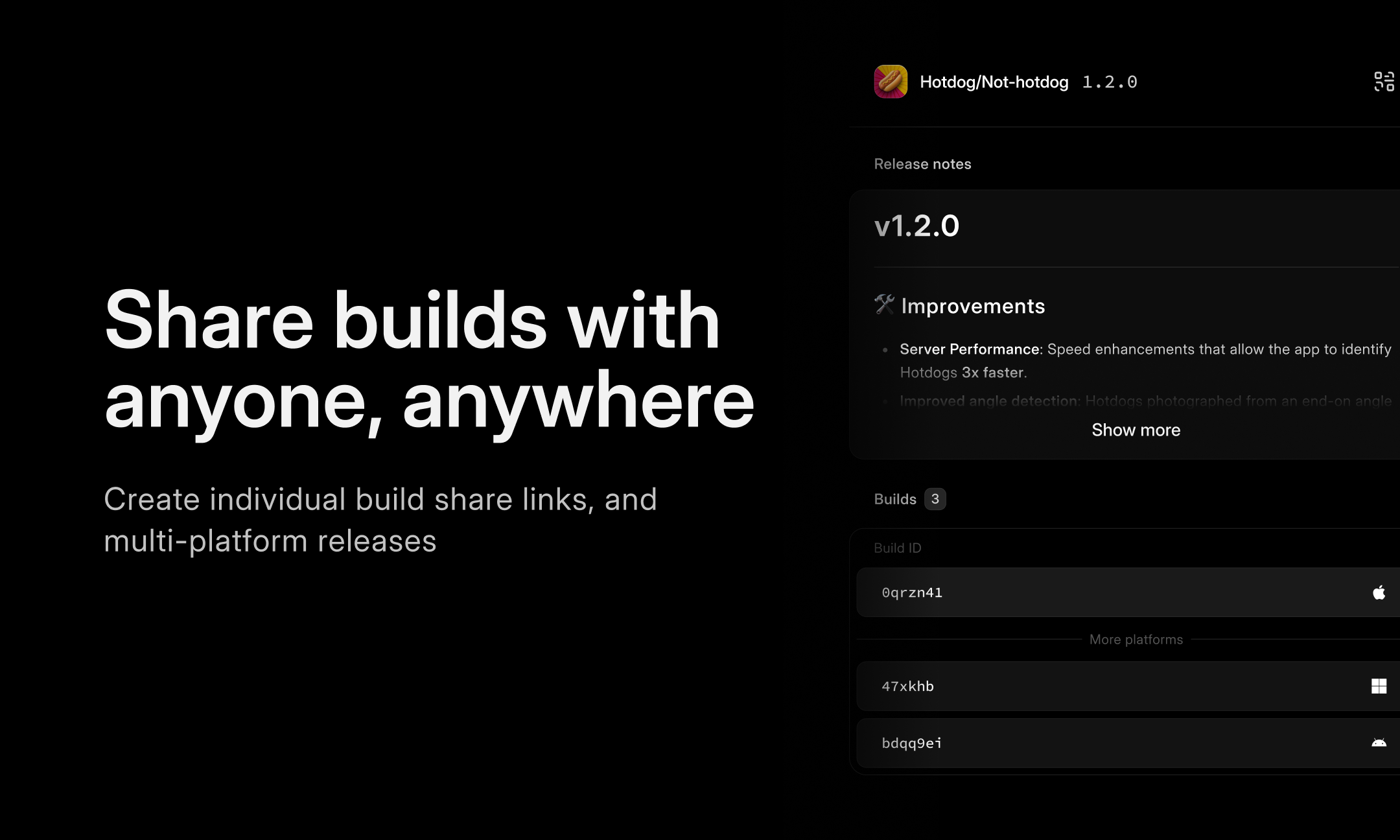
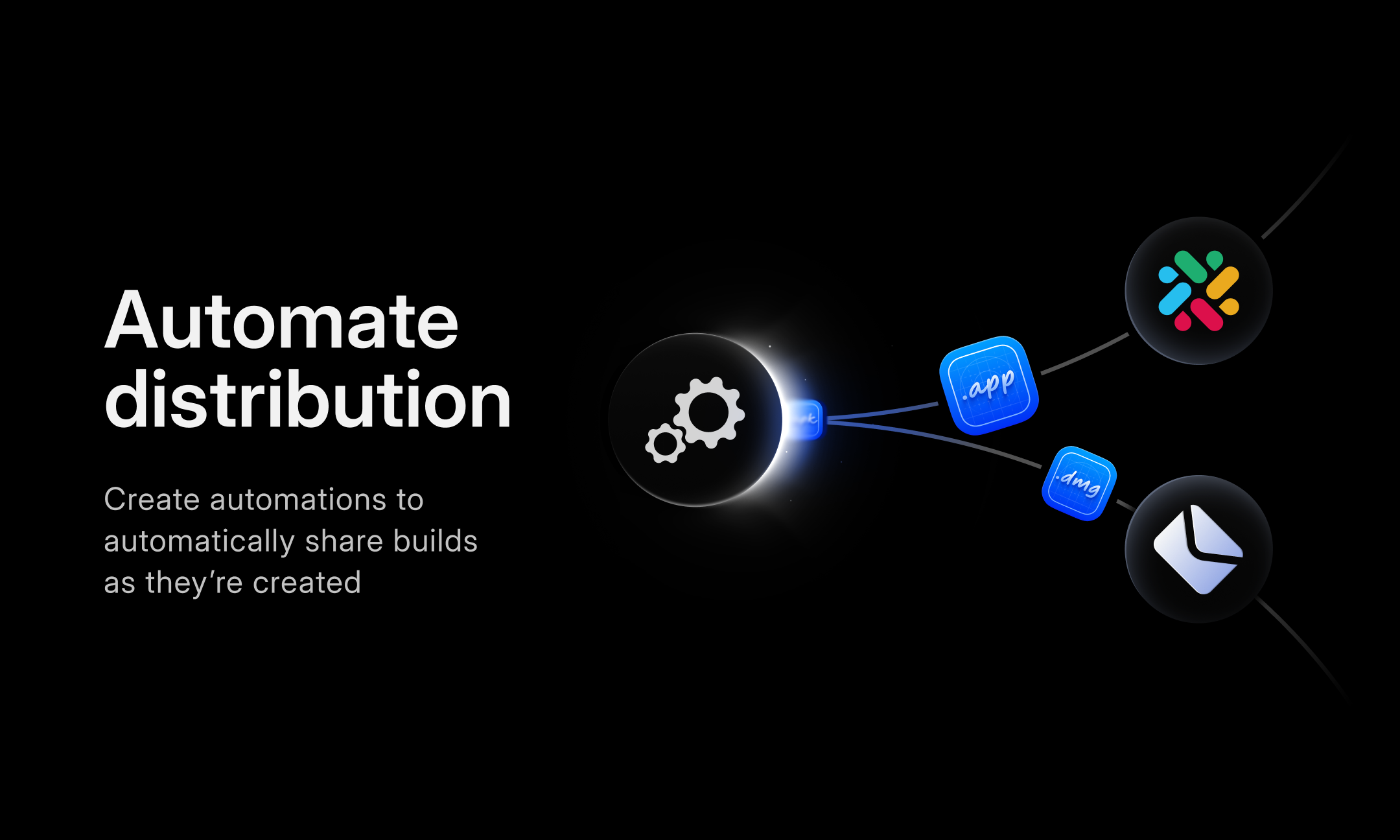
Store and organize software binaries for any platform, with super accessible binary management which connects with the tools you already use. Whether you're working on mobile or desktop apps, games, or embedded - use Buildstash to share binaries securely with your team or with testers, guide builds through custom workflows, and distribute to users.

Hey Product Hunt 👋👋

Excited to share Buildstash with you today. Buildstash is a platform for managing and sharing software binaries.

I've worked across games development, mobile apps, and client work myself - and every team I worked on had no good system for managing binaries. Often just dumped in a shared folder (if someone remembers!)

Existing tools out there for managing "build artifacts" are really focused mainly on package repository management. But miss all the other types of software not being deployed that way.

That's the gap we seen for Buildstash. It's for organizing and distributing software binaries targeting all platforms, however they're deployed.

For mobile apps📱, it'll handle integrated beta distribution. For games🎮, it has no problem with massive binaries targeting PC, consoles, or XR. Embedded🤖 teams who are keeping track of binaries across firmware, apps, and tools are also a perfect fit.

We just launched open sign up, and have been launching another major feature every day this week -

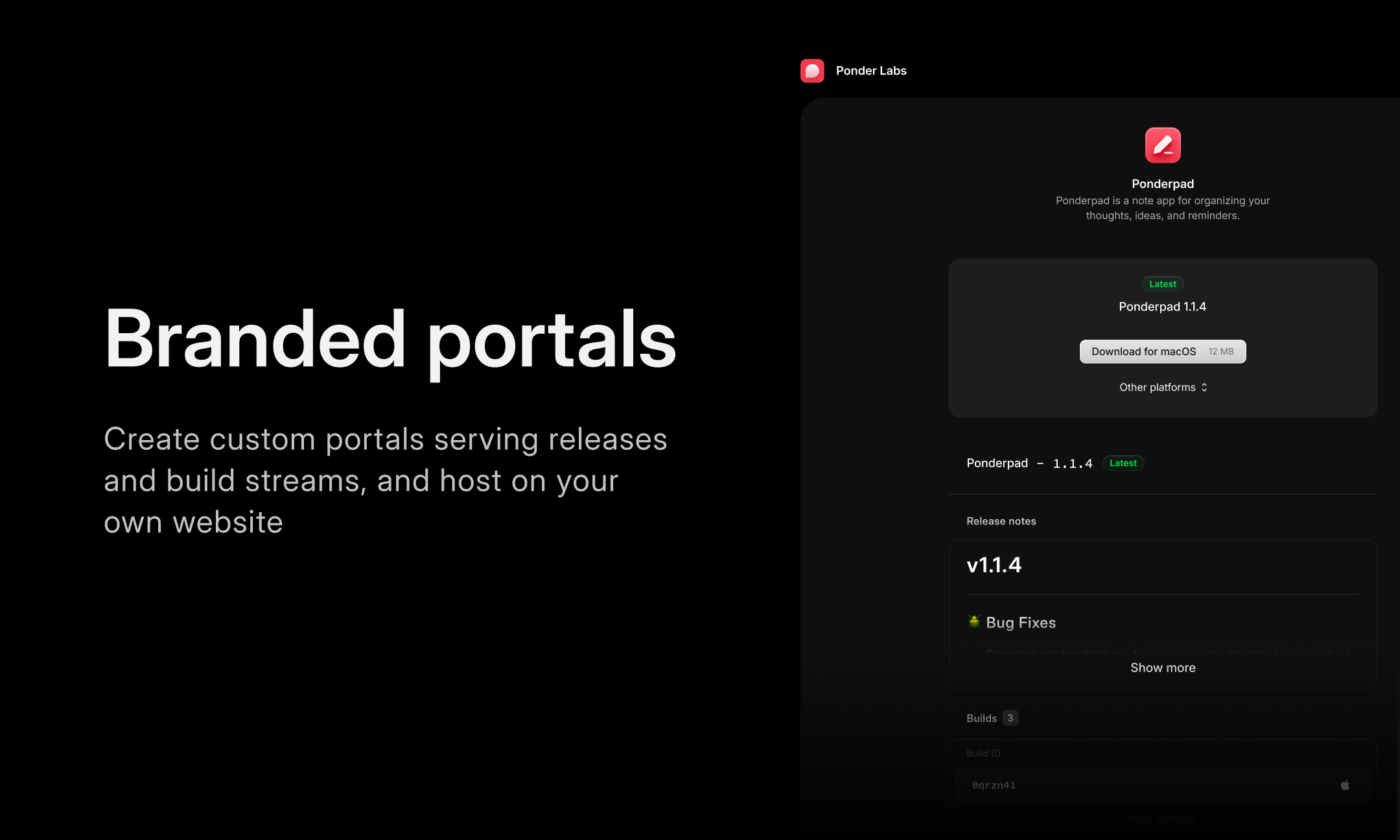
Today we just launched ✨Portals✨ - custom branded spaces where you can share build streams and releases, and even host on your website.

Please share any feedback, I'd love to hear it! Thanks 😆

5
回复

@r0bbie Really appreciate the direction you're taking with Buildstash especially the Portals feature. It solves a real gap for teams juggling multiple build targets. Looking forward to testing it out!

0
回复

Nice launch! 👏 Managing builds and releases in one place seems super practical, especially for game teams with lots of big files.

Do you find people mostly use it solo or with teams/testers right away?

1
回复

@joydeep_pandey Thanks!

We mostly have teams onboard at the moment, anywhere from 3-4 people, to much larger (game studios, companies split across locations needing to share binaries, etc)

It can definitely be used solo though! A solo app developer might use Buildstash to properly track and version all their builds, what's been deployed to stores, etc. And of course they could also use it to distribute to testers, or even share binaries/releases direct on their website with the ready-made portal.

1
回复
#11
Cruise Pirate
The first AI native travel agency that sells cruises
95
一句话介绍:Cruise Pirate是一款全栈式AI旅行社,通过AI驱动的搜索和简洁的预订界面,在用户自助规划复杂邮轮行程的场景下,解决了传统邮轮预订高度依赖人工、流程繁琐的痛点。
Travel Artificial Intelligence Vacation
AI旅行代理 邮轮预订 在线旅游 SaaS 人工智能 旅游科技 直接预订 消费级应用
用户评论摘要:用户反馈呈现两极分化。一条评论指出产品存在严重技术缺陷,如崩溃、报错和筛选器卡死,导致几乎无法使用。另一条则赞赏其概念,认为将旅行规划变得有趣且实用是明智之举,并询问了用户偏好(推荐行程 vs. 创意提问)。还有一条询问了服务的地区限制问题。
AI 锐评

Cruise Pirate切入了一个看似传统却有利可图的细分市场——邮轮预订。其宣称“70%的邮轮仍通过人工代理销售”,这既是其存在的理由,也恰恰揭示了其面临的核心挑战:邮轮产品复杂度高、条款冗长、个性化咨询需求强,这些曾是人工代理不可替代的价值。

然而,从早期评论看,产品遭遇了最致命的“初代机陷阱”:基础体验崩塌。当用户遭遇频繁崩溃和功能冻结时,任何关于AI智能、体验流畅的承诺都瞬间归零。这暴露了团队可能过于聚焦“AI”概念,而低估了作为一个“全栈”旅游预订平台所必需的工程稳定性和数据完整性,这是从0到1阶段最危险的误区。

其真正的价值主张,不应是简单地用自动化取代人工,而在于利用AI高效处理邮轮行程的复杂性(如船舱选择、港口停靠、套餐组合),将人工代理的专业知识产品化、标准化,并通过清晰的UI呈现给终端消费者,实现规模与体验的平衡。但目前,它必须首先证明自己是一个“可用的工具”,其次才能成为一个“聪明的代理”。在在线旅游OTA巨头环伺的当下,若不能快速解决基础稳定性问题并建立起独特的供应链或数据优势,仅凭“AI原生”的标签,很难在重服务、重信任的邮轮赛道撕开缺口。

查看原始信息
Cruise Pirate
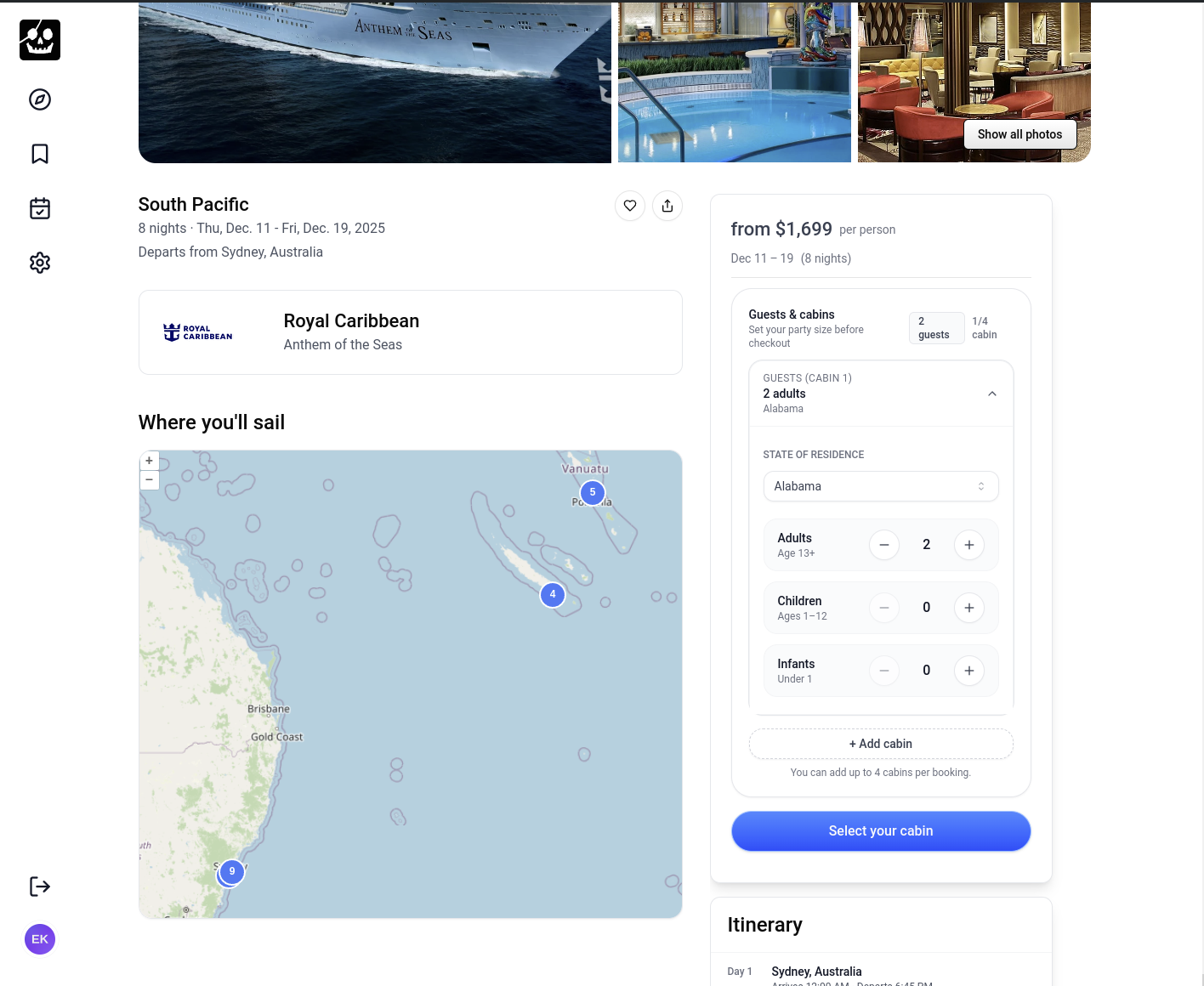
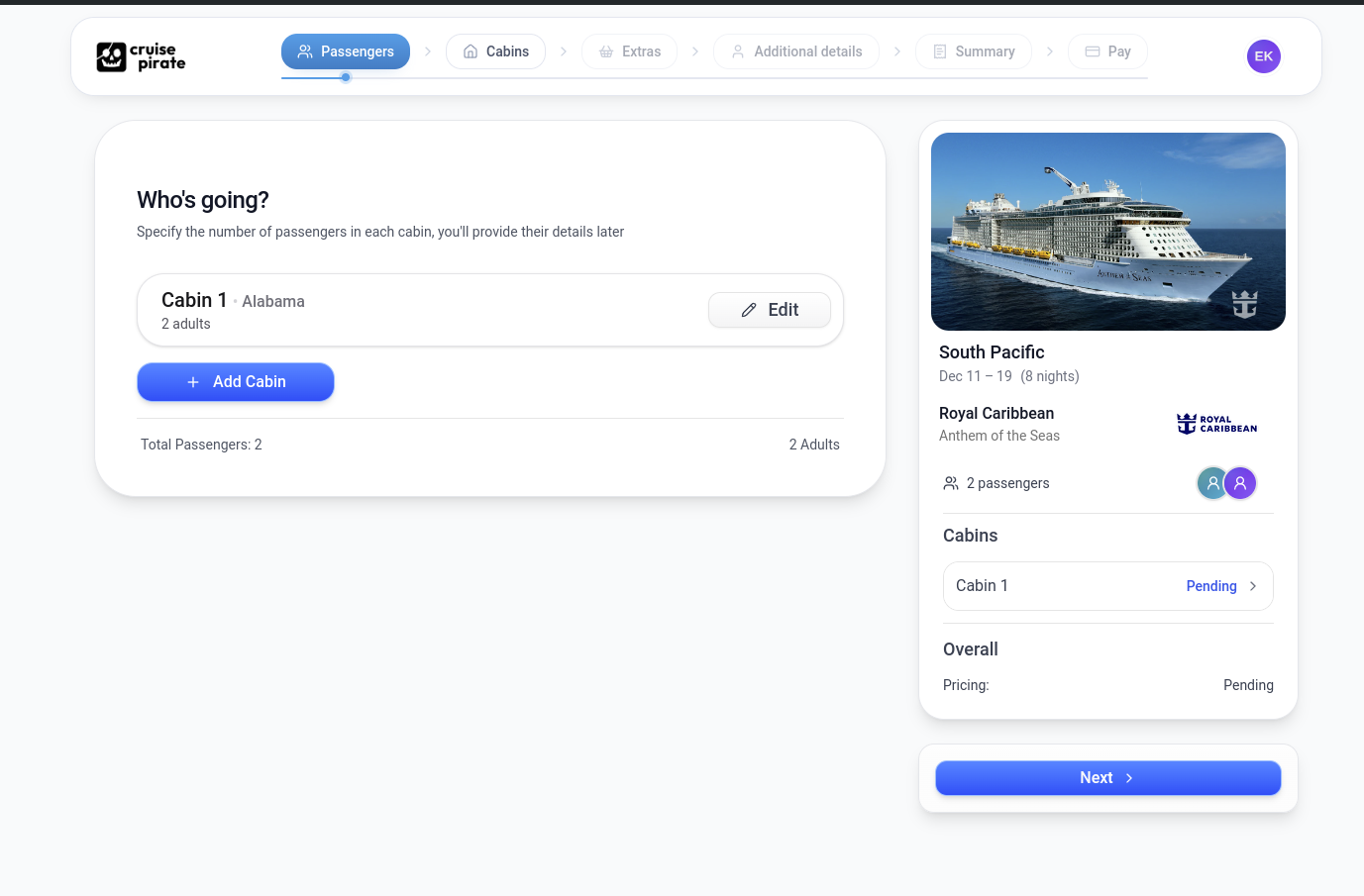
Cruise Pirate is a full stack AI travel agency. Today, 70% of all cruises are still sold through human travel agents. Cruise Pirate AI powered search and clean checkout UI aims to make it easier for the end consumer to directly book their cruise.

Site is practically unusable. Crashes, error messages, filters that freeze.

0
回复

This can be purchased in any country and they ship it or it is geo-location restricted?

0
回复

Really like the concept here. 👏
Turning travel help into something playful but useful feels smart, especially when planning gets overwhelming.

Quick question: do you find people use more suggested itineraries or ask more creative, random questions about places?

Upvoted!

0
回复
#12
LoadFast
A text Expander for Mac - type 3 keys, expand 300 words
91
一句话介绍:LoadFast是一款Mac系统级文本扩展工具,用户通过输入简短快捷键即可在任意应用内瞬间替换为预设的长文本段落,解决了跨应用重复输入的高频痛点。
Mac Productivity Tech
文本扩展工具 Mac效率软件 快捷键输入 跨应用同步 生产力工具 一次性付费 代码片段管理 Chrome扩展同步 无订阅制 系统级集成
用户评论摘要:用户关注点集中在:1. 与竞品(如TextBlaze、TextExpander)的功能对比,询问占位符、光标跳转、日期戳等高级功能;2. 数据迁移和长期运营可靠性;3. 对一次性付费模式的肯定与对“终身”授权的疑虑;4. 具体场景应用如LinkedIn个性化消息。
AI 锐评

LoadFast切入了一个古老但未被完美解决的市场:系统级文本扩展。其真正的价值并非技术突破,而是精准的产品定位与商业模式组合拳。

从产品层面看,“系统级”是其核心壁垒。它瞄准了跨应用工作流的断裂点——用户不得不在不同工具(如邮件、IDE、聊天软件)中重复配置或切换工具。将Chrome扩展场景无缝延伸至整个操作系统,实现了真正的输入自由。然而,评论中暴露的短板也很明显:与成熟竞品相比,其高级功能(如动态变量、条件逻辑)是否完备存疑。这使其在初期更吸引轻度用户或对订阅制深恶痛绝的人群。

商业模式是更犀利的武器。“终身授权”在SaaS订阅制泛滥的当下,构成了强大的逆向营销。$50的入门定价,直接刺痛了那些疲于续费、又无需复杂功能的实用主义者。但这把双刃剑也引发了关于可持续性的灵魂拷问:公司如何保障长期更新与生存?这本质上是一种信任预售。

其深层挑战在于:文本扩展工具已趋近于“功能商品化”。真正的竞争已不在基础扩展,而在于生态集成(如深度接入AI自动生成片段)、智能情景感知(根据上下文推荐片段)以及团队协作能力。LoadFast若止步于做一个更便宜、更通用的“文本替换器”,其生命周期可能伴随价格优势消失而迅速衰减。它需要证明,自己不是又一个功能有限的廉价替代品,而是一个能重新定义“输入”体验的新起点。

查看原始信息
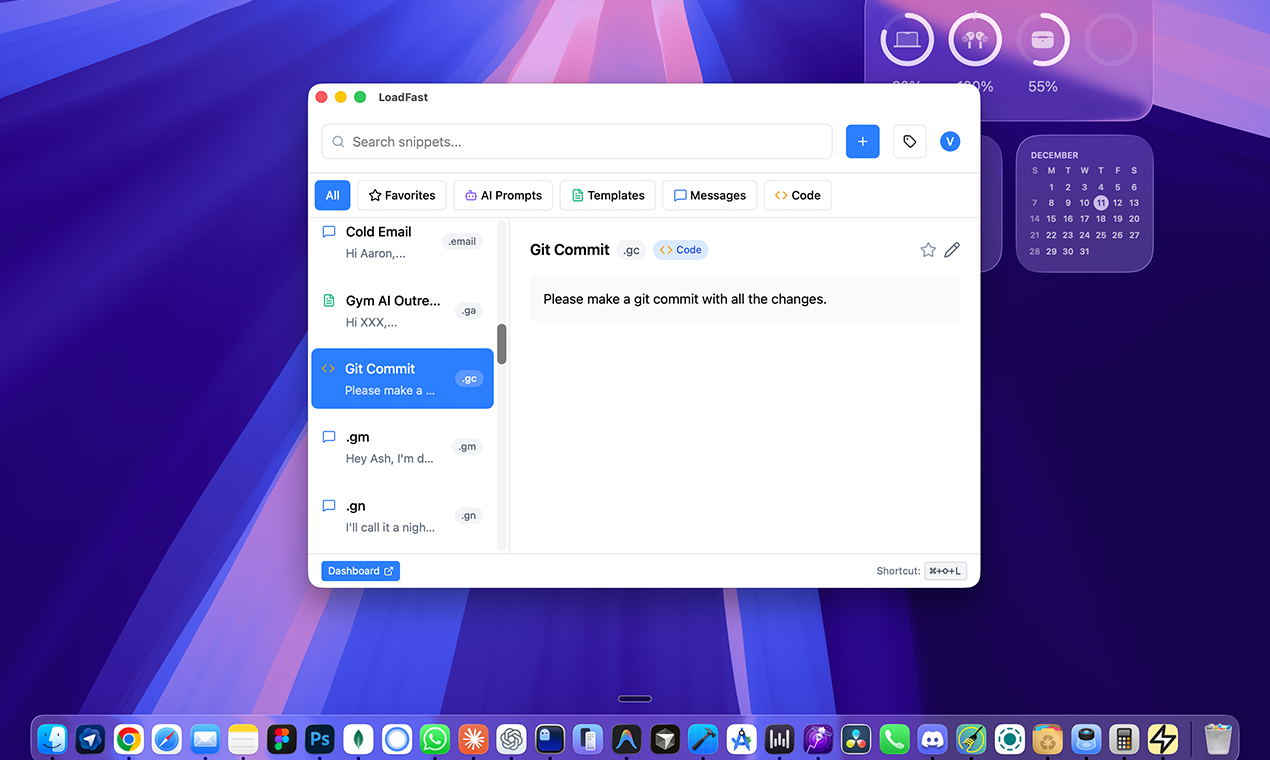
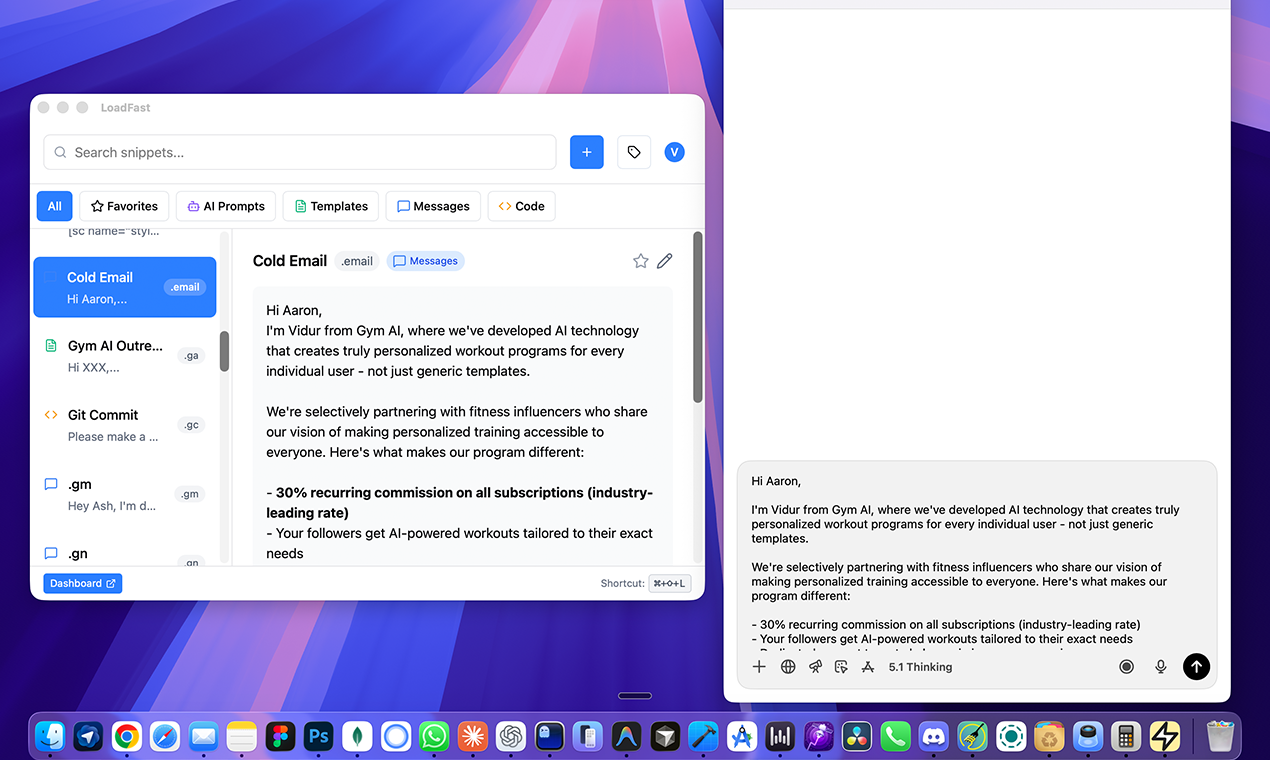
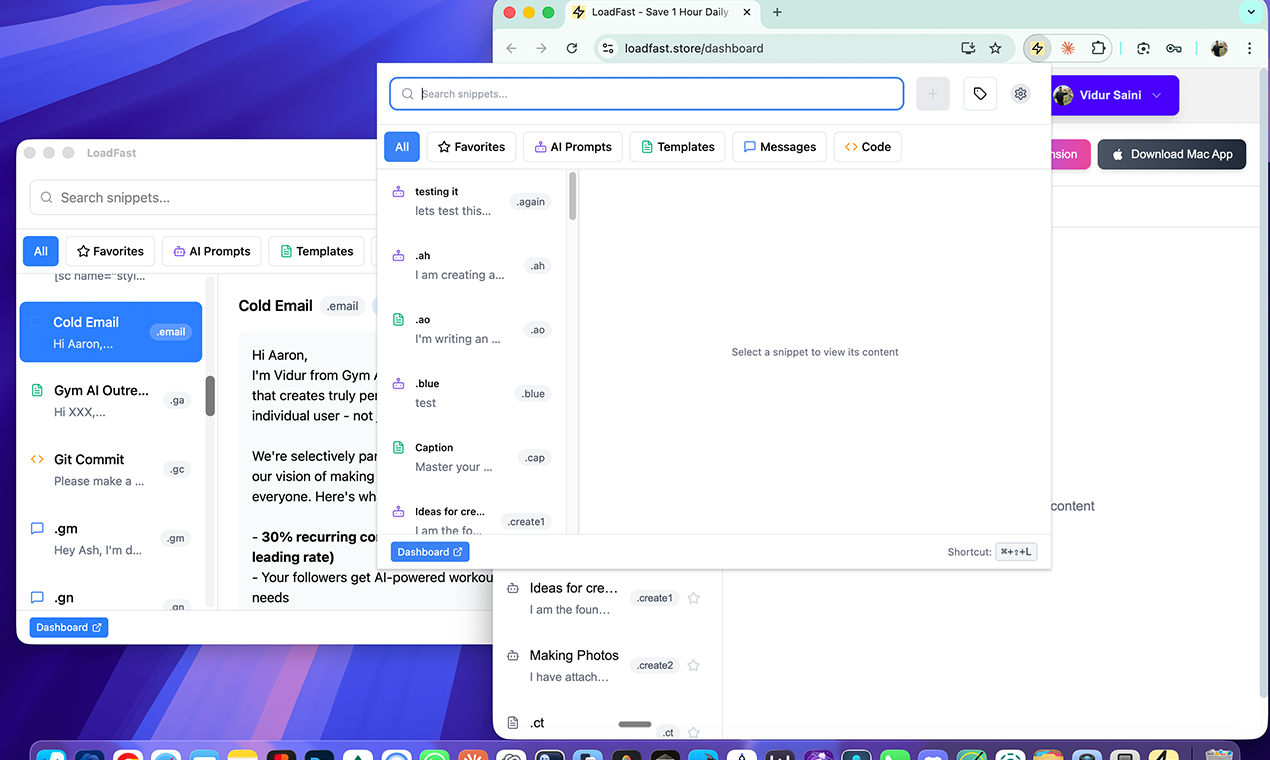
LoadFast
System-wide text expansion for Mac. Type a shortcut, expand into paragraphs instantly. Works in every app, including emails, Slack, Notion, VS Code, Terminal, Ghostty, ChatGPT, and Arc. Syncs with Chrome extension and web app. 🎁 PH Special: $50 lifetime (intro price, going up to $197). No subscriptions ever.
Hey Product Hunt! 👋 I'm Vidur, and I'm excited to bring LoadFast to Mac! The backstory: A few months ago, I launched LoadFast as a Chrome extension here on PH. The response was incredible - but I kept hearing the same request: "When can I use this EVERYWHERE on my Mac?" Today, that's finally possible. What LoadFast for Mac does: - Type a short trigger (like `/email`) → instantly expand into full paragraphs - Works system-wide: emails, Slack, Notion, VS Code, literally anywhere you type - Real-time sync with your Chrome extension snippets - Unlimited snippets, organized with categories & favorites - Lightning-fast search to find any snippet in seconds Why I built this: I was wasting 1+ hour daily typing the same responses, addresses, and code snippets. LoadFast has saved me 250+ hours this year alone. Now it works everywhere. Special for the PH community: Lifetime access for *$50* (introductory price—going up to $197 soon). One payment, use forever. No subscriptions. I'll be here all day answering questions. Would love to hear: - What repetitive typing drives you crazy? - Any features you'd love to see? Let's chat!
1
回复

@vidur_saini Does it allow replacing names of users on LinkedIn? Example, if I am sending you a message on LinkedIn, it should allow me to auto-input your name. TextBlaze has this feature in their command packs.

0
回复

Congrats on the launch! Expanding snippets anywhere on Mac without switching tools sounds like such a time-saver. How easy is it to import existing snippets from other apps?

0
回复

I currently use TextBlaze. I am planning to buy this. Are you sure it is lifetime and the company will operate at least for next 3 years? :D

0
回复

Looks clean. I hop between Arc, VS Code, and Slack all day, so system-wide + Chrome sync is nice. Big win: no sub. Does it handle placeholders/cursor jumps and date stamps? $50 lifetime is kinda tempting. Could replace my messy TextExpander setup.

0
回复

This is really great extension!!

0
回复
#13
Mass Unfollow for X ( Twitter )
Unfollow inactive, spam, or unwanted X accounts in seconds
89
一句话介绍:一款高效的Chrome扩展,帮助X(Twitter)用户一键批量取关非活跃、垃圾或无关账户,解决信息流杂乱、手动清理耗时费力的痛点。
Productivity Twitter Social Media
社交媒体管理 X/Twitter工具 批量取关 粉丝清理 Chrome扩展 账户过滤 效率工具 创作者工具 隐私安全 浏览器插件
用户评论摘要:用户肯定工具节省时间,询问高级过滤功能、适用人群及LinkedIn版本可能性。开发者积极回应,说明支持从轻度到重度用户的清理需求,并透露将考虑拓展平台。有用户指出落地页直接跳转定价页,导致功能不透明,开发者详细解释了过滤模式、安全操作限速及个人哲学。
AI 锐评

在信息过载成为普遍焦虑的当下,这款产品看似解决了X平台上一个具体而微的“脏活累活”——手动清理关注列表。其真正的价值并非技术上的突破,而是精准捕捉并商品化了一种“数字洁癖”和效率需求。它将用户隐性的时间成本与烦躁情绪,转化为一个明确的付费点。

产品设计聪明之处在于:1)本地运行强调隐私,切中当前用户的数据敏感神经;2)采用“免费额度+付费解锁”的模式,既降低了尝鲜门槛,又从有大量清理需求的重度用户(如创作者、创业者)身上实现变现。评论中开发者关于“模仿人工操作节奏以避免平台风控”的回复,揭示了此类工具游走于平台规则边缘的灰色本质,其长期稳定性依赖于X对自动化行为监管的松紧程度。

然而,其商业模式存在天生脆弱性。高度依赖单一第三方平台(X),其功能与存在均受制于该平台的API政策与条款变更,风险集中。用户询问“LinkedIn版本”则侧面反映了市场需求的分散与工具本身的同质化潜力——它更像是一个可复制的功能脚本,而非壁垒深厚的产品。开发者提及的东方哲学,虽有助于塑造人格化品牌,但无法掩盖工具类应用面临的核心挑战:如何从“一次性清理工具”转向可持续的“关系管理平台”,构建更深层的用户粘性。总体而言,这是一个抓住时机、解决当下痛点的实用工具,但绝非一门具有强大护城河的长期生意。

查看原始信息
Mass Unfollow for X ( Twitter )
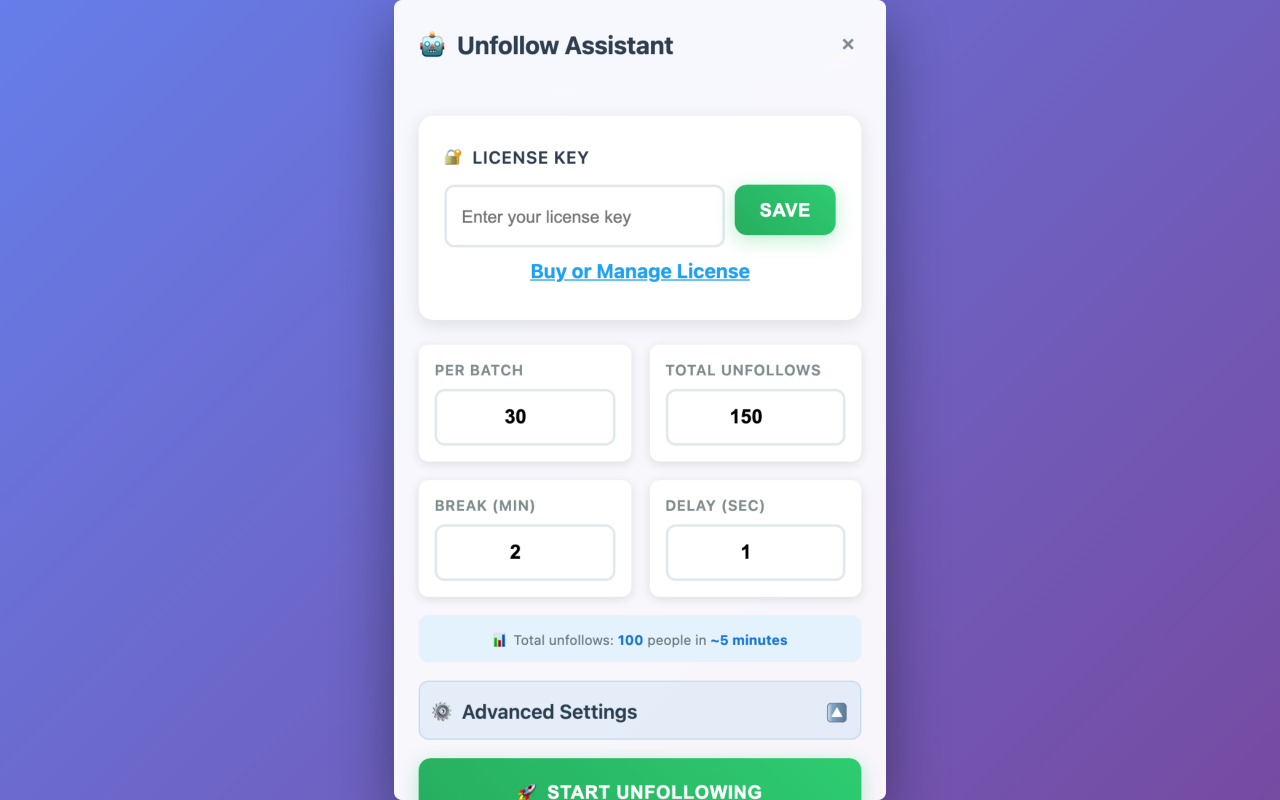
Efficiently unfollow accounts on X (Twitter) with our powerful Chrome extension. Start with a free account or choose a plan that fits your needs. Built for creators, founders, and power users who want a clean feed without wasting hours manually unfollowing. Bulk Unfollow: Remove hundreds of accounts with 1 click. Smart Filters: Detect inactive, spam, bots, and low-engagement accounts. Privacy-Friendly: Runs locally inside your browser—your data stays with you.

I built this because my X feed was unusable. If you try it today, let me know what features I should build next — I’m shipping fast.

Try a quick scan — most users find hundreds of accounts they forgot they were following.

0
回复

What are the advanced filtering options exactly?

0
回复

@zerotox Start Position and Prescrolling, what Filters would you like to see?

0
回复

Nice, finally something that saves time on X!

Quick question: when you built it, did you target power users who follow thousands or just casual folks who want a quick clean-up?

Either way, this feels useful. 👍

0
回复

@joydeep_pandey Targets both—casual cleanups (free 100/day) for forgotten follows, unlimited for power users with 1k+ (filters save hours). Quick scan often uncovers 200-500 ghosts.

1
回复

I need this for linkedin 😅

0
回复

@conduit_design This seems doable, will add to the queue!

1
回复

I’ve been on X (Twitter) for around a decade, and over time I’ve ended up following a lot of accounts whose timelines I don’t really want to see anymore.

I’ve recently started relying more on Lists, but I still want to clean things up further by removing inactive accounts, etc.

When I open your product, it goes straight to the pricing page, so I’m not able to clearly see what it actually does. Could you clarify the features? Specifically:

  • Can it help me unfollow non-followers?

  • Can it help me detect and unfollow inactive accounts?

  • What filters can I use in general?

I’m ready to buy as soon as I understand these points.

Since you work in this space, could you also share what you consider a safe daily limit for following and unfollowing on X to avoid any issues?

By the way, I noticed your profile picture shows you doing yoga. Do you follow any Eastern philosophies?

0
回复

@rohanrecommends 

Hey Rohan, thanks for the thoughtful questions—love that you're using Lists too, smart move for curation.

Mass Unfollow lands straight on /following with "ALL" or "NOT FOLLOWING BACK" modes, so yes, it filters non-followers out easily (plus basic rate limiting). Advanced filters in paid plans include inactivity (last tweet thresholds), low follower count, keyword/bio search, and whitelists for protects. Demo mode lets you scan without unfollowing.

Safe daily limit? No Limit for accounts over 10k. I went from 25k to 16k in a day or 2. But stick to 400 unfollows/day spaced 30 unfollows followed by 1 1-minute wait to mimic manual behavior and dodge flags—X prioritizes "natural" over bulk.​

On yoga: Big into it (daily practice), draws from Advaita Vedanta—non-dual awareness keeps the mind clear amid builds. What's your philosophy angle?

0
回复
#14
Deskmark
Add watermark to desktop
80
一句话介绍:Deskmark是一款macOS原生应用,允许用户在桌面叠加文字与图标水印,主要解决视频录制时版权标识与DLP(数据防泄漏)合规需求,避免屏幕内容被未授权使用。
Productivity Developer Tools
macOS应用 桌面水印 屏幕录制 视频制作 版权保护 数据防泄漏 生产力工具 桌面美化 个性化定制 效率工具
用户评论摘要:用户认可其满足视频录制与DLP水印需求的核心价值。主要反馈集中在期待官方发布,以及提出新用户引导(Onboarding)体验的重要性,建议优化首次使用时的上手指引。
AI 锐评

Deskmark精准切入了一个狭窄但刚需的场景:为桌面屏幕内容实时叠加可视化水印。其真正价值并非“书签”或“美化”,而在于将传统用于图片、视频的“后处理水印”前置为“生产环境水印”,这是一个关键的场景迁移。

从功能看,它解决了两个核心痛点:一是内容创作者(如教程录制者)在录制过程中无需后期即可嵌入版权标识,提升工作流效率;二是为企业环境下的数据防泄漏(DLP)提供了一个轻量级、常驻桌面的视觉警示方案,强化安全合规。其“平铺”和高度自定义功能,增强了水印的覆盖性和防去除性。

然而,产品面临的天花板也显而易见。首先,场景过于垂直,用户群体规模有限。其次,作为常驻桌面的工具,其稳定性、性能开销(尤其是平铺复杂水印时)及与不同macOS版本的兼容性将是长期挑战。最后,从评论中提及的“引导”问题可以看出,工具虽小,但若想从极客用户走向更大众的创作者或企业IT采购,用户体验的打磨至关重要,否则极易被埋没。

本质上,Deskmark是一个“功能点”而非“平台型”产品。它的成功不在于自身能长多大,而在于能否以极致轻便、稳定的体验,牢牢占据这个细分场景的头部,并可能成为大型效率套件或安全软件中一个被收购整合的功能模块。其80的投票数也侧面反映了市场热度有限,属于典型的“小而美”工具。若团队能深挖企业DLP合规场景,提供集中部署与管理功能,或许能打开更大的B端市场空间。

查看原始信息
Deskmark
Deskmark is a native macOS app that lets you add text and icon watermarks to your desktop, making it easy to use while recording videos. You can tile image and text watermarks across the desktop and customize their angle, text size, icon, spacing, and text color for a personalized watermark setup.
The new Deskmark app is officially released! It allows you to add text and icon watermarks to your desktop, making it great for recording videos and also fulfilling DLP watermark requirements.
0
回复

Love the idea. Bookmarking is fine, but having something that visually organizes things feels way better.

Quick question: how do you help new users figure out where to start when they first open the app? That onboarding moment always matters a ton.

Looks great 👌

0
回复
#15
Agent Starter Pack
Production Agents in Google Cloud in Minutes
79
一句话介绍:一款能在60秒内将AI智能体部署至Google Cloud的生产级模板工具,解决了开发团队在基础设施、CI/CD和可观测性上耗费数周而非专注于Agent逻辑的痛点。
Open Source Developer Tools Artificial Intelligence GitHub
AI智能体部署 生产就绪模板 Google Cloud CI/CD自动化 基础设施即代码 可观测性 开发运维一体化 开源工具
用户评论摘要:用户认可其价值,感叹若早出现可节省大量前期配置时间。主要询问点集中于秘密管理、预览环境处理等具体生产细节,开发团队已针对LangGraph的OpenTelemetry集成与Gemini提示词日志进行更新。
AI 锐评

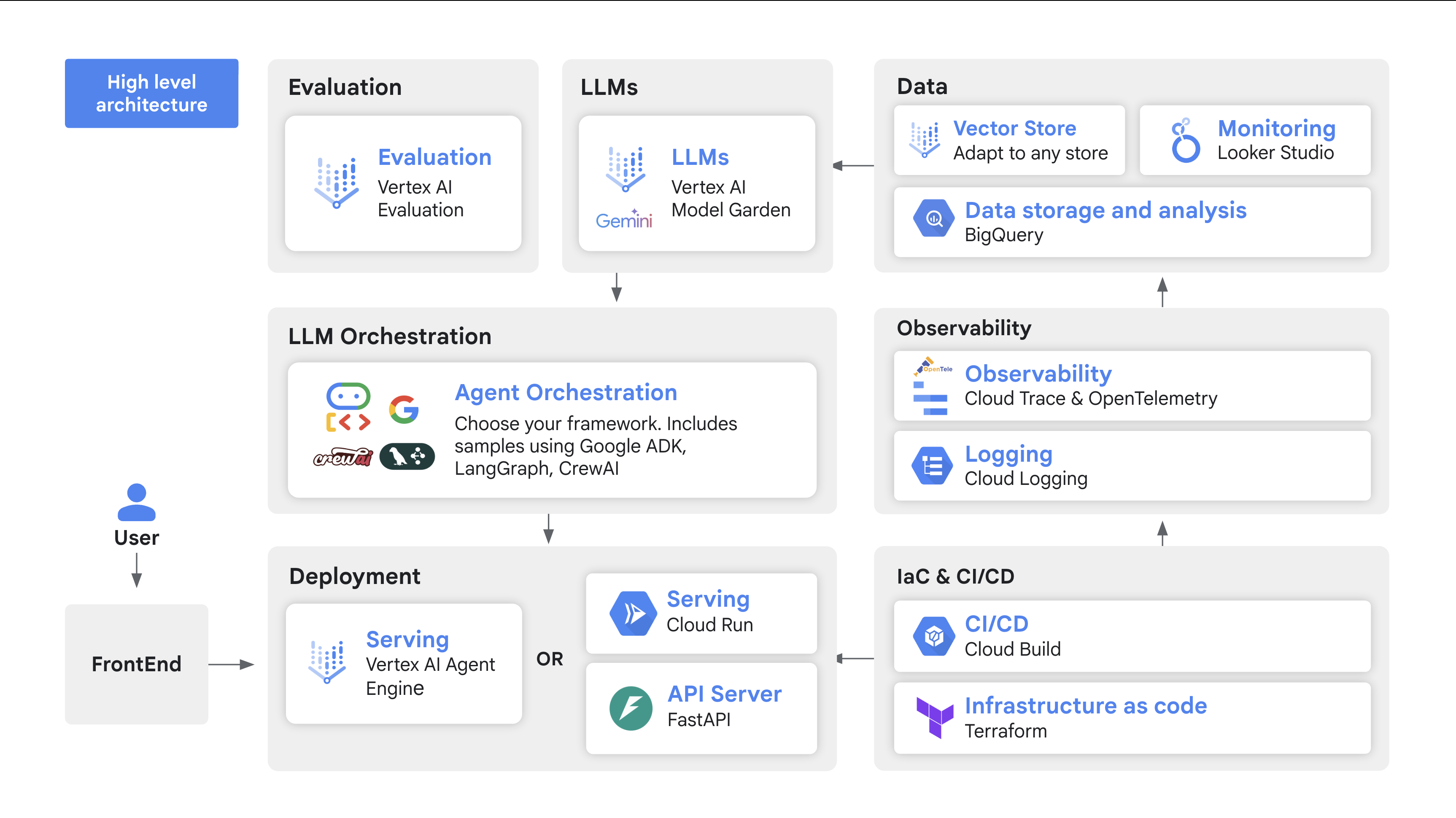
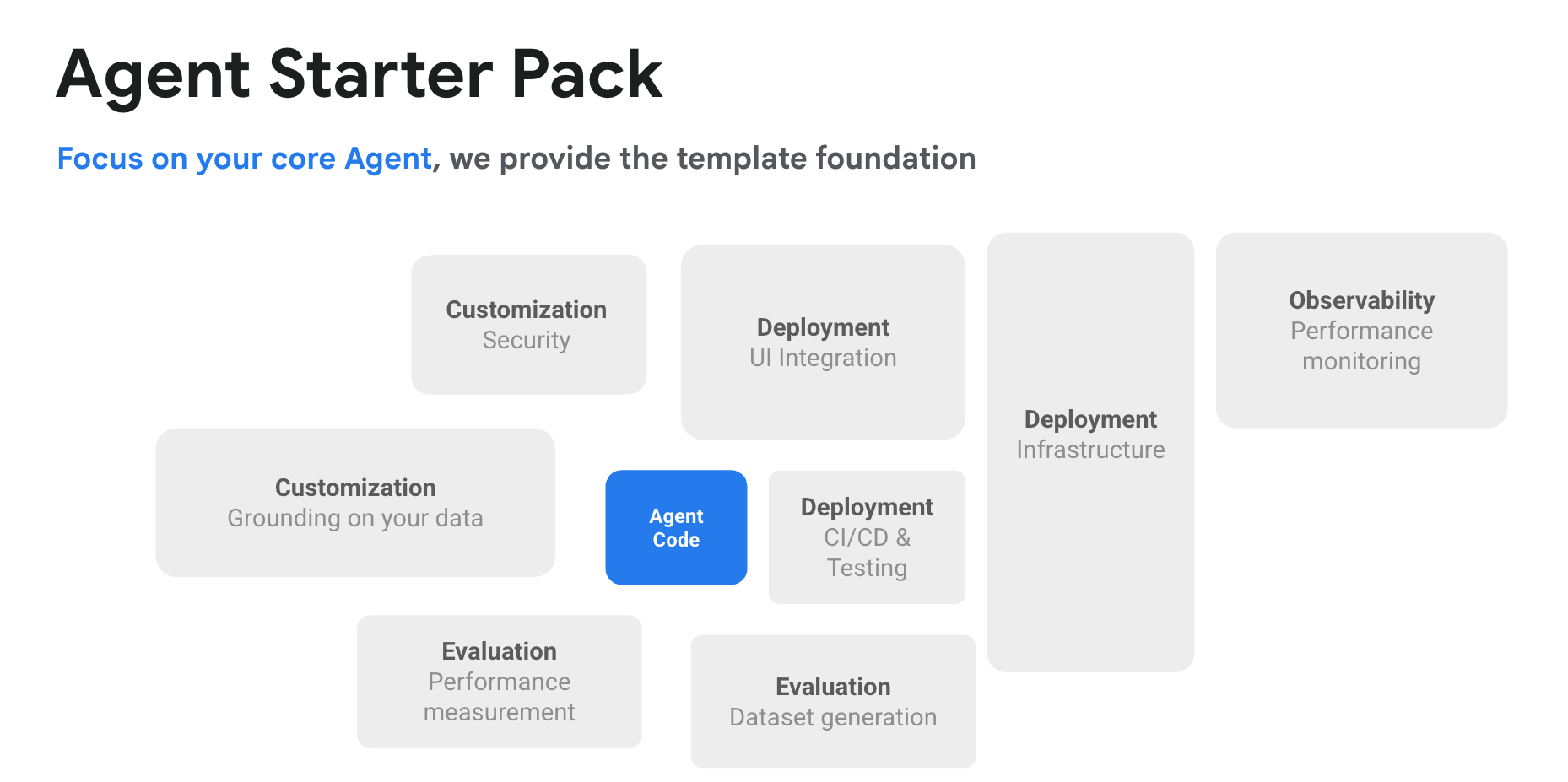
Agent Starter Pack 精准刺中了当前AI应用工程化的核心矛盾——原型验证与生产部署之间的巨大断层。其真正价值并非在于“创建Agent”,而在于将“生产化”这一沉重负担封装为一条命令。

产品聪明地避开了框架之争(同时支持ADK和LangGraph),转而解决所有框架都绕不开的“脏活累活”:基础设施供应、流水线搭建、追踪与评估。这反映了一个清醒的行业认知:AI智能体的核心创新在逻辑与提示词,但将其转化为可靠服务,却需要大量与AI无关的传统工程投入。这正是团队从“数周”到“分钟”所压缩的代价。

然而,其“开箱即用”的承诺也隐含了深层挑战。评论中关于秘密管理和预览环境的疑问,恰恰暴露了从标准化模板到复杂真实场景的最后一公里难题。模板降低了启动门槛,但企业级部署涉及的权限、网络、合规与定制化需求,可能仍需团队自行消化。此外,其深度绑定Google Cloud生态,既是其快速落地的优势,也构成了潜在的厂商锁定风险。

本质上,这是一款“提效降本”的工程工具,而非“颠覆创新”的AI产品。它标志着AI开发正从狂热的技术探索阶段,进入冷静的工程化与标准化阶段。它的成功与否,将不取决于其代码多精妙,而取决于其模板是否能持续跟上云服务与AI框架的迭代速度,以及能否在“便捷”与“灵活”之间找到持久的平衡点。对于亟需将AI创意快速、稳定转化为云端服务的中小团队而言,它无疑是一剂强效加速剂;但对于拥有成熟工程体系的大型企业,它可能只是一个有价值的参考样板。

查看原始信息
Agent Starter Pack
Ship AI Agents to Google Cloud in minutes, not months. Production-ready templates with built-in CI/CD, evaluation, and observability. - GoogleCloudPlatform/agent-starter-pack
Hey Product Hunt! 👋 We built Agent Starter Pack because we saw the same pattern over and over: teams spending weeks wiring up infrastructure, CI/CD, and observability before writing a single line of agent logic. The problem wasn't building agents—frameworks like ADK and LangGraph make that easy. The problem was everything around it: Terraform configs, Cloud Build pipelines, tracing setup, session management, evaluation frameworks... So we packaged all of that into a single command: `uvx agent-starter-pack create` In 60 seconds, you get: - A working agent with your choice of framework (ADK, LangGraph) - Full CI/CD pipeline (Cloud Build or GitHub Actions) - Terraform infrastructure ready to deploy - OpenTelemetry tracing Would love to hear what agent patterns you'd find most useful! 🤖
1
回复

ugh, wish this existed last quarter. burned a week wiring Terraform + Cloud Build before touching any agent logic. the uvx one-liner + OTel looks handy. curious how it handles secrets and preview envs. gonna try it on a small LangGraph thing.

0
回复

@alexcloudstar Thanks a lot! We are just updating the Langgraph OTel as finally we unlocked Gemini Prompt - response logging on LG

0
回复
#16
ByteFlow
Build AI powered workflows & launch products in minutes.
66
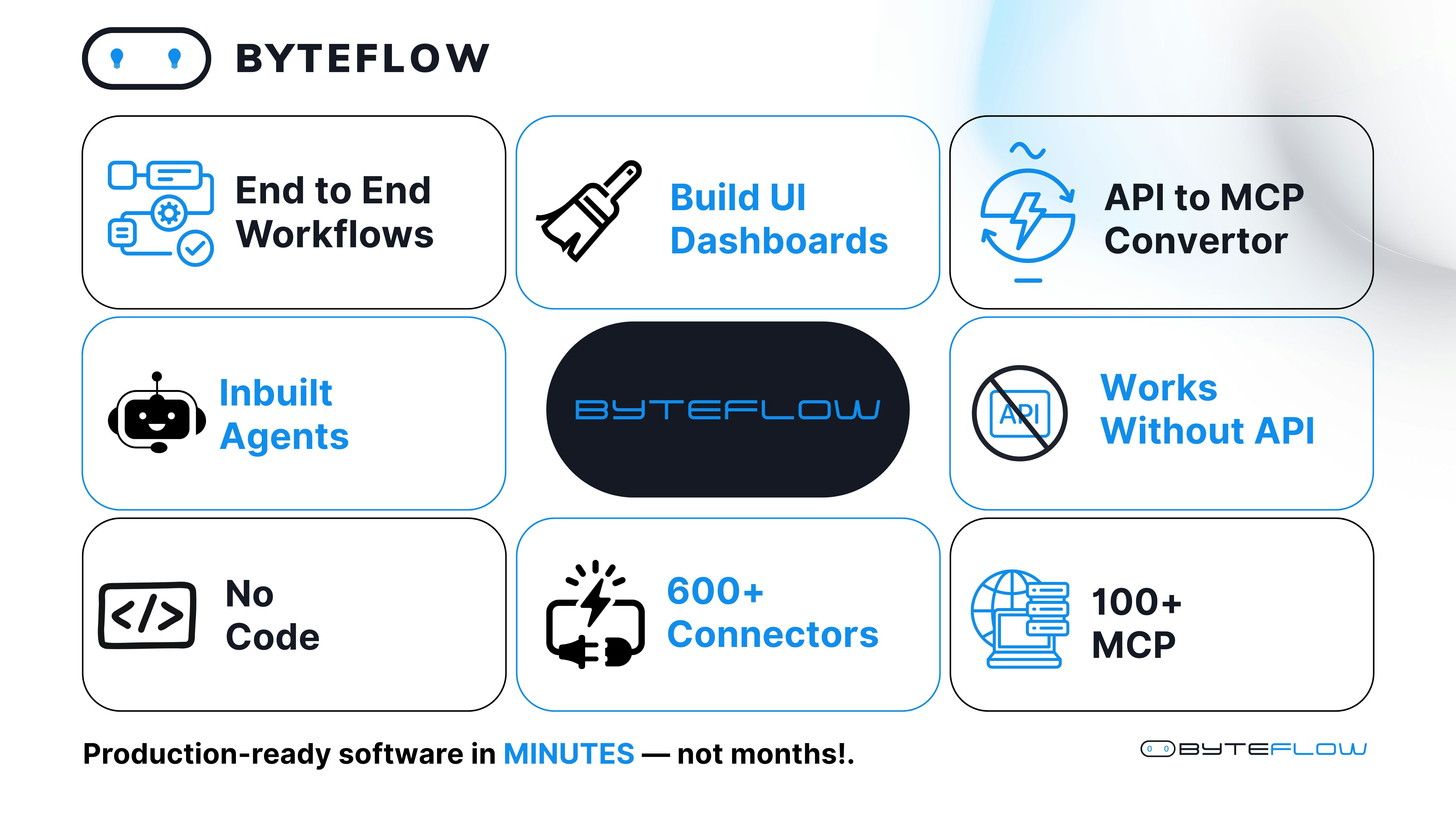
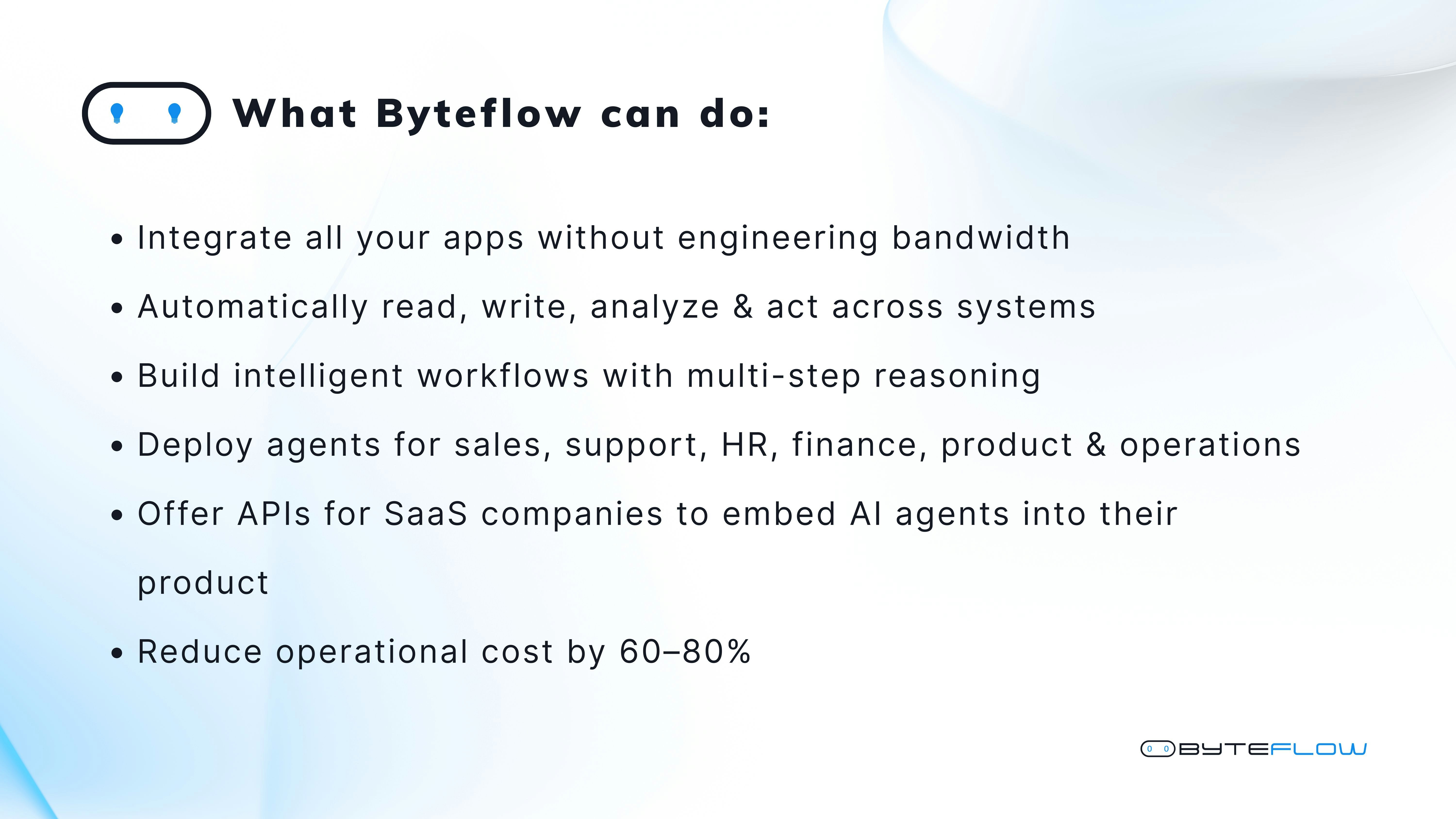
一句话介绍:ByteFlow是一个集成了UI设计、后端逻辑与AI工作流的全栈式无代码平台,让用户无需切换工具和编写代码即可在几分钟内将想法转化为可运行的产品,解决了早期创业者和非技术背景构建者在产品开发中工具链割裂、效率低下的核心痛点。
Developer Tools No-Code Vibe coding
无代码开发平台 AI工作流自动化 全栈产品构建 可视化开发 智能体代理 快速原型 集成连接器 业务流程自动化 低代码 产品开发工具
用户评论摘要:有效评论主要来自创始人介绍和少数用户反馈。创始人详细阐述了产品理念与功能,强调其“一体化”优势。用户评论普遍肯定其整合价值,认为能减少工具切换、加速产品上线。目前评论以赞扬和鼓励为主,尚未出现具体的使用问题或功能建议。
AI 锐评

ByteFlow的野心在于试图成为“无代码领域的终极缝合怪”,其宣称的价值是消除从界面到逻辑再到自动化之间的工具鸿沟。这直指一个真实且广阔的痛点:当前无代码/低代码生态高度碎片化,用户不得不在Airtable、Bubble、Zapier、Make等多个专精工具间疲于奔命,导致学习成本高、系统脆弱且迭代缓慢。

然而,其挑战也同样明显。首先,“全栈一体化”往往意味着在每一个单点功能上深度可能不及垂直工具,如何平衡广度与深度,确保其UI构建器、后端引擎和工作流编排每一环都足够强大且灵活,是巨大考验。其次,集成600+连接器和100+MCP动作固然是卖点,但集成质量、稳定性与实时维护的负担不容小觑。最后,其重点推广的“超级智能体”和“AI化身执行”等功能,目前更多是概念性展示,在实际企业级场景中的可靠性、合规性与成本效益仍有待验证。

从市场定位看,它似乎想通吃从独立开发者到企业内部的广泛人群,但这可能导致产品设计失焦。对于追求极限灵活性的开发者,它可能显得约束;对于纯粹的业务人员,其功能集又可能过于复杂。真正的成功不在于功能列表的罗列,而在于能否为某个核心场景(如快速构建内部工具或生成交互式AI应用)提供极致流畅、稳定的体验,并以此作为突破口。当前的高投票与好评多源于对“愿景”的认可,产品能否承受住真实、复杂且大规模的用户场景拷问,才是其从“令人兴奋的发布”走向“不可或缺的工具”的关键。

查看原始信息
ByteFlow
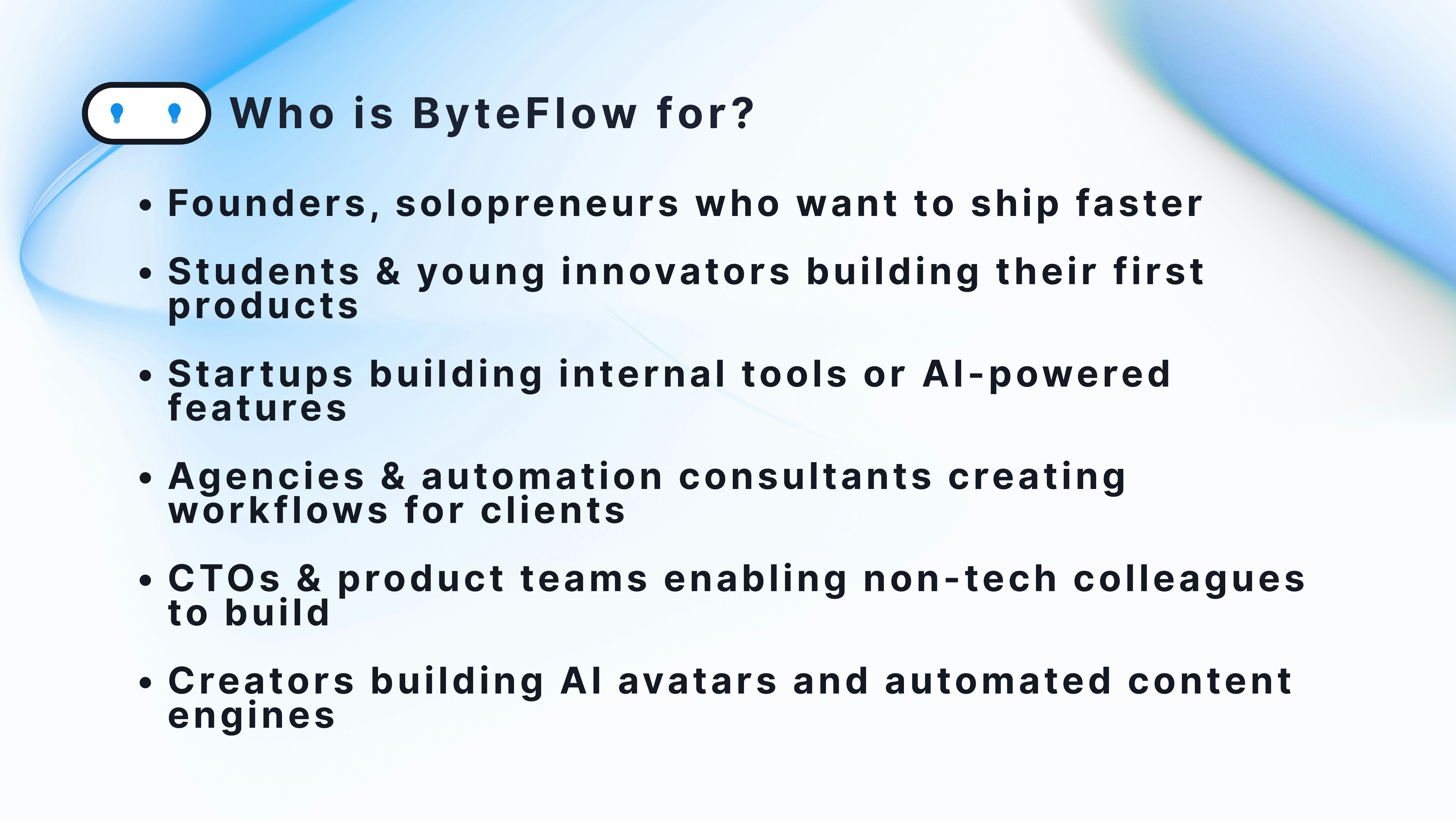
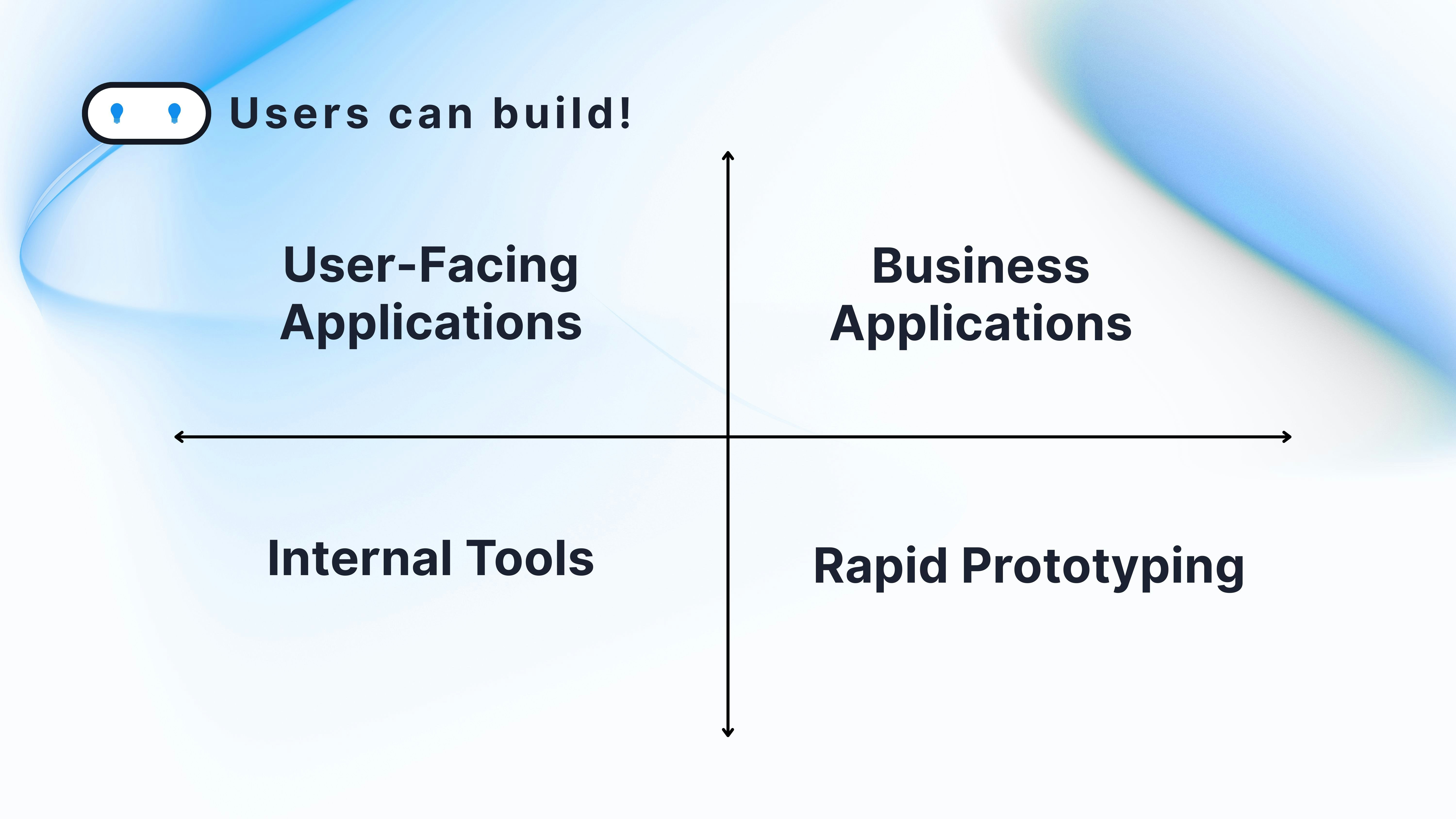
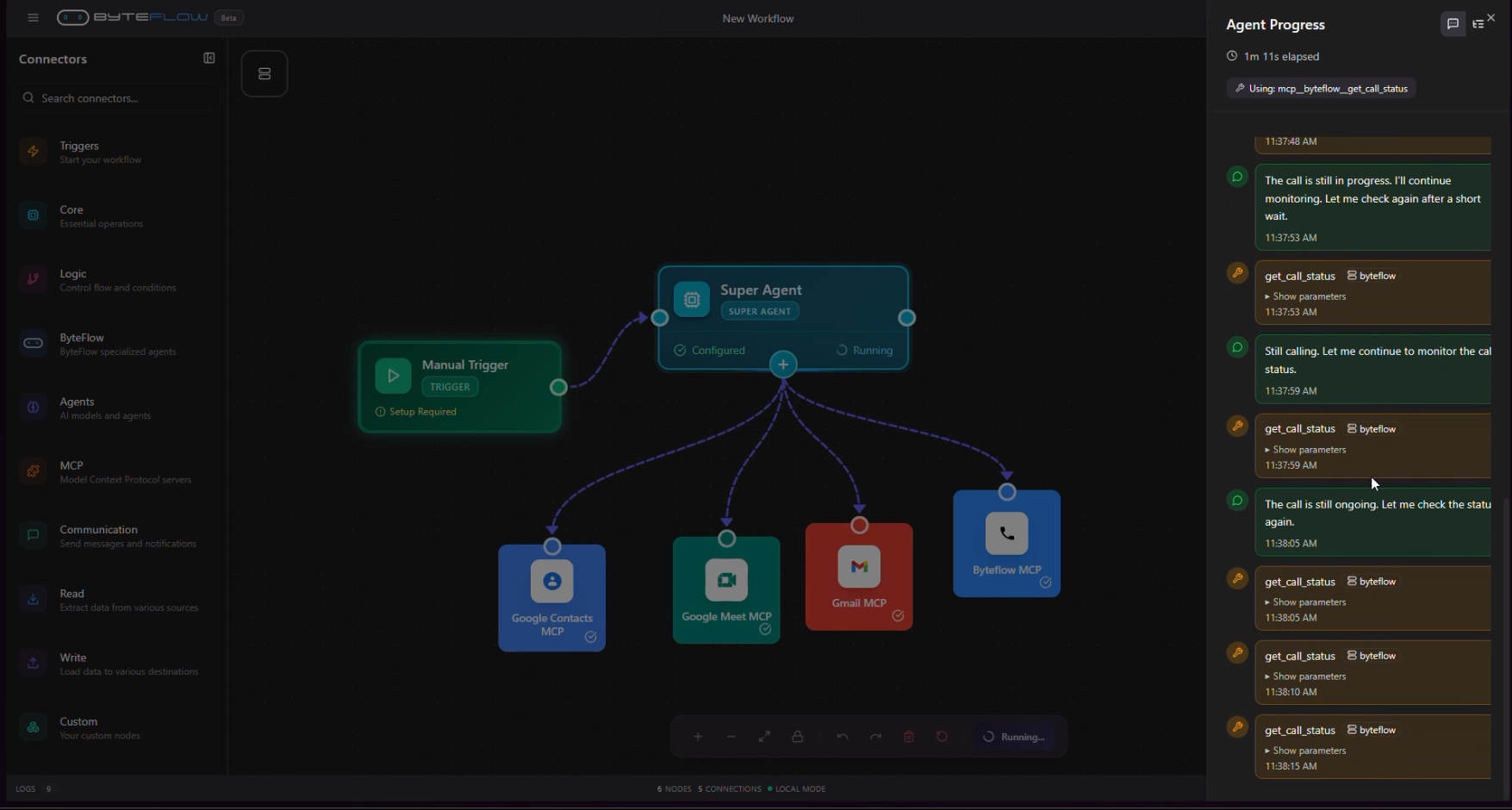
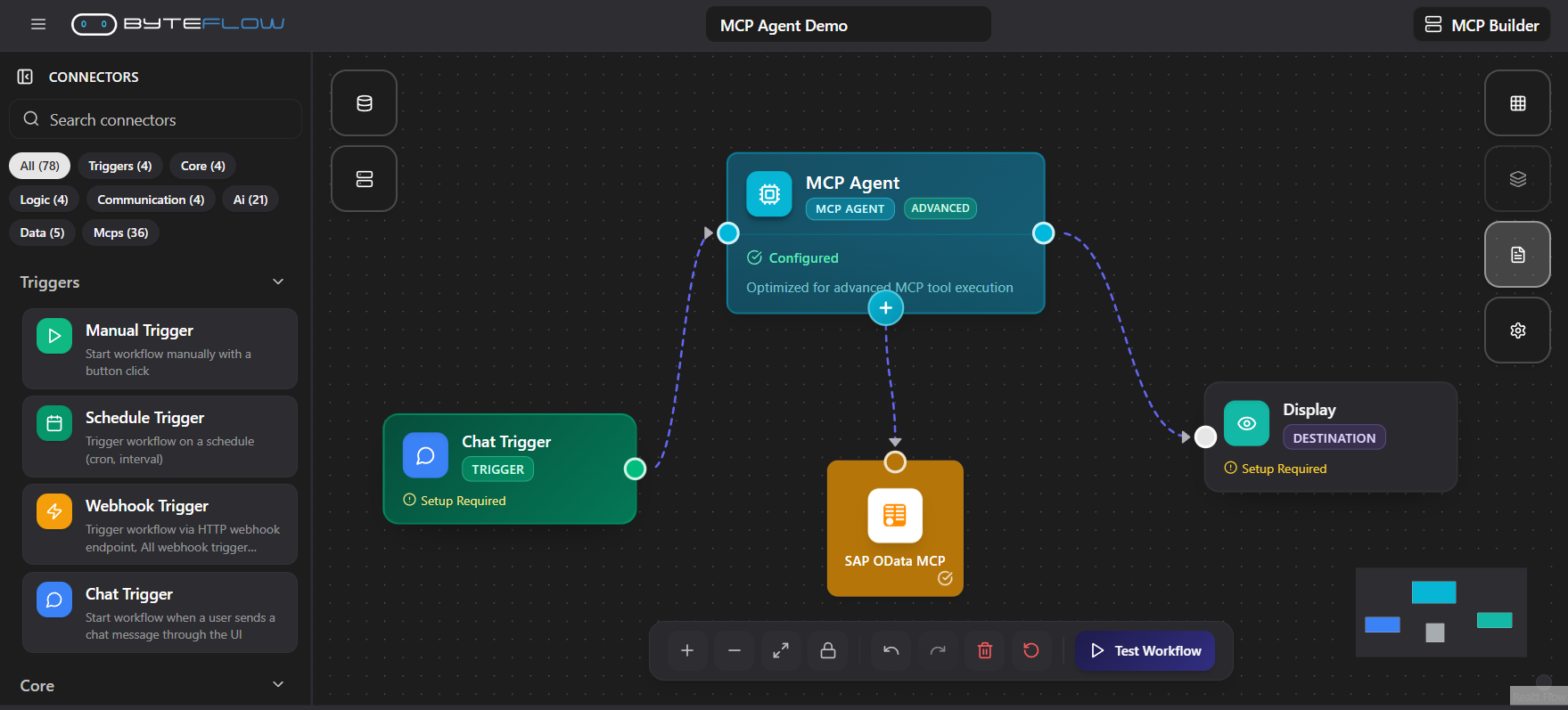
Byteflow brings UI, backend, and AI automation together in one place, so anyone can build full products in minutes. Unlike tools that handle only workflows or only UI, Byteflow combines 100+ MCP actions and 600+ connectors with orchestration, super agents, voice commands, and autonomous execution. It’s the fastest way to turn ideas into real apps, no stitching tools, no coding complexity. Just build → run → scale.
nice one bro 🙌
19
回复

@sachindas246 Hi Sahin bro, thank you very much.

1
回复
Hey PH fam! 👋 Adil here, co-founder of Byteflow. As builders, we’ve all felt this frustration: It takes way too many tools and too much time to turn an idea into a real product. You build UI somewhere… Backend somewhere else… Workflows in a different tool… Then you glue everything together and pray nothing breaks. We asked ourselves: Why does product building still feel this fragmented? So we built Byteflow, and today, we're launching it here on Product Hunt. 🚀 💡What is Byteflow? Byteflow is your one-stop platform to build complete products, UI, backend, workflows, automations, agents - all in minutes. Unlike tools that only generate UI, or only help with workflows, Byteflow combines everything needed for real product building: • Drag-and-drop connectors and MCPs • Backend Builder + Logic Engine • AI Agents & Super Agents • Voice-powered automation • Orchestration engine with 100+ MCP tools • 600+ connectors for real-world integrations Just finalise your idea, and Byteflow helps you design, automate, and deploy. No stitching tools. No context switching. No engineering gymnastics. Just build → run → scale. 🔥 So what’s new in Byteflow? Full-Stack Workflow Orchestration Design your UI, backend actions, databases, and automations all in a single visual canvas. Super Agents & Voice Actions Your workflows can think, decide, act, call APIs, send emails, make calls, schedule tasks, even operate entirely by themselves. AI Avatar Execution Create AI influencers, HR screeners, digital assistants, and more, Byteflow lets your agent speak, act, and output video instantly. Integration Powerhouse With 100+ MCP tools and 600+ connectors, Byteflow works with your stack out of the box. Multi-Mode Execution Run workflows via chat, WhatsApp, voice commands, APIs, or scheduled automations. Real Products, Not Just Prototypes Create fully functional products that users can interact with, not mockups or partial apps. 💡 What are Byteflow users building already? User-Facing Applications 📲 AI-powered SaaS tools 🤖 Personal AI assistants / life managers 🎭 AI influencers generating video content 📞 Voice-driven automation bots Business Applications 🧑‍💼 HR screening & automated interviews 📑 CRM/ERP mini tools ⚙️ Operations automation for SMEs 🏭 Vertical-specific workflows for healthcare, manufacturing, finance Internal Tools 🔥 Approval workflows 📊 Dashboards & reporting engines 🧠 Knowledge assistants Rapid Prototyping Validate ideas in hours, not weeks. Byteflow might not build Salesforce yet 😉 But it can build the CRM you imagine, and deploy it the same day. 👥 Who is Byteflow for? • Founders, solopreneurs, and indie-hackers who want to ship faster • Students & young innovators building their first products • Startups building internal tools or AI-powered features • Agencies & automation consultants creating workflows for clients • CTOs & product teams enabling non-tech colleagues to build • Creators building AI avatars and automated content engines 🚀 Try Byteflow today We’re giving exclusive early access to our Product Hunt supporters. Join the waitlist, explore our templates, and tell us what you're building, We’d love to support your journey from idea to product. Thanks PH fam, can’t wait to hear your thoughts! Let’s build the future of product creation together. 💛⚡
18
回复

ByteFlow looks super impressive!

Most tools only solve one part of the puzzle, but you’ve managed to bring UI, backend, workflows, and automation into one seamless flow. This is exactly what early-stage builders need — less switching tools, more shipping fast.

Excited to see how this evolves!

🚀

2
回复

@rohan_kumar67 Hi Rohan, Thank you bro. please do join the waitlist.

0
回复

This looks really promising! 🚀

Love how Byteflow brings UI, backend, and workflows into one place. This could save builders so much time. Excited to see where this goes!

1
回复

@ajay_c_thomas thank you Ajay, please do join the waitlist. We are also excited to know your experience of the product.

0
回复
#17
CutMe Short
Smarter short links for growing brands
22
一句话介绍:一款为成长型品牌打造的智能链接管理平台,通过创建品牌短链接、动态UTM参数和二维码等功能,解决了营销活动中链接管理混乱、数据追踪困难的核心痛点。
Productivity Analytics Marketing
链接管理 营销工具 品牌增长 短链接 UTM追踪 数据分析 QR码 SaaS 营销自动化
用户评论摘要:官方发布评论阐述了产品开发初衷与核心功能,收获祝贺与积极评价。用户反馈认为产品令人印象深刻,并期待其持续发展。目前评论以鼓励为主,缺乏具体的使用反馈或尖锐批评。
AI 锐评

CutMe Short切入的是一个看似陈旧却痛点犹存的赛道——链接管理。其价值不在于发明了短链接,而在于试图将分散的营销链接操作(品牌化、UTM打码、二维码生成、跳转控制)与后端数据分析(GA4整合、预测洞察)整合为一个统一的工作流,本质上是在售卖“营销人员的操作秩序”。

产品思路清晰,直指成长品牌在多渠道投放时面临的链接管理地狱:数据分散、品牌形象不统一、操作重复低效。其“动态UTM”和“链接轮换”功能是亮点,旨在自动化繁琐的标记工作,这确实击中了专业营销团队的效率痛点。然而,其面临的挑战同样明显:首先,市场已有Bitly、Rebrandly等成熟玩家,功能同质化较高,需清晰定义差异化优势;其次,其强调的“强大分析”和“预测”能力,在介绍中语焉不详,这可能是技术壁垒,也可能仅是营销话术,需实际数据验证。最后,22票的冷清热度与评论区的礼貌性互动,反映出其在Product Hunt上并未引发真正爆炸性的关注,可能说明其产品呈现或价值主张的传播力尚未穿透市场噪音。

真正的考验在于,它能否从“又一个好用的链接工具”升级为“品牌营销数据的基础设施”。这取决于其API的开放程度、分析洞见的实际深度,以及能否与更多营销栈产品无缝耦合。目前来看,它提供了一个正确的解决方案方向,但要在红海中突围,仍需在技术深度与生态整合上拿出更硬的凭证。

查看原始信息
CutMe Short
CutMe Short is a smart URL management platform built for growing brands. Create branded short links, dynamic UTMs, QR codes, and link rotators — all backed by powerful analytics and GA4 tracking. Streamline your campaigns, stay organized, and turn every click into actionable insights.

We built CutMe Short after realizing that links are often treated as “just URLs,” while in reality they’re one of the most powerful growth signals for any brand or campaign.

A year ago, we built CutMe Short with a simple belief:
links shouldn’t just redirect — they should help brands grow.

Today, after a year in the market and feedback from real teams, we’re excited to finally launch CutMe Short on Product Hunt.

What you can do with CutMe Short:

  • Create branded short links with custom domains & clean slugs

  • Automate UTMs (templates + dynamic UTMs, no copy-paste)

  • Set link expiry, use link rotators, edit OG images, and generate custom QR codes

  • Track deep analytics — clicks by platform, device, browser, city/state, referrer, unique users & predictions

  • Share analytics dashboards, manage workspaces, invite team members, and integrate via APIs

Over the past year, CutMe Short has been trusted by real users, earning 4.7★ on G2, along with High Performer and Highest User Adoption badges — which validated that we’re solving a real problem.

Today’s launch is about sharing what we’ve built, learning from this community, and making CutMe Short even better.


we’d love to hear your thoughts and feedback.


We’ll be here all day — feel free to ask us anything!

Thanks for checking us out 💛

CutMe Short
Reach us at: support@cutmeshort.com ✉️

13
回复

@kritika_singh99 Congratulations and all the best :-)

5
回复

@kritika_singh99 Pretty impressive link management tool. I hope you will continue its development.

0
回复
#18
ScaliQ
The LinkedIn AI Outreach Agent for Real Conversations
19
一句话介绍:ScaliQ是一款LinkedIn AI外联代理工具,通过模拟真实销售对话的AI代理,在多账号环境下自动化处理消息、跟进与回复,解决了销售团队在规模化个性化触达潜在客户时效率低下、人力成本高的痛点。
Sales Marketing LinkedIn
AI销售助手 LinkedIn自动化 智能外联 多账号管理 对话式AI 潜在客户筛选 个性化营销 销售效率工具 B2B获客
用户评论摘要:用户反馈积极,认可其AI对话的自然度和解决规模化外联痛点的价值。创始人现身说明产品源于实际需求。有用户询问早期测试中AI回复的意外情况(出色或尴尬),显示出对AI真实交互效果的好奇与关注。
AI 锐评

ScaliQ的宣称价值在于将AI从“模板轰炸”升级为“拟真对话”,但其核心突破可能并非技术革命,而是场景与流程设计的精细化整合。产品敏锐地抓住了B2B销售在LinkedIn生态中的核心矛盾:规模化与个性化不可兼得。其真正价值不在于AI能多么“像人”,而在于它构建了一个闭环系统——从研究、多语种触达、互动式筛选到统一收件箱管理,这实质上是一个销售流程的自动化中台。

然而,产品面临两大深层挑战:一是“信任度天花板”,AI模拟的共情与耐心在复杂决策的B2B销售中能走多远存疑,高端客户可能对自动化互动更为敏感;二是平台风险,高度依赖LinkedIn的规则,其自动化操作尺度如踩钢丝,存在封禁风险。多账号管理功能虽直击痛点,但也放大了此风险。

从评论看,市场对其“真实性”既期待又怀疑。它或许无法替代顶级销售建立的核心关系,但极有可能高效蚕食中低复杂度、高重复性的初步触达与筛选工作,成为销售团队的“效率杠杆”。其成功关键在于能否持续迭代AI的上下文理解深度,并在合规性与侵略性之间找到精准平衡。它代表的不是AI的胜利,而是流程智能化的必然。

查看原始信息
ScaliQ
ScaliQ lets you scale LinkedIn outreach across multiple accounts from one unified inbox — with AI agents that handle DMs, follow-ups, replies. It analyzes every response, applies qualification tags, and keeps the conversation moving until a prospect is ready for you.
It wasn’t long ago that everyone in sales agreed on one thing: AI can’t talk to prospects like humans can. We all saw the generic templates… the robotic messages… the awkward automation. And we said: “If we want real conversations, humans must write every word.” But that era is over. Because AI has changed. And ScaliQ is the proof. 🤖 Meet ScaliQ — Your AI Conversational Agent for LinkedIn ScaliQ doesn’t “blast” messages. It researches, personalizes, follows up, and replies instantly so you don’t waste hours stuck inside your LinkedIn inbox. It behaves like a trained SDR: curious, helpful, and focused on buyer pain points… while you spend time only with prospects who show interest. 💬 It Automates the Entire Outreach Journey ScaliQ sends connection requests, starts conversations, and keeps them going. If someone replies, ScaliQ asks clarifying questions, removes friction, and qualifies the lead — always with human-like empathy. It doesn’t rush. It doesn’t push. It builds trust. 🧠 Why People Actually Respond This isn’t luck — it’s psychology. • Cognitive Ease: replying takes zero effort • Motivational Interviewing: prospects express their own goals • Commitment & Consistency: small “yes” becomes a next step → Messages become replies → Replies become conversations → Conversations become meetings 🌍 Speaks Their Native Language French profile? 🇫🇷 French outreach. Spanish profile? 🇪🇸 Spanish outreach. It instantly feels more personal, more intentional, more human. That’s why reply rates jump. 🔄 Turn Dormant Connections into Pipeline Already connected with hundreds or thousands on LinkedIn? ScaliQ recognizes that — and skips the connection request. It re-ignites existing relationships with personalized outreach… automatically. ⚡ Scale Without Hiring Where most tools allow only one LinkedIn account… ScaliQ allows many. Team accounts, client accounts — all in one unified inbox. More accounts. More conversations. More opportunities. Same workload. 🥇 The New Competitive Edge The teams winning today are not grinding harder. They’re automating smarter. They let AI handle repetition so they can handle the deals. Every week you wait, someone else moves ahead. 🎯 Ready When You Are If you want consistent, warm conversations delivered on autopilot give ScaliQ a try today. The future of outbound is here. Will you adapt with it? try for free : https://www.scaliq.ai/
4
回复

Hey everyone 👋


I’m one of the co-founders of ScaliQ.
This project started because we were tired of seeing teams waste time on manual outreach that never scaled. So we built something that actually works in the real world, not another shiny tool, but a system we use ourselves every day.


We’d love your feedback, ideas and honest thoughts. Thanks for checking us out and supporting our launch today, it means the world to our small team ❤️

2
回复

Congrats Maxime! All the best!!

0
回复

Nice launch! 👏 ScaliQ sounds like a pretty neat way to let AI handle the boring parts of LinkedIn outreach without sounding like a bot.

Curious, in your early testing, what kind of replies surprised you the most? The really good ones or the awkward ones? 😄

Upvoted and can’t wait to try it!

0
回复
#19
POSTAUTOPSY
The brutally honest LinkedIn coach.
19
一句话介绍:一款通过AI“解剖”和“拷问”LinkedIn帖子,提供尖锐反馈与优化建议,帮助内容创作者摆脱盲目发帖、科学提升互动表现的工具。
Writing Marketing LinkedIn
LinkedIn内容优化 AI写作教练 社交媒体分析 内容营销工具 文案诊断 个人品牌建设 AI反馈 生产力工具 SaaS
用户评论摘要:用户普遍认可其“诚实拷问”的核心价值,认为能有效提升写作质量和曝光量(如月展示量从10万增至40万)。主要建议是优化建议的措辞,避免过于明显的“AI感”。用户赞赏其干净的用户界面和直接的实用性。
AI 锐评

POSTAUTOPSY 精准切入了一个高价值且充满不确定性的市场痛点:社交媒体内容表现的归因分析。它没有选择泛泛的“内容优化”,而是聚焦于LinkedIn这个以专业形象和商业转化为核心的封闭生态,这使其定位显得异常锋利。

产品的真正价值不在于其AI“解剖”技术本身,而在于它将一种模糊的、依赖经验和直觉的“内容感觉”,转化为可量化、可解释、可操作的诊断报告。这本质上是在为内容创作提供“数据驱动”的决策支持,迎合了当前营销领域对确定性和ROI的普遍焦虑。创始人自身600天连续发布的实践,为产品提供了宝贵的“经验数据集”和可信度背书,这比任何技术宣传都更有说服力。

然而,其面临的挑战与机遇同样明显。首先,评论中提及的“AI感”建议是致命弱点。如果优化建议流于表面、充满陈词滥调,用户将迅速看穿其局限性,工具便会从“教练”降级为“评分器”,复购率存疑。其次,其商业模式严重依赖于LinkedIn平台的规则稳定性。一旦平台算法发生重大调整,其诊断模型的有效性需要快速迭代,否则价值将大打折扣。最后,从“工具”到“生态”的跨越是道坎。目前它解决的是单点问题,如何融入用户的内容工作流,甚至与调度发布、竞品分析等功能结合,是其能否持续留住用户的关键。

总体而言,这是一款在正确细分市场推出的、概念先行的产品。它证明了市场对“内容归因”工具的强烈需求,但其长期生命力,将取决于其AI建议的深度、个性化程度,以及能否从“事后验尸”进化到“事前预防”的更高价值环节。

查看原始信息
POSTAUTOPSY
Roast your LinkedIn post. Autopsy it. Fix it. Repeat.

Hi Folks!

I built PostAutopsy because I was tired of guessing why my posts worked or flopped.

Every time something went viral, I couldn’t explain why.

Every time something didn’t, I had no clue either

So I built a tool that does what I wish existed it opens up your post and shows you what’s really inside.

I built it because I genuinely wanted it for myself.
Now I’m just letting everyone else in.

Go play with it, break it, and tell me what you think

7
回复

I have seen the impact personally. I have improved my writing, and improved my monthly impressions for little over 100,000 to over 400,000 now. Congrats on the launch!

4
回复

@thecommunityman Thanks, I'm glad that you see value and Cheers.

0
回复

Just tested it out and I became a customer. As someone who writes on LinkedIn daily, this is a tool that's going in my arsenal.

As a con, I noticed that sometimes, some of the words can sound "ai" but the report, the insights I get, I can just send it to my clients.

Overall, its a polished product I recommend.

1
回复

@superminnu Thank you so much, will try fixing the con soon.

0
回复

The name is very true. The tool bisects and dissects your writing into several pieces and give suggestions and an overall score. I have tried with my older posts to check if they score right! Go for it!

1
回复

@sameer_z Thank you for the compliment bro

0
回复

This tool is very cool. The UI is clean, the utility is "no-bullshit" style first. I have been following Arun for a while. He's been consistent in posting on LinkedIn for 600+ days now. So, if anyone knows about what works on LinkedIn, it's Arun!

The features are good and the marketing effort is astounding.

1
回复

@leonardselvaraja Thanks a lot man, means a lot.

0
回复

I love the autopsy I get of my post and I'm making my every post go through once or twice it.

My goal is get the score good.

Note : I proud of the honest roast and you shall trust the roast.

Plus I love the legends feature on the pro version

1
回复

@sivakami Thanks a lot!

0
回复

Congrats on the launch! A tool that finally explains why a post works or flops feels incredibly useful for anyone creating content regularly.

0
回复
#20
Lynksurf
AI that boosts your LinkedIn engagement instantly
19
一句话介绍:LynkSurf是一款AI驱动的Chrome扩展,通过在LinkedIn页面内直接提供智能分析与内容生成功能,解决了用户在LinkedIn上进行网络互动时需频繁切换标签页、流程割裂的低效痛点。
Chrome Extensions Artificial Intelligence LinkedIn
AI生产力工具 Chrome扩展 LinkedIn助手 智能互动 内容生成 潜在客户分析 浏览器插件 社交媒体自动化 无上下文切换
用户评论摘要:用户反馈积极,认为产品能解决“标签页疲劳”问题。主要有效评论集中在产品安全性询问,开发者回应称数据本地处理、不存储,隐私有保障。开发者积极寻求功能反馈,如AI写作偏好(完整草稿或要点)及后续功能开发方向。
AI 锐评

LynkSurf瞄准了一个真实但拥挤的赛道:试图用AI简化LinkedIn的社交资本积累过程。其“页面内集成”的核心卖点,确实切中了专业社交平台互动中流程碎片化的顽疾,避免了在ChatGPT、笔记工具与LinkedIn之间反复跳转的心智损耗。这本质上不是技术突破,而是对现有AI能力的一次精准的场景化封装和用户体验重构。

然而,其价值天花板也清晰可见。首先,产品功能深度依赖LinkedIn的界面稳定性,后者作为平台方的任何一次DOM更新都可能成为产品的系统性风险。其次,其所解决的“互动效率”问题,可能催生更同质化、更“AI味”的站内内容,从平台生态角度看,这可能与LinkedIn鼓励“真实互动”的长期目标存在潜在冲突。当所有追求效率的用户都使用类似工具时,个性化的“个性化消息”将再度沦为新的模板,陷入效率内卷。

从评论中开发者对数据安全的及时澄清可以看出,团队深知此类工具的敏感之处。但真正的挑战在于,如何超越“更快生成评论和连接请求”的浅层自动化,向“基于关系和内容的深度智能策略建议”演进,例如真正理解行业网络动态、提供连接时机与话题建议。否则,它很可能只是另一个在红海中用微创新搏杀的工具,难以建立持久壁垒。其真正的价值,不在于“免切换”,而在于能否成为用户在LinkedIn上进行战略关系管理的智能副脑,而非仅仅是一个更快的打字机。
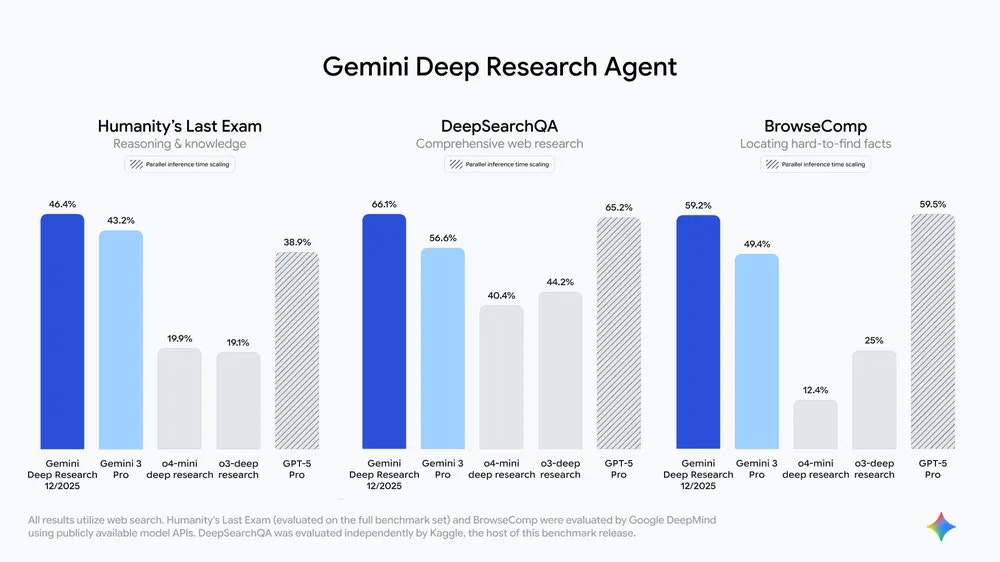
查看原始信息
Lynksurf
LynkSurf is an AI-powered Chrome extension that transforms LinkedIn into a smart, context-aware workspace. It analyzes profiles, drafts comments, enhances posts, and creates personalized connection messages — all directly inside LinkedIn. No tab switching. No copy-paste. Just fast, intelligent engagement
Hey everyone! 👋 Varad here — one of the makers of LynkSurf. Excited to share what we’ve built! 🚀 LynkSurf started from a simple frustration: LinkedIn engagement takes too long, and switching between AI tools breaks the flow. So, we built an AI layer that works directly inside the LinkedIn interface. No more tab switching. With LynkSurf, you can: ✍️ Draft contextual comments instantly 🔍 Analyze profiles in seconds to screen leads ✨ Enhance posts with one click 🤝 Generate personalized connection requests Our vision is to make LinkedIn engagement faster, smarter, and fully powered by on-page AI. 👇 We’d love your feedback on our roadmap. Which feature should we build next? 1️⃣ Advanced messaging workflows 2️⃣ Deeper profile insights 3️⃣ AI-based engagement suggestions Happy to answer any questions! Thanks for checking us out.
4
回复

Hi everyone! 🚀 Jayraj here, one of the makers behind LynkSurf.

It’s been a crazy 30-day journey from our Hackathon idea to this launch. I primarily worked on the website and ensuring the extension stability across different devices.

We really wanted to solve the "tab fatigue" issue without making the browser laggy.

Hope you find it useful! If you have any feedback on the onboarding flow or the site, I'm all ears. 👂

Cheers!

4
回复

Hey Product Hunt! 👋 Abhinav here (Maker & Dev).

You might know me from my previous project, CodeYoutube. I have a bit of an obsession with fixing broken UX on the platforms I use daily. 😅

The idea for LynkSurf came from a personal frustration during our Hackathon: I realized I was spending more time Command+Tabing between ChatGPT and LinkedIn than actually engaging with people. It felt disjointed.

So, we built a solution that lives directly inside the LinkedIn DOM.

The Tech Challenge: As many devs know, overlaying UI on a dynamic site like LinkedIn without breaking the experience (or causing lag) is tricky. We worked hard to make sure the Profile Analyzer and Comment Drafter feel native and instant.

I’m hanging out here all day to answer questions!

Quick question for the community: When using AI for writing, do you prefer it to draft the whole message for you, or just give you bullet points? We're trying to perfect that balance. 🚀

4
回复

All the best, amazing product!

3
回复

@aditya_mohanty Thanks Sir

0
回复

Is it safe? E.g. do you store data and have access to it?

3
回复

@busmark_w_nika Hi there! 👋 Great question. As the developer, I can confirm that we do not store your LinkedIn data.

Here is how the architecture works:

  1. Local Processing: The extension operates locally on your browser.

  2. Stateless AI: When you use a feature (like the Comment Drafter), the text is sent to our AI model solely for processing and is discarded immediately after the response is generated. We do not save your messages, profiles you visit, or your browsing history in any database.

  3. Permissions: We only access the DOM when you explicitly interact with the extension.

Your privacy is our priority.

1
回复
Hey Product Hunt! 👋 Aryan here — part of the team behind LynkSurf. Super excited to finally share what we’ve been building over the past month! 🚀 My focus during this journey was making sure our AI features feel smooth, fast, and genuinely helpful right inside the LinkedIn interface. The idea was simple: Stop wasting time switching tabs. Start engaging instantly. With LynkSurf, we wanted an AI layer that doesn’t interrupt your workflow. Instead, it works with you — analyzing posts, drafting comments, enhancing content, and helping you understand profiles in seconds. Some of my favorite parts we worked on: ✨ Context-aware post enhancer 🤖 Smart, on-page comment suggestions 🔍 Fast profile insights without leaving LinkedIn 💬 Personalized connection requests Seeing it all come together from a hackathon prototype to today’s launch has been surreal. We’d love to know from the PH community: What’s one LinkedIn task you wish AI could automate next? Thanks for checking us out — excited to hear your thoughts! 🙌🚀
2
回复