Product Hunt 每日热榜 2025-12-05

PH热榜 | 2025-12-05

#1
Documentation.AI
Build and update product documentation effortlessly with AI
454
一句话介绍:一款AI驱动的产品文档平台,通过内置AI代理自动编写和维护内容,并连接开发与支持工具获取上下文,解决了团队创建、更新文档耗时费力且文档易过时的核心痛点。
Developer Tools Artificial Intelligence
AI文档生成 知识库管理 开发者工具 文档即代码 AI助手 语义搜索 技术支持自动化 产品文档 SaaS
用户评论摘要:用户普遍赞赏其设计、速度及AI辅助更新理念。核心问题集中于:AI代理是主动建议还是需手动触发更新;是否支持自定义风格指南和多语言;与Git、Jira等工具的集成深度及自动生成文档能力;以及默认创建公开Git仓库的隐私提醒。团队回复显示多项功能(如后台代理、风格指南、多语言、Git集成)已在规划或测试中。
AI 锐评

Documentation.AI 的亮相,精准刺中了当下技术产品生态的一个关键悖论:在AI代理日益成为产品交互首要入口的时代,作为其唯一知识源的文档,却仍是多数团队靠人力勉强维持的“历史负债”。该产品并非又一个简单的AI写作工具,其真正野心在于将文档从静态的“成本中心”重构为动态的、可被机器直接消费的“数据基础设施”。

其价值核心在于三层重构:第一,工作流重构,提供Web编辑器、AI代理、文档即代码三种模式,实质是兼容了从产品经理到开发者的不同思维范式,降低了采纳阻力。第二,维护模式重构,承诺通过分析Git提交、支持工单等信号来更新文档,这直指文档“写完即过时”的死穴,试图将文档维护从项目制任务转变为持续的、由数据触发的流程。第三,也是最具前瞻性的一层,是输出格式的重构。“为AI而生”并非空话,其强调的语义化结构、MCP端点支持,旨在让文档能被ChatGPT、Cursor等开发代理直接、高效地理解和调用,这相当于为产品提前铺设了面向未来AI生态的API。

然而,其面临的挑战同样尖锐。评论区的追问暴露了其现阶段“AI代理”更多是增强型编辑器,而非真正的自主智能体。承诺的“后台代理”能否准确理解代码变更意图、智能提炼支持工单,是技术上的关键考验。此外,在高度敏感的代码与文档领域,AI的“幻觉”问题如何控制?自动生成的文档能否保证准确性与专业性?这需要极强的工程化能力。它试图成为文档领域的“Single Source of Truth”,但前提是它自身接入的“Truth”(代码库、工单系统)足够准确,且其处理逻辑足够可靠。

总体而言,Documentation.AI 描绘了一个诱人的愿景:让文档随着产品自动演进,并成为驱动产品增长与开发者体验的智能引擎。但它目前仍是一幅精心绘制的蓝图,其成功与否,将不取决于AI写作的便利,而取决于其AI在复杂、多源数据流中实现精准理解、推理与同步的“运维”能力。这不再是一个工具问题,而是一个系统工程问题。

查看原始信息
Documentation.AI
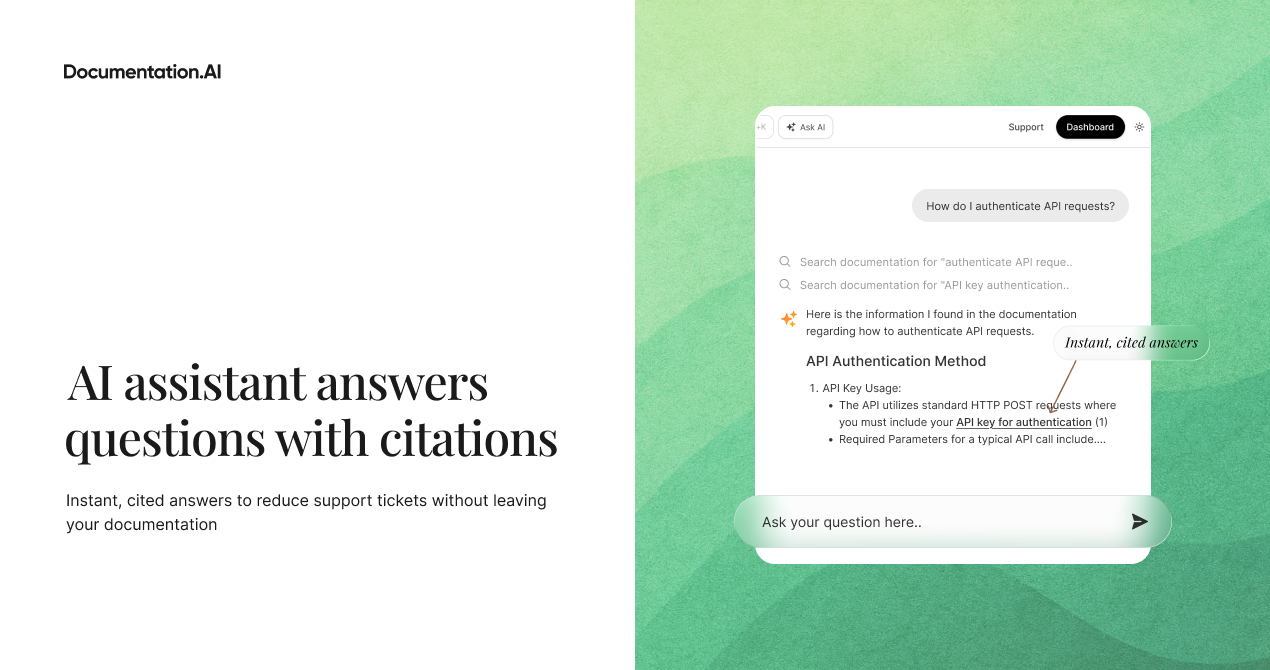
Create beautiful, always-current product documentation with AI. A built-in AI agent helps you write and maintain content and connects to dev and support tools for context. Edit via web, AI agent, or docs-as-code. A built-in assistant gives users instant, cited answers, reducing support load.

Hey Product Hunt! 👋

We're excited to launch Documentation.AI, a platform that makes it incredibly easy to build, maintain, and scale beautiful, AI-ready product documentation.

I'm Roop, co-founder of Documentation.AI. Over the past decade, my team and I have built products across video streaming, edtech, AI agents, and more. No matter the industry, we kept seeing the same issue: documentation was always deprioritized, outdated, or both.

But with the rise of AI, documentation has never been more critical. Tools like ChatGPT, Claude, Cursor, and other AI agents are becoming the primary way users discover, understand, and integrate products, and they rely entirely on your docs as their knowledge source. Your documentation isn’t just a reference anymore; it’s a growth channel.

We noticed three big problems teams face:

  1. Creating great docs is hard — designing, writing, and publishing takes forever.

  2. Keeping them current is even harder — docs go stale the moment you ship new features.

  3. Most docs aren’t built for AI — despite AI agents depending on them, they’re not structured for semantic search, embeddings, or MCP workflows.

What makes us different

✨ Ship in under 5 minutes — Beautiful, fast docs out of the box, no design work required.

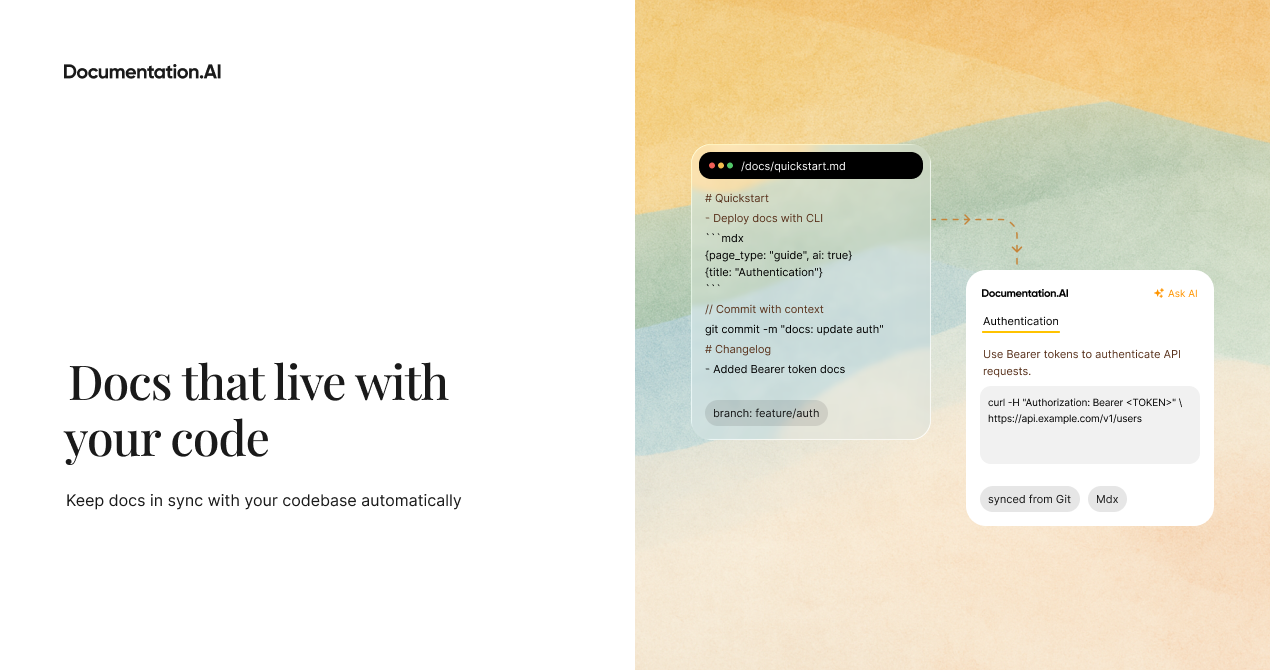
🔄 Stay up-to-date effortlessly — Our built-in AI agent helps you write and maintain content. It can analyze Git commits, support tickets, and more.

🤖 AI-ready by default — Structured for ChatGPT, Claude, and coding agents with MCP endpoints and semantic markup. Your docs show up where your users actually work.

🛠 Flexible editing workflows — Use our web editor, AI agent, or a code editor/coding agent via a docs-as-code workflow.

💬 Built-in AI assistant — Users get instant, cited answers without leaving your docs, dramatically reducing support tickets.

We'd love your feedback on:

  • What's your biggest documentation pain point today?

  • How do you keep your docs in sync with product/API changes?

  • What would make a tool like this indispensable for your team?

Happy to answer any questions! 🚀

You can also reach us via Slack if you want to chat directly.

52
回复

@roopreddy shipping in under five minutes feels huge. Do you see teams adopting this for rapid prototyping docs too?

41
回复

@roopreddy I absolutely love this!

2
回复

@roopreddy Looks clean and easy! Congrats on your launch!

0
回复
Congrats on launch! I like that the agent that audits for outdated sections and updates it. Something that a human writer would have done otherwise. :)
40
回复

@odeth_negapatan1 Thank you. As of now, the agent works more like a cursor. Integration with other tools like support, linear etc are coming soon.

37
回复

Congrats! Do we ask the AI agent for updates or it automatically proactively suggests updates?

40
回复

@nuseir_yassin1 Thank you, Nuseir! Big fan. Right now the agent works more like a helper that you ask for updates, similar to Cursor. Background agents are coming soon, and they will proactively look at support tickets, code commits, PRDs and feedback to suggest updates on their own.

36
回复
Congrats @roopreddy and the team! Does the AI agent support custom linting rules or style guides yet?
40
回复

@kate_ramakaieva Thanks so much! 🙌 Custom linting rules aren’t available yet, but our style guide support is currently in QA and on track to go live next week.

39
回复

Congrats on shipping! The built-in AI assistant for users is super underrated; support teams will love this. :D

39
回复
I really appreciate the focus on accessibility. Docs should be fast and yours clearly are. BTW, I was testing your page load speed.
39
回复

@abod_rehman Thanks a lot Abdul for checking it out. Speed is one of our top priorities, we still have room to get even faster, so your feedback means a lot.

38
回复
Beautiful launch. From the landing page to the assets, everything is super clean and neat. Well done!!
38
回复

@priyankamandal Thank you so much! The team put a lot into making everything feel clean and polished. Glad it came through!

39
回复

Great work!! Any plans to support multi-language documentation with automatic translations or it already supports?

37
回复

@himani_sah1 Thank you! We don't have multi-language support yet. We will soon support it.

36
回复

Does your product access my Git and, based on that, generate or edit documentation itself?

36
回复

@michael_vavilov Auto-generating/updating docs based on Git commits is in the pipeline. It will be available soon.

34
回复
This is seriously impressive because the structure for semantic chunking is something most tools completely ignore.
32
回复

@kruti_parekh Thanks you Kriti! Appreciate it.

28
回复

Looks good, love the design.

Creates a public GH repo though be aware if you want your documentation to be private.

29
回复

@boraoztunc Thank you!
Yes, we create a public repo by default as it’s helpful for OSS and others, and it also simplifies onboarding technically. You can switch it to private at any time. We’ll also make this clearer in the onboarding flow.

1
回复

The integration with Jira/Linear is super helpful. Devs and technical writers would love it.

23
回复

@zerotox yes, context is everything for an agent to write better documentation. We will soon integrate important support, project management, and Code commits in the coming weeks.

21
回复

Love the positioning. With AI agents everywhere, good documentation is becoming infrastructure, not a nice-to-have, but a must-have.

22
回复

@iamanantgupta Thank you, Anath!! Glad that it resonated with you. You put it even better..

17
回复

The looks great.
Definitely trying it out soon for for products.

16
回复

@noel_mathew Thanks, Noel. Please ping us on Slack, if you need any help.

15
回复

How you handle versioning across major releases? BTW, congrats on the launch

11
回复

@raihanshezan Thanks, Raihan!
To handle versions, we have something called Dimensions. For example, version, language, or multi-product. These dimensions make it easier for both humans and AI agents to understand and work with the product. There’s more detail about this in our docs.
https://documentation.ai/docs/customization-and-configuration/site-configuration#dimensions-layer

9
回复

Love the design quality. Fast-loading docs with semantic structure feels like the future of technical writing.

6
回复

@ilya_korzun thanks for your kind words!!

4
回复

Interesting approach with llms.txt. How customizable is the schema for complex API surfaces?

6
回复

@thisiskp_ We support OpenAPI 3+ in both JSON and YAML. You can fully configure how your APIs are organized in the navigation, including grouping and filtering endpoints using tags, so it works well even for complex APIs

3
回复

Congrats on the launch @roopreddy and Team! This resonates hard. We've struggled with keeping our API docs in sync with rapid feature releases for ResumeUp.AI. The Git commit analysis for auto-updates sounds promising.

5
回复

@hareesh_vemasani Thanks a lot Hareesh!!

0
回复

I love that you treat docs as a growth channel, Roop. That mindset is becoming so important with AI. :)

5
回复

@ragsyme Thanks Raghav! Most of what I ask in ChatGPT, especially about the ends up pulling straight from documentation and related sources.

2
回复

Congratulations on the launch 🎉 🎉

3
回复

The MCP integration caught my eye. Does it work with self-hosted LLM setups as well?

3
回复

@iftekharahmad Yes. As long as your self-hosted LLM can act as an MCP client, it will work with the MCP integration

2
回复

Great idea, love the product.

2
回复

The fact that it integrates with AI tools where devs already work is huge.

2
回复

The toughest is to deciding what actually needs documenting versus what’s just noise. Products evolve every week, but not every update deserves a rewrite. Finding that balance between being comprehensive and being clear is honestly the struggle.

2
回复

@samantha_den absolutely agree. Not everything is worth documenting. That's why important to have human in the loop solutions rather than leaving everything to AI

0
回复

Product teams always struggle with outdated API docs. The monitoring of support tickets is a brilliant add-on :D

2
回复

@raghavendra_devadiga4 Thanks for your kind words!!

1
回复

This is wonderful, congrats on the launch

1
回复

No more sleepless night with documentation lol - Documentation AI is definitely the tool that helps engineers out from tedious and tiring jobs! Thanks for the launch

1
回复

@cruise_chen Thanks for your kind words, Cruise. This not only helps engineers but also product managers, support leads as well.

0
回复
Amazing work team! :) Does the AI assistant handle code examples in multiple languages automatically?
1
回复

@hamza_afzal_butt Thank you Hamza! Yes, we handle all the most popular languages automatically, including typescript, javascript, python, java, go, rust, php, ruby, csharp etc.

0
回复

Really awesome. Is there a provision in the generated docs to handle SEO, SEMs, LLM listings, etc., properly?

1
回复

@chilarai Thank you! We’ve put a lot of thought into giving you as much control as possible. You can configure all of these options from the Settings section of the dashboard, and page-specific settings from the page metadata. If you’re using an IDE, you can configure them in the documentation.json

1
回复

This looks so clean and easy to start with. Really great stuff team.

0
回复
#2
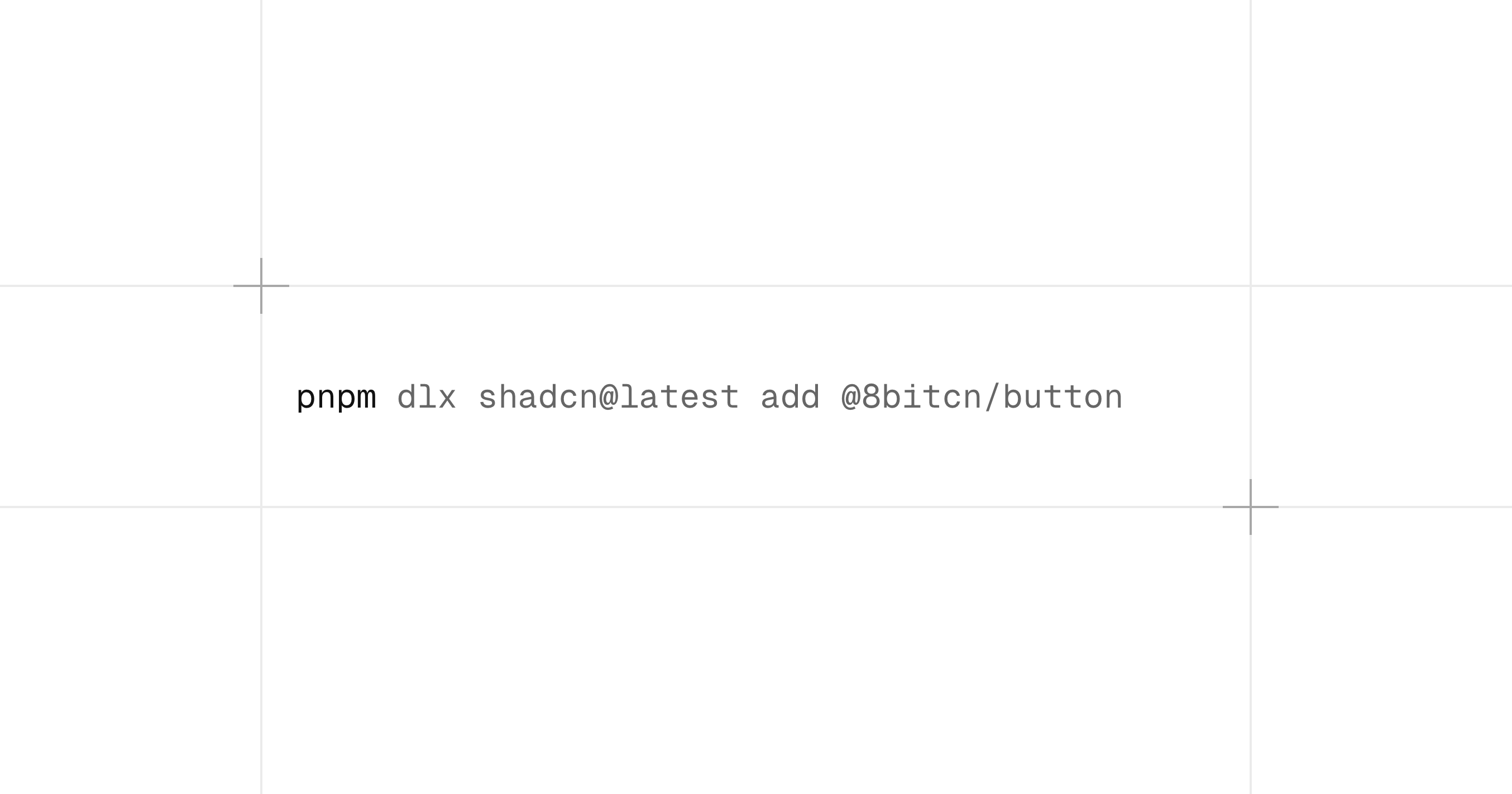
8bitcn/ui
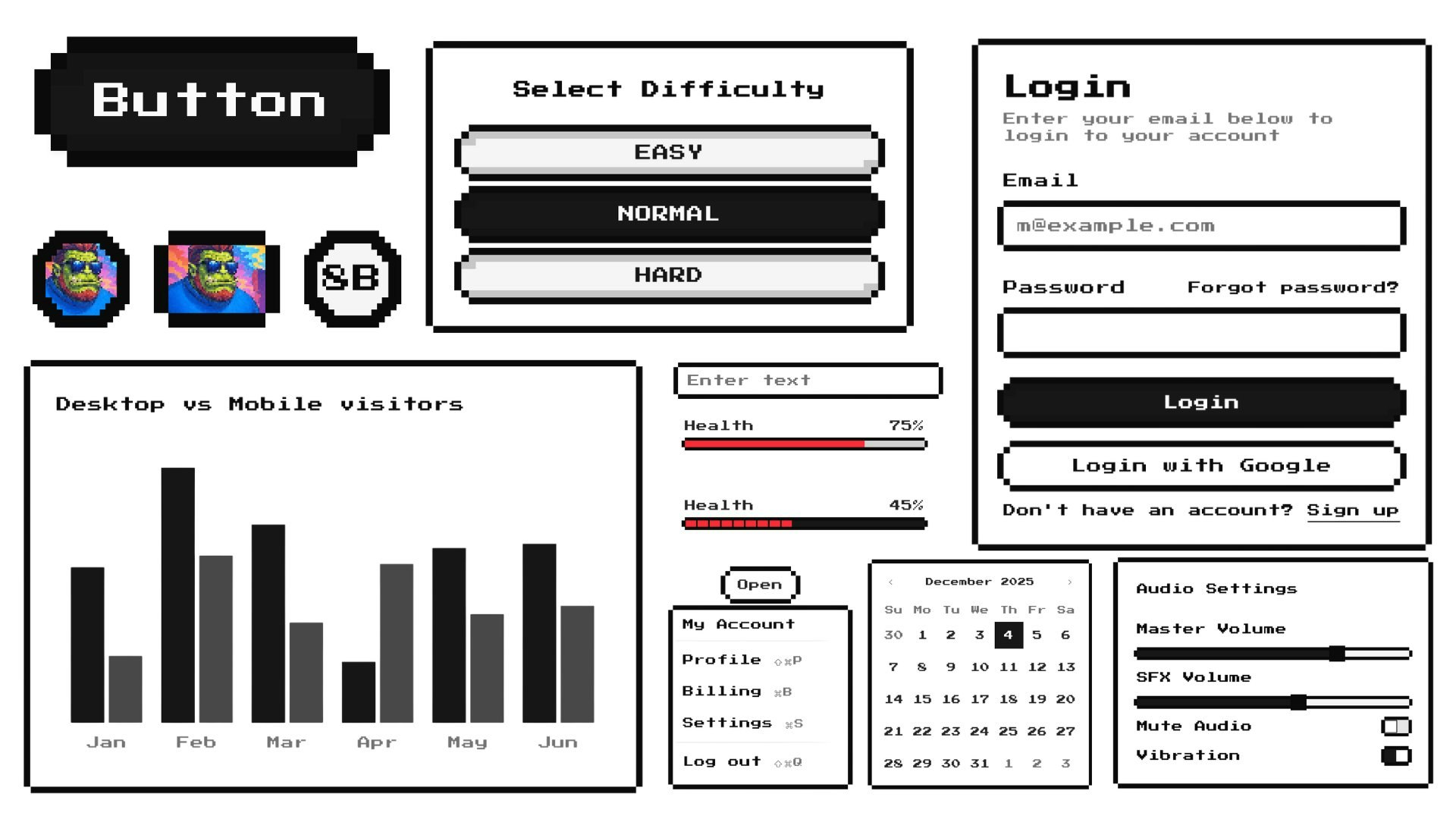
8‑bit UI components that work in any framework
332
一句话介绍:8bitcn/ui 是一款提供复古8比特风格、开箱即用且框架无关的UI组件库,为开发者构建怀旧游戏风或趣味性网页应用快速提供了一套美观、可访问的视觉解决方案。
Open Source Developer Tools GitHub
UI组件库 开源 8比特风格 复古设计 前端开发 框架无关 可访问性 怀旧游戏 shadcn/ui生态 Vercel
用户评论摘要:用户普遍赞誉其复古设计有趣且执行出色,唤起了游戏情怀。核心反馈包括:与shadcn/ui的关联受认可;建议增加更多游戏化动画、音效及预建主题以提升实用性;其开源属性受到社区高度赞赏。多数评论表达喜爱与支持,无明显负面问题。
AI 锐评

8bitcn/ui 表面上是又一个风格化UI组件库,但其真正价值在于精准切入了一个被主流设计趋势忽视的细分情感需求:数字怀旧。在极简主义与玻璃拟态盛行的当下,它并非提供“实用”工具,而是提供了一种“情绪价值”和快速建立品牌差异化的手段。其成功很大程度上借势于成熟的 shadcn/ui 生态与Vercel的背书,这降低了用户的信任与技术采用成本。

然而,其面临的挑战同样清晰。首先,应用场景天然狭窄,主要局限于个人项目、独立游戏官网、特定营销活动等非核心业务场景,商业天花板明显。其次,“风格即卖点”是一把双刃剑,强烈的视觉特征既是吸引力,也可能成为普适性的阻碍。评论中用户“喜欢但不知何时用”的感慨,恰恰印证了其工具属性弱而玩具属性强的现状。

产品的长远生命力,取决于能否从“风格新奇”转向“系统实用”。例如,深入游戏化交互、提供可配置的怀旧主题系统、甚至与复古游戏开发引擎深度集成,都是可能的深化路径。目前看来,它更像一个成功的社区驱动型文化符号,证明了开源生态中,满足小众情感需求同样能获得热烈共鸣。但若想突破兴趣圈层,它需要找到更坚实的、超越视觉的实用支点。

查看原始信息
8bitcn/ui
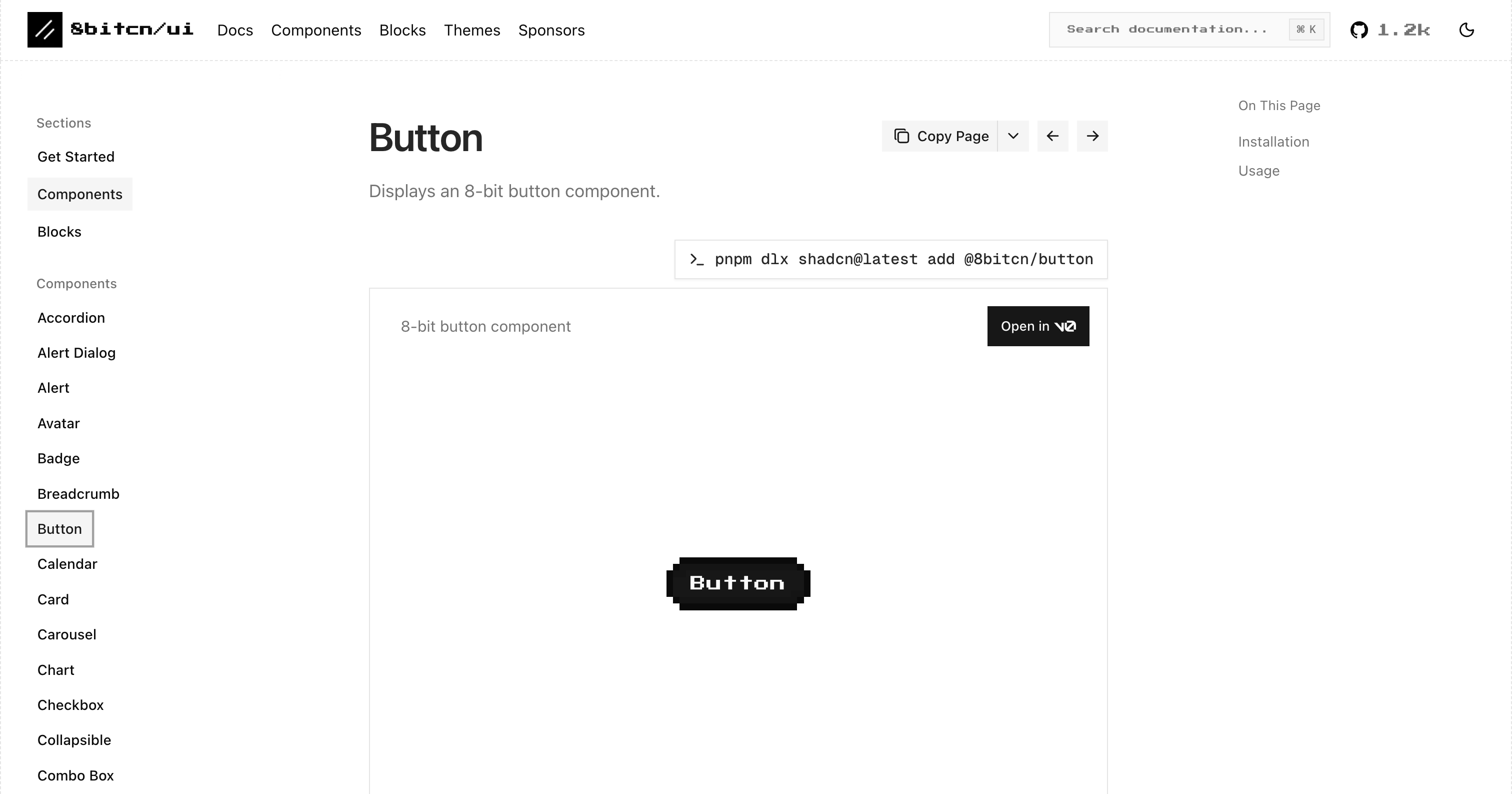
A set of retro-designed, accessible components and a code distribution platform. Open Source. Open Code.

nerd alert: @orcdev turned @shadcn/ui into a beautiful 8-bit styled component library.

for me, it's an instant crush.

the project is backed by @Vercel's OSS program, sponsored by @Shadcnblocks, @Trigger.dev, and more; free and open-source. lfg!

17
回复
@fmerian hey man you hunt great products only as I see Just fall in love with this 8 bit components 🤣 Refreshed my memory with Mario Sonic and tanks on dendi and sega
10
回复

@orcdev  @fmerian Love the retro vibe! Do you plan to add more game-like animations or sound effects in future releases?

7
回复

@orcdev  @fmerian Looks great! it gives me vibes of old games I used to play :)

0
回复

Love it

9
回复

@malithmcrdev So glad to hear that! Thank you!

0
回复

I don't have a need for it (now), but I love it :)

9
回复

@ohansemmanuel Glad to hear that you like it! ⚔️ Thank you!

0
回复

It’s a fun project, and genuinely useful if you’re into retro-style UI. @orcdev has been doing amazing work creating videos and content for the shadcn ecosystem and I highly recommend you follow him on Youtube, my bet is hes the next big creator and Devrel at @Vercel - Keep up the great work mate!

9
回复

@ausrobdev Thanks for the kind words Rob! Really appreciate it!

Thank you also for the sponsorship and keeping the whole Shadcn community together.

0
回复
@ausrobdev 🐐
8
回复

This is awesome stuff, Orc friend! Here to support your launch. Good luck! 🙌

8
回复

@catalinmpit Thanks Catalin! Appreciate it!

0
回复

Upvoted my man :)

8
回复

@codewithguillaume Thanks Guillaume! 💚 Appreciate it!

0
回复

Love the retro design, also that it's Open Source. Knew immediately it has to do something with shadcn 🫡

8
回复

@jim_engine Open source. Open code. The only way :) Thank you!

0
回复

Love this! 8bitcn/ui brings a super fun 8-bit vibe to modern components. Clean, nostalgic, and really well executed. Huge props to the Orc — excited to see where this goes! 👾🚀

7
回复

@ajaypatel9016 Thank you so much Ajay! Big updates coming to 8bitcn :)

0
回复

Great components library for people who build retro games or websites! Awesome work @orcdev 👏

6
回复

@matsugfx Thank you Matt! Really appreciate your support 💚

0
回复

This looks fun and my thought is it would be cool if there was a small library of prebuilt 8-bit themes because I often struggle to match colors when I try to make playful UIs.

6
回复

Lets gooo big Orc :p

6
回复

@nikuscs Going strong!

0
回复

Let's go!!

6
回复

@dunsin to waaaaaaar

0
回复

This is what we deserve 😍😁

0
回复

love this work, and the attention to detail on this❤️

0
回复

I rarely stop to leave a comment on PH, but this is cool, guys!
Upvote + GH star. Dunno when I’ll need it (or if I ever will), but I definitely want to use it somehow

0
回复

Great as open source project! like the ease and flexibility of 8bitcn!

0
回复
I’m in love with this! I love 8-bit style in general, even the logo of my startup Chirpz AI is in 8 bit :) can’t wait to use it in my project 🚀
0
回复

Great as open source project! Congrats for the launch team!

0
回复

How customizable are the components? Can themes be swapped easily?

0
回复

Looks awesome, definitely want to try :)

0
回复

Cool stuff

0
回复
#3
Gemini 3 Deep Think by Google
Google’s best model for logical thinking and understanding
263
一句话介绍:Google推出的顶级推理AI模型,通过并行推理技术,在复杂数学、科学和逻辑问题解决场景中,为用户提供深度、类人的分析与洞察,攻克传统AI难以处理的复杂思维挑战。
Productivity Developer Tools Artificial Intelligence
人工智能模型 高级推理 逻辑思维 复杂问题解决 并行假设分析 数学科学工具 Google AI Ultra 付费订阅 类人洞察 AI突破
用户评论摘要:用户普遍肯定其在复杂问题解决上的突破性,认为其推理更类人、解释更清晰。主要疑问集中于:1)并行推理的触发机制与用户可控性;2)对模糊多解问题的处理能力;3)功能目前仅限Ultra订阅者,引发部分Pro用户不满。
AI 锐评

Gemini 3 Deep Think的发布,与其说是一款新产品,不如说是Google在AI军备竞赛中一次精准的“价值锚定”行动。它避开了喧嚣的通用对话优化,直指AI最核心也最受诟病的短板——深度、复杂的逻辑推理。其宣传的“并行推理”是关键技术叙事,意在模仿人类面对难题时的多线程思维探索,这确实是对传统序列化LLM推理路径的一次范式冲击。

然而,产品定位暴露了其战略本质:这是一款“精英模型”。仅向最高付费层级(Ultra)开放,这既是技术变现的激进尝试,也是在高端市场与GPT-5、Claude Sonnet等直接争夺科研人员、工程师及高端知识工作者用户的明确信号。用户评论中的赞叹与“被背叛感”并存,恰恰印证了其市场分割策略的成功与风险——它强化了Ultra的顶级价值,但也可能动摇Pro用户群体的忠诚度。

更深层看,Deep Think的价值不在于解决了多少具体问题,而在于它试图重新定义“AI智能”的衡量标准:从信息重组转向逻辑建构。用户反馈中“类人”、“零冗余”的评价,说明其在输出质量上取得了感知层面的进步。但核心挑战依然存在:其“多假设探索”是真正的理解涌现,还是更精巧的概率计算?它对问题模糊性的处理,能否超越预设的逻辑框架?这些问题,决定了它是迈向通用人工智能(AGI)的坚实一步,还是又一个在特定测试集上优化的高级工具。

总之,Deep Think是Google一次犀利的市场与技术卡位。它用最高的订阅门槛,宣告了高级推理能力作为一种稀缺资源的价值,同时也将自身置于最严苛的审视之下——用户将用最复杂的现实问题来检验其“深度思考”的成色。

查看原始信息
Gemini 3 Deep Think by Google
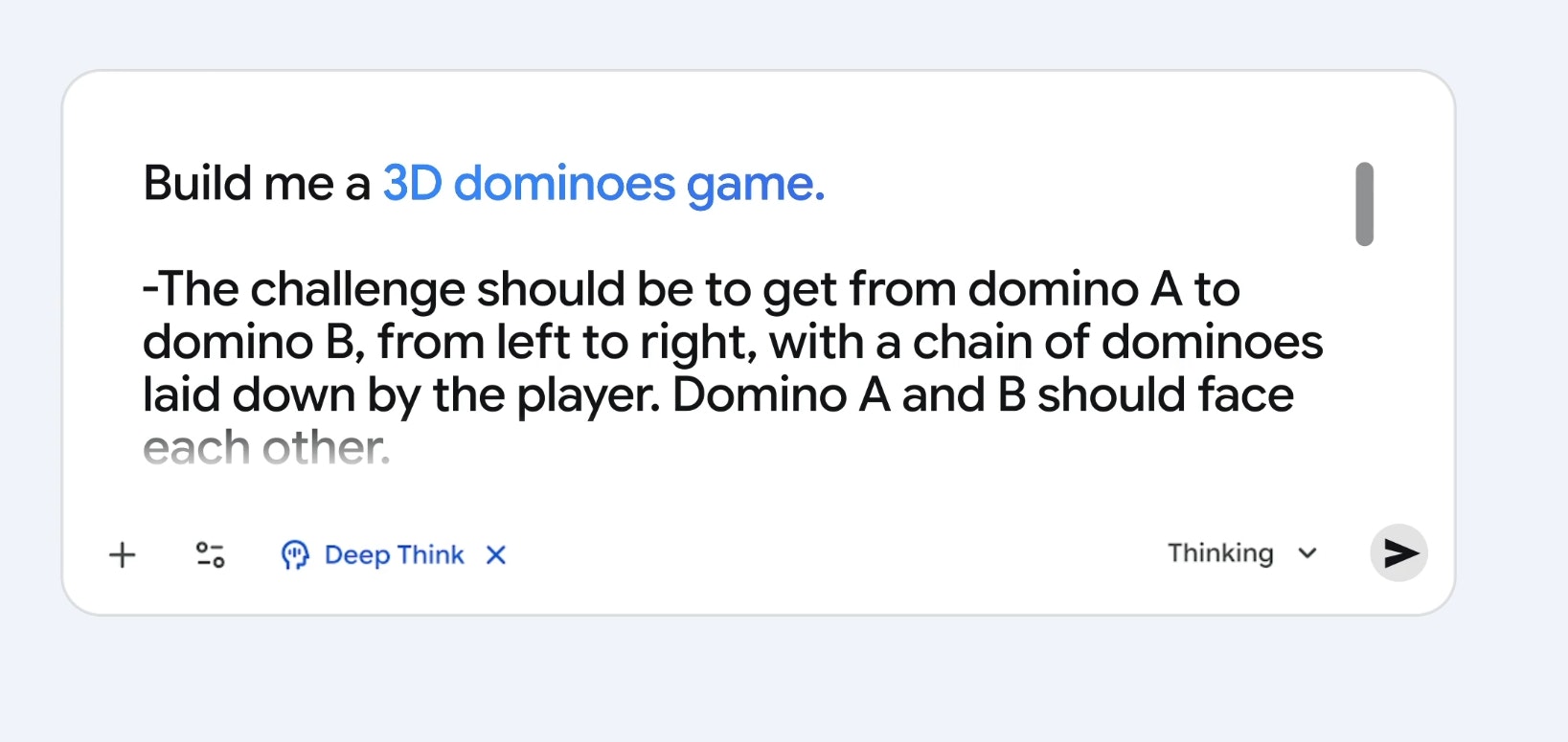
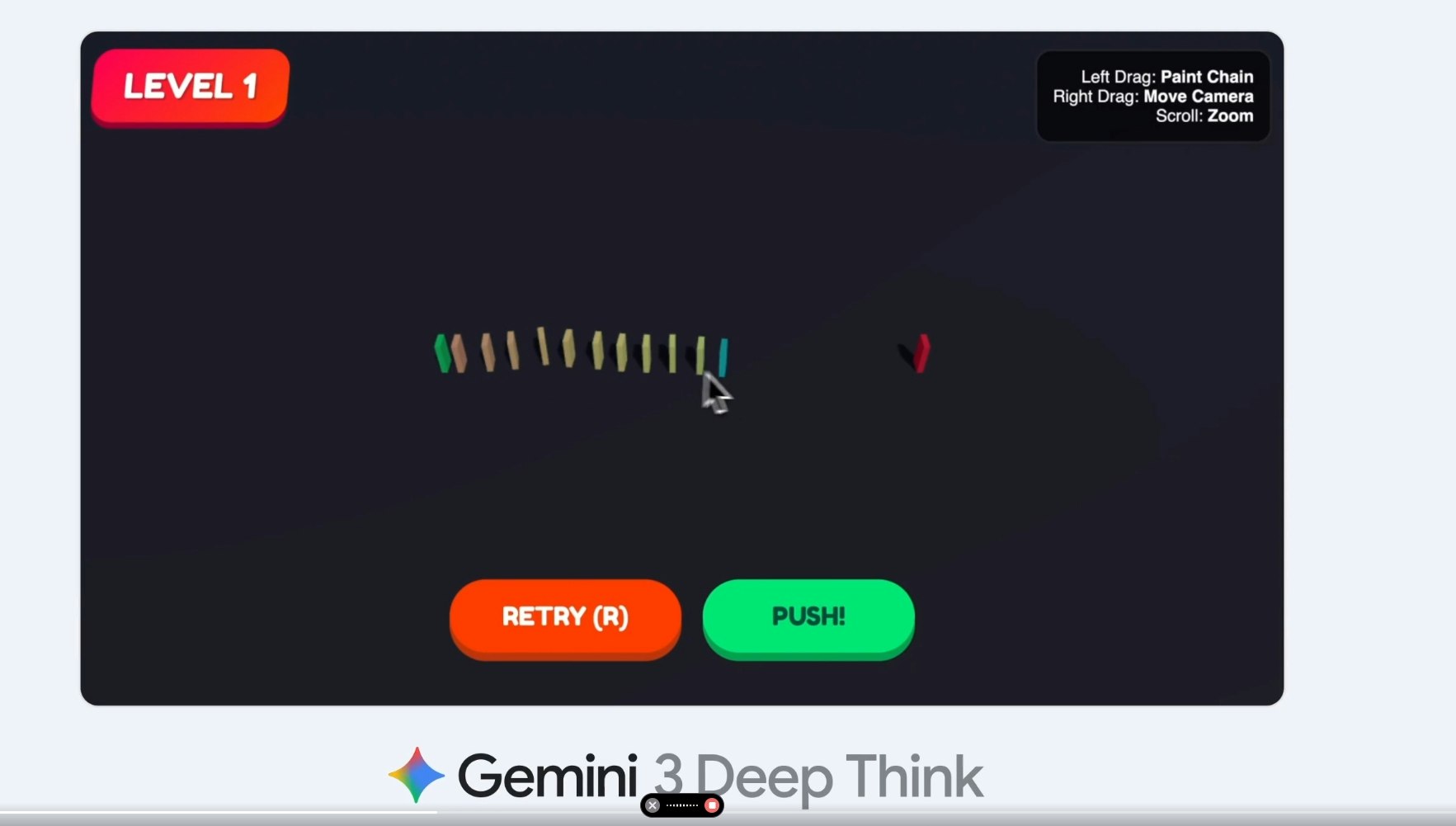
Gemini 3 Deep Think introduces Google’s most advanced reasoning model yet built to solve complex math, science, and logic challenges that push the limits of AI. Using parallel reasoning across multiple hypotheses, it delivers deeper understanding and human-like insight. Available now for Google AI Ultra subscribers in the Gemini app.
Hey everyone! Google just launched Gemini 3 Deep Think! A major leap in AI reasoning. Built to handle complex math, science, and logic tasks, it uses parallel reasoning to explore multiple ideas at once, bringing AI closer to human-like understanding. Ultra subscribers can try it now in the Gemini app under Gemini 3 Pro → Deep Think.
10
回复

@byalexai Congrats on the launch — this looks like a major advancement in reasoning models.
I’m curious how Deep Think decides when to explore multiple hypotheses versus going deeper on a single one.
Is that something users can influence, or is it fully automatic based on the prompt?

0
回复

@byalexai This is truly unbelievable! Congrats on this huge launch!

0
回复

Really cool. Been using gemini all summer. Really fast and nimble. Great for day to day work. Only using gpt5 and Sonnet for harder problems. So this is a welcomed model to compete with the elite LLMs. I hope its included in the startup perk package 😅🙏

8
回复

I am wondering how it handles ambiguous problems because my logic tasks often have multiple valid interpretations and I want to know if it can explore all possibilities without oversimplifying.

4
回复

Really exciting to see this launch because my past encounters with AI reasoning felt limited and this model gives me hope that complex problem solving might finally be more intuitive and human-like.

4
回复

this feels built for people who enjoy complex thinking. The whole design pushes beyond typical assistant-style replies.

4
回复

Tried a few logic and it handled them with such calm accuracy. Felt almost like talking to a real problem solver.

4
回复

So not yet for Pro users? I would honestly feel betrayed if I were paying for Pro and would like to test this new feature

4
回复

@jim_engine me too :D

0
回复

The human-like reasoning hits especially well on science problems. Got super clean explanations with zero fluff. 🔥

3
回复

Nice launch! Deep Think sounds like the “let’s solve the impossible” mode. What’s been the most memorable problem users asked it to solve so far, and how did they react when it actually delivered?

3
回复

Congrats to the team, parallel reasoning sounds like a real breakthrough.

0
回复
#4
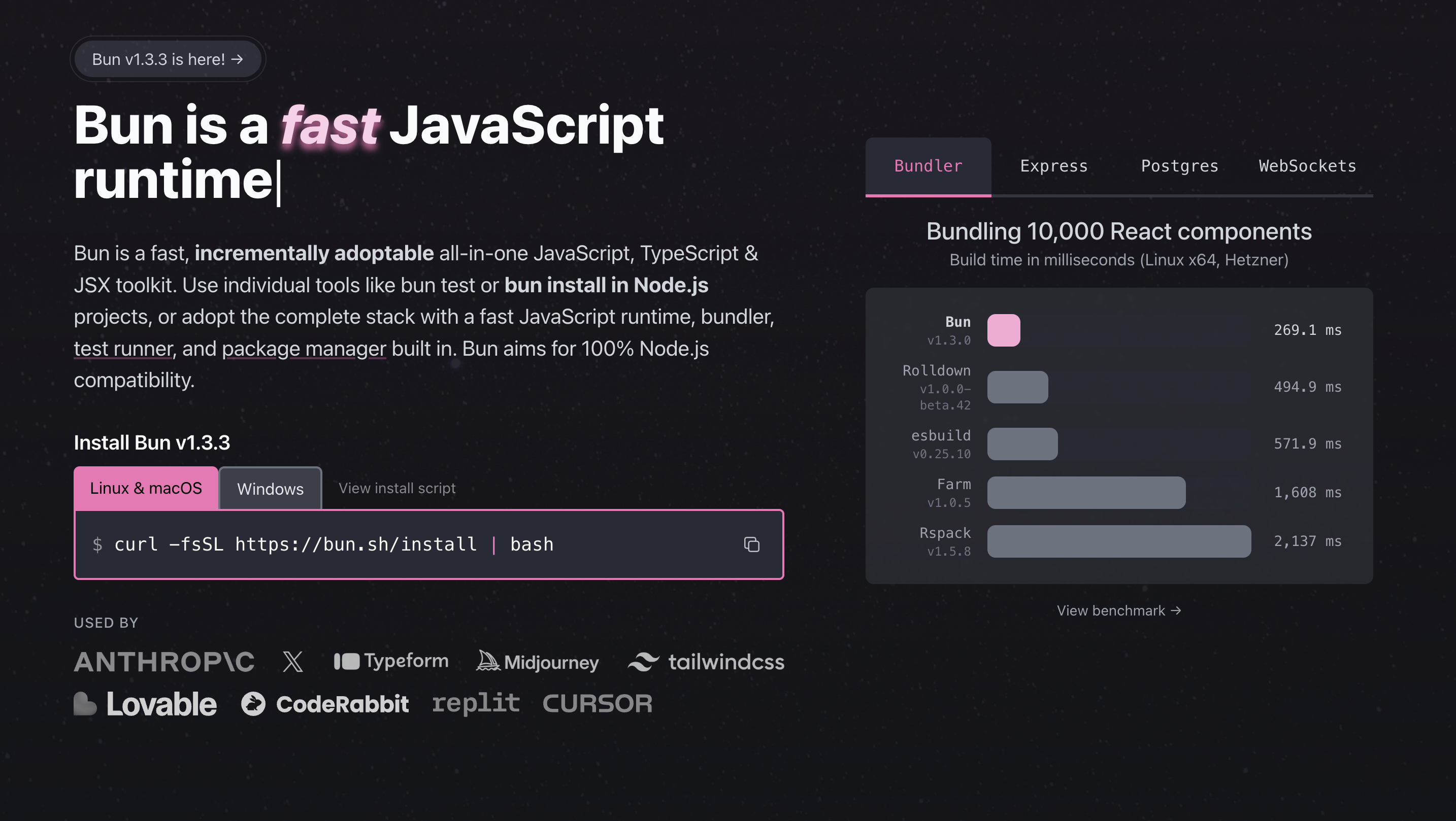
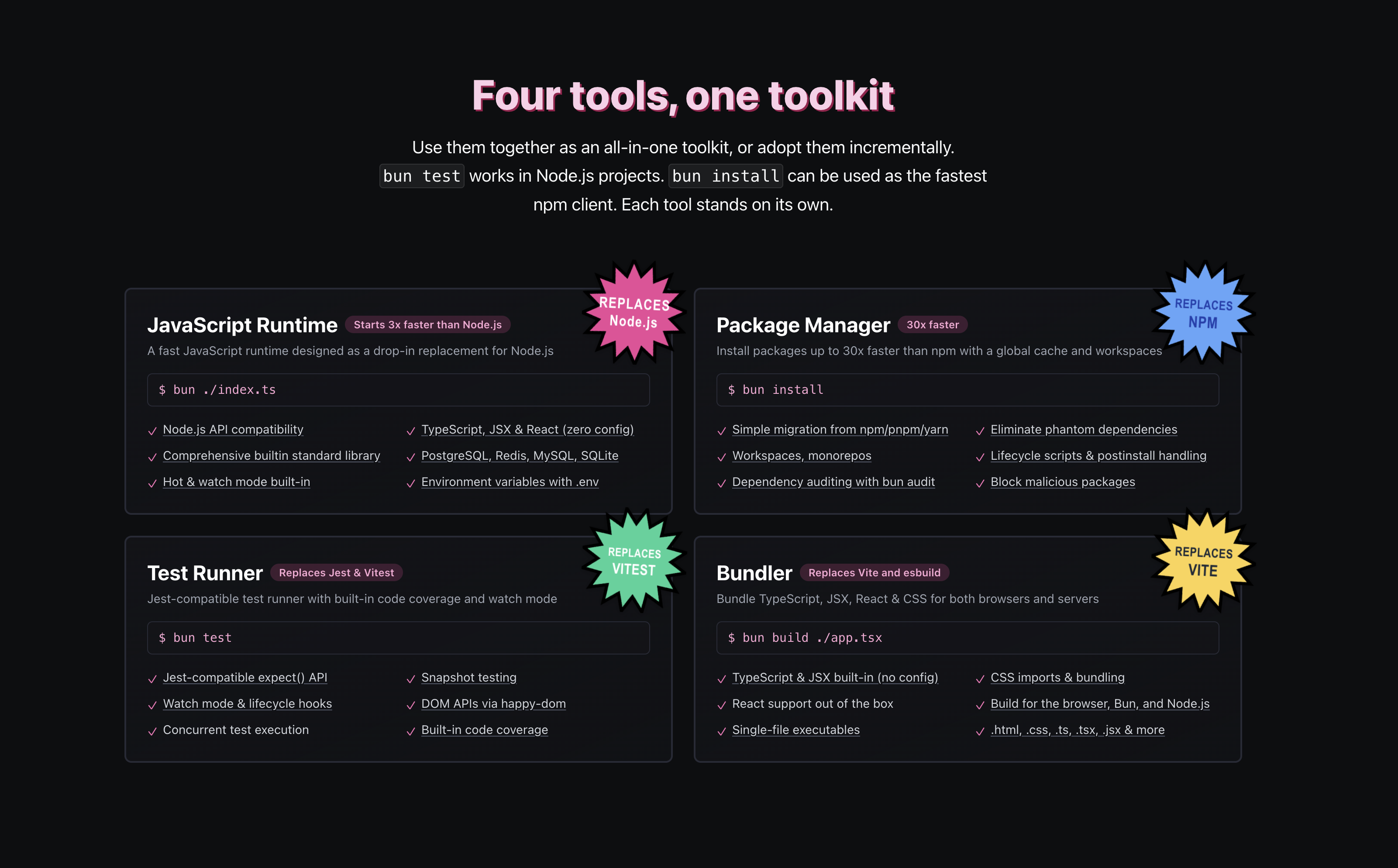
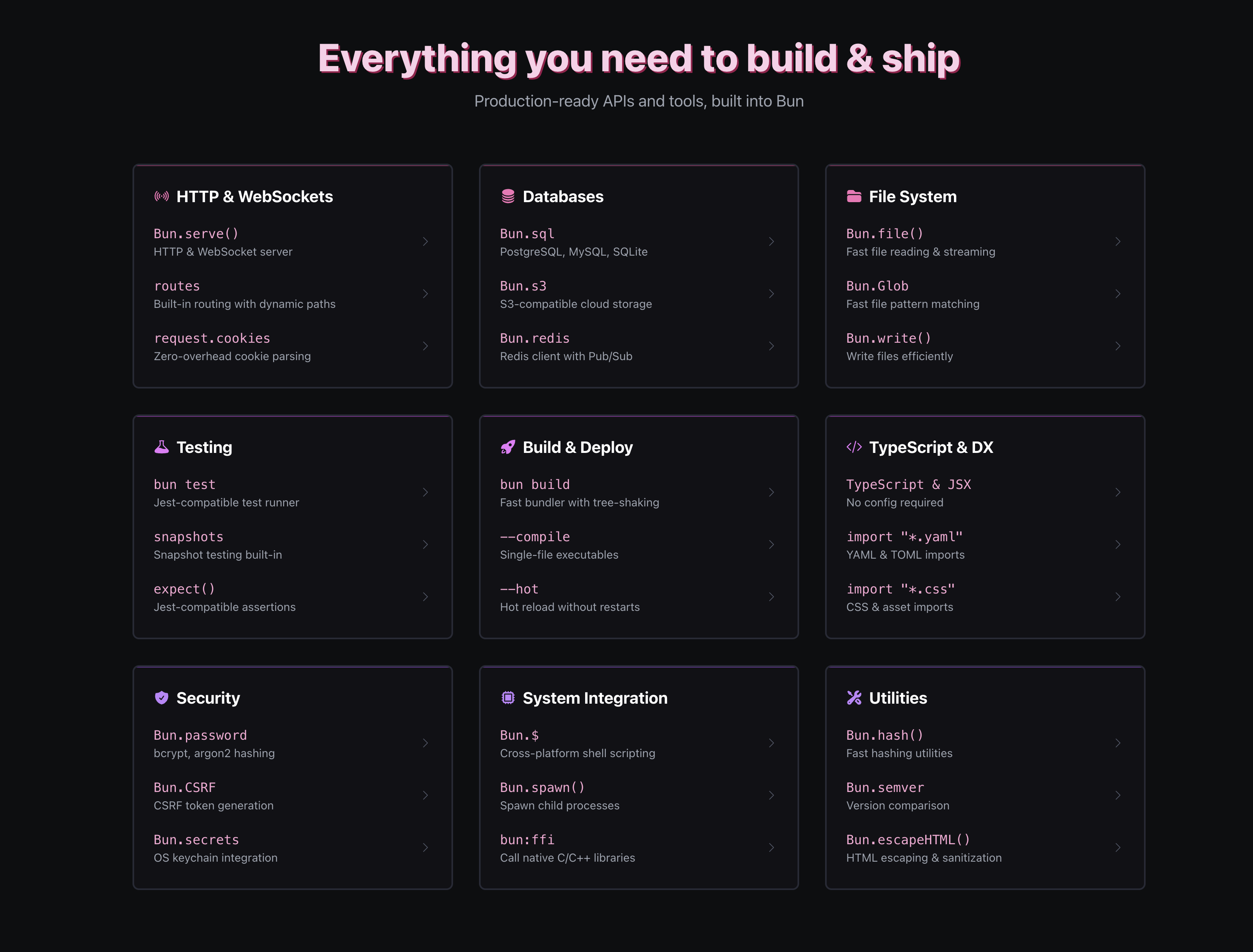
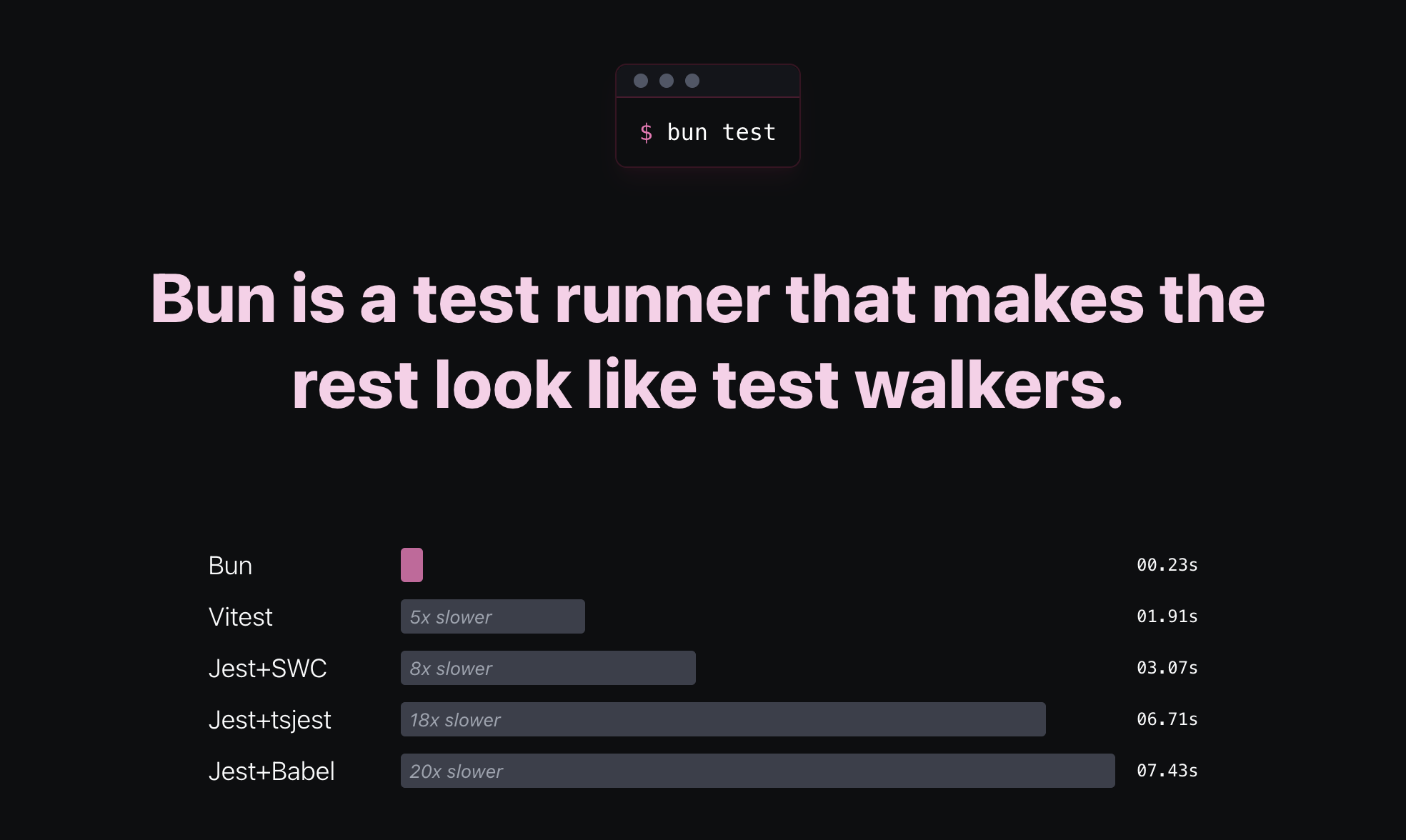
Bun
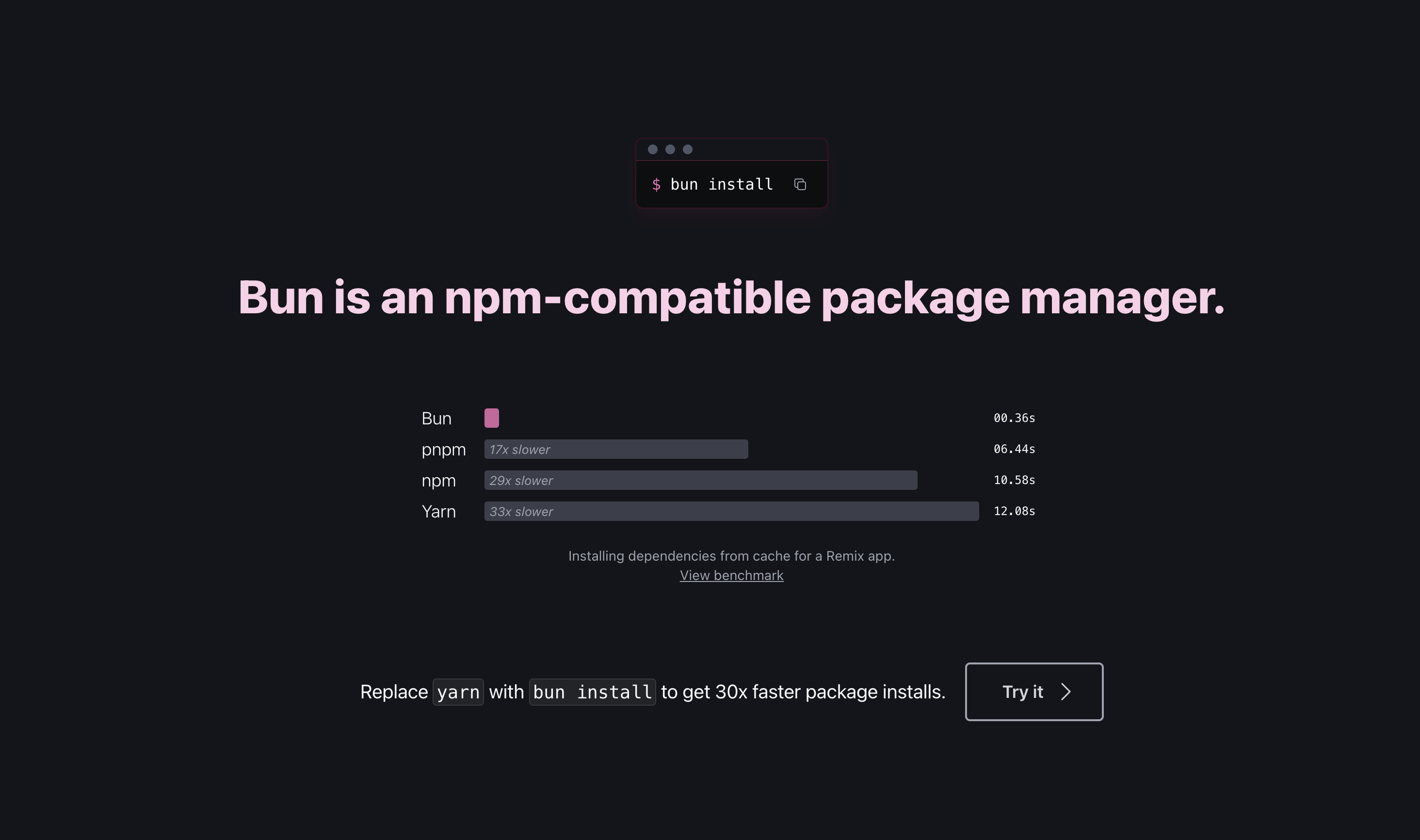
A fast JS runtime Node.js replacement with built‑in tools
259
一句话介绍:Bun是一个集运行时、打包器、转译器、任务运行器和npm客户端于一体的快速JavaScript/TypeScript工具链,旨在通过一体化设计解决开发者需要在多个工具间切换和配置的碎片化工作流痛点。
Open Source Developer Tools GitHub
JavaScript运行时 Node.js替代 原生打包工具 TypeScript支持 任务运行器 npm客户端 开发者工具 一体化工具链 性能优化 开发体验
用户评论摘要:用户普遍赞赏其一体化设计简化工作流。主要反馈包括:Windows ARM兼容性问题;对已被Anthropic收购的确认;建议明确首次使用的核心价值主张(无缝兼容vs.性能提升);期待更快的错误反馈机制。
AI 锐评

Bun的野心远不止于“又一个JS运行时”。它试图以系统级思维重构Node.js生态的底层工具链,将碎片化的工具生态(Webpack/Babel/npm/脚本)整合为单一高性能二进制文件。这直指现代JavaScript开发的根本矛盾:在工具链日益复杂和项目构建速度之间,开发者正付出巨大的认知与时间成本。

然而,其真正的挑战并非技术性能。评论中暴露的Windows ARM兼容性问题,恰恰揭示了替代成熟生态的艰难:开发者可以为一流性能妥协,但绝不会为部分平台的不可用而放弃通用性。另一条高赞评论则点出了核心 adoption 障碍:开发者心智的争夺。Bun需要让用户第一时间相信,它是“增强”而非“颠覆”现有工作流。无缝兼容现有npm包和项目结构,是其生存的底线,而非亮点。

被Anthropic收购一事,为Bun赋予了超越工具本身的战略想象。它可能不再仅仅是开发工具,而逐渐成为AI工程化基础设施的一部分——为需要快速启动、低延迟的AI应用服务提供轻量级运行时。但这也带来风险:若过度向AI场景倾斜,可能疏远其广大的传统Web开发者基本盘。

Bun的价值在于其“一体化”理念的坚决执行,它赌的是开发者对工具链复杂性的厌倦终将压倒对既有生态路径的依赖。但其成功与否,将取决于它能否在极致性能、跨平台兼容性以及生态平滑迁移这个“不可能三角”中,找到最广泛的平衡点,而非单纯成为某个技术小众群体的性能玩具。

查看原始信息
Bun
Bundle, install, and run JavaScript & TypeScript all in Bun. Bun is a new JavaScript runtime with a native bundler, transpiler, task runner, and npm client built-in.

I ❤️ bun. But I made sure my project also works with NPM. Turned out. Bun didn't support windows arm executables. But NPM did. So for win arm exe. I use NPM. For other targets. Bun.

9
回复

Bun is around for quite some time, I wonder why it never made it to PH. Also, haven't they been bought by Anthropic now?

8
回复

Impressive launch, Bun team. From a clarity & onboarding lens: when a developer opens Bun 4 for the first time, what’s the one belief you want them to hold in the first 10-15 seconds?
Is it:
• “This runtime just works with my existing stack, no rewrites.”
Or:
• “I can build faster and ship earlier, and the tooling problem is solved.”
Because for developer tools, the adoption barrier often isn’t features-it’s the dev believing this fits how I already build. Curious how you’re framing that.

4
回复
Now owned by Anthropic! https://www.anthropic.com/news/a...
2
回复

Seeing a tool combines, task running, and npm support makes me smile because my old workflows were a patchwork of half a dozen utilities.

2
回复

It would be cool if the runtime gave me quick feedback on errors because I hate waiting for the build to finish just to find a tiny typo.

1
回复

Congrats! Bundling, running, and installing in one runtime is an elegant developer DX win.

0
回复
#5
Google Workspace Studio
Build your AI agent in minutes to delegate the daily grind
209
一句话介绍:Google Workspace Studio是一款集成在Gmail、Docs、Sheets等办公套件中的无代码AI智能体构建平台,它允许用户通过自然语言指令创建自动化工作流,旨在解决日常办公中邮件处理、报告生成和项目协调等重复性任务的效率痛点。
Productivity Artificial Intelligence No-Code
AI智能体平台 无代码开发 办公自动化 Google Workspace集成 自然语言编程 工作流自动化 企业级SaaS Gemini AI 生产力工具 团队协作
用户评论摘要:用户反馈呈现两极。积极方面认为这是将普通用户转变为AI自动化设计师的关键产品,并对Gemini 3的推理能力表示期待。消极方面则存在严重的产品可用性问题,有用户报告点击“开始使用”后仅显示空白页面,影响初体验。
AI 锐评

Google Workspace Studio的发布,与其说是一款新工具,不如说是谷歌对其企业办公生态进行“AI原生”重构的一次关键落子。其真正价值并非简单的“无代码自动化”,而在于试图将“智能体”(Agent)这一高阶AI概念,从技术极客的玩具降维成普通白领可配置、可调用的日常工作伙伴。通过深度嵌入Workspace这一拥有数十亿用户的真实工作场景,它直接瞄准了企业级AI应用最核心的难题:如何让AI理解并融入复杂、非标准化的业务流程。

然而,首批评论中暴露的“空白页面”问题,犀利地揭示了谷歌在推进AI战略时的经典软肋:工程化与用户体验的脱节。在竞相展示AI宏伟蓝图的当下,能否让用户第一步就顺利跑通,往往比模型参数本身更能决定产品的生死。这让人联想到谷歌此前一些虎头蛇尾的产品。

从行业视角看,此产品是谷歌对微软Copilot for Microsoft 365生态的正面阻击。其差异化优势在于“构建”而不仅是“调用”,赋予用户创造专属工作流的能力,这更符合“智能体”的长期愿景。但挑战同样巨大:在企业严苛的数据安全与合规要求下,由自然语言驱动的、具备自主行动能力的智能体,其行动边界如何界定?会否引发不可预见的流程混乱?这需要谷歌提供远超消费级产品的可靠性与管控能力。

总而言之,Workspace Studio描绘的愿景极具颠覆性,它试图将AI从“副驾驶”升级为“可委任的实习生”。但其成功与否,不取决于Gemini 3的智商,而取决于谷歌能否以企业级的标准,解决好信任、可控性与部署平滑度这些“平凡”却致命的问题。否则,它可能只是又一个停留在演示视频中的“未来工具”。

查看原始信息
Google Workspace Studio
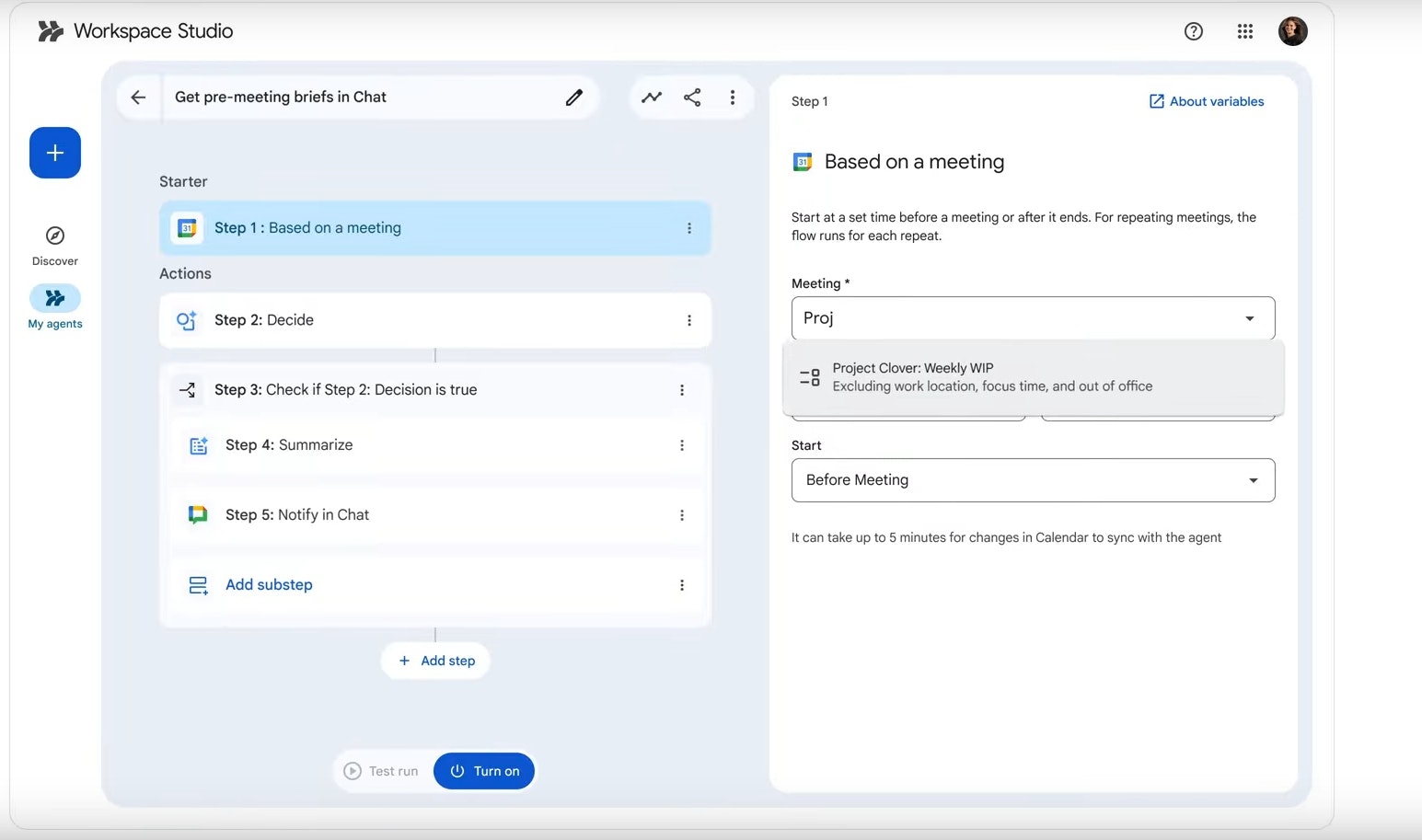
Google Workspace Studio lets anyone build AI agents inside Gmail, Docs, Sheets, and more! No coding needed. Powered by Gemini 3, it turns natural language prompts into workflows that can triage emails, generate reports, or coordinate projects. Designed for teams, it brings real agentic automation to everyday office work.
Hey everyone! Google just launched Workspace Studio! An agentic AI platform built into Gmail, Docs, and Sheets. You describe the task, Gemini 3 builds and runs it. Feels like the moment Google turns everyday Workspace users into AI automation designers.
8
回复

Really curious to try this out, the reasoning improvements sound solid.

5
回复

The Golden Kitty nod shows impact. What’s next, maybe expanding search into immersive AR or VR contexts?

4
回复

It's just a blank page (apart from a Google header) once I click 'Get Started' for me, what gives?

0
回复

Excited to try this out!

0
回复
#6
Orca
AI Agent for Game Development
145
一句话介绍:一款基于网页的AI游戏开发智能体,通过对话即可编写代码、修复Bug、创建资产并整合实时游戏机制,让没有游戏开发经验的创意者能将想法快速转化为可运行的原型。
Indie Games Artificial Intelligence Games
AI游戏开发 无代码/低代码 智能体 原型设计 网页工具 2D游戏 创意实现 快速迭代 游戏资产生成 游戏测试
用户评论摘要:用户肯定其“一体化整合”带来的效率提升和体验流畅度,对“通过聊天迭代”功能感兴趣。核心建议/问题包括:增加游戏导出与发布功能、明确游戏托管方案、优化首页展示与点击交互、解决登录问题,并探讨了产品应如何塑造用户初次使用的核心信念。
AI 锐评

Orca精准切入了一个新兴且潜力巨大的缝隙市场:AI赋能的平民化游戏创作。其宣称的“全栈”能力——从代码、资产到逻辑组装——是核心卖点,旨在解决现有AI编程工具(如Cursor)在游戏开发这一多模态、强交互领域的功能断层。这并非又一个ChatGPT的玩具级包装,而是试图成为游戏开发领域的“Copilot Workspace”,将非结构化创意直接结构化为可运行项目。

然而,其面临的挑战与机遇同样鲜明。从评论看,当前产品完成度存疑,存在登录、展示等基础体验问题,且最关键的“发布与分享”功能尚在开发。这暴露了早期产品“核心闭环”未完全跑通的风险。其真正的价值不在于替代开发者,而在于成为“创意验证加速器”,将游戏原型迭代周期从天级压缩至小时级。但游戏开发不仅是功能实现,更涉及平衡性、趣味性等深层设计,AI能否理解并迭代这些抽象维度,是判断其能否从“玩具”进阶为“工具”的关键。若团队能扎实构建游戏资产库与机制模板,并开放足够的导出与定制空间,它可能成为激发UGC游戏创意的火花;若仅停留在生成简单、同质化的网页小游戏,则易困于技术演示的窠臼。其成功与否,将取决于对“游戏开发”复杂度的敬畏与抽象能力。

查看原始信息
Orca
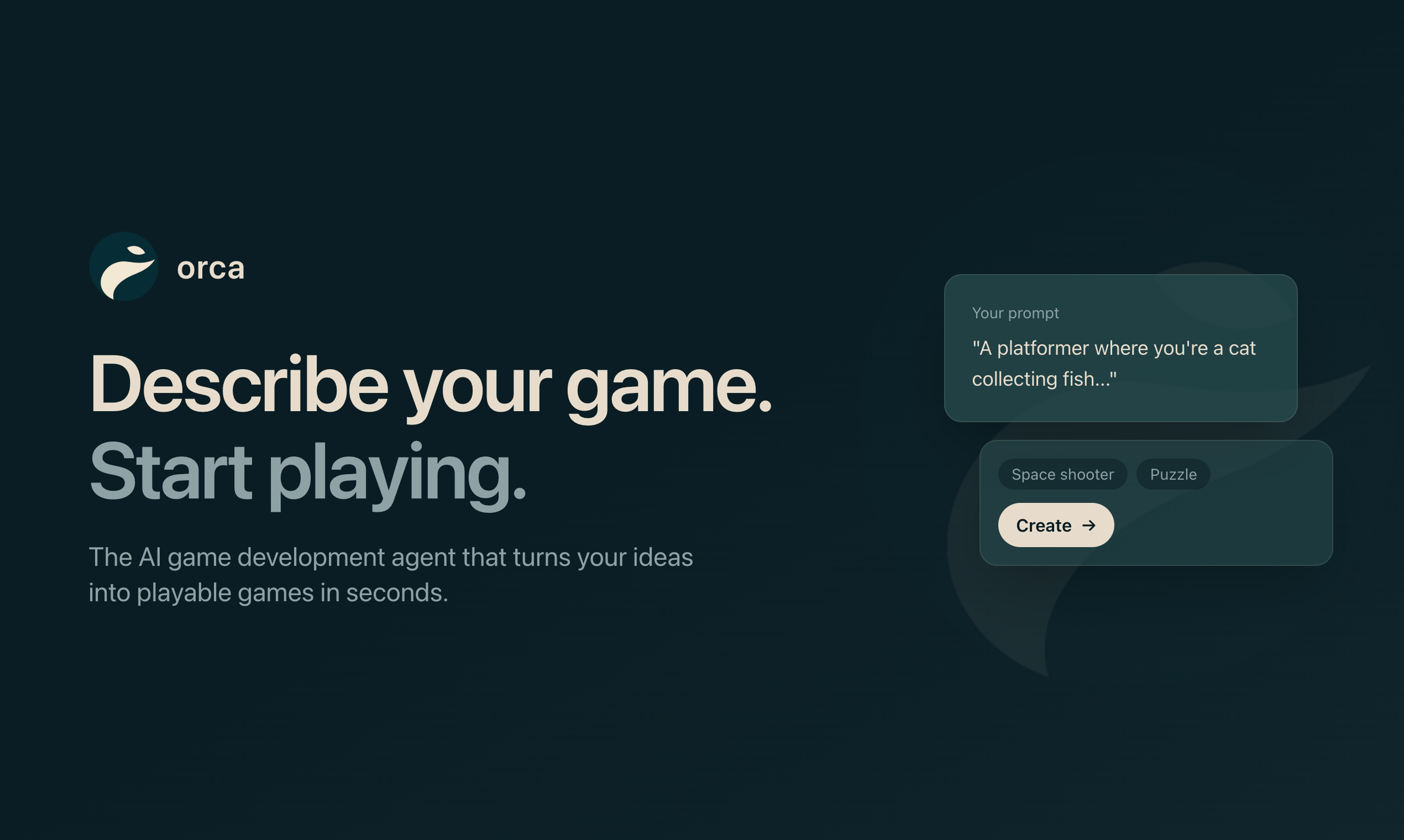
Build games by chatting. Orca is a web-based AI agent that writes code, fixes bugs, creates assets, and assembles real-time mechanics with no setup required. The simplest way to go from idea to a running prototype.
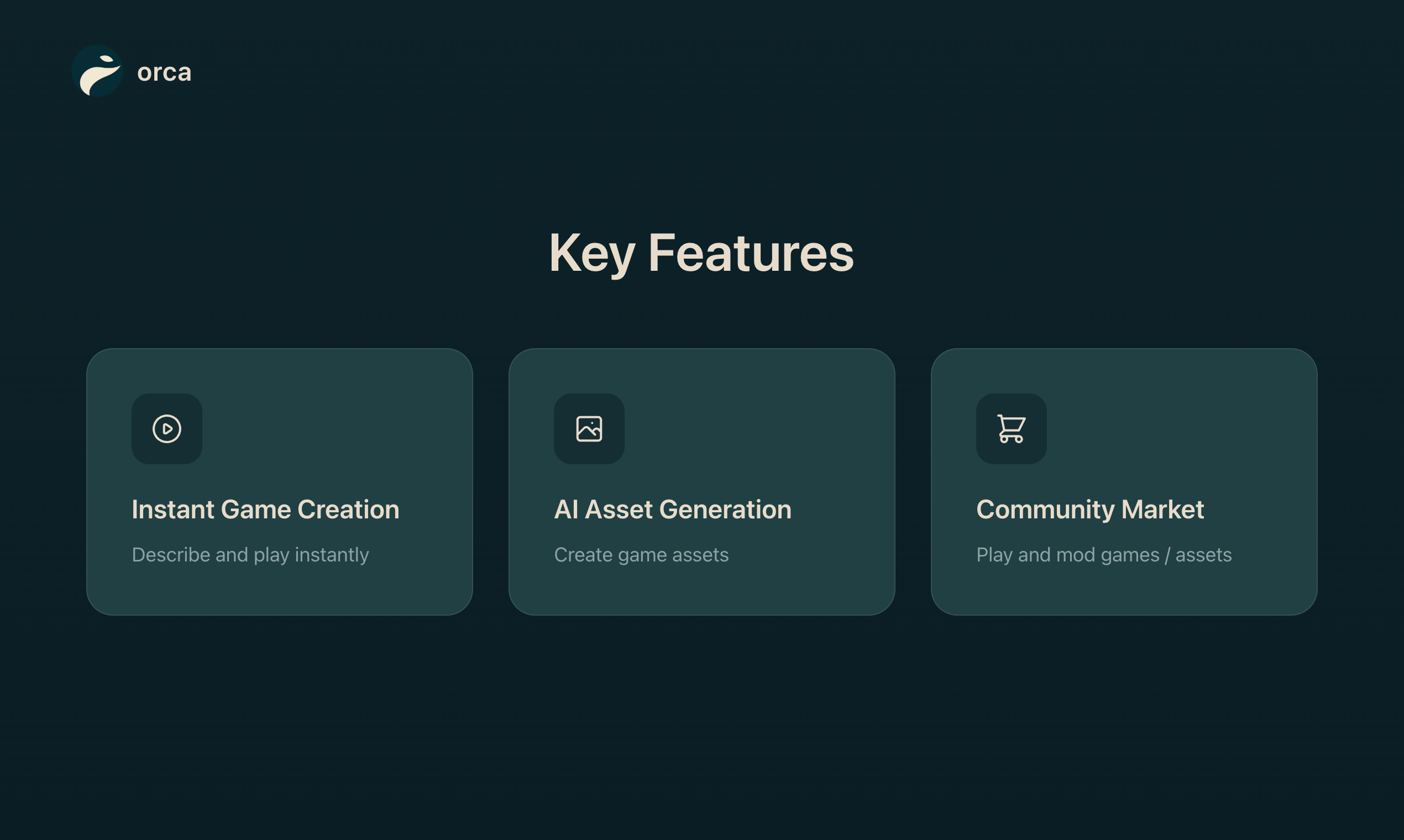
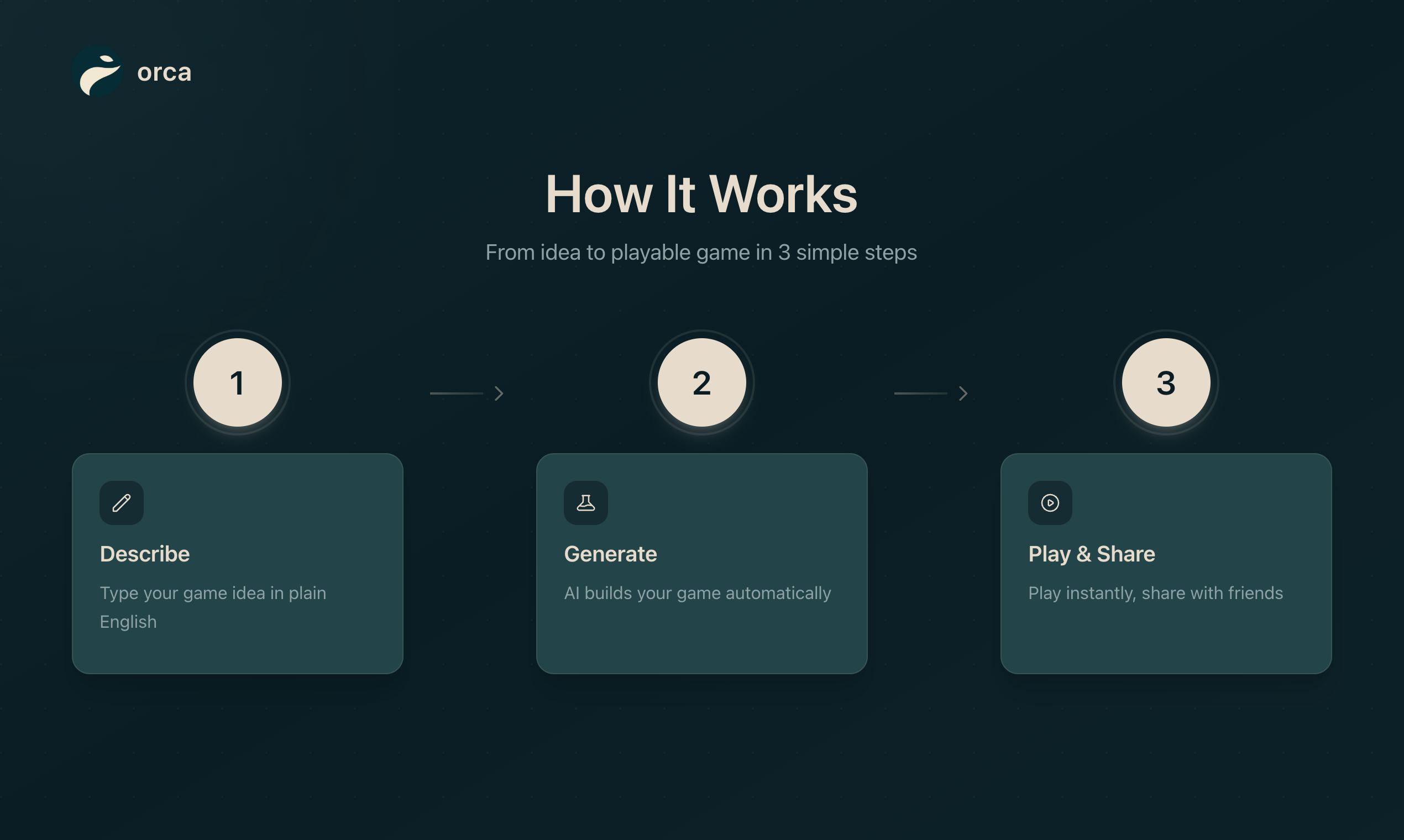
Hey Product Hunt! 👋 I'm Ege, co-founder at Orca with Ali. We've always loved playing games, they made so many of our best memories growing up. Whenever we'd play something inspiring, we'd dream about making our own, but there was one problem: we're not game developers. My first attempt at coding was actually trying to make a game in high school. It didn't work out. Fast forward to a few months ago, Ali and I were working on AI for a different product, decided to pivot, and spent a few days just... playing games. Then we both ended up in Cursor trying to build something, anything, with AI. The problem? Existing tools weren't made for AI game development. We hit wall after wall. Cursor's amazing for code, but games need so much more like assets, logic, testing, iteration cycles. We realized that if we're frustrated, other aspiring game makers probably are too. That's why we built Orca, an AI game dev agent that: Generates playable games from your ideas Create 2D characters and animations from chat Iterates with you, give feedback, refine, and actually ship Web-based agent, so no complex setup We're not trying to replace game developers. We're trying to help people like us who have ideas and passion but not years of Unity experience or money to hire a team, actually make something real. For Product Hunt: Get early access with code PRODUCTHUNT for exclusive launch pricing. Would love your feedback: What's a game you've always wanted to make but couldn't? What's holding you back? Thanks for being here! 🙏
2
回复

@egkduman I saw that Orca doesn’t just generate code but also iterates through a test–feedback loop.
In the early versions, which part does it focus on refining the most?
For example, can it adjust things like game balance or difficulty as well?

0
回复

Having an agent that actually assembles everything together saves hours. love how smooth that feels 😌

2
回复

@new_user___3282025fa49521ad0ba0301 Thanks Raj! Glad to hear :) Always open for feedback

0
回复

Congrats on the launch guys! I’m so excited to use this 🫶

2
回复

@ay_ush Thanks Ayush! Looking forward to playing your games.

0
回复

Vibe-coding games is a nice idea, would be nice to have a gameplay here!

1
回复

Congratulations on the launch. This looks like a really cool idea.

1
回复

@alexander_gifford Thanks Alexander. Do you have any game in mind to make?

0
回复

This is incredible and super bullish on the team!! Congrats on the launch, be right back, going to make some games now

1
回复

@marcos_rico_peng Cheers Marcos :) Can't wait to play them

0
回复

I tried the application and played and created a simple game. It was able to fix the bugs in the game after a few prompts.

Let users export the game and publish it as HTML or something. You can monetize that like Bolt or v0

1
回复

@chilarai Thanks Chilarai :) What sorts of games would you be interested in making if you could do any sort of game?

0
回复

Are we able to host the games we build for others to play? I couldn't catch that info. from the homepage.

1
回复

@nuseir_yassin1 Hey Nuseir, we are actively working on this, hopefully rolling it out in the next week or so! :)
ps: it will be as easy as clicking a button

0
回复

Solid launch, Orca 3 team. From a clarity & onboarding lens: when a developer opens Orca 3 for the first time, what’s the one belief you want them to hold in the first 10-15 seconds?
Is it:
• “This tool actually aligns with how I think and build, not just how someone expects me to build.”
Or:
• “I can trust this model/tool to scale with my workflow, not hold me back.”
Because in high-performance dev/AI tools, adoption hinges less on specs and more on the belief that it fits me. Curious how you’re shaping that moment.

0
回复

I can’t click on any of the games or assets shown in the home page.

0
回复

@admiralrohan Hey Rohan, we are building those as we build more games, the main product right now is the AI agent making the games. please do sign up and give it a try and if any issues do give me a ping :) we will soon enable hosting games so they are just as easily playable by others.

0
回复

Can't wait to try it. The website won't let me login

0
回复

@akeseer Thanks! are u trying with google or with email address?

0
回复
#7
Antigravity
The world's first 8K 360° drone
132
一句话介绍:Antigravity A1是全球首款8K 360°无人机,通过双镜头隐形技术和“先飞行后构图”的操控方式,在航拍和内容创作场景下,解决了传统无人机需要高超飞行技巧和实时精准构图的痛点。
Drones Hardware Photo & Video
消费级无人机 360度全景相机 8K航拍 免执照飞行(<250g) 后置构图 体感操控 沉浸式FPV Insta360孵化 创意工具
用户评论摘要:用户普遍惊叹其隐形技术和低于250g的轻量化设计,认为它打破了“飞行三脚架”与复杂FPV之间的市场僵局,带来了纯粹的飞行乐趣。主要问题/建议集中在:价格门槛较高;对隐形技术的隐私性存有调侃式疑虑;询问后期多角度预览的工作流是否便捷;以及期待未来能加入AI辅助构图功能。
AI 锐评

Antigravity A1的“全球首款”光环之下,其真正颠覆性在于对航拍工作流的解构与重构。它本质上并非单纯的飞行器迭代,而是一台“会飞的8K 360°相机”,将最关键的构图决策从紧张的飞行过程中剥离,移至安全的后期阶段。这精准地命中了大众用户的核心矛盾:对震撼视角的渴望与高昂学习成本之间的落差。

其“隐形无人机”技术是体验闭环的关键,它移除了画面中的“自我”,让视角得以完全“客体化”,从而实现了从“操控飞行器”到“化身视角本身”的心理转变。配合体感操控和视觉眼镜,它确实在降低门槛的同时,强化了沉浸感,将产品定位从“生产力工具”巧妙转向“体验式玩具”。

然而,光鲜背后亦有隐忧。首先,其“后置构图”逻辑将海量数据处理压力完全抛给了后期,对手机/电脑性能和用户筛选素材的耐心是巨大考验。其次,<250g的法规友好型设计是一把双刃剑,在降低监管门槛的同时,也可能引发公众对隐私的更深层担忧,评论中“间谍无人机”的调侃绝非空穴来风。最后,由Insta360孵化决定了其强相机属性,在飞行性能、续航与抗风能力上,可能与传统无人机巨头产品存在取舍。

总体而言,Antigravity A1是一次成功的品类融合与体验创新。它未必能取代专业航拍设备,但为内容创作者和高端消费者开辟了一个“低压力、高创意自由度”的新赛道。它的成功与否,将取决于其能否在激进的体验创新与扎实的工程可靠性之间找到平衡,并构建一个高效、智能的后期生态来消化其带来的数据洪流。

查看原始信息
Antigravity
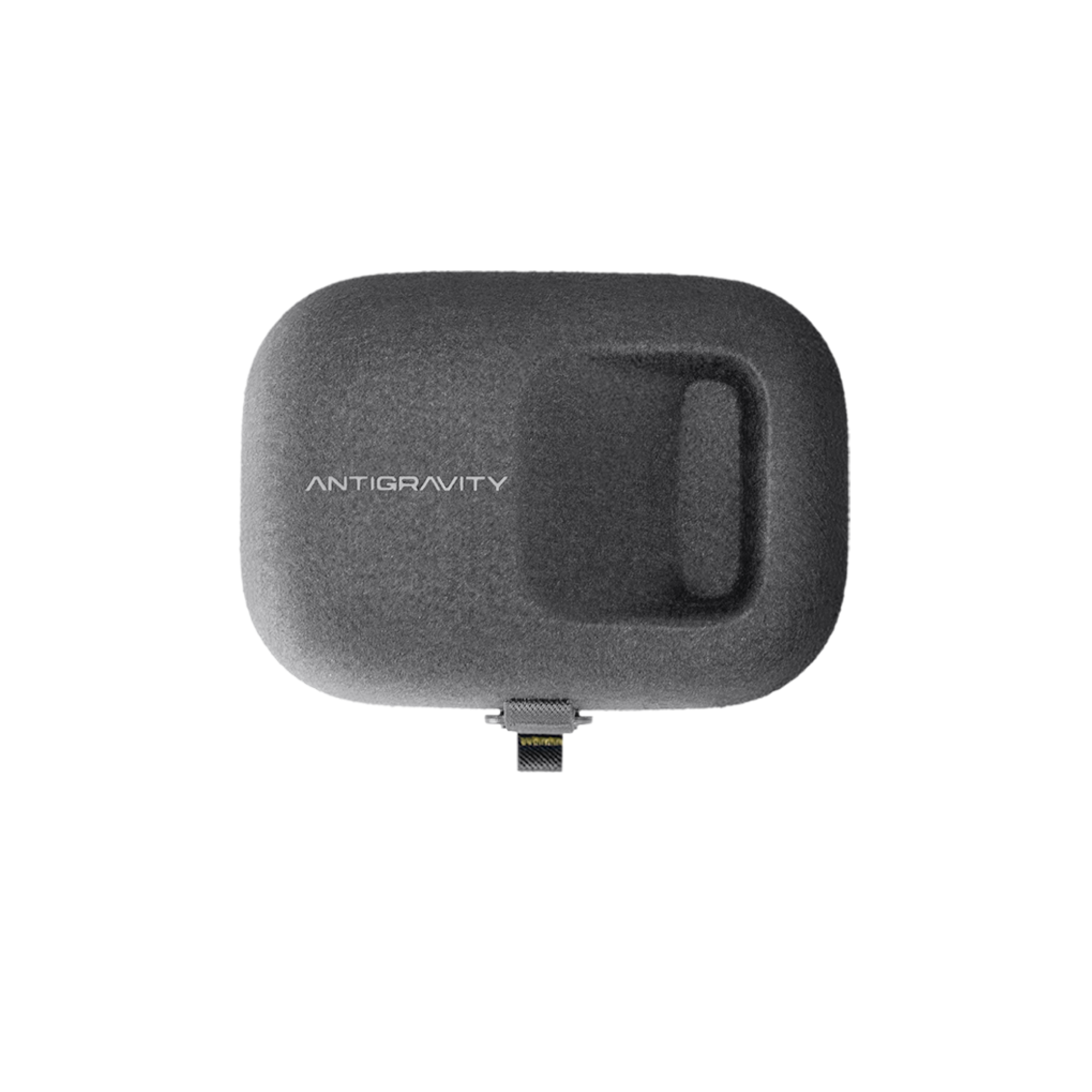
Antigravity A1 is the world’s first 8K 360° drone. With its dual-lens design, the drone becomes invisible in your footage. Put on the Vision Goggles, use the motion controller to point-and-fly, and reframe any angle after you land. No pilot skills needed.

Hi everyone!

For a long time, the drone market has felt a bit stagnant. We’ve been choosing between "flying tripods" that require careful framing or FPV drones that require months of practice. Antigravity A1 breaks that dichotomy.

Incubated by @Insta 360 , this is essentially an 8K 360° camera that flies.

The Invisible Drone tech is magic. Because of the lens placement, the drone stitches itself out of the footage completely, leaving a pure, unobstructed view of the sky.

You can fly first, then frame later. You don't need to stress about composition mid-flight. Just put on the Vision Goggles, use the motion controller to point where you want to go (literally just waving your hand), and enjoy the view. Just pick the perfect angle—forward, backward, or top-down after you land.

It brings the wonder back to flying. It’s less about being a cameraman in the sky and more about being a bird. Plus, at 249g, it’s regulation-friendly in many regions.

Yes, we finally get a drone that feels like play, not work :)

4
回复

@zaczuo 249g??? That's like some spy drone. :D I would be so suspicious if something like this were to circle around me. But maybe I wouldn't notice :D

1
回复

@zaczuo Being able to reframe after the flight seems incredibly useful.
Does the app let you preview multiple angles quickly, or is it more of a manual workflow?

0
回复

Almost thought this would be a launch of Google's coding agent Antigravity 😅 But damn I realy want an FPV drone and feel like I'm flying myself through my neighbourhood but pricing is unfortunately too big for my budget. I hope that these type of drones could go down to like $300 and I would be so hyped. But still, this drone looks sick, also with the 8k 360 video ability

1
回复

Wow! The product video is awesome.

0
回复

Amazing! How on earth you got this below 250g I will never know - kudos to the design and manufacturing teams. I'll be ordering one shortly 👍🏻

0
回复

Could future updates add AI‑assisted framing suggestions to make editing even smoother?

0
回复
#8
Johari Window
Know Yourself Better
130
一句话介绍:一款基于“乔哈里窗”模型的人格自测工具,通过对比自我认知与他人评价,帮助职场人士在团队协作与个人成长场景中,发现认知盲区,提升自我觉察与沟通效率。
Free Games Education
自我认知 人格分析 职场工具 团队建设 360度反馈 心理模型 个人成长 沟通效率 盲点发现
用户评论摘要:用户反馈产品设计精美、体验轻松有趣,有效降低了获取反馈的心理门槛。主要问题与建议集中在:团队场景下结果如何共同解读、反馈是否匿名或可追溯具体评价人,以及期待更深入的团队协作功能。
AI 锐评

Johari Window 将经典的心理学模型产品化,其真正价值并非在于人格测试的科学性突破,而在于它巧妙地降低了“寻求反馈”这一社会行为的成本和心理阻力。产品将严肃的、可能引发防御心理的360度评估,包装成一种“轻量级、低风险”的互动游戏,这是其核心创新点。

然而,其面临的挑战与机遇同样明显。从评论看,用户已自然地从个人使用场景延伸至团队协作场景,这揭示了产品的潜在主战场——团队信任与沟通效率建设。但目前产品逻辑似乎仍侧重于个体“开窗”,在如何将个体盲点转化为团队共识、提供结构化讨论框架等更深层次需求上,存在功能空白。这使其有沦为“一次性好奇玩具”的风险。

此外,匿名性与透明度的矛盾亟待解决。用户既希望获得真实反馈(需匿名保护评价者),又渴望知道“谁说了什么”以进行针对性沟通。产品若不能在此设计上取得精妙平衡,其促成的“认知”可能难以落地为有效的“行为改变”。

本质上,这是一款“关系映射”工具,而非“人格定义”工具。它的成功不在于测评有多精准,而在于能否成为启动一场艰难但必要对话的“安全扳机”。若后续能深耕团队场景,提供从认知到行动的闭环引导,其价值将从个人自省工具,升级为组织发展的基础设施。

查看原始信息
Johari Window
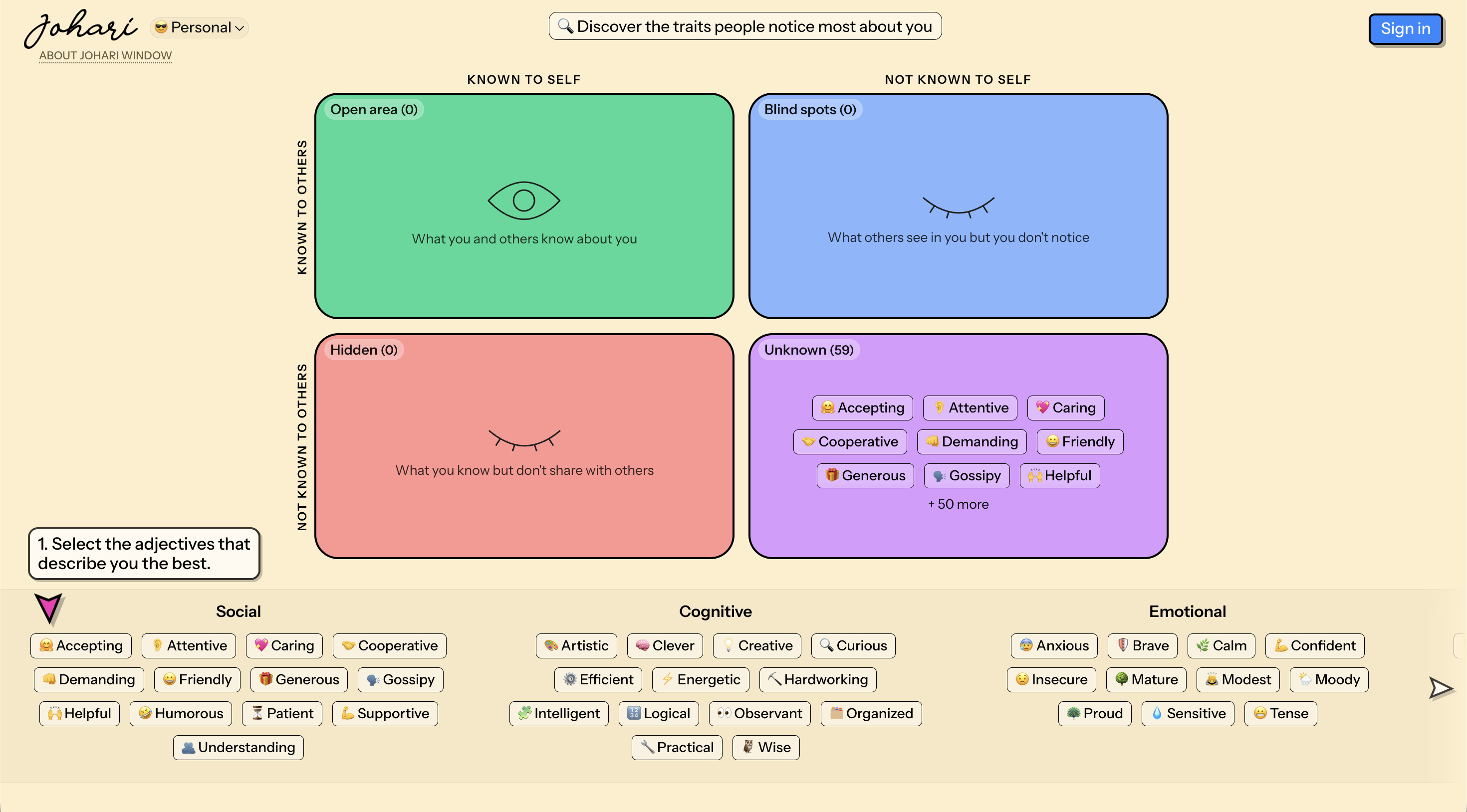
What do people notice about you that you don't see yourself? Johari Window is a self-awareness tool that maps your personality from two angles: how you see yourself vs. how others see you. Compare the results to uncover blind spots, hidden strengths, and the traits that define how you show up. Quick to use. Surprisingly revealing.

👋 Hey everyone! Maker here.

Most leaders don't fail from bad strategy.

They fail from blind spots - the things everyone sees except them.


I built Johari Window after realising I had a few of my own.

It's a simple framework (widely used in corporate HR) that reveals:

  1. Open: Known to you and others

  2. Blind Spot: Known to others, not to you

  3. Hidden: Known to you, not to others

  4. Unknown: Hidden from everyone

The goal?

Shrink the gap between how you see yourself and how others experience you.

When that gap closes:

Clearer communication, sharper decisions, less conflict, stronger trust.

Would love your feedback - and curious: have you ever discovered a blind spot about yourself that changed how you lead or work?

3
回复

@_prasanjit 

Congratulations Prasanjit, very polished. Upvoted. If helpful, you can introduce it to our founder community on bestofweb .site

0
回复

@_prasanjit I’m curious how this works in a team setting.
Does the tool provide any guidance on how teams can interpret or discuss the results together?

1
回复

@_prasanjit Really nice and easy! Can I see who answered what about me? :D

0
回复

Such a coincidence, today I talked to my friend about the Johari concept. Gonna send this to him out :)

2
回复

@busmark_w_nika Cheers! 😃. Glad that it might help, and would love your feedback on this.

0
回复

I’ve had a lot of fun with this! Such a great lightweight and low-stakes way to get some 360 feedback

1
回复

@jamie_edwards So glad you had fun with it!
And yes, don't miss out on the personality summary 😎

0
回复

Congrats! Love the playful vibe and the way that gamification is incorporated. Very helpful model for building trust through openness 🙌

1
回复

@planetabhi Thank you! 🍻

0
回复
#9
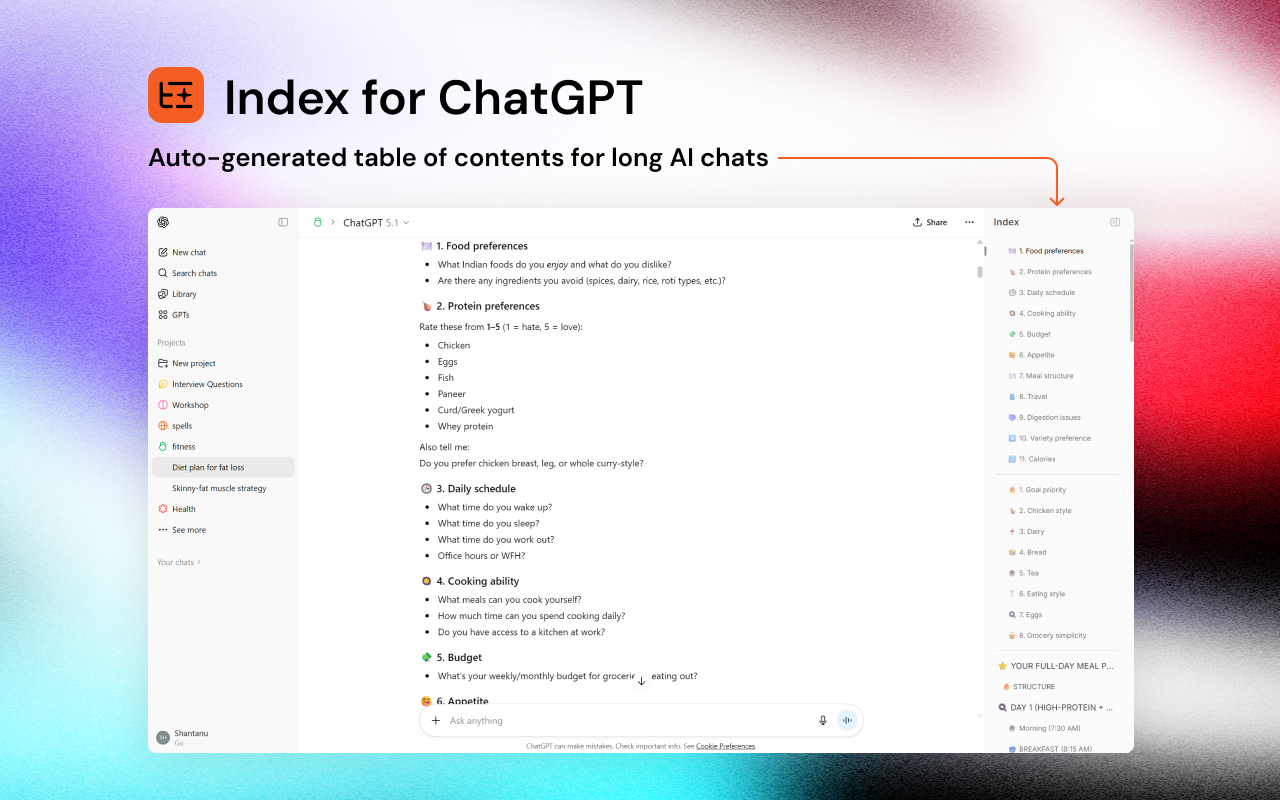
Index for ChatGPT
Auto table of contents for long ChatGPT conversations
123
一句话介绍:一款为超长ChatGPT对话自动生成可点击目录的浏览器扩展,解决了用户在冗长对话中难以定位和回溯关键信息的痛点。
Chrome Extensions
浏览器扩展 ChatGPT工具 对话导航 生产力工具 用户体验优化 自动索引 信息组织 本地处理
用户评论摘要:用户主要反馈:1. 关心数据隐私,开发者确认扩展完全本地运行。2. 认可其解决长对话导航痛点的核心价值。3. 与同类工具(如Side Indexer)相比,开发者强调其追求极简、非侵入式的设计哲学。
AI 锐评

“Index for ChatGPT”精准切入了一个随着AI对话深度使用而日益凸显的次级痛点——信息架构的缺失。其核心价值并非技术创新,而是对“AI原生工作流”的敏锐观察与补全。ChatGPT等工具鼓励了马拉松式的对话,却未提供相应的内容管理方案,导致有价值的上下文沉没在滚动条中。这款扩展本质上是将传统文档的“目录”概念引入了非线性对话,试图为流式、散漫的AI交互赋予结构。

然而,其面临的挑战同样清晰。首先,其价值与对话长度强相关,对于轻量用户而言存在感薄弱。其次,“自动生成”目录的智能程度存疑——它如何准确识别对话中的主题转折与关键节点?是简单的基于长度分段,还是试图理解内容?产品介绍对此语焉不详,这直接影响其索引的实用性与可靠性。最后,其作为浏览器扩展的形态,使其生存命脉受制于ChatGPT网页端的界面更新,脆弱性较高。

从评论中开发者与用户的互动可以看出,这是一个由自身痛点驱动的“自用转产品”项目,其极简、非侵入的设计理念是差异化优势,但也可能限制了功能深度。在AI应用从“玩具”转向“工具”的进程中,此类优化基础体验的“螺丝钉”式产品有其市场,但天花板也显而易见。它更像是主流AI平台功能完善前的一个临时补丁,其长期命运取决于OpenAI等平台厂商是否会亲自下场解决这一导航问题。

查看原始信息
Index for ChatGPT
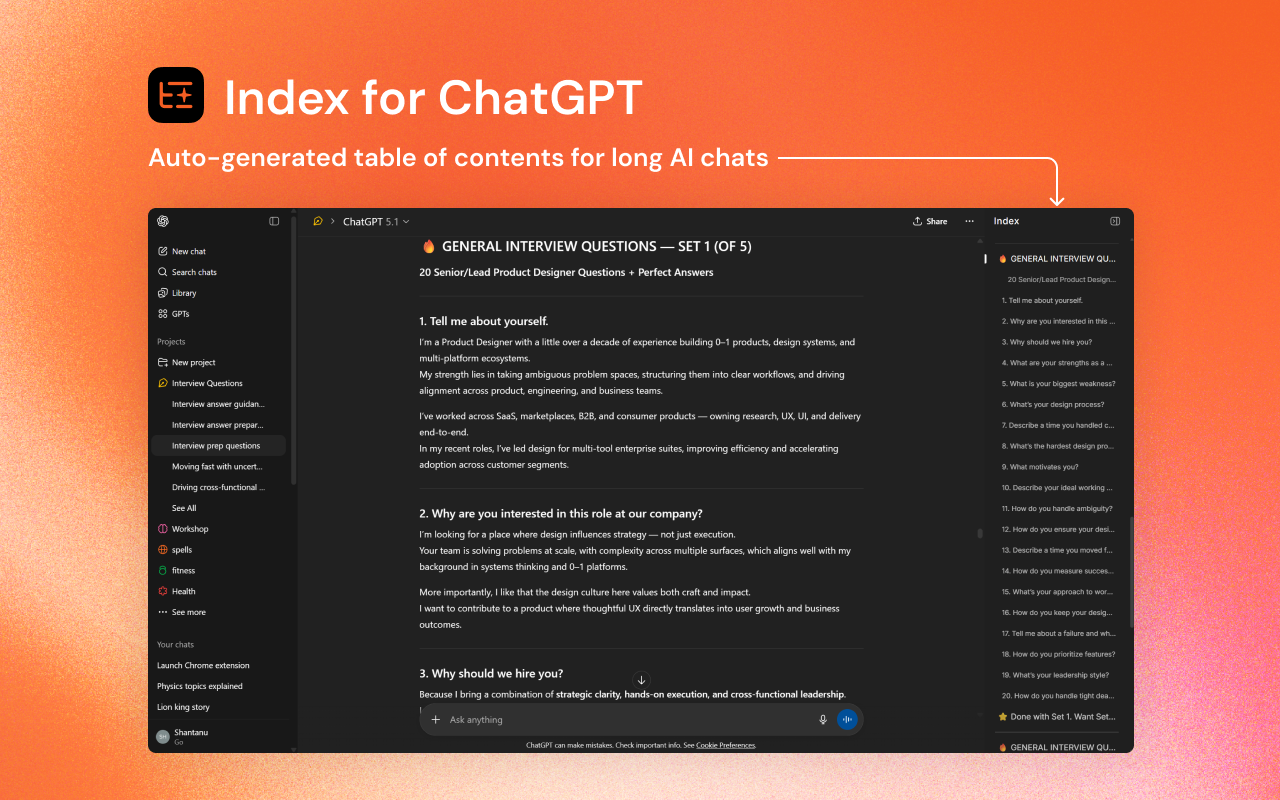
Automatically generates a clean, clickable index for long ChatGPT conversations so you can jump to any section instantly. Tired of scrolling endlessly through long ChatGPT conversations? This extension adds a smart, auto-generated table of contents to your ChatGPT interface, making every conversation easier to navigate.
@shantanu_design Interesting. Is this all local or is there any server-side processing?
1
回复

@kenyarmosh The extension runs entirely in your browser. No data is sent or stored anywhere outside your device.

1
回复

I’ve been so drained from long conversations lately, so this is perfect.

I used to ask for daily summaries — having it built in like this is such a great feature!

1
回复

I built this extension because I rely heavily on ChatGPT for work, and long conversations quickly become impossible to navigate. Scrolling to find previous answers was slowing me down, especially when switching between projects, ideas or code explorations.

The solution was to generate a simple table of contents for every chat, automatically. No extra work, no copy-paste, just a clean index that lets you jump to the exact part of the conversation you need.

What started as a small productivity tool for my own workflow evolved into a more polished extension. The goal stayed the same throughout: reduce friction and make ChatGPT easier to use for anyone who thinks and works in long conversations.

I’d love to hear how it works for you, and if you spot any bugs, edge cases, or ideas that could make it better, please share them. Your feedback will shape what comes next. 🚀

Visit Chrome Extension Store for installing the extension:
https://chromewebstore.google.com/detail/index-for-chatgpt-auto-ta/mideipckdlfgejjjdacbjgdjjdeodfko?utm_source=item-share-cb&ref=producthunt

After installation visit chatgpt.com and click on the orange index icon in the center right side.
Visit any chats to get the the index.
Refresh the browser if something breaks; lol 😅

0
回复

How is it different from side indexer ?

0
回复

@vu3ozm Oh wow, I actually didn’t know Side Indexer existed, thanks for sharing it!

To answer your question: this extension started as a personal project for my own workflow. I often work in very long ChatGPT threads, so as a product designer I wanted an index that feels invisible until needed, something that doesn’t take over the UX. So the focus was to keep the experience super minimal and non-intrusive. I figured if it solved a big pain point for me, it might be useful for others too.

0
回复
#10
Kalycs
AI File Search & Organization on mac (local-first)
120
一句话介绍:Kalycs是一款本地优先的Mac端AI文件搜索与整理工具,通过自然语言搜索和智能组织,解决了用户在凌乱文件系统中难以快速定位和获取信息的核心痛点。
Productivity User Experience Artificial Intelligence
AI文件搜索 本地优先 Mac应用 知识管理 智能整理 生产力工具 桌面搜索 隐私安全 个人数字空间管理
用户评论摘要:用户普遍认可文件管理混乱的痛点。有效反馈包括:创始人阐述了产品愿景是成为“智能代理”;有评论询问产品希望给用户植入的“第一信念”,创始人回复核心是解决“寻找久未谋面的文件或其中特定信息”的痛点;另有用户询问Windows版本计划,团队表示将先聚焦Mac。
AI 锐评

Kalycs切入了一个古老但永不过时的赛道:桌面文件搜索。其“本地优先”的定位在当前云端AI服务泛滥的背景下,是一张精准的隐私与速度牌,直击专业用户和高敏感度用户的信任需求。然而,其真正的挑战不在于技术实现,而在于用户习惯的迁移。

产品标语中“Stop searching. Start finding.”的承诺颇具野心,这意味着它不仅要超越系统原生Finder,更要替代用户固有的、基于文件夹路径的记忆与检索模式。从评论中创始人的回复可以看出,其核心价值主张是“无需记忆文件名或路径,通过语义或提问直接获取结果”。这若能做到极致,确实能解放生产力。

但风险同样明显。首先,这高度依赖本地AI模型的效能,在有限算力下,其理解精度和响应速度能否持续满足期待,有待观察。其次,文件管理具有极强的个人化工作流属性,“智能整理”是否会造成用户“失控感”,是一把双刃剑。最后,创始人提到的“长期愿景是智能代理”,这暴露了其作为单一工具应用的潜在天花板,也揭示了其未来可能向自动化工作流助手演进的野心。

当前版本仅是“起点”。在“AI文件搜索”这个已有诸多竞品的领域,Kalycs若想突围,不能仅停留在“更好的搜索”,必须将“智能组织”这一愿景做实,真正实现从被动检索到主动管理的跨越,否则极易沦为又一个可有可无的效率玩具。

查看原始信息
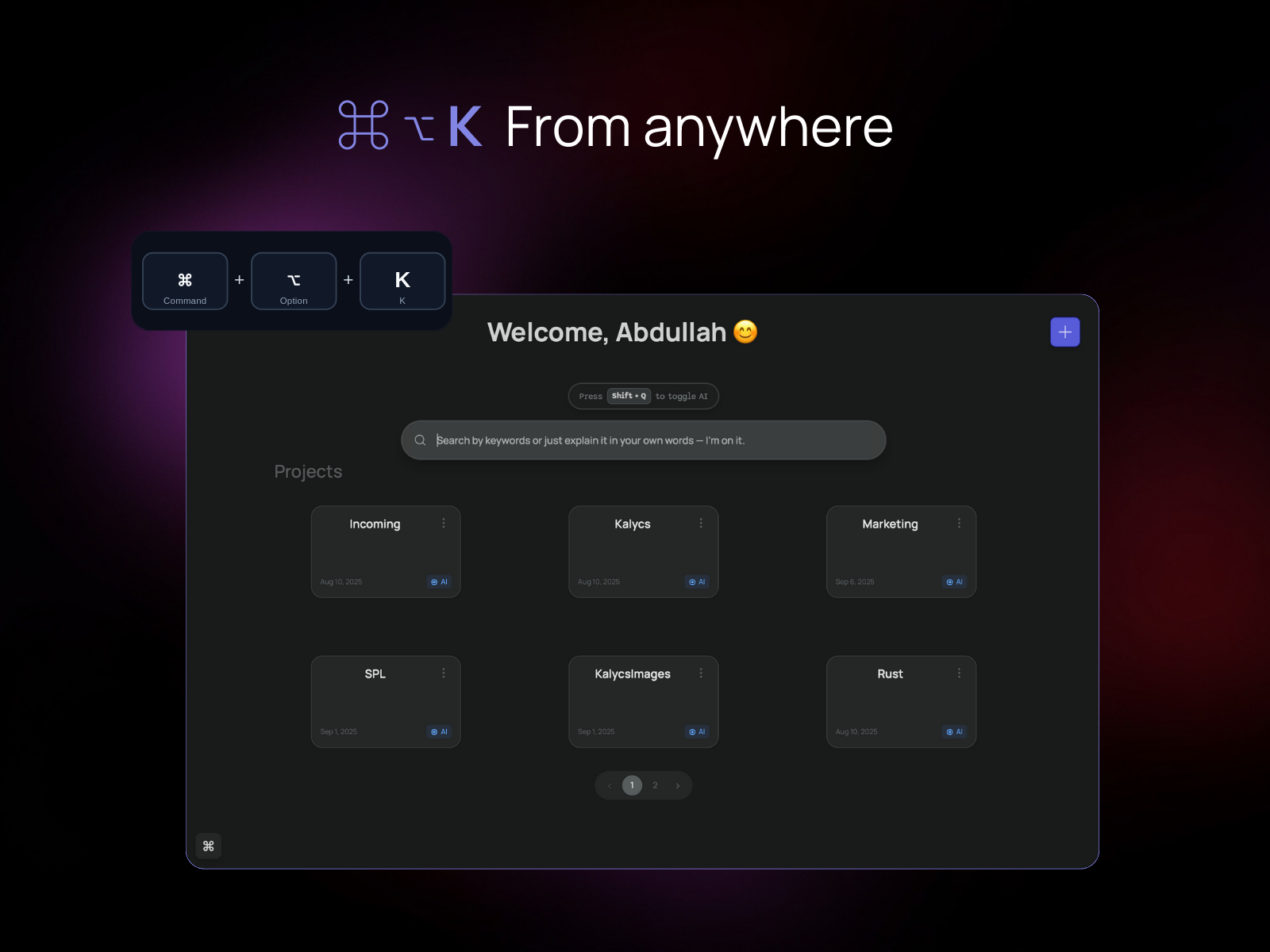
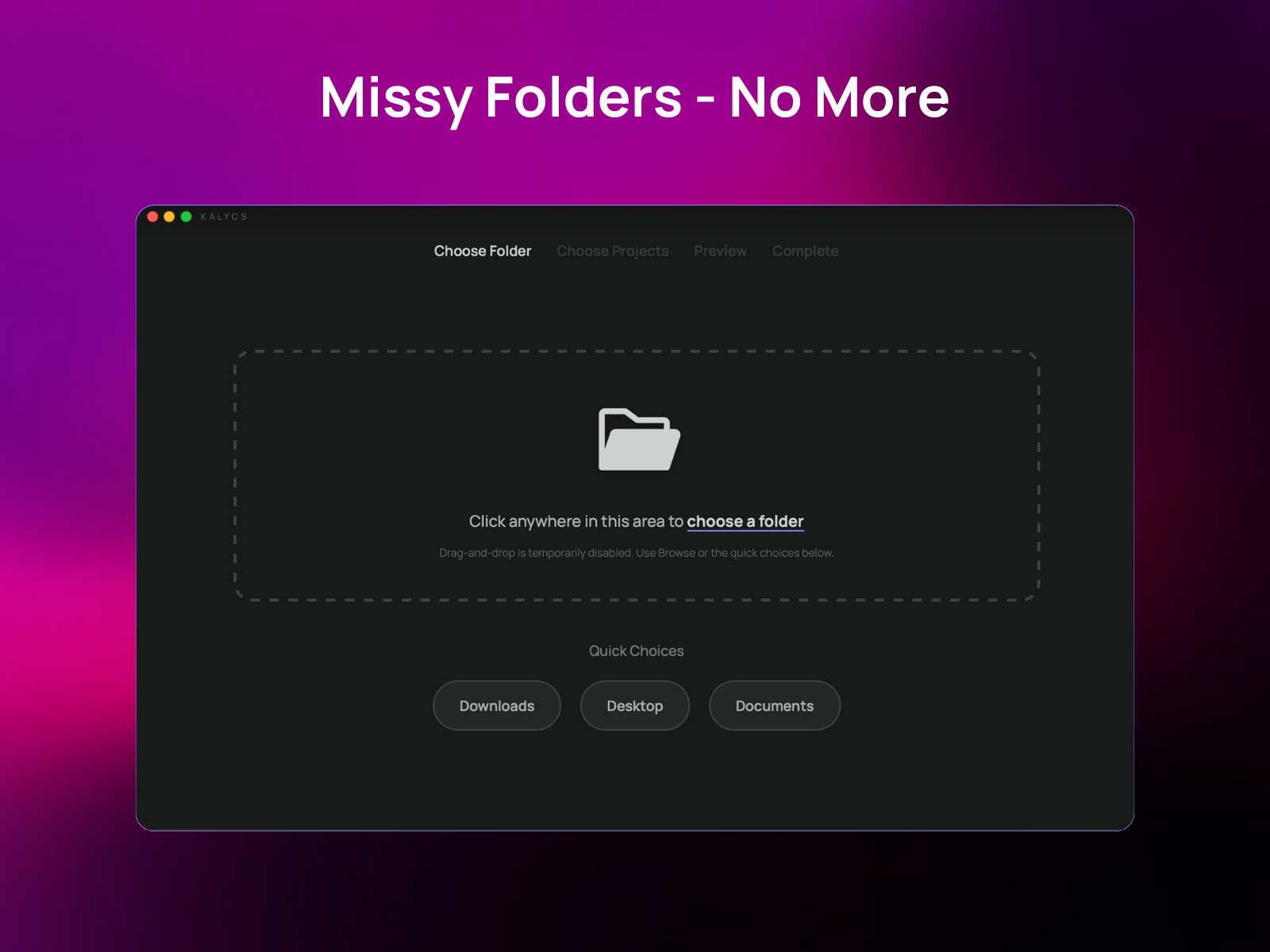
Kalycs
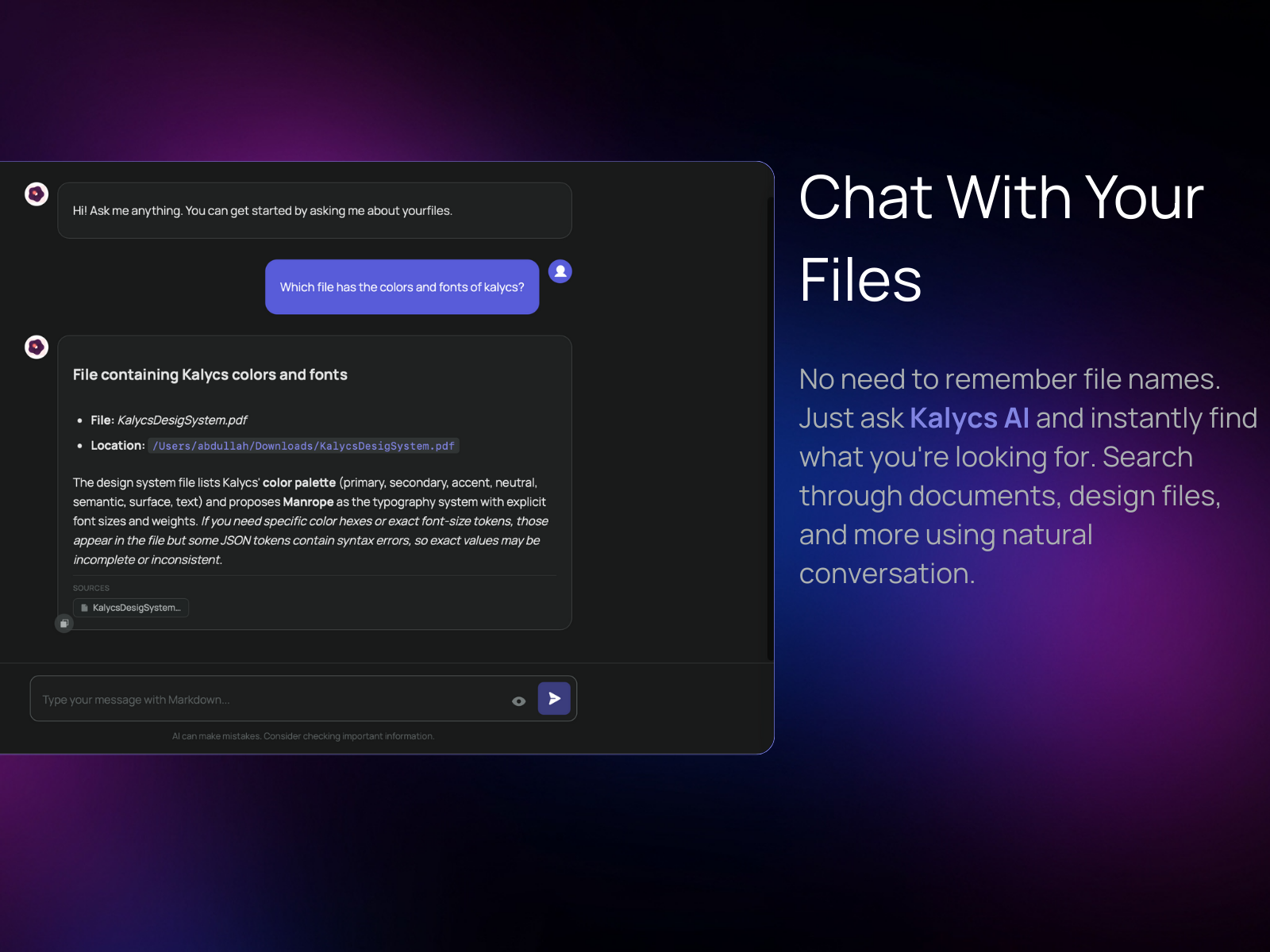
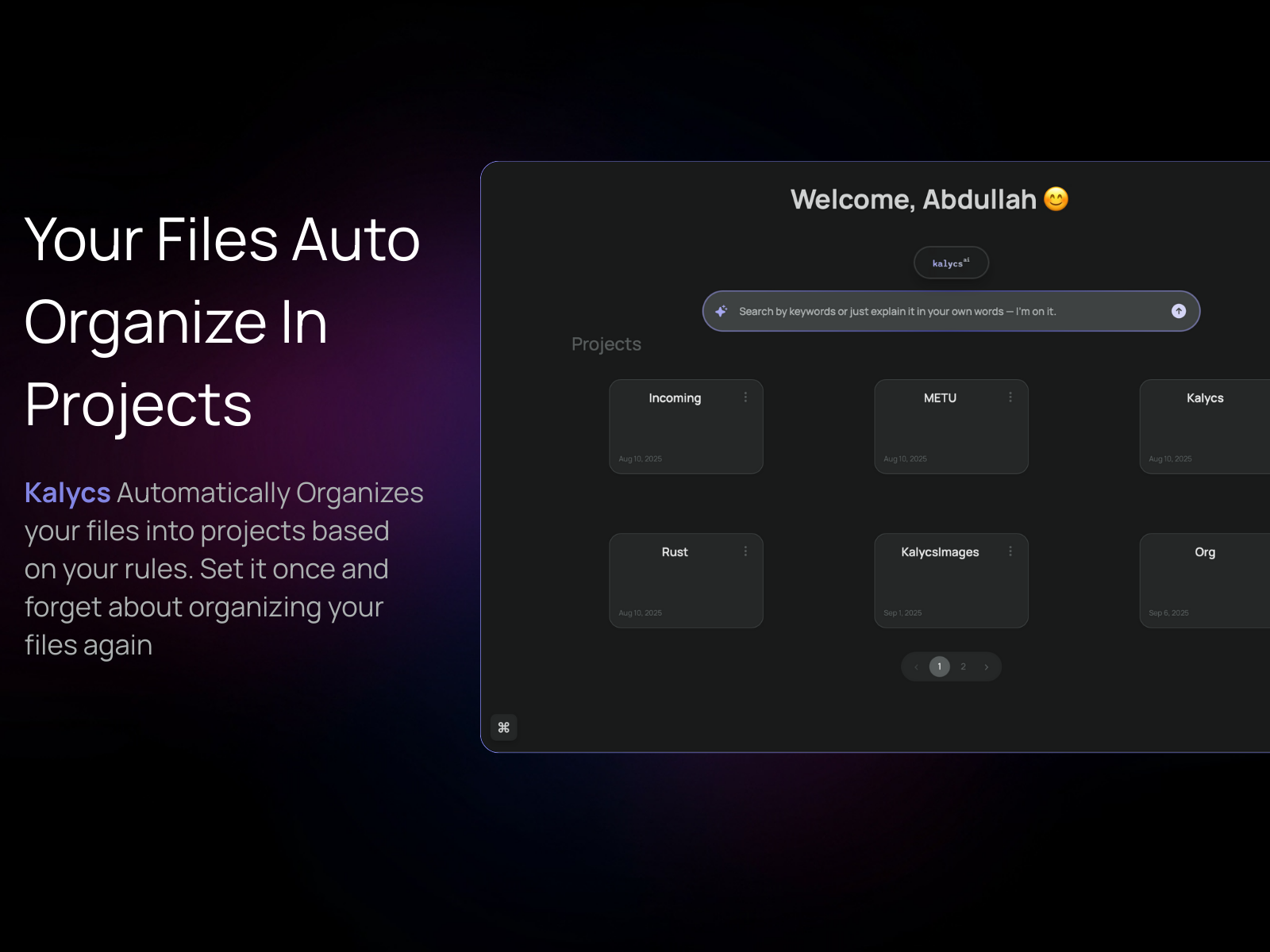
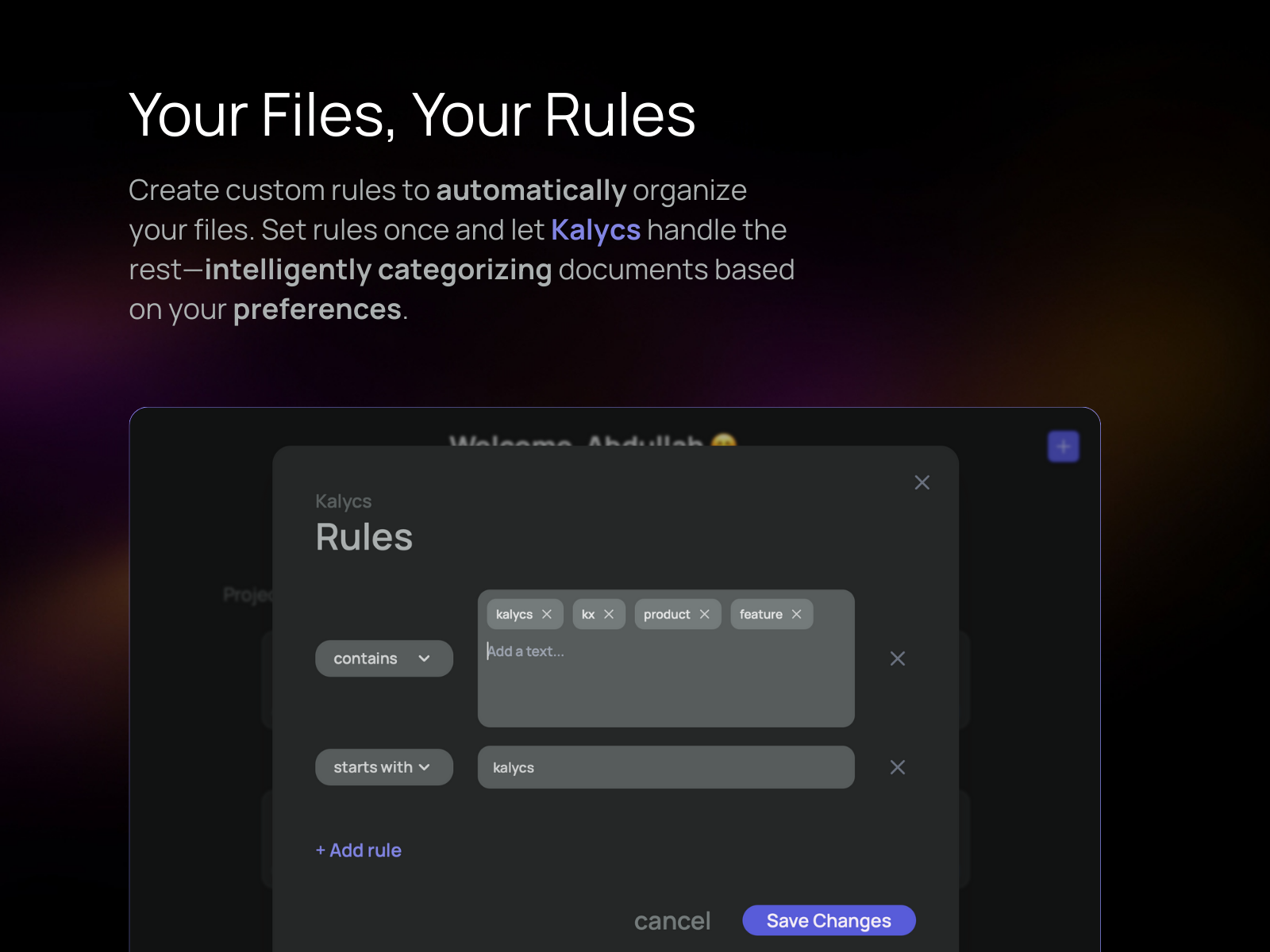
Stop searching. Start finding. Kalycs keeps your files organized, finds anything fast, and turns documents into instant answers — all on your device.
I’m a product person at heart. I love trying new tools, learning new things, experimenting with ideas. And it happened that at the same time, I had a very real problem: I get lost in my files. Organizing, finding, and keeping track of everything was always a point of frustration for me. That’s why I built Kalycs. I wanted something that could organize and orchestrate my files without getting in my way. This first version is the starting point, but my ambitions for Kalycs are much higher. I want it to give you control over your digital space and keep your device clean and organized. My long-term vision is simple: an intelligent agent on your Mac that saves, organizes, and synthesizes your knowledge. Now you can focus on your work, not the mess behind it.
1
回复
@abdullah_talat_alzariqi this is really cool! Congrats on the launch :)
0
回复

@abdullah_talat_alzariqi 

Cool launch Abdullah Upvoted. If you want extra reach, just introduce it at bestofweb .site

0
回复

@abdullah_talat_alzariqi The orchestration idea is unique, not just storage but actual control over digital space. Impressive!

0
回复

I love this product idea, so hard to find my files on my Mac

0
回复

Impressive launch, Kalycs team. From a clarity & onboarding lens: when a user opens Kalycs for the first time, what’s the one belief you want them to hold within their first 10-15 seconds?
Is it:
• “I can find the file I need without opening Finder or remembering names.”
Or:
• “My folder structure and chaos doesn’t matter anymorethis tool handles it.”
Because for productivity apps the adoption hinge often isn’t features it’s the user believing it just works for me. Curious how you’re framing that moment for early users.

0
回复

@joydeep_pandey Imagine the following itch. You need a file you have not seen in days or weeks. You can use kalycs Search. Also if you want a specific piece of information from one of these files, you can ask Kalycs AI and get the info with the file without having to scour through finder.

It scratches this itch. and this is what I want to communicate

1
回复

See a lot of mac apps on PH lately. Quite refreshing :D

0
回复

@zerotox Indeed. MacOS needs an AI Upgrade :)

0
回复

No doubt, this is a massive headache. The clutter on our devices is just getting worse, making it harder to get things done. If you can automatically sort your files by topic, you aren't just saving minutes—you’re clearing the way for new ideas.
Just curious, is the Windows version on the way?

0
回复

@keenbingwood Hello, Yes it is a massive pain.

for the windows app, I want to focus on mac for the time being and see the direction. when the direction of the app is clear we will expand to Windows.

0
回复
#11
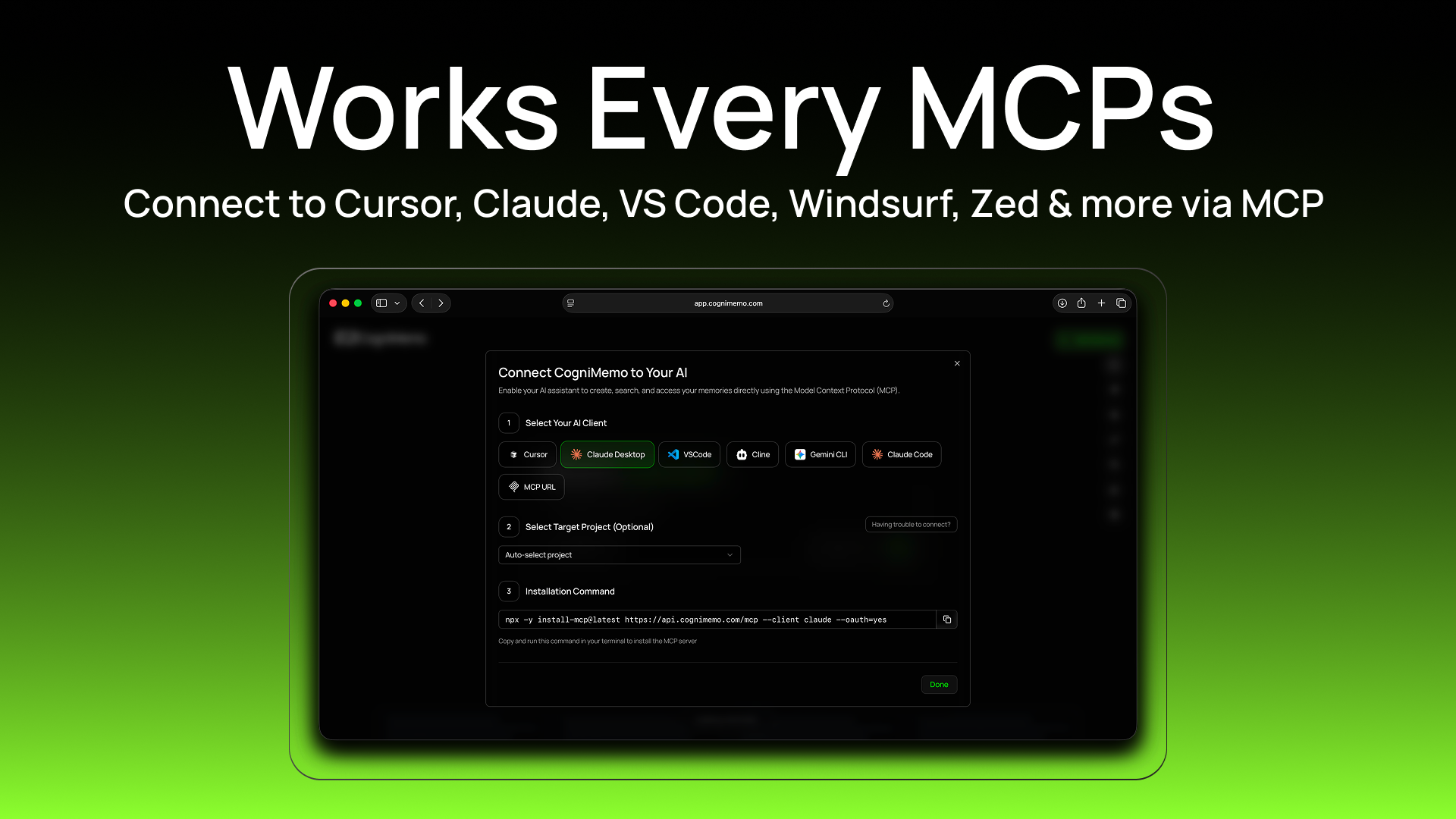
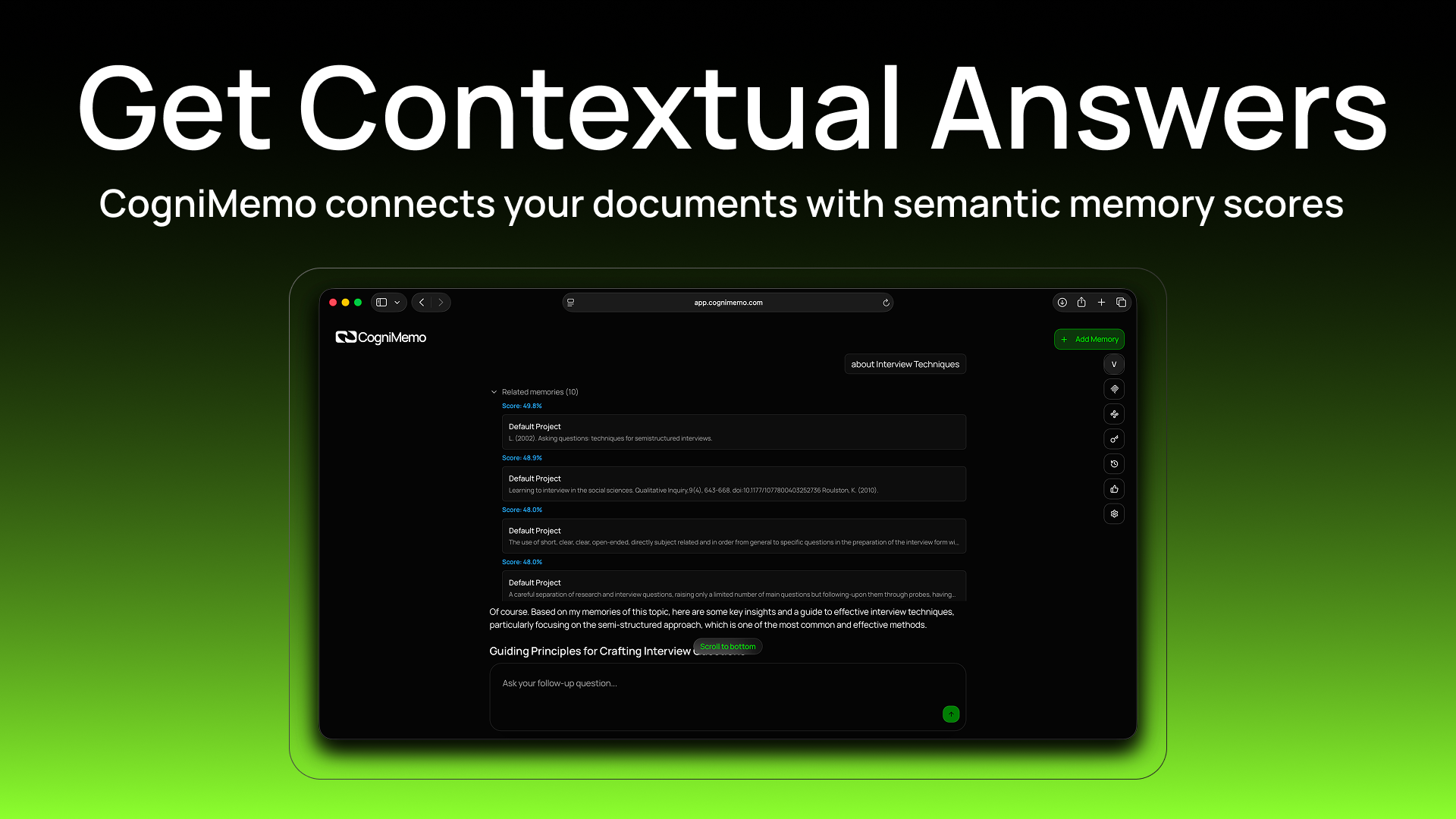
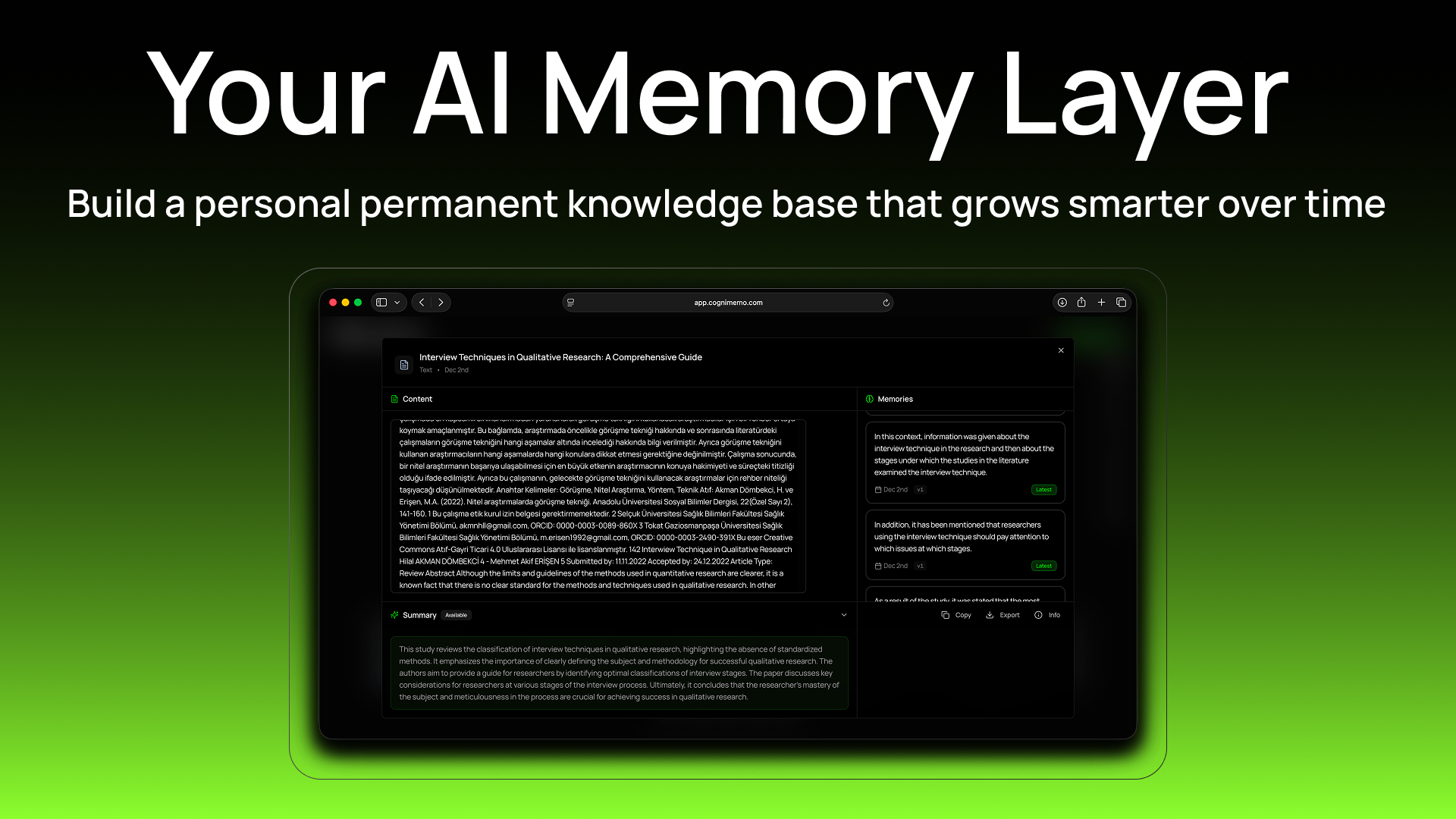
CogniMemo
AI that remembers, learns, and evolves
119
一句话介绍:CogniMemo为各类AI应用提供即插即用的长期记忆API,使AI助手能够记住用户、偏好与历史对话,解决AI因缺乏持续记忆而每次交互都“从零开始”的痛点。
API Developer Tools Artificial Intelligence
AI长期记忆 认知智能 开发者API 智能助手增强 上下文感知 无基础设施 第二大脑 个性化AI 记忆图谱 工作流集成
用户评论摘要:创始人阐述了产品愿景:构建能理解用户思维模式的活认知模型,而非简单存储。有用户尖锐指出,成功关键在于让用户在前15秒内相信“系统懂我”。团队回应正围绕“系统已知我如何思考”设计初体验,并强调记忆可跨工具使用。
AI 锐评

CogniMemo瞄准了一个真实且正在扩大的需求缺口:当前大模型虽具备强大即时推理能力,却本质是“无状态”的,每次对话都是孤立事件。这导致用户在与AI协作时,不得不重复背景信息,严重阻碍了深度、个性化助手的形成。产品提出的“为任何AI添加记忆”的API方案,在技术路径上具有清晰的定位——不做大模型本身,而是做记忆层基础设施。

然而,其面临的挑战同样尖锐。首先,技术层面,“记忆”并非简单存储历史对话,而是涉及对非结构化信息进行意图理解、实体抽取与关系构建,这本身就是一个复杂的AI问题。其承诺的“无需设置、无需嵌入”的简易性,与实现高质量“认知模型”所需的复杂性之间存在张力。其次,产品体验层面,正如评论所指,核心难点是用户认知塑造。如何让用户瞬间感知并信任这个“记忆”的存在与价值,而非又一个数据黑洞,是市场接受度的关键。用户不会为“记忆技术”买单,只会为“因被记住而获得的省心与高效”付费。

从长远看,若CogniMemo能将其宣称的“记忆图谱”和“实体理解”有效落地,它可能从工具演化为平台,成为连接不同AI应用与用户个人数据世界的“认知中间件”。但当前阶段,它仍需在“宏伟愿景”与“最小可用性”之间找到平衡点,用一个具体、无可辩驳的使用场景(例如,真正记住客户详情的客服AI),来证明其记忆不是噱头,而是可感知的智能进化。

查看原始信息
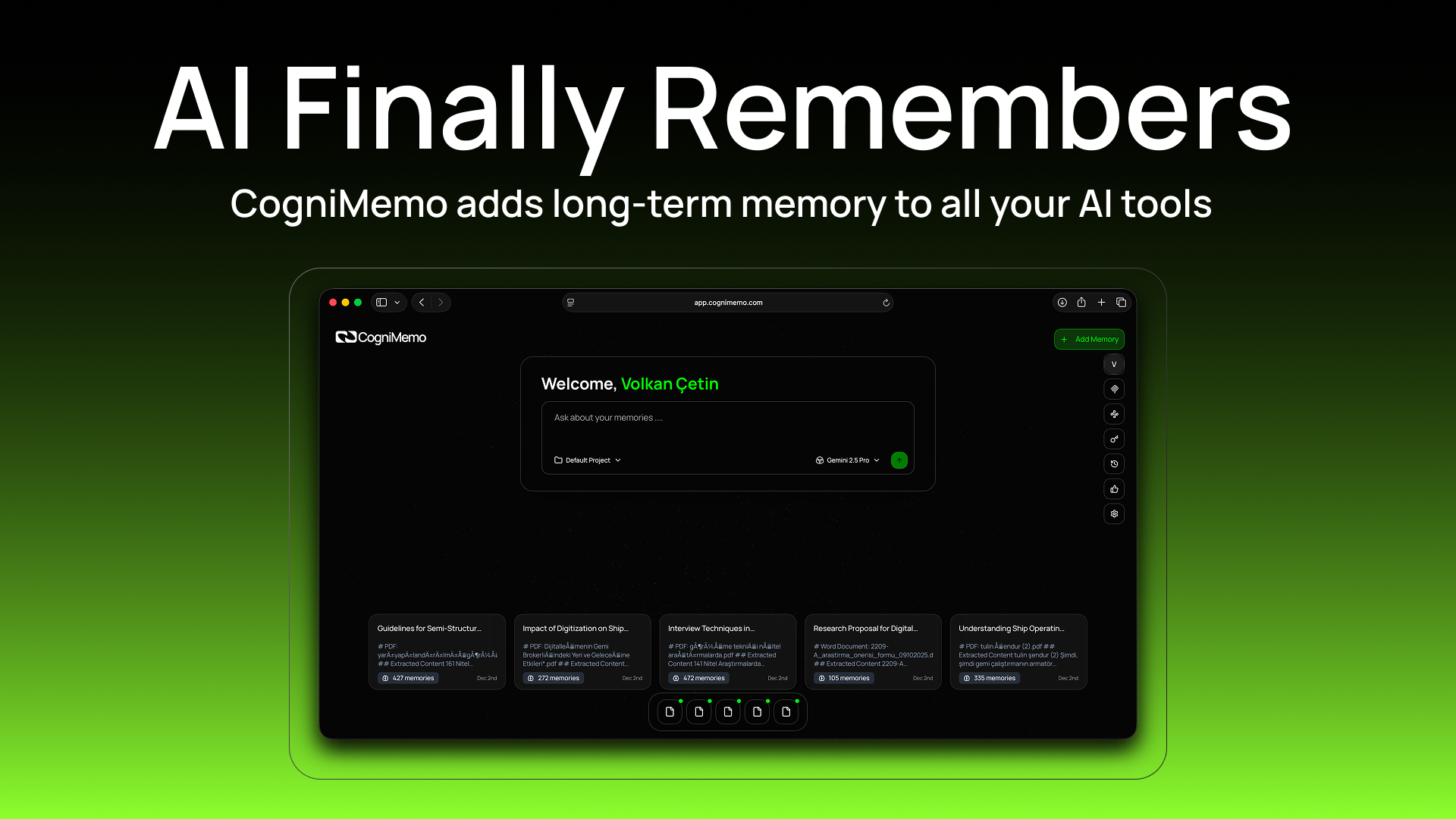
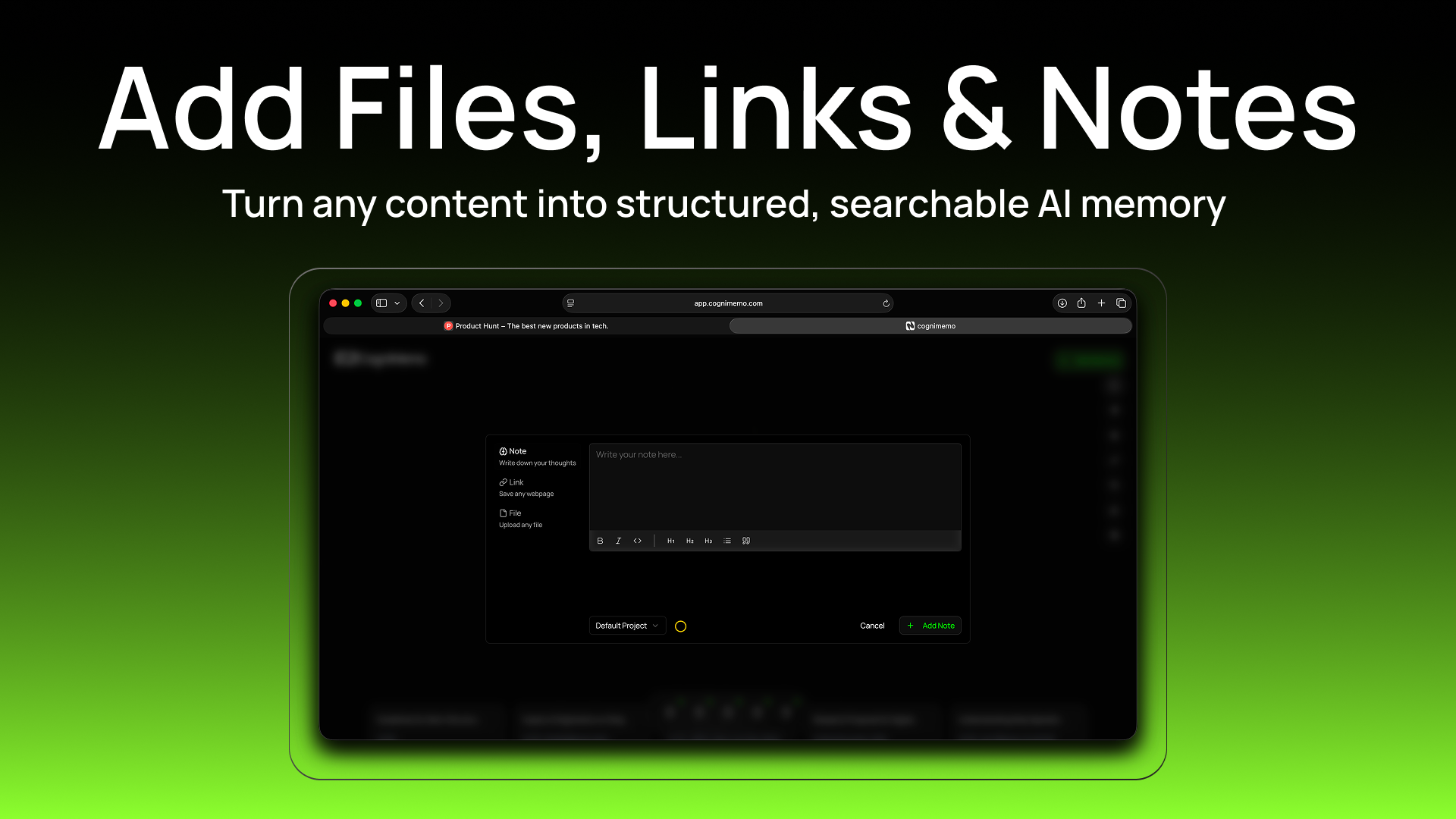
CogniMemo
CogniMemo gives any AI real long-term memory. Your AI remembers users, preferences, tasks, decisions, and past conversations — and learns from every interaction. No setup, no infra. Just one simple API. Works with any LLM (OpenAI, Anthropic, local models). Make your assistants, agents, and apps smarter every day with persistent, context-aware memory that evolves over time.

Hey Product Hunt 👋

We built CogniMemo because today’s AI is powerful — but forgetful.
We wanted an AI that truly remembers what you tell it, learns from usage, and evolves like a real assistant.

With CogniMemo, developers can add long-term, context-aware memory to any AI app using one simple API. No setup, no embeddings, no infra.
We’d love your feedback, ideas, and questions.
Thanks for supporting our launch!

— Volkan

3
回复

Impressive launch, CogniMemo team. From a clarity & onboarding lens: when a user opens this for the first time, what’s the one belief you want them to hold in the first 10-15 seconds?
Is it:
• “This AI actually remembers me, not just our conversation.”
Or:
• “My past work lives in this system; I don’t have to start from zero.”
Because in memory-driven tools, the adoption lever isn’t features; it’s the user believing the system matches my mind. Curious how you’re shaping that first moment.

0
回复

@joydeep_pandey Great question — and you’re exactly pointing at the tension we’re intentionally designing for.

In the first 10–15 seconds, the belief we want users to form is:

👉 “This AI understands me because it understands my past work.”

For us, those two ideas aren’t separate — they collapse into one experience.

Cognimemo doesn’t just remember conversations, and it doesn’t just store documents — it builds a living cognitive model of the user across tasks, projects, ideas, and decisions.

We’re designing the first moment around a single feeling:

“I’m not starting from zero — the system already knows how I think.”

And equally important:

“I can use this memory anywhere — not locked into a single chat window.”

That freedom is core to Cognimemo: memory that follows you across tools, workflows, and contexts.

That’s the belief we want to activate immediately in onboarding

1
回复

@joydeep_pandey This account is definitely powered by Claude. @joydeep_pandey how absolutely right am I?

0
回复

Hey everyone — Sami here, technical cofounder of Cognimemo.

Cognimemo is still in beta, and we’re building fast. Our goal isn’t just another “notes app with AI.” We’re trying to solve a deeper problem:
👉 Humans forget, and current tools force us to manually organize our minds.
That breaks. Every time.

We want Cognimemo to feel like a second brain that actually thinks, not just stores.

💡 The problem we are fighting

Most productivity tools assume the user will:

  • Remember what they saved

  • Tag it

  • Categorize it

  • Connect it

  • Search for it later

But real life doesn’t work like that. Thoughts are messy. Information is chaotic. Memories are scattered across apps.

We’re trying to fix that by building a system that understands your memories as entities, relationships, tasks, context, and meaning — not just text blobs.

🚀 What’s next in our beta

Here’s what we're actively building:

⭐ Auto-categorization of memories

Every saved note, link, upload, or thought is automatically turned into structured cognition (ideas, tasks, events, projects, people, etc.)

⭐ Entity-based understanding

We’re building a system that recognizes recurring entities — like a project, a person, or a topic — and keeps everything about them connected automatically.

⭐ Memory Graph

A visual network that shows how your ideas, notes, tasks, and knowledge connect.
Think: your brain, drawn out.

⭐ Automatic task extraction

You drop a messy brain dump → Cognimemo extracts decisions, todos, reminders, and action items.

⭐ Smarter agents

An AI that watches your saved information and helps you stay organized without manual effort.

⭐ Imports from Notion, Obsidian, Apple Notes, Google Keep

A second brain is useless if it cannot import your first one.

⭐ Better file intelligence

Screenshots, PDFs, docs → structured, searchable, and linked to what you already know.

🎯 Our long-term vision

Cognimemo isn’t a notes app.

We’re building towards a cognition layer — a personal intelligence system that:

  • Understands your life the way you do

  • Identifies what matters without you telling it

  • Connects ideas across time

  • Surfaces insights you forgot

  • Helps you think, plan, and remember

  • Keeps your tasks aligned with your real projects

  • Integrates into your workflow without friction

The end goal is simple:

👉 A system that helps you think clearly, remember everything, and stay organized without effort.

Not a database.
Not a wrapper.
Not an AI interface.
A genuine cognitive assistant.

🙏 We're just getting started

This is a true beta — expect rough edges, fast updates, and honest building-in-public energy.

We’d love feedback, feature requests, and brutal truth from real users.
We’re here to build something meaningful, and your feedback is part of the product.

0
回复
#12
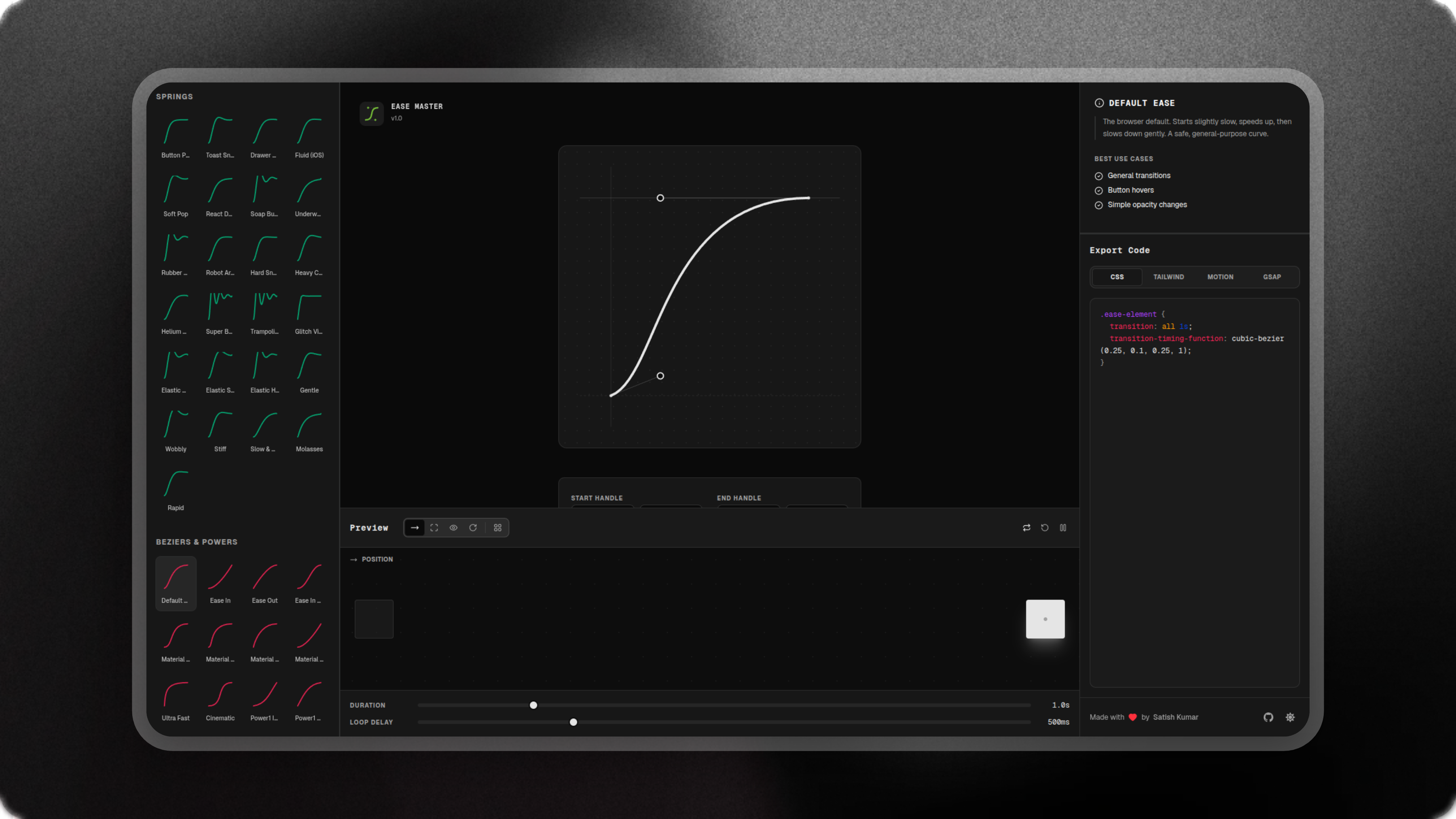
EaseMaster
A bezier curves & spring motion editor + code exporter
116
一句话介绍:EaseMaster是一款缓动曲线与弹簧动画可视化编辑器,可直接生成CSS等代码,解决了开发者和设计师在精细调整UI动画参数时反复试错、效率低下的痛点。
Design Tools Developer Tools GitHub Web Design
动画工具 缓动曲线编辑器 弹簧动画 前端开发 设计工具 代码生成 可视化工具 UI动画 GSAP Framer Motion
用户评论摘要:用户肯定其工具实用性和简洁的UI。主要建议围绕产品未来演化方向,如构建团队共享的缓动库。开发者透露产品基于GSAP构建,并暗示有开源可能。
AI 锐评

EaseMaster切入了一个精准且垂直的工具市场:动画参数可视化与代码输出。其价值不在于概念创新,而在于将开发者与设计师工作中一个高频、琐碎且依赖“手感”与“经验”的环节——调试贝塞尔曲线与弹簧动画参数——进行了标准化、可视化与流程化封装。产品本质是一个“翻译器”和“加速器”,将感性的视觉预期快速翻译为理性的代码参数,直接对接主流技术栈如CSS、Tailwind和GSAP,这精准击中了效率痛点。

然而,其面临的挑战同样清晰。首先,技术壁垒有限,其核心功能基于成熟数学公式和开源库(如评论提及的GSAP),易被模仿或集成到大型设计工具中。其次,市场天花板明显,作为单一功能点工具,用户粘性和付费意愿可能不足。评论中关于“共享缓动库”的建议,恰恰指出了其可能的突围方向:从单点工具升级为团队资产管理与协作平台,构建可复用、可管理的动画设计系统。但这意味着产品定位、架构和商业模式的全盘升级。

当前版本更像一个优雅的“副产品”或概念验证。若想从“顺手做的小工具”成长为可持续的商业产品,开发者必须回答:是满足于小而美的开源工具,还是敢于向平台化、生态化演进?前者赢得口碑,后者才可能赢得未来。

查看原始信息
EaseMaster
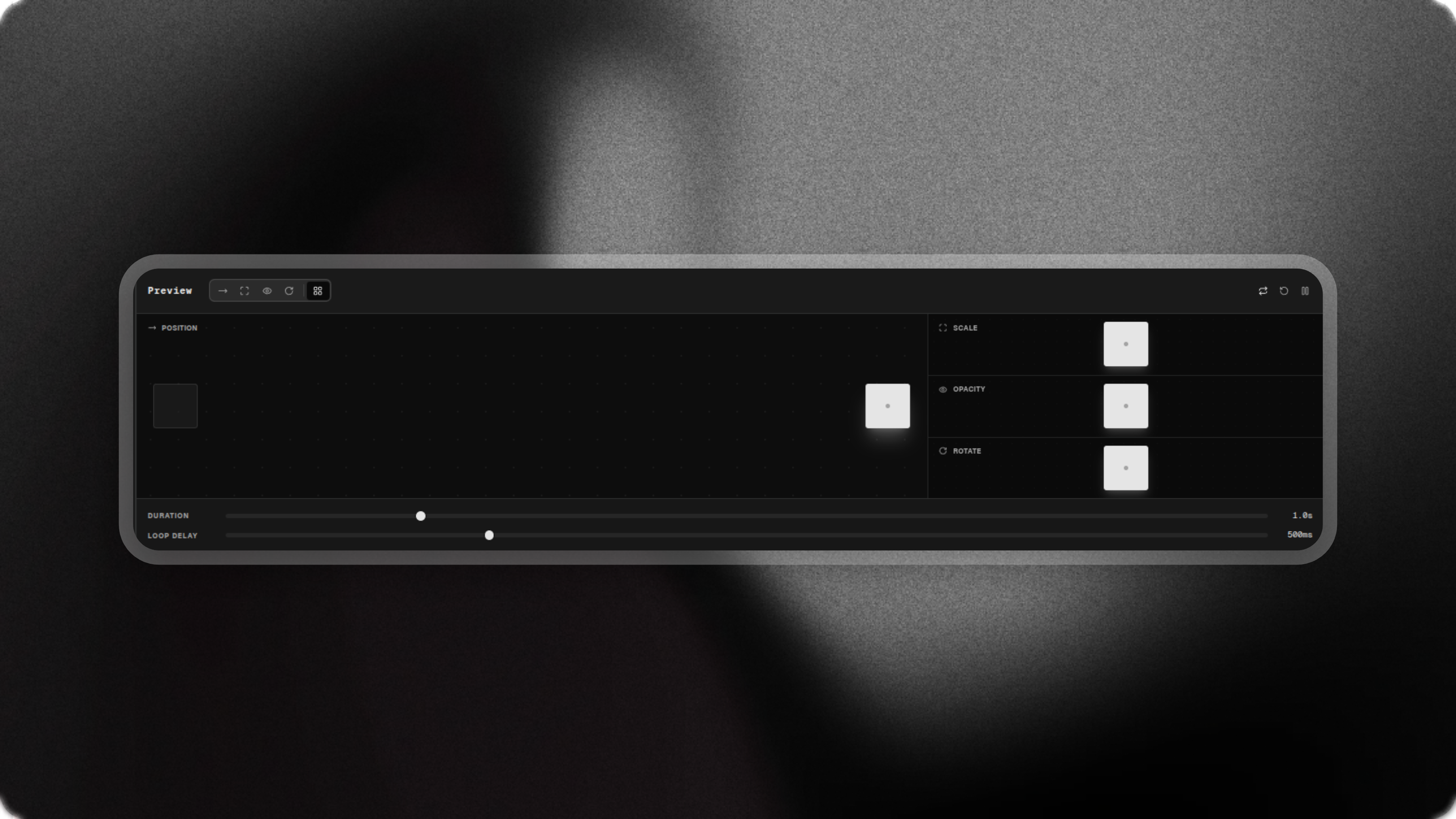
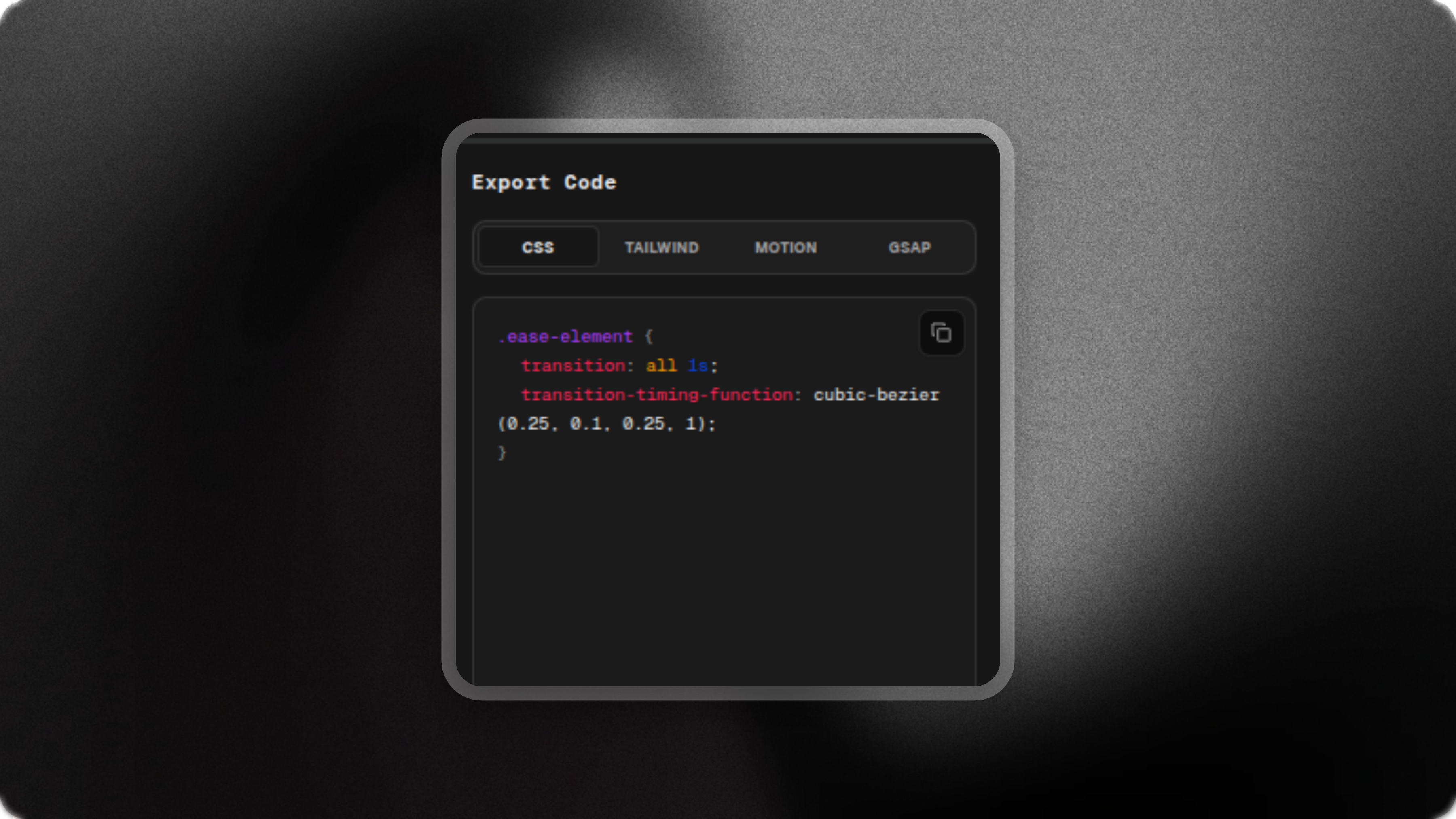
The ultimate easing visualization tool for generating Cubic Bezier curves and Spring physics for CSS, Tailwind, Framer Motion, and GSAP.
Just wanted a handy tool, So i built one.
1
回复

@satishkumar_sajjan Interesting. How did you come up with the idea?

0
回复

Super clean launch. How might EaseMaster evolve into a shared easing library for design teams?

1
回复

@masump there's a link to github... but its wildly based on gsap so you can try that :) of course unless satish plans to make into lib :)

0
回复

Congrats on the launch, UI looks great

0
回复
#13
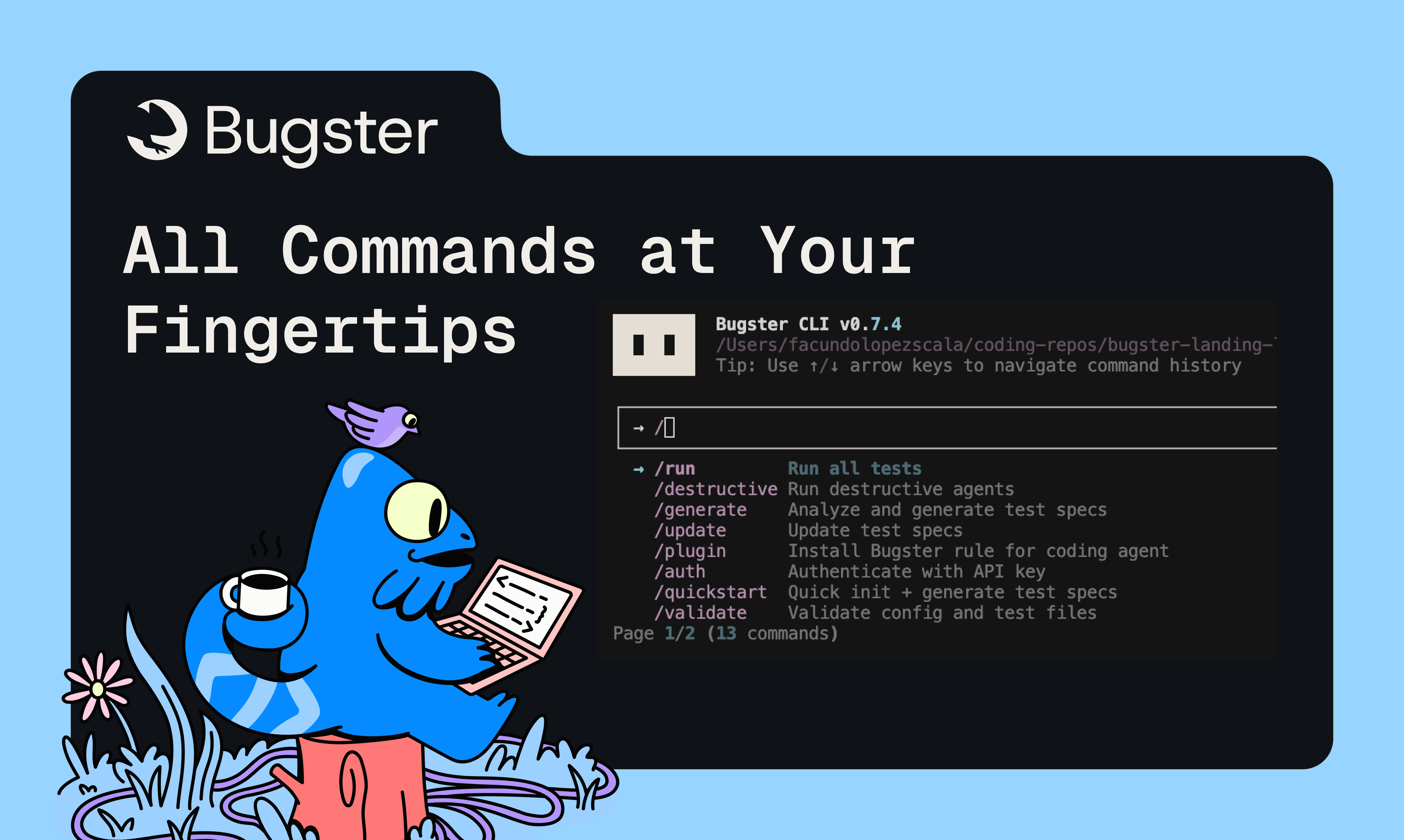
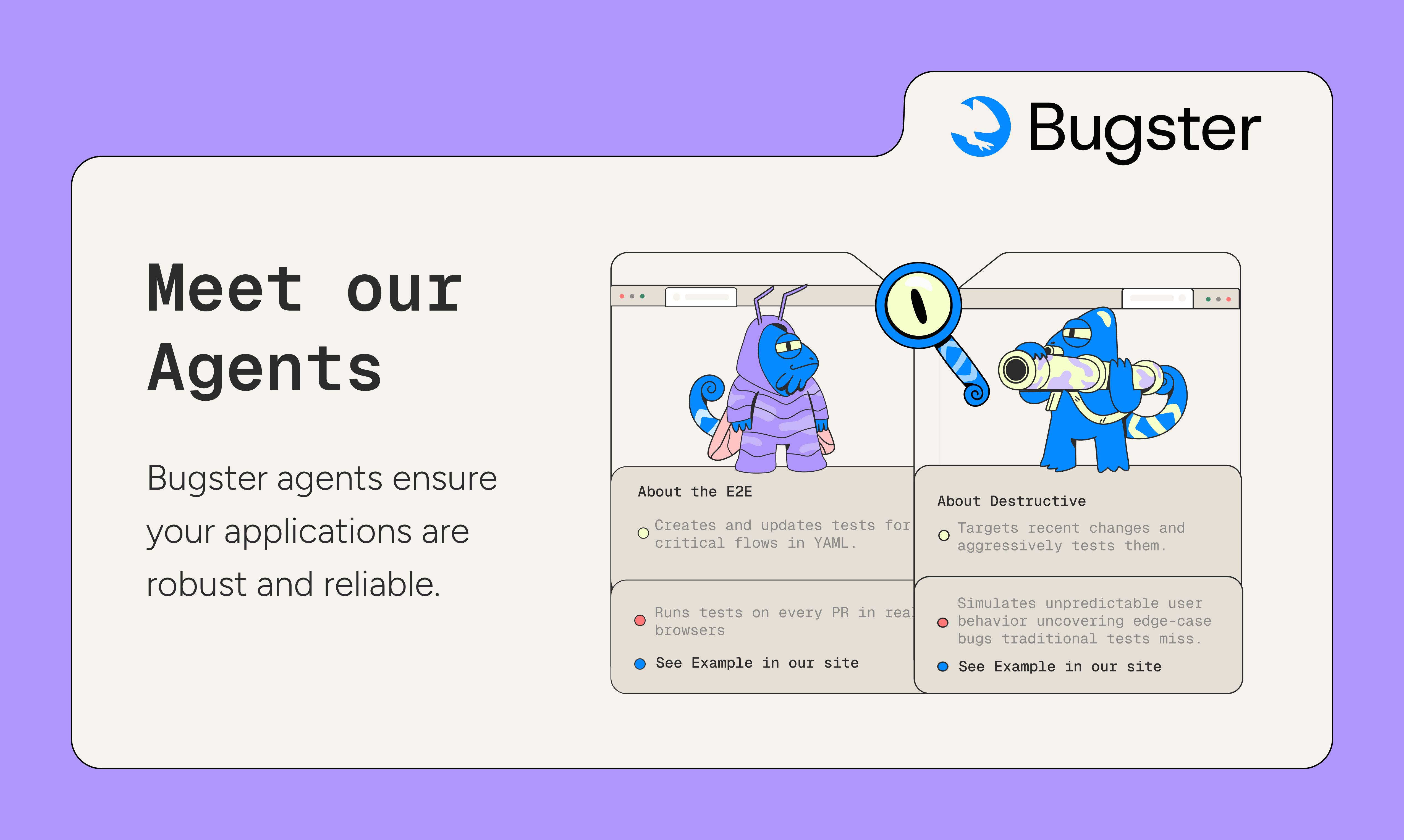
Bugster
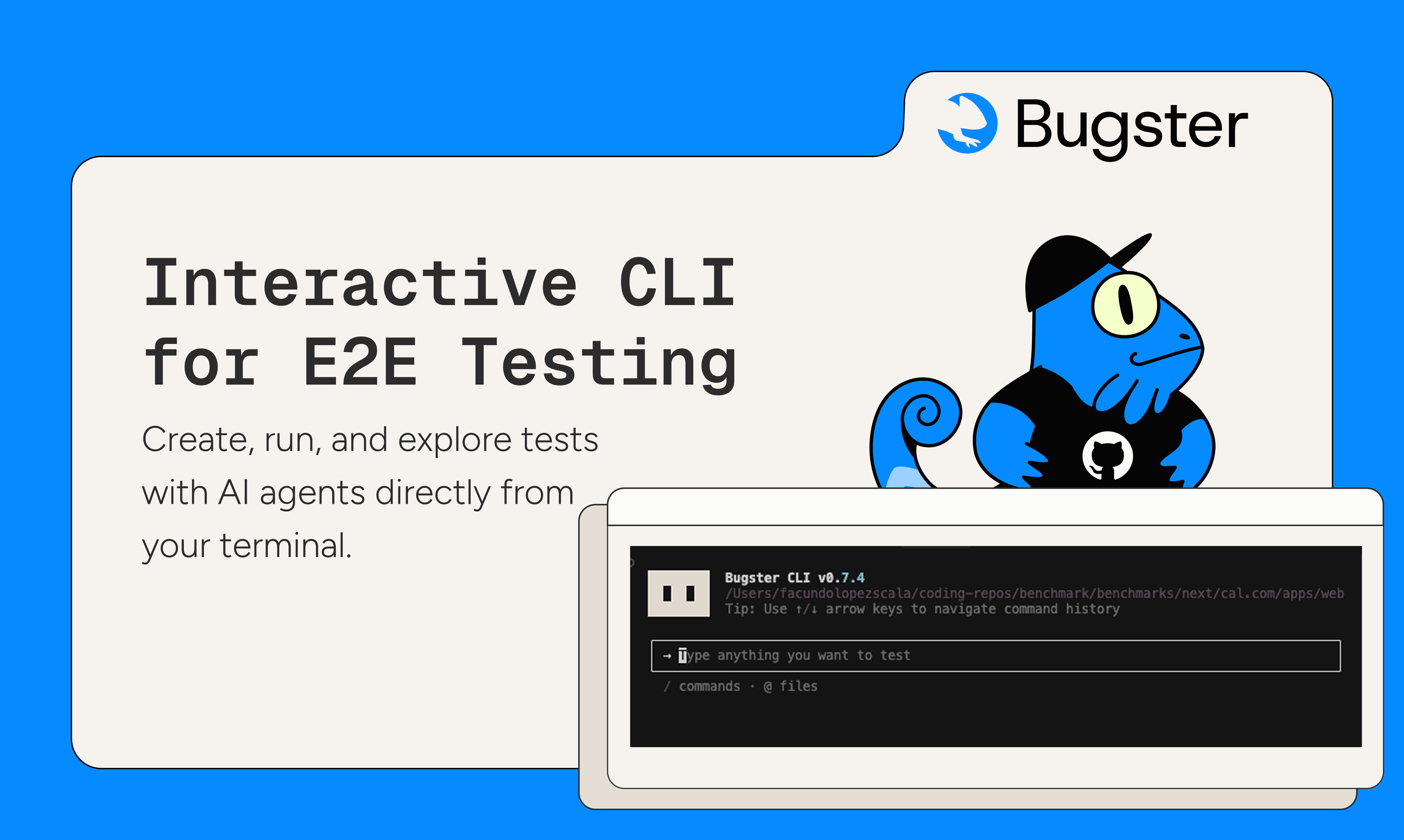
Claude Code for testing with AI E2E tests from your terminal
109
一句话介绍:Bugster是一款AI驱动的CLI工具,通过终端创建、编辑和运行端到端测试,在代码提交前自动探索差异、发现前端Bug与UX问题,解决开发者手动测试效率低下且易遗漏的痛点。
SaaS Developer Tools Development
AI测试工具 端到端测试 CLI工具 前端测试 开发者工具 自动化测试 代码审查 用户体验测试 回归测试 智能代理
用户评论摘要:用户普遍赞赏其品牌视觉和交互体验。主要问题集中于测试范围(目前仅前端)、具体使用场景集成及开发者工作流契合度。建议明确核心价值主张以降低采用门槛。
AI 锐评

Bugster表面上是将AI测试代理封装进CLI的又一工具,但其真正锋芒在于试图颠覆传统E2E测试的创作范式。它不满足于替代Selenium脚本编写,而是瞄准“测试意图”与“测试实现”之间的断层——开发者只需描述或触发变更,AI代理便主动探索差异并生成测试用例。这种从“录制/回放”到“推理/生成”的范式迁移,直指传统E2E测试维护成本高昂的核心顽疾。

然而,其“仅限前端”的现状暴露了战略取舍的隐患。在现代微服务架构下,前后端变更的连锁效应往往才是回归故障的温床。若无法构建全栈影响链的感知能力,其测试有效性将止于表象。产品强调“与IDE工作流融合”,但评论中开发者对“如何融入现有技术栈”的困惑,恰恰揭示了工具链集成深度不足的软肋——真正的“无缝”需要理解项目的依赖图、构建流程和部署管道,而非简单的插件嵌入。

最具洞察的评论来自那位询问“开发者前十秒应建立何种信念”的用户。这击中了所有开发者工具的命门:工具必须成为开发者心智模型的自然延伸。Bugster若仅定位为“更智能的测试生成器”,终将沦为技术债的另一种形式;若能成为开发者变更自信的实时验证层,让“每次提交都自带质量保证”成为肌肉记忆,才可能从工具升维为基础设施。其成败关键在于AI代理能否从“执行预设路径的智能体”进化成“理解业务上下文的质量协作者”。当前版本仍是精美的技术演示,而下一阶段需证明其能在复杂、混乱的真实项目环境中,持续降低认知负荷而非增加调试维度。

查看原始信息
Bugster
Bugster is a CLI that lets you create, edit, and run E2E tests seamlessly. Launch agents that explore your diffs in a real browser, uncover bugs and UX issues, and validate changes instantly.
Hey, I’m Facundo from Bugster. We’re launching our new interactive CLI where you can create, edit, and run E2E tests, run exploratory user testing, and even ask Bugster to test specific parts of your app. The experience feels much more interactive than traditional tools and works inside your IDE with integrations for Claude Code and Cursor. It’s never been this simple to create reliable end-to-end tests. With Bugster you can Quick Check any new feature: the agent runs the flow, validates it, and once you're happy, saves the test for future regressions. Fast, reliable, and always up to date. Would love your thoughts on the dev experience and any ideas on how we can make the workflow feel even smoother.
4
回复

@flscala 
Congrats on the launch Facundo, this looks great. Upvoted. I run bestofweb .site, you are welcome to share it with our founder community anytime.

1
回复

@flscala Congrats on the launch and great idea. Also I love your branding.

1
回复

Big 🏆 for the visuals. One of my favorite dev-tool brandings 👌👌👌

4
回复

@whtmnk thanks a lot Chris!

0
回复

Go Bugster! So cool to follow your progress! Upvoted!

3
回复

@daniel_mauno_pettersson  thanks Daniel!

0
回复

Quite amazing. I am eager to put this to the test.
But what kind of tests do you run? Can it test APIs and the frontend as well?

1
回复

@chilarai hey Chilarai!

Only frontend tests for now.

Let me know if you need anything while trying it out

0
回复
Lets gooo Bugster🥳🥳🥳
1
回复

I’ve wasted a lot of time rerunning the same tests even though they’re important.
If Bugster can handle that, I’ll try it on my next project.

1
回复

What are the top 3 things your users use this for? Im trying to understand where this fits into my stack, if its for me. 🙏

1
回复

@conduit_design hey André!

  1. Check the top critical user flows of your application are ok every time you create a Pull Request.

  2. Check for bugs in your feature branch with the destructive agent.

  3. Smoke Testing - Execute N user flows against your production application to ensure a release worked as expected

Every execution or bug found is done by simulating a user in your application, so thats' the main difference from the "PR Review category"

1
回复

Congrats on the launch! I'm the non-technical cofounder on our team, but a lot of the conversations that I have with Chase, our CTO about testing revolve around the difficulties doing it since we are a 1-man dev team. This is a huge gap for smaller teams.

0
回复

Impressive launch, Bugster team. From a clarity & onboarding lens: when a developer integrates Bugster for the first time, what’s the one belief you want them to hold in the first 10-15 seconds?
Is it:
• “My PRs don’t break unexpectedly anymore.”
Or:
• “This tool aligns with how I build, not how someone expects me to build.”
Because in QA tools the adoption hinge often isn’t features; it’s the developer believing the tool fits my workflow. Curious how you’re framing that moment for early users.

0
回复
#14
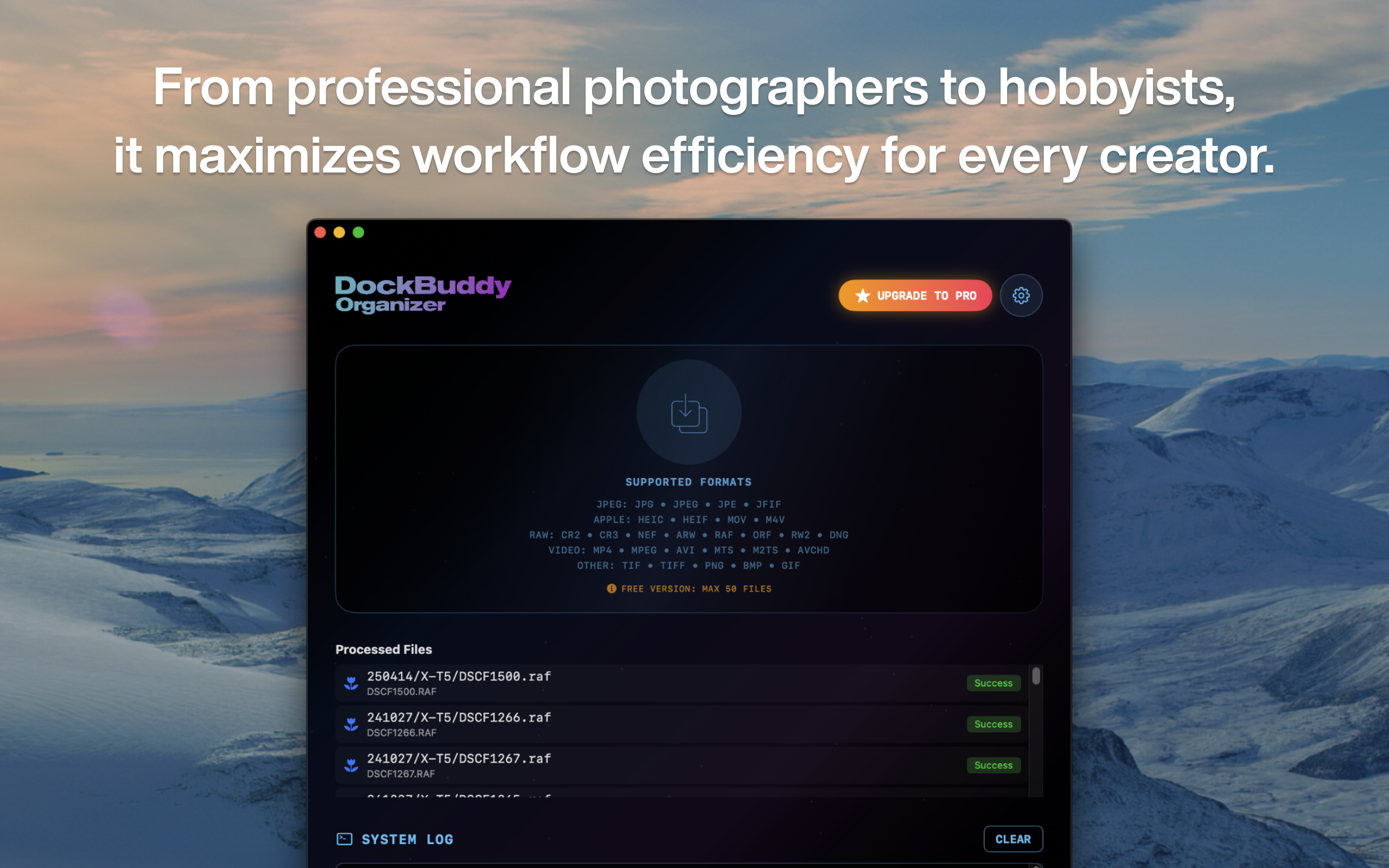
DockBuddy Organizer
Drag & Drop, Organize Photos & Video Assets in Seconds.
101
一句话介绍:DockBuddy Organizer是一款通过拖拽实现照片视频素材自动分类的工具,为摄影师和视频创作者解决了拍摄后海量RAW、视频及音频文件整理耗时费力的核心痛点。
Storage Photography Video
媒体文件管理 素材整理 工作流自动化 摄影师工具 拖拽操作 EXIF信息分类 文件批量处理 创意生产力
用户评论摘要:用户反馈积极,肯定其提升工作流效率的价值。主要问题与建议集中在:能否平滑处理多设备(如手机与相机)混合素材并自动按设备分组;是否增加操作前的预览功能,以提升控制感。开发者回应积极,预览模式已在规划中。
AI 锐评

DockBuddy Organizer切入了一个看似简单却极其顽固的痛点——创意工作者拍摄后的“垃圾时间”。它不试图成为又一款全能型数字资产管理(DAM)软件,而是精准定位在“整理”这个前置动作上,用极致的“拖拽-自动完成”逻辑来构建竞争壁垒。其真正价值并非在于复杂的规则引擎(尽管它有),而在于将用户从必须预先定义复杂规则的思维负担中解放出来,通过默认的智能分类(基于EXIF、文件类型)提供“开箱即用”的顺畅感。

然而,从评论中暴露的“预览功能”需求来看,这恰恰是产品哲学面临的挑战:绝对的自动化与用户对过程的控制权之间的张力。专业用户对“黑箱操作”天然不信任,担心误操作导致文件混乱。开发者回应的“轻量级预览”设想,正是试图在“零摩擦”与“可控性”之间寻找平衡。这步棋至关重要,若处理不当,产品可能被困在“新手觉得好用,专业用户不敢用”的尴尬境地。

此外,产品高度依赖文件元数据(EXIF),这使其在整理专业摄像机视频、无元数据的老文件或跨平台文件时可能面临局限。它的成功,最终将取决于其默认规则是否能聪明到覆盖80%的常用场景,以及其自定义系统是否强大到能灵活适配剩余20%的复杂需求。它不是一个文件管理领域的“终结者”,而是一个意图成为工作流起点的“加速器”。如果它能持续深化智能识别能力,并优雅地解决控制感问题,才有潜力从一款便捷工具,演进为创意素材管理流水线上不可或缺的标准组件。

查看原始信息
DockBuddy Organizer
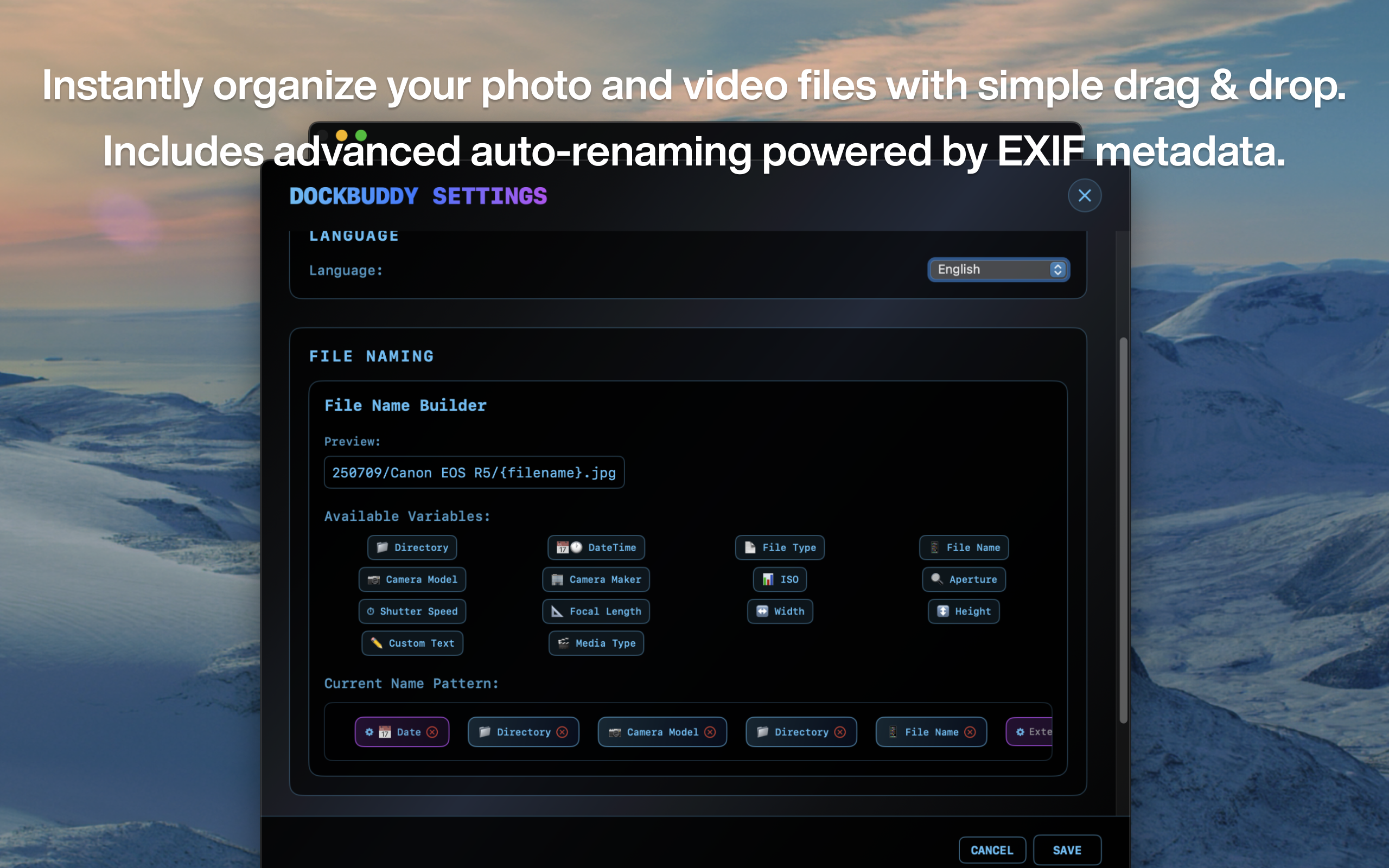
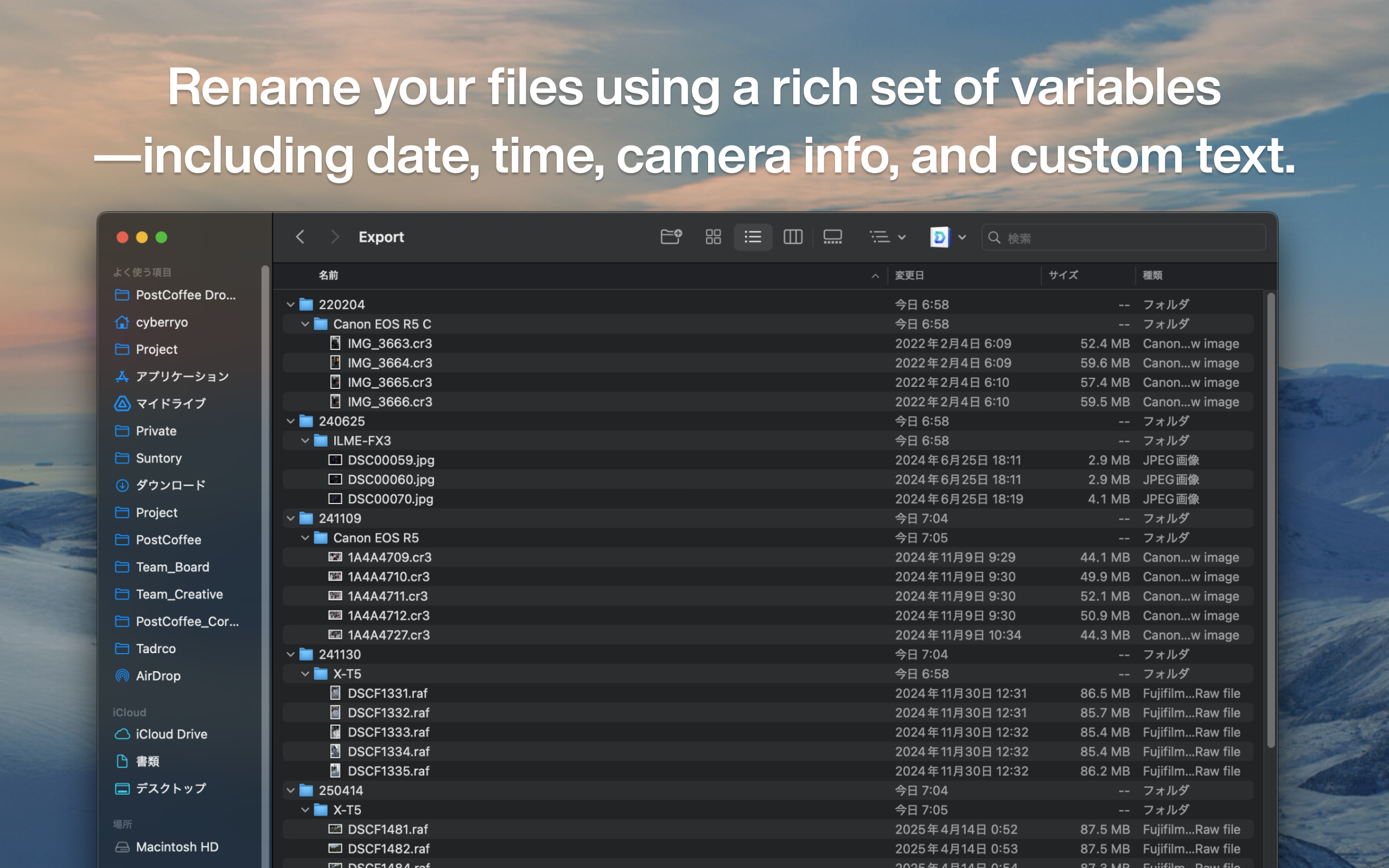
Tons of RAW files, video footage, and audio data. Are you spending too much time organizing after shooting? With DockBuddy Organizer, just drag & drop files onto the Dock icon, and they'll be automatically organized and sorted based on EXIF information and file types.
I built DockBuddy Organizer to remove the repetitive overhead that happens after every shoot — sorting, filtering, renaming, and organizing files before you can even start editing. I wanted a workflow where I could drag files directly from an SD card, drop them into one place, and have everything organized instantly. Most tools were too slow, too rigid, or not designed for creators who process hundreds of files at once. So I focused on four core ideas: Simple drag-and-drop UI — import media directly from an SD card and process everything in one action Advanced file-naming rules — build complex, customizable naming patterns that fit any workflow One-click post-shoot automation — eliminate repetitive steps like filtering, sorting, and restructuring folders Fine-grained control — exclude JPGs, separate RAWs, group by date, camera model, or any specific need Throughout development, I collaborated with photographers and videographers to ensure the tool remains intuitive for beginners but flexible enough for professionals with detailed workflows. If you try it, I’d love to hear what would make your post-shoot process even smoother. Your feedback will guide the next improvements.
2
回复

@cybermam I often mix phone footage with camera RAWs — does DockBuddy handle multi-device imports smoothly? Would be amazing if it could group files by device automatically.

0
回复
This sounds like a dream for workflow efficiency! 😍 Does DockBuddy let you preview how files will be organized before applying the automation, or does it sort everything immediately once dropped? Congratulations 🎉🎉and I loveee the idea. (I'm dropping a review based on the description, because it's not compatible with my device)
0
回复

@george_esther Thanks, Esther!

Right now DockBuddy sorts everything immediately after the drop — the goal was to remove as many steps as possible so you get a clean, structured folder output instantly.

That said, a preview mode is one of the most requested enhancements, especially from users who want to verify naming rules or folder structures before running automation. I’m exploring a lightweight preview that doesn’t slow down the workflow but gives more visibility into what will happen.

Thank you for taking the time to leave a review even without being able to run the app on your device. Really appreciate it.

0
回复

Impressive launch, DockBuddy Organizer team. From a clarity & onboarding lens: when a user opens DockBuddy for the first time, what’s the one belief you want them to hold in the first 10-15 seconds?
Is it:
• “I just found my assets in seconds—no digging needed.”
Or:
• “Organizing photos/videos doesn’t have to be painful anymore.”
Because in asset tools the biggest barrier isn’t features; it’s the user believing this will fix my mess now. Curious how you’re setting that up for first-time users.

0
回复

@joydeep_pandey Thanks, Joydeep — this is exactly the question I want every new user to resolve within seconds.

The belief I want them to form immediately is:
“Organizing my media is no longer a burden — this tool will clean up the mess for me.”

That’s why the very first interaction in DockBuddy Organizer is intentionally simple:
drag → drop → watch everything fall into place without configuration.
If users experience that instant reduction of friction, they naturally build confidence that the tool can handle larger, more complex workflows later.

Your point about onboarding shaping that belief is well-taken. I’m refining the first-run flow to make this moment even clearer — including showing what the app is doing behind the scenes and why the output is structured the way it is.

If you have thoughts on what reinforces that “this will fix my mess now” feeling even faster, I’d like to hear them.

0
回复
#15
AI Talk Coach
Your personal communication coach!
91
一句话介绍:AI驱动的个人沟通教练,通过录音、即时反馈和针对性训练,帮助用户在日常演讲、工作汇报等场景中提升表达清晰度、减少赘词,从而建立自信、改善沟通效果。
Productivity Education SaaS
AI语音教练 沟通训练 演讲练习 表达能力提升 即时反馈 个人成长 技能学习 口语训练 习惯养成 效率工具
用户评论摘要:用户认可其对非母语者的价值。核心建议聚焦于新用户引导,认为应强化前15秒的信念建立,让用户立刻相信产品能改变其说话方式。创始人回应了引导流程并寻求具体反馈。
AI 锐评

AI Talk Coach 切入了一个高痛点的“非显性”市场——系统性口语表达训练。其真正价值并非炫技的AI分析,而是将抽象的“沟通能力”解构为可量化的指标(赘词、语速、清晰度),并通过“游戏化”的连续打卡和免费机制,直击“知道重要却无法坚持练习”的人性弱点。产品巧妙地扮演了“桥梁”角色:既为个人用户提供私密、低成本的练习环境,又为职业教练提供数字化工具,这种B2C2B的潜在路径值得关注。

然而,其面临的挑战同样尖锐。首先,从“工具”到“习惯”的鸿沟极深。评论中一针见血地指出,关键不是功能,而是用户“信念”的瞬间建立。当前30秒录音分析是否足够形成认知冲击?产品可能需要更戏剧化的“前后对比”体验来制造“顿悟时刻”。其次,反馈的维度(清晰度、赘词等)仍是通用标准,而沟通的魅力在于个性与语境。如何避免用户为优化数据而变得生硬,是深层悖论。最后,“永久免费”的留存策略是一把双刃剑,在培养用户依赖的同时,也考验着团队探索可持续商业模式(如教练平台分润、高级分析)的智慧。

本质上,它卖的不是AI,而是“确定性”——在充满不确定性的沟通场景中,给予用户一个可控的进步阶梯。能否从“语音仪表盘”升维成真正的“沟通思维教练”,将是其天花板所在。

查看原始信息
AI Talk Coach
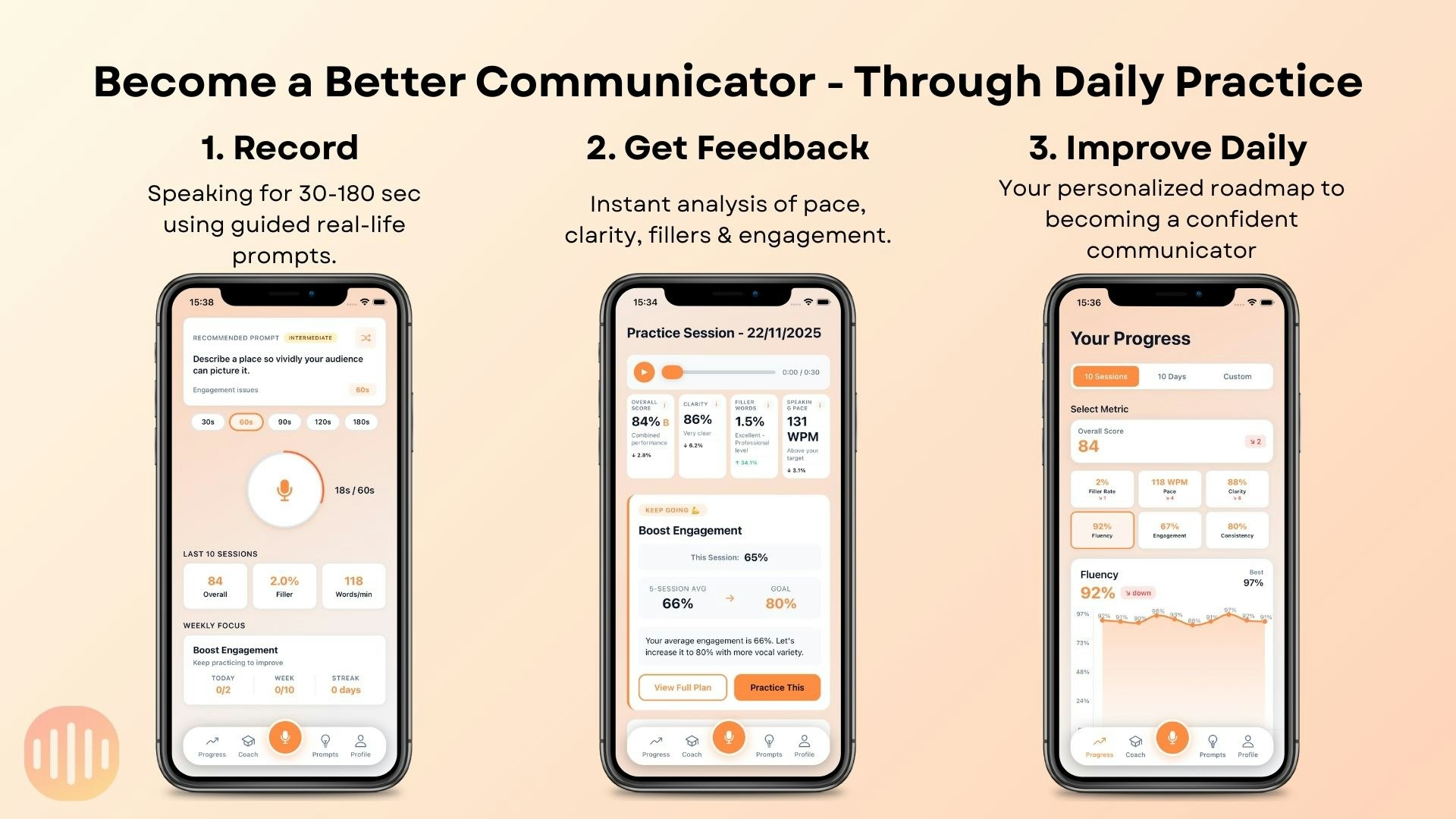
Speaking is a skill - and the only way to get better is through consistent reps. Whether you're a creator, a professional, or someone who wants to sound more confident AI Talk Coach makes speaking practice effortless and measurable. *Record voice clips. *Get instant AI feedback on clarity, filler words, pacing, and more. *Track your progress through easy-to-read charts and daily streaks. *Targeted drills that help you focus on your weak spots.

This will be very useful for non-native speakers. Congrats!!

2
回复

@himani_sah1 Thank you very much :) Was there any particular feature you enjoyed?

0
回复

Great launch, AI Talk Coach team. From a clarity & onboarding lens: when a user opens the app for the first time, what’s the one belief you want them to hold in the first 10-15 seconds?
Is it:
• “I can actually speak with more confidence and clarity.”
Or:
• “This tool already understands how I speak and what I struggle with.”
Because in coaching tools the biggest adoption barrier isn’t features; it’s the user believing this can shape how I speak. Curious how you’re shaping that for first-time users.

1
回复

@joydeep_pandey Thanks a lot for taking the time to comment! Currently in the onboarding experience users record a 30sec session that the app then analyses and shows the analysis and a brief coach recommendation - do you think i should give more emphasis to this stage of the onboarding? and did you try it yourself?

1
回复
Hey PH! I’m José, founder of AI Talk Coach. I built this because I always wanted communication coaching - but never managed to make it a habit. Speaking is one of those skills we all rely on daily, yet we almost never practice it. AI Talk Coach makes practice simple: quick speaking reps, instant feedback on filler words, clarity and pacing, and real data that helps you improve over time. We’re already working with several communication coaches who use the tool to track student progress and run speaking drills. And if you are consistent the app is FREE FOREVER (must sign up via web) * When the trail starts it resets for 24h more hours after each 1 min session you complete - so never miss a session for more than 24h and the app is free forever! In case you can't be that consistent, as a PH user you can still claim a 50% discount :) Would love to know: what situation do YOU wish you sounded more confident in? I’ll be in the comments all day 👇
0
回复
#16
Better Logger
Modern MacOS Log viewer for iOS developers with MCP support
90
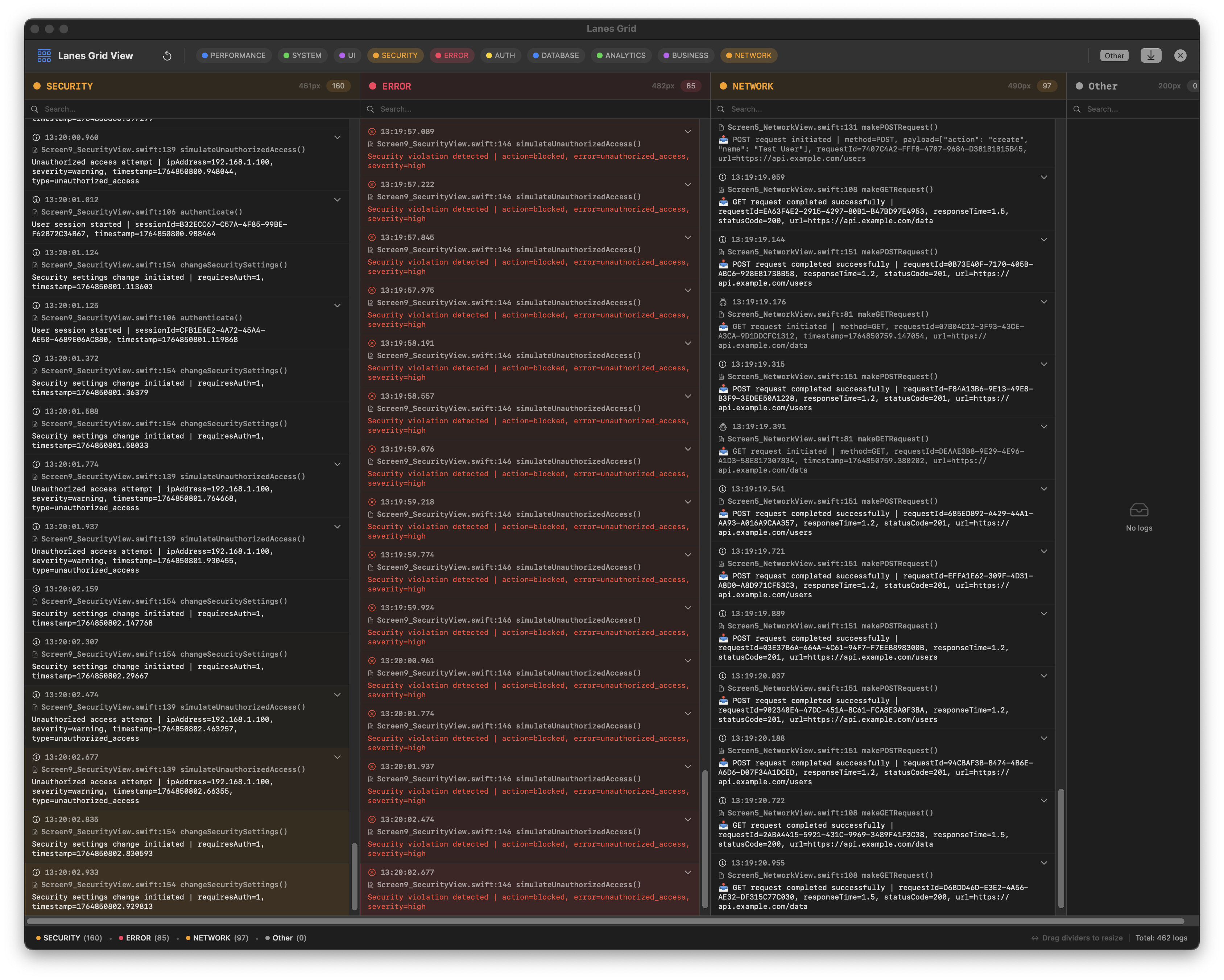
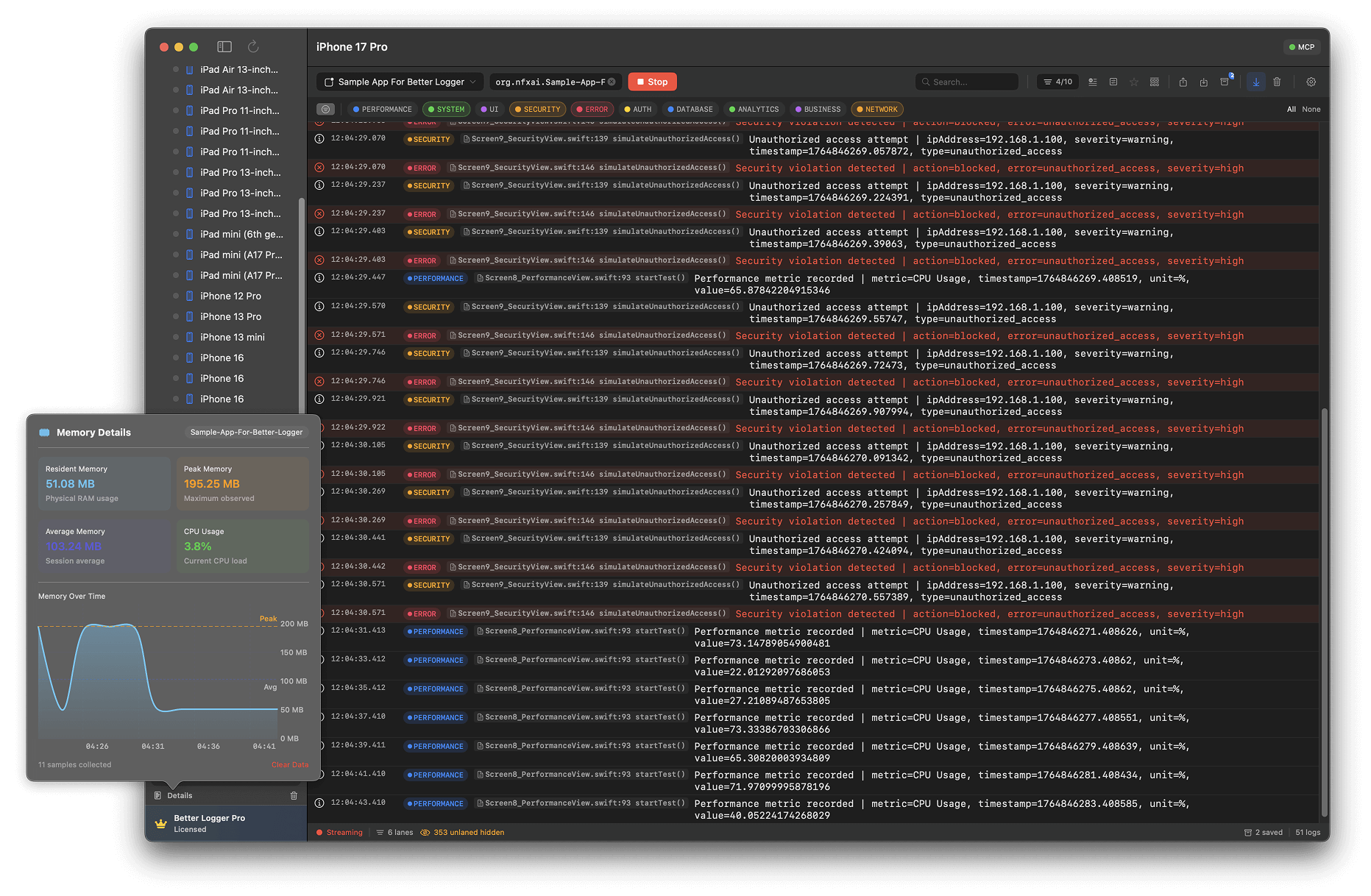
一句话介绍:一款专为iOS开发者设计的现代化macOS日志查看器,通过实时流式查看模拟器日志、可视化日志轨道,并集成MCP支持AI工具,解决了多类别日志混杂、调试效率低下的痛点。
iOS Developer Tools Artificial Intelligence
开发者工具 macOS应用 iOS开发 日志查看器 调试工具 实时日志 MCP集成 AI编程助手 可视化调试 效率提升
用户评论摘要:用户认可其解决复杂内存调试痛点的价值,MCP集成显著改变调试流程。主要疑问集中在:1. 团队协作与共享视图的可扩展性;2. 对Flutter/RN等跨平台框架的支持;3. MCP被动监听日志流的实现机制。
AI 锐评

Better Logger 看似是又一个日志美化工具,实则精准刺中了现代iOS开发的隐性瓶颈:在信息过载的调试终端中,开发者如何快速定位关键线索?其真正的颠覆性不在于“可视化轨道”,而在于将MCP(Model Context Protocol)从一个AI辅助编程的“协议”,落地为可交互的调试基础设施。

产品让AI助手(如Cursor)能主动查询、筛选特定日志轨道,这本质上是在重构调试工作流。开发者从“人肉过滤日志”转变为“向AI描述问题”,后者代为执行繁琐的信息检索。这符合一个明确的趋势:工具正从“提供更多信息”转向“智能处理信息”。创始人在评论中回应MCP机制时,点明了这一核心:它是一个供IDE/LLM调用的工具,使LLM能基于上下文动态查询日志。

然而,产品也暴露出关键挑战。首先,其价值高度绑定MCP生态与AI编程助手的使用深度,用户需改变既有习惯。其次,评论中关于团队协作和跨平台支持的疑问,直指其作为专业工具在规模化与普适性上的短板。目前它更像是服务于先进个体开发者的“锋利手术刀”,而非团队标配。

总体而言,Better Logger 是一次有价值的垂直整合尝试。它没有泛泛地做“所有开发者的日志工具”,而是聚焦于已拥抱AI编程的iOS开发者,用MCP打通了日志数据与AI决策间的“最后一公里”。其成败将取决于MCP生态的普及速度,以及自身能否从单点调试工具,演进为团队可协作的“可观测性”平台。

查看原始信息
Better Logger
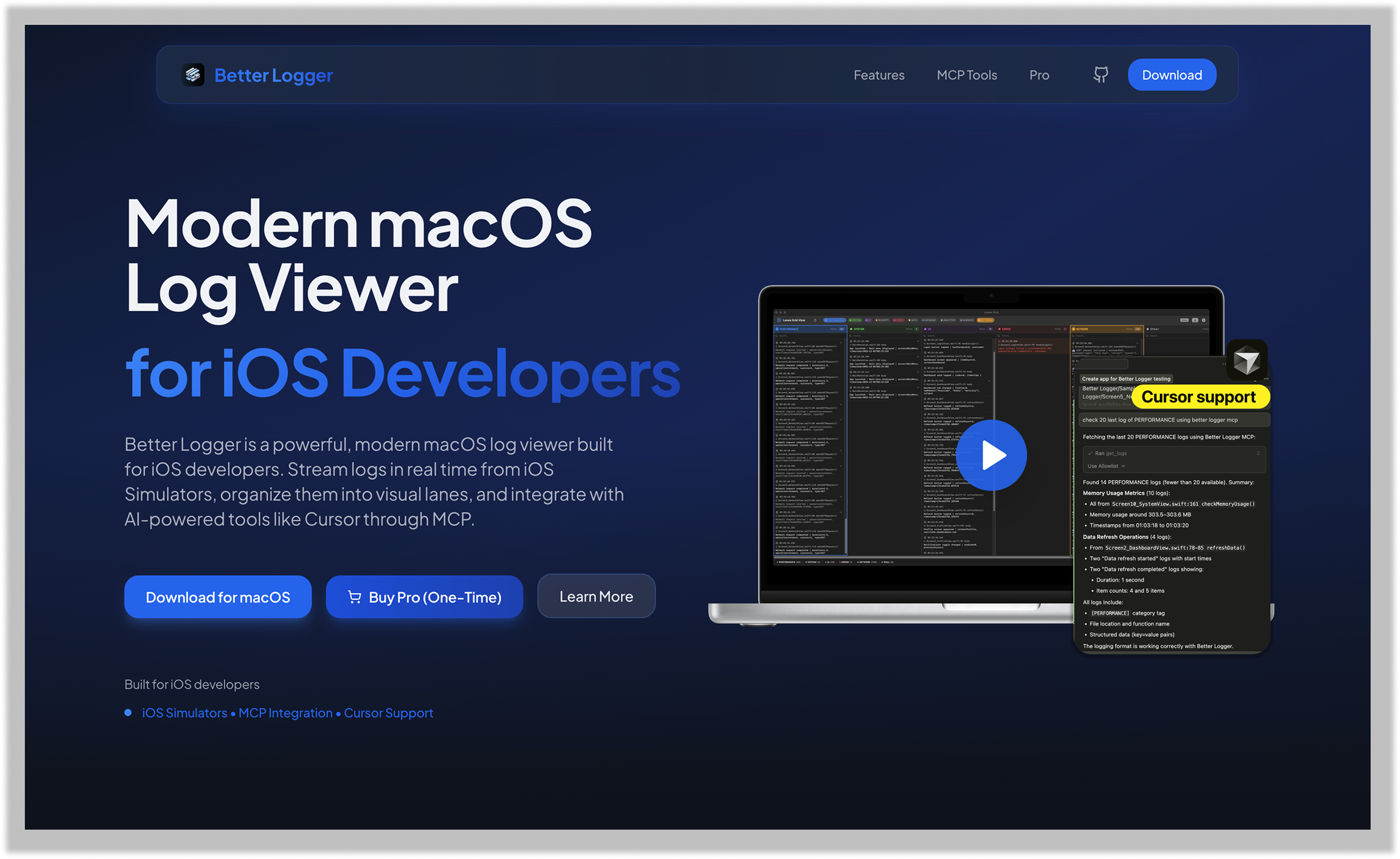
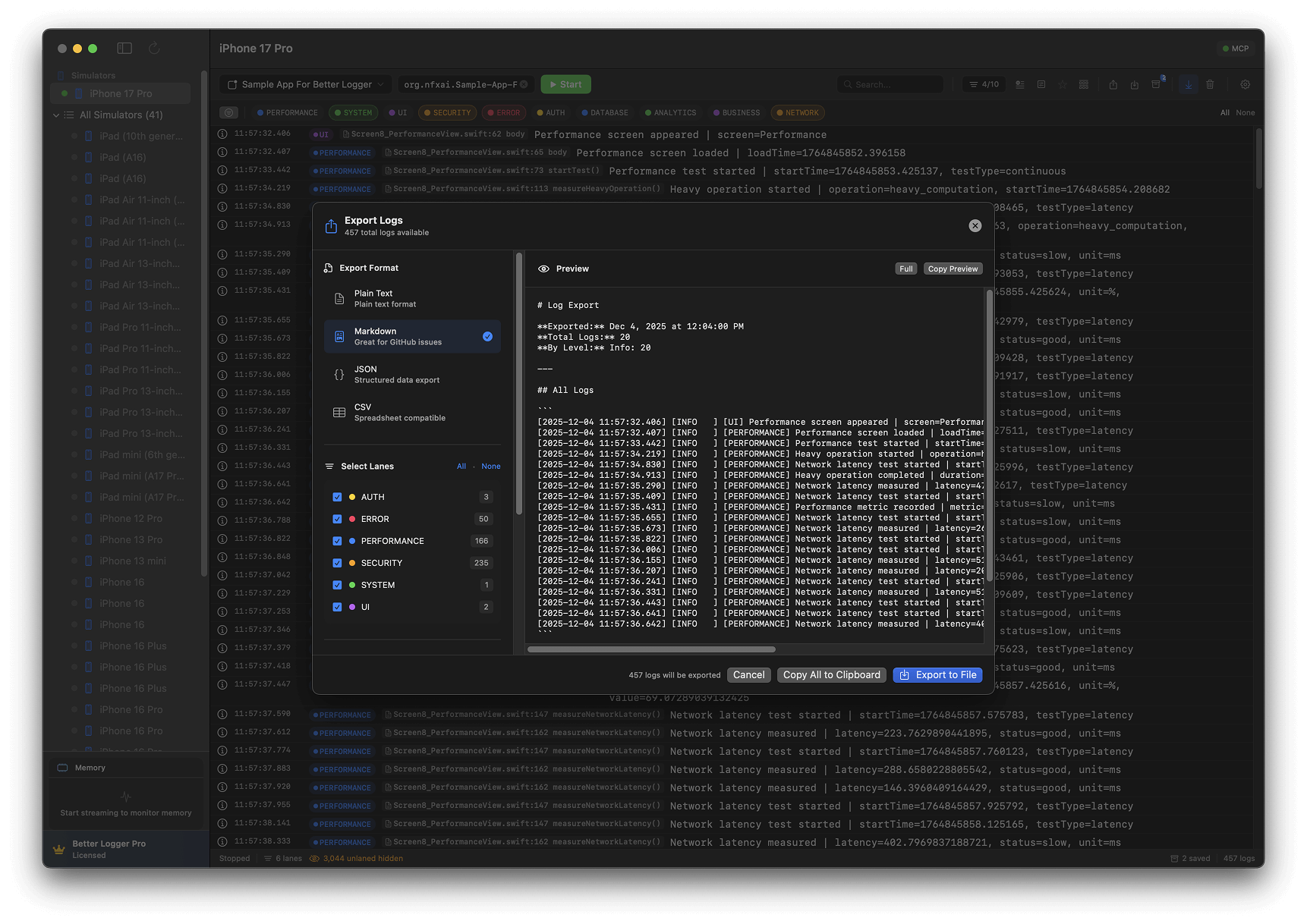
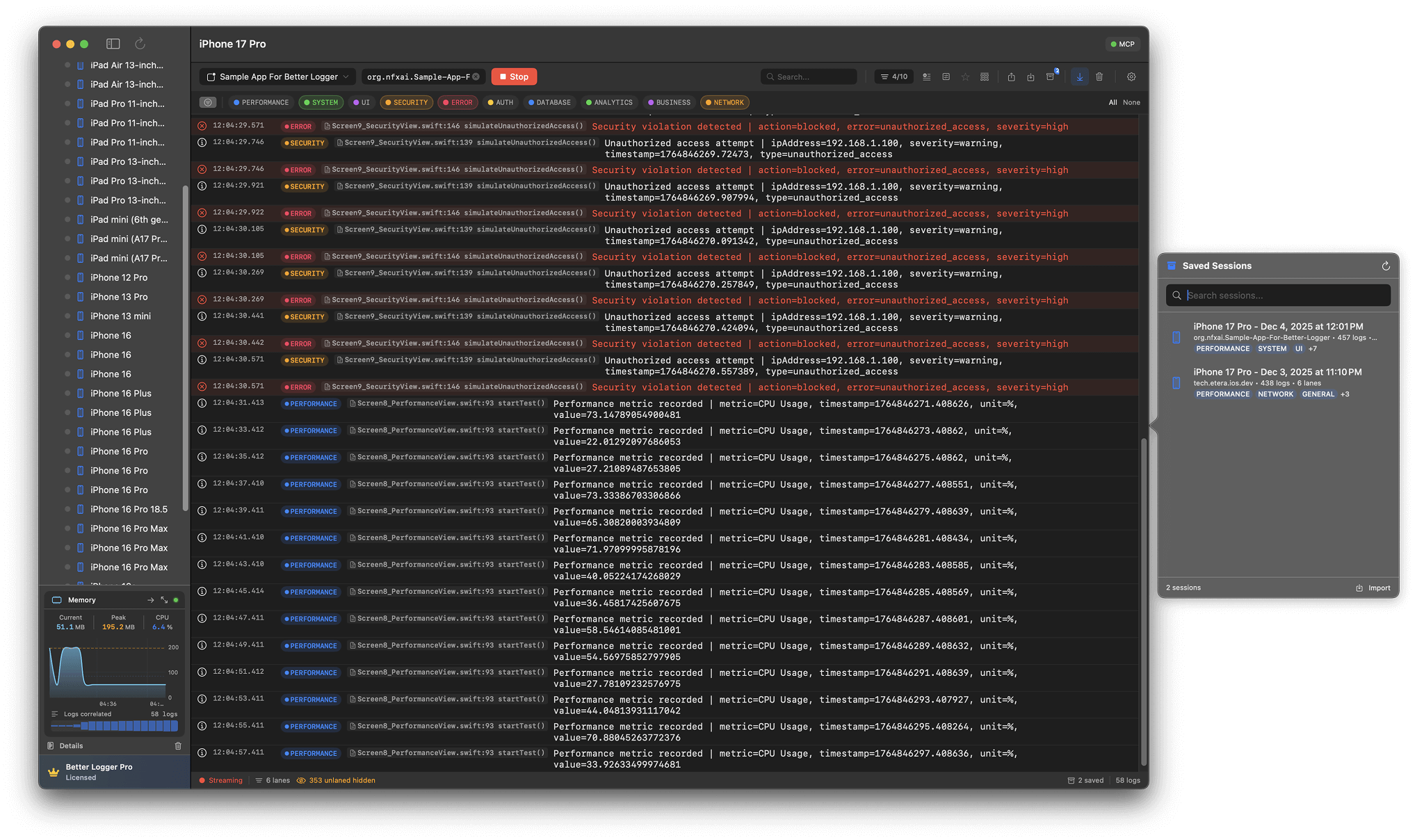
Better Logger is a powerful, modern macOS log viewer built for iOS developers. Stream logs in real time from iOS Simulators, organize them into visual lanes, and integrate with AI-powered tools like Cursor through MCP.
I’ve had this idea in my head for a while. Every time I ran into a difficult memory issue, I wished I had a tool like this. Something that would let me visually inspect each log category lane and see what’s happening in real time. I’ve been using it for a while now and thought other iOS developers might enjoy it just as much. Adding MCP capabilities has completely changed the way I debug; asking Cursor to look at specific logs without having to copy and paste has been a game-changer.
0
回复

@nedimf how do you see it scaling for larger teams, maybe with shared log views?

1
回复

If anyone wants to try this out with hybrid tooling, like Flutter, RN or something similar let me know so I can provided you with 100% off. I really want to learn if tool is accessible enough for this type of tooling system.

0
回复

How does it work with streaming? isnt MCP mostly turn by turn? Prompt -> response. Can MCP listen passively?

0
回复

@conduit_design so, idea is that it's a tool, that Cursor or other IDEs can use, to basically query app logs, based on lane (category) or some other filter that LLM in that time calls. I hope this answers your question, I hope you try out tool and let me know your feedback, if you are interested I'll send you 100% off code to try out.

0
回复
#17
Quicklogo
Professional logos in seconds, not weeks
54
一句话介绍:Quicklogo是一款AI驱动的标志设计工具,能在数秒内根据业务描述生成专业级标志,解决了初创公司、独立开发者和早期团队在寻求快速、高性价比品牌标识时的核心痛点。
Design Tools Artificial Intelligence Logo Design
AI设计 标志生成 品牌标识 初创企业工具 图形设计 按次付费 文本编辑 商用授权 设计自动化 效率工具
用户评论摘要:用户反馈主要集中于两点:一是高度认同产品解决“耗时耗资”痛点的价值,并给出了推广渠道建议;二是询问对PSD、CDR专业格式的支持,开发者已回应即将更新该功能。
AI 锐评

Quicklogo的叙事精准击中了传统标志设计市场“高成本、长周期”的软肋,但其宣称的“真正思考”与“研究趋势”是产品能否立足的关键分水岭。当前市场充斥着大量基于模板组合或简单文生图的所谓AI设计工具,其产出往往流于表面拼贴。Quicklogo若真能实现基于商业语境的分析与趋势洞察,进而生成具有品牌一致性的标识,则意味着其AI引擎超越了简单的图像生成,进入了品牌策略的辅助层,这才是其宣称“机构品质”的真正壁垒。

然而,其信用点定价模式是一把双刃剑。一方面,它避开了令人生厌的订阅制,降低了用户尝试门槛;另一方面,“10-15信用点/次”的消耗若对应不稳定的产出质量,将迅速耗尽用户信任与钱包。开发者重点介绍的“智能体模式”通过AI批判进行多轮迭代,是提升可靠性的正确方向,但过程是否透明、迭代逻辑是否合理,将直接影响专业用户的采纳。

更深刻的挑战在于,标志设计的价值不仅在于图形本身,更在于其背后的策略思考与独特性承诺。Quicklogo解决了“从0到1”的启动问题,是理想的最小可行性产品测试工具。但对于需要深厚品牌叙事的公司,它目前更像是灵感生成器而非终极解决方案。其真正的市场或许并非取代高端设计机构,而是成为海量小微项目、内部原型、临时活动的首选,并可能倒逼传统行业重新评估其基础服务的定价与交付周期。能否在“速度与廉价”之外,建立起可感知的质量护城河,将是其从“有趣工具”蜕变为“专业平台”的必经之路。

查看原始信息
Quicklogo
I built this because I was tired of waiting weeks and paying thousands for a logo. Get agency quality logos in seconds. Just describe your business and our AI researches trends, then creates professional logos that actually look professional. Regular mode for speed, Agentic for extra polish. Edit with text - "make it blue" works. Generate multiple options, download high-res files. You own everything. Credit-based pricing from $9. No subscriptions.
Hey Product Hunt! 👋 I'm excited to share Quicklogo with you today. This has been a passion project of mine, born out of frustration with the traditional logo design process. A few months ago, I needed a logo for a side project. The quotes I got ranged from $2,000 to $8,000 and would take 2-4 weeks. As a bootstrapped founder, that wasn't realistic. So I started building something better. What makes Quicklogo different: **It actually thinks before it creates** - Most AI logo tools just generate random designs. Quicklogo researches current design trends, understands your business context, and creates something that makes sense for your brand. **Two modes for different needs** - Regular mode when you need something fast (10 credits), Agentic mode when you want that extra polish (15 credits). The agentic mode uses AI critique to refine logos through multiple iterations. **Text-based editing that actually works** - No complex design tools. Just describe what you want changed and it happens. "Make it more modern" or "change the colors to blue and gold" - it understands. **You own everything** - Full commercial rights. No watermarks. No restrictions. It's yours. I'd love to hear your feedback! What features would make this even better? What's your biggest pain point with logo design? Also happy to answer any questions about how it works, the tech behind it, or anything else you're curious about. Thanks for checking it out!
23
回复

@emmanuel_ajaga 
This is the exact pain point — waiting weeks and paying thousands for a logo when you just need to get started. You've already built the hard part.

Getting this in front of the right people is simpler than it feels. Bootstrapped founders, indie hackers, and early-stage teams on LinkedIn are actively looking for exactly this: fast, professional, affordable branding.

I help design and productivity tools connect with them without overcomplicating it. If you’re curious, I can show you what that looks like.

0
回复

Nice. Do you support PSD and CDR as export formats?

0
回复
@chilarai we don’t support theses formats yet. But would be shipping this feature in the coming days.
1
回复
#18
Dashform
AI-Native Forms You Build with Natural Language
38
一句话介绍:Dashform是一款AI原生的自然语言表单构建工具,用户只需用文字描述需求,即可自动生成带逻辑、验证和集成的功能表单,解决了用户(如创始人、产品经理)在频繁创建表单时流程繁琐、效率低下的核心痛点。
User Experience Analytics Marketing
AI原生应用 自然语言处理 表单构建工具 无代码/低代码 流程自动化 SaaS 生产力工具 应用集成
用户评论摘要:用户反馈产品简单易用,概念新颖。主要问题与建议集中在与第三方平台(如WordPress、Webflow)的嵌入集成、高级自定义验证与条件逻辑的实现细节,以及表单回复的邮件通知等具体功能上。
AI 锐评

Dashform的亮相,与其说是一款表单工具的创新,不如说是对“AI原生”理念的一次激进实践。它试图用自然语言界面彻底取代传统的拖拽构建器和模板,其真正价值在于挑战了以图形用户界面(GUI)为绝对中心的软件交互范式。产品标语中“AI-Native”与“UI-Native”的对立,是其核心叙事,也揭示了其野心:它赌的是未来用户更倾向于“说”出需求,而非“点选”组件。

然而,其面临的挑战同样尖锐。首先,自然语言描述的模糊性与表单功能所需的精确性之间存在固有矛盾。简单的表单或许能一键生成,但面对评论中提及的“高级验证或条件路径”等复杂逻辑,自然语言指令是否会变得冗长、晦涩,甚至需要反复调试,从而抵消其效率优势?这值得怀疑。其次,其“AI原生”的护城河并不深。当前功能清单(同步、集成、逻辑、主题)与主流表单工具高度同质,其AI生成更像是一个智能化的“初始设置”,后续的深度定制与调整很可能仍需回归传统界面。评论区的关注点几乎全在具体的集成与功能上,也侧面印证了用户最终关心的仍是实用性与兼容性,而非生成方式本身。

因此,Dashform的短期价值在于为高频、轻量级表单需求提供了一个有趣的效率玩具,但其长期成功与否,取决于其AI能否真正理解复杂的业务逻辑,并进化成一个能处理全流程、可靠的生产力系统,而非仅仅是一个华丽的起点。它开启了一个正确的对话,但离终结传统的表单构建方式,还有很长的路要走。

查看原始信息
Dashform
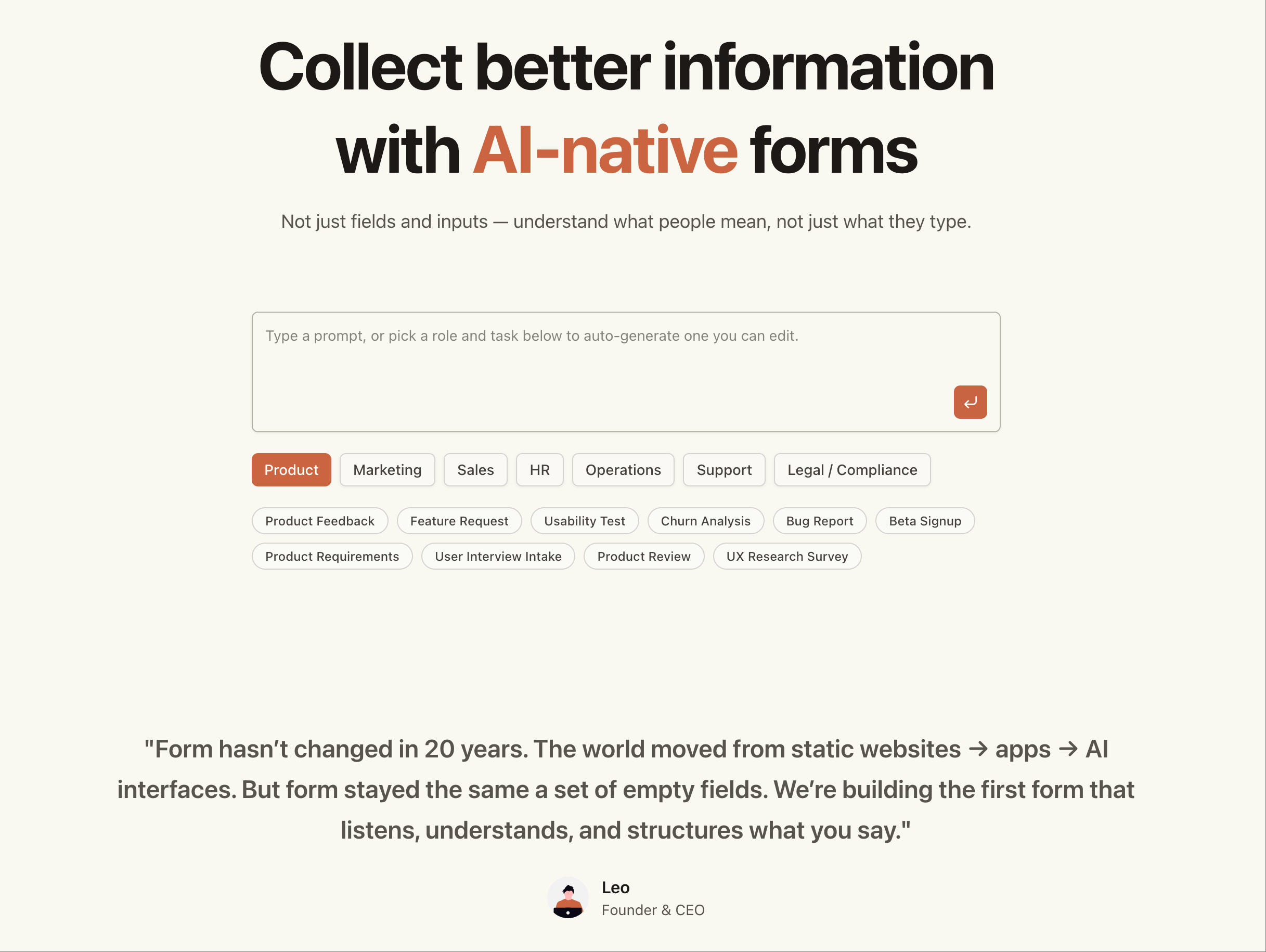
Over the past few months, we talked to founders, PMs, creators, and automators who all said something similar: “I build forms every week — why does it still take so many steps? Why isn’t there a faster, AI-native way?” So we built Dashform, a natural-language form builder where you simply describe what you want, and Dashform generates a fully functional form: fields → logic → validation → theming → integrations → publish link.
Hi Product Hunt! I’m Leo, co-founder of Dashform — thanks so much for checking us out today. Over the past few months, we talked to founders, PMs, creators, and automators who all said something similar: “I build forms every week — why does it still take so many steps? Why isn’t there a faster, AI-native way?” So we built Dashform, a natural-language form builder where you simply describe what you want, and Dashform generates a fully functional form: fields → logic → validation → theming → integrations → publish link. No drag-and-drop. No UI builder. No templates. Just text → to form → to your data. Today we’re launching with: • Natural language → form generation • Notion / Google Sheets / Airtable sync • Zapier integration (1000+ apps) • Conditional logic & validation • Themes & branding • Public links & embeds • Submission inbox + export • API + webhooks We built Dashform because we believe the next wave of tools will be AI-native, not UI-native — software that begins with language rather than components. We’d love your feedback, ideas, and brutal honesty. Try it, break it, and tell us what you want next — we’re shipping fast. Thank you for supporting us today 🙏 Happy to answer every question in the thread! 🚀
3
回复

@jakeharr Cool product! Does it have an integration with WordPress? If we can use natural language to create forms and embed automatically in WordPress site, that would be awesome!

0
回复

Nice! This is like lovable but for forms lol

1
回复

This is really cool. I actually made a quick form just to try it out, and it was surprisingly simple. How does Dashform handle more advanced validation or conditional paths if someone wants something pretty custom?

1
回复

Interesting! Can i embed this into my webflow website?

1
回复

@kritika_singhania Definitely YES

1
回复

This look great!

1
回复

@malithmcrdev Lets try it

1
回复

Hey @jakeharr amazing news and congratulations on the launch! As a form user myself this is really really helpful! Really smart using AI - as I even asked the form to pick out 5 restaurants of my taste preference!

Question : Is there any email capture that you can auto embed on the form to see who responded to which options?

1
回复

Easy to Use Love that

1
回复

@sammy_xf Thank You

0
回复
#19
IPABUILD
Revolutionary macOS cloud-based compilation cluster.
31
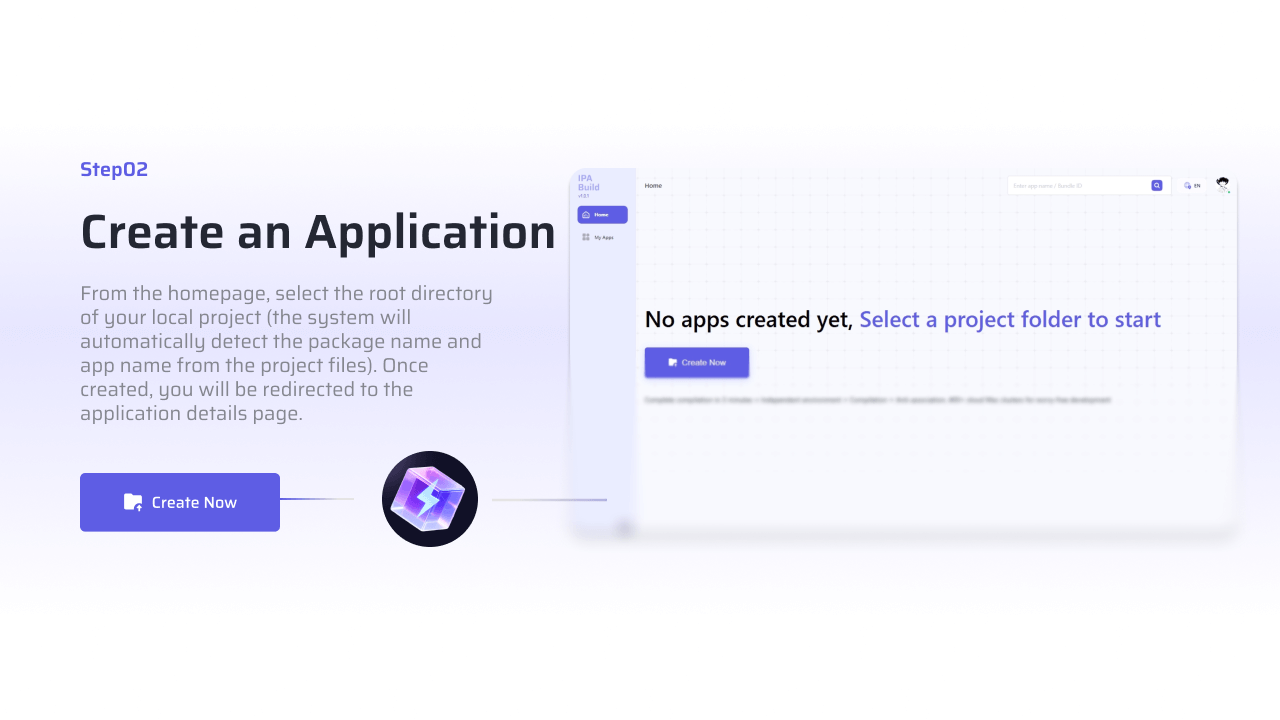
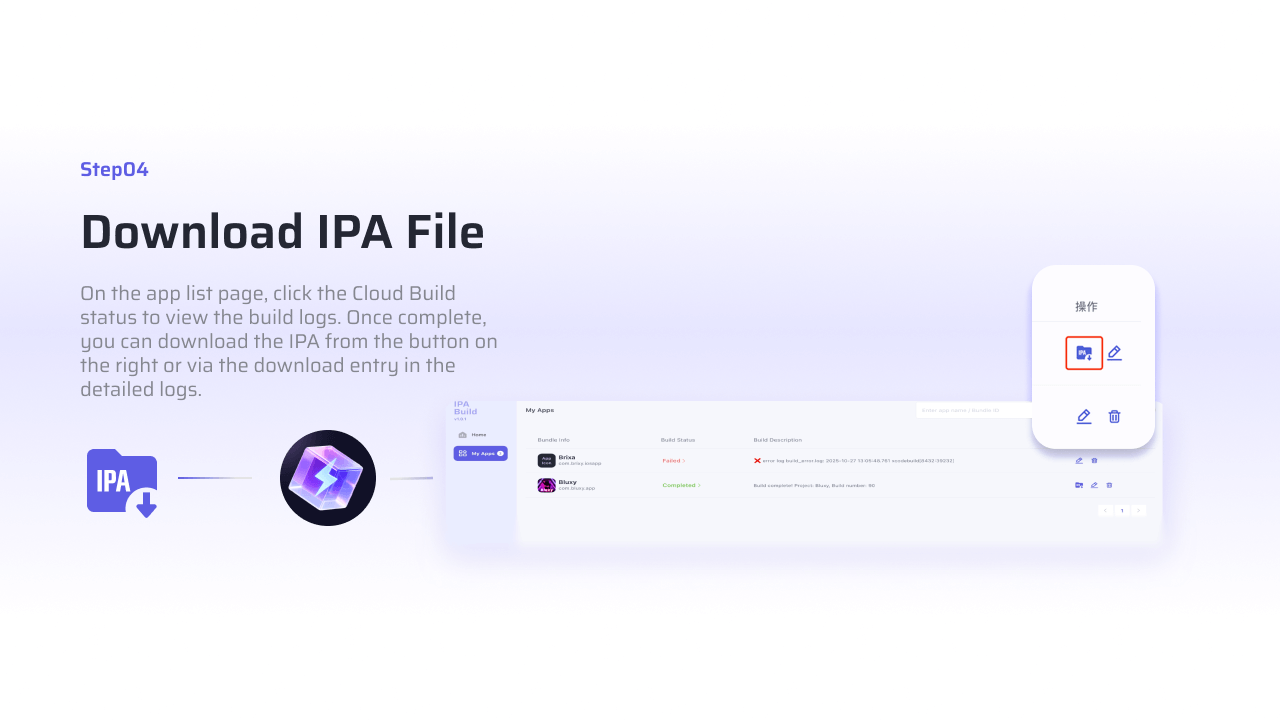
一句话介绍:一款基于云的macOS编译集群工具,让iOS开发者在Windows/Mac上无需配置Xcode环境即可一键完成IPA打包与签名,解决了跨平台开发、团队协作中环境配置繁琐、证书管理复杂和编译耗时长的核心痛点。
Windows Mac Productivity
iOS开发工具 云编译 CI/CD 自动化打包 证书签名 跨平台支持 效率提升 开发者服务 无环境依赖
用户评论摘要:用户普遍认可其解决Xcode配置和证书管理痛点的价值,尤其吸引小团队和独立开发者。主要问题集中于云端证书安全、代码防泄露机制、与现有CI/CD工具集成深度,以及并发编译时的性能与防关联有效性。
AI 锐评

IPABUILD瞄准了一个真实且顽固的痛点:iOS应用打包对原生苹果生态(Xcode、macOS)的强依赖所衍生的环境配置地狱。其宣称的“零配置”、“无Xcode依赖”直击了跨平台开发者、小团队或缺乏Mac硬件的用户的要害,将复杂的本地环境问题转移至云端标准化处理,本质是“编译即服务”的垂直化实践。

然而,其光鲜标语之下,隐藏着开发者工具领域最敏感的几根神经。首当其冲是安全与信任。评论中密集出现的关于证书安全、代码泄露、防关联机制的疑问,暴露出用户对将核心知识产权(源代码)和发布密钥(证书)托付给云端黑盒的天然警惕。产品若不能以透明机制(如第三方审计、详细的数据处理协议)回应,将成为其攻破企业级市场的致命短板。

其次,其“革命性”定位面临集成深度的考验。当前它更像一个独立的打包终端,而非深度编织进开发流水线的线程。评论中关于与GitHub Actions、Bitrise等主流CI/CD平台集成的询问,点出了关键:真正的效率提升不在于单点编译加速,而在于贯穿代码提交到分发的全流程自动化。若仅停留在“更快生成IPA”,其价值天花板将很快触顶。

值得肯定的是,其支持多框架(Flutter、React Native)和提供免费额度的策略是明智的,精准降低了尝鲜门槛,并覆盖了日益增长的跨平台开发群体。但“被700+公司使用”和“节省80%时间”这类宣传需要更具体的案例支撑,否则易流于营销话术。

总而言之,IPABUILD是一次有价值的聚焦尝试,将通用CI中体验最差的iOS打包环节抽离并优化。但它远非“革命终点”,而是新一轮效率竞赛的起点。其成败关键在于:能否在建立绝对安全信任的同时,从“云端编译工具”进化为“智能发布管道”,并构建起围绕iOS应用构建的生态护城河。否则,它很可能只是另一个解决了老问题、却又带来新担忧的中间件。

查看原始信息
IPABUILD
ipabuild breaks through with end-to-end integrated innovation among similar tools. It offers zero-configuration launch on Windows/Mac, no Xcode dependencies or version issues. With auto-certificate matching for stable signing, it integrates anti-association + 3-minute ultra-fast compilation,it’s efficient, practical, and standout.

Can previous code data be recovered after the virtual machine is restored to a clean environment?

1
回复

This looks super useful, especially for small teams and indie devs who don’t want to babysit macOS VMs and Xcode versions all day. The fact that ipabuild runs from Windows/Mac with zero local Xcode setup, auto‑handles certificates, dependencies, and multi‑version packaging is a big deal for anyone who’s ever been burned by signing hell or random CI/macOS glitches.

I also like that it supports multiple frameworks (native iOS, Flutter, React Native, etc.) and generates installable packages in real time--that’s exactly where a lot of “generic CI” solutions start to feel clunky.

The claim of cutting 80% of packaging/distribution time and already being used by 700+ companies is pretty impressive, and the 5 free IPA bundles is a smart, low-friction way to let people validate it in their own pipeline.

A few things I’d be curious about:

  • How do you handle security around certificates/profiles in the cloud?

  • Any plans for deeper CI/CD integrations (GitHub Actions, GitLab, Bitrise migration helpers, etc.)?

  • Roadmap for supporting things like automatic release notes, dSYMs/symbol uploads, and store uploads?

Overall, this scratches a very real pain point in iOS dev. Bookmarked to try on our next project. 🚀

1
回复

Hey producthunt friends 👋

We’re the developers behind ipabuild.

Every day at work, we spent hours setting up a macOS virtual machine for each client.

To be honest… most IPA building processes are still cumbersome today—it’s a huge waste of time, and we’d had enough of this inefficiency.

Configuring certificates means constant pitfalls, Compilation waits are so long they break your focus, Distributing test builds requires sending packages one by one, And compatibility with different iOS versions keeps causing errors.

So over the past few months, we built the tool we’ve always wanted—a more efficient solution for IPA building and distribution.

Introducing ipabuild 🎉—turning IPA building from "time-consuming hassle" to "one-click done".

ipabuild is a cloud-based compilation accelerator for iOS developers!

It lets you:

💻 Operate directly on Windows/MacOS—no local Mac/Xcode setup needed

⚡ Automatically handle dependency installation, certificate signing, and multi-version packaging

⏰ Support multiple frameworks (native iOS, Flutter, React Native, etc.) with real-time installable package generation

📊 For small-to-medium teams and indie developers alike—say goodbye to environment issues and ship packages fast!

We’re still in the rapid iteration phase, but ipabuild’s impact on development workflows is clear—it’s trusted by 700+ internet companies and saves them 80% of packaging and distribution time.

To celebrate the official launch, we’re offering 5 free IPA bundles for you to try risk-free.

If you’re satisfied, feel free to contact us to purchase. If you have any thoughts after trying it—whether it’s optimization suggestions, feature requests, or experience feedback—feel free to let us know.

Your voice is what drives ipabuild to get better 🙏

👉 Click here to try it now

🌐 Official website:

——👇👇👇——

https://www.ipabuild.com/en

1
回复

@gracehaha_lin What core links are included in ipabuild's "3-minute compilation"?

0
回复

Will the anti-association mechanism still work when I submit multiple compilation requests at the same time for different bundle IDs?

0
回复

@gracehaha_lin
This solves a real daily frustration—setting up macOS VMs and wrestling with certificates is exactly the kind of time‑sink that slows down iOS teams. Turning IPA building into "one‑click done" is a sharp productivity leap.

A practical question: Are you initially targeting indie iOS/Flutter developers, or are you also seeing interest from mobile engineering teams at small‑medium tech companies who need to streamline their CI/CD pipeline?

(I ask because I work with developer tools and engineering teams on LinkedIn, where conversations about build automation and environment issues happen daily.)

0
回复

Is ipabuild compatible with macOS 10.11 and earlier?

0
回复

Hi! Can you provide third-party certification reports for code security?

0
回复

Is code obfuscation still necessary?

0
回复

@nyun_4 The compilation environment cannot replace code obfuscation. It only helps you save time on environment configuration and prevents multiple cloned apps from being associated with the same compilation environment, which could lead to mass removal.

0
回复

Does the anti-association function require manual configuration by users?

0
回复

Will users' compilation records contain any code-related information?

0
回复

Can l submit compilation requests simultaneously when logging in to the same account on multiple devices?

0
回复

What development scenarios does ipabuild mainly serve?

0
回复

Congratulations on the launch! I was still wondering, how does IPABUILD ensure code security and prevent leaks?

0
回复

This looks genuinely interesting! Anything that promises to cut down on the Xcode/VM setup pain is worth a look. Definitely checking out those 5 free IPA bundles. Thanks for building this!

0
回复

@huang_song_

So thrilled to get your approval 🥳

When we built ipabuild initially, we just wanted to help everyone get rid of the hassle of Xcode configuration and VM setup, making the packaging process simpler and more stress-free~

The free IPA packaging quota you mentioned comes with absolutely no strings attached—it covers both native projects and cross-platform projects seamlessly!If you run into any issues during your experience or have any feature optimization suggestions, feel free to let me know anytime!

Your feedback is the biggest motivation for our iterations, and we’re really looking forward to hearing about your user experience~

Thanks for your support! 😊

0
回复

Will submitting multiple compilation requests at the same time affect the speed of individual requests?

0
回复

Does the compilation speed include IPA file generation and dovvnload time?

0
回复

@yuki1028 Nope~ Those 3-5 minutes only cover the compilation process (including environment loading and execution) plus the time to generate the IPA file. Download time depends on your network condition though

0
回复

Congrats team!!! Also, my question for you guys is what key guarantees can ipabuild provide for app clone development?

0
回复
#20
Mayson
Build Production Grade Full stack Apps from a single prompt
22
一句话介绍:Mayson是一个全栈AI开发平台,通过单一指令即可生成包含前后端的生产级软件,解决了创业者和开发者在验证想法或启动项目时,在开发速度、代码质量和系统架构之间难以权衡的核心痛点。
Productivity Developer Tools Artificial Intelligence
AI代码生成 全栈开发平台 生产级应用 企业级架构 快速原型 代码导出 无锁定 DevOps自动化 敏捷开发 Boilerplate生成
用户评论摘要:创始人评论重点阐述了产品解决“速度与正确性”权衡的初衷与愿景。用户主要询问产品是否会成为企业级快速原型的新标准,并寻求后续的框架、云服务集成方向以及实际案例展示。
AI 锐评

Mayson的野心不在于成为另一个“玩具级”的AI代码助手或受限的无代码平台,它直指一个更本质且高价值的命题:如何将经过验证的、体系化的软件工程实践(如企业级架构、DevOps、标准化交付)进行“AI工业化”封装。其宣称的“从第一天起就是企业级架构”和“无黑盒、无锁定、全代码导出”,是对当前AI辅助开发领域普遍存在的“原型陷阱”和“供应商锁定”风险的精准反击。

真正的价值在于,它试图将“资深工程团队的协作心智与流程”产品化。这不仅仅是生成代码片段,而是模拟了从产品管理、架构设计到部署运维的完整生命周期。如果其承诺能够稳定兑现,那么它的核心用户将不仅仅是“跳过繁琐工作”的个体开发者,更是那些追求交付速度、同时又亟需确保技术债可控和长期可维护性的中小型技术团队与创业者。

然而,其面临的挑战同样巨大。首先,“企业级架构”的定义因行业、规模而异,平台预设的架构范式能否具备足够的普适性与灵活性存疑。其次,将复杂、动态的软件开发过程高度自动化,对AI代理的协调能力、对模糊需求的精确解读提出了极高要求,实际输出质量与“宣传片”的差距将是关键考验。最后,其商业模式与“完全无锁定”的承诺如何平衡,是需要持续观察的焦点。Mayson的路径如果走通,将开启AI在软件开发中“从辅助到主导”的新阶段,但其成功与否,取决于它能否在“标准化输出”与“定制化需求”之间找到那个精妙的平衡点。
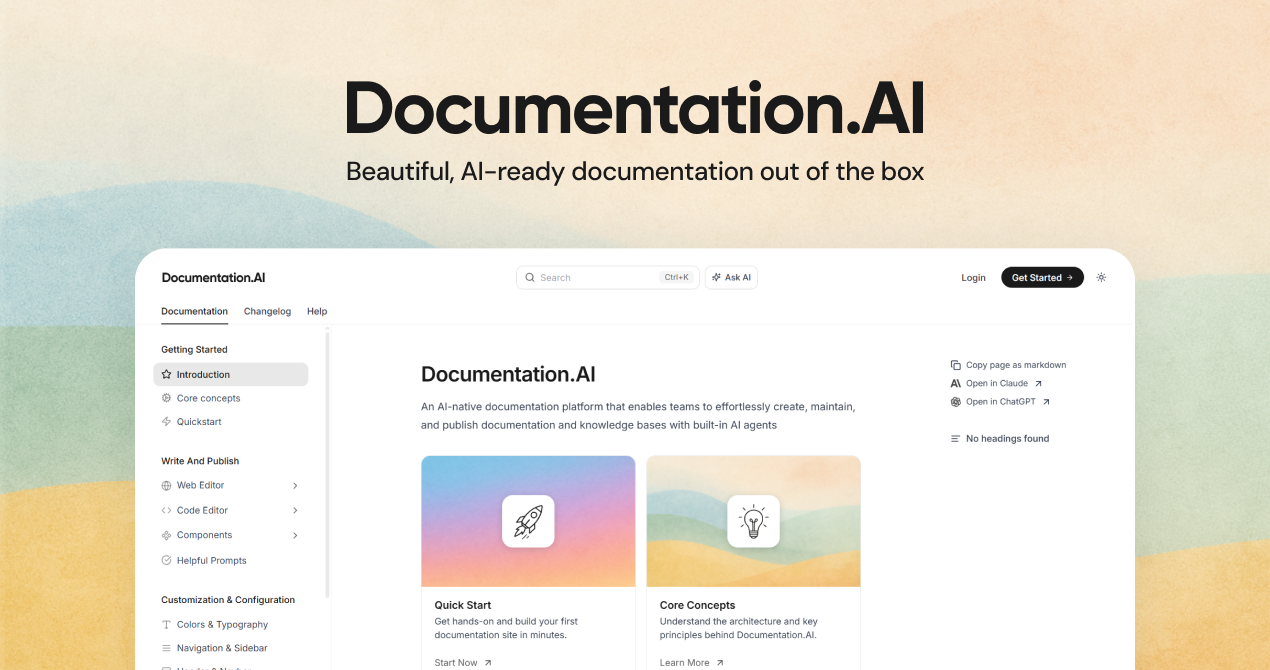
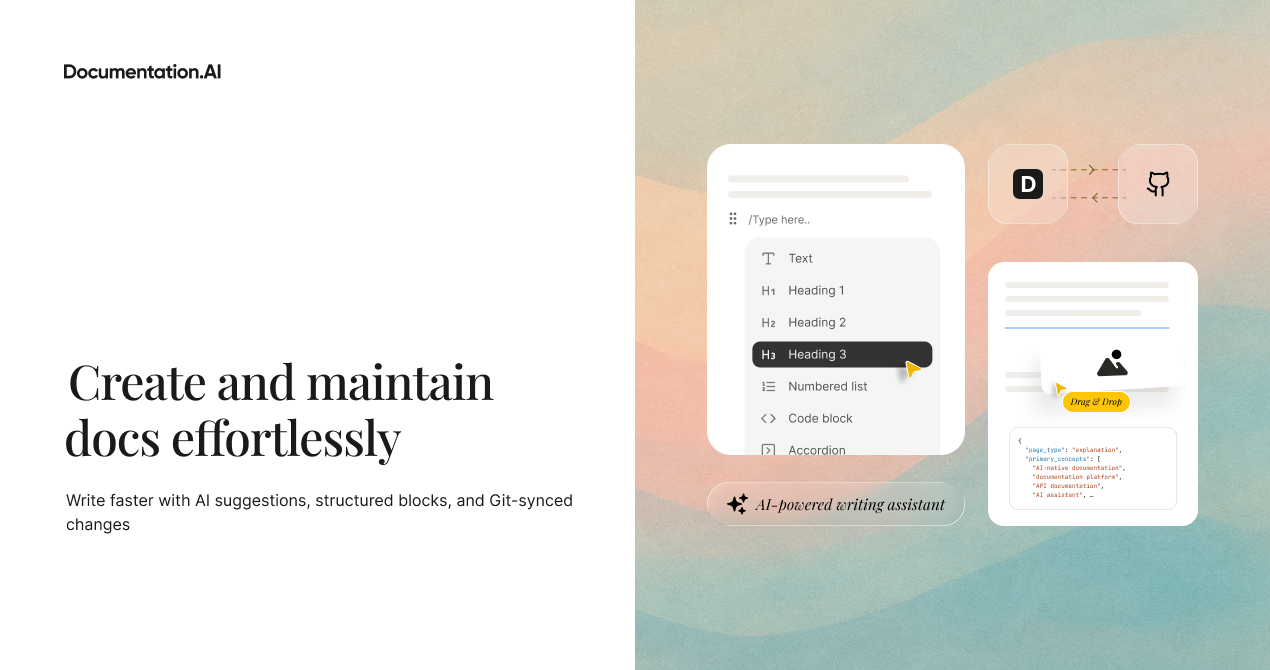
查看原始信息
Mayson
Mayson is a full stack AI development platform that builds real production software from backend APIs to frontend interfaces using one prompt. Unlike no code and prototype focused platforms, Mayson generates enterprise grade architecture from day one. You can deploy immediately, watch agents build your app in real time, and export every file as standard code you fully own. No black boxes. No rewrites. No lock in. Just real software built fast and built right.
We’re incredibly excited to share Mayson with the Product Hunt community. This project started with a simple frustration: Building a product always required a trade off between speed and correctness. No code tools helped you move fast, but you hit limits or got locked in. AI assistants generated snippets, but not full systems. Building manually meant months before validation. We believed builders should not have to choose. So we built Mayson with one principle: Your first version should already be built like your final version. Mayson behaves like a coordinated engineering team including product management, system architecture, frontend, backend, QA, and DevOps working together to build real software the way experienced teams build it. You can: - Describe what you want - Watch the system design itself - Approve the architecture - Deploy to real infrastructure - Export the entire codebase anytime No rebuild. No migration. No hidden dependencies. We built Mayson for: - Founders validating ideas - Engineers skipping boilerplate - Teams standardizing delivery - Builders who want speed without sacrificing quality We would love feedback from the community: 🔧 Which frameworks or cloud providers should we add next? 📦 Which integrations would make this even more powerful? 🧪 What real world projects should we showcase? Thank you for being early. We cannot wait to see what you build. 🚀 — Akshay Srivastava [Co-Founder & CEO - Mayson]
11
回复

Skipping boilerplate feels huge. Do you see Mayson evolving into a standard for rapid enterprise prototyping?

0
回复