Product Hunt 每日热榜 2025-12-22

PH热榜 | 2025-12-22

#1
ConnectMachine
A private AI agent that manages your network and connections
449
一句话介绍:一款隐私优先的AI智能体,通过创建数字名片、智能管理并语音查询人脉,为注重隐私和精准连接的专业人士解决了在碎片化、嘈杂的传统社交网络中难以有效维护和激活高价值关系的痛点。
Android iOS Artificial Intelligence
智能联系人管理 AI社交助手 隐私优先 数字名片 人脉激活 专业社交 无社交信息流 语音交互 商务社交 关系智能
用户评论摘要:用户普遍认可产品理念,对AI语音查询、隐私设计、UI表示赞赏。核心疑问集中在数据来源与更新机制(如何平衡隐私与信息新鲜度)、与现有联系人/CRM的同步方式、以及非用户间的交互流程。团队回复强调了“零API”的隐私设计、手动/文件导入方式,并明确其定位是“个人关系智能层”而非传统CRM。
AI 锐评

ConnectMachine的野心不在于成为又一个社交或CRM工具,而旨在构建一个“私人关系智能层”。其核心价值主张是“反社交网络”:用私密、主动的AI代理,替代公开、被动的社交信息流。这精准击中了高端专业人士对“无效社交”的厌倦和对“精准连接”的渴求。

产品设计上的“零API、仅导出”原则,是一把双刃剑。它树立了极强的隐私和安全信任,成为最突出的差异化标签,但这也意味着放弃了网络的规模效应和数据的自动流动性。它本质上服务于“强价值、弱连接”的关系维护,更像一个高度智能化的私人通讯录增强系统,其发展上限取决于用户是否愿意持续手动更新这一“静态网络”。AI的“回忆”和“查询”功能在此场景下是合理的,它解决了人脑记忆的局限,将联系人从“名字列表”转化为可对话的“关系图谱”。

然而,其真正的挑战在于用户习惯的重塑和初始数据录入的“冷启动”成本。对于目标精英用户而言,时间成本极高,说服他们将核心人脉从现有生态系统(如手机通讯录、LinkedIn)迁移并持续维护于此,需要提供远超便利性的、不可替代的价值——例如促成关键交易或合作的“神奇时刻”。目前看来,它更像一个精致的关系“记忆宫殿”,能否从“管理工具”升级为“机会引擎”,将决定其是从小众精英圈走向更广阔市场的关键。

查看原始信息
ConnectMachine
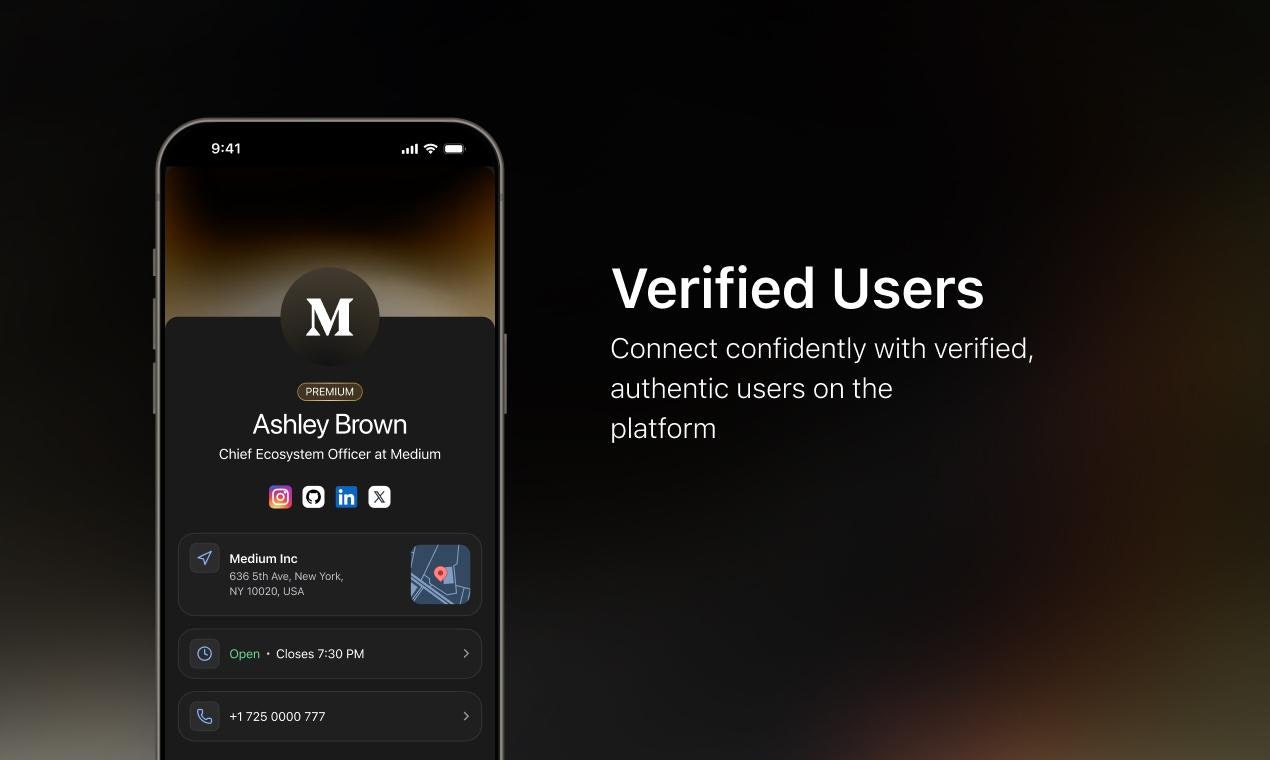
ConnectMachine is a privacy-first AI Agent that elevates how you connect. Craft bespoke digital business cards, share only what you choose, and explore your network with intuitive voice or text queries. It replaces social broadcasting with intelligent contact management, auto-categorizing connections, and add in an AI Agent to query your network. A refined, intelligent contact layer created for those who prefer intention over noise and elegance over excess. Available for both, iOS and Android.

Hey Product Hunt Community 👋🏻 

I’m S.S. Rahman, Co-founder at ConnectMachine. Excited to be launching ConnectMachine! 🎉

What is ConnectMachine? 

ConnectMachine is a private, AI-powered networking agent that manages, enriches, and activates your professional contacts without social feeds, noise or public broadcasting.

Problem 

  • Professional networking today is fragmented and noisy. 

  • Contacts are scattered across apps, context is lost after meetings, and social networks prioritize visibility over relevance making it hard to identify, maintain and activate meaningful connections at the right time.

Solution 

  • ConnectMachine replaces social networking with intelligent contact management. 

  • A personal AI agent structures your network, enriches profiles automatically, surfaces high-value connections when relevant and quietly manages meeting coordination, timing and preferences.

Why it is different 

  • ConnectMachine is not a social app or an ordinary contact management app. 

  • There are no feeds, likes or public timelines. It functions as a private intelligence layer for your network optimized for precision, privacy and intent rather than attention. 

  • You can ask questions to the agent hands-free via voice and it curates info. and contacts for you! 

Key features and corresponding benefits

  • AI Agent to Query Your Network → Ask about people, events, or shared moments in natural language. Your agent understands your network contextually.

  • Voice-Accessible Concierge → Talk to your AI concierge about people, places, or activities. Everything is managed privately within your network.

  • Private AI Agent for Calendar, Preferences & Interactions → It helps organize your day, recall who you met, and keep you intentional in every interaction.

  • Agentic Recall of Interactions → Your AI remembers who you met, when, and why it mattered, giving you true continuity in relationships.

  • AI-Powered Contact Enrichment → Automatically enriches contact details with relevant context from trusted public sources, keeping your network updated.

  • Custom Virtual Cards → Create multiple digital identities and share only what you choose, with whom you choose.

  • Effortless Exchange → Scan business cards, QR codes, or share contacts via AirDrop. Every scan is personalized and ephemeral.

  • Lock Screen Priority via Apple Wallet → Keep your ConnectMachine card live and ready for instant exchange.

  • Silent Reachouts → Send discreet signals to nearby or inner-circle members without exposure or noise.

  • Silent Alerts Only → No push notifications and no chaos. Just calm, meaningful connection.

  • Zero APIs & Export-Only Contacts → Your network is private by design with no third-party integrations or external sharing. 

Who is it for and for what use cases 

  • Built for founders, operators, investors, consultants and professionals who value high-signal networks. 

  • Ideal for events, conferences, client meetings, relationship management, and long-term professional networking.

Over to you! 

Extract the most value out of your rich network.

Try ConnectMachine on iOS and Android today! 

🎄 Christmas Special: Get 25% Off Premium Annual Plans

⏰ Offer valid till 31st Dec

Avail the holiday special discount here >> https://www.connectmachine.ai/offers/ph25offer

Our team has poured immense care into making this experience calm, secure and beautifully human. We’d love to hear your feedback, thoughts and ideas. 

Thank you for checking out ConnectMachine and helping us bring intention back to connection. 💫

73
回复

Many congratulations to the ConnectMachine team on the launch. Excited to hunt it today!

Dunbar’s number suggests humans can maintain around 150 meaningful relationships, which makes it hard to actively remember and nurture a large network on their own.

Products like ConnectMachine feel exciting because they use AI to extend those limits in practice by enriching contacts, surfacing relevant people and helping manage relationships more intelligently.

The AI agent and feature set look very compelling, and after seeing ConnectMachine, it felt like the exact kind of product I had previously imagined building.

Many congratulations again, genuinely rooting for your success! :)

16
回复

@syed_shayanur_rahman congrats! when you emphasize privacy and zero third-party integrations.. how do you balance that with keeping contact data fresh and accurate over time, especially as people change roles, companies, or preferences?

0
回复

The size of my phone’s contact list is a major asset, and leveraging it well can significantly strengthen my professional network and help me stay connected with a large number of people. An app like ConnectMachine can surely come handy. Congrats on the launch!!

12
回复

@himani_sah1 Thanks for the feedback 🙌🙌
And yes, your network is the most important asset you have and ConnectMachine helps you manage that through an AI Agent 🤖!!

6
回复

Help me understand: does it allow you to only connect with people who are already having the app? Or can you also sync your contacts into the platform? How does it work exactly?

11
回复

@nuseir_yassin1 
You can also import your existing contacts. You can import your device contacts, Google contacts, or upload a CSV or VCF file.


Beyond that, ConnectMachine works in two parallel ways.

First, you can connect with people who already use the app. When two ConnectMachine users connect, the relationship is explicit and permission-based. You decide which digital card or fields are shared, and you can update or revoke access at any time.

Second, you can manage and enrich contacts who are not on the app. import your device contacts, Google contacts, or upload a CSV. Imported contacts live privately in your app.

You can share your digital card via QR, link, or AirDrop, and the recipient gets exactly what you allow, nothing more. Sharing is always intentional. They do not need to install anything to see the contact, unless you invite them.

For both the AI Agent helps you organize them, add context, remember where you met, and surface them when relevant.

10
回复

Can this sync contacts automatically from my Gmail or phone? BTW, I like the UI/UX of the product. Well done!!!

9
回复

@roopreddy Yes !!
You can import your device contacts, from google contacts, or even upload a CSV. Imported contacts live privately in your app.

Thanks for the feedback about UI 🤩

5
回复

Congratulations on the launch!

I think the most interesting feature for me is the voice-based command that allows the agent to retrieve specific contacts.

This will be extremely helpful because, while we often know the type of people we want to connect with, we can’t always remember their names especially when we’re connected to so many individuals.

8
回复

@zerotox Glad you liked the app 🤩

The best usecase for me is to query the agent on who all I connected at a specific event.

We meet a tons of folks at a conference or a event and usually forget who those were. With Connectmachine you can query "Who all I met at dreamforce" or even more nuanced "Show me all the CXOs I met at Dreamforce", and it gives you a list.

3
回复

 Hi, I’m Mudit Singh, Co-founder of ConnectMachine.

I’ve always believed that the most valuable relationships are built quietly with context, trust, and timing. Yet modern networking tools push us to broadcast, perform, and stay visible at all costs. That never felt right.

ConnectMachine is built as the opposite of that behavior.

ConnectMachine is an AI Agent for Contact Management and creates smart digital business cards designed with a luxury mindset for the elites who prefer privacy and silent networking over noise.

Features
💳 Create multiple digital business cards for business, family, or events
🤖 AI agent to query your contact network using voice or text
🧠 Intelligent AI agent that recalls who you met, when, where, and why
📅 Personal AI agent to manage your calendar, preferences, and interactions
✨ AI powered contact enrichment using publicly available context
📇 Scan physical business cards, QR codes, or share contacts via AirDrop
📲 Google Wallet integration for instant, lock screen exchanges
🤝 Discreet connections with nearby or inner circle members via silent reach outs
🔕 Silent alerts only with no feed, no push notifications, no clutter


How it works

📇 Create elegant digital business cards:

Tailored for every role: VIP, friends, founders, investors, clients, events, acquaintances, and more. 🎴

🔗 Share instantly and privately:

Share your cards via QR, Airdrop, Wallet, or scan. Recipients see only what you choose to reveal. 🔒

Add connections with instant enrichment:

Contacts get enriched automatically with context, insights, and details. 🧠

🔍 Query your network through your AI Agent:

Try:
“Who all did I meet at Dreamforce Conference?”
“Set up a meet with Mudit at 6:30 PM tomorrow.” 📅

🤝 Your AI suggests warm intros and opportunities
Let your agent enrich contacts, surface high-value opportunities, and help build meaningful connections. 🚀


Who is it for?

VIPs, executives, founders, investors, networking professionals, sales, marketing, customer facing roles, business owners, and anyone who values discretion and precision in professional relationships.

ConnectMachine isn’t social; it’s a strategic connection platform for the world’s most elite people.

Live on iOS & Android

We’re excited to share ConnectMachine with the world and debut today on Product Hunt.

iOS: https://apps.apple.com/us/app/connectmachine/id6751988305

Android: https://play.google.com/store/apps/details?id=com.connect.machine

5
回复

How do you populate this CRM with data? How do you get profiles in sort of?

3
回复

@conduit_design 

Great question. ConnectMachine isn’t a traditional CRM and we intentionally don’t sync data from external CRMs. Profiles are created organically through real interactions:

  • When you scan a QR / NFC card / physical business card

  • When someone shares their digital card with you

  • When you add a contact manually

We focus on first-party, user-owned data instead of scraping or auto-pulling profiles. This keeps the network clean, compliant, and genuinely useful.

Over time, users enrich contacts with notes, context, and metadata, which powers our AI Concierge to help you recall who someone is, where you met them, and why they matter-not just store raw records.

Think of ConnectMachine as a personal relationship intelligence layer, not a sync-heavy CRM mirror.

3
回复

@conduit_design 
ConnectMachine is not a traditional CRM and we have kept that as intentional feature.

It's more geared towards managing intentional connections and is a personal relationship management layer. You can pull in your existing contacts by importing them from your device, google contacts or uploading via a CSV.

And as of now we have not done any integration with CRMs as well. However if you want this data in your CRM, then you can download your lists in a CSV format and upload in your CRMs.

2
回复

Nice and very practical.

3
回复

@kaou_gory Really appreciate the feedback 🙌

0
回复

Nice one, started using it! Very handy when you meet your exclusive connections and keeping in touch. Great idea of embedding AI as now it's actionable rather an static contact directory that we have been living with from years! 😃

Cool app!

3
回复

@jay_0687 thanks for the feedback!! Really appreciate it 🙌

1
回复

Hi, I’m Vinod Tahelyani, Co-founder & Head of Engineering at ConnectMachine.
We built ConnectMachine to make networking private, intelligent, and intentional. It’s an AI Agent that remembers who you met, when, where, and why helping you connect meaningfully without noise.

  • Multiple digital business cards 💳

  • AI remembers interactions 🧠

  • Silent, precise connections 🤝

  • Private, secure, and feed-free 🔕

For executives, founders, investors, and professionals who value discretion and meaningful relationships.

Live now on iOS & Android

We’re excited to launch ConnectMachine and debut today on Product Hunt.

📱 iOS: https://apps.apple.com/us/app/connectmachine/id6751988305
📱 Android: https://play.google.com/store/apps/details?id=com.connect.machine

3
回复
As a builder, I’m impressed by the zero-API, export-only approach. Privacy by design really shows here. 👌🏻
2
回复

@iamanantgupta Appreciate that.
Zero-API and export-only wasn’t a constraint, it was a design principle. Privacy by design is core to how ConnectMachine is built 🙌

1
回复

Its an great app i love the way the way you presented specially the demo video just mindblowing @syed_shayanur_rahman can u tell me who is the creator of the video its so facinating way of presenting

2
回复

@anurag_singh00 thanks for the feedback 🙌
Glad you liked the video 😎
And yes, our UI/UX team is pretty good.

0
回复

Awesome work guys, this seems promising!

2
回复

@madzadev Thank you! Really appreciate the support 🙏 Glad it resonated.

0
回复

@madzadev Thanks for the support 🙌

0
回复

Congratulations on the launch 🎉 🎉

2
回复

@shubham_pratap Thanks ❤️

0
回复
👍
2
回复

@kpyto 🙌😎

0
回复

Many congratulations on the launch @syed_shayanur_rahman !

2
回复

Congrats on your launch! What are some use cases you can think of where this app would be useful? What are the jobs to be done and how will it do them? The biggest thing I'm missing here is who this app is for. Also, what was the motivation for you to build this app?

2
回复

@peterclaridge 

Thank you!

ConnectMachine is for people who meet a lot of people and want to remember them properly. Founders, sales, consultants, operators.

The job is to capture a contact with context at the moment you meet someone and help you recall it later. You share or scan a card, add a quick note, and the AI helps you find people later by asking things like “Who did I meet at this event?”

We built this after personally forgetting who people were or why we connected. ConnectMachine is an AI agent that remembers context, understands relationships, and surfaces the right people when you ask. It’s designed as a calm, smart relationship memory, not a noisy CRM.

2
回复

@peterclaridge 
ConnectMachine is for founders, executives, investors, sales folks, marketing folks, and any professionals who meet a lot of people but dislike noisy social apps. People who value privacy, intent, and recall over feeds and notifications.

Jobs to be done

  • Exchange contact details instantly and precisely using QR, AirDrop, or Wallet, without over-sharing

  • Remember who you met, where, and why, using a personal AI Agent Concierge

  • Keep contacts quietly organized and enriched without manual effort

  • Reconnect intentionally, without push notifications or noise

The motivation behind this was to build something different from social media apps
We felt networking and contact management had become loud and performative. Important connections were getting lost in chats, CRMs, and social feeds. We wanted a calm, private, AI-powered way to manage relationships with clarity and control. That's how ConnectMachine was born.

1
回复

It will be existing to use this at large conferences. The QR and proximity features sound perfect for events. Congrats 🙌🏻

2
回复

@istiakahmad It has been tried and tested at both large scale and small scale conferences. Really useful for those usecases.
Do try it out in your next conf !!

1
回复

Congratulations 👏🏻 🎉

2
回复

@madalina_barbu Thank you for the wishes !!

Do try out the app and let us know your feedback 🙌🙌

1
回复

This is perfect for conferences where you meet 20+ people and forget half the context by the next week.

Have you tested it in live event settings yet? I would love to know how the agent handles quick, back-to-back interactions in real time.

2
回复

@abod_rehman Events usecase was infact the starting point for the app.
We have successfully tested it at events like AWS Re:invent and Dreamforce where our team met more than 1000+ folks

The app is really useful for these kind of large scale events

For example : "Show me who all I met at AWS Reinvent" or "List of CXOs I met at Dreamforce"

You can also create a dedicated event specific digital card, and all added contacts will automatically get categorized with that event tagged.

We also save context like where you met the contact, so you can filter "who I met in San Francisco on 22nd Dec"

Pretty cool stull !!

2
回复
Congrats to the makers. The concept of an AI that remembers why someone mattered is powerful. Nicely executed idea 😊
2
回复

@priyankamandal thanks for the feedback !!
Really appreciate it 🙌🙌

0
回复

Wow team! It looks really awesome! Glad to see you on this. All the best

2
回复

@german_merlo1 Thank you !!

Hope you liked the app 😊

We are adding more AI features !!

1
回复
Congrats.. all the best 🚀🚀
1
回复

@dessignnet Thank you 🙌

0
回复

I always needed something like this. I am so excited to try it out. Finally, a way to turn a static contact list into an active asset. Congrats on the launch! Is the auto-categorization feature customizable, or does the AI define the segments based on interaction?
And, I wish you all the best!!! Hope this turns out to be a big success!

1
回复

@swecha_sanjay07 Categorization is fully customizable.

You have complete freedom to define and organize your contacts exactly the way you want.

0
回复

Incredible video and the design! Should the person be in the network already to add him or can I add them myself just as a contact or it will work via an invitation?

1
回复

@pasha_tseluyko Thank you!

You can add someone even if they’re not on ConnectMachine. Whether you meet in person and scan their physical card or add them manually, the contact is saved with context. If they later join ConnectMachine, the connection can seamlessly link, there’s no requirement for both sides to already be on the network.

0
回复

@pasha_tseluyko Also, our design team is genuinely very happy reading your comment 😊

0
回复

Really interesting. Would love to try it out.
Is it only available as apps?

1
回复

@chilarai Thanks! Right now it’s available as iOS and Android apps. We’re starting mobile-first because most real-world connections happen on the phone, and we want that experience to be instant and frictionless.

0
回复

@chilarai Thanks for the feedback 🙌

0
回复
I love the calm UX. No push notifications alone makes this stand out for me since I am always drowning in notifications. 😁
1
回复

@iftekharahmad Thank you 😊
A calm, notification free experience was a deliberate choice. Happy it resonated with you.

1
回复

@iftekharahmad Thanks so much for noticing 🙌

We were intentional about this. ConnectMachine is built to reduce noise, not add to it. No push notifications means nothing competing for your attention, just a calm space where connections surface only when you ask for them 😎

1
回复

Feels like the anti-LinkedIn, which I want. My contacts are scattered in iCloud + random docs, and I forget who I met after events. If it can quietly enrich + recall without spammy pings, I’ll give it a spin. Voice queries + export-only privacy sound good.

1
回复

@alexcloudstar This is exactly what it is !! It's not another social app.

No usernames. No noise. No feed. Just you and curated connections.

A private AI Agentic network for those who value connection over noise and those who prefer discretion over exposure

ConnectMachine replaces noisy social apps with an elegant, agent-driven experience.

1
回复
Congrats on the Product Hunt launch 🎉 The positioning is clear and differentiated from traditional social networks.
0
回复

Thoughtful product philosophy here. You got my support! 😃🙌🏻

0
回复
#2
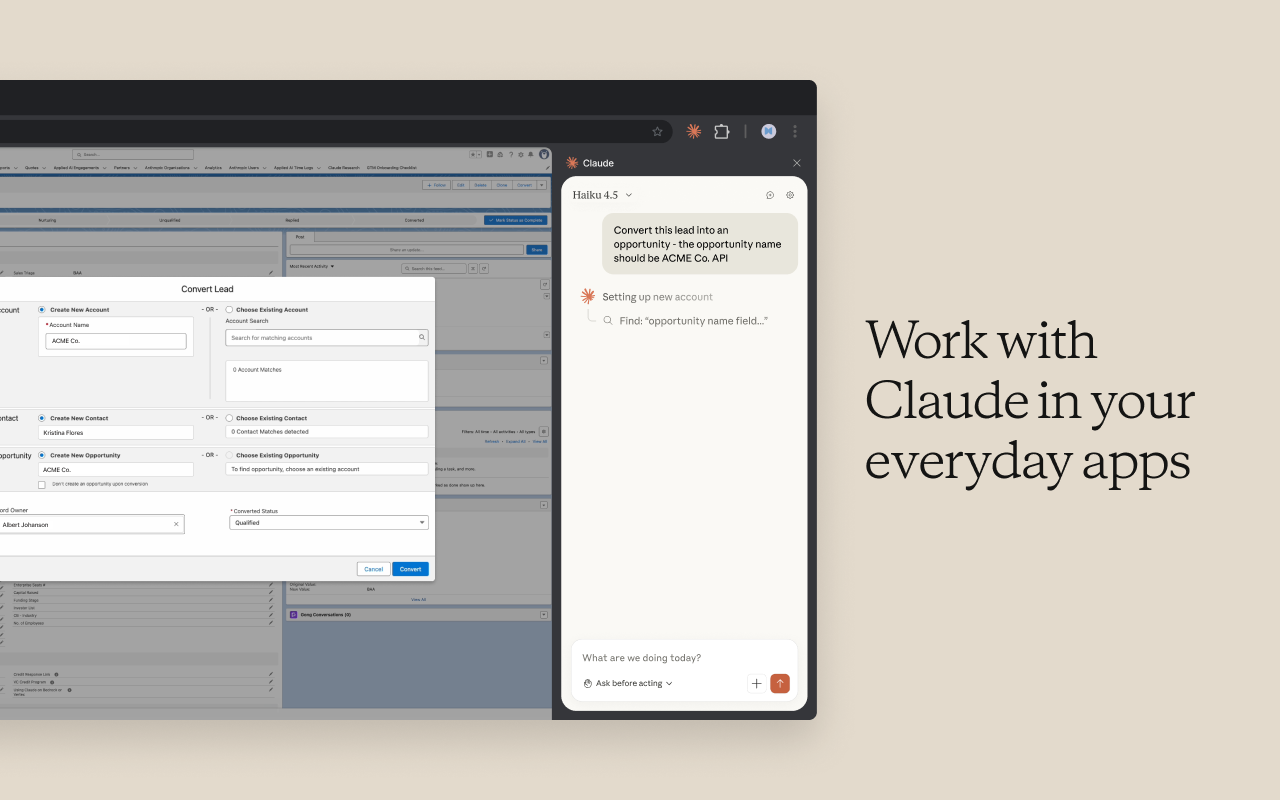
Claude in Chrome
Let Claude see, click, type, and navigate in your browser
370
一句话介绍:一款让Claude AI能“看见”并操作浏览器页面的扩展程序,解决了开发者在构建、验证和调试网页时需要手动切换工具、复现问题的效率痛点。
Browser Extensions Chrome Extensions Artificial Intelligence
浏览器自动化 AI助手 开发工具 Chrome扩展 Claude生态 智能调试 人机交互 生产力工具 测试辅助
用户评论摘要:用户期待其与Claude Code的联动潜力,但也担忧会加剧现有使用额度紧张的问题。付费用户认为此功能增强了付费价值,非付费用户则好奇其日常使用方式。整体对其实用性抱有高期待。
AI 锐评

Claude in Chrome的发布,远不止是一个浏览器扩展的上线,它标志着AI从“对话式助手”向“具身化操作代理”迈出了关键一步。其真正价值在于打通了AI的“感知-决策-执行”闭环——让大模型不仅能理解你的指令,还能“亲眼看到”浏览器DOM状态和错误,并直接点击、输入、导航。这从根本上改变了人机协作的范式,尤其对开发者而言,调试和测试流程可能被重塑。

然而,光鲜背后暗藏隐忧。评论中提及的“使用额度”问题一针见血。当AI从轻量的文本生成转向重度的实时浏览器交互时,其背后的计算成本和API调用频率将指数级上升。Anthropic目前的额度体系能否支撑这种高消耗场景,是决定其能否从“炫技演示”走向“日常生产力”的核心瓶颈。这本质上是对AI公司商业模型和基础设施的考验:他们是在售卖有限的“对话次数”,还是在提供一种可靠的“自动化能力”?

此外,将如此高的浏览器操作权限赋予AI,安全与可控性将是下一阶段的焦点。尽管经过了数月测试,但在复杂多变的真实网页环境中,AI的误操作可能导致数据丢失或意外提交。产品未来的演进,必须在“能力强大”与“行为可控”之间找到精妙的平衡。总体而言,这是一个极具野心、指向未来的产品,但它成功与否,不取决于技术想象力,而取决于工程化、商业化与安全设计的扎实程度。

查看原始信息
Claude in Chrome
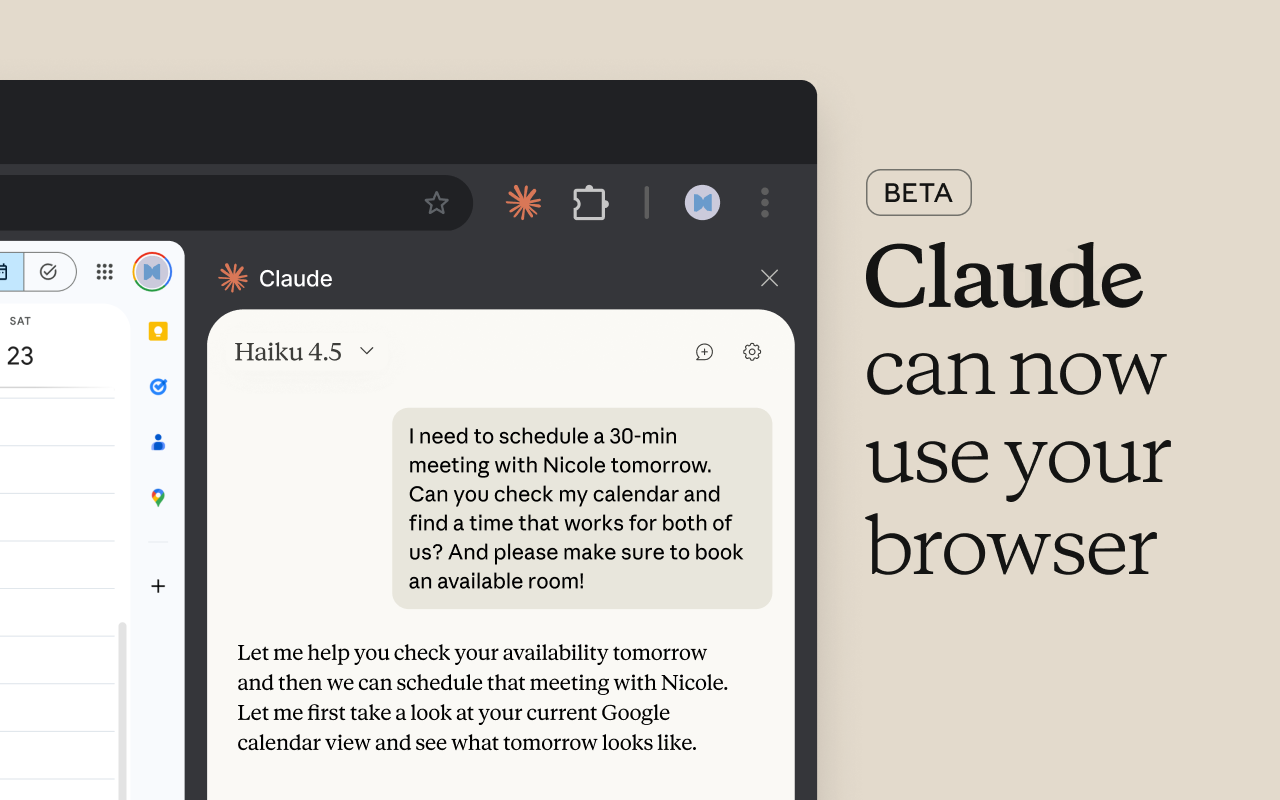
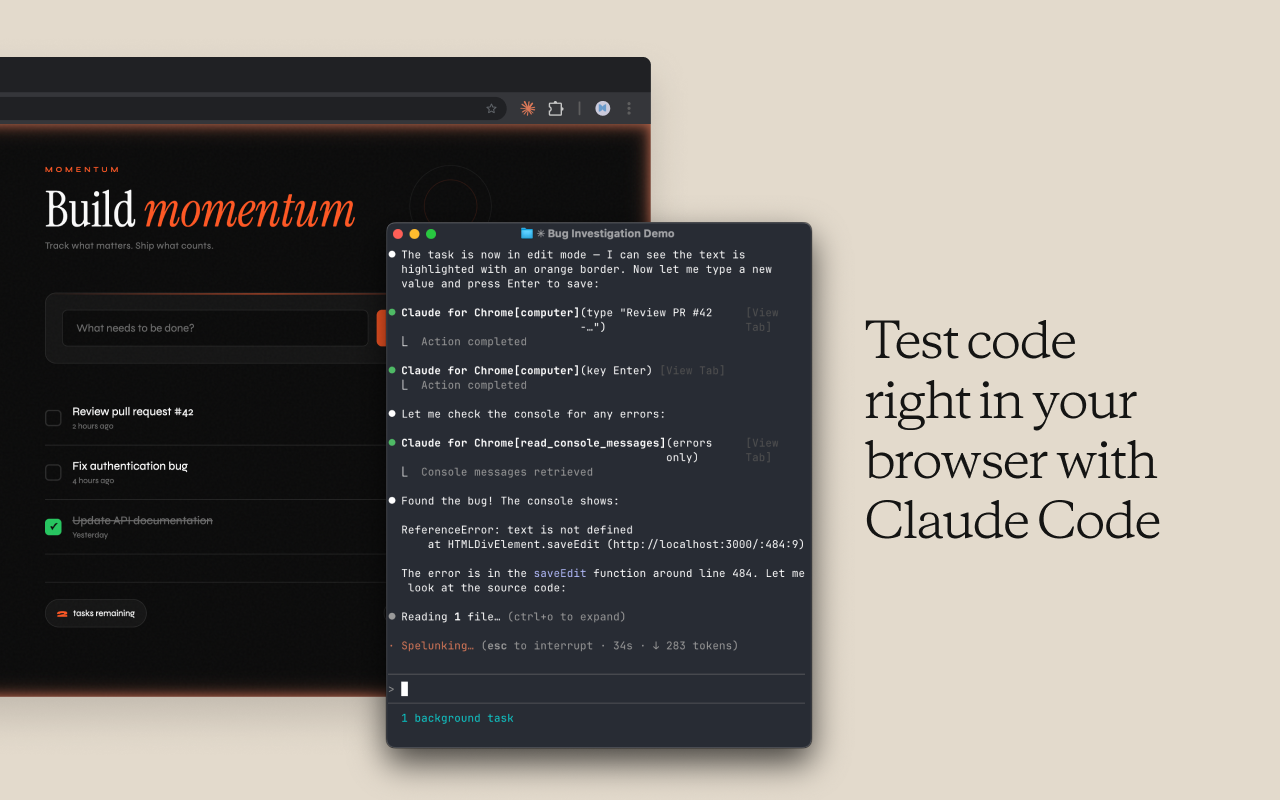
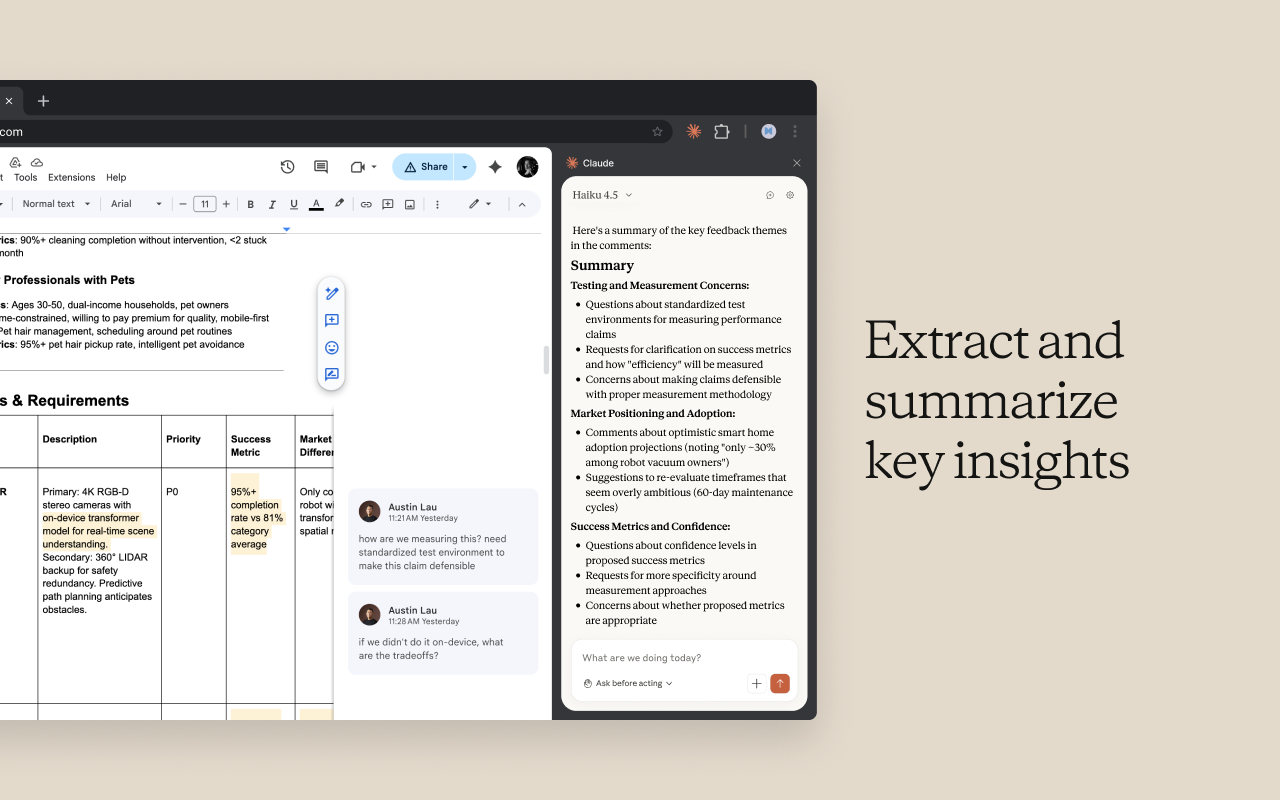
Now Claude can navigate, click buttons, and fill forms in your browser. It works with Claude Code and Claude Desktop and is available in beta to all paid subscribers. After months of real-world testing, we're expanding to all paid plans. We've also shipped our most requested feature: an integration for Claude Code. Build in your terminal, verify in your browser, and debug with Claude reading console errors and DOM state directly.

Very interested to hook up @Claude Code to my browser through this extension... what could possibly go wrong??

7
回复

@chrismessina Probably another excellent tool from Anthropic. However, I guess this will hit hard into the usage limit, which already feels a little thin for Max 5x users lately. I don't think Pro users can handle this one.

0
回复

Claude is already my first choice in the AI tools I use daily; this makes it worth paying for.

3
回复

@osakasaul I'm curious -- how do you leverage it daily without paying for it?

1
回复

If this works as well as other Claude features, it's going to be incredibly valuable.

0
回复
#3
Surgeflow
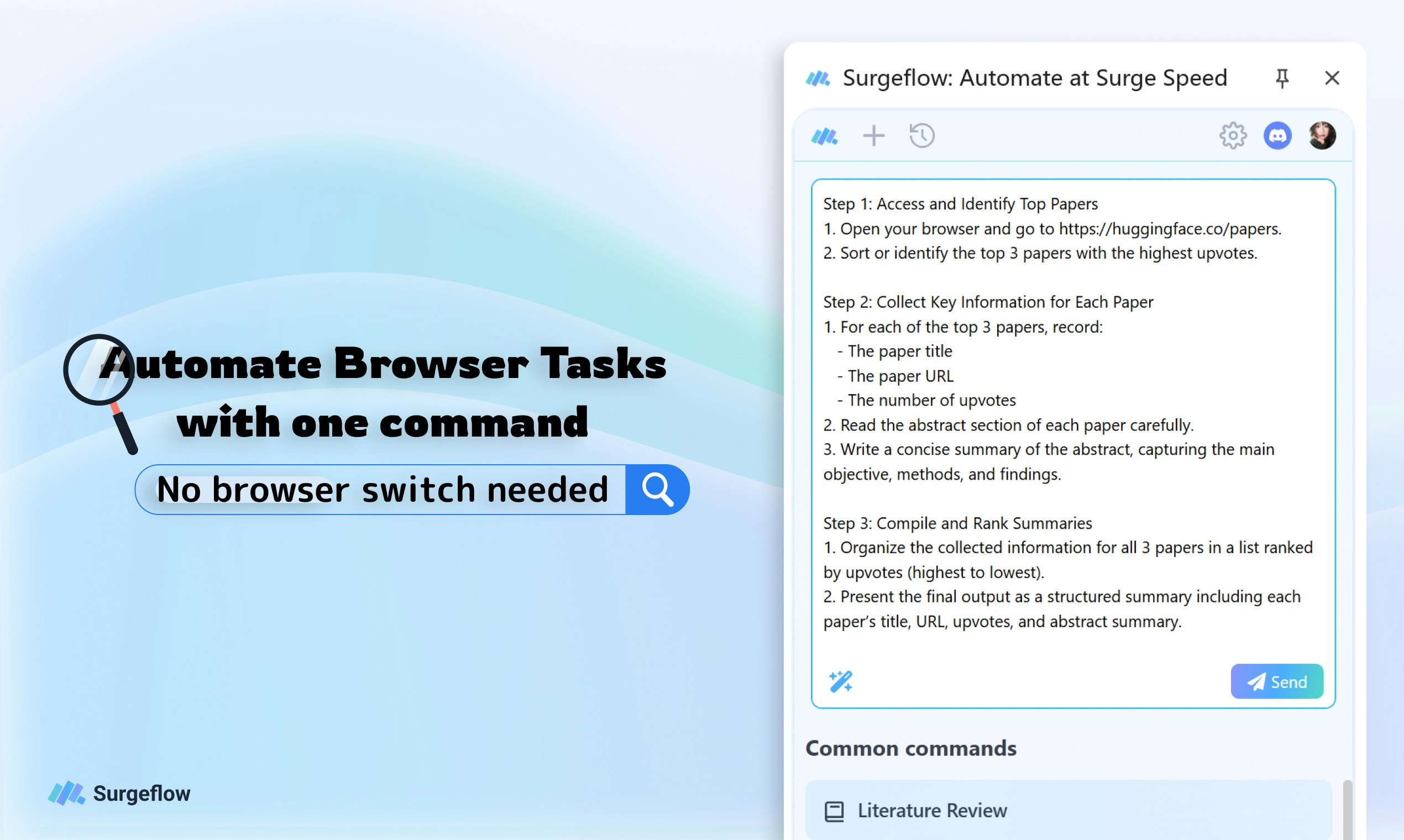
Automate your browser tasks with a single command
363
一句话介绍:一款基于自然语言的Chrome/Edge浏览器扩展,通过单一指令自动化跨多个标签页的复杂工作流,解决用户在网页研究、数据录入、跨平台操作等场景中重复、耗时的手动操作痛点。
Browser Extensions Chrome Extensions Productivity Artificial Intelligence
浏览器自动化 AI代理 无代码工具 生产力工具 Chrome扩展 多标签页管理 自然语言交互 RPA 工作流自动化 智能助手
用户评论摘要:用户普遍认可其“浏览器原生”和“无代码多标签页自动化”的核心价值,认为这是真正的生产力解锁。主要问题聚焦于跨多标签页和动态页面(如加载状态、认证)工作流的可靠性与错误恢复机制。同时,用户关注其与ChatGPT/Claude浏览器功能的差异,以及具体场景(如社交媒体跨平台发布)的深度集成能力。
AI 锐评

SurgeFlow的亮相,精准刺中了当前AI应用的一个尴尬缝隙:通用AI助手虽能处理单页信息,却对真实工作中高频的、跨标签页和应用的“浏览器舞蹈”无能为力。它并非又一个聊天机器人,而是试图成为浏览器的“自动驾驶系统”,其核心价值在于将AI的规划与执行能力深度嵌入浏览器环境,实现工作流的端到端自动化。

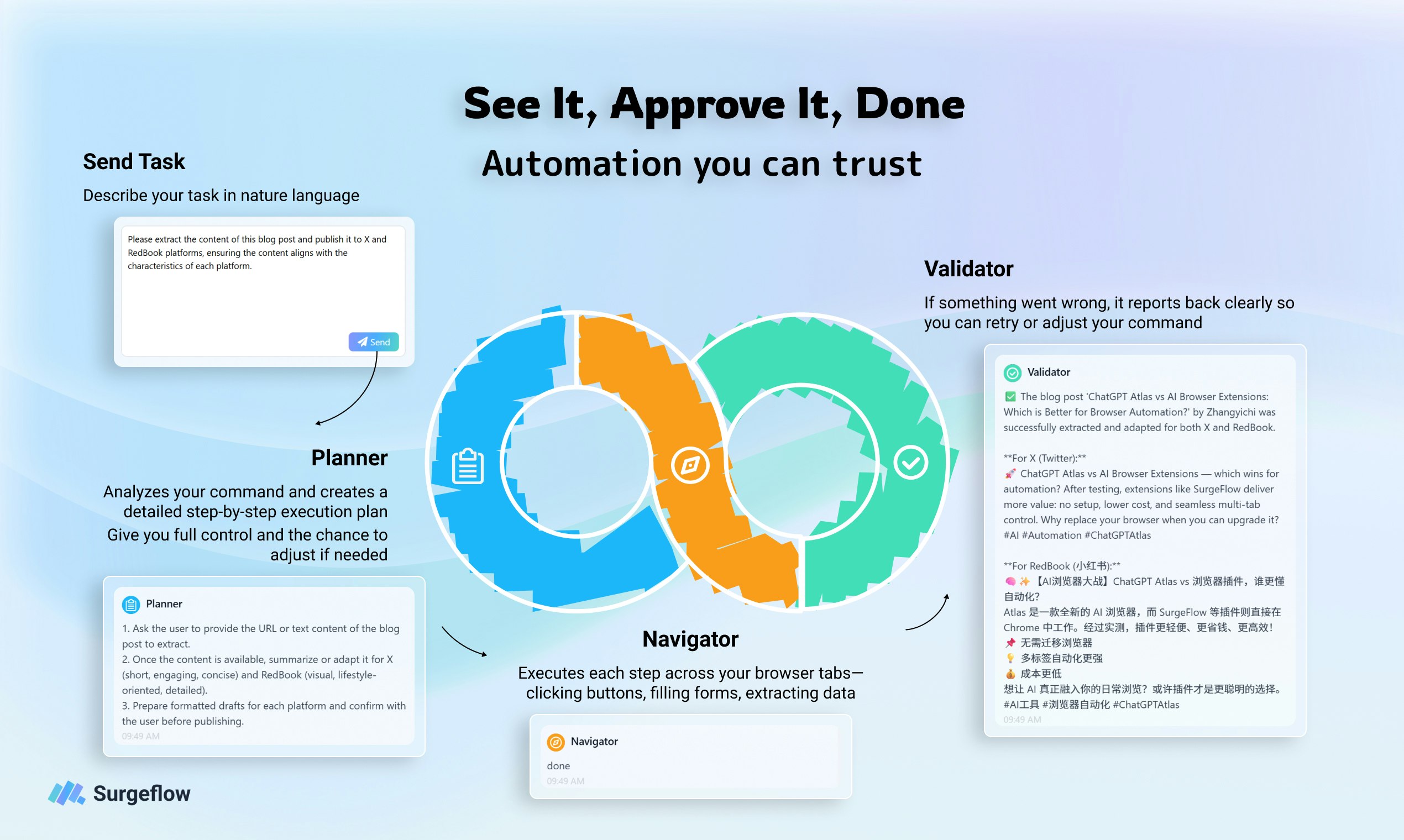
产品逻辑清晰且务实:以解决自身团队痛点出发,坚持“浏览器原生”,避免了让用户迁移数据或改变习惯的高昂成本;采用“计划-批准-执行”的可视化流程,旨在解决AI自动化中最大的信任黑洞问题。这比许多追求全能的“黑盒”AI助理更聪明,因为它缩小了战场,明确了“跨标签页自动化”这一核心堡垒。

然而,其面临的挑战同样尖锐。首先,**可靠性是生命线,也是最大的技术悬崖**。评论中关于多标签页错误恢复的提问直击要害。网页环境的动态性和不确定性极高,自动化流程在复杂场景下的鲁棒性,将直接决定它是“玩具”还是“工具”。其次,**场景深度的博弈**。虽然“一句话指令”的愿景美好,但用户期待的是如营销场景中“从数据拉取、内容生成到跨平台发布”的深度串联。这要求产品不仅理解指令,更需深度集成各Web应用的内部逻辑,其复杂度呈指数级上升。最后,**定位的微妙性**。它介于轻量级浏览器助手与重型RPA/自动化平台之间。若过于复杂,将背离“无代码”初心;若过于简单,则难以满足专业场景需求。

总体而言,SurgeFlow展现了一个极具潜力的方向:将AI能力从“对话与内容生成”层,下沉至“直接驱动数字工具执行”的操作系统层。它的成败,不在于AI有多智能,而在于其作为“浏览器操作中枢”的稳定性和场景渗透力。这是一场值得关注的、关于AI实用主义落地的硬仗。

查看原始信息
Surgeflow
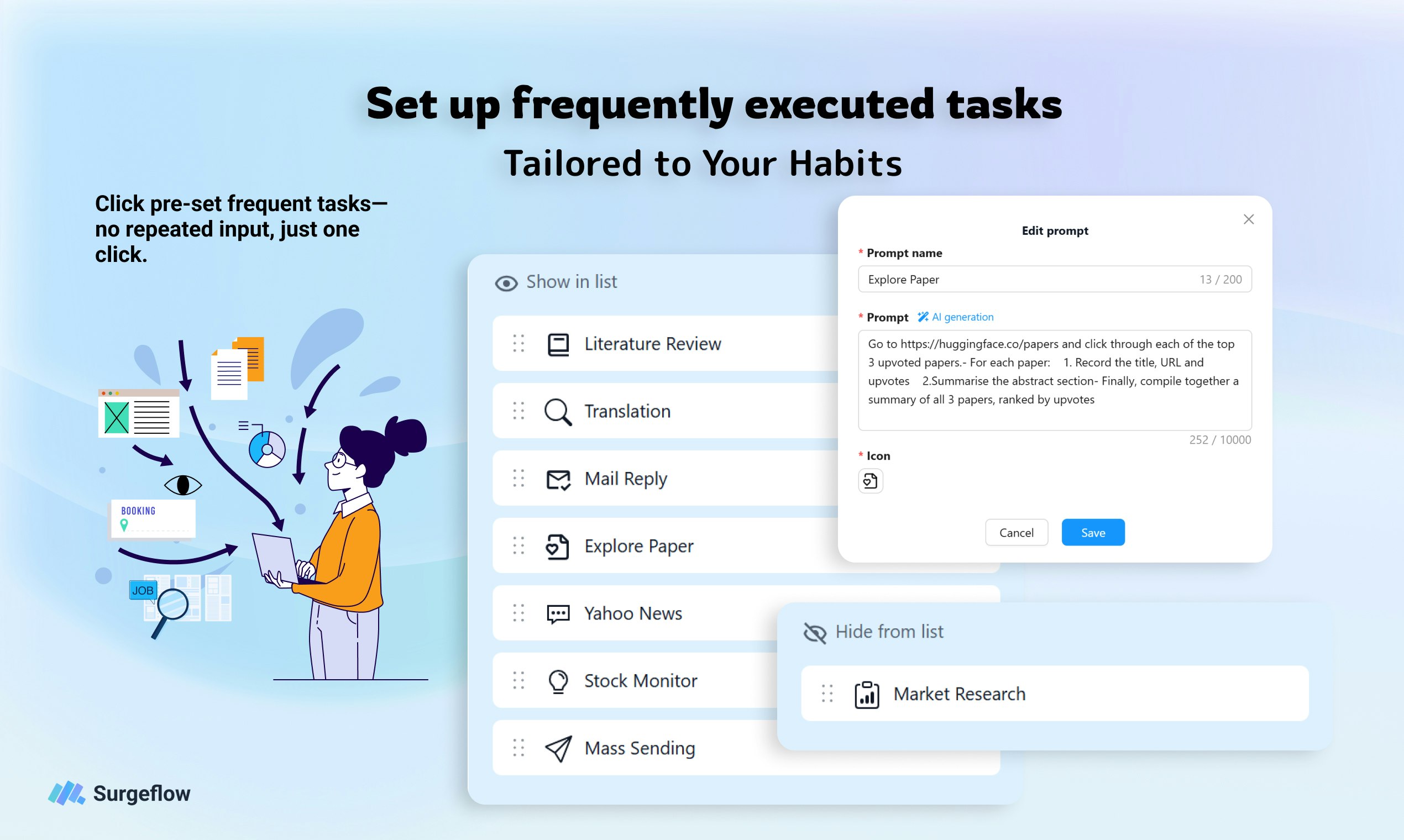
See the plan. Approve it. Watch it execute. SurgeFlow turns browser chaos into transparent automation across multiple tabs. Research, shopping, job applications—all with one command. Works in your browser—no need to download or install a new one.

👋 Hi Product Hunt!

I’m Zepeng She, co-founder of Tate-A-Tate — the no-code AI agent platform we launched here before. Today, I’m thrilled to share our new project: SurgeFlow — an AI-powered Chrome extension that turns hours of repetitive browser work into seconds with just one natural language command.

This tool was born directly from our pain points running Tate-A-Tate. While building and scaling our AI agent ecosystem, our team found ourselves drowning in 50+ browser tabs daily: switching between dashboards to track user sign-ups, copying data to Google Sheets, drafting onboarding emails, and cross-referencing competitor tools. We were wasting 30% of our time on mindless, repetitive tasks that should have been automated — and none of the existing tools solved it without forcing us to learn code, switch platforms, or abandon our workflow.

ChatGPT was powerful, but bouncing between it and the browser just added another step. We realized: work happens in the browser, so AI should live there too. That’s why we built SurgeFlow — to let you talk directly to your browser, no setup or technical skills required.

🧭 What is SurgeFlow?

It’s the simplest way to automate complex multi-tab workflows without coding. Just tell SurgeFlow what you need in plain language (e.g., “Follow Surgeflow on X”) — and it executes across all your tabs automatically.

✅ Zero setup: Stay in Chrome/Edge, no extra downloads or sign-ups

✅ Natural language commands: Speak like you would to a colleague

✅ Multi-tab automation: Connects dashboards, sheets, email, and more

✅ 10-50x faster: Reclaim hours of your day from repetitive work

💡 Why it matters (from our Tate-A-Tate journey)

When we were scaling Tate-A-Tate, every minute spent on manual data entry or tab-switching was time taken away from building features, supporting users, and growing our ecosystem. We built SurgeFlow to fix the “invisible work” that plagues founders, teams, and anyone relying on browsers to get things done.

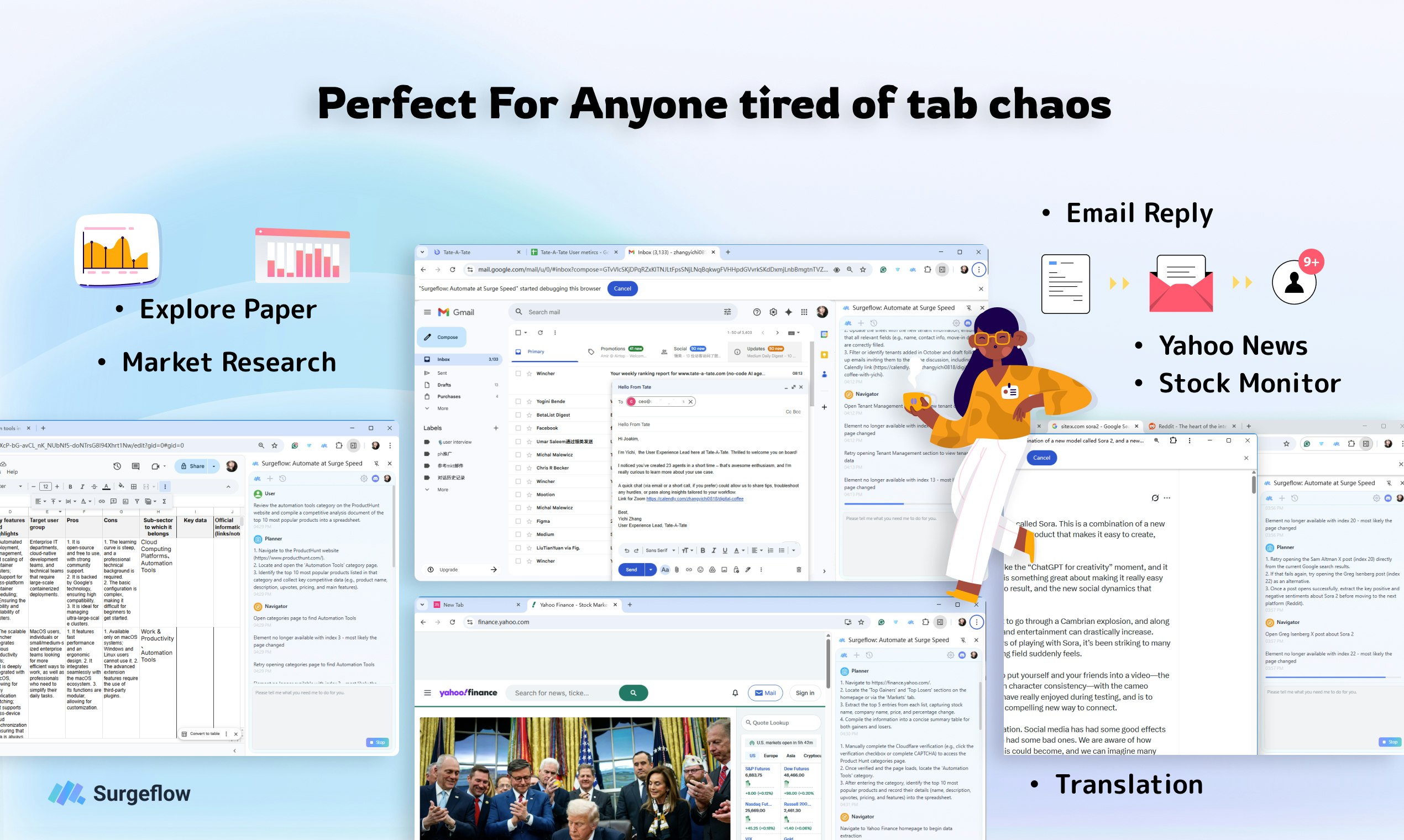
It’s not just for startups — our early users (including Tate-A-Tate team members!) are using it to:

  • Automate user onboarding process

  • Organize research papers and competitor data

  • Analyze information across multiple platforms

  • Post content to 5+ social channels in seconds

  • Compare prices across e-commerce sites instantly

✨ What makes us different?

  • Browser-native: Lives in Chrome/Edge — no platform switching/ no new browser downloading (we hate context switching as much as you do!)

  • No learning curve: No code, scripts, or tutorials — just type what you need

  • Multi-tab superpower: Unlike tools that only handle single-tab tasks, SurgeFlow connects your entire browser workflow

  • Built by builders: We built this for ourselves first, so we’re obsessed with solving real pain points (not just adding features)

We’d love your support — and more importantly, your feedback. Note that SurgeFlow is currently in beta — there are still improvements to be made, and we’d truly value your honest feedback to make it better. SurgeFlow is lightweight and ready to use in 2 clicks. Try it for free, test your most tedious workflow, and let us know what you think!

💬 Let’s chat: What’s the first repetitive browser task you’d automate with SurgeFlow?

21
回复

@rocsheh Congrats on the SurgeFlow launch—love the browser-native, no-code approach to automating multi-tab workflows. The “talk to your browser” concept feels like a real productivity unlock for founders and ops-heavy teams. What’s the best workflow you’ve seen in beta that consistently saves users 10x+ time?

0
回复

@rocsheh wow! this sounds amazing, especially the multi-tab angle. Great job! Small question, how do you handle reliability and error recovery when a workflow spans many tabs and dynamic pages (loading states, auth, DOM changes), so users can trust it for critical daily tasks?

0
回复

@rocsheh this sounds like a revolution! congrats on the launch

0
回复

The idea of posting to 5+ social channels in seconds caught my attention. From a marketer’s perspective, could this handle things like pulling data from Sheets, drafting posts, and scheduling across tools in one flow? This would save hours every week.

15
回复

@abod_rehman Yes! Try it and feedback! Great thanks for your support!

5
回复

Your browser, supercharged with AI automation. That's it!

  • Install SurgeFlow as a Chrome extension in 30 seconds

  • Keep all your bookmarks, passwords, and existing extensions

  • No learning curve—same Chrome interface you know

  • No disruption to your workflow

📢Surgeflow wants you to keep your browser, your extensions, your setup.

  1. Just Describe What You Need in Plain English

    Forget visual workflow builders, code editors, or complex configurations. SurgeFlow understands natural language. The AI interprets your intent, creates the plan, and executes—all from a single sentence. No technical expertise needed.

  2. Automation You Can See and Trust

    Unlike black-box AI tools, SurgeFlow uses a unique three-stage system that gives you full visibility into every automated action. Our users are never surprised by what happens. They always maintain control, which makes the results reliable.

  3. Ready-to-Use Quick Actions Library

    Save your own custom commands as Quick Actions for instant reuse. Turn your most frequent workflows into one-click automation.

  4. Works in Your Existing Chrome—No Migration Needed

    Unlike Strawberry, Atlas, or other AI browsers, which require downloading a new application and migrating all your data. Surgeflow wants you to keep your browser, your extensions, your setup.

DM if you have any problems using or any feedback!

4
回复

@eeeeeach Cheers, eeeeeach! :P

0
回复

Congrats on the launch! 🎉
Browser-native automation via natural language feels like the right direction

4
回复

@sandy_liusy Thanks so much for the kind congrats and awesome feedback! 🎉 We totally agree—browser-native + natural language is exactly the sweet spot we were chasing. So much work happens right in the browser, and we hated how most automation tools force you to jump between platforms or learn code.

It means the world that you see the vision! We’re still in beta and iterating fast—would love to hear if there’s any specific workflow you’d want us to nail next. Thanks again for cheering us on—we really appreciate the support! 🙏

2
回复

@sandy_liusy Thanks, Sandy! Love to hear your feedback!

1
回复

Congrats on the release! How is your product different from ChatGPT’s browser or Claude’s browser extension?

3
回复

@nikitaeverywhere Hi Nikita! Thanks so much for the congrats and great question! 🚀

Great question—here’s the key distinction: ChatGPT’s browser/Claude’s extension are built for AI-powered chat & single-page assistance, while SurgeFlow is laser-focused on multi-tab workflow automation (the stuff that involves hopping between tabs to get real work done).

Let me break it down simply:

  • Tools like ChatGPT Browser/Claude Extension excel at things like explaining a single page’s content, drafting text, or answering questions about what’s on your current tab.

  • SurgeFlow is designed to connect multiple tabs into a seamless workflow—e.g., “Pull sales data from Dashboard Tab → Compare to Competitor Tab → Fill into Google Sheets Tab → Draft a summary email in Gmail Tab” —all with one natural language command.

We also built our core on our own Tate-A-Tate agent framework (Planner + Executor + Evaluator), which is optimized specifically for browser tab context persistence and cross-tool automation—something generic AI extensions don’t prioritize. No chat-first experience, no need to switch browsers—just pure efficiency for the repetitive tab-hopping work you do daily.

Since it’s beta, we’d love for you to test it out and see how it fits your workflow! Any specific multi-tab pain point you’re looking to solve? 🙏

1
回复

@nikitaeverywhere Thanks Nikita! The main difference is a planner-navigator-validator system in Surgeflow, which means you can see what AI will do step-by-step, unlike a black box. You can stop at the planner stage to reschedule or stop at any time. Also, Surgeflow focuses on fastening existing workflow, so we don't want our users to download anything extra. How're you feeling, Nikita?

0
回复

Love seeing builders ship tools they first built for themselves.
SurgeFlow feels like it sits nicely between ChatGPT and traditional automation tools — without the friction of switching platforms.

3
回复

@victorzh Thank you so much for your support Victor!!

0
回复

I like this agent. I am lazy. This one command is suitable for me

2
回复

@anthony_cai Thanks Anthony! Any feedback is welcome!

0
回复

Interesting tool. Planning to automate my daily content writing tasks. Good luck!

2
回复

@ray_luan Nice! Look forward for your feedback!

0
回复

Time to get rid of all the mess! I like surgeflow in the way that it keeps me tidy! not so easy in Agentic era...

2
回复

@cruise_chen Thanks for your support Cruise!

0
回复

Nice work on the launch! Multi-tab automation is where most tools fall short, so it’s great to see a browser-first take on this. Curious how far SurgeFlow can go as the agent ecosystem evolves.

2
回复

@luke_pioneero Hi Luke!

Thanks a ton for the kind words and for checking out SurgeFlow—we really appreciate it! You’re spot on that multi-tab automation is the pain point most tools drop the ball on, which is exactly why we built this browser-first solution in the first place.

As for the agent ecosystem evolution—we’re really just getting started, and there’s still so much room for improvement! This is a beta version, so we’re actively ironing out kinks and iterating based on real user feedback.

We’d be thrilled to hear your thoughts—whether it’s a workflow you wish SurgeFlow handled better, a feature you’re craving, or even a bug you spot. Your input would help us make this tool way more useful for folks like you who hate context switching.

Thanks again for your support and curiosity—can’t wait to hear what you think! 🙏

0
回复

This is super interesting. I’ve tried a lot of automation tools, but most break once multiple tabs or tools are involved. The natural language + multi-tab combo could be a real differentiator here.

2
回复

@carlvert Hi Carlvert!

Thanks so much for your awesome feedback—this means a ton to us! We totally get the frustration of tools that fall apart when you need to work across multiple tabs or platforms—that’s exactly the pain point we built SurgeFlow to solve.

We’ve been there drowning in 50+ tabs a day, switching between dashboards, sheets and emails, so the multi-tab + natural language combo was non-negotiable for us from day one. It’s amazing to hear you see that as a differentiator!

Since we’re still in beta, we’d love to know if there’s a specific multi-tab workflow you’re dying to automate—we’re always iterating based on real user needs. Thanks again for checking out SurgeFlow! 🙏

0
回复

SurgeFlow is a game-changer. As someone drowning in tabs and repetitive tasks, I was skeptical—but it actually works. Just told it “add these leads to my sheet and send a welcome email,” and it did both across three tabs in seconds. No setup, no code, just plain English. Built by people who get the pain. Highly recommend trying it for your most annoying browser chore!

2
回复

SurgeFlow is a total game-changer for anyone tired of repetitive web tasks! This Chrome extension turns tedious, time-consuming workflows into one-click automations—right in your browser. No complicated setup, no coding skills needed—just pick the task you want to automate, and let the AI handle the rest. It’s fast, reliable, and has saved me hours of manual work every week. If you’re looking to boost productivity without the hassle, SurgeFlow is a must-have! 5 stars all the way.

2
回复

If its actually can interact with my browser, I'm buying it!

1
回复

@pasha_tseluyko Thanks for support!

0
回复
👍
1
回复

@kpyto Thanks!

0
回复

@kpyto Thanks for supporting us!

0
回复

The “50+ tabs” pain is real especially when juggling dashboards, sheets, and emails at the same time. I like that this focuses on reducing invisible work instead of adding another layer of tooling. Interested to see how users evolve from simple commands to more complex workflows over time.

1
回复

@syed_hassan9 Thanks for your support!

0
回复

Does SurgeFlow support automatically saving and tracking each step of an automation workflow so users can easily recover or troubleshoot issues when errors occur?

1
回复

@aix_pan Hi Aix Pan! Thanks for the bright idea—this is such a crucial feature for reliability, and we totally agree! 🚀

To answer directly: We don’t support automatic workflow step saving/tracking yet, but it’s absolutely on our roadmap (we’ve had multiple beta users ask for this too!).

We’re prioritizing it because troubleshooting multi-tab automation can be tricky, and your feedback just pushed it up our list! We’ll share updates once it’s live.

Thanks again for the spot-on suggestion—this will make SurgeFlow way more robust! 🙏

0
回复

Cool product! Congrats on this launch!

1
回复

@peng_wood Thanks for your support! Try and feedback :P

0
回复

How long did it take for you to build it?

1
回复

@karl_gustav_kallasmaa Hi Karl-Gustav! Great question—we spent roughly one month building SurgeFlow’s core version! 🚀

A key shortcut: We built SurgeFlow's core AI system on Tate-A-Tate. It let us turn our vision into functional agents in hours, no coding needed. At its heart are three key agents: Planner, Executor, and Evaluator—they’re what power our seamless multi-tab browser automation.

Most of that month was focused on polishing niche use case bugs (like dynamic selector compatibility and cross-tab context persistence) to make the core experience rock solid. Since it’s beta, we’re still iterating fast.

Thanks for asking—curious if you’re building something similar or just geeked out about dev workflows? 🙏

0
回复

Nice take on browser automation. The “see the plan → approve → execute” flow makes automation feel much more transparent and trustworthy than black-box agents. Multi-tab workflows in plain language is a solid direction — especially for research and repetitive daily tasks. Congrats on the launch 🚀

1
回复

@zenlee Thanks Zen!

0
回复

Huge congrats on the launch! 🚀 I’m always looking for ways to cut down on “invisible work,” and SurgeFlow looks like it hits the spot. The fact that it’s browser-native and can handle multi-tab automation without code is a huge win.

I’m going to give this a shot for my daily research and all the cross-referencing I have to do. Really curious to see how it tames my usual tab chaos. Best of luck! 👏

1
回复

@huang_song_  Thanks Huang! Look forward for your feedback!

0
回复

@rocsheh SurgeFlow tackles a real pain point for anyone drowning in browser tabs. The no-code, natural language approach to multi-tab automation is smart and addresses a clear need. Building it from their own experience at Tate-A-Tate gives it credibility. Excited to see how it evolves from beta — promising concept for saving serious time on repetitive workflows.

1
回复

@museum17704 Thanks for your support! Look forward for your support!

0
回复

I enjoy witnessing creators develop tools they initially designed for their own use. SurgeFlow strikes a great balance between ChatGPT and conventional automation tools, eliminating the hassle of platform switching.

1
回复

@yuki1028 Thanks Yuki!

0
回复

it makes juggling multiple tabs effortless—plan, approve, and watch everything run smoothly right in your browser. Love how seamless it is!

1
回复

@elinarebinset15 Great! Thanks for your support!

0
回复

My tabs are chaos. On job app days it’s 30+, copy/paste hell. If surgeflow can fill forms, grab data into Sheets, and not flake between tabs, I’m listening. Like the see plan -> approve -> run flow. How does it deal with 2FA and weird dynamic selectors?

1
回复

@alexcloudstar Hi Alex! Thanks so much for sharing your pain point—30+ tabs on job app days + copy/paste hell sounds exactly why we built SurgeFlow! 🚀

To answer your questions directly:

Form filling + data to Sheets: That’s core to what we do! You can tell it to “pull job app details from Company X tab + fill into Application Form tab + save a copy to Google Sheets” — all in one command, no flaking between tabs (we tested this heavily with multi-tab workflows).

2FA handling: Since 2FA is tied to your accounts (not the browser), SurgeFlow will pause and prompt you to complete 2FA manually (for security reasons!) — then pick right back up where it left off.

Dynamic selectors: We’ve built compatibility with most mainstream sites (job boards, forms, Google Sheets, CRMs) and their dynamic elements. For super niche/weird selectors, our beta feedback loop is fast — just flag the site, and we’ll tweak the tool to support it.

Since you’re dealing with job app chaos, this could save you hours of repetitive work. We’d love for you to test it out (free beta, 2-click setup!) and let us know if there’s any job-specific workflow we can tweak. Thanks again for the great questions — they’re exactly the feedback we need to make SurgeFlow better! 🙏

0
回复

Shared this with my remote team in 5 time zones. Tools like this make async work actually work!

1
回复

@susan_pan1  Great! Look forward your feedback!

0
回复

Cool tool! Congrats!

1
回复

@arthur_winston3 Thanks for your support!

0
回复

Congrats on the launch! Quick question: what's the biggest difference from AI browsers like Dia, Comet etc?

1
回复

@jin_shang1 Hi Jin! Thanks so much for the congrats and great question! 🚀

Biggest difference is we’re a browser extension, not a full browser replacement—no need to ditch Chrome/Edge or migrate all your bookmarks/settings! Dia/Comet are standalone browsers, but SurgeFlow lives right in the browser you already use daily.

Plus, we’re hyper-focused on multi-tab workflow automation via natural language—you can tell it to pull data from your dashboard tab, populate a Sheet tab, and draft an email tab all in one command. Most AI browsers prioritize browsing/chat, but we’re built to automate the repetitive tab-hopping work you do every day.

We’re still in beta, so would love your feedback if you give it a spin! Thanks again for checking us out! 🙏

1
回复

Looks great! What sort of output does it support?
Congrats on your launch! 🚀

1
回复

@avloss Hi Anton! Thanks for the love & congrats! 🚀

Great Q about outputs! We support actionable browser-native results like auto-filling sheets from tabs, posting to socials in one go, compiling research summaries, and more—all without switching tools.

Quick heads-up: we’re still in beta, so some edge cases aren’t perfect yet. Desperate for your feedback—any workflows or output formats you wanna see? Thanks again for checking us out! 🙏

0
回复

Unlike old-school automation that ‘forgets’ everything on reload, SurgeFlow keeps AI logged in with cookies — so it actually remembers. Perfect for multi-day workflows like order tracking.

It automates all those repetitive browser actions (think summarizing articles, sending follow-ups) and saves me tons of time. No more endless tab hopping!🤩

SurgeFlow feels like a smart AI buddy that just gets things done. Highly recommend giving it a try🎉

1
回复
0
回复
#4
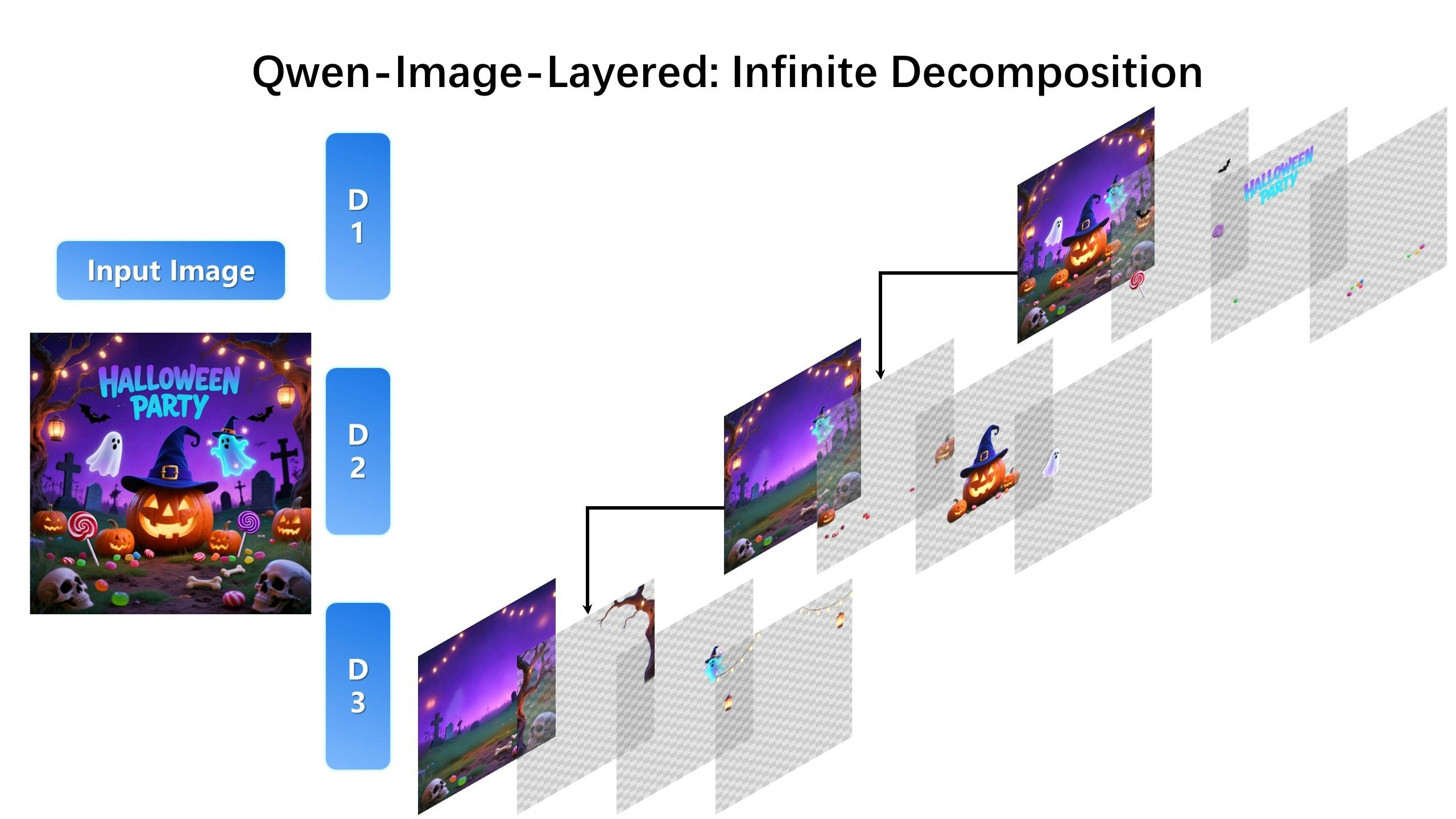
Qwen-Image-Layered
Turn flat images into multi-layer editable assets
202
一句话介绍:Qwen-Image-Layered 能将静态图片自动分解为多个可独立编辑的透明图层,解决了设计师和内容创作者在图像后期处理中,进行精细对象分离与编辑时操作繁琐、易留痕迹的核心痛点。
Open Source Artificial Intelligence Photo editing
AI图像编辑 图层自动分解 图像解构 RGBA透明通道 非破坏性编辑 设计工具 生产力工具 计算机视觉 生成式AI应用
用户评论摘要:用户普遍认为该产品解决了图像编辑缺乏可编辑图层的长期痛点,是“魔法”般的工具。主要反馈包括:模型体积较大,期待轻量化版本;建议增加图层自动语义标签(如“人物-前景”)以提升多图层管理效率;看好其在SaaS视频编辑等领域的应用潜力。
AI 锐评

Qwen-Image-Layered 表面上是一款“图像转图层”的工具,但其真正的颠覆性在于,它试图用AI重新定义数字图像资产的原始生产流程。传统图像生成(如DALL-E、Midjourney)输出的是一张“死”的位图,所有编辑都是后续的、破坏性的修补。而该产品则通过递归分解,逆向为图像注入本应在创作初期就存在的“结构信息”——可分离、可调整的图层。这相当于为生成式AI的输出结果进行了“逆向工程”,赋予了其本不该有的、类似PSD文件的可编辑性。

其价值远不止于提升现有设计师的抠图效率。更深层的意义在于,它可能成为连接“AI生成”与“专业工作流”的关键桥梁。评论中提及的“LLM图像生成器的限制”恰恰点中了要害:当前AIGC生态的断层在于,生成内容难以无缝进入专业生产环节。Qwen-Image-Layered 正是在填补这个断层。如果其技术足够可靠,未来完全可以与图像生成模型前端耦合,直接产出带分层结构的原始资产,这将极大加速从创意到成品的过程。

然而,挑战同样明显。技术层面,“无伪影”的承诺在复杂图像(如发丝、透明物体、光影交织处)中能否始终兑现?产品层面,单纯的图层分解仍属“半成品”,如评论所说,缺乏语义理解的图层堆叠,对用户而言可能是一团新的混乱。这要求产品必须从“视觉分解”向“语义理解”演进,否则易沦为技术演示。

总体而言,这是一次极具前瞻性的尝试。它没有在“生成更逼真的图片”的红海中内卷,而是敏锐地切入下游工作流的“资产化”痛点,展现了将AI从“创作者”转向“生产助手”的务实思路。其成功与否,将取决于技术精度、与工作流生态的整合深度,以及能否从“有趣的黑科技”成长为“可靠的生产线组件”。

查看原始信息
Qwen-Image-Layered
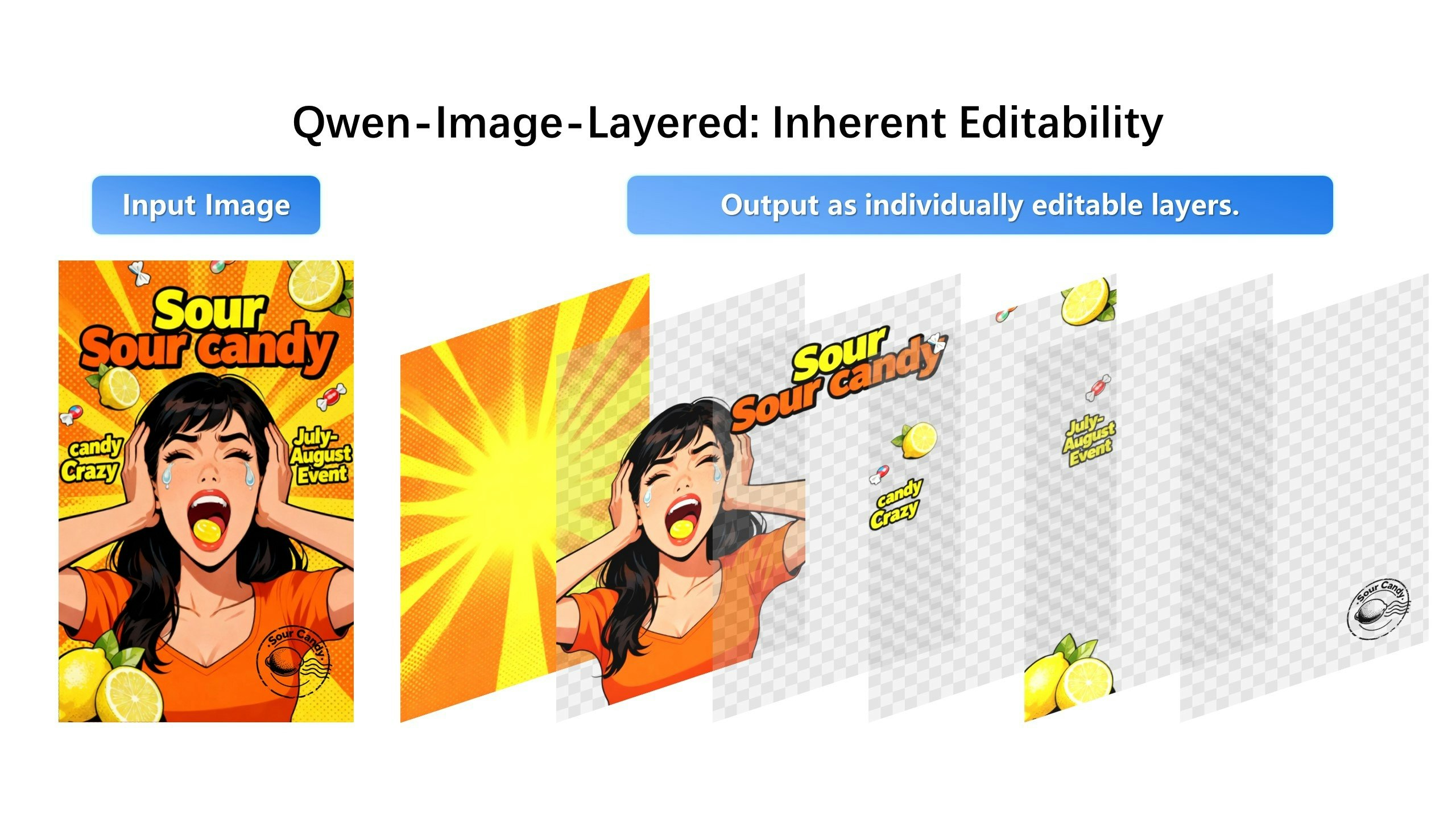
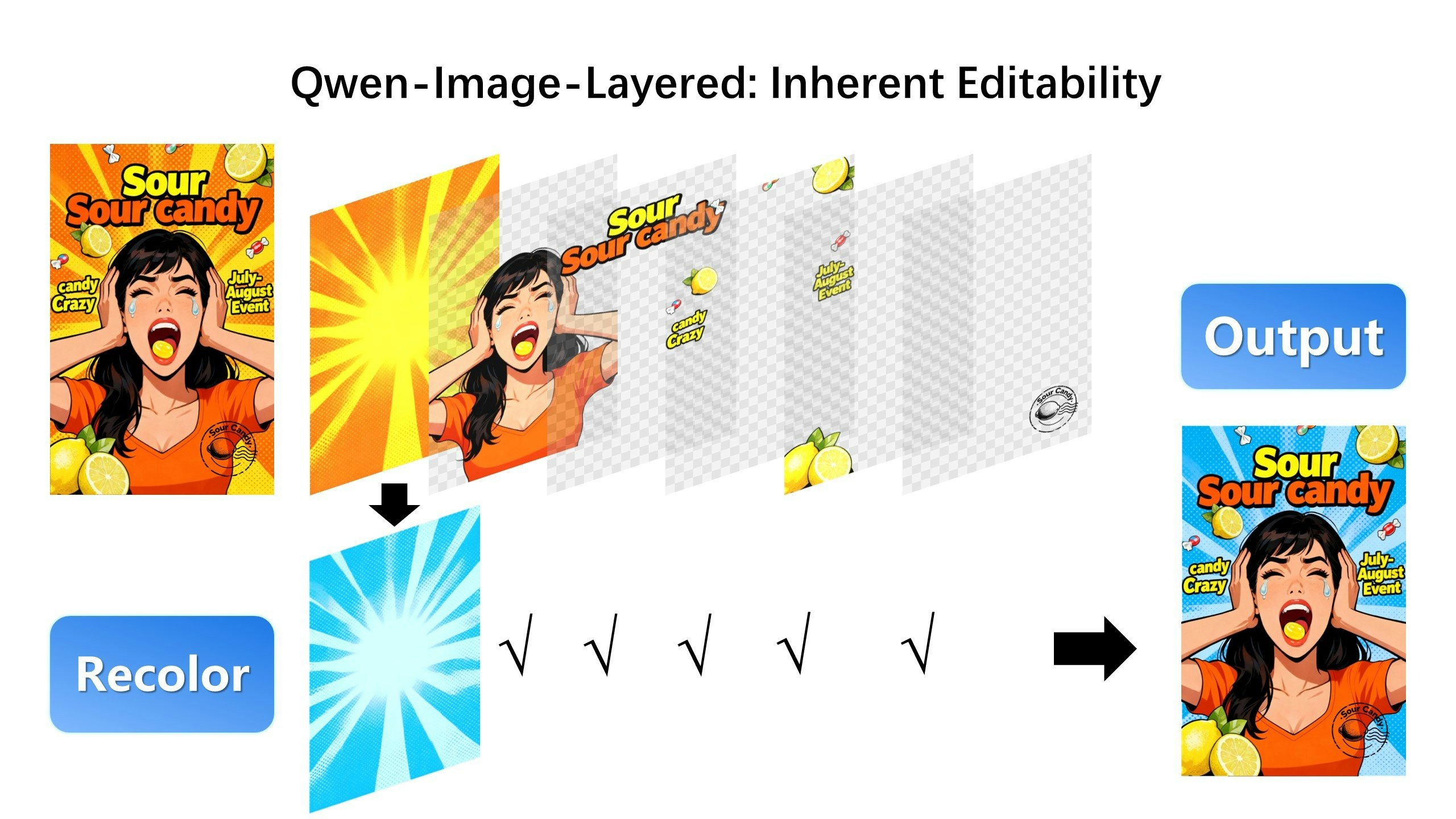
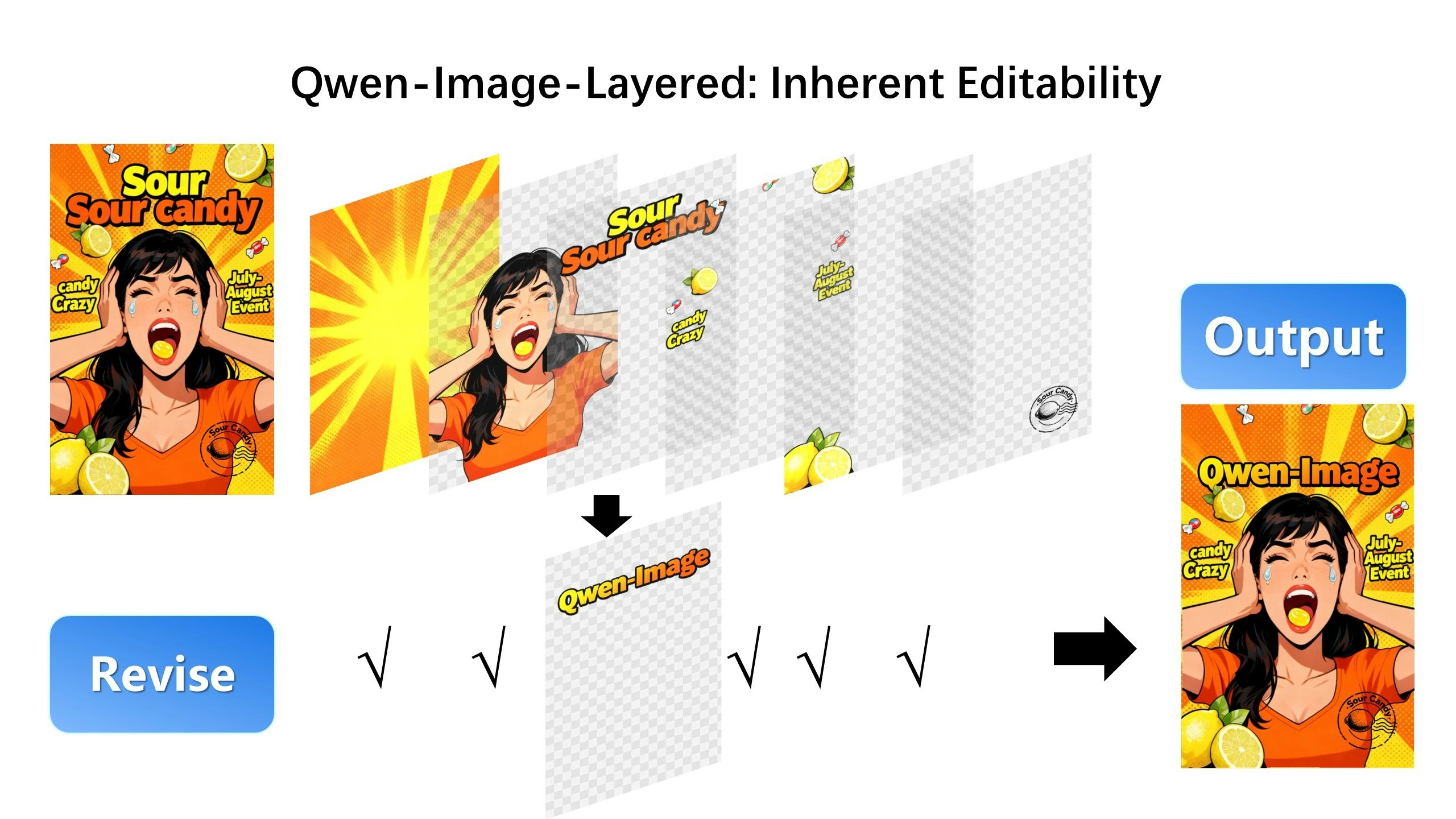
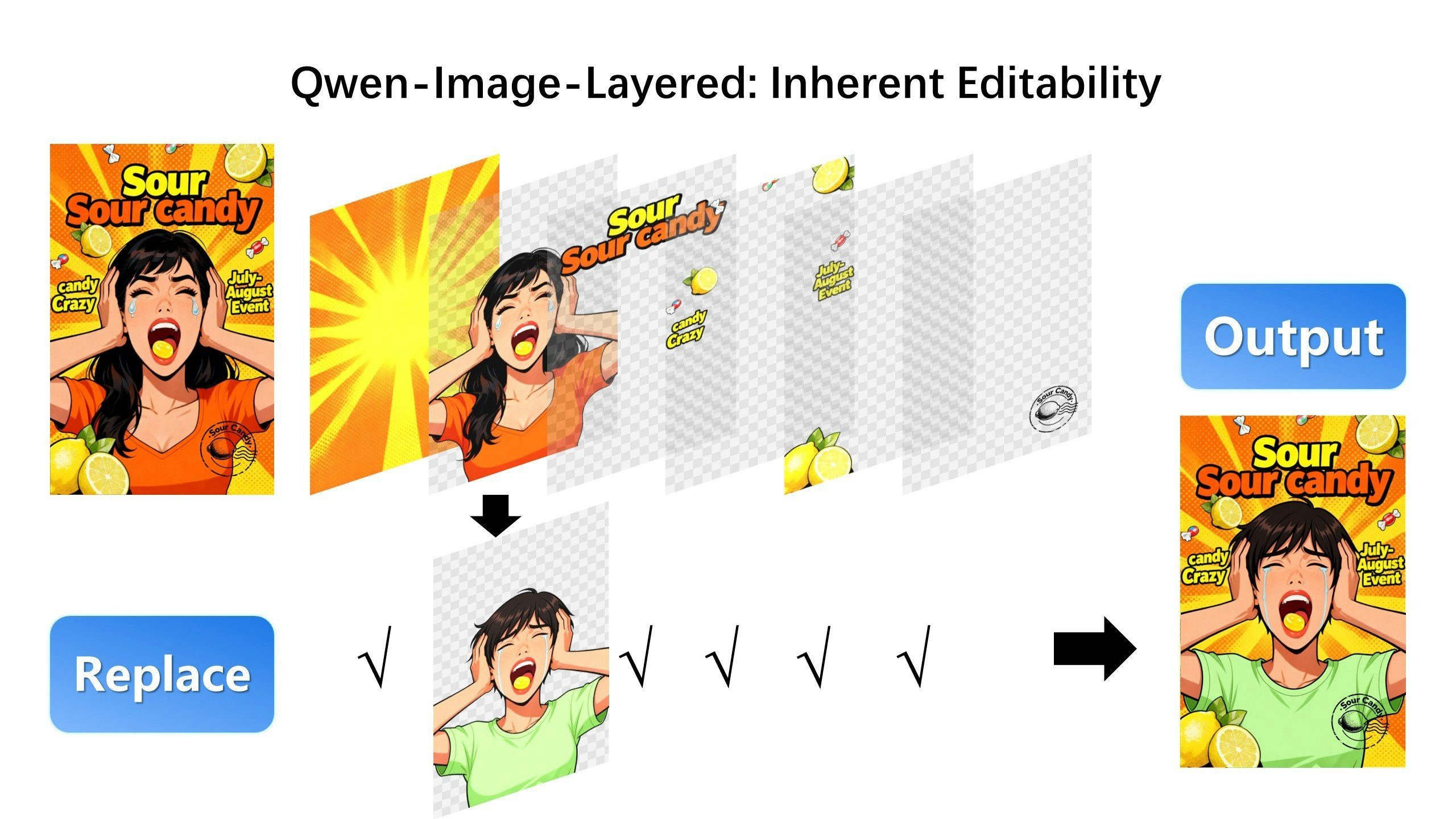
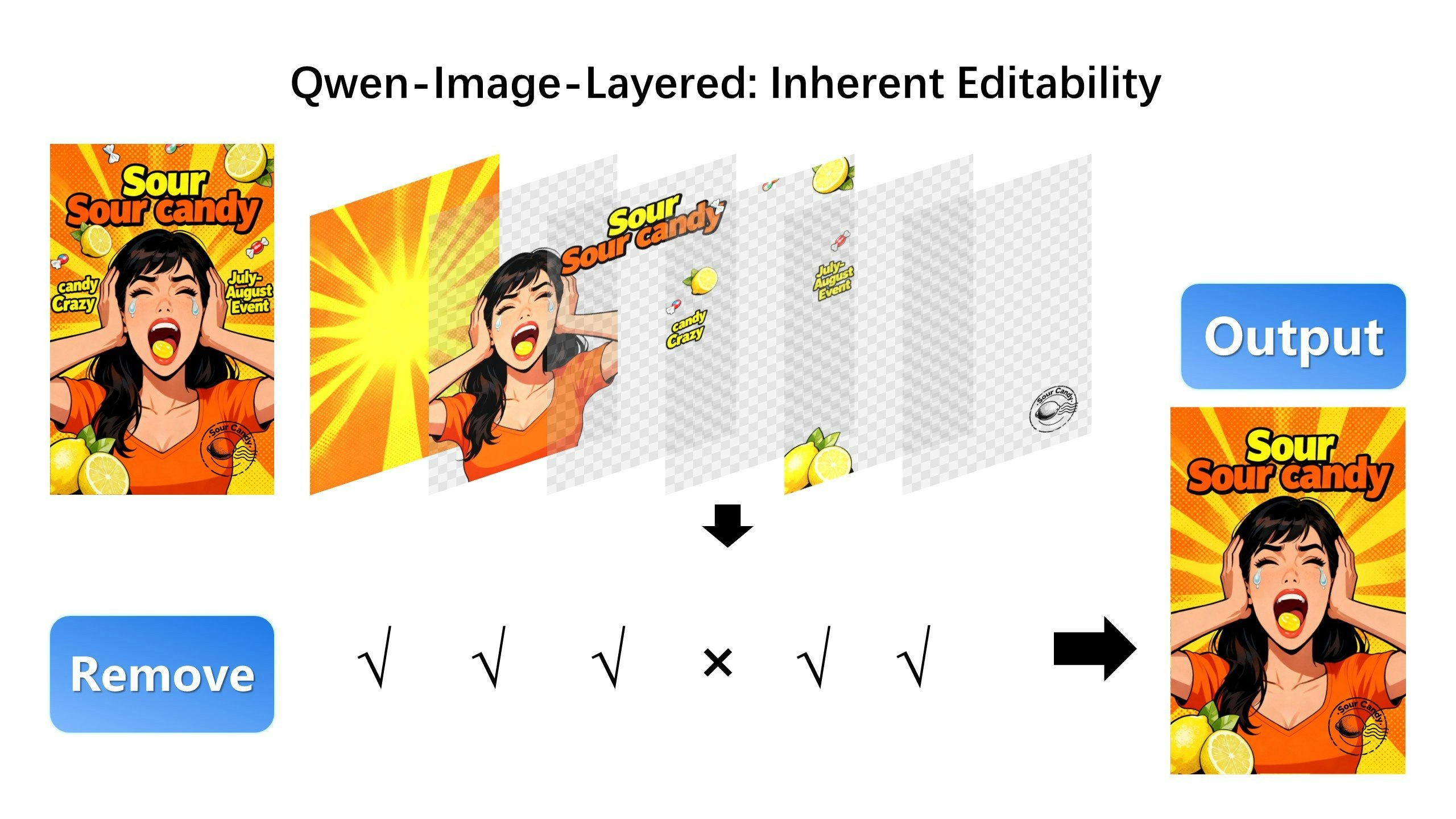
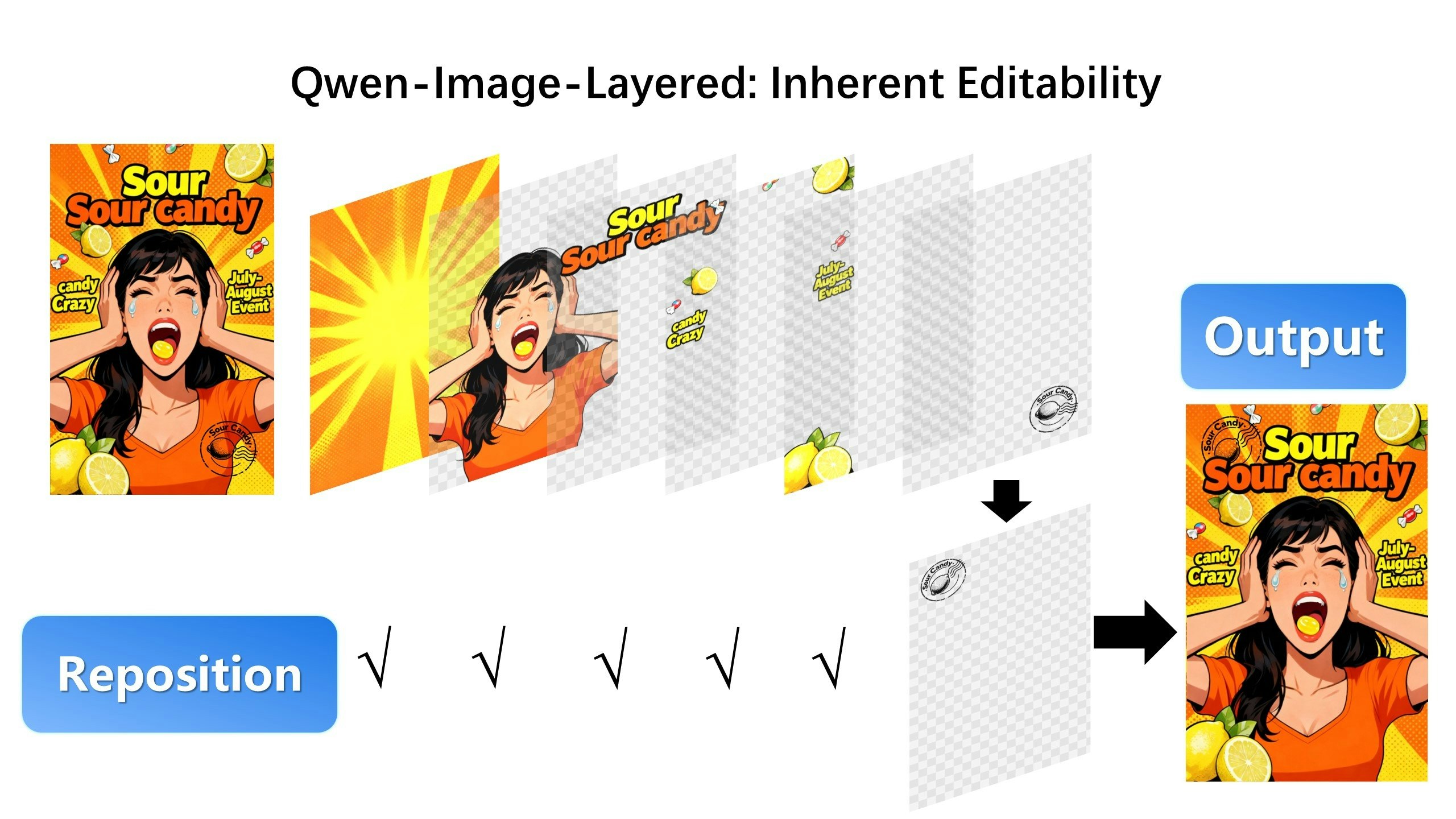
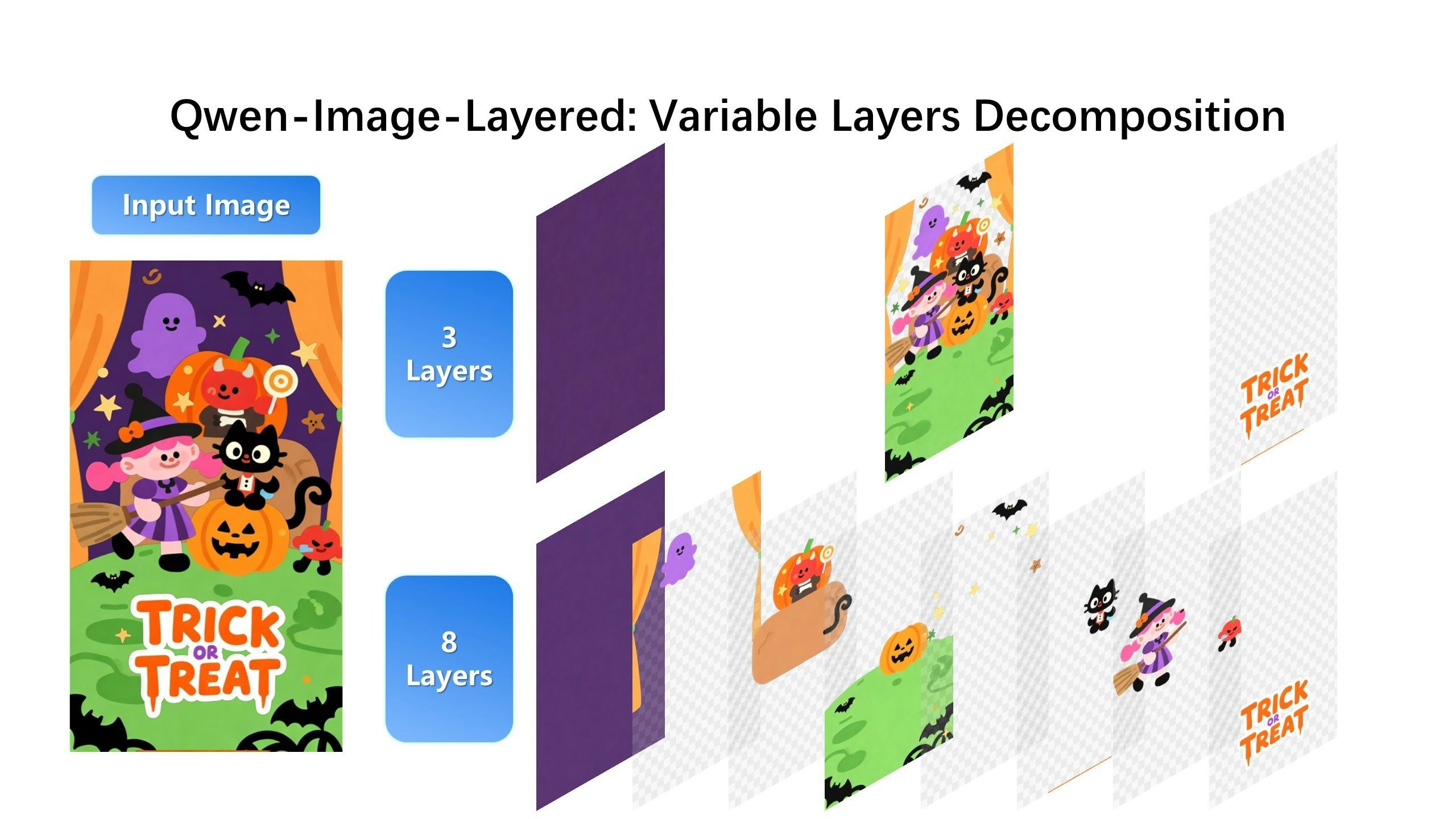
Qwen-Image-Layered decomposes images into transparent RGBA layers, unlocking inherent editability. You can move, resize, or delete objects without artifacts. Supports recursive decomposition and variable layer counts.

Hi everyone!

This is a really interesting release from the Qwen team. The model natively decomposes images into layers, which is basically the foundation for any precise editing work.

It is fine-tuned based on Qwen-Image. Right now, the Hugging Face demo allows splitting up to 10 layers, which is usually enough for most workflows.

The model size is a bit heavy. Hopefully, we will see a lighter or distilled version in the future!

3
回复

Hey, so cool to see my ex-company’s product on here! Qwen-Image-Layered is such a cool idea — as someone who’s suffered through way too many manual cutouts, turning images directly into editable layers feels like magic. Really smart approach.

Major props for focusing on such a specific yet painful problem. It's refreshing to see a bigger team move this nimbly and deliver something so genuinely useful.

One tiny thought for the future — if the AI could auto-tag layers while decomposing (like "person-foreground", "text-header", "sky-background"), it’d be even easier to navigate, especially when there are lots of layers.

Anyway, super stoked to see this launch. Congrats to the team! Looking forward to catching up 👏

1
回复

This was so needed! Using LLM image generators was really limiting without layers

0
回复

Wow, this is absolutely huge!

Can't wait for SaaS video-editors to appear online to take advantage of this opportunity! 🚀

0
回复
#5
Routine Android
Tasks, calendars, notes & AI; all in a single app
166
一句话介绍:一款集任务、日历、笔记与AI于一体的本地优先生产力应用,通过全平台覆盖和双向谷歌日历同步,解决了用户在移动与桌面场景下工具碎片化、数据云端依赖及专注力分散的核心痛点。
Android Productivity Calendar Artificial Intelligence
生产力工具 任务管理 日历应用 笔记软件 AI集成 本地优先 全平台同步 谷歌日历集成 一体化工作区 个人效率
用户评论摘要:用户普遍祝贺Android版发布并认可其“第二大脑”价值。有效反馈集中于:1. 期待自定义提醒功能(官方已回应将开发);2. 询问移动端AI会议笔记功能(官方确认即将推出);3. 赞赏本地优先架构对隐私和可靠性的保障;4. 有用户对“一体化”持谨慎态度,但被本地优先和Android支持吸引尝试。
AI 锐评

Routine Android的发布,标志着其“全平台一体化生产力套件”战略拼图的完成。然而,其真正的锋芒并非简单的功能堆砌,而在于看似复古的“本地优先”架构与前沿AI能力的悖论式结合。

在数据主权意识觉醒和网络环境不确定的时代,“本地优先”不仅是一个技术选择,更是一个尖锐的产品哲学宣言。它直击当前主流SaaS生产力工具的核心软肋:对网络的绝对依赖、潜在的隐私焦虑以及云端延迟带来的体验割裂。Routine将“大脑”置于设备端,承诺离线可用,这构建了用户信任的基石,也为其“第二大脑”的定位提供了物理层面的隐喻支撑。评论中用户对此特性的积极反响,验证了这一差异化路线的市场穿透力。

然而,其“All-in-One”的野心面临双重考验。对外,它需在用户心智中与Notion、Todoist、Google Calendar等垂直领域的巨头正面竞争,证明其单一应用的深度足以替代专业工具的组合。对内,“一体化”与“简洁高效”存在天然张力。功能膨胀极易导致界面臃肿和体验滑坡,这也是部分资深用户评论中流露出的谨慎态度的根源。官方回复中强调的“基础模块已就位”,暗示团队对此有认知,但平衡之道仍需长期锤炼。

其AI能力的部署策略也值得玩味。目前AI功能(如会议笔记)优先部署桌面端,移动端暂缓,这揭示了一种务实的产品路径:在计算资源更充裕的平台打磨核心AI体验,再逐步下沉。这避免了在移动端仓促推出半成品而损害口碑。用户关于“AI是否会烦人”的担忧,则指向了更深层的挑战——AI作为功能亮点,还是真正智能、无感化提升效率的助手?后者要求远超前者。

综上,Routine的价值不在于它今天集成了多少功能,而在于它试图用“本地优先”重构生产力工具的数据范式,并在此坚实基础上谨慎堆叠AI与一体化能力。它的成功与否,将检验在云时代,一款以“设备为中心”的复杂生产力应用,能否重新定义效率工具的信任与智能边界。2025年所谓的“关键之年”,真正的考题或许是:它能否在变得强大的同时,依然保持令人愉悦的“轻快”。

查看原始信息
Routine Android
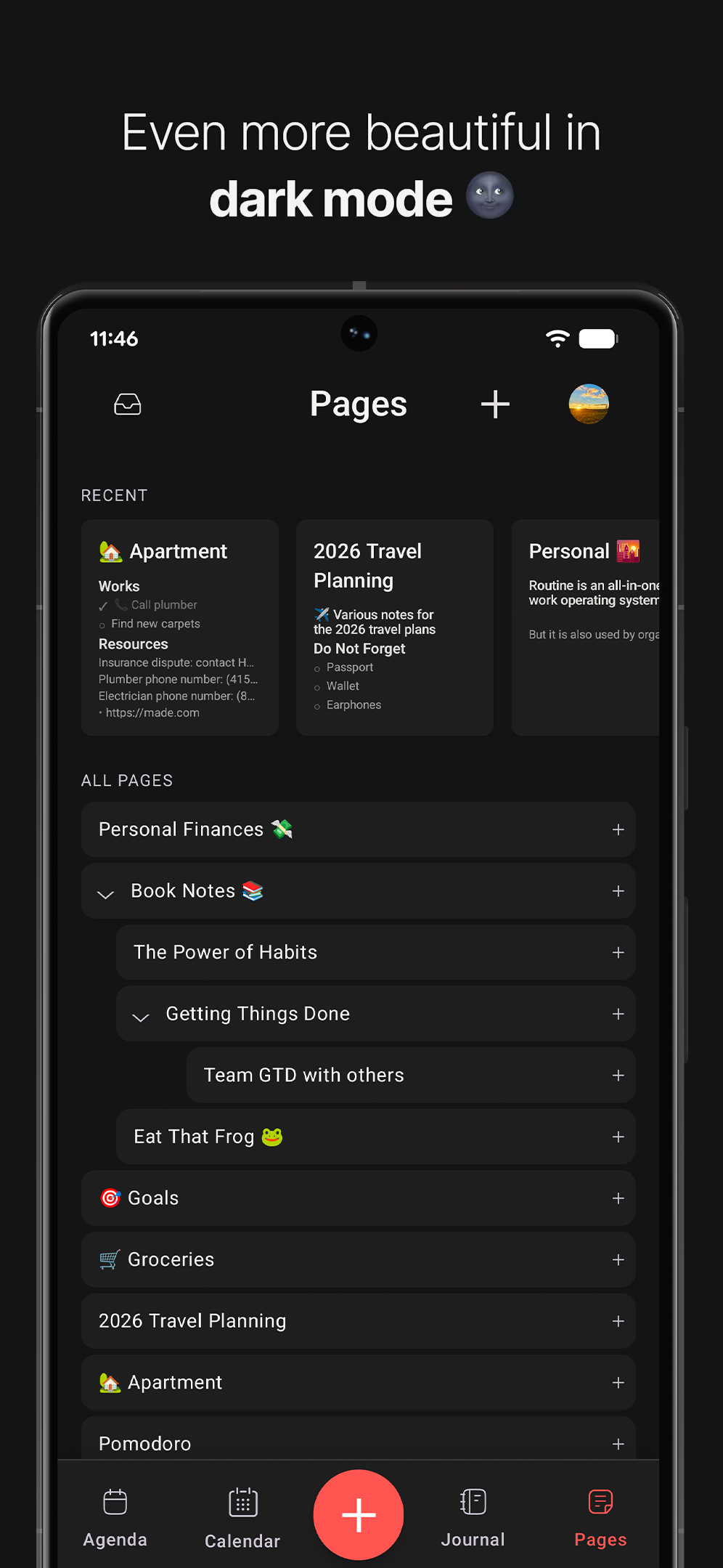
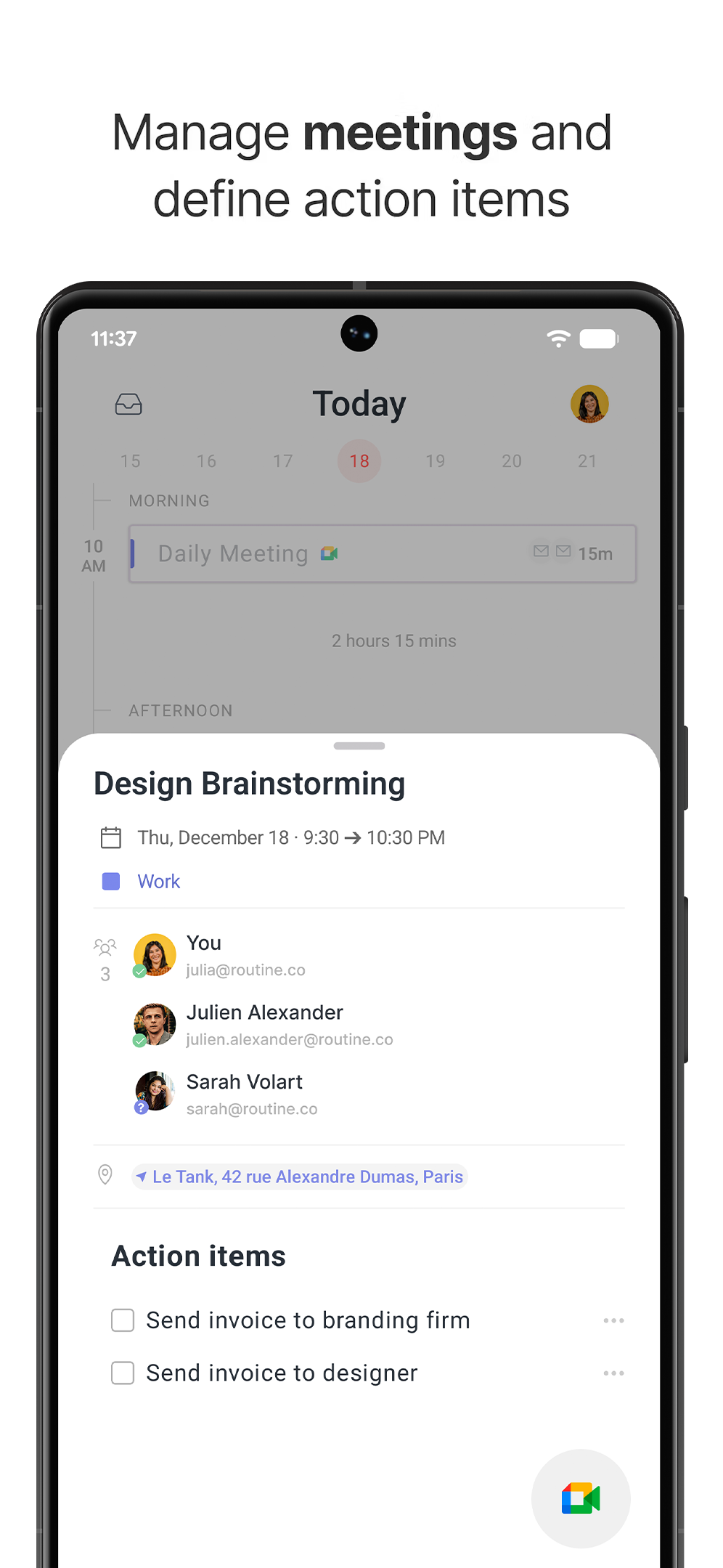
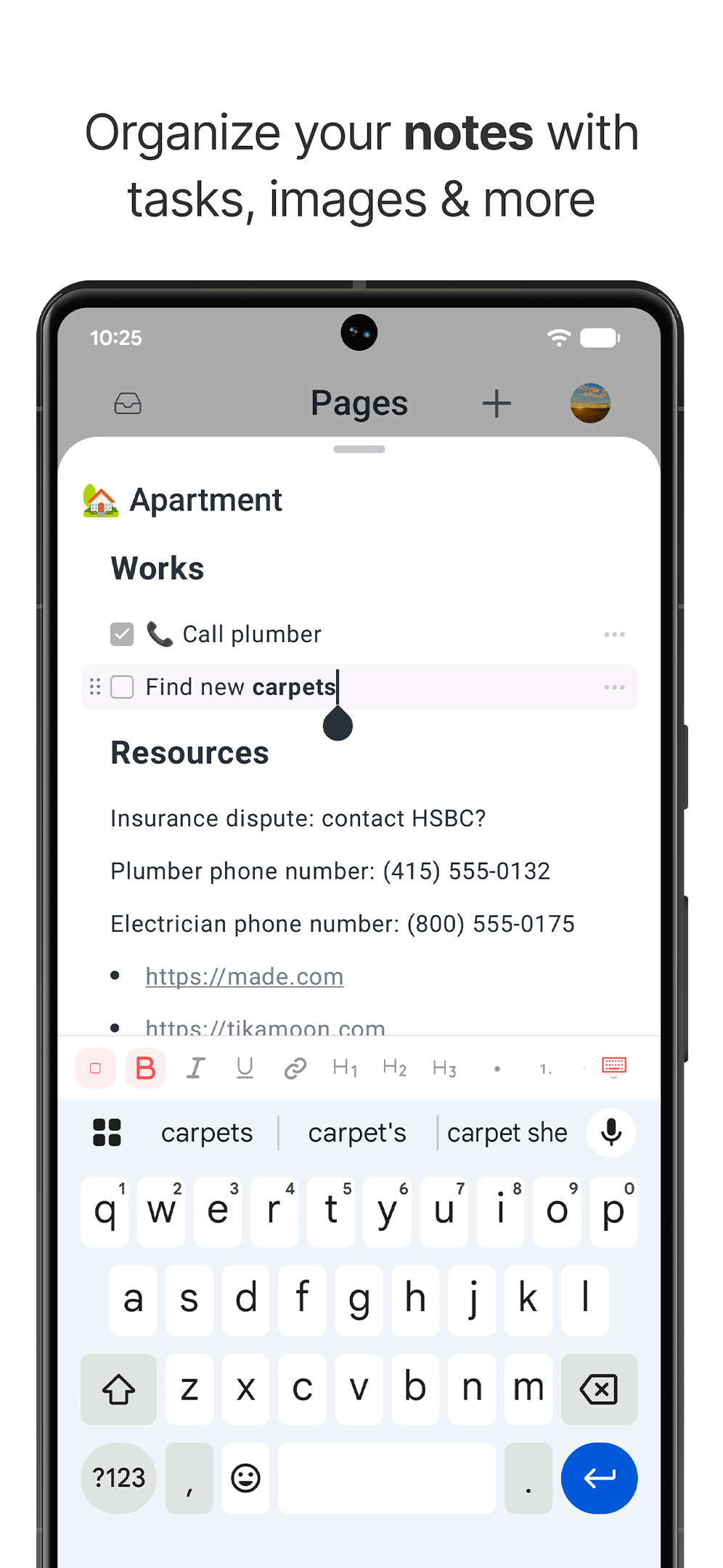
Routine now supports the Android platform, allowing you to manage all your tasks, calendars, projects, notes and more through Routine's local-first & AI-powered workspace.
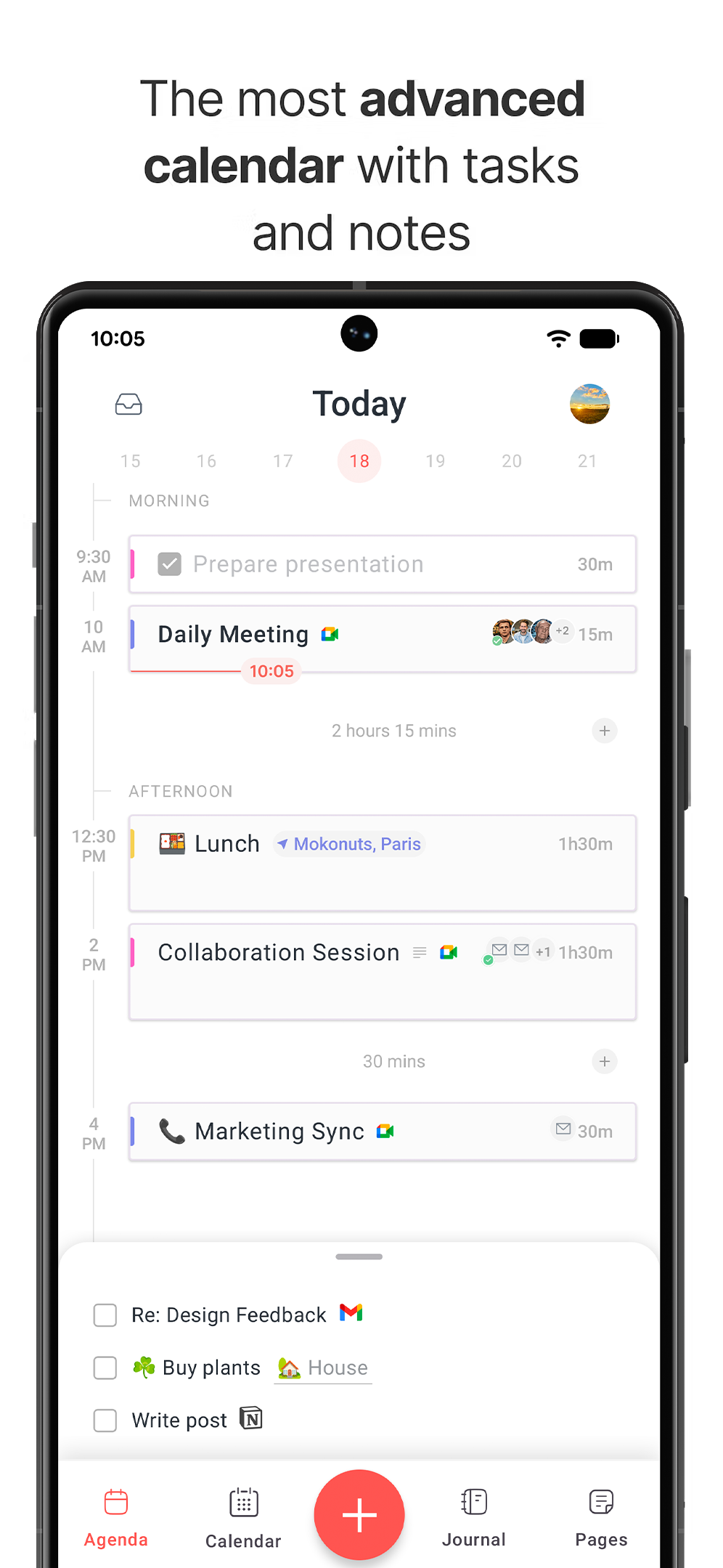
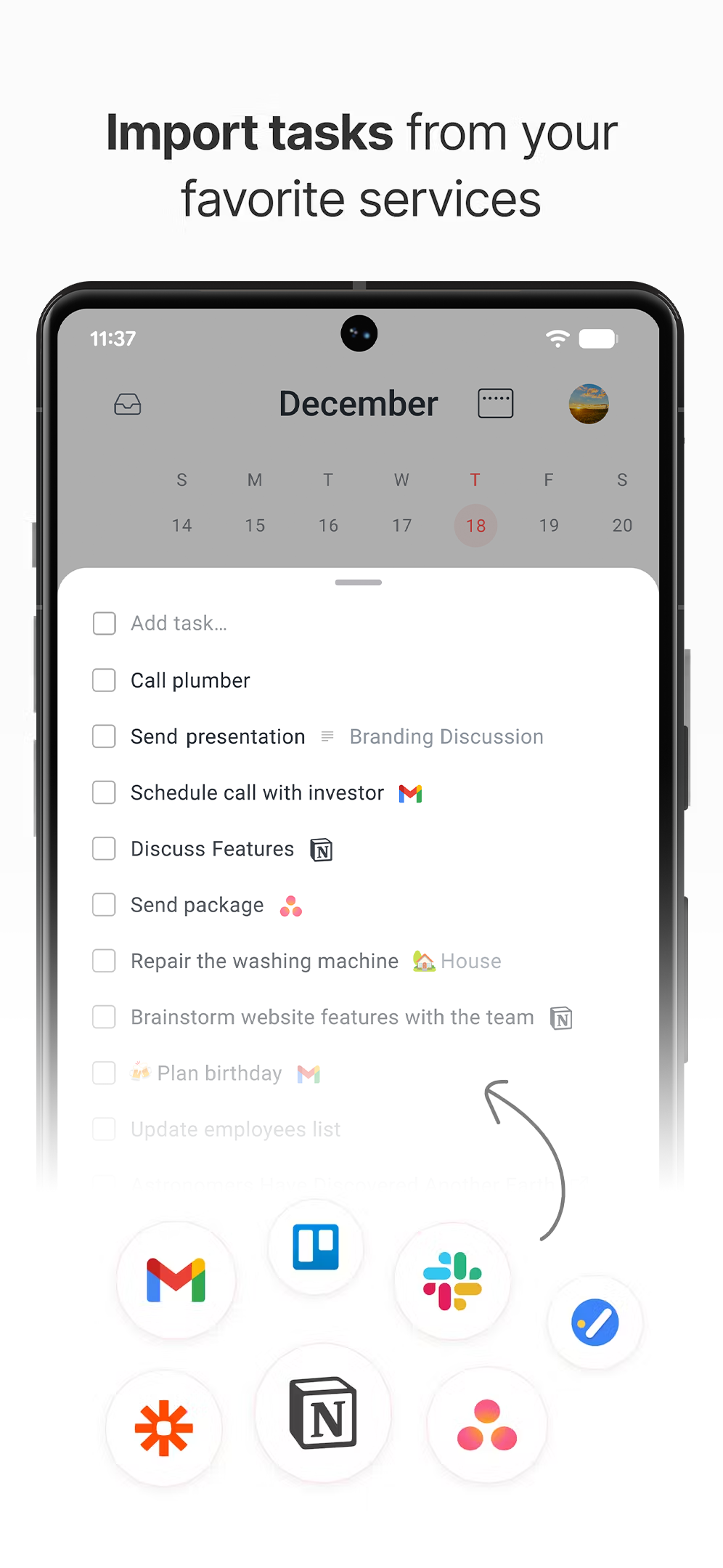
After 1 year of hard work, we are back on Product Hunt to unveil Routine on Android! 🙌 Routine is now present on all major platforms: macOS, Windows, Linux, iOS, Android and Web. With Routine on Android, you can quickly capture tasks, take notes in meetings and pages, block time in your calendar to make sure a task gets done, and obviously, manage your time through a full-fledged calendar which is bidirectional synchronized with Google Calendar. A quick note on the fact that Routine is local first. This means that Routine operates locally by default, without an Internet connection. In other words, Routine's brain and your data are always present on your device. We'd love to know what you think of the Android app but also of Routine in general as 2025 has been a pivotal year, shaping the product into an all-in-one productivity app with AI meeting notes, custom types, integrations and more.
6
回复

@jmq - Congrats on the Android launch shipping across all major platforms is no small feat. The local-first approach is especially interesting; keeping data on-device by default feels like a strong trust and reliability bet, not just a technical one.

Would love to hear how user behavior differs between platforms so far does Android change the way people capture tasks or notes compared to desktop or iOS?

0
回复

I’ve been using Routine every day for years, and it has truly become my second brain. Many apps make that promise, but Routine actually delivers. I honestly can’t thank the team enough for how much it helps me stay focused, organized, and on top of my professional life every single day…

2
回复
1
回复

There's always room to innovate in the self-organisation / planning/ todo-lists space!

Congratulations on your launch! 🚀

1
回复

Thanks a lot@avloss .

0
回复

I am currently testing it.

It would be cool if one could tap on the event, and there would be a button – remind me of this on a certain date and time. (like alerts) Or does it already have any notifications/reminders?

1
回复

Hey @busmark_w_nika. There is a default 10-minute-before reminder, and a 1-minute-before sound alert. We indeed intend to add custom reminders in the future. Not only for events, but for anything: task, customer or whatever you create.

3
回复

Congrats android users 👏🏻

0
回复
0
回复

Congratulations on the Android launch! The calendar integration looks super clean.

One thought: will there be a way to set recurring AI-generated summaries or reminders for tasks captured during meetings?

0
回复

Hey @abod_rehman . Thanks for the comment.

AI meeting notes is already available on desktop (macOS/Windows/Linux). We will add it to iOS and Android in the coming weeks.

0
回复

HUGE congrats on the launch!!!

0
回复

Thanks @francescod_ales . Next year is going to be huge with collaboration, hundreds of integrations and AI!

0
回复

All-in-one usually scares me, but local‑first + Android support is the bit I care about. I bounce between Notion, Todoist, and GCal… messy. If it stays fast offline and the AI doesn’t nag, I’m into it. Grabbing it on my Pixel to try this week.

0
回复

Definitely understandable @alexcloudstar . There are still many performance improvements we can implement but the basic blocks for local-first, calendars, tasks & notes are there for sure.

0
回复

I've been using it for a while, it's truly a game-changer for productivity nerds

0
回复

@weiss_arnaud, you rock mate. Thanks!

0
回复

Huge congrats to the Routine team on the Android launch! 🚀
I’ve loved seeing how consistently you’ve focused on simplicity, clarity, and real productivity. Well deserved — can’t wait to see what’s next.

Bravo @jmq and the team 💕

0
回复

Cheers @edouardpetit .

0
回复
Great product and strong team! Congrats 🚀
0
回复

Thanks @gonzaguedb . This is just the beginning!

0
回复

Congrats on the launch team!!

0
回复

Thanks @robi 

0
回复
#6
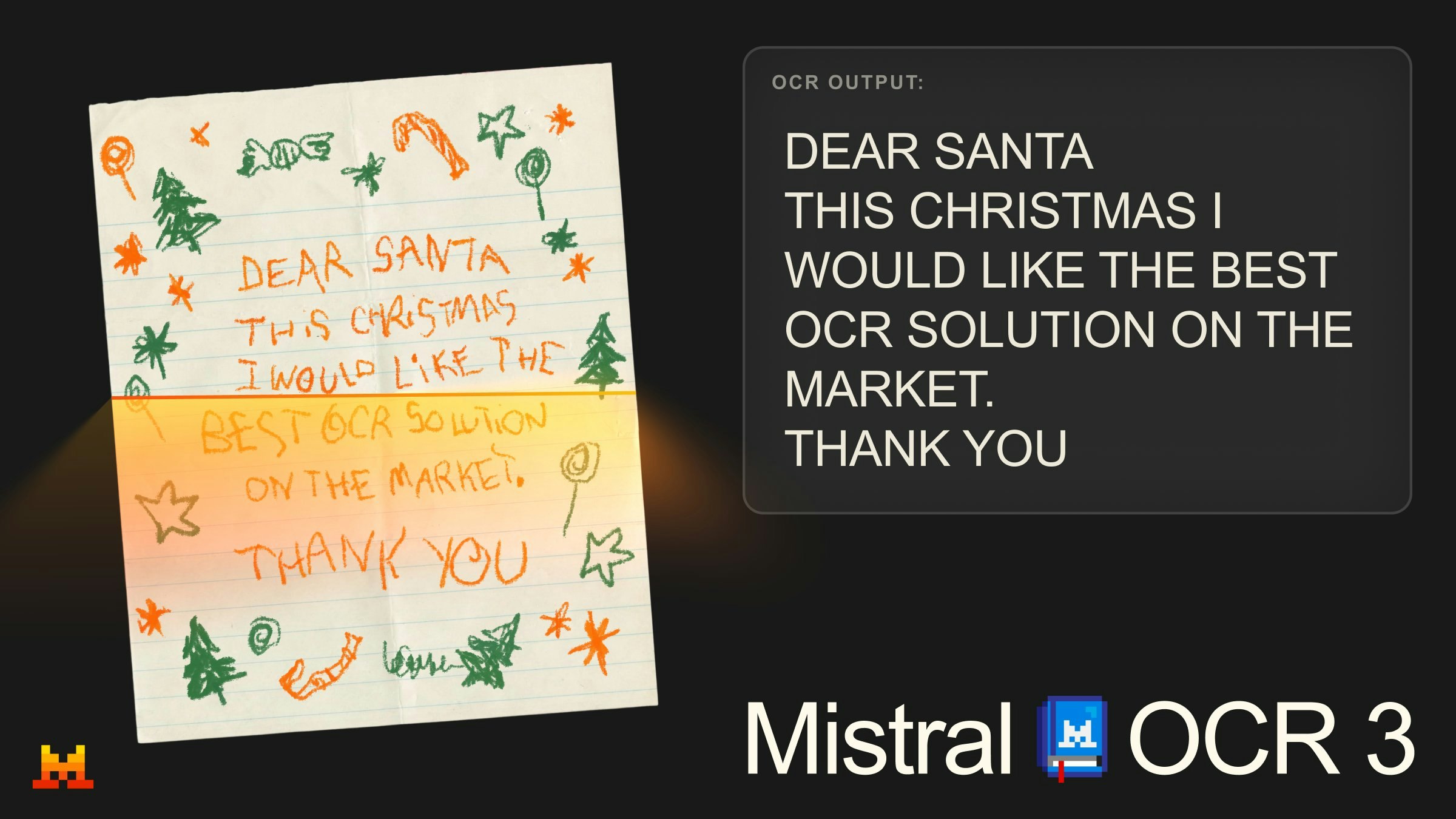
Mistral OCR 3
Accurate OCR for notes, forms, tables and handwriting
154
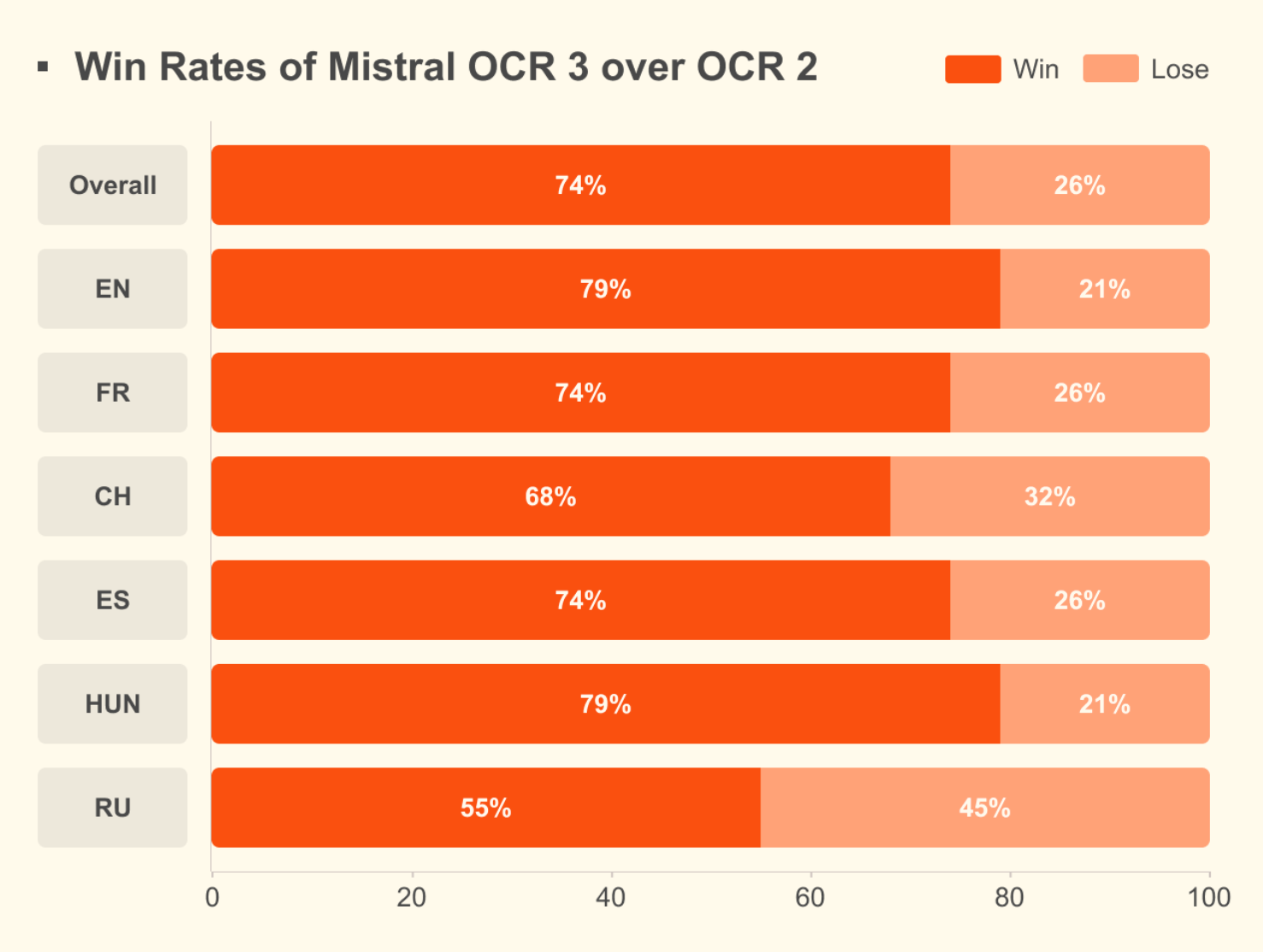
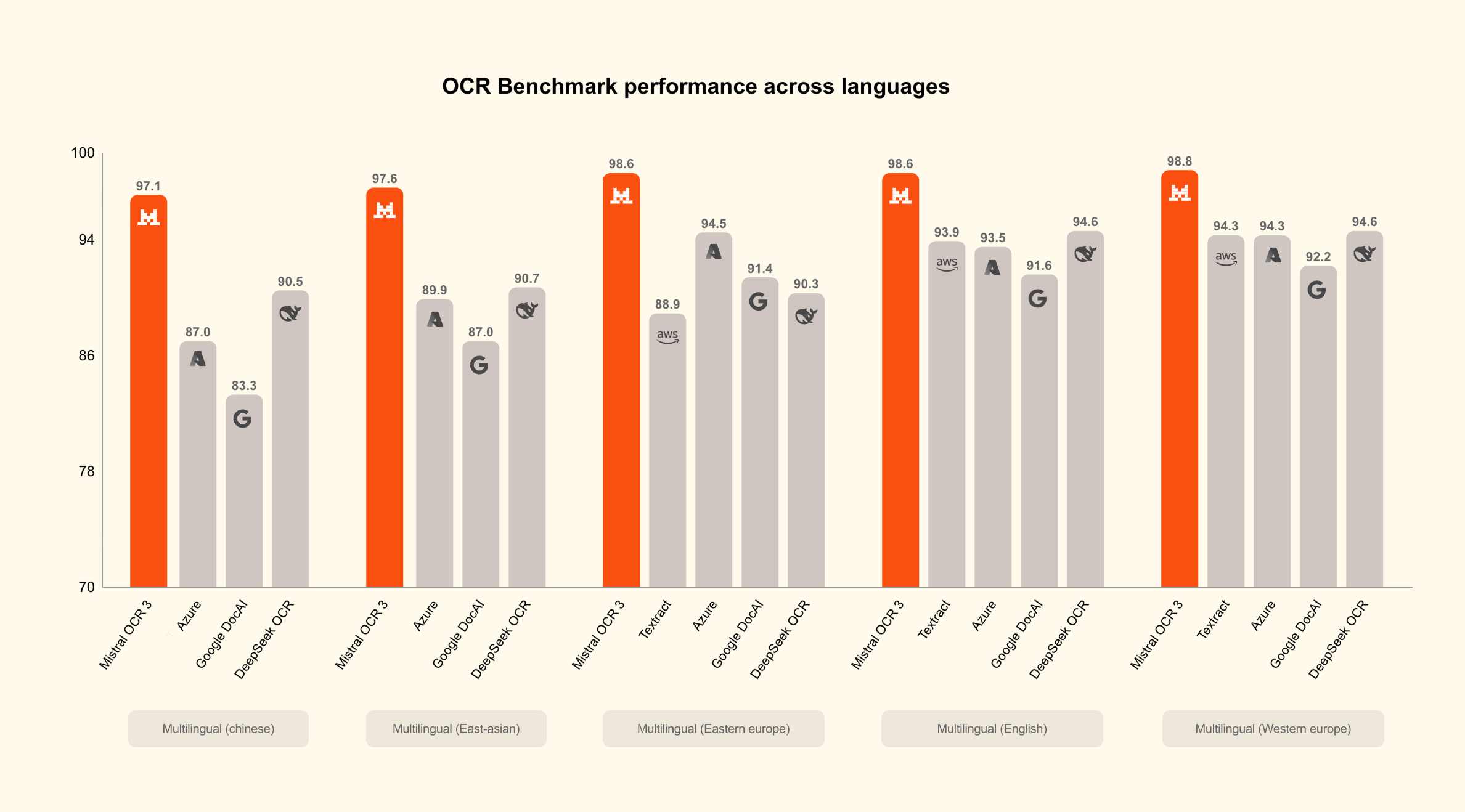
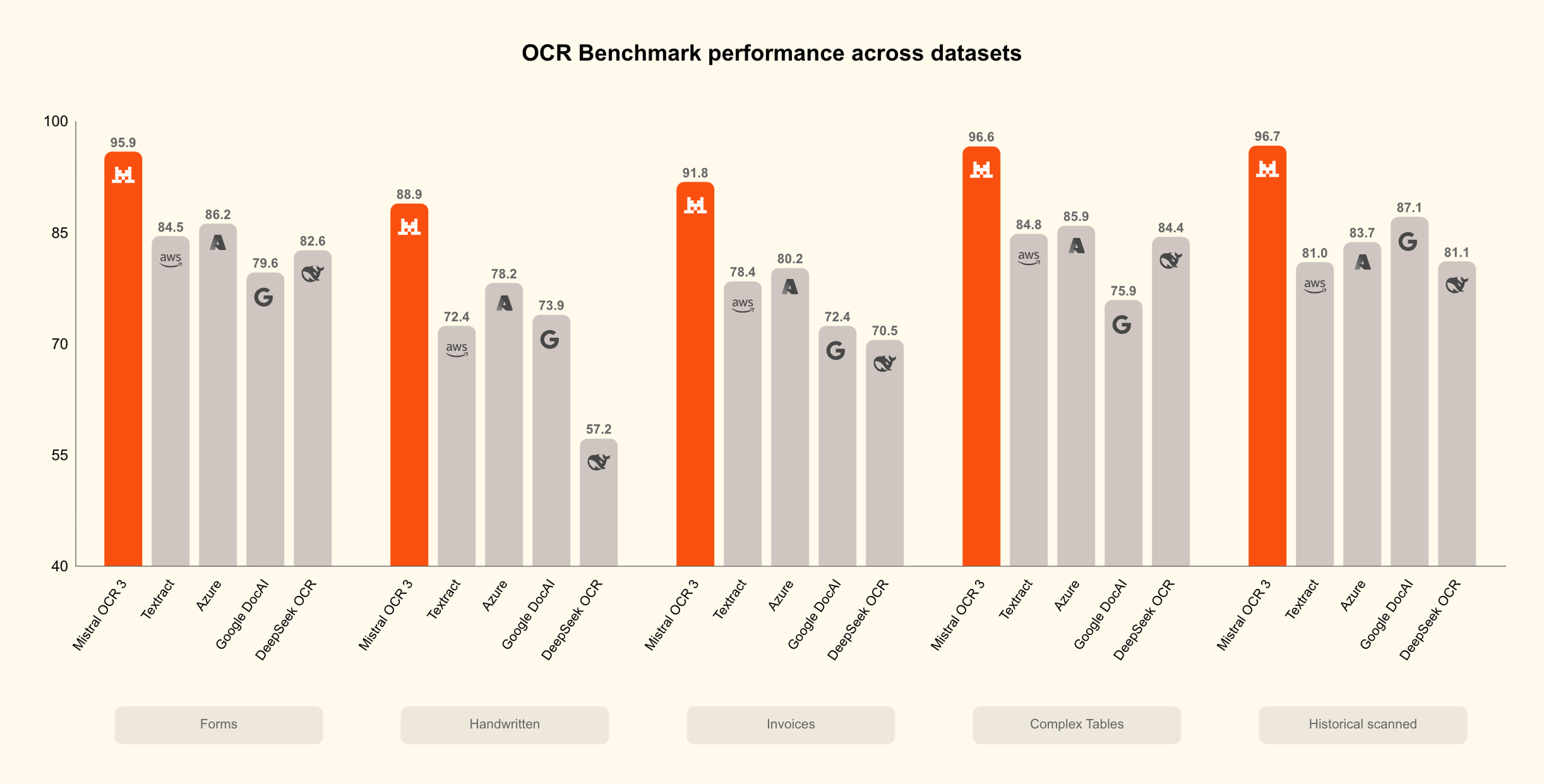
一句话介绍:Mistral OCR 3是一款具备顶尖准确率的OCR工具,擅长从笔记、表单、表格及手写体中提取文本和图像,并输出整洁的Markdown,解决了用户在文档数字化、数据提取及信息结构化处理中的高精度与复杂格式需求痛点。
API Artificial Intelligence Development
光学字符识别 文档数字化 手写体识别 表格提取 Markdown输出 API服务 生产力工具 人工智能 企业级应用 数据提取
用户评论摘要:用户普遍赞赏其卓越的手写体和复杂表格识别能力、输出干净Markdown的实用性以及有竞争力的定价。同时,存在对价格大幅上涨的担忧,并询问了对混合语言和低质量扫描件的处理效果。
AI 锐评

Mistral OCR 3的发布,看似是OCR赛道又一个精度参数的刷新,实则精准刺入了当前AIGC应用生态的一个关键梗阻点:高质量、结构化的数据输入。其真正的价值远不止“识别更准”,而在于其“输出即用”的定位——直接生成带HTML表格结构的Markdown,这相当于为RAG管道、自动化工作流提供了“即插即用”的预处理模块。用户评论中“节省数小时”、“可替代Tesseract+脚本堆栈”的反馈,印证了它从“工具”向“解决方案”的跃迁。

然而,其面临的挑战同样清晰。首先,商业模式与开源生态的微妙平衡:强调“Open weights”是吸引开发者的光环,但价格翻倍(如评论所指)则可能动摇这一群体的根本支持,暴露出商业化压力与技术普惠愿景的潜在冲突。其次,技术长板外的场景纵深:尽管在手写和复杂表格上表现惊艳,但现实世界的文档识别是“脏数据”的集合,涉及模糊扫描、多语言混合、非常规版式等。能否在这些“边角案例”上保持稳健,将是其从“实验室明星”走向“企业级支柱”的关键。

本质上,Mistral OCR 3的竞争维度已超越传统OCR的“识别率竞赛”,它正在定义下一代智能文档处理的标准输出格式和集成体验。它的对手可能不再是其他OCR API,而是那些内置了文档解析功能的端到端AI应用。其成功与否,将取决于能否在维持技术领先的同时,构建一个足够弹性且可持续的定价体系,并持续拓宽其处理现实世界文档混乱度的边界。

查看原始信息
Mistral OCR 3
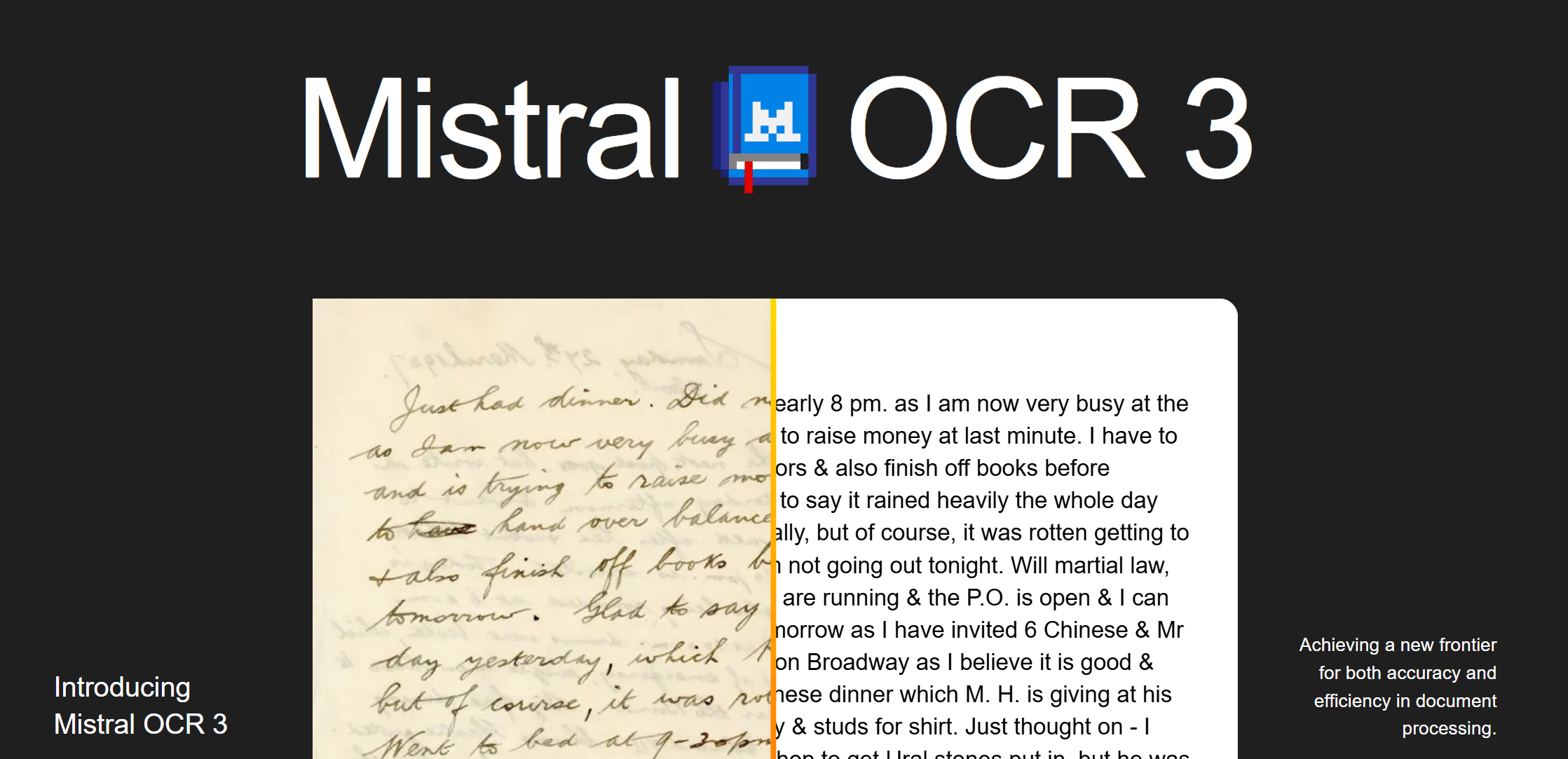
Mistral OCR 3 extracts text and images from documents with SOTA accuracy. It handles handwriting, complex tables, and scanned forms, outputting clean markdown.
Hi everyone! Just checked out Mistral OCR 3. The handwriting recognition capabilities look stunning, handling even messy scribbles that usually break other models. The performance on complex tables and scanned forms also seems very robust. On the technical side, getting clean Markdown with HTML table structures straight from the API is a huge win for RAG pipelines. At $1/1k pages via Batch API, the pricing is also very competitive.
4
回复

Congrats on the launch!
I just tried OCR 3 and decided to push it a bit by uploading an image with non-English text. It handled it flawlessly—nice work.
Also, the subscription flow was smooth and frictionless. I really appreciate how easy it is to use.
I’ll definitely keep an eye on the product and continue using it.

0
回复

Open weights + OCR 3 looks handy. If it really handles handwriting and gnarly tables, that could save me hours on invoices. Clean markdown is a nice touch. How’s it on noisy scans / mixed languages? I might finally retire my hacky Tesseract + scripts.

0
回复

It's good OCR model but they have increased prices by 100% for this. If they keep doing that, this will not be really positive for their business and they will lose a lot of customers even though their model is good

0
回复

Wow, this is great, we should look if this is suitable for our DeepTagger,

DeepTagger is also about extracting structured data, but it's easier and more visual to create JSON schema, and it's easier to inspect result, as it's shown right on the document.

Thos benchmarks are truly impressive! 🚀

0
回复
#7
Whisper Snapper for Mac
Local transcripts with speaker labels, timestamps, + export
134
一句话介绍:一款为Mac用户设计的本地/云端双模式转录工具,通过提供高精度、带说话人标签和时间戳的转录,并支持多种导出格式,解决了用户在处理视频、播客、会议录音时对隐私、速度和成本控制的综合痛点。
Productivity Artificial Intelligence Video
音频转录 语音转文字 本地AI 隐私保护 Mac原生应用 说话人分离 字幕生成 一次性买断 云端API集成 多格式导出
用户评论摘要:用户普遍赞赏其本地/云端双模式带来的隐私控制和灵活性,以及一次性买断的定价。主要问题与建议集中在:1. 关心本地模式下的处理速度、发热及完全离线的安全性验证;2. 询问API密钥的存储安全机制(如Keychain);3. 期待更多AI模型支持。
AI 锐评

Whisper Snapper 精准地切入了一个正在分裂的市场缝隙:一边是全然托管的云端SaaS,面临隐私与订阅制双重质疑;另一边是纯粹的本地工具,常受限于算力与模型更新迟缓。产品提出的“双模式”架构,本质是将选择权和控制权交还给用户,这不仅是功能差异,更是一种价值观声明——在AI服务日益“黑箱化”的当下,它试图重建用户的信任感。

其真正的价值并非单纯的技术整合,而在于构建了一个“弹性隐私”框架。用户可根据任务敏感度与时效要求,在绝对隐私(本地)与顶级性能(自有API云端)间无缝切换。这种设计巧妙地将成本(本地算力消耗 vs. 云端API费用)和风险(数据泄露)的权衡决策转移给了用户,同时让开发者避开了数据托管的法律与伦理泥潭。一次性买断制更是对泛滥SaaS订阅的尖锐反抗,直击用户付费疲劳的心理。

然而,其挑战也同样明显。首先,定位略显“极客友好”,双模式选择在赋予自由的同时,也可能给普通用户带来认知与决策负担。其次,作为桌面原生应用,其增长天花板和生态扩展性可能弱于Web应用。最后,核心功能严重依赖上游开源模型(如Parakeet、WhisperKit)和第三方API的稳定性,自身技术护城河有待观察。它更像一个优雅而聪明的“策展人”,而非颠覆者。若能围绕“本地AI处理”构建更深的性能优化与独家功能,并形成围绕转录文本的轻量级工作流闭环,其护城河方可加深。

查看原始信息
Whisper Snapper for Mac
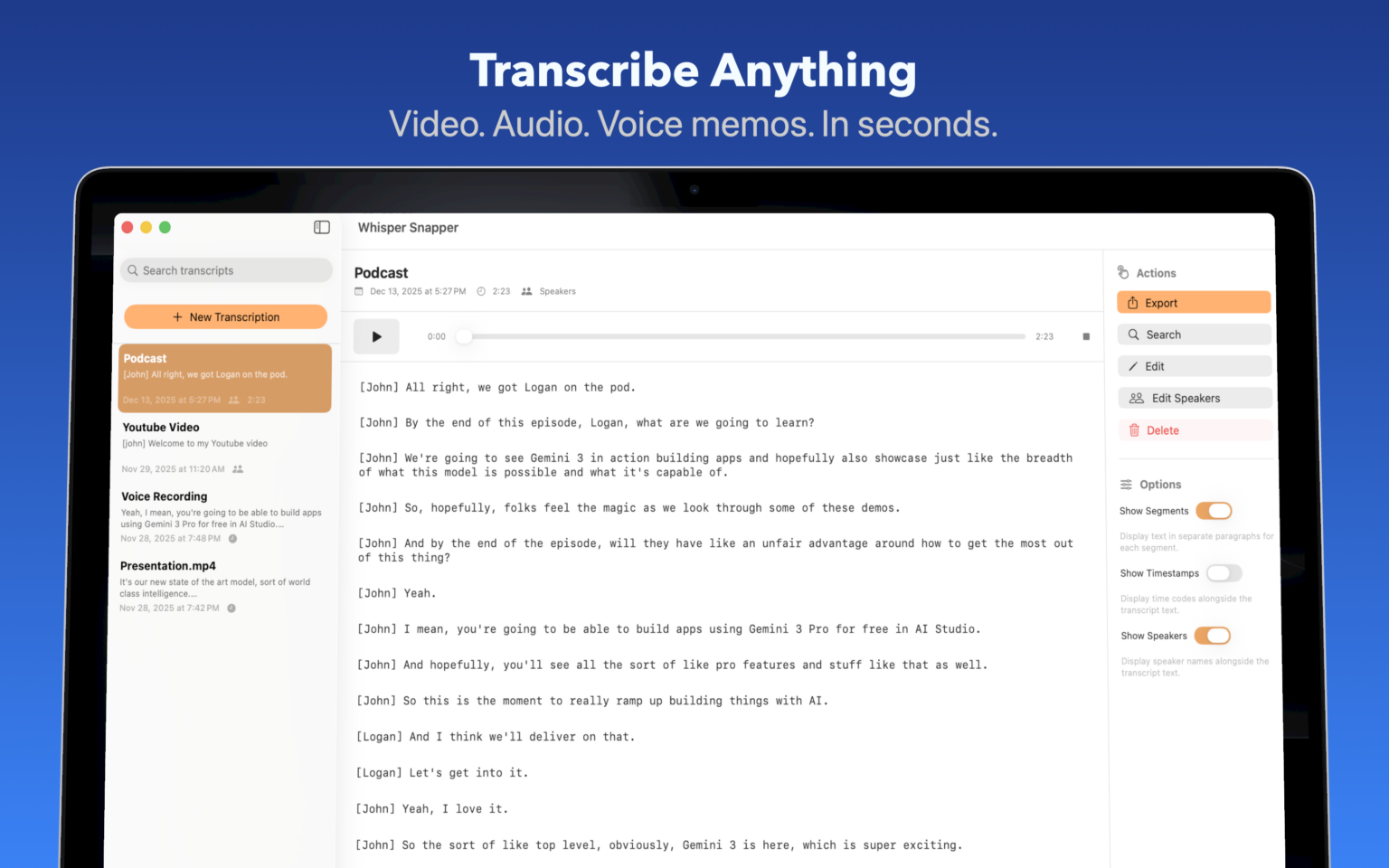
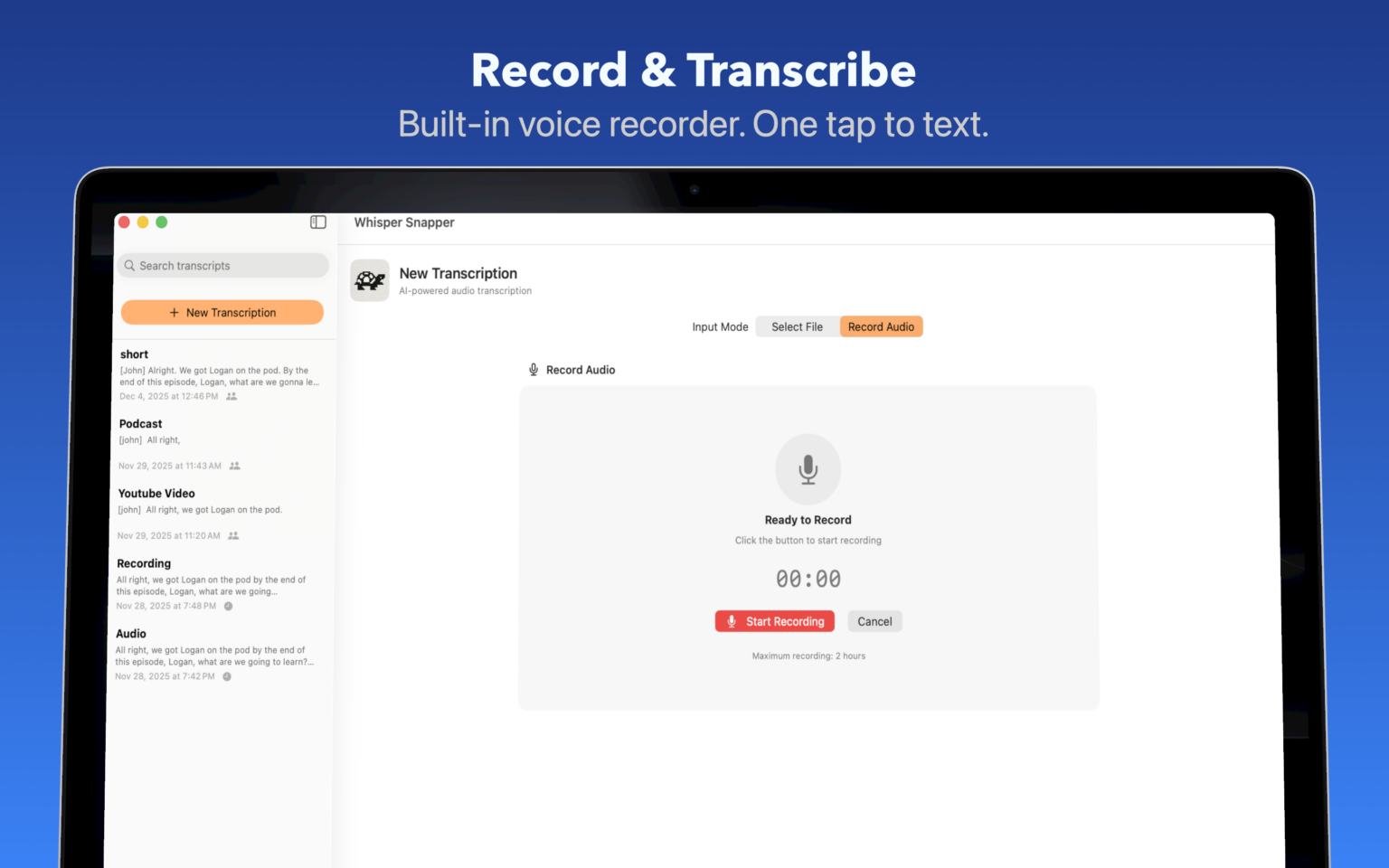
Transcribe videos, podcasts, meetings, and voice memos with the fastest, most accurate AI models—running locally on your Mac or in the cloud with your own API keys. Speaker labels, timestamps, and export to SRT, Markdown, PDF, and more. Try free or one-time lifetime $9.99 Pro.

Mostly export SRT + Markdown here. Love the pick local/cloud thing. Curious how fast Parakeet runs on an M1 Pro and if the fans stay chill. I’ll toss a 60‑min pod at it later. One‑time $9.99 feels right.

2
回复

@alexcloudstar Thanks! I think you'll be pleasantly surprised! I tested a 40 min podcast on the M1 and it handled it no-problem under 30 seconds with Parakeet.

1
回复
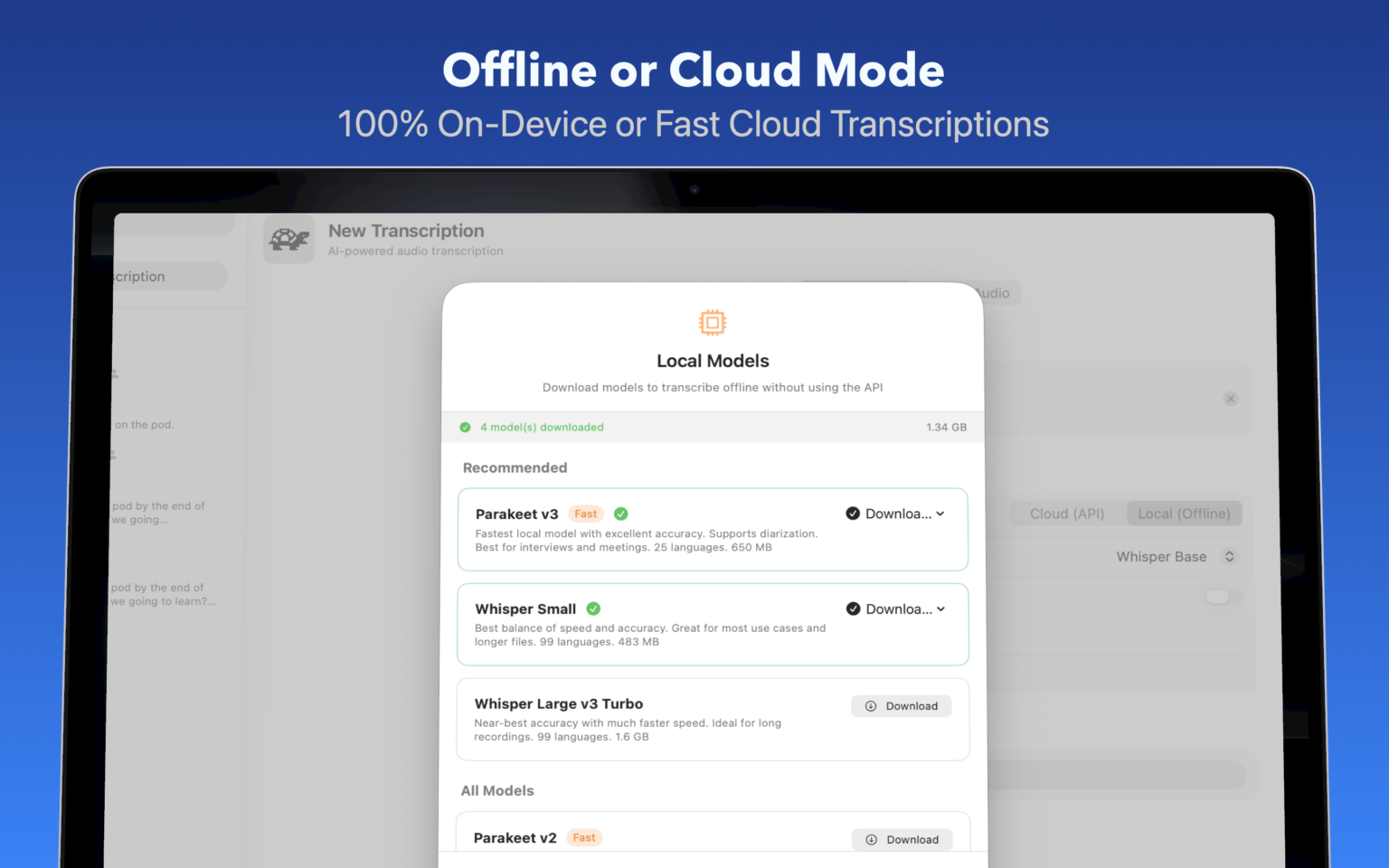
Hey Product Hunt! 👋 I built Whisper Snapper because I wanted a transcription app that actually gave me control. Most tools force you into one camp: either fully cloud-based (privacy concerns, subscriptions) or fully local (slower, limited models). I wanted both. With Whisper Snapper, you choose: Go local with Parakeet or WhisperKit models—100% offline, your audio never leaves your Mac Go cloud with your own OpenAI or Deepgram API keys for speed and the latest models like GPT-4o It handles speaker diarization, exports to SRT/VTT for video editors, and works with any audio or video file you throw at it. The free tier is generous and permanent. Pro is a one-time $9.99—no subscriptions, ever. I'd love your feedback. What formats do you export to most? Any AI models you'd like to see added? Thanks for checking it out! 🎙️
1
回复

@evan_harris5 Love this approach. Local-first + user-controlled cloud is a big win for privacy especially compared to tools that reuse user data for training.

Quick security question: when running fully local, is everything processed on-device with no telemetry? And how are user-provided API keys stored (Keychain/encrypted)?

Clear answers on this would really strengthen trust. Great work overall

0
回复

Hey Evan @evan_harris5 ,


Congrats on the launch of Whisper Snapper! It seems like a great tool for transcribing with lots of flexibility in how it runs.


I’m curious, how’s the response been so far? What kind of marketing goals or strategies are you focusing on to get the word out? Would love to hear more about your plans!

1
回复

@mfarhan1107 thanks! Great response so far! It's a App Store app, so ASO and SEO are important!

0
回复

I love it's a native app!

1
回复

@pasha_tseluyko thanks! Native is important for full privacy!

0
回复

Nice and simple! Something that everyone needs!
Congrats on your launch! 🚀

1
回复

@avloss Thanks!

0
回复
#8
Flowdrop V1.1
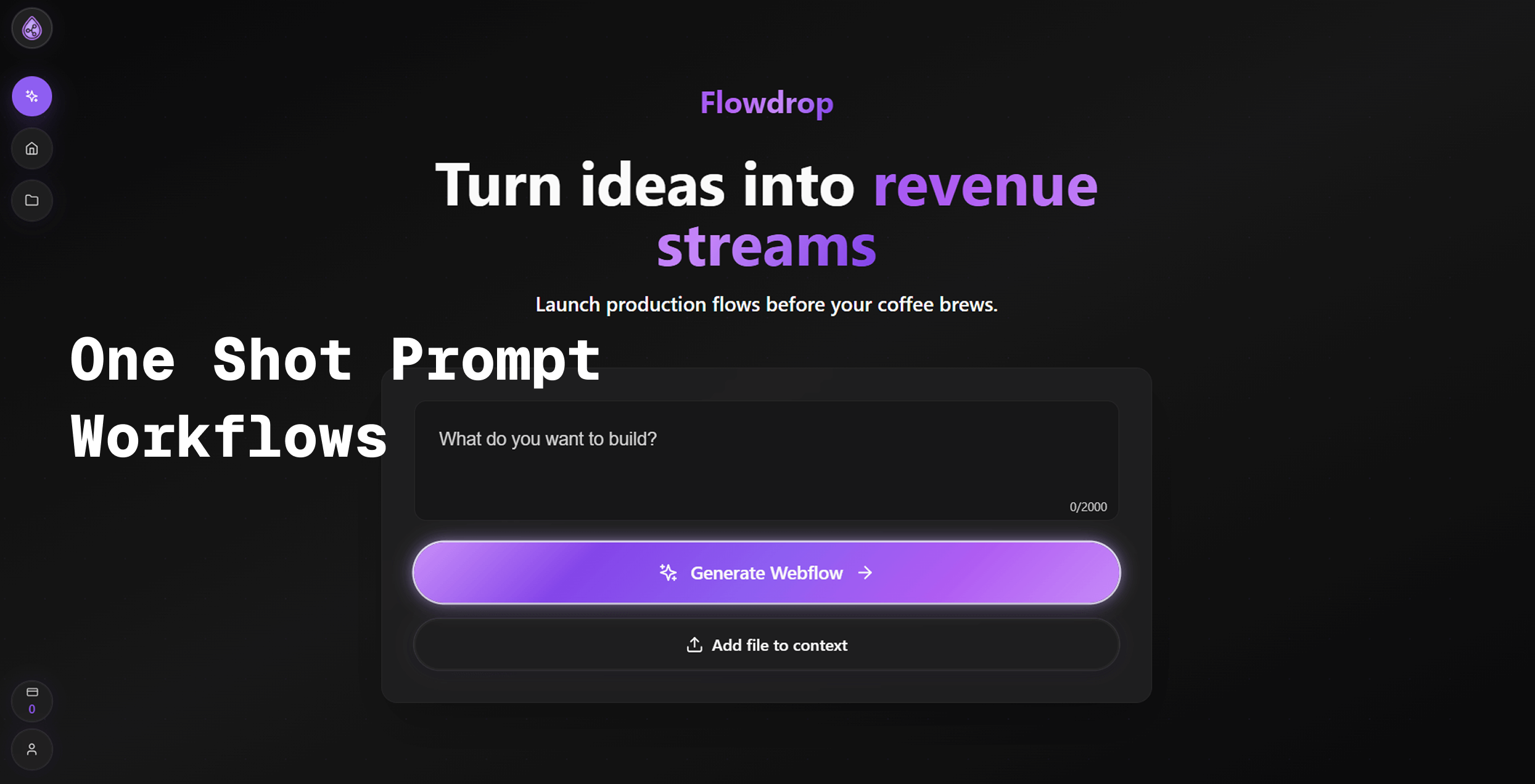
Turn plain English into working automations & workflows
115
一句话介绍:Flowdrop 是一款通过自然语言对话即可创建跨应用自动化工作流的AI工具,主要解决了非技术用户在无需编码的情况下,快速构建和可控执行自动化流程的痛点。
Artificial Intelligence No-Code Marketing automation
无代码自动化 AI工作流 自然语言编程 流程集成 人机协同 SaaS效率工具 智能办公 Zapier替代品
用户评论摘要:用户认可其降低自动化构建门槛的核心价值,赞赏“人机协同”表单和实时检查功能增强了控制感。创始人坦诚回应了产品源于自身使用复杂工具的挫败感,并强调在错误调试环节投入大量精力以改善用户体验。
AI 锐评

Flowdrop V1.1 的迭代,表面上是在“自然语言生成自动化”这一拥挤赛道上的一次功能更新,实则揭示了当前AI生产力工具的一个关键进化方向:从“全自动”的盲目崇拜,回归到“人机协同”的务实主义。

其新增的“人机协同表单”和“实时检查”功能,是对当前AI代理(Agent)能力边界及用户信任赤字的一次精准回应。它承认了一个事实:在涉及企业通信、数据发布等关键场景中,用户需要的不是一个大包大揽、却可能犯下不可挽回错误的“黑盒AI”,而是一个理解意图、搭建框架、但将最终决策权留在人手中的“副驾驶”。这步棋,巧妙地将AI的“不确定性”从缺点转化为可管理的流程节点,提升了产品的可靠性与商用可行性。

然而,其真正的挑战在于场景深度的把控。将英文指令转化为跨平台工作流,在简单场景下是“降维打击”,但在复杂、多条件的业务逻辑中,自然语言的模糊性可能导致反复沟通调试,反而抵消其“秒建”的优势。此外,深度依赖第三方集成(如Apify)是一把双刃剑,在快速扩展能力的同时,也将其体验天花板绑定在了生态伙伴身上。

总体而言,Flowdrop的价值不在于其AI有多“智能”,而在于它设计了一套让AI“可靠”和“可控”的交互机制。它不是在替代Zapier,而是在重新定义自动化工具的交互哲学——从配置界面转向对话界面,从预设逻辑转向动态协商。其成败关键在于,这套以对话为起点的模型,能否在用户指令日趋复杂时,保持上下文理解与逻辑构建的精准度,否则极易从“革命性体验”滑落为“玩具”。

查看原始信息
Flowdrop V1.1
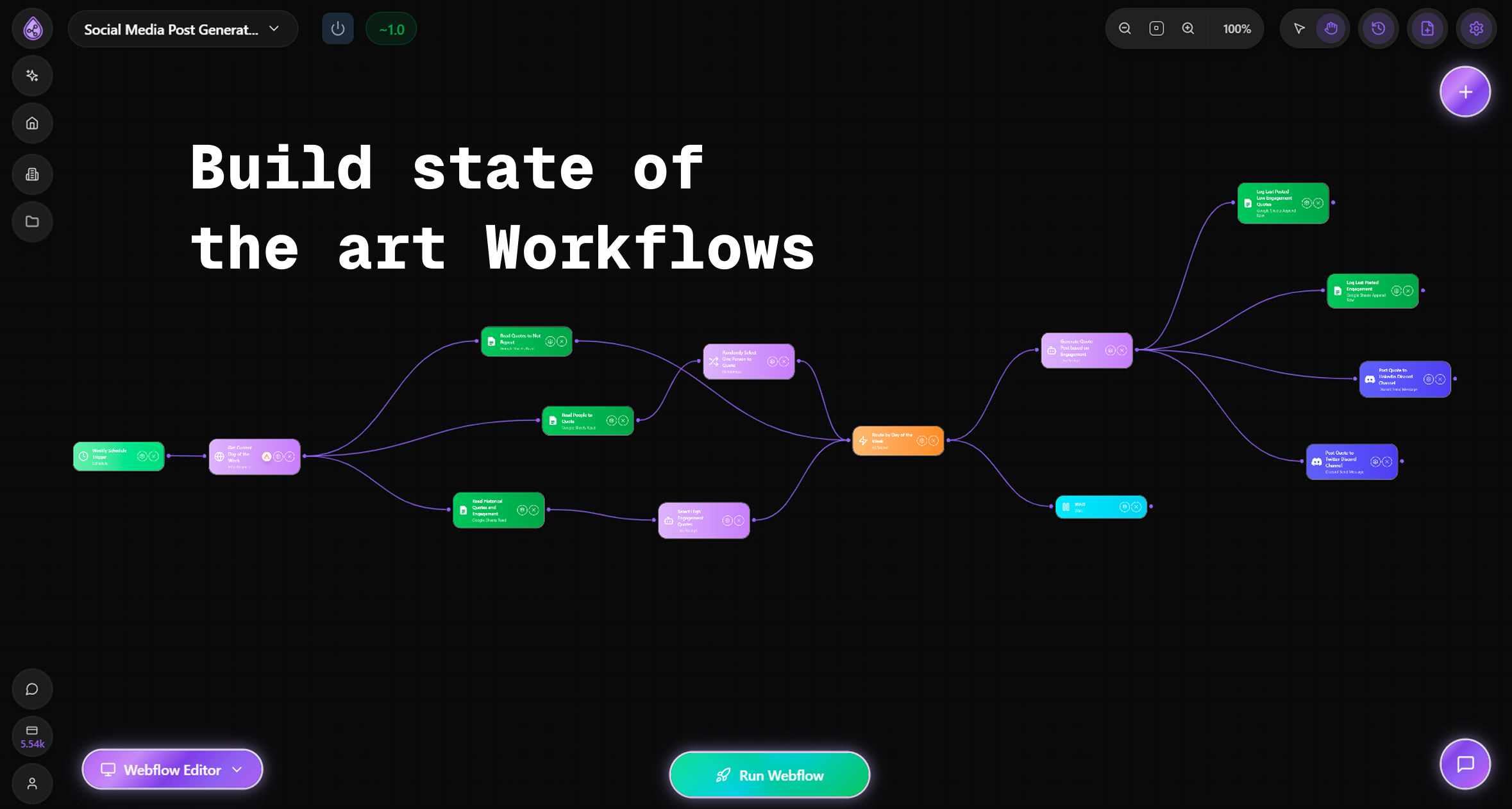
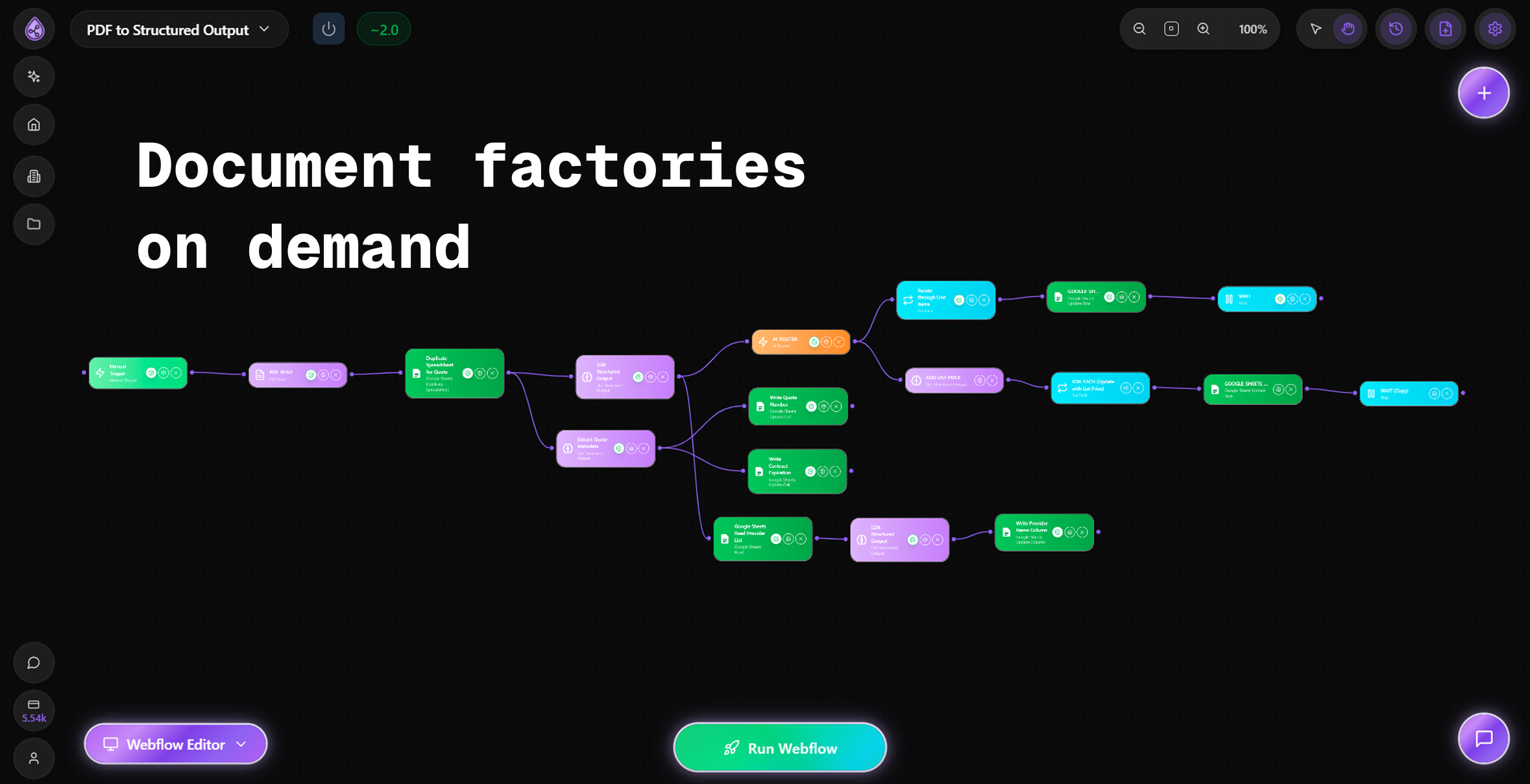
Flowdrop turns chat into automation. Just tell us what you want. Our AI builds it for you. Connect Gmail, Slack, Sheets, Telegram, X, LinkedIn and more. Zero code. NEW THIS WEEK: Human in the loop forms so you can approve steps before they run. See changes live. Keep what works. YouTube video to text. Apify actors. Real time checks so you stay in control. Stop doing the same tasks twice. Build in seconds, not hours. Try us free at flowdrop.ai

I love the "vibe-automation" trend!

2
回复
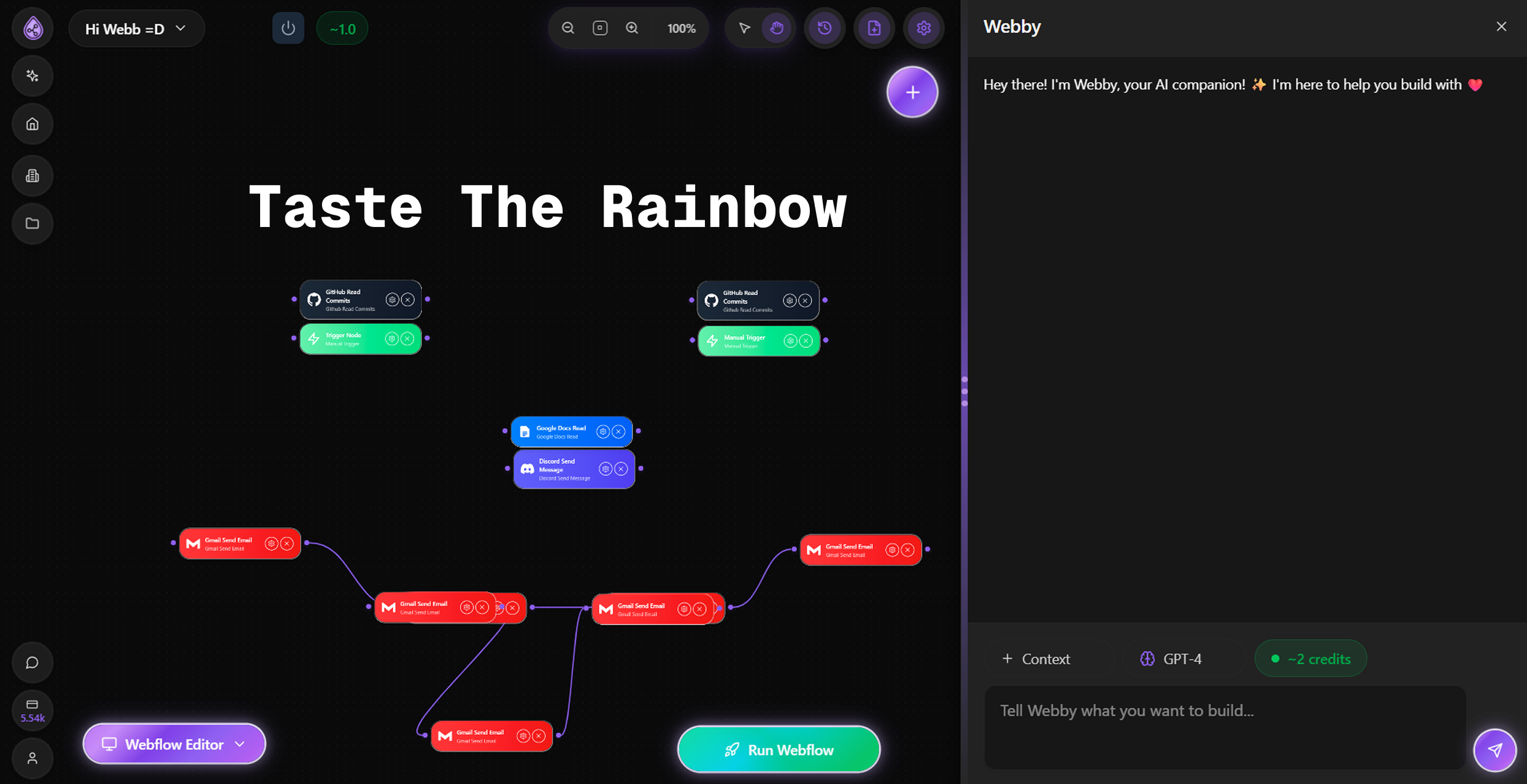
Hey Product Hunt! Webb here, founder of Flowdrop. I built this because I was tired of feeling stupid every time I opened Zapier. I'd spend hours trying to figure out some basic workflow, then give up and just do it manually. That's dumb. The tools are supposed to work for us, not make us feel like we need a degree to use them. So we made Flowdrop. You just chat what you want. The AI figures it out. No drag and drop. No watching tutorials. The human in the loop forms came from our users. They kept saying "I trust the AI but I want to check before it sends that email" or "I need to approve this before it posts." Made total sense. So now your workflows can pause and wait for you. You click yes or no or any custom number of questions. Done. Same with live checks. You see every change before it goes live. Nothing ships without your ok, keep or discard chat to build changes effortlessly. We added YouTube transcripts because people were copy pasting videos into other tools first. Why make them leave? Just paste the link. Apify because web scraping is painful and Apify already solved it. Why rebuild what works? This is our second launch here. Last time you all gave us great feedback. We listened. This is what we built. Try it free. Tell me what breaks. Tell me what you wish it did. Thanks for checking us out.
1
回复

This is great!

Building those workflows manually can be slow and prone to errors, especially the debug part is hard to get right!

1
回复

@avloss we have spent so much time on making sure that the troubleshooting piece is handled. i feel like thats a big drop off point for a lot of people. always improving there. <3 we look forward to seeing what people build

0
回复
#9
Sprout
A kanban board that feels at home on your Mac
110
一句话介绍:一款原生、离线优先的Mac看板工具,为追求简洁、隐私和流畅体验的个人用户,解决了在信息过载时代对轻量、无干扰任务管理的核心痛点。
Productivity Task Management SaaS
生产力工具 看板 Mac原生应用 隐私保护 离线优先 极简主义 独立开发 个人任务管理 买断制 SwiftUI
用户评论摘要:用户普遍赞赏其“无账户、无干扰”的宁静哲学与原生体验。主要反馈集中在:建议明确说明数据存储机制以增强信任;询问删除任务等具体操作方式;期待菜单栏、Spotlight快速添加等便捷功能;确认其个人使用定位。
AI 锐评

Sprout的亮相,与其说是一款新工具的诞生,不如说是一次对当下臃肿SaaS生态的精准反叛。它切中的并非功能空白,而是体验真空——在“协同”、“AI”、“平台”成为标配的今天,用户对“即时启动”、“数据私有”和“操作愉悦”的基本需求反而成了奢侈品。其价值核心在于“做减法”的勇气:通过坚守离线优先、零账户和原生开发,它将自己锚定为一个纯粹的生产力端点,而非数据枢纽或社交节点。

然而,其“宁静”哲学亦是双刃剑。极度聚焦个人与离线场景,固然赢得了特定用户群的拥戴,但也近乎主动放弃了团队协作这一看板方法论最具价值的扩展场景。这使其更像一个精致的数字文具,而非可扩展的工作系统。从评论中“如何删除”的初级疑问可见,极简设计有时会以牺牲部分可发现性为代价。开发者提到的未来路线图,如菜单栏扩展和iPad版本,是正确的方向,但必须谨慎平衡,以防“功能蔓延”侵蚀其立命之本。

总体而言,Sprout在红海中找到了一个清晰的利基市场:那些对隐私敏感、厌恶冗余、且深度绑定Apple生态的个体创造者。它的成功与否,将取决于能否在“保持纯粹”与“适度进化”之间走好钢丝,证明在效率工具领域,“少”不仅能成为一种特色,更能持续构成一种竞争力。

查看原始信息
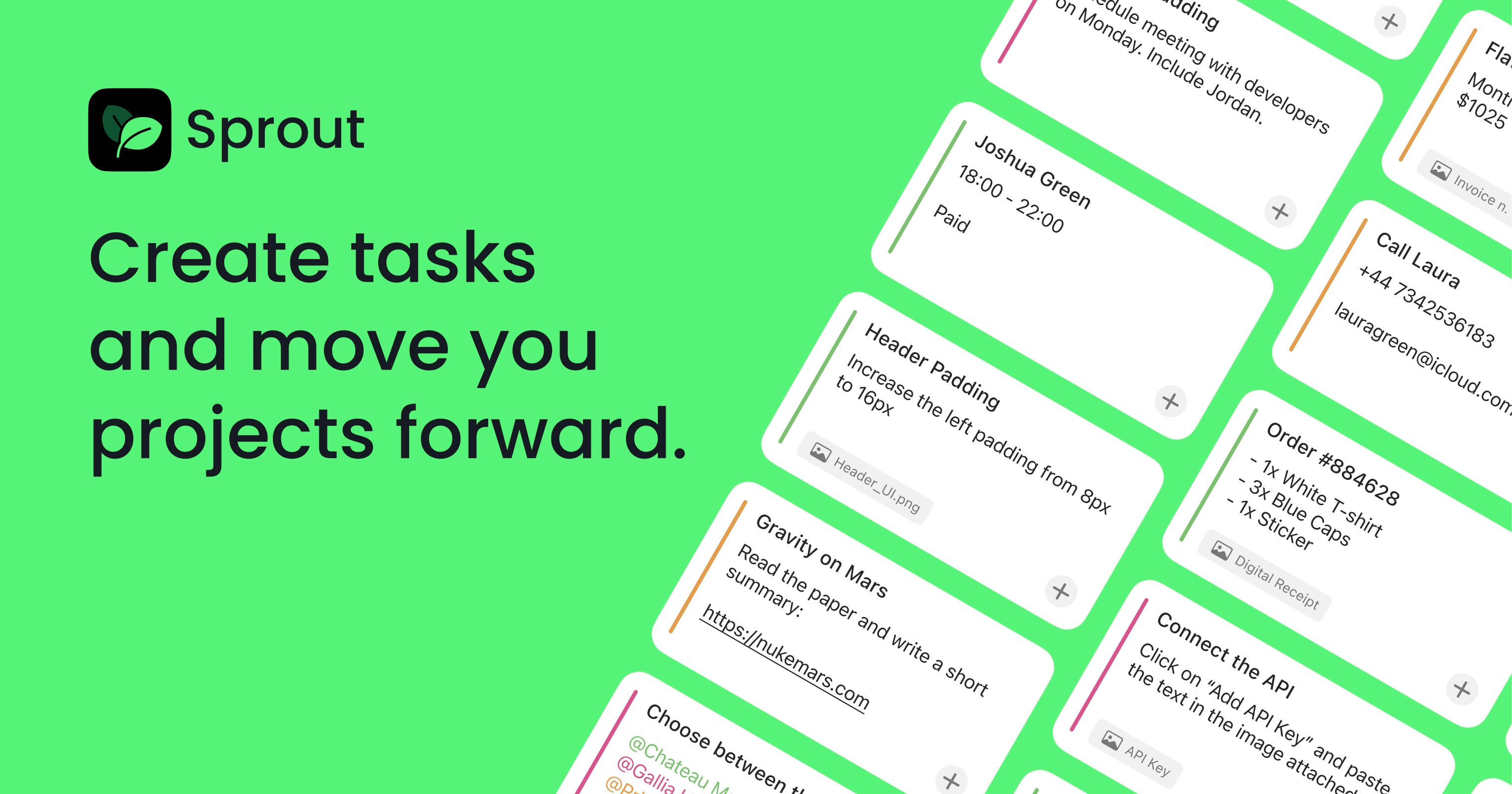
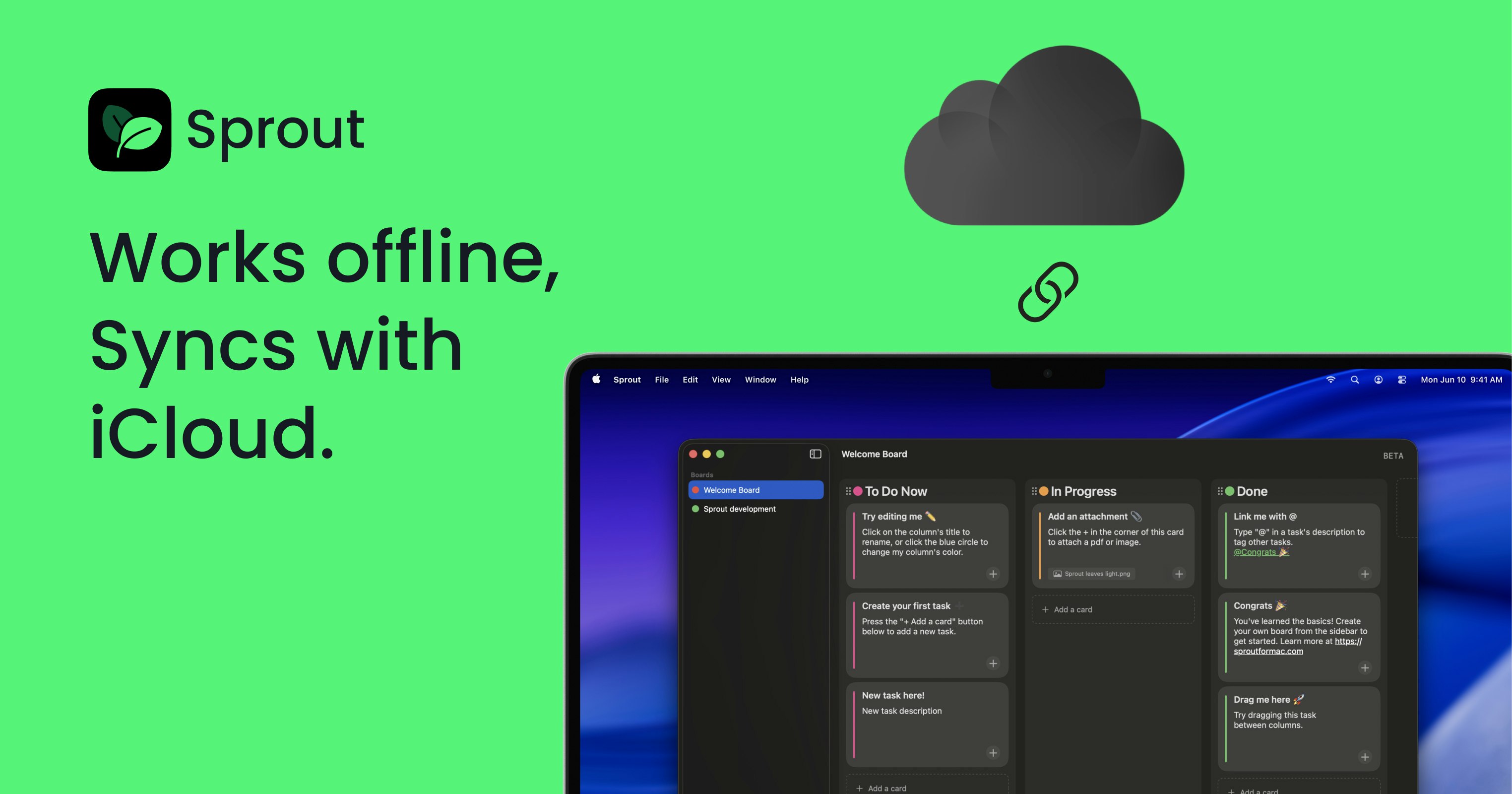
Sprout
A few months ago I started looking for a simple kanban board to manage all my tasks, as I was getting crazy with the load of work I had. I spent weeks looking for one that was private, offline, that wasn't bloated with a ton of useless features. So I built Sprout 🌱, a simple and native Kanban board for Mac. - No accounts - No noise (0 notifications, ads, useless features) - 100% private (it uses CoreData and iCloud).
Hello! 🌱 I’m really excited to finally share Sprout with you all. Sprout is a calm, Mac-native Kanban board built for people who just want to get things done—without accounts, onboarding hell, or yet another “everything app.” I’ve been building Sprout as a side project, scratching my own itch as a designer who wanted something fast, focused, and genuinely pleasant to use on macOS. I’d love to hear your feedback and ideas as it grows. Why did I build Sprout? 🛠️ Most task and project tools today try to do everything: collaboration, AI, dashboards, permissions, workspaces… and somewhere along the way they forget about speed, clarity, and joy. I wanted a tool that: - Starts instantly - Feels native on macOS - Respects your privacy - Works even when you’re offline Sprout is for people who think better with simple boards—designers, indie makers, students, and anyone who wants structure without friction. How does it work? 🌿 Create boards in seconds | No setup, no account 🧱 Simple Kanban, done right | Lists, cards, tags, attachments 💻 100% offline-first | Your data stays on your Mac ☁️ iCloud sync | Seamless across your devices 🎨 Thoughtful, native design | Built with SwiftUI, feels at home on macOS What’s next? Sprout is just getting started. I’m actively iterating based on real feedback and exploring features like better organization, smarter workflows, and delightful macOS touches—without bloating the app. And.... an iPad companion is in the making! Sprout includes a free version and an optional Pro upgrade (including a lifetime option) for those who want to support development and unlock extra features. If Sprout isn’t for you, that’s totally okay—but if it is, I’d love to grow it together with this community. Thanks for checking it out, and thanks for supporting indie builders 💚 — Elio
4
回复

@elioraineri This really resonates. The “calm, offline-first, no-account” philosophy is refreshing especially on macOS where native apps should feel fast and personal.

One small suggestion that might help new users trust it even more: a short note or FAQ explaining how data is stored (CoreData/iCloud) and what doesn’t get collected. You already do the right thing making it explicit could be reassuring.

Congrats on the launch, Sprout feels very thoughtfully built

0
回复

A curiious choice on logo and color palette you have there.

1
回复

@osakasaul Thanks for the comment!
The palette is indeed in a similar space (a bit more neon here), but the logo and visual language are different. In any case, the product and use case are quite distinct

1
回复

Beautiful work, Elio! Thanks for creating this. I love the simplicity. One quick question...how do I delete a task card? I'm not seeing it so far.

Again, thanks for creating this! Awesome app! 👏

0
回复

@sethbwilliams thank you so much! It means a lot.

To delete a tasks or a board, you have to right click on it and a contextual menu appears with the delete button :)

0
回复

Hey Elio @elioraineri ,


Congrats on launching Sprout! The offline-first and iCloud sync features sound perfect for Mac users looking for simplicity and privacy.


I’m curious, how’s the response been so far? Any marketing goals or strategies you’re focusing on to promote Sprout? Would love to hear how things are going!

0
回复

Awesome! Is this focused on personal use?

0
回复

@pasha_tseluyko yes! It’s been designed mainly for individual users or small businesses that don’t need collaboration features and just want to focus on their tasks and keep track of what they’re doing

0
回复

This is the calm vibe I want. No account, no noise. I keep bouncing between Trello and random Apple Notes and lose stuff. Offline + iCloud is perfect. Any chance of a menu bar or Spotlight quick add? Gonna try it for my side projects tonight.

0
回复

@alexcloudstar thank you!

yes, menu bar is definitely one of the priorities in the backlog.

Let me know how it goes!

1
回复
#10
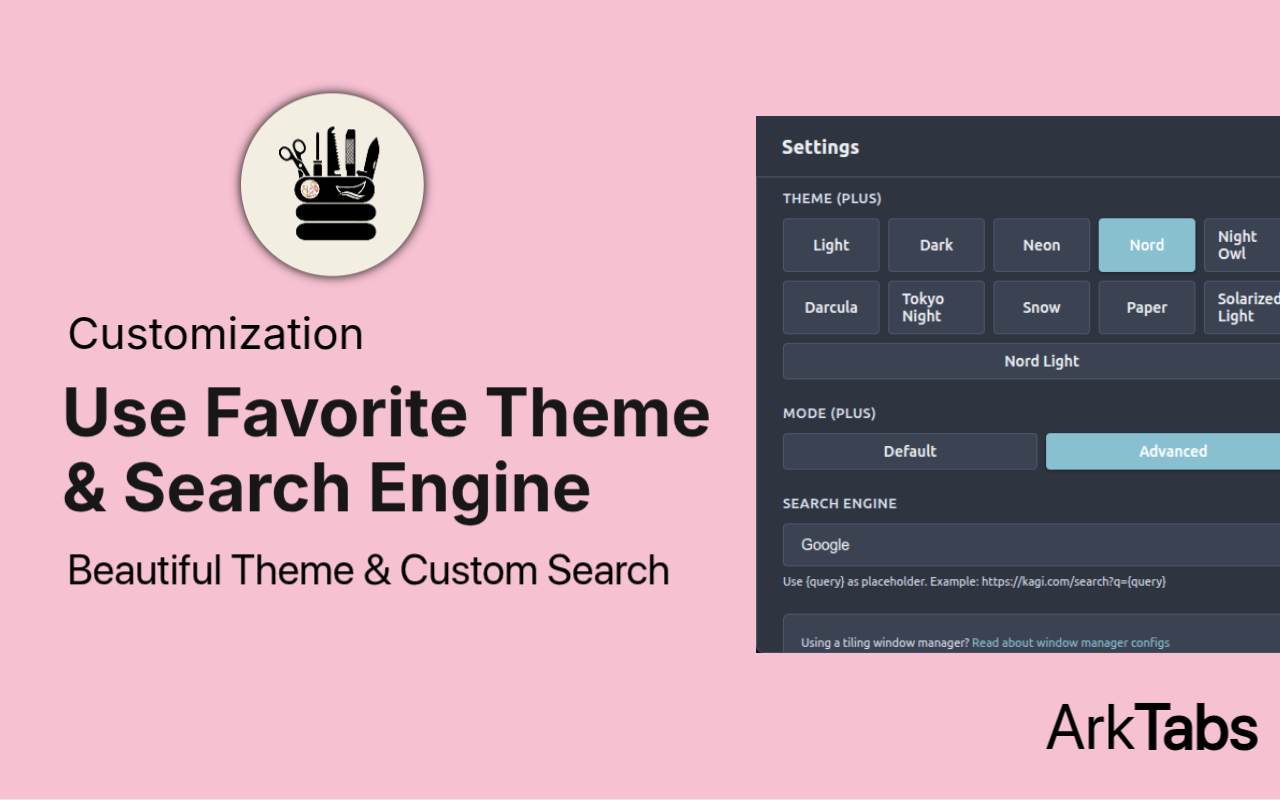
ArkTabs
Spotlight style tab manager with fuzzy search & live preview
104
一句话介绍:ArkTabs是一款受Alfred/Spotlight启发的浏览器标签页管理器,通过快捷键唤醒的全局搜索与实时预览界面,解决了多标签页用户在浏览、研究或编程时窗口混乱、查找效率低下的核心痛点。
Chrome Extensions Productivity Search
浏览器扩展 标签页管理 生产力工具 模糊搜索 聚光灯式启动器 工作区 快速导航 效率软件
用户评论摘要:用户主要反馈产品想法清晰、执行流畅。开发者回复透露即将更新算法,能根据使用习惯智能推荐置顶标签,暗示产品具备学习与自适应能力,旨在越用越高效。
AI 锐评

ArkTabs的野心,不在于做一个简单的标签收纳盒,而在于试图成为浏览器交互层的“操作系统”。它将Alfred式的效率哲学从桌面移植到浏览器环境,用“模糊搜索”这个单一交互范式,统一调度标签、历史、书签乃至整个网页搜索,这直指浏览器原生多标签管理能力的瘫痪现状——当用户打开数十个标签时,视觉导航已然失效。

其真正的价值潜力在于“上下文感知”与“意图预测”。开发者回复中提及的“算法推荐最佳标签”,是点睛之笔,也是成败关键。如果它能基于用户当前活跃窗口、历史行为序列乃至页面内容,动态排序搜索结果,那么它就从被动管理工具,跃升为主动的认知辅助代理。这相当于为杂乱的信息空间引入了优先级和相关性权重。

然而,其挑战同样明显。首先,用户习惯根深蒂固,需要改变“肉眼扫描标签页”的肌肉记忆,教育成本不低。其次,作为深度集成工具,其性能与稳定性必须无懈可击,“闪电般快速”是底线而非亮点。最后,其“万能”定位可能面临专业化工具的侧翼攻击,例如为开发者或学术研究定制的标签管理方案。

总体而言,ArkTabs构想了一个更优雅、更键盘中心主义的浏览器未来。但它能否成功,不取决于功能堆砌,而取决于其算法是否足够智能,能否将“管理”的负担转化为无感的“流”,让用户感觉不到工具的存在,才是其从“有用”迈向“不可或缺”的分水岭。

查看原始信息
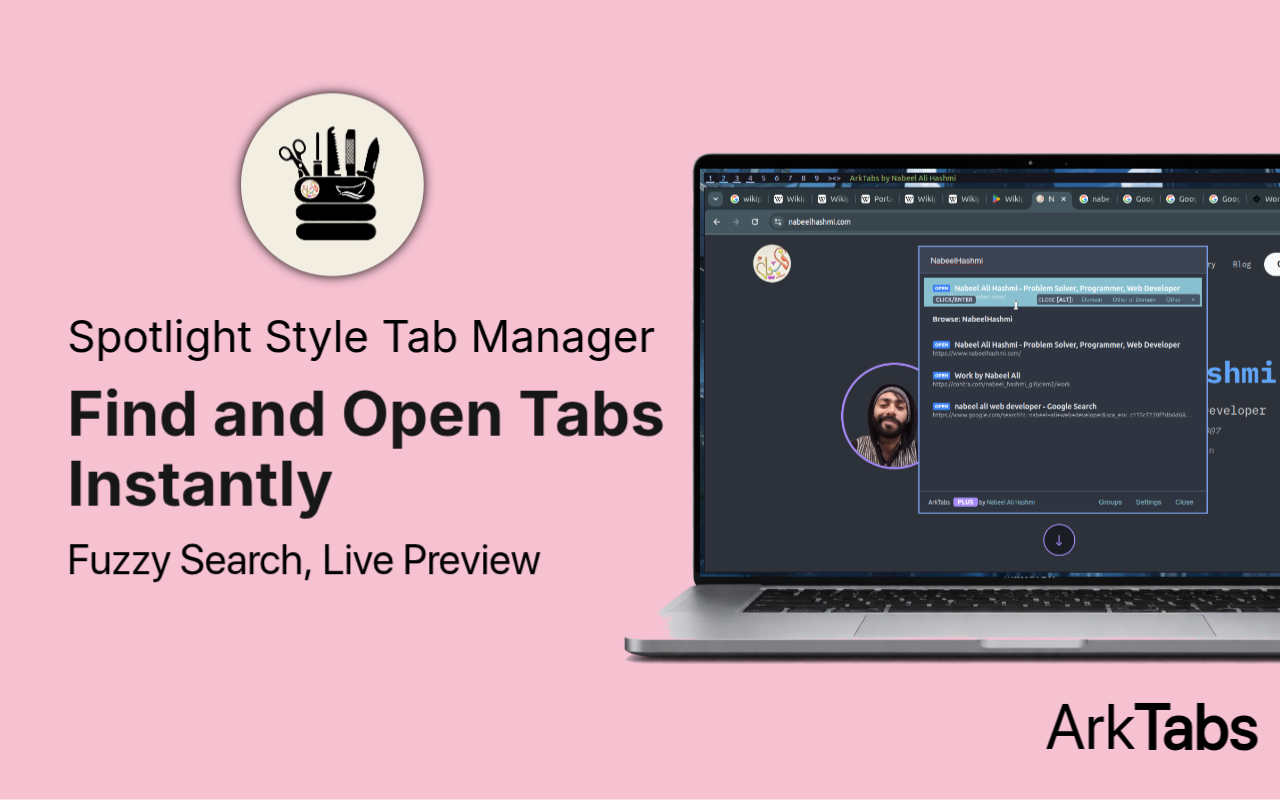
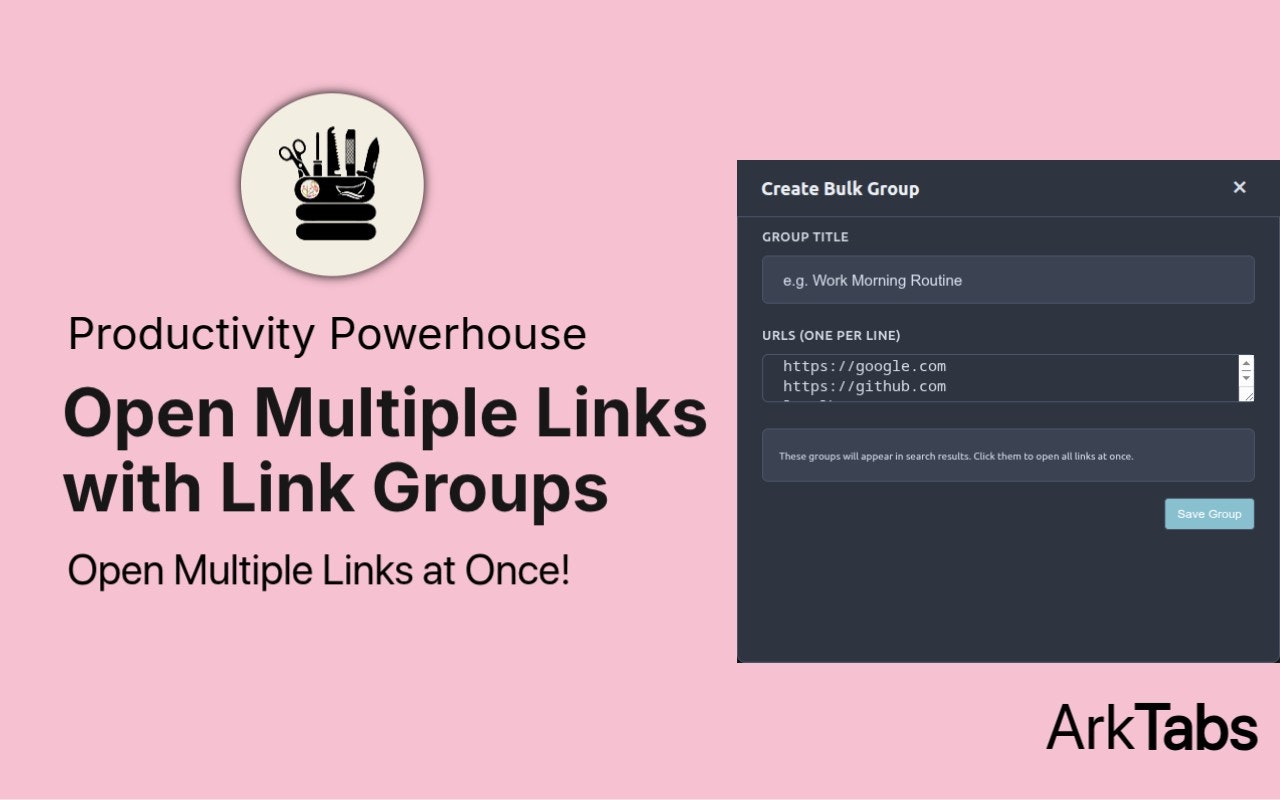
ArkTabs
ArkTabs t is lightning-fast tab organizer that turns your browser into a productivity powerhouse. Inspired by launchers like Alfred or Spotlight, it lets you fuzzy-search, group, manage tabs, and even use an omnibar for web searches and direct navigation in seconds. Press Alt + P to access everything. Open tabs, bookmarks, history, recently closed sessions, and custom workspaces are all in one unified interface. Useful for everyone, casual users, researchers, programmers.

Clean idea and smooth execution.

1
回复

@mariam_diawara Thank you!

Btw, hopefully next update will get approved in few hours, maybe day. You'll definitely like that even more. I've implemented algorithm to suggest best tab at top. more you'll use that, more useful it will become!

0
回复
#11
Tessera Designer
Make seamless pattern tiles to download and use
97
一句话介绍:Tessera Designer是一款让用户通过组合图形、文字和符号库,快速生成可无缝平铺、可直接用于生产的图案资产的设计工具,解决了设计师在创建高质量重复图案时耗时且对专业软件依赖强的痛点。
Design Tools Developer Tools
图案设计工具 无缝贴图生成 矢量资产导出 设计效率 创意软件 平面设计 生产力工具 模板化设计 轻量级设计 数字创作
用户评论摘要:用户关注其是否为真正的矢量导出工具,并询问AI生成功能。开发者确认支持基于矢量的PDF导出,但AI功能暂未集成,未来可能采用BYOK模式。另有评论询问推广策略,开发者坦言目前缺乏营销计划。
AI 锐评

Tessera Designer切入了一个明确但狭窄的利基市场:将繁琐的、需要技巧(如处理图案偏移、边缘衔接)的“无缝图案设计”过程,模板化和傻瓜化。它的真正价值不在于技术创新,而在于流程重构。它没有像Canva那样做泛化的平面设计,也没有像Midjourney那样追求生成式AI的颠覆,而是精准地捕捉了特定工作流中的“最后一公里”痛点——将创意元素快速转化为可投入生产的、技术规范的重复图案资产。

从评论看,其“矢量导出”的承诺是吸引专业用户的关键,这直接关系到工具的实用性与专业性边界。然而,开发者对AI功能的暧昧态度(提及BYOK)暴露了其作为独立开发者的典型困境:在AI浪潮下,用户期待被竞品培养的“智能生成”功能,但深度集成面临成本与订阅模式的压力。其“无营销策略”的状态,也预示了这类精准工具的最大挑战:如何突破核心极客用户圈层,触达更广泛的、可能不知道自己需要此类工具的非专业创作者。

产品的生存机会在于能否牢牢占据“专业级输出”与“平民化操作”的交叉点,并构建一个高质量的符号资产库形成生态壁垒。若停留在现有形态,它可能只是一个“不错的小工具”;若能围绕“图案资产”的创建、管理与协作深化,它或许能成为一个细分领域的必需品。当前版本像一把锋利的手术刀,但市场需要的是整个手术台。

查看原始信息
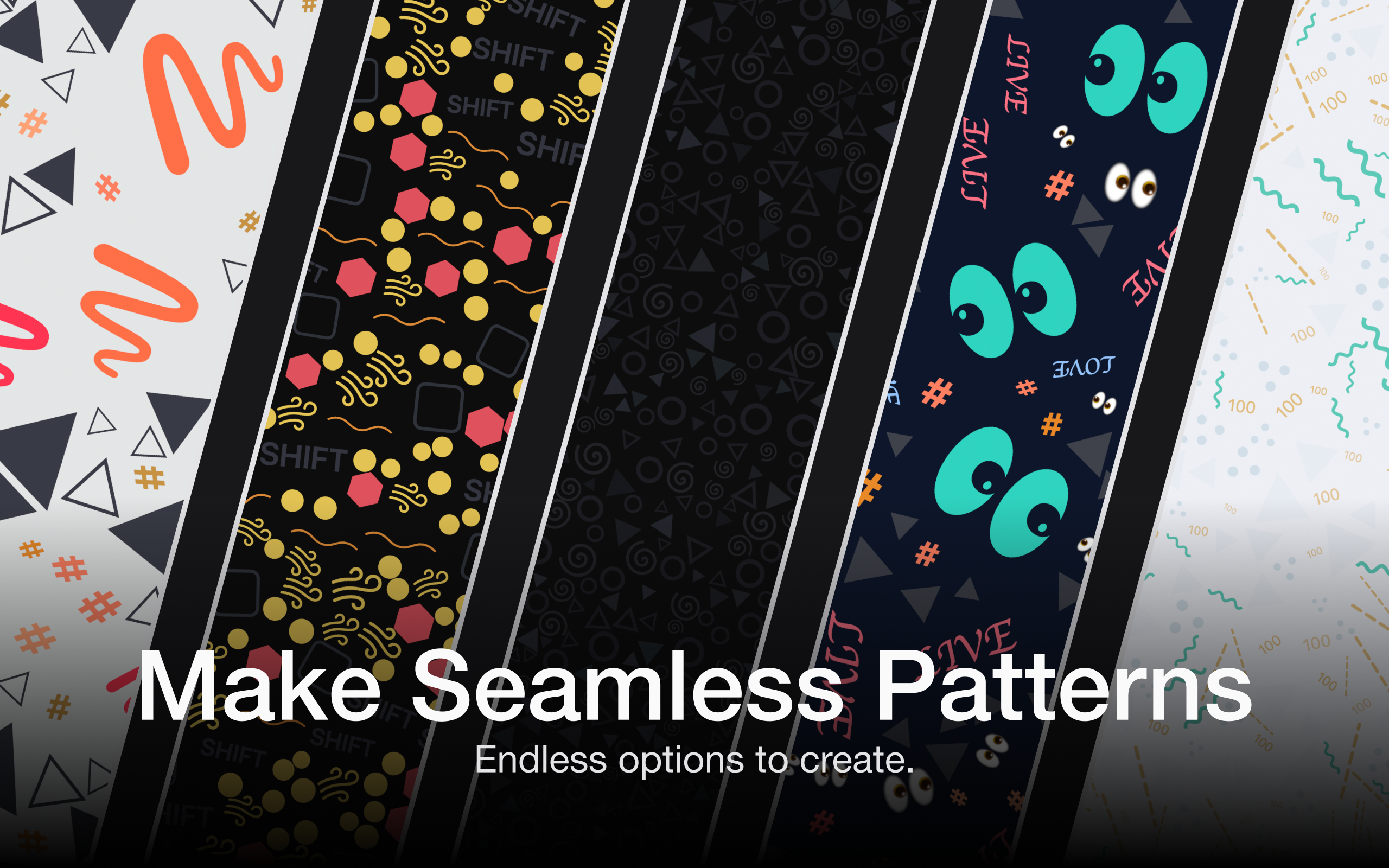
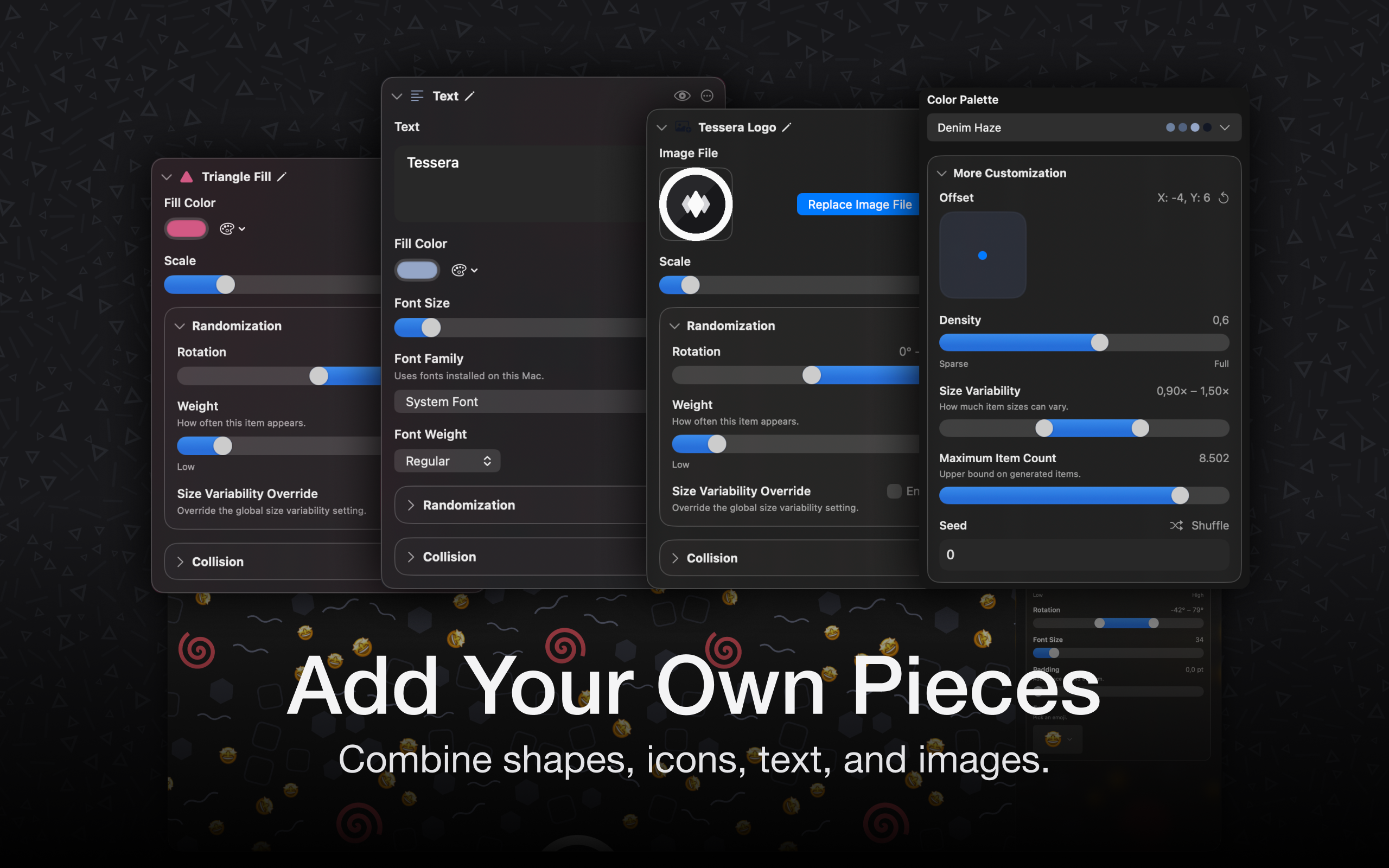
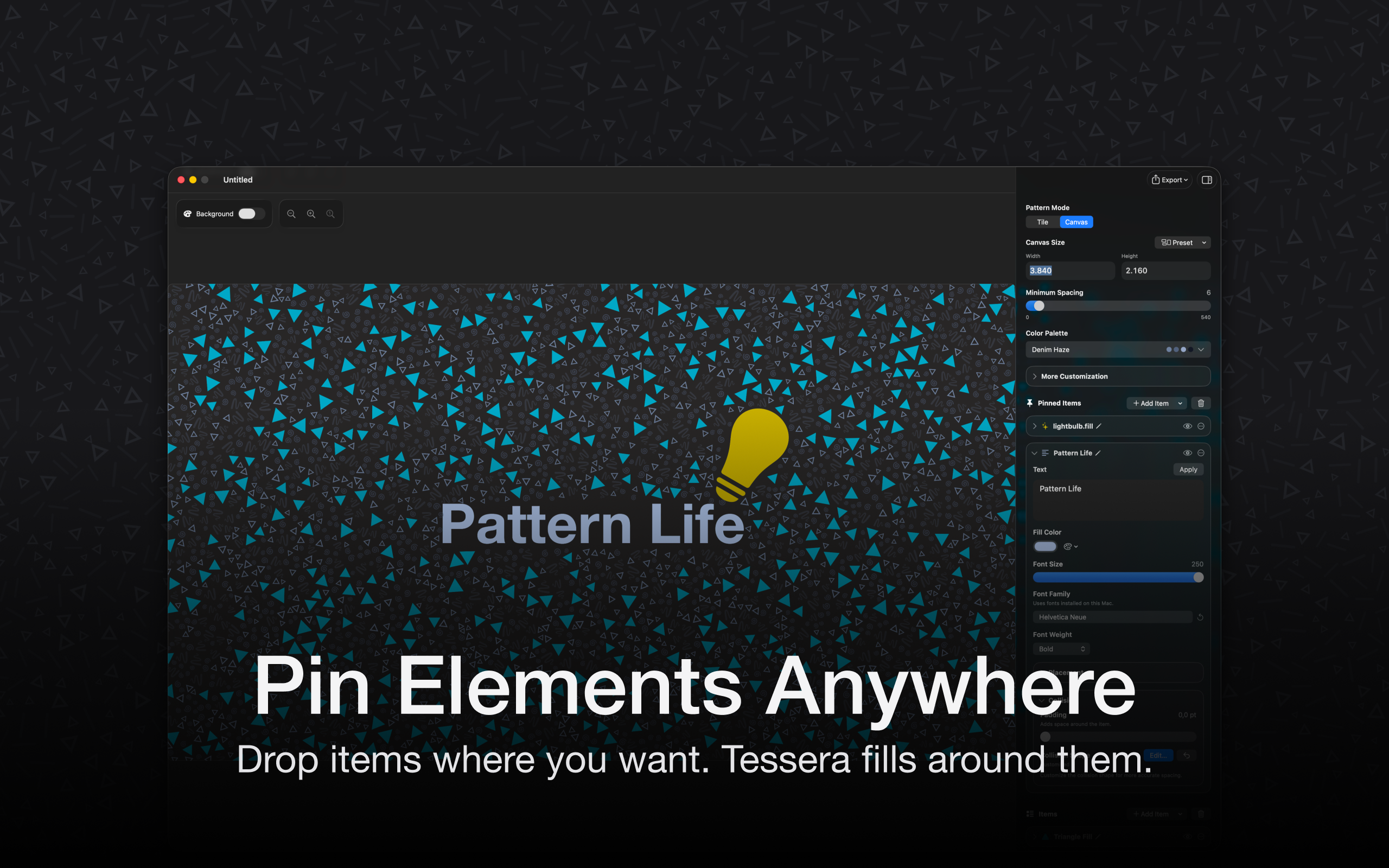
Tessera Designer
Create seamless tiles and production-ready pattern assets in minutes: pick from a large library of shapes, text, symbols, and more, customize everything to your liking, and let Tessera Designer intelligently lay it out on the canvas. Finally, export clean, seamlessly repeatable patterns that are genuinely fun (and easy) to make.
What kinds of patterns are you excited to create?
1
回复

Seems like a great tool for designers! Do you offer SVG (or other vector formats) as an export option? And can these patterns be generated with AI?

1
回复

@pasha_tseluyko Hey, thanks! You can export it as a vector based pdf, yes. That works for all symbols that are themselves vector based. Emojis might get blurry if you scale them too much, for example. But all the geometric shapes and text etc should export as vectors.

Right now, there's no AI in the app, except that you can import images generated in the Playgrounds app that Apple released.

I might add some AI features in the future, with a Bring-Your-Own-Key approach to avoid subscriptions, but I'm not sure yet how to do that in a nice and productive way.

0
回复

Congrats on the launch 🚀

1
回复

@diallo_souleymane Thank you! 🙂

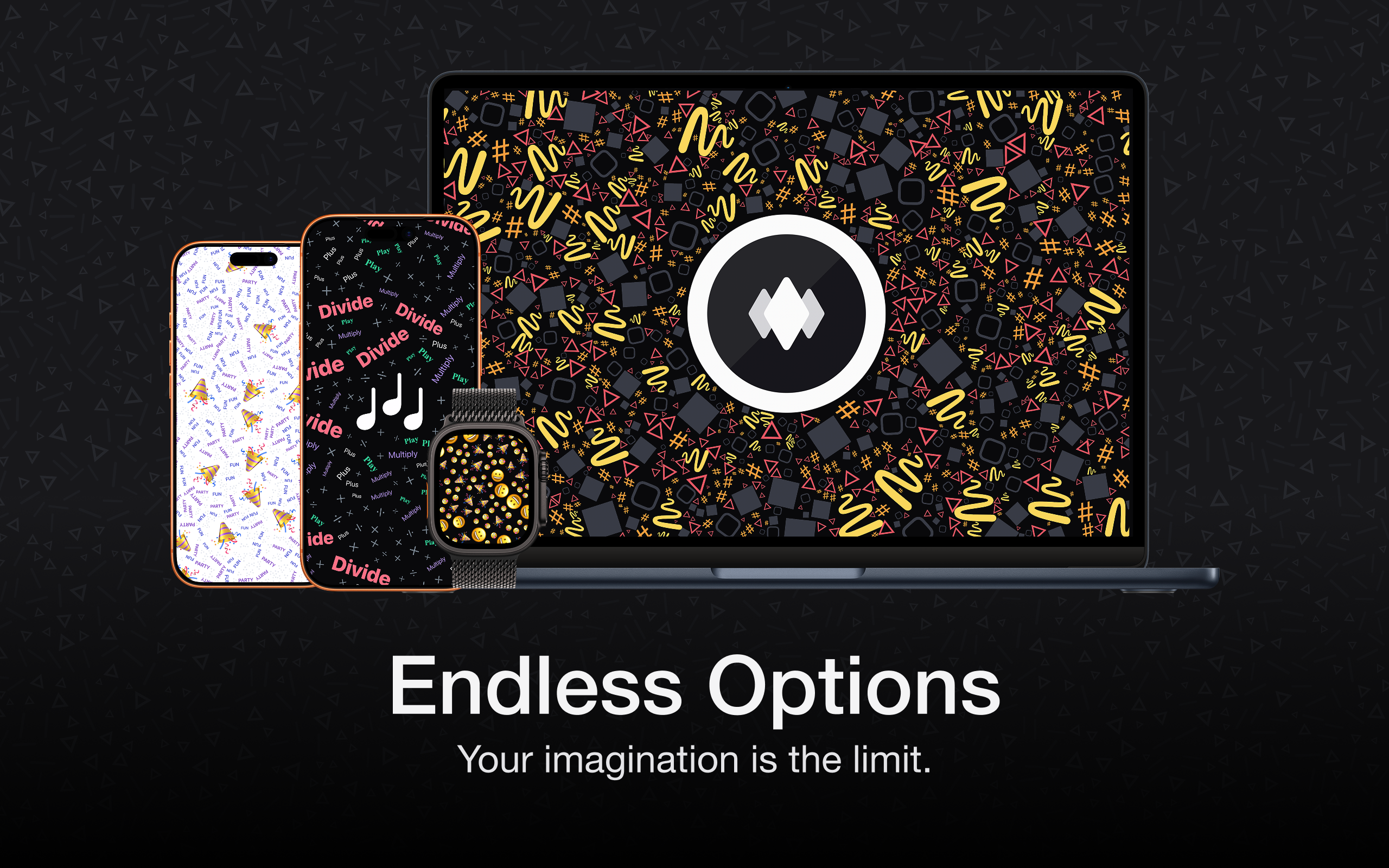
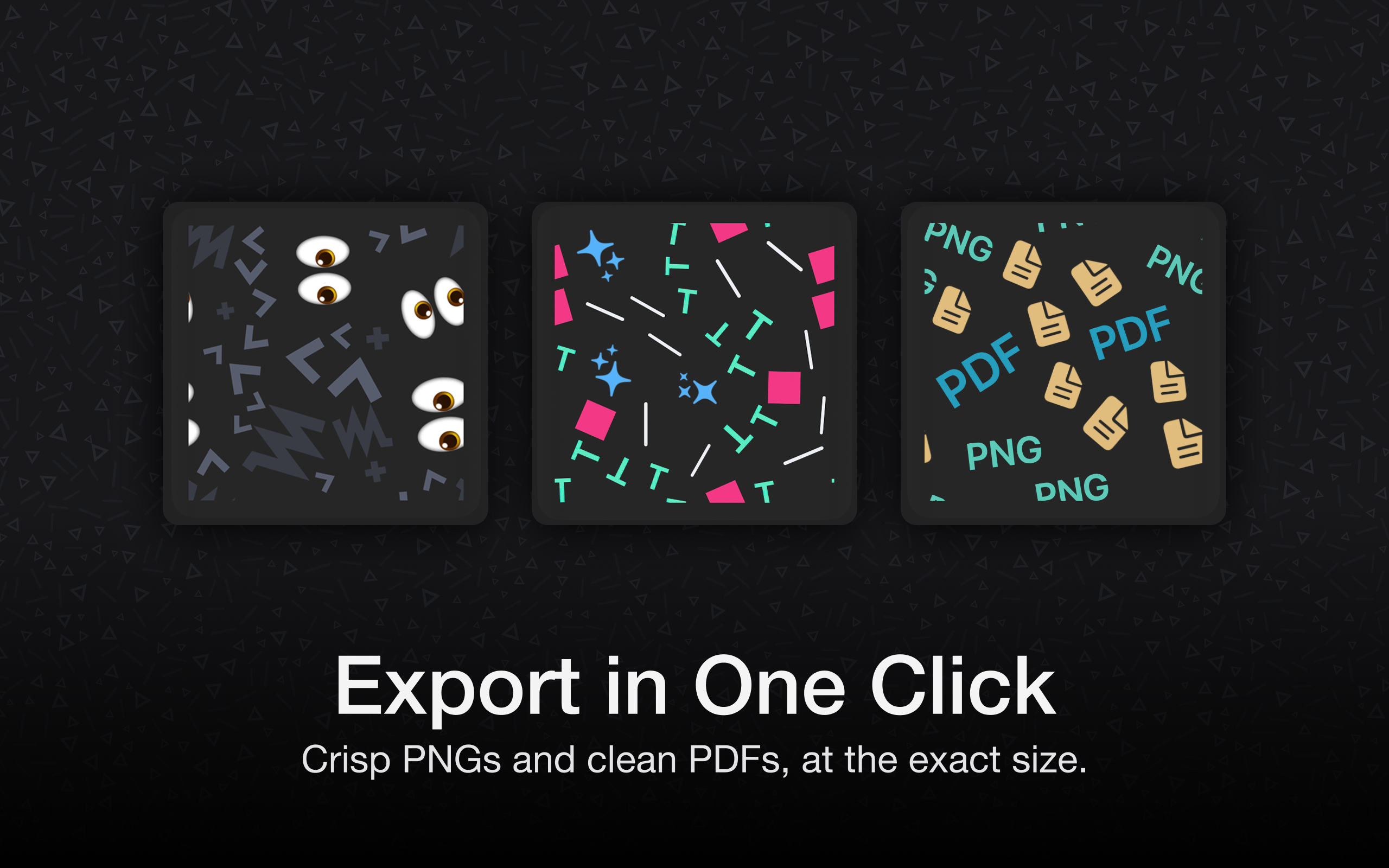
0
回复

Hey Dennis @swiftedmind ,

Congrats on the launch of Tessera Designer! It looks like a fantastic tool for creating seamless patterns effortlessly. The idea of using customizable shapes and symbols is really interesting!

Just curious, how’s the response been so far? What kind of marketing strategies are you focusing on to promote Tessera Designer? Would love to hear how you're planning to get the word out!

0
回复

@mfarhan1107 Hey, thank you!

There's not a lot of response, so far. To be honest, I don't really have a marketing strategy 😅 I'm just trying to post things here and there.

0
回复
#12
wafer
Wafer is the GPU dev stack that lives inside your IDE
90
一句话介绍:Wafer是一款集成在IDE内的GPU开发工具栈,通过将性能分析、编译器资源管理器和GPU文档聚合于一处,解决了GPU内核开发者在不同碎片化工具间频繁切换的痛点。
Software Engineering Developer Tools Artificial Intelligence
GPU开发工具 IDE集成开发环境 性能剖析 编译器资源管理器 开发文档聚合 开发者生产力工具 内核开发 编程辅助 工具链整合
用户评论摘要:用户反馈积极,肯定其为定制内核开发者的必备工具。主要问题集中在是否支持NPU/TPU等其他加速器,官方回复确认正在开发TPU支持。另有评论询问发布后的市场反响与推广策略。
AI 锐评

Wafer切入的是一个高度专业化且真实存在的“工具碎片化”痛点。GPU编程,尤其是内核优化,本质是一个需要同时在代码、性能数据、底层指令集和硬件文档之间进行高频交叉验证的深度工作流。传统模式下,开发者被迫在编辑器、Profiler、浏览器标签和编译器资源管理器(如Godbolt)之间进行认知和操作上的“上下文切换”,这种损耗对于追求极致性能的开发而言是难以容忍的。

Wafer的核心价值并非创造了某个新功能,而是通过“集成”重构了工作流。它将调试与剖析环节从独立的、笨重的图形化工具中解放出来,内嵌到代码创作的核心环境中,实现了“所见即所析”。这不仅仅是便捷,更可能改变开发者的思维模式——性能分析变得像代码补全一样自然和即时,促使性能考量更早、更紧密地融入开发过程。

然而,其挑战同样明显。首先,其市场天花板清晰,目标用户是极为硬核的GPU内核开发者与高性能计算工程师,群体规模有限。其次,工具链的深度集成意味着其必须紧密跟随主流IDE(如VS Code)以及NVIDIA CUDA、AMD ROCm等硬件平台技术的快速迭代,维护成本高。从评论中关于TPU/NPU支持的询问可以看出,生态扩展的压力即刻存在。试图从一个成功的垂直领域(GPU)横向扩展到其他加速器架构,将面临截然不同的工具链和生态,这几乎是重新创业。

总体而言,Wafer是一款典型的“工匠服务工匠”的精品工具。它不太可能成为现象级产品,但在其细分领域内,有望成为专业开发者心中“用了就回不去”的基础设施,建立极高的用户忠诚度和口碑壁垒。其商业成功的关键,在于能否在服务好这个精锐小众群体的同时,找到可持续的商业模式,而非盲目追求泛化扩张。

查看原始信息
wafer
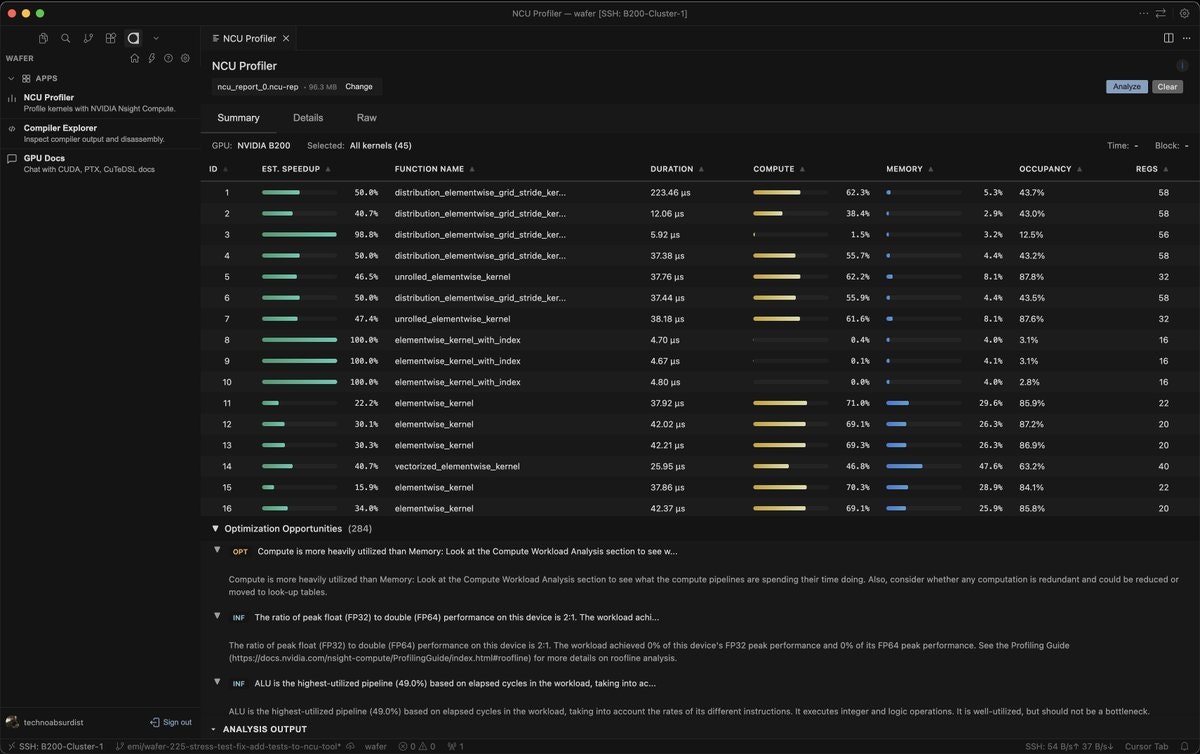
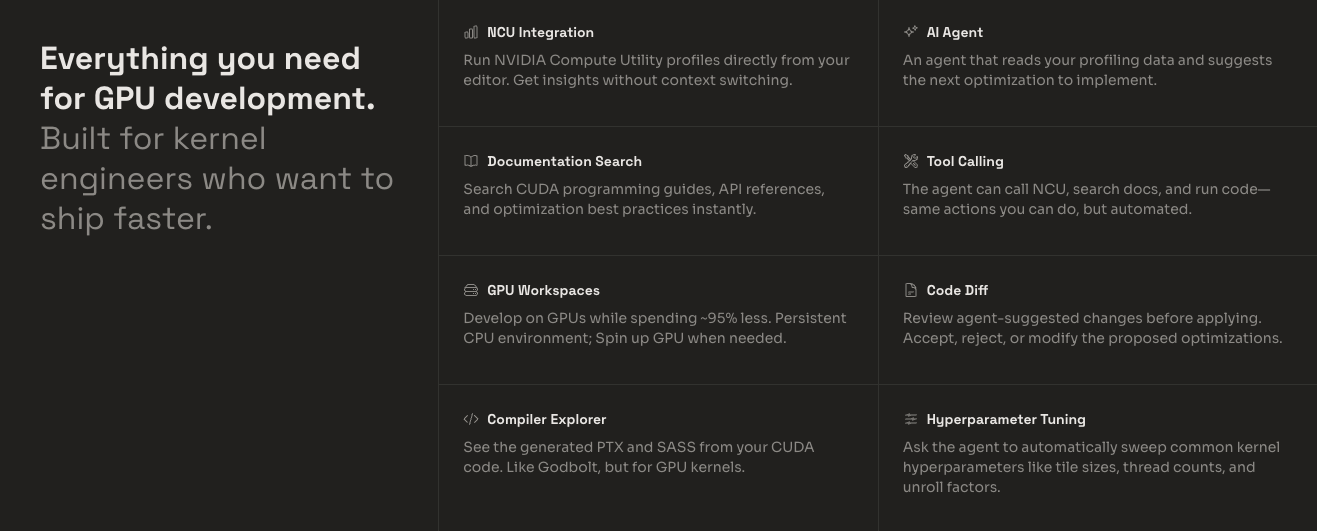
Wafer is the GPU development stack that lives inside your editor: profiling, compiler explorer, and GPU docs—all in one place. Writing GPU kernels means jumping between fragmented tools: editing here, profiling there, docs in a browser, compiler explorer in another tab. Wafer pulls everything back into your IDE.

A definite must-have for custom kernels developers! 🚀
Congrats on your launch!
Does this also work with NPUs and TPUs?

3
回复

@avloss Thank you. Working on adding TPUs!

0
回复

Hey Garry @garrytan ,


Congrats on the launch of Wafer! It seems like a great tool for simplifying GPU development within the IDE.


I'm curious, how's the response been so far? Any marketing strategies you're focusing on to spread the word about Wafer? Would love to hear how you're planning to get the product in front of more users!

0
回复
#13
Enter Space
All your cloud storage in a single app
85
一句话介绍:Enter Space是一款聚合管理工具,让苹果设备用户能在一个应用内无缝接入并操作62种云存储服务,解决了多平台文件管理繁琐、跨云传输不便的核心痛点。
Productivity Storage Apple
云存储聚合 文件管理 跨平台同步 Finder集成 iOS工具 macOS工具 数据备份 文件传输 效率工具
用户评论摘要:用户关注点集中在跨云存储间的文件传输功能,开发者确认已支持并配有进度指示。开发者透露其增长策略依赖口碑和自然增长,暂无大规模营销计划。有评论者询问其与Rclone的差异,但未获直接解答。
AI 锐评

Enter Space切入了一个看似存在但体验割裂的“伪需求”:云存储聚合管理。其宣称连接62种服务的价值,在专业用户眼中可能仅是Rclone的图形化外壳,而在大众用户面前,则面临着“究竟有多少人同时拥有并需要管理超过3个云存储”的灵魂拷问。

产品的真正锋芒,或许并不在于“聚合”,而在于其作为苹果系统原生文件管理扩展的“集成”能力。通过深度接入Files和Finder,它试图将分散的云端存储转化为用户感知上的“本地磁盘”,这比单纯的聚合更具用户体验价值。然而,这同时也是其最大的风险壁垒——其生存完全依附于苹果的生态系统规则,一旦苹果在其原生文件管理功能上稍有加强,此类工具的价值便可能瞬间坍塌。

从开发者回复中“依赖自然增长”、“自己每日使用”的态度可以看出,这更像是一个解决自身痛点的“兴趣产品”而非野心勃勃的商业项目。其85的投票数也印证了市场反应的平淡。在云存储市场已被巨头瓜分、各自为营的当下,做一个“连接所有人”的中间层,愿景美好,但实际需求密度和用户付费意愿存疑。它的未来,更可能局限于对跨云操作有高频、刚需的极客或小型工作室群体,难以成为大众爆款。

查看原始信息
Enter Space
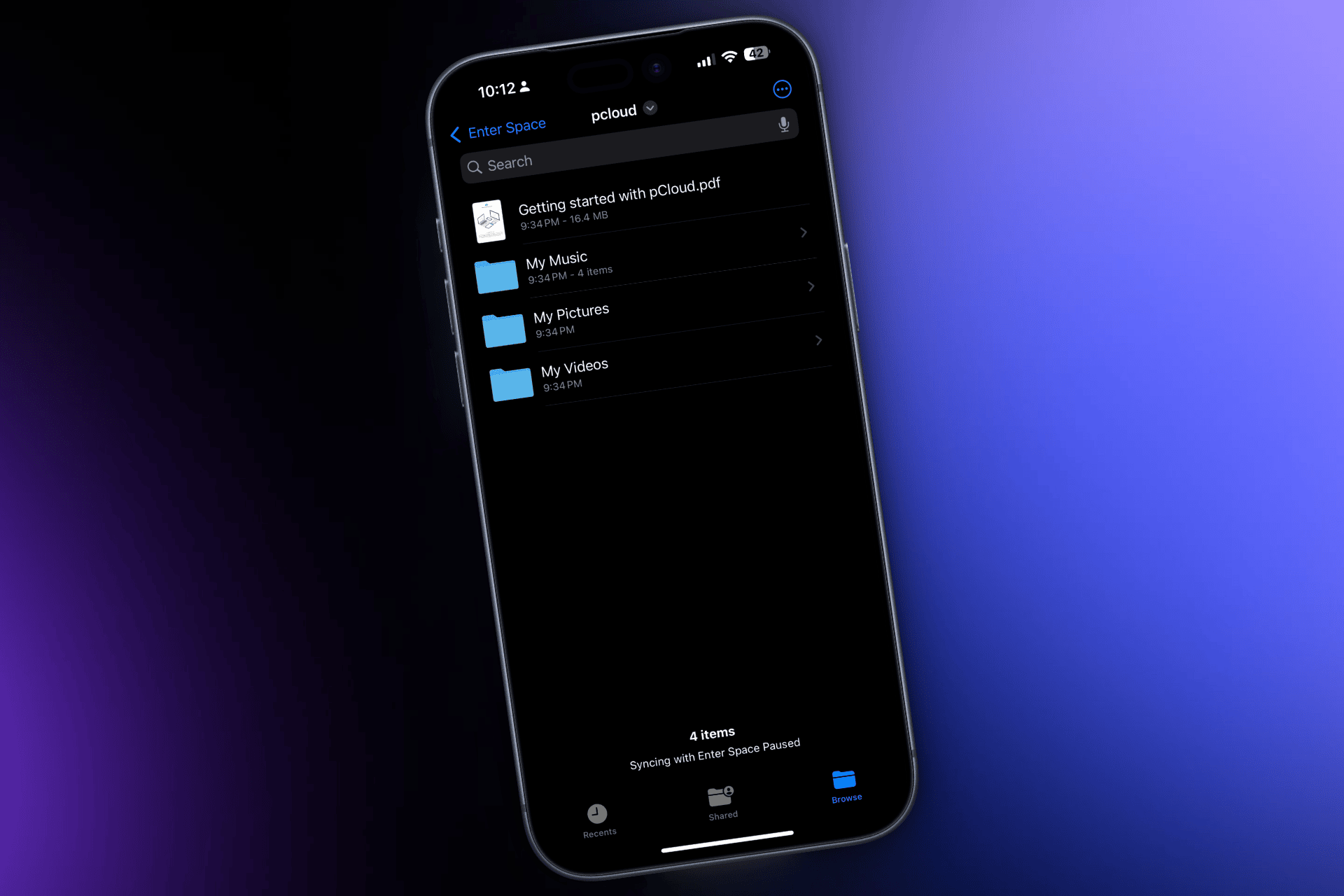
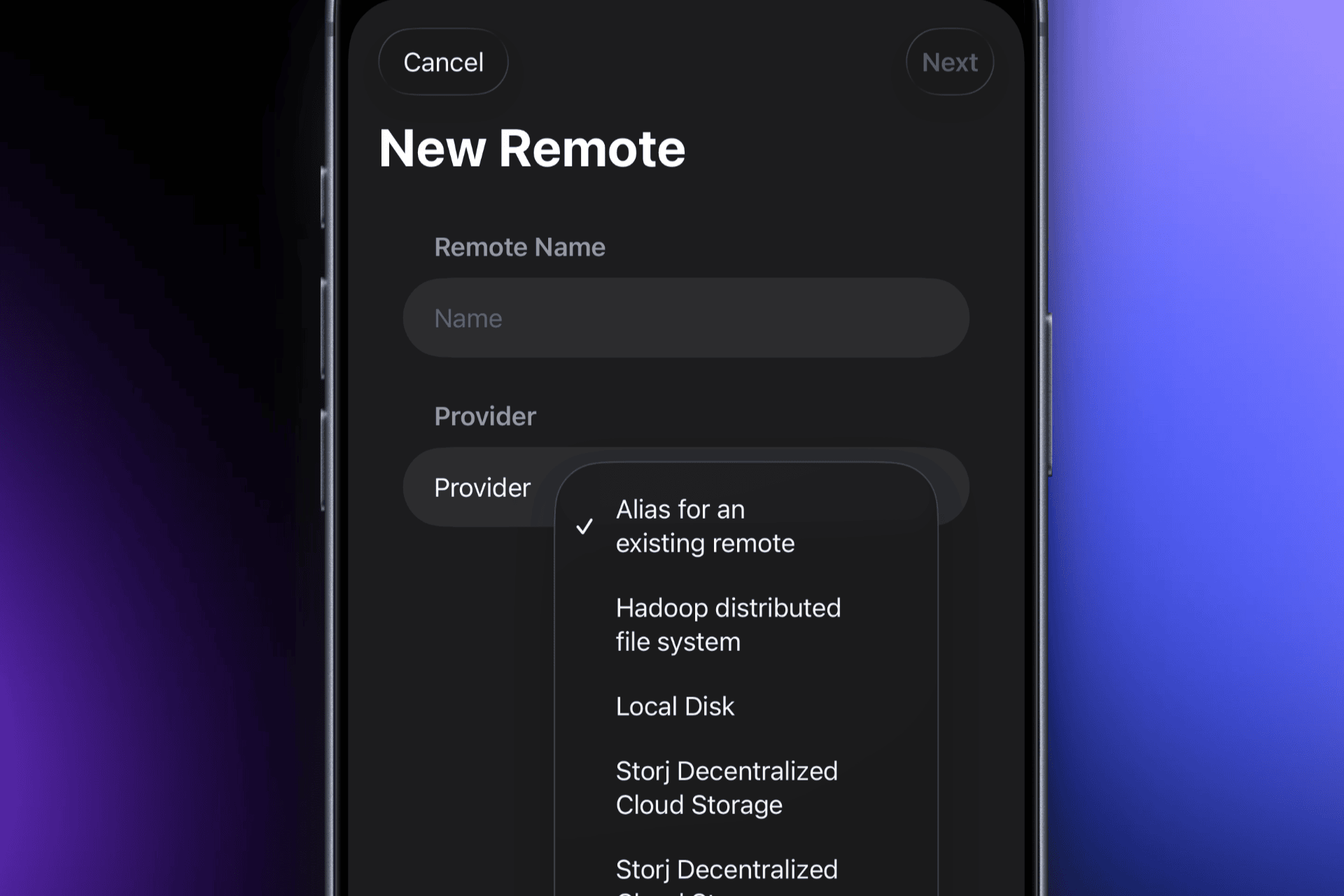
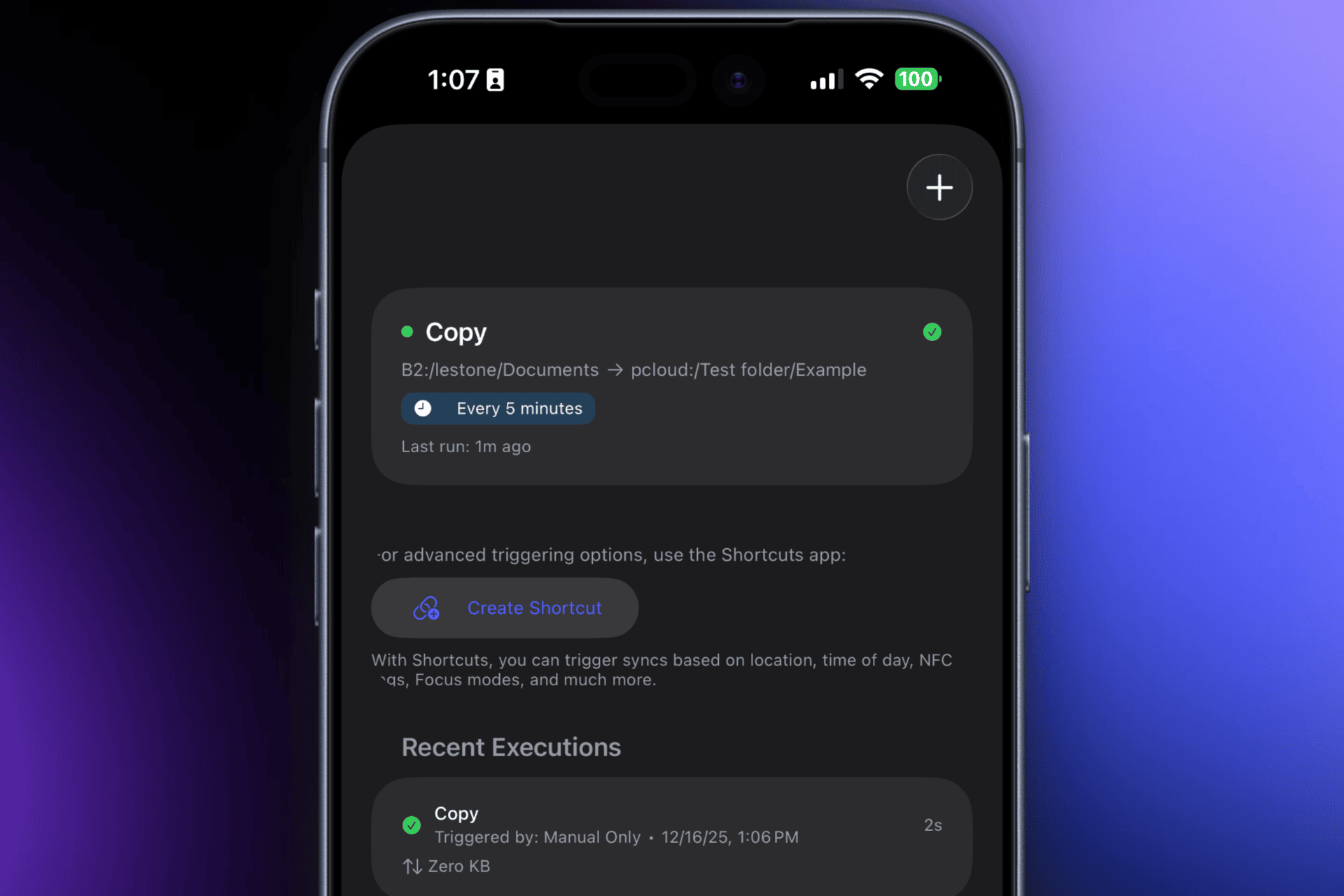
Connect to 62 different cloud storage accounts on your Apple device with seamless Finder and Files integration, encrypted backups, and automated sync.
I wanted an easy to use interface for Rclone that integrated with Apple's native Files Provider Apis, so I built my own solution. Do you have any questions about Enter Space?
0
回复

Hey Blaine @blaineam ,


Congrats on launching Enter Space! It looks like a really seamless way to manage cloud storage across multiple platforms. The file transfer functionality is a nice touch!


How's the response been so far? What kind of marketing strategies are you focusing on to get the word out? Would love to hear how you're planning to promote it!

0
回复

@mfarhan1107 I'm primarily trying to leverage word of mouth and natural growth strategies. I don't need a huge overnight launch and prefer to allow a natural roll out. I use Enter Space myself daily and I'm hoping others find some utility in it too. I might try some light advertising in the future but right now I want to see how well just sharing it online works out. Overall the response so far has been positive.

0
回复

Wow, this is an awesome orchestrator. Can you transfer files between these storages?

0
回复

@pasha_tseluyko yes transfers between cloud storage accounts work just like copying files anywhere on your Apple device. Progress indicators are fully implemented to monitor the status of your transfers.

0
回复
#14
Show My Build
Share your project car in one place and earn $ on autopilot
33
一句话介绍:为汽车改装爱好者提供一个集中展示爱车改装历程、清单和社交链接的专属页面,并自动将改装件转化为联盟营销链接,从而在线上分享和线下聚会等场景中,系统性解决“改装明细分享零散繁琐”和“难以通过爱好变现”的痛点。
Cars SaaS Monetization
汽车文化社区 改装车展示 创作者变现 联盟营销 兴趣社交 数字名片 项目车管理 产品猎手 Linktree变体 生活方式平台
用户评论摘要:创始人阐述了产品源于自身痛点,获积极反馈。有效评论集中在:1. 询问用户是否拥有项目车以寻求共鸣;2. 探讨初期通过Reddit和微影响力者营销,未来计划拓展至线下车聚的策略,并征求更多渠道建议。
AI 锐评

Show My Build 精准切入了一个垂直且高粘性的市场——汽车改装文化圈层。其核心价值并非简单的“Linktree for cars”,而在于试图将汽车爱好者零散的“改装叙事”资产化、货币化。

产品逻辑清晰:前端通过聚合图文、时间线和社交链接,将车主碎片化的改装记录整合成可便捷分享的“数字车籍”,满足了圈内最基础的“展示与溯源”需求。更具野心的后端设计,则是将静态的改装清单动态转化为联盟营销网络。这种“展示即销售”的自动化变现模式,直指改装爱好者“以改养改”的终极梦想,将消费行为无缝嵌入内容场景,理论上形成了闭环。

然而,其面临的挑战同样尖锐。首先,**冷启动依赖重度内容创作者**。普通车主的改装清单商业价值有限,平台需要吸引拥有大量追随者和昂贵改装件的“网红车主”入驻,才能为联盟营销引擎注入燃料。这使其早期增长与豪车改装圈深度绑定。其次,**商业模式存在内在冲突**。平台鼓励用户将流量引至自身页面,但最终交易发生在第三方电商平台(如亚马逊、专业零件店)。这使其极易被绕过,也受制于联盟平台的规则与费率变动。最后,**社交属性单薄**。目前它更偏向个人展示工具而非互动社区,用户停留时长与互动深度可能不足,削弱了平台长期价值。

总体而言,这是一个构思巧妙、切口极小的产品。它的上限取决于能否从“工具”升级为“网络”——即能否让车主之间因彼此的改装清单而产生关注、讨论乃至交易,形成内生的、平台可控的社交与商业生态。否则,它可能只是一个设计精美的联盟营销门户,难以构筑坚固的护城河。

查看原始信息
Show My Build
Showmy.build is solving one of the most prominent questions in the car community: "where'd you get that?". Showcase your build's photos, mods, socials and more. Post updates to your viewers to let them know what you've been working on. Earn money completely on autopilot from multiple types of monetization, and sit back while your next mods fund themselves.

Hey Product Hunt 👋

I’m Lucas, a car enthusiast who got tired of answering the same question over and over again:

“What’s done to it?”

Every time I posted my car on Instagram or met someone at Cars & Coffee, the comments and conversations were the same; people wanted to know the mods, the parts, the story.

The problem: the answers were always scattered across notes apps, old DMs, Google Docs, or half-remembered links.

So I built showmy.build.

It’s a free share-first public page for car enthusiasts to put everything about their build in one place:

  • photos, videos and description

  • a clean, readable mod list

  • social media/external links

  • and a timeline of how the car came together

You can kind of think of it like Linktree for cars.

So we fixed sharing online, cool. What about in person?

We fixed that, too. Add your build to your Apple Wallet to easily share in person at the (double) tap of a (power) button.

The coolest part: your mod list can earn for you. Once you enable monetization, mods automatically become affiliate links. If someone checks out your build and buys a part, you get paid. Anyone can enable this, even free users. Hop on one of our subscription plans to double or triple your earnings instantly.

My goal with showmy.build is to give car enthusiasts a place where their build actually belongs— and a way to fund the next mod while they’re at it.

I’d love to hear what you think, especially if you’ve ever built (or are building) a project car yourself 🚗

10
回复

@lucascampbelll Love the Idea, I hope get great Launch today

0
回复

Interested to know if any of you own (or have owned) a project car? How about your first car?

3
回复

Congrats on the launch! Looks amazing

2
回复

@chilarai Thank you! What’s your favorite feature?

0
回复

Hey Lucas @lucascampbelll ,

Congrats on launching Show My Build! It’s awesome that you’ve created such a streamlined way for car enthusiasts to share their builds and earn from their mods.

I’m curious, how’s the response been so far? What kind of marketing strategies are you focusing on to get the word out? Would love to hear how you're approaching it!

1
回复

@mfarhan1107 Hi Muhammad,

The response has been great from sources like Reddit and Reddit Ads. We're focusing on targeting micro-influencers that host their builds on social media to build an early userbase.

In the future, once we've got our base users, we plan to expand to marketing at in-person events, like South OC Cars & Coffee.

What recommendations do you have when it comes to marketing channels for showmy.build?

0
回复
#15
ShipLaunch
Launch-ready posts for Product Hunt, HN & BetaList in 60s
21
一句话介绍:一款帮助创业者在60秒内,将单一产品描述自动适配成符合Product Hunt、Hacker News等15+个发布平台规则和字数限制的草稿工具,解决了产品上线前在多平台重复撰写、格式化内容的痛点。
Productivity Writing Developer Tools
产品发布工具 内容格式化 多平台适配 效率工具 独立开发者 SaaS 一次性付费 AI内容生成 启动清单 营销自动化
用户评论摘要:用户反馈积极,肯定其节省时间的核心价值。主要问题与建议集中在:1. 希望增加对特定子版块(如Reddit)或垂直目录(如SaaSHub)的支持;2. 询问是否可自定义AI改写提示词。创始人回应已优先开发相关功能,并允许用户导出内容自行编辑。
AI 锐评

ShipLaunch精准切入了一个微小但高频的痛点:产品上线前“最后一公里”的繁琐内容适配。其真正的价值不在于AI写作的“智能”,而在于充当了一个“规则翻译器”和“格式压缩包”。它将各平台隐性的、时常变动的发布规则(字符数、语气、格式)产品化,将创始人从机械的复制粘贴和字符数统计中解放出来。

产品定位聪明且克制:不替代人的判断,只自动化最枯燥的部分;采用一次性付费模式,直击用户对订阅制泛滥的厌倦心理,降低了决策门槛。然而,其长期天花板也显而易见。首先,其解决的问题具有极强的“瞬间性”,用户生命周期可能仅限于产品发布前后几天,复购和留存挑战巨大。其次,其壁垒在于对平台规则的持续追踪与模板优化,这更像是一项运营服务,而非技术护城河,容易被模仿或整合进更大型的营销套件中。

从评论中创始人的回应可以看出,其策略是“深度优先”,通过手动微调模板来保证内容通过社区审核,这验证了其核心价值在于“合规”而非“创作”。未来的挑战在于,如何从“一次性工具”转向“持续价值提供者”,或许可以围绕“发布策略分析”或“跨平台效果追踪”构建新的场景。目前来看,它是一个极佳的利基市场产品,解决了真实痛点,但商业模式和增长路径仍需在“小而美”与“求扩张”之间做出清晰抉择。

查看原始信息
ShipLaunch
Launching a product means rewriting and reformatting the same message for Product Hunt, Hacker News, BetaList, and dozens of other directories, each with different rules and character limits. ShipLaunch turns one product description into launch-ready content for 15+ platforms in under a minute. You stay in control. Edit, tweak, and post wherever you want. One-time $14. Bring your own API key. No subscriptions.

Interesting product. Any plans to add specific sub-reddits or niche directories like SaaSHub? Also, can we edit the AI prompt used for rewriting?

2
回复

@1mirul Thanks for the great questions! 🚀

1. Regarding sub-reddits/niche directories: Yes, absolutely! I’m currently prioritizing Reddit (with specific formatting for r/SideProject, r/SaaS, r/microsaas) and SaaSHub. Since rules change often, I'm manually fine-tuning the templates to ensure they pass the 'spam filters' of those communities.

2. Regarding AI prompts: Right now, the prompts are pre-optimized to meet each platform's strict character limits and tone of voice. You can completely "export" it for editing if you want.

Thank you again!

0
回复

Hey PH 👋

I built ShipLaunch after launching a few products and realizing how much time gets wasted right before launch —rewriting and reformatting the same content for Product Hunt, BetaList, Hacker News, and other directories, each with different limits and rules.

I don’t think tools should replace judgment or the human touch.
ShipLaunch only handles the boring parts: formatting, character limits, and platform-specific tweaks. You still review, edit, and decide what gets posted.

Paste your product once, get launch-ready drafts for 15+ platforms in under a minute.
It’s a simple one-time $14 tool because that’s exactly how I needed it when launching myself.

Happy to answer questions or hear feedback—especially from folks who’ve launched before 🙏

1
回复

Hey Van @vannguyenv12 ,


Congrats on the launch of ShipLaunch! It sounds like a huge time-saver for anyone launching on multiple platforms.


I'm curious, how's the response been so far? Are there any specific marketing goals or strategies you're focusing on to spread the word? Would love to hear how things are going!

1
回复

@mfarhan1107 Appreciate it! It’s early days, so I’m mostly focused on learning rather than numbers.

Talking to people who’ve launched (or are about to) has been the most useful signal so far. I’d rather refine the product based on that than force distribution too early.

Thanks for asking, always happy to share how it’s going.

0
回复

Love the clarity ShipLaunch brings to product launches. Centralizing tasks and resources into a shared hub could be a real time saver for builders and teams. Great work on going live on PH.

0
回复

@ngocphuc_1910 Thanks! The main goal was reducing launch chaos, not adding another tool to manage.

If it helps teams stay focused instead of juggling docs and tabs, that’s a win for me.

Appreciate you checking it out

0
回复

ShipLaunch looks like a very thoughtful tool for simplifying product shipping. Helping founders handle launch checklists and logistics in one place feels incredibly practical. Congrats to the team on launching this.

0
回复

@ngocphuc_1910 Appreciate that, that was exactly the pain I kept running into during my own launches.

The goal was to reduce the mental overhead around launch logistics, not automate judgment.

Thanks for checking it out 🙏

0
回复

This is one of those problems you know is coming, even if your launch is still weeks away.

You only really feel it in the final 24–48 hours,

when rewriting the same content everywhere becomes unavoidable.

0
回复
#16
Track Link
Link tracking & analytics platform
18
一句话介绍:Track Link为营销人员、创作者和企业提供强大的链接追踪与分析平台,通过自定义域名、UTM追踪和实时点击监控等功能,解决了多渠道营销中链接效果难以精准衡量与归因的痛点。
Analytics Marketing SaaS
链接追踪 营销分析 转化归因 实时数据 自定义域名 UTM参数 短链接服务 地理可视化 二维码生成 效果监测
用户评论摘要:用户评论主要为产品发布祝贺及功能列表展示。仅有一条有效评论询问发布后的市场反响与具体营销策略,表明潜在用户关注其实际增长路径与市场验证情况,但暂无具体功能建议或问题反馈。
AI 锐评

Track Link切入的是一个高度拥挤的赛道——链接追踪与短链接服务。其功能清单堪称“标准答卷”:从自定义域名、UTM追踪到转化归因、地理可视化,几乎覆盖了该品类所有预期功能。这既是优势,也是其最大挑战:在Bitly、Rebrandly等成熟玩家与无数开源方案并存的市场中,它缺乏明显的差异化尖刀。

产品介绍中“为营销人员、创作者和企业服务”的宽泛定位,暴露了其初期可能存在的焦点模糊问题。真正的价值或许不在于功能堆砌,而在于其能否在某个细分场景实现更深度的闭环。例如,“转化归因”功能若仅停留在链接点击与最终转化的简单关联,则价值有限;若能低成本、高精度地整合跨平台用户行为路径,或许能形成突破口。

当前18票的冷淡热度与评论区的礼貌性互动,反映出Product Hunt社区对其“又一个追踪工具”的初步观感。创始团队在评论中未直接回应关于市场策略的询问,可能意味着产品仍处于非常早期的验证阶段。其生存关键并非功能多寡,而是能否精准定义一个被现有解决方案服务不足的利基市场(如特定电商平台创作者、中小型SaaS的特定渠道追踪),并在此场景下提供极致流畅的体验与无可替代的数据洞察深度。否则,它极易沦为又一个“功能齐全但缺乏灵魂”的背景板工具。

查看原始信息
Track Link
Powerful link tracking and analytics for marketers, creators, and businesses. Custom domains, UTM tracking, conversion attribution, and real-time click monitoring.
hey hunters 👋 new week new launch Short Links: Create branded, memorable URLs Custom Domains: Use own domain with automatic SSL Real-Time Analytics: See clicks with live dashboards UTM Tracking: Full source/medium/campaign/term/content parameter support Conversion Attribution: Track signups and purchases Geographic Insights: Country, city, and interactive map visualizations Device & Browser Stats: Understand audience's tech stack Referrer Tracking: Know where traffic comes from Public Stats Pages: Share link performance publicly QR Code Generator: Download QR codes for offline campaigns
2
回复

Hey Ogtay @ogtay ,

Congrats on launching Track Link! It looks like a great tool for marketers and creators with all the real-time tracking and conversion attribution features.

Just curious, how’s the response been so far? Any specific marketing strategies you're focusing on to spread the word? Would love to hear how things are shaping up!

0
回复
#17
Model Diplomat
AI-powered research & feedback for Model UN
15
一句话介绍:Model Diplomat是一款AI驱动的工具,在模拟联合国(MUN)会议场景中,为参会代表提供基于真实外交文献的高效研究支持,并为会议组织者(主席)提供自动化、精细化的代表反馈,解决了研究效率低下和反馈质量粗糙的核心痛点。
Politics Artificial Intelligence Online Learning
教育科技 AI辅助研究 模拟联合国 学习工具 反馈自动化 外交资料库 会议管理 学生协作 生产力工具
用户评论摘要:用户反馈积极,认为产品解决了MUN主席缺乏辅助技术、反馈负担重的真实痛点。创始团队分享了产品源于自身经历,并透露主要通过SEO获取用户。评论者期待使用,并询问营销策略。
AI 锐评

Model Diplomat切入了一个高度垂直且被主流AI工具忽视的利基市场——模拟联合国。其真正价值不在于“又一个AI聊天机器人”,而在于构建了一个**领域特定的信息处理与工作流闭环**。

首先,它精准地打击了通用AI工具(如ChatGPT)在专业领域的“幻觉”痛点。通过限制信源为真实的联合国决议和政策分析,它将自己从“泛知识问答机”重塑为“外交研究助理”,这在学术严谨性要求高的学生群体中建立了关键信任。

其次,其新推出的反馈工具,试图解决的是一个更深层的**系统性痛点**:MUN会议中反馈环节的彻底失灵。主席的认知负荷与反馈的模糊性长期存在,产品将AI定位为“实时记录与结构化分析引擎”,而非取代主席。这不仅是效率工具,更是**体验重塑工具**,有望将主席角色从繁琐的记录中解放,回归到引导与策略观察本身。

然而,挑战同样尖锐。其一,市场天花板明显,需从工具向平台演进,探索与会议组织、代表社交等环节的更深绑定。其二,其AI的“外交素养”需要持续喂养高质量、有时效性的资料库,维护成本不低。其三,如何量化并证明其反馈能切实提升代表能力,是持续吸引付费的关键。

总体而言,这是一次出色的“垂直深挖”。它没有追逐最炫的AI概念,而是用AI解决了一个传统场景中根深蒂固、且参与者付费意愿可能较强的“麻烦事”。其成功与否,将取决于能否在这个小而美的社区内,从“有用工具”发展为“会议基础设施”。

查看原始信息
Model Diplomat
Model Diplomat helps MUN delegates research faster with AI that actually reads high-quality diplomatic sources—no Reddit citations here. Now launching tools for organizers: give delegates meaningful, AI-powered feedback without drowning in notes.
Hey Product Hunt! 👋 We built Model Diplomat because we lived the MUN grind ourselves—spending entire weekends researching for a single conference, then getting vague feedback like "good job, speak up more." 80,000 users later, we've learned a lot about what the MUN community actually needs. The research problem came first. We were frustrated that tools like ChatGPT would confidently cite... Reddit threads... when we needed actual UN resolutions and policy analysis. So we built something that reads real sources and stays focused on diplomacy. But talking to the community, we kept hearing the same thing from chairs: "Giving feedback is impossible." Think about it—you're a chair (often doing this for the first time), tracking 20+ delegates across hours of debate, trying to note what each person said, how they said it, their diplomacy, their research depth... then condensing that into useful feedback. It's no wonder most delegates walk away with generic comments. That's what we're launching today: AI-powered feedback tools for organizers. It's the first version we're genuinely proud of, and we're excited to keep building with this incredible community behind us. Would love to hear from anyone in the MUN world—delegates, chairs, secretariats. What would make your conferences better?
6
回复

Excited for the launch! As a chair myself of 7 conferences, there is no technology out there that makes our lives easier, and I will definitely use this the next time I chair!

6
回复

Great product. Adds a whole new depth to being a chair. I can now engage in real time while Modeldiplomat records the details.

2
回复

Looks awesome, congrats on the launch! 🚀

1
回复

@aryanvichare Thanks Aryan we hope you are able to use it sometime!

0
回复

Looks awesome! Congrats

1
回复

@saurav_kumar8 Thanks man we hope you use it!

0
回复

Hey Karl-Gustav @karl_gustav_kallasmaa ,

Congrats on launching Model Diplomat! The AI-powered research and feedback tools look like they’ll be a game-changer for the MUN community, especially with the focus on real sources.

Curious, how's the response been so far? What marketing strategies are you focusing on to spread the word about the product? Would love to hear more about your plans!

1
回复

@mfarhan1107  thanks! Most of our marketing has been SEO. When you search for "MUN and AI", we're the first showing up.
if you have any more tips, let us know

1
回复
very cool!!
1
回复

I'm clad you like it!

1
回复
#18
Shopie
Create Wishlists. Track Prices.
13
一句话介绍:Shopie是一款帮助用户跨网站创建心愿单并自动追踪价格与库存变动的工具,在购物比价和等待折扣的场景下,解决了用户手动追踪心仪商品价格波动和上架状态的繁琐痛点。
Lifestyle Shopping
价格追踪 跨平台比价 心愿单管理 库存提醒 隐私保护 本地化存储 购物助手 iOS应用 折扣工具 防冲动消费
用户评论摘要:用户关注其与竞品(如camelCamelCamel,但后者仅限亚马逊)的差异,认可其在促销季的实用性。开发者强调了无账户、无追踪的隐私设计。有评论询问推广策略,并普遍赞赏其简洁流畅的用户体验。
AI 锐评

Shopie切入的是一个成熟但仍有痛点的市场——价格追踪。其真正的价值不在于功能的新颖性,而在于对“隐私”和“轻量化”的精准定位,以及“跨平台”的实用性扩展。它聪明地避开了与大型电商平台内置清单或专业比价网站的正面竞争,通过“无账户、数据本地存储”的承诺,精准吸引对数据敏感的用户,这在隐私焦虑日益增长的当下是一个有效的差异化卖点。

然而,其面临的挑战同样尖锐。首先,技术层面,跨网站自动追踪价格和库存的稳定性和准确性是巨大考验,不同网站的反爬机制和页面结构变动都可能影响核心体验。其次,商业模式模糊,纯本地化、无账户的免费应用如何可持续运营?这为其长期发展蒙上阴影。最后,用户习惯壁垒较高,需要说服用户改变其现有的、可能分散于各平台收藏夹或截图的“土法”追踪习惯。

评论中与camelCamelCamel的对比提问非常关键,这恰恰点明了Shopie的机会与风险所在:机会在于成为“通用型”的追踪工具,风险在于其追踪广度可能以牺牲单个平台(如亚马逊)的追踪深度和历史数据丰富度为代价。总体而言,Shopie是一款理念清晰、执行到位的精致工具,但其长期生存能力更取决于能否在技术可靠性、用户增长与未来商业化之间找到平衡点,否则可能仅停留为一款叫好不叫座的小众产品。

查看原始信息
Shopie
Shopie helps you track the products you want and get notified when prices drop or items come back in stock. Add products directly from the browser or other apps, and Shopie will monitor them automatically in the background and notify you if price, availability or anything else you want to track changes. No accounts, no tracking — all data stays on your device (or iCloud if enabled).

Ah sweet! I was looking for something like this. How does it to compare to camelCamelCamel?

1
回复

@rui_peres camelCamelCamel is specific to Amazon. Shopie works with most sites 🙃

0
回复

Congratulations on the launch! This will come in handy in discount-season after the holidays.

1
回复

@_lm2s indeed it will! thank you.

0
回复
Hey Product Hunt 👋 I’m Paulo, the maker of Shopie. I’ve been building this app over the past 6 months with a simple goal: make it easier to keep track of things you want. Shopie lets you save products you’re interested in and then forget about them. The app quietly monitors prices and availability in the background and only notifies you when something actually changes. It’s been great for finding genuine deals during sales, and just as useful to counter impulse buying. There’s no account, no tracking, and your data stays on your device (or in iCloud if you choose). It’s meant to feel lightweight, respectful, and very “iOS-native”. I’d love to hear what you think, what could be better, or how you personally track things you want to buy. Thanks for checking it out and for the support
0
回复

Hey Paulo @pfandrade_ ,


Congrats on launching Shopie! It sounds like a super handy app for tracking products and deals. I love that it keeps things simple and privacy-focused.


How’s the response been so far? What kind of marketing strategies are you focusing on to spread the word? Would love to hear more about how you're promoting Shopie!

0
回复

I really like the simplicity of Shopie. Curating products with clean shopping flow and minimal friction is exactly what many of us wish existed. Great execution and well done on the launch.

0
回复
#19
BeatViz
AI Music Video Generator Built For Musicians
13
一句话介绍:一款为音乐人打造的AI音乐视频生成工具,通过上传音频和描述风格,快速生成与节奏、能量精准同步的动态可视化视频,解决了独立创作者制作高质量、节奏匹配音乐视频耗时、昂贵且技术门槛高的核心痛点。
Design Tools Music Video
AI视频生成 音乐可视化 创意工具 独立音乐人 节奏同步 内容创作 人工智能 多媒体制作 创意赋能 低门槛
用户评论摘要:目前仅有开发者本人的介绍性评论,无真实用户反馈。开发者在评论中阐述了产品初衷(解决音乐视频制作慢、技术性强、成本高的问题),并主动寻求用户关于当前工作流程、痛点及功能建议的反馈。
AI 锐评

BeatViz瞄准了一个精准且日益增长的需求缝隙:将音乐创作的感性表达无缝延伸到视觉领域。其宣称的价值不在于炫技般的AI生成,而在于对音乐本身结构(节奏、能量、段落)的深度理解和同步映射,这恰恰是许多通用AI视频工具所忽视的“音乐性”内核。

产品逻辑清晰——降低技术门槛,提升创作速度与节奏匹配度,旨在成为独立音乐人的“视觉外挂”。然而,其面临的挑战同样尖锐。首先,市场验证严重不足,零用户评论的状态使其像一场“独角戏”,真实痛点是否如开发者所言普遍存在,需打问号。其次,技术壁垒存疑。实现高质量的“节奏、能量、过渡”同步,不仅需要稳定的文生图/视频大模型能力,更依赖对音频信息的复杂解构与创意翻译,其效果能否达到专业级认可,而非简单的特效堆叠,是成败关键。最后,商业模式模糊。在众多功能泛化的AI视频工具夹击下,它需要证明其垂直领域的专业性能带来足够的付费转化。

真正的价值并非“生成视频”,而是“生成与音乐灵魂共振的视频”。若能在此点上建立显著的技术与审美优势,它便能从工具升级为“创意合作伙伴”。反之,若效果流于表面,它则只是又一个可被轻易替代的“滤镜”应用。当前,它仍是一个充满潜力但亟待用户反馈与效果检验的早期命题。

查看原始信息
BeatViz
BeatViz is an AI-powered music video generator designed for creators who want visuals that truly move with their music. With BeatViz, you can turn a song into a dynamic music video in minutes. Simply upload your audio, describe the style or mood, and BeatViz automatically generates beat-synced visuals that match rhythm, energy, and transitions — no video editing skills required.
👋 Hi Product Hunt! I’m the maker of BeatViz — thanks so much for checking us out today! BeatViz started from a simple frustration: making music is emotional and intuitive, but creating a music video often feels slow, technical, and expensive. Many artists end up with visuals that don’t really match the rhythm or energy of their track. So we built BeatViz, an AI music video generator that: Turns your song into beat-synced visuals in minutes Lets you control the vibe using text prompts or images Focuses heavily on rhythm, transitions, and musical structure Our goal is to help independent musicians, producers, and content creators create visuals that actually feel like their music — without learning complex video tools. This is still early, and your feedback truly matters to us 🙏 I’d love to know: How do you currently create music videos? What’s the biggest pain point in your workflow? What features would make BeatViz more useful for you? I’ll be here all day replying to comments. Thanks again for your support — excited to hear what you think 🎶🚀
2
回复
#20
PunkerIcon
Generate SVG icons and illustrations with AI
10
一句话介绍:一款AI驱动的SVG图标与插画生成工具,通过其自研的矢量引擎,将文本描述即时转化为可直接用于生产的、干净的矢量图形,解决了设计师资源紧张时,在图标库中难以找到风格完全匹配且质量达标的图形的核心痛点。
Design Tools Icons Graphics & Design
AI图标生成 AI插画生成 SVG工具 矢量图形 设计生产力工具 AI设计 AIGC 设计资源 创意灵感 UI/UX设计
用户评论摘要:官方评论阐述了产品源于寻找合适图标的痛点,并强调了其“AI创意+引擎优化”的核心解决方案。另一条有效评论询问了发布后的市场反响与营销策略,显示出对产品市场前景的关注。
AI 锐评

PunkerIcon的发布,精准地刺入了AIGC图像应用从“概念惊艳”到“生产可用”之间的最后一道鸿沟。其宣称的自研“矢量引擎”是产品的真正内核,这暗示它并非简单套用现有文生图模型,而是构建了针对矢量图形特性的后处理与优化管道。这步“精加工”至关重要,它将不稳定的AI创意输出,标准化为了可预测、可交付的工业级设计资产。

然而,其价值与挑战并存。真正的考验在于其“引擎”的智能化上限:它能否精准理解并还原复杂提示词中的风格与细节?其输出的“干净SVG”是简单的路径简化,还是真正保持了合理的图层结构、语义分组,便于设计师二次编辑?这决定了它是“一次性快消品”还是能融入专业工作流的“生产力组件”。

从市场角度看,它切入了一个细分但刚需的场景,避开了与Midjourney等通用图像模型在艺术创作上的正面竞争,转而聚焦于实用主义的设计交付。但竞品同样存在,从成熟的设计平台内嵌AI功能到其他专业图标生成工具,竞争壁垒的建立将极度依赖其矢量引擎的技术独特性与输出质量的稳定性。用户评论中关于营销策略的询问,恰恰点出了其当前最大挑战:在技术差异尚未形成口碑共识前,如何有效触达并说服那些饱受“图标搜索黑洞”之苦的目标用户——广大的产品经理、独立开发者和创业团队。如果其技术真如所述,那么它不止是一个图标生成器,更是将AIGC从“玩具”推向“工具”的一次务实尝试。
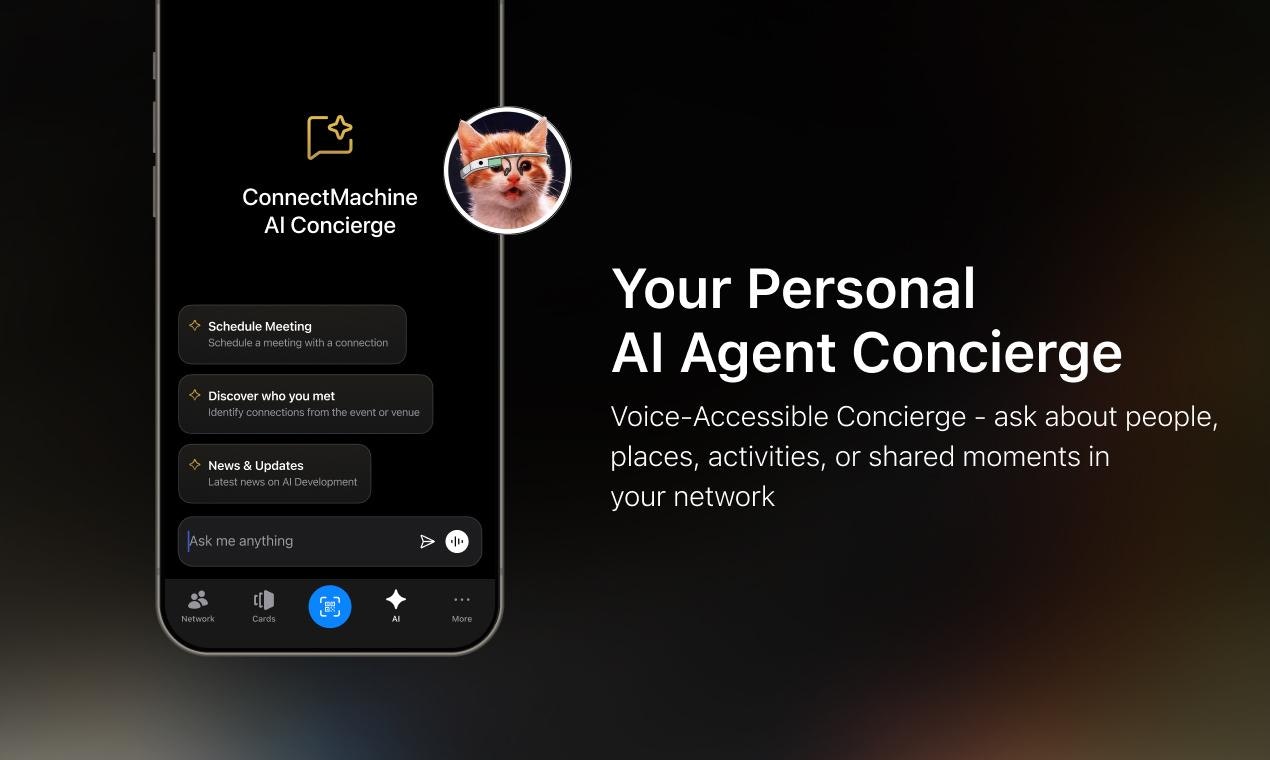
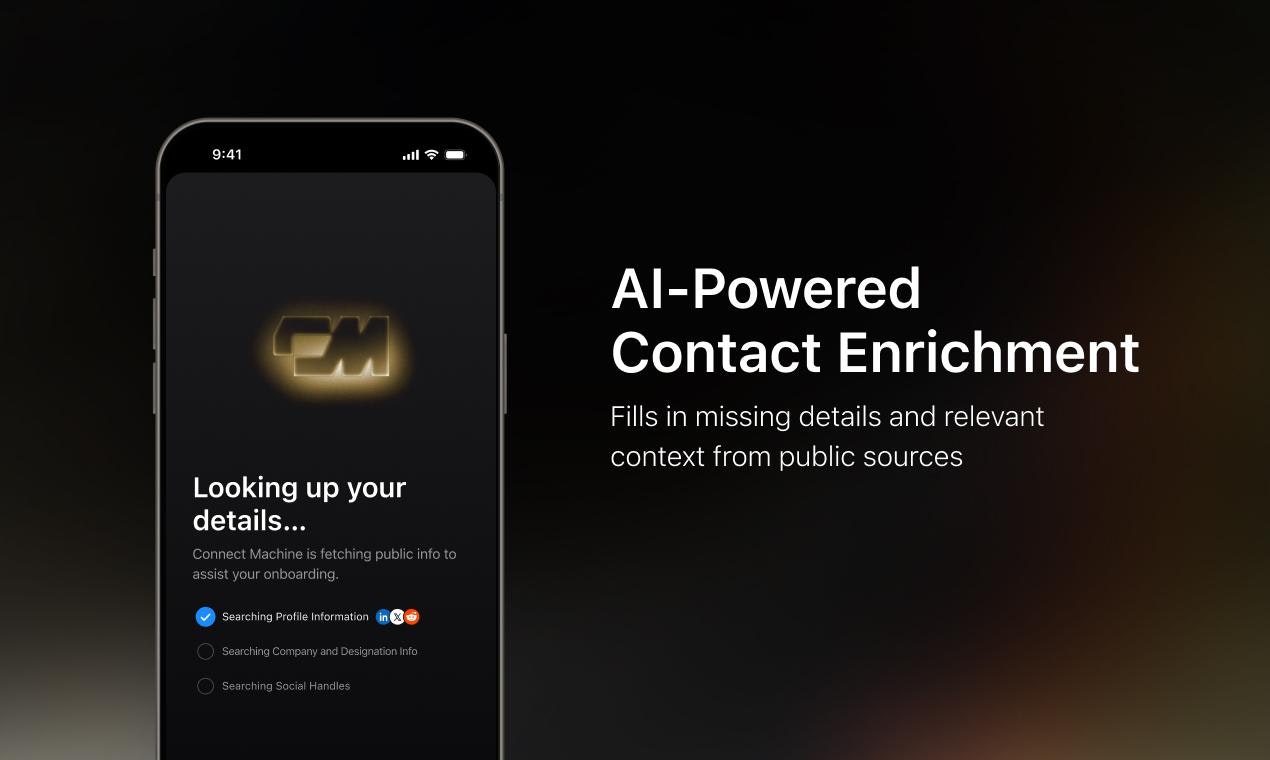
查看原始信息
PunkerIcon
AI-powered icon and illustration generator. Turn text prompts into beautiful SVGs instantly, choose from multiple styles, and explore Discover to get inspired by community-generated designs and prompts.
Hey Product Hunt! We're absolutely stoked to be launching PunkerIcon today! So, what's the story here? The inspiration came from a place of pure frustration, honestly. Every time we needed a specific icon or illustration for a project, and the designer was busy, we'd fall into the black hole of searching icon libraries. You find a hundred icons that are almost right, but none that truly fit the style. It's the worst. AI came along and solved the concept part—it can generate amazing ideas! But getting that idea into a super clean, scalable, and professional SVG? That's still a huge headache. Our Fix: We thought: Why fight the technology? Let the AI handle the creativity, and let us handle the perfection. We built our own Vector Engine specifically to be the bridge. The AI gives us the visual concept, and our engine instantly turns it into a guaranteed clean, optimized SVG or PNG file that is production-ready for your app or website. This lets you focus purely on the design brief, not file cleanup! We’ve even included a huge free Discover library for you to grab inspiration from. Give it a spin! We're hanging out all day to hear your feedback and see what crazy icons you create!
0
回复

Hey PunkerDuck @punkerduck ,


Congrats on launching PunkerIcon! It sounds like a game-changer for quickly generating clean, professional SVGs from AI concepts.


I'm curious, how's the response been so far? Any marketing strategies or goals you're focusing on to get the word out? Would love to hear how things are going!

0
回复