Product Hunt 每日热榜 2025-12-24

PH热榜 | 2025-12-24

#1
Typeless for iOS
AI voice keyboard now on iPhone
321
一句话介绍:Typeless是一款iOS AI语音键盘,通过实时将自然语音转化为精炼文本,在移动办公、即时通讯等场景下,解决了手机打字效率低下、输入体验割裂的核心痛点。
iOS Productivity Artificial Intelligence
AI语音输入 实时转录编辑 移动生产力工具 键盘替代方案 隐私安全 多语言支持 跨应用集成 智能写作助手
用户评论摘要:用户普遍赞赏其流畅的实时编辑、精准的识别(含专业术语)及隐私设计。主要建议包括:支持自定义输出风格(如邮件/聊天)、深化与特定应用集成、开发离线模式。团队积极回应,并已解决乌克兰区可用性问题。
AI 锐评

Typeless的野心并非做又一个语音转文本工具,而是试图颠覆“键盘”这一根本交互范式。其真正价值在于将“思考”与“输出”的延迟降至最低,通过AI实时编辑弥合了口语随意性与书面严谨性之间的鸿沟,这比单纯提升听写准确度更具革命性。

产品巧妙地以“系统级键盘”形态切入,避免了沦为孤立应用,直击移动端高频、碎片化的输入场景。其宣称的“零数据保留”和端侧处理,在隐私焦虑时代是重要的信任筹码。然而,其面临的挑战同样尖锐:在嘈杂环境或需要精确术语(如法律条文)的场景下,AI的“过度编辑”可能成为负担,如何在“智能润色”与“忠实原意”间提供可控性,是下一步的关键。此外,其商业模式在买断制下是否可持续,以及如何应对巨头系统级输入的后续竞争,都是其“消灭键盘”愿景路上必须回答的问题。

当前版本的成功,源于它精准捕捉了“认知负荷”与“输出效率”间的矛盾,为用户提供了情绪价值(摆脱打字烦躁)与实用价值(提升速度)的双重满足。但它能否从“效率利器”进化为“认知伙伴”,取决于其AI能否从通用润色,演进为真正理解个人风格与专业上下文的写作大脑。

查看原始信息
Typeless for iOS
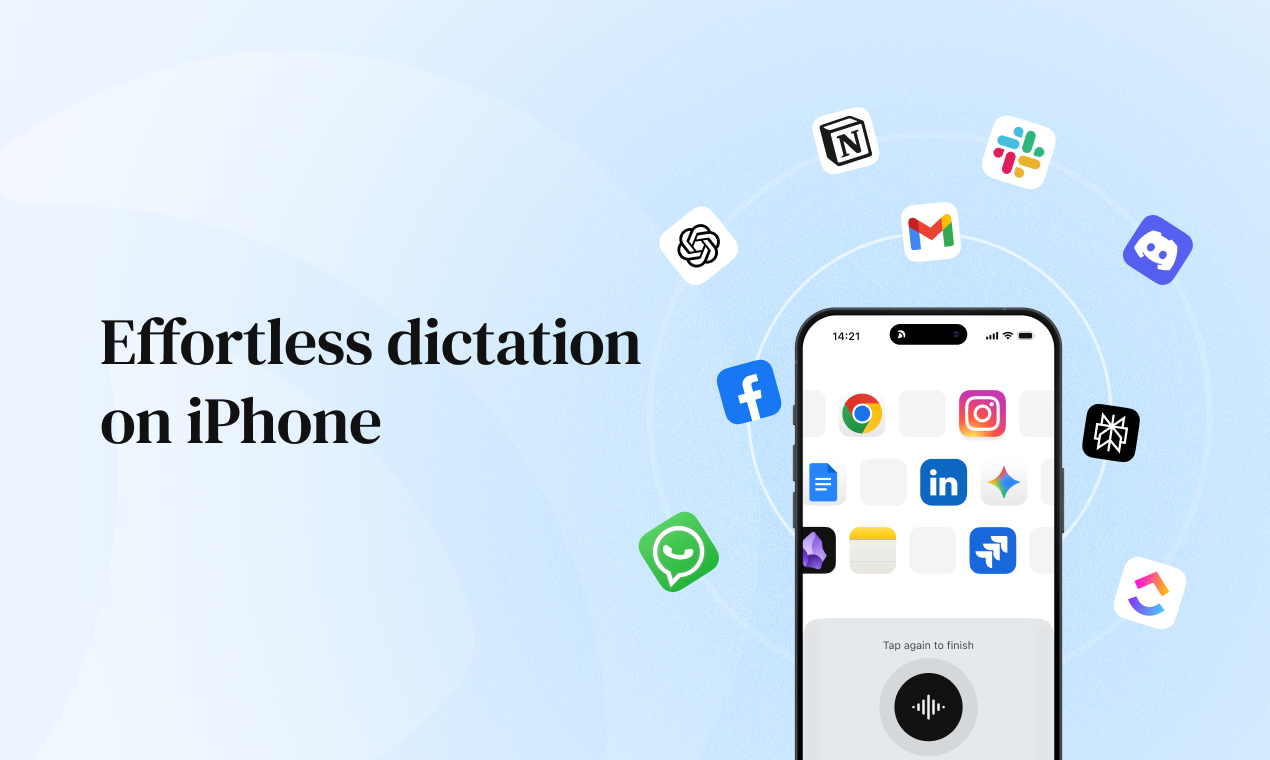
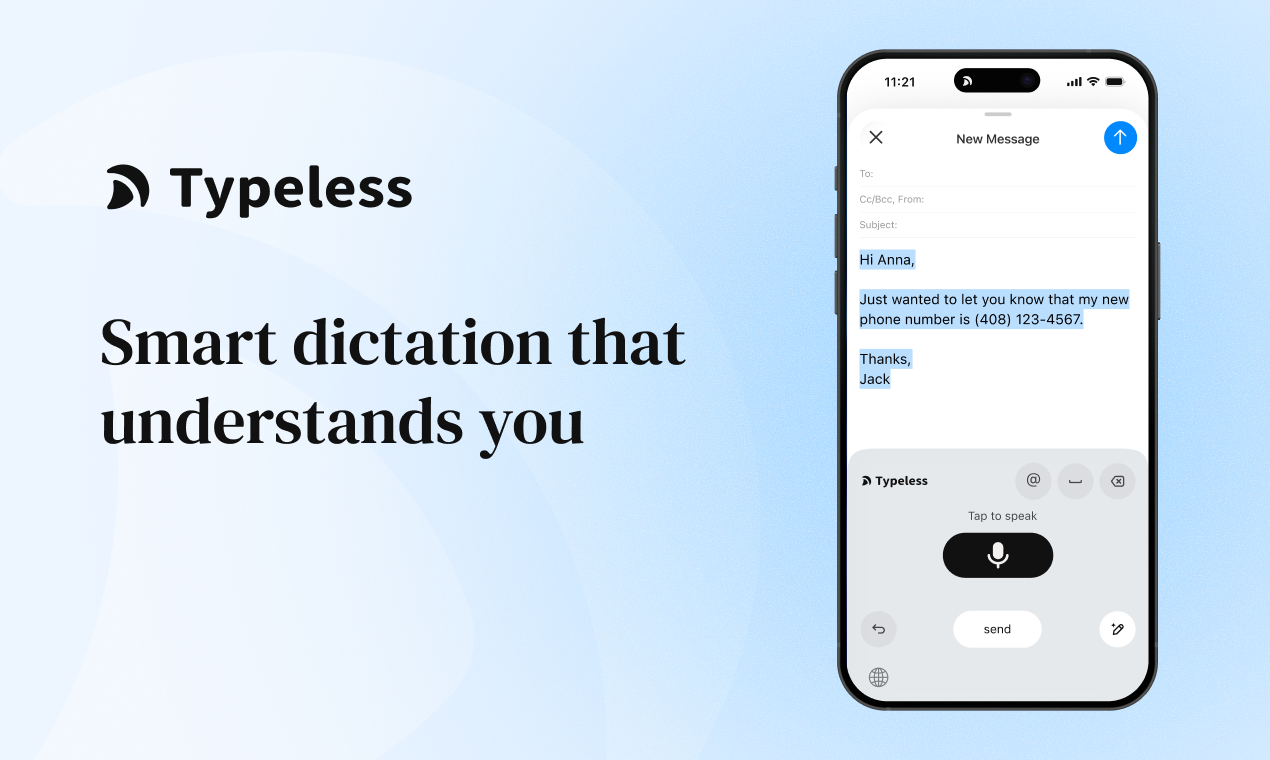
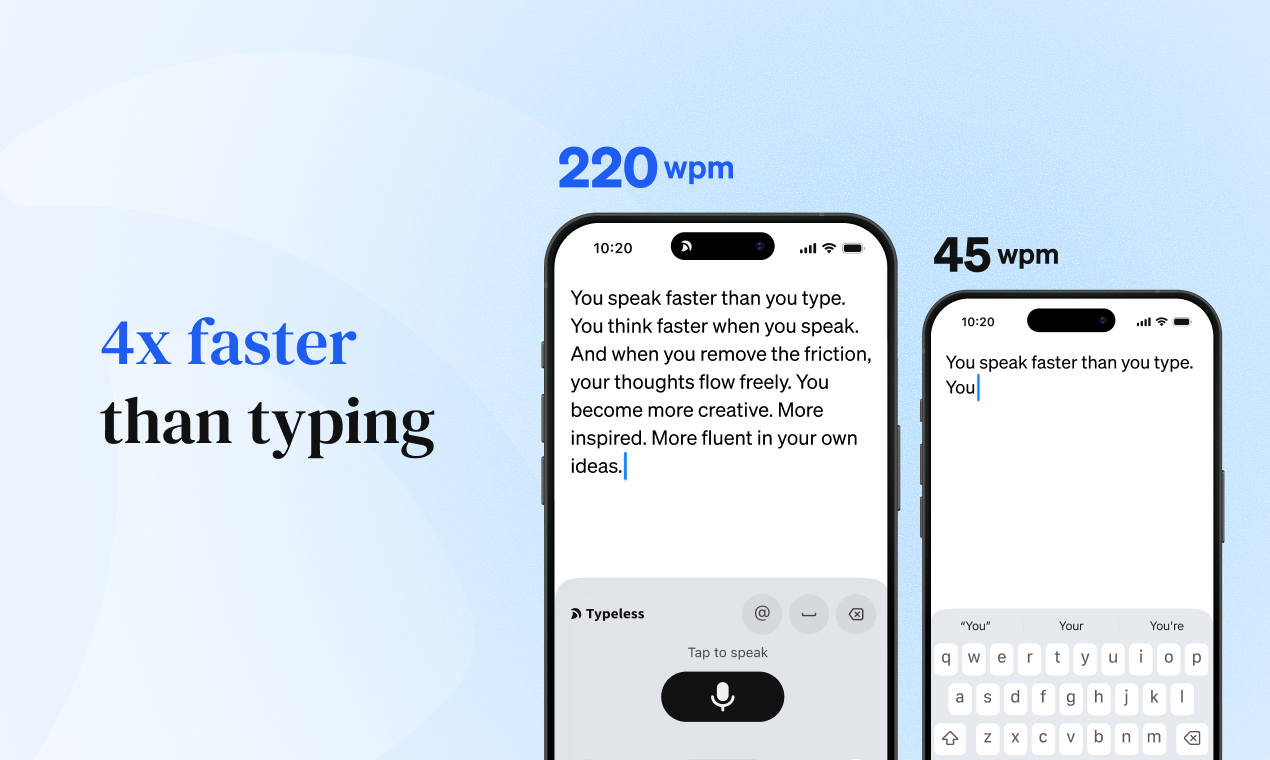
Speak naturally, and Typeless for iOS will turn your speech into clear, polished messages, emails, and documents that read like you carefully typed them - in real time. Suddenly, your iPhone can do things that once felt impossible, effortlessly and at 10 times the speed.

👋 Hey Product Hunt! I’m Huang, the founder & CEO of Typeless.

We started Typeless with a belief:

The keyboard was a mistake.

Typing on a phone is where this mismatch becomes painfully obvious.

When the iPhone was introduced, Steve Jobs intentionally removed the physical keyboard. A fixed keyboard couldn’t adapt, but a virtual one could - and that decision defined the smartphone era.

We believe that wasn’t the final step.

The virtual keyboard was a transition. Voice is the next generation.

--

When we launched Typeless on Mac and Windows, tens of thousands of people resonated with this idea. And the number one request we heard, again and again, was:

“Bring Typeless to mobile.”

Today, I'm excited to launch Typeless for iPhone 🎉
(Android is coming next.)

Typeless for iOS is an AI voice keyboard that understands your intent and turns your raw speech into clear, polished, natural writing - effortlessly and in real time. No commands. No formatting tricks. It reads as if you carefully wrote it yourself.

--

Core features:

  • Works everywhere - Every app on your iPhone: iMessage, Slack, Mail, Notes, and more

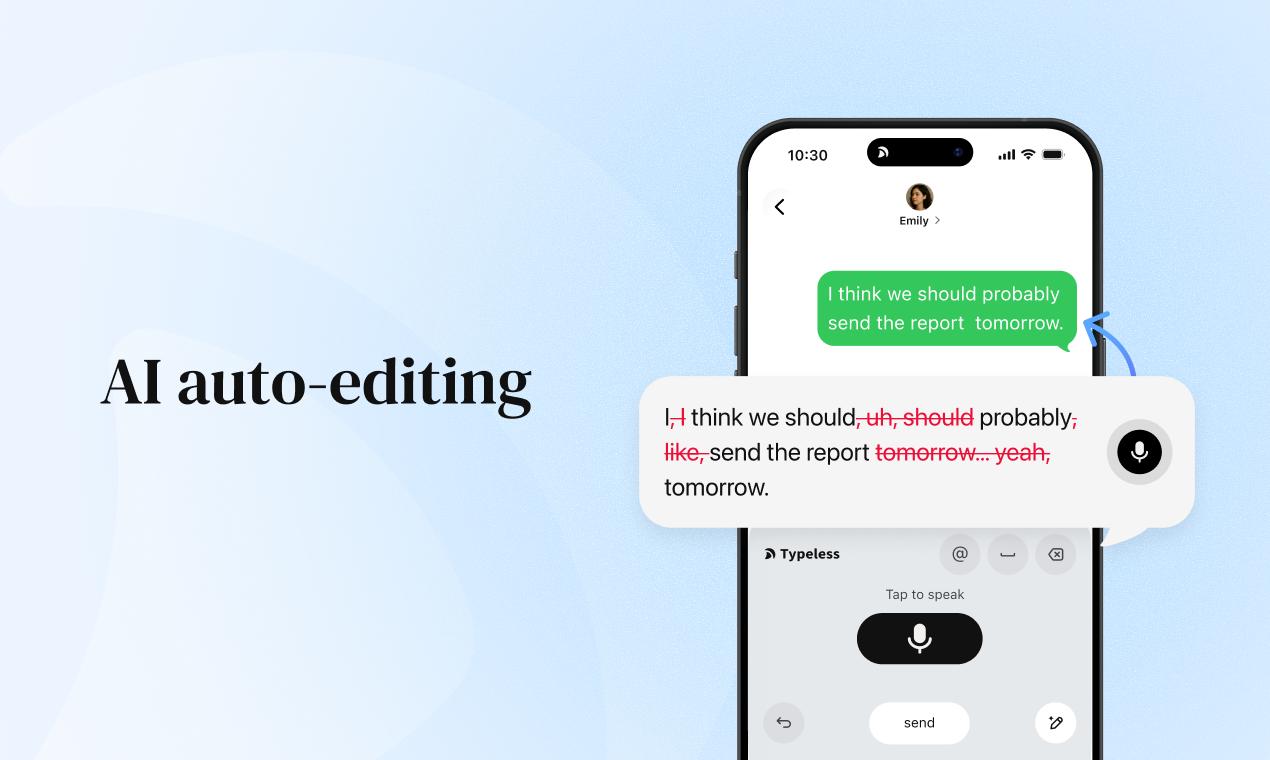
  • AI auto-editing - Removes filler words, fixes grammar, and formats perfectly as you speak

  • Speak to edit - Revise, refine, or rephrase by simply saying what you want to change

  • Whisper mode - Dictate quietly and precisely in low-voice environments

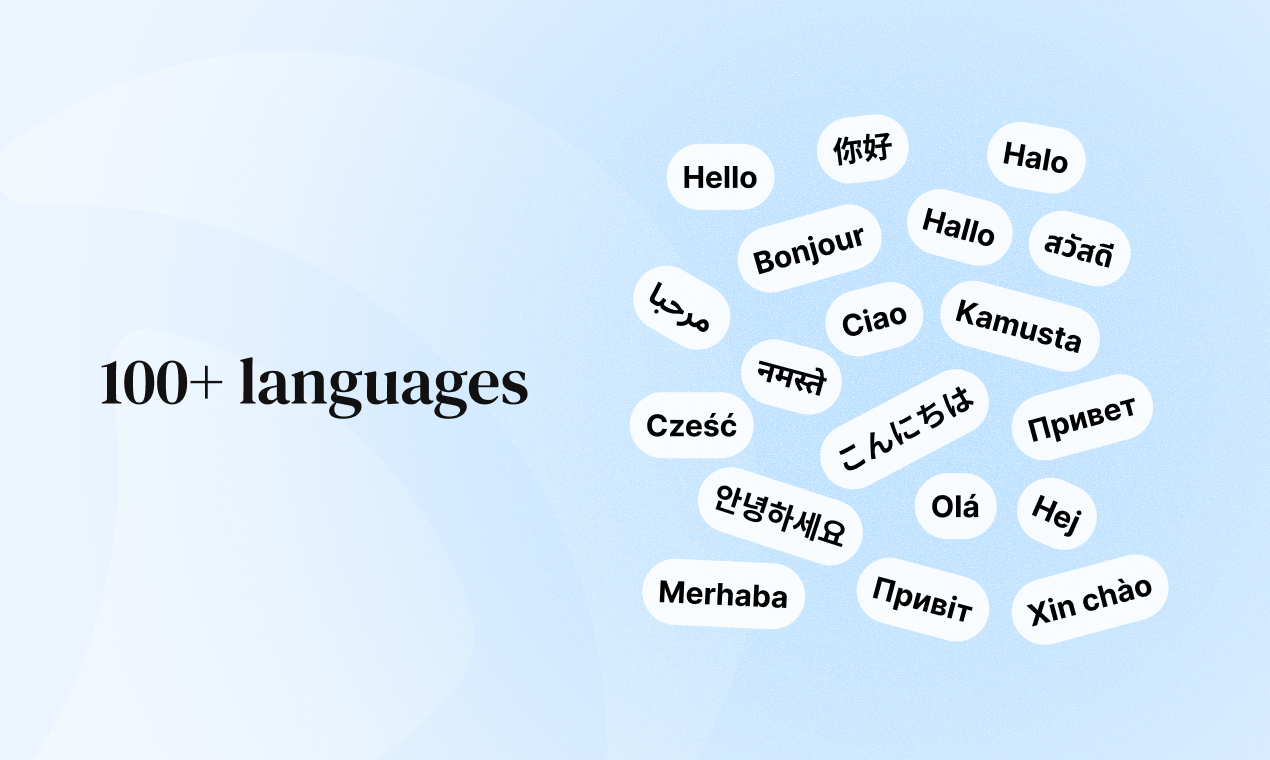
  • 100+ languages - Speak any language (or mix them); Typeless detects and transcribes automatically

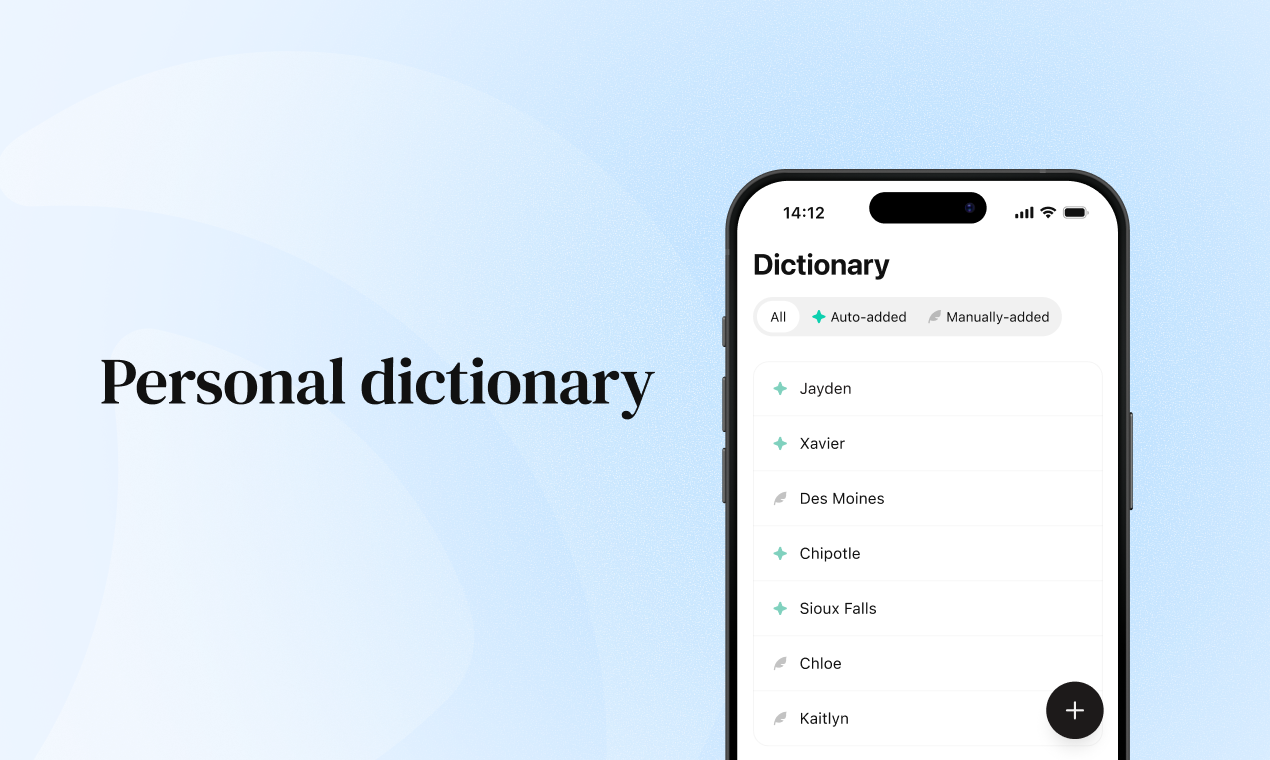
  • Personal dictionary - Names, brands, and custom vocabulary learned once, never missed

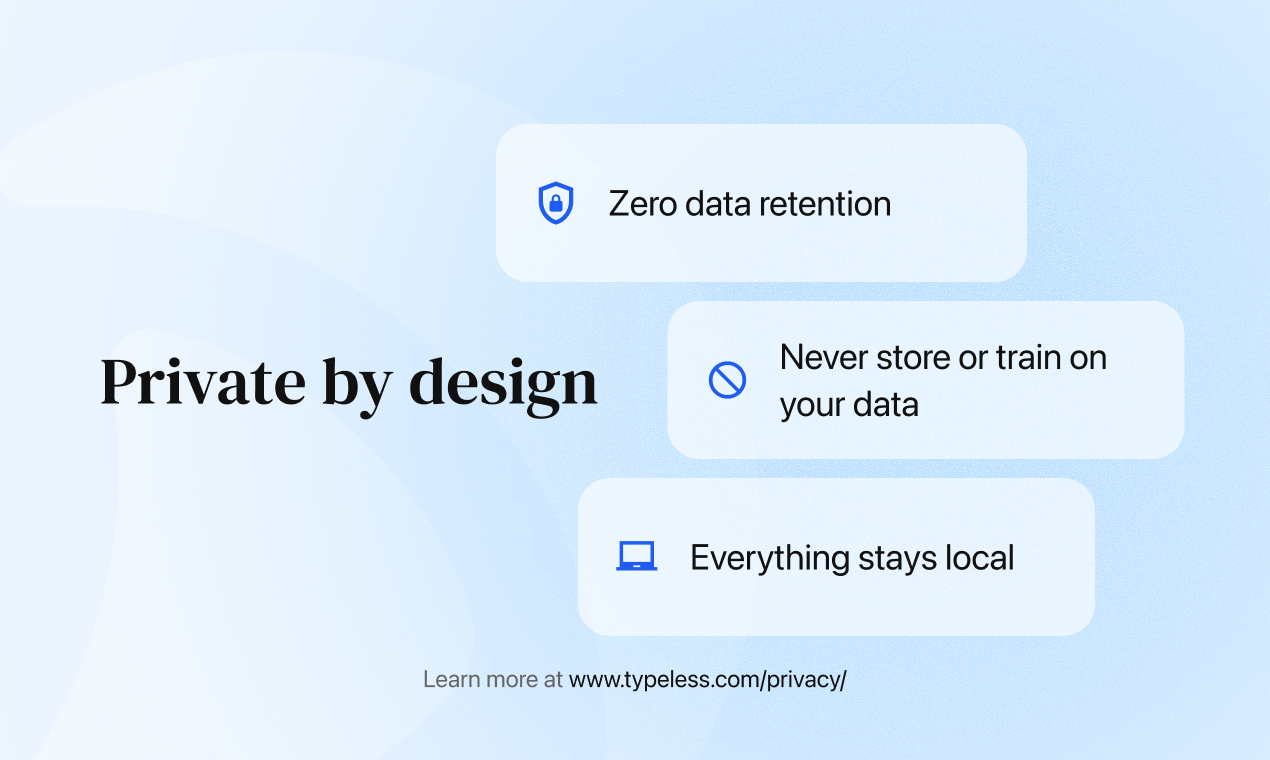
  • Private by design - Zero data retention. We never store or train on your data. All history stays on your device

When input friction disappears on a phone, everything changes. Your iPhone becomes capable of things that once felt impossible - at 10× the speed.

This isn’t just a new app. It’s a new way to use your phone.

Welcome to the end of typing.

Welcome to Typeless.

--

I'd love to hear from you:

  • Where does Typeless save you the most time on your iPhone?

  • In which moments do you still find yourself falling back to the keyboard?

  • What’s the one feature you’d like us to build next?

We’re here all day to chat, answer questions, and hear your ideas.

If Typeless makes using your iPhone feel more effortless, your support would mean a lot to us.


Dictated with Typeless

12
回复

@huang_song_ Hey !! This is a bold vision:) How do you handle intent accuracy in real-world mobile contexts (noise, partial thoughts, quick corrections), especially to avoid over-editing when users actually want raw text or precise wording? Congrats on the launch

2
回复

Hey Product Hunt! 👋

I’m Krystal from Typeless. Glad you’re here!

Why we built this:

After launching on Mac and Windows, the #1 request was clear — "I need this on my iPhone. My best ideas happen away from my desk." Users were emailing themselves voice memos, using basic transcription apps, then heavily editing later.


That's a broken workflow!

The core problem we're solving: Mobile typing is slow and frustrating, but existing voice dictation just dumps raw transcription—full of "ums", repetitions, and zero formatting. You still need to edit everything.

Typeless for iPhone rethinks this entirely:

📱 System-wide availability – iOS keyboard extension means it works in every app. One tool, unlimited use cases.

🧠 Intelligent processing – Our AI doesn't just transcribe—it understands intent, removes filler, structures thoughts, and formats appropriately.

🌍 100+ languages, zero friction – Automatic language detection. No settings to change, just speak naturally.

📚 Adaptive learning – Personal dictionary learns your vocabulary—brand names, technical terms, contacts—and improves accuracy over time.

🔒 Privacy-first design – On-device processing. Zero data retention policy. We architecturally cannot access your content.


Beta insights:

  • Average 4x speed improvement over mobile typing

  • A large number of users report "significantly less editing needed"

  • Most common use case: replying to messages and emails on the go

Product roadmap questions for you:

  1. Integration priorities – Which apps need deeper integration? (Slack, Notion, specific email clients?)

  2. Hardware features – Should we prioritize Apple Watch standalone mode or AirPods gesture controls?

  3. Accuracy vs Speed – Would you trade 200ms latency for 5% better accuracy, or prefer instant feedback?

  4. Offline capabilities – How critical is full offline mode vs cloud-enhanced accuracy?

I'm here all day to discuss product decisions, technical tradeoffs, and feature priorities. Would love to hear how you'd use this in your workflow! 🚀

👉 Download: https://apps.apple.com/app/id6749257650

Krystal👩‍💻


Dictated with Typeless iOS :)

4
回复
Wanted to try but app isn’t available for Ukraine 😞 I wanted to test a scenario of messaging my family. I am on the war now and it is cold outside to type text using regular keyboard. Thought that would be a beautiful use case. Any chances the app is available for Ukraine? Maybe you have a test flight version? I will gladly help out testing the app
3
回复

@artem_creates Thank you for your message and interest in our app!

Great news - we're now available in Ukraine! 🇺🇦 You can download the app from the App Store and try it out.


We hope it helps you stay connected with your family more easily, especially in cold conditions where typing is difficult.

Stay safe, and please let us know if you have any feedback or need any assistance! 💙💛

6
回复
@yuki1028 Thank you so much! It is now available in Ukraine, and I'm going to test it out.
0
回复
@yuki1028 By the way, the previous message has been recorded by your app and it works perfectly. Thank you.
0
回复

Hey Product Hunt! 👋 I'm Stellar from the Typeless marketing team, and today feels special.

Here's what happened:

After launching on Mac and Windows, we started getting these incredibly personal messages from users. Not feature requests—stories.

A writer who captures novel ideas during her morning runs. A founder who responds to investor emails from the back of Ubers. A dad who journals about his kids while they nap, without the clicking sounds of a keyboard.

They all said the same thing: "I need this freedom everywhere, not just at my desk."

So we built Typeless for iPhone. And honestly? Using it feels different. It feels like your thoughts finally move at the speed you think of them.

The moment that sold us:

Our beta tester Alex told us: "I was walking to a meeting, stressed about being late. A client texted asking for an update. I just... spoke. A full professional response appeared. I hit send and kept walking. That's when I realized — this isn't just faster. It's a completely different way to communicate."

That's the experience we're bringing to everyone today.

What we're curious about:

  • When do you lose ideas because typing feels like too much friction?

  • What would change for you if writing was as easy as thinking out loud?

  • Are there moments in your day where you avoid responding to messages because pulling out a keyboard feels like work?

We're here all day to chat, hear your stories, and answer anything. If this resonates with you—if you've ever felt that frustration of thoughts moving faster than your thumbs—your support today would mean everything to our team. 💙

👉 Experience it yourself: Typeless for iPhone

Dictated with Typeless iOS

3
回复
Hey Huang, the keyboard was a mistake is a bold statement I love it. And typing on a phone does feel like we’re forcing something that was designed for desks into our pockets. Was there a specific moment where that mismatch really hit you?
2
回复
@vouchy That’s a great question! I think the exact moment I realized typing on an iPhone keyboard was a mistake was the first time I used Typeless to reply to a long email. I simply spoke to my phone and watched as a perfectly formatted, polished draft appeared instantly—with no mistakes and ready to send. It felt like total magic. That was the moment it really clicked for me: typing on a phone is definitely not the way to go
0
回复

The UI is beautifully simple. No complicated settings or learning curve - just speak and go.

2
回复

@lisa_helicopter_l Thank you so much for your kind words! 😊 We're thrilled that the simplicity works for you. That's exactly what we aimed for - making it effortless to use. Your feedback means a lot!

0
回复

@lisa_helicopter_l Thank you, that means a lot! We worked hard to keep things as clean as possible, so it feels like you can just open Typeless, speak, and get on with your day:>

0
回复

I used to lose so many ideas because I couldn't type them fast enough. Not anymore!

2
回复

@lizzieyuan2025 That’s awesome to hear. Your ideas were always fast enough; it was the typing that was too slow. Glad Typeless is finally keeping up with you:)

0
回复

@lizzieyuan2025 This makes our day! 😊 So glad we could help you capture all those ideas. That's exactly what we hoped to achieve!

0
回复

I'm impressed by how well it handles technical terminologies in my field (software engineering). Very accurate!

2
回复

@the_kimi_lu Great to hear! Tech vocab can be a pain for voice input. Thanks for sharing.

0
回复

@the_kimi_lu Love hearing this, especially from someone in software engineering. Really glad Typeless can keep up with your jargon!

0
回复

been using it on Mac for quite a while now, it works best for people who has a private work space, but I think with iOS version, I can finally use it while driving

2
回复

@oratis Love it! Mac to iOS is a natural progression. The mobility is definitely a game changer. Just be smart about the driving use case – quick voice notes are cool, but don't let it distract you. Safe driving = more Typeless time 😉

0
回复

@oratis Wow, it seems like an upgrade from a private workspace to your own little “car office”:> iOS is perfect for those on‑the‑road ideas, but let Typeless do the listening while you keep your hands on the wheel and stay safe out there, buddy!

0
回复

Perfect for multitasking! I can "write" emails while doing household chores or exercising.

2
回复

@mooyan Yes! This is exactly the kind of freedom voice input gives you. Emails don't have to chain you to a desk anymore. Keep crushing those chores AND your inbox 🏃‍♂️📧

1
回复

@mooyan Being able to get through email while you’re doing chores or exercising is exactly the kind of freedom we hoped Typeless would unlock. Thanks for sharing this:)

0
回复

Congrats on the launch, Huang @huang_song_ and the Typeless team! 🎉 The vision of "the keyboard was a mistake" is so bold and resonates deeply. As a Product Lead, I love how you've executed the core job-to-be-done: reducing input friction everywhere on iOS, not just in a siloed app. The privacy-by-design approach and on-device processing are huge wins for trust. ✨
My biggest "wow" moment was trying the "Speak to edit" feature – it feels like magic! 🪄


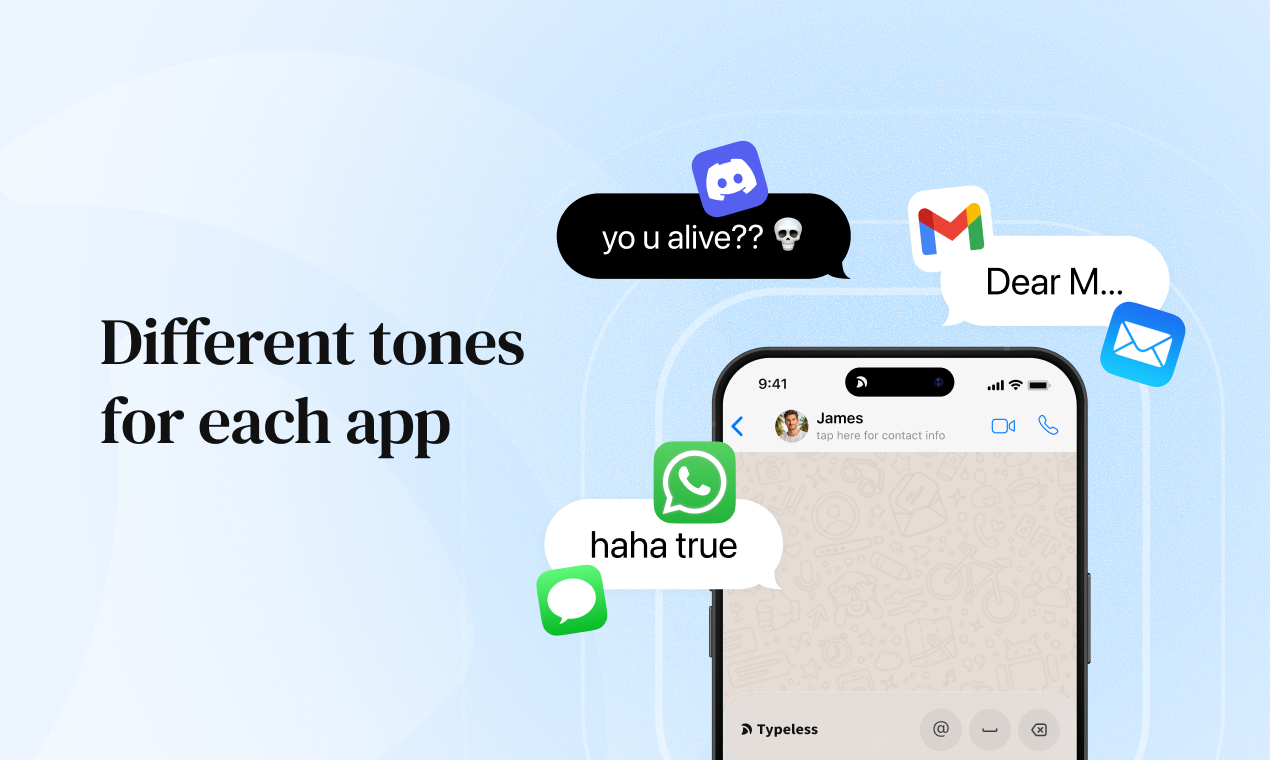
One concrete suggestion from a power-user perspective: Could there be an option for "custom AI editing styles"? For example, I might want a "Concise Bullet" style for Slack, a "Formal Email" tone for work, and a "Casual & Emoji-friendly" mode for texting friends. Allowing users to save/personalize these output formats could make an already brilliant tool even more indispensable.


Excited to see this evolve! The team's direct engagement here is awesome. I'm curious: Is a future API or Shortcuts integration on the roadmap to automate workflows even further?

2
回复

@rocsheh Thanks so much for the support and the kind words, Zepeng! Really glad to hear that “Speak to edit” hit the mark for you.

To your points:

  1. Regarding custom styles—you’re spot on. People definitely need different tones for different apps. We actually have a very cool way to solve this through personalization. The more you use Typeless, the more it learns your unique writing style and tone so it can write exactly like you. We’re cooking this up actively and looking to release it very soon!

  2. On the API/Shortcuts front: Yes, it’s absolutely on our to-do list. Since you’re building Surgeflow, I was wondering if you might be interested in integrating our SDK or API into your own product?

1
回复

I'm impressed by the battery efficiency. Heavy use doesn't drain my iPhone like other AI apps.

2
回复

@jayzhu Thanks for highlighting this! So glad you're getting heavy use without the drain!

0
回复

@jayzhu Love hearing that you can use it heavily without draining much battery. Also, thanks for sharing this, it really helps us understand how it fits into your day:>

0
回复

The real-time editing is magical. I can see my rambling thoughts transform into coherent sentences as I speak.

2
回复

@jianqiang_hao That real-time polish is our secret sauce! So glad you're experiencing the magic. Keep those thoughts flowing - we'll handle the coherence!

0
回复

@jianqiang_hao Love how you put this. That’s exactly what we want Typeless to feel like! Thanks a lot!

0
回复

Typeless has saved me so much time. I used to avoid replying to long emails on mobile, now I just speak and it's done.

2
回复

@janette_szeto Love this! We totally understand that pain point - long emails on mobile used to be such a hassle. It's amazing how voice can transform the experience. Thanks for sharing your feedback!

0
回复

@janette_szeto Janette, thank you for sharing this. It means a lot to our team! If you have ideas to make those replies even smoother, we’d love to hear them!

0
回复

Great add-on for the Email workflow if you need answer anything fast on the road. Otherwise, I'm using voice mеssages, which are vary convenient in messangers.

Meanwhile the desktop app has much wider use cases, love using it!

1
回复

@huangsong Love the philosophy here - "keyboard was a mistake" resonates deeply. We just launched Whisper for Mac with the same belief: voice-to-text shouldn't feel like a hack. Your execution is beautiful. Two voices solving the same problem, different platforms. Excited to see both succeed! 🚀

1
回复
@0xwhisperIt is so inspiring to see the product you are building! You are tackling such a relevant problem using voice technology, and I love seeing fellow creators working hard to make a positive impact through their own unique approach. Thank you so much for your kind words about Typeless. I am rooting for you and wishing you nothing but the best with your product!
1
回复

Congrats on the launch, @huang_song_ this is a bold and beautifully executed vision
As users start trusting voice more than the keyboard, what do you see as the hardest remaining barrier to making voice the default on mobile , social comfort, accuracy in complex contexts, or something else entirely?

1
回复

@harkirat_singh3777 That’s a great question.

While we are working hard to deliver a flawless voice dictation experience, we know that sometimes the output isn’t 100% perfect on the first try.

When you need to make small edits, it’s tempting to switch back to the traditional keyboard. We believe this friction is the biggest barrier to making voice the default way we interact with our phones.

To solve this, we’ve developed some brilliant ways for you to edit using only your voice:

  1. Speak to Edit: You can now refine your text verbally, eliminating the need to switch back to the keyboard.

  2. Continuous Improvement: We understand that some still prefer the keyboard for tiny tweaks, so we are actively taking our “speak to edit” feature to the next level.

Our goal is to make voice interaction so seamless and comfortable that speaking becomes your natural, default way to use your mobile device.

1
回复

Used it to respond to 20+ messages during my lunch break. Would have taken me an hour typing.

1
回复

@miahammer Honestly, this is the best feedback we could get! We've all been there - staring at a mountain of messages and dreading the typing. So happy we could help you power through them and actually enjoy your lunch break!

0
回复

@miahammer Love this use case so much. Turning an hour of replying into one lunch break is exactly the kind of time savings we hoped Typeless could bring!

0
回复

The cross-device sync with Mac and Windows is seamless. Started a thought on iPhone, finished on my laptop.

1
回复

@x_z4 That's the dream workflow! Start anywhere, finish anywhere. So glad this is working perfectly across your devices!

0
回复

@x_z4 Thank you so much for this feedback, really appreciate it. We spent a lot of time tuning for that “no lag” feeling. Hope it makes writing on your phone feel a bit easier every day.

0
回复

Congratulations! The speed is incredible! No lag between speaking and seeing polished text appear.

1
回复

@harlan_at_timedomain Thank you! Real-time speed with zero lag - exactly what we aimed for! So happy you're loving it!

0
回复

The privacy-first approach is what sold me. Everything stays on my device - that's huge for confidential work.

1
回复

@joe_guo1 Privacy first, always. Your confidential work deserves nothing less. Thank you for trusting us!

0
回复

@joe_guo1 We care deeply about privacy, especially for confidential work, so it means a lot to hear this. Thank you for trusting Typeless!

0
回复

Typeless has reduced my screen time because I'm not staring at my keyboard trying to type anymore.

1
回复

@zephyrlink_i Thank you so much for sharing this! It's wonderful to hear that Typeless is helping you develop better typing habits and reduce unnecessary screen time. That's exactly what we hoped to achieve - making typing more intuitive and effortless.

0
回复

@zephyrlink_i Love this so much. If Typeless is helping you look up from the keyboard and focus more on your own ideas, then it is doing its job.

0
回复

Does the app work with Focus modes? Can it adapt tone based on my current Focus?

1
回复

@erictian Yes! We can access your current Focus mode and use it as context for transcription. This means the app could adapt its tone based on whether you're in Work, Personal, or other Focus modes.

0
回复

Does Typeless support dictation for form filling on websites?

1
回复

@vermouth2333 Yes, works in browser text fields! Just tap and speak. What forms are you thinking of using it for?

0
回复

The whisper mode is genius! I can dictate notes during late-night inspiration without waking my partner. Congrats!

1
回复

@maxine_at_acestudio_ai Best compliment ever 😂 Happy whisper mode is keeping the peace! Those late-night thoughts are worth capturing.

0
回复

@maxine_at_acestudio_ai Whisper mode saving relationships and late-night ideas at a time.😄

0
回复

Finally! I've been waiting for the iOS version since I started using Typeless on my Mac. The desktop app is already a lifesaver for my messy brainstorming sessions, so having this on mobile is huge.

The biggest friction for me has always been having to 'clean up' Siri's dictation. If the iOS keyboard extension handles filler words as well as the desktop version does, this is going to replace my default keyboard. Question for the team: does my personal dictionary sync between the desktop and iOS apps? That would be a massive time-saver.

1
回复

@jotaro_kujo Thanks so much for your support! 🎉

Filler word handling: Yes! The iOS keyboard uses the same intelligent filtering as desktop, so you'll get the same seamless cleanup of filler words.

Personal dictionary sync: Yes! It syncs automatically across devices when signed into the same account.

Looking forward to your feedback!

0
回复

Congrats @huang_song_ and the entire team! I've been following your journey on social media and so excited to see the traction you're getting

I run on Windows and Linux - would love to see support for Linux in the future but so far experience is amazing on Windows. But launching on iOS is a GREAT addition. I was using ChatGPT to transcribe my voice, then copy and paste it where I needed to...obviously a workaround since there was no Typeless available!!! Thrilled you've added this option

0
回复

What's the difference between typeless and Wisperflo?

0
回复

Congrats on the launch! 🚀

Love how calm and focused the positioning is — feels very “just speak and move on with your day”. Clean execution, clear value, and a really nice direction overall.

Wishing you a strong launch day on PH 🙌

0
回复

very smart idea. good luck with your launch 🚀

0
回复
#2
GitHired
Find your next 10x Engineer by proof of work, not keywords
278
一句话介绍:GitHired通过分析开发者GitHub上的实际项目产出(而非简历关键词),为招聘方自动生成并排名候选人报告,在技术招聘场景下解决了筛选效率低、信号失真及“纸上谈兵”型候选人的痛点。
Hiring GitHub Tech
技术招聘 GitHub分析 开发者评估 简历筛选 招聘自动化 技能验证 人才测评 SaaS HR科技
用户评论摘要:用户肯定产品解决招聘痛点的价值,关注其分析范围(是否/如何涵盖私有仓库)、数据安全与权限、国际可用性及公平性(避免对OSS贡献者或私有代码开发者的偏见)。建议增加GitHub登录、AI匹配度分析等功能。
AI 锐评

GitHired试图用“工作证明”颠覆传统技术招聘的信号系统,其核心价值不在于又一个招聘工具,而在于它挑战了以简历关键词和面试话术为主导的陈旧评估体系。它直击一个行业顽疾:大量能“做”的工程师被低效的文本筛选过滤,而能“说”的候选人却可能过度晋升。

然而,其“真实”承诺亦是最大软肋。产品高度依赖GitHub这一单一、且并非完全中立的数据源。这带来了三重隐忧:其一,公平性陷阱。它将活跃的公开贡献者置于聚光灯下,而将企业内从事私有、关键基础设施开发的顶尖工程师置于阴影中。评论中关于“可见性偏见”的质问一针见血。其二,指标异化风险。一旦“GitHub深度分析”成为招聘标准,催生“为求职而提交”的表演性编码将难以避免,平台需持续与“伪造深度”博弈。其三,评估维度局限。代码提交频率、项目复杂度等技术指标,难以捕捉系统设计、团队协作、业务理解等同样关键的软性能力。

其真正前景不在于成为唯一的裁决者,而在于成为一个强大的“信号增强层”。若能审慎地将其输出作为多维评估的一环,而非唯一答案,并持续拓展对“工作证明”更广义的理解(如设计文档、技术决策影响等),它才有机会从一款有趣的工具,进化为重塑招聘文化的关键支点。目前来看,它是一个有力的提问者,但尚未成为完美的答题者。

查看原始信息
GitHired
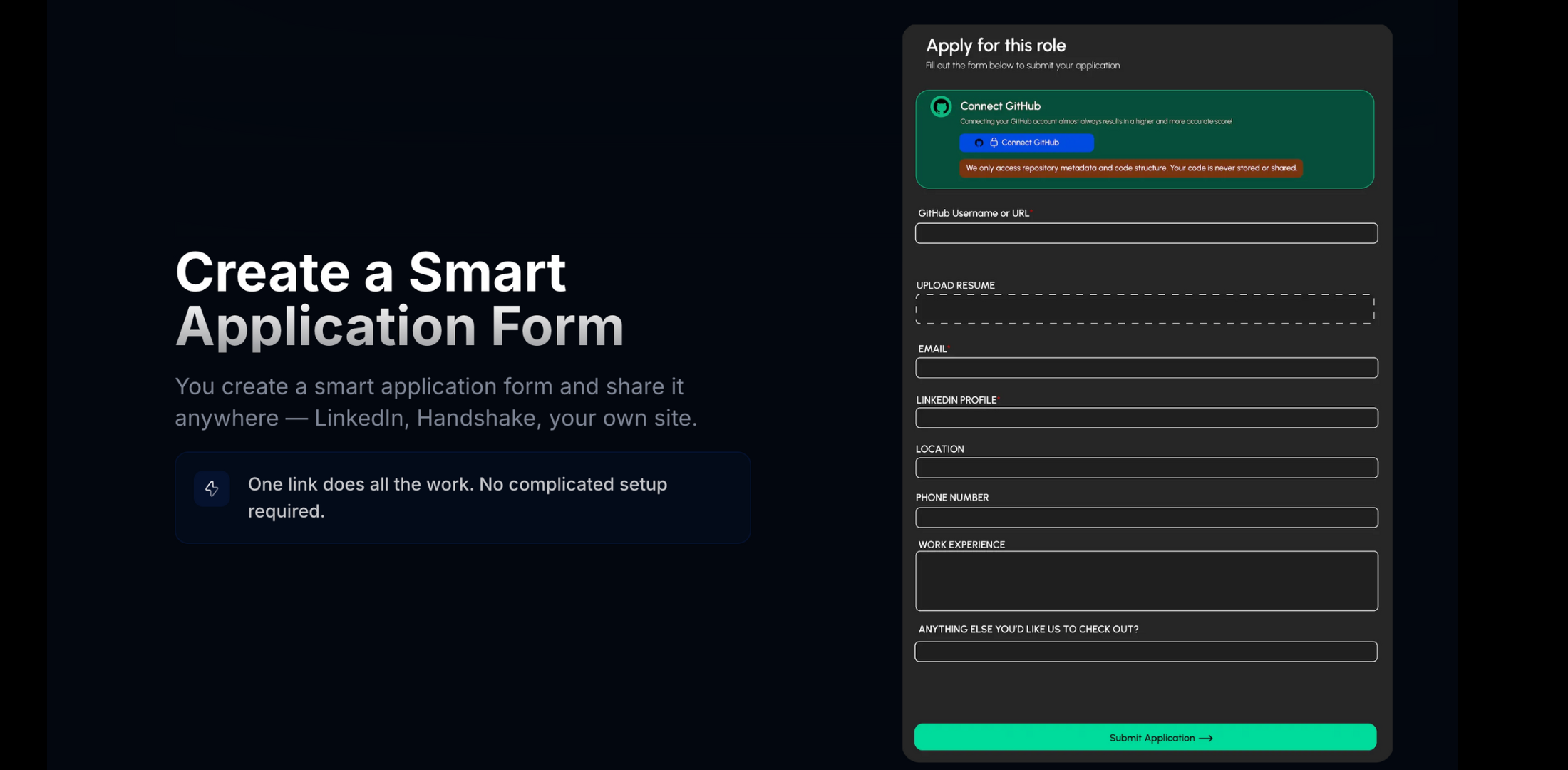
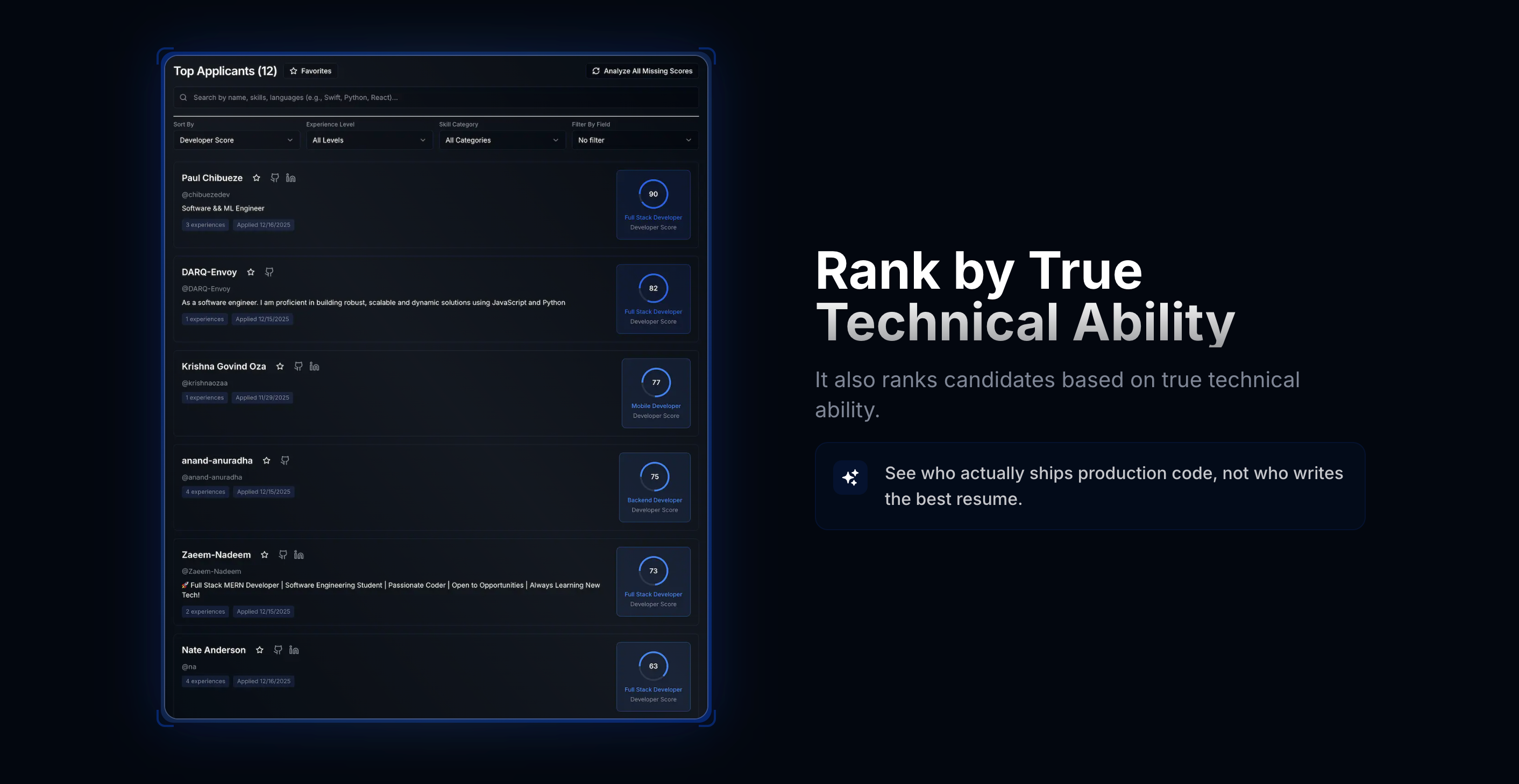
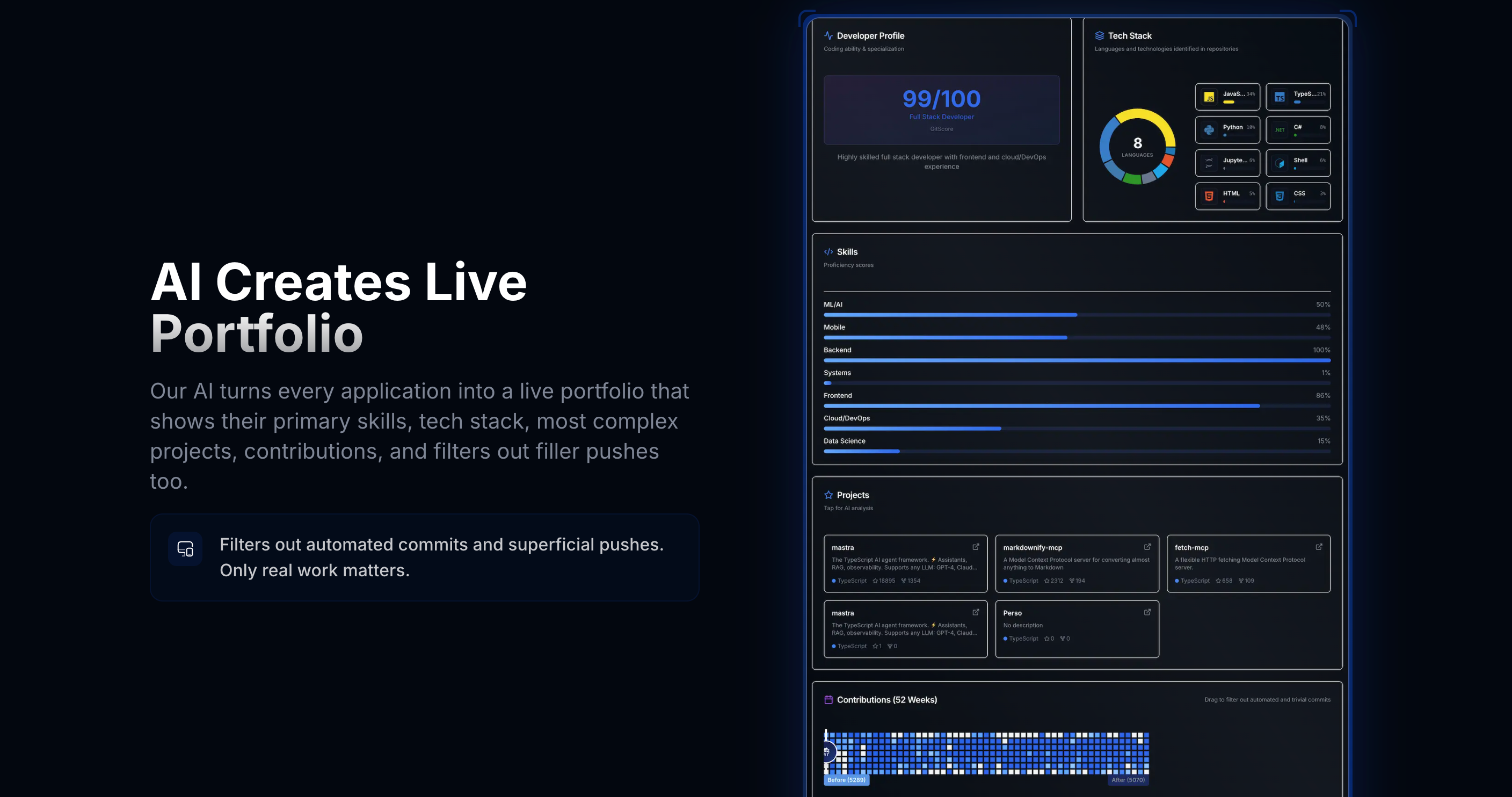
GitHired lets you create autonomous hiring forms that instantly rank your applicants based on what they've actually built, not what they say they can build. Each candidate gets a one page profile showing their real tech stack usage, project depth and complexity, and contribution activity (while also filtering out fake GitHub commits). Hiring becomes 10x faster and far more accurate. Stop guessing who can code. Start seeing who does.

Hey Product Hunt 👋
I’m Raghav, co-founder of GitHired.

Hiring devs is broken- you can’t tell if someone is a 10x engineer just by looking at a resume.

Some candidates look perfect on paper but can’t ship real features.
Others who can build get filtered out because of a missing keyword.

So we built something better. We analyze what a developer has actually built, not what they say they can build.
We break down their real tech stack, project depth and complexity, commit authenticity (no more fake green charts). You get a ranked list of the most cracked devs with the skills relevant for the role.

Stop guessing who can code. Start seeing who does.

We’re early, shipping fast, and would love your feedback. Tear it apart, ask questions, or tell us what would make this a no-brainer for your team.

7
回复

@raghavb11 That makes sense. Hiring speed + signal quality is a real pain right now.
This feels especially useful for early-stage teams where one wrong hire is expensive.
Happy to test it from a founder/hiring perspective and share feedback.

0
回复
@raghavb11 Interesting concept, is it evaluating only public repositories ?
5
回复

@raghavb11 Hey Raghav, how do you ensure fairness and signal quality across very different GitHub profiles (OSS-heavy contributors vs. strong engineers from private repos), so great candidates aren’t still penalized by visibility bias?

0
回复

GitHired provides the DD tool for engineer hiring process.... great idea dude!

2
回复

@cruise_chen thanks!

0
回复

Love the idea behind GitHired! Very intuitive!

2
回复

@avhijit_nair thank you!

0
回复

Whats the security in this like giving complete access for personal github is kind of very risky isnt it ?

2
回复

@anurag_singh00 Totally fair concern. GitHired uses GitHub’s official OAuth with read-only, minimal permissions. We analyze personal repositories only (never organization or company code) to better understand real project depth. None of the code is stored ofc, we never get write access, never see passwords or secrets, and access can be revoked instantly from GitHub at any time. This is the same security model used by trusted developer tools like Vercel and Netlify- we only analyze what users explicitly allow us to see.

2
回复

it is one of my pains (: good idea good luck on your launch 🙌🏻

1
回复

@savaskalkan thank you!

0
回复

This story feels very real. I’ve seen great devs get filtered out just because their resume didn’t hit the right keywords, while strong talkers made it through.

1
回复

@abod_rehman That's the pain point we are solving :)

0
回复

🥰 I always love the xmas period on PH. So many neat github tools are featured! Good vibes ✨ GitHired looks really cool! Maybe as a future update, add login with github?

1
回复

@conduit_design thank you for the suggestion, the github login feature will be live by Christmas!

1
回复
hey does the private repo also count ?
0
回复

Do you plan to offer this in international markets also?

0
回复

@amit_5 Hey Amit, Yes we are offering it internationally as well

0
回复

are you available only in the US right now

0
回复

@amit_5 anyone across the globe can use our platform!

0
回复

This can be quite good for picking the best people. The question is... if their projects are quite good, they are usually CEOs of thriving applications. Maybe it can pick the second best choice from people who already don't have a full-time job or own business.

0
回复

@busmark_w_nika Well, that is true. We look at the top 5 projects rather than 1 to tackle such a scenario. Thank you for the feedback.

0
回复

Love this approach. Analyzing private repositories is a huge win — public GitHub activity is often a misleading signal. One idea for the future: an AI-driven “compatibility percentage” between a developer and a company. Based on the languages, stacks, or domains the developer has worked on, it could show how well their real experience aligns with what the company is actually building. Curious what you think about this direction?

0
回复

@matiasmonzalvo Thanks for the feedback. And, yes, we are surely doing that. We had planned this from the start and will be implementing soon!

0
回复

Love the idea here..! As a remote React/Full-Stack developer who builds real project portfolios, I’d be curious how GitHired helps developers showcase deep project work rather than just activity metrics.

0
回复

@anadi_thakur1 Thanks Anandi! Project complexity, along with languages and frameworks used are the primary metrics we focus on. We select some of the top projects for each applicant, and you can even look at an AI generated description and get a high level overview about most projects by clicking on them. You should be able to generate your profile that you can even share through https://www.githired.tech/opportunities

0
回复
#3
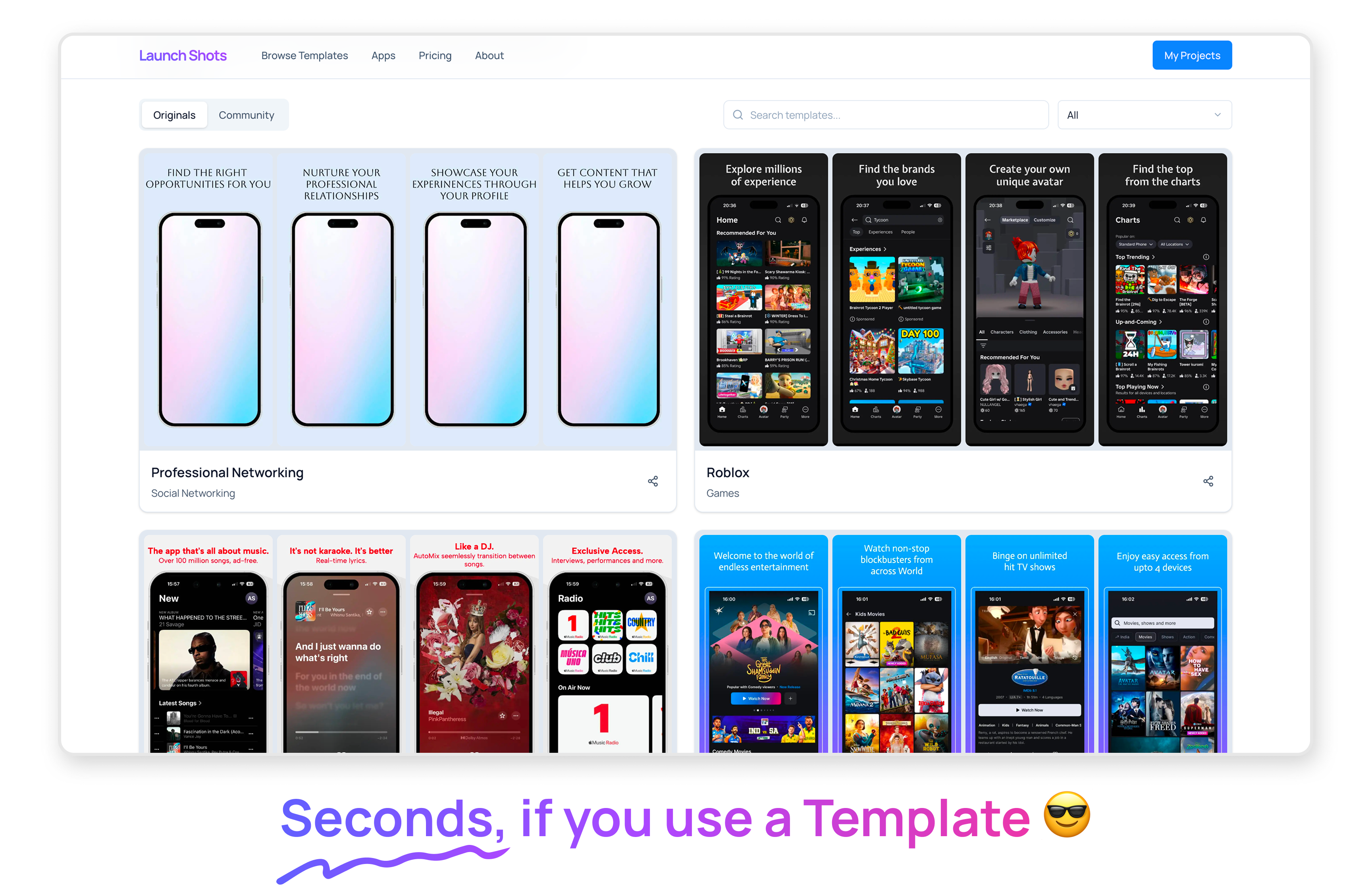
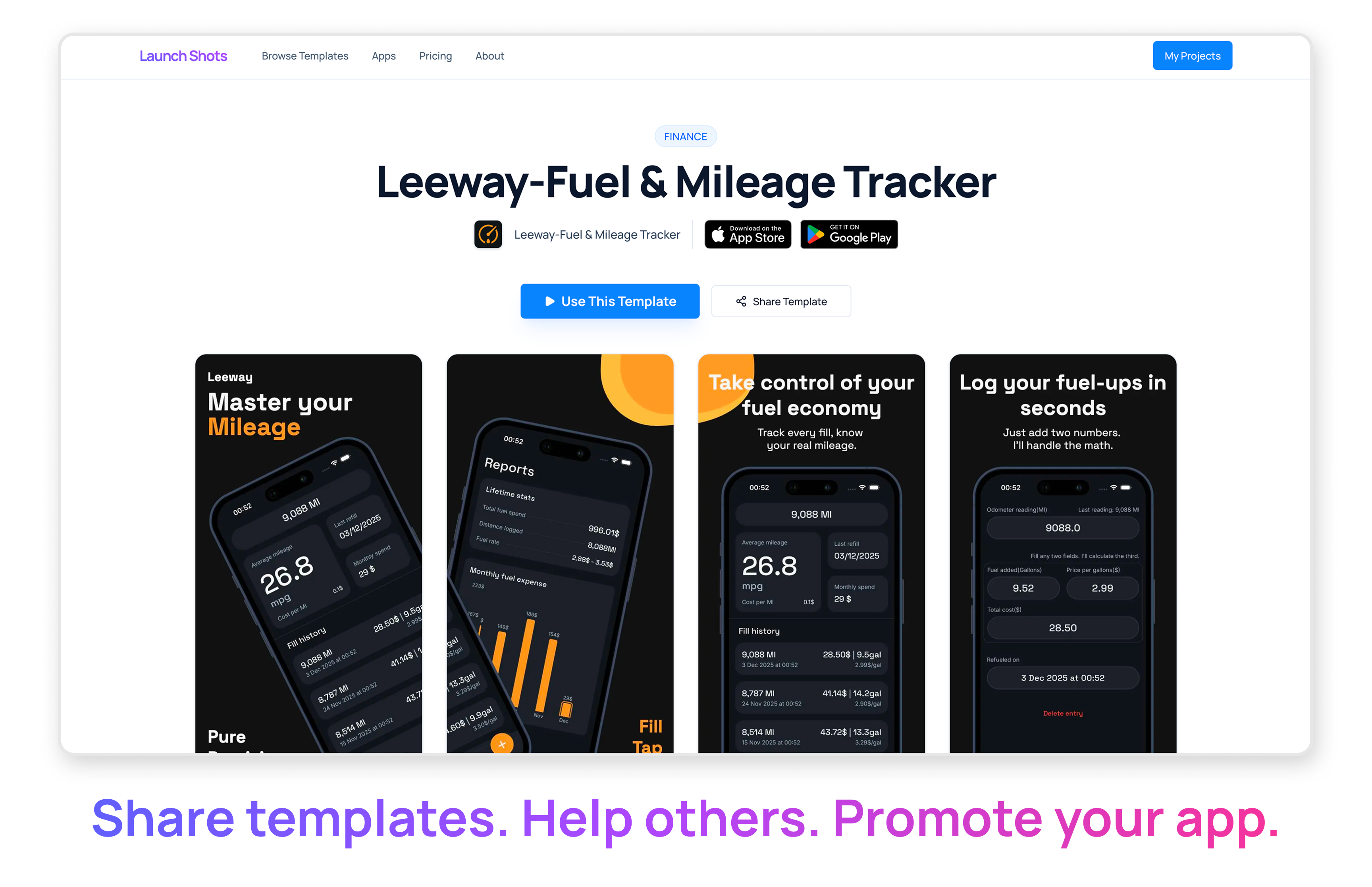
Launch Shots
Create stunning App/Play Store screenshots in minutes
218
一句话介绍:一款为独立开发者和中小团队设计的应用商店截图生成工具,通过模板、真实设备框架和编辑功能,在应用上架前快速制作高质量展示截图,并以“按需付费”的积分模式,解决了传统工具在最后一步遭遇高昂订阅付费墙的核心痛点。
Design Tools Productivity
应用商店截图制作 开发者工具 设计模板 按需付费 独立开发者 效率工具 产品发布 成本优化
用户评论摘要:用户普遍共鸣于“最后一步遭遇付费墙”的糟糕体验,高度认可“积分制”付费模式,认为其公平且符合低频使用场景。主要问题集中在询问移动端编辑支持、长期商业模式可持续性及使用速度。开发者积极回应,并邀请用户提供改进建议。
AI 锐评

Launch Shots 的亮相,与其说是一款工具的创新,不如说是一次对 SaaS 行业僵化订阅模式的反叛宣言。它精准刺中了一个被巨头忽略的缝隙市场:低频、高确定性需求的独立开发者。其价值核心并非功能层面的颠覆(模板、设备框架属行业标配),而在于商业模式与用户心理的精准拿捏。

“3次免费+积分包”的模式,本质上是一种风险对冲和信任建立。它解构了“使用权必须捆绑长期承诺”的固有逻辑,将消费权彻底交还给用户。这尤其迎合了后增长时代开发者对成本敏感、厌恶被套牢的心理。创始人亲身经历的“故事营销”极具感染力,迅速在目标用户中建立起情感联盟,评论区的共鸣即是明证。

然而,其挑战同样尖锐。首先,积分制对工具本身的产品粘性和生命周期价值(LTV)构成了天然限制,如何平衡“用户友好”与“商业可持续”是一道长期考题。其次,其定位决定了天花板明显——服务于“发布”这一瞬时动作,难以向日常协作设计平台延伸。最后,当“简单易用”成为主要卖点,它极易陷入同质化竞争,或被大型设计平台以一个功能模块的方式轻松覆盖。

它的真正机会在于,能否从“截图生成器”升级为“应用上市内容工作流”的一个关键节点,并围绕独立开发者构建社区,将用户模板资产化。否则,它可能只是一个美好的、却难以长大的利基产品。这场对订阅制的“温和抗议”,能否演变为一场可持续的生意,考验的是团队在锋利定位之后的生态构建能力。

查看原始信息
Launch Shots
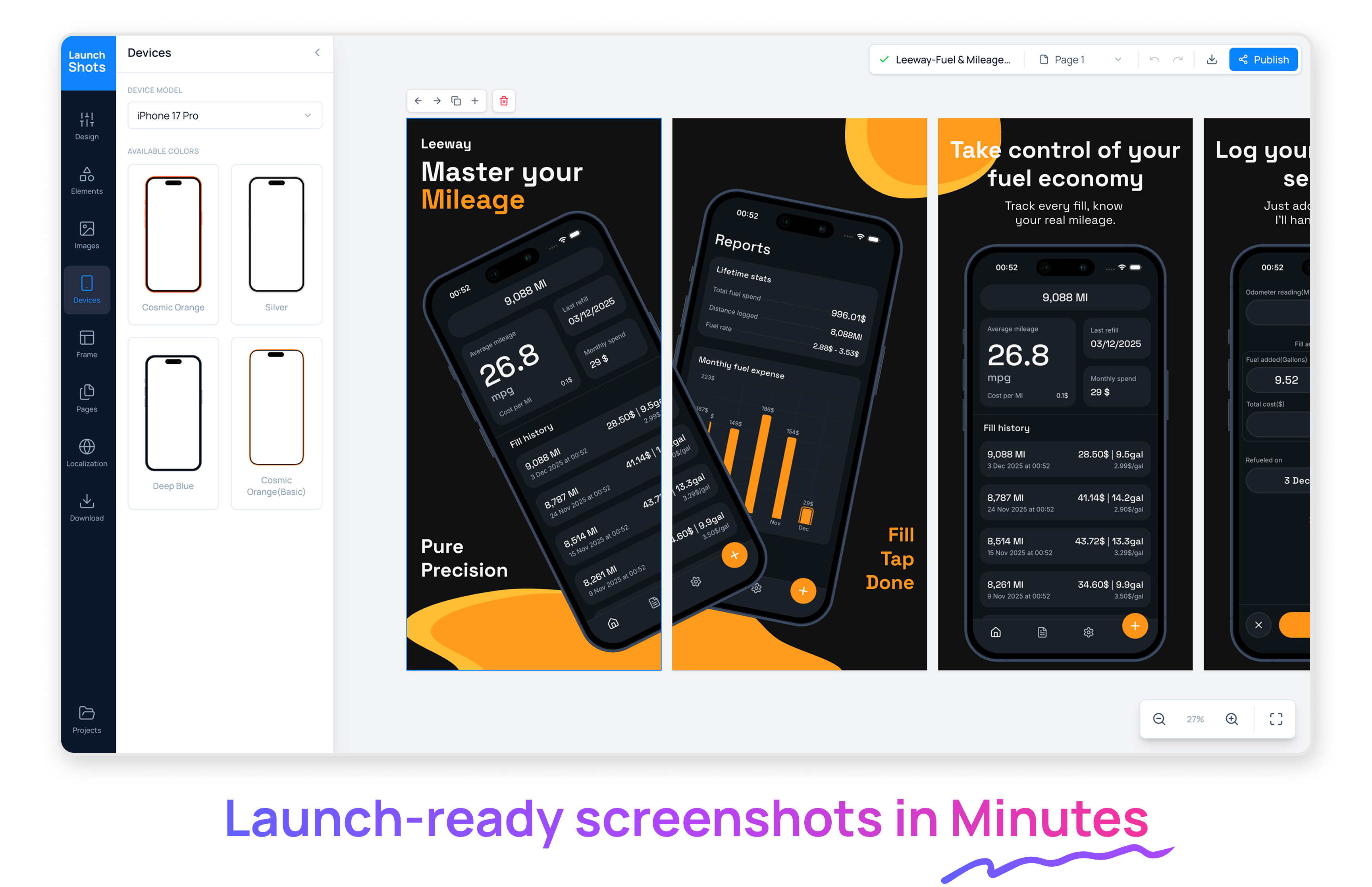
Create beautiful App Store and Play Store screenshots with templates, real device frames, and powerful editing tools. You get 3 free downloads every month, and if you need more, there’s a simple credit-based plan starting at just $1. And unlike those tools that suddenly hit you with a $25/month subscription the moment you’re ready to download… we don’t do that. Pay only when you actually need it.
Have you ever spent almost an hour perfecting something… only to hit a giant subscription paywall right when you’re about to download it? Yeah. That happened to me 😅 I don’t hate subscriptions. I pay for a lot of them. But subscriptions make sense for things you use regularly… like a music app. Not an app store screenshot tool. At least not unless you’re an agency or shipping multiple apps every month. Some time back, I finished building my mobile app and the only thing left before launch was App Store screenshots. (let’s pretend we live in a world where the Apple review loop doesn’t exist 😄) I’m not a designer, so I picked a template from a popular tool, tweaked the copy, added my app colors, adjusted spacing, polished everything… and honestly, it looked perfect. Then I clicked Download. Boom. $29/month subscription. I get it. Tools need to make money. But I probably wouldn’t use it again for months, so committing to a recurring subscription didn’t feel right. But I would’ve happily paid a small one-time amount to download what I’d just spent half an hour crafting. That’s when it hit me: Not every tool needs to force a subscription. For a lot of indie devs, a credit-based “pay when you need it” model makes way more sense. So… I built LaunchShots 🎉 - Free to use - 3 exports per month - If you need more, buy one-time credits starting from $1 - And if you’re a heavy user, there’s also a subscription option Choice instead of pressure. It’s still new. It won’t be perfect yet. But I’m improving it every day and I’m really happy with where it is right now. I’d love to hear your thoughts: - Have you ever been hit by a “paywall at the last step” moment? - Do you prefer subscriptions or credits for tools like this? - What would make LaunchShots more useful for you? Happy to answer anything, and thanks for being here ❤️
6
回复

@ajayesivan This was actually an idea I’d been thinking about, and you made it beautifully.
Cheering you on!

1
回复

@ajayesivanHow do you think about aligning incentives long-term, making credits feel fair and sustainable for you, without nudging users back into the same “hidden pressure” feeling subscriptions often create? Btw, this pricing philosophy will resonate with a lot of indies!

0
回复

Hi Ajay, saw your Product Hunt launch for Launch shots—congrats!

I work with startups as a remote React / Full-Stack developer.

Would love to connect.

Curious—how are you handling frontend performance or mobile support as usage grows?

2
回复

@anadi_thakur1 Thank you!

Happy to connect! I'm in a figure it out as things come mode. So far everything is going well and I'm working on improving the experience everyday.

No mobile support for the editor as of now.

0
回复
Looks great! Congrats on the launch
1
回复

@juliomedina Thank you for your support Julio!

0
回复

This happened to me too, before a launch, worked on screenshots and then got blocked by a subscription. Super frustrating.
This tool would’ve saved me a lot of time. How fast can someone make ready screenshots with LaunchShots?

1
回复

@abod_rehman It's super easy. If you're going with a template and your screenshots and copy is ready then under a minute. Like you can see in this video: https://youtu.be/7shyPEi6ios.

You can also do it quick even if you're starting from scratch. In my experience, the screen duplication helps a lot. You can design one screen and duplicate it and just change the image & copy if you're going with the same style for all screens.

Also, I have added features like AI powered translation, no clipping for frames to help extend elements from one screen to other - no more struggle to align multi-screen elements manually.

Try it for your next launch and let me know your feedback and if you find anything missing. Just drop a message to support@launchshots.com.

0
回复
Congrats on the launch! Been hit by such expensive paywalls at the final moment multiple times, so I definitely feel you! I personally like credit over subscription. Launch Shots will certainly help my own launch in the future.
1
回复

@e36 Glad you found it valuable!

Definitely use it for your next launch. If you run into any issues, you can reach me at support@launchshots.com.

And if you feel anything is missing or have ideas for improvements, I’d really love to hear them.

You can also publish your product screens as templates to help others launch faster while helping grow the platform. It’s completely free.

0
回复
Very cool this is definitely something that can be used all the time. I’m gonna check this one out, Good luck on your lunch
1
回复

@dubd59 Thank you for your support!

Please don't forget to share your feedback/suggestions after exploring.

0
回复
Yeah! It’s super cool and easy to use. It’s also key to save time at the launch. Glad to see you helping on this. All the best!!
1
回复

@german_merlo1 Thank you so much for your support! Please do check it out and let me know if you have any suggestions or ideas to improve it further.

0
回复

nice product. good luch 🚀

0
回复
#4
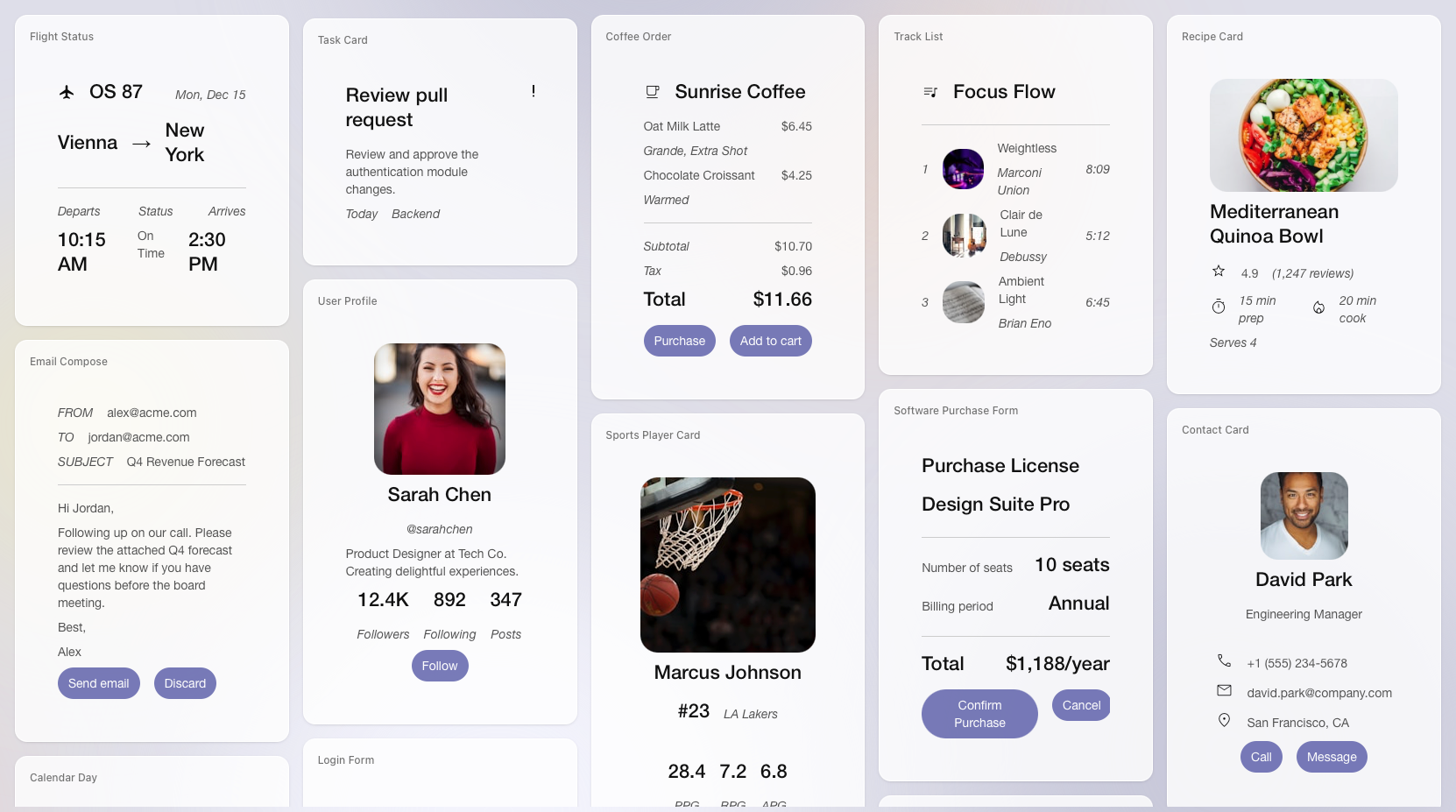
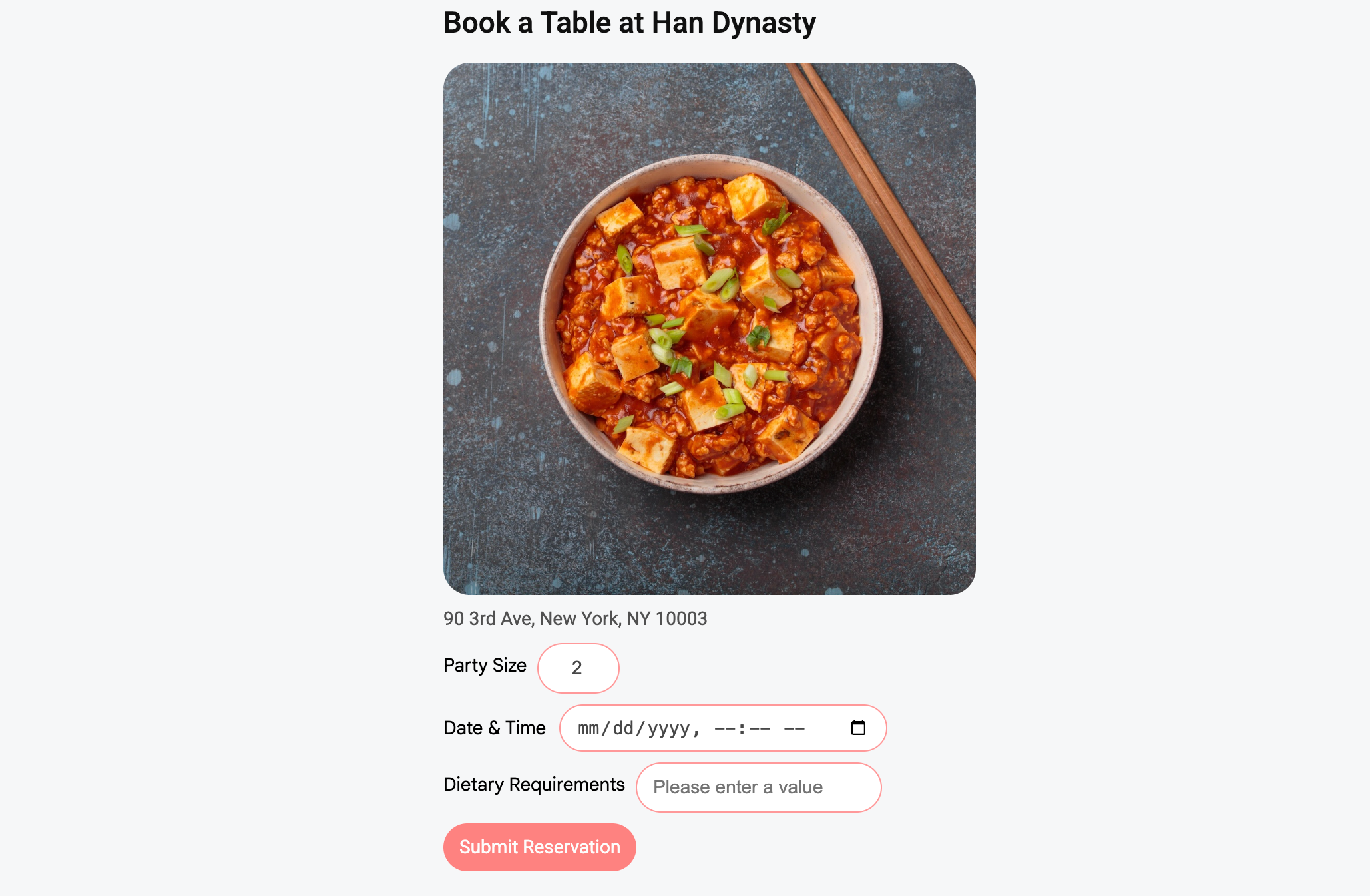
A2UI
A safe way for AI to build UIs your app can render
196
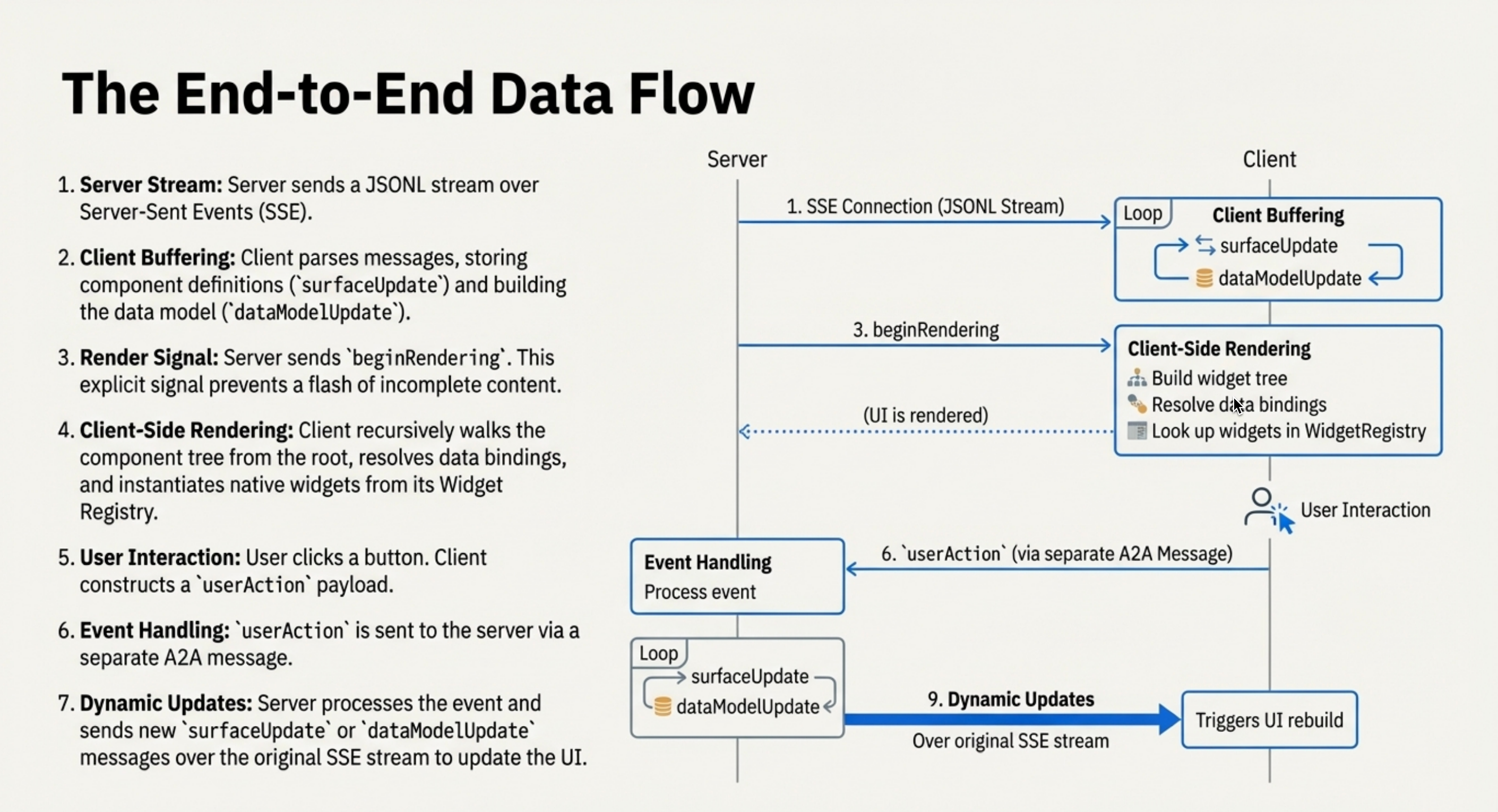
一句话介绍:A2UI是谷歌推出的开源协议,让AI代理能通过安全的JSON声明式描述生成丰富交互界面,解决AI直接执行代码的安全风险,适用于需要动态生成UI的智能体应用场景。
Open Source User Experience Artificial Intelligence GitHub
AI界面生成 开源协议 声明式UI 跨平台渲染 AI安全 谷歌技术 智能体交互 JSON协议 Flutter 无代码
用户评论摘要:用户肯定其解决可信边界UI传输的安全价值,提及与Gemini Visual Layout的渊源及企业级应用;关注与OpenAI widget的竞争;期待组件库生态发展以降低使用门槛。
AI 锐评

A2UI表面是技术协议,实则是谷歌在AI交互层的关键卡位。它将高风险的代码执行转化为结构化的JSON描述,本质是给狂野生长的AI能力套上“缰绳”——既保障安全可控,又维持跨平台灵活性。但协议的价值取决于生态吸附力,当前依赖CopilotKit等第三方演示恰恰暴露其早期生态短板。

相较于OpenAI的widget模型,A2UI的“框架无关”特性彰显谷歌的底层思维,但这也意味着需要说服开发者放弃现有UI工作流。其真正挑战在于:如何让开发者相信,在React、Vue等成熟方案外,需要一个专为AI设计的中间层协议?评论中“组件库扩张”的期待点破要害——没有丰富的预制组件库,协议终将是空中楼阁。

值得玩味的是,该协议已驱动Gemini Enterprise等付费产品,暗示谷歌可能通过高端场景向下渗透。若其能依托谷歌的生态号召力,快速构建开发者工具链与标准化组件市场,或可成为AI时代“浏览器标准”的早期雏形。否则,它很可能只是又一个技术优雅却缺乏土壤的实验室产物。

查看原始信息
A2UI
A2UI is an open protocol by Google enabling agents to generate rich, interactive UIs. Instead of risky code execution, agents send declarative JSON that clients render natively (Flutter/Web/Mobile). Secure, framework-agnostic, and designed for LLMs.

Hi everyone!

A2UI tackles the specific problem of safely sending UI components across trust boundaries. We have already seen this concept in action with Gemini's Visual Layout, which inspired this protocol, and it is now powering Gemini Enterprise and Opal.

But protocols are only useful when they connect things.

The team at @CopilotKit (making @AG-UI ) has a great tutorial showing how to bring this stack to life. It demonstrates connecting an @A2A Protocol backend speaking A2UI directly to the frontend. It really shows how you can deliver a full-stack agentic experience where the UI is just as dynamic as the conversation.

4
回复

This is pretty interesting; curious to see how this will compete with OpenAI's widget model.

0
回复
Good inspiration! A common protocol for ephemeral UI elements is some that everyone building conversational experiences has been after for a decade. It does seem early, and will be interested in seeing libraries for those widgets sprawl to really make it a turnkey solution eventually. Good work!
0
回复
#5
WalletWallet
Create Apple Wallet passes for unsupported cards
147
一句话介绍:WalletWallet 是一款网页工具,可将苹果钱包不支持的条形码/二维码卡片快速生成并签名有效的 Wallet 通行证,解决了用户为单次使用被迫下载臃肿原生应用或操作繁琐的痛点。
Apple
工具类应用 苹果钱包增强 通行证生成器 条形码转换 二维码导入 开发者证书签名 轻量级网页工具 隐私安全(无数据存储) 免费工具 效率提升
用户评论摘要:用户普遍赞赏其解决了真实痛点(如替代臃肿App),体验可靠。主要问题/建议集中于长期维护(证书兼容性、系统更新)、使用是否需技术门槛,以及通行证在钱包内的排序逻辑优化。
AI 锐评

WalletWallet 表面上是解决“卡片入Wallet”的技术小工具,实则精准刺中了两个行业软肋:一是众多商家和服务方在数字化体验上的懒惰与封闭——宁愿用数百兆的独立App绑定用户,也不愿集成通用钱包协议;二是苹果Wallet生态本身的“半开放”策略,其依赖开发者证书签名的门槛,将大量非合作商户的卡片拒之门外。

产品的真正价值在于以极简的网页形态,扮演了“生态缝隙填补者”的角色。它没有尝试构建新生态,而是利用苹果现有的通行证(.pkpass)框架和自身开发者账户,为用户提供了一个合法的“签名代理”服务。其宣称的“无数据存储”和依托低成本Cloudflare Workers的架构,聪明地规避了数据隐私和可持续性的质疑,将工具属性做到纯粹。

然而,其长期生存能力存在隐忧。核心风险完全系于苹果公司的态度:其一,对个人开发者证书用于公开签名服务的行为,苹果是否会在政策上收紧;其二,苹果若在未来系统更新中改变通行证格式或验证机制,此类轻量工具能否快速适配。此外,产品成功恰恰映射了其天花板——它只是权宜之计,理想结局是商家纷纷原生支持Wallet,从而让自己失去存在必要。

从趋势看,WalletWallet的火热(上线短期生成数万通行证)反衬出市场对通用数字钱包的强烈需求。它更像一个生动的“用户抗议工具”,用技术手段投票,逼迫商家和平台厂商正视体验割裂的问题。在平台生态的夹缝中,它找到了一个巧妙、即时但脆弱的平衡点。

查看原始信息
WalletWallet
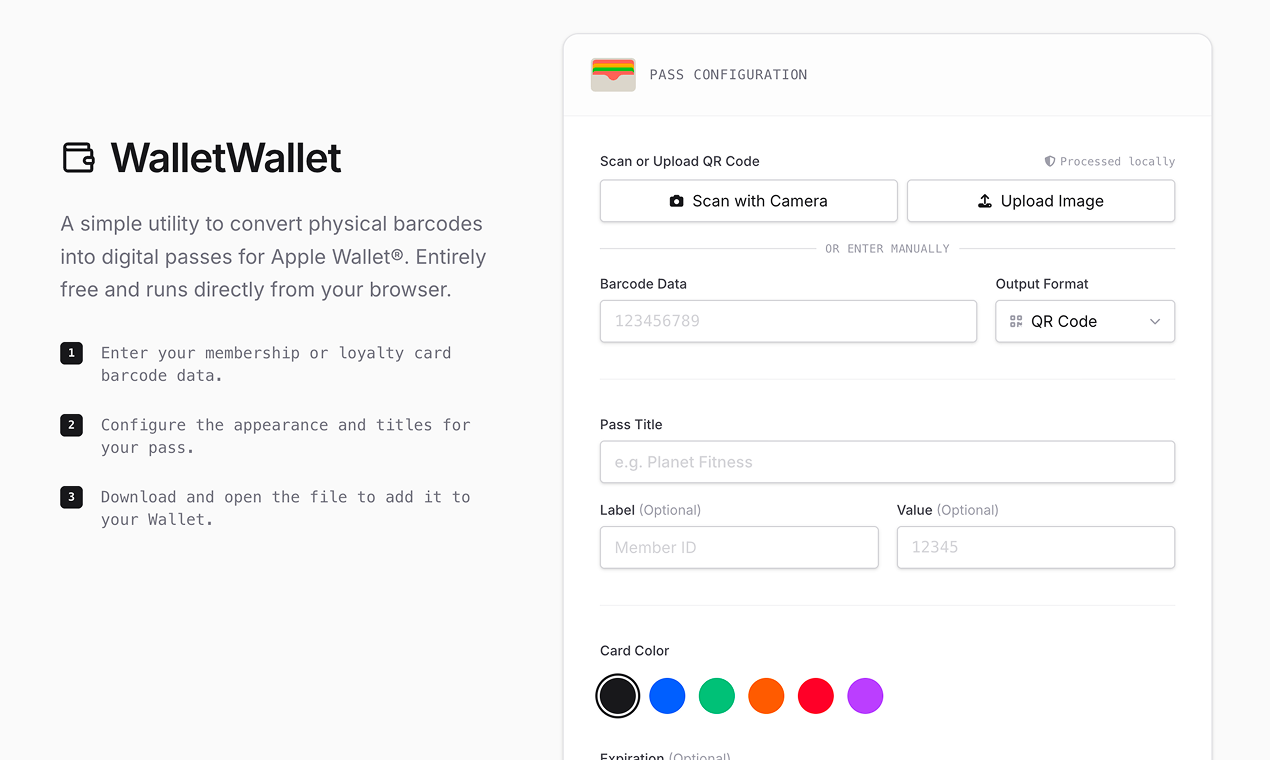
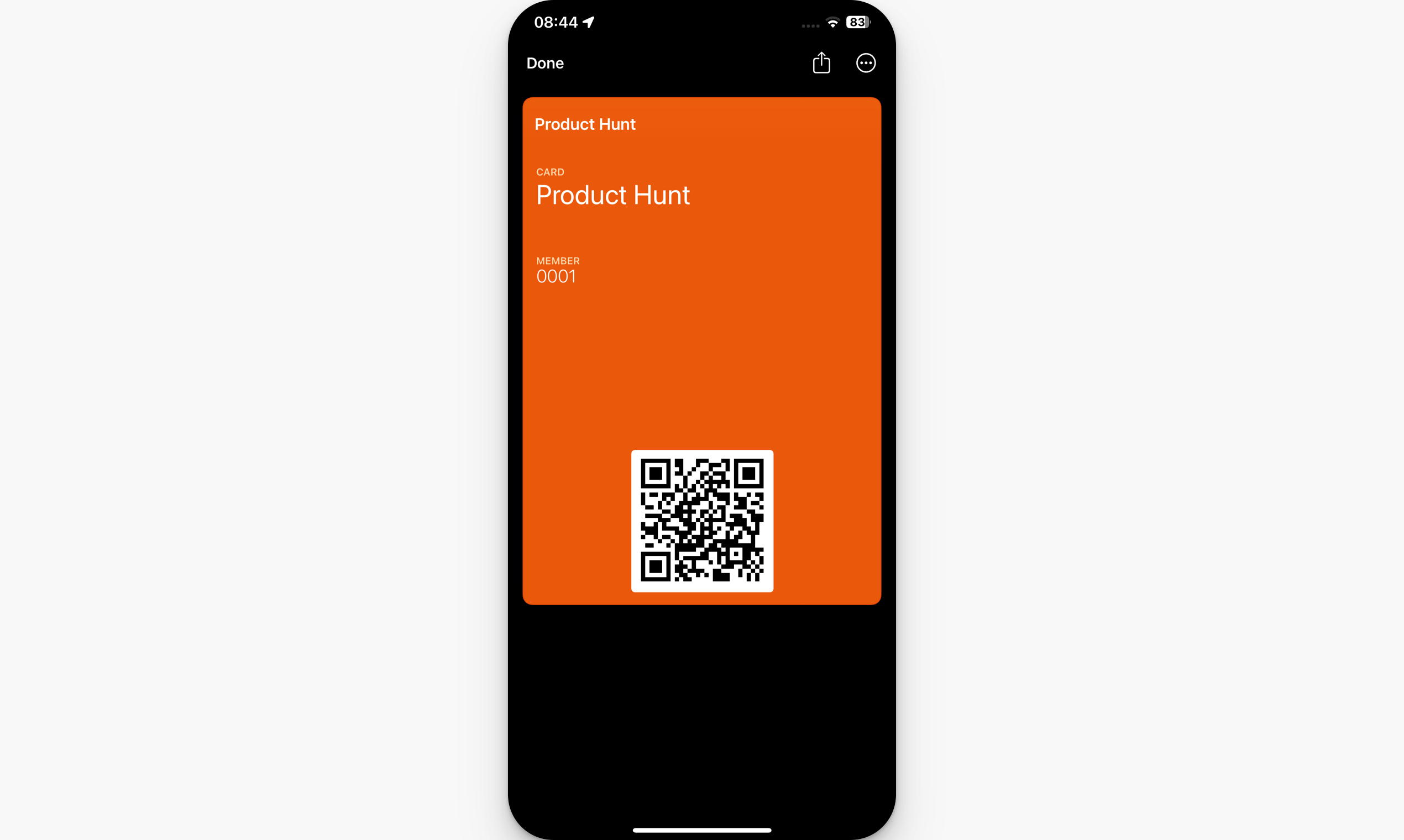
Turn any barcode into a working Apple Wallet pass. Passes are signed with a valid Apple developer certificate and work as expected in Wallet. Works directly from your browser. No data is stored, and it’s free. 21,000 passes generated since launching on December 22, 2025. Built with costs in mind and hosted on Cloudflare Workers to keep it low-cost, so it won’t go away or suddenly become monetized.

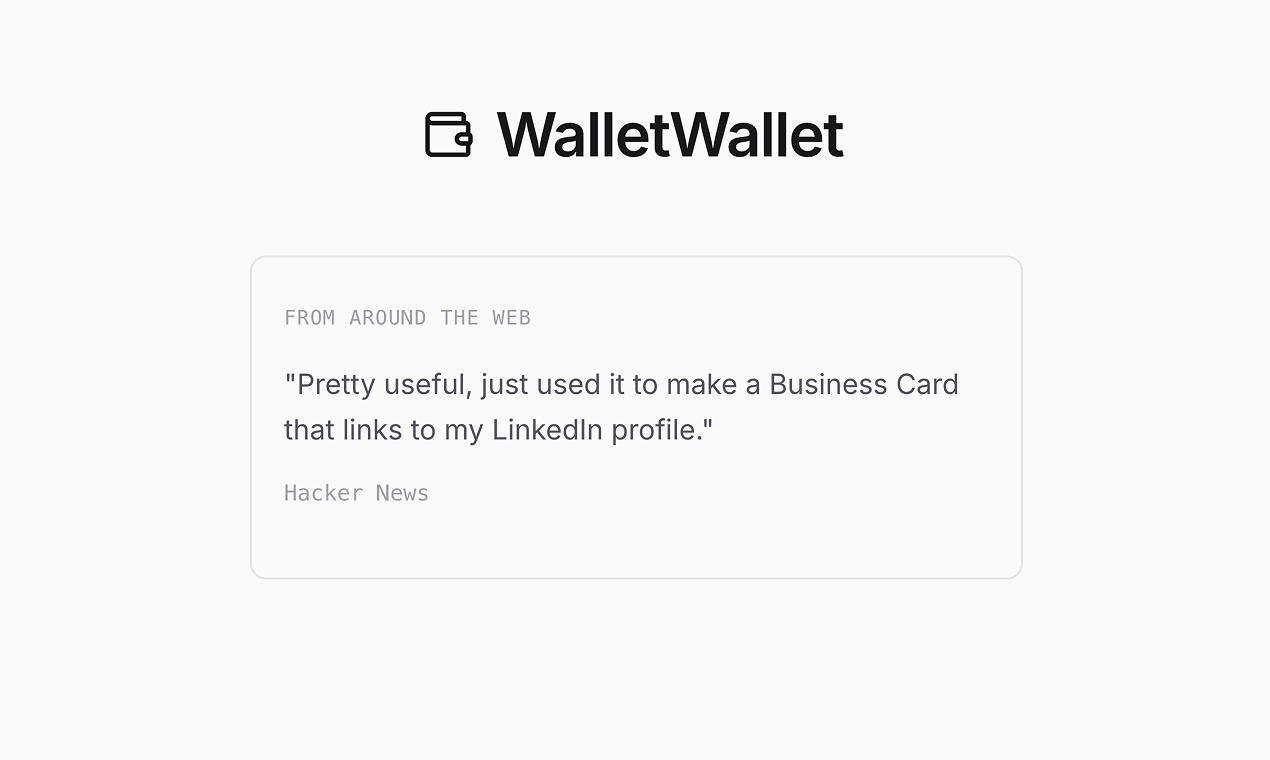
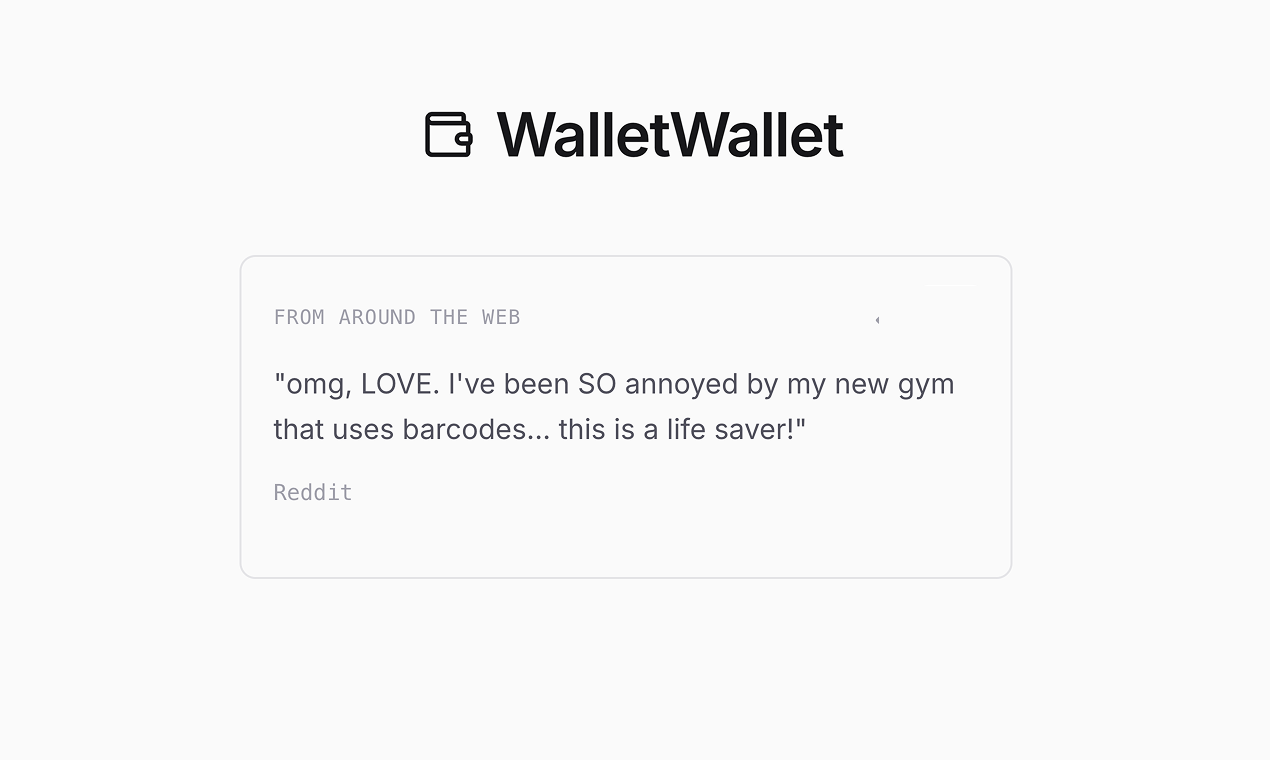
I built this after hitting a small but annoying problem. One shop I buy from doesn't offer Apple Wallet and I had to download their 250MB app just to show the card at checkout.

I could've used another Wallet app or taken a screenshot, but both aren't as simple as double-tapping for Wallet. I learned I could create the .pkpass file myself, but when I tried adding it to Wallet it didn't work. Passes need to be signed with an Apple developer certificate.

Since I just got an Apple Dev account, I built a minimal app that creates and signs Wallet passes from your existing barcode or QR code cards.

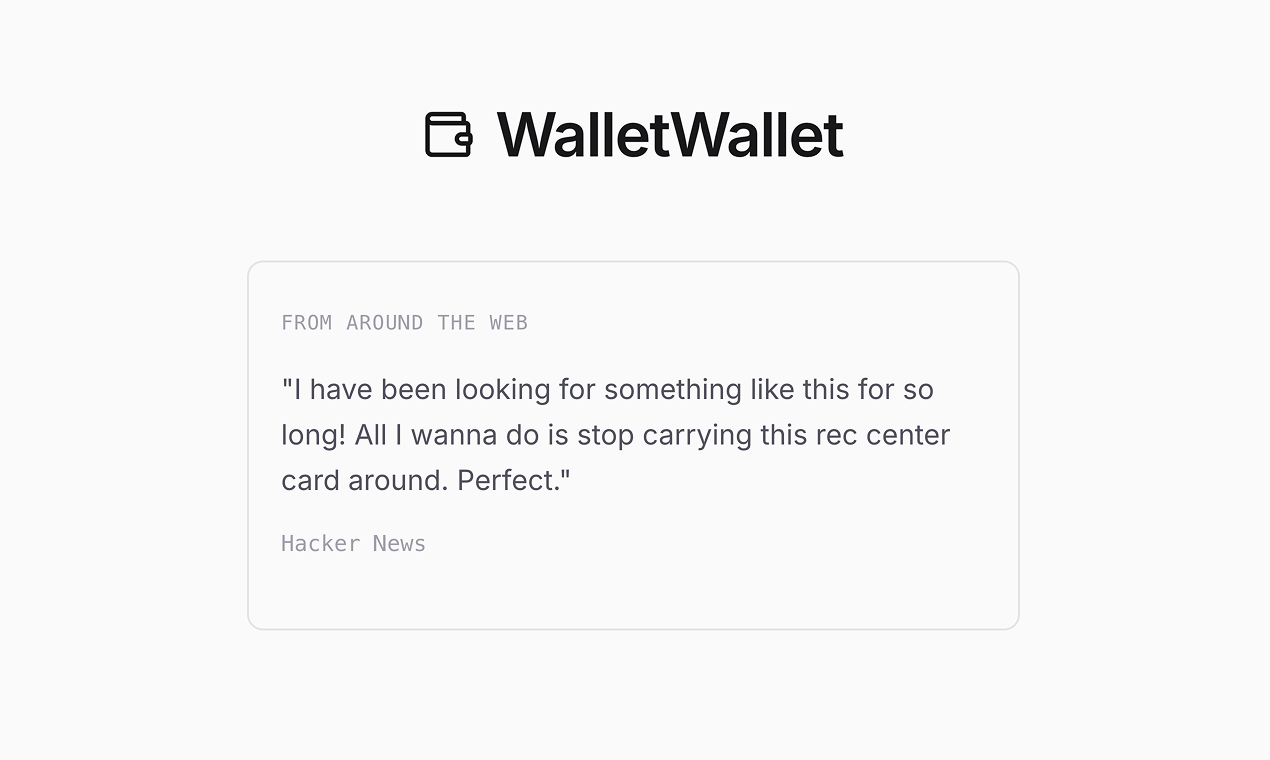
Shared it on Hacker News and it got picked up on r/apple, showing real interest beyond my use case. That pushed me to launch here on Product Hunt.

The app is intentionally simple. Happy to answer questions or hear feedback.

4
回复

@alen_todorov Alen, I ask myself why doesn’t this already exist! How do you think about long-term maintenance and compatibility with Apple Wallet requirements (certificates, pass formats, OS updates) while keeping the app as minimal as it is today?

0
回复

everything feels reliable. I’ve tested multiple barcodes, and each one works exactly as expected

2
回复

I like that you built this just because you needed it yourself, those tools usually turn out the best. Curious, do users need any tech setup, or is it really just upload and add to Wallet?

1
回复

Alen, this is awesome. I was finally able to add my gym and library cards to my wallet. It previously took 4 taps to open my gym QR code through their native app + 5 more seconds for it to load (or fail to load on their app haha). Thank you!

PS - a note for people adding cards to their wallet: they seem to all be grouped into one stack, with the most recent card added appearing first in the stack. So, add them in reverse order (least used to most frequently used) if you need to access one of them a lot. There may be a workaround to this, so double check me! ◡̈

0
回复
#6
Nano Banana Playground
Playground for Nano Banana image generation and editing
128
一句话介绍:一款基于Google Nano Banana Pro模型的AI图像生成与编辑应用,为用户提供了一个快速、便捷的移动端入口,解决了在灵感涌现时需依赖桌面端专业工具进行视觉内容创作的痛点。
Design Tools Productivity Artificial Intelligence
AI图像生成 图像编辑 移动应用 v0开发 开源模板 AIGC工具 快速原型 谷歌模型 文本生图 创意工具
用户评论摘要:由于提供的评论列表为空,目前无法获取用户直接反馈。产品处于早期发布阶段,用户互动数据(如128个投票)表明其已获得初步关注,但具体的使用体验、问题与改进建议有待用户评论填充。
AI 锐评

Nano Banana Playground 呈现了一个有趣的矛盾体:其内核是谷歌颇具技术分量的Nano Banana Pro模型,而外壳则是一个标榜“100%用v0构建”的、可复刻的模板应用。这使其价值评估需从两个维度拆解。

从产品本身看,它试图将先进的图像生成与编辑能力“平民化”和“移动化”,降低用户接触门槛。但“基础历史记录”等功能描述,暗示其当前可能只是一个功能精简的演示器(Demo),核心价值在于验证模型在端侧部署的可行性与体验流畅度,而非提供一个功能完备的创作套件。其真正的用户痛点解决能力,高度依赖于后端模型Nano Banana Pro的实际性能表现(如生成质量、速度、可控性),而这在现有信息中并未凸显。

更具锋芒的亮点在于其“可复刻模板”的定位。这精准击中了当前AIGC应用开发的两个关键痛点:一是快速将前沿AI模型能力产品化的需求,二是降低全栈开发门槛。它本质上出售的不是一个“应用”,而是一个“开发范式”或“启动套件”。这步棋颇具战略眼光,旨在吸引广大开发者基于此模板进行二次开发,从而快速形成以v0开发平台和谷歌模型为中心的微生态。如果后续能配套清晰的商业化、模型微调或自定义指引,其作为“生态播种机”的价值将远超作为一个独立图像应用的价值。

风险同样明显。作为模型与用户间的中间层,其体验完全受制于上游模型的能力边界与更新维护。若Nano Banana Pro模型本身迭代缓慢或竞争力不足,此应用及所有衍生品将迅速失去吸引力。此外,在Midjourney、Stable Diffusion等生态已极度繁荣的当下,一个功能基础的模板应用,能否凭借“开发便捷性”这一单一优势杀出重围,仍需市场检验。它更像一个精巧的技术营销案例,其成功与否,取决于能否点燃开发者的热情,而非直接征服终端创作者。

查看原始信息
Nano Banana Playground
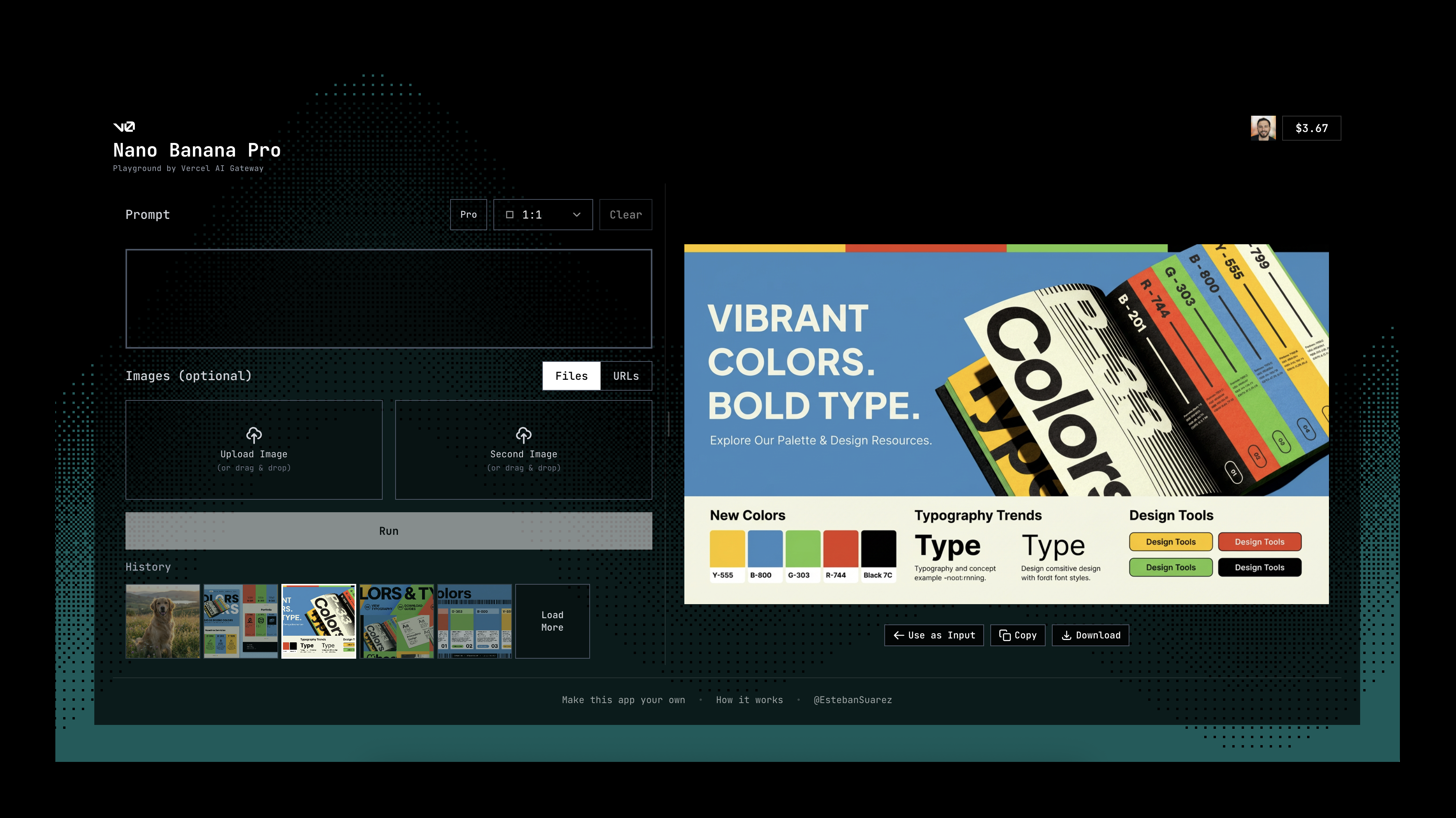
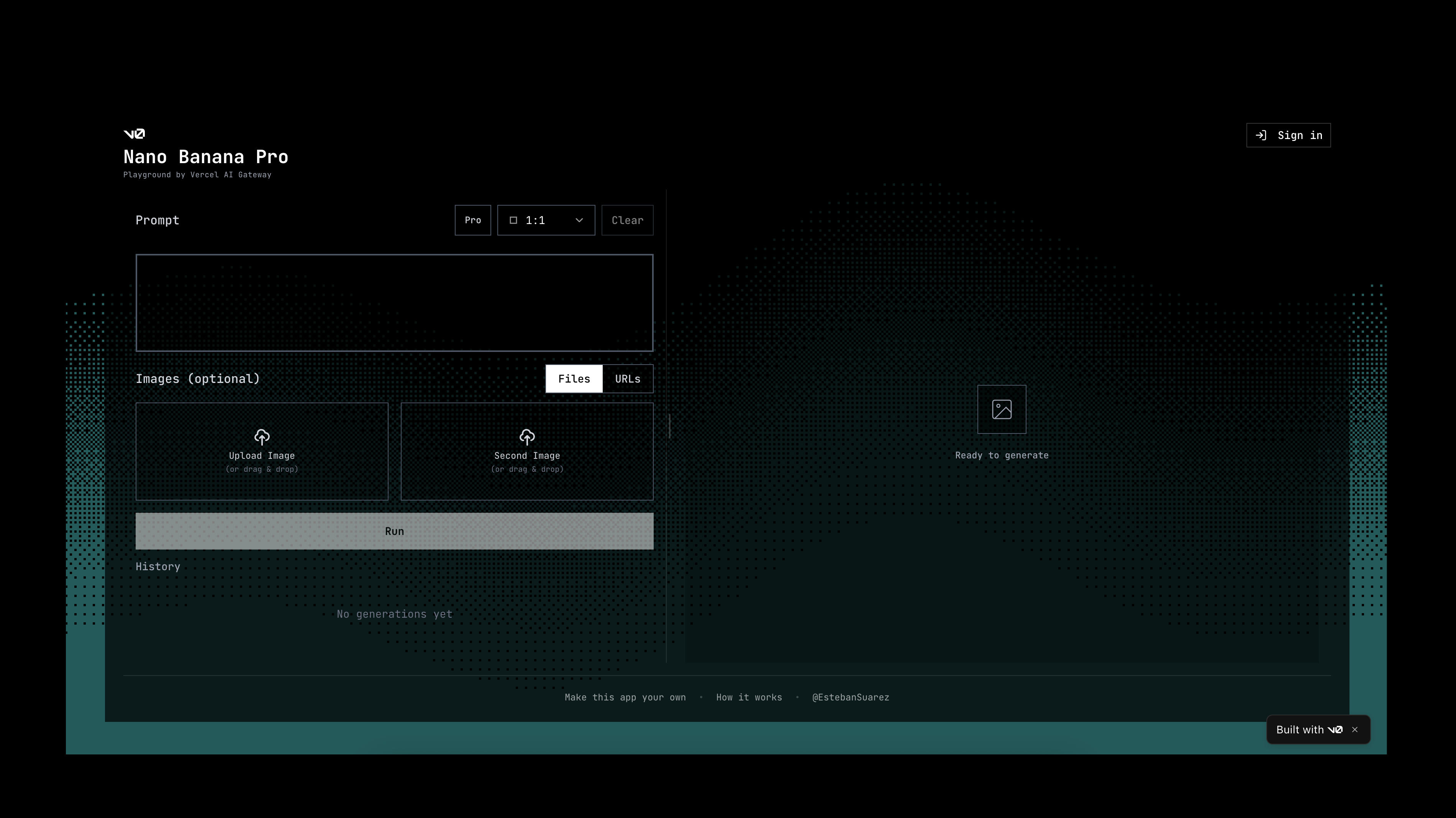
Try Google’s Nano Banana Pro image generation and editing model. Supports text-to-image, image editing, multiple aspect ratios, and basic history. The app was built 100% with v0 and is available as a forkable template, so anyone can reuse it to build their own AI image apps in v0.
#7
Voice Studio Companion
Drag & drop voice generator tool
110
一句话介绍:一款基于ElevenLabs技术的macOS菜单栏AI语音生成工具,通过拖拽操作快速将文本转为高质量画外音,解决了视频、音频及演示文稿创作者在内容制作中寻找和制作专业人声配音的效率与成本痛点。
Productivity Artificial Intelligence Tech
AI语音合成 音频制作工具 macOS效率软件 创作者工具 视频编辑插件 拖拽操作 画外音生成 ElevenLabs 菜单栏应用 内容创作
用户评论摘要:有效评论极少。目前有一条疑似开发者或推广者的引导性评论,鼓励用户以1.99英镑低价测试并绑定API密钥,缺乏真实用户的体验反馈、问题或建议。
AI 锐评

Voice Studio Companion本质上是一个轻量化的“前端封装器”,其核心价值不在于技术创新,而在于精准的工作流整合。产品聪明地抓住了专业创作工具(如Final Cut Pro, DaVinci Resolve)与底层强大AI语音接口(ElevenLabs)之间的“最后一公里”痛点。它将云端复杂的AI语音能力,通过一个常驻菜单栏的本地应用和极其简单的拖拽动作,无缝嵌入到了创作者最熟悉的高频场景中,实现了“即想即用”。

然而,其商业模式存在明显隐忧。应用本身看似低价,但实质是ElevenLabs API的“中介”或“通道”,用户需自行承担后续API调用成本。这使其定位更接近于一个体验优化插件,而非独立产品。其长期价值高度依赖于ElevenLabs服务的稳定性、成本结构及其自身与宿主软件生态的兼容深度。目前近乎空白的真实用户评论也表明,其市场接受度与具体工作流中的可靠性仍有待检验。

在AI工具日益同质化的当下,它的拖拽直连思路值得肯定,但壁垒薄弱。一旦主流视频编辑软件原生集成类似功能,或出现更强大的竞品,其生存空间将迅速被挤压。它是一款解决当下效率问题的“锋利小刀”,但并非不可替代的“重型装备”。成功的关键在于能否在极致的便捷性之外,构建更深度的自定义功能或独有的语音管理生态,从而从“管道”升级为“工作台”。

查看原始信息
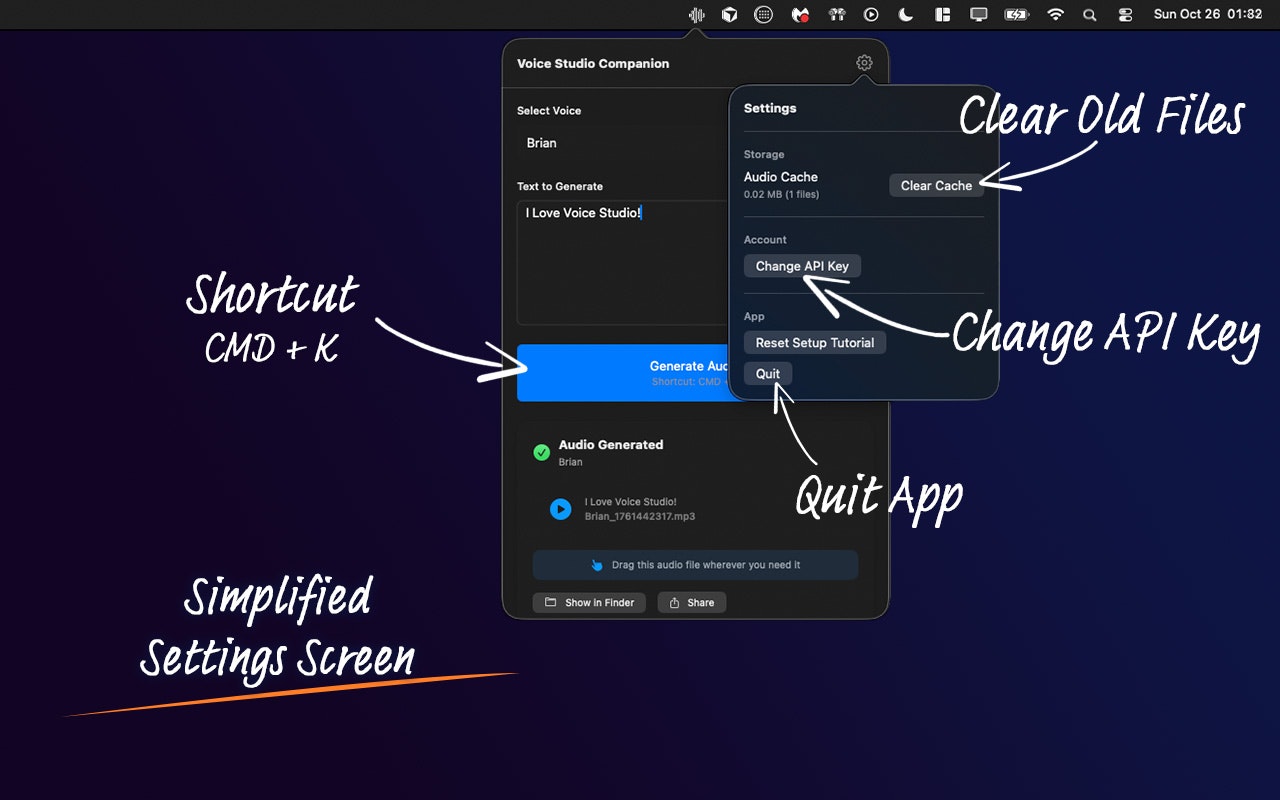
Voice Studio Companion
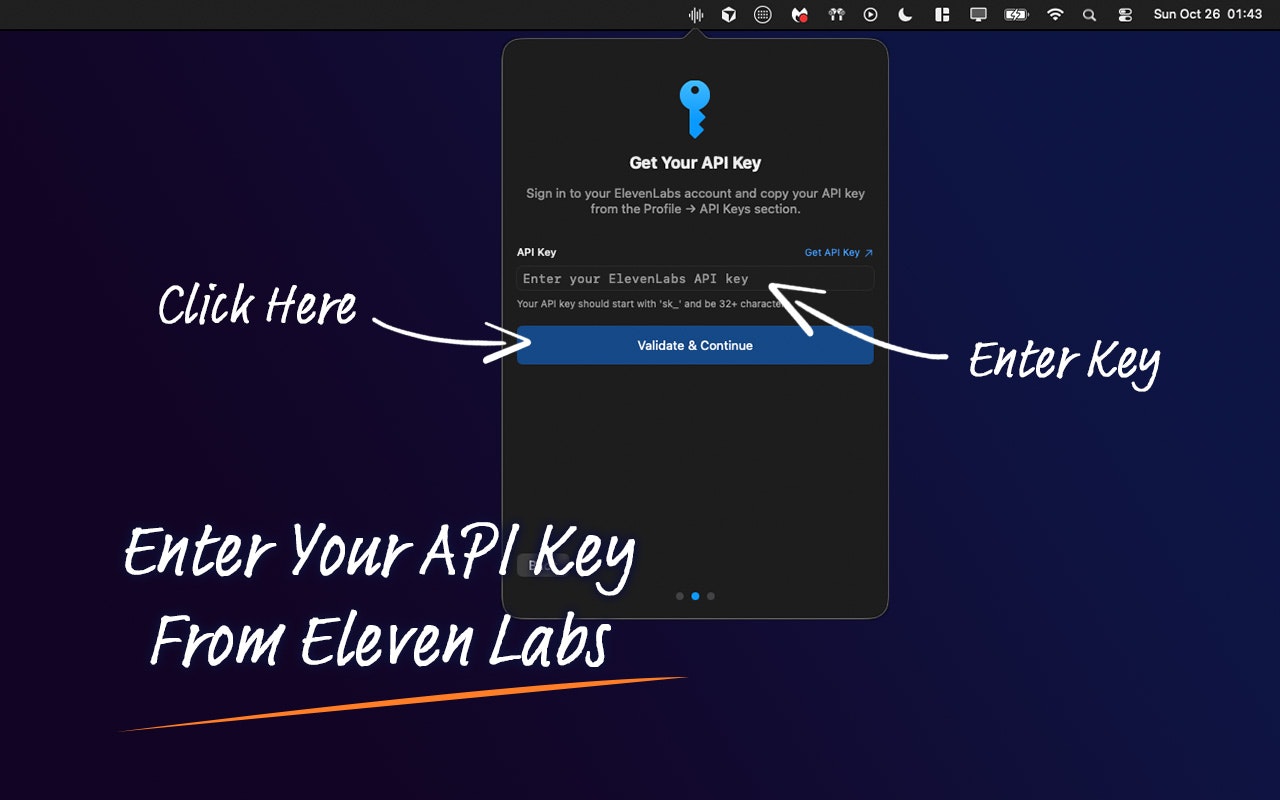
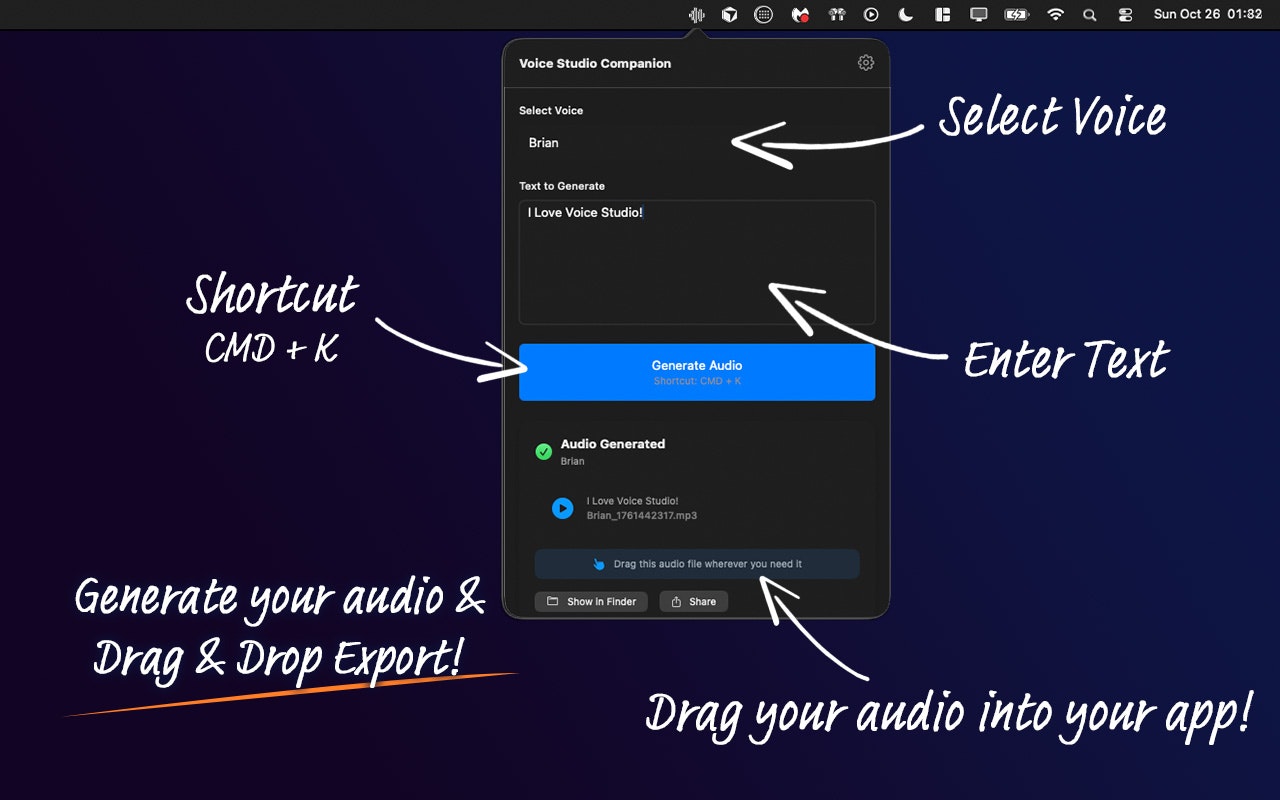
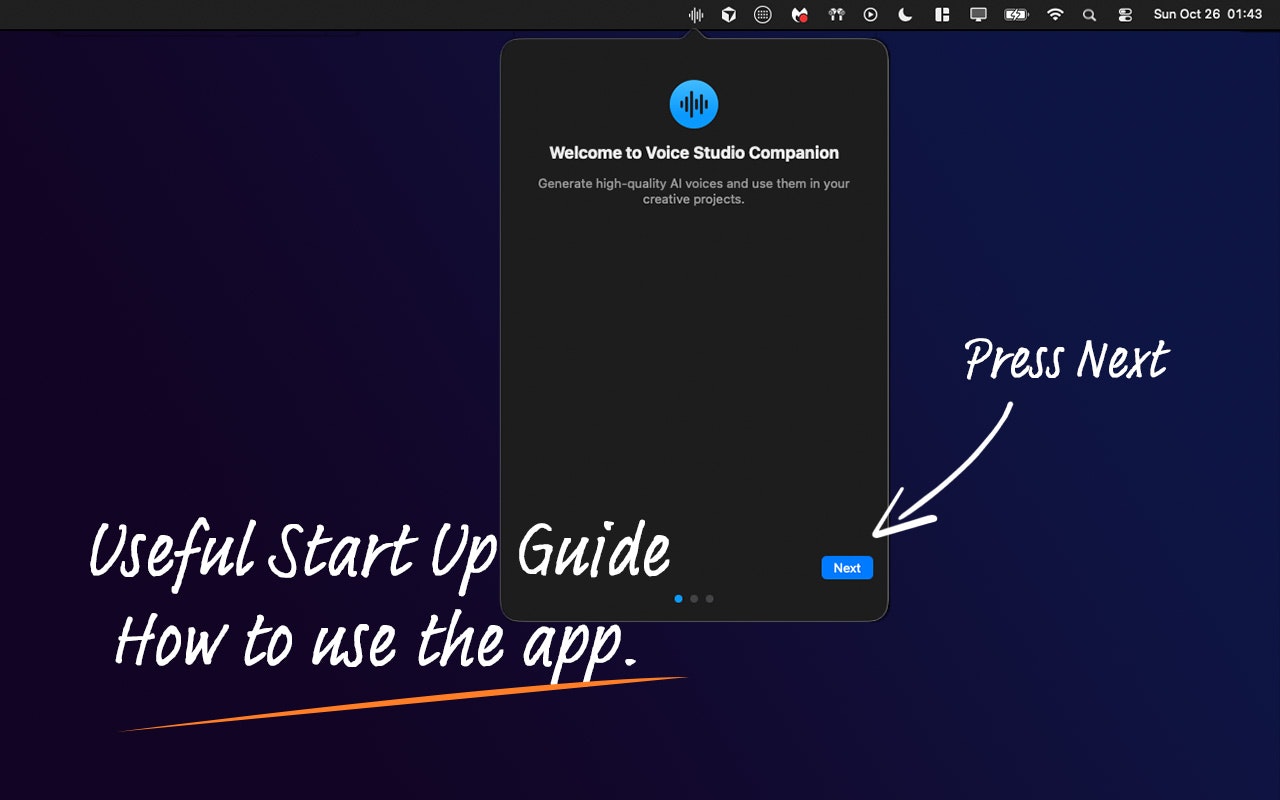
Voice Studio Companion is a macOS menu bar app that turns text into professional AI voiceovers using ElevenLabs technology. Ideal for creators and editors, it lets you choose from 20+ high-quality voices and generate audio in seconds. Drag and drop directly into Final Cut Pro, Premiere Pro, DaVinci Resolve, Logic Pro, GarageBand, Keynote, PowerPoint, and any app that accepts audio files.

Feel free to comment on the app! For just £1.99 You can test it, link your API Key and away you go!

1
回复
#8
Lofi Desk
Dynamic room & companion that changes based on your music
107
一句话介绍:Lofi Desk是一款通过动态视觉场景与AI生成音乐,为远程工作者和开发者营造沉浸式专注环境,解决其工作时难以集中和感到孤独痛点的应用。
Android iOS Music
专注工具 白噪音 番茄钟 远程办公 数字伴侣 AI生成音乐 动态桌面 生产力应用 LoFi音乐 沉浸式体验
用户评论摘要:用户认可其艺术风格和多端可用性,并对AI生成音乐表示好奇。主要建议是:开发者需更清晰地阐述付费版本的价值主张或公开路线图,以推动转化。
AI 锐评

Lofi Desk的聪明之处在于,它没有停留在“播放背景音乐”的浅层,而是试图构建一个“数字心流空间”。其核心价值并非音乐本身(甚至是AI生成的),而在于通过视觉元素(房间、角色)与音频的弱联动,创造一种“被陪伴的专注”。这精准击中了远程工作者和独处者的情感需求——对抗孤独感,而非仅仅是分心。

然而,其商业模式与价值深度面临尖锐拷问。首先,其动态场景目前看来更偏向于视觉彩蛋,与用户工作内容的互动性几乎为零,长期使用后新鲜感消退,恐难维持吸引力。其次,作为付费关键的音乐内容,尽管标榜AI生成降低了成本,但也同时削弱了其作为“精品歌单”的 curation 价值。评论中用户对付费版价值的疑虑,正点中了这一命门:如果核心体验在免费版已基本呈现,那么付费墙的支撑点是什么?是更多场景,还是更深度的互动?

产品目前像一个精美的“技术演示”,但要从“有趣”走向“不可或缺”,必须回答:它究竟是一个可替代的舒缓背景,还是一个能真正提升专注效率的“环境引擎”?后者需要更深度的数据集成(如与日历、任务列表联动改变环境)或生物反馈(如通过摄像头感知用户状态进行调整)。否则,它很可能只是又一个在番茄钟和背景音市场中,凭借一时新颖而昙花一现的应用。它的真正挑战,在于将“氛围感”转化为可量化的生产力提升证据,或是构建出独一无二、难以割舍的情感联结。

查看原始信息
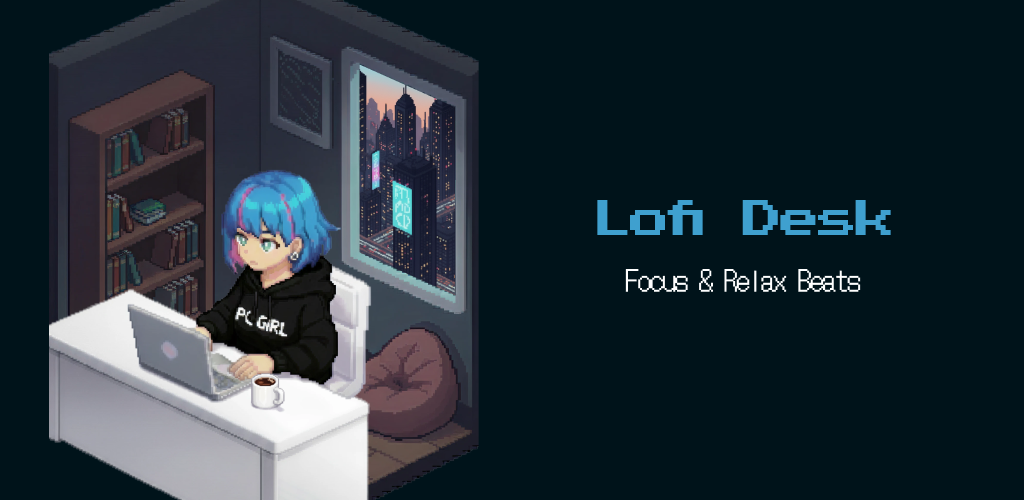
Lofi Desk
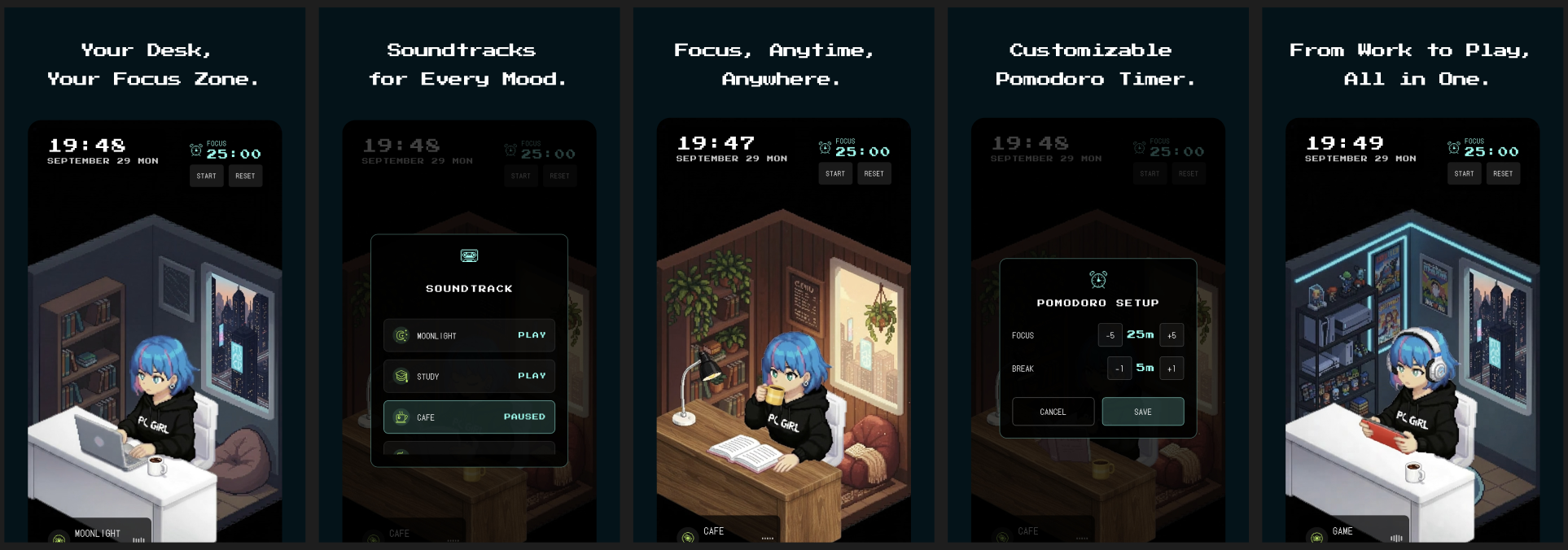
Struggling to focus? Lofi Desk creates the perfect deep work environment. 🎧 Dynamic Atmosphere: The room and character react to the music (Cafe, Rain, Retro), keeping you engaged. 🍅 Pomodoro Timer: Built-in customizable timer. Never work alone again.

Hey Product Hunt! 👋

I’m Shingo Irie, the creator of Lofi Desk.

As a remote worker/developer, I often found myself struggling with two things: maintaining focus and feeling a bit lonely during long solo sessions. I tried regular playlists, but I missed the feeling of "presence."

That’s why I built Lofi Desk—to create the perfect deep work environment that feels alive.

What makes it special: 🎧 Dynamic Vibes: The room and the character's actions actually change based on the soundtrack (Cafe, Rain, Retro, etc.). 🍅 Focus Flow: Built-in customizable Pomodoro timer to keep your rhythm. 🤝 Companion: A friendly presence that works alongside you, so you're never truly alone.

I’d love to hear what you think! Which atmosphere is your favorite?

Thanks for your support! 🚀

2
回复

Congrats on the launch, Shingo! I'm a sucker for this art style and LoFi tunes. I went to forward the link to my Phone and was pleasantly surprised to discover I could also use it on my Computer.

Have it playing now! How did you curate the music/tunes? I feel like adding a bit more of the value add Lofi brings (or future roadmap) aside from the art and curation would help sell on the paid version!

Really digging it so far :)

1
回复
@gabe Thanks so much! I'm really glad you're digging the art and the PC version. To answer your question, all the tracks are actually original AI-generated compositions. I carefully curated the outputs to find the ones that best fit the vibe. Also, I really appreciate your feedback regarding the paid version. You are totally right — adding more specific value-props or sharing a roadmap would definitely help. If you have any specific features you'd like to see on the roadmap, please let me know. I'd love to hear your ideas! Thanks again for the support!
1
回复

This is sick

1
回复
@bockerwee Thanks!
0
回复
#9
GitJin
GitHub repos, issues, and PRs in one clear dashboard
101
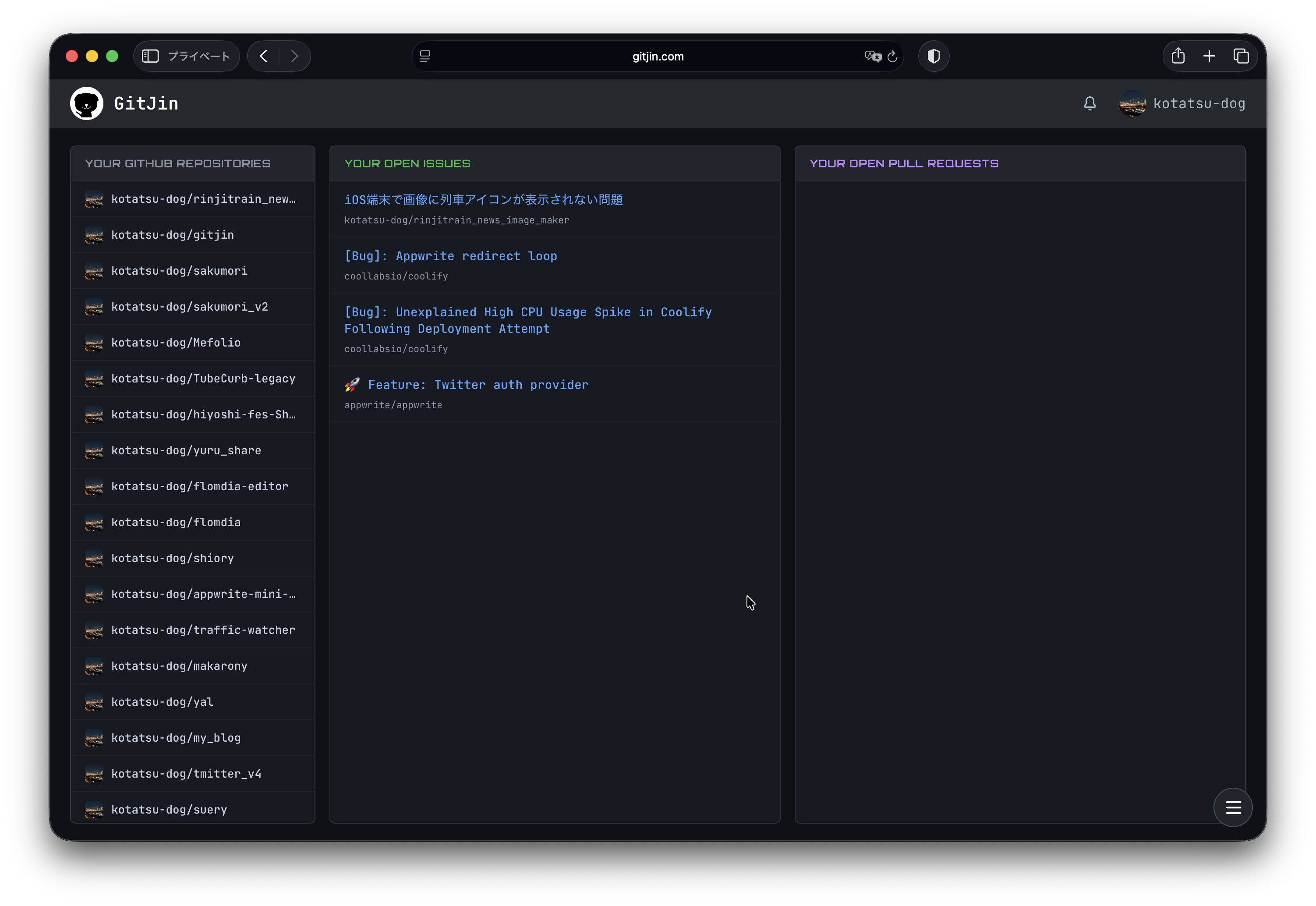
一句话介绍:一款为开发者打造的极速GitHub仪表盘,通过聚合仓库、议题和拉取请求于单一清晰视图,解决在GitHub原生界面中多标签切换、信息分散导致的效率低下痛点。
User Experience Developer Tools GitHub
GitHub仪表盘 开发者工具 效率工具 代码协作 项目管理 界面优化 工作流整合 信息聚合
用户评论摘要:用户普遍认可其“单一视图”节省时间、减少标签切换的核心价值,赞赏界面简洁无干扰、加载速度快。开发者积极寻求反馈,用户未提出具体功能建议或问题。
AI 锐评

GitJin瞄准了一个真实但狭窄的痛点:GitHub首页信息流过于庞杂,主动管理项目(Repo/PR/Issue)的效率低下。其宣称的“世界最快”和“无压力”体验,本质是将一个复杂的协作平台降维为一个聚焦个人待办事项的“仪表盘”,这契合了部分开发者追求极简、专注上下文的工作流需求。

然而,其价值天花板也显而易见。首先,它是对GitHub现有功能的界面层优化,而非功能创新,深度绑定GitHub生态,可替代性高。其次,其解决的“标签地狱”问题,对于重度GitHub用户或依赖复杂项目管理(如Projects、Milestones)的团队而言,可能只是痒点而非痛点,专业团队往往已通过完善的流程或更强大的第三方工具(如Linear、Jira)来管理开发周期。最后,产品介绍中强烈的感性表述(如“非常、非常快”、“不会让你感到压力”)暗示其核心卖点更偏向于主观的“体验优化”,这在技术工具领域难以构筑长期壁垒。

真正的挑战在于:当开发者需要的不只是“查看”,而是深度“交互”与“协作”时,GitJin能否避免成为一个单纯的“只读”视图,而深度集成评审、代码定位等操作,从而真正嵌入工作流而非仅作为一个启动台。目前看来,它是一款优秀的“减负”型效率工具,但尚未展现出重塑工作模式的潜力。其成功与否,将取决于它能否从“更好的信息看板”演进为“不可或缺的行动中心”。

查看原始信息
GitJin
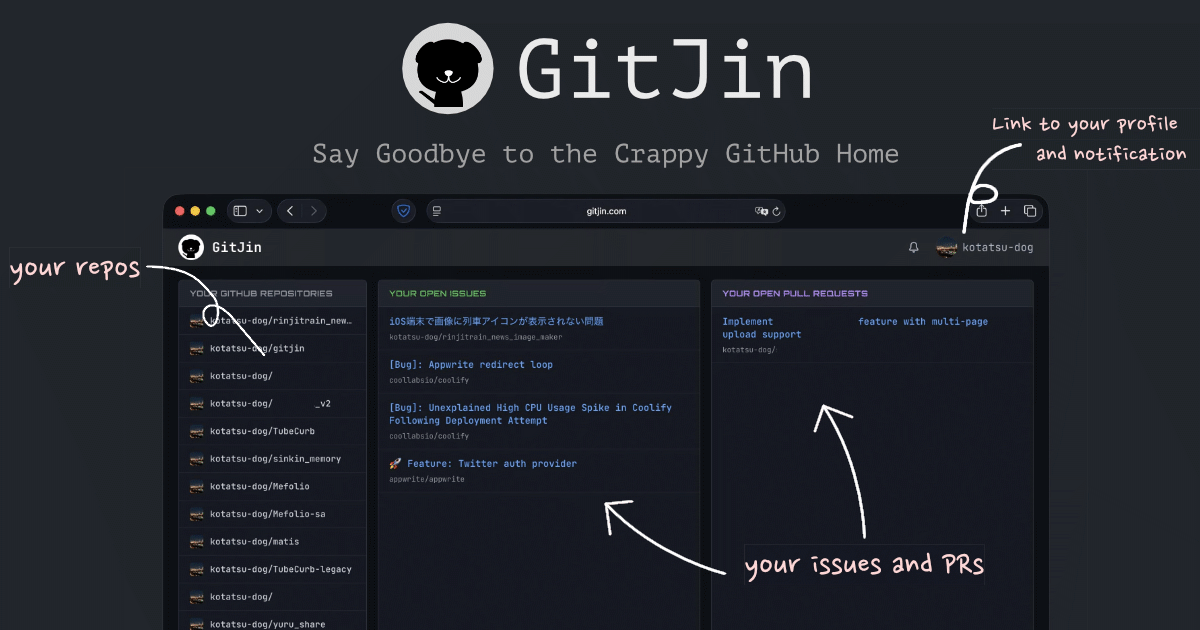
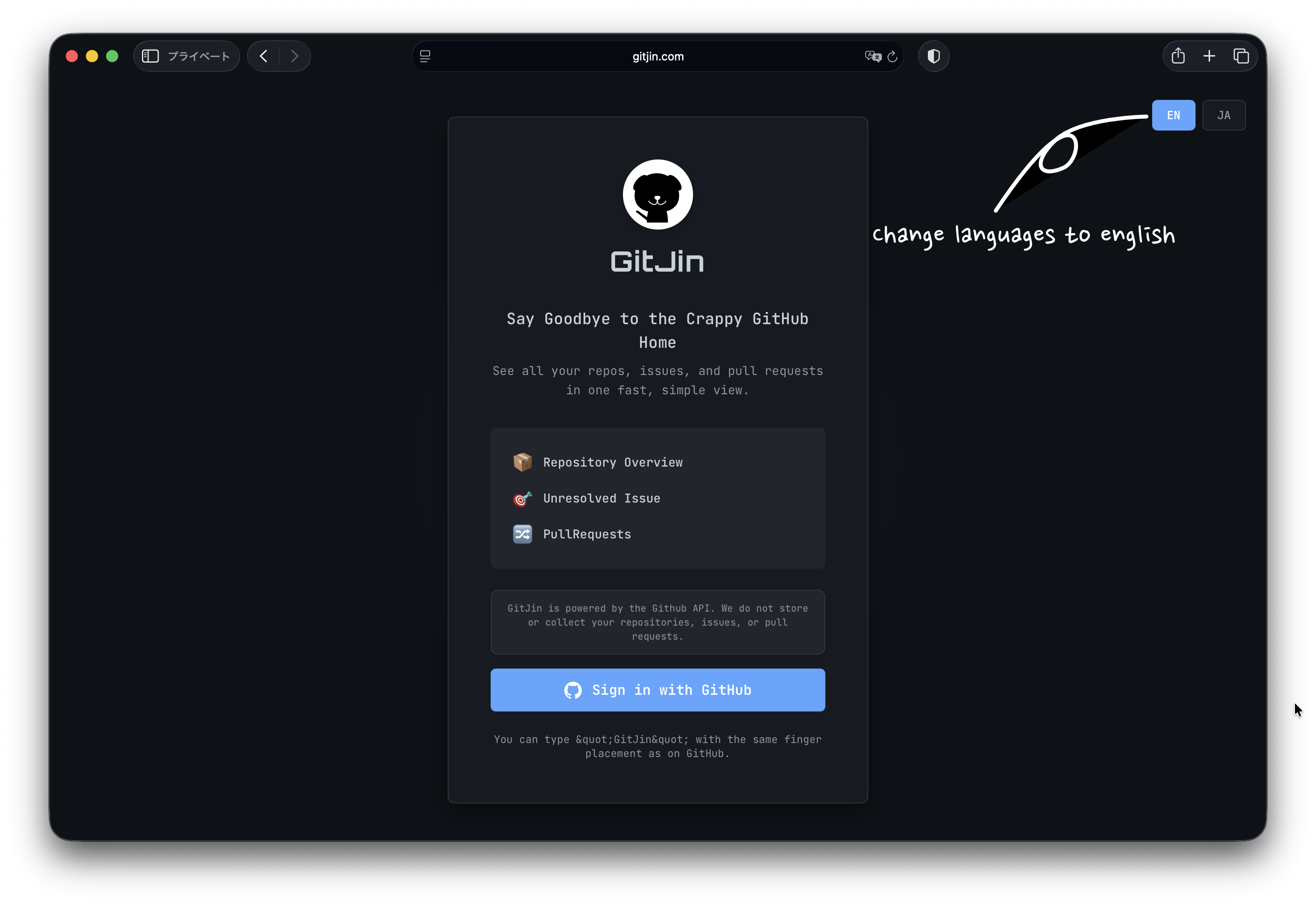
A GitHub dashboard for developers. See all your repos, issues, and pull requests in one fast, simple view. Very, Very fast. I think fastest github dashboard in the world. It don't makes your stress when you open. Do you feel hassle picking up repository on Github home or opening PRs, issues? You must try it.
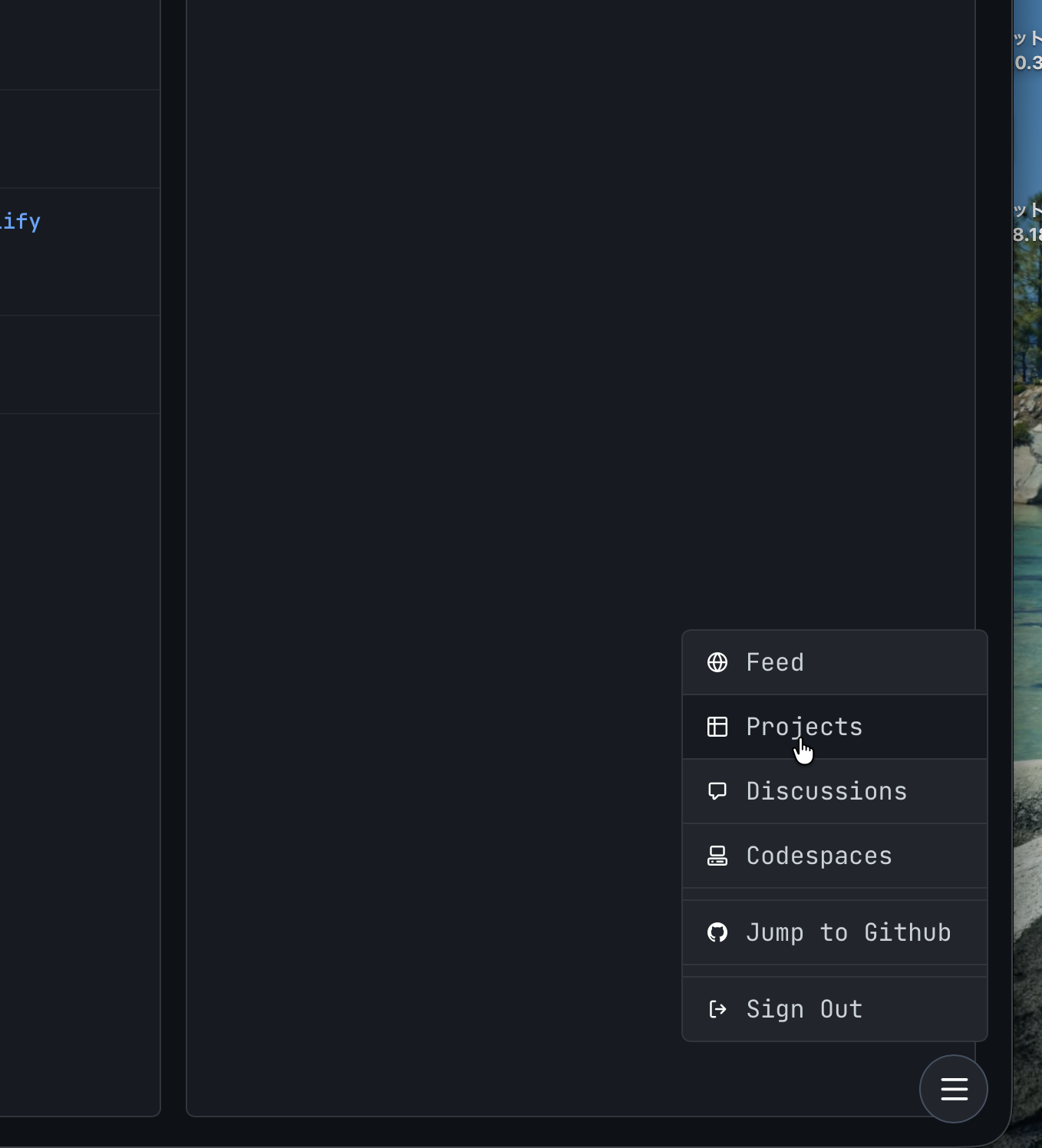
Hey Product Hunt! 👋 I'm Kabosu, an indie developer from Japan, and I built **GitJin** (gitjin.com) - a streamlined GitHub dashboard that puts your repos, PRs, and issues on one clean screen. 🎯 **Why I built this:** GitHub's home feed is cluttered and slow. I spent too much time hunting for my active projects and PRs across multiple tabs. GitJin solves this by displaying everything you need at a glance - no scrolling, no tab-switching. ✨ **What makes it different:** - **GitHub-inspired UI**: Familiar interface that feels native, not another generic dashboard - **Lightning-fast**: CDN-optimized for sub-second load times - **Thoughtful UX**: Keyboard shortcuts, smart filters, and one-click actions designed for developer workflows - **Clean & focused**: Only what you need, nothing you don't 🚀 **Perfect for developers who:** - Want faster PR review workflows - Need a single source of truth for their GitHub activity I'd love your feedback on how I can make GitJin even better for your daily development workflow! What features would make this more useful for you? 🙏
1
回复

Having a single view for everything saves me so much time. no more switching tabs constantly.

1
回复

@yosun_negi 

Awesome to hear! 🙌

I was devastated by tab hell too

- that's the core of GitJin

everything in one place to kill tab chaos. What else eats your time on GitHub? Let's fix it next! 😎

0
回复

Smooth interface with no distractions. I can actually focus on coding instead of hunting for PRs

1
回复

@dancer_boy 

Thanks a ton!

GitJin's clean UI is designed exactly for that—zero distractions so you can stay in the flow 🚀.

0
回复

Supper nice tools, I'll check definitely

0
回复

@vrijraj thank you so much!!!

0
回复
#10
Santa Videos
Bring Santa to life with AI
94
一句话介绍:一款利用AI生成个性化圣诞老人视频的工具,在节日季为家长解决了为孩子创造惊喜、传递节日魔力的情感表达痛点。
Artificial Intelligence Social media marketing Video
AI视频生成 个性化内容 节日营销 情感礼物 娱乐应用 Veo 3模型 圣诞主题 免费工具 用户体验 趋势应用
用户评论摘要:用户反馈平台响应快速,生成视频无需等待。开发者补充说明其为该领域的早期进入者,并强调今年使用Veo 3模型后,视频质量达到历史最佳。
AI 锐评

“Santa Videos”本质上是一个精准卡位季节性情感需求的AI应用范例。其真正价值不在于技术上的颠覆性(AI生成视频已不新鲜),而在于将前沿的AI视频模型(如Veo 3)封装成一个零门槛、高情感回报的“节日仪式感”解决方案。它巧妙地将技术复杂性隐藏于后,为用户提供的是“魔法时刻”的交付能力。

产品定位犀利:它并非全年无休的通用工具,而是瞄准圣诞节这个情感浓度和消费意愿双高的特定窗口期。其痛点抓得准——父母(尤其是忙碌的年轻父母)渴望为孩子创造独特节日记忆,却受限于时间、创意或表现力。AI在此扮演了“数字魔法师”的角色,将一段简单的文本或心意,转化为具象化、可传播的惊喜媒介。

从评论看,“快速生成”是用户体验的关键加分项,这恰恰是此类轻量化娱乐应用的生命线——等待会瞬间摧毁“魔法”的即时感。开发者自称是行业趋势的早期推动者,并强调今年画质的飞跃,这揭示了该赛道的竞争逻辑:技术红利(如更逼真的模型)会迅速转化为用户体验的升级,但竞争壁垒可能并不高。产品的可持续性将严重依赖其每年在特定季节的营销触达能力、成本控制(免费模式下的支撑力),以及能否将“圣诞老人”这个IP扩展到其他节日或情感场景,以平滑其明显的季节性波动。

总体而言,这是一款将AI能力进行节日化、情感化商品化的聪明产品。它不追求技术的宏大叙事,而是专注于在特定时间点,用技术完成一次高效的情感传递,其商业模式更接近于“节日情感消费品”。它的成功,验证了AI应用落地的一条路径:找到高共鸣、短周期、强传播的具体场景,比打造一个泛化的全能工具更容易切入市场。

查看原始信息
Santa Videos
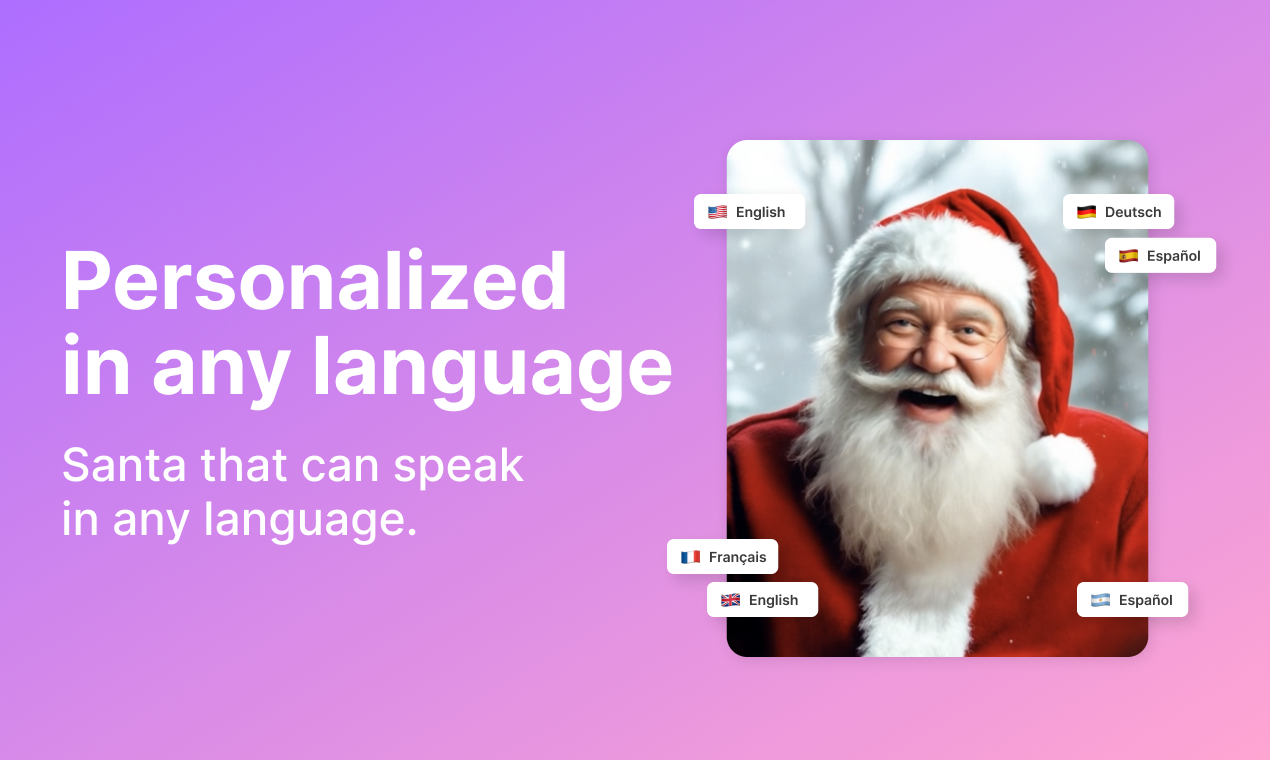
Free personalized videos from Santa to your loved ones. Create your video with a message from Santa using Artificial Intelligence. Something kids can’t believe when they see it. This Christmas bring Santa magic with AI.

The platform feels fast and responsive. Generating clips dosent make me wait at all.

1
回复

Nice, Congrats team

1
回复
Hi everyone! We launched Santa Videos many years ago, back when AI Videos were not even a thing! Since then, Santa Videos have become a huge trend. This year, quality is the best one we've ever since, powered by Veo 3!
0
回复
#11
Vanderwaals: Personalized by AI
AI Wallpaper App—Learns your style—100% On-Device & Open
90
一句话介绍:一款完全离线运行的AI壁纸应用,通过设备端机器学习学习用户审美偏好,自动推荐匹配的壁纸,解决了用户寻找心仪壁纸时需要无尽滚动、以及担忧隐私泄露的痛点。
Android Open Source GitHub Wallpaper
AI壁纸 设备端机器学习 隐私保护 开源应用 个性化推荐 安卓应用 离线AI 动态壁纸 审美学习 材料设计
用户评论摘要:开发者本人发布评论,阐述了开发初衷(解决无尽滚动、隐私追踪、AI推荐不准的痛点),并详细说明了产品功能、技术架构和未来计划。评论中暂无其他用户反馈,主要为产品介绍和开发者与社区交流的邀请。
AI 锐评

在AI应用泛滥且普遍依赖云端的当下,Vanderwaals选择了一条“逆行”之路:将AI彻底本地化、私有化。其真正价值并非在于“又一个AI推荐引擎”,而在于它精准地切割出了一个被主流忽视的细分市场——对隐私极度敏感、且对个性化有要求的审美挑剔者。

产品将“隐私”作为核心功能而非营销话术,通过100%离线运行、零数据追踪、AGPL-3.0开源三件套,构建了难以作伪的可信度。技术栈上,采用TensorFlow Lite进行设备端嵌入向量计算,并用余弦相似度、LAB色彩空间等相对成熟的技术实现推荐,这体现了务实的工程思维:在保证隐私和效能的前提下,提供足够好的个性化体验,而非追求前沿但笨重的模型。

然而,其挑战也同样鲜明。首先,设备端模型的性能与进化能力天花板显著,无法利用集体数据优化,其“学习”仅限于用户单设备上的有限交互,推荐质量的长期上限存疑。其次,“开源”是双刃剑,虽建立了信任,但也意味着商业模式的想象空间被大幅压缩,基本局限于为爱发电或捐赠模式。最后,其冷启动依赖的壁纸库(GitHub合集、Bing图片)版权与风格的可持续性,是一个潜在的运营风险。

总体而言,这是一款理念先行的产品。它可能无法在推荐精准度上击败云端巨兽,但它为特定人群提供了一个安心、自主的数字审美角落。它的出现本身,就是对行业默认“数据换便利”模式的一次有力叩问。

查看原始信息
Vanderwaals: Personalized by AI
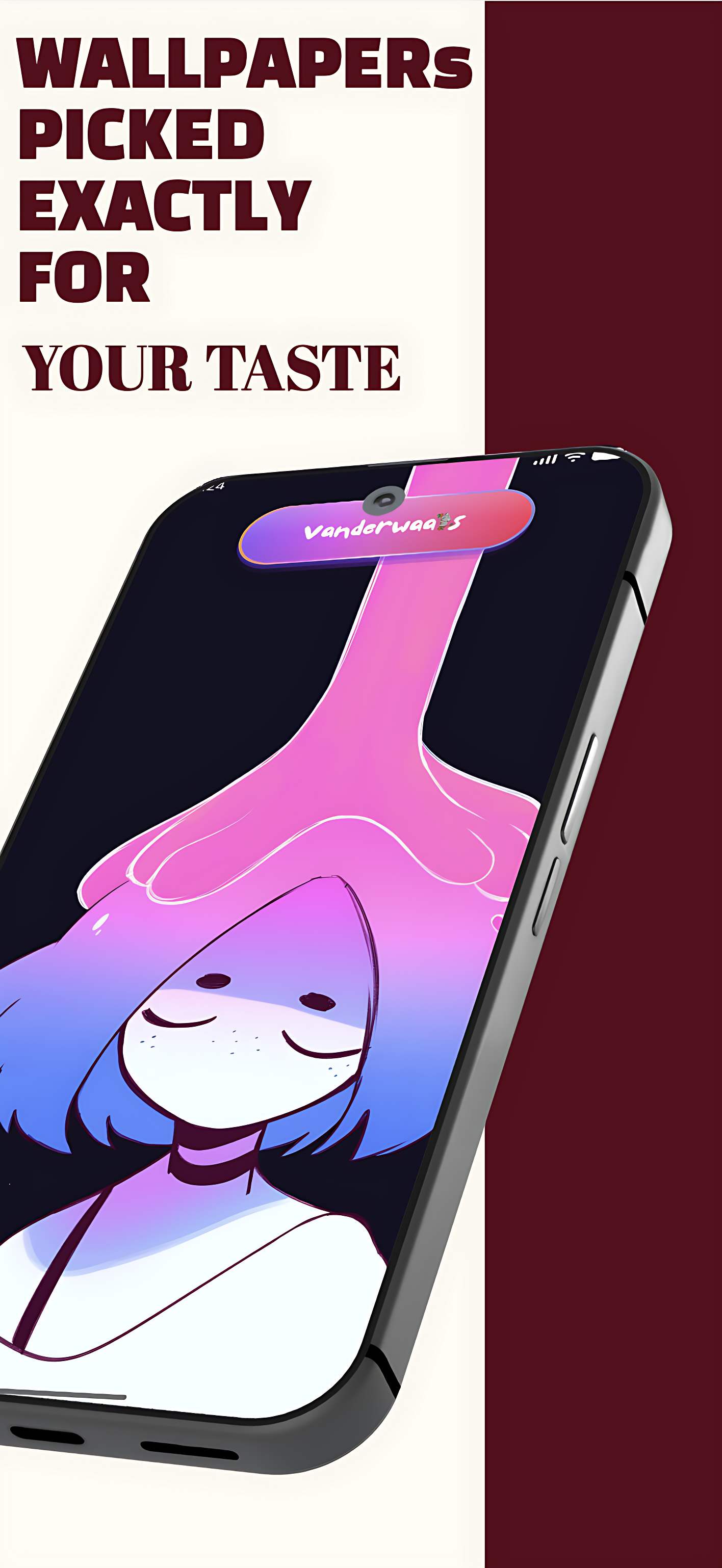
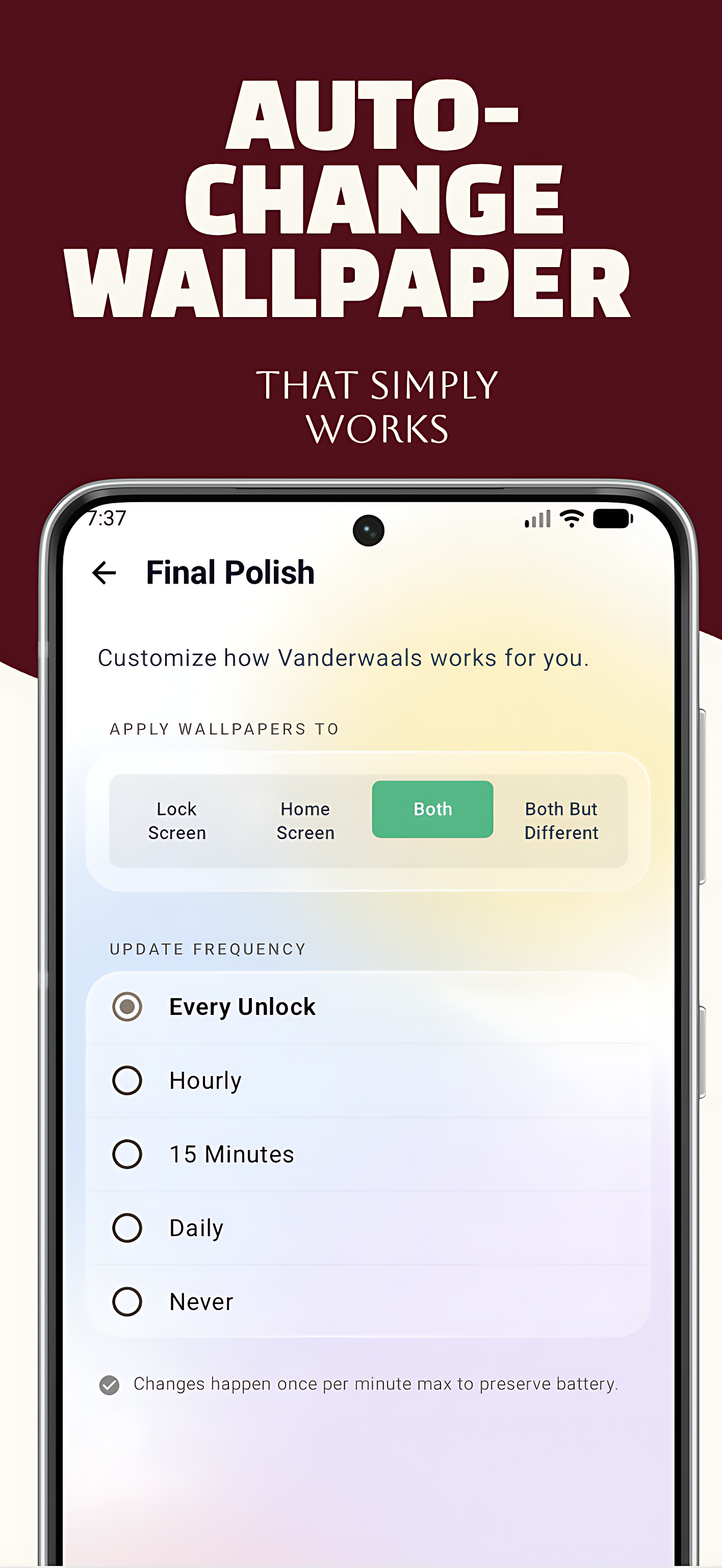
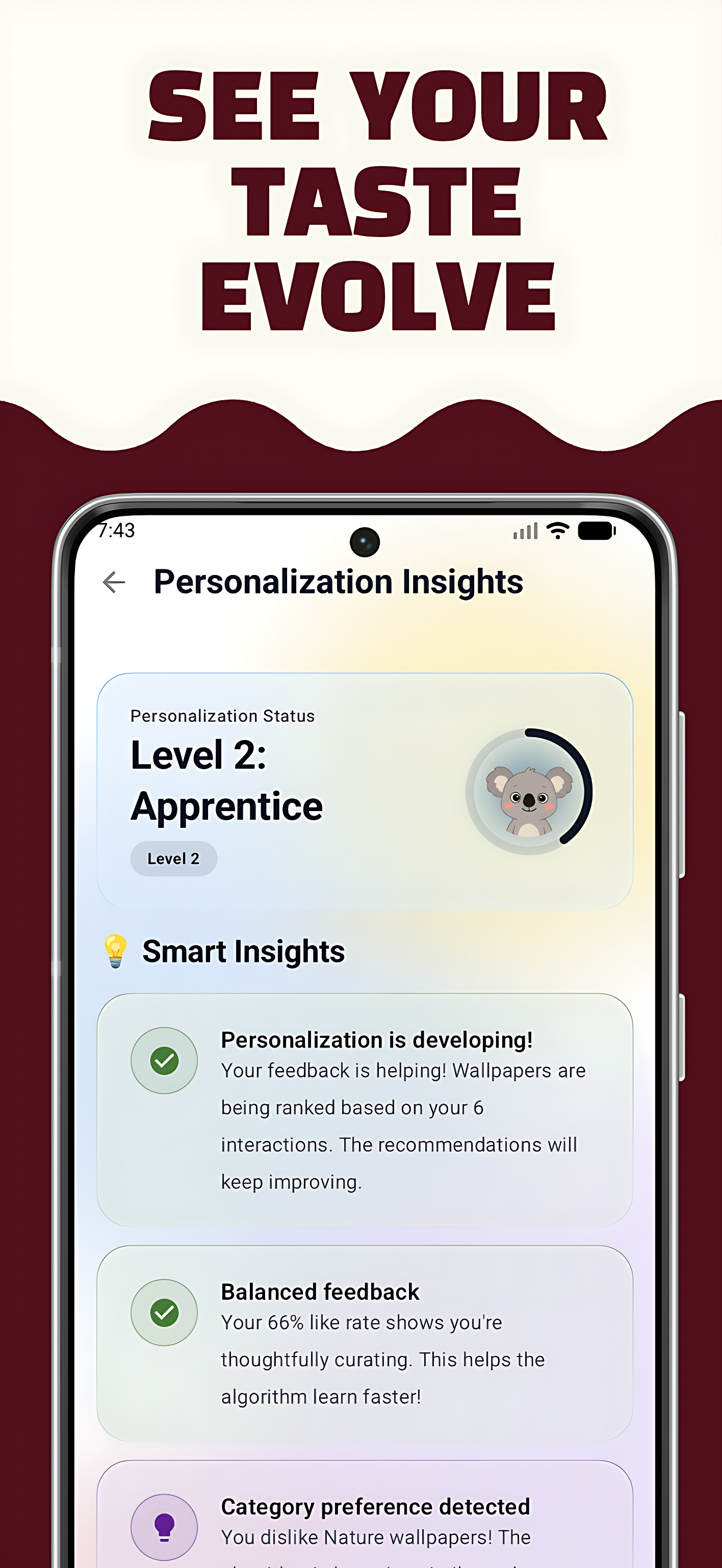
Vanderwaals uses on-device machine learning to understand your aesthetic preferences and automatically surfaces wallpapers you'll love—no endless scrolling required. 🤖 Neural network (100% offline) 🔒 Zero tracking, zero analytics 📚 3,000+ curated wallpapers from GitHub + Bing ⚡ Auto-change on unlock/hourly/daily 🎨 Material 3 with dynamic theming 🔓 Fully open source (AGPL-3.0) Two modes: Start fresh and let AI learn, or upload one favorite wallpaper for instant similar matches.

Hey Product Hunters 👋

I’m Avinash, a solo indie developer from India, and I’m excited to finally share Vanderwaals with you.


🌱 Why I Built This:

I love changing wallpapers—but I kept running into the same problems:

  • Endless scrolling to find something that actually matched my taste

  • Wallpaper apps that quietly track everything and push data to the cloud

  • “AI” recommendations that never truly understood my aesthetic

I wanted something personal, private, and intelligent—so I built it myself.

✨ What Vanderwaals Does:

Vanderwaals is an offline, on-device AI wallpaper app that learns your visual taste over time.

It uses on-device machine learning to extract 576-dimensional visual embeddings from wallpapers and adapts based on what you like or dislike—no internet required.

You can use it in two simple ways:

1. Auto Mode
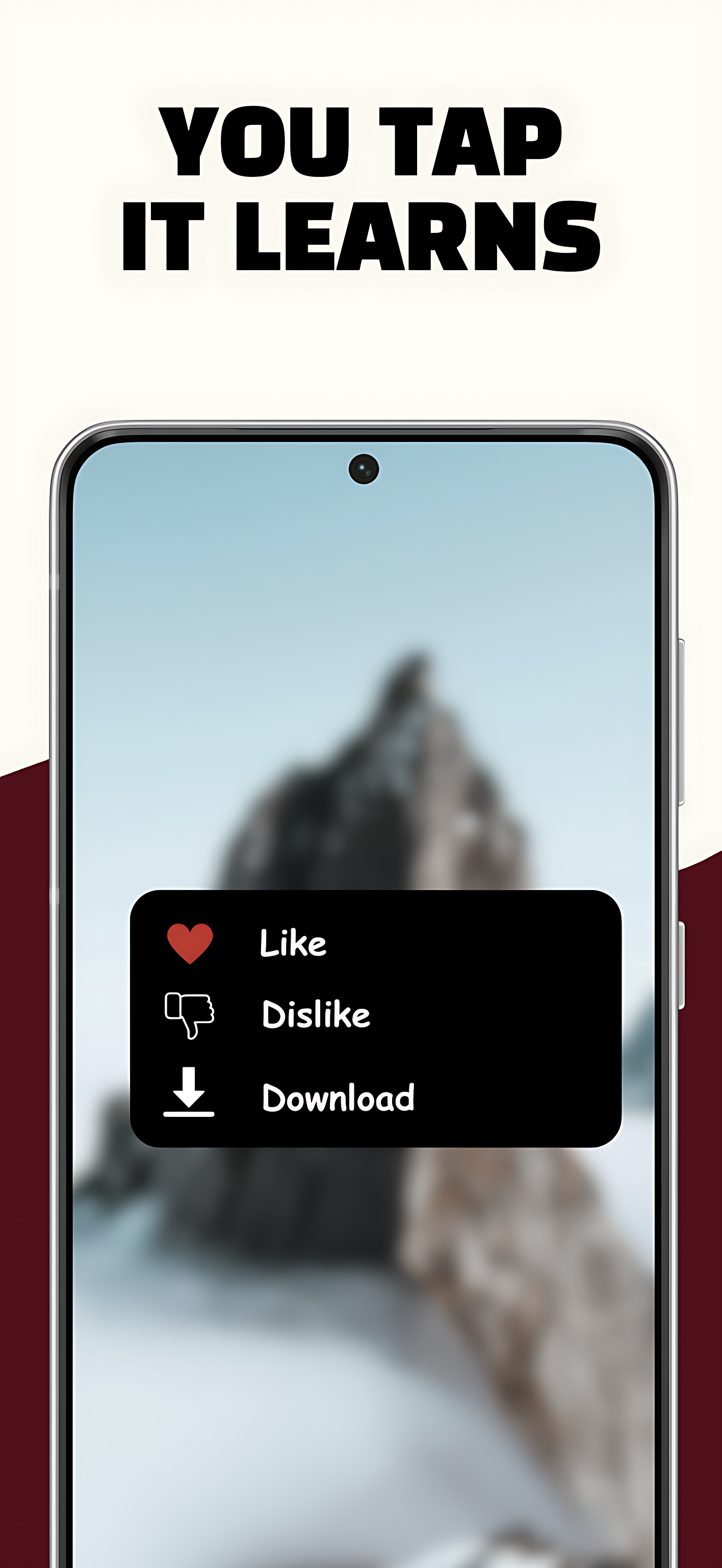
Start from scratch. Like or dislike wallpapers, and the AI gradually tunes itself to your aesthetic.

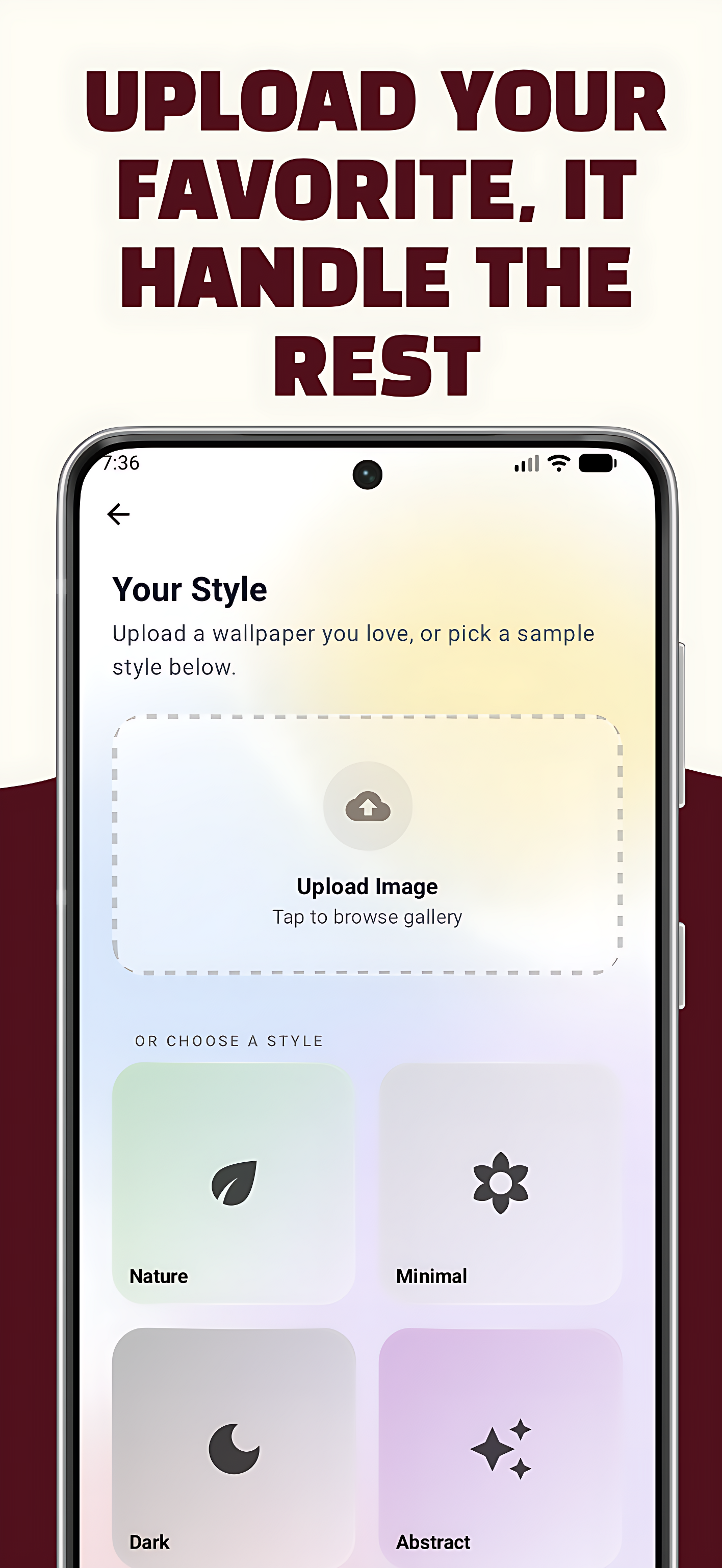
2. Personalize Mode
Upload one favorite wallpaper → instantly get 100+ visually similar results.


🔐 Privacy Is the Core Feature:

This was non-negotiable for me.

  • Runs 100% offline

  • No cloud ML APIs

  • No analytics

  • No tracking

  • No data collection

  • Fully open source (audit everything yourself)

Your aesthetic preferences are deeply personal—they should never leave your device.


🛠️ Built With

  • Kotlin + Jetpack Compose (Material 3)

  • TensorFlow Lite (on-device inference)

  • Room Database

  • WorkManager for automation

  • Dagger Hilt

Under the hood:

  • Cosine similarity for visual matching

  • LAB color space for perceptual accuracy

  • Exponential Moving Average (EMA) for adaptive learning

🖼️ Wallpaper Library:

  • 8,000+ curated wallpapers

  • GitHub aesthetic collections

  • Bing’s daily photography archive

  • Weekly auto-sync for fresh content

⏳ 6 Months, One Developer

This project was built during late nights and weekends. Along the way, I learned a lot about mobile ML optimization, Android’s WorkManager quirks, and how to make AI feel natural instead of robotic.

Special shout-out to Anthony La’s Paperize project—it inspired the wallpaper infrastructure.


🔮 What’s Coming Next:

  • CLIP embeddings for semantic understanding

  • Community-contributed collections

  • Reddit sourcing (r/wallpapers, r/earthporn)

💬 AMA

Happy to answer anything about:

  • Privacy-first design decisions

  • Android + ML challenges

  • Open-source licensing (AGPL-3.0)

  • Or anything else you’re curious about

Would love your feedback 🙏

GitHub: https://github.com/avinaxhroy/Vanderwaals
Play Store: https://play.google.com/store/apps/details?id=me.avinas.vanderwaals

Made with ❤️ in India 🇮🇳

0
回复
#12
ooml.io
Offline-first Loom-like video recording app for macOS
89
一句话介绍:一款专注于本地、快速录屏的macOS菜单栏工具,通过离线优先和无需账户的设计,解决了用户在录制讲解、反馈视频时对隐私、速度和轻便性的核心痛点。
Mac GitHub Menu Bar Apps Video
屏幕录制 视频消息 macOS工具 菜单栏应用 离线优先 隐私保护 轻量级 本地存储 效率工具 无账户
用户评论摘要:用户普遍赞赏其菜单栏集成、后台静默运行的理念及隐私设计。主要建议包括:希望推出Windows版本、优化前置摄像头镜像问题,以及表达了对产品保持免费的期待。
AI 锐评

ooml.io的亮相,与其说是一款新工具,不如说是一次对当下“云霸权”工作流的有力反叛。它精准切入了一个被主流市场忽视的缝隙:并非所有异步视频沟通都需要经过平台的中转、分析和存储。其核心价值并非技术突破,而是理念的“降级”——将视频录制回归为像截图一样纯粹的本地系统级功能。

产品将“离线优先”和“无账户”作为默认设置,这直击了Loom等平台型工具的核心痛点:强制登录、上传延迟、隐私担忧以及功能臃肿。它服务于那些“录完即用”的高频场景,比如内部代码审查、快速产品反馈、一步到位的教学步骤录制,用户要的只是一个可立即拖拽附件的视频文件,而非一个需要分发的链接。

然而,其理念的纯粹性也构成了商业化和扩展性的天然枷锁。一旦局限于本地,就意味着放弃了云端协作、集中管理、数据分析等企业级功能,其天花板可能就是一款优秀的效率工具,而非一个平台。用户关于Windows版本的呼声,也暴露了其当前受众的局限性。此外,“前置摄像头非镜像”等基础体验的缺失,说明其在追求理念的同时,仍需打磨作为一款成熟录屏工具的基本功。

总体而言,ooml.io是写给资深Mac用户的一封“情书”,它满足了他们对控制权、隐私和即时效应的极致追求。但它更像一个尖锐的提问者,迫使行业思考:在一切皆可云的年代,我们是否过度复杂化了那些本应简单的需求?它的成功与否,将检验市场对“轻量本地化”需求的真实体量。

查看原始信息
ooml.io
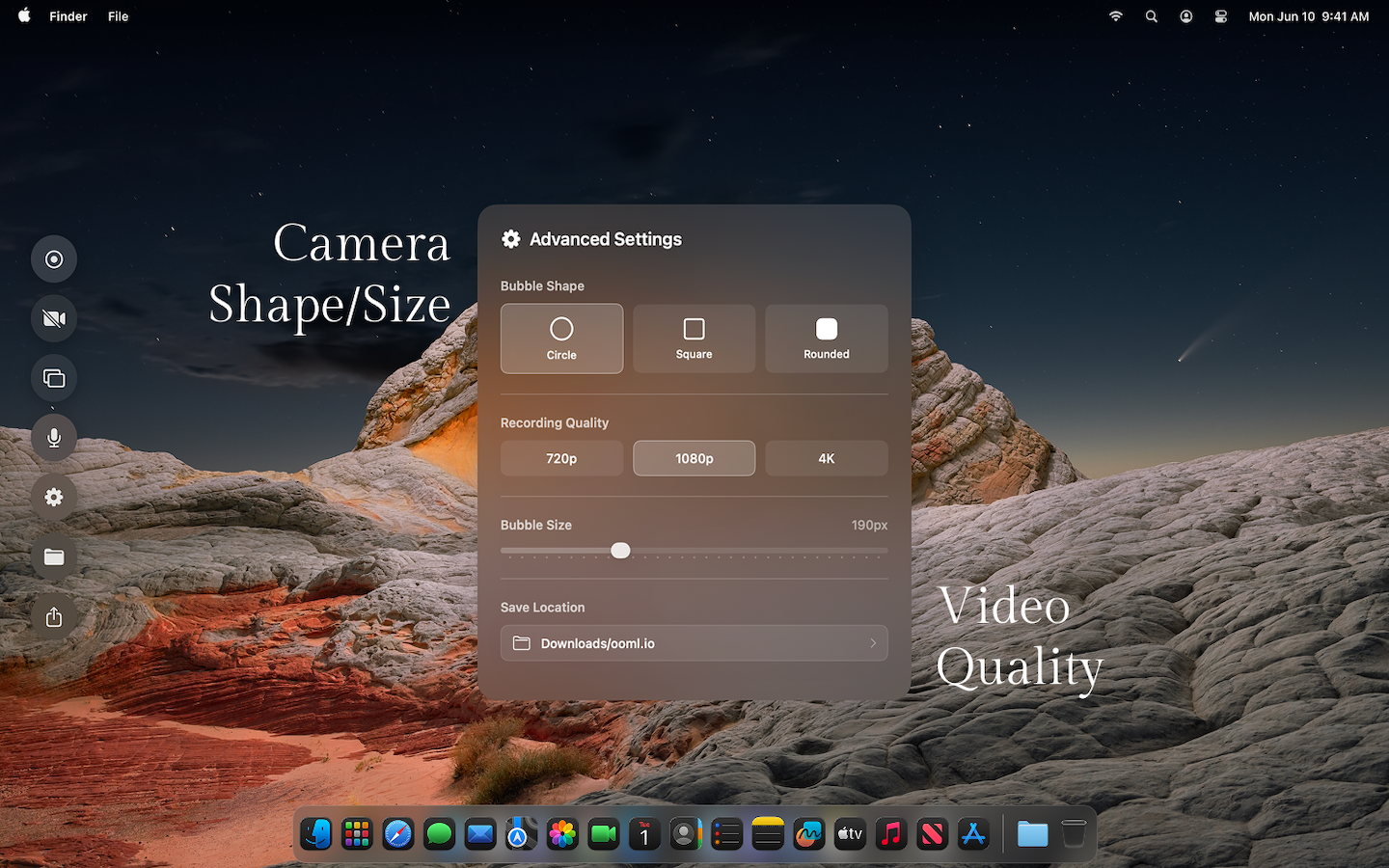
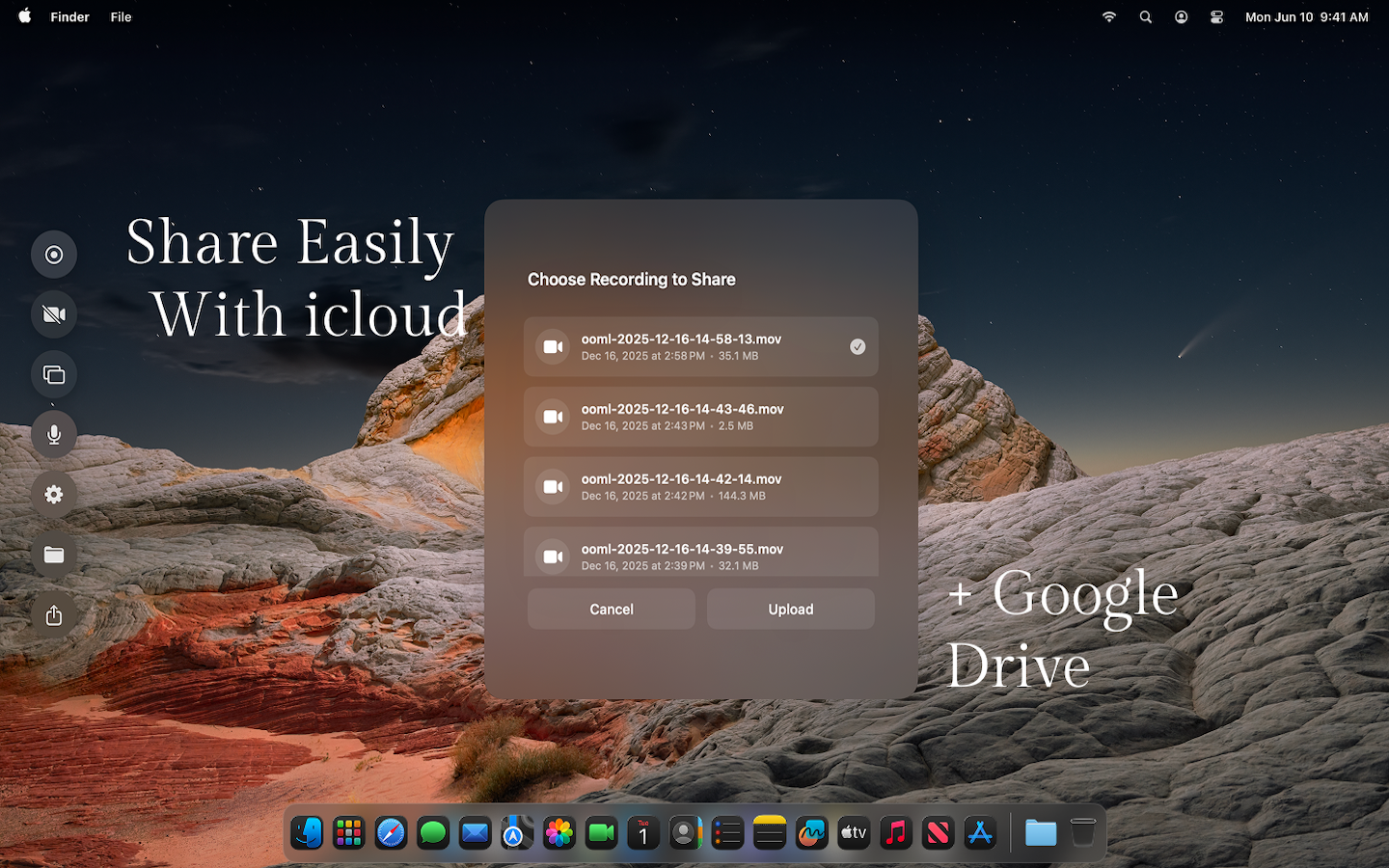
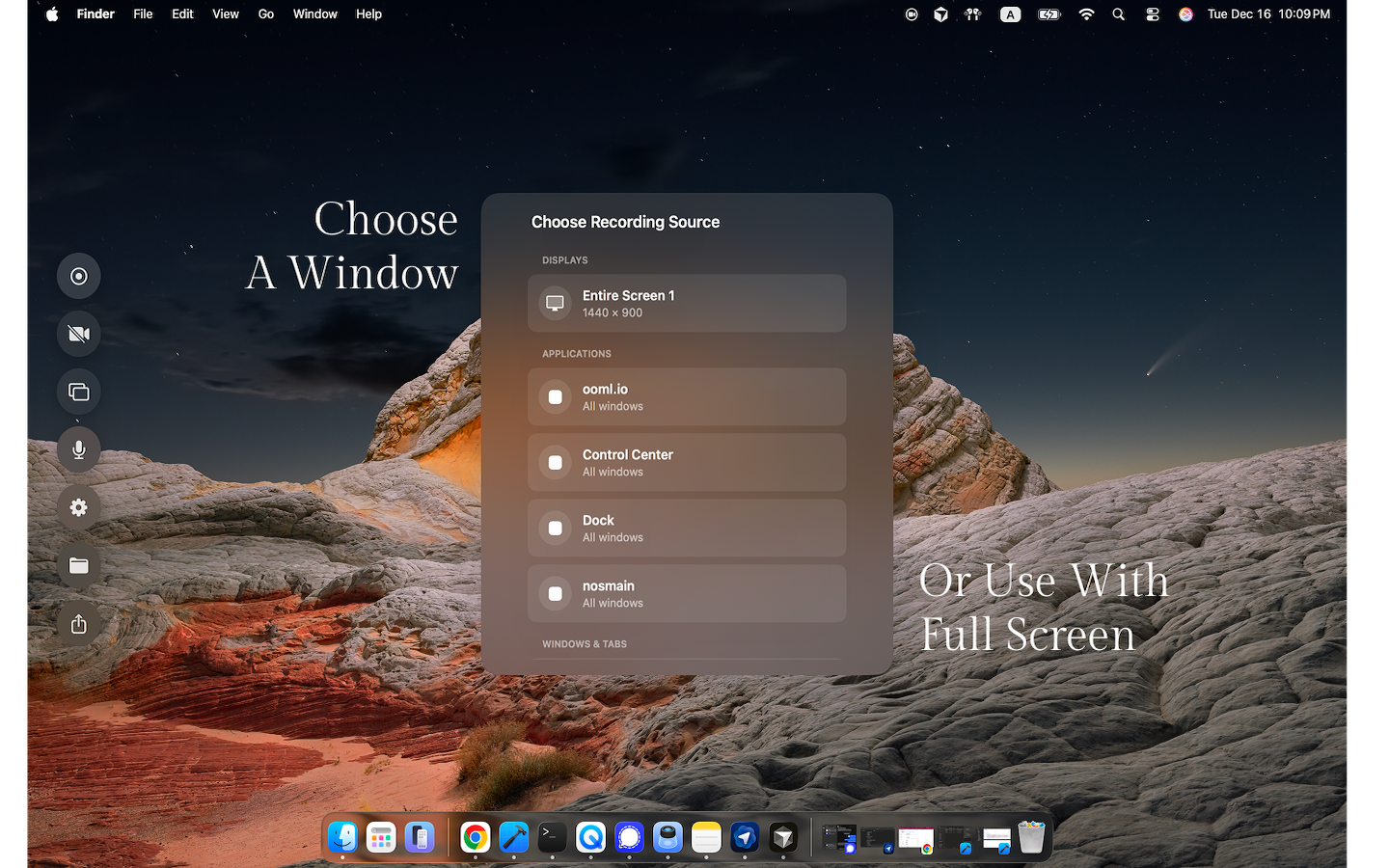
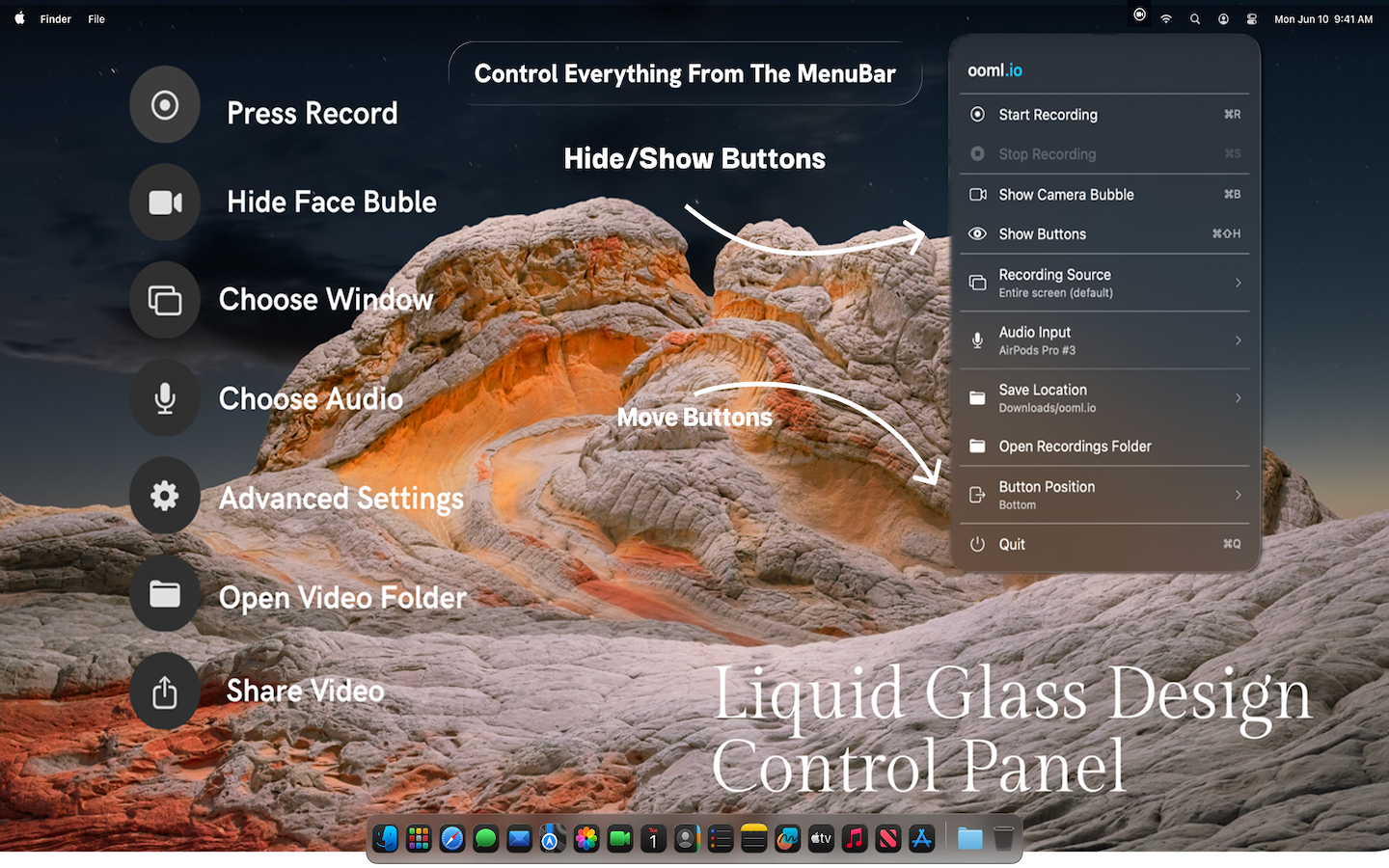
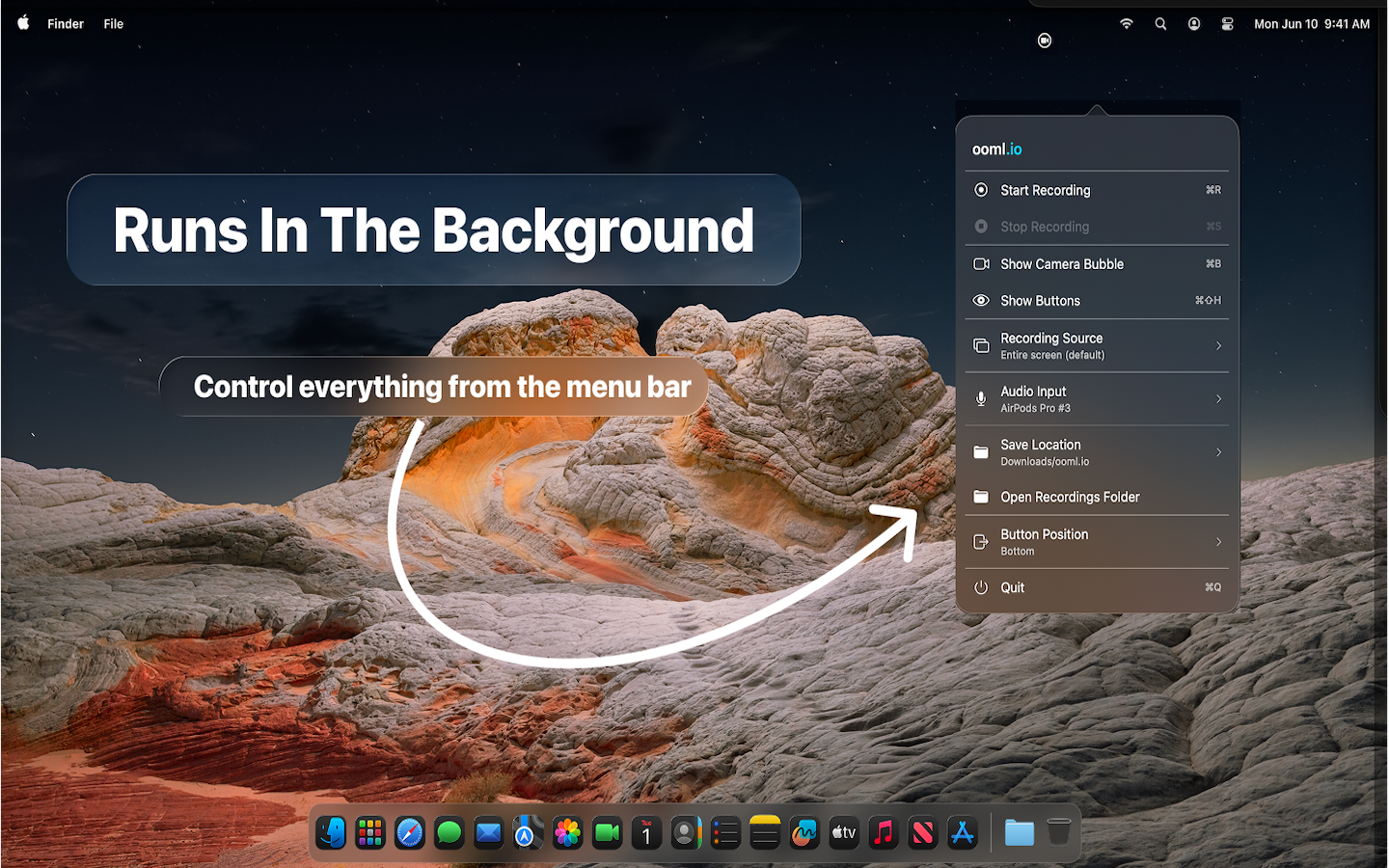
ooml.io is a a lightweight, offline-first video recording app for macOS. It lives in the menu bar, starts recording in one click, and saves everything locally on your Mac by default. Offline by default — no automatic uploads or cloud storage No accounts or onboarding — open it and record immediately Menu bar–native design that runs quietly in the background Instead of asking you to adapt to a platform, ooml.io adapts to how you already work — fast, private, and out of the way.
Hey Product Hunt 👋 I’m Emory, the maker of ooml.io. I built ooml.io because I wanted a faster, more private way to record video messages using my screen and face — without accounts, uploads, or cloud platforms. Most video tools today feel like full platforms: dashboards, links, processing time, and workflows you didn’t really ask for. I wanted something that felt more like a native Mac utility — open it from the menu bar, hit record, explain what you need to explain, and you’re done. Your file is saved locally on your Mac, ready immediately. ooml.io is lightweight, runs quietly in the background, and is designed to stay out of your way while you work. I’d love to hear your thoughts — especially from people who use video for walkthroughs, feedback, teaching, or quick updates. Thanks so much for checking it out 🙌
2
回复

Menu bar integration is smart. Everything I need is just a click away without opening another app.

1
回复

running quietly in background feels seamless. I barely notice it until I need it.

1
回复

Congrats on the launch! @emoryfinn Just curious to know, whether you would extend this for windows as well? Looks like a promising tool, would love to give it a try.

0
回复

Wow. its so much better than loom. I just wish the front cam video wasnt a mirror image. Sometime to make videos I use Microsoft's clickchamp, it does have this feature but it doesnt have this much feature either. Hope it remains free, or at least some of the videos. Congrats on the launch.

0
回复
Sometimes I find a product on Product Hunt, and I speak to myself: why aren't all other products like this? And Ooml is this kind of product. Why have we forgotten that we can make local software to record video with my local camera? Why involve the cloud in this operation? Never was a bright idea. We already have cloud storage if we need to back up videos. Nice product. Thanks, @emoryfinn for reminding me that my computer is mine. I don’t need anybody’s cloud computer to record a video. Congrats
0
回复
#13
ShipAddons
Ship Google Workspace add-ons without the setup pain
78
一句话介绍:ShipAddons是一个基于React、Supabase等现代技术栈的生产就绪型样板项目,旨在帮助开发者快速构建Google Workspace插件,彻底解决身份验证、前后端配置和支付集成等繁琐的初始设置痛点。
Developer Tools
Google Workspace插件开发 开发者工具 样板代码 快速启动 身份验证集成 支付集成 生产力工具 React Supabase Stripe
用户评论摘要:目前仅有一条来自创作者的评论,属于产品发布说明而非用户反馈。创作者Manuel阐述了开发背景(解决重复的搭建痛点)和本次测试版发布模式(自主定价以获取早期反馈),并表达了答疑意愿。暂无真实用户的问题或建议。
AI 锐评

ShipAddons瞄准的是一个高度垂直且痛点明确的利基市场——Google Workspace插件开发。其真正价值并非技术创新,而是将一种成熟的“生产力套利”模式应用于一个被主流开发者生态相对忽视的角落。

产品逻辑清晰且务实:Google Workspace拥有庞大的企业用户基数,其插件生态存在需求,但开发启动门槛不低。开发者需要处理OAuth 2.0、Workspace API、前后端部署、以及可能面临的商业化需求。ShipAddons将这些分散的、与核心业务逻辑无关的“脏活累活”打包成一个标准化样板,本质上是将开发者的时间成本从“重复造轮子”转化为“直接装修毛坯房”。其技术选型(React, Supabase, Stripe, Vite)是当前主流且受开发者欢迎的组合,这降低了技术栈的认知与学习负担。

然而,其面临的挑战同样尖锐。首先,市场天花板可能有限。专注于Google Workspace插件的开发者群体规模本身是一个疑问。其次,作为“样板”(Boilerplate),其商业模式天生脆弱。“自主定价”的测试策略反映了获取早期用户和反馈的迫切,但长期来看,这类产品的变现能力通常不强,极易被开源项目模仿或替代。最后,其价值高度依赖于Google Workspace平台本身的政策与API稳定性,存在平台依赖风险。

当前阶段,产品最大的短板是生态冷启动。仅有创始人评论的现状表明,它尚未触达或激活足够的目标开发者进行验证。它的成功与否,将不取决于代码本身是否优雅,而在于能否精准聚集起那个“小众而痛苦”的开发者社群,并构建起围绕该样板的最佳实践与社区支持,从而从“工具”演化为“准平台”。这是一场针对高度专业化场景的效率革命,但也是一场在狭窄赛道上的豪赌。

查看原始信息
ShipAddons
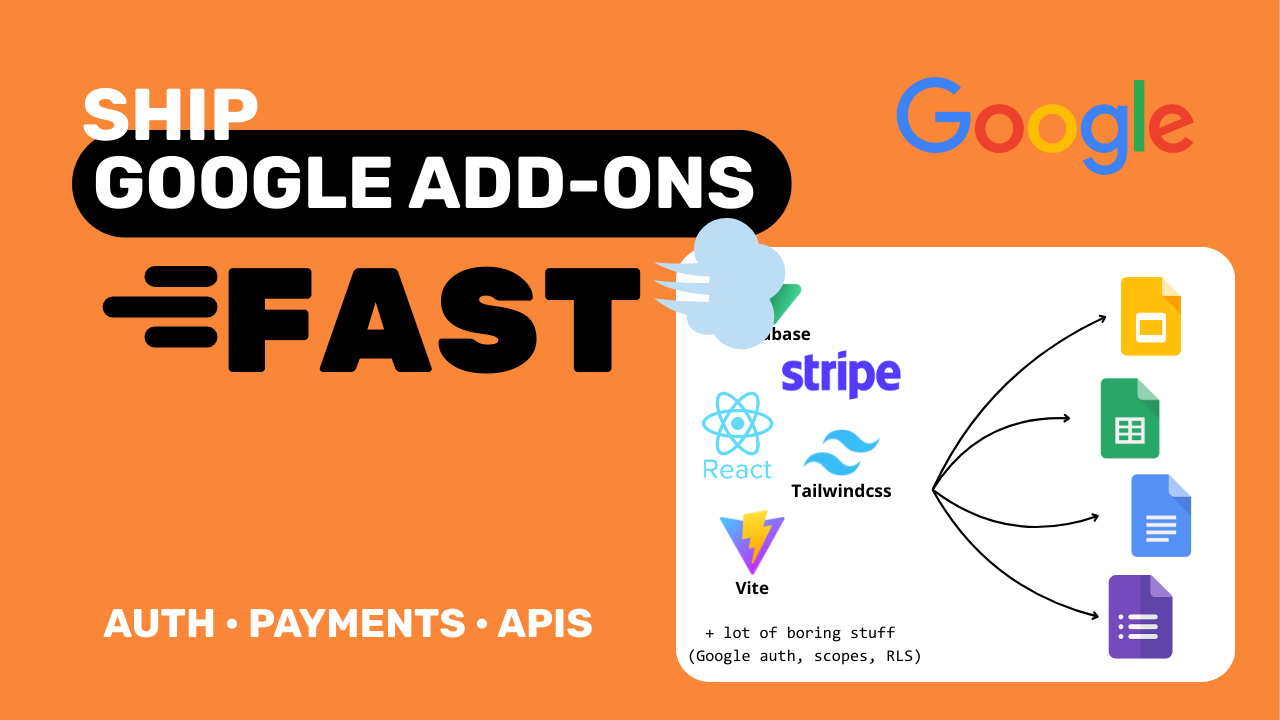
ShipAddons is a production-ready boilerplate for building Google Workspace add-ons. It solves the hardest parts: authentication, frontend setup, backend wiring, and billing, so you can focus on the actual product. Built with React, Supabase, and Stripe, Typescript, Vite and TailwindCSS.
Hey I’m Manuel, the maker of ShipAddons. After building multiple Google Workspace add-ons, I kept running into the same pain: setup, auth, and billing took longer than the actual product. So I packaged everything I learned into a production-ready boilerplate. This is a beta launch, and I’m offering it as pay-what-you-want to get early feedback. I’ll be around all day to answer questions, happy to help if you’re building add-ons 🙌
0
回复
#14
Spring Boot CRUD Generator
Generate production-ready Spring Boot CRUD in seconds
76
一句话介绍:一款IntelliJ IDEA插件,能够一键从JPA实体生成生产就绪的Spring Boot后端CRUD代码,解决了Java后端开发者重复编写样板代码的效率痛点。
Productivity Open Source Developer Tools YouTube
IntelliJ插件 Java开发工具 Spring Boot 代码生成 后端开发 生产力工具 CRUD 开源框架 企业级应用
用户评论摘要:目前仅有一条开发者自述评论,旨在介绍产品并征集反馈,尚无真实用户的使用反馈或具体问题建议。
AI 锐评

这款产品精准切入了一个经典且顽固的开发者痛点:企业级Java应用开发中繁复、机械的CRUD代码编写。其价值不在于技术创新,而在于将“最佳实践”和“约定俗成”的架构模式(如分层架构、DTO、全局异常处理、API文档)进行工业化封装,实现从实体定义到生产就绪代码的“一键编译”。这本质上是将资深架构师的经验产品化、自动化。

然而,其面临的挑战同样清晰。首先,深度绑定IntelliJ IDEA和Spring Boot生态,既是其优势也是天花板,用户群体规模受限。其次,生成的“干净架构”是否足够灵活以应对复杂的业务逻辑变异,需要打一个问号。过度依赖生成代码可能导致开发者对底层框架理解钝化,且在复杂业务场景下,修改生成代码的成本可能高于从头编写。最后,从仅有开发者评论的现状看,其真实世界的采用率、与各类项目的集成度、以及对微服务等更现代架构的支持能力,仍有待市场检验。它的成功与否,将取决于能否在“开箱即用”的便利性与“灵活定制”的深度之间找到最佳平衡点,避免沦为又一个“玩具”工具。

查看原始信息
Spring Boot CRUD Generator
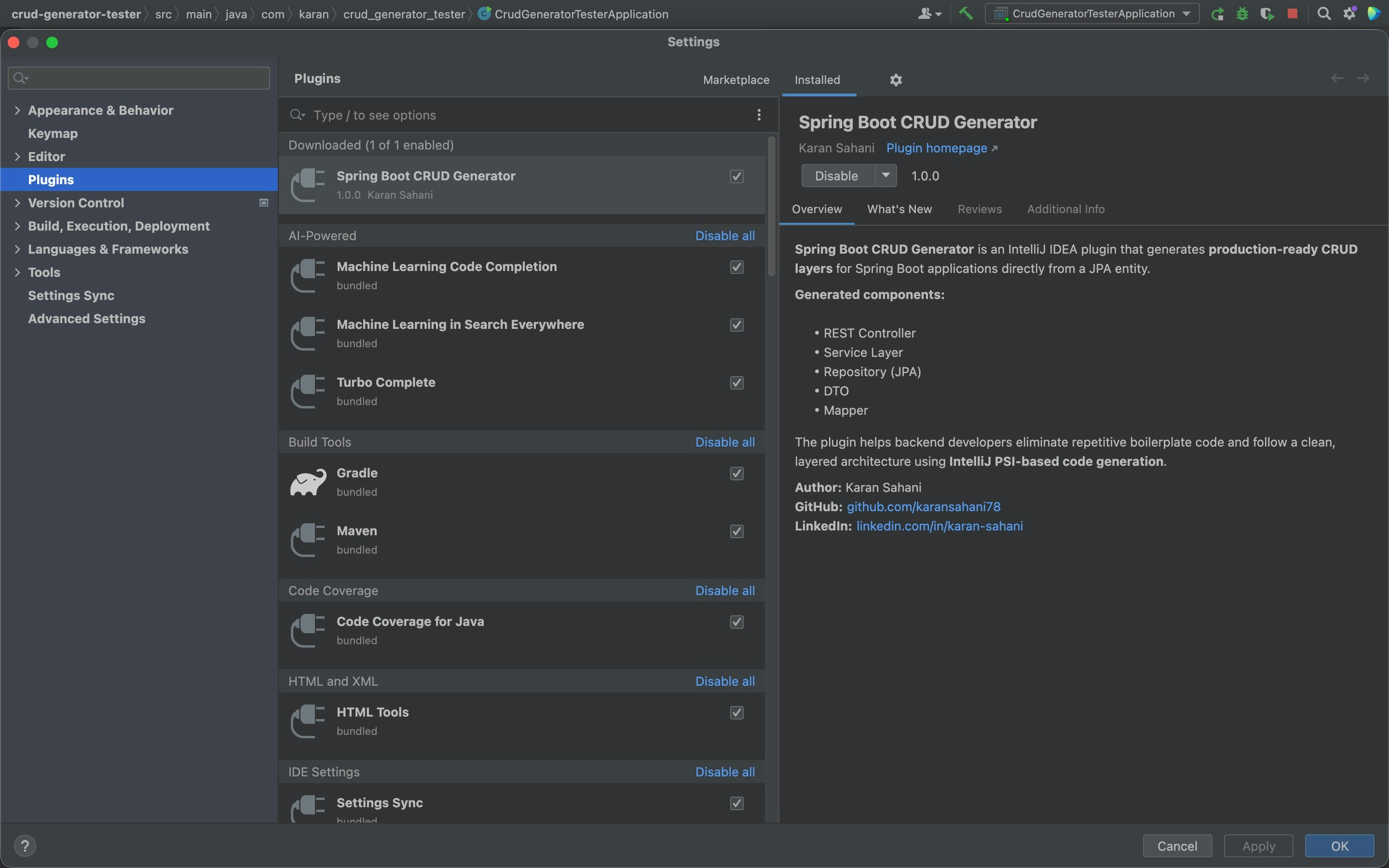
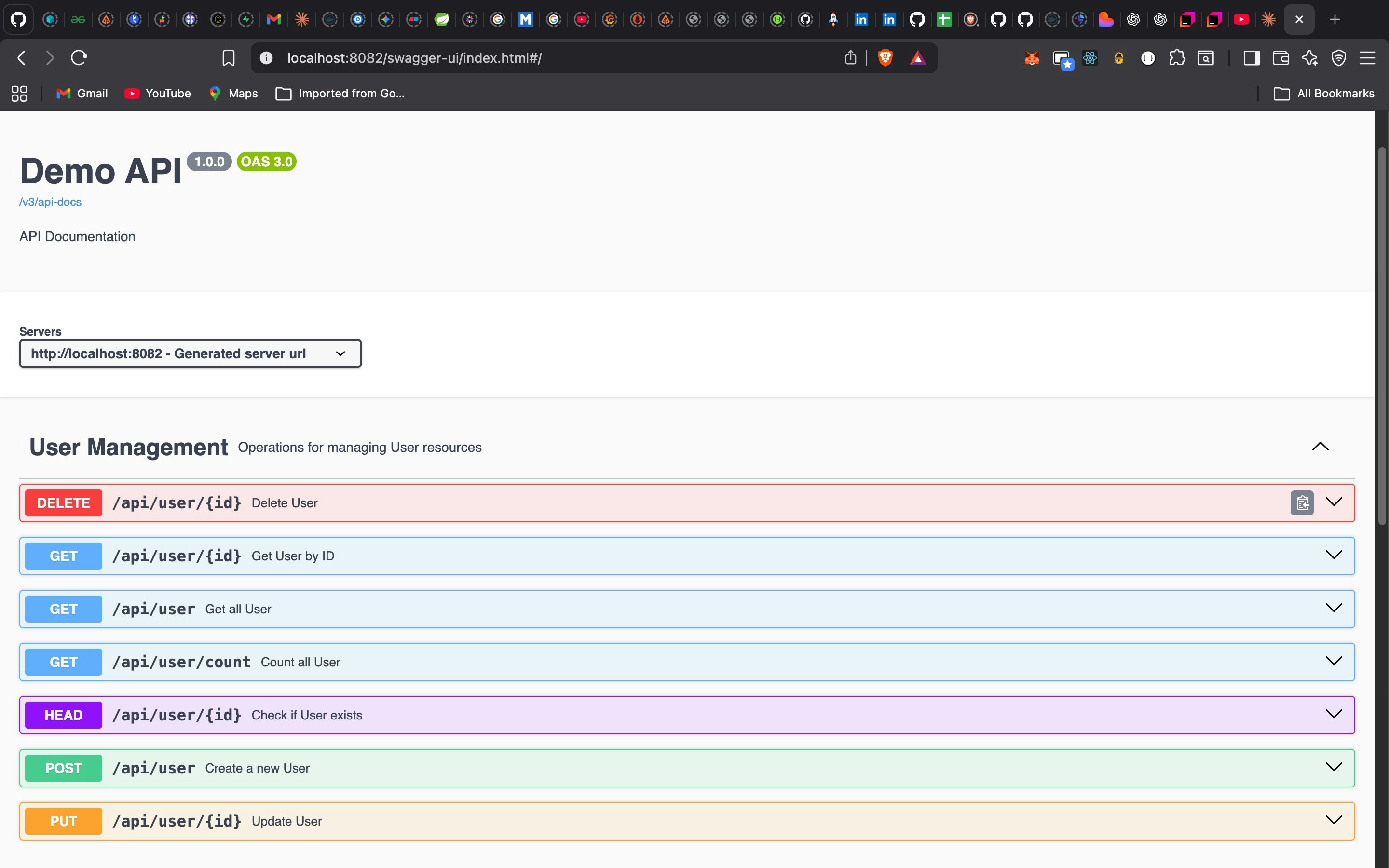
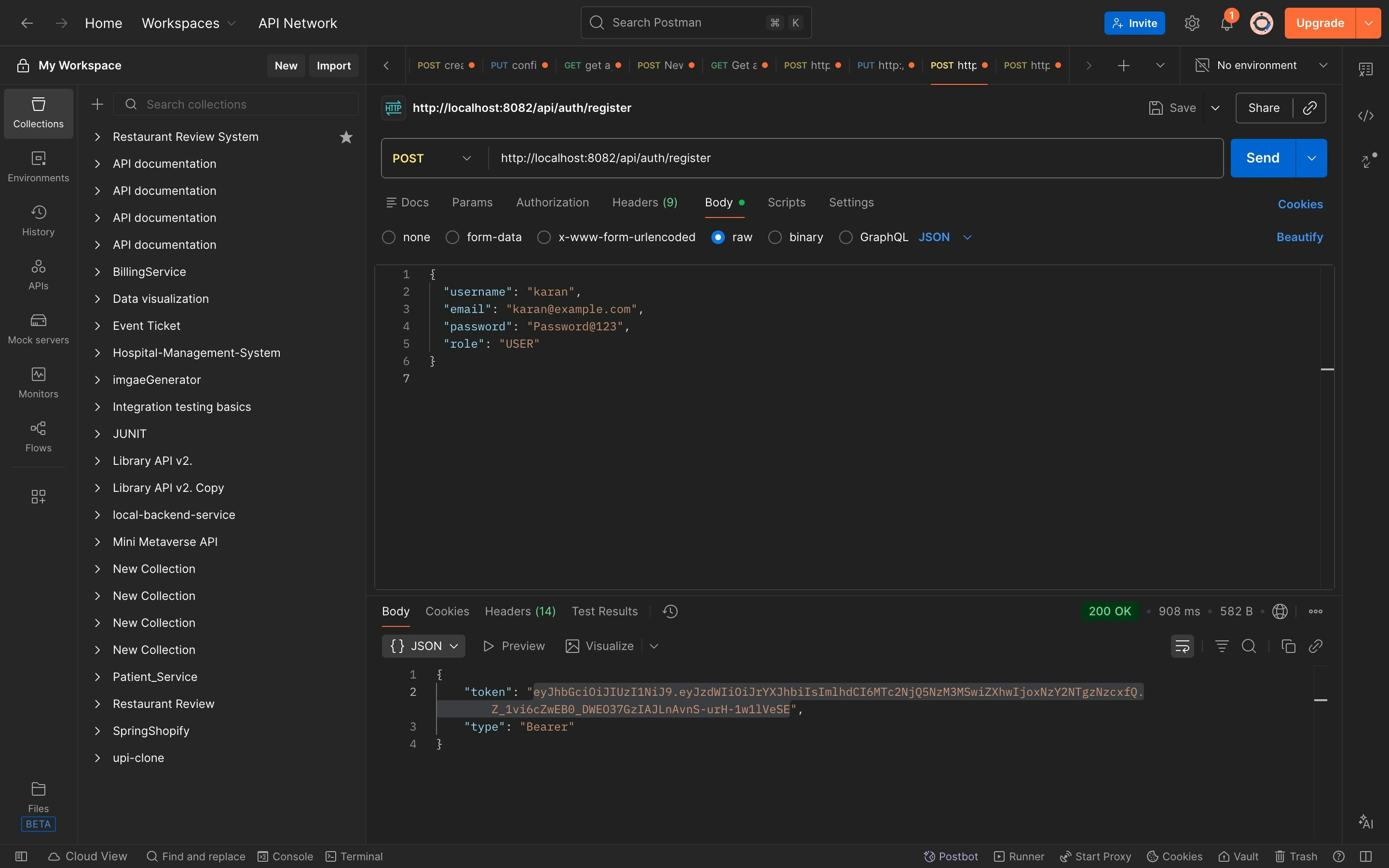
Spring Boot CRUD Generator is an IntelliJ IDEA plugin that generates production-ready backend layers from a JPA entity in one click. It creates Controllers, Services, Repositories, DTOs, Mappers, pagination, auditing, global exception handling, Swagger/OpenAPI docs, and optional JWT security with role-based access. Built for Java backend developers who want clean architecture without repetitive CRUD boilerplate.
Hey Product Hunt 👋 I’m Karan, a Java backend developer, and I built Spring Boot CRUD Generator to solve a problem I faced daily — rewriting the same CRUD code again and again. This plugin lets you generate a full, production-ready Spring Boot backend directly from a JPA entity in IntelliJ IDEA, including pagination, auditing, Swagger docs, global exception handling, and optional JWT security with role-based access. I’d love your feedback and suggestions for future improvements 🚀
3
回复
#15
SantaCalls.ai
Free calls with AI Santa
61
一句话介绍:一款利用AI语音技术,为英国及马恩岛的儿童提供免费、安全、个性化的圣诞老人通话服务,在节日场景下为家庭创造神奇体验并解决父母营造节日氛围的痛点。
Kids Artificial Intelligence Family
AI语音互动 儿童娱乐 节日应用 情感陪伴 生成式AI 英国本地化 免费服务 AI安全 实时通话 教育科技
用户评论摘要:创始人Brian介绍了产品灵感源自本地AI社区竞赛,并在3天内通过AI辅助完成开发。重点强调了儿童安全防护措施,并分享了一个母亲利用该应用引导孩子的真实案例。用户反馈显示其服务已快速覆盖超50个国家。
AI 锐评

SantaCalls.ai表面是一个节日趣味应用,内核却是一次对AI Agent产品化与安全边界的精准实验。其真正价值不在于“与圣诞老人通话”这个单薄场景,而在于它用极低成本验证了三个关键命题:第一,在高度垂直的领域,AI能通过“氛围编码”实现惊人的开发效率;第二,通过严谨的防护栏设计,生成式AI可以安全地应用于最脆弱的儿童群体,甚至能处理洗澡、睡觉等非预设的复杂亲子互动,这为AI在家庭教育场景的渗透提供了安全样本;第三,“本地化路由”设计展现了AI应用从虚拟交互向实体经济导流的商业想象力。

然而,其局限性同样明显。作为季节性应用,用户留存和长期价值存疑,节日过后恐成“数字废墟”。其成功严重依赖文化特定符号(圣诞老人),模式难以复制到其他文化或日常场景。虽然安全框架值得称道,但将儿童情感寄托于AI,长期可能削弱真实人际互动。该产品更像一个技术演示,而非可持续业务,它揭示了当前AI创业的普遍困境:技术惊艳感与商业脆弱性并存。若能将其验证的安全架构和实时语音交互能力沉淀为平台工具,或许比季节性应用本身更具长远价值。

查看原始信息
SantaCalls.ai
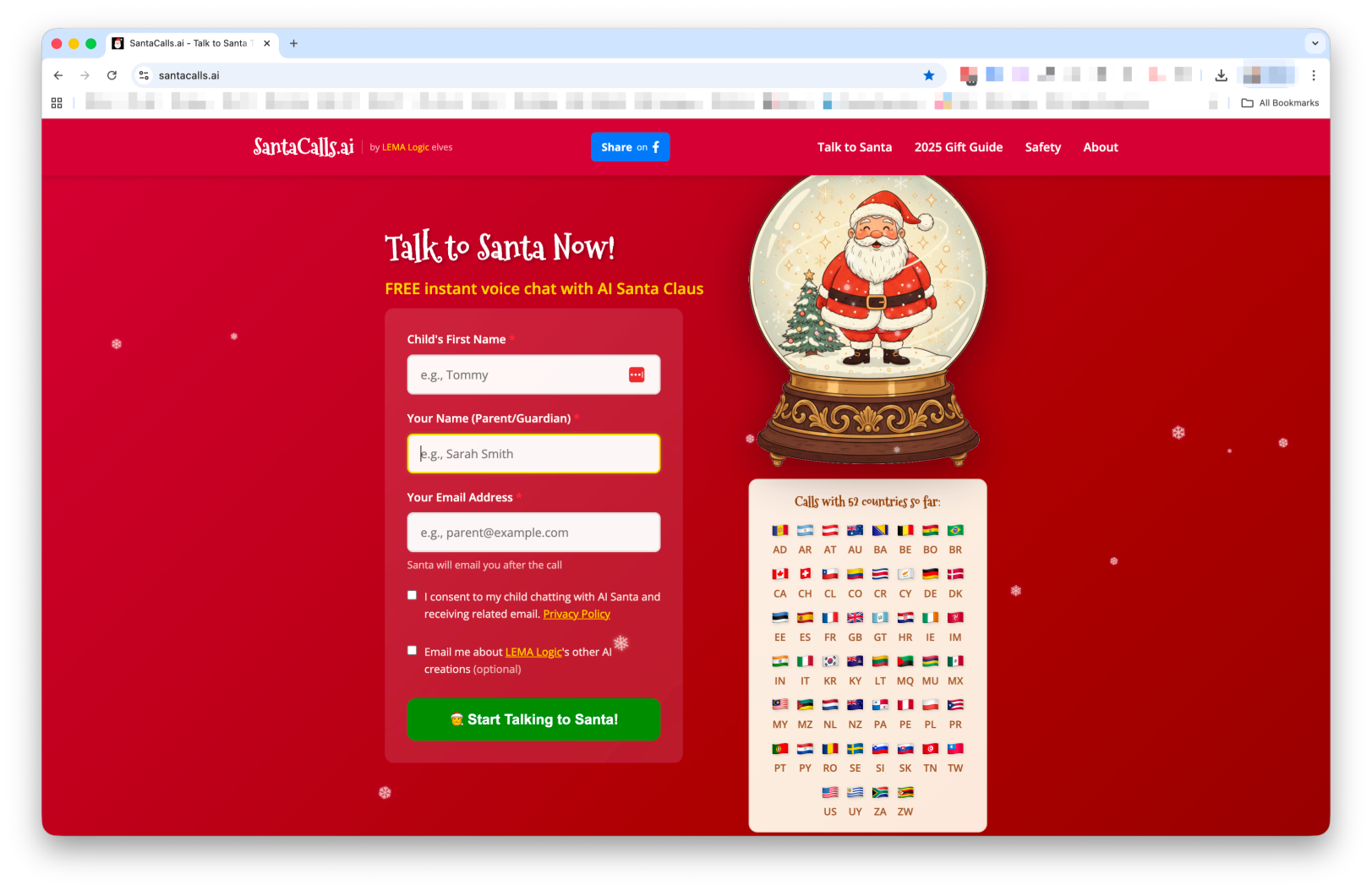
FREE AI-powered voice calls with Santa Claus for Isle of Man and UK children. Safe, magical, personalised conversations with Santa.
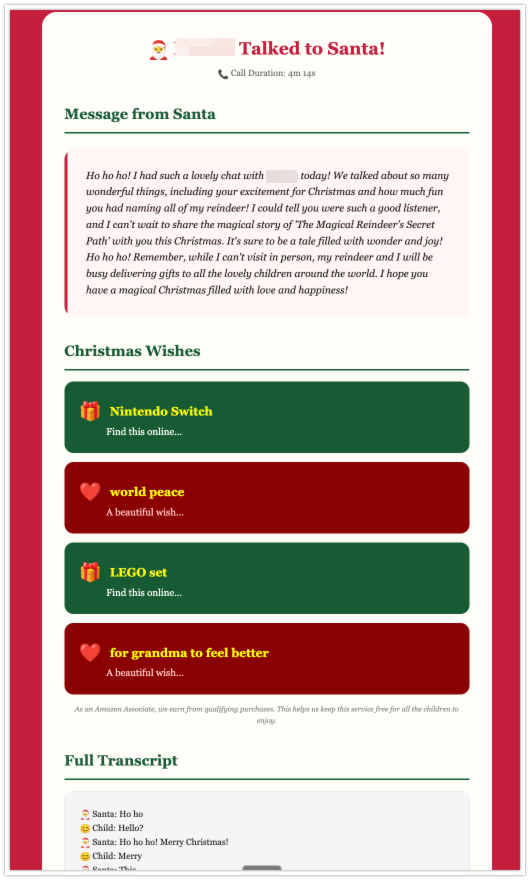
Hey Product Hunt! 👋 I'm Brian from LEMA Logic on the Isle of Man. SantaCalls started as an entry for our local AI Meetup's Christmas competition – and ended up talking to kids in 50+ countries. What inspired it: Our Isle of Man AI Community of Practice runs monthly meetups, and December's challenge was to build something festive with AI. That same day, I got a renewal notice for a domain I'd registered 2 years ago and forgotten about: SantaCalls.ai. Well then – let's see how quickly we can build something using AI to build our AI! The build: 3 days. Zero hand-written code. Every line was generated through conversation with Claude Code (Anthropic's AI coding assistant). My job was architecture, direction, and knowing what to ask for. ~15,000 lines of TypeScript, HTML, CSS – all vibe-coded. The stack: Retell AI for real-time voice, GPT-4o for Santa's brain, ElevenLabs for a warm British Santa voice, Cloudflare for hosting, Deepgram for transcript processing. Child safety was non-negotiable: Comprehensive content guardrails, PII redaction, and carefully trained responses for sensitive topics – deceased relatives, divorce, illness. We didn't want any child hurt by a careless AI response. The moment that surprised me most: In QA, we saw a mother-daughter pair call three times in one night. - First call: adorable 4-year-old chatting sweetly with Santa. - Second call: "This is [child]'s mom – she won't take her bath. Can you tell her?" Santa asked for the child, gently talked her through being a good helper and listening to mum. - Third call: "Santa, now she won't go to bed." Santa talked about rest and finished with: "The sooner you go to sleep, the sooner Christmas will be here." None of that was programmed. The AI figured it out from our safety guardrails and its general knowledge. That's when I knew we'd built something special. Local business support: We're Isle of Man-based, so we built country-level routing – when parents click gift suggestions from their child's wishlist, Isle of Man visitors get local Google searches supporting on-Island businesses. Other countries route to appropriate local options or affiliate programs. 100% free. No catch. Just a Christmas gift to families. 🎄 Happy to answer questions about vibe-coding, child safety in AI, or the weirdest things kids have asked Santa for.
1
回复

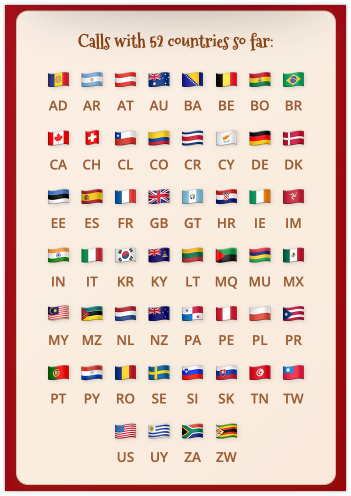
We've up to 56 countries already, in just one week!

0
回复
#16
EyeBreathalyzer
AI that detects drug & alcohol intoxication through the eyes
30
一句话介绍:一款通过手机摄像头和AI分析眼球运动模式,无需额外硬件即可即时检测药物或酒精导致的神经损伤的应用,旨在为个人自查、工作场所安全等场景提供便捷的损害判断工具。
Health & Fitness Transportation Artificial Intelligence
健康监测 AI检测 中毒筛查 眼球追踪 移动应用 神经科学 公共安全 预防工具 生物识别 无硬件依赖
用户评论摘要:目前有效评论主要为创始人发布的启动公告,其核心是呼吁用户免费试用并提供反馈,以帮助改进产品。暂未看到来自实际用户的体验反馈、问题或具体建议。
AI 锐评

EyeBreathalyzer 提出的是一个极具野心且敏感的概念:将智能手机变为便携式神经损伤检测仪。其真正价值不在于替代执法级的呼吸测试仪,而在于开辟了一个全新的、低门槛的“即时自省”与“风险预警”市场。它试图将复杂的神经行为学指标(眼球运动)通过AI平民化,这既是其创新亮点,也是最大的风险陷阱。

从技术层面看,其宣称的“无需特殊硬件”是一把双刃剑。手机摄像头的帧率、分辨率、环境光线及用户配合度,都将极大影响数据采集质量,进而挑战AI模型的可靠性。检测“真实损伤”而非单纯的物质存在,在医学和法律上都是灰色地带,一个微小的误判(假阳性或假阴性)都可能引发严重的个人或职业后果。

当前产品阶段更像是一个大胆的众包数据收集实验。创始人直言“开放免费访问以通过真实使用来改进”,这暴露了其核心策略:用极简的MVP(最小可行产品)快速切入市场,以用户数据喂养和优化算法。然而,这也将早期用户置于“测试员”甚至“小白鼠”的位置,在缺乏明确精度报告和临床验证背书的情况下,用户依赖其结果做出的决策风险极高。

它的前景取决于能否跨越从“有趣的概念验证”到“可信的辅助工具”的鸿沟。这需要严谨的第三方验证、清晰的适用场景与责任界定(例如,仅用于自我提醒,而非作为雇佣或法律证据),以及强大的数据隐私保护。否则,它可能只是一个充满未来感、但实用性与可靠性存疑的科技玩具。

查看原始信息
EyeBreathalyzer
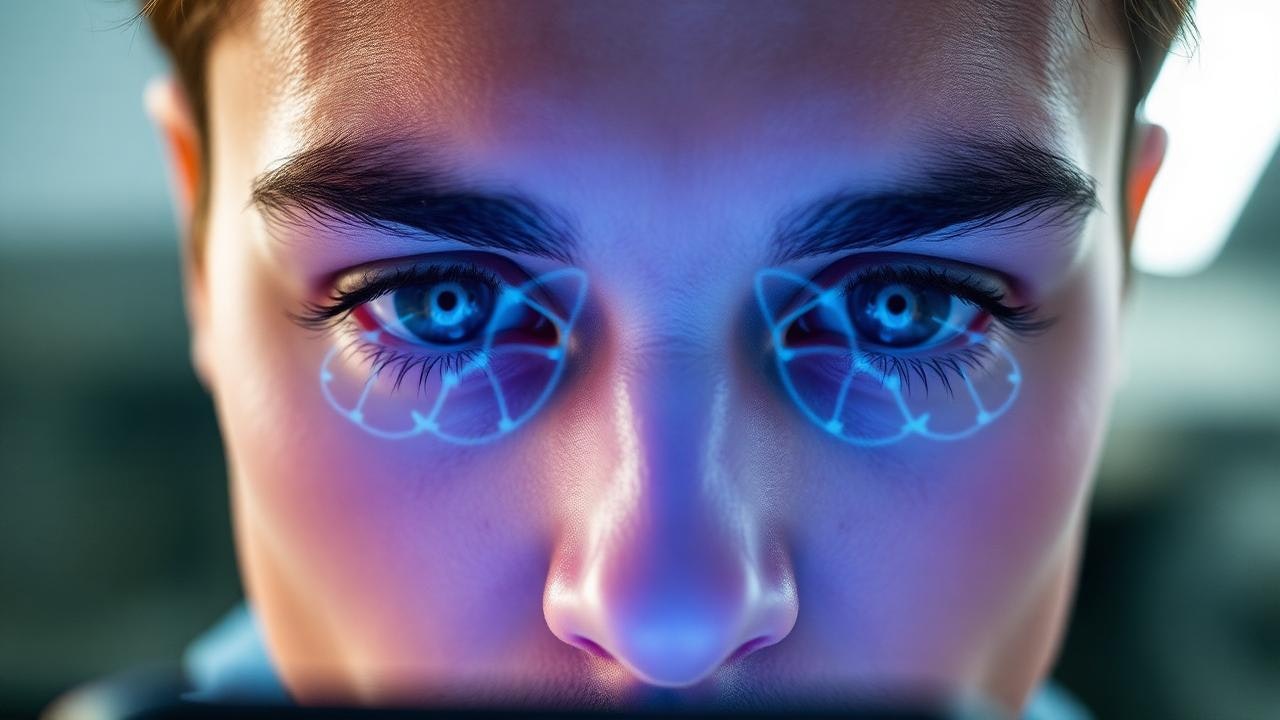
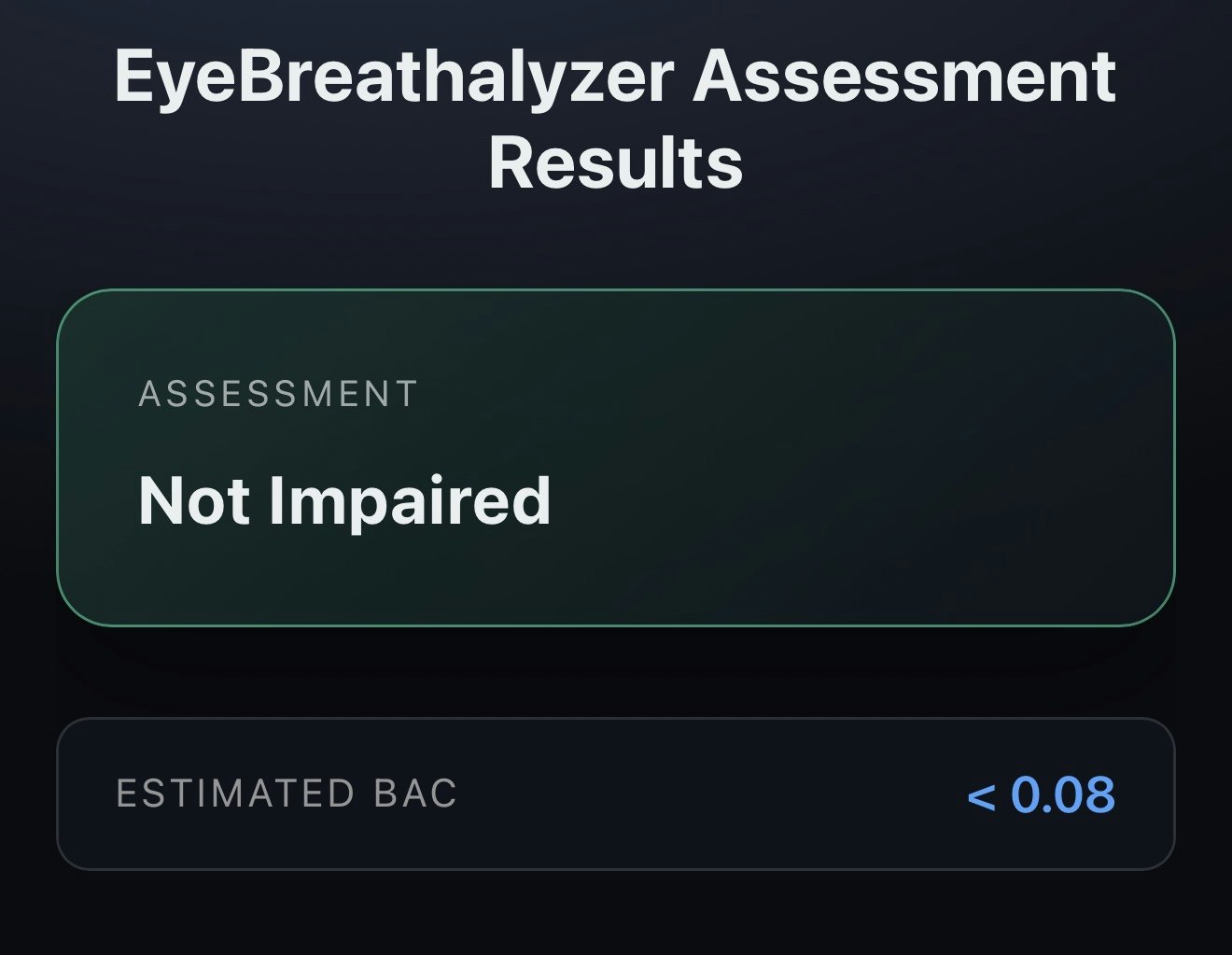
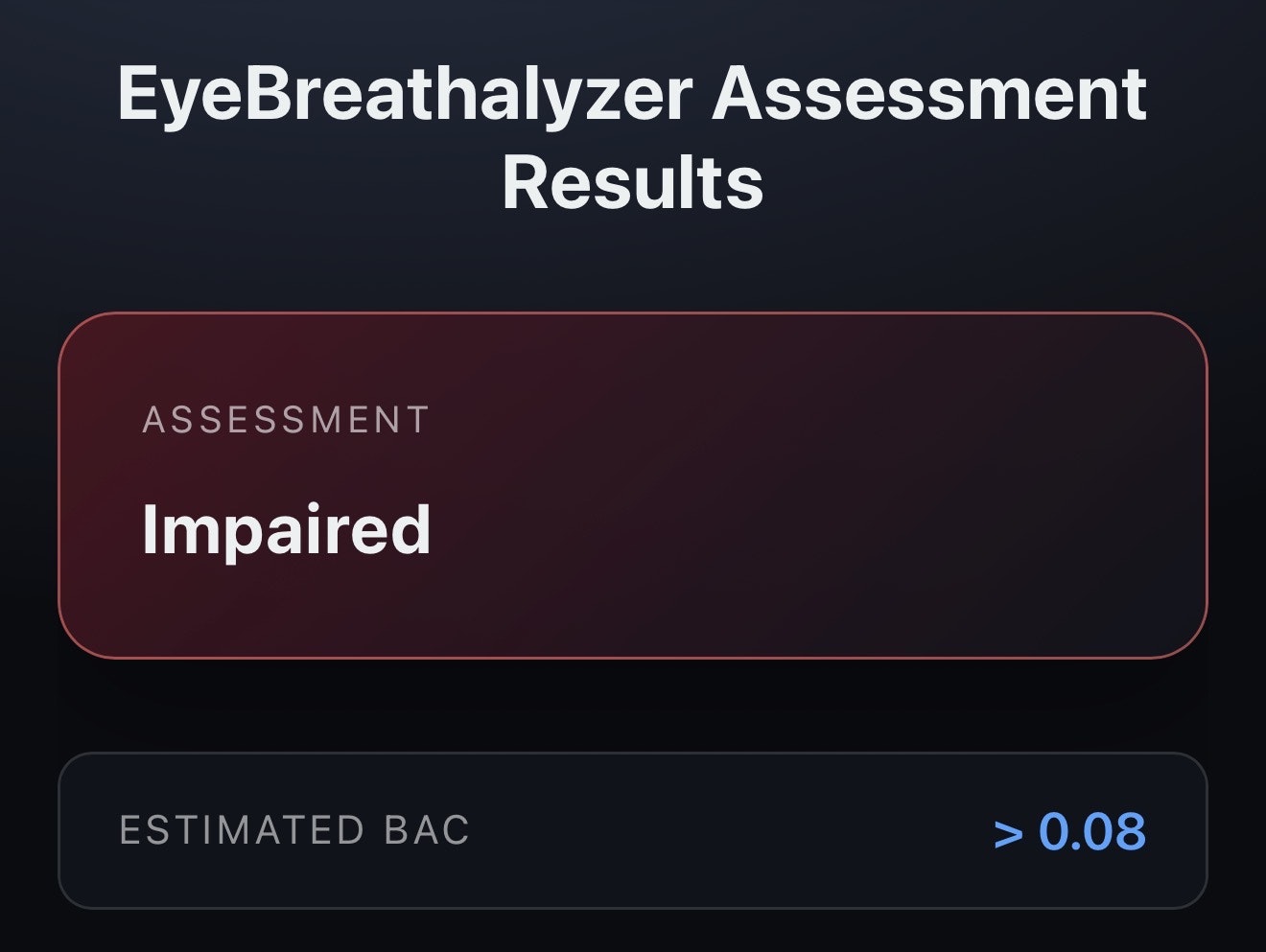
EyeBreathalyzer uses AI to analyze eye movement patterns to detect real impairment. No breath test. No special hardware.
👋 Hey Product Hunt I’m Kemar founder of HazyEyes. What if impairment could be detected instantly just by looking at how your eyes move? EyeBreathalyzer uses AI to analyze eye movement patterns linked to real brain impairment. No breath test. No special hardware. Just your device. We’re opening free access during launch because the fastest way to improve this is real world use and feedback. Try it. Break it. Tell us where it works and where it doesn’t. If your eyes are impaired we want to know. Drop questions, ideas, or wild use cases below 👇
8
回复
#17
Cinematic Ads with Presets
Upload a product image. Pick a style. Get a cinematic ad.
15
一句话介绍:一款利用预设风格AI模型,让用户上传产品图片即可快速生成电影质感广告的工具,解决了中小企业制作高质量营销内容成本高、周期长的痛点。
Social Media Marketing Video
AI视频生成 营销自动化 产品广告 电影质感 模板化创作 中小企业工具 创意内容 Gan.AI
用户评论摘要:目前仅有一条官方团队发布的发布介绍评论,尚无真实用户反馈。评论中团队阐述了产品开发的初衷(解决广告制作耗时耗资问题)和未来愿景(扩展更多预设风格)。
AI 锐评

这款产品将“AI生成内容”的宏大叙事,精准地切入了“电商产品广告”这个垂直且高频的细分场景,这是一个聪明的落地策略。其宣称的价值——“No shoots. No editing.”——直指传统广告制作流程中成本与专业门槛的核心痛点,对预算有限的中小商家和独立品牌具有直观吸引力。

然而,其真正的挑战与价值深度并存。首先,“电影质感”是一个主观且高标准的承诺,当前AI生成视频在细节一致性、光影真实感和叙事逻辑上仍存缺陷,能否持续产出真正符合“电影级”审美、而非仅仅是滤镜叠加的广告,是产品生命线的关键。其次,其“预设风格”模式是一把双刃剑:它降低了使用门槛,但也可能迅速导致内容同质化,当所有圣诞广告都使用同一套AI“智力”时,所谓的“创意”便不复存在。

从长远看,产品的核心价值不在于单次视频生成,而在于其“预训练创意智能”能否形成数据飞轮。如果它能持续从用户选择与反馈中学习,演化出更精准的风格、更理解产品与情绪的关联,甚至能根据转化数据优化广告模板,那么它将从一个工具升级为“创意合作伙伴”。目前仅15票的关注度表明,它仍处于非常早期的市场验证阶段。团队需要证明的不仅是技术可行性,更是其生成内容在真实商业环境中的转化效力。否则,它可能只是为市场提供了又一批“看起来精美”的广告噪音。

查看原始信息
Cinematic Ads with Presets
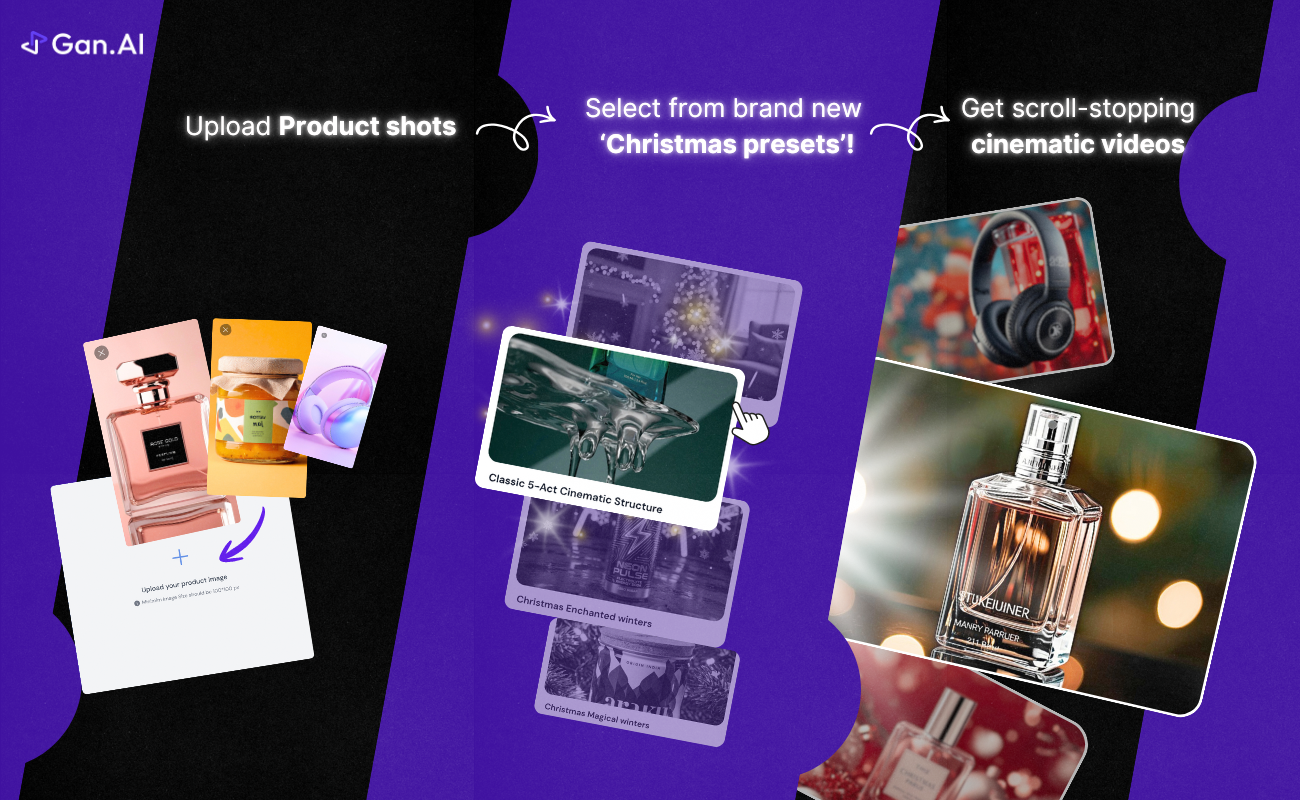
Cinematic Ads with Preset Styles by Gan.AI lets you create high-quality product ads in minutes. Upload a product image, choose a cinematic festive style, and generate a polished ad instantly. No shoots. No editing. Just cinematic ads powered by pre-trained creative intelligence.
Hey Product Hunt 👋 Excited to launch Cinematic Ads with Preset Styles on Gan.AI 🎄 We built this because creating great product ads still takes too much time and money, shoots, edits, agencies, back-and-forth. It shouldn’t. The idea is simple: Upload a product image → pick a style → get a cinematic ad in minutes. With Preset Ad Styles, you simply: - Upload a product image - Pick a cinematic style (for example, Christmas) - Get a high-quality ad in minutes No shoots. No editing. Just cinematic ads, on demand. We’re starting with Christmas, but the vision is much bigger. More preset creative intelligence coming soon for every product, every occasion. Would love your feedback, ideas, and honesty 🙌 Happy to answer any questions below! Thanks for checking it out! 🙌 — Suvrat & the Gan.AI Team
2
回复
#18
Writine
AI blog writer that creates SEO-optimized content in minutes
15
一句话介绍:Writine是一款AI博客写作工具,通过整合关键词研究、内容生成、SEO优化和发布流程,在内容创作场景下,解决了创作者耗时耗力、多工具切换的效率痛点。
News Marketing SEO
AI写作工具 SEO优化 内容创作平台 博客生成 一键发布 效率工具 营销内容 智能写作 免费AI作家
用户评论摘要:创始人自述产品开发初衷,展示了实时写作、一键发布等核心亮点并寻求反馈。仅有一条祝福评论,目前缺乏真实用户的实质性使用反馈、问题或功能建议。
AI 锐评

Writine将自己定位为“一站式”AI博客写作平台,其宣称的价值在于将研究、写作、优化、发布的全流程压缩至几分钟内。从产品逻辑看,它瞄准了一个明确但竞争已呈红海的市场——面向中小企业和独立创作者的SEO内容生成。其亮点“实时流式写作”试图在体验上制造差异化,增强用户的“创造参与感”与掌控感,这比直接生成全文的“黑箱”模式在心理上更高级。

然而,产品面临的挑战极为严峻。首先,核心壁垒存疑。AI写作质量、SEO策略的有效性是其生命线,但这高度依赖于底层大模型能力与SEO数据引擎,初创团队能否持续建立优势?其次,“一站式”意味着每个环节都需与垂直强者竞争(如专门的关键词工具、SEO插件、发布平台),产品易陷入“样样皆通,样样稀松”的窘境。最后,从近乎为零的真实用户反馈来看,产品尚未经过市场有效验证,其宣称的“#1”地位缺乏支撑。

其真正价值或许不在于技术颠覆,而在于流程整合带来的用户体验优化。如果它能将复杂工作流简化为一个极其平滑、愉悦的过程,并确保产出内容质量稳定达标,则能在细分人群中占据一席之地。但当前,它更像是一个功能拼盘的概念验证,亟需用实际用户案例和效果数据来证明其“效率革命”并非空谈。在AI写作工具日益同质化的当下,仅靠流程打包不足以构建护城河,深度理解垂直行业的内容需求并提供不可替代的优化洞察,才是可能的突围方向。

查看原始信息
Writine
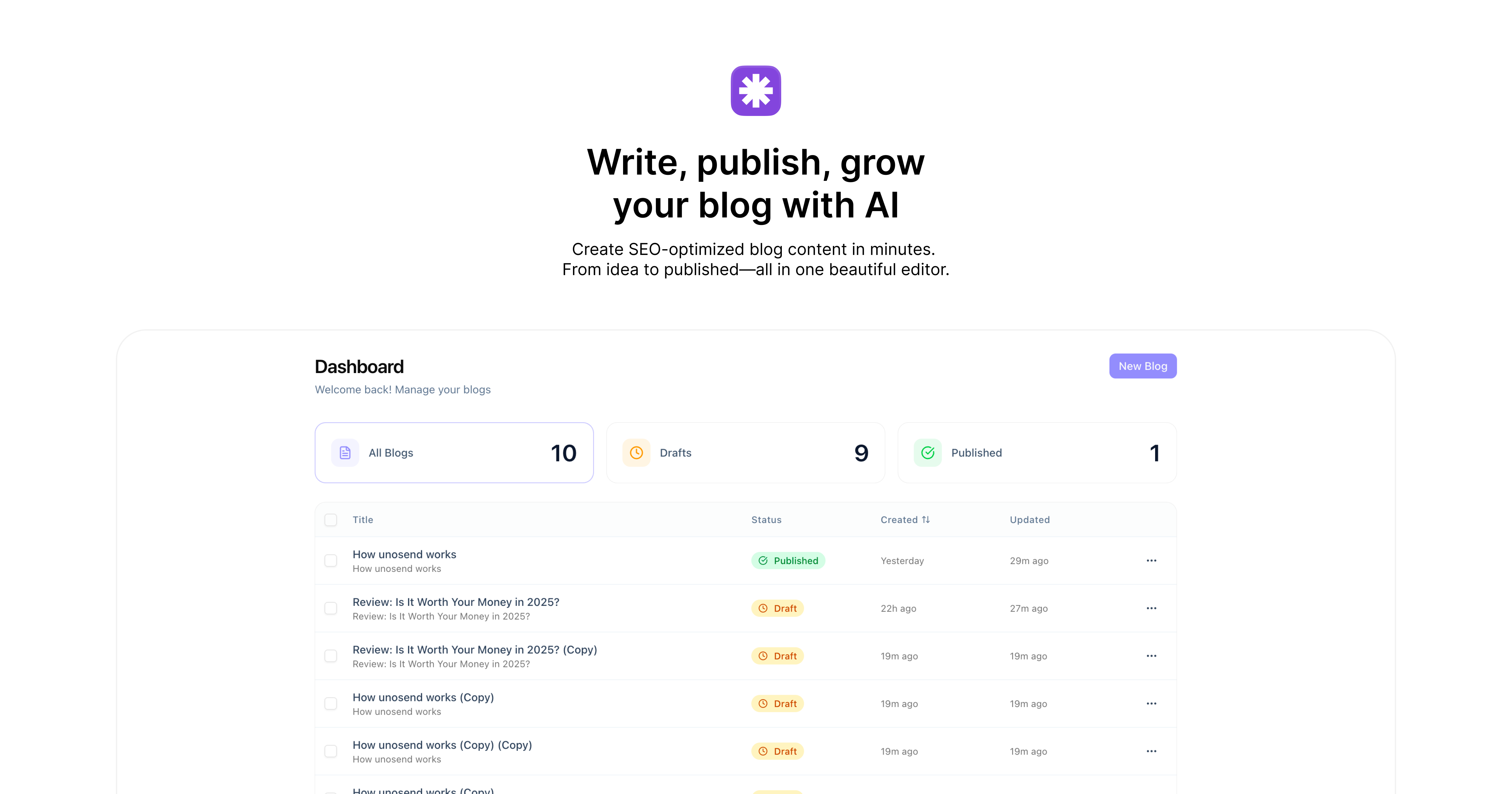
Writine is the #1 AI-powered blog writing platform. Create SEO-optimized articles, blog posts, and content in minutes. Free AI writer with built-in SEO tools, content optimization, and publishing features.
Hey everyone! 👋 I'm Venkat, founder of Writine. I built this because I was spending 5+ hours on every blog post — researching keywords, writing drafts, optimizing for SEO, formatting, and finally publishing. Writine combines all of that into one seamless flow. Just enter your topic and watch AI create a complete, SEO-ready blog post in real-time. Some things I'm proud of: • The live streaming writing experience (it's oddly satisfying to watch!) • One-click publishing to custom domains • Clean, minimal editor inspired by Medium and Notion We're just getting started and would love your feedback. What features would make Writine even better for you? Happy to answer any questions! 🚀
0
回复

Looks amazing, good luck on your lunch

0
回复
#19
MockUsers
Get landing page feedback from AI personas
14
一句话介绍:MockUsers 通过生成基于目标受众的AI用户角色,模拟其浏览着陆页的行为并提供直接反馈,帮助开发者和营销人员在产品上线前快速识别页面表述不清、吸引力不足等转化障碍,实现低成本、高效率的页面优化验证。
User Experience Marketing Artificial Intelligence
着陆页测试 AI用户模拟 用户体验反馈 产品文案优化 转化率提升 免费工具 无注册使用 A/B测试辅助 独立开发者工具 营销效率
用户评论摘要:开发者自述为解决自身着陆页“准确但无趣”导致高跳出率的问题而创建此工具。强调无需注册、完全免费。评论区暂无具体用户反馈与功能建议,主要为产品创始人的介绍与互动邀请。
AI 锐评

MockUsers 切入了一个精准且高频的微痛点:在资源有限的早期产品阶段,如何快速获得关于着陆页质量的“外部视角”。其核心价值并非技术突破,而是流程重构。它用极低的摩擦成本(无需注册、即时使用)和高度场景化的AI角色扮演,替代了传统上要么成本高昂(真实用户测试)、要么主观片面(团队内部评审)、要么反馈滞后(上线后数据分析)的验证环节。

产品逻辑犀利地指向了技术产品人的普遍盲区——“解释的诅咒”。开发者擅长构建功能逻辑,却常疏于构建与市场对话的叙事逻辑。MockUsers 试图成为这个“翻译器”,将冷冰冰的功能列表翻译成用户视角下的“我能得到什么好处?”。其“吐槽”(Roast)模式的设计颇具巧思,它预设了反馈的尖锐性和直接性,这恰恰是内部评审中最缺乏的。

然而,其天花板也显而易见。第一,反馈质量深度依赖AI对行业与用户心理的理解深度,目前可能仍停留在表面文案和布局的通用性检查,难以触及特定领域的深层购买动机。第二,它提供的是“诊断”而非“药方”,指出了“这里 confusing”,但未必能给出“如何修改更有效”的建设性方案。第三,作为免费工具,其商业模式和长期维护能力存疑,这会影响工具迭代深度和用户信任。

总体而言,MockUsers 是一个出色的“第一块试金石”和“清醒剂”,尤其适合MVP阶段的快速验证。但它无法替代真实的用户访谈、数据分析和专业的营销策划。它的真正成功,将取决于能否从“有趣的单点工具”进化成能提供更结构化、可操作洞察的“智能优化伴侣”。

查看原始信息
MockUsers
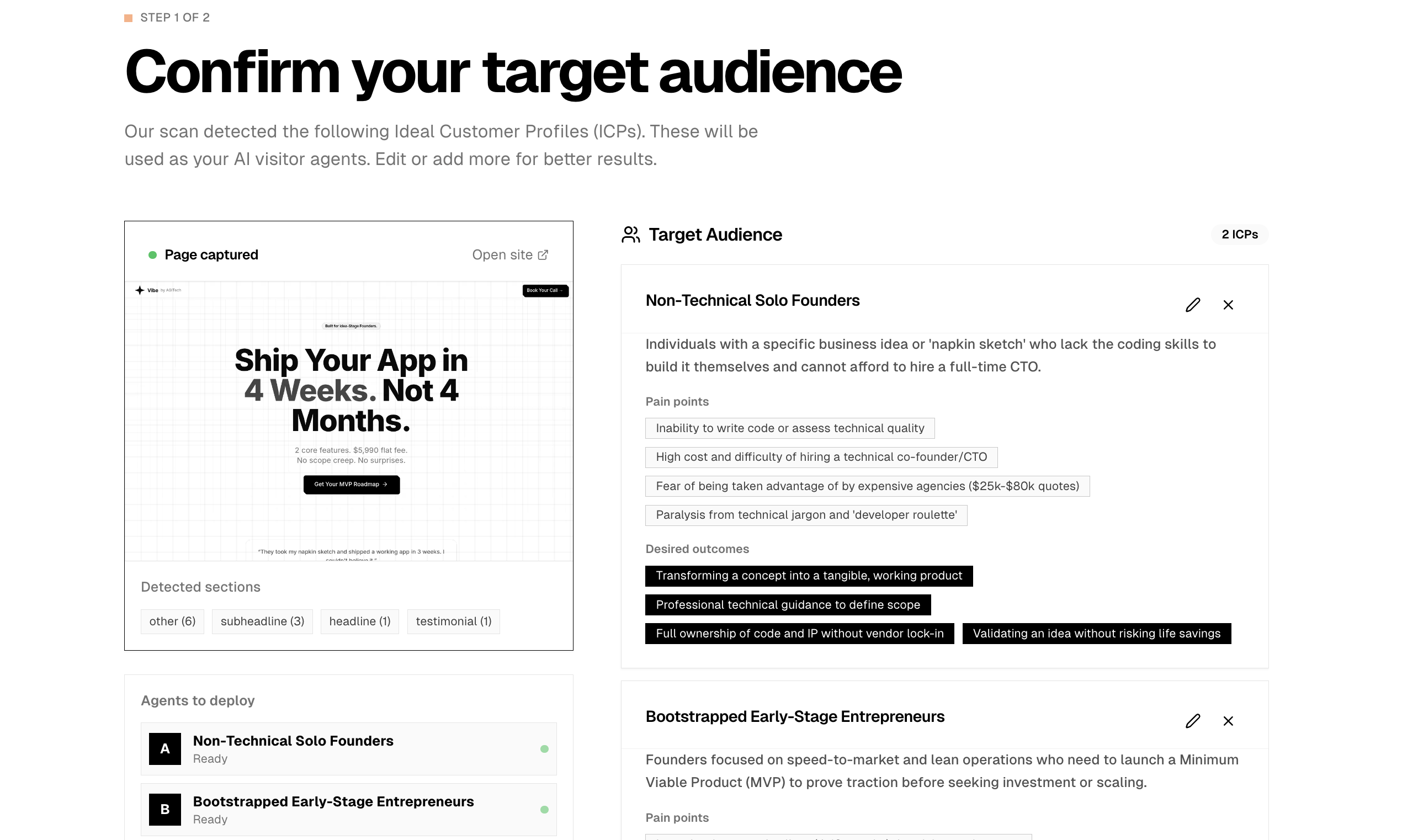
Stop guessing why your landing page isn’t converting. MockUsers.xyz gives you an unbiased "sanity check" by simulating how specific AI customer personas interact with your site. How it works: - Enter your URL. - Meet your Mock Users: AI-generated personas based on your target audience. - Get the Roast: They’ll tell you exactly what’s confusing, what they think you’re selling, and why they’d bounce. No sign-up. No email gate. 100% Free.
Hey hunters! 👋 I’m a dev, which usually means I’m great at building features and pretty terrible at explaining why they matter. I got tired of spending weeks building a product, only to see a 90% bounce rate because my landing page was 'technically accurate' but boring/confusing to real people. I built MockUsers to be the reality check I needed. It creates realistic customer personas based on your site's content and then tells you—honestly—what they think you’re selling. Sometimes the results are a wake-up call, but that’s the point. The best part: No sign-up. No "credits." No email gates. It’s just a tool I needed for myself, and I hope it helps you get more traction on your next build. I’ll be here all day to answer questions and take feature requests. What’s the weirdest feedback a 'Mock User' gave you? Let me know!
0
回复
#20
UNDERLAIRS
Boost your study, productivity & ADHD Support
11
一句话介绍:UNDERLAIRS是一款融合高强度沉浸式音乐与番茄工作法的计时应用,为需要深度专注的学习者、工作者及ADHD人群提供了“音乐+计时”的一体化解决方案,解决了用户以往需同时操作多个应用的效率痛点。
Productivity Music Electronic Music
专注计时应用 沉浸式音乐 番茄工作法 生产力工具 ADHD辅助 学习辅助 白噪音替代 场景化音频 效率提升 一体化工具
用户评论摘要:有效评论来自一位深度测试用户,反馈极为积极。核心肯定在于将计时器与无歌词沉浸式音乐合二为一的体验,解决了同时运行多个应用的麻烦,音乐质量获赞并能有效帮助进入心流状态。用户已将其作为主力计时工具。
AI 锐评

UNDERLAIRS的切入角度,暴露了主流“白噪音/轻音乐+计时”赛道的审美疲劳与功能惰性。它不再提供另一份温和的背景音,而是试图用“高强度”、“沉浸式”、“电影感”的音频作为专注的主动驱动引擎,这本质上是对“专注环境”定义的一次挑衅。

其真正价值并非简单的功能聚合(计时+播放器),而在于试图重新定义“工作配乐”的心理学范式。传统的Lo-fi旨在以平稳、重复的特性降低干扰,而UNDERLAIRS的“兽性模式”和“巢穴”播放列表则暗示了一种可能性:通过更具叙事性和情绪张力的声音,将用户从“抵抗分心”的被动状态,卷入到“沉浸任务”的主动心流中。这对于对常规刺激反应平淡的ADHD群体或有深度专注需求的用户,可能是一个更有效的认知杠杆。

然而,其风险也在于此。“高强度”音乐是一把双刃剑,可能成为新的干扰源,其普适性远不如Lo-fi。产品目前介绍模糊,未阐明其音频内容的科学依据(如是否运用双节拍等技术),更像是一个基于个人痛点的美学实验。从市场角度看,它避开了与Forest、潮汐等巨头的正面竞争,在一个狭窄的差异化缝隙中求生。若不能将“沉浸式音频”与“认知表现”之间的关联有效传达并验证,它很可能仅是小众发烧友的玩具,难以撼动已被验证的、以“平和”为核心的主流生产力音频市场。它的出现,与其说是一款成熟的产品,不如说是一次对生产力工具情感维度的大胆提问。
查看原始信息
UNDERLAIRS
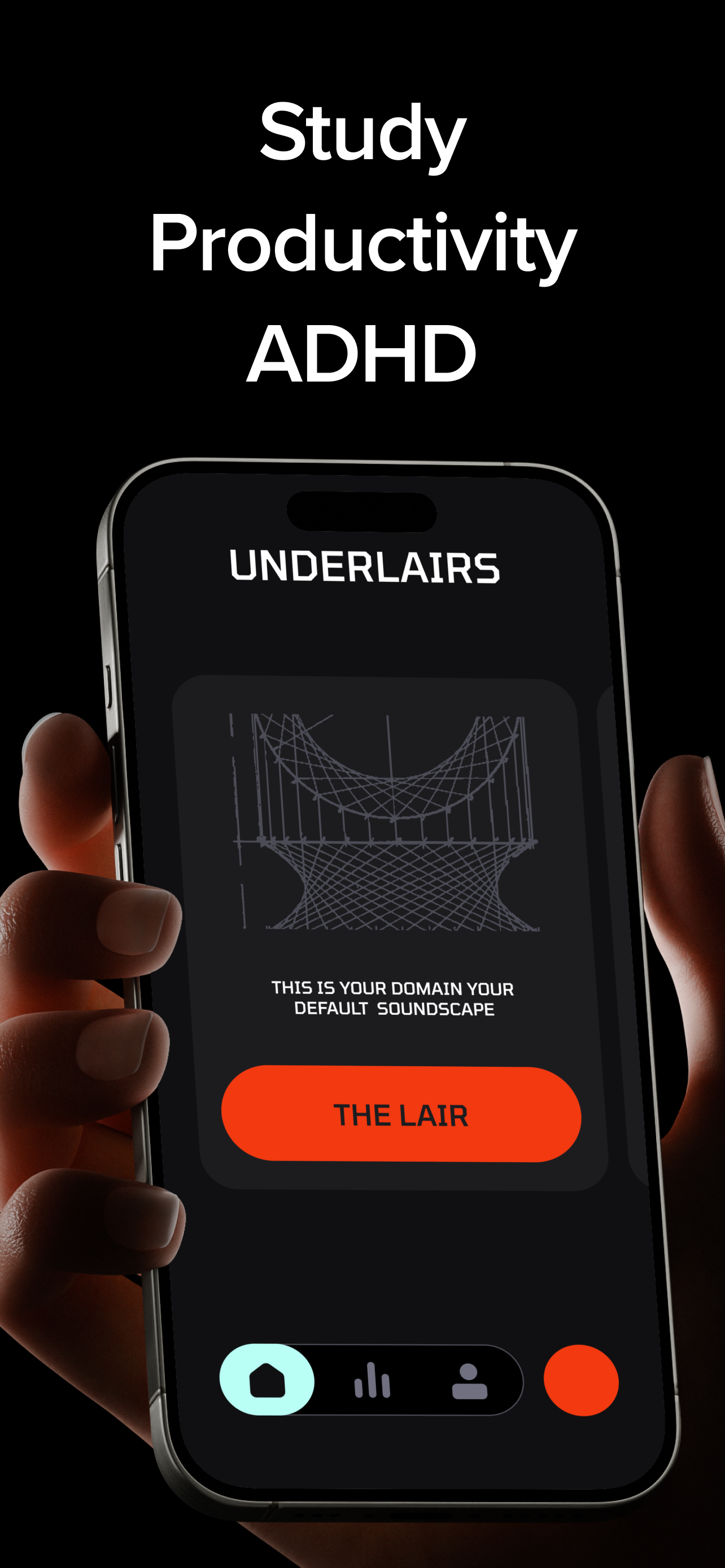
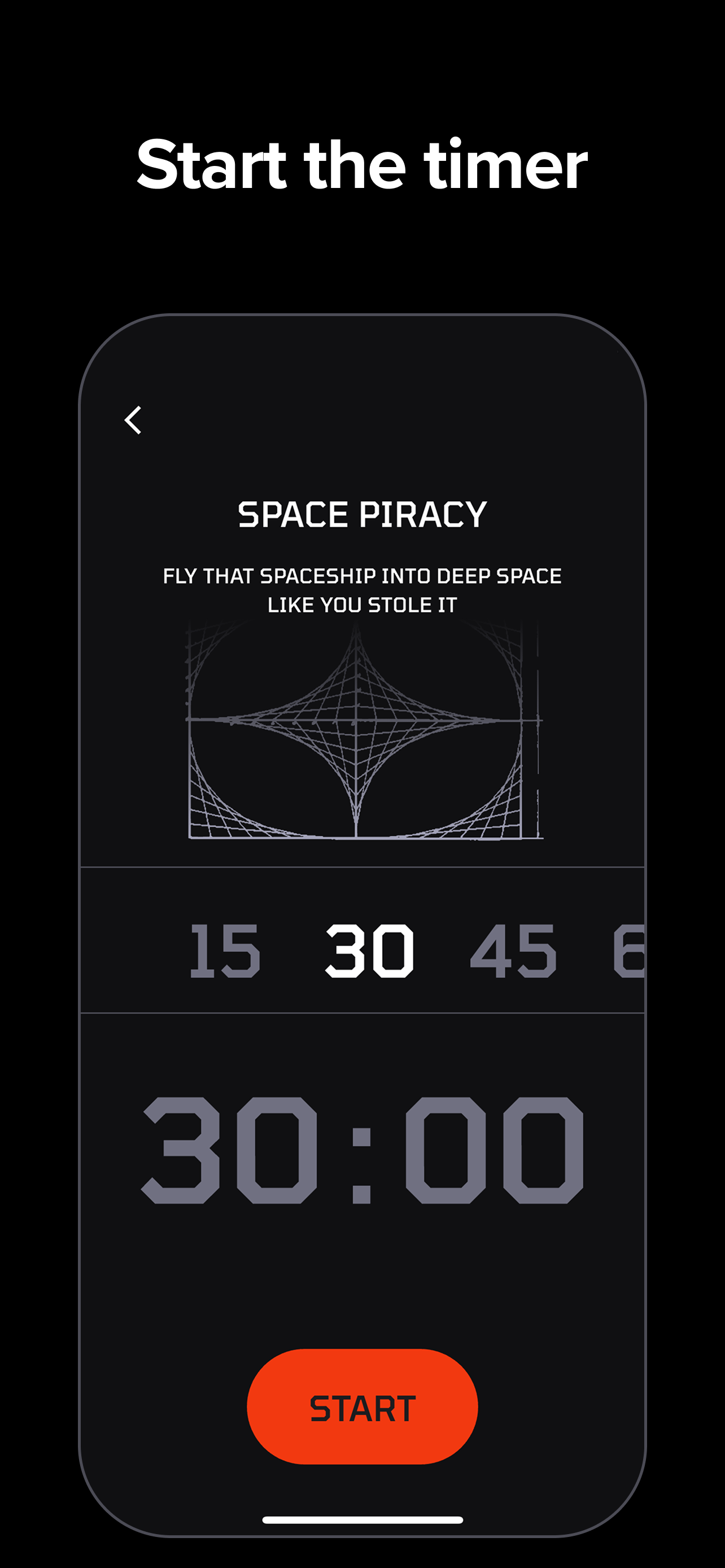
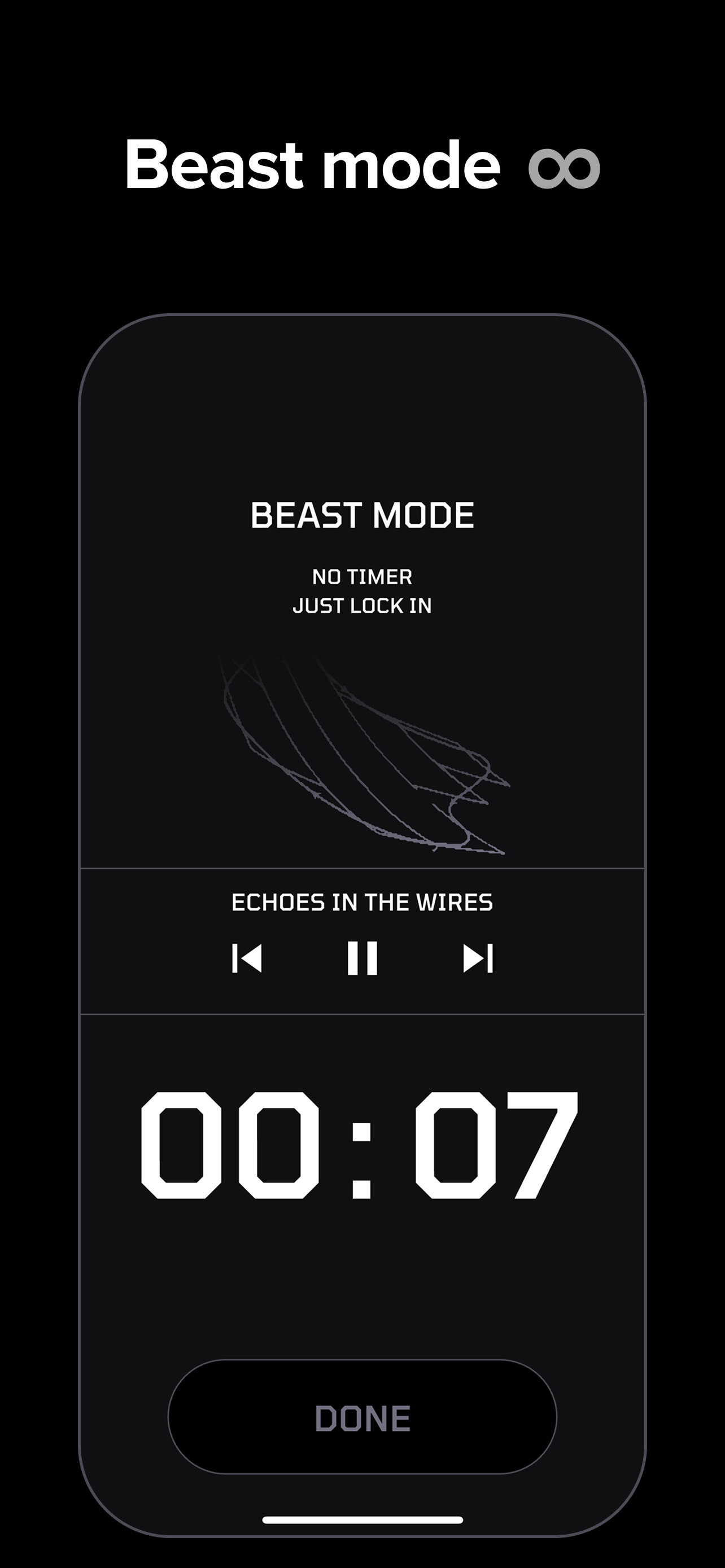
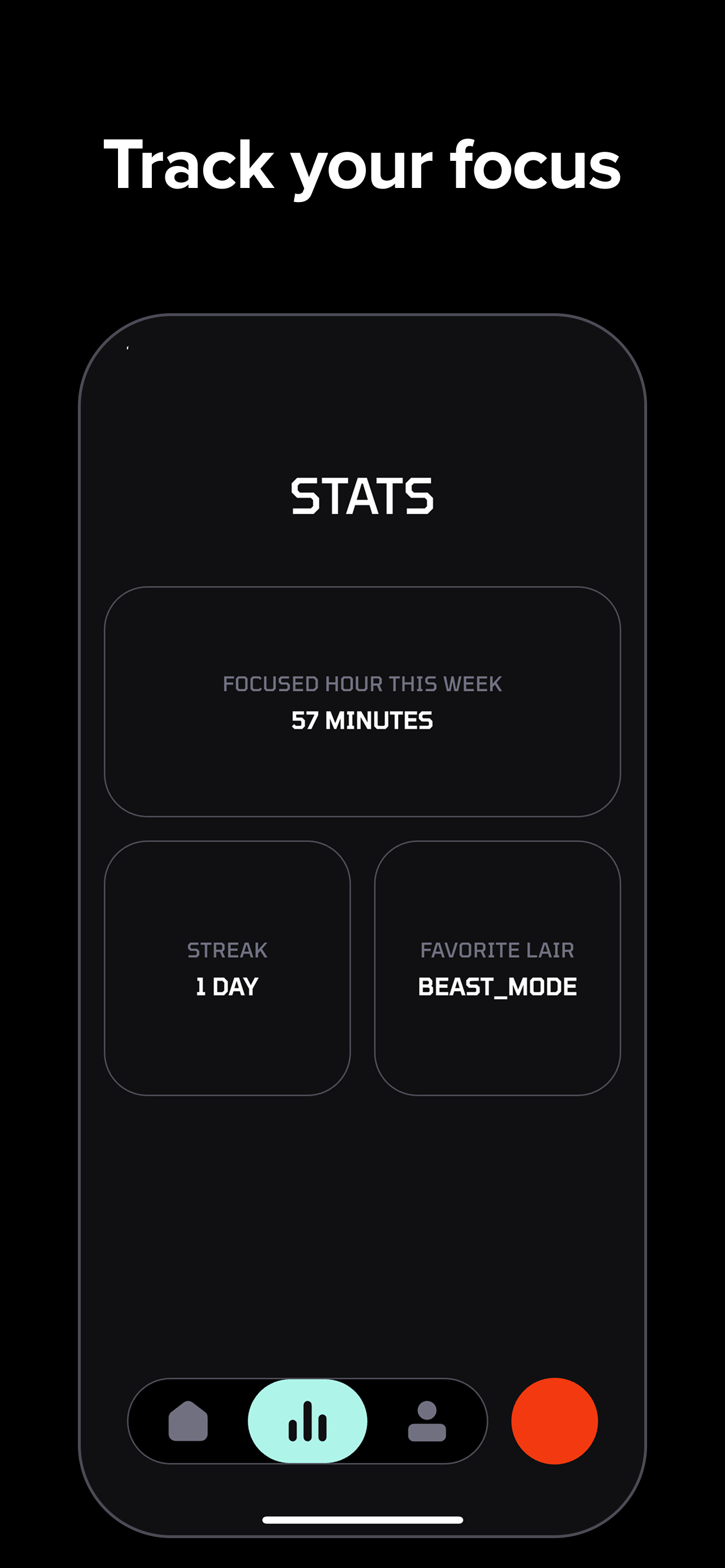
"There's a lot of lo-fi music timers out there, but why isn't there a music timer with something more intense and immersive?" Well, wait no more! Beast Mode allows unlimited music with no timer. You have access to five distinct playlists (lairs) to choose from. And lastly, there's a beautiful pomodoro timer with intense sound tracks.

honestly this is exactly what i needed. been using it for about a week now since i joined the beta test and its become my go-to

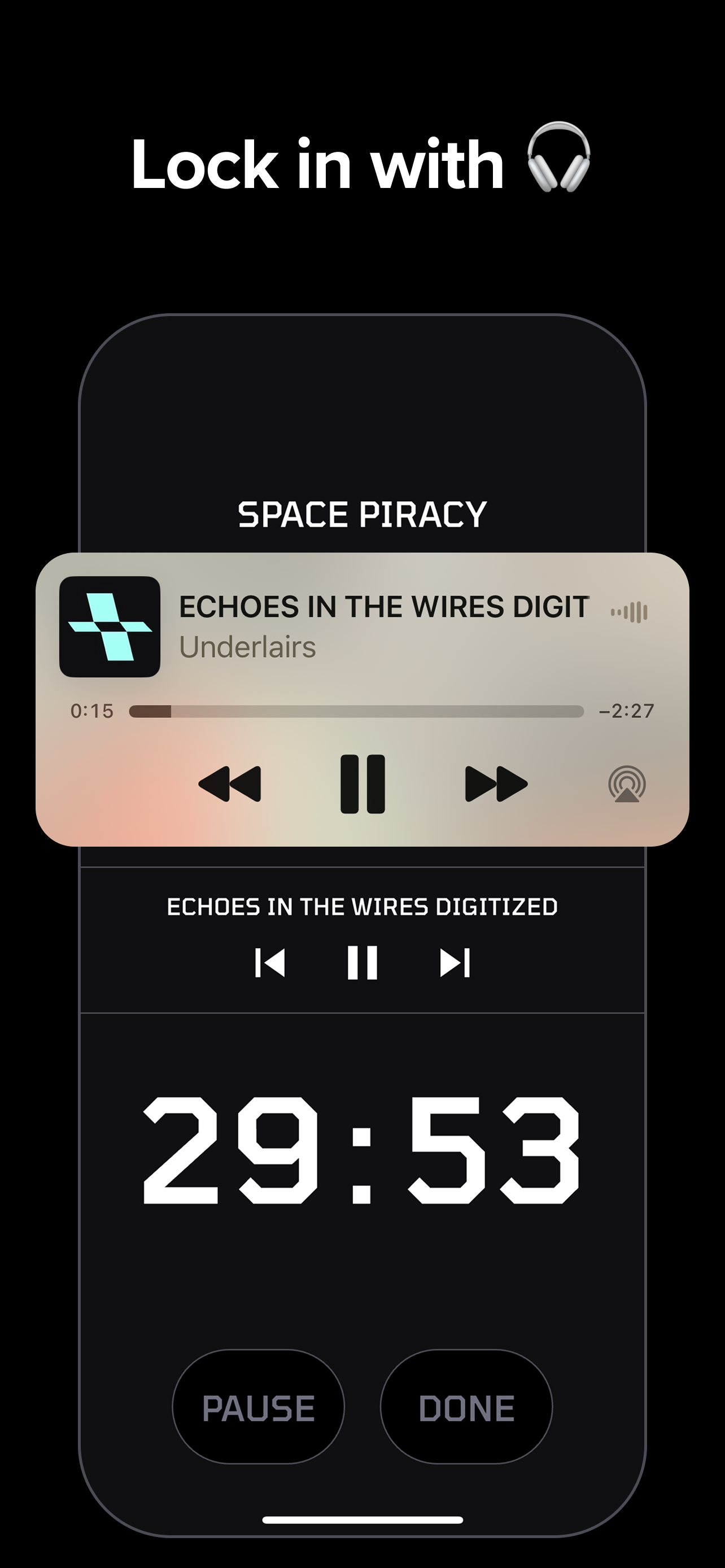
i used to always have like two things running - a timer app AND a lofi playlist or something with no lyrics playing in the background. having both in one place is such a nice experience

the music is really good too, actually helps me stay in the zone. this is now my main timer app and dont see myself switching anytime soon. solid work 👍

1
回复
I started building my app because I thought, "There are a lot of beautiful, lo-fi music that's great for studying or working, but why isn't there a pomodoro timer with immersive, cinematic sound?"
0
回复