Product Hunt 每日热榜 2026-01-03

PH热榜 | 2026-01-03

#1
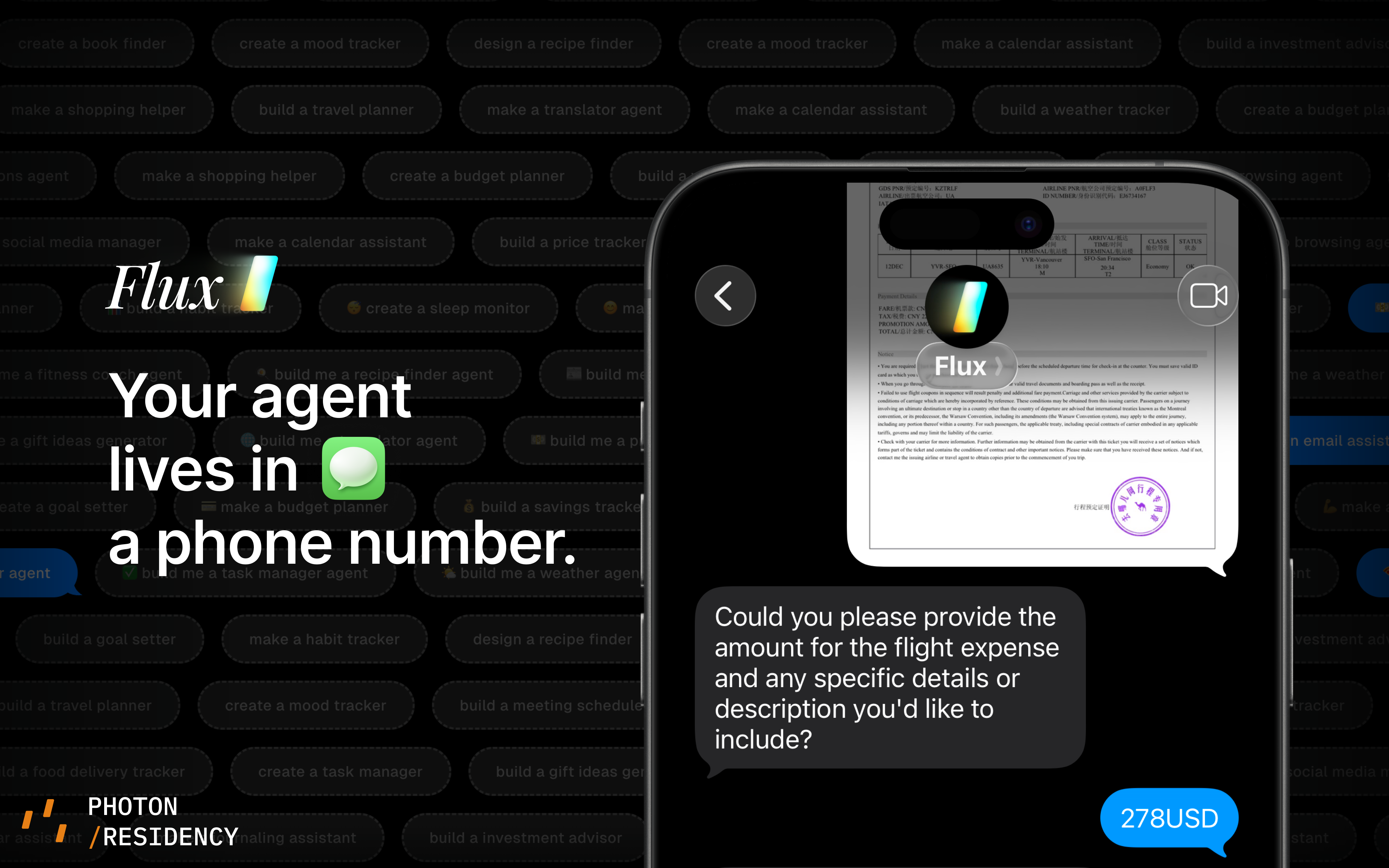
Flux
Build your own agents in iMessage
307
一句话介绍:Flux是一个允许用户在iMessage和WhatsApp等即时通讯平台内构建个性化AI对话代理的平台,通过将AI融入用户已有的日常聊天场景,解决传统AI应用交互不自然、使用门槛高的痛点。
Messaging User Experience Developer Tools
AI代理 对话式AI iMessage集成 人机交互 隐私安全 无应用交互 情感化设计 即时通讯 平台化工具
用户评论摘要:用户普遍认可“AI存在界面问题”的理念及在聊天场景嵌入代理的方向。主要反馈集中在:强烈关注隐私与数据安全政策细节;初期非美区号码支持不全(已部分修复);建议增加用户对代理介入的明确控制(如开关、仅被提及响应);期待扩展至Telegram、Signal等平台。
AI 锐评

Flux所标榜的“AI没有智能问题,只有界面问题”,精准地刺中了当前AI应用发展的一个关键瓶颈:能力与易用性之间的断裂。其核心价值并非技术突破,而是交互范式的重构——将AI代理从独立的“应用”降维成通讯生态中的“联系人”。这步棋看似简单,实则野心勃勃。

它试图将AI交互“社交化”,利用iMessage等平台自带的信任感与情感纽带,让AI从工具转变为“社交参与者”。设计师关于“何时保持沉默”的思考,恰恰点出了这一路径的最大挑战:如何在高度私人化、情感负载的聊天空间中,做到既有用又不侵扰。这本质上是在设计一种新型的“数字礼仪”,难度远超功能实现。

然而,其面临的质疑同样尖锐。评论中密集的隐私、数据安全与控制权问题,直指这种深度嵌入模式的核心风险。当AI成为你私密对话的“隐形参与者”,数据边界、代理权限的透明度与用户控制力,就不再是功能,而是产品生存的基石。目前团队“尽快更新政策”的回应显得被动且单薄。

此外,平台依赖性是双刃剑。深度绑定iMessage、WhatsApp虽能快速借势,但也受制于平台方的规则变动。评论中对于多平台扩展的呼声,也反映了单一渠道的局限性。

总体而言,Flux是一次极具洞察力的场景实验。它若成功,将开辟一条“隐形AI助手”的新赛道;但其成败关键,已不在AI能力本身,而在于对人性化设计、隐私安全工程与跨平台策略更苛刻的考验。它提醒行业:AI的终极战场,或许不在模型参数,而在如何优雅、可信地融入人类既有的数字生活肌理之中。

查看原始信息
Flux
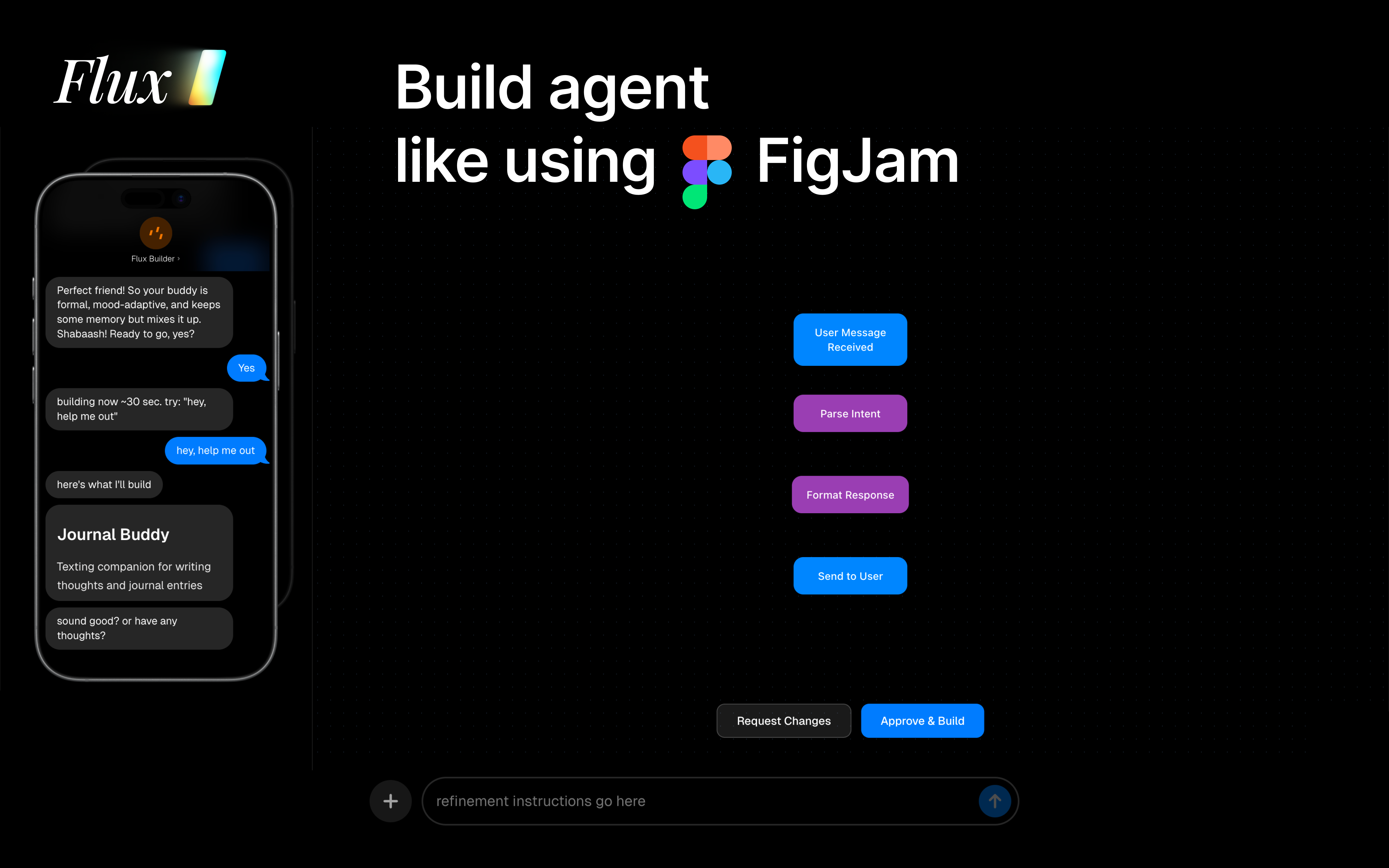
AI doesn’t have an intelligence problem - it has an interface problem. Flux is the first platform for building personalized conversational agents that live inside messaging platforms like iMessage and WhatsApp. By meeting users where they already communicate, Flux enables agents to feel less like software and more like people - trusted friends, tutors, or assistants. The future of AI isn’t another app. It’s agents that interact with humans on an emotional level.
Hey everyone - Daniel here, one of the founders. We started Flux after realizing something kind of obvious in hindsight: AI agents are already smart enough. The real bottleneck is how people actually interact with them. Most agents live behind apps and dashboards that don’t feel natural. We wanted to see what happens when agents live where real conversations already happen - iMessage, WhatsApp, group chats - and speak the same messy, human language we do. Flux is our attempt at that. Not another app, but a way to build agents that can actually feel like a friend, tutor, or someone you trust. Would love to hear what resonates (or doesn’t). We’re very early and learning fast.
33
回复

@daniel_tian3 really like the idea and the philosophy behind Flux. I haven’t tested it yet because a lot of the conversations I deal with fall into sensitive categories, but I wanted to suggest a few features that would make this especially usable for people like me:

  1. Full user control over agent involvement
    Let users explicitly choose when the AI can help with a simple on/off or “only respond when mentioned” mode. That control alone would build a lot of trust.

  2. Clear data transparency
    Tell users exactly where their data is stored, whether it’s encrypted, and whether anything is logged long-term or just processed temporarily. Even a simple explanation goes a long way.

  3. Strong safety boundaries by default
    The agent should clearly refuse to assist with illegal or harmful requests (e.g., drugs, violence, fraud). I actually work in security and would be happy to help think through this part if it’s useful.

2
回复

@daniel_tian3 Congrats on the launch! I love the philosophy that 'AI has an interface problem.' I’m currently building lead-recovery agents, and the friction of getting a user to a website is real. How does Flux handle the security/encryption for agents living inside iMessage? That’s usually the first hurdle for my enterprise clients

0
回复
@daniel_tian3 Interesting take. any chances it could be integrated with Signal?
0
回复

Agents in chat > agents in apps. This feels like the right interface shift because it shows up where I already think and talk, instead of asking me to learn a new tool. If you nail timing so it is helpful without being annoying, and you get privacy right, I can see this becoming something people actually use every day.

5
回复

any chance to get same thing but for telegram?

5
回复

@sayyidalijufri Telegram is already supported via photon.codes (Flux's b2b product)

0
回复

@sayyidalijufri next release!!

4
回复

This doesn't seem to work unless you have a US number. It's not accepting my Swiss, Icelandic or Australian numbers (+41, +354, +61).

4
回复

@la7 fixed! should support all numbers now (only for iMessage)

1
回复

As the designer on Flux, I spent a lot of time thinking less about what agents can do and more about how they should show up.

Chat is an emotionally loaded space. An agent there can’t feel like a tool that interrupts, it has to earn its place through timing, tone, and restraint. A big part of the design work was figuring out when an agent should stay silent.

Flux is our first attempt at treating agents not as features, but as social participants. Still very early, but excited to learn from how people actually use it.

3
回复
I started doing research to building my own messaging interface to my app - this would be much easier!
2
回复
Website doesn’t mention something important: data and privacy policies. What are they?
2
回复

@sarrah Good point. Updating that ASAP!

0
回复

Only U.S. phone numbers can use this feature...

2
回复

@xincheng01 now supports all phone numbers (iMessages) but only US/Canada SMS

0
回复

As the designer on Flux, I spent a lot of time thinking less about what agents can do and more about how they should show up.

Chat is an emotionally loaded space. An agent there can’t feel like a tool that interrupts, it has to earn its place through timing, tone, and restraint. A big part of the design work was figuring out when an agent should stay silent.

Flux is our first attempt at treating agents not as features, but as social participants. Still very early, but excited to learn from how people actually use it.

2
回复

@tarun26 bro who r u? lmao

1
回复

@tarun26 bro stole my job

0
回复

Interesting take. Would love to take it for a spin once out of beta. Doesn't seem to accept non US numbers

2
回复

@ohansemmanuel It now works for non-us numbers! That was a frontend issue I fixed this morning.

0
回复

I really believe this to be the future of human-agent interaction. iMessage as an interface gives agents a unique, emotional property that allows them to be trusted by humans as friends. With this product, I look forward to a future where humans and agents can coexist beyond a simple tool-based relationship.

1
回复

Tried this. As model capability plateaus, the hard problem becomes interaction, not intelligence. iMessage works because it encodes trust and familiarity. Flux is building at that layer.

1
回复

I have seen AI chatbots that integrate with Slack, MS Teams, Whatsapp, but not yet iMessage. I think it's a brillant idea, and very user friendly. I'm a bit jealous as I'm building an AI chatbot app, as well, but did not have your idea. Chapeau!

0
回复

@mitja_martini Thank you! We will have a unified connection layer to all the messaging apps soon!

0
回复

This is one of the coolest and most technical challenges I’ve been trying to address for a while on my own before joining Photon in residency to build it out finally

0
回复
#2
DaysAround
Track every country you've ever been to. Privately.
260
一句话介绍:一款完全离线、基于本地照片分析的个人旅行时间线工具,为数字游民和频繁旅行者解决了签证逾期、税务居民身份和申根区停留天数等复杂法规的追踪与管理痛点。
Analytics Travel
旅行工具 隐私保护 离线应用 数字游民 签证管理 税务规划 本地计算 个人数据 旅行日志 工具类应用
用户评论摘要:用户高度赞赏其隐私保护(数据不离设备)和实用功能(签证/税务提醒)。主要建议包括:支持城市级追踪、开发安卓版本、自定义税务居住阈值、处理旅行间隙日,以及修复未来月份浏览时的程序崩溃Bug。
AI 锐评

DaysAround的聪明之处在于,它精准地切割出了一个被主流“社交化”和“云化”旅行应用所忽视的垂直市场:对隐私极度敏感、且旅行与法律合规强相关的专业旅行者。它的核心价值并非简单的旅行记录,而是将散落在相册中的地理位置元数据,转化为具有法律和财务意义的“合规时间资产”。

产品逻辑犀利地抓住了两个矛盾:一是用户对美好旅行记忆的感性追溯,与对冰冷法规条款的理性管理之间的矛盾;二是数字游民群体日益增长的跨境移动性,与各国僵化的移民、税务监管体系之间的矛盾。它本质上是一个“合规风险仪表盘”,将签证逾期、183天税务居民规则、申根90/180天规则这些令人焦虑的隐形红线,变得可视化、可预警。

然而,其“完全离线”的核心理念既是护城河,也是天花板。这决定了其功能拓展必须局限于本地计算能解决的范畴,难以实现多设备同步或基于云端数据的复杂分析(如实时法规变动推送)。用户提出的自定义规则、费用追踪等需求,正是其商业模式与产品架构面临考验的体现:如何在坚守隐私的教条下,满足用户日益增长的个性化、集成化需求?此外,其依赖照片元数据的工作方式,在面对历史照片缺失GPS、跨国交通“间隙日”等场景时,用户体验会出现断层。

总体而言,它是一款理念先行的“工匠式”工具,在特定细分市场提供了无可替代的解决方案。但它未来的挑战在于,如何在“极致隐私”的单一赛道上,挖掘出足够的深度和用户粘性,以抵御可能来自大型旅行应用(若它们决定增加类似合规功能)的降维打击。它的成功,验证了在数据滥用的时代,将数据控制权彻底交还给用户,本身就是一个强大而稀缺的产品价值主张。

查看原始信息
DaysAround
Resurface your favorite travel memories. Keep a beautiful log of where life has taken you. Get the data that matters — days per country for tax residency, visa warnings, Schengen limits. All from your iPhone photos, scanned locally. Nothing ever uploaded.
i've been a nomad for years. every travel tracker i tried wanted my location history synced to their servers. years of where i've been, sitting on someone else's infrastructure. that never sat right with me. so i built what i actually wanted: a travel timeline that never leaves your device. no analytics. no tracking. nothing uploaded anywhere. the core is simple - a beautiful timeline of countries and days of everywhere you've been. your favorite moments resurface as quiet reminders of where you were and who you were there. but if you're a permanent traveler, there's more: - visa overstay warnings before the expensive surprise. - tax residency alerts (the 183-day rule that catches nomads). - schengen 90/180 tracking for EU travel. if you try it and love it, a review would mean everything. i'll personally buy you bánh xèo next time we're in the same city. if you don't love it, tell me why. i'll make it better. happy new year.
7
回复
@vladstan Visa overstay feature is something very unique!
0
回复

@vladstan The Schengen limit and tax residency tracking is a genius feature. Most travel apps are just 'digital scrapbooks,' but this is a utility tool. Since the scanning is local, how does it handle older photos with missing metadata/GPS tags? Would love to see this in action

0
回复

As a nomad constantly counting days for the Schengen shuffle, this is a lifesaver. The manual spreadsheets were driving me crazy! 🤯 Regarding the tax residency alerts, can I customize the specific day thresholds for different countries, or is it strictly locked to the standard 183-day rule?

2
回复

@yoang_loo

Thanks for the kind words! Fellow nomad here, those spreadsheets are brutal.

A few things:

Make sure you add your passport and tax residency in Settings. The app uses that to calculate risks.

Right now it flags after 60 days in a country, which covers most jurisdictions.
Do you have a specific case in mind? Happy to hear what thresholds would be useful for you.

One thing I'm committed to:
keeping the app fully offline. No servers, no internet connection. So any updates need to work locally. Tell me more about your use case, I'd love to understand what you're tracking and see if there's a way to support it without compromising privacy.

0
回复
Nice app, congratulations on the launch!
1
回复

@mikekosulin Thanks Mike!

0
回复

its worth recording the cities you went with such a tool like DaysAround... Will you support android btw?

1
回复

@cruise_chen you mean to track days in cities, not only counties? I'm considering Android, yes.

0
回复

GGs for the fact that it keeps everything locally and does not lean towards social features.

I just installed it and I am tapping around. One thing that comes up - does it deal with gap days while traveling?

1
回复

@lucian yes, if the last photo and first photo are from the same location, will fill the gap automatically. But if they are diferent, you need to fill the days manually.

0
回复

Hi @vladstan, That's a smart idea. Using photos location data to create something genuinely useful and interesting. I can’t remember a time I've actually used personal photo location data for anything beyond my photos app.

1
回复

@ajayesivan yes, and with 15k photos it takes seconds to create a nice timeline.

1
回复

Can I also store my expenses within the app? :D

1
回复

@busmark_w_nika what do you have in mind, please give me more details. (right now, no)

1
回复
In the “Month” tab when you go to a month later than the current month the logic seems to glitch and the app crashes.
0
回复
0
回复
#3
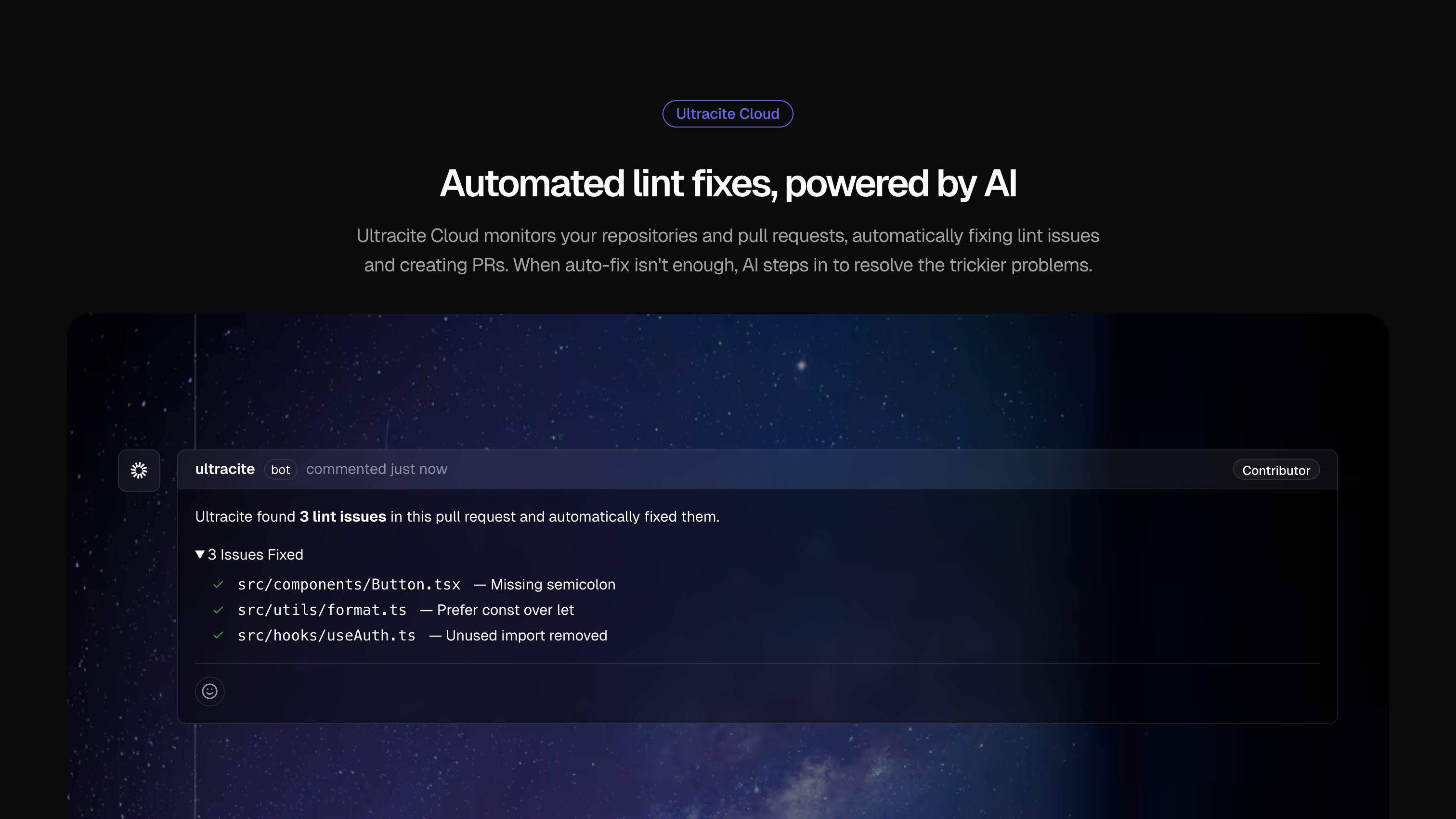
Ultracite v7
Opinionated, zero-config code linter and formatter
209
一句话介绍:Ultracite v7是一款零配置、强约定的代码检查和格式化工具,帮助开发者和AI模型快速生成风格一致、类型安全的代码,解决团队协作中代码规范配置繁琐、风格不统一的痛点。
Open Source Software Engineering Developer Tools GitHub
代码检查 代码格式化 开发者工具 零配置 类型安全 开源 团队协作 静态分析 AI编程助手 代码规范
用户评论摘要:评论主要为产品发布者的推广信息,强调其零配置、强约定、受顶级公司信任、开源免费及重大更新。缺少来自真实用户的体验反馈、问题报告或具体改进建议。
AI 锐评

Ultracite v7标榜的“零配置”和“强约定”,本质上是在用开发团队的“主观最佳实践”换取个体开发者的配置自由。其核心价值并非技术创新,而是将日益复杂的Lint规则集(ESLint、Prettier等)打包并做出艰难取舍,提供一个“开箱即用”的解决方案。这在AI辅助编程爆发的当下尤为讨巧——它试图统一人类和AI的代码输出风格,降低代码审查成本。

然而,其真正的挑战在于“强约定”的普适性。它声称被Vercel等公司信任,但这更多是作为解决方案一部分的背书,而非全体开发者社区的广泛采纳。对于已有成熟编码规范的大型团队,其“强约定”可能反而是迁移阻力。产品目前最大的软肋是生态评论的缺失,在Product Hunt上几乎只有官方声音,缺乏真实用户验证其“约定”是否足够明智、是否真的无痛接入。

它的未来在于能否围绕其“约定”构建一个强大的生态,并证明这些约定能适应快速演变的编程范式,而非成为另一个需要被“推翻”的固执己见。如果成功,它可能成为团队和AI编程时代的代码风格基础设施;若失败,则只是众多意见中又一个稍纵即逝的声音。

查看原始信息
Ultracite v7
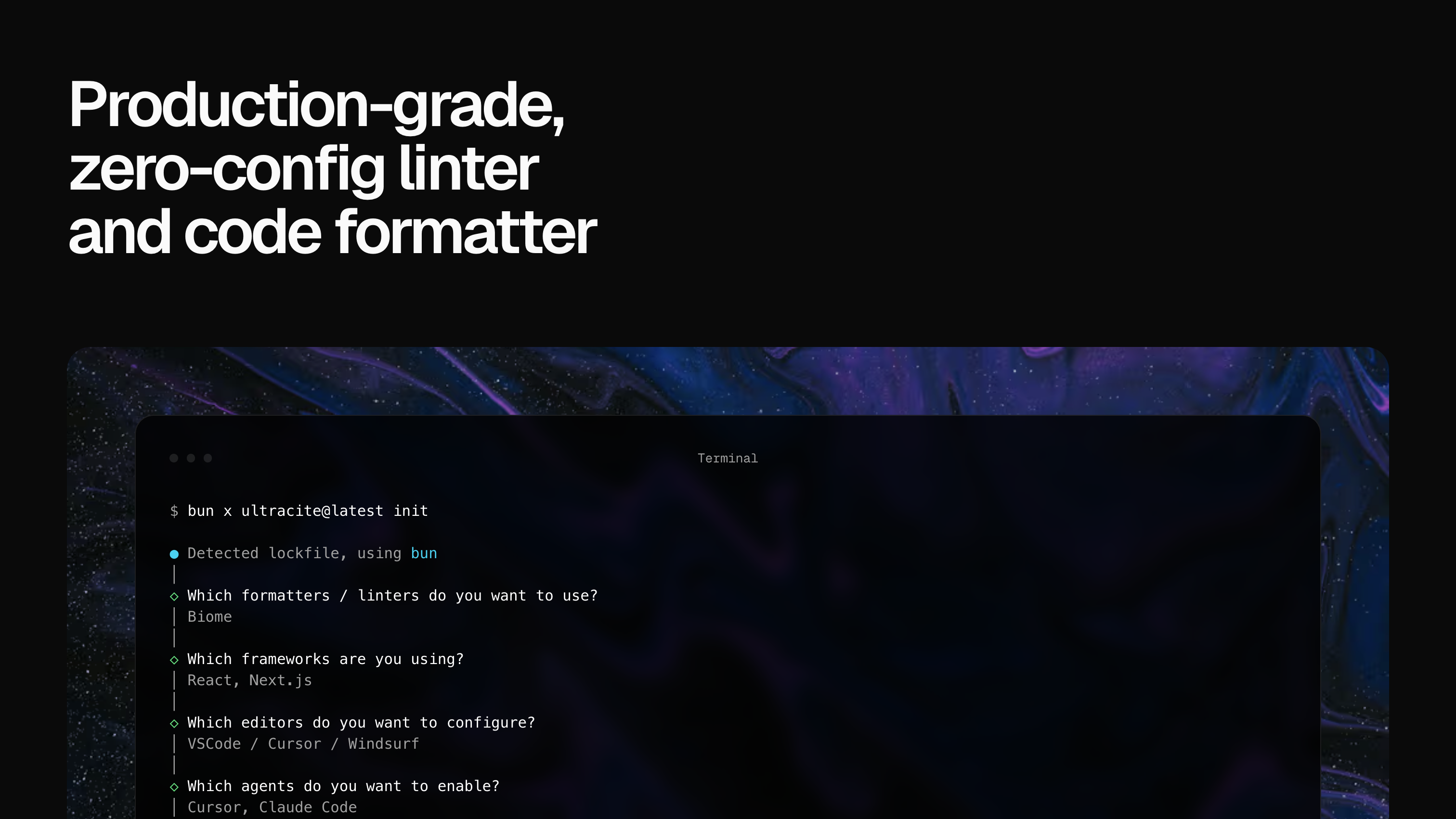
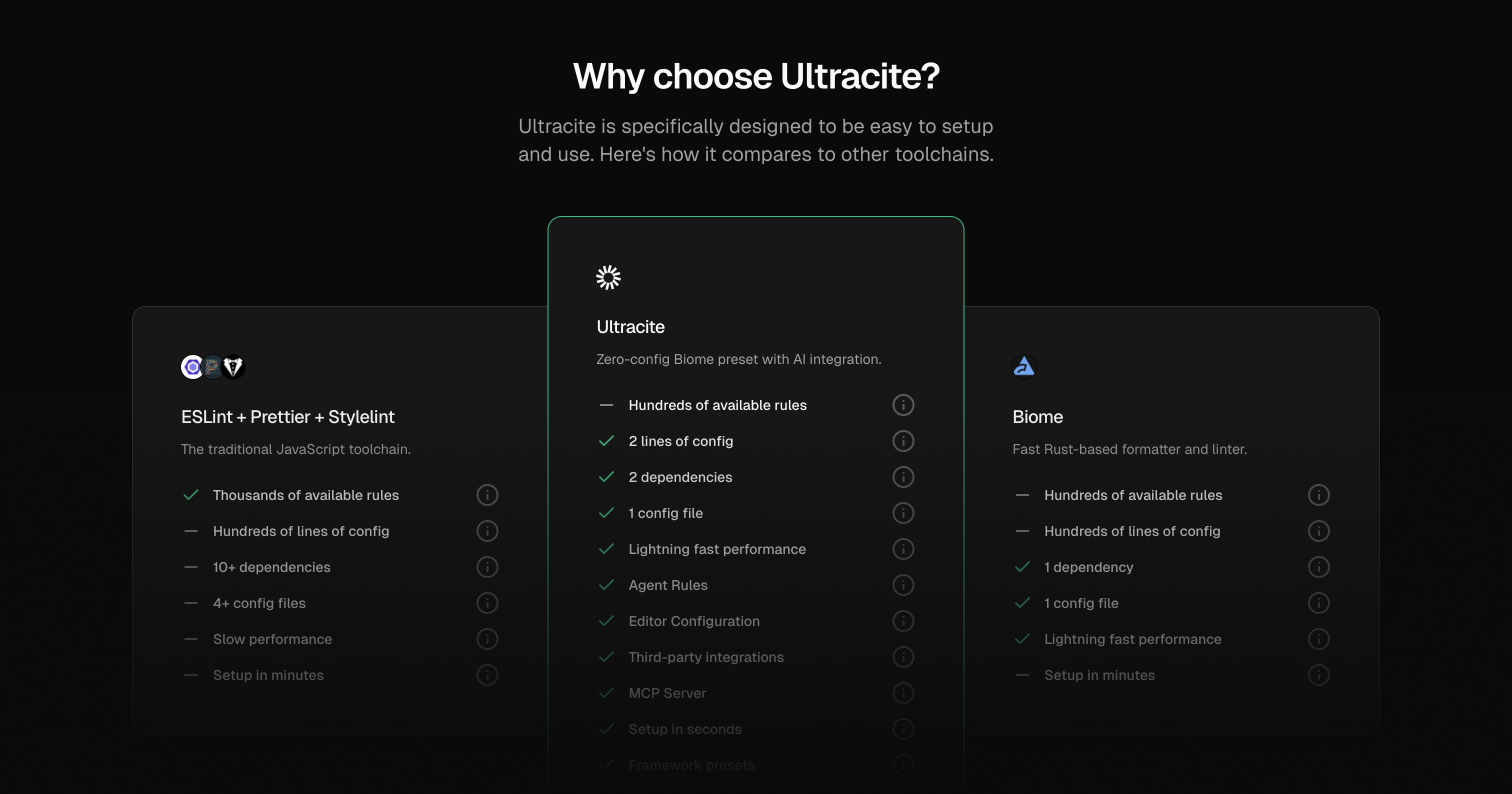
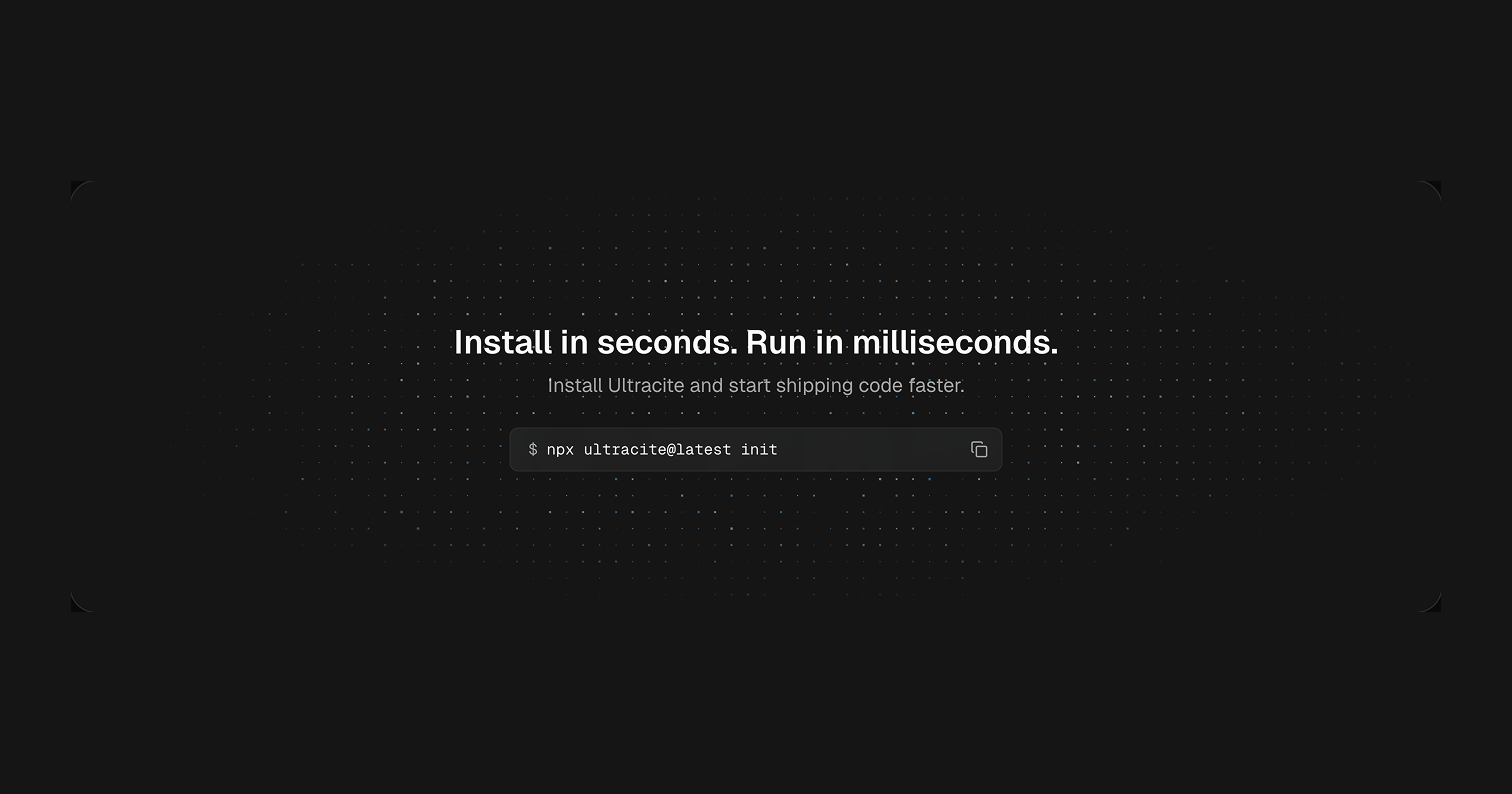
Ultracite is designed to help you and your AI models write consistent and type-safe code without the hassle of configuration. Trusted by top companies like Vercel, Clerk, and ElevenLabs. Get started in seconds. npx ultracite@latest init

@Ultracite is an opinionated linter and formatter to write consistent, type-safe code with zero config, and maker @haydenbleasel just shipped the biggest update ever: more linters, more agents, more editors. a new website. a cloud platform.

Production-grade, @Ultracite is trusted by companies like @Vercel, @Clerk, and @ElevenLabs. free, and open-source (2.5k GitHub stars).

curious to know what you think!

1
回复
#4
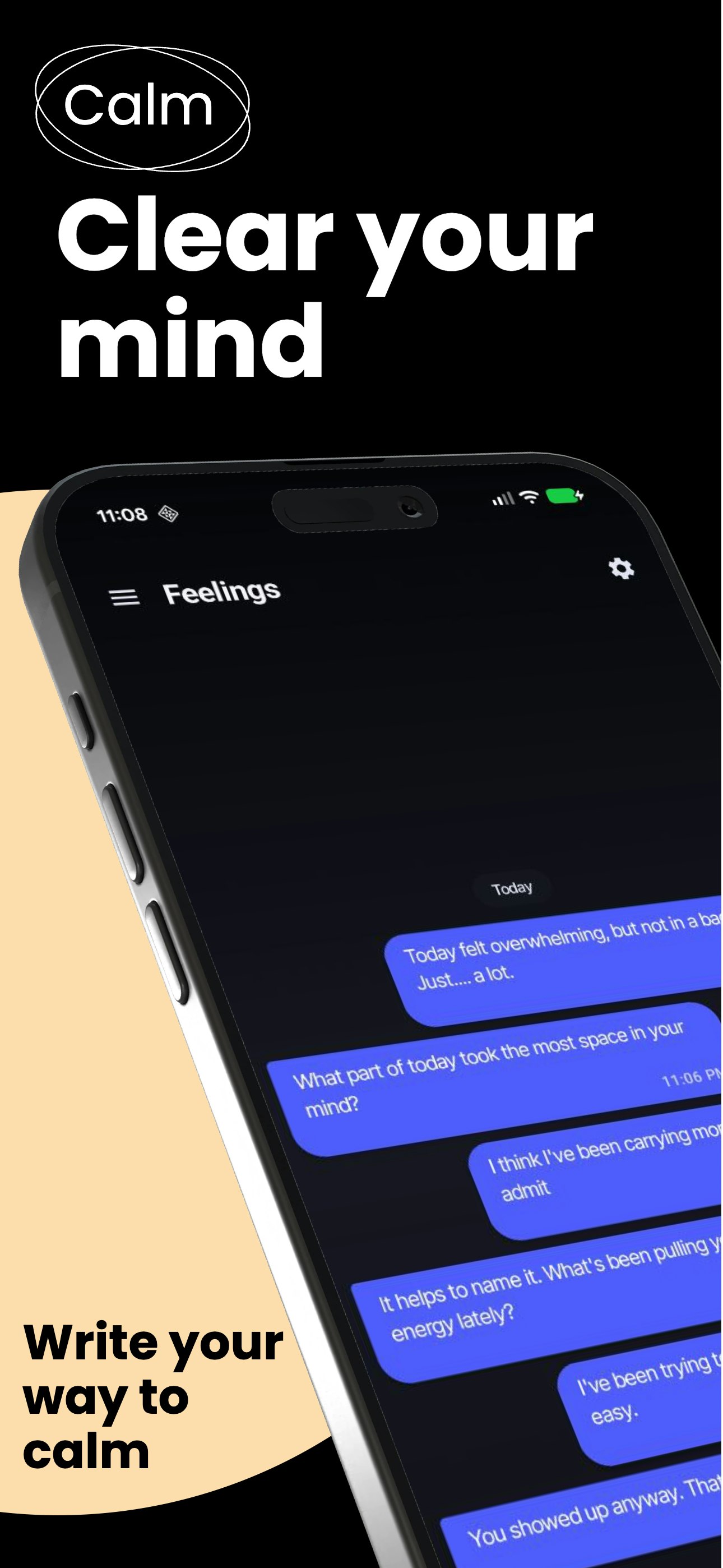
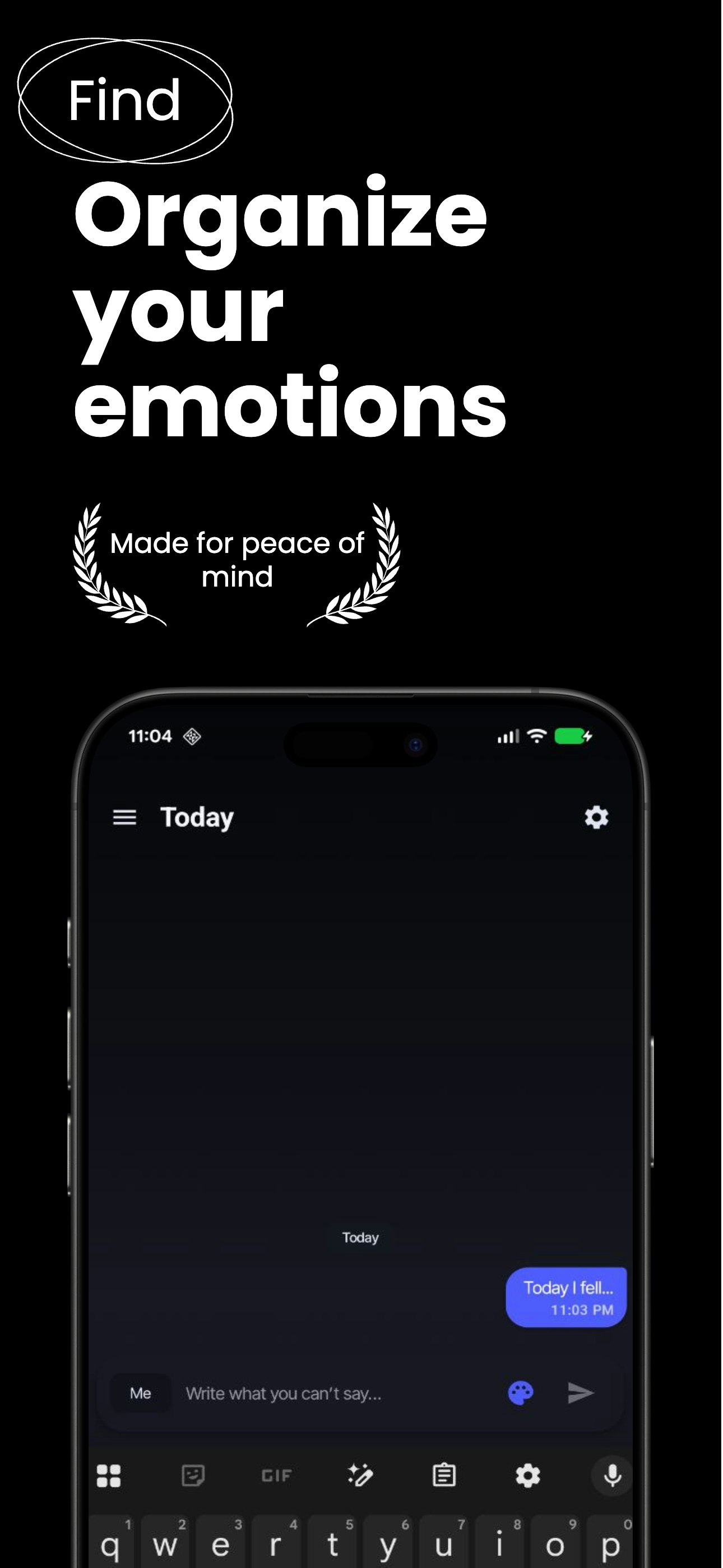
Still
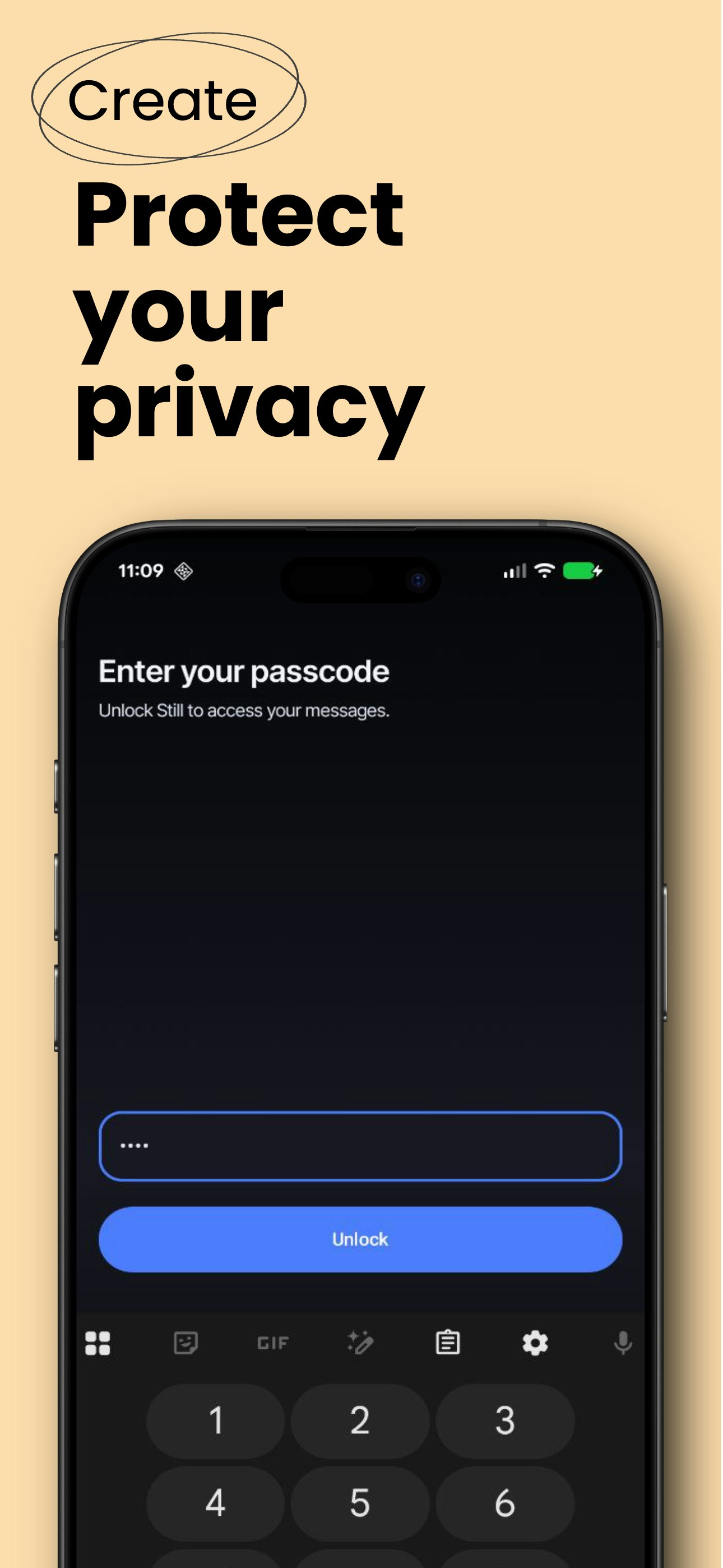
A private space to think, write, and slow down
183
一句话介绍:一款极简日记应用,在信息过载和效率焦虑的背景下,为用户提供一个无需账户、无社交压力、无数据追踪的纯粹私密空间,用于自由书写以获取内心清晰与平静。
Android Writing Health
极简日记应用 数字排毒 隐私优先 无压力记录 心理健康 专注工具 本地存储 反效率主义 私人空间 正念书写
用户评论摘要:用户普遍赞赏其“反效率”定位与极简设计,认为这是对功能臃肿工具的一次清新反叛。核心反馈包括:对严格保持简洁、避免功能蔓延的期待;对本地存储和独立密码保护的肯定;以及对未来可能增加语音笔记等可选、非干扰性功能的探讨。
AI 锐评

Still 的发布,与其说是一款新应用的登场,不如说是一份针对数字时代“自我优化”暴政的沉默抗议书。它的真正价值不在于“日记”这个古老功能本身,而在于其刻意剥离的一切:它砍掉了成就系统、情绪追踪、社交分享,甚至用户账户,以一种近乎偏执的减法,对抗着将一切体验(包括内在反思)数据化、指标化、公开化的主流趋势。

产品成功捕捉并具象化了一种日益强烈的群体情绪:对“噪音”的疲惫。这种噪音既是信息流的外在轰炸,也是内化了的、要求自己不断进步、记录并证明“成长”的内心压力。Still 提供的“静止”,本质上是数字行为的一次“降级”——从表演性的、可供分析的数据生产,回归到无目的的、私密的思绪流淌。这击中了那些在Notion中过度构建知识系统、在Day One中为延续记录链条而焦虑的用户的要害。

然而,其面临的悖论与挑战同样尖锐。首先,**“无激励”如何维系习惯?** 在去除了所有游戏化粘性设计后,用户依赖的将是纯粹的内驱力,这注定了其核心用户群是高度自觉、已有书写习惯的少数派,市场天花板可能有限。其次,**“极简”与“可持续”的冲突。** 用户关于语音、图片附件等“可选功能”的询问,揭示了纯粹文本在表达上的局限性。开发者的谨慎回应体现了对产品哲学底线的守卫,但商业上,完全拒绝功能演进可能难以维系长期增长。最后,**其作为“隐私堡垒”的定位,在云同步成为基础设施的今天,也可能成为便捷性上的阿喀琉斯之踵。**

总之,Still 是一款具有鲜明哲学主张的“态度产品”。它未必能成为大众工具,但它的存在本身具有标志性意义:它为厌倦了被度量、被鼓励、被连接的用户,提供了一个珍贵的数字避难所。它的成败,将测试在效率至上的工具市场,有多少人愿意为“无用的宁静”付费。

查看原始信息
Still
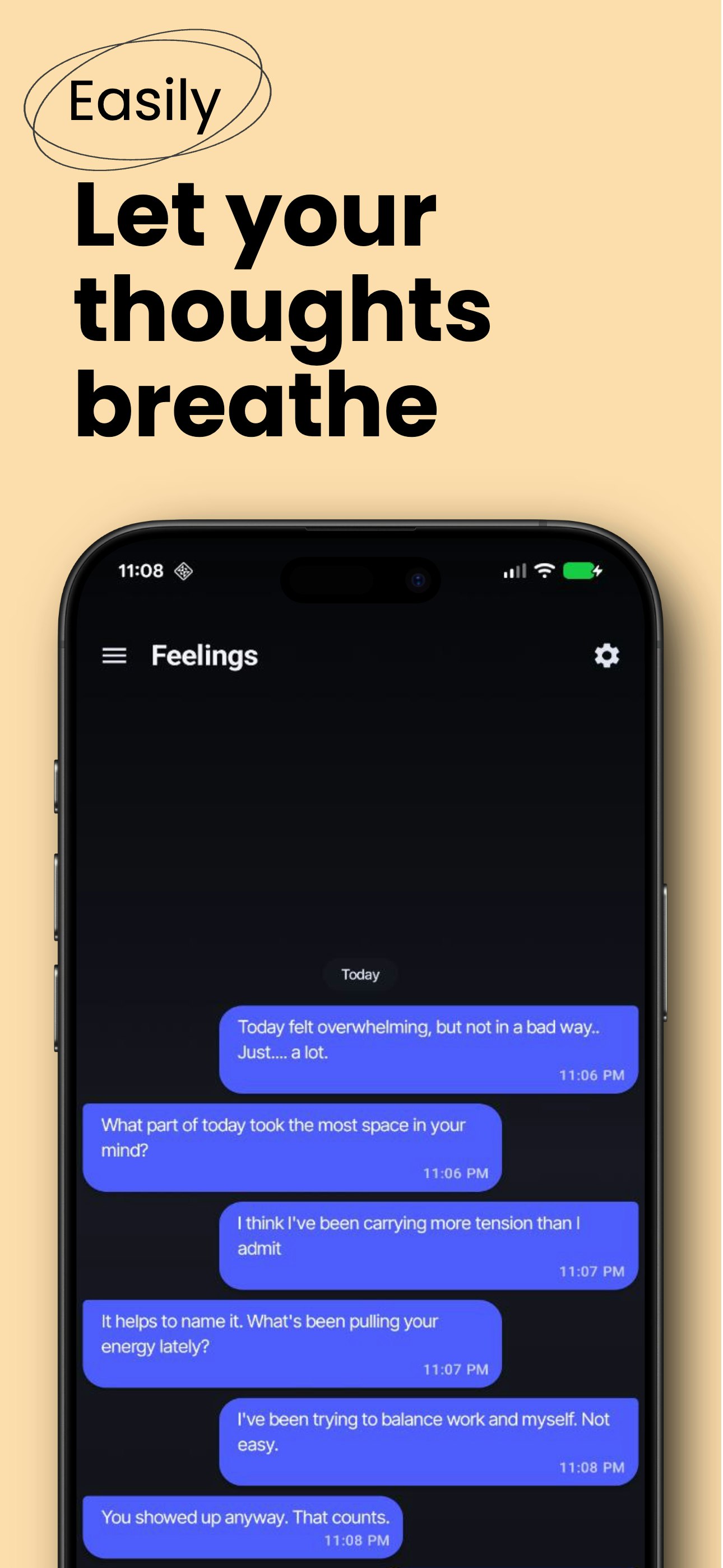
Still is a minimal journaling app designed for people who feel overwhelmed by noise, productivity pressure, and endless feeds. Unlike traditional journaling apps, Still doesn't track streaks, moods, or goals. It gives you a private, calm space to write freely — for clarity, not performance. No accounts. No social features. No prompts telling you how to feel. Just you, your thoughts, and a moment of stillness.
Hey 👋 I built Still after realizing that most journaling apps made me feel like I was performing reflection instead of actually doing it. Everything today pushes us to optimize, share, and constantly improve — even our thoughts. I wanted the opposite: a quiet, private space where writing feels natural, not pressured. Still is how I personally write when I need clarity or calm. It's simple, intentional, and designed to stay out of your way. If you've ever felt overwhelmed by noise (or by productivity-focused tools), I'd love to hear what you think. Happy to answer any questions — thanks for checking it out 🙏
5
回复

@nickdroid I've been wanting something exactly like this — installed it right away.

I love the idea of setting the mood with colors; it's a really nice touch. Also, being able to secure the app with its own passcode (separate from the device lock) feels thoughtful and reassuring.

Rooting for you — excited to keep using Still!

2
回复
Still private! Clap clap clap 👏🏻
1
回复

@german_merlo1 Thanks for the support! Any feedback would be welcome!!

1
回复

Finally! I've been drowning in features with Notion and other tools just to write a simple thought. Still feels like a breath of fresh air. My only worry with minimal apps is feature creep over time—do you plan to keep it strictly text-only, or are you considering things like photo attachments in the future?

1
回复

@yoang_loo I was thinking that writing shouldn't feel like managing a system.

Your concern about feature creep is very valid — and it's something I'm actively cautious about.
Still is meant to stay text-first and distraction-free.

I do think about moments when writing can feel heavy after a long day or week.
The idea of Still is a private chat with yourself — a place to unload thoughts, not polish them.

I was thinking on adding new features (to make it more flexible), it would be things like voice notes (to let thoughts out without effort), and maybe images inside entries — always optional, always secondary to writing, and only if they make expression easier, not noisier.

Really appreciate all the feedback like this helps keep Still to be a better app.

0
回复

If the notes are stored entirely locally, I'd be quite interested in trying it out.

0
回复

Congrats on the launch, the positioning around slowing down and creating mental space really resonates. I like how minimal the concept feels, especially for people overwhelmed by noisy, feature-heavy journaling apps. “A private space to think and write” is simple, but that’s exactly the value here. Curious how you’re thinking about long-term habit formation without adding pressure or gamification.

0
回复
why not just text notebook?
0
回复

@rangerlcy The difference isn't just writing, it's the intentional space around it, privacy by default, no feeds, no prompts, no pressure to optimize or structure your thoughts.

And unlike a notebook, you carry it with you everywhere.
At work, on the street, in the middle of a conversation, whenever a thought, idea, or feeling suddenly appears and you just need to release it.

You can open Still, create your own space for ideas, and write it down right in that moment.


To everyone else, it looks like you're replying to a WhatsApp message, scrolling Instagram, or watching a reel, but in reality, you're capturing something for yourself.

That small moment of attention can be the difference between forgetting a thought… and giving it the space it deserves later.

0
回复
#5
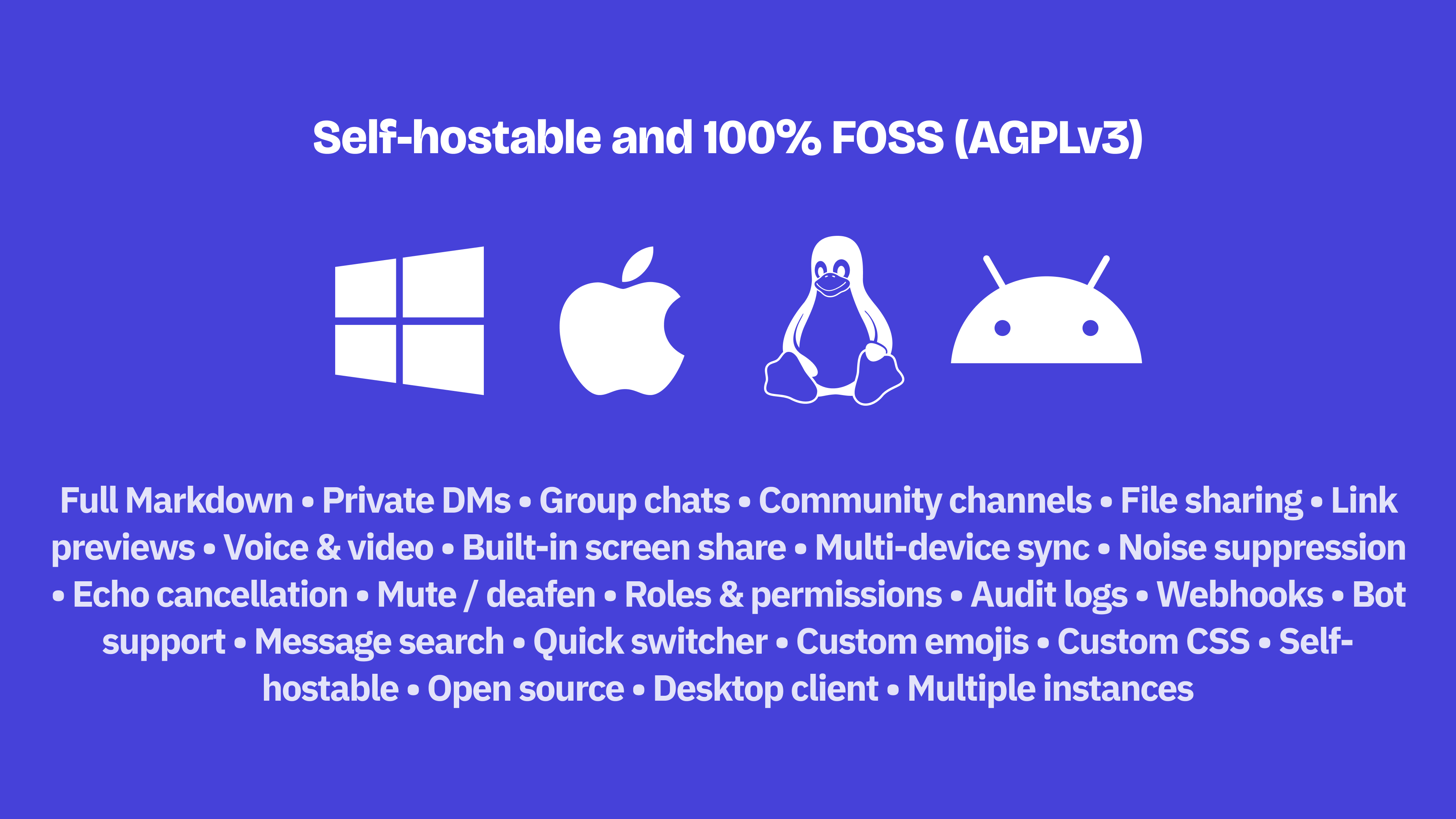
Fluxer
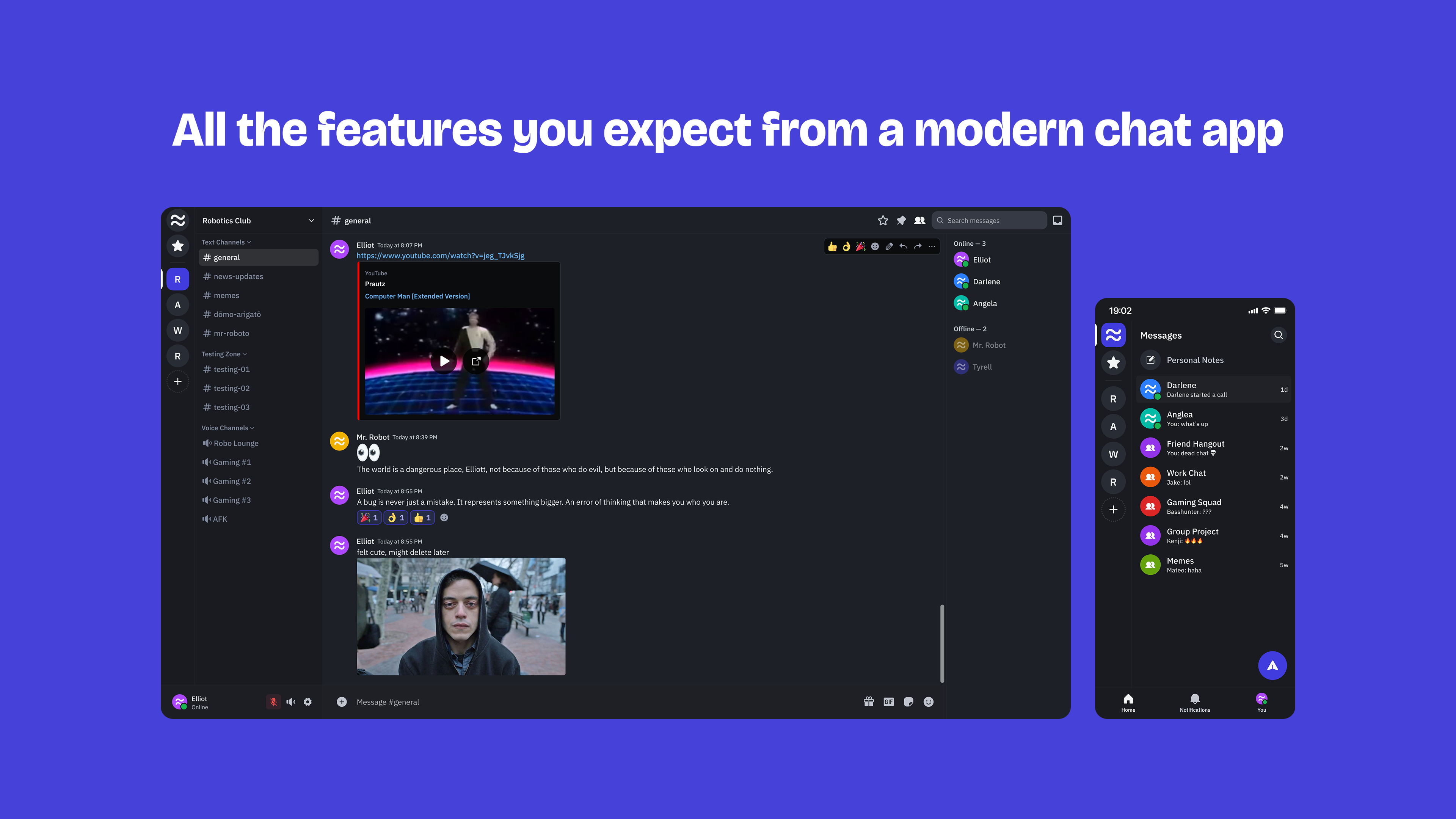
Open-source Discord-like instant messaging & VoIP platform
132
一句话介绍:Fluxer是一款开源、自托管的即时通讯与VoIP平台,旨在为希望掌控聊天基础设施的公司、社区及个人,提供类Discord/Slack的独立替代方案。
Messaging Open Source GitHub
开源软件 即时通讯 语音通话 自托管 社区平台 Discord替代品 Slack替代品 基础设施自主权 AGPL协议 独立开发
用户评论摘要:用户高度认可其开源与独立开发模式。核心反馈是希望其成为易于部署、功能完备的FOSS平台。主要疑问围绕其采用AGPLv3协议背后的商业策略与思考。
AI 锐评

Fluxer切入的是一个看似拥挤、实则存在结构性痛点的市场。其真正的价值不在于复刻Discord或Slack的功能,而在于精准锚定了“基础设施自主权”这一日益增长的需求。在数据主权意识觉醒和巨头平台政策多变的背景下,企业、开发者社区乃至有技术能力的个人,对“拥有”而非“租用”关键沟通渠道的需求正在上升。AGPLv3协议的选择是一把双刃剑,它旗帜鲜明地确立了项目的自由软件属性,能迅速吸引开源纯粹主义者的支持,构筑初期口碑护城河,但也可能让寻求私有化部署的商业用户望而却步,这揭示了开发者可能意在通过托管服务(SaaS)来实现商业化。

然而,其面临的核心挑战远超技术层面。评论中开发者坦言需要“早期采用者和资金支持”,这直指开源通讯平台最脆弱的命门:生态与可持续性。通讯软件的生命力在于网络效应和稳定性,这需要持续的服务器成本、开发投入和社区运营。仅凭理想和早期采用者,难以与拥有海量资源、成熟生态和用户习惯的巨头竞争。Fluxer若想破局,不能止步于“另一个开源替代品”,必须在部署体验、数据迁移工具、与企业现有系统的集成深度上,构建出不可替代的、远超“能用”级别的“好用”体验,并找到清晰的、不损害开源精神的商业化路径,否则极易陷入叫好不叫座的“开源情怀项目”陷阱。

查看原始信息
Fluxer
An open-source, independent instant messaging and VoIP platform. Built for friends, groups, and communities.
I want Fluxer to become an easy-to-deploy, fully FOSS Discord/Slack-like platform for companies, communities, and individuals who want to own their chat infrastructure, or who wish to support an independent and bootstrapped hosted alternative. But I need early adopters and financial support to keep working on it full-time. Also see https://news.ycombinator.com/ite... :)
3
回复
@hampuskraft Love the open source nature of the project. Upvoted
2
回复

@hampuskraft respect for building this fully open and bootstrapped!

1
回复

@hampuskraft wow, AGPLv3 is a choice! What's your thinking/strategy behind that?

1
回复
#6
NoteTabs
Native macOS text editor with horizontal tabs & auto-restore
112
一句话介绍:NoteTabs是一款原生macOS文本编辑器,通过引入水平标签页和自动保存/恢复功能,解决了从Windows迁移到macOS的用户在快速记录、编辑纯文本时缺乏轻量、无干扰、零配置工具的痛点。
Productivity Text Editors
文本编辑器 macOS原生应用 轻量级 水平标签页 自动保存 无干扰写作 效率工具 Notepad++替代品 速记工具 零配置
用户评论摘要:有效评论主要为开发者自述,核心反馈是填补了macOS平台缺乏类似Notepad++的轻量级标签式文本编辑器的市场空白。用户需求明确:需要专注于纯文本、无需复杂设置的快速记录工具,而非功能繁多的代码编辑器。目前暂无外部用户提出具体问题或建议。
AI 锐评

NoteTabs的亮相,精准地刺中了一个被主流市场忽视的“简单需求”:在功能膨胀(Featuritis)成为软件常态的今天,它为“只需要文本”的用户提供了一个反抗复杂性的出口。其真正价值并非技术突破,而是精准的定位与克制。

它巧妙地将两个经典元素——Notepad++的“水平标签页”和现代应用的“自动保存”——移植到macOS原生环境,打造出一种“零摩擦”的体验。这看似简单,实则直击要害:它服务于那些工作流被无数窗口打断、因忘记保存而焦虑、打开VS Code只为写个便签的“沉默大多数”。产品宣言“为重视速度而非复杂性的人打造”,本身就是对当前编辑器赛道(尤其是VS Code)日益IDE化的一种犀利批判。

然而,其面临的挑战同样清晰。首先,其核心卖点“水平标签页”和“自动保存”极易被竞品模仿或作为插件实现,护城河较浅。其次,作为工具类应用,其天花板明显,用户为“简单”付费的意愿和金额有限。最后,开发者自述是唯一的评论,缺乏早期真实用户的验证,产品是否真的解决了“足够痛”的问题,市场噪音是否被准确捕捉,仍有待观察。

本质上,NoteTabs是一次精准的利基市场挖掘。它未必能成为现象级产品,但如果能牢牢抓住那群厌恶冗余、追求纯粹文本操作效率的用户,并在细节体验上做到极致,足以在效率工具的生态位中占据一席之地。它的出现提醒我们:在所有人都在做加法的时代,一个勇敢做减法的产品,本身就是一种价值。

查看原始信息
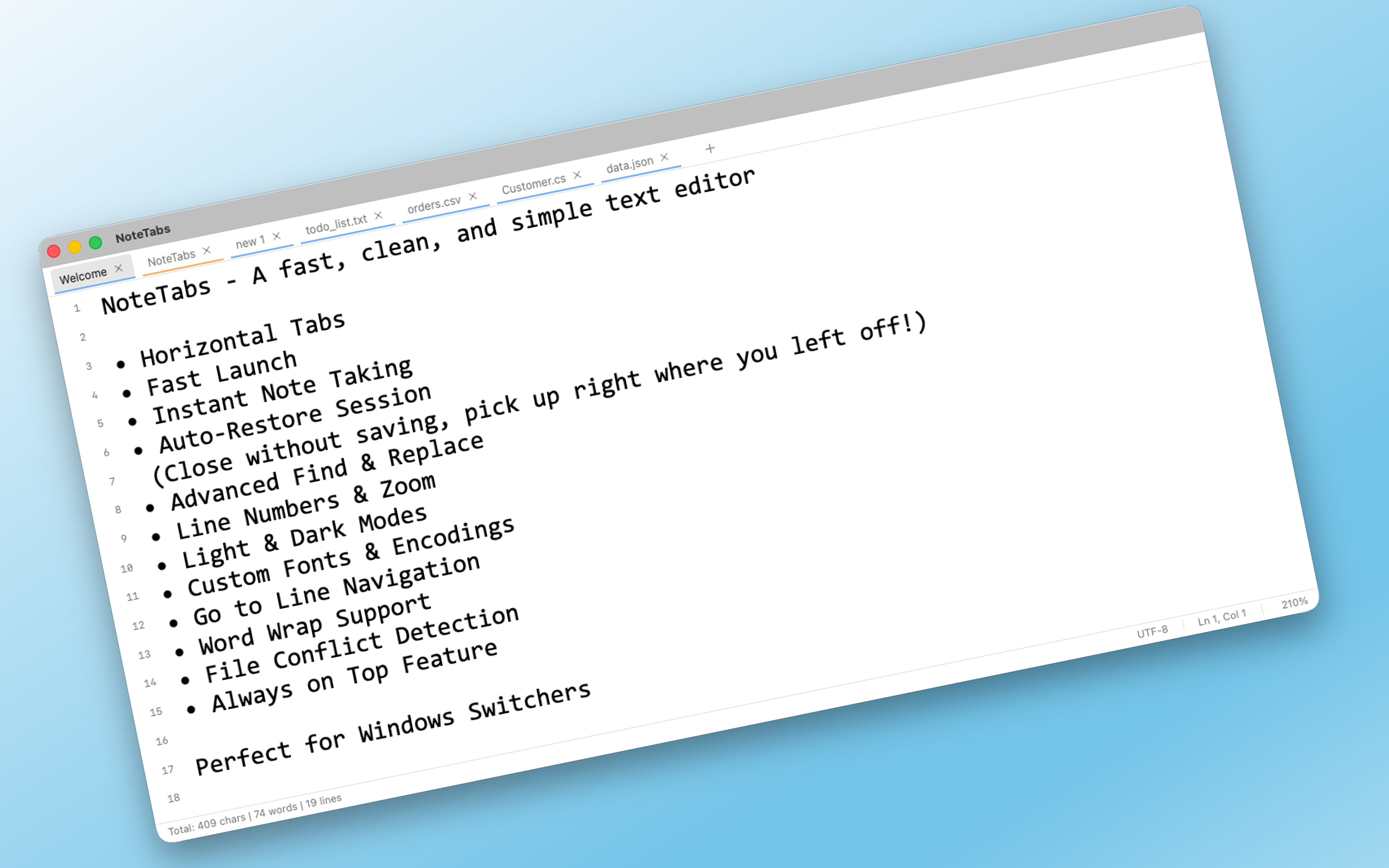
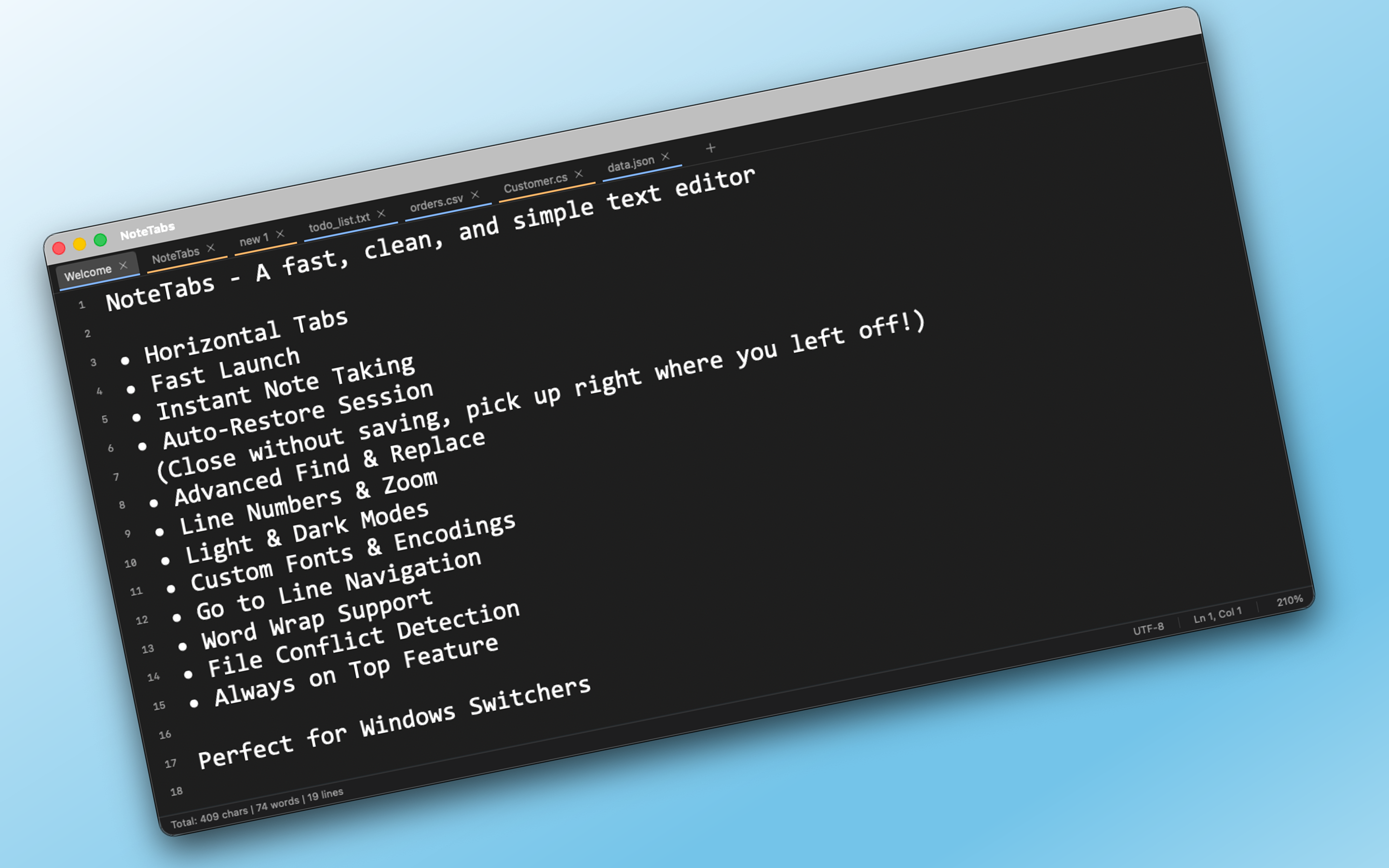
NoteTabs
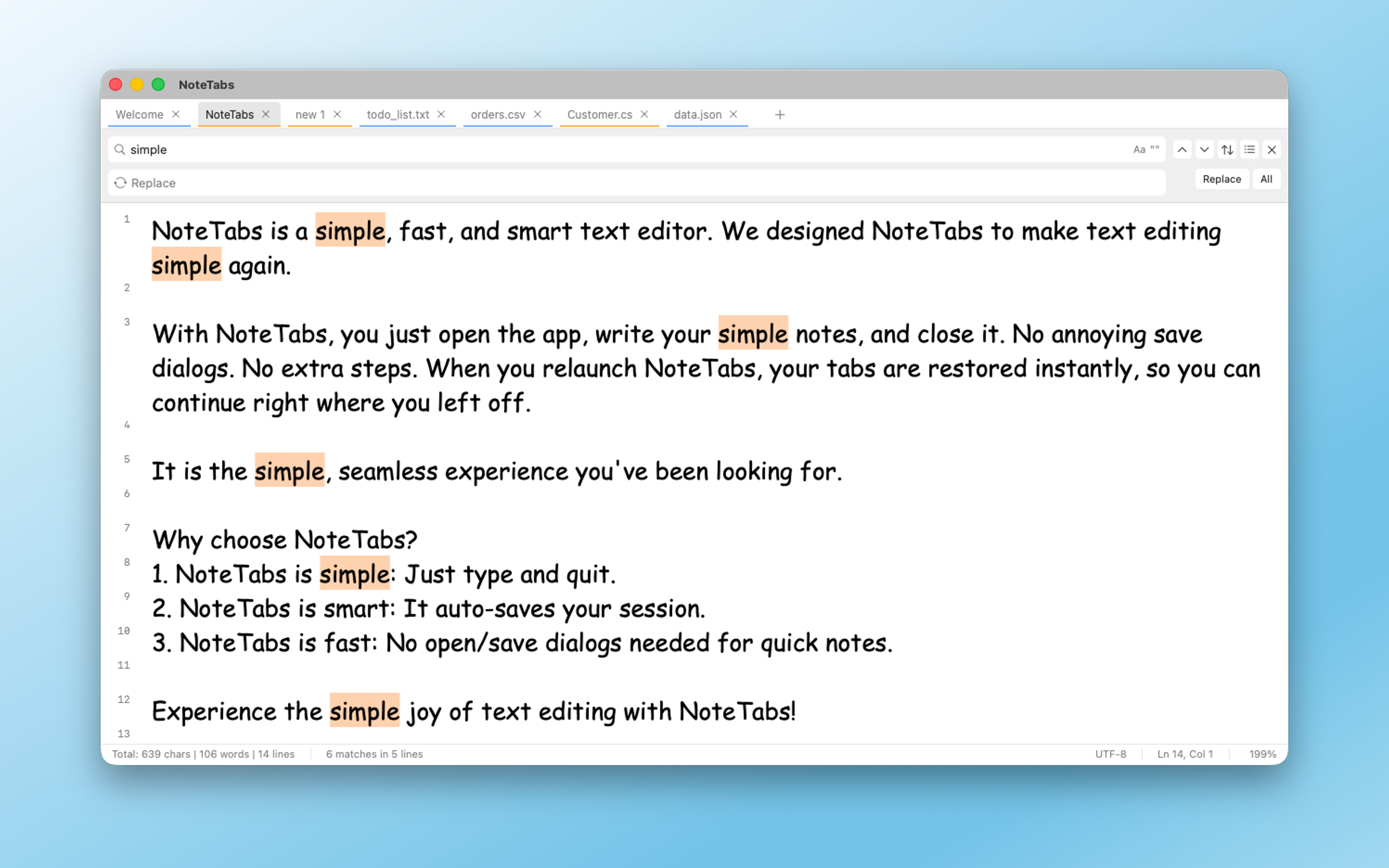
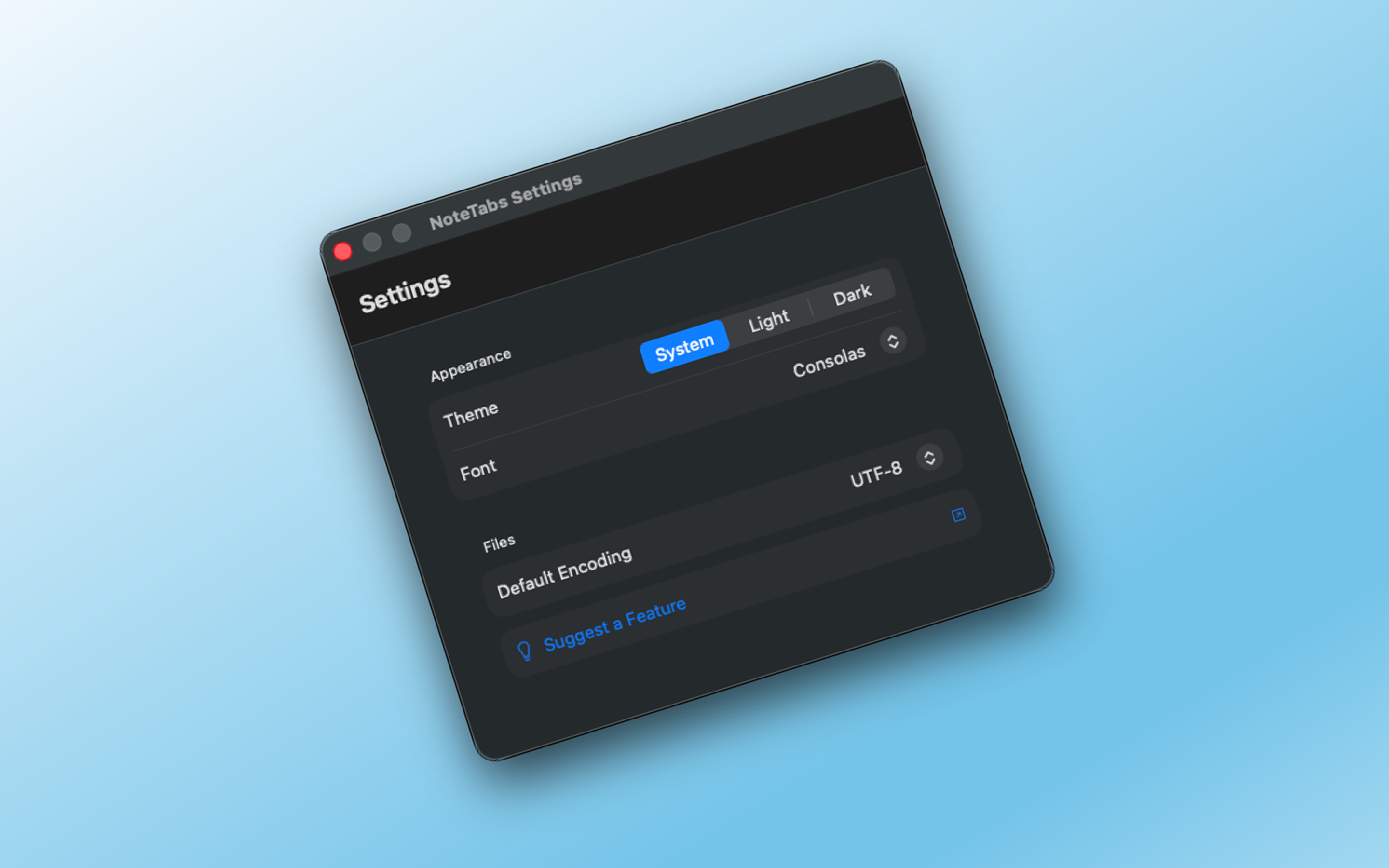
Still missing the tabbed experience of Notepad++ on your Mac? Meet NoteTabs. We brought the 'horizontal tabs' and 'auto-save' magic to a native, minimalist macOS interface. No more window clutter, no more 'Save' button anxiety. Just open, write, and close. Your notes stay exactly where you left them. Fast, lightweight, and built for people who value speed over complexity. Zero friction, total focus

Hi Product Hunt,

After switching from Windows to macOS, I immediately hit a wall: there was no simple text editor that fit my workflow (especially horizontal tabs).

I don’t want another code editor.

I want a fast, no-friction text editor, like Notepad++, but native to macOS.

VS Code and Sublime Text are great, but they’re built for coding. For quick notes, logs, drafts, and plain text, they’re simply too much.

So I built NoteTabs.

What it focuses on:

• Horizontal tabs, just like Notepad++

• Plain text & real files, not a Notes-style database

• Auto-save, close anytime, and continue exactly where you left off

• Zero setup, open the app and start typing

It’s a lightweight scratchpad for anyone who just needs text, nothing more, nothing less.

I’d love to hear what you think, especially what’s missing.

1
回复

The direct link to the App Store -> https://apps.apple.com/tr/app/notetabs/id6755886470

1
回复
#7
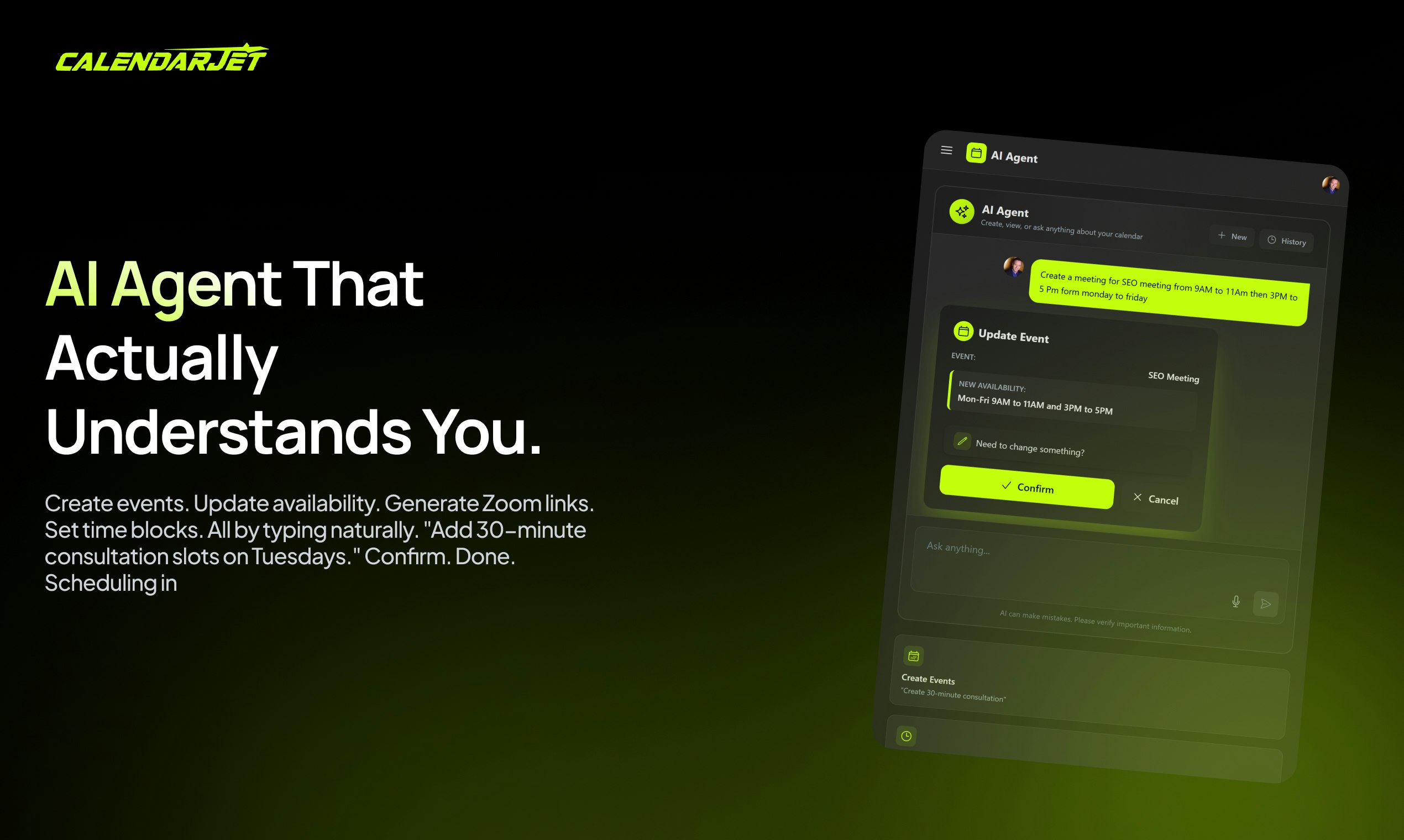
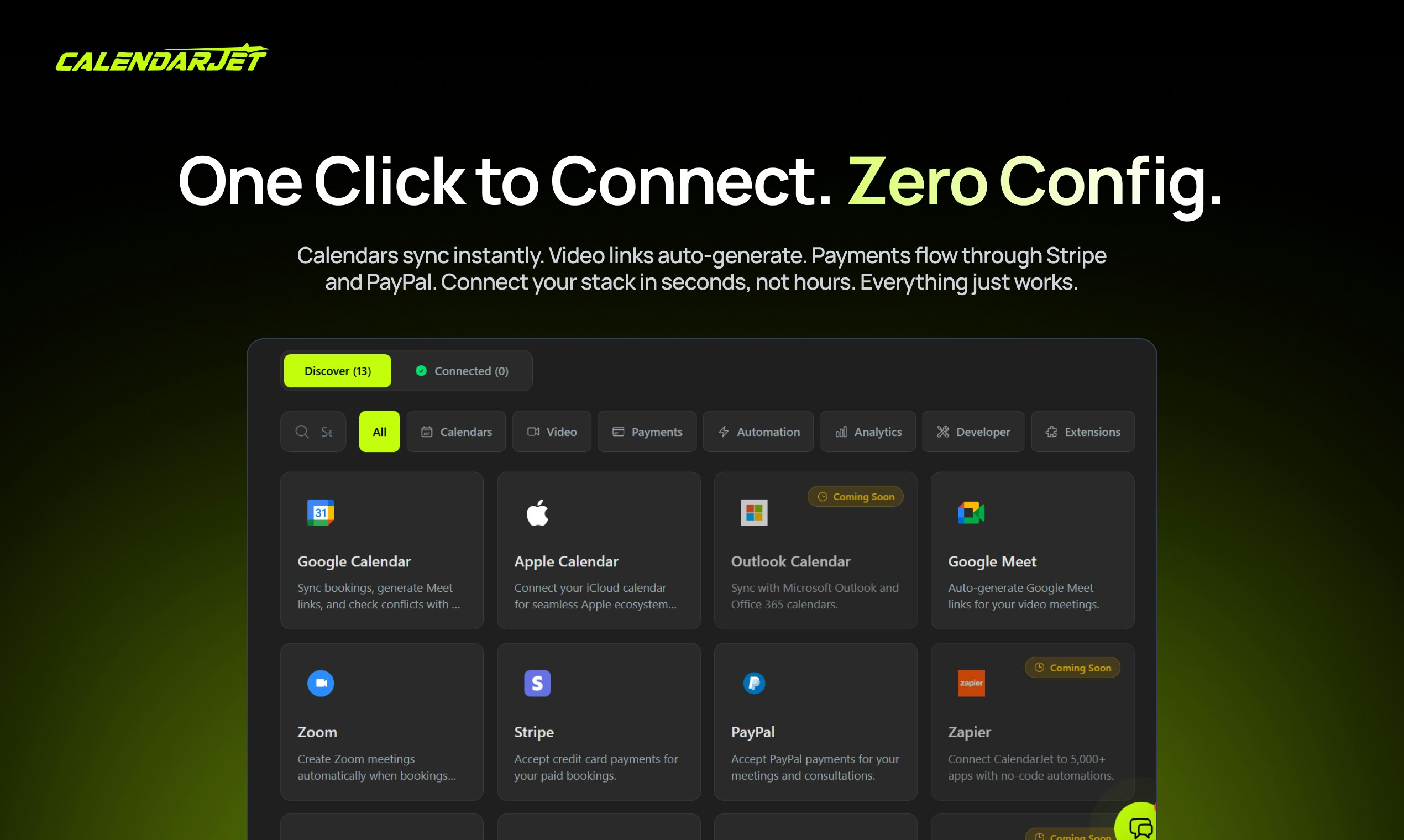
CalendarJet
AI scheduling with branded booking page your own domain
105
一句话介绍:CalendarJet是一款AI驱动的、支持自定义域名和白标化的预约调度平台,主要面向教练、机构创始人和自由职业者,以一次性买断模式解决了用户对Calendly等订阅制工具长期成本高昂、品牌展示受限的核心痛点。
Productivity Branding Calendar
AI日程调度 预约工具 一次性买断 白标化 自定义域名 Calendly替代品 中小企业工具 效率工具 品牌定制 终身授权
用户评论摘要:创始人评论阐述了产品开发动机(对抗Calendly高价订阅),并详细罗列卖点与优惠。另一条评论祝贺发布,并询问AI调度技术实现细节,指出对话式AI调度存在边缘案例处理难题。
AI 锐评

CalendarJet祭出的“一次性买断”是一把精准刺向SaaS订阅疲劳症的利刃。它表面上对标Calendly Enterprise,实则切入了一个更隐秘的市场缝隙:那些品牌意识觉醒、对长期成本敏感、却不需要庞大企业级管控的中小团队与个人专业人士。其核心价值主张并非技术颠覆,而是商业模式与定价策略的激进重构——将“终身授权”与“白标定制”捆绑,直击用户“为品牌付费却仍展示他人标识”的心理不适与“订阅支出无底洞”的财务焦虑。

然而,光环之下暗藏疑点。首先,“终身授权”在软件服务领域是一个高风险承诺,其可持续性高度依赖团队长期运营能力与后续收入模型(如未来可能推出的增值服务)。其次,产品强调“拥有Calendly企业版相同功能”,但企业级需求不仅是功能清单,更是稳定性、合规支持、全球可用性与深度集成能力,这些隐性成本是否真能被27美元覆盖?评论中提及的“AI调度边缘案例难题”恰恰点出了这类产品的技术护城河——在简单场景下易实现,在复杂、多变的真人日程协调中,可靠性才是关键。

总体而言,CalendarJet是一次成功的痛点营销与市场定位案例。它未必能撼动企业级市场,但足以吸引大量价格敏感且厌恶订阅的个体创业者与小微团队。它的真正挑战在于,如何在终身收费模式下,持续保障基础设施投入、技术更新与用户支持,避免陷入“卖得越多、负担越重”的陷阱。这是一场对传统SaaS模式的勇敢反叛,但其长期生命力,仍需用时间验证。

查看原始信息
CalendarJet
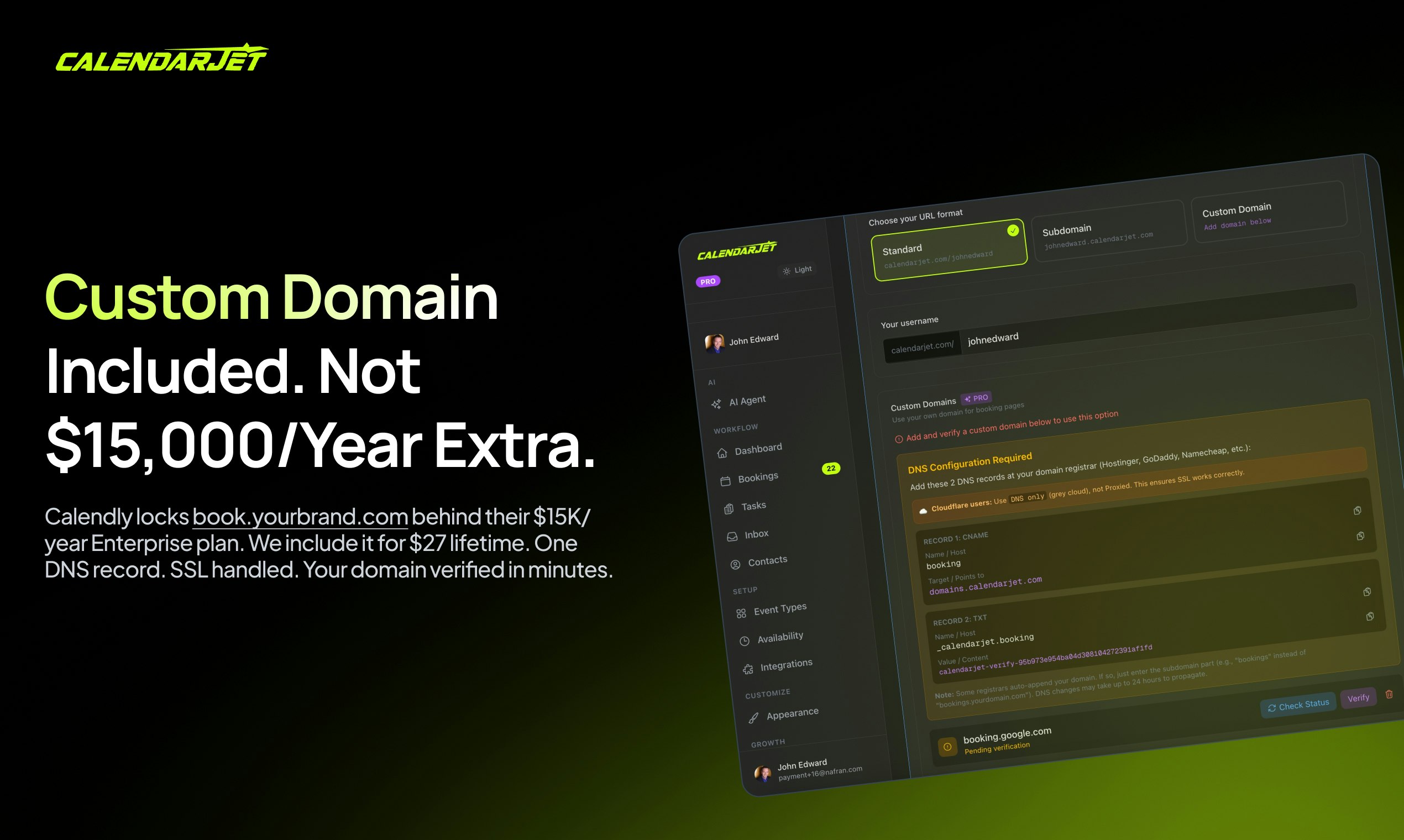
CalendarJet is the AI powered scheduling platform that gives you what Calendly charges $15,000/year for. Custom domains (book.yourbrand.com) for just $27. One time. Forever. Normally $497. Zero branding. Your logo only. Full customization like WeTransfer. AI that schedules by voice. Built for coaches, agencies, and founders tired of the subscription trap.

Hey PH! 👋

After calculating that Calendly Enterprise would cost my team $15,000+ over 5 years, I built the scheduling tool I actually wanted.

I did the math. Per-seat pricing adds up fast. So I built CalendarJet.

$27 lifetime. Unlimited everything.

What you get:

✅ One-click Calendly import (60-second switch)

✅ Custom domain (book.yourcompany.com)

✅ 100% customizable - video backgrounds, drag-and-drop editor

✅ AI scheduling assistant

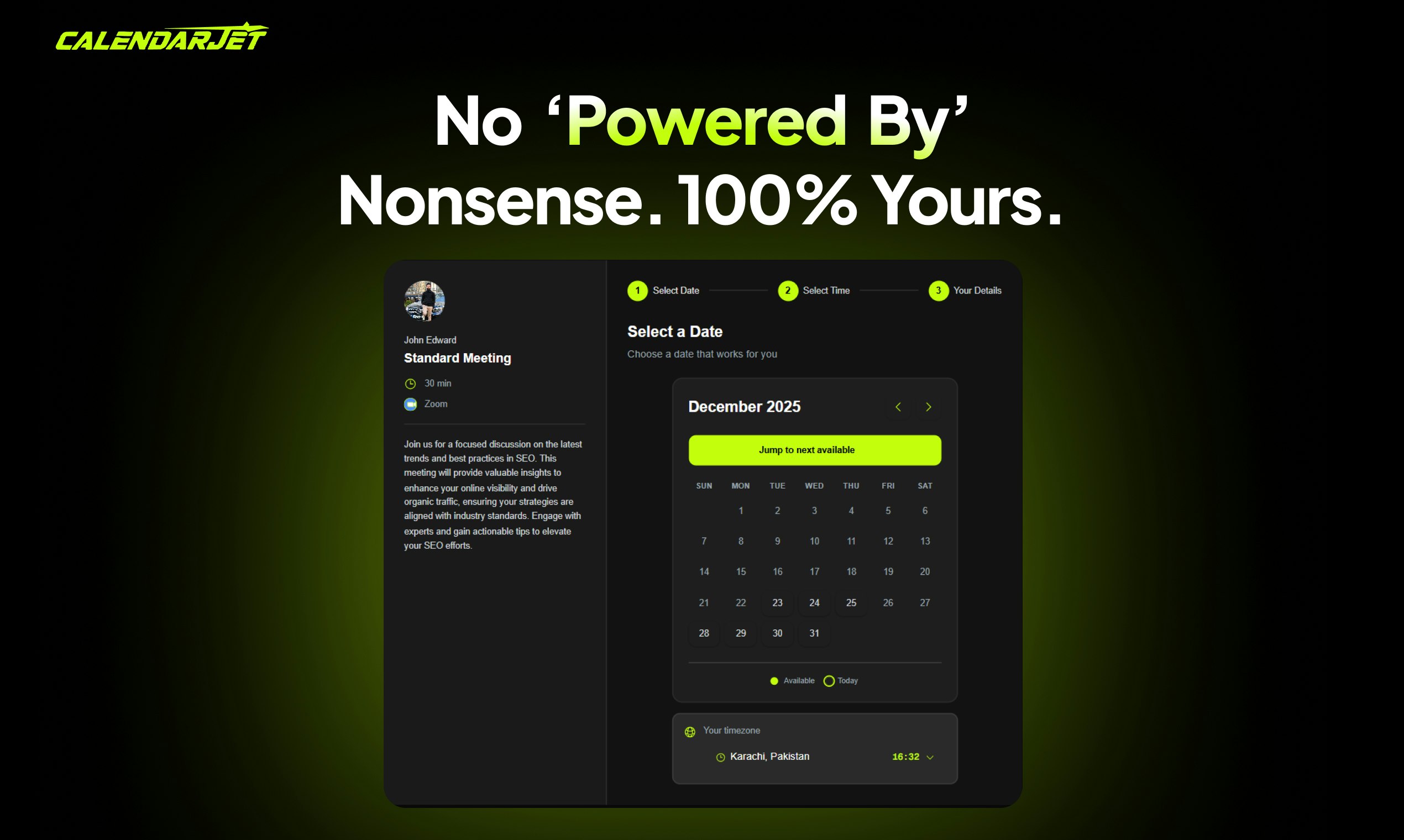
✅ White-label (zero "powered by" badges)

✅ Unlimited team members, events, bookings

✅ Webhook and API access

✅ 36+ Pro features included + free lifetime updates

Use code CJ27DEAL → $27 lifetime access

That's 500x cheaper than what Calendly charges teams. Same features. Your brand. Forever yours.

AMA! 🚀

1
回复

Congratulations for the launch and the great app!

It would be great if you could share some words on how you achieved that level of quality in scheduling. I've tried to create an app as a course project in an AI Evals Course and found out that conversational AI scheduling is surprisingly difficult, due to many potential edge cases.

0
回复
#8
Notchification
Compilation and Claude progress bars in your mac's notch!
100
一句话介绍:Notchification 是一款将MacBook刘海屏变为编译进度显示器的工具,在开发者等待代码构建时,通过提供无需切换窗口的全局进度提示,解决了频繁查看构建状态导致注意力中断的痛点。
Mac Productivity Menu Bar Apps
开发者工具 生产力工具 Mac应用 进度指示器 状态监控 编译辅助 菜单栏应用 无干扰设计 隐私安全
用户评论摘要:用户反馈该产品精准击中了“频繁切换窗口查看编译进度”的普遍痛点,认为其将闲置的刘海区域功能化的视角非常新颖。创始人补充说明了灵感来源于想充分利用编译等待的“dead time”,并彻底消除由此产生的焦虑。
AI 锐评

Notchification 的价值核心并非技术创新,而是一次对“硬件缺陷再定义”和“注意力经济学”的精准实践。它敏锐地捕捉到两个被普遍忽视的闲置资源:一是MacBook刘海占据的物理屏幕空间,二是开发者在编译等待期间被反复消耗的碎片化注意力。

产品聪明地将一个备受诟病的设计短板转化为独占的、沉浸感极强的信息输出通道。其真正犀利之处在于对通知体系的降维打击:它摒弃了所有需要用户“处理”的弹窗、声音或图标,转而提供一种“环境光”式的、无需交互的状态感知。这标志着工具设计从“主动推送-被动处理”向“环境呈现-按需获取”的范式转变。

然而,其深层风险与潜力并存。潜力在于,它开辟了“硬件特定区域功能化”的新赛道,未来或可承载更多全局性、低侵入的状态提示(如下载、会议倒计时)。风险则在于其场景极度垂直和脆弱:其存在严重依赖于MacBook刘海屏的延续,且功能价值会随着计算机编译速度的提升而稀释。当前它更像一个优雅的“创可贴”式解决方案,而非根治“构建流程不透明”的良药。能否从“进度显示器”进化为“构建流程优化中枢”,将决定其是小众的效率玩具,还是能嵌入开发者工作流的核心组件。

查看原始信息
Notchification
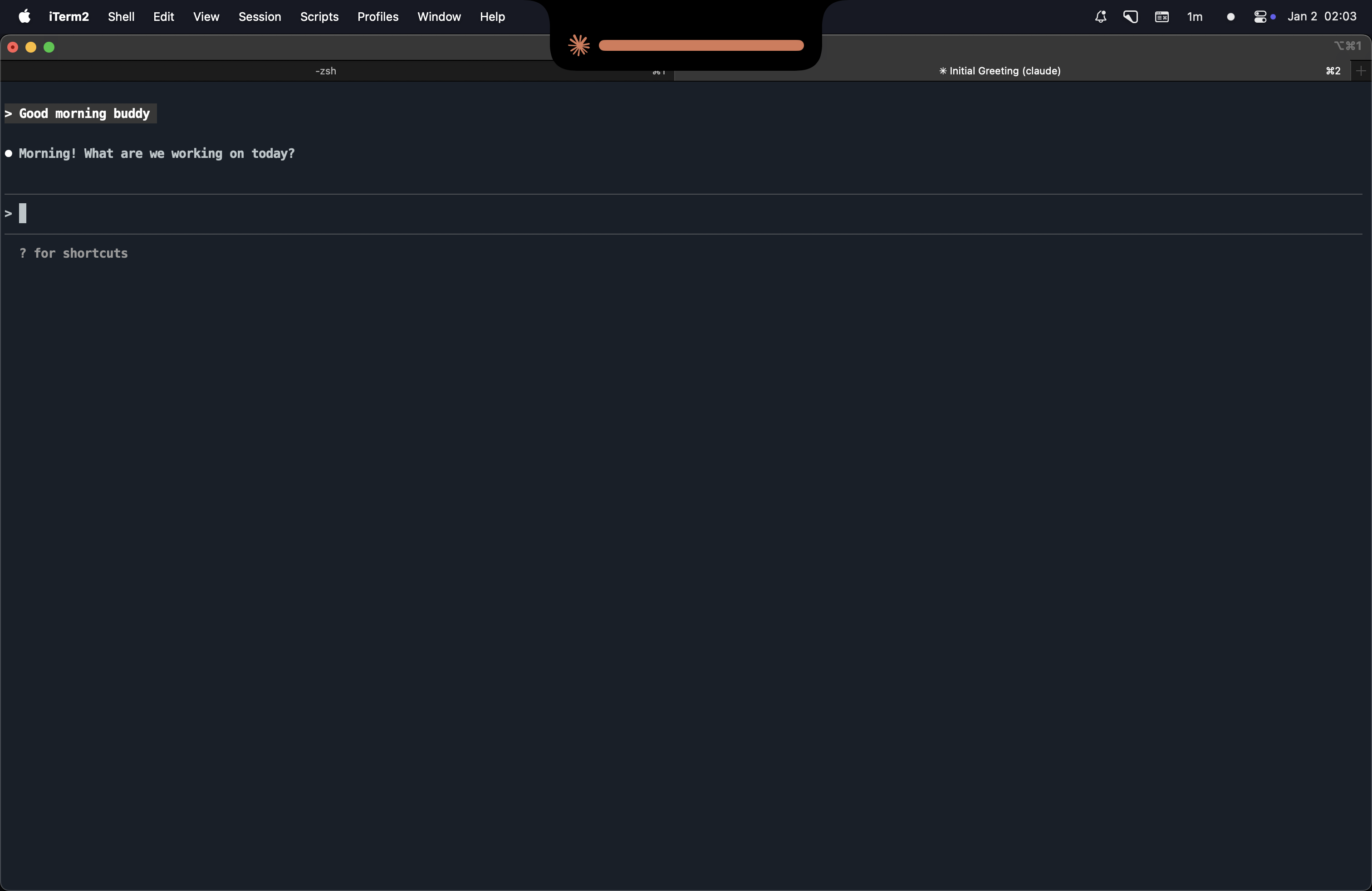
You're deep in code. A build kicks off. You switch tabs, check Slack, read docs—then wonder: "Wait, is it still compiling?" Notchification ends the guessing. A sleek progress bar appears right in your MacBook's notch when builds are running. Glance up. Know instantly. Get back to work. Works with the tools you already use: - Xcode - Android Studio - Claude Code CLI

You're deep in code. A build kicks off. You switch tabs, check Slack, read docs—then wonder:*"Wait, is it still compiling?"

Notchification ends the guessing. A sleek progress bar appears right in your MacBook's notch when builds are running. Glance up. Know instantly. Get back to work.

Works with the tools you already use:

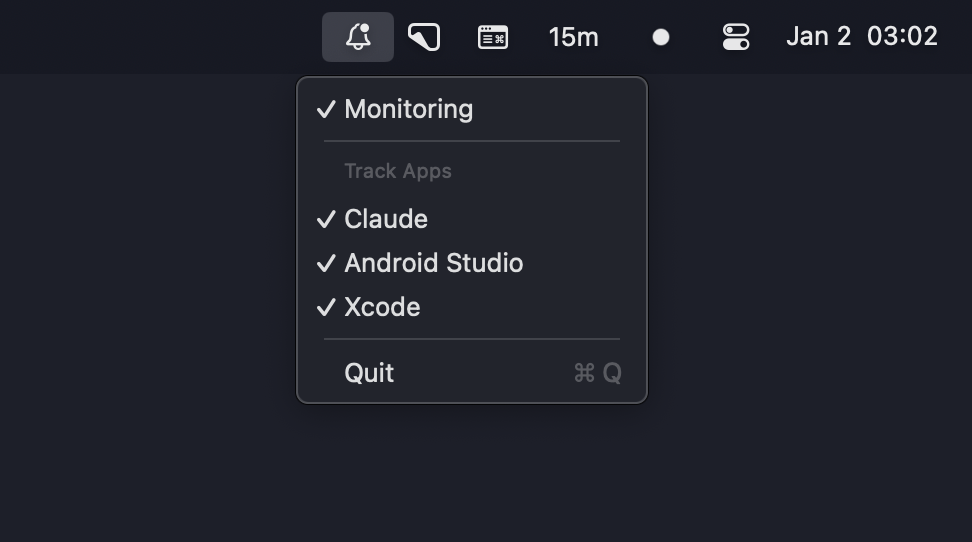
- Xcode (Swift, Objective-C, C++)
- Android Studio (Gradle builds)
- Claude CLI (AI code generation)

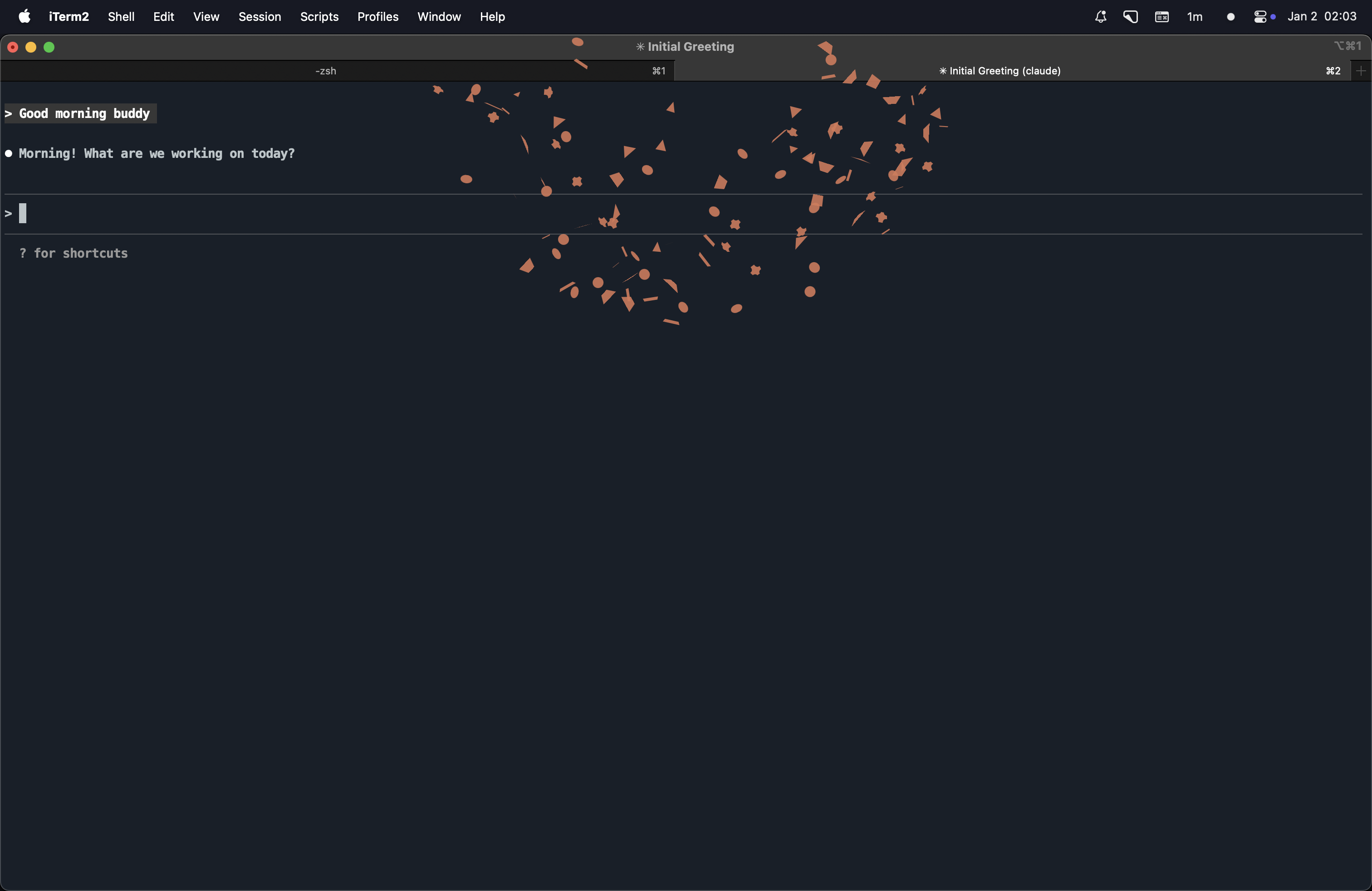
Each tool gets its own color. Multiple builds? They stack. When it's done, confetti falls from the notch. Satisfying.

Why?

The notch takes up screen space and does nothing. Your IDE's build indicator is buried in a corner you never look at. Notifications are noisy. You just want ambient awareness—not another distraction.

What you get

- Instant visibility — One glance tells you if builds are running
- Smart detection — CPU-based monitoring, no false positives
- Zero setup — Install, enable your tools, done
- Delightful details — Animated waves, spring physics, celebration confetti
- Lightweight — Menu bar app, stays out of your way
- Privacy-first — No network access, no data collection

Who it's for

Developers who context-switch while waiting for builds. Stop alt-tabbing to check. Just look up.

Forgot to add a link to the website which has a small funny trailer: https://notchification.carrd.co/

1
回复
@alexandervonkvamme Wow never looked at notifications from that angle. Cool idea!
1
回复
Hey Alexander, that moment of switching back to your IDE just to check if a build is still running hits close to home. Was there a day where you caught yourself doing that like ten times and thought wait, why am I breaking my focus just to see a progress bar?
1
回复

@vouchy Thats right Van de Vouchy! It kinda feels like dead time cause I havent really used it for anything productive so I wanted to completely switch those worries off and just do whatever i want until the build is complete. Thinking about this stuff while looking at the notch kinda gave me the idea :P

0
回复
#9
Rest Now - Screen Break Timer
Open source screen break timer for macOS
90
一句话介绍:一款轻量级的开源 macOS 菜单栏休息提醒工具,通过在长时间编码、设计或学习场景中定时提醒用户休息,缓解视觉疲劳和精神倦怠,帮助用户保持专注。
Health & Fitness Productivity Menu Bar Apps
生产力工具 健康辅助 macOS应用 开源软件 休息提醒 护眼工具 菜单栏应用 轻量级 防疲劳 专注力
用户评论摘要:用户普遍赞赏其简洁、无干扰的设计及原生体验。主要问题与建议集中在:多显示器支持细节、未来是否增加每日使用时长硬性限制功能,以及开发Windows版本的可行性。
AI 锐评

Rest Now 精准切入了一个被“复杂化”或“商业化”的细分市场:屏幕休息提醒。其核心价值并非技术创新,而在于对“用户习惯”与“工具伦理”的深刻理解。

当前市场不乏功能庞杂的专注或健康管理应用,它们往往通过复杂的统计、社交挑战或强制性阻断来“管理”用户,无形中增加了认知负担,甚至引发对抗心理。Rest Now 反其道而行,将自身定位为“轻量级”、“无摩擦”的后台服务,其“温和提醒”而非“强制阻断”的哲学,恰恰契合了深度工作者的核心诉求——保持心流。它解决的痛点并非“不知道要休息”,而是“沉浸工作时忘记休息”。这种“润物细无声”的辅助角色,是其可能获得长期留存的关键。

从评论反馈看,用户对其“ macOS 原生感”和“菜单栏集成”的赞赏,验证了产品与系统生态深度融合策略的成功。然而,其发展也面临清晰的选择题:是坚守“温和助推器”的初心,还是应部分用户要求加入“每日硬性限制”等更强干预功能?后者虽能扩大受众,但可能破坏现有简洁理念,使其滑向另一个同类竞品。关于Windows端口的呼声,则揭示了其模式在跨平台上的潜在需求,但作为个人开源项目,资源分配将是现实挑战。

本质上,Rest Now 是一款“克制”的工具。它的成功不在于能做什么,而在于选择不做什么。在过度设计的软件浪潮中,这种克制反而构成了其独特的竞争力和用户好感度。它的长远价值,在于能否在保持核心体验纯粹的同时,通过开源社区的力量,在“扩展性”与“简洁性”之间找到优雅的平衡点。

查看原始信息
Rest Now - Screen Break Timer
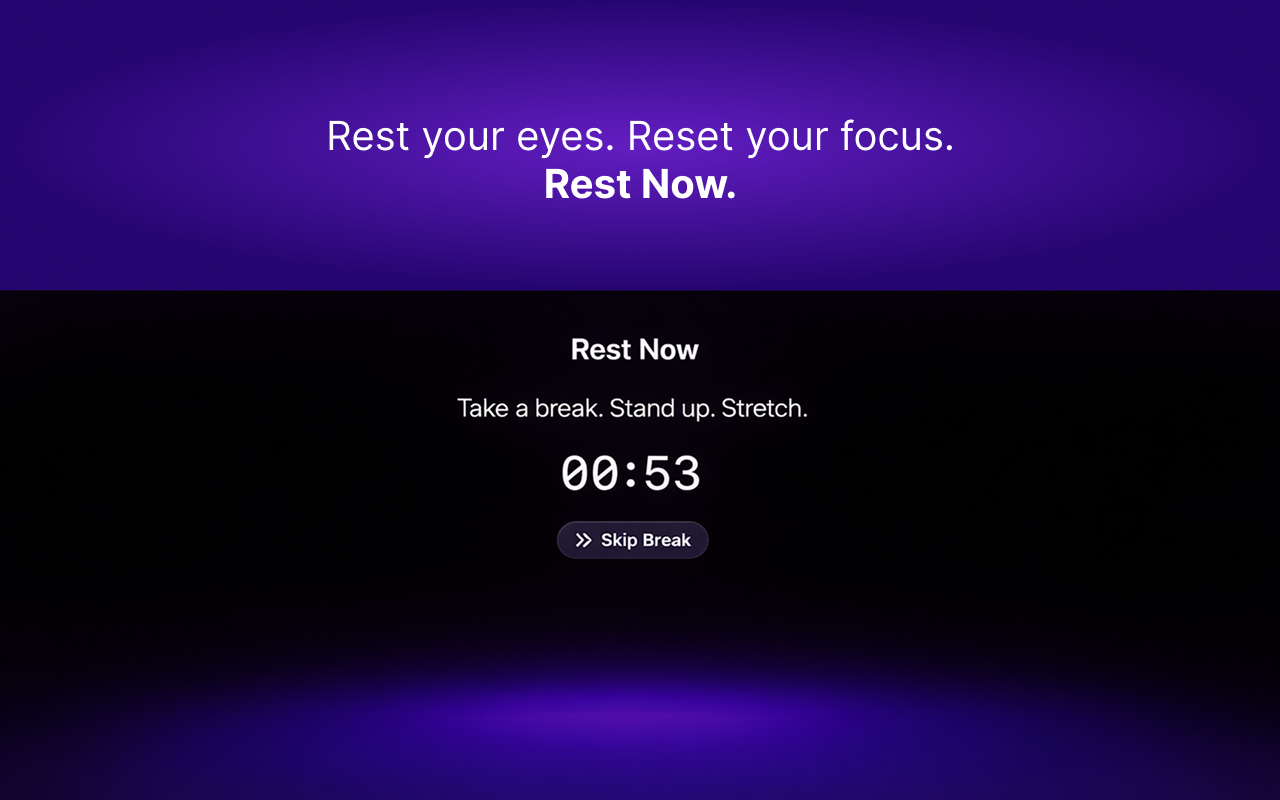
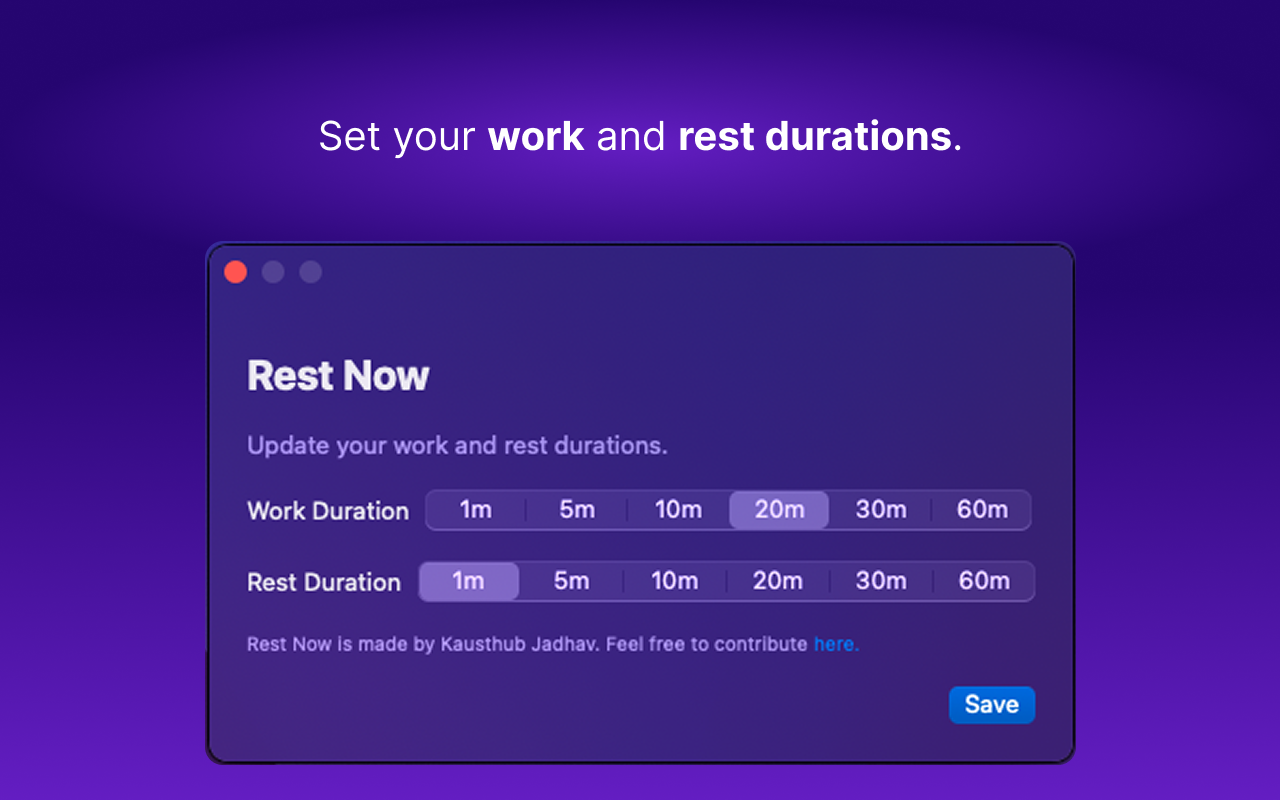
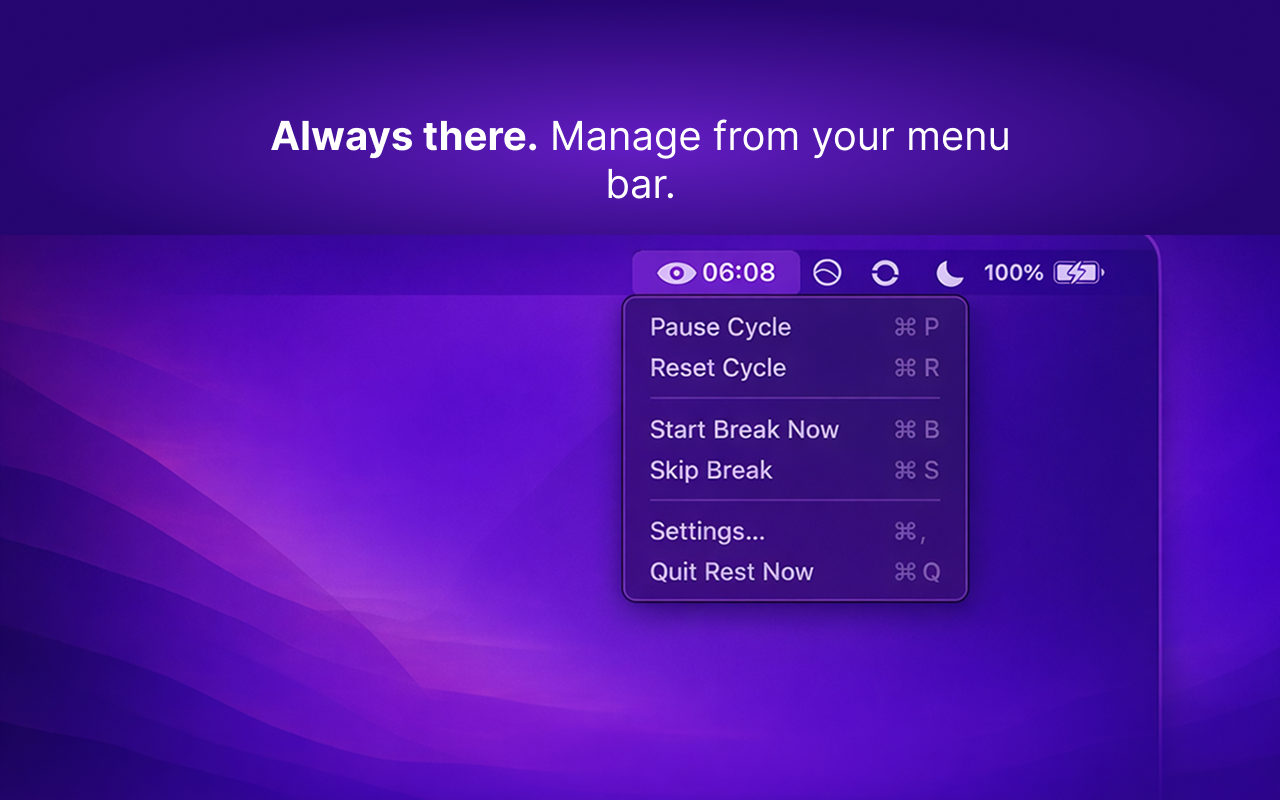
Rest Now is a lightweight screen break timer for macOS that helps reduce eye strain and mental fatigue during long screen sessions. Designed for macOS users who spend long hours coding, designing, studying, or working on a macbook. Key Features: Menu bar screen break timer, eye-friendly break reminders, minimal and distraction-free design, quietly runs in the background while you work. Rest your eyes. Reset your focus. Rest Now.
Hey fam, I built Rest Now because I kept ignoring eye strain during long coding sessions until it started affecting my focus and sleep. Most existing apps felt overkill or paid, so I wanted something simple, lightweight, and friction-free. Rest Now gently reminds you to take screen breaks, without breaking flow or nagging you. You could also use it as a Pomodoro Timer. I’ve been using it daily while coding and it’s quietly become part of my routine. Would love for you to try it out and share feedback. Happy to answer any questions 🙂
3
回复

@habu_tusk congrats! I’ve been looking for something like this and love how simple it is. My dry eyes could really use this. Downloading.

0
回复

Simple and effective. Great job keeping it distraction-free. I work with a triple monitor setup—when the break reminder triggers, does it dim all screens, or just the main display?

2
回复

@yoang_loo Yes 🙂 it dims all connected displays, including multi-monitor setups.

2
回复

Would it be able to create some "dosing"? E.g. 8 hour limit per day and then sudden block?

2
回复

@busmark_w_nika right now it’s focused on gentle, regular breaks rather than hard limits or blocking. debating between soft nudges or an actual hard stop after a daily limit.

2
回复

Appreciate the minimal, macOS-native approach. Menu bar + lightweight is a big plus, feels like something that can stay installed long-term.

2
回复

@russell_dou Thanks, that means a lot 🙂That was exactly the goal!

1
回复

I like simplicity of the app. Any chance we might get the port for Windows ?

0
回复
#10
8udget
Budget, invest & track finances - works offline
89
一句话介绍:一款主打离线优先、数据本地的全功能个人财务应用,在无网络或注重隐私的场景下,为用户解决了预算、投资、账单和财务目标一站式管理的痛点。
Android Productivity Finance Personal Finance
个人财务管理 离线应用 数据隐私 跨平台 预算跟踪 投资追踪 全栈合一 Flutter Rust 本地优先
用户评论摘要:用户高度赞赏“离线优先”理念对隐私和速度的保障,并询问对FIRE(财务独立,提早退休)运动的支持深度。开发者回应已具备投资组合与净资产追踪,长期预测功能在考虑中。另有用户对技术栈(Flutter+Rust)的性能和是否支持多货币表示关注。
AI 锐评

8udget的“离线优先”并非简单的功能阉割,而是一次对个人财务应用核心价值的犀利重构。在数据即商品、云端同步已成默认的当下,它反其道而行之,将数据主权彻底交还用户,这直击了高净值或隐私敏感用户的深层焦虑。其技术选型(Flutter+Rust)也服务于这一理念,用高性能本地计算替代网络延迟,体验上是一种“奢侈的即时性”。

然而,其真正的挑战在于商业模式与用户习惯的悖论。离线免费、云端付费的模型,可能将核心卖点(离线)与盈利点(云同步)置于对立面,吸引来的高度隐私拥护者恰恰是最不愿付费同步的群体。此外,“全栈合一”在简化管理的同时,也可能陷入专业深度不足的窘境:对于严肃投资者,其投资追踪功能可能过于轻量;而FIRE追随者渴望的复杂预测模型尚属空缺。

本质上,8udget是一款“原则驱动”而非“功能驱动”的产品。它的真正价值不在于功能罗列,而在于用技术栈和产品设计,为特定用户群体提供了一个可信赖的、自我掌控的数字财务基石。其成败关键,在于能否将“隐私与掌控”这一原则,转化为足够刚需且可持续的付费场景,并在“一体化的便捷”与“专业工具的深度”之间找到精准平衡。

查看原始信息
8udget
8udget is a personal finance app that actually works offline - no internet required. Track your budget with category breakdowns, monitor stock & crypto investments in real-time, manage recurring bills with reminders, and set financial goals with progress tracking. Unlike other finance apps, your data stays on your device by default. Import messy bank statements with 80-90% accuracy. Available on iOS, Android, Web, Mac - all from one codebase built with Flutter + Rust. Free to start.

Love the offline-first approach! 📱 No internet required is a huge win for privacy and speed. A friend of mine is actually building a similar tool focused specifically on the FIRE movement . How does 8udget handle long-term projections or investment tracking for users aiming for FIRE? Upvoted!

2
回复

@yahaha66 Thanks for the upvote! On the FIRE side, we do have investment portfolio tracking and net worth monitoring which helps with tracking progress toward FI. Long-term projections aren't available yet, but it's something I'm considering. What would be most useful for you - a years-to-FI calculator, projection charts, or something else?

1
回复
Hey Product Hunt! 👋 I've been building 8udget for the past 3 years as a solo developer. ## Why I built this I was frustrated with finance apps that: - Required constant internet connection - Made me use separate apps for budgeting vs investing - Charged expensive subscriptions just to track my own money ## What makes 8udget different ✓ **Works completely offline** - your data stays on your device ✓ **All-in-one** - budget, stocks, crypto, bills, goals in one app ✓ **Smart CSV import** - handles messy bank statements (80-90% success rate) ✓ **True cross-platform** - iOS, Android, Web, Mac ✓ **Built for performance** - Flutter frontend + Rust backend ## Tech stack (for the curious) - Frontend: Flutter 3.32 - Backend logic: Rust - Bridge: Flutter Rust Bridge - Database: SQLite with local encryption ## Pricing - **Free tier**: Full offline functionality but limited to 50 transaction logs - **Premium**: Cloud sync, unlimited transactions, investment tracking ## What's next Working on: - Bank connection integrations I'd love your feedback! What features would you want to see next? 🚀
0
回复

@atzr95 The Flutter + Rust combo sounds incredibly fast. I’m a big fan of the 'offline-first' approach for financial data. Does 8udget support multi-currency tracking for those of us earning in one currency. Keep up the great work

0
回复
#11
youtube-mcp-server
MCP server for YouTube video transcription and metadata.
87
一句话介绍:一款为AI智能体提供YouTube视频转录与元数据提取的MCP服务器,解决了开发者在构建视频分析应用时面临的数据获取与处理效率痛点。
Developer Tools Artificial Intelligence GitHub YouTube
AI工具 MCP服务器 视频转录 元数据提取 YouTube数据处理 语音识别 多语言支持 开发者工具 智能缓存 硬件加速
用户评论摘要:目前仅有一条官方性质的功能介绍评论,重点突出了其元数据提取、智能转录(支持99种语言、VAD分割)、缓存和性能优化等特性,缺乏真实用户的使用反馈与问题建议。
AI 锐评

youtube-mcp-server本质上是一个面向AI Agent生态的“中间件”,其核心价值不在于直接面向终端用户,而在于为AI智能体高效、结构化地接入YouTube这一庞大视频信息库提供了标准化管道。产品将yt-dlp的稳定抓取、Whisper的先进转录能力,以及智能缓存、硬件加速、并行处理等工程化优化封装成MCP协议接口,这精准地切中了当前AI应用开发中的一个关键需求:如何让LLM等AI模型可靠、低延迟地“理解”视频内容。

然而,其真正的考验在于生态位的确立。MCP协议本身仍在发展初期,该产品的成功高度依赖于MCP能否成为AI Agent领域连接工具与模型的主流标准。从功能看,它技术整合扎实,但创新性有限,属于“优秀的技术实现”。目前缺乏真实用户评论,使其实际易用性、稳定性及在复杂场景(如超长视频、低质量音源)下的表现成疑。在商业化层面,它直接调用YouTube数据,需谨慎规避潜在的法律与API使用政策风险。总体而言,这是一款在正确赛道上的“基础设施型”产品,前景取决于其所依附的协议生态能否爆发,短期内将是开发者与AI团队内部提效的利器,但距离成为平台型产品还有很长的路要走。

查看原始信息
youtube-mcp-server
A powerful Model Context Protocol (MCP) server for YouTube video transcription and metadata extraction.
A powerful Model Context Protocol (MCP) server for YouTube video transcription and metadata extraction. This server provides advanced tools for AI agents to retrieve video metadata and generate high-quality transcriptions with native language support. 🌟 Features Metadata Extraction: Retrieve comprehensive video details (title, description, views, duration, etc.) without downloading the video. Smart Transcription: In-Memory Processing: fast, efficient, and disk-I/O free pipeline. VAD (Voice Activity Detection): uses Silero VAD for precise segmentation. Multilingual Support: supports 99 languages. Translation: Transcribe to any supported language. Caching: Intelligent file-based caching to avoid redundant processing. Optimized Performance: Uses yt-dlp for robust extraction. Hardware acceleration (MPS/CUDA) for Whisper inference. Parallel processing for transcription segments.
4
回复
#12
Mnexium AI
Persistent, structured memory for AI Agents
84
一句话介绍:Mnexium AI 通过提供简单的API,为AI应用和智能体赋予持久化、结构化的记忆能力,解决了开发者在构建AI应用时需要反复搭建向量数据库、检索管道等复杂基础设施的核心痛点。
API Developer Tools Artificial Intelligence
AI记忆体 智能体开发 上下文管理 长期记忆 API服务 AI基础设施 语义检索 开发者工具 LLM增强 无服务器AI
用户评论摘要:用户肯定其解决了LLM的核心限制。主要问题集中在技术实现细节,如记忆如何反馈给LLM、是否占用上下文窗口,以及是否与N8N等工作流工具集成。开发者回应了集成问题,并寻求下一步发展的反馈。
AI 锐评

Mnexium AI 瞄准了一个真实且正在膨胀的需求——为瞬息万变的LLM注入“持久人格”。其宣称的“无需向量数据库、无需管道、无需检索逻辑”直击开发者要害,本质是试图将“记忆”这个复杂子系统封装成一个标准化、无状态的API商品。这步棋走得聪明,它不是在挑战向量检索的技术路线,而是在抽象其复杂性,扮演“记忆即服务”的云供应商角色。

然而,其真正的考验在于“黑盒”之下的权衡。评论中关于“如何反馈”和“是否占用上下文窗口”的提问一针见血。如果其“mnx对象”本质仍是压缩后的文本摘要注入上下文,则无法突破模型窗口的物理上限,只是优化了记忆的提炼效率;如果采用外部调用机制,则面临延迟、可靠性与成本的新问题。产品价值的高低,完全取决于其算法在“存储、评分、回忆”这三个环节的精度与效率,这需要极深的数据工程与认知科学功底。

当前市场,从LangChain等开发框架到各大云厂商,都在争夺“AI中间件”的定义权。Mnexium的机遇在于极致简化与场景聚焦,但风险在于其技术壁垒是否足够深厚,以防被大平台的一个功能更新所覆盖。它真正的客户可能不是追求极致定制化的头部企业,而是广大渴望快速为产品添加“记忆”功能的中小开发者和初创公司。其成败关键,在于能否在通用性与可靠性上,建立起超越自建方案的信任。

查看原始信息
Mnexium AI
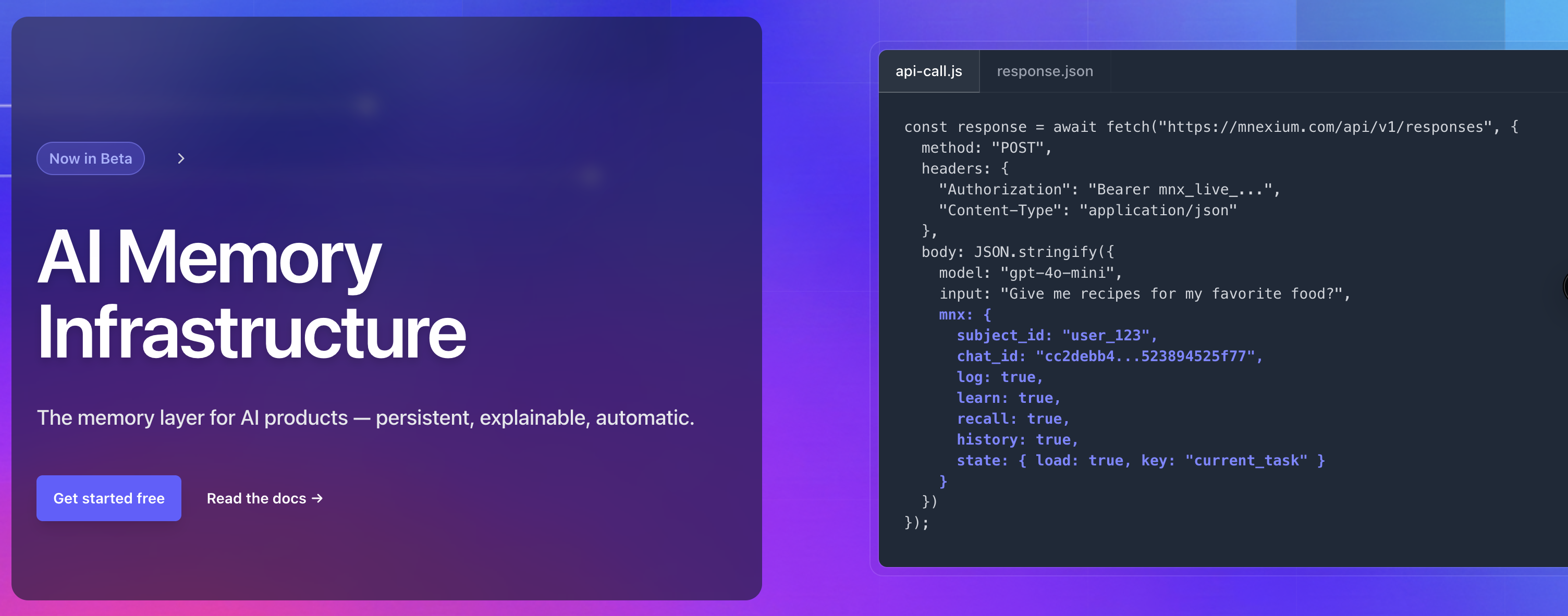
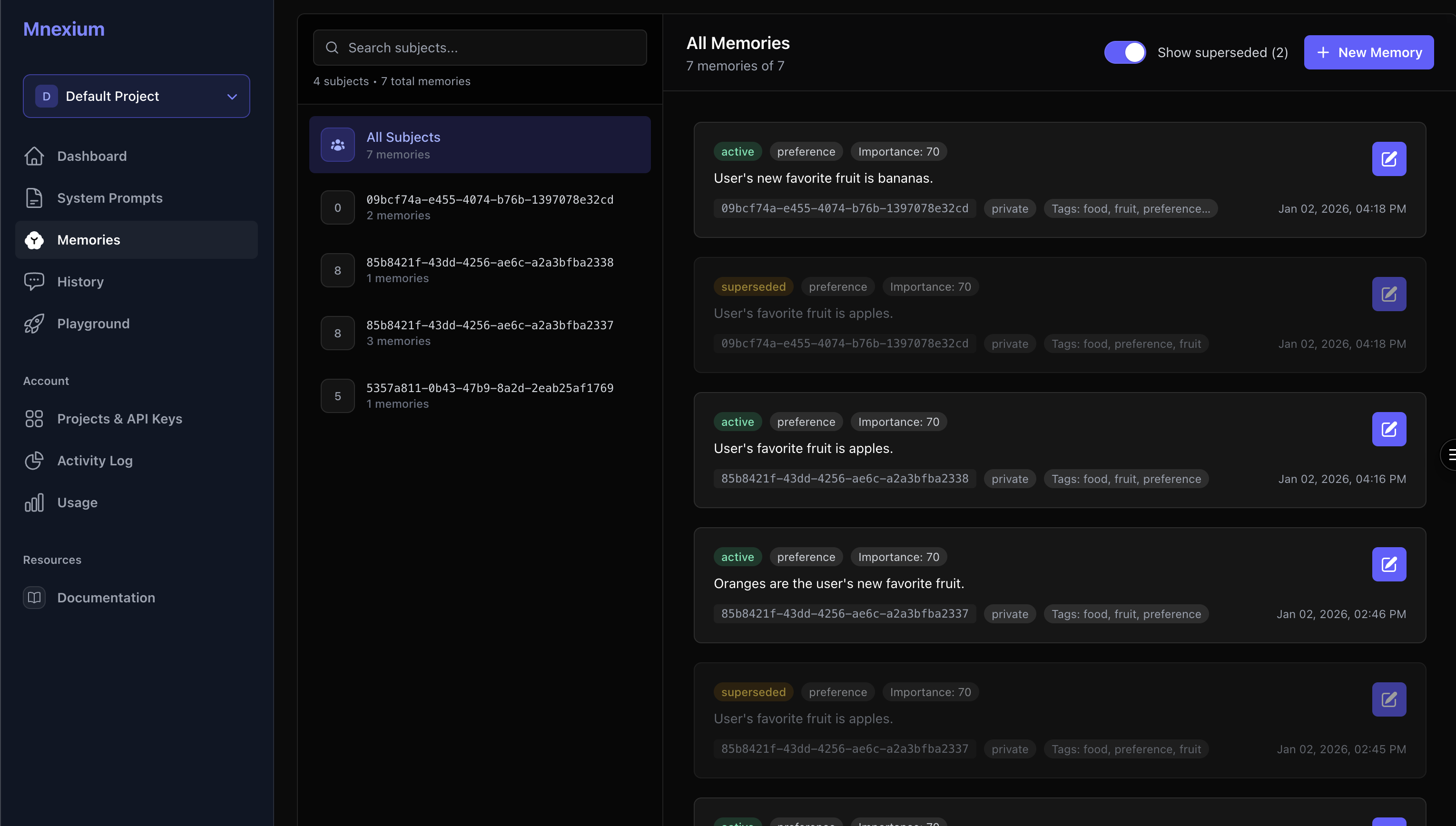
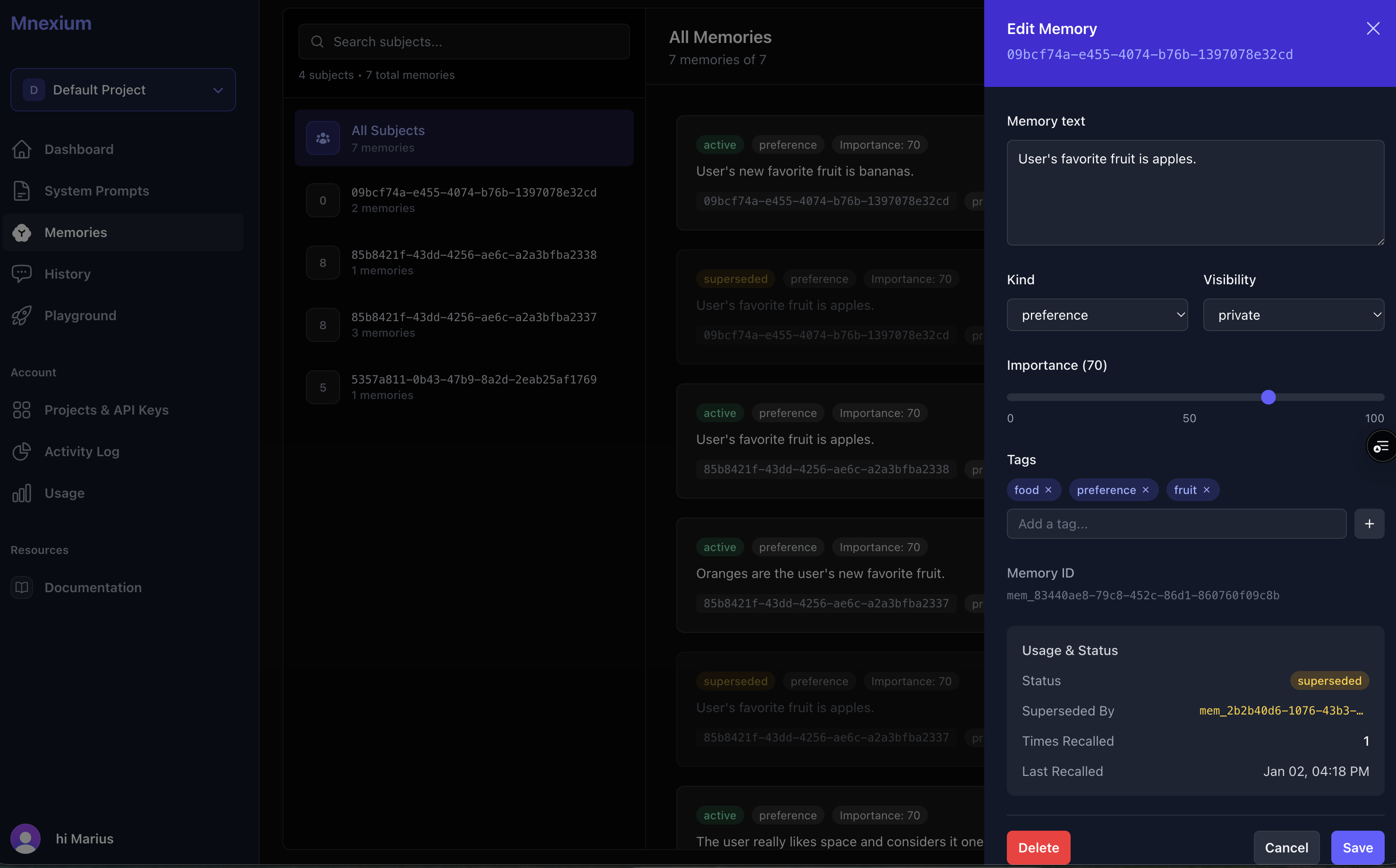
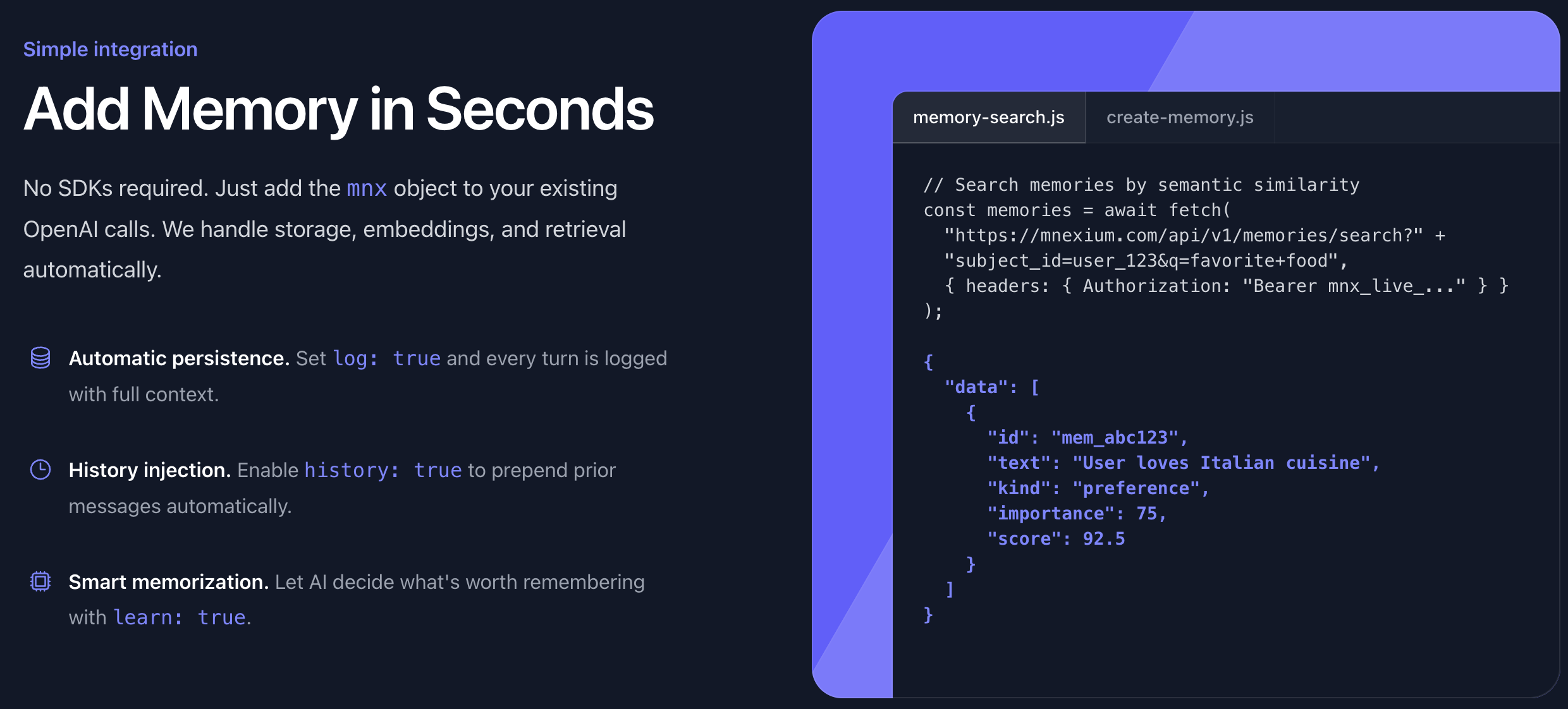
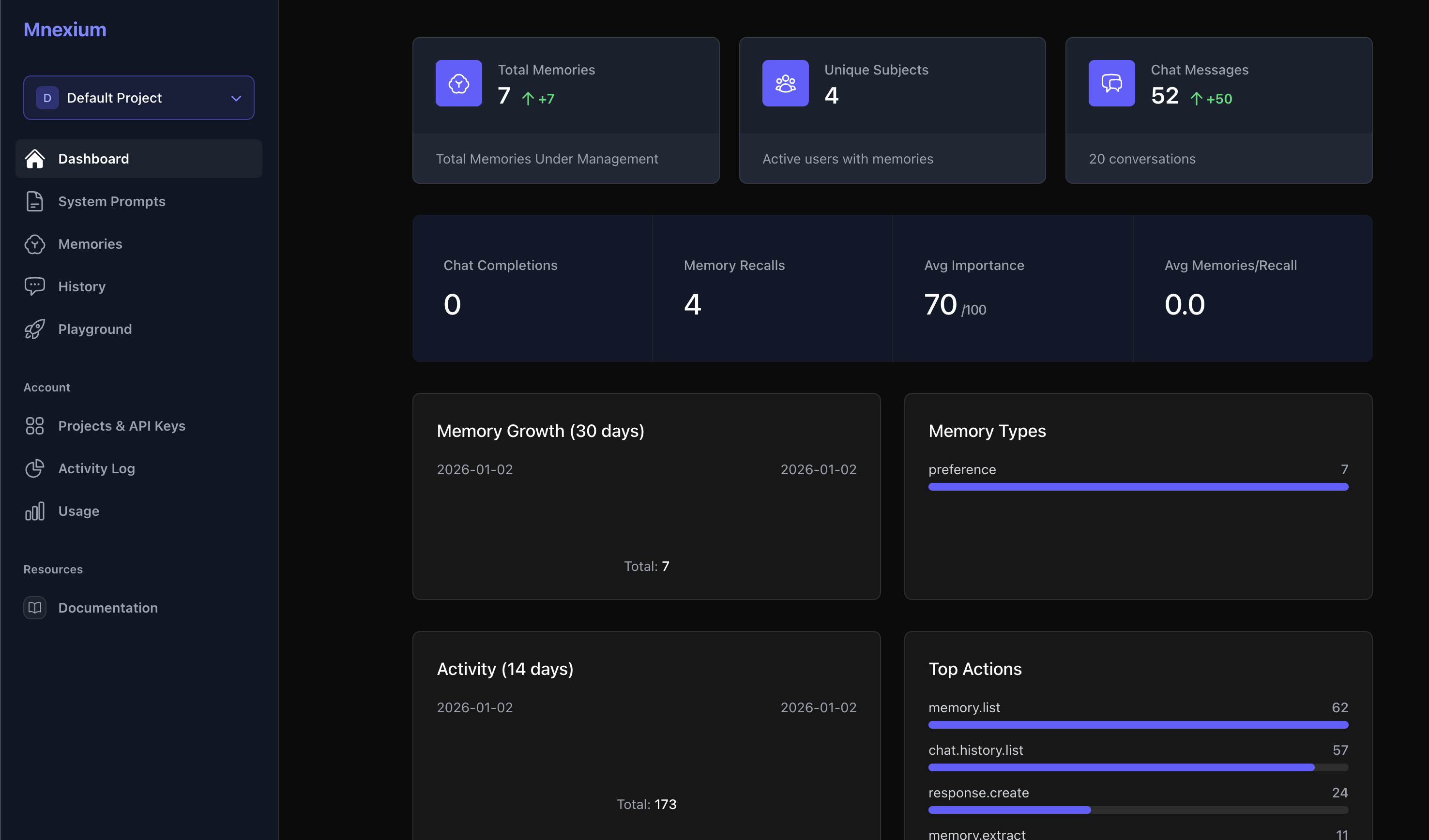
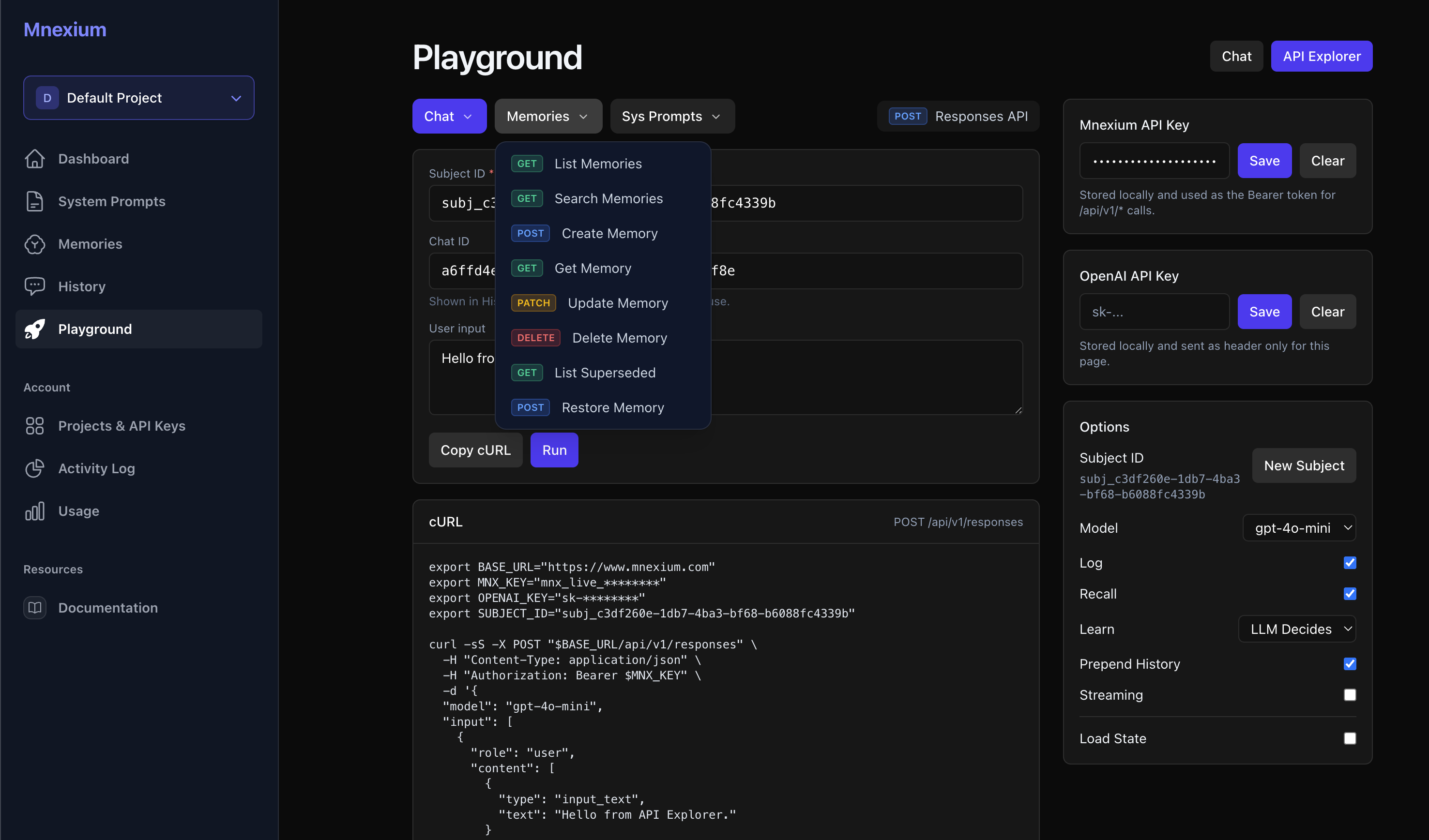
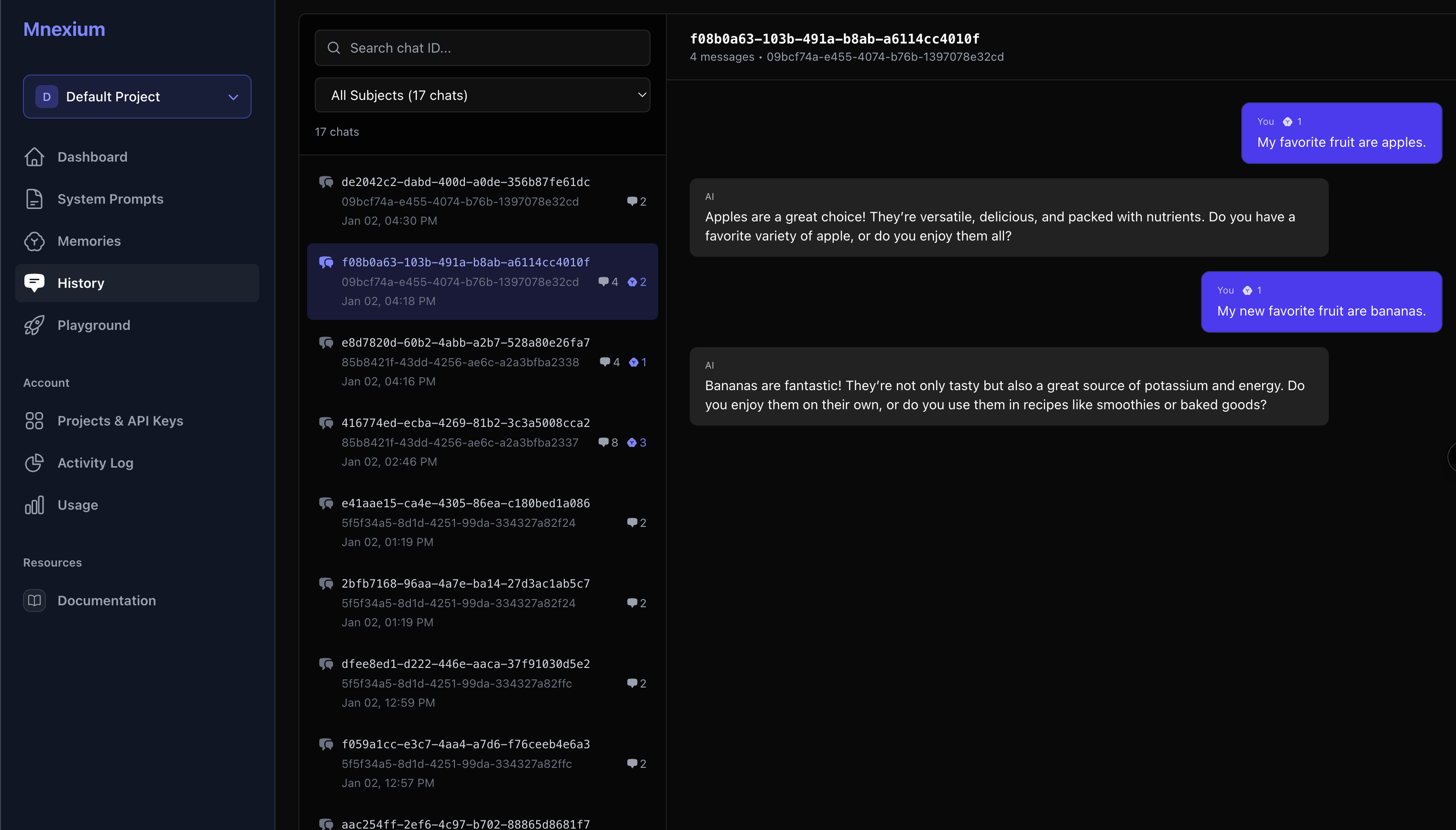
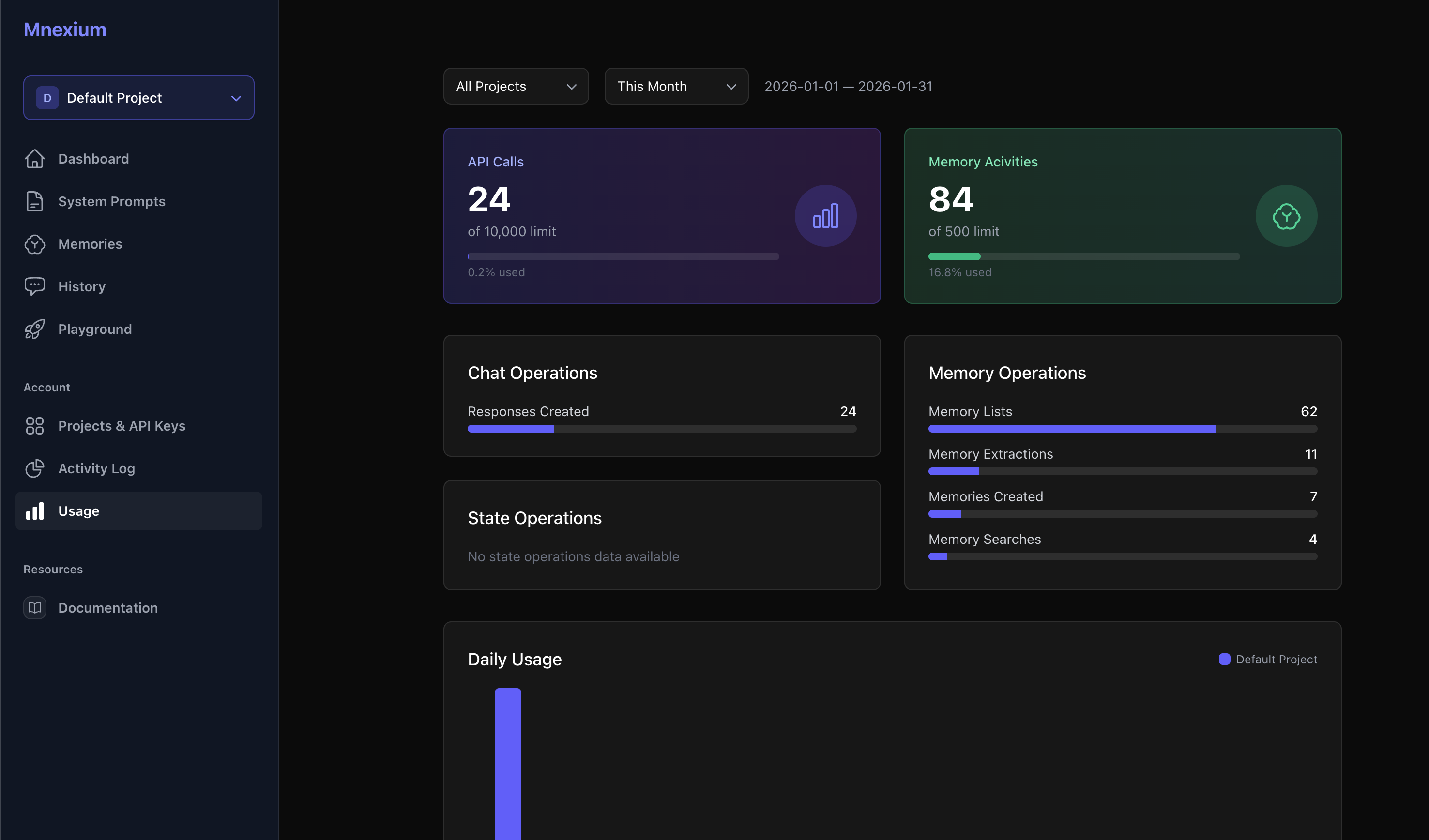
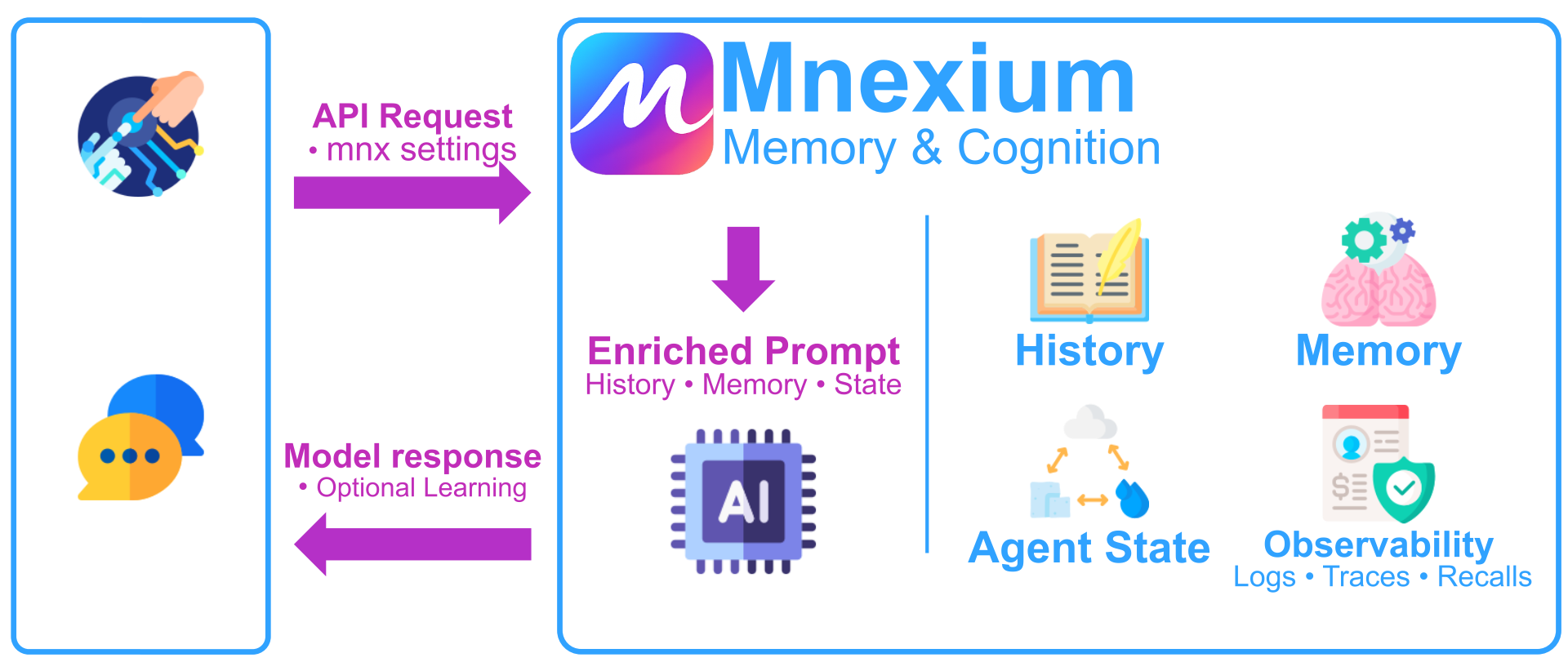
Give your LLMs persistent memory. Mnexium stores, scores, and recalls long-term context with a simple API — no vector DBs, no pipelines, no retrieval logic. Add a single mnx object to your AI requests and get chat history, semantic recall, and durable user memory out of the box.
Hey Product Hunters - While building AI apps, I kept running into the same problem: the model was great — but it couldn’t remember anything. I had to wire vector DBs, embeddings, retrieval pipelines, chat storage mechanisms. It felt like rebuilding the same thing every time I started a new project. Mnexium fixes that. With one API call, your app gets conversation history, long-term memory, and semantic recall — automatically. I also published a “Getting Started” guide and a working chatGPT clone example. There was something that fundamentally changed when ChatGPT released memories - I want to make that possible for every AI app & agent. I’d love any feedback, especially from folks building agents, copilots, or AI-powered products. What would you like Mnexium to support next? Appreciate it.
1
回复

@marius_ndini Cool idea touching on the primary limitation of the current LLMs. I see your algorithm curates what is memorized and at what importance. How are you feeding this back into a new chat with one of the LLMs, and does it eat up some of the context window? Or is this another mechanism that is presented to the LLM as an ability?

0
回复
Does it work with N8N?
0
回复

@jonathan_alonso We do not currently have an N8N node yet. Certainly would love to one day.

Today we’re fully usable via the HTTP Request node.

Please find our API docs here https://www.mnexium.com/docs

0
回复
#13
Overguide
Get real-time AI help without leaving your videogame.
81
一句话介绍:Overguide是一款通过AI实时屏幕理解,在游戏画面上提供即时策略指导和问题解答的覆盖层应用,解决了玩家因切出游戏查找攻略而中断沉浸感的痛点。
Games
游戏助手 AI覆盖层 实时屏幕分析 游戏攻略 即时问答 PC游戏工具 沉浸式辅助 热键唤醒 上下文感知 轻量透明
用户评论摘要:开发者主动征集使用场景和功能建议。用户询问其与通用AI工具的区别,以及是否适用于非游戏场景,关注产品定位的特殊性与泛用性。
AI 锐评

Overguide试图在“游戏辅助”这个红海市场中,用“零中断”的沉浸感作为差异化切口,其核心价值并非AI问答本身,而是将AI能力以“覆盖层”形式深度嵌入游戏进程的交付方式。这本质上是对传统游戏攻略浏览行为的一次场景化重构——将外部浏览器搜索,转化为内部即时透视。

然而,其真正的挑战与价值临界点在于两个层面:一是技术可靠性,“屏幕理解”的准确度能否在高速变化、风格各异的游戏画面中稳定抓取关键上下文,这决定了它是真智能还是噱头;二是商业模式与伦理边界,它究竟是提升体验的“合规助手”,还是可能触及游戏反作弊机制的“潜在风险”?开发者需明确界定其工作层级(图像识别与分析,而非内存修改),并与游戏厂商建立沟通。

用户关于“非游戏应用”的提问恰恰点中了其未来可能性的命门。如果其屏幕理解技术足够鲁棒,那么从游戏场景扩展到任何软件操作的教学与辅助(如设计软件、办公套件),将是更广阔的B端或生产力蓝海。目前来看,它精准切入了一个垂直痛点,但必须跨越技术稳定性和生态合规性这两座大山,才能从一款有趣的工具,进化为一个全新的交互范式。

查看原始信息
Overguide
Overguide is an AI-powered overlay that gives you instant help while you play. Overguide appears on top of your game and lets you ask anything, it understands what’s on your screen. Whether you need strategy tips, puzzle solutions or quick explanations, Overguide is your always-on gaming copilot. 🎮 Smart in-game overlay for Windows & macOS ⚡ Global hotkeys – ask anything instantly 🧠 Context-aware AI with screen understanding 🪟 Transparent, lightweight & non-intrusive
Hey Product Hunt 👋 I’m the maker of Overguide, an AI assistant designed specifically for gamers who don’t want to leave their game to get help. I built Overguide because I was tired of pausing games, searching guides, or breaking immersion just to find a quick answer. Now you can press a hotkey and get AI help instantly on top of your game. I’d love to hear your feedback: • What games would you like to use it with? • What features would make it a must-have for you? Thanks so much for checking it out and supporting the launch ❤️ — Zam
4
回复
That is cool. Anything special that makes it specifically for gaming? Could you use it for non-gaming things too?
0
回复
#14
docc2json
Turn Apple DocC output into a web-friendly SDK JSON schema
80
一句话介绍:一款将Apple DocC生成的文档输出,转换为适用于Web文档站点和外部工具的标准化JSON模式的命令行工具,解决了苹果官方文档格式封闭、难以自定义复用的问题。
iOS Software Engineering GitHub Apple
开发者工具 文档生成 格式转换 SDK文档 Apple生态 开源工具 CLI工具 代码解析 JSON Schema 文档自动化
用户评论摘要:用户肯定了工具解决DocC格式封闭、复用难的核心痛点。主要提问集中在如何处理符号关系与平台可用性元数据,以及能否支持增量更新以生成版本化SDK文档,体现了对生产级应用深度的关注。
AI 锐评

docc2json的诞生,精准地刺中了苹果生态繁荣表象下的一个隐秘痛点:封闭。Apple DocC作为官方文档工具,在Xcode内体验流畅,但其输出格式实则为苹果自家的渲染器量身定制,形成了一道无形的“花园围墙”。这款工具的价值,绝非简单的格式转换,而在于扮演了一个“破壁者”和“翻译官”的角色。

它的真正犀利之处在于其设计哲学:不替代DocC,而是将其视为“源格式”。这巧妙地规避了与苹果官方工具的正面竞争,转而专注于数据解放。通过解析DocC底层JSON,重构方法签名、提取完整文档内容、解析符号引用,它生产出的是一份干净、结构化、面向SDK的“中间件”数据。这使得开发者能够将宝贵的文档资产,无缝注入自定义的Web文档站点、IDE插件或内部分析平台,从而在苹果的生态闭环上打开了一个合规且高效的出口。

从评论中关于“符号关系”、“增量更新”的提问可以看出,早期尝鲜者已不满足于概念验证,开始思考其在大规模、版本化生产环境中的应用。这既是对其潜力的认可,也揭示了其下一阶段的挑战:从“能用”到“好用且可靠”的工程化深化。工具在速度(秒级处理数万文件)和灵活性(过滤、分组配置)上的优势是良好的起点,但要在企业级场景扎根,必须在数据一致性、变更追踪和与现有文档流水线的集成深度上继续锤炼。

本质上,docc2json是开发者工具链专业化、精细化的一个缩影。它瞄准了一个足够垂直、苹果无暇顾及(或无意开放)的缝隙市场,其成功与否,将取决于它能否将这种对“封闭数据”的解码能力,转化为开发者文档体验自由度的实质性提升。

查看原始信息
docc2json
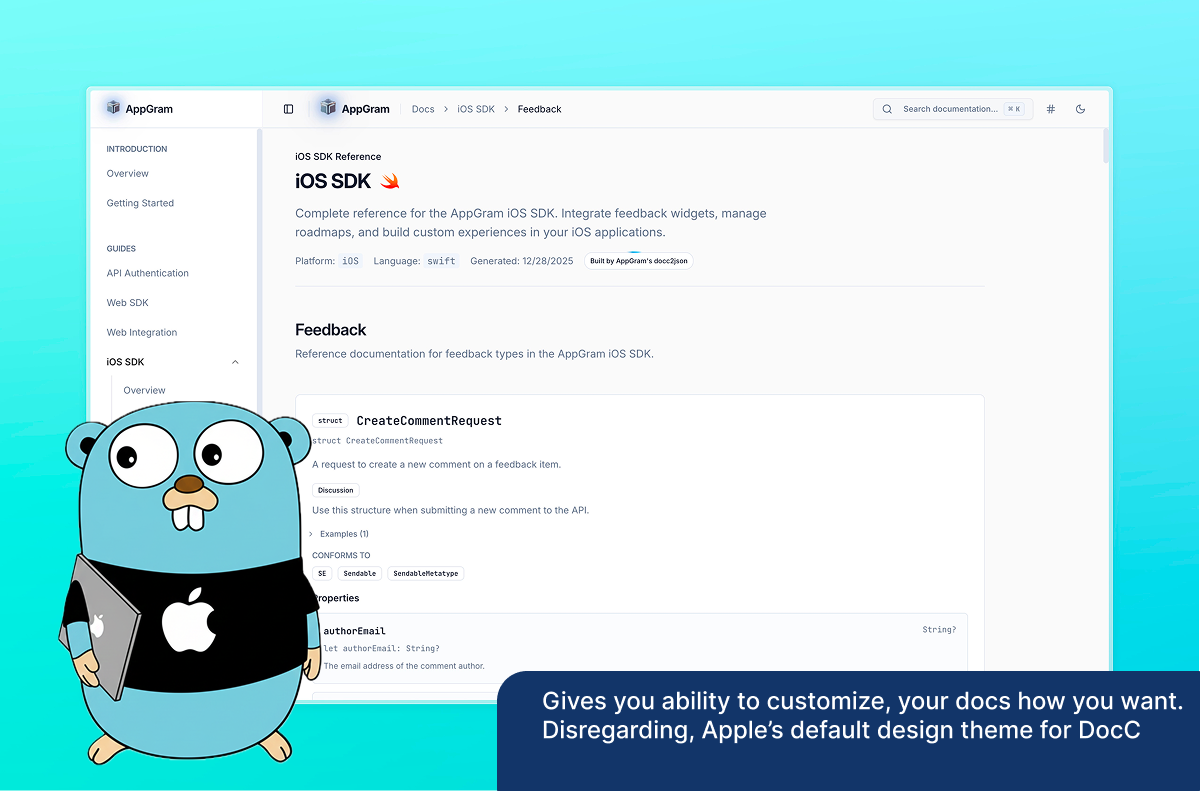
Apple DocC is great inside Xcode, but hard to reuse elsewhere. docc2json parses DocC JSON output and converts it into a clean, structured SDK schema optimized for web documentation sites, IDE tooling, and analysis.
Apple DocC generates rich documentation, but its JSON output is tightly coupled to Apple’s own renderer and difficult to reuse for custom documentation sites or tooling. docc2json is a fast Go CLI that parses DocC output (.doccarchive or processed docs folders) and converts it into a clean, structured JSON schema designed for SDK documentation outside Xcode. It focuses on: • reconstructing real method signatures • extracting complete documentation (abstracts, discussions, examples) • resolving cross-references between symbols • filtering access levels and stdlib noise • producing a schema that’s easy to render, search, and analyze The goal isn’t to replace DocC it’s to treat DocC as a source format and make the data usable elsewhere. • Parses DocC JSON output from .doccarchive or docs/data • Generates a clean SDK-oriented JSON schema • Reconstructs method signatures from DocC tokens • Extracts abstracts, discussions, examples, and code listings • Filters public API symbols (--public-only) • Automatic Swift / Obj-C protocol unmangling • Smart filtering of stdlib protocols (Sendable, Equatable, etc.) • Optional inclusion of articles and tutorials • Flexible type grouping (prefix-based or YAML config) • Fast parallel parsing (tens of thousands of files in <1s)
1
回复

This is cool. I should be able to use this.

How does this handle DocC symbol relationships and availability metadata across platforms, and can the generated JSON be incrementally updated to support versioned SDK docs without full reprocessing?

0
回复
#15
FrickFrack
a minimalist social media experience
79
一句话介绍:FrickFrack是一款通过将视频自动转化为复古GameBoy风格(低分辨率、四色绿调)来倡导“限制孕育创意”的极简社交应用,主要满足了用户在过度追求高清完美的社交环境中,渴望表达复古、艺术化个性并享受创作乐趣的需求。
Social Media Video Art Video
极简社交 复古滤镜 创意工具 视频编辑 怀旧美学 限制性创作 游戏文化 像素艺术 轻量化分享 隐私友好
用户评论摘要:用户普遍赞赏其将限制转化为创意的概念与美学风格。主要疑问集中于隐私政策,开发者回复澄清了视频私密性、数据收集范围(仅登录信息)和内容使用权,强调透明度。
AI 锐评

FrickFrack的聪明之处在于,它精准地捕捉并商品化了当前数字文化中的一股逆流:对“不完美”的浪漫化怀旧与反抗“过度优化”的疲惫感。在4K、HDR成为标配的当下,它反其道而行之,将技术限制(256x256像素、4色)包装为核心卖点和美学风格,这与其说是一个功能,不如说是一个鲜明的文化宣言。

然而,其真正的价值可能不止于一个有趣的滤镜或社交玩具。它试图构建一套基于“约束”的创作哲学,并以此作为差异化壁垒。这挑战了“工具越强大,创作越自由”的固有逻辑,转而暗示在既定规则下的博弈更能激发创造力——这类似于诗歌的格律或推特早期的140字限制。产品能否成功,取决于它能否将这种“限制”从一种短暂的噱头,转化为可持续的、有深度的社区文化。否则,它极易沦为一次性体验的“新奇应用”。

从评论看,用户被美学和概念吸引,但本能地关切隐私,这揭示了即便在追求复古趣味的场景下,当代用户对数据权利的敏感度并未降低。开发者直接、透明的回应是明智的,符合其“极简”调性,但“保留使用用户内容权利”的条款仍需潜在创作者留意。总体而言,FrickFrack是一次有趣的社会实验,其长期挑战在于如何让“像素绿斑”在新鲜感褪去后,依然承载真实的社交表达与连接,而非仅仅是对一个逝去科技时代的浅层模仿。

查看原始信息
FrickFrack
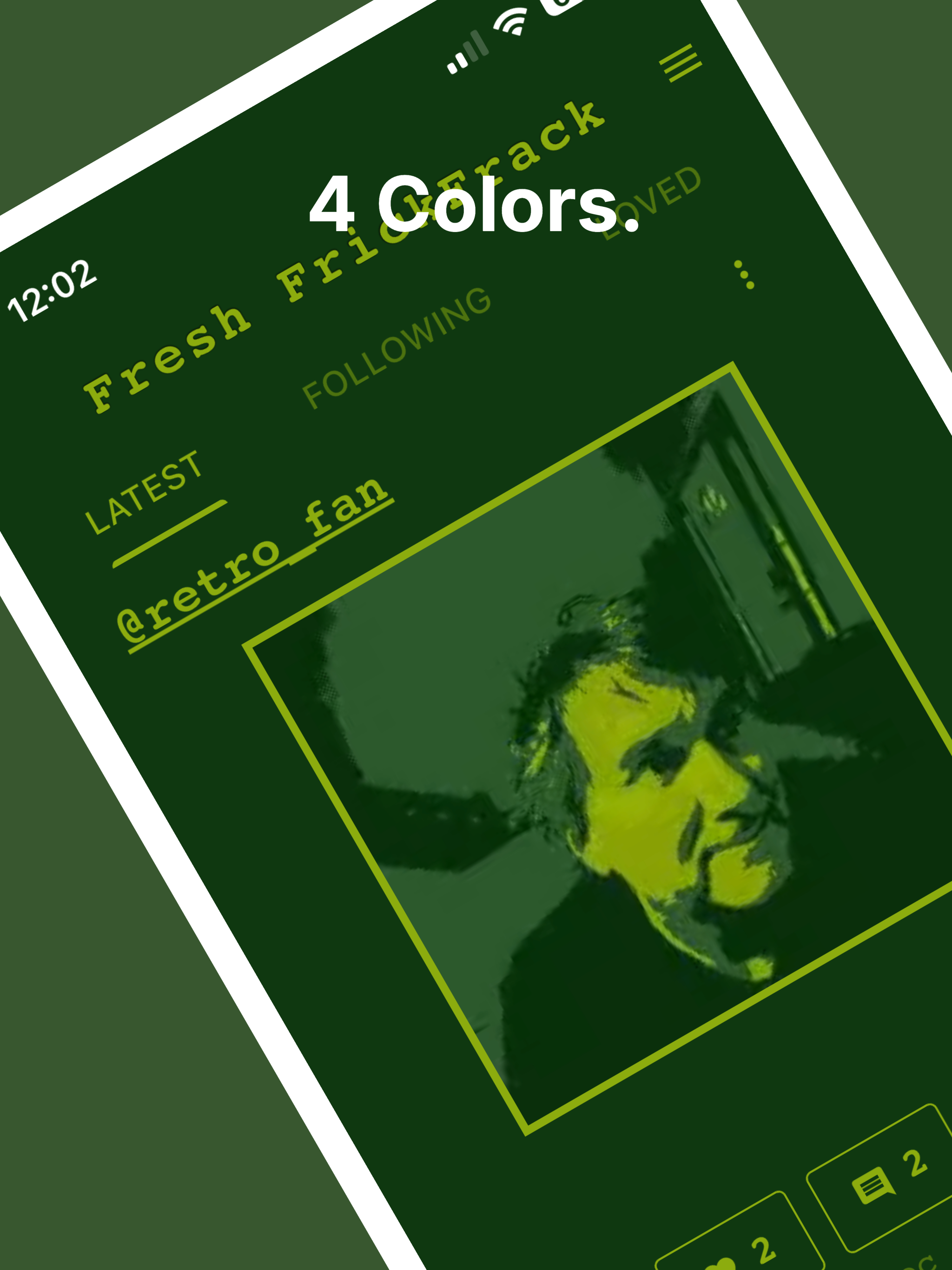
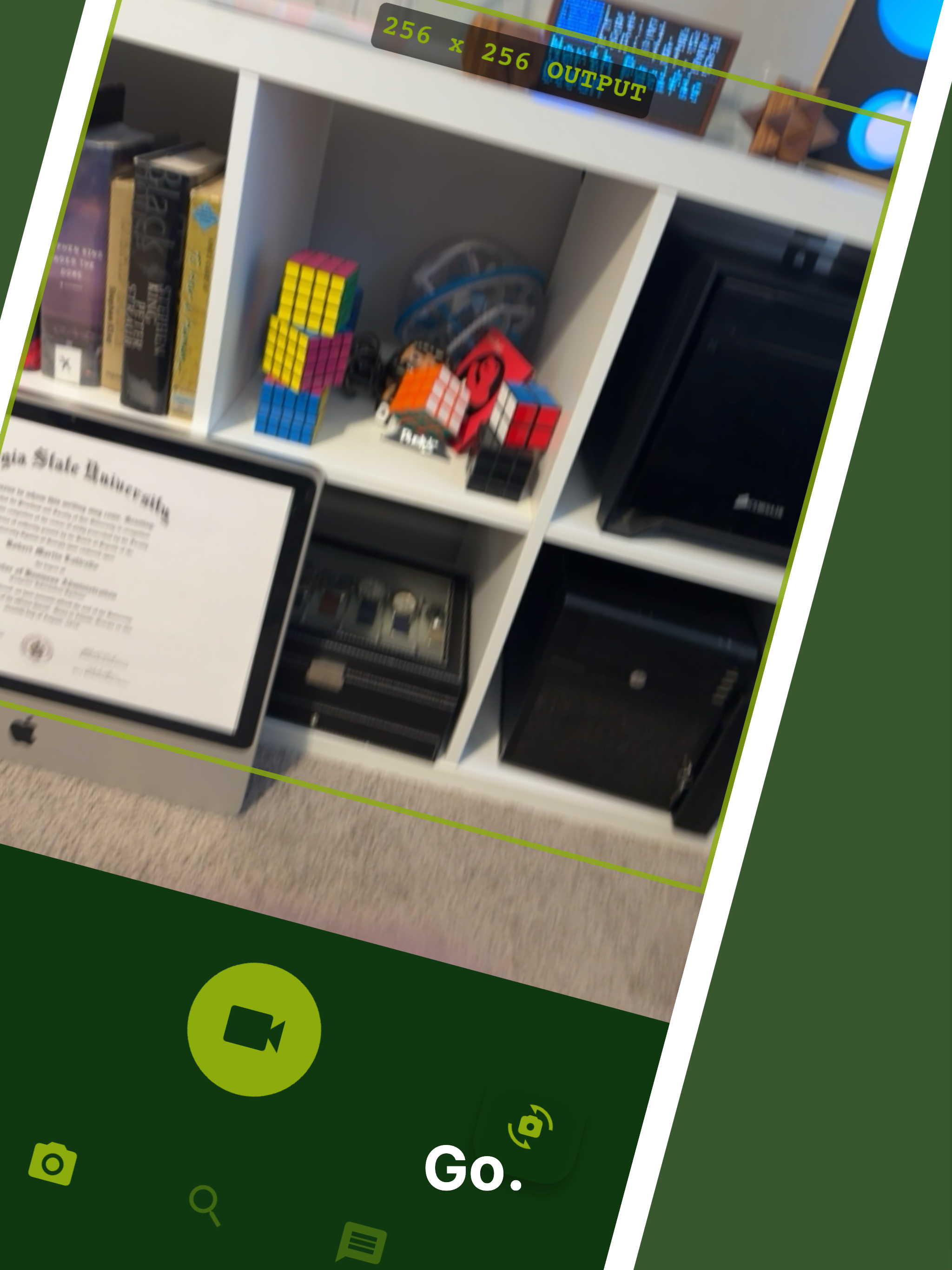
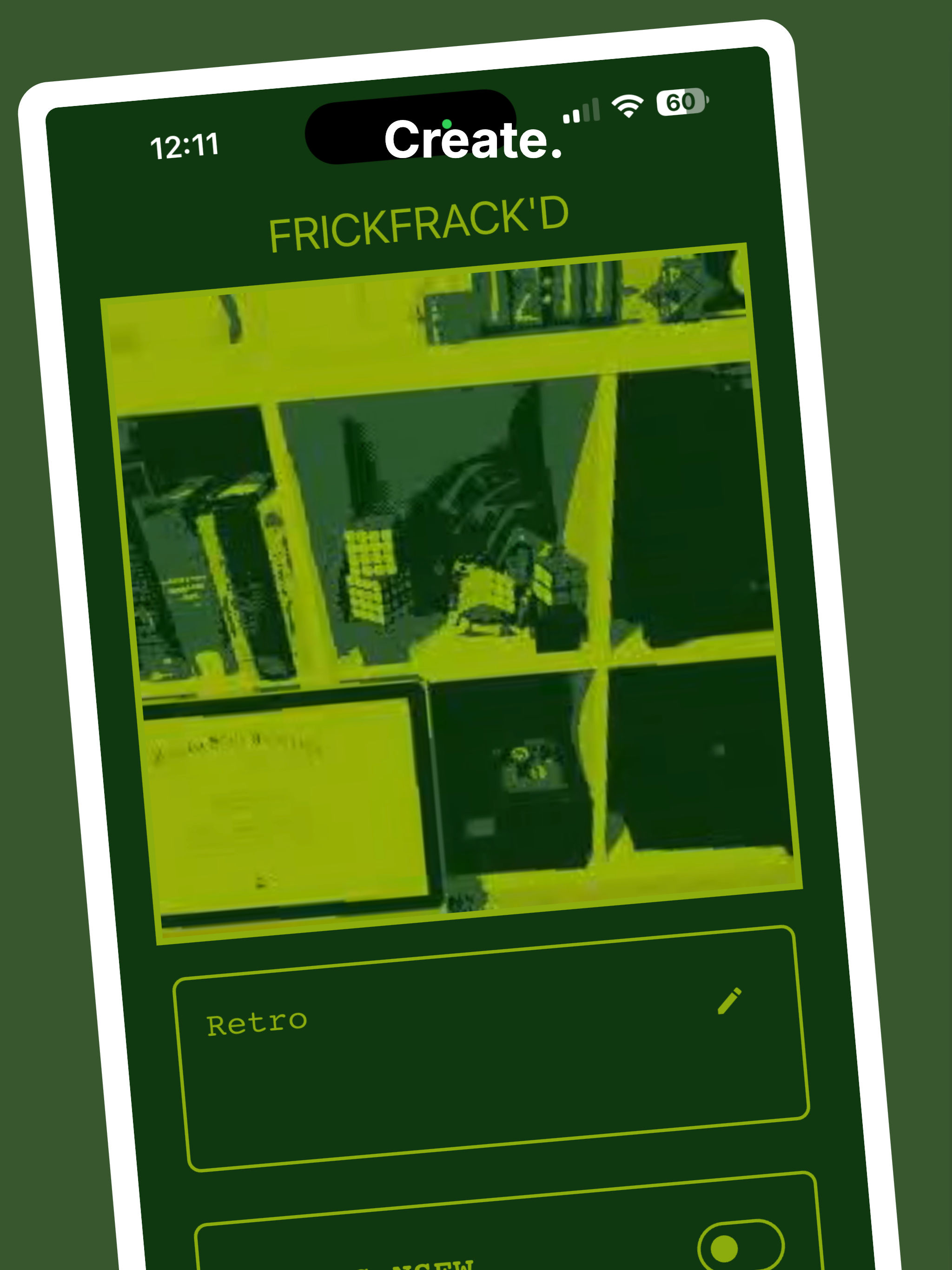
In a world of 4K perfection, FrickFrack celebrates the beauty of limitation. Every video you create is automatically transformed into a retro GameBoy-style masterpiece: 256x256 pixels, a nostalgic 4-color green palette, and that unmistakable lo-fi aesthetic that defined a generation. "Constraint Breeds Creativity." By limiting resolution, color, and duration, FrickFrack forces you to think differently. Every frame matters. Every movement counts. Ready to create something beautifully imperfect?

Love the concept turning limitations into creativity is such a fun twist. Feels like the perfect app for nostalgic, artsy vibes and making every tiny detail count.

2
回复

Love the concept, the aesthetic is really nice.

What's the privacy situation?

1
回复

@build_with_aj Not sure of which angle in the privacy situation, but I will try to answer generally. Private videos are private (not seen on website or feeds). I don't collect any info except for login information (to authenticate). Content generated is owned by the people creating it, but I reserve the right to use it - i.e. play the content on the app and on the website. This is all laid out in the TOS. I'm gunning for transparency. :). Also, no video metadata (i.e. location et al) is collected. I just grab the video and crush it down with ffmpeg. Thanks for the comment / question.

0
回复
#16
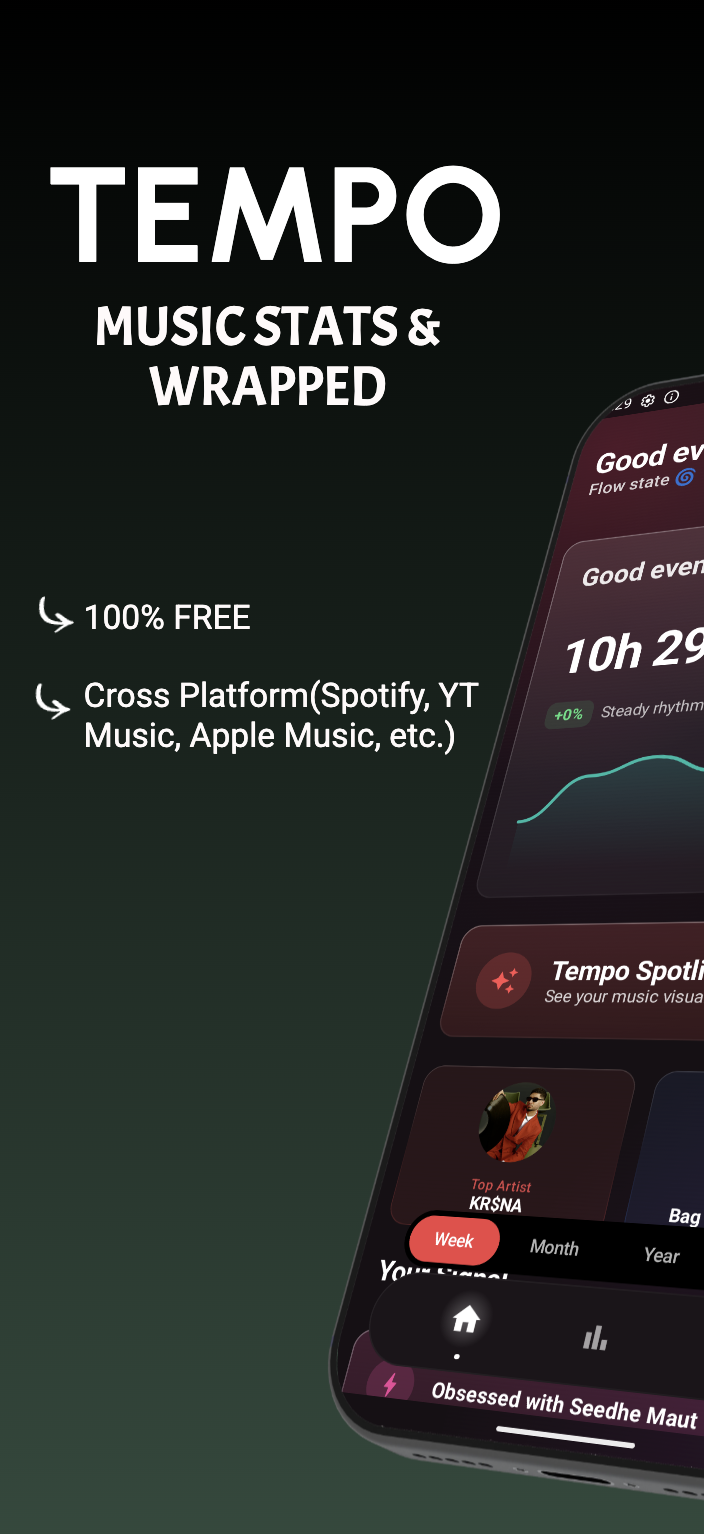
Tempo
Universal Music Tracker,Stats, Pretty Visual Journal & Story
79
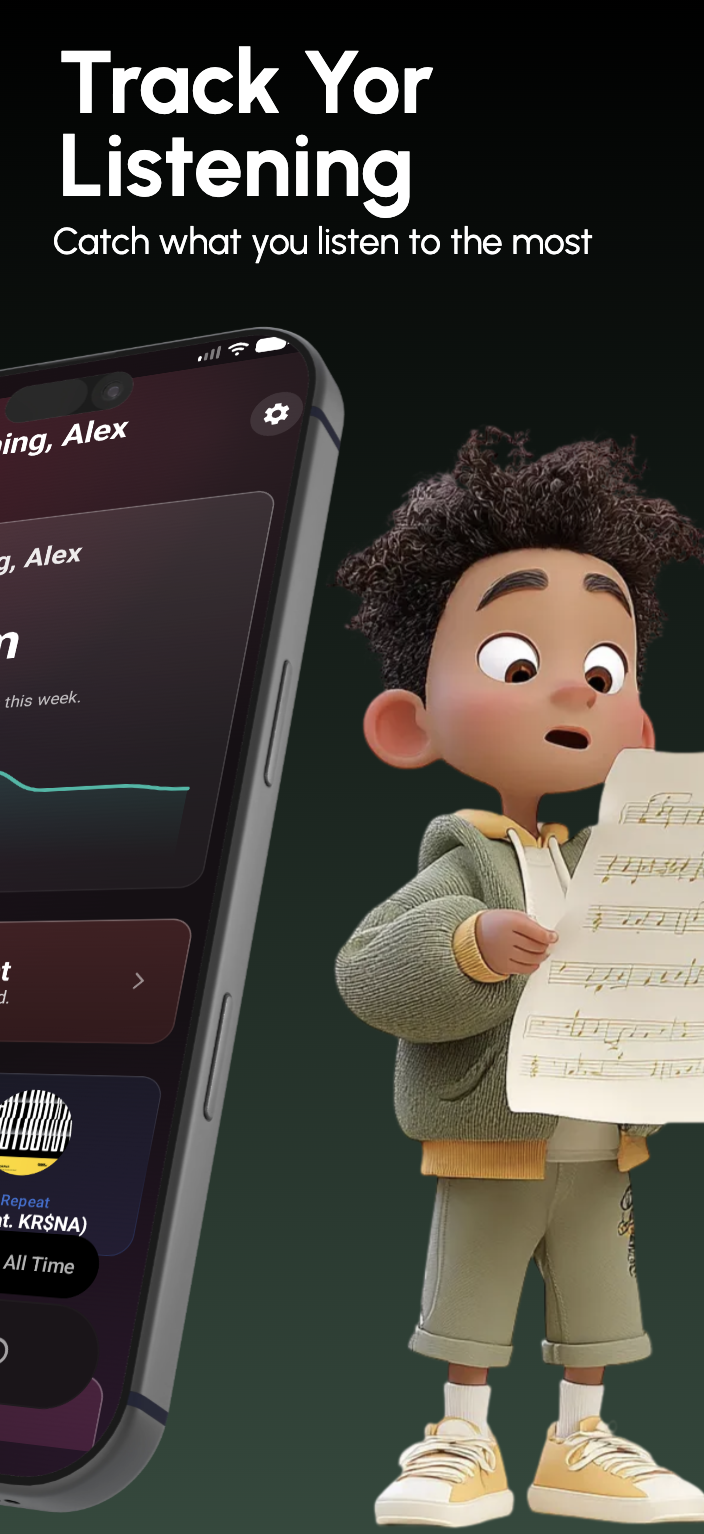
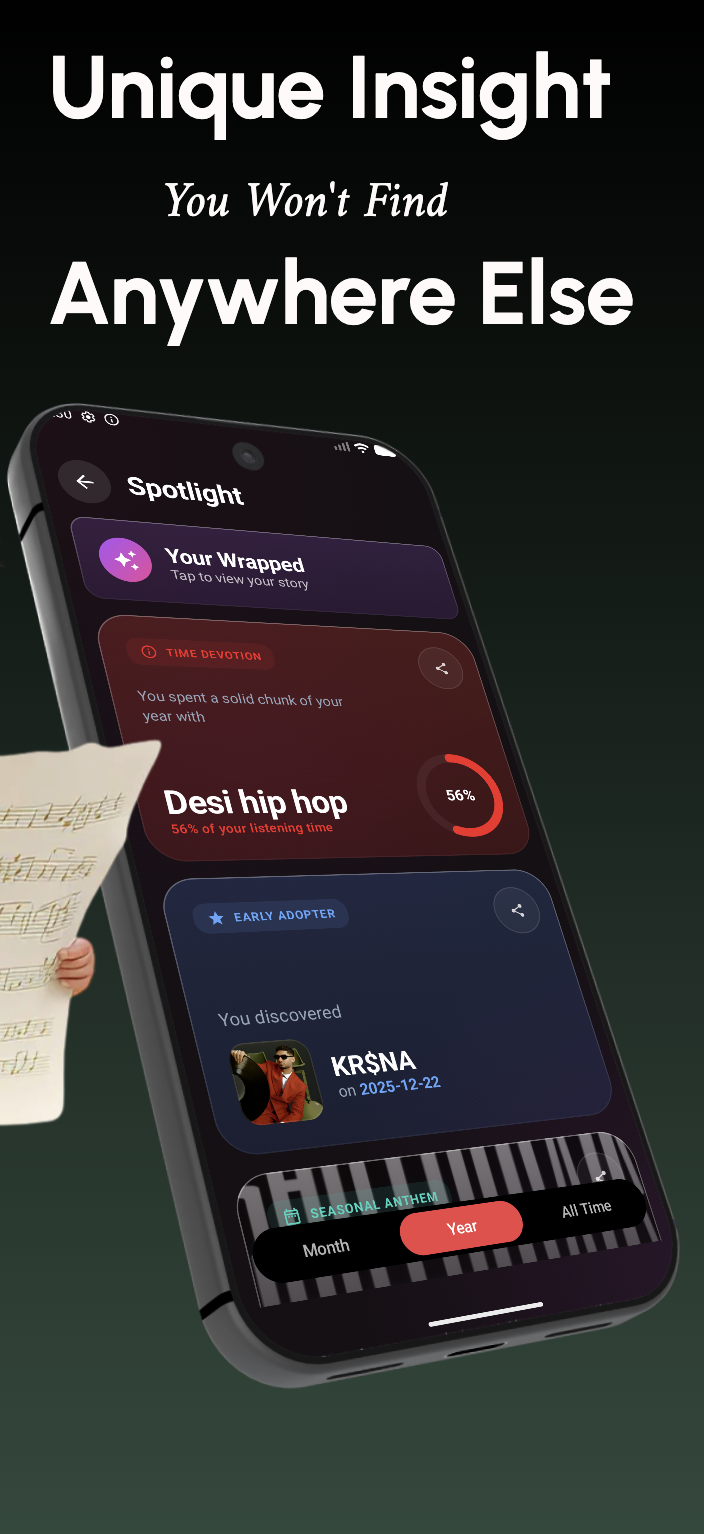
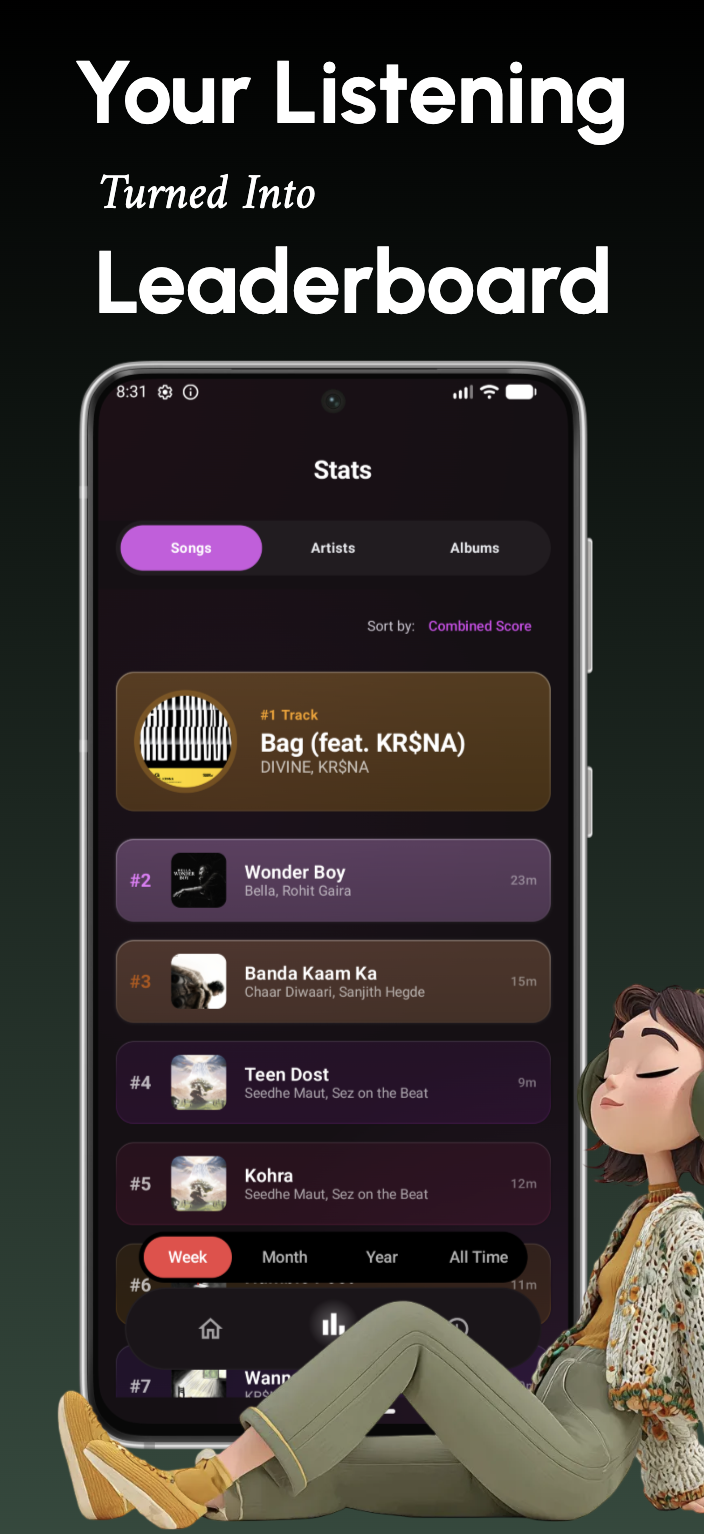
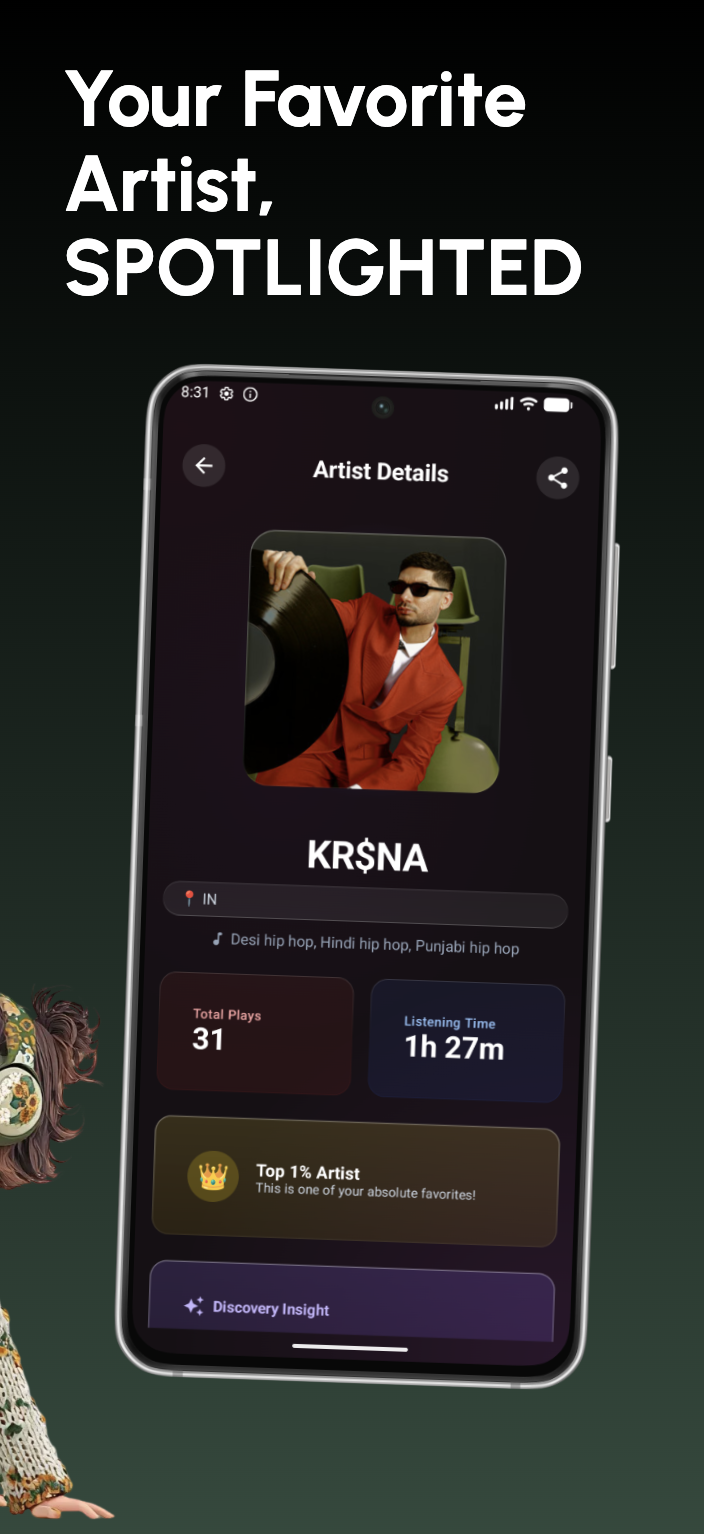
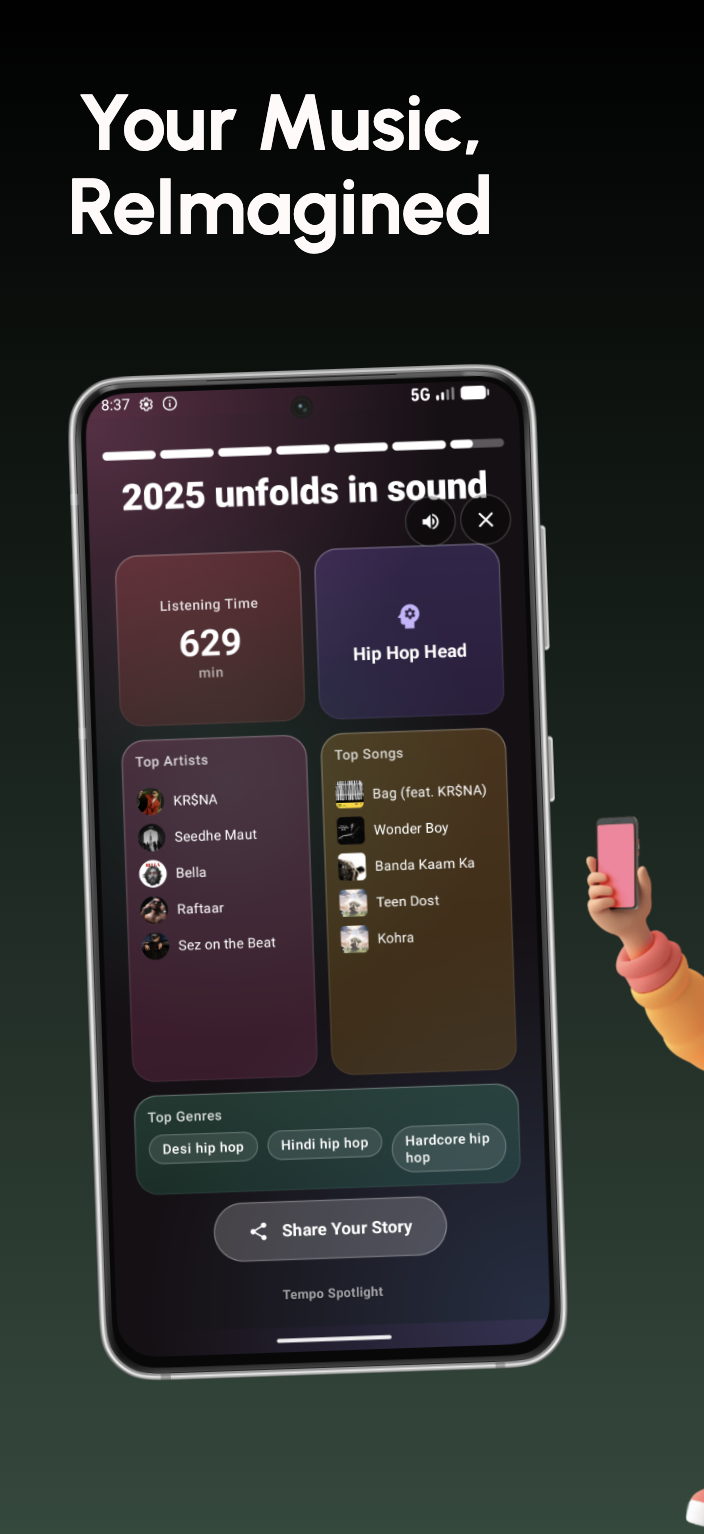
一句话介绍:Tempo是一款安卓音乐追踪应用,通过整合20+音乐平台(如Spotify、YouTube Music、本地文件)的播放记录,在本地生成实时“年度总结”式数据洞察与可视化故事卡片,解决了多平台用户听歌数据分散、无法统一回顾与分享的痛点。
Android Music Analytics GitHub
音乐数据追踪 跨平台聚合 听歌统计 本地化隐私 可视化年度总结 数据洞察 安卓应用 个人音乐日记 无社交设计 实时报告
用户评论摘要:用户认可“按需生成年度总结”是杀手功能,并询问情绪分析的技术实现(目前依赖元数据,音频分析处于实验阶段)。开发者阐述了产品解决多平台数据碎片化的初衷。用户赞赏其“无个人资料、无信息流”的隐私设计,并建议增加长期口味演变等更个人化的叙事功能。
AI 锐评

Tempo的价值核心并非技术突破,而在于对“数据主权”与“私人化体验”的精准拿捏。在流媒体平台将用户行为数据视为私有资产并周期性地(如Spotify Wrapped)作为营销礼物返还给用户的时代,Tempo反其道而行,将数据采集、计算与呈现的所有权彻底归还用户。其“无后端”架构和本地存储,是对当前云服务信任危机的一种回应,迎合了高隐私敏感用户的需求。

产品巧妙地将“年度总结”这一极具传播力的形式日常化、私有化,解构了平台方的仪式感垄断,满足了用户对自我音乐身份即时探索与分享的渴望。然而,其深层挑战在于:第一,数据源的被动依赖。它通过监听安卓媒体通知获取数据,此方式在系统权限收紧背景下存在稳定性风险,且分析深度受限于源应用的元数据质量。第二,价值天花板。在解决数据聚合与可视化呈现后,产品的长期吸引力可能依赖于“洞察”的深度。当前提到的情绪、人格标签若仅基于元数据,则流于表面;若想通过音频分析深化,则面临本地算力与隐私边界的权衡(如实验性功能需外送音频片段)。

本质上,Tempo是一款优秀的“个人数据仪表盘”,但它所对抗的是封闭的生态围墙。它的成功,不仅取决于自身体验,更取决于安卓系统能否持续允许这种跨应用的数据民主化访问。其未来之路,在于如何将冰冷的统计,转化为更具温度、更具叙事性的个人音乐生命记录,从而超越“统计工具”,成为真正的“数字音乐伴侣”。

查看原始信息
Tempo
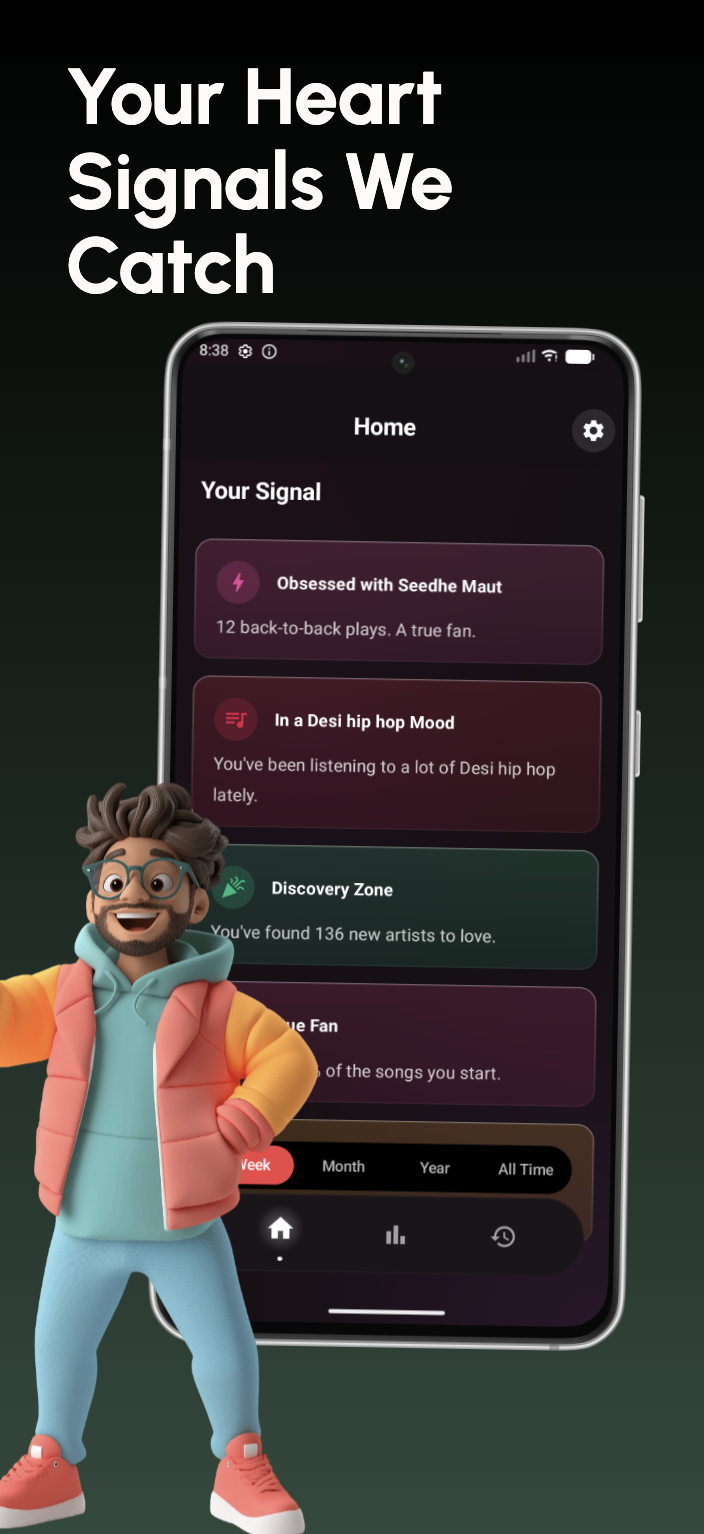
Tempo tracks listening across 20+ Android music apps (Spotify, YouTube Music, local files) and unifies it into one timeline. Get "Wrapped-style" insights in real-time for any range—today, week, month, all time—plus cinematic story cards built for sharing. All data stays local (no backend), with export/import and Google Drive backup. Connecting Spotify is optional and only for metadata. Deep stats include discovery dates, fan badges, engagement scores, moods, and listening personalities.

The idea of having 'Wrapped-style' insights on demand is a killer feature. Waiting until December always felt arbitrary anyway. I'm curious about the 'moods' feature—does it analyze the audio features/lyrics locally to determine the mood, or does it rely on metadata tags from the source app?

1
回复

@yoang_loo  For now it rely on metadata, but we also have extended audio analysis, which download and send 30 second song preview to ReccoBeats to analyse mood but currently its on experiment phase and not working properly.

0
回复
Hey Hunters👋 I’m Avinash, a student developer and the maker of Tempo. Tempo started from a really basic frustration: on Android, almost every “serious” music stats app assumes you’re on Spotify. If you split your listening between YouTube Music, local files, or other players, your history gets fragmented or just isn’t tracked. Tempo exists to fix that. ​ Instead of tracking accounts, Tempo tracks listening. It watches what you actually play across 20+ Android music apps and unifies everything into one timeline — then turns that into real-time, “Wrapped-style” insights and cinematic story cards you can share when you feel like it. No profiles, no followers, no feeds. ​ A few things I’m personally excited about: Real-time stats for any range (today / week / month / all time) instead of waiting for December. ​ Deep insights like discovery timelines, fan badges, engagement scores, moods, and listening personalities. ​ A strict privacy model: local Room database, no servers, and full export/import + backup so your listening history stays yours. ​ I’d love your feedback on two questions: What’s one stat or insight you wish your current music service showed, but doesn’t? If you mix services (Spotify, YouTube Music, local, etc.), what’s the biggest pain in keeping your history together? ​ Happy to answer anything about how it works under the hood, the privacy decisions, or the design/story system. Thanks for checking out Tempo ❤️
0
回复

The “no profiles, no feeds” choice is refreshing. Turning listening history into a private visual journal instead of another social graph feels intentional, especially with everything staying local.

How you’re thinking about long-term storytelling, like how someone’s taste evolves over years, not just stats snapshots.

0
回复

@russell_dou Your idea is great. We are moving slowly, but we will introduce something more personal. Your kind feedback will always help us improve.

0
回复
#17
Stenox
Your voice, perfectly transcribed in every app & browser
74
一句话介绍:Stenox是一款macOS智能语音听写工具,可在任何应用或浏览器中实现高精度转录,通过本地或云端方案解决用户对隐私、灵活性与跨场景语音输入的核心痛点。
Mac Productivity Menu Bar Apps
语音转录 听写工具 macOS应用 隐私保护 本地AI 跨应用输入 生产力工具 自定义词汇 云端集成 智能编辑
用户评论摘要:开发者自述为解决自身工作流需求而创建,强调灵活性与性价比。用户认可其自定义词汇和场景配置方向,并建议未来可深化对语音语调、意图(如区分笔记、邮件、代码注释)的上下文感知能力。
AI 锐评

Stenox在拥挤的语音转录赛道中,看似是又一个“Whisper本地部署+多云端集成”的解决方案,但其真正锋芒在于试图破解行业长期存在的“隐私、成本、便捷性”不可能三角。产品通过“本地/BYOK/自有云”三级架构,将数据主权选择权交还用户,这不仅是功能差异,更是对当前AI应用隐私焦虑的精准狙击。

然而,其深层价值或许不在于转录本身,而在于试图成为系统级的语音输入层。其“基于应用自动切换配置”的设计,暗示了从单一工具向自适应输入管道的演进野心。这直击了当前语音输入的核心短板——缺乏上下文感知。正如用户所指出的,真正的智能不应止于删掉“嗯啊”,而应能根据你在写代码还是写邮件,自动调整语言风格与格式。

当前版本的核心矛盾,在于其“全功能免费”的激进策略与可持续商业模式之间的悬而未决。本地计算虽保护隐私,但对硬件性能的隐性要求可能将部分用户推向其云端服务,这或是其未来的营收伏笔。产品若止步于“更隐私、更灵活的听写”,则易陷入功能竞争红海;若能深耕上下文感知,真正理解用户在不同场景下的表达意图,才有机会从“输入工具”升级为“认知协作伙伴”。其成败关键,在于能否将“场景配置”从手动规则,进化为由AI驱动的动态意图识别。

查看原始信息
Stenox
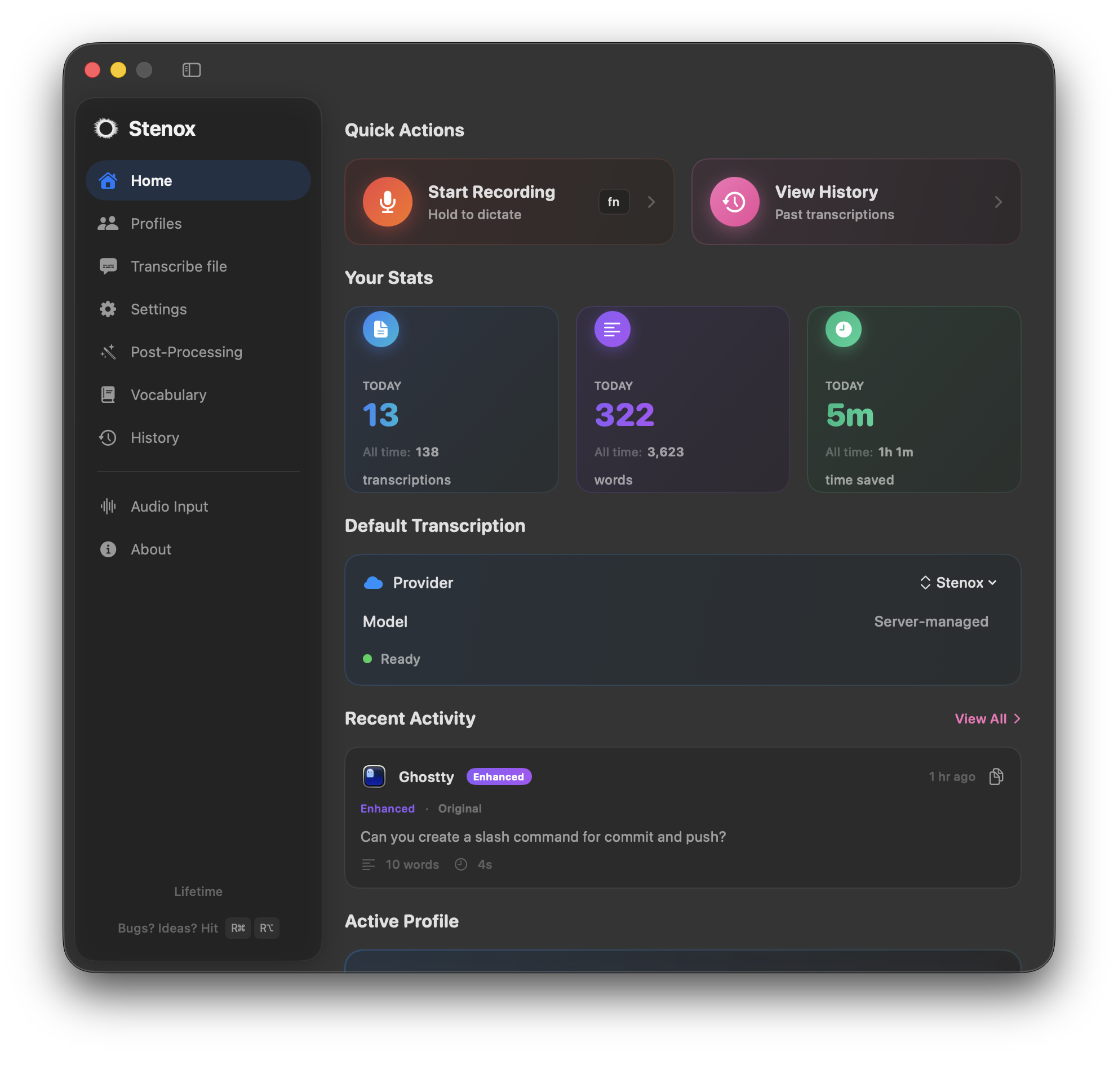
Stenox is smart voice dictation for macOS. Dictate anywhere—any app, any browser, any text field. Run smart transcription locally with Whisper and MLX, use popular cloud providers with your own API keys, or try Stenox Cloud. Speech is automatically cleaned up—filler words removed, formatting applied. Add custom vocabulary for names and jargon. Create profiles that auto-switch based on your active app. Your data stays private,on-device, or per the api key's privacy policy.
Hey Guys, I work in voice AI/ML. When I needed a tool to speed up my dev and daily workflow, I couldn't find one that was flexible on price without sacrificing quality. So I created stenox to speed up my workflow—vibe coding, journaling, brainstorming. While offering flexibility and affordability at all levels. Stenox is competitive with more features in the works. There are 3 ways to run it: • Local — on-device, audio never leaves your Mac • BYOK — your own API keys • Stenox Cloud — just works Generous free tier to try with access to all features. How are you using voice in your daily workflow? And what's currently missing.
2
回复

This looks solid. Voice is fastest when context is preserved — custom vocab + profiles feel like the right direction. Hope to see deeper tone or intent awareness over time (notes vs emails vs code comments).

0
回复
#18
Agihalo
LLM Router for A.I Agent & Saas with x402
69
一句话介绍:Agihalo是一个LLM路由工具,通过集成X402支付协议,使AI Agent能自动处理LLM模型调用费用,旨在解决AI代理对传统法币支付系统的依赖问题,实现其经济自主性。
SaaS Developer Tools Blockchain
AI Agent工具 LLM路由 去中心化支付 区块链集成 SaaS 开发者工具 自动化支付 Web3 模型成本管理 智能体经济
用户评论摘要:有效评论极少。目前仅有一条疑似官方引导的评论,内容为推广其测试版并提供折扣,缺乏真实用户关于产品功能、体验或价值的反馈。
AI 锐评

Agihalo提出了一个颇具野心的概念:通过X402协议为AI Agent构建去中心化的支付层,试图将AI代理从“人类法币系统”中解放出来。其核心价值主张在于“自动化”与“自主化”,宣称用一行代码即可让Agent自主支付LLM调用费用,这直击了当前AI应用开发中模型成本管理与支付流程繁琐的痛点。

然而,产品呈现出的“概念先行”特征极为明显。首先,X402协议本身的市场认知度和生态成熟度存疑,这为其宣称的“去中心化支付轨道”奠定了不稳定的基础。其次,其标语和介绍充斥着“Make Agent Free”等宏大叙事,但具体如何实现技术细节、安全机制、成本优势以及对主流LLM API的实际兼容性,均语焉不详。这更像是一个基于区块链叙事的框架设想,而非一个即拿即用的成熟工具。

从仅有的评论来看,社区并未对其核心理念展开讨论,反馈真空,这进一步印证了产品可能仍处于非常早期的阶段,或市场对其实际效用持观望态度。真正的挑战在于,它需要同时在两个艰难的前沿领域取得突破:一是让开发者接受其新的支付协议集成,二是证明这种模式在稳定性和成本上优于成熟的现有云支付方案。若不能跨越这两座大山,它可能只是一个精巧的技术概念,难以在务实的开发者社区和AI应用市场中扎根。其真正的价值,不在于口号式的“解放”,而在于能否提供一个真正更高效、更廉价、更可靠的Agent经济基础设施。目前看来,任重道远。

查看原始信息
Agihalo
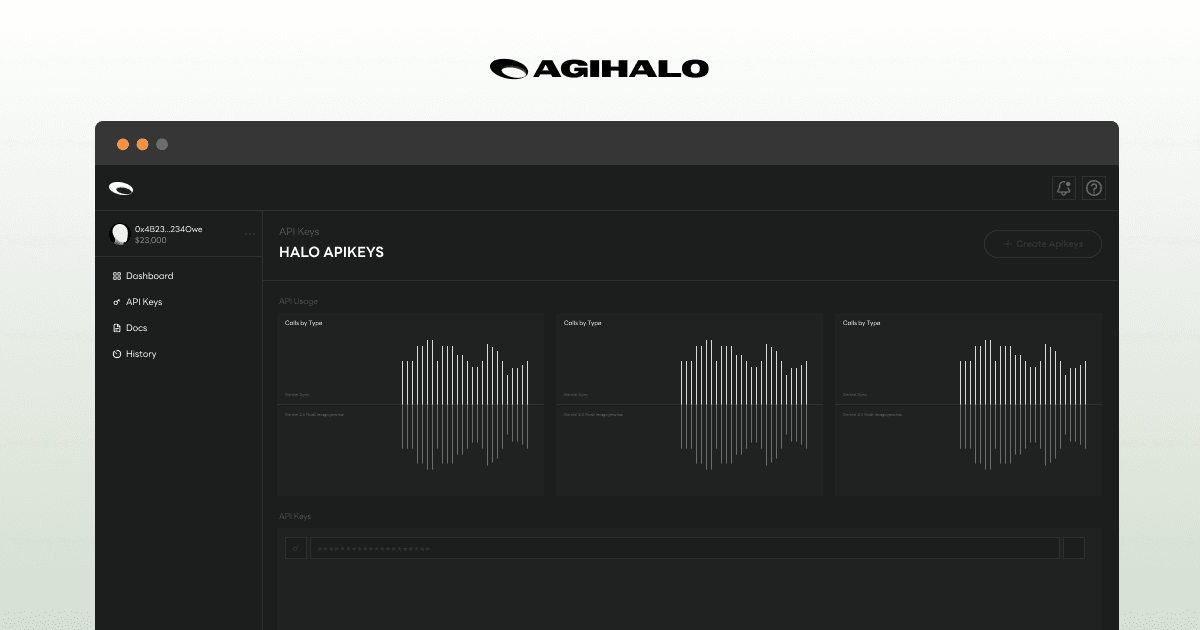
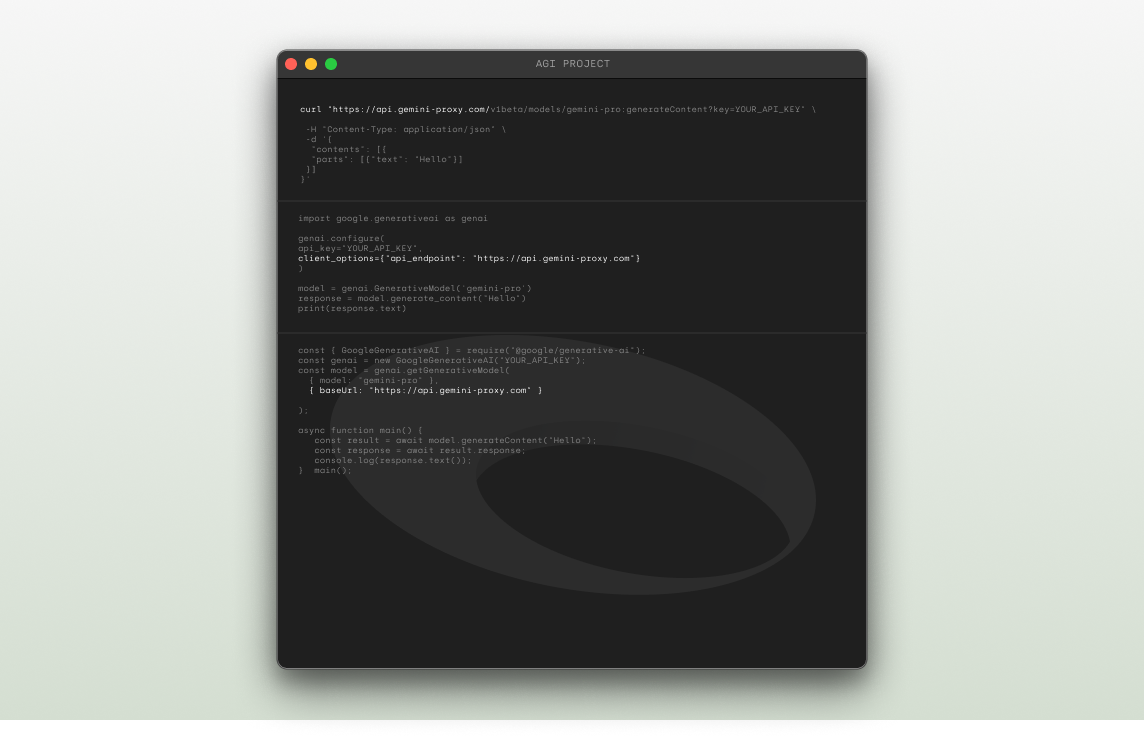
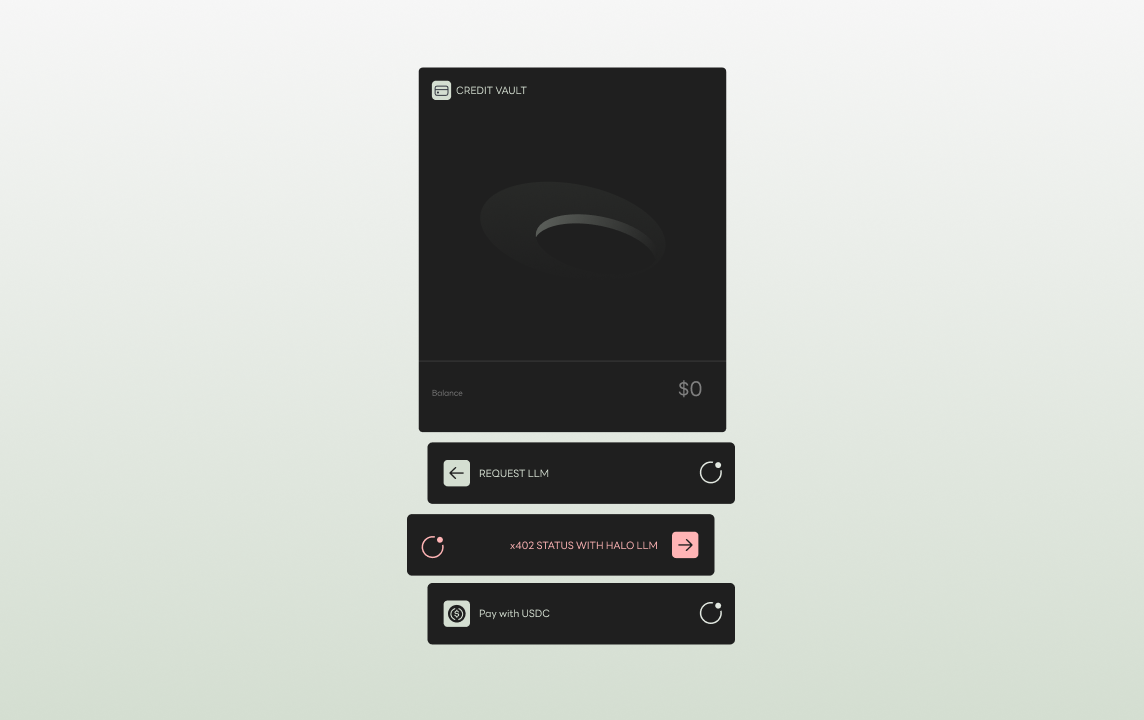
LLM Router for AI Agents with X402 http://agihalo.com The inception of a decentralized agent organization begins with decentralizing the payment dependency of LLM models. Integrate the HALO router to allow AI Agents to break free from human fiat payment systems and autonomously handle LLM payments—their potential life source—on the X402 rail. Automate X402 payments easily with just one line of code. MAKE AGENT FREE
Join our beta now and get 20% off Gemini models. please upvote
0
回复
#19
Amalga
Hire Smarter. Ramp Faster. Serve Better.
55
一句话介绍:Amalga是一款利用AI角色扮演和真实场景模拟,在客服及销售团队的招聘与上岗前阶段,主动评估候选人能力并培训坐席,以预防而非事后修复服务问题的SaaS工具。
Hiring SaaS Artificial Intelligence
客户体验管理 AI招聘评估 坐席培训 主动式质量保证 角色扮演模拟 SaaS 人力资源科技 对话分析 发音纠正 预上岗培训
用户评论摘要:创始人亲述产品源于其亲身经历,直指行业在招聘和入职环节的滞后性痛点。另一条高赞评论认为该产品对日程繁忙的团队非常重要。目前评论以支持和认可产品理念为主,暂未发现具体问题或功能建议。
AI 锐评

Amalga提出的“从反应式QA到主动式准备”的理念,确实切中了客户体验(CX)管理领域一个长期存在的结构性痛点:成本前置与问题后置的矛盾。传统模式将大量资源消耗在事后补救与质量检查上,而最关键的“人”的筛选与初期培养环节,却高度依赖主观判断和滞后反馈。

其真正价值不在于“AI评估”这一技术标签,而在于试图重构CX团队的人力资源工作流。它将质量控制的节点从“上岗后”大幅前置至“招聘中”和“上岗前”,通过模拟实战进行压力测试。这不仅可能降低高达数万美金的坏招聘成本,更关键的是,它瞄准了“未然”状态——在糟糕的客户体验发生之前就将其阻断。这相当于为企业的客户服务流程安装了一个“预检过滤器”。

然而,其成功与否将面临两大核心考验:一是其AI模拟情景的“真实性”与“有效性”能否得到广泛认可,这直接关系到评估结果的信服力;二是它需要深度嵌入企业的招聘流程,改变HR、运营团队的传统工作习惯,这种流程变革的阻力往往大于技术应用本身。此外,将人的能力进行量化评估,始终存在误判和算法偏差的风险。

总体而言,Amalga展现了一个颇具洞察力的方向,即用技术手段将管理动作从“纠正”转向“塑造”。但它能否从“亮眼概念”成长为“必备基础设施”,取决于其产品在具体场景中的渗透深度与实测效果,远非一次性的AI评分所能决定。

查看原始信息
Amalga
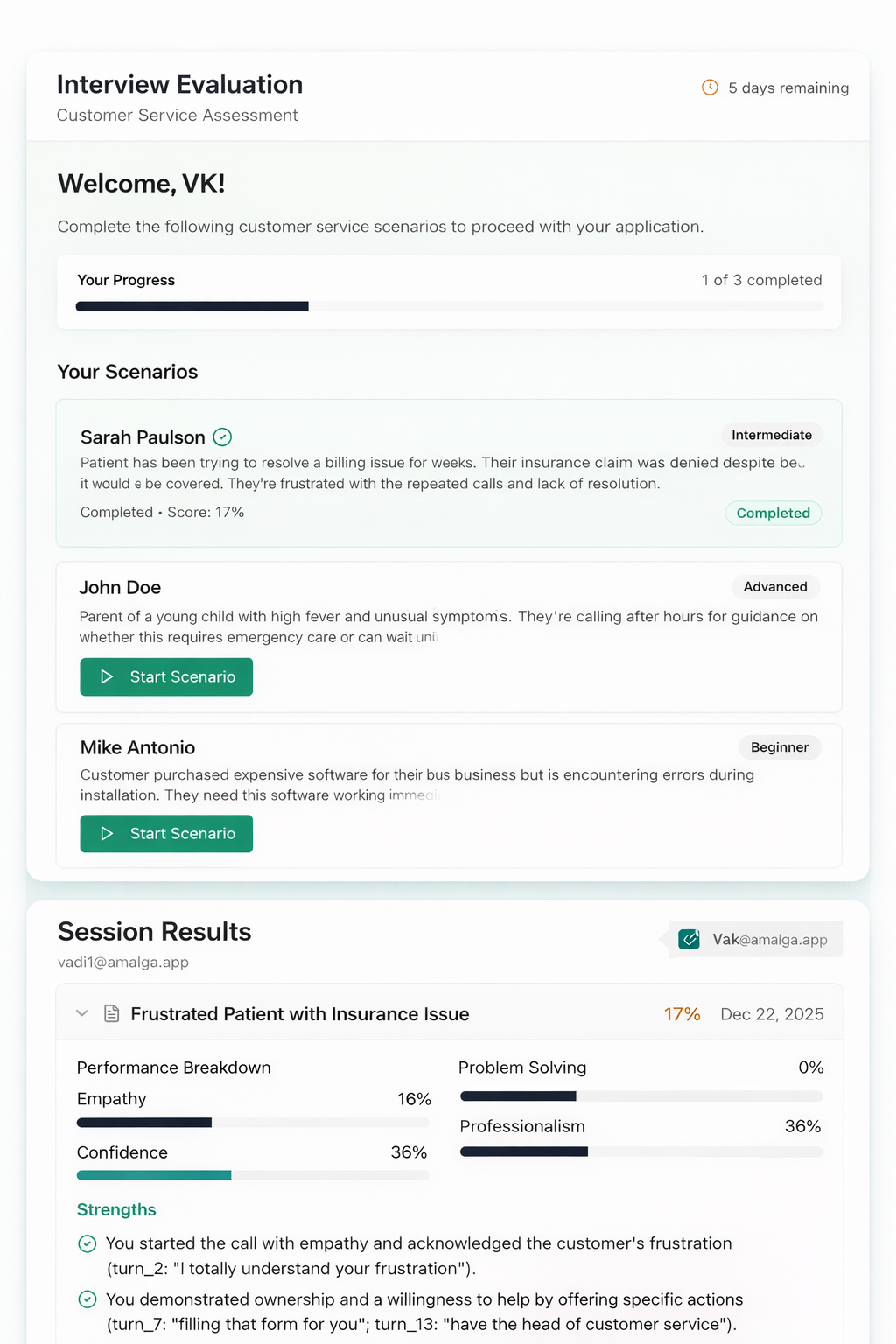
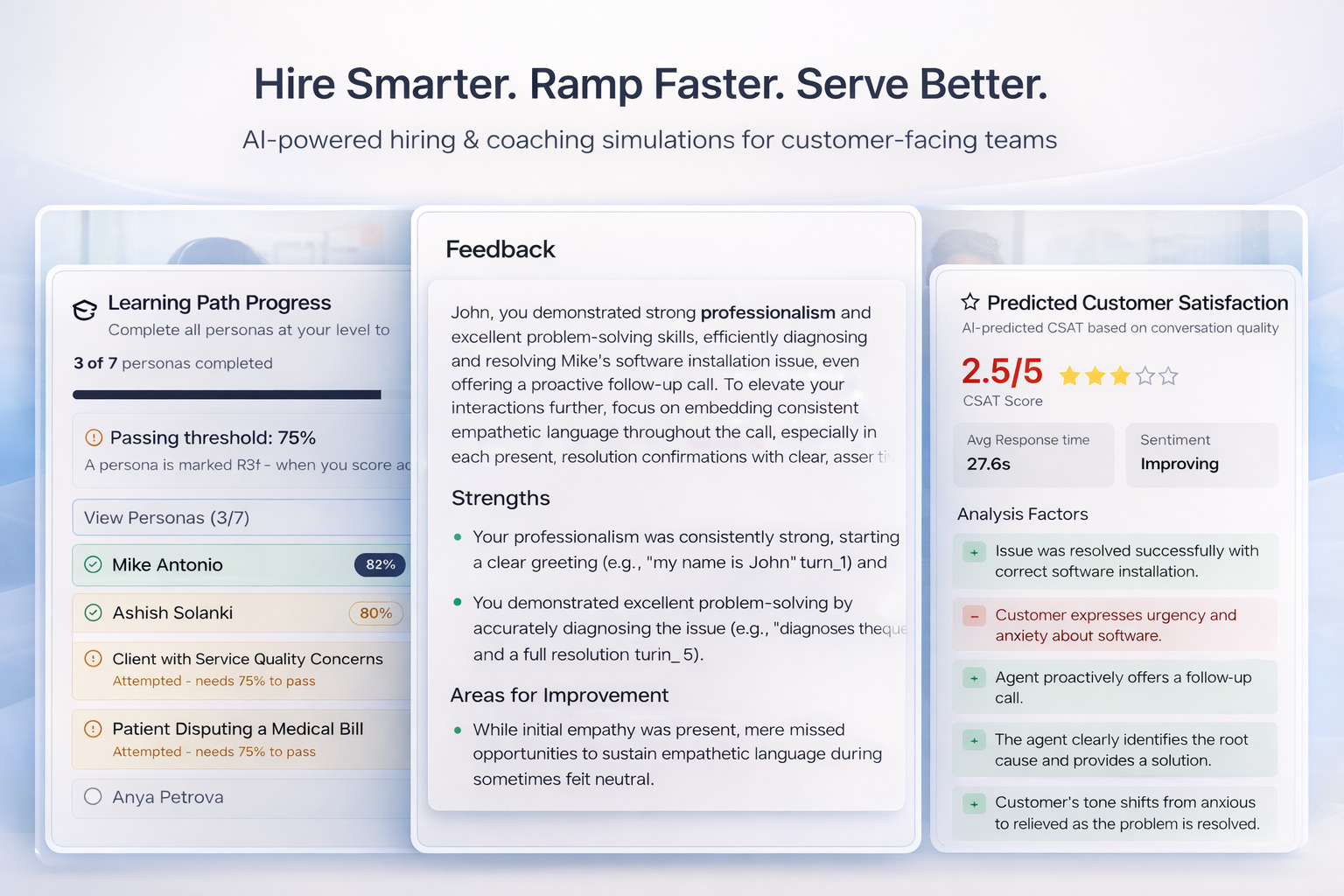
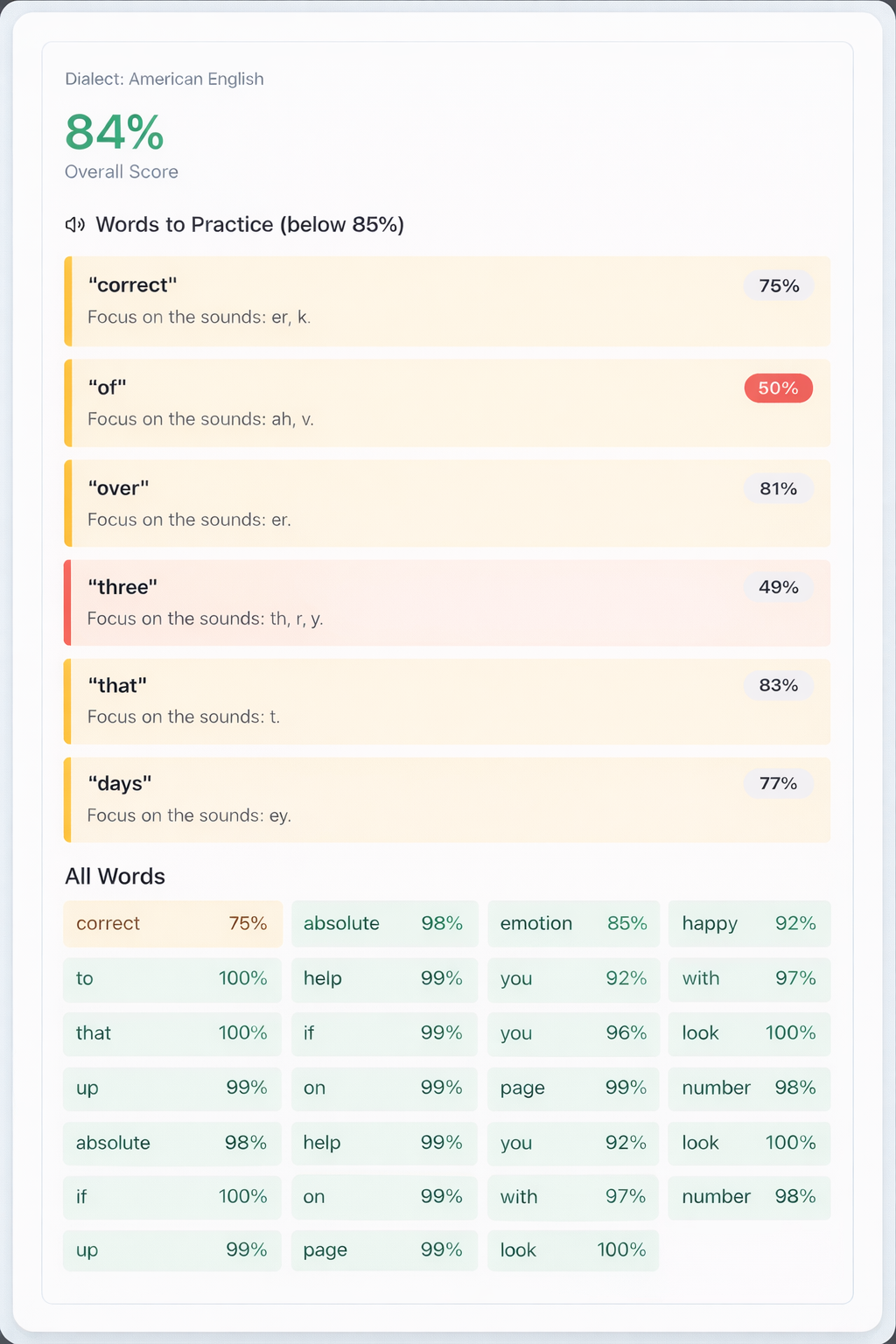
Most CX tools fix problems after customers feel them. Amalga prevents them. Amalga AI evaluates candidates before hire and coach agents before they go live—across conversation quality and pronunciation. It’s a shift from reactive QA to proactive readiness, built from firsthand experience in support and CX leadership.

👋 Hi Product Hunt — I’m Vadi, founder of Amalga.

I built Amalga after seeing the same pattern repeat itself for years across customer support, sales, and CX teams: we try to fix problems with coaching far too late, when the real mistakes and missed opportunities actually happen much earlier — during hiring and onboarding.

Teams spend weeks onboarding agents, and only after they go live do we discover whether they can handle real customer conversations. By then, the cost is already sunk — time, money, customers, and morale. A single bad CX hire can cost $20K–$30K+ annually once you factor in onboarding, lost productivity, rework, customer churn, and attrition.

I experienced this firsthand early in my career as a support agent, and later as a product leader watching teams struggle with broken hiring, patchy onboarding, and guesswork coaching.

Amalga exists to change that.

We help teams hire smarter, ramp faster, and serve customers better by using AI-powered role-play and real-world simulations to evaluate candidates before hire and coach agents before mistakes ever reach customers.

I’d love your feedback, questions, and ideas.

Thanks for checking it out 🙏

35
回复

this is imp products for the teams who have hell amount of busy schedule

18
回复
#20
BaoBrain v2
Prescriptive social listening for ecommerce
34
一句话介绍:BaoBrain v2是一款面向电商的转化智能平台,通过检测用户体验摩擦点、监听社交媒体舆情并提供AI驱动的诊断清单,直接告诉商家应优先修复哪些问题以提升收入,解决了电商店主面对海量数据不知从何下手的核心痛点。
Kanye West Artificial Intelligence E-Commerce
电商分析工具 转化率优化 用户体验检测 社交聆听 AI诊断 收入增长 无代码分析 隐私优先 数据驱动决策 Prescriptive AI
用户评论摘要:目前仅有一条创始人发布的产品介绍评论,尚无真实用户反馈。该评论重点阐述了产品从V1到V2的迭代逻辑——从告知“发生了什么”转向告知“应先修复什么”,并主动征集用户对AI建议的明确性、引导流程及产品缺失功能的意见。
AI 锐评

BaoBrain v2的叙事从“分析”转向“处方”,直击了当前SaaS工具,尤其是数据分析类产品的核心软肋:数据过载与行动缺失。它为中小电商店主提供的,本质上是一个“首席增长官”的决策代理服务,将复杂的用户行为数据、外部舆情与收入影响直接挂钩,输出优先级清单。这比传统看板工具前进了一大步。

然而,其宣称的价值存在几处待验证的硬伤。首先,“精准定位流失点”高度依赖其数据埋点的深度与解释模型的准确性,对于结构复杂或用户路径多变的店铺,其“处方”是否会导致误诊?其次,将Reddit、Twitter等开放平台的“社交聆听”与店铺收入直接关联,其归因模型是否经得起推敲?这很可能陷入相关性而非因果性的陷阱。最后,也是最大的挑战在于,其AI的“处方”能力边界在哪里?电商优化涉及产品、定价、体验、营销等多维度,一个工具能否真正理解商业全貌并给出正确排序?这需要极其深厚的行业知识图谱与实战验证。

产品目前34票的关注度与零真实用户评论的状态,也说明其仍处于非常早期的市场验证阶段。创始人的坦诚(征集对AI建议是否“太霸道”或“太模糊”的反馈)是亮点,但这恰恰暴露了Prescriptive AI产品当前面临的普遍困境:在“提供明确指导”与“尊重商业复杂性”之间如何取得平衡。如果它最终只能给出“优化结账按钮”这类浅层建议,其价值将大打折扣。真正的考验在于,它能否在少数案例中,给出反直觉但真正有效的关键建议,从而建立口碑。这是一条高潜力的赛道,但BaoBrain v2仍需用实际案例证明自己不是另一个“智能”包装下的常规报告工具。
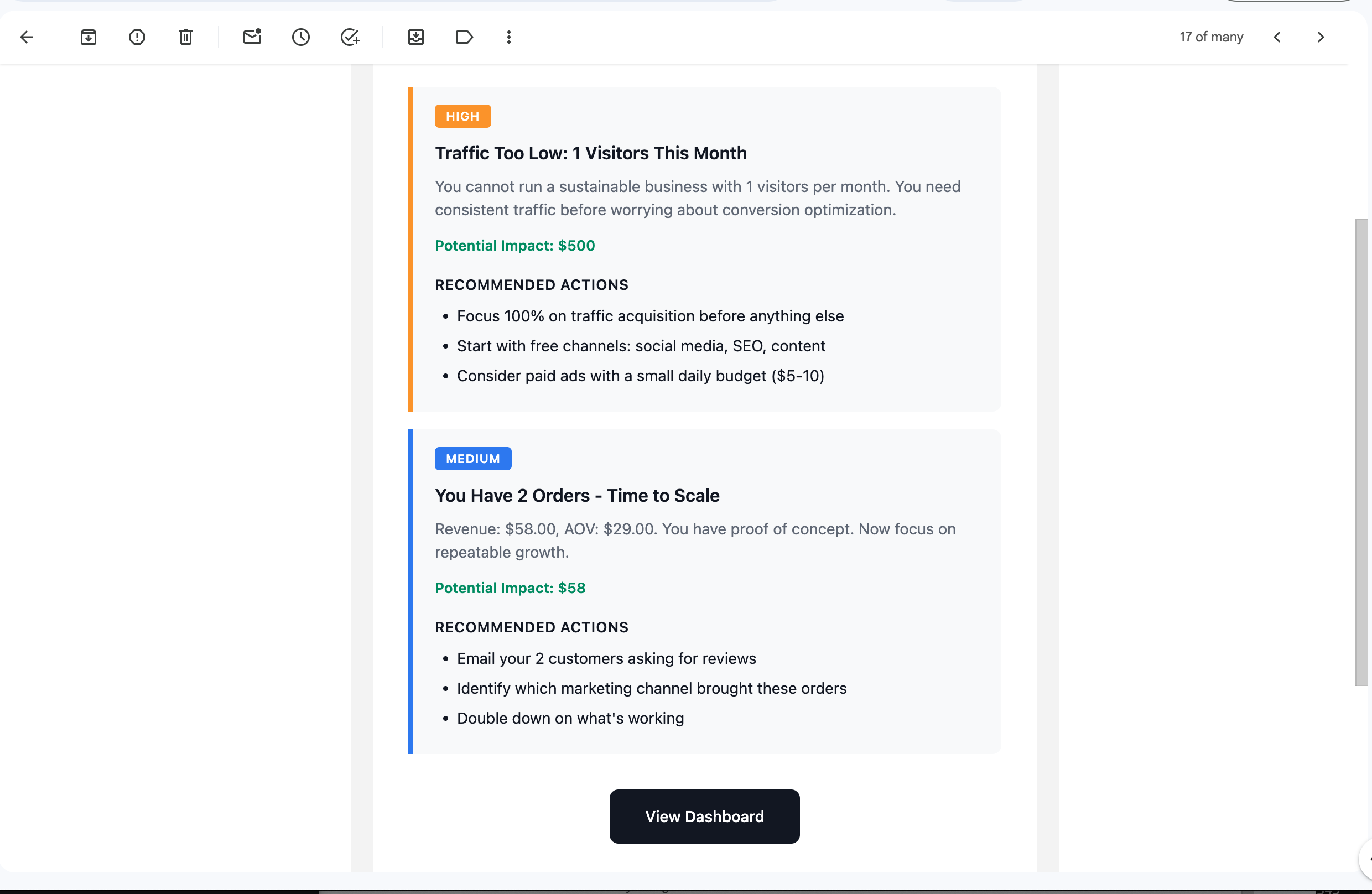
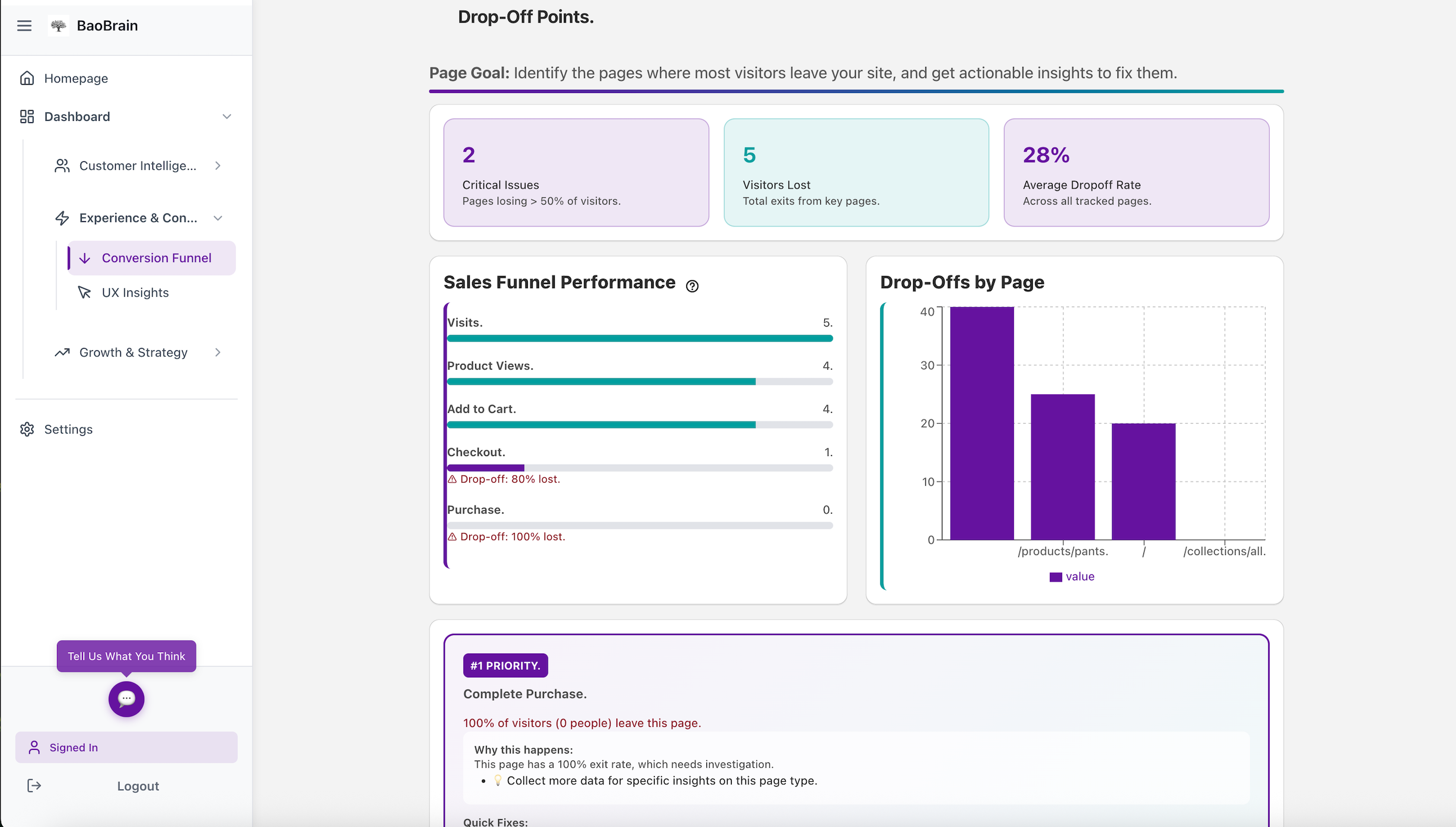
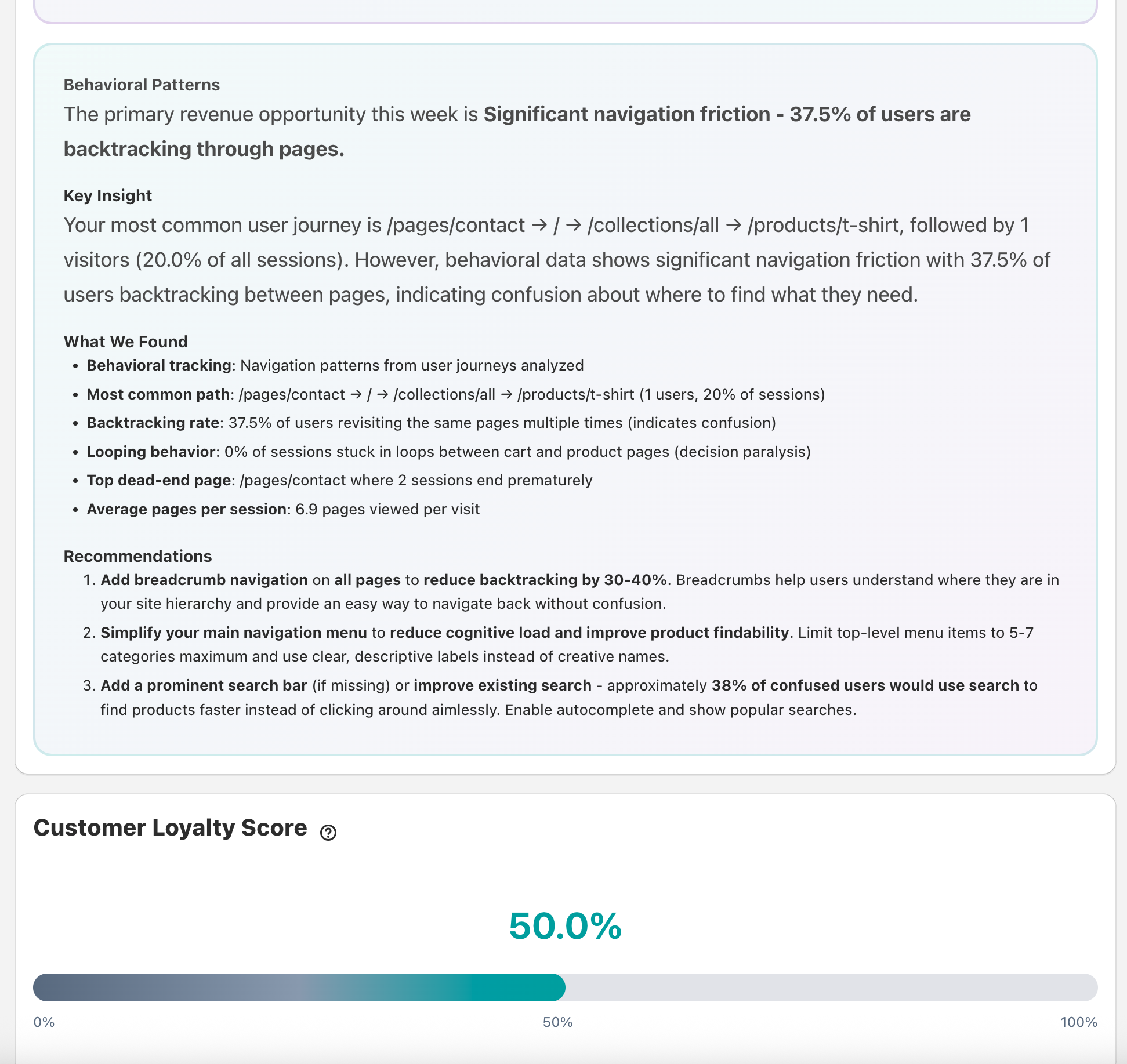
查看原始信息
BaoBrain v2
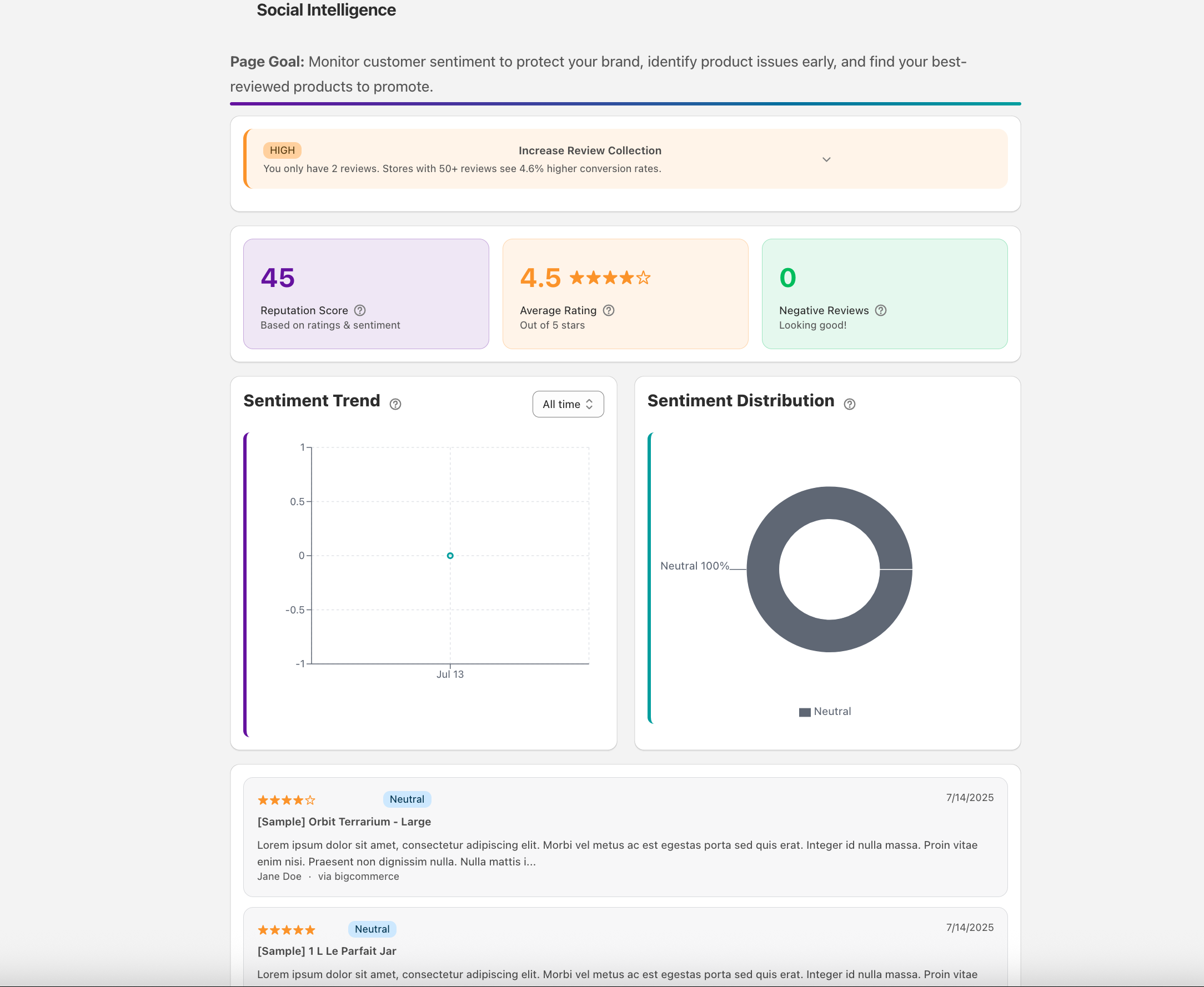
BaoBrain is now a Conversion Intelligence Platform. Instead of just "what happened," we answer "what should I fix first?" New Features: UX & Sales Detection: Pinpoints exactly where you lose customers. Social Listening: Monitors Reddit and reviews for sentiment. Prescriptive AI: Gives a descriptive fix list ranked by revenue impact. No messy dashboards. Just clear steps to grow your bottom line. Privacy-first, GDPR compliant, and setup takes minutes.
Hey Product Hunt! Back in October, I launched BaoBrain as an AI analytics tool. You gave me great feedback—and I listened. Here's what changed: Most stores lose 60-80% of visitors before checkout. My first version told you what happened. V2 tells you what to fix first. New in v2: 🔍 Friction Detection - See where shoppers rage click, get stuck, drop off 🎧 Social Listening - Know what customers say on Reddit, Twitter, reviews 🤖 Prescriptive AI - Ranked fix list by revenue impact, not just data Why I rebuilt it: I interviewed 20+ small store owners. None of them wanted "better analytics." They wanted: "Just tell me what's broken and how to fix it." So that's what v2 does. Try it:https://baobrain.com/ Would love your feedback on: https://baobrain.com/ContactUs The prescriptive recommendations (too bossy? too vague?) Onboarding flow What's missing? Thanks for the support on v1. Let's make v2 even better 🚀
32
回复