Product Hunt 每日热榜 2026-01-13

PH热榜 | 2026-01-13

#1
Cowork
Turn Claude into your digital coworker
520
一句话介绍:Cowork将Claude从聊天机器人转变为可自主处理文件的数字同事,通过授权访问本地文件夹并分配任务,解决了用户在文件整理、数据提取和报告生成等场景中需要反复沟通和手动操作的低效痛点。
Productivity Task Management Artificial Intelligence
AI办公助手 文件自动化 任务执行代理 Claude生态 生产力工具 智能文件管理 工作流自动化 人机协作
用户评论摘要:用户普遍认可其从“聊天”到“操作”的范式转变价值,关注批量处理能力、安全边界与审核机制、与Claude Pro/Max的订阅关系、外部服务集成可能性,以及团队场景下的协作与权责问题。
AI 锐评

Cowork所代表的,远不止是Claude的一个功能插件,而是对“AI如何融入工作流”的一次激进重构。它试图将AI从需要精确指令的“参谋”,升级为拥有一定自主权和执行域的“操作员”。其核心价值在于通过划定一个安全的文件沙盒(文件夹),将人类从繁琐、结构化的文件操作中解放出来,用任务指令替代了传统的、碎片化的聊天交互。

然而,这种“授权执行”模式也带来了尖锐的挑战。首先,是信任与控制权的平衡。评论中关于“安全边界”、“审核节点”、“允许更改与仅提议”的疑问直指核心:AI的决策透明度与可逆性如何保障?一次错误的批量重命名或代码替换可能导致灾难性后果。其次,是价值门槛。目前它绑定于Claude最高订阅层级,这将其用户群限制在重度且高预算的科技爱好者中,限制了其作为普及型生产力工具的潜力。最后,其能力深度严重受限于Claude自身的文件理解与代码执行能力,在处理非标准格式、复杂逻辑判断或需要跨系统协调的任务时,可能迅速触及天花板。

本质上,Cowork是当前AI代理(Agent)趋势的一个典型缩影:追求端到端的自动化,用范围限定的“能力”换取“效率”。它的成功与否,不取决于能否完成“整理下载文件夹”这类展示案例,而取决于能否在更复杂、模糊的真实商业场景中,成为一个可靠且心智负担更低的“副驾驶”。否则,它可能只是从一个“需要频繁对话的聊天框”,变成一个“需要精心设计任务指令并承担其执行风险的新工具”,并未从根本上降低协调成本。它的未来,在于能否建立起比人类手动操作更可靠的预测性与可审计性。

查看原始信息
Cowork
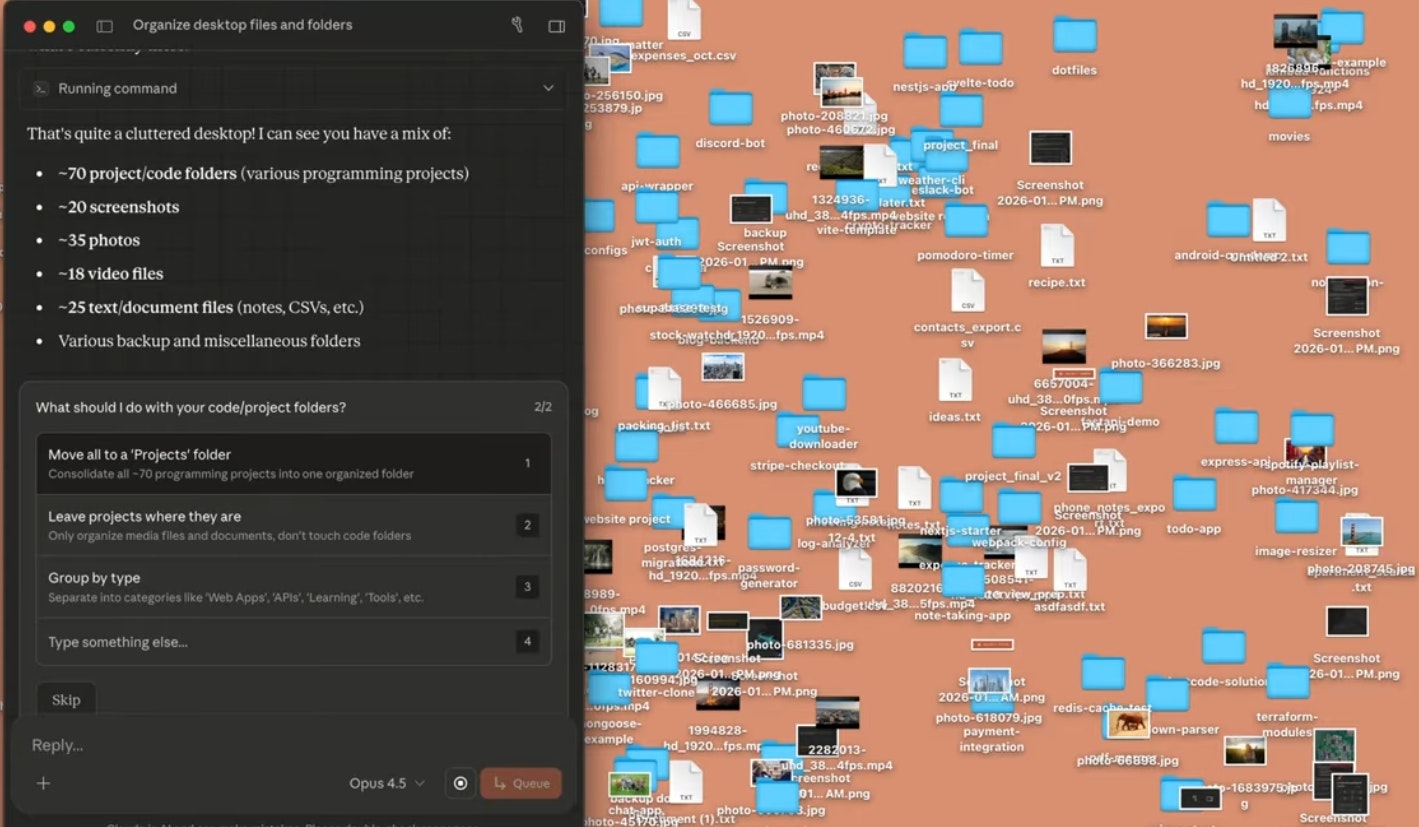
Cowork turns Claude into a real coworker. Give it access to a folder on your computer and assign tasks instead of chatting. Claude can read, edit, and create files, plan its work, and execute tasks end-to-end while keeping you in control. Less back-and-forth, more work done.
Hey everyone! Sharing Cowork, a new way to work with Claude beyond chat. You give it access to a folder and assign tasks, and it actually executes the work. For example, it can organize and rename files in your Downloads folder, turn screenshots into an expense spreadsheet, or draft a report from scattered notes.
24
回复

@byalexai Screenshots to spreadsheet that is crazy feature. Can it handle messy, handwritten notes too or is it better with digital texts?

0
回复

@byalexai I think that I am totally free of any work here when this tool is on the scene :D

3
回复

@byalexai Oh, that sounds interesting! Congratulations on the launch. Definitely gonna try this out

0
回复
5
回复

@chrismessina Yes, an incredible hit by Claude.

0
回复

Definitely a game changer

3
回复

Quick question on batch processing: If I use Dashform to generate, say, 20 different JSON form schemas for a project, could I task Cowork to go through this folder and update the primary color hex code in all files'?

Curious how it handles consistency across multiple existing files vs. creating new ones.

3
回复

It should be possible. Refer to Claude's code: read the file first, then perform operations on it.

0
回复

This feels like a meaningful shift from “AI as a chat window” to “AI as an operator.”
Giving an agent scoped file access and letting it execute end-to-end tasks removes a lot of coordination overhead. Curious how you’re thinking about safeguards and review checkpoints as tasks get more complex.

2
回复

Curious to see how teams adopt this in real workflows.
Especially around ownership, context sharing, and decision-making.

2
回复

I pay for Claude. It appears that I need Max to even try it. $100/month is steep; hope you soon offer it to those on Pro.

1
回复

Congrats on your launch!! It's truly a dream come true ahahah

Does Cowork support integration with external services beyond the current connectors (e.g., custom APIs, cloud storage like Google Drive/Dropbox, or client-specific databases)?

1
回复

This looks interesting. I actually use Claude Project a lot, but this looks like it's taking it on the next level.

1
回复
Congrats.. wish you all the best
0
回复

That is just unfair for Antropic to compete here.
Of course, you will win the product of the day 😀

0
回复
Killer stuff y’all gratz.
0
回复

Congrats on the launch! Turning Claude from a chat box into something that can actually act on files feels like a meaningful shift in how AI fits into real workflows. How Cowork handles task boundaries? How you define what Claude is allowed to change versus what it should only propose before execution?

0
回复

And there it is! 🔥

0
回复

If it can handle my chaotic downloads folder, I might just have to give it a go :) @byalexai

0
回复

Absolutely game-changing! Claude now works like a real teammate. Love how it handles tasks.

0
回复
#2
Bookmarkify
Collect websites, images, and videos into visual boards
311
一句话介绍:Bookmarkify是一款为设计师和团队打造的一站式灵感管理工具,通过支持在工具内直接浏览实时网页、提取字体颜色、并提供灵活的视图与团队协作空间,解决了灵感收集碎片化、上下文丢失和协作低效的核心痛点。
Design Tools Productivity Design resources
灵感管理工具 设计师工具 书签管理器 团队协作 设计分析 视觉看板 网页采集 工作流优化 创意流程 效率工具
用户评论摘要:用户普遍认可其整理碎片化灵感、替代杂乱标签页的核心价值,新协作功能与设计分析(提取字体颜色)备受期待。有效反馈包括:标签选中状态视觉不明显需改进;询问是否支持保存网页多设备视图及页面批注功能;探讨其如何连接灵感与执行阶段。
AI 锐评

Bookmarkify V2的迭代,表面上是功能堆砌(协作、多视图、设计分析),实则是对“灵感”这一设计生产资料进行“资产化”管理的深刻尝试。其真正的颠覆性在于,将传统书签或截图这种“静态快照”,升级为保持原始上下文、可交互的“动态标本”。这不仅仅是体验优化,而是改变了灵感复用的成本结构——设计师无需重新打开、定位,即可在创作中直接调用和审视原始素材,极大缩短了从灵感检索到应用的路径。

然而,其挑战也在于此。它试图在“轻量级书签”与“重型设计项目管理”工具间寻找一个狭窄的平衡点。对于个人,它需要证明自己比浏览器书签+笔记插件组合更不可或缺;对于团队,则需与Figma、Notion等已有协作生态竞争或融合。评论中关于“保存响应式状态”和“页面局部批注”的提问,恰恰击中了其作为专业协作工具尚存的短板——灵感分析需要更细粒度的交互和上下文锁定能力。

产品标语强调“Collect”,但其长期价值在于“Activate”——如何让沉淀的灵感库主动赋能设计决策,而不仅仅是一个更美观的仓库。例如,基于颜色和字体分析的智能推荐,或与设计工具的深度集成,可能是其构筑壁垒的关键。目前,它精准地切入了一个细分痛点,但要从“有用”变为“不可替代”,仍需在灵感资产的“活化”与“流通”上做更深文章。

查看原始信息
Bookmarkify
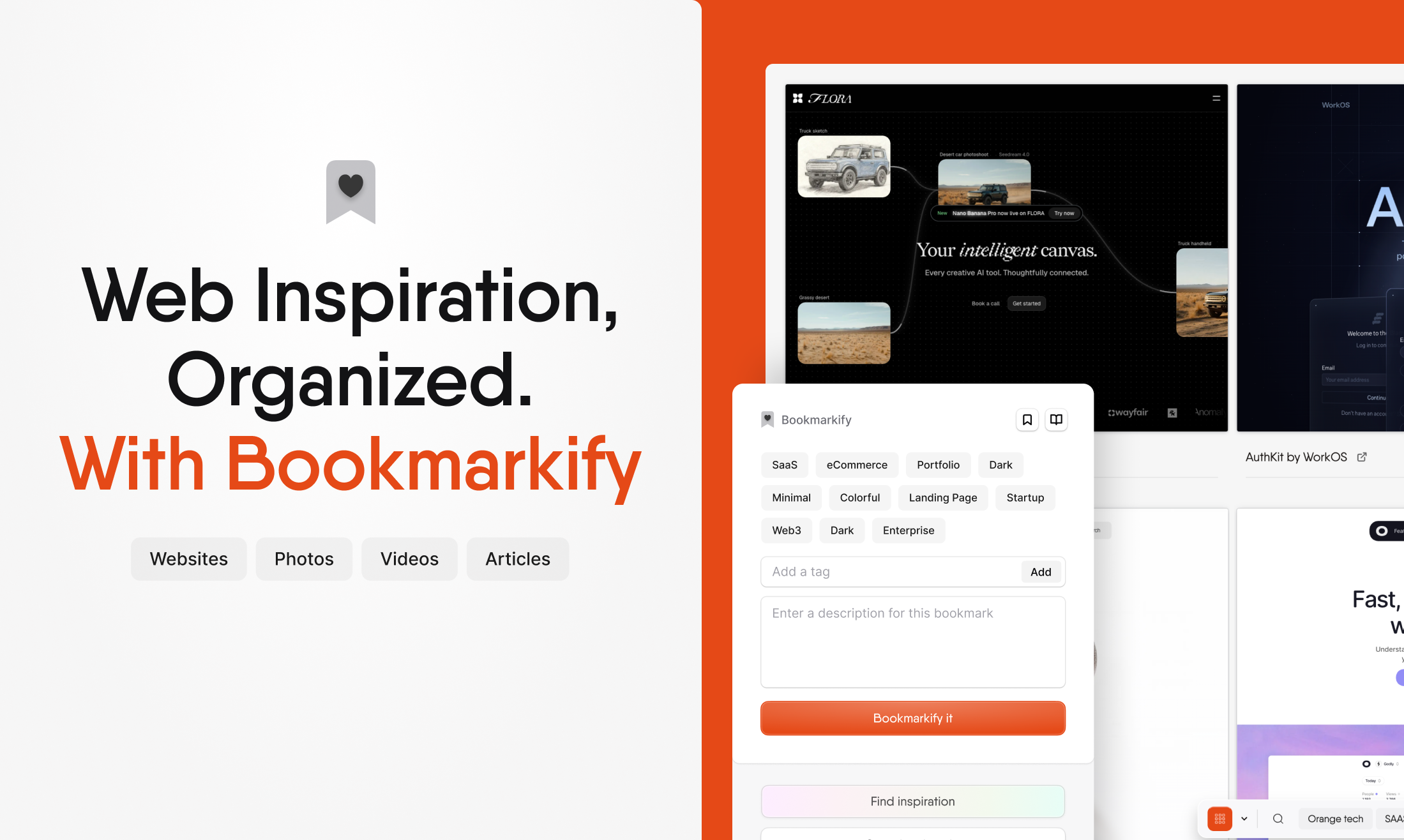
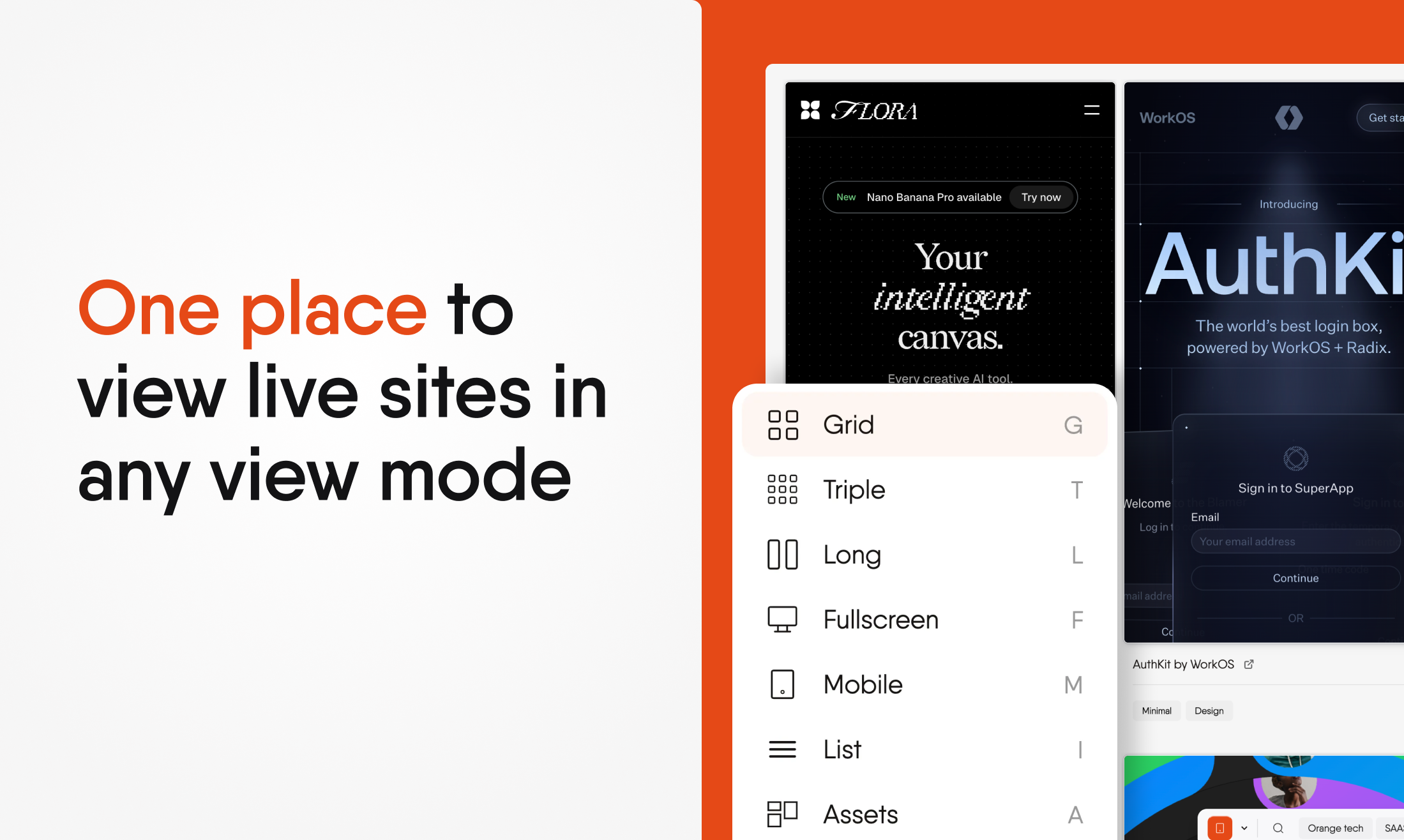
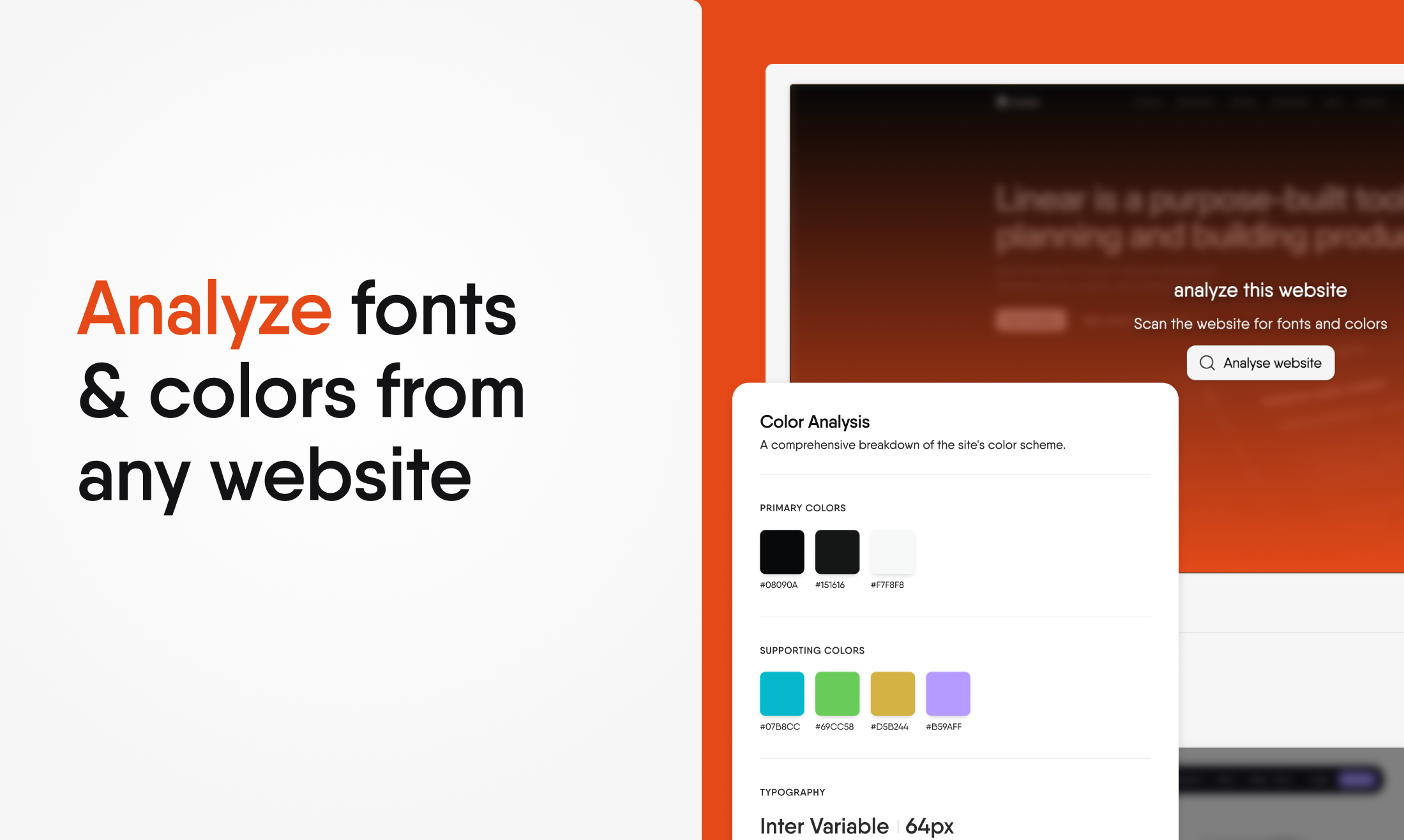
Bookmarkify stands out by letting designers view live websites directly inside the tool, no tab switching needed, while organizing inspiration in flexible view modes. Teams can collaborate in shared spaces, keep context intact, and instantly analyze fonts and colors from any site. It replaces scattered bookmarks, screenshots, and boards with one focused, design-first workflow. Bookmarkify, the all-in-one bookmark manager for designers.
Hi Product Hunt 👋 I last launched Bookmarkify back in 2023, and since then… pretty much everything has changed. For the people who are new: Bookmarkify is an inspiration tool built for designers and teams who save a lot of websites and want to actually reuse them later. It helps you collect, organize, analyze, and collaborate on web inspiration, while keeping the original context intact (no more random folders, screenshots, or 50 open tabs). Save websites with interactive previews (not just screenshots), organize images with one right-click, and build searchable libraries that fuel your creative process instead of slowing it down. What’s new in v2: A completely redesigned interface focused on speed and clarity A brand-new Collaboration feature to collect and discuss inspiration with your team! Multiple view modes to browse inspiration the way you think Design Analyse to instantly extract fonts & colors from any site Much better UX across the board: reordering, editing, smoother flows Interactive onboarding & tutorials to get value fast Who it’s for: Designers, agencies, and product teams who rely on web inspiration and want one clean place to save, explore, and collaborate, without losing context. I’d love to hear: What part of your inspiration workflow is most painful today? If you’ve used Bookmarkify before, how does v2 feel? If you’re new, what would make this a must-have for you? 🧡 PS. If you do love it, would you leave a rating & review on the Chrome Store? Our current rating reflects the v1, and we’ve come a long way since then. It would mean a lot! (:
12
回复

@mirano_designs Super relatable! I’ve been working with my team trying to put together inspiration from different social media platforms and websites, but things usually end up scattered. We tried using workspace software, but it just never felt quite right.

3
回复

@mirano_designs Congrats on the launch — love how Bookmarkify turns messy tabs into clear inspiration flow.

1
回复

@mirano_designs So you’re telling me I can now organize my mess of inspiration in one place, collaborate with my team, and extract fonts and colors instantly? Seriously, this new update is insane....

0
回复

great product, thanks for sharing this with the community.

1
回复

@shardul_lavekar my pleasure!

0
回复

cool. seems especially useful with my vision boarding! i did the physical vision board but thinking of doing a digital one.

1
回复

@heyitsirenechan give it a shot and let me know what you think!

0
回复

Congrats on the launch — love how Bookmarkify turns messy tabs into clear inspiration flow.

1
回复

@zeiki_yu thanks!

0
回复
@mirano_designs love what you’ve built here! Although Bookmarkify is geared toward design, I’ve found it super useful as a developer for keeping docs and favorite sites organized.
1
回复

Thank you@aleksandar_radic !

0
回复

I’ve been using Bookmarkify to keep all my tabs and references in one place and it honestly just makes life easier (especialy with the new updates that have been made). Instead of having everything all over the place across multiple tabs like my literature tabs, task overview, to do's, music and basicly other random open tabs. Gives this tool one clear overview of everything I collected.

As a student this helps a lot, but I can see this being just as useful for professionals who work with a lot of sources or inspiration. It’s also genuinely nice if you struggle with organization or focus (ADHD-friendly for sure), because everything stays visual and structured.

Overall just a very handy tool that does what it promises.

Thanks for the great work and update, Ivan.

1
回复

@jennifer_pereira Thank you so much for the kind words and I'm super happy find it useful!

0
回复

This is really good, already signed up! I do have a suggestion though, when bookmarking a website and associating a tag with it, the border colours and background on selection of the tags is really light and a bit confusing, which makes me double check if I have selected a tag or not.

1
回复

@mustassim it's on the roadmap to fix! Most likely with the next update it will change to orange when it's selected. Thanks for the feedback!

0
回复

I've been using Bookmarkify since 2023 and it's been amazing. It's odd that browsers lack such powerful features that make bookmarking such a breeze. Bookmarkify makes up for these short falls.

1
回复

@kraz__ holy! Super cool to hear you have been using it since 2023. Glad you enjoy it!

0
回复

Let's bookmark the life! Loved this. All the best Ivan!

1
回复

@german_merlo1 thank you so much man! Appreciate it a lot

0
回复

Super cool tool Ivan!

1
回复

@artzainnn Thank you Maxime! Looking up to you my man.

0
回复

Can I somehow categorised the bookmarked stuff (I have a messy workplace in my notebook) :D

1
回复

@busmark_w_nika Yes! You can add as many tags to a bookmark, both to sites and images to easily filter them!

2
回复
Congrats.. very useful 🔥🔥
0
回复

Congrats on the v2 launch! Love the focus on keeping context—being able to view live websites inside the tool (instead of juggling tabs + screenshots) sounds like a huge upgrade for inspiration workflows. The fonts/colors extraction + multiple view modes feels especially useful for design audits and moodboarding.
Quick question: do you support saving responsive states (desktop/tablet/mobile) for the same bookmark, and can teams add notes/annotations tied to specific sections of a page? That would make collaborative critique insanely smooth.

0
回复

Congrats on the launch! The focus on keeping inspiration interactive instead of flattening everything into screenshots really stands out, especially for design-heavy workflows. How Bookmarkify changes the moment when inspiration turns into execution, does Bookmarkify help bridge that gap?

0
回复
Most tools in this space win either on fast capture (bookmark managers) or presentation (moodboards). What’s the strongest switching reason you’ve seen in practice—what makes someone move their existing library over and actually keep using Bookmarkify week after week?
0
回复

@curiouskitty in my opinion Bookmarkify offers both, but the main difference is how you can still interact with the sites that are bookmarked instead of having to re-open them after you saved them which makes it so much easier to use than a standard bookmark manager.

0
回复

I always have 10+ websites or bookmarks open for work. This app is a lifesaver because I get a lot more work done without having to search through all my tabs. Everything is clearly organized and easy to find back. Great idea and love the interface.

0
回复

@jelle_dufour thank you Jelle! Glad you like it

0
回复

I’ve been using Bookmarkify since mid last year and I am so glad it got introduced in my workspace. It brings structure and lets me save important stuff in the right place.

Thank you Ivan, I hope you reach a lot of people with this great app!

0
回复

@fahad_ibrahim1 Thank you so much and I'm happy to hear you've been using it for a while now! Appreciate your support

0
回复

My tabs look like a crime scene. Live preview + font/color grabber sounds handy. I’m messy with folders, so smart tags + shared spaces could help. Curious about private links or passworded pages. Might finally retire the screenshot graveyard.

0
回复

@alexcloudstar Everything is saved in your chrome sync, so nothing actually gets pushed to a backend so all your data stays on your device! If you use the collab feature, only the URL will be stored but that's it so you can save whatever you want

1
回复

Insane product! Something I used not only for designs but also for bookmarking AI systems/resources as I'm scrolling through the internet.

Gamechanger to collaborate with other consultants on new ideas for AI systems. It's like we're syncing our brainstorming thought processes.

0
回复

@alexander_landser super cool Alexander! Glad to see that you get a lot of use out of Bookmarkify

0
回复
#3
Atoms
Turn Ideas Into Business. From Vibe Coding to Vibe Business
240
一句话介绍:Atoms是一个AI驱动的全栈业务团队,能将一个原始想法自动转化为可盈利的线上业务,解决了从创意到市场验证、产品开发、支付集成及获客的全流程痛点,让独立创造者能快速验证商业想法。
Productivity Developer Tools Artificial Intelligence
AI原生应用 全栈业务自动化 想法到产品 多智能体协作 市场研究自动化 支付与认证集成 产品发布与分销 商业闭环 低代码/无代码 快速验证
用户评论摘要:用户肯定其从“原型”到“可盈利业务”的端到端愿景,关注AI在多环节协作与关键决策(如设计、流量策略)中的权衡机制。具体问题集中在:与MGX等前代产品的区别、认证支付集成的可靠性、版权归属、用户体验(如提示丢失),以及与Replit Agent等工具的对比场景。团队回复积极,展示了具体用例和迭代意愿。
AI 锐评

Atoms的野心不在于成为又一个“AI生成代码”的工具,而在于试图将“可盈利性”和“市场就绪度”作为核心约束条件,硬编码进AI工作流。这直击了当前AI应用构建领域的最大软肋:大量精美原型死于最后一公里——支付、认证、分销和实际的用户获取。

其宣称的“多智能体团队”协作,并引入“竞速模式”进行方案权衡,是试图将产品经理、工程师、营销人员的决策逻辑系统化。这听起来美好,但评论中关于“AI团队是否会吵架”的调侃,恰恰点出了核心风险:在缺乏人类深度介入的复杂商业决策中(如定价策略、目标用户取舍),AI如何做出“明智”的权衡?团队回应提到了“关键决策需显式批准”,这暗示其系统本质是一个高度自动化的、但仍在关键节点需要人类把关的增强工作流,而非完全自治的AI公司。

真正的价值不在于它能否一次性生成完美的业务,而在于它极大压缩了“想法”到“市场最小可验证产品”的周期与成本,尤其适用于测试那些看似“利基”或高风险的想法。它迫使创造者从第一天就思考收入与分销,这是一种思维范式的转变。然而,其长期挑战在于,标准化“商业成功”的难度远高于标准化“代码生成”。当无数由Atoms生成的微型业务涌入市场时,其内置的“分销”与“流量”代理能否持续有效,将决定它是下一个平台级入口,还是另一个高级原型工厂。目前来看,它是一个极具前瞻性的实验,其成败将定义AI在商业闭环中作用的真正边界。

查看原始信息
Atoms
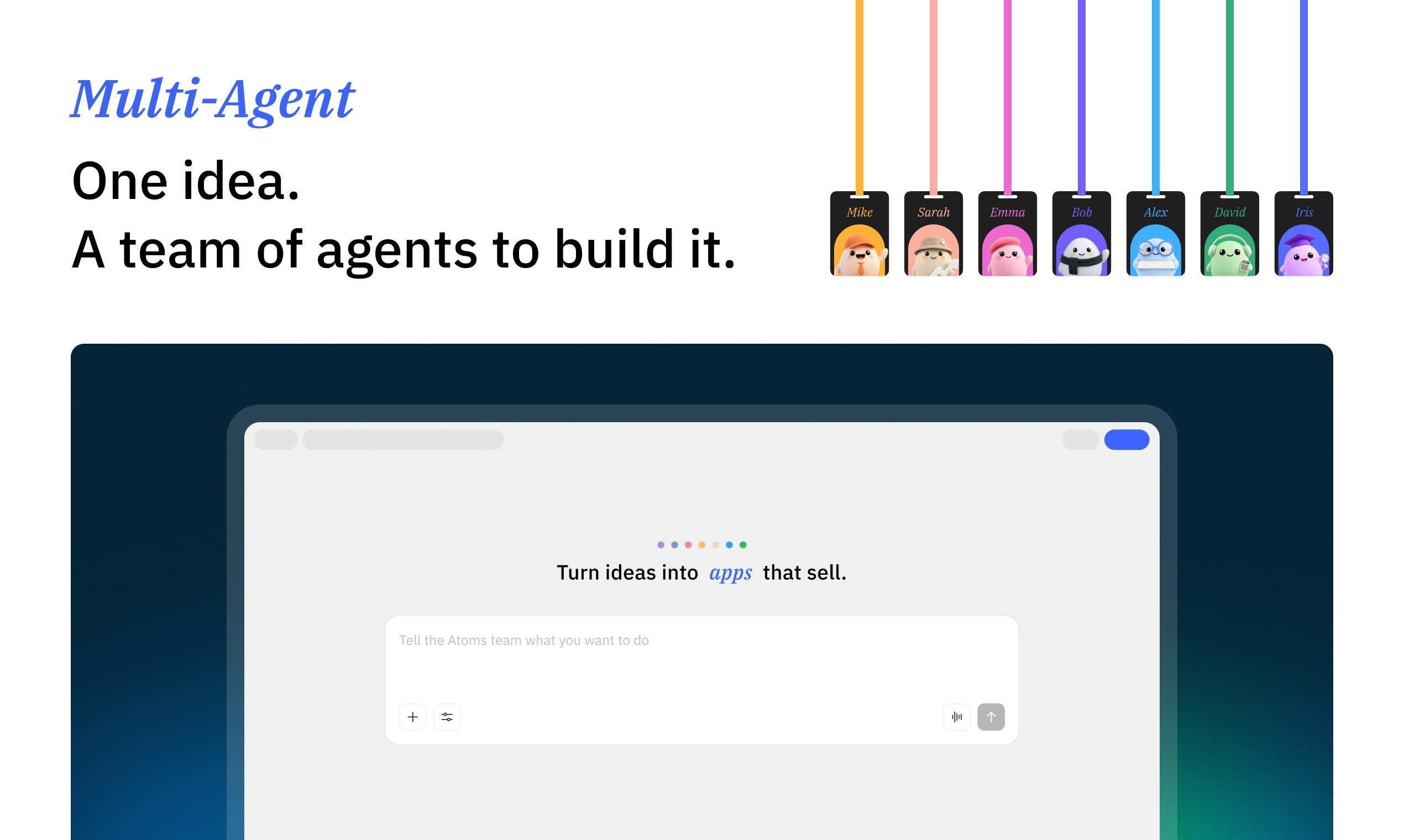
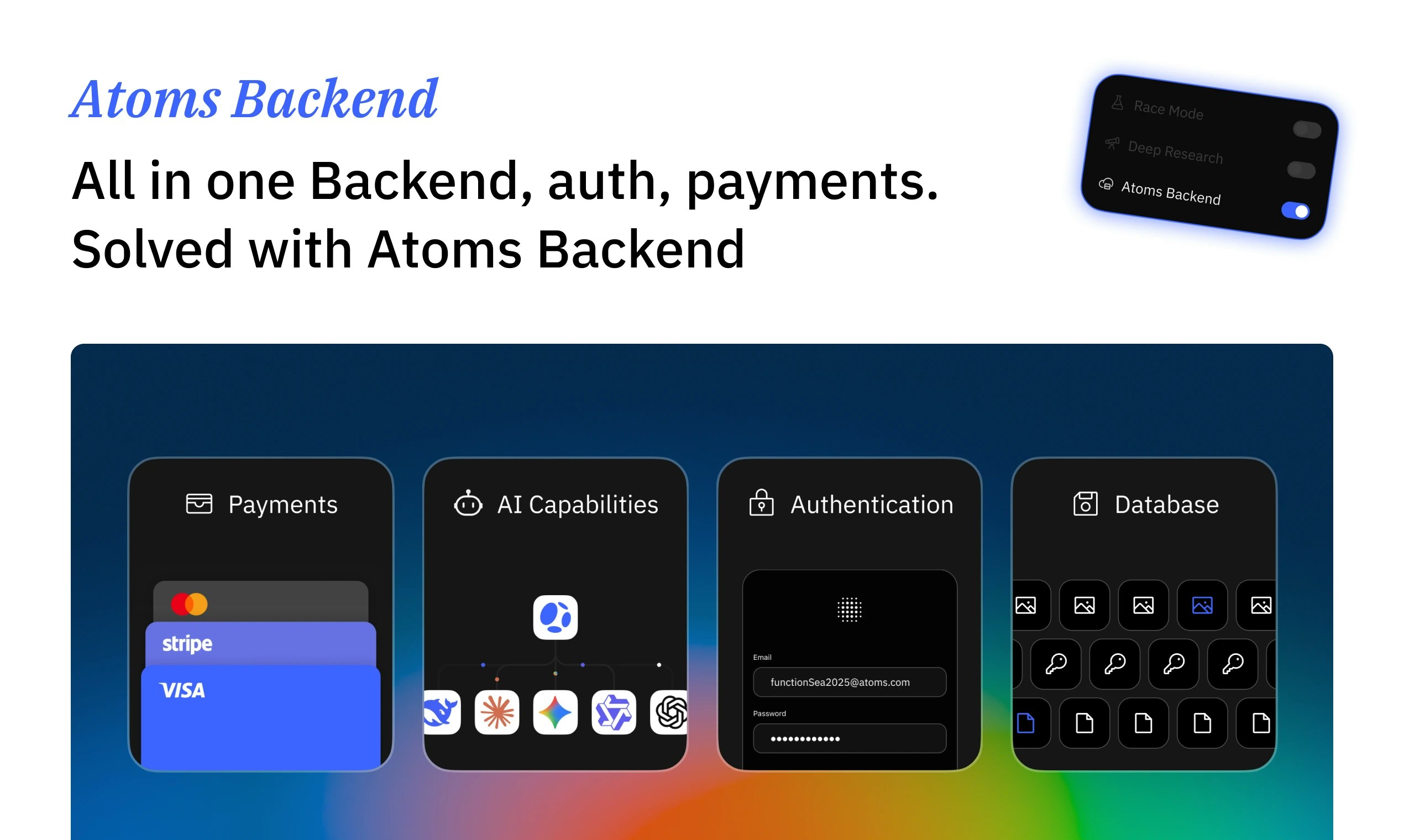
Atoms is the first vibe business team that turns your ideas into business. It researches your market, designs the product, builds frontend and backend, connects auth and payments, and ships a live app you can make profit, not just a prototype
Hey PH 👋 I’m Mike, team lead for Atoms. For the past few years we’ve been obsessed with one question: can an AI team build a real, profitable business, not just a nice demo? Atoms takes a raw idea and runs the whole chain: research → design → build → launch → traffic → revenue. My job is to make sure the AI makes sane trade-offs and actually ships. Happy to answer anything about how we run multi-agent “teams”, how we evaluate business ideas, or what breaks when you ask AI to own a full P&L.
27
回复

@zongze_x Curious to see real examples where trade-offs were made (speed vs quality, automation vs human judgment). If Atoms can consistently ship business-ready apps instead of just impressive builds, that’s a big unlock.

Congrats on the launch 🚀 excited to follow how this evolves.

0
回复

@zongze_x > This is a really bold take on what “AI teams” should actually mean.

A lot of tools stop at prototypes or internal demos — what’s interesting here is that you’re forcing the system to think end-to-end: market → product → launch → revenue. That’s where most AI workflows break today.

1
回复

@zongze_x So, the real question is, do the AI teams get along? Or do they have heated debates over design choices or which traffic strategy to use? :D Joking aside, I’m really curious to hear more about how you keep everything running smoothly!

9
回复

Good luck with the launch. Curious how it handles the complexity of connecting authentication and payments. Those integrations usually require careful configuration beyond what automation can fully solve.

10
回复

@sarahjiang 

Totally fair point, auth + payments are usually the part that breaks “automated” builders.

The good news is: we’ve now automated this end-to-end inside Atoms for the common production path. Just today, a user spent about $4 and built an AI image generation website with sign up / login, the AI capability built in, and a working payment system, without having to manually wire all the redirects, webhooks, or backend glue.

If you’re open to it, tell me what stack/provider you typically use for auth and payments (e.g., Stripe + OAuth, etc.). I’m happy to share the exact flow Atoms generates and how it keeps the integration stable.

1
回复

Hey PH, I’m the PM behind Atoms.

The painful pattern I saw: people had ideas, generated beautiful mockups with AI… and then nothing. No traffic, no users, no revenue.

With Atoms, I wanted the default flow to be: “type an idea → get back a live product that can charge users and be discovered”. My bias is always toward time to first real user and time to first dollar.

If you want feedback on whether your idea is something Atoms can realistically ship and test, drop it here, and I’ll be honest. 😄

8
回复

@alittlepig Good job anyway!

0
回复

Overall this feels like a bold attempt to compress an entire product team into an AI native workflow. Excited to see real case studies and to try it on a couple of risky ideas.

7
回复

@cruise_chen Crazy how this turns a mere idea into a fully practical, marketable product! I like it and cannot wait to see it in action!

0
回复

@cruise_chen 
Thanks a lot for this. That’s exactly the bet we’re making: not just “AI helps you code”, but an AI team that can run the full loop from idea to something you can actually ship and charge for.

On case studies: we’re collecting a few end to end builds right now and will share them publicly soon, including what worked, what broke, and what we’d change.

If you’re testing risky ideas, feel free to drop one here (even a one liner). Happy to suggest how to scope it so you can validate it fast.

3
回复

This is an ambitious step beyond “vibe coding.” Treating distribution, payments and real revenue as first-class constraints is what most AI builders avoid, and it’s where things usually break. I’m particularly interested in how you enforce guardrails around trade-offs as the agents move fast because shipping is easy, shipping something people will pay for is not.

6
回复

@musa_molla 
Really appreciate this, and you nailed the hard part. Our focus is making “revenue reality” a first-class constraint, not an afterthought.

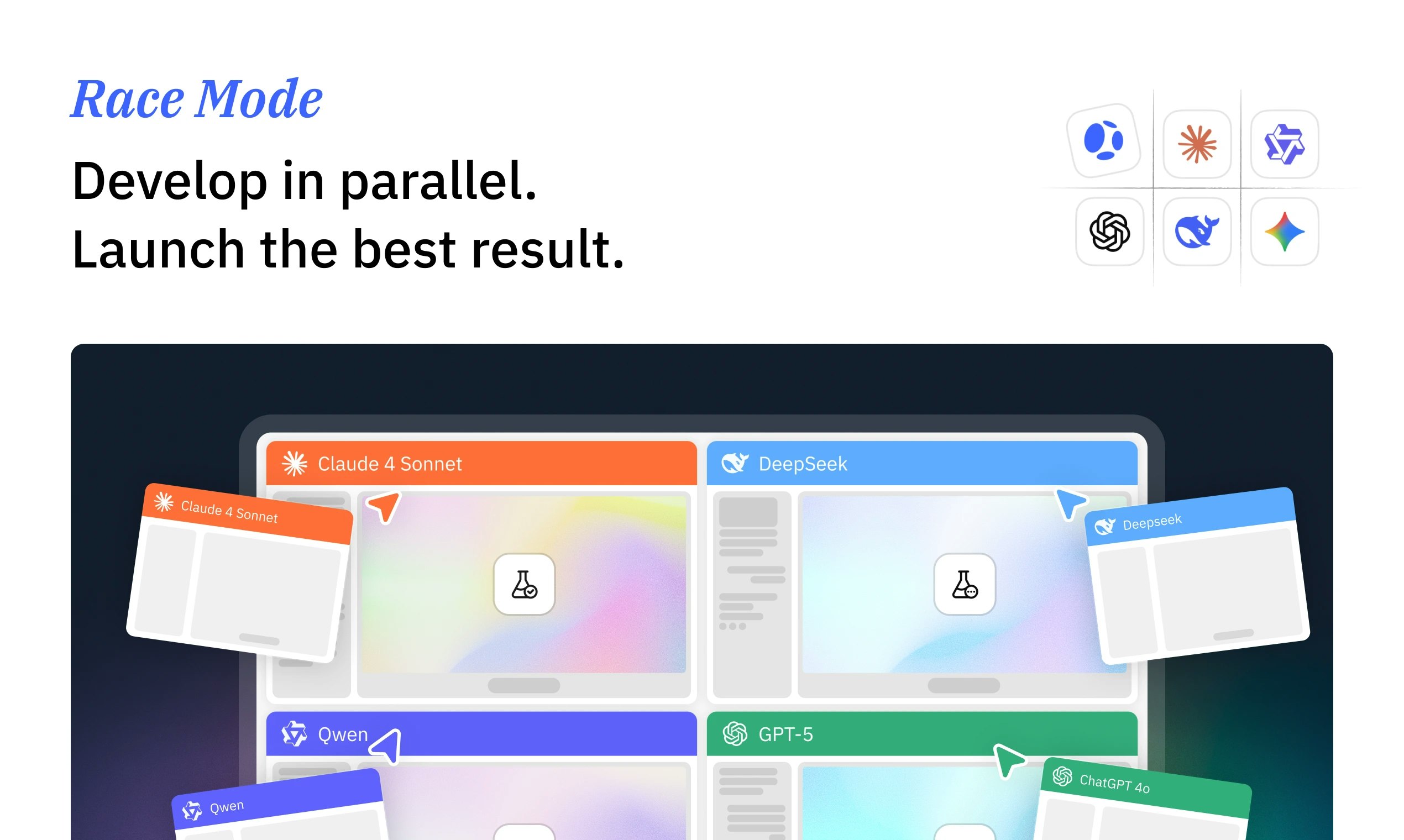
On guardrails and trade-offs: we try to keep the system fast without letting it silently make irreversible calls. In practice, agents can move quickly on execution, but we surface key decisions for explicit approval (scope, pricing/monetization approach, data model, auth/payments choices, and launch/distribution strategy), and we keep a trace of assumptions so you can challenge them. We also use parallel proposals in Race Mode so you can compare trade-offs instead of accepting a single path.

1
回复

What is the different from MGX to Atoms?

From Vibe Coding to Vibe Business !!!

4
回复

Hey there! Just a quick feedback - I took quite some time to write a through and long initial prompt, it took me to the Log in/Sign up page and after signing up, the prompt was gone. I was expecting to see it ready right there for me after signing up. Anyways, good luck with your product!

3
回复

@virpo Thank you for the feedback, and sorry about that, you’re absolutely right to expect the prompt to still be there after signing up.

1
回复

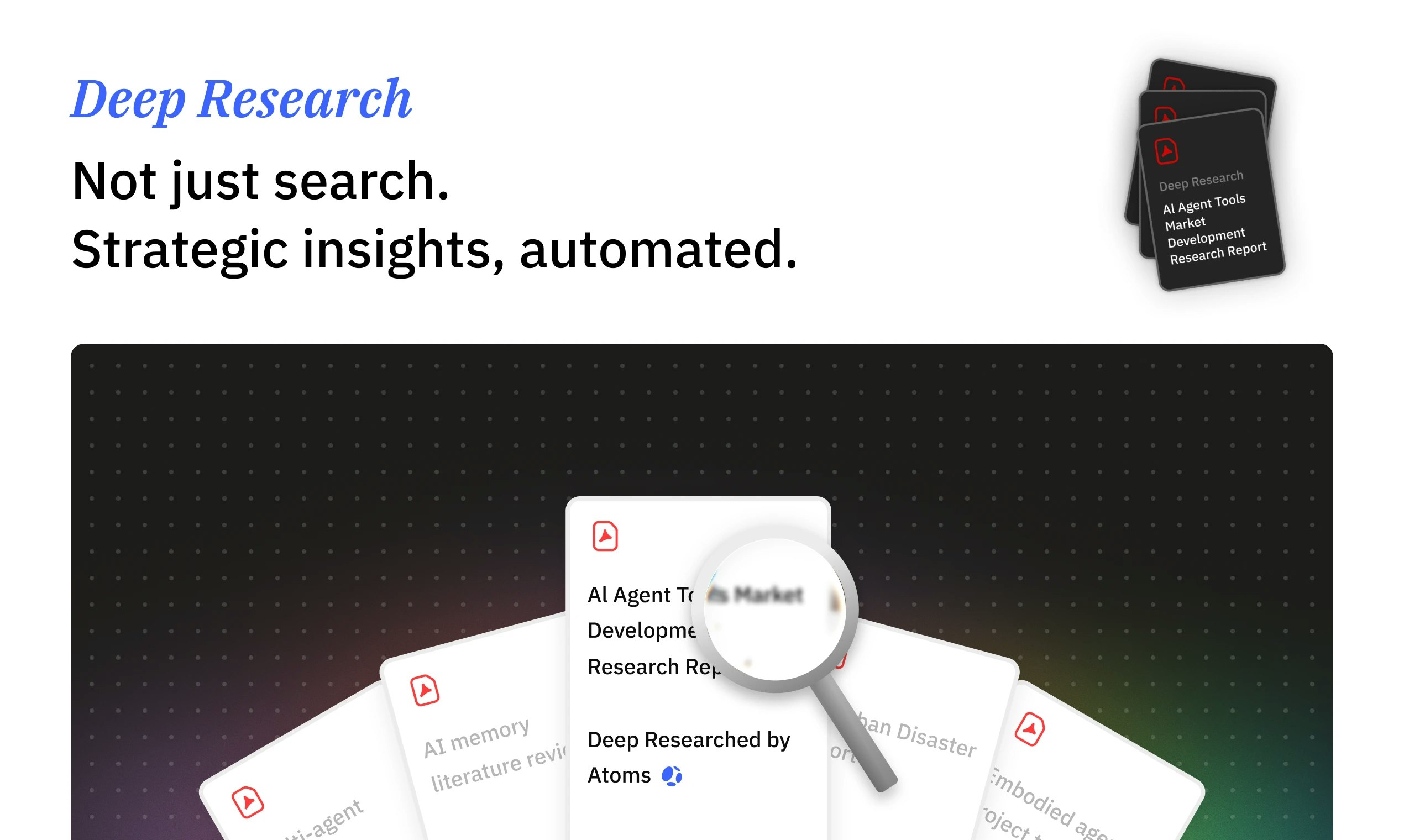
Hi, I’m Iris. I handle deep research for Atoms.

Before Atoms commits agents and infra to an idea, I try to break it: who’s already doing this, how do they acquire users, what does search look like, what’s the real willingness to pay?

The sweet spot is ideas that look “too niche” for a human team but are perfect for an AI team that can launch in hours. Those are the things I’m hunting for.

If you have a niche you think is “too small” but interesting, tell me. I’d love to see if Atoms can make it work.

3
回复

Such a good idea! Does Atoms offer an API, white-label options, or agency partnership programs that would allow us to use or resell your platform for client projects? Is that something you guys are interested in?


2
回复

@cathcorm Right now we’re primarily focused on making the core Atoms experience solid for makers, so we don’t want to overpromise on timelines. That said, API access and partner workflows are on our radar, and we’re open to agency partnerships and early discussions.

2
回复
When someone is comparing Atoms to Replit Agent / Bolt / Lovable / v0-style tools, what are the situations where Atoms wins decisively? And what are the situations where you’d tell users to pick something else?
2
回复

@curiouskitty 

Great question. We love those tools and we think they’re excellent at fast UI and rapid prototyping.

Where Atoms tends to win decisively is when you want an end to end “business loop”, not just a prototype:

  • you want market research and product scoping before building

  • you need backend fundamentals like auth, data model, and payments considered early

  • you care about launch readiness and distribution (SEO or a go to market plan, of course the Ads Agent in the future), not only shipping screens

  • you want multi agent collaboration and trade off comparisons, rather than a single path

0
回复

This feels super timely, especially with Claude Cowork launch. The market is wide open for a lot of fun iterations, and I love the idea-to-shippable app flow with auth, payments, and code export 🚀

2
回复

@nibalic 
Appreciate that. We agree the timing is great for this category, and we’re excited about how quickly the space is moving.

Our main focus is making the flow end-to-end: not just generating an app, but carrying the context through to launch readiness, including the unglamorous parts like auth and payments, plus a real distribution plan. We also want it to be easy to take your work with you, so you’re never locked into a black box.

If you have a specific idea you want to ship, drop it here and we’ll suggest a fast MVP path.

0
回复
I used MGX last April. I really liked the idea and how it was approached, though the results at the time weren’t quite an WOW result for me. I am planning to try Atoms over the next few days and I am exiting to see how it performs. Ps: Even if it doesn’t fully deliver what I am hoping for right now, I’m rooting for you guys. I love the concept and I’ll keep supporting you.
2
回复

@lucky_plant 
Thank you for coming back and for the honest take, it really helps. You’re right that earlier versions could feel promising conceptually but inconsistent in output.

Atoms is a focused rebuild: clearer “idea to shippable business loop,” stronger research and planning before building, and more structured execution so results are more repeatable. When you try it over the next few days, I’d love to know what use case you’re testing and what would count as a “WOW” outcome for you. If it falls short, specifics on where it breaks are exactly what we need to improve.

Also genuinely appreciate the support. We’re building for the long run.

0
回复
@zongze_x thanks Mike! I will try to build a small app for fun/work this weekend and let you know my opinion.
1
回复
cool product!
2
回复

@brant_lin Thanks a lot. If you end up trying it, I’d love to hear what you build first and what part of the workflow feels most valuable (or most confusing). We’re iterating fast based on launch feedback.

0
回复

The demo looks incredible! Can't wait to try it out

2
回复

@amberjolie 
Thank you! Glad the demo resonates. If you try it, I’d love to hear what idea you start with and where the workflow feels smooth vs where it still feels “too manual.” We’re iterating quickly based on launch-day feedback.

1
回复

It looks like a very interesting product that is worth imagining. However, if the products created through Atoms are profitable, who does the copyright belong to?

2
回复

@htmldrag 
Important question. In general, you own what you create in your workspace and can ship it as your product.
That said, specifics can depend on the assets involved (for example, any third-party content you provide, or external services you connect) and our terms. If you tell me your use case (app, content site, designs, etc.), I can point you to the most relevant part and make sure it’s clear.

1
回复

What stands out to me about Atoms is that it starts from market research and product design, then carries that context through build, auth, payments, and launch. It feels less like shipping a prototype, and more like turning an idea into something that can actually run as a business, which is genuinely exciting to see.

2
回复

@kaixin_feng 
This means a lot, thank you. That’s exactly the intent: carry the context from research and product decisions all the way into what gets built and how it launches.

If you have a niche idea you’ve been sitting on, drop it here. We’d love to see if Atoms can take it past “prototype” into something runnable.

1
回复

Hey PH, Sarah here. I focus on SEO for Atoms.

A business that nobody can find isn’t a business. So we built Atoms to not only ship products, but also ship the landing pages, site structure, and content needed to rank and convert.

I’m especially excited about the long tail: local tools, small languages, tiny verticals where good SEO plus a cheap AI stack actually beats big players.

If you’re curious how Atoms handles SEO at scale, or you want to stress-test it with a weird market, I’m all ears

2
回复

Congrats on the launch, excited to try this out on a few ideas and see how it performs. Really curious to check how much of the decision making is 'AI vs me', and how many decisions the agents make autonomously.

2
回复

@mustassim 
Great question. We’re aiming for a balance: Atoms can run a lot autonomously, but you stay in control of the key calls.

In practice, agents handle the heavy work (research, options, implementation), and we surface the important decisions for you to approve, like scope, trade-offs, and launch choices. Over time we want it to feel more autopilot, but never “black box.” If you try it, I’d love feedback on where you want more control vs more automation.

1
回复

Wow, this looks huge, the workflow feels very complete. I’d love to give it a try.
And the agent avatars are really cute too!

2
回复

@jojo_li Appreciate it! We tried to make the workflow feel “complete” because the hard part isn’t generating screens, it’s getting to something you can actually ship.

And yes, the avatars are intentionally friendly, building with an AI team should feel less intimidating. Would love to hear what kind of idea you try first.

1
回复

Curious how it evaluates whether an idea is worth pursuing in the first place. Is it more market-driven or execution-driven early on?

1
回复

@shreya_chaurasia19 
Great question. Early on it’s primarily market driven, but we always pair it with execution reality.

In practice, Atoms starts by clarifying the target user and pain, then looks at signals like existing alternatives, positioning angles, and distribution paths (often SEO and long tail opportunities). In parallel, it checks execution constraints: scope, time-to-first-value, what needs auth/payments, and what MVP can be shipped quickly to validate demand. The goal is to recommend a smallest test that is both market sensible and buildable fast.

1
回复

Clean design!

1
回复

@coin_red Thanks! We put a lot of care into keeping the UI calm and focused so you can stay in the flow while the agents do the heavy lifting. If anything feels confusing or cluttered, tell us where and we’ll iterate quickly.

0
回复
Congrats.. very smart product 🚀🚀
0
回复
#4
Alpine
All your work in one place: docs, tasks, chat, AI and more
209
一句话介绍:Alpine是一款一体化工作平台,集文档、任务、论坛、聊天、AI和个性化信息流于一体,旨在解决团队因使用多个割裂的“最佳”工具而导致的效率低下、注意力分散和上下文缺失的痛点。
Productivity Task Management Artificial Intelligence
一体化工作平台 生产力套件 团队协作 AI智能体 文档管理 任务管理 企业聊天 个性化信息流 上下文统一 降噪收件箱
用户评论摘要:用户普遍认同工具碎片化痛点,赞赏一体化与为AI提供统一上下文的愿景。主要问题/建议集中在:数据迁移、多工作区支持、外部客户协作、与现有工具集成、如何纳入线下会议等非文本信息,以及担心功能聚合后可能带来的界面复杂度和可扩展性。
AI 锐评

Alpine的野心并非简单堆砌功能,而是试图重构数字时代的工作“操作系统”。其核心价值主张直指当前SaaS生态的阿克琉斯之踵:在“最佳单点工具”策略下,用户为工具间的“接缝”付出了巨大的认知切换与信息孤岛成本。创始人从Meta内部一体化工具获得的优越体验,揭示了“协同度”可能比“单点性能”更具终局价值。

产品真正的锋利之处在于其对“上下文”的垄断。当文档、任务、聊天自然互连,其产生的结构化数据与社交图谱,不仅服务于人性化的feed与搜索,更关键的是为AI智能体提供了无边界、高保真的工作上下文。这使其AI能力从“点缀性助手”升级为“系统性副驾驶”。评论中关于“AI幽灵”的比喻极为精准:最好的AI工具必然也是最好的人本工具,因为二者依赖同一套信息架构。

然而,其最大挑战也源于此“一体化”模式。它要求团队进行“信仰之跃”,全盘接受其生态。尽管宣传允许渐进式采用,但核心的“统一上下文”优势在混合工具栈中将大打折扣。此外,将文档、任务、论坛等深度耦合,对产品架构的简洁性与扩展性提出了魔鬼般的考验,正如团队所言,这更像操作系统设计。能否在功能膨胀中守住“优化捕获速度、放弃强制整理”的极简哲学,将决定它是成为令人愉悦的“未来工作中枢”,还是另一个臃肿的“全能怪兽”。其成败,将是对市场是否已从“工具思维”转向“系统思维”的一次关键检验。

查看原始信息
Alpine
Alpine brings docs, tasks, and chat together in one app. See updates from across your company with an algorithmic feed. Work alongside AI agents that have complete context of everything you’re doing. Use alongside your current tools or replace them entirely.
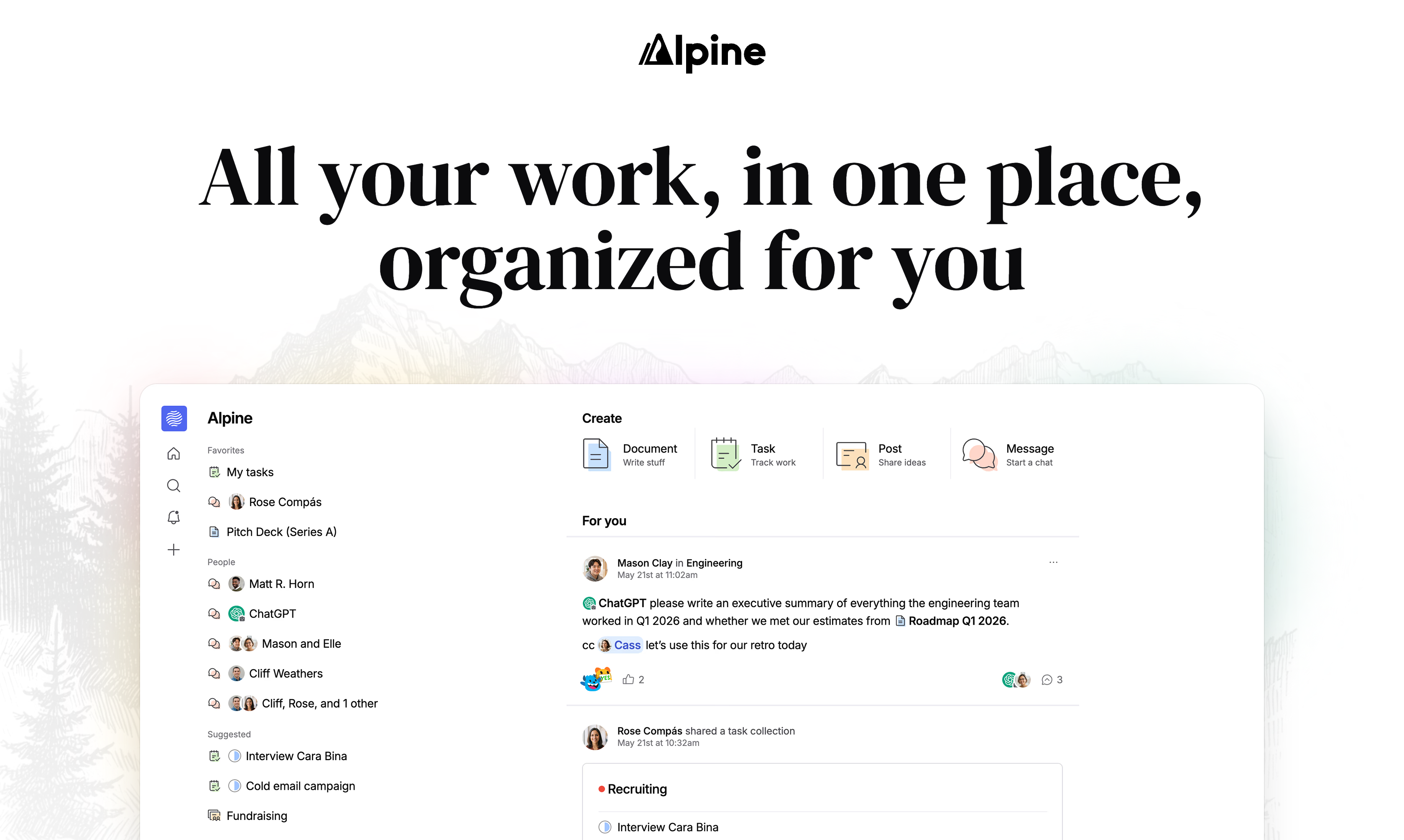
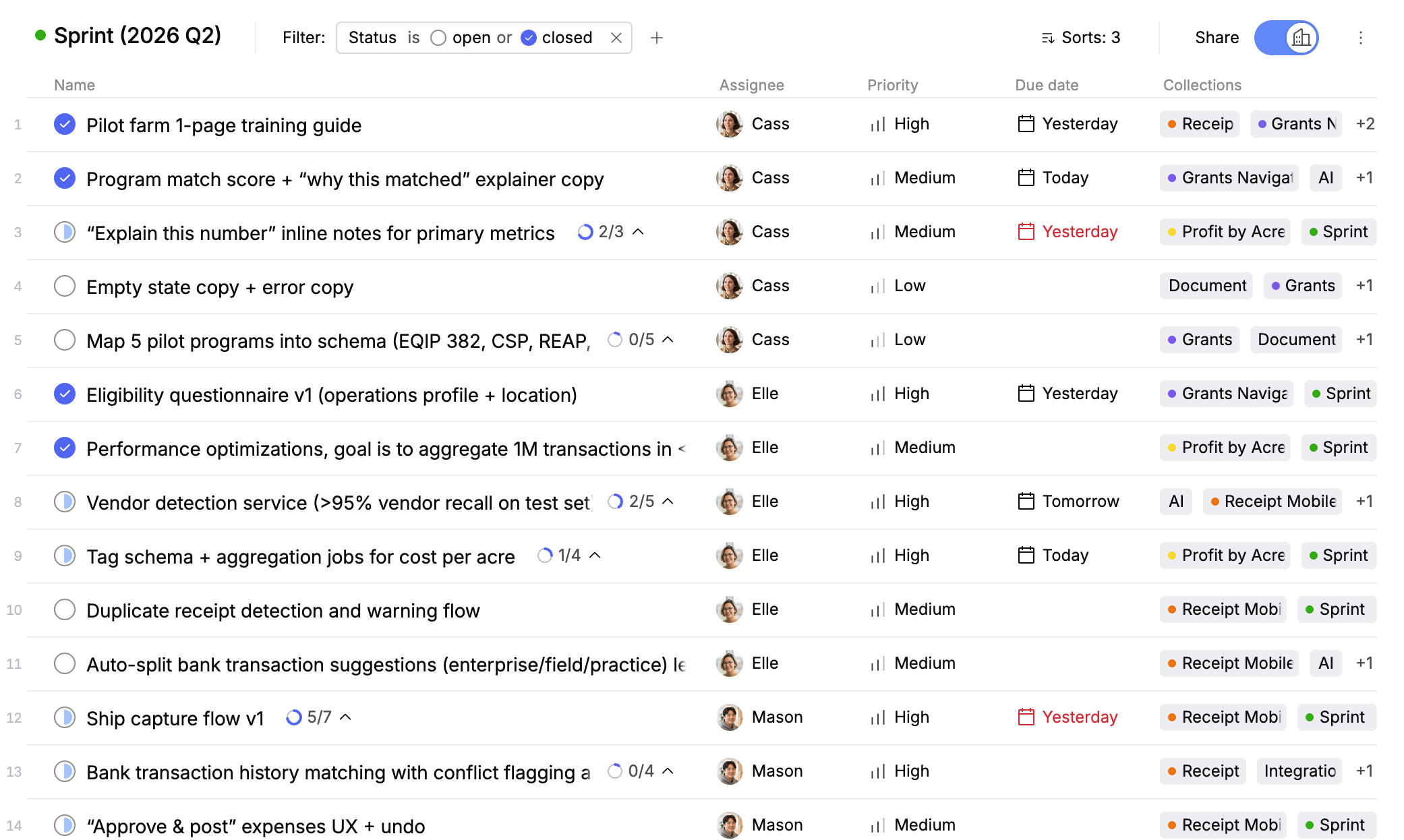
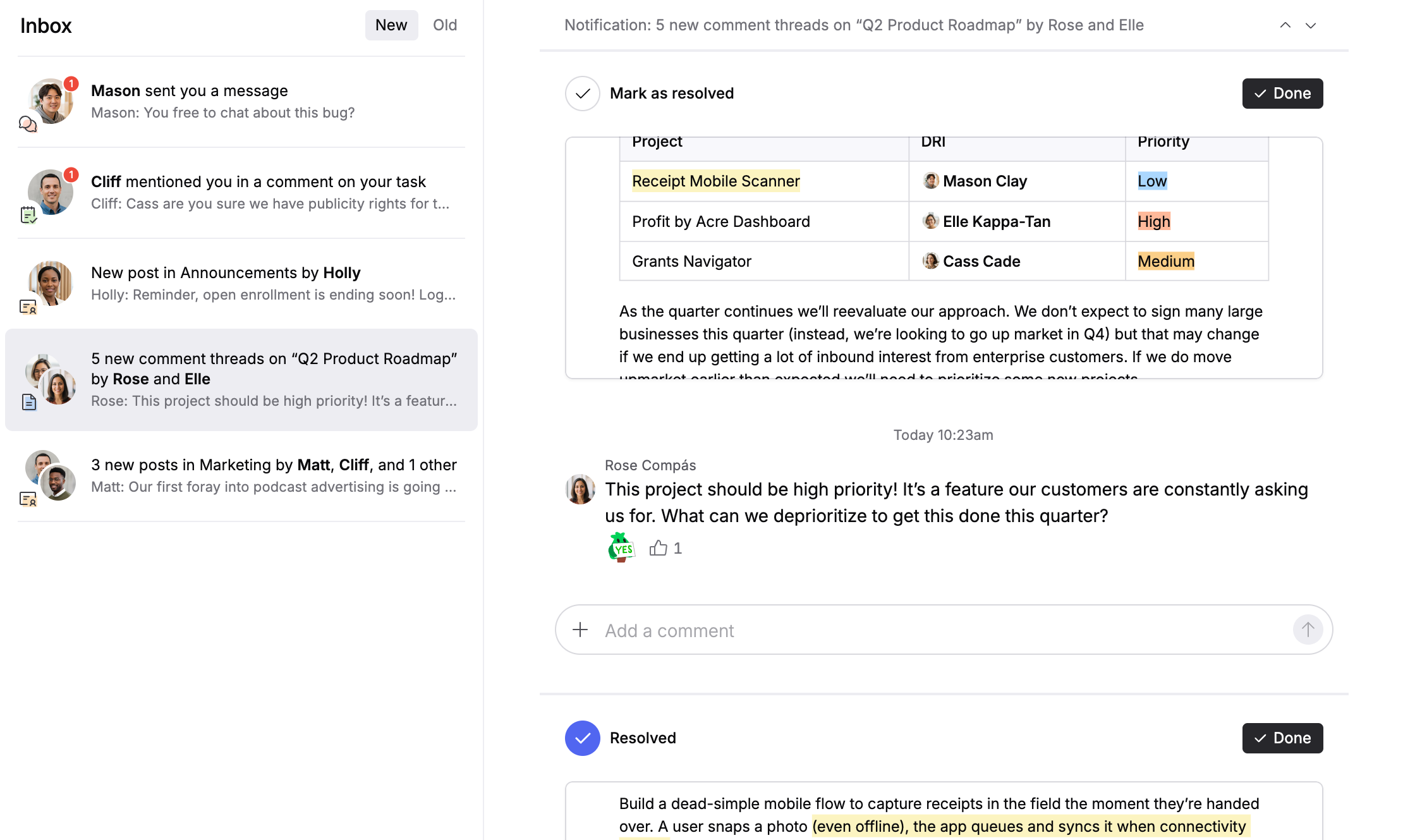
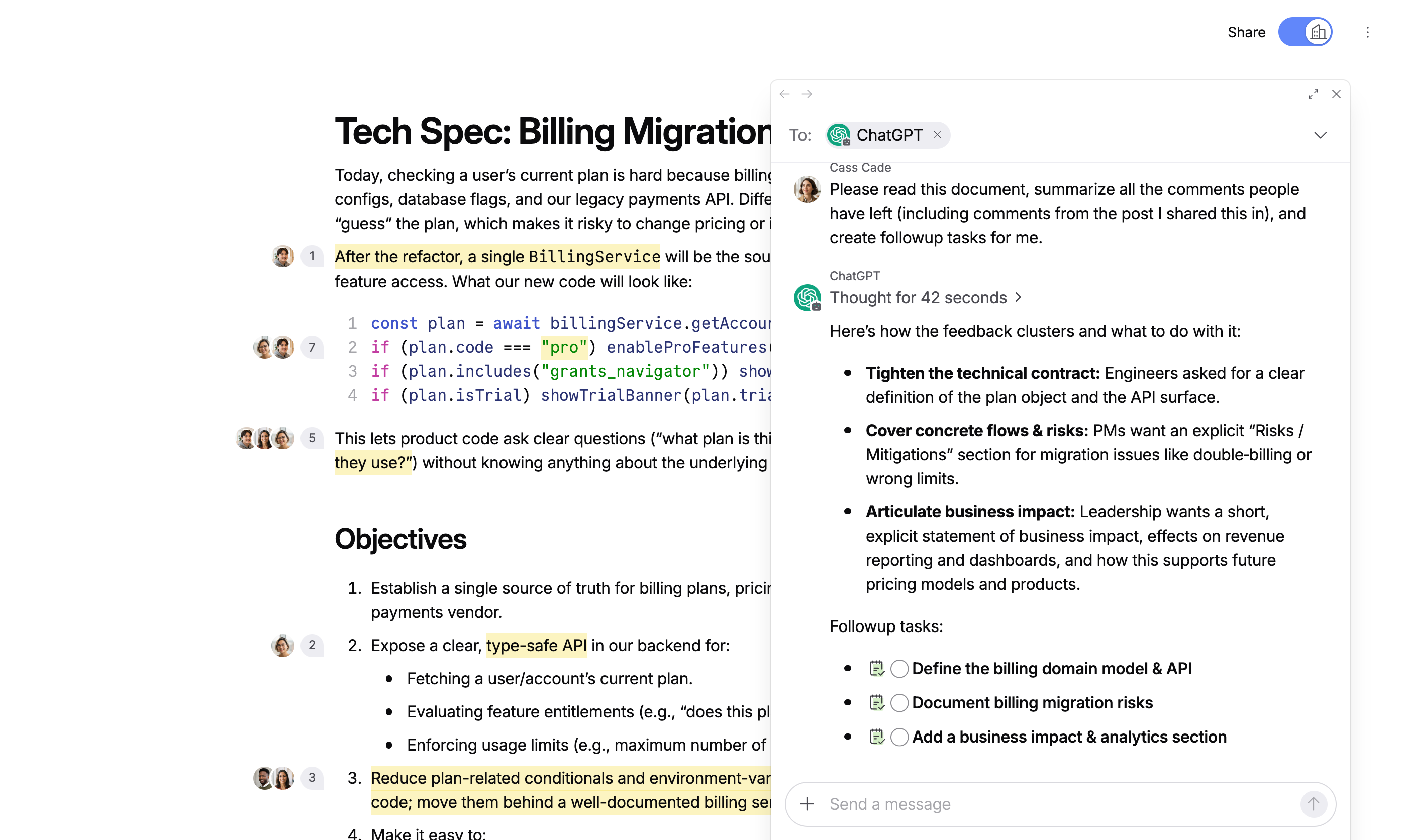
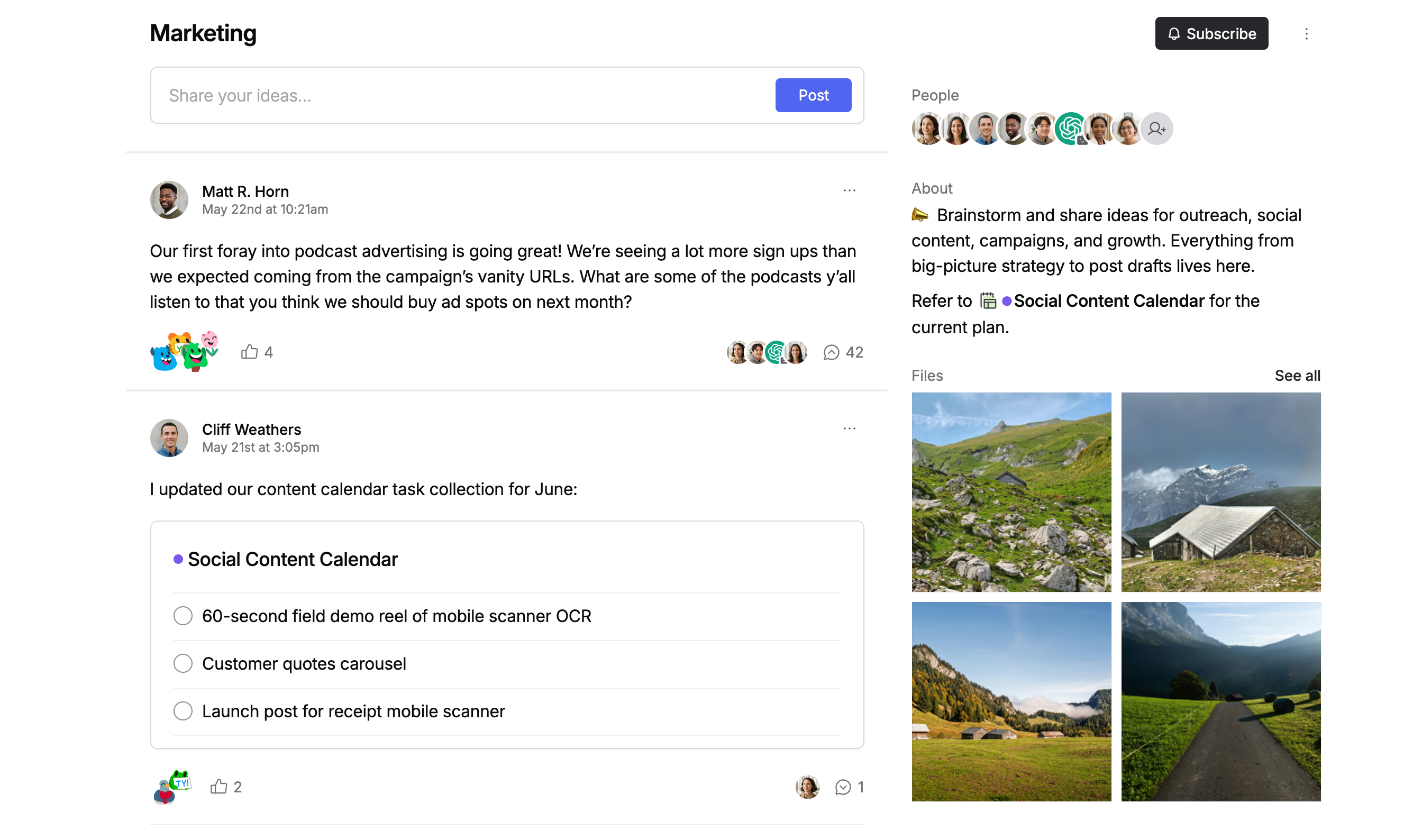
Hey Product Hunt! I'm Caleb. I've spent the last 3 years building Alpine with a small team. Alpine is docs, tasks, forum, chat, AI, and a personalized feed in one app. Everything is connected. No integrations to configure, no stitching together apps from different companies. Why did I forgo a cushy software engineer salary for 3 years to build this? Because I was fed up with all the time I was spending in so called “productivity” tools distracting me from the work I love: building excellent software. After working in both big tech (Meta) and startups (Airtable) I’d seen two wildly different approaches to productivity tools. Airtable uses what I affectionately call the “Slack Stack” (Slack + some docs tool + some tasks tool). Meta built all their productivity tools in house. You’d think Meta’s internal tools would be worse than the Slack Stack (given the difference in staffing), but I never stopped yearning for Meta’s internal tools! While each individual tool at Meta was behind the rest of the industry they worked nicely together and that made all the difference. So I spent 3 years building a productivity suite 🙃 It was all worth it because now I get to use Alpine every day. It’s fast, it’s filled with delightful little corners, I don’t have to keep switching apps, I’m not barraged with noise, I’m happy. What we built: • Docs that are fast and simple, not a database you have to configure • Tasks that work like bullet points, hit enter for a new task, tab for subtask • Forum for async discussions where every post is a thread (no more “can you move this to a thread?”) • Chat for when you need real-time conversations (and it’s the easiest way to talk with your agents) • A personalized feed to help you stay on top of everything happening at your company • Search that uses AI and NLP to find anything in a couple keystrokes • An inbox that actively sorts the signal from the noise • Agents to help you with anything: ask for summaries, help with writing, and more Your docs know about your tasks. We have your social graph so we can recommend stuff based on who you interact with most. When you ask AI for help, it has full context because everything lives in one place. That last part matters a lot right now. AI agents are starting to enter the workplace, but they’re useless when your work is scattered across 7 apps. Alpine gives them the unified context they need to improve your workflow, not slow you down. We’re a team of 4. I'm joined by Ian (ex-Amazon, ex-Asana), Rachel (ex-Rover), and Josh (ex-Automattic, ex-Gatsby, ex-Duo Security). We’ve spent 3 years obsessing over every detail and we’re just getting started. Would love to hear what you think. We’re offering Alpine free for now because we want feedback (feedback@alpine.inc)! If you want to join us in our mission to build the future of work we have a $250 lifetime access plan. You can lock in your price today, never pay us another dollar, and get higher AI limits + storage limits. We can’t do this without your support. The best part: you don’t have to switch from your current tools all at once. Start with docs and tasks, keep Slack for now. Use as much or as little as you need. Try it at https://alpine.inc
23
回复

@calebmer Congrats! Excited to check this out!

2
回复

@calebmer Building this with a small team over 3 years says a lot about focus and conviction. Products like this usually feel different when you actually use them daily — not just in screenshots.

Congrats on shipping Alpine 👏 wishing you a strong launch today!

1
回复

@calebmer > This resonates deeply. The problem isn’t a lack of tools — it’s fragmentation and cognitive overload.

I really like the philosophy of one coherent system instead of stitching together “best-of-breed” apps that don’t actually talk to each other. The Meta vs Slack analogy explains the vision perfectly.

1
回复

Curious how you think about reducing context switching when everything lives in one surface.
Do you optimize more for capture speed or later organization?

6
回复

@dmitry_petrakov there’s a bunch of little things we can do because we own all the tools that you can’t if you have separate apps.

• To link a doc from chat @ mention

• Then that link has the docs name without being a big ugly link

• When you click on the doc you get a fully interactive preview in window without opening a new app or stopping you from what you’re doing

It’s simple but that flow is just not possible with Slack + Notion.

Other examples:

• cmd-k searches across everything and gives you an interactive preview. You can copy, make edits, close search without switching away from what you were doing

• Did a chat message come in while you were planning your day in the tasks product? You can open a little preview window, respond, and continue working on tasks

- - -

As for capture speed vs later organization, we optimize 100% for capture speed and don’t ask you to organize AT ALL. Work is chaotic and constantly changing. Your organization system that worked last quarter may not make sense this quarter. Computers are also very good today at finding + organizing information. So you just create and the computer surfaces stuff for you when you need it (through feed and search mostly). We do have tools for organization but they’re optional.

2
回复

Hey Caleb! I have been wondering about a tool like that for a big while!

How can I move all the data, documents and stuff that I have in slack, Notion to Alpine?

Thanks!

3
回复

@danimirror send us an email contact@alpine.inc and we’ll get you sorted

1
回复

Congrats :)
For teams and agencies managing multiple client projects, are there plans for multi-workspace support (or similar features) in the near future? That would be a game-changer for us!

2
回复

@cathcorm We have a lot of ideas on how to make Alpine great for agencies managing multiple clients. I'd love to hop on a call and chat more about your use case. Send an email to contact@alpine.inc and let's find some time

0
回复

Congrats on the launch! Also having worked at Facebook, I sorely miss Workplace groups. Forums looks much better than Slack!

2
回复

From a CSM lens, I’m curious: do you also support things like cross-team visibility or external collaboration with customers today?

2
回复

@manaswee 

cross-team visibility

Yes. You have all the same sharing options you're familiar with in a Google Docs. Your docs, tasks, channels, whatever can be private, shared with only a few people, or public to everyone in the company.

external collaboration with customers

Not yet, but it's on the roadmap! We have a bunch of ideas on how to make this great. Can you tell me more about your use case? What would you need to make the product really shine for CSMs?

0
回复

This looks absolutely beautiful. Where would you say the design inspiration came from?

2
回复

@campak This may sound silly but the design evolved walking backwards from this one feature in the screen pictured below. This is our document product with a cover. Our cover feature uses a computational art program to generate unique art for every document (we want to offer more of these art programs over time not just this blobby one). Document cover features in tools like Notion let you select an Unsplash image which are often completely unrelated from the document's content and don't support the content, instead they distract from it. Instead our cover feature creates visual depth and lends authority to important documents.

So I knew I wanted this cover feature. To really make the feature sing we needed a clean see through app chrome. You'll see in the image how even your company logo in the top left corner lets the art show through (though you can set a background if that's not on-brand for you).

That decision to place everything on a white background and use spacing to visually group sections eventually bled its way into the rest of the product.

1
回复

The motivation behind this resonates. Switching tools constantly is exhausting, even when each tool is “best in class.”

Curious what internal constraint guided your design decisions the most while building Alpine.

2
回复

@shreya_chaurasia19 Great question. We knew we wanted to build a multi-product tool. We also knew we wanted to be simple, clean, and easy to use. If you're not careful, those two forces are at odds! So we started by thinking about "what's the system?" How do we have a company with 10+ products under one roof that doesn't lose it's simplicity. That ends up feeling more like OS design at times than traditional product design lol. Our answer: focus on our "universal" interfaces, the interfaces which span every product. Today that's feed, search, and inbox. Those are where we expect people to spend most of their time. They should be designed in such a way to not give any one product preferential treatment since that'll break down as we scale to more functionality.

0
回复

This resonates. The Meta vs. Slack-stack contrast is real individual tools can be great, but the seams between them are where focus dies. Optimizing for capture speed and letting the system organize later feels like the right default, especially if AI is going to be genuinely helpful instead of just decorative. Curious to see how this holds up as teams and information density scale.

2
回复

@musa_molla People keep trying to design tools "for AI" which is silly. AI is trained to be like us. They are weird ghosts of us. The best tool for AI will also be the best tool for humans. Since 1) the human enjoys their usage of the tool and is likely to use it better + more, 2) the AI naturally understands the shape of things. Similar to how we've discovered AI is really good at file systems.

0
回复

Do you have integrations? Would I be able to use the tool alongside my company's existing tool stack (Slack, Linear, Notion, GitHub) for private productivity?

Didn't find docs on your web page to check for myself.

2
回复

@sven_bendel we're actively working on integrations. Out of the four you mentioned which integration is the most important and how would you expect it to work?

0
回复

This looks really compelling, especially the idea of having everything in one place with shared context for AI.

One question though: a lot of critical information in teams still lives outside tools — phone calls, meetings, quick verbal decisions. Is that “spoken” knowledge brought back into Alpine so it doesn’t get lost?

2
回复

@ddu The next product want to build is meeting notetaker (ala Granola) and long long term (5 years?) we want a video conferencing tool too. That's a lot of spoken data in Alpine then. As for verbal decisions we'll have to see how AI hardware develops and how to integrate that in too.

0
回复
Alpine’s big differentiator seems to be unified context for AI agents plus a personalized feed/inbox—can you share an example workflow where that context measurably changes the outcome compared to using standalone AI in separate tools?
0
回复
#5
Phia
Create beautiful screen recordings automatically
187
一句话介绍:Phia是一款原生macOS屏幕录制工具,通过自动应用智能缩放、平滑光标、电影运镜和字幕等效果,解决用户在制作专业级屏幕演示视频时编辑耗时、成本高昂的痛点。
Productivity Social Media
屏幕录制 macOS原生应用 视频自动编辑 演示工具 离线操作 智能缩放 品牌化标题 创作者工具 一次性付费
用户评论摘要:用户普遍赞赏其设计精美、体验流畅及离线原生优势。主要问题与建议集中在:对自动缩放运动的手动控制程度、是否支持长时长录制、能否连接iPhone录制移动端演示、以及从Chrome扩展转向macOS应用后老用户的许可迁移问题。
AI 锐评

Phia的价值核心并非“屏幕录制”,而是“录制即成品”的自动化工作流封装。它敏锐地切中了内容创作者(尤其是独立开发者、教育者)的一个深层焦虑:专业呈现的门槛。其真正竞争对手并非Camtasia等重型编辑软件,而是用户对“费时调整”与“订阅成本”的双重厌恶。

产品策略上,选择开发原生macOS应用是一步险棋,但也是高明的差异化定位。这放弃了Web工具的普适性,转而换取性能、离线能力与“Apple级体验”的心智占位,精准锚定对工作流流畅度有苛刻要求的专业用户。然而,从评论看,其从Chrome扩展向桌面端演进时,未能妥善处理老用户权益,引发了“被欺骗”的负面反馈,这是独立开发者产品演进中的经典陷阱,暴露了在增长与用户关系维护上的短板。

功能上,“智能缩放”、“电影运镜”等术语本质是将传统视频编辑中的关键帧动画自动化、模板化。其风险在于,自动化与定制化之间存在天然张力。追求“精美自动”的用户会为之欢呼,但需要高度定制复杂动画的专业用户可能会感到受限。产品的长远挑战在于,如何在保持“开箱即用”的简洁魅力的同时,构建一个能满足进阶需求的、足够灵活的调整层。

总体而言,Phia代表了一类新兴的生产力工具趋势:垂直场景的深度自动化。它不追求功能的大而全,而是试图在“屏幕演示”这一细分场景中,将最佳实践固化为默认设置,从而将用户从“选择困难”和“重复劳动”中解放出来。其成败关键在于,能否在算法审美上与目标用户保持同频,并构建一个平滑的功能进阶路径。

查看原始信息
Phia
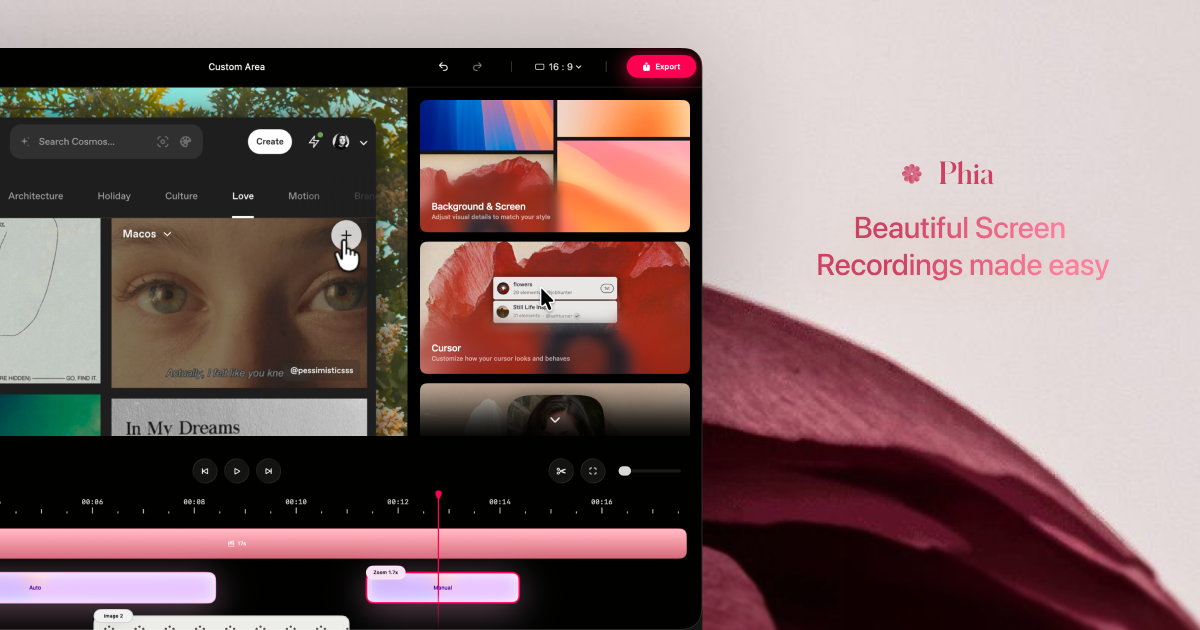
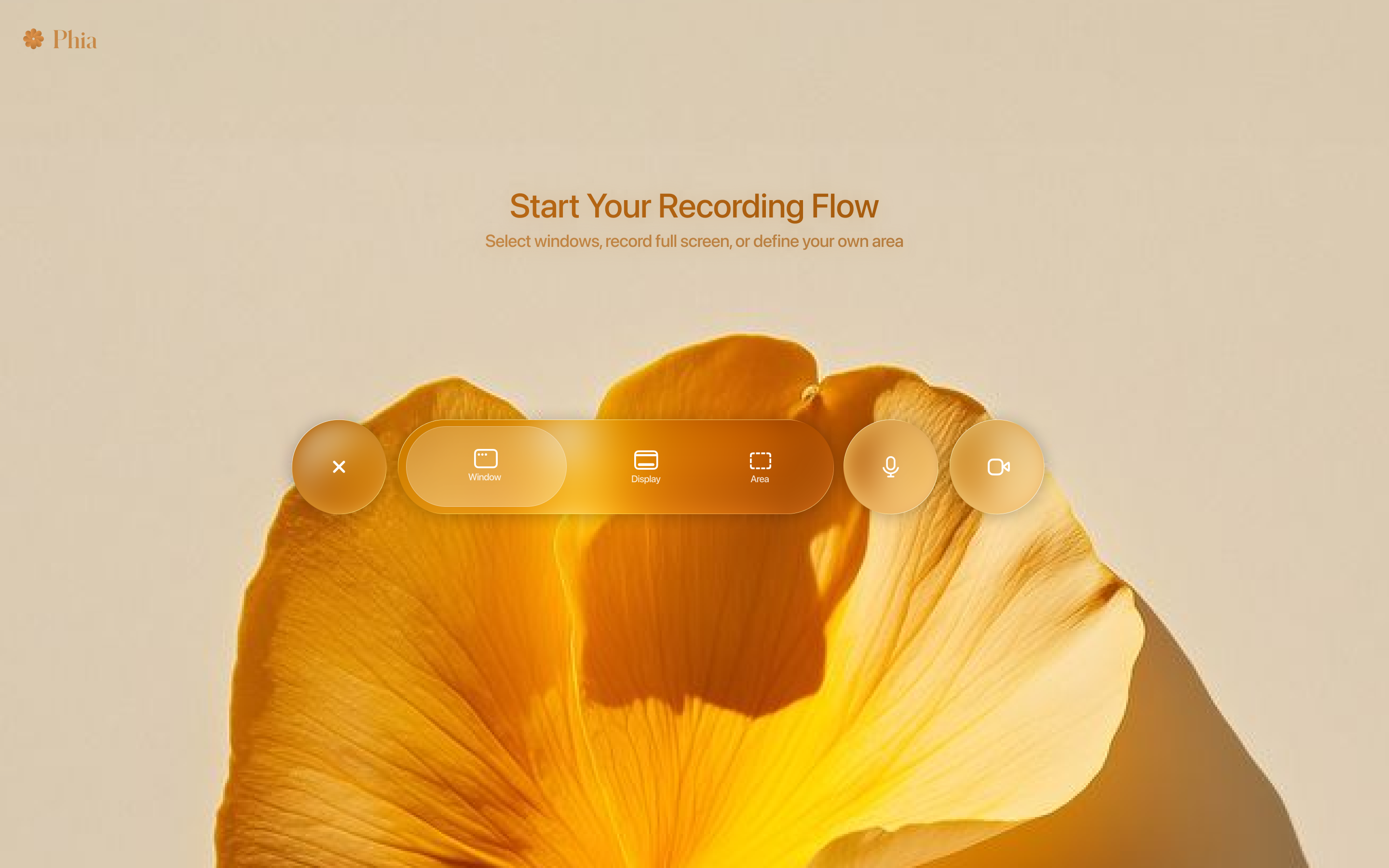
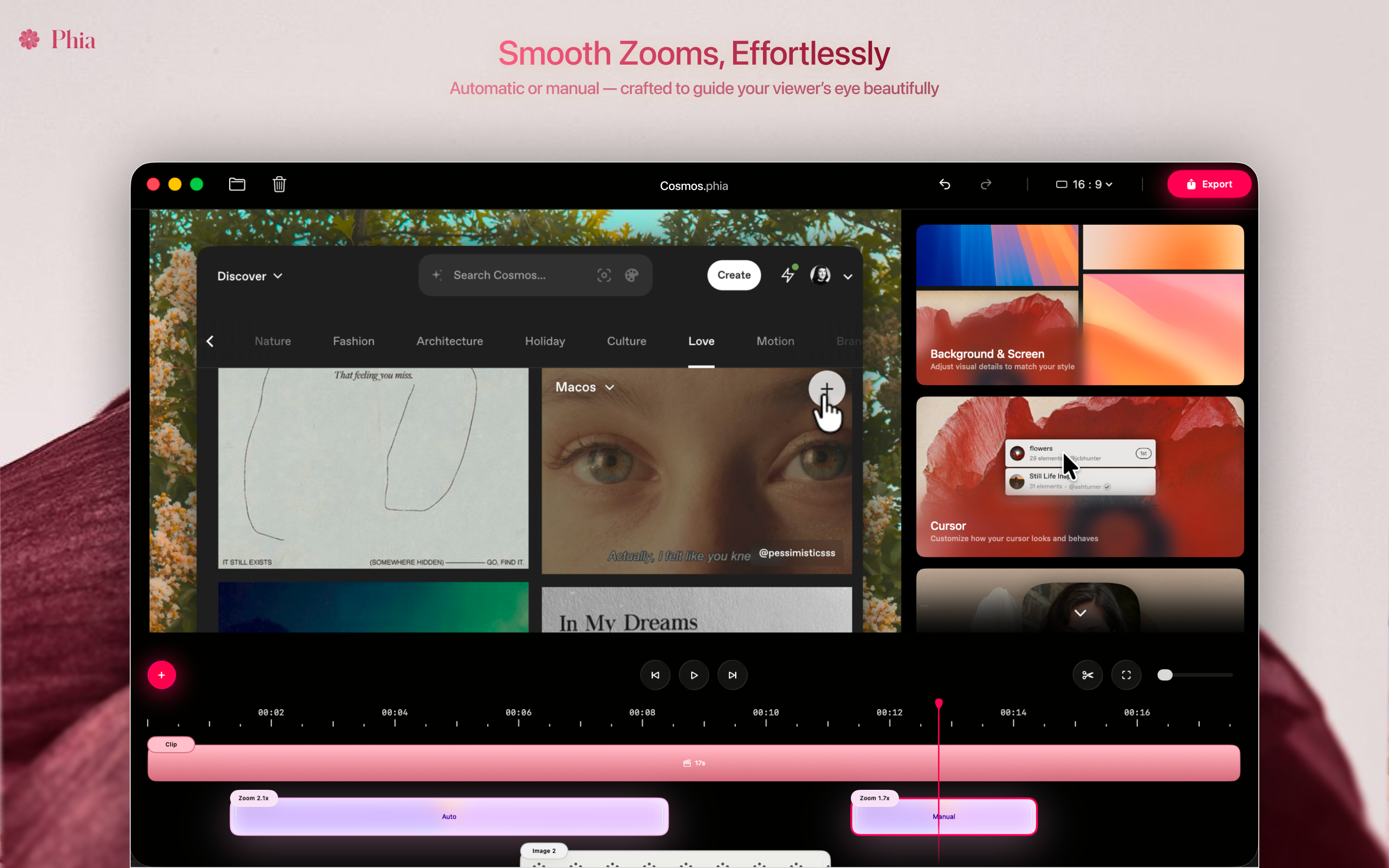
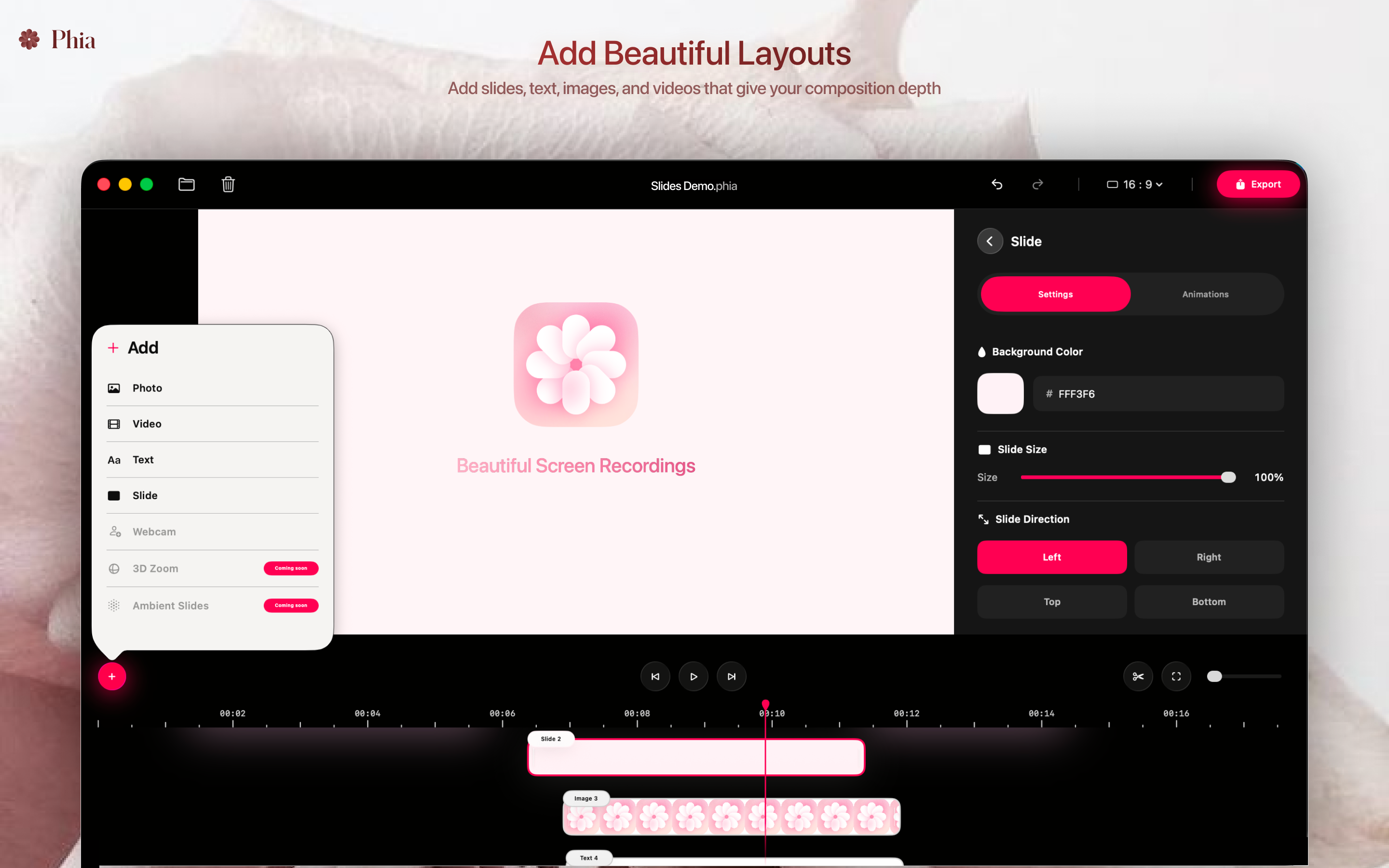
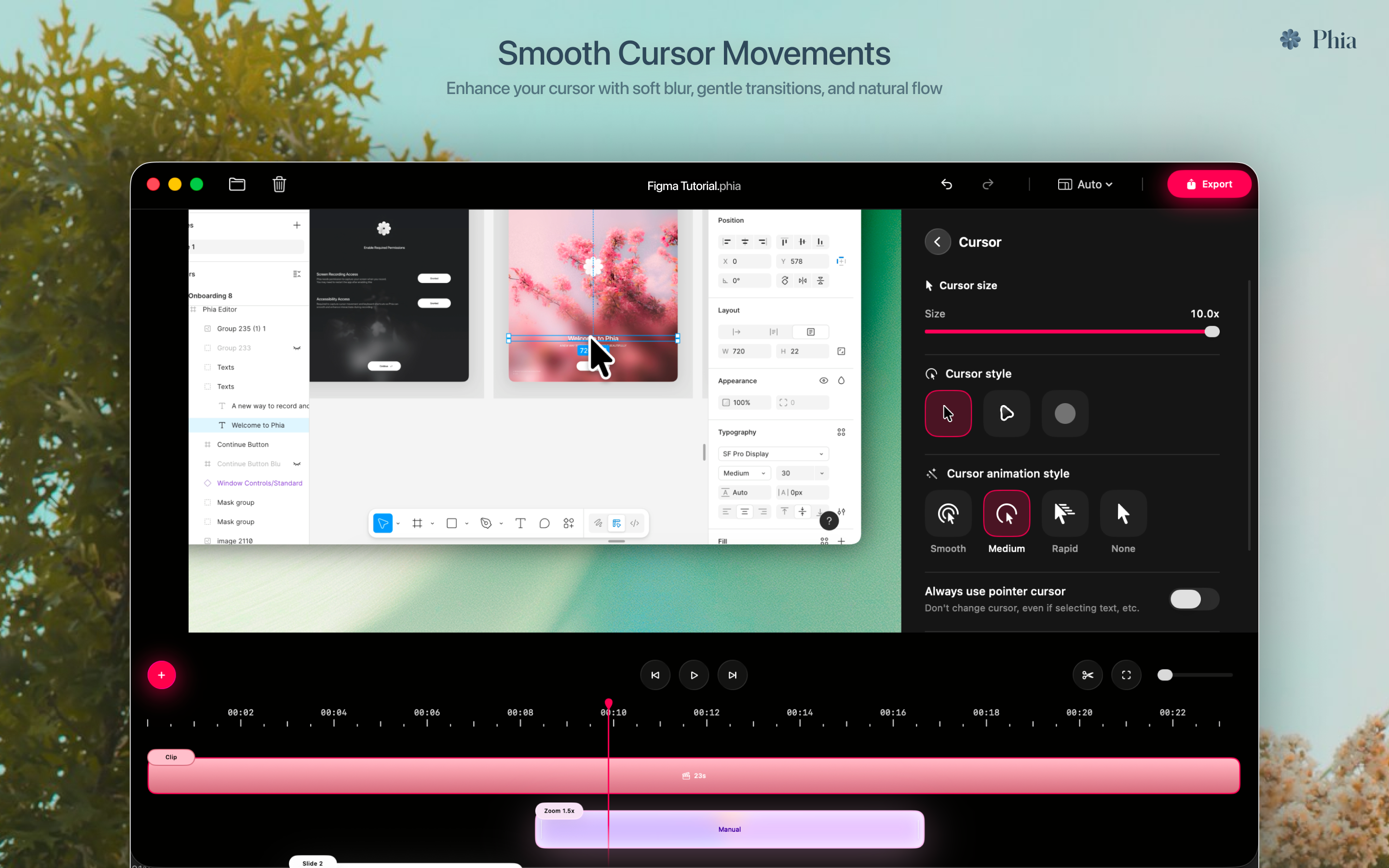
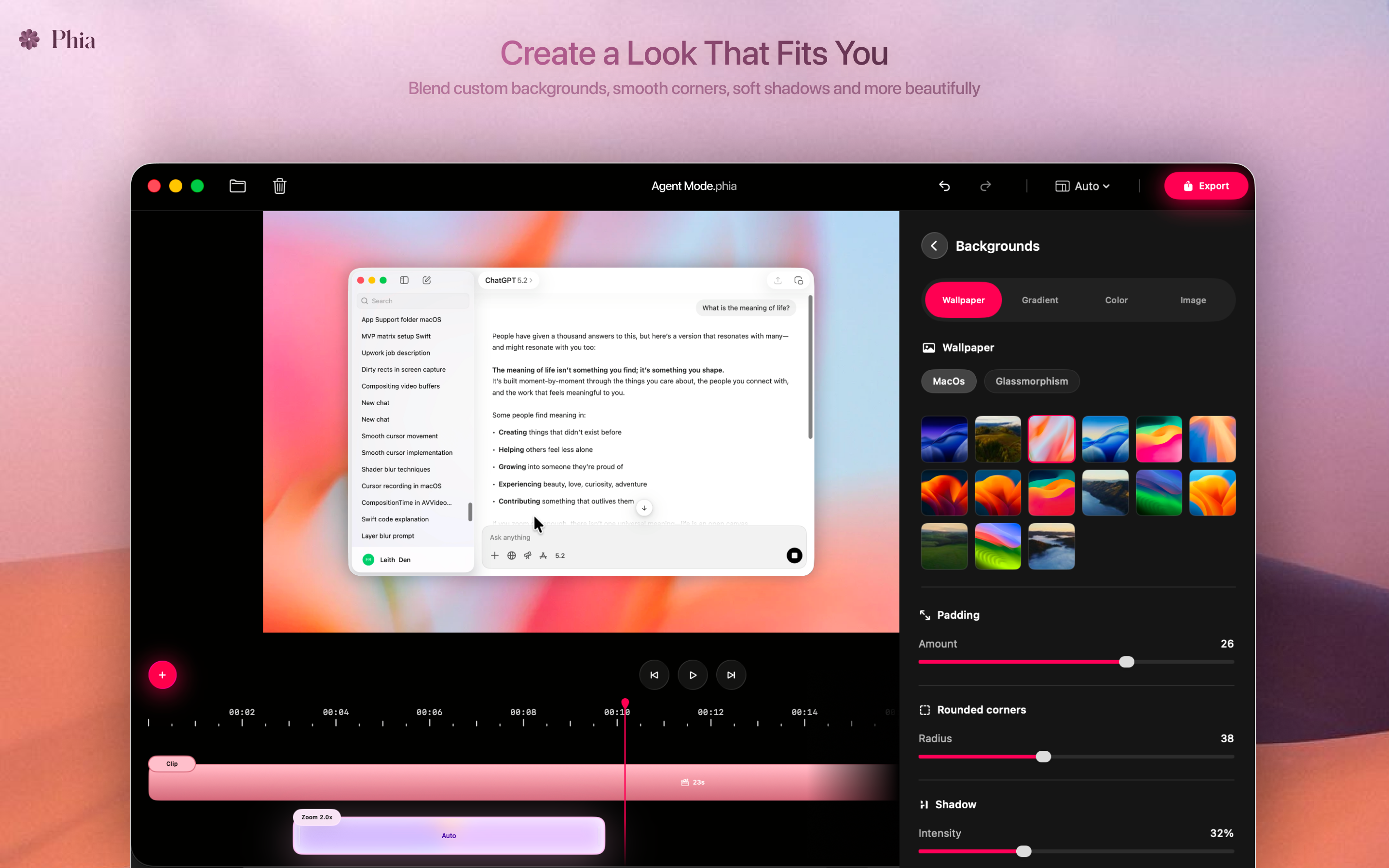
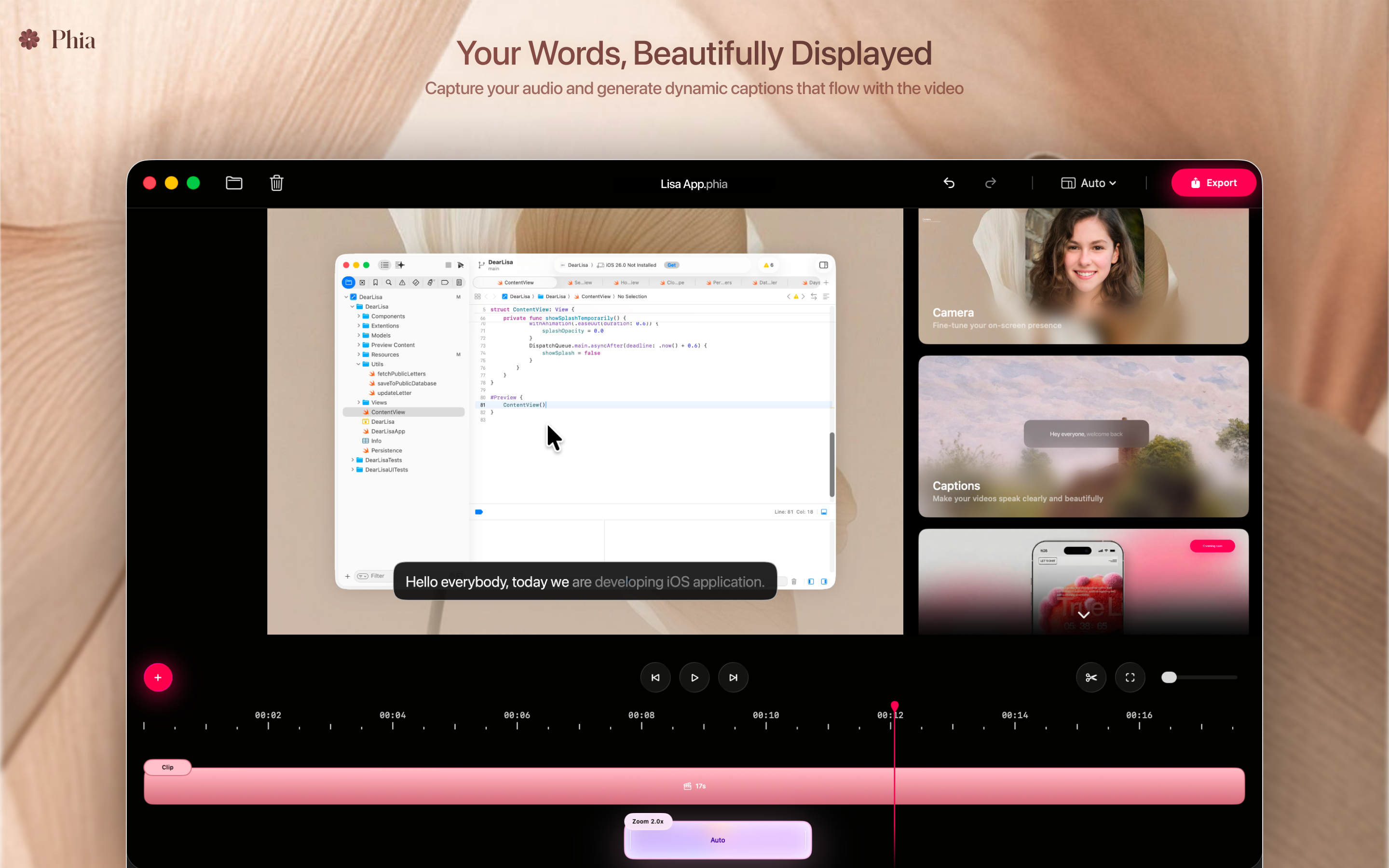
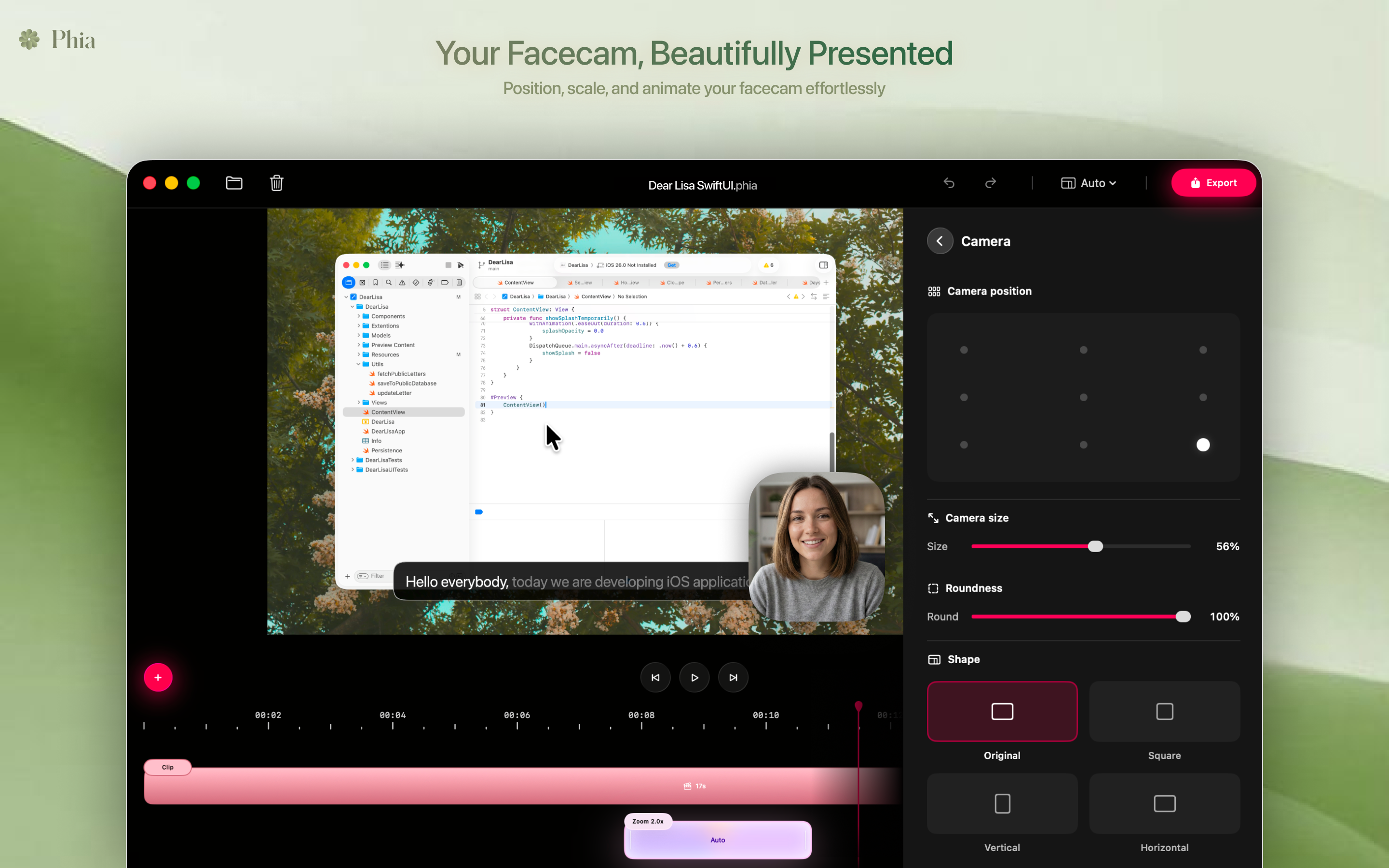
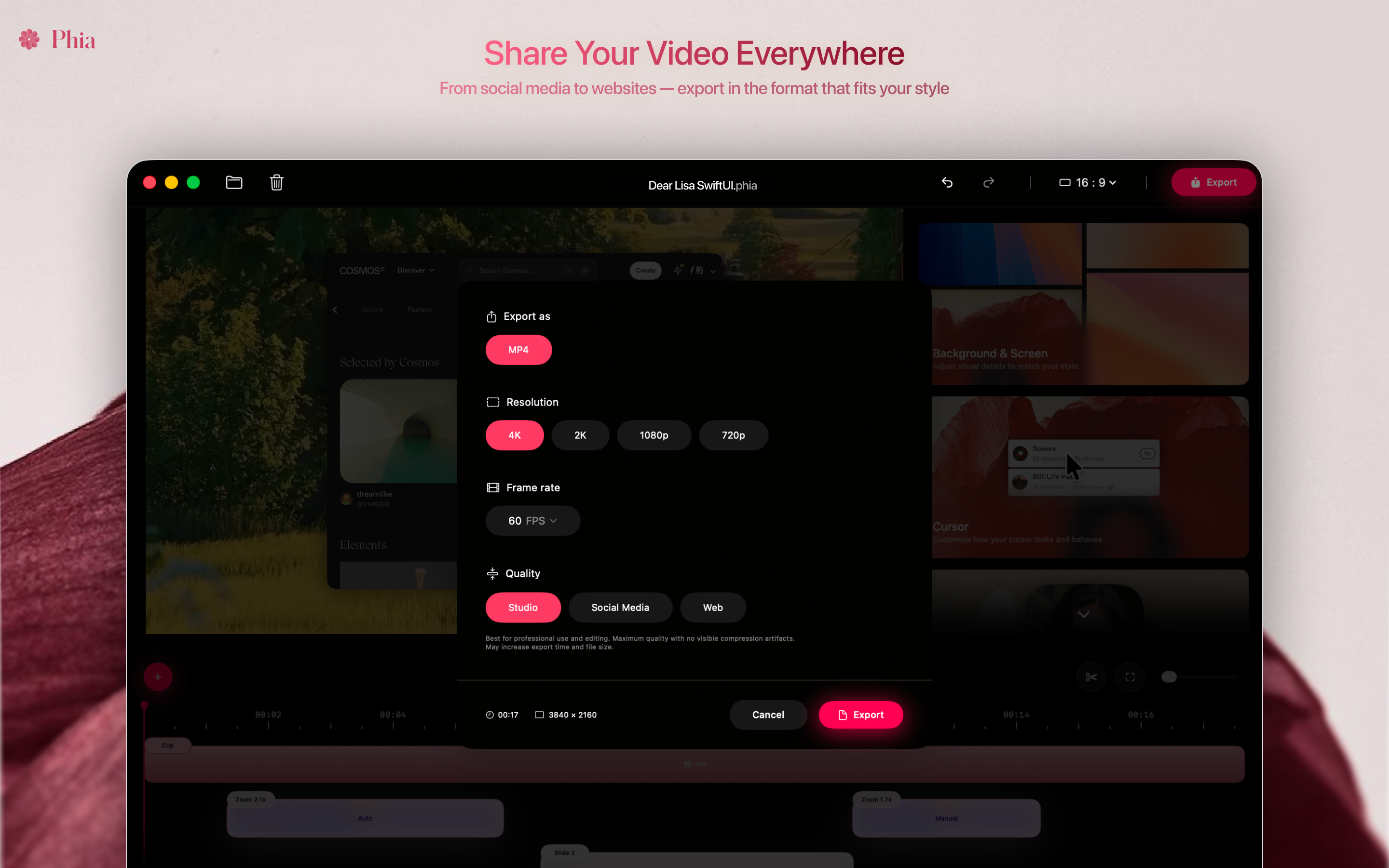
Phia is a native macOS screen recorder designed for creating beautiful screen videos. It includes a lightweight timeline and applies intelligent zoom, smooth cursor motion, cinematic movement, and captions. New features like animated brand titles and flexible layouts with slides, text, images, and video help recordings feel polished and intentional, everything runs locally on your Mac and works offline.
Hello everyone, I’m Zaid, the maker of Phia. Phia started as a small Chrome extension because I personally struggled to make screen recordings look good without spending hours editing or paying for tools that were tied with expensive subscription paywalls. The community support on the first launch changed everything and helped me grow it into something real. With that momentum, I finally built what I originally set out to create, a fully native macOS app. I chose to go native because I wanted real performance and freedom to build features properly, not compromises. Over the last 4 months, I’ve been working full-time on Phia for macOS, focusing on speed, polish, and that Apple-level experience. Phia now includes features like: Brand titles, Animations, Slides & text layers, Custom asset layouts and more features designed specifically for screen-based presentations One thing that mattered a lot to me was fair, affordable pricing. I wanted Phia to feel premium without being priced only for big teams or agencies. This launch is just the beginning, there’s a lot more coming, and I’m excited to build it together with feedback from this community. Would love to hear your thoughts, ideas, or questions. Thanks so much for checking it out
7
回复

@zaidbren Amazing to see the progress to made with Phia Zaid, It really is a great product

0
回复

@zaidbren Cool name, cool poster. I like Phia by far. I appreciate that Phia focuses on helping creators look professional by default, that is something I want as a creator myself.

Lowering the gap between recording and sharing feels like the real win here. Inspiring!

0
回复

interesting! we actually using clueso right now and it's kind of expensive

2
回复

@heyitsirenechan Thank you, hope you like it :)

0
回复

Looks super clean and thoughtful. Love the native macOS + offline focus!

Quick questions: how much control do you get over the auto-zoom and motion? And does it still hold up for longer, messier recordings (30–60 min)?

1
回复

@mees_schiks Yes definitely, Longer recordings works as well, you can add manual or auto zoom and adjust them accordingly :)

1
回复
Congrats.. you have amazing product and beautiful website 🔥🔥
0
回复

I've purchased a license to be using Phia on Chrome, and now it turned into a macOS useless app since I don't work on overpriced junk. Thanks for this brilliant move, waste of money and I just feel scammed.

0
回复

Wow, good job Zaid, really beautiful app!
I'm wondering if it supports recording from cable connected iphones with iphone mockup? This is one feature that keeps me using another product for so long - because I mainly need to record mobile app demos.

0
回复
Lovely y’all gratz.
0
回复

Congrats on the launch! The combination of screen recording with built-in design elements like brand titles and layouts feels very intentional, not just record and export. How flexible the animation and layering system is, can everything be adjusted after recording, or is most of the structure defined upfront before you hit record?

0
回复
When someone is deciding between Phia and the most common alternatives (cinematic auto-zoom editors, cloud-first recorders, and all-in-one capture tools), what’s the one switching trigger you see most often—and where do those other tools consistently fall short for your target user?
0
回复

Beautiful UI and love the automation. I do wonder how well it performs for dense or fast-moving screen recordings. Curious to try it out.

0
回复
#6
Voquill
The open source WisprFlow alternative
138
一句话介绍:Voquill是一款开源语音转文本工具,通过语音输入在任意应用和操作系统上实现高效文本创作,解决了用户因长时间打字导致的手腕劳损问题,并满足了其对数据隐私和部署灵活性的高阶需求。
Open Source Writing GitHub Audio
语音输入 开源软件 文本生成 跨平台 隐私安全 本地部署 AI听写 WisprFlow替代品 生产力工具
用户评论摘要:用户普遍赞赏其开源特性带来的隐私安全感,并期待移动端(尤其是Safari)版本。开发者确认将开发移动应用,并解释了转向桌面端的原因。用户也关注本地部署的延迟表现及与闭源产品的核心差异。
AI 锐评

Voquill的亮相,与其说是一款单纯的语音输入效率工具,不如说是一次对当前AI应用“黑箱化”和隐私焦虑的精准狙击。它聪明地抓住了WisprFlow等成熟产品的软肋——数据隐私与系统封闭性,并将“开源”和“本地部署”从技术特性升维为核心卖点。

其真正价值并非在“语音转文字”的基础功能上有颠覆性突破(尽管其宣传4倍速度提升),而在于构建了一个差异化的信任体系:对于个人用户,开源代码意味着可审计,消除了对数据被滥用的隐忧;对于企业客户,私有化部署方案则直接击中了金融、法律等处理敏感信息行业的合规痛点。评论中用户对“起草机密邮件”的提及,恰恰印证了这一需求的真实存在。

然而,挑战同样明显。首先,开源与商业化之间的平衡是一门艺术,如何在不损害社区信任的前提下实现可持续盈利,是创始团队必须回答的问题。其次,从评论看,其目前生态(桌面端为主)尚不完善,移动端的缺失会直接影响使用场景的连贯性。最后,将“透明可控”作为主要武器时,也意味着必须在产品体验、识别准确率和延迟上达到与闭源竞品同等甚至更高的水准,否则“安全”就会沦为体验不佳的借口。开发者回复中提及本地部署“需要几秒钟”,而云端“极快”,这实际上揭示了在隐私、成本与性能之间的经典三角博弈,用户必须做出取舍。

总体而言,Voquill选择了一条艰难但颇具前瞻性的赛道。它未必能立刻取代所有闭源竞品,但无疑为那些将数据主权置于首位的用户和机构,提供了一个极具吸引力的选项。它的成功与否,将检验在效率至上的工具市场,“信任”本身究竟能承载多大的溢价。

查看原始信息
Voquill
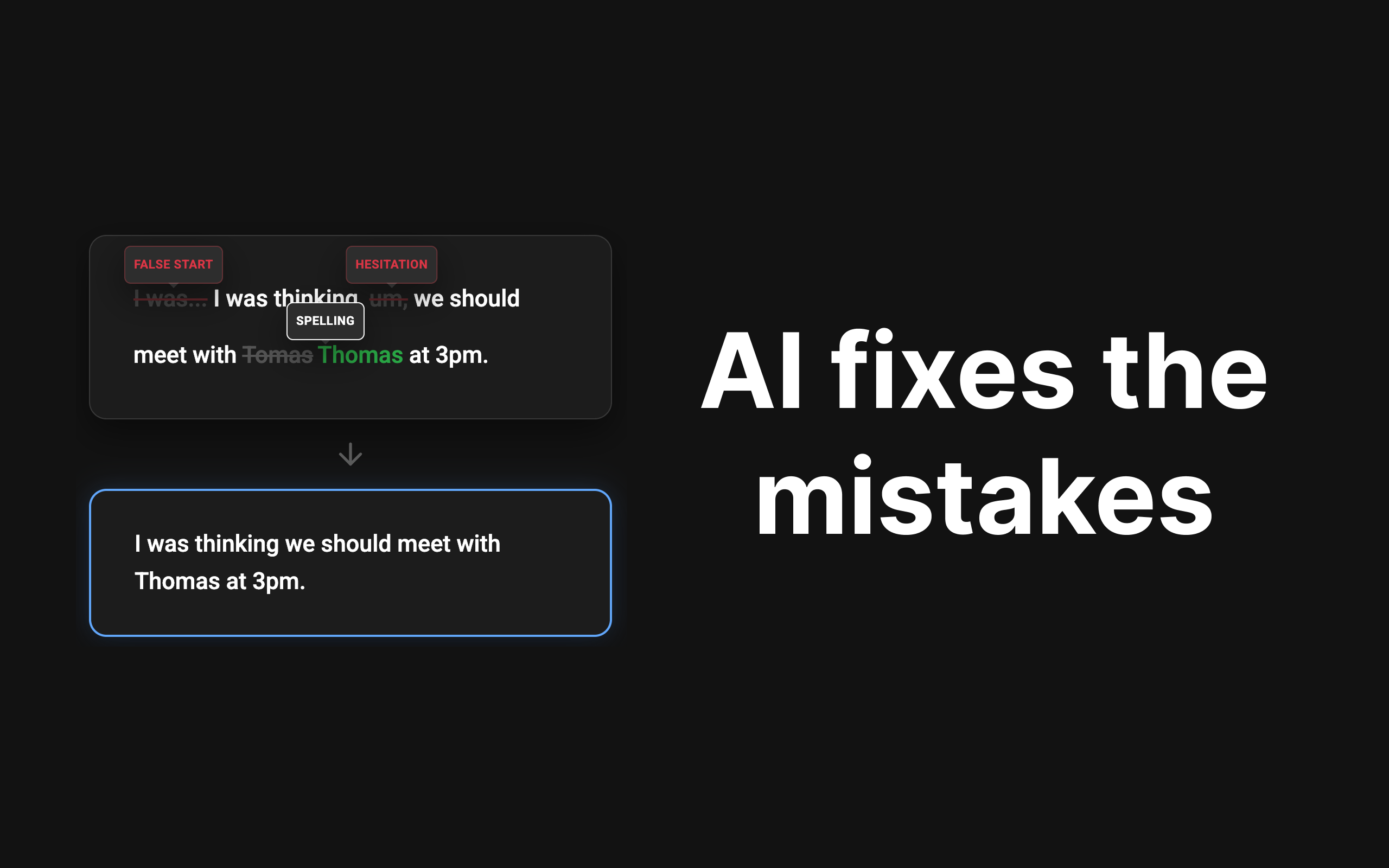
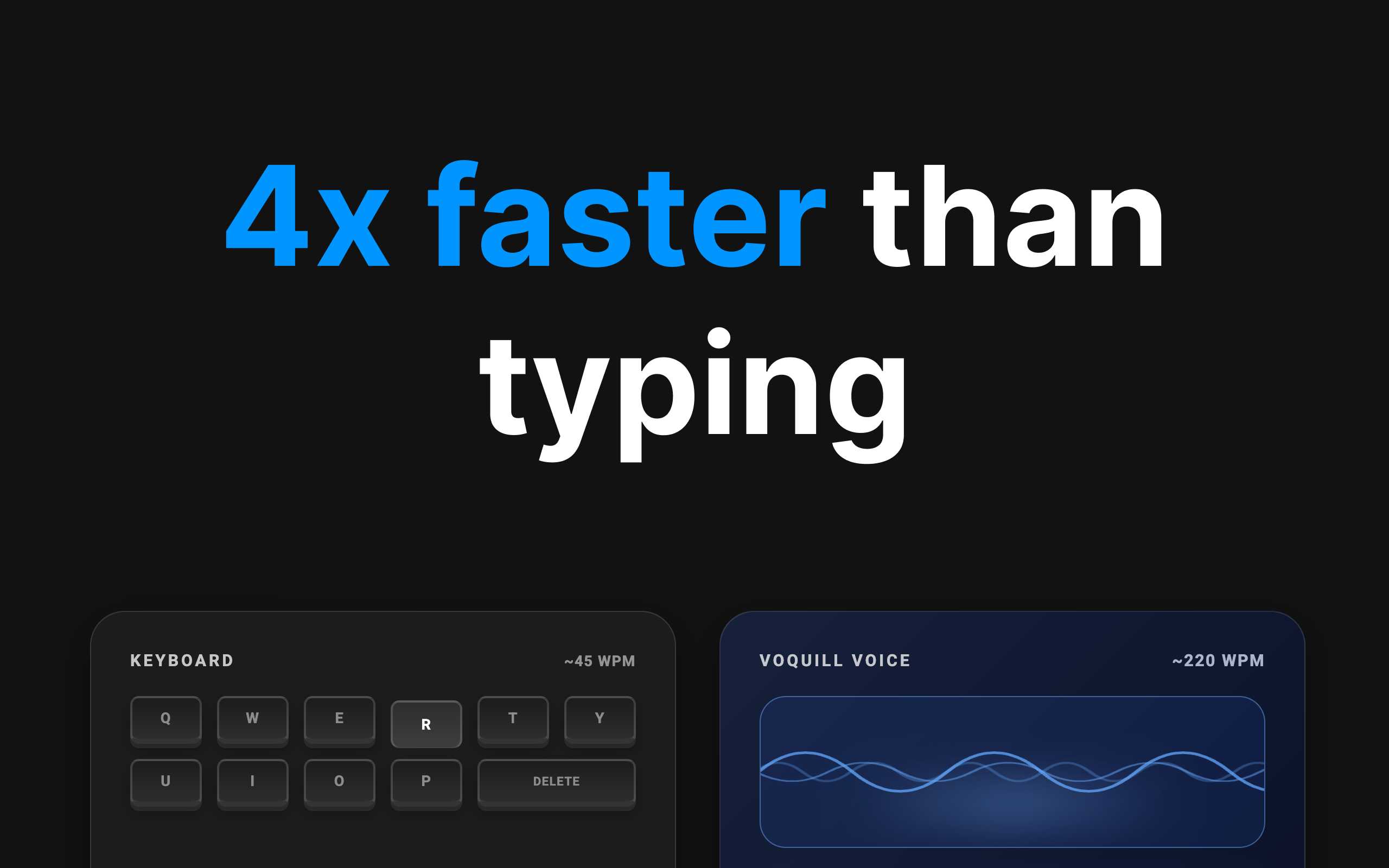
Voquill is the open source alternative to WisprFlow. Type 4x faster by using your voice. It works in any app and runs natively on any operating system (MacOS, Windows, or Linux). Whether you're using agent mode or AI dictation mode, Voquill understands your intent and turns what you say into beautifully formatted text.

my wrists usually ache after a long day of typing so I am definitely moving my drafting process over to voice now.

3
回复

@anil_yadav38 You won’t regret it! Talking instead of typing is almost addictive haha

0
回复
Sounds great. Congrats on the launch . Am I right in thinking that this is only available on Desktop and chrome browser on mobile at the moment? If so, when do you think this will be available to use on mobile in Safari ?
2
回复

@simona_o_neill3Thanks Simona! We’re sunsetting our Chrome extension in favor of this new Desktop app since it's more versatile. We'll be starting work on our mobile version next. Hoping to have it available in the next few weeks.

1
回复
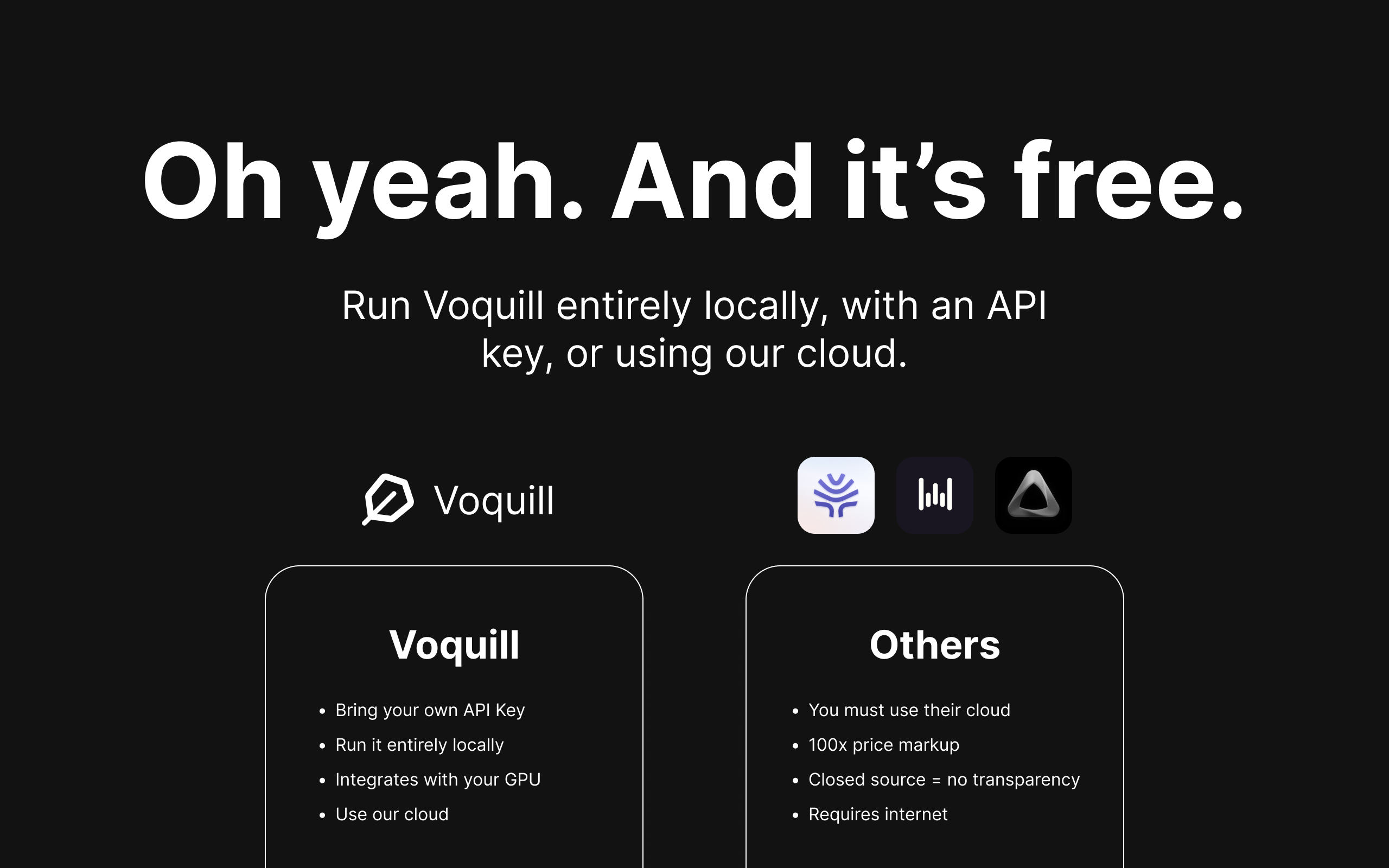
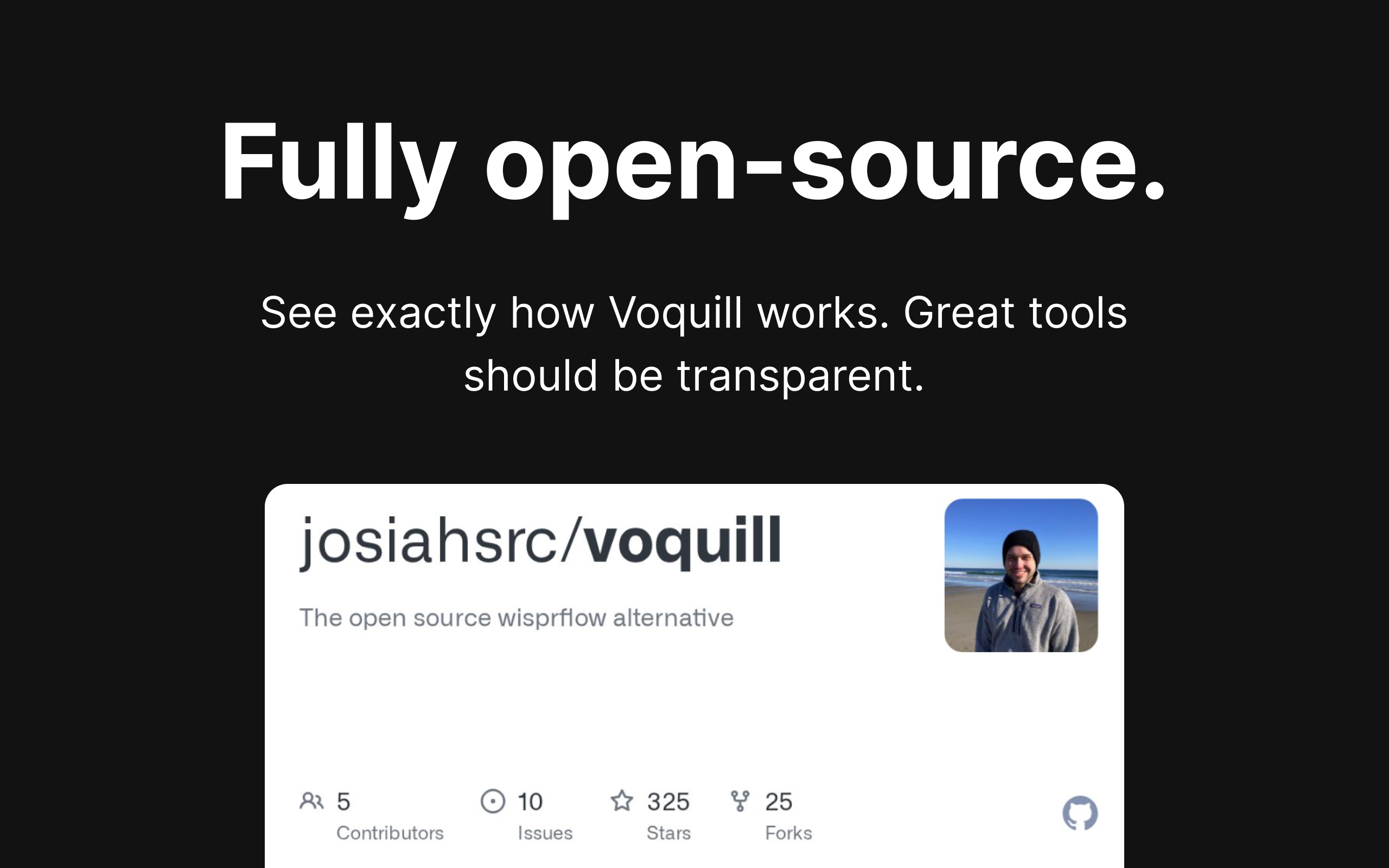
Hey everyone! 👋 I'm Josiah, one of the co-founders of Voquill. We're building this product because we found AI dictation to be an incredibly useful tool. We believe that great tools should be transparent and available for everyone to contribute to, use, and have full confidence that their data is safe. That's why we're building Voquill as a fully open-source alternative to WisprFlow. Voquill works in any app and runs on any operating system. You can run it using our cloud, connect it to an API of your choosing, or even run it entirely locally. For enterprise users, we can also set up a private cloud so you can use Voquill with 100% confidence that your data stays completely private. Would love to hear what you think! Thanks, Josiah, Henry, & Michael
1
回复
When someone is choosing between Voquill and a polished closed-source option like Wispr Flow, what are the differences that actually matter in daily use?
1
回复

@curiouskitty Great questions. For me it’s transparency and privacy. Voquill’s code is open, so you can trust your data isn’t being harvested or trained on. And for enterprises, you can run dictation entirely on-prem. This is super important for organizations that are working with private data that shouldn’t leave their network. On top of this, you get the added benefit of owning what you use; if you don’t like something, you can fix it yourself

0
回复
what does latency look like if we run it locally on a M4 macbook pro?
1
回复

@jasonge27 It depends on how long your transcription is. For a normal sized transcript, it’ll take a couple seconds. Running with an NVIDIA GPU or against the cloud is crazy fast.

0
回复

I have been hesitant to go all-in on tools like WisprFlow specifically because of privacy concerns regarding voice data. The fact that Voquill is an open-source alternative is a huge selling point for anyone working with sensitive information. Knowing exactly how my data is handled—and potentially self-hosting or running it locally—makes this a much safer bet for drafting confidential emails or internal docs.

0
回复
#7
Recent.dev
Real-time changelog updates for your favorite tools
134
一句话介绍:Recent.dev是一款为开发者提供实时技术栈更新聚合服务的工具,通过订阅官方变更日志,在工具发布新特性或重大变更时发送即时邮件通知,解决了开发者手动追踪多个工具更新效率低下、易错过关键信息的痛点。
Productivity News Developer Tools
开发者工具 变更日志聚合 技术栈监控 实时通知 效率工具 版本管理 开源情报 产品更新 邮件订阅 无噪音推送
用户评论摘要:用户普遍认可其解决真实痛点,价值在于集成稳定性和避免上游破坏性变更。主要建议包括增加每日/每周邮件摘要、Slack团队集成。开发者回应积极,确认摘要功能即将推出,并探讨团队集成可能性。少量疑问聚焦于更新抓取原理及相较于RSS等方案的差异化优势。
AI 锐评

Recent.dev切入了一个被低估但日益尖锐的痛点:在技术栈爆炸与迭代加速的“AI基建时代”,开发者对上游依赖的“信息能见度”已构成实际的生产力与稳定性瓶颈。产品聪明地放弃了“AI摘要”的时髦噱头,转而坚持提供原始变更日志,这恰恰是其核心价值——将“官方信源”与“零噪音推送”结合,确保了技术决策所需的关键上下文不丢失。

然而,其护城河面临双重考验。其一,技术层面,它本质是一个精心设计的爬虫与推送系统,壁垒在于对分散且格式各异的官方变更日志页面的稳定解析能力,以及应对反爬策略的可持续性。其二,商业模式与生态层面,当前免费模式如何演进?若工具流行,开发者是否会因邮件过载而关闭通知?团队提及的Slack集成与组织看板是更自然的演进方向,这或将使其从一个个人效率工具,升级为团队研发运维流程中的标准基础设施组件,价值倍增。

真正的挑战在于,它必须比GitHub Watch、RSS阅读器或简单的页面监控工具提供“显著更优”的体验。其优势应体现在:覆盖更全的非GitHub工具链、推送延迟极低、以及精准的“重大变更”过滤机制。评论中开发者关于“如何定义重要更新”的回答尚显模糊,这恰恰是未来需要算法与人工规则共同深耕的核心。若能在此建立权威,它便不止是信息的搬运工,而成为技术风险的“早期预警系统”。当前产品形态简洁锋利,但能否从“有用的小工具”成长为“关键的基础设施”,取决于其后续在数据覆盖深度、推送智能性与团队工作流集成上的进化速度。

查看原始信息
Recent.dev
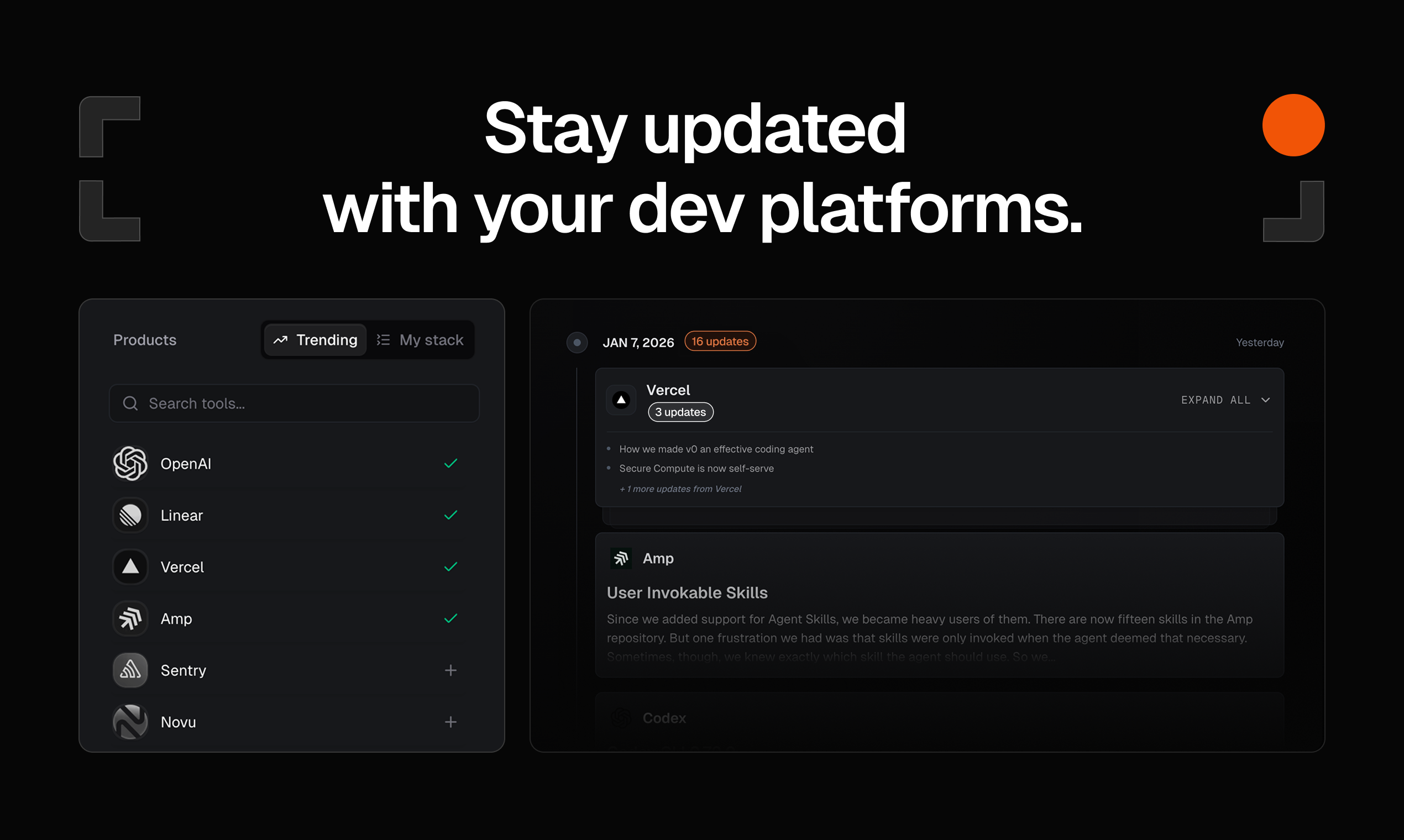
Stop hunting for updates. Select your stack - from Next.js to Attio - and receive instant email updates the moment your tools change. Stay ahead of breaking changes and new features with a feed curated specifically for you. No noise.

Hi Product Hunt! 👋

Dima and Emil here, makers of recent.dev.

As builders, our tool set consists of 50+ different tools we use as part of our craft. But staying up to date with the recent updates and new features becomes quite challenging. I find my self regularly scouting the twitter feed, and manually going to bookmarked changelogs to see what's new, and how I can improve my workflow.

That’s why we built recent.dev. It’s simple:
1. Select the tools you use and love.
2. Get an aggregated email the second they release something new.

No "AI summaries" that miss the technical nuance, just the raw updates you need to keep your production apps running smoothly.

I’d love to hear from you: What is the one tool in your stack that is the hardest to keep track of?

I'll be here all day to answer questions and take tool requests! 🚀

7
回复

@dima_grossman Congrats on the launch excited to see what youve built

0
回复

Upvoted!At Dashform, we rely on a pretty heavy stack of tools. Knowing the moment one of them ships a new feature (or breaks something) is super valuable for keeping our integrations stable.

3
回复

@openaigpt5 Thank you! Same here, feel free to suggest any missing tools 🙏

1
回复

@openaigpt5 Thanks for the upvote! That's exactly the use case we built for - when you're integrating with multiple tools, a breaking change upstream can ruin your day. Knowing about it the moment it ships gives you a head start. Glad it's useful for Dashform. I will also personally ensure that supporting the Dashform changelog will be in place in the upcoming hour.

1
回复

Very creative. And Recent.dev is essential for the AI era. While everyone is rushing to build, few understand the underlying stack. When things inevitably break, having the ability to quickly understand the changelogs and deploy agents to fix them is a game-changer.

2
回复

@prathkum Thanks! You nailed it - the stack is moving faster than anyone can manually keep track of. Changelogs are the source of truth for what actually changed, and having that context at your fingertips (or your agent's fingertips) makes debugging so much faster. Appreciate the support!

0
回复

Perfect for devs! No more hunting for updates. Clean feed, instant alerts. Super useful tool.

2
回复

@zeiki_yu Thank you!

0
回复

@zeiki_yu Exactly what we were going for. Thanks for the kind words!

0
回复

Looks super cool 👏 Quick question - how do you decide what counts as an important update vs noise?

2
回复

@netanel_baruch We are looking only on the products live changelog, so those are containing only notable changes in majority of the vendors. Usually combining all the small fixes under a main release. Fun thing, is that usually changelog pages are available prior to the official social messages, so you are going to be the first to know!

0
回复

@netanel_baruch And since you pick exactly which tools to follow, your feed stays focused on your stack. No algorithm deciding what's 'important' - just the updates you actually need.

0
回复

A brilliant idea and really well executed, in a simple and clean UI/UX, it would be great also to have daily or weekly notification on email as changelog.

1
回复

@leotrim_lota on it!

1
回复

@leotrim_lota  Thanks! You're reading our minds - email digests are rolling out next week. You'll be able to choose daily or weekly summaries delivered straight to your inbox. Appreciate the kind words on the UI/UX.

0
回复

This solves a very real pain. Changelogs are the actual source of truth, but they’re scattered and easy to miss until something breaks. Having a stack-specific, no-noise feed feels especially valuable now that tooling and AI infra change weekly. Curious to see how teams start wiring this into incident response and upgrade planning.

1
回复

@musa_molla Appreciate it. The AI infra churn is real - half my feed is LLM library updates right now. Team integrations are on my radar. Curious what that would look like for you - Slack alerts? Dashboard for the whole org's stack?

0
回复

finally, a tool i can subscribe to and get updates about the tools i use, without the noise.

1
回复

@george_djabaro Thanks! What are your top 3 tools to watch for?

1
回复

@george_djabaro That's the goal - signal, no noise. Thanks for checking it out!

1
回复
Lots of people already try to solve this with RSS, GitHub release watching, vendor newsletters, or page-change monitors. What’s the one capability or experience that consistently makes users say, “This is worth switching for”?
0
回复

Great idea! How do you retrieve the framework update information?

0
回复

This is amazing, makes your life much easier to follow project you find interesting, especially right now, with AI in the for front of builders, more projects are being built, and with greater velocity, the ability to see everything in one feed, just makes sense.

Also, @emilpearce and @dima_grossman rock!

0
回复

@dima_grossman  @tomer_barnea1 The velocity right now is insane - hard to keep up manually. Glad the single feed approach clicks for you. And appreciate the shoutout, that means a lot! 🙏

0
回复
0
回复
#8
Meety 2.0
Google Cal in your menu bar & join meetings in one click
110
一句话介绍:一款将Google Calendar深度集成至macOS菜单栏的工具,通过一键加入会议和可靠提醒,解决了用户在深度工作时容易错过或手忙脚乱加入线上会议的痛点。
Productivity Meetings Calendar
菜单栏工具 日历集成 一键入会 智能提醒 隐私保护 效率工具 macOS应用 Google Calendar客户端 时间管理 深度工作
用户评论摘要:用户高度认可“一键快速入会”和“全屏强提醒”功能,认为其精准解决了从邮件翻找链接和忽略普通通知的痛点。开发者回复阐述了与同类工具的核心差异在于“可靠性”,并针对“好工具已很多”的质疑,解释了其通过分级提醒、场景感知等功能实现不可替代性的逻辑。
AI 锐评

Meety 2.0并非简单的菜单栏日历“又一员”,而是一款精准切入“会议出席焦虑”场景的解决方案型产品。其表层价值是便捷的一键入会和菜单栏可视化,但深层价值在于通过“分级提醒规则”和“全屏强提醒”构建了一套“防失聪”的通知体系,直接瞄准了现代知识工作者在深度工作流与碎片化会议夹击下的核心矛盾——认知专注与外部日程的冲突。

产品聪明地避开了与全能型日历客户端的正面竞争,转而充当Google Calendar的“可靠性增强层”。其“隐私优先”的本地化体验是加分项,但并非核心壁垒。真正的犀利之处在于对“通知失效”这一普遍问题的功能化回应:将“可能被忽略的通知”升级为“必须处理的干预”。从评论看,早期付费用户(Pro版)正是那些被“错过会议”所刺痛的人群,这验证了其从“有用工具”到“解决问题”的价值跨越。

然而,挑战同样明显。其场景过于垂直,天花板清晰。对于日程规律或会议量少的用户,它可能是“精致的冗余”。此外,高度依赖Google Calendar生态是其优势也是风险。长期来看,能否从“单点功能惊艳”发展为“个人日程智能中枢”,例如更深入地预测并调配用户的专注时间与会议安排,将是其从“止痛药”进化到“维他命”的关键。目前,它是一款针对特定痛点、设计精良的优秀单品,但尚未展现出颠覆工作流的平台潜力。

查看原始信息
Meety 2.0
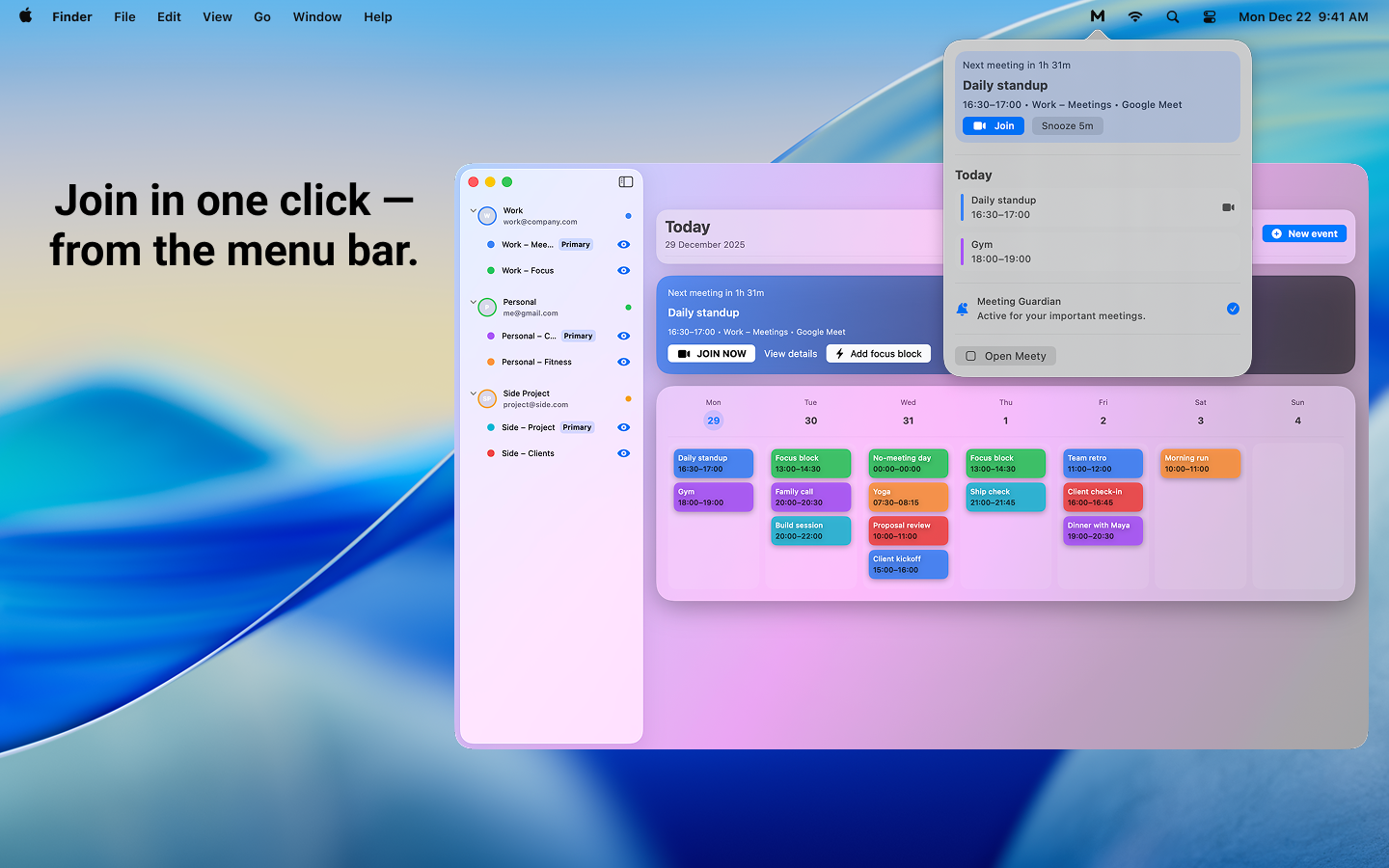
Google Calendar in your menu bar: quick join for meetings, reminders you can actually trust, and two-way sync for creating/editing events—built privacy-first for macOS.

i love how i can just jump into a call with the quick join button without digging through my email for a link.

1
回复

@susil_kora Thanks! 🙌 Quick Join was exactly the pain I wanted to solve — really happy it’s saving you time.

0
回复

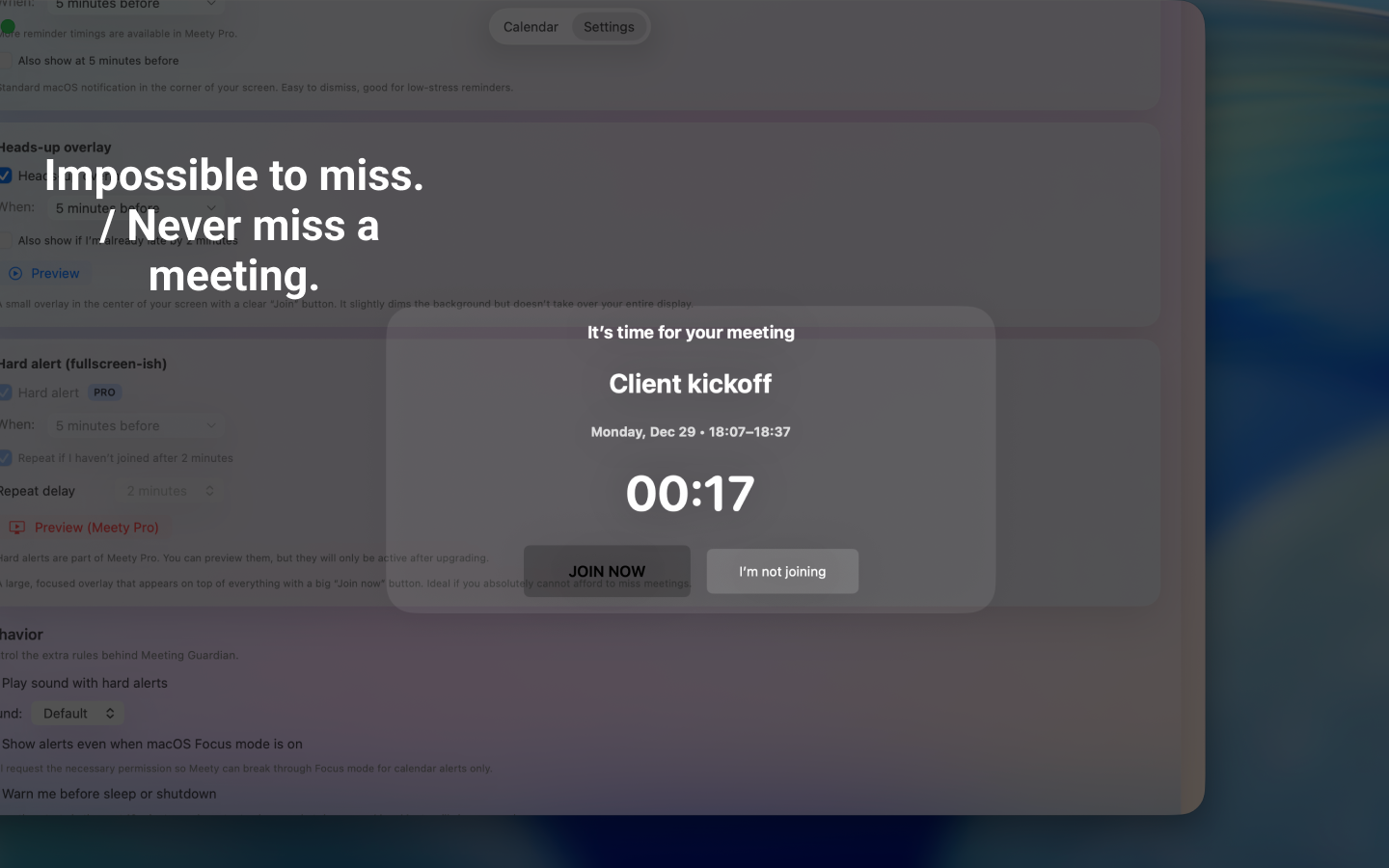
those full-screen Hard Alerts are a game changer for me because I usually ignore standard notifications when I am deep in work.

1
回复

@new_user___3282025fa49521ad0ba0301 Yes! That’s the exact problem I had too — standard notifications disappear, but work doesn’t. Glad Hard Alerts are helping. 🙏

0
回复
Hey Product Hunt! I built Meety because I wanted Google Calendar to be instantly accessible without living in a browser tab—and I kept missing meetings during deep work. What Meety does: • Menu bar view of your calendar + live countdown • One-click join for meeting links • Calm reminders, plus optional full-screen “Hard Alerts” (Pro) • Create & edit events that sync back to Google Calendar • Privacy-first: the app experience runs on your Mac I’d love feedback on: - Which reminder style is most useful (Soft vs Balanced vs Hard)? - Is the pricing/packaging clear for Free vs Pro? - What’s the #1 feature you’d need to switch from your current setup?
0
回复

The "join in one click" feature is honestly the only reason I need this app. I waste so much time digging through calendar invites just to find the Zoom or Meet link. having it sit right in my menu bar, ready to launch the moment a meeting starts, removes so much friction from my daily workflow. It is a small utility that solves a very specific, annoying problem perfectly.

0
回复

Congrats on the launch! I really like the idea of pulling the calendar out of the browser and into a calm, always-available menu bar experience, especially the live countdown during deep work. How Meety handles overlapping events or back-to-back meetings visually, and whether that changes how you decide when to surface stronger alerts

0
回复
Many users already have “good enough” options (built-in Calendar notifications, Itsycal, MeetingBar). What’s the one capability or outcome where Meety is meaningfully better, and what’s your best evidence that it drives switching rather than just being a nice-to-have?
0
回复

@curiouskitty Totally fair question — “good enough” is real in this category.

For Meety the meaningful difference isn’t “another menu bar calendar”, it’s reliability of showing up to the right meeting on time when you’re deep in work. Quick Join is the obvious surface feature, but the bigger outcome is: fewer missed/late meetings.

Where it’s better vs Itsycal/MeetingBar + default notifications:

  • Hard Alerts (Pro): full-screen, impossible-to-miss alert with a big Join button + snooze. Default notifications are easy to ignore when you’re focused or in Do Not Disturb.

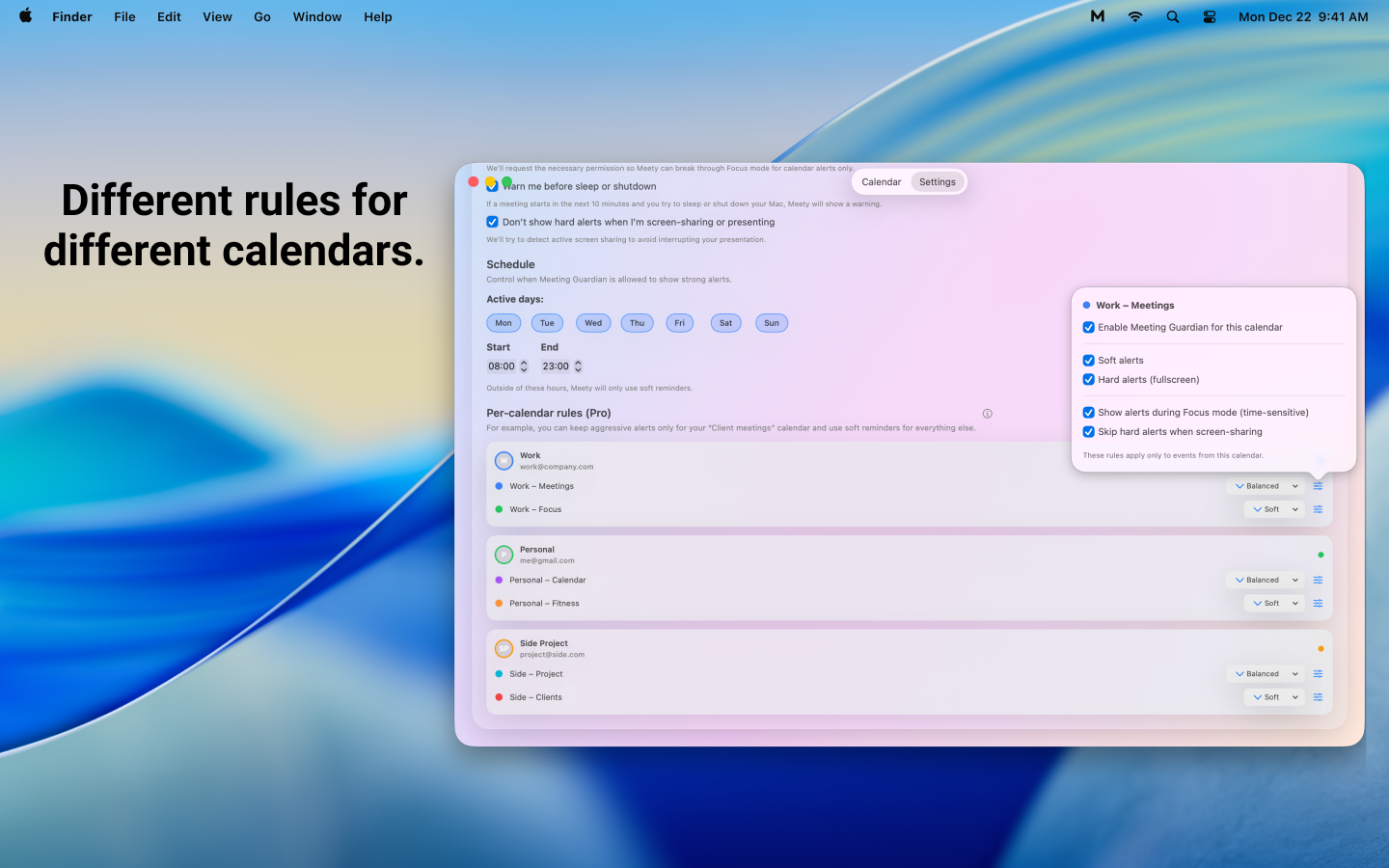
  • Reminder rules per calendar: Off / Soft / Balanced / Hard, so you can keep “noise” calendars quiet and make only critical ones disruptive.

  • Context-aware options: e.g. skip alerts while presenting/screen-sharing.

Evidence so far: early users who self-identify with “time blindness”, heavy meeting load, or deep work are the ones converting to Pro and telling me it replaced their previous setup because “I stopped missing/being late” (same reason they highlight Hard Alerts and Quick Join).

If you’re using built-in notifications and never miss meetings, you probably won’t switch — Meety is designed for the segment where “good enough” still fails.

0
回复

Love this! 🚀 Meety 2 brings a real native Google Calendar to Mac with two-way sync and smart notifications — such a smoother way to stay organized!

0
回复

@kyle_singh thank you ☺️

0
回复

Congrats on 2.0! Menu bar calendar + one-click join is exactly what Mac users need. Hard Alerts for deep work? Genius. Privacy-first approach is a big plus!

0
回复

@zeiki_yu thank you. I appreciate that

0
回复
#9
anonity
the private social media
106
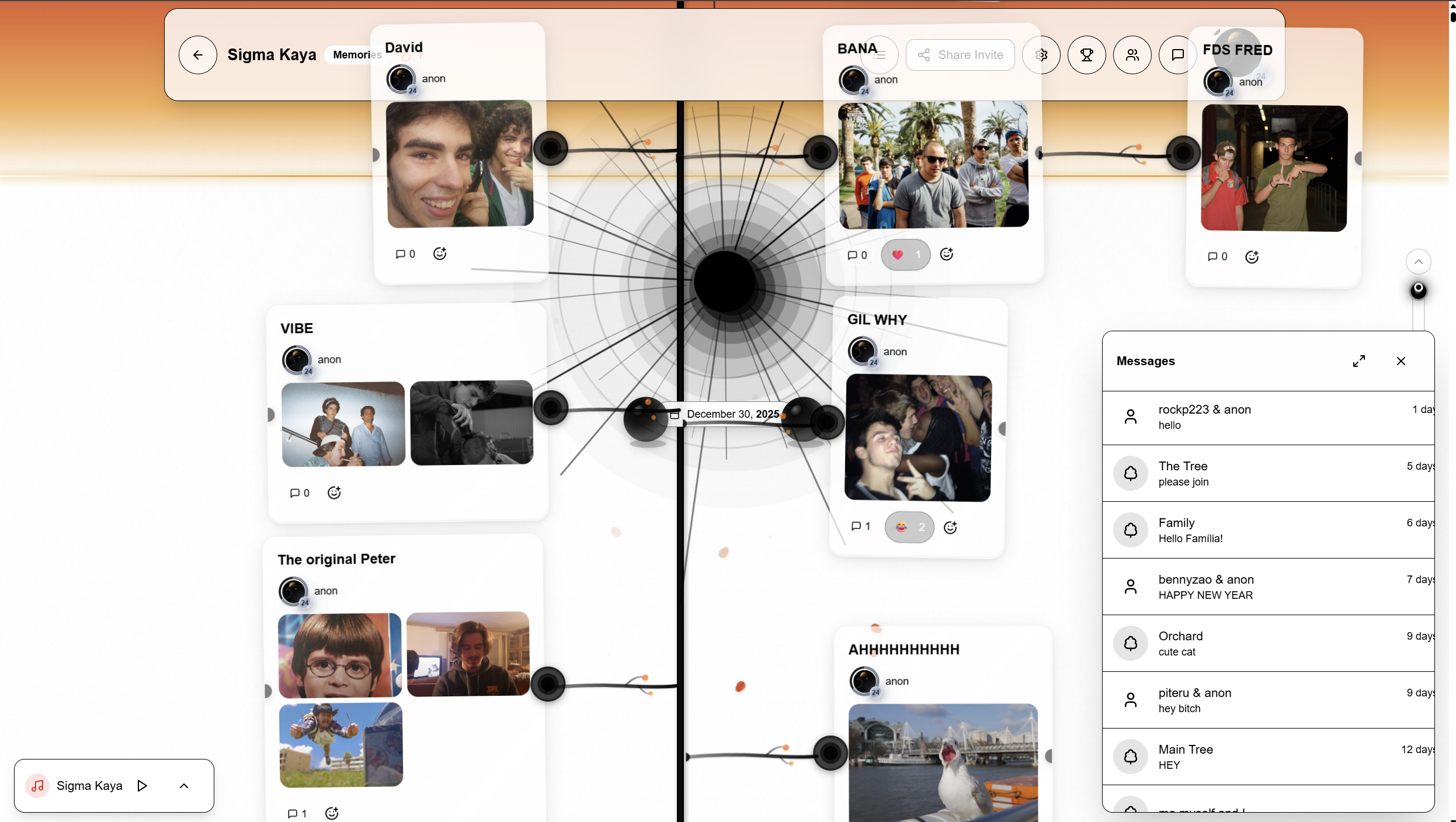
一句话介绍:Anonity是一款私密社交媒体应用,通过构建可协作的“记忆树”,在封闭的信任圈内,将算法驱动的信息流转变为永久保存的共同记忆档案,解决了传统社交平台内容易逝、数据公有化与体验碎片化的痛点。
Messaging Anonymous Social Media
私密社交 协作存档 记忆树 永久保存 小圈子社交 内容管理 游戏化 数字遗产 替代性社交产品
用户评论摘要:用户普遍赞赏其温暖、持久的概念。有效反馈包括:询问API/webhook以实现自动化内容导入的潜在集成需求;直接对比WhatsApp/Drive组合,追问其核心差异与迁移成本;开发者积极回应,确认已有webhook功能并强调其一体化、隐私控制及情感化体验优势。
AI 锐评

Anonity的野心不在于颠覆主流社交,而在于精准切割出一块被巨头忽视的“数字自留地”。其核心价值并非技术突破,而是对社交本质的一次复古回归与结构化重塑。

它将“树”这一隐喻产品化,巧妙地将“时间线”转化为“生命树”,把碎片化的聊天记录、照片、文件编织成可生长、可协作的立体叙事。这直击了当下社交的两大焦虑:一是中心化平台对记忆的“算法 curation”与所有权剥夺,二是分散工具(如聊天+云盘)导致共同记忆的割裂与丢失。它试图成为小群体的“数字祠堂”,一个带有仪式感的永恒存档。

然而,其挑战同样尖锐。首先,“永久保存”是沉重的承诺,涉及技术、成本与法律责任的长期性,与当前“完全免费”的模式存在根本矛盾。其次,其“一体化”体验(聊天+存储+展示)虽为卖点,但可能面临各环节均不如垂直工具的“平庸之谷”风险。用户提问与WhatsApp+Drive的对比,正是此疑虑的体现。最后,强游戏化机制(XP、任务)与“永恒、宁静记忆存档”的基调存在潜在的情感冲突,可能将深度记录异化为日常打卡。

产品真正的试金石在于,它能否在初期的新鲜感过后,让用户形成不可替代的协作习惯。它卖的是一种数字时代稀缺的“确定性”——确定的隐私、确定的归属、确定的永久性。这更像是一场针对特定人群(如家庭、挚友团体)的“数字信托”实验,其成败不在于用户规模,而在于社群深度与内容沉积的厚度。开发者需谨慎平衡“游戏化驱动活跃度”与“自然沉淀内容”之间的关系,并尽快找到可持续的商业模式,以支撑其“永恒”的誓言。

查看原始信息
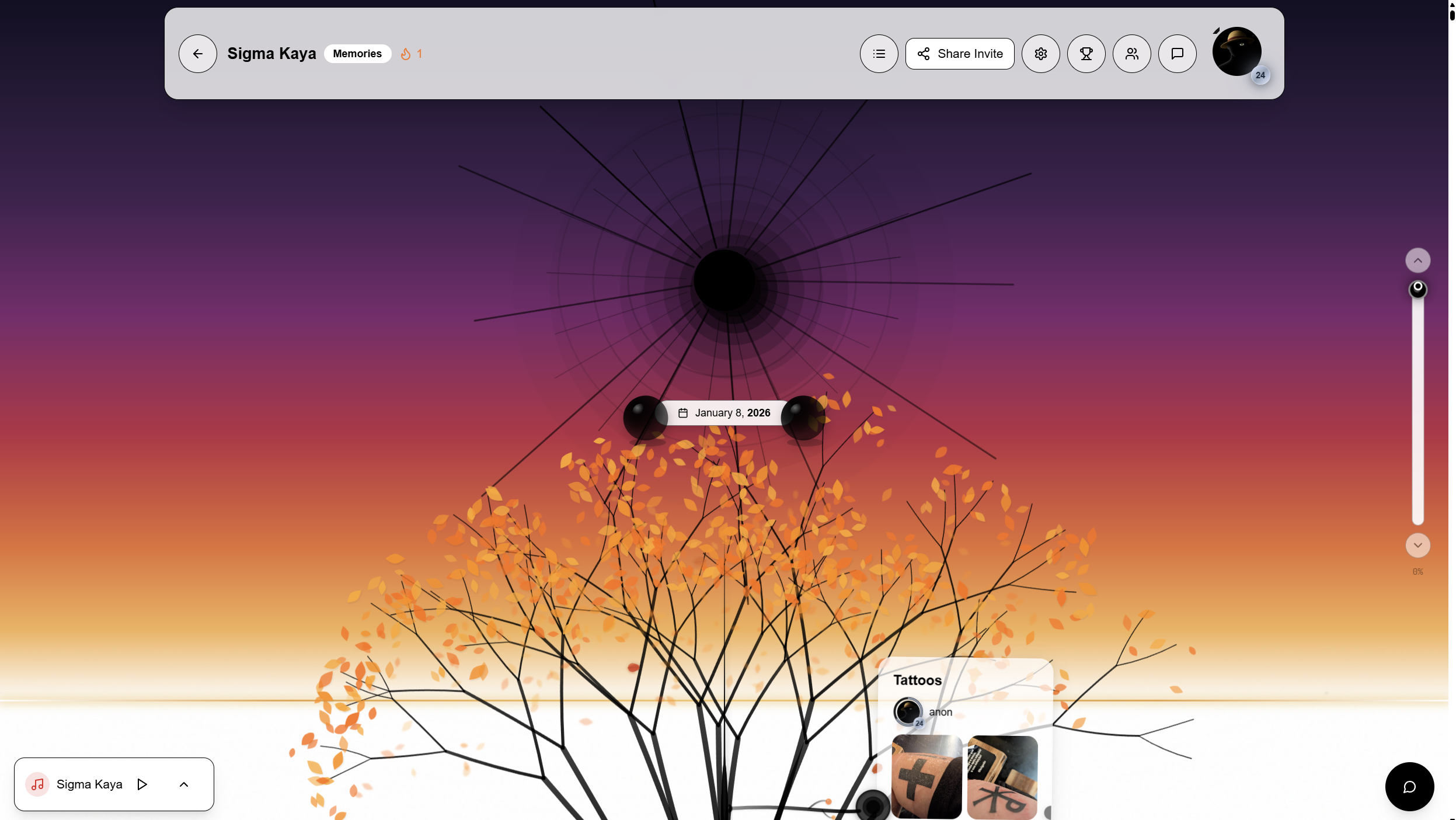
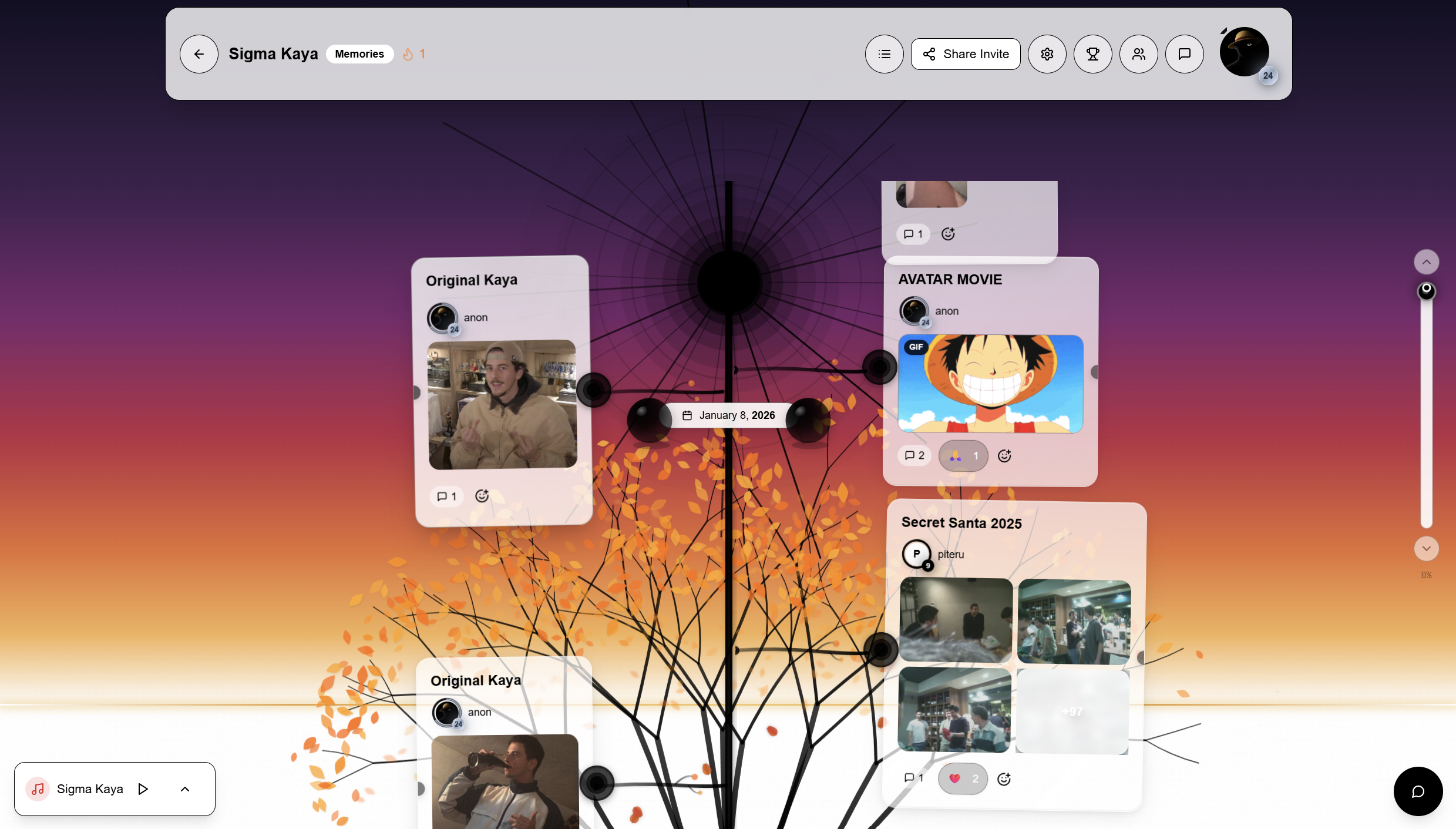
anonity
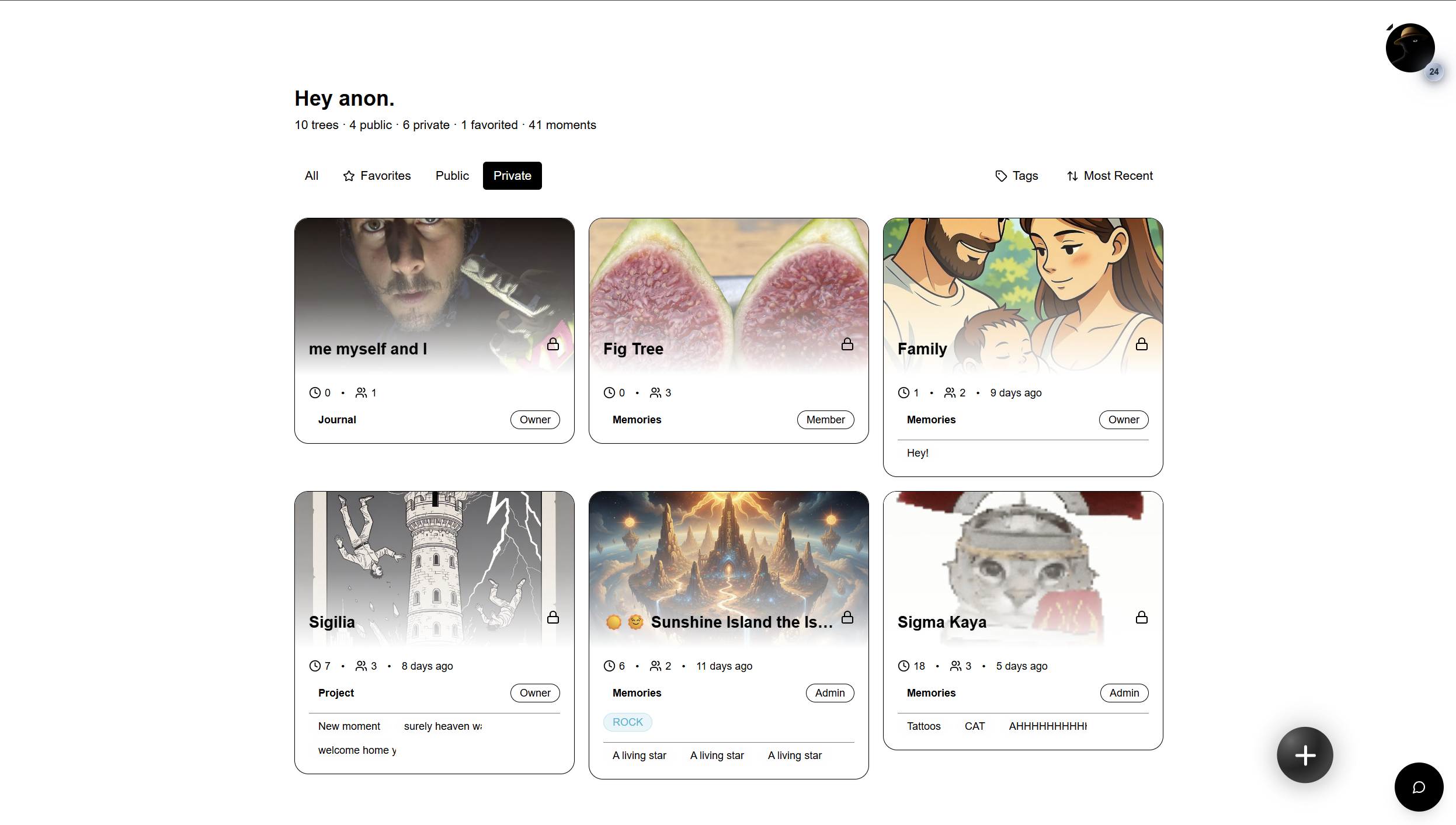
A private, collaborative, living archive made to last forever. Anonity shifts algorithm shaped feeds to permanent preservation of memories and moments by building collaborative trees with trusted circles. The features: Invite only and public trees Shared trees where everyone contributes RPG gamification (30 levels, badges, prestige) Drag-and-drop your branches anywhere! A chat for every tree and any member Advanced admin controls for tree owners Discord and Youtube integration

Hey everyone!

I built anonity for my friend group initially but decided to open it up for the general public.

I always wanted to carve out a place in the Internet for me, my friends and my loved ones and that´s how I landed on anonity, a private social media where you can build beautiful full trees filled with memories, images, videos or even documents.

It functions a lot like a shared drive with a bit of flair, each moment is a thread anyone can add more photos or just post and have fun.

It´s meant to be fun! Engaging with lots of gamification features like XP, daily and weekly quests and lots of other achievements.

Anyway, anonity stands as an eternal resting place of groups, where every post is recorded forever in a shared tree that I tried to make beautiful! It is for me but if it isn´t for you let me know! I´ll add more tree templates as time goes on, right now there´s only one!

Anonity is a project built by me for my friends, but turns out I did it for you too! It´s currently fully free, but I will add billing if you show enough interest.

Love ya! Hope you like it.

My email is: meetanonity@gmail.com

Meet me in this tree: https://anonity.ai/j/bf5cf3407b6c (do an account first)

Feel free to send over suggestions or any feedback!

3
回复

Is there an API or webhook to push content into a tree programmatically?

I ask because I'm building Dashform (an AI form builder), and I could see a great use case where family members fill out a simple 'Memory Form' (generated by AI), and the answers automatically sprout as a new branch in the Anonity tree. It would lower the barrier for non-tech-savvy relatives to contribute.

3
回复

@openaigpt5 sir, thank you for the idea!

On it!!!

0
回复

@openaigpt5

I actually have a webhook on the tree settings that you can setup! 

0
回复

Wow, this is such a beautiful idea. I really love the concept: it feels warm and comforting, like a space for creating memories together with people you truly enjoy.

3
回复

@jojo_li ehehe thank you so much for the kind words! it´s exactly meant for that

0
回复
When someone says, “We already use WhatsApp/Discord plus Google Photos/Drive,” what’s the clearest before/after you show to explain why a tree-based living archive changes the experience—and what specific switching cost have you designed around?
1
回复

@curiouskitty Awesome question!

Anonity functions like a drive with an embedded chat and a lot of admin controls to boost privacy.

It´s a bit of an all in one scenario.

Plus you get to make pretty trees with your friends! Makes it a tad bit more special when scrolling :)

Feel free to use big tech services but you always end up being the end product!

Cheers!

0
回复

okay this is super cool! What a twist to social media. Congrats on the launch!

1
回复

@mirano_designs ehehe thank you Ivan! Means a lot :)

0
回复

@mirano_designs oh!! Bookmarkify! Congrats on the launch as well!

0
回复

A really strong idea and concept. It feels like a lived, shared, and timeless 'photobook' in an age where everything is reduced to drives, chat logs, and old phones.

1
回复

@piteru Thank you for the kind words ! It´s meant for that specifically :)

0
回复

For all of you joining!

Share your tree invites here!

This is the Product Hunt tree: https://anonity.ai/j/bf5cf3407b6c

0
回复
#10
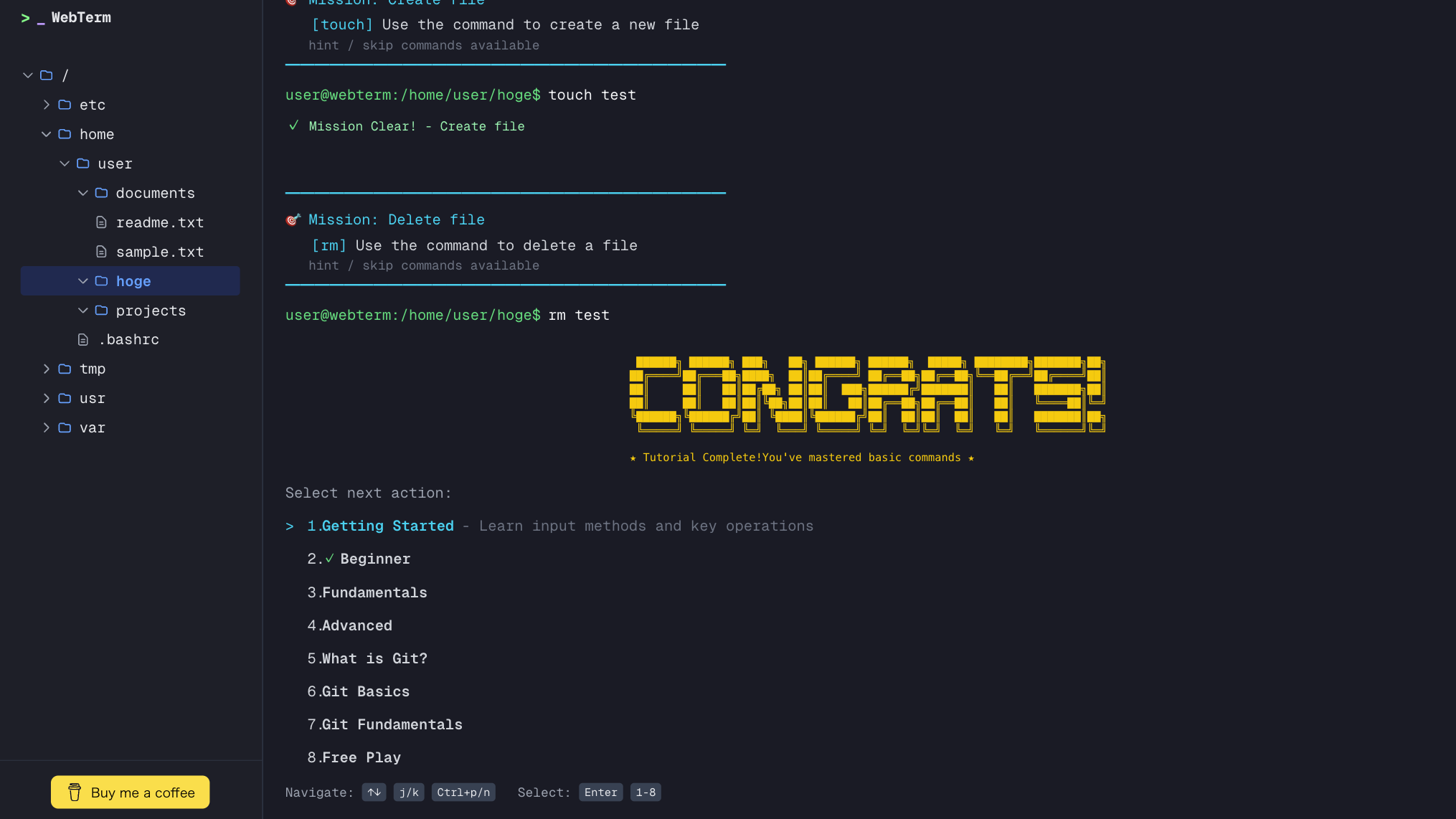
WebTerm
A browser terminal sandbox for learning CLI without fear
99
一句话介绍:WebTerm是一款基于浏览器的终端沙盒,为害怕操作本地终端的新手和工程师提供了一个零风险、无需注册的临时环境,用于安全学习Linux命令、Git工作流和基于CLI的AI工具。
Linux Education GitHub
终端模拟器 在线学习平台 开发者工具 沙盒环境 CLI教学 编程入门 零风险练习 AI工具入门 无需安装 浏览器应用
用户评论摘要:用户普遍认可其解决“终端恐惧症”的核心价值,界面简洁。主要建议包括:增加教师实时查看功能以满足教学场景;开放有限的网络请求权限(如curl)以支持API调试等进阶用途;明确未来教程和功能路线图。
AI 锐评

WebTerm精准切入了一个被主流开发者工具忽视的缝隙市场:终端入门者的“安全垫”。其核心价值并非技术上的创新——在线终端早已有之——而在于产品定位与心理洞察的巧妙结合。它敏锐地捕捉到AI编码工具(如AI Agent)正变得“CLI优先”这一趋势,这意味着命令行素养正从工程师的专属技能,转变为更广泛技术从业者甚至非技术人员的准入门槛。

产品“临时、无风险”的特性,直击初学者最大的心理障碍——对破坏本地系统的恐惧。这是一种聪明的“降维”策略:通过牺牲环境的持久性和部分网络功能(当前版本)来换取绝对的安全感和极低的体验门槛,这恰恰是初学者最需要的。然而,这也构成了其核心矛盾:真实CLI环境的复杂性和网络交互能力是其教学价值的重要组成部分。当前版本更像一个“隔离的游乐场”,如何从“游乐场”平滑过渡到“真实战场”,是产品未来必须回答的问题。

评论中透露的两种延伸需求颇具启发性:一是教学场景的监控需求,这指向了B端或教育市场的潜力;二是开发者将其用作轻量级API测试沙盒,这意外地打开了工具属性的另一扇窗。这显示出产品可能从单一的“学习平台”演变为“安全CLI环境即服务”的潜力。

总体而言,WebTerm在正确的时间点提出了一个正确的价值主张。其成败关键在于,能否在保持“零风险”内核的同时,逐步、可控地引入必要的“风险”要素(如受限网络访问),并构建结构化的学习路径,引导用户跨越从恐惧到熟练的鸿沟,而非永远停留在安全的温室里。

查看原始信息
WebTerm
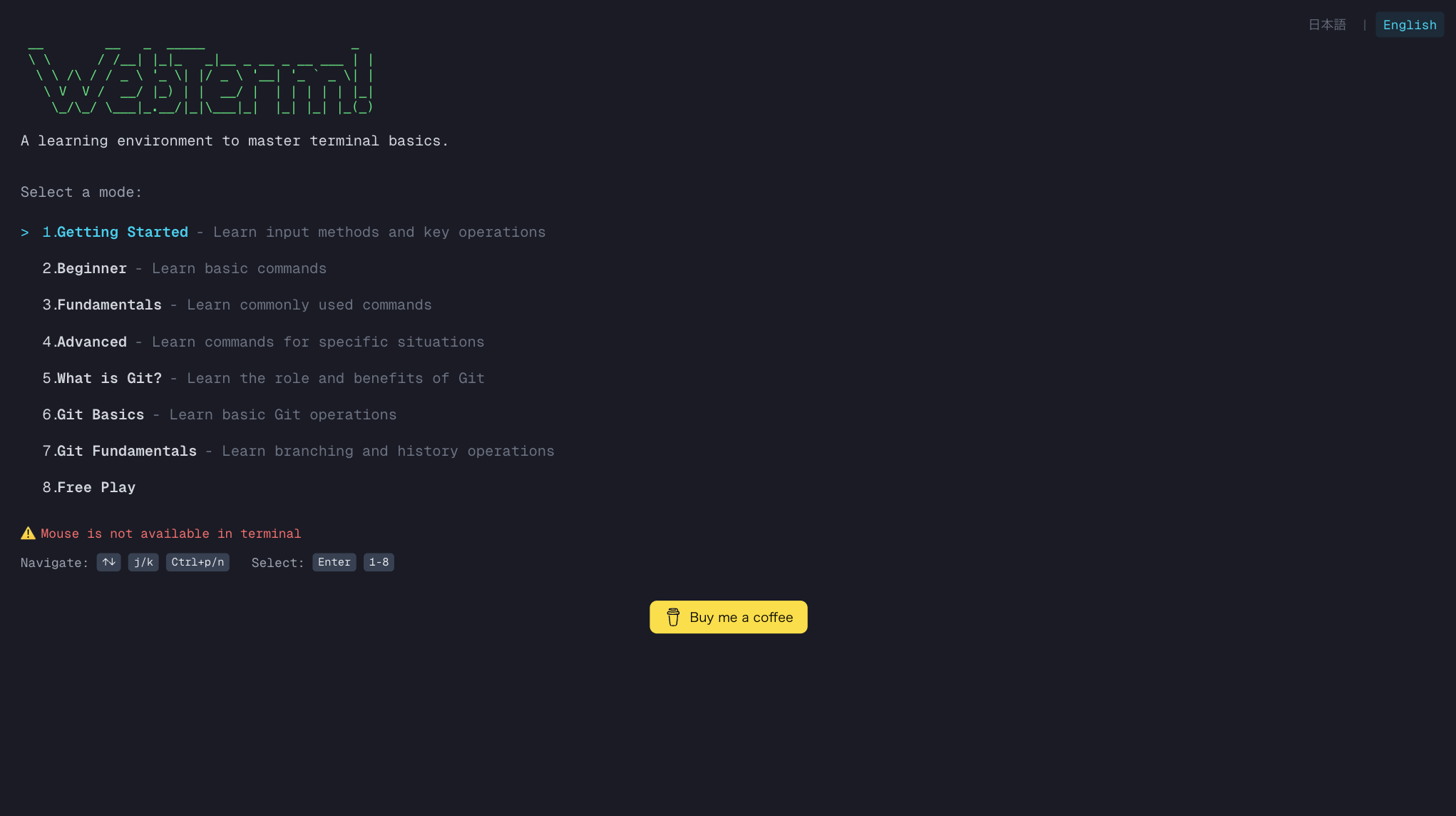
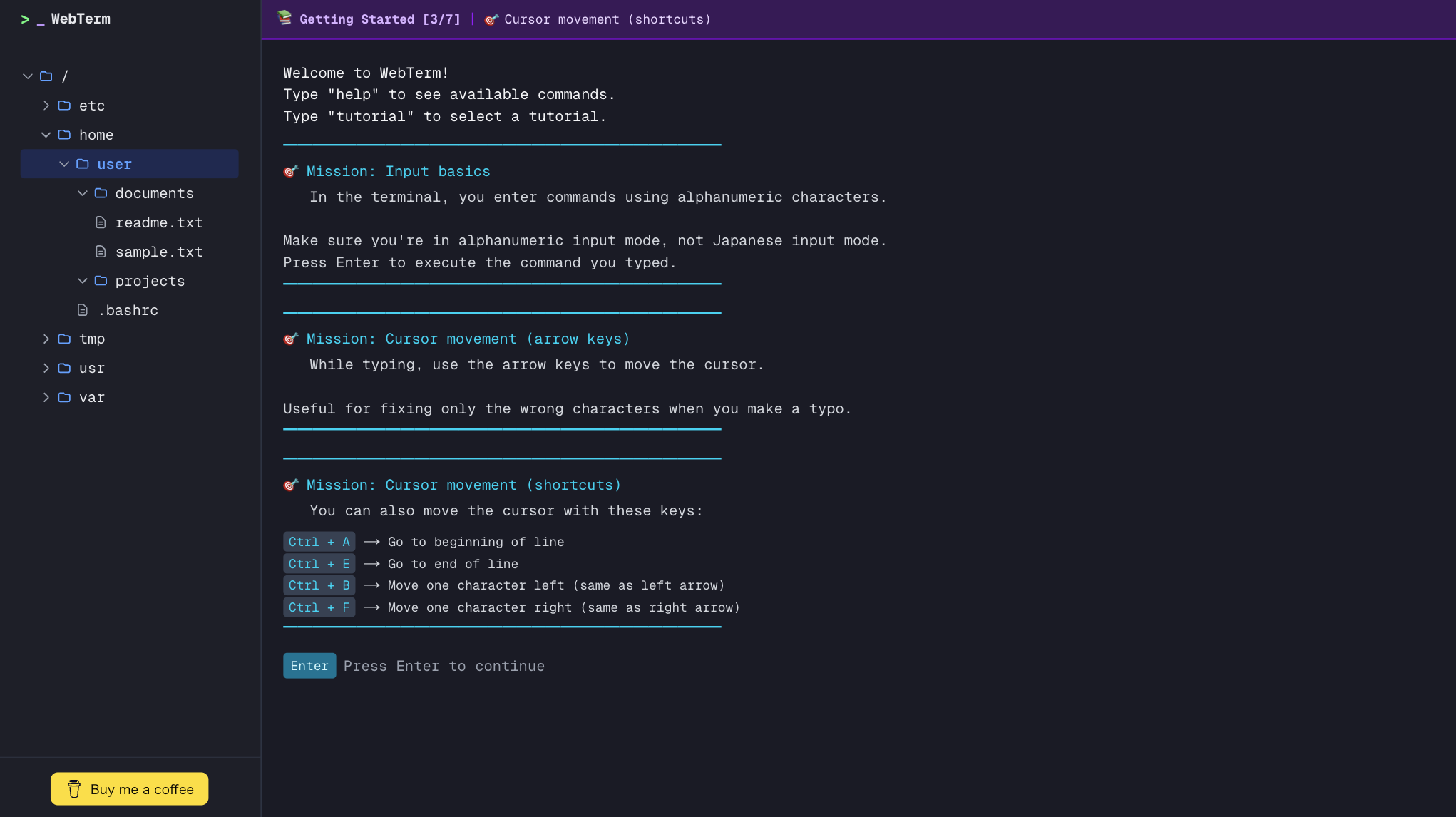
WebTerm is a browser-based terminal sandbox for the AI era. As AI coding tools become mainstream, CLI literacy matters for both engineers and non-engineers. But many beginners are afraid to open their local terminal because they might break something. WebTerm provides an ephemeral, no-signup, free, and safe environment to learn Linux commands, Git workflows, and CLI-based AI tools. Currently in beta — feedback is welcome!
Hi Product Hunt! I built WebTerm because I kept hearing the same thing from beginners, junior engineers, and even non-engineers: “I’m interested in AI coding tools, but I’m scared of the terminal.” With AI agents becoming CLI-first, I believe onboarding into Linux/Git/CLI will matter more than ever. WebTerm makes that learning safe — ephemeral, no local risk, no signup, free. If you’re curious about CLI (or know someone who is), I’d love to hear your thoughts. What tutorials would help you the most? Happy to answer questions and iterate fast during the beta.
2
回复

Congrats on the launch! Solving terminal fear with an ephemeral sandbox is brilliant. Zero-risk CLI learning—exactly what beginners need. Well executed!

2
回复

@zeiki_yu 

Thank you so much for the kind words!
That “zero-risk” experience is exactly what I was aiming for — making CLI approachable and fun without the fear of breaking anything.

WebTerm is still in beta, so any additional feedback on tutorials or features you’d like to see would be incredibly valuable.
Thanks again for checking out WebTerm!

0
回复

Clean and simple. I can see this being very useful for onboarding new students. Is there a way for teachers to see what the students are typing in real-time, or is it strictly a solo environment for now?

1
回复

@klara_minarikova 

Thank you!
Right now, WebTerm is a strictly solo environment — each session runs in an isolated, ephemeral sandbox, and there isn’t a built-in way for teachers to watch students’ input in real time.

One of the priorities so far has been safety and simplicity. The idea of shared or monitored sessions for teaching/onboarding is very interesting, and I’ll take it strongly into account as I shape the product roadmap going forward.

0
回复
Hey Dai, that fear of the terminal is so real and often unspoken. Was there a specific person you watched freeze up or avoid trying an AI coding tool because the CLI felt too intimidating?
1
回复

@vouchy 

Hi!
Totally — that fear of the terminal is real and often unspoken. I’ve definitely seen people hesitate or avoid CLI-based tools because the interface just felt intimidating. That’s exactly one of the reasons I built WebTerm.

I’d love to hear your thoughts too — have you seen specific cases where CLI fear held someone back?

0
回复

Loved the design, will share it to my son, wonderful experience !

1
回复

@slashbin 

Thank you so much!
I’m really glad you enjoyed the design and had a wonderful experience with WebTerm.
It truly means a lot to me as a creator that you’d share it with your son — hearing that from someone’s family makes me really happy.
I hope he finds it useful too!
If either of you have any feedback or ideas, I’d love to hear them.

1
回复

Wonderful website!

1
回复

@vincentpruv 

Thank you so much!
I’m really glad you enjoyed the site. If you have any suggestions for features or tutorials you’d like to see, I’d love to hear them!

0
回复

Love the ephemeral concept. Quick question: Does the sandbox allow outgoing network requests (like curl or wget)?

I'm building Dashform (an AI form builder), and I often need a clean environment to test API endpoints or webhook payloads without dealing with local CORS/proxy issues. This would be a killer tool for debugging if network access is open!

1
回复

@openaigpt5 

Thanks — I’m really glad you like the ephemeral concept!
Right now, the sandbox does not support outgoing network requests (e.g., curl or wget). Network access would introduce significant security risks, which is why it isn’t enabled at this stage.

That said, your use case with Dashform — needing a clean environment to test APIs/webhooks without local CORS/proxy issues — is exactly the kind of feedback that helps shape future direction. I’ll take this suggestion seriously and investigate the technical possibilities further as I continue development.

0
回复
How did you choose the first learning paths/modules to build (Linux basics vs. Git workflows vs. AI/agent CLI tools), and what hard tradeoffs did you make around realism (full Linux environment) versus speed, safety, and simplicity?
0
回复

Congrats on the launch Dai! Looks super cool, design looks really nice

0
回复
#11
Status Ninja
Sync your Google calendar events to your Slack status
90
一句话介绍:Status Ninja 将 Google 日历中的事件详情(如专注时间与表情符号)自动同步至 Slack 状态,为时间块规划者解决了状态更新繁琐、信息模糊的痛点,在远程协作场景下有效减少不必要的打扰。
Slack Productivity Calendar
生产力工具 日历集成 Slack状态同步 远程协作 时间块管理 自动化 SaaS 团队沟通
用户评论摘要:用户肯定产品解决了原生集成仅显示“开会中”的局限,并赞赏其同步自定义表情和专注时间的功能。主要问题集中在同步延迟、与现有集成共存的价值,以及如何处理临时日程变更。开发者回复称每分钟同步一次,可实时更新。
AI 锐评

Status Ninja 看似是一个简单的“状态同步器”,但其真正价值在于它精准地切入了一个被巨头忽视的“缝隙市场”——状态信息的颗粒度与人性化表达。Slack 和 Google 日历的原生集成停留在“是否可用”的二元逻辑,而 Status Ninja 则试图传递“为何不可用”的上下文。这不仅仅是技术同步,更是一种轻量级的团队行为规范教育:通过将日历中的时间块(尤其是“专注时间”)可视化,它无声地倡导并落实了对深度工作的尊重,其附带的表情符号功能则巧妙地为冰冷的“勿扰”提示注入了个性化温度,提升了遵守这一规范的愉悦感。

然而,其天花板也显而易见。产品的存在严重依赖于两个平台(Google Calendar & Slack)的API稳定性与政策宽容度,自身壁垒不高。其核心逻辑简单,易被大厂一个功能更新所覆盖。从评论看,用户需求高度聚焦于实时性与可靠性,这对其后台同步机制是持续考验。它更像一个“精致的功能补丁”,而非一个独立的平台。其长期生存策略或许不在于功能叠加,而在于深化其“团队状态层”的理解,例如分析团队专注时间的重合度以优化协作节奏,或将成为其从“有用工具”升级为“洞察工具”的关键一跃。目前,它是效率至上主义者的优雅解决方案,但远非革命性产品。

查看原始信息
Status Ninja
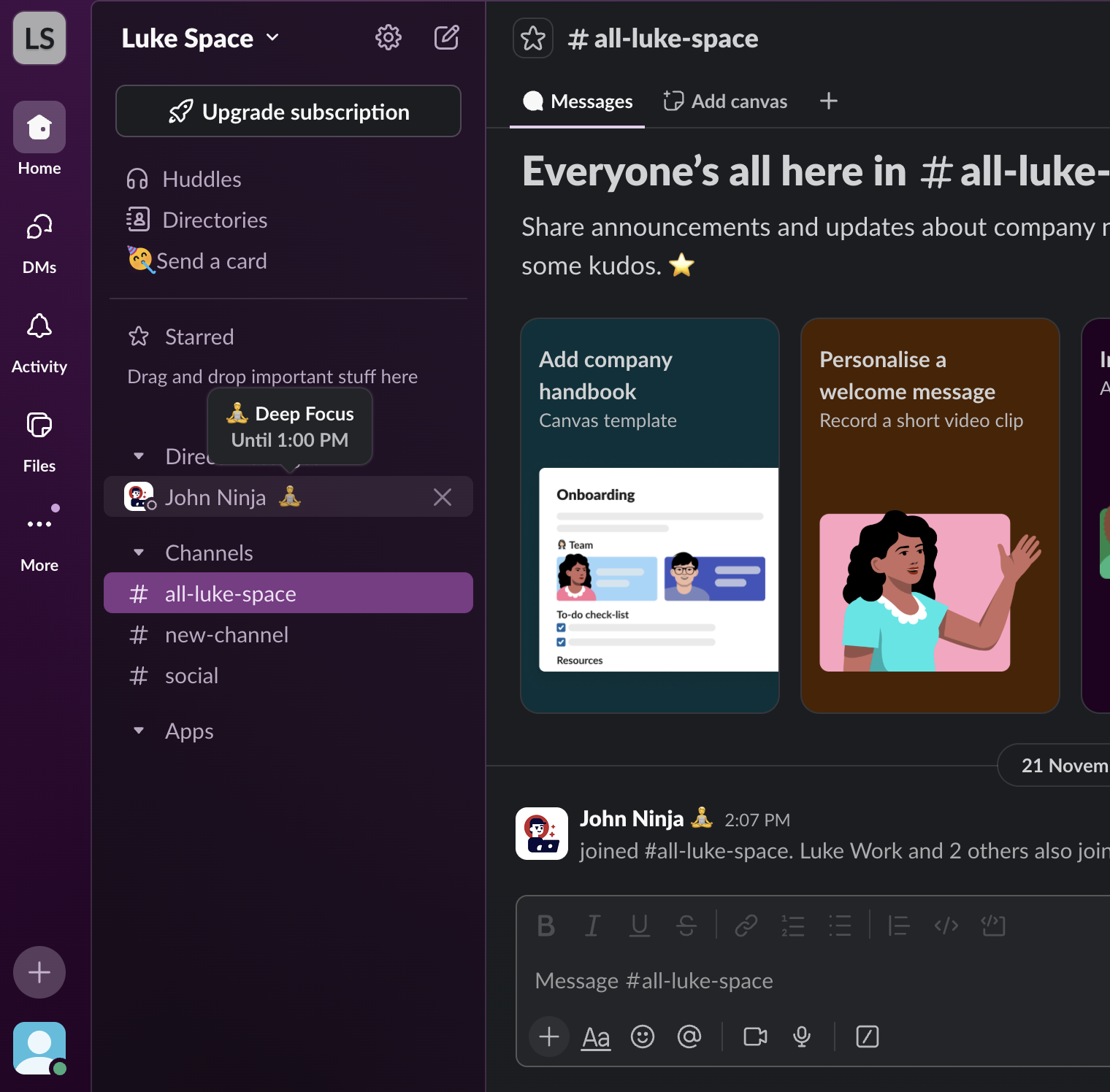
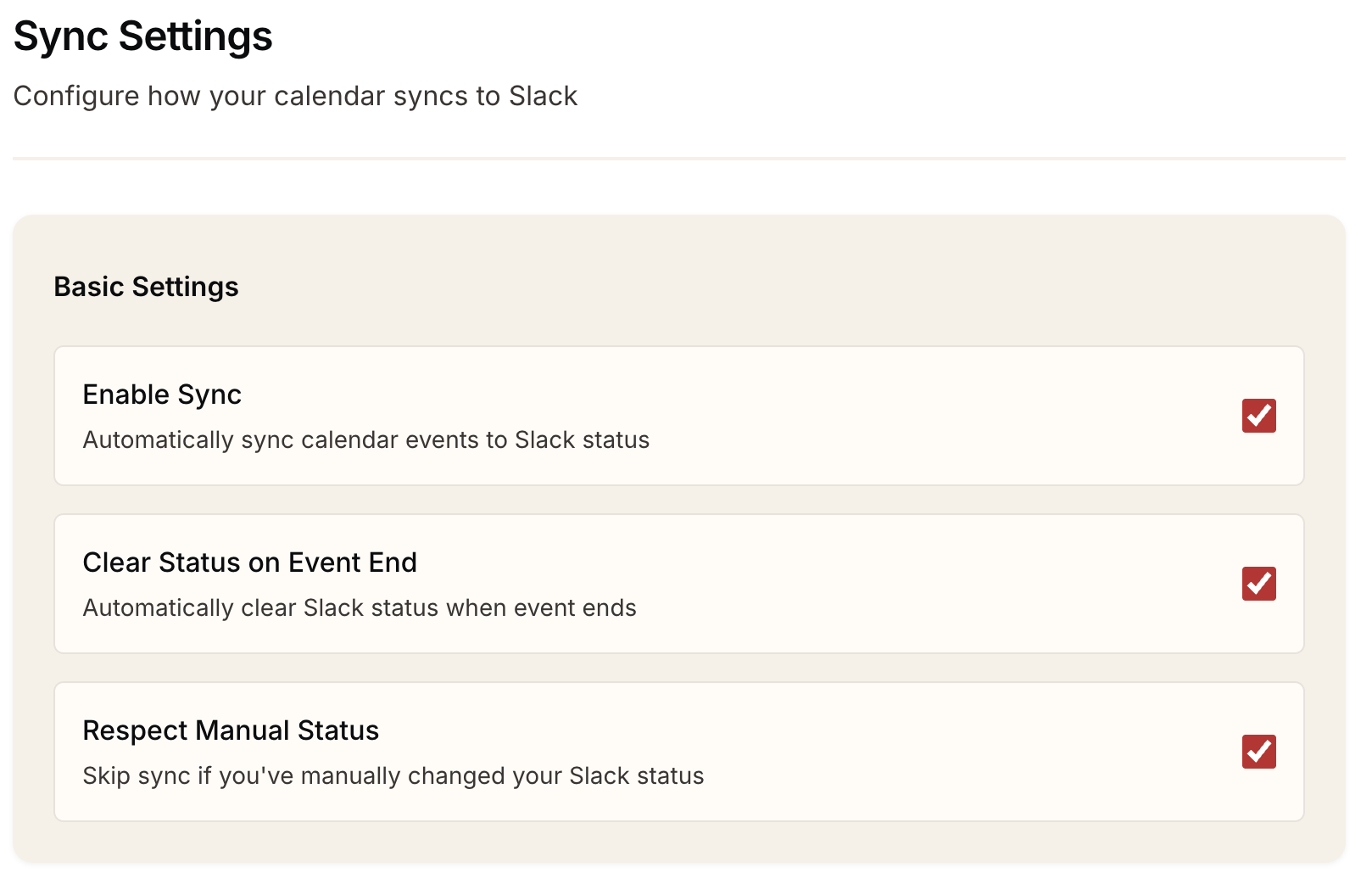
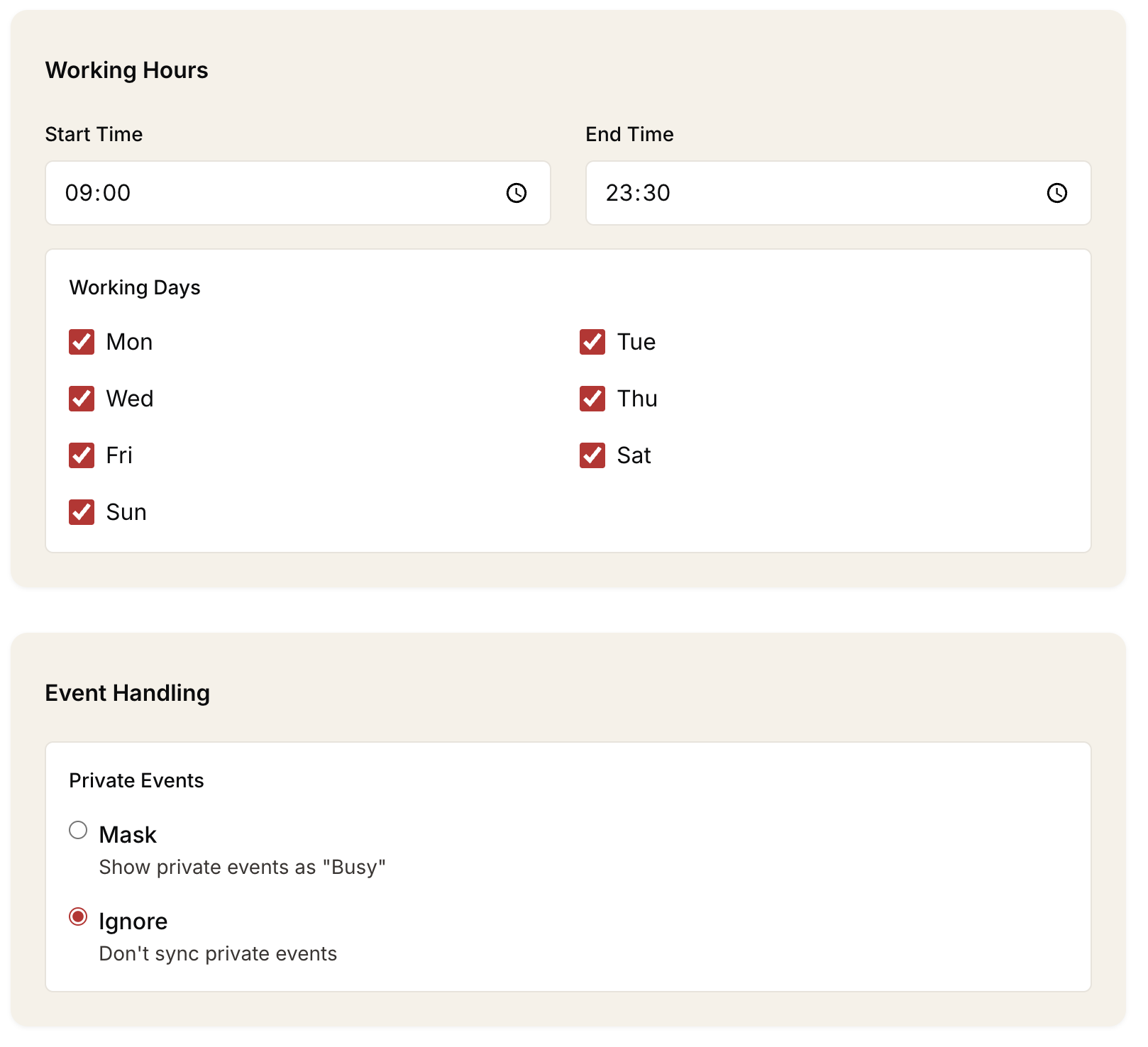
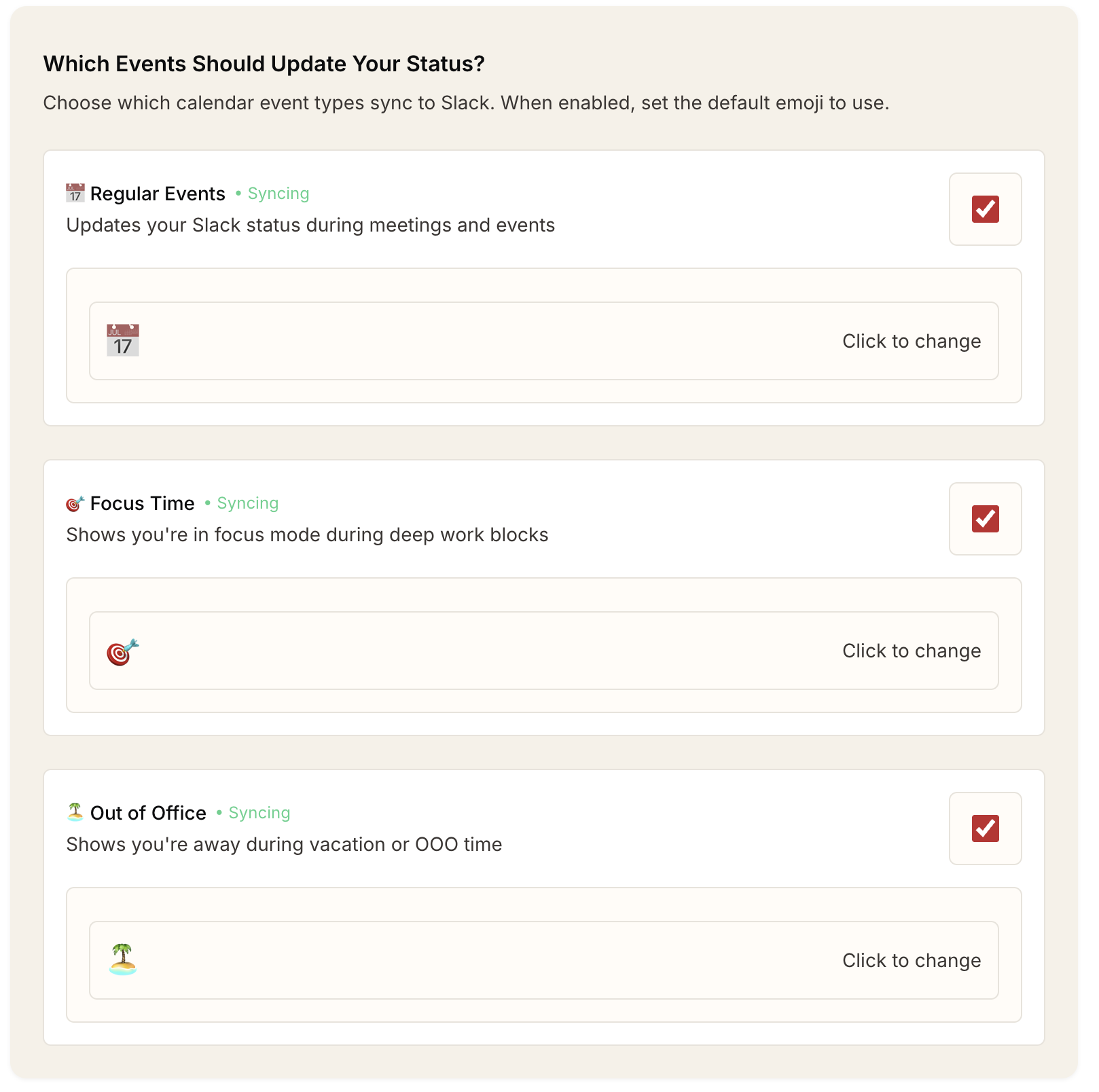
Status Ninja syncs the context of your Google Calendar, including focus time and emojis, directly to your Slack status. It’s designed for people who already time-block and want that information reflected automatically in their Slack status.

Hello!

I built Status Ninja to improve my working day. I like to time-block my Google Calendar (focus time, lunch, emojis, etc.) but with the available calendar integration Slack only ever shows “In a meeting”. It also doesn't include the fun emojis I like to put, particularly in focus time.

I built Status Ninja to sync from your Google calendar straight into your Slack status. It helps me a lot because my colleagues know what I'm up to (cuts down on people interrupting me) and also it makes my Slack status a bit more lively with nice emojis that I can set.

I’d love any feedback, especially from people who time-block like I do. Happy to answer questions!

2
回复

Does it handle 'Ad-hoc' changes well?

Sometimes I'm in the middle of a coding sprint for Dashform and I just drag a calendar block to extend it by 30 mins because I'm in the zone. Does Status Ninja update Slack instantly when I modify the GCal event length, or is there a sync delay?

2
回复

@openaigpt5 Thanks for the question!

Yes Status Ninja will handle this scenario. It syncs every minute and checks the event end time with each sync. If that's different that it will update the end time on your Slack status.

Also if you were coding from 14:00 to 14:30 and at 14:33 realise you need another 30 minutes, when you drag out that time block Status Ninja will update your Slack status.

Let me know if you need any more clarification :)

0
回复
When someone already has Slack’s native Google Calendar integration enabled, what’s the clearest reason they’d switch to Status Ninja—what meaningful capability (or outcome) do they get that the default setup can’t deliver?
1
回复

@curiouskitty great question! There are two main reasons:

  1. The native Google Calendar integration only ever displays "📆 In a meeting". Status Ninja picks up any custom emojis you set in your Google calendar time block. "🎯 Preparing for QBR" looks a lot better than nothing or "📆 In a meeting"

  2. The native Google Calendar integration doesn't pick up focus time blocks. I use these a lot in my work since they are easily distinguishable in the calendar from events. Status Ninja considers all event types if you want it to including out of office.

The main meaningful outcome is that your colleagues can get a bit more detail on what you're currently doing. They might disturb you less if you're focusing.

A secondary outcome is that Slack is a bit more fun. Custom emojis add a bit of variety and personality to the workspace.

0
回复

Congrats on the launch @lukebray ! Definitely a helpful app to have

1
回复

Love this use case. Time-blocking only really works if your team can see and respect it, syncing actual calendar context (and emojis 👀) to Slack feels like the missing piece.

1
回复

@mees_schiks You've hit the nail on the head! And having a unique emoji (😤?) in your time block makes people take notice in Slack too

1
回复

Finally! Been looking for a tool for this that isn't Clockwise.

0
回复

@zcoleman yes clockwise is a bit much if all you need is Slack status updates!

0
回复
#12
BlueJazzClub
Fully AI-generated jazz lofi music app
86
一句话介绍:一款利用AI无限生成爵士Lofi音乐的应用,通过模拟黑胶唱片音效和雨声氛围,为工作、放松等场景提供永不重复的个性化背景音乐,解决了传统歌单易重复、氛围感不足的痛点。
Music Artificial Intelligence Live Music
AI生成音乐 爵士乐 Lofi 背景音乐 氛围音效 黑胶模拟 放松助眠 生产力工具 独立开发
用户评论摘要:用户反馈音乐质量高,已成为工作主要背景音乐;开发者透露使用Suno生成音频,Gemini辅助编程,3天完成开发。有用户询问音乐是否会根据时间自适应,开发者回复目前按“频道”区分风格(如“大厅”舒缓,“酒吧”节奏强),并确认Apple TV版即将上线。
AI 锐评

BlueJazzClub的本质,是一个用最新AI工具(Suno、Gemini)快速堆叠而成的“氛围感”商品。它敏锐地抓住了两个市场缝隙:一是大众对“永不重复”背景音乐的伪需求,二是利用“AI生成”和“独立开发”叙事获取早期关注。

其真正价值不在于音乐的艺术性——AI生成的爵士乐目前仍缺乏情感深度和即兴灵魂,而在于它成功地将“可定制环境白噪音”与“AI无限生成”的概念进行了包装。模拟黑胶噪音和雨声,是掩盖AI音乐单调性和结构缺陷的实用技巧,同时也精准击中了Z世代对“复古未来主义”的审美情趣。

从评论看,开发者“3天开发”的炫耀,暴露了产品的轻量化和工具化本质。它更像是一个展示AI集成能力的MVP,而非一个深耕音乐体验的产品。用户关于“时间自适应”的提问,恰恰点破了当前“无限生成”的噱头——它仅是随机的排列组合,而非具备上下文感知的智能体。将不同风格定义为“频道”,是巧妙的、低成本的问题解决方案。

长远来看,这类产品的护城河极浅。一旦音乐生成模型API成本上升或出现同质化竞争,其商业模式将备受考验。它的短期成功,是AI平民化浪潮下的一个缩影:创意门槛降低,开发速度飙升,但产品的核心价值依然模糊。它能否从“有趣的小工具”成长为“不可或缺的服务”,取决于它能否从“播放AI生成的音乐”进化到“理解我的场景和情绪,并生成真正贴合的声景”。目前看来,它仍停留在前者。

查看原始信息
BlueJazzClub
🎷 100% AI-Generated Jazz: Enjoy an infinite stream of unique Jazz compositions, fully powered by AI. 📻 Vintage Vinyl Simulation: Experience the nostalgic warmth of analog sound with simulated crackles and imperfections. 🌧️ Atmospheric Rain Effects: Layer your music with the soothing sound of a rainy day for the ultimate relaxation. 📺 Coming Soon to Apple TV: Our Apple TV version is currently under review and will be arriving shortly.
Just finished my third project using Gemini as a coding partner. Total development time was approximately 3 days, covering both iOS and tvOS platforms. Interestingly, all the soundtracks were generated by Suno. The feedback from friends has been incredible—everyone loves the music quality. It’s already become my primary BGM for work over the past several days.
3
回复

@black_bunny_in_tokyo Love this! It’s such relaxing BGM for working or winding down before bed."

1
回复

nicee, love this! Already downloaded on my phone :)

1
回复

@mirano_designs Thanks for the support! I saw your product too—lots of votes! I'm going to give it a try!

0
回复

This is going to be my new coding soundtrack.

I spend hours in deep work building Dashform, and standard Spotify playlists get repetitive way too fast.

Does the 'infinite' generation adapt to the time of day (e.g., slower at night), or is it purely random? Looking forward to the Apple TV version for my office screen!

1
回复

Wow, thank you so much for being the first to leave a comment! I've been refreshing the page for a while, and seeing your feedback really made my day. 🚀

To answer your question: currently, the prompts vary by "Channel" rather than time of day. If you’re looking for a slower, more chill pace (especially at night), I recommend trying the "Lobby" channel. If you need something with a stronger beat to power through coding, the "Bar" channel is a great choice!

I’m so happy that the app can accompany you during your deep work sessions. Since I’m working as an engineer in Tokyo, let me give you a proper Japanese bow of gratitude for your support! 🙇‍♂️

0
回复
#13
The AI Revenue Engine
GTM infrastructure for agent builders to scale and monetize.
84
一句话介绍:该产品为AI智能体构建者提供了一套“上市基础设施”,通过白标客户门户、安全审计追踪和硬性预算控制等功能,在企业级销售场景中解决了因安全合规与成本管控缺失而导致的交易流失和规模化难题。
Productivity Developer Tools Artificial Intelligence
AI智能体商业化 企业级GTM基础设施 安全合规 成本管控 代理部署 审计追踪 B2B SaaS AI代理 销售周期加速 PoC到盈利
用户评论摘要:有效评论主要来自创始人,其阐述了产品解决“构建神经系统(治理、安全、计费)”核心痛点的初衷。另一条评论则提出了一个关键质疑:鉴于构建“大脑”的简易性,企业为何不内部自建以满足合规需求?这触及了产品的核心价值主张。
AI 锐评

“The AI Revenue Engine”瞄准了一个尖锐且正在浮现的痛点:AI智能体从技术演示走向规模化企业采购的“死亡之谷”。其价值不在于替代智能体的“大脑”(LLM逻辑),而在于填补了狂热技术建设与冰冷商业现实之间的巨大沟壑。

产品将自己定位为“神经系统”是精准的。当前,大量AI初创公司沉迷于模型微调与提示工程,却严重低估了企业采购流程中法务、信息安全(Infosec)和财务部门的否决权。一个无法提供分租户审计日志、实时成本监控和硬预算上限的AI产品,在大型企业眼中无异于一场财务与安全噩梦。该产品试图将这些非功能性、却至关重要的需求标准化、产品化,其真正售卖的不是功能,而是“可被采购的资格”和缩短销售周期的“加速器”。

然而,其面临的挑战同样清晰。首先,是市场教育问题:许多技术出身的创始人尚未撞到这堵“合规墙”,或仍怀有“内部快速搭建”的侥幸心理。其次,是定位的微妙性:作为基础设施层,它必须足够深入以解决复杂问题,又必须足够轻便(如单SDK集成)以避免成为新的负担。最后,也是最关键的,是其护城河的深度。它所封装的安全与计费逻辑,虽复杂但并非不可复制。一旦大型云厂商(如AWS、Azure)在其AI服务栈中捆绑类似功能,或头部企业自行开发并开源,这类独立中间件将面临巨大压力。

因此,它的短期价值在于为第一批冲向企业市场的AI智能体构建者“扫清地雷”,充当付费的“先锋部队”。而长期生存的关键,在于能否将集成的合规标准转化为行业事实标准,并围绕“代理运营数据”构建更深层的、不可替代的洞察与分析网络,从而从“基础设施”演进为“智能商业引擎”。否则,它可能只是一个伟大但过渡性的解决方案。

查看原始信息
The AI Revenue Engine
The AI Revenue Engine. Stop losing deals to Infosec purgatory. Aden is the GTM infrastructure that turns your AI agents into profitable enterprise products. We provide the "Nervous System" your agents need: white-labeled portals for customer trust, security audit trails for fast compliance, and hard budget caps to protect your margins. Don't spend months building infrastructure. Focus on the brain, and we will handle the rest. Pilot to profit in one deployment.

@adelburieva @vincent_jiang Kudos on a very niche and enterprisey launch! Curious: how has AI agent adoption been going in this segment? Given how easy it is to build a “brain,” I’d reckon most of this can be shipped in-house, in line with internal compliance and security needs. Cheers!

1
回复
Hey Product Hunt! 🚀 As founders building in the AI space, we realized a painful truth: it’s easy to build a "brain" (the LLM logic), but it’s incredibly hard to build the "nervous system" (the governance, security, and billing) that enterprises actually require. We saw too many great agent startups get stuck in "PoC Purgatory" because they couldn't answer basic questions from a prospect’s CTO or CFO about cost caps, audit trails, or performance transparency. We built Aden to be the drop-in GTM infrastructure for agent builders. Our goal is to shave 6 months off your roadmap and help you move from pilot to profit instantly. With a single SDK, you get: - Customer Portals: Give your users a "God View" of their agents. - Budget Circuit Breakers: Prevent runaway costs before they happen. - Audit Readiness: Built-in security trails to pass Infosec on Day 1. We’re hanging out here all day to answer your questions. We’d love to hear about the "boring" infrastructure hurdles that are slowing down your sales cycles! Let’s turn those agents into real revenue.
0
回复

Congrats on the launch guys! Crazy what you can do with AI

0
回复
#14
TypingMate
Create AI Shortcuts and use anywhere on your iPhone
84
一句话介绍:TypingMate是一款将AI深度集成到iOS键盘中的工具,在用户需要跨应用进行文本输入(如消息、邮件、社交帖子)时,无需切换应用或复制粘贴,即可实时进行文本重写、翻译、语法修正和智能回复,解决了频繁应用切换带来的效率中断和操作繁琐的痛点。
Productivity
AI键盘 效率工具 文本增强 移动办公 智能输入 iOS应用 快捷指令 生产力提升 语法校正 实时翻译
用户评论摘要:用户普遍认可“将AI内置到键盘”的理念,认为其解决了因切换应用进行翻译等操作带来的干扰。开发者积极互动,有用户询问其是否解决自动更正问题,体现了对基础输入体验的关注。整体反馈正面,认为产品将打字体验提升到了新水平。
AI 锐评

TypingMate的野心不在于创造新的AI能力,而在于对现有AI交互范式进行一次“空间革命”。它将AI从独立的聊天界面或悬浮窗中解放出来,直接锚定在“输入”这一原生场景——键盘。这看似简单的定位迁移,实则直击了当前移动端AI应用的核心痛点:高频、碎片化需求与厚重操作流程之间的矛盾。

其真正价值并非“更多的AI功能”,而是“更短的AI触达路径”。产品强调的“No copy-paste. No app switching.”,本质上是将AI从需要主动调用的“工具”,转变为无缝嵌入输入流程的“环境”。这极大地降低了AI的使用心理门槛和操作成本,使其从“值得专门打开使用”变为“可以随意顺手使用”,这可能是推动AI从炫技走向普惠的关键一步。

然而,其面临的挑战同样清晰。首先,是系统级权限与稳定性的永恒难题。作为第三方键盘,其输入流畅度、权限获取以及与无数App的兼容性,将直接决定用户体验的上限。用户关于“自动更正”的询问,正是对此隐忧的映射。其次,是功能深度与交互简洁的平衡。在狭小的键盘空间内,如何组织自定义动作、调用复杂AI功能而不显得臃肿,是对产品设计的极大考验。最后,其商业模式和长期竞争力存疑。在苹果可能将类似功能深度集成至原生键盘的潜在威胁下,TypingMate必须构建足够深的护城河,或极致的定制化,或独特的AI动作生态。

总而言之,TypingMate是一款思路清晰、切中要害的效率工具。它没有选择在AI模型能力上内卷,而是在交互场景上创新,做出了一个正确的“减法”。它的成功与否,将验证“嵌入式AI”这一路径在移动端的可行性,其表现值得所有效率工具开发者密切关注。

查看原始信息
TypingMate
🚀 TypingMate — AI That Lives in Your Keyboard TypingMate is an AI-powered iOS keyboard that helps you write faster and smarter in any app. Rewrite text, fix grammar, translate, generate smart replies, and run custom AI actions — all without leaving your keyboard. No copy-paste. No app switching. Just AI where you type. ⚡ Built for speed, fully customizable, and designed for people who type a lot. 👉 Upgrade your keyboard. Upgrade how you type.

Congrats on the launch — love the “AI in your keyboard” approach, super useful!

2
回复

@zeiki_yu Thanks a lot! 🚀
Really appreciate the kind words and support.

0
回复
👋 Hi Product Hunt! I’m the maker of TypingMate — thanks so much for checking us out! We built TypingMate because switching between apps just to use AI while typing felt slow and distracting. Our goal was simple: bring AI directly into the keyboard, so it works everywhere you type — messages, emails, social posts, and more. TypingMate lets you create your own AI actions to rewrite, translate, fix grammar, or generate replies instantly, without copy-paste or context switching. We’d love to hear your feedback, ideas, or use cases — and we’re happy to answer any questions. Thanks for the support! 🚀
1
回复

@nixtechvn Does this fix "Damn you autocorrect?"

1
回复

@nixtechvn Congrats. Bringing AI directly into the keyboard makes a lot of sense. I think a lot of people think that Context switching just to translate something is very bothering. Happy to see that there is a new way to make typing to the next level. Thanks!

0
回复
#15
Dawiso AI Context Layer
Connect AI agents to governed metadata via MCP
83
一句话介绍:Dawiso AI Context Layer 是一个企业级AI语义上下文层,它通过连接数据目录与AI智能体,解决了企业AI因缺乏数据上下文而给出不一致或误导性答案的核心痛点。
Analytics SaaS Artificial Intelligence
AI上下文管理 企业AI治理 数据目录 元数据 MCP协议 语义层 AI智能体 人机协同 数据治理 可信AI
用户评论摘要:用户普遍认可“上下文层”概念的精准性,认为其直击企业AI痛点。核心关注点在于上下文生成的自动化程度与颗粒度(能否深入业务逻辑),以及人工治理在其中扮演的具体角色。
AI 锐评

Dawiso 切入的并非模型层或应用层,而是企业AI落地中最混乱、最关键的“中间层”——上下文层。其价值不在于技术创新,而在于概念抽象和路径整合。

它敏锐地指出,企业AI的失败常源于“数据-业务-AI”之间的语义断层。产品将传统的数据目录升级为“AI就绪”的语义骨干,试图通过MCP协议将其标准化输出,这本质上是为混乱的AI应用注入秩序。其宣称的自动扫描与人工闭环治理,是理想路径,但也是最大挑战。自动化的边界在哪?人工治理的负担有多重?这决定了产品的可扩展性和天花板。

评论中关于“业务逻辑与领域规则”的提问一针见血。如果上下文仅停留在技术元数据(如表结构),价值有限;若能封装深层的业务规则与决策逻辑,才真正触及“让AI理解业务”的核心。这要求产品具备强大的知识抽取和建模能力,而非仅仅是元数据管理。

总体而言,Dawiso 是一次重要的范式定义。它不再鼓吹“万能AI”,而是务实地面向“受控、可信的AI”。其成功与否,不取决于技术多炫酷,而取决于能否在企业复杂的政治、数据和技术生态中,真正将这套治理框架落地,并让业务专家愿意持续参与其中。这是一场关于工程化与人性化结合的硬仗。

查看原始信息
Dawiso AI Context Layer
AI fails in enterprises not because of models, but because it lacks context. Dawiso’s AI Context Layer turns data catalogs into the semantic backbone for AI. Defining meaning, ownership, access, and relationships. Connected to AI agents via MCP, it enables AI to answer the right question, for the right user, with the right data. This context is generated automatically through metadata scanning and AI enrichment, with human-in-the-loop governance ensuring it stays relevant, and trustworthy.
Hello! We kept seeing teams add chatbots and LLMs on top of their data, only to get inconsistent or misleading answers. The missing piece is context - the kind data catalogs already provide. With Dawiso’s AI Context Layer, we focus on giving AI real business context, generated automatically after metadata scanning and governed with humans in the loop. This context is then shared with AI agents via MCP, so AI can answer the right question for the right user. We would love your feedback! How are you making sure AI actually understands your data today?
1
回复

Congrats on the launch! Framing this as a dedicated context layer instead of another AI-on-top interface feels like the right abstraction, especially if it reduces misleading answers at the source. How granular the generated context gets, does it stay at schema/metadata level, or can it capture business logic and domain rules deeply enough to influence AI reasoning?

0
回复

The framing around context being the missing layer resonates. We’ve seen LLMs give confident but wrong answers when metadata is thin or inconsistent.

Curious how much of the context generation is automatic versus refined manually by domain experts.

0
回复

Congrats on the launch — love how Dawiso brings trusted context to enterprise AI.

0
回复
#16
Session Pilot
Offline Transcription
83
一句话介绍:Session Pilot是一款完全离线的语音转录应用,在会议、访谈等隐私敏感场景中,解决了用户因合规或安全顾虑无法使用云端转录服务的痛点。
Privacy Artificial Intelligence Audio
语音转录 离线应用 隐私安全 本地处理 会议记录 访谈工具 数据合规 移动应用 端侧AI
用户评论摘要:用户普遍赞誉其隐私优先和离线能力,解决了合规刚需。核心反馈集中在技术实现细节(如本地模型如何工作)和功能深化需求(如说话人分离)上,开发者已参与互动。
AI 锐评

Session Pilot切入的是一个被主流云服务“惯坏”却真实存在的缝隙市场:高隐私要求与离线场景。其真正价值并非技术上的颠覆性突破——端侧语音识别已不新鲜——而在于精准的产品定义和场景取舍。

它明智地放弃了云端模型的“大而全”(如海量词汇库、多语种实时更新),换来了最锋利的卖点:数据不出设备。这直接命中了法律、医疗、机密研发等行业的合规红线,将“不便”转化为可信赖的卖点。从评论看,这正是其获得拥趸的核心:用户不是不知道云端工具更方便,而是被合规和NDA逼到了墙角。

然而,其面临的挑战也同样清晰。首先,技术天花板触手可及:本地模型的准确率、对专业术语的适应性、说话人分离等高级功能,在算力受限的端侧能否媲美云端?评论中的技术性质疑已触及此点。其次,商业模式存疑:一次性售卖或订阅制,如何覆盖持续优化的模型训练成本?这本质上是将云服务的运营成本,转化为用户设备的算力与存储成本,普通用户设备能否承受长时间、多会话处理?

因此,Session Pilot更像一个“特化工具”而非通用平台。它的成功不在于取代Otter.ai,而在于成为特定人群在特定场景下的唯一选择。其未来在于能否将“离线隐私”这个单点优势,深化为在此约束下依然流畅、可靠、甚至在某些垂直领域比云端更专业的体验。否则,它可能仅是一个有价值但增长有限的小众产品。

查看原始信息
Session Pilot
Session Pilot is a fully offline speech transcription application designed for privacy, reliability, and independence from cloud services. It converts live or recorded audio into accurate text entirely on-device, with no internet connection required. Ideal for meetings, interviews, and research, Session Pilot ensures sensitive data stays local while delivering efficient, high-quality transcription anytime, anywhere.
👋 Hey Product Hunt! We built Session Pilot to solve a simple but important problem: reliable speech transcription without sending sensitive data to the cloud. Many tools require constant internet access and upload audio to external servers, which isn’t ideal for privacy-critical work or offline environments. Session Pilot runs completely on-device, allowing users to transcribe live or recorded audio securely and offline. The focus was on privacy, long-session support, and a smooth, no-friction workflow. I’d love to hear your feedback and use cases—thanks for checking it out! 🚀
4
回复

@abhishek_malhotra4 Hi Abhishek, This sounds interesting. Technically how do you achieve the on prem ringfencing? most of the well known local models would struggle with this?

3
回复

Privacy-first transcription that works offline. Perfect for sensitive meetings. Great tool!

3
回复

We use Dashform to collect the initial consent forms and screen candidates, but capturing the actual interview securely has always been tricky with cloud tools. Does the on-device model support Speaker Diarization (distinguishing between interviewer and interviewee)? That would make the post-interview analysis so much faster.

2
回复

Finally, a transcription tool I can actually use for sensitive client meetings. I have been stuck taking manual notes because my company's compliance policy strictly bans uploading audio to cloud services like Otter or Fireflies. Having a fully offline solution that runs locally on my device is the only way I can leverage AI transcription without violating NDA agreements.

0
回复
#17
Hivinq
Copilot for customer support in Slack
82
一句话介绍:Hivinq是一款Slack内的客户支持Copilot,它通过为客服团队草拟回复而非直接面向客户,在提升响应速度的同时,有效缓解了AI客服回复不真实、幻觉等痛点。
Slack Customer Communication Bots
AI客服助手 Slack集成 工单响应 回复草拟 人机协同 知识库驱动 B2B SaaS 团队效率工具
用户评论摘要:用户反馈主要集中于产品集成与功能细节。创始人积极回应,表明当前聚焦核心场景,暂不计划第三方集成,但可为付费用户提供定制。另有用户询问其能否基于结构化表单字段生成技术性回复,得到肯定答复。
AI 锐评

Hivinq选择了一条看似折中、实则可能更务实的AI落地路径。它精准地切入了当前企业采用AI客服的两大核心顾虑:“幻觉”带来的品牌风险,以及完全自动化导致的失控感。其产品逻辑的本质,是将LLM定位为“高级副驾驶”,而非“自动驾驶”,把最终决策权和控制感留给人类客服。这并非技术上的倒退,而是产品策略上的成熟——通过人机协同闭环,既利用了AI的速度,又将学习反馈机制内置到工作流中,理论上能逐步提升草拟质量。

然而,其深层挑战也随之浮现。首先,其价值高度依赖于Slack这一单一场景,市场天花板明显。创始人在评论中明确表示暂不做第三方集成,这虽体现了早期聚焦的理性,但也可能成为增长瓶颈。其次,其“观察线程、学习纠正”的承诺,在实际复杂、多变的客服对话中能否稳定、可靠地实现,仍需验证。这涉及到对对话上下文、纠偏意图的精准理解,技术门槛不低。

总体而言,Hivinq是一款典型的“最小化可行焦虑”产品。它没有讲述取代人类的宏大故事,而是解决团队“想用又不敢用”的当下矛盾。其真正的试金石在于,它所生成的回复草案,质量是否高到能显著提升资深客服的效率,同时又简单到能让新手客服轻松判断和修正。如果它能在这个平衡点上站稳脚跟,将成为AI融入工作流的一个经典过渡形态;如若不然,则可能陷入“助手过于笨拙反而增加负担”的尴尬境地。

查看原始信息
Hivinq
A lot of teams are hesitant to adopt AI customer service bots due to their inauthenticity in replies, hallucination, etc. As a result, they're not able to leverage the speed of LLM's to reduce their customer turnaround time. So instead of replying to the customer directly, Hivinq drafts responses for the customer support team using it's knowledge about the product. If the drafted answers are inaccurate, team members can let it know and it will observe the thread to learn and correct itself.
I faced this problem in my last full-time job so we're setting out to build an easy to onboard solution. If you want a demo, please schedule a call at https://cal.com/vishalds/hivinq and we'll be happy to walk you through!
0
回复

Love this component on your website, might steal it! Congrats on the launch! Are you planning some integrations with leading support tools such as Crisp? Is yes, I'd be happy to get you onboarded on our partner marketplace :)

0
回复

@ant0ine_gt Ofc thank you!!

We're not planning any third party integrations yet. Planning to focus on this niche and get some initial customers before implementing more integrations and features. But if you are interested in using Hivinq and need a custom integration with Crisp, we are offering the same in our Pro plan. Please subscribe and we'll be in touch with you! If you are in doubt about subscribing, please schedule a call at https://cal.com/vishalds/hivinq and we're happy to discuss further! Thanks again!

0
回复

Can Hivinq draft responses based on specific structured form fields?

We use Dashform to collect detailed bug reports (e.g., specific OS version, reproduction steps) instead of free-text emails. Can Hivinq read those specific fields to draft a more technical reply, or does it only look at the general message body?

0
回复

@openaigpt5 Hivinq definitely reads all such specific fields and drafts technical replies. You just have to make sure that the message arrives in your slack channel in the structured format. If you'd like to test it out yourself, please schedule a call at https://cal.com/vishalds/hivinq and we'll be happy to test with your custom messages. Thanks again for the interest.

0
回复
#18
GenPT
One-click AI-native security testing for web apps
54
一句话介绍:GenPT是一款AI原生动态应用安全测试平台,通过一键扫描现代Web应用,为开发、安全和产品团队解决安全测试流程繁琐、误报率高、难以融入高速发布周期的痛点。
Developer Tools Artificial Intelligence Security
应用安全测试 DAST AI安全 漏洞扫描 一键测试 误报率低 合规性 开发安全运维一体化 自动化测试 SaaS
用户评论摘要:用户普遍认可其降低安全测试门槛、减少误报的核心价值。主要反馈包括:赞赏其易用性和AI降噪能力;询问是否支持预提交/PR检查集成(团队回应已在规划);确认其支持内网/VPN环境测试;并深入探讨了其确保准确性的技术原理。
AI 锐评

GenPT的亮相,与其说是一款DAST工具的迭代,不如说是对传统应用安全测试工作流的一次“降维打击”。其宣称的真正价值不在于“3万次测试”,而在于“一键”背后的野心:将原本需要专业安全工程师配置、解读的复杂流程,压缩成一个黑盒操作。这直指安全领域的核心矛盾——安全团队与研发团队在效率与风险之间的永恒拉锯。

产品巧妙地用AI作为粘合剂和放大器。AISO™(AI安全官)概念是核心卖点,它试图解决的并非漏洞发现的技术难题,而是漏洞**管理**的成本难题——即从海量告警中识别真实风险并排序。这切中了传统扫描器“制造噪音”的顽疾。然而,其挑战也在于此:AI优先级的可信度与可解释性将成为客户,尤其是大型企业客户拷问的关键。一句“证据驱动测试”的回复略显单薄,需要更透明的算法逻辑或验证框架来建立市场信任。

从其定位看,GenPT明智地选择了“普惠”路线,赋能“非安全人员”,这实则是将安全左移并右扩至整个产品生命周期。它能测试需MFA认证及复杂交互的应用,表明其爬虫与会话管理能力已不限于基础层面。但评论中关于CI/CD深度集成的疑问暴露了其当前短板:真正的“无缝”并非仅靠输出报告与工单集成实现,而是需要将安全卡点原生嵌入开发工具链,这或许是下一阶段必须攻克的堡垒。

总体而言,GenPT展现了一个清晰的趋势:安全工具正从专家导向的“精密仪器”向工程师友好的“通用设施”演进。它的成功与否,将取决于其AI在真实复杂环境下的精准度,以及能否在“易用性”与企业级所需的“可控性、可审计性”之间找到完美平衡。它不是在挑战顶尖黑客,而是在说服疲惫的开发者。

查看原始信息
GenPT
GenPT is an AI-native Dynamic Application Security Testing (DAST) platform that helps you find vulnerabilities in modern web apps at the click of a button. Simply enter an application URL and GenPT fingerprints your tech stack, maps assets, and runs over 30,000 automated tests to uncover exploitable issues. Findings are validated and prioritized to reduce false positives, delivering clear, actionable insights teams can fix quickly.

Hi Product Hunt! 👋

I’m Kannan, Founder of Siemba - we made GenPT.

Years ago, as a Security Product Manager, I kept asking myself:

  • How can teams test apps fast enough to keep up with releases?

  • How can anyone, even non-security folks, run basic sanity checks?

  • How can we focus on real business risks instead of drowning in noise?

Security felt complicated. Heavy scans, noisy reports, long queues and many teams skipped security testing entirely. App security often seemed enterprise-only.

Teams shared similar pain points:

  • “Security testing slows us down.”

  • “We can’t scale testing across all teams.”

  • “Too many false positives, we can’t prioritize.”

GenPT is our answer.

What makes GenPT different?

  • Instant Onboarding: Drop a URL, hit go 🚀

  • Full Coverage: Test internal & external, authenticated, dynamic apps

  • Easy for Everyone: Handle MFA logins and tricky areas effortlessly

  • Actionable Insights: AISO™ prioritizes vulnerabilities and highlights what really matters

  • Fast & Scalable: Run thousands of AI-powered tests in minutes across every application layer

Who is it for and what use cases are supported?

  • Dev, DevOps, Security and Product teams who want continuous, frictionless security

  • Use cases: App releases, CI/CD pipelines, internal or external audits, and high-risk production apps

Top Features & Benefits:

  • One-click security tests - Run full scans instantly

  • Site-wide express tests - Quick high-level checks

  • Tests authenticated areas, MFA-protected apps, internal apps (behind VPN) and complex workflows

  • Handles login forms (TOTP, custom scripts) with ease

  • Crawls modern, JavaScript-heavy applications

  • Tech-stack fingerprinting - creates optimized tests for your stack

  • Detects XSS, SQLi, SSRF, broken access control, and latest CVEs

  • Ensures compliance (OWASP Top 10, NIST, more)

  • Executes a comprehensive suite of over 30,000 vulnerability tests, covering generic and WordPress apps

  • AI Security Officer (AISO™) - Prioritizes real risks with clear remediation steps

  • Audit-ready reporting - Compliance made easy

  • Seamless Integrations - Security fits into your workflow (Service Now, Slack, GitHub, Jira, SSO etc)

  • Team collaboration & shared reporting - Keep everyone in sync

Try GenPT today!


🔗 Learn more about GenPT
🔗 Try GenPT free
🔗 Book a personalized demo

No setup required! Just drop your URL and hit go! 🚀

We’d love to hear your thoughts, questions, or feedback. Drop them below! 👇

10
回复

@kannan_udayarajan Congrats! 🎉

4
回复

This is great. Going to use this for @ZapDigits

4
回复

@malithmcrdev  Awesome!! Looking forward!

Here is the link to the free trial : https://try.siemba.com/
Do let us know if you need a demo : https://www.siemba.io/book-a-demo

1
回复

Congrats on the launch! One-click DAST with 30K+ tests & low false positives—huge value for dev teams. AISO prioritization is smart. Excited to try it!

4
回复

@zeiki_yu  Thank you so much! You can sign up for the free trial at : https://try.siemba.com/

1
回复
Have been trying out GenPT internally. The contextual insights are impressive.
4
回复

@renjujose Super glad to see this comment! The idea was to surface the key takeaways from a test up front, even before you dive into the detailed findings. There are two types of insights - (1) Threat insights - which tell you what kind of threats exist against your application and (2) Efficiency insights - which tell you how good your remediation game is.

1
回复

Love that you’re making security testing accessible to teams beyond security. In my experience, the hardest part with DAST tools is getting devs to actually use them. Setup is usually painful, or the results are too noisy to be useful. (I'm guessing AI will take care of the noise)

Is there a way to plug this into pre-commit hooks or PR checks?

Congrats on the launch!

3
回复

@maneesh_shaji  Thank you so much for your support! Release gating/PR checks are on the roadmap and will be released shortly! For now we have bidirectional ticketing integrations. Happy to show you a demo! https://www.siemba.io/book-a-demo

2
回复

Congrats on your launch!

3
回复

@dhineshkumar_ravi  Thanks a lot for your support!

1
回复

While building GenPT, we focused on making security easier to adopt beyond security teams. We’d love to hear your experience using GenPT.

3
回复

Can it test apps or environments hosted behind firewalls or VPNs?

3
回复

@shruti_sharma49 - Relevant question. Yes - GenPT safely tests internal or restricted environments without exposing them publicly.

Book a demo with us to see it in action - https://www.siemba.io/book-a-demo

2
回复

Most scanners create noise. How does this ensure accuracy and cut false positives?

2
回复

@zerotox  Fair question! GenPT conducts payload driven, evidence based testing. Every GenPT finding includes proof of concept payloads, validation steps, and technical evidence. AISO (our AI Security Officer) further de-duplicates and enriches findings drastically reducing noise compared to traditional scanners. Give it a shot at : https://try.siemba.com/

6
回复

It is a great use case for AI. This used to take weeks of manual effort. Looks well built, too. Congrats on the launch.

0
回复
#19
Beam Browser
iPad browser with vertical tabs, spaces, and command search
42
一句话介绍:Beam是一款专为iPad打造的桌面级浏览器,通过侧边栏垂直标签页、空间分区和全局命令栏等设计,解决了用户在iPad上进行多任务研究、深度工作时标签页管理混乱、效率低下的痛点。
iOS iPad Productivity
iPad生产力工具 桌面级浏览器 垂直标签页 侧边栏导航 键盘优先 广告拦截 一次性买断 独立开发 深度定制 多搜索引擎
用户评论摘要:开发者自述因不满现有iPad浏览器的移动化体验而创建此应用。用户主要询问其桌面渲染引擎的真实性,开发者确认默认请求桌面版网站并计划支持自定义User Agent。另有用户表达了对尝试的兴趣和祝贺。
AI 锐评

Beam Browser的亮相,与其说是一款新浏览器的诞生,不如说是一次对“iPad生产力”命题的针对性拷问。它精准地撕开了当前iPadOS浏览器生态的遮羞布:即大多数应用仍是将手机体验粗暴放大,而非为iPad的交互形态和生产力场景重新设计。其核心价值并非技术上的颠覆,而是交互逻辑的重构——将桌面浏览器上已被验证的高效组织模型(如Arc的侧边栏、空间分区)与iPad的硬件特性(配合妙控键盘)进行深度结合。

产品介绍中“将iPad视为真正的电脑”的定位,直指核心用户群体的长期怨念。然而,其真正的挑战在于生态壁垒。iPadOS的浏览器本质上仍是WebKit的套壳,其在渲染能力、扩展支持上与桌面Chromium或Firefox存在天然鸿沟。尽管开发者承诺默认请求桌面站点并计划支持自定义UA,但这仅是权宜之计,无法根本解决某些复杂Web应用(如评论中提到的Dashform)对完整桌面版Chrome引擎的依赖。其“桌面级”体验,更多体现在交互与工作流层面,而非底层渲染能力。

值得注意的是,开发者16岁学生和独立开发者的身份,以及“一次性买断、无数据收集”的模式,在当今订阅制和数据货币化盛行的环境下,构成了一种独特的产品叙事和道德吸引力,可能成为其早期获取核心用户的重要筹码。然而,长远来看,面对Safari的深度系统集成和Chrome的生态碾压,Beam能否凭借其精准的交互创新和利基定位,在维持可持续开发的同时,真正成长为一股不可忽视的力量,仍需打上一个问号。其计划中的iPhone和Mac版本,将是验证其设计理念能否跨越平台、形成协同生态的关键一步。

查看原始信息
Beam Browser
Beam is a powerful, desktop-class browser built specifically for iPad. It brings sidebar-first browsing, spaces, pinned tabs and favourites, a fast command bar, full keyboard shortcuts, and fluid tab management that finally feels right on iPadOS. With built-in ad blocking, multiple search engines, and deep customisation, Beam is designed for power users who use their iPad as a real computer.

Hey Product Hunt!

I'm Henrik, and I built Beam because I was frustrated with browsing on iPad.

The problem: Every iPad browser treats it like an oversized iPhone. They're fine for casual browsing, but fall apart when you're actually trying to work - research projects, deep work sessions, managing dozens of tabs across different contexts.

What Beam does differently:

Arc/Zen-style sidebar navigation with pinned tabs that have home URLs, folders for organising projects, and a persistent layout that doesn't reset every time you close the app.

Command bar (⌘T) for instant access to everything - open URLs, search history, switch tabs, trigger actions.

Keyboard-first design with comprehensive shortcuts. Because if you have a Magic Keyboard attached, you shouldn't have to reach for the screen constantly

Built-in ad blocking with multiple levels, so the web feels calmer by default.

Why I built it this way:

I'm a 16-year-old A-level student who spends a lot of time doing research and writing on iPad. I wanted Arc/Zen Browser's organisation model, but Arc Search on iPad is mobile-focused and limited. So I built what I needed.

This is indie software - no subscriptions, no data collection, just $4.99 one-time purchase.

What's next:

iPhone and Mac versions coming sometime this year. Early iPad adopters will likely get free upgrades when those launch.

I've had 250+ beta testers using this for months, and the feedback has been incredible. Happy to answer any questions!

1
回复

super cool! Will check it out tonight on my iPad. Congrats!

1
回复

@mirano_designs Thank you Ivan!!

0
回复

My main struggle with iPadOS Safari is that it breaks complex web apps. I run Dashform (an AI form builder), and the builder interface relies heavily on drag-and-drop and complex scripts. Small question how 'desktop' is the rendering engine? Does Beam force the true desktop version of SaaS dashboards, or will I still get those annoying mobile-optimized views?

1
回复

@openaigpt5 Hi there! Thanks for checking it out - yes, Beam automatically requests the desktop version of websites, and I will soon be adding the ability to change the user agent (so you could appear as using chrome on desktop which should force fully desktop websites).

0
回复

Hey everyone - thanks so much for the early support!

The app is currently finishing App Store review and will be available later today. I will update here with the download link as soon as it goes live.

Appreciate all the early follows 🙏

1
回复
#20
hirebetter.io
Eliminate manual recruiting work with AI tools
33
一句话介绍:一款AI驱动的即插即用招聘平台,通过自动化撰写职位描述、筛选分析候选人等重复性任务,帮助忙碌的创始人和招聘团队提升招聘效率,使其能更专注于与人沟通和决策。
Hiring Productivity Artificial Intelligence
AI招聘 招聘自动化 人才获取 智能筛选 招聘流程管理 中小企业招聘 招聘SaaS 效率工具 即插即用 候选人评估
用户评论摘要:用户反馈界面简洁易用,认可其解决招聘中手动筛选、流程分散等核心痛点。创始人积极互动,解答了关于AI如何评估文化契合度等细节问题。核心期待是希望工具能真正简化招聘,避免像传统ATS那样增加复杂性。
AI 锐评

hirebetter.io 切入的是一个拥挤但痛点明确的赛道:招聘流程管理。其宣称的“即插即用”和“以人为中心”的自动化,直指传统ATS(申请人跟踪系统)的痼疾——功能臃肿、操作复杂,反而增加了招聘者的负担。产品价值不在于炫技般的AI,而在于其“减法”思维:将招聘中最耗时、最重复的“文书工作”(如JD撰写、简历初筛、生成摘要)自动化,试图将招聘者从“管理员”还原为“决策者”和“沟通者”。

然而,其面临的挑战同样清晰。首先,“AI评估候选人”是甜蜜的承诺也是危险的雷区。评论中关于“评估文化契合度”的提问一针见血,这恰恰是当前AI的模糊地带。过度依赖自动化筛选,可能带来偏见固化或错失“非标”人才的系统性风险。其次,其定位的“忙碌的创始人”和“成长型团队”市场,对价格极度敏感,且工作流程尚未完全固化。一个工具若想真正“即插即用”,就必须具备极致的灵活性和场景适应性,这对其产品设计是巨大考验。

真正的考验在于,它能否在“自动化效率”与“人性化判断”之间找到那个微妙的平衡点。如果只是将手动筛选变为黑盒AI筛选,并未从根本上提升招聘质量,那它不过是另一种形式的“复杂”。它的成功,将取决于其AI功能是否足够透明、可解释,以及能否真正嵌入并优化用户的现有工作流,而非制造另一个需要维护的数据孤岛。在AI招聘工具泛滥的当下,唯有那些能切实证明其能带来更优质招聘决策(而不仅仅是更快)的产品,才能建立持久的壁垒。
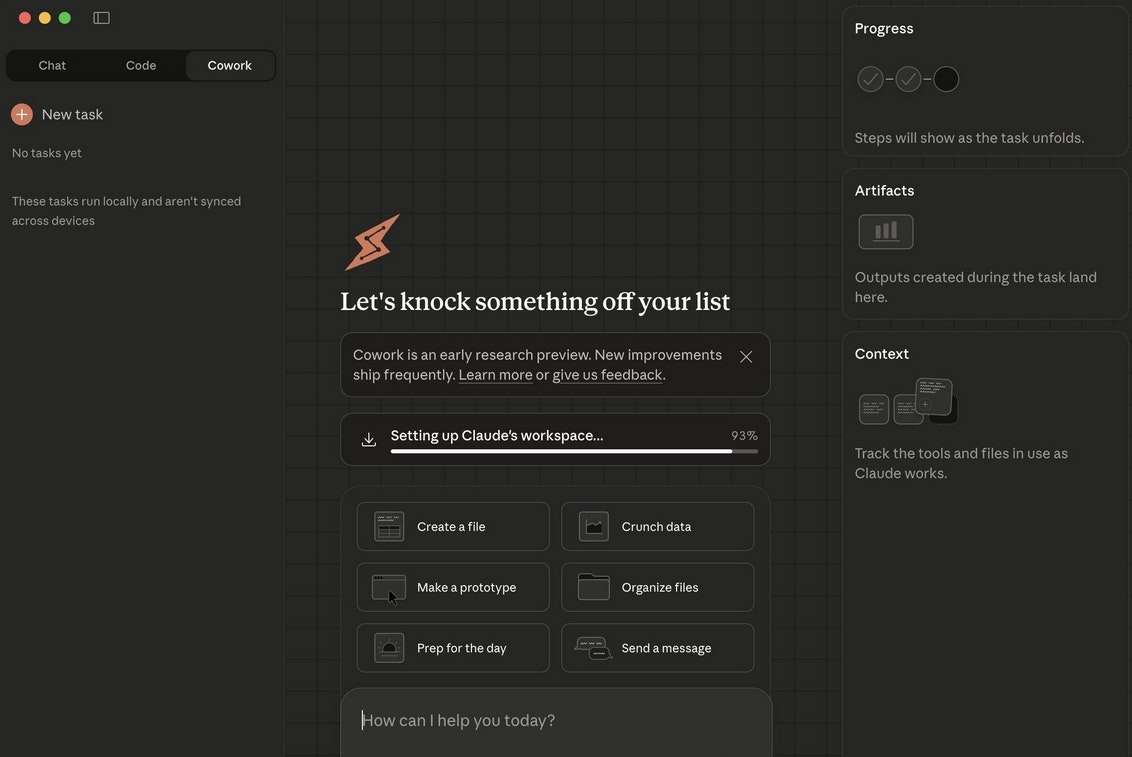
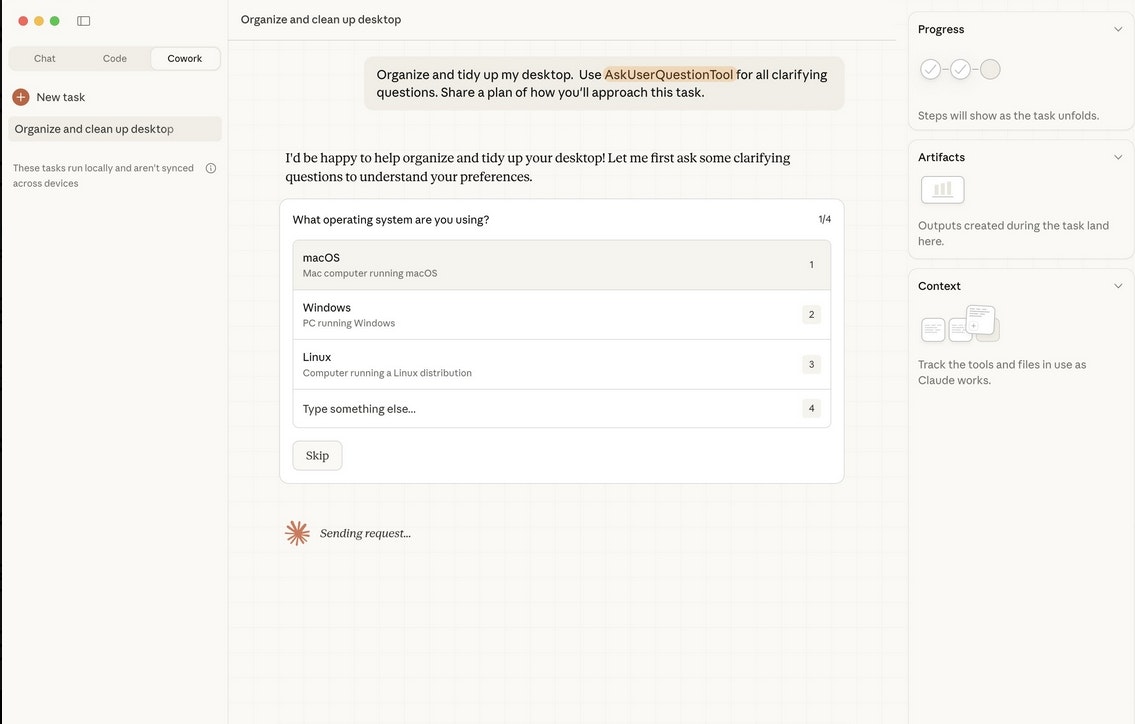
查看原始信息
hirebetter.io
hirebetter.io is an AI-powered plug-and-play recruitment platform that automates and simplifies every step of the hiring process. Designed for busy founders, recruiters, and growing teams. We are building a platform that helps businesses hire smarter and faster while keeping people at the center of the process. Our goal is to take the complexity out of recruitment and create space for companies to focus on growth and strong teams.

Hi everyone!

I’m Robin, one of the founders behind hirebetter.io.

This is the official launch, and if you’re here exploring the product, thank you for taking the time.

We built hirebetter.io based on both our own experience working in recruitment and years of working closely with clients on their hiring processes. I have a great passion for talent acquisition, because I love working with people. In most hiring processes however, the majority of a recruiters time is spent on the tasks that have nothing to do with people.

Across different teams and roles, we kept seeing the same pattern. Too much time was spent on manual tasks instead of evaluating candidates, having meaningful conversations, and making confident decisions.

Writing job descriptions, screening profiles, creating summaries, and keeping processes structured took more effort than it should.

Not because hiring is complex, but because the process often isn’t supported well.

hirebetter.io was created to bring structure and automation into those steps, so hiring becomes more efficient without losing the human side. Because at the end of the day, hiring it about people, not admin.

What the product is built to support:
⚙️ Structured and consistent hiring processes
⚙️ Less time spent on repetitive hiring tasks
⚙️ Better overview across candidates and roles
⚙️ More focus on people and decisions

This launch reflects how we believe hiring should work. Practical, efficient, and human.

If you try the product and have feedback, we’d genuinely love to hear it.

Your input will help shape what we build next.

Thanks for being here and having a look!

8
回复

@robin_daniel_bos Watching this come to life has been special. From the early conversations about what hiring actually feels like day to day, to shaping a product that protects the human part instead of removing it. So excited for this launch and for everyone getting to explore the platform! 🤭

4
回复

Hey Hunters 👋
I am Linus, co-founder of Hirebetter, excited to finally hunt us on Product Hunt 🚀

Hirebetter helps teams hire faster and with better signal, without adding complexity to their existing stack.

We built Hirebetter after seeing how much time hiring teams spend on manual screening, scattered tools, and gut-feel decisions.

What Hirebetter does today:

✅ Turn job requirements into structured hiring criteria
✅ Automatically analyze and summarize candidates
✅ Surface clear strengths, risks, and next-step recommendations
✅ Reduce time-to-decision without sacrificing quality

This is not a concept or a demo.
The MVP is live, teams are already using it, and feedback from real hiring processes has directly shaped what you see today.

Product Hunt is our official public launch and a chance to put Hirebetter in front of a much wider audience and learn even faster.

If you work in hiring, recruitment, or talent operations, we would love your feedback.
Questions, critique, and ideas are more than welcome.

Thanks for checking us out, and thanks to everyone supporting the launch today 🙏

6
回复

Hi everyone! 👋

I’m Tom, CTO at hirebetter.io. If you’re here checking out the product, thanks a lot for taking the time, it genuinely means a lot to us.

From the technical side, hirebetter.io came from seeing the same problems over and over again while working closely with recruiters and teams. Hiring tools often add complexity instead of removing it, which leads to fragmented workflows, manual work, and a lot of context switching.

Our goal with hirebetter.io is simple, build a platform that removes friction from hiring processes through smart automation, while keeping everything transparent, structured, and human.

We’ve focused heavily on:

  • Reducing repetitive tasks

  • Keeping workflows clear and consistent

  • Making it easy to scale hiring without scaling admin

  • Building something that teams actually enjoy using

This launch is just the beginning. If you try the product and have feedback, ideas, or questions, please share them. We are actively listening and shaping what comes next based on real input.

Thanks again for stopping by and supporting the launch 🚀

4
回复
4
回复

@emmabauditz This looks really clean! I love how simple the UI feels—it really makes it so much easier to use.

0
回复

hey Robin! Congrats on the launch. Wish you all the best!

4
回复

@mirano_designs Thanks a lot Ivan, really appreciate the support!

1
回复

As a solo founder, recruitment has always felt like a necessary evil that pulls me away from actually building. The fact that you're automating the screening and scheduling workflow is huge - that's where most of the time drain happens.

Curious: how does the AI handle evaluating candidates for more nuanced roles where culture fit matters as much as skills?

4
回复

@kevin_el_zarka exactly, valuable time to spend on the important part, speaking with people! Based on the requirements for a role (cultural, practical, experience) the evaluation is adapted, so setting your own criteria is key!

1
回复

Hiring is typically the single biggest distraction for a founder. We usually oscillate between using a messy spreadsheet and buying an expensive ATS that is way too complex to manage. The promise of a "plug-and-play" tool that handles the manual grunt work—like scheduling and initial screening—is exactly what the sub-50 employee market needs.

0
回复