Product Hunt 每日热榜 2026-01-24

PH热榜 | 2026-01-24

#1
Humans in the Loop
A free community to talk all-things-agentic-coding-AI
374
一句话介绍:这是一个专注于“智能体编码”的免费Slack社区,为使用Claude Code、Cursor等AI编程工具的开发者和团队提供分享实战经验、工作流和避坑指南的交流平台,旨在解决AI编码工具迭代快、实践知识分散、社区讨论常流于空泛的痛点。
Slack Community Vibe coding
AI编程社区 智能体编码 开发者社群 实战经验分享 Slack社区 工作流优化 AI代码助手 工具最佳实践 免费用
用户评论摘要:用户普遍认可其“聚焦实战、反炒作”的定位,认为分享真实工作流和失败经验极具价值。核心关切在于社区如何长期保持高质量讨论、避免噪音,并建议增加如项目拆解会、技能文件分享等结构化内容。对社区能否抵御初期热度消退表示观望。
AI 锐评

“Humans in the Loop”的推出,精准刺中了当前AI编程热潮下一个隐秘而关键的痛点:工具泛滥与知识贫乏的悖论。它表面上是一个工具讨论组,实质上试图成为AI编程时代的“实践知识蒸馏器”。

其真正价值不在于聚合又一批Cursor或Claude用户,而在于其鲜明的“反主流”定位。当前多数AI社区要么沉溺于未来学式的宏大叙事,要么沦为工具更新的新闻播报站。这款产品则旗帜鲜明地要求用户交出“上下文和错误”,而非光鲜的输出。这一定位直指AI编码的核心困境——大模型能生成代码,却无法传授在具体项目、复杂交互中那些微妙却决定成败的“手感”与“判断”。这些知识是高度隐性的、场景化的,恰恰是当前文档和教程无法覆盖的盲区。

然而,其面临的挑战与其愿景一样清晰。首当其冲的是“可持续的信号噪声比”问题。Slack作为即时通讯工具,天然倾向于碎片化交流,如何抵御随着成员增长必然出现的、偏离“实战”的泛泛讨论和水化,将极度依赖运营者强硬的规则执行与社区文化塑造。评论中关于“不允许何种帖子主导”的提问,已触及这一核心矛盾。其次,从“分享”到“沉淀”的跨越至关重要。零星的经验分享若能通过结构化活动(如建议中的项目拆解会)或机制(如SKILL.md频道)转化为可检索、可复用的公共知识资产,社区才能从“聊天室”升维为“知识库”,建立真正的护城河。

总体而言,这是一次在正确时机、针对正确人群、提出正确命题的精准切入。但它能否成功,不取决于初期的热度,而取决于运营者能否以近乎偏执的定力,捍卫“实践”的纯粹性,并构建起将流动对话固化为集体智慧的基础设施。这远不止是创建一个群组,而是在进行一场对抗信息熵和短期热度的社会实验。

查看原始信息
Humans in the Loop
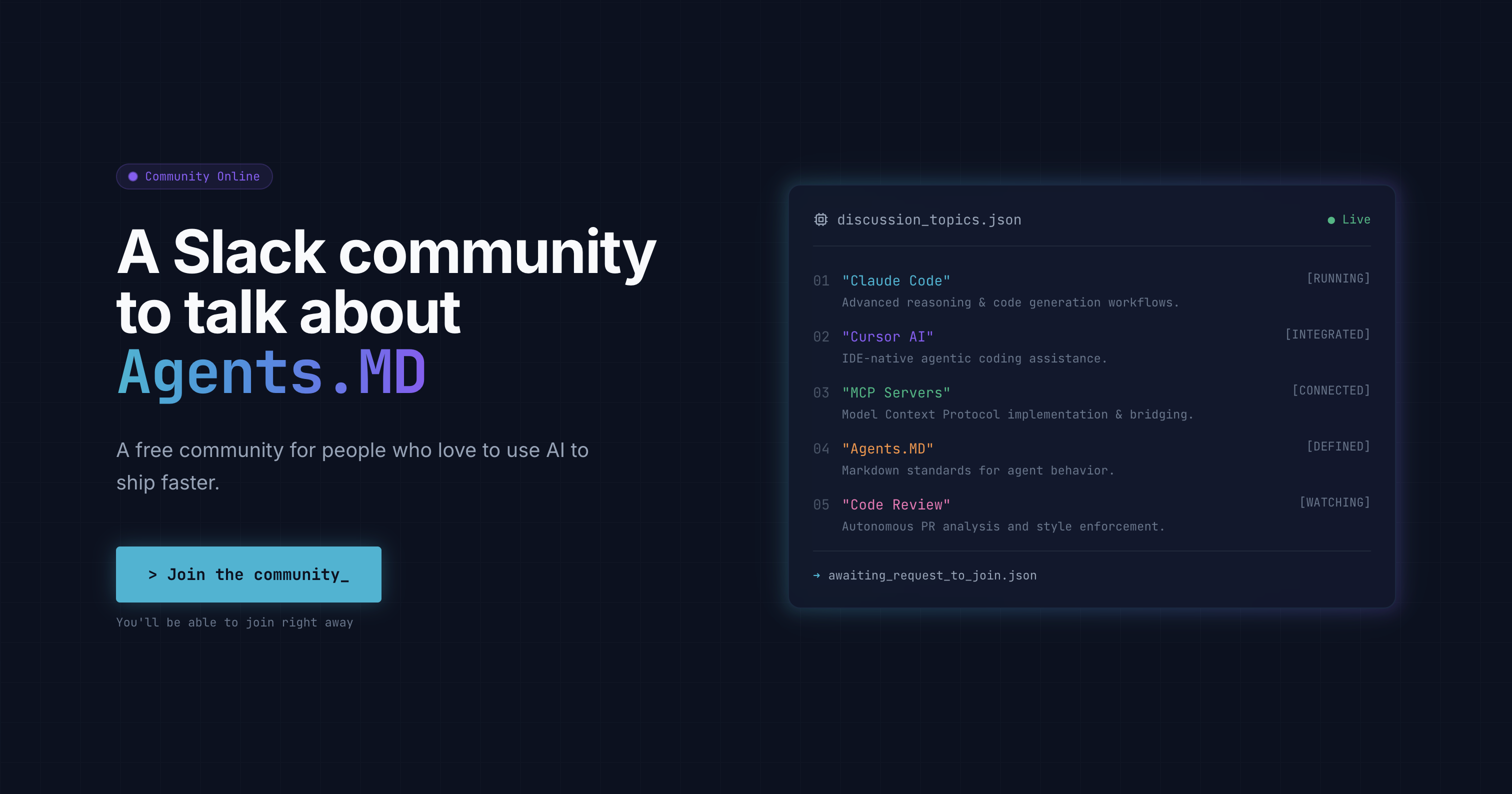
Humans in the Loop is a place for people who love to use AI to ship faster, a free community to join and share insights and best practices on Claude Code, Cursor, MCP servers, AI code reviews, and more.

For all-things AI coding: @Claude Code, @Cursor, @Kilo Code...

Connect with like-minded people.

Thoughtful, authentic, and fun.

Let's make human interactions great again.

41
回复

@fmerian Thank you!

15
回复

Hey Product Hunt 👋

We’re excited to launch Humans in the Loop today!

Humans in the Loop is a free Slack community for people using AI to ship code faster.

We created it as a place to share real-world insights, experiments, and best practices around tools like Claude Code, Cursor, MCP servers, Kilo Code, AI code reviews, Skills.MD, and whatever new workflows and toolsare emerging next.

Let's build this community together to:

  • Learn what actually works in practice

  • Share workflows that save real time

  • Talk openly about what breaks (and how to fix it)

  • Keeping humans… well, in the loop

If you’re building with AI, curious about agentic coding, or just want smarter conversations with people doing actual work, we’d love to have you join.

Thanks for checking us out — happy to answer questions and hear your feedback!

8
回复

@dax1 congrats on the launch.. quick question What’s the one kind of post or discussion you won’t allow to dominate Humans in the Loop, even if it gets engagement, to make sure it stays practical and not just hype-driven AI chatter?

1
回复

As an agentic AI developer I can only praise this. Supported.

3
回复

@fabiosalvadori Thank you for your kind words!

1
回复

Let’s make human interactions great again hits. AI is powerful, but progress feels much faster when people actually share context and mistakes, not just outputs.

2
回复

I’ve joined a lot of AI Slacks that went quiet after the initial excitement. What makes this one stick feels like focus on practice instead of tools alone, curious to see how that evolves.

2
回复

Will there be structured things like teardown sessions, workflow demos, orhow I shipped this AI breakdowns?

2
回复

Most AI communities skew either academic or hype driven. This feels closer to show me what actually worked in prod, which is rare.

2
回复

Love the idea. Curious how you plan to keep signal high as the community grows Slack groups can get noisy fast without strong norms.

2
回复

I like that this isn’t another AI news group. Sharing real workflows with Cursor, Claude Code, MCPs, etc. is what most of us are missing right now.

2
回复

This feels timely. Tools are moving fast, but learning how people actually use them is where the real value is. A space focused on practices, not hype, is refreshing.

2
回复
Timely community for the trend congrats to the team.
2
回复

Congrats on the launch! Love the focus on real-world, human-in-the-loop agentic coding workflows—this feels very aligned with how serious AI devs actually ship today.

2
回复

@zeiki_yu Thank you! I agree.

1
回复

@zeiki_yu Thank you!

1
回复

Love the look of it! A cool addition would be the ability to share specific skills as SKILL.md files.

2
回复

@muellertime That's an awesome suggestion! Will probably create a separate channel around that.

1
回复

Great idea! Going to recommend that all my startup clients join

2
回复

@arimesser Thank you!

1
回复

Really like this idea 👏

As agentic coding gets more powerful, having a place to share real workflows, failures, and trade-offs feels increasingly important. Tools like Claude Code, Cursor, MCP servers, etc. are moving fast, but practical knowledge often lives in people’s heads, not docs.

A community that focuses on what actually works (and what breaks) is super valuable. Excited to see how this evolves and what kinds of patterns emerge from real-world usage.

1
回复

Is it just on slack?

1
回复

@build_with_aj Yes for now. Do you have any suggestions for other platforms?

1
回复
great initiative! currently there is so many different approaches to interacting with agents, potential tools and services, that is impossible to even compare them just by yourself (unless you can just freely debate with others, to narrow possibilities down!). Really appreciate the project idk whether so many people tries to join rn (and servers have hard time handling the traffic),, but I am still waiting for joining mail 😆
1
回复

Love this idea. As a software developer using AI tools daily, having a space focused on real workflows — what works, what breaks, and how we actually ship — is super valuable. Excited to follow the discussions.

1
回复

Great launch for folks new to agentic coding, what resources or conversations should they jump into first here?

1
回复

@hamza_afzal_butt First, introduce yourself in the #introduce-yourself channel. We're adding new, topical channels as we speak (around things like skill.MD, coding agents, agents.md, etc.)

2
回复
awesome, so much to talk about with mcps, skills recently launching, agents.md etc. looking forward
1
回复

@jobrietbergen Agree and thank you for joining.

1
回复

Yes, finally a place to talk about agentic ai with likeminded people without getting banned!!

0
回复
Really love the focus on agentic AI workflows! 🚀 Curious how you’re handling context management across multiple models do you enforce a single source of truth for code state, or let each agent operate independently? Would love to see how you’re tackling real-world coding edge cases in the community.
0
回复
#2
BrainLoom
Turn PDFs into Flashcards. The local-first Learning OS.
243
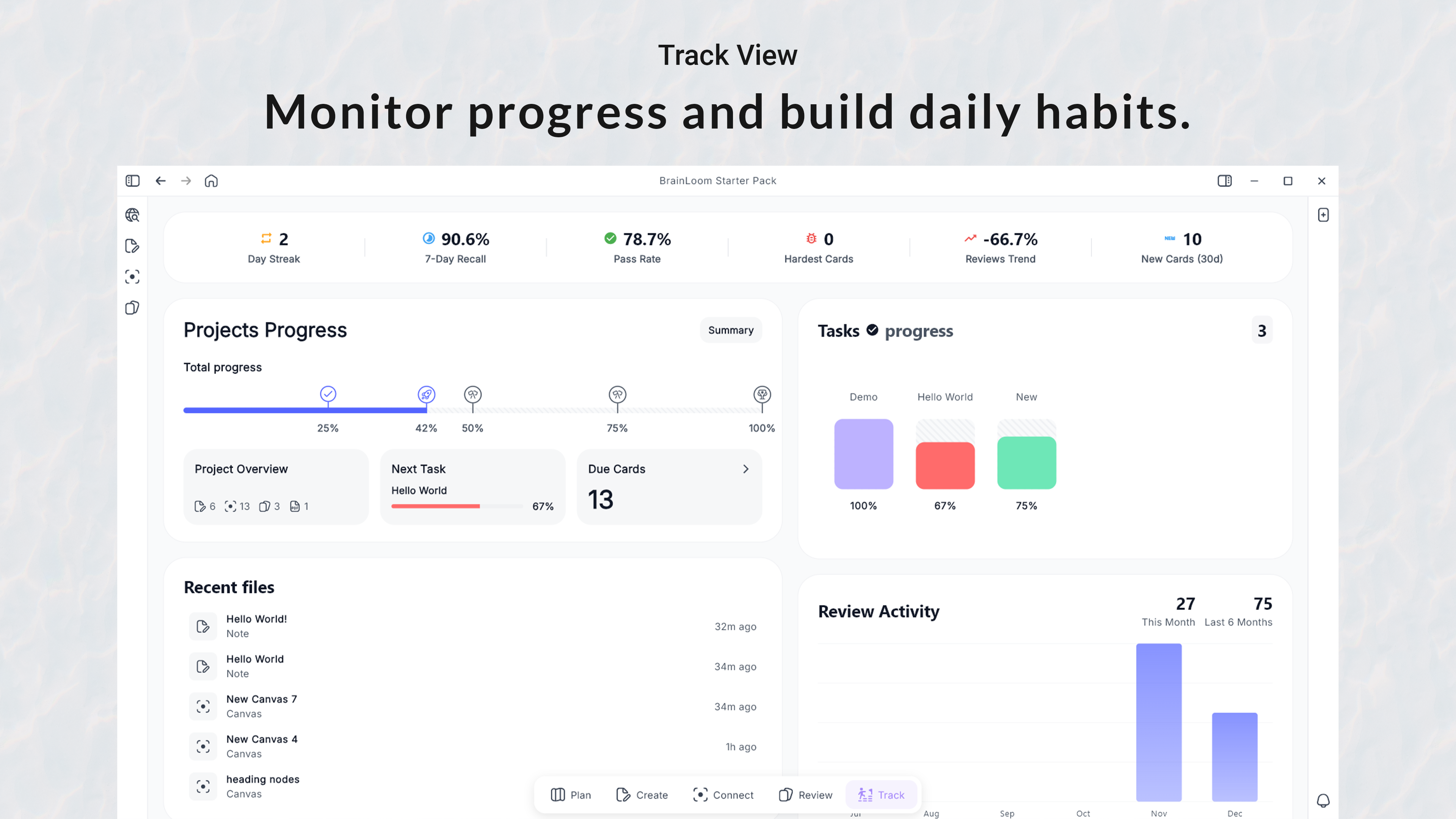
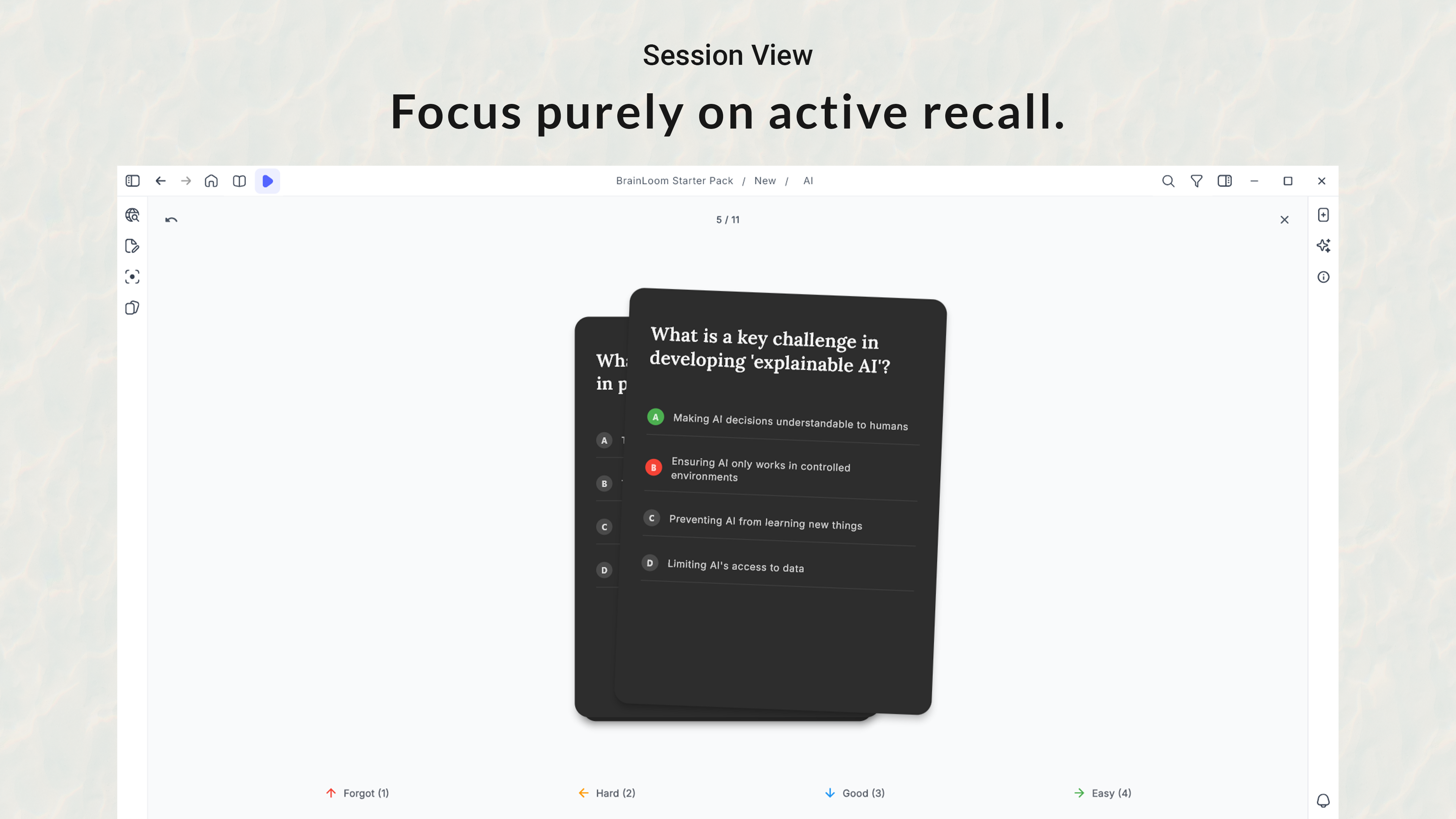
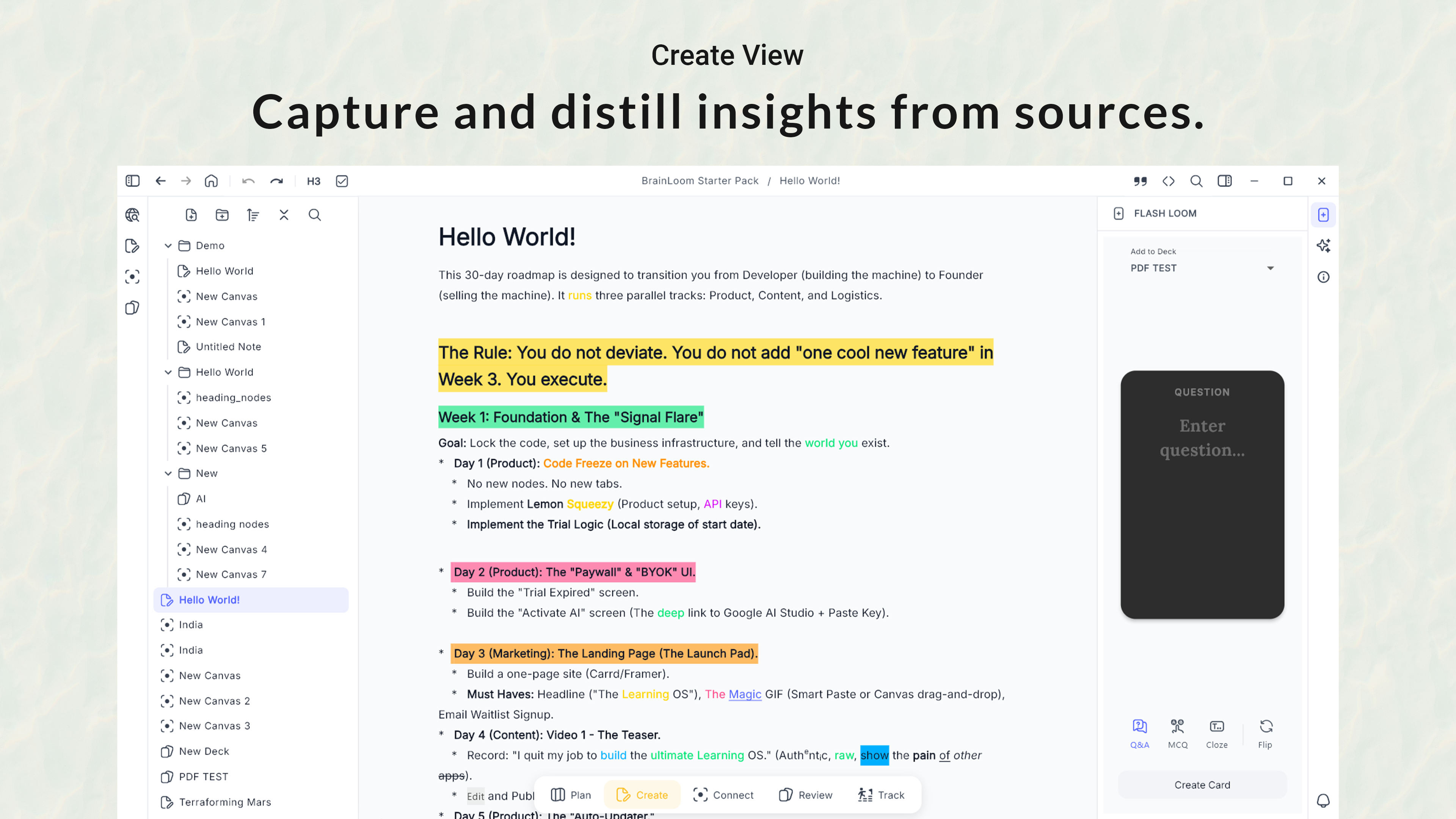
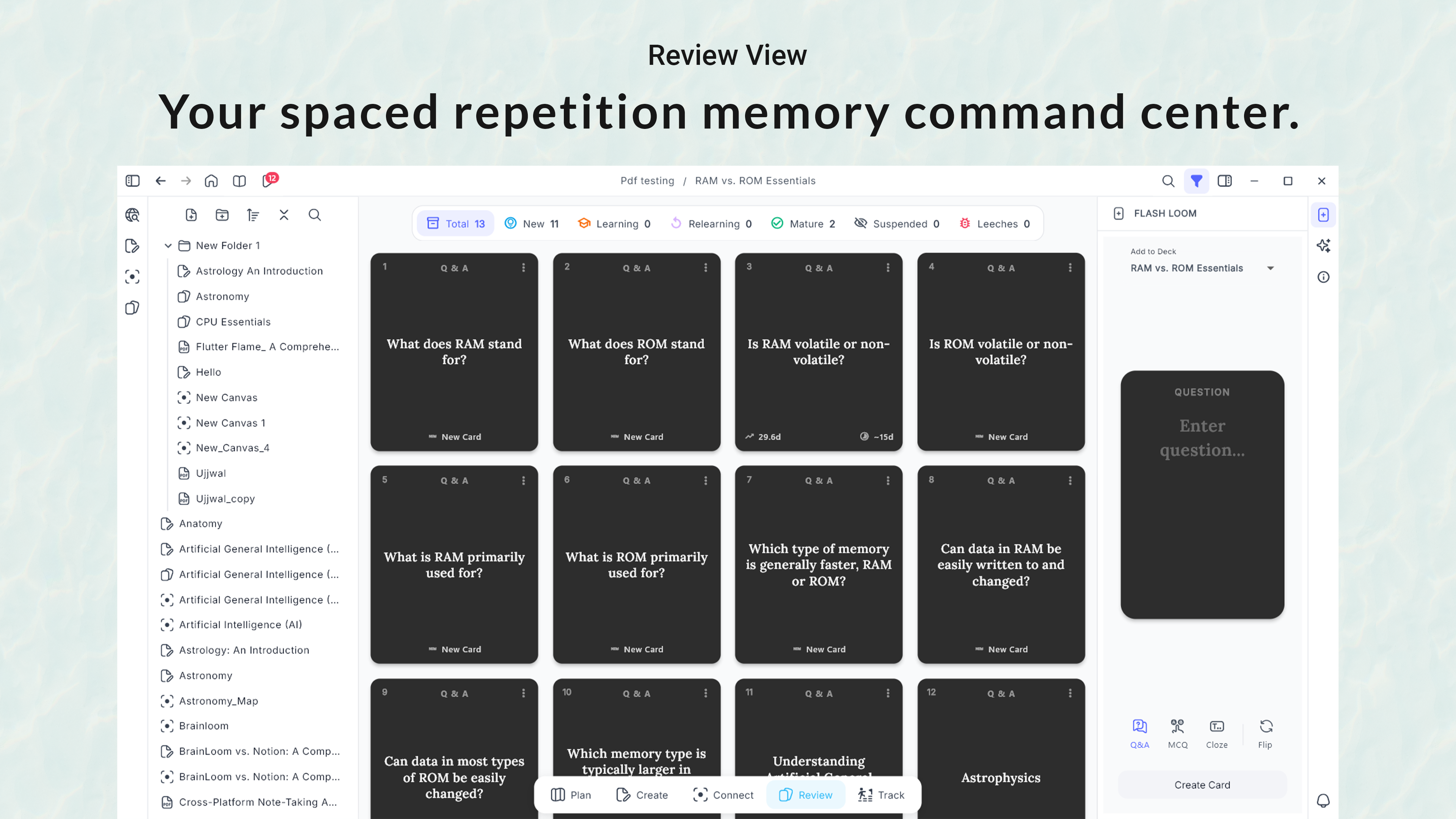
一句话介绍:BrainLoom是一款本地优先的学习操作系统,通过将PDF高亮文本即时转换为可追溯源上下文的闪卡,并整合无限画布笔记,解决了学习者在多个应用间频繁切换、工作流割裂的效率痛点。
Productivity Education Artificial Intelligence
学习操作系统 闪卡制作 PDF笔记 本地优先 主动回忆 无限画布 学习工具 效率软件 知识管理 Windows应用
用户评论摘要:用户普遍赞赏其解决“Alt-Tab”切屏痛点的核心价值,对“一键查看原文”的深度上下文功能评价极高。主要问题集中于平台兼容性(目前仅Windows)、未来同步方案、复习调度自定义程度,以及处理密集教科书PDF的能力。开发者积极回应,路线图包含Mac/Linux版本、可选加密云同步及更多控制选项。
AI 锐评

BrainLoom的野心并非做一个单纯的闪卡工具,而是试图成为“本地优先的学习操作系统”。其真正价值在于对学习工作流“熵增”的精准狙击。它识别到现代数字学习的核心矛盾不是工具匮乏,而是工具过多导致的操作摩擦与上下文丢失。其“Flash-Loom”和“View Source”功能构成闭环:前者将采集(高亮)到加工(制卡)的路径压缩到极致,后者则为冰冷的记忆碎片重新注入了原始文本的温暖语境,这直接对抗了传统闪卡学习法最大的弊端——知识孤立与意义脱节。

“本地优先”的定位是一把双刃剑。在当前云服务泛滥的背景下,它确实切中了学者、专业人士对数据主权和隐私的敏感神经,构成了独特的差异化卖点。然而,这也意味着它主动放弃了跨设备无缝体验这一现代用户的基础预期,其承诺的“可选云同步”未来将如何平衡“本地优先”哲学与用户便利性,是一个关键挑战。

从评论看,产品已成功吸引早期“专业学习者”,他们能深刻理解其设计哲学。但长远看,其天花板可能在于场景宽度。它极度优化了基于PDF文本的深度研习流程,但对于更泛化的、多格式内容(视频、网页)的学习场景是否同样高效存疑。此外,作为单人开发项目,其能否在保持简洁的同时,应对用户日益增长的功能需求(如跨PDF去重、更复杂的复习算法),将考验开发者的定力和产品架构的弹性。总体而言,BrainLoom是一次对学习工具本质的犀利回归,但能否从利基市场的精致解决方案,进化为更普适的“学习OS”,道路尚远。

查看原始信息
BrainLoom
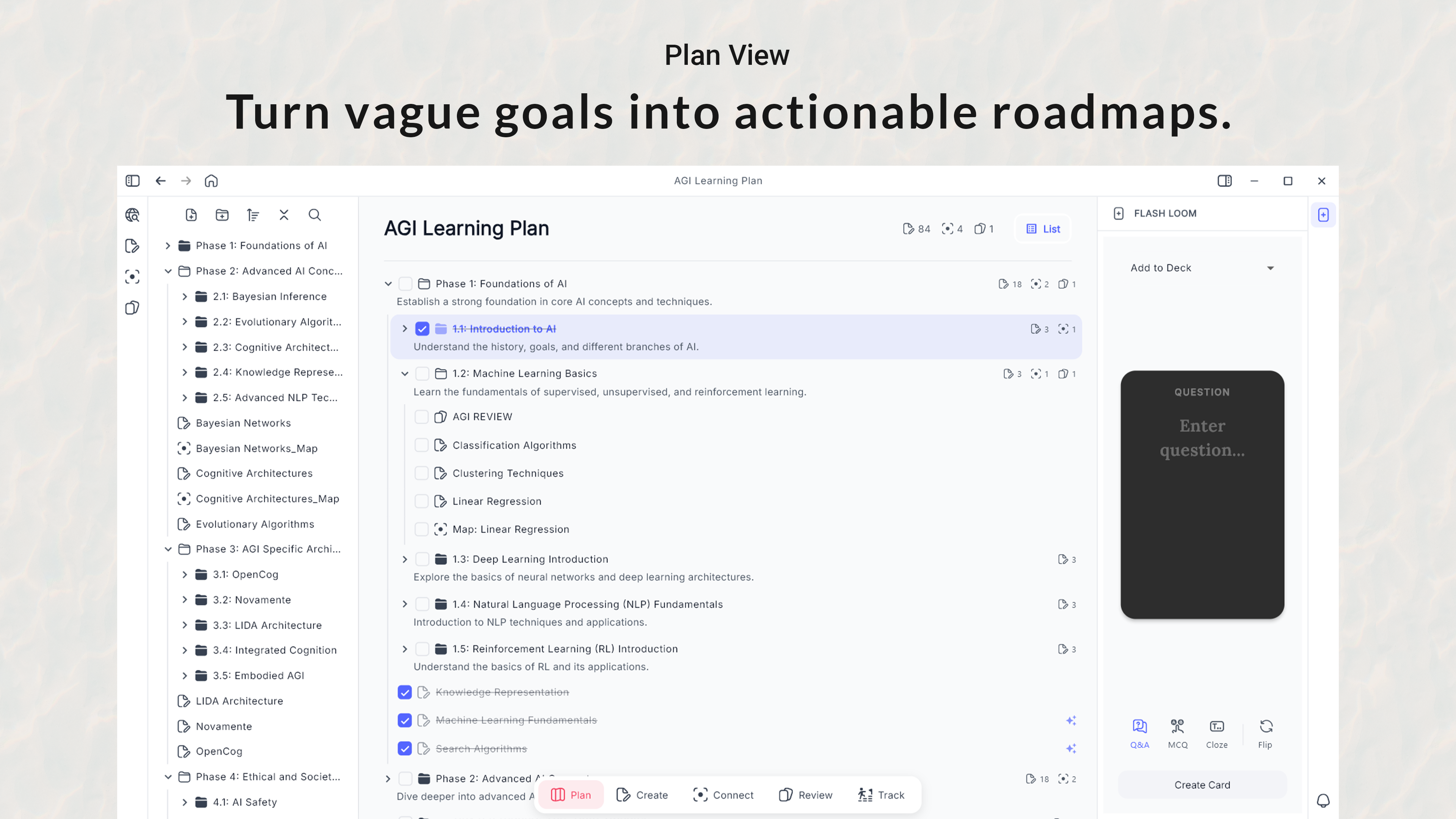
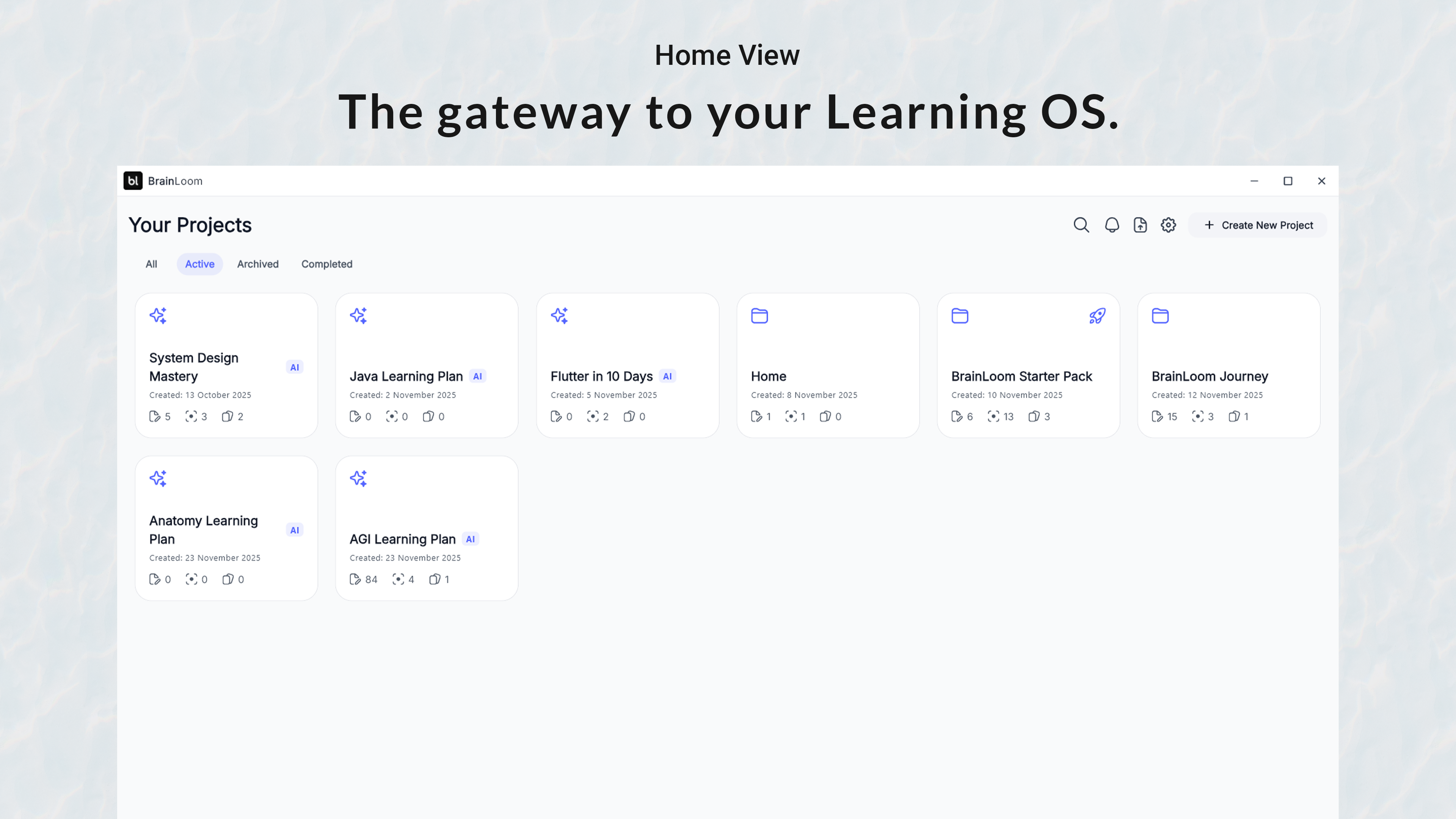
Stop switching between different apps just to study. BrainLoom is the local-first Learning OS that unifies your study workflow. Turn PDF highlights into Flashcards instantly and keep them linked to the source text for deep context. You can also structure ideas visually on an Infinite Canvas using "Smart Paste" without touching your mouse. Available for Windows v1.0 (Mac soon). To fund the expansion, grab a Lifetime License for $29 today (First 150 users only).

Hey Product Hunt 👋

I’m Ujjwal, the solo developer behind BrainLoom.

For years, my study workflow was a mess. I was drowning in PDFs, typing notes in one app, and manually creating flashcards in another. I realized I was spending more time managing my tools than actually learning.

BrainLoom is a Learning OS designed for speed.

The core magic is the Flash-Loom: You simply highlight text in a PDF, and it converts into a Flashcard instantly. No copy-pasting. No switching apps.

It also features:
- 🎨 Infinite Canvas: Don't just list notes; weave them. Use "Smart Paste" to structure ideas visually into mind maps without touching your mouse.
- 🔗 Deep Context: The "Killer Feature." Click "View Source" on any card to jump back to the exact paragraph where the idea was born.
- 🚀 Active Recall Engine: A built-in smart scheduler that manages your reviews, so you master topics efficiently.

💻 Platform Update:
It is Windows Only right now. I know many of you are on Mac—I am working hard to port it!

I built this because 'Alt-Tabbing' was ruining my focus.
What is the one part of your current study routine that frustrates you the most? Let me know in the comments

11
回复

@ujjwalrangahey! When students actually use it at scale, what’s the first place the flow slows down, deciding what to highlight, reviewing too many cards, or connecting cards back into a bigger mental model?  The Flash-Loom sounds like the killer moment!

1
回复

Pretty UX/UI :))

4
回复

@busmark_w_nika Thanks Nika! 🙌 That means a lot coming from a design pro. I really tried to keep it clean and distraction-free.

I see you have a launch coming up on the 28th—I just followed your profile so I can support you when you go live! :)

3
回复

converting highlightes directly into flashcards is going to save me hours of manual data entry every single week.

2
回复

@new_user___01520268563942f25d8240c That was the exact goal, Raj! I wanted to kill the 'copy-paste' fatigue. I'd love to know how much time it actually saves you this week once you get into the flow.

0
回复

​Local-first is the way to go because I hate worrying about my study data disappearing or needing a constant internet connection to get work done

2
回复

@tim_david22 Couldn't agree more, Tim. I believe your 'Second Brain' should actually be yours—not rented space on a server. It feels good knowing your knowledge is safe even if the internet goes down!

0
回复

Spaced repetition lives or dies on scheduling, how much control do users get there?

2
回复

@arthurgerry Coming Soon — Full Control: Customize FSRS v6 by setting your desired retention rate (such as 90% recall) and maximum interval directly in the settings.

0
回复

How well does this handle dense textbooks vs lighter lecture PDFs?

2
回复

@kimchi_2 It is really good at Loading and handling dense Pdfs. You can try it now!

0
回复

Local-first is refreshing, but how do you see syncing or backups fitting in log term without compromising that philosophy?

2
回复

@ill_robyn Great question. v1.0 is strictly local (folder-based) for privacy. For v2.0, I plan to offer optional encrypted cloud sync, but the local-only mode will always exist for those who prefer full sovereignty over their data

0
回复

Alt-tabbing between PDFs, notes, and flashcards is painfully real. This feels built by someone who actually studies, not just ships features.

2
回复

@rubyalexander 100%. I built this because my own 'Alt-Tab' friction was driving me crazy during exams. It is built for flow state first!

0
回复

The view source jump-back is huge. Flashcards without context always felt shallow this actually close that gap nicely.

2
回复

@freya24 Exactly! Flashcards without context are just trivia. The 'Deep Context' link was the feature I built first because I got tired of forgetting why an answer was the answer.

0
回复
Congratulations, I tried it out and the product is very good.
2
回复

@zeiki_yu Thank you so much! 🙌 That means the world to me.

I'm curious—since you tried it out, did you get a chance to test the 'View Source' button on a flashcard? That's the feature I'm most proud of.

2
回复

Congrats on the launch! I really really like how clean and uncluttered this looks, it gives a very nice “workspace” vibe.

At this early stage, what part of the experience are you most curious to see people use or react to first?

2
回复

@joosepseitam Thanks! I worked hard to keep the design distraction-free.

I’m really excited about the 'View Source' button. Being able to jump from a flashcard back to the exact paragraph in your PDF—that is the specific problem I built this app to solve.

2
回复
Really clever use of a unified learning OS turning PDFs into flashcards instantly solves a real chaos problem for students and researchers. Curious: are you seeing more value from flashcard generation or the deep context linking back to source text? That kind of behavior usually predicts whether people stick long‑term. �
1
回复

@chimeremeze Super sharp question. The hook is the Generation, but the retention comes from Deep Context. Once users realize they can 'time travel' back to the source text with one click, they rarely go back to standard flashcards. So, for me "Deep context" is valuable.

0
回复

Congratulations on the launch; without a doubt, it is a tool that every education professional could use. The features look interesting and, besides saving time, I believe they will increase productivity when studying, which will lead to better results. It seems to me that it could become an essential resource for those looking to optimize their teaching and learning methods. It would also be interesting to know if there are customization options to adapt it to different educational styles. Undoubtedly, this type of tool can make a big difference in the academic field.

Does the tool work on any operating system (Mac, Linux, Windows)? Is the interface only available in English? I ask because there are many of us who do not master that language, and an interface in Spanish or another language would be very useful.

Are you planning to launch any version for mobile devices?

Also, I would like to know if you have plans to add support for more languages in the near future, as this would undoubtedly expand its accessibility and usefulness globally.

Thank you!

1
回复

@alejandro_luna2 Thank you, Alejandro!

  1. OS: Windows now. Mac/Linux coming in ~4 weeks.

  2. Mobile: On the roadmap for later this year.

  3. Language: The interface is English v1.0, but you can create notes/cards in Spanish/any language immediately. UI localization is coming in Q3!

0
回复

Congrats on the launch! One feature that I personally will be excited about is automatically filtering out any content that is duplicated across multiple pdf files, curious is that is something you are considering

1
回复

@david_chen37 Oh, that is a brilliant idea for v2. Cross-PDF deduplication is tricky but would be a killer feature for researchers handling multiple papers. Adding it to the wishlist!

0
回复

Kudos on Launch. The “view source” context jump is 🔥, feels genuinely built by someone who studies a lot.

1
回复

@anupamsingh0211 Thanks a ton! 🙌 You nailed it—I built this purely out of my own frustration while preparing for exams.

1
回复

Very useful product with good UI/UX. Can I know which stack did you use?

1
回复

@szymcode Thanks! I poured a lot of love into the design, so I appreciate that.

The stack is Flutter & Dart. For the database, I used Isar (it's blazing fast for local storage).

3
回复

Congrats on the launch Ujjwal! This looks really helpful. Also are you planning to accommodate other sources apart from PDFs like web articles, ebooks or Youtube videos?

1
回复

@mustassim Thanks, Syed! The short answer is: Yes.
Full web-article parsing (like a 'Reader mode') is next on the roadmap for Q2. Is there a specific source you use most often for study (e.g., Coursera, Wikipedia, Blogs)?"

1
回复

The UI looks fantastic, and I'm particularly impressed that you're building with Flutter—I've been using it for the past 6+ years myself and love how rapidly it's evolving.

Out of curiosity, what platform are you using to handle subscriptions and payments? How much do they charge per subscription?

1
回复

@nikhil_sharma_117 Thanks, Nikhil! Fellow Flutter dev here 🤝. It really has matured into a beast for desktop apps.

For payments, I decided to go with Lemon Squeezy. As a solo dev in India, dealing with global taxes (VAT/GST) is a nightmare, and they handle the 'Merchant of Record' compliance for me. They charge 5% + 50¢ per transaction

1
回复

Congrats on your launch Ujjwal - BraimLoom looks really promising (and polished ;-) )

1
回复

@matt_rewo Thanks! I tried to build the tool I wish I had when I was studying, so it means a lot to hear that it looks promising to you.

0
回复

I'm impressed by BrainLoom's local-first approach and how it connects PDF highlights directly to flashcards with source context—it's exactly what I need to stop juggling multiple study apps—but I'm curious, does it support spaced repetition algorithms like Anki, and will there be any sync option for studying across devices?

1
回复

@geng_zheng Glad the workflow clicked for you! Yes, I built the FSRS v6 algorithm directly into the app (no plugins needed), so the scheduling is actually more efficient than Anki's default. Regarding Sync: I kept v1.0 strictly local-to-device for speed and privacy, but optional Cloud Sync is at the top of my roadmap for v2.0!

3
回复

This seems like a very carefully made and well-made product. But with so many strong features, no feature truely stands out. I had previously tried using Google's learn-your-way and notebook LM. The thing with these tools is that the learning curve is steep, and it takes time for it to fully seep into your routine.

0
回复
Project seems really useful. Though I already use obsidian. If I start using the app, how would the migration to your app looks like?
0
回复
Congrats on the launch! Does BrainLoom support other languages?
0
回复

Amazing man! It's the way I use to learn content so you're helping enough with it. Hope everybody can see the same and wish you all the best here!

0
回复
#3
GetThis
Generate tasks from voice, text, or screenshots.
201
一句话介绍:GetThis是一款通过语音、文本或截图快速捕获零散想法,并利用AI即时将其转化为结构化任务的生产力工具,解决了人们在日常沟通和思考中灵感稍纵即逝、信息碎片化难以管理的痛点。
Productivity Task Management
任务管理 AI生产力 语音转任务 截图识别 快速捕获 思维整理 个人效率 轻量化工具
用户评论摘要:用户普遍认可其“快速捕获”的核心价值,认为其解决了想法易丢失的痛点。主要问题集中在:AI分类准确性、与第三方工具(如Notion、Todoist)的集成需求、对生成任务后续处理(如优先级、排期)的支持,以及避免形成新的数据孤岛。
AI 锐评

GetThis精准地切入了一个被主流任务管理软件长期忽视的“前戏”环节:任务捕获。其真正价值不在于管理,而在于“无摩擦地转化”,将存在于聊天记录、截图和脑海闪念中的“潜在任务”资产化。这直指现代人效率系统的核心漏洞——我们擅长规划已明确的任务,却让大量任务在转化为“待办事项”之前就已流产。

然而,其面临的挑战同样尖锐。首先,产品的“魔法”高度依赖AI识别的准确性与上下文理解能力,尤其是在处理冗长、杂乱的语音输入时,任何显著的误判都会立刻摧毁用户信任。其次,评论中反复出现的集成需求,暴露了其作为“入口”的天然短板:若不能将转化后的任务无缝送入用户现有的、成熟的“执行系统”(如Notion、Todoist),它极易沦为另一个精美的数据坟墓,只不过埋葬的是已稍作整理的任务。创始人“先验证核心流程”的策略固然稳健,但用户对数据孤岛的担忧是切实存在的。

更深层的考验在于,GetThis本质上解决的是“输入”体验的优化,但任务管理的真正难点在于“优先级排序、排期与执行”。如果它仅仅是一个更优雅的收件箱,其用户粘性和产品壁垒将十分有限。未来的发展路径,要么向下游延伸,构建轻量但智能的排序与执行闭环;要么彻底开放,成为连接一切碎片化信息与专业生产力工具的“智能管道”。前者重但可能形成完整体验,后者轻但依赖生态。目前看来,它明智地选择了后者作为初期方向,但如何平衡“聚焦核心”与“满足用户对连接的迫切期待”,将是其增长的关键。

查看原始信息
GetThis
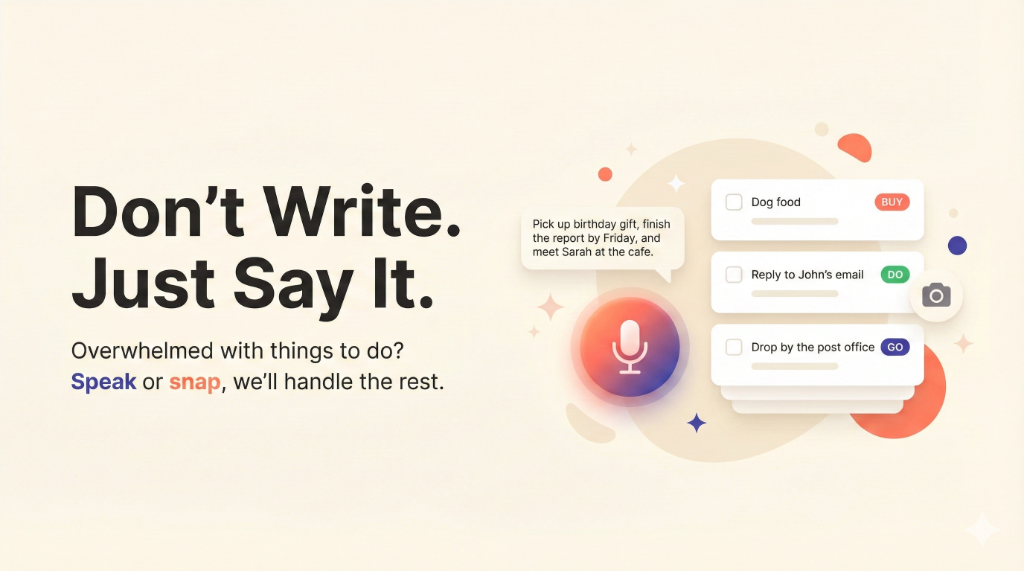
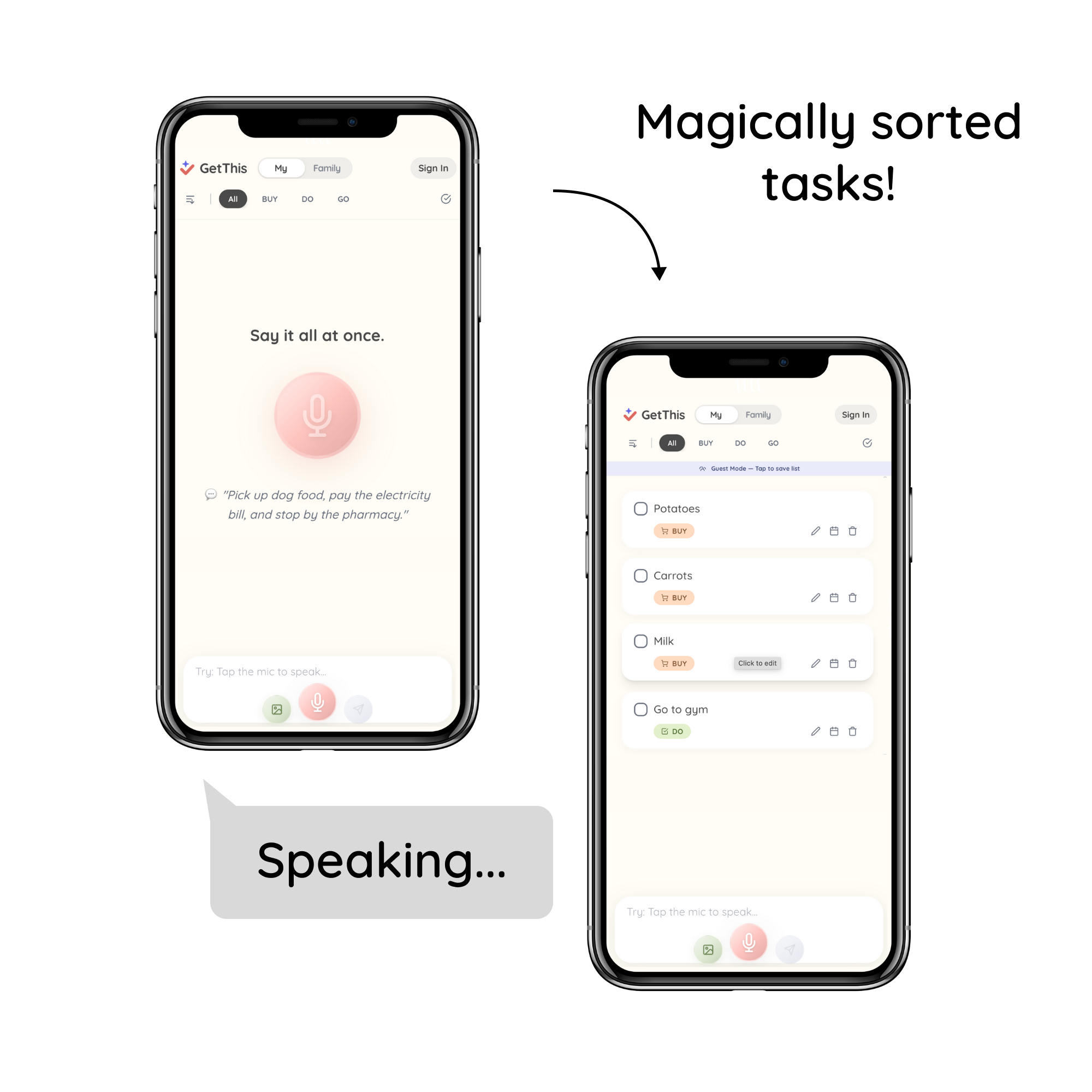
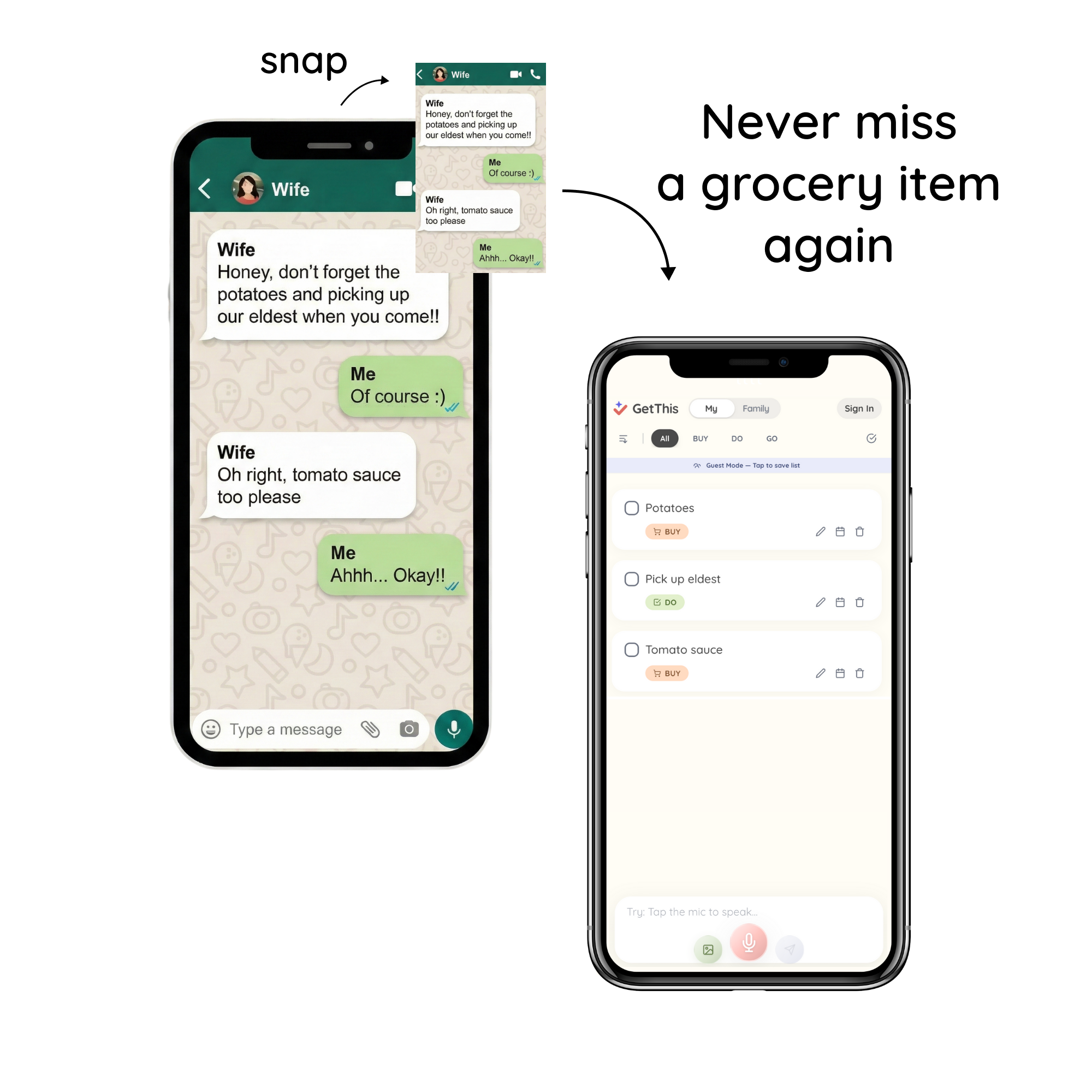
Stop typing. Just speak or snap a screenshot of your chats. GetThis uses AI to sort your brain dump, organize grocery runs, and categorize tasks instantly.

Hey Product Hunt! 👋

I’m Sawyer, founder of GetThis.

We built GetThis around a simple idea: capture thoughts the moment they happen and instantly turn them into tasks.

Just speak or snap.

GetThis handles the rest. No setup, no friction.


If you’ve ever lost a task because it lived only in your head,

I’d love to hear: what’s your biggest friction in managing your tasks today?


We’ll be around all day. Come say hi!

8
回复

@sawyer_lee Capturing is easy but follow-through is hard. After GetThis turns a thought into a task, where do people usually drop the ball, prioritizing it, scheduling it, or actually doing it, and what are you doing to close that gap?

0
回复
@sawyer_lee Voice‑to‑task + screenshot‑to‑task is a smart foundation — it turns messy thoughts into organized actions fast 🚀 Curious: how are you thinking about reducing friction even more for first‑time users (e.g., immediate output quality or suggested categories)? Those kinds of early UX signals often decide whether people keep it in their daily workflow. �
0
回复

@sawyer_lee congrats on the launch! Is it connected with Slack or some project management tool? Also, do I need to bring my own key?

0
回复

Looks great. Does the tool connect with task management platforms like Notion, Atlassian, or Airtable?

3
回复

@alina_petrova3 Thanks, Alina!
We’re actively collecting user feedback right now, and integrations like Notion are something we can add if users want them.

At this stage, we’re focused on making task capture and structuring feel effortless.
If enough users need a specific integration, we’ll prioritize it.

Out of curiosity, which platform would be most useful for you?

1
回复

Love the capture flow, but how much control do users have over categorization if the AI gets it wrong? Curious how editable it is after ingestion.

2
回复

Congrats on the launch! Love how GetThis turns raw voice and screenshots into clean, actionable tasks—super aligned with how people actually capture and process daily to-dos.

2
回复

@zeiki_yu Thanks Zeiki!
Glad that focus on real-life task capture resonated with you.

0
回复

You can tell this was built from lived frustration. Capturing intent fast is the hardest part of productivity systems if GetThis keeps friction low, it could stick where others don’t.

1
回复

The magic lives or dies on accuracy, how well it handle messy, rambly voice notes?

1
回复

Half my tasks die in Slack or screenshots I never revisit. Turning those directly into tasks actually makes a lot of sense.

1
回复

This really nails the thoughts disappear too fast problem. Voice + screenshots feels way more natural than focusing everything into a task app manually.

1
回复

Congrats on the launch! The voice to task works really well, I'm impressed. I tried it a few times. One of the times I pressed the mic by mistake and turned it off, so it was on maybe for 2 seconds and it ended up recording a task i think in chinese? See screenshot attached first task.

1
回复
Hey Sawyer, that feeling of losing a task because it only lived in your head is too relatable. Was there a specific thought you lost that really stung? Like an idea or to-do that vanished before you could capture it and you just never got it back?
1
回复

@vouchy Hi Van!
Yes, there was a very specific moment.
My wife sent me a WhatsApp message with a grocery list. I thought I’d remember it, took a screenshot, and headed to the store.

Standing in the aisle, scrolling through my photo gallery, zooming in and out, trying to remember what I’d already picked up. It was somewhat frustrating.

That’s when the idea clicked.
'What if a message or screenshot could instantly become an actionable task list?'

That was the starting point of GetThis.

1
回复

Tried GetThis recently and it’s been a really pleasant surprise. It makes it effortless to turn a messy dump of thoughts into something organized and actionable, without feeling heavy or overcomplicated.

1
回复

@1nvince Hi Jianyu!
I’m really glad to hear it was a pleasant surprise for you. That’s exactly the experience we’re aiming for.

If you ever have feedback or ideas, we’d love to hear them, anytime.

0
回复

are you guys expecting integration with third party to-do apps? not sure even how that is technically possible, just asking

1
回复

@tony_mon  Hi Tony!
That’s a fair question.

We’re currently focused on learning from users and validating core workflows before committing to third-party integrations. Technically possible paths exist, but we want to make sure it’s solving a real problem first.
Out of curiosity, what kind of apps would you personally want this to work with?

0
回复

Congratulations on the launch! The screenshot capture feature is a genius move! I constantly find myself with a gallery full of reminder screenshots that just go to die because I never organize them. Does the Ai automatically set deadlines if it detects a date in the screenshot?

1
回复

@yuanyuan_zhang0104 Thank you very much, Yuanyuan! Yeah, this app is for the ones just like you!
Answering your questions:
Yes, it recongnized and automatically sets the dates. For example, just say "Go see a doctor tomorrow." Then, it will exactly put the date. Of course from the screenshot too!

0
回复
Hi love the website i think it’s beautiful but my only question is why would i use this instead of chatgpt or gemini to do this?
0
回复

this looks perfect for quick capture, but I worry about creating another data silo. do you have plans to sync these generated tasks directly into tools like Todoist or Notion?

0
回复
Voice‑to‑task + screenshot‑to‑task is a smart foundation — it turns messy thoughts into organized actions fast 🚀 Curious: how are you thinking about reducing friction even more for first‑time users (e.g., immediate output quality or suggested categories)? Those kinds of early UX signals often decide whether people keep it in their daily workflow. �
0
回复

I need this!!!. Losing tasks because I'm too lazy to type them out is a daily struggle for me. Do you consider extending this to a native todo list within the app as well?

0
回复
Just tried a little bit. Your app is really amazing and solving real problems. But I found concrete time wasn’t added into a to-do, I’m not sure if that’s my problem or it’s not supported yet.
0
回复

Feels like a smarter, more modern take on inbox zero compared to tools like Things or Todoist where capture is still pretty manual.

0
回复

Do you see this replacing traditional task managers, or sitting on top of them as a capture layer?

0
回复
The app concept is excellent for organizing tasks quickly! Do you have plans to support Arabic in the future? Implementing RTL support would help you expand significantly in the Middle East market."
0
回复
"The app concept is excellent for organizing tasks quickly. Do you have plans to support the Arabic language in the future? This will help you expand significantly in the Middle East market."
0
回复

Hi, Sawyer, I can't find this app in ios store, may I know where can I download it?

0
回复

Looks good , but not very interesting , why don't i just use ChatGPT or Claude with skills to do this?

0
回复
#4
Sometimes: A Poem Arrives
Poetry at Unexpected Moments
168
一句话介绍:一款基于时间、天气和季节等情境,在用户预设的时间窗口内随机推送一首经典诗歌的iOS应用,旨在以不期而遇的方式,将诗歌融入日常生活瞬间,对抗当下的注意力经济。
Art Writing
诗歌阅读 情境感知 极简主义 数字健康 公共领域文学 反沉迷设计 人文科技 通知体验 精神间歇 苹果生态
用户评论摘要:用户高度赞赏其反注意力经济的哲学与精美设计,核心问题集中在:未来是否会引入当代诗人?如何平衡通知的惊喜感与侵扰性?以及为何选择随机性而非定时推送?另有用户询问了审核机制、是否包含俳句及有无小组件。
AI 锐评

“Sometimes”与其说是一个应用,不如说是一个针对数字时代用户心智的“行为矫正器”。它的真正价值不在于推送了多少首狄金森或弗罗斯特的诗,而在于其产品机制本身就是一个强烈的反叙事——它公然背叛了以“用户停留时长”和“参与度”为核心的传统应用成功学。

产品通过“不可预测性”、“无账户体系”和“主动关闭”的设计,精准地制造了一种稀缺的、非功利的邂逅感。这本质上是在利用算法对抗算法惯性,用情境感知技术来模拟前数字时代那种偶然翻开一本诗集的心动。它解决的痛点并非“读诗难”,而是现代人“沉浸于当下难”的精神涣散。

然而,其商业模式与长期用户粘性存在根本性矛盾。纯粹依赖“打赏”的模式能否持续存疑。更深刻的挑战在于其核心体验的“边际效用递减”:当用户逐渐习惯这种“意外”,惊喜感褪去后,通知是否会从“诗意的抵达”沦为另一种需要管理的“数字噪音”?这取决于算法推荐与情境匹配的精准度能否持续超越用户的预期阈值。

它是一款值得尊敬的“概念产品”,其成功不在于获取多少用户,而在于它能否像一首好诗一样,在科技与人文的交叉点,持续引发关于我们应如何与数字技术共处的思考。它提示了一条路径:科技产品未必都要成为时间的黑洞,也可以成为精心设计的“中断”,帮助用户重新夺回对自身注意力的主权。

查看原始信息
Sometimes: A Poem Arrives
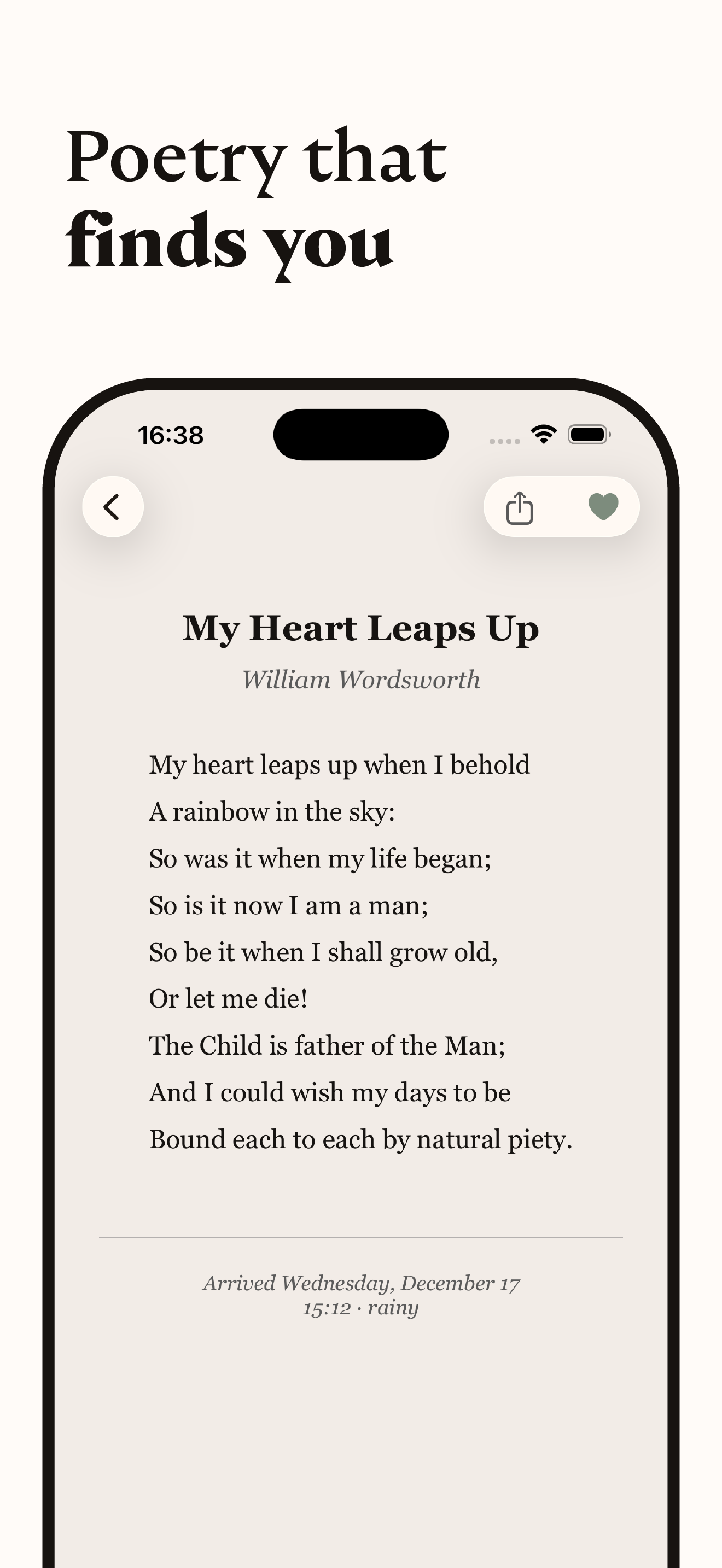
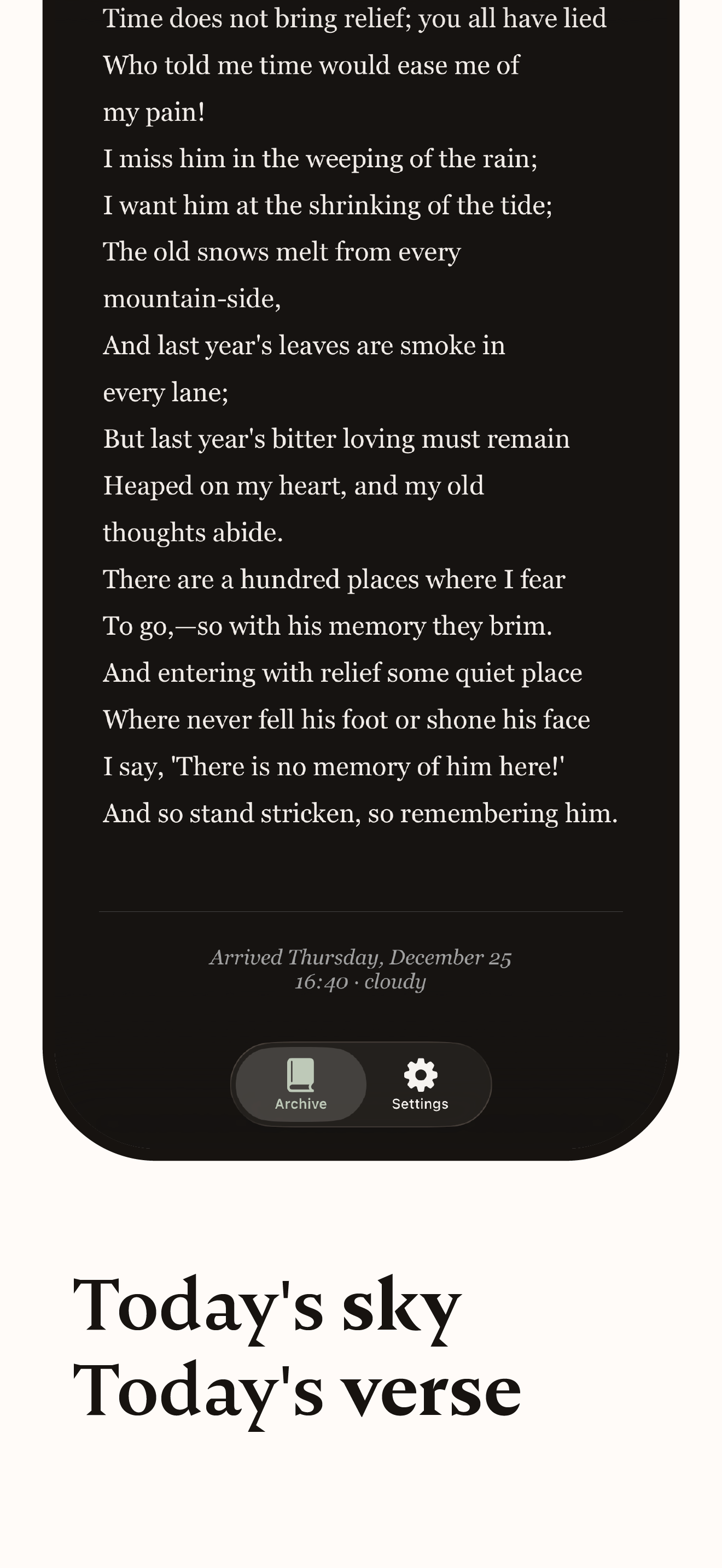
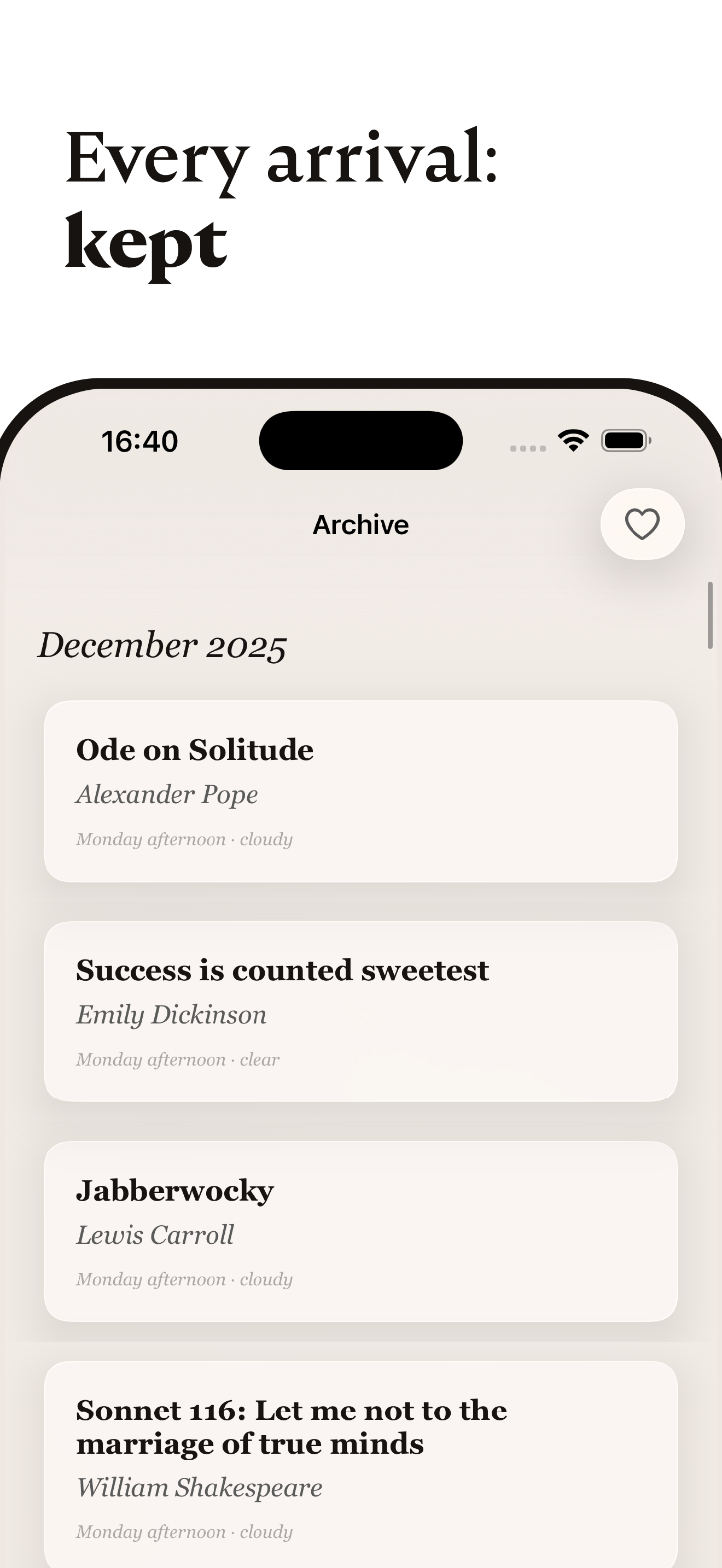
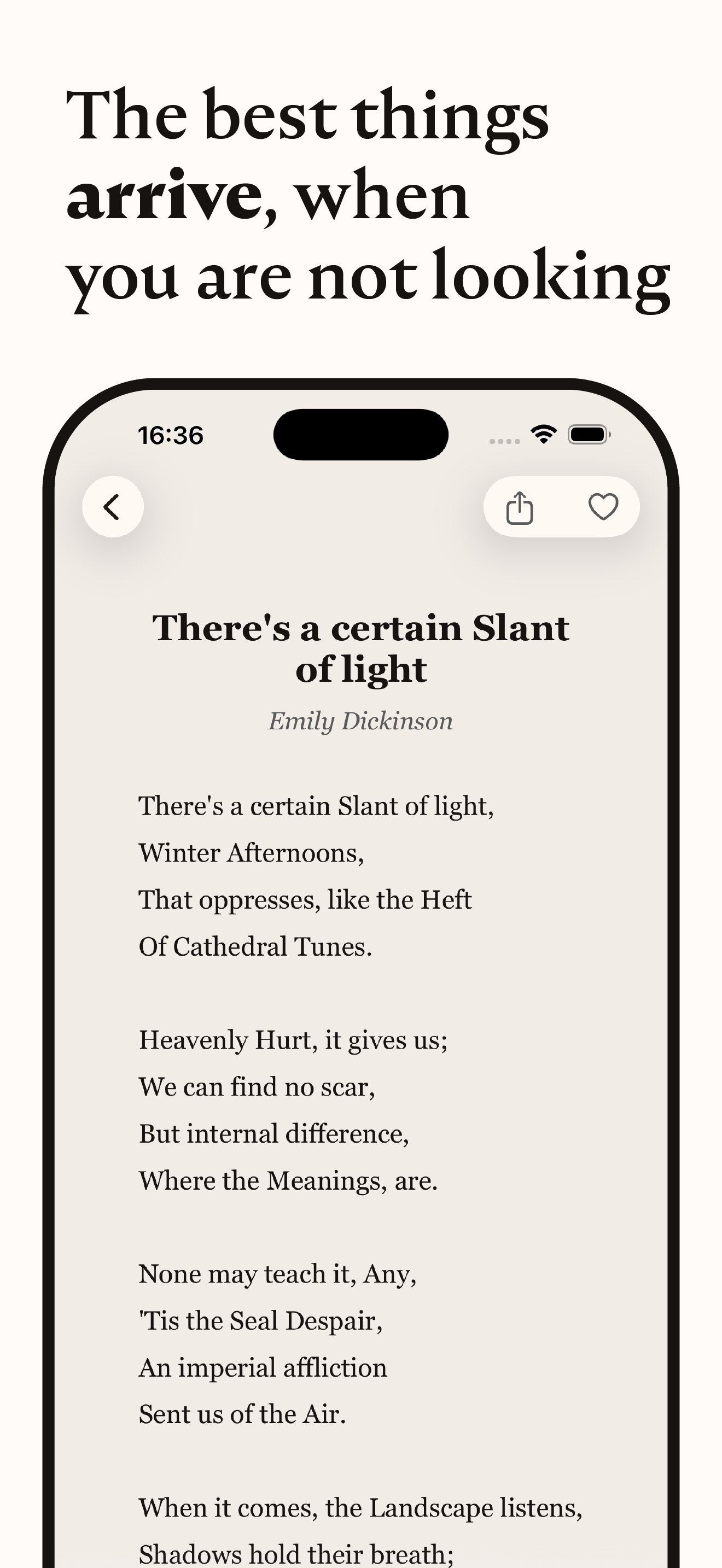
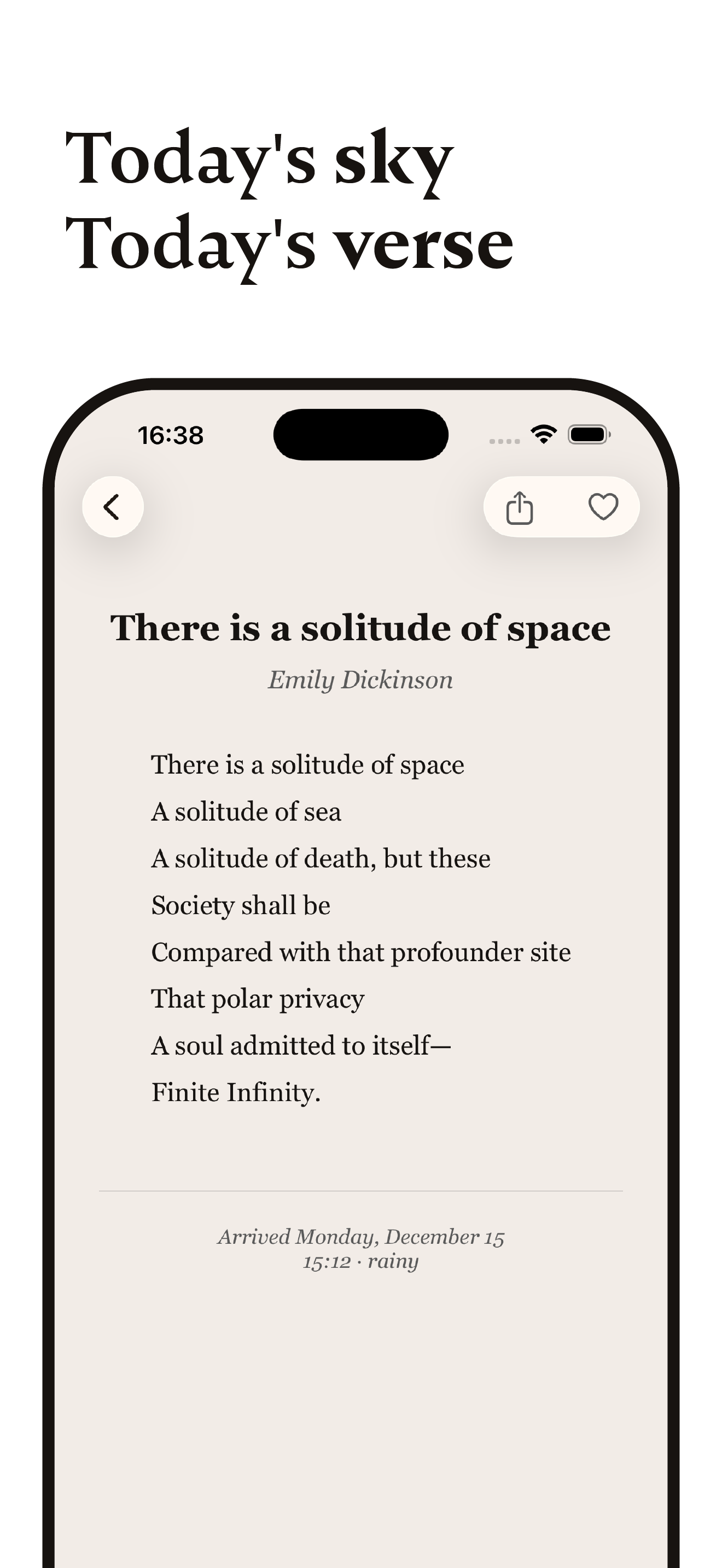
The best things arrive when you're not looking. Discover poetry that matches your moment, when you least expect it. The app considers time of day, weather, and season. A poetry app for iOS.

Hi Product Hunt 👋

The idea is simple: Poetry shouldn't live in a feed. It should find you. In a quiet moment. A rainy afternoon. The first light of morning.

"Sometimes:" sends you one poem at unexpected times, you never know exactly when. No infinite scroll. No engagement metrics. No accounts. Just: open, read, close.

How it works:

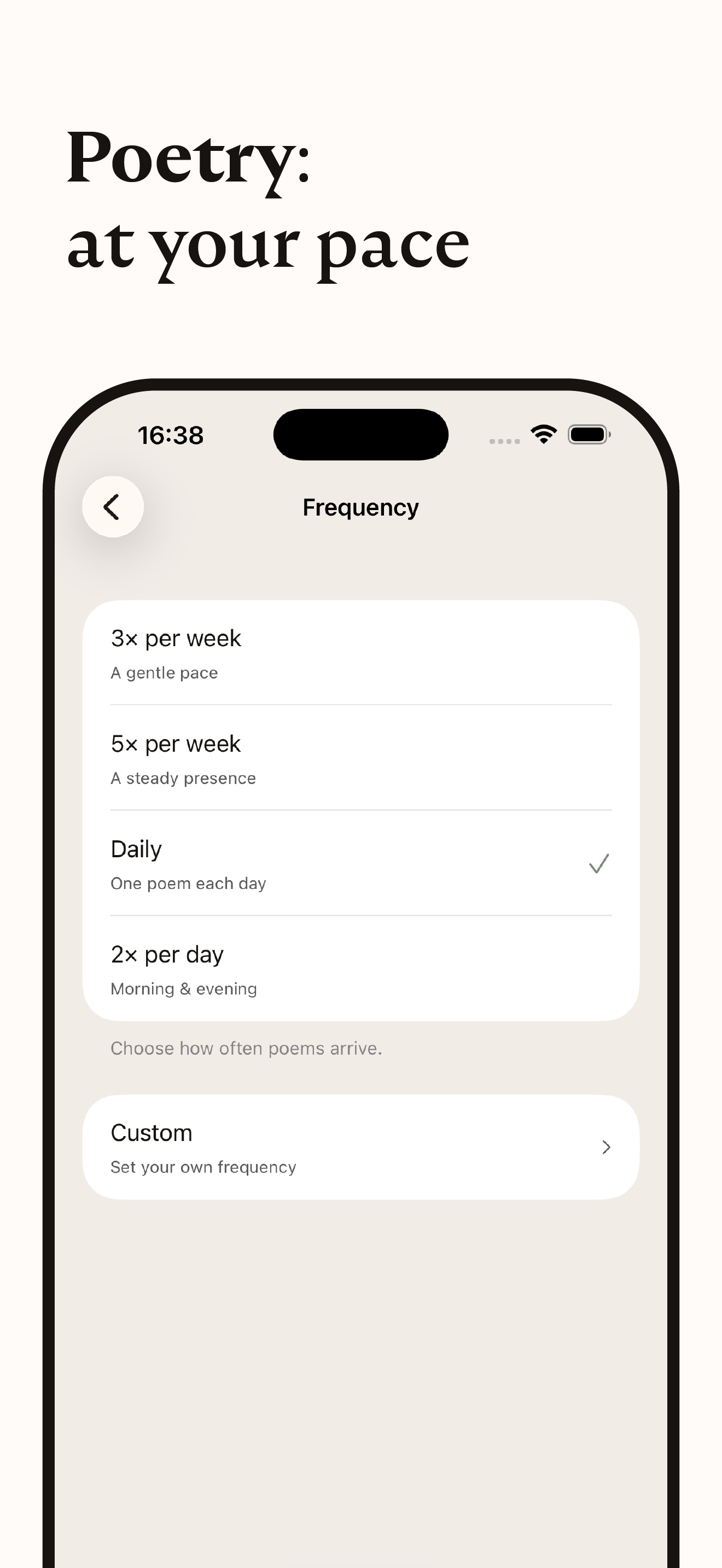
  • Set your time window (morning? evening? all day?)

  • Choose your pace (daily, weekly, or anywhere in between)

  • Then forget about it

The app watches the weather, time, and season. When conditions align, a poem arrives. All from the public domain. Dickinson, Frost, Whitman, Poe, Keats, Yeats.

Why I built this: Technology should enrich moments, not steal them. "Sometimes:" is my answer to the attention economy. It's designed to be closed, not to trap you.

It's free. If a poem arrives at the right moment, tips are welcome.

I'd love to hear what you think. What would make this meaningful for you?

Thanks for being here on launch day.

3
回复

Have you thought about eventually including contemporary poets (opt-in), or is the public domain only constraint part of soul of the gap?

2
回复

I want to understand how moderation works here. Does the team guide discussions or is it mostly community driven.

1
回复

What made you choose unpredictability over scheduled delivery? I imagine some users might find comfort in routine, others in surprise, curious how you thought about that tradeoff.

1
回复

Respect for intentionally building something that doesn't optimize for engagement. That’s a hard choice, especially on mobile.

1
回复

I usually mute notifications instantly… but this is one I might actually keep on.

1
回复

This feels like the opposite of Readwise or Medium less about collecting knowledge, more about letting something wash over you. That contrast is refreshing.

1
回复

I love the philosophy, but I’m curious how do you avoid notifications becoming noise over time? The balance between surprise and intrusion feels delicate here.

1
回复

There’s something rare about software that’s designed to disappear. The idea that a poem shows up based on weather and season feels oddly human in a very digital world.

1
回复

This feels less like an app and more like a gentle ritual. I love the idea of poetry interrupting life softly, instead of demanding attention.

1
回复

Congrats on the launch! Love how Sometimes weaves time, weather, and season into context-aware poetry moments—such a thoughtful, ambient way to bring verse into everyday life.

1
回复

Really liked the quick and easy onboarding flow. Also curious to know if Haikus are included.

1
回复

@mustassim Thank you! Yes, they are included! You just don't know when they will arrive.

0
回复

Very cool. Is there a widget?

1
回复

the typography and whitespace here are stunning! it feels like holding a physical book rather than a phone screen. congrats on the launch!

0
回复

Really cool concept. While I generally feel like I want fewer notifications and noise, this feels like it would be a nice injection into the day, especially with the location/context awareness.

0
回复

I've been wandering into r/Poetry on Reddit for a long time, so this app arrives as a welcome relief. :)

A few technical inquiries: what is the provenance of your poetry database? Furthermore, in instances where multiple translations exist, does the system possess the nuance to recognise these variations and avoid redundant pushes?

0
回复

Poetry is an aesthetic in its own right—is the app’s interface and push card design minimalistic and poetic enough that every time you open it, it feels like unfolding an exquisitely crafted letter?

0
回复

The concept of "poems find you" is absolutely delightful—it turns passive reception into an elegant sense of anticipation. I wonder, can users adjust the push frequency themselves? For instance, to reduce interruptions when needing to focus.

0
回复
#5
Youtube Custom Playback
Unlock up to 16x speed with native-style controls
158
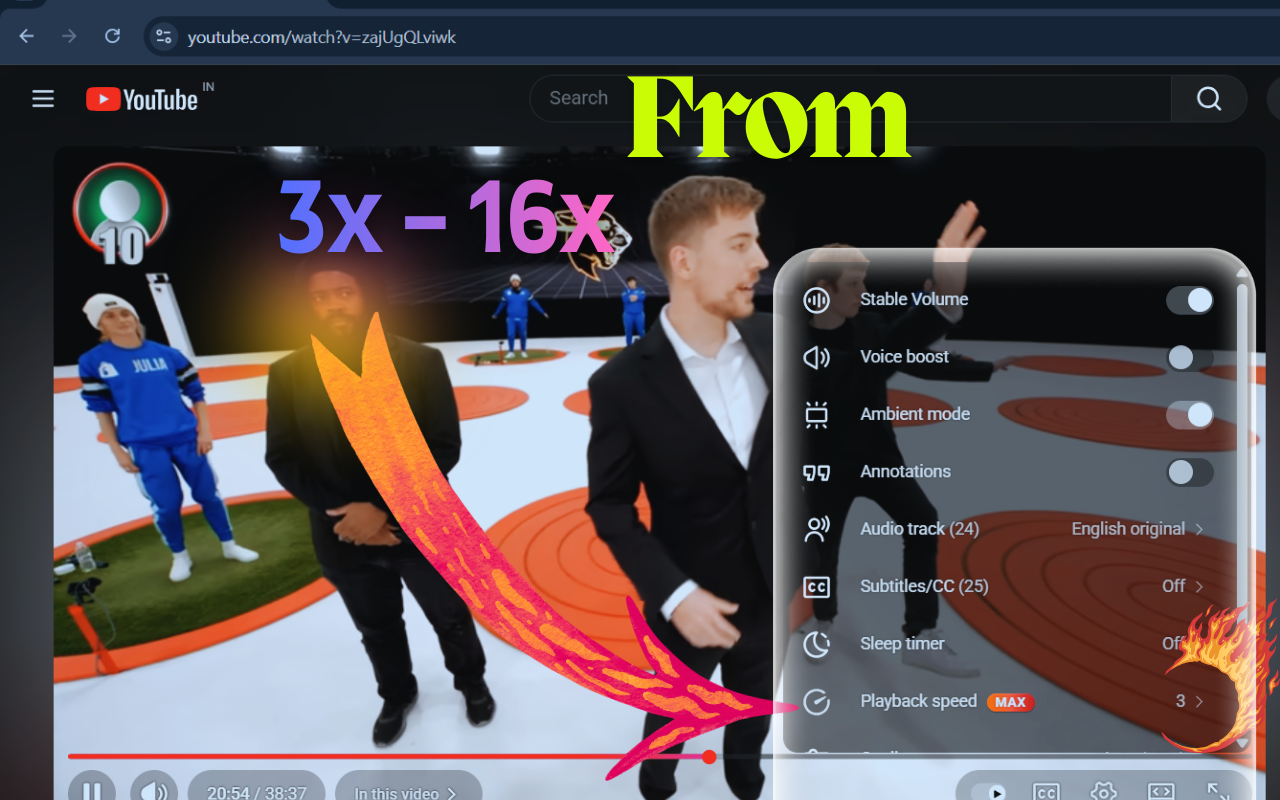
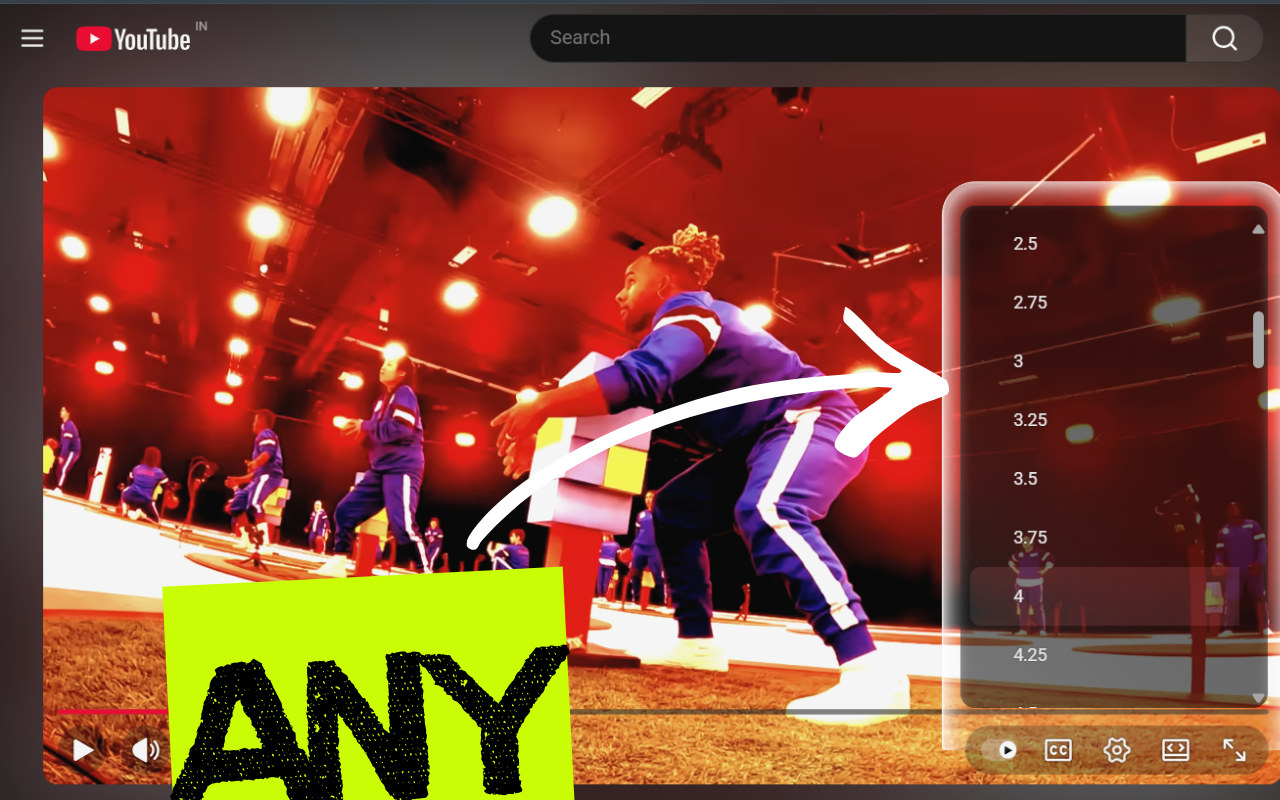
一句话介绍:一款轻量级浏览器扩展,通过将最高16倍的精细播放速度控制深度集成到YouTube原生设置菜单中,解决了重度学习者、分析师等用户在快速消化长教程、技术讲座或进行逐帧分析时,对更高播放效率与原生体验的核心痛点。
Chrome Extensions Productivity YouTube
浏览器扩展 YouTube增强工具 播放速度控制 效率工具 学习辅助 视频分析 原生体验 生产力工具 极客工具
用户评论摘要:用户普遍赞赏其“原生集成”的简洁设计理念和解决实际痛点的定位。主要建议集中在:探索键盘快捷键、按频道预设速度、超高速下的音频可懂度疑虑,以及视频编辑、研究等扩展应用场景。开发者现身说明了开发初衷。
AI 锐评

YouTube Custom Playback 的价值远不止于将速度上限从2倍提升至16倍这一参数游戏。其真正的锋芒在于“原生风格控制”这一设计哲学,它精准地刺中了效率工具领域一个长期被忽视的痛点:功能性与用户体验完整性的对立。

大多数第三方增强工具以浮层、侧边栏等“入侵”方式存在,破坏了原应用的视觉统一与交互逻辑,并在平台更新后频繁失效。该产品反其道而行,将功能“缝合”进YouTube自身的肌理中。这种“隐形”集成,不仅提升了工具的可靠性与寿命,更关键的是,它维护了用户心流状态的连续性——用户无需跳出“观看者”角色去操作一个额外界面,从而实现了工具与心智的“无感”融合。

评论中“由将YouTube作为工作工具的人打造”一语道破天机。它并非为娱乐场景的猎奇而生,而是严肃生产力需求的产物。无论是学生加速讲座,还是分析师逐帧审视,其本质都是对视频信息流的“精细化加工”。16倍速的极端选项,更像是一个宣言,标志着工具从“加速观看”向“超高速信息扫描与定位”的范式转变。当然,超高速下的音频已无意义,这恰恰说明其核心应用场景可能已从“听”转向“看”,服务于需要快速浏览视觉内容、定位关键帧的硬核用户。

然而,其发展也面临隐忧。首先是技术依赖风险,深度绑定YouTube原生UI是一把双刃剑,一旦YouTube对设置菜单进行重构,扩展仍需跟进维护。其次,从“好用”到“不可或缺”之间存在鸿沟,当前功能单薄,需谨慎评估用户提出的快捷键、频道预设等功能的优先级,避免陷入“功能蔓延”而损害其轻量精髓。总体而言,这是一款设计思路清晰、直击核心用户群体的专业级效率工具,其成功验证了在成熟平台之上,通过极致克制的“外科手术式”集成,依然能创造出巨大用户价值。

查看原始信息
Youtube Custom Playback
This lightweight extension adds granular playback speeds from 0.25x to 16x directly into your native settings menu. Perfect for power-learners who need to watch lots of lectures or analysts who need frame-by-frame precision.

16x speed? :D that's a different level. I noticed they introduced 4x. But not so sure how 16x... but... yeah, Gen Z probably needs that :D

3
回复

@busmark_w_nika Yes I want to see a video where I can distinguish the words at 16x speed. Maybe useful for political speeches, they speak slowly and full of fluffs. xD

0
回复

@busmark_w_nika Not Gen Z, but regularly playing on faster speeds.... Is that this famous deterioration of our attention span and patience? :-D

0
回复
Hi Product Hunt! I'm Anukar from Anukar.tech. I built YouTube Custom Playback because I was tired of being limited to 2x speed for long tutorials. I wanted a tool that felt like it belonged in the YouTube player without ugly overlays. Whether you're a student saving time or a dev watching technical talks, I hope this helps you work faster! I'd love to hear your feedback...
2
回复

I like that this doesn’t try to do too much no analytics, no gimmicks, just better control. Curious if you’ve thought about keyboard shortcuts or per-channel default speeds next.

1
回复

Do you see this being useful beyond learning like video editing review, research analysis, or accessibility use cases?

1
回复

I want to ask that this was built by someone who uses YouTube as a work tool, not just for entertainment. Small pain, solid solve.

1
回复

I’ve tried other speed-control extensions, but most feel hacky or break when YouTube updates its UI. The native menu approach feels much more future proof.

1
回复

This is super clean. Curious though—how does audio intelligibility hold up past ~4x, especially for non native speakers or dense technical content?

1
回复

Love that this lives inside YouTube’s native controls instead of adding floating UI. That detail alone makes it feel polished and intentional.

1
回复

Congrats on the launch! Love how this makes true 16x native-style control finally feel built-in for power learners and analysts.

1
回复

Great work on the 16x playback! If you could add a 'views per second' overlay (not sure if its feasible though), I think it would help users find the highlights instantly by sliding to the peak viewership segments.

0
回复

Have tried 3X speed and lost track... congrats on the launch!

0
回复
#6
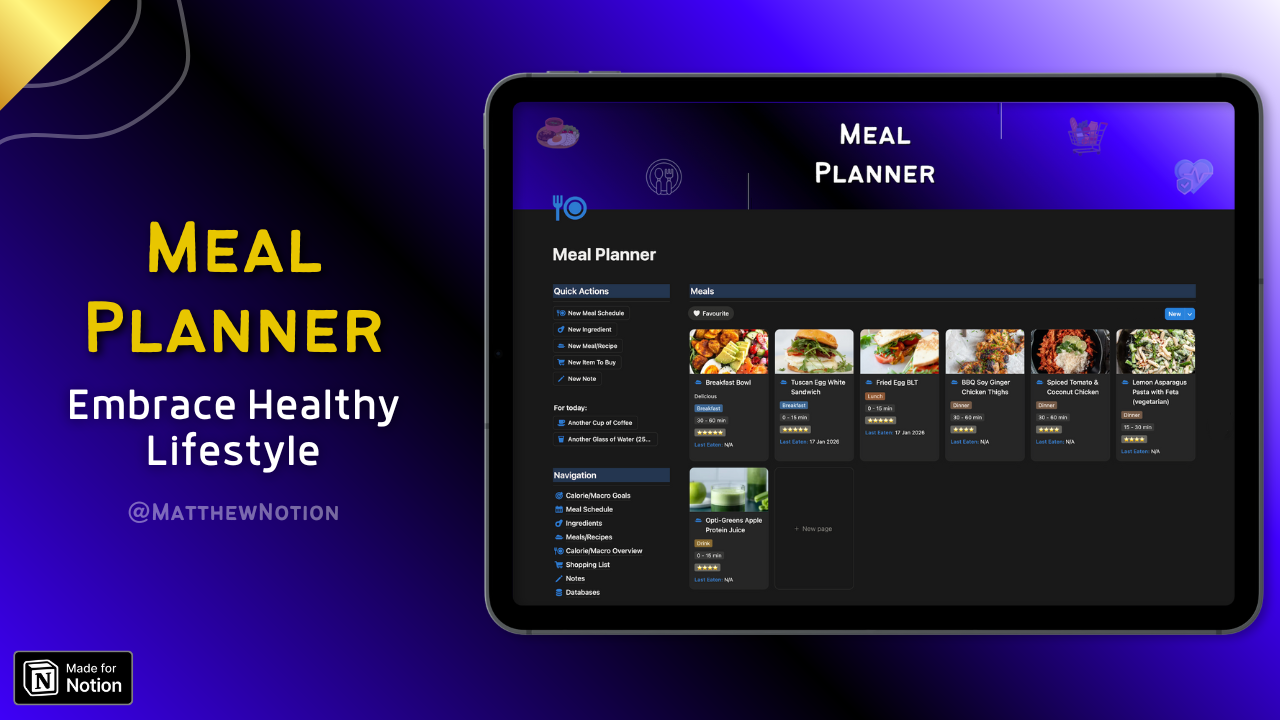
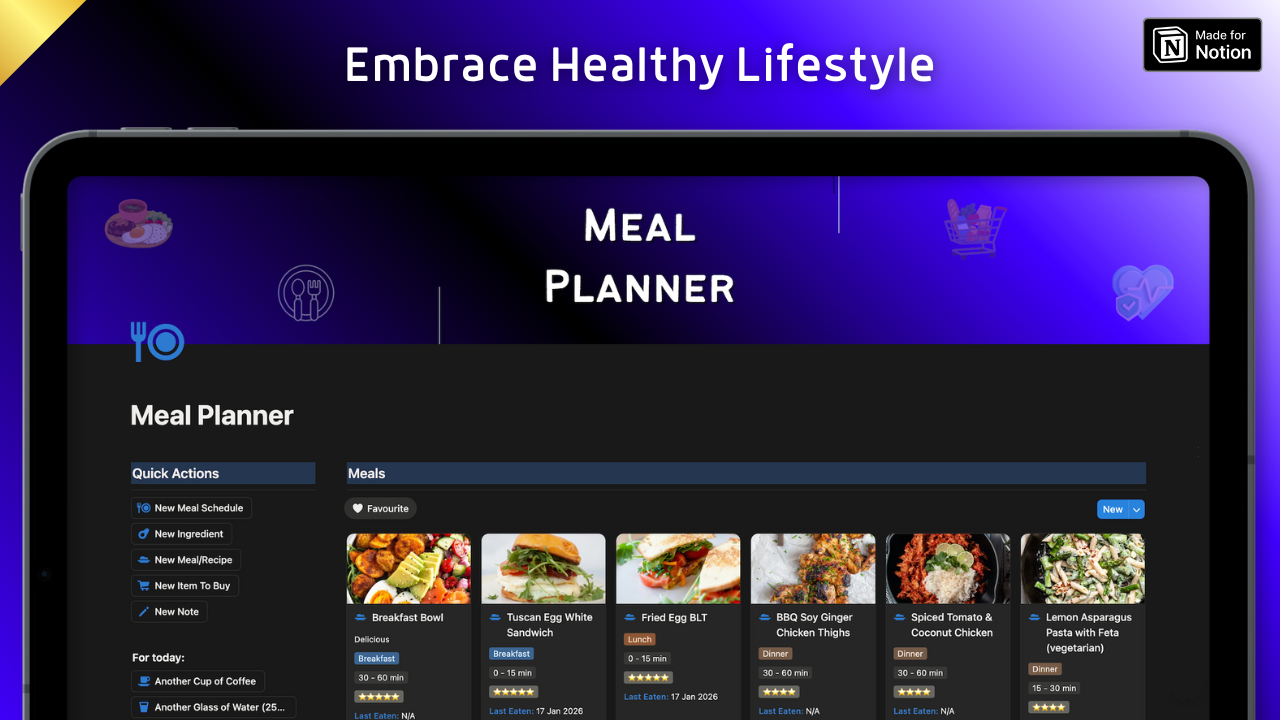
Meal Planner
Embrace Healthy Lifestyle
30
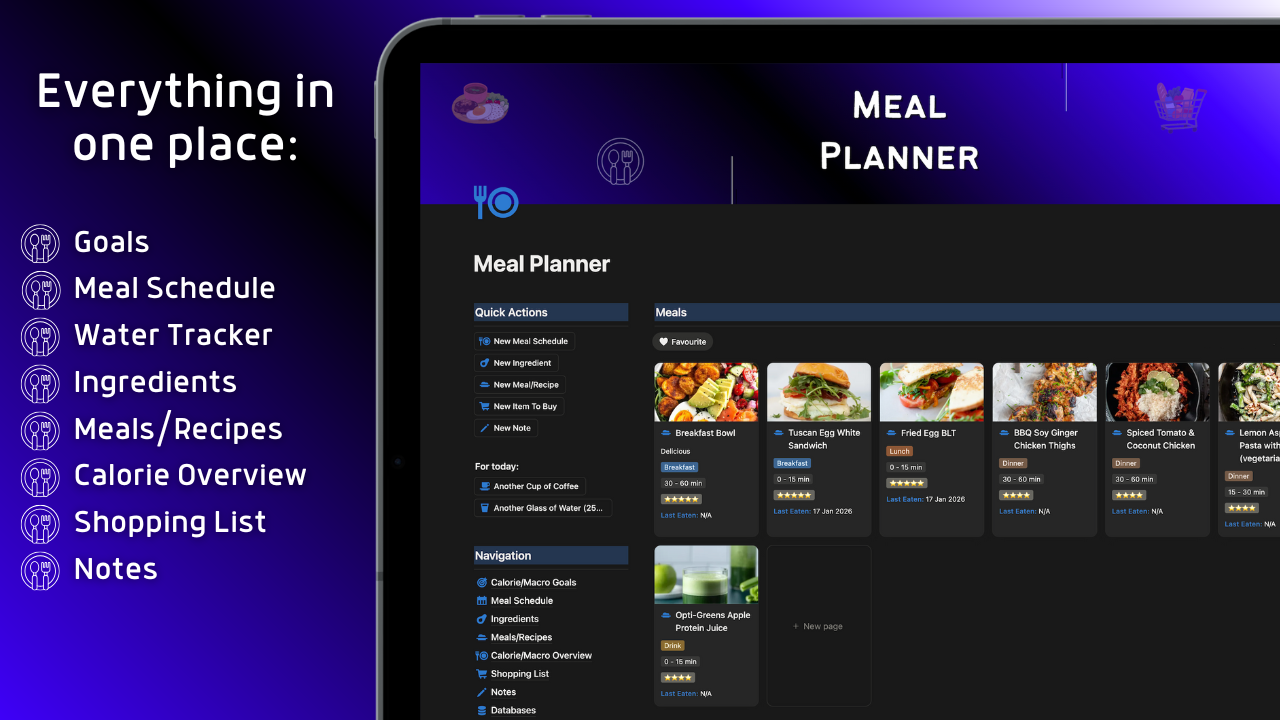
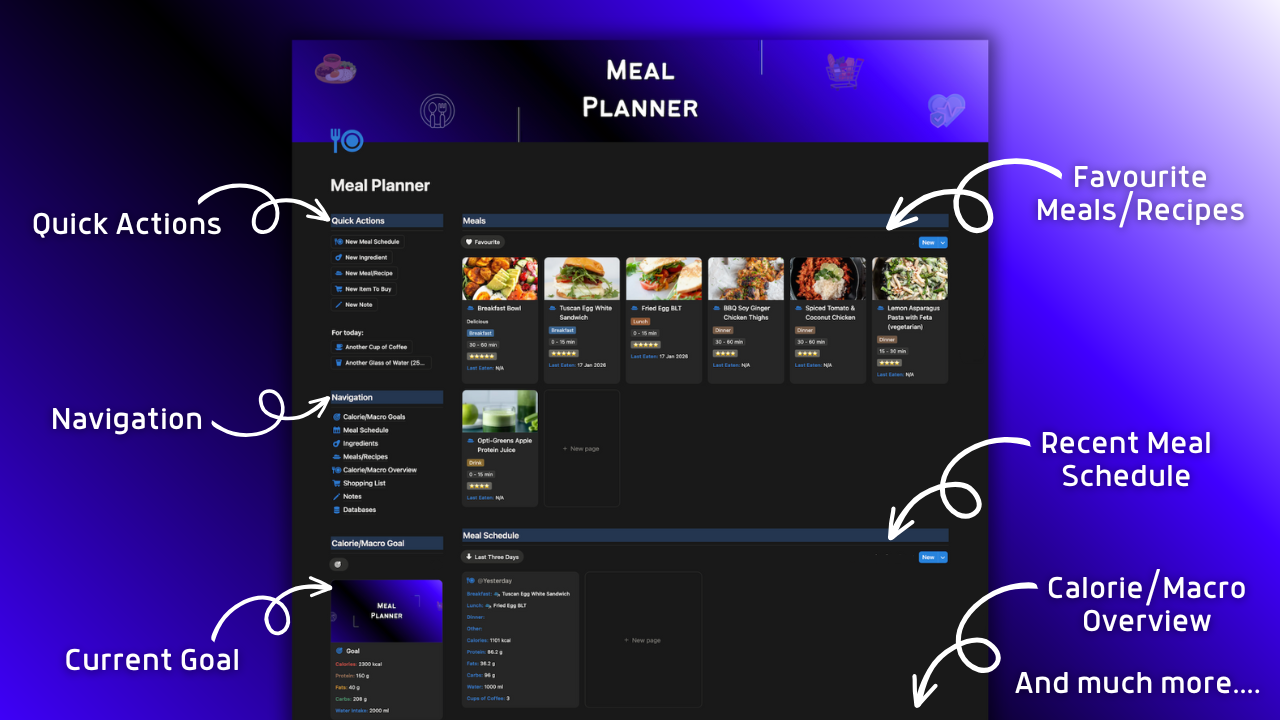
一句话介绍:这是一款基于Notion的膳食规划模板,通过集中管理食谱、追踪热量摄入和制定购物清单,在用户追求健康饮食或特定体重目标时,解决其难以坚持、计划混乱和手动记录不便的核心痛点。
Health & Fitness Food & Drink Notion
Notion模板 健康生活 膳食规划 热量追踪 习惯养成 个人健康管理 饮食记录 健身辅助 效率工具
用户评论摘要:评论均为祝贺与赞扬,无实质性批评或功能建议。反馈集中在“恭喜发布”、“模板很棒”、“对大家有帮助”等情感支持层面,有效信息稀缺,属于典型的亲友/社区支持型评论。
AI 锐评

这款“Meal Planner”本质上是一个封装在Notion生态内的数字化解决方案,其真正价值不在于技术突破,而在于对流行生产力工具(Notion)与普世健康需求(饮食管理)的精准缝合。它瞄准的并非大众市场,而是已深度使用Notion、具备一定自我管理意愿的“效率爱好者”细分群体。

产品逻辑清晰:将传统上分散在笔记、计算器、购物App中的饮食管理功能,整合进一个可定制的关系型数据库,提供“一站式”体验。这降低了用户在多工具间切换的认知负担和操作摩擦,契合了Notion用户“万物皆可Notion”的整合需求。其宣称的“减少不确定性与混乱”切中了自助式健康管理中最常见的痛点——难以持续和缺乏系统。

然而,其天花板也显而易见。首先,作为模板而非独立应用,其功能深度和体验流畅度受制于Notion平台本身,在移动端便捷性、数据可视化、智能提醒等方面存在天然局限。其次,其核心价值——规划与追踪——高度依赖用户的自觉性与执行力,产品本身缺乏行为科学引导或个性化干预机制,更像一个“被动”的记录工具而非“主动”的教练。最后,评论区的“一边倒”好评缺乏多样性,可能反映了初期用户来自创作者的个人网络,而非真实市场的多元反馈,其实际解决痛点的效能有待更广泛用户验证。

总体而言,这是一个定位精准、解决特定场景问题的“螺丝刀”型产品。它在Notion生态内创造了实用价值,但并非颠覆性创新。其长期成功的关键,在于能否从“模板”升级为拥有更优交互和轻度智能的“解决方案”,并突破初始粉丝圈,触达更广泛的、对健康管理有需求但Notion使用门槛较高的普通用户。

查看原始信息
Meal Planner
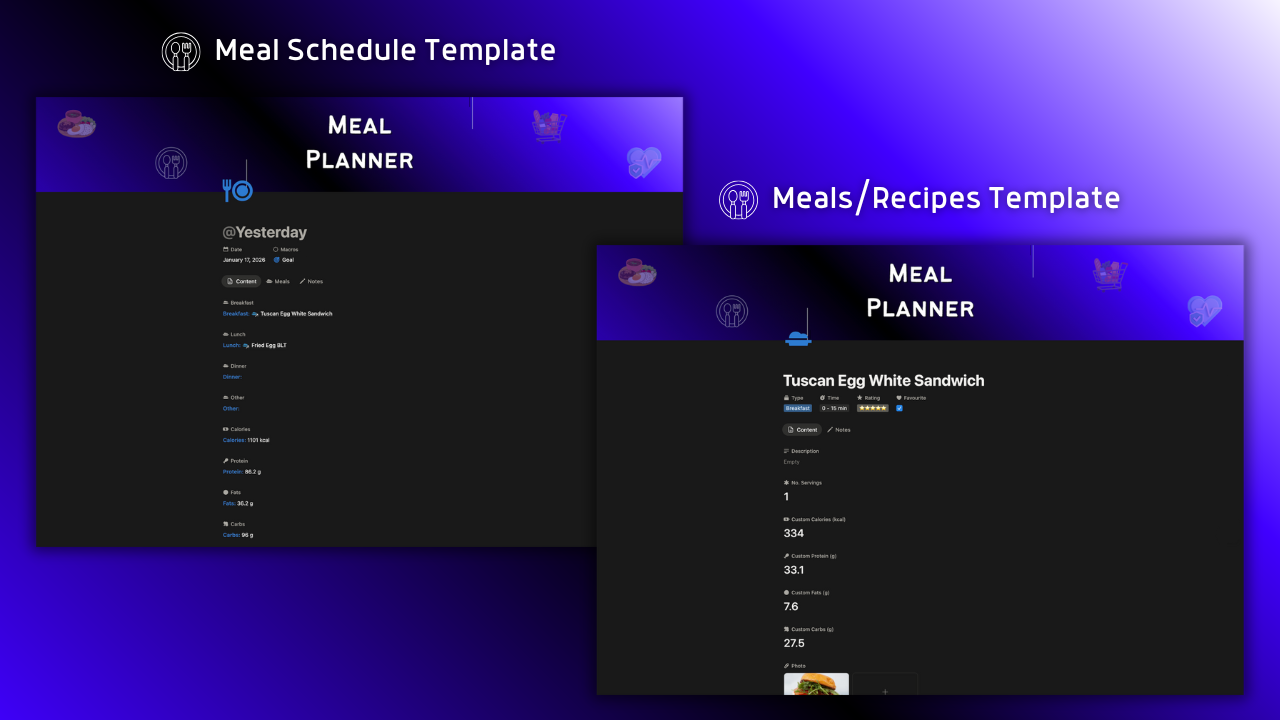
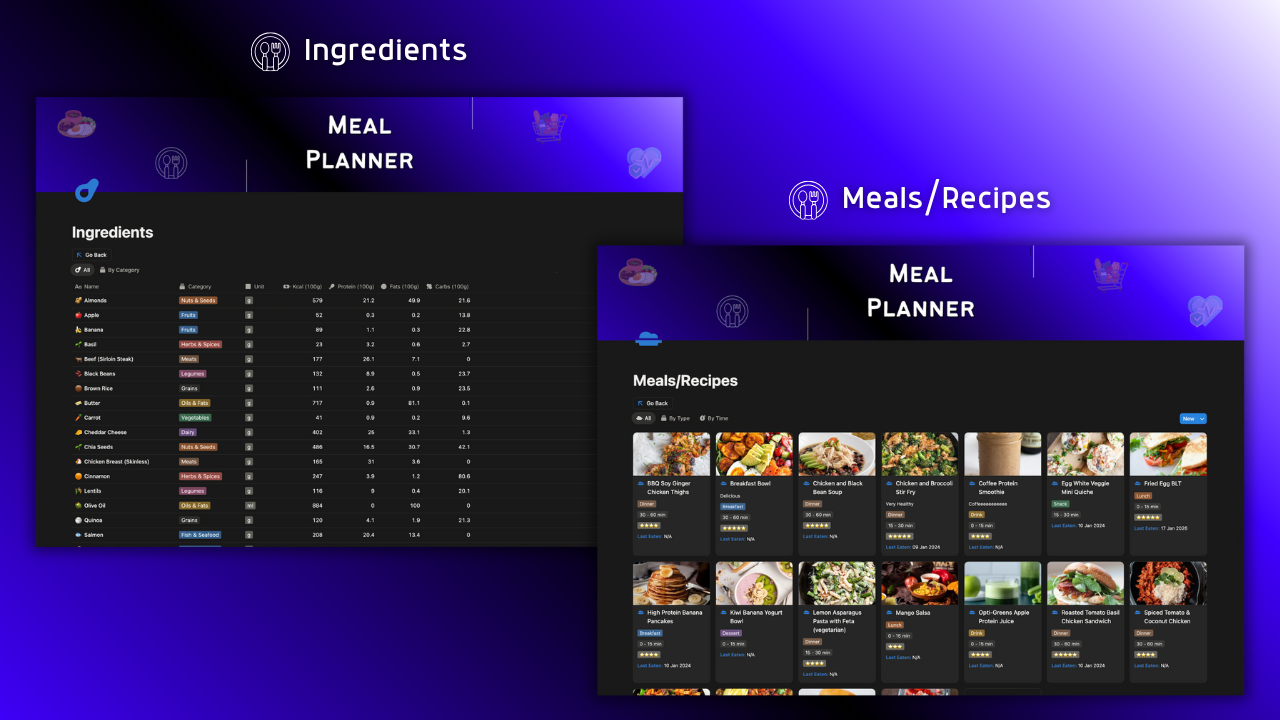
Embrace Healthy Lifestyle Are you struggling to stick with your diet? Planning to eat healthy, but can't start? Counting calories in your head won't work long term. That's why I created this template. Less uncertainty and chaos, more clarity and progress. Whether you want to simply track what you eat, stick to your diet or you have a certain weight goal or health goal. This template is made for you. Are you ready to build healthy habits?
Hey ProductHunters and everyone else! I'm Matthew, Notion consultant and creator of this template. Embrace Healthy Lifestyle Are you struggling to stick with your diet? Planning to eat healthy, but can't start? Counting calories in your head won't work long term. Proper nutrition and knowing your calorie intake is very important aspect. It's what gives you the energy and allows you to do more and feel better. And having your meals and recipes organized in one place will save you time. That's why I created this template. Less uncertainty and chaos, more clarity and progress. Whether you want to simply track what you eat, stick to your diet or you have a certain weight goal or health goal. This template is made for you. Are you ready to build healthy habits? What you'll get? 🔹 Meal Planner Notion template where you can organize and track your calorie/macro goals, meal schedule, water intake, ingredients, meals, recipes, daily calorie/macro progress, shopping list and notes and store everything associated with your healthy habits in one place 🔹 Guide with explanation of each module 🔹 Instructions how to use the template You can also customize this product to your needs! Who is this for? 🔹 People who want to organize everything associated with their healthy habits in one place 🔹 Gym-goers who need to reliably track their progress and stick to their habits and goals 🔹 Anyone who wants to track what they eat and wants to become more organized 🔹 You! What are you waiting for? Embrace Healthy Lifestyle Grab your Meal Planner today! Feel free to check it out and leave your feedback about it :)
2
回复

Congrats, bro! Awesome, another great one from the best 👏

1
回复

@input_output101 Thank you bro!

Great to see you again :)

0
回复

Congrats on your launch 🎉🎉
Amazing template, as always ❤️

1
回复

@chape Thank you David! :)

0
回复

Congrats on the launch, Matthew! This Meal Planner will surely help a lot!

0
回复

Congrats on your launch!
You nailed it with this Meal Planner.

0
回复

Everyone needs a meal planner. This one is incredible!

0
回复
#7
TrendEdge
The Data Hedge Funds Pay Millions For - Now Yours
27
一句话介绍:TrendEdge为散户交易者提供机构级的另类数据信号、实时警报和模拟交易功能,在信息不对称的零售交易场景中,解决了散户获取关键市场数据滞后、缺乏交易纪律的痛点。
Fintech Analytics Investing
金融科技 另类数据 零售交易 AI评分 实时警报 模拟交易 交易纪律 投资教育 量化信号 透明度
用户评论摘要:用户反馈较少,创始人主动寻求产品改进建议。主要有效评论来自创始人,阐述了产品初衷与核心差异点。有一条用户回帖询问产品是否针对特定投资策略(如ETF),目前尚未见公开回复。
AI 锐评

TrendEdge的野心在于弥合机构与散户之间的“数据鸿沟”,其核心价值主张直击零售交易长期存在的结构性不公。产品将“另类数据”平民化,并捆绑“模拟交易”与自动交易日志,试图构建一个从信号发现到行为矫正的完整闭环。这是一个聪明的组合拳:数据解决“认知”问题,模拟交易解决“执行”问题。

然而,其面临的挑战同样尖锐。首先,“机构级数据”本身并非圣杯,数据的噪声处理、信号衰减速度以及如何与宏观环境、基本面结合,是更大的难题。单纯提供信号,可能让散户陷入另一种“追涨杀跌”的陷阱。其次,模拟交易与真实交易之间存在巨大的心理鸿沟,产品设计的“强制纪律”能否穿透人性在真实资金面前的脆弱,有待观察。最后,其商业模式隐含一个悖论:若信号真的持续有效,大量散户的同质化操作是否会迅速侵蚀该策略的阿尔法?这本质上是一个数据有效性的可持续性问题。

产品的真正价值或许不在于承诺“战胜市场”,而在于提供了一种结构化的学习框架和风险可控的试错环境。它更像一个严肃的交易“教练”而非“预言家”。其长期成功的关键,将取决于能否培养出一批更理性、更有纪律的交易者,并建立起围绕数据解读与交易心理的社区生态,而非仅仅作为一个信号发射器。当前冷淡的市场反馈(仅27票)表明,它需要更清晰地证明其信号在回溯测试之外的、前瞻性的独特价值。

查看原始信息
TrendEdge
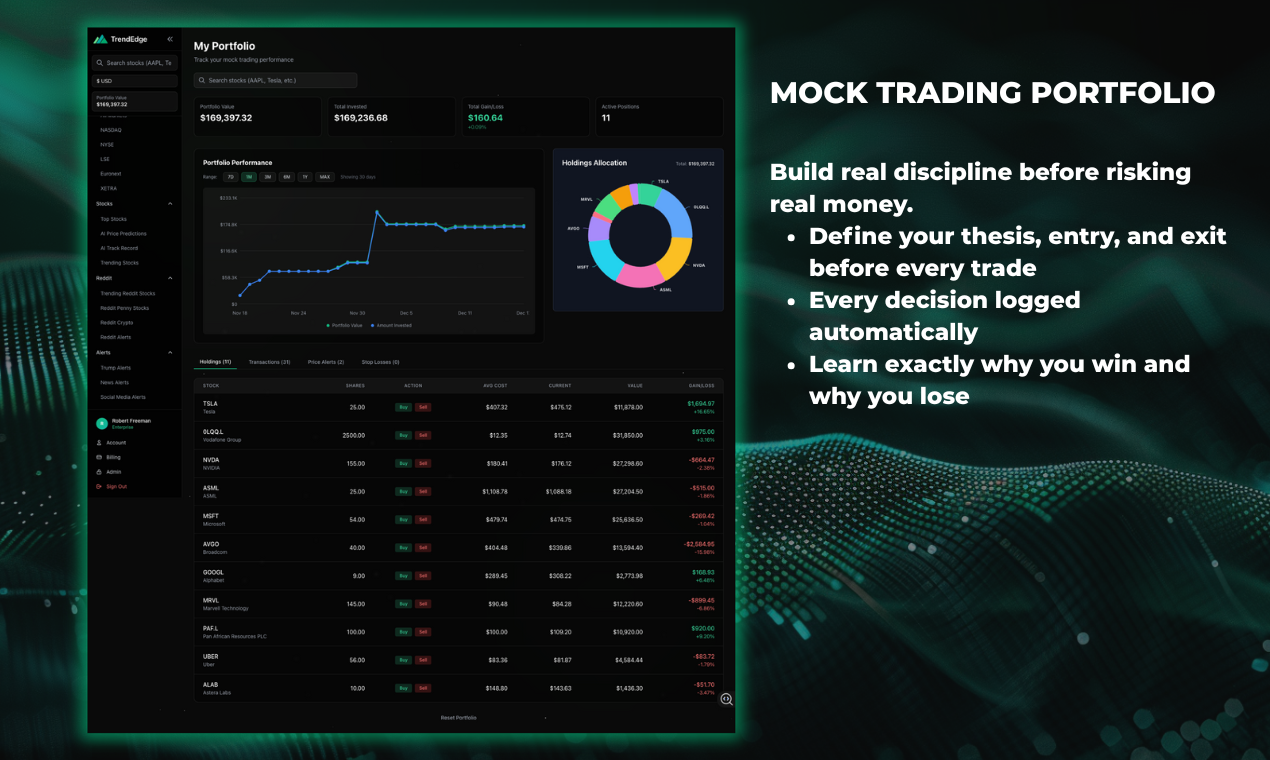
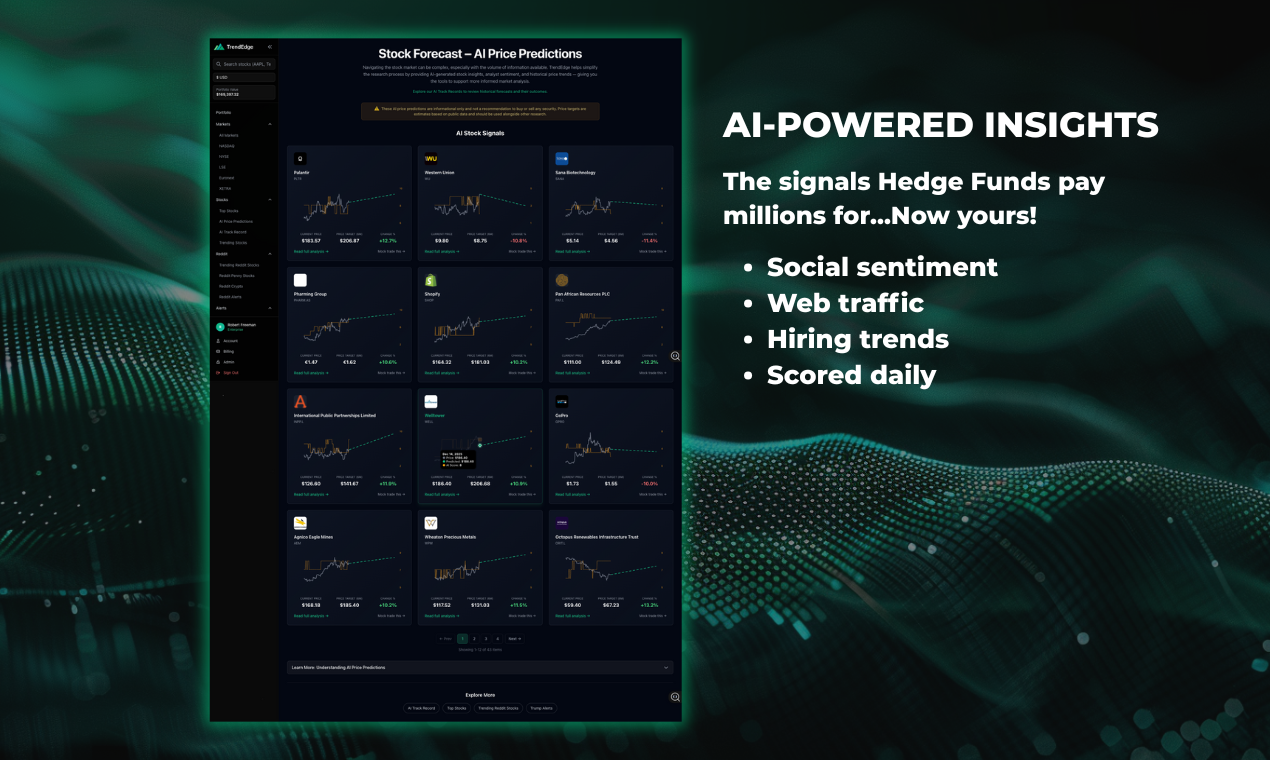
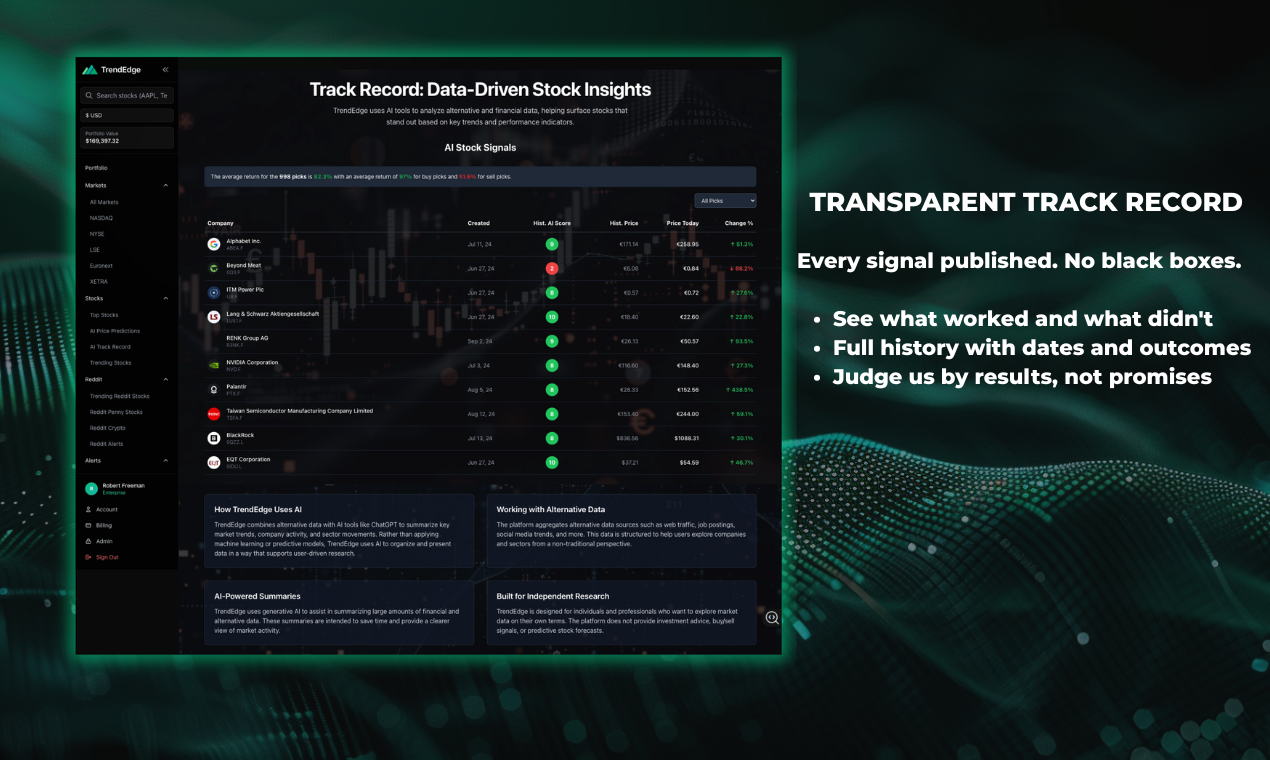
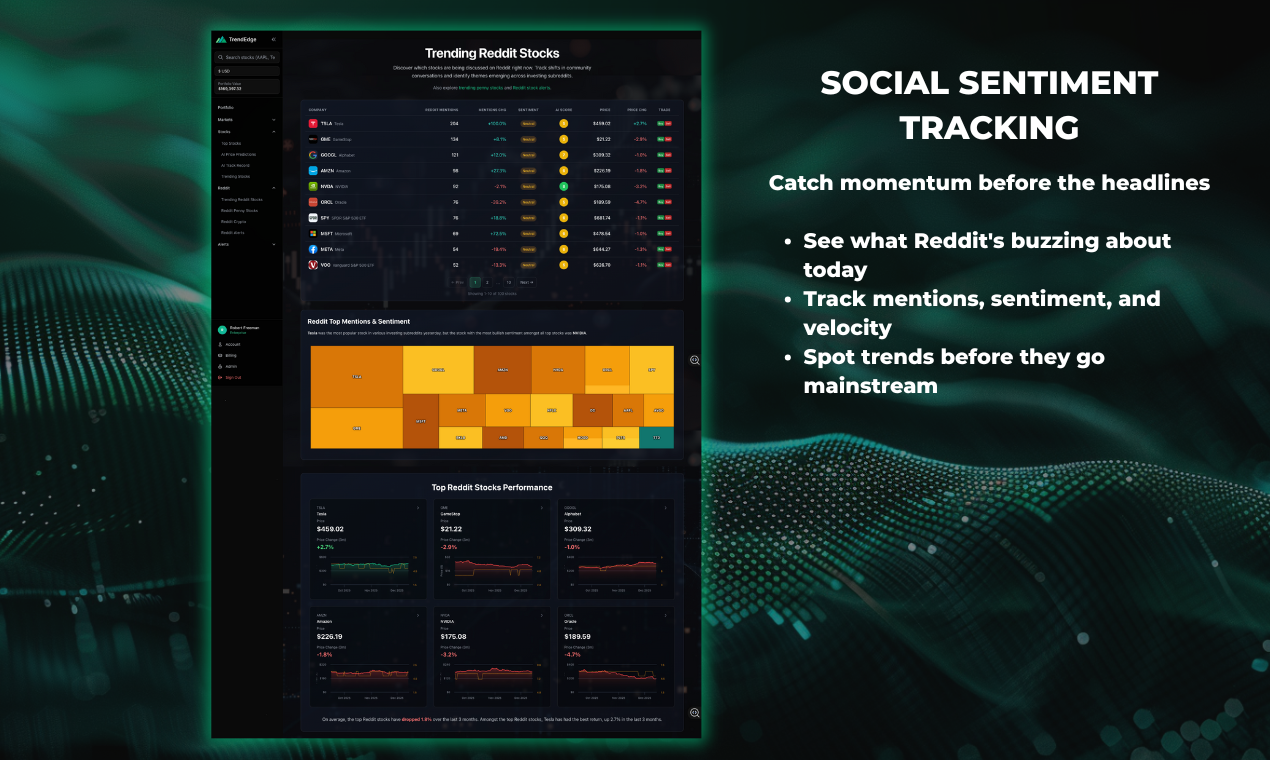
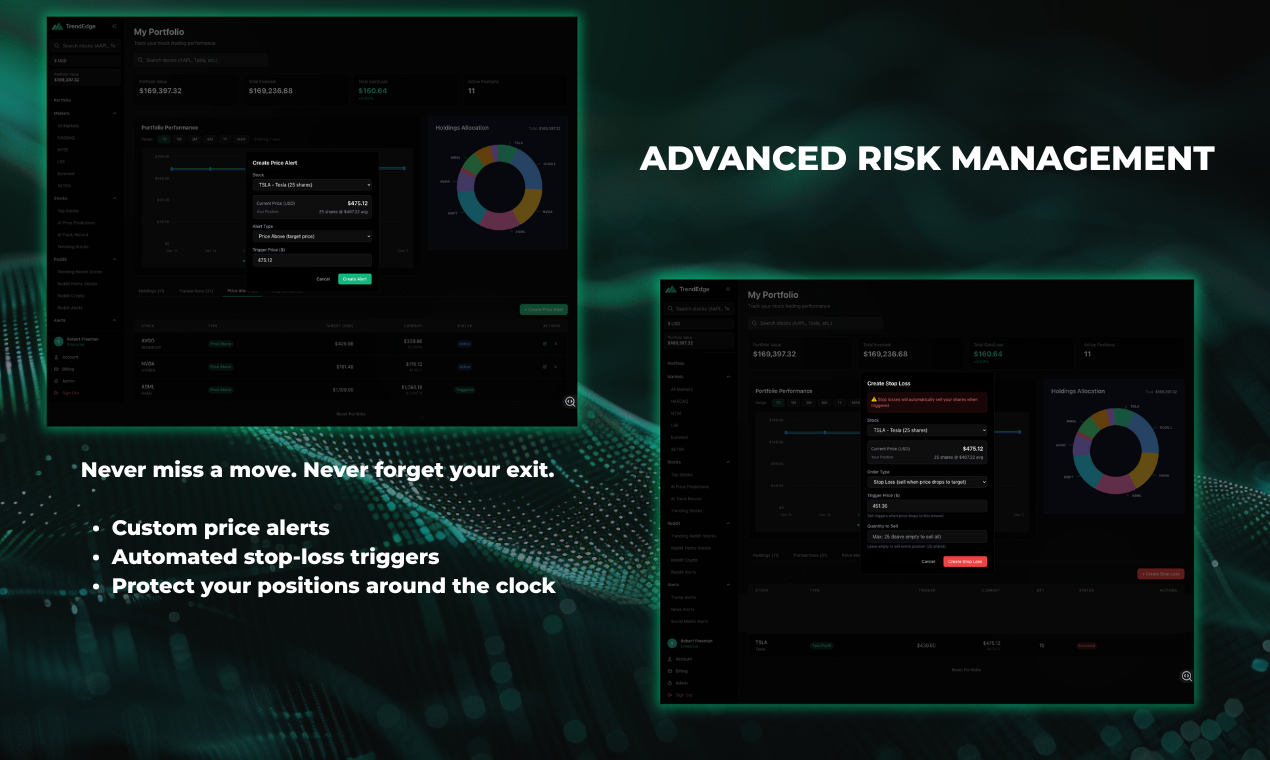
Retail traders finally get institutional-quality alt-data signals, real-time alerts and mock trading for true discipline - See the stocks gaining traction before mainstream coverage - Real-time alerts when sentiment or key data shifts on stocks you track - Understand what drives each signal - Build discipline with Mock Trading: define your thesis, entry and exit before every trade - Learn exactly why you win or lose with auto-logged trade journals - Every signal published with full track record
Hey Product Hunt! 👋 I’m Rob, founder of TrendEdge. After 20 years in trading and fintech, I built this because I was tired of watching retail traders fight with one hand tied behind their back. The problem: Hedge funds pay millions for alternative data: social sentiment, web traffic, hiring trends, political signals. They see what’s moving before it hits the headlines. Retail traders? They get the news after the move is over. What TrendEdge does: We pull the same alternative data signals institutions use, score every stock daily with AI, and show you exactly what’s driving each signal. Not just a number, but the evidence behind it. Plus real-time alerts when sentiment shifts on stocks you’re tracking. But data alone doesn’t make better traders. That’s why we built mock trading that forces discipline. Before every trade, you define your thesis, entry logic, and exit strategy. Every decision is logged. You see exactly why you win and why you lose, so you build a repeatable process before risking real money. What makes us different: - The same alt-data signals hedge funds use, now accessible to everyone - Real-time alerts when sentiment or key data shifts - Mock trading that builds discipline, not just paper profits - Full transparency: every signal published with track record Why I’m sharing this here: I genuinely want feedback. What features would make this more useful for you? What’s missing? What’s confusing? If you’re a retail trader tired of being last to know, give it a try and let me know what you think. Cheers, Rob P.S. Niall’s done a full platform walkthrough in the demo video if you want to see how it all works.
3
回复

@trendedge congrats on the launch! Is this oriented towards a specific investment strategy (e.g ETFs)?

0
回复
#8
PainPoints.fast
Validate Your SaaS Idea with Real Pain Points
22
一句话介绍:一款通过分析Reddit、X等平台的真实用户对话,帮助创业者验证SaaS产品创意、规避无效开发风险的市场调研工具。
Marketing SaaS Growth Hacks
SaaS创意验证 市场调研 客户痛点分析 竞争情报 创业工具 产品决策支持 数据驱动 舆情分析 PMF验证 效率工具
用户评论摘要:目前仅有一条创始人自我介绍评论,尚无真实用户反馈。创始人表达了自身因产品市场不匹配而打造此工具的经历,并主动征求用户对其验证价值的反馈。
AI 锐评

PainPoints.fast瞄准了一个真实且高频的创业痛点——“闭门造车”导致的资源浪费。其核心价值并非在于技术层面的“分析”,而在于将散落于社交论坛、评论区的非结构化抱怨,结构化、产品化为一份可操作的“市场体检报告”。通过“Build, Consider, or Skip”的粗暴裁决,它试图扮演一个冷酷的“市场守门人”角色。

然而,其真正的挑战与价值深度在于几个关键维度:第一,数据源的“信号噪声比”。Reddit等平台的言论是否足以代表主流或付费企业的真实意愿?闲聊抱怨与严肃的付费意图之间存在巨大鸿沟。第二,分析的“洞察深度”。工具能识别“重复出现”的痛点,但能否判断该痛点是否已被现有方案充分满足、或是否构成用户的优先解决事项?第三,“意愿付费”信号的可靠性。这几乎是产品最难的部分,在线对话中直接提及付费的情况可能极少,模型推断的准确性存疑。

当前产品形态更像一个MVP,其投票数(22)和近乎为零的真实用户评论也印证了其仍处于早期验证阶段。创始人“在写下一行代码前”寻求反馈的姿态正确,但工具本身就在验证“验证工具”的需求,这形成了一个有趣的递归。若能迭代出更高的数据洞察精度,并谨慎界定其适用场景(如适合验证中小企业及消费者SaaS的初始概念),它有望成为精益创业工具箱中的一个实用模块。但若将其奉为决策圣经,则可能陷入另一种“数据驱动的错觉”。

查看原始信息
PainPoints.fast
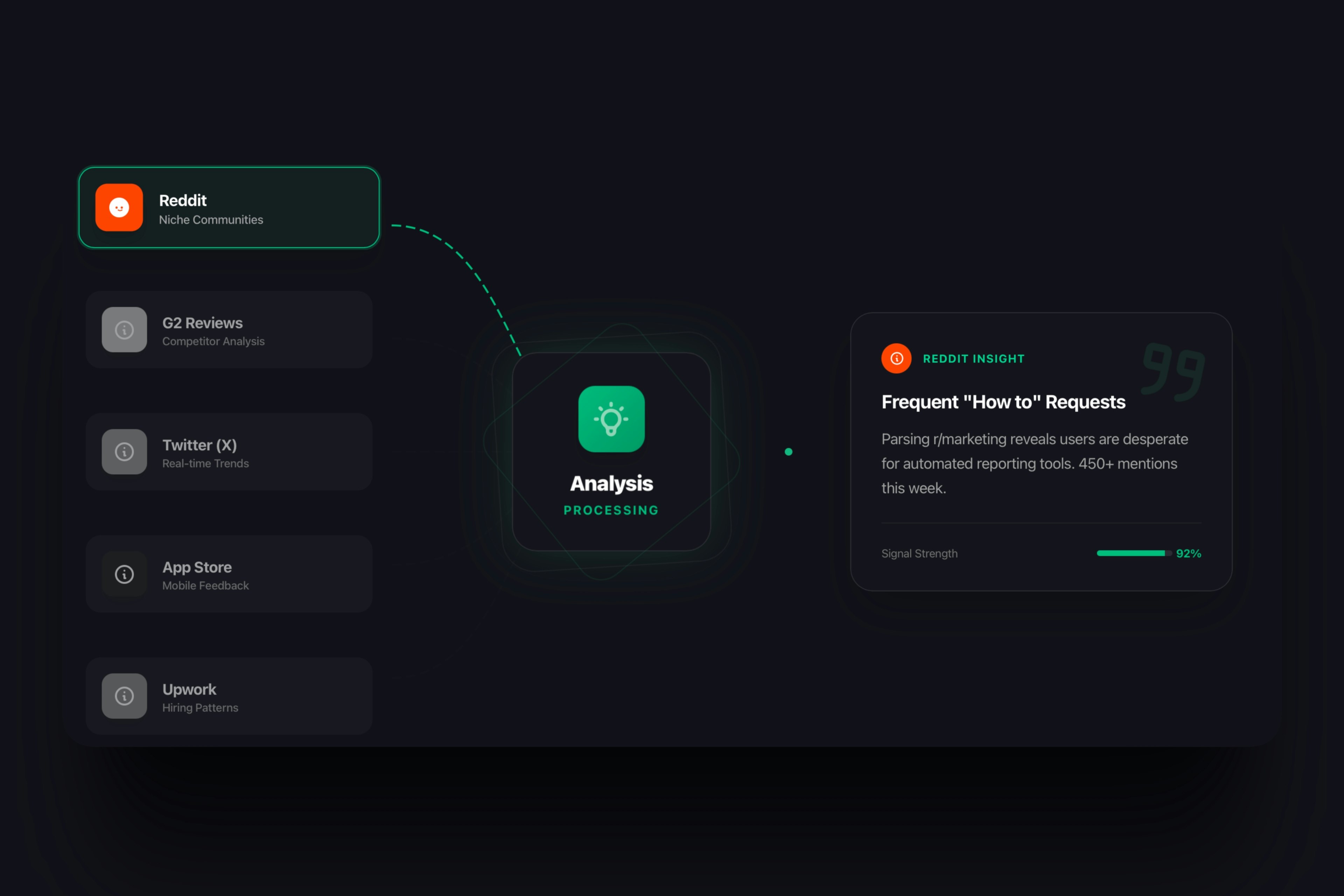
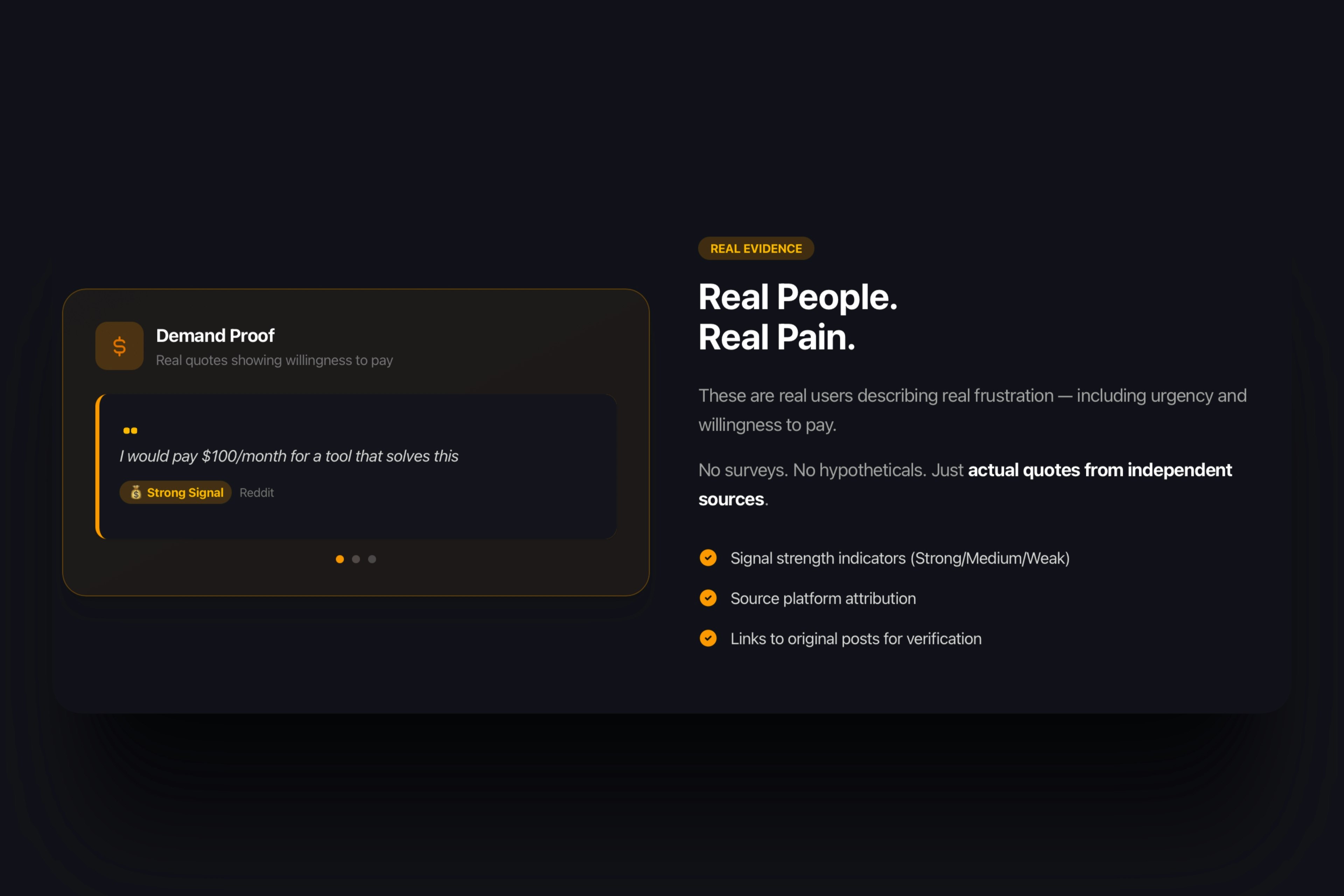
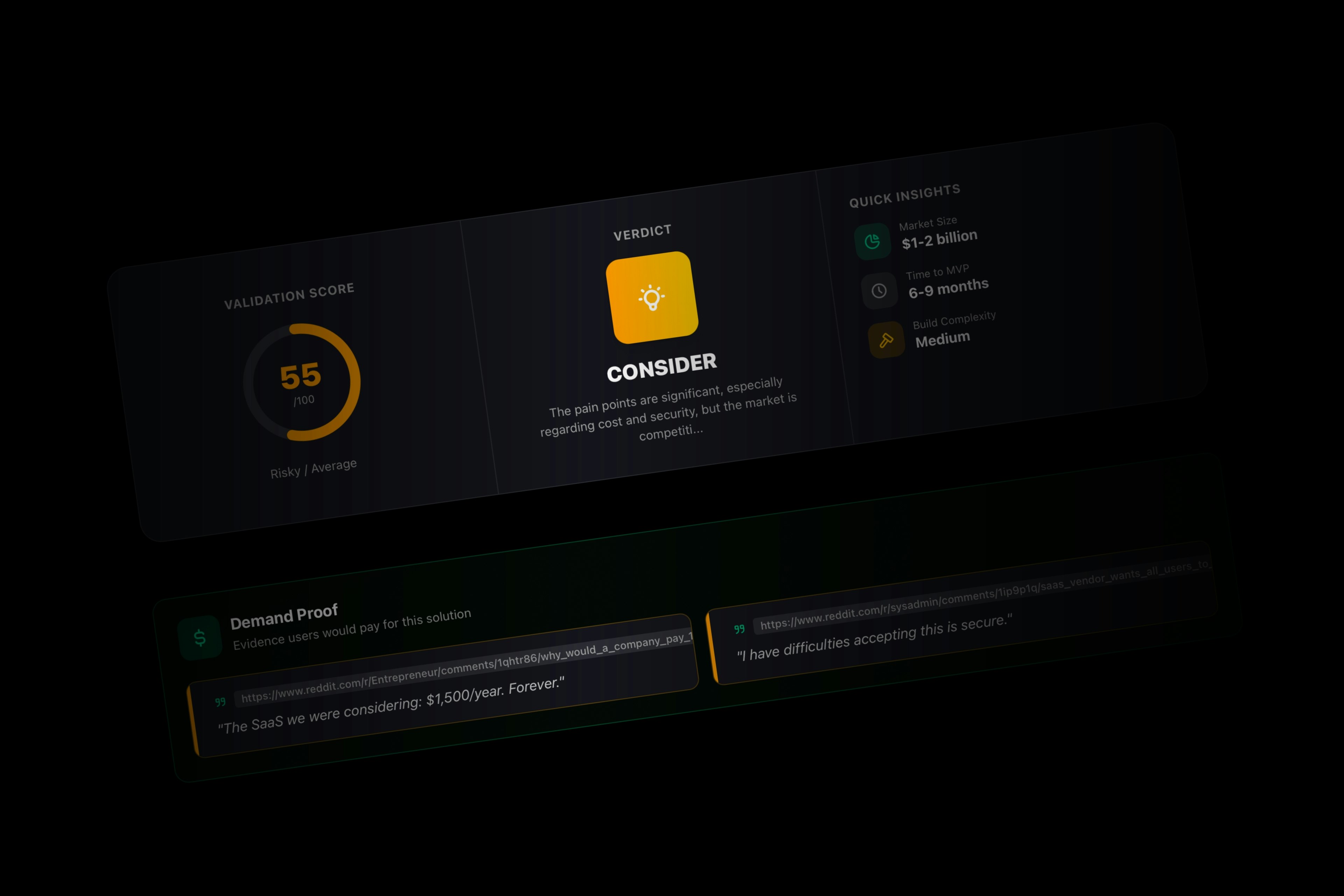
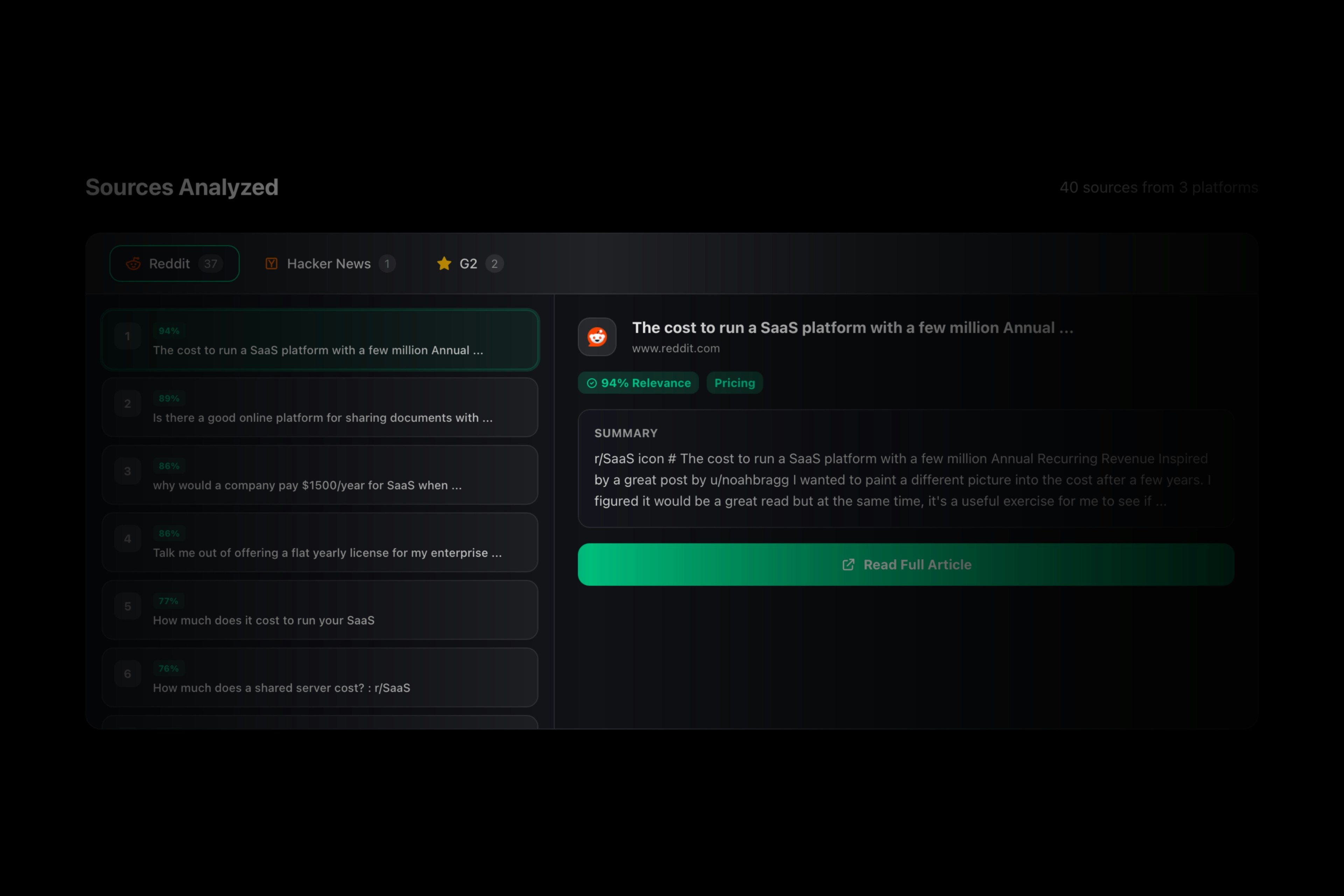
PainPoints.fast helps founders validate SaaS ideas using real customer complaints. Enter an idea and the platform analyzes real conversations across Reddit, X, G2, and other public sources to surface recurring pain points, urgency, and willingness to pay. Each report includes clear scores, real quotes, competitor signals, and a simple verdict: Build, Consider, or Skip. Built for founders who want evidence before committing months of work.
Hey Product Hunt 🚀 I’m Primož, founder of PainPoints.fast. I built this because I’ve launched products that people didn’t want or that weren’t worth spending months on, and even if you already built something, it’s hard to know if it really matters. With PainPoints.fast you type an idea and we analyze millions of conversations across Reddit, X, G2 and other sources. You get recurring pain points, urgency signals, willingness to pay, real quotes, and a clear verdict: Build, Consider, or Skip. I’d love your feedback on how useful this feels before writing another line of code. 🍀
1
回复
#9
Contractso
The Modern Standard for E-Signatures.
17
一句话介绍:Contractso是一款将静态文件转化为可嵌入复选框、单选按钮等交互组件的电子签名平台,在需要快速、安全签署并同步收集数据的合同场景中,解决了传统电子签名工具流程僵化、效率低下的痛点。
Productivity Legal Tech
电子签名 合同管理 数字工作流 法律科技 安全合规 白标定制 交互式文档 审计追踪 身份验证 SaaS
用户评论摘要:有效评论极少。仅有一条用户回复表示在寻找DocuSign的替代品,并祝贺产品发布。这间接反映了市场对现有巨头替代方案存在需求。
AI 锐评

Contractso的亮相,与其说带来了颠覆性的技术,不如说是一次对电子签名市场既定形态的精准“体验重构”。其核心宣称的“将静态文件转化为交互式合同”,直指传统电子签名工具(如DocuSign、Adobe Sign)的最大软肋:它们本质上是纸质流程的数字化映射,完成了“签署”动作,却未能深度融入业务数据的收集与处理闭环。嵌入单选、复选框的功能,试图在签署瞬间捕获结构化数据,这确实切中了如调查问卷式协议、服务选项勾选等细分场景的痛点,是产品逻辑上的一次有效微创新。

然而,其面临的挑战同样尖锐。首先,市场护城河极深。头部玩家凭借庞大的集成生态、品牌信任与合规认证构筑了坚固壁垒,新入局者仅凭“速度更快、界面更现代”难以撼动。其强调的银行级审计追踪、SMS 2FA实属行业安全基线,而非独特优势。所谓的加密二维码验证系统,虽增添了营销亮点,但在实际法律效力与用户接受度上仍需验证。

其次,其“为增长设计的工作流”和“白标”功能,明确指向了中小型B2B服务商或初创企业作为目标客户。这是一个明智的差异化切入策略,但该群体同样价格敏感且生命周期不稳定。首月五折的促销策略,也印证了其面临严峻的获客与留存压力。

创始人提到因传统工具“缓慢过时”而创业,这反映了真实用户情绪,但产品能否成功,关键在于能否将“交互式”这个单点功能优势,扩展为一个不可替代的、与业务系统深度耦合的“合同工作流节点”。否则,它很可能只是另一个功能稍显花哨、但最终难以逃离同质化竞争的中小型替代选项之一。真正的价值不在于替代DocuSign,而在于能否定义一类新的、必须使用交互式组件的合同签署场景。

查看原始信息
Contractso
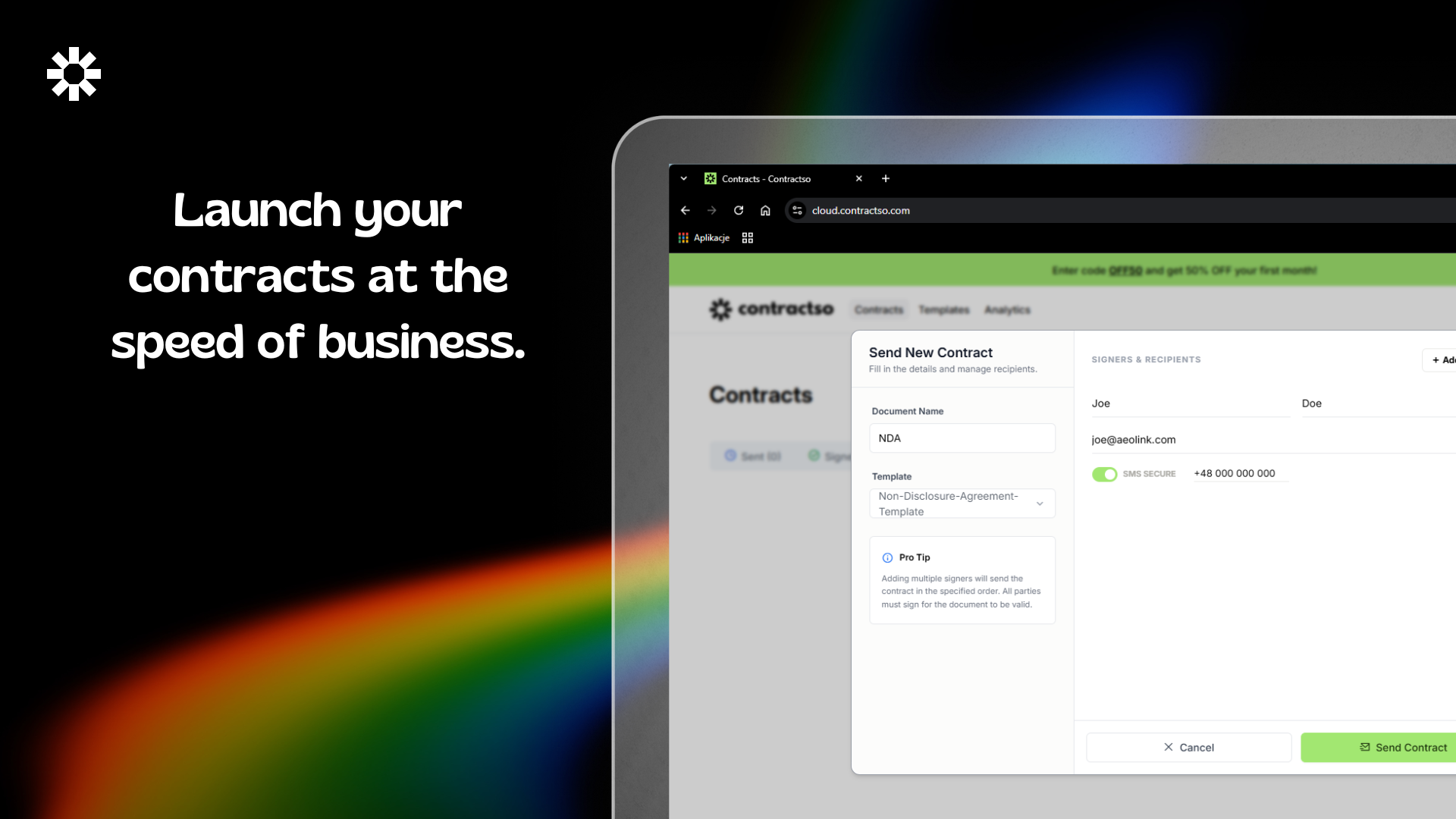
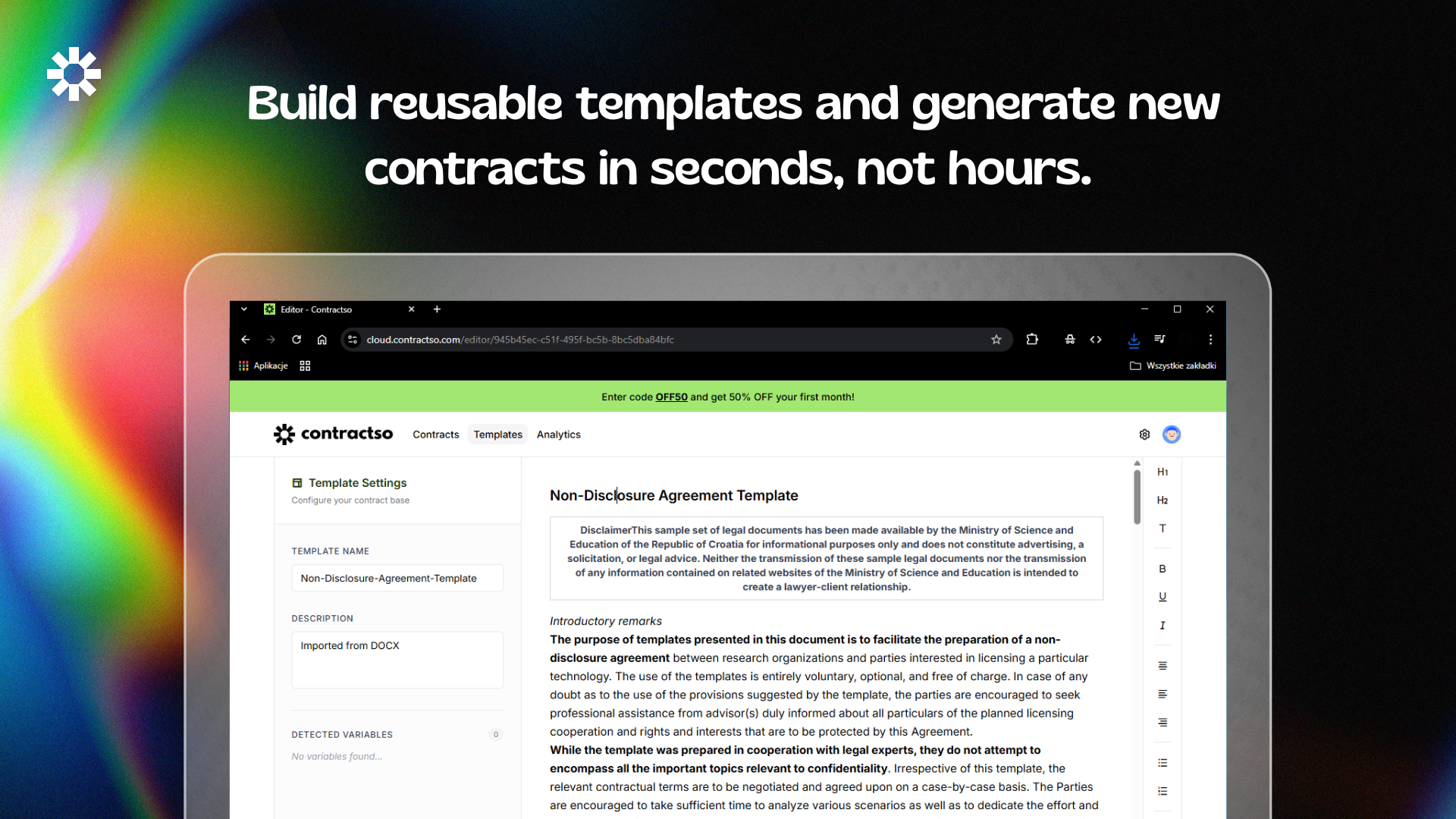
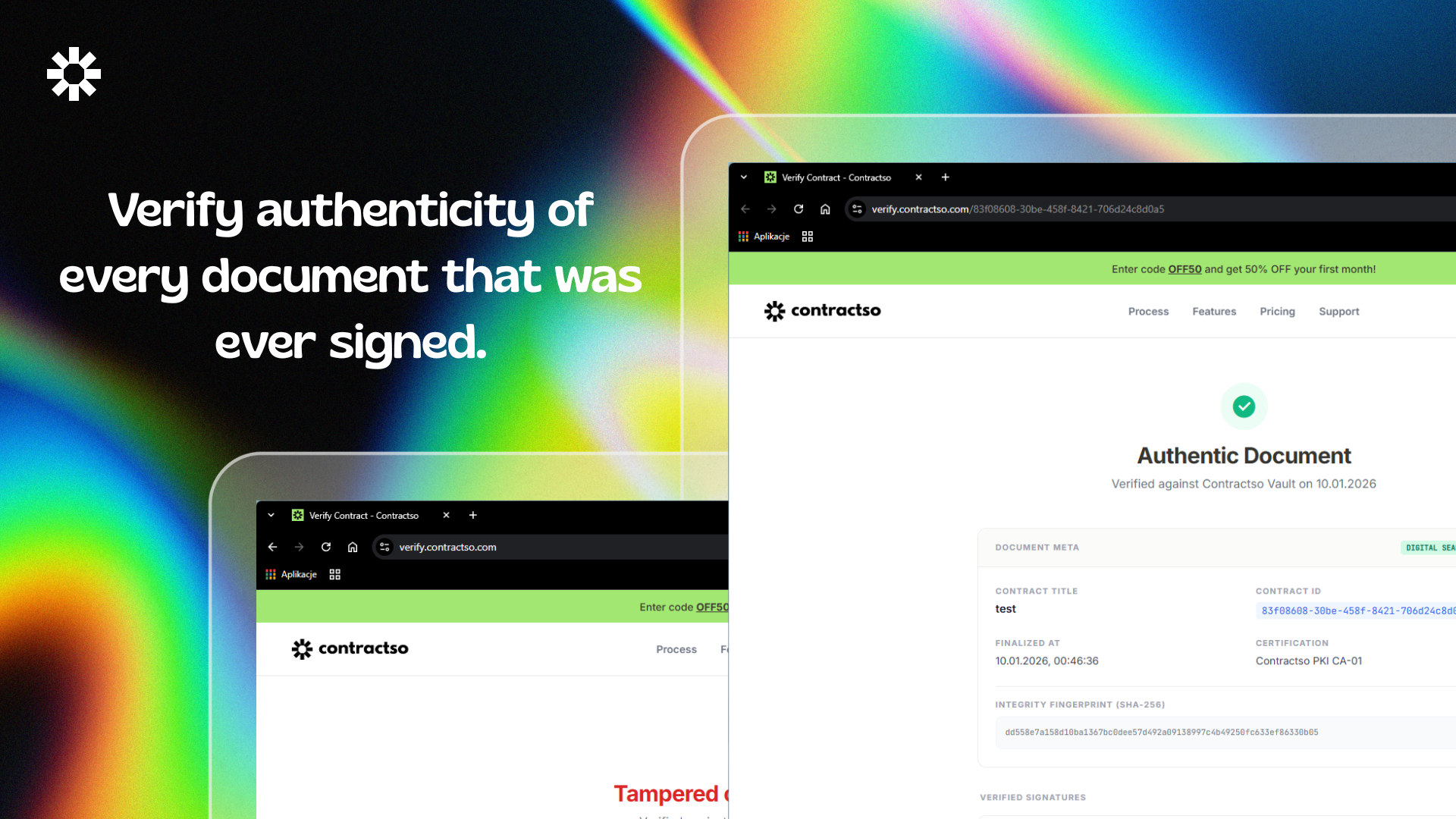
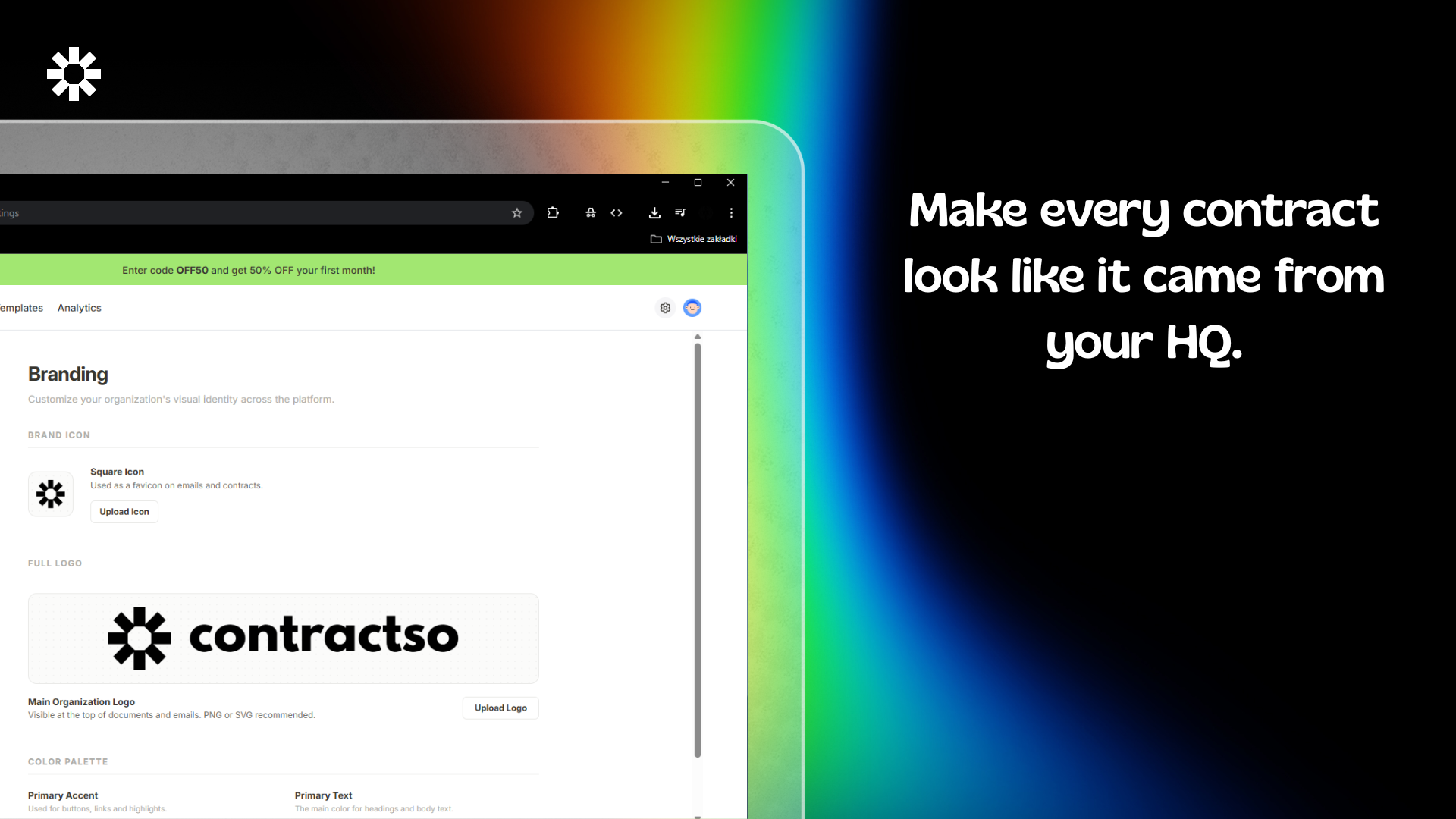
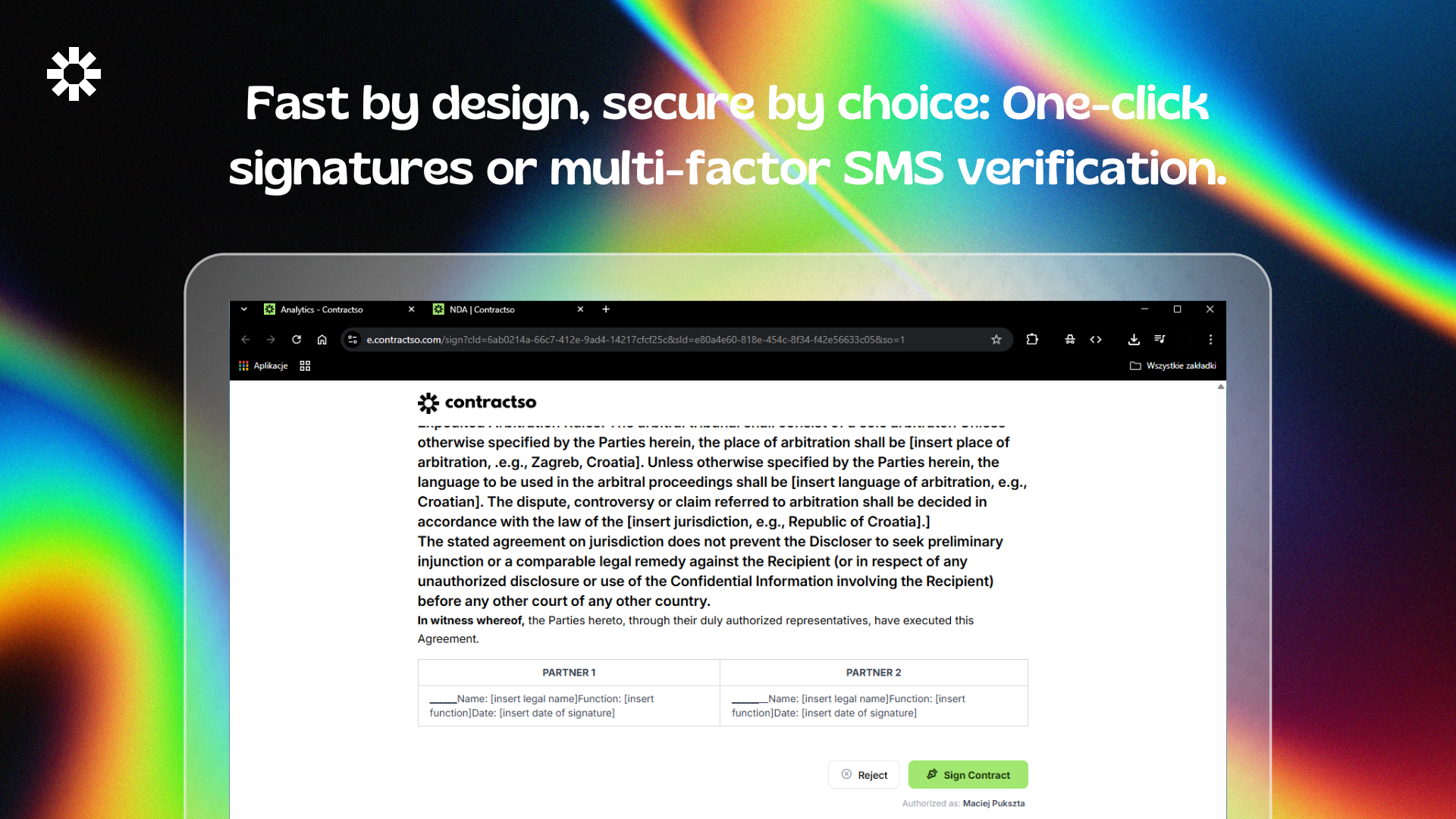
Contractso is a next-gen e-signature platform built for speed and legal security. It transforms static files into interactive contracts where you can embed checkboxes and radio groups to collect data while signing. Every document is backed by a bank-grade audit trail and SMS 2FA for total compliance. Build client trust by white-labeling the interface with your branding, and ensure authenticity with our cryptographic QR verification system. Close deals faster with a workflow designed for growth.
Hi Product Hunt! 👋 I built Contractso because I was frustrated with how slow and outdated traditional e-signature tools felt. Most of them are just static PDF viewers, but I wanted something that treats a contract like a dynamic part of a modern business workflow. My goal was to create a platform where speed doesn't compromise security. That’s why Contractso combines a lightning-fast interface with high-level protection like SMS 2FA and our unique cryptographic QR verification system. I’m particularly proud of the interactive templates, being able to collect data via radio groups and checkboxes during the signing process has been a game-changer for our early users. I’d love to hear your thoughts on the verification flow and how you manage your legal documents today. I’ll be here all day to answer your questions and listen to your feedback! As a thank you to the community, use code OFF50 to get 50% off your first month. 🚀 Happy signing!
1
回复

@xion3 congrats I'm always on the lookout for DocuSign alternatives

0
回复
#10
Whisk Automation
Bulk AI image generation for Google Whisk AI
16
一句话介绍:Whisk Automation是一款Chrome插件,通过CSV批量生成、自动下载和导出图片,解决了用户在电商、微图库等场景中手动操作Google Whisk AI时效率低下、重复劳动的核心痛点。
Chrome Extensions Productivity Design
AI图像批量生成 Chrome插件 电商工具 工作流自动化 微图库创作 谷歌Whisk增强 自动下载 生产力工具 创意辅助
用户评论摘要:有效评论主要来自开发者本人,阐述了开发初衷(解决“手动点击疲劳”)并详细说明了产品核心差异点,如真实批处理、自动导出、账户安全机制等。目前无真实用户提问或建议反馈。
AI 锐评

Whisk Automation本质上是一个针对特定AI工具(Google Whisk)的“外挂”式效率层,其核心价值并非技术创新,而是对现有工作流的“工业化”封装。它敏锐地捕捉到了AI图像生成从“玩一玩”到“规模化生产”演进过程中的关键断层:原生交互界面是为零星创作设计的,一旦进入商业生产循环,手动操作便成为瓶颈。

产品提出的“Human-Mimic”定时和后台恢复功能,揭示了其更深层的定位:它是在与平台规则(防滥用机制)和现实环境(浏览器崩溃、网络不稳)进行博弈,以确保自动化流水线的稳定运行。这使其更像一个精密的“机器人流程自动化(RPA)”工具,而非简单的脚本。

然而,其最大风险在于对单一平台(Google Whisk)的深度依赖。一旦Whisk的API、界面或政策发生变动,此工具便可能瞬间失效。其长期价值取决于Whisk自身的生态位和稳定性。此外,目前缺乏真实用户评论,其宣称的“无缝”体验和稳定性有待市场验证。

总体而言,这是一个解决当下具体痛点、具有实用价值的效率工具,但技术护城河较浅。它的成功将取决于其能否快速建立用户群,并随着底层AI工具的变化而敏捷迭代,或是将其自动化框架拓展到其他AI图像平台。

查看原始信息
Whisk Automation
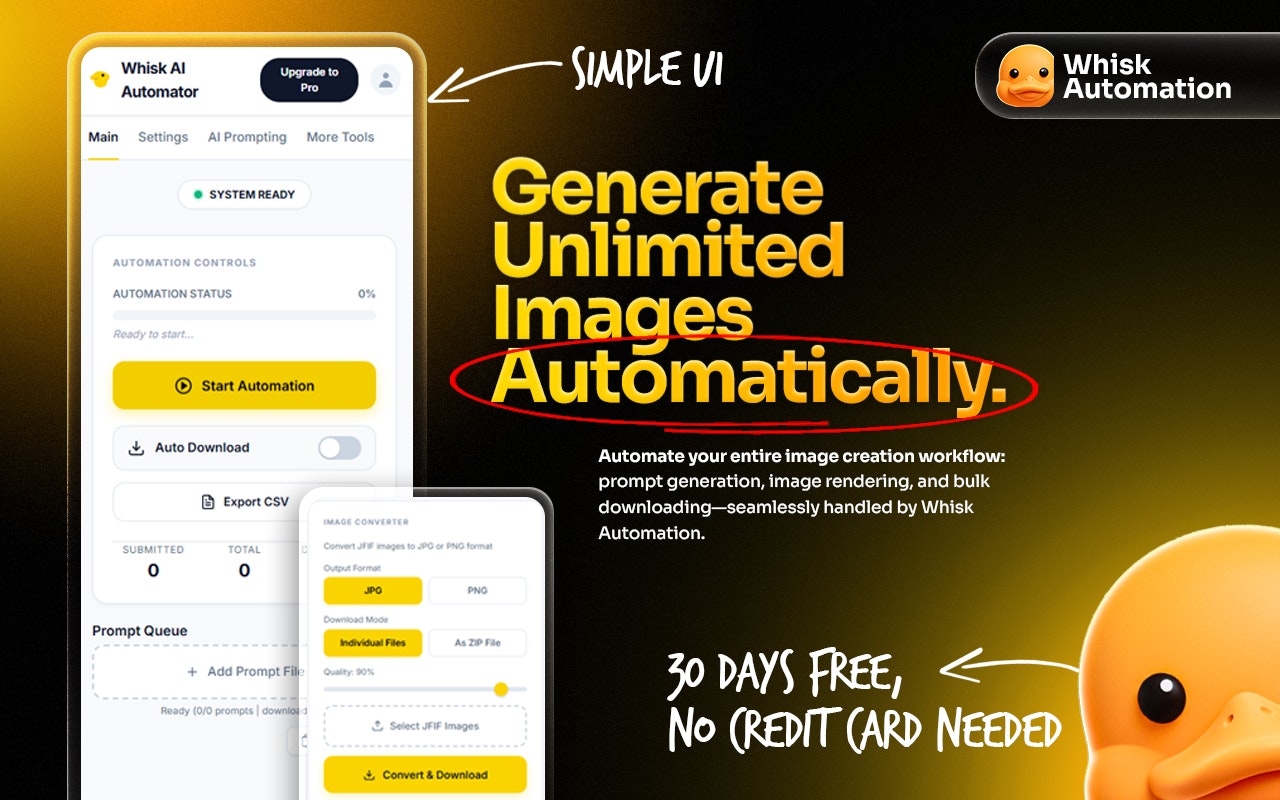
🚀 Whisk Automation: Scale Your AI Imagery Stop manual clicking! Whisk Automation turns Google Whisk into a high-speed production line. Batch generate images via CSV, auto-download assets instantly, and export to PNG, JPG, or WebP. Featuring "Human-Mimic" timing for account safety and background recovery for seamless workflows. Perfect for Etsy, eCommerce, and Microstock creators. 🎁 Get 30 Days FREE! Install from the Chrome Web Store and start scaling your workflow today!
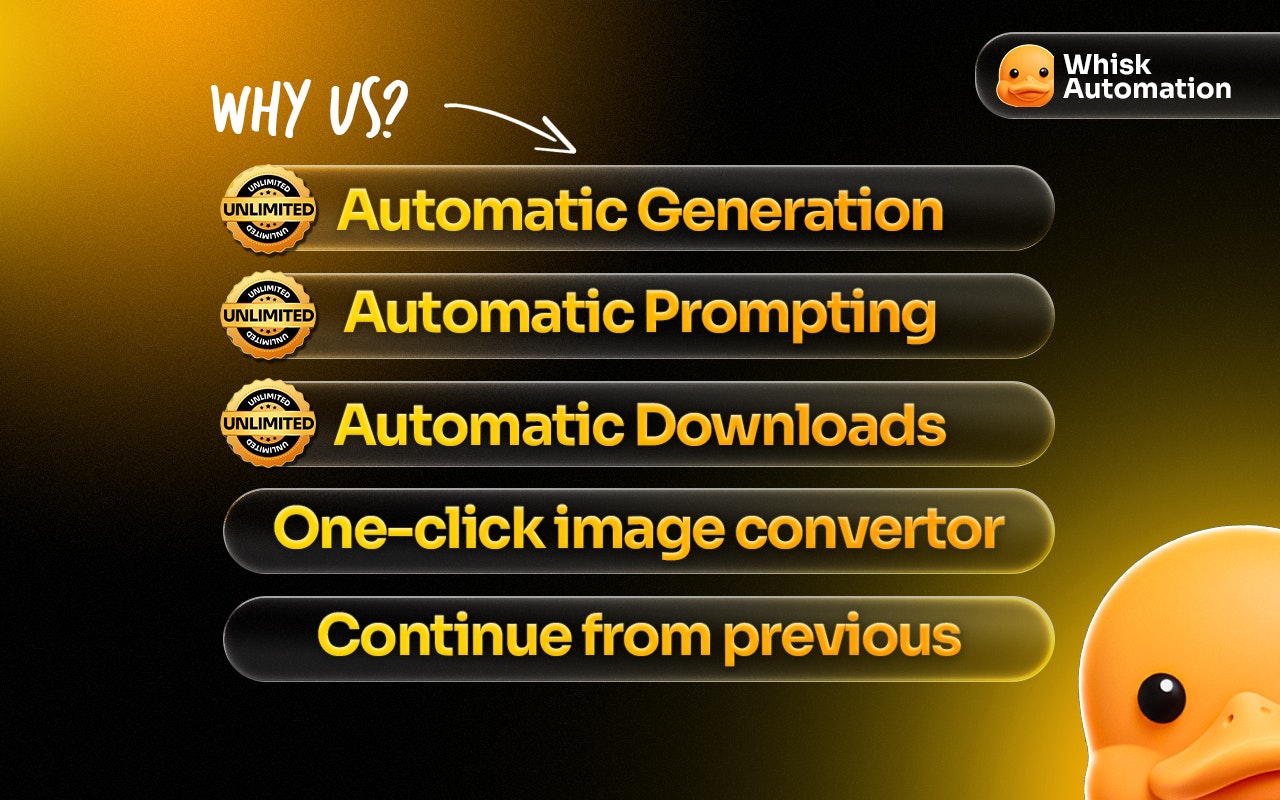
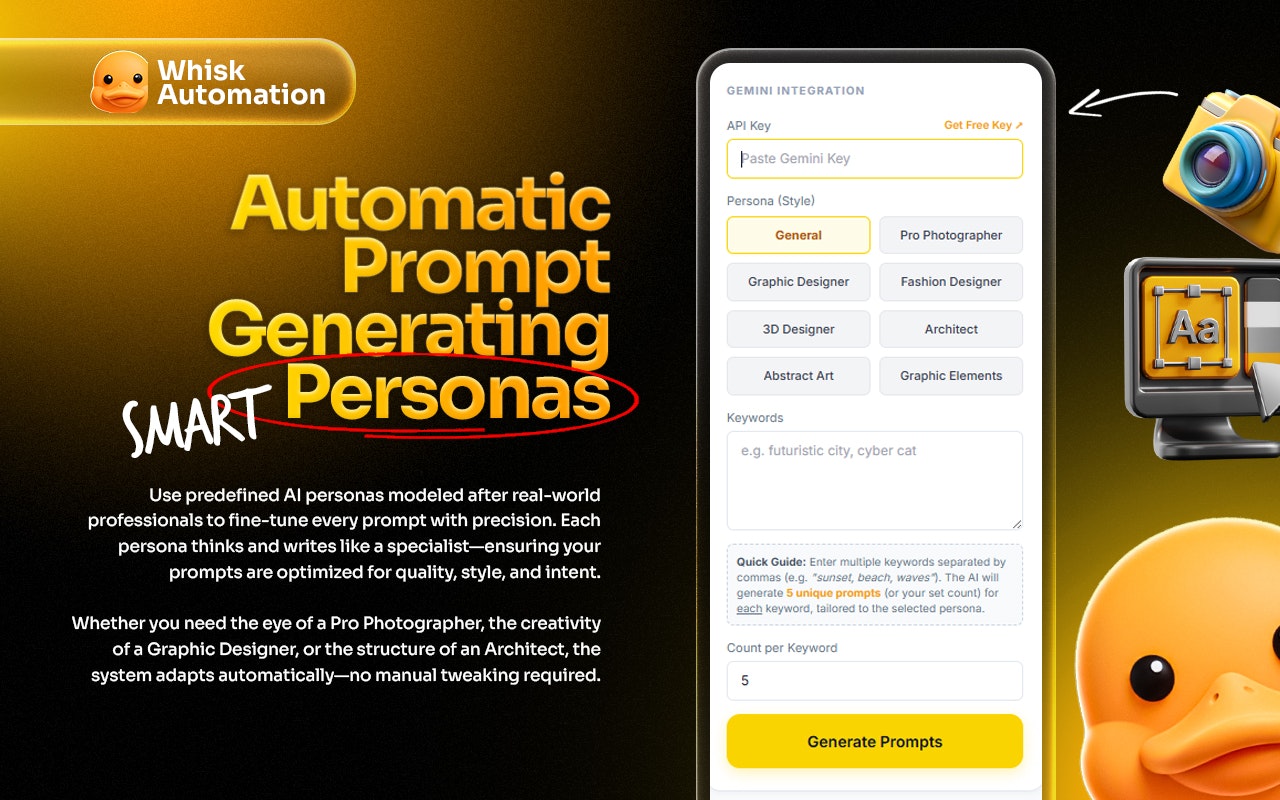
Hi Product Hunt! 👋 I’m thrilled to finally share Whisk Automation with you all. As someone who loves the creative potential of Google Whisk AI, I quickly hit a wall: the "manual click fatigue." Generating, waiting, and right-clicking to save 100+ images for a project felt more like data entry than creative work. We built Whisk Automation to be the industrial scale bridge for power users. Whether you are stocking an Etsy shop, building a Microstock portfolio, ad creatives, you shouldn't have to babysit your browser. What makes it different? True Batching: Upload a prompt file and let it run. Auto Export: It detects completed generations and saves them to your drive instantly. Account Safety: Our "Human Mimic" engine uses natural delays so you don't hit rate limits. Ai powered auto prompt generator bulk JFIF to JPG convertor Real-Time Queue Dashboard Background Auto-Recovery Google Whisk Auto Downloader Resilience: If your browser crashes, it picks up right where it left off. 🎁 Launch Special: We want you to experience what "Industrial Scale" feels like. We’re offering a 30-day unlimited free trial for everyone who joins us at launch. No feature gates—just pure production power. I’ll be here all day to answer your questions and hear your feedback. How are you currently scaling your AI imagery workflow?
3
回复
#11
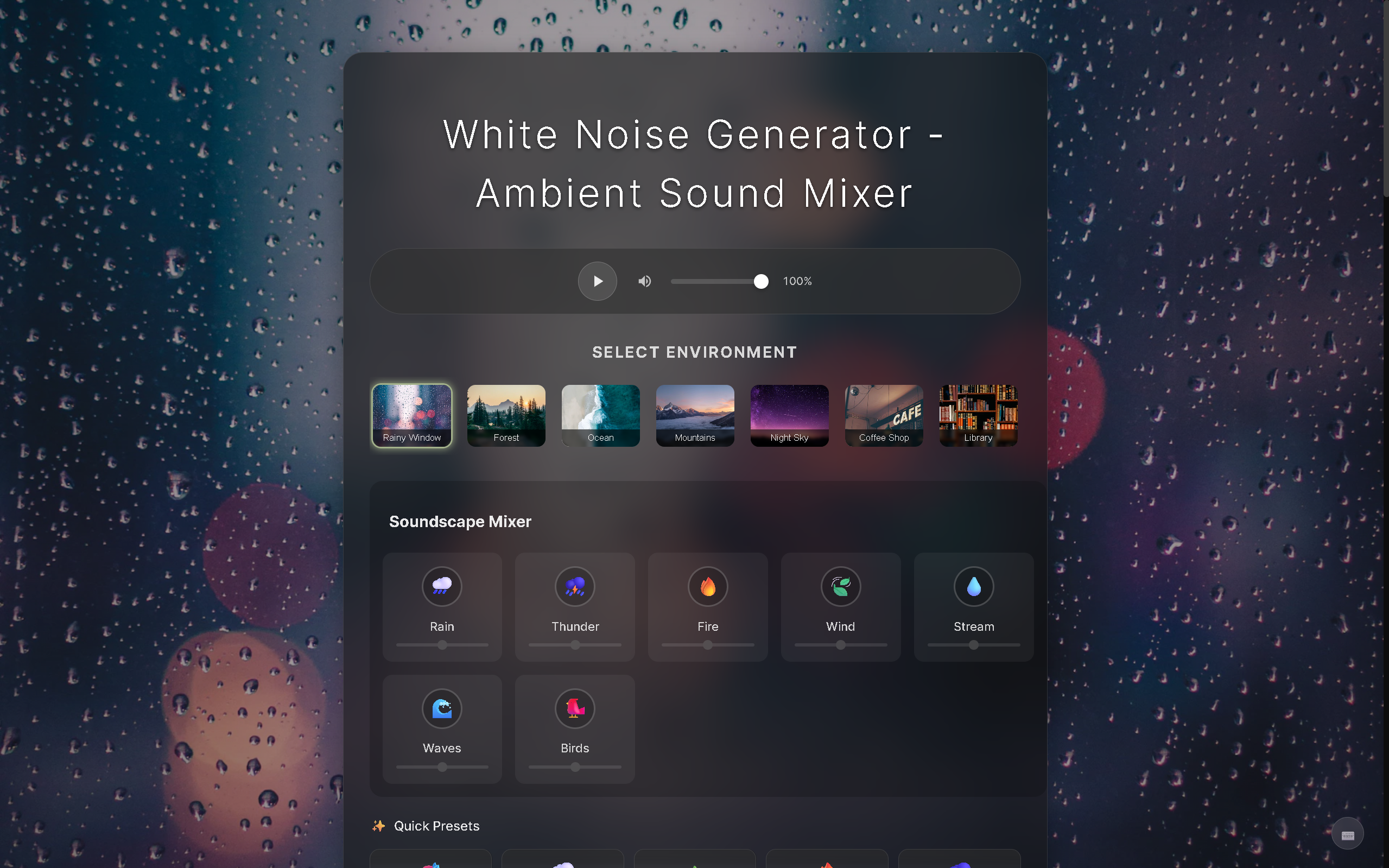
White Noise Generator
Mix ambient sounds to help you sleep, focus, and relax
15
一句话介绍:一款免登录、无广告的免费白噪音混合工具,通过混合多种环境音与可视化场景,在睡眠、专注和放松场景下,为用户提供快速、无干扰的声音解决方案。
Productivity Developer Tools Health
白噪音 睡眠辅助 专注工具 放松应用 环境声混合器 免费工具 无广告 极简设计 在线应用 健康科技
用户评论摘要:用户普遍赞赏其免登录、无广告的极简体验与精美场景设计。开发者自述解决了付费应用复杂、广告多的痛点。有效反馈指出预设“Plan”在首次启动时可能错误触发所有声音同时播放,存在小bug。
AI 锐评

在充斥着订阅制和广告的泛用工具市场,White Noise Generator 以“打开即用”的网页形式,精准刺中了一个微小但真实的痛点:用户对“轻量、瞬时、无负担”数字环境的渴求。它的核心价值并非技术创新,而在于做了一场果断的“减法”——剥离账号体系、付费墙和商业噪音,将产品逻辑彻底还原为“声音混合”这个单一功能。这种极致聚焦,使其从同类应用中脱颖而出,成为一款纯粹的“工具”,而非试图留住用户的“平台”。

然而,这种极简主义是一把双刃剑。产品高度依赖场景预设和混合功能,其技术壁垒与内容深度有限,易被模仿。用户评论中暴露的预设逻辑bug,虽小却折射出产品在交互细节和测试覆盖上的潜在短板。长远看,其“无商业模式”的承诺既是吸引力,也是可持续发展的阿喀琉斯之踵。在没有稳定收入支撑的情况下,后续的功能迭代、内容更新与服务器维护都可能面临挑战。

本质上,它更像一个精心打磨的“概念验证”,展示了在细分工具领域,用户体验的优先级可以完全压倒商业变现。它的成功发布验证了市场对“清净数字工具”的需求,但能否从一款受欢迎的“一次性作品”进化为具有持久生命力的产品,仍需观察其开发者如何在“纯粹”与“可持续”之间找到平衡点。当前,它最犀利的启示或许是:在过度设计的时代,为用户提供一条“逃离”的捷径,本身就是一种稀缺价值。

查看原始信息
White Noise Generator
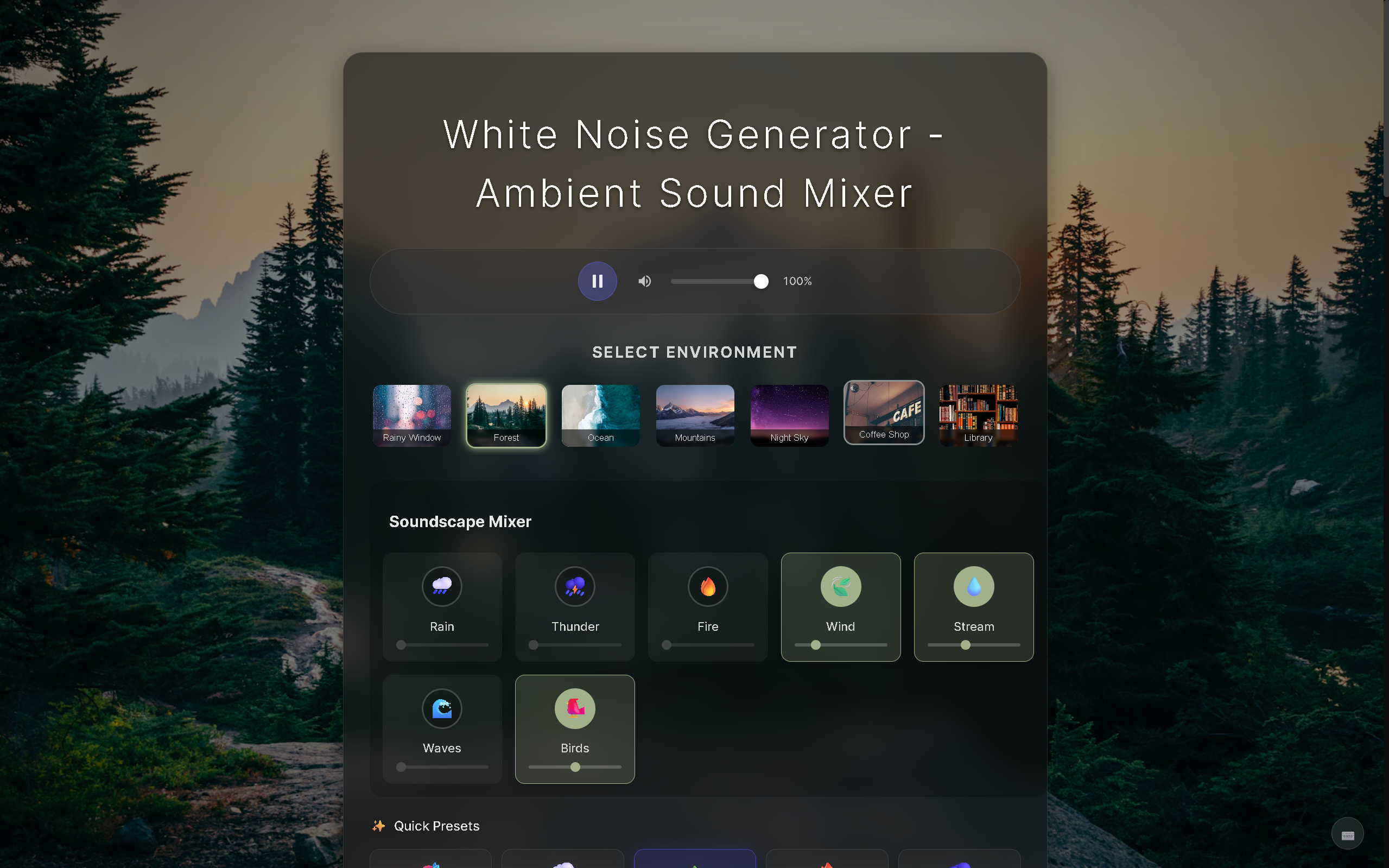
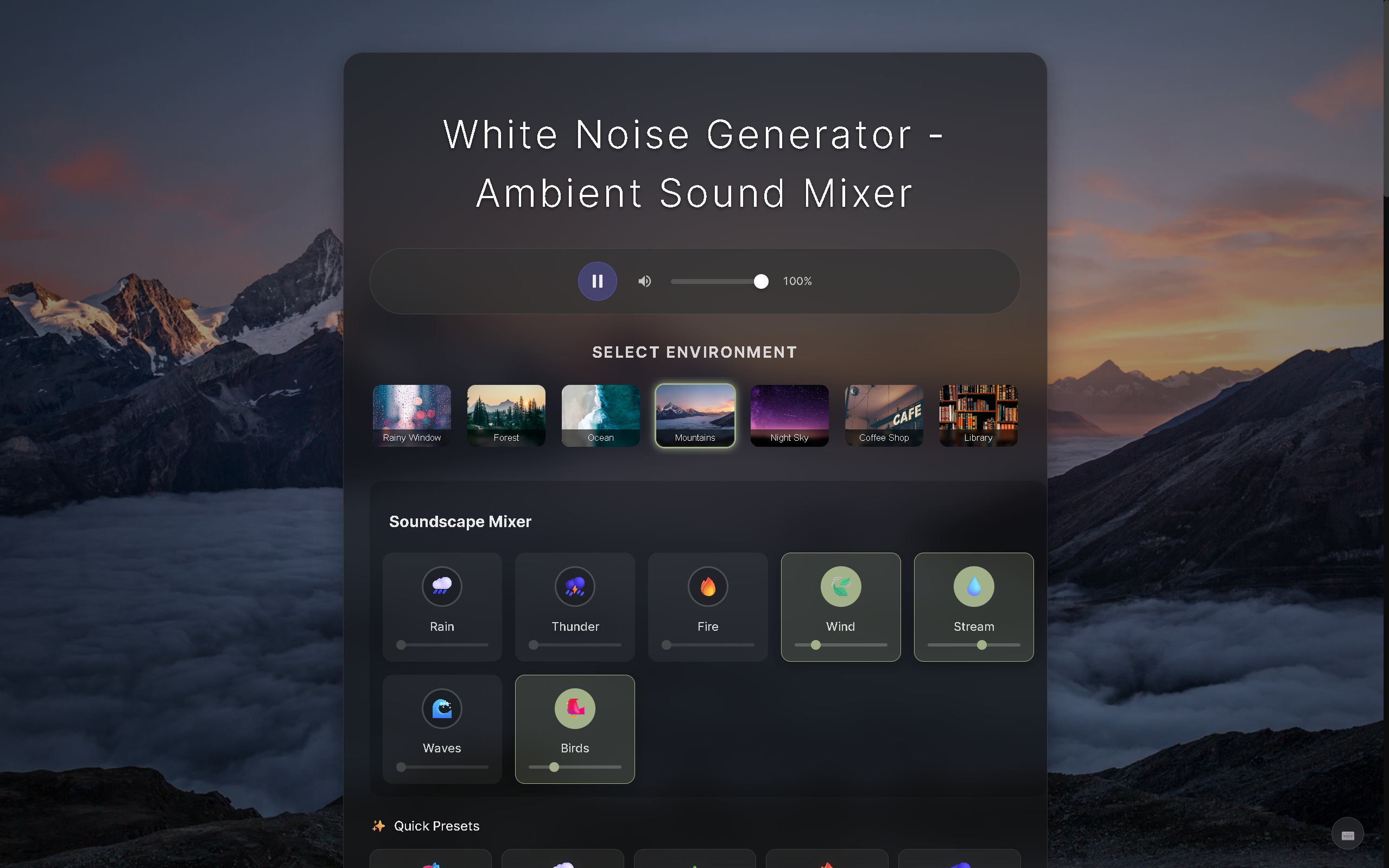
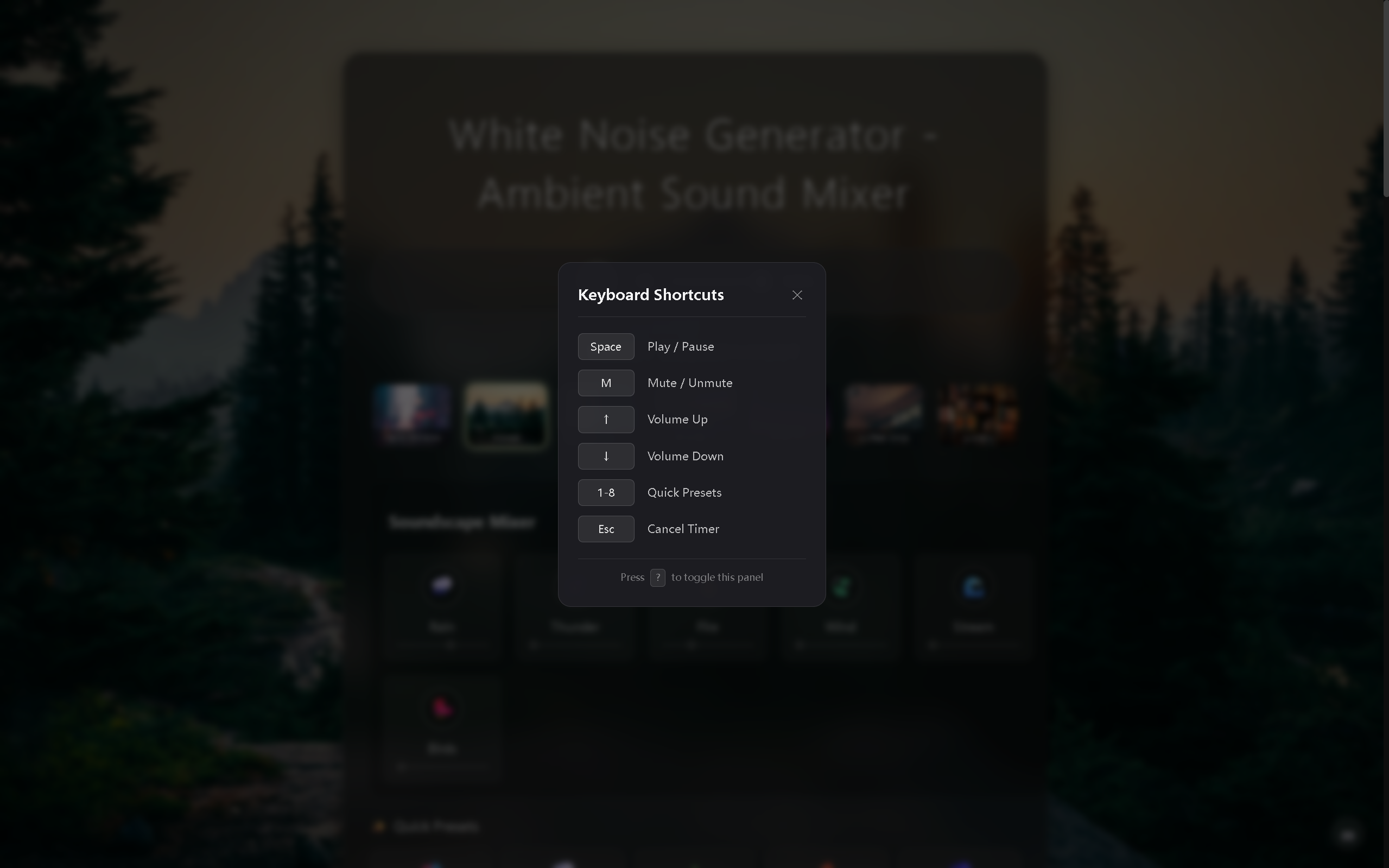
A free white noise generator to help you sleep, focus, and relax. 🎧 Mix 6 Sounds - Rain, thunder, fire, wind, stream, birds 🎨 7 Scenes - Rainy window, forest, ocean, mountains & more ⚡ 8 Presets - Deep Focus, Rainy Night, Cozy Fireplace... ⏰ Sleep Timer - Auto fade-out as you drift off 💾 Auto-Save - Your mix is ready when you return No ads. No signup. No subscriptions. Just open and use.

Congrats on the launch! Love the clean, no-login white noise mixer with scenes and presets—it nails a fast, frictionless path from “open tab” to “deep focus or sleep.”

2
回复
Hey everyone! 👋 I built this because I was having trouble sleeping. Tried a bunch of white noise apps, but they were either paid, full of ads, or just too complicated. So I made my own simple solution - and it actually worked! Rain + crackling fire is my go-to combo, usually helps me fall asleep in about 20 minutes. Built with React + Vite, hosted on Cloudflare Pages. Would love to hear what sound combinations work best for you, and any features you'd like to see added!
0
回复

@sanhenuger well done, congrats on launching! and thanks for making this. Also nice Chromebooks

I love the attention to detail with the background image animating in.

Btw (and not a big deal) pressing Plan on first launch - without changing anything - launches a cacophony of all sounds at once. Other than that it's solid.

0
回复
#12
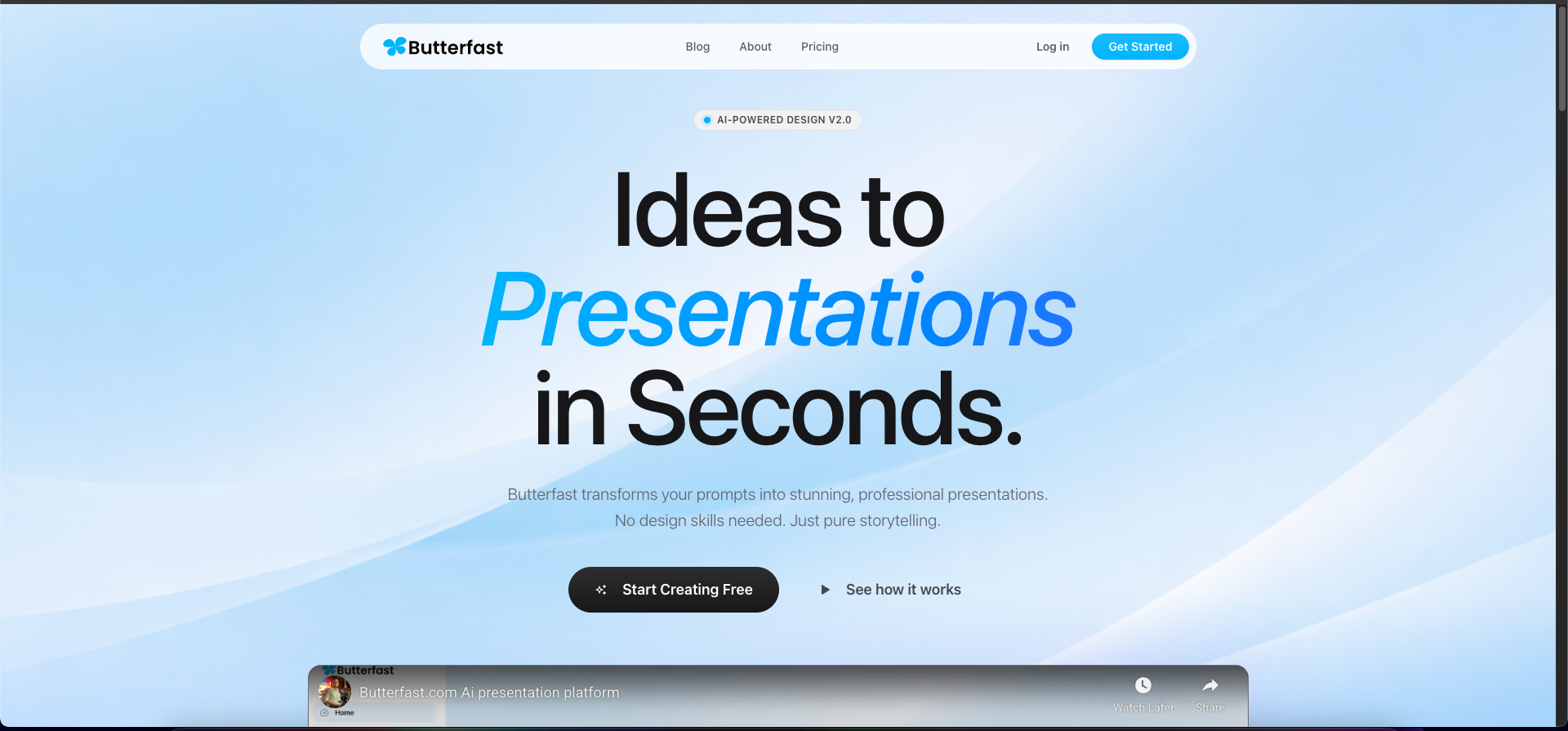
Butterfast — AI Presentations
From prompt to presentation
14
一句话介绍:Butterfast是一款AI演示文稿生成工具,通过自然语言指令快速生成结构完整、设计专业的幻灯片,解决了创业者、营销人员等非设计专业人士在高效制作演示文稿时的核心痛点。
Design Tools SaaS Tech
AI演示文稿 智能生成 效率工具 幻灯片制作 创业工具 内容创作 SaaS 无代码设计 一键生成 办公生产力
用户评论摘要:用户肯定产品创意与体验,主要反馈免费版幻灯片文字过于密集,建议增加视觉元素、减少页面文本。开发者回应此为免费版策略,付费后将提供更平衡的视觉布局选项,并公开了技术栈。
AI 锐评

Butterfast切入了一个看似拥挤但实则痛点明确的赛道——演示文稿制作。其宣称的“从提示到演示”的核心逻辑,直指传统工具(如PPT、Canva)的最大槽点:用户需要先具备设计思维或模板筛选能力,而非直接专注于内容叙事。这一定位精准抓住了“内容优先”型用户,尤其是时间紧迫的创业者与商务人士。

然而,其早期版本暴露的“文字密集”问题,恰恰揭示了当前生成式AI在内容创作上的通病:重信息罗列,轻视觉传达与叙事节奏。演示文稿的本质是视觉辅助的叙事,而非文档的幻灯片化。开发者将更佳视觉布局设为付费门槛的策略是一把双刃剑,短期内可区分用户,但长期可能损害免费用户口碑,并让人质疑其AI生成质量的真实上限。

产品的真正价值不在于替代PowerPoint的全部功能,而在于成为“灵感启动器”和“初稿生成器”。它能否成功,取决于两个关键进化:一是AI对“提示词”的理解能否从“主题扩展”深化为“叙事逻辑构建”,自动分配视觉焦点与文本层次;二是能否建立有效的反馈循环,将用户对生成结果的调整(如“这一点需要更突出的数据支撑”)反哺模型,实现越用越智能的个性化。目前看来,它迈出了正确的第一步,但要从“有趣的新玩具”变为“不可或缺的工作流环节”,还有待证明其AI在理解演示“艺术”而不仅是“文档”方面的深度。

查看原始信息
Butterfast — AI Presentations
Create stunning presentations effortlessly with Butterfast, an AI-powered presentation application. Design, customize, and share professional presentations in minutes.
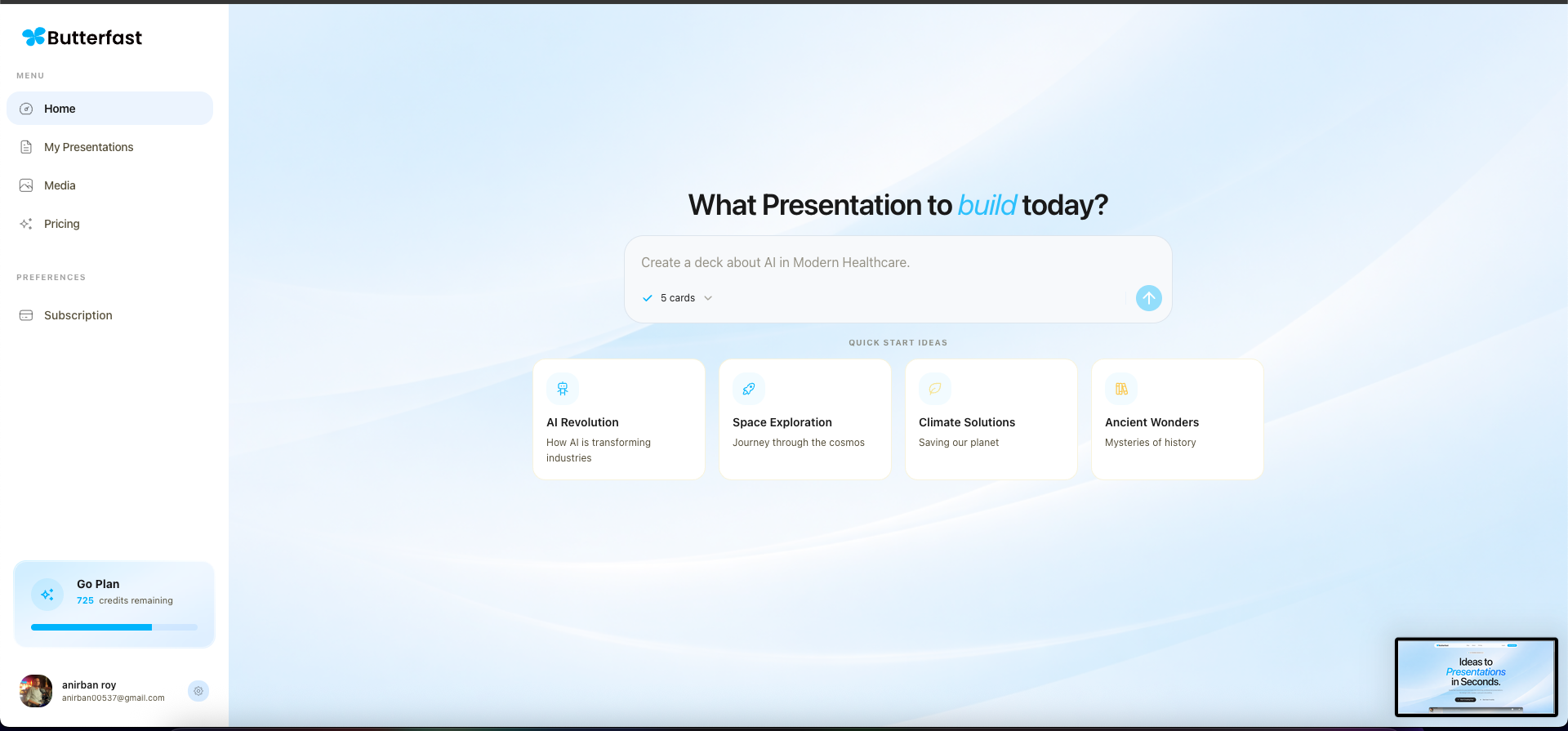
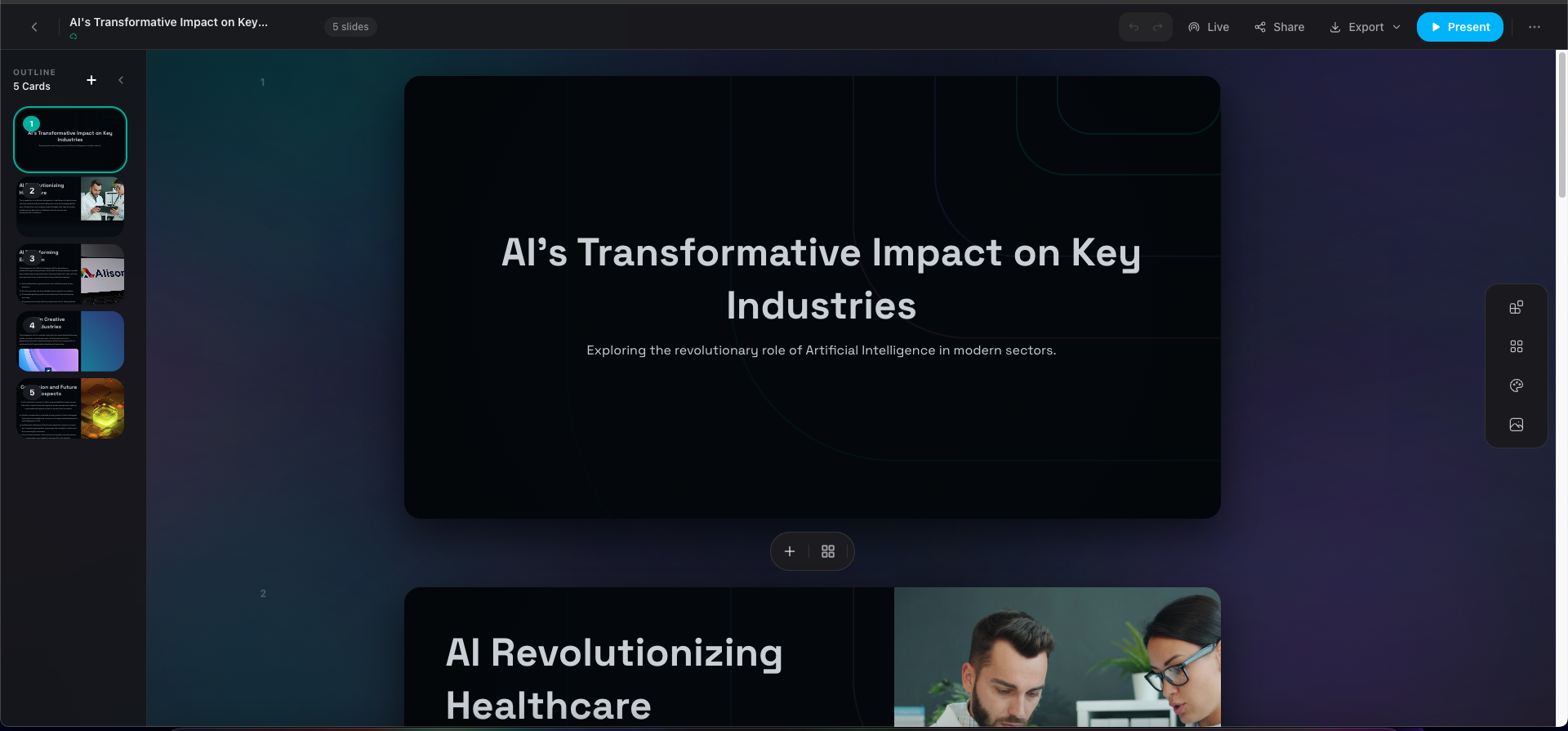
👋 Hey Product Hunt! I’m Anirban, maker of Butterfast 🧈 Butterfast does one thing extremely well: ➡️ Turn a prompt into a complete presentation. No templates to browse. No design decisions to make. No slide-by-slide editing. You type a prompt like: > “Create a slide pitch deck for a SaaS startup targeting SMBs” Butterfast instantly generates: * A clear slide structure * Well-written content * Clean, presentation-ready layouts It’s built for founders, marketers, and anyone who just wants slides done fast — not another design tool to learn. 🎯 Why we built this: Most presentation tools still make you think like a designer. We wanted something that thinks like a presenter. 🙏 We’d love your feedback on: * Prompt quality → slide accuracy * What prompts you struggle with most * What would make this your go-to presentation tool Thanks for checking out Butterfast — happy to answer any questions in the comments!
1
回复

Super cool, nice work on launching your product! I took it for a test spin and thought it was great. Here's the presentation that I created:

https://butterfast.com/docs/cmks3usmz002k4uaea5gxyqmo

The only feedback I have right now is that the slides seem quite text heavy for a presentation. Most presenters would have a couple of bullet points and most of the text off in the presenter notes section.

What techstack is the app built on?

0
回复

@peterclaridge Thanks so much for testing it out and for the kind words. You’re right, on the free tier the slides tend to be more text-heavy since we focus on getting the core content out quickly. Once you create more than 5 slides or if you’re a Pro user, the slides get more visually balanced with extra blocks and layout options to make them presentation-ready.

The app is built on Next.js for the frontend, NestJS for the backend, PostgreSQL for the database, and Tailwind CSS for styling.

0
回复
#13
np
a simple social network.
12
一句话介绍:np是一款主打“纯人类社交”的简单社交网络,通过模拟早期2000年代的墙贴、社区问答和预测打赌等功能,在用户厌倦了AI生成内容、机器人和愤怒诱导的当下,提供了一个回归真实人际互动的线上空间。
Social Media Marketing Tech
复古社交网络 无AI内容 纯人类社区 反机器人 反情绪诱导 熟人社交 轻量化 邀请制 怀旧设计
用户评论摘要:目前仅有一条来自创始人的发布评论,尚无真实用户反馈。创始人表达了对其“纯人类”、“反AI信息泛滥”理念的兴奋,并说明产品目前处于每周限量开放100名新用户的邀请制测试阶段。
AI 锐评

np的立意精准地切中了当下主流社交媒体的两大顽疾:AI生成内容(slop)的泛滥,以及算法为追求互动而刻意煽动的对立情绪(rage bait)。它试图用“复古”和“纯人类”作为核心卖点,本质上是在贩卖一种“社交净土”的怀旧想象,其真正价值在于充当一个对抗信息环境异化的符号性产品。

然而,其面临的挑战是根本性的。首先,“无AI”在技术上难以自证与持续,垃圾信息和虚假账号的治理成本最终会转嫁给运营方或社区成员,这与“简单”的定位相悖。其次,早期社交网络的“美好”体验,很大程度上源于用户构成单一、规模有限以及新鲜感,而非产品形态本身。当社区规模扩大,真实人类带来的复杂社交问题——如圈层分化、言论冲突、小团体文化——将重新浮现。最后,其“每周开放100人”的邀请制,更像是一种维持稀缺感和纯洁性的增长策略,但这把双刃剑也可能让产品永远停留在小众极客的试验场,无法形成可持续的网络效应。

np更像一个针对特定群体(极度厌恶当前社交媒体的用户)的情绪宣泄口,而非一个能普遍替代现有平台的解决方案。它的长期生存可能不取决于功能,而在于能否围绕“反科技焦虑”构建一个坚固且愿意付费的亚文化社群。否则,它很可能只是又一个对互联网黄金时代短暂而浪漫的致敬,难以逃脱昙花一现的命运。

查看原始信息
np
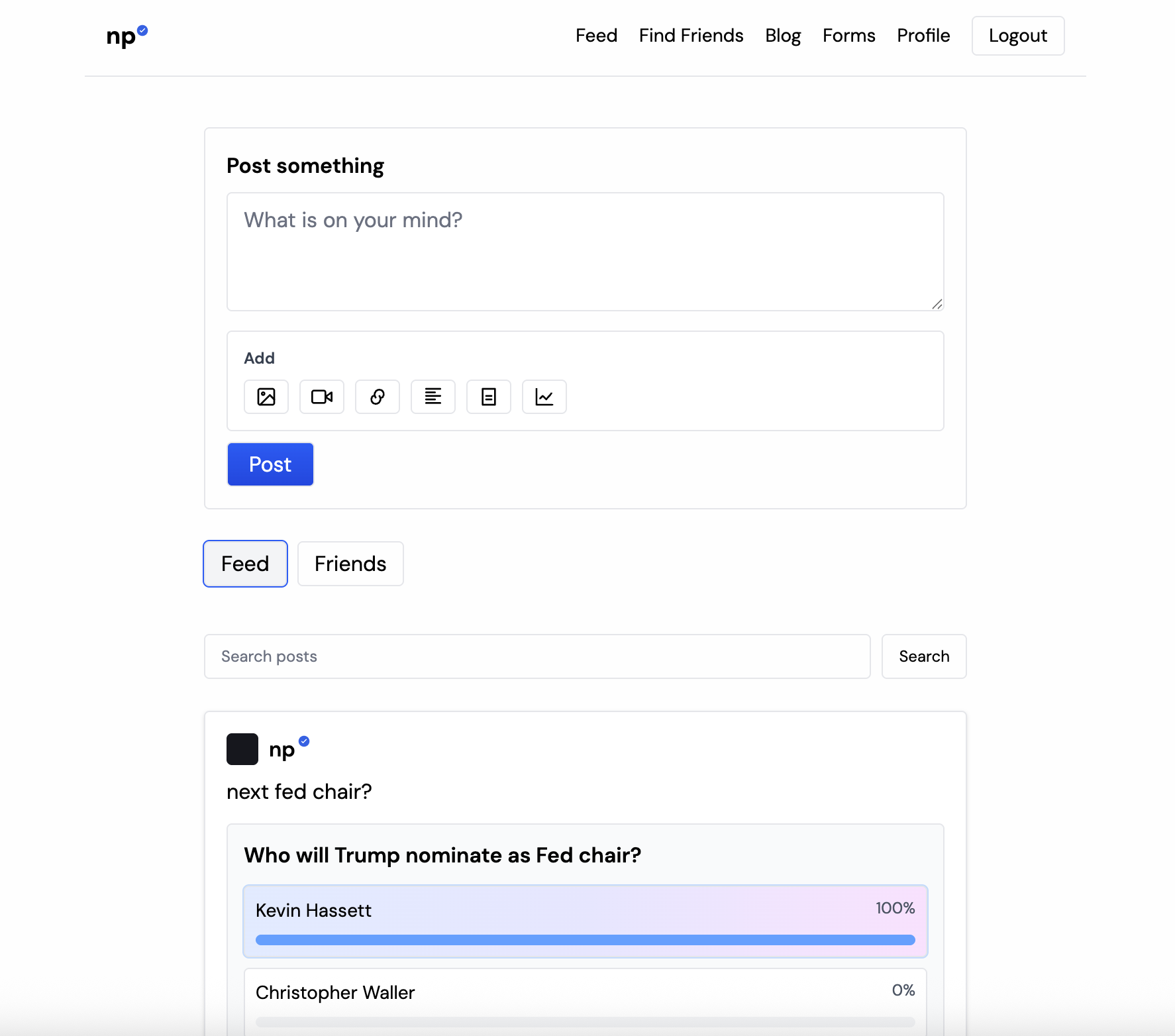
Fed up of bots and rage bait? Longing for human content? Look no fur.. seriously, 100% human network - no bots, bait or slop. You can write on your friend's wall, ask communities or make "I told you so" predictions about pretty much anything.
Hey Product Hunters! Really excited to finally launch np - a simple take on the social networks of the early 2000s. I got really fed up of the endless AI slop on social and wanted to use something normal - something only for (normal) humans. Been running a limited trial since November, opening it up for 100 new users every week. Let me know what you think!
0
回复
#14
BananaX
🍌AI-powered infographic generator for X posts
10
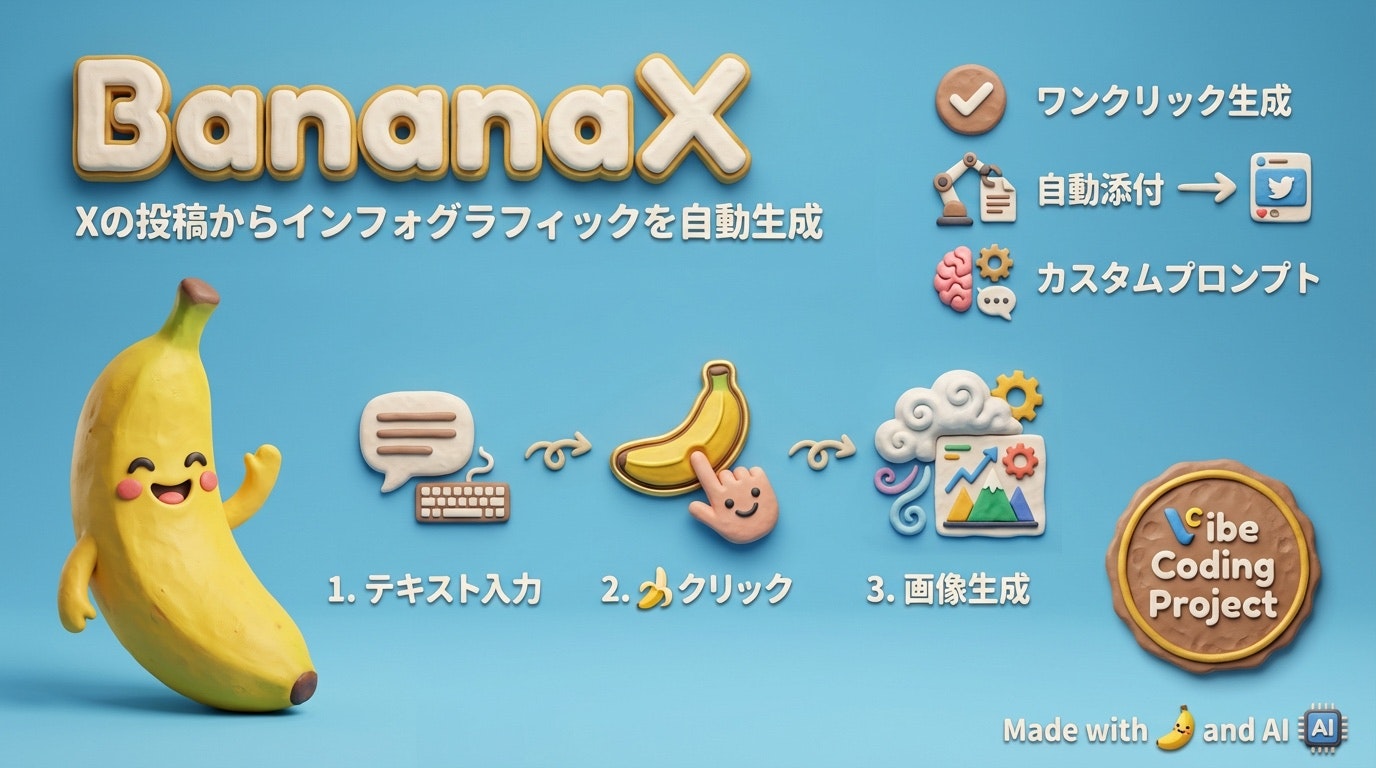
一句话介绍:一款通过AI一键将X推文转换为信息图的浏览器扩展,解决了普通用户因缺乏设计技能、时间或预算而难以创作高互动性视觉内容的痛点。
Chrome Extensions Social Media Artificial Intelligence GitHub
AI图像生成 社交媒体工具 信息图制作 浏览器扩展 开源项目 隐私保护 多语言支持 内容营销 效率工具 Vibe Coding实验
用户评论摘要:评论主要为开发者发布的产品预告与介绍,强调产品为开源、隐私优先、使用AI(Claude Code)100%编写代码的“Vibe Coding”实验。有效反馈和建议极少,仅有一条评论提及期待功能建议,但未获具体回复。
AI 锐评

BananaX与其说是一个成熟的产品,不如说是一个精巧的概念验证体。它的核心价值并非在于其功能本身——市面上已有诸多从文本生成图像的工具——而在于其双重实验属性。

首先,它是开发模式的实验。标榜“100% AI生成代码”的“Vibe Coding”,是当前AI辅助开发浪潮中的一个极端案例。它试图探索开发者的角色从“编写者”彻底转变为“指令者”与“审查者”的边界。这个噱头在技术社区能吸引眼球,但也埋下了隐患:代码的可维护性、深层Bug的排查、以及面对复杂需求迭代时的可控性,都将面临严峻考验。这更像是一次行为艺术,用以展示当前AI编码能力的上限,而非一个可持续的产品开发方法论。

其次,它是产品定位与合规的“走钢丝”实验。避开Chrome Web Store,要求用户自备API密钥,表面是“隐私优先”,实则是为了规避平台审核与X平台潜在的条款风险。这种模式将使用门槛和技术风险转嫁给了用户,极大地限制了其用户群体的规模,注定难以走向大众。其产品逻辑清晰——用视觉化提升社交媒体参与度——但实现路径却选择了一条狭窄的“极客小道”。

因此,BananaX的真正价值,在于它作为一个样本,清晰地揭示了当前AI应用创业的两个前沿趋势:一是AI正从功能实现者演变为产品创造的主体,引发对开发范式的重新思考;二是在巨头平台规则下,轻量级、开源、自托管的工具成为了一种迂回创新的生存策略。它的未来不在于成为一款流行的SaaS工具,而在于其代码与理念能否为后续更合规、更稳健的AI产品提供灵感。它的10个投票数,恰如其分地反映了其目前的影响力范围:一个值得技术圈短暂讨论的有趣实验,而非一个准备改变大众工作流程的颠覆性产品。

查看原始信息
BananaX
BananaX transforms your X (Twitter) posts into stunning infographic images with one click using Google's Gemini AI. 🎨 KEY FEATURES • One-click infographic generation from post text • Customizable prompt patterns for different styles • Multiple aspect ratios (1:1, 16:9, etc.) • Multi-language UI (English, Japanese, Korean, Chinese) 💡 WHY BANANAX? Visual content gets 3x more engagement on social media. BananaX makes creating eye-catching graphics effortless.
Hey Product Hunt! 👋 I'm excited to share BananaX - a tool that's been solving my own problem: making X posts stand out without spending hours on design. 🍌 THE INSPIRATION I wanted to add visual impact to my posts but found existing tools too complex or expensive. So I experimented with "Vibe Coding" - letting AI (Claude Code) write 100% of the code based on my instructions. No human-written code at all! ⚡ HOW IT WORKS 1. Write your post on X 2. Click the 🍌 button 3. AI generates an infographic 4. Image auto-attaches to your post That's it. No design skills needed. 🔐 PRIVACY FIRST Not on Chrome Web Store due to X platform policy concerns. Instead, it's open source and uses YOUR OWN Gemini API key (free tier available), stored locally. Would love your feedback! What features would make this more useful for you? Try it: https://github.com/furoku/banana...
1
回复

@tonyfiston @jesv @david_firouzbakht

Thanks so much for the early support! 🙏🍌

Really appreciate you trying out BananaX.

1
回复

Hey Product Hunt! 👋

Tomorrow I'm launching BananaX - turn your X posts into infographics with one click.

🍌 What it does:

Click the 🍌 button, AI generates an infographic, auto-attaches to your post. Done.

🤖 The twist:

100% of the code was written by AI (Claude Code). I just gave instructions. Zero human-written code.

Free, open source, privacy-first.

Launching tomorrow 12:01 AM PST. Would love your feedback! 🚀

1
回复

Product Hunt 社区的朋友们,大家好!👋

明天我们将发布 BananaX - 一款一键将 X(Twitter)帖子转换为精美信息图的 Chrome 扩展程序。

🍌 BananaX 的主要功能

• 一键 AI 图像生成(10秒内完成)

• 免费且开源(MIT 许可证)

• 多语言 UI 支持(英语/日语/韩语/中文简体)

• 隐私优先:API 密钥仅存储在本地,不会外部传输

• 可自定义提示词模式设置

• 宽高比选择(1:1、16:9 等)

• 自动话题标签插入功能

🤖 使用"Vibe Coding"开发

这个项目最大的特点是 100% 的代码都由 AI(Claude

Code)编写。没有任何人类直接编写的代码部分。我只是给出"需要这样的功能"的指令,然后审查 AI 生成的代码并给出修改指示。

这是对"Vibe Coding"这种新开发方式的实验,探索开发者不编写代码也能创建产品的可能性。

🎯 开发背景

众所周知,社交媒体上的视觉内容能获得 3 倍的参与度,但现有的设计工具:

• 需要设计技能

• 耗时长(一张图需要 30 分钟以上)

• 订阅费用昂贵(每月数千日元)

我想"需要一个更简单、任何人都能使用的工具",于是创建了 BananaX。

⚠️ 注意事项

• 未在 Chrome Web Store 发布(考虑到 X 使用条款风险)

• 从 GitHub Releases 下载

• 需要 Google Gemini API 密钥(提供免费额度)

• 请自行承担使用风险

💬 征求反馈

• 什么功能会更有用?

• 应该支持哪些社交平台?

• 有提示词模式的创意吗?

📅 发布时间

明天 PST 时间凌晨 12:01(北京时间 1 月 24 日下午 5:01)发布。

🔗 GitHub: https://github.com/furoku/banana-infograph

🐦 X: @furoku

期待您的支持!🚀🍌

1
回复

Product Hunt 커뮤니티 여러분, 안녕하세요! 👋

내일 BananaX를 출시합니다. X(트위터) 게시글을 한 번의 클릭으로 멋진 인포그래픽으로 변환하는 크롬 확장 프로그램입니다.

🍌 BananaX의 주요 기능

• 원클릭 AI 이미지 생성 (10초 이내)

• 무료 & 오픈소스 (MIT 라이선스)

• 다국어 UI 지원 (영어/일본어/한국어/중국어 간체)

• 프라이버시 우선: API 키는 로컬 스토리지에만 저장, 외부 전송 없음

• 커스텀 프롬프트 패턴 설정 가능

• 화면비 선택 (1:1, 16:9 등)

• 자동 해시태그 삽입 기능

🤖 "Vibe Coding"으로 개발

이 프로젝트의 가장 큰 특징은 코드의 100%를 AI(Claude Code)가 작성했다는 점입니다. 사람이 직접 코드를 작성한 부분은 전혀

없습니다. 저는 "이런 기능이 필요해"라는 지시만 내리고, AI가 생성한 코드를 검토하며 수정 지시를 했습니다.

이것은 "Vibe Coding"이라는 새로운 개발 스타일의 실험으로, 개발자가 코드를 작성하지 않고도 제품을 만들 수 있는 가능성을

탐구하고 있습니다.

🎯 개발 배경

소셜 미디어에서 시각적 콘텐츠는 3배 더 많은 참여를 유도한다고 알려져 있지만, 기존 디자인 도구들은:

• 디자인 기술이 필요함

• 시간이 오래 걸림 (한 장에 30분 이상)

• 비싼 구독료 (월 수만원)

"더 쉽게, 누구나 사용할 수 있는 도구가 필요하다"고 생각해서 BananaX를 만들었습니다.

⚠️ 주의사항

• Chrome 웹 스토어에는 공개하지 않습니다 (X 이용약관 리스크)

• GitHub Releases에서 다운로드

• Google Gemini API 키 필요 (무료 티어 제공)

• 본인 책임하에 사용해주세요

💬 피드백 요청

• 어떤 기능이 있으면 유용할까요?

• 어떤 소셜 플랫폼을 지원해야 할까요?

• 프롬프트 패턴 아이디어가 있나요?

📅 출시 일정

내일 PST 오전 12시 01분 (한국시간 1월 24일 오후 5시 01분)에 출시합니다.

🔗 GitHub: https://github.com/furoku/banana-infograph

🐦 X: @furoku

응원 부탁드립니다! 🚀🍌

0
回复
#15
MatchProlly - Live Resume
A live resume that updates as fast as you do
10
一句话介绍:MatchProlly是一款实时更新的动态简历,通过一个永久链接解决求职者因技能和经验变化而需频繁手动更新、分发多个版本简历的痛点。
Hiring Social Networking Human Resources
实时简历 职业发展 招聘工具 个人品牌 ATS友好 动态PDF 音频介绍 效率工具 早期采用者
用户评论摘要:用户反馈主要集中于产品核心机制(如何实现自动更新)的询问,开发者详细解释了动态PDF链接技术。另有用户表达这是为解决自身痛点而打造的产品,并积极寻求来自其他创作者的反馈。
AI 锐评

MatchProlly 捕捉到了一个真实但微妙的痛点:简历的静态性与个人成长的动态性之间的矛盾。其“一个链接,实时更新”的核心主张,在技术层面是巧妙的——通过动态生成PDF来确保内容最新,并捆绑音频介绍增加人性化维度,这确实比发送静态PDF前进了一步。

然而,其真正的价值与面临的挑战同样突出。价值在于它试图将简历从“记录文件”转变为“个人职业状态的实时接口”,这符合数字原生代的习惯。但犀利来看,这或许解决的是一个“便利性”问题,而非“根本性”问题。招聘的核心瓶颈往往不在于简历版本是否最新,而在于筛选效率与人岗匹配精度。一个实时链接能否通过企业ATS系统的复杂解析?频繁更新会否让招聘方感到信息不稳定?其“公开默认”的设置也可能引发隐私担忧。

更关键的是,其商业模式中“Jobs coming soon”的暗示,揭示了它可能志不在工具,而在平台:积累简历数据,走向招聘匹配。这使其面临双重挑战:作为工具,需说服用户建立并维护又一个职业资料;作为平台,则需在LinkedIn、Indeed等巨头的夹缝中寻找生存空间。早期采用者徽章是一种聪明的增长黑客策略,但产品能否跨越早期采用者与早期大众之间的鸿沟,取决于它能否证明,一个“活”的简历,能显著提高求职成功率,而不仅仅是更新效率。目前看来,它是一个构思精巧的“解决方案”,但需要更强大的网络效应或不可替代的独特数据来证明其长期生命力。

查看原始信息
MatchProlly - Live Resume
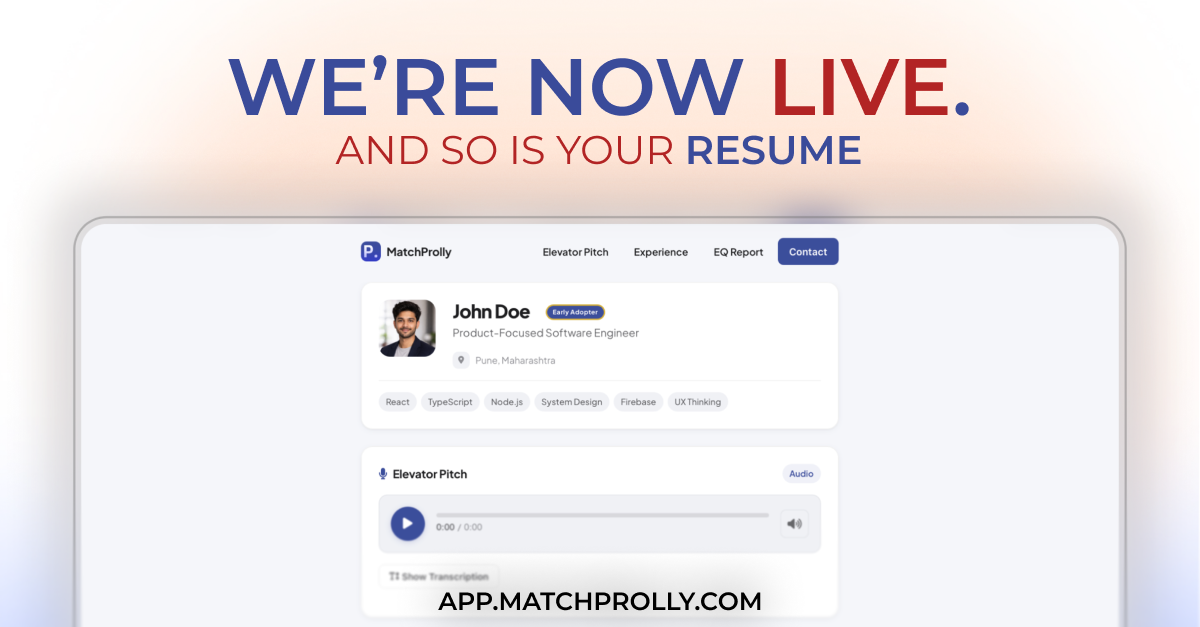
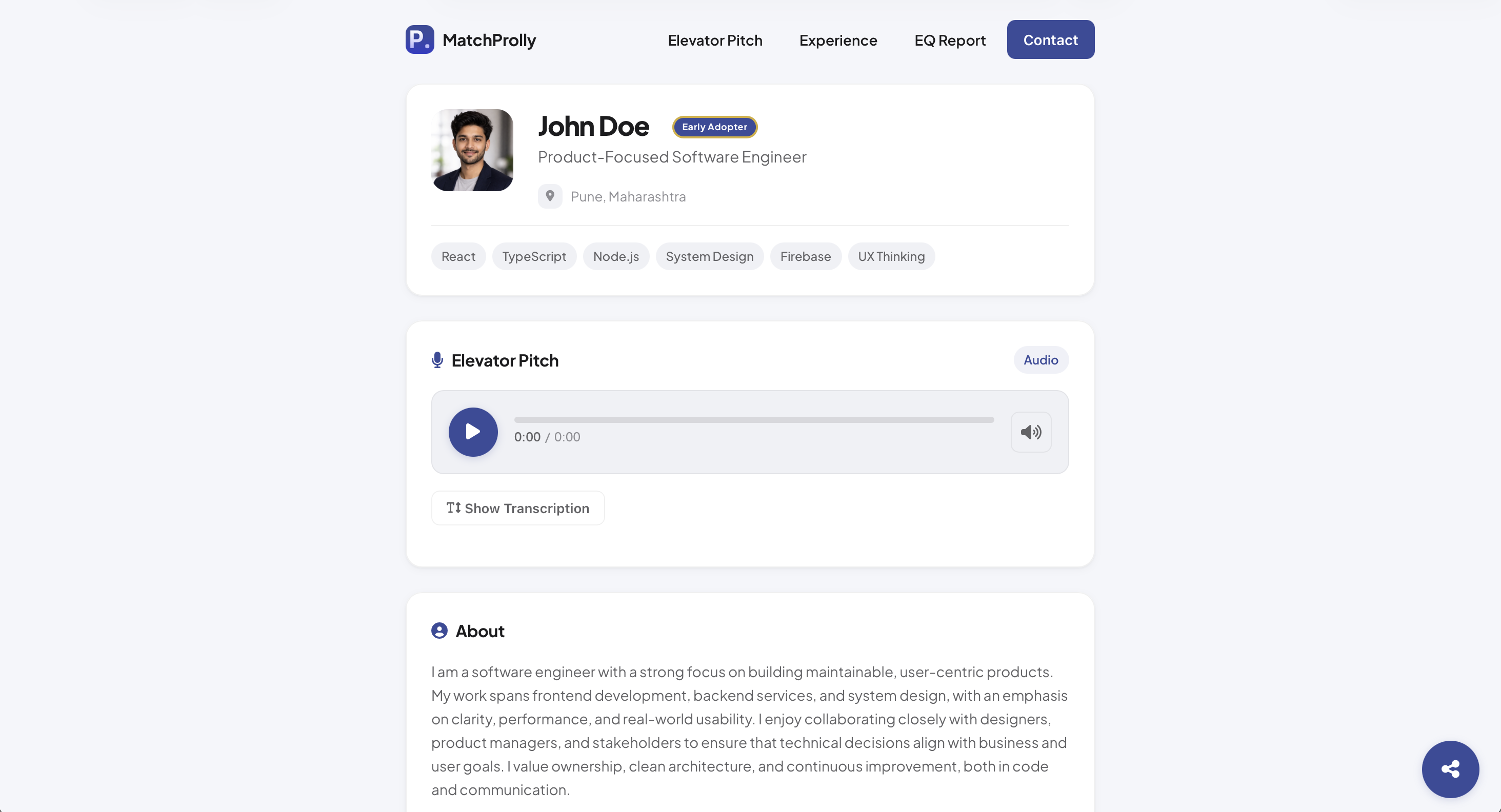
Live Resume is a single, shareable resume link that updates in real time as your skills and experience change. No outdated PDFs or multiple versions. - One live profile link - Real-time updates - Audio elevator pitch for human context - ATS-friendly live PDF from the same link - Early Adopter badge for early users Free during early access. Jobs coming soon.

Hey everyone, thanks for checking out Live Resume.

If you want to try it, head to app.matchprolly.com and sign up with your email. The setup is quick and involves adding your details, recording a short elevator pitch, and answering a few simple questions.

At the end, you will pick a username that becomes your live resume link:
matchprolly.com/user/{username}

Your resume is public by default, but you can make it private anytime from settings.

One thing I would suggest trying is the Magic Link Live Resume PDF. Once your resume is live, click Share and choose that option to generate an ATS-friendly PDF from the same live profile.

For more info also visit : matchprolly.com


If you try it and feel something is missing or unclear, I would genuinely love the feedback.

2
回复

How does it update automatically? A very interesting concept.

1
回复

@muellertime Thanks for asking.

We've this feature called "Dynamic PDF Resume" (matchprolly.com/user/{username}/pdf) wherein every time the link to this Dynamic PDF is accessed an updated ATS friendly resume pdf is generated.
So instead of sharing a PDF that may get old the moment you send it you just send out a link that updates itself.

0
回复

We built this to solve a problem we kept running into ourselves. Curious what other builders think — feedback welcome!

1
回复
#16
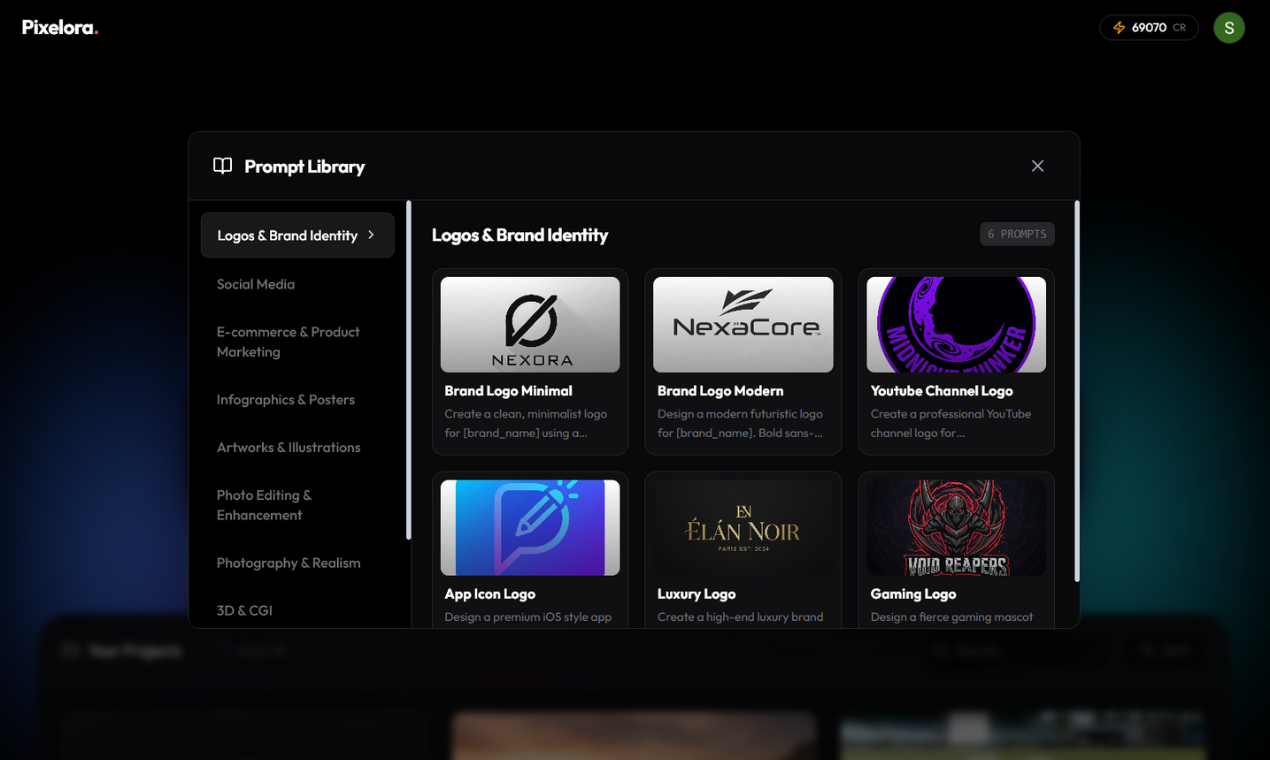
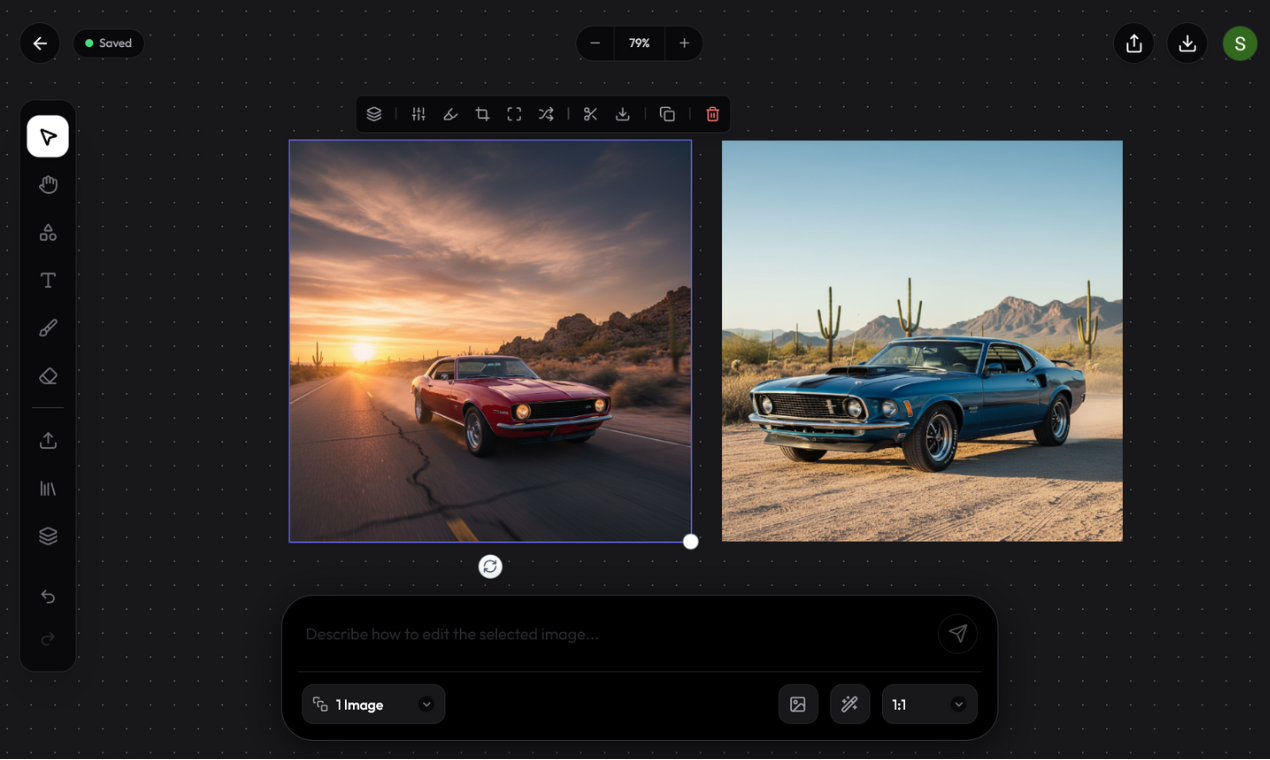
Pixelora.art
Meet your AI design agent
10
一句话介绍:Pixelora是一款为设计师、营销人员和创作者打造的无限AI画布,通过在一个可缩放、可延展的工作空间中生成、编辑和串联视觉内容,解决了传统AI图像工具产出孤立、静态图片,导致创意工作流割裂、文件管理繁琐的痛点。
Design Tools Artificial Intelligence
AI图像生成 无限画布 创意协作平台 设计工作流 营销素材 视觉内容创作 故事板 AIGC工具 一站式创意
用户评论摘要:目前有效评论主要为开发者自述。创始人Sayan阐述了开发初衷(解决单次生成工具导致的流程割裂)与核心功能,并主动寻求早期用户对核心体验的反馈、功能建议及路线图合作。暂无其他用户提出具体问题或建议。
AI 锐评

Pixelora的核心理念——“无限AI画布”,直指当前主流AIGC图像应用的核心短板:生成即终点。它将AI从“图片生成器”重新定位为“创意流程的发动机”,其真正价值不在于生成单张图片的质量,而在于构建了一个动态、可延展的视觉构思环境。

产品巧妙地将“无限画布”这一经典数字创作概念与AI生成结合,允许用户通过平移、缩放来“生长”场景,实质是引入了空间叙事和视觉关联的逻辑。这使得创意不再是离散文件的堆砌,而是可以在一个连续上下文中进行分支、混剪和迭代的有机体。其瞄准的从故事板到完整营销战役的用例,表明它意图吃掉的是Figma、Miro等协作白板与Midjourney、DALL-E等生成工具之间的市场缝隙。

然而,其挑战同样尖锐。首先,“编辑与混剪”依赖于对已生成元素的精确控制能力,这对当前黑盒化的文生图模型是巨大技术挑战,实现效果存疑。其次,它试图整合从构思到导出的全流程,但专业场景中,PS、Figma等成熟工具的深度与协作生态非一日可建。最后,其标语“AI设计代理”的愿景宏大,但当前版本更接近于“带AI生成功能的在线白板”,如何从辅助工具进化为可信赖的“代理”,是质变的关键。

总体而言,Pixelora在理念上领先一步,抓住了工作流整合的确定性趋势。但其成功不取决于概念的新颖,而取决于在AI可控性、编辑深度与专业工作流衔接等硬核环节上,能否做出真正超越现有工具组合的流畅体验。否则,它可能只是创意链条中又一个有趣的补充节点,而非颠覆性的中心。

查看原始信息
Pixelora.art
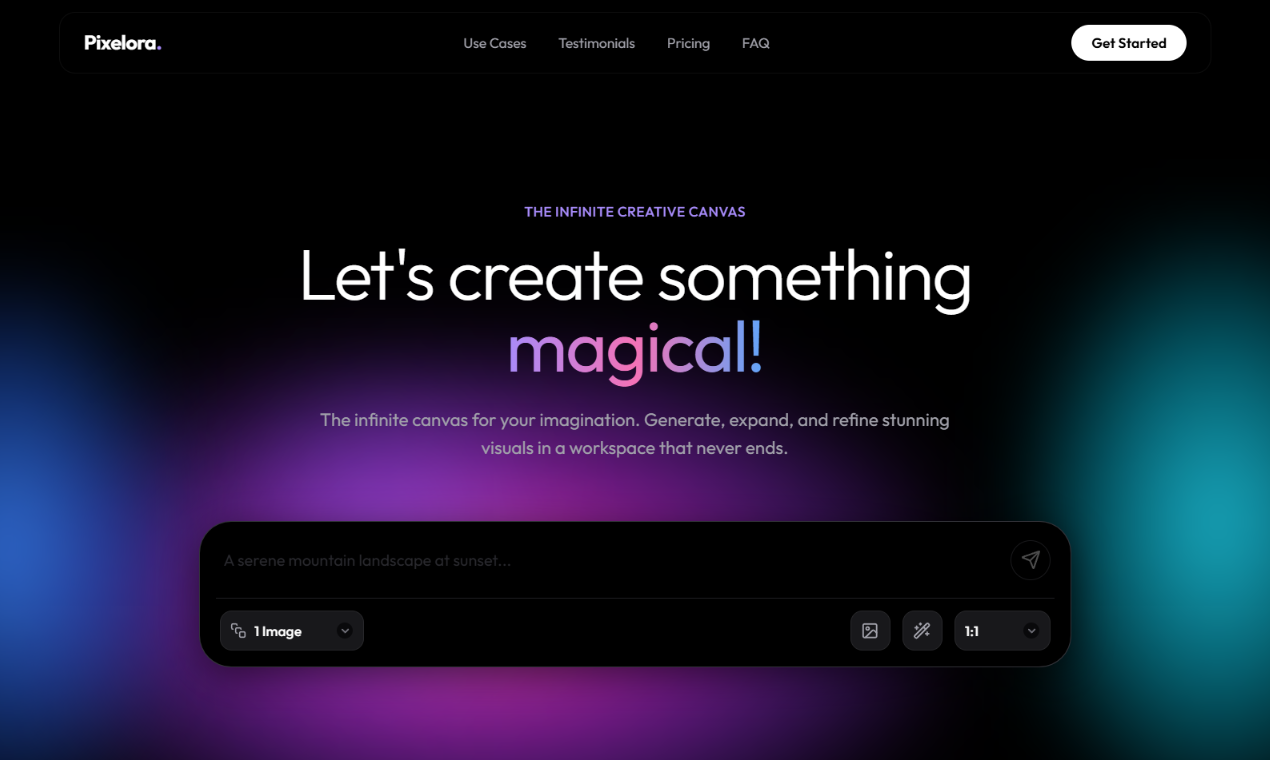
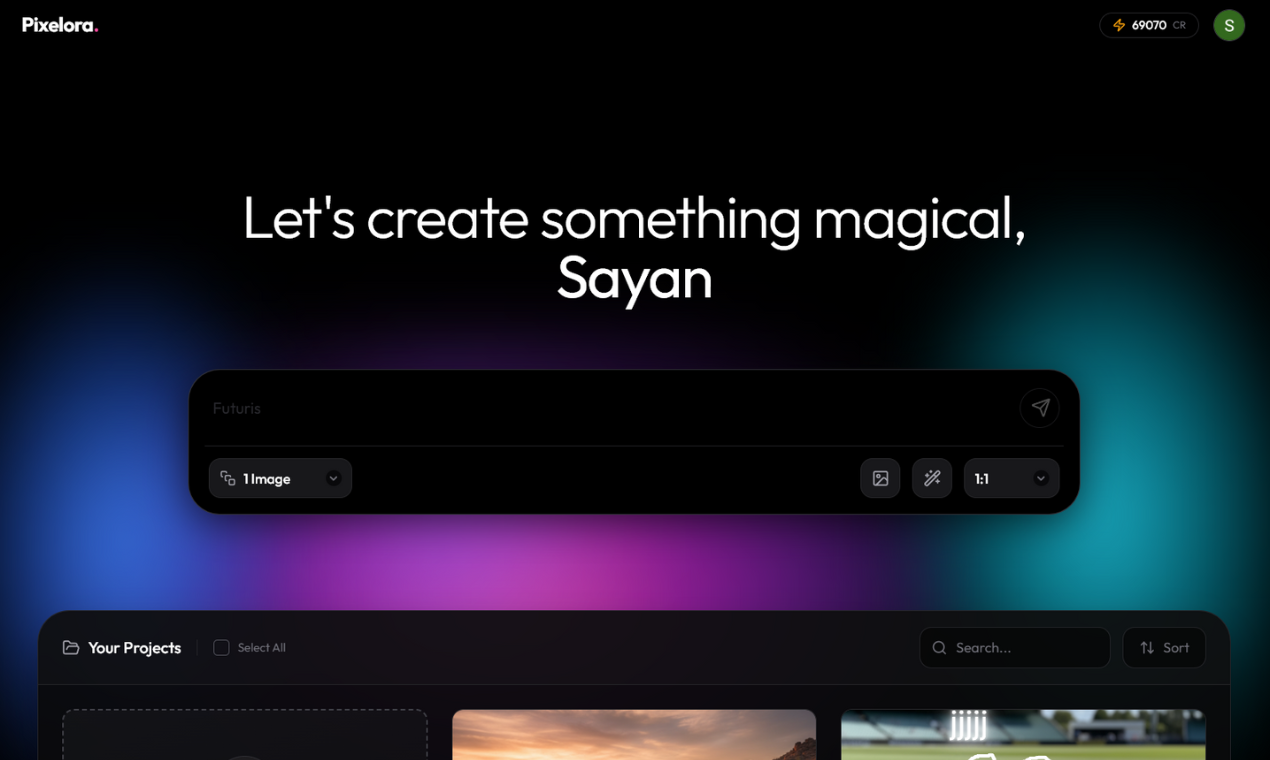
Pixelora is an infinite AI canvas for designers, marketers, and creators. Describe what you want and generate stunning visuals on a single, endless workspace. Pan, zoom, and grow scenes instead of juggling static, one-off images. Edit, remix, and branch ideas into storyboards and full campaigns, then export assets for social, ads, thumbnails, and clients in a few clicks. Built for the AI era so your entire creative workflow lives in one place.
Hey Product Hunt 👋 I’m Sayan, the solo maker behind Pixelora – an infinite AI canvas for designers, marketers, and creators. I built Pixelora because most AI image tools feel like single-use generators. You get one image, download it, and then juggle a bunch of files and tabs just to turn that into a real campaign. I wanted a workspace where ideas could actually grow. With Pixelora you can: Generate visuals with AI on an infinite, zoomable canvas Edit, remix, and branch one idea into many variations Build full storyboards, ad sets, or content systems in one place Export exactly what you need for social, landing pages, and clients in a few clicks Today is day one, so I’m especially looking for: Honest feedback on the core experience Ideas for features you’d love in an AI-first creative workspace Early adopters who want to shape the roadmap Thanks so much for checking out Pixelora and for any comments, upvotes, or tough love you’re willing to share. I’ll be here all day responding to everyone. 🙏
1
回复
#17
FreeToolsfr
Free Online PDF, Image & QR Code Tools
10
一句话介绍:FreeToolsfr是一款在浏览器内本地运行的免费在线工具集,专注于PDF编辑、图像转换和QR码生成,通过彻底的客户端处理技术,在无需上传文件至服务器的场景下,解决了用户对文档处理隐私和安全性的核心痛点。
Productivity Marketing
在线工具集 隐私安全 客户端处理 PDF编辑 图像转换 QR码生成 文本处理 免注册 本地运行 数据主权
用户评论摘要:用户反馈积极认可其“本地处理、保护隐私”的核心价值。开发者自述强调了产品对抗行业普遍存在的“文件上传至不可控服务器”问题的初衷。另有用户建议QR码生成器能支持集成更多信息(如职位、欢迎语)的复合卡片功能。
AI 锐评

FreeToolsfr的亮相,与其说是一款新工具的上线,不如说是一份针对当下“免费即代价”互联网工具模式的隐私抗议书。其真正的价值不在于功能罗列(此类工具已泛滥),而在于其近乎偏执的技术实现路径:**强制性的100%客户端处理**。这直接刺破了大多数在线工具“免费但上传”的潜规则,将数据主权明确交还给用户。

然而,其面临的挑战同样尖锐。首先,**功能深度与性能瓶颈**:复杂PDF编辑或大文件处理在浏览器环境下的能力天花板显而易见,这可能导致其只能服务于轻量需求,难以撼动专业或重度用户。其次,**商业模式缺失**:在彻底放弃服务器上传的同时,也几乎放弃了所有主流的变现可能(如增值服务、数据分析),其可持续性存疑。最后,**用户习惯惰性**:对于大多数轻度敏感用户,“便利性”往往压倒“隐私性”,说服他们切换到一个可能功能更受限的纯本地工具,教育成本极高。

评论中“集成式QR卡片”的建议,恰恰暴露了其核心矛盾:增加复杂、个性化的功能往往需要后端支持,这与“无服务器”的哲学可能背道而驰。因此,FreeToolsfr更像一个重要的理念示范与技术声明,它精准服务了对隐私有极致要求的利基市场,但若想扩大影响,必须在“纯粹理念”与“功能实用性”之间找到更精巧的平衡点。它的存在意义,在于为整个行业树立了一个隐私的基准线,迫使其他玩家回答一个问题:你们处理我的文件时,到底上传了吗?

查看原始信息
FreeToolsfr
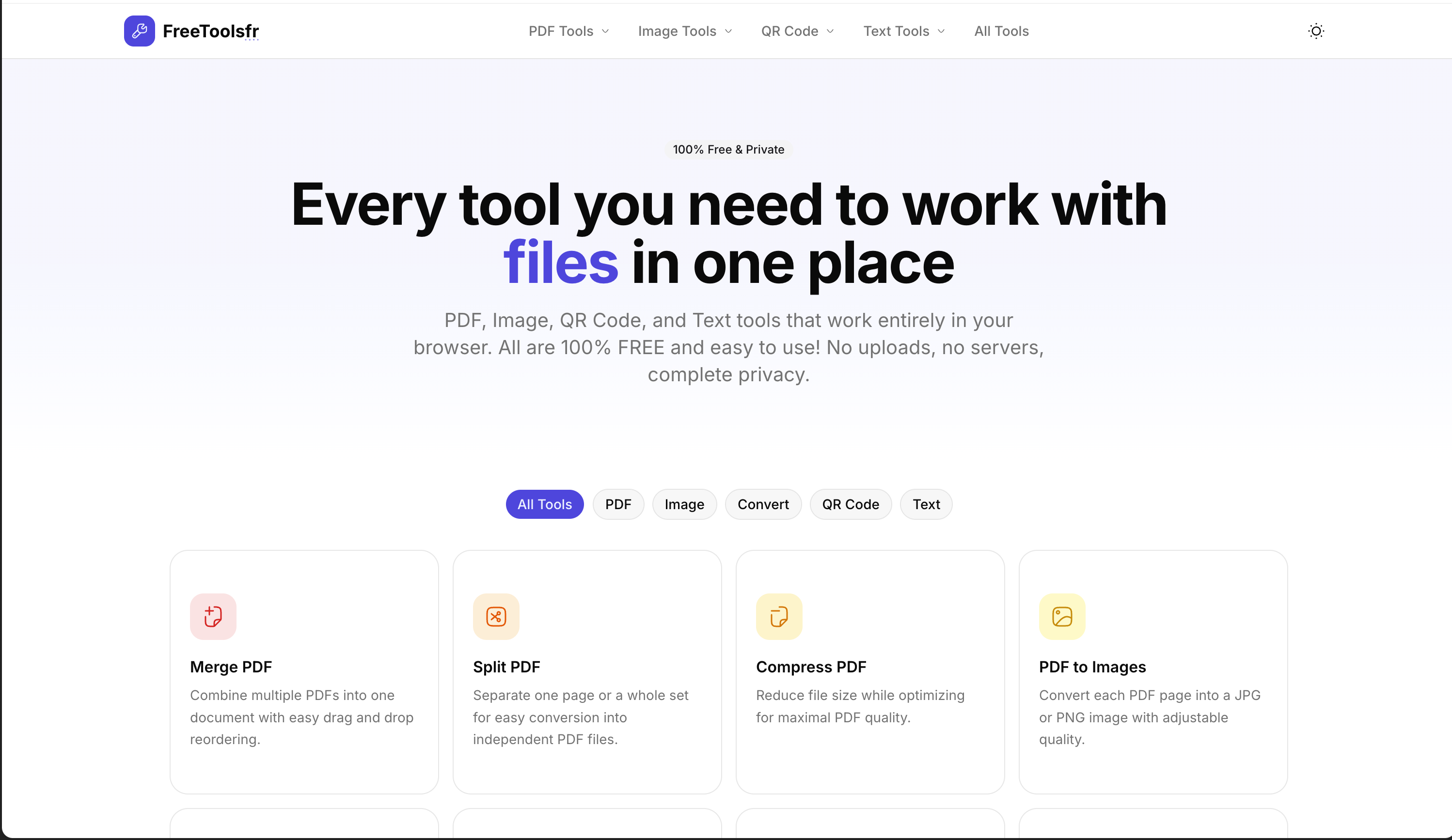
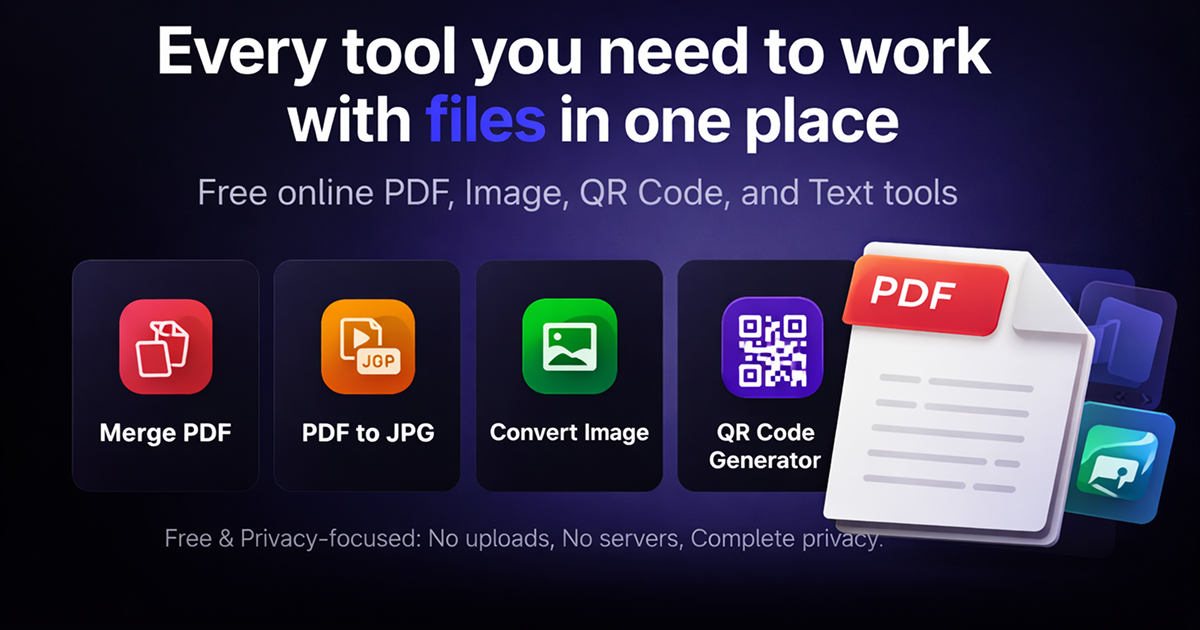
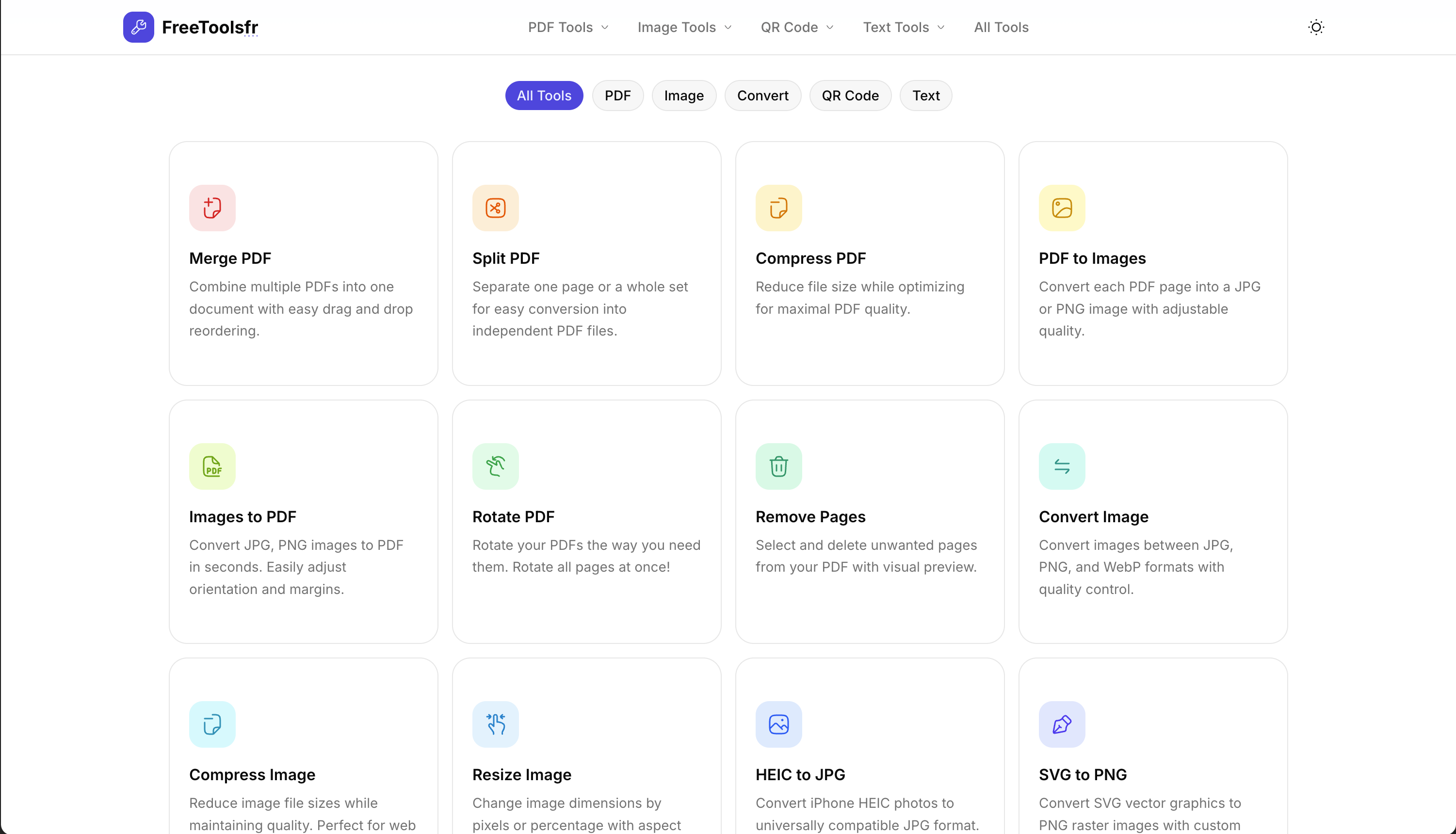
Free online tools for PDF editing, image conversion, QR code generation, and text processing. All processing happens in your browser - 100% private and secure. No signup required.

Why I built FreeToolsfr

Most “free tools” look simple, but behind the scenes they upload your files to servers you don’t control. PDFs, images, documents—processed remotely, with vague promises about storage and privacy. That never felt right to me.

So I built FreeToolsfr with one strict rule: everything runs 100% on your device. No uploads. No servers. No file storage.

All PDF, image, text, and QR tools work entirely in your browser using client-side processing. Your files never leave your system—ever.

FreeToolsfr is my attempt to prove that useful tools don’t have to come at the cost of privacy. If you care about owning your data, this product is for you.

1
回复

Something which can be useful. I hate to search every time for like smaller tasks. Congrats on the launch

1
回复

It would be awesome if the QR code generator supported creating integrated cards that combine multiple QR codes with other info, like job titles and 'Welcome to scan' messages!

0
回复
#18
JPS
New Programming Language | Write Python-like in Javascript
10
一句话介绍:JPS是一款将类Python语法编译为纯净JavaScript的语言,旨在让前端开发享受Python的简洁性,同时无缝集成React、Vue等现代框架,解决开发者渴望语法简洁但必须依赖JS生态的痛点。
Open Source Languages GitHub
编程语言 语法转换 前端工具 Python风格 JavaScript编译器 开发效率 框架兼容 零运行时开销 开源工具
用户评论摘要:开发者自述构建动机是热爱Python简洁性但需浏览器原生运行与JS框架集成。目前无实质性用户反馈,作者主动征集需求与使用障碍,核心关注点是潜在用户期望的功能及阻碍尝试的原因。
AI 锐评

JPS本质上是一个语法糖编译器,其价值在于试图弥合Python开发者与前端生态之间的认知鸿沟。然而,在TypeScript已确立为JavaScript超集标准、且WASM逐步模糊语言边界的当下,这类小众转译语言的生存空间正被急剧压缩。

产品标榜“零运行时开销”,这恰恰暴露了其核心局限——它仅是语法层面的映射工具,而非带来范式创新的新语言。真正的痛点并非JavaScript语法本身,而是前端工程化中复杂的工具链与类型管理,而JPS并未在此提供突破性解决方案。其“开箱即用”的框架兼容性,实则是将复杂性转移到了编译层,开发者仍需面对调试源码与生成代码不一致的经典转译难题。

从产品阶段看,10个投票数与零实质性用户反馈表明,该产品仍处于极早期技术验证状态。作者在评论中征询“阻碍尝试的原因”,这本身已暗示了市场接纳的关键障碍:成熟生态中,开发者迁移成本远高于语法舒适度收益。除非JPS能绑定一个杀手级特性(如革命性的编译时性能优化或可视化调试工具),否则它很可能沦为又一个小众玩具。在技术选型日趋理性的当下,这类产品的命运往往取决于能否切入一个现有工具无法覆盖的细分场景(如教育或轻量级嵌入式脚本),而非泛化的“语法简化”承诺。

查看原始信息
JPS
JPS is a Python-like language that compiles to clean JavaScript. Works with React, Vue, Svelte, and any frontend framework.
Hey everyone 👋 I built JPS because I always loved Python’s simplicity… but wanted something that runs natively in the browser and integrates perfectly with modern JS frameworks. So I created JPS — a small Python-like language that compiles directly to JavaScript. ✨ Why JPS? • Python-style syntax • Compiles to clean JS • Works with React / Vue / Node out of the box • Zero runtime overhead • Just build → ship My goal is to make frontend coding feel as simple as Python, without sacrificing the JS ecosystem. This is still early, so I’d REALLY love your feedback: 👉 What features would you want in a language like this? 👉 What would stop you from trying it? Thanks a lot for checking it out ❤️ Happy to answer any questions here!
0
回复
#19
RunStack
Build, test, and run LLM workflows — visually.
9
一句话介绍:RunStack是一款通过可视化编辑器设计和测试LLM工作流,并将其转化为可调用API的工具,解决了AI开发者在从提示词实验到生产部署过程中流程混乱、难以复用和集成的核心痛点。
Developer Tools Artificial Intelligence No-Code
低代码AI开发 LLM工作流 可视化编程 AI代理 提示词工程 模型部署 API生成 生产就绪 AIGC工具 开发运维
用户评论摘要:开发者自述其源于内部需求,旨在填补实验与生产间的鸿沟。主要寻求来自AI代理、内部工具及生产管道构建者的反馈。有用户赞赏其UI,并询问是否会增加除LLM外的其他操作符(如数据预处理),以实现更确定性的流程控制。
AI 锐评

RunStack切入的是当前AIGC应用开发中最泥泞的“中间路段”。它看似是一个可视化拖拽工具,但其真正的野心是成为LLM工作流的“编译器”和“交付终端”。它将散落在Jupyter Notebook、脚本和临时拼接API中的提示词实验,标准化为可版本管理、可成本评估、可一键部署的工程化模块。

产品价值不在于“可视化”这一形式,而在于其通过可视化界面,强制性地将非结构化的提示词调试过程,结构化为包含节点、分支与判断的“工作流”。这实质上是将LLM应用从“炼金术”向“工程学”推进了一步。其关键壁垒可能并非UI,而是其底层能否抽象出足够灵活且强大的原子操作(正如用户所问的非LLM操作符),以支撑复杂、确定性的业务逻辑。

然而,其挑战也显而易见。首先,目标用户画像模糊:是面向不熟悉代码的产品经理,还是追求效率的全栈开发者?前者可能仍需理解LLM概念,后者可能觉得代码更自由。其次,在LangChain、LlamaIndex等成熟框架已占据开发者心智的背景下,RunStack需证明其能在灵活性、性能或成本控制上提供不可替代的价值。它更像是一个“增强型胶水”,其长期生存取决于能否构建起围绕自身工作流格式的轻量生态,或成为主流框架之上更友好的部署层。当前阶段,它精准击中了一个确切的痛点,但要从“有用的内部工具”成长为“必需的开发生态”,前路仍艰。

查看原始信息
RunStack
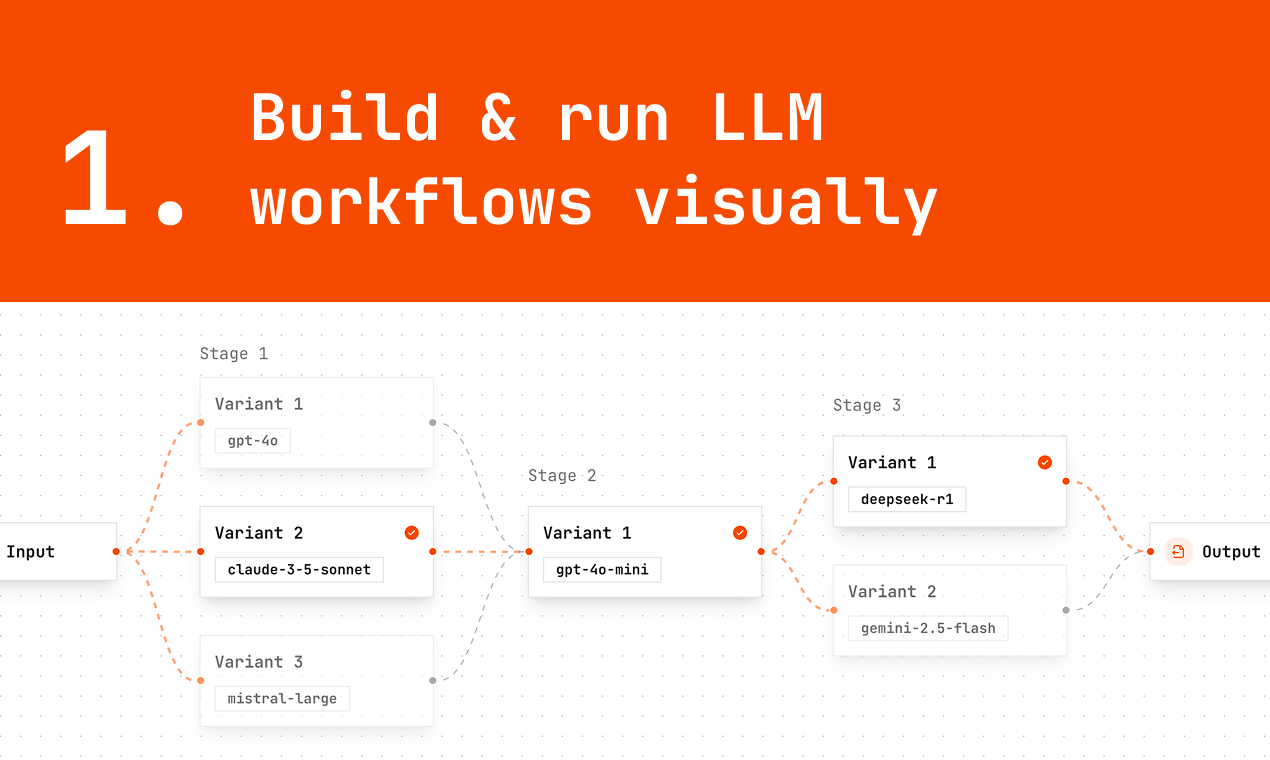
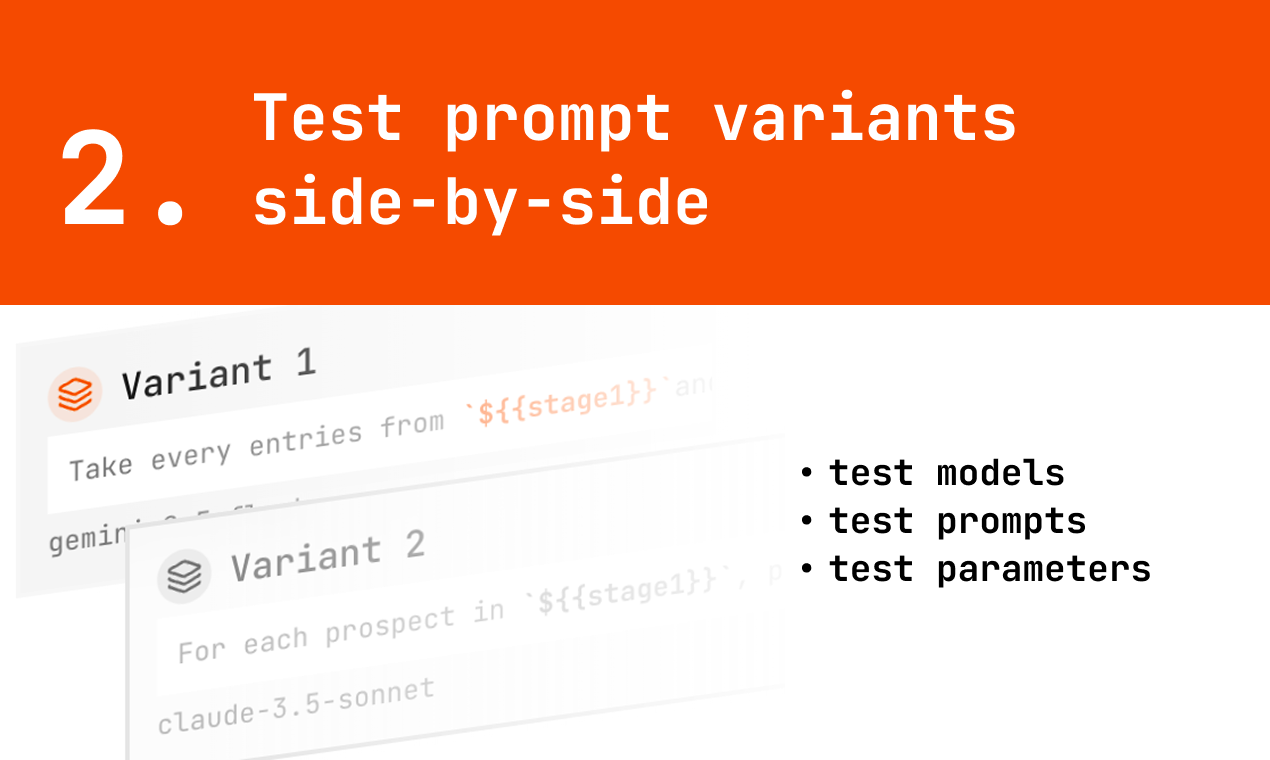
RunStack lets you design AI workflows with a visual editor, then run them from your app using an API. You can chain prompts, add variants, compare outputs, and turn the whole workflow into a reusable, production-ready endpoint. If you want to design AI workflows visually and ship them to production, this is for you.
Hey Hunters 👋 I built RunStack after struggling with the gap between prompt experimentation and production usage. Testing prompts in notebooks or chats is easy — but once you want to: - compare variants - reuse workflows - or call them from an app things get messy fast. RunStack lets you design and test LLM workflows visually, then expose them as an API you can call from your product or backend. You can: - run multiple prompt variants - compare outputs and costs - select the best result - and trigger the same workflow with real data via API It started as an internal dev tool and grew into something I use daily. I’d love feedback from people building: - AI agents - internal AI tools - production LLM pipelines I’ll be here all day — happy to answer technical questions or discuss tradeoffs 🙌
3
回复

@martysalade love the UI !! Do you plan adding other operators than LLMs ? Like having the possibility to manipulate some LLM output before sending to an other for more deterministic outputs ?

0
回复
#20
Scruman
Capture & edit screenshots instantly right in Chrome.
9
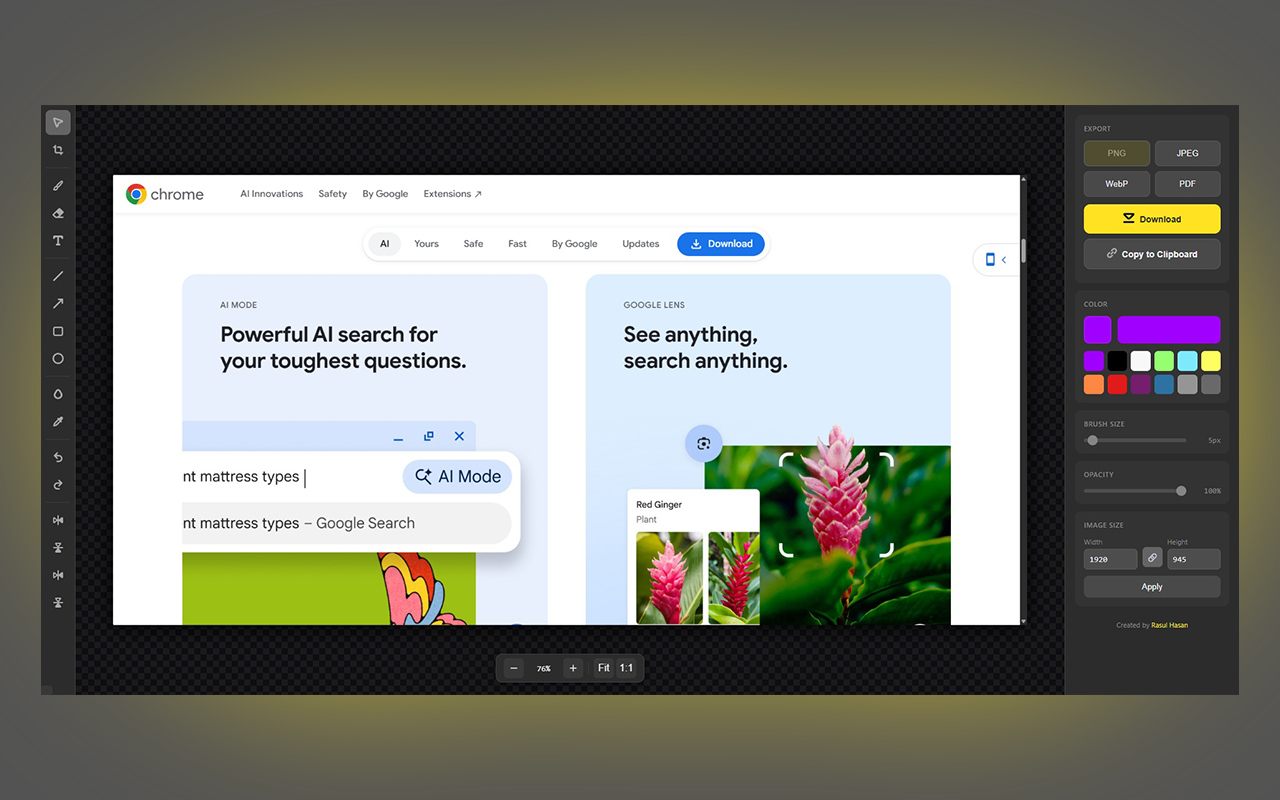
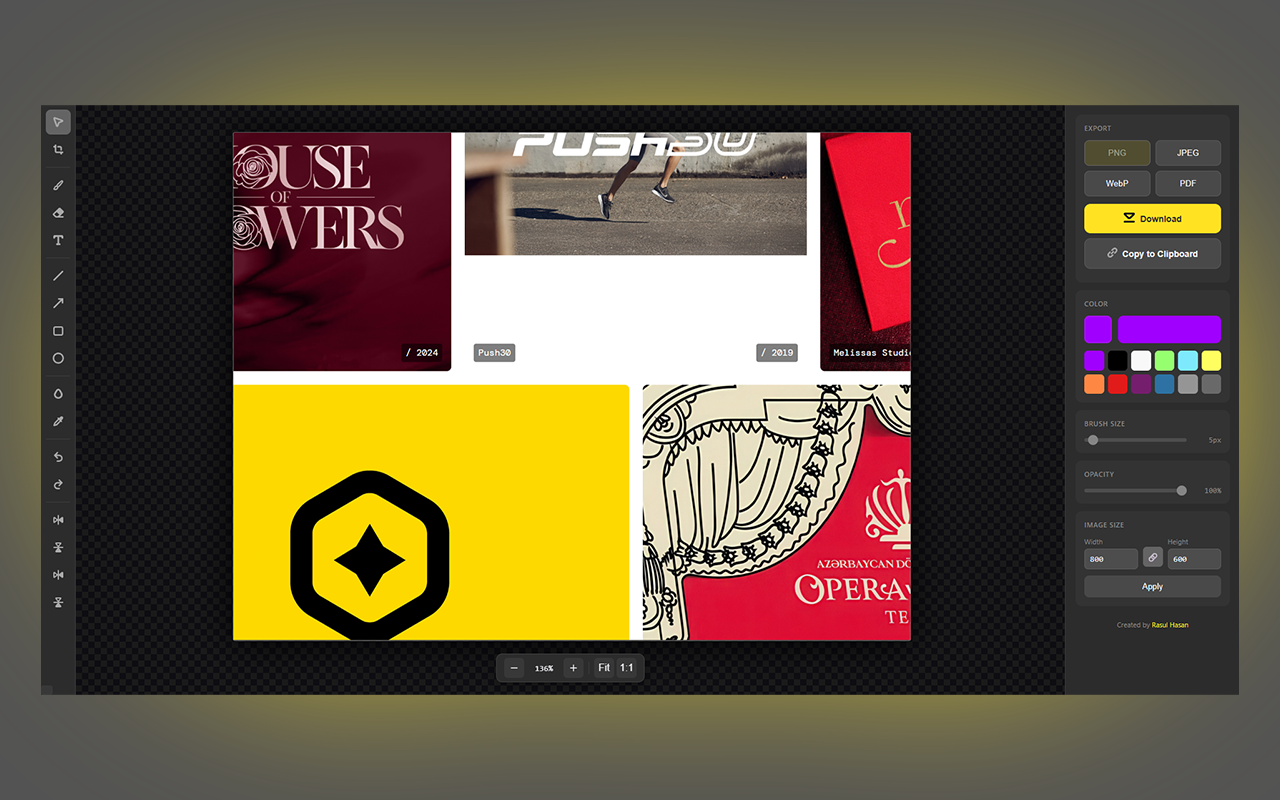
一句话介绍:Scruman是一款Chrome浏览器扩展,可在截图后即时进行标注、裁剪、模糊等编辑操作,一站式解决用户在收集UI参考、快速反馈、分享敏感信息前处理等场景中,需频繁切换截图与编辑工具的效率痛点。
Chrome Extensions Design Tools Productivity
浏览器扩展 截图工具 图片编辑 效率工具 设计辅助 即时反馈 隐私保护 工作流优化
用户评论摘要:目前仅有一条开发者自述评论,介绍了开发初衷(满足设计师日常截图编辑需求)并主动征集用户反馈,询问“哪个功能能让你每天使用”。尚无真实用户的功能反馈或问题报告。
AI 锐评

Scruman呈现了一个典型的“工具理性”产品思路:将截图与轻量编辑功能无缝整合于浏览器,通过快捷键和流畅动线提升操作效率。其真正价值并非功能创新——市面不乏独立截图或编辑工具——而在于对“瞬时性工作流”的精准捕捉。设计师或产品经理在浏览网页时产生的截图需求,往往伴随即时的标注、圈点或模糊化冲动,任何需要跳转应用或复杂上传的步骤都会打断心流。Scruman将这一高频但微小的痛点闭环于浏览器标签页内,本质是降低了“编辑”这一动作的心理与操作成本。

然而,其挑战同样明显。首先,功能深度与易用性的平衡:作为扩展,其编辑能力必然有限,面对复杂需求用户仍需专业软件,这使其定位更偏向“补充工具”而非“替代工具”。其次,评论区的冷清(仅开发者发言)与9票的低热度,暴露了其市场声量不足及产品验证的缺失。开发者以开放提问引导反馈是明智之举,但问题“哪个功能能让你每天使用”略显空泛,可能难以收获具象建议。

在浏览器日益成为核心工作环境的当下,Scruman切中了一个切实的场景。但其长期生存的关键,在于能否基于精准用户数据,迭代出不可替代的“杀手级”轻功能(如智能标注、与设计工具联动等),从而从“好用的小工具”升级为“工作流中的必备环节”。目前看来,它仍是一款解决自身痒点的优雅作品,要转化为广泛的生产力工具,还有很长的验证之路。
查看原始信息
Scruman
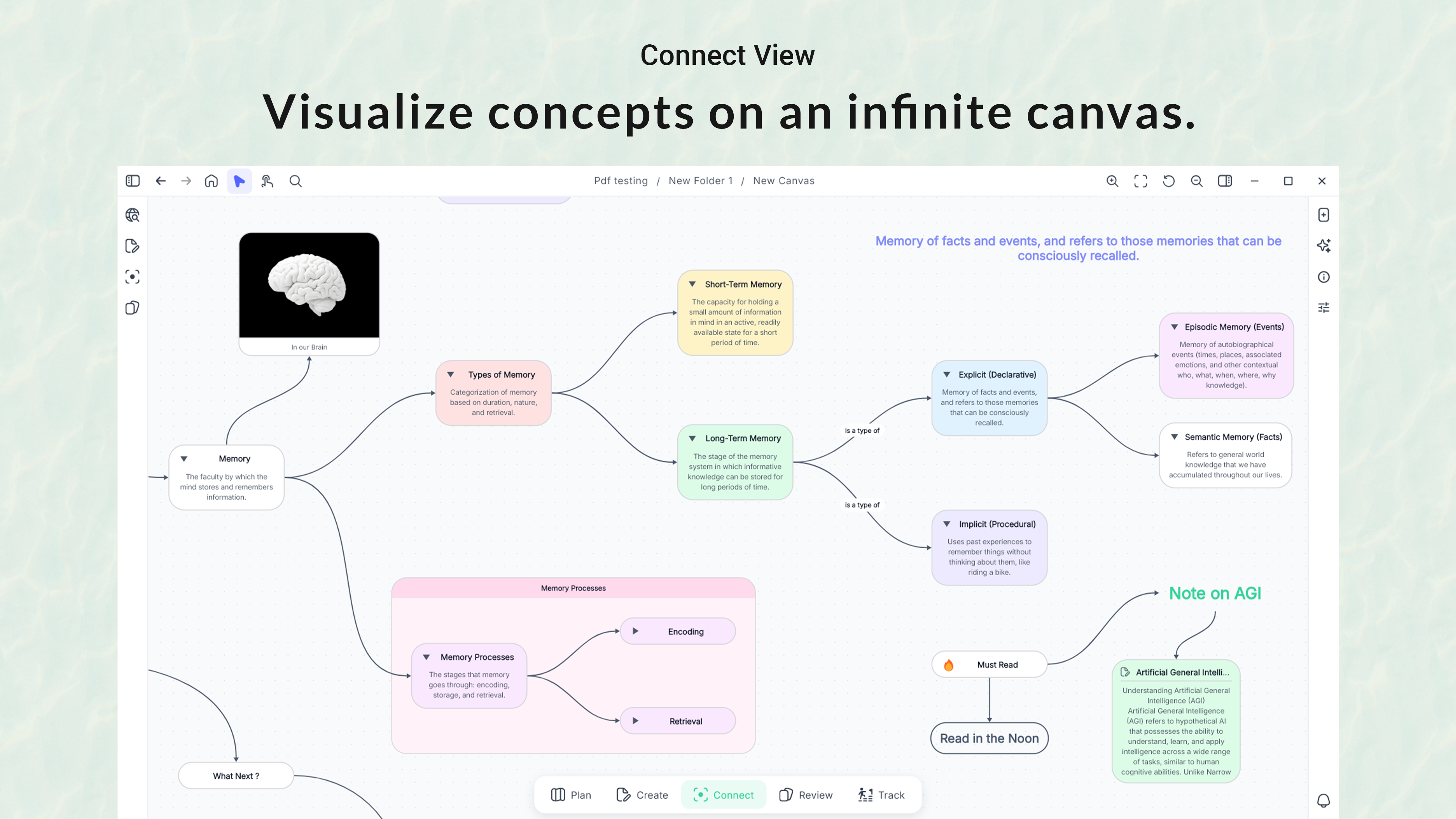
Scruman is a Chrome extension for capturing and editing screenshots in one flow. Capture visible area, full page (scrolling), or a custom selection, then annotate with brush, text, shapes and arrows, crop/resize/rotate/flip, blur sensitive details, and pick colors with an eyedropper. Export to PNG, JPEG, WebP, or PDF, or copy to clipboard. Keyboard shortcuts keep everything fast.
Hey Product Hunt 👋 I’m a graphic designer and I built Scruman because I wanted a screenshot tool I could actually use every day in my workflow. Most of the time I’m grabbing UI references, giving quick feedback, marking up layouts, or hiding sensitive info before sharing. With Scruman I can capture visible area / full page / selection, then instantly draw, add text, use arrows/shapes, crop, blur, and even pick exact colors with the eyedropper. Export to PNG/JPEG/WebP/PDF (or copy to clipboard) and move on. I’d love your feedback: what’s the one feature that would make a screenshot tool your daily driver?
1
回复