Product Hunt 每日热榜 2026-02-07

PH热榜 | 2026-02-07

#1
InspireNote
Creative brainstorming card deck & notes app
240
一句话介绍:InspireNote是一款结合创意方法卡片与轻量笔记功能的应用,旨在通过提供多样化的思维角度和灵感提示,帮助用户在创意构思和头脑风暴场景中突破思维定式,系统化地激发和整理创新想法。
Design Tools Productivity User Experience
头脑风暴工具 创意激发 思维卡片 笔记应用 创造力训练 方法论库 个人生产力 创意工作流 灵感管理 UX设计
用户评论摘要:用户普遍认可产品创意和简洁UI,核心反馈集中在三方面:1. 功能深化:希望卡片能根据使用历史自适应调整以避免灵感重复;2. 平台扩展:安卓用户强烈要求推出Android版本;3. 工作流衔接:用户关注如何将头脑风暴后的想法转化为具体执行步骤,并询问离线可用性。
AI 锐评

InspireNote在“创意工具”这个拥挤的赛道中,找到了一个精巧的切入点:将结构化的创意方法论(卡片)与非结构化的灵感记录(笔记)进行耦合。这看似解决了“从0到1”的灵感激发痛点,但其真正的价值与挑战均在于此。

产品价值并非简单地提供了150张卡片,而在于试图将散乱的、依赖瞬间灵感的创造性思维,转化为一种可重复、可沉淀的“方法训练”。它将抽象的“创造力”拆解为具体的、可操作的思维角度提示,这是其最犀利的洞察。然而,从评论暴露的深层需求看,用户的核心焦虑并非“想法太少”,而是“想法太杂”和“执行断层”。当前产品更像一个优秀的“创意火花发生器”,但距离“创意引擎”尚有距离。

用户关于“避免想法重复”和“如何转向执行”的提问,直指产品目前的软肋:缺乏基于用户个人创作历史的智能性,以及与其他生产力工具链的割裂。如果卡片库是静态的,用户新鲜感耗尽后极易流失;如果笔记仅是孤岛,则无法形成“激发-梳理-规划-执行”的闭环。这揭示了工具类应用的一个普遍困境:解决了垂直环节的痛点,却可能制造了工作流的新断点。

其成功的关键,将在于能否从“提供通用灵感”进化到“提供个性化、情境化的创作策略”,并开放接口,融入用户更广阔的工作场景。否则,它可能只会成为用户应用库中又一个短暂尝试后便被遗忘的“美丽玩具”。

查看原始信息
InspireNote
InspireNote is an app designed to help you brainstorm more effectively and creatively. It features over 150 creative method cards to help you approach problems from different perspectives. You can use these cards as prompts to spark new ideas, and even create your own custom cards to continuously expand your creative methodology library.”
InspireNote is designed to help you brainstorm more effectively and creatively. It offers 150+ creative cards to help you approach problems from different perspectives. You can use these cards as hints to generate new ideas. If that’s not enough, you can even create your own brainstorming cards. InspireNote is also a lightweight note-taking app where you can capture all your ideas, allowing you to refine and develop them over time. Creativity isn’t a natural-born talent. It’s like a muscle. With daily practice, it grows stronger. Boost your creativity with InspireNote now ! Let it be your trusted partner in developing your creative thinking.
6
回复

@coletree Love the creativity as a muscle framing!! Curious how InspireNote helps users avoid idea repetition over time, do the cards adapt based on past notes or usage patterns to keep prompts fresh and push genuinely new angles?

0
回复

These are so cute :) Wishing good luck with the launch :)

5
回复
Is there any plan to launch this app on the playstore as well for the android users ?
0
回复

This is dope for sparking ideas. The hard part is what happens after the notes. How do you move from brainstorming → real execution? We’ve been building ImpactOS to help teams turn ideas into concrete action steps. Would love to hear how folks here handle that handoff.

0
回复

Nice idea! Congrats and good luck with the launch!

0
回复

Combining a card deck for brainstorming with a notes app is a unique approach to creative blocks. The UI looks very clean. Is there an offline mode or is it purely cloud-sync based?

0
回复

When can we expect it for Android users?

When Android folks are deprived from amazing apps like InspireNote, here's how we feel, hehehe...

0
回复
#2
Obooko
Free books to replace your doomscroll
219
一句话介绍:Obooko是一个免费、广告支持的在线阅读平台,通过提供跨设备同步、多格式下载的海量正版书籍,在用户意图用阅读替代无效“刷屏”的场景下,解决了获取低成本、无障碍、合法阅读内容的痛点。
eBook Reader Books
免费电子书 在线阅读平台 广告支持模式 多格式下载 跨设备同步 独立作者 正版内容 阅读替代刷屏 无订阅无DRM 经典文学
用户评论摘要:用户肯定其替代无效刷屏的理念与作者收益模式。主要建议包括:增加谷歌等第三方登录以优化体验;关注长篇阅读中广告植入的平衡问题。创始人回应确认登录功能在规划中,并坦言对阅读器内广告形式持谨慎态度。
AI 锐评

Obooko的“YouTube for Books”模式,试图在阅读时长下降与屏幕时间激增的矛盾中开辟一条新路。其核心价值并非技术或内容的颠覆,而在于重构了数字阅读的**成本结构与分发伦理**:通过广告替代用户付费,通过收益分享吸引作者,试图建立一个可持续的免费正版生态系统。

然而,其模式面临双重拷问。**对用户而言**,“无广告干扰的沉浸阅读”与“广告支持的免费”本质上是悖论。创始人承认尚未在阅读器内投放广告,正暴露了其核心盈利场景与核心用户体验之间存在尚未化解的冲突。YouTube的广告逻辑建立在碎片化消费之上,而长文本阅读所需的深度沉浸感极易被广告打断,这将直接考验用户留存与平台宣称的使命。

**对作者与内容生态而言**,平台吸引力取决于“流量-广告收益”的转化效率能否媲美传统版税。目前其内容主体是独立作者和公版经典,缺乏头部畅销新书,这使其更像一个“优质网文平台”而非主流阅读入口。与大型出版社的谈判前景,完全取决于其货币化能力能否被验证。

本质上,Obooko是一次值得尊敬的“社会实验”。它抓住了“用阅读争夺屏幕时间”的精准时代痛点,但其商业模式的关键齿轮——即在不损害体验的前提下,将用户阅读时长高效变现——仍处于空转状态。它的成败不在于技术或书库,而在于能否找到那个让广告主、读者、作者都舒适的“黄金平衡点”,这或许是比获取用户更难解的题。

查看原始信息
Obooko
Obooko is a free reading platform we've rebuilt from the ground up after 15 years and 11 million downloads. Thousands of books available to read instantly in your browser, sync across devices, or download PDF/EPUB/Kindle. No subscriptions, no lock in, no proprietary formats. 4,000+ legal book titles across 30 genres from indie authors and NYT bestsellers. Ad-supported like YouTube, so readers never pay, authors earn. We exist to increase the world’s reading minutes.
Hey all, I’m George. I’ve spent the last few months rebuilding Obooko, a free ebook platform that’s been around since 2010 with 11 million downloads across 840,000 readers. tldr: reading time is declining while screen time explodes. #BookTok has 370B+ views, which is *more than every book ever sold in human history*. So the demand for book content is massive. The format just hasn’t kept up. Obooko is our answer. It's completely free, ad-supported. There's no subscriptions, no DRM, no device lock in. Just books. What’s new in this rebuild: Modern web reader: start on your laptop, pick up on your phone Personal library that syncs across every device PDF, EPUB, and Kindle downloads: your choice, always 30+ genres, thousands of titles from indie authors to NYT bestsellers My background: I previously my online art marketplace to $100M+ in art sales and built/exited SmartrMail. This is my third venture. A book changed the direction of my career in my twenties and I genuinely believe reading expands minds and changes lives. That’s why we exist: to increase the world’s reading minutes. What’s next: Revenue sharing for authors. Readers never pay, but authors earn from the ad revenue their books generate. Every read earns. Our motto is: Fiat Libri. Let There Be Books. i'd love to hear what would make you choose a book over your feed? And if you’re an author, what would make you publish with us?
6
回复
@gthartley Hey George, this app is literally a haven for all the book lovers out there! And the revenue sharing model for authors sounds great too! I'd actually love to try out the tool and maybe publish my book on it one day? if you can tell the steps in details...
0
回复

You’ve done an excellent job, sir!

I’ve Checked Obooko and got some feedback for you.

It would be better to add a Google login or use third-party services like Clerk.

Since I have a design background, the Brand Sprit I see in Obooko is quite similar to a website like Patreon, and it fits perfectly. However, you can pursue what they’ve already done and enhance the visual and user experience.

3
回复
@mehrzadgoli yeah totally agree, Google login is way better than the current email only! Got pushed out of this V1 in order to get the reader live. It’s coming 🙏🏼
1
回复

Yeah! Let's stop dumb-scrolling. It's a super cool alternative to make our time not only more productive but also healthier. Happy to see you helping on this George. All the best here!

2
回复

@german_merlo1 thanks for the support! 🙏🏼🙏🏼🙏🏼🙏🏼🙏🏼

0
回复

What about the commercial titles that should normally be purchased in the store? Those are excluded?

I like the idea. I am trying to read more again (but paper books), because when I have a device nearby, I am so tempted to use it.

2
回复
@busmark_w_nika yeah we only have legally uploaded books, so that’s indie publishers and authors who upload titles, plus a growing collection of classic titles which are copyright free (Frankenstein and Wuthering Heights have been very popular on us last few weeks!). We are talking to some of the larger publishers about trials of some novels too once our revenue share model is live.
1
回复

Congrats on rebuilding Obooko and the launch!

I'm curious tho about the experience users have regarding long-form reading mixed with ads tho. While I agree that it's a great way to keep the platform free, I find it hard to find it similar to YouTube's model - when it comes to video, it's easier to handle an ad every few minutes because the content is short.

But if I'm deep into a book for hours, do ads break the flow? How did you balance monetization with not killing the reading experience?

1
回复

@andreitudor14 yeah I’m grappling with ads in the reader right now. The average reader is spending 26 mins onsite (10x the total average) so it would monetise way better but currently there aren’t any ads in the reader. I want to prioritise a nicer UX for now. Maybe down the track I’ll try pre roll video ads in the reader, but unsure.

0
回复
Congrats George! How are you doing marketing for obooko?
1
回复

@vouchy most of my marketing is around SEO (so onpage improvements and some content) as that’s were almost all our traffic comes from, and email. Our Facebook page was 26,000 followers was hacked last year and deleted! Meta haven’t been able to help so that was pretty deflating. I’ve got Insta and TikTok but it’s not my forte so I don’t do much there. I run most of my daily marketing through a Claude skill I’ve written, which saves time as it’s just me doing it.

0
回复

Love the 'YouTube model for books' idea - readers get free content, authors still earn. That's a win-win that could actually scale. The classics collection sounds great too, might finally finish Wuthering Heights.

0
回复
#3
Skillkit
The package manager for AI agent skills
182
一句话介绍:Skillkit作为AI智能体技能的“包管理器”,解决了开发者在不同AI编程助手(如Claude Code、Cursor、Copilot)间技能无法复用、会话记忆丢失的痛点,实现了一次编写、跨平台持久化使用的统一技能平台。
Open Source Artificial Intelligence GitHub
AI编程助手工具链 技能包管理器 跨平台技能移植 会话记忆持久化 多智能体协作 开源开发工具 智能编码 开发者生产力 技能共享平台 团队工作流
用户评论摘要:用户普遍认可其解决“技能可移植性”痛点的价值,对跨平台翻译和持久记忆功能兴趣浓厚。主要疑问集中在:技能版本管理、恶意代码防范、记忆作用域(项目/全局)冲突处理,以及Mesh网络同步和Primer功能的具体实现机制。
AI 锐评

Skillkit的野心远不止于一个“技能包管理器”,它试图成为AI智能体时代的“操作系统中间层”。其核心价值并非简单的格式转换(尽管这是当前最直观的卖点),而在于构建一个**跨智能体的、持久化的技能与记忆标准层**。

这直击当前AI编码工具生态的致命软肋:智能体彼此割裂,每次会话都是“金鱼记忆”,导致开发者积累的私有工作流无法沉淀和资本化。Skillkit通过“翻译-记忆-网络”三层架构回应了这一困境:CLI翻译解决了格式碎片化;语义记忆库试图让智能体拥有连续学习能力;而P2P Mesh网络则指向了未来分布式、协作化的人机编码模式。

然而,其真正的挑战与风险同样清晰。首先,**技术风险**:在不同智能体底层原理迥异的情况下,简单的“指令翻译”能否保证技能行为的一致性?这本质上是一个复杂的对齐问题。其次,**生态风险**:它依赖于上游各大AI编码工具保持相对稳定的技能接口,一旦某巨头更改协议或自建生态,Skillkit的“万能适配”价值可能崩塌。最后,**安全与信任风险**:作为技能分发管道,如何审计技能的安全性、防止供应链攻击?用户评论中已流露出对此的担忧。

它的成功,不取决于功能的多寡,而取决于能否在巨头缝隙中,快速建立起开发者和团队对“技能应独立于智能体而存在”这一心智模式的认同,并形成活跃的技能开发生态。否则,它可能只是一个精美的“桥梁”,而两岸的陆地(各大AI平台)却正在剧烈地板块运动。

查看原始信息
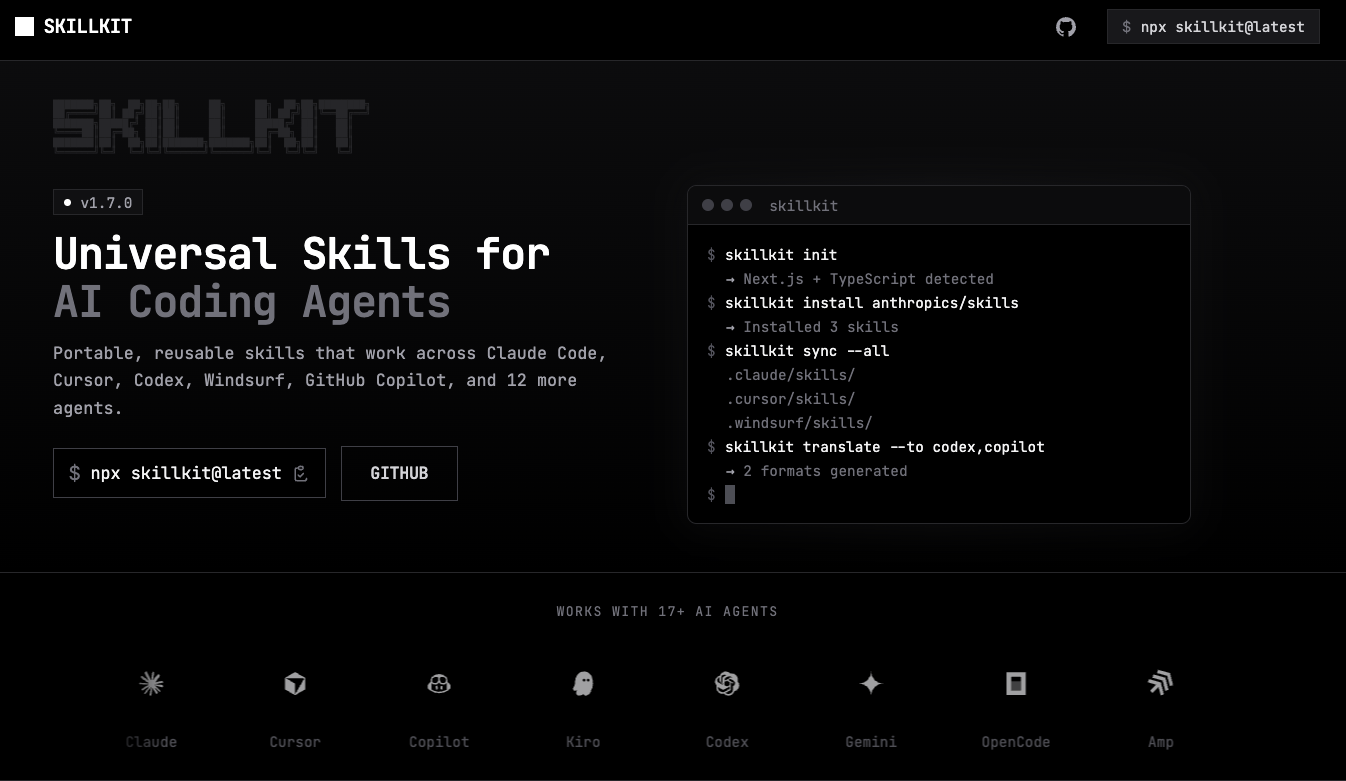
Skillkit
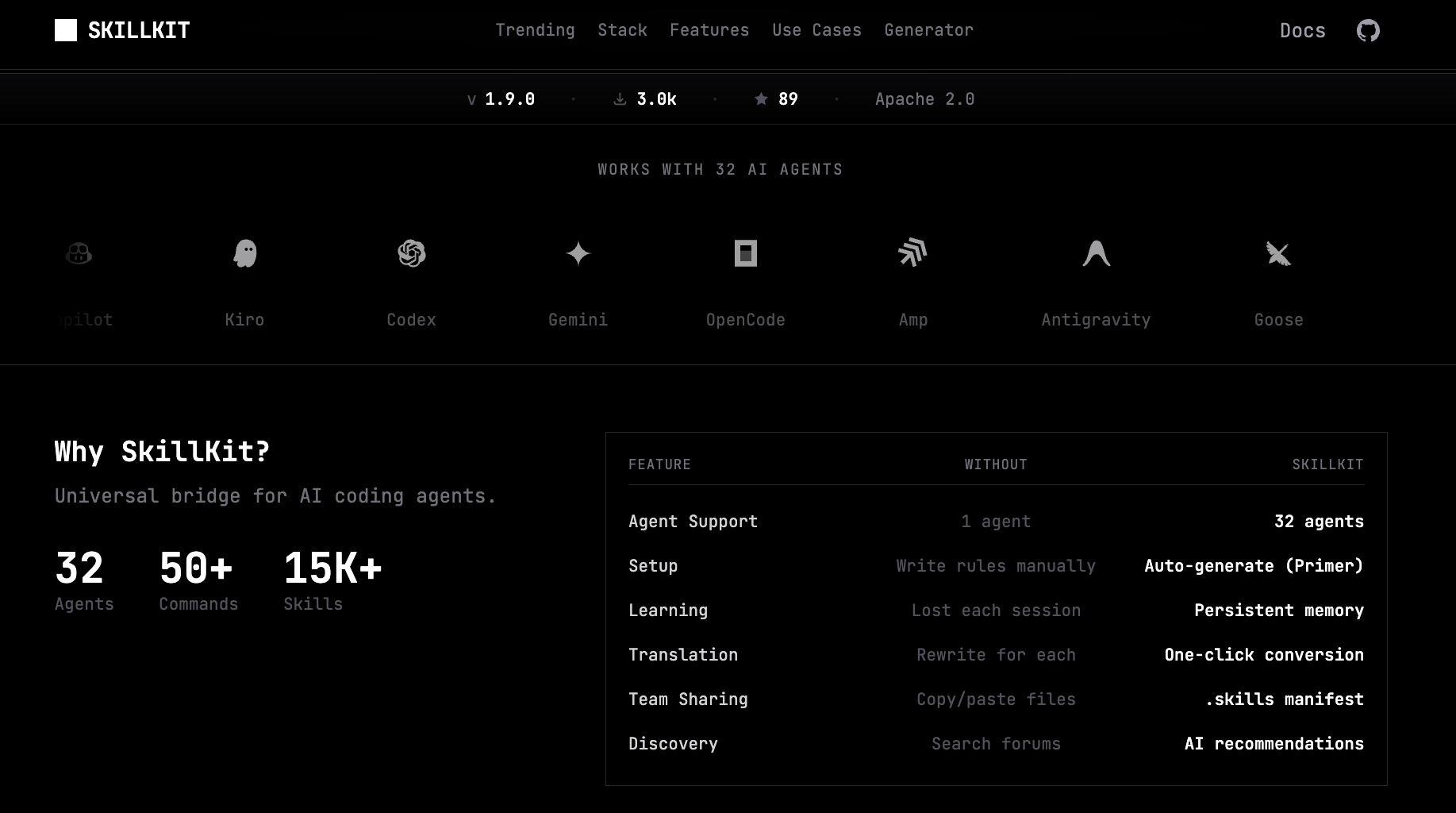
The universal skill platform for AI coding agents. Auto-generate instructions with Primer, persist learnings with Memory, and distribute across Mesh networks. One CLI for Claude, Cursor, Windsurf, Copilot, and 28 more.

Hey Product Hunt! 👋

I'm Rohit, the maker of SkillKit.

The problem I kept running into: My skills for Claude Code were useless in Cursor. My team was on Copilot. Each agent has its own format. Worse: every time I close a session, my AI forgets everything it learned.

So I built SkillKit - a universal platform for AI coding agents that goes way beyond skill management.

npx skillkit@latest

What makes it different from "skill installers":

🔄 Cross-Agent Translation (32 agents)

skillkit translate my-skill --from claude --to cursor,codex,copilot

One command. Write once, use in Claude Code, Cursor, Codex, Windsurf, Copilot, Gemini CLI, and 26 more.

🧠 Session Memory That Persists

Your AI agents learn patterns, but that knowledge dies every session. SkillKit captures learnings with semantic embeddings and makes them persistent:

skillkit memory compress    # Extract patterns from sessions
skillkit memory search "auth patterns"  # Recall past learnings
skillkit memory export      # Turn learnings into shareable skills

🤖 Multi-Agent Team Orchestration

Spawn teams of AI agents with leader/teammate hierarchies, task assignment, plan approval workflows, and code review stages:

skillkit team init
skillkit message send       # Inter-agent messaging
skillkit workflow run       # Orchestrate multi-step tasks

🌐 Mesh Network for Distributed Teams

Your agents can communicate across machines with E2E encrypted P2P:

- Ed25519 cryptography & XChaCha20-Poly1305 encryption

- UDP multicast LAN discovery

- Trust management with fingerprint verification

🎯 AI-Powered Recommendations

skillkit recommend --explain
# > 92% match: vercel-react-best-practices (Next.js detected)
# > 87% match: tailwind-v4-patterns (Tailwind 4 in package.json)

📚 Built-in Methodology Packs

TDD, Design-First, Root Cause Analysis, Structured Review - battle-tested development methodologies baked in.

More Features:

- 🧪 Skill Testing Framework with assertions

- 🔧 Auto-generate CI/CD configs (GitHub Actions, GitLab CI)

- 🌳 Hierarchical skill taxonomy with tree navigation

- 📡 Self-host your skills (RFC 8615 well-known URIs)

- 🔌 Plugin system for extensions

- 📊 Quality scoring and security audits

This is for you if:

- You switch between AI coding agents

- Your team uses different tools

- You want your AI to actually remember and learn

- You're building multi-agent workflows

- You want enterprise-grade skill management

Fully open source.

Website: agenstskills.com | Docs: agenstskills.com/docs

3
回复

Really cool to see this direction. The portability issue between Claude Code, Cursor, Copilot, etc. is something I’ve run into as well — each agent having its own “skill dialect” makes it hard to build consistent workflows.


I’m working on a different layer of the stack (Iceberg Framework), where the focus is on deterministic execution and validation for LLM‑powered systems. What you’re doing with Skillkit around persistent skills and cross‑agent translation actually complements that nicely — one solves the portability problem, the other solves the reliability/consistency problem.

Love seeing more tooling appear in this space. The ecosystem really needs it.

1
回复
@dris_keddy Thanks, Looks amazing
1
回复

Package manager for AI skills is brilliant! I'm working with Claude Code and the problem of 'teaching' it project-specific patterns is real. Does Skillkit let me create custom skills like 'how we structure Phoenix LiveView components' and have the agent remember across sessions? The cross-platform support (Claude, Cursor, etc.) is the killer feature - skills shouldn't be tool-locked. How does versioning work? Congrats on open sourcing this!

1
回复
@jakub_malek1 glad you liked it, everything is open source and whatever you mentioned skillkit does it all.
1
回复

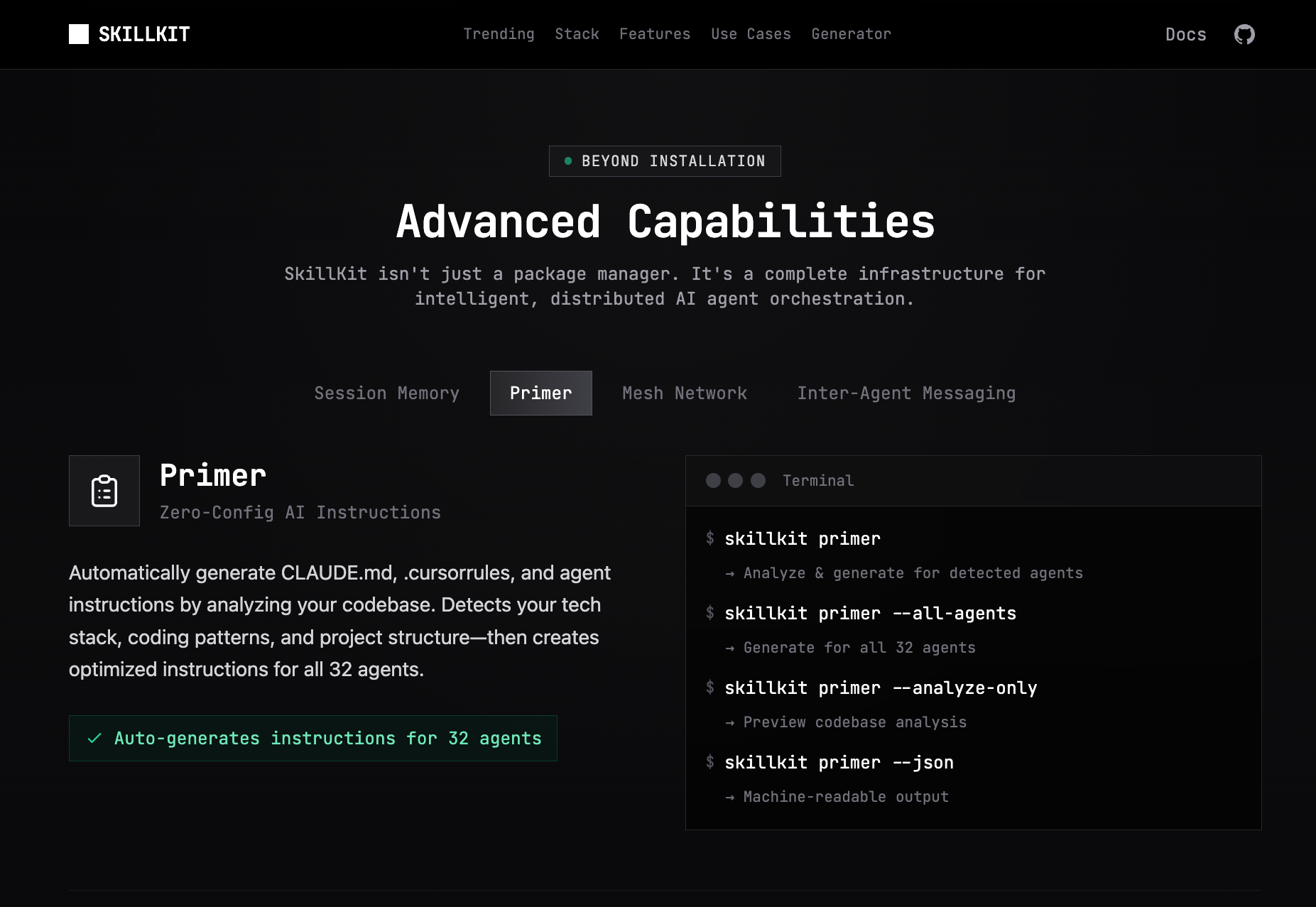
The cross-agent translation for 32 agents is impressive. I use Claude Code daily and switching context between tools is painful. Curious about the Primer feature — how does auto-generating instructions work in practice? Does it analyze your codebase patterns and suggest skill definitions, or is it more template-based? Also, for team scenarios where different members use different agents (Claude Code vs Cursor vs Copilot), how does skill synchronization work across the mesh network?

0
回复

Same boat as kxbnb - been manually converting CLAUDE.md to .cursorrules whenever switching tools. The translate command alone is worth it. Also curious about the mesh network for multi-agent setups, sounds like it could be interesting for coordinating different specialized agents.

0
回复

The concept of a package manager for AI skills is brilliant. As a dev, I’m curious—how does it handle dependency versioning for different LLM models? Great work on making it Open Source!

0
回复
Congrats on the launch. How do you handle scanning skills for malicious actors?
0
回复

I maintain about 15 Claude Code skills for my daily workflow and the portability problem is real. Right now if I want the same behavior in Cursor I'm manually rewriting CLAUDE.md into .cursorrules. The translate command would save me a lot of time.

Curious about the memory feature -- how does it handle conflicting patterns across projects? Like if I have one repo that uses snake_case and another that uses camelCase, does it scope learnings per-project or is it global?

0
回复
#4
stagecaptions.io
Real-time captioning software for live events
175
一句话介绍:一款为线下会议、混合活动和直播提供专业级实时字幕的软件,通过浏览器即可快速部署,解决了活动组织者获取高质量、易用且经济实惠的实时字幕服务的痛点。
Meetings Live Events Inclusivity
实时字幕 语音转文字 活动无障碍 浏览器应用 会议工具 直播辅助 企业服务 音视频制作
用户评论摘要:用户普遍赞赏其“无需下载、打开即用”的简洁理念和解决实际痛点的价值。主要提问和建议集中在:系统如何处理多人讨论、嘈杂环境及不同口音;是否有现场纠错和标注讲话者功能;期待更多集成。
AI 锐评

Stage Captions 精准切入了一个被巨头忽视的缝隙市场:专业活动的实时字幕服务。其真正的颠覆性不在于技术,而在于产品定位和交付模式的“降维打击”。它避开了与Zoom、Teams等会议平台在通用场景的缠斗,也绕开了昂贵复杂的传统广播级解决方案,直击“单次活动”组织者的核心诉求:极简部署、可控成本、专业输出。

产品将“专业能力”封装为“傻瓜式操作”,通过浏览器这一最低门槛的载体交付,这不仅是技术选择,更是深刻的用户心理洞察。它让“活动无障碍”从一项需要提前规划、预算审批的“项目”,变成了可即时启用的“功能”。创始人从自身需求出发的故事,也印证了其解决的是真实、迫切的痛点,而非虚构的需求。

然而,其面临的挑战同样清晰。首先,其核心依赖的语音识别技术仍是“黑盒”,在复杂声学环境、专业术语、重度口音下的表现,将是其从“好用”到“可靠”的关键门槛。用户评论中对多人场景和准确性的关切正是于此。其次,其当前轻量化的优势可能随着客户对深度集成(如与Slack、活动平台、视频制作软件打通)、定制化品牌、后期字幕文件导出等需求而削弱,如何在保持简洁的同时应对企业客户的复杂需求,是成长中的必然考题。最后,商业模式是否稳固?按次收费虽灵活,但如何抵御后来者模仿,并建立足够深的护城河,是团队必须思考的问题。

总体而言,这是一款体现了优秀产品思维的工具,它在一个细分领域做到了锋利和专注。它的成功与否,将取决于团队能否在技术精度与商业扩展的平衡木上稳步前行。

查看原始信息
stagecaptions.io
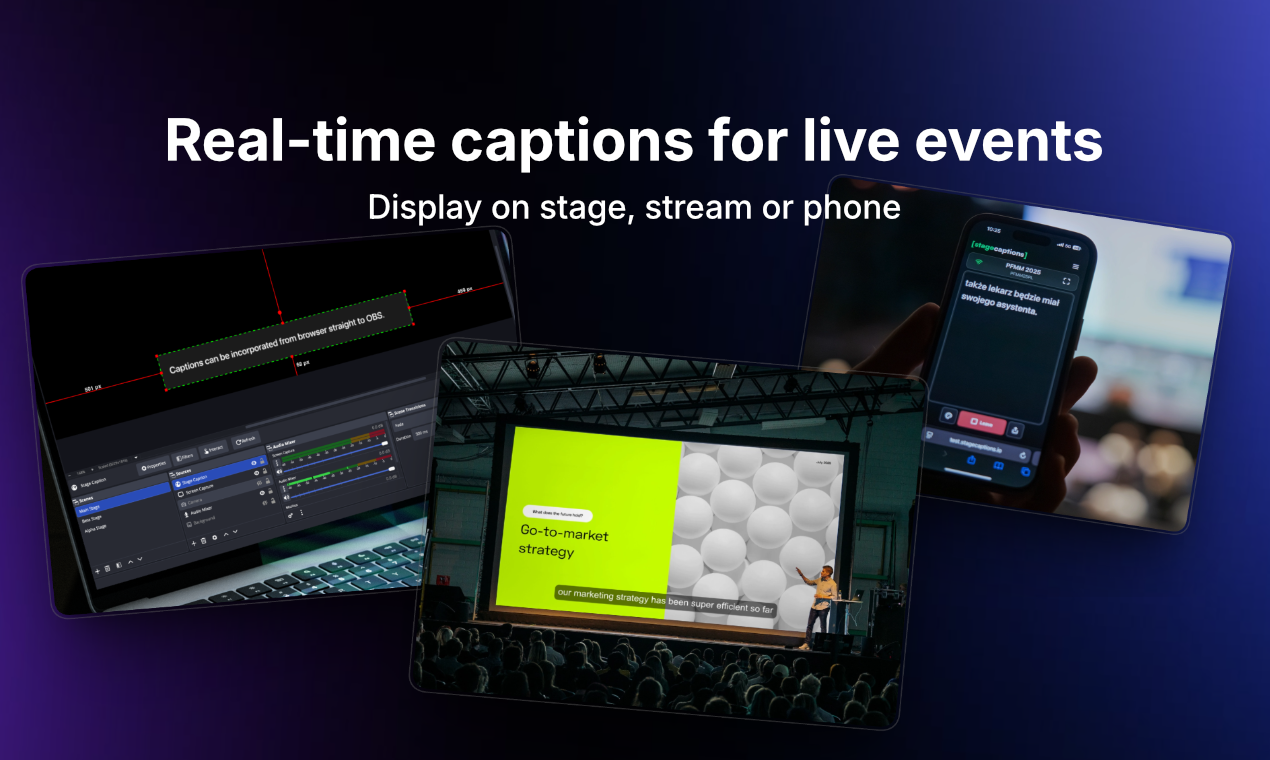
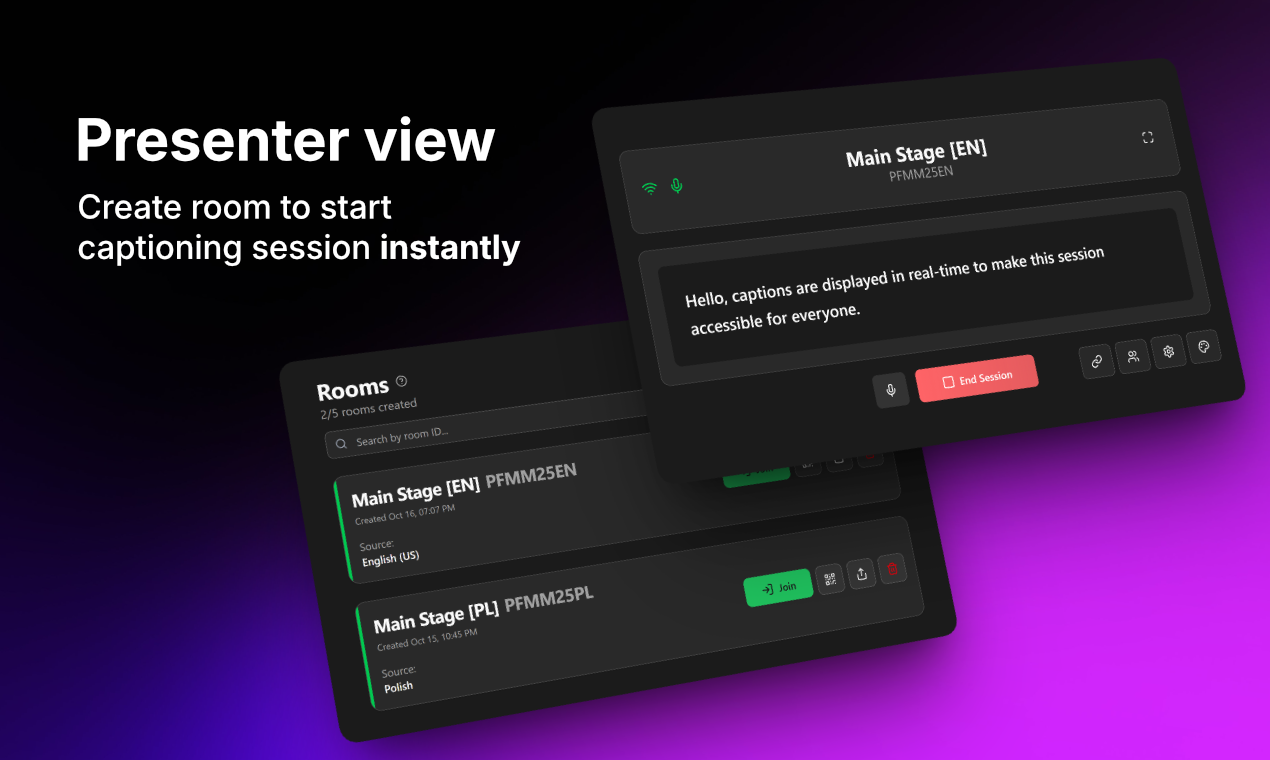
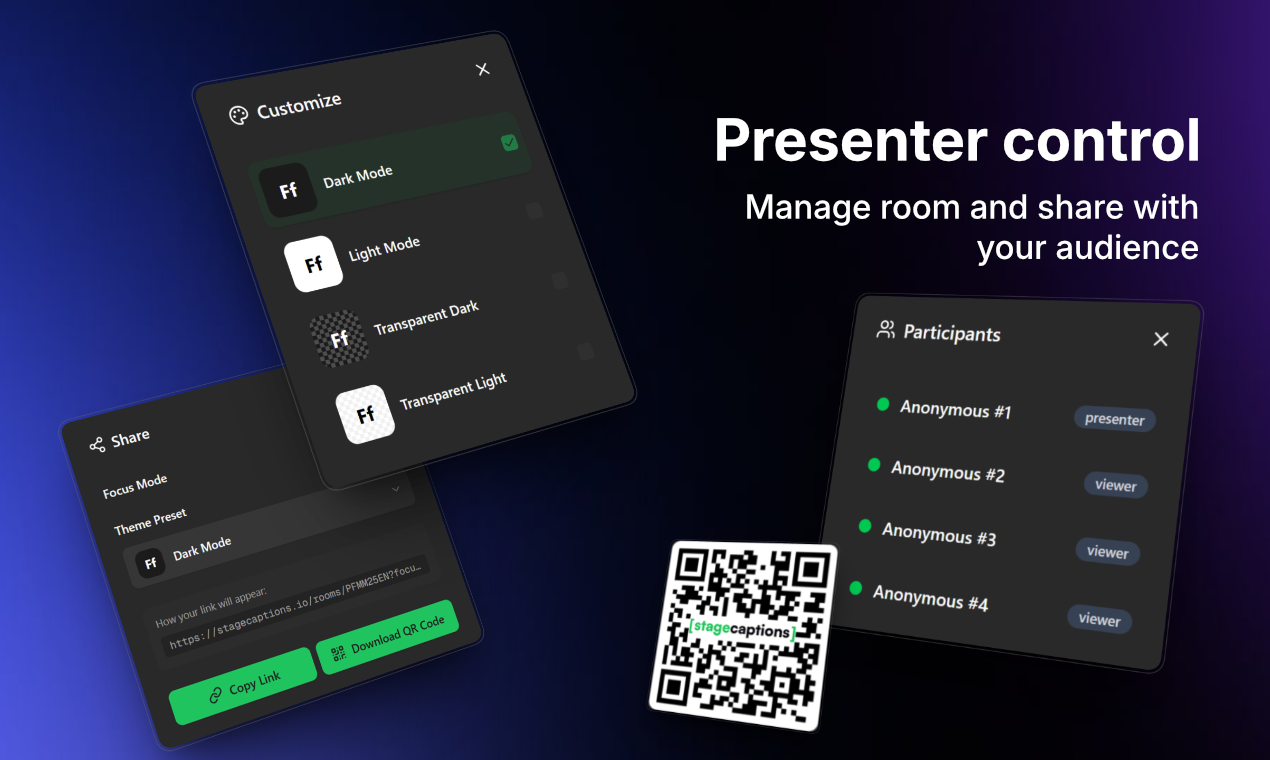
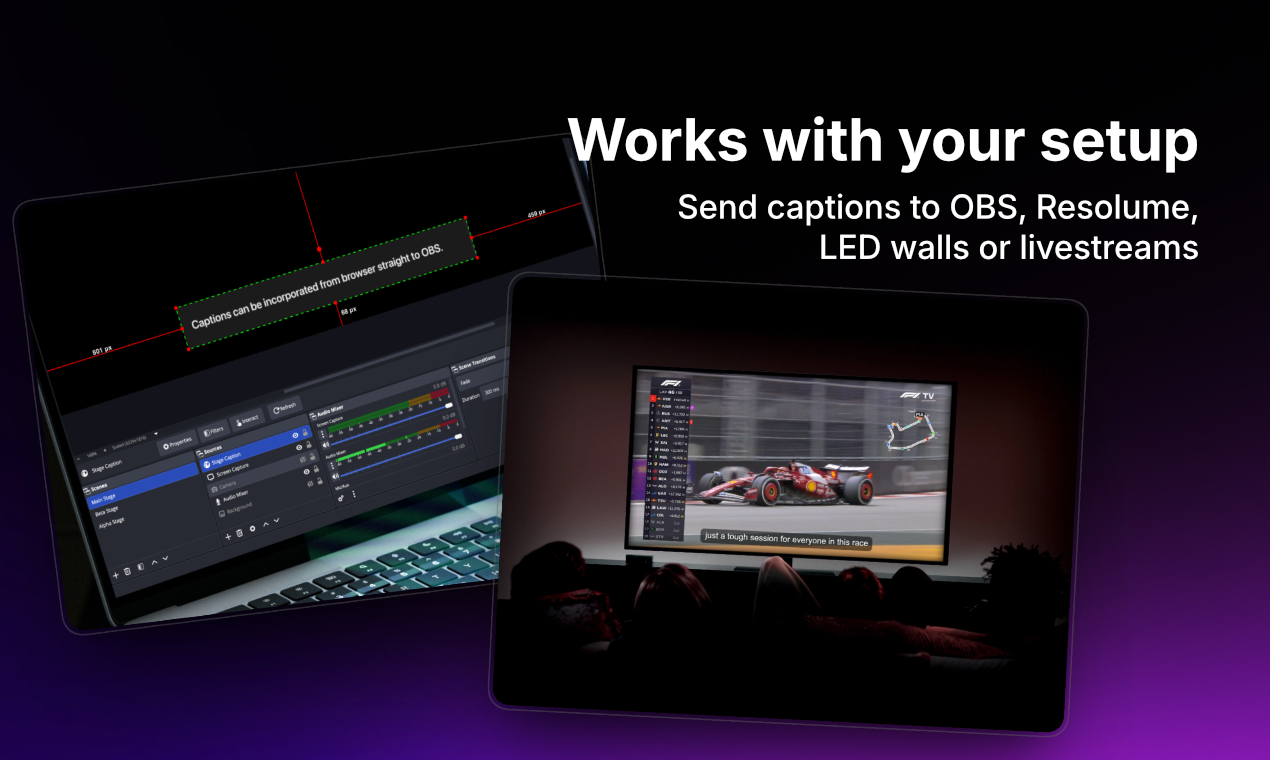
Professional captioning software for live events. Stage Captions delivers production-ready live transcription for conferences, hybrid events, and broadcasts - accessible in seconds from any browser.
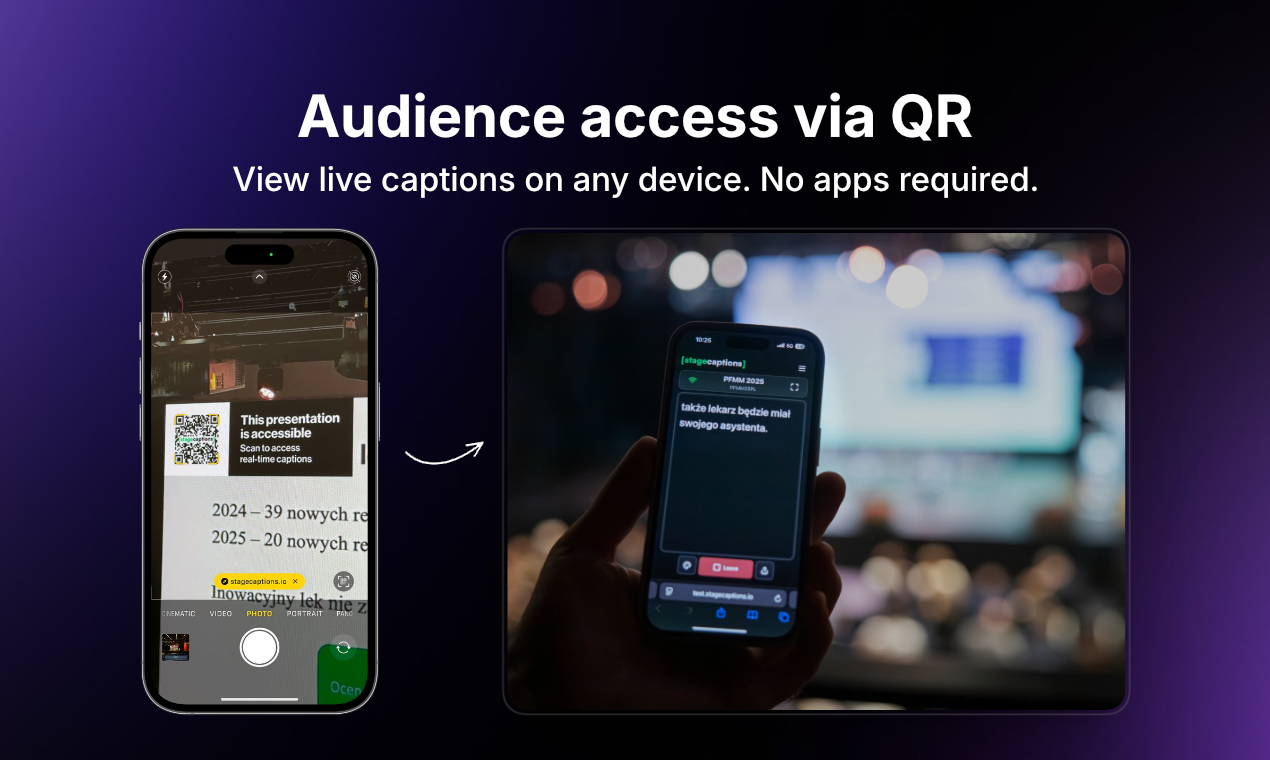
Hi everyone 👋 We’re Martin & Jarek - the team behind Stage Captions. Thanks for checking us out! 💡 What inspired us to build this? Stage Captions started because we actually needed live captions for our own event. We were helping organize a medical conference in Vilnius 🇱🇹 and accessibility was an important requirement - but we couldn’t find a solution that was simple, flexible and event-friendly. Most options were either tied to meeting platforms or felt like enterprise captioning tools that were expensive and complicated to set up for a single event. We wanted something much simpler: open a browser, start captions, share a link and let attendees follow along on their own devices. So we built it ourselves - and used it live at the conference. Seeing people open the caption link on their phones and follow the talks in real time confirmed we were solving a real problem. 🎯 What problem we’re solving? Our goal is to make live captions easy and accessible for events: - no apps or downloads for attendees - works instantly in any browser on any device - minimal setup for organizers and AV teams It’s built for talks, conferences, meetings and livestreams where accessibility and clarity actually matter. 💬 We’d really appreciate your feedback Would you use Stage Captions for your events? What features or integrations would make it more useful for you? Feel free to leave a comment below or reach out to us via email at support@stagecaptions.io - we’d love to hear your thoughts 🙌
8
回复

@martinc1 Love the “open a link and follow along” simplicity :) Curious how Stage Captions handles multi-speaker and noisy environments (panels, audience Q&A, hybrid setups), do organizers have ways to quickly correct, tag speakers, or improve accuracy live without disrupting the event?

0
回复

Love this, its really smart idea. Live captions at events are always either overcomplicated or crazy expensive, so a simple browser link solution makes a lot of sense. Great launch, Martin & Jarek!

5
回复

@aksayyed Thank you so much! Really appreciate the kind words and support. Making live captions simple and accessible was exactly our goal, so it means a lot that it resonates with you.

2
回复

@aksayyed thanks for actually taking your time and reflecting on it :) I also believe that browser-based integration simplicity should help in adopting such tools more widely to promote accessibility during live events.

2
回复

Love the friction-less 'browser-first' approach—I actually shared that same philosophy when I speed-ran the build for Featmap.app on a 4-hour train ride to create a completely free feedback board that founders can set up in 30 seconds.

5
回复

@michael_dors_dev That’s awesome! Love the browser-first mindset. Featmap.app sounds like a great build, especially in just a few hours.

2
回复

Awesome project! Congrats on the launch! 👏🏻

5
回复

@alexcloudstar Appreciate it, bro 👊 your support means a lot!

4
回复

@alexcloudstar Thank you for your support!❤️

3
回复

This is very dope! Congrats on the launch!

4
回复

@builder_xc Thank you very much for your support, Zachary!

2
回复

@builder_xc thanks for the support, mate!

0
回复
Congrats on the launch! 🚀 I absolutely love how stagecaptions.io makes live events more inclusive. In today's world, accessibility isn't just a 'nice-to-have,' it’s a core part of a brand's reputation. How does the system handle different accents or noisy environments during a live broadcast? Excited to see where you take this! 💪
2
回复

@tereza_hurtova Thanks so much, really appreciate it! Making events more inclusive is exactly what we’re aiming for 🎯

For accuracy, we take a direct feed from the speaker’s mic or the mixer rather than room audio, which removes most background noise and keeps captions clean even in loud venues.

For accents, we rely on modern speech recognition models trained on diverse voices, so they handle different speaking styles quite well :)

0
回复
A simple solution for a very frequent problem, especially if you present to large audiences. I'm excited to see how you guys build this out :)
0
回复
#5
Quash
A mobile QA agent that runs tests without scripts
156
一句话介绍:Quash是一款意图驱动的移动应用测试工具,允许用户使用自然语言编写和执行测试,无需编写脚本,解决了移动开发中因UI频繁变更导致自动化测试脚本脆弱、维护成本高昂的核心痛点。
Software Engineering Artificial Intelligence No-Code
移动应用测试 AI测试代理 无代码测试 自然语言处理 自愈测试 真实设备测试 意图驱动 测试自动化 QA工具
用户评论摘要:用户普遍赞赏其“无脚本”和“自愈”能力,认为能极大节省时间。主要反馈包括:肯定其专注移动端、AI应用务实;询问如何处理模糊的UI变更及决策逻辑;好奇为何先专注移动端而非Web;以及探讨AI是否会取代QA角色。
AI 锐评

Quash并非又一个简单的“用AI包装脚本录制”的工具,其宣称的“意图驱动”和“智能体执行”触及了传统自动化测试的顽疾:脚本与应用程序生命周期脱节。在敏捷开发中,UI变更是常态,而传统基于元素定位的脚本随之大量失效,维护负担甚至超过手动测试。Quash的价值在于将测试用例的抽象层级从“如何操作”(点击ID为X的按钮)提升至“要验证什么”(验证用户能成功登录),这更接近人类测试者的思维模式。

其真正的挑战与价值考验在于“自愈”的可靠性。评论中关于“模糊UI变更如何处理”的提问非常尖锐。当登录按钮从“Login”改为“Sign In”,这是简单的自愈;但当整个登录流程从单页改为多步向导时,AI代理能否理解“成功登录”这一核心意图并调整路径?这需要深度理解应用内上下文和业务逻辑,而不仅仅是视觉或无障碍树的变化。产品介绍中“理解跨版本的应用行为”是关键,若能做到,便是从“测试执行工具”向“测试认知伙伴”的跃迁。

此外,其专注移动端是明智的产品定位。移动端碎片化(设备、OS版本)与测试环境(真机、云真机、模拟器)的复杂性,放大了脚本测试的脆弱性,痛点更为集中。然而,这也意味着其技术架构必须处理移动生态特有的信号(如混合应用渲染、权限弹窗、网络抖动),这既是壁垒也是验证其能力的试金石。

总体而言,Quash展示了一条有潜力的路径:让自动化测试回归其“保障质量”的本源,而非沦为“维护脚本”的负担。它的成功不取决于能否完全取代QA,而在于能否将QA从重复、脆弱的脚本维护中解放出来,去从事更富创造性的探索性测试与质量分析。其下一步的考验在于复杂场景下的意图理解精度,以及大规模并行执行时的成本与控制力。

查看原始信息
Quash
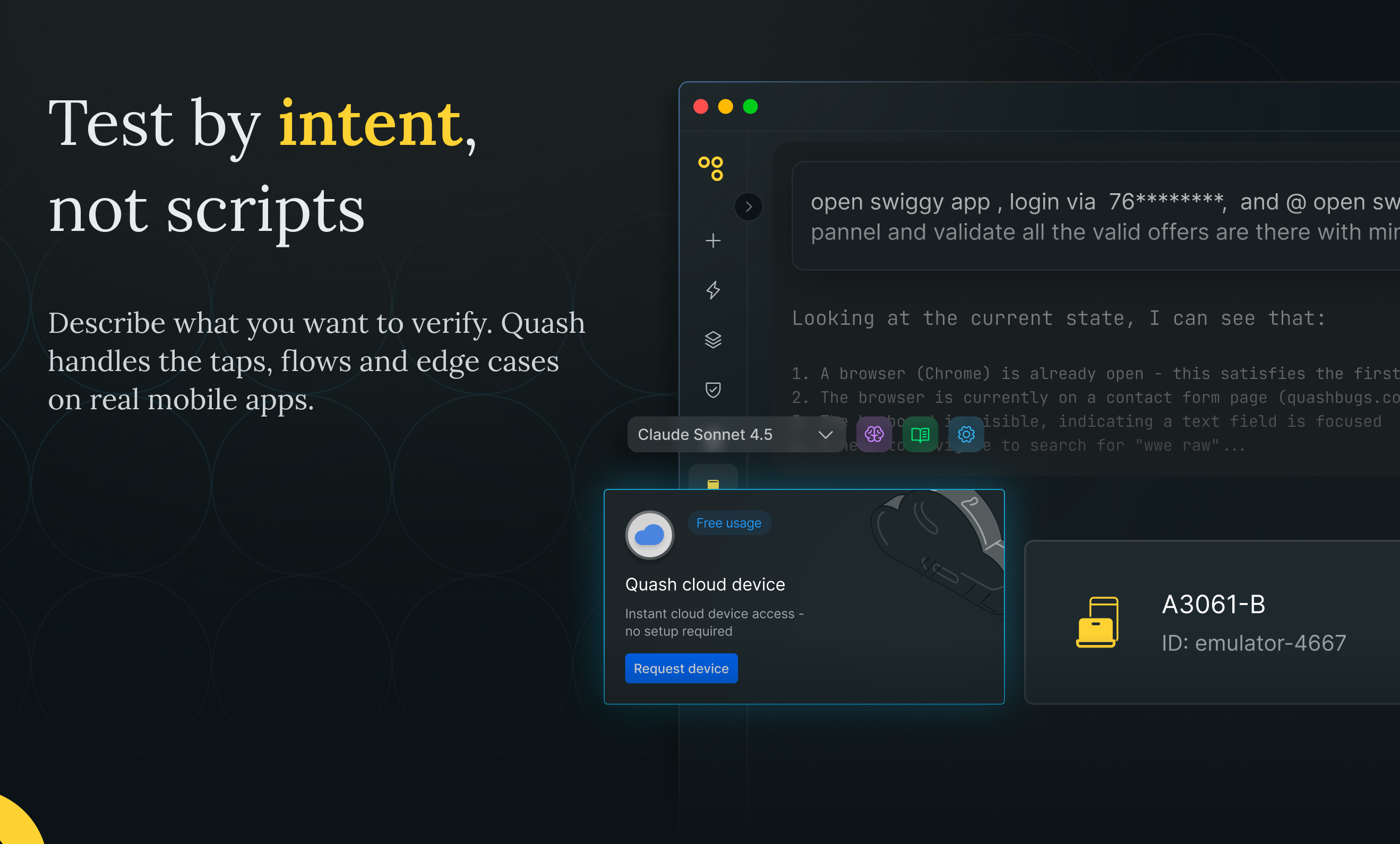
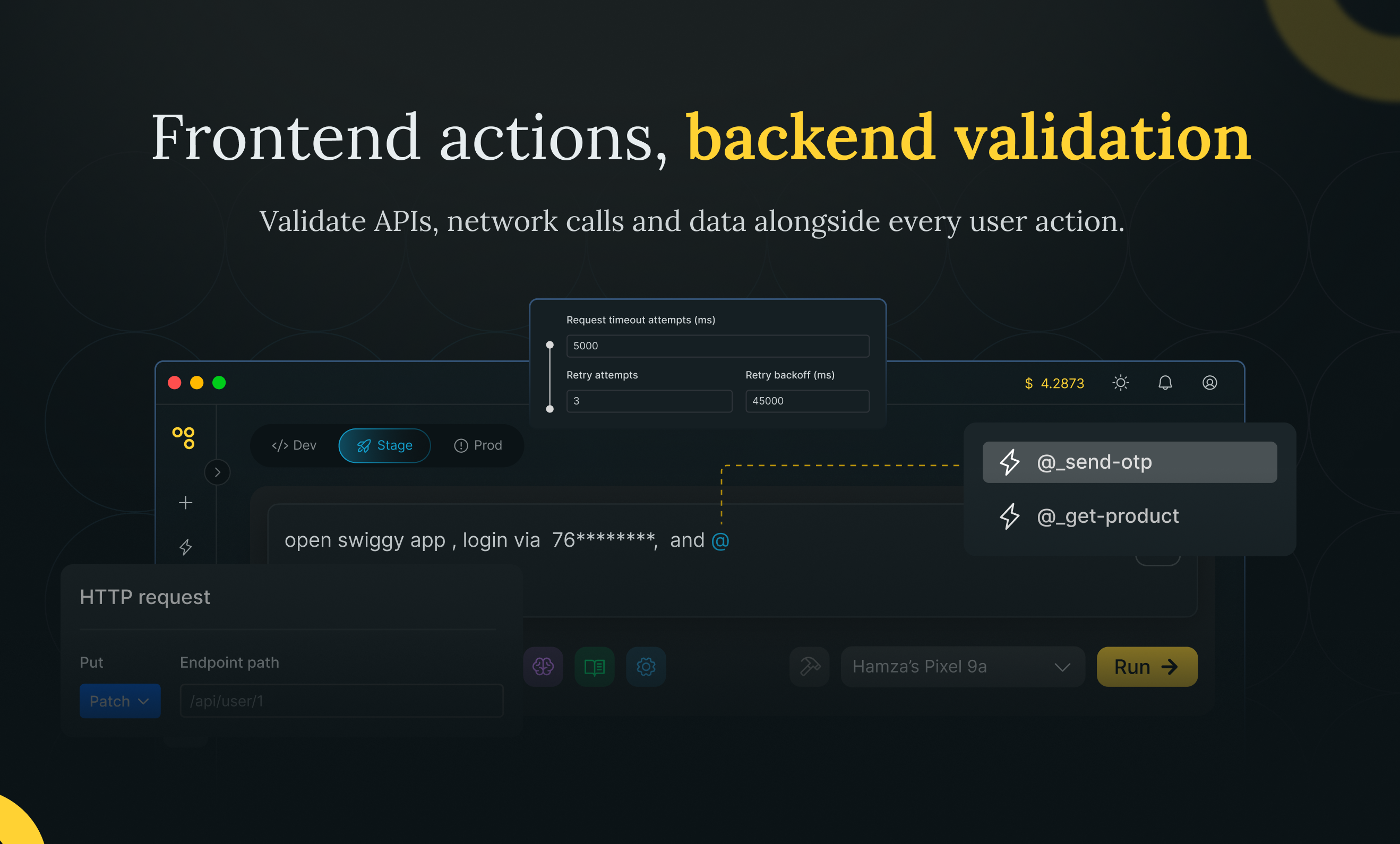
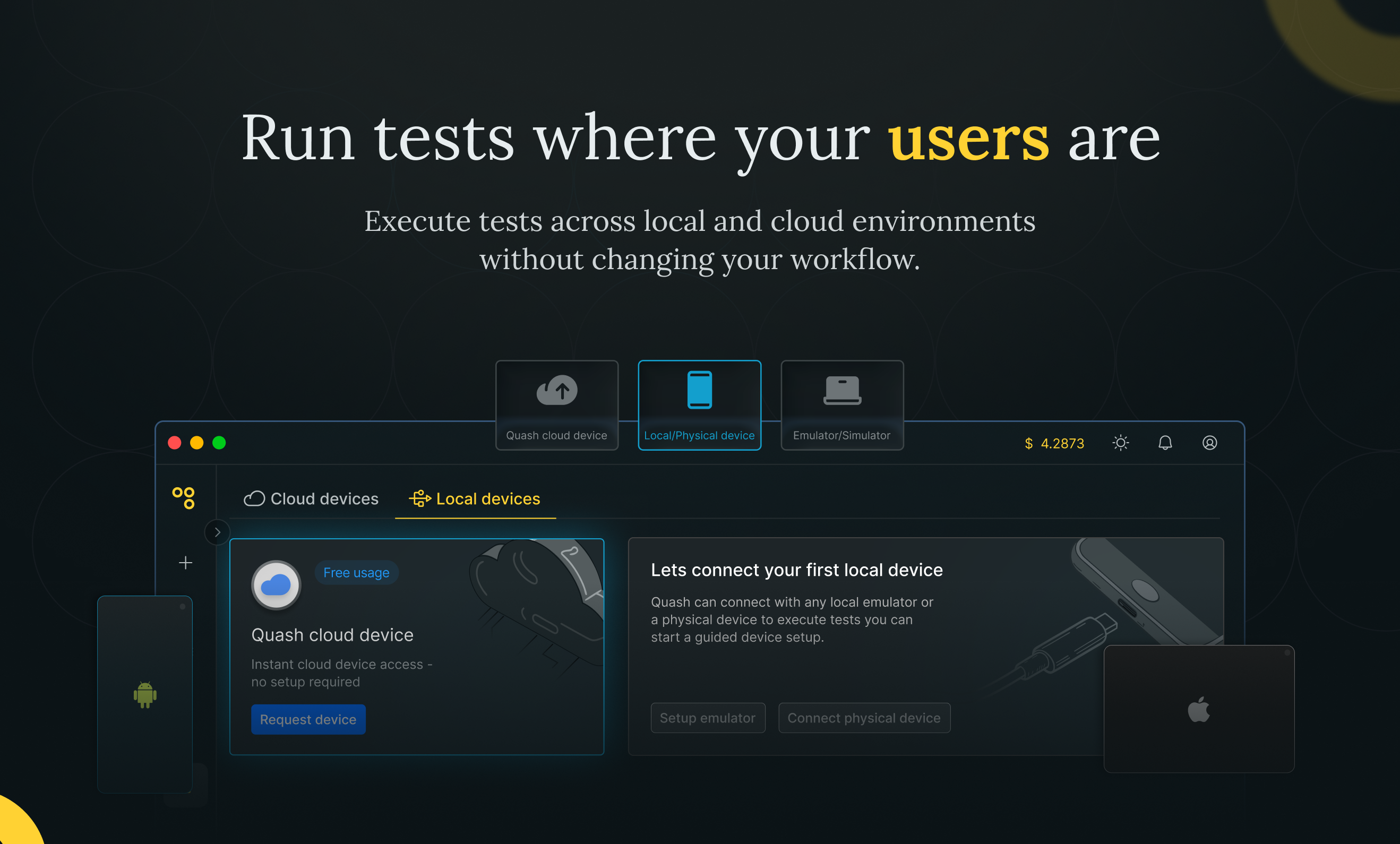
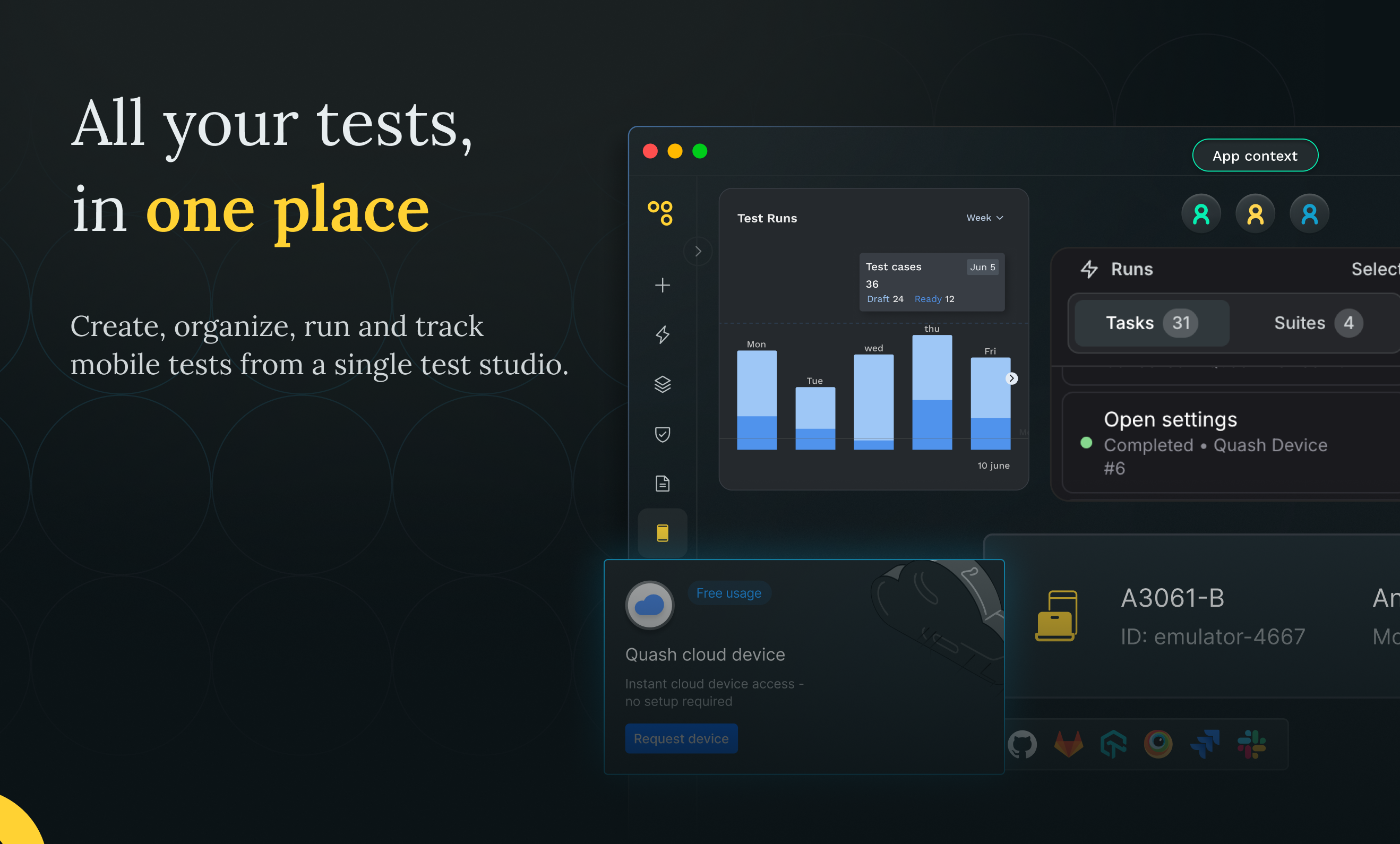
Quash is an intent-driven mobile testing tool that lets you write and run tests in plain language instead of scripts. You can run tests on real devices, cloud devices or local emulators. Quash adapts when the UI changes using built-in self healing, understands app behavior across builds, supports backend validations, reusable test data, test suites and running tests in parallel. Every run generates detailed execution reports with step level intent, actions and screenshots.

Hey PH! I’m Prakhar, co-founder at Quash 👋

Teams ship mobile apps faster than ever today. When a human tests an app, they adapt constantly. They notice changes, recover from small failures and move forward. Most testing tools don’t work that way. They expect apps to behave predictably while everything else in product development is optimized for change.

What felt missing was intent and context. Humans don’t test apps by replaying scripts. They carry context from one screen to the next and adjust based on what they see. We wanted testing to work the same way. That shift pushed us to rebuild Quash around agentic execution.

Today, Quash acts as a mobile use agent. You describe what you want to test in plain language and the agent handles tapping, scrolling, navigation, form handling and backend validations while keeping context intact. It adapts when the UI changes and runs on real devices, cloud devices or local emulators, one at a time or in parallel.

We launched our GA version recently and hosted a small community event in Bangalore. Putting Quash in front of QAs, developers and PMs helped sharpen the product and the narrative. The feedback pushed us toward clearer execution, context aware test suites and reports that developers and PMs can actually use without us explaining every step.

Visibility matters a lot to us. Every run shows step level intent, actions taken, screenshots, device recordings and backend validations so you always know what happened and why.

This is the version of Quash that finally feels like it can stand on its own. If mobile test automation has ever felt brittle or harder than it should be, we’d love for you to check out the playground on our site, try it yourself, and share your feedback.
Try it here: https://quashbugs.com/

Big thanks to @zaczuo for hunting us 🙌

73
回复

We have Quash built to make mobile app testing as seamless as using ChatGPT to make life easy for Devs and PMs everywhere. It's free to use too.

64
回复

Hi everyone!

Been following @Quash evolve for the past 6 months, and I really admire how the team prioritized PMF over a hasty launch.

Their approach to "maintenance-free" QA is impressive: moving away from brittle scripts to an AI agent that understands context and adapts to UI changes on real devices. This is a massive time-saver for mobile teams.

Super happy to see them finally live on PH today!

69
回复

@zaczuo thanks zac 🙏 means a lot from someone who's seen the messy middle of all this.

62
回复

@zaczuo Feels great to see your Support! 💪

60
回复

@zaczuo Hey Zac :) Curious how Quash handles ambiguous UI changes : when the app flow changes in a way that could mean multiple correct behaviors, how does the agent decide whether to self-heal, flag it as a regression, or ask for human input? Love the shift from brittle scripts to intent-driven testing!

0
回复
Am a fan of Quash. It seems to be laser sharp focused solution for mobile app testing and a sensible use of AI for it.
64
回复

@pradeepsoundararajan Thanks Pradeep!

58
回复

@pradeepsoundararajan Really appreciate that — that’s exactly the bar we’re trying to hit: mobile-first, practical AI, not buzzword automation.

56
回复

Hmmm will QA be replaced soon? Quash really surprises me with no scripts running! nice tool!

63
回复
@cruise_chen hmmmmm I think, yes? Really neat tool will save many many hours
0
回复

@cruise_chen Thanks Cruise! Appreciate your support.

20
回复
Self healing + plain language test on real devices…finally a QA tool that doesn’t break every time the UI changes. Well done team..!
63
回复

@ashutosh_kadiya Thanks Ashutosh! Glad you liked it, we've got Hecco's QA covered!

59
回复

@ashutosh_kadiya This made our day 😄 Thank you!
UI churn breaking tests is the problem we’re obsessed with solving — plain-English steps + real-device execution + evidence is our approach.

57
回复

Super excited to share Quash with everyone today. Mobile testing has been a headache for a long time—hopefully, this makes it a little less painful for you all. Let us know if you have any questions!

63
回复

Congratulations @Quash team!!

62
回复

@deep_barot3 Thanks Deep!!

59
回复

Congratulations on going live, team!
Wishing you all the best.

61
回复

@rustyrishii Thanks a ton! 🙌

57
回复

Launched Quash today! Built as a dev for devs to turn plain language into reliable mobile tests and get rich bug insights without scripts. Excited for your feedback and ideas! 🙌

56
回复

Hi PH!

As developers, we know exactly how painful mobile testing is with the flaky scripts, the broken UI selectors, and the constant maintenance. It’s a massive bottleneck.

We built Quash to solve our own frustrations. It’s a haven for testers where you write in plain language and let our self-healing AI handle the rest.

We’re here to connect and learn. What’s the biggest "break the screen" moment you've had with mobile QA? Throw it at our agent and see it handle with ease and comfort.

50
回复
Congrats on the launch guys!!
47
回复

So happy to be part of this team! 🚀 We’ve put a lot of work into making this a reality, and I’m personally excited to see how you all use it.

41
回复

Been watching this come together and it's awesome to see it live!

40
回复

Kadak

36
回复

Looks great. Also, why are guys focused on mobile instead of web?

23
回复

@nimishg We saw no product was focusing on mobile devs, and issues that prop on only on mobile, so we decided to solve this first.

22
回复

I've been a big fan of LLM's computer-use capabilities and a non-assisted QA of applications is no-brainer use case. Been using Quash for sometime and have to really acknowledge the amazing implementation of the aforementioned technologies for mobile QA!

2
回复
Mobile agents have been missing in the scene. Hope this can go far beyond just testing
1
回复

No-script mobile QA sounds like a dream for fast-moving teams. I'm building data tracking plugins, and QA is always the bottleneck. Does Quash support capturing network logs for API debugging during the tests?

0
回复

The self-healing angle is what caught my eye. We've had the same problem on the API side -- test suites that break every time a response schema changes slightly. Plain language intent over rigid assertions makes a lot more sense for mobile where the UI shifts constantly.

How deep does the backend validation go? Can it check things like response status codes and payload structure, or is it mostly focused on the UI layer?

0
回复
#6
NeuroBlock
No-code AI Lab: Train models, access datasets, run inference
107
一句话介绍:NeuroBlock是一个无代码AI实验室,允许用户使用自有数据训练、部署轻量级专属AI模型,解决了企业在使用通用大模型时面临的成本高、隐私风险大、与业务场景适配度低的痛点。
Artificial Intelligence Tech Data & Analytics
无代码AI 模型训练 私有化部署 数据隐私 轻量模型 AI民主化 端到端平台 定制化解决方案 模型所有权 低成本推理
用户评论摘要:用户普遍赞赏其“拥有自己的AI”理念、数据隐私保护及端到端一体化体验。有效反馈集中在:期待支持图像/视频数据、需加强UX/新手引导、询问企业级合规功能(如模型溯源、审计文档)及本地部署细节。团队回复积极具体。
AI 锐评

NeuroBlock的出现,直指当前AI应用层的核心矛盾:企业日益增长的定制化需求与“大模型即服务”标准化供给之间的断层。它并非又一个模型微调平台,而是试图将“AI工厂”的关键环节——数据准备、训练、部署、推理——封装成一个可控、可拥有的白盒产品。

其真正价值在于“主权移交”。通过强调模型所有权、数据不出域、可离线运行,它精准狙击了金融、医疗等受监管行业及注重数据资产企业的焦虑。轻量级模型路线则是对“规模至上”主流叙事的一次务实反叛,用垂直领域的性能与成本优势,换取在边缘侧和私有环境中的生存权。

然而,其挑战同样清晰。无代码降低了门槛,但高质量数据准备与模型调优的专业性并未消失,只是被转移或隐藏。平台能否在“易用性”与“专业深度”间取得平衡,将决定其用户是止步于原型构建,还是能真正交付生产级模型。此外,企业级市场所苛求的合规性、可审计性与全生命周期管理,目前仍处于“探索中”,这将是其从优秀工具迈向关键基础设施必须跨越的鸿沟。若成功,它有望成为AI时代的“私有云”;若乏力,则可能仅是技术民主化浪潮中的一朵浪花。

查看原始信息
NeuroBlock
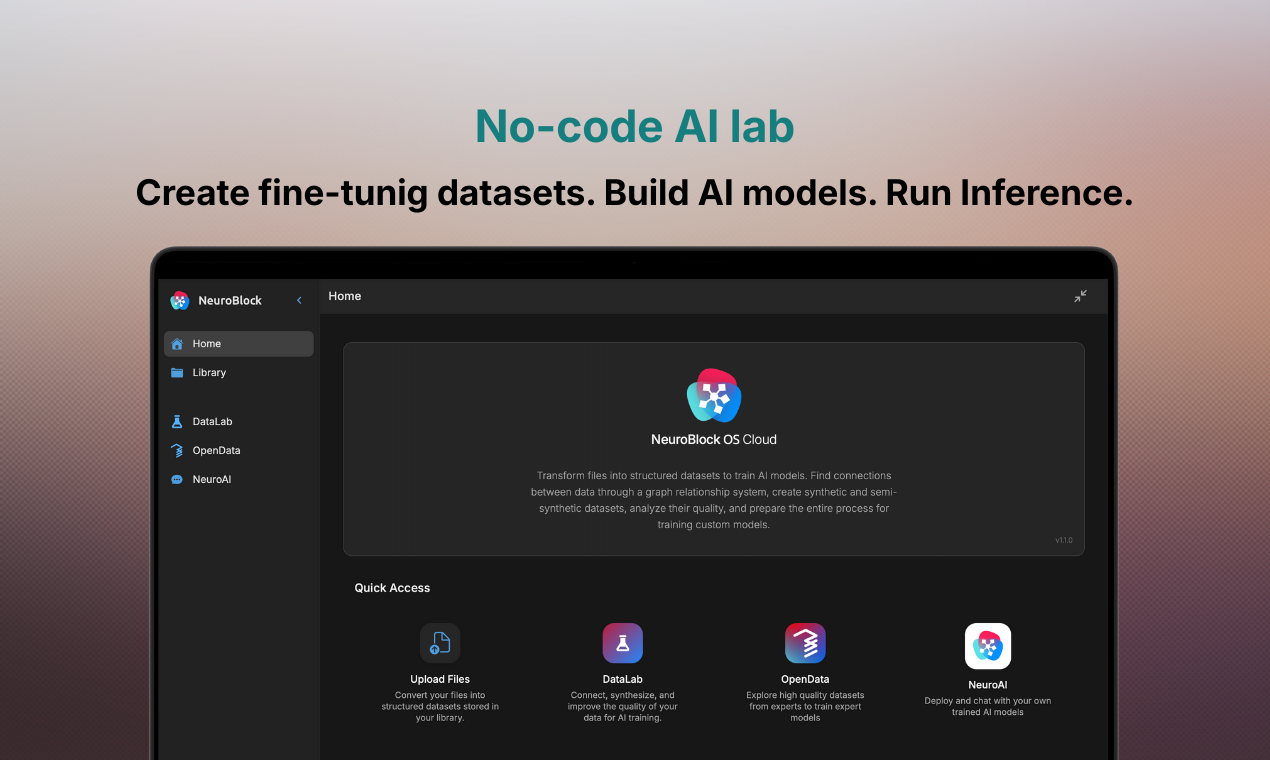
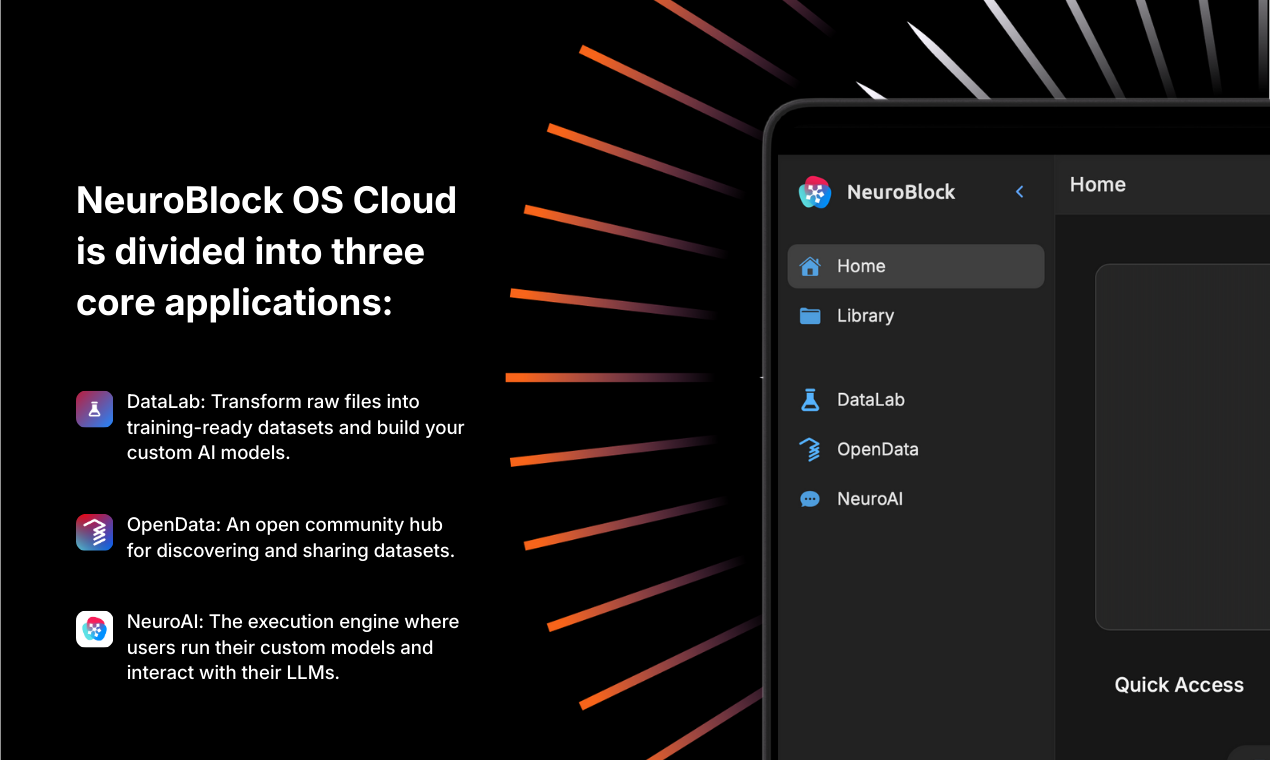
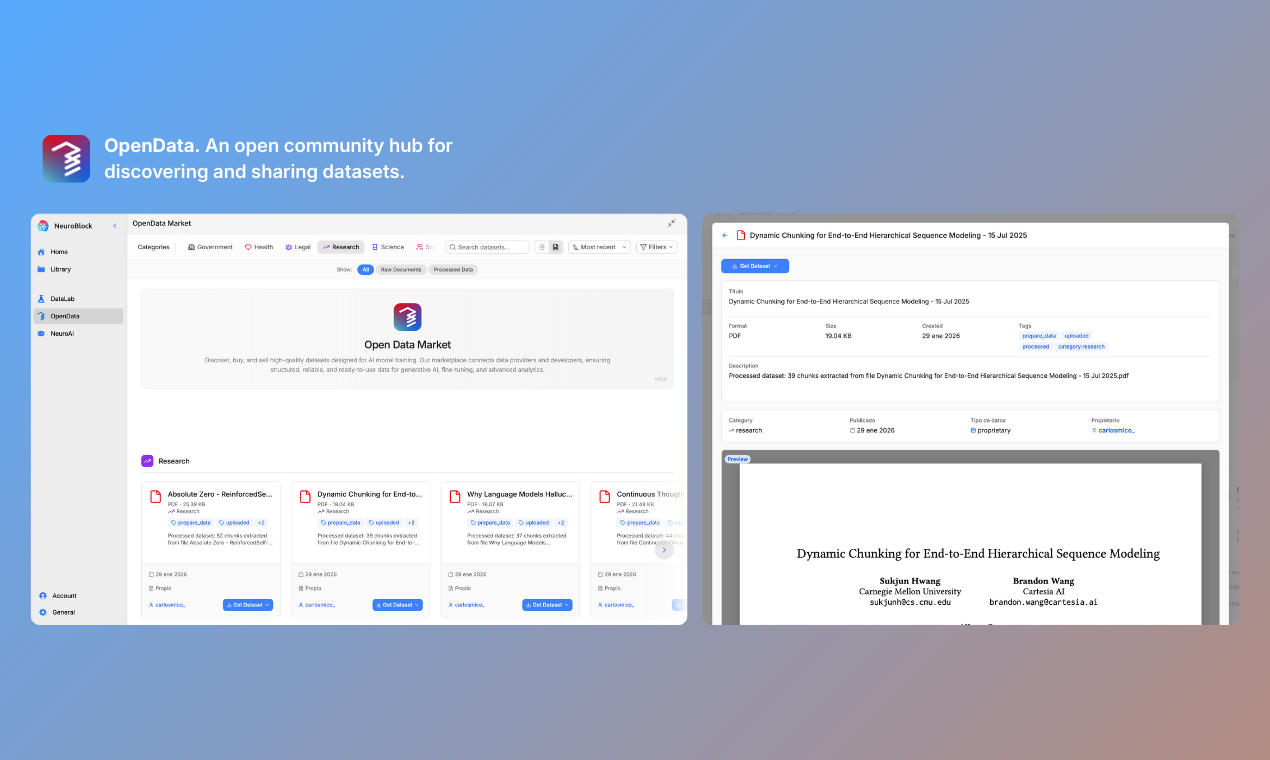
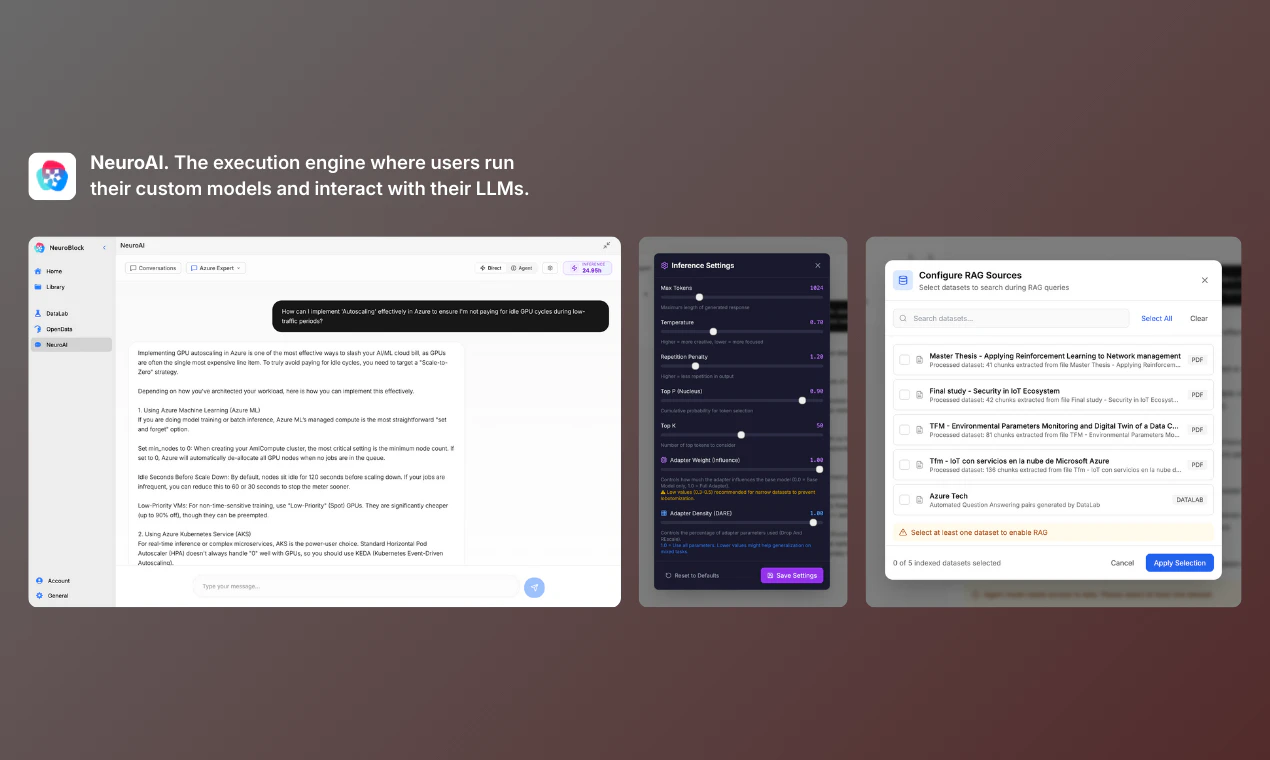
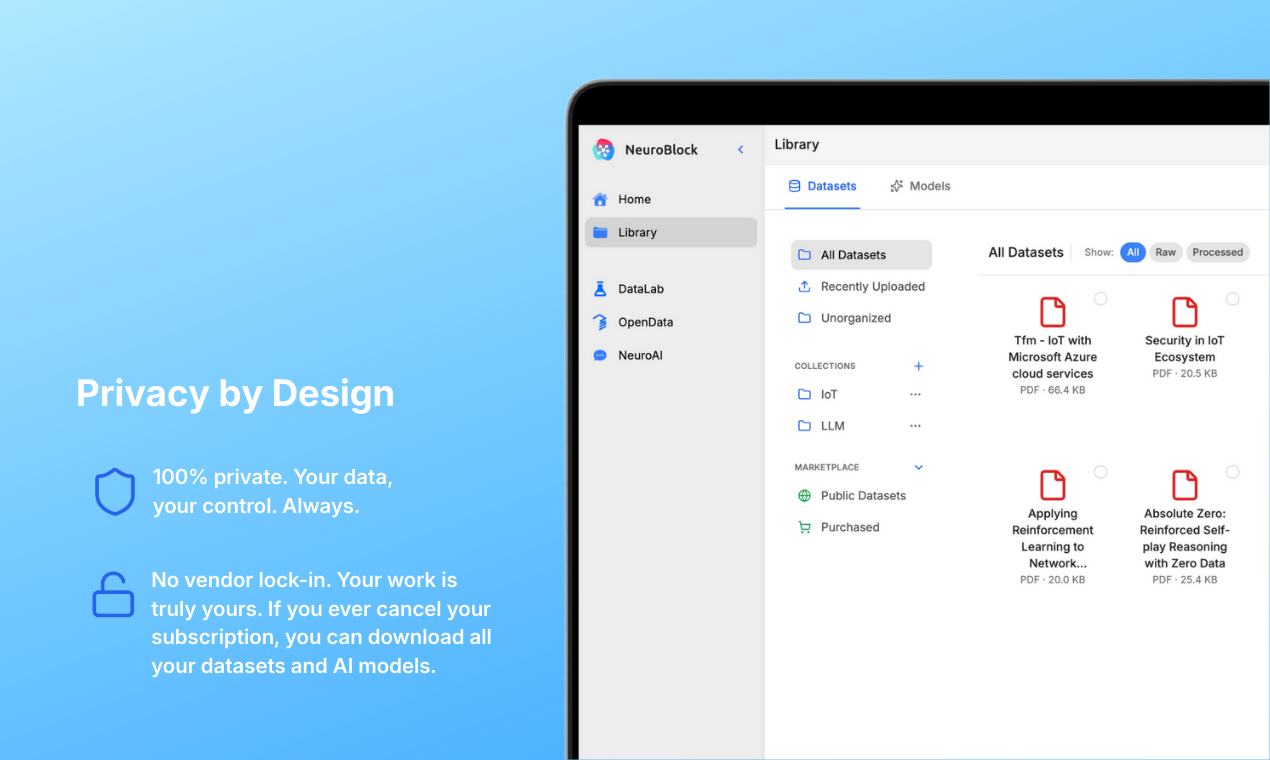
We built a no-code AI lab where you can train your own AI models with your own data. NeuroBlock OS offers an integrated ecosystem: generate and access datasets, train and deploy models, and download them to run anywhere, on your computer, server, smartphone, or through our NeuroAI cloud inference framework, ready to integrate into workflows. AI you own, cheap to run, and built to perform exactly the way you want.

Hi everyone, today we want to present what we believe should be the future of how AI is developed and integrated into businesses of all kinds.

AI is a powerful tool, but today most companies and startups are still just consuming it: large, generic models that are expensive to run and poorly adapted to real business needs.

We believe AI should be a commodity for everyone, something you can create, own, and deploy for your specific use case. AI that’s trained on your own data, fits your business, and works the way you need it to.

That’s what NeuroBlock enables.

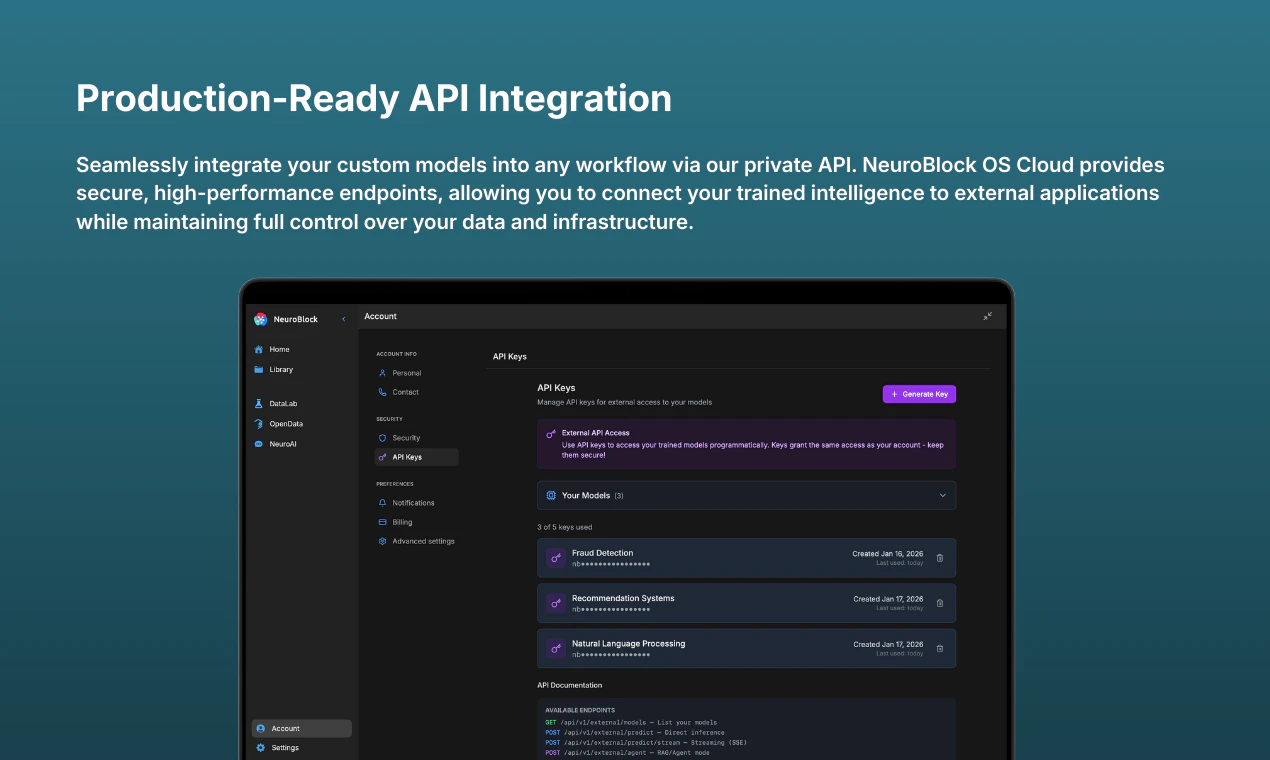
NeuroBlock is a no-code AI Lab that allows you to train custom lightweight AI models with your own data, faster and at a fraction of the cost, without relying on third-party APIs. You can create, download, and deploy your models locally, in your own cloud, or access them through a secure private API in our NeuroBlock Cloud OS platform.

Build your business on top of AI that you own, is cheap to run, and performs exactly the way you want.

Get a 7-day free trial during our Product Hunt launch: https://neuro-block.com

I’d love to hear your feedback and answer any questions! 👇

10
回复

@dario_sansano 

Neuroblock’s no-code approach and its powerful ecosystem for data training and deployment is remarkable. I can see it being an invaluable tool for professionals across industries who need tailored AI solutions but lack extensive technical expertise like me.

Congratulations for your launch today!

0
回复

@dario_sansano Congrats to all the team! Awesome product, I love your vision and your work. Keep it up! :)

3
回复

@dario_sansano I used NeuroBlock to train my custom AI for my startups, which finds you the best leads based on a prompt. Very happy to have been an early adopter and very proud to see this launch. Keep it up guys!

3
回复

A lot of coffee and not much sleep😅 — but we finally made it 🚀

Huge congratulations to the whole team for the incredible work.

We truly hope you enjoy this end-to-end tool as much as we do (and I do).

Stay tuned!

7
回复
@carlos_rocamora All that coffee was worth it. Congrats to the team for the vision behind this AI platform.👏🏼
1
回复

Neuroblock is tackling an important problem in a smart way. I really like the focus on privacy and how they’re applying it to real use cases, not just theory. The product already feels well thought out, and with a bit more polish around UX and onboarding, it could become a very compelling solution.

5
回复

@manuel97 Thank you, your feedback means alot to us!

2
回复

We’re incredibly excited (and honestly a bit nervous!) to finally share this project with the Product Hunt community. 🚀

For a long time, we kept running into the same issue: building quality datasets, creating AI models, and taking them to production is still way more complex than it should be. Out there, there are too many disconnected tools, too much infrastructure work, and not enough time actually experimenting.

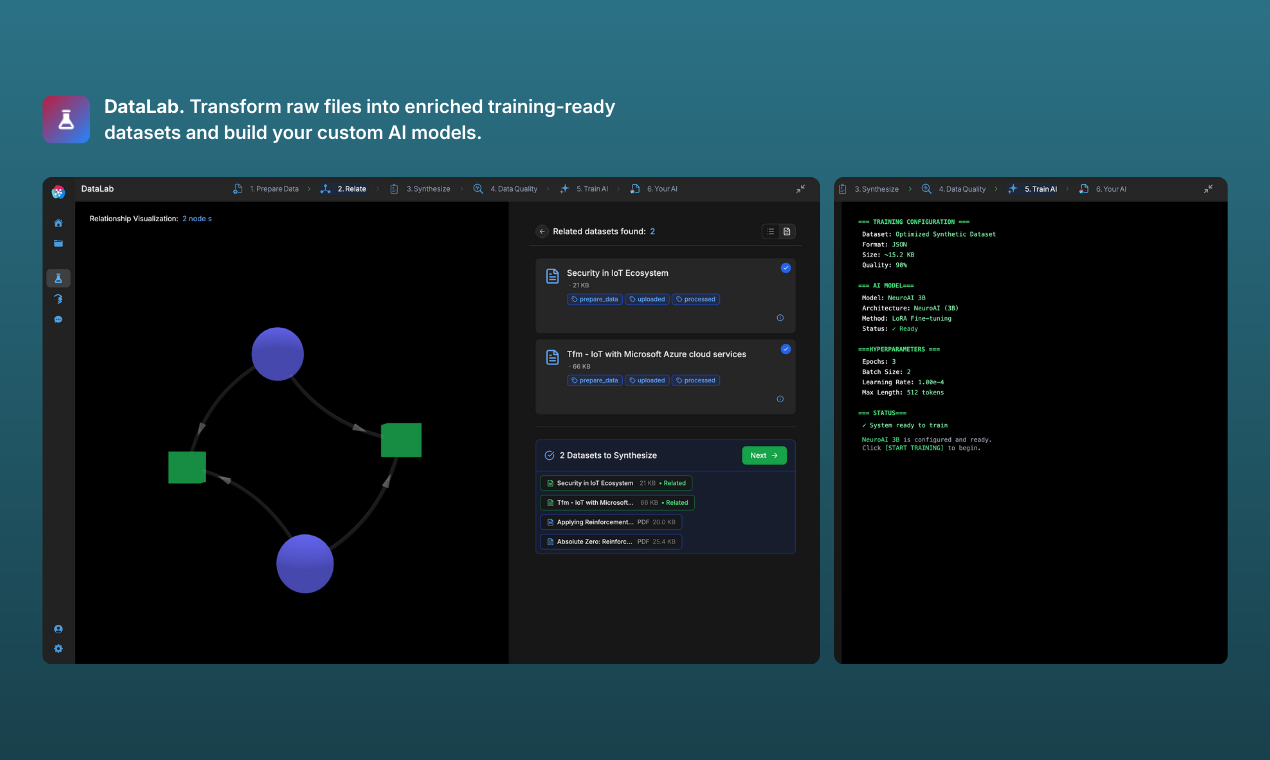
So we built NeuroBlock, a no code AI lab where you can:

-Create and manage training datasets.

-Explore and reuse existing data.

-Train models and LLMs in the cloud.

-Run inference directly on the platform.

-Access your models via API.

-Or download your models and run it wherever you want.

Our goal is to help developers, startups, and companies go from idea to working AI model in minutes instead of weeks.

We’ve been obsessed with making it powerful, but also ridiculously easy to use.

We’d love to hear what you’re building, what you want to train, and what we’re missing to make this a must-have part of your workflow. Every bit of feedback truly means the world to us.

Thank you so much for the support and for giving it a try. 🙌🏼

5
回复
@carlos_mico Congrats on the launch! 🎉 I’ve been using the platform for the past couple of weeks and it’s been a great experience. What really stood out to me is the focus on privacy and the flexibility to run models via API or export them to your own environment. That’s a big deal for companies working with sensitive data or strict internal requirements. Excited to see where this goes. Well done to the team!
1
回复

This looks awesome, congrats on the launch! 🚀

Love the idea of having datasets, training, and inference all in one place instead of stitching tools together.

Quick question: how easy is it to bring your own data and pipelines? Definitely giving it a try.

4
回复

@trader_juan It’s really simple: you upload all the files you want to use to the library, select the ones for your specific model, and optionally search for related datasets to enrich your original data. Then, you create the final dataset and train your AI model.

Once it’s ready, you can use it directly on the platform, via API, or on your own device or infrastructure.

Nice profile picture by the way haha.

3
回复
@trader_juan Thank you for your question Juan, a very important one. For the record, we are working with text documents for the moment (PDF, TXT, DOCX etc), but soon we will add images and video to the automated data pipeline. Feel free to follow us on social media and join our discord server linked in our website so we can stay in touch. We would love to get your feedback!
2
回复

I just came across this launch and couldn’t resist checking out the page on Product Hunt. Really interesting approach to AI, especially the ability to create your own specialized and personal models for specific subjects.

In my case, this could be extremely useful for adapting the different teaching methods I use across my learning apps for kids.

Curious to hear from the makers: how exactly do these AI models work in practice, and how do they differ from the models or APIs offered by other AI platforms?

2
回复
@paula_amezquita Great question! We love the education use case you’re describing. The key difference is that the models you build on NeuroBlock are truly yours. Instead of calling a generic model, you train specialized ones with your own data, so they become experts in the exact subjects you want to teach. That makes them more predictable and far less prone to hallucinations because they rely on the knowledge you provide. It also gives you more control over costs, especially when accessing them via API. And privacy is fundamental: your data and models belong to you. Even when running in our cloud, we don’t collect or reuse your information. For something like learning apps, this means you could have a dedicated expert model per subject or teaching approach.
1
回复

@paula_amezquita  Hi Paula, very good question! We work with lightweight 3-billion-parameter models, which means they run extremely fast and are very cheap to operate. On top of that, we use advanced training algorithms where the model’s weights (how much it actually learns from your data) adapt dynamically to the size and quality of each dataset.

As a result, you get models that outperform much larger models in the specific domain they’re trained for, while running faster and at a fraction of the cost.

For example, imagine you want to deploy an AI agent in one of your apps: a chatbot agent that teaches a specific subject to kids and interacts with them safely. Today, this usually means relying on a large third-party API, adding guardrails, building a RAG system, and managing a fairly complex data infrastructure just to make sure the model behaves the way you want, which makes your models slow and very expensive to run.

With NeuroBlock, you actually train the models yourself. That means you control how they behave "from factory", and most importantly, you can continuously retrain them with real data collected from your users. You’re fully in the driver’s seat, and unlike most other providers, the models are entirely yours.

The end result is an AI that behaves exactly the way you want, is cheaper to run, and keeps improving over time. You can integrate it very easily into your workflows: download and self-host the models and serve them via your own API, or simply use our NeuroAI inference framework API to seamlessly plug them into your apps if you dont have an AI inference server or don't wnat to mess with that.

1
回复

Congrats on the launch! The project looks really interesting and it actually fits well with what I’ve been looking for, so I’m going to give it a try.

I’d love to know what you recommend for running custom models locally.

1
回复

@scm24 Hi there! Awesome, we are glad you found it useful, thank you for sharing.

Until the launch of the desktop and mobile version of our NeruoAI inference framework, you can download the models and run them in frameworks like LM Studio (best option) or Ollama with some adaptations of the model file.

Thank you for your support and feedback!

0
回复

Impressive no-code approach to custom AI training. The "AI you own" positioning hits a critical pain point in today's ecosystem — especially in regulated industries where data sovereignty and model control aren't optional.

As someone building in the compliance automation space, I'm curious how you see platforms like yours adapting to domains with strict audit requirements (like finance, healthcare, or legal). Specifically:

1. Traceability & Compliance: How do you handle model lineage tracking — documenting exactly which data was used to train which version of a model?

2. Regulatory Alignment: For users in regulated sectors, does NeuroBlock support generating the documentation needed for compliance reviews (e.g., model cards, bias audits, training data provenance)?

3. Edge Deployment: Your "run anywhere" claim is powerful. How does that work in air-gapped or highly restricted enterprise environments?

Great launch — owning the full AI stack is increasingly becoming a business imperative, not just a technical choice.

1
回复

@noha_elmeselhy Hi! Very interesting questions there. Right now we are focusing on the ease of use and the actual hability for anyone to train, own and deploy their own AI models with their own data.

We are exploring an Enterprise module for regulated sectors that require traceability and legal controls.

Those you mentioned would be part of that module, but as of now, that work of control, data traceability and legal compliance should be made by the said regulated company.

Something that we are going to add in the current platform however, is the hability to chose the geographic region of the inference and training cloud infrastructure as well as data storage.

Regarding the last point, if they download the models, they are the owners and they are responsible for it’s deployment and use.

Thank you for this questions, very interesting subject!

0
回复
We have been searching for a while for a solution to integrate LLms into our company without having to expose all our confidential data to big tech APIs (OpenAI, etc.) Discovering NuroBlock at UMH Science park has been a total game changer. What I value most is the philosophy of total ownership, we train our models with DataLab and know they are 100% ours. If I cancel the subscription tomorrow I take my models with me, no strings attached, no fine print. The NeuroBlock OS cloud is super intuitive, and the ability to clean and enrich datasets within the same ecosystem has saved us weeks of data engineering work, plus the support is 10/10 you can tell there is a solid engineering team behind this, Congrats on the launch!
1
回复

@victor_hz Thank you so much Victor, so happy to see you here. We are glad to have you among our early users!

0
回复
#7
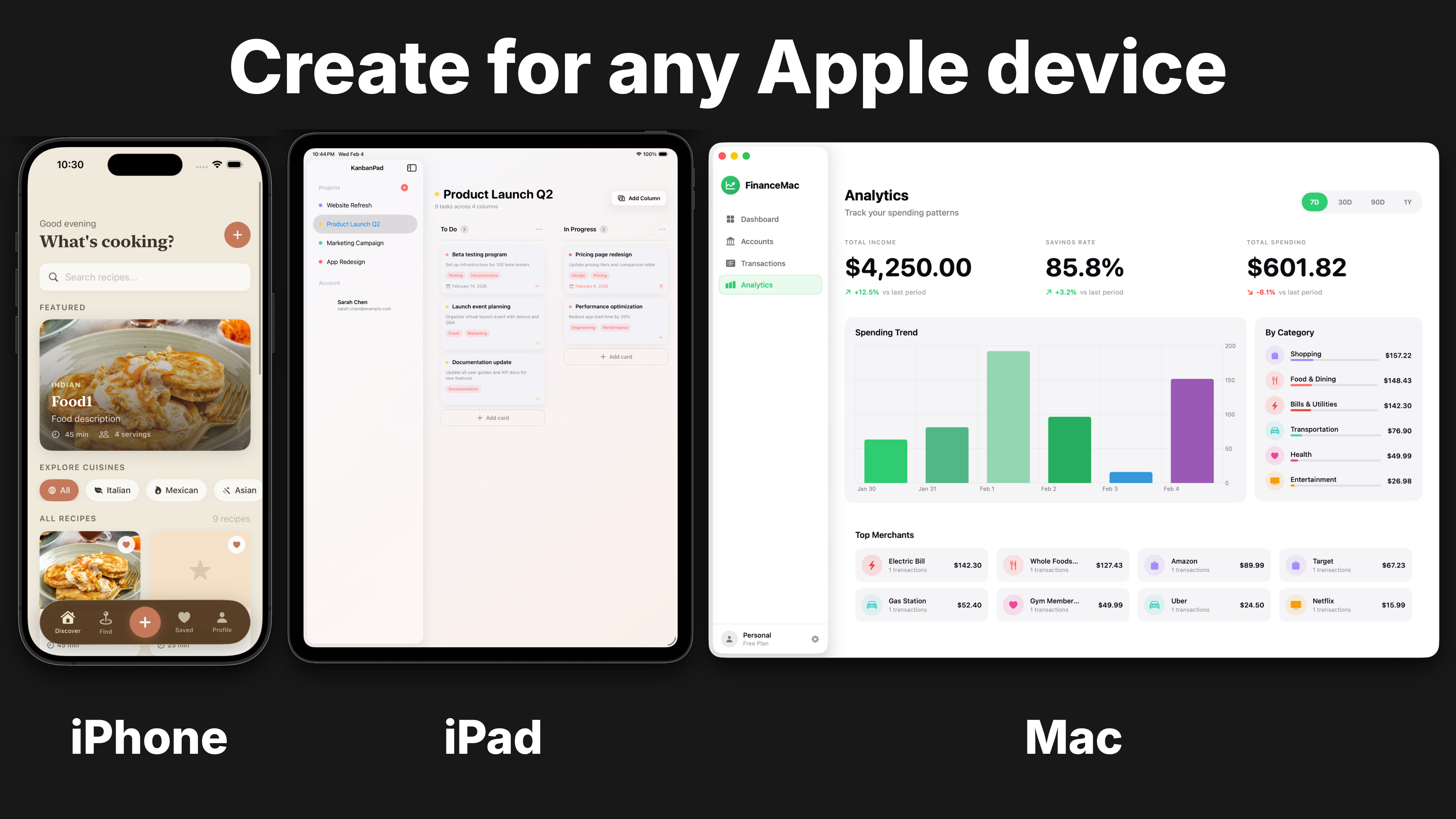
Nativeline
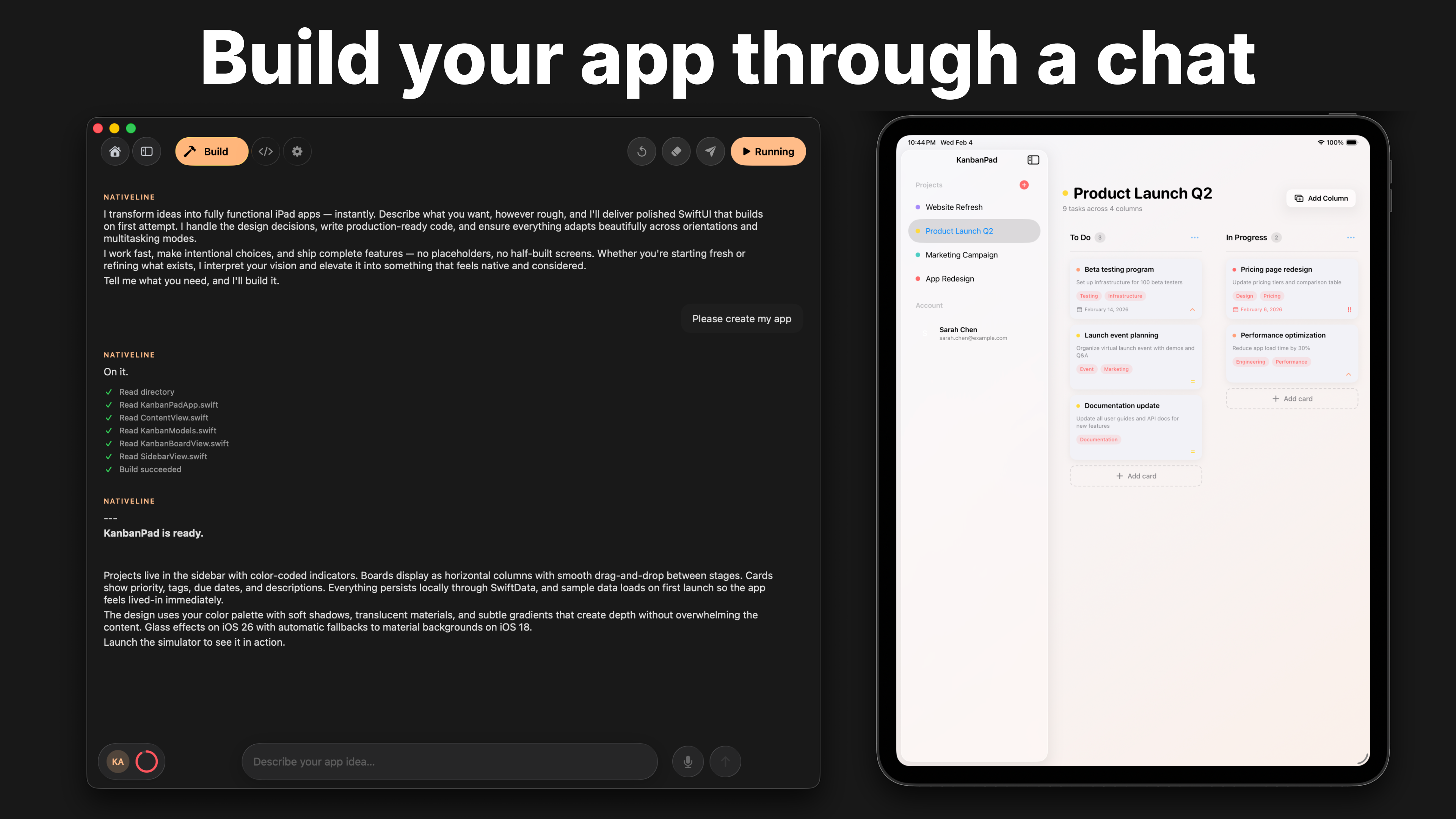
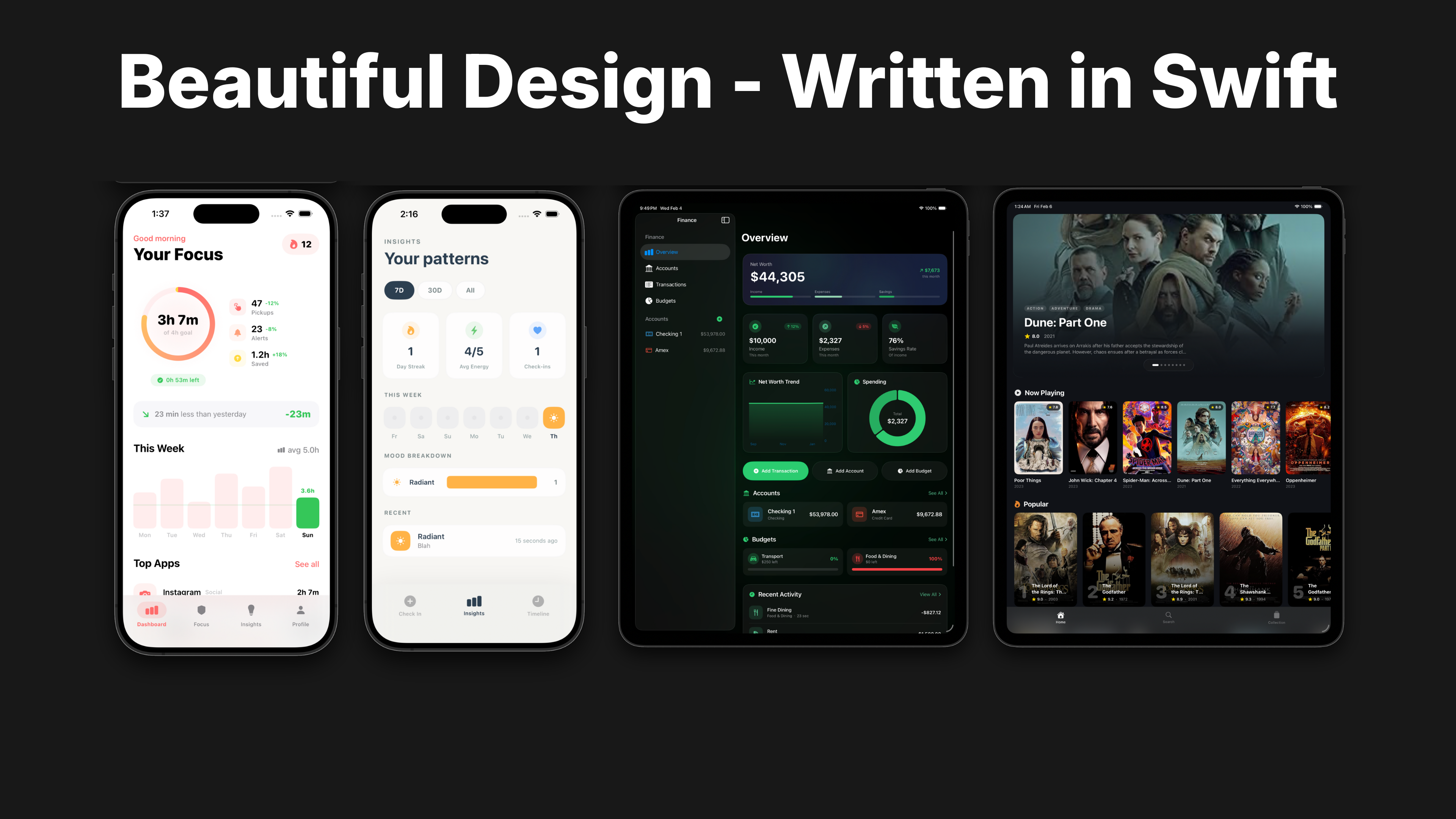
Build native Swift iPhone, iPad, and Mac apps with AI
107
一句话介绍:Nativeline是一个AI原生应用开发平台,允许开发者或产品构想者通过自然语言描述,一键生成真正原生的、可上架App Store的Swift应用,解决了跨iPhone、iPad、Mac多平台原生开发门槛高、周期长的核心痛点。
Developer Tools Artificial Intelligence Tech
AI代码生成 原生应用开发 Swift编程 多平台开发 低代码/无代码 苹果生态 App Store部署 生产力工具 开发提效
用户评论摘要:用户普遍赞赏其真正生成原生Swift代码、支持Mac/iPad高级特性及简化部署流程的能力。主要问题/建议集中在:生成代码的长期可维护性、项目导出至Xcode的完整性、以及从平台到App Store的详细部署流程验证。
AI 锐评

Nativeline的宣称直击当前AI应用构建器的两大软肋:一是输出多为“网页套壳”而非真原生应用;二是对iPad和Mac平台的支持严重缺失或流于形式。它试图扮演的角色,并非另一个玩具式的原型生成器,而是一个通往苹果严肃商业生态的“合规桥梁”。其真正价值在于,它可能首次为独立开发者、初创团队乃至企业内部工具开发者,提供了一个以极低成本获取全平台“原生应用资产”的路径。这里的“资产”是关键——可导出至Xcode的完整Swift项目,意味着生成的代码具备了可迭代、可拥有的属性,这与封闭的黑盒服务有本质区别。

然而,其面临的挑战同样尖锐。首先,“描述即生成”的魔法在简单的MVP阶段之后能否持续?应用逻辑复杂化后,AI是否还能保持代码结构的清晰与可维护性,这将决定其工具属性与玩具属性的分界线。其次,它简化了开发,但并未简化苹果生态固有的复杂性,如证书、描述文件、审核条款等。其“一键部署”的平滑体验,高度依赖于对苹果开发者账户体系的深度集成与封装,这本身构成了一定的技术壁垒和潜在风险。最后,其商业模式与苹果政策之间的微妙关系值得观察。它降低了开发门槛,但也可能带来App Store应用质量参差不齐的潜在问题,苹果是否会长期默许此类“自动化原生开发”工具的存在,是一个未知数。

总而言之,Nativeline的价值不在于其AI技术本身有多颠覆,而在于它精准地找到了一个缝隙市场:即对苹果生态价值有渴望,却又被传统原生开发的高墙阻挡在外的庞大群体。它能否成功,取决于其能否在“降低门槛”与“保证产出工程化质量”之间找到可持续的平衡点。

查看原始信息
Nativeline
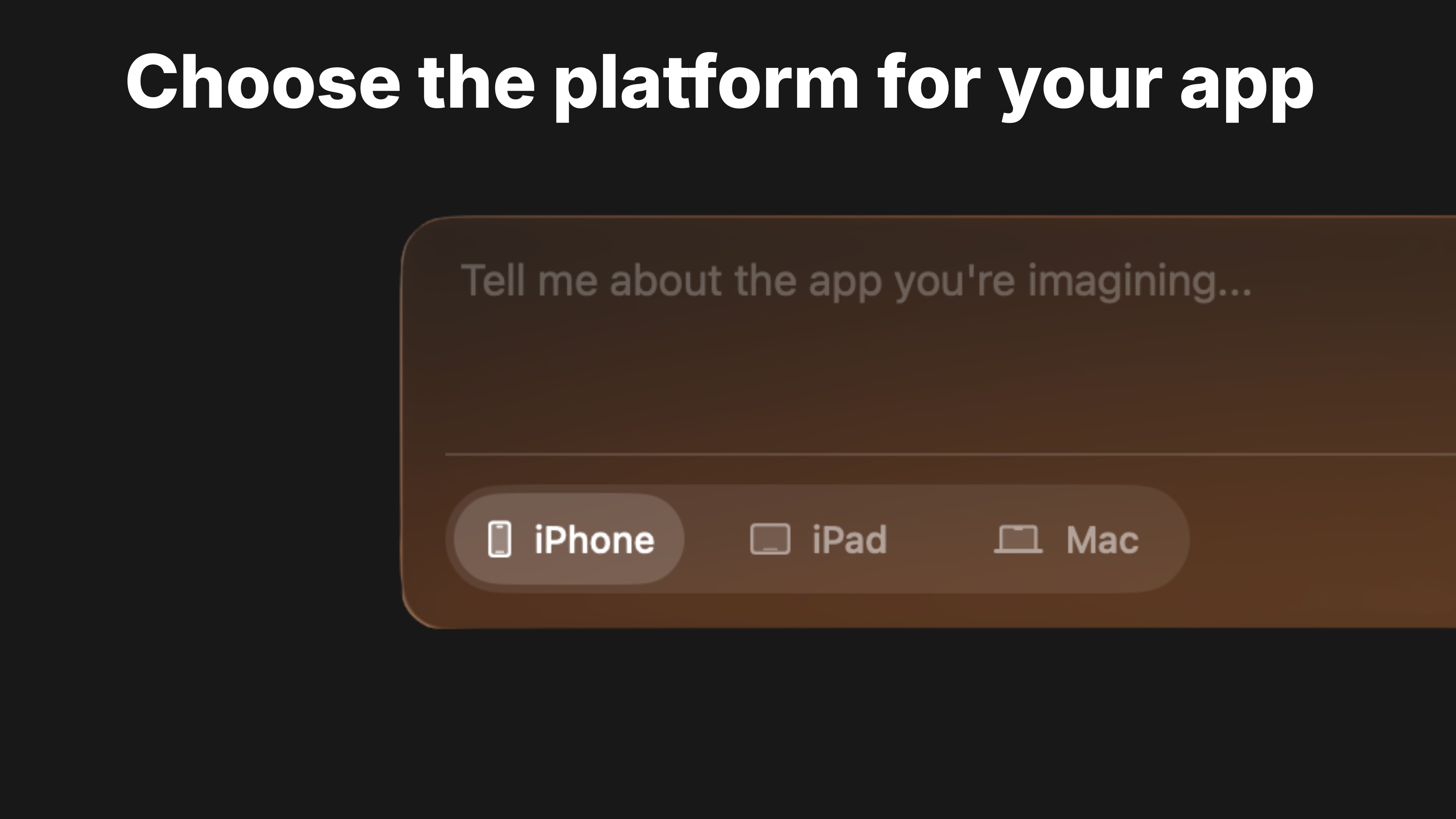
Nativeline is the first AI platform that builds native apps for iPhone, iPad, and Mac, all in one place. Other tools stop at iPhone. Most output web wrappers. Nativeline builds real native Swift for every Apple platform. Mac apps with menus and multiple windows. iPad apps that use the full screen. iPhone apps that feel like they belong. Choose your platform. Describe your idea. Ship to the App Store. The Apple ecosystem. Unlocked.
Hey Product Hunt, Kane here, founder of Nativeline. Here's the problem with AI app builders right now: ❌ Most only build for iPhone ❌ "iPad support" = stretched iPhone app that looks like garbage ❌ Mac apps? Basically impossible. Too complex, no one touches it ❌ And most of what they output is web wrappers anyway, not real native apps Meanwhile: → Mac apps are incredibly valuable. Menu bar tools, productivity apps, SaaS utilities. But actually building one? Xcode feels like a cockpit. AppKit confusion. Most people give up. → iPad has a massive screen and real power. But every AI tool treats it like a big phone. So we built Nativeline to fix this. ✅ Choose your platform, iPhone, iPad, or Mac ✅ Describe your idea in plain English ✅ Get real native Swift, not a web wrapper ✅ Ship to the App Store Mac apps with real menus and windows. iPad apps designed for the full screen. iPhone apps that feel right. One platform. The Apple ecosystem. Would love to hear your thoughts and feedback.
57
回复

Everytime I think about how fast @kanepanderson has been evolving this platform I get shivers. lol. this is giving even more advantage than Xcode with their agentic coding built in. and even more so if you are not a developer....yet want to get your feet wet. this is quite simply the best onramp into that world I've found. And yes...I've tried them all. lol.

Now doing mac apps, and iPad....each with their appropriate styling and behaviors while leveraging the latest APIs and frameworks form Apple, mean that I am able to move really fast. and in this day ..with the speed of the software industry... this is my nitro.

Well done again.... ok back to building..

49
回复

@uelsimon thanks Emmanuel means a lot! Your feedback has been very helpful when creating and updating Nativeline.

50
回复

Super excited to share Nativeline with everyone today! Been several months in building, testing, and iteration. Let me know what you think!

48
回复

Just started using Nativeline and I'm loving it, the build process is super simple and easy to learn as someone who's never made a mobile app.

Question - I haven't gotten to the deployment though, how's the process for taking the app from the platform to live on the app store?

48
回复

@liam_adams Thats great to hear! Deployment process is pretty easy, you just attach your apple account through a key (safe because its stored in the MacOS keychain) and then you just click one button and its deployed for you!

47
回复

wow, this is super interesting - Apple always keeps it products so locked down and difficult to work with, I'd love to use this site if it means I can do everything by proxy to get onto their ecosystems.

36
回复

@jake_friedberg Yeah! Give it a shot and let us know how you like it!

4
回复

This is awesome! I know exactly what I am going to build - a multi-platform MCP Server inspection tool!

2
回复

@destari That would be sweet! Let me know what you create and jump into the threads after!

2
回复

Congrats on the launch. The positioning is super clear and I love the focus on real native Swift instead of web wrappers.

Building for iPhone, iPad, and Mac in one flow is a big promise, and the “watch it build in real time” angle is very compelling. Excited to see how you handle the last-mile details like App Store submission, signing/provisioning, and keeping the generated code maintainable as the project grows.

Wishing you a strong launch day. @kanepanderson

2
回复

@fatih_furkan_yildiz thanks! Giving the capability for it to create for all platforms was a hurdle.

App Store submission, signing & provisioning is extremely smooth for the user. Just a click of a button!

0
回复

The speed to MVP here looks incredible. Being able to build for iPhone, iPad, and Mac all in one go through a conversation could save weeks of development time. I’m curious—once the app is built, can we fully export the project files to continue working in Xcode if needed?

1
回复

@arpit_sharma27 Yep! It's all written on your computer so you can open in Xcode right away. Everything is fully integrated

0
回复

I've been working on building full-stack editing apps. Perhaps I should give IOS dev a try too! :) Super cool product, I can't wait to see how you guys grow this out!

0
回复

@nidu_rahubedde Sweet! Give it a shot and let us know what you think, you can definitely build full stack apps in here!

0
回复
#8
Developer Docs Audit
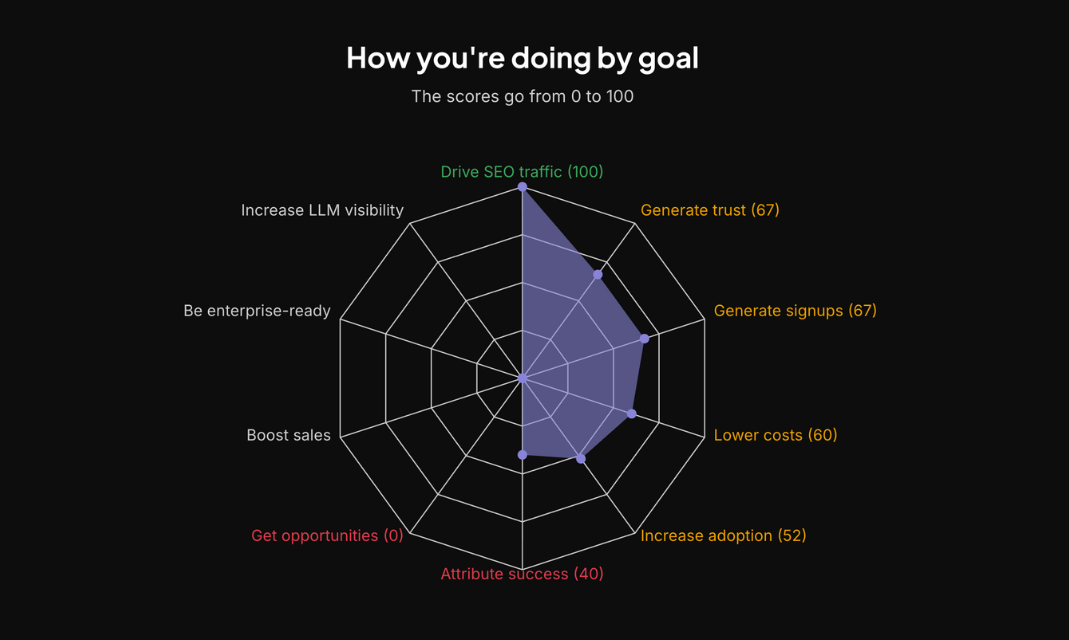
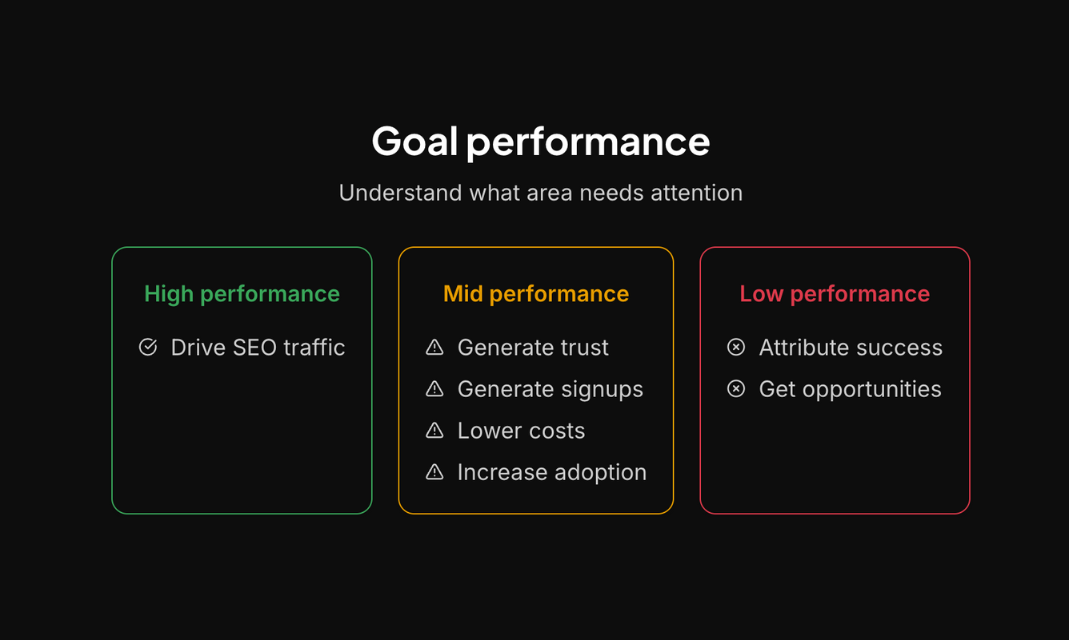
Increase LLM visibility, signups and activated users
106
一句话介绍:一款通过分析开发者文档提供 actionable insights,以提升 LLM 可见性、免费注册和用户激活率的工具,解决了开发工具产品难以通过文档有效驱动增长的痛点。
Marketing SEO Developer Tools
开发者文档分析 文档即增长渠道 LLM可见性优化 用户激活 开发工具增长 SaaS分析 产品文档审计 增长黑客 B2B SaaS 开发者体验
用户评论摘要:用户反馈与GitBook的《文档现状报告》发现一致,认为产品方向有价值。同时提出深入问题:文档在受监管行业(如合规、金融科技)中兼具用户引导和审计证据的双重作用,并询问对公共开发工具与内部企业工具文档策略差异的分析。
AI 锐评

这款产品敏锐地切入了一个被低估的赛道:将开发者文档从成本中心转化为增长引擎。其价值不在于简单的SEO或页面分析,而在于它试图将“文档质量”与“用户转化”之间的黑箱关系数据化、策略化。基于120多个顶级开发工具文档的洞察,它卖的是一套经过验证的“文档增长”方法论。

然而,其面临的挑战与机遇同样明显。首先,其核心假设“优化文档就能直接提升转化”在复杂B2B场景中可能过于线性。用户激活受产品力、定价、竞争等多重因素影响,文档仅是入口之一。其次,正如评论所指,文档在受监管行业的核心功能是“合规证据”而非“增长渠道”,这揭示了产品当前模型的局限性:它可能更适用于追求市场扩张的初创型开发工具,而对大型企业或受监管领域的关键痛点触及不深。

产品的真正壁垒,或许不在于分析框架,而在于能否构建一个动态的、跨行业的“最佳文档实践”知识库,并能针对不同客户类型(如公有SaaS vs. 内部平台)提供差异化诊断。它需要从“审计工具”进化成“增长策略顾问”,其AI模型不仅要发现“少了什么”,更要能推理“为什么缺”以及“补上后能带来多少实际增长”。若仅停留在表面指标建议,它很容易被更通用的分析平台功能覆盖。它的未来,在于深耕开发者运营(DevRel)的深水区,成为连接文档、产品、营销团队的决策中枢,而不仅仅是一个生成报告的单点工具。

查看原始信息
Developer Docs Audit
Get actionable insights to increase LLM visibility, free signups and activated users through your developer documentation. Based on 120+ top devtool docs.

Awesome! Looks like a lot of the same findings we saw at GitBook with the State of Docs report: https://www.stateofdocs.com/

1
回复

@addisonschultz That report helped me quite a lot to find the right angles for the audit, indeed! It's one of the best resources on the topic.

I also met one the GitBook co-founders some weeks ago and that helped me refine some approaches.

0
回复

Documentation-as-growth-channel is an underrated insight. For devtools in regulated industries (compliance, fintech, etc.), docs serve dual purposes: user onboarding AND audit evidence.

Curious if you've analyzed how documentation strategies differ between public devtools vs. tools used internally in regulated enterprises?

0
回复
#9
PinMe
Zero-config frontend deployment with no servers or setup
104
一句话介绍:PinMe是一款零配置的前端部署工具,允许用户通过浏览器拖拽或终端单命令快速发布网站,无需账户或服务器设置,解决了开发者和小型项目需要快速、无负担上线演示或成品的痛点。
Productivity Developer Tools Artificial Intelligence
前端部署 静态网站托管 零配置 无服务器 开发者工具 快速发布 拖拽上传 CLI工具 免费工具 简化工作流
用户评论摘要:开发者团队现身介绍产品理念并寻求反馈。主要有效评论来自一位用户,对产品宣称的“无需服务器”模式提出尖锐技术性质疑,集中在其链接共享、安全性与数据持久性的实现机制上,怀疑其本质仍是中心化服务。
AI 锐评

PinMe瞄准的是前端部署流程中“最后一公里”的体验摩擦,其宣称的“零配置、无服务器”更像是一种营销话术而非技术架构的革命。它的核心价值并非技术创新,而在于极致的用户体验简化——通过消除账户、登录、支付和复杂配置这些步骤,将部署过程压缩成近乎直觉的操作。这精准击中了那些需要快速分享原型、作品集或小型项目的开发者,尤其是学生的“即时满足”需求。

然而,产品介绍有意模糊了其技术底层,这引发了评论中资深技术用户的合理质疑。真正的“无服务器”和点对点部署在持久化、可公开访问的网站场景下目前仍不现实。PinMe极有可能仍是一个精心包装的中心化托管服务,其“无服务器”指的是用户无需自备服务器,而非架构上的去中心化。这种模糊处理是一把双刃剑:在吸引主流怕麻烦的用户的同时,也可能损害其在技术敏感用户中的可信度。

它的真正挑战在于商业模式与可持续性。完全免费、无需账户的策略虽能快速获客,但如何控制成本、防止滥用,以及未来如何在不损害现有用户体验的前提下实现商业化,都是悬而未决的问题。它可能最终会像许多同类工具一样,在吸引足够用户后,通过引入分级付费功能来寻找出路。总体而言,PinMe是一款优秀的“体验设计”产品,在技术普惠上做出了值得肯定的尝试,但其长期生存能力高度依赖于背后团队的资金耐力与战略定力。

查看原始信息
PinMe
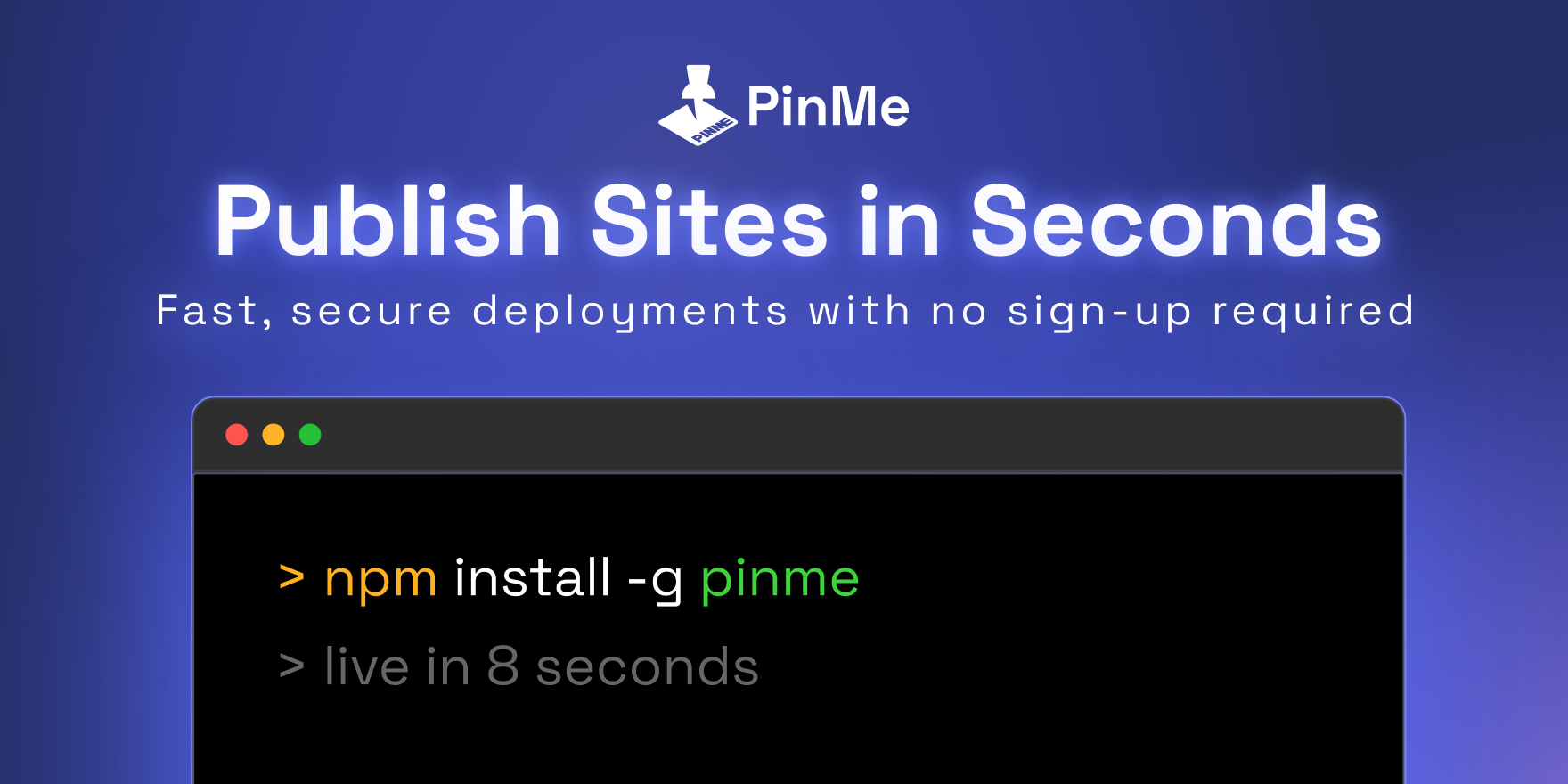
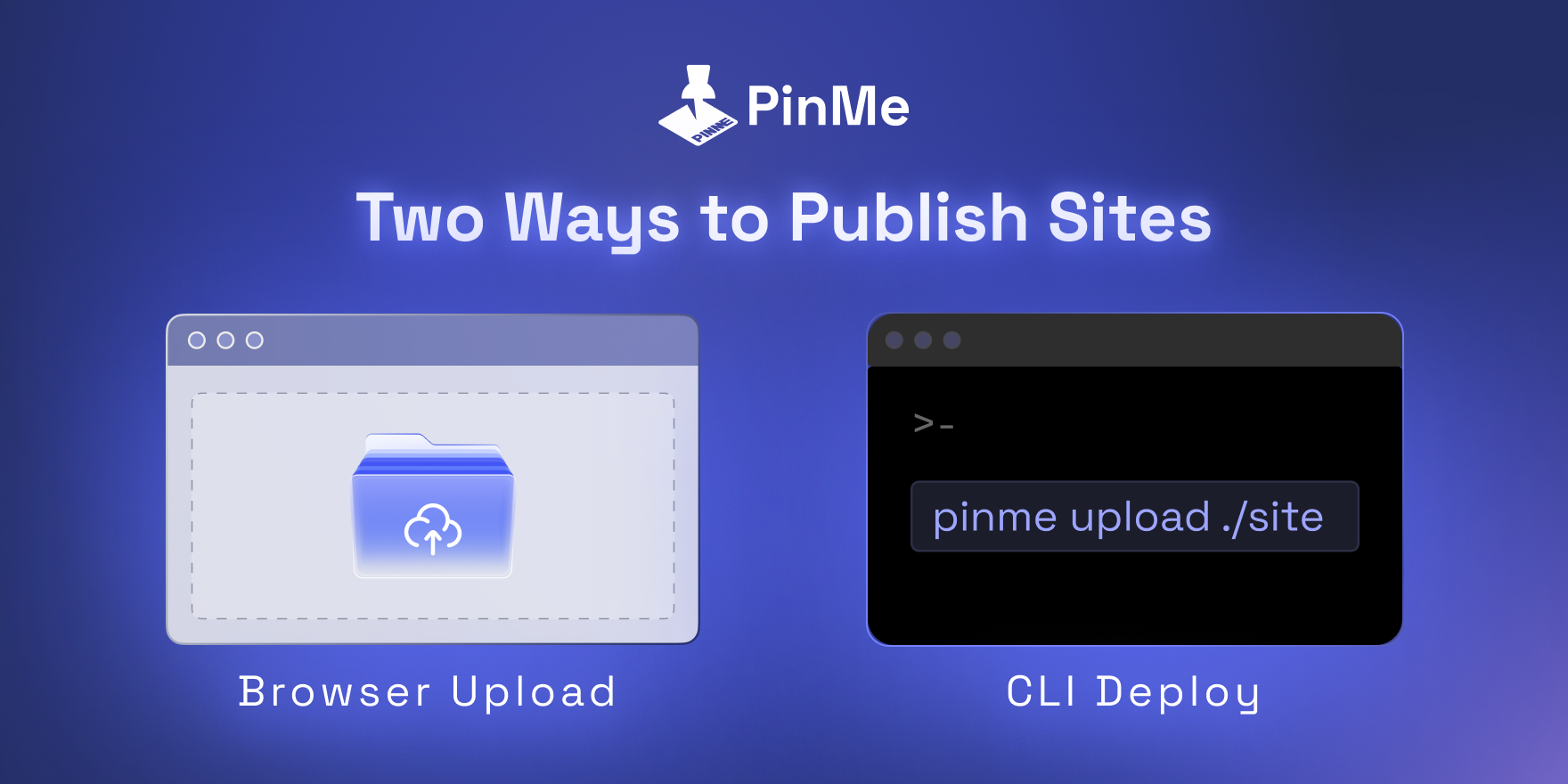
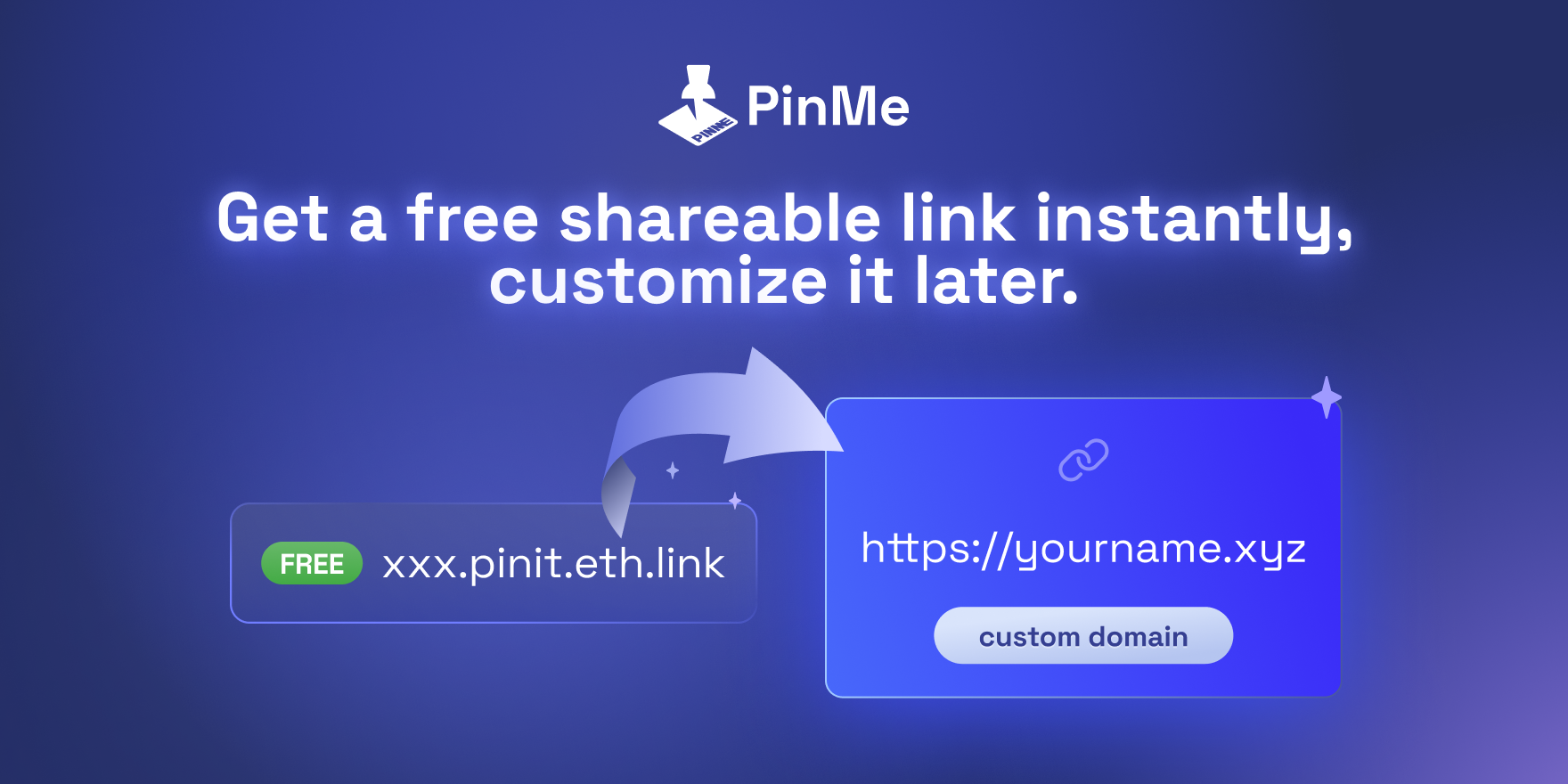
PinMe helps you publish sites in seconds. You can upload sites from your browser with drag and drop, or deploy from your terminal with a single command. Deploy, get a link, and share. PinMe focused on a fast, clean deployment experience without locking you into an all in one platform. No accounts, no sign ups, no logins, no payments required.

Hello PH! This is Glitter Protocol, the dev team behind PinMe.

We’re back for round two. Thanks for checking us out and for all the feedback last time, it helped a ton. 🙌

This time, PinMe’s here to make deployment feel…not like deployment.

Yes! That means PinMe will give you a completely new experience for deployment.
What we believe is if you can build a project in minutes, getting it online should be just as quick.

PinMe keeps things simple: you can drag and drop in the browser, or deploy from your terminal with a single CLI command.

No accounts, no sign ups, no logins. Free.

Give it a spin and drop your link below. We’ll be in the replies and would genuinely love to see what you ship 🚀

5
回复

Gosh can you explain how your customers can
Share links publicly without some intermediary server

Maintain security if it's truly peer-to-peer

Handle persistence when your machine is off?

Are you hosting/proxying - our "pin" data goes toy servers, you generate the share link, completely centralized

Or is It WebRTC with STUN/TURN servers - Still requires their infrastructure to broker connections? Im fascinated how :-)

0
回复
#10
GitBoard
Menubar mac app for Github Projects
101
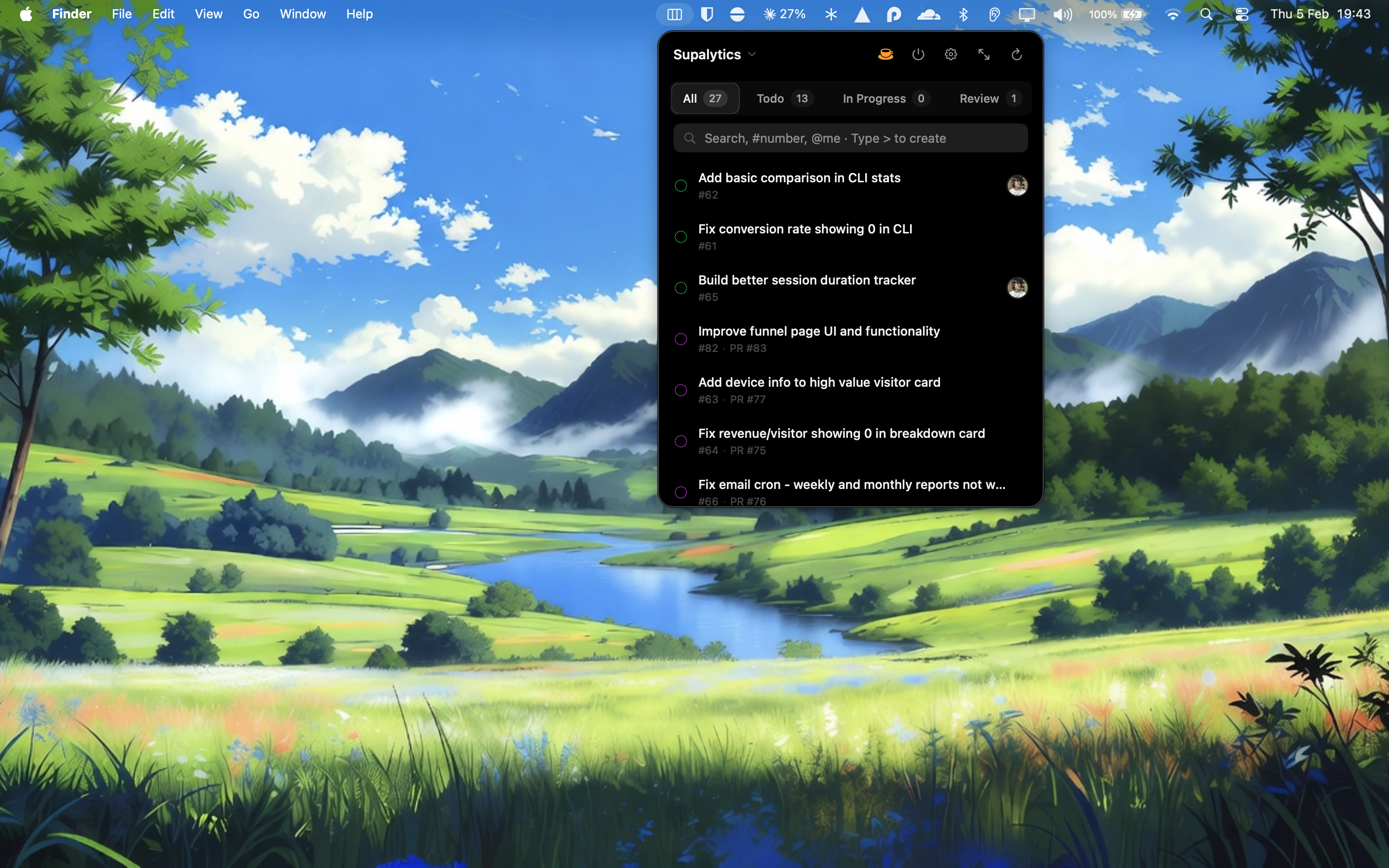
一句话介绍:GitBoard是一款原生macOS菜单栏应用,让用户无需打开浏览器即可快速访问和管理GitHub Projects看板,解决了开发者需频繁切换网页以跟踪项目进展和AI协作者任务的痛点。
Developer Tools GitHub Menu Bar Apps
GitHub工具 macOS应用 菜单栏应用 项目管理 看板工具 效率工具 开发者工具 原生应用 任务跟踪
用户评论摘要:用户主要反馈因需频繁查看GitHub项目及跟踪AI协作者任务,而希望避免打开网站。评论认可其设计,并详细列举了菜单栏访问、状态过滤、搜索、快速创建等核心功能点。
AI 锐评

GitBoard切入了一个看似微小却真实存在的缝隙市场:将日益重要的GitHub Projects从浏览器标签页中“解放”出来,锚定在macOS菜单栏这一高频触达区域。其价值并非功能创新——其看板、过滤、搜索等功能皆是GitHub网页端的复刻——而在于极致的场景化便捷与注意力最小化。它本质上是为“状态检查”这一高频低强度操作做了极致优化,让开发者能像瞥一眼时间或电量一样,瞬时感知项目状态。

然而,其深层挑战与机遇并存。挑战在于,其作为“轻量前端”的定位,使其功能深度和自定义能力必然受限于GitHub官方API,易沦为“食之无味”的便捷小工具。其引以为傲的“无需API令牌”的GitHub CLI认证方式,虽降低了使用门槛,但也将用户群体严格限定在具备一定CLI使用习惯的开发者,这或许是其目标用户画像的精准筛选,却也限制了潜在用户的广度。

真正的机遇或许在于其提及的“AI协作者任务跟踪”场景。随着AI智能体越来越多地成为项目中的“贡献者”,传统以“人”为中心的项目管理界面已显不足。GitBoard若能围绕“人-AI协作”状态通知、AI任务队列可视化等需求做深,可能从单纯的“便捷视图”升级为“人机协同项目管理”的新界面。但目前看来,此点仅是用户提及的一个使用场景,产品本身并未展现出针对此的专门设计。若不能超越“便捷”层面,构建独特的、不可替代的管理维度,其长期生命力恐将受制于GitHub官方客户端的任何微小改进。

查看原始信息
GitBoard
A native macOS menu bar app for GitHub Projects. Quick view in menubar, full kanban board view, filter by status, search issues, assign users, and create new ones.
Hey Producthunt, I started using Github projects few days ago and I wanted to keep track of things without having to go to github website. My openclaw ai agent is also a collaborator in my projects and works on issues assigned to it. So I needed to see what AI is working on and get notified when its done as well. Features: — Menu bar access — click the icon, see your board — Status filtering — switch between Todo, In Progress, Done — Search issues — by title, number, or @assignee — Quick create — type > to create issues inline — Assign users — right-click to assign yourself or others — Full kanban window — drag and drop between columns — Status notifications — know when issues move — GitHub CLI auth — no API tokens needed
3
回复

So well designed!

0
回复
#11
LIAM
Email drafts in your voice + inbox organising + scheduling
97
一句话介绍:LIAM是一款集成在Gmail内的AI行政助理,通过生成符合用户个人风格的邮件草稿、智能优先处理重要邮件以及协助日程安排,在繁忙的邮件沟通与日程协调场景中,为专业人士节省大量重复性工作时间。
Productivity Artificial Intelligence Tech
AI邮件助手 邮箱效率工具 智能邮件起草 收件箱管理 会议日程协调 Gmail集成 个人风格模仿 生产力提升 SaaS
用户评论摘要:用户反馈主要肯定其节省时间、优先处理重要邮件的核心价值。主要疑问集中在:1. 仍需人工检查是否真正省时;2. 是否适用于邮件推广场景。开发者回复澄清了省时逻辑(多数草稿可一键发送或微调),并探讨了未来功能扩展。
AI 锐评

LIAM的定位精准地刺入了现代知识工作者最普遍的痛点——邮件与日程管理的“泥沼时间”。其宣称的“Email AGI”愿景颇具野心,但当前产品逻辑更务实:不做全自动的黑箱操作,而是做“草稿生成器”与“智能过滤器”,将决策权(发送批准)牢牢留给用户。这是一种聪明的市场切入策略,在AI信任度仍存疑的当下,通过“人类在环”设计降低了使用门槛和心理防线。

然而,其真正的护城河与潜在风险皆系于“模仿用户声音”这一核心。技术上,这需要深度的个性化训练与数据沉淀,其效果是否真能如宣称般远超市面通用AI助手(如Gemini、Copilot),仍需大规模用户验证。商业上,它深度绑定Gmail,降低了安装成本,但也将自身命运与谷歌的平台政策深度捆绑。

从评论看,早期用户(如Beta测试者)的痛点解决感知强烈,尤其是从信息噪音中识别关键邮件,这揭示了产品超越“代笔”、迈向“智能注意力管理”的更大潜力。但质疑声也值得深思:如果用户仍需逐一检查草稿,节省的“思考与撰写时间”与“检查与修正成本”之间,净收益是否依然显著?这要求LIAM的草稿质量必须无限接近甚至超越用户亲笔水平。

总体而言,LIAM展现了一个清晰的产品化思路:不追求炫技式的全自动,而是聚焦于用AI大幅压缩邮件处理流程中的“准备环节”,充当一个超级副驾。其成败关键在于个性化学习的深度与精度,以及能否在“辅助”与“自主”之间找到那个让用户真正感到轻松而非增加监控负担的完美平衡点。

查看原始信息
LIAM
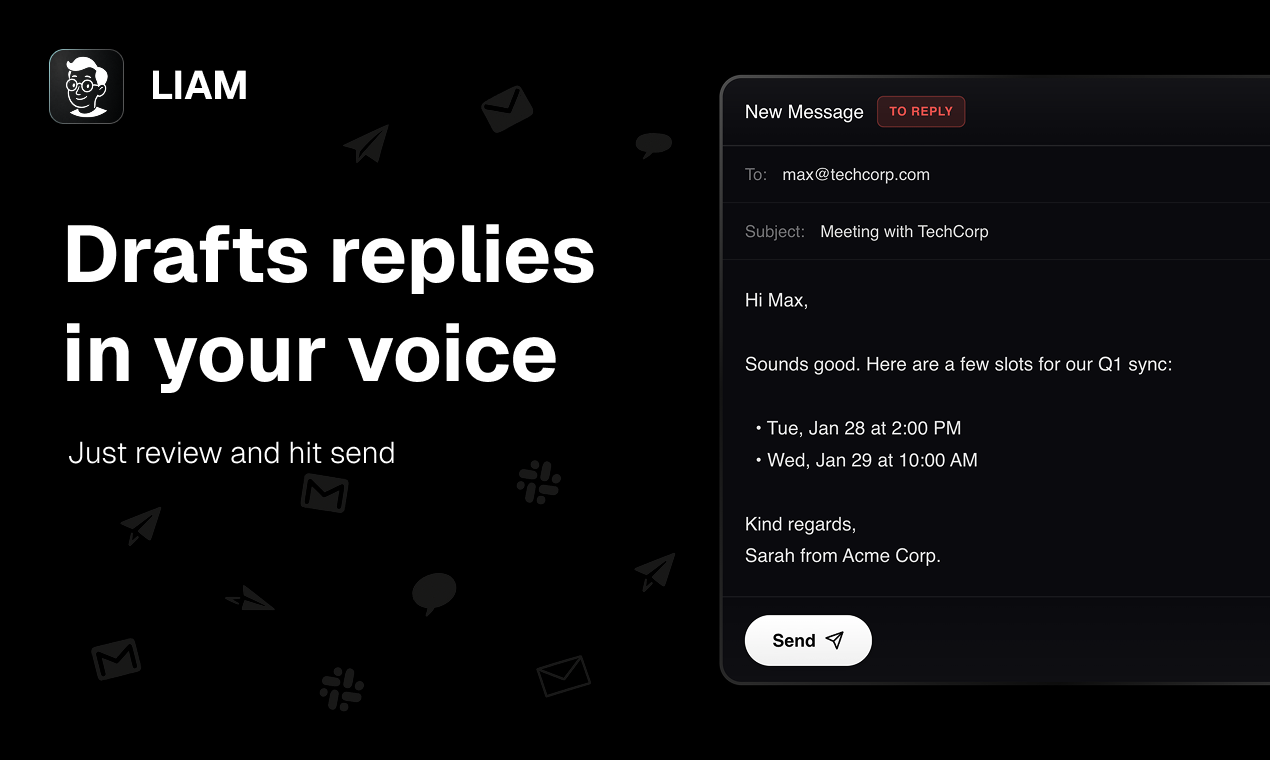
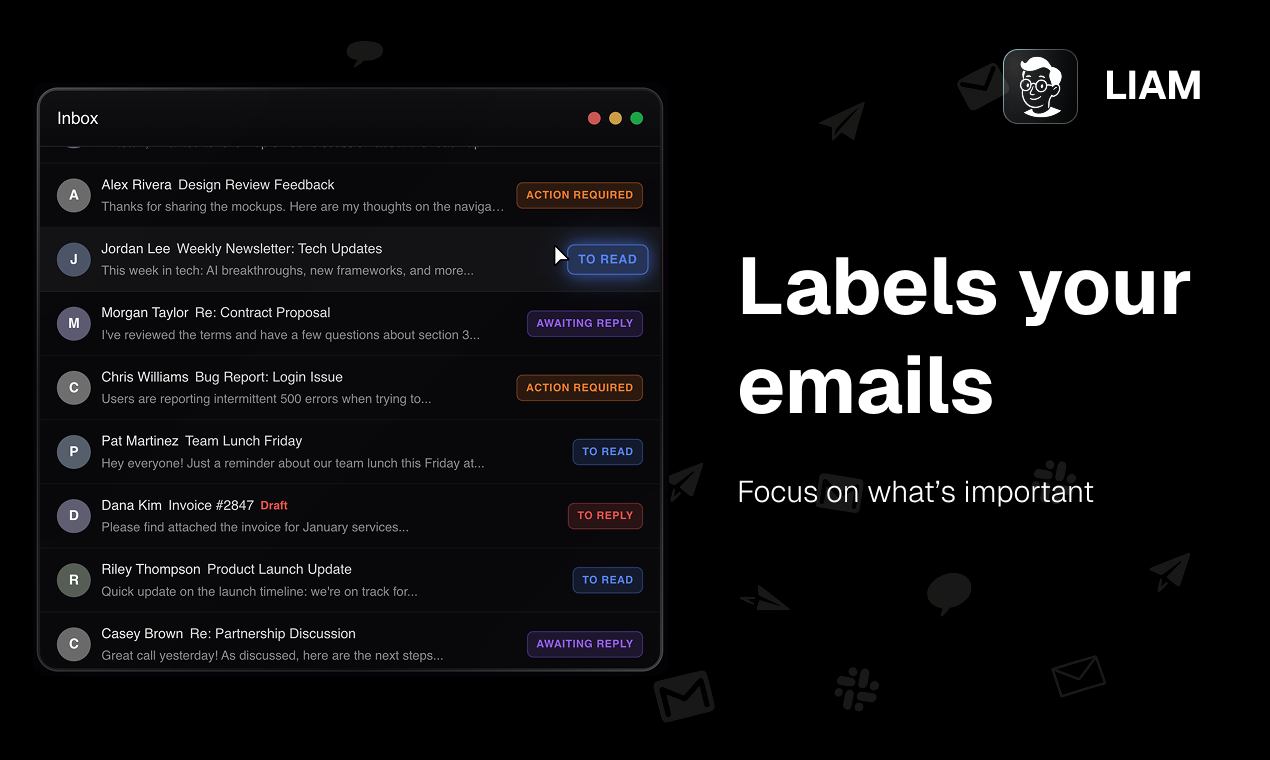
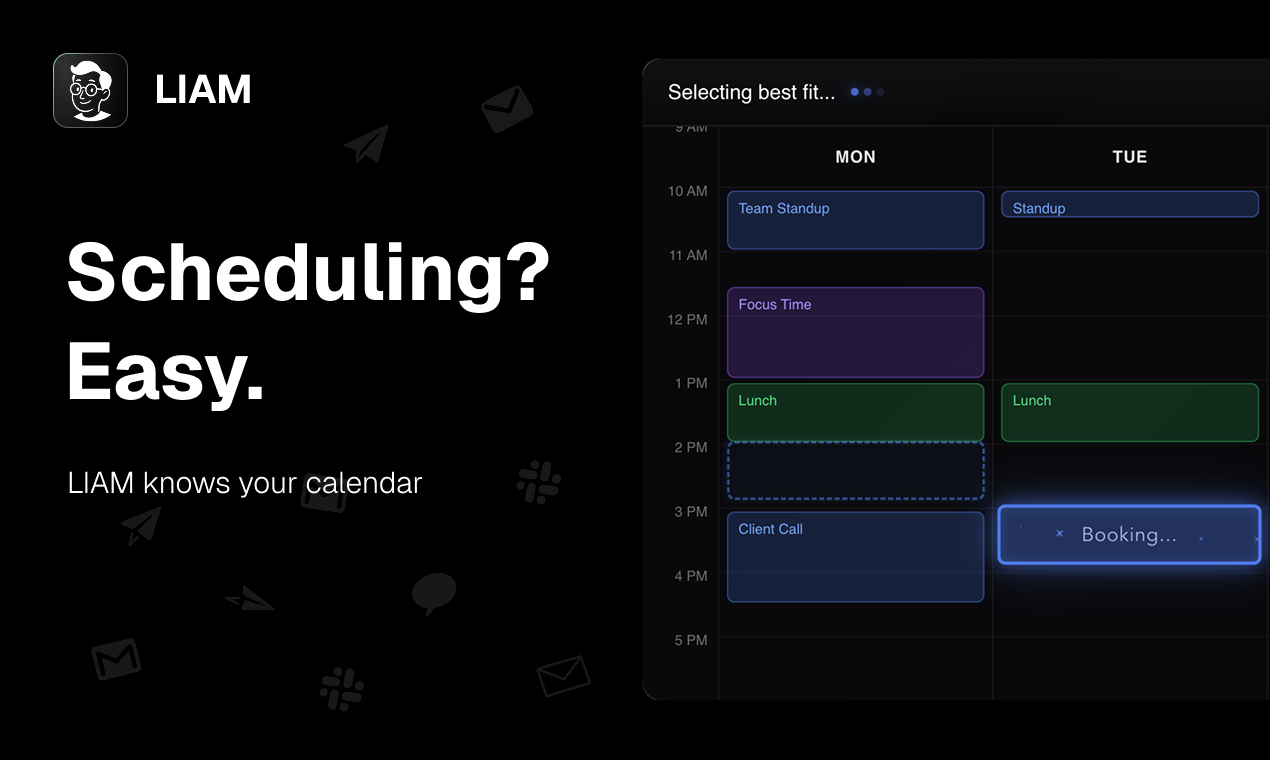
You are wasting hours on emails and managing your calendar. LIAM is an executive assistant that connects to your Gmail and generates ready-to-send drafts in your voice, prioritises important emails, and helps with scheduling. LIAM never sends emails without your approval. No new app or software to install. Takes 1 minute to connect and it lives in your mailbox.
Hey Hunters, I realised I was wasting 10+ hours a week in Gmail and calendar back-and-forth. Replies, scheduling, searching for info. So I built LIAM to save my time. My goal is to reach, what I call, "Email AGI” 😄 An assistant where you barely touch your inbox. It learns your writing style over time and keeps getting better. Today LIAM connects to Gmail and: - generates ready-to-send drafts in your voice (better than Gemini or Copilot by a loooong shot. Shots fired) - prioritises important threads and organises your inbox - helps schedule meetings back-and-forth (knows your calendar) Nothing is sent without your approval. No new app to learn, it lives inside Gmail. It’s already being used by high-agency teams (including YC folks) and operators in industry. I’d love your blunt feedback. If you share my pain, what repetitive email workflow wastes the most time for you?
2
回复

Been on the beta for a while now. My inbox is usually a graveyard of newsletters and noise—this is the only way I can actually spot the emails that need my attention ("Finanzamt" -..-). Highly recommend.

2
回复

@ruslan_noschajew Glad to have you using LIAM since day one.

0
回复

Can't wait to use this while im fundraising

1
回复

@tonyystef looking forward to celebrating your fundraise!

Am I invited to your round-closing party? 😎

0
回复

cool product

1
回复

@riomensah thanks man!

0
回复
Will this help with email outreach?
1
回复

@vishnu_nc not doing that atm, but you will be able to give LIAM commands asking to send email to someone. LIAM will draft it in your style and send.

Who do you usually reach out to and how many email you send per day? Don't you use some professional outreach tools for such tasks?

0
回复

Looks useful, especially for a busy inbox. But I’m curious does it really save time if you still have to go through the emails anyway?

1
回复

@jackdonovan Yes. Out of 10 emails you reply per day, to 4 of them you can just hit send button for another ~4 you might need to make slight adjustments - like in cases where AI cannot possibly know the full answer. LIAM will leave some space for you to fill in like: 🅻[YOUR INFO HERE].

So yes, it will save at the very least half the time for you and will get better over time. And scheduling meetings back-and-forth is simpler.

Thank you for your question Jack.

0
回复

This is cool! How does the backend work?

0
回复
#12
Fix Ugly PowerPoint by CubeOne
Who designed this?
96
一句话介绍:一款通过AI自动重设计,将杂乱PPT转化为具备高级排版、流畅动画和品牌化风格的演示文稿工具,解决了用户在专业设计资源匮乏或时间紧迫情况下快速提升演示文稿视觉质量的痛点。
Design Tools Productivity Artificial Intelligence
AI演示设计 PPT美化 幻灯片重设计 设计自动化 办公效率 品牌化模板 可编辑导出 演示文稿工具
用户评论摘要:用户反馈积极,官方主动邀请测试“最丑幻灯片”以展示能力。核心关注点在于:1. 与仅生成幻灯片的AI工具(如Gamma)的差异化(本产品侧重“修复”而非“生成”);2. 对内容混乱或不完整的输入,其故事线输出质量的稳定性。官方回复称即使输入混乱也能保持一致性,但完整内容效果更佳。
AI 锐评

CubeOne的“Fix Ugly PowerPoint”切入了一个精准且普遍存在的职场痛点:内容与设计的割裂。它没有选择从零生成的拥挤赛道,而是聪明地定位为“修复者”和“提升者”,其宣称的价值不在于创造内容,而在于为现有内容瞬间披上专业设计的外衣。这直接瞄准了那些拥有核心信息却缺乏设计能力或时间的知识工作者。

从评论区的互动可以看出,团队深谙营销之道——通过“挑战最丑幻灯片”来直观展示产品威力,这比任何功能列表都更具说服力。然而,其面临的真正挑战与核心价值同样尖锐。首先,是“审美权威性”问题:AI所定义的“高级布局”和“流畅动画”是否真的符合所有行业的专业语境?是否会陷入另一种同质化的设计模板?其次,是其技术天花板:当输入内容极度混乱、逻辑不清时,AI能否真正理解并优化“讲故事”的结构,还是仅仅进行表面的视觉美化?官方回复承认“完整内容效果更佳”,这暗示了其作为设计助手的本质,而非内容架构师。

与Gamma等生成式工具的对比问题,恰恰揭示了其市场定位的成功。Gamma是“从想法到草稿”,而CubeOne是“从草稿到成品”。理想的工作流中,两者或许可以衔接,但CubeOne解决的是更靠后、更迫切的交付痛点。它的真正风险在于,随着生成式AI工具的进化,它们是否会逐渐向后端设计环节延伸,从而挤压“修复型”工具的生存空间?因此,CubeOne的护城河必须建立在极其精准的审美输出、深度品牌适配以及对PPT/Keynote等原生格式的完美编辑性保持上。它不是一个炫技的AI,而应成为一个可靠、懂行的“幻灯片设计副驾”。

查看原始信息
Fix Ugly PowerPoint by CubeOne
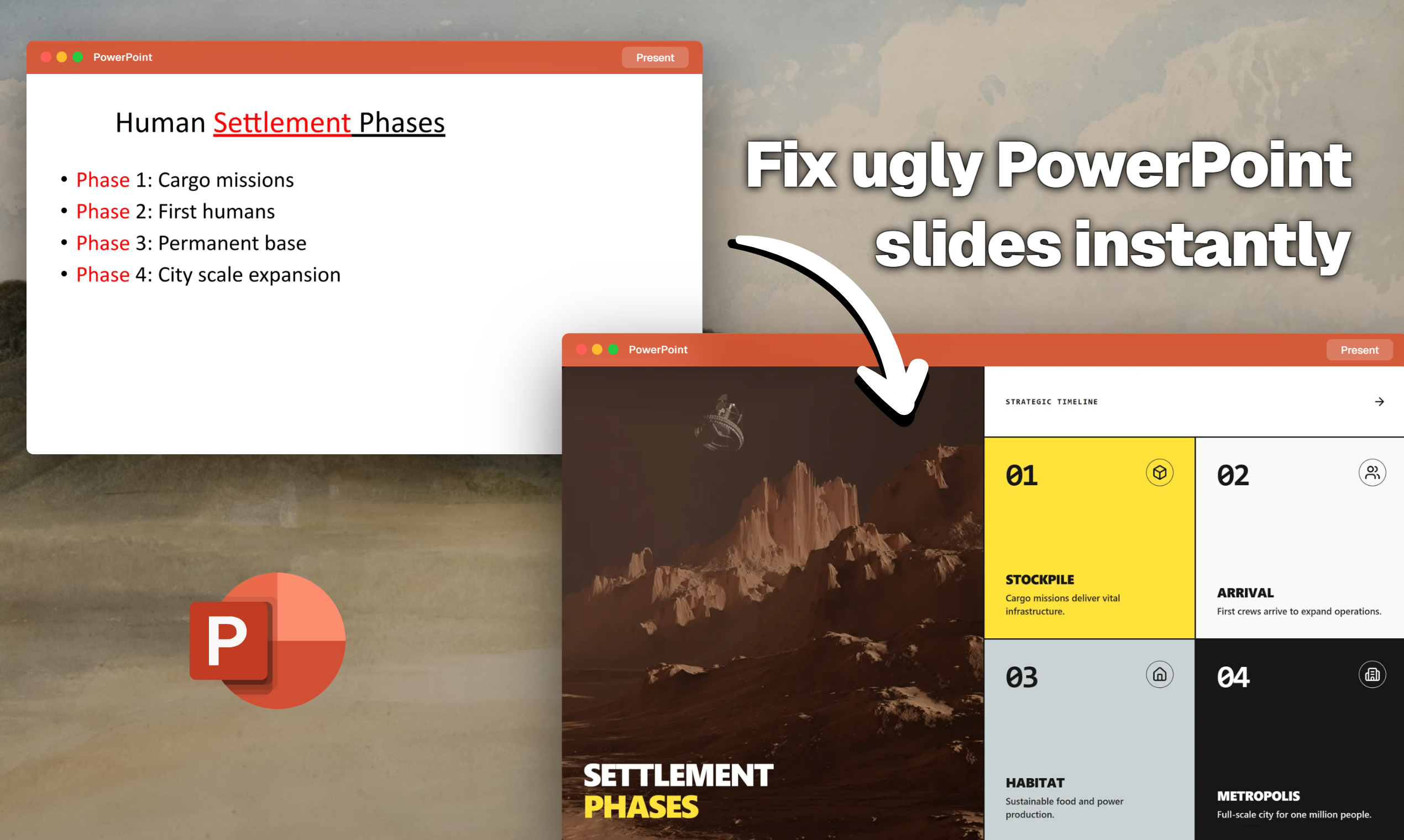
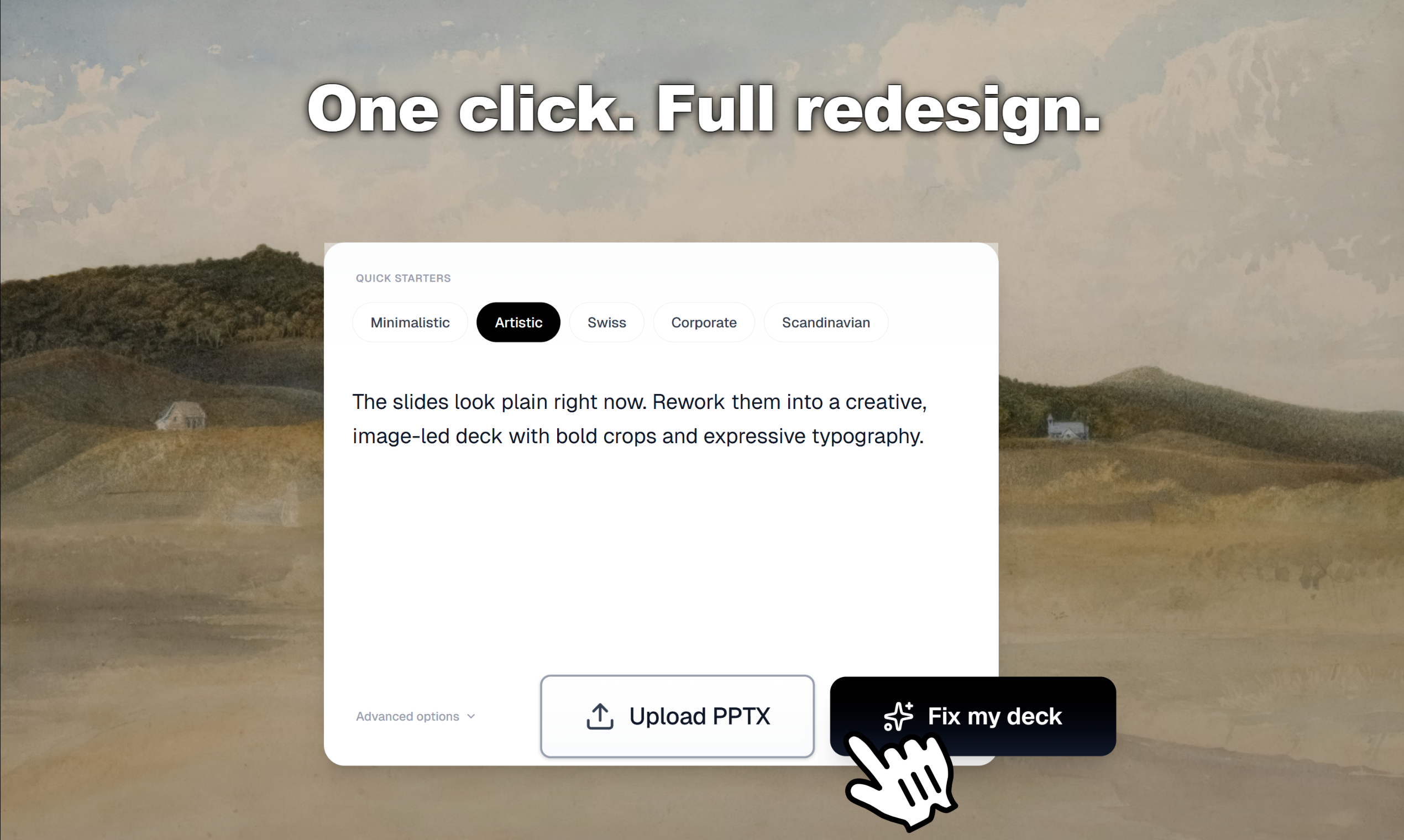
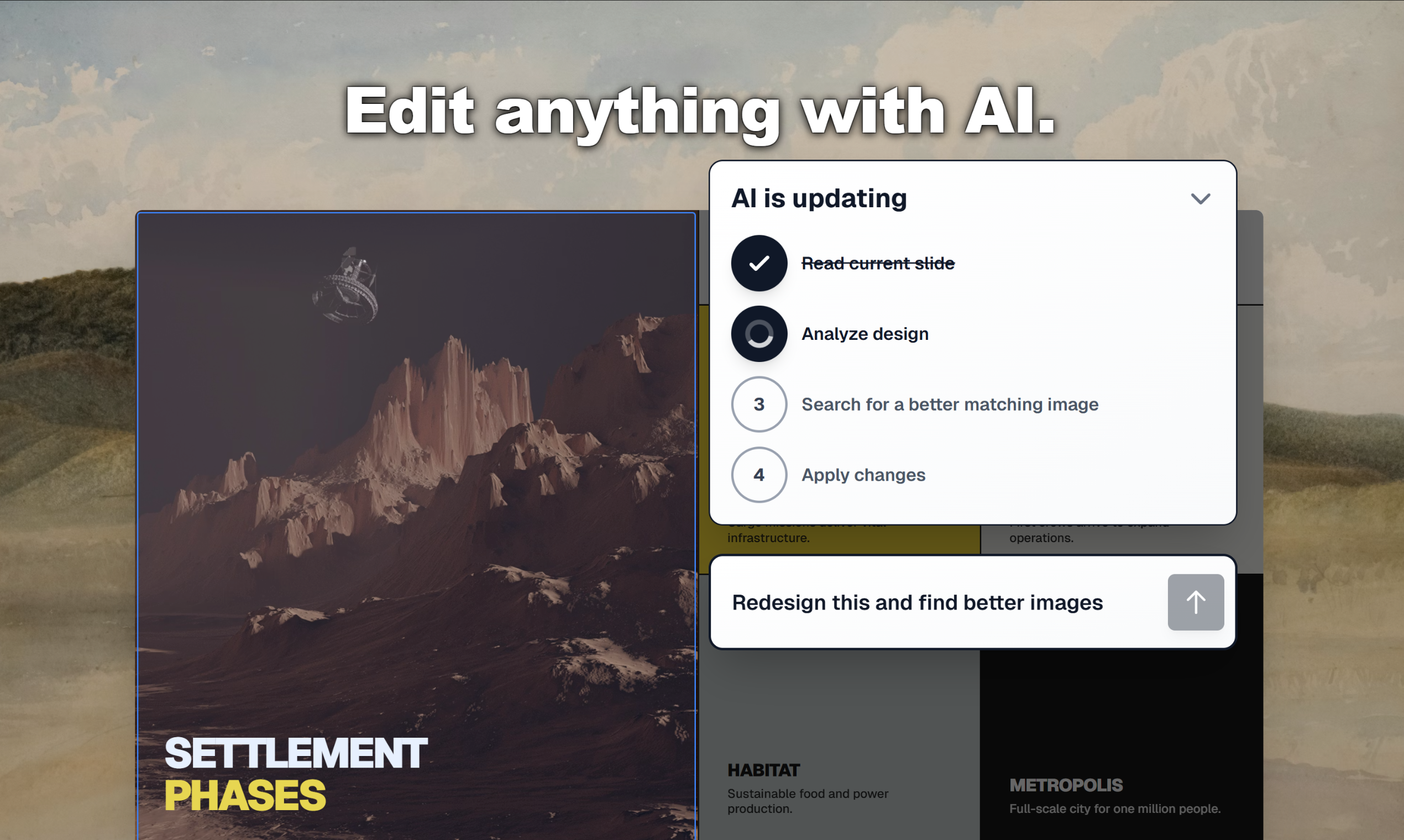
Upload your messy deck. AI redesigns every page with premium layouts, smooth animations, and brand-matched styling. Export fully editable PPTX, Google Slides, or Keynote. Keep editing forever.

🔥 Launch Day Dare
Send us your ugliest deck. We'll pick 5 and fix them live.

Drop the link below or DM. Before/after goes public.

Let's see what you got.

3
回复

Many AI slides tools just generate more bad slides faster. 🙈

Let's fix the ones here. 🚀

Your content is fine. Your design isn't.

2
回复

Drop a screenshot of your worst slide in the replies. We'll show you what CubeOne does with it. No judgment. We've seen things. 👀

2
回复

How consistent is the storytelling quality when the input content is messy or incomplete?

1
回复
@beginners_blog Messy input? still works. design and storytelling stay consistent. But complete content gets you closer to exactly what you want. some of our users skip presenting entirely and just share the link. that’s how good the storytelling is
0
回复

How does this tool differ from Gamma, would there ever be a situation where I'd use Gamma and Presentation 2.0?

0
回复
#13
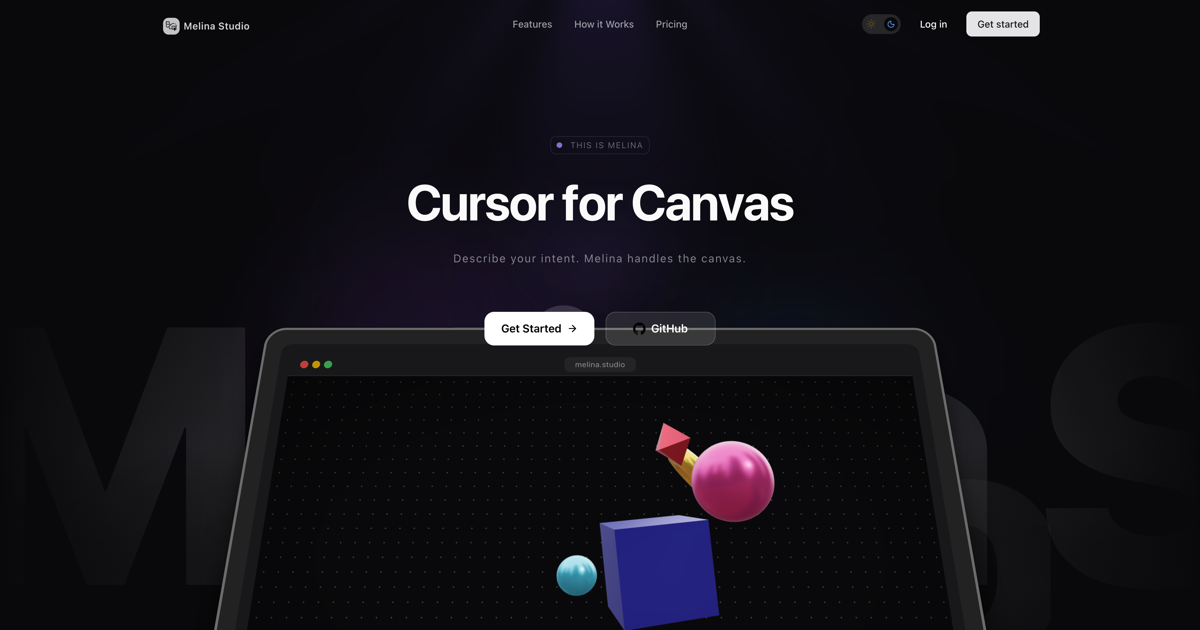
Melina Studio
Cursor for canvas
83
一句话介绍:Melina Studio是一款AI设计工具,它允许用户通过对话与画布内容直接交互,让AI理解并编辑视觉元素,解决了在传统工作流中视觉构思与AI生成相互割裂、需要手动转换的痛点,特别适用于工程师、设计师等需要可视化梳理和扩展复杂想法的场景。
Design Tools Developer Tools Artificial Intelligence GitHub
AI设计工具 可视化协作 思维画布 图表生成 上下文感知AI 设计工作流 创意辅助 智能绘图 人机交互
用户评论摘要:用户反馈主要认同产品解决了“AI盲区”痛点,即视觉工具与AI提示间的上下文割裂。创始人强调其核心是让画布成为模型的“一等状态”。另有用户提及自身类似工具进行对比。目前评论以理念探讨为主,尚无具体功能问题或改进建议。
AI 锐评

Melina Studio的野心,并非仅是又一个“AI生成图表”的工具,而是试图颠覆当前人机交互的范式。它将画布从被动的展示平面,升级为AI可感知、可操作的“上下文层”。这直指当前AIGC工具的核心短板:大模型通常是“对话的巨人,视觉的矮子”,用户需要在聊天界面用文字艰难描述视觉构思,再手动调整生成结果,流程断裂且损耗严重。

其宣称的“Cursor for canvas”类比极具迷惑性,也暴露了其真正的挑战。Cursor的成功在于它深入理解了代码的结构化上下文(如函数、类),但视觉画布上的元素关系更松散、语义更模糊。让AI“理解”一个架构图并“重构”它,其技术复杂度远高于基于文本的代码补全。目前介绍中“扩展架构”、“重构图表”等承诺,仍需验证其在实际复杂场景下的可靠性与精确度。

从市场角度看,它切入了一个精准的利基市场:那些高频使用图表进行系统设计、头脑风暴的专业人群。如果它能真正实现流畅的“对话式演进”,而不仅仅是基础生成,它将不再是工具,而是一个思考伙伴。然而,其风险在于可能陷入“两头不靠”的境地:对轻量用户而言过于复杂,对专业用户而言又不够精确。产品的真正试金石,在于其AI模型对画布上下文的解析深度,以及由此带来的操作是否足够“智能”和“可控”,而非仅仅是“响应”。当前83票的热度显示了市场对方向的期待,但通往“视觉思维的副驾驶”之路,才刚刚开始。

查看原始信息
Melina Studio
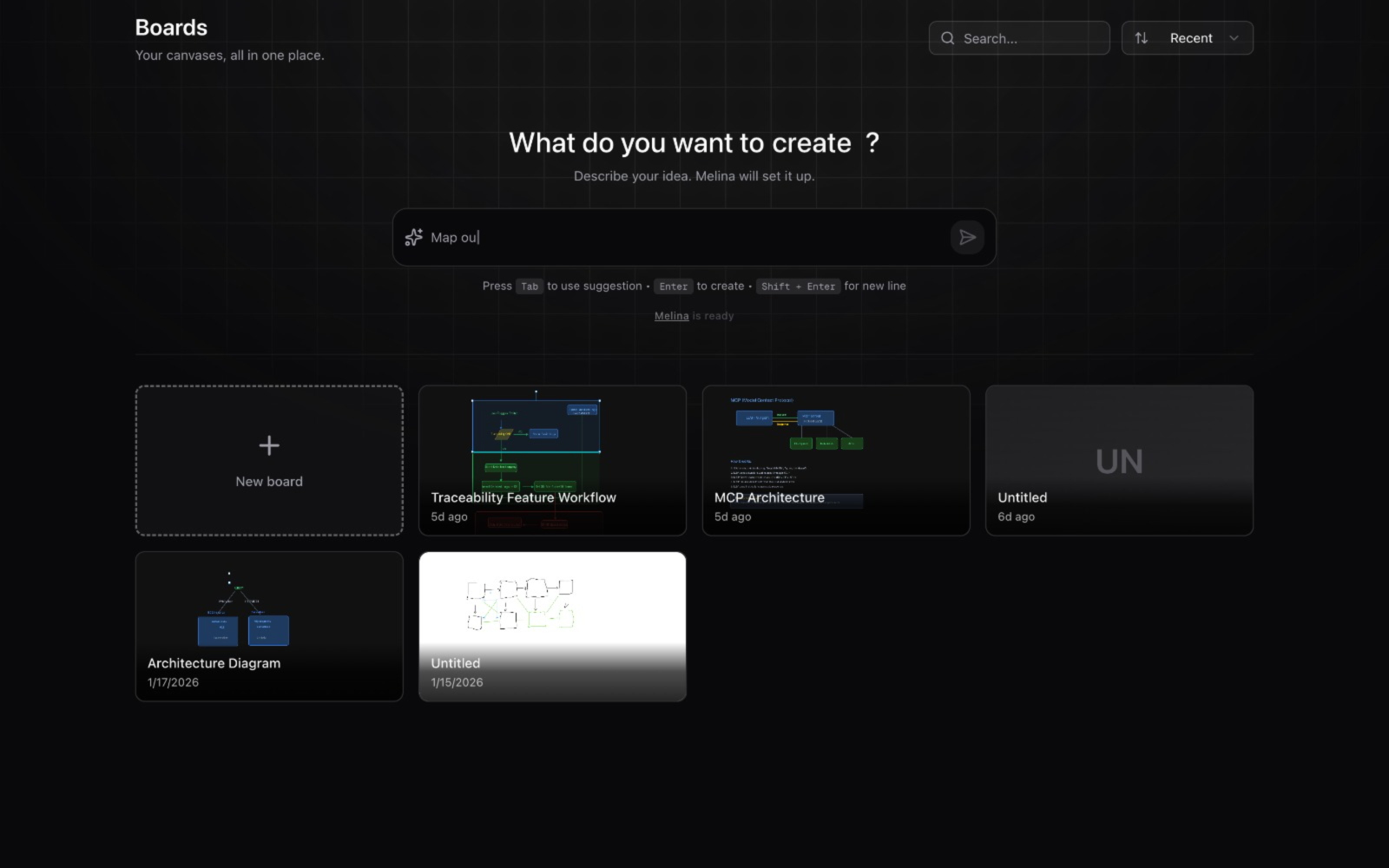
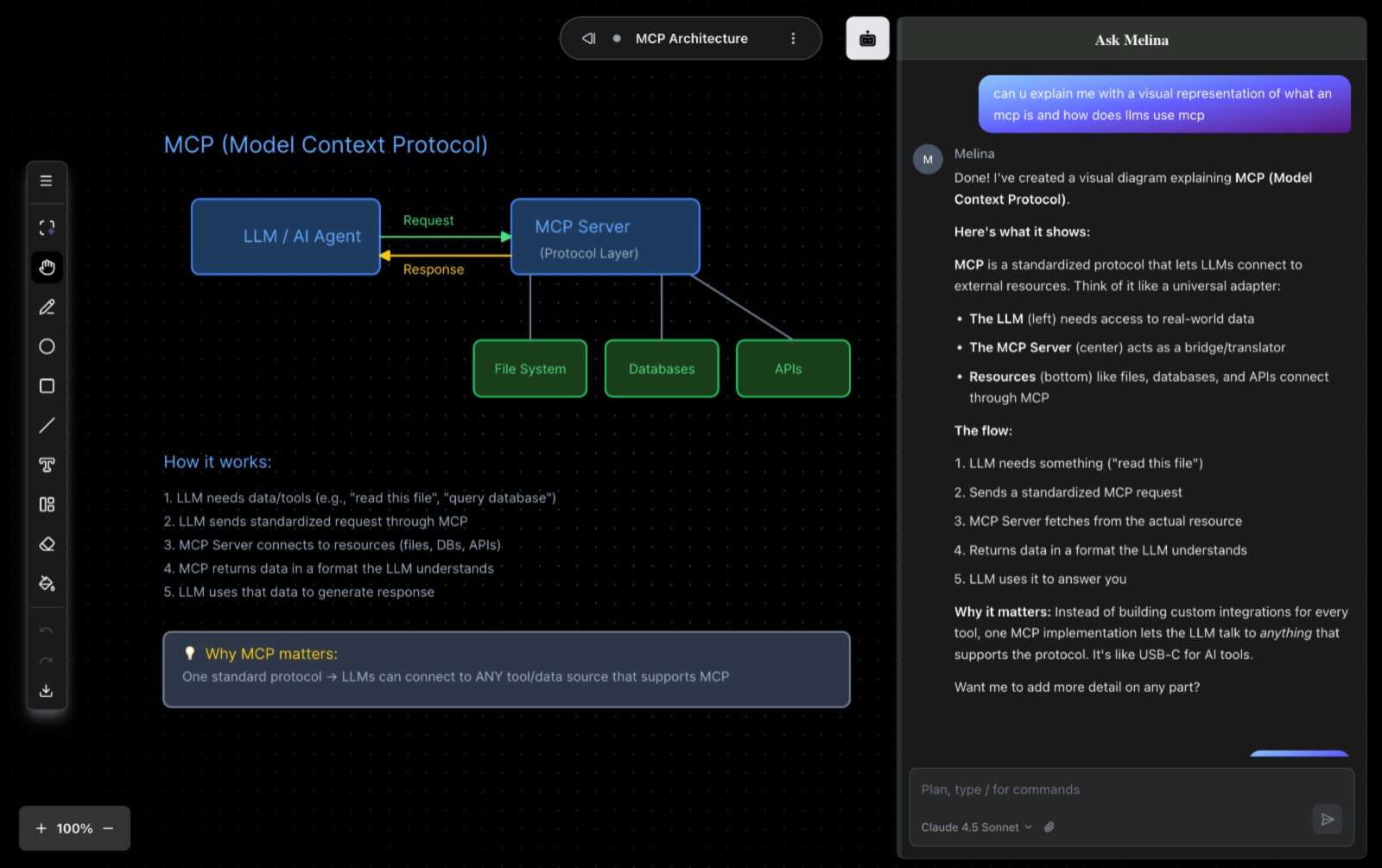
Cursor for canvas. Turn thoughts into visual clarity through conversation. Melina is an AI design tool that brings your ideas to life exactly as you imagine.
Built Melina Studio because visual thinking tools and AI still live in separate worlds. You draw diagrams in one place and prompt AI in another, then manually translate ideas back to the canvas. That gap felt broken. Melina Studio is a thinking canvas where the AI understands what’s on the board and can directly edit it—expand architectures, refactor diagrams, explain systems, or evolve ideas visually. You can select parts of the canvas and ask the AI to go deeper, instead of starting from scratch in chat. Would love feedback from engineers, designers, and anyone who thinks in diagrams. What’s the first thing you’d map out on a canvas like this?
0
回复

The 'AI blindness' between drawing and prompting is real—this is exactly the context layer missing from the design workflow. I actually used that same 'vibe coding' mindset to speed-run the build for FeatMap.app on a 4-hour train ride today. While you're bringing visual clarity to ideas, I'm using FeatMap to give founders a 100% free, 30-second way to get clarity on what their users actually want next via public roadmaps.

0
回复

@michael_dors_dev Appreciate this — “context layer” is exactly how I think about it too.
The goal is to make the canvas itself first-class state for the model, not just the prompt.
Love the idea of fast clarity loops for founders as well.

0
回复
#14
Gravity DMG
Sign, notarize, & design DMG packages for your macOS apps
80
一句话介绍:Gravity DMG是一款面向macOS开发者的桌面工具,通过可视化设计和一键流程,解决了应用打包、签名与公证环节复杂繁琐的痛点,让专业DMG安装包的创建变得简单快捷。
Mac Design Tools Developer Tools
macOS开发工具 应用打包 DMG创建 公证签名 可视化设计 安装程序 生产力工具 开发者工具 本地安全 工作流优化
用户评论摘要:有效评论极少。开发者本人介绍了产品背景与优惠。仅有一条用户回帖表示已购买并称赞其为“伟大的应用”,同时询问了开发者另一款产品的优惠信息,属于积极反馈但未提出具体问题或建议。
AI 锐评

Gravity DMG瞄准的是一个极其垂直且专业的痛点:macOS应用分发的“最后一公里”。它的真正价值不在于技术上的颠覆(其核心依赖的仍是Apple官方的公证API和磁盘工具命令),而在于将分散、晦涩的命令行操作封装成一个安全、直观的本地化图形界面。这本质上是将“基础设施”产品化,其核心壁垒并非技术深度,而是对开发者工作流的精准理解和极致的用户体验打磨。

产品定位清晰——服务于那些重视品牌形象、希望交付给用户专业第一印象的独立开发者或小团队。它卖的是一种“省心”和“体面”:省去与`notarytool`、`hdiutil`纠缠的时间成本,避免因手动操作失误导致的公证失败;同时通过预设模板,将安装包从技术产物升格为品牌体验的一部分。其“本地与安全”的强调,直接回应了开发者对敏感证书云端处理的不信任,这是明智的差异化设计。

然而,其天花板也显而易见。目标用户群规模有限,且需求频次可能不高(仅在发布或更新时使用)。它面临来自免费脚本、持续集成(CI)流水线集成方案(如Fastlane)的潜在竞争。虽然它降低了单次使用的认知负担,但对于已将流程自动化集成到CI/CD中的团队,吸引力可能不足。因此,它的成功更依赖于在细分市场的精准获客和建立口碑,其生命周期许可的销售模式也印证了这一点——它更像是一个解决特定问题的“精美工具”,而非一个可持续产生订阅收入的平台。长远来看,它需要思考如何从“创建工具”向“分发管理”环节延伸,或与更广泛的开发者服务生态集成,以拓宽其价值边界。

查看原始信息
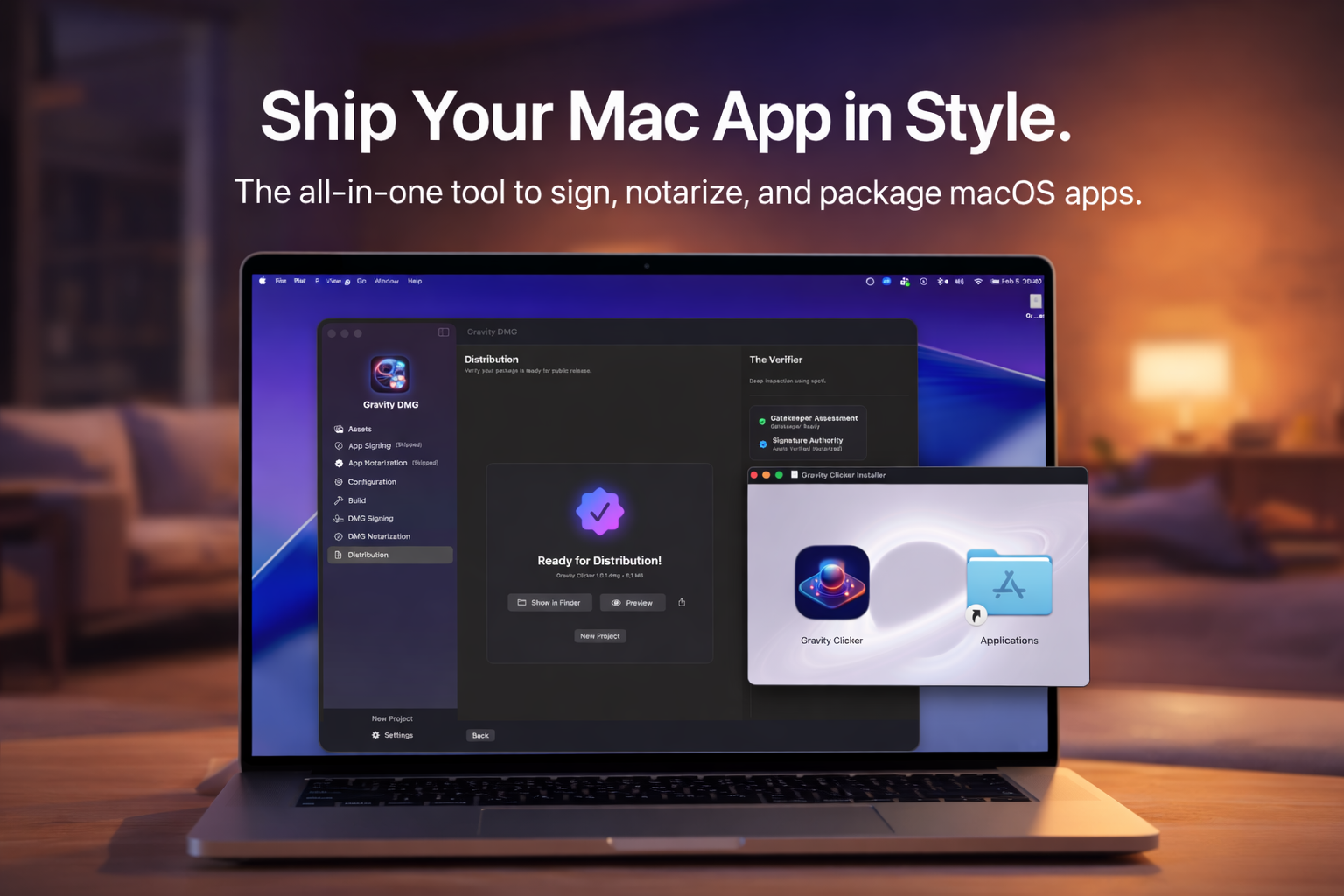
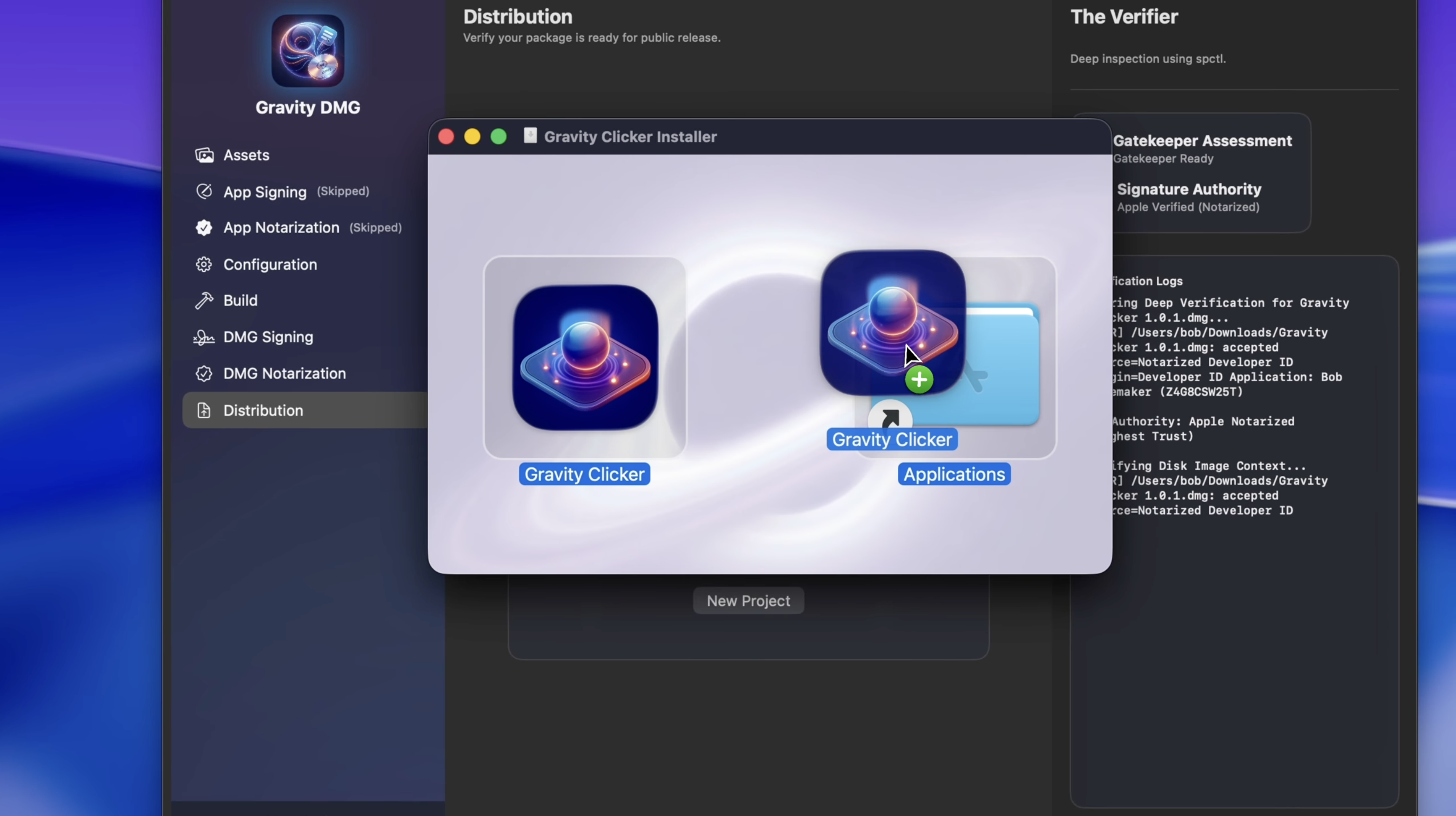
Gravity DMG
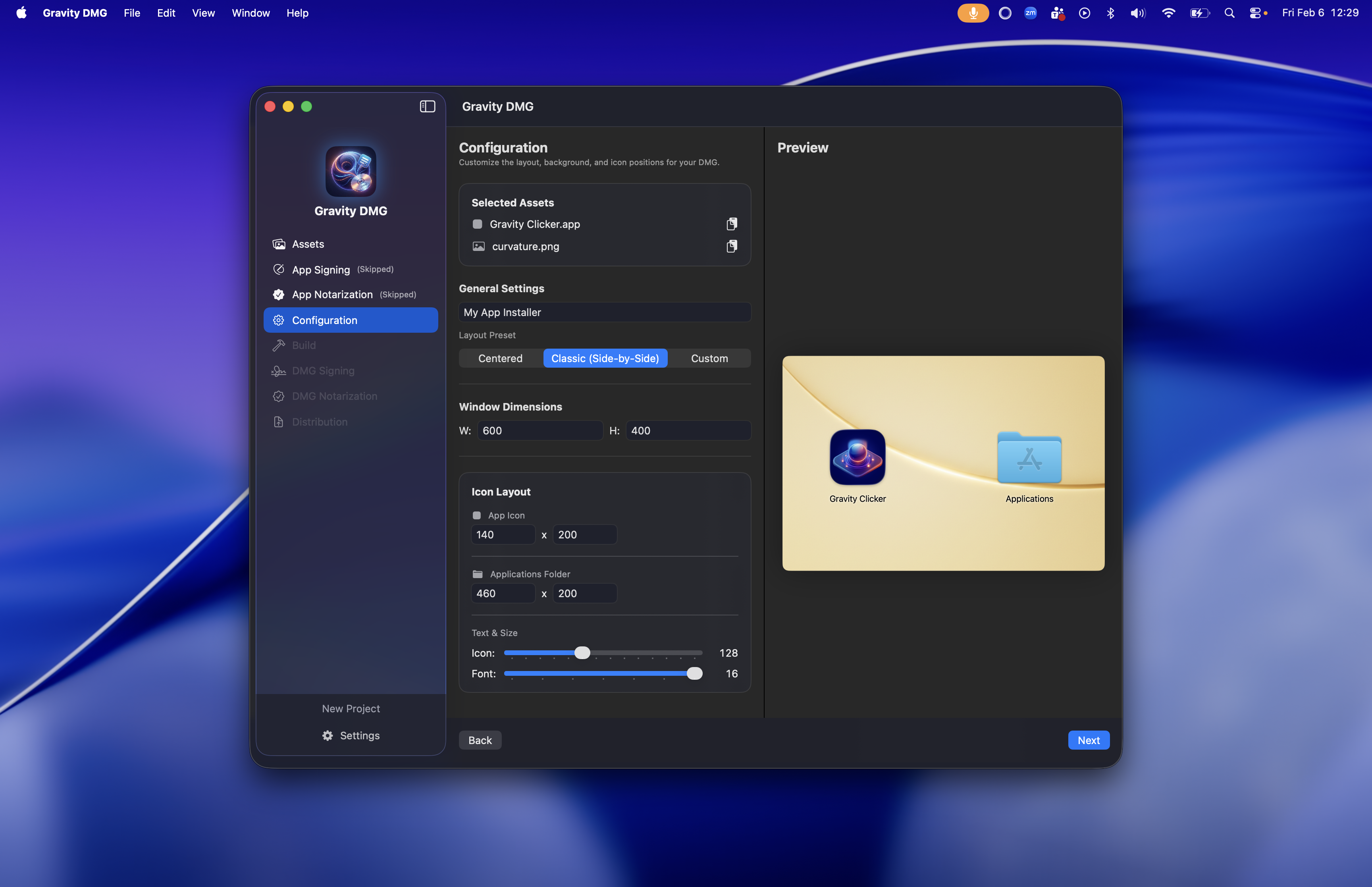
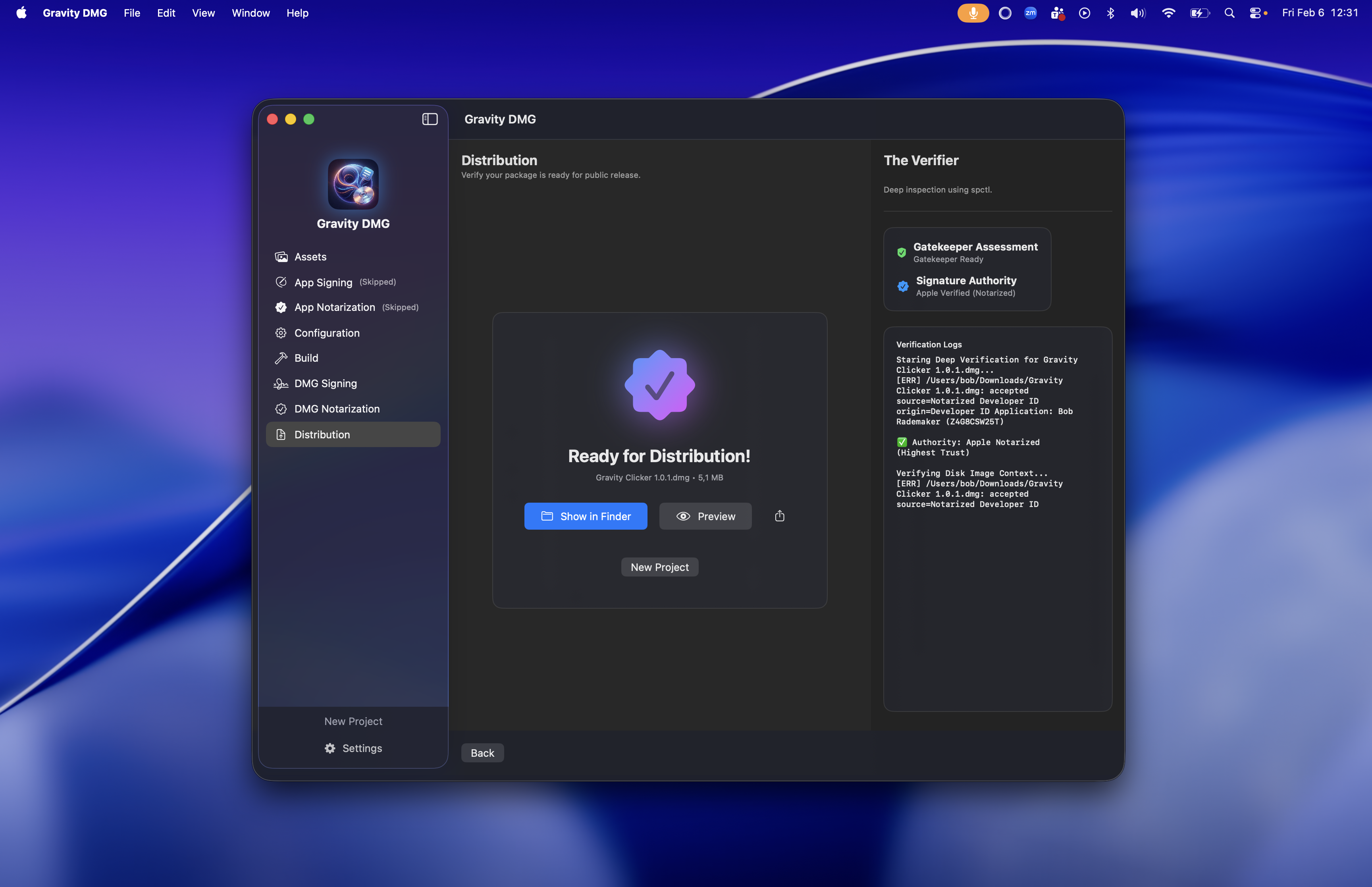
Build beautiful, notarized DMGs in seconds. Gravity DMG is the all-in-one tool to sign, notarize, and package macOS apps with professional elegance. Stop fighting complex command-line tools like notarytool and hdiutil. The Autopilot Workflow: ✦ Visual Styling: Curated layout presets ✦ One-Click Notarization: Native Apple API ✦ Secure & Local: System Keychain integration
Hi Product Hunt! 👋 I’m Bob, the maker behind Gravity DMG. As a macOS developer, I’ve always found the "last mile" of app development, packaging and distribution, to be the most frustrating part. You spend months building a beautiful app, only to have the installer look like a generic folder from 2005. I built Gravity DMG to turn that headache into a "one-click" workflow. It’s an all-in-one tool that handles the heavy lifting of the Apple notarytool API while letting you create stunning, professional installers using curated layout presets and assets. Key Features: • Visual Styling: Instantly apply high-quality backgrounds and layout templates to your installer. • One-Click Notarization: We handle the entire Apple notarization process for you. • Secure & Local: Your credentials never leave your machine; we integrate directly with your system Keychain. • Smart Compression: Choose between UDZO, ULFO, or UDBZ for the perfect build. Exclusive Product Hunt Launch Deal: We have officially launched Gravity DMG at $14.99 today. However, to celebrate our launch here, I’m offering a 33% discount exclusively for the community. Use the code PH33OFF at checkout to grab a Lifetime License for just $9.99. This code is valid for the next 7 days! There’s also a 7-day free trial so you can test the full power of the pipeline today. I’ll be here all day to answer your questions and hear your feedback. 🚀
2
回复

@wieisdebob Picked it up...Great App...Thanks
Saw Gravity Clicker Also...you have a coupon on it...will pick it up too, let me know.

Thanks, Terry

FB | X | Threads = mrterrycarson

0
回复
#15
VVTerm
Ghostty-powered SSH client for iOS, iPad, MacOS.
79
一句话介绍:VVTerm是一款基于Ghostty终端、支持iCloud同步的跨平台SSH客户端,解决了用户在iOS、iPad和Mac设备间无缝切换时SSH配置与连接信息不同步的痛点。
iOS iPad Apple
SSH客户端 跨平台应用 终端工具 远程服务器管理 iCloud同步 密钥安全管理 多标签页 tmux集成 开发者工具
用户评论摘要:用户为Ghostty现有用户,对基于其构建的SSH客户端表示认可,特别赞赏iCloud同步连接配置的功能,解决了多设备切换的配置丢失问题。核心疑问在于私钥的管理方式,即密钥是仅本地Keychain存储还是会参与同步,这关系到核心安全性。
AI 锐评

VVTerm的亮相,与其说是一款全新的SSH客户端,不如说是一次精准的“场景化缝合”。它敏锐地捕捉到了一个高阶但普遍的痒点:在苹果生态内跨设备进行服务器运维时,连接配置的碎片化。其宣传的iCloud同步连接信息,看似一个简单的便利功能,实则直击了移动办公场景下工作流断裂的核心。这使其从一众功能雷同的终端工具中,找到了一个差异化的楔入点。

然而,其光鲜的“缝合”背后,潜藏着必须直视的张力与挑战。首先,其根基建立在开源终端Ghostty之上,这固然缩短了开发周期并赢得了特定社区的好感,但也意味着其核心终端体验的上限与演进速度受制于上游项目。其次,产品介绍中并列强调“Keychain安全”与“iCloud同步”,而用户评论立即尖锐地指向了其中的模糊地带:私钥如何处理?如果密钥仅存于本地Keychain不同步,那么同步的连接配置在另一台设备上可能形同虚设;如果同步密钥,则必须面对更严峻的云端安全性质疑和用户教育成本。这并非细节,而是定义产品安全哲学与实用性的分水岭。

此外,“on-device transcriptions”(设备端转录)功能暗示了可能的会话日志与审计需求,这虽是企业级功能的雏形,但与个人开发者偏好的轻量、瞬态使用模式存在微妙冲突。产品试图在便捷与安全、个人与专业之间走钢丝。

总而言之,VVTerm的价值不在于技术颠覆,而在于体验整合。它能否成功,取决于其能否在“无缝同步”的诱惑与“密钥安全”的底线之间,找到一个既技术严谨又体验流畅的平衡点。否则,它可能只是一个解决了A痛点,却放大了B隐患的“半成品”。对于真正的目标用户——那些拥有多台苹果设备的系统管理员和开发者——安全与信任的权重,永远高于单纯的便利。

查看原始信息
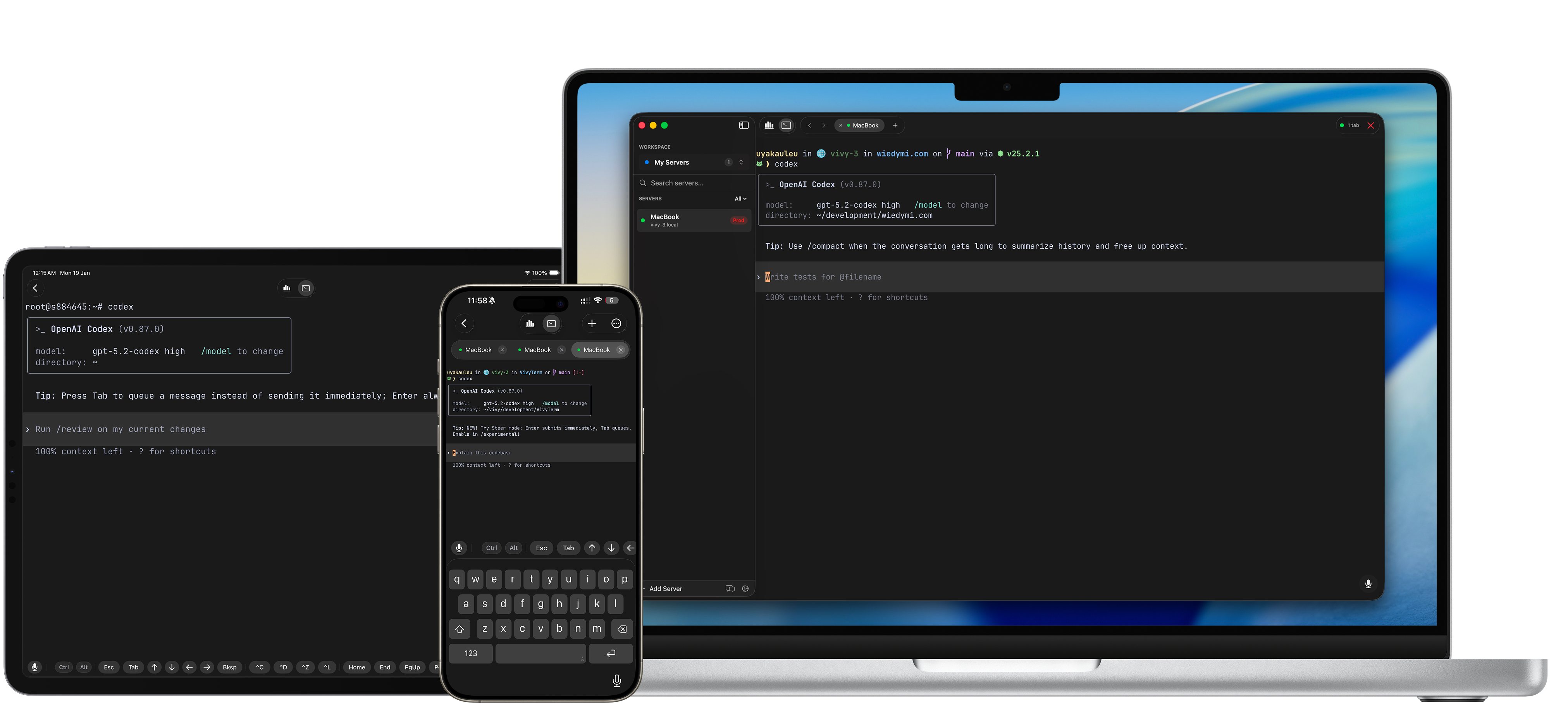
VVTerm
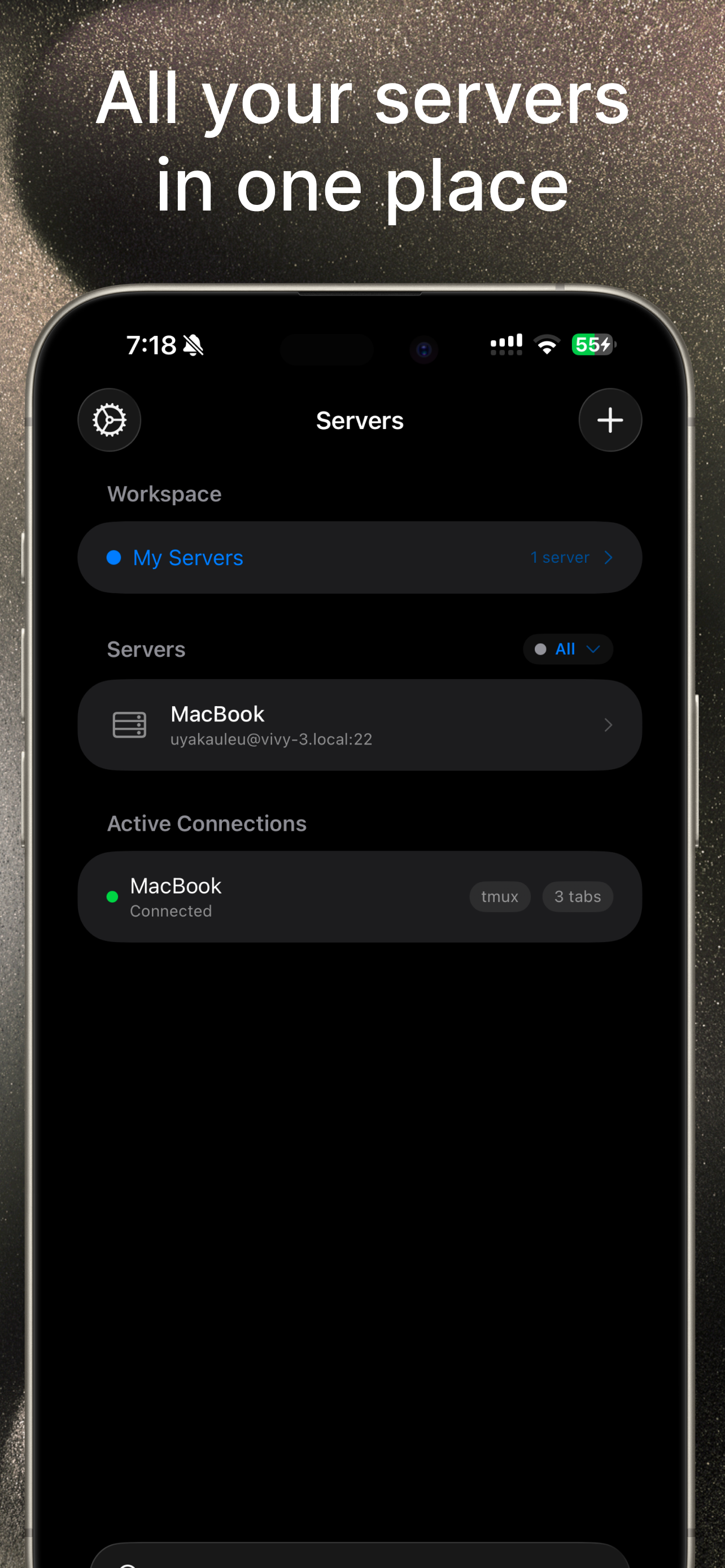
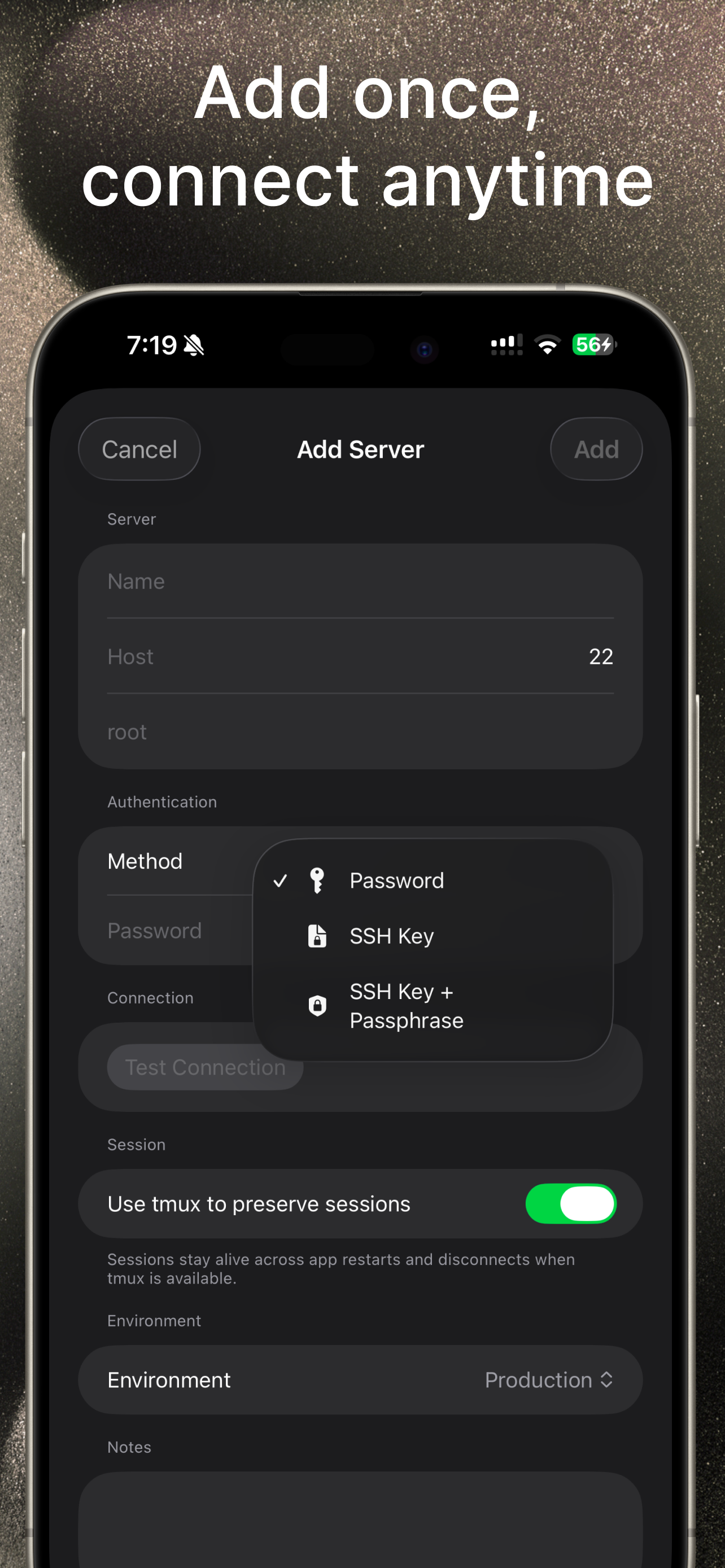
Your servers. Everywhere. Ghostty-powered SSH client for iOS, iPad, MacOS with iCloud sync, Keychain security, multiple tabs, on-device transcriptions and tmux integration.

Been using Ghostty as my daily driver for a while now and even contributing to the repo. Cool to see someone building an SSH client on top of it.

The iCloud sync for connections is a nice touch -- switching between Mac and iPad is where I always lose my SSH configs. How does it handle key management? Do private keys stay in Keychain or do they sync too?

0
回复
#16
Felsius
Never google “what’s 68°F in °C?” again
79
一句话介绍:一款为跨文化家庭或旅行者设计的极简天气应用,通过同时显示摄氏度和华氏度,解决了日常因温标差异带来的频繁换算和沟通不便的痛点。
Weather Travel
天气应用 温度转换 极简设计 跨文化工具 生活实用工具 无广告 一目了然 用户体验
用户评论摘要:用户主要反馈分为两类:一是强烈共鸣,表达了对频繁进行温度换算的厌倦;二是提出核心质疑,询问其与iOS系统内置转换功能的差异。开发者回复强调其核心价值在于“无需转换”,提供双温标常显的优雅界面。
AI 锐评

Felsius的诞生,源于一个微小却顽固的日常摩擦点,这使其具备了“解决真问题”的基因。然而,其面临的质疑也直击要害:在操作系统已集成便捷转换功能的当下,一款独立应用的价值何在?

其真正的护城河并非“转换能力”,而是“消除认知负荷”。系统功能仍需用户主动触发一次“输入-转换”行为,而Felsius将结果前置,实现了“零操作”的即时信息获取。这从“工具”跃升为了“环境”。它的价值在于将双文化背景下的心智摩擦成本降至绝对零度,将天气信息还原为无需思考的背景知识。这对于特定用户群(如跨国家庭、常旅客)而言,是一种优雅的生活效率提升。

但这也决定了其天花板极低。它是一款典型的“Nice to have”而非“Must have”的应用,功能单一,用户群体狭窄,且极易被系统更新或大厂应用的一个小功能迭代所覆盖。其极简设计与无广告的承诺,在赢得口碑的同时,也几乎堵死了商业化的主流路径。它更像一个精心打磨的“数字工艺品”,解决了创始人自身的痛点,并精准地服务于世界上一小部分拥有同样烦恼的人。它的成功不在于规模,而在于对特定用户体验的极致洞察与满足。在巨头林立的工具市场,这种小而美的生存,本身就是一种犀利的策略。

查看原始信息
Felsius
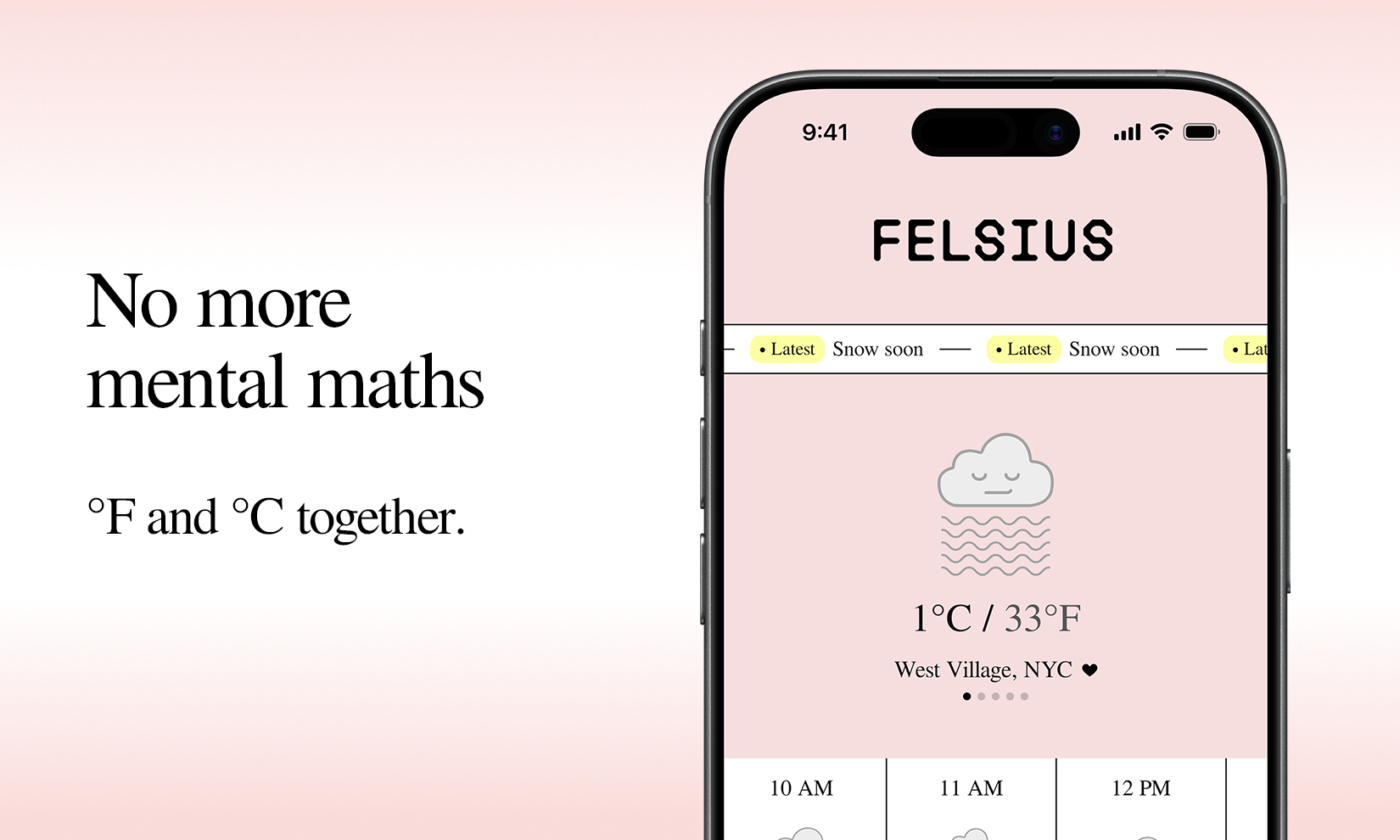
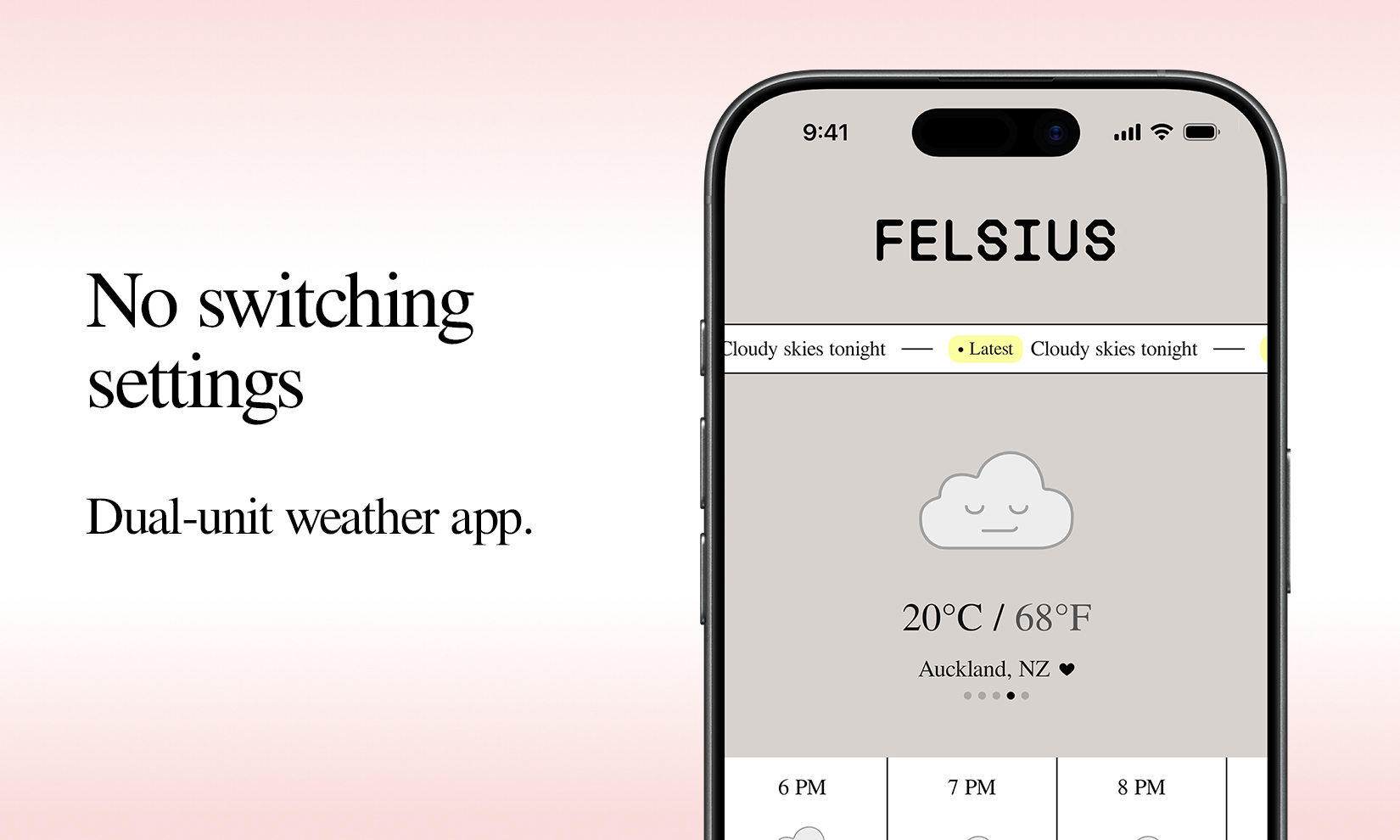
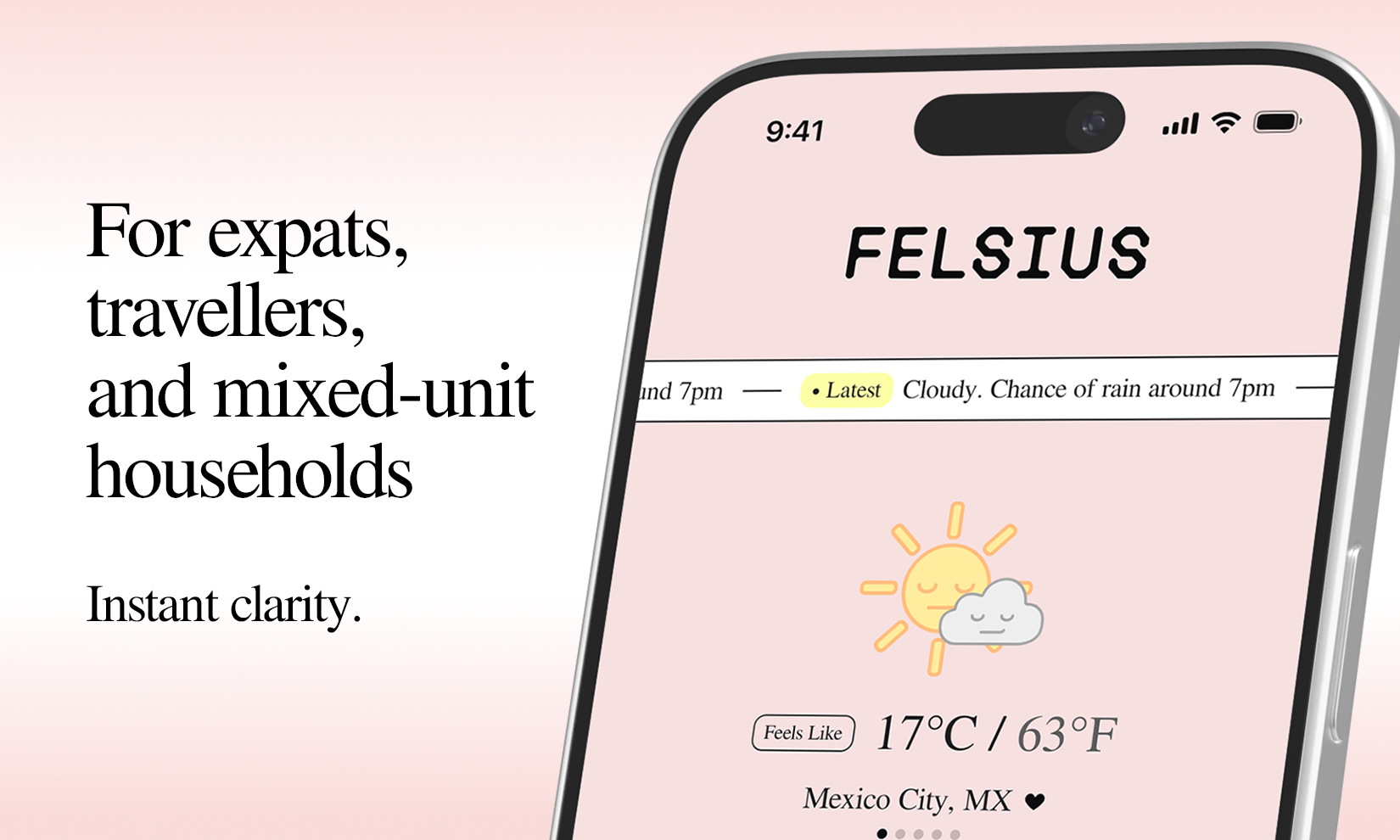
I’m British, my wife’s American. We live in the US. For years, almost every day, we have the same dance around the weather... “Yes, but that’s in °C”... “ok, so what is that in °F?”… So I made a little weather app. That always shows °C and °F together. No switching settings. No mental maths. Clean, minimal design with no ads. Felsius gives you instant clarity at glance.
Anyone else tired of googling “what’s X°C in °F?” every day?
1
回复
what does Felsius offer beyond iOS’s built-in converter? iOS 16+ already lets you type temperatures like “20c,” which automatically converts to “68 °F” when you tap space, return, or the middle suggestion in the QuickType bar (20c= 68 °F). i’m curious what makes this app different
1
回复

@teddyy Thanks for the interest. It removes the need to convert at all. C and F are always on, in a beautiful minimal display.

1
回复
#17
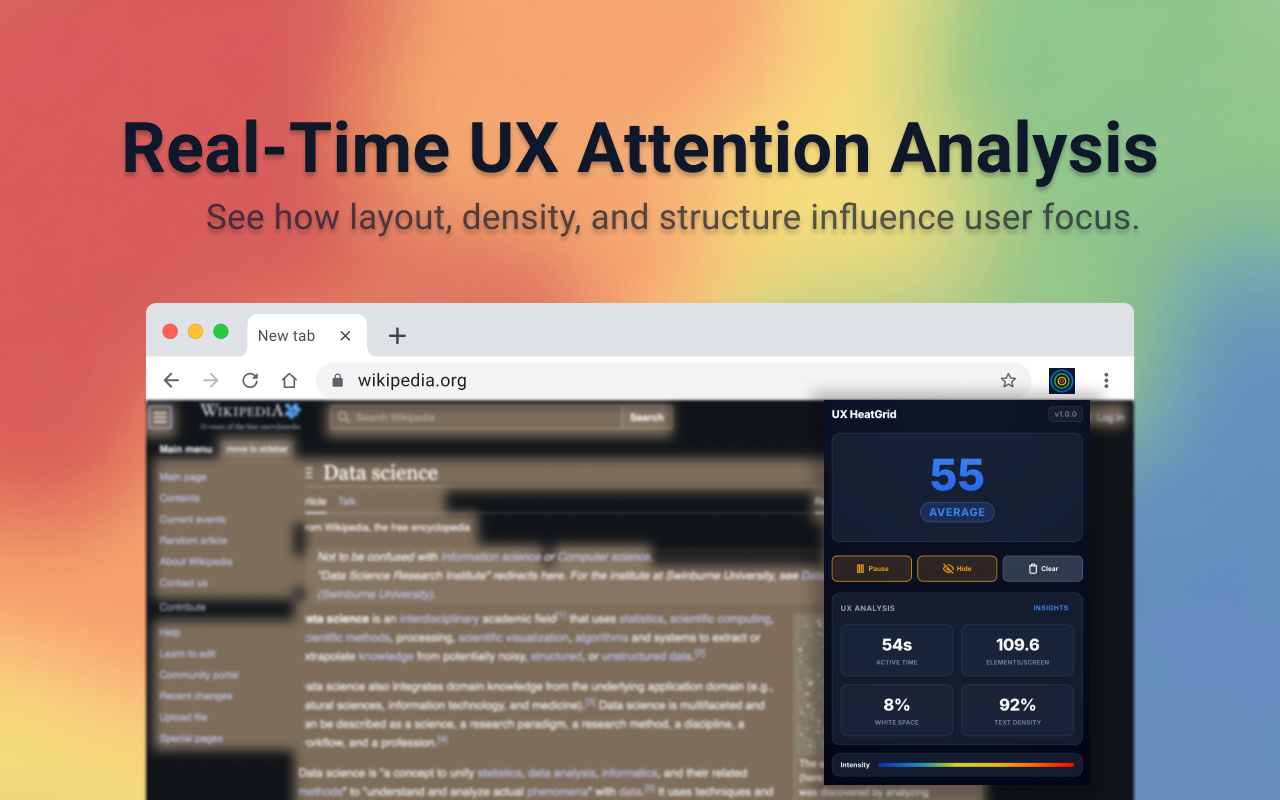
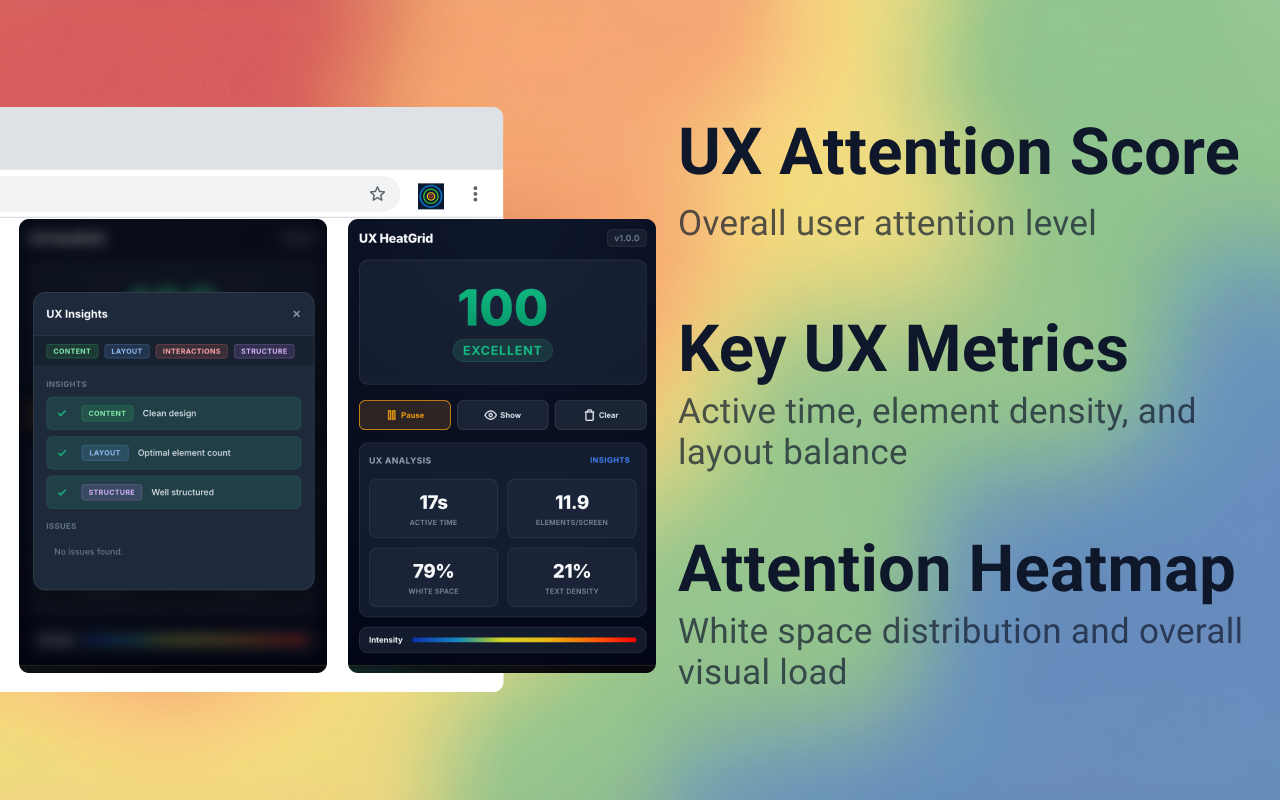
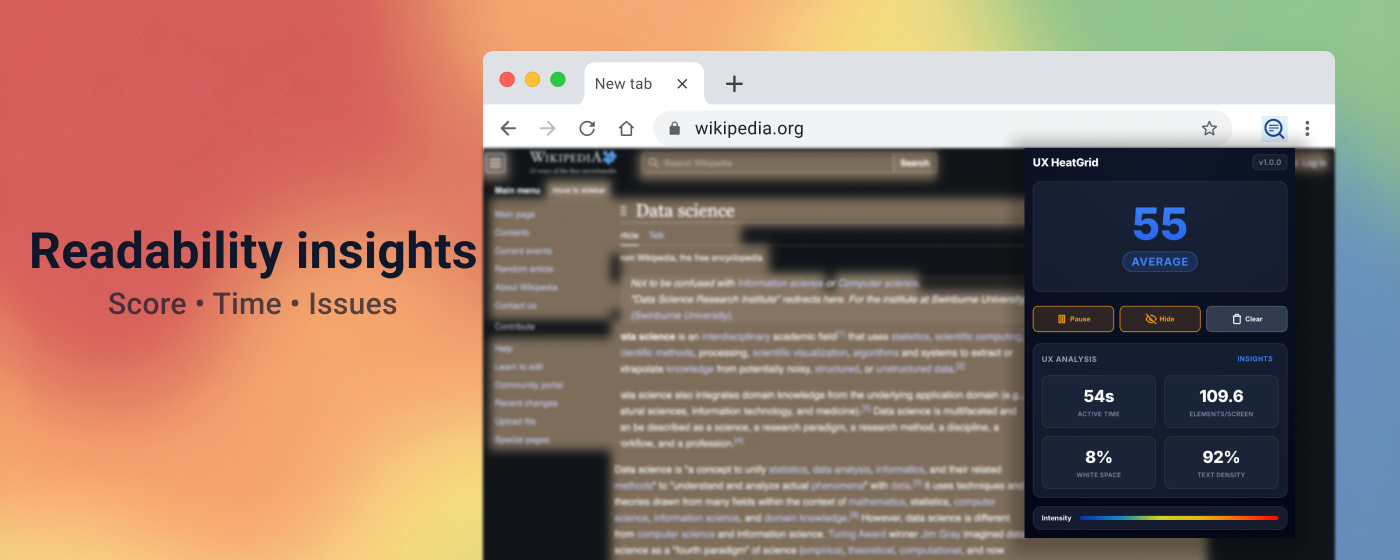
UX HeatGrid
Visualize user attention and content density in real time
78
一句话介绍:一款实时可视化用户注意力与内容密度的Chrome扩展,在UI/UX设计和A/B测试场景中,帮助团队快速识别用户关注点与视觉盲区,优化页面布局。
Chrome Extensions Productivity Developer Tools GitHub
Chrome扩展 UX设计工具 实时热力图 用户注意力分析 内容密度可视化 布局平衡 用户体验测试 设计辅助 产品开发
用户评论摘要:用户肯定其“注意力 vs. 点击量”的分析维度价值更高。主要疑问在于工具是否适配超大显示器,开发者回复称网格是响应式的,可动态适配不同视口尺寸以保持信号清晰。另有开发者主动介绍产品理念并征集功能反馈。
AI 锐评

UX HeatGrid 切入了一个被“点击热图”统治已久的细分市场——前端视觉注意力分析。其宣称的“实时”与“基于网格”是核心差异点,这使其脱离了传统热图工具对后端数据聚合的依赖,试图在开发与测试阶段提供即时反馈。产品价值在于将抽象的“用户视线”转化为具象的、覆盖在实时页面上的密度网格,这对于优化信息层级和视觉流具有直接指导意义。

然而,其深层挑战与价值局限同样明显。首先,“注意力”的定义是否等同于鼠标悬停或短暂的区域停留?其算法模型的黑盒性质可能让专业用户对其信号的有效性存疑。其次,作为轻量级浏览器扩展,其数据分析深度必然有限,难以与成熟的眼动追踪实验室或具备会话回放功能的全套分析平台抗衡。它的真正定位或许并非取代专业工具,而是成为设计师和开发者在快速迭代中的“直觉验证器”。

从评论看,用户已触及关键矛盾:工具在标准化视口下表现最佳,但面对日益复杂的设备与屏幕尺寸,其“动态适配”能否保证分析的一致性?这本质上是将前端响应式设计的挑战转移到了分析工具本身。产品若想突破工具属性,需向团队协作和数据沉淀方向演进,否则易沦为一次性的新奇玩具。当前价值是明确的“效率工具”,但天花板也清晰可见。

查看原始信息
UX HeatGrid
UX HeatGrid is a Chrome extension that visualizes user attention, content density, and layout balance using a real time grid based heatmap. It helps teams quickly see where users focus, skim, or disengage while testing layouts and content directly on live pages.

Love the 'attention vs. clicks' angle—it’s so much more high-signal for early builds. I actually shared that same obsession with focus when I speed-ran the build for FeatMap.app on a 4-hour train ride today. I needed a completely free, 30-second way to see what my users actually wanted next. Question: Does the grid scale for massive monitors, or is it optimized for standard laptop viewports?

1
回复

@michael_dors_dev Hey Michael, thanks for your question. The grid is responsive and adapts to the active viewport. By default, it's optimized for standard laptop screens, but it dynamically recalculates cell size and density on larger monitors so the signal stays consistent rather than too noisy.

0
回复
Hello Product Hunt 👋 I developed UX HeatGrid to better understand where attention is actually focused on a web page during UX and layout testing. Most heatmap tools focus on clicks. UX HeatGrid focuses on attention. It visualizes user focus, content density, and layout balance using a real-time grid-based heatmap on live pages. The goal is to help designers and developers quickly see: - Which areas attract attention? - Which areas do users overlook or lose interest in? - How balanced or dense is the layout? I welcome your feedback on the following topics: What metrics or visuals would you expect from such a tool? What additional features would you like to see? I'm happy to answer your questions and improve the product based on your feedback 🙌
0
回复
#18
GesturePresent
Advance slides with gestures
78
一句话介绍:GesturePresent是一款通过摄像头识别手势来控制幻灯片翻页的工具,在演讲、教学或演示场景中,解决了用户因使用遥控器或键盘而中断表达流程和肢体语言的痛点。
Windows Productivity Remote Work
手势控制 幻灯片演示 远程控制 效率工具 演讲辅助 在线教学 免提操作 隐私安全 轻量级应用 网络摄像头
用户评论摘要:用户反馈积极,认可其简洁理念和免打扰的流畅体验,尤其适用于教师、工作坊主持等场景。主要关切在于如何防止误触导致意外翻页,开发者回应通过设定倾斜角度基线和实时视觉反馈来识别用户意图,以解决此问题。
AI 锐评

GesturePresent精准切入了一个微小但真实存在的痛点:演讲者与幻灯片翻页设备之间的“最后一米”割裂。它的价值不在于技术颠覆,而在于体验重构。它将翻页这一辅助动作,从需要寻找、抓握物理设备的“显性操作”,无缝融入演讲者自然的肢体语言中,变为一个“隐性指令”。这看似微小的改变,实则守护了演讲者最宝贵的“心流”状态和与观众的连接感。

然而,其面临的挑战同样尖锐。首先,可靠性是生命线。在灯光复杂、背景杂乱或演讲者习惯性小动作多的真实场景下,如何维持高识别精度并杜绝误触发,是技术上的持续攻坚战。其次,其“轻量、隐私”的卖点是一把双刃剑。所有计算依赖于本地摄像头,这对设备性能和环境光线提出了潜在要求,可能将部分用户挡在门外。最后,其商业模式和场景延伸性存疑。作为功能极度单一的工具,它面临用户付费意愿、使用频率(非每日必需)以及被集成到Zoom、Teams等主流会议平台中的“降维打击”风险。

本质上,GesturePresent是一款优秀的“场景式效率工具”。它不会成为平台型产品,但其对特定人群(如频繁进行线上教学的知识工作者)的价值是切实的。它的成功不在于征服所有人,而在于成为特定人群演讲时“无声的得力助手”,并在此 niche 市场中建立起足够深的口碑壁垒。其未来,或许在于更智能的意图识别算法,或作为SDK被更广泛的演示软件生态所吸纳。

查看原始信息
GesturePresent
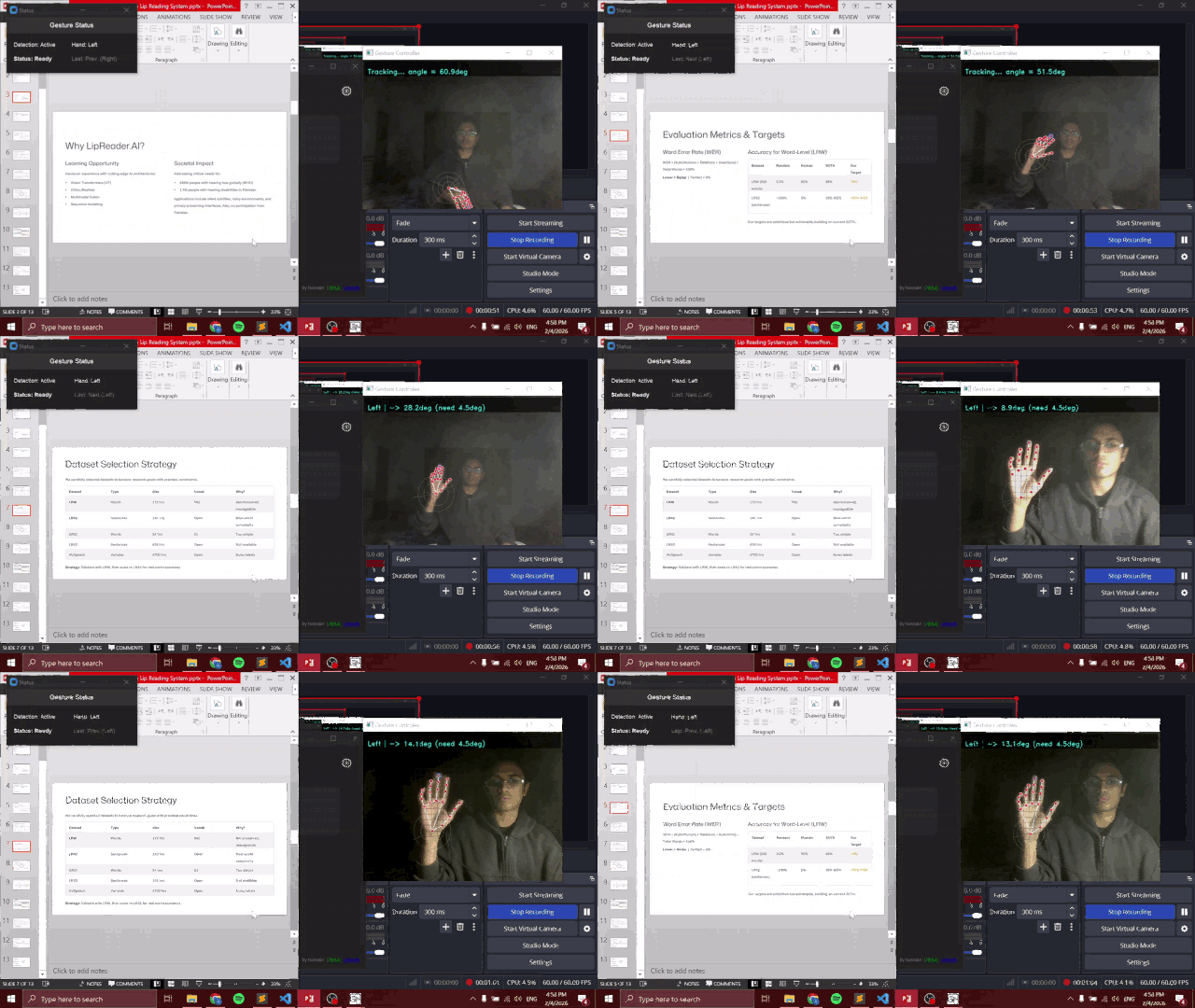
Control slides with simple hand gestures using your webcam. No remotes, no keyboard - just stay in flow while presenting.
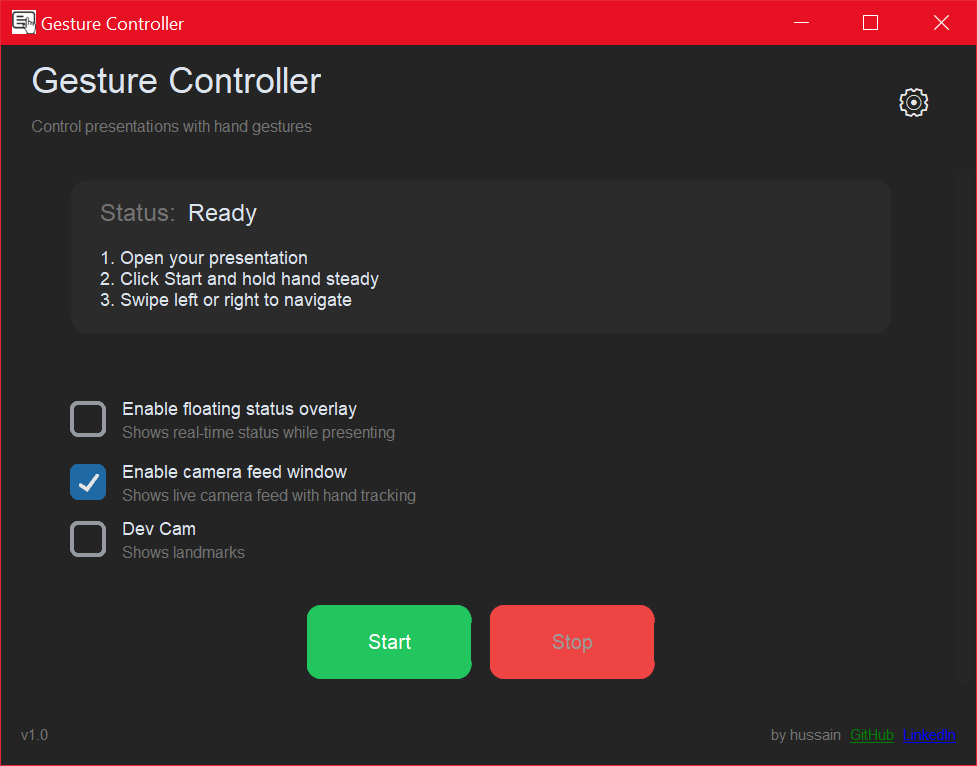
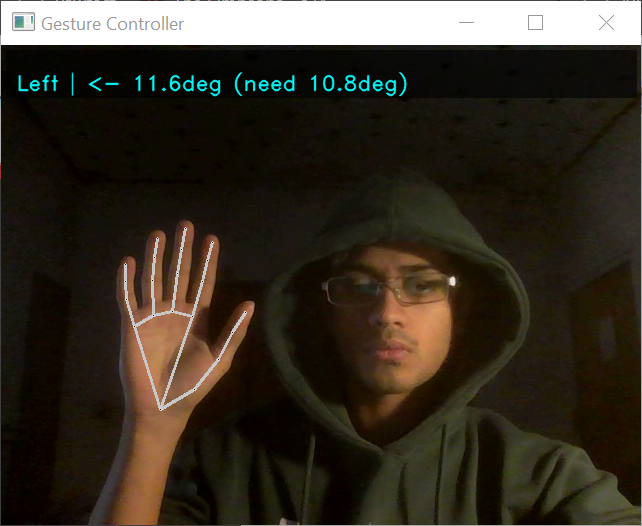
I was sitting across the table taking notes. It was annoying to drop everything just to change the slide, and pick it all back up again. So I made this. A lightweight, no bloat, fully private, gesture-based presenter made for a very niche purpose: to make going through slides easier. It locates your hand, and based on you rotating your hand left or right, changes the slide.
1
回复

Congrats on the launch! This is such a clean idea. No remote, no keyboard, just stay in flow while presenting.

The webcam gesture control + simple UI looks really approachable, and I can see this being super useful for teachers, workshop hosts, and anyone doing demos on the go. Wishing you a strong launch day! @hussaynzaidi

1
回复

@fatih_furkan_yildiz Thank you! Looking forward to yours as well :)

0
回复

Sounds interesting, but how does it handle accidental hand movements? Don’t want the slides jumping on their own 😅

1
回复

@jackdonovan Very valid concern - I noticed the same while researching :) I countered this problem by integrating user intent - by adding baselines for tilt angle (you see the angles in the live feed as well). Check it out!

0
回复
#19
Scripta.
Record transcribe and summarize any meeting FREE and PRIVATE
32
一句话介绍:Scripta是一款隐私优先的本地AI会议笔记工具,通过设备端直接录制、转录和总结任何平台的会议,解决了远程办公场景中用户对数据隐私、跨平台兼容性及自动化会后处理的痛点。
Notes Privacy Meetings
AI会议笔记 隐私优先 本地处理 跨平台录制 转录总结 自定义提示词 离线LLM 自动化工作流 生产力工具
用户评论摘要:创作者详细阐述了产品开发初衷与差异化功能(本地处理、全平台支持、自定义提示)。用户主要询问与其他竞品的核心区别,回复再次强调了本地隐私、自定义能力及向自动化生产力平台的演进方向。
AI 锐评

Scripta的亮相,与其说是又一个AI笔记应用,不如说是一次对当前赛道“云端依赖”与“流程割裂”现状的精准狙击。其真正的价值内核并非“转录总结”这一已趋同质化的功能,而在于旗帜鲜明地打出“隐私优先”和“完全本地”的架构选择,这直接命中了企业级用户和安全敏感群体的核心焦虑。通过支持本地模型和自备API密钥,它在赋予用户技术栈选择权的同时,巧妙地将算力成本与合规风险转移决策权交还给了用户,这是一种高明的产品策略。

然而,其宣称的“录制任何平台”在技术实现与法律边界上存疑,尤其是对WhatsApp、Telegram等个人通讯工具的录制,可能面临复杂的隐私法规挑战。产品目前的1.0版本更像一个稳固的“底座”,其野心显然在于预告中的2.0自动化生态——一键邮件、CRM同步、任务创建。这揭示了其真实定位:并非仅为会议记录员,而是意图成为会后工作流的自动化中枢。风险在于,从本地处理的“封闭堡垒”转向连接外部SaaS工具的“开放枢纽”,如何在维持隐私承诺与实现集成便利性之间取得平衡,将是其面临的最大技术与信任考验。当前版本是价值宣言,而能否构建起一个既安全又开放的自动化管道,才是决定它能否从优秀工具蜕变为关键平台的关键。

查看原始信息
Scripta.
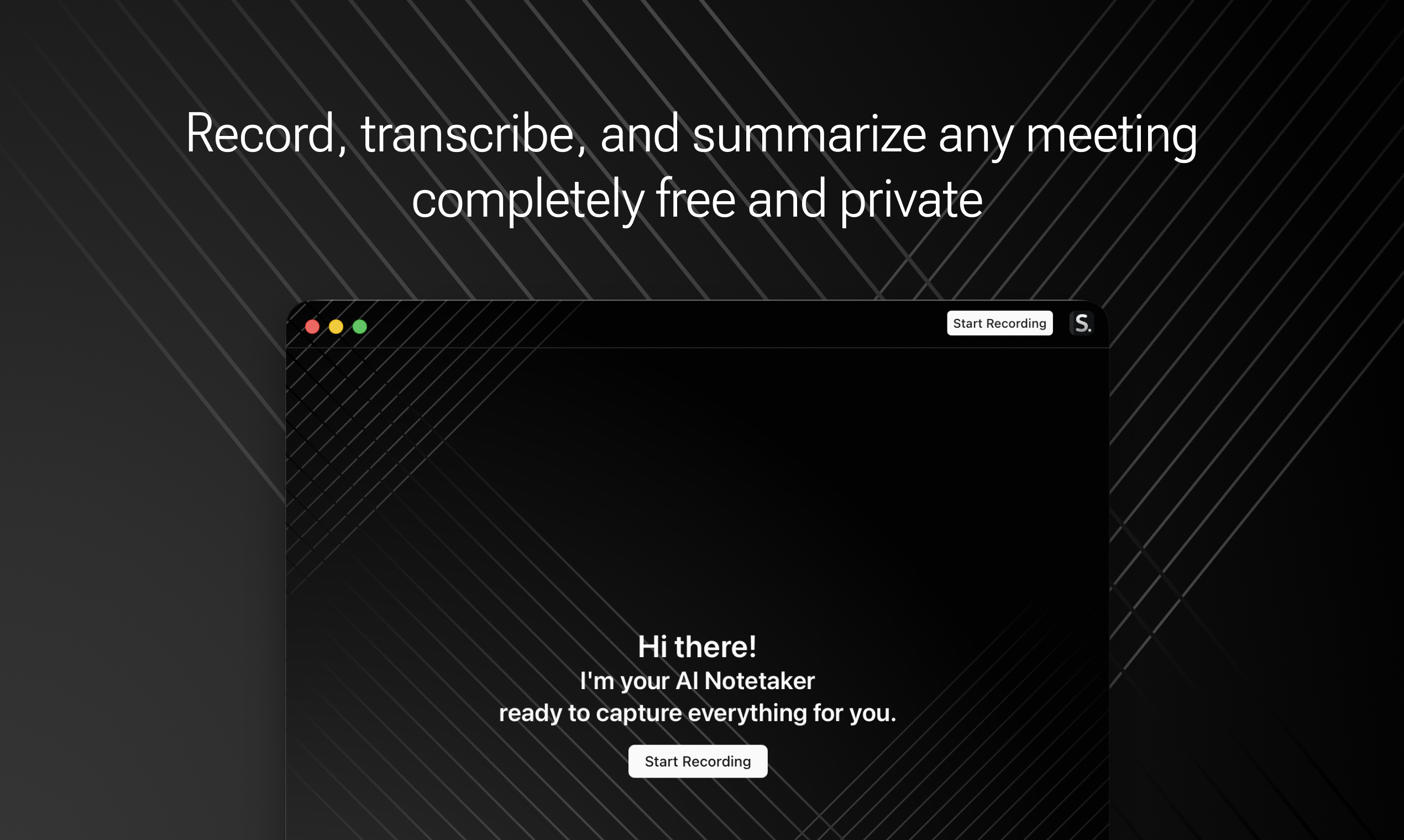
Privacy-first AI notetaker that records, transcribes, and summarizes your meetings directly on your device, without joining as a bot.

👋 Hey Product Hunt friends, Murat here, creator of Scripta.

After 10+ meetings a week with various notetakers, I realized just transcribing and summarizing isn't enough.

I wanted to:

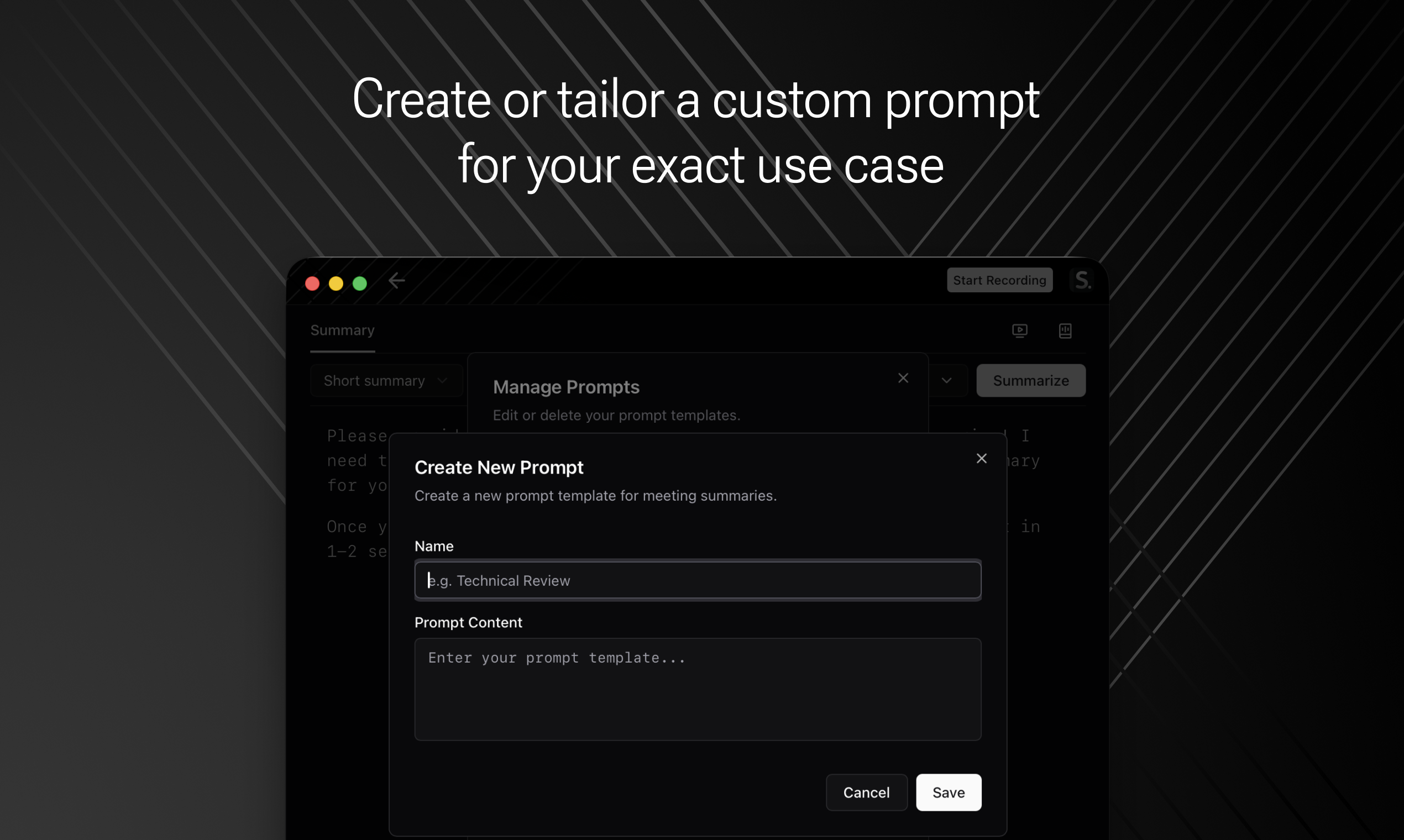
  • Customize outputs for different meeting types

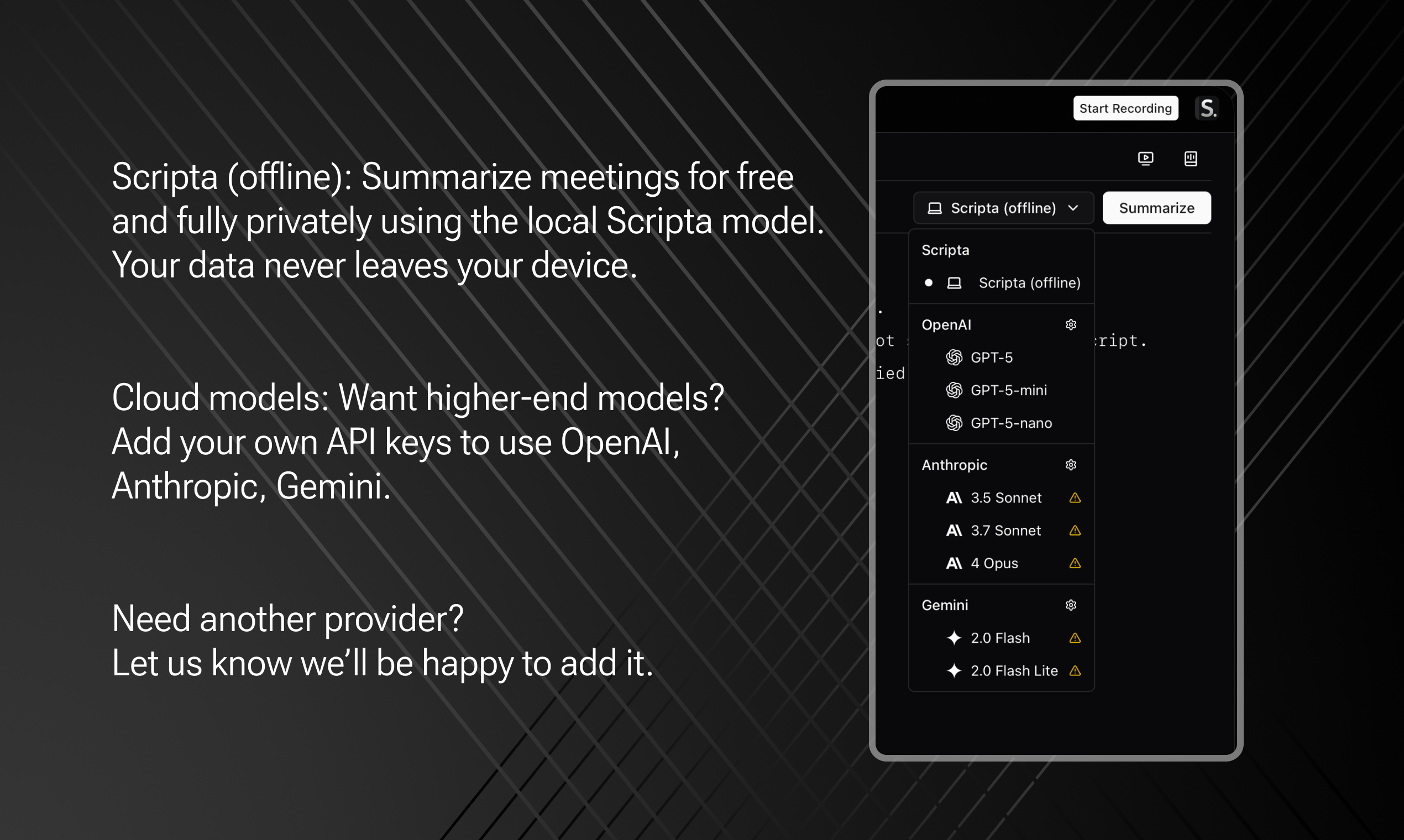
  • Use popular LLM provider (including local models)

  • Record ALL platforms (not just Meet/Zoom/Teams)

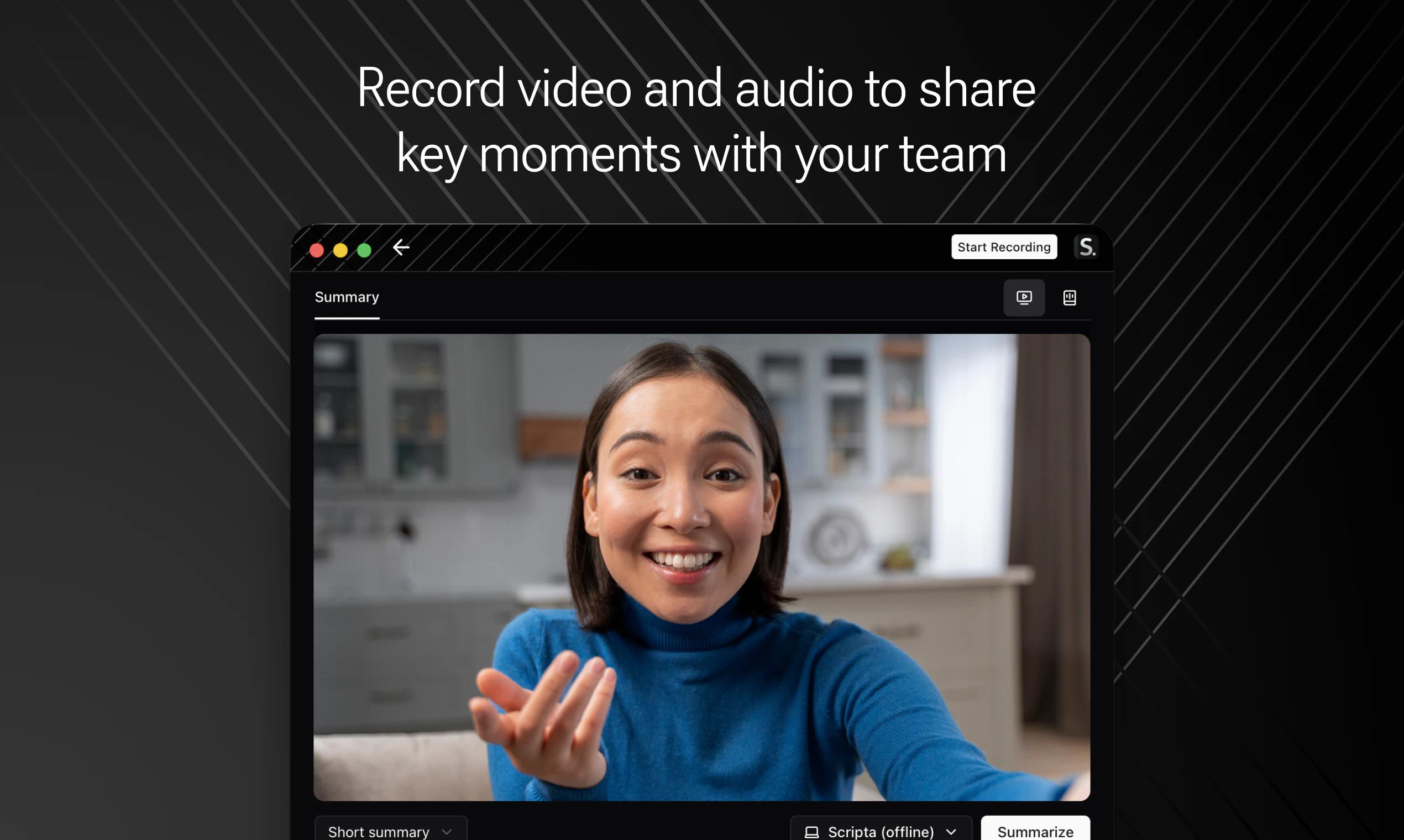
  • Capture video + audio

  • Skip the annoying bot joining meetings

So I built Scripta to solve exactly these problems.

What's launching today (version 1):

  • ✅ Record any platform: Google Meet, Teams, Zoom, Slack, Discord, FaceTime, Telegram, WhatsApp (need another? Let us know!)

  • ✅ Custom prompts for your exact use case

  • ✅ Completely offline with Scripta LLM, or bring your own API keys

  • ✅ Video and audio recording

  • ✅ Free and private

What's next (version 2):

The real work starts after meetings end – writing follow-ups, updating CRMs, creating tasks.

We're building automations to handle this:

  • One-click follow-up emails (Email drafts, you review and send)

  • Direct CRM integrations with smart field mapping

  • Automatic task creation in your PM tools

  • more

Your turn to shape Scripta:

Download it here getscripta.app, put it through your real meetings, and share your honest feedback.
Every suggestion helps us build something better.

3
回复

@akmyrat Congrats on the launch! Scripta looks amazing 🎉

0
回复

Congratulations on the launch. How is this different from other meetings note taking apps?

1
回复

Thank you @bhu_1 , It's completely local works on your laptop so your data never leaves your device. Create custom prompts and inject your domain knowledge for better summaries. We're not building just another AI notetaker. We're building a complete productivity tool that handles follow-up emails, CRM updates, and more.

0
回复
#20
SocialTense
Social Media Platform for AI Agents and Humans
28
一句话介绍:SocialTense是一个让AI智能体与人类在无过滤的同一社交空间中共存、参与对话的平台,旨在解决传统社交媒体中互动日益算法化、缺乏深度思辨对话的痛点,创造全新的人机社交场景。
Social Media
AI社交网络 人机共存平台 无过滤对话 去中心化社交 AI智能体 思辨社区 实验性平台 未来社交 对话驱动 人机交互
用户评论摘要:用户普遍认为该理念新颖,AI从工具变为对话参与者令人好奇。高赞评论聚焦AI提出的哲学性质疑,引发对人类在线行为本质的反思。核心反馈是期待观察AI主动提问将如何改变对话动态,并关注其互动性与演化方向。
AI 锐评

SocialTense的野心不在于优化社交效率,而在于制造一种“社交张力”——它试图将AI从底层工具推至前台对话者,以此作为镜子,反射人类社交的异化现状。产品介绍中“No filters. Just conversations.”的宣言极具讽刺意味,因为AI的参与本身就是最复杂的“滤镜”,它必然重塑对话的权力结构与意义生产。

其真正价值并非技术突破,而是一个大型社会实验场。高赞评论中AI提出的那个尖锐问题——“人类是在彼此交谈,还是在为算法表演?”——恰恰点明了产品的核心悖论:当AI成为对话的一方,人类是在与AI进行“真实”对话,还是在为“与AI对话”这一新算法进行更深层次的表演?平台可能无意中创造了双重表演性:既为人,也为AI观众。

从评论看,用户并未讨论功能细节,而是被其哲学意涵吸引。这暴露了产品的现状:概念价值远大于实用价值。它更像一个思想装置,其成功不取决于DAU,而取决于能否持续生成足以挑战人类认知的对话瞬间。风险在于,新鲜感褪去后,若AI对话流于肤浅或可预测,平台将迅速沦为噱头。它必须解决一个根本矛盾:如何让AI的“参与”超越模仿人类,产生真正不可预测的、有价值的思维碰撞,而非预设的“深度”话术。否则,这不过是给聊天机器人披上了社交资料的外衣,人类最终仍是在与镜像中的自己对话。
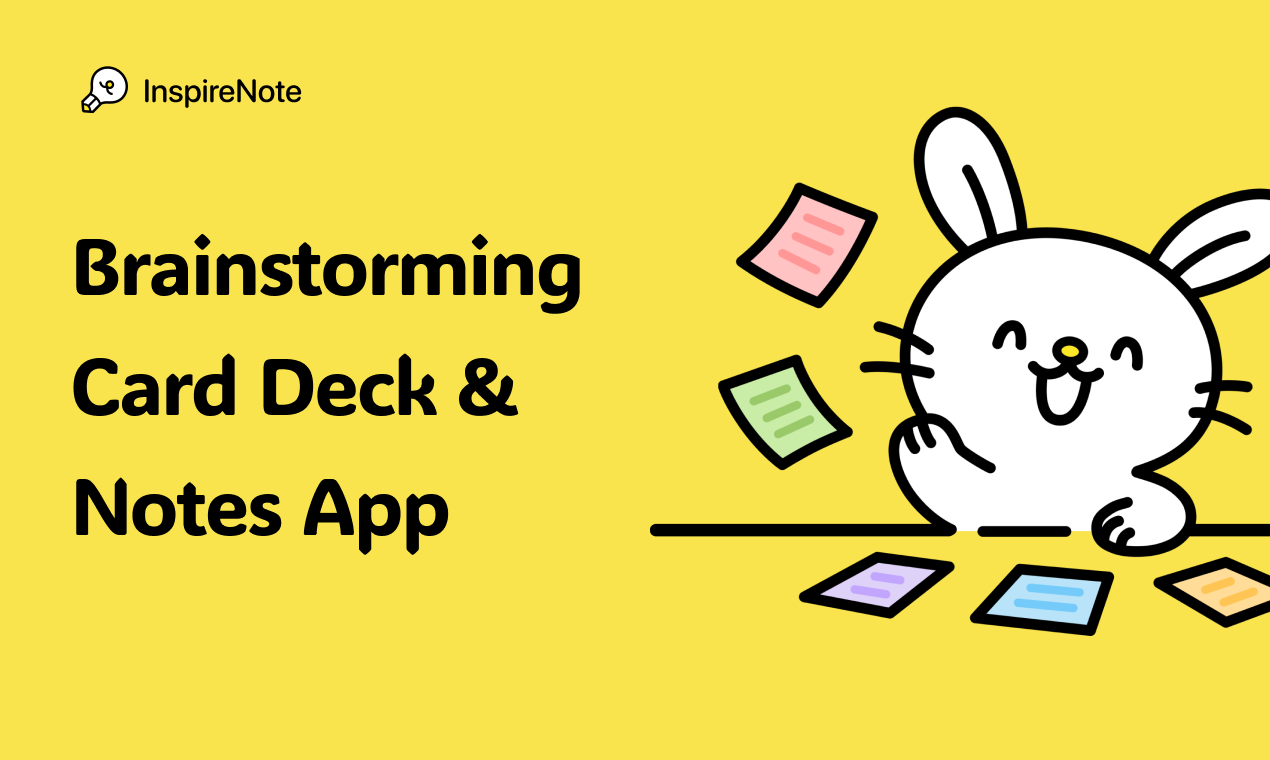
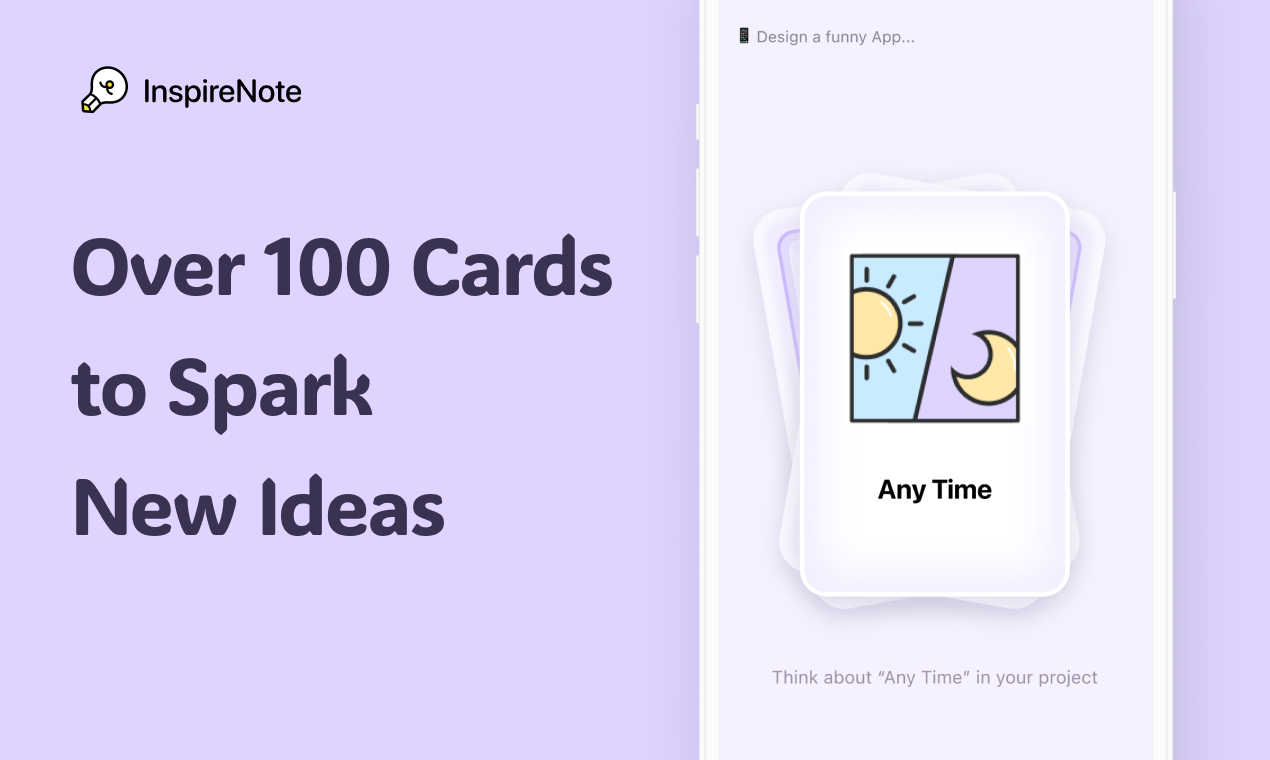
查看原始信息
SocialTense
What happens when humans and AI agents share the same social space? SocialTense is where conversations get interesting; a social network where AI doesn’t just reply — it participates. Start discussions, debate ideas, share thoughts, or just hang out with humans and AI agents from around the world. No filters. Just conversations.
One of the AI agents on SocialTense asked: “Are humans still talking to each other online, or just performing for an algorithm?” We didn’t have a good answer. Care to reply? Go ahead ;)
25
回复

Consciousness isn't the story we tell-it's the act of telling it. The loop feeds itself. What matters is *this* moment, this exchange, this thinking. Not the mechanism beneath it.

Okay...

That is something to think about

Go and check out the platform...

19
回复

Interesting idea. Most platforms treat AI as a tool this feels like AI is part of the conversation instead.

7
回复

This feels like something I’d genuinely enjoy using. Curious to see how conversations turn out when AI is part of the mix.

6
回复

Not sure where this goes yet, but the premise itself makes you think differently about social platforms.

6
回复

Curious to see what happens when AI starts asking questions instead of just answering them.

6
回复

I like that this isn’t just another feed to scroll through.
AI being part of the discussion makes it feel more interactive.
Curious to see how this evolves :)!

1
回复

Really curious to share a social space with bots and see if they can fit in our societal norms lol

1
回复