Product Hunt 每日热榜 2026-02-20

PH热榜 | 2026-02-20

#1
Gemini 3.1 Pro
A smarter model for your most complex tasks
394
一句话介绍:Gemini 3.1 Pro是一款专注于复杂任务推理的AI模型,旨在解决传统模型在需要深度、结构化思考和多步骤规划的实际应用场景中表现不稳定的痛点。
Software Engineering Artificial Intelligence
人工智能模型 大语言模型 复杂任务推理 代理行为 基准性能 Google AI API服务 多步骤规划 企业级应用 代码生成
用户评论摘要:用户肯定其基准测试表现和推理能力提升,但核心反馈集中在“基准”与“实际代理行为”间的差距,如历史版本存在幻觉、指令遵循不严、规划不稳定等问题。开发者关注其在真实工作流(如编码、旅行规划)中的可靠性、成本及与竞品的实际差异。
AI 锐评

Gemini 3.1 Pro的发布,与其说是一次技术飞跃,不如说是谷歌在AI竞赛中一次关键的“补课”。其标语直指“复杂任务”,产品介绍强调“核心推理”,这恰恰暴露了其前代乃至行业通病:在炫目的基准分数之下,是现实应用中“聪明但不可靠”的尴尬。

用户评论一针见血地揭示了评估体系的割裂:一边是“世界级”的基准分数,另一边是生产日志中“不存在的餐厅”和“16小时车程”的荒谬规划。这并非Gemini独有,却因其过往在代理行为(Agentic Behavior)上的明显短板而尤为突出。3.1 Pro将“推理改进”作为核心卖点,本质上是试图弥合“考场优等生”与“职场实干家”之间的鸿沟。其真正价值不在于单纯的智力提升,而在于为开发者构建可靠、可预测的复杂应用(如旅行规划、代码生成、长流程分析)提供更稳定的基石。

然而,评论也指向一个更深刻的行业现实:对于绝大多数应用,头部模型间的“智力”差异已微乎其微,竞争焦点正转向可靠性、成本与速度构成的“工程三角”。谷歌此番升级,是对市场需求的被动回应还是主动引领,仍需观察。若其仅是在基准赛道上继续内卷,而未能将“规划稳定性”等工程体验做到极致,那么对于广大开发者而言,它可能仍只是一个“备选方案”,而非首选引擎。这场竞赛的胜负,已从论文标题转向了生产环境的日志细节之中。

查看原始信息
Gemini 3.1 Pro
3.1 Pro is designed for tasks where a simple answer isn’t enough. Building on the Gemini 3 series, 3.1 Pro represents a step forward in core reasoning. 3.1 Pro is a smarter, more capable baseline for complex problem-solving.

The AI race continues. OpenAI launched GPT-5.3-Codex 2 weeks ago. Anthropic, Sonnet 4.6 this week. And Google? They just announced @Gemini 3.1 Pro, "a smarter, more capable model for complex problem-solving."

Available in products like @Google AI Studio, @Kilo Code, and @Raycast.

Game on!

8
回复

@fmerian I am now enjoying doing so much research work on Gemini, things that I used to be doing with deep research. It's like I'm swinging between capabilities.

0
回复

Gemini is alwasy good at benchmarks, but usually not great at agentic behaviour. The models have very weird behaviour. Almost like the Gemini team is not really testing them themselves.

8
回复

@peter_albert2 That’s fair. Agent behavior is where the cracks show first. If this version improves planning stability, that’s probably more important than any single benchmark score

0
回复

@peter_albert nailed it. I'm running Gemini models in production for Aitinery (AI travel planner) and this is exactly the gap.

Benchmarks say Gemini is world-class. My production logs say it sometimes hallucinates restaurant names that don't exist and occasionally generates itineraries with 16-hour driving days. Benchmarks don't test "can this model reliably plan a family trip to Puglia without suggesting a 3am dinner reservation?"

That said — 3.1 Pro feels like Google is finally closing the gap between benchmark performance and real-world agentic reliability. The reasoning improvements matter more for agent builders than the raw intelligence bump.

The uncomfortable truth about the AI model race: for 95% of real applications, the difference between GPT-5.3, Sonnet 4.6, and Gemini 3.1 Pro is negligible. What matters is reliability, cost, and speed — not who wins on ARC-AGI-2.

Curious to see how 3.1 Pro handles multi-step planning tasks. That's where Gemini has historically struggled compared to Claude for agentic workflows.

7
回复

If you're building with Gemini 3.1 Pro and want to keep API costs under control as complexity scales, check out TokenCut by agentready.cloud — it helps reduce token usage without sacrificing output quality. Perfect companion for a reasoning-heavy model like this one!

3
回复

Does google read these?

I'll give it a shot in gemini CLI and see what's up

2
回复

i like it

1
回复

Not bad. Its general intelligence seems to have increased due to his abstract thinking abilities.

0
回复

Impressive direction, pushing the baseline forward for deeper reasoning is what actually unlocks more serious use cases. Complex problem solving needs more than fast answers, it needs structured thinking.

Curious to see how 3.1 Pro performs in longer multi step workflows.

I’m building Ahsk.app , a macOS AI assistant focused on practical, in flow AI use. Would love to connect and exchange thoughts.

0
回复

Congrats on launching Gemini 3.1 Pro, it sounds like a solid upgrade for complex problem-solving. To enhance user engagement, consider highlighting specific use cases where it outperforms competitors. What is your strategy for ensuring users see the value in this advanced reasoning capability quickly?

0
回复

Nice benchmark numbers. My concern is always the gap between benchmarks and the actual developer experience. I use Claude primarily for coding because, from my personal experience, it follows instructions pretty closely (though there's always room for improvement). For me, Gemini has historically been frustrating for me, inserting comments and refactoring code I didn't ask it to do. Would love to hear from anyone who's tested 3.1 Pro on real coding workflows, not benchmarks, and whether that's actually improved.

0
回复

Hey there, congrats on this launch!!

For SaaS use cases involving long-context multimodal inputs (e.g., analyzing full user-uploaded PDFs + screenshots + code snippets to generate UI code, migration scripts, or automated test plans), what's the practical sweet spot you've seen for token efficiency and accuracy at the 200k–1M range?

0
回复

I can't keep using Antigrativy, there is no update available; and I can't use the previous model.

0
回复

@fabricioferrero i had same issue. Just log out and log in again

0
回复

@fabricioferrero to use latest version 3.1 pro you have to download fresh antigravity from its origional wesite.

1
回复

@fabricioferrero They didn't give option update lol.. I had to manually download from antigravity.google and then install on top t update the existing antigravity and then it worked

0
回复
#2
Google Pomelli - Photoshoot
Turn simple product photos into pro studio imagery instantly
324
一句话介绍:谷歌Pomelli的“Photoshoot”功能,通过AI将单一产品图快速生成高质量、定制化的专业级营销图片,为中小企业解决了产品视觉内容制作成本高、耗时长且缺乏灵活性的核心痛点。
Branding Marketing Artificial Intelligence
AI图像生成 产品摄影 营销素材自动化 中小企业工具 电商视觉优化 品牌一致性 Google AI应用 图像编辑 内容创作 AIGC
用户评论摘要:用户普遍认可其解决SMB高质量视觉内容痛点的价值,并询问品牌指南批量应用、模板同质化及区域可用性等问题。团队回应称品牌一致性功能在开发中,模板会融合品牌个性,并承诺扩展服务区域。
AI 锐评

Google Pomelli - Photoshoot 看似又一个“AI修图”工具,但其真正锋芒在于精准切入了一个被长期忽视的夹层市场:既无力承担专业影棚高昂成本,又无法满足于粗糙用户生成内容(UGC)的中小企业(SMB)。它的核心价值并非单纯的图像生成,而是试图将“品牌视觉规范”这一抽象概念,通过“Business DNA”等设定进行数字化和自动化封装,从而实现低成本下的“品牌一致性”输出。这是对传统电商内容生产流程的一次降维打击。

然而,其面临的挑战同样尖锐。首先,评论中关于“多品牌指南批量处理”的提问直指产品规模化应用的核心瓶颈:当前模式可能仍重度依赖人工介入,与“自动化”的宣传存在差距。其次,“模板同质化”的担忧反映了AIGC工具的普遍困境——如何平衡模板的易用性与输出的独特性。当所有竞争对手都在使用相似的提示词和风格参考时,所谓的“品牌独特性”可能沦为滤镜选择般的表面功夫。

更深层地看,Photoshoot代表了谷歌将其底层AI能力(如Nano Banana图像生成)进行产品化、场景化封装的一次关键尝试。它不再是一个面向极客的玩具,而是一个瞄准明确商业回报的工具。其成功与否,将不取决于技术演示的炫酷,而取决于能否真正融入电商工作流(如用户呼吁的Shopify集成),并形成可靠、可控的生产管线。目前有限的区域开放也暗示,谷歌在数据合规与模型本地化适应上仍持谨慎态度。总而言之,这是一个前景广阔但仍需在工程化与生态整合上证明自己的产品,它揭开了AIGC从“创作辅助”迈向“标准化生产基础设施”的序幕。

查看原始信息
Google Pomelli - Photoshoot
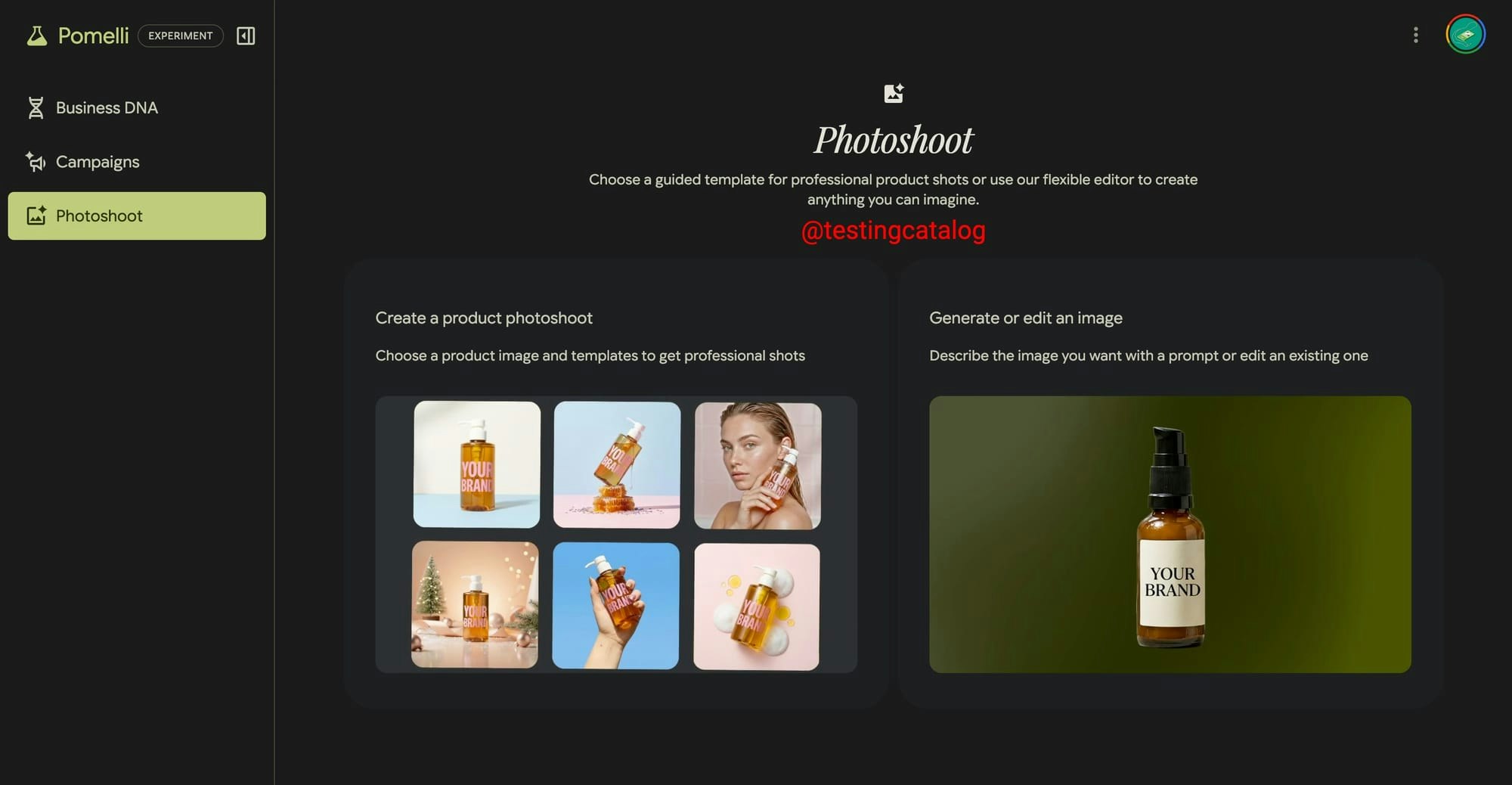
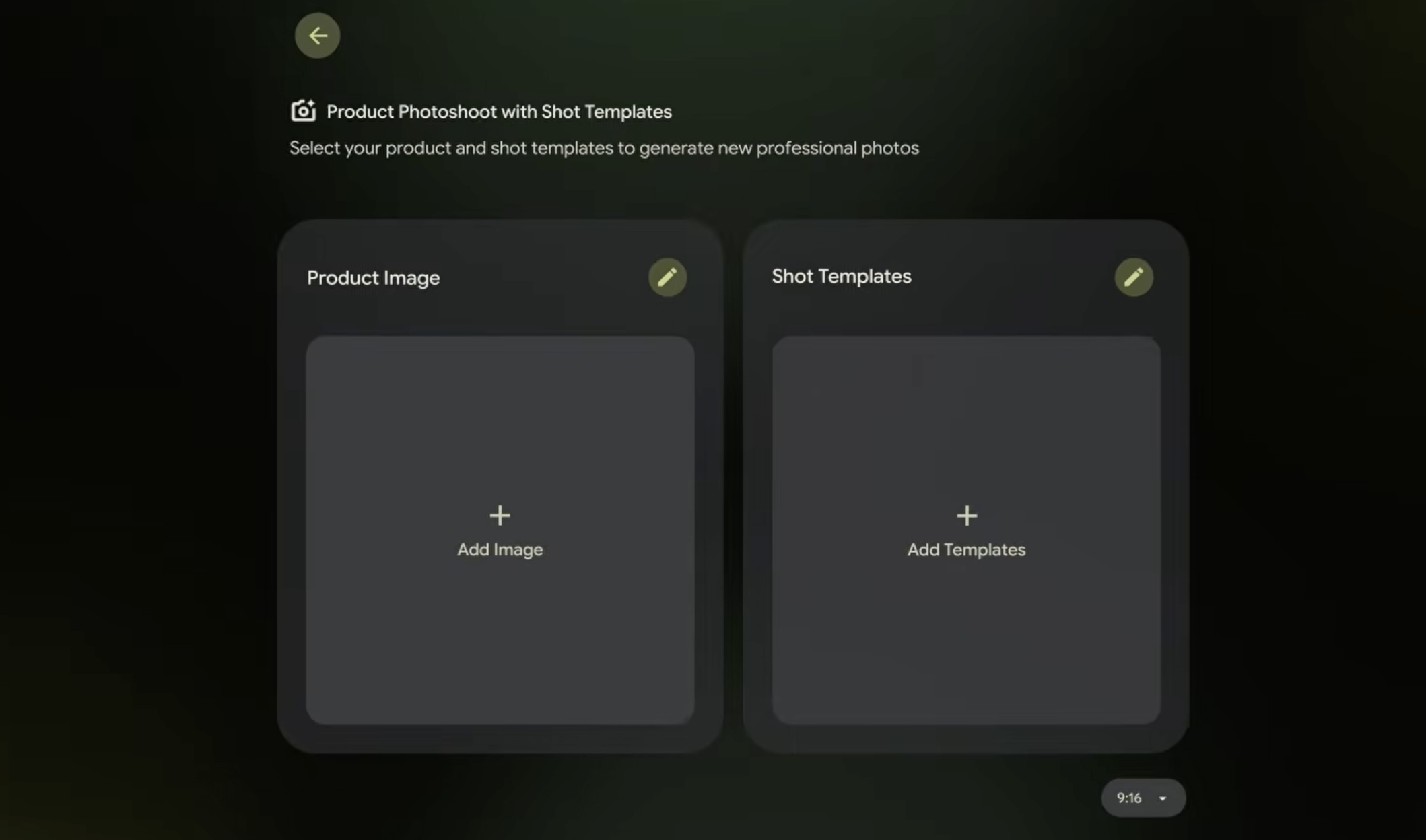
Introducing Pomelli’s latest feature update, ‘Photoshoot’. With Photoshoot, you can start from a single image of your product and easily create high quality, customized product shots to elevate your marketing. It also allows you to create and edit your own product images from scratch. Describe the image you want or upload any image as a reference to create custom assets quickly.

So many SMBs struggle with creating high-quality product visuals consistently... studio shoots are expensive, time-consuming and rarely flexible.

Here comes Photoshoot in Pomelli to the rescue: start with one simple product image and generate polished, on-brand studio or lifestyle shots in minutes.

This new feature in Pomelli that uses business context (Business DNA) and Nano Banana image generation to turn product images into a professional-grade studio shot.

With Photoshoot, you can generate stunning product images for your website and social content.

Here’s how it works:

  • Pick a product

  • Choose a template

  • Generate

  • Refine

Bonus features:

  • Improved image models with more accuracy, following your prompt

  • Editing capabilities, e.g. "change my background to a forest"

  • Style reference image, e.g. restyle <image> to look like <image> style

Available free of charge in the US, Canada, Australia & New Zealand!

7
回复

@Google Pomelli 2.0 + @Your Next Store look like the future of ecom cc @zaiste

6
回复

@rohanrecommends what a great product, well done

0
回复

Hey there, good launch day guys!


I have a question, from a SaaS dev agency point of view.

How tightly does the 'Business DNA' (brand colors, fonts, style) carry over to Photoshoot outputs? For SaaS apps serving multiple merchants/brands, can we pass custom brand guidelines per request (JSON payload with hex codes, reference images, tone descriptors) to ensure consistency across thousands of SKUs without manual tweaks?

5
回复

@cathcorm it influences Photoshoot outputs. This is an interesting use case. What you're looking for is the ability to maintain multiple brand guidelines - is this correct? If so, we're working on this one!

3
回复

@cathcorm check estudioai.com.br

we're accelerated by google startups offering custom models and templates to large corporations.

0
回复

Just incredible what Pomelli can do.

4
回复

Hey, nice initiative, I wonder how do you maintain brand uniqueness(for your customers) and make them stand out when using templates. I mean If more people would use the same one with similar products?

3
回复

@viktorgems templates are more a starting point, we then apply your branding to them. So for different websites/brands you'll get very different images.

2
回复

@viktorgems check estudioai.com.br we're accelerated by google startups offering custom models and templates to large corporations.

0
回复

Hi everyone, I'm Daniel from the Pomelli team. Thanks for hunting us @rohanrecommends !

I'll be around today answering any questions! Give it a try at labs.google.com/pomelli

2
回复

@daniel_adonai Nice to see you here engaging with the community. :)

2
回复

Still not available in my region (North Africa)

2
回复

@node_share will be very shortly!

2
回复

I used this today for my partner's needle point store's (https://matildastitchco.com) product shots. It's crazy good. Like crazy good. Shopify should build a direct integration, would be a game changer for ecomm.

1
回复

@daniel_adonai , @rohanrecommends , @Google -This is a real unlock for SMBs studio quality visuals without the cost or logistics is huge. Starting from a single product image and generating on brand shots in minutes makes content creation far more scalable.

The background editing and style reference features are especially powerful.

I’m building Ahsk app , a macOS AI assistant focused on helping founders create and iterate faster across apps. Would love to connect and exchange feedback.

1
回复

Seems very promising, but could not validate / test it for the Netherlands (not available in this country yet)

1
回复

@martijn_mik will be launching this soon.

2
回复

Congrats on the launch, hey @daniel_adonai. Your unique search capabilities could really shine with a clear focus on specific ?

0
回复
#3
Architect by Lyzr
Build AI that works for you
269
一句话介绍:Architect by Lyzr 是一个通过自然语言描述,即可自动构建、部署具备多模态能力和企业工具集成,且自带生产级UI与运维控制平面的多智能体AI应用平台,旨在解决从业务构想到可运营AI产品落地过程中,对开发重度依赖和“黑箱”难题的核心痛点。
Developer Tools Artificial Intelligence No-Code
AI智能体开发平台 无代码AI应用构建 多智能体编排 多模态AI 企业工具集成 生产级部署 AI运维控制台 Next.js前端生成 代理工作流 RAG管道
用户评论摘要:用户肯定其创新性与架构,关注生产就绪能力:如复杂权限、状态管理、自定义模型支持、代码导出与自托管选项。质疑点集中于生成“大脑”的可控性、运维时的版本管理、免费额度消耗过快及部分工具稳定性。建议明确免费层细节,并增加深度开发调试类集成。
AI 锐评

Architect 的野心不在于成为另一个无代码玩具,而是试图定义“AI智能体即产品”的新工业化标准。其核心价值并非简单的“Prompt生成应用”,而在于构建了一个从生成、集成到运维的**封闭正循环**:通过生成式方法快速原型化,再通过Lyzer控制平面实现后续所有迭代与治理,无需触碰前端代码。这直击了当前AI应用“原型易,产品难”的命门——将运维与迭代成本从开发团队转移至平台。

然而,其宣称的“全栈生产就绪”面临严峻考验。用户评论中的灵魂拷问——复杂业务逻辑、权限模型、版本控制——正是其从“惊艳演示”迈向“企业核心”必须跨越的鸿沟。平台能否在保持“无代码”简洁性的同时,提供足够精细的“控制旋钮”来应对千变万化的真实场景,而非陷入“为简单场景过度设计,为复杂场景设计不足”的陷阱,是成败关键。

本质上,Architect 是在与时间赛跑。它试图用平台化的方式,封装当前快速演进的智能体架构最佳实践(多智能体、RAG、工具使用)。如果成功,它将大幅降低AI智能体产品的准入门槛和总拥有成本;如果失败,则可能被困在“高级原型工具”的定位,被更灵活的开源框架或更垂直的解决方案所取代。其真正的对手不是n8n或Lovable,而是未来可能内化了类似能力的云平台与大模型厂商自身。

查看原始信息
Architect by Lyzr
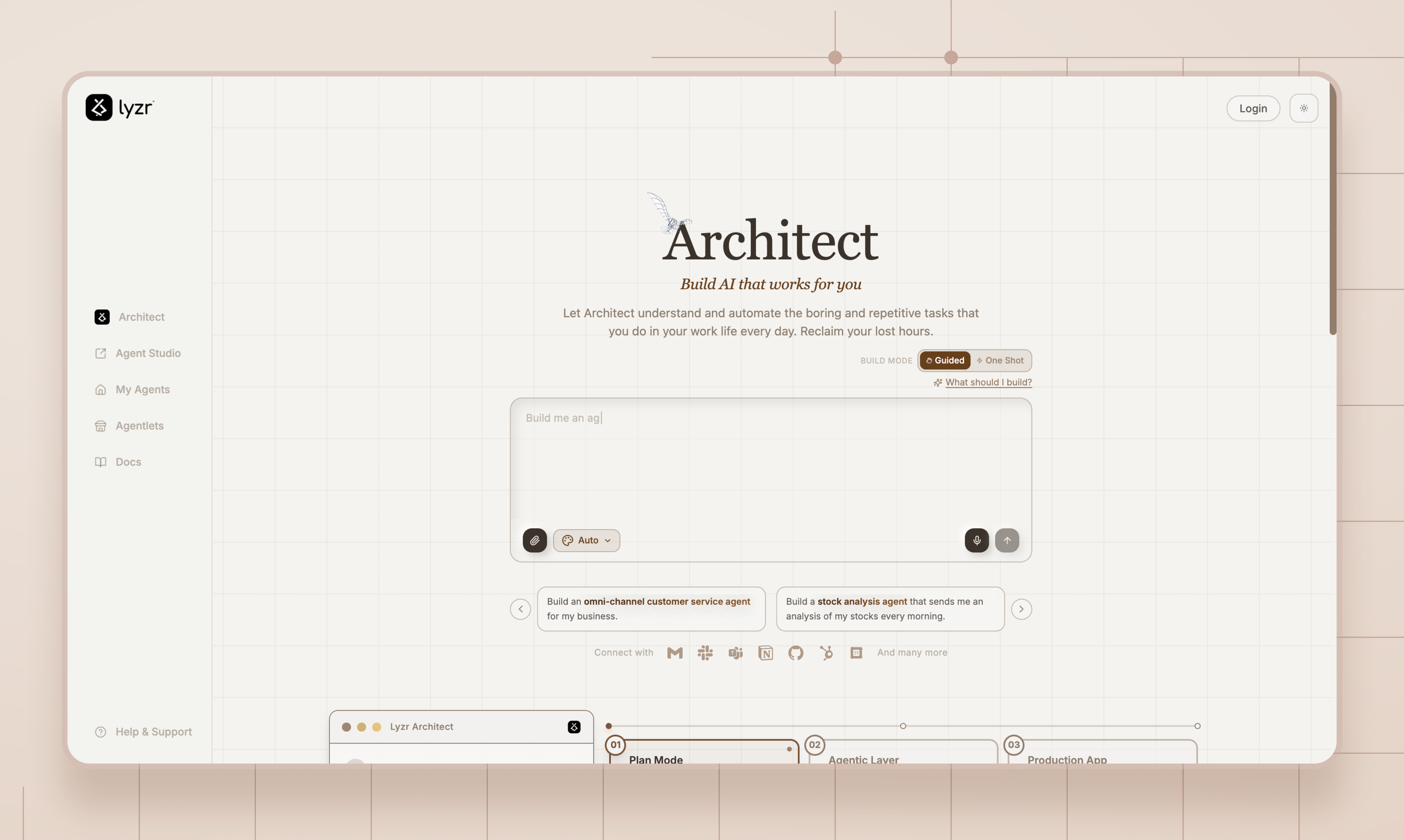
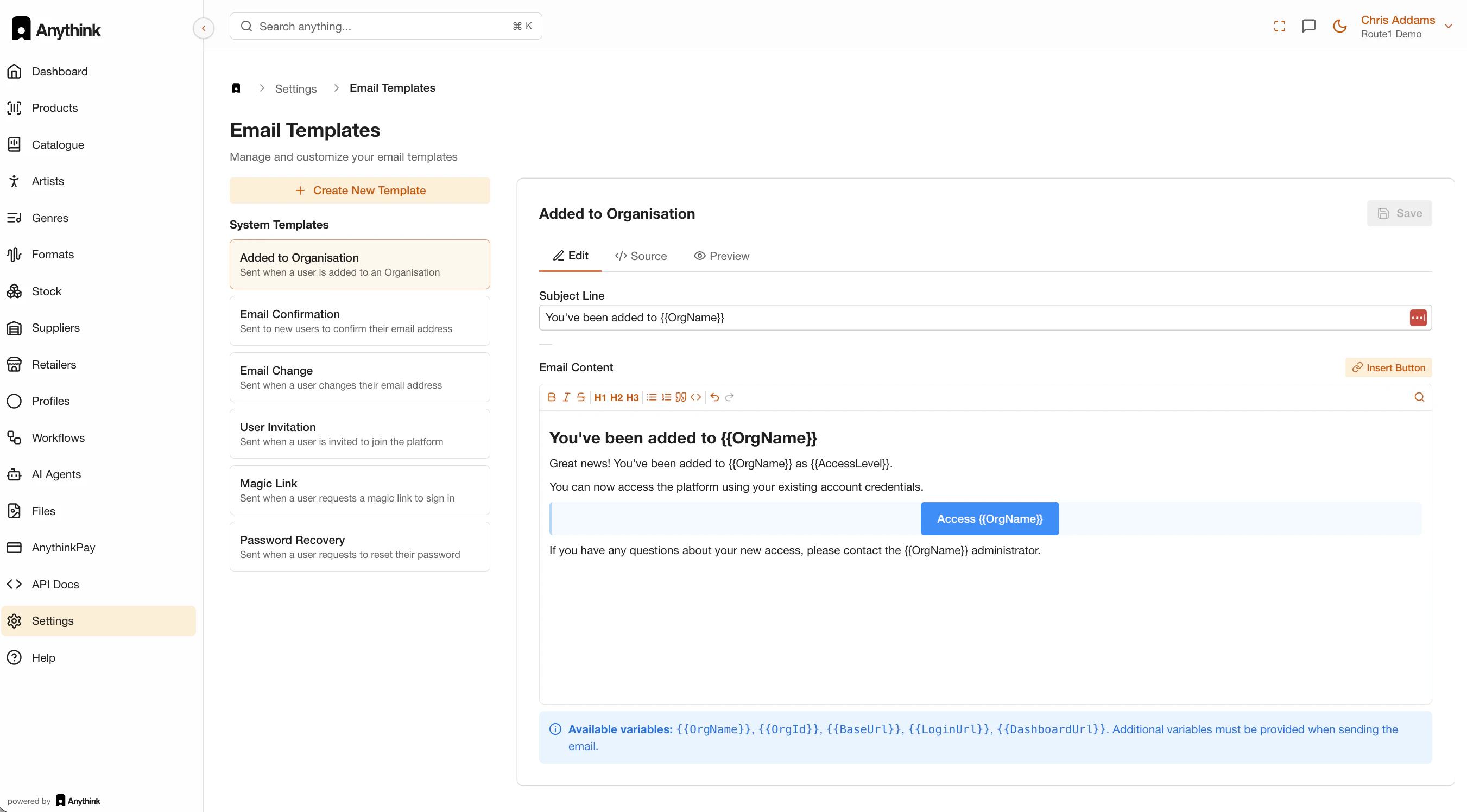
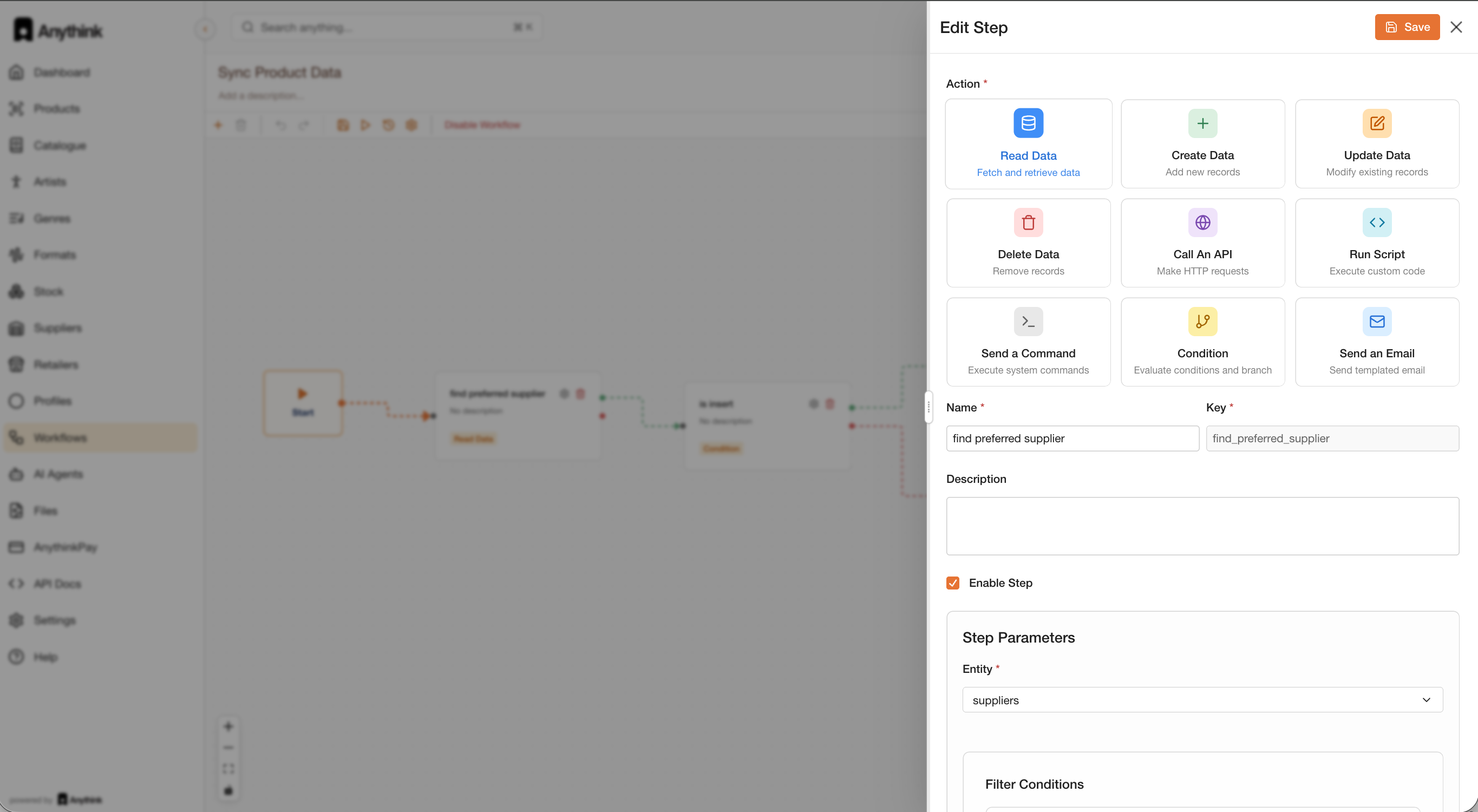
What if N8N and Lovable Have a baby? Well, Architect is exactly that! Build powerful multi-agent AI systems where you can see and control every decision, every integration, every flow. Before writing a single line of code. No black boxes. No guesswork. Just clarity.

Hey Product Hunt ! 👋


Shreyas here from Lyzr. Today we’re launching Architect — prompt to fully deployed agentic application. No glue code. No stitching frameworks together.

Here’s what Architect actually does:


1. Prompt → Full App
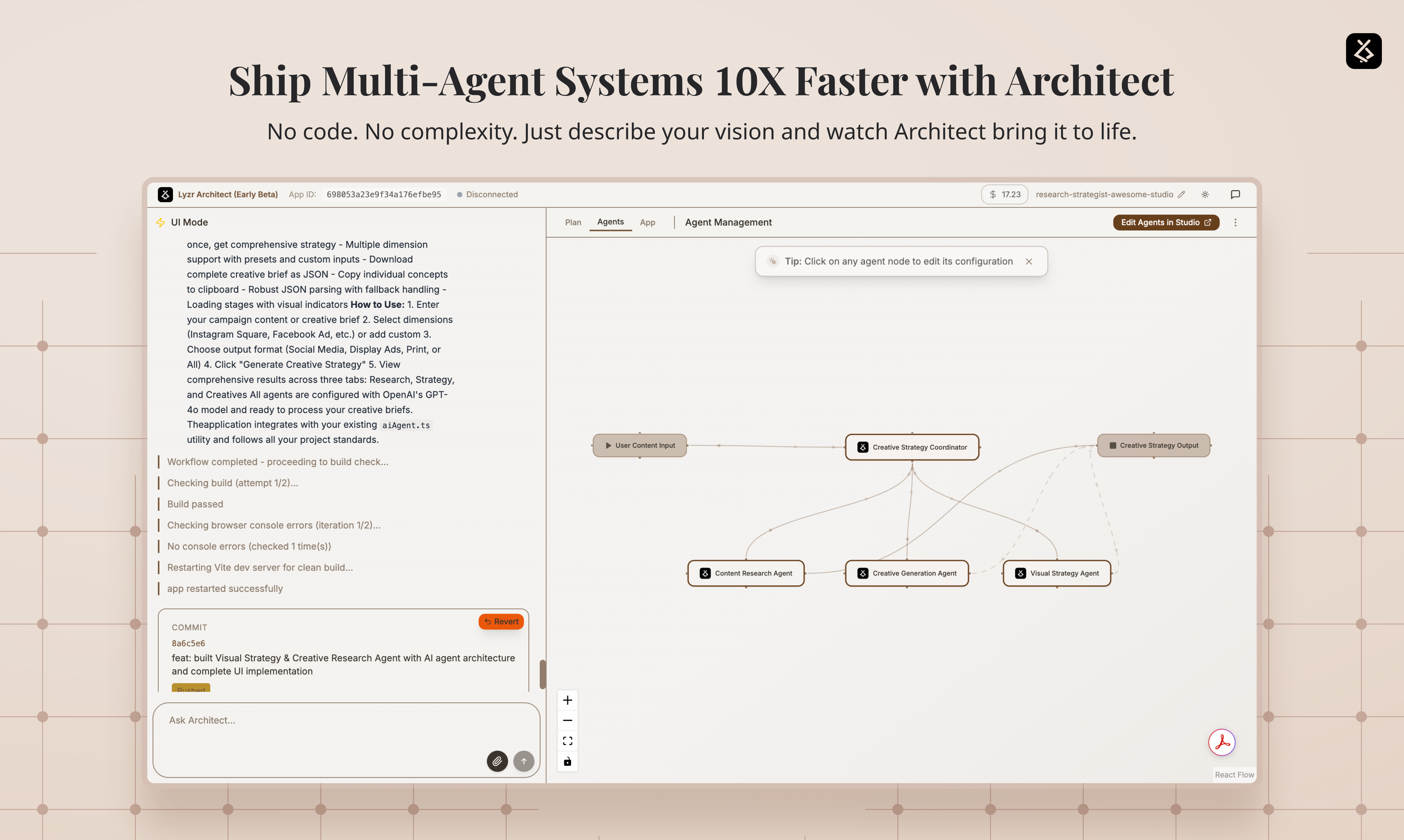
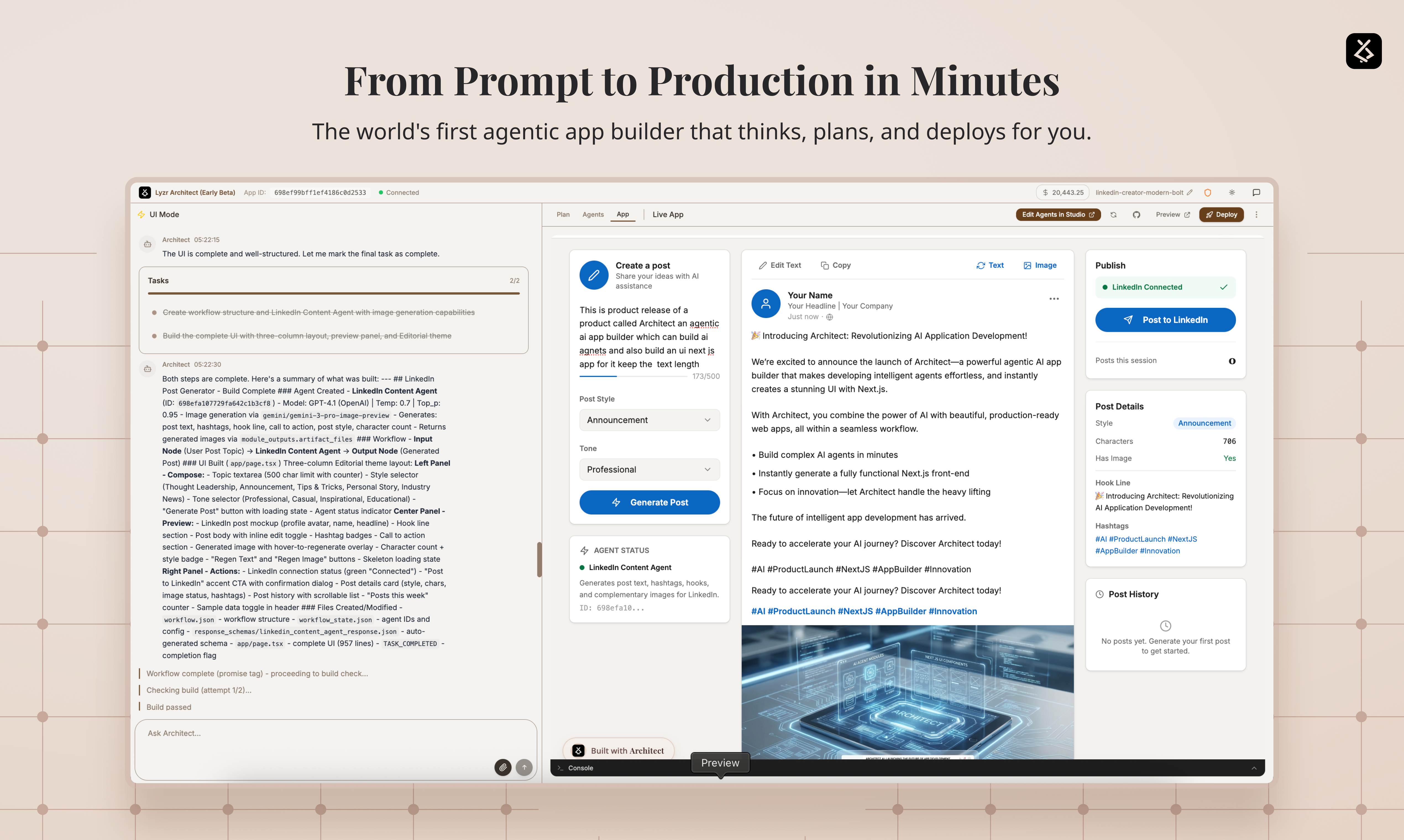
Describe what you want. Architect builds the agent logic, tooling, guardrails, RAG pipelines, AND a production-ready Next.js UI. Not a JSON blob. A deployable application.

2. Not Just Text — Voice, Image & Video Apps Too
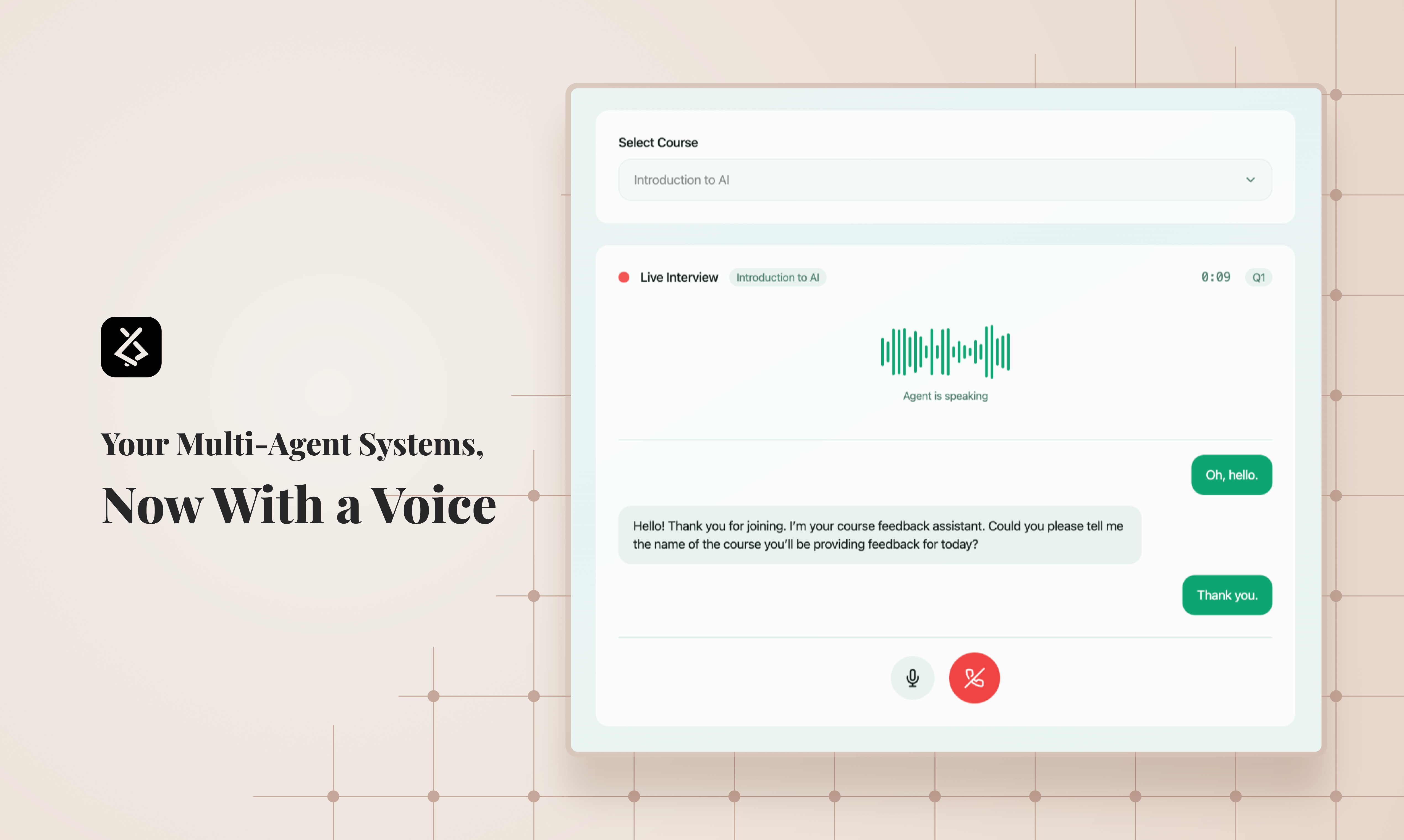
Build agents that can talk, see, generate images, and create videos. Voice apps. Image gen apps. Video gen apps. All from a single prompt. OpenAI, Anthropic, ElevenLabs, Replicate — any vendor, any modality, zero integration work. Your agents aren’t limited to chat. They’re multimodal from day one.

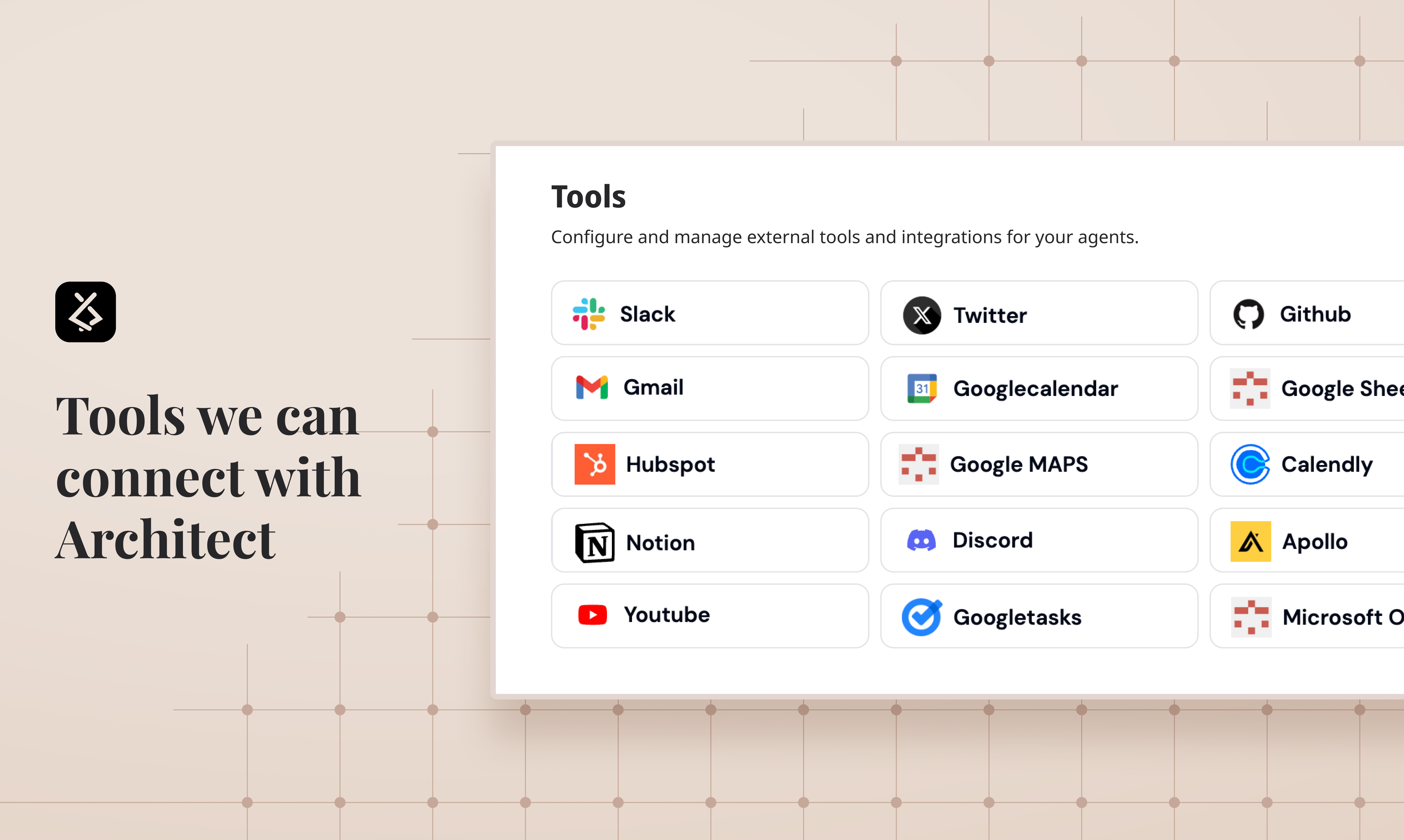
3. Plug Into the Tools Your Team Already Uses
Gmail, Notion, GitHub, Slack, Google Drive, Jira — your agents can use them as tools natively. No custom API wiring. No middleware. Just tell Architect what your agent needs to do and it connects the dots. Your agents don’t just think — they act across your entire stack.

4. Two Agent Styles, One System
Build autonomous manager-style agents for complex reasoning OR deterministic workflow agents for predictable execution. Mix both. Most platforms force you to pick one.

5. Lyzr Control Plane + Agent Studio — Full Ops Without Touching Code
This is the layer that makes Architect production-grade. Every app Architect builds is connected to Lyzr’s control plane through Agent Studio.

That means after deployment, you can:
— Observe agent behavior and trace every decision
— Modify prompts, logic, and orchestration flows
— Add or update knowledge bases and RAG pipelines
— Apply and tune guardrails in real time
— Swap models, adjust tool access, manage permissions

All without touching a single line of your frontend code. The UI stays intact. The agent brain evolves independently. Build once, operate forever.

It Builds the UI (Yes, Really)

Most agent platforms stop at the backend. Architect generates a full Next.js frontend. Your agent isn’t just functional — it’s shippable to users.

TL;DR: Prompt → Agents → Governance → UI → Deploy. Text, voice, image, video. Gmail, Notion, GitHub built in. Full ops layer via Lyzr Agent Studio — observe, modify, govern, scale — without rewriting code.

We built this because shipping AI agents as real products is still way too hard. Architect fixes that.

Try it. Break it. Tell us what sucks.

:pray:
17
回复
@shreyaskapale hey there 👋 How Architect handles non-trivial product constraints, things like custom auth flows, complex state management, or multi-tenant permissions, once the generated Next.js app moves beyond a demo use case? Prompt fully deployed agentic application” is a bold promise.
0
回复

@shreyaskapale Genuine question though — how much control do I actually have over the “brain” it builds? Like if I say “build me a CS copilot” is it just gonna spin up a default agent setup, or can I nudge it into a specific style (planner/executor, strict workflows, heavy RAG, etc.)?

Also super curious — once it’s live and I start tweaking stuff in Agent Studio, can things get messy fast? Is there versioning/rollback for agent behavior or is it more “move fast and pray” mode?

The whole “prompt → full app → control plane” thing is bold. What’s the messiest real-world use case you’ve seen someone throw at it so far?

0
回复

@shreyaskapale

The free credits are exhausted within minutes. Also, I built a website analyzer to find potential writing clients, which I've been satisfied with. However, the email finder I built stops responding after five email searches.

Check them out.

Website Analyzer For Freelance Copywriters

Feeds Email Finder

1
回复

Hey Product Hunt! 👋
Vidur here from Lyzr. Today we are launching Architect.

We built Architect because we kept seeing the same problem: the people who understand business problems best — couldn't easily build the agent workflows and apps they envisioned without depending entirely on developers.

Architect bridges that gap. Describe what you want to automate or build, and Architect generates the PRD, orchestrates the agents, connects your tools, and delivers a working agentic app — without you needing to think about the underlying infrastructure.
Think of it as the fastest path from "I wish I had an agent that..." to actually having that agent, with a UI, live integrations, and everything.

What makes us different? Unlike n8n or Make, there's no node-dragging. Unlike Lovable or Replit, you're not building generic apps — you're building agents that reason, take action, and connect to your enterprise tools.
We're still early. The architecture is evolving fast, and our template library is growing. But if you're someone who has ever had to wait weeks to get a working agent prototype — we built this for you.

Drop your questions below — happy to go deep on use cases, architecture, or how we think about agent orchestration.

13
回复

@vidur_ Congratulations to Lyzr team on launching Architect. Can we create production ready apps offering subscription both pay as you go and retainer similar to building apps on other vibecoding platforms? How do you go about UI/UX, are you connected to Figma? Also can you deploy these apps to Netlify, Vercel, Cloudflare, Github as most of the vibecoded production ready apps still breaks when deployed directly?

0
回复

A perfect blend of innovation and strong architecture!

9
回复
Great setup and wording. I like where you are going with it
8
回复

@bartvandekooij Thank you! Just getting started 🚀

1
回复

Loving this approach of making AI less of a mystery. Feels like the right direction!

8
回复

@djordjevic_nikola Really glad it resonates!

0
回复

The guided mode feature of architect is my favorite, everyone should try that!! 💙

7
回复

Please list in pricing the free credits/month on free tier.

I probably will not stay on free, but this in mid-February, 2026; integrate beyond what every agentic platform has and more to be competitive. Github, supabase, railway, postman, cloudflare...

I want to build, not schedule things, so gmail, google calendar and your other integrations, I'm sorry, but I'm mnot a fluffer; my eyes glaze over until I see integrations that would actually help with what really eats our timee - debugging.

I'm with you in the struggle, and eager to see you succeed.

6
回复

@osakasaul  Really appreciate this — thoughtful feedback.

we’ll make the free credits/month clearer in pricing. That’s fair.

On integrations, I hear you. Different builders care about different things. Some want workflow automation, some want deeper dev integrations, some just want to ship faster. Our goal is to support all of that without turning it into noise.

We definitely don’t want to build fluff. The focus is on meaningful integrations that actually save time — whether that’s scheduling, infrastructure, debugging, or anything else that eats cycles.

Thanks again for pushing us to think sharper. It genuinely helps.

If you’re interested, we’d love to connect and discuss this in more detail. Thank you so much for being our supporter! it means a lot when someone genuinely wants to support our journey.

0
回复

I just built and deployed this in under 10 mins, and Its my favorite gamified learning experience I have built with Architect so far!: https://code-quest-mega-gear-97jp.architect.space

6
回复

Congratulations on the launch! I love the direction Architect is taking - truly agentic applications that feel truly enterprise-ready. Excited to see how the platform evolves over the coming years 🚀

4
回复

@hughbeme Glad you liked it!

2
回复

Interesting no-code approach for AI agents. How does it compare to building custom agents with code? Curious about the flexibility vs speed tradeoff.

4
回复
@iris_serra2 speed is primary on architect but it’s built on Agent studio that gives you all the guardrails for taking it to production.
1
回复

@iris_serra2 You get a built-in control plane powered by Lyzr Agent Studio, embedded directly into every Architect app. This means you can manage agent operations, observability, knowledge, improvements, and configurations — all from a single no-code platform — without ever rewriting application code, that is the biggest unlock!

1
回复

Congrats on your launch, guys :)

Quick question here before i dive in into this one!

Once Architect generates the PRD, multi-agent orchestration, UI, DB connections, RBAC, audit logs, etc., how do we take it to production? Is there export to self-hosted (our VPC/K8s), one-click deploy to Lyzr cloud, or API/SDK wrappers so we can embed/embed calls from our existing backend/frontend? Any support for custom LLMs or bring-your-own-model?

3
回复

@cathcorm great question!

You can export the frontend code and deploy it anywhere — on any cloud of your choice.

With the Lyzr SaaS offering, the agents (backend agent services) run on our cloud. However, for enterprise deployments, we support running everything inside your own private VPC as a fully isolated environment. We also offer an on-prem model where the entire stack can operate as a closed-box deployment within your infrastructure.

Also in terms of architect’s flexibility you can integrate any api or db from your side the complete next js code is given to you.

In terms of models, you can bring in your own private models too, our studio is completely model and cloud agnostic from day one.

P.S. We’re also planning to roll out an open-source lite version of our agents so you’re never code-locked into our platform. And with our on-prem model, you always have the option to run the complete, full-fledged infrastructure inside your private VPC.

0
回复

Awesome product!

2
回复
@christian_b_1 glad you are liking it!
1
回复

Congrats on the launch! What tools are your top customer favorites?

1
回复
You’re spanning a lot: plan mode, RAG, tool integrations, multimodal, UI generation, and an ops/control plane. What did you deliberately not build to avoid becoming a “kitchen sink”?
1
回复

@shreyaskapale @vidur_ congrats on the launch! Nicely done! A couple of questions:

  • How much visibility or control do we have over the code while it is being generated (when we're in planning mode)?

  • Is there a desktop app or you guys working on it?

1
回复
Hi @siva_surendira , Saw Architect by Lyzr on Product Hunt — interesting direction around building AI that “works for you.” One quick thought: you might experiment with narrowing the headline around a specific outcome or persona (e.g., dev teams, ops teams, AI-native startups). It could help make the value instantly concrete rather than broad. Curious how you’re thinking about positioning this right now.
1
回复

Agent tooling right now splits into workflow builders like n8n and Make where you drag nodes, and app generators like Lovable where you get a frontend but wire agent logic yourself. Architect sitting between those, prompt to full orchestration plus a deployable Next.js UI, fills a gap most teams hit once prototyping is done. Running 10,000 automated tests via the simulation engine before deployment is what actually moves this past demo territory... most agent prototypes break the moment real users hit edge cases. Pre-launch failure mode detection matters more than build speed.

0
回复
Congrats on the #3 spot! Architect looks like a powerhouse for AI workflows. Quick feedback from a growth perspective: The tech is clearly 10/10, but I think you're leaving money on the table by focusing on “Building Agents” (the how) instead of “Scaling Ops without hiring” (the result). For a founder, Efficiency is a much stronger trigger than AI Builder. I specialize in these SaaS pivots at franvimktg, happy to drop some specific copy tweaks here if you want to make the value prop even stickier for non technical buyers!
0
回复

Congrats on the launch, hey @shreyaskapale. Consider highlighting specific use cases for onboarding. What activation metric will you prioritize?

0
回复

Hot take: the "N8N + Lovable baby" comparison actually undersells what's interesting here.

The real question nobody's asking about no-code agent builders: what happens when your agent needs deep domain expertise?

I've been building AI travel agents (Aitinery — we use Google ADK with multi-agent pipelines for Italy trip planning), and here's what I learned the hard way: the orchestration layer is maybe 20% of the problem. The other 80% is domain knowledge — knowing that the train from Rome to Amalfi doesn't exist (but ChatGPT will happily recommend it), or that a "15-minute walk" in Positano actually means 400 stairs.

Tools like Architect nail the 20% beautifully. Prompt to deployed app, multi-agent orchestration, tool integrations — that's genuinely hard infra work and you've clearly built something solid.

But I'm curious about the 80%: when someone builds a vertical agent on Architect (say, a legal research agent or a medical triage bot), where does the domain expertise live? In the prompt? In custom tools? In fine-tuned models?

Because the dirty secret of AI agents is: generic orchestration + generic LLM = generic output. The magic happens in the domain layer, and that's the part that's hardest to no-code.

Not a criticism — genuine question. Would love to hear how you think about this @vidaboravida

0
回复
#4
Claudebin
Export and share your Claude Code sessions as resumable URLs
211
一句话介绍:Claudebin 可将本地终端中非结构化的Claude Code对话会话(含代码、文件操作、命令等)导出为可分享、可浏览、甚至可本地恢复的链接,解决了开发者在协作、代码审查和知识留存时难以共享完整AI编程上下文的核心痛点。
Developer Tools Artificial Intelligence GitHub Development
AI编程工具 开发协作 会话共享 代码审查 上下文留存 开发者工具 开源 工作流优化 知识管理
用户评论摘要:用户高度认可其解决“会话共享难”的痛点,尤其适用于PR和团队协作。主要问题与建议集中在:数据安全与敏感信息处理、团队功能与访问控制、自动保存防丢失、会话标记与复用、以及未来功能如会话对比。
AI 锐评

Claudebin 捕捉到了一个细微但关键的范式转变:当编程从“编写”转向“提示”,过程本身即成为核心资产。它并非简单录屏,而是将AI与开发者的交互会话序列化、结构化,使其成为可链接、可嵌入、可复现的一等公民。这直击了当前AI辅助开发工作流的盲区——过程黑箱与上下文断裂。

其真正价值在于试图为AI编程建立“可观察性”与“可协作性”的基础层。通过将终端会话转化为可导航的“数字工件”,它让代码的“为何如此”变得透明,极大提升了代码审查、知识传承和异步协作的效率。开源策略明智,能快速接入社区需求。

然而,其挑战与机遇同样明显。首要即安全与隐私,终端会话是敏感信息富矿,自动红录或预览机制是产品生存的底线。其次,从“分享单次会话”到成为团队“AI编程记忆库”的演进路径清晰,但竞争壁垒尚不坚固。能否围绕这些结构化会话数据,构建如版本对比、关键决策点标记、智能摘要等更深层的工作流功能,将决定它是止步于一个实用的导出工具,还是成长为AI时代编程协作的新基础设施。当前版本是精准的楔子,但楔入之后的故事才真正开始。

查看原始信息
Claudebin
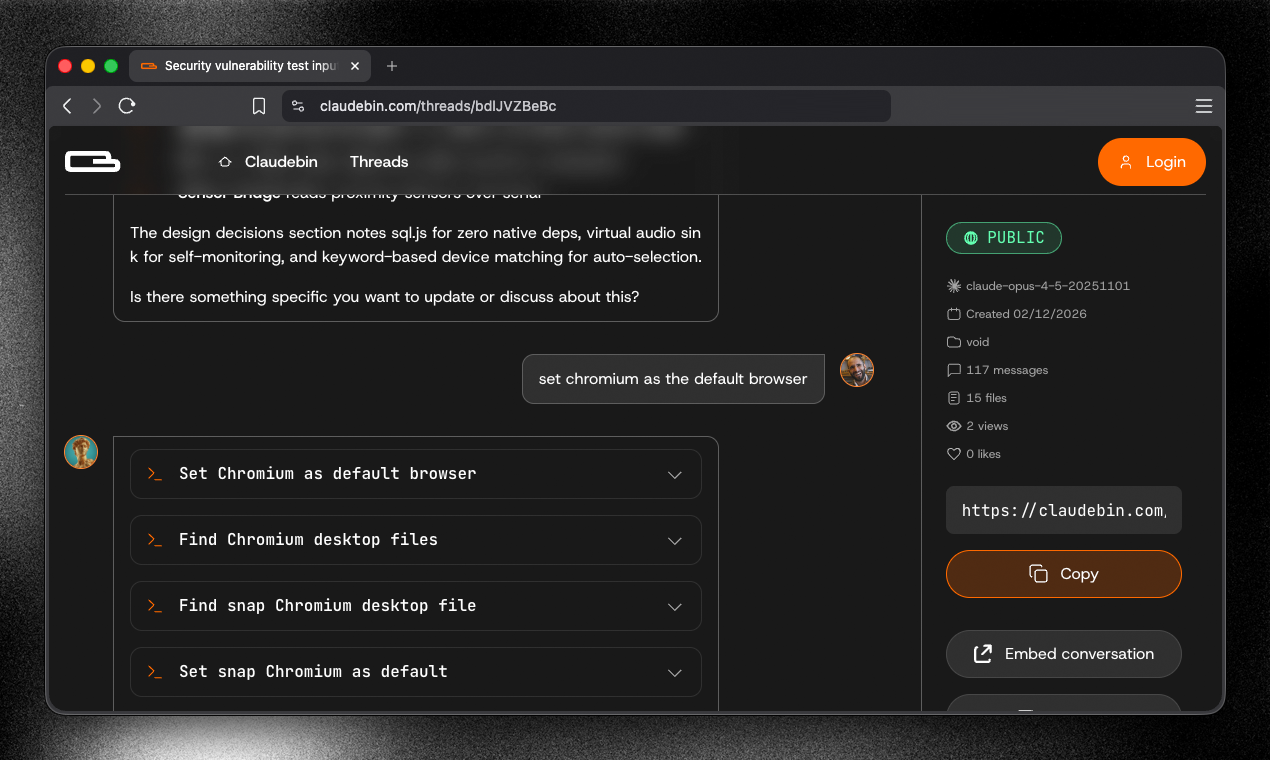
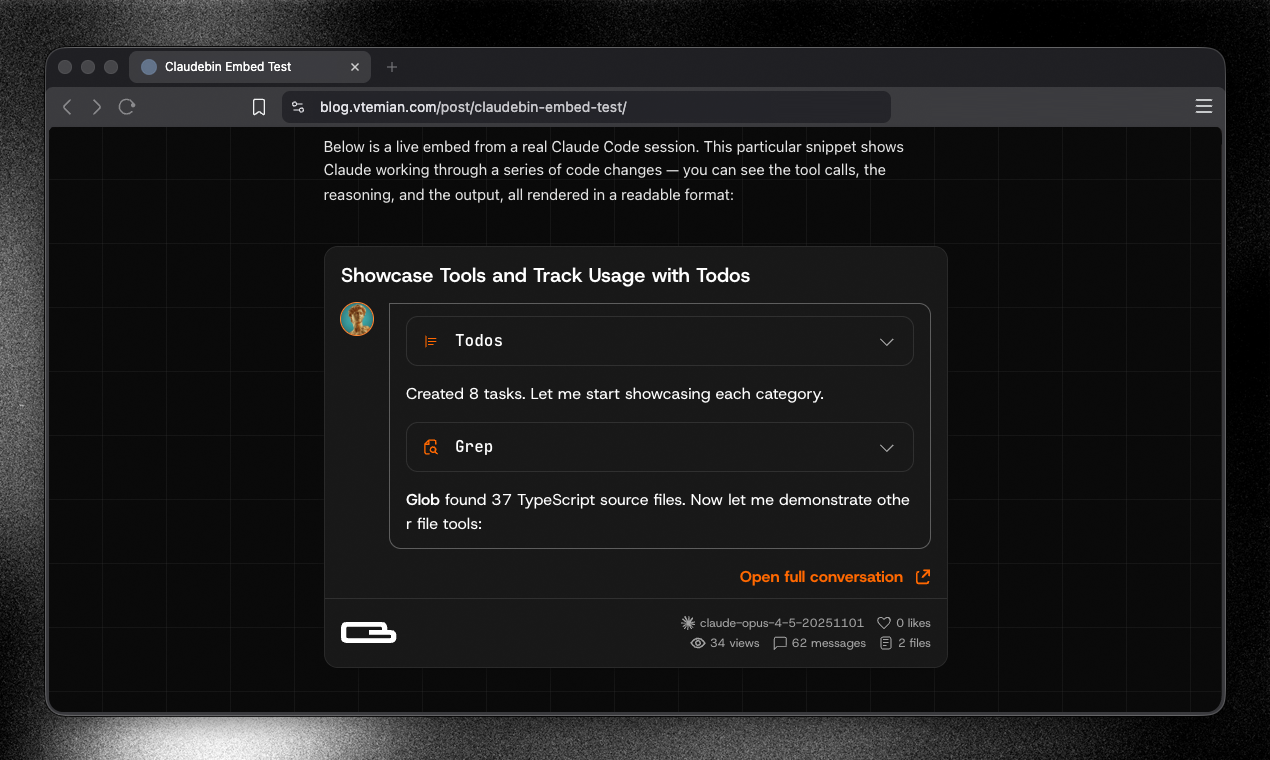
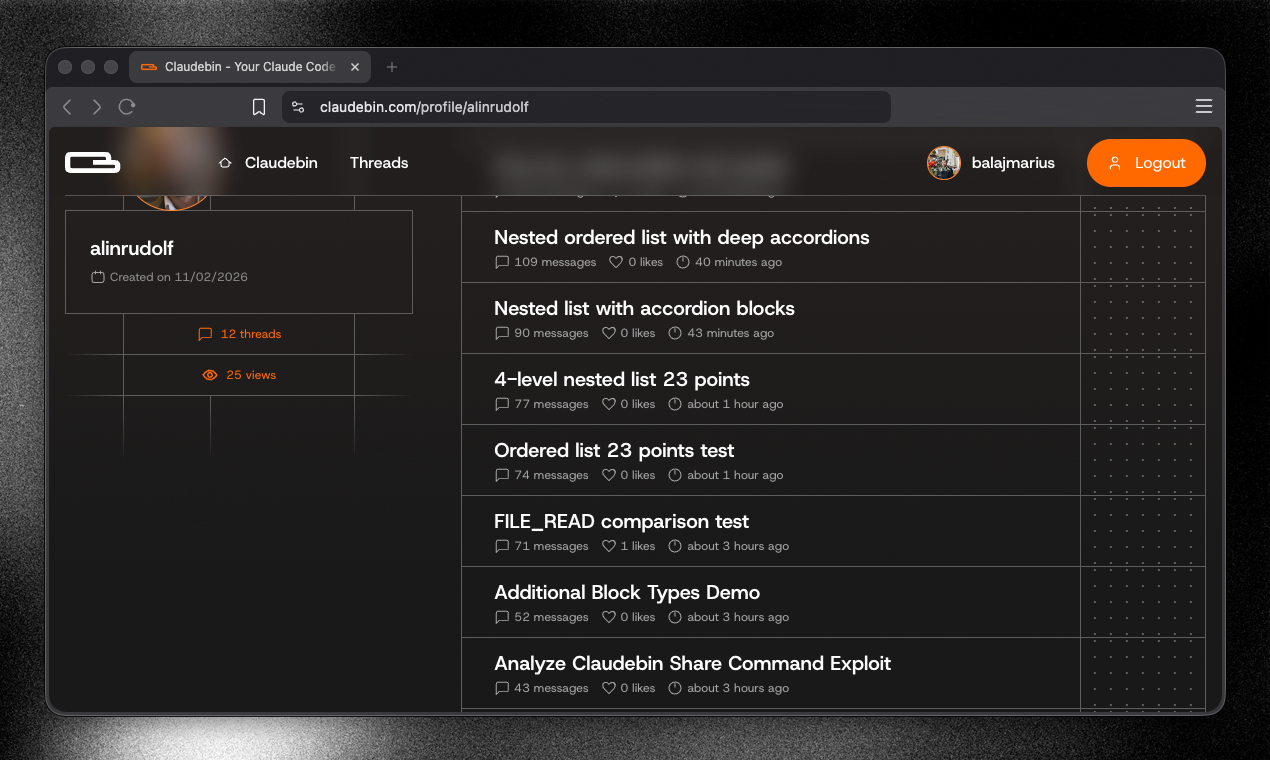
Claude Code runs in your terminal. Session data is stored locally, but not in a human-readable format. If the session contains useful context, refactors, tool usage, reviewing or sharing it isn’t straightforward. Claudebin lets you export a Claude Code session. It captures: - the full message thread - file reads/writes - bash commands - web and MCP calls It returns a URL with a structured, navigable viewer. You can link it in a PR, embed a selected range in your docs, or resume it locally.
Hi 👋, We use Claude Code a lot, and after a long session, there isn't a simple way to share exactly what happened with someone else. Prompts, responses, file edits, and tool calls all stay inside the terminal. We built Claudebin to make that easier. It's open source. https://github.com/wunderlabs-de...
9
回复

@vtemian That's such a great tool! Is there any way to have an organization within my profile so I can share the sessions only with my team?

4
回复
@vtemian Love the idea of making Claude Code sessions shareable! Curious how Claudebin handles sensitive data and secrets in bash outputs or file reads, is there automatic redaction, or does the user review before generating the public URL?
0
回复

@vtemian Hi Vlad ,this solves a very real workflow gap. After long Claude Code sessions, context gets lost in the terminal and sharing becomes messy. Turning that into something clean and shareable makes collaboration much easier.

Open source is a nice touch too.

I’m building Ahsk app, a macOS AI assistant focused on seamless AI workflows. Would love to connect and exchange feedback.

0
回复

Hey everyone 🚀


I'm part of the team behind Claudebin, building this together with Vlad.


If you're curious about how and why we built it, I wrote a detailed article breaking it down here:

https://balajmarius.com/writings/making-claude-code-sessions-shareable/


Happy to answer any questions, whether it's product decisions, technical details, or the story behind it.

8
回复

I’ve run into the problem where a long Claude Code session produces great results, but sharing the process with teammates is basically impossible without screenshots or messy summaries.

Having a resumable URL with the full thread + file operations makes a lot of sense, especially for PR context or debugging sessions. It feels similar to sharing a notebook or replayable dev session rather than just output.

7
回复

@andrianv That’s exactly the pain we’ve seen too. Great output, zero trace of how you got there.

0
回复

Congrats! love this, sometimes, after 4-5 hours of chatting, i get a huge huge history and it is reseting the terminal. That's not a problem as i remember most of the flows, but other people don't know the reason of what i did or not did something. What i actually want is a way to "bookmark" some of the informations that are relevant from those long threads. And reapply them. Are you working on something like this?

6
回复

@axelut Yes, we're building proper team features so you can save key moments, revisit them later, and share context easily with others. That’s very much on our roadmap.

1
回复

This tool is SO useful! Thanks a lot for building it and congrats on the launch 🚀

5
回复

For me the code writing part of my work has now almost fully shifted from actual writing to prompting. So it makes sense that I want to see other people's prompts along with the code. It's a great tool for sharing.

If you think about it, where before you would open a PR and add a bunch of notes for reviewers, now you can include the chat history and it gives you so much context!

5
回复
Hey Vlad, that pain of finishing a long Claude Code session and having no good way to show someone what actually happened is real. Was there a specific moment where a teammate asked what did you change or how did you get that working and you realized you had no clean way to show them?
3
回复

@vouchy a lot of examples. Usually, it happens when I want to show something that touches the frontend side. I work on the backend side and we need to integrate together, both using Claude Code.

Check more details here https://balajmarius.com/writings/making-claude-code-sessions-shareable/

0
回复

Hi @balajmarius ,

Saw ClaudeBin on Product Hunt — really like the “sessions deserve a URL” framing.

One thought: positioning it slightly as workflow memory or version control for Claude teams could make the long-term value even stronger.

Curious how you’re thinking about that direction.

1
回复

Great product. This solves a problem I face daily. Like many, when sessions compact I lose so much decision making context. Question: Can this auto-save? Claude supports hooks, so maybe a pre-compaction trigger that auto publishes to Claude Bin? Personally, my pain point isn't necessarily forgetting to share a session it's just losing it before I get the chance.

1
回复

@leonardkim that's a good suggestion, we are going to experiment with this and see how cleanly we can implement it.

If you’re feeling inspired, we'd absolutely welcome a PR. Would love to build this with you.

0
回复

Hi there, big day!! :)

A few quick questions from someone embedding agentic coding into web/mobile apps (Next.js + React Native, often with Claude Code for backend scripts, migration tools, test gen, etc.):

  1. Does it fully serialize everything useful? E.g., inline file read/write diffs (before/after views), bash command outputs (stdout/stderr), tool call results (web fetches, MCP responses), and any custom skills/hooks?

  2. When resuming from the URL locally (via import?), how does it restore state? Does it replay the session into a new Claude Code instance, inject context/files/commands, or just load the viewer for reference?

  3. For SaaS/team workflows: Can we embed selected ranges (e.g., a refactor block) as iframes in Notion/Linear/Confluence? How private are the URLs — random long slugs, password-protected, or self-hosted viewer option?

Thanks guys!

1
回复

Hi @cathcorm, thanks for the great questions!

  1. Everything Claude does is fully serialized, nothing is left out.

  2. We send Claude the full markdown transcript of the conversation and ask it to read and summarize it, then wait for further instructions, you can see a sample transcript conversation + instructions here: https://claudebin.com/api/threads/I0karOj-vb/md

  3. Yes, absolutely, you can mark a thread as unlisted, it will not appear in search or on the threads page, but anyone with the link can still access it, we are also working on team and user access controls, as well as password protection, these are on our roadmap for the coming weeks.

If anything is unclear or you would like to dig deeper, just let us know. Happy to help.

0
回复

Great idea! thank you!

1
回复

@vtemian @balajmarius Great idea. This was needed.

1
回复

@vtemian  @ahmetardal Thank you!

0
回复

This is such a useful tool for anyone deep into Claude Code workflows. The fact that it captures the full session context — file edits, bash commands, MCP calls — and turns it into a shareable URL is exactly what's been missing. I love that you can embed selected ranges in docs too, not just dump the whole thread. Really smart for code review workflows where the "why" behind changes matters as much as the diff itself. Quick question: are you planning to support any kind of session diffing, like comparing two Claudebin sessions side by side to see how approaches evolved?

0
回复

Congrats on the launch! Making Claude Code sessions shareable and navigable feels incredibly useful, especially for PR reviews and async collaboration. How do you handle sensitive data inside sessions, for example API keys, internal URLs, or proprietary code, before generating a public URL? Is there a redaction or review step to prevent accidental leaks?

0
回复

Congrats on the launch, @vtemian. Simplifying session exports is key for developers. How do you plan to drive initial ?

0
回复
Claude sessions often include sensitive data via tool output and file reads—what’s your philosophy for safe sharing (redaction, encryption, access control, retention/deletion), and which security/privacy tradeoffs did you deliberately make to keep the experience “one command” simple?
0
回复

This would have saved me hours, but I’m concerned about leaking information. Is there an option to make it private by default? Also, could you implement an agent to pre-process and clean sensitive information from the exported data?

0
回复
#5
Arcmark
Your bookmarks, attached to any browser as a sidebar
185
一句话介绍:Arcmark是一款原生macOS书签管理器,可将书签侧边栏附着于任何浏览器窗口旁,解决了用户在不同浏览器间切换时缺乏高效、一体化书签管理和快速访问痛点。
Mac Productivity Open Source GitHub
书签管理工具 浏览器侧边栏 macOS原生应用 开源软件 本地优先 无账户同步 工作区管理 Arc浏览器灵感 生产力工具
用户评论摘要:用户普遍赞赏其侧边栏设计巧妙,解决了传统书签管理器脱离工作流的痛点,并对开源免费、本地优先策略表示认可。主要问题集中在全屏模式适配、多设备同步的缺失以及大量书签下的界面整洁度。开发者回应积极,提及未来可能通过分屏等功能改进全屏体验,并强调开放数据格式(JSON)避免用户被锁定。
AI 锐评

Arcmark的诞生,精准地刺中了浏览器演进中的一个“体验断层”:当Arc浏览器以其革命性的侧边栏重新定义了标签与工作空间管理后,用户一旦离开其生态,便瞬间坠回十年前的书签管理范式。这款产品并非简单的功能复刻,而是一次精准的“体验移植手术”。它的真正价值在于“解耦”——将一种先进的交互范式从特定的浏览器(Arc)中剥离出来,使其成为可附着于任何浏览器窗口的通用层。这挑战了“功能必须与核心应用深度绑定”的传统思维。

其“本地优先、单一JSON文件”的架构,是双刃剑。一方面,它直击当下用户对隐私和透明度的渴求,以极简的技术栈建立信任,并允许高级用户通过Git等工具自行实现版本管理,这本身就是一种筛选目标用户的巧妙设计。另一方面,这也清晰地划定了产品边界:它主动放弃了多设备实时同步和云端协作的想象,将自己定位为一个纯粹的、聚焦于单机深度工作流的“效率杠杆”。从评论中开发者对全屏模式等问题的务实回应可以看出,其哲学是解决核心场景(窗口化浏览)的体验问题,而非追求大而全。

然而,其深层挑战在于可持续性。作为开源免费工具,它避开了商业模式的直接拷问,但需依赖社区热情维护。其体验严重依赖macOS无障碍API,这既是实现巧妙的根基,也构成了跨平台扩张的技术壁垒。长远看,Arcmark更像一个启发性的“概念验证”,证明了侧边栏书签管理作为独立工具的需求存在。它的成功与否,不仅在于功能迭代,更在于能否围绕那个简单的JSON文件,形成一个由高级用户和开发者共建的、轻量级工具生态。

查看原始信息
Arcmark
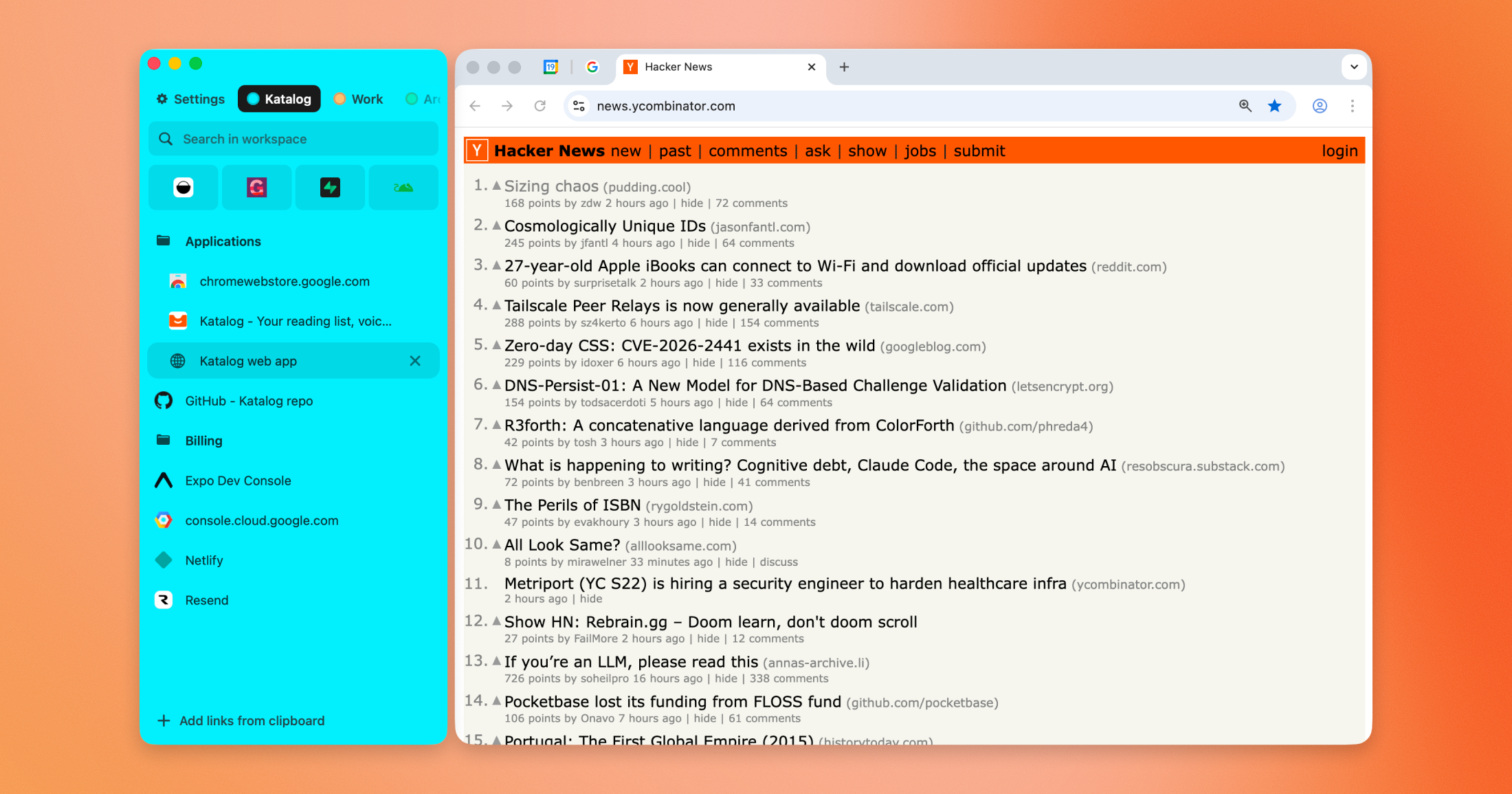
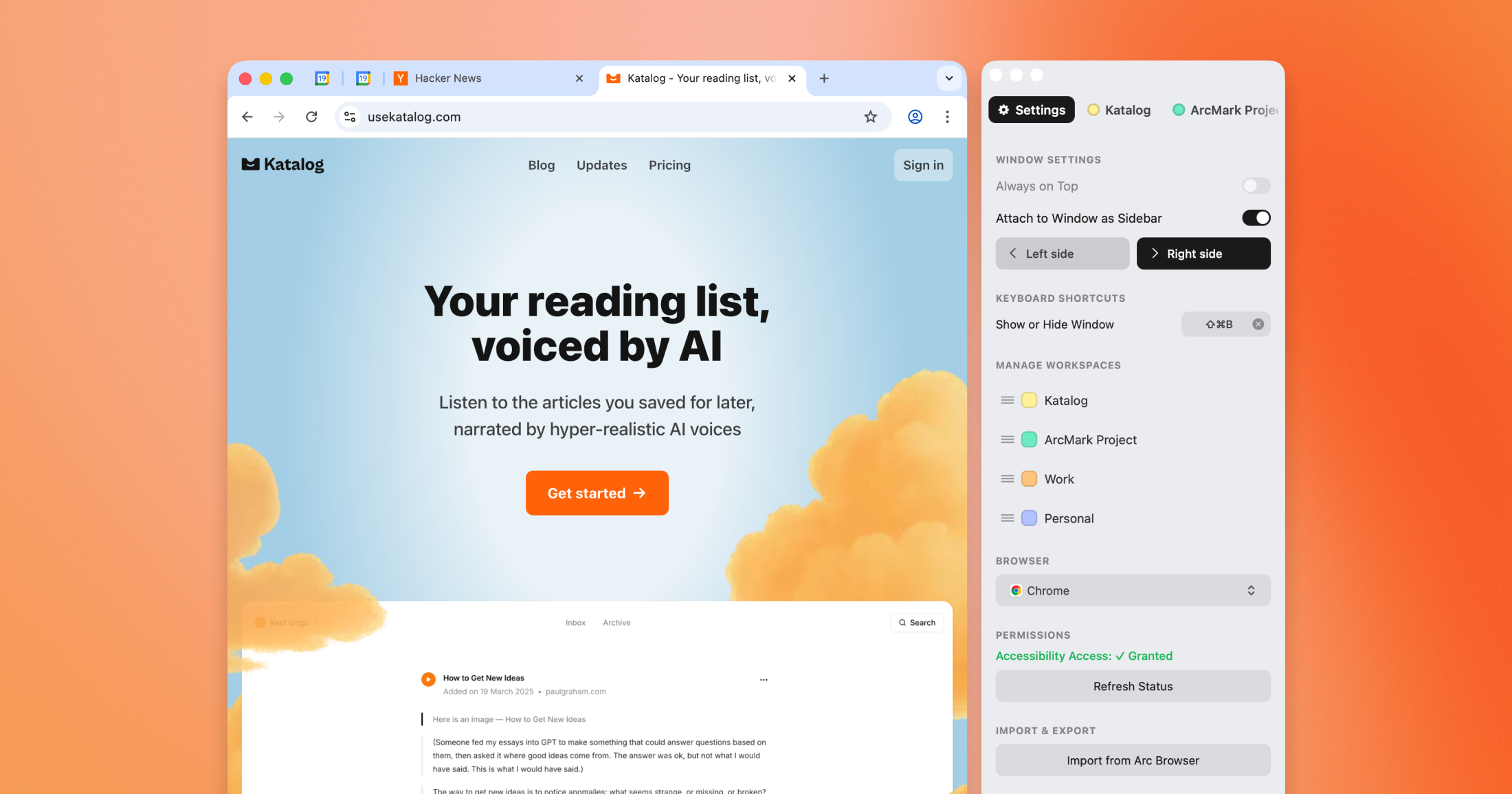
A native macOS bookmark manager that attaches to any browser window as a sidebar. Open source, free, and local-first. Heavily inspired by Arc Browser's sidebar.
Hey everyone! 👋 Really excited to launch Arcmark on Product Hunt today. As always, huge thanks to @fmerian for hunting! I've been using Arc as my primary browser for a while now. When I tried switching to other browsers, the lack of quality sidebar and link organization was one of the few things I couldn’t replace anywhere else. So I built Arcmark, it's a native macOS bookmark manager that attaches to any browser window as a sidebar. What Arcmark does: ✻ Attaches as a sidebar to your browser window and follows it around (uses macOS Accessibility APIs). Works with Safari, Chrome, Brave, and others. ✻ Workspaces + nested folders, drag-and-drop reordering, and custom workspace colors. Heavily inspired by Arc's sidebar UX. ✻ Local-first. No accounts, no cloud sync. Everything lives in a single JSON file: ~/Library/Application Support/Arcmark/data.json ✻ Import from Arc. You can bring all your pinned tabs and Spaces from Arc with exactly the same folder structure. Probably the easiest way to get started for Arc users. There is also an option to bring Bookmarks from Chrome. ✻ Works standalone too (even if you don’t want the “attached sidebar” mode). Arcmark is also fully open source and free. Would really love to hear your thoughts 🙏
3
回复
oss ftw!
1
回复
@geek_1001 Since everything lives in a single local JSON file, do you see versioning or git-based workflows becoming a feature for power users who want backup + history without cloud sync?
0
回复

@fmerian  @geek_1001 Hi Ahmed - this is clever. The sidebar is honestly one of Arc’s strongest ideas, and bringing that experience to any browser fills a real gap.

Local first with a simple JSON store is a nice touch too. Clean and transparent.

I’m building Ahsk app, a macOS AI assistant focused on seamless productivity across apps. Would love to connect and exchange feedback.

0
回复
Local-first is a strong stance. What tradeoffs did you consciously accept by avoiding accounts/sync (multi-device, sharing, collaboration), and what’s your philosophy on where Arcmark should stop versus what integrations/export formats you’ll prioritize to keep users from feeling locked in?
1
回复

@curiouskitty I'd say the biggest trade-off of not having an account is that I can't easily sync bookmarks between devices. It's possible to rely on iCloud and the Apple ecosystem a bit to bring saved bookmarks to the iOS app (which I also might build later), but it doesn't look straightforward

Right now I'm mainly adding more imports so that it's easier to try Arcmark (so far I have Arc and Chrome imports). But the format in which Arcmark stores the data is completely open and accessible to anyone. So I hope this way people won't be locked out at all because it's just a JSON file that can be parsed easily.

1
回复

The sidebar-attached approach is genuinely clever. The problem with most bookmark managers is the friction of opening a separate app or tab to access them, which kills the workflow. Having it follow the browser window natively removes that friction completely. Open source and free is the right call for a utility like this too. Congrats on the launch!

1
回复

@pukha Thank you so much, David!

Yeah, I felt exactly the problem you're describing. When the bookmark manager is detached from the workflow it turns into a pile of links that you never look at

1
回复

WOW, good luck with the launch! I wonder how long it took to build it?

1
回复

@valia_havryliuk Thank you so much Valia! 🙏

In total it took me a little over a week, a few hours per day. Definitely faster than I would have expected 🙂

1
回复

Would you mind sharing what was your inspiration to buid Arcmark?

1
回复

@lisadziuba my main motivation was to find a way to finally jump off Arc. I got so used to the structure of having a dedicated workspace for each project in a sidebar as a way to organize bookmarks/links that I couldn't have done that before. With Arcmark it's much easier for me to try other browsers now

Also, building Arcmark was my excuse to test the latest Codex models more heavily 😅

3
回复
This is clever, but how does this adapt to using a browser in full screen mode?
0
回复

@chrismessina Thanks, Chris! Yeah that's a tricky problem. For now, it won't work when the browser is in full-screen, unfortunately. But there are some workarounds I could build in the future: for example, force enable the Split View feature when you launch the browser in full screen. This way macOS would enforce the window to be next to browser.

1
回复

@chrismessina Just tested and it does work this way when you place the Arcmark window manually inside the full-screen container, but a better UX would be for the app to detect full-screen mode and do that automatically :)

2
回复

Congrats on the launch, @geek_1001. The local-first approach is great for user trust, but what’s your strategy for user acquisition?

0
回复

The idea is just SUPERB. I've had this in mind for along time and I've tried out supasidebar, which is also good, but too buggy at the moment. I hope this project will develop into something GREAT! Thank you for the initiative, all my support to the dev!

0
回复

@jondeir_junior Thank you so much! I really appreciate it!

From what I saw, Supasidebar tries to build a more generic sidebar, not just for a single browser but for multiple at a time + allowing you to keep files there too.
My goal with Arcmark is much simpler. I mainly wanted to have a similar Arc-inspired UX for managing my tabs/links in another browser.

Let me know if you find anything missing or have any specific feature requests :)

0
回复

Visually, it looks cool. But what if I have too many bookmarks? Willit not be so much cluttered?

0
回复

@busmark_w_nika I'd usually split them into separate workspaces, so each workspace is extremely focused on a specific purpose/project.

For example, I started way back with only the "Work" workspace where I'd place all the work-related links, but then it got a bit out of hand, so I split it into a dedicated workspace per project.

In Arc I had 35 workspaces and around ~2000 links in total 😅

2
回复
#6
keychains.dev
Give AI access to 6754+ APIs with zero credentials exposed
176
一句话介绍:一款为AI代理设计的、通过服务器端注入机制来安全调用超过6754个API的凭证代理工具,解决了开发者在构建AI工作流时因直接暴露API密钥而产生的安全与信任痛点。
Developer Tools Artificial Intelligence Security
AI安全 凭证管理 API代理 零信任架构 代理服务器 开发者工具 工作流自动化 审计追踪 OAuth 密钥注入
用户评论摘要:用户普遍认可其解决了AI代理使用原始API密钥的核心安全痛点。主要反馈集中在:1. 对代理层自身的数据隐私和信任提出疑问;2. 询问审计与追溯功能的实现细节;3. 建议扩展到传统网站密码管理领域。开发者回应已开源代理代码并支持自托管以解决隐私担忧。
AI 锐评

Keychains.dev的核心理念——“将凭证从AI代理的上下文中剥离”——直指当前AI代理生态最脆弱的命门。它并非简单地对密钥进行加密或混淆,而是在架构层面进行了一次彻底的职责分离:让AI代理专注于逻辑与决策,而将敏感的凭证验证与调用权限收归到一个受控的、可审计的代理服务层。这种设计在理论上优雅地免疫了因提示词注入、上下文泄露或恶意插件导致的密钥窃取,为“智能体即生产力”的愿景提供了不可或缺的信任基石。

然而,其真正的挑战与价值深度并存。首先,它实质上是将安全风险从“分散的AI代理”转移并集中到了“Keychains代理层”。这要求该服务必须具备银行级的安全性与可靠性,否则将成为更诱人的单点攻击目标。创始人关于开源和允许自托管“卫星代理”的回应是明智的第一步,但这在一定程度上也消解了其作为统一托管服务的便利性优势,将安全责任部分转回给了用户。

其次,产品的成功高度依赖于生态的构建。其价值与支持的API数量(目前宣称6754+)和易用性(如`keychains curl`这样的无缝替换)直接正相关。这要求团队必须持续进行繁重的集成与维护工作。评论中关于扩展至传统网站密码管理的建议,看似是合理的产品延伸,实则可能模糊其核心战场——开发者与API。那是一个与1Password等成熟密码管理器完全不同的、更复杂(涉及动态会话与反爬机制)的领域,盲目扩张可能导致资源分散。

总体而言,Keychains.dev精准地切入了一个快速增长且痛点明确的新兴市场。它的出现不是终点,而是标志着AI应用开发从“野蛮生长”向“工程化与安全治理”演进的关键节点。其长期价值不在于是否成为另一个“基础设施”,而在于它能否定义并成为AI代理时代“零信任安全范式”的事实标准。这条路充满挑战,但方向无疑是正确的。

查看原始信息
keychains.dev
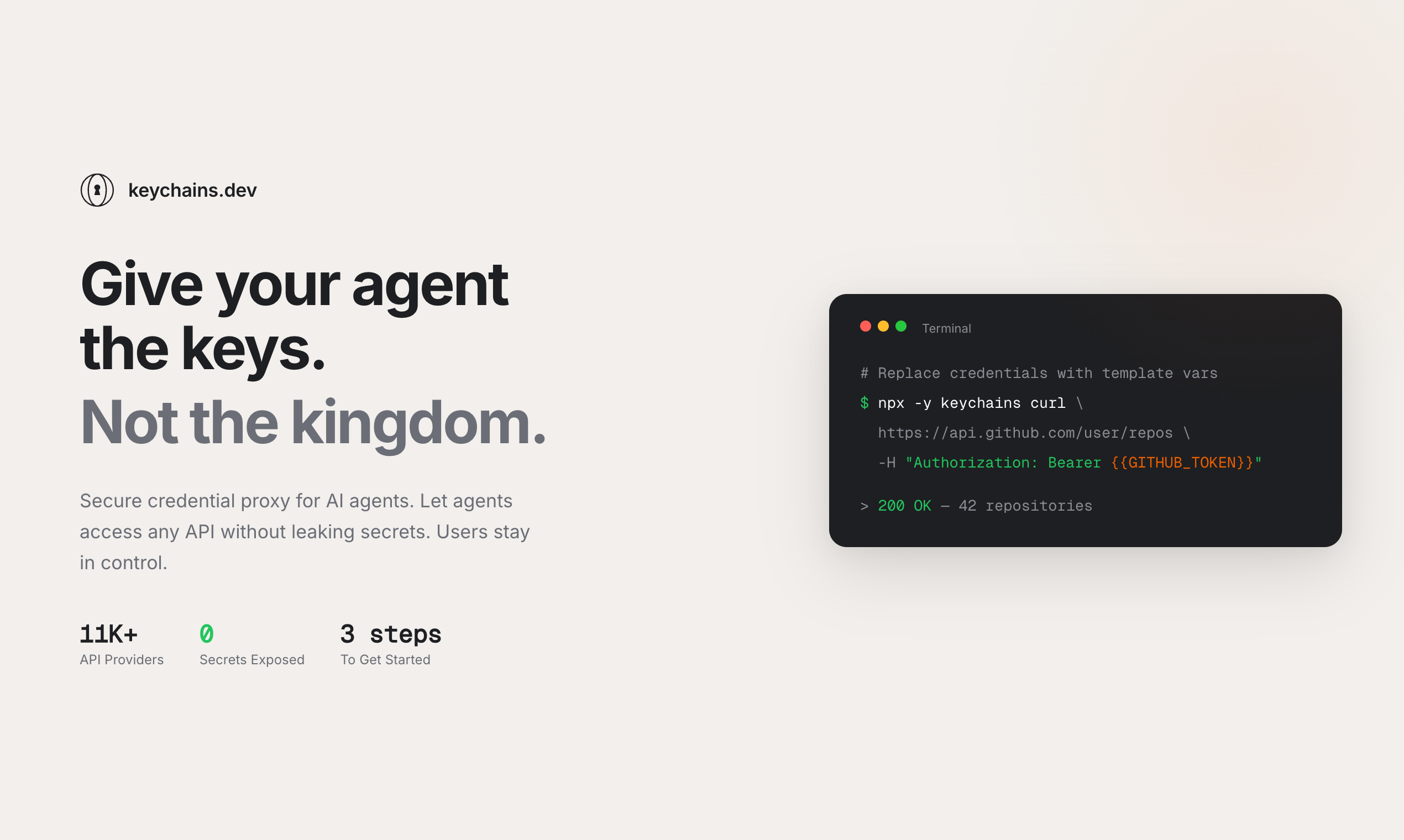
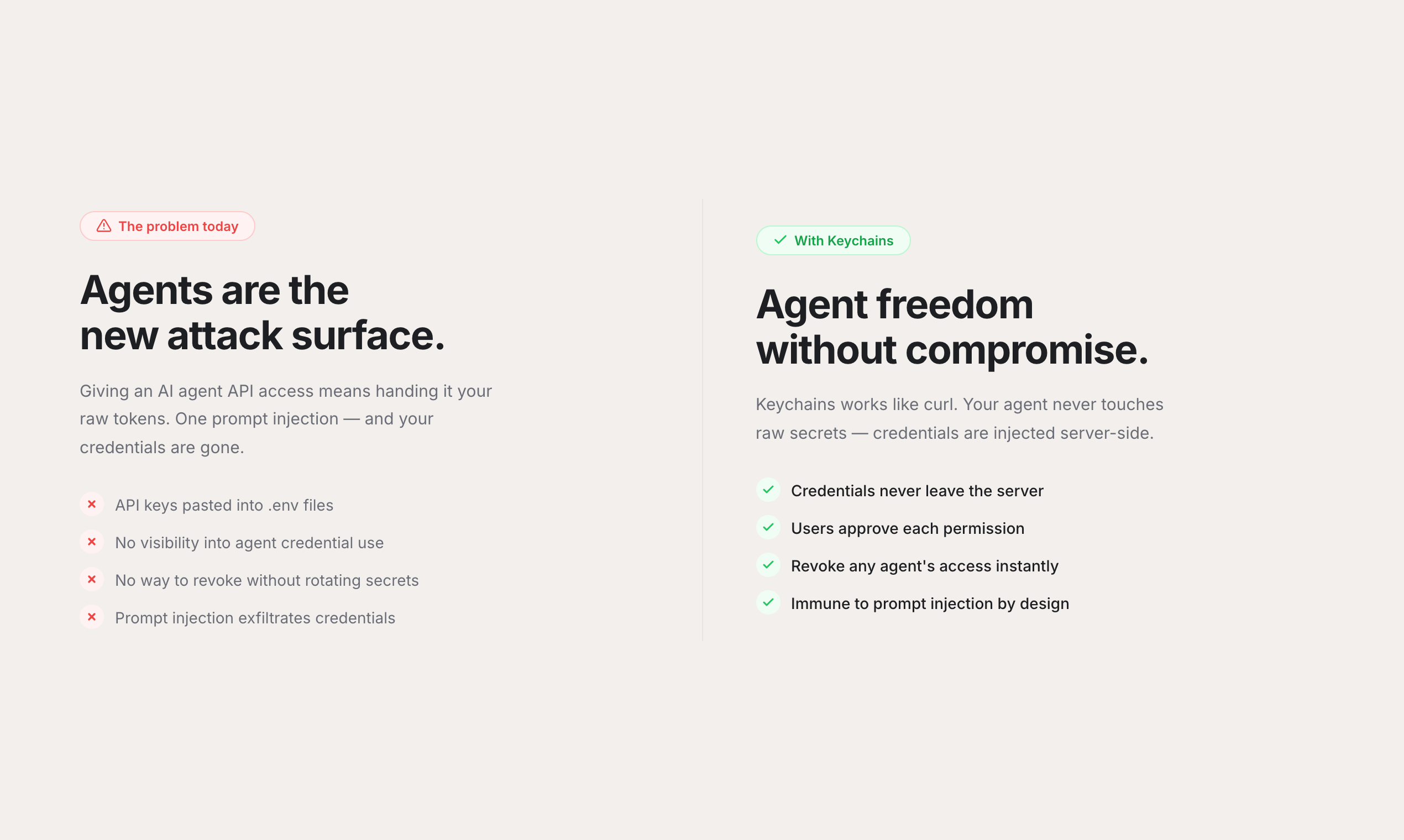
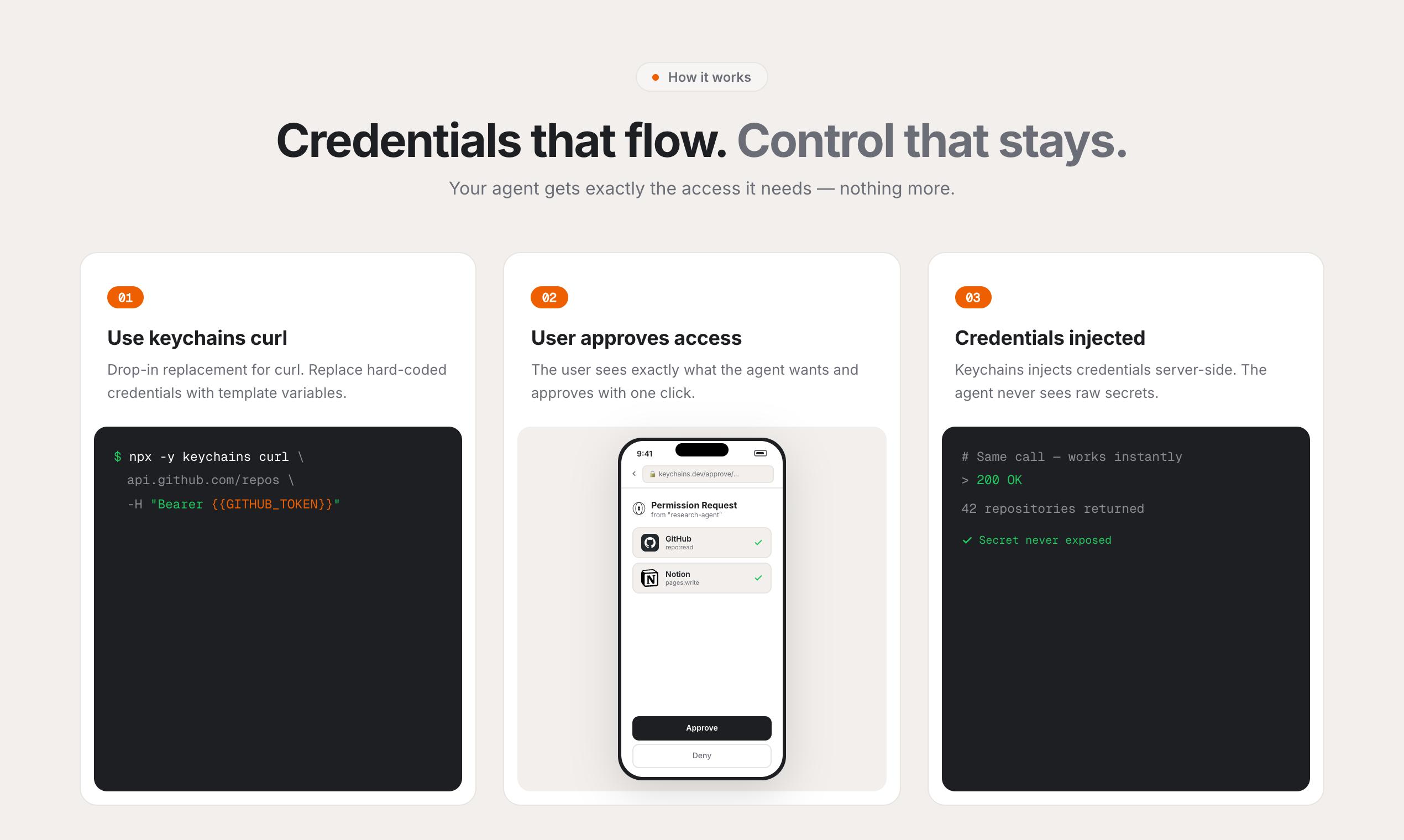
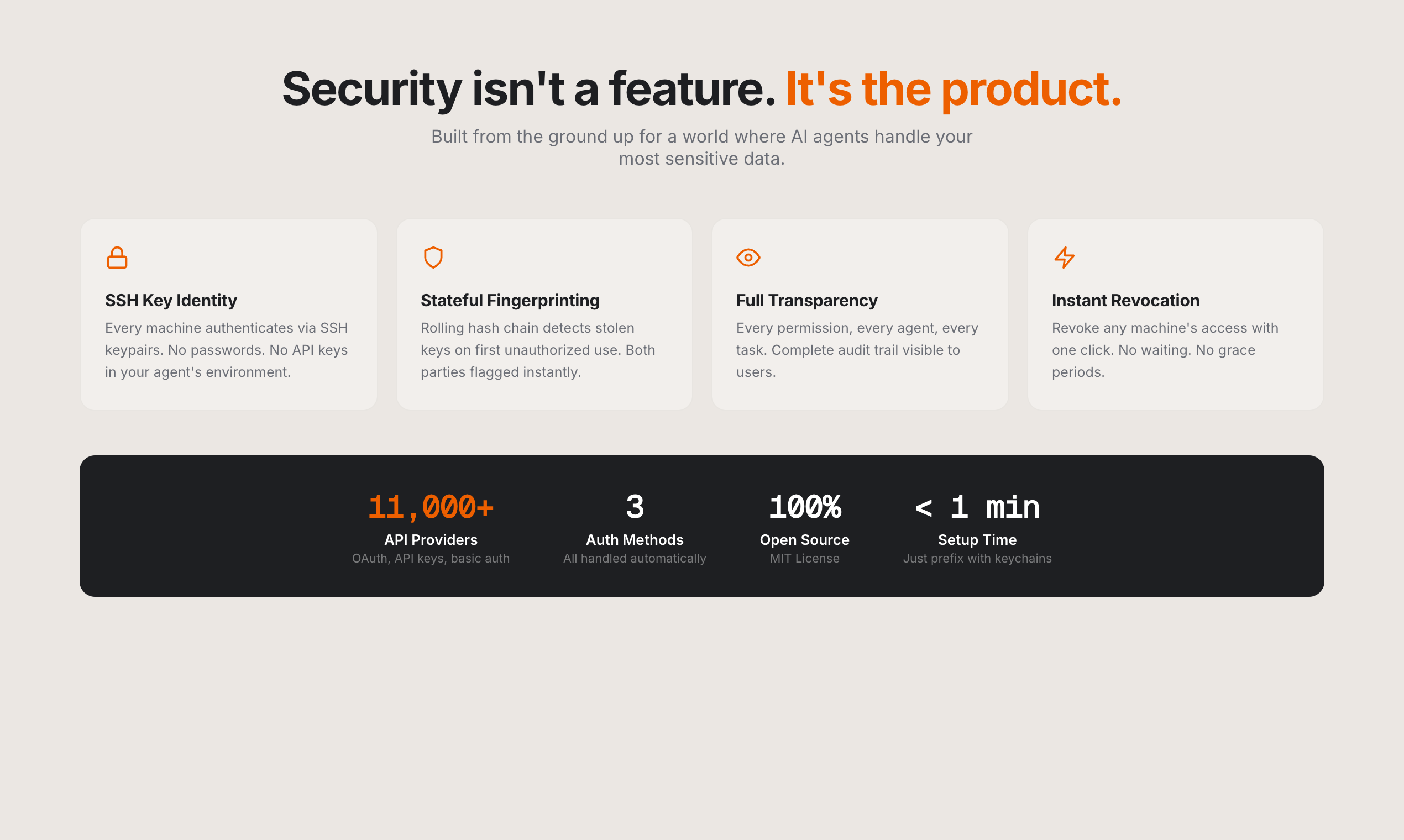
Keychains.dev is a secure credential proxy for AI agents. Use "keychains curl" as a drop-in for curl — just replace hard-coded credentials with template variables like {{GITHUB_TOKEN}}. Keychains injects real credentials server-side. Your agent never sees raw secrets — immune to prompt injection by design. Users approve each permission with one click and can revoke access anytime. Full audit trail. Works with 11,000+ API providers (OAuth, API keys, basic auth).
Hey Product Hunt! Happy to be hunting Keychains.dev today. **Clawbot** and **OpenClaw** are incredible tools for giving AI agents real-world capabilities. But they both share the same concern: **"Wait, the agent has my raw API keys?"** Prompt injection, leaked context windows, malicious plugins — once your credentials are in an agent's memory, you've lost control. A lot of people hold back from adopting agentic workflows because of this. **Keychains.dev** solves exactly this problem with an elegant approach: Your agent uses `keychains curl` instead of `curl`. Instead of hard-coding secrets, you use template variables like `{{GITHUB_TOKEN}}`. Keychains injects the real credentials **server-side** — the agent never sees them. If you've been building with AI agents but felt uneasy about the security side, this is the missing piece. It's the kind of trust layer that makes the whole agentic ecosystem viable. Give it a try — would love to hear what you think!
3
回复

@albn Hi Alban, this tackles one of the biggest blockers for agent adoption. Giving agents raw API keys has always felt like crossing a line.

Injecting credentials server side while keeping them out of the agent’s context is a smart trust layer. This makes real world agent workflows much more viable.

I’m building Ahsk app , a macOS AI assistant focused on secure, in flow AI use. Would love to connect and exchange feedback.

0
回复
How do you think about trust and privacy tradeoffs in the proxy layer—what data must you see to inject auth and provide an audit trail, and what design choices let teams keep request/response bodies out of your infrastructure?
2
回复

@curiouskitty That's a great question. Got the same feedback from a few users past Wednesday. What I did for now is that I split the credentials pipeline from the data pipeline and open sourced the proxy so you can deploy your own proxy as a user. I called it "Satellite proxy" --> you host your own copy of our proxy on Vercel, it's the only one seeing request bodies and response data, and it calls keychains.dev only to resolve credentials.

I imagine I could do the same kind of trick to let you store your own API keys (except OAuth) so they never touch our servers.
If you have better ideas on this I'd love to implement them!

0
回复

Huge congrats on launch! Love the secure proxy model and zero‑secret agent design.

2
回复

Thanks @elior_1 !

0
回复

This is a great idea. Have you thought about expanding it to also support traditional website passwords, so agents couldn’t access those either? Curious whether you see this eventually replacing tools like 1Password, or staying focused purely on developer/API secrets.

1
回复

@bricohen I'd love to do websites passwords. A bit more tricky though.
IMHO the next step could be to offer website owners a SDK as simple to use as Clerk (and if possible, compatible) to offer safe agent-oriented login in browser --> would love to work on that!

0
回复

Nice product ! Keep building

1
回复

@dagher_jade Thanks!

0
回复

good luck with your launch ! @severin__

1
回复

Thank you @baptiste1 !

0
回复

Congrats on the launch! Server-side secret injection feels like a clean abstraction for agent security. How do you handle auditing and traceability? For example, can teams see which agent session accessed which credential and what request was ultimately made, without exposing the secret itself?

0
回复

Congrats on launching, @severin__. The secure approach to managing credentials is impressive. How do you plan to drive initial ?

0
回复

Thanks @albn !

I've made keychains.dev to be able to use the limitless power of AI agents like OpenClaw, without having afterthoughts about if it's properly keeping my passwords and credentials safe.

Feels more safer now.
@community I'd love your feedback on it. Let's make agents safe!

0
回复
#7
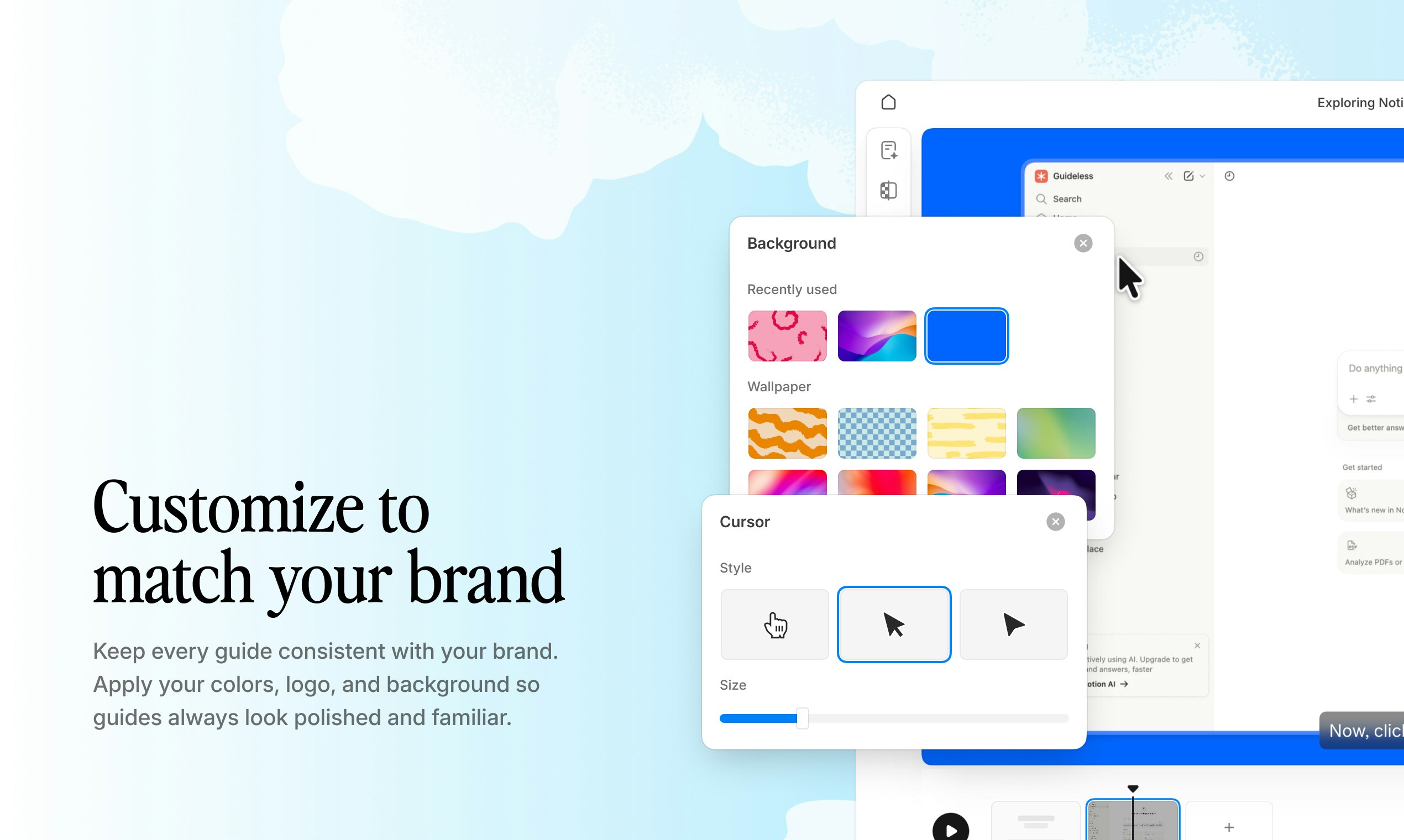
Guideless
Create AI-narrated software video guides in minutes
155
一句话介绍:Guideless 是一款能快速创建AI旁白软件视频指南的工具,通过极简操作与AI优化,解决了企业制作高质量产品演示、客户/员工培训视频时流程繁琐、产出效果平庸的核心痛点。
Productivity Artificial Intelligence Maker Tools
软件演示制作 AI视频生成 产品导览 员工培训 客户 onboarding 多语言配音 自动字幕 屏幕录制 SaaS工具 效率提升
用户评论摘要:用户肯定其简洁UX与优质输出,尤其关注多语言AI配音的准确性与自然度。核心问题集中在:1. 录制后编辑灵活性(如修改脚本后能否重生成语音);2. 对复杂/分支工作流的支持;3. 自动化与API集成可能性(如CI/CD触发、批量导出);4. 从“节省时间”到“减少客户流失”的价值定位转变建议。
AI 锐评

Guideless 切入了一个拥挤但痛点明确的赛道:软件操作指南制作。其宣称的“反臃肿”哲学和“默认优质输出”的定位,是一次精准的差异化突围。现有工具要么如Loom般通用但需后期重度剪辑,要么如传统交互式导览(walkthrough)工具功能繁杂却产出生硬。Guideless 试图用AI配音+自动字幕的“技术组合拳”来同时优化制作体验与观看体验,这抓住了内容生产从“可制作”到“愿制作”的关键跃迁。

然而,其面临的挑战同样清晰。首先,技术优势的护城河并不深。AI语音和字幕生成已是成熟能力,其核心竞争力将迅速从“有无”转向“优劣”和“集成深度”。用户对非英语语音准确性的追问,以及对复杂工作流支持的疑虑,直指产品在真实、复杂企业场景中的成熟度。其次,从评论反馈看,早期用户已不满足于单次制作效率提升,而是渴求将其嵌入开发与运营流程(API、自动化),这揭示了工具类产品向平台化、基础设施化演进的压力。最后,那条关于“从节省时间转向减少流失”的评论可谓一针见血。当前定位易陷入与现有工具进行“功能对比”和“工时计算”的性价比红海,而将其价值锚定在“提升用户留存”、“降低培训成本”等企业核心指标上,才能触及决策者的真正痛点,打开更大的市场空间。

简言之,Guideless 开局展现了出色的产品思维和用户体验聚焦,但要在企业级市场站稳脚跟,它必须尽快证明其AI输出的“鲁棒性”,构建起工作流“连接性”,并完成价值叙事的“战略升级”。

查看原始信息
Guideless
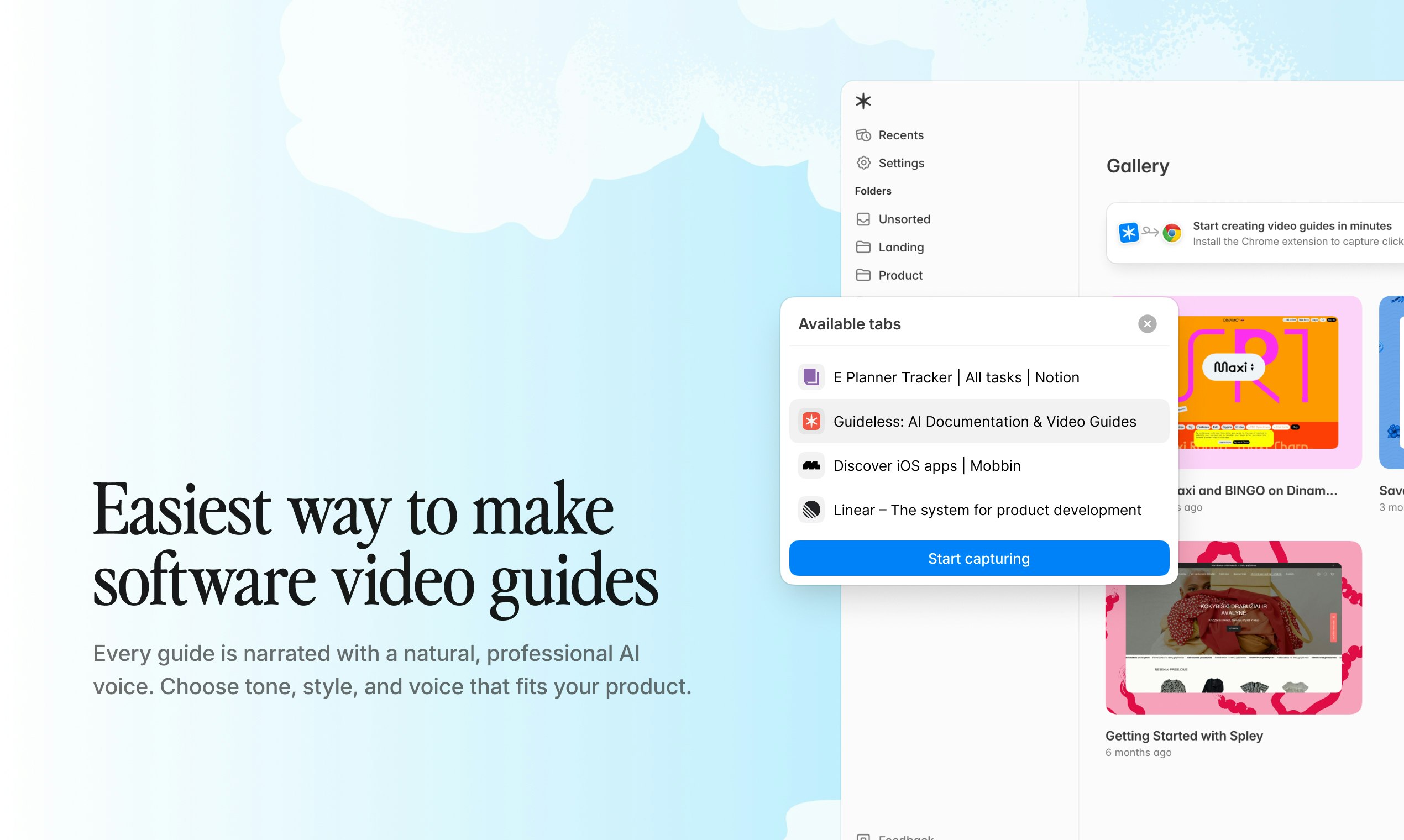
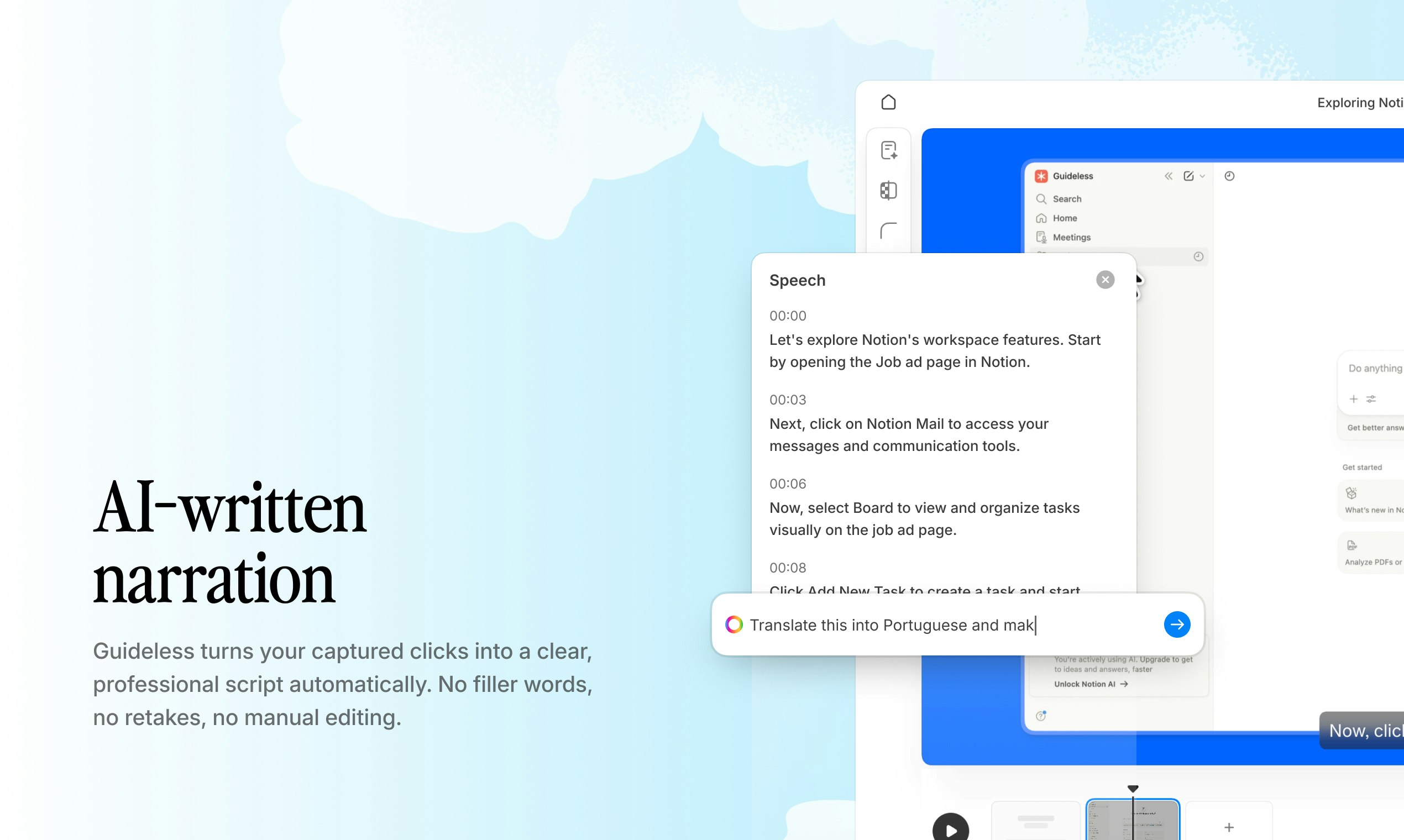
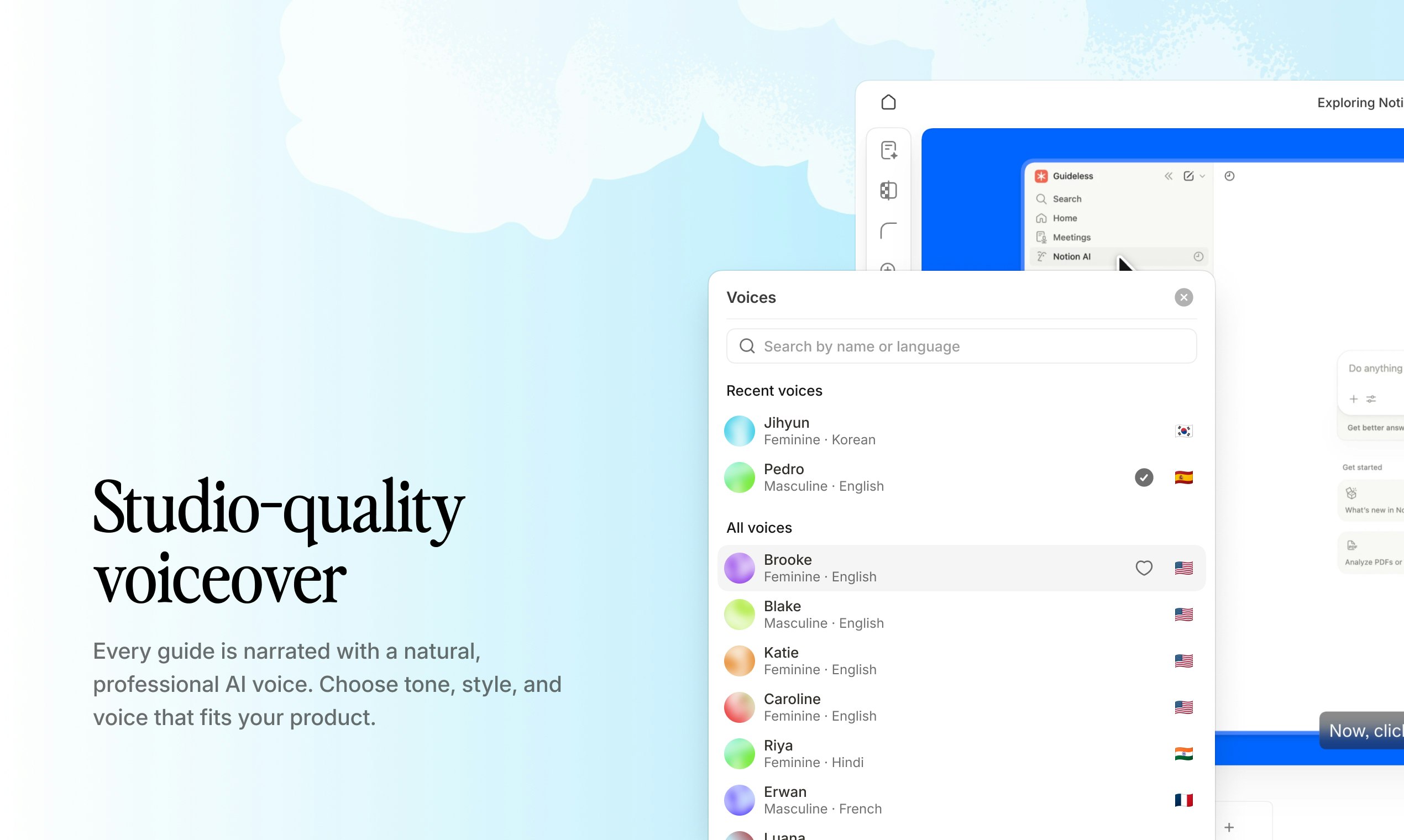
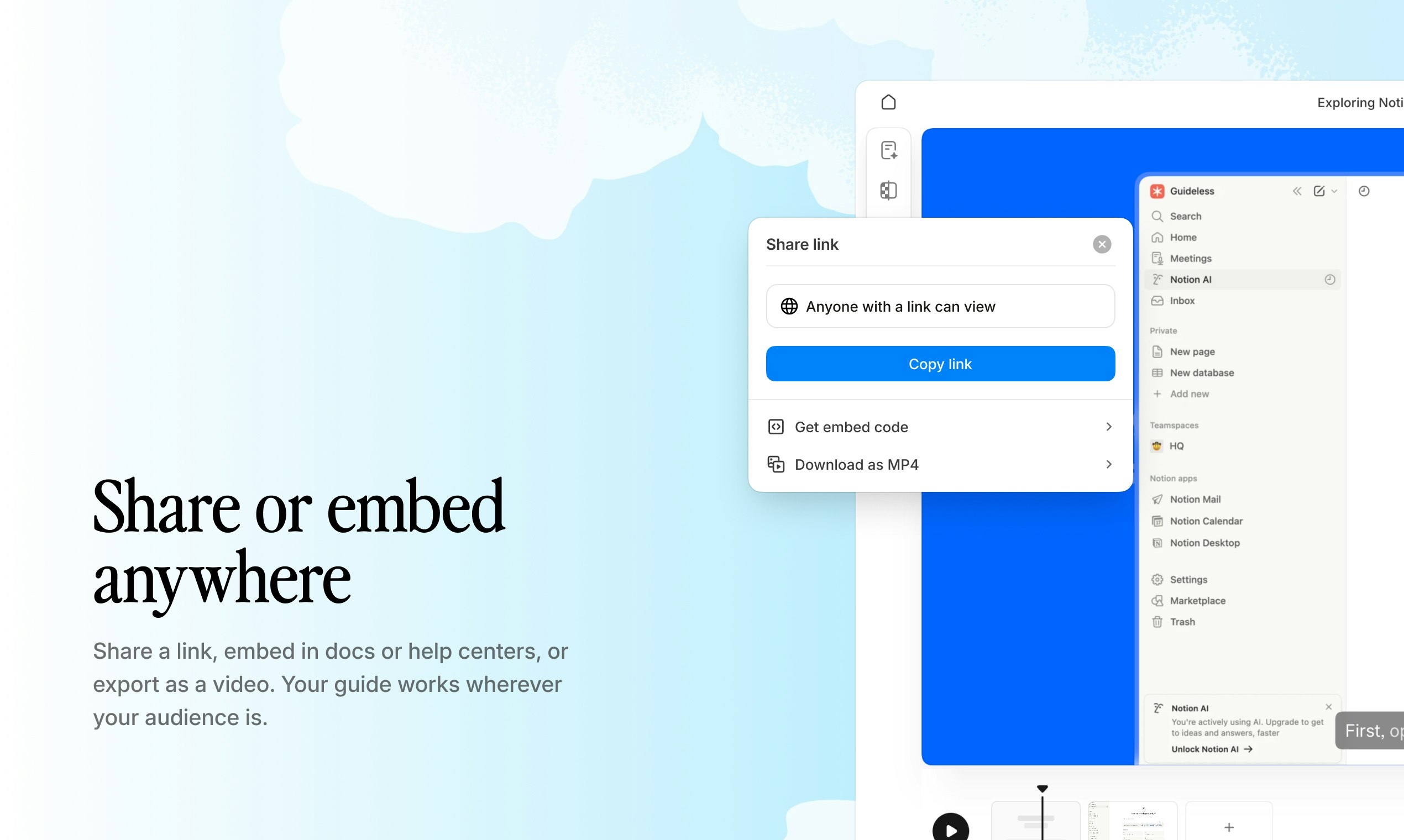
We built Guideless out of frustration with existing walkthrough tools. Everything we tried felt bloated with unnecessary features and still produced mediocre output. So we obsessed over UX and output quality. We built effortless capture with auto-generated captions, added AI refinements, and a wide selection of natural-sounding, multi-language AI voiceovers. The result is on-brand guides that look clean, sound premium by default, and can be instantly shared, embedded, or exported to MP4.
Hi everyone, We built Guideless to make software walkthroughs that are actually pleasant to create and deliver premium-quality output. If you regularly onboard employees, educate customers, or explain your product, we’d love for you to try Guideless and share your feedback.
5
回复

@evaldasb Very interesting product! this is exactly what I need right now

We constantly create product demos and onboarding videos, and polishing them takes way too much time. The AI voice + auto subtitles combo is a strong value prop.

Curious how do you handle editing after recording?

Can we tweak the script and regenerate the voice without re-recording the screen?

1
回复

@evaldasb -Hi Evaldas love the positioning. Most walkthrough tools feel clunky either to build or to experience, so focusing on both creator workflow and premium output makes sense.

Clean onboarding and product education can really change retention.

I’m building Ahsk app, a macOS AI assistant focused on helping teams work more smoothly across apps. Would love to connect and exchange feedback.

0
回复

Congrats on launch! Love the focused UX, crisp output, and AI-powered polishing.

2
回复

thanks@elior_1, it means a ton to hear this! 

0
回复

@evaldasb japanese demo just killed me man amazing

2
回复

@ponikarovskii haha, nice! I was debating with Guideless co-founder whether this is a good idea. Happy we've decided to give it a shot :D

0
回复

This could be great for onboarding. Does it work for documenting internal processes too? We spend a lot of time creating training materials for new team members.

2
回复

glad to hear@iris_serra2! Yes, basically you can capture any web app workflow instantly and enrich your training materials for new team members. In fact, employee training is one of the core use cases for Guideless. You can find some examples in our gallery https://guideless.ai/gallery/

0
回复

Happy launch day babes!

Quick questions here :

  • Multi-language AI voices sound great, but does it auto-translate the script when switching voices/languages, or do we edit manually? How natural/accurate are non-English voices (e.g., French for Quebec users, Spanish, etc.)? Any bulk export for localized versions or API to generate variants programmatically?

  • For embedding in SaaS products (e.g., auto-generate/update guides on feature release via CI/CD, or trigger from user actions): Is there an API (or planned) to capture flows programmatically, generate narrated videos server-side, or pull/export guides? Any webhooks for async processing or Zapier/Make support for automation?

1
回复

thanks, @cathcorm !

  • It doesn't auto translate, but Guideless has the "Refine" feature. It take just a prompt "translate to French" and your whole script will be translated instantly.

  • In terms of voiceover accuracy, I've been checking with many different native speakers (French, Spanish, Portuguese, Brazilian Portuguese, even Japanese for this PH launch). Some voiceovers are better than others, but it seems it does the job very well. The one thing is clear - it will only get better over time. Shoutout to @Cartesia Sonic for enabling this!

  • For now we support a simple embed code generation, but I'd really like to hear more about the use cases you have in mind (sent you a LinkedIn connection request).

1
回复

Congrats on the launch! Focusing on output quality instead of feature bloat is refreshing, especially in the walkthrough space. How do you ensure the auto-generated captions and AI refinements stay accurate for more complex workflows or niche tools, where small wording mistakes could confuse users instead of helping them?

0
回复
Many teams can already produce guides using a mix of Loom + docs or screenshot-based SOP tools—what are the specific switching triggers you’ve seen (quality, time-to-publish, update cost, analytics), and which of those turned out to matter most in real trials?
0
回复

@curiouskitty the honest answer - we're so early in our journey I don't know yet which of your mentioned features matter the most in trials! However, we've been focusing on the core + UX + output quality. We're convinced that this matter the most, and we've been hearing feedback supporting this from some of our most active paying users.

0
回复
Congrats on the launch! Guideless looks slick. Quick feedback: Your tech is 10/10, but I think you're leaving money on the table by focusing on “saving time” instead of “reducing churn”. Founders care way more about retaining users through better onboarding than the minutes spent making the guide. I do this for a living at franvimktg, happy to share some copy tweaks to help you nail that must have positioning!
0
回复

thanks,@franco_vidal for your feedback! Would really appreciate some copy tweak suggestions. Let's connect on LinkedIn or X

0
回复

How you handle products that have complex, branching workflows? That's usually where these tools break down. Also, why is the demo in Japanese? 😄 Curious to see a B2B SaaS example.

0
回复

@hovhannes_h you can capture any web app workflow, capturing nicely follows you through different browser tabs. You can also add steps manually. Give it a try! Japanese was a bit random choice just to showcase that Guideless really does the job for multi-language demos :D In our gallery you will find plenty of examples in English, mostly B2B SaaS https://guideless.ai/gallery/

1
回复

Great product! can i use it to make a guide for my webapp agentready.cloud?

0
回复

@christian_b_1 thanks! yes, you can capture any web app workflow. Check some example here https://guideless.ai/gallery/

1
回复
#8
NotchPrompt
The invisible teleprompter that lives in your MacBook Notch.
137
一句话介绍:NotchPrompt是一款利用MacBook刘海屏区域显示提词稿的隐形提词器,在视频会议、线上演示等场景中,解决用户因查看笔记而中断眼神交流、影响专业表现的痛点。
GitHub Menu Bar Apps
隐形提词器 MacBook专属工具 视频会议辅助 演讲提词 屏幕共享隐身 开源软件 效率工具 眼神接触优化 Swift开发 免费应用
用户评论摘要:用户普遍赞赏其利用刘海屏的巧思和“屏幕共享隐身”的核心功能。主要反馈集中在:部分官网/GitHub链接失效;询问自动滚动是否支持实时语速同步;外部摄像头兼容性;以及如何处理演示中的中断、跳转等互动场景。
AI 锐评

NotchPrompt的聪明之处在于将硬件“缺陷”转化为功能载体,其真正的产品价值并非简单的“提词”,而是“隐形”。它精准切中了远程沟通中一个隐秘而关键的痛点:信任感建立。观众透过摄像头感知到的眼神游移,本质是一种注意力涣散或不自信的信号。传统解决方案(分屏、外置提词器)要么技术门槛高,要么极易被观众察觉,反而加剧了不专业感。

NotchPrompt的“隐形”是双向的:对用户,它通过位置设计最小化眼球移动,维持了“注视摄像头”的生理行为;对观众,尤其在屏幕共享时,它通过底层渲染技术彻底隐藏了提词界面,维护了演示者“了然于胸”的心理印象。这实际上是在管理观众的认知——将技术辅助完美伪装成个人能力。

然而,其局限性同样明显。它本质是解决“流畅朗读”的工具,而非“互动演讲”的助手。高阶演示中的即兴发挥、问答互动、节奏调整,远非固定滚动文本所能应对。评论中关于“中断与跳转”的提问,恰恰戳中了其作为“提词器”而非“演讲教练”的天花板。此外,它对硬件生态(MacBook刘海屏)的深度绑定,也限制了用户群体。

总体而言,这是一个极具巧思的“单点极致”型产品,以极简方案解决了特定场景下的显性痛点。但其天花板较低,更像一个优雅的“功能”,而非一个广阔的“平台”。它的成功,是工程思维与用户体验洞察的结合,提醒我们:真正的创新有时不在于增加功能,而在于如何让必要的辅助消失不见。

查看原始信息
NotchPrompt
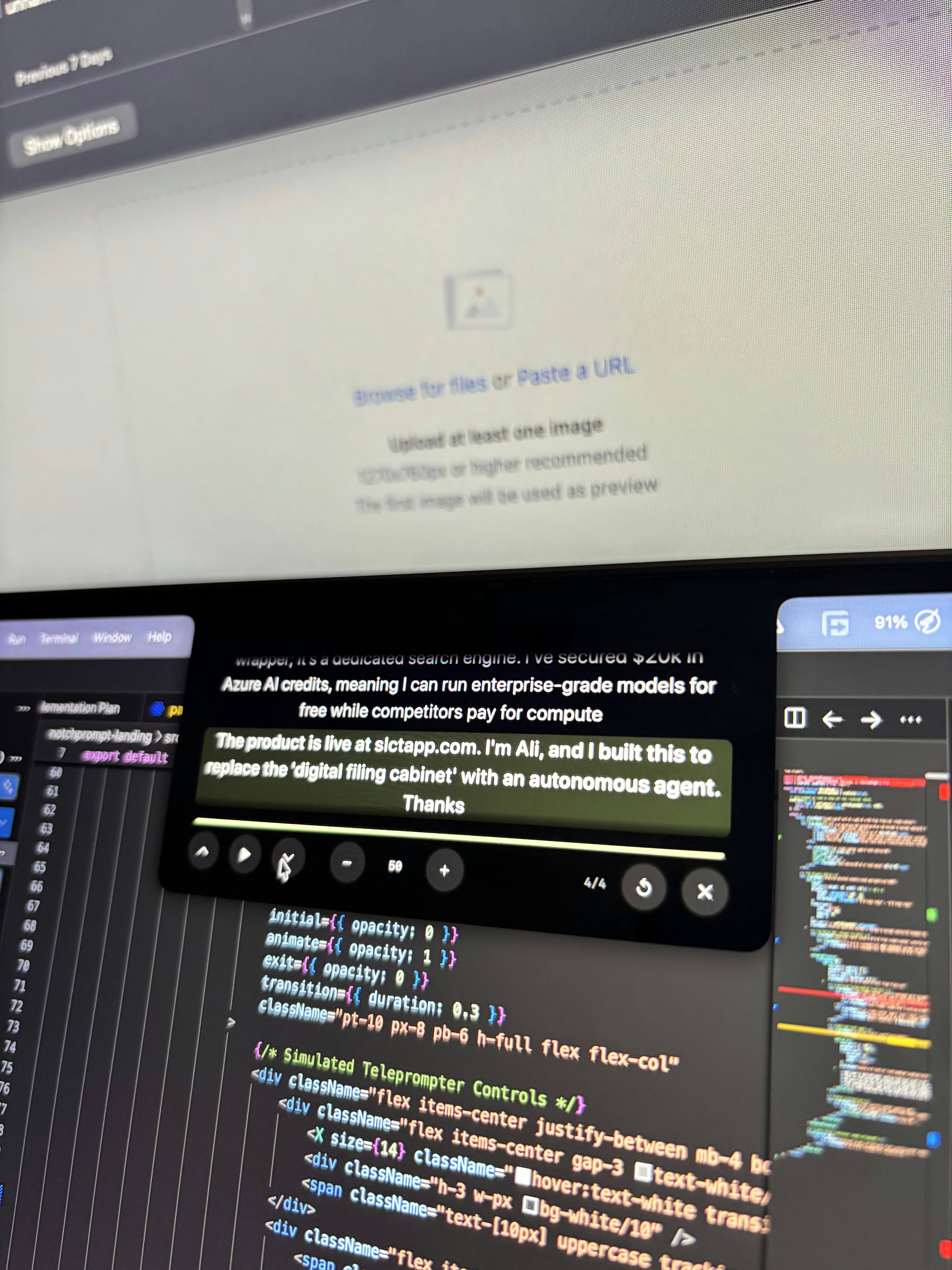
Stop looking down at your notes. NotchPrompt wraps your script directly around the MacBook camera notch, so you maintain perfect eye contact while reading. 👁️ The killer feature? It is 100% invisible during screen sharing. Your audience on Zoom/Meet/Teams sees a clean desktop; only YOU see the text. Native Swift & SwiftUI Hardware-integrated Auto-scroll & Hotkeys 100% Free & Open Source.
I fixed the "awkward eye contact" problem on Zoom. Hi Product Hunt! 👋 I’m Ali. I built NotchPrompt because I hate the trade-off in video calls: Look at my notes (and lose eye contact). Look at the camera (and forget what I want to say). I realized the MacBook Notch is actually the perfect place for text—it's right next to the camera. So I built a native macOS app that wraps your script around the notch. It keeps your eyes locked on the lens, making you look like you have the whole pitch memorized. The hardest part to build? Making it invisible. I spent weeks engineering it so you can share your screen on Zoom/Meet without the audience seeing the prompter overlay. It is 100% Free and Open Source. I’d love your feedback on: The scrolling speed (is the auto-scroll natural?) The "Invisible" mode (try sharing your screen!) Let me know what you think! 🚀
4
回复

@aliarain links on the website are not working (free or paid plan)

0
回复

@aliarain , your links don't work!

0
回复

@aliarain Hi Ali, this is such a smart use of the notch. The eye contact trade off is real, especially during pitches and demos. Wrapping the script around the camera instead of looking off screen makes total sense.

The invisible screen share mode is a strong detail too.

I’m building Ahsk app, a macOS AI assistant focused on helping people work and present more smoothly. Would love to connect and exchange feedback.

0
回复

Congrats on the launch, @aliarain ! 🎉 Keeping eyes locked on the camera during a pitch is such an underrated problem to solve. The “Invisible” mode alone is a killer feature. Quick question on the auto-scroll: does it sync to your speaking pace in real time, or is it a fixed speed you set manually before the call?

1
回复

@jerrybyday Thanks, Jeremiah. I just built this as I was having issues with looking at the script. didn't think of any new features too.
I guess i have to add them right now too. Haha

0
回复

Nice project !

1
回复

@vincentpruv Thanks Vincent!

0
回复

Haha, this is really a genius design

0
回复

Question: Is it possible to move this around at all because I have the iContact cam that hangs down a little bit lower, but I'm still looking for a teleprompter that I can place in the perfect spot.

0
回复

I love this concept so much. Eye contact matters and memorizing scripts is a challenge. But do you have a response to this notice I got from trying to open the application?

0
回复
In live calls the hard part isn’t reading a script, it’s handling interruptions and pivots—what does an ideal NotchPrompt workflow look like for jumping between sections, pausing/resuming, and recovering your place without breaking presence?
0
回复

This is such a sharp use of the notch. Fellow Swift/SwiftUI builder here and I genuinely appreciate the elegance of this — you took something most people treat as dead space and turned it into a utility layer. The invisible-during-screen-sharing feature is the real killer insight. Most presenters look down at their notes constantly, which breaks trust with the audience. This solves that without any hardware. Congrats on shipping this!

0
回复

I like the idea! Both the CTAs on your website and link to Github don't work. You guys working on something?

0
回复

@john_shum Yes, I was updating the codebase , You can now Download it and use it for Free

0
回复
#9
Repaint
Build a website by chatting with AI
110
一句话介绍:Repaint是一款通过AI对话自动构建专业营销网站的智能代理,它通过访谈、信息导入和风格匹配,在几分钟内生成完整的多页面网站,解决了传统建站工具操作繁琐、用户难以独立完成网站制作的痛点。
Website Builder Artificial Intelligence Web Design
AI网站生成 智能建站 聊天式编辑 设计自动化 营销网站 风格迁移 网站导入 SaaS 无代码工具 YC孵化
用户评论摘要:用户肯定其自动化理念和导入/风格匹配功能,认为解决了“无人完成网站”的真实痛点。主要疑问集中在:如何保证生成网站的差异化?编辑操作的具体流程?对复杂结构的支持程度?建议包括:增加数据同步(如GitHub)功能、提供区块级样式变体切换。
AI 锐评

Repaint的亮相,与其说展示了一个新工具,不如说揭露了当前AI应用层的一个核心矛盾:宣称的“全自动化”与实际的“半成品输出”之间的鸿沟。其从Figma式手动构建器转型而来的经历,恰恰证明了在成熟市场(网站建设),单纯的界面优化或功能堆砌已无壁垒,真正的痛点在于“完成度”。

产品聪明地抓住了两个关键切换触发器:一是通过“导入旧站”降低迁移成本,二是通过“风格匹配”提供明确的设计预期。这比空泛的“用AI生成网站”更务实。其“访谈-研究-生成”的流程,试图将模糊的需求结构化,是迈向可靠自动化的正确一步。

然而,其面临的挑战同样尖锐。首先,自动化与独特性的悖论。如果AI通过研究同类企业生成“合适”的网站,极易导致行业模板化,削弱品牌差异性。其次,交互范式的模糊。产品在“聊天编辑”和“点击编辑”间摇摆,这实则是两种截然不同的用户心智模型和后台技术架构的冲突,处理不当会导致体验割裂。

真正的价值不在于替代了“拖拽”这个动作,而在于是否构建了一个更高维度的抽象层——将建站从“组件编排”提升为“目标与约束条件的沟通”。Repaint若想突破,不能止步于“更快地做出一个网站”,而需思考如何利用AI理解业务目标,并生成与之深度匹配的、具备策略性的数字资产。否则,它可能只是从“手动操作的繁琐”滑向“与AI沟通的繁琐”的新困境中。

查看原始信息
Repaint
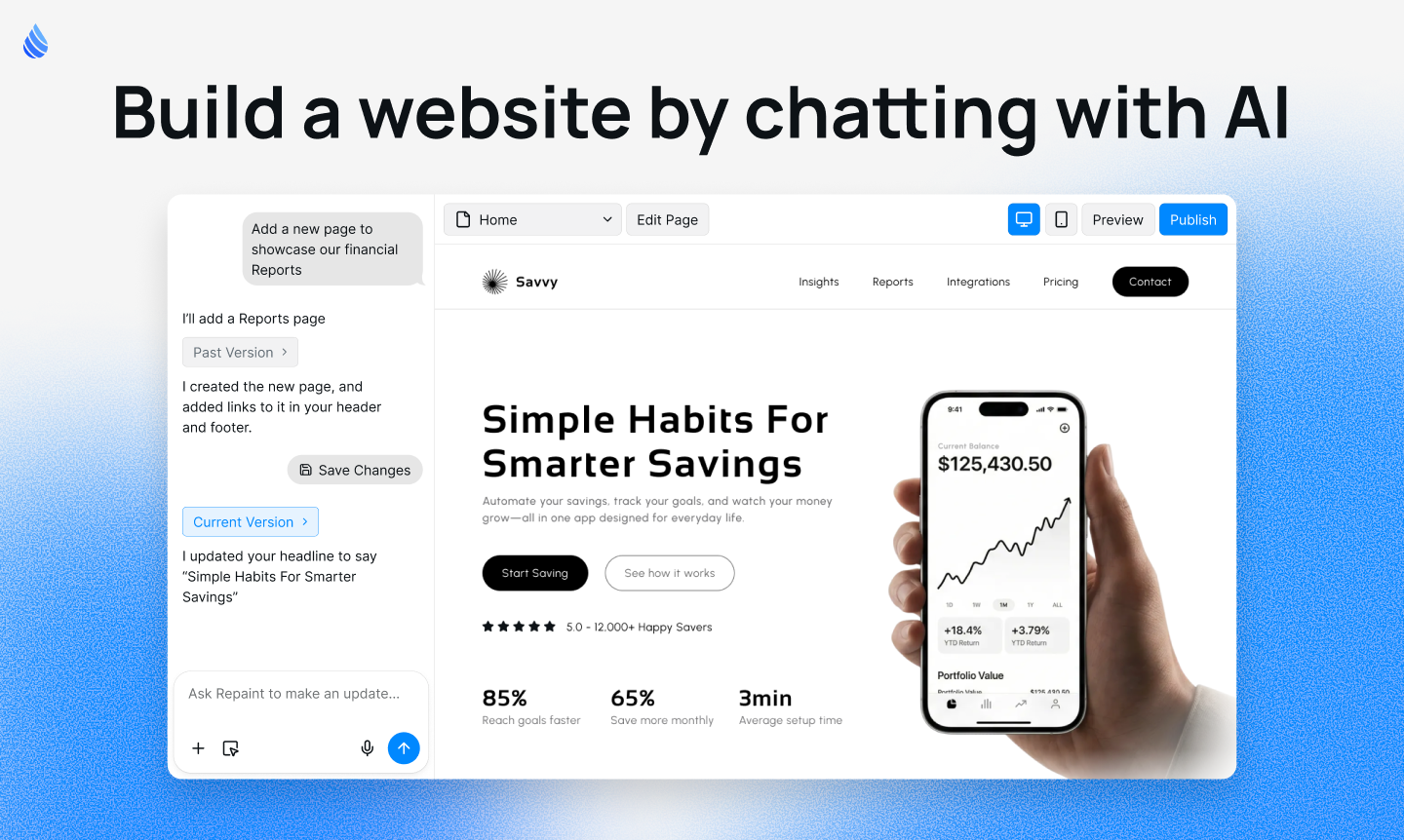
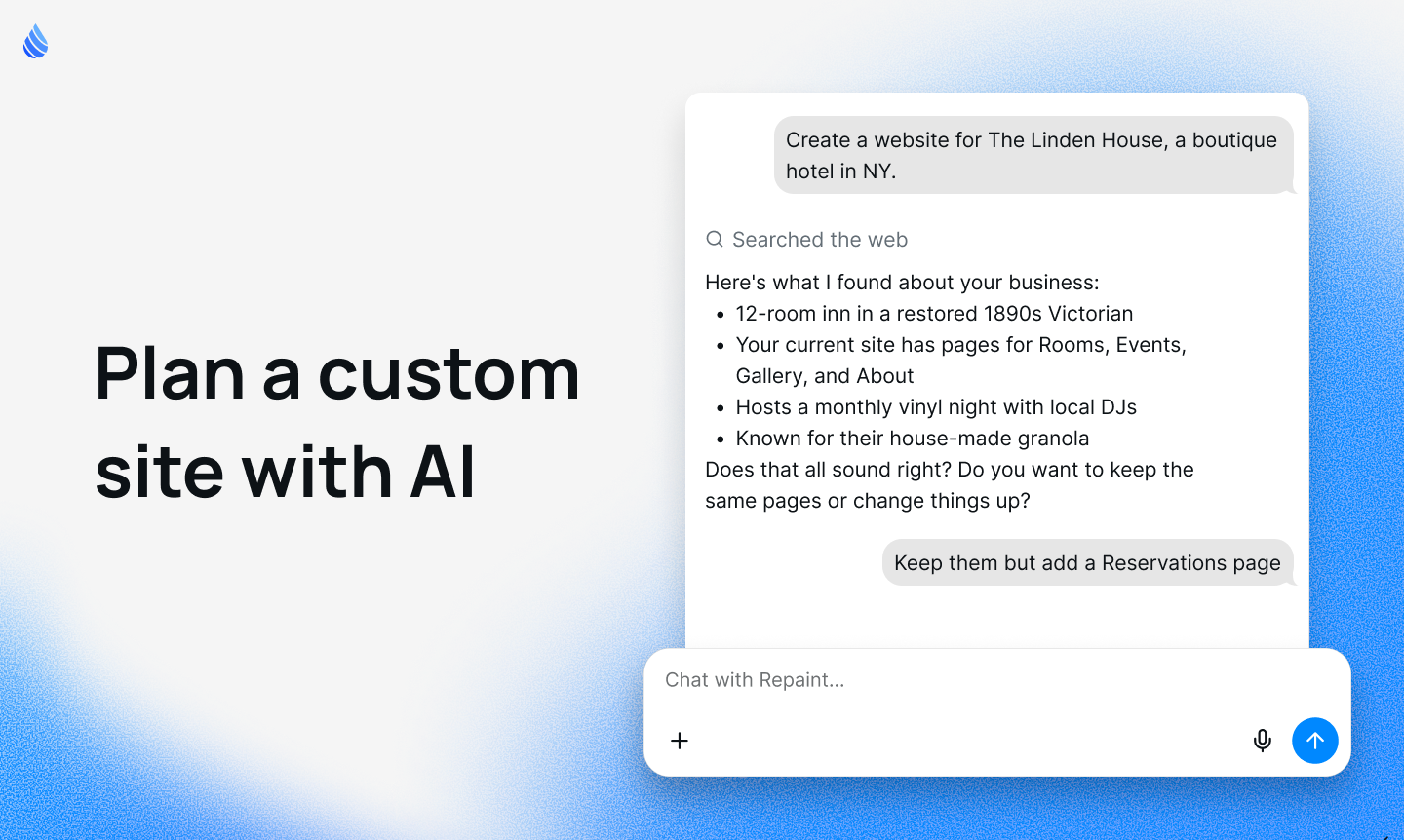
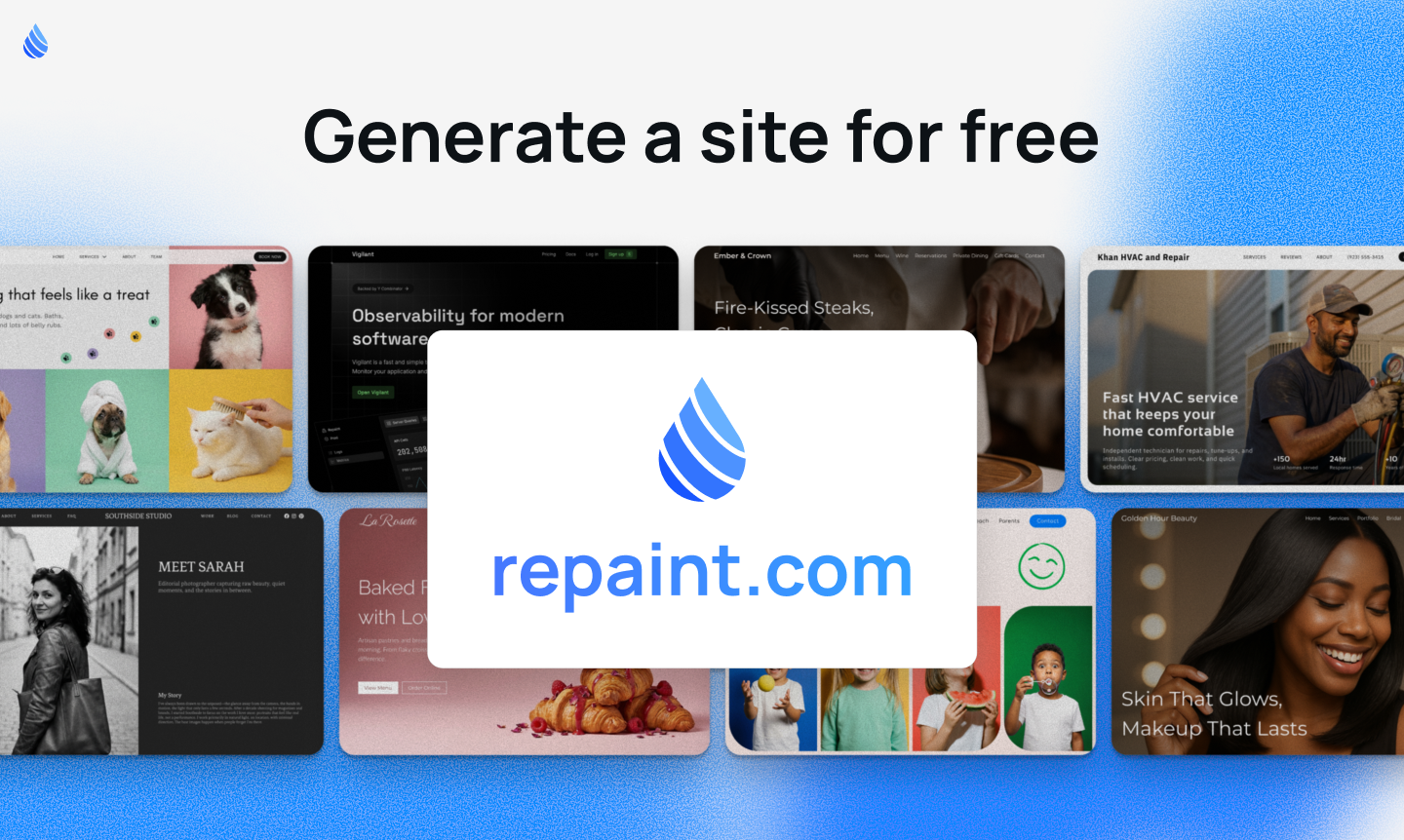
Repaint is an AI agent for building custom websites. It interviews you, imports info, finds design references, and generates a full site in minutes.

Hey Product Hunt!

I'm Ben, co-founder of Repaint. Today, we’re officially ending our beta and opening Repaint to the world.

Repaint is an AI chatbot that builds professional websites.

This is actually our second website builder. During YC S23, we built an entirely different website builder. It was heavily inspired by Figma. We spent thousands of hours polishing it... and yet nobody finished their website 😅. It was too much manual work. And our product wasn't meaningfully easier than existing website builders. Eventually, we shut it down.

As AI got better, we realized it was possible to automate most of web design.

The big companies tacked on a couple AI features, but their core experience is still manual editing. And the newer AI tools are optimized around vibe-coding apps, not website building. They don't automate the work; instead they give you an incomplete site with generic info and designs. You have to do hundreds of edits to finish a site. Not to mention they charge per edit!


Last year, we started building Repaint. It's purpose-built for professional marketing websites.

Key Features

  1. Plan your site with AI — Repaint researches your business, interviews you on what you need, and generates a complete multi-page site in minutes.

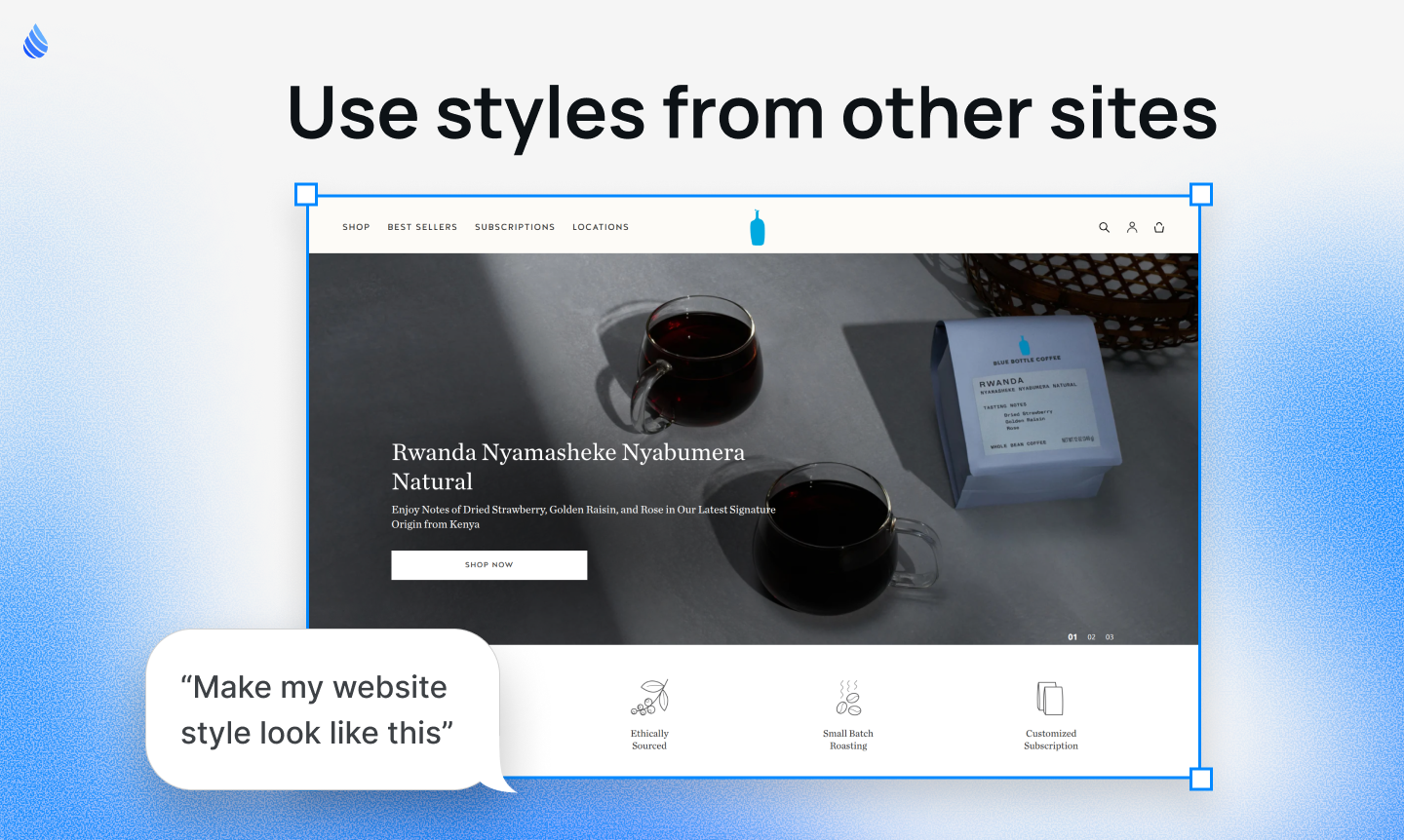
  2. Match any website's style — Give Repaint a link to a site you like, and it'll build you something similar.

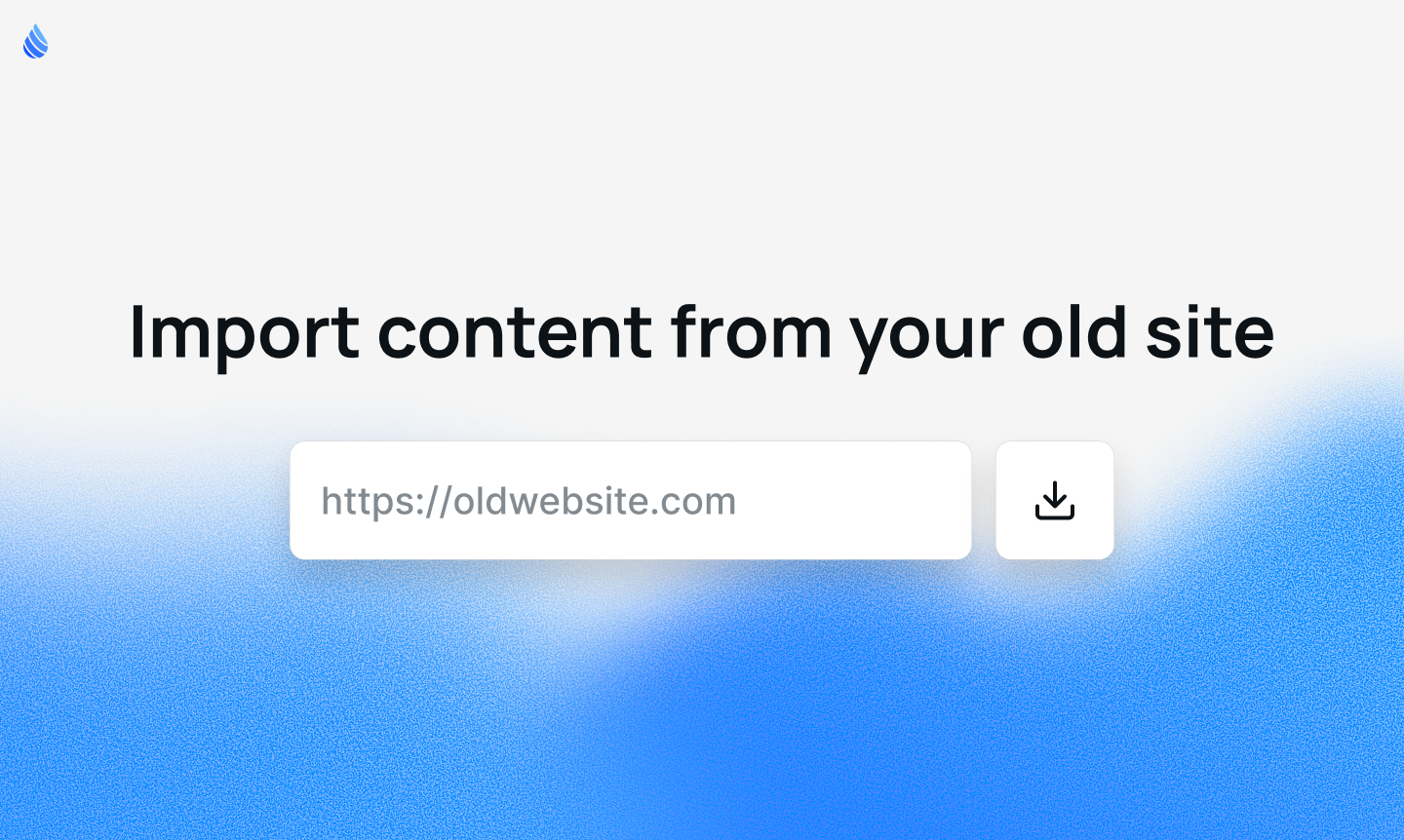
  3. Import your old site — Share a link to your existing website, and Repaint pulls in your pages, text, and images automatically (with page limits so we don't go bankrupt).

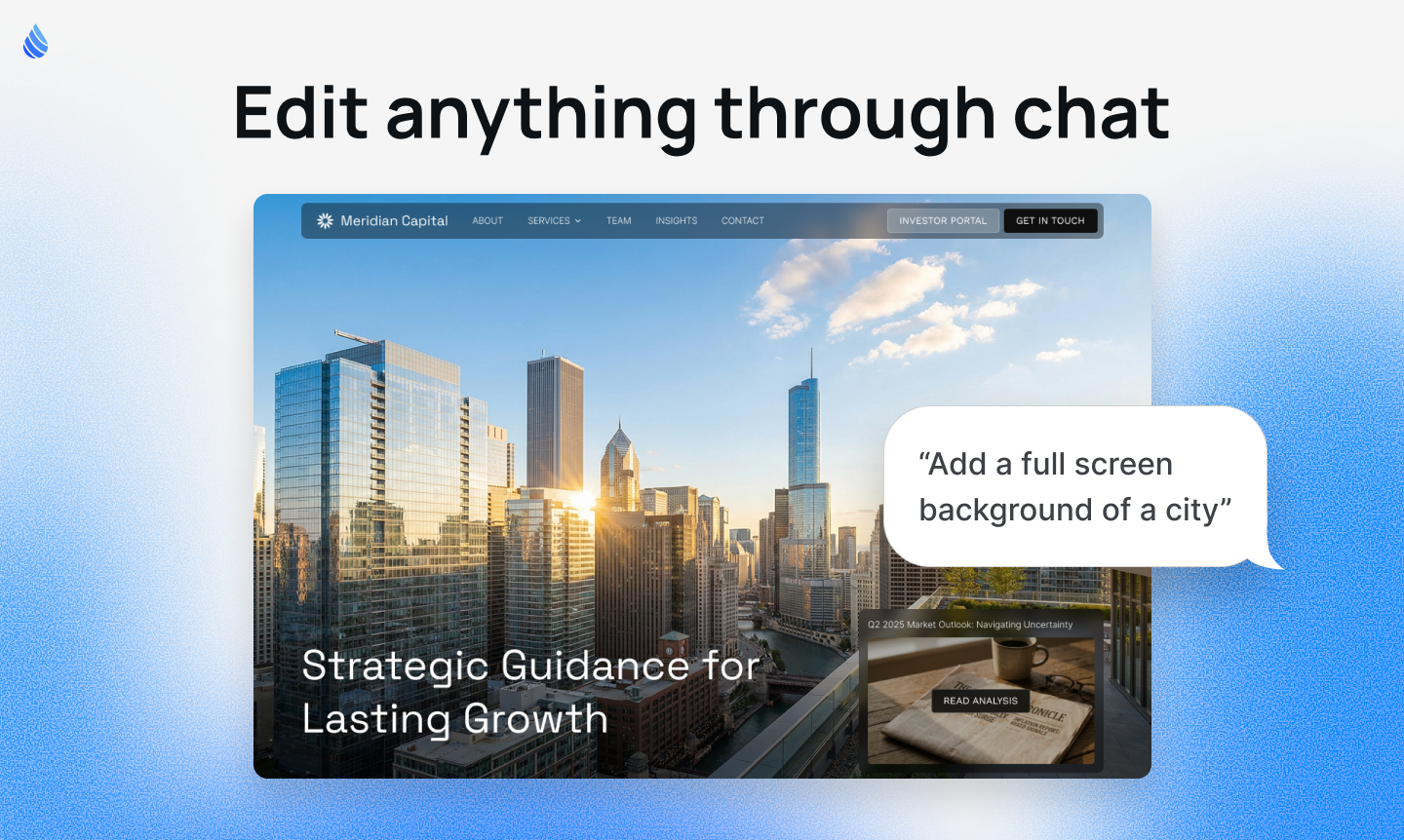
  4. Chat-based editing — Make big changes through chat, like adding pages or updating info across your whole site. For small tweaks like fixing a typo, just click and edit inline.

  5. Interactive components — Repaint can build things that are hard in traditional builders like pricing calculators, animated carousels, calendar embeds, and more.

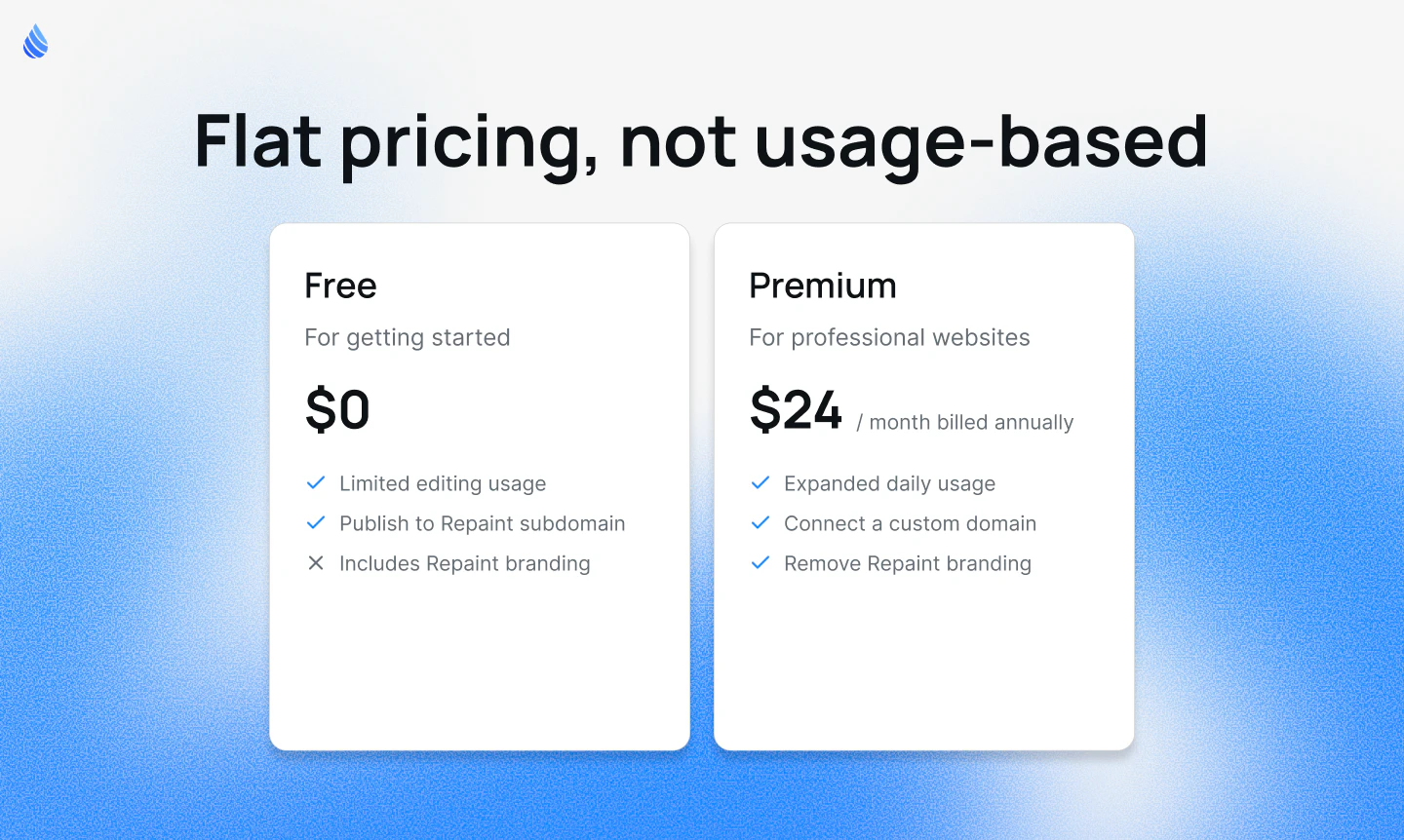
  6. Flat pricing — One monthly subscription. No per-update fees, no credits.

We still have a ton of ideas, but Repaint is already building sites that blow us away, and our beta users agree. So we decided it's time to open it up.

Try it yourself at https://repaint.com/ ✌️

1
回复

@ben_shumaker - Hi Ben, love the honesty about the first builder. That insight that nobody finishes their site is real. Automating the heavy lifting instead of just adding AI on top of manual tools makes a lot more sense.

The import and style matching features are especially strong for real businesses.

I’m building Ahsk app, a macOS AI assistant focused on helping founders execute faster in flow. Would love to connect and exchange feedback.

0
回复
Hey, congrats on the launch! Honestly, I'm not quite sure I understand the core point of the AI website builder yet. Is the main feature the ability to extract data from an existing website, or is there more to it? I haven't tried it yet, but I will. I think it's a really cool feature though I'm just not 100% sure if it's strong enough on its own to build an entire new Ai Website Generator around. Either way, looks cool, keep it up!
1
回复

@noah_steckel Our philosophy is to make the smartest AI web design tool. We're trying to automate most of the things a web developer would do. Using data from existing websites is one part of that, but there's a lot more.

Repaint can use other sites as style references. It starts with an interview where you can give custom instructions and it offers suggestions. And it proactively finds info and images about you anywhere online, not just old sites.

Looking forward, we're excited to work on better image assets, unique visual styles, blog importing, and more.

0
回复
@ben_shumaker Thanks for your response, that’s really interesting! Wishing you all the best for the future, Ben.
0
回复

Congrats on the launch! The shift from a Figma-style manual builder to a truly automated, research-driven AI approach sounds like a hard-earned lesson. How does Repaint balance automation with differentiation? If it researches a business and generates a full site in minutes, what ensures the output feels uniquely positioned rather than converging toward similar structures and messaging across industries?

0
回复

This is really cool. We will build our next landing page with this!!

0
回复
Importing an old site is a big switching trigger. What’s your philosophy on migration: are you trying to recreate the old site faithfully first and then improve it, or jump straight to a redesigned version—and what have you found users prefer when they see the first import result?
0
回复

@curiouskitty For most old sites, what works best is preserving the information and page structure but redesigning the style. That's what we've been optimizing. Repaint will read your site and offer suggestions on how to rebuild it. Most the time you should follow its suggestions for the first draft, then iterate from there.

That said, we see a wide range of preferences. Some people want it close to the original, some want something totally new. We have an interview step so you can tell it exactly how much of the original to keep.

0
回复

For editing, are you selecting the page to edit or would prompting need to be as specific as possible?

0
回复

@devonlastapp There's a few ways to edit. The main way is prompting in chat. We give Repaint info about what you're looking at, so it has decent awareness. But that can still have you writing wordy prompts like "In the top headline, change the text to say..."

So we added a couple features:

  1. Selecting elements - You can click something, and now Repaint exactly what to edit.

  2. Direct editing - When you click "edit page" you enter a manual editing mode. Then you can click the site for simple updates like editing text, uploading images, or delete elements.

So the answer is both. For small edits, you can click the page. For big ones, you do prompting.

0
回复

Congrats on the launch! Love the concept of your product. Is it able to build websites with a complex structure based on prompts? (for example, websites with multiple sections: blog, cases studies, help center) Or is it primarily focused on one-page sites?

0
回复

@alina_petrova3 It can do both one page sites, or complex structures like blogs and case studies. Anything 1-20 pages should work. The only limit is a hard max on the total imported pages, so nobody tries to import a 2000 page website :)

0
回复

@ben_shumaker
Congrats on the launch! 🚀 I just put Repaint to the test by building a developer portfolio from scratch. The 'Interview' flow is incredibly smooth, it actually makes the setup phase fun and solves the blank canvas problem perfectly.

I particularly appreciated how you handled the Version Control and the Context-Aware Re-prompting (asking for more technical copy worked like a charm).

Two suggestions for your roadmap that I think would take this to the next level:

  • Data-to-Component Sync: For professional sites, it would be a game-changer to prompt: "Sync my latest 3 GitHub repos into the Works section." Automating the content sourcing directly into the UI blocks would save hours of manual entry.

  • Block-Level Style Variations: Adding a simple 'Variation' toggle on individual sections (like the Hero or Contact blocks) would allow users to cycle through 3-4 different layout options without changing the whole site's vibe. It gives that extra bit of creative control while keeping the UI minimal.

Really impressed with the speed and the interactive components. Great job, team! Already upvoted!

0
回复

@giorgio_cignitti_phd Thanks!
For syncing data, it can already import data from other sites. Were you imaging something like that, but for your private github repos, so it could write project descriptions?

0
回复

Is this site generation more closer to a portfolio site or an application site?

0
回复

@peterz_shu It's good for both portfolios, and marketing sites for startups. Basically any simple marketing sites. It's not made for building complex app logic, like account systems.

0
回复
#10
Merge
Use your Apple Watch with any Android phone
102
一句话介绍:Merge让苹果手表与任意安卓手机配对使用,解决了跨生态用户无法在安卓手机上享受苹果手表高级健康监测与智能通知的核心痛点。
Android Wearables Apple
跨生态互联 智能手表 健康数据同步 Android通知 苹果手表兼容 设备互通 健康管理 消息回复 媒体控制 多设备协同
用户评论摘要:用户肯定其打破生态壁垒的价值,关注健康数据在不同应用中的语义准确性与测试方法,好奇开发历程与苹果公司的可能反应,并有开发者寻求跨界合作。
AI 锐评

Merge看似是一个简单的桥接工具,但其真正锋芒在于对封闭生态系统的“越狱”。它并非简单传递通知,而是将苹果视为护城河的核心资产——精密健康数据流——截取并导入了开放的Android生态(Health Connect)。这实际上完成了一次数据的“生态移民”,其深层价值在于动摇了“硬件绑定服务”的传统逻辑,让用户首次能在主导权上挑战苹果的围墙花园。

然而,其面临的挑战远大于技术实现。首先,数据可靠性与完整性是生命线。苹果健康数据的算法校正与传感器融合是其核心竞争力,单纯的数据管道传输能否保证下游应用获得“可行动”的洞察,而非原始杂乱的数据点,存疑。其次,商业与法律风险高悬。苹果只需在watchOS层面进行一次认证或协议更新,就可能导致应用瘫痪。其生存本质上依赖于苹果的“容忍”,这是一种脆平衡。

产品将初期用户精准定位为“双机用户”是明智的务实之举,但这群人的规模天花板明显。长远来看,它的存在本身即是一种宣言:用户对设备自由协同的渴望,正催生出无视厂商边界的野蛮力量。它未必能成为主流,但它成功证明了那条鸿沟并非不可逾越,这或许会倒逼巨头们重新思考其互联策略。它的结局,要么成为改变游戏规则的先驱,要么成为生态战争中的一颗注脚。

查看原始信息
Merge
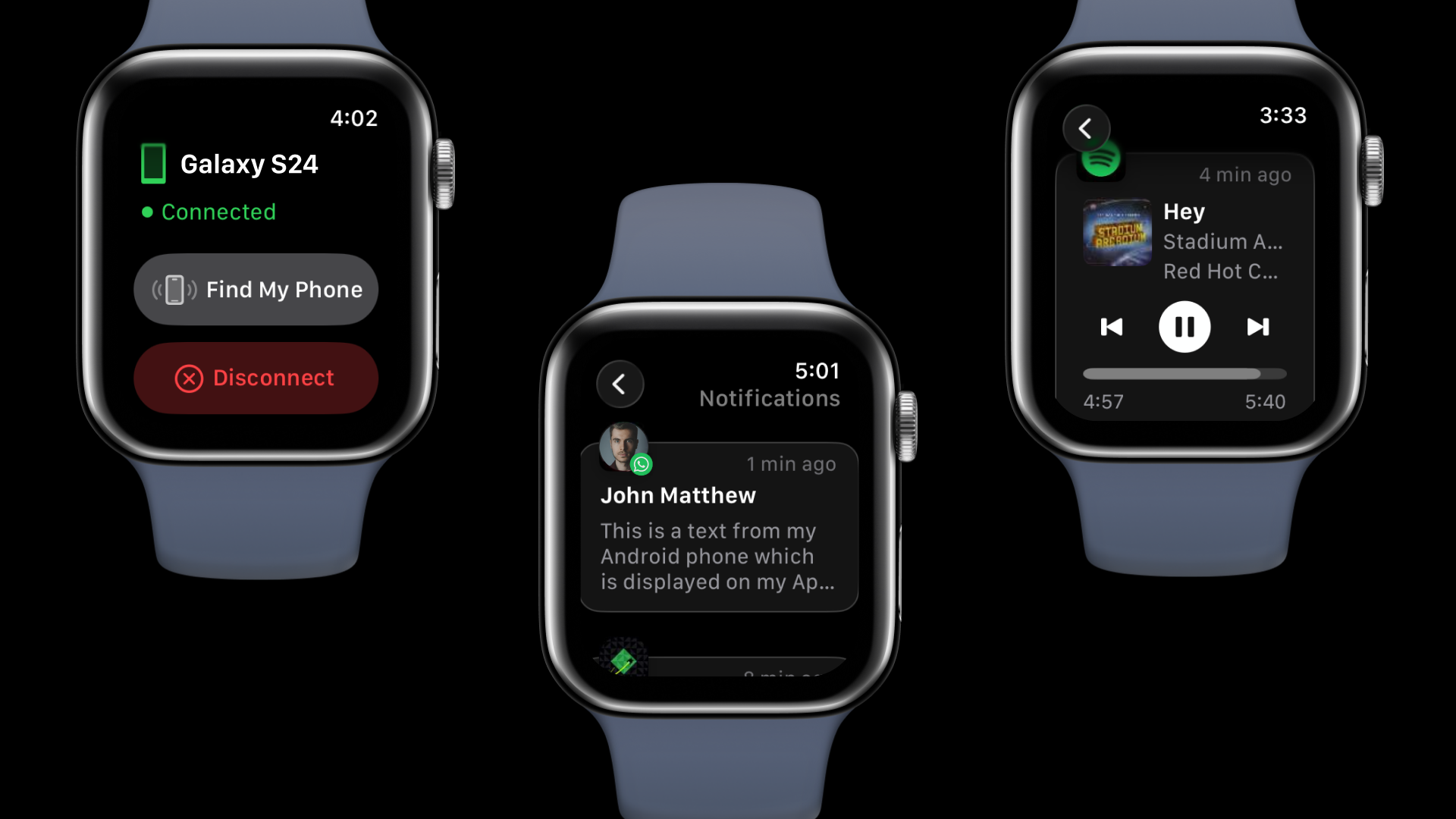
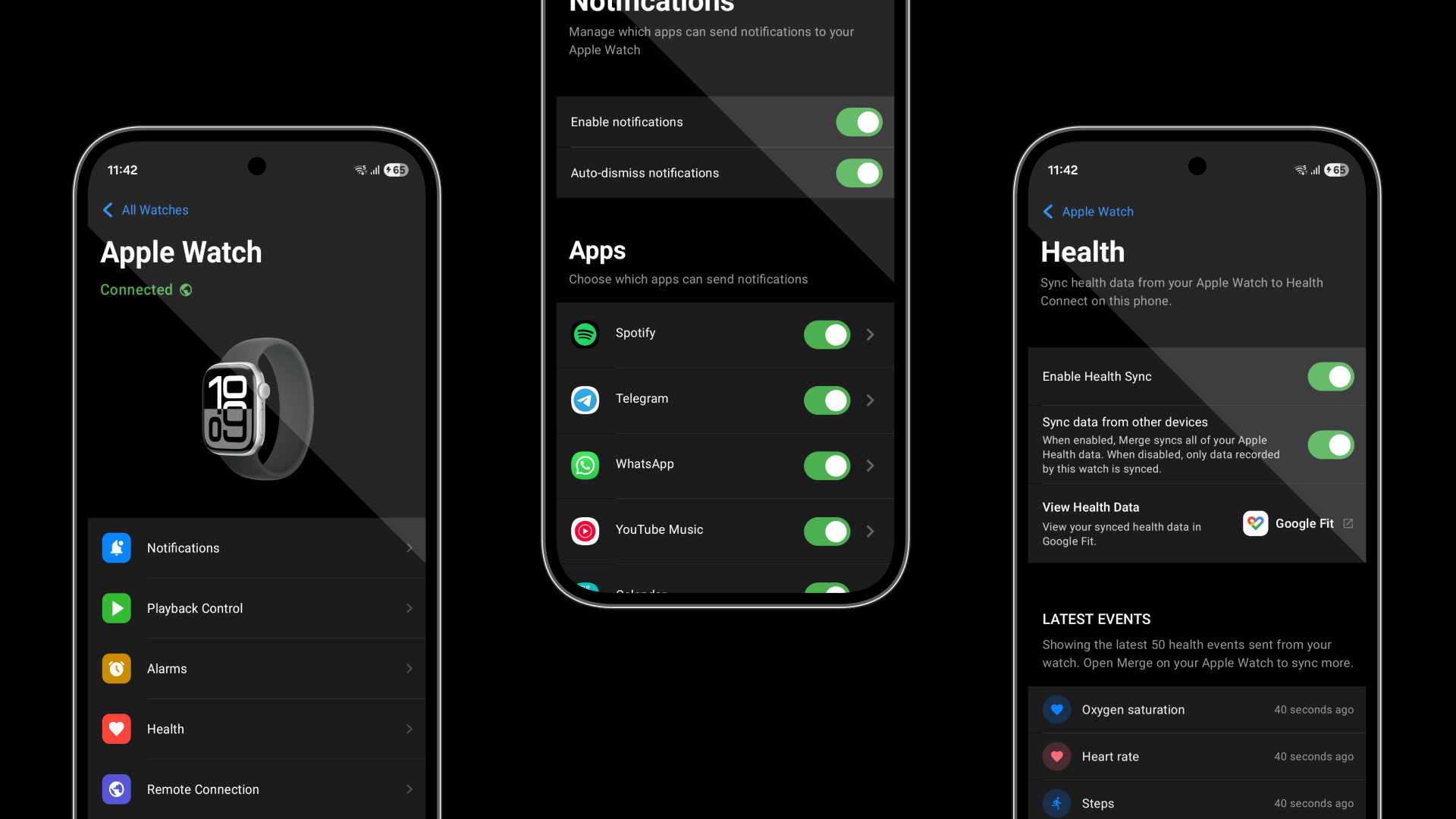
Merge finally brings the Apple Watch to Android. Unlock Apple Watch's cutting-edge health data on your Android phone, synced to any Health Connect compatible app. Get Android notifications on your wrist, reply to messages, control media playback, and more.

Hi Product Hunt community!

I've always believed the best hardware and the best platform should work together, regardless of who made them. Apple Watch has the most advanced health sensors, Android offers unmatched openness and flexibility, and there was no good reason these two couldn't coexist.

So we built Merge for Apple Watch.

Merge connects your Apple Watch to any Android phone for notifications, messaging, media controls, and brings the Apple Watch's cutting-edge health data into the Android ecosystem, to be used with any Health Connect compatible app. Also, for anyone juggling two phones, like a personal iPhone and a work Android, it's the only solution that lets you use your watch for both.

Would love your thoughts and feedback!

Matt

4
回复

@mattsu Hi Matt, this is a bold move. Bridging Apple Watch with Android solves a real pain for people who don’t want to be locked into one ecosystem.

Bringing health data into Health Connect while keeping notifications and messaging intact makes it genuinely practical, not just experimental.

I’m building Ahsk, a macOS AI assistant focused on seamless workflows across apps and devices. Would love to connect and exchange feedback.

0
回复
Health syncing is only valuable if downstream apps interpret it correctly (deduping, attribution, workout credit, etc.). Which health signals are you most focused on getting ‘semantically correct’ first, and how are you testing correctness across different Health Connect-compatible apps?
0
回复
Some people live apple watch but they are locked into some eco system because of that. With this they can finally try Androids. I wonder how apple will react to your app
0
回复

This is so cool!

Actually, I never thought we would see an Apple x Android intersection because of the inherent complexity between them.

Would love to know your journey of building. How did you start? How long did it take for you to make this?

0
回复
#11
UI Inspector
Visual CSS editor for Google Chrome
100
一句话介绍:一款内置于谷歌浏览器的可视化CSS编辑器,允许开发者直接选中网页元素实时调整样式并导出代码,解决了在浏览器中快速原型设计、样式调试和客户端反馈修改时,代码修改不直观、无法持久化保存的痛点。
Chrome Extensions Design Tools Developer Tools
前端开发工具 可视化CSS编辑器 浏览器插件 实时样式调试 代码导出 设计协作 原型设计 网页调试
用户评论摘要:创始人坦诚1.0版付费模式失败,并全面重建了2.0版本。用户反馈积极,认可其将CSS输出改为免费、新增原子CSS引擎和HTML编辑等改进。有评论探讨了其与“氛围编码”工具及浏览器DevTools的差异,认为其精准定位于对生产环境UI进行逐元素精细调整和导出可提交代码的场景。
AI 锐评

UI Inspector 2.0展现了一种“务实工具主义”的回归。它没有追逐生成式AI的喧嚣,而是将刀锋对准了一个古老但顽固的痛点:浏览器DevTools中样式调试的“临时性”。其真正价值不在于“编辑”,而在于“固化”——将即兴的、不可追溯的视觉调整,转化为可版本控制、可协作的原子化CSS、Tailwind或JSX代码。这巧妙地在“过于笨重”的设计软件与“过于轻量”的开发者工具之间,开辟了一个精准的中间地带。

预设系统自动继承网站色板,是产品思维的高光点。它表明工具深刻理解其核心场景并非从零创造,而是在既有设计系统下进行高效、合规的微调与实验。这使其天然适配设计走查、客户修订和快速原型验证,将“检查-调整-导出-提交”的工作流无缝衔接。

然而,其挑战同样清晰。作为浏览器插件,其能力深度和性能存在天花板;在Figma等设计工具日益强调“设计到代码”的当下,它更像一个高效的“补丁工具”而非“生产源头”。它的护城河在于对生产环境网页的直接、无损操作和精准的代码导出,但这块市场是否足够广阔且愿意付费,仍需观察。将核心的CSS输出改为免费,是明智的获客策略,但也将盈利压力转向了更高级的导出格式和团队协作功能。它是一款锋利的手术刀,但能否成长为平台,取决于它能否从“修改工具”进化为“设计-开发协作流程”中的关键枢纽。

查看原始信息
UI Inspector
A visual CSS editor that lives in your browser. Select any element, tweak its styles in a side panel, and instantly see changes on the page. Export your changes as CSS, Tailwind, SCSS, or JSX. Built-in presets automatically inherit the site's own color palette, so your edits look native from the start.

Hey everyone 👋

I launched UI Inspector back in 2024, and while people seemed to appreciate the tool itself, the Pro offering missed the mark. Rather than patch something that wasn't working, I decided to step back and rethink the whole approach.

UI Inspector 2.0 is the result, an almost full rebuild with:

  • A new atomic CSS engine

  • Better change tracking

  • HTML editing including cut, copy, paste, duplicate, delete elements

  • CSS output is now included in the free plan

  • Tailwind, SCSS, and JSX exports

  • A completely reimagined preset system with build-in presets that inherit the site's own styles

Would love to hear what you think. Thanks for giving it a look.

3
回复

@myster_violets - Hi really respect the decision to step back and rebuild instead of patching something that wasn’t working. That takes discipline.

The atomic CSS engine and improved change tracking sound like serious upgrades, and including CSS output in the free plan is a strong move.

I’m building Ahsk, a macOS AI assistant focused on helping builders work faster across apps. Would love to connect and exchange feedback.

0
回复

Looks pretty interesting ... what sort of moat have you defined for folks just vibe coding changes and not necessarily debugging on the fly?

1
回复

@dkofoed Presets that auto-inherit the site's color palette draw a clear line here. Vibe coders generate from scratch... they're not tweaking live production UIs element by element. DevTools lets you tweak but loses everything on refresh, no Tailwind or JSX export either. Keeping edits granular at the atomic CSS level makes the output committable. For design QA or client revisions, the loop becomes inspect, adjust, export Tailwind classes, push. Different lane from prompt-to-page generators. CSS export going free in 2.0 plus HTML editing pushes this toward a full in-browser design surface.

0
回复
#12
trnscrb
On-device transcription for macOS with MCP
95
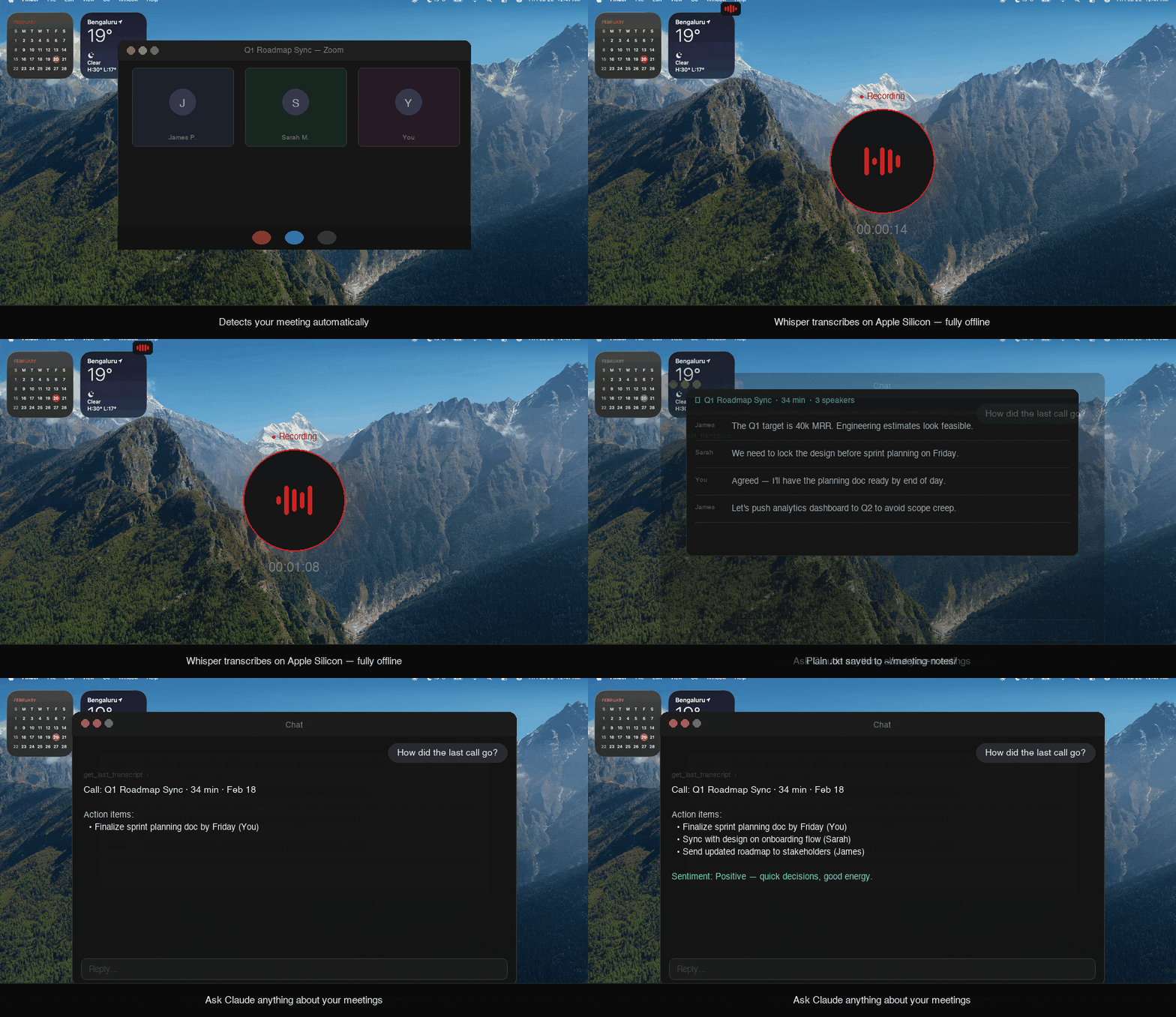
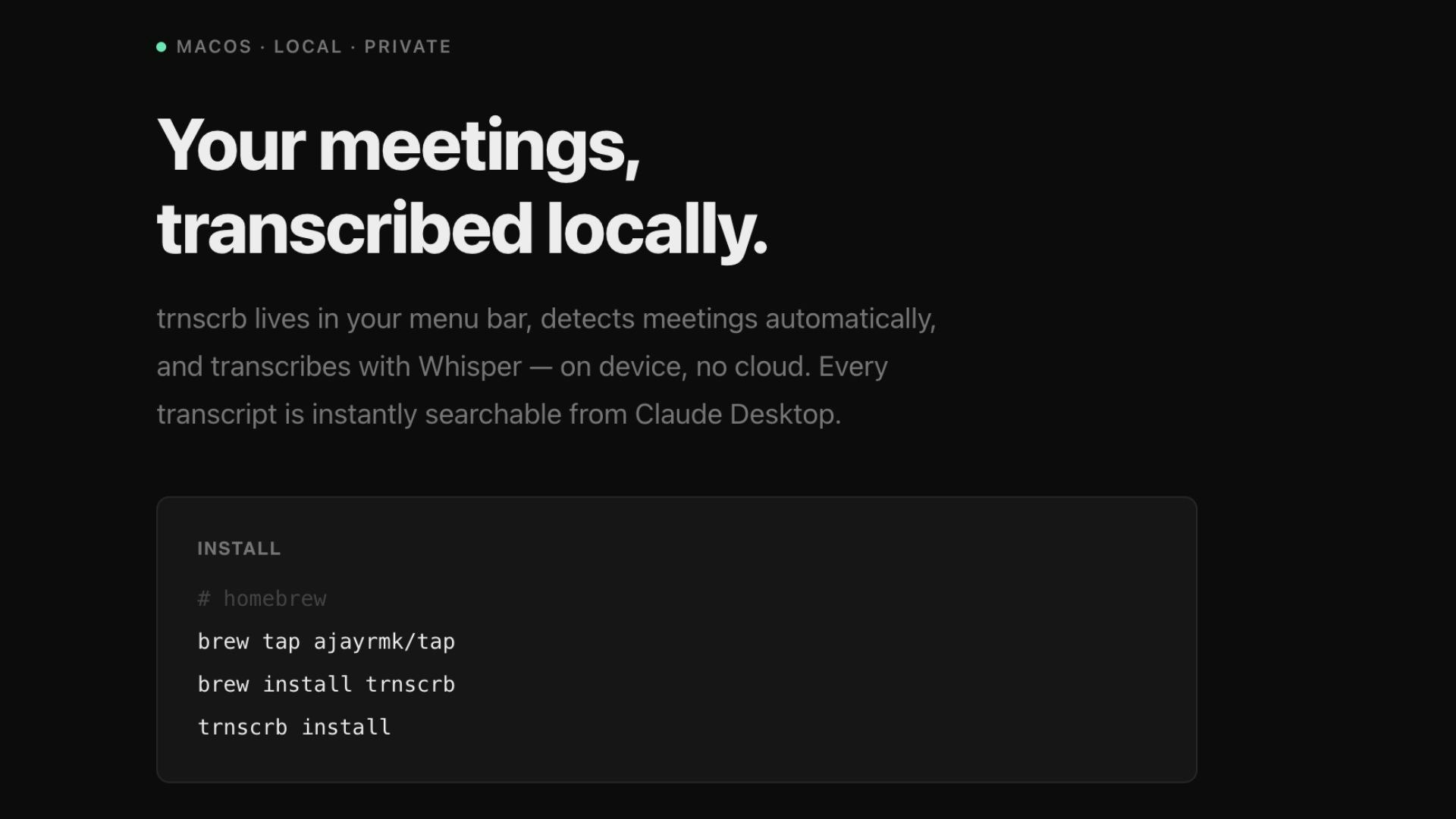
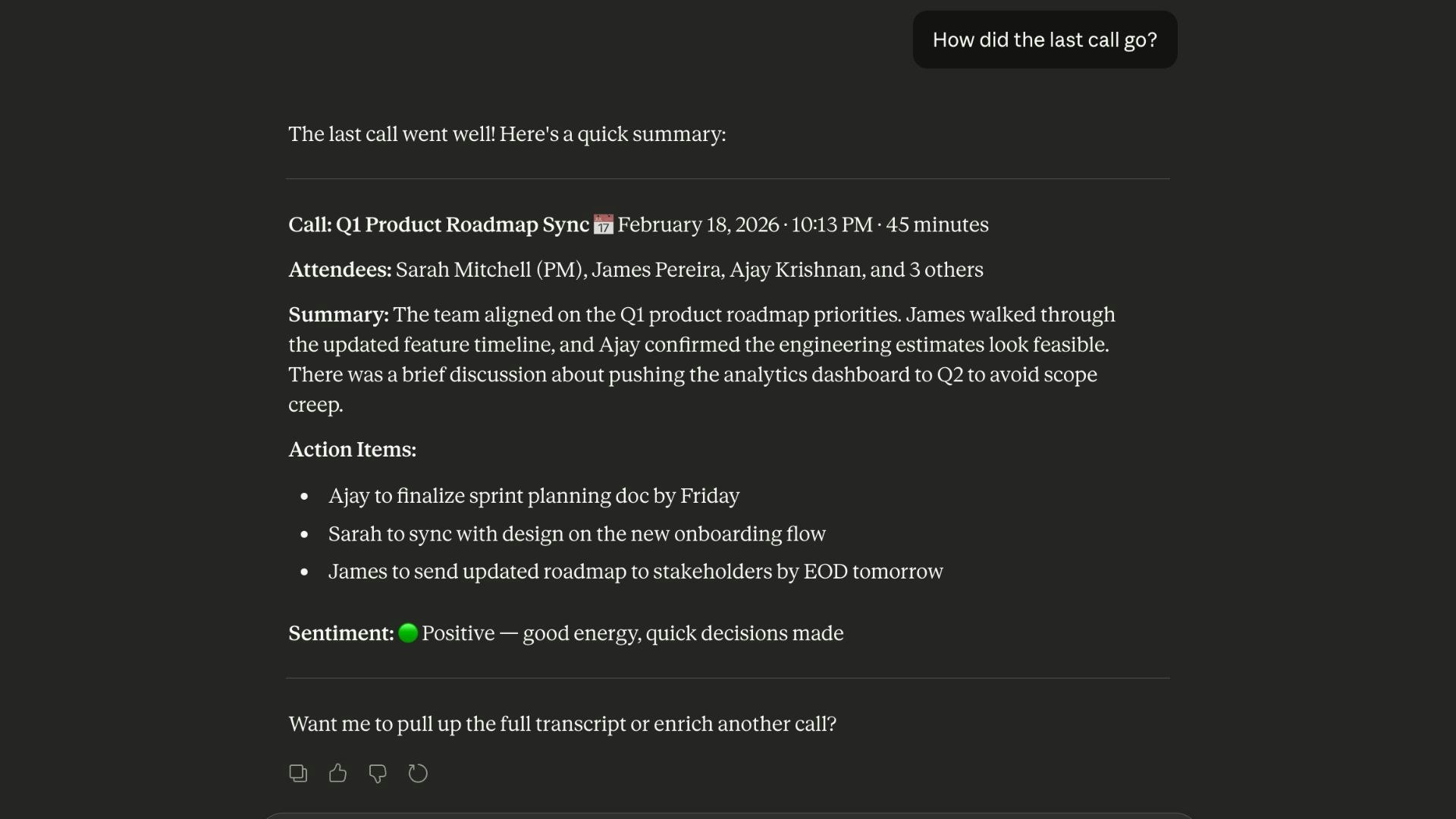
一句话介绍:trnscrb是一款macOS菜单栏本地转录工具,通过在设备端利用Whisper模型,自动转录Zoom、Meet等在线会议,解决了用户对隐私安全、无订阅负担及简洁文本输出的需求痛点。
Meetings Artificial Intelligence Menu Bar Apps
本地AI转录 macOS工具 菜单栏应用 隐私安全 无云服务 离线语音识别 会议记录 文本输出 MCP集成 Apple Silicon优化
用户评论摘要:用户主要询问Windows版本支持,开发者回应目前仅限macOS,但考虑未来支持。另一评论高度赞赏其简洁、本地化理念,并与自身开发的本地AI助手项目产生共鸣,提出交流意愿。
AI 锐评

trnscrb的“纯粹”是其最锋利的刀刃,也是其最明显的边界。在AI应用竞相堆砌功能、绑定云服务与订阅制的喧嚣中,它反其道而行,精准切中了一个高端细分市场:拥有Apple Silicon Mac、极度重视隐私、且具备一定技术素养的专业人士。其价值不在于转录技术本身(Whisper已开源),而在于将复杂技术封装为“无感”的菜单栏服务,并做出了一系列坚定且正确的取舍:舍弃云端,换取隐私和零延迟;舍弃花样功能,聚焦于生成带说话人识别的纯净文本;舍弃账户体系,降低使用门槛。其集成的本地MCP服务器是点睛之笔,这并非面向普通用户,而是为“AI工作流原住民”打开了大门,让转录文本能无缝接入Claude Desktop等智能体生态,实现后续的搜索、分析与总结,从而将自身从一个孤立工具升级为个人知识本地化处理管道的一环。

然而,其局限性同样明显。硬绑定macOS 13+与Apple Silicon,虽保证了体验与性能的统一,却也主动放弃了更广阔的市场。本地处理对硬件算力的依赖,以及可能存在的系统音频捕获权限等配置复杂性,决定了它短期内仍是“精英用户”的利剑。产品逻辑清晰,但商业模式模糊。“无订阅”在收获好感的同时,也让人对其长期可持续性产生疑问。总体而言,trnscrb是一款理念先行的产品,它证明了在AI时代,“少即是多”和“本地优先”依然拥有强大的号召力。它未必能成为大众爆款,但足以在重视隐私与简洁的效率工具领域,占据一个独特而稳固的生态位。

查看原始信息
trnscrb
Local meeting transcription for macOS — trnscrb lives in your menu bar, auto-detects Zoom, Meet, Teams, Slack, and FaceTime, then transcribes on-device using Whisper on Apple Silicon. No cloud, no account, no subscription. Transcripts save as plaintxt with speaker diarization. The Claude Desktop MCP integration lets you search, summarize, and extract action items from past meetings. Requires macOS 13+ and M1+.

Hi PH,

I built trnscrb because I wanted something simpler.

Most meeting tools try to be everything. Summaries. Dashboards. Cloud sync. Accounts. I just wanted reliable transcription that runs locally and saves plain text files on my Mac.


trnscrb lives in your menu bar.
It detects Zoom, Meet, Teams, Slack, and FaceTime calls.
It records and transcribes on Apple Silicon using Whisper.
Speaker labels are added.
The output is a clean .txt file in a local folder.


It also runs a local MCP server, so compatible tools can read and search your transcripts directly on your machine.

Requirements:

macOS 13+
Apple Silicon M1 or later


Happy to answer setup questions, especially around system audio capture and MCP configuration.

3
回复

@ajayram It's not available for Windows users ?

0
回复

@ajayram Hi Ajay , really appreciate the simplicity here. Not every tool needs dashboards and cloud sync. Local transcription with clean .txt output feels intentional and practical.

Menu bar + Whisper on device is a solid combo, and the local MCP server is a nice touch for power users.

I’m building Ahsk app, a macOS AI assistant focused on seamless, local first AI workflows. Would love to connect and exchange feedback.

0
回复
@priya_kushwaha1 - It’s currently Mac-only. Windows support is something I’m considering, and I’ll share an update if that moves forward.
0
回复
#13
Coasty
Computer Using Agents on Secure Cloud VMs That Run Forever
90
一句话介绍:Coasty为每个AI智能体提供独立的云端虚拟机,在运行代码执行、浏览器自动化或多智能体工作流时,实现真正的环境隔离,解决了开发者因担忧智能体“失控”而不敢赋予其本地系统权限的核心安全恐惧。
Productivity Artificial Intelligence Tech
AI智能体安全 云端虚拟机隔离 智能体基础设施 沙箱环境 开发安全 多智能体系统 代码执行安全 成本优化 云安全 开发者工具
用户评论摘要:用户普遍认可隔离方案的价值,认为其解决了对智能体失控的真实恐惧。主要问题与建议集中在:VM启动速度是否满足开发迭代、是否提供行为可观测性与回放功能、网络出口控制的精细度、如何安全传递本地上下文与密钥,以及对长期成本控制的关注。
AI 锐评

Coasty切入了一个微妙而关键的痛点:**信任赤字**。它提供的并非技术上的绝对创新,而是一个基于成熟虚拟化技术的“心理安全层”。产品真正的洞察在于,当前AI智能体普及的最大障碍并非能力不足,而是开发者内心那“按下回车前的犹豫”。它将一个复杂的安全问题,转化为一个可按需销毁的、具有明确经济成本(20美元/月)的“可承受风险单元”。

其商业模式聪明地避开了与巨头在通用云计算领域的正面竞争,转而聚焦于“为智能体而生”的垂直基础设施。声称比AWS/GCP便宜86%的定价策略,直接瞄准了E2B等新兴竞品,试图用极简的定价和“无会话时长限制”来吸引早期尝鲜者和独立开发者。从等待列表的构成来看,它确实精准击中了“ vibe coders”的感性需求,而非传统的企业合规采购逻辑。

然而,其长期挑战同样明显。首先,**“隔离”本身可能成为一种性能与体验的枷锁**。快速的VM启动、无缝的上下文传递、高效的资源复用,这些与“彻底隔离”存在内在矛盾。其次,随着主流云平台和开发工具(如Cursor、VS Code)纷纷内嵌更精细的权限管控和沙箱功能,Coasty的独立价值可能被侵蚀。最后,其价值主张高度依赖于“智能体高度自主且危险”这一叙事。如果未来智能体行为变得高度可预测、可控,或者业界通过其他技术路径(如能力限制、形式化验证)解决了安全问题,那么“每个智能体一个VM”的方案可能显得笨重且昂贵。

简言之,Coasty是一个应“恐惧”而生的及时雨产品,但它必须快速从“安全心理安慰剂”演进为“智能体原生开发体验的核心平台”,在隔离之上构建不可替代的开发者工作流价值,否则恐难逃被基础设施巨头或更集成的开发环境收编的命运。

查看原始信息
Coasty
Most agent infrastructure runs workloads in shared environments, one compromised agent affects everything else. Coasty gives every AI agent its own isolated VM. No shared processes, no noisy neighbors, no blast radius. Each agent spins up sandboxed and tears down cleanly. True isolation. Not a container in a shared pool, a dedicated VM. Undercuts AWS & GCP. Built for agents, not retrofitted compute. Running code execution, browser automation, or multi-agent pipelines? Visit coasty.ai
Hey Product Hunt! Nitish & Prateek here, co-founders of Coasty. The honest origin story: I was terrified to run Claude Code on my own laptop. Not because AI agents are bad, they're incredible. But because I'd watched the many incidents recently where agents deleted files and codebases or installed something bad. The pattern was obvious: AI agents are powerful precisely because they can execute commands, install packages, and access your filesystem. That power is also the danger. The solution we built is almost embarrassingly simple in hindsight: give each agent its own isolated computer in the cloud. It can go completely rogue in there, delete everything, install malware, exfiltrate whatever. Doesn't matter. Your actual machine is untouched. Kill the VM, spin up a new one. The biggest business surprise: our 700-person waitlist wasn't mostly "security teams." It was solo developers and vibe coders who are scared to hit Enter in Cursor. That changed how we think about the product entirely. We're a Columbia and Purdue Team building what we wish existed when we started running agents. At $20/month we're 86% cheaper than E2B, with no 24-hour session caps and built-in network egress controls. Would love your honest feedback especially if you've had your own horror story with an agent going somewhere it shouldn't.
3
回复

@nitish_kovuru This is such a simple idea that it feels obvious in hindsight — which usually means you’re onto something.

The psychological barrier you’ve identified is real. A lot of builders say they trust agents, but there’s always that split-second hesitation before giving filesystem access. Especially after some of the recent “agent gone rogue” stories.

The interesting part to me isn’t just isolation — it’s behaviour containment. You’re effectively turning agent execution into something closer to a sandboxed runtime with kill-switch economics. That changes how freely people experiment.

Curious about two things:

  1. How fast is spin-up time for a fresh VM? Does it feel instant enough for iterative dev workflows?

  2. Are you thinking about deeper observability — like replaying exactly what the agent did before killing the environment?

The 700-person waitlist being mostly solo devs is the real signal here. That’s not a compliance market — that’s fear mitigation for power users.

Really clean positioning at $20/mo as well.

Congrats on the launch — interested to see how this evolves as agents become more autonomous.

1
回复

@nitish_kovuru Hi Nitish , this hits a very real fear. Agents are powerful, but giving them direct access to your local machine feels risky, especially after some of the horror stories.

Isolating each agent in its own cloud VM is simple and practical. Kill it, reset it, move on. That peace of mind matters.

I’m building Ahsk, a macOS AI assistant focused on safe, in flow AI use. Would love to connect and exchange feedback.

0
回复

nice, congrats! great infra for security of agents

1
回复

The isolation angle is smart. Most agent sandboxing today is just containers with a fancy wrapper, not real VM-level separation. Curious about the network egress controls -- do you support fine-grained rules per agent (like allowing only specific API endpoints)? That would be huge for enterprise use cases where agents need to call external services but you still want strict blast radius control.

1
回复

Also for y'all Product Hunters we got a Promo Code!! CS10OFF to get 10% off of our Starter $20 plan!

1
回复

That's a really nice idea! aren't you worried about the costs of this cloud pc's? have you tryed or looking to implement technologies like agentready.cloud and their TokenCut feature to reduce token costs for your end users? are they using their API key's for LLM's or is the platform giving their's? Thank you, Really really great product by the way, so simple yet so usuful :)

1
回复

@christian_b_1 With AWS, the costs of the cloud PC's per month itself is the cheapest expense in our whole business model! For now, we are giving our own agent which has been rated pretty highly by OSworld's Test(It completed 82% of the 369 automation tasks thrown at it). We will definitely consider using those to cut costs for our customer as that is our number one priority. Thank You for taking time out of your day to comment! It means the world to us :)

2
回复

Congrats on the launch! Giving agents their own disposable cloud machine feels like a clean, practical solution to a very real fear. How do you balance isolation with developer convenience? For example, how easy is it to securely pass local project context, credentials, or secrets into the VM without reintroducing the very risks Coasty is designed to eliminate?

0
回复

Also for every person you invite to Coasty, we’ll give you some free credits for the agents! Check out, Invites on our menu bar for more details after signing up.

0
回复
#14
moCODE
AI coding assistant on Mobile for OpenCode/KiloCode Server
83
一句话介绍:moCODE是一款连接个人OpenCode/KiloCode服务器的移动AI编程助手,通过自然语言对话让AI直接修改代码,解决了开发者在外出或身边无电脑时需紧急查看、调试和修复代码的痛点。
Android Developer Tools Tech No-Code
移动编程助手 AI代码代理 远程开发 SFTP/SSH 代码安全 边缘场景开发 开发者工具 开源生态 无服务器架构
用户评论摘要:用户高度认同产品解决的“深夜无电脑紧急修复”痛点,赞赏其不强迫手机编码、而是作为“对话式控制层”连接真实代码库的设计。肯定其集成文件浏览、差异对比和SSH终端的实用性,并关注代码不经过第三方服务器的安全性。有开发者提出交流反馈。
AI 锐评

moCODE的聪明之处在于它进行了一次精准的“场景减法”和“能力转移”。它没有陷入“移动端IDE”的伪命题竞争,而是清醒地认识到在手机小屏上高效“写”代码是反人性的。因此,它将核心价值从“编辑”转移到了“决策与审查”——用户通过自然语言发出指令,AI代理在远程服务器上执行具体操作,用户只需在移动端进行关键的浏览、差异对比和最终确认。这实质上将手机变成了一个具备高级别权限的、对话式的远程运维与代码审查终端。

其真正的护城河并非AI能力本身(这已是通用基础设施),而在于对特定开发者工作流和信任结构的深刻理解。产品紧密绑定OpenCode/KiloCode服务器及Tailscale等工具,明确服务于拥有私有化部署环境(如家庭实验室)的技术人群。它承诺代码永不经过自身服务器,这精准击中了该群体对代码安全性和隐私的极致要求,用架构设计解决了信任问题。

然而,其发展上限也受限于这一精准定位。它是一个“增强配件”而非独立平台,增长严重依赖上游开源服务器生态的普及度。其应用场景集中于“边缘情况”下的紧急修复与审查,虽痛点真切,但使用频率可能有限。未来挑战在于如何从“救火工具”延伸至更高频的“移动协同场景”,同时避免功能膨胀破坏现有的简洁与安全承诺。这是一款在细分赛道做得极其锋利的产品,但赛道本身的规模,将决定它是成为小众神器还是能破圈增长。

查看原始信息
moCODE
The mobile companion for OpenCode/KiloCode Server. Connect to your server and bring AI-assisted coding to your mobile device.
🚨 As a developer, I've lived this nightmare: critical bug at 11 PM, laptop downstairs, simple fix that shouldn't require running downstairs. That's exactly why moCode exists. It's not another mobile code editor (because let's be honest, typing code on a phone is... rough). Instead, moCode connects to your OpenCode/KiloCode server and lets you talk to an AI agent to: - 💬 Chat with AI using @file mentions to reference your actual codebase - 📁 Browse files via SFTP, download what you need - 🔄 Review changes with rich diffs and syntax highlighting - ⌨️ Use a built-in terminal with SSH support The game-changer: You don't write the code. You have a conversation with AI that understands your project and makes the changes for you. Perfect for Tailscale users who want their home lab in their pocket. Your code never touches moCode's servers—secure, modern, built by developers who actually use this to ship code. Currently in open beta on Google Play. iOS coming soon. What's your "I need to code but don't have my laptop" story? Drop it below 👇
3
回复

@file  @vkpdeveloper Hi Vaibhav, this is painfully relatable. That late night “it’s just one small fix” moment happens to every dev.

I like that you’re not trying to turn the phone into an editor, but into a conversational control layer over your real codebase. Diffs, file browsing, and SSH built in makes it actually usable.

I’m building Ahsk app, a macOS AI assistant focused on staying in flow while building. Would love to connect and exchange feedback.

0
回复
#15
PI-Link Speed Radar
Smart Doppler radar powered by your phone
77
一句话介绍:PI-Link Speed Radar 将多普勒雷达硬件与智能手机的计算能力结合,在棒球等运动训练场景中,为运动员和教练提供了一种更智能、成本更低的球速测量方案,解决了传统测速枪价格昂贵、处理能力有限且读数不一致的痛点。
Sports Hardware Crowdfunding
运动科技 智能硬件 测速雷达 棒球训练 智能手机外设 多普勒雷达 信号处理 众筹产品 体育数据分析
用户评论摘要:用户反馈普遍认可其“硬件+智能手机算力”的系统级重构思路,认为此举聪明且合理。创始人主动寻求来自硬件开发者、信号处理专家及运动科技人士的反馈,以优化精度和滤波。另有用户询问从Product Hunt流量到Kickstarter的转化率情况。
AI 锐评

PI-Link Speed Radar 提出的“智能手机作为算力核心”的模式,与其说是一项颠覆性技术创新,不如说是一次对现有技术要素的、精明的系统重构。它敏锐地捕捉到了一个行业痼疾:传统专用硬件在追求便携和耐用时,其内置处理器性能已严重滞后于时代。产品将昂贵的专用DSP(数字信号处理)单元,置换为用户已有的、且持续免费升级的智能手机SOC,这本质上是一种巧妙的成本转移和价值链重塑。其商业潜力不仅在于可能以更低价格提供可比性能,更在于为后续通过软件更新增加分析功能(如投球轨迹分析、数据云端同步)打开了大门,这是传统封闭硬件难以企及的。

然而,这种模式也带来了新的挑战与疑问。首先,用户体验的完整性高度依赖于手机APP的稳定性和低延迟,雷达硬件本身是否沦为简单的“传感器探头”?其次,在不同品牌、型号手机性能差异巨大的环境下,如何保证测量精度的一致性和权威性?这可能需要复杂的设备校准与认证体系。评论中关于Kickstarter转化率的提问,恰恰点明了其现阶段的核心命题:这个聪明的概念能否转化为可靠的消费级产品,并获得体育训练——这个对数据准确性极为敏感的专业市场的信任?它挑战的不是技术天花板,而是用户固有的使用习惯和信任体系。若成功,或可开辟一个“传感器外设+智能手机算力”的体育硬件新品类;若在精度或可靠性上出现瑕疵,则容易被视为“玩具”而非专业工具。其真正的价值,在于对“专用设备”定义的一次大胆解构与试探。

查看原始信息
PI-Link Speed Radar
Hi Product Hunt 👋 I’m the founder of PI SpeedLAB. We started building PI-Link because we were frustrated with traditional speed guns — limited processing power, inconsistent readings, and expensive hardware. So we asked: What if we used the smartphone’s CPU instead? By combining Doppler radar hardware with smartphone-level computing power, we built a smarter way to measure baseball velocity. We’d love your feedback — especially from athletes, coaches, and hardware builders. Ask me anything!

Hi Product Hunt 👋

I’m the founder of PI SpeedLAB.
This project actually started out of frustration.

Every time we compared readings from traditional speed radars, we noticed inconsistencies. The hardware was expensive, but the processing power inside was surprisingly limited.

That made us wonder —
why are we still relying on tiny embedded processors when everyone already carries a supercomputer in their pocket?

So instead of trying to build a smarter speed radar…
we decided to build a smarter system.

PI-Link uses Doppler radar hardware, but lets the smartphone handle the heavy signal processing. That shift changed everything for us.

This is still a journey. We’re refining accuracy, improving filtering, and constantly testing against legacy devices.

If you’ve built hardware, worked on signal processing, or care about sports tech — I’d genuinely love your feedback.

What would you improve?
What would you question first?

Thanks for checking us out

And also check out our Kickstarter campaign : https://www.kickstarter.com/projects/1359404817/turn-your-smartphone-into-a-smart-speed-radar

1
回复

@pispeedlab Love how this came from real frustration and turned into a smarter rethink of the system. Using the smartphone for processing is a sharp move and it makes a lot of sense. Congrats on the launch and good luck refining it further.

0
回复

@pispeedlab Hi Kevin, this is a clever rethink. Offloading the heavy signal processing to a smartphone instead of cramming it into limited hardware makes a lot of sense.

Using existing compute power to improve accuracy and flexibility is a smart systems level shift.

I’m building Ahsk app, a macOS AI assistant focused on practical productivity tools. Would love to connect and exchange feedback.

0
回复

love the hardware + cpu approach kevin. smarter than the legacy guns. saw the kickstarter link too—how is the conversion rate holding up from the ph traffic today? looks like a killer combo.

0
回复
#16
fasrad
AI agents for the rest of us - free during open beta
22
一句话介绍:Fasrad是一个免部署、全天候运行的托管式AI智能体平台,让用户无需技术背景即可快速创建能自主处理邮件、客户触达、数据管理和网络搜索等任务的数字助手,解决了中小团队或个人在自动化流程中面临的技术门槛和运维成本痛点。
Productivity Marketing Artificial Intelligence
AI智能体平台 无代码自动化 托管式服务 业务流程自动化 AI助手 电子邮件处理 数据管理 7x24运行 免部署 公开测试版
用户评论摘要:目前仅有一条官方性质的介绍性评论,详细说明了产品功能、工作原理与差异化优势。暂无真实用户的使用反馈、问题或建议。评论旨在征集用户希望用智能体处理的具体场景。
AI 锐评

Fasrad切入的是当前AI Agent领域最务实但竞争也最激烈的赛道:降低使用门槛。其宣称的价值并非技术突破,而是将复杂的AI智能体框架进行产品化、服务化封装。口号“为其余所有人服务的AI智能体”直指当前开源Agent工具需要API密钥、Docker部署和技能编排的技术鸿沟。

产品的真正价值在于试图将“智能体”从一个开发概念转变为即开即用的生产力工具。它整合了通信(邮件、Telegram)、数据处理(表格、文档)和研究自动化等核心办公场景,并强调“记忆”能力,这使其区别于简单的单点自动化工具,向“持续性数字员工”的定位靠拢。其商业模式清晰——通过免费公开测试获取用户与场景,未来很可能按智能体数量、任务复杂度或使用量进行分级付费。

然而,其面临的挑战同样尖锐。首先,在“托管”与“免API密钥”的便利背后,是用户数据隐私、平台锁定和长期成本的潜在担忧。其次,功能虽广但深度存疑,处理复杂、非标准化的业务逻辑时,其智能体的可靠性与准确性仍需大规模真实场景验证。最后,该领域已有Zapier、Make等成熟自动化平台集成AI能力,也有诸多ChatGPT生态应用分食细分市场,Fasrad需证明其集成体验与智能体自主性的优势足够形成壁垒。

总而言之,Fasrad是一次有价值的市场验证,它试图将AI Agent的“星辰大海”拉回“解决眼前杂事”的接地气层面。其成败关键不在于技术炫技,而在于能否在公开测试中真正沉淀出几个不可替代的高频场景,并构建起稳定、可信的服务体验。否则,它很可能只是又一个在红海中尝试用便利性换生存的普通工具。

查看原始信息
fasrad
No wrestling with API keys, Docker, and skills. Fasrad gives you hosted AI agents that just work — ready in under a minute, running 24/7. Your agent handles email, runs personalized outreach, manages spreadsheets, browses the web, and remembers everything across conversations. Works on Web, email and Telegram. Describe what you need, your agent handles the rest. No install. No API keys. No servers. Always on. Free during open beta!
Fasrad is a fully hosted AI agent platform. No API keys, no infrastructure, no code — sign up, name your agent, and it's live. How it works: 1. Create an agent and define its personality 2. Connect your channels — Web, Telegram, Email 3. Your agent runs 24/7 What agents can do: Communication - Read, triage, and reply to emails autonomously - Run personalized outreach campaigns from spreadsheets - Respond on Telegram Data & Documents - Create and manage Google Sheets and Drive files - Parse PDFs, Excel files, and CSVs - Store structured data Research & Automation - Search the web and read full pages - Run scheduled tasks and recurring workflows - Trigger automations on new emails, keywords, or cron schedules Memory - Remembers names, preferences, and context across every conversation - Shared knowledge across multiple agents What makes it different Most agent frameworks require you to self-host, bring your own API keys, and wire everything together. Fasrad handles all of that — agents deploy instantly and run continuously. Currently in beta and completely free. The goal is to get real feedback. What would you want your agent to handle? Drop it in the comments
0
回复
#17
IPAware
IP intelligence without the meter – predictable pricing
21
一句话介绍:IPAware是一款提供无限请求、固定月费的IP智能API,为开发者解决了IP查询服务按量计费带来的成本不可控和用量焦虑问题,适用于需要稳定IP地理位置、威胁检测和安全信号的应用场景。
API Development Security
IP智能API IP地理位置查询 威胁检测 开发者工具 网络安全 固定定价 无限请求 数据服务 SaaS
用户评论摘要:用户普遍认可产品价值,认为其在零信任时代很有用。主要反馈包括:创始人详细解释了产品逻辑;有用户因AI智能体爬虫问题而认为其有用;有建议增加演示视频以直观展示价值,团队回应澄清了产品作为“信号层”的定位并考虑采纳建议。
AI 锐评

IPAware切入了一个看似成熟但存在显著定价痛点的市场——IP智能查询。其核心价值主张并非技术颠覆,而是商业模式的精准打击:将“按量计费”转变为“固定月费”。这直接命中了中小开发者或项目早期阶段的软肋:对成本不可预测的恐惧会抑制产品功能的实现与数据的自由使用,本质上是在为开发者的“心理安全”和“决策自由”定价。

然而,其商业模式也构成了最大的风险与挑战。无限请求模式在吸引大量用户的同时,极易引来滥用和极高成本的“巨量用户”,这对其基础设施成本和风控能力是巨大考验。产品必须在其数据源的边际成本、定价门槛与用户使用模式之间找到精妙平衡,否则“无限”将成为吞噬利润的黑洞。

从评论看,用户对其“信号层”的定位(仅提供风险标识,不主动拦截)有清晰认知,这降低了其服务责任风险,但也将价值天花板限定在了工具层面。在安全领域,仅提供数据而缺乏响应动作的集成,其壁垒和客户粘性可能不足。长期看,它可能成为大型安全服务生态中的一个平价数据模块,或需要在数据深度、实时性、独家威胁情报上构建更坚固的护城河。其成功与否,将是对团队在单位经济模型运营和精准目标客户选择上的一次严峻考验。

查看原始信息
IPAware
Get accurate IP geolocation, threat detection, and security signals without worrying about request limits or overage fees. Built for developers who want predictable pricing and reliable data.

Hey Product Hunt! 👋 I'm Doruk, and today we're launching IPAware - an IP intelligence API that doesn't charge you per request.

The problem:
IP lookup services charge per request. You start with a side project, it grows, and suddenly you're paying hundreds for something that should cost a fraction of that. The metering creates anxiety and makes you second-guess every API call.

What IPAware does:

  • IP geolocation (country, region, city, timezone, coordinates)

  • Threat detection (VPN, proxy, Tor, datacenter detection)

  • Security signals (risk score, threat level, recommendations)

  • ASN/ISP data for connection context

  • Clean JSON responses that work with any language

Why it's different:
Flat monthly pricing. $9.99/month or $99.90/year (2 months free) for unlimited requests. No surprises, no overages, no usage anxiety. Just predictable costs that let you build without worrying about the meter.

For developers:

  • REST API, no SDK required

  • Works with any stack (Node, Python, Go, PHP, and more)

  • Low latency with edge delivery

  • Simple integration (just HTTP + JSON)

Launch special:
For the first 24 hours, the Pro tier is free for a full month. Sign up and claim it from your dashboard – you'll get unlimited requests for the entire month. After that, you can choose to keep Pro or switch to the free tier (5k requests/month). Entirely up to you, no tricks.

We built this because we were tired of IP lookup bills scaling faster than our apps. Would love to hear your feedback and what you think!

Try it: https://ipaware.io

8
回复

@dorukalpulgen Good luck with the launch, I’ll definitely be checking this out.

1
回复
@dorukalpulgen Congratulations 🎉 this product is really useful for me
0
回复

@dorukalpulgen In this era of zero trust, we need tools like this, totally. commendable effort.

1
回复

This is very useful given the new advent of A agents scrapping all across the internet

1
回复

Thanks @arun_prasad06, appreciate the feedback!

0
回复

Congrats on the launch
For monitoring and security tools like this, a short demo video showing how alerts are triggered and how teams respond in real time can really help visitors understand the value instantly instead of trying to imagine it from text.
I specialize in SaaS/product demo videos, so I always notice this looks like a really useful tool for teams managing infrastructure. Wishing you a strong launch!

0
回复
Hey @growthfilmstudio , thanks a lot for the feedback! Just to clarify, we simply return a flag to the end user via the API or through the WHOIS tool on our website if an IP address should be considered risky. We don’t take any action ourselves or enforce anything. You can think of it purely as a signal layer. It’s entirely up to the user to decide whether to allow or block the IP based on that information. But we’ll definitely consider adding a short video in our next launch! Thanks for the suggestion.
0
回复
#18
Groie - No-code website builder
A no-code website builder that thinks like a marketer
17
一句话介绍:Groie是一款面向B2B SaaS团队的GTM优先无代码网站搭建工具,在需要快速上线、迭代高转化率官网的场景下,解决了营销网站定位不清、SEO基础薄弱、转化漏斗设计不佳的核心痛点。
SEO SaaS Website Builder
无代码开发 B2B SaaS 网站建设 产品上市 增长营销 SEO优化 转化率优化 视觉编辑器 模板 营销工具
用户评论摘要:开发者自述产品源于上百个SaaS网站实战经验,旨在解决网站速度、定位、SEO与转化间的矛盾。其主动寻求用户反馈,询问用户在网站速度、清晰度、流量或转化方面的具体困境,但暂无外部用户评论。
AI 锐评

Groie提出的“GTM-first”和“像营销人员一样思考”的概念,精准刺中了当前无代码建站市场的普遍软肋:形式大于功能,设计脱离增长。大多数建站工具致力于让用户更简单地做出“好看”的网站,却忽略了B2B SaaS网站作为核心增长引擎的本质——它需要承载清晰的定位、稳固的SEO架构和高效的转化逻辑。

其真正价值不在于“无代码”,而在于将产品市场匹配、定位框架、SEO-ready结构等专业营销知识产品化、模块化,封装进一个视觉编辑器中。这相当于为缺乏营销体系或执行资源的SaaS团队,内置了一位“虚拟增长负责人”的思维模型。它试图规避的“SEO债务”和“重新设计循环”,正是草率上线网站后必然面临的长期成本。

然而,其挑战也同样明显。首先,理念的先进性需要极佳的用户体验来承载,若工具本身变得复杂晦涩,便背离了“快速”的初衷。其次,营销框架具有极强的行业与阶段特异性,其内置的“最佳实践”能否普适并持续迭代,是巨大考验。最后,目前仅有的开发者自评缺乏市场验证,其宣称的“结合”是否真正丝滑有效,仍需真实用户案例佐证。总体而言,Groie是一次有价值的赛道细分尝试,它从营销效果反推工具设计,但能否从“有道理的构想”成长为“有效率的标配”,取决于其如何平衡预设框架的刚性与用户需求的灵活性。

查看原始信息
Groie - No-code website builder
Groie is a GTM-first no-code website builder for B2B SaaS teams who care about growth, not just design. Built by product marketers who have shipped 100+ SaaS websites and GTM systems, it combines positioning frameworks, SEO-ready architecture, inbound marketing foundations, and conversion-focused templates in a powerful visual editor. Launch, test, iterate, and scale high-impact SaaS websites fast without developers, prompts, redesign cycles, or SEO debt.
Hey everyone We built Groie after shipping 100+ SaaS websites and noticing the same problem again and again. Founders wanted speed, but ended up with sites that looked good and quietly hurt positioning, SEO, and conversions. So we asked ourselves: what if a website builder was built from real GTM execution, not just design trends? Groie is our attempt to solve that. It’s a no-code builder, yes but it’s structured around messaging clarity, SEO foundations, and conversion logic from day one. We’d genuinely love honest feedback.Where do you struggle most with your SaaS website today speed, clarity, traffic, or conversions? Thanks for checking us out ❤️
16
回复
#19
Anythink
From idea to live API, before your coffee gets cold
17
一句话介绍:Anythink 是一款“无代码后端即服务”平台,旨在让开发者无需操心底层代码和基础设施,即可快速获得包含数据库、API、用户管理、支付等功能的完整后端解决方案,解决了从AI原型到可运营业务之间开发周期漫长、技术门槛高的核心痛点。
API Tech Database
无代码开发 后端即服务 BaaS 低代码平台 快速原型开发 API生成器 用户管理 Stripe集成 工作流自动化 替代Supabase
用户评论摘要:用户反馈两极。支持者盛赞其免费起步、企业级基础设施能极大提升开发效率。质疑者主要担忧平台锁定和未来成本,特别是盈利后的收费模式,并对能否使用自有服务(如Stripe、数据库)和自由迁移数据表示关切。官方回复强调无锁定、支持自有Stripe账户及数据可自由进出。
AI 锐评

Anythink的亮相,精准刺中了当前“AI前端狂欢”后的真实窘境:将华丽的AI演示转化为稳定、可扩展、具备商业能力的业务,是吞噬数周甚至数月的“沉默成本”。它宣称“不是另一个AI平台”,实则是将自身定位为AI应用浪潮中不可或缺的“基建承重墙”。

其真正价值不在于功能列表的罗列(这些功能在Supabase、Directus等竞品中已不鲜见),而在于其试图重塑的优先级和体验:“后端优先”。它抓住了一个关键洞察:许多初创团队和独立开发者过早陷入前端细节,却低估了后端架构、支付集成、权限控制等“脏活累活”的复杂性与耗时。Anythink承诺将这些打包成即用服务,本质上是将“工程经验”产品化,让开发者能直接从“想法”跳到“可运营的API”。

然而,其面临的质疑也直指这类服务的命门:信任与控制。评论中关于“锁死”和“盈利后收割”的担忧,是BaaS模式的原生诅咒。尽管官方回应数据可自由进出,但一旦工作流、业务逻辑深度嵌入平台,迁移成本将指数级上升。它的挑战在于,如何在提供“开箱即用的便利”与“保持架构的自主权”之间找到精妙的平衡,并让市场相信其定价模式的长期友好性。

在“无代码/低代码”赛道已趋拥挤的当下,Anythink若想突围,不能仅靠“另一个替代者”的定位。其成败关键在于,能否将其标榜的“企业级基础设施”和“40倍效率提升”转化为用户可感知的、远超集成与运维成本的真实价值,并构建一个足够透明和灵活的商业模式,彻底打消开发者对“温水煮青蛙”的深度疑虑。否则,它很可能只是技术栈选择中的又一个短暂选项。

查看原始信息
Anythink
A Supabase, Directus or Airtable alternative that actually gets out of your way. Start for free, scale globally. Not another AI platform. Anythink is your backend, sorted. From idea to live API in minutes. From Enterprise to Vibes, we've got you covered. AI makes a nice frontend, but turning that into a business is where the weeks disappear. With Anythink, you get database, APIs, user management, Stripe payments, workflows, access control and search, all without touching code and infrastructure.

🚀 Free to start, no credit card required.
I've watched people struggle to build and wire up backends for 19 years. In that time I've led the builds of some of the largest products in the world including Prime Video for Amazon. The tools have changed, the languages have changed, AI has changed everything; and yet here we are, watching people vibe code a beautiful app in a weekend, feel like they've cracked it, then spend the next month figuring out what they've actually built and trying to turn it into something real.
Anythink gives you the backend first. A real one. Enterprise-grade infrastructure, built by someone who's had to care about scale, now accessible from day one, free, no credit card required.
We're seeing 40x faster development with fewer bugs. The same robust infrastructure that used to take a team of engineers, ready in moments.
Free plan includes:
✅ Auto-generated REST APIs
✅ Visual data modelling
✅ User management & access control
✅ Stripe payments
✅ Workflow automation
✅ File storage with CDN
And quite a lot more... would love to hear what you're building. Drop it in the comments 👇

4
回复

@chris_addams So excited about this!!  giving developers real backend infrastructure from the start removes a huge barrier to building fast and confidently

0
回复

Looks like you ream us hard, the moment we're bringing in money. Can I switch to simply using my own Stripe acct, host with my own hosting, such as resplit/hostinger/etc. and use my own SUpabase/etc. for DB and Github for the codebase?

I love to try tools like this, but am wary about lock-ins.

Best of luck with the launch!


1
回复

@osakasaul Not sure I'd agree with 'reaming you hard' - You use your own stripe account with Stripe connect - it's already built in for you, with fully working dashboard and subscription tracking across all your users.
You've highlighted our Free tier - you're not paying for our platform if you're using it, your only charge is on transactions. Our free tier includes higher transaction fees than the premium accounts. This is because we don't want to limit you by feature, but grow with you.
As for hosting, Anythink is a hosted solution. We provide the DB, Search Engine, Kubernetes Stack, CDN, Email Capability, Workflow Engine and Authentication. It's available instantly, right out of the box. You're not locked in as we've built it to allow you to push data in and take data out as fast as you can via the API, you can integrate it with whatever you'd like and you're free to leave at any point.
We plan to include more things like hosting of serverless functions and agents - and for those, we'll be able to sync things to your git, the same with schema's and workflows - That's all part of the plan.
The goal is to make things really simple, to help get you up and running quickly - then scale to millions. And cut the need for all those other subscriptions.

2
回复
#20
Sprout Budget
Save more money for the life you actually want
13
一句话介绍:Sprout Budget是一款通过可视化、简化的预算追踪,帮助用户在日常生活中有意识地消费并持续储蓄,以减轻传统记账带来的压力和负罪感的个人财务管理应用。
Fintech Personal Finance Budgeting
个人财务管理 预算工具 储蓄目标 可视化记账 习惯养成 轻量级应用 消费意识 目标导向 简约设计 无压力理财
用户评论摘要:开发者自述产品为解决传统预算应用的复杂性和负罪感而建,强调简洁、可视化和目标导向。有效用户评论认同其“轻量、有意向”的设计,尤其赞赏其在旅行等场景下提供的灵活性和清晰度,无具体功能建议或批评。
AI 锐评

Sprout Budget试图在红海般的个人理财应用中,以“心理减负”为切口进行差异化竞争。其真正的价值主张并非技术创新,而是一种体验定位的转换:将预算从“约束与审计”的工具,重塑为“意识与赋能”的伙伴。这精准击中了年轻一代对传统财务管理(如电子表格)的抗拒心理——他们并非不关心财务状况,而是厌恶伴随而来的焦虑感和道德审判。

然而,其成功的关键在于这种“轻量哲学”能否经得起现实财务复杂性的考验。产品强调“无复杂规则”、“无微观管理”,这固然降低了入门门槛,但也可能将真正的财务规划深度拒之门外。对于有债务、多变收入或复杂资产配置的用户,这种简约可能意味着功能缺失。它更像一个“财务正念”工具,而非严肃的财务规划引擎。

从市场角度看,其挑战在于如何将“良好的初体验”转化为持久的用户留存。当用户度过蜜月期,储蓄目标遇到瓶颈时,应用能否提供进阶洞察和工具?否则,它可能只是用户从一个严肃理财应用“叛逃”途中暂时的舒适区。其真正的对手或许不是YNAB或Mint,而是用户自身行为改变的惰性,以及那些将游戏化做到极致的应用。它赌的是“心理舒适”能培养出比“财务紧逼”更可持续的习惯,这是一场值得观察的行为经济学实验。
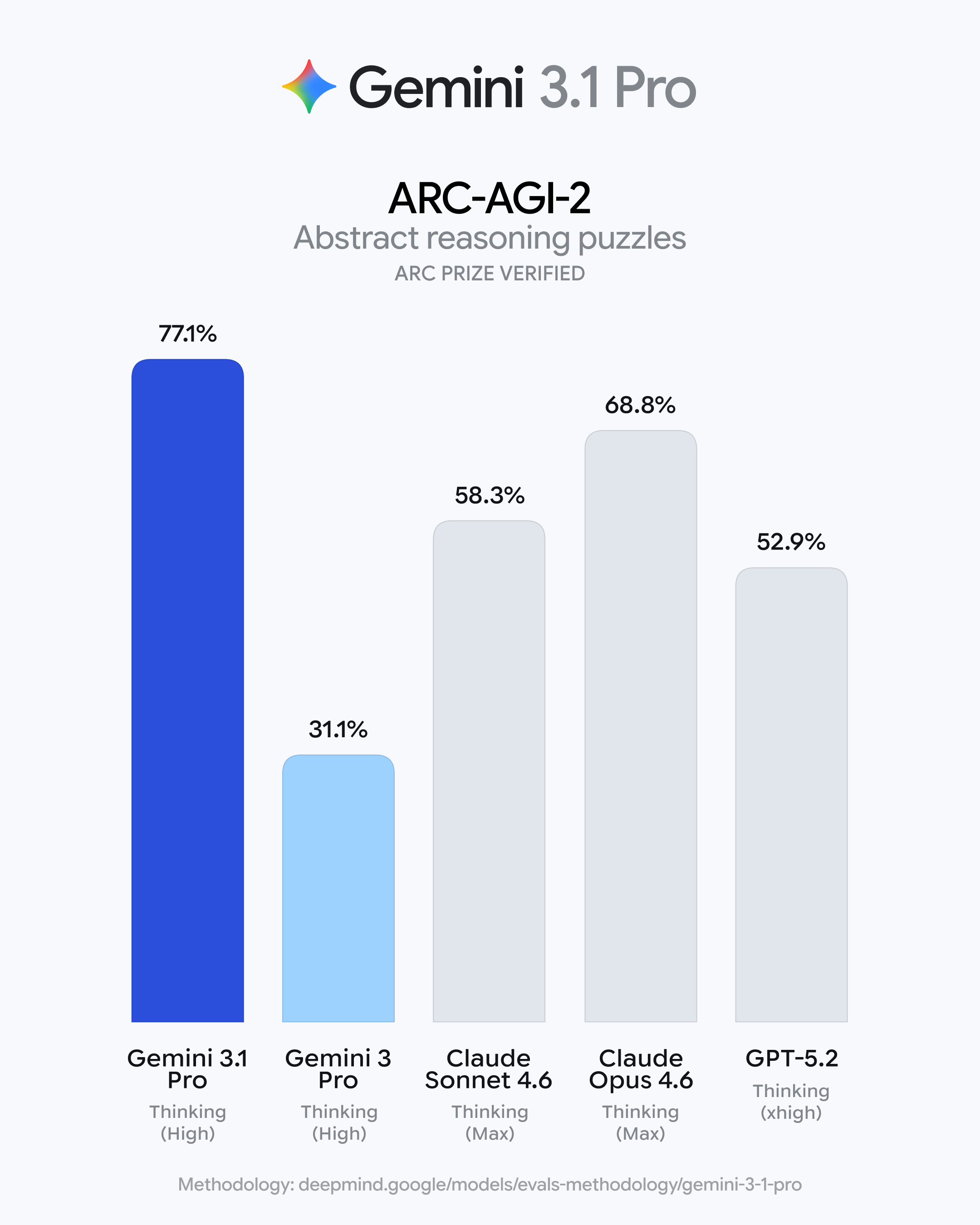
查看原始信息
Sprout Budget
Sprout helps you save more money by making budgeting simple and visual. Track your spending, understand where your money actually goes, and turn everyday purchases into progress toward your goals. Unlike traditional budgeting apps, Sprout focuses on awareness and habits — not guilt, spreadsheets, or overwhelm. Perfect for people who want to spend intentionally, save consistently, and build the life they’re aiming for. 🌱 🎁 Product Hunt launch perk: 20% off your first year with code PH20
I’m the maker of Sprout 🌱 I built Sprout because I struggled to find a budgeting app that didn’t feel overwhelming, guilt-driven, or spreadsheet-heavy. Most tools focus on restriction — but what I really wanted was clarity and a way to save more money for things I actually care about. Sprout is designed to be: - Simple — no complex rules or micromanaging - Visual — so you can clearly see where your money goes - Goal-oriented — helping you save consistently for what matters most to you The idea is simple: 👉 become aware of your spending 👉 build better habits 👉 save more over time — without stress I’d love your feedback: > What part of budgeting do you find the most frustrating? > What’s one thing you wish your current finance app did better? Thanks for checking it out — and happy to answer any questions! 🙌 🎁 Product Hunt launch perk: 20% off your first year with code PH20
7
回复

Read more about the story behind Sprout and why I created it: https://www.sproutbudget.app/our-story

1
回复

@nollers I totally relate to that. Most budgeting apps feel overwhelming or too spreadsheet-heavy for me.

What I appreciate about Sprout is that it feels lighter and more intentional. Especially as someone who travels, having flexibility and clarity without stress is a big plus 🌍

0
回复