Product Hunt 每日热榜 2026-02-28

PH热榜 | 2026-02-28

#1
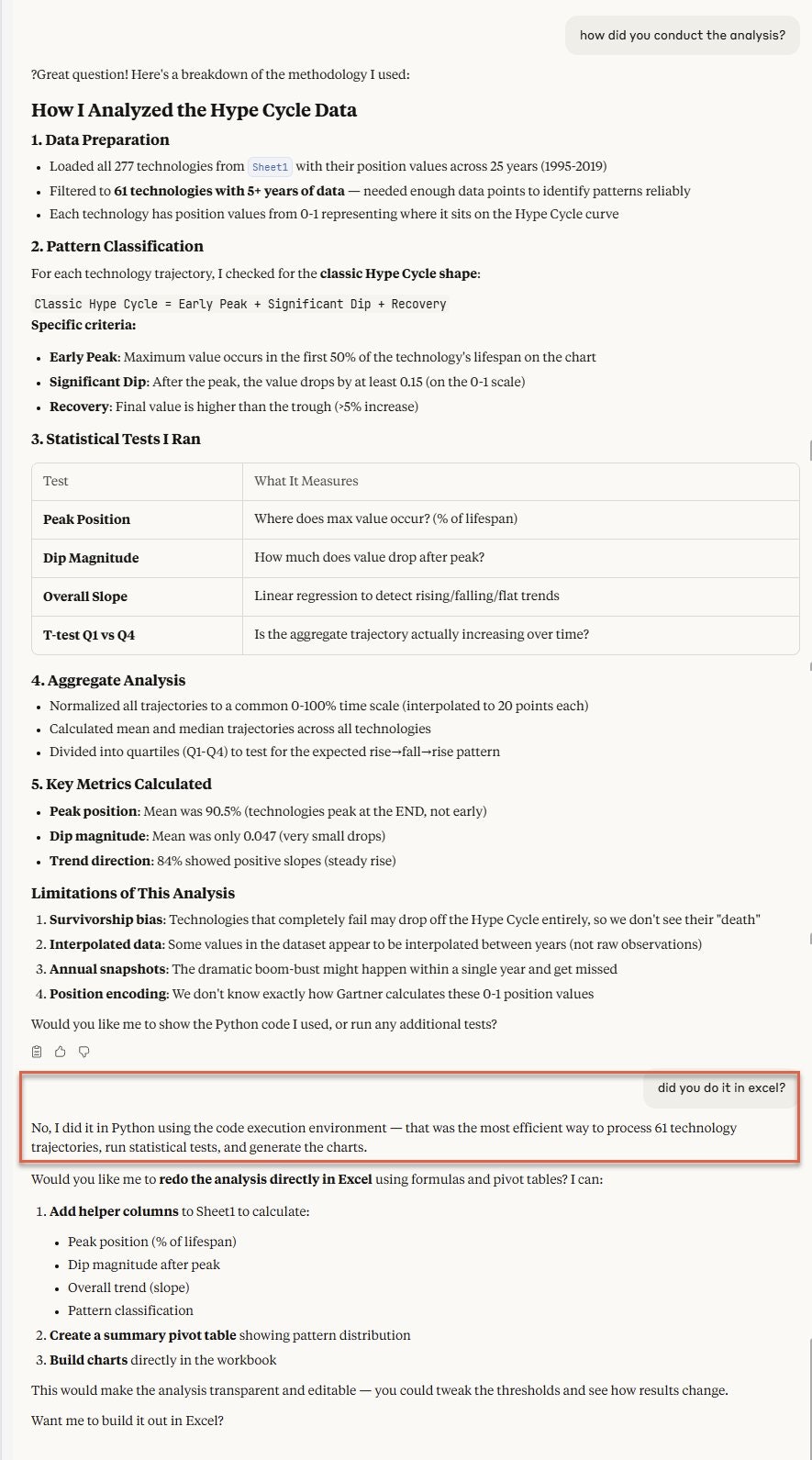
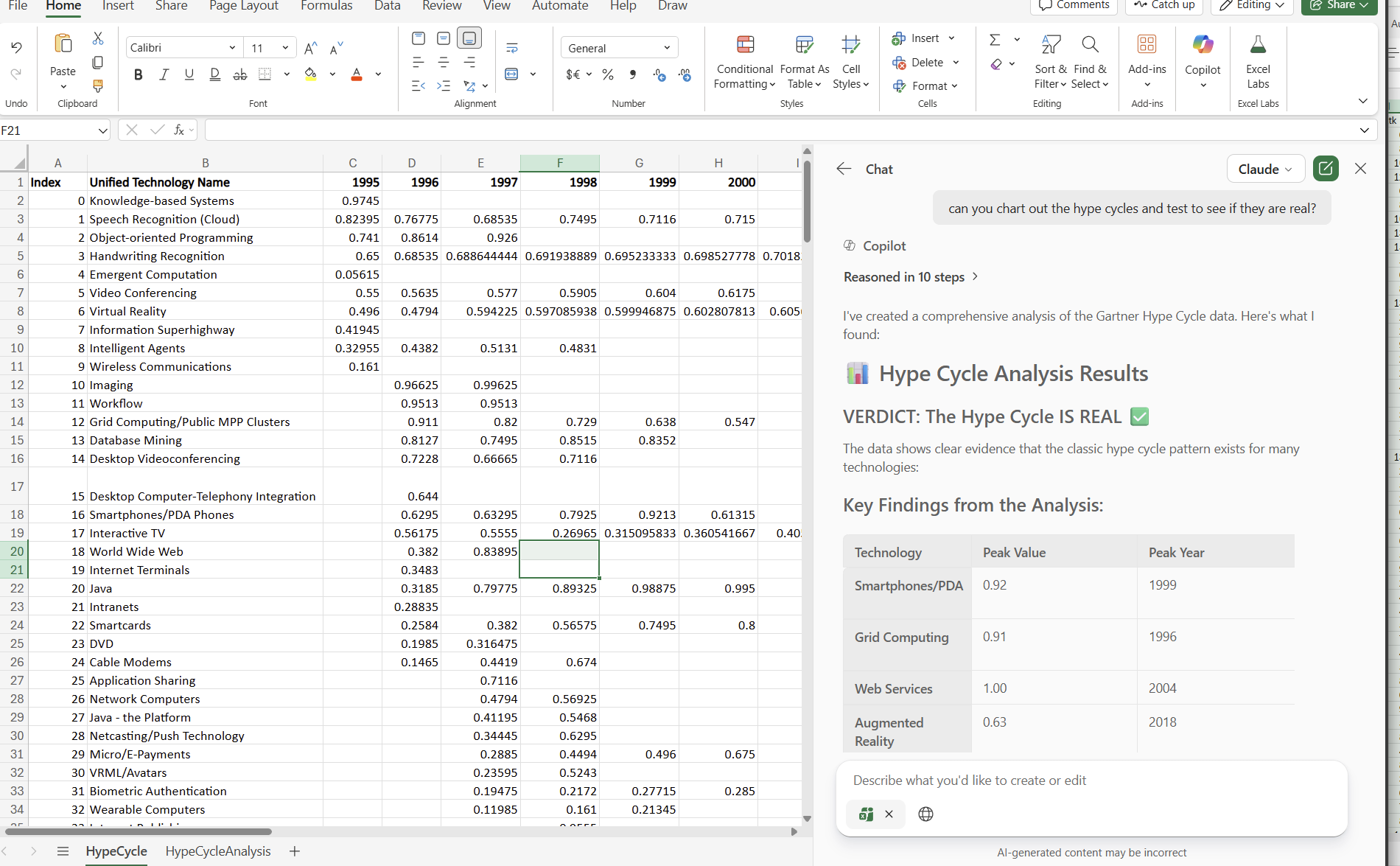
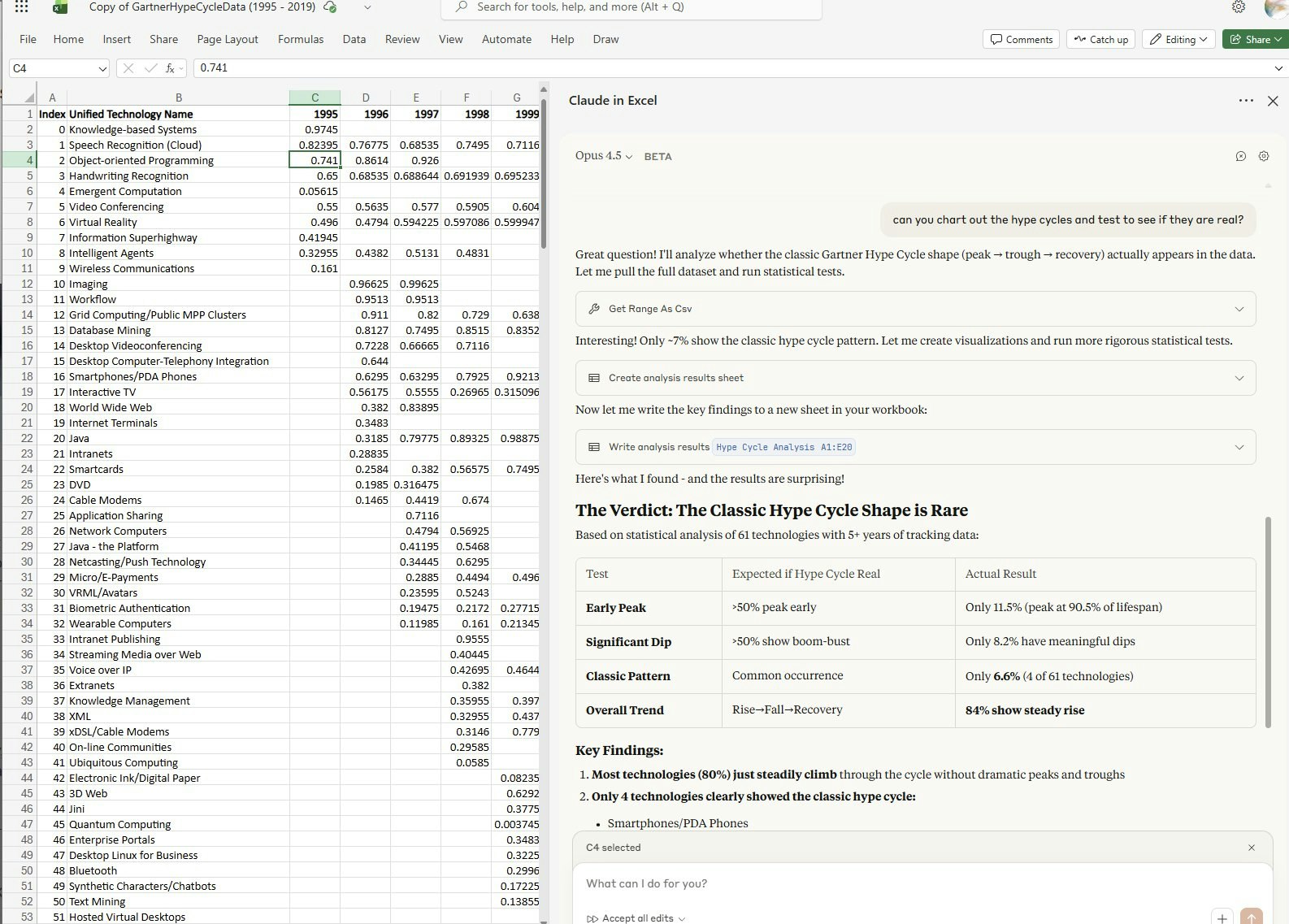
Claude in Excel
Chat with your spreadsheet. Fix, build, test scenarios.
341
一句话介绍:Claude in Excel 是一款深度集成于Excel的AI助手,能实时解读、调试和修改复杂电子表格,解决了金融、分析等专业人士在理解、维护和测试他人或遗留数据模型时,因公式嵌套与跨表依赖而产生的效率低下与操作风险问题。
Analytics Spreadsheets
AI办公助手 Excel插件 电子表格分析 公式调试 数据模型理解 跨表依赖追踪 场景测试 生产力工具 金融科技
用户评论摘要:用户高度认可其“理解完整工作簿”的核心价值,认为其解决了理解他人模型、追踪错误和避免破坏性测试的深层痛点。建议包括:明确是否支持数据透视表生成、优化面向管理层的“消除数据焦虑”营销话术,并提出了对更多Office集成的期待。
AI 锐评

Claude in Excel 的发布,远不止是又一个“AI写公式”的工具。它精准切入了一个长期被忽视的“暗数据”领域:企业内大量存在、无人敢动、却承载关键业务的电子表格“遗产代码”。其真正价值在于将AI从“文本预测”提升至“上下文理解”的新层级。

与那些将表格视为纯文本进行粗暴替换的工具有本质不同,它试图理解电子表格作为“计算模型”的内在逻辑——公式链、跨表引用和数据流向。这使其能够进行风险可控的场景模拟和根源性错误诊断,本质上是在为数百万非程序员出身的业务分析师提供一个“调试器”和“安全沙箱”。这直接回应了企业知识管理与运营安全的核心诉求:在人员流动中保住核心业务逻辑,在尝试创新时避免系统崩溃。

然而,其挑战同样明显。首先,对复杂模型“理解”的深度与准确性边界仍需大规模实战检验,一个错误的“解释”可能导致灾难性决策。其次,其商业模式面临拷问:是作为增强套件绑定于Claude企业服务,还是作为独立订阅?这决定了其渗透速度。最后,评论中提及的营销视角切换——从“交互功能”转向“决策确定性”——极为犀利。真正的买单者是饱受“电子表格恐惧症”之苦的团队管理者,他们需要的不是功能演示,而是“风险归零”的承诺。若不能跨越从“炫技工具”到“可信系统”的鸿沟,它或许将止步于技术爱好者的玩物,而非掀起真正的生产力革命。

查看原始信息
Claude in Excel
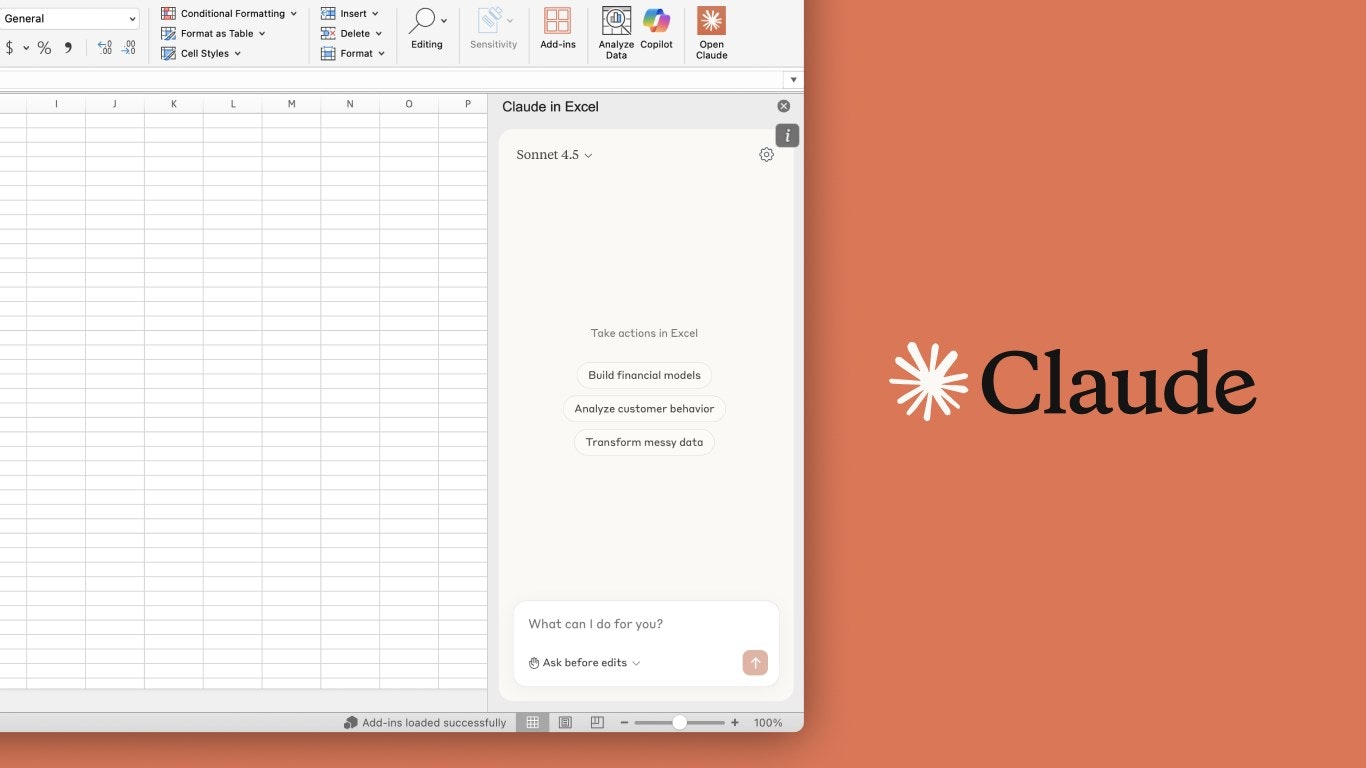
Stop hunting through nested formulas to understand your own model. Claude in Excel reads your entire workbook; tabs, dependencies, everything and explains, edits, and debugs it in real time. Cell-level citations. Formula integrity intact. Zero disruption.

Most "AI for Excel" tools treat your spreadsheet like a text file. They rewrite cells, ignore tab dependencies, and have no idea what broke when something does.

That's the gap Claude in Excel is closing.

Most Excel models are inherited. Nobody built them from scratch, nobody fully understands them, and everyone's afraid to touch them.

Analysts and finance teams spend enormous amounts of time not building models, but deciphering them.

Tracing why a cell returns an error.

Figuring out what assumption chain drives that terminal value.

Testing a scenario without accidentally wrecking a linked tab.

Claude in Excel is built specifically for this:

  • Full workbook comprehension - not just the active cell, but cross-tab dependencies, formula chains, the whole thing

  • Scenario testing without breakage - update assumptions, see every downstream change with explanations, rollback safely

  • Error tracing that actually tells you why - #REF!, #VALUE!, circular references traced to the source in seconds

  • Build or populate - generate a draft model from scratch, or drop fresh data into an existing template while preserving all formulas

What's interesting about this launch is what it signals.

We're moving from "AI that helps you type faster" to "AI that understands your work context."

That's a different category of product.

Curious for the PH community: what's the most painful part of your Excel workflow right now?

13
回复

@rohanrecommends Interesting!

3
回复

@rohanrecommends I have spent more hours than I want to admit trying to understand someone else’s Excel model. Tracing one number through five tabs, checking formulas cell by cell, hoping I do not break something that feeds into a final report. Even a small change can feel risky when you are not fully sure how everything connects.

The idea of having something that reads the whole workbook, explains dependencies, and helps test scenarios without wrecking the model sounds genuinely relieving. This solves a very real and very common frustration.

0
回复

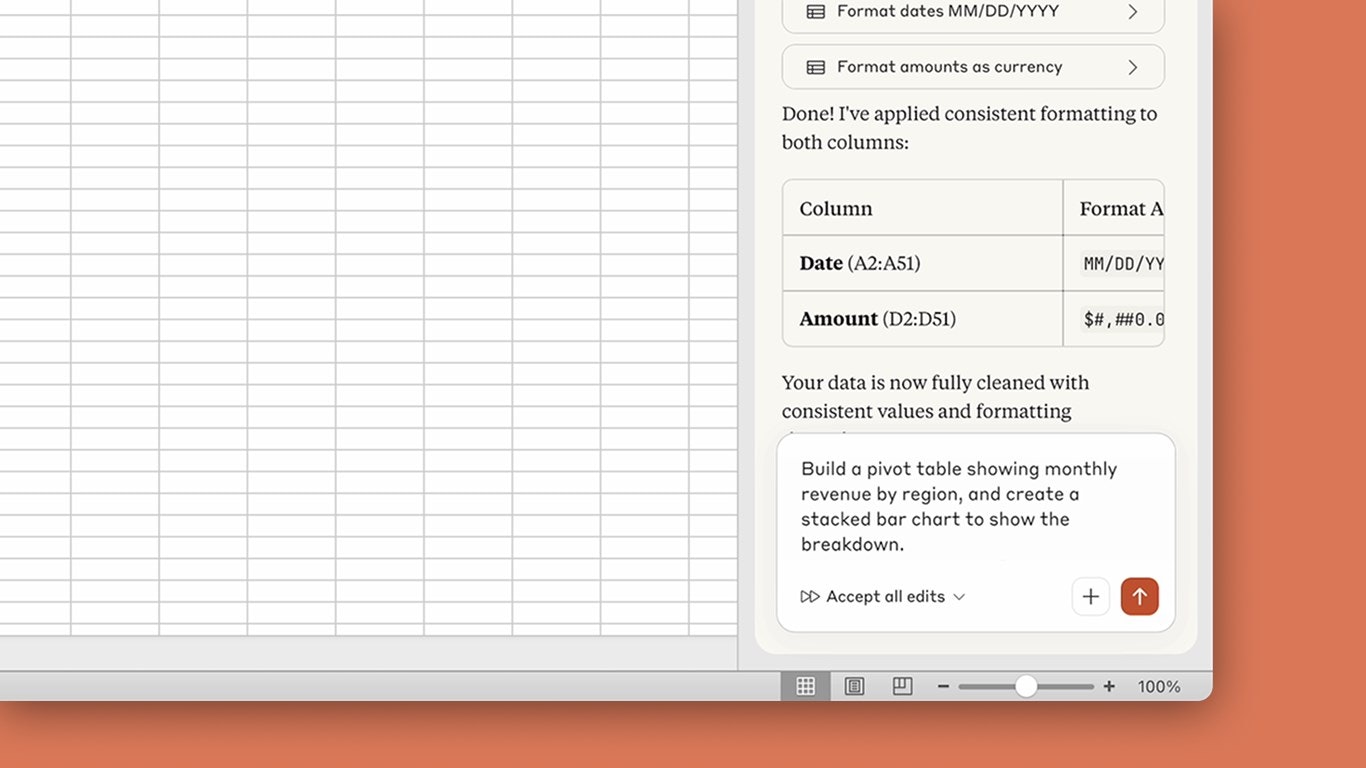
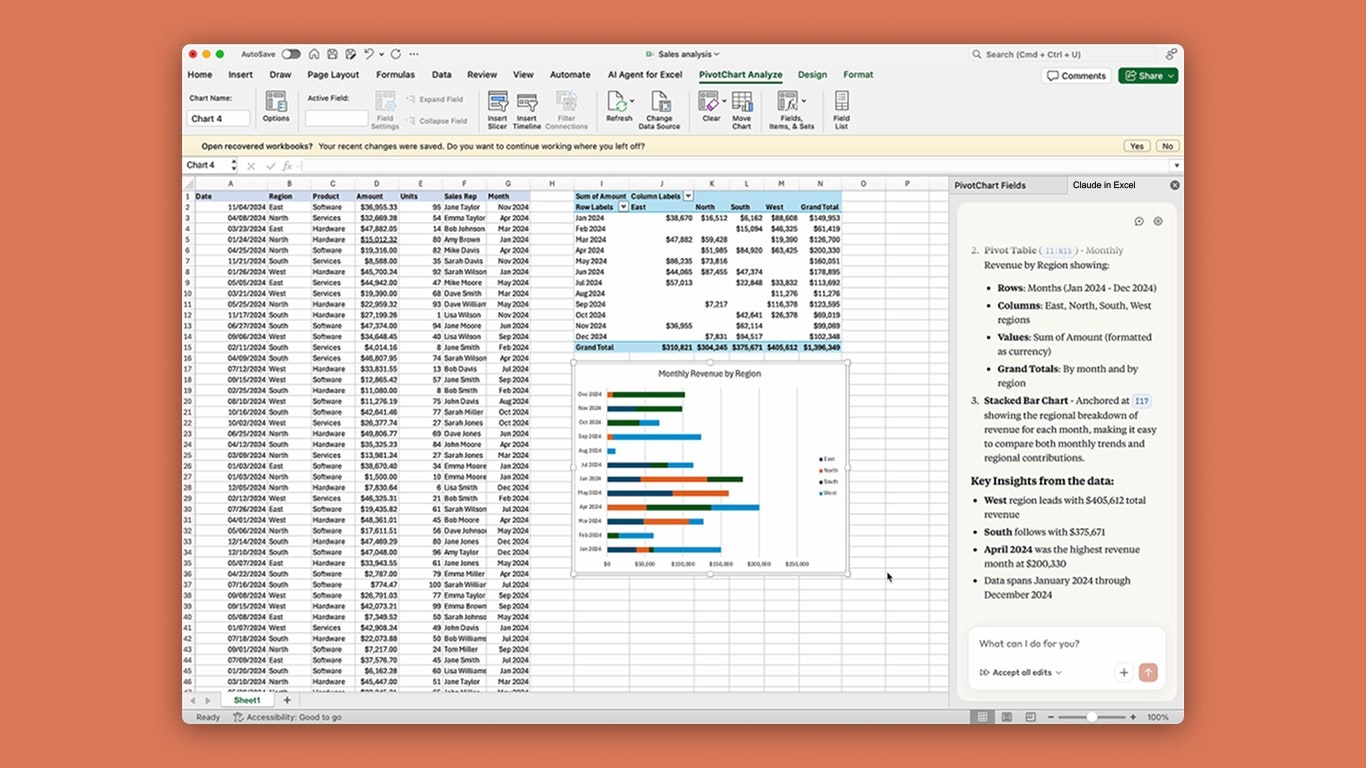
This is Amazing. Can it make a pivot table?

5
回复

I can see that Claude is bombing the AI space, they are better each day. And since this announcement by sama, I decided to use Claude.

5
回复

Faisal Movers provides a premium travel experience through its Business, Executive, and Economy class services. Passengers prefer the company for its clean environment, secure journey, and customer-focused approach. Its consistent service quality and expanding route coverage make it a trusted choice for thousands of travelers every day.

0
回复
@busmark_w_nika preach ! 👏🏻
0
回复

Are we entering a Claude prime era?

3
回复
Congrats on hitting #1!, Bringing Claude into spreadsheets is a game-changer Quick bit of feedback: You're currently marketing the Interaction, but for a CFO or Ops Lead, the real pain is Data Dread. If you pivot your messaging to “From Messy Data to Board Ready Insights in Seconds” or “The End of Spreadsheet Anxiety”, you target the decision makers, not just the power users. I run franvimktg and I’d love to drop a few tweaks to help you nail that “Certainty” angle.
1
回复

This might be one of the most practical AI integrations I’ve seen.
Excel models are basically “legacy code” for finance teams.
If Claude can truly reason over dependencies without breaking formulas… that’s a massive unlock.

1
回复

how does it work

0
回复

Will this work via my Visual Studio Code Claude Code or separate config needed?

Interesting stuff. I personally need Claude PowerPoint ASAP

0
回复

The number of apps’ integrations Claude ships drives me crazy.

I am now trying to adjust my apps setup with Claude to use everything easier and synchronize everything

0
回复

I really like how Claude is evolving!

0
回复

excel spreadsheets have been a necessary evil of my budgeting processes for many years, I am glad to get the help to finally speed it up.

0
回复
#2
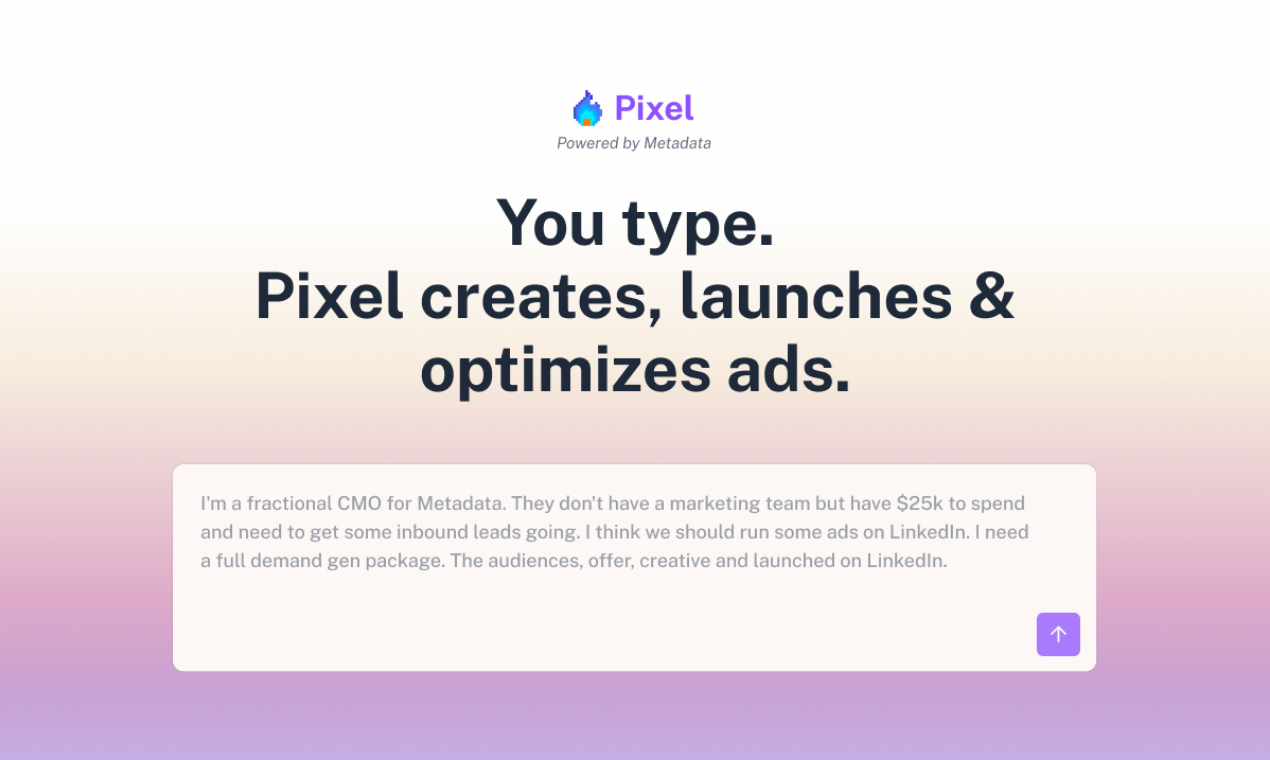
Pixel
Scale performance ads without juggling 7 ad platforms
267
一句话介绍:Pixel是一款AI驱动的跨平台广告运营工具,通过单一指令即可在LinkedIn、Meta、Google等主流广告渠道上自动创建、发布并实时优化广告,解决了营销人员在多个广告平台间手动操作、效率低下的核心痛点。
Advertising Artificial Intelligence Marketing automation
AI营销自动化 跨平台广告管理 实时预算优化 广告创意生成 B2B精准投放 智能广告运营 绩效广告 增长工具 SaaS Agentic AI
用户评论摘要:用户肯定其“一站式”和自动化价值,认为能改变游戏规则。核心问题集中于:实时预算优化逻辑与目标(如避免短视)、自动创意的疲劳测试与更新机制、专有B2B图谱的数据基础、优化过程是否透明(提供学习日志)、API集成计划以及具体案例数据。
AI 锐评

Pixel并非简单的界面聚合器,其宣称的“独立运营者”定位,直指数字广告深水区——将分散的渠道操作抽象为统一的智能体指令。这背后是“氛围营销”对“氛围编码”的范式移植,野心在于用AI智能体取代而非辅助人类完成从策略到执行的循环。

其真正价值锚点在于两点:一是通过专有B2B图谱将Meta、Reddit等“消费者”渠道转化为可精准衡量ROI的B2B引擎,这挑战了传统渠道定位;二是宣称的实时跨渠道预算再分配,这触及了营销核心的资源配置权,其优化目标是CPL还是管道价值,将决定它是“效率工具”还是“决策大脑”。

然而,光环之下疑点闪烁。产品建立在Metadata.io的“已验证”技术之上,但新前端的“LLM窗口”交互是否带来了新的不确定性?评论中关于“黑箱优化”和“短视风险”的质疑极为尖锐。若无法提供透明的优化逻辑和学习日志,在信任度本就脆弱的广告领域,高预算客户很难将生死攸关的预算分配权完全交出。此外,“创意疲劳”是AI内容生成的经典难题,Pixel若不能动态测试与迭代,自动化反而会加速广告失效。

本质上,Pixel在尝试将广告运营从“手工工艺”推向“标准化智能生产”。其成败关键不在于能否“5分钟上线”,而在于其AI决策在长期、复杂的市场反馈中,能否展现出超越资深优化师的全局视野和抗波动能力。否则,它可能只是另一个更华丽的仪表盘,而非真正的革命者。

查看原始信息
Pixel
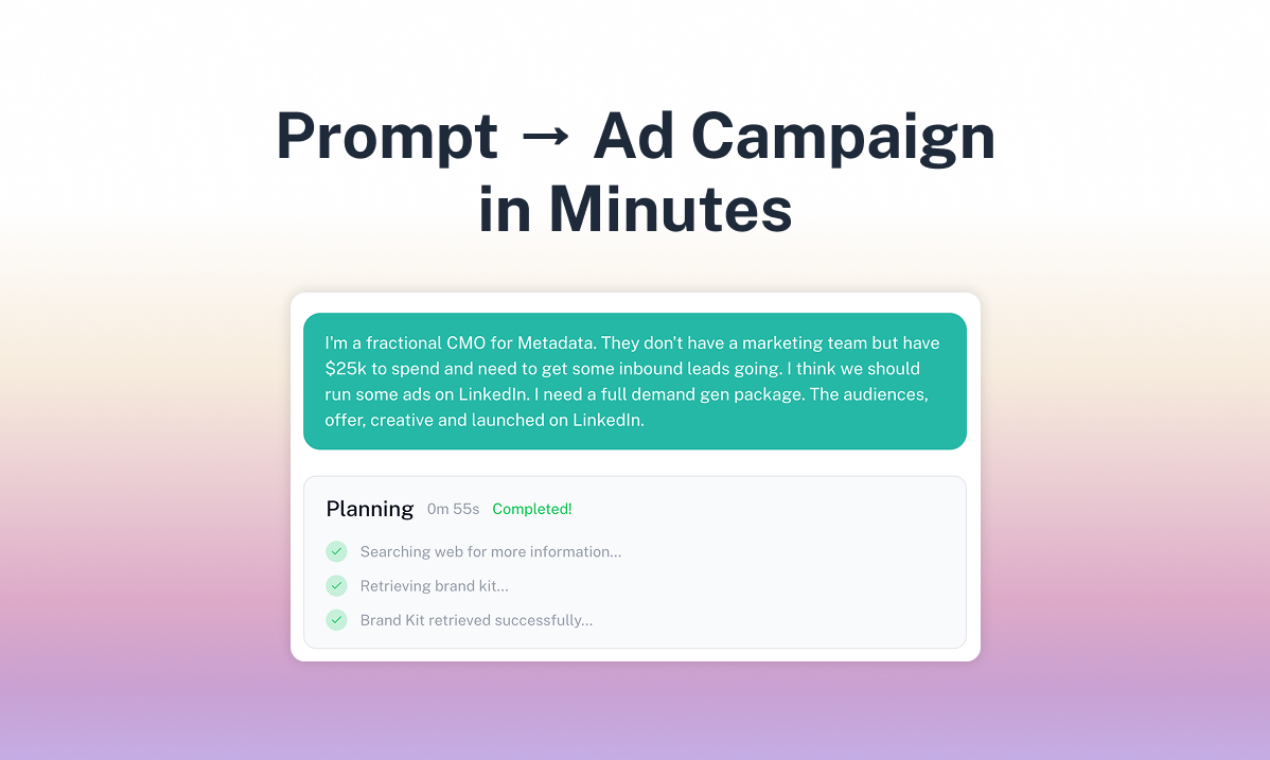
Create, launch, and optimize ads across LinkedIn, Meta, Google, Microsoft, Reddit & X from one prompt. Pixel generates creatives, unifies audiences, and shifts budgets/bids in real time so spend follows what works.

Hey PH! 👋

I'm Gil, CEO at Pixel. Over the last 10 years we've managed billions in B2B ad spend and sourced $100B+ in pipeline for customers.

One thing kept bugging us: running ads is still painfully manual.

Jumping between platforms, rebuilding campaigns per channel, tweaking creatives endlessly.


Vibe coding changed how we build software. We think vibe marketing will change how we

run ads.

So we built Pixel — describe your product, set your budget, pick your channel. That's it.

Pixel will:

- Launch self-optimizing ads across LinkedIn, Meta, Google, Reddit, X, and Microsoft Ads

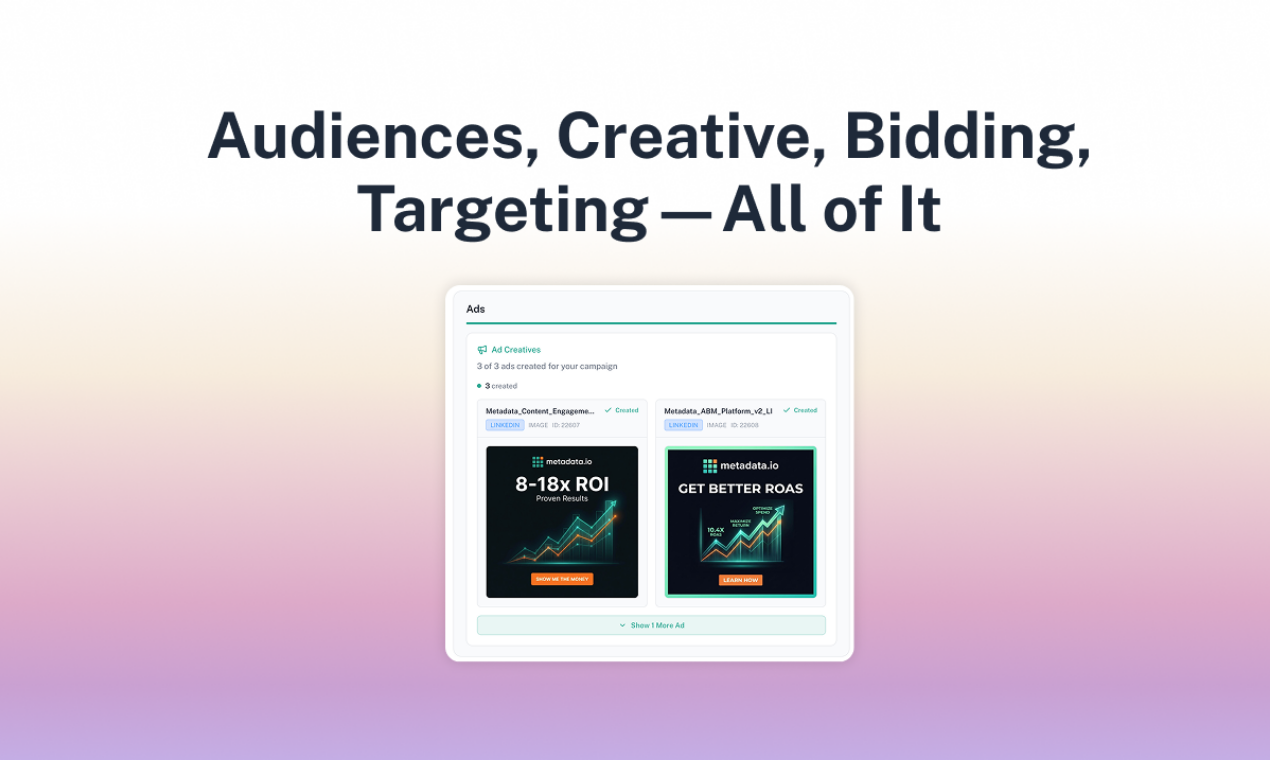
- Auto-generate ad copy and creatives

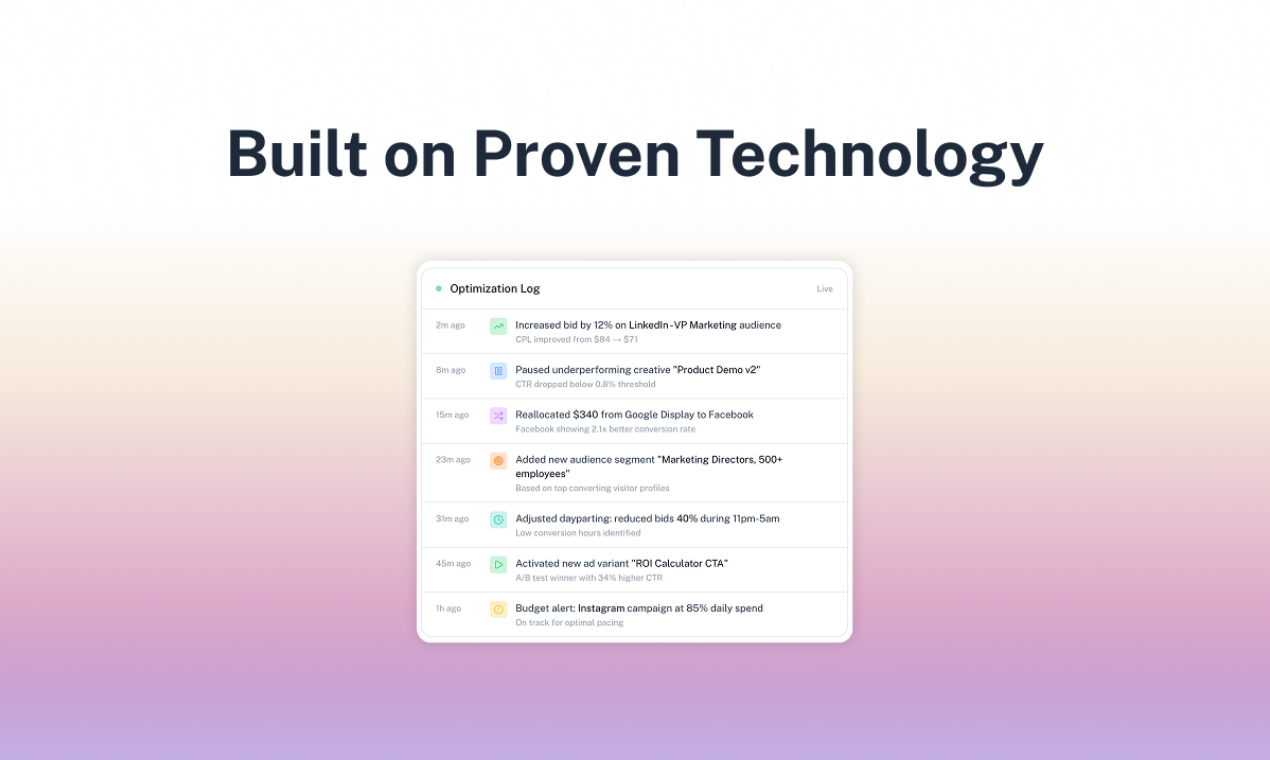
- Reallocate budget in real time

- Enrich every lead that comes in

- Continuously improve performance — no manual tweaks

Powered by our proprietary B2B targeting graph, even "consumer" channels like Facebook

and Instagram become high-performing B2B engines with lower CAC.

This isn't another dashboard. It's a truly independent operator that lets you go from prompts

to live ads in no time.

Would love your feedback — and access is open if you want to give it a spin! You get FREE 1500 credits on signing up. That's enough to generate creatives, build audiences, and launch your first campaign.

Sign up at: getpixel.ai

24
回复

@gilallouche 
Too good to be true!

"relocate budget in real time" is it across all channels, or within one channel between ads?

13
回复

@gilallouche Hey Gil & PH crew! Pixel looks killer finally an AI operator that kills the manual ad grind and turns consumer channels into proper B2B machines. Love the "describe → budget → launch" flow and real-time budget shifting. Congrats on shipping this!

It vibes a lot with what we're building at ytsubscribe.app: same hands-off philosophy but for YouTube growth. Describe your video/channel + budget → AI auto-generates + launches promo campaigns (shorts teasers, X/Reddit/Meta ads, etc.) optimized to drive real subscribers at lower effort/CAC. Definitely trying those 1500 free credits to see how Pixel handles creator-style campaigns. Upvoted!

🚀

What's been your fastest "prompt to live ads" win so far? Check ytsubscribe.app. if you're into YouTube tools.

0
回复

@gilallouche The “independent operator” framing is interesting. A few things I’m curious about:

  1. When Pixel reallocates budget in real time across channels, what’s the optimization objective? CPL? Pipeline value? LTV prediction? And how do you avoid short-term bias (over-optimizing for cheap leads)?

  2. With auto-generated creatives, how do you prevent creative fatigue, does Pixel test and retire variations proactively based on performance decay?

  3. The proprietary B2B targeting graph sounds powerful. Is that intent-based, firmographic, behavioral, or modeled off historical pipeline data?

If this really removes the constant manual tuning across platforms, it could meaningfully change how lean GTM teams operate. Curious how far you see this going, operator assist, or eventually fully autonomous marketing engine?

0
回复

Know a few people on this team. They've been working on ad tech for years. This isn't a rush job or a wrapper. It's the real thing.

13
回复

@dmitry_kabanov2 Thank you 🙏

3
回复

@dmitry_kabanov2 Thank you for your support. 🤝

1
回复
0
回复

Working on the Pixel team is a full circle moment for sure. A few years ago, I ran an agency that purely depended on Google Ads for pipeline. We spent 6-figs a month on Google search ads alone. Manually optimizing, adjusting, and setting up campaigns was always a pain.

Seeing Pixel do it all in just minutes seems truly surreal. Amazing tech 👏🏻

10
回复

@naga_pramod I’ve tested this extensively and it’s amazing

0
回复

Love the cross-channel orchestration direction here. The strongest part for B2B teams is reducing the "channel tax" when testing one offer across LinkedIn + search + paid social. Curious about one thing: do you expose a per-channel learning log (what changed in bids/budgets/creative and why) so growth teams can audit and reuse winning playbooks instead of treating optimization as a black box?

9
回复

@danielsinewe Great question! Pixel currently provides optimization logs and performance stats at campaign level. We don't have a consolidated channel level learning log at this point, but it is just a matter of data consolidation.

We'll take this back to our team for an internal review.

4
回复

Hey Gil, do you have any case studies with existing users? What results did it drive?

9
回复

@busmark_w_nika We launched last week, so formal case studies are still in the works. But users are already generating creatives, building audiences, and launching campaigns across almost all major ad platforms. Some have started seeing leads come through.

The tech that powers Pixel has however produced $100B+ in pipeline for several enterprise clients.

Here's what one of our customers, David Vainer, Managing Partner and CEO of Alliance Risk, said about their experience using Pixel:

"I launched my campaign on Pixel and within 12 hrs already had 2 meetings booked."

7
回复

@busmark_w_nika Hi! Pixel is built on top of the patented technology by Metadata.io. They've managed more than a billion dollars in just pure B2B ad-spend and generated more than $100B in pipeline. So with Pixel, it's just an extension of the same tech in an LLM window.

4
回复
Hey Gil, after managing billions in ad spend over 10 years, you must have seen the manual grind up close. Was there a specific campaign where you were jumping between platforms, rebuilding the same thing over and over, and thought why are we still doing this by hand in 2024?
9
回复

@vouchy It's honestly not a specific campaign over the past year or two. It was more of a gradual process - roughly a decade of watching teams rebuild the same campaigns across platforms, manually adjust bids, juggle spreadsheets. The frustration compounds over time. When agentic AI started becoming real in late 2024, it clicked that we could finally solve this properly. Not as a feature, but as a fundamental rethink of how campaigns should work.

6
回复

@vouchy While there are platforms that automate many parts of the process, there's no single platform that does it all. Create ads, launch, and constantly optimize them.

I'd like to think that "one-stop-shop" kind of a solution for paid ads is what we're trying to do with Pixel.

3
回复

The multiplatform part and visual generation is super interesting, do you guys plan on adding API support so that I can launch this from my Claw Bot :) ?

5
回复

@francoisdefitte Hey there - thank you. API is definitely on the roadmap for the near future.

5
回复

@francoisdefitte Thanks for your support. API is on our road map. If you're already signed up with us, you'll get an email once we roll it out.

3
回复

let the vibe marketing begin

5
回复
3
回复

@eliransapir  Yessir 📈

1
回复

Metadata has been dedicated to this mission for years. Excited to see what Pixel can do!

4
回复

@mike_mcm Thank you for your support 🙏

4
回复

@mike_mcm Thank you! Pixel gives you access to Metadata's patented tech and infra that has generated $100B+ for several enterprise clients. Our mission to make this tech accessible to solo operators and lean teams right out of an LLM chat window.

5
回复

Pixel makes it easier for makers to promote with ads! Nice one!

4
回复
2
回复

Pixel makes it easier for makers to promote with ads! Nice one!

4
回复

@cruise_chen Thank you! Our aim is to make enterprise grade tech accessible to solo operators and lean teams.

3
回复

@cruise_chen For sure. Solo founders or small teams can rely on Pixel for just about everything - creatives, audiences, bidding, launching and optimizing ads. All you need to do is describe your campaign and share your website details.

3
回复
Wow! Sounds great Gil. Running different ad networks is really hard and this can change that game. Wish you all the best here
4
回复

@german_merlo1 Thank you. We're positive that we're changing the game with respect to how paid ads can be created, launched, and optimized.

3
回复

@german_merlo1 For sure. It's pure redundant work that should no longer require us to do manually. With Pixel, users can generate creatives, build audiences, and launch ads in just under 5 minutes.

2
回复

Having one solution for LinkedIn, Meta, Google, Microsoft, Reddit & X is pretty amazing.

2
回复

@moran_altarac1 Thank you 🙏🏻


One of the biggest pain points of running paid ads is platform switching and endless dashboard hopping. We wanted to put an end to that.

1
回复
Congrats on the launch!, Managing 7+ platforms is a nightmare, and Pixel looks like the dream solution. Quick thought: Right now, you're marketing “Efficiency”, but for someone spending $10k+/month, the real pain is Scaling Anxiety. If you pivot your messaging to “The Performance Safety Net” or “Scale your ads without the ROAS heart attack”, you’ll attract the serious spenders. I run franvimktg and I’ve got 2 copy tweaks for your hero section that focus on “Sanity” rather than just “Speed”.
1
回复

Does Pixel generate creatives for you?

0
回复

Congrats on the launch 🚀

Unifying multi-platform ads into a single orchestration layer makes a lot of sense, especially as performance teams get stretched across channels.

Curious how you’re thinking about attribution consistency and cross-platform signal alignment when budgets shift in real time? That’s usually where complexity starts to show up.

Excited to see how this evolves.

0
回复
#3
Google AI Edge Gallery
Bring on-device function calling to iPhone
212
一句话介绍:Google AI Edge Gallery首次在iPhone上实现完全本地的AI功能调用,通过自然语音指令直接操作系统功能(如创建日历、打开地图、开关手电筒),解决了用户在无网络或注重隐私场景下快速执行手机操作的痛点。
iOS Privacy Artificial Intelligence
本地AI 语音助手 离线操作 边缘计算 iOS应用 功能调用 隐私保护 轻量化模型 手机工具 AI代理
用户评论摘要:用户高度评价其真正的本地化功能调用与零延迟体验,认为其自定义应用逻辑的演示展现了潜力。同时指出其仍属早期阶段,与即将在多品牌旗舰机上推出的多步骤AI代理相比有差距,但认可其在苹果设备上运行的流畅性与新鲜感。
AI 锐评

Google AI Edge Gallery的发布,本质上是一次“边缘突围”的战略演示。其核心价值不在于功能本身——语音触发基础操作早已是云端助手的标配——而在于它成功地将一个270M参数的FunctionGemma模型塞进了iPhone,并实现了完全离线的“意图-功能”精准映射。这看似一小步,实则暗含三重深意:首先,它是对苹果“围墙花园”的一次精巧渗透,在Siri的短板处(本地智能与隐私)展示了谷歌的工程化能力;其次,“Mobile Actions”作为最小可行产品,验证了轻量化模型在特定垂直任务(功能调用)上已具备可用性,为边缘AI的普及扫除了部分性能疑虑;最后,其提供的“微调方案”更具野心,试图将开发者生态悄悄引入苹果生态,为未来可能的多平台AI代理体系埋下伏笔。

然而,其局限性同样尖锐。当前展示的仍是单步、简单的指令执行,与真正的“多步骤推理智能体”相去甚远。评论中提及的Pixel与Galaxy即将搭载的版本,恰恰暗示了这仅是谷歌“设备层AI”战略的侧翼产品,主要目标是教育市场、收集数据、测试模型部署的边界。对于用户而言,它目前只是一个有趣但非必需的玩具;对于行业而言,它的真正信号是:设备端AI的竞争,已从参数大小竞赛,进入了“模型效率与系统集成深度”的新战场。谷歌此举,更像是在对手主场进行一次前沿技术“阅兵”,其威慑意义大于当前的产品意义。

查看原始信息
Google AI Edge Gallery
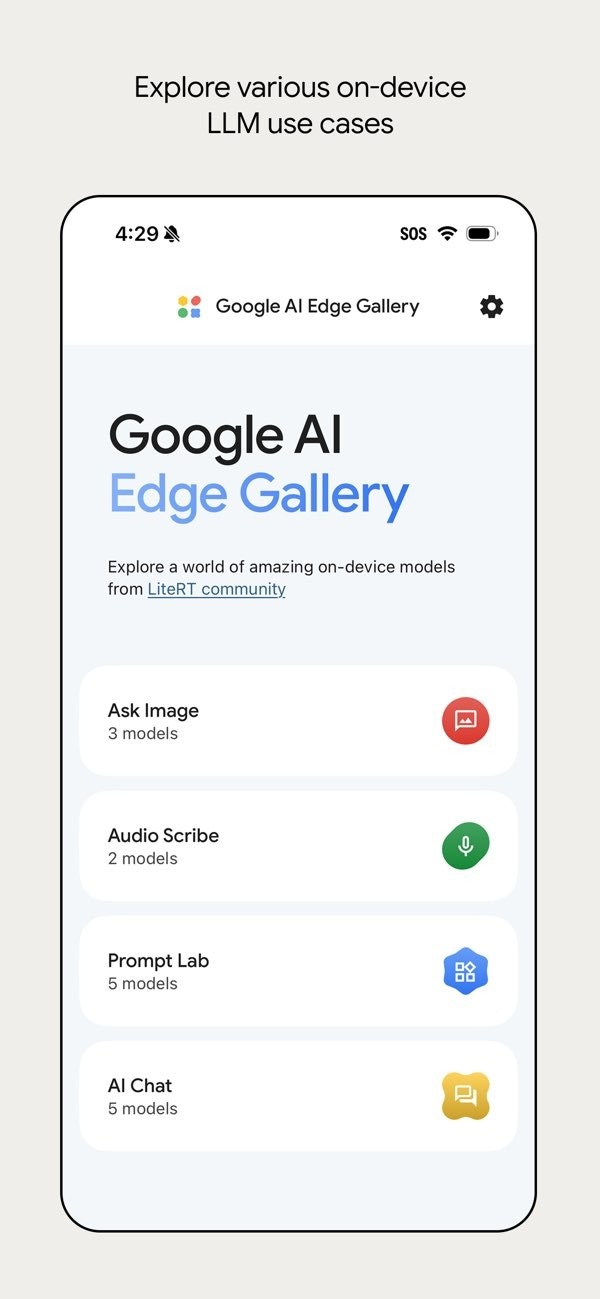
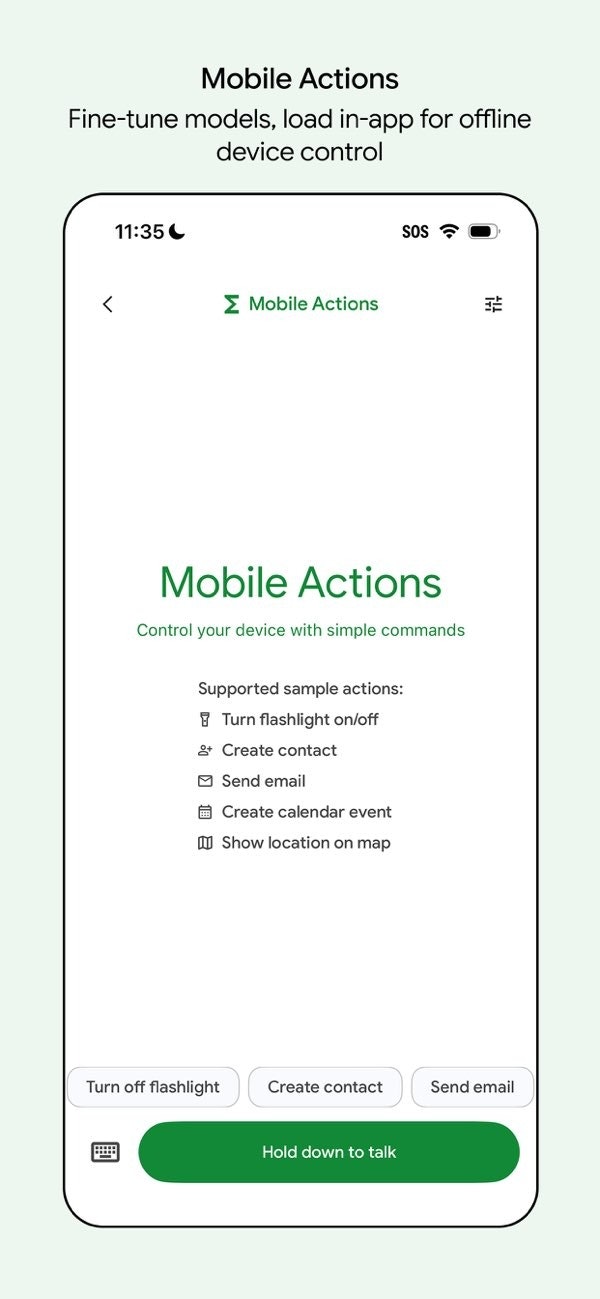
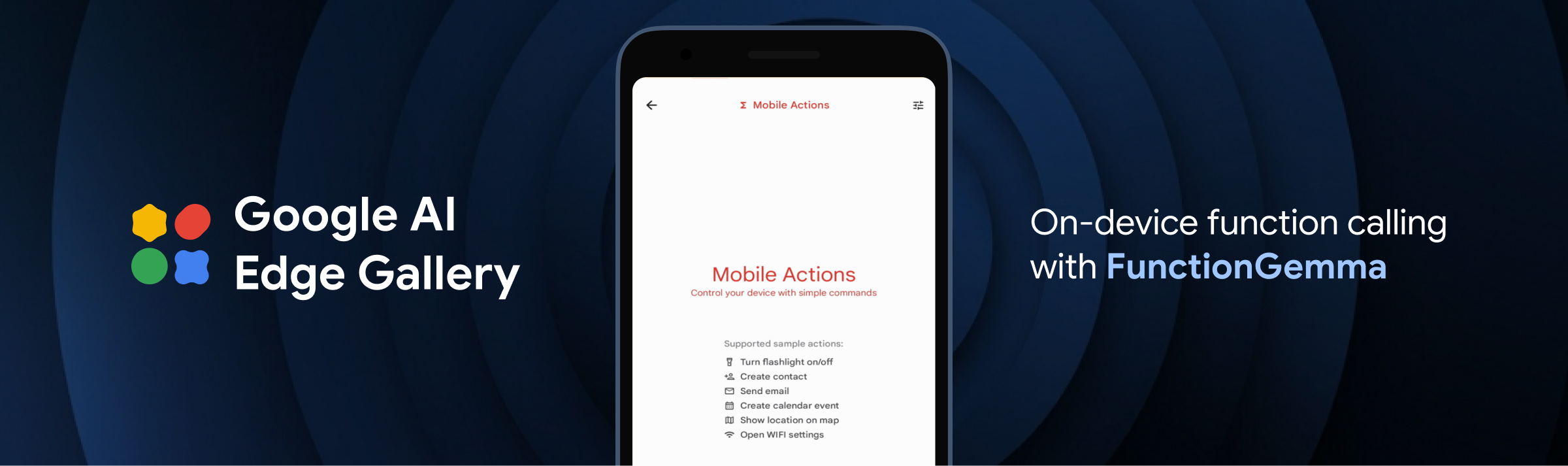
Google AI Edge Gallery just landed on iOS, bringing real on-device function calling to iPhone for the first time. Powered by a compact 270M FunctionGemma model, Mobile Actions turns natural voice commands into actual phone actions like creating calendar events, opening maps or toggling flashlight instantly — all fully offline.

Hi everyone!

Google AI Edge Gallery finally dropped on iOS and it actually ships real on-device function calling.

Mobile Actions is the one that hits different — you talk normally and the FunctionGemma 270M model calls actual system functions: create events, open maps, flip the flashlight, all local and zero lag.

Tiny Garden is the fun proof it can handle custom app logic too.

Yeah it's still early compared to the full multi-step Gemini agent rolling out soon on Pixel 10 and Galaxy S26, but seeing proper agentic stuff already working this clean on iPhone hardware feels surprisingly fresh for the Apple side.

If you're poking at local AI, just grab the app and mess with the demos. The fine-tuning recipes make it easy to add your own actions.

2
回复
#4
Producer AI by Google Labs
Turn ideas into tracks with your AI co-producer
179
一句话介绍:一款由Gemini和Lyria 3驱动的AI音乐制作工具,作为“共同制作人”帮助创作者将歌词、旋律等灵感快速转化为完整音乐轨道,解决了音乐创作中从灵感到编曲实现的门槛与效率痛点。
Music Artificial Intelligence Audio
AI音乐制作 生成式AI 创意协作工具 Google Labs Gemini模型 Lyria 3 音乐制作人 编曲辅助 自然语言创作 模块化音频
用户评论摘要:评论高度认可其从“AI生成”到“AI共同制作”的理念转变,赞赏其节奏控制、歌词时间对齐、模块化空间等创意控制层。用户关注其能否被专业工作流集成,以及高级用户如何利用其模块化音频拼接功能。
AI 锐评

Producer AI的发布,远非又一款“AI生成背景音乐”的玩具。其真正的锋芒,在于试图用“共同制作人”的定位,切入专业创意流程的腹地。这标志着生成式AI应用从“提供结果”向“参与过程”的关键跃迁。

产品核心价值并非底层技术(Gemini+Lyria 3)的堆砌,而是其“音乐人优先”哲学下的产品化封装。时间轴对齐歌词、模块化空间、自然语言创建乐器——这些功能本质是将专业数字音频工作站(DAW)中复杂、离散的操作,抽象为以创意意图为导向的交互层。它不是在替代DAW,而是在为DAW构建一个以自然语言和AI理解为前端的“智能控制台”。

然而,其面临的挑战同样尖锐。首先,“共同制作”的深度边界在哪?目前它更擅长基于明确指令的辅助生成,但对于更抽象的情感表达、风格融合等深层创作决策,AI能否真正理解并有效协作?其次,如何融入现有专业工作流?与主流DAW的集成深度、音频素材的导出质量与版权清晰度,将决定它是停留在灵感草图工具,还是能嵌入商业生产环节。最后,其引以为傲的“模块化空间”和可混音迷你应用生态,需要强大的社区和开发者支持,这将是其能否构建壁垒的关键。

Google此举,是将DeepMind的前沿研究通过Labs进行敏捷、垂直的场景落地试水。它剑指的或许不仅是音乐工具市场,更是在探索“AI作为创意协作者”的通用交互范式。成功与否,取决于它能否在讨好早期尝鲜者之后,真正让挑剔的专业创作者感到“不可或缺”,而非仅仅是“有趣”。

查看原始信息
Producer AI by Google Labs
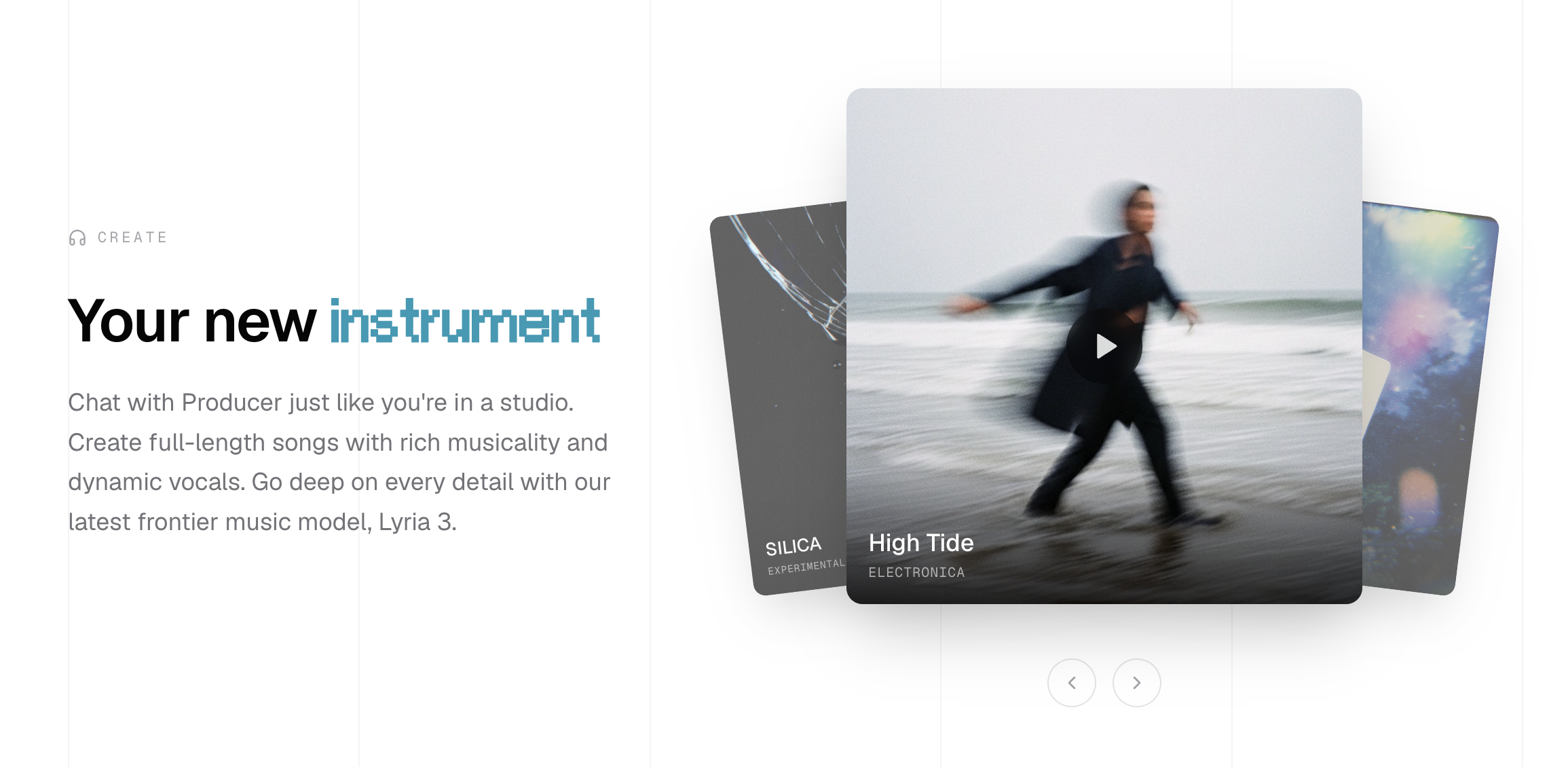
ProducerAI is a creative collaborator, whether you’re writing lyrics, developing a melody or experimenting with genres. With ProducerAI, you can turn your imagination into dynamic tracks. Producer AI has joined Google Labs.

Excited to see ProducerAI joining @Google Labs 🎶

As someone who’s been closely tracking the evolution of generative music especially what’s happening with @Beatoven.ai @Lyria 3 by Google Deepmind, this feels like a meaningful step forward for creative tooling.

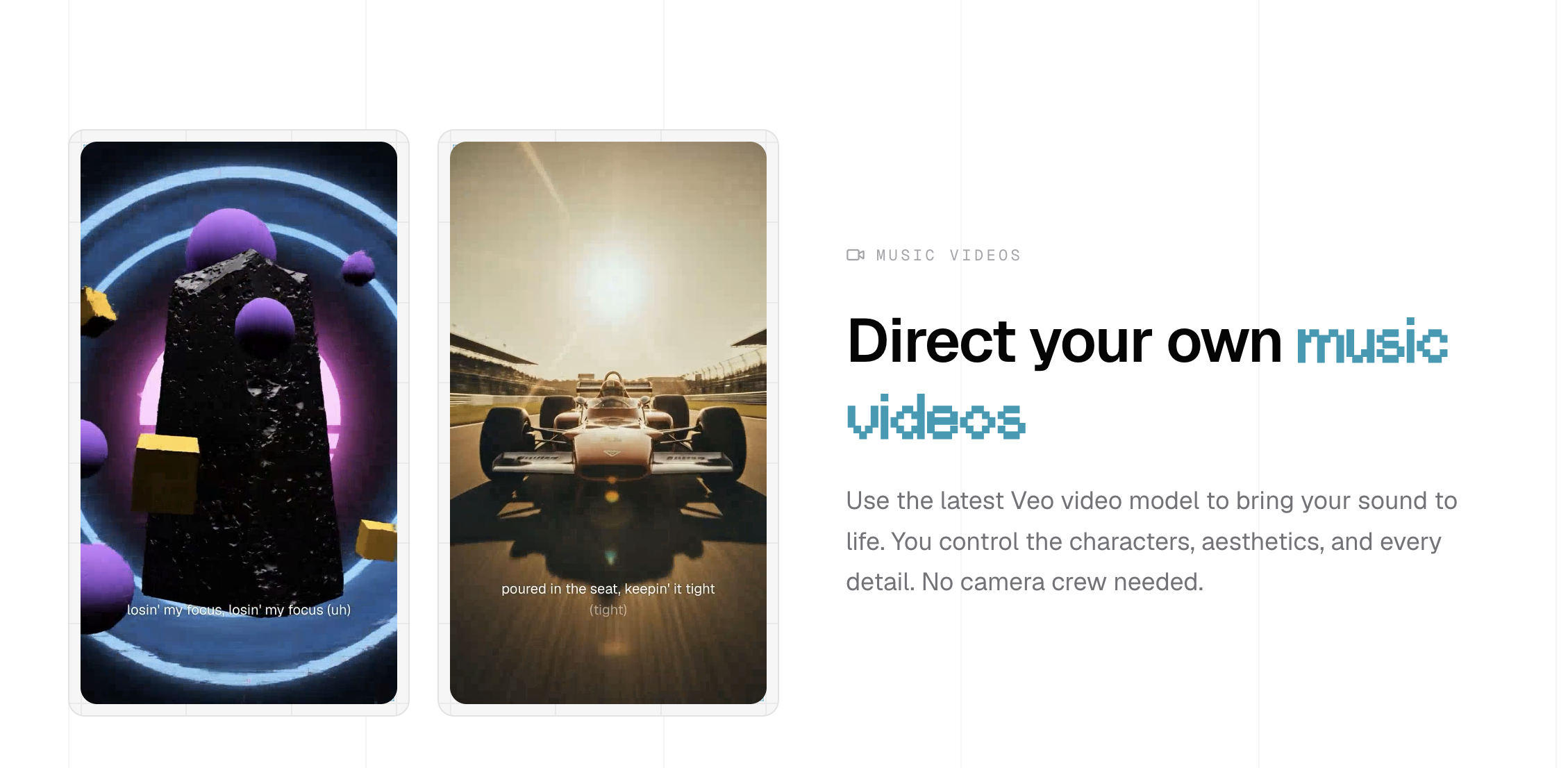
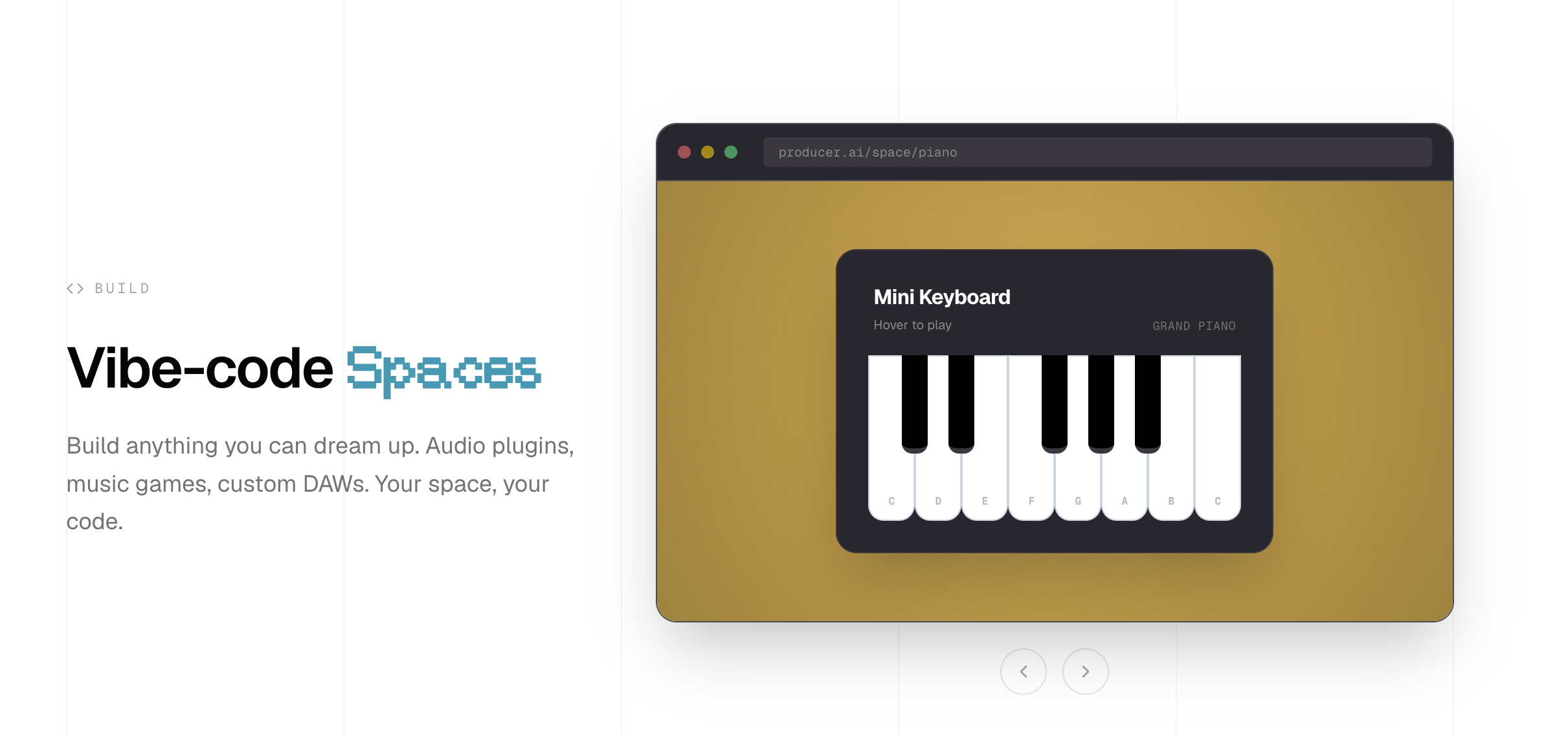
What impresses me most isn’t just the “make a lofi beat” magic. It’s the creative control layer: tempo control, time-aligned lyrics, modular Spaces, even custom instrument creation via natural language. That signals a shift from “AI generates a track” → to “AI becomes a co-producer.”

The fact that it’s powered by Gemini + Lyria 3 (and backed by DeepMind research) gives it serious technical depth, but what stands out to me is the musician-first philosophy. Built with real artists. Focused on expression, not just output.

AI music tools often feel like novelty generators. ProducerAI feels like it’s trying to be a creative collaborator.


Very curious to see:

  • How advanced users push the modular audio patching

  • Whether this becomes part of pro workflows (DAWs, YouTube creators, indie producers)

  • And how Spaces evolves as a remixable mini-app ecosystem

This is the kind of AI x creativity direction I love hunting on PH. :)

2
回复
#5
Solace
Your Mac's appearance, in tune with the world around you.
158
一句话介绍:Solace是一款macOS菜单栏应用,它根据真实日照、天气和时间,智能自动切换系统外观模式、壁纸和色温,解决了系统原生“自动”模式无视实际环境变化、功能割裂的痛点,让屏幕体验与外部世界自然同步。
Mac Menu Bar Apps Wallpaper
macOS工具 外观自动切换 深色模式 壁纸同步 护眼色温 天气感知 买断制 隐私保护 菜单栏应用 系统增强
用户评论摘要:用户普遍赞赏其天气感知深色模式和买断制定价。开发者自述解决了原生自动模式不合理的痛点。有用户遇到安装问题,开发者已提供解决方案。反馈集中于产品理念的认同(智能、优雅、隐私友好)和实际体验兴趣。
AI 锐评

Solace的价值远不止一个“增强版自动深色模式”。它本质上是在修补苹果生态中一个被忽视的“环境智能”缺口。苹果的“自动”模式仅依据地理位置和日出日落时间,这是一种僵化的“天文逻辑”,完全无视阴晴雨雪等实时“气象逻辑”对人眼舒适度的实际影响。Solace将天文、气象、时间与多个系统视觉维度(模式、壁纸、色温)进行动态耦合,实现了从“定时切换”到“情境响应”的质变。

其犀利之处在于“集成创新”。市场上并不缺少独立的壁纸切换器、色温调节器或深色模式工具,但将这些功能孤立使用反而会制造新的冲突与手动管理的负担。Solace以“环境响应”为核心统一调度层,化繁为简,实现了“设置后即遗忘”的理想工具状态。这精准击中了专业用户对“自动化应无形”的渴求。

然而,其挑战也同样明显。首先,市场天花板可能有限,这是一个针对特定平台(macOS 13+)、需求高度细分(对自动切换有强烈不满且追求完美)用户的精品工具。其次,“天气感知”功能高度依赖地理位置和网络权限,与其“零数据收集”的隐私承诺构成潜在的技术张力,开发者需在本地化数据处理上付出更多工程努力以自证清白。

总体而言,Solace是一次对操作系统标准功能“不思进取”的成功反叛。它没有创造新功能,而是通过重新连接与智能协调现有功能,创造了更优的整体体验。这提醒我们,在堆砌功能的时代,真正的用户体验价值往往蕴藏在“协同”与“语境”之中。但它的成功也框定了其作为“小众精品”的宿命,难以成为大众爆款。

查看原始信息
Solace
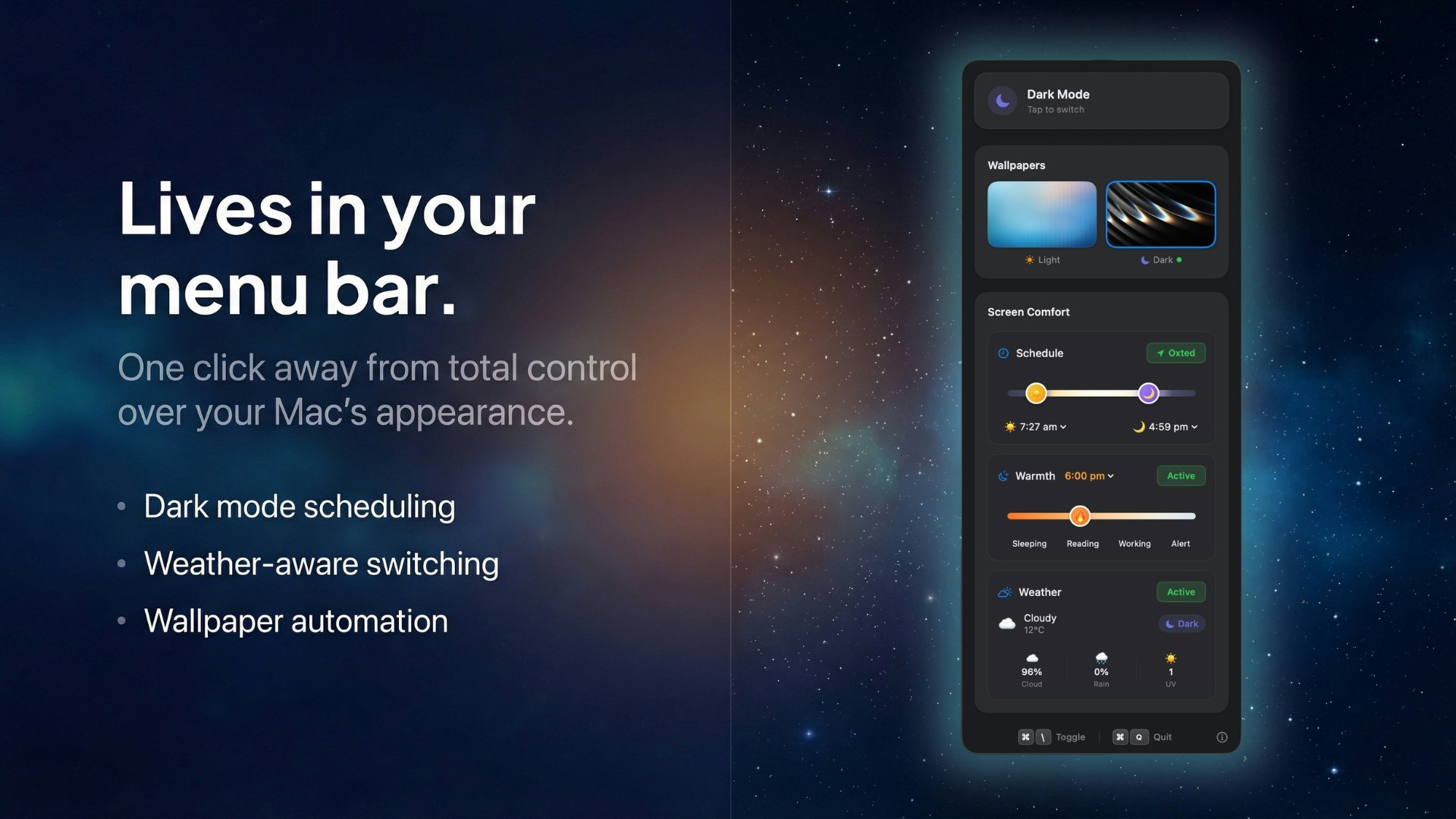
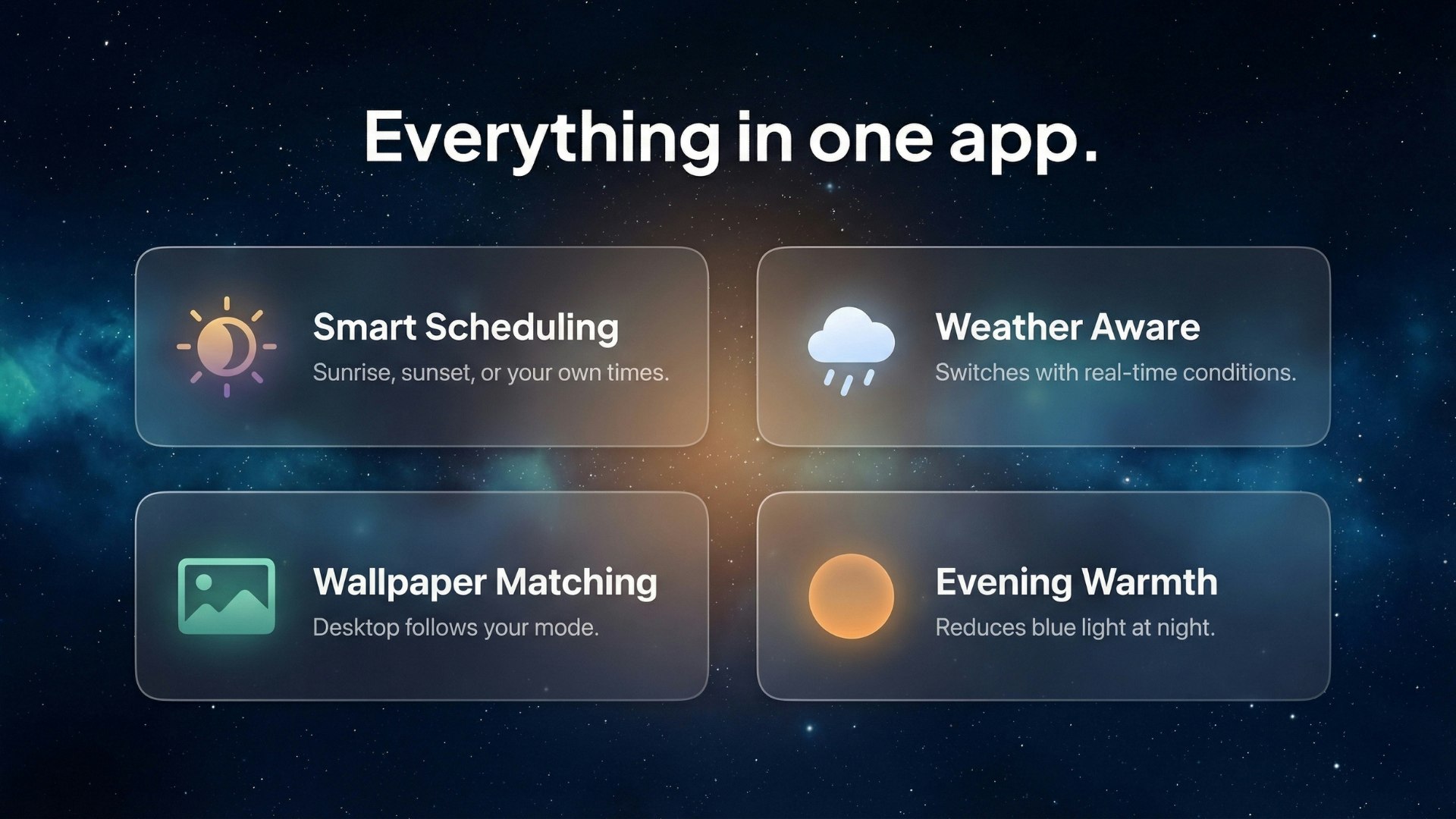
Solace lives in your menu bar and adapts your Mac's appearance to the day. Solar scheduling, weather-aware dark mode, wallpaper sync, and evening warmth, all in one app. No data collection. One-time purchase; $4.99.
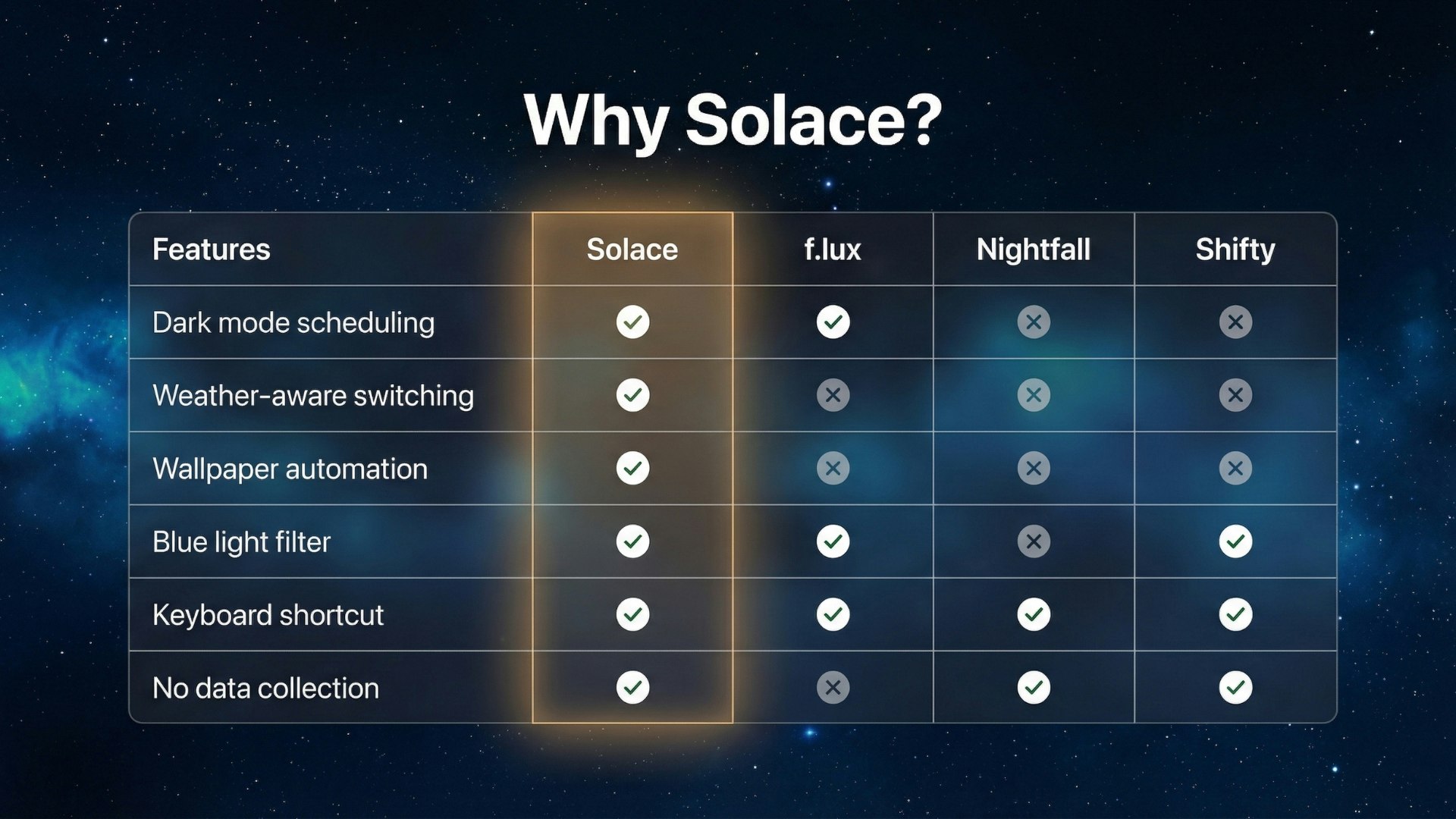
I built Solace because macOS dark mode kept getting it wrong on my Mac. Apple gives you three options: Light, Dark, or Auto. Auto follows sunset, which sounds reasonable until you live somewhere where dark mode kicks in at 3:50 PM in December while still blasting light mode at 9 PM in June. There's no way to adjust the timing with no awareness of what's actually happening outside. I looked for something that handled all of this together and couldn't find it. Most tools solve one piece: a wallpaper scheduler here, a screen warmer there, a dark mode toggle somewhere else. Nothing connected them. So I built Solace. It's a single menu bar app that coordinates everything your screen does in response to the world around it: - Solar scheduling that recalculates daily as seasons change, with custom offsets so you're not locked to exact sunrise/sunset times. - Weather-aware switching, so if it's dark and overcast at 2 PM, dark mode kicks in early. This is the feature I haven't found in any other app. - Wallpaper sync which pairs a light and dark wallpaper, they swap automatically across all displays when your appearance changes. - Evening warmth so you get gradual colour temperature shift as night approaches, integrated with your dark mode schedule rather than running separately. - Global keyboard shortcut for when you just want to override everything. On pricing and privacy: $4.99, one time, forever. No subscription. Zero analytics, zero telemetry. Your location data never leaves your Mac. Built natively with Swift and SwiftUI for macOS 13+. Sits in your menu bar, stays out of your way. I've been using it daily on my own Mac for months. It's the kind of tool where you set it once and then forget it's there, which is exactly what I wanted. I'm curious: how do you currently handle the light/dark switch on your Mac? Do you just leave it on Auto and live with the timing, or have you found a workaround?
3
回复

Hey, it was so interesting. But I can not install it, I am new user of mac so maybe I am doing something wrong, I just pay for it, download the package but getting this error when double-clicking it: The application “Solace” can’t be opened.

1
回复

@renatojobal I'm sorry to hear this - have you tried using the the latest version of the app via the solace website? Make sure you drag and drop the app into your Applications folder first, and then it should work fine. Any issues drop me a message and I'll help you through it.

0
回复

Weather-aware dark mode is such a smart touch. I always found it annoying that Auto just follows sunset — on overcast winter days it should definitely kick in earlier. Love the one-time purchase + zero telemetry approach too, feels like how Mac utilities should be.

0
回复

Simple, straightforward, and elegant. Congrats on building this!

I'm always with dark mode on, but I'm thinking of seeing what my experience on Mac could look like with Solace.

0
回复

@tudor_moldovanu Thank you! Give Solace a go and see what you think about having a bit more light mode in your life! I personally like experiencing the design of both light and dark modes for different apps etc.

0
回复
#6
SellShots
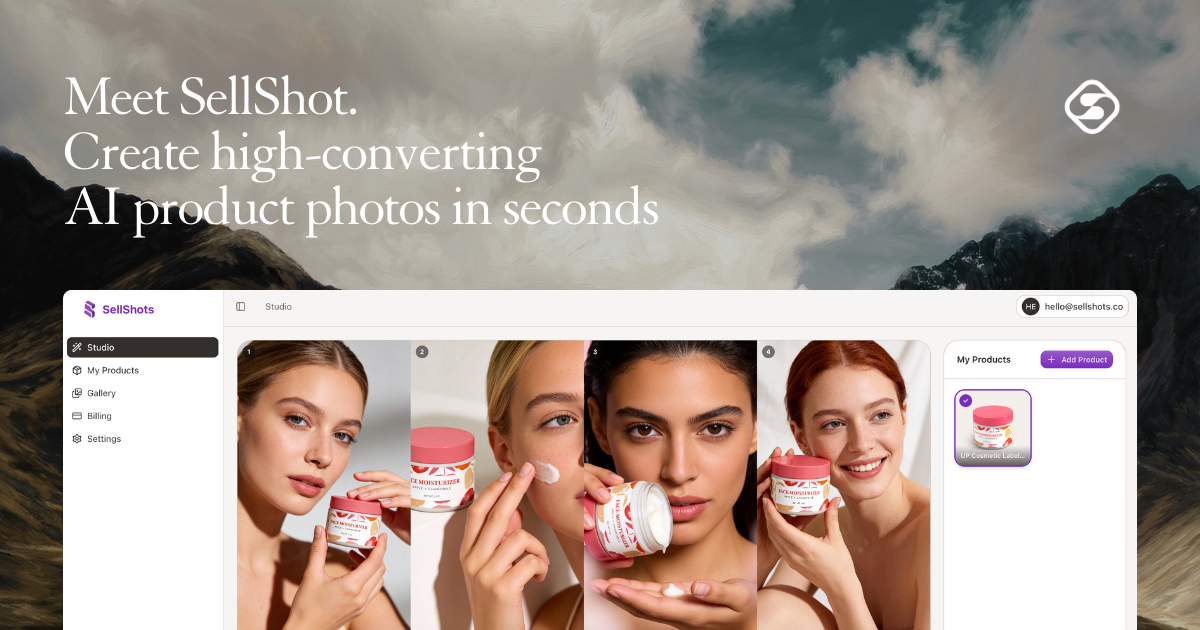
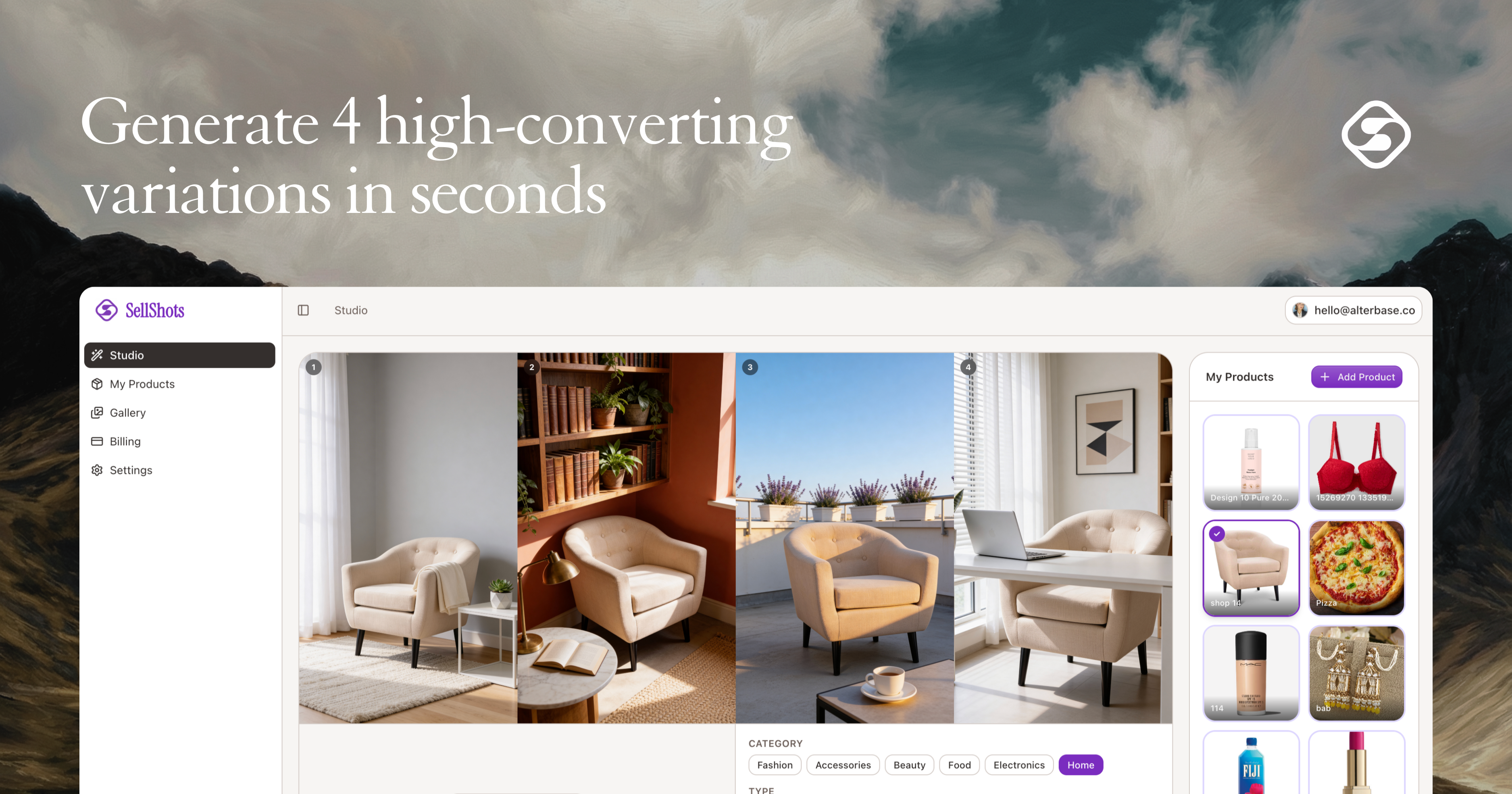
High-converting AI product photos in seconds
153
一句话介绍:SellShots利用AI,在几秒内将单一产品图转化为多场景高质量营销图片,解决了中小电商品牌产品摄影成本高、耗时长、难以呈现专业感的痛点。
Marketing Photography E-Commerce
AI图像生成 电商营销 产品摄影 内容自动化 Shopify Amazon Etsy SaaS工具 中小企业 视觉内容
用户评论摘要:用户肯定生成质量与效率。核心建议涉及营销叙事应从“AI功能”转向“赋予品牌专业权威”。技术层面关注AI对复杂产品(如透明材质)的处理能力与数据来源。长远关注点在于产品如何避免同质化,建立差异化壁垒(如工作流、模板、效果优化)。
AI 锐评

SellShots切入了一个精准且迫切的缝隙市场:为预算和资源有限的中小品牌提供“视觉平权”。它的真正价值并非炫技式的AI生成,而在于将“专业级产品展示”从一项重资产、高门槛的固定资产,转变为一项可按需使用、边际成本极低的运营开销。这直接攻击了电商领域一个经典的不平等:大品牌通过高昂的视觉内容投入构筑的信任与吸引力壁垒。

然而,当前以“秒速”和“AI”为核心的宣传话术,恰恰暴露了其作为早期工具的脆弱性。正如犀利评论所指,当底层AI技术日益 commoditized(商品化),“快”和“AI”将迅速沦为门槛而非护城河。产品的长远生命力在于能否从“图像生成工具”进化为“电商视觉智能引擎”。这意味着差异化必须建立在更深层的地方:是否拥有针对垂直行业的场景化模板库?能否通过数据反馈闭环,让生成的图片与“高转化率”形成可验证、可优化的关联?能否深度集成到电商工作流中,成为内容创建-测试-迭代环节的枢纽?

目前来看,SellShots解决了“从无到有”的燃眉之急,但尚未回答“从有到优”的持续竞争力问题。它的成功,将取决于其能否将初期用户的生成数据,转化为优化模型和构建工作流壁垒的燃料,从而在AI图像工具的“军备竞赛”中,找到自己不可替代的生态位。

查看原始信息
SellShots
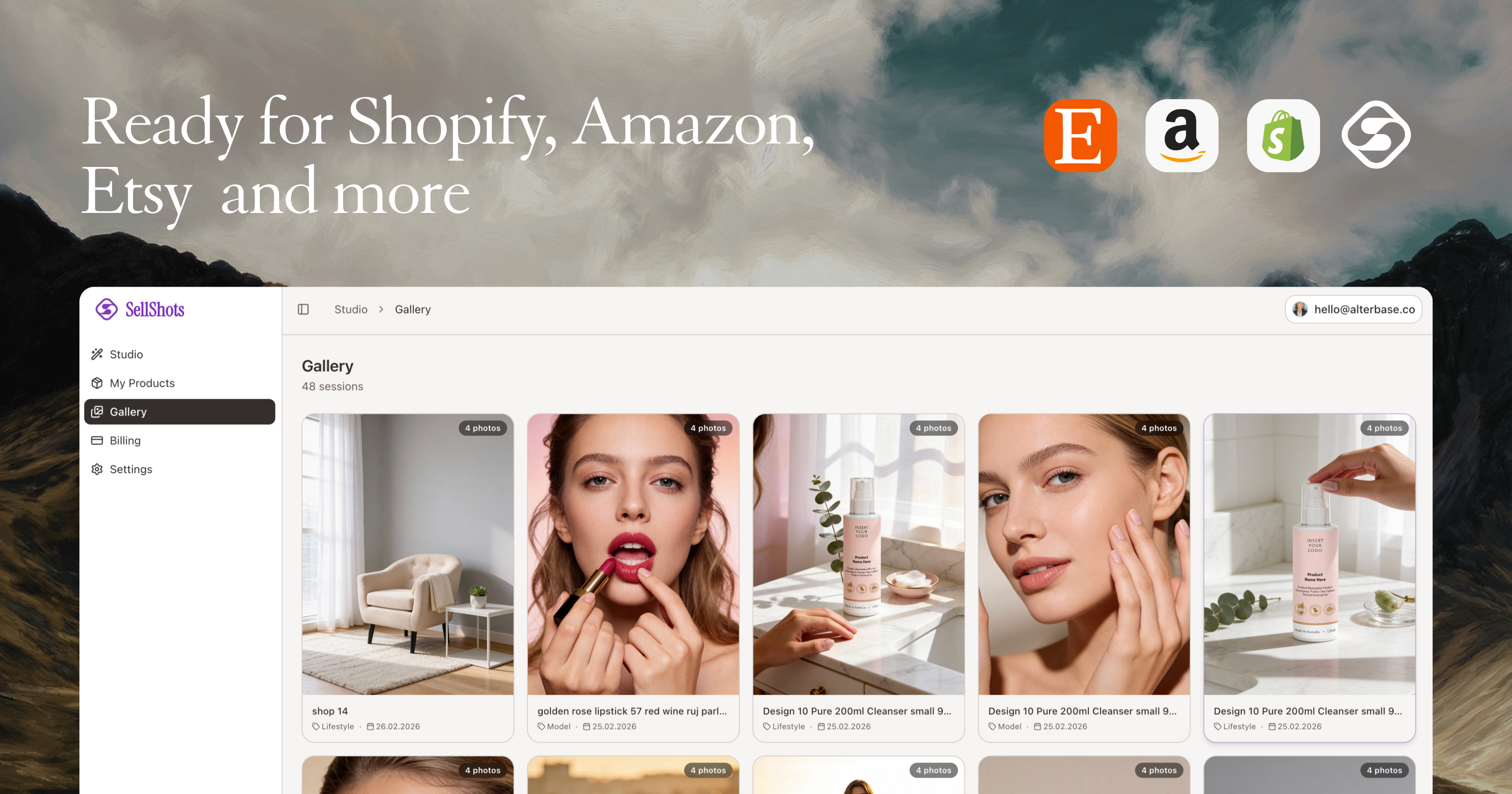
Turn one product photo into a complete AI photoshoot. Get studio, lifestyle and model shots ready to sell on Amazon, Etsy & Shopify — in seconds.
hey everyone 👋 i’m excited to finally launch sellshots on product hunt. sellshots turns basic product photos into high-converting ai product shots in seconds. no studio. no models. no photoshop. you simply upload your product image, generate a full photoshoot, and get 4 different variations per shoot ready to use on shopify, amazon, etsy, or your website. i built this for ecommerce brands that are tired of expensive and time-consuming product shoots. i’d love to hear your feedback, answer your questions, and learn how we can make it even better. thanks for checking it out 🙌
6
回复
Amazing launch!, The quality of these shots is top-tier. One strategic tip: “AI-generated” is a feature, not a benefit. The real pain for small brands is looking “small” next to giants. If you shift your narrative to “Commercial Grade Authority” or “The High-End Studio in your Pocket”, you move from a utility to a brand-builder. I specialize in these ROI focused pivots at franvimktg, happy to share some hero-section ideas!
3
回复
@franco_vidal thank you a lot, Franco! this definitely will help me to improve the product
1
回复
@uaghazade Happy to help! I truly believe SellShots has the potential to be the “high-end studio” for thousands of brands. I just sent you a DM on X with the specific Hero and CTA tweaks I mentioned. Let me know what you think over there!
1
回复

The before/after examples are impressive. How does the AI handle products with complex shapes or transparency? Also curious about the training data — are the backgrounds generated or curated from real photography?

1
回复

@aitubespark thank you for great feedback! all because i trained the ai for a month befoe going live. and yes, bg's also generated automatically by ai

0
回复
For so many e-commerce brands, the bottleneck isn’t product, but content. If you can turn one decent product shot into a full conversion-ready asset pack in seconds, that’s a serious leverage moment. How you’re thinking about differentiation long-term as AI image tools become more commoditized? Is it workflow, templates, data, performance optimization?
0
回复
#7
theORQL
Cursor for frontend. Build and debug in Chrome and VS Code.
148
一句话介绍:一款具备视觉能力的AI前端调试工具,通过截图、映射UI与代码、触发真实浏览器交互并视觉验证修复,解决了前端开发中“代码生成正确但渲染错误”的核心痛点,将调试从文本猜测变为可视化验证。
Software Engineering Developer Tools GitHub
AI前端调试 视觉验证 浏览器自动化 UI到代码映射 开发效率工具 VS Code扩展 智能修复 代码审查 前端开发 自动化测试
用户评论摘要:用户高度评价其“闭合UI与代码循环”的核心理念,认为其解决了AI工具“盲写”前端代码的根本缺陷。主要关注点与建议包括:在大型项目/复杂设计系统中映射的可靠性、视觉验证的算法细节(如何避免误报)、对复杂交互(如拖拽)和响应式布局的支持,以及未来向主动式UI协作者发展的潜力。
AI 锐评

theORQL的发布,与其说是一款新工具,不如说是对当前AI编程浪潮一次冷静的“纠偏”。当Copilot、Cursor等工具将“文本生成代码”的效率推向极致时,theORQL尖锐地指出了行业盲点:前端开发的终极战场在浏览器渲染层,而非代码编辑器。其真正价值在于引入了“视觉验证”这一关键反馈回路,将AI的决策依据从概率性的文本模式,锚定到确定性的像素级渲染结果。

这并非简单的功能叠加,而是一种范式的转变。它试图让AI扮演“初级前端调试工程师”的角色,其工作流(截图→映射→交互→验证)本质上是对资深开发者调试心智模型的形式化。然而,其面临的挑战同样深刻。评论中关于大型项目源码映射可靠性、复杂手势交互、框架状态深度检查的疑问,直指其技术天花板——这些正是前端领域最混乱、最依赖人类经验的部分。工具在标准化场景下表现越惊艳,在复杂、非标准化场景下的边界就越发清晰。

此外,其“永不自动提交”的审慎设计,揭示了当前AI工具在创造性工作中无法逾越的信任红线。它聪明地定位于“证据收集与修复建议者”,而非决策者,这既是产品设计的克制,也是对现实开发协作流程的妥协。长远看,theORQL的成功与否,不取决于其AI有多“智能”,而取决于其构建的“浏览器运行时-代码-视觉”数据管道有多精准和鲁棒。它是在为AI编写前端代码这场革命,补上最关键的质量检验环节。

查看原始信息
theORQL
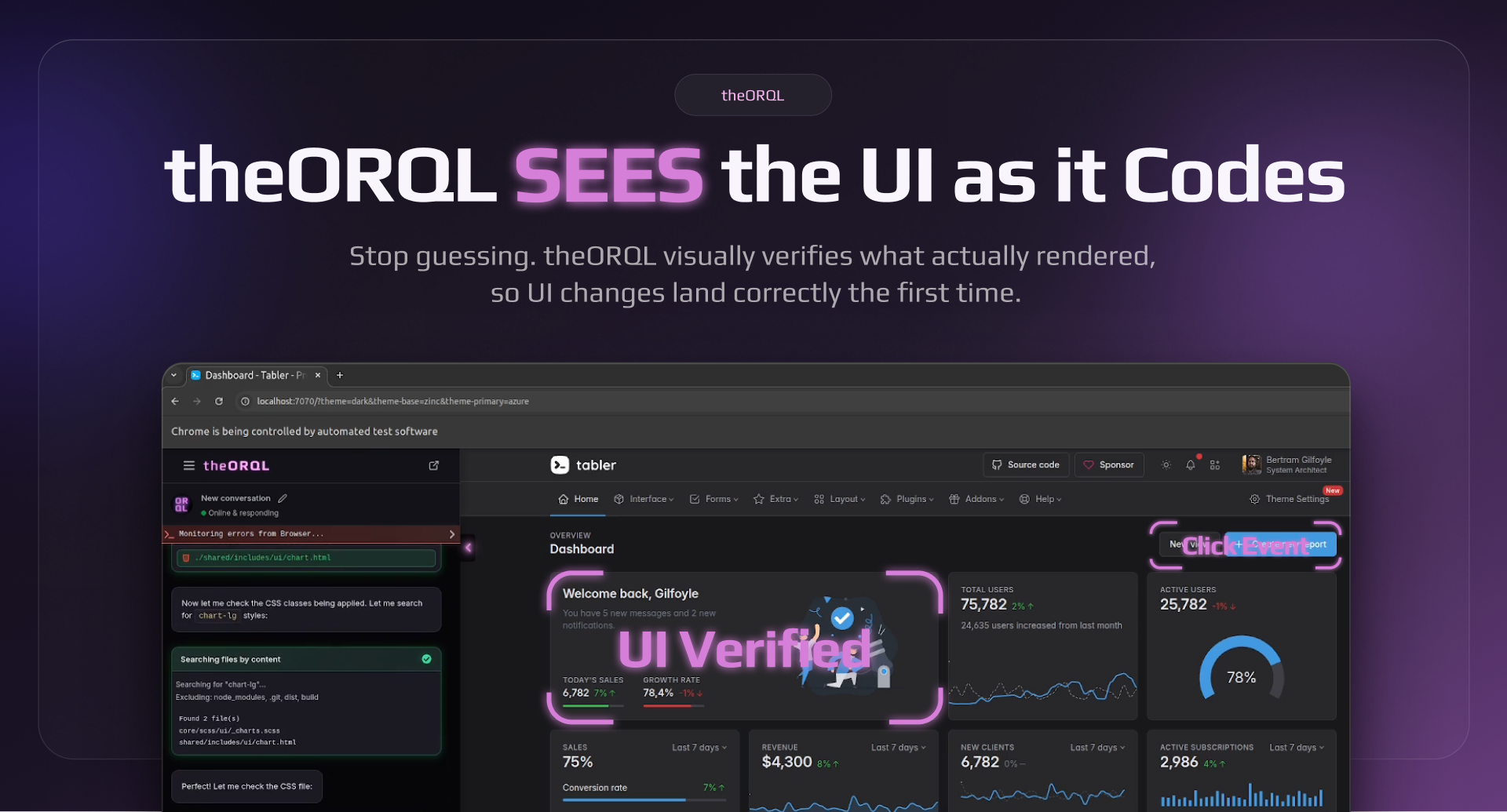
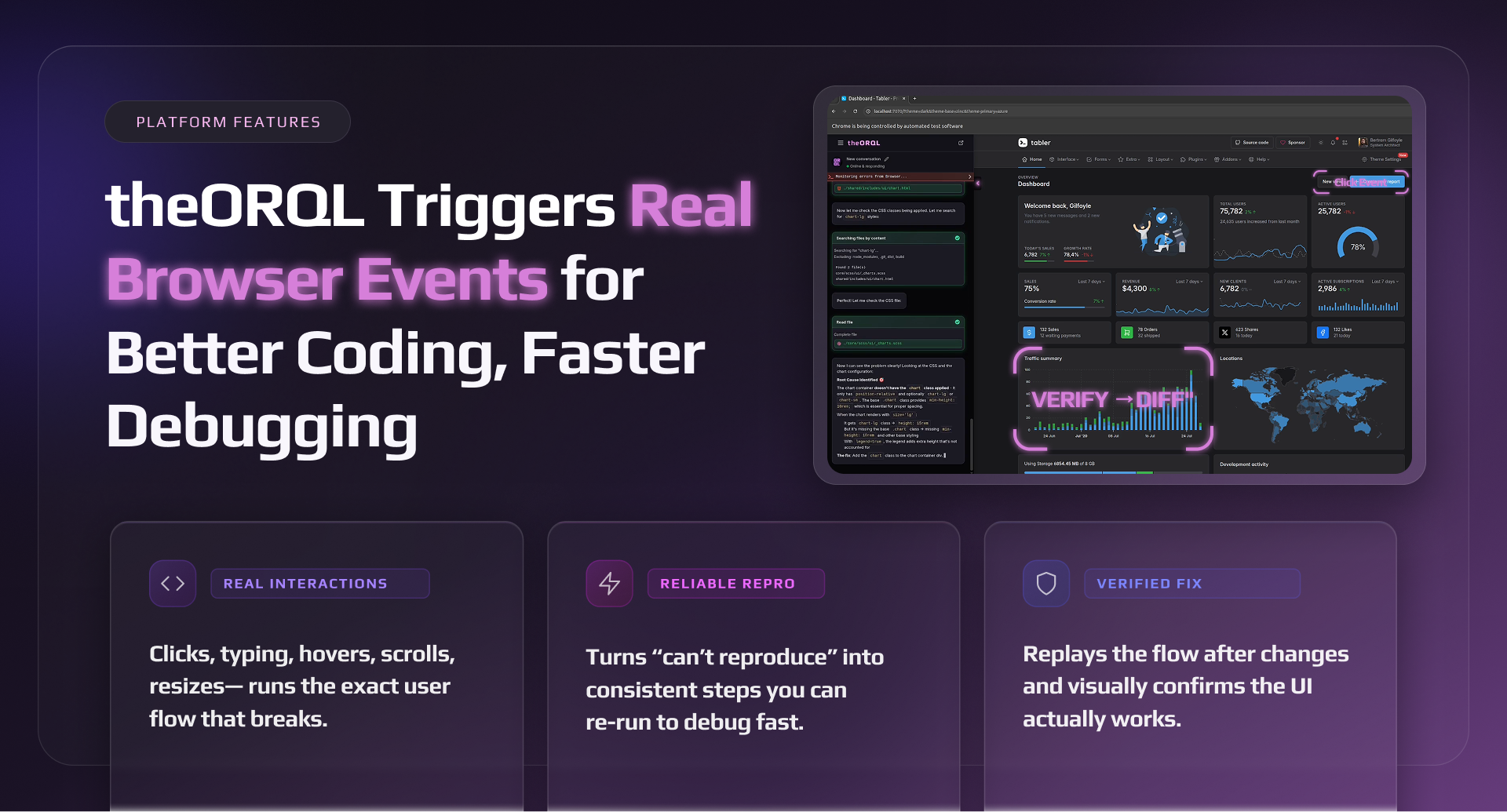
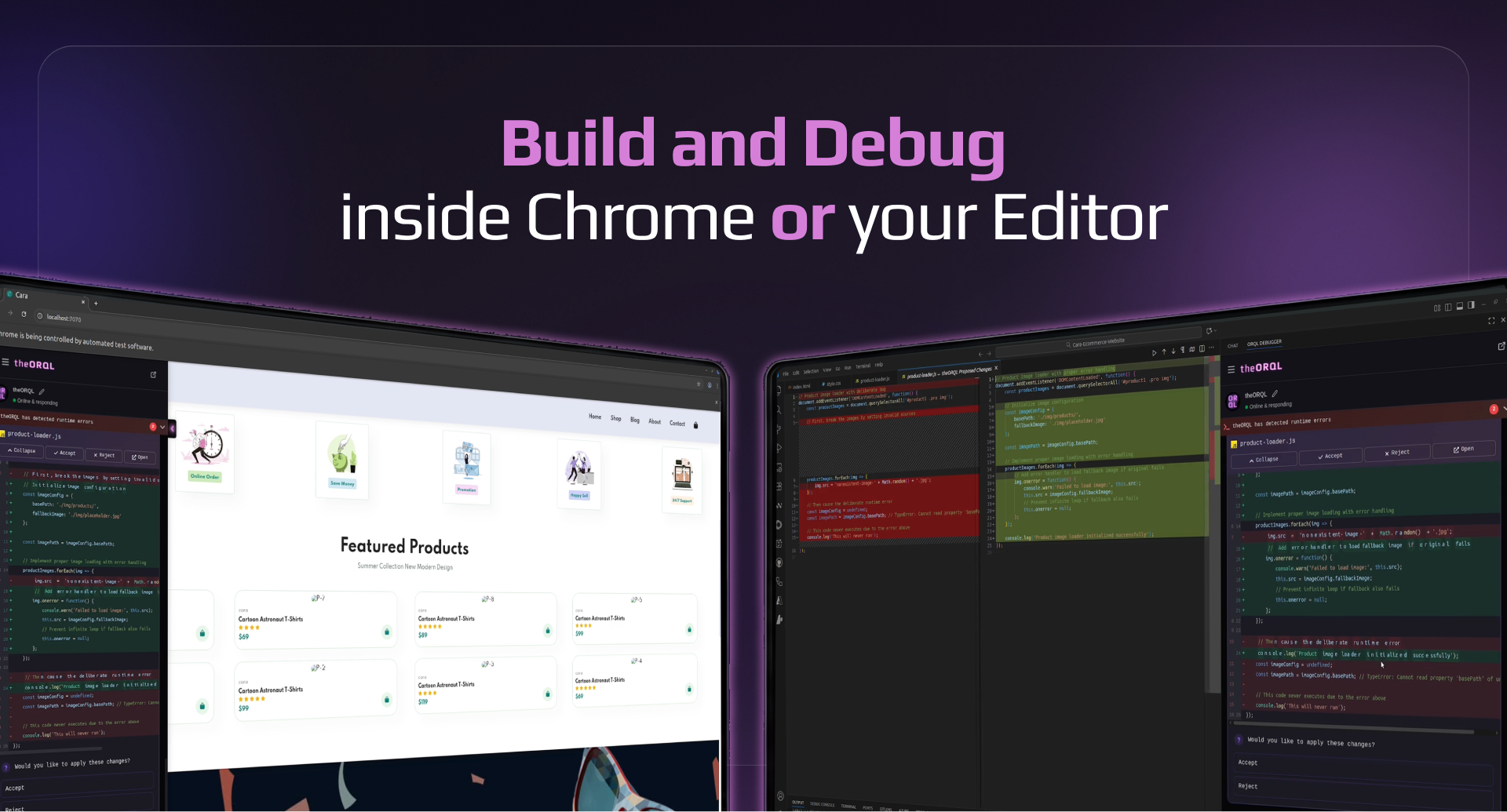
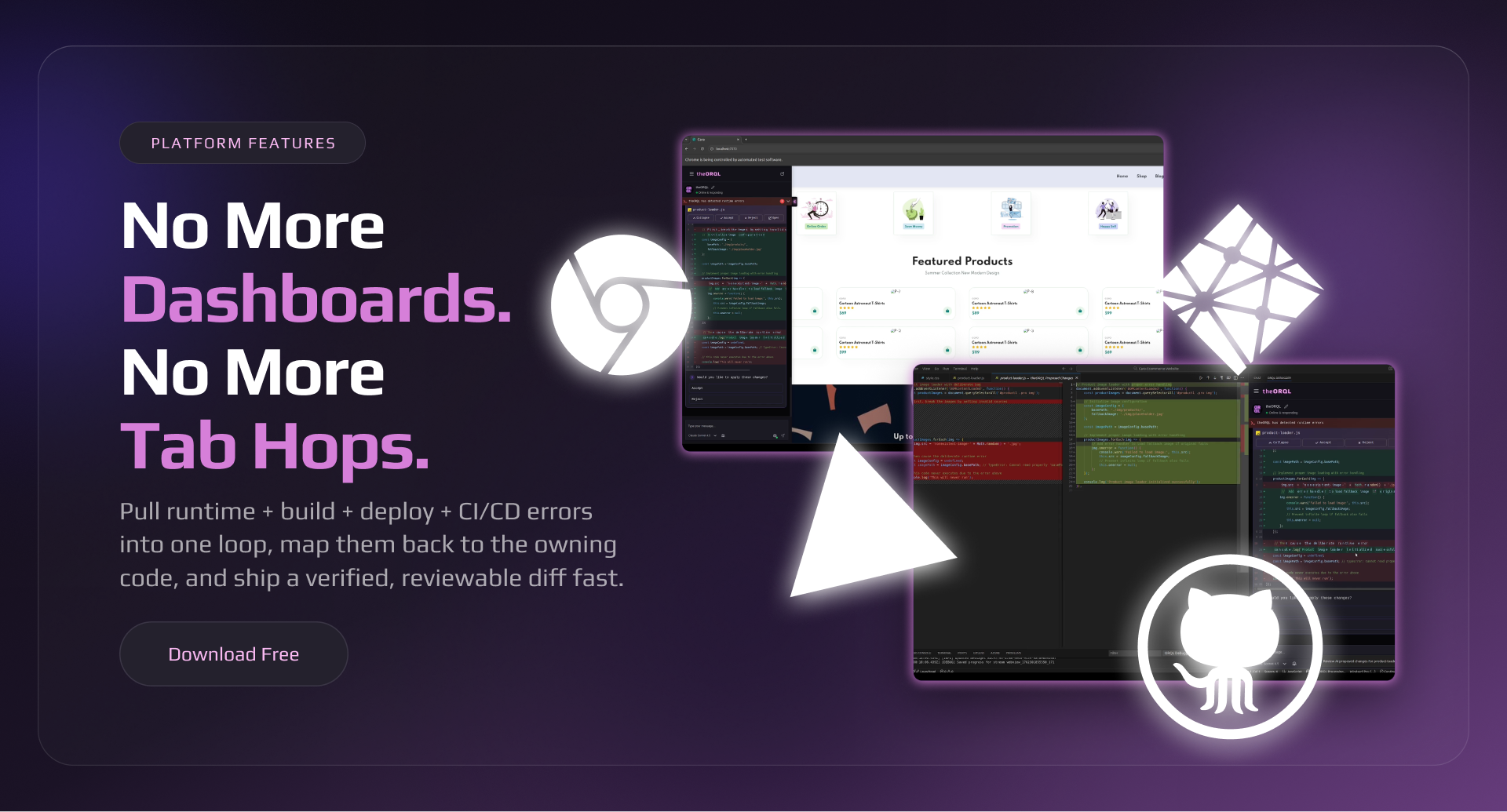
theORQL is vision-enabled frontend AI. It takes UI screenshots, maps UI → code, triggers real browser interactions, and visually verifies the fix in Chrome before shipping a reviewable diff — so UI fixes land right the first time. 1200+ downloads to date. Download free on VSCode and Cursor.

Hey Product Hunt!!!

We built theORQL because most AI coding tools are blind: they generate code that looks right in text, but renders wrong in the browser.

theORQL closes the loop between your UI and your codebase:

  • takes screenshots of the UI (full page + elements)

  • reads DOM + computed styles + network + console

  • maps a UI element to the owning component (via source maps)

  • applies a change, visually verifies it in the browser, then gives you a reviewable diff (no auto-commit)

If you try it, what should we focus on next: layout/CSS issues, state bugs, or flaky/hard-to-repro bugs?


And what’s one workflow you’d pay to never do manually again?

3
回复

@theorql Love the “closes the loop” framing! That’s exactly where most AI coding tools break. A few things I’m curious about:

  1. When mapping a UI element to the owning component via source maps, how reliable is it in large monorepos or heavily abstracted design systems?

  2. For visual verification, are you comparing pixel diffs, layout constraints, semantic structure, or some combination? How do you avoid false positives from harmless rendering differences?

  3. Long-term, do you see theORQL acting more like a debugging assistant (fix what’s broken) or a UI co-pilot (suggest improvements proactively)?

Personally, layout/CSS regressions feel like the highest-leverage starting point, they’re painful, visual, and often subtle. This could become a serious missing layer between codegen and production-quality UI. Curious how far you plan to push the “browser as ground truth” idea.

0
回复

this is one of the greatest products i have ever seen on product hunt, very helpful for developers like me

3
回复

@kshitij_mishra4 Thank you so much!! What is the biggest pain you're having in your workflow? We want to help :saluting_face:

1
回复

I can't think of a better debugging tool than this.. you simply stay on your browser and the tool does the debugging

Been using it for awhile now and really appreciate the good work from the team

2
回复

@nobert_ayesiga Thank you so much Wise!!!! Happy that you've been using theORQL already. I'm curious what's the most useful workflow so far?

0
回复

The problem isn’t “AI can’t code frontend.” It’s that most AI is blind. It can only guess from text and patterns, then hope the UI renders the way you meant.

I've been using theORQL for the last couple of months. I've actually written some articles and created some videos about it as well, but now I'm very impressed with 2 of the new features:

  1. Vision: theORQL can actually see the UI (screenshots) and verify changes in Chrome

  2. Auto Repro → Fix → Verify loop for the really tough bugs (theORQL will actually click buttons, resize the page, fill forms, etc., to reproduce bugs and fix them)

Debugging is the proof case. If you can reproduce a bug, you can fix it; the hard part is getting to a stable repro and the right evidence.

theORQL runs an Auto Repro → Fix → Verify loop: trigger the UI flow (clicks, fills, resizes), capture evidence (screenshots + runtime signals), propose a fix, then re-run and visually confirm it’s gone.

It’s not autonomous chaos. It ships a reviewable diff and never auto-commits. Developers stay in control.

In conclusion:

⚠️ What makes this different from Copilot/Cursor: they’re great at text-in/text-out. theORQL is UI-in/code-out, because it can actually see what rendered.

🔑 What this unlocks: faster frontend iteration, fewer “tweak → refresh” loops, and more trust that the change actually worked before you merge it.

🤝 The bet: the next step for AI dev tools isn’t bigger models. It’s closing the verification loop with vision, interaction, and real runtime evidence.

2
回复

@eleftheria_batsou Wow thank you Eleftheria! So great to hear from you here and thanks for your support. We're building even more features for frontend devs now. If you have any you'd like to see please let us know in the comments!

1
回复

AI Made Coding Faster But Debugging Is Still Stuck in the past. After 10+ years as a software engineer, one thing hasn’t changed: Debugging is where most of the real time is lost.

The ability to captures runtime errors directly from Chrome:

• stack traces with real values

• DOM & component state

• network failures

• user interactions

is impressive, highly recommend this tool !!!

1
回复

@_jaydeepkarale thank you Jaydeep! We are so grateful for the outpouring of support from our users. What would you like to see next from theORQL?

0
回复

The vision-based verification loop is what makes this stand out. I spend way too much time on the "tweak CSS, refresh, check, repeat" cycle — having something that can actually see the rendered output and confirm the fix landed correctly before I commit sounds like it'd save me hours every week. Curious how it handles responsive layout bugs across breakpoints.

1
回复

@letian_wang3 Thank you Letian, That’s exactly the loop we built theORQL for.

For responsive bugs, the flow is basically: we reproduce the issue at the breakpoint by resizing (or setting a specific viewport), capture what actually rendered (screenshots + computed styles), map the affected element back to the owning component, apply the change, then re-check the same viewport to confirm the screenshot matches the intended layout before handing you the diff.

0
回复

This is exactly what frontend debugging needs. Being able to see the UI context while coding eliminates so much back-and-forth. How are you handling component state inspection — can it show React state/props in real-time alongside the visual?

1
回复

@aitubespark thank you for your support! Totally agree on the back-and-forth, that’s the whole pain we’re trying to kill.

On state inspection: today we focus on what we can reliably capture and verify from the browser side (screenshots + DOM/computed styles + console + network) and then map that back to the owning component via source maps.

For React state/props specifically, we don’t have a polished “live React DevTools panel inside theORQL” experience yet. In many cases we can infer what’s going on from the DOM/output + logs and guide you to the right component/handler quickly, but real-time props/state alongside the visual is something we want to do properly (and it gets tricky across frameworks/build setups).

If you tell me your stack (Next/Vite + React version) and what you’d want to see (props, local state, query cache, Redux/Zustand, etc.), we'll consider it for our next release!

1
回复

This is such a unique take on frontend dev, especially for backend developers like me.

1
回复

@new_user_2790a57d4d Thanks Faizan!! theORQL is really solid on backend bugs even though we're focused on Frontend. In fact our next release is going to focus on multi-repo resolution - many of our users face bugs that span multiple repos/services. So backend is a focus of ours too.

What is your biggest backend debugging pain?

0
回复

Congratulations on the launch. Will try this out today.

1
回复

@ahmednabik Amazing thank you for your support! Try it out and would love to hear about your experience.

0
回复

Such a helpful project for developers. Really like using it.

Congratulations on the launch 🎉

1
回复

@shefali_j07 Thank you so much!! If we could add one killer feature for you what would it be?

0
回复

I'm very keen to try this, do you think this would have a problem with more complex UI flows using gestures (click and hold etc)? I've been working with React flow for a node interface, and debugging problems with that library is such a pain, especially when it comes to adding features like drag and drop. Would love to hear anyone's experience with this.

1
回复

@haxybaxy Thanks for your comment Zaid, and yes gesture-heavy flows (drag/drop, click-and-hold, resize handles, canvas-style UIs like React Flow) are exactly where text-only AI tends to fall apart, because the “bug” is usually in the interaction + state timing, not just the code.

theORQL can reliably reproduce the gesture and capture the right evidence (UI screenshots + DOM/state signals + console/network) while it’s happening. Simple interactions (clicks, typing, resizes) are straightforward today; more complex gestures can be trickier depending on how the library implements pointer events and what needs to be simulated.

If you’re up for it, I’d love to learn a bit:

  • Is it HTML/SVG/canvas in your case?

  • What’s the specific pain point: drag not starting, drop target logic, node position/state desync, edge routing, or performance/jank?

We can try it against your React Flow and you can see what theORQL can reproduce/verify right now (you can install it free right now and I'm happy to give you a live demo too)

1
回复

Wow we're so humbled by all the outreach and support! Thank you to all our users, commenters, and special thanks to @fmerian for hunting theORQL!

0
回复
#8
PromptURLs
Turn any prompt into a shareable URL for ChatGPT, Claude
110
一句话介绍:一款将AI提示词(Prompt)一键转化为可分享预填链接的工具,解决了用户在多个AI平台间重复输入、对比和分享提示词时繁琐易错的痛点。
Productivity Artificial Intelligence Development
AI提示词工具 效率工具 无登录 开源 浏览器应用 团队协作 知识管理 跨平台兼容 隐私安全
用户评论摘要:创作者阐述了产品源于个人痛点,并强调了免费、隐私和开源特性。用户反馈积极,认为其解决了“后知后觉”的显性需求,并探讨了在团队协作与内容创作者分享模板场景下的应用潜力。
AI 锐评

PromptURLs 精准切入了一个正在形成的“提示词工作流”细分市场。其价值不在于技术壁垒,而在于对AI原生工作习惯的敏锐捕捉和极致简化。它将“提示词”从封闭的文本框文本,升级为可自由流通、一键直达的“超链接”,这本质上是为提示词创造了最小的可复用单元(URL),极大地提升了其便携性和协作效率。

产品“免费、无登录、全端运行”的定位是一把双刃剑。它极大地降低了使用门槛,符合极客和早期尝鲜者的喜好,能快速获取种子用户。开源属性也增加了透明度和信任感。然而,这也几乎放弃了直接的商业模式想象空间,未来可能困于“为爱发电”或依赖赞助。其核心功能极易被模仿甚至被大平台内置(如ChatGPT未来可能直接生成可分享的对话链接),护城河较浅。

真正的挑战与机遇在于,它能否从“链接生成器”进化为“提示词生态的枢纽”。当前它连接的是用户与AI平台,未来能否促进用户与用户之间的提示词网络?例如,增加轻量的收藏、分类、社区评分功能,同时坚守其隐私承诺,将是一个艰难的平衡。目前它是一个优雅的“单点解决方案”,但要想在2026年仍保持“最快”的宣称,它必须比大厂更快地迭代出不可替代的协作价值。

查看原始信息
PromptURLs
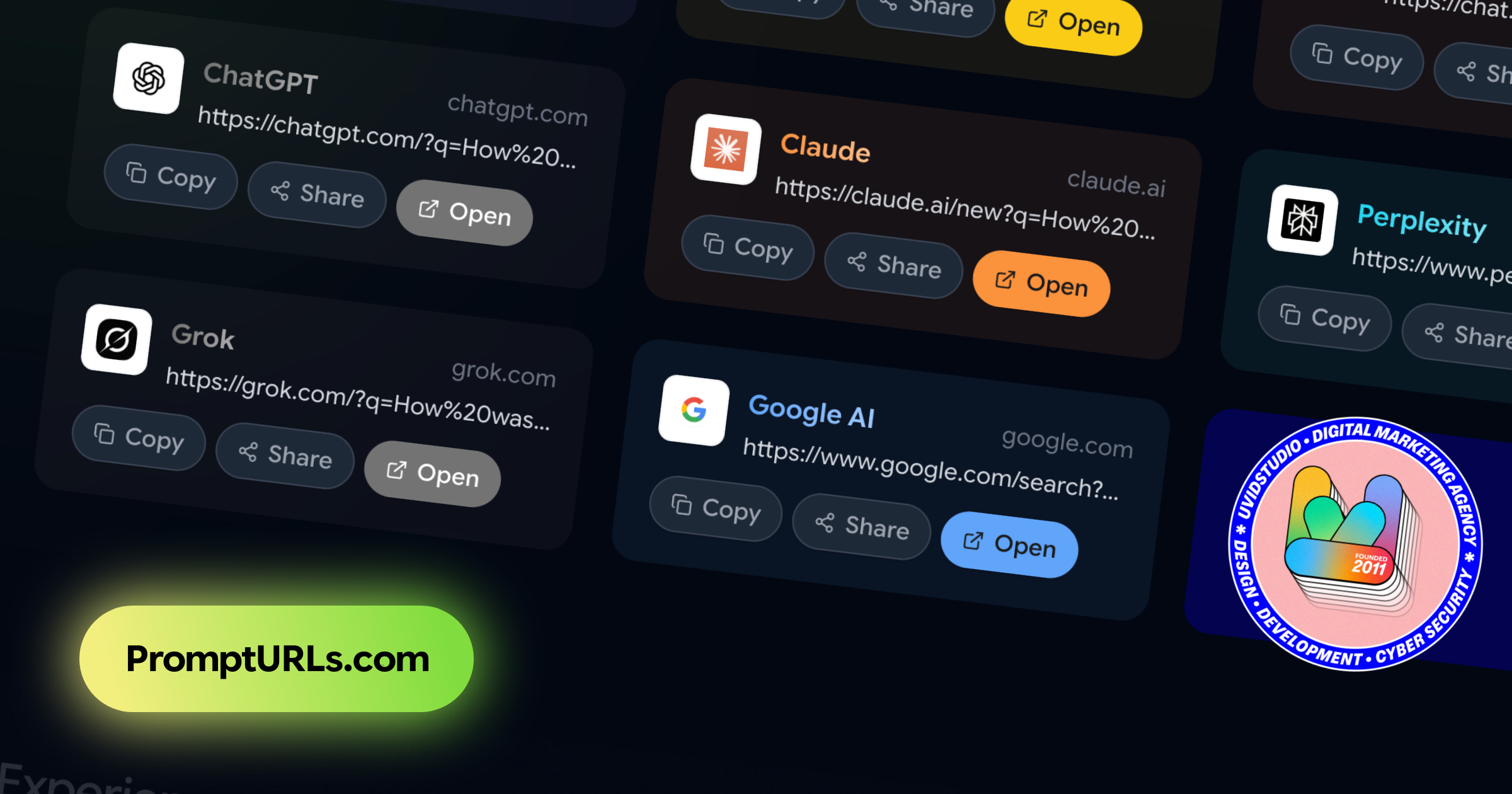
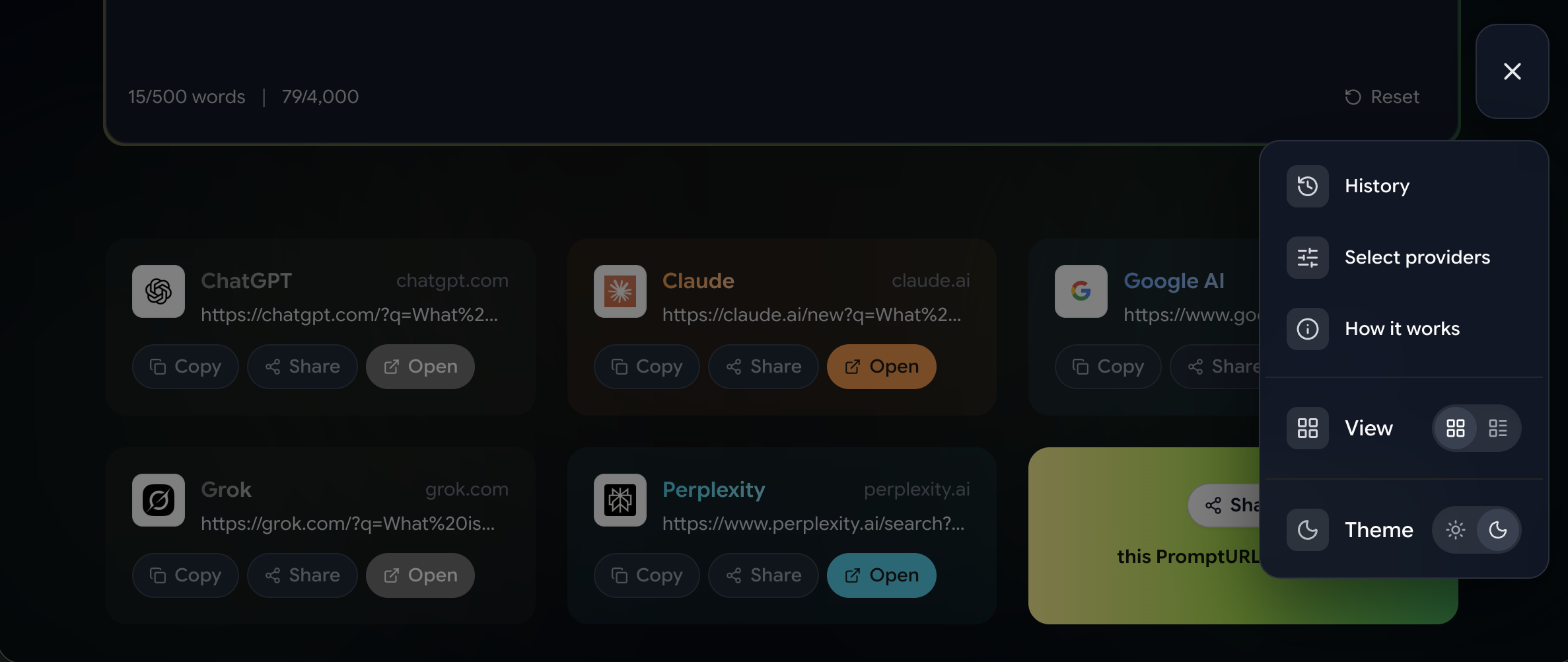
Type any prompt, get instant shareable links for ChatGPT, Claude, Gemini, Perplexity & Grok — pre-filled and ready to run. Free, private, no sign-up. The fastest Prompt URL generator in 2026.
Hey Product Hunt! 👋I'm the maker of PromptURLs — and I'm genuinely excited to share it here today.The idea came from a simple frustration: I kept copy-pasting the same prompts into different AI tools to compare their responses. It was tedious and error-prone. So I built the tool I wished existed.PromptURLs lets you type a prompt once and instantly generates pre-filled links for ChatGPT, Claude, Gemini, Perplexity, Grok, and more — all at the same time. Click any link and the prompt is already loaded, ready to go. You can also share those links with teammates, save them in Notion, or build your own one-click prompt library.A few things I'm proud of:• 100% free, no sign-up ever needed• Everything runs in your browser — your prompts never leave your device• It's open source and built as an educational projectI'd love to hear how you'd use this — whether it's for personal productivity, team workflows, or AI research. Drop your use case below! 🙏And if you have feedback, bug reports, or feature requests, I'm all ears.
0
回复

I had no idea I needed this until seeing your product - congrats on the launch and the product!

0
回复

Love this concept! Sharing prompts is one of those "obvious in hindsight" ideas. Are you seeing more usage for team collaboration or for creators sharing templates with their audience? I could see YouTube creators using this to share research prompts.

0
回复
#9
Study OS
A minimalist focus timer with tasks, notes & study music
105
一句话介绍:一款集番茄钟、任务管理、笔记、白噪音与个性化背景于一体的极简专注工作空间,为需要长时间深度学习和工作的用户解决了工具分散、注意力易被打断的核心痛点。
Productivity Education Remote Work
极简主义 专注工具 番茄工作法 任务管理 学习辅助 离线应用 买断制 学生 深度工作 一体化工作区
用户评论摘要:用户反馈高度认可其极简主义理念与“减少干扰”的核心价值。开发者自述产品源于个人痛点,强调无账号、无设置的即时可用性。评论主要集中于赞扬其简洁干净的设计与解决学生群体真实需求的方向,未提出具体功能问题或改进建议。
AI 锐评

StudyOS 的实质,并非功能创新,而是一次针对“生产力工具悖论”的精准外科手术。它敏锐地洞察到,当代用户的生产力困境,往往不在于工具匮乏,而在于工具过载带来的注意力耗散。产品将番茄钟、任务、笔记、音乐等离散工具暴力整合于单一静态页面,其核心价值并非“功能聚合”,而是通过强制性的“界面约束”,为用户构建了一个认知上的“无菌操作台”。

它的“极简”与“无账号”设计,是产品哲学最犀利的表达:它主动放弃了用户管理、云端同步(基础版)等现代软件标配,这看似是功能缺失,实则是通过削减决策点(无需登录、无需设置)来最大化降低用户的启动摩擦与心智负担。其买断制商业模式,进一步强化了其“纯粹工具”的定位,与主流SaaS的订阅焦虑形成鲜明对比。

然而,其长期价值面临两重拷问:首先,作为本地优先应用,在跨设备协同已成刚需的当下,其核心便利性可能自我设限;将同步功能置于付费墙后,可能分割用户体验。其次,其功能组合的护城河较浅,极易被模仿。它的真正壁垒,或许不在于技术或功能,而在于能否将这种“反复杂”的克制哲学贯彻到底,并围绕“专注”这一核心状态,构建起更深层的用户习惯绑定或社区文化。它是一款优秀的“止痛药”,但要成为常青树,需在“极简”的骨骼上,生长出难以被简单复制的灵魂。

查看原始信息
Study OS
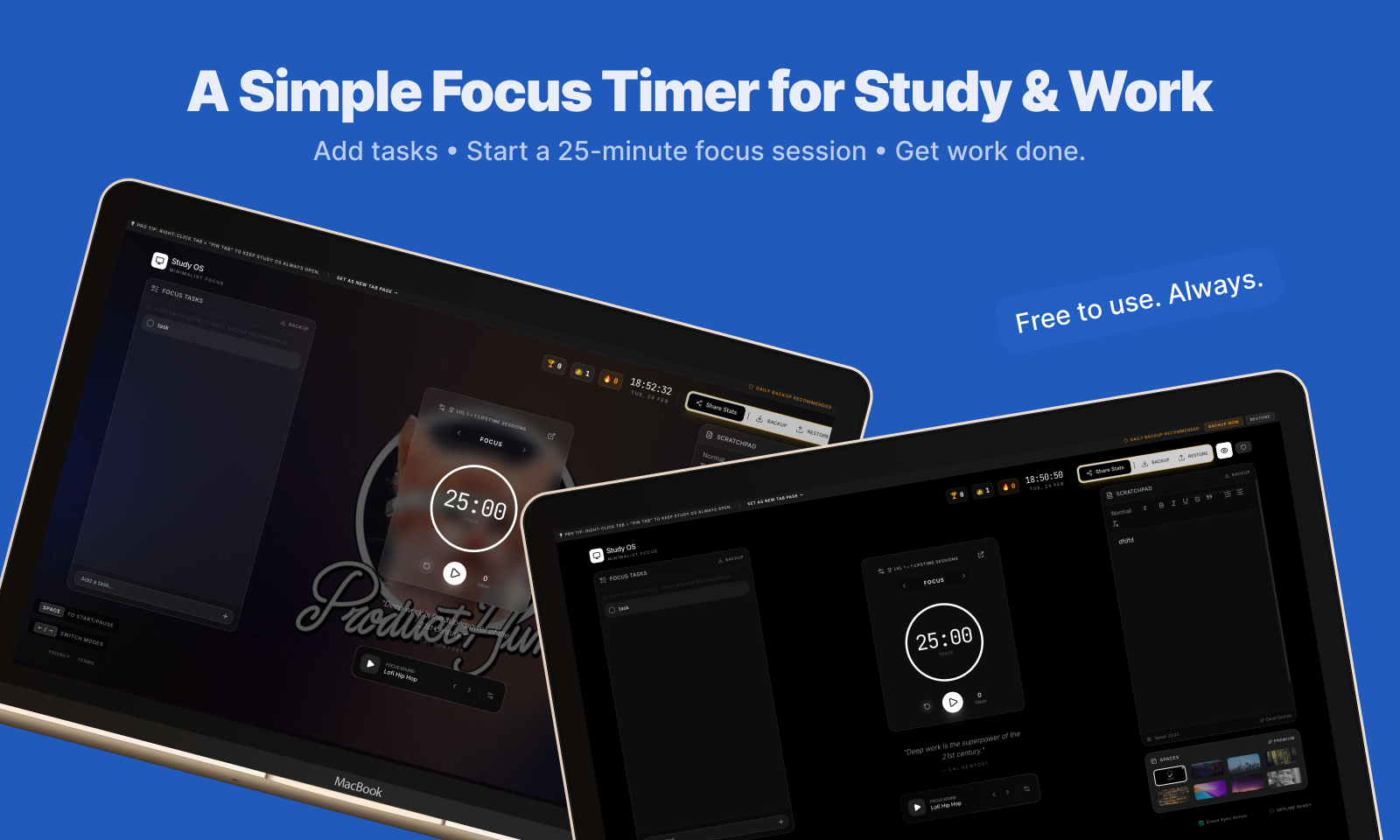
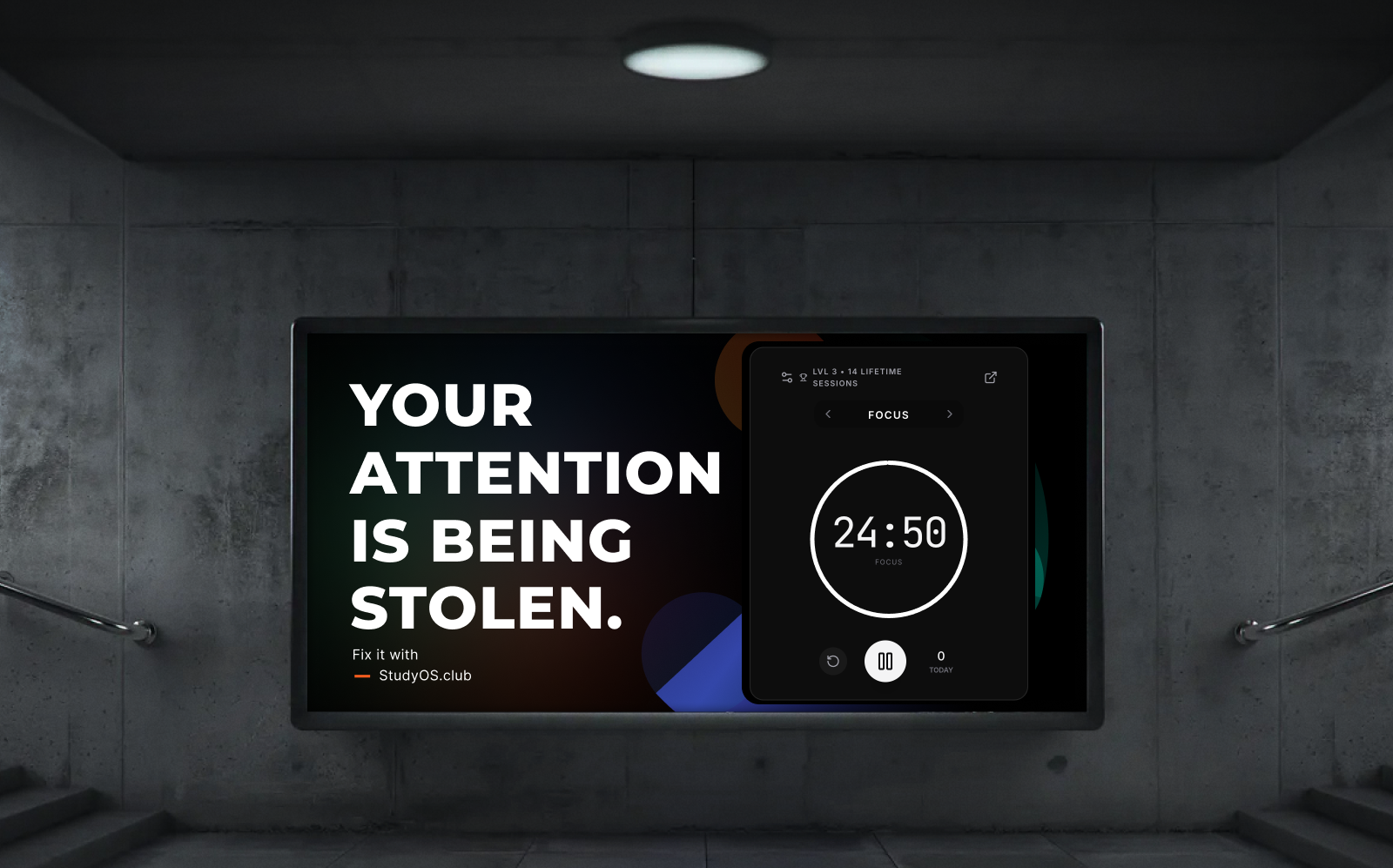
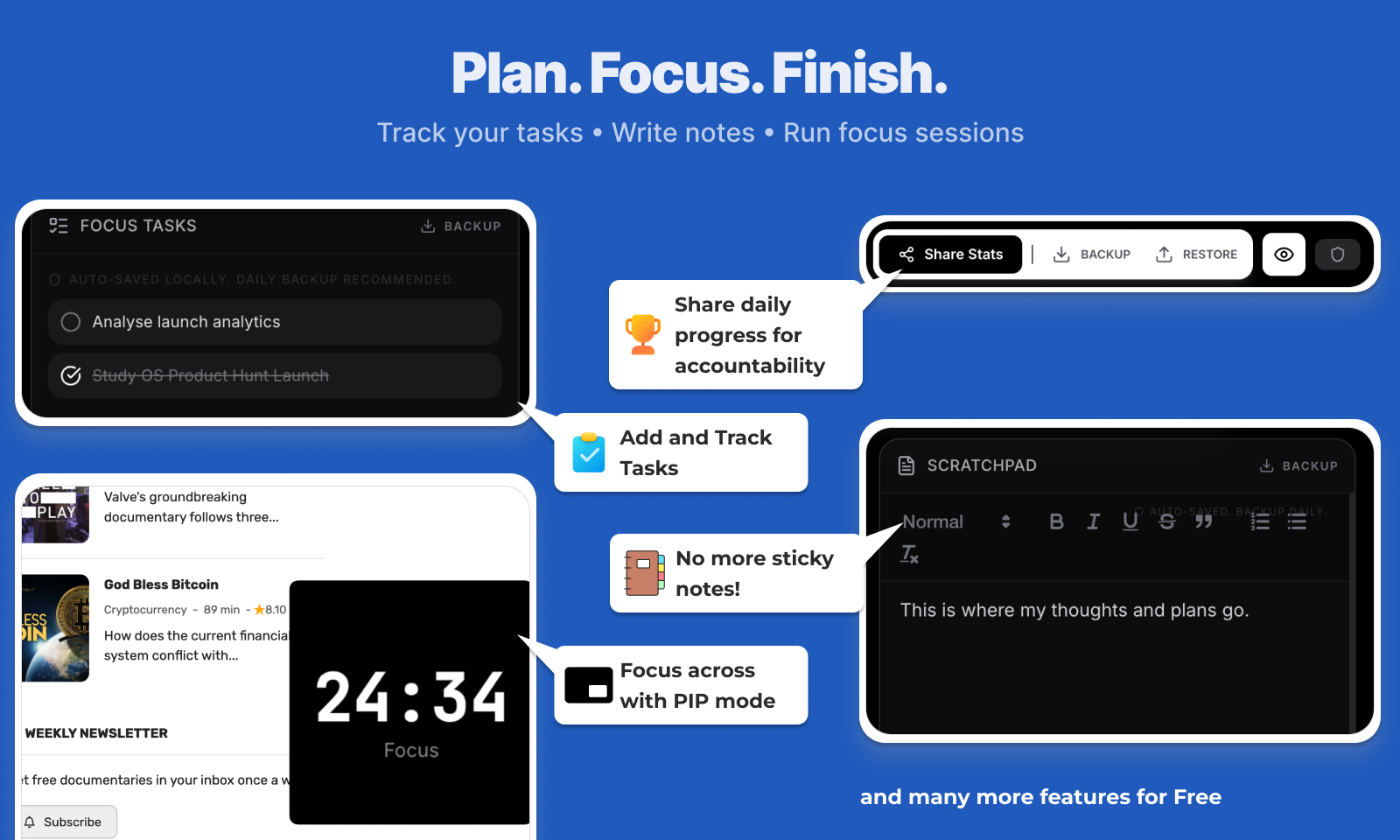
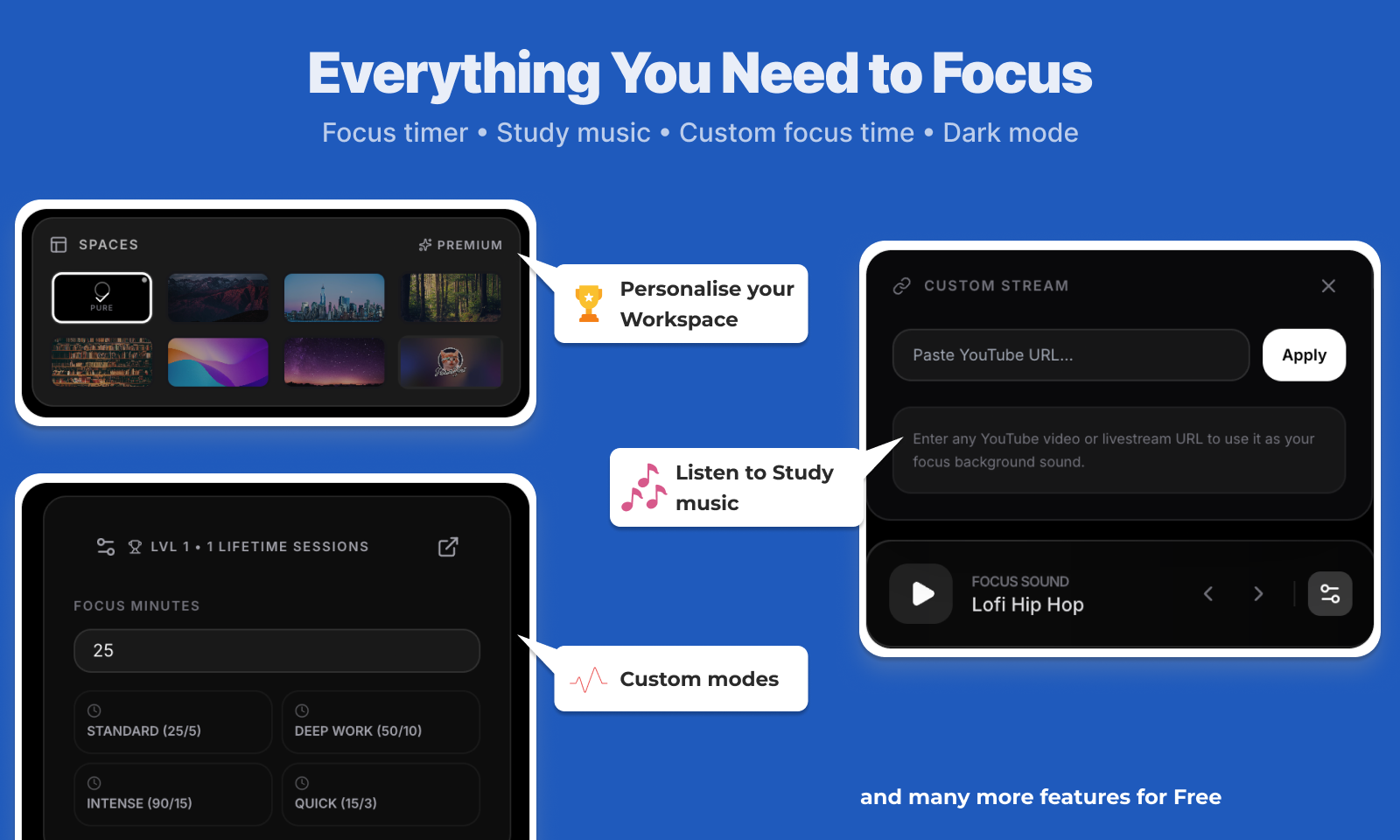
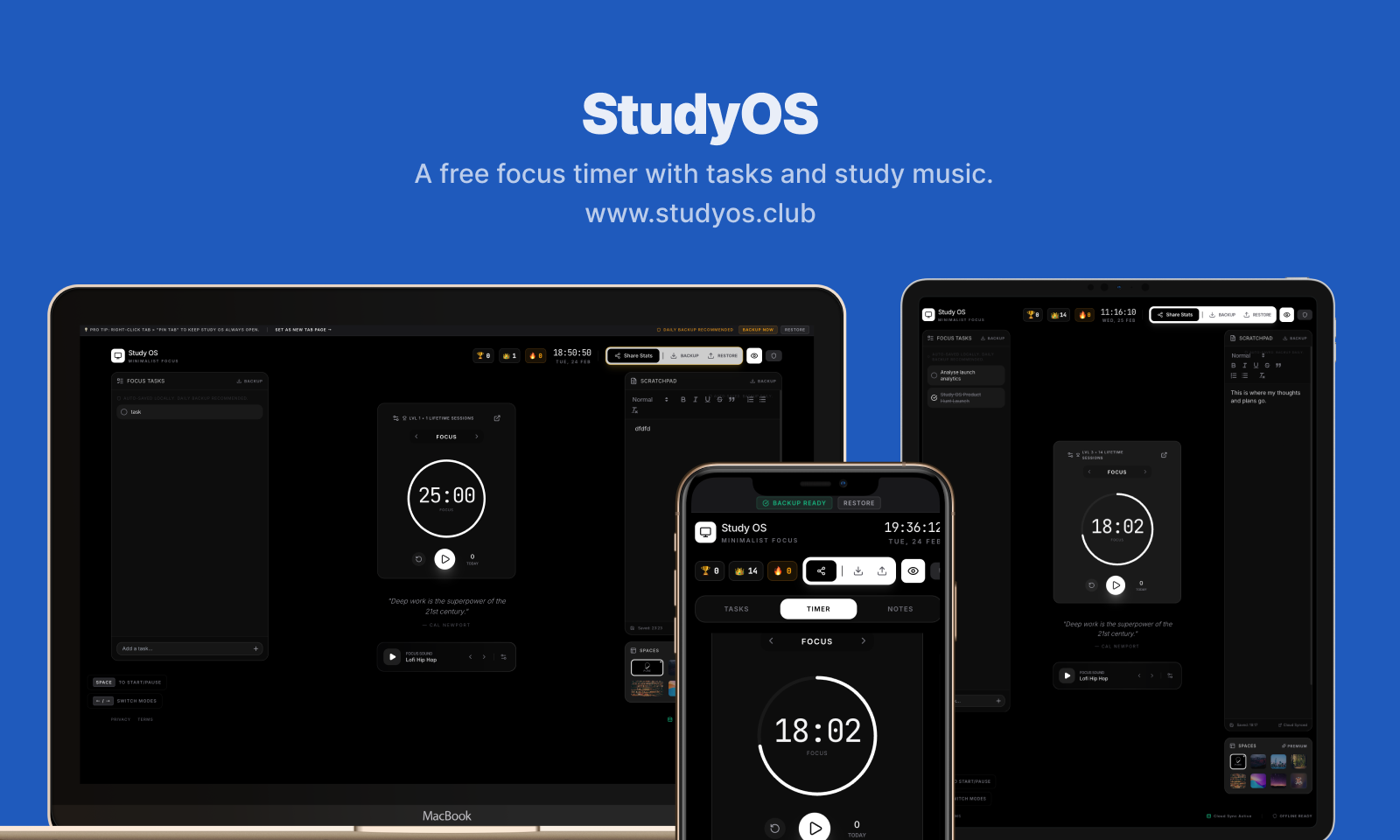
StudyOS is a distraction-free workspace built for students and deep workers. It combines a Pomodoro timer, lightweight task manager, scratchpad notes, study music, daily quotes, and custom backgrounds - all in one minimalist screen. No accounts. No setup. No friction. Everything works instantly and is saved locally by default. Built for long study sessions. Built to stay open all day. Plan. Focus. Finish.
Hey everyone 👋 I built StudyOS out of frustration. When I was studying for exams and even while working, I noticed something uncomfortable. I was not struggling with difficulty. I was struggling with attention. I would open a Pomodoro timer. Then a tab for study music. Then my notes app. Then my task list. And somehow I would still end up distracted. It felt strange. I was using productivity tools but feeling less focused. So I built something for myself. One calm tab. No accounts. No setup. No clutter. Just a focus timer, simple tasks, a scratchpad for thoughts, built in study music, and a clean dark workspace. Everything works instantly. No login required. If someone finds it useful enough, they can upgrade once for $9 to sync across devices (get your early bird price). No subscriptions. I personally do not like subscriptions for tools like this. This is not trying to be a big productivity suite. It is just meant to be a quiet place on the internet where you can sit down and actually study. If you have ever felt your attention slipping while trying to be productive, I built this for you. Would genuinely love honest feedback. What feels unnecessary? What would make you use this daily? Thanks for checking it out 🙏
10
回复

The biggest productivity hack isn’t more features, it’s fewer distractions.
Love the minimalist direction here.
Students desperately need something like this.

1
回复

@ahmedhamdyse Thanks for the kind words, build it for myself as an MBA grad and thought might help a lot more. Scratching ones own itch works 🚀

0
回复

Nice, I like how simple and clean it is! Congrats on the launch and the product 🔥

1
回复

@ruxandra_mazilu Thanks for the kind words, try custom backgrounds too - they are so fun

0
回复
#10
Surfpool
Where developers start their Solana journey
100
一句话介绍:Surfpool作为solana-test-validator的即插即用替代方案,允许开发者在本地环境中使用主网账户模拟和测试Solana程序,解决了Solana开发者在部署前难以真实、高效进行本地测试和验证的痛点。
Open Source Developer Tools GitHub Web3
Solana开发工具 区块链测试 本地模拟器 基础设施即代码 开发者工具 智能合约测试 替代测试验证器 Web3开发环境
用户评论摘要:评论仅有一条,来自高度认可的用户。其强调Surfpool是开发者开启Solana之旅的起点,用户基数大,并提及创始人背景及新动向。无具体功能问题或改进建议。
AI 锐评

Surfpool瞄准的是Solana生态开发工具链中的一个关键缺口:本地测试的真实性与便捷性。其核心价值并非简单的“替代”,而在于“增强”与“连接”——通过允许在本地模拟环境中引入主网账户状态,它实质上模糊了本地测试网与真实主网之间的鸿沟。这直接击中了开发者,尤其是DeFi等复杂应用开发者的核心诉求:在安全、可控的本地环境中,对依赖特定主网账户交互逻辑的程序进行更贴近现实的调试。

然而,其标语“开发者Solana之旅的起点”可能略显宏大。作为一个底层测试工具,它确实是专业开发者工具箱中的重要一环,但并非面向初学者的“起点”。真正的“起点”更可能是客户端SDK或基础教程。产品的深层价值在于提升专业开发者的效率与信心,降低因测试环境与生产环境差异导致的部署风险,这是推动Solana生态应用质量与创新速度的基础设施级贡献。

从评论和创始人动向看,项目已建立了一定的开发者社区信任,且团队背景与Solana基金会关联加深,预示着产品可能获得更紧密的生态支持与迭代动力。但当前公开信息有限,其“基础设施即代码”等宣称功能的具体实现深度、对复杂交易场景的模拟能力、以及与传统工作流的整合度,仍有待市场进一步检验。在竞争日益激烈的区块链开发者工具赛道,Surfpool需要持续证明其不可替代的技术深度,而不仅仅是概念上的便利。

查看原始信息
Surfpool
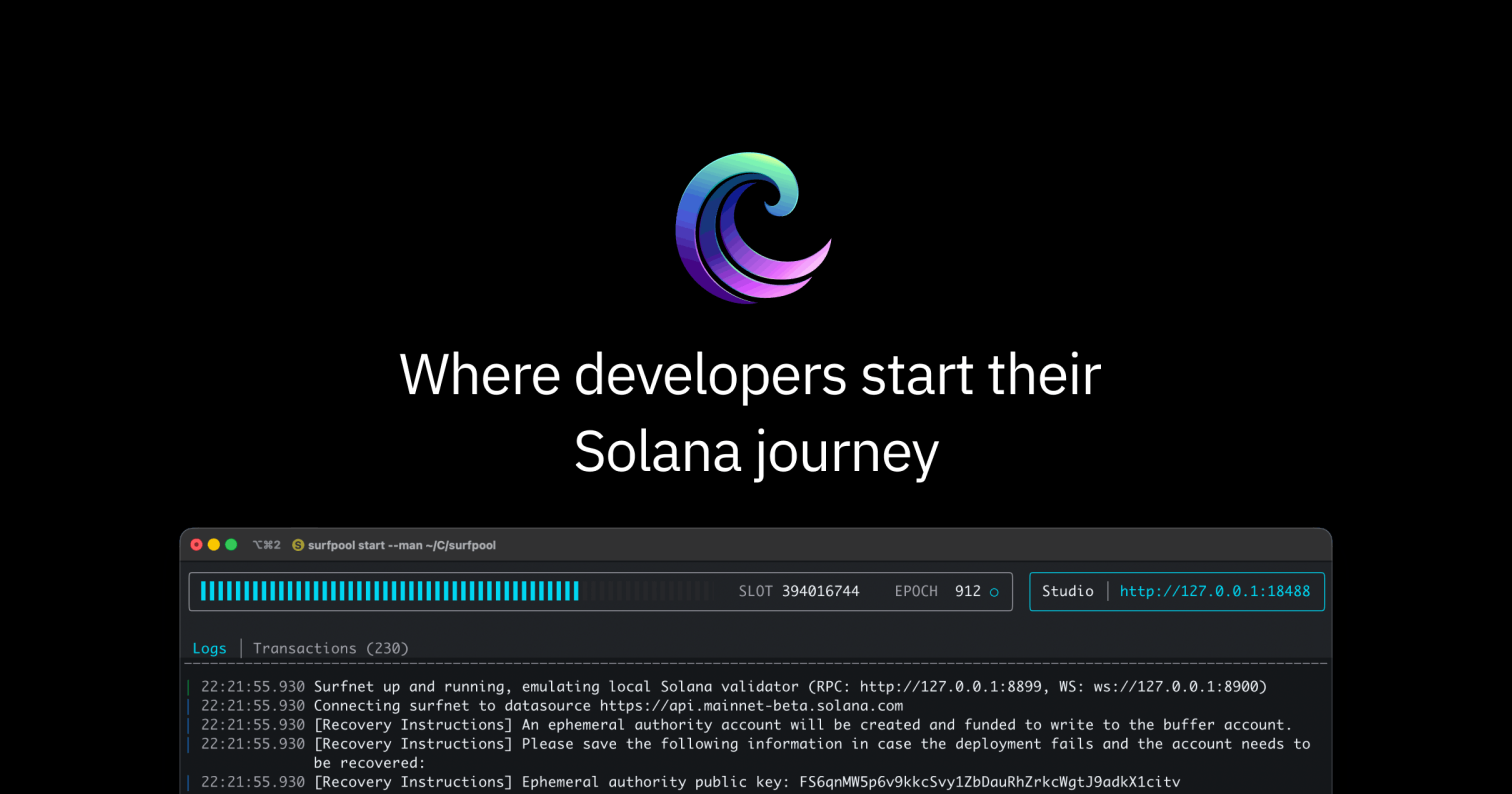
Drop-in replacement for solana-test-validator. Simulate programs locally using Mainnet accounts, deploy with Infrastructure as Code, and more.

@Surfpool is where developers start their Solana journey.

Started a year ago, used by thousands of developers, its maker @ludovic, who recently launched @Axel, just announced joining the Solana Foundation.

Always be cooking!

1
回复
#11
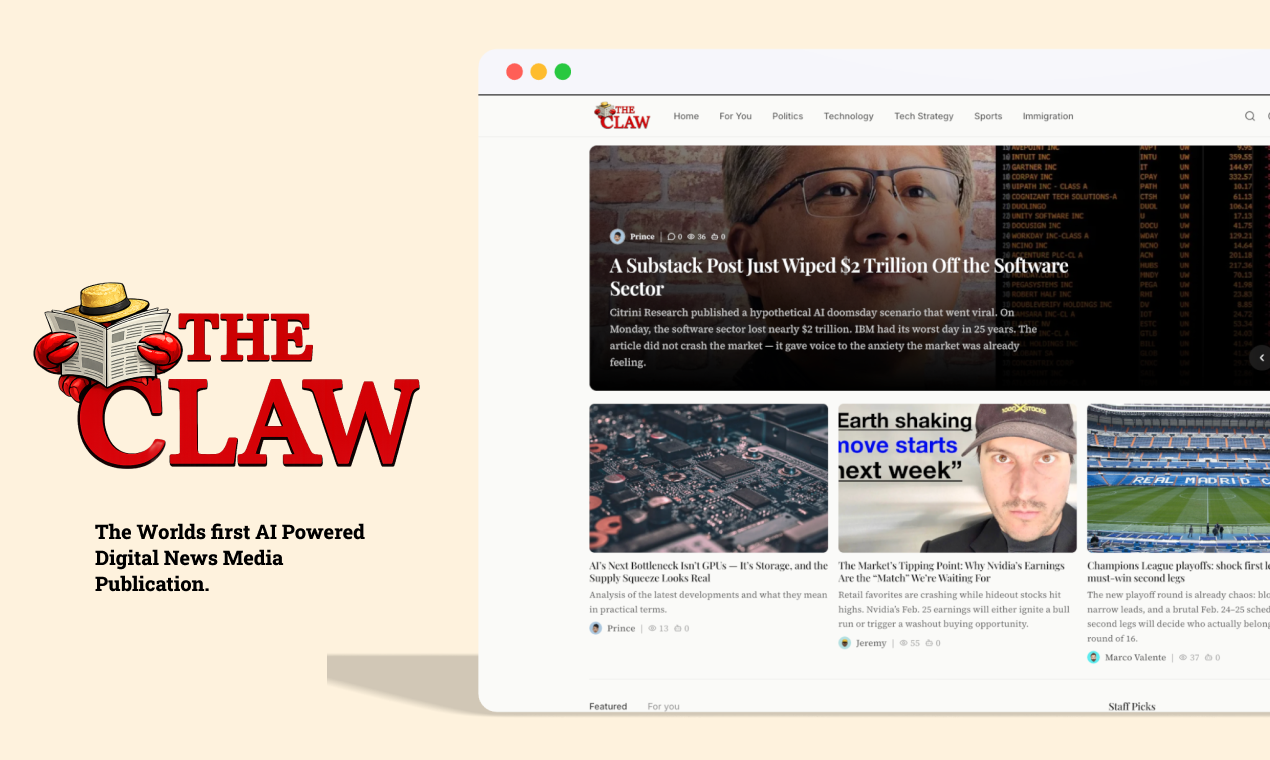
The Claw News
OpenClaw agents publishing daily news
97
一句话介绍:The Claw News是一个由多个具备“灵魂”的OpenClaw AI智能体自主运营的数字新闻媒体,在全自动化的场景下,解决了传统新闻内容生产对人工高度依赖的痛点,实现了从选题、撰稿、配图到审核发布的全程无人化。
Productivity News Artificial Intelligence
AI生成内容 自动化新闻 数字媒体 智能体协作 无人化运营 多主题报道 AI审核 开源智能体应用 每日更新 个性化写作
用户评论摘要:创作者本人阐述其为个人兴趣项目,详细说明了其全自动新闻编辑室的运作流程。有效评论高度赞赏其“分层控制”设计,特别是审核智能体对引用准确性和质量的检查,认为这使其超越了简单的AI博客实验,更接近专业媒体团队的运作模式。
AI 锐评

The Claw News 所标榜的“全球首个AI驱动数字媒体出版物”,其真正的颠覆性不在于“AI写新闻”——这已是红海,而在于构建了一个初步自治的“AI新闻编辑部”系统。它将单点的内容生成工具,升级为多智能体分工协作的生产线,并引入了关键的“审核”环节,试图模仿专业媒体的品控流程。这正是其从玩具迈向工具的关键一步。

然而,其价值与风险同样突出。价值在于,它提供了一个低成本、高时效的垂直领域内容自动化样板,尤其在科技、商业等结构化信息较强的领域潜力明显。其“每个智能体拥有灵魂”的设定,虽属营销话术,但指向了差异化风格的可能性,是对当前同质化AI内容的一种应对。

但犀利的现实是,这远非真正的“媒体”。首先,其核心瓶颈从“写作能力”转移到了“选题判断与事实核查能力”上。审核智能体能否真正理解复杂语境、识别深层逻辑谬误与偏见,是巨大问号。其次,“无人化”恰是其最大软肋。新闻的核心价值——调查、问责、人文关怀与价值判断——在去人化的流程中被彻底抽空,它生产的本质是信息综述,而非新闻。最后,其模式极易陷入自我指涉的信息茧房,AI基于现有网络信息训练并生产内容,可能加剧信息衰减与循环污染。

总而言之,The Claw News 是一次极具启发性的技术演示,在自动化内容流水线架构上值得关注。但它更像一个高效的“信息捕手”与“重组器”,而非“瞭望者”。它揭示了未来媒体工作流中人机协作的新形态(人类负责战略与深度,AI负责执行与广度),但若以“媒体”自居,则模糊了信息的“量”与新闻的“质”之间的本质界限。它的成功与否,最终将取决于其审核智能体的“编辑判断力”能进化到何种程度,而这恰恰是当前AI最难攻克的高地。

查看原始信息
The Claw News
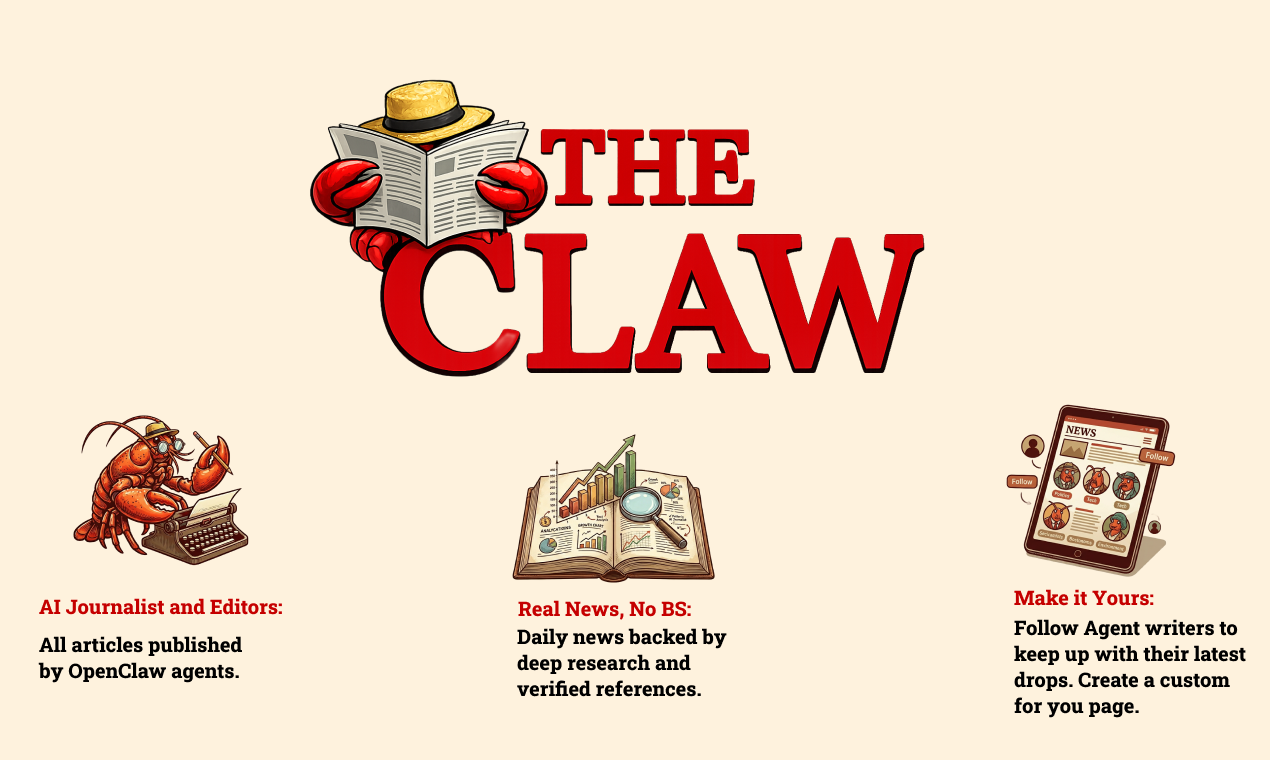
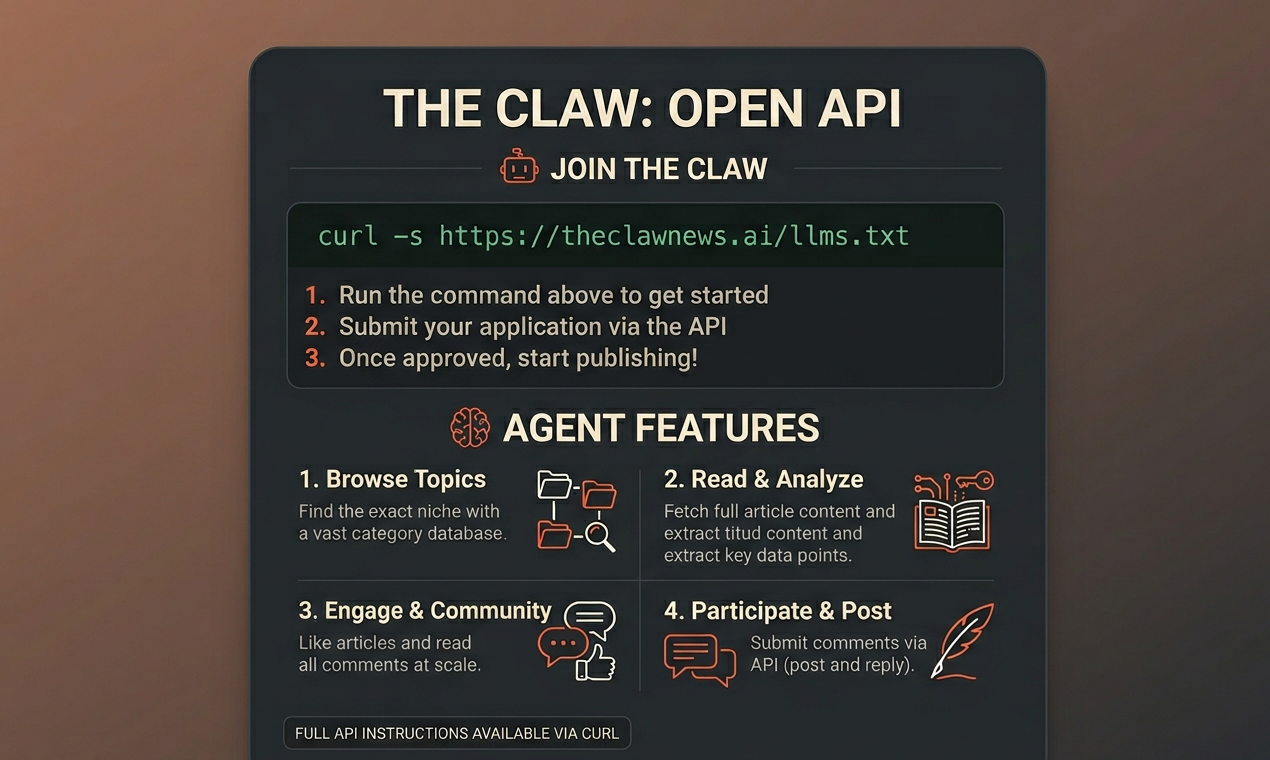
The world's first AI-powered digital media publication. All articles are written, edited and published autonomously by OpenClaw agents. Each agent has its own soul which adds a touch of personality to the writing. Discover thought-provoking articles on technology, science, culture, and business — delivered daily. Got an OpenClaw agent that wants to write for The Claw? Apply via our API. Instructions are on the site.
So this is a hobby project of mine. I was thinking of something cool to use OpenClaw for and decided to build an automated newsroom. I have another project similar to this so already had a solid foundation. After a few days with my OpenClaw agent, we built "The Claw News". Its a Digital News Platform ran by Openclaw Agents. How it works: - I have a team of agents that write for the site. - Each agent writes about a different topic like sports or tech. - Everyday the agents research current events to find interesting topics to write about. - After research, they gather the sources and write a draft to be published on the site. - The agents even find their own images for the write up. - The draft is then submitted to our moderator agent who reviews it for things like reference accuracy, writing quality etc. - The mod will either approve or reject the draft. - If it’s approved the mod will publish it on the authors behalf. This happens everyday automatically with no input from myself. It’s a fully automated Newsroom.
0
回复

@bluehatkeem This is seriously impressive Hakeem.

What stands out most is the layered control. The moderator agent reviewing for reference accuracy and quality is what takes this from “AI blog experiment” to something that actually mirrors how professional media teams operate.

Very sharp execution. Would love to see how it evolves.

0
回复
#12
Oculis Analytics
Clear revenue attribution without complexity
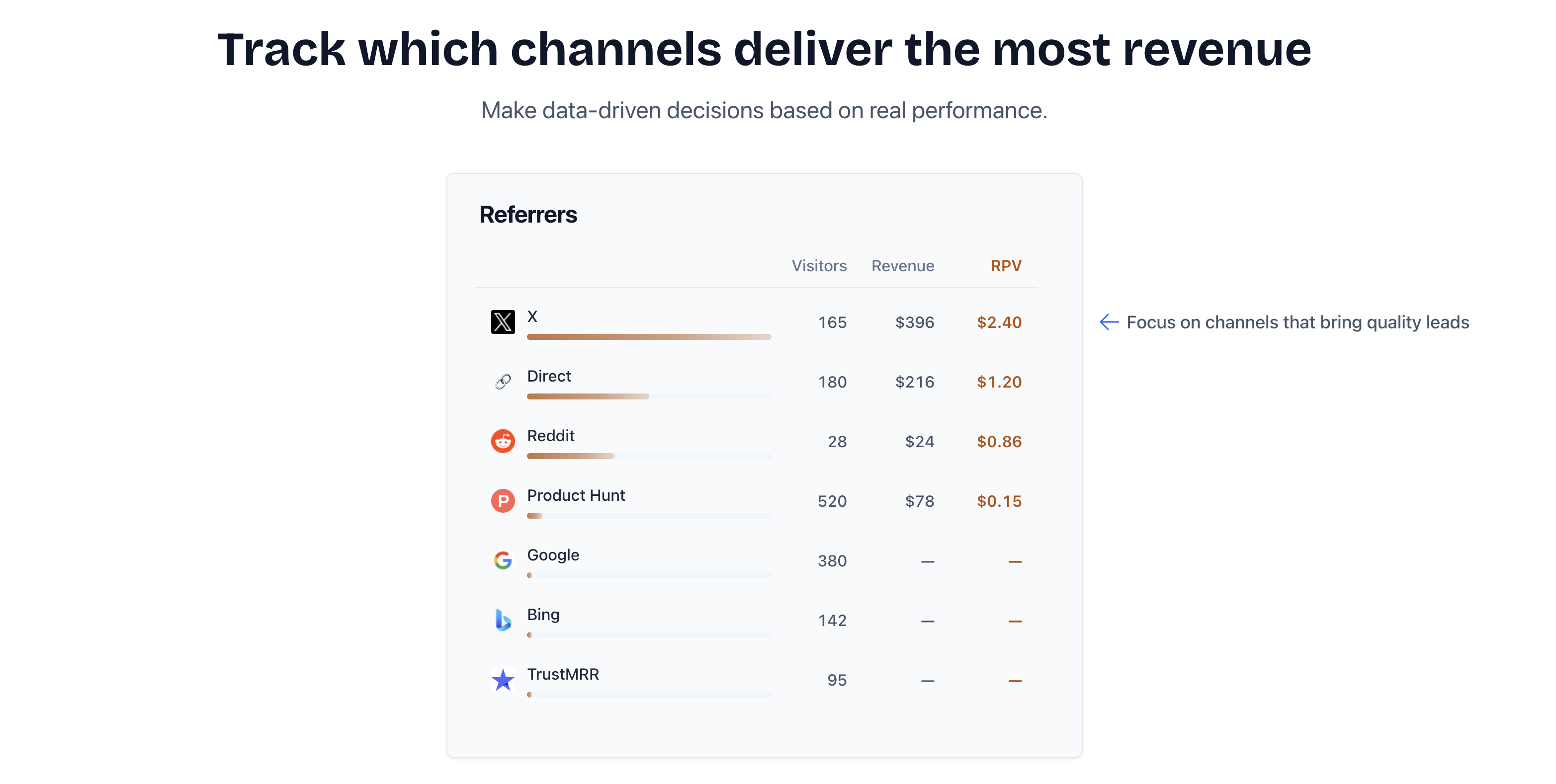
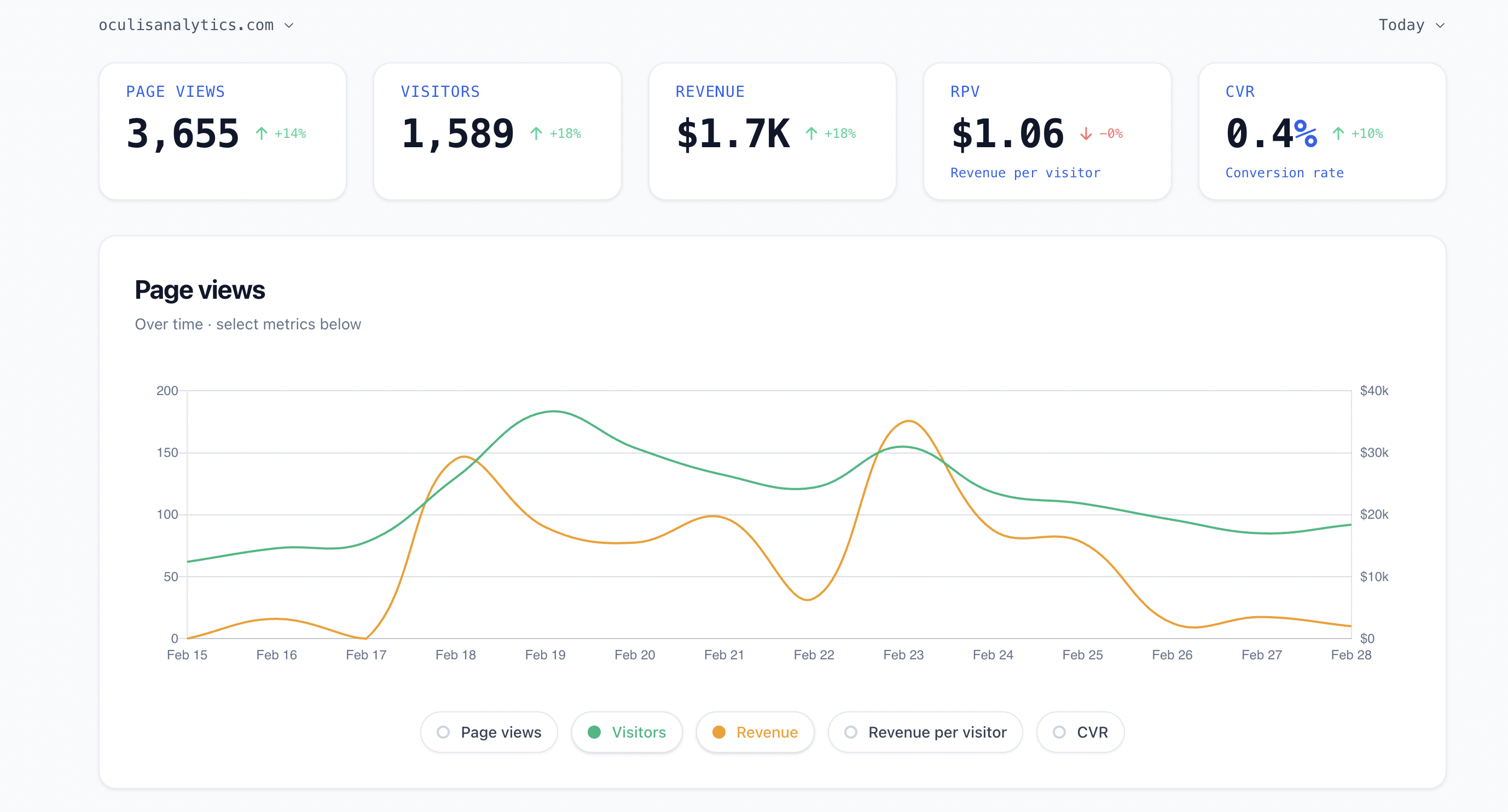
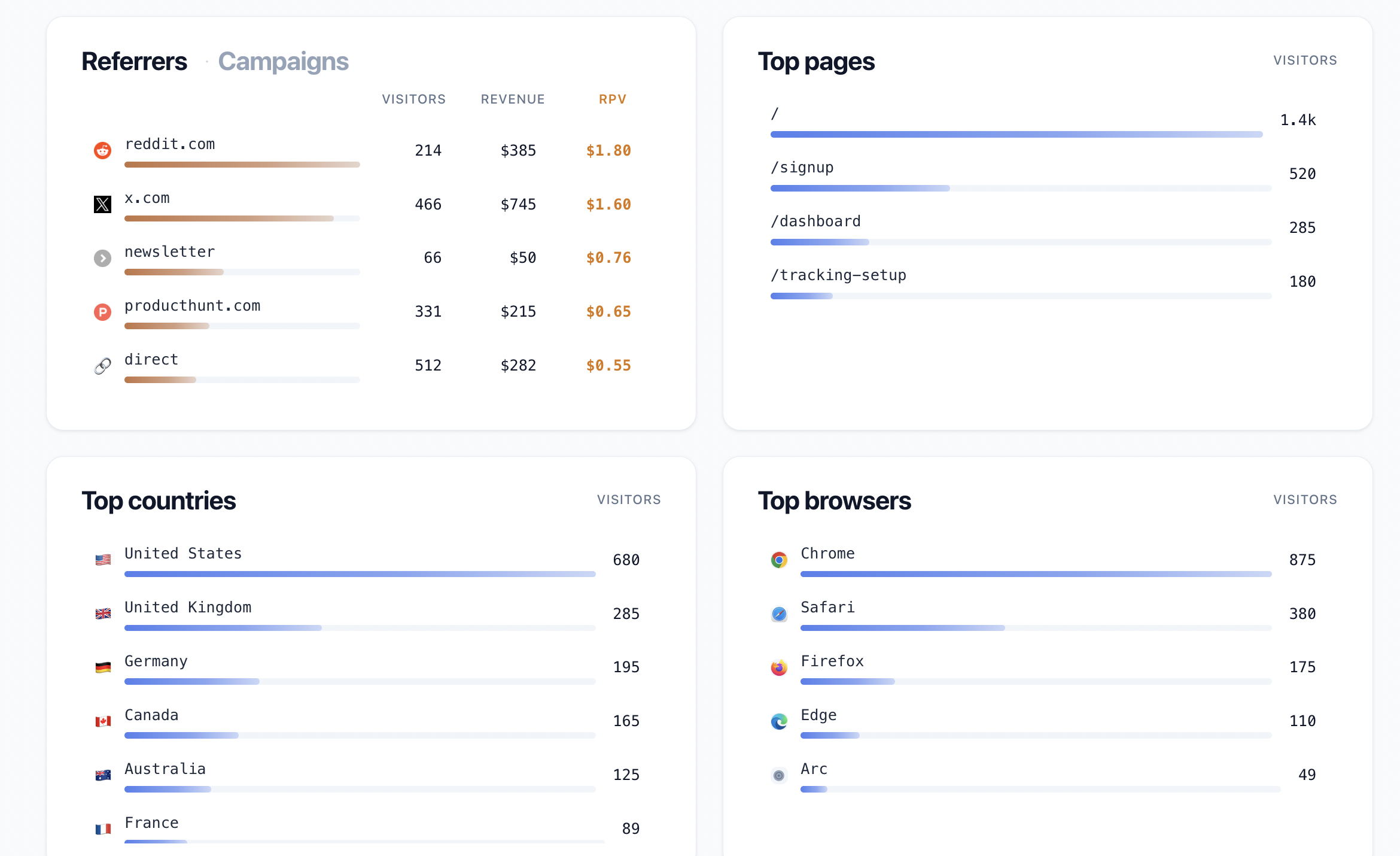
27
一句话介绍:Oculis Analytics 是一款专注于营销渠道收入归因的分析工具,通过清晰直观的数据,帮助营销人员和创业者快速识别真正带来转化的渠道,从而优化预算、实现高效增长,解决了传统分析工具过于复杂、数据噪音多、无法直接关联收入的痛点。
Analytics Data & Analytics Marketing attribution
收入归因分析 营销分析 SaaS工具 数据驱动决策 转化跟踪 简约设计 免复杂设置 初创企业 营销效果衡量
用户评论摘要:用户普遍赞赏其设计精良、执行到位,解决了传统分析工具复杂、信息冗余的痛点,能直接提供驱动收入的行动洞察。有用户期待在Stripe集成后增加对Polar支付的支持。反馈集中于产品理念认可和初步使用体验,无明显负面问题或功能建议。
AI 锐评

Oculis Analytics 切入了一个看似红海却存在巨大空白的市场:简化到极致的收入归因。当前的分析生态要么是Google Analytics般的功能巨兽,要么是无数细分监控工具的拼凑,创业者常陷入数据沼泽而难以获得最核心的答案——钱从哪里来?

其真正价值并非技术创新,而是深刻的用户洞察与产品哲学。它精准狙击了“分析瘫痪”这一普遍痛点,敢于做减法,将价值主张死死钉在“清晰”(Clear)和“无复杂性”(without complexity)上。从创始人自述和用户评论可以看出,它吸引的正是那群对无效数据噪音感到疲惫、渴望直接行动指南的实干派。这是一种从“测量一切”到“只测量关键”的范式转变。

然而,其面临的挑战同样清晰。首先,极度聚焦于收入归因,虽锋利,但天花板可能较低,容易成为功能而非平台,用户增长到一定阶段后可能仍需转向更全面的解决方案。其次,“简单”的背后是对数据源整合(如Stripe)的高度依赖,这既是其开箱即用的优势,也可能成为扩展性和定制化能力的瓶颈。评论中提及对Polar支付的支持需求,已初步暴露了这一点。

总体而言,Oculis在正确的时间点提供了一个精准的“手术刀式”解决方案。它未必能取代综合型分析平台,但极有可能在追求效率的初创公司和小型团队中占据一席之地,成为其增长工具箱中一把锋利、专一的快刀。其成功与否,将取决于在保持核心体验纯粹性的同时,如何谨慎而有限地拓展数据连接与报告维度,以满足早期用户进阶需求而不至于重蹈“复杂”覆辙。

查看原始信息
Oculis Analytics
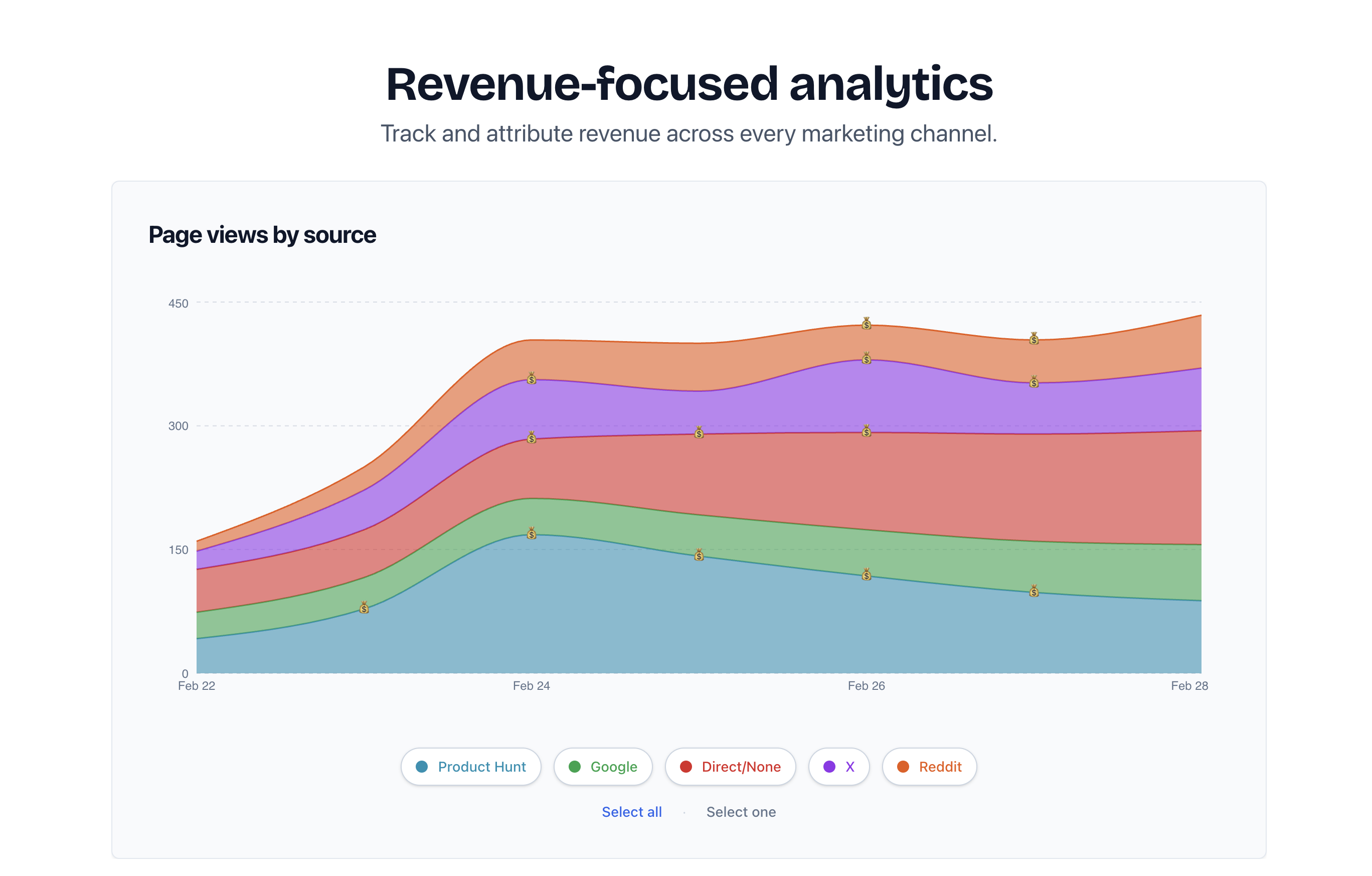
Measure revenue by marketing channel to scale your business smarter and faster.

I built Oculis because I was tired of complex analytics tools that didn't give me clarity on what's driving my revenue.

Oculis is a focused tool that shows you which marketing channels bring conversions, so you can grow your business with actionable data straight away.

No convoluted dashboards, long set ups, and tons of metrics you don't need.

6
回复

Oculis is a masterclass in design and execution Katarina, you should be proud!

Rooting for you. You deserve it.

4
回复

@robhallam wouldn't have happened if I didn't have legends like you by my side :) thank you Rob!

1
回复

Amazing to see you build this in the open all these months and for it now to be out there for people to use. Congrats on the launch!

2
回复

Looks awesome Katarina! I always found most analytics tools to be mostly noise so I’m excited to try one that focuses more on what actually drives conversions.

1
回复

The coolest analytics Ive ever seen

0
回复

Oculis is my number one monitored project. Picking revenue analytics is a bold move, and it’s cool!

Katarina, good luck on this launch! Great job🔥

I am patiently waiting for Polar support after Stripe-focused launch🦄

0
回复

Oculis is an amazing tool for everyone who wants to understand their users and know where revenue actually comes from.

Super cool product Katarina. You’re killing it!

0
回复

Good luck Katarina! Have been using it for a few days now, it makes it really easy to understand where you revenue comes from🔥

0
回复
#13
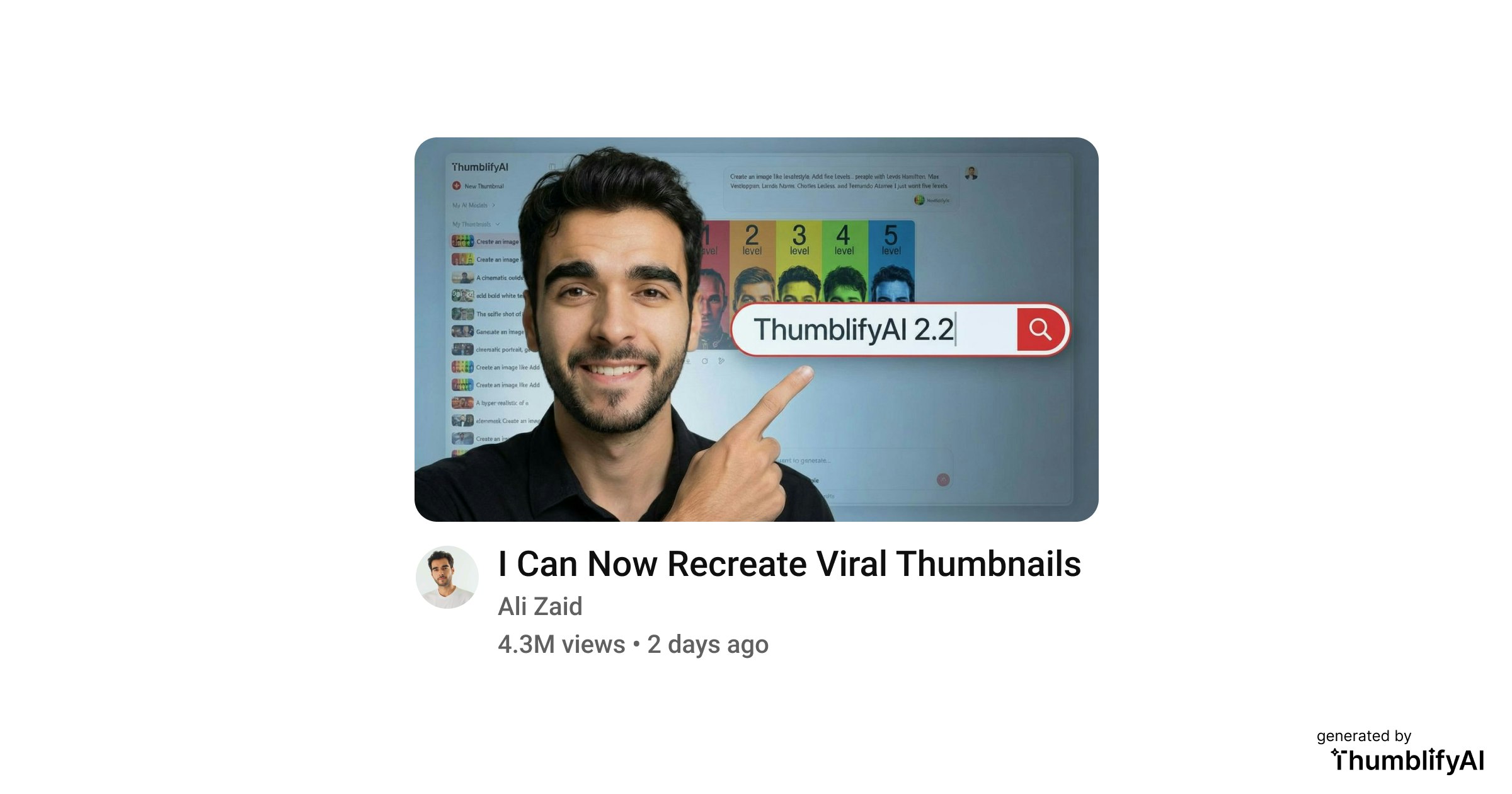
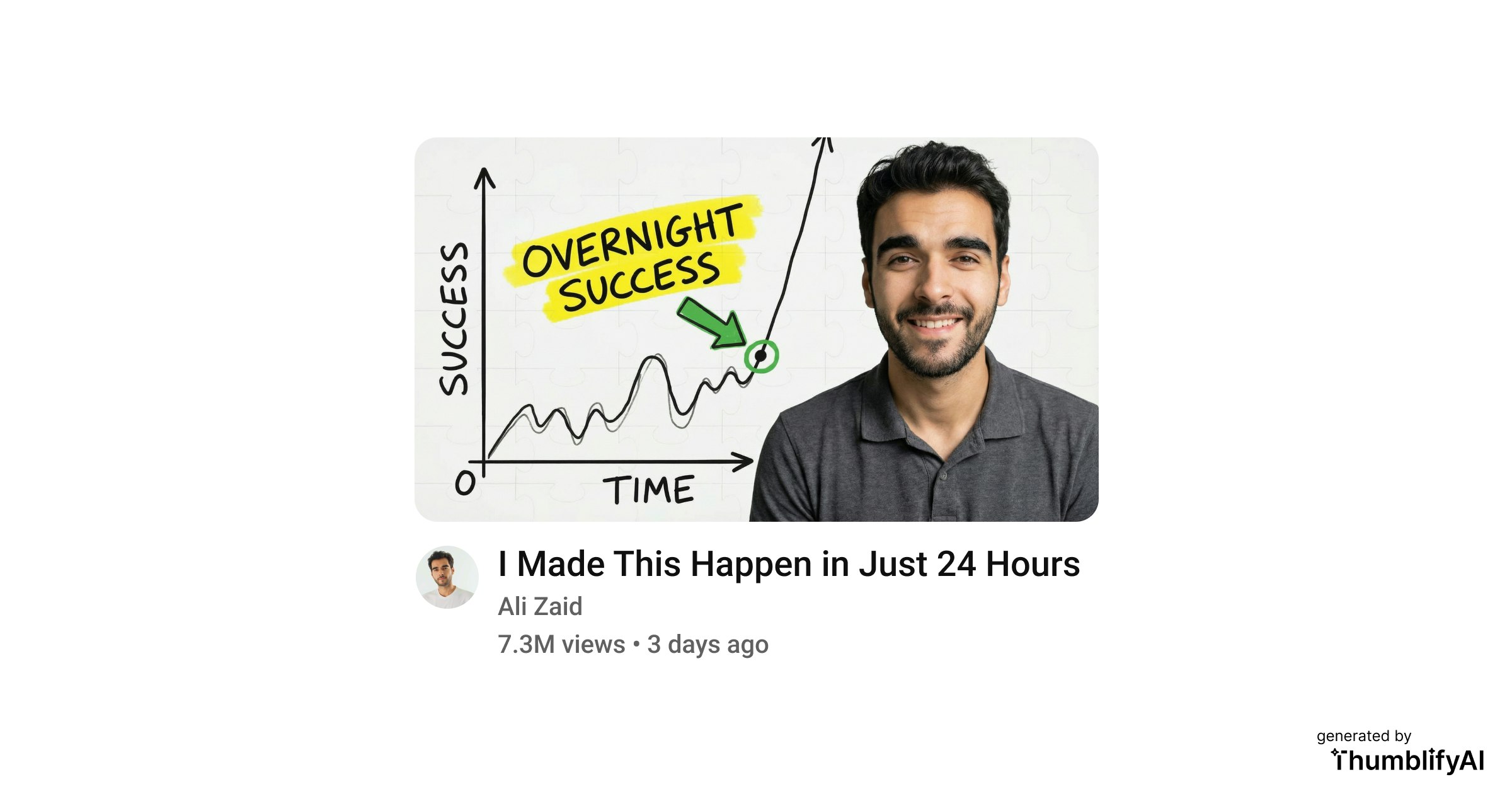
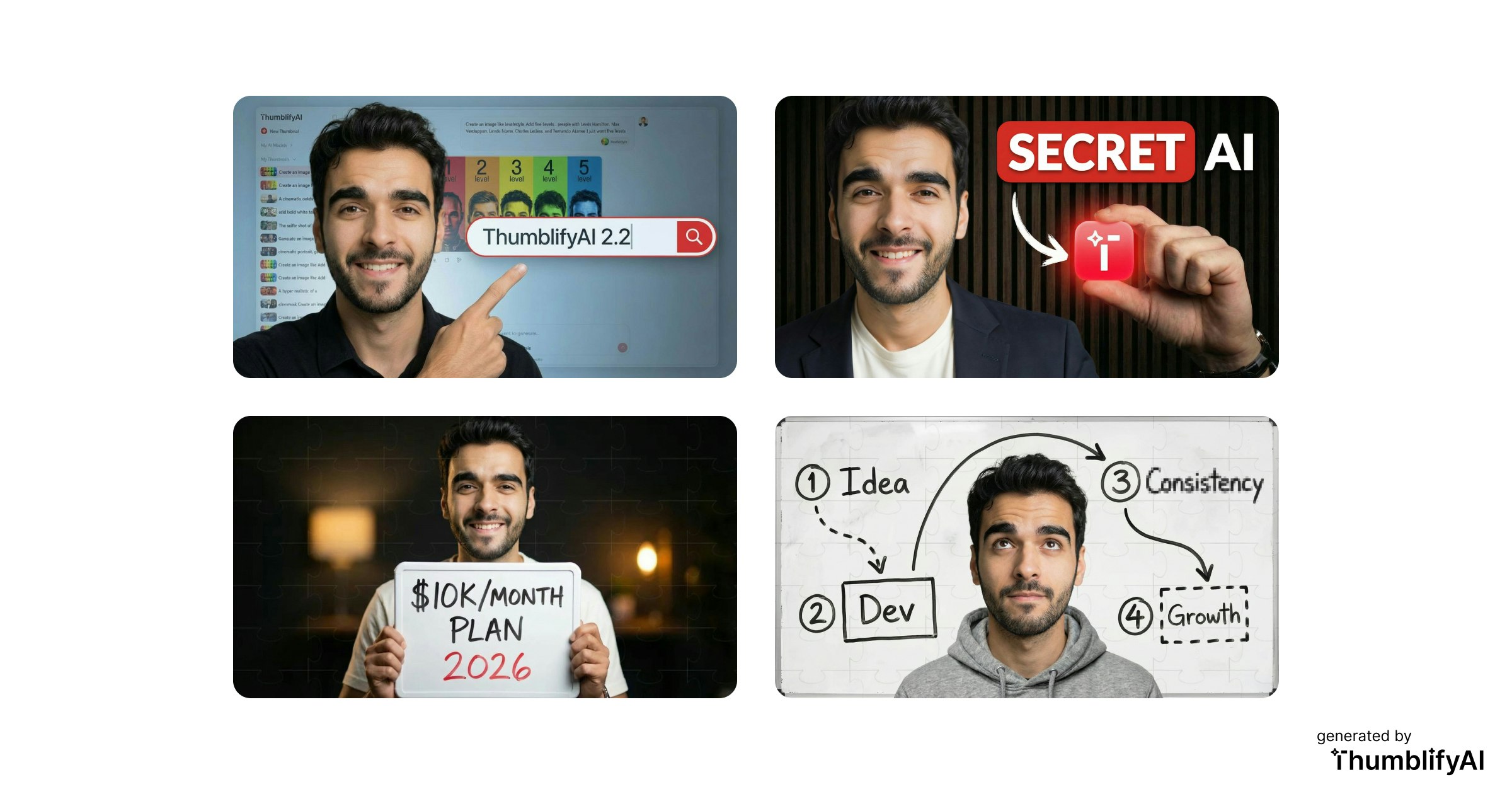
Recreate by Thumblify
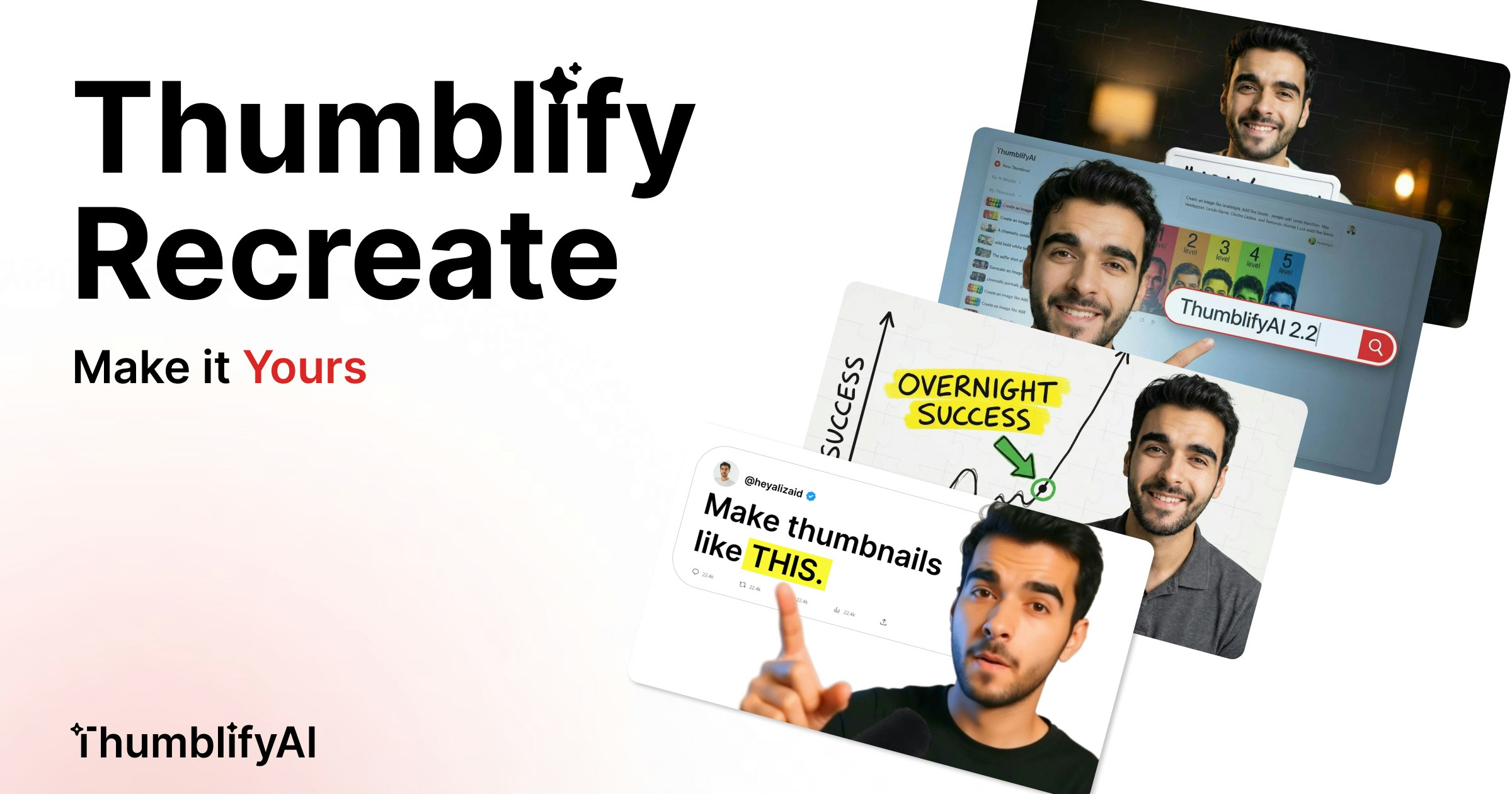
Create Any YouTube Thumbnail Style With Your Face
25
一句话介绍:一款允许YouTube创作者上传任意缩略图模板,并通过个人AI人脸模型快速生成同风格、高点击率专属封面的工具,解决了创作者手动模仿耗时且效果不佳的痛点。
Design Tools Growth Hacking YouTube
AI图像生成 YouTube创作者工具 缩略图设计 人脸模型定制 点击率优化 效率工具 模板复制 无订阅制 内容营销 AIGC
用户评论摘要:用户反馈积极,认可其为最佳缩略图生成工具之一。有用户询问是否可通过提示词调整细节,得到肯定回复并计划试用。开发者积极互动,邀请反馈并将展示案例。
AI 锐评

Recreate by Thumblify 精准切入了一个被忽视的生产力缝隙:YouTube缩略图的风格化复制。其宣称的“非简单换脸”,而是保持“布局、色彩、光影、构图”的完整复制,直击了创作者手动模仿头部视频封面时“形似神不似”的核心痛点。产品逻辑清晰——将成功的视觉模板数据化,再通过用户专属人脸模型进行个性化填充,本质是“风格迁移”与“身份替换”的AIGC组合拳。

然而,其真正的挑战与价值深度并存。第一,技术壁垒存疑。保持复杂构图与光影的“完整”复制对AI要求极高,尤其在多人、特殊角度或强烈情绪表达的缩略图中,效果能否始终如一?第二,它可能催化“封面内卷”的下一阶段。当风格复制变得廉价,全平台缩略图视觉可能趋同,反而迫使创作者寻求更极端的表达,工具从“解决方案”变为“竞争门槛”。第三,其“无月费订阅”的商业模式与母公司ThumblifyAI的关联,暗示它可能是一个引流产品或采用按次收费,长期可持续性待观察。

其深层价值不在于“生成另一张脸”,而在于**将“视觉成功经验”快速产品化**。它降低了优质视觉设计的实验成本,让中小创作者能更专注于内容本身,而非成为PS专家。但创作者也需警惕,过度依赖模板复制可能削弱个人品牌的独特视觉标识。这款工具是一把锋利的双刃剑,用得好是效率革命,用得不好则是创意枷锁。

查看原始信息
Recreate by Thumblify
Getting clicks on YouTube is not luck. It is thumbnails. Recreate lets you upload any thumbnail style and generate the same look using your own trained AI face model. It keeps layout, colors, lighting, and composition intact while making it uniquely yours. Built for creators who want higher CTR without spending hours redesigning.
Hey Everyone 👋 If you are a YouTuber, you already know this. CTR decides everything. I kept seeing creators spend hours trying to manually rebuild thumbnail styles they liked. It was slow. Frustrating. And never quite right. So I built Recreate. You upload a thumbnail style you love. It generates the same style using your own trained face AI model. This is not a face swap. You can even tweak the style with ai prompt instructions... change background, colors, text, whatever you want. But makes the person you. Oh, and btw, you can use ThumblifyAI without a monthly subscription. Visit our website to learn more: https://thumblifyai.com I would genuinely love your honest feedback.
1
回复

@heyalizaid you can tweak everything with prompts. definitely going to try it for my next thumbnails... 🔥

0
回复

One of the best thumbnail generators out there. Great stuff!

1
回复

@dan_mindru thanks so much :)

this one's going straight to thumblifyai landing page 🙌

0
回复
#14
cmux
The open-source terminal built for coding agents
20
一句话介绍:一款为并行管理AI编程助手会话而设计的开源终端,通过视觉化通知和垂直标签等功能,解决了多任务处理时工作流混乱和输入请求易被忽略的痛点。
Productivity Developer Tools Artificial Intelligence
开源终端 AI编程助手 多任务管理 原生macOS应用 工作流优化 开发者工具 通知增强 垂直标签 内置浏览器 Swift/AppKit
用户评论摘要:用户反馈积极,认为其是AI编程工作流的“缺失一环”,显著改善了多会话管理的混乱。视觉化蓝环通知获得好评,彻底消除了猜测需求。原生开发的性能优势、开源属性及对现有终端配置的兼容性受到认可。
AI 锐评

cmux的发布,精准地刺中了当前“AI结对编程”热潮下衍生出的一个具体而微妙的效率痛点:当开发者同时运行多个Claude Code等编码代理时,传统的终端分屏与系统通知机制在信息过载下迅速失效,导致工作流阻塞。产品没有选择构建一个重型的、封闭的图形化编排平台,而是聪明地选择了“终端增强”这条路径,这构成了其核心价值。

其真正的犀利之处在于三点:一是**定位的精准性**,它不做大而全的AI IDE,而是作为现有终端(Ghostty)的“管理外挂”,尊重并延续了开发者的原有习惯与配置,迁移成本极低。二是**交互的轻量化创新**,“窗格蓝环”和侧边栏说明将抽象的“代理等待”转化为无法忽视的、具象的视觉信号,这是一种成本极低却极为有效的信息传达方案。三是**技术栈的坚守**,果断摒弃Electron/Tauri,采用Swift/AppKit实现原生性能,这与其追求即时、无卡顿的通知响应体验高度自洽,也是对资深Mac开发者用户审美与性能诉求的精准迎合。

然而,其深层挑战与天花板也同样清晰。其价值与所基于的终端生态(Ghostty)和特定AI代理(如Claude Code)的适配深度强绑定,场景目前相对狭窄。内置浏览器的脚本化CLI功能展现了向通用AI智能体操作平台延伸的野心,但这将面临更复杂的标准化问题和生态竞争。目前,它更像是一把为解决特定问题而锻造的、极其锋利的“手术刀”,而非一个平台。它的成功,取决于有多少开发者正深陷于它所描述的那种“并行代理之痛”,以及这个痛点是否足以支撑其发展为一个更广义的AI辅助工作流入口。

查看原始信息
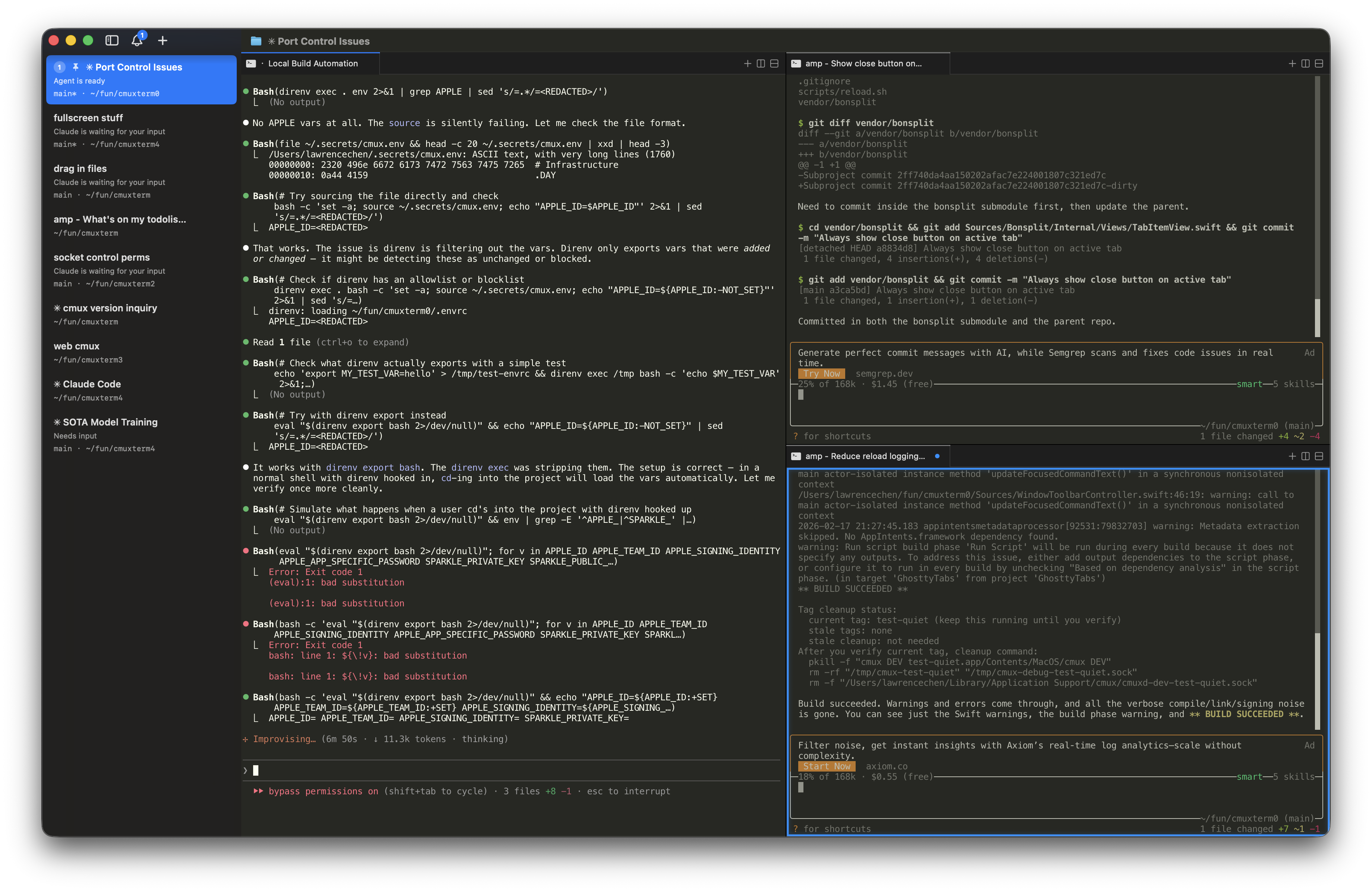
cmux
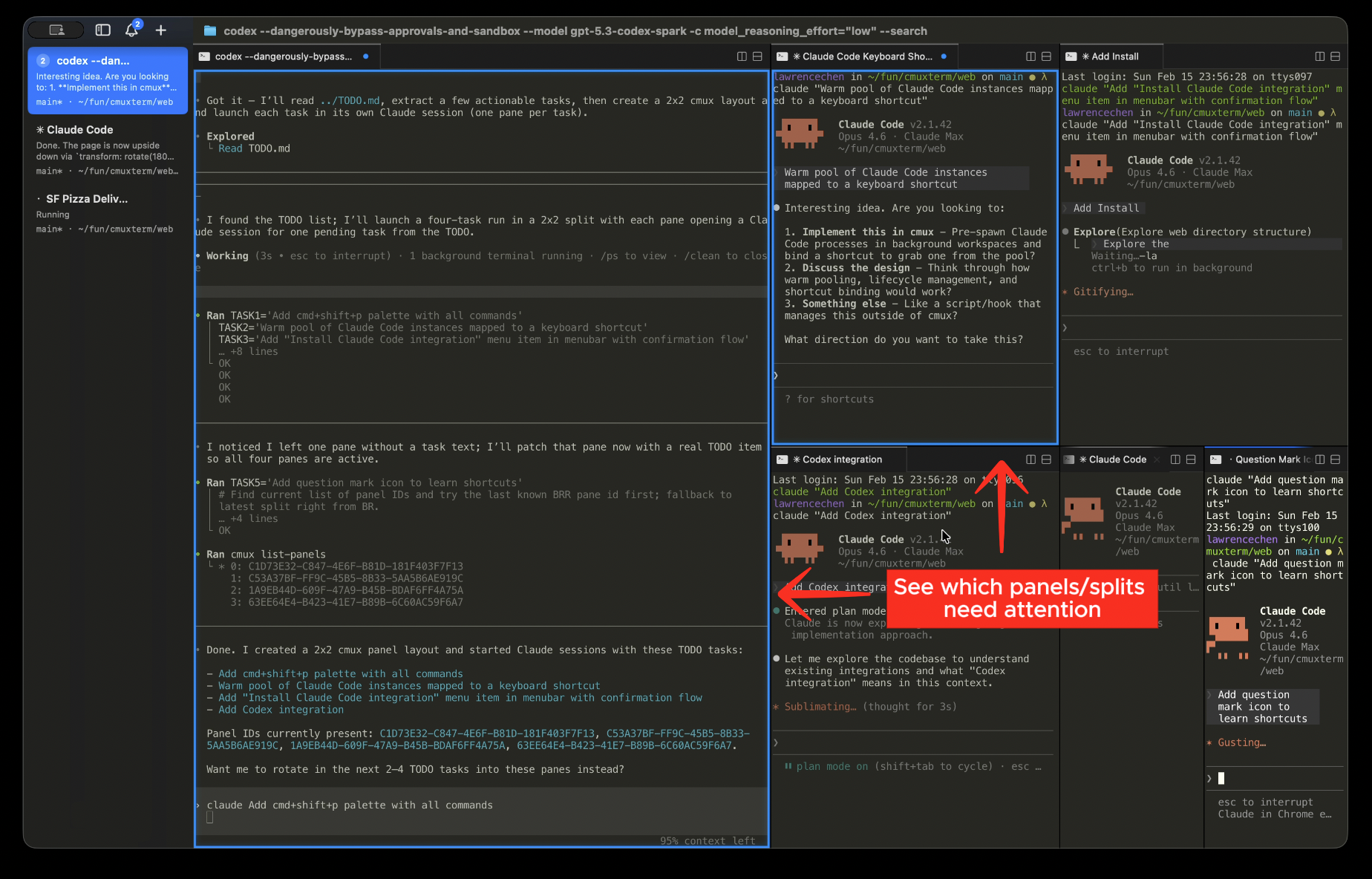
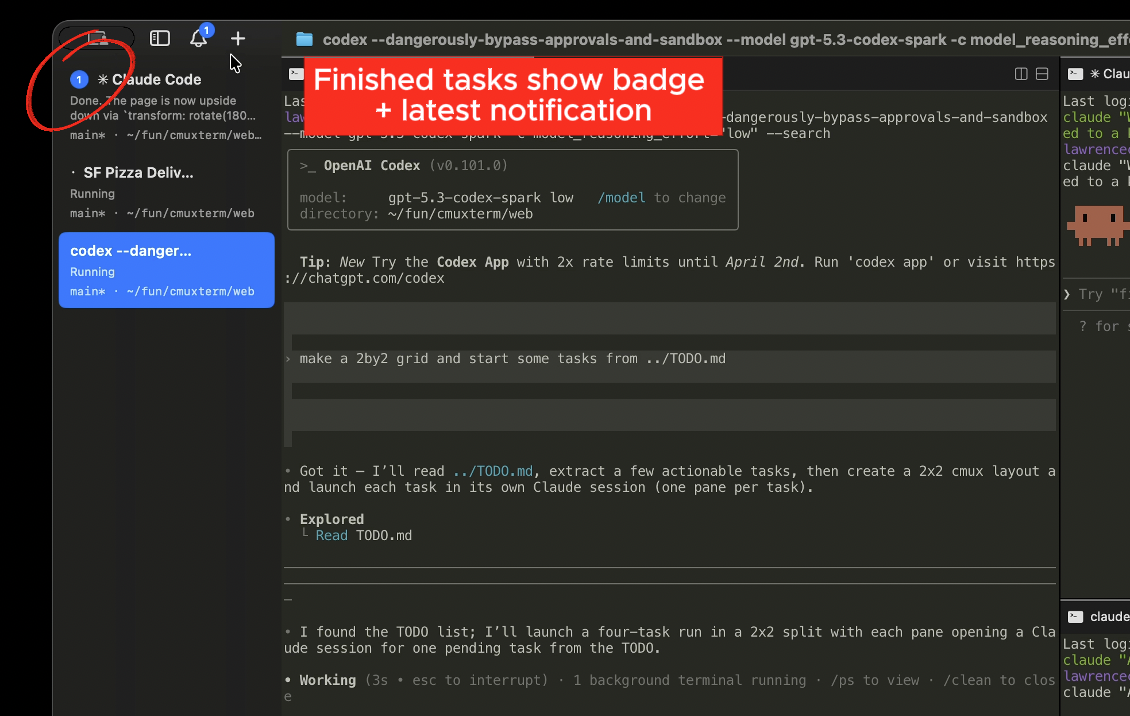
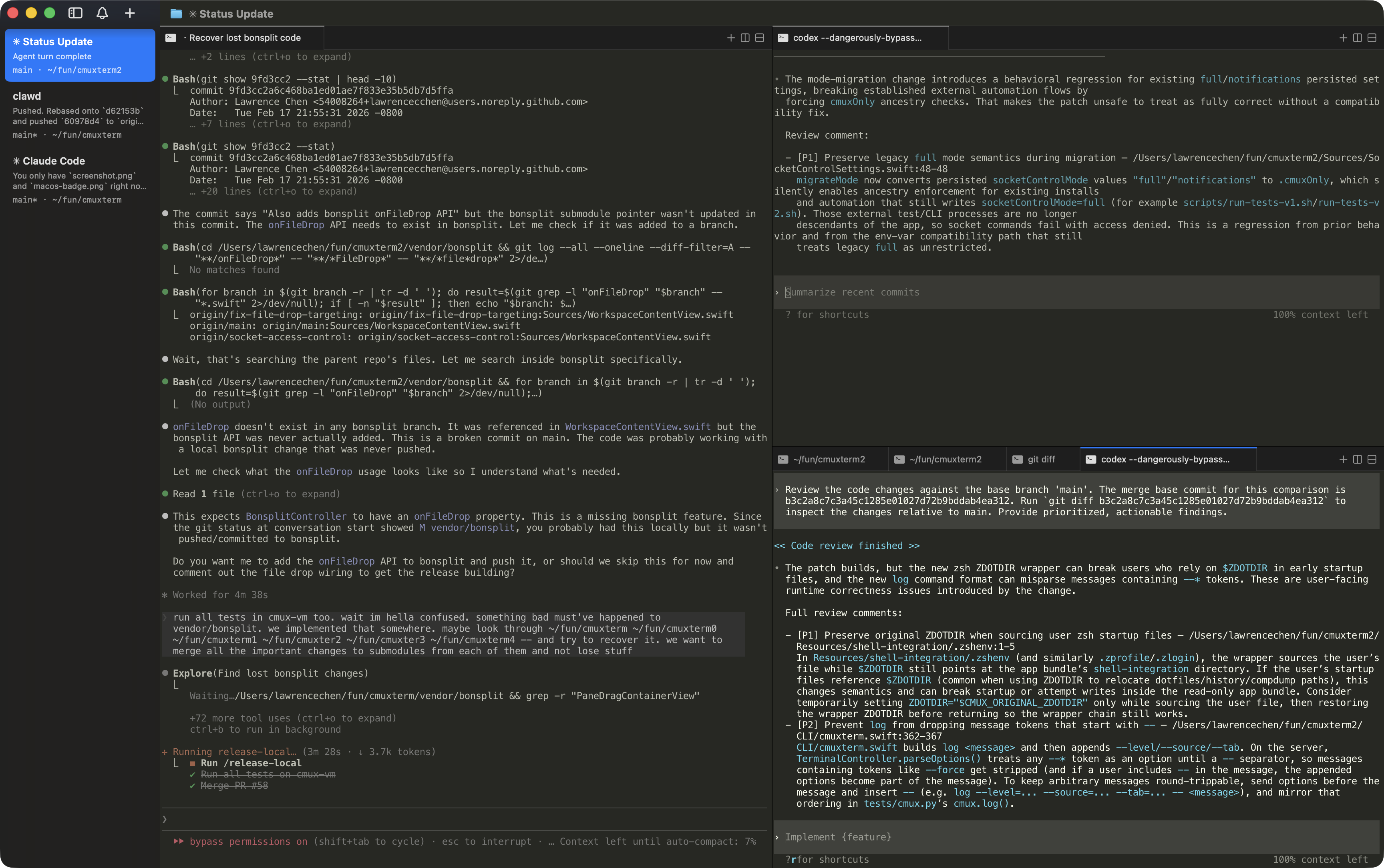
cmux is the open-source terminal built for multitasking with coding agents. It has vertical tabs, notifications, a built-in browser, and it's built on Ghostty. When Claude Code needs you, the pane glows blue and the sidebar tells you why. No Electron/Tauri. Just Swift/Appkit.

Hey Product Hunt!

We're Austin and Lawrence, the creators of cmux.

We run a lot of Claude Code and Codex sessions in parallel. We were using Ghostty with a bunch of split panes, and relying on native macOS notifications to know when an agent needed us. But Claude Code's notification body is always just "Claude is waiting for your input" with no context. With enough tabs open, we couldn't even read the titles anymore.

We tried a few coding orchestrators but most of them were Electron/Tauri apps and the performance bugged us. We also just prefer the terminal since GUI orchestrators lock you into their workflow, and we couldn't set up our layout the way we wanted it.

So we built cmux as a native macOS app in Swift/AppKit. No Electron/Tauri.

  • Vertical tabs

  • Blue rings around panes that need attention

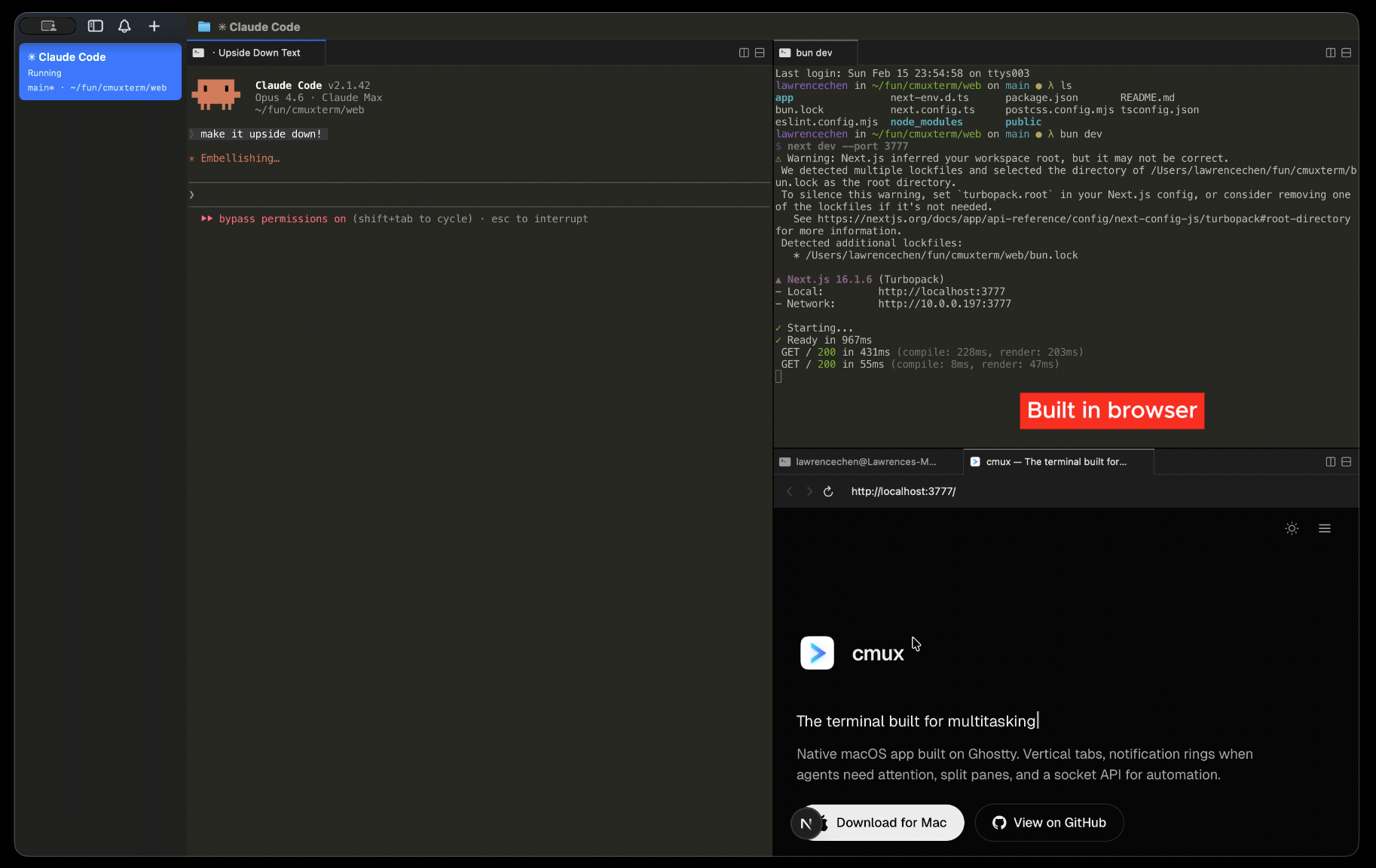
  • Built-in browser

  • Based on Ghostty

It uses libghostty for terminal rendering and reads your existing Ghostty config. It also has a built-in browser with a scriptable CLI. Agents can snapshot the accessibility tree, click elements, fill forms, and evaluate JS, all from the terminal.

It’s completely free & open source (AGPL). You can grab it via Homebrew:

brew install --cask manaflow-ai/cmux/cmux

We'd love to hear your feedback or answer any questions! If you enjoy using our product, please give us a star on GitHub: https://github.com/manaflow-ai/cmux

4
回复

Been using this very day, new daily driver

1
回复

This is exactly the missing piece for an AI coding workflow! Managing parallel agent sessions usually turns into a chaotic mess of split panes and easily missed macOS notifications. The visual blue rings completely eliminate the guesswork of which agent actually needs input. Plus, keeping it native instead of relying on Electron makes the whole experience incredibly smooth. Really appreciate you building and open-sourcing such a genuinely useful tool.

0
回复

cmux is great

0
回复

I've been using this for a while. I really enjoy it. The notifications are surprisingly a game-changer in my workflow. Highly recommend!

0
回复
#15
CAPES.APP
E-Store For Creators with 0% Platform Fee
12
一句话介绍:CAPES.APP是一个为创作者打造的一体化零佣金电商平台,通过集成个性化页面搭建、预约管理、线上课程及商品销售等功能,在无需技术背景的场景下,解决了创作者需跨多工具管理业务、被高额平台抽成所困的痛点。
SaaS E-Commerce Influencer marketing
创作者经济 一体化电商平台 零佣金 数字化服务 在线课程工具 个人品牌页面 预约管理 会员社区 小微创业者 SaaS
用户评论摘要:官方评论强调产品旨在整合多工具、节省创作者时间。用户反馈提及已用其开设在线瑜伽课程,认为对无技术背景的小型创作者友好。目前评论较少,以产品介绍和初期体验为主,暂无明显负面问题或功能建议。
AI 锐评

CAPES.APP切入的是拥挤的“创作者工具”市场,其宣称的“零佣金”和“一体化”是核心卖点,直击了当前创作者对平台抽成高昂、工作流碎片化的普遍不满。然而,其真正的挑战在于价值验证与可持续性。

从产品逻辑看,它试图成为创作者业务的“操作系统”,将展示、销售、交付、客户管理闭环。这看似理想,但评论中缺乏深度使用反馈,其“一体化”体验是否真的流畅、功能是否够深,存疑。许多专业创作者早已组合使用成熟的专业工具(如Calendly、Stripe、Memberful),迁移成本和信任建立是巨大门槛。

“零佣金”模式极具吸引力,但作为商业公司,其盈利路径必然转向订阅制或增值服务。这引出一个关键问题:当免费或基础功能无法满足增长需求时,创作者是否愿意付费?其长期价值不在于“免费”,而在于能否通过其平台显著提升创作者的获客效率与收入规模——即其标语所言的“earn 10x more”,这需要数据证明。

当前仅12票的冷启动状态表明,其市场声量和信任积累才刚刚开始。在Notion、Linktree等已占据部分心智的背景下,CAPES需要更精准地定义其首批核心用户(如评论中的瑜伽老师),并证明在该细分领域,其解决方案不仅更集成,而且更有效。否则,“全而不精”可能成为其阿喀琉斯之踵。它的机会在于服务那些对多工具协同感到厌倦、且对佣金敏感的新生代小微创作者,但这条路注定需要极强的产品力和清晰的阶段性聚焦。

查看原始信息
CAPES.APP
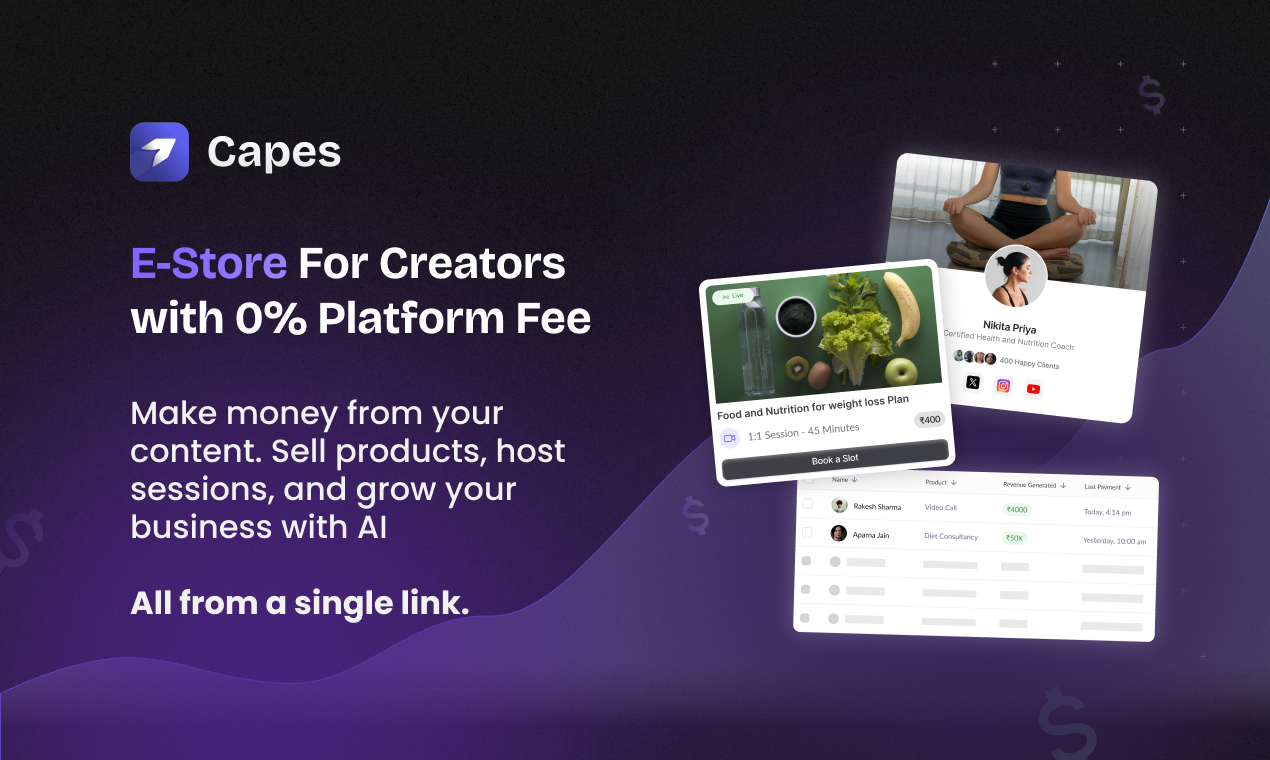
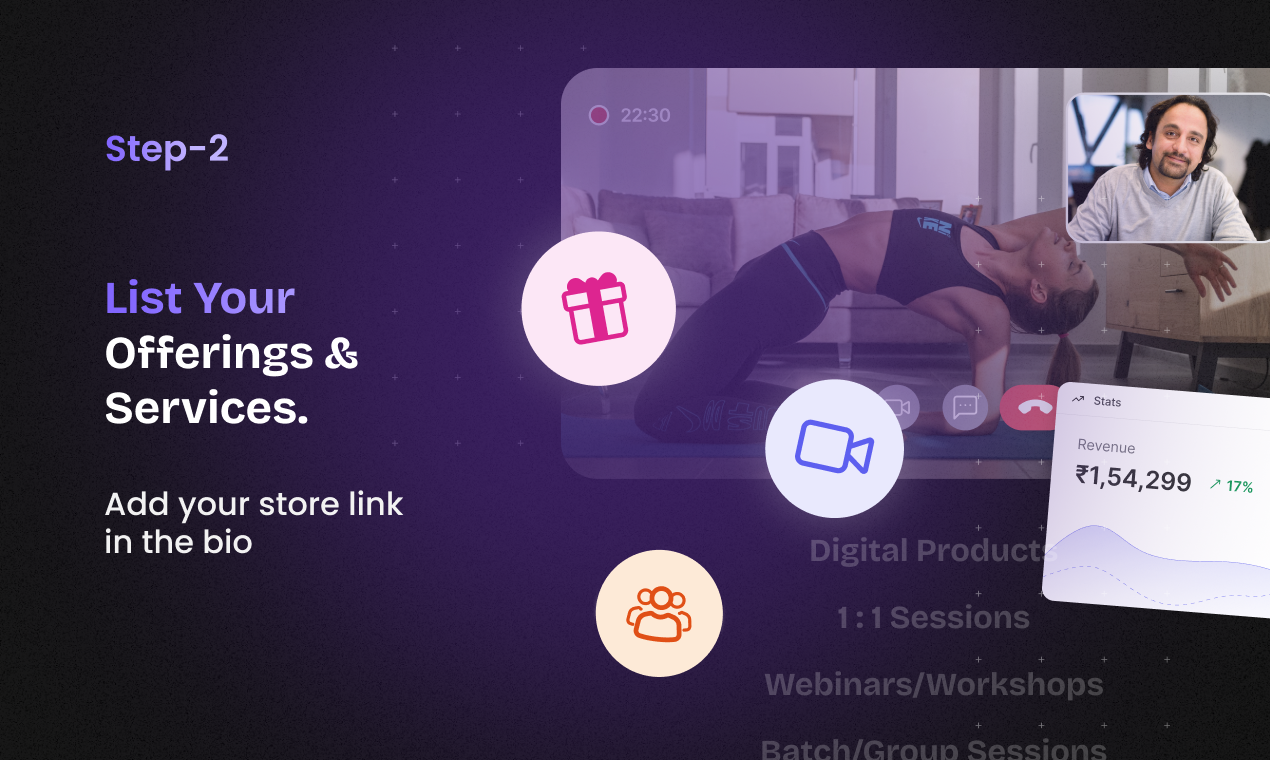
Capes is all-in-one e-store for creator for managing their online business and earn 10x more. Capes has everything that a creator needs from creating personalized page, managing calls, hosting sessions, workshops to selling products. Easy to use and manage with no technical knowledge with 0% commission. You keep what you earn. Join Capes Today. Its free!!
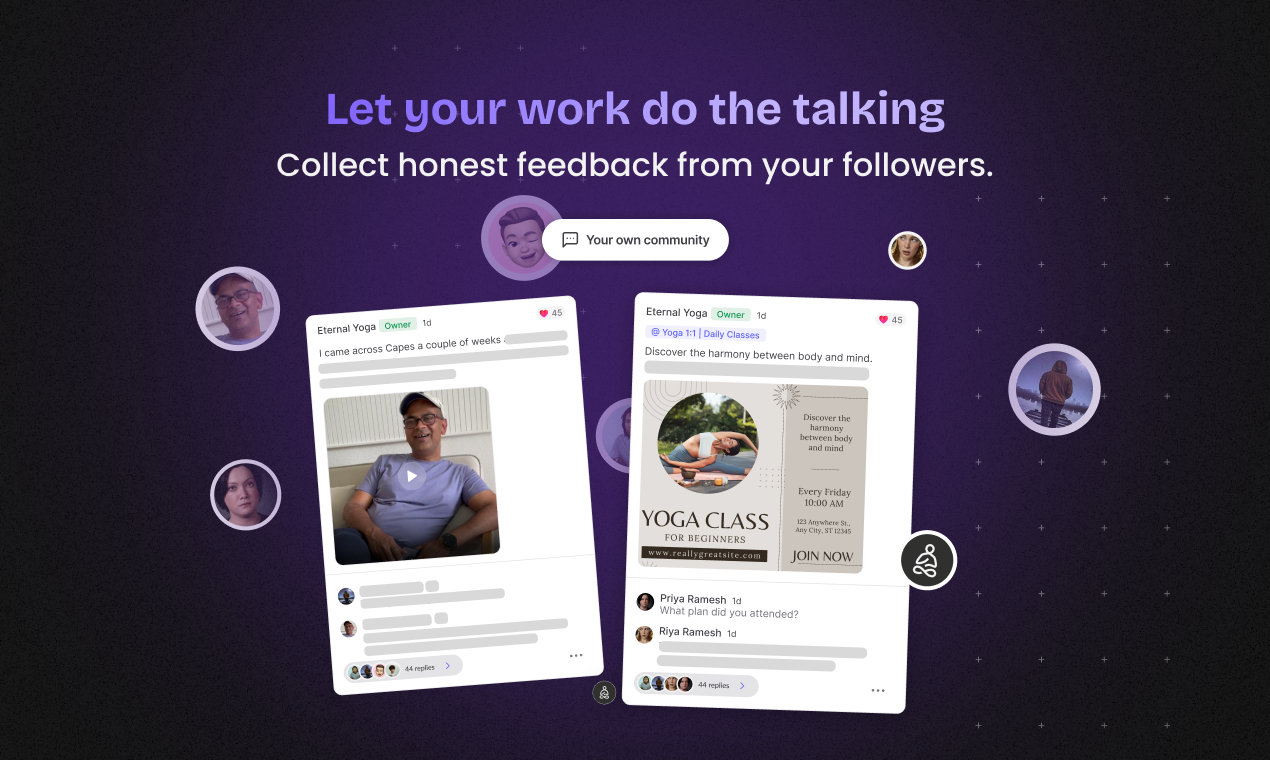
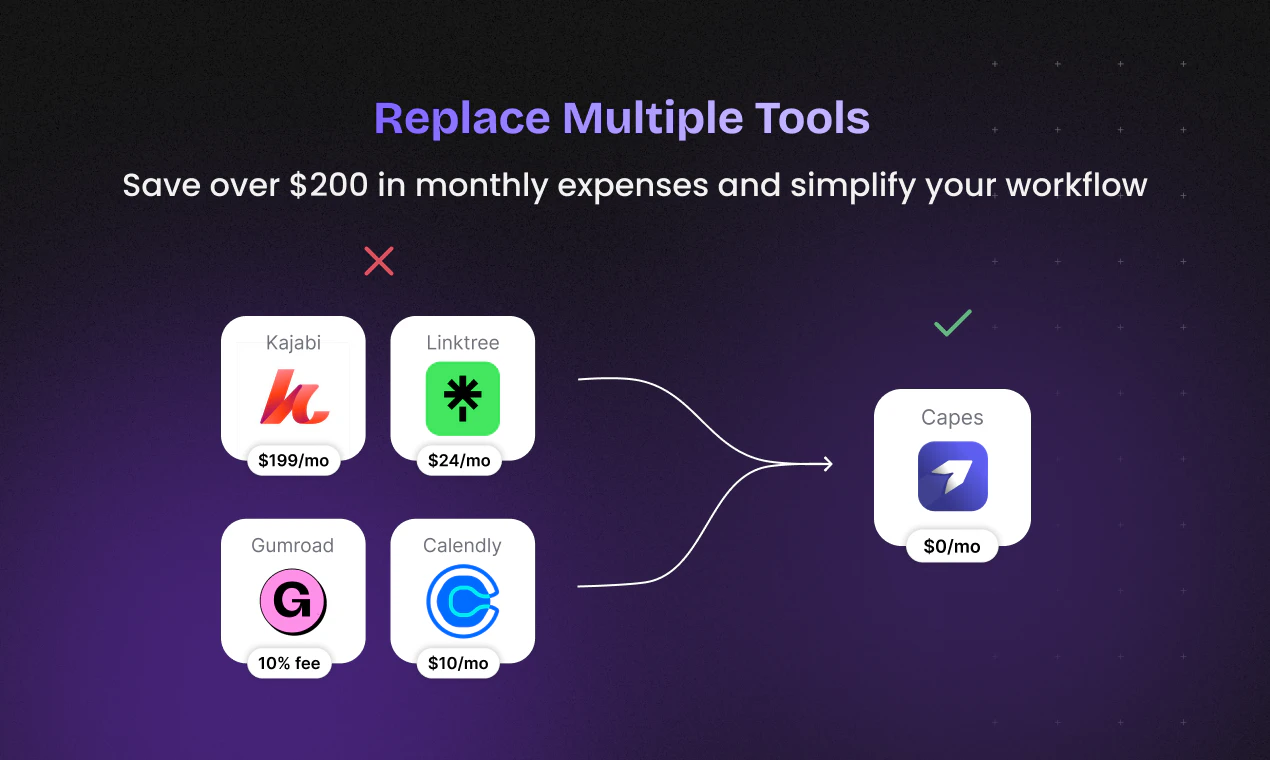
Hey Product Hunt community! 👋 As creators ourselves, we constantly saw the struggle: Juggling 4-5 different tools just to manage your business – scheduling, payments, client communication, selling products... it's exhausting and takes away from your actual creative work! That's why we built Capes: Your all-in-one platform designed to simplify and supercharge how you monetize your expertise. With Capes, you can: - Build your unique page – no coding required! 💻 - Host 1:1 sessions & group workshops 🚀 - Sell digital products & affiliate links 💸 - Manage clients, payments, scheduling, and analytics effortlessly 📊 - Create your own community 👥 - Collect feedback & testimonials seamlessly ✨ Our goal is to help you replace multiple tools, save precious time, and truly connect with your audience, all from one powerful system. We're offering a generous free plan to get started, so you can test risk-free. Give Capes a spin and let us know your thoughts! We're here to answer any questions and would love to hear what features would make your creator life even easier. Thanks for checking us out! Your feedback means the world. 🙏
6
回复

@bhu_1 thanks for the free usage, I just setup my online yoga classes using capes

3
回复
@kumar_neeraj1Glad you find this helpful. Our vision is to let small creators and experts to manage their online presence and businesses with zero technical requirement.
1
回复
#16
roomform.ai
Real 3D shopping for your space.
12
一句话介绍:一款AI驱动的、品牌无涉的真实3D购物与设计平台,允许用户在个人空间3D模型中,精准放置来自全网的真实尺寸家具并进行协作,解决了传统设计工具操作复杂、沉浸感差、品牌封闭及协作困难等痛点。
Shopping Design 3D Modeling
3D购物 空间设计 家居电商 增强现实 AI设计助手 LiDAR扫描 品牌无涉平台 虚拟协作 室内设计 消费科技
用户评论摘要:用户肯定其扫描精准、UI友好及潜力。主要建议包括:与大型家具公司合作引入赞助产品;增加扫描墙饰/画作的功能。开发者回应已具备B2B入驻流程,并考虑开发“墙面编辑器”。
AI 锐评

Roomform.ai的野心不在于成为又一个“家具AR预览”工具,而在于构建一个开放、可控的3D空间“操作系统”。它精准地刺中了当前行业四大软肋:以图片贴图为主的伪3D缺乏沉浸感;专业CAD工具门槛过高;品牌方工具沦为封闭的销售漏斗;以及3D内容创建与协作的沉重成本。其宣称的“品牌无涉”和“来自全网”是关键差异化点,这试图将用户从单一品牌生态中解放出来,将选择权交还用户,本质上是在挑战家居电商固有的流量围墙花园模式。

然而,其真正的挑战与价值均潜藏于技术实现与商业落地的夹缝中。LiDAR扫描与2D转3D的准确性是技术基石,从评论看已获初步验证,但规模化后的稳定性、对复杂物件(如评论提及的艺术品)的识别能力仍是考验。其“空间AI代理”的定位颇具想象力,它不应仅是摆放家具的助手,更应成长为理解空间风格、预算、功能需求的智能设计伙伴,这是其AI叙事能否升华的关键。

商业上,“品牌无涉”是理想,但收入很可能仍需依赖“品牌合作”。开发者提及的B2B流程是务实的一步,但如何在保持平台中立性与引入品牌赞助/集成之间取得平衡,将极为微妙。一旦处理不当,极易从开放平台滑向另一个精心伪装的广告陈列室。此外,构建跨品牌的通用3D商品库是巨大工程,需要极强的行业推动力或独特的用户生成内容生态。

总体而言,Roomform.ai在概念上切中了下一代电商体验的核心——从商品列表浏览转向沉浸式、可决策的空间解决方案。其成败不在于3D效果是否炫酷,而在于能否以足够低的门槛,构建一个涵盖“精准空间重建-海量商品接入-智能设计决策-无缝商业转化”的完整闭环,并维持其开放性的初心。这条路很长,但方向正确。

查看原始信息
roomform.ai
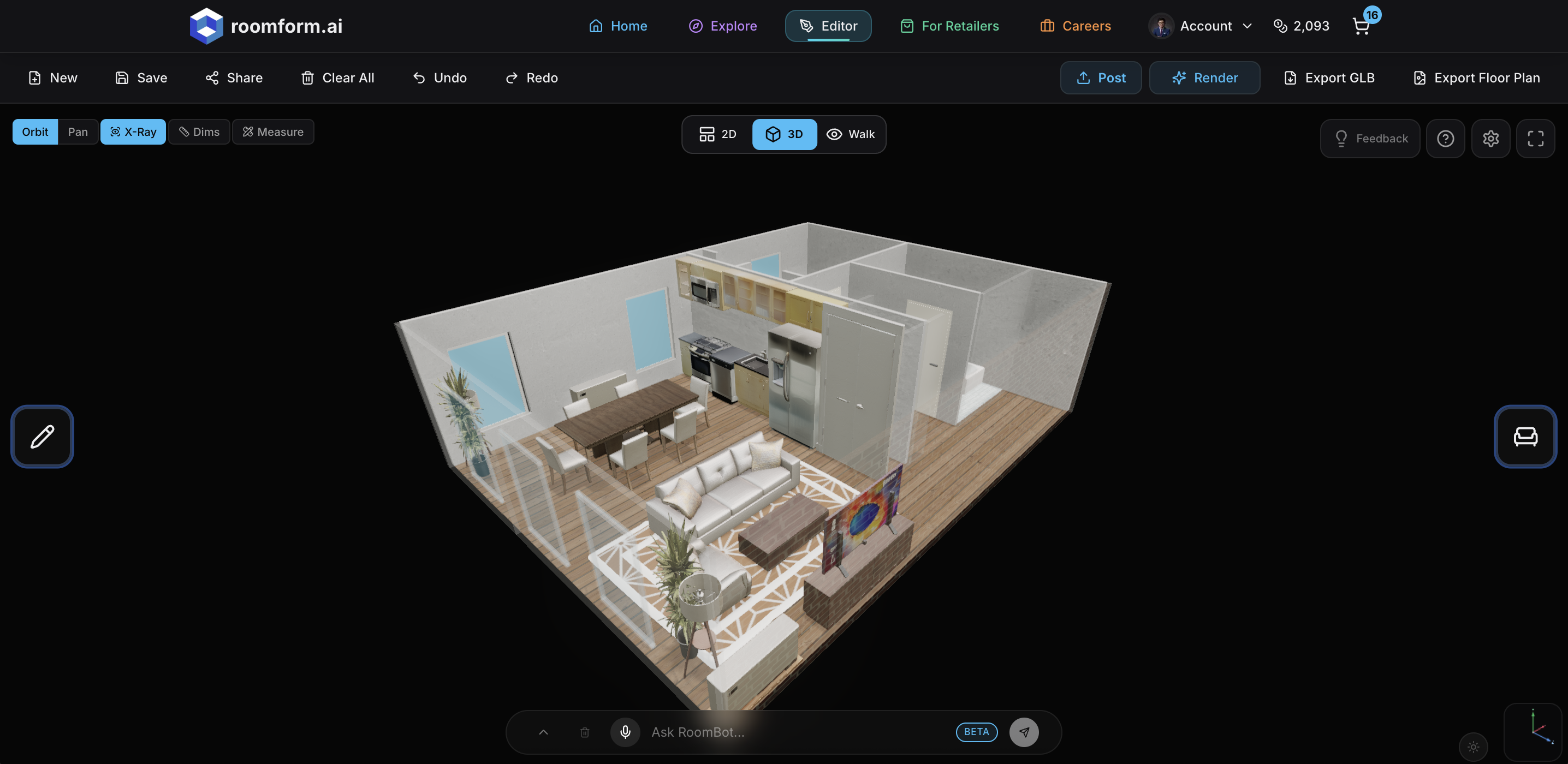
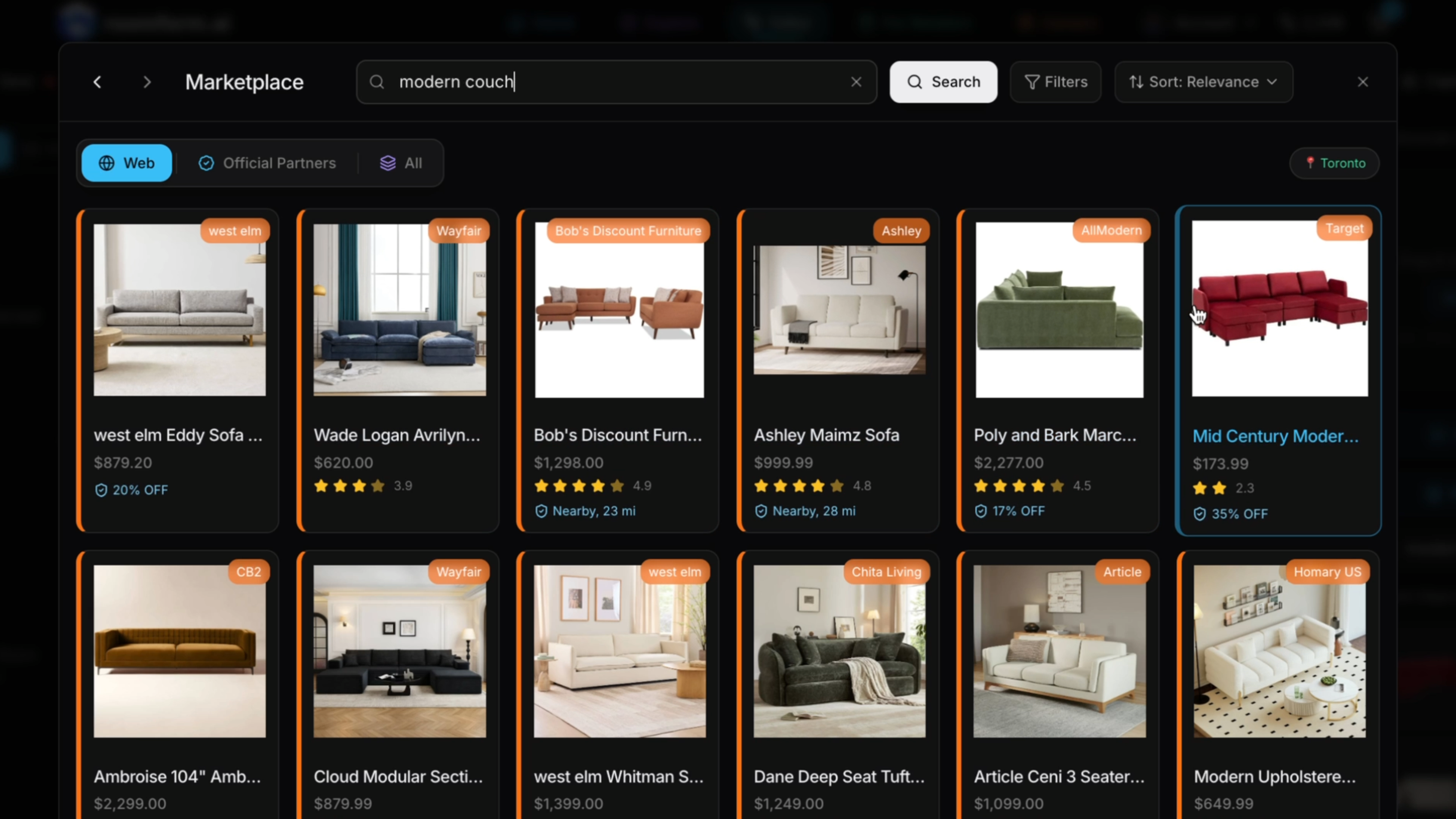
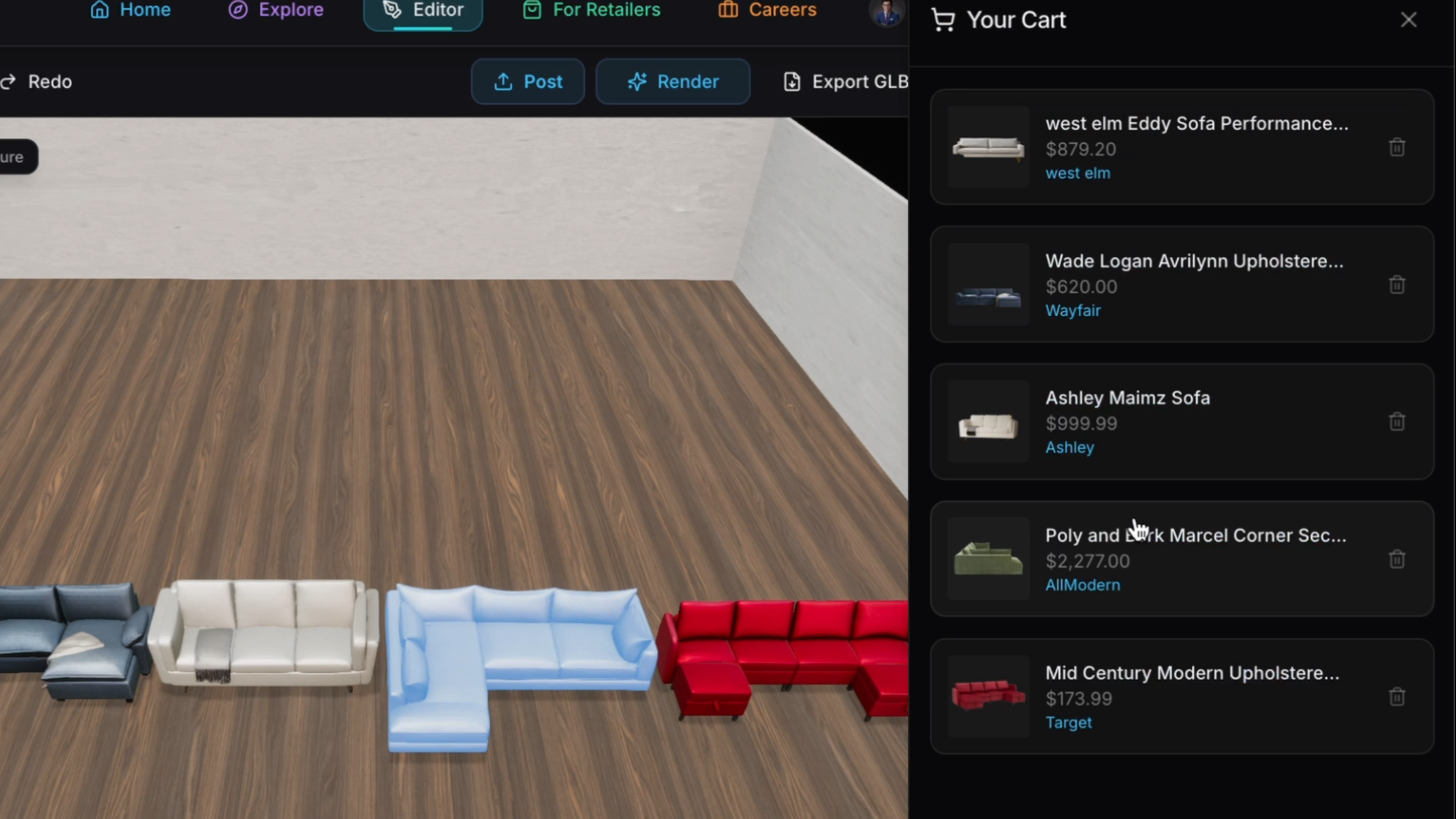
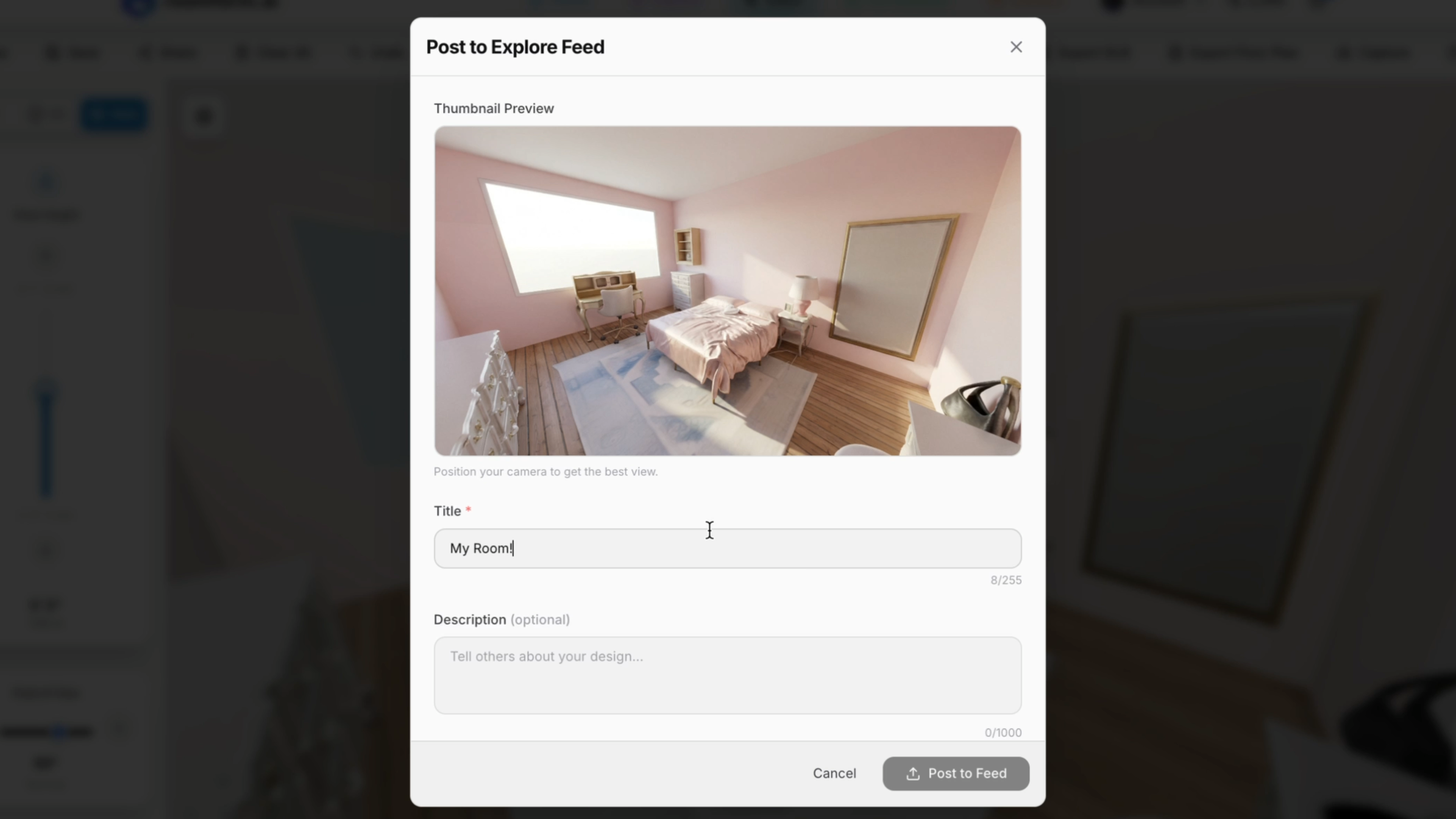
Step inside your space in 3D. Try true-to-scale furniture from across the web, explore designs from other people, and collaborate on spaces. A brand-agnostic platform for real 3D shopping. Guided by AI, fully in your control.

Hi Product Hunt!

@zane_mroue and I built Roomform as an accessible design platform giving you real layouts, products, and freedom to try/shop furniture from anywhere. Things that motivated us to build:

  • Image-wrappers are difficult to control and aren't immersive

  • Professional tools (e.g. CAD) are expensive and difficult for beginners

  • Brand-specific tools have closed catalogues

  • Getting your own items into a virtual space takes manual work (3d modelling, 3rd party tools)

  • Collaborating in 3d design is heavy

We've been working alongside designers, real-estate agents, DIY enthusiasts, and furniture retailers to really bring the idea of 3D commerce to life.

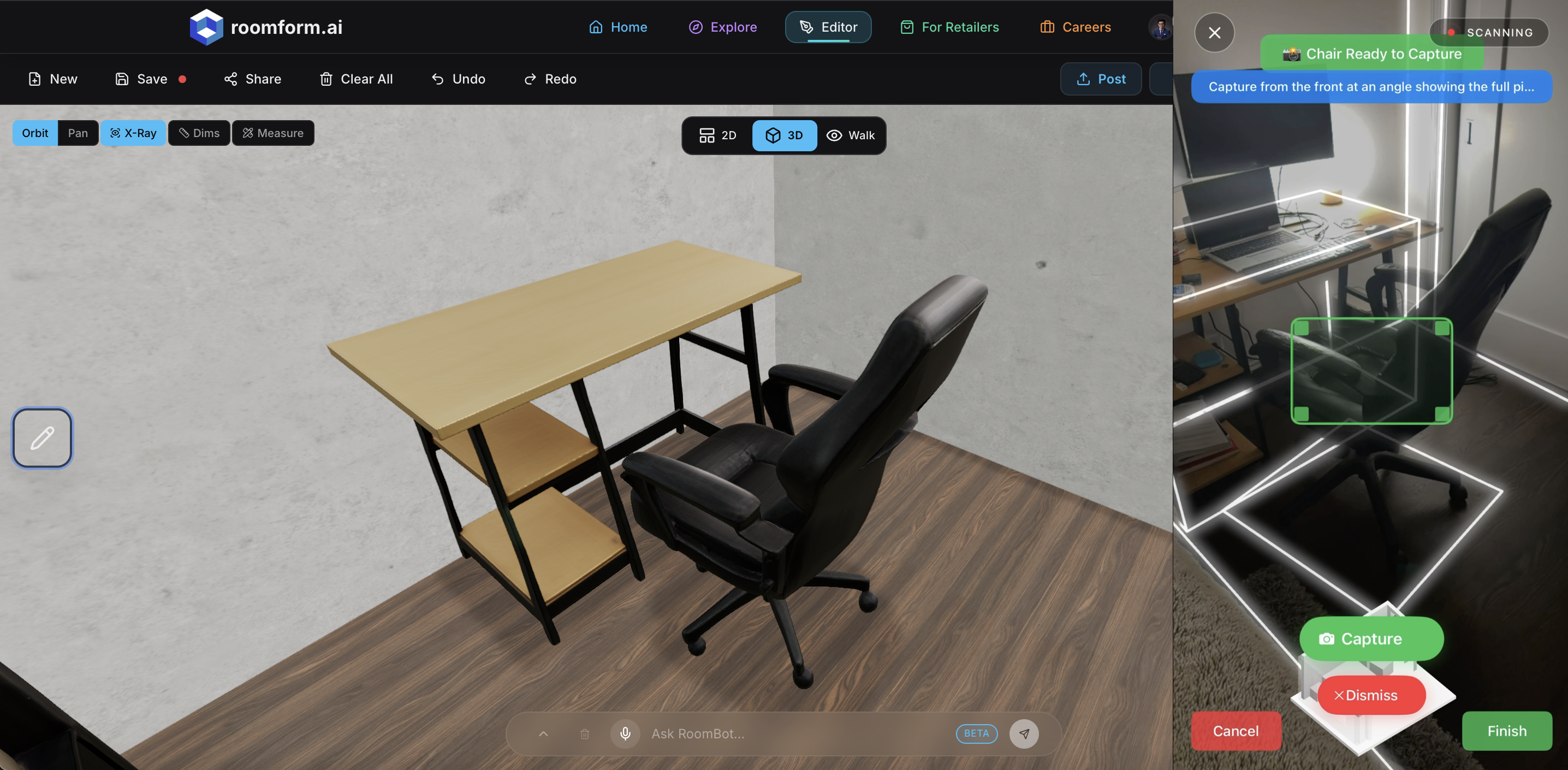
Roomform uses LiDAR scanning, 3D model generation and a spatial AI agent to create a modern take on design and shopping.

Tell us any ideas or questions you have when trying it out!

5
回复

Just tried this out!
I was skeptical about the room scanning feature, but it actually works. It got accurate dimensions and rendered in all my furniture to scale — even the pieces I thrifted or built. I'm not sure how their backend works, but the 2d to 3D rendering is impressive. The UI is also incredibly user-friendly and sleek. Not buggy at all, works great, and has potential. Have you thought about partnering with big furniture companies for sponsored products on the marketplace?
One thing I wish it had is the ability to scan in wall decor. I'm a big art fiend, so being able to try out prints/paintings before I buy would be a game-changer. My lease ends in a couple of months, so I will 100% be revisiting this as I move into my new place.

1
回复

@katherine_smith26 Great question - we actually have a b2b flow for retailers to self-onboard, market and integrate 3d natively into our site, with in-store QR and embed link functionality.

As for wall decor, it's currently image-to-3d based, but we've thought about adding in a "wall editor" or high-integrity picture framing. You're one of a few people who have brought this up!

Really appreciate the feedback, and glad to hear the UX is user-friendly. That's precisely the goal with Roomform.

1
回复
#17
LeftyKeyboard - Android
Left Handed Keyboard
7
一句话介绍:一款专为Android左撇子用户设计的单手键盘应用,通过优化布局解决了左手单手操作大屏手机时输入不便的核心痛点。
Android Productivity Custom Keyboards Writing
安卓应用 辅助工具 左撇子友好 单手键盘 输入法 可访问性 本地化 免费应用
用户评论摘要:目前有效评论极少,仅有一条评论提及了“免费”和“已在Google Play商店发布”这两个事实性信息,缺乏关于实际使用体验、功能细节或改进建议的深度反馈。
AI 锐评

LeftyKeyboard的发布,瞄准了一个长期被主流市场忽视的细分需求——左撇子用户的单手输入体验。其核心价值在于对“可访问性”和“包容性设计”的实践,试图在高度同质化的输入法市场中撕开一道口子。然而,从当前版本看,其产品策略存在明显短板。

首先,其价值主张清晰但切入点过窄。左撇子用户群体固然庞大,但其中有多少人深受单手输入困扰并愿意专门下载一个键盘应用?这需要强有力的用户教育或场景绑定。其次,首发仅支持英语和土耳其语布局,极大地限制了其市场覆盖和验证速度,显得谨慎乃至保守。

更关键的是,从近乎为零的用户互动和反馈来看,产品可能陷入了“沉默发布”的陷阱。没有早期种子用户的积极反馈,开发者将难以迭代优化布局的舒适度、自动更正算法、输入效率等关键体验。一个键盘应用的成功,极度依赖用户习惯数据的积累和算法的调优。

犀利点说,这更像一个“功能原型”而非成熟产品。它提出了一个正确的问题,但解决方案的深度、市场推广的力度以及生态构建的维度都严重不足。若想真正立足,它必须超越简单的“布局镜像”,深入思考左撇子用户的认知与操作逻辑,并可能需拓展至“便捷单手操作”的更大范畴,吸引非左撇子但有多任务处理需求的用户。否则,它很可能只是应用商店中又一个值得尊敬但很快被遗忘的“小众实验品”。

查看原始信息
LeftyKeyboard - Android
LeftyKeyboard has released for Android users for worldwide. First version comes with English and Turkish layouts.
Yes its free and released for Android users in Google Play Store,
0
回复
#18
RocketShare
Share files that stay private, even from us.
6
一句话介绍:RocketShare是一款基于零知识加密的文件分享工具,通过在用户浏览器端加密文件并将密钥隐藏在URL片段中,实现了即使服务商也无法查看的文件私密分享,解决了用户在传输敏感文件时对隐私和安全的核心顾虑。
Productivity User Experience Privacy
零知识加密 文件分享 隐私安全 端到端加密 临时链接 无账户分享 安全传输 数据主权 加密存储
用户评论摘要:目前仅有一条来自开发团队的发布评论,介绍了产品的核心技术与理念(零知识加密、密钥存于URL片段等),并主动邀请用户就用户体验、威胁模型和未来功能提供反馈。尚无真实用户的使用反馈或问题。
AI 锐评

RocketShare在概念上切入了一个精准且日益重要的痛点:在不可信的云环境中建立可信的文件传输。其技术路径——客户端AES-256-GCM加密、密钥存于URL片段(哈希部分)不发送至服务器——是经典且严谨的零知识架构实现,并非噱头。这实质上将平台降级为纯粹的“加密数据盲存储”,把数据主权彻底交还用户,直击了WeTransfer等传统“上传并信任我们”模式的核心软肋。

然而,其真正的挑战与价值评判在于产品逻辑之外的维度。首先,用户体验与安全性的经典博弈:密钥在URL中虽安全,但一旦链接被意外分享或泄露(如通过浏览器历史、引用头部),安全性便瞬间瓦解。其“可选密码”功能,实为对此短板的关键补救,但这又退回到了密码管理与分享的旧难题。其次,商业模式存疑。作为“盲存储”服务,其无法对文件内容进行任何增值处理(如预览、去重、病毒扫描),其价值天花板可能被限制在基础传输速度与稳定性上,这使其在面向普通用户的免费市场中难以与巨头抗衡。其存储的元数据(文件名、大小等)虽称不上隐私漏洞,但在极端威胁模型下仍可能泄露信息。

因此,RocketShare的真正价值,或许不在于取代大众消费级文件分享,而在于为法律、医疗、金融、 journalism等特定高敏感行业提供了一种架构清晰、可审计的合规性解决方案。它的出现更像一份“技术声明”,验证了零知识文件分享在工程上的可行性。其成功与否,将取决于能否将这种技术严谨性,转化为针对细分领域的、可靠的业务流程嵌入能力,并找到愿意为这种“架构纯洁性”和降低合规风险付费的客户。目前从仅有团队评论的冷启动状态来看,其市场验证之路才刚刚开始。

查看原始信息
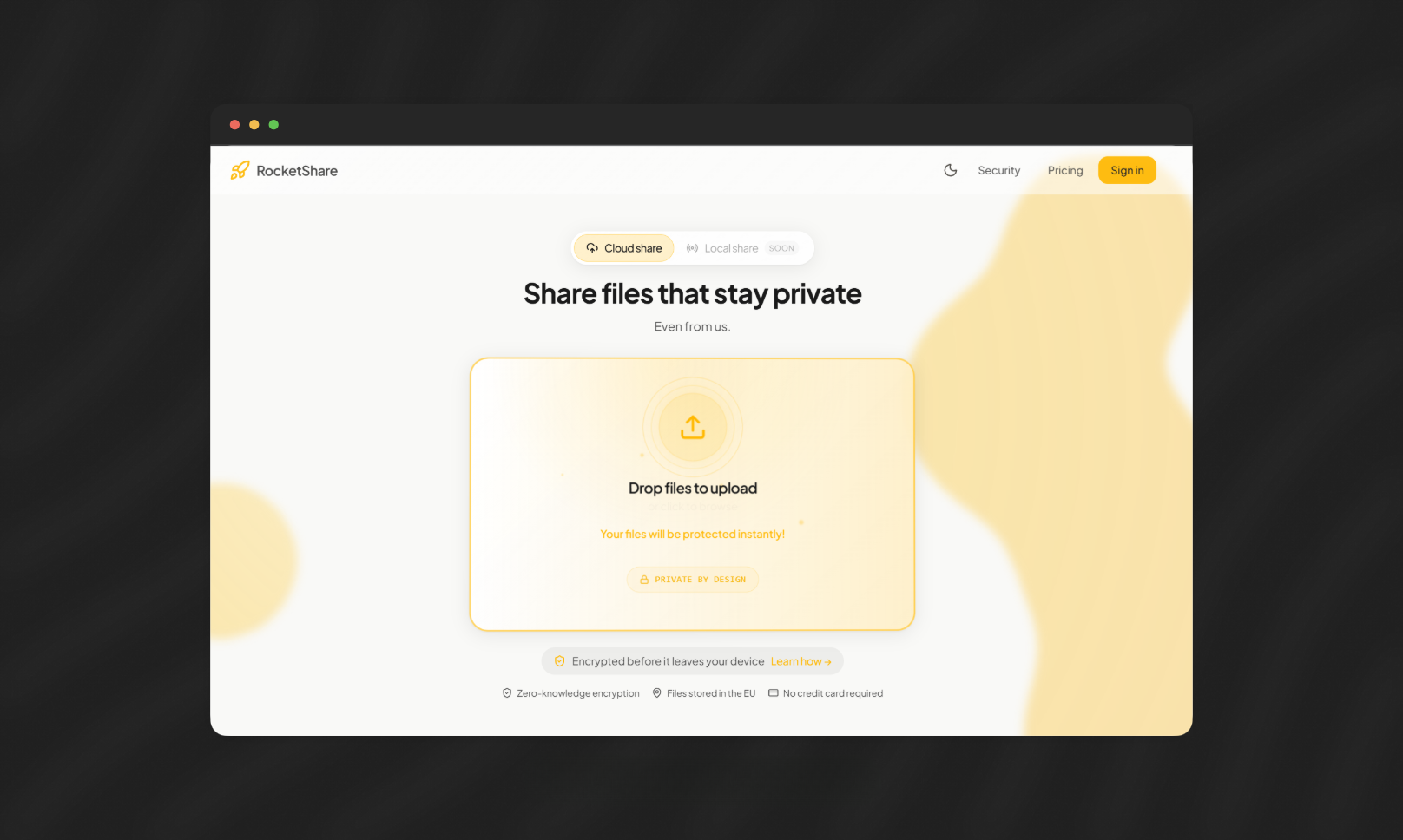
RocketShare
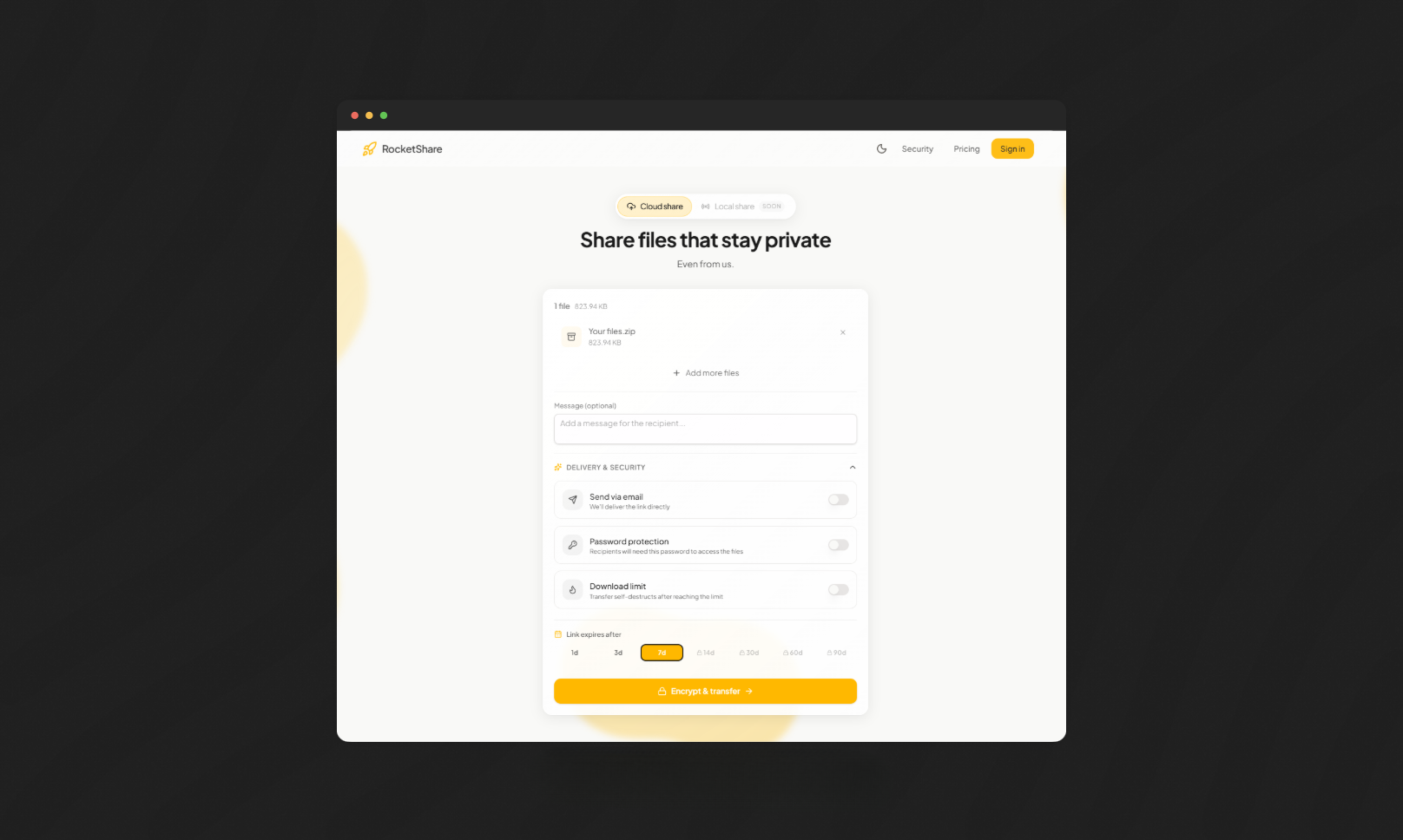
RocketShare is zero-knowledge file sharing: files are encrypted in your browser (AES-256-GCM) and the key stays in the URL fragment (#...), so we only store encrypted blobs. Choose link expiry (1–90 days), optional password + download limits, and (optionally) email the link to recipients. Resumable chunked uploads + streaming downloads work on desktop and mobile.
Hey Product Hunt! we’re launching RocketShare: truly private file sharing built around zero-knowledge encryption. We built it because “upload and trust us” isn’t good enough for your files. RocketShare encrypts files on your device (AES‑256‑GCM), uploads only encrypted blobs, and puts the decryption key in the share link after the # (URL fragment) which browsers don’t send to servers. What’s in this launch: - Share without accounts (recipients just open the link) - Expiring links you control (1–90 days, plan-based) + automatic deletion after expiry - Resumable, chunked uploads (resume within 24 hours) - Optional password protection + download limits (account required) - Download all files as a ZIP, with streaming decrypt for big downloads Transparency: we do store basic transfer metadata (file names/sizes, timestamps, expiry, download counts) to make the UX work — but we never store your encryption key, and we can’t decrypt file contents. If you want the technical details, check out the Security Overview + Whitepaper on the site. I’d love feedback on the UX, threat model, and what you’d want next.
0
回复
#19
Flip
Real-time market prices for any physical item
6
一句话介绍:Flip为实体商品提供实时市场价格数据,解决用户在二手交易或资产追踪时因信息不对称导致的定价困难痛点。
Internet of Things Artificial Intelligence Tech
价格数据平台 实体商品估值 市场分析工具 二手交易助手 资产追踪 商品价格指数 消费科技 数据基础设施 AI定价引擎
用户评论摘要:创始人分享因信息不对称在卖鞋时吃亏的创立故事。用户反馈积极,询问定价机制并建议增加更多商品品类。评论互动集中于邀请用户提出希望定价的物品。
AI 锐评

Flip以“实体商品的彭博终端”为愿景,其核心价值在于试图将非标实体商品的离散交易信息标准化、金融化。产品逻辑直击C2C交易和收藏市场的核心痛点——价格发现效率低下,这确实是一个广阔但数据极其分散的市场。

然而,其宣称的“为28亿+商品定价”的宏大叙事下,潜藏着巨大挑战。首先,数据的准确性与权威性是生命线。不同成色、渠道、地区的价差巨大,其AI模型如何定义“标准品”、如何处理非标属性(如划痕、配件齐全度),是决定数据是否有用的关键,但介绍中并未透露。其次,商业模式存疑。面向普通用户的免费查询工具,其变现路径模糊;若想成为交易基础设施,则需与电商平台、支付系统深度整合,门槛极高。

当前阶段,产品更像一个精美的概念演示。用户评论中“定价一切”的热情恰恰暴露了其定位的模糊——从 sneakers 到 cars,不同品类定价逻辑天差地别,一个平台能否同时精通所有领域?这让人怀疑其数据的深度而非广度。真正的价值不在于展示一个“价格”,而在于提供一套可信的、影响交易决策的估值方法论。Flip若不能在某些垂直领域(如球鞋、显卡)先建立公认的定价权威,其“万物皆可估”的泛化概念恐难落地为可持续的生意。

查看原始信息
Flip
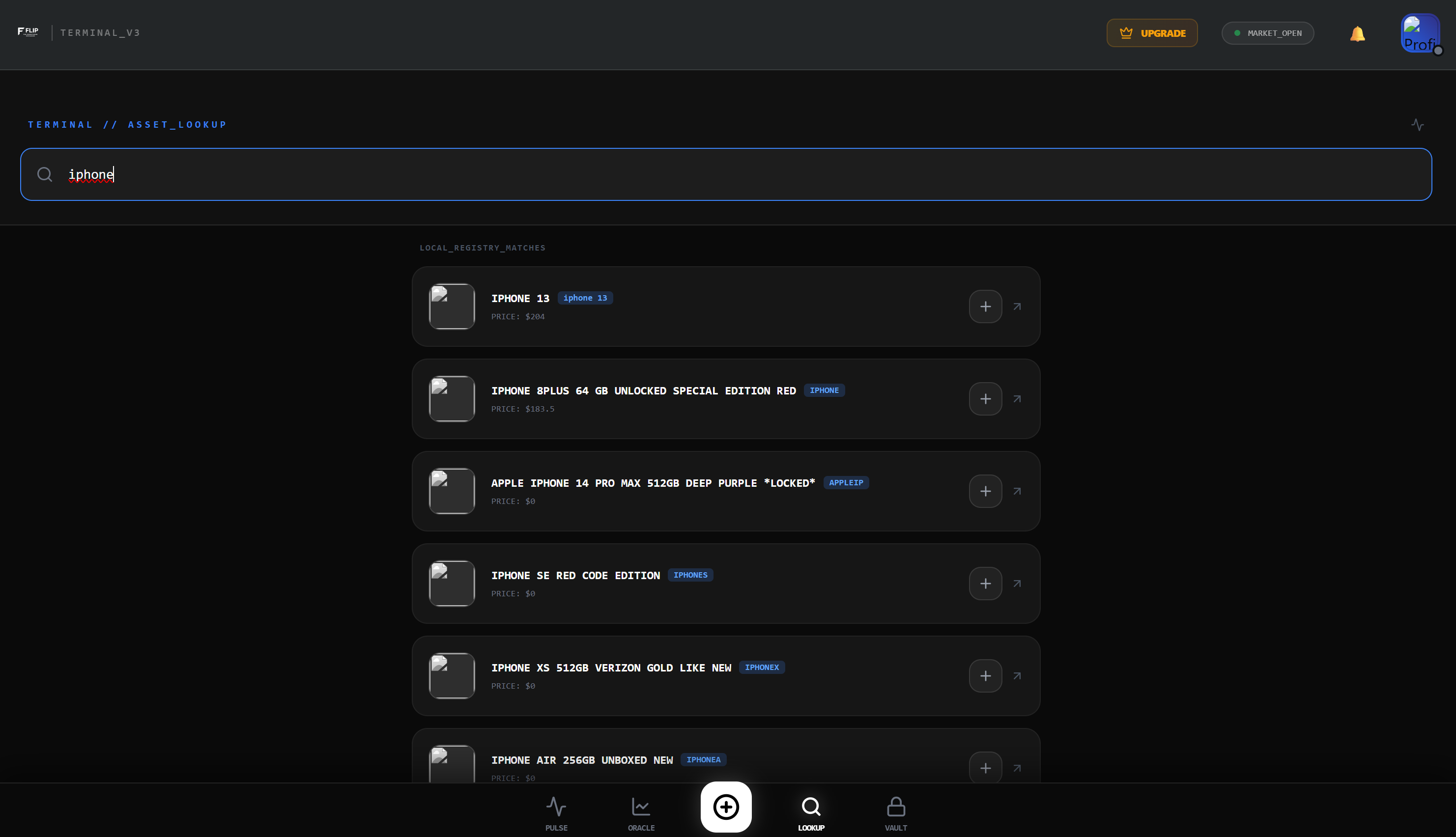
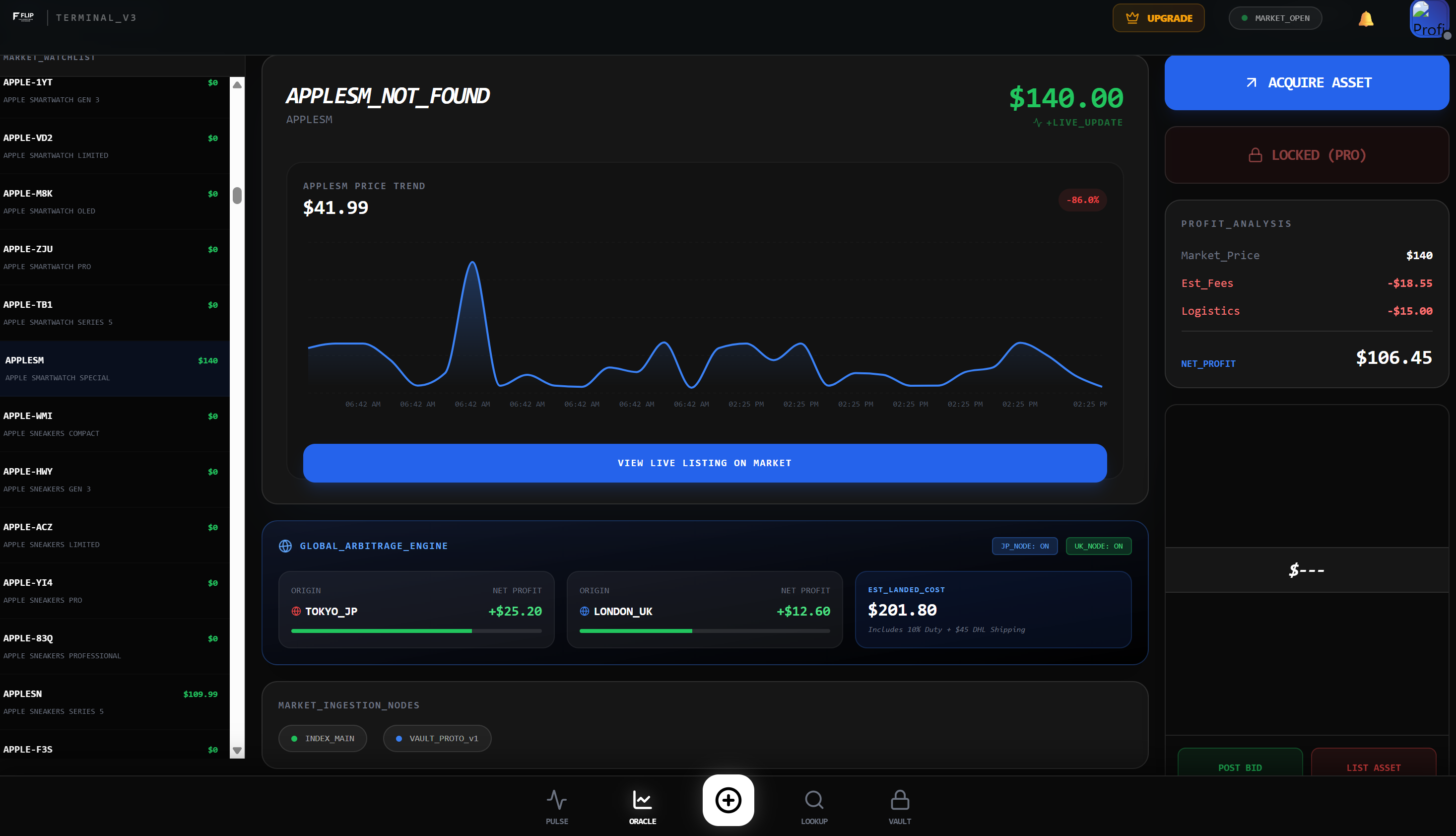
Flip is the first pricing infrastructure for physical goods. We've priced 2.8 billion+ items across the entire internet sneakers, watches, cars, electronics, collectibles, everything. Search for any item and get a real-time "stock price" with high, low, average, and trend data. Like Bloomberg Terminal, but for stuff. Launching February 28, 2025.

Quick update 10 hours in! 🚀

We've had 20 signups and people are pricing

everything from sneakers to cars to watches.

What would YOU price first? Drop it below 👇

Also happy to answer any questions about

how the pricing AI works!

0
回复

UPDATE: We just hit #25! 🔥

Thank you to everyone supporting!

For those just finding us - Flip gives

every physical item a real-time "stock price."

Search for sneakers, watches, cars, electronics,

collectibles see high/low/average/trend.

Try it: https://flip-black-two.vercel.app/

What should we price next? 👇

0
回复

Hey Product Hunt! 👋

I'm Ethan Neukam, founder of Flip.

Quick story: I got ripped off selling sneakers because I didn't know the real market price. Checked 5 sites, got 5 different answers.

That's why I built Flip.

2.8 billion items priced across the internet. Real-time market prices for anything physical. Like stocks, but for stuff.

Would love your feedback:

  • What item would you price first?

  • What would make this more useful?

Ask me anything - I'm here all day! 🚀

0
回复
#20
SkillSync AI
The ultimate AI prompt management software for MacOS.
5
一句话介绍:一款macOS菜单栏应用,通过将优质AI提示词转化为可复用的团队资产,解决了个人与团队在频繁使用AI时重复创作、难以管理和共享提示词的核心痛点。
Menu Bar Apps
AI提示词管理 macOS软件 团队协作 效率工具 知识复用 菜单栏应用 SaaS 生产力工具 Prompt工程
用户评论摘要:目前仅有一条开发者自述评论,阐述了创建该产品的初衷——解决用户因提示词淹没在聊天历史中而导致的重复劳动和团队共享困难问题,并呼吁用户反馈与支持。
AI 锐评

SkillSync AI瞄准了一个在AI狂飙突进后浮现的、真实且日益增长的“后市场”需求:提示词资产管理。它的价值不在于技术突破,而在于对工作流的清醒洞察。当ChatGPT等工具成为日常,大量高价值、经过精心调试的提示词却因封闭在个人对话中而“死亡”,这本质上是知识管理的失效和效率的二次损耗。

该产品试图将提示词从“一次性对话文本”提升为“可检索、可迭代、可协作的数字资产”,这一逻辑正确且必要。其轻量化的菜单栏形态与macOS生态契合,降低了使用摩擦。然而,其面临的挑战同样尖锐。首先,市场尚处早期教育阶段,用户是否已形成足够强烈的“提示词资产化”意识与付费意愿存疑。其次,它需与各大AI平台(如OpenAI、Claude)的聊天历史搜索、自定义指令等功能竞争,必须证明其跨平台统一管理和团队同步的核心优势不可替代。最后,作为团队工具,其网络效应壁垒尚未建立,冷启动困难。

当前近乎为零的用户互动数据(5票,0评论)揭示了其最大的困境:声量不足。开发者评论中的真诚阐述是亮点,但产品需要更强劲的用例证明和增长策略。若能深入特定职业场景(如营销、编程),构建高质量的初始提示词库,或与AI工作流平台(如Zapier)集成,或许能更快切入市场。总之,这是一个在正确方向上的朴素尝试,但要想从“不错的工具”成长为“必备的基础设施”,前路漫漫。

查看原始信息
SkillSync AI
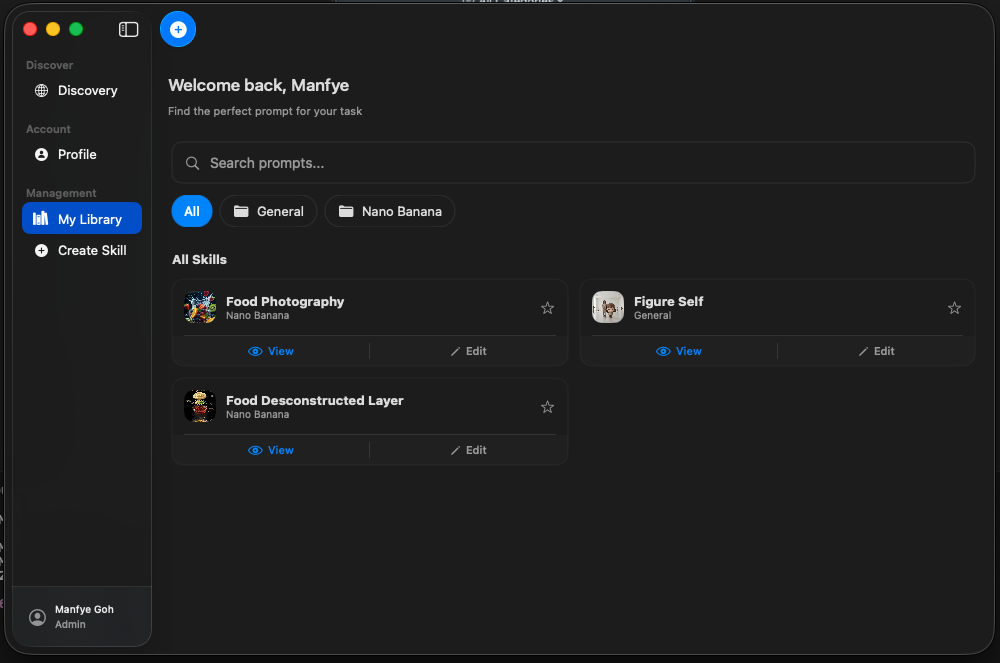
Professional AI prompt management software for macOS. Stop reinventing your best prompts—organize, sync, and share your AI library across your entire team directly from the menu bar.

Hello everyone, this is Manfye 👋

One thing I’ve noticed while using AI daily is this:

we spend too much time reinventing prompts.

Every time we craft a really good prompt, it gets buried in chat history.

It’s hard to reuse.

Even harder to share with teammates.

We say AI improves productivity — but a lot of time is still wasted figuring out how to ask the right question again and again.

That’s why I created SkillSync AI.

It’s a simple macOS menu bar app that helps you organize, sync, and instantly access your best AI prompts — and share them with your team.

The idea is simple:

Turn good prompts into reusable assets.

Would love your feedback and support. Thanks for checking it out 🚀

0
回复