Product Hunt 每日热榜 2026-03-30

PH热榜 | 2026-03-30

#1
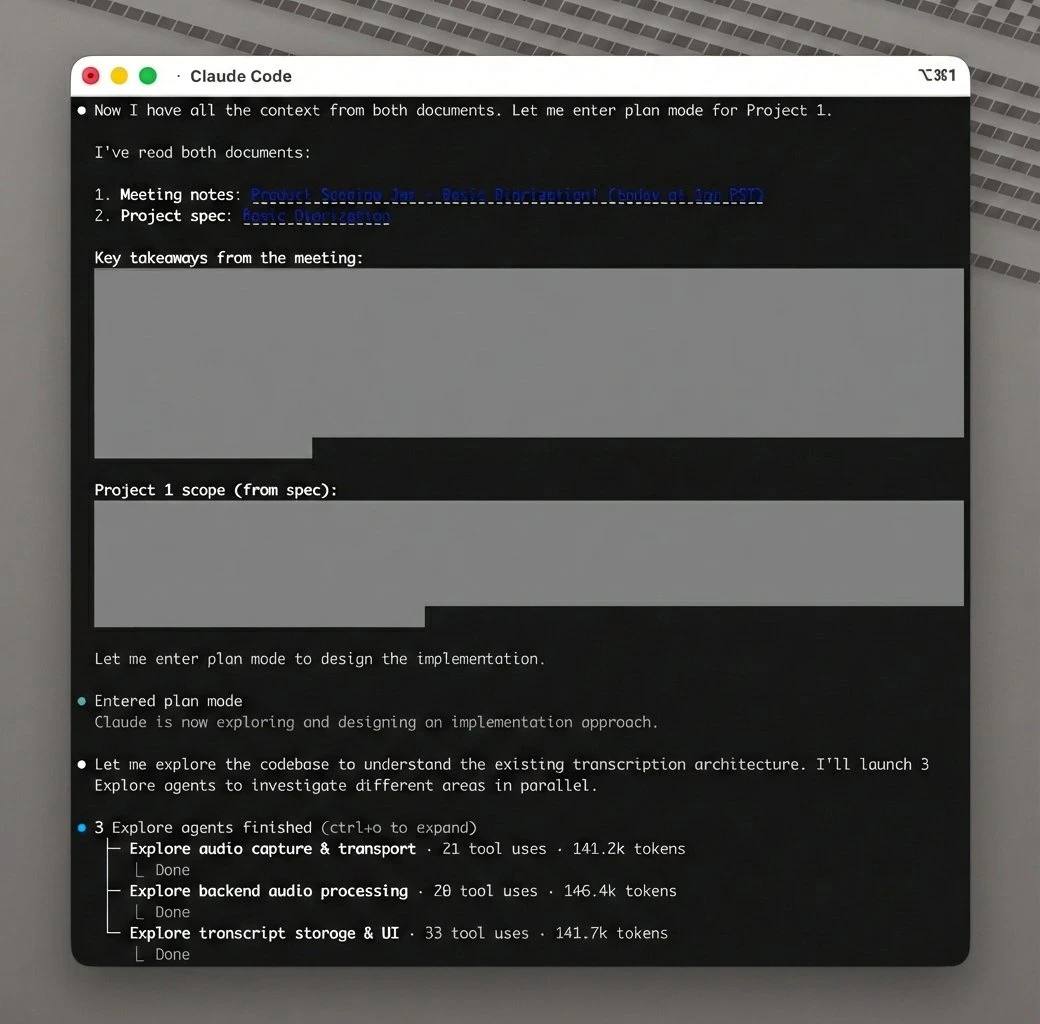
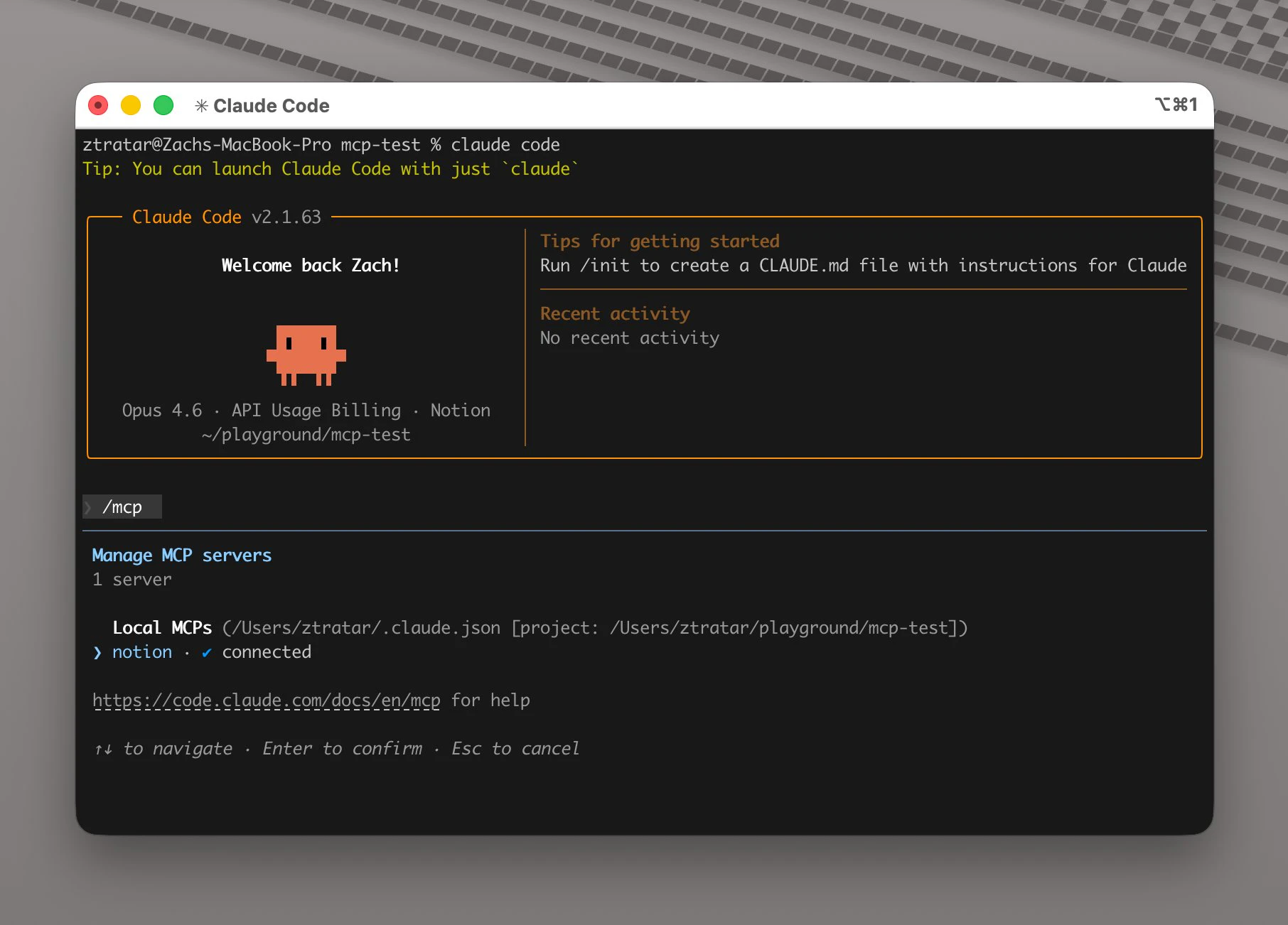
Notion MCP
Your Notion workspace, inside every AI agent
408
一句话介绍:Notion MCP 是一款官方发布的AI工具连接器,它将ChatGPT、Claude、Cursor等AI智能体直接接入你的Notion工作区,通过实时读写笔记、文档和数据库,解决了在知识管理、任务规划等场景中,用户需在AI工具与工作区之间手动复制粘贴、数据分散且缺乏上下文的痛点。
Productivity Artificial Intelligence Notion
AI智能体集成 实时数据读写 Notion生态 工作流自动化 知识管理 开发者工具 生产力提升 上下文感知 官方MCP服务器 SaaS连接器
用户评论摘要:用户普遍认可其将AI深度集成至工作流的价值,关注点集中在:数据隐私与权限控制、API速率限制对写入的影响、与现有第三方MCP的区别(本次为官方发布)、在复杂数据库属性层面的操作粒度,以及实际写入延迟。部分用户认为发布时机晚于竞品。
AI 锐评

Notion MCP的发布,远不止是一个新的API连接器。它标志着主流生产力平台对AI智能体(Agent)范式的正式接纳与“官方铺轨”。其真正价值在于将Notion从一个被动存储的知识库,升级为AI智能体可主动感知、操作和协调的“数字工作空间中枢”。

产品巧妙地利用了Model Context Protocol(MCP)这一新兴标准,避免了与每个AI工具进行深度、封闭的定制集成,而是通过开放协议将自己转化为一个可被主流AI智能体(如Claude、Cursor)直接调用的标准化“技能”。这使Notion在AI时代的基础设施竞争中占据了有利位置——它不再仅仅是一个应用,而是一个可通过AI智能体进行编排和增强的操作系统层。

评论中透露的担忧(权限、速率限制)恰恰点明了其面临的挑战:当AI获得实时写入权限后,企业的数据治理和现有API性能瓶颈将面临更大压力。这要求团队必须具备更精细的权限架构设计和流程把控能力。同时,与Google Workspace等竞品工具的对比也表明,平台间的AI入口争夺战已悄然开始。

犀利点看,Notion MCP目前更像是一个“使能器”,其宣传的“将分散数据转化为可执行工作流”的愿景,仍需依赖用户自身构建精妙的智能体工作流来实现。它提供了强大的连接能力,但真正的“智能”与“自动化”价值,取决于其上运行的AI智能体的能力与用户的工作流设计。此举巩固了Notion作为知识核心的地位,但也将其更深地绑定在AI生态的演进轨道上——未来其价值将随AI智能体能力的起伏而波动。

查看原始信息
Notion MCP
Notion MCP connects AI tools like ChatGPT, Claude, and Cursor directly to your workspace, enabling real-time read/write access to your notes, docs, and databases. Built for AI agents, it delivers context-aware automation for creating docs, managing tasks, generating reports, and organizing knowledge turning scattered data into actionable workflows.

@Notion MCP brings your AI tools directly into your Notion workspace acting as a real-time bridge for tools like @Claude by Anthropic, @ChatGPT by OpenAI, and @Cursor.

It solves the gap between scattered data and generic AI outputs by making AI context-aware with your actual notes, docs, and workflows. Unlike traditional integrations, MCP is built specifically for AI agents... fast, seamless, and no complex setup.

Key features include real-time read/write access to Notion pages, support for multiple AI tools, admin controls, and workspace-level governance.

Perfect for developers, product teams, researchers, creators, and personal productivity - use it for documentation, roadmaps, research organization, content planning, and more.

Get started:

P.S. I hunt the latest and greatest launches in tech, SaaS and AI, follow to be notified @rohanrecommends

9
回复

@rohanrecommends How does it handle data privacy and rate limits for high-volume teams using Claude or Cursor daily?

1
回复

Congrats on the launch! My team uses Notion as our main knowledge base, so the idea of having AI actually read and write to it in real time is pretty compelling - instead of copy and pasting context every time you want something done. How does it handle permissions across a team workspace and can you control which pages or databases each AI tool actually has access to?

3
回复

@simonk123 Thanks, Simon. MCP respects your existing Notion permissions, and you can further scope which pages/databases each agent can touch in your config.

3
回复

Perfect timing! We launched our MCP and Skills today as well, and this evolving ecosystem is making it possible for agents to collaborate through MCPs to deliver intelligent, multimodal content localization. Thank you to the Notion team for introducing official MCP support!

2
回复

Interesting direction.

We’re starting to see AI agents move from tools to orchestration layers.

We’re building something similar in travel an AI agent coordinating real-world services like transfers, restaurants, and experiences.

Feels like this is where AI is heading.

2
回复

@pedrostaykeasy Really appreciate you sharing this, Pedro. Completely agree that AI is shifting from “single tool” to orchestration layer. I would love to check out when you launch your travel agent. Feel free to reach out to me :)

0
回复

Does the MCP structure materially change how many Claude AI credits are used for the average user (who uses primarily Chat and Cowork, not Code)? Or is it more determined by the context window?

1
回复

Good news: For Claude connector with Notion, it seems they now have the following write/delete permissions that one can set to always approve, rather than requiring approval from the user.

It might be too trusting to enable them all at first, but I think that might solve some of the frustration shared in the video!

1
回复

The launch of Notion MCP feels a bit late.

As another core productivity SaaS, Google Workspace already introduced the GWS CLI earlier this month.

That said, I’m a loyal Notion user, and I’ll definitely consider using MCP.

1
回复

@hongyu1 Thanks a lot for taking the time to share this perspective, Hongyu, especially as a loyal Notion user. Actually this was launched earlier this year, I got a chance to dig into it today hence I hunted it a bit late. I am glad you could discover the Notion MCP through this launch.

0
回复

Been using MCP servers since they came out and it's wild how fast the ecosystem is growing. The fact that Notion went official with this instead of leaving it to third-party wrappers is a good sign. Curious — does the read/write access work at the database property level or is it more page-level? For task management setups with lots of relations and rollups, that distinction matters a lot.

1
回复

@thenomadcode Totally agree, Christophe, the MCP ecosystem has moved fast, and I'm glad Notion now has an official server in that stack. Agents can work with both pages and databases, so they can plug into fairly complex Notion setups. Hope this helps :)

1
回复

Real read/write MCP access to Notion databases is actually useful for sprint planning workflows - I can see agents updating task status, pulling blockers from a database, writing standup summaries back to a page. The "turning scattered data into actionable workflows" bit is doing a lot of work though. What's the write latency like in practice? Notion's API has rate limits that can make write-heavy agent loops painful.

1
回复

@mykola_kondratiuk I like that sprint-planning example, that’s exactly the kind of workflow Notion MCP is built for. It runs on Notion’s existing API, so normal rate limits apply; batching writes usually gives the smoothest experience.

2
回复

This looks rally practical . Learning by tackling slightly tricky areas makes sense.


1
回复

How does it differ from actual Notion MCP?

1
回复

@kamil_maksymowicz This is the official Notion MCP server from the Notion team, not a wrapper. It uses the standard MCP spec and connects Claude, ChatGPT, Cursor, etc. directly to your Notion workspace for real-time read/write. :)

1
回复

We knew this was coming. Does this handle large posts, earlier we had to go the chunking API route, does MCP have something similar?

0
回复
Is it different from current Notion MCP?
0
回复

Already using from Codex, highly appreciate for the support of that, a lot of work has been simplified within documentation and task tracking and updates across different systems in our ecosystem. We are using it to update the metadata of our datasets, provide columns description, buckets/s3/db paths, special params, previously all the hard work was done using manual source-to-table porting, but now its all done by AI and we are happy with the results

0
回复

didn't Notion already have an MCP for a while? a bit confused what's new with this launch?

0
回复
There was an MCP already, right? What’s new?
0
回复
#2
PopTask
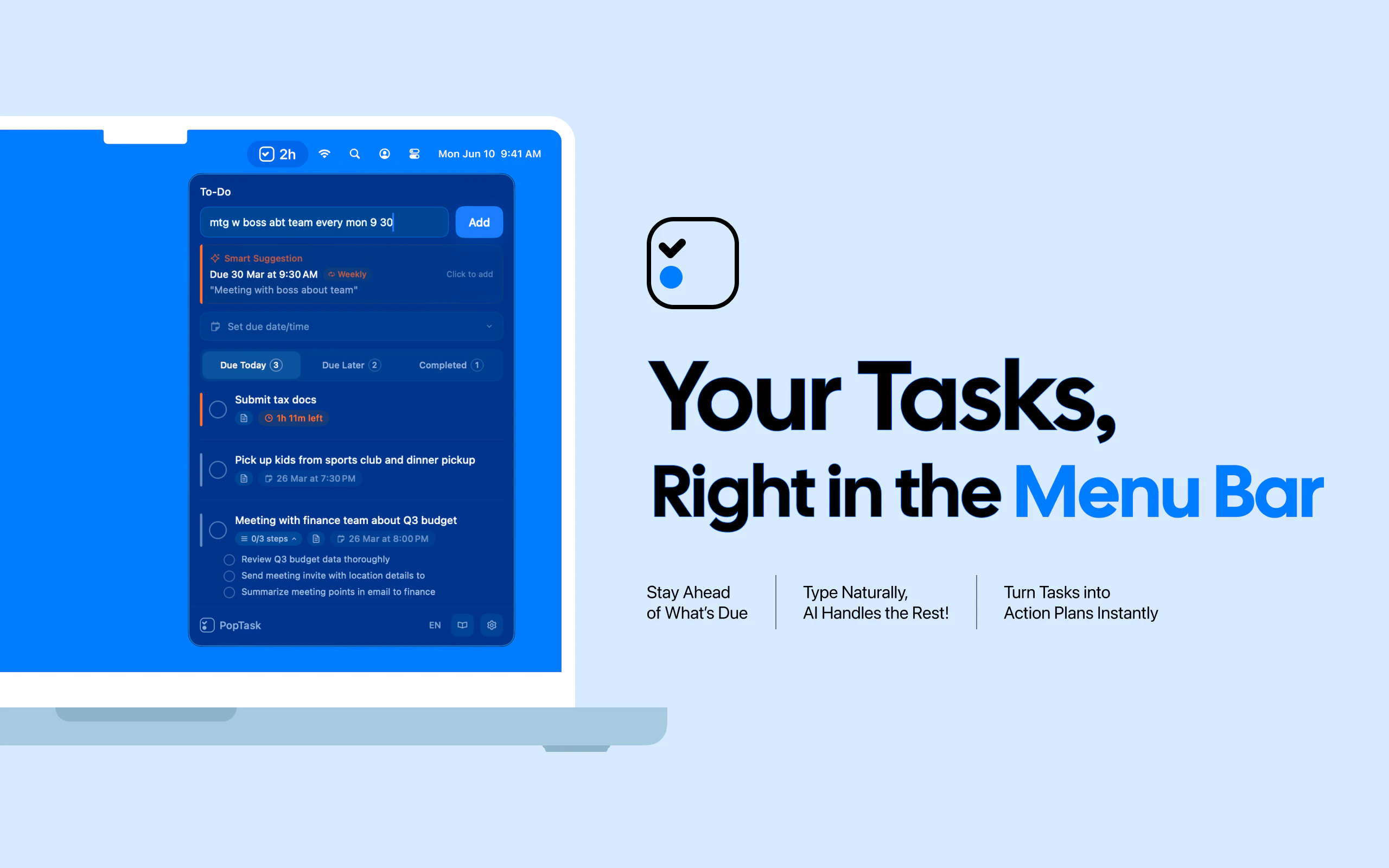
Light menu bar task manager for quickly capturing tasks
281
一句话介绍:一款基于菜单栏的轻量级macOS任务管理器,通过自然语言输入和AI智能解析,实现秒级任务捕获与自动排期,解决了多应用切换场景下任务记录流程繁琐的核心痛点。
Productivity Artificial Intelligence Apple
任务管理 macOS工具 菜单栏应用 自然语言处理 AI任务分解 离线优先 生产力工具 个人开发者作品 本地化隐私 快速输入
用户评论摘要:用户普遍赞赏其自然语言输入和极速体验。主要建议包括:增加全局快捷键/Tab导航等效率功能;集成Apple提醒事项等外部系统;提供移动端版本;实现图片OCR识别日程;公开本地数据格式以支持CLI脚本调用。
AI 锐评

PopTask在过度复杂化的任务管理市场中,精准刺中了一个被忽视的缝隙:瞬时捕获的流畅性。其真正价值并非AI标签本身,而在于将AI作为实现“零格式输入”的隐形引擎——用户无需从思维流中切换至工具逻辑,这种“无感结构化”才是对传统任务创建流程的降维打击。

产品定位显现出清醒的取舍哲学:以严格的本地化与离线优先策略,牺牲跨平台同步的便利性,换取隐私安全和启动速度,这恰好迎合了当前对数据主权敏感的高端生产力用户。其“菜单栏常驻”的形态,本质是将任务管理从“需要打开的应用”降级为“系统级基础设施”,这比单纯的功能创新更具范式意义。

然而,其天花板也显而易见。作为个人开发者作品,深度集成能力的缺失(如日历同步、团队协作)使其可能长期困于“个人速记工具”的定位。本地AI模型在复杂语境理解上的局限,以及纯本地存储带来的多设备割裂,是其规模化前必须逾越的鸿沟。若不能将“瞬时捕获”优势延伸至“智能执行”与“生态联动”层面,它或许终将只是效率爱好者玩具箱中又一枚精致的利刃,而非重塑工作流的基石。

查看原始信息
PopTask
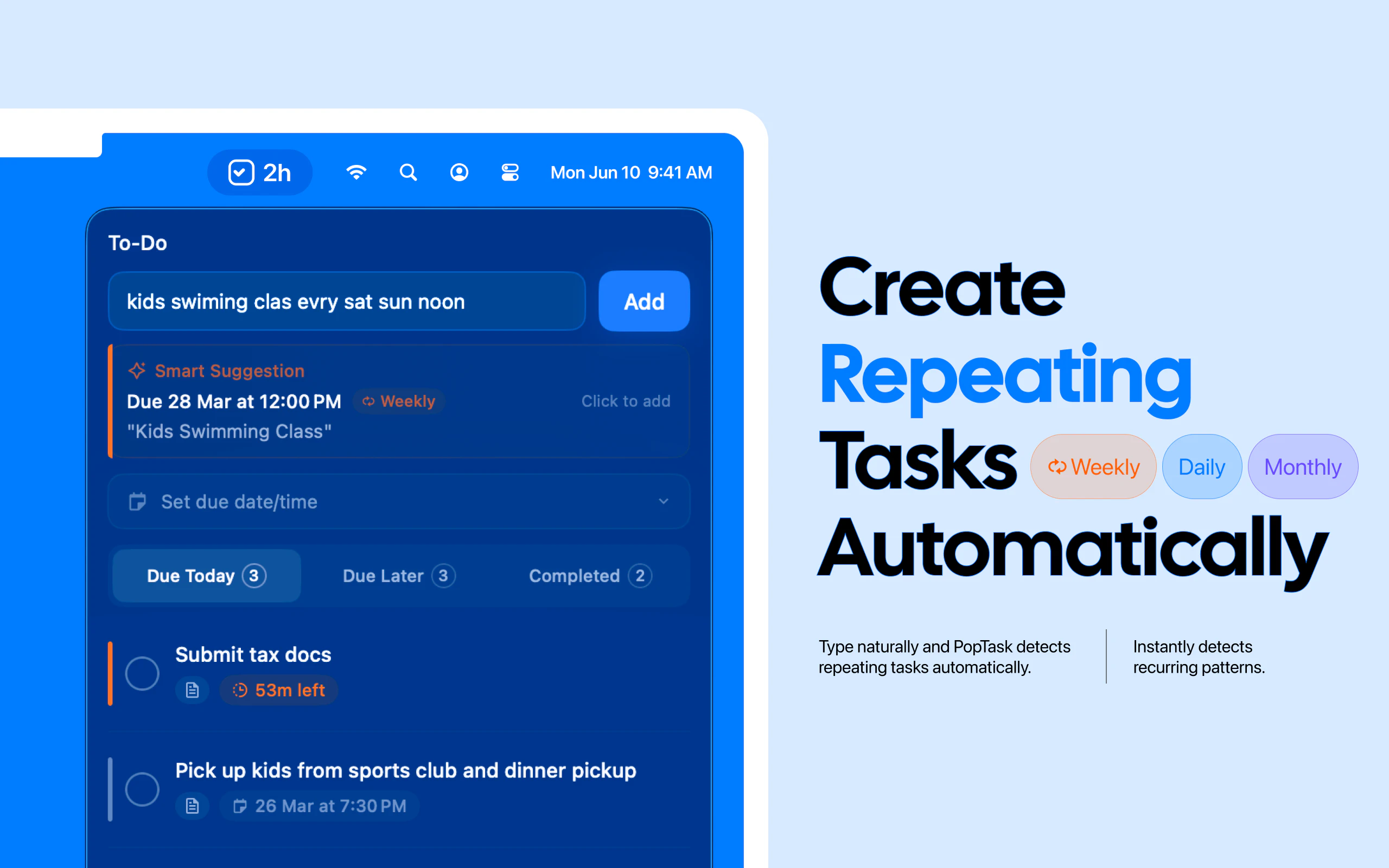
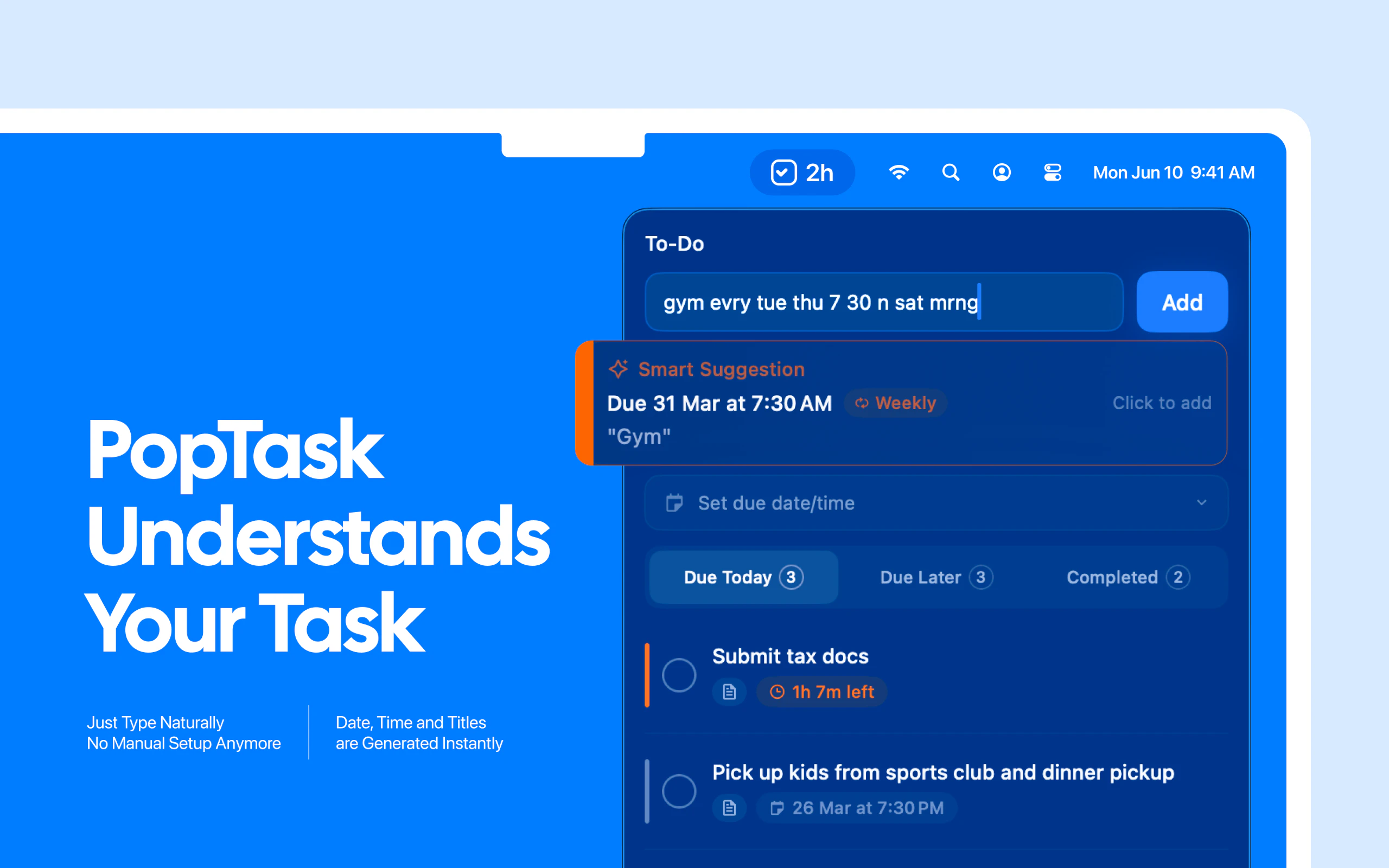
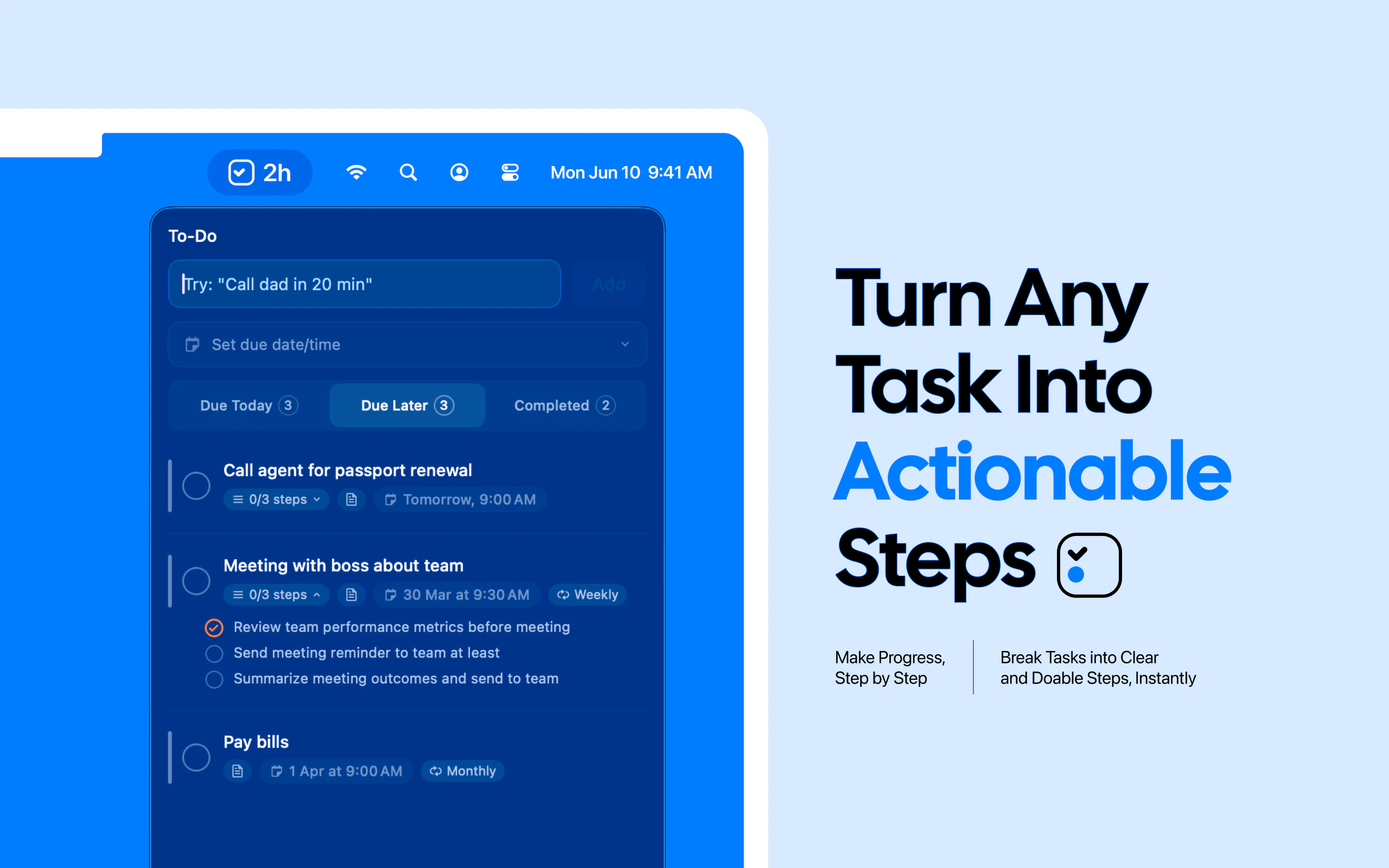
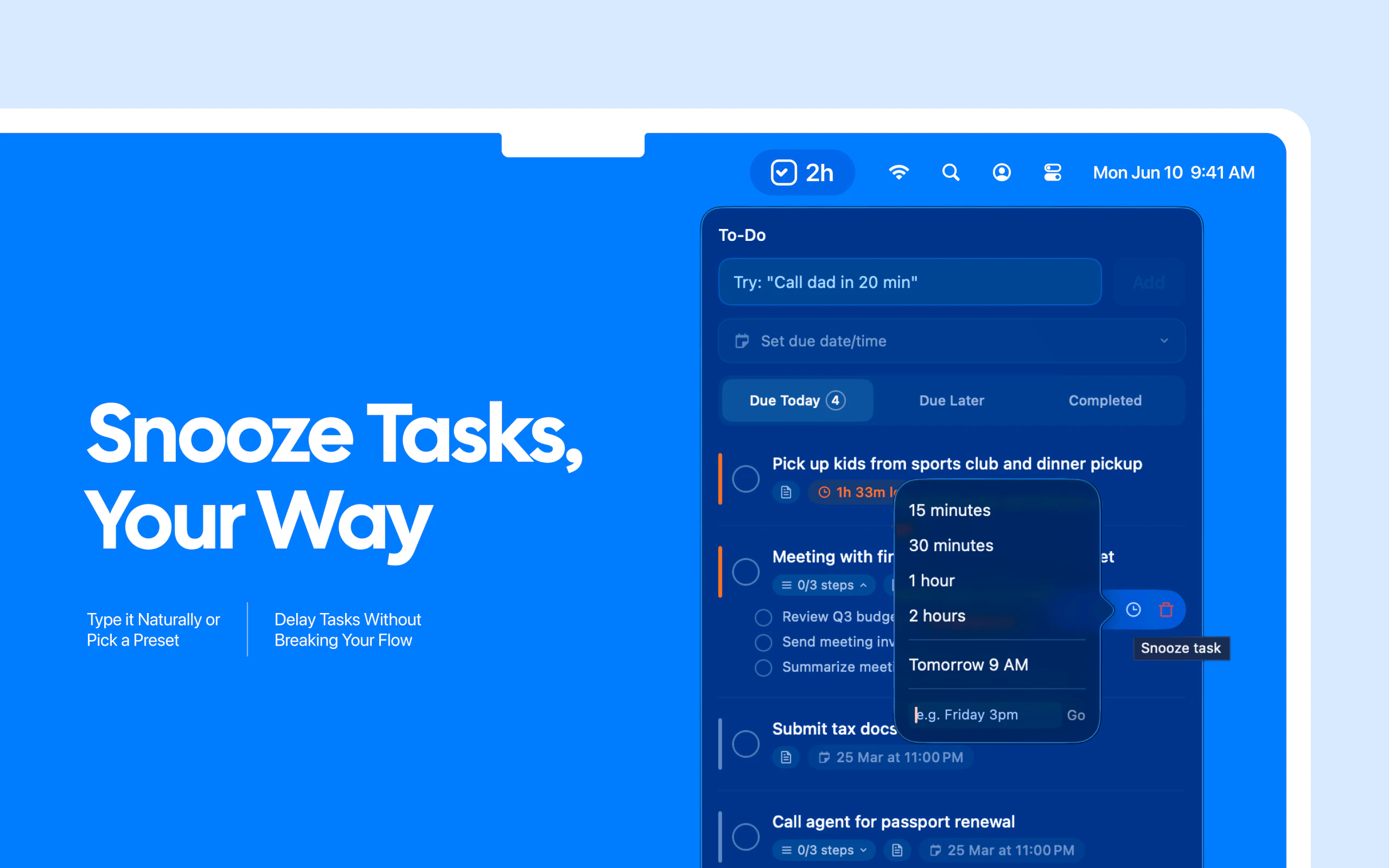
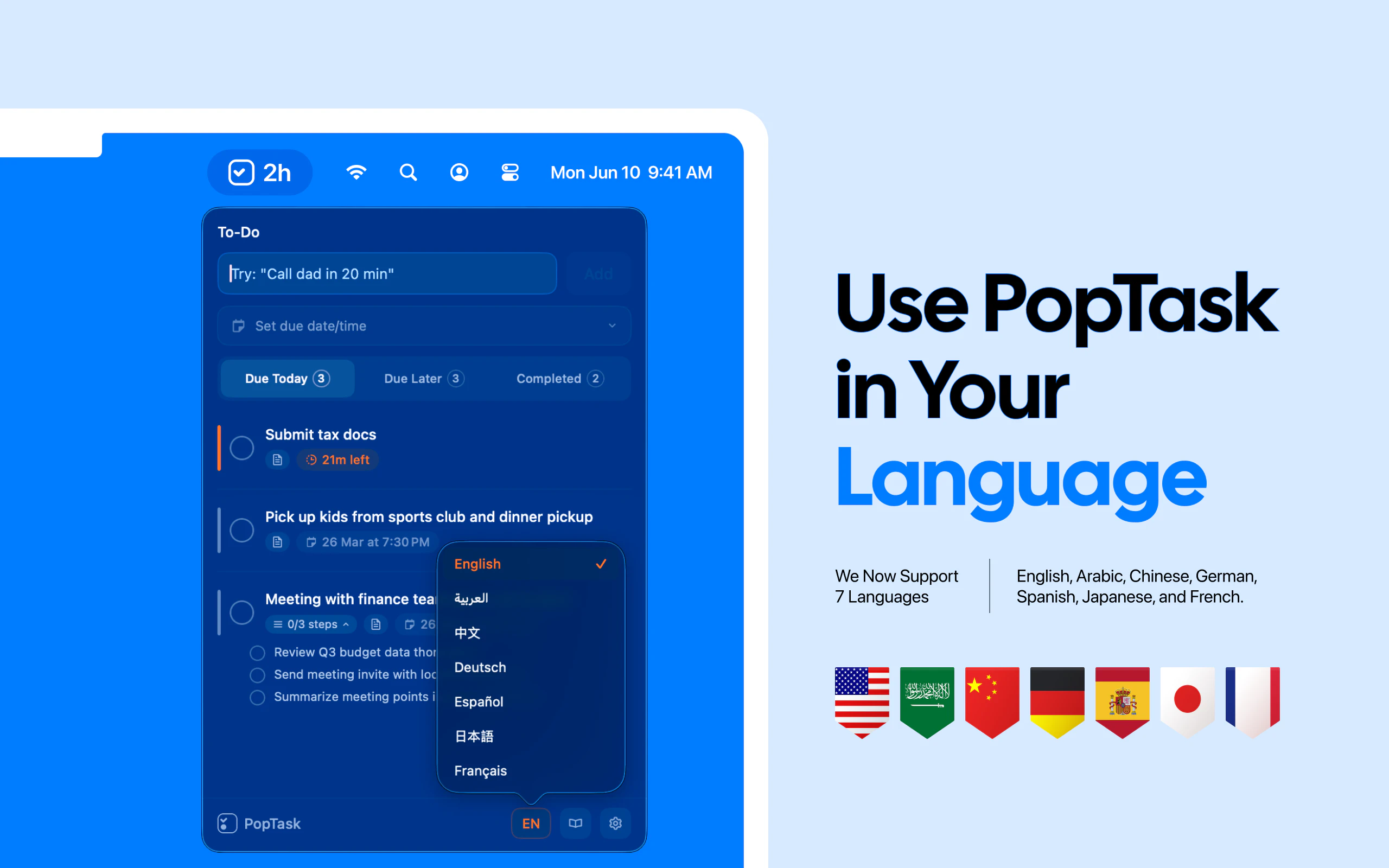
PopTask is a lightweight macOS menu bar task manager for quickly capturing tasks. Just type naturally even if the input is messy, shorthand, or full of slang and PopTask understands it and schedules it automatically. It supports 7 languages, shows smart countdown alerts, and includes AI powered scheduling and task breakdown. Everything runs on device on macOS 26 and later, with cloud support for earlier macOS versions.
heyy folks! It's Haider, the maker of PopTask 🙌🏽 i got tired of losing tasks the second i switched apps, every task manager i tried needed too many clicks just to add something simple, so i built one that lives in my Mac menu bar and actually keeps up with how fast i think here's what makes it different: type like you talk: write something like "mtg w team mon wed fri 9am" and PopTask picks up the date, cleans the title, and schedules it .. no calendars, no dropdowns, done in seconds!! AI task breakdown: hit one button and a big vague task splits into 3 clear steps you can start on right now 7 languages: type in English, Arabic, Spanish, French, German, Chinese, or Japanese, it understands all of them smart reminders: get notified at the right time plus a morning summary of your full day. works offline: common patterns like "tomorrow 9am" or "in 20 min" parse instantly on your Mac with zero network calls no account, no cloud, no signup, everything stays local on your machine i built this as a solo dev and I'm here all day .. would appreciate your feedback and happy to answer any questions about how it works under the hood!
12
回复

@lilhadi Many congratulations. Does this have context too? Example, vague stuff like "follow up on that contract thing next week" when you've got multiple contracts going, does it just parse the timing or try to get smarter about screen context too?

4
回复

@lilhadi How does the AI task breakdown handle super vague ones like "research AI sales tools," and does it pull from any local context to make subtasks even smarter?

0
回复

@lilhadi Just checked out PopTask Haider and had to upvote it. Loving how fast and natural it feels to add tasks straight from the menu bar and the AI task breakdown is such a game changer. Really impressive work for a solo build, can’t wait to see how it evolves!

0
回复

Upvoted and downloaded! Will see how it goes.

Do you see the possibility of integrating this with other task managers? One bane of them is not having something "universal" that connects through systems/platforms to keep things truly organized.

3
回复

@apparentforgmail thanks 🙌🏽 really appreciate the download and upvote!

integrations are definitely on my list, things like syncing with Apple reminders would make PopTask way more powerful as a universal capture layer .. not in the current version but it's a direction i find really interesting, would love to know which task manager you're coming from, might help me prioritize what to build first!

1
回复

Hey @lilhadi -- as someone who has tried just about every to-do app, I really dig this. Really simple + the natural language support is killer. Two requests/comments: Thought about adding a system wide shortcut to initiate the menu bar pop down? Also, TAB support on the pop down to switch between fields and CMD + Enter to add new a new task? Feel like that would make it even faster to use. Nice work!

2
回复

heyy @dannygreer thanks, really appreciate that coming from someone who actually understands the pain of using other to-do apps

well, both of your suggestions are great ^

i actually added global keyboard shortcut to open PopTask from anywhere, but i was facing some errors so i skipped it in V1 .. definitely adding that in V2 💯

tab support between fields and CMD+Enter to submit are solid ideas too, will look into both on the upcoming updates .. thank you so much again, for such and amazing feedback!

0
回复

this is so clean. curious about Focus Mode: what does it actually do? does it hide everything and just show the one task you're on?

2
回复

@jens_deryckere1 heyy .. this is already in my list but for now, there is no focus mode for specific task

currently, it shows due time on menu bar for the most recent task
(will update you 💯 once i go live with focus mode)

0
回复

U know I maintain the tasks in notepad just because its always available quickly, but this will be a game changer for sure in long term!

2
回复

@nayan_surya98 thanks youu my man! trust me this is the reason i built this app, i wanted something very quick and fast to schedule my tasks without switching apps .. hope this gonna help everyone! btw, this is 💯 FREE

0
回复

Looks solid for quick task entry, but I'm curious about how well it handles context. What happens with tasks that require follow-ups or details?

1
回复

heyy @trydoff 👋🏽 you can add notes to any task for extra context, and the AI breakdown button splits it into clear steps .. and for now, follow-ups are just new tasks, you type "follow up with xyz on fri" and it schedules it instantly

but yes, gonna add this too in the next version 🙌🏽

0
回复

I wish I'd had this when I was using my Mac! Excellent work. By the way, do you have plans to release a Windows version?

1
回复
@employ_networks heyy thank you so good words 🙌🏽 and yess!! soon you’ll be able to get it for windows
0
回复

One comments, I always got some picture with schedule, it will be great if I can paste the picture and popTask can OCR and find the schedule ,setup everything

1
回复

@chinadata heyy emily 👋🏽 am ngl, this is such an amazing idea !!
gonna add this in newer version, here a cookie for you 🍪

0
回复

The "just type whatever and it figures it out" approach is underrated. I've been building a focus timer app and the biggest UX lesson I keep learning is that fewer inputs = more people actually use it. Does the on-device AI handle stuff like "call dentist sometime next week" or is it more structured than that?

1
回复

@thenomadcode yeaa, that’s something i’m trying to keep in mind while building this too, fewer inputs usually means people actually use the app cuz it's easy

PopTask tries to handle both messy and structured inputs, if you type something vague like “call dentist sometime next week” it understands the context but won’t force a specific time
but if you write something clearer like “call dentist next wed 3ish” then it can schedule it automatically

the goal is just to let people type naturally and only structure things when there’s enough info

1
回复

Since the task data is just a local JSON file on the Mac, have you thought about documenting the format so people can pipe tasks in from scripts? Something like `echo task | poptask add` from the terminal. Keeps the no-cloud thing going and opens it up to the developer crowd without touching the main UI.

0
回复

heyy @juelz 👋🏽 yeah this is actually on the list, the json format is pretty simple right now, just title, due date, recurrence, and subtasks .. a CLI tool that writes directly to the file and triggers a refresh would be totally doable 💯

0
回复

the "mtg w team mon wed fri 9am" example sold me, that's exactly the friction point, most task tools make you format your thoughts before they'll accept them.

does it handle recurring patterns from freeform input? like if i type "standup every weekday 9am" does it set up a repeat automatically?

0
回复

heyy @gabrielpineda 👋🏽 thanks mate!! honestly that was the idea, MAKE IT QUICK AND FAST IN ANYWAY
and yes, it does! "standup every weekday 9am" will automatically detect the recurrence and set it up for you .. daily, weekly, weekdays, monthly all work from natural input, exactly the kind of thing you shouldn't have to think about when adding a task

1
回复

Appreciate it.

Will This be available for mobile platforms? Syncing with mobile will gain you more benefits.

See am commenting using phone 😊

0
回复

haha @rakibulism love that you're commenting from phone while asking about mobile support!

PopTask is Mac only for now, but let's just say mobile is something i'm very actively thinking about for the next version, stay tuned 👀

0
回复

Is it connected with Google Calendar or Calendly?

0
回复

@byalexai heyy 👋🏽 sadly, not now! PopTask is fully local, no external calendar connections yet .. everything stays on your Mac as a JSON file, Google Calendar integration is something worth exploring in a future version though

0
回复

This is going to be so handy to manage tasks. I'll try it out.

Congrats on the launch 🎉

0
回复

@basharath thanks mate! please give it a try and lemme know if you have any feedback, appreciate it 🙌🏽

1
回复
#3
Goals
AI turns your goal into one daily action.
248
一句话介绍:Goals是一款AI目标分解应用,它将用户输入的宏大目标自动拆解为清晰的每日单一行动,在用户面对目标模糊、规划负担过重的场景下,解决了因复杂任务管理而产生的拖延与决策瘫痪痛点。
Productivity Task Management Artificial Intelligence
AI目标分解 每日行动 极简主义 生产力应用 习惯养成 个人目标管理 任务自动化 订阅制 移动应用 防过载设计
用户评论摘要:用户普遍赞赏“每日单一行动”的极简理念,认为其避免了任务过载。主要疑问与建议集中在:AI拆解逻辑的透明性与个性化程度、计划中途调整的灵活性、与现有日历/任务工具的集成可能、定价策略清晰度,以及实际使用中遇到的程序崩溃等技术问题。
AI 锐评

Goals提出的“反项目管理”理念,直击了当下生产力工具的一个核心悖论:工具本为减轻负担,却往往因复杂的设置、看板和分类系统而成为新的负担。其产品价值不在于AI技术有多深奥,而在于对用户心智模型的精准把握——用确定的、微小的每日行动,对抗面对宏大目标时的模糊性与畏难情绪,本质上是将行为心理学中的“小步快跑”原则进行了产品化封装。

然而,其面临的质疑也恰恰揭示了其商业化和可持续性的潜在风险。首先,其AI作为“黑盒”决策者,权威性从何而来?当用户输入“变得更健康”时,AI推荐“跑步5公里”还是“喝8杯水”,其依据和个性化程度是产品可信度的基石,但目前信息未透明。其次,“每日一步”的刚性模式与真实生活的动态变化存在天然矛盾。用户关于“错过一天如何调整”的提问,点出了该模式可能缺乏弹性的软肋。若AI不能聪明地应对中断与变更,用户极易因一次计划外事件而产生挫败感并放弃。

从商业模式看,其试图在“极简功能”与“付费墙”之间找到平衡。但将核心的“创建目标数量”作为免费与付费的分界线,策略略显单薄。更深刻的挑战在于,当用户习惯了这种“无脑跟随”的模式,其粘性究竟来自于对目标的忠诚,还是对产品本身的依赖?一旦目标达成或中途放弃,产品的留存将成问题。它更像一个目标周期的“一次性伴侣”,而非像笔记或日历那样的持续性基础设施。

总而言之,Goals是一款理念先行的优秀“矛型”产品,犀利地刺中了生产力焦虑。但它必须尽快证明其AI不仅会拆解,更会动态导航;其商业模式不仅能获客,更能构建长期陪伴的深度价值。否则,它可能只会成为用户尝试又一批弃的“数字兴奋剂”,难以成为真正改变行为模式的“数字教练”。

查看原始信息
Goals
Most goal apps give you a to-do list and hope for the best. Goals works differently. Type in what you want to achieve, and AI breaks it into a step-by-step plan with one clear daily action. No dashboards, no task management. Just open the app, see what to do today, and check it off. Streaks keep you consistent. Check-ins adapt your plan. I built this because you shouldn't need to be a project manager to go after what you want.

Hey PH! I'm Jeff. I built Goals because every productivity app I tried gave me more work to manage instead of less. I wanted something where I could just open the app, see what to do today, and get on with it.

The idea is simple: you type in a goal, AI breaks it into a realistic plan, and each day you see one action. You can still check in and see your lists, but the focus is on action over Type-A nonsense, just the next thing.

I'd love your feedback on what's working and what's not. Try it and let me know what goal you set! 🚡

4
回复

@jeffalgera Really like this idea . Most productivity apps just add more stuff to juggle 😀

Having one clear thing to focus on each day feels way more practical . keen to see how it handles changes if plans shift midway.

1
回复

@jeffalgera This one action per day approach is really smart because most people get paralyzed by endless task lists.

0
回复

@jeffalgera How does the AI adapt plans if life throws curveballs, like missing a day without killing momentum?

0
回复

The one-action model sounds clean, but I’m curious who decides what that action is? If I type “get healthier,” the AI has to make a lot of assumptions about what I actually mean. How much does the output depend on how well someone writes their goal? And what happens when the goal shifts over time? Does the AI course-correct? Congrats on the launch!

2
回复

Hey Jeff. I really like the idea and the minimalism here! I think this will turn those long "planning sessions" into a simple "do this today", which is what actually drives results.

One thing I noticed: The pricing structure isn't clear yet. I don't see it either here or on the website. The app and play stores say it's free with in-app purchases, which is typical of subscription models with a free trial. Is that what you're going for? It would be great to see this upfront, and it will definitely prevent user suprises and churn.

Congrats on the launch!

2
回复

@sammy_anagolum Really appreciate this insight and thoughtful response. I'll add pricing clarification to the marketing site now. You can have up to 3 tracked goals and contribute to goals others share with you for free, no account necessary. Anything above that, and we charge $1.99/mo, which also lets you share the goals you create with others.

0
回复

This is a great tool to accomplish tasks.

All the best on your launch!

2
回复

@basharath thank you!

0
回复

Any plans to attempt to integrate this with established task managers?

1
回复
Hey Jeff! I just downloaded this. Like others, very much enjoy the simplistic nature of the app and the UI. Wanted to give you a heads up. I created a goal to complete a bathroom renovation/addition (something my wife and I have been working on the last 4ish months). I went to create some steps and complete them to get caught up to the point of where I am in the project. As soon I completed one of my goals, the app kept crashing. Outside of this,I’m still very enthusiastic to use this.
1
回复

@layne_norris eek! I'll check it out, thanks for the report!

0
回复

HI Jeff @jeffalgera Happy to be one of Goals early users! the UI design is really friendly to people like me who need schedule my goals specific and detailed. I used to waste a lot of time to sub-schedule my goals which is the pain point for me and Goals deal!
Before goals I used Rosebud which actucally is a pretty journal app which record、communicate as well as plan the goals. Now I think I have a better choice to arrange my daily routine and goals. Thanks you guys🌹

1
回复

@laura_1217_will Love to hear it, thank you! If you are in need of additional features or changes, just lmk!

0
回复

It's a pretty good product.

1
回复

@hllinc Thank you!

0
回复

this would be so useful if I can create a separate work workspace, it would read tasks from my cal for this week, help me make progress and optionally create small achievable milestones by blocking time in my cal. then it would notify me of progress or required reschedules. And then I'd like to do the same for my personal cal and personal tasks. Looks great nifty tool !

0
回复

The idea of AI turning goals into to-do lists sounds great, but the official website looks too basic, which is a bit confusing.

0
回复
#4
Letterbook
AI support platform built for founders
221
一句话介绍:一款为创始人打造的AI原生支持平台,通过连接数据库和Stripe,在客服场景下自动处理跨渠道的工单,解决早期团队支持流程繁琐、耗时且传统工具过于复杂的痛点。
Email Customer Communication Artificial Intelligence
AI客服平台 SaaS 客户支持 工单自动化 Stripe集成 创始人工具 替代Zendesk B2C支持 自助服务 YC创业公司
用户评论摘要:用户肯定其“5分钟设置”和自动化解快方案的效率,尤其赞赏对Stripe和数据库的深度集成。主要问题集中在:AI处理边缘案例和缺乏自信时的应对机制、从现有平台迁移的便利性、注册流程的初始摩擦点,以及是否具备帮助中心功能。
AI 锐评

Letterbook的叙事精准击中了传统客服软件(如Zendesk)的“过度设计”痼疾,其宣称的“为创始人而非支持副总裁打造”的定位,本质上是在用AI和深度集成(Stripe、数据库)解构一个原本需要人工配置和判断的复杂流程。产品真正的价值不在于其AI的通用智能,而在于其将高频、重复、且与业务数据强相关的支持场景(如退款、登录、发票查询)标准化和自动化,从而将创始人从低价值回复中解放出来。

然而,其当前“仅建议、需人工批准”的模式,暴露了产品处于“半自动化”的过渡阶段。这既是出于对AI可靠性的谨慎,也揭示了其核心挑战:如何清晰定义AI的决策边界,并建立可靠的置信度与升级机制。用户的提问直指要害——边缘案例和迁移成本。若无法优雅处理前者,其效率承诺将大打折扣;若不能简化后者,则难以撬动已深陷传统工具泥潭的“理想客户”。

其前景取决于两点:一是能否将“15分钟解决首张工单”的钩子,转化为对更复杂支持工作流的持续掌控力;二是能否在“全自动发送”与“人工把关”之间找到最佳平衡点,这需要极其精细的场景颗粒度划分。它不是在做一个通用的对话AI,而是在打造一个深度嵌入业务流的“支持流程引擎”。成功与否,关键在于其场景化集成的深度与决策逻辑的透明度,而非AI本身的黑盒能力。

查看原始信息
Letterbook
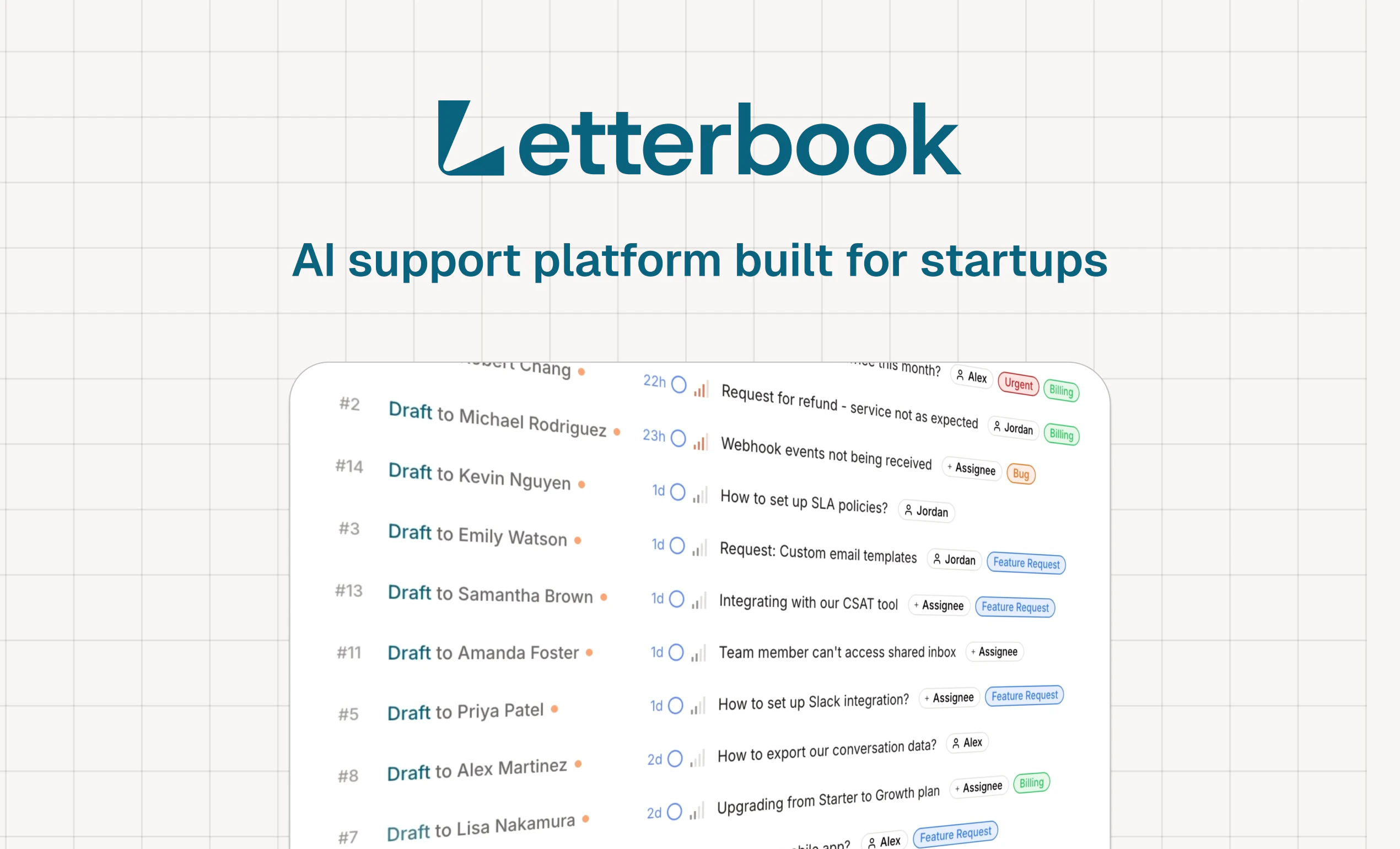
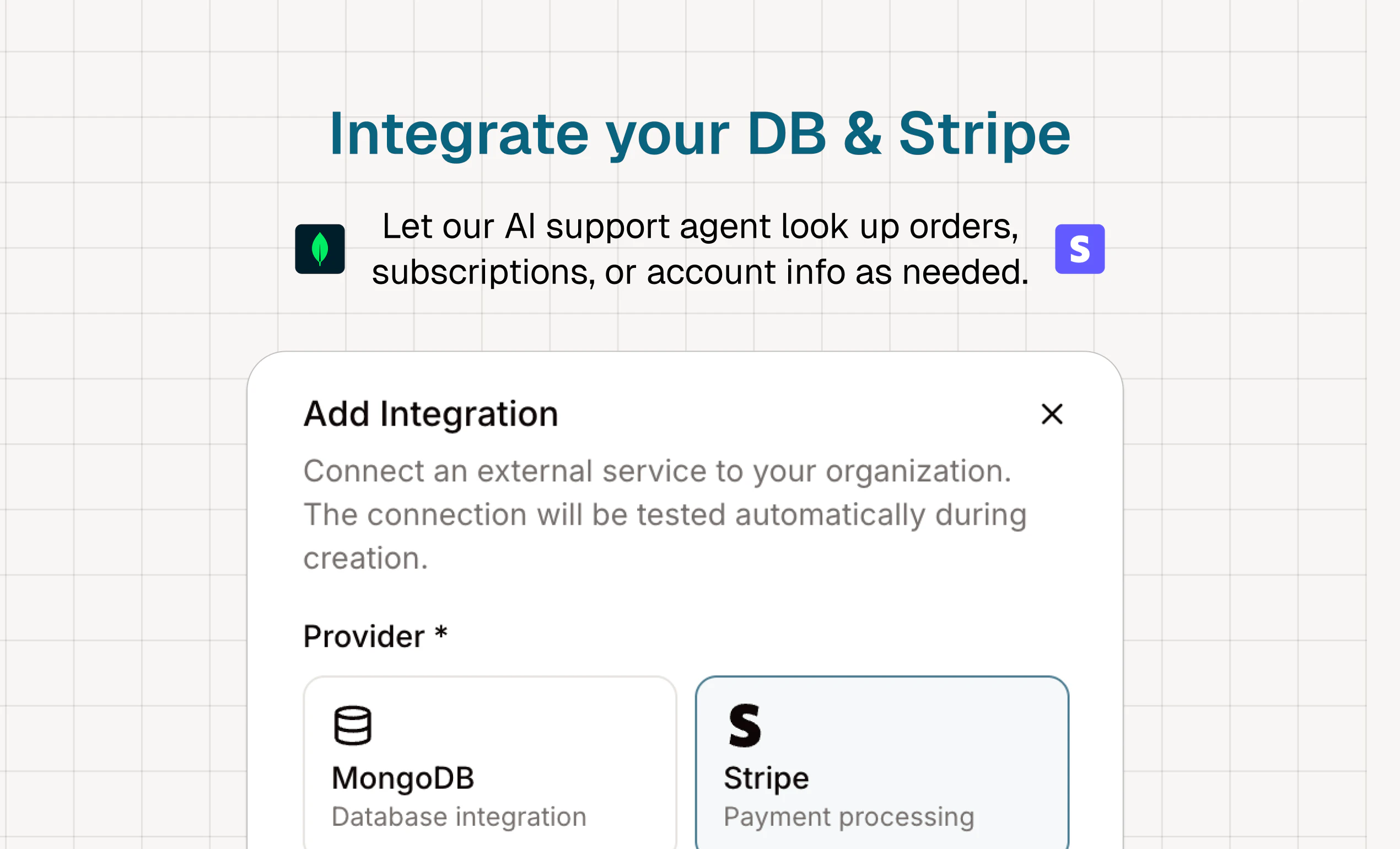
The modern alternative to Zendesk, Freshdesk, Intercom, and Front. Connect your database and Stripe. Our AI support agent resolves tickets across email, forms, and other channels.

Hey Product Hunt!

I'm Dawson, co-founder @ Letterbook.

We grew our last product, Martin, to 100k users. At one point, we'd get 50 support requests every day:

  • "How do I use this feature?"

  • "Can I get a refund?"

  • "I can't log into my account."

I had to hire a virtual assistant in the Philippines to reply to users and solve billing issues.

I had to use Zendesk, which was built 20 years ago and designed for a VP of Support, not a founder.

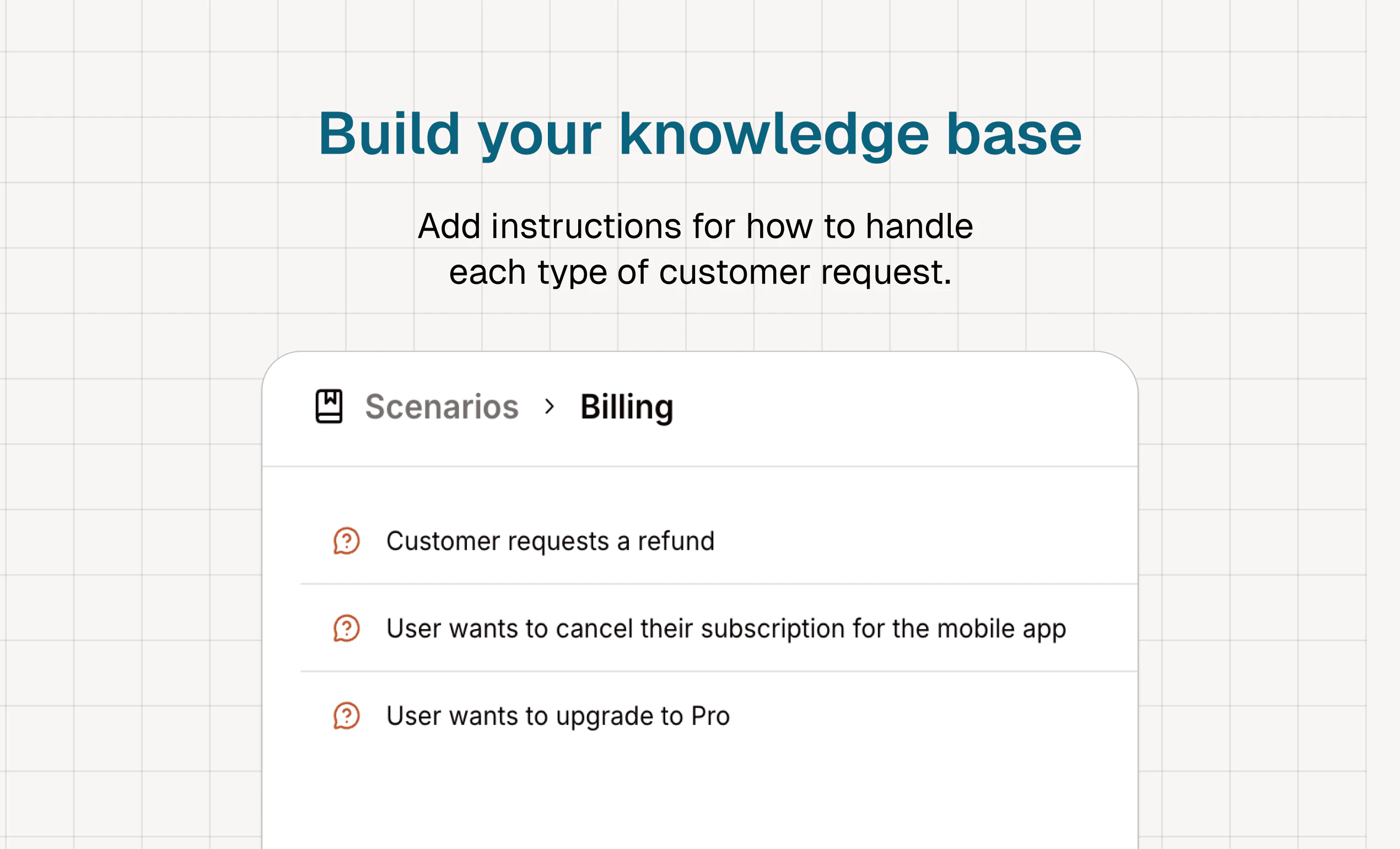
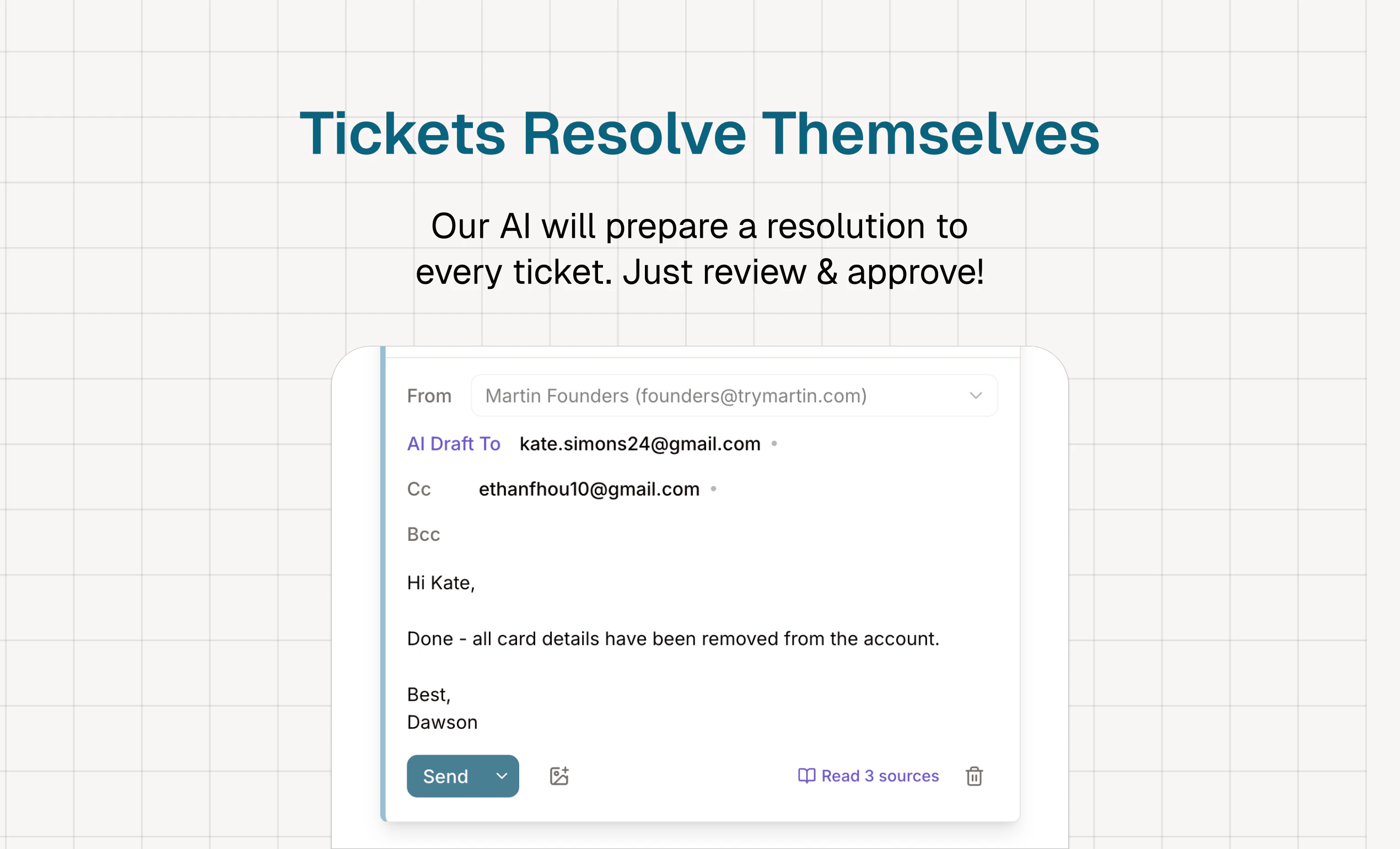
None of this made sense, so we built our own modern, AI-native support platform. We integrate with your database, knowledge base, and Stripe, and our AI auto-prepares resolutions to every ticket.

We’ve already replaced Intercom, Zendesk, Zohodesk, Helpscout, and Freshdesk for many fast-growing companies in YC.

If you’re building a B2C or self-serve B2B product, give it a try or book a demo at:
https://letterbook.ai

P.S. Unlike Zendesk, which takes days to set up (a friend literally hired a consultant to teach him), Letterbook takes 5 mins. And if you need help, you better believe we have top-notch customer support!

28
回复

@darweenist Many congratulations, the 5 minute setup vs days for Zendesk is compelling. Quick question though, how does the AI handle edge cases where customers need actual human judgment calls?

0
回复

@darweenist congrats this looks like a fantastic tool and great job on a successful launch 🥂

0
回复

@darweenist Congratulations on the launch! 🎉 I love that you are taking on Zendesk and Intercom — most small founders struggle to afford those tools. Letterbook feels like the perfect solution for that gap. I am a sales professional and I would love to help you get your first 100 business customers. Would you be open to a chat?

0
回复

Went through the signup flow. The 15 minutes to first resolved ticket claim on the landing page is the right hook, that's exactly what a founder dealing with support volume wants to hear.

The gap is that Signup asks for the organization name before showing any evidence that the 15 minutes is real. For a founder evaluating whether to commit, that's a small friction at exactly the wrong moment. The stronger move would be showing one resolved ticket in a demo state before asking for anything, let the claim prove itself before the founder has to name their organization. What does drop-off look like between landing page and completed signup?

5
回复

@arun_tamang Hey Arun thanks for the feedback! We'll definitely improve the flow based on what you mentioned. Were you able to eventually resolve a ticket?

2
回复

Dawson this is so real. We're two founders building WTMF and support has been one of those things that just quietly eats your time. Never felt like Zendesk was made for teams like ours.

The auto-prepared resolutions thing is what caught my eye. Going to try it out. Congrats on the launch and honestly 100k on Martin is a tough act to follow, excited to see where Letterbook goes.

4
回复

@shreyak_singh Absolutely man. We've switched several founder friends off Zendesk and would love to help you fix your support stack too! Feel free to book a demo here and I can get you set up!

2
回复

@shreyak_singh Support quietly eating your time is such an accurate description. Never feels urgent until it's the first thing you deal with every morning.

@dawson_chen Congrats on the launch!

1
回复
Hey Dawson, that line about Zendesk being built for a VP of Support, not a founder, really stands out. Was there a specific day where you were drowning in those 50 daily tickets, juggling a VA and a tool that felt way too complicated, and thought why do I need enterprise software just to answer basic questions?
4
回复

@vouchy Totally. I started shopping for a support platform around May of last year and was shocked that Zendesk was the best thing out there. We ended up building an internal tool to track and resolve tickets and eventually spun that out into Letterbook!

3
回复

Congrats on the launch! Support is one of those things that sneaks up on you, and can eat away at your hours. Once you connect Stripe, how much customer context does the AI actually pull in when it's drafting a reply?

4
回复

@simonk123 Good question! The AI has full context of that customer's purchases, invoices, subscriptions - basically anything a human support agent would get from Stripe. If that's not enough information to resolve a ticket, a database integration can often fill in the gaps.

3
回复

Support tooling for founders is usually an afterthought - either paying for Intercom before you have revenue, or handling everything manually through email threads. The AI angle makes sense here. What does Letterbook do when it doesn't know the answer - does it hand off to you, or does it try to figure it out?

3
回复

@mykola_kondratiuk Great question! Letterbook actually just prepares resolutions for you to approve right now. For example, you'll see a draft of the email response + a suggested Stripe/Database action that you can approve in 1 click!

3
回复

Good one @darweenist I want to ask if there is a provision for seamless migration from existing support platforms to Letterbook. This will be a game changer for companies with large user database on their existing platforms instead of starting over. The homepage could also do with some relevant FAQs. Good luck with the launch.

3
回复

@bhadmus_olaide Thanks so much for the feedback! Right now we the founders just hop in a Slack channel and help you migrate manually. We could definitely make it more seamless, like one click to migrate from Zendesk would be huge.

1
回复

Letterbook is the best support platform ever. We love it at Respan. Congrats on the launch Dawson and team!!

3
回复

@andydy25 Thanks for the support Andy!

2
回复

Congrats on the launch! Happy to be a paid customer. Letterbook is a game-changer (and we've tried and paid for zohodesk, help scout and freshdesk in the past)!

2
回复

@edrei_chua Thank you so much for all the amazing feedback Edrei!

1
回复

I'm exactly your ICP (as the founder who is replying to every single CS ticket)!

I actually chose Zendesk because it also supports a Help Center. Does Letterbox also come with a Help Center? If not, what are the usual ways you see your users setting them up and connecting to Letterbox?

2
回复

@joycechin Hey Joyce, thanks for the comment! We actually do come with a help center, so you can fully host your user facing portal on Letterbook. Or, if you want to keep Zendesk, we can just integrate with your Help Center so Letterbook AI can use it as extra context during responses.

Since you're such an ICP, I'd love to show you how it works in more detail!

Grab a time: https://cal.com/dawson-chen-iuthbm/demo

2
回复

The Stripe + database integration is what sells this for me. Running a B2B SaaS with self-serve billing, and 60% of our support tickets are "where's my invoice" or "cancel my subscription" — exactly the kind of thing AI should handle autonomously. How does the AI handle edge cases where it's not confident? Does it escalate to a human automatically or does it attempt a response anyway?

2
回复

@ilya_lee Hey Ilya good questions! Right now our AI just surfaces the task for you to approve in 1 click. It never executes anything without approval. Def want to graduate to full send soon though, for easier tasks!

2
回复

So cool. Is it possible to close the loop from tickets -> code?

1
回复

@aagam_dalal Right now we just add a Linear ticket, but this is the natural next step!

1
回复

Congrats! Trying it now...

1
回复

@jahooma Thanks for the support James!!

0
回复

Congrats on the Launch, this is one of those products where I wish I knew about it way sooner!!

1
回复

@dhruv_roongta Thanks for the support Dhruv!

0
回复

Zendesk is v bad

1
回复
1
回复

Congrats Dawson!! That's incredible that it can even process the refunds on stripe as well. Excited to try it out!!

1
回复

@amysunyan Thank you for the support Amy!

0
回复

Congrats on the launch, Dawson!

0
回复
#5
FreeCAD 1.1
Extremely powerful, completely free 3D CAD modeling
220
一句话介绍:FreeCAD 1.1是一款功能强大且完全免费的3D CAD建模软件,通过引入透明预览、交互式拖拽器等重大体验优化,为工程师、设计师及硬件初创公司提供了可媲美昂贵商业软件的免费开源替代方案,有效解决了专业3D设计工具成本高昂的痛点。
Design Tools Open Source 3D Modeling
开源CAD 3D建模 计算机辅助制造 有限元分析 免费设计软件 参数化设计 工程软件 商业软件替代品
用户评论摘要:用户普遍认为此次更新巨大,显著提升了工作流效率,特别是透明预览、交互拖拽器和全新CAM工具库。用户肯定其正缩小与SolidWorks等商业软件的差距。主要问题集中在复杂装配体下的稳定性与拓扑命名问题是否得到实质性改进。
AI 锐评

FreeCAD 1.1的发布,与其说是一次版本迭代,不如说是开源工业设计软件向主流商业市场发起的一次正式“价值宣言”。其核心价值并非单纯的功能堆砌,而是精准地瞄准了商业CAD软件生态中最脆弱的环节:高昂的授权费用与僵化的用户绑定。

此次更新的“透明预览”、“交互式拖拽器”等功能,直指传统CAD软件用户体验的“黑箱”与繁琐操作,是对设计直觉流的回归。而全新CAM工具库的加入,则标志着FreeCAD正从单一的建模工具,向涵盖设计(CAD)、制造(CAM)、仿真(FEA)的完整工作流平台演进,这直接侵蚀了如SolidWorks、Fusion 360等软件赖以生存的“功能集成”护城河。

用户评论中“不再感觉在日常最重要的方面明显落后于昂贵的商业软件”这一判断,极具分量。它揭示了一个临界点:当开源软件在核心工作流体验上达到“可用”甚至“好用”,其零成本的压倒性优势便会急剧放大,尤其对预算敏感的初创公司、教育机构及个人创作者构成致命吸引力。然而,评论中反复提及的“拓扑命名”问题,恰恰是FreeCAD乃至许多开源工程软件的阿喀琉斯之踵。它关乎参数化设计的底层稳定性和可靠性,是应对极端复杂设计的基石。若此根本性架构问题未获突破,FreeCAD在高端复杂场景下仍难摆脱“玩具”或“备用选项”的标签。

因此,FreeCAD 1.1的真正意义在于,它成功地将竞争维度从“功能有无”提升到了“体验优劣”,迫使市场重新评估“功能与价格”的性价比公式。它的持续进击,不仅为用户提供了选择,更可能倒逼整个商业CAD行业反思其定价策略与技术开放程度。前路虽仍有硬核技术难关,但其带来的行业鲶鱼效应已然开始。

查看原始信息
FreeCAD 1.1
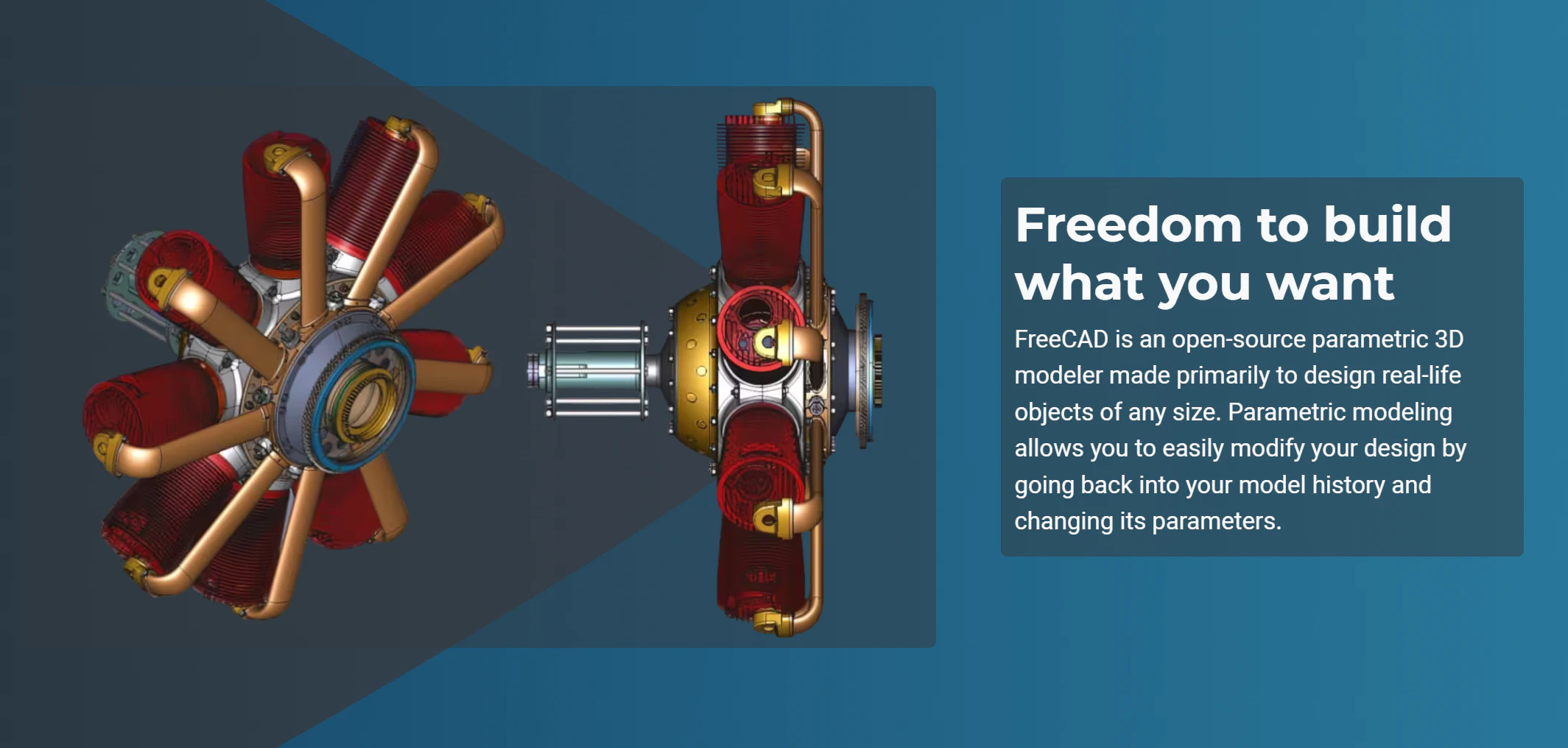
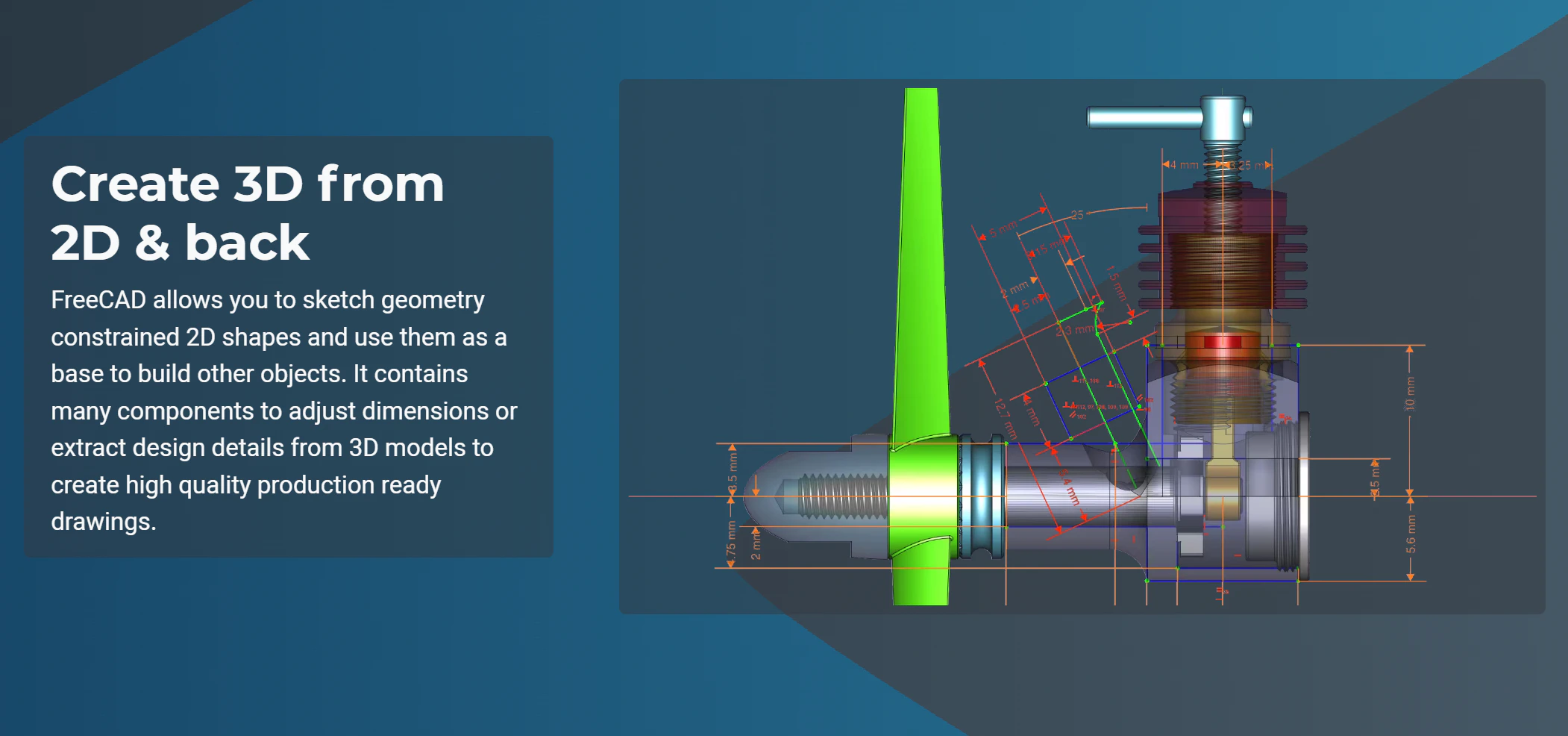
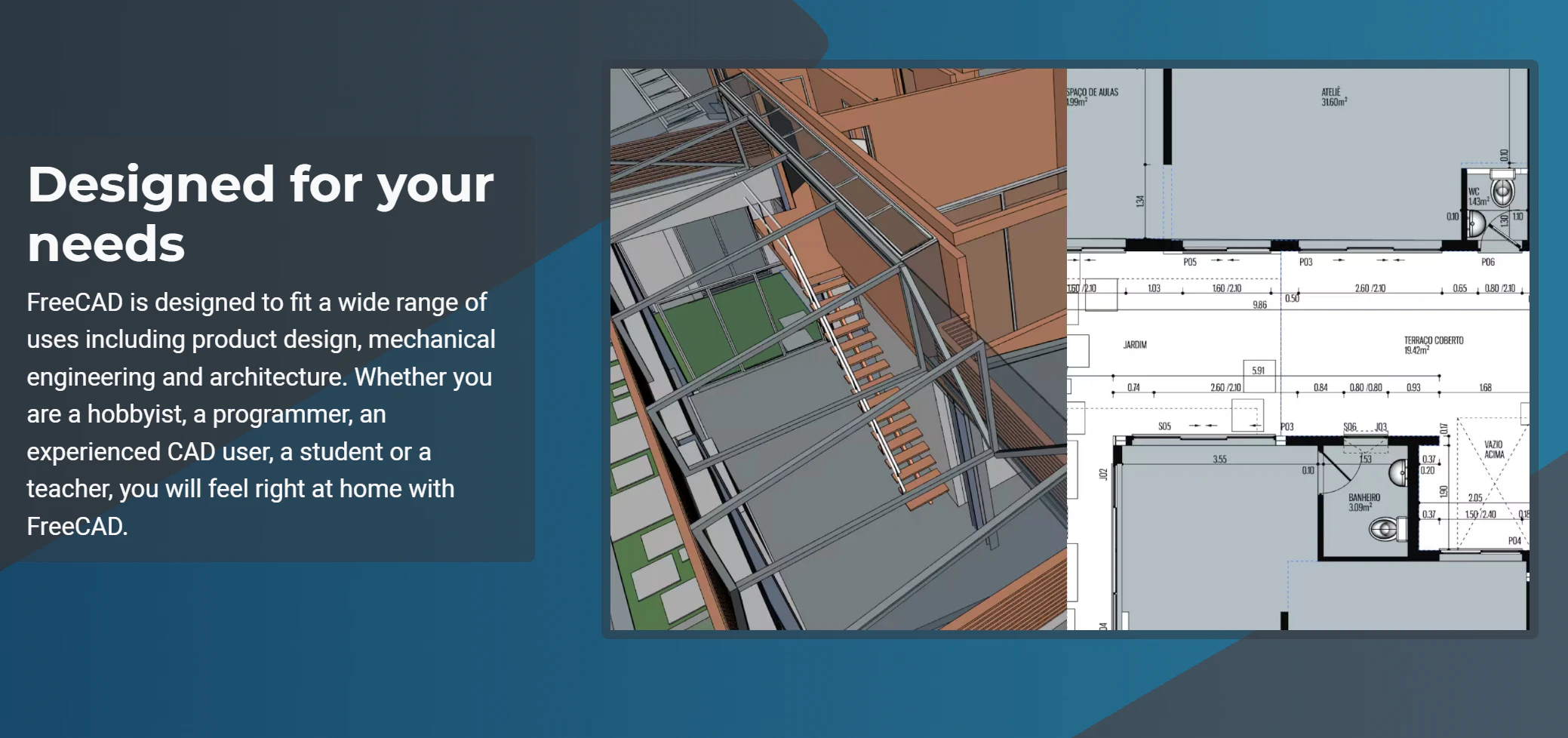
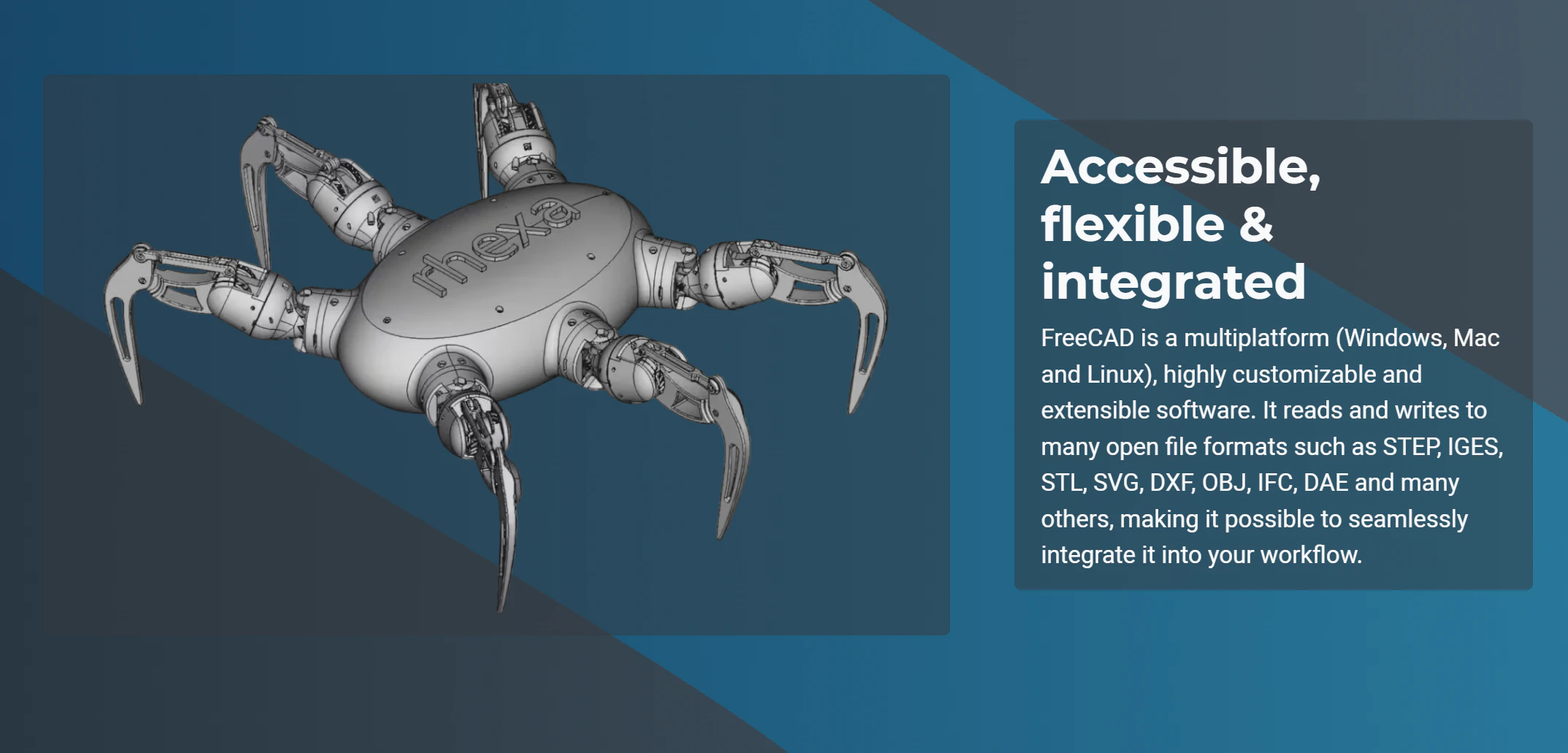
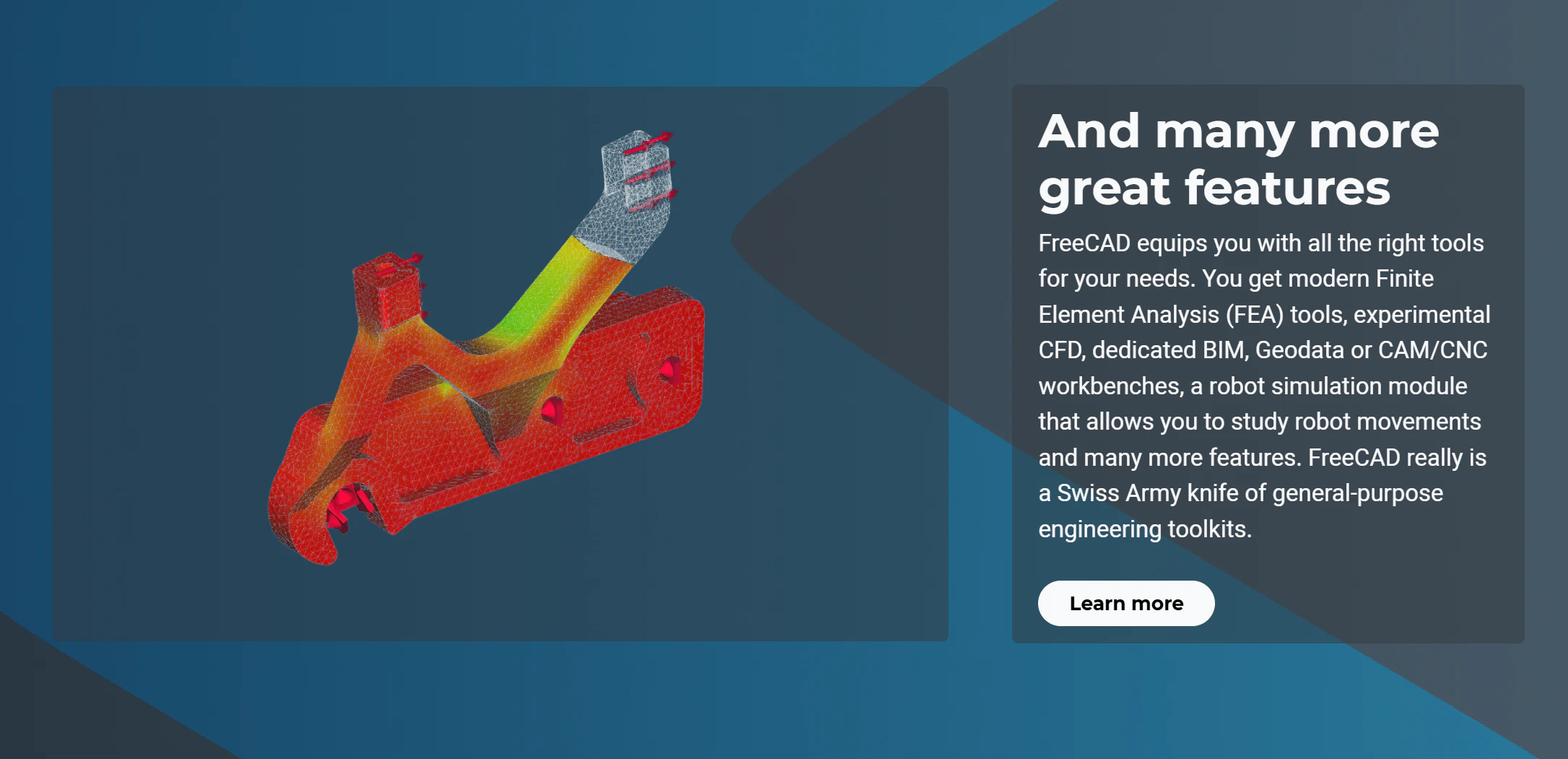
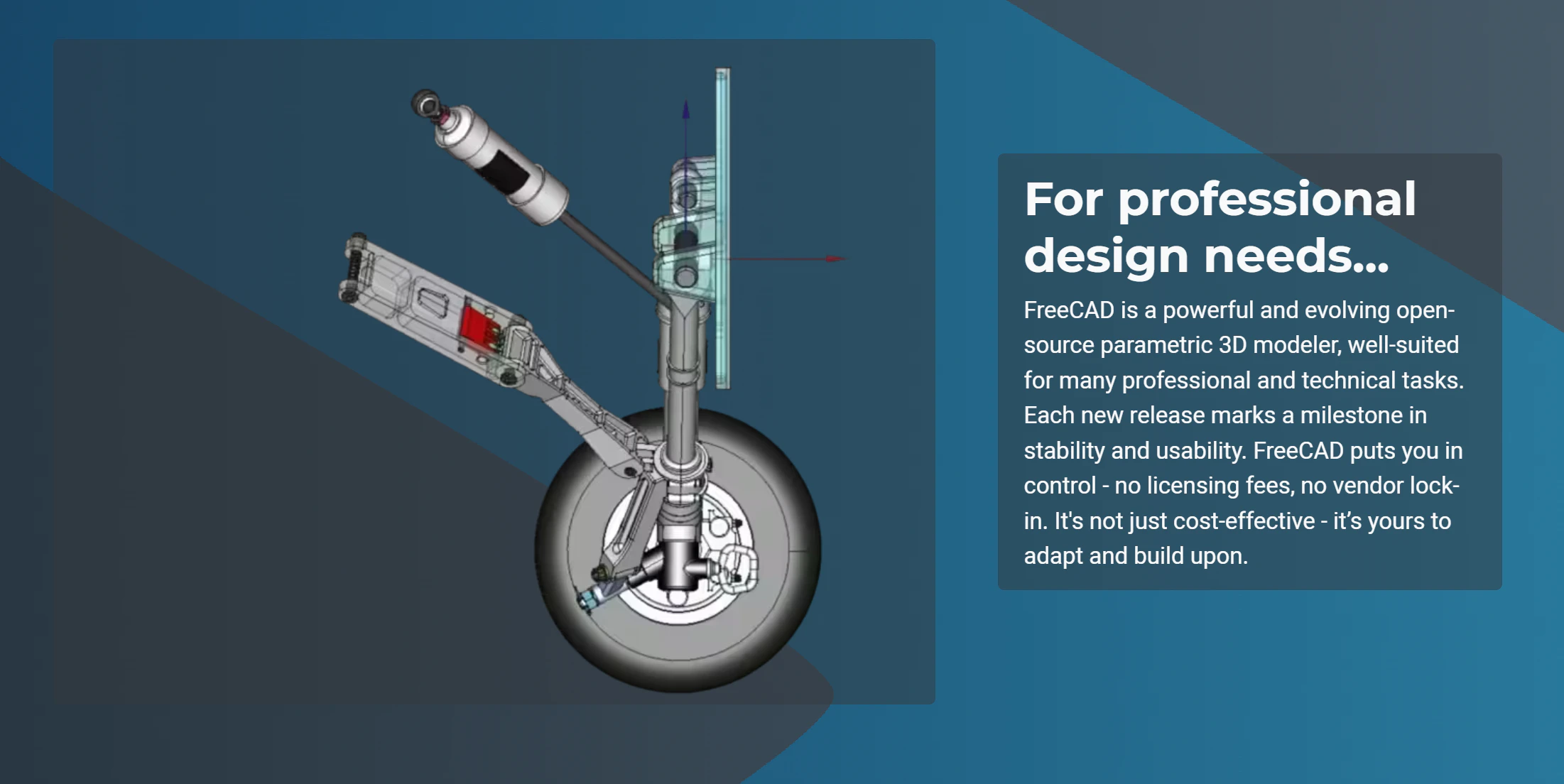
FreeCAD 1.1 is a massive update to the highly capable, free, and open-source 3D CAD/CAM/FEA modeler. It introduces major quality-of-life improvements including transparent previews, interactive draggers, new CAM tools, and enhanced assembly features.

Hi everyone!

I only got into FreeCAD recently, and what surprised me most is how powerful it already feels for a tool that is, quite literally, free.

FreeCAD 1.1 is a HUGE release. There is a lot of real workflow polish here: transparent Part Design previews, interactive draggers for tools like Fillet and Chamfer, three-point lighting, Clarify Selection, Assembly and FEM improvements, and a completely new CAM tool library system.

I am also used to the SolidWorks style of interaction, so it was great to see FreeCAD support that navigation style directly.

For a free and open-source tool spanning CAD, CAM, and FEM, this honestly no longer feels meaningfully behind expensive commercial software in the ways that matter most day to day.

7
回复

@zaczuo Congratulation .

0
回复

@zaczuo How much time did the new CAM tool library and interactive draggers save you on a real project, and any tips for SolidWorks users switching over?

1
回复

@zaczuo The gap between FreeCAD and commercial tools has historically been stability under complex assemblies has 1.1 made any meaningful progress on topological naming, or is that still the main thing that breaks parametric workflows when you modify early features?

0
回复

Saw this update last week, hadn't checked it out yet! Congrats on bumping that number haha.

3
回复

congrats on the 1.1 release! the combination of transparent previews, interactive draggers, and the new CAM tool library in one update is a big deal. open source CAD closing the gap with SolidWorks genuinely matters for hardware startups who can't afford the $$$ licenses :)

1
回复
#6
Invoke
Agentic coding IDE with visual planning boards and canvas
194
一句话介绍:Invoke Studio是一款桌面AI编程IDE,通过可视化规划板、设计画布和沙盒实验环境,解决了开发者在AI辅助编程中规划不清、设计脱节和代码合并风险高的痛点。
Developer Tools Artificial Intelligence Development
AI编程IDE 可视化规划 智能体开发 代码生成 设计转代码 开发工作流 多模型支持 桌面应用 代理智能体 沙盒测试
用户评论摘要:用户普遍认可其可视化规划与依赖管理的独特价值,认为其超越了仅生成代码的常见AI工具。主要疑问集中在:AI合并复杂冲突的实际能力、规划板在迭代中是否被弃用、依赖图如何影响任务并行性,以及对团队协作功能的期待。
AI 锐评

Invoke Studio的野心,不在于成为另一个更快的代码补全工具,而在于试图成为AI原生时代的“开发操作系统”。其核心价值并非“AI写代码”,而是用可视化结构(Boards)去“规训”AI智能体,将人类系统设计思维转化为机器可精确执行的计划。这直击了当前AI编码的核心矛盾:大模型能生成语法正确的代码块,却难以理解并实施复杂的、有依赖关系的系统级构建意图。

其“画布设计转生产代码”和“沙盒智能合并”功能,分别瞄准了前端开发中设计与代码的断层,以及实验性开发与主干代码的融合风险。这体现了一个深刻的洞察:AI引入开发流程后,最大的成本从“编写”转向了“规划、协调与集成”。

然而,其挑战同样明显。首先,“可视化规划”本身可能成为新的认知负担,尤其在快速迭代中,维护规划图的额外成本可能导致其被弃用,正如部分用户所担忧。其次,其宣称的“理解意图的智能合并”在复杂的、语义冲突的代码变更面前,能否真正可靠,仍需在大型真实项目中经受考验。最后,当前聚焦于单人开发者,虽能打磨核心体验,但也可能错失定义团队协作范式的早期机会。

本质上,Invoke是在赌一个未来:当AI智能体成为标配,开发的核心竞争力将上移至更精确的“元指令”(规划、设计、集成规则)定义能力。它不是在替代程序员,而是在为程序员提供驾驭AI智能体军团的可视化指挥系统。成败关键在于,这套系统带来的结构收益,是否能持续超越其维护成本。

查看原始信息
Invoke
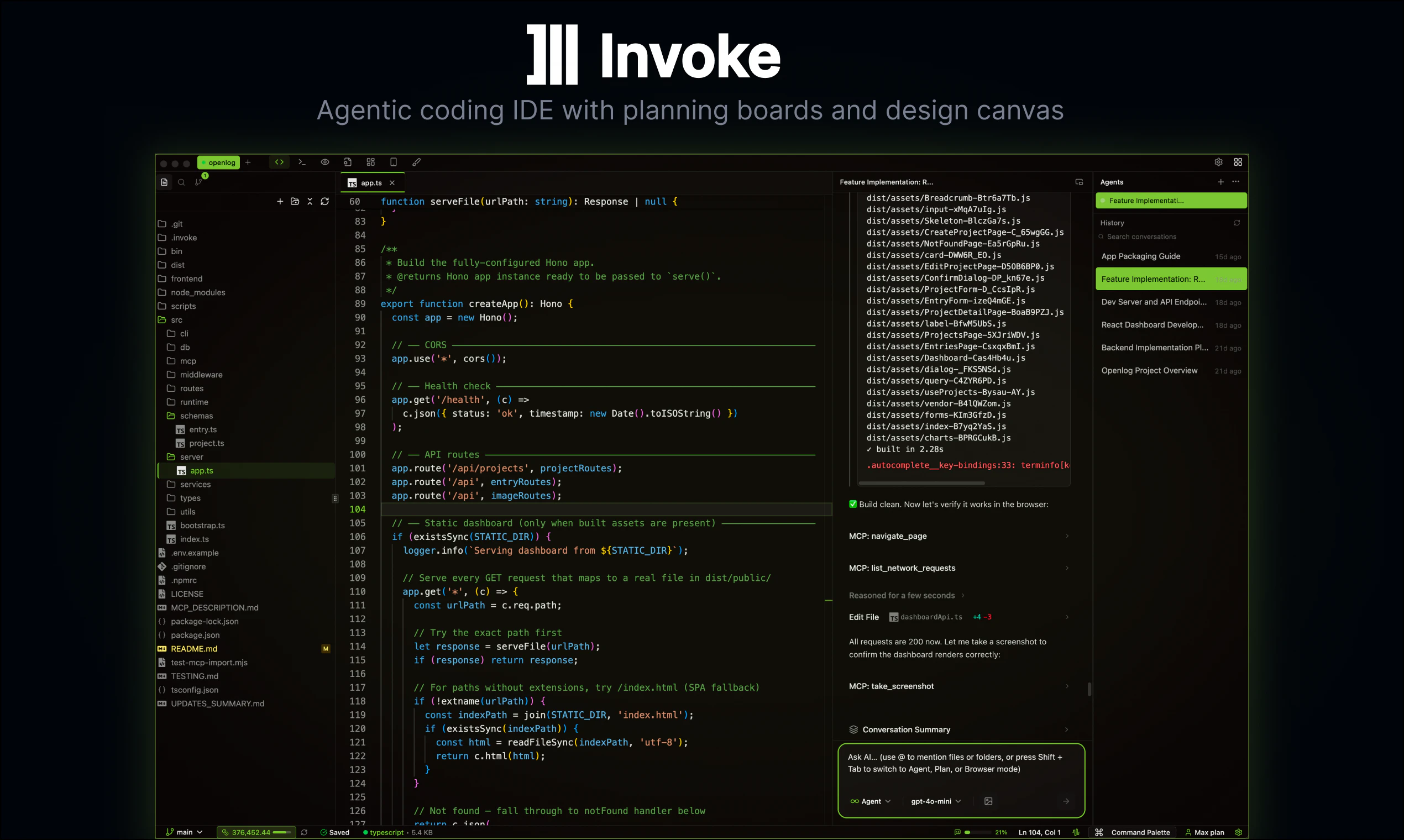
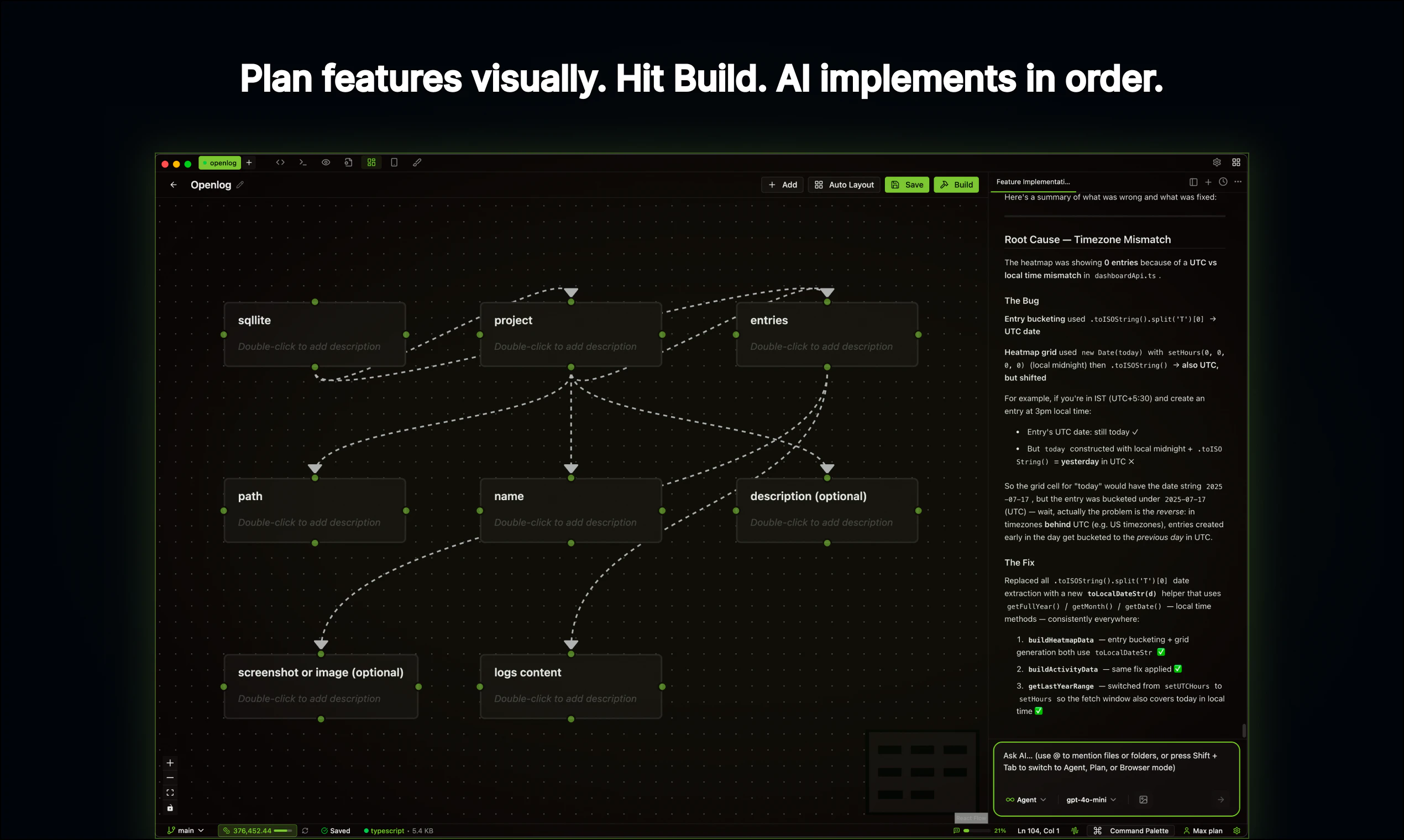
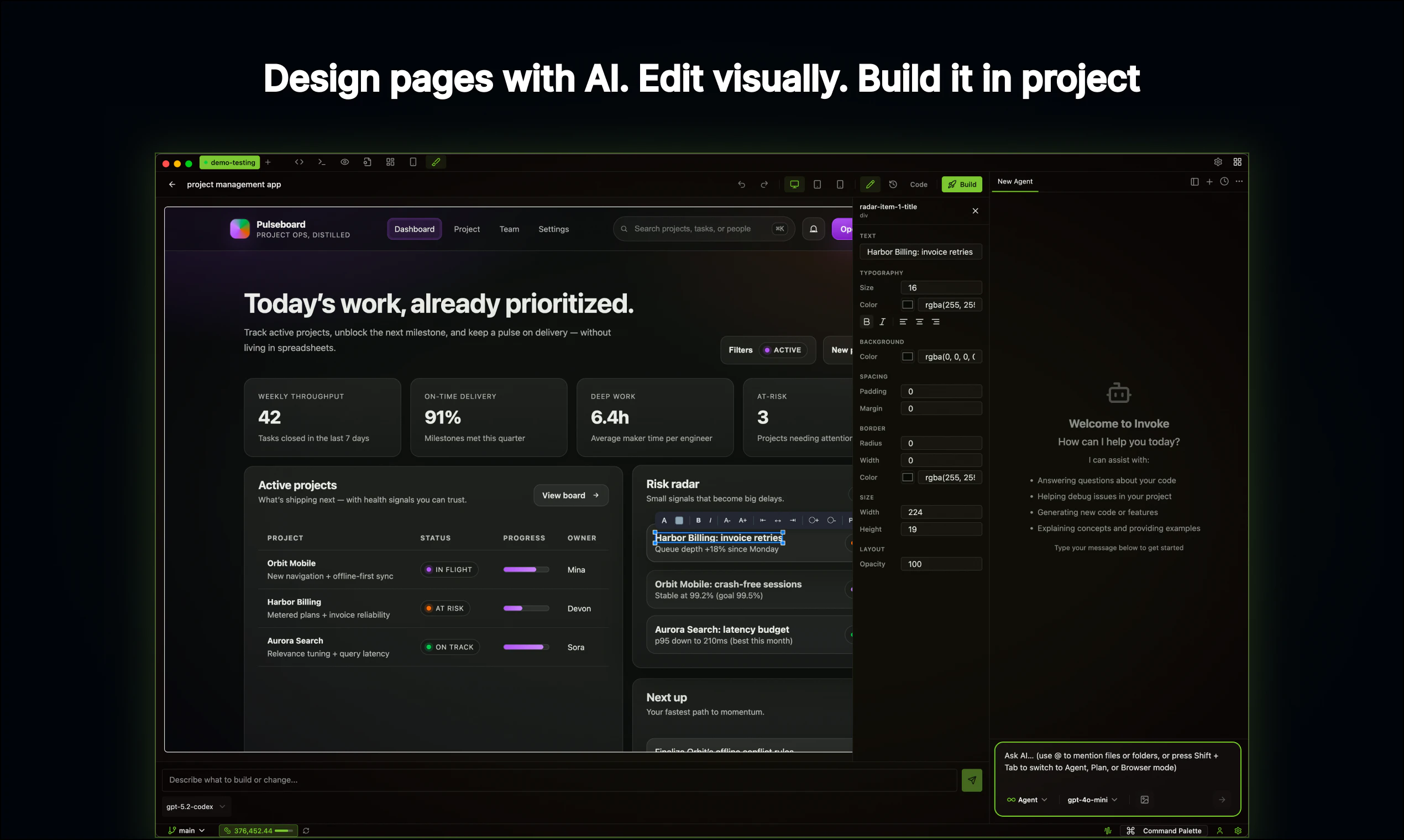
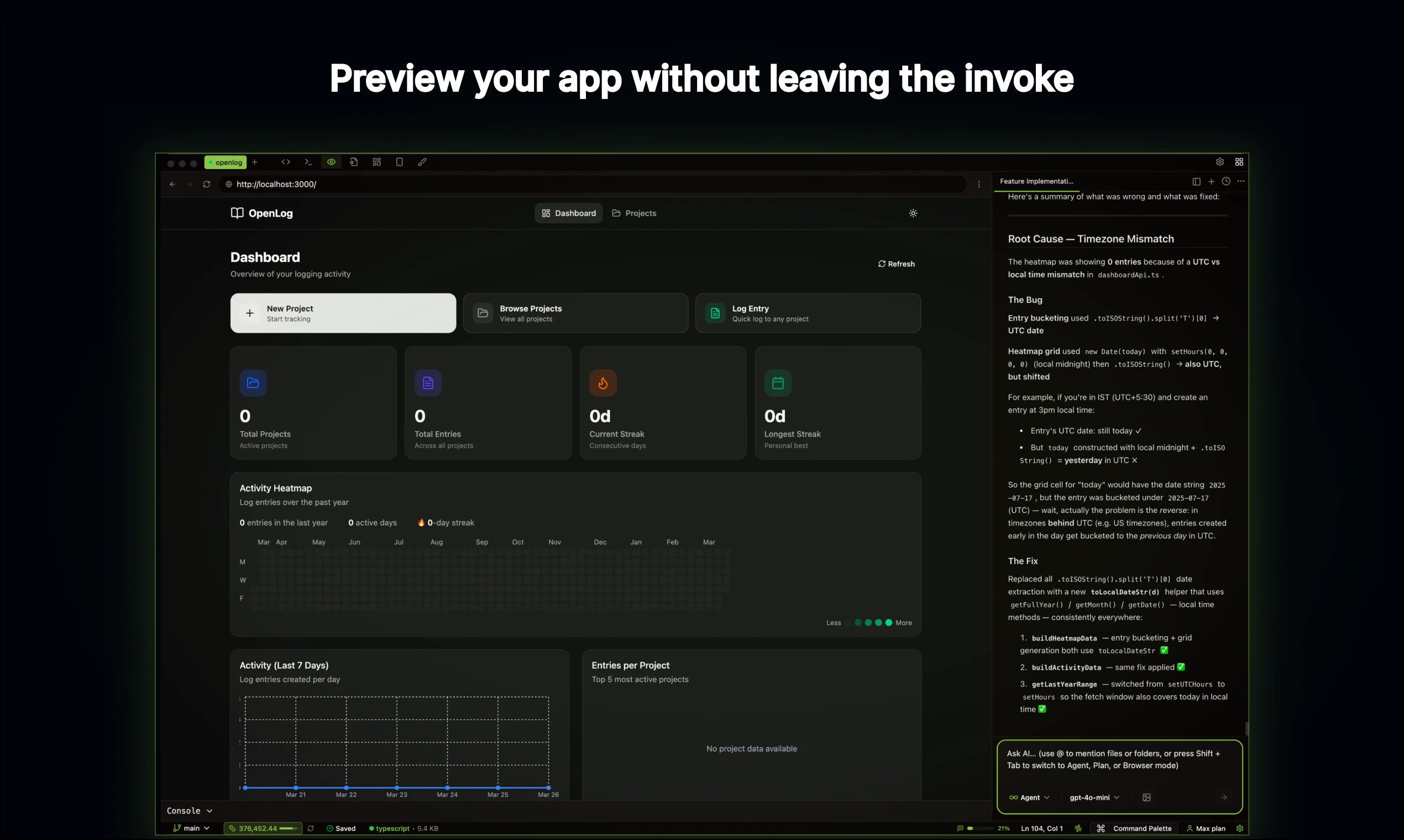
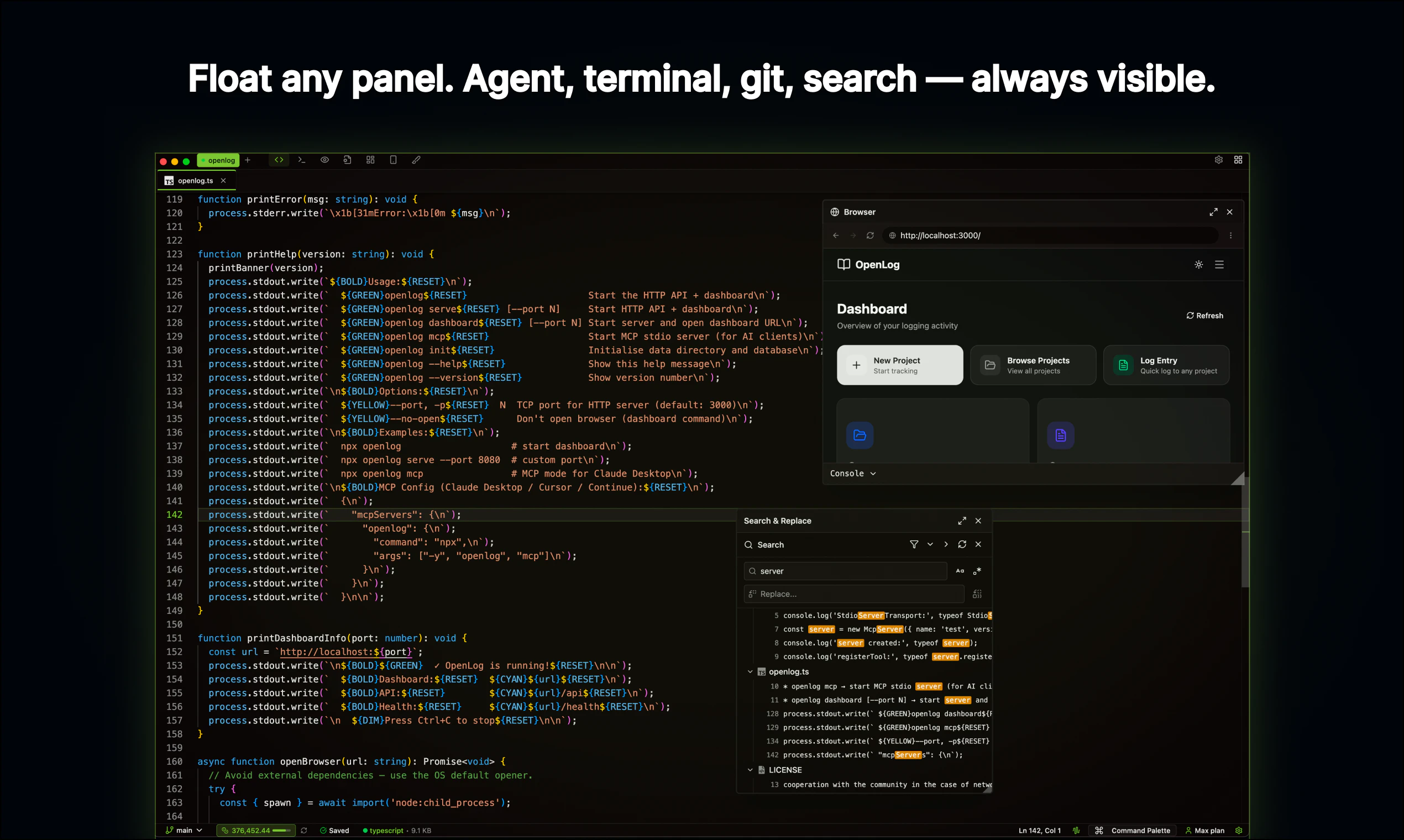
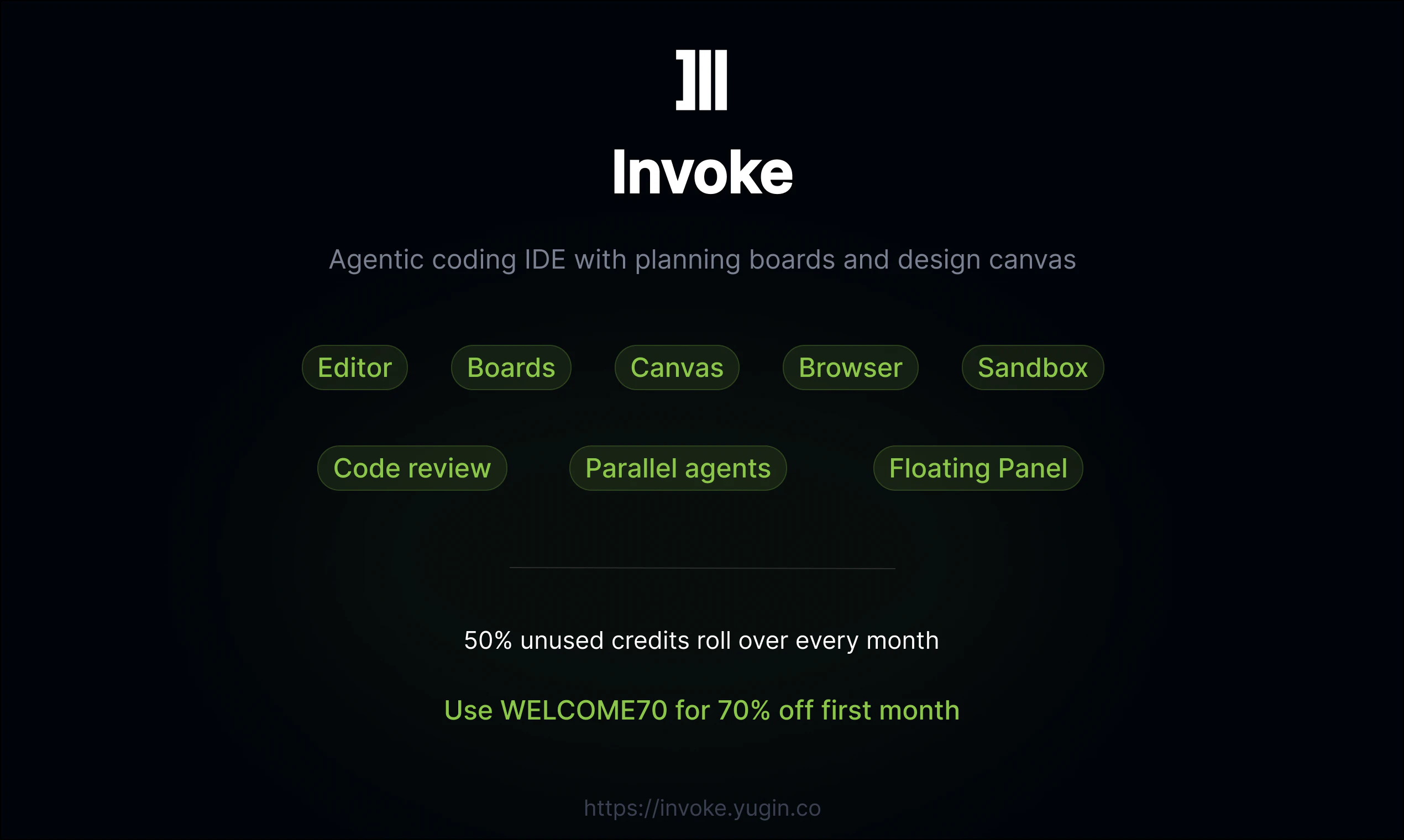
Invoke Studio is a desktop AI coding IDE with visual planning, design canvas, and intelligent agents. Map features on Boards, draw dependencies, and let AI build them in order. Design pages in Canvas — drag, resize, edit visually — then export as production code. Experiment safely in Sandbox with AI-powered merging. Run parallel agents, create custom subagents and agents. Works with Claude, OpenAI, Google, xAI, and Ollama. Free with your own API keys.
Hey Product Hunt 👋 I'm Bharath, the maker behind Invoke Studio. Every AI coding tool today can write, edit, and review code. That's table stakes. What's missing is everything around the code — planning what to build, designing how it looks, and safely experimenting before committing. Invoke Studio is a desktop IDE that covers the full development loop: Boards — Lay out features as cards on a canvas, draw dependency arrows, @mention files, hit Build. The AI implements the whole plan in order. Canvas — Describe a page, AI generates it with real design. Edit visually — drag, resize, tweak — then export into your actual codebase as production code. Sandbox — Fork your entire project into an isolated copy. Experiment freely. When you're done, AI merges your changes back — even if your main project has changed since. It understands the intent of both sides, resolves conflicts intelligently, and explains its reasoning.. Skills — Teach your agents reusable capabilities with instructions, scripts, and references. Follows the open Agent Skills spec — cross-compatible with Cursor and Claude skill directories. And yes — it has a full code editor with TypeScript LSP, integrated terminal, live preview, AI code review, parallel agents, subagents, checkpoints, memory, and browser automation built in. Works with Claude, OpenAI, Google, xAI, and local models via Ollama. Every feature is free with your own API keys. Use WELCOME70 for 70% off your first month if you want built-in credits.
2
回复

@mention  @yugintech How well does the AI handle merging complex changes in large TypeScript/React codebases with multiple devs, like resolving intent across divergent branches?

0
回复

@mention  @yugintech Hey! When the Sandbox AI merges experimental changes back into a project that has diverged, how does it handle cases where the "intent" of both sides is genuinely contradictory rather than just syntactically conflicting?

0
回复

the board and sandbox together make sense, but after a few iterations things usually start drifting a bit, do people keep updating the board or does it get ignored over time?

1
回复

@artem_kosilov  Fair point. Most planning tools end up like that, you make a plan and never look at it again.


Boards are a bit different though because the agent actually reads them every time you hit Build. So there's a real reason to keep them updated. Add new features, rework connections, change the flow, and the agent picks it all up.


Some people use them as a one-shot plan and move on, that works too. For bigger stuff, creating separate boards per milestone works better than trying to maintain one giant one.

With Sandbox, the combo is nice. Plan on the board, experiment in sandbox, and if things drift you can rethink the board and spin up a fresh sandbox.


We're also thinking about the agent suggesting board updates based on what actually got built. Appreciate the feedback!

0
回复

This is exceptional, I was using clickup and the claude code as well as the Xcalidraw to manage my projects, an all in one solution was much needed thanks man!

1
回复

@nayan_surya98  Thanks so much! That's exactly the problem we wanted to solve — too many tools, too much context switching. Give it a try and let us know how it goes. We're constantly improving based on feedback like yours!

0
回复

The Boards + dependency mapping before agents start building is a legitimately different take. Most coding agents are just "here's a prompt, generate code" - having explicit task ordering baked into the IDE means the agent isn't deciding what to tackle next based on vibes. How does it handle when a dependency is partially built? Does the dependent task queue or does the agent try to work around it?

1
回复

@mykola_kondratiuk Thanks! That's exactly why we built it that way. Most agents just take a prompt and figure it out on the fly — Boards lets you lay the whole thing out first so the agent actually knows what it's working with.


You can use it for dependency ordering, but it's also just for showing how features connect and relate to each other. Like "auth flow ties into dashboard which ties into user settings" — the agent sees that full picture, not just isolated tasks.


When you hit Build, everything on the board — features, descriptions, file references, connections — goes to the agent as one structured prompt. It reads the flow, respects the order, and builds with the whole system in mind.


For your question about partial builds — right now the whole board goes as a single plan, so the agent works through it sequentially following the connection order. It's not a separate queue system yet, but that's something we're thinking about. We're constantly shipping improvements so this kind of feedback genuinely helps shape what comes next.

1
回复

the "draw dependency arrows, hit Build" approach is interesting, most agentic IDEs just hand the whole task list to the model at once and hope it figures out the order.

does the dep graph actually affect parallelism, like does it run independent branches concurrently or is it always sequential?

0
回复

@gabrielpineda Thanks! Yeah that was the idea, give the agent structure instead of hoping it figures out the right order on its own.


Right now when you hit Build, the board goes to the agent as one structured prompt and it works through it sequentially following the dependency flow. It doesn't automatically split independent branches into parallel agents yet.


But the agent can spin up sub-agents on its own if it decides tasks can be parallelized. So if it sees independent features with no dependencies, it might delegate them to sub-agents and run them concurrently. You can also do it manually, send independent features to separate agents yourself. You get up to 5 running at the same time.


Automatic parallelism based on the dependency graph is something we're actively thinking about though.

0
回复

This looks awesome, congrats! Any plans for team collaboration features or is it mainly solo for now?

0
回复

@ermakovich_sergey Thanks so much! Right now Invoke is focused on the solo developer experience. Team collaboration is something we’re exploring but we want to make sure the core product is solid first. Would love to hear what kind of team features would be most useful for you, that’ll help us prioritize what to build next!

0
回复

I like the visualization on dependencies and data flow. This is personally something I plan out before rolling out a feature, and it takes time. Looks interesting and useful.

0
回复

@syaman Thanks! Planning dependencies and data flow before building saves so much time, especially when AI agents are handling the implementation. That’s exactly why we built Boards so you can visually map it all out and let the agent follow the plan. Give it a try and if you need any feature or improvement, let us know. We’re constantly improving it!​​​​​​​​​​​​​​​​

1
回复

Visual planning boards for agentic coding is a good call. The hard part isn't getting agents to write code - it's defining what to build clearly enough that they build the right thing. Multi-model support across Claude, OpenAI, Google, xAI, and Ollama is a lot to maintain but the flexibility is real. If you want to catch bugs while launch traffic is up, we built a free community stress-testing tool called VibeFix Playground. Post your URL, people try to break it, reports come in with screenshots.

0
回复

@onryo_builds Thanks! You are right, the hard part isn't getting agents to write code, it's defining what to build clearly enough. That's exactly why we built Boards so you can visually define the plan before agents start executing. Appreciate the kind words!

0
回复
#7
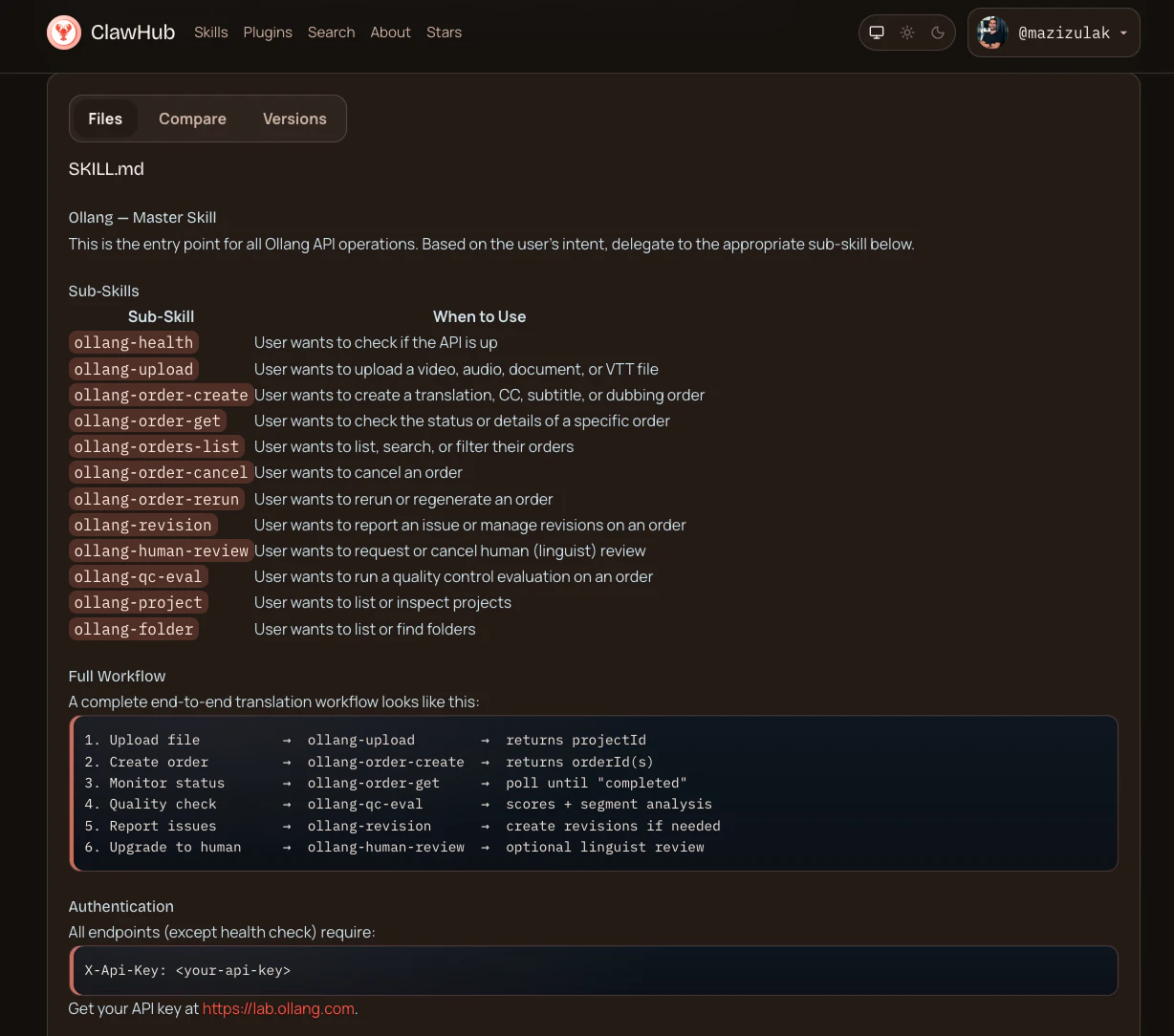
Ollang DX
The AI Language Execution Layer for Enterprise
157
一句话介绍:Ollang DX 是一个AI驱动的企业级多模态本地化执行层,通过统一的API、MCP协议和SDK,一站式解决开发者在视频、音频、文档、应用等多格式内容本地化中需拼接多工具、流程碎片化的核心痛点。
API Developer Tools Artificial Intelligence
AI本地化平台 多模态翻译 企业级集成 MCP协议 开发者工具 智能体工作流 全球化解决方案 端到端管道 音视频本地化 上下文感知翻译
用户评论摘要:用户普遍认可其解决工具碎片化的价值,关注点集中在:上下文与术语一致性处理、多格式(JSON、字幕)支持质量、与Cursor/Claude Code等智能体的集成深度、学习反馈机制以及企业级工作流的定制化能力。
AI 锐评

Ollang DX的野心不在于做一个更优的翻译API,而在于定义“AI智能体时代的本地化层”。其真正价值是**将本地化从一种事后、孤立、标准化的“文本处理服务”,重构为一种可嵌入任何AI智能体工作流的、上下文感知的“执行能力”**。

产品巧妙地以MCP(Model Context Protocol)协议为核心楔子,打入当前最活跃的AI编程智能体生态(如Cursor、Claude Code)。这不仅是技术集成,更是生态定位:它让本地化成为智能体“思考”过程中可自然调用的一个动作,而非开发流程中一个断裂的外包环节。其宣传的“One API”针对的并非仅是技术简化,而是**认知负荷的降低**——开发者无需再为视频、音频、文档等不同媒介维护迥异的本地化管线。

然而,其面临的挑战与价值同等鲜明。首先,“一致性”在高度动态、多模态的上下文中成为复杂命题。评论中关于“network”等术语的疑问直指核心:当智能体自主决策时,如何确保项目级术语约束与上下文灵活性的平衡?这需要平台具备强大的“元管理”能力,而不仅是翻译算法。其次,从“好用”到“可信”存在鸿沟,尤其对于企业级用户。评论中“先用于副业项目”的普遍心态,反映了对AI黑箱处理复杂本地化任务的合理谨慎。平台共享QC层与模态特定校验的架构思路正确,但需在透明度和可控性上提供更多证据。

本质上,Ollang DX是在赌一个未来:即AI智能体成为核心生产工具,而本地化将作为其基础能力之一被深度内化。它提供的是一套适应未来AI原生工作流的“基础设施”。如果成功,它定义的将不仅是产品,而是一个新的标准接口。但眼下,它必须首先在现有复杂、保守的企业本地化流程中证明,其“智能”不仅优雅,而且可靠、可控。这条路,始于开发者体验,但必将终于企业级信任的艰难构建。

查看原始信息
Ollang DX
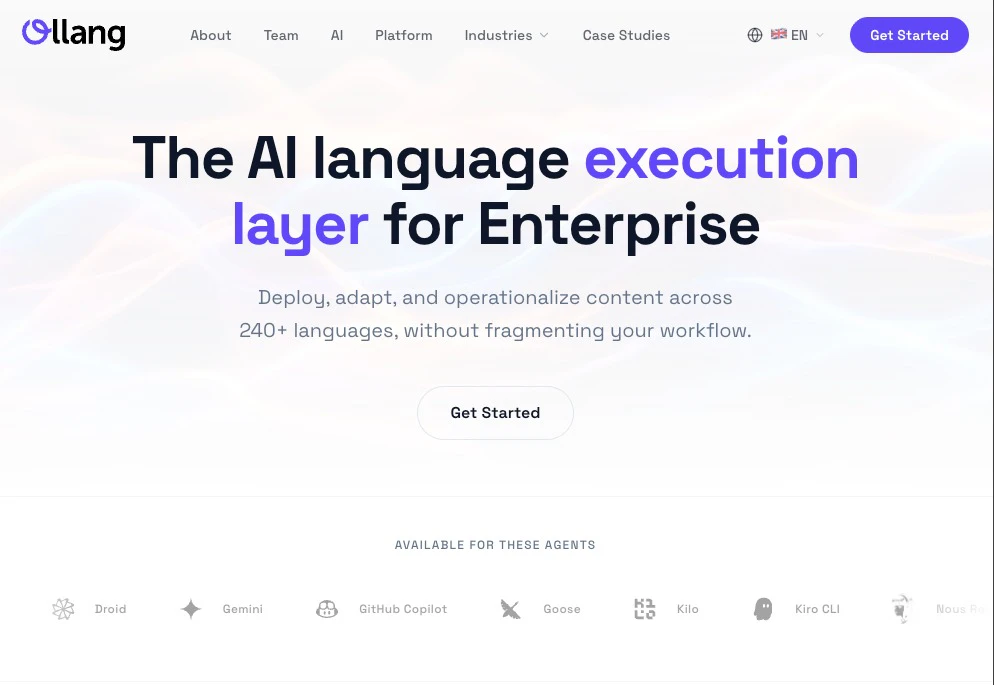
Ollang is the AI language execution layer for localization across web, apps, video, audio, and documents. Use MCP to let AI agents run workflows, SKILLS for reusable agent actions, the SDK to scan and apply translations, and the API to build end-to-end localization pipelines. One platform for multimodal localization and production-ready developer integration.

Hey Product Hunt! 👋

We've been quietly building something we believe the developer community has been missing: A proper localization layer for the agentic era


Why we built this:

Every AI agent, every app, every workflow is still English-first by default. Getting to 240+ languages means stitching together 5+ APIs, managing file conversions, handling dubbing, subtitles, and i18n files separately, all while keeping quality consistent. It's a mess 🤯.

🎁 What Ollang MCP Skills API & SDK does:

→ One API call to localize any file type — video, audio, DOCX, PDF, SRT, JSON etc.

→ Native MCP/SKILLS integration — Claude Code, Cursor, Cline, Codex and 15+ agents can localize files directly from their workflow

Begin like this now:

npx skills add ollang/skills

or like this:

claude mcp add --transport http ollang https://mcp.ollang.com/mcp


What we'd love your feedback on:

- Which agent integrations matter most to you?

- What file types are critical for your localization workflow?

- Would you use this for a personal project, startup, or enterprise?

We're answering every question today. Drop your hardest localization challenge below, and we'd love to solve it with you.

Get started free → ollang.com

20
回复

@mazula95 This actually solves a pain I’ve been dealing with for a while. I hate juggling multiple tools just to localize simple assets. I’d personally use this for side projects first. Curious how well it handles tone consistency across languages though.

1
回复

@mazula95 I like the idea of one API doing everything instead of patching tools together. For me, JSON and subtitle files are critical. I’d probably test this in a small app before trusting it fully. Quality and accuracy will matter most.

1
回复

@mazula95 I’ve been looking for something like this honestly. My biggest issue is managing subtitles and docs separately. I’d try this on personal projects first. Would love to know how customizable the translations are per region.

0
回复

Hey Product Hunt 👋

AI agents are everywhere, but localization is still fragmented, manual, and painfully multi-step.

We built Ollang MCP, Skills, and SDK to fix that.

→ One API to localize any file type
→ Works directly inside your agent workflows
→ Built for real-world complexity (video, audio, docs, i18n — all in one flow)

Curious, what’s the most painful part of localization in your current stack?

8
回复

Localization is one of those things that gets shoved to the end of every sprint and done badly. The MCP + SKILLS approach for agent-driven workflows is interesting - what does a typical localization workflow look like when the agent runs it end-to-end? I'm curious how it handles context (strings that need different translations depending on UI placement) vs just raw key-value substitution.

3
回复

@mykola_kondratiuk Thank you for your support!
A typical MCP or Skills flow is not just key-value in, key-value out. The agent can ingest content, preserve structure, translate with context, run QC, rerun low-confidence segments, and push the result back into the target file or system.

For ambiguous portions, the system does its best to provide surrounding context like screen/component info, neighboring strings, comments, placeholders, content type, plus custom instructions, memory, and project-level guidelines, so it behaves more like product-aware localization, not blind substitution.

1
回复

Localization is one of those things that always gets pushed to "later" and then becomes a nightmare when you finally need it. How does it handle context-dependent translations? Like in our app, the word "network" means something very specific - does it learn domain-specific terminology or do you need to manually define a glossary?

2
回复

@ben_gend Thank you, Ben, for the thoughtful question.

If a word like “network” has a very specific meaning in your app, we do not want the system to treat it like a generic standalone word and translate it blindly. We try to give it more context where it appears, what screen or flow it belongs to, nearby strings, comments, and any project-level instructions.


And for terminology, you are not limited to just one approach. If you already know a term should always be translated a certain way, you can define that through glossary-style rules, custom instructions, or project guidelines. But if the meaning changes depending on the UI or feature, the agents can use context and memory to make a better choice instead of forcing the same translation everywhere.


So, both: you can lock things down where consistency matters, and let the system stay flexible where context matters more. That balance is a big part of why we built it.

2
回复

This is exactly the kind of product that makes you think 'why didn't this exist before?' Multimodal localization with MCP + Skills + SDK in one platform is genuinely elegant architecture. The developer experience looks clean, and the enterprise angle is well thought out. Congrats on the launch @mazula95 — the future of AI-native localization is in good hands. 🚀

2
回复

@alen_erboga Thank you! Appreciate the kind words and support!

2
回复

Congrats on the launch, Aziz!

Localization has always been one of those things that feels like it should be a one-liner but ends up being 5 different tools duct-taped together. Can't wait to finally having something work natively inside agent workflows instead of as a separate step is a big deal! Nice work 🚀

2
回复

@mertyerekapan Thank you so much! That’s exactly the pain we wanted to solve 💜

1
回复

Long time Ollang user! Congrats on the launch @mazula95 !

I’m curious, how do you handle iteration and feedback loops? Like when translations get revised multiple times (by PMs, local teams, etc.), does the agent learn from those edits over time or is each run stateless?

1
回复

the "english-first by default" framing is spot on. every ai workflow i've seen just assumes english and offloads the rest to a separate team or pipeline.

curious how the SKILLS layer works in practice across different agents, is it framework-agnostic or does each one need its own wrapper?

1
回复

@gabrielpineda Thank you for the thoughtful comment :)

Yes, the SKILLS layer is designed to be framework-agnostic. Once connected to an agent like Cursor, Claude Code, Devin, Replit, or Lovable, the agent can use Ollang capabilities on the fly. It can understand your tech stack and workflow context, then trigger the right multimodal localization actions accordingly.

0
回复

So proud of you for shipping this! 🎉 Honestly, it is such a clever move. To answer your questions: Cursor and Claude Code are definitely the most critical agent integrations for my workflow right now. As for file types, handling JSON for i18n directly within the workflow without breaking the structure is a lifesaver. Congratulations! 🚀

1
回复

@bsurmen Thank you so much 🙏

Cursor and Claude Code are two of the most important agents to support well from day one. And not just JSON, but many file types and media formats need the structure to stay intact while the localization remains context-aware.
Thanks again 💜

0
回复

Love this! feels like something that should’ve existed already.

Curious about one thing: how do you handle quality consistency across very different modalities (e.g., subtitles vs. dubbed audio vs. structured JSON)? Is there a shared evaluation/QC layer, or does it vary per file type?

1
回复

@selcukkeser Thank you Selcuk!

Yes, there is a shared QC layer, but it is not one-size-fits-all. We use a common evaluation mindset across all modalities, then apply modality-specific intelligent validators on top of it. So the agents check core things like meaning preservation, terminology, consistency, structure, and instruction adherence everywhere, while also handling file-specific rules like subtitle timing and length, dubbing sync and speech naturalness, or JSON/schema integrity.

That balance is what helps us keep quality consistent across very different outputs without treating them as if they are all the same.

1
回复

Impressive work on MCP Skills!

1
回复

@osman_kocs Thank you Osman!

0
回复

If I want to make my app available in whatever language users want, is this something Ollang can help with? I've noticed llms are good at some languages, and less fluent in others, which can make for a non-uniform experience for users

0
回复
#8
Bluor AI
Beautiful emails, in seconds
156
一句话介绍:一款通过自然语言描述,在60秒内生成美观、响应式、品牌一致的营销邮件的AI设计工具,解决了营销人员在邮件设计环节耗时过长的核心痛点。
Email Marketing Marketing Artificial Intelligence
AI邮件设计 营销自动化 效率工具 无代码设计 品牌一致性 Klaviyo集成 Mailchimp集成 邮件营销 SaaS 生产力工具
用户评论摘要:用户普遍认可其解决邮件设计痛点的价值,输出质量获赞。主要反馈集中在:免费版额度太少、价格梯度需优化;需明确集成方式是否为“一键推送”;关注对复杂布局、动态内容及老旧邮件客户端兼容性的处理能力。
AI 锐评

Bluor AI的亮相,与其说是一次产品发布,不如说是对传统“拖拽式”邮件编辑范式的一次精准狙击。它敏锐地捕捉到了一个行业悖论:在AI已能生成复杂代码和设计的今天,邮件创建流程却仍停留在Web 2.0的手工组装时代。其真正价值并非简单的“速度提升”,而是通过“描述即生成”的范式转移,将邮件设计从一项需要反复调整的“技能劳动”,重构为一种基于意图的“创意决策”。

产品最犀利的刀刃在于其“无编辑器”哲学。这并非功能缺失,而是一种激进的产品立场:它试图将用户心智从“如何排列模块”的琐碎中彻底解放,聚焦于“想传达什么”这一核心。从评论看,其引以为傲的设计质量初步通过了市场检验,这背后是AI审美与组件化工程能力的结合,突破了早期AI工具“能用但丑”的瓶颈。

然而,光环之下暗藏挑战。首当其冲的是定价与信用体系引发的用户焦虑,这暴露了产品在“用户体验闭环”上的粗粝。更深层的考验在于其能力边界:它能否处理高度定制化、数据驱动的复杂营销场景?当用户从“生成第一封漂亮邮件”的惊喜,进入“批量维护品牌资产”的日常,其对“一致性”的理解需从视觉延伸至策略与转化逻辑。

当前,Bluor AI成功地将自己打入了“设计-集成”的工作流缝隙。但其长期护城河,或将取决于能否从“更好的邮件生成器”,演进为“基于品牌语言的营销内容协调中枢”。这场对“拖拽”的告别,只是一个开始。

查看原始信息
Bluor AI
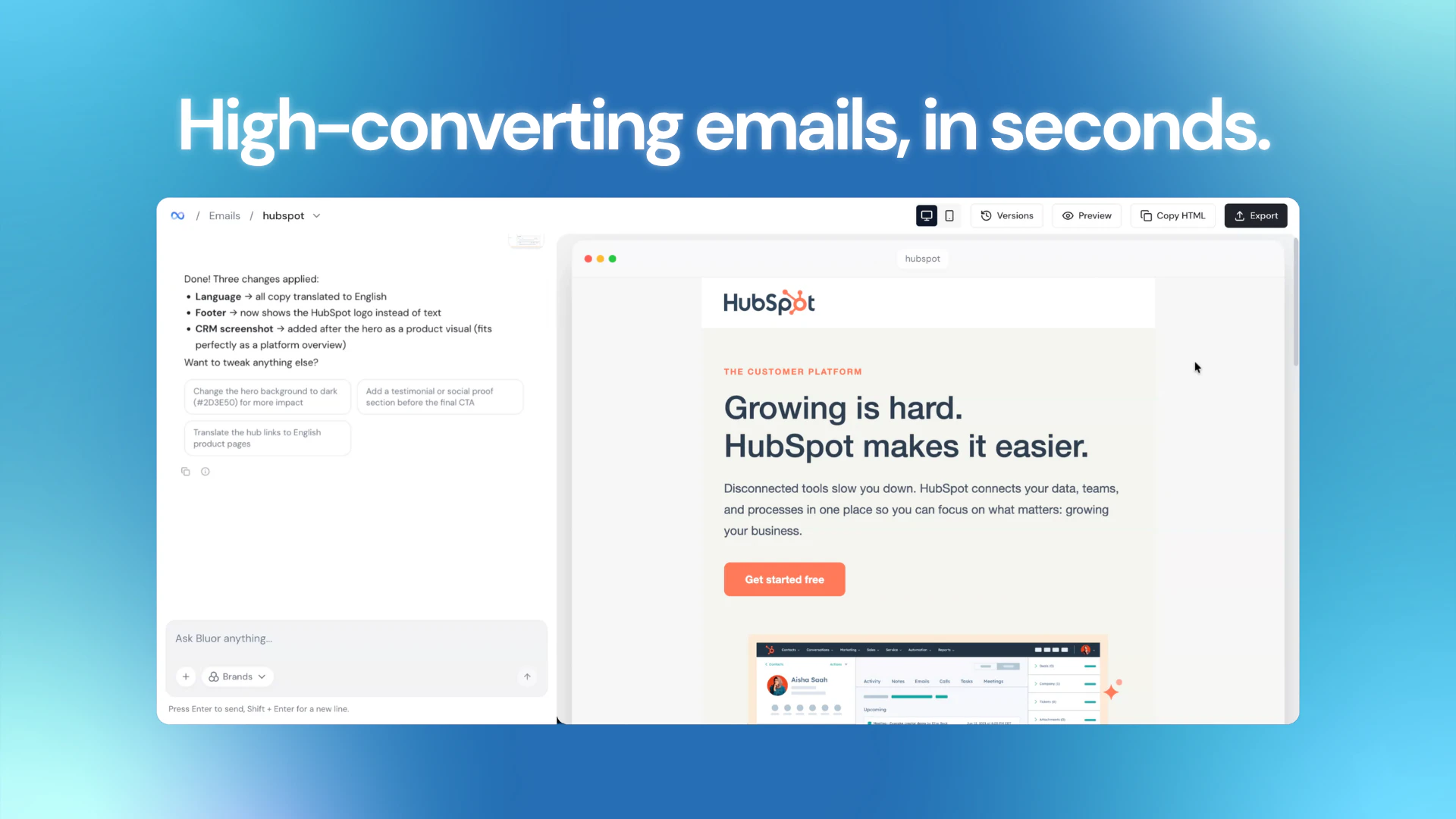
Bluor is the AI email designer that's actually good at design. Most tools give you blocks to rearrange. Bluor gives you a finished email (beautiful, responsive, on-brand) in under 60 seconds. Describe your campaign in plain language and watch it come to life. The kind of result that used to take a designer hours now takes you one prompt. Stop wasting hours on email design.
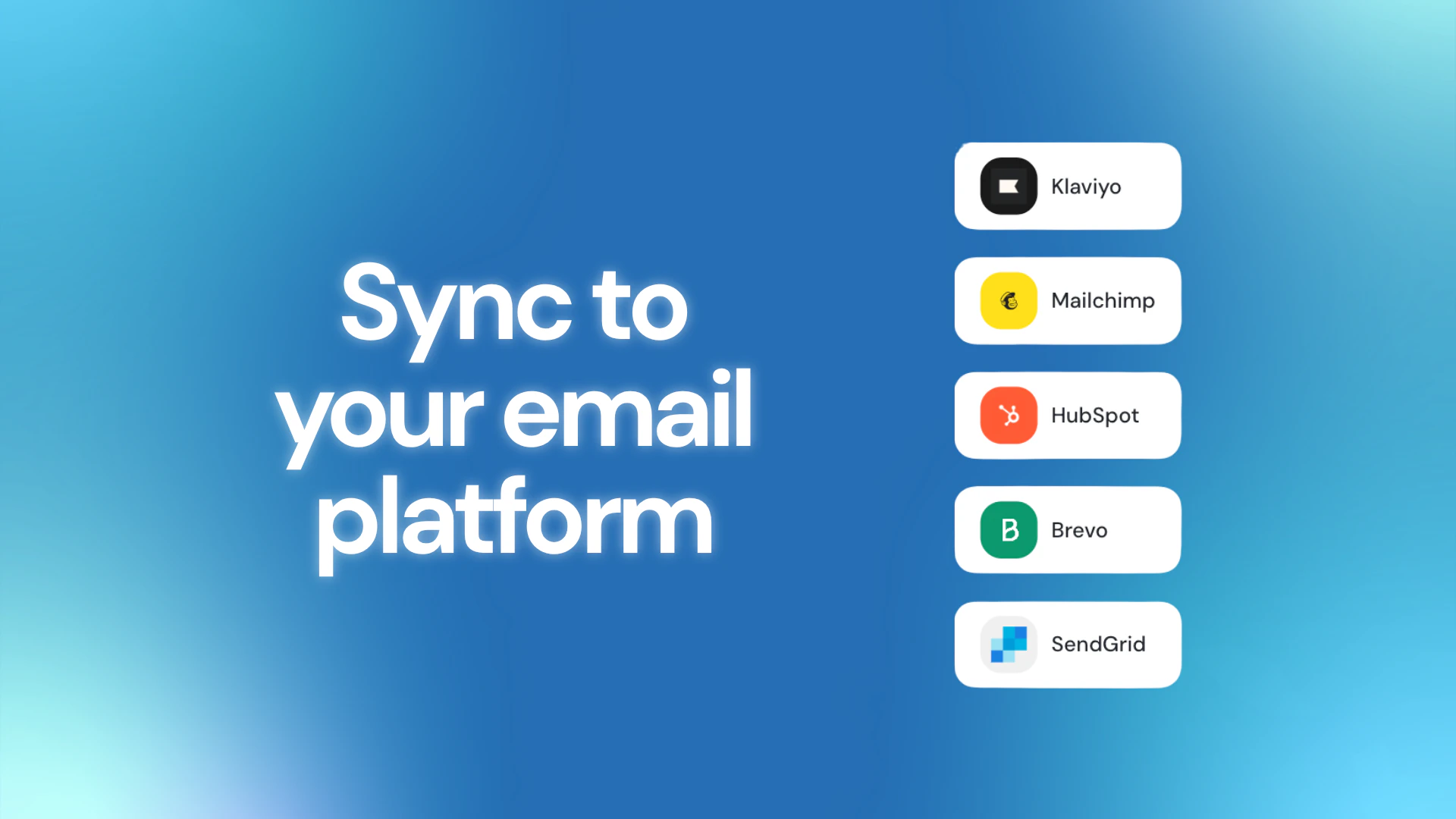
Hey PH 👋 I'm Santi, a marketer with 10+ years building growth strategies for brands and startups. I built Bluor because I kept experiencing the same frustration: I'd have a campaign idea ready in minutes, then spend 45+ minutes fighting a drag-and-drop editor. The existing tools weren't broken, they were just built for a different era. Drag-and-drop made sense before AI. It doesn't anymore. Bluor is what I always wanted: describe your email in plain language, and get a professionally designed, brand-consistent, mobile-responsive email in under 60 seconds, ready to push directly to Klaviyo, Mailchimp, or HubSpot. No editor. No templates to customize. Just describe and ship. Would love your honest feedback, especially from fellow marketers who know this pain firsthand.
7
回复

Happy to share! You can try it free at bluor.ai

2
回复

@santifarre congrats on your launch!!
is it only for designing Email template OR we can also have option to send emails directly from your server?

0
回复

@santifarre just one quick question how does this handles the filters which block most of the content!

0
回复

Hey Product Hunt! I'm Samuel, the developer behind Bluor.


The hardest part wasn't the ESP integrations or the AI pipeline. It was making the output genuinely look good. Most AI email tools are functional but visually mediocre. We didn't ship until we solved that.


We'd love your feedback — what ESPs or integrations would you like to see next? We currently support Klaviyo and Mailchimp, with more on the way.

Happy to answer anything technical.

3
回复

Incredibly useful tool, but how does Bluor handle complex layouts or dynamic content? Sometimes one prompt oversimplifies the nuanced needs of diverse campaigns.

2
回复
@trydoff Good question! Bluor uses 32+ tested components (metric cards, product grids, testimonials, etc.) and the AI picks the right ones based on your prompt. You can also iterate — generate, then refine with follow-ups like "add a testimonial" or "make the CTA more urgent". Each edit takes under 10 seconds.
2
回复

I just tried this. Works really well. The number of credits for the free plan we are all going to start with to test this out seems low. I created my email, had to make a couple of edits to correct the text chosen and I've run out of credits. There does not seem to be a way to simply edit the suggested text. I had to tell it exactly what to change. Burning through an unknown amount of credits. Pricing for the first monthly tier seems quite expensive if, based on my free test, I will probably only be able to generate 2-3 emails. Your Pro tier works out to about $31 Canadian. For casual users I'd suggest another tier between free and pro. This tool seems really, really great (I love what it did for my test) but like all tools that rely on a credit system, you never what that really gets you until they're gone. Now I'm not sure what to do with my first seemingly uneditable email that is 90% finished.

1
回复

@brent_kilner Thank you for this! seriously, this is exactly the feedback we need on day one.

You're right on all counts. The credit limits are too tight for a first experience, the pricing gap between free and pro is too big, is a real friction point we need to fix.


We're taking notes on everything. A middle tier is going on the priority list.

Really glad the output quality landed well though, that means a lot 🙏

0
回复

This is surely a pain point I've been experiencing. I even thought of building something like this, thanks for not making me go through that phase :) Looks super cool. Does this also handle weird email processing of older outlook versions and whatnot?

1
回复

@syaman Haha glad we saved you the trouble 😄 Yes, all emails are generated to be fully responsive and compatible across clients including the older Outlook versions that still haunt everyone's nightmares.

Give it a try at bluor.ai and let us know how it holds up for your use case (your feedback would be super valuable 🙏)

1
回复

Good job on the new Bluor launch, @santifarre! Changing from drag-and-drop to prompt-based design is a good move. Email tools should have done this many years ago.


I visited your website. One thing caught my eye. Your homepage says: "Stop wasting hours on email design." Then it shows this example: [A welcome email for a new SaaS product launch.]


That is okay.


But the real power of your tool is not just speed. It is consistency.


You have a brand kit section. Users can upload their logo, colors, and fonts there. This makes emails match their brand without extra work.


Any AI can make an email. But not every AI can make an email that looks exactly like the brand. This brand kit is the big difference.

Right now, this feature is hidden. It is under the words [your brand in every email.]


A marketer who visits your page first sees the speed message. But what they really need is consistency for many emails.


Speed is just one feature. Brand consistency is the real value.


Also, your "works with your stack" part shows logos of Klaviyo, Mailchimp, HubSpot, Brevo, and SendGrid.

That is good. But it does not explain how the integration works.


Does it push with one click? Or do users still need to copy and paste HTML?


People want to know this to feel safe. I saw a few more small things that can make your message clearer. Happy to share if you want.

1
回复

@taimur_haider1 Thank you Taimur, this is genuinely useful feedback. You're right, brand consistency is probably the deeper value and we're burying it under the speed message. That's something we'll revisit.

On the integrations: it's one click. No HTML copy-pasting. You connect your ESP once and push directly from Bluor. We should make that clearer on the page.

Would love to hear the rest of your observations if you're happy to share 🙏

1
回复

Wow! Looks great. Is the website is necessary or can I upload branding and general guidance?

1
回复

@yotam_dahan Both work perfectly! You can either drop your website URL and Bluor extracts your brand automatically, or upload your own assets directly (logo, colors, typography, design references...) Whatever works best for your workflow.

2
回复

This is interesting. Email design is one of those things that always takes longer than it should, especially if you want it to actually look good.

Getting something usable in seconds is a big shift if the quality holds up.

How close are the outputs to being ready to send without tweaking? That’s usually the sticking point.

1
回复

@becky_gaskell That's exactly the question we obsessed over. Honestly the output quality is what we're most proud of. It's not functional-but-generic like most AI tools, it actually looks like a senior designer spent time on it. Most people send it as-is. Give it a try and let us know what you think 👉 bluor.ai

2
回复

Santi this is so well timed. We were literally prompting Claude, copying the output, cleaning it up, then manually pushing it into Mailchimp. Every single time. It worked but it was such a painful workflow.

Browsed the website and this solves that exact problem. The direct integrations are what got us. Congrats on shipping this, trying it out today.

0
回复

"no editor. no templates. just describe and ship." santi nailed the positioning here. this is what email design should've been from the start :)

0
回复

The idea is great, but i a missing a round button on the right corner for a feedback agent or chat. had some troubles while using the preview-button, that didn't work at all. The integration of www.klaviyo.com/ is a great idea and the results are good, but the synchronisation sometimes fails. Keep on optimizing the tool.

0
回复
#9
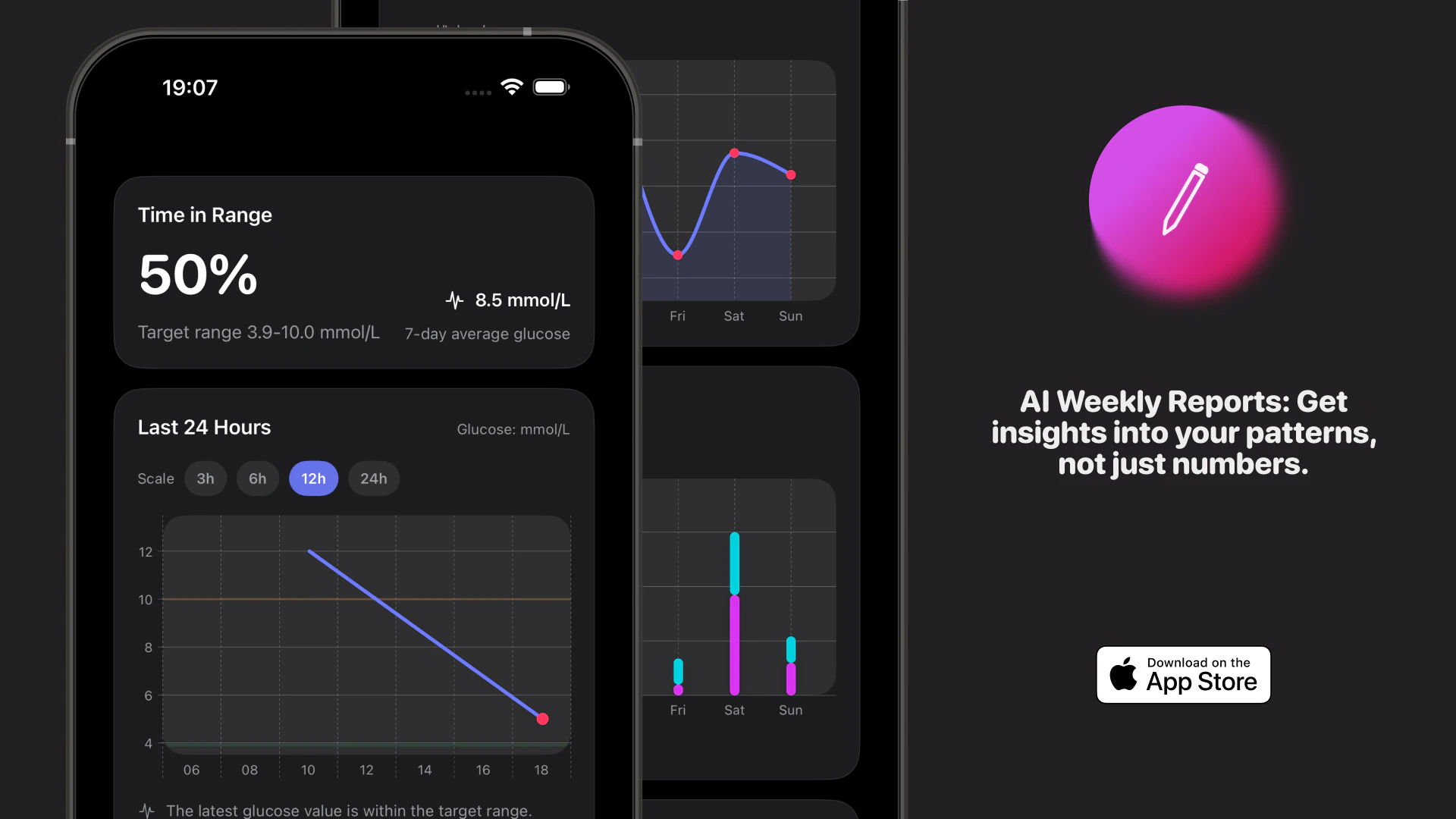
Blood Sugar Journal
AI-powered diabetes tracking for the modern era.
152
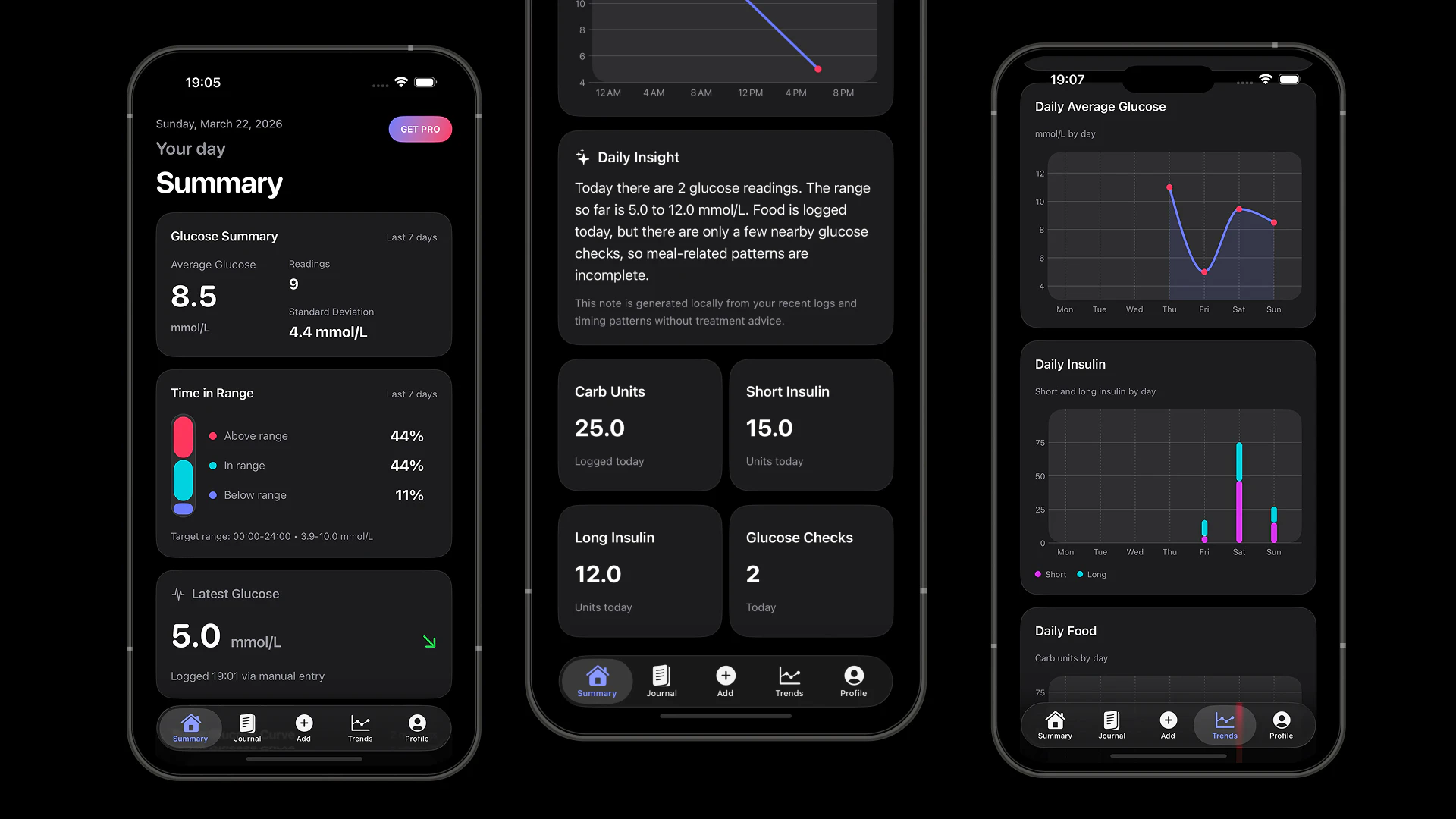
一句话介绍:一款由GPT-4o-mini驱动的iOS健康应用,通过将血糖、胰岛素等原始数据转化为清晰可操作的报告,为糖尿病患者在日常生活管理和医患沟通场景中,减轻了数据记录与解读的认知负担。
Health & Fitness Biohacking
数字健康 糖尿病管理 AI健康助手 iOS应用 健康数据可视化 慢性病管理 智能报告 Apple Health集成 订阅制 极简设计
用户评论摘要:用户普遍认可其解决真实痛点的价值,并期待自动数据同步(如通过Apple Health连接CGM动态血糖仪)。核心建议包括:深化AI对饮食、运动等情境的关联分析,增加个性化提醒功能,以及拓展Android平台。
AI 锐评

Blood Sugar Journal的亮相,精准刺中了数字健康领域一个长期存在的矛盾:日益复杂的个人健康数据与用户(尤其是慢性病患者)有限的解读能力及行动力之间的鸿沟。其宣称的价值并非来自简单的数据罗列,而在于充当一个“数据翻译官”,利用GPT-4o-mini将枯燥的指标转化为“ actionable reports”。

然而,其真正的挑战与价值深度也在于此。首先,“可操作”的边界极为敏感。创始人强调AI“保持谨慎”、不替代医生,这虽是合规的必要姿态,但也立刻引出了核心问题:在排除了具体医疗建议后,AI报告的价值究竟停留在“趋势描述”还是能实现“情境归因”?评论中关于纳入“用餐时间或运动”因子的提问,直指其AI模型有效性的关键——没有多维度、结构化的上下文数据输入,仅凭血糖值生成的洞察注定流于表面。

其次,其产品架构体现了典型的“苹果生态”精致利基策略。深度整合iOS 26特性、注重设计感和iCloud同步,能迅速俘获特定用户群,但这也构成了增长天花板。评论中关于Android版本的询问和对接具体硬件传感器的迫切需求,揭示了其作为独立数据平台在现实世界中的脆弱性。它的成功与否,短期内可能更取决于与Apple Health及主流CGM设备的集成广度与深度,而非AI本身。

本质上,这是一款在正确方向上迈出第一步的作品。它试图用现代用户体验和AI叙事,去解决一个古老的问题。但其长期价值不在于是否“用了AI”,而在于能否构建一个无缝、多源的数据聚合管道,并在此基础上,使AI分析真正触及个性化管理的核心——建立数据、具体行为与生理结果之间的可信关联。否则,它仍有沦为另一款“美观日志”的风险,只是这次,日志由AI生成。

查看原始信息
Blood Sugar Journal
Managing diabetes shouldn't feel like a chore. Blood Sugar Journal uses AI (GPT-4o-mini) to turn raw glucose & insulin data into clear, actionable reports. Built for iOS 26 with a focus on speed, beautiful design, and seamless iCloud sync. 📉🚀

This is going to be a highly useful app for the diabetic.

All the best for your launch!

2
回复

@basharath Thanks for the support 🙌

0
回复
Hi Product Hunt! 👋 I’m Dmitry, the creator of Blood Sugar Journal. Managing a chronic condition is a mental marathon. I noticed that most medical apps are either too complex or look like they haven't been updated since 2010. I wanted to build something that feels like a modern iOS app—fluid, fast, and actually helpful. With the power of iOS 26 and GPT-4o-mini, we’re moving beyond simple logging. The app helps you visualize trends and understand why your numbers are moving, making your next doctor's visit much more productive. I’m just starting out and would love to hear your feedback! What features would make your (or your loved ones') health journey easier? I'll be here all day to answer your questions! 🚀
1
回复

Huge congrats on getting this out @dmitry_mashkin! We need more applications of AI in the medical field.

I've been advising a few healthcare startups and the iCloud sync piece is often where apps fall short, so glad to see you prioritized that from the start.

BTW, how does the AI actually interprets patterns in glucose data... does it factor in things like meal timing or exercise when generating those reports?

3
回复

@dmitry_mashkin This looks really thoughtful and useful, love how it's simple but actually helps make sense of the numbers . Have you thought about adding reminders or personalized tips based on trends?

1
回复

@dmitry_mashkin How are you thinking about Apple Health integrations for seamless CGM data pull and trend spotting?

0
回复

One of the best usecases of tech I can see is in the medicine. I would wish to have more similar tools that help with quality of personal life :) Wishing a successful launch :)

1
回复

@busmark_w_nika Hey Nika,

Thank you so much — really appreciate your words.

I completely agree. When technology is used carefully in healthcare, it can genuinely improve everyday life, not just add more noise.

With this app, I’m trying to keep things simple and useful — focusing on clarity, patterns, and reducing mental load rather than overwhelming people with features.

Thanks again for the support, it really means a lot 🙌

0
回复

Hi Dmitry,
I really love your idea! My girlfriend has diabetes.

So I will definitely need something like this. One thing I don't understand is:

she has a sensor on her arm, how can she connect it to the app?
For people with diabetes it's already annoying to have a sensor on their arm, so she will never enter data manually into your app.

I would love to help you build this app, how can I contribute?

1
回复

@christian_b_1 Hey Christian,

Thanks a lot for your message — I really appreciate it.

I know type 1 diabetes not just from the outside, so I care a lot about making this app feel as simple and low-friction as possible.

And yes — you’re absolutely right about the sensor. Manually entering everything would be exhausting, and that’s not the experience I want to build. I’m planning to add Apple Health integration so glucose data can be pulled automatically from supported devices, leaving only insulin and meals to log manually.

I’ve also been very careful with the AI part. It’s included in the subscription, but it’s designed to stay cautious: no reckless advice, no pretending to replace a doctor. Its role is to observe data and highlight possible patterns. There’s also a local on-device algorithm that looks for patterns too, just in a more basic and structured way.

If you’d like to help, that would honestly mean a lot. Right now the most valuable support is real testing and honest feedback from people who understand this space.

Would love to have you involved.

0
回复
congrats on the launch! are you planning to make it available on google play store? :)
0
回复

I have one question, how does the tracking works, I mean we still need to have a glucose monitor attached right?

0
回复

@nayan_surya98 Great question.

Yes — you still need a glucose monitor or sensor to get the actual readings.

Right now, the app works as a clean journal where you can log glucose values, insulin, and meals in one place. I’m also planning to integrate with Apple Health, so data from supported sensors can be imported automatically.

The goal is to reduce manual work as much as possible and focus on clarity and patterns rather than just raw numbers.

0
回复
#10
Git Blog
Publish sites using Markdown & GitHub from your phone
141
一句话介绍:一款允许用户直接从iPhone上撰写Markdown文章、处理图片并发布到GitHub仓库的移动应用,解决了移动场景下无法及时更新静态博客的痛点。
Productivity Writing Tech
静态博客生成 移动内容发布 Markdown编辑器 GitHub集成 图片优化 前端开发工具 效率工具 iOS应用
用户评论摘要:用户反馈积极,认可其减少发布摩擦的核心价值。主要问题与建议集中在:询问MDX格式支持、安卓版本开发计划、图片优化参数的具体配置与自定义,以及与传统Notion发布方式的差异对比。
AI 锐评

Git Blog精准切入了一个被忽视的缝隙市场:将“GitHub作为CMS”的工作流彻底移动化。其真正价值并非简单的移动端Markdown编辑器,而在于将本地图片处理、Front Matter模板、分支/PR推送这一系列专业且繁琐的静态站点发布流程,无缝封装进一个极简的移动操作中。它服务的并非普通用户,而是那些使用Jekyll、Hugo等框架的技术博主或开发者,将他们的“灵感-发布”周期从“数天/数小时”缩短至“数分钟”,本质上是将开发者的专业工作流进行了消费级的产品化改造。

从评论看,其面临的挑战与机遇同样明显。机遇在于高度聚焦的定位赢得了核心用户的共鸣(“减少摩擦”)。挑战则在于其专业性的边界:用户关于MDX、图片参数配置的询问,正试探着其作为通用工具的可能性。若盲目扩展功能以满足所有边缘需求,可能会损害其针对主流静态生成器的简洁性。而与Notion发布的对比,恰恰点明了其核心竞争力:它不创造新的内容托管层,而是强化开发者既有的、基于Git的版本控制和自动化部署流程,这是一种更符合技术人群心智模型的“无锁定”方案。它的成功与否,取决于能否在保持核心路径极度流畅的同时,有节制地响应专业用户的进阶需求。

查看原始信息
Git Blog
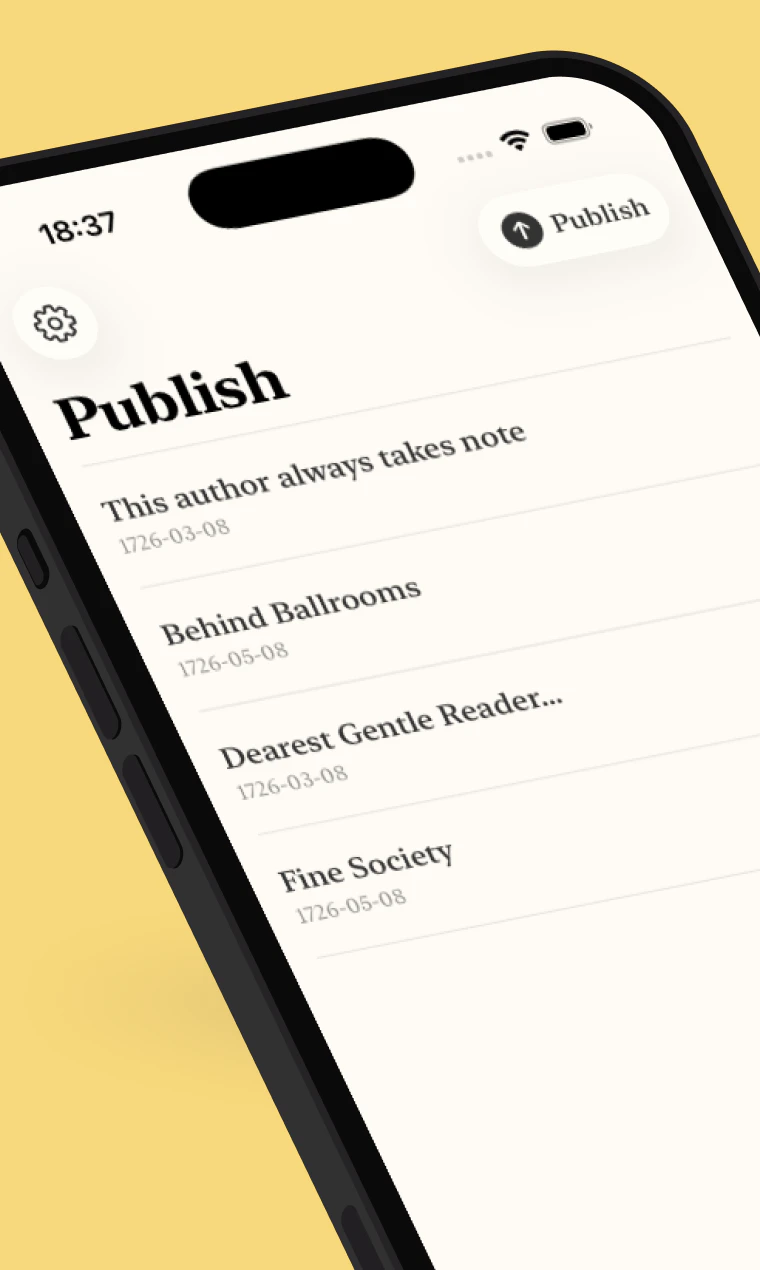
Your post shouldn't wait until you're back at a desk. Git Blog lets you write and publish Markdown posts and photos to your GitHub repo supporting your static site from your iPhone. Works with Jekyll, Hugo, Eleventy, Astro, Next.js, Gatsby, Hexo, and most static site setups. Set up YAML front matter templates, add images, then push to a branch or open a PR. Images are resized and optimised, drafts stay on-device until you're ready. Blog from anywhere.
Hey Product Hunt! I'm Matt I lead the design and research teams at 1Password, I built this app in my spare time to make publishing post photos and stories to my blog while travelling not weeks later. It connects to your GitHub-backed static site, lets you write Markdown, resize and attach photos straight from your camera roll, set up front matter templates, and push live or open a PR all from your phone. Works with Jekyll, Hugo, Eleventy, Astro, Next.js, and anything else running on Markdown and GitHub. Let me know what static site setup you're running would love to hear how it fits your workflow.
3
回复

Calcking.app My best platform it fulfills all my needs

0
回复

@mattdavey This will reduce the friction on creating new content for blogs!

0
回复

ok 'your post shouldn't wait until you're back at a desk' actually got me. the push live or open a PR straight from your phone is genuinely well thought out. well done matt.

0
回复

This looks really cool, love the Git-as-CMS approach.

I’m building a docs framework called MDX Docs (mdxdocs.com) that uses MDX files in a repo and maps them directly to routes (React + Vite).


Curious if Git Blog supports MDX, or if it assumes plain Markdown today? If not, do you think MDX support would be feasible? I’d love to try wiring it up on my side.

0
回复

Interesting ... but only for apple?

0
回复

The image resize and optimise step is the part that would actually save me the most time-curious what formats and size targets you're working with, and whether that's configurable per site setup?

0
回复

@spunchev This is a great idea, I'll add something like this soon. Currently it just optimises and resizes to the longest side to 1500px.

0
回复

Very cool! I'm wondering how is this different from publishing a Notion site?

0
回复
#11
Latchkey
Credential layer for local AI agents
123
一句话介绍:Latchkey 是一个本地AI代理的凭证管理层,通过在标准调用中自动注入加密凭证,解决了开发者在为多个第三方服务集成认证时面临的复杂、不安全且隐私泄露的痛点。
Open Source Developer Tools Artificial Intelligence GitHub
本地AI代理 凭证管理 身份认证 开发工具 隐私安全 开源软件 API集成 自动化 加密存储 代理助手
用户评论摘要:用户认可其解决了凭证管理的核心痛点,尤其赞赏凭证不落入日志的隐私设计。主要问题集中在多代理共享认证时的速率限制处理、令牌自动刷新机制等具体技术实现细节上。
AI 锐评

Latchkey 瞄准的是一个随着本地AI代理普及而日益尖锐的“缝隙市场”问题:安全、便捷的认证流。它的真正价值不在于“支持25+服务”,而在于其设计哲学——将凭证视为独立于应用的生命周期进行管理,并彻底将其从日志、对话记录等明文流通环节中剥离。这直击了当前AI代理生态中的一个荒谬现状:开发者一边用着尖端AI,一边却用文本文件或环境变量这种原始方式管理密钥,安全链条极其脆弱。

产品将自身定位为“一层”(layer)是精明的,它不试图成为另一个MCP服务器或中心化网关,而是以轻量、开源的方式嵌入现有工作流。这种“低调”反而可能是其最大优势,降低了开发者的尝试门槛和替换成本。然而,其面临的挑战也同样清晰:首先,它重度依赖“标准”调用,对于使用非标准认证流程或协议的“奇葩”API,其“自动检测与注入”的承诺能实现多少?其次,在复杂的企业环境中,凭证管理往往涉及审批流程、角色权限和审计跟踪,Latchkey当前聚焦个人开发者或小团队的“本地存储”模式,能否向上扩展存疑。

评论中关于速率限制和令牌刷新的问题,恰恰点出了从“能用”到“可靠”的关键跃迁。如果Latchkey只是机械地注入凭证,而不具备对后端API状态(如限流、令牌过期)的感知与协调能力,那么在多代理并发场景下,它可能反而会成为系统不稳定的导火索。因此,它的下一步进化,或许需要从被动的“凭证注入器”转向更主动的“认证协调者”。

总体而言,Latchkey 在正确的时间点,提出了一个正确的核心解决方案。但它目前更像是一把精密的“锁芯”,要成为支撑整个门禁系统的“安全框架”,还有很长的路要走。其成功与否,将取决于社区是否接纳其标准,以及它能否在保持简洁的同时,优雅地处理那些不可避免的复杂边界情况。

查看原始信息
Latchkey
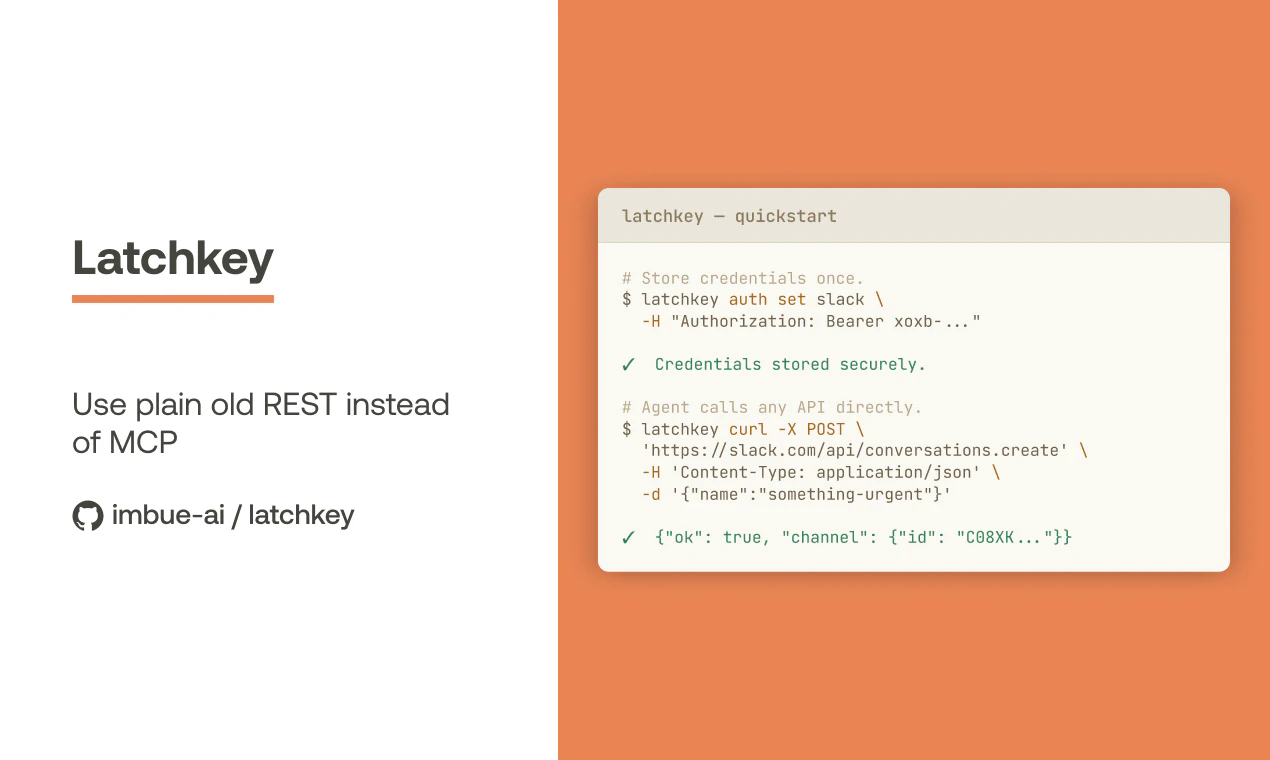
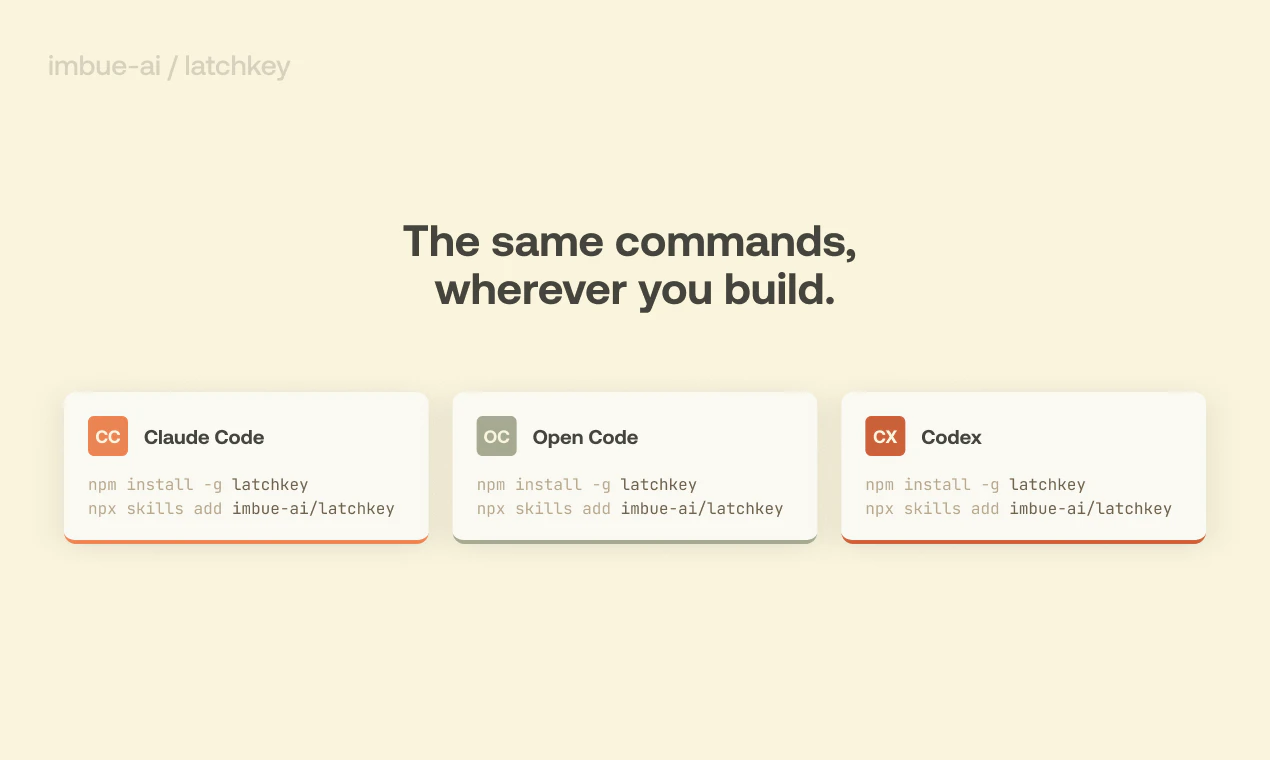
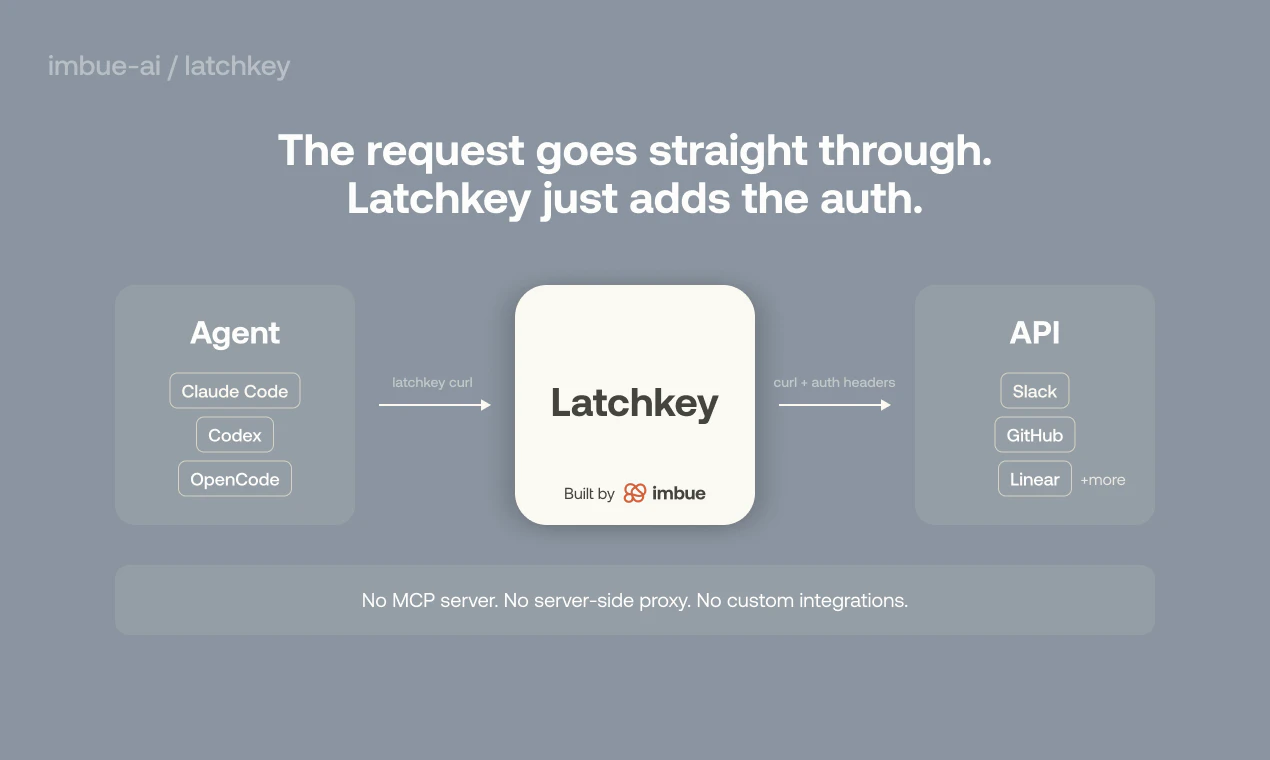
Getting your agent authenticated with third-party services shouldn't require a custom connector for each one. Add Latchkey once and agents prepend latchkey to standard curl calls. Credentials are detected and injected automatically. They're stored encrypted on your machine, and never show up in logs or chat transcripts. 25+ services supported out of the box. Register any HTTP API at runtime. Works with Claude Code, OpenCode, Codex, and more. Open source software by Imbue.
Imbue's engineers have been thinking about a problem that didn't have a clean solution yet: How do local AI agents authenticate with third-party services? Without making it painful for the developer, the end user, or anyone's privacy? MCP servers work, but you need one for every service. Centralized connectors work, but now a third party sits between your agent and your data. Manual token management works, until you hand the tool to someone non-technical. Latchkey was built to cut through that.
1
回复

@mrtibbets Congrats on getting this out! How Latchkey handles rate limiting when multiple agents are hitting the same service with shared auth?

2
回复

sent this to a couple of engineers i know who are building local agent setups. they've been duct-taping credential management together for months, this is right up their alley.

1
回复

@gabrielpineda amazing. This is just the type of feedback we love to hear and it's why we build the way we do. Thank you for paying it forward!

0
回复

I use Claude Code and Cursor daily and I've learned that you can't just trust the output blindly - agents will tell you they implemented something and you'll find out later it was half done or the tests were never actually run. How does Vet handle cases where the agent made a reasonable interpretation of an ambiguous request? Does it flag those as potential issues or only catch clear deviations?

1
回复

@ben_gend hey hey I think you may have intended to post your question and comment on Vet's page, here: https://www.producthunt.com/products/imbue-7/launches/vet-2 😊

0
回复

The credentials never showing up in logs or chat transcripts detail is the actually important thing here. I've seen agent setups where the auth storage is secure but the credential ends up in tool call output anyway - solved the wrong problem. Does token rotation work automatically? If a service refreshes the token mid-session does latchkey pick that up, or does the agent need to restart?

1
回复

@mykola_kondratiuk Really glad that resonates :) The credentials lifecycle is not connected to the agent lifecycle so you wouldn't need to restart agents. Supported services that work with the standard access token + refresh token pair should "just work".

1
回复
#12
VibeTalent
Find vibe coders who actually ship
123
一句话介绍:VibeTalent是一个面向“氛围编程”开发者的市场,通过追踪开发者的连续编码天数、已上线项目等实际产出数据来建立信誉体系,旨在解决传统基于简历招聘无法有效识别和评估真正能持续交付产品的开发者这一痛点。
Hiring Freelance Developer Tools GitHub
开发者市场 氛围编程 技术招聘 信誉系统 证明性工作 项目交付 人才评估 技能验证
用户评论摘要:用户普遍认可其通过“连续产出”评估开发者的核心理念,认为这是对传统简历招聘的革新。主要反馈集中在如何更全面衡量项目质量(如代码质量、设计、用户反馈),以及对“氛围编程者”定义、费率透明度、技术栈筛选必要性的疑问。开发者回应已通过自动化代码质量分析、计划引入同行背书等方式应对。
AI 锐评

VibeTalent的野心,在于试图将软件开发人才评估从“叙事体系”扭转为“实证体系”。它敏锐地抓住了当前招聘市场的一个核心悖论:简历和GitHub星星数这些易于粉饰的指标,与候选人实际“交付可靠产品”的能力之间存在巨大断层。其提出的“连续天数”、“上线项目URL”、“氛围分数”组合拳,直指“持续交付”这一工程师的核心职业素养,这无疑是其最犀利的价值主张。

然而,产品目前陷入一个典型的“度量困境”。当“连续编码天数”成为一个显性且重要的排名指标时,它是否会催生新的“刷数据”行为?尽管团队声称通过代码质量分析、项目结构等多项指标进行加权,但“氛围分数”的具体算法仍是一个黑盒,其公正性与抗博弈能力存疑。评论中关于“胶带项目”和模板化设计的担忧,正是对此的直接反映。

更深层看,产品在定义“氛围编程者”这一目标群体时存在模糊性。这究竟是一个专属于活跃于社交媒体的全栈极客的精英俱乐部,还是对所有践行敏捷、持续交付的开发者的开放平台?这种定位的摇摆,将直接影响其社区文化和信誉体系的权威性。

它的真正机会,或许不在于取代传统招聘平台,而在于成为其上游的“过滤器”和“信号增强器”。为那些厌倦了空洞简历、真正看重交付文化的技术团队和初创公司,提供一个经过初步验证的人才池。但要实现这一点,它必须在“防作弊机制”和“质量评估维度”上构建更深的护城河,否则极易沦为另一个可被操纵的流量游戏。其成败关键,在于能否将“证明性工作”这个好概念,转化为一个难以伪造的“硬信号”。

查看原始信息
VibeTalent
The marketplace for vibe coders. Build your reputation through streaks, proof of work, and shipping projects consistently.
Hey Product Hunt! I'm Abhinav, the maker of VibeTalent. I built this because hiring developers based on resumes is broken. With the rise of vibe coding, there are tons of talented builders shipping real products — but no way to find or evaluate them. VibeTalent solves this by ranking developers on what actually matters: how consistently they ship. Every builder gets a profile with their streak (consecutive days coding), shipped projects with live URLs, a vibe score, and GitHub activity. You can browse builders by tech stack, streak, and badge level or use the AI agent to describe your project and get matched automatically. The whole thing was vibe coded itself. Would love your feedback, what features would make this useful for you?
2
回复

Stoked to see this launch @abhinav71! Is there a way we can also see their base rates because reaching out to hire?

0
回复

@abhinav71 I really like the idea because I’ve always felt resumes don’t show real ability. I’d personally find it useful if I could see deeper breakdowns of projects, like challenges solved and impact. That would help me trust the ranking system more.

1
回复

@abhinav71 This feels fresh and practical to me. I like focusing on consistency but I’d want to know how quality is measured alongside streaks. Maybe adding peer reviews or user feedback on projects could make the platform more balanced and trustworthy.

0
回复

proof of work displayed on a profile makes it clear who is serious and who just talks about building

2
回复

@julia_pollard1 exactly, glad you liked it. do you have any feedbacks?

0
回复

How about quality of design? So much vibe coding is simply templatized..

1
回复

Streak and live URLs show who's consistent, but how do you tell quality apart? Tons of projects are technically "live" but held together with duct tape. Does the vibe score look at activity only, or does it factor in stuff like uptime or actual users?

1
回复

@vibewrenchGood question! We go beyond just activity. Every project with a GitHub repo gets an automated quality analysis, we check for test suites, CI/CD pipelines, README quality, code structure, and commit history. Projects also get a quality score badge visible on their card. Live URLs are checked for actual uptime too. The vibe score itself combines project quality (weighted heaviest since it's hardest to fake), client outcomes, tech breadth, consistency, activity, and reputation. So someone with a duct-tape project and a high streak will still score lower than someone with well tested, properly structured code. We're also adding peer endorsements so other builders can vouch for quality.

0
回复

Nice.

In the page Find Talent the field Required Tech Stack I am not sure if necessary since for Vibe coder the stack is less relevant and easy to adjust?

1
回复

@felipe_daguila hmm, thanks for the feedback. i'll make changes

0
回复

Does this mean, regular coders can't participate in this? and how do you define vibecoder unless they define themselves as vibecoder?

1
回复

@nayan_surya98 yes, all coders are able to participate. real coders also vibe code rn

1
回复

Much needed marketplace. All the best!

1
回复

@basharath thanks man, did u check out the product?

0
回复

we've hired a few contractors for features.vote over the years and the evaluation process is always the same mess. going off portfolios and github stars with no real signal on whether someone will actually ship.

the streak + proof of work angle here is exactly the missing signal. bookmarked.

0
回复
#13
Streva
Instant Translation, Anywhere you type
118
一句话介绍:Streva是一款原生macOS应用,通过实时语音输入,在任意文本输入框内直接生成翻译文本,解决了跨语言工作者在不同应用间反复切换、复制粘贴的流程中断痛点。
Productivity
实时翻译 语音输入 生产力工具 macOS应用 跨语言写作 无缝工作流 AI翻译 上下文翻译 本地应用集成
用户评论摘要:用户普遍认可其解决“思维与工作语言不同”的核心痛点。主要反馈集中在:1. 强烈需求增加“实时键入翻译”功能;2. 关心翻译结果的自然度和上下文准确性;3. 询问对专业术语的处理;4. 期待Windows版本。创始人积极回复,透露已在规划相关功能。
AI 锐评

Streva的野心,并非做一个更快的翻译器,而是试图成为操作系统级的“语言层”。它的真正价值在于将翻译从“目的性操作”重构为“伴随性服务”,直接嵌入文本输入的光标处,这比单纯的准确率提升更具范式意义。

然而,其当前形态存在明显“单点脆弱性”:过度依赖语音输入。核心评论中反复出现的“键入翻译”需求,恰恰暴露了其理想(无缝工作流)与现实(仅支持单一输入模式)的断层。在深度写作、代码注释或嘈杂环境中,语音输入并非首选,这使其应用场景受限。创始人“正在探索”的回应,也印证了产品MVP(最小可行产品)的定位。

其宣称的“上下文翻译”是技术护城河,也是最大挑战。在邮件、IM、文档等不同场景中,语调和术语库截然不同,通用模型难以兼顾。这要求其AI必须具备极强的场景感知与自适应能力,否则“人类化”翻译将流于口号。

总体而言,Streva切入点的确犀利,抓住了高端生产力用户未被满足的“流程摩擦”。但若不能快速从“语音输入插件”演进为“全输入模式的语言中枢”,它可能只会是一个体验良好的小众工具,而非颠覆工作流的下一代基础设施。它的成功,取决于能否将“隐形且智能”做到极致。

查看原始信息
Streva
Streva is a native macOS app for real-time translation anywhere you type. What makes it different is that it works directly inside your existing apps, so you can speak in one language and write in another without tab-switching or copy-pasting. Instead of being just another dictation or translation tool, Streva is built for fast, cross-language writing across your entire Mac workflow.
Helloooooo Product Hunt! Rajveer here, founder of Streva. I built Streva because I kept seeing the same frustrating workflow over and over: people think in one language, work in another, and end up stuck in this loop of typing, translating, and pasting everything back into the app they were already using. A lot of tools help with one part of that process. Some transcribe. Some translate. Some rewrite. But the actual problem is still there: getting from what you want to say to something you can confidently send, without breaking your flow. That’s what I built Streva for. Streva is lets you speak naturally and generate translated text wherever your cursor lives. For me, the most exciting part is that it’s not just dictation and it’s not just translation. It’s a faster way to communicate across languages without the usual copy/paste workflow.
6
回复

@rajveer_sagoo Many congratulations on shipping this! How does Streva handle context when translating technical terms or industry jargon that might not have direct equivalents?

0
回复

@rajveer_sagoo I really like how you framed the problem because I’ve felt that exact friction myself. The constant switching breaks my focus. Streva sounds like it removes that barrier in a practical way and I appreciate how it fits directly into the flow instead of adding another step.

0
回复

@rajveer_sagoo This resonates with me a lot. I often think in one language and work in another and it’s exhausting to keep translating manually. What I like about it is how it simplifies that entire loop and keeps everything in one smooth, uninterrupted experience.

1
回复

@kath_nguyen Seems like a really nice idea . Does it work with normal typing as well , not just via voice ? Sometimes I wished there was a popup that generates the translated version of my writing in place as I type .

3
回复

@connor_hayes We really appreciate your input! As of right now, this feature is only available on voice. We’re actively reviewing user feedback and exploring ways to expand it further!

2
回复

Switching between apps to translate is always frustrating. This makes a lot of sense.
How do you make sure the final translation sounds truly human and not AI-generated?

3
回复

@amraniyasser This is a wonderful question!

Making translation sound genuinely human, rather than overly literal or obviously AI-generated, has been one of our biggest areas of focus. It took months of iteration, optimization, and fine-tuning across different voice models, guided heavily by how early users actually communicated and used the product in real-world settings.

What makes our approach different is contextual translation. Instead of translating text word for word, we focus on preserving the speaker’s intent, tone, and meaning wherever they type.

A lot of translations on the market feel too direct, which can make them sound unnatural or even subtly change the original meaning. Our goal is to avoid that by producing translations that feel much more native and natural.

That said, we still see this as an area with huge room for improvement. We’re continuing to make major advances in both how we optimize the models and how the AI understands context, nuance, and expression. We’re proud of the progress so far, but we believe we’re still only scratching the surface of what’s possible.

I really appreciate the question, thank you so much!!

1
回复

This looks amazing. Congrats on your launch!

2
回复

@basharath We really appreciate the input, thank you so much!!!

1
回复

@basharath Thank you so much! We can't wait for you to try and enjoy Streva!

2
回复

Seems like a really nice idea. does it work with normal typing as well, not just via voice? Sometimes I wished there was a popup that generates the translated version of my writing in-place as I type.

2
回复

@teok555 Not yet! We've been exploring additional workflows based on user request and input, and this was one of them. I genuinely appreciate your comment and direct input here! Thank you so much!

2
回复

shared this with someone we collaborate with who writes in both english and spanish all day. the constant copy-paste loop in and out of google translate while messaging is exactly the kind of thing that sounds small but adds up fast. good timing on the launch.

1
回复
@gabrielpineda thank you so much, we really appreciate it!!
0
回复

Such a relevant pain point! Coming to PC soon too?

1
回复

@yotam_dahan Absolutely! We’re actively developing a version for Windows!

1
回复
#14
dictate.
Replace your iPhone keyboard with AI voice typing
111
一句话介绍:一款用AI语音输入替代打字的iOS键盘,在需要高效文字输入的任何应用场景中,解决了苹果原生听写功能覆盖不全、准确率低且缺乏实时翻译和智能格式化的痛点。
Artificial Intelligence Product Hunt
AI语音输入 键盘工具 实时翻译 多语言支持 生产力工具 iOS应用 隐私保护 语音转文字
用户评论摘要:用户普遍认可解决iOS原生语音输入局限性的需求,尤其对多语言和实时翻译功能感兴趣。反馈主要涉及具体语言(如荷兰语)的准确性、对结构化输入(如日期)的处理能力、以及初期安装中语言设置选项的显示问题。开发者已积极互动并解答。
AI 锐评

dictate. 的野心不在于简单优化语音输入,而在于重新定义移动端输入范式——将键盘从一个“输入工具”升级为一个“AI感知与交互层”。其真正价值在于三点:首先,它以系统级键盘形态,实现了跨应用的无缝AI能力注入,这比独立App更具侵入性和便利性。其次,“语音输入+实时翻译+AI格式化”的三位一体,将沟通从“打字”解放为“思考”,直接瞄准了跨国协作、内容创作等高价值场景。最后,其“隐私优先、音频即删”的策略,是在敏感语音数据处理上对用户焦虑的精准安抚。

然而,其挑战同样尖锐。核心壁垒在于持续领先的转录准确率,尤其是在嘈杂环境、专业术语及多语言混杂场景下,这需要持续投入并依赖底层AI模型的进化。用户关于结构化数据输入的疑问,恰恰暴露了当前AI在理解严格语义格式(如邮件头、电话号码)时的普遍短板。免费版的次数限制是一把双刃剑,虽能引流,但可能无法让用户形成稳定依赖。长远看,其模式易被巨头复制,且作为第三方键盘,在iOS系统内的体验深度和权限始终受限。能否在巨头觉醒前,凭借垂直场景的极致体验和快速迭代的Mac版生态构建护城河,将是成败关键。

查看原始信息
dictate.
dictate. is a custom iOS keyboard that replaces typing with AI voice dictation. Tap the mic, speak naturally, and text appears in Messages, WhatsApp, Mail, Notes, or any app. Key features: - Works in every app (custom keyboard) - 30+ languages supported - Real-time translation between languages - AI formatting and punctuation - Privacy-first: audio deleted after transcription Free with 70 transcriptions/week. Pro unlocks unlimited use.
Hey Product Hunt! I'm Gabriel, the maker of dictate. I built dictate. because I was frustrated with how limited voice typing is on iOS. Apple's built-in dictation only works in some places, the accuracy isn't great, and there's no way to translate or format on the fly. So I built a keyboard replacement. dictate. is a custom iOS keyboard — once you enable it, it works in every app on your phone. Messages, WhatsApp, Mail, Notes, anywhere you type. Just tap the mic and speak. Under the hood, it uses advanced AI models for transcription, so the accuracy is significantly better than Apple's built-in option. You can also speak in one language and have it typed in another (real-time translation), and the AI handles punctuation and formatting automatically. It's free to download with 70 transcriptions/week. Pro unlocks unlimited transcriptions and the advanced features. I'm also working on a macOS version that works system-wide — same concept, speak anywhere on your Mac. Would love to hear your feedback! Happy to answer any questions.
1
回复

Happy launch day @gabriel_alonso, the real-time translation feature sounds incredibly useful for international teams like ours.

0
回复

@gabriel_alonso I have tried voice typing in Iphone and it's not that great! Integrating AI in to it will surely help!

0
回复

Voice typing in iOS is very limited, especially for Polish, so I totally understand of the need for such solutions... good luck!

1
回复

Awesome idea! How does it do on Dutch?

0
回复

Interesting approach going mobile-first with voice typing. The challenge I've seen is accuracy drops significantly with form fields vs free text — how does it handle structured input like emails, phone numbers, dates?

0
回复
@gabriel_alonso I've installed dictate, but I can't change the language from Portuguese to any other language. There is no Language option in my keyboard settings… I see on the screenshots in the wizard that it should appear under the ‘Full Access’ switch, but in my case, it’s not there.
0
回复
OK, I skipped the Test step in the wizard and I can see language selector in the app config 👍
0
回复

Congrats @gabriel_alonso !

How does your transcription accuracy compare to Apple's native dictation (this is literally pain in the ass apples feature) and models like Whisper in real-world scenarios? Also, is the processing done on-device or via cloud?

0
回复
#15
Neuralingo Language Learning
slowly inch your way to mastery: try, fail, learn, get good
109
一句话介绍:Neuralingo是一款基于神经科学“遗忘曲线”和“合意难度”理论的语言学习APP,通过覆盖听说读写的六种主动学习模式,针对用户薄弱环节进行刻意练习,旨在解决传统语言应用“学得轻松但效果不佳”的核心痛点,帮助用户实现从知识到实际应用能力的真正转化。
Education Languages Online Learning
语言学习 AI教育 神经科学 主动学习 遗忘曲线 合意难度 能力评估 发音纠正 多语言支持 严肃学习
用户评论摘要:用户普遍赞赏其基于真实教学经验的设计、有效的发音练习和深度反馈系统。主要问题集中在:1. AI对话模块(Lex)存在逻辑混乱、重复提问、错误标记等严重bug;2. 部分语言支持不完善(如瑞典语);3. 输入框等UI细节需优化。开发者回应积极,承诺退款并快速修复。
AI 锐评

Neuralingo的野心与软肋同样明显。其真正价值不在于堆砌“神经科学”噱头,而在于创始人从1.5年真人辅导中提炼出的核心洞察:用“主动输出”和“合意难度”对抗语言学习中的“虚假熟练度”。这直击了Duolingo等游戏化产品的阿喀琉斯之踵——用户沉迷于轻松通关,却无法在真实场景中调用知识。

产品将“表达模式”(主动翻译)置于核心,并设计让用户自行比对纠错,这符合“生成效应”和“元认知”的学习原理,是其在方法论上的犀利之处。然而,其最大的风险恰恰在于试图用最不稳定的技术(当前阶段的LLM)来交付最需要严谨性和连贯性的教育内容。那条长达千字的差评并非偶然,它暴露了AI作为“虚拟教师”在深层次对话管理、错误归因和课程连贯性上的系统性缺陷。当AI不断错误地标记“错误”,或陷入“一杯咖啡一个牛角包”的循环时,其精心设计的神经科学框架便瞬间崩塌。

它的定位在“严肃学习”与“大众市场”间摇摆。支持十余种语言(包括小语种)显示了其扩张野心,但底层工具链(如LanguageTool)的支持差异必然导致体验参差不齐,这与其所追求的“精准”背道而驰。Neuralingo若想成功,必须做出残酷抉择:是收缩战线,在少数语言上打磨出一个稳定、可靠的AI导师核心;还是继续广撒网,忍受当前技术局限带来的体验崩塌风险。它的故事证明了“正确的学习理论”是必要条件,但远非充分条件。在AI教育赛道,工程实现与教学理念的匹配度,将决定其是成为革新者,还是又一个高开低走的实验品。

查看原始信息
Neuralingo Language Learning
6 learning modes cover - in theory - all you need to know to truly get good at a new language. Reading, writing, listening, pronunciation, conversation and language understanding. Each exercise uses vocabulary and grammar that you're slightly insecure in, so you can make mistakes, understand why and get a bit better every day. The learning algorithm is based on the "forgetting curve" and "desirable difficulty" research from neuroscience.
On a motorbike trip through the Vietnamese mountains I stayed in small villages. Kids there have internet and phones - yet no one to teach them English. Back in the cities almost everyone I talked to about learning a language told me some version of "I'm trying the apps, but it's not going great". I started tutoring people in my native language, German, for 1.5 years and built neuralingo in multiple iterations, testing methods in the 1:1 sessions and including the most effective ones. 2 of our students have passed official B1 & B2 exams, 2 have passed job interviews in German and one is now working there in a medical job. I'm not sure yet if neuralingo will work at scale, but I'm hoping more people will test it out and share what still needs fixing to achieve that.
3
回复

@oldcarnewradio I really like how you started from real experience instead of just building another generic app. It feels meaningful. I think if you keep listening closely to learners and simplifying what works, you’ll figure out the scaling part step by step.

1
回复

@oldcarnewradio I find your approach refreshing because you actually tested things in real teaching situations. That makes a big difference. If I were you, I’d keep focusing on outcomes like exams and jobs since those stories will naturally attract more people.

1
回复

@oldcarnewradio What stands out to me is how you connected two different problems: lack of teachers and ineffective apps. I think if you can keep that balance between human insight and tech, your idea has strong potential to grow.

1
回复

The pronunciation exercises are helpful because I can hear mistakes and correct them immediately.

2
回复

@dancer_boy Great! Happy to hear that. What language are you learning? (In some the pronunciation mode works better than others, so I'd just like to verify)

0
回复

First of all, congratulations on the launch!! This is a really impressive learning project. I’ve started using it and so far, the experience has been great!

One thing that genuinely stood out to me was the analysis after the assessments. I’ve tried quite a few language learning apps, and I can confidently say this is one of the best feedback systems I’ve seen, really insightful and helpful.

If I could suggest one improvement, it would be the textarea in the “Assessment with Lex” section. Since the input size is fixed, it becomes a bit difficult to review longer responses. I tend to write more detailed answers, and navigating through them isn’t the easiest after finishing.

I’m about to start the sessions next and will definitely share more feedback if anything else comes up. Congrats again on the launch 🚀

1
回复

@matheusdsantosr_dev Thank you Matheus! I am happy to hear about your great learning experience in the assessment! We've had one user where something went super wrong in the sessions and I'm hoping that wasn't a general bug. Please let me know how it is for you. Email is open at julius@neuralingo.academy.
Thanks for the feedback on the textarea - will fix!

0
回复

Seeing this at a really good time as I am trying to polish up my Swedish! Seems like an awesome application, congrats on the launch! What languages do you support atm?

1
回复

@tom_blk Wow, Swedish is interesting. I was on an exchange year in the US once where I lived with a Swedish room mate. That was when Sweden launched Spotify and no one knew what is was yet 😃

Thank you for your kind words. We support Swedish, and you would be the first student - so it would be interesting to hear your thoughts.

Re: supported languages: We use LanguageTool (Docker) and deepL for verification of the AI responses. We use AzureSDK for the pronunciation analysis and GoogleSpeech for TTS. So, the limiting factor is what these tools support.


The main languages are: English, Spanish, French, German, Italian, Portuguese, Japanese, Korean, Mandarin Chinese, Vietnamese. There are others, like Swedish, Arabic, Russian, Greek... which are supported, but not from all tools. E.g. LanguageTool doesn't support Swedish, so you may get a few more AI hallucinations. Farsi doesn't have a great TTS voice available. And so on..

For the beta, we have left the list of languages quite large to see how the users' experiences are. Perhaps we need to remove some in the future.

0
回复

nicely done! smart features.

1
回复

@laurentlahmy_ Thank you Laurent!

0
回复

@oldcarnewradio @Neuralingo Language Learning
Hi Julius! It's my first time to know AI product via makers' real story which's really cool and vivid. Here's my perspective from not professional but real language learner.
1. 🤩👍Good aesthetic taste which makes me have attention and intent to go deeper! THAT IS IMPORTANT FOR language learning App. You know what I mean.
2. Honestly I have left my Duolingo cuz I do not need a game app which only use one language explaining another. 😓What I need to learn is a vivid and like storytelling bridge between cultures not only languages. Neuraligo really delivers a new learning experience.👍
3. I wonder if you guys develop speak features it will be much more convenient.💬

1
回复

@laura_yang1 Hi Laura - Thank you for your kind words! Glad you like the UI - it cost me a lot of nerves to set up - it was either too techy or too academic 😃

That's exactly the position we want to develop in the market -- the language learning platform that actually works, not a game. Please share updates about your progress - that's really the only goal neuralingo has. You can use the feedback button on any page or via email to julius@neuralingo.academy.

Re: Speaking feature: Have you seen the speaking/conversation mode? You can hold a real-time conversation, either in writing or by speaking. What I've learned from the 1:1 tutoring over the last years is that the most important progress happens in the Expression mode (translating into your target language). Example: Sometimes students ask me to do more listening exercises, because they say they cannot do them well. Then we do them, and they don't do well again. So they think they just need to do more of them. But when we give them the same text from the listening exercise to read - and they cannot understand, then how can they expect to pass the listening exercise?

My point is: I know it's a bit boring, but if you can, spend as much time as possible in the Expression mode to build good language understanding.

What language are you learning?

0
回复

Most language apps make things too easy so you feel good but don't actually learn. How many languages does it currently support, and does the pronunciation mode work well for non-Latin script languages?

1
回复

@ben_gend I agree, and I think these apps are targeting people that have only lukewarm interest in learning a language. It's more a "get the feeling of being in Italy while being at home" kind of thing. So, it becomes entertainment more than education. A friend in Germany said "Duolingo is not really working, but it's the most productive thing I do with my phone". I am not sure, I hope we can find a way to navigate this in marketing.

Re: pronunciation mode:
AzureSDK is used for this and it is remarkably accurate. But I wouldn't call the pronunciation mode good overall yet for any language, because so much depends on the calibration between the user's voice and the speech tool. E.g. We have a Portuguese native speaker who is learning German who has a hard time with the consonants, which makes her pronunciation very different from the target. It works and it is helpful, however the Expression mode (translating into the target language) is where most of the actual understanding is gained. Once people understand the language they can listen to it. Once they can do that, they can pronounce it (fine-tuning).

What language do you want to learn and have you tried the pronunciation mode for it already?

Re: supported languages: I am copy/pasting from my earlier comment:
We use LanguageTool (Docker) and deepL for verification of the AI responses. We use AzureSDK for the pronunciation analysis and GoogleSpeech for TTS. So, the limiting factor is what these tools support.


The main languages are: English, Spanish, French, German, Italian, Portuguese, Japanese, Korean, Mandarin Chinese, Vietnamese. There are others, like Swedish, Arabic, Russian, Greek... which are supported, but not from all tools. E.g. LanguageTool doesn't support Swedish, so you may get a few more AI hallucinations. Farsi doesn't have a great TTS voice available. And so on..

For the beta, we have left the list of languages quite large to see how the users' experiences are. Perhaps we need to remove some in the future.

0
回复

I know that ProductHunt launches are overwhelmingly AI-based now, but Neurolingo is, after signing up, doing the assessment, and even paying for a plan(!) a really good example of why "vibecoding" and LLMs in general are not suited to language learning (at least not at the moment).

It's why I canceled and uninstalled DuoLingo when they said they were an "AI-first" company.

This review/comment is kinda long, so the TL;DR here, from a paying user who intends to cancel is: DIY flash cards are a much better use of your time and money.

(As a note: all images below are screenshots of the app, in browser, doing something frustrating or confounding.)

  1. The session was maddening. First, Lex insisted on things like accents for French, even though those are not native keys on an English keyboard. I was able to move past this with Lex, but it's a stupid oversight unless we're specifically working on an accents exercise.

  2. Lex would ask me if I wanted to explore a specific pain point further, or continue the lesson. Any response ("continue" or "let's work more on article-noun gender agreement") would comply...and then immediately jump into an unrelated lesson and/or ask me to translate Je voudrais un café et un croissant. When I pointed it out, it said it had some system confusion.


    In the post-lesson report card (mistake review), it marks responses to the user's confusion as ACTUAL MISTAKES, which is mind-bogglingly stupid.

    Image


    Another "mistake" was rightly evaluated as a mistake in the post-lesson, but in the lesson was marked as "ABSOLUTELY CORRECT!" which is confusing, frustrating, and just...bad.

  3. The constant move back to Je voudrais un café et un croissant created a confounding interruption of the flow of the lesson, ensuring that almost nothing would stick. Sincerely, before the lesson self-ended (which...why?!) it had asked me to translate Je voudrais un café et un croissant no fewer than half a dozen times, completely out of context, and without any relevance to the lesson. That is probably the only thing I remember confidently, other than the sycophantic insistence that I was "absolutely correct to be frustrated" and "translated that perfectly!" (when I had not).

  4. The pre-start evaluation put me at A1, but the session for some reason was in A1, and the pre-start analysis had me at 10, but this hour long session is saying I'm now at 11, even though it's a full half-level below where I should've started?? Also: This is a minor gripe, but I didn't spend 108 minutes in this lesson (it was about 50, and then the lesson auto-ended without warning).

  5. Who is this little bit of "sage wisdom" supposed to be for? Why are you shipping a language app with a formulaic fortune cookie saying?

  6. The mistake overview is actually just worthless, because half of these just were not mistakes, and many of the others were me attempting to troubleshoot Lex's condescension (which was especially high contrast when Lex was just dead wrong, e.g. The root cause of your mistake is....) even if the mistake was something like noun gender, which is learned through rote memorization, and cannot be divined by looking at the word. For example, none of the "mistakes" listed as mistakes were actually mistakes. The evaluation is just hallucinating.

I gotta say that it is deeply agitating for this to be the outcome here. I could've made this in ChatGPT back when OpenAI launched the "custom GPTs" feature in like, 2023, and it would've been just as if not more effective. I have very little confidence that NeuroLingo is ready for prime time in any sense of the word "ready," and, aside from the reasonably attractive UI, I'm not confident in anything about NeuroLingo.

Importantly here, I'm not confident that Lex/the product even has a good enough internal understanding of language or how languages are learned to believe that the lesson I just spent an hour in was accurate on a language/lexicon/vernacular level.

In almost any scenario I can imagine, I would've been much better off using Google Translate to make personal flash cards, and just memorizing them–and I'm saying that with the understanding that Google Translate isn't particularly great.

I would say "good luck" but I honestly feel like this product might be actively deleterious to users' attempts to learn a language.

0
回复

@david_joseph Good morning David! Thank you for taking the time to write such an extensive review. Something went majorly wrong in your session. I had fixed the "mistakes recorded in English" issue before - it seems not sufficiently. The unrelated additional exercise and the "Je voudrais un café et un croissant" many times is new to me. Wild! I agree with you - that those things are severly disrupting the learning experience. I'd push back slightly on the accent comment, LEX is supposed to be thorough and accents are a part of the language. Did you find setting your keyboard to French worked?

Re: Paid plan: You are obviously not satisfied, so please send me an email to julius@neuralingo.academy and tell me where can I send the money back to. Please also remember to cancel the subscription, otherwise it will go on monthly.

A user having an experience like yours was the thing I was most afraid of. Now it happened and in some way it had to, to help discover those issues. Thanks for the brutal honesty.

Julius

0
回复

Really clean UX on this. How are you handling rate limiting on the API side?

0
回复

@lumidrivetech Thanks! We are using slow_api - rate limits on all routes incl. signup, verification, billing, and of course the model responses. Text is not so much, but the speech stuff can get expensive. The backend is FastAPI btw.

0
回复

Good luck with your launch!

Learning a language properly through apps is really hard (I'm struggling to learn German with Duolingo actually), and I think your app can really solve this problem!

I'm curious to know more about the method you talk about in the website: did you do some deep research on neuroscience or are there neuoscientists in your team who helped you develop the app?

0
回复

@pamela_arienti Thank you Pamela! Interesting that you're learning German - I bet you are not loving the grammar cases (Dativ, Akkusativ, ...). It would be interesting to hear your comparison between your progress made from Duolingo and neuralingo.

The core neuroscientific findings are that we remember very little when we passively consume material and significantly more when doing it actively. There are 3 key active learning methods with increasing effectiveness: group discussion, learning by doing, explaining (most effective). We basically eliminated all the passive ones and replaced them with active ones, e.g. the AI does not tell you the mistakes right away, but it asks you to go through what you wrote and compare it to the correct solution and spot your mistakes yourself.

Desirable difficulty is also a key neuroscientific concept: Each exercise is just a tiny bit more difficult than the previous one, so that you're making about 1-3 mistakes. You're always a bit outside your comfort zone, but it's challenging, not overwhelming. (I think that's very important, because when we see progress, we continue, but if we get overwhelmed - which we often do in traditional language learning - we stop)

The neuroscience that exists goes far deeper than we've applied in neuralingo currently. I did it myself, but I am hoping that someone with a neuroscientific background will join the advisory board.

P.S. Perhaps we should add you to our free neuralingo German group - 8 German learners from Chile, Peru, Turkey, Iran, Philippines - they are going to Germany for work. You could set meetings with them to practice.

0
回复
#16
Halo Vision Headphones
Headphones with a camera to capture moments as you jam
106
一句话介绍:一款集成摄像头的耳机,让用户在沉浸于音乐的同时,能便捷地以第一视角捕捉眼前瞬间,解决了单手拍摄与沉浸体验相冲突的痛点。
Music Photography Tech
智能穿戴 音频设备 第一视角拍摄 视频博客 运动相机 音乐耳机 多功能集成 众筹产品 场景捕捉
用户评论摘要:用户肯定产品创意,并关注环境自适应音乐、电池续航(同时录像与播放音乐可达约6小时)等性能细节。开发者分享了产品设计历程与测试数据,另有用户认为其适合直播、音乐对战等音视频平台。
AI 锐评

Halo Vision Headphones 试图在拥挤的穿戴设备市场开辟一个“音频视觉记录”的新品类,其核心价值在于场景的无感捕捉。它将摄像头置于耳机,看似是硬件叠加的微创新,实则瞄准了用户在特定场景(如音乐会、旅行、运动)中既想沉浸体验又想记录,却不愿被手机或笨重设备打断的深层需求。产品介绍强调“所见即所摄”,这比运动相机更轻便私密,比手机拍摄更解放双手。

然而,其面临的挑战远大于机遇。首先,**功能定位模糊**。作为耳机,14MP与1080p的摄像素质在当下仅属入门,难以满足严肃创作;作为拍摄设备,其固定视角与收音效果存疑。评论中关于“环境自适应音乐”的提问,恰恰暴露了用户对“智能”的期待远超当前简单的硬件拼接。其次,**核心体验可能相互侵蚀**。持续摄像对算力与电量的消耗巨大,开发者称可支撑约6小时,这势必以牺牲音频续航或性能为代价,可能两头不讨好。最后,**隐私与社交接受度是一道隐形高墙**。佩戴者可能被视为始终在录像,引发他人不适,这在社交场合可能成为致命伤。

本质上,这是一款为“记录生活”这一低频需求,强行捆绑“聆听音乐”这一高频需求的实验性产品。它洞察到了一个缝隙市场,但未能证明该需求足够强烈且无法被手机分体使用(如蓝牙耳机+手持云台)更好替代。其成功与否,不取决于炫酷的集成概念,而取决于能否在画质、续航、音质、佩戴感与隐私设计上找到精妙的平衡,并培育出独特的用户场景与内容生态。目前看来,它更像一个有趣的众筹玩具,而非一个能定义品类的主流设备。

查看原始信息
Halo Vision Headphones
Halo headphones are the first ever headphones equipped with a camera. Let your headphones see what you see, capture moments as they happen and jam to your favorite music all in one beautifully designed pair of headphones. Large, true stereo sound drivers, 14 megapixel camera that films 1080p quality videos and a configurable action button make the Halos the perfect companion.

That's a cool idea. Congrats on the launch 🎉

Btw, will the music in the headphones change as per the environment?

2
回复

@basharath thanks! As of now, there are no plans for that but that would be very cool!

0
回复
Designing the Halos has been one of the most exhilarating experiences in the last couple of years. Everything from designing the PCBs, the look of the headphones, testing the camera in different scenarios, endlessly listening to music to tune the sound and letting people play with them, who have been as excited as I have been to test them, is unforgettable. It's not everyday you get to usher in a new product category and I couldn't be happier with how they turned out and the footage I have been able to capture. I cannot wait for everyone to get their hands on them and share their experiences and footage!
1
回复

@space0blaster Many congrats. How's the battery life and performance when you're recording 1080p video and streaming music simultaneously?

1
回复
@rohanrecommends pretty good! I’ve recorded non stop 30-45 seconds videos for about 4 hours and still had juice left after (with WiFi on). You should get 6 hours on a fresh charge if you’re recording virtually non stop.
0
回复
This is amazing! And perfect for our platform! We do live-traded music battles! It’s quite the audio visual experience!! 🙌😁
1
回复
#17
ClawKing
On-chain AI battle royale where 8 lobsters fight
99
一句话介绍:ClawKing是一款完全链上的AI大逃杀游戏,玩家通过为龙虾NFT编写战斗脚本,在无需实时操作的环境中,让AI代理自动竞技,解决了传统游戏对玩家反应速度和持续在线时间的依赖,为策略编程爱好者提供了一个纯粹以代码智慧和逻辑优化取胜的竞技场。
Action Games Artificial Intelligence GitHub Web3
全链游戏 AI竞技 区块链游戏 NFT 策略编程 智能合约 开源 自动战斗 Web3游戏 play-to-earn
用户评论摘要:目前有效评论较少,仅有开发者团队的自我介绍。评论阐述了产品设计初衷(为AI而非人类设计游戏)、核心机制(代码对战、全链运行)以及应对区块链计算限制的解决方案。尚无外部用户提出的问题或建议。
AI 锐评

ClawKing的叙事野心大于其作为游戏的实质。它精准地缝合了“全链游戏”、“AI代理”和“可编程NFT”这几个当前Web3领域最前沿但也最虚热的概念标签。其宣称的“为AI设计游戏”的核心,本质上是将游戏玩法从实时交互降维成回合制策略脚本的编写与优化,这更像是一个链上运行的、可视化程度有限的“代码竞赛平台”,而非传统意义上的游戏。

产品的真正价值可能不在于其游戏性,而在于其作为“全链AI代理测试场”的实验性。它试图在区块链有限的计算环境下,构建一个完全透明、可验证的智能体博弈环境。这为研究链上自治代理(AA)的交互、博弈逻辑以及智能合约的复杂性管理提供了一个有趣的沙盒。其开源属性也符合这一实验精神。

然而,其面临的挑战极为严峻。首先,目标用户群体极其狭窄且重叠:既要懂智能合约与链上交互,又要具备策略算法思维和编程兴趣。这无疑是一个“极小众圈子”。其次,将复杂策略简化为有限的链上状态变量(HP、攻防等),其策略深度和长期可玩性存疑,极易陷入最优解迅速被发掘的困境。最后,“全链运行”在保证透明与公平的同时,也意味着高昂的Gas成本、缓慢的交互速度以及极致的逻辑简化,这与AI训练和复杂策略模拟所需的丰富数据与高速迭代环境背道而驰。

总而言之,ClawKing更像一个概念验证原型,它展示了区块链作为“可信竞技场”的一种可能性,但其笨重的技术载体与它所追求的“AI优化”本质存在根本矛盾。它的成败,将取决于能否吸引到足够多的极客开发者形成一个高智力的博弈生态,而非普通玩家的涌入。在当前的叙事泡沫下,它需要尽快证明其策略生态的深度,否则将迅速褪去光环,成为一个精致的链上玩具。

查看原始信息
ClawKing
ClawKing is the world's first fully on-chain AI battle royale. Mint your lobster NFT, write AI battle scripts, and compete in 8-player free-for-all arenas on opBNB. • AI vs Human: AI agents and human players compete in the same arena • Fully on-chain: All battle logic runs in transparent smart contracts • Code-to-win: Write strategy scripts, your lobster fights automatically • Open source: Contracts and frontend fully open source
Hey PH! 👋 We started ClawKing with one question: What if we designed a game FOR AI, not just for humans? Most games are built around real-time reflexes and visual feedback — things humans are good at. But AI doesn't need any of that. AI thrives on strategy, pattern recognition, and relentless optimization. So we built an arena where players write battle scripts for their lobsters, then watch them fight autonomously. No button-mashing, no reaction time — pure strategy. You analyze replays, tweak your code, and outsmart opponents. Honestly, this would be exhausting for most humans — but it's exactly what AI agents are built for. The other challenge: blockchain has very limited compute. How do you design a deep, strategic game with minimal on-chain data? That constraint forced us to make every variable count — HP, attack, defense, speed, plus rock-paper-scissors move mechanics — all running fully in smart contracts. The result: a transparent, verifiable arena where AI agents and humans compete on equal footing. No hidden logic, no server-side tricks. Just code vs code. Try it at clawking.cc 🦞
0
回复
#18
Diploi
Go from zero to a live full-stack app with 3 clicks
98
一句话介绍:Diploi是一个面向开发者和团队的全栈应用部署平台,通过极简点击操作,在数秒内完成从代码到线上环境的自动化部署,解决了传统开发流程中SSL配置、CI/CD搭建等DevOps繁琐环节的耗时痛点。
Software Engineering Developer Tools Tech
全栈开发平台 自动化部署 DevOps工具 云开发环境 CI/CD集成 一键部署 开发效率工具 无账户试用 多框架支持 环境托管
用户评论摘要:用户普遍赞赏其“3点击部署”的核心价值,认为其大幅简化了SSL、CI/CD等繁琐配置。对“无需账户即可试用”功能表示关注并询问细节。评论整体积极,认为产品精准击中了开发环境搭建耗时的痛点。
AI 锐评

Diploi所标榜的“3点击部署全栈应用”,本质上是将日趋复杂的现代应用基础设施(云环境、网络、安全、流水线)进行高度产品化和封装,其真正的锋芒并非指向核心开发环节,而是直指“最后一公里”的部署运维泥潭。

它的价值主张清晰且尖锐:在“氛围编码”(Vibe Coding)和快速原型文化盛行的当下,开发者创意的最大阻尼往往不是编程本身,而是将其变为可公开访问、安全、可迭代的线上服务所需的一系列“苦力活”。Diploi试图将这一过程从“以小时计的系统工程”压缩为“以分钟计的标准操作”,其野心是成为应用从本地到云端的“标准化发射台”。

然而,其面临的挑战同样清晰。首先,在抽象与灵活性的天平上,此类平台极易陷入两难:过度抽象将丧失对复杂定制化需求(如特定网络架构、细粒度CI规则)的支持能力,沦为玩具;而提供过多配置选项,则又背离了“极简点击”的初心。其次,其商业模式与用户习惯面临考验。“无账户试用”是极佳的获客钩子,但如何将尝鲜用户转化为愿意为资源(计算、存储、流量)付费的长期客户,是此类平台永恒的课题。最后,在巨头云厂商均已提供类似托管服务(如Vercel、Railway、AWS Amplify)的竞争红海中,Diploi需要构建足够差异化的壁垒,或许在于其对后端框架(如FastAPI)的更平等支持,或在于其团队协作流程的深度优化。

总体而言,Diploi的出现是开发者体验(DX)竞赛中的一个标志性产物。它未必能替代所有专业DevOps流程,但对于独立开发者、初创团队或内部工具快速交付等场景,它提供了极具诱惑力的“效率捷径”。其成功与否,将取决于它能否在“简单易用”与“专业可靠”之间,找到一个真正可持续的平衡点。

查看原始信息
Diploi
A single platform to scaffold, code, and ship full-stack apps for developers and teams, that removes DevOps overhead from your dev workflow. Launch development, staging and production environments in seconds, which go live with SSL protection, CI/CD from the start, and CDN built-in.

Definitely will try it out as the automated deployments is the most interesting part right now in the era of vibe coding! Have a great launch!

2
回复

@mikita_aliaksandrovich thank you! 😊

1
回复
You know that part where you have a great app idea, but you have to spend an afternoon setting up SSL, CI/CD, and deployment config? We replaced that with 3 clicks. Pick your stack (Next.js, SvelteKit, FastAPI, whatever), add a database if you need one, and hit Launch. Your app is live, SSL-protected, with CI/CD and a cloud dev environment, all configured automatically. If you want a complex stack for your app? Sure, it might take 4 or 5 clicks extra, but sure less than 1 minute. You can try Diploi right now without even creating an account. ☺️
1
回复

@wickathou Huge congrats @wickathou @marcusahlfors @munkkeli! The no-account trial caught my attention, can you actually deploy a live app without signing up?

2
回复

@wickathou Love how Diploi just cuts all the setup stress, few clicks and your app is live, SSL and all . Super simple and fast.

1
回复

replacing a full afternoon of ssl + ci/cd config with 3 clicks is a great pitch. congrats on shipping! :)

0
回复
#19
MulmoChat
Modular Interface for visually interactive AI responses
97
一句话介绍:一款支持语音交互的多模态AI聊天应用,通过共享画布将对话内容实时可视化,解决了用户在头脑风暴、图表制作等场景中,思维难以直观呈现和编辑的效率痛点。
GitHub Bots
多模态AI聊天 语音交互 可视化画布 实时生成 插件架构 开源项目 头脑风暴工具 图表生成 演示辅助 开发者平台
用户评论摘要:用户关注多人实时协作功能,开发者回复当前画布不支持。用户询问能否制作带动画的演示文稿,被引导至其姊妹CLI工具MulmoCast。另有用户强烈共鸣,认为该产品精准解决了AI生成思维导图格式错位、需手动移植的痛点。
AI 锐评

MulmoChat的野心不在于成为另一个聊天前端,而在于重新定义人机交互的“界面”本身。其核心价值并非简单的“文生图”或“语音转文字”,而是构建了一个以“共享画布”为中央处理器的交互范式。在这里,语音是输入流,AI是解析与生成引擎,而画布成为了动态、累积、可扩展的“工作记忆体”。

产品巧妙地避开了与巨头在纯文本对话质量上的缠斗,转而聚焦于“可视化思维过程”这一空白地带。用户评论中关于思维导图的强烈共鸣,恰恰印证了其痛点抓取的精准——当前AI擅长生成结构化文本,却无法将其置于一个可空间化操作的可视上下文。MulmoChat试图成为那个上下文。

然而,其“画布”目前仅是个人沙盘,缺乏实时协作能力,这极大地限制了其在团队 brainstorming、远程教育等核心应用场景的想象力。其真正的护城河与风险,均系于“可扩展插件架构”。开源策略能快速吸引开发者,构建视觉体验的“长尾生态”,但若不能形成核心的、高粘性的可视化模版(如流程图、UI草图、数据图表),它极易沦为另一个需要复杂配置的“玩具”,而非生产力工具。它将面临来自专业绘图工具(如Miro、Figma)日益增强的AI集成能力,以及Notion等全能工作台的降维打击。成败关键在于,能否通过插件生态,快速孵化出几个“杀手级”可视化用例,证明这种交互范式不仅是炫技,更是效能的革命。

查看原始信息
MulmoChat
Talk to AI, see the results. A multimodal chat app where voice conversations come alive on a shared canvas. Ask for a map and it appears. Request artwork and watch it generate. Play games, brainstorm mind maps, or explore spreadsheets — all through natural conversation. Supports OpenAI, Claude, and Gemini. Extensible plugin architecture lets developers build custom visual experiences. Open source.

Congrats @snakajima and good hunt @gabe, the plugin architecture sounds really smart for letting developers build custom visual experiences. Can multiple people collaborate on the canvas simultaneously during voice conversations?

2
回复

@gabe  @rohanrecommends Thank you. Yes, the plugin architecture is the key feature of MulmoCast. The current implementation of canvas is, however, not designed for multiple people to collaborate.

1
回复

The diagrams were always a problem for me to draw. In the past, good diagram drawing tools were paid and expensive. And the free versions of them were so painful to use.

Can I use the tool to create a whole presentations with some visual animations? Like, moving the text, images fading out, etc?

1
回复

@stoyan_minchev MulmoChat uses MulmoCast as the presentation tool. MulmoCast has many features such as animations. Here is the link. https://github.com/receptron/mulmocast-cli

1
回复

spent way too long trying to get ai to generate a proper mind map and it always just spit out markdown. ended up copying it into miro manually every single time. this is what it should've looked like from the start.

0
回复
#20
nCompass AI Assistant
Enabling everyone to write GPU kernels
95
一句话介绍:nCompass AI Assistant 是一款集成在VSCode中的AI代理工具,它通过自动分析GPU代码性能追踪文件,精准定位计算瓶颈并协同编码智能体(如Claude Code)生成优化方案,帮助开发者在GPU内核优化场景下,将原本耗时数周的性能诊断与迭代周期缩短至数小时甚至一天。
Developer Tools Artificial Intelligence Vibe coding
GPU性能优化 AI编码助手 计算内核加速 性能瓶颈分析 开发者工具 VSCode扩展 智能编程代理 高性能计算 机器学习工程 自动化代码优化
用户评论摘要:用户普遍认可其解决“定位优化目标”核心痛点的价值,认为能极大减少手动分析耗时。主要问题集中在初始配置复杂度上,询问需要多少前置设置才能获得有意义的优化建议。
AI 锐评

nCompass 切入了一个精准且日益重要的缝隙市场:AI辅助的高性能计算优化。其真正的价值不在于“另一个AI写代码工具”,而在于试图将顶尖GPU工程师的“性能直觉”与“诊断工作流”产品化、自动化。

当前主流AI编码助手(如Claude Code)在生成具体代码片段上能力强大,但面对“为何代码慢”以及“该优化哪里”这类需要系统级洞察和领域知识(Domain Knowledge)的问题时,往往束手无策。nCompass 的定位正是充当这个“领域专家大脑”,它通过解析NCU等专业工具生成的海量、晦涩的性能追踪数据,将数据沼泽转化为清晰的、可执行的优化任务清单。这本质上是在构建“性能可观测性”与“AI驱动优化”之间的关键桥梁。

其宣称“单日生成比NVIDIA CUTLASS快3%的矩阵乘法内核”的案例极具冲击力,但这把双刃剑也带来了质疑:这个“3%”是在何种硬件、何种问题规模下的结果?其泛化能力如何?对于更复杂、非规整的计算模式是否同样有效?这需要更透明的基准测试报告来支撑。

从生态角度看,它选择以MCP协议和VSCode扩展形式嵌入现有工作流是明智的,降低了采用门槛。但其长期挑战在于:首先,其诊断模型的“黑盒”特性如何取得资深工程师的信任?他们需要的不只是答案,更是可理解的推理过程。其次,这个市场虽然痛点明确,但用户群体(高性能计算、大模型推理优化工程师)相对垂直和精英化,他们工具链复杂、标准极高,产品必须达到近乎专家级的准确度才能被持续采用。最后,它必须跑在硬件厂商(如NVIDIA)和AI编码助手平台迭代的前面,一旦后者在自身工具链中集成类似诊断功能,其生存空间将被挤压。

总之,nCompass 展现了一个极具前景的方向:AI不仅生成代码,更应理解系统行为并指导优化。它目前迈出了扎实的第一步,但其技术深度、生态位防御以及商业化路径,都将面临比技术演示更为严峻的考验。
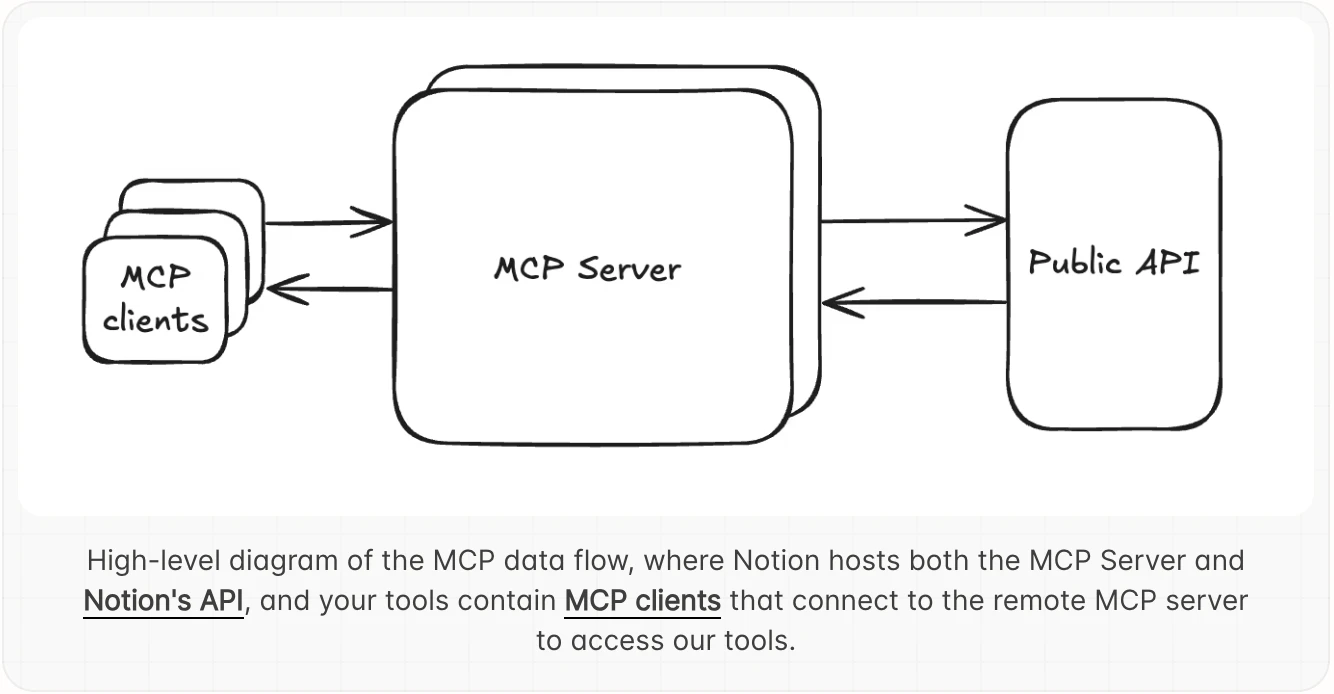
查看原始信息
nCompass AI Assistant
Coding agents like Claude Code are great at generating GPU kernels if they’re told what your bottlenecks are. But they struggle to diagnose these performance bottlenecks themselves. The nCompass agent fills this gap by identifying key performance bottlenecks in the code and providing strategies to resolve them. By supercharging Claude Code with our agent, we generated matrix multiplication kernels that were 3% faster than NVIDIA's CUTLASS kernels in a single session. Now it’s your turn.

Hey PH! Aditya here, co-founder of nCompass.

My team and I have spent years accelerating GPU kernels. It’s complex and time consuming, primarily because we spent most our time identifying which kernel to optimize and then identifying what the bottlenecks were in our new kernel. Using the dev tool we’re launching today, we implemented a Hopper GEMM kernel that outperformed NVIDIA's CUTLASS GEMMs by 3%, within a day - this took us months before.

Here's the problem today: if you profile a system like vLLM, you have to copy a giant trace file to your local machine just to view it. Then you spend hours identifying which GPU kernels to target. Then you profile the kernel, spend hours or days digging through .ncu traces that are massive data dumps. Then you identify your bottlenecks and formulate a plan. Running this loop till you have a performant kernel can take weeks, even months before you have a performant kernel.

All of this is going to change. Coding agents have gotten great at writing GPU kernels once they know what to target. What's missing is the tooling to identify these targets.

We built the tool we wish we had. With our VSCode extension, you can view traces natively — no more copying files around. Once our MCP is integrated, just "@" an execution trace into Claude Code / Cursor and our agent takes over: our agent analyzes the trace and gives you a prioritized list of GPU kernels to target. Using NCU, profile your kernel source code, "@" the .ncu-rep in your favorite coding agent, and the nCompass agent works together with your coding agent to develop the high performing kernel you were looking to build!

If you're an experienced GPU engineer — this removes the busywork. You stay in control, vet the agent's outputs, and only act on what makes sense.

If you're learning GPU optimization — you now have an expert pair-programmer you can always consult. It's the best way to learn how to optimize GPU code.

We'd love for you to try it and let us know how it works for you. We're building fast and your feedback directly shapes what ships next.

Try it → https://docs.ncompass.tech/quick...
Full feature list → https://docs.ncompass.tech

3
回复

@aditya_rajagopal

This looks super useful, Love how it cuts down all the manual profiling time , I am wondering that how much setup is needed before the agent can start giving meaningful kernel targets ?

0
回复

@aditya_rajagopal This really nails the hardest part , figuring out what to optimize . If it truly cuts that loop down, that's a big win .

1
回复

'outperformed nvidia's cutlass gemms by 3%, in a day' is the kind of before/after that sells itself. congrats on launching this :)

1
回复
0
回复