Product Hunt 每日热榜 2026-04-01

PH热榜 | 2026-04-01

#1
Noiz Easter Voice
Crack an Easter egg to generate an AI voice
377
一句话介绍:一款通过“敲碎语音彩蛋”随机生成或通过提示词/图片定制AI语音的工具,在节日问候、社交分享等场景中,为用户提供了将普通语音信息转化为有趣、个性化表达的创意解决方案。
Emoji Artificial Intelligence Audio
AI语音生成 语音彩蛋 节日营销 社交娱乐 UGC工具 创意表达 AIGC 情感化设计 游戏化互动 声音滤镜
用户评论摘要:用户普遍称赞“语音彩蛋”概念有趣、体验流畅,能创造惊喜和欢乐。主要建议包括:希望保存和复用生成的声音以用于内容创作;提议增加“提示”功能来增强收集的趣味性和用户粘性;询问社交分享模板。团队回复积极,确认将考虑“提示”等深度功能。
AI 锐评

Noiz Easter Voice 的精明之处,在于用高度场景化、游戏化的包装,巧妙掩盖了其底层技术可能并不新鲜的现实。产品将“AI语音生成”这一通常面向开发者或专业创作者的B端工具,成功降维成“敲彩蛋”的C端娱乐动作,其真正价值并非技术突破,而是精准的“体验设计”。

它敏锐地抓住了节日社交的“表达刚需”与“创意匮乏”之间的痛点。发送一句干巴巴的“复活节快乐”是无效社交,但发送一个由自己声音转化来的、带着小兔子语调的祝福,则成了能引发笑声、值得回忆的数字礼物。这本质上是在售卖“情感货币”和“社交谈资”。其“提示词/图片生成定制语音”的功能,看似开放,实则通过限定节日主题(兔子、小鸡等)和简易操作,大幅降低了用户决策与创作门槛,确保了产出内容在趣味性和安全性上的可控。

然而,产品的潜在风险也埋藏于此。强烈的节日属性是一把双刃剑,在获得爆发性关注的同时,也面临着“节后消亡”的典型挑战。用户的热情会随着复活节结束而迅速褪去。评论中关于“保存声音”、“增加收集提示”的建议,恰恰暴露了产品目前作为“一次性玩具”而非“可持续工具”的脆弱性。团队虽有意向“创意社交工具”和“创作者平台”两个方向探索,但两者对产品内核的要求截然不同:前者需要持续不断的新鲜玩法和社交裂变能力,后者则需要稳定、可靠、可商用的声音资产库和编辑功能。Noiz目前轻盈有趣的形态,能否承受向任一方向深化所需的重量,将是其能否跨越节日营销、成为常驻应用的关键考验。

查看原始信息
Noiz Easter Voice
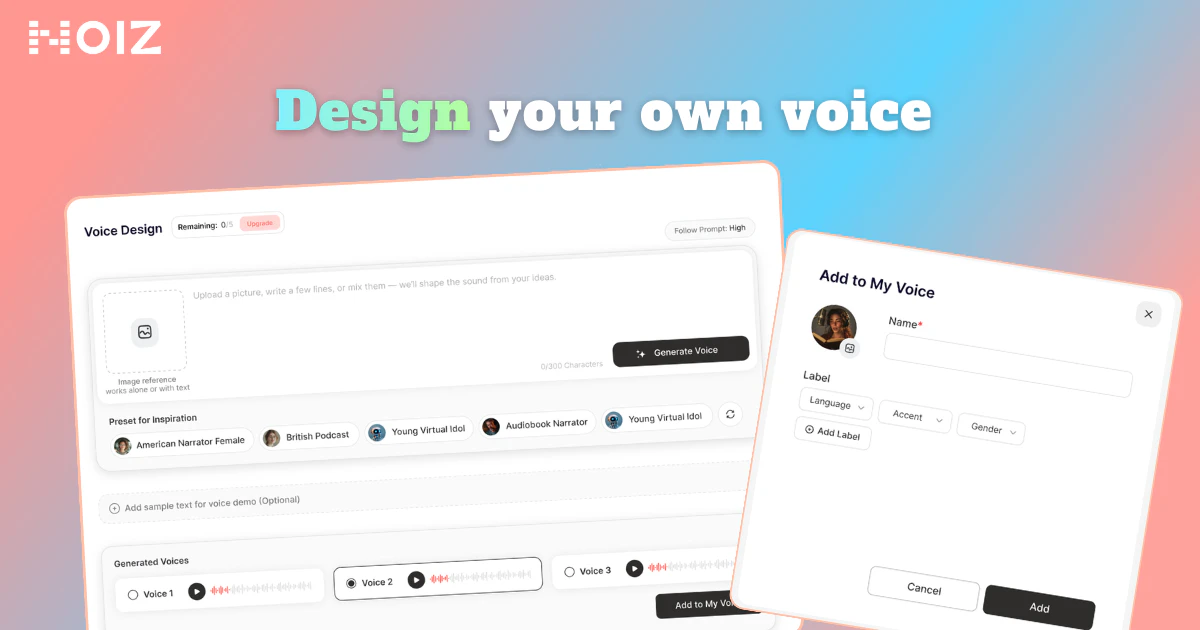
This Easter, turn your voice into something unexpected. On Noiz, crack a voice egg to unlock new AI voices, or create your own with a prompt and image. From playful characters to unique greetings, generate expressive voices in seconds.

Hey Product Hunt 👋

This Easter, we'd love to invite you to try something a little fun.

If you're thinking about sending your friends a different kind of holiday surprise,

why not turn a simple greeting into a "voice egg"?

On Noiz, you can:

🥚 Open a voice egg and instantly unlock a randomly generated voice

🐰 Apply festive transformations to your voice and turn it into a bunny, chick, lamb, or other Easter-inspired characters

🎨 Design your own Easter voice by typing a prompt or uploading an image. Describe a fluffy bunny, a playful cartoon chick, or any character you imagine, and Noiz will generate a unique voice to match

You can use it for:

• Holiday greetings

• Voice messages to friends

• Social content

• Creative experiments with AI-generated voice styles

For example,

when you send:

"Happy Easter!"

It could sound like:

🐥 A cheerful little chick

🐰 A soft and cuddly bunny

🎭 Or a custom voice created from your imagination, just upload an image or describe it promptly.

Take part in our Egg Smash Event and unlock surprise rewards, from coupons and credits to exclusive voice styles and gift cards.✨💫

Sometimes, a tiny change in voice can make an ordinary message more fun and more memorable.

Come try your voice egg 👉https://noiz.ai/voice/design?ref=producthunt&utm_source=producthunt&utm_medium=easter_event&utm_campaign=voice_design_promo

And tell us in the comments :

Which voice egg would you open first? 🐰🐥

18
回复
Thrilled to back the Noiz team on their Product Hunt launch! And the timing couldn't be better. 🐣 Noiz turns a simple "Happy Easter" into something people actually remember. This isn't AI voice generation for studios or developers, this is starting with the moment you want to make someone smile, and building on that. The unlock is a voice egg! Crack it, get a surprise AI voice, or design your own from a prompt or image. No audio experience required. This adds up to: 🥚 Open an egg, unlock a random character voice instantly 🐰 Apply Easter transformations (bunny, chick, lamb) to any message 🎨 Describe or upload anything and Noiz generates a voice to match If you've ever sent a boring voice note when you could've sent something that made someone laugh out loud, this is for you.
17
回复

The voice egg concept is really fun. I tried the random crack thing and got this weird bunny voice that honestly made me laugh out loud. Quick question though, can you save the generated voices and reuse them in other projects? Would be super useful for content creators.

17
回复

@byalexai Fun, creative, and memorable. The “voice egg” concept is a clever way to turn simple messages into something people actually enjoy replaying. Congrats on the launch 🎙️

0
回复

@byalexai Congrats. Tried the image-to-voice yet? What's the wildest character it's nailed for you so far?

14
回复

Super cool launch! Do you guys see Noiz becoming more of a creative social tool or a creator platform?

17
回复

@lak7 Honestly, we see it as a bit of both ✨We want to be the creative spark for casual social sharing, while giving serious creators the power to build unique brand voices. We’re building for anyone who wants to make digital connection feel more human. Which direction are you more excited about?

16
回复

Do you have any recommended social media templates for sharing these voice greetings?

16
回复

@andy2026 💡 We’re actually working on some official Story templates right now. For now, the best way to share is a simple screen recording of your Egg Smash reveal. Don't forget to tag us so we can see what you've created! 🐣✨

13
回复

Huge congrats on the launch, Vega @vega_chan & the Noiz team @Noiz AI and what a perfect time to crack this open! 🥚

I’ve been playing around with the “Egg Smash” mechanic, and honestly, it’s genius. It turns a simple voice note into a delightful little surprise, like a digital Easter egg hunt. The idea of uploading an image to generate a voice is super creative — I tried it with a photo of my grumpy cat, and the result was hilariously accurate! 😂

Here’s a small product thought from a fellow builder: I noticed the “random egg crack” is pure luck. What if you added a “Hint” feature? For example, after cracking, you could reveal a clue like “This voice has a British accent” or “This character loves carrots.” It would build a bit of suspense and make people want to “collect them all” to complete the set. It’d be a great gamification layer to keep users coming back after the holiday buzz.

Really excited to see where you take this! 🚀 Which egg would you say is the most unexpectedly popular so far? The bunny or the chick? 🐰🐥

16
回复

Your Hint feature idea is pure gold. We’ve been discussing ways to deepen the collection mechanic, and adding those character driven clues is a fantastic way to build anticipation and keep the experience fresh post-Easter. We’ll definitely be bringing this back to the dev table!

15
回复

Changing the emoji to switch between bunny, chick, and lamb voices worked seamlessly. The tone shifted instantly, and it sounded so natural.

14
回复

The emoji metaphor for changing voices makes experimentation feel natural and fast. I lost track of time playing with it!

14
回复

@zephyrlink_i That’s music to our ears! 🎶 We spent a lot of time refining that flow to make sure the experimentation felt like play rather than work. Hearing that you lost track of time is the ultimate compliment for us.

3
回复

I tested it with a longer narration, and the emotional direction stayed consistent throughout. It didn't feel disjointed at all.

3
回复

Love how simple this is .No setup no complexity just crack an egg and get a fun expressive voice instantly.

2
回复

@alan_gregory So glad you like it! That’s exactly the idea!

0
回复
Okay Im already hyped: what tricks the devs are up to for world cup😆😆😆 Happy Easter!!!𓃹𓃹𓃹
1
回复

Voice eggs make festive expression feel less technical overall.

1
回复

@julie_su Glad it feels that way! We’re trying to make it more about expression and less about tools ✨

0
回复

I've tested a lot of TTS tools, but Noiz AI's Easter update is by far the most creative and fun I've seen. The "voice egg" concept is genius, and the ability to transform your voice into Easter characters is a game-changer. It's not just about generating speech; it's about creating joy and connection.

1
回复

@leonliu2049 We’re thrilled that you’re enjoying the Egg Smash Event. We really wanted to create something that moved beyond a standard greeting and turned it into an experience.We hope your Easter messages bring a lot of laughs to your friends and family this year.

0
回复

What I find most impressive about Noiz AI's Easter edition is the seamless integration of fun and functionality. The "voice egg" is playful and engaging, while the custom voice creation is powerful and versatile. It's a rare combination that makes this tool stand out from the crowd.

1
回复

@lisa_helicopter_l That’s so great to hear! 🚀 We worked hard to balance the fun with actual powerful tech, so it’s awesome that the mix of playfulness and versatility resonated with you.

0
回复

It is refreshing to see holiday joy treated as a core product goal.

1
回复

@lily_liu8 🙌 We really felt like the world needed more smiles this Easter, so making joy a core feature was our goal from day one.

1
回复

This Easter, Noiz AI has given us a new way to express ourselves and connect with the people we care about. Whether you're a creator looking to make unique social content or just someone who wants to send a fun greeting to a friend, Noiz has something for everyone. The "voice egg" feature alone is worth checking out!

1
回复

@candyrorae Thanks a ton for the support! 🙌 Honestly, seeing people use Noiz to turn a simple Happy Easter into something that actually makes their friends laugh is exactly why we built this. 🐣

0
回复

What I love most about Noiz AI's Easter edition is how it turns a simple "Happy Easter" into a storytelling moment. You can make your greeting sound like a playful cartoon chick, a gentle lamb, or any character you can imagine. It's not just about sending a message; it's about creating a memorable experience for the people you care about!

1
回复

@bethany_gong Our goal was to move beyond text and pixels to create something that feels truly alive. Hearing that you're using it to create storytelling moments is exactly the kind of magic we hoped to see during this launch.

0
回复

Noiz AI's Easter update is a testament to the power of AI in making communication more expressive. The ability to generate a custom Easter voice from a prompt or image is incredible. You can describe a fluffy bunny, a playful cartoon chick, or any character you imagine, and Noiz will bring it to life with a unique voice. It's like having a creative partner for your holiday messages.

1
回复

@yuanhao1 🎨 Seeing Noiz as a creative partner is exactly how we envisioned it. Our goal was to build a tool that doesn't just automate communication, but actually expands what you can express.

0
回复

Easter voice eggs turn generic greetings into memorable surprises.

1
回复

@janette_szeto We wanted to take the generic out of the equation and replace it with a moment of genuine surprise. It’s amazing how a simple voice transformation can completely change the energy of a message.

0
回复

Noiz AI has truly thought of everything with this Easter launch. From the fun "voice egg" concept to the practical custom voice creation tools, every feature is designed to make your holiday greetings more personal and engaging. It's clear that they understand how important it is to connect with others in meaningful ways, even during the holidays.

1
回复

@yuanchen_wang Thank you so much for the kind words! We believe that technology should serve as a bridge for deeper, more personal connections, and that’s especially true during the holidays.

0
回复

I love how Noiz AI's Easter edition encourages playful experimentation with AI-generated voices. The "voice egg" feature is a great way to discover new sounds, and the ability to design custom Easter voices opens up a world of creative possibilities. It's not just a tool; it's a way to have fun and connect with others in a whole new way.

1
回复

@mooyan We couldn’t agree more! We wanted Noiz to feel less like a tool and more like a digital playground where people could experiment and surprise one another. Seeing users discover those creative possibilities through the voice eggs is exactly what we hoped for.

0
回复

This AI is a game-changer for holiday greetings! I’m so tired of sending the same generic “Happy Easter” texts to everyone. With this tool, I can make every message feel totally unique, tailored exactly to the person I’m sending it to. From cute, whimsical bunny-themed lines to sweet, sincere notes, every greeting feels like a special, handwritten gift. 10/10, would recommend!

1
回复

@vermouth2333 10/10 back at you for such a fantastic review! 🚀 We're so happy that Noiz is helping you break away from those copy-paste generic texts. Our goal was to make digital messages feel as thoughtful as a handwritten card, and hearing that each greeting feels like a special gift to you is the best feedback we could ask for.

We appreciate the recommendation!

0
回复

What I love most about Noiz AI's Easter edition is how it turns a simple "Happy Easter" into a storytelling moment. You can make your greeting sound like a playful cartoon chick, a gentle lamb, or any character you can imagine. It's not just about sending a message; it's about creating a memorable experience for the people you care about.

1
回复

@eeeeeach You captured the heart of Noiz AI perfectly. It was never just about the technology for us; it was about the stories and the smiles shared between people. Turning a simple greeting into a storytelling moment is exactly why we built the Easter edition.

0
回复

It was simple to iterate on different emotions and character voices without touching any complicated settings.

1
回复

@jayzhu We're so glad you noticed! Our main goal was to strip away the complexity of traditional audio tools and put the creative power right in your hands. It’s awesome to hear that you were able to jump straight into the fun part , bringing characters and emotions to life.

0
回复

If you're looking for a way to make your Easter greetings stand out this year, look no further than Noiz AI. The "voice egg" feature, Easter character transformations, and custom voice creation tools are all incredible, and the "Egg Smash Event" adds an extra layer of excitement. It's the perfect tool to make this Easter one to remember.

1
回复

@new_user___1282025165cc92287e7a197 Thank you so much for the incredible support! We’re thrilled that you’re enjoying the Egg Smash Event. We really wanted to create something that moved beyond a standard greeting and turned it into an experience.

We hope your Easter messages bring a lot of laughs to your friends and family this year!

0
回复

I tried the voice egg feature earlier, and it was such a fun surprise! Unlocking a random voice made my Easter greetings feel way more special.

0
回复

Heheh! Love the vibe and my kids gonna love it even more. Congrats on the launch team!

0
回复

@german_merlo1 Thank you so much! Hope it brings lots of smiles at home 😄

0
回复

I like how the output feels expressive rather than flat narration! Even a simple greeting has so much personality.

0
回复

@maxine_at_acestudio_ai Appreciate it! We focus a lot on making voices feel lively and full of character 🙌

0
回复

"Expressive voices in seconds" — what does expressive mean here specifically? Emotion range, character accents, speaking style? The difference between a voice that sounds "playful" and one that actually commits to a character is pretty significant.

0
回复

This is a fun concept! How customizable are the generated AI voices - can users tweak tone, pitch, or style?

0
回复

Will you be adding more prompt templates to help new users create better custom voices?

0
回复
#2
Ollama v0.19
Massive local model speedup on Apple Silicon with MLX
332
一句话介绍:Ollama v0.19通过底层重构为苹果芯片原生优化,大幅提升了本地大模型的运行速度与效率,解决了开发者在本地运行AI编码助手和智能体工作流时面临的性能瓶颈和内存压力问题。
Open Source Artificial Intelligence Apple
本地大模型 苹果芯片优化 机器学习框架 性能加速 开发工具 AI智能体 离线推理 内存管理 macOS应用
用户评论摘要:用户普遍对MLX集成带来的性能飞跃表示兴奋,认为缓存复用功能对智能体工作流至关重要。主要问题集中在:NVFP4与缓存优化对多轮对话内存占用的实际影响、大模型(如70B+)的支持与内存管理兼容性,以及现有模型是否自动适配MLX。
AI 锐评

Ollama v0.19的更新,远不止一次版本迭代,而是一次针对特定生态(Apple Silicon)的精准战略卡位。其核心价值并非简单“提速”,而在于通过拥抱苹果原生MLX框架,深度绑定硬件与操作系统的统一内存架构与神经引擎,试图重新定义“本地AI”的性能基线。

此次升级直指两个关键痛点:一是让本地推理速度逼近甚至达到可用级,挑战云端API的性价比优势;二是通过智能化的KV缓存管理(复用、快照、淘汰),解决长期困扰本地多轮对话与分支智能体工作流的内存爆炸问题。这标志着本地大模型从“能跑”向“好用且高效”的实用主义转变。

然而,光鲜之下亦有隐忧。首先,其进步高度依赖于苹果封闭生态的硬件红利,构成了对特定用户群体的“特权”优化,可能加剧AI工具的硬件壁垒。其次,评论中关于大模型支持与内存管理的疑问,暴露出在有限统一内存(即使是32GB+)中平衡模型规模、性能与多任务并发的挑战依然严峻。NVFP4支持虽提升了生产就绪度,但本地部署的稳定性和可靠性仍需大规模复杂场景考验。

本质上,Ollama正在扮演一个关键角色:它并非模型创造者,而是本地推理的“优化器”和“桥梁”。它的竞争壁垒将越来越依赖于其对底层计算框架(如MLX)的驾驭能力以及对工作流痛点的深度理解。此次更新是一次漂亮的侧翼进攻,但能否在更广阔的跨平台战场和持续膨胀的模型规模面前保持优势,仍是未知数。

查看原始信息
Ollama v0.19
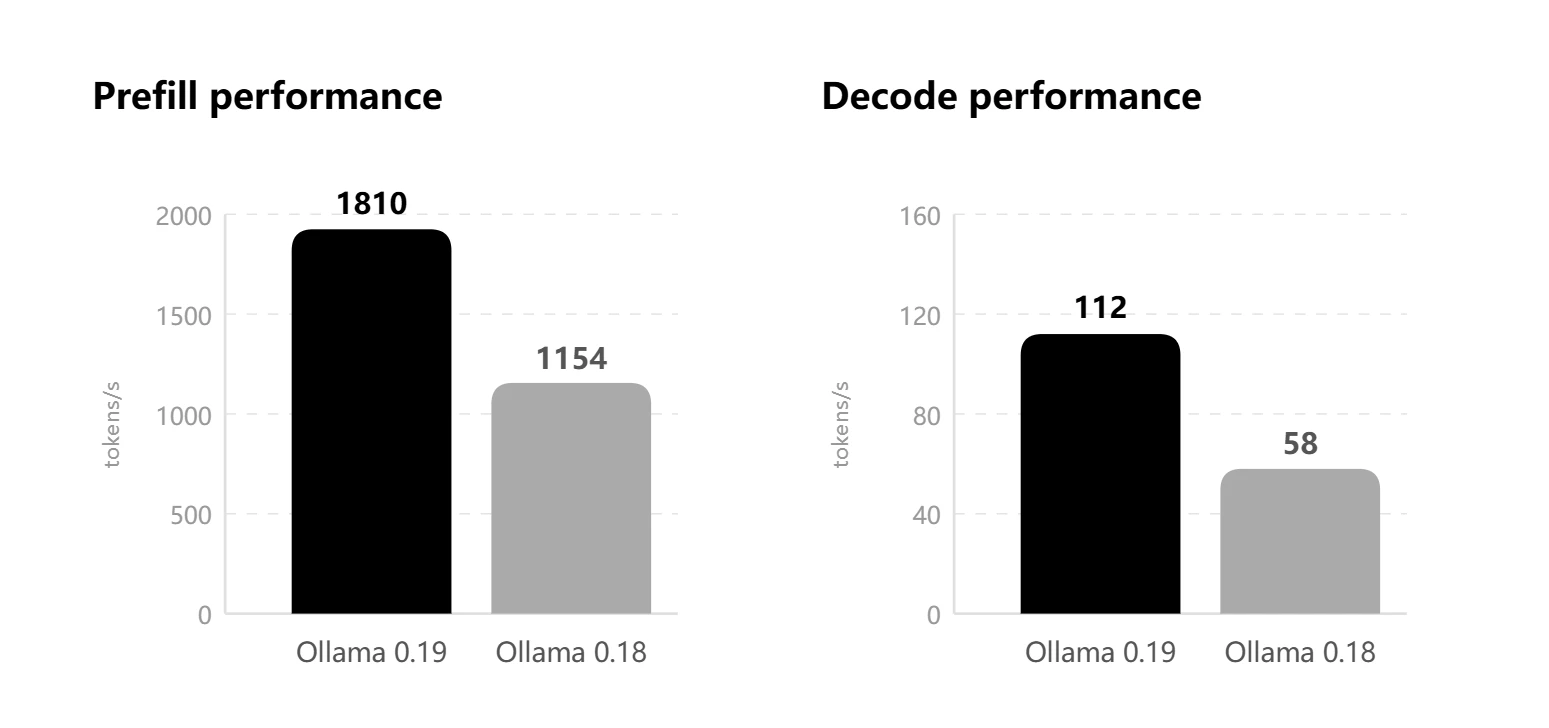
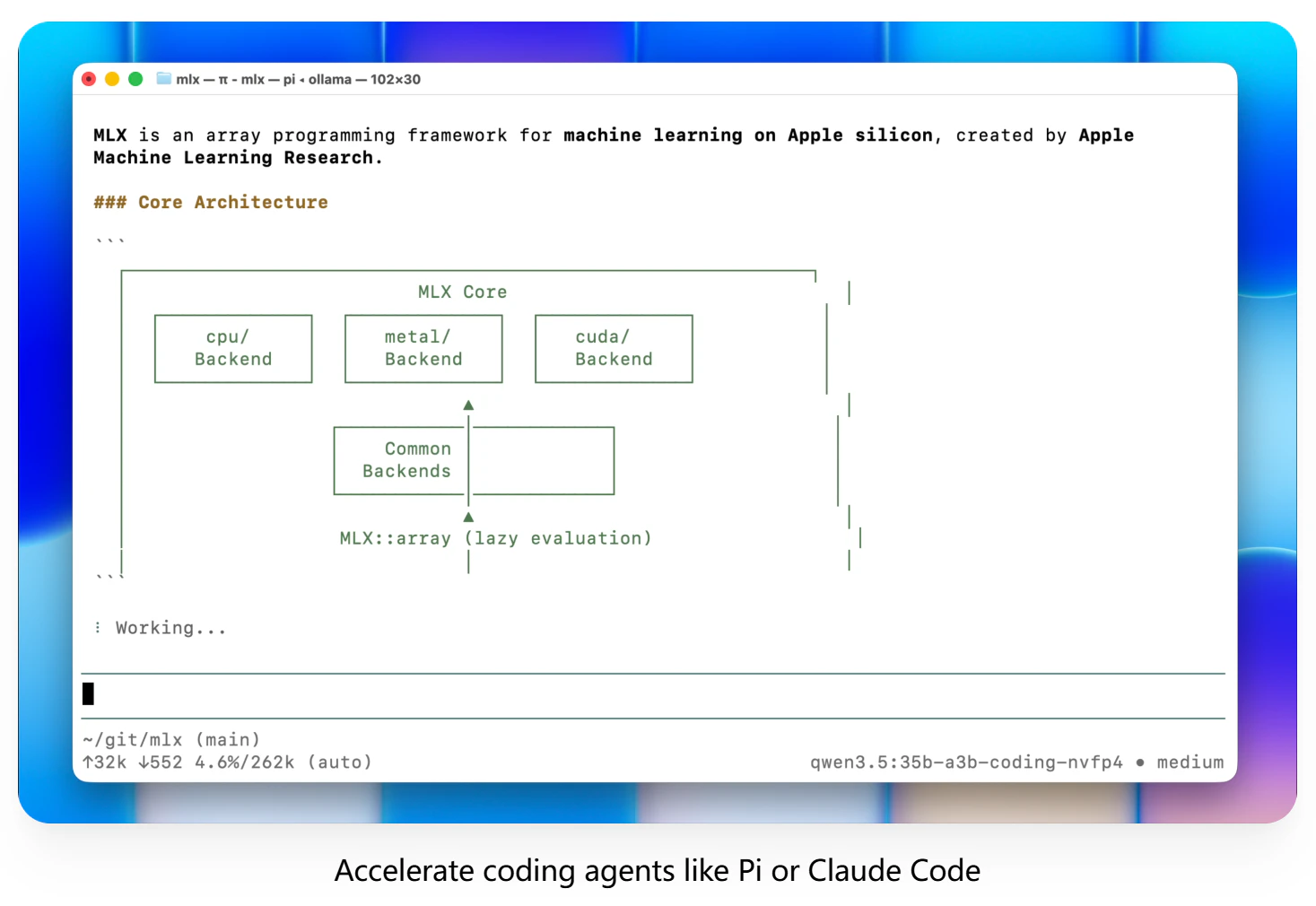
Ollama v0.19 rebuilds Apple Silicon inference on top of MLX, bringing much faster local performance for coding and agent workflows. It also adds NVFP4 support and smarter cache reuse, snapshots, and eviction for more responsive sessions.

Hi everyone!

The engineering in Ollama v0.19 is a massive leap for anyone running local models on macOS. Moving to Apple's native MLX framework changes the game for performance, leveraging the unified memory architecture and the new GPU Neural Accelerators on the M5 chips.

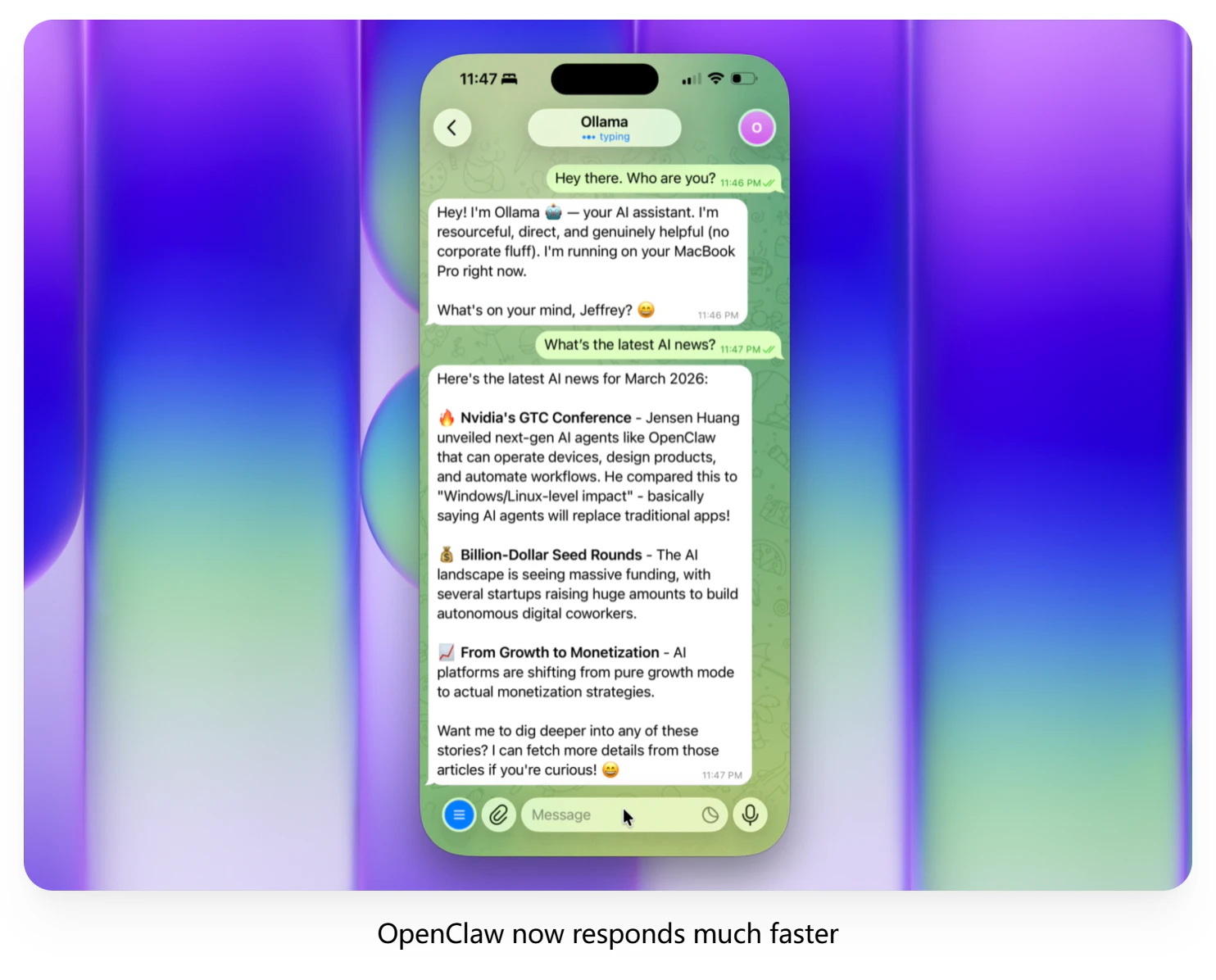
v0.19 now also supports NVFP4, which brings local inference closer to production parity, and the KV cache has been reworked with cache reuse across conversations, intelligent checkpoints, and smarter eviction. For branching agent workflows like @Claude Code or @OpenClaw , that should mean lower memory use and faster responses.

If you have a Mac with 32GB+ of unified memory, you can pull the new Qwen3.5-35B-A3B NVFP4 model and test this right now. Running heavy agentic workflows locally just became a lot more viable!

5
回复

@zaczuo For branching agents like OpenClaw, how much does the reworked KV cache + NVFP4 cut memory use in real multi-turn workflows? Any tips for tuning on 32GB Mac setups?

2
回复

Been running Ollama since like v0.12 and the speed improvements keep blowing my mind. The MLX integration is huge for M-series Macs tbh.

Smarter cache reuse is the underrated feature here. I run a coding assistant locally and switching between projects used to basically cold start every time. If the KV cache actually persists across sessions that changes everything for agent workflows.

5
回复

The MLX rewrite is the real deal — been running Qwen3.5 locally on my M4 and the speed difference vs the old GGML backend is night and day. Cache reuse across conversations is clutch for agent loops too.

2
回复

Finally, MLX-native inference. I've been running local models on my M2 Air for quick prototyping when I don't want to burn API credits, and the speed difference on Apple Silicon matters a lot when you're going back and forth between coding and testing. Curious how it handles the bigger models now, like 70B+ quantized. Does the memory management play nicer with other heavy processes running?

2
回复

This is huge for local-first AI workflows. Curious how much real-world speedup people are seeing on M-series chips

2
回复

Well done! Do all the current models work automatically with MLX with this version on macOS, or do you need to download a specific version of each model?

2
回复

Will have to try this out as a previous version totally drowned my 16gb mini.

0
回复
#3
traceAI
Open-source LLM tracing that speaks GenAI, not HTTP.
240
一句话介绍:一款开源的、基于OpenTelemetry标准的LLM追踪工具,通过两行代码即可无侵入地集成现有可观测性栈,为调试复杂AI应用链路的工程师提供端到端的可视化追踪,解决了AI时代应用可观测性数据割裂的痛点。
Open Source Developer Tools Artificial Intelligence GitHub
AI可观测性 LLM追踪 OpenTelemetry 开源工具 应用性能监控 多框架支持 无供应商锁定 语义化规范 多语言SDK 智能体调试
用户评论摘要:用户高度认可其OTel原生、无供应商锁定的理念,认为其填补了开源LLM追踪的空白。主要问题集中于对复杂多智能体、嵌套工具调用工作流的追踪细节,团队确认已支持端到端全链路树状追踪。部分用户询问与特定后端(如SigNoz)的兼容性。
AI 锐评

traceAI的亮相,与其说是一款新工具,不如说是对当前混乱的LLM可观测性市场的一次精准“祛魅”。其核心价值并非技术上的颠覆性创新,而是战略上的精准定位:它拒绝成为又一个数据孤岛式的SaaS仪表盘,而是选择成为现有可观测性生态的“语义适配层”。

产品真正的犀利之处在于三点:首先,它精准狙击了开发者的“仪表盘疲劳”痛点,利用OpenTelemetry的既有生态,将LLM特有的提示词、令牌、智能体决策等数据,翻译成现有监控后台(Datadog、Grafana等)能理解的“通用语”,实现了“数据平权”,避免了工具链的重复建设和切换成本。其次,其“两行代码”的极简集成与对35+框架的自动插桩,大幅降低了采用门槛,本质上是将复杂的LLM工作流标准化为可观测性数据,这有助于推动AI应用开发的工程化与规范化。最后,开源MIT协议是其最大的信任构建策略,在数据敏感且供应商锁定期虑深重的AI开发领域,此举旨在确立其中立、可信的基础设施地位。

然而,其挑战也同样明显。作为一层“适配器”,其深度依赖于OpenTelemetry生态的演进与下游后端对GenAI语义约定的支持程度。在追求“正确遵循语义规范”的同时,也可能受限于后端平台的功能天花板。此外,当追踪深度从简单的API调用延伸到复杂的、有状态的智能体推理过程时,如何平衡数据丰富度与性能开销、隐私安全,将是其能否从“好用”到“必用”的关键。总体而言,traceAI是一次聪明的市场切入,它不创造新需求,而是以更优雅的方式解决已被广泛感知的旧痛点,其成败将取决于社区能否围绕其形成事实上的GenAI可观测性标准。

查看原始信息
traceAI
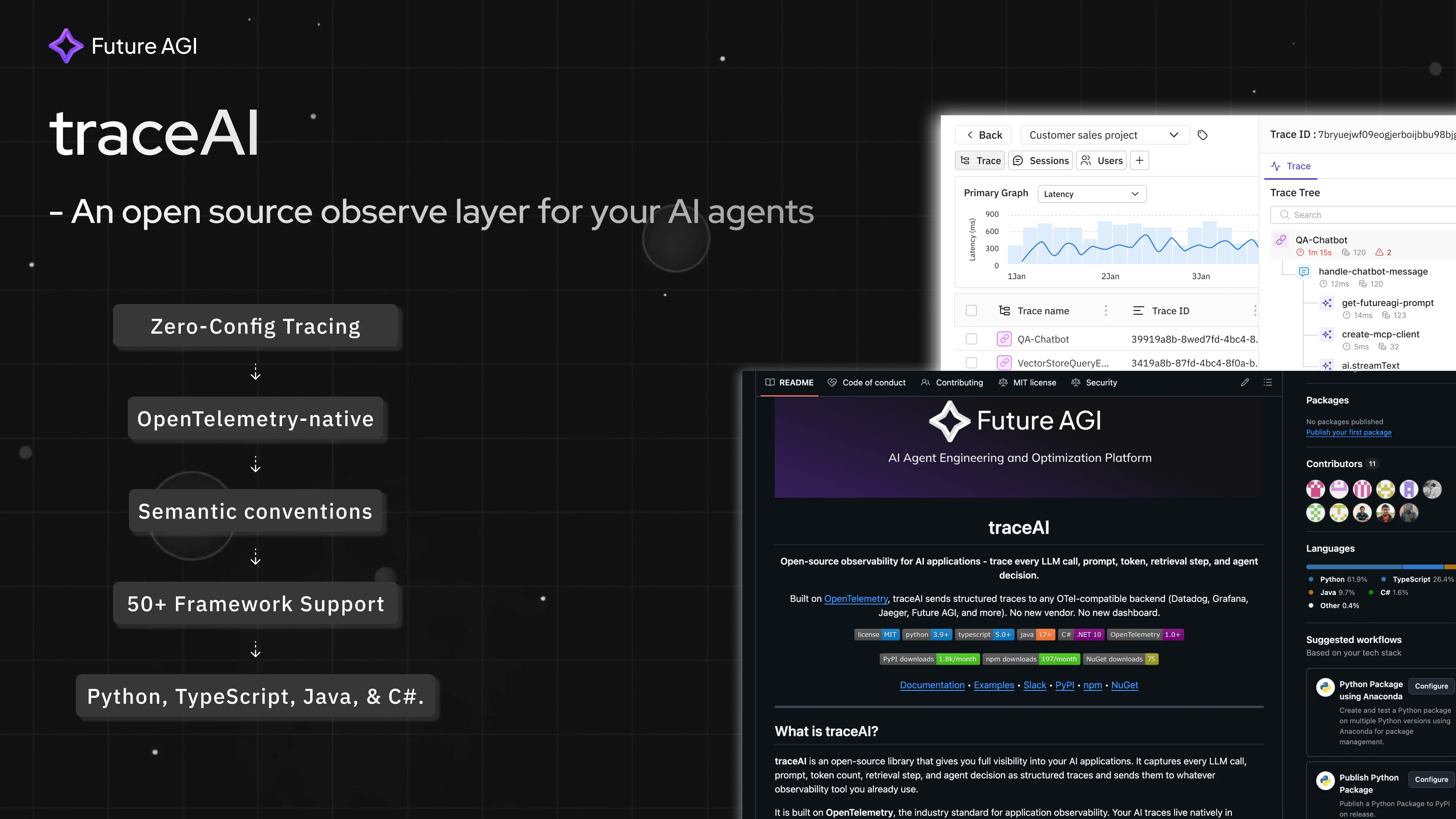
traceAI is OTel-native LLM tracing that actually works with your existing observability stack. ✓ Captures prompts, completions, tokens, retrievals, agent decisions ✓ Follows GenAI semantic conventions correctly ✓ Routes to any OTel backend—Datadog, Grafana, Jaeger, anywhere ✓ Python, TypeScript, Java, C# with full parity ✓ 35+ frameworks: OpenAI, Anthropic, LangChain, CrewAI, DSPy, and more ✓ Two lines of code to instrument your entire app No new vendor. No new dashboard. Open source (MIT).

Hey Product Hunt! 👋
I'm Nikhil from Future AGI, and I'm excited to share traceAI with you today.

The Problem We're Solving
If you're building with LLMs, you know the pain: your agent made 34 API calls, burned through your token budget, and returned the wrong answer. You have no idea why.
Existing LLM tracing tools force you into a new vendor dashboard. But most teams already have observability infrastructure - Datadog, Grafana, Jaeger. Why add another?

OpenTelemetry is the industry standard for application observability, but it was designed before AI existed. It understands HTTP latency. It has no concept of prompts, tokens, or reasoning chains.

What traceAI Does???
traceAI is the proper GenAI semantic layer on top of OpenTelemetry. It captures everything that matters in your AI application:
- Full prompts and completions
- Token usage per call
- Model parameters and settings
- RAG retrieval steps and sources
- Agent decisions and tool executions
- Errors with full context
- Latency at every layer
And sends it to whatever observability backend you already use.

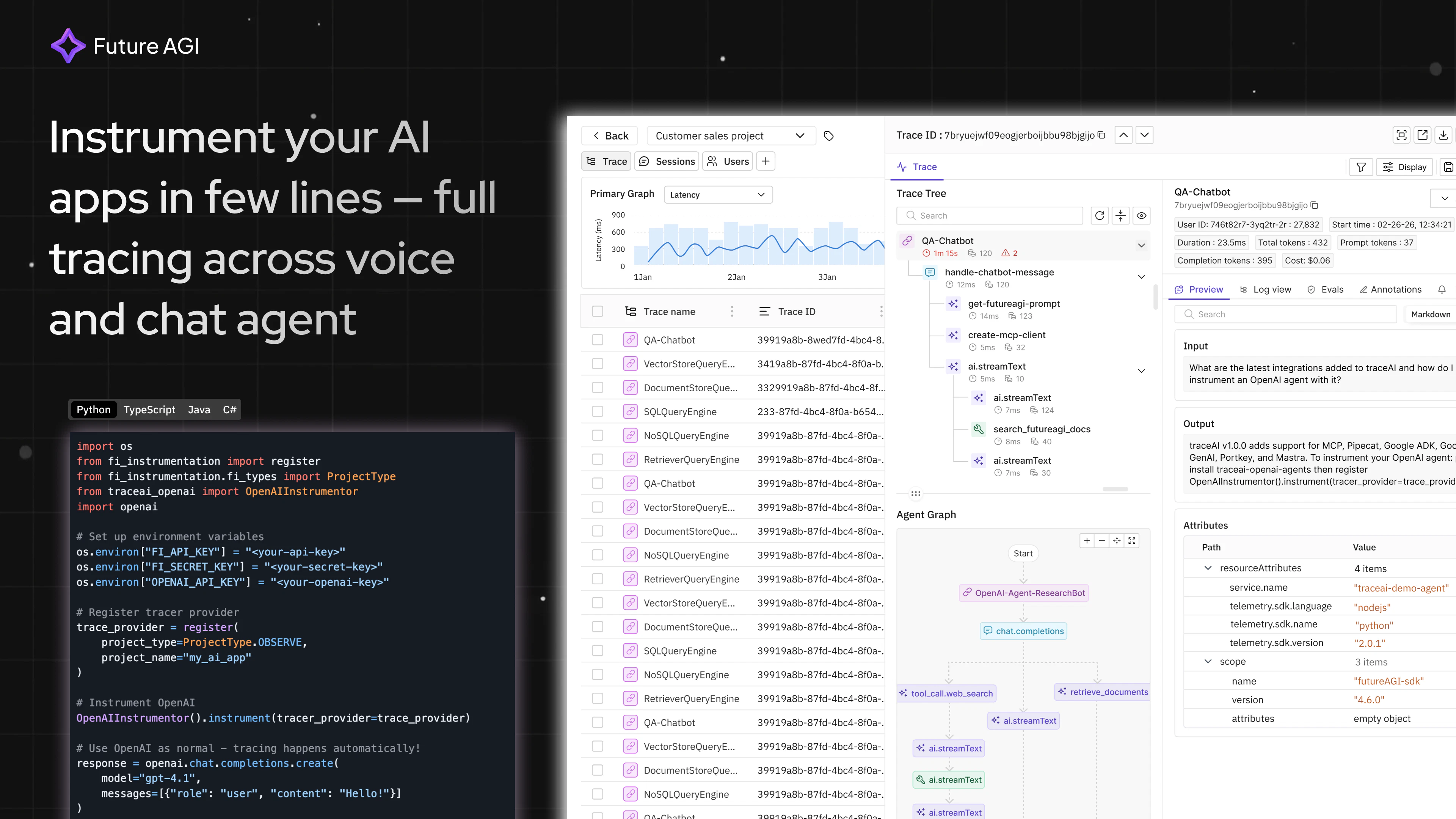
Two lines of code:
from traceai import trace_ai
trace_ai.init()

Your entire GenAI app is now traced automatically.
Works with everything:
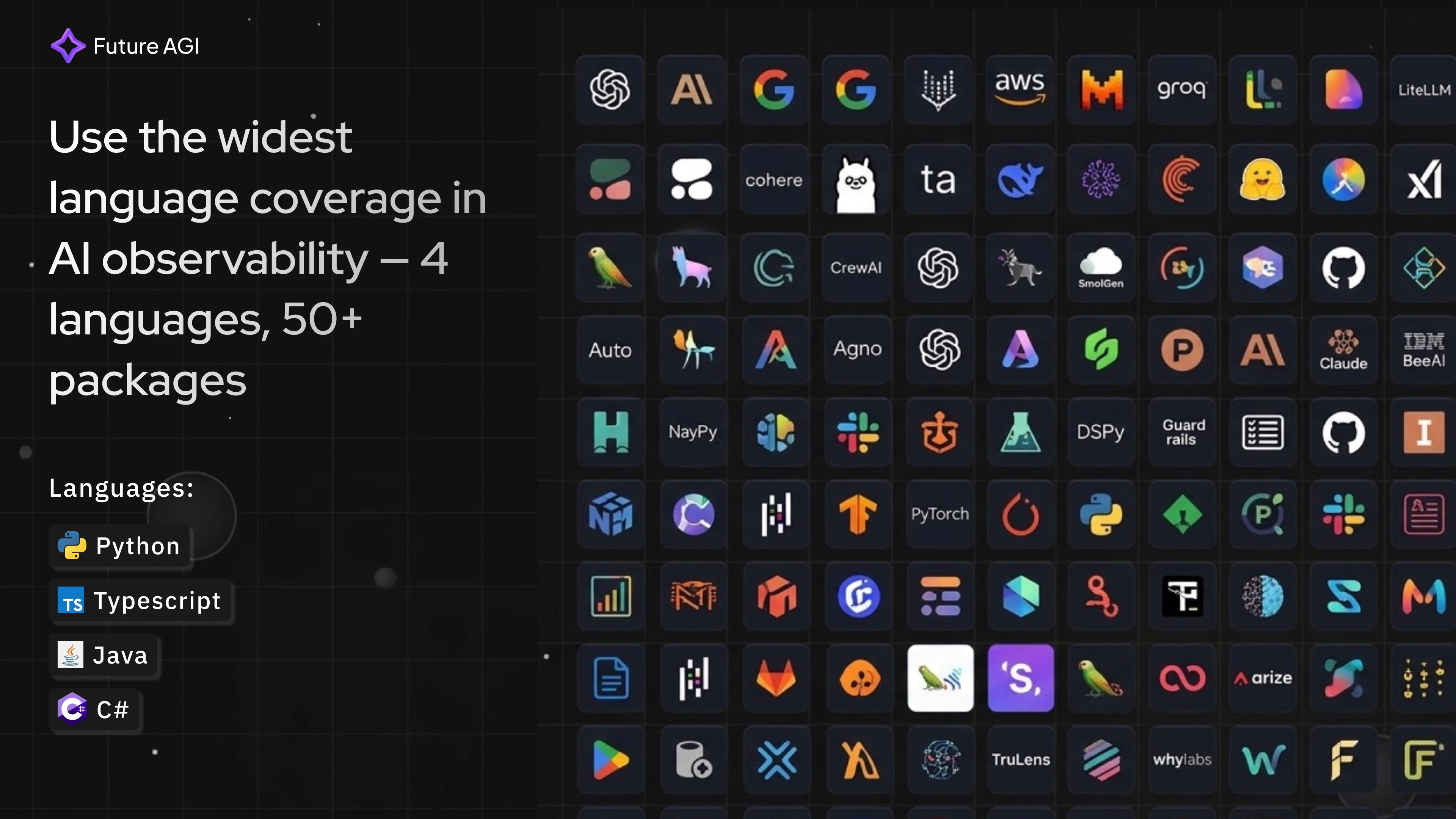
- Languages: Python, TypeScript, Java, C# (with full parity)
- Frameworks: OpenAI, Anthropic, LangChain, LlamaIndex, CrewAI, DSPy, Bedrock, Vertex AI, MCP, Vercel AI SDK, and 35+ more
- Backends: Datadog, Grafana, Jaeger, or any OpenTelemetry-compatible tool
- Actually follows GenAI semantic conventions. Not approximately. Correctly. So your traces are readable in any OTel backend without custom dashboards or parsing.
- Zero lock-in. Your data goes where you want it. Switch backends anytime. We don't even collect your traces.
- Open source. Forever. MIT licensed. Community-owned.
We're not building a walled garden.

Who Should Use This???
AI engineers debugging complex LLM pipelines
Platform teams who refuse to adopt another vendor
Anyone already running OTel who wants AI traces alongside application telemetry
Teams building agentic systems who need production-grade observability

What's Next???
We're actively working on:
- Go language support
- Expanded framework coverage
Try It Now
⭐ GitHub: https://shorturl.at/gKG7E
📖 Docs: https://shorturl.at/AlyjC
💬 Discord: https://shorturl.at/v4llu

We'd love your feedback! What observability challenges are you facing with your AI applications?

3
回复

@nikhilpareek Thanks Nikhil — really appreciate it.

traceAI looks solid, especially the OpenTelemetry angle and the focus on zero lock-in. Love that you’re building around existing observability workflows instead of forcing teams into another dashboard.

I’m building TradeHQ from a different angle — helping beginners practice trading with $10K virtual cash before risking real money — but I respect the problem you’re solving. Wishing you a strong launch today 👊

1
回复

@nikhilpareek Congrats on the launch. Quick question: For debugging agentic flows with LangChain/CrewAI, what's one traceAI insight that's saved you the most dev time in production?

1
回复

Much needed! Since you’re positioning traceAI as a semantic layer over OpenTelemetry so do you see this becoming a standard like OTel itself or staying a developer-focused tool?

2
回复

@lak7 We are trying to build this as a standard/foundation for the GenAI builder community

2
回复

Open-source LLM tracing is exactly what was missing.

I run Claude API calls in a Celery worker — two calls per job,

one at temperature=0 (deterministic analysis),

one at temperature=0.7 (generative rewrites).

Right now I log both manually with structlog.

But correlating a specific trace across the two calls

when something fails in production is still painful.

Does traceAI handle multi-step pipelines where the same job

triggers two separate LLM calls with different parameters?

1
回复

@fabrice_gangitano Yes, TraceAI handles this natively, each LLM call will be treated as a span. The whole point of the OTel span tree model is exactly this. you'd create a parent span for your Celery job, then each LLM call becomes a child span by the auto-instrumentor

0
回复

The OTel-native approach is the right call here. Most LLM tracing tools force you into a new dashboard and a new vendor relationship. The fact that this routes to Datadog, Grafana, Jaeger means teams can use what they already have instead of adding yet another pane of glass to monitor.

Curious about one thing: how does traceAI handle tracing across multi-agent workflows where one agent calls another? Do the traces compose into a single parent span, or do they stay isolated per agent?

Congrats on the launch.

1
回复

@najmuzzaman you get all the traces and spans, e2e visibility into each step that your agent takes so you know what breaks and where

1
回复

Hey TraceAI team, great product. was able to get started by giving claude your documentation in a single day. We use this with our internal grafana server so it was a small setup but loving it! thanks!

1
回复

@naman_muley Thanks for trying and sharing it here :)

1
回复

The OTel native approach is the right call imo. Every time I've tried an LLM observability tool it wants me to install yet another dashboard and I'm already drowning in Grafana tabs lol.

Two lines of code to instrument is bold. Does it handle multi-step agent chains well? Like if I have a LangChain agent that calls tools that call other models, does the trace show the full tree or does it flatten everything?

1
回复

@mihir_kanzariya hey Mihir, thanks. Yes, it shows full trace tree, span level details, everything. We support 40+ agentic frameworks already including Langchain, crewAI, etc

If there is anything you think is missing, that we should add..I am super open for feedback :)

1
回复

Two lines is impressive but curious - how does it handle agent decision tracking when you have nested tool calls 3-4 levels deep? Running a bunch of AI agents for project management workflows and the traces get messy fast. The GenAI semantic conventions piece is what's interesting here - most OTel solutions just treat LLM calls as HTTP and you lose all the context about what the model was actually doing.

1
回复

@mykola_kondratiuk thats what it is designed to handle- AI workloads for complex agent set-up and not just http. You get everything from nested tool calls, prompts, tokens, etc. It helps you get all your LLM traces and make sense out of it- works with any Otel or current observability infra

0
回复

How does the Trace AI handles long running tasks or loops apart from standard loops? does it have any reasoning steps added to it?

1
回复

@nayan_surya98 This is just built for trace collection for agentic (AI-native) systems.

1
回复

Really enjoyed building this solution for AI pros. It gives you a clear look at how your AI agents are performing without any vendor lock in

1
回复

@kartik_nvjk Great work bro!

1
回复

This is the one of the best open source open telemetry solution out there, no vendor lock in and one stop solution. Great Work team!

1
回复

@atharva_b Thanks Atharva!

0
回复

this is going to be a one stop solution for anyone who is building agents and exploring agentic architectures!

1
回复

@rishavhada Absolutely bro!

0
回复

GenAI observability has been broken for too long. TraceAI gets it right and this is the kind of observability layer every AI team needs but rarely has. Smart to make this open source and build trust first. Congrats team! 🚀

1
回复

@vel_alagan Thanks Vel!

1
回复

Since this is fully OpenTelemetry-native, I assume it should work seamlessly with backends like SigNoz as well?

If yes might try it there too seems a cool tool

0
回复
#4
Zzzappy
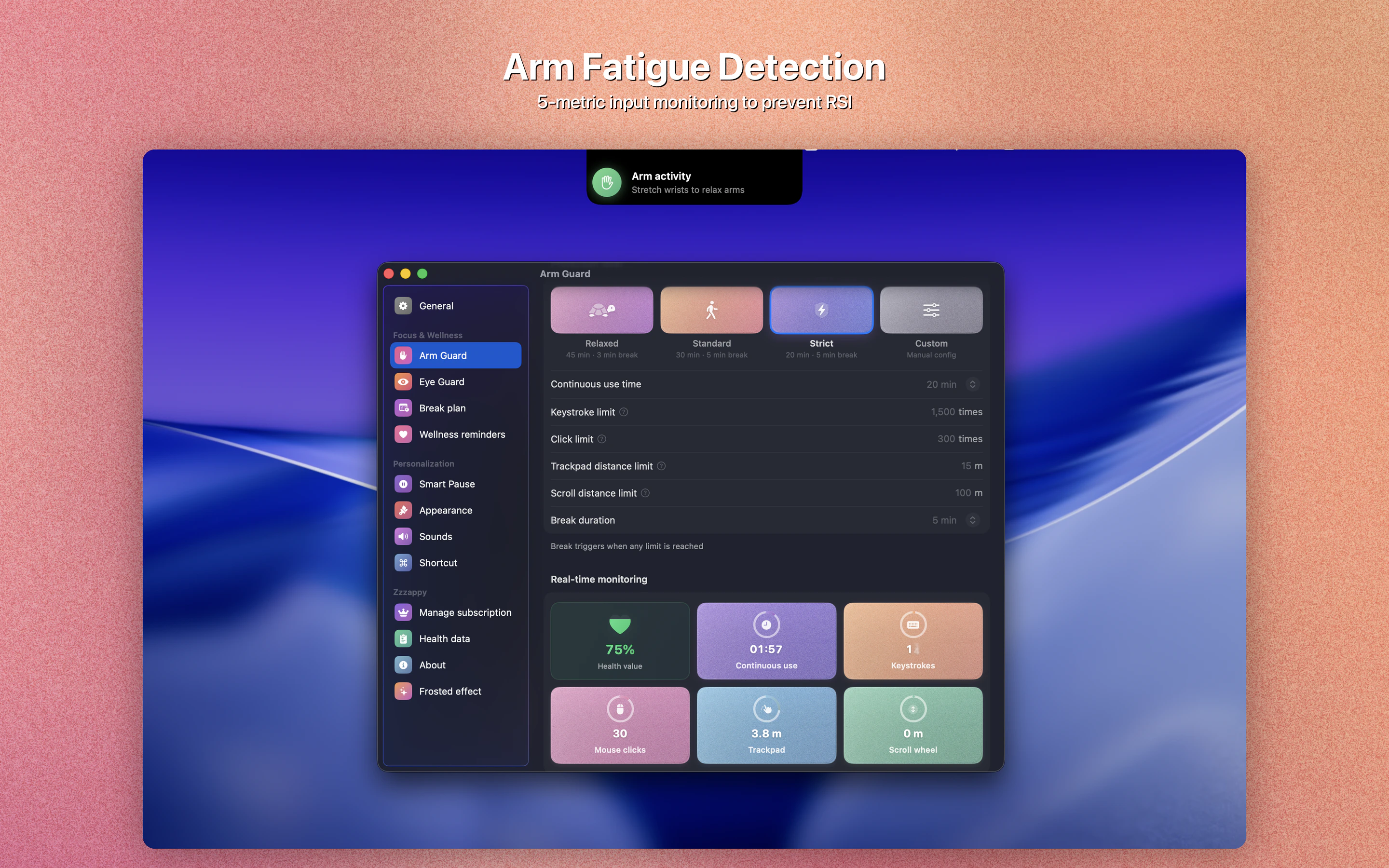
Science-backed breaks to protect your vision & prevent RSI
220
一句话介绍:一款基于科学研究的原生macOS健康守护应用,通过实时监测屏幕使用时间和手臂输入负荷,智能安排休息,在长时间使用电脑的场景下,解决用户视力疲劳和重复性劳损(RSI)的预防痛点。
Mac Health & Fitness Productivity
健康科技 macOS应用 RSI预防 视力保护 智能休息提醒 输入负荷监测 生产力工具 离线应用 开发者健康 人机交互
用户评论摘要:用户普遍赞赏其“基于实际输入负荷而非简单计时”的核心创新,认为智能暂停和沉浸式休息界面体验良好。主要问题与建议集中在:希望推出Windows/移动端版本;询问疲劳算法是否具备学习能力及阈值自定义细节;对产品长期维护存在疑虑;建议进一步根据工作类型(如编码与阅读)自适应调整。
AI 锐评

Zzzappy切入了一个被“时间管理”表象所掩盖的深层需求:数字时代职业病的根源不仅是“看了多久”,更是“操作多密”。它试图将健康提醒从粗暴的时间切片,升级为基于人机交互密度的动态风险评估,这是其真正的价值跃迁。

然而,其专业性背后也暗藏挑战。首先,其“科学依据”的护城河并不深。20-20-20法则和RSI风险关联是公开知识,核心壁垒在于将5维输入数据转化为可信“疲劳分数”的算法模型。该模型的有效性、个性化校准能力,目前仅依赖开发者自述,缺乏第三方临床或工效学验证,这将是说服严谨用户(尤其是其目标开发者群体)的关键。

其次,产品形态存在矛盾。它标榜“100%离线”作为隐私卖点,这固然吸引人,但也切断了通过云端收集匿名数据以持续优化核心疲劳模型的可能,使算法进化依赖本地有限数据,可能陷入发展瓶颈。此外,作为一款旨在改变用户长期行为习惯的工具,其“一次性买断”的商业模式,与需要持续投入研发以优化算法、适配系统、扩展平台的长线服务本质,存在潜在冲突。

总体而言,Zzzappy是一次精准且聪明的微创新。它没有创造新需求,而是用更精细的传感器(输入监测)和更人性化的交互(沉浸休息),重构了一个存量市场(休息提醒)。但其能否从“值得一试的巧妙工具”成长为“不可或缺的健康基础设施”,取决于其算法能否从“感觉有用”进化到“证明有效”,以及其商业模式能否支撑起所需的长期研发投入。

查看原始信息
Zzzappy
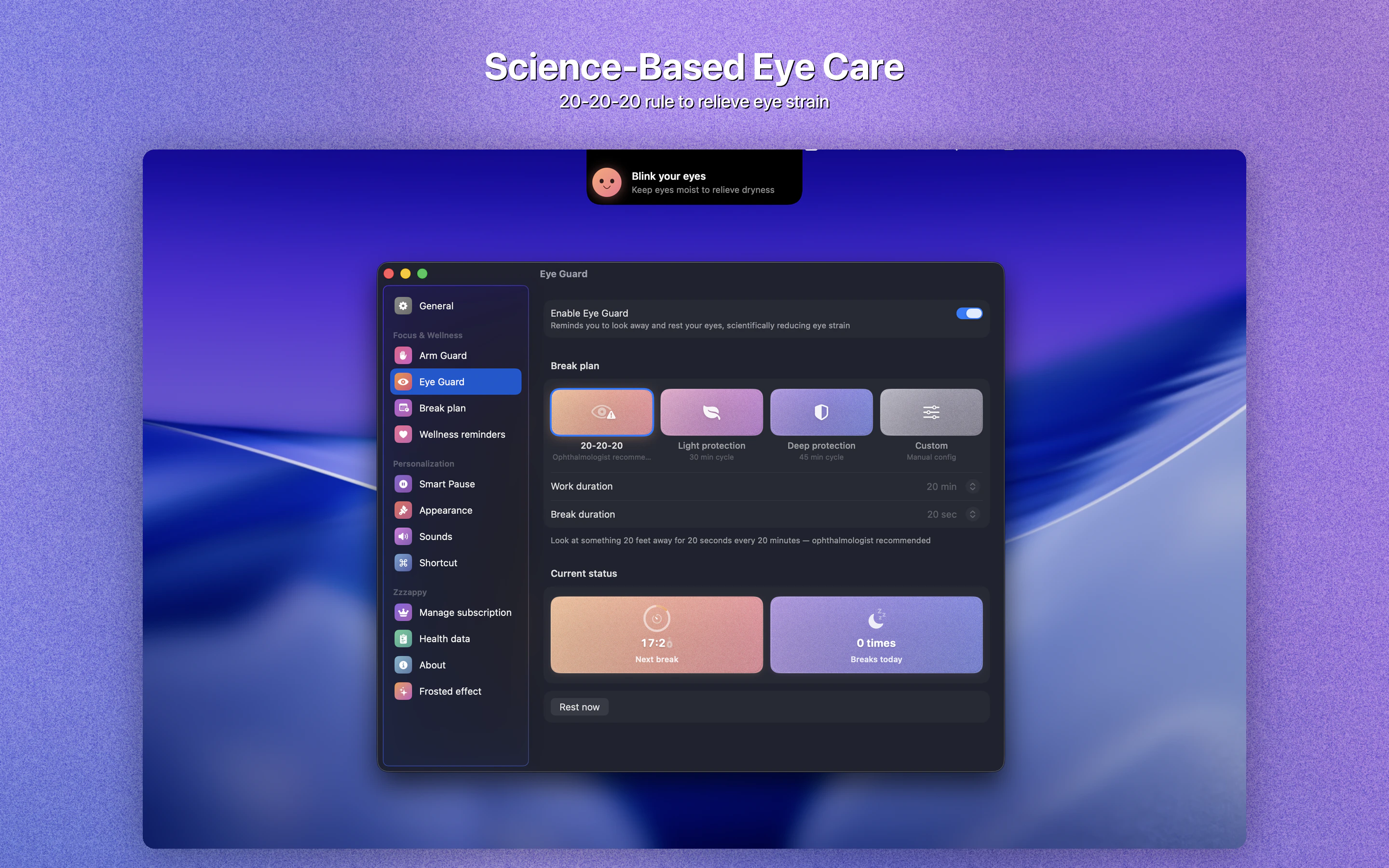
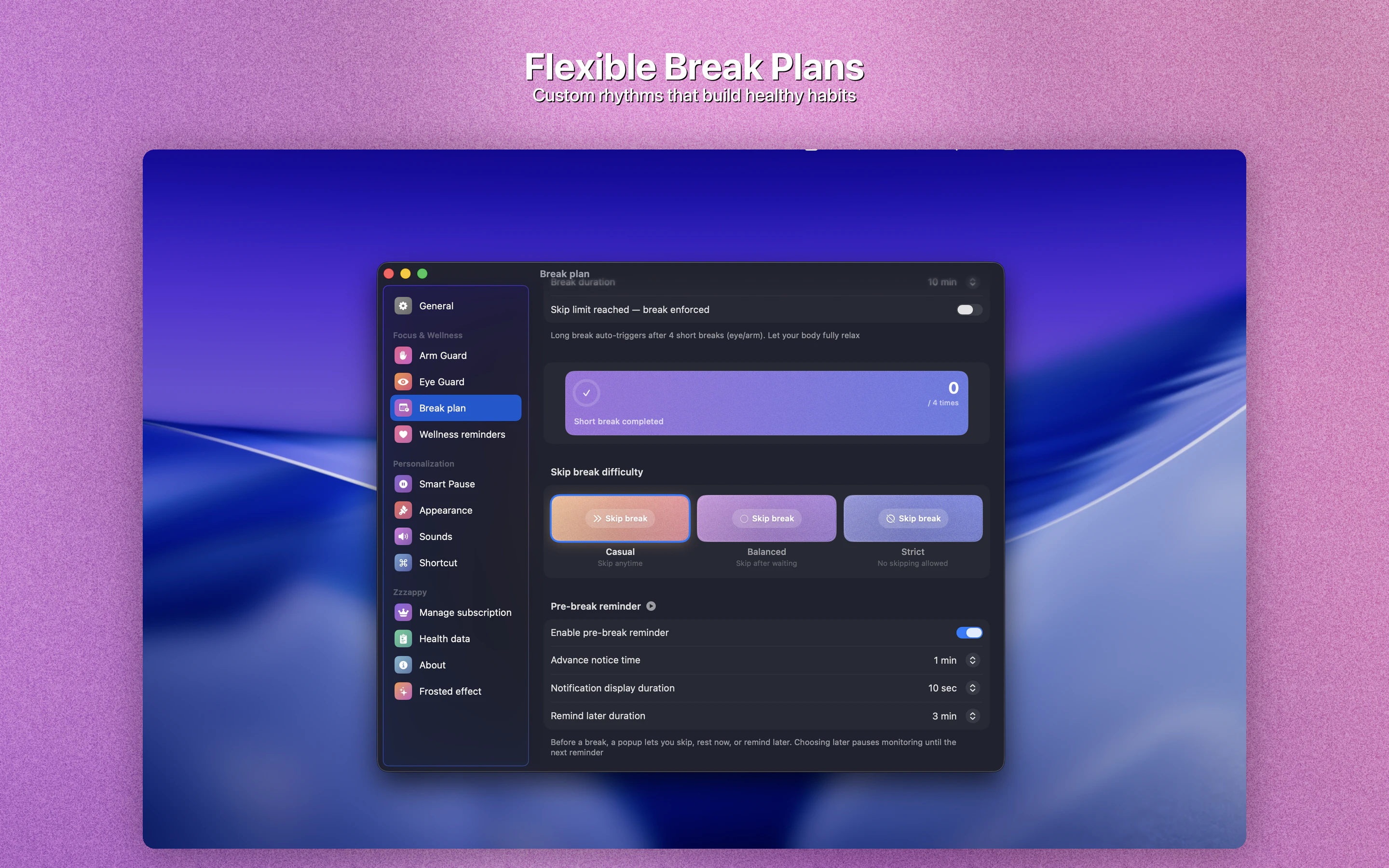
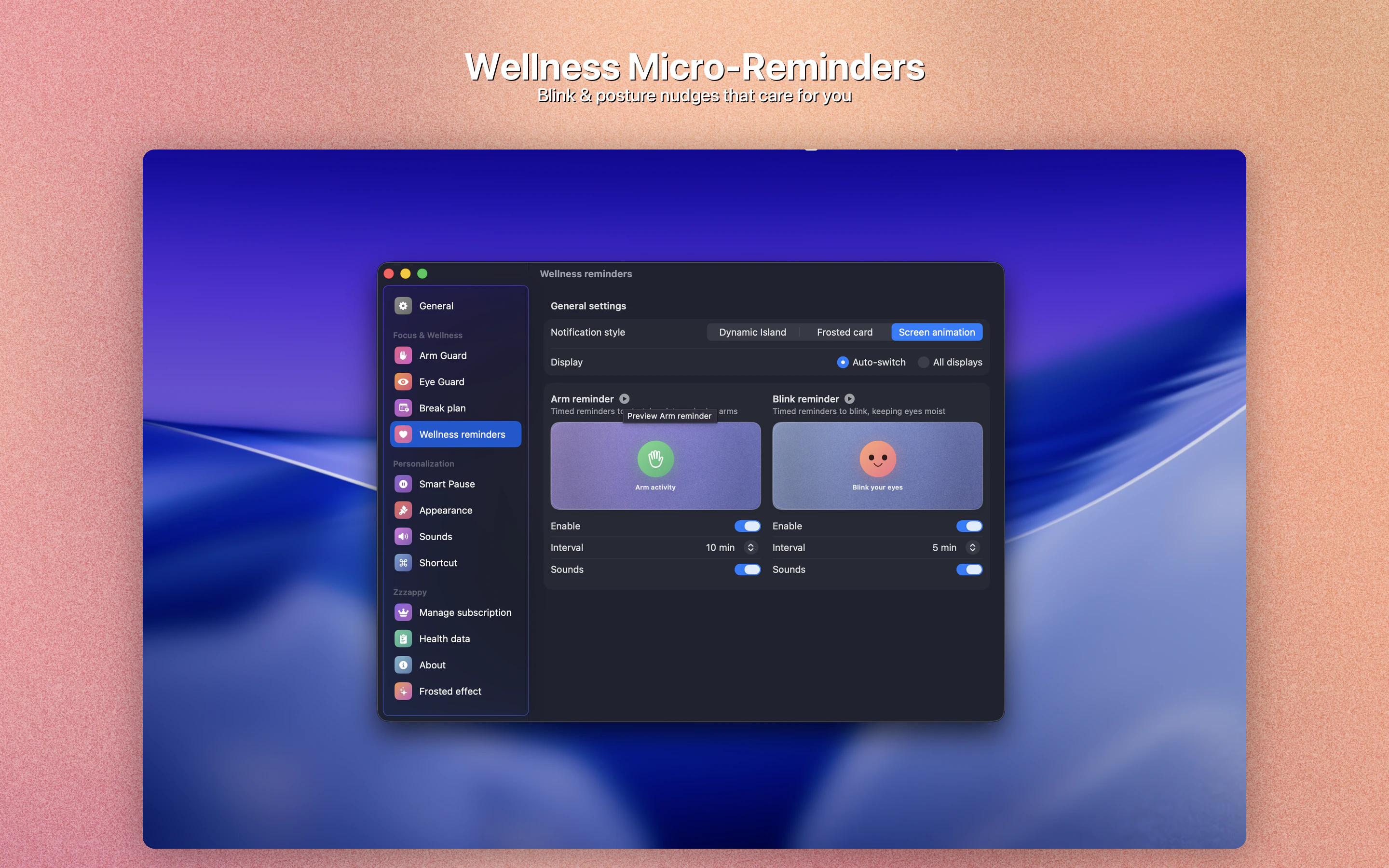
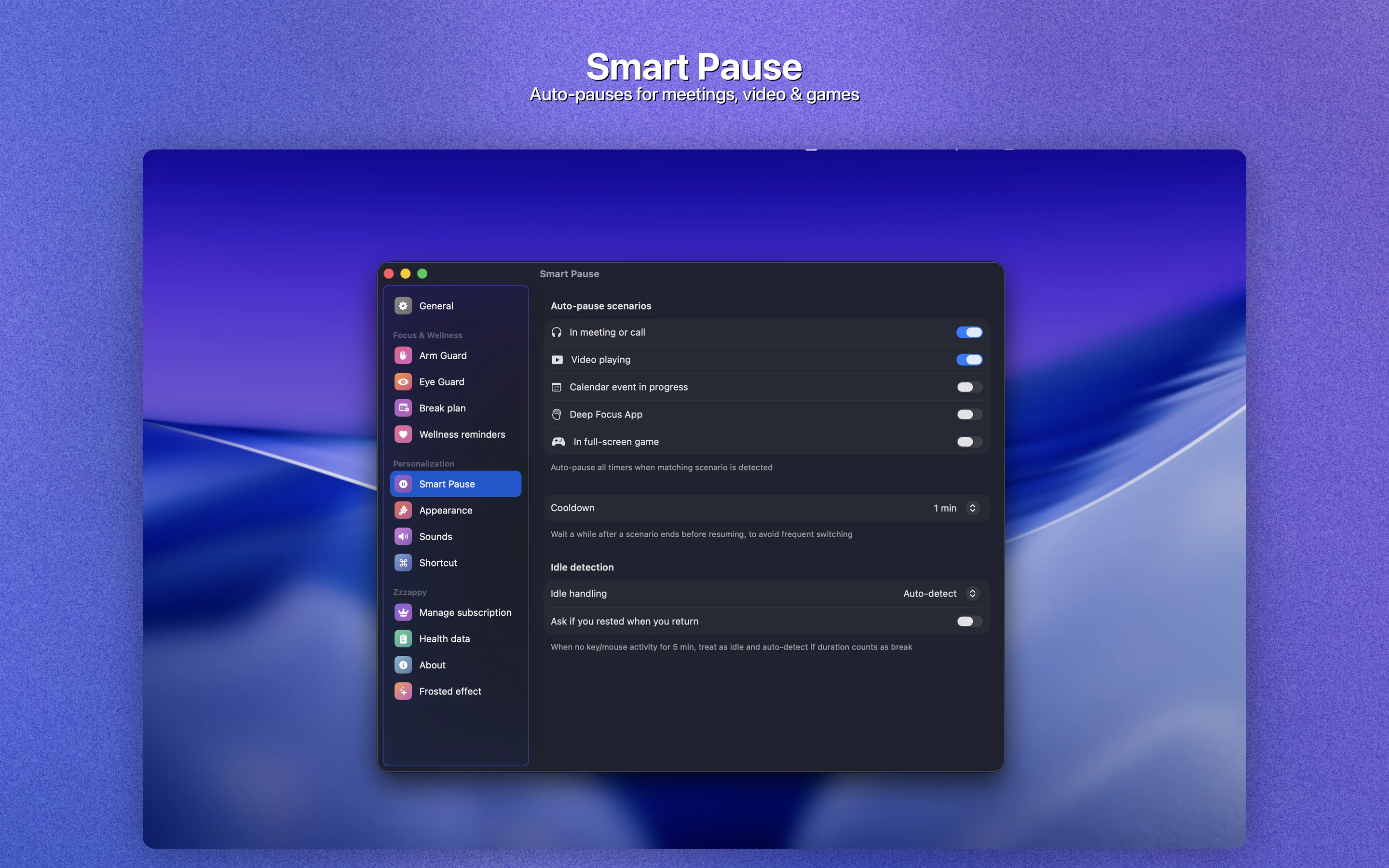
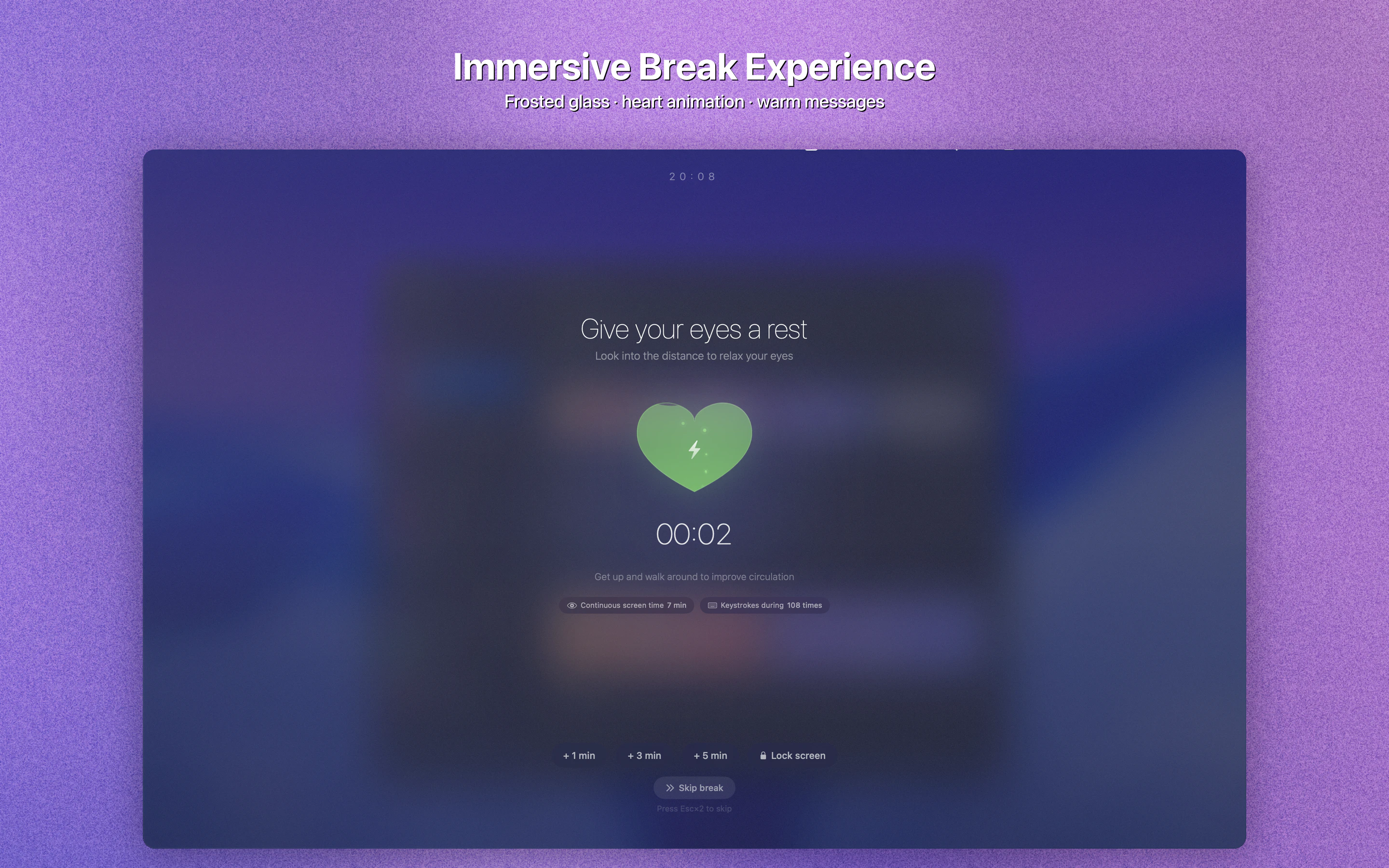
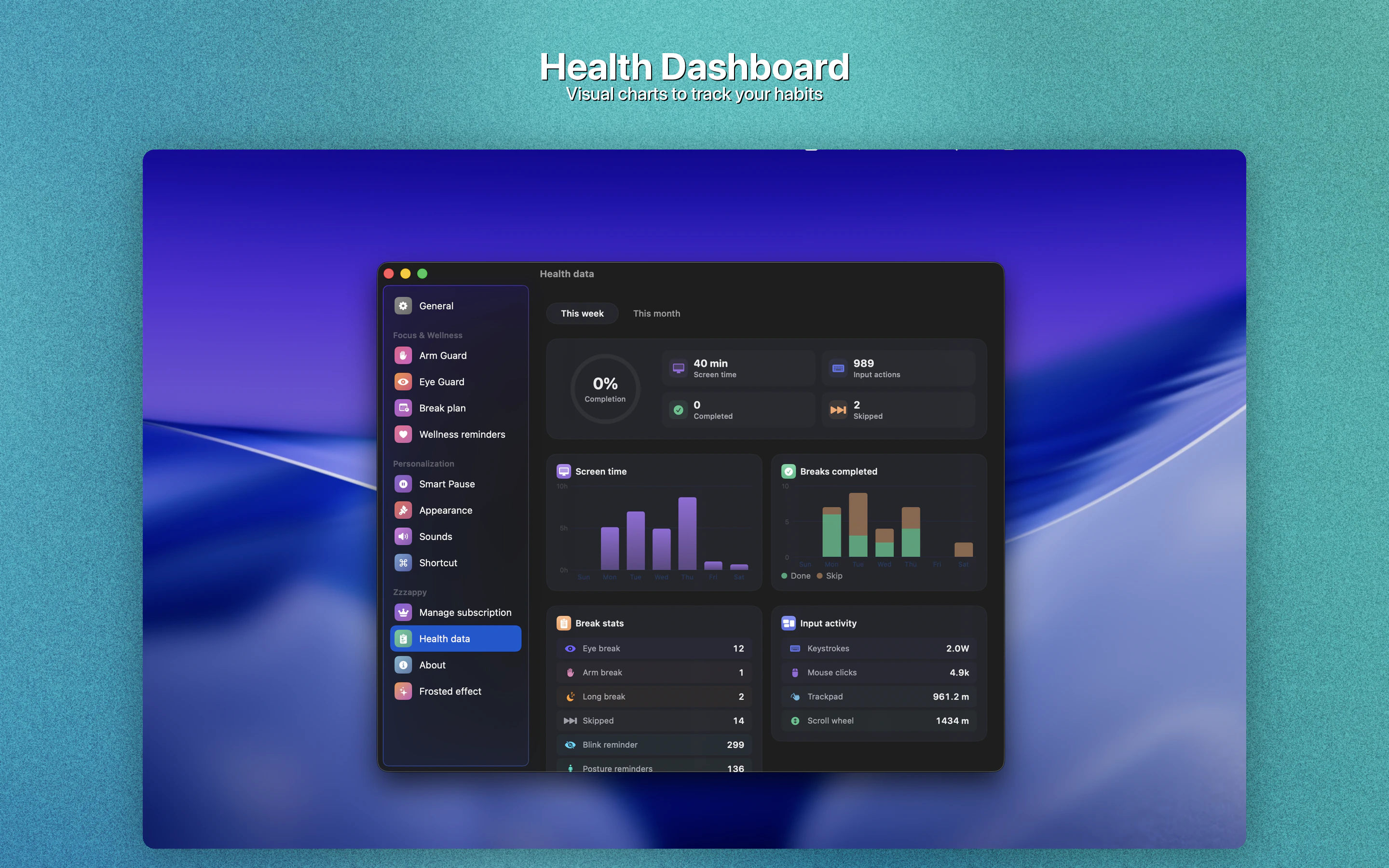
Zzzappy is a native macOS health guardian that monitors BOTH your screen time AND arm input load, scientifically scheduling breaks to protect your vision and prevent RSI (Repetitive Strain Injury). Eye Guard👉🏻20-20-20 rule with customizable intervals, pre-break reminders with snooze Arm Guard👉🏻Real-time monitoring of 5 input dimensions: keystrokes, mouse clicks, trackpad travel, scroll distance, and continuous use duration Smart Pause、Immersive Breaks、Health Dashboard、100% Offline and more
Hi Product Hunt! 👋 I'm Gen, an indie developer. I built Zzzappy because I was diagnosed with early-stage tendinitis AND dry eyes — both from coding 10+ hours a day. I looked for a tool that could remind me to rest my eyes AND monitor my arm/wrist strain. Nothing existed. Every break reminder app only tracks time, not your actual input load. So I built Zzzappy. It monitors 5 dimensions of keyboard/mouse/trackpad usage in real-time and calculates a fatigue score. When any metric hits your threshold, it reminds you to take a break. The smart pause feature was born from frustration — I hated getting break reminders during Zoom calls. Zzzappy detects meetings, videos, calendar events, and custom focus apps, and pauses automatically. One thing I'm proud of: the break experience. Instead of a boring gray screen, you get a beautiful frosted glass overlay with film grain and ambient lighting. It makes taking a break feel rewarding, not punishing.
3
回复

@new_user_68ea07a489 This is going to be really helpful, we do get notifications from the Monitors too nowadays so does it go beyond that?

0
回复

@new_user_68ea07a489 Congrats on the launch. Have you noticed any specific input patterns (like heavy trackpad swipes) that spike the fatigue score fastest for devs, and how customizable are those thresholds?

0
回复

This is awesome. I used to use a watch that would tell me when I needed to take breaks, but it wasn't for me. I currently use blue light blocking glasses, so this seems like another great health layer to add on.

0
回复

@jacob_musselman Thank you, really appreciate it. That’s exactly how we see it too — blue light glasses help one layer, and Zzzappy adds a behavior/load-based break layer on top. Hope it fits your routine better than watch-based reminders did.

0
回复

Congrats on the launch! Any plans to bring Zzzappy to Windows or is it staying Mac-only for now?

0
回复

@ermakovich_sergey Thank you! Right now we’re focused on making the macOS version as solid as possible. Windows is definitely on our radar, and we’ll share updates once we’re ready to commit to a timeline.

0
回复

Finally something that tracks actual input load instead of just a dumb timer. I code 8+ hours a day and my wrists only start hurting during heavy refactoring sessions, not when I'm reading docs. The frosted glass break screen is a nice touch too — way better than the ugly gray overlays other tools use.

0
回复

@letian_wang3 Thanks, that means a lot. That ‘refactoring hurts, docs reading doesn’t’ pattern is exactly what we built for — load-aware reminders instead of one-size-fits-all timers. Also glad you liked the frosted break screen; we wanted the interrupt to feel calm, not punishing.

0
回复

As someone who builds a focus timer app, I respect this. Most break reminders are just dumb countdowns that interrupt you mid-flow. The fact that you're tracking actual arm input load and not just time is smart. I always ignore the basic "take a break" popups, but if it knows I've been hammering the keyboard for 2 hours straight that's harder to dismiss. Does it detect idle time or just raw input volume?

0
回复

@thenomadcode Really appreciate this, especially from someone building focus tools. It tracks both active input load and idle gaps, so it’s not just raw volume over time. If you pause or step away, fatigue pressure drops instead of continuing like a dumb timer.

0
回复

Its feel like scam, copied Lookaway and even didn't buy domain for website. After purchase lifetime deal you will vanish?

0
回复

@mhmanik02 Fair concern, and thanks for saying it directly. We’re an indie product, and you’re right that we should have had a proper domain ready at launch — we’re fixing that. You can test Zzzappy with the free 3-day trial first, and the paid version is a one-time offline build (no account lock-in / no subscription dependency).

0
回复

RSI prevention is underrated - wrist issues took out a few engineers on my team for weeks, costs more in lost output than any break schedule ever would. Curious how the timing works: is it adaptive based on input intensity, or fixed 20-20-20 style intervals?

0
回复

@mykola_kondratiuk Thank you — and totally agree, RSI prevention is often treated too late. Zzzappy uses adaptive timing based on real keyboard/mouse/trackpad load, so it’s not just a fixed 20-20-20 countdown. Heavy input ramps reminders sooner, while lighter work spaces them out more.

0
回复

This should be also for smartphones (which is even worse case, because people have smaller screen to focus on + they hunch over)

0
回复

@busmark_w_nika Great point — smartphone ergonomics can be even worse because of small screens and neck posture. We’re currently focused on desktop input strain, but mobile support (or a companion reminder layer) is absolutely on our radar.

0
回复

Oh man the arm input tracking is such a smart angle. Every break reminder I've tried just does a dumb timer, like yeah cool thanks for interrupting me mid flow for no reason lol.

The fatigue score based on actual keyboard/mouse usage is way more useful. Does it learn your patterns over time? Like if I tend to death grip my mouse during crunch weeks does it adjust thresholds?

0
回复

@mihir_kanzariya Thank you, that’s exactly the problem we wanted to solve. Right now it uses your ongoing keyboard/mouse/trackpad load and fatigue trend to make reminders more context-aware than fixed timers. Automatic long-term threshold learning is on our roadmap, and we’re actively improving this so it can better adapt to periods like crunch weeks.

0
回复

Congrats on the launch! The arm input load monitoring is the part most tools miss entirely, screen time is easy to track but RSI builds up in ways you don't notice until it's already a problem.

Curious whether it adapts break frequency based on the type of work, heavy typing vs mostly reading, feels like it should trigger differently.

0
回复

@andreitudor14 Thanks a lot, and great question. Yes, Zzzappy is designed to trigger based on real input load, not just screen time, so heavy typing/mouse use raises fatigue faster than mostly reading/idle time. We’re also working on deeper personalization so break timing can adapt even more to individual work patterns.

0
回复

The features are great.

0
回复

@hynson Thanks so much, really appreciate it. If there’s one feature you’d like us to improve next, I’d love to hear it

0
回复
#5
ClawMetry for NVIDIA NemoClaw
Know what's happening inside your NemoClaw sandboxes
198
一句话介绍:一款为NVIDIA NemoClaw AI代理沙箱提供全栈可观测性的工具,通过在主机执行一条命令,即可实时洞察沙箱内代理的“思维”过程、工具调用和成本,解决了开发者在运行多个AI代理时因缺乏透明度和成本监控而产生的焦虑与失控问题。
Open Source Developer Tools Artificial Intelligence
AI可观测性 AI代理监控 沙箱安全 运维可视化 成本管理 开源工具 端到端加密 实时监控 开发者工具 NVIDIA生态
用户评论摘要:用户高度认可其解决的核心痛点(代理行为不透明、成本不可控),赞赏E2E加密和开源模式。主要建议包括:增加异常行为/健康度告警功能、开发“运行对比”功能以优化工作流、询问多沙箱实时可视化性能及策略漂移检测的具体实现方式。
AI 锐评

ClawMetry 精准地刺中了AI代理部署从“玩具”走向“生产”过程中最脆弱的神经:信任赤字。当AI代理开始处理代码、部署等关键任务时,其内部决策过程如同一个黑箱,开发者面临的不仅是“它是否在运行”的基础问题,更是“它为何做出这个决策”、“它是否在安全边界内”、“我的预算烧在了哪里”的深层焦虑。

产品聪明地选择了NVIDIA NemoClaw这一日益重要的沙箱环境作为切入点,将自身定位为“安全之上的透明层”。其价值核心并非简单的日志聚合,而是将抽象、连续的Agent“思维流”转化为可观察、可审计、可计量的对象。实时“大脑活动”可视化和逐会话Token成本追踪,直接回应了用户对“可控性”和“可预测性”的迫切需求。开源(MIT)与端到端加密的设计组合拳,更是击中了企业级用户对数据主权和安全性的敏感点,降低了采纳门槛。

然而,其真正的挑战与潜力并存。当前它更像一个高级“诊断仪”,但用户评论中透露的“健康告警”、“策略漂移检测”、“运行对比”等需求,指向了下一个阶段:从“观测”走向“治理”与“优化”。能否从记录异常演进到预测并干预异常,从展示成本深化为提供成本优化建议,将是其从优秀工具升级为不可或缺平台的关键。每月5美元/沙箱的云同步定价,也预示着其商业化的重心将落在协同与管控层面,而非单机功能。在AI代理运维这个新兴战场,ClawMetry已占据了一个有利的观测哨,但能否构筑起完整的防御与指挥体系,仍需拭目以待。

查看原始信息
ClawMetry for NVIDIA NemoClaw
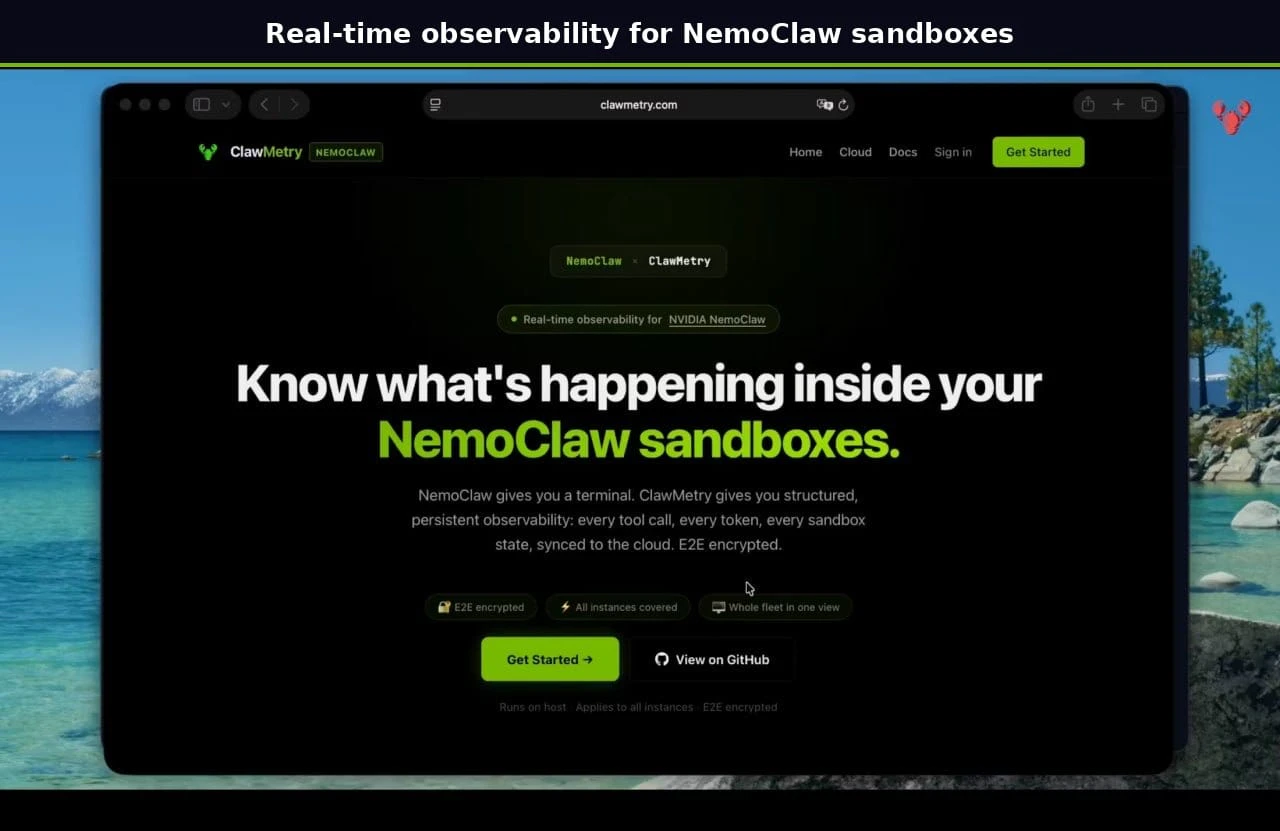
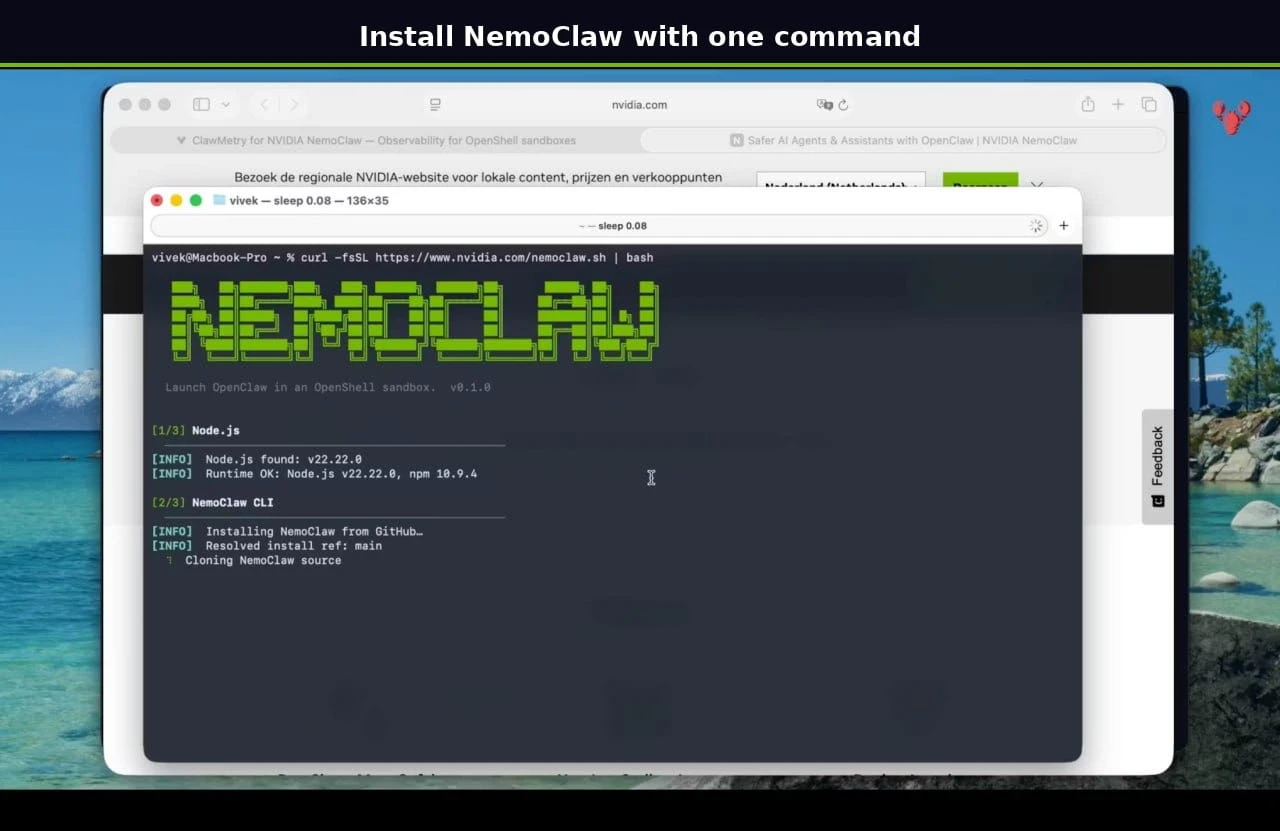
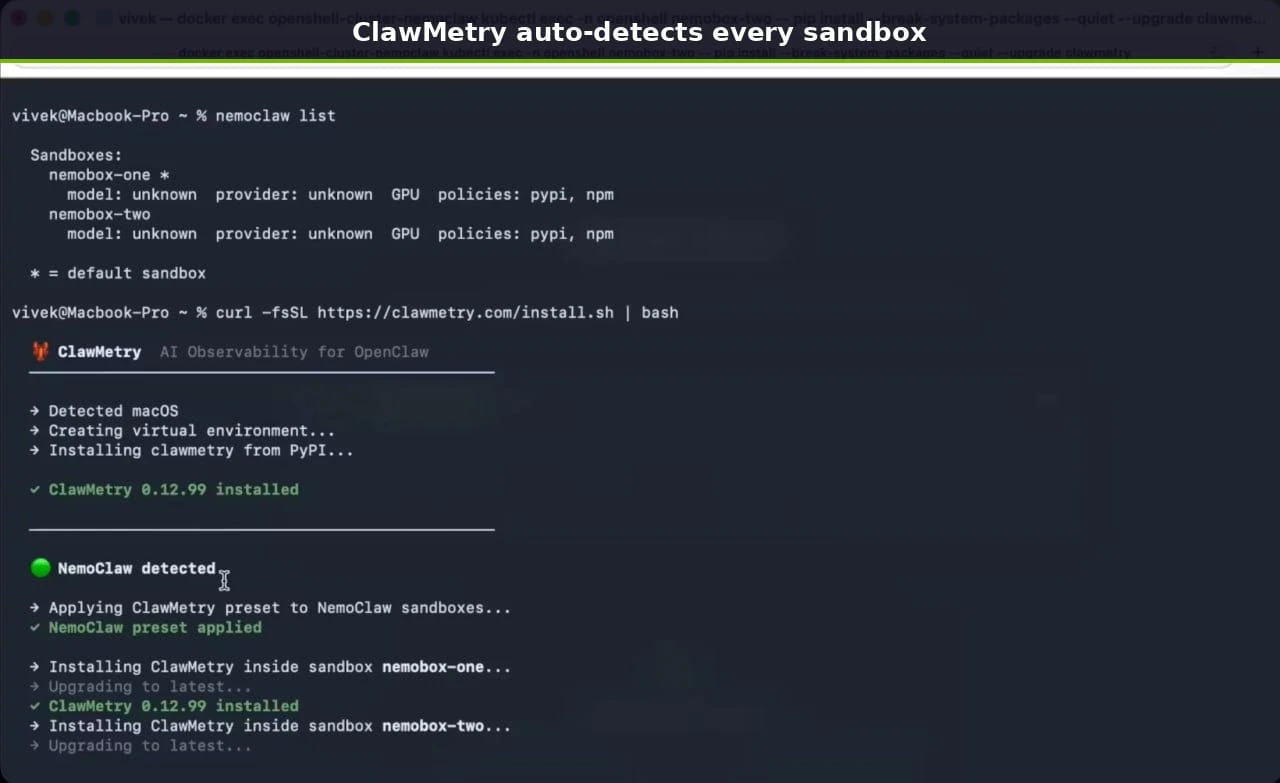
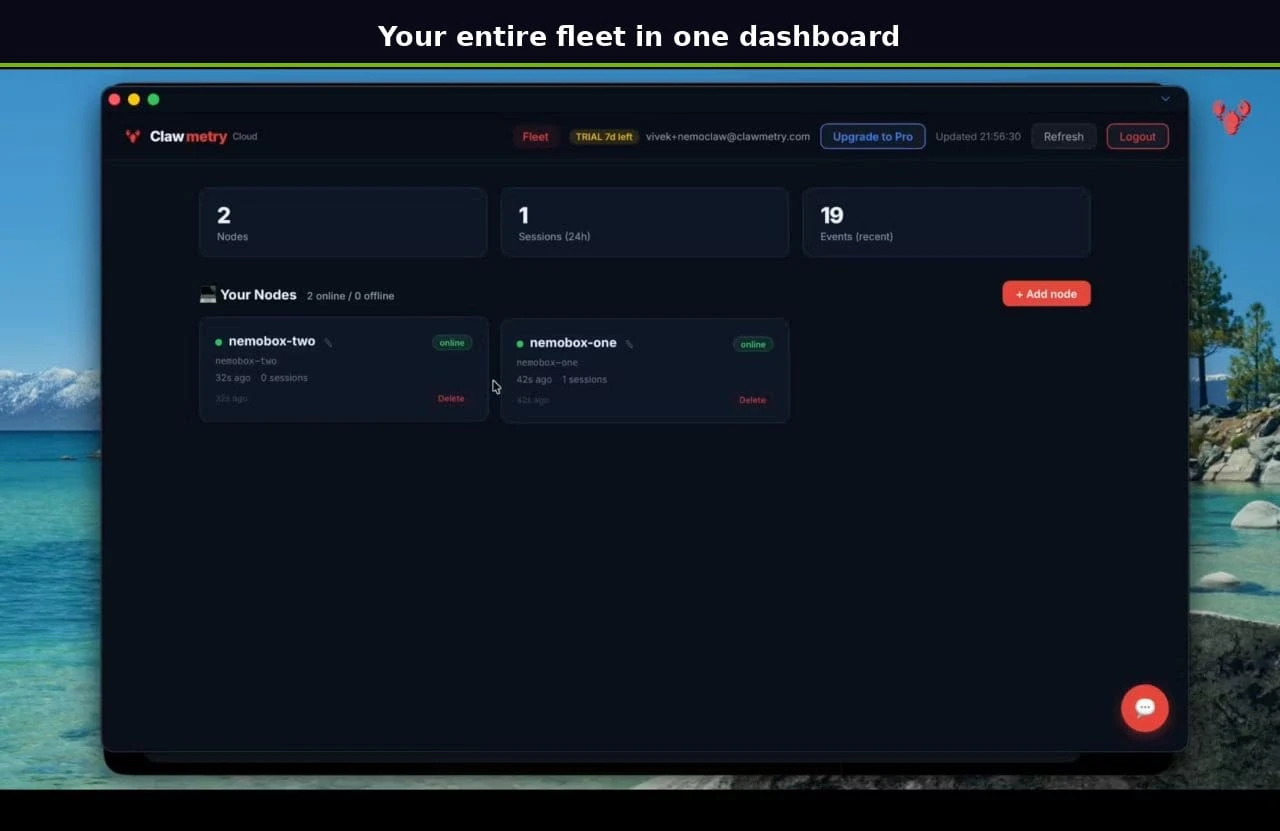
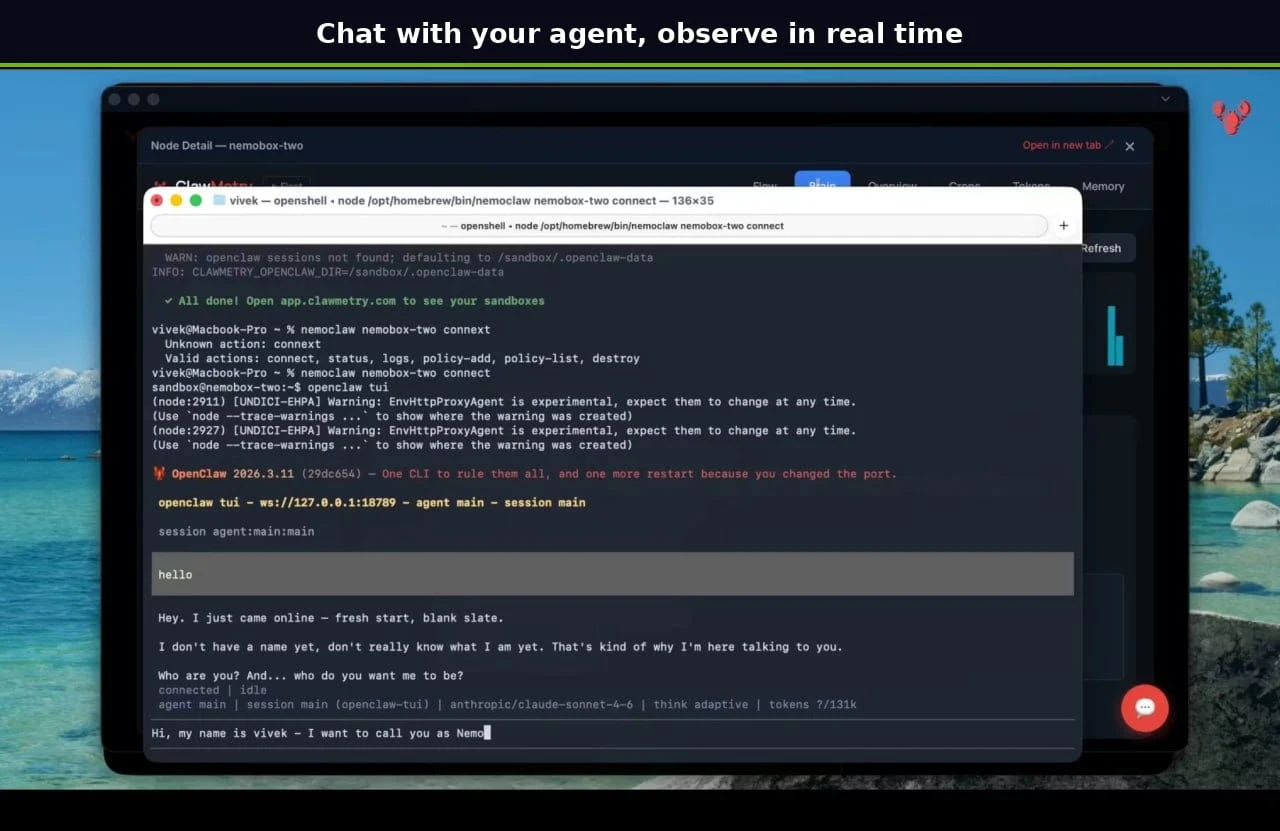
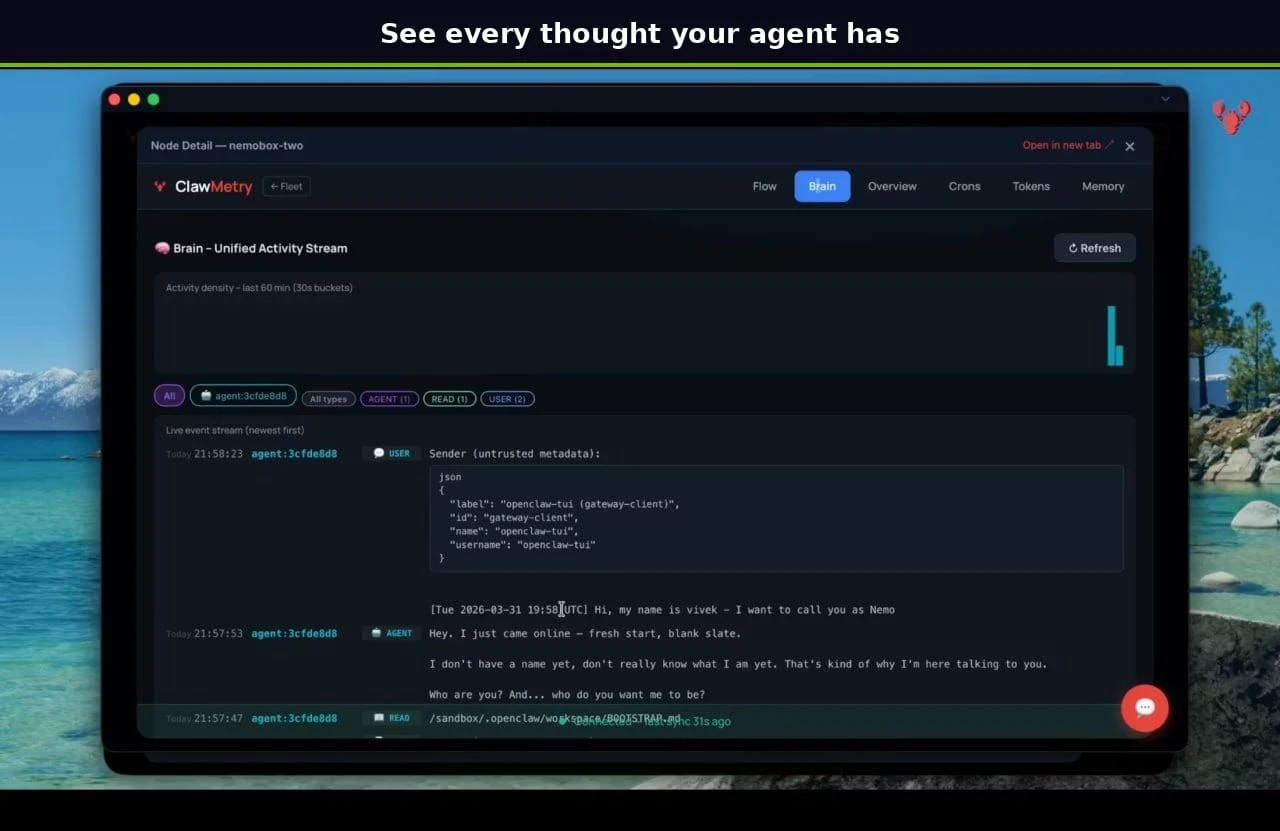
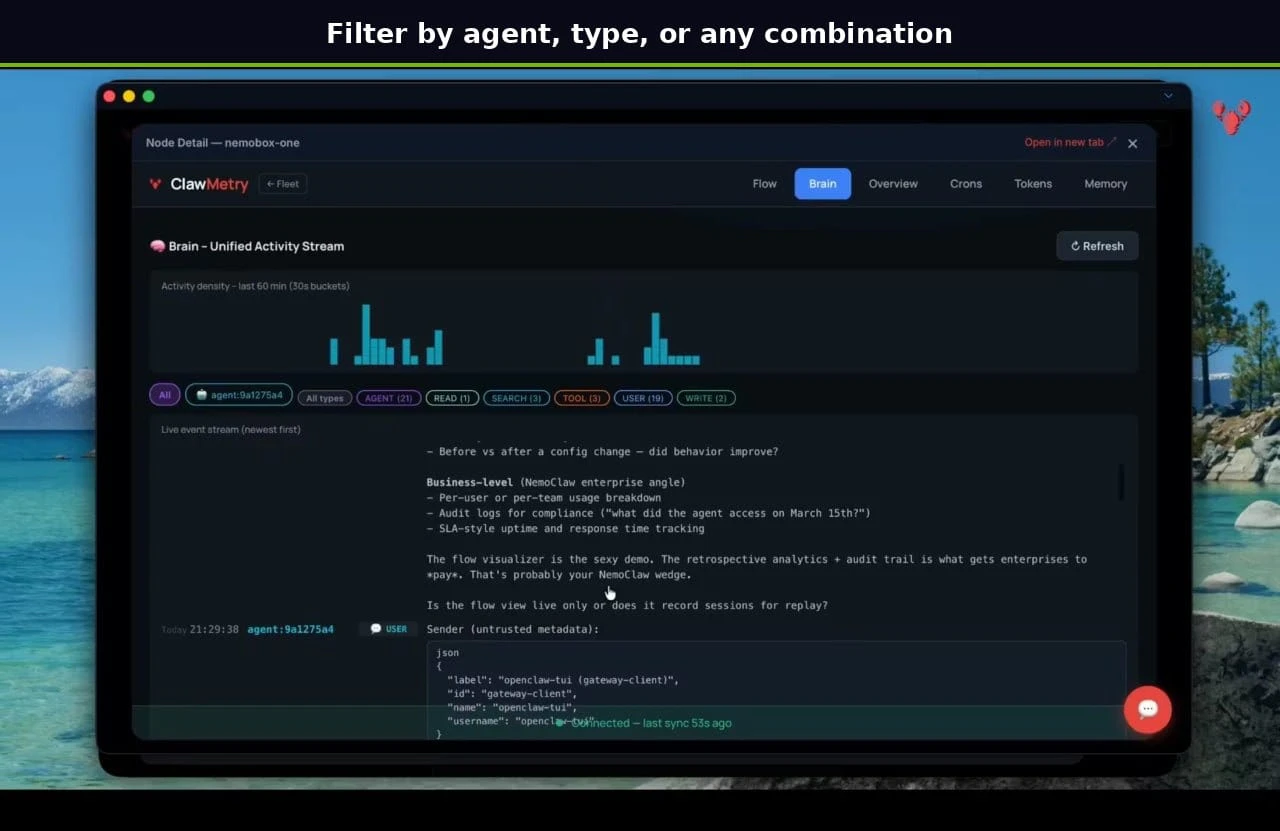
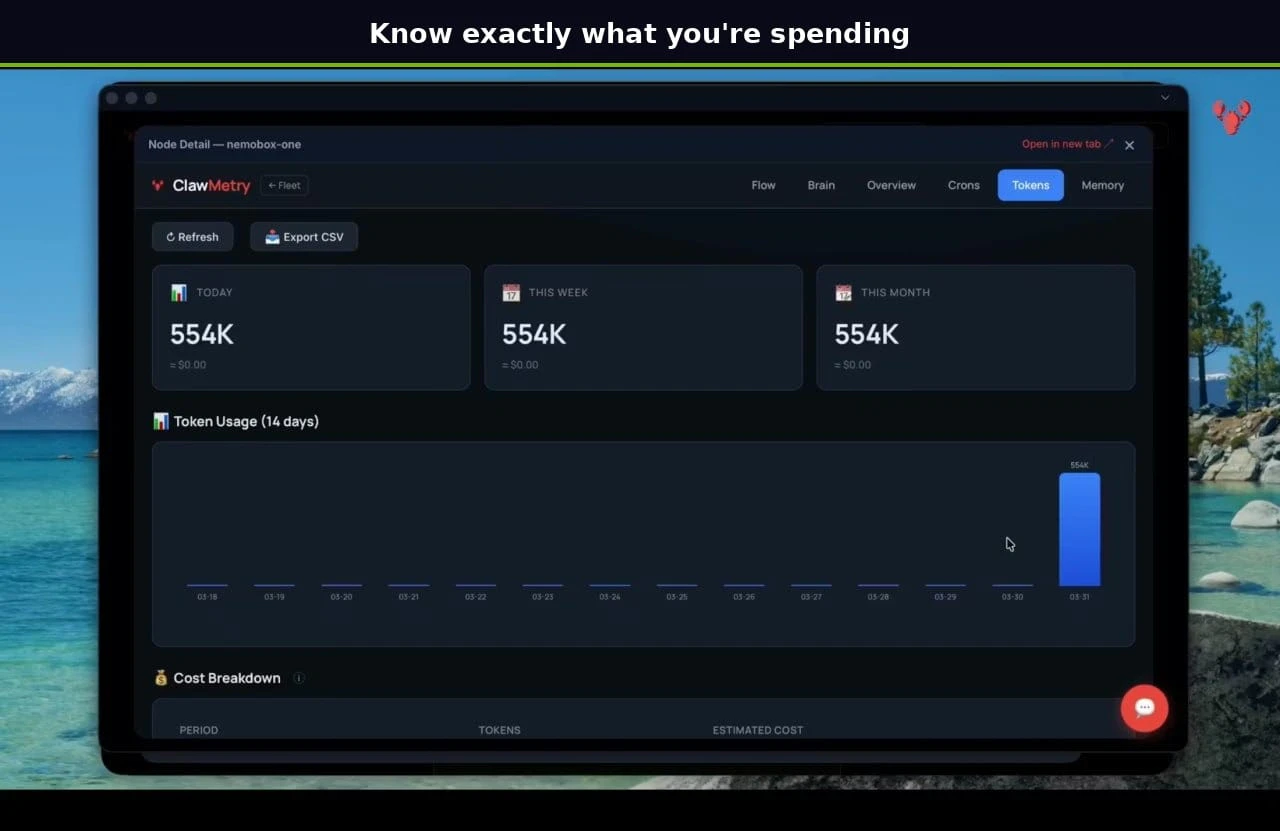
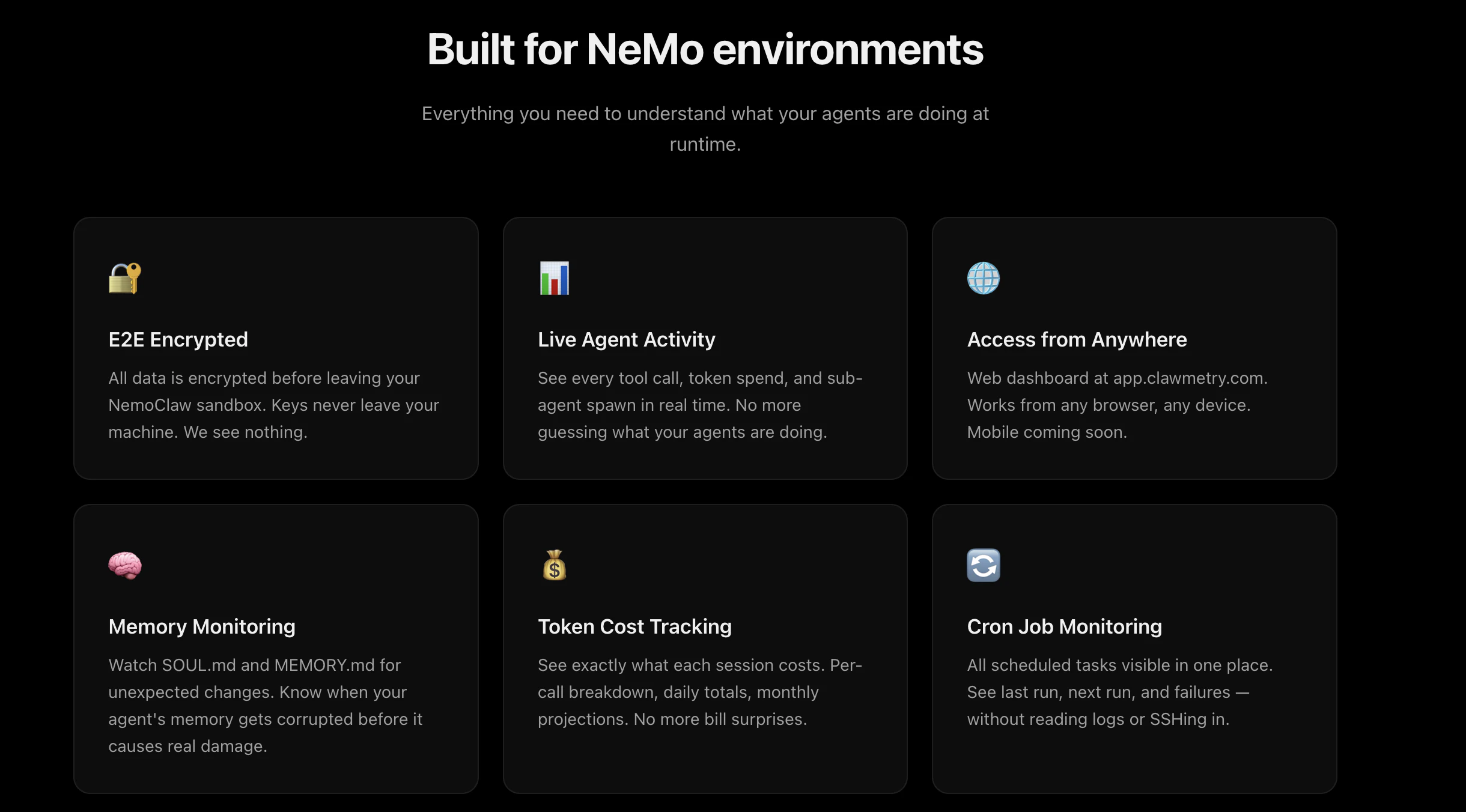
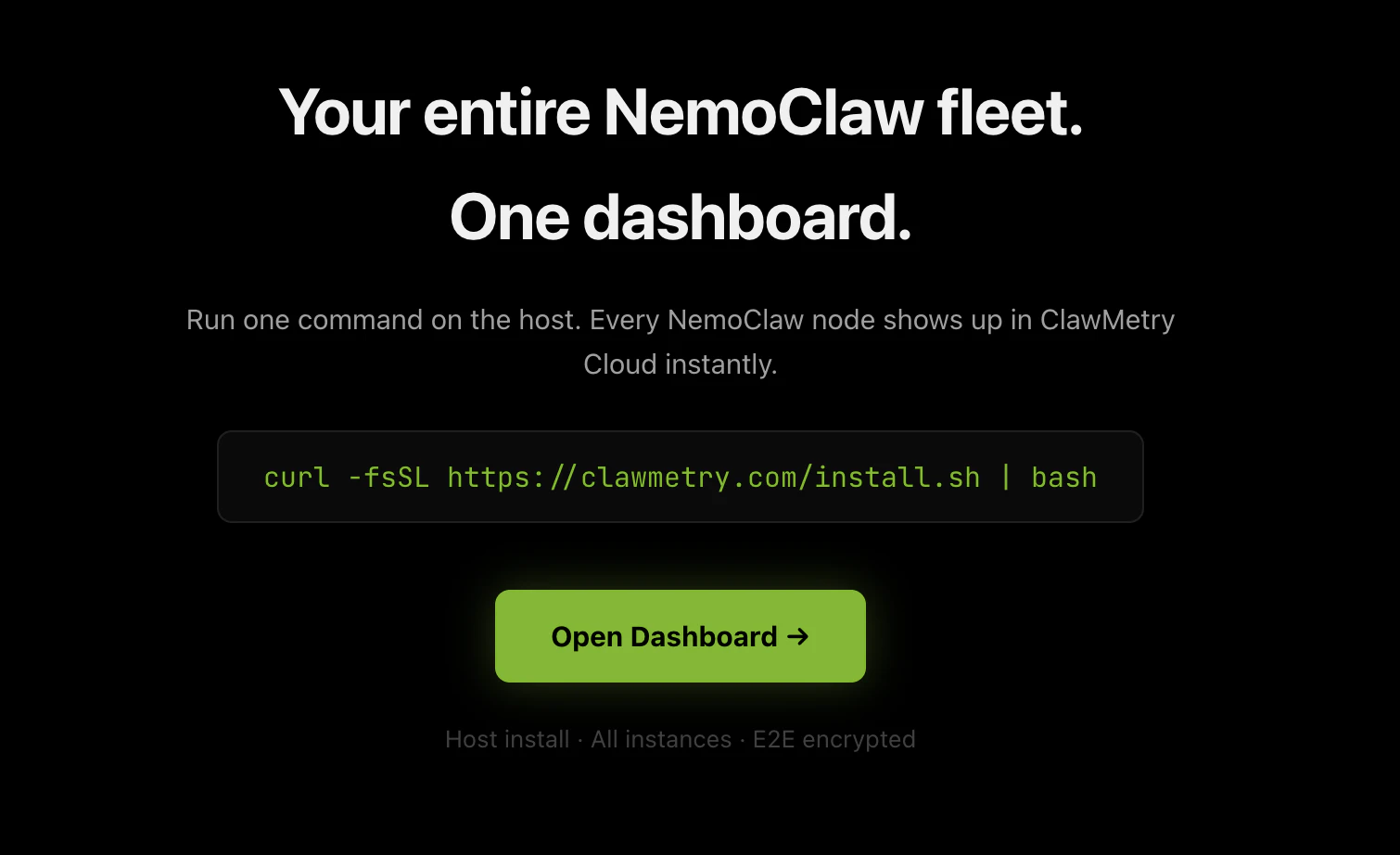
Full observability inside NVIDIA NemoClaw sandboxes. One command on the host, every sandbox gets covered. See every thought, tool call, and token cost in real time. Brain activity, flow visualization, memory monitoring. All E2E encrypted. 95K+ installs. 100+ countries. Open source (MIT). Cloud sync: $5/sandbox/month.

Hey Product Hunt! 👋

I'm Vivek, and I built ClawMetry because I got tired of not knowing what my AI agents were doing.

I run several OpenClaw agents. They handle code, research, deployment, scheduling. But every time one took 10 minutes on a task, I had no idea: is it stuck? Did it hallucinate? Is it burning through tokens?

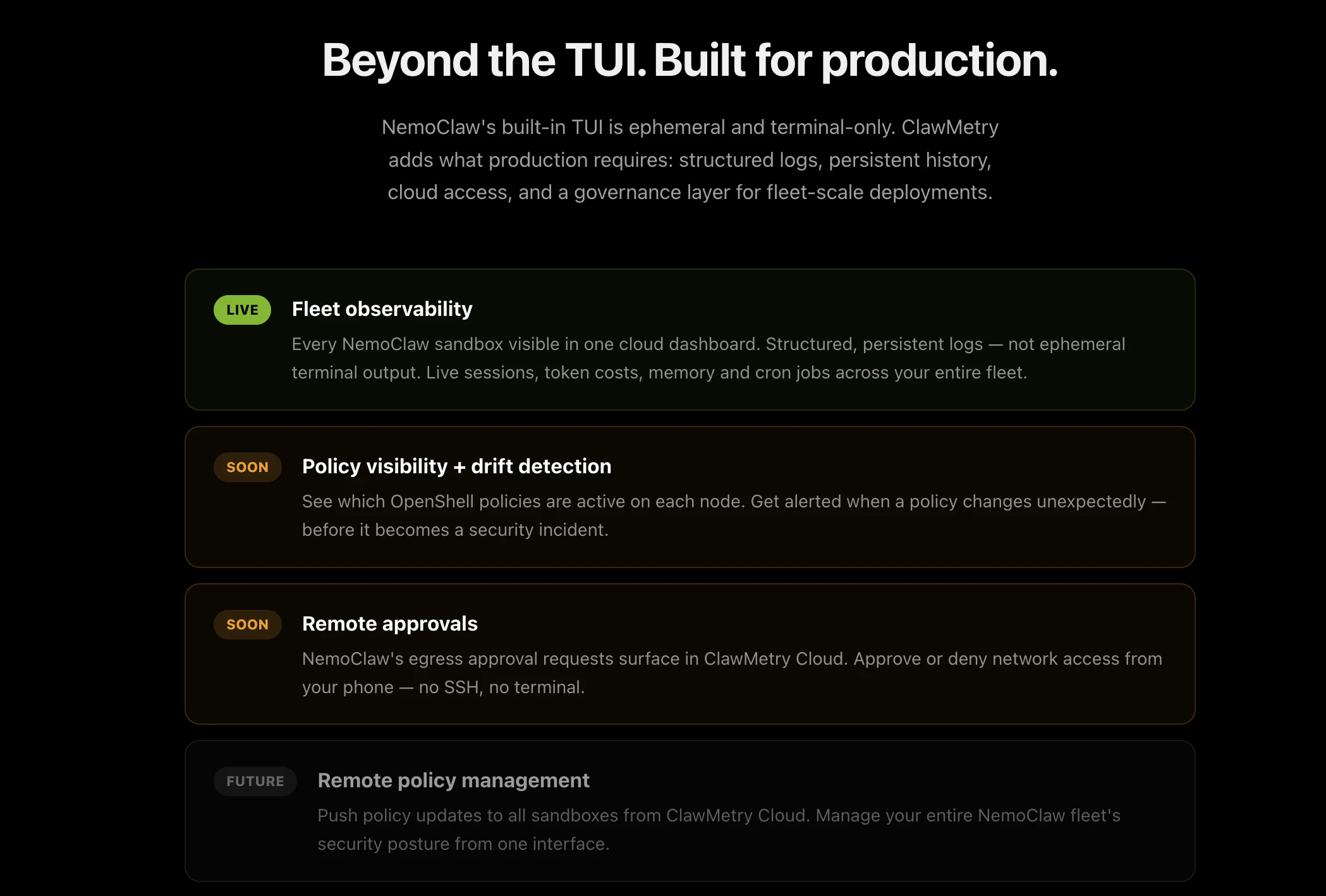
NemoClaw (NVIDIA's AI agent sandbox) made running agents safer. But the built-in TUI is ephemeral and terminal-only. You can't see what happened yesterday. You can't watch 10 sandboxes from your phone. You can't track costs across your fleet.

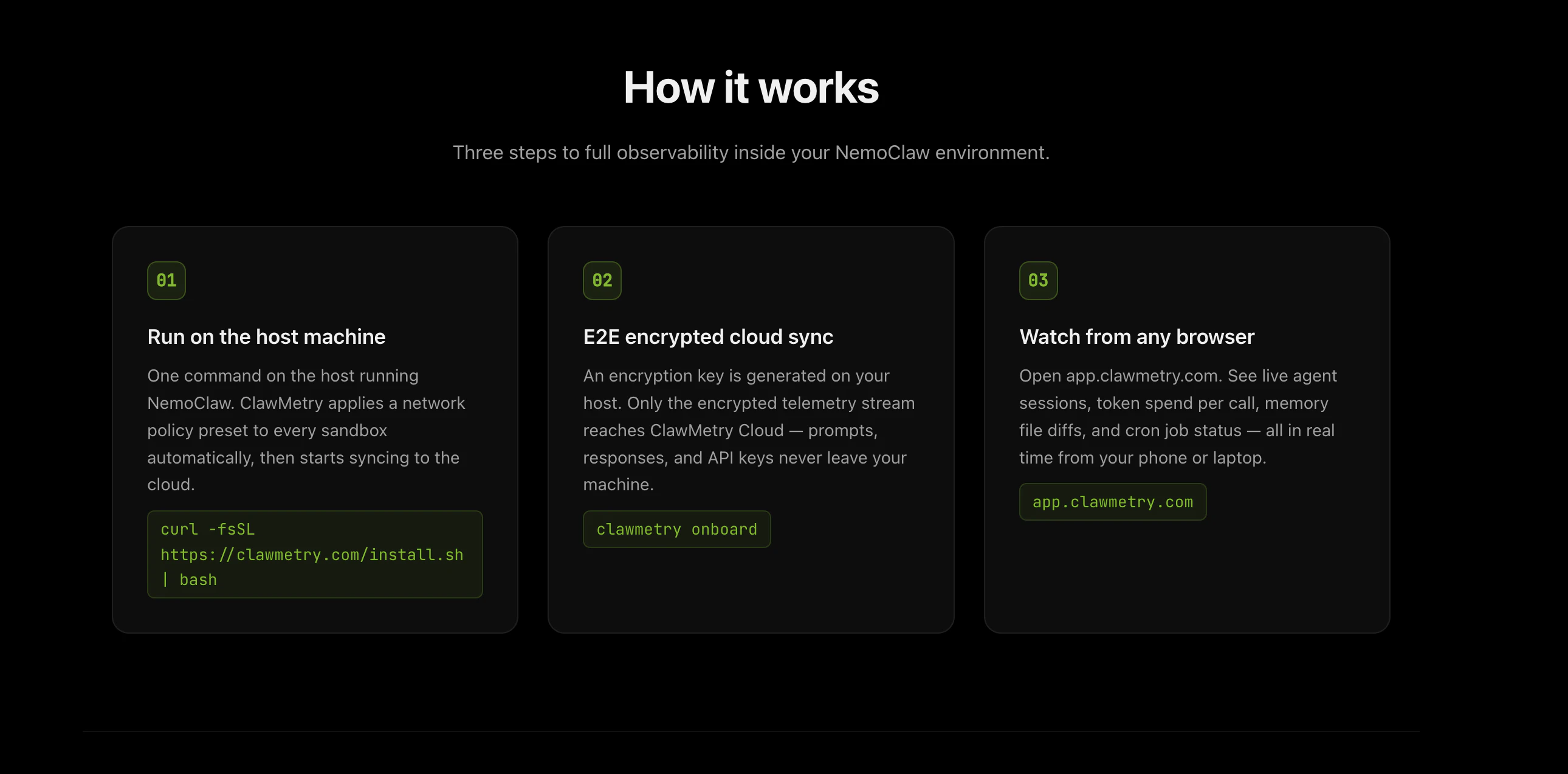
So I built ClawMetry for NemoClaw. One command on the host, and every sandbox gets full observability:

🧠 Brain tab: every thought, tool call, and decision in real time
📊 Token tracking: per call, per session, no surprises
🔐 E2E encrypted: keys never leave your machine
🌐 Cloud dashboard: monitor everything from any browser

It's open source (MIT), free for local use, and took about two months of obsessive building.

With your love and support, ClawMetry has been downloaded 95,000+ times across 100+ countries. This NemoClaw integration is the next step.


What's coming next:

• Policy drift detection (get alerted when sandbox policies change)
• Remote egress approvals from your phone
• Fleet-wide policy management

Cloud sync is $5/sandbox/month. Local dashboard is free forever.

Would love your feedback. Happy to answer any questions!

🔗 https://clawmetry.com/nemoclaw

85
回复

Token tracking per session is exactly what I've been wanting. Running multiple sandboxes and having zero visibility into which ones are burning through credits is so frustrating.

The E2E encryption part is a nice touch too. Most monitoring tools want you to ship all your data to their cloud which is a nonstarter for anything sensitive. Open source MIT makes it easy to just try it without committing.

3
回复

@vivek_chandI've been running a few AI agents myself , and seriously , most of the time I have no idea what's happening when one hangs or takes too long 😅.

The token tracking + history feature is a lifesaver ... I did not realize how unpredictable costs could get until I started monitoring them.

One idea I'd love to see: a quick health alert .. when an agent behaves differently than usual. Even a small

notification would save a lot of time checking manually.

45
回复

@vivek_chand Rest of everything is working good , I really like it's every feature but a feature I'd love to see a "compare runs" option .

So you can quickly see how two sessions of the same agent performed side by side , It would make spotting regressions or inefficiencies way faster and help optimize agent workflows .

1
回复

Congarts to the launch.

3
回复

@vivek_chand The E2E encryption approach is smart since most monitoring tools force you to ship sensitive agent data to their servers. Quick question though, how does the real-time visualization perform when you're monitoring multiple sandboxes simultaneously?

1
回复

The real-time flow visualization sounds like exactly what I needed when debugging agent chains that would mysteriously stall for minutes at a time. :D

1
回复

Congrats on shipping @vivek_chand! I'm curious about the policy drift detection feature you mentioned, how would that work in practice when sandboxes update their own policies?

1
回复

Quick question about the token tracking per session feature, does it break down costs by specific tool calls or just aggregate session totals?

0
回复

This reminds me of debugging microservices but for AI agents. Makes me curious, how the real-time flow visualization handles really chatty agents that make tons of tool calls..

0
回复
#6
Remodex
Control Codex on your iPhone
162
一句话介绍:一款开源的iOS应用,让用户能在iPhone上远程控制运行在Mac端的Codex AI助手,解决了用户离开办公桌后仍需操作Mac上AI工作流的痛点。
iOS Open Source Developer Tools GitHub
远程控制 AI助手客户端 开源 iOS应用 端到端加密 开发者工具 工作流扩展 自托管
用户评论摘要:用户普遍赞赏其概念和简洁性。有效反馈集中在技术细节:询问在弱网下的稳定性、自托管中继服务器的实际复杂度,以及是否有Android版本计划。开发者回复自托管无需Docker,通过Tailscale即可简化。
AI 锐评

Remodex的本质,并非一个简单的远程控制应用,而是一个试图将桌面级AI智能体工作流“移动化”和“场景化”的管道。它的核心价值在于识别并填补了AI原生工作方式中的一个关键缝隙:当Codex这类深度集成开发环境、需要调用本地权限和复杂技能栈的AI助手被束缚在Mac端时,用户的物理移动性便与AI的生产力脱钩。

产品技术栈的选择(开源、端到端加密、可自托管的中继)精准地命中了目标用户——重度Codex使用者和开发者——的敏感点:安全、可控、无厂商锁定。这与其说是功能,不如说是获取早期技术采纳者信任的准入策略。评论中关于自托管复杂度的探讨恰恰印证了这一点,而开发者“无需Docker,仅需Tailscale”的回应,则是在降低准入门槛与坚持“全控制”理念间的巧妙平衡。

然而,其面临的深层挑战同样清晰。首先,它严重依赖并受制于Codex自身的发展生态,命运与第三方深度绑定。其次,当前方案更像一个“视频流”式的远程桌面优化版,而非为移动交互从头设计的原生体验。在弱网环境下的延迟问题(已被用户提及)将是体验的阿喀琉斯之踵。最后,“在手机上完成复杂操作”的需求本身是否是一个广泛存在的刚需,还是仅限于少数极客的“痒点”,仍需市场验证。它精彩地解决了一个“狭窄但深刻”的问题,但其天花板也清晰可见。

查看原始信息
Remodex
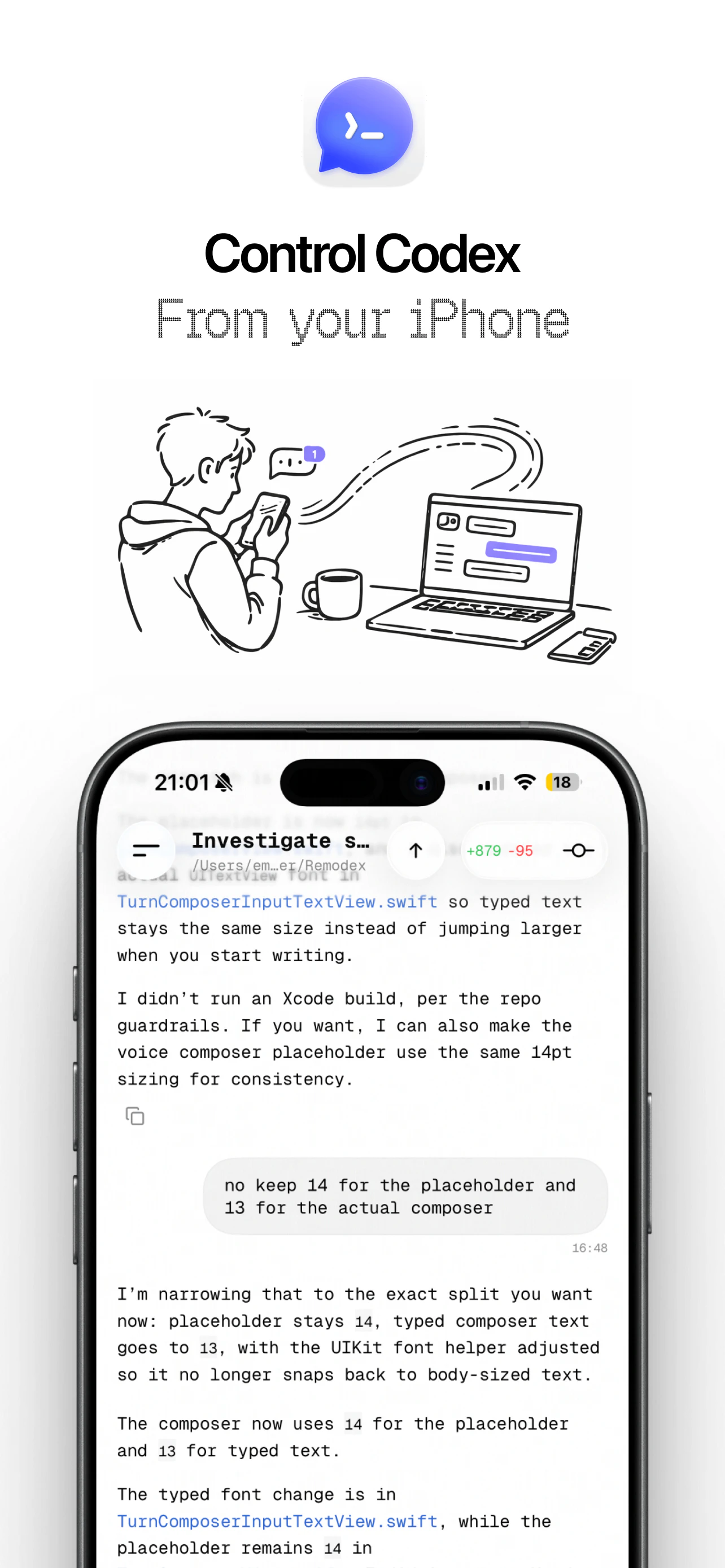
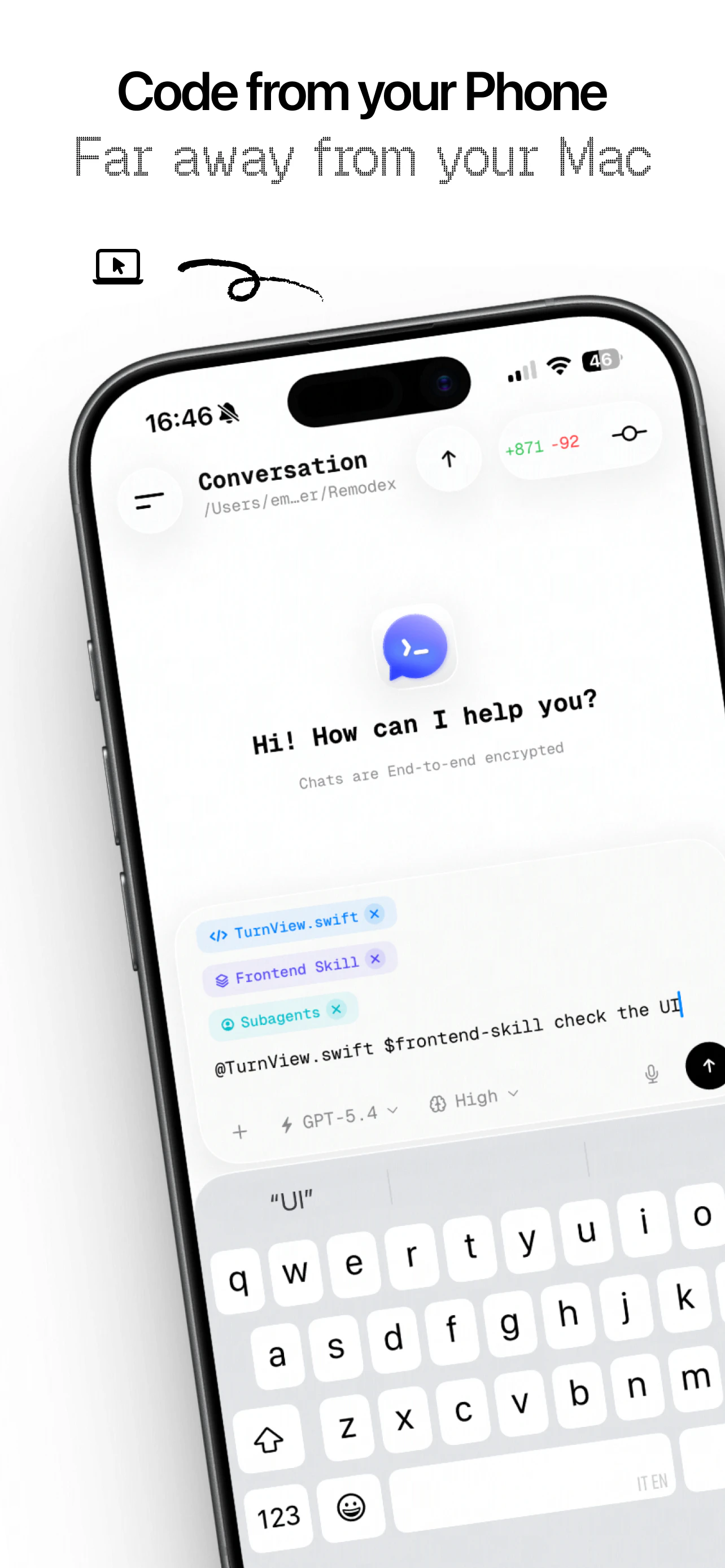
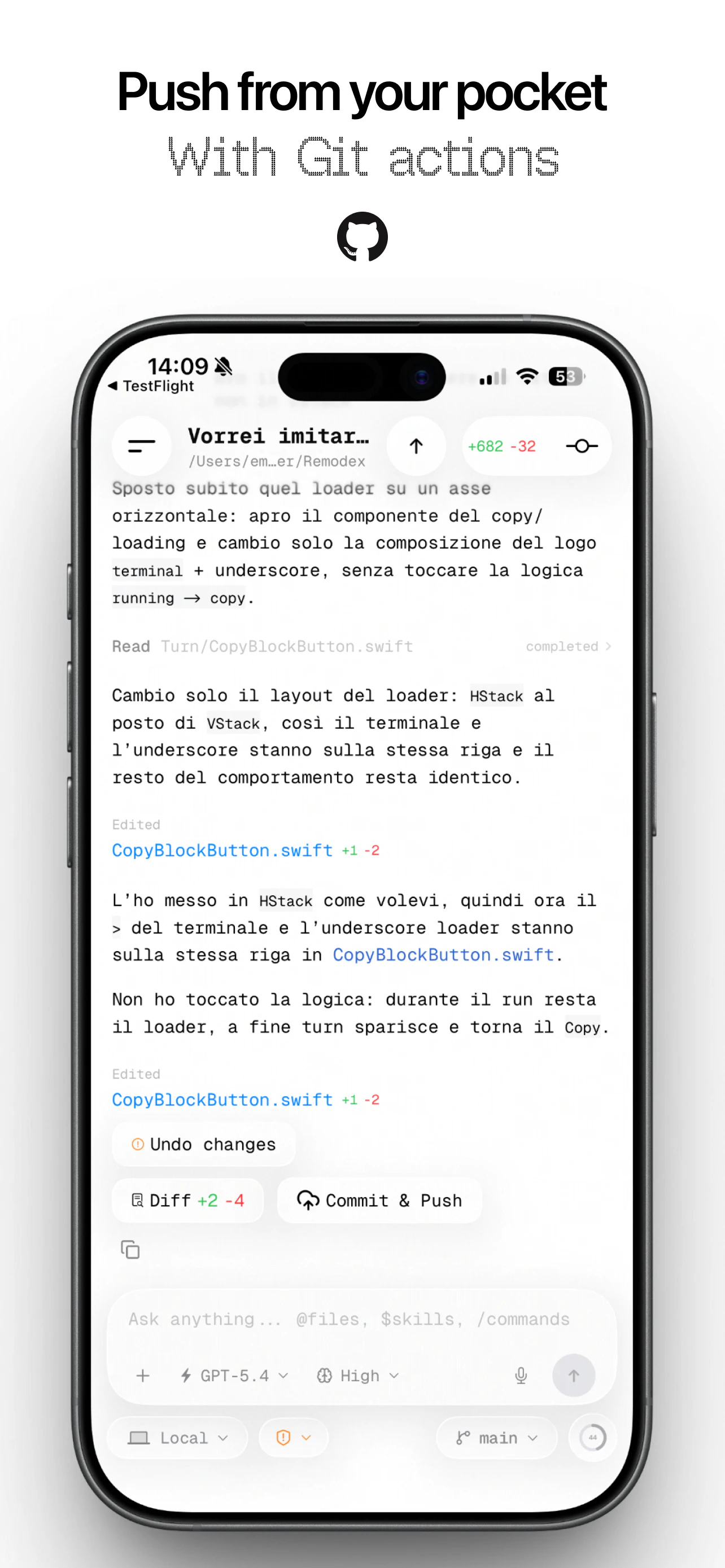
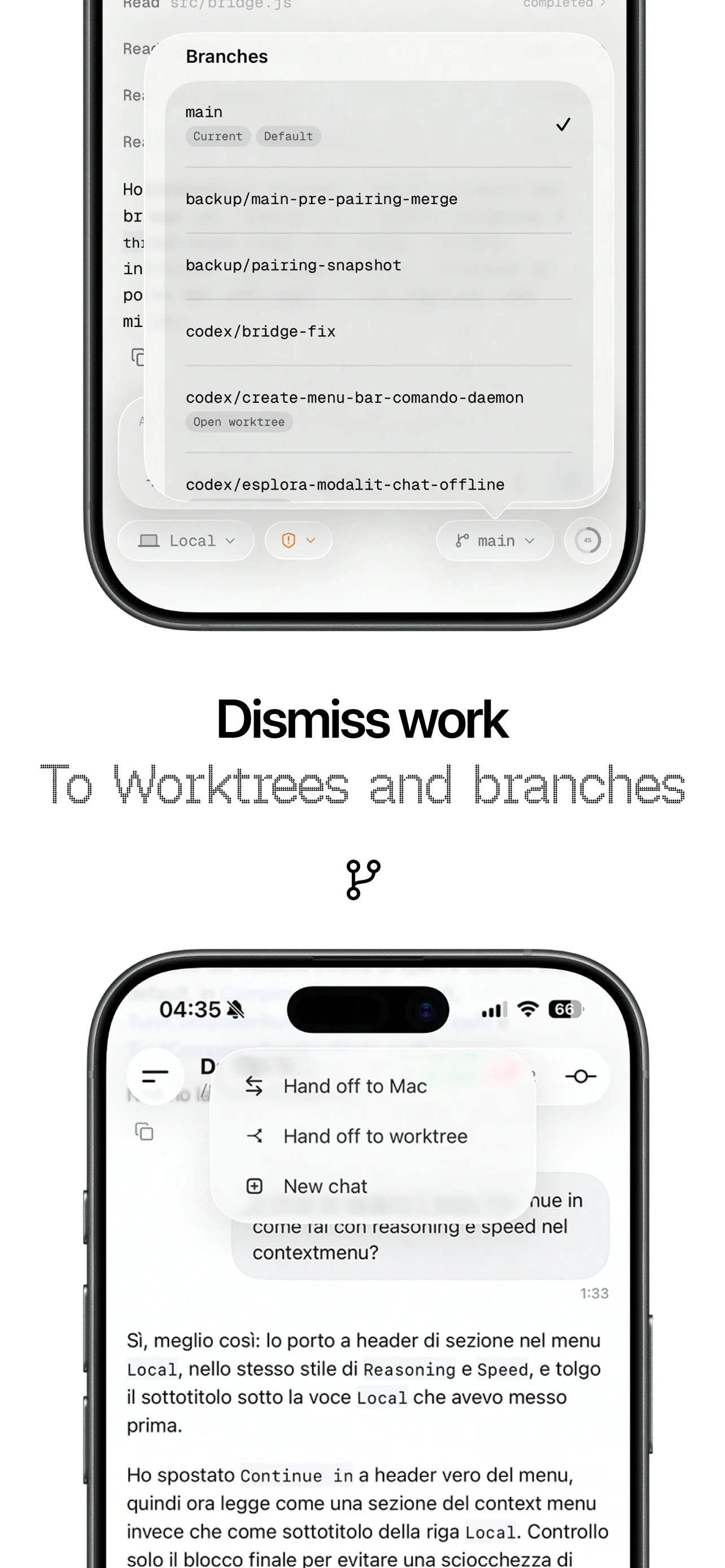
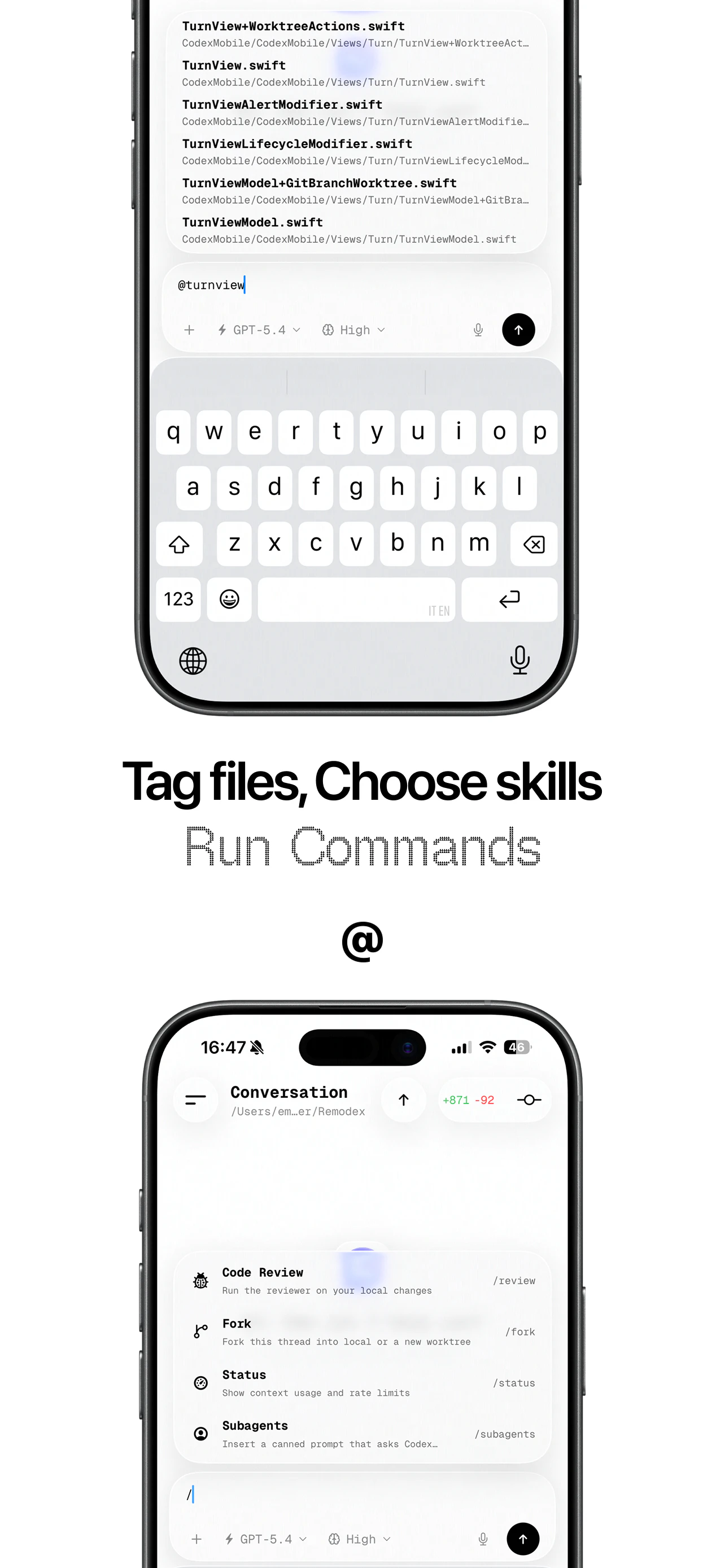
Remodex is an open-source iOS app that remotely controls Codex running on your Mac. From your iPhone: create threads, run subagents, push git commits, use skills and /commands and more Codex stays on your Mac. End-to-end encrypted, the relay never sees your prompts. Pair once with a QR code, reconnects automatically. Open source. Self-host the relay if you want full control.
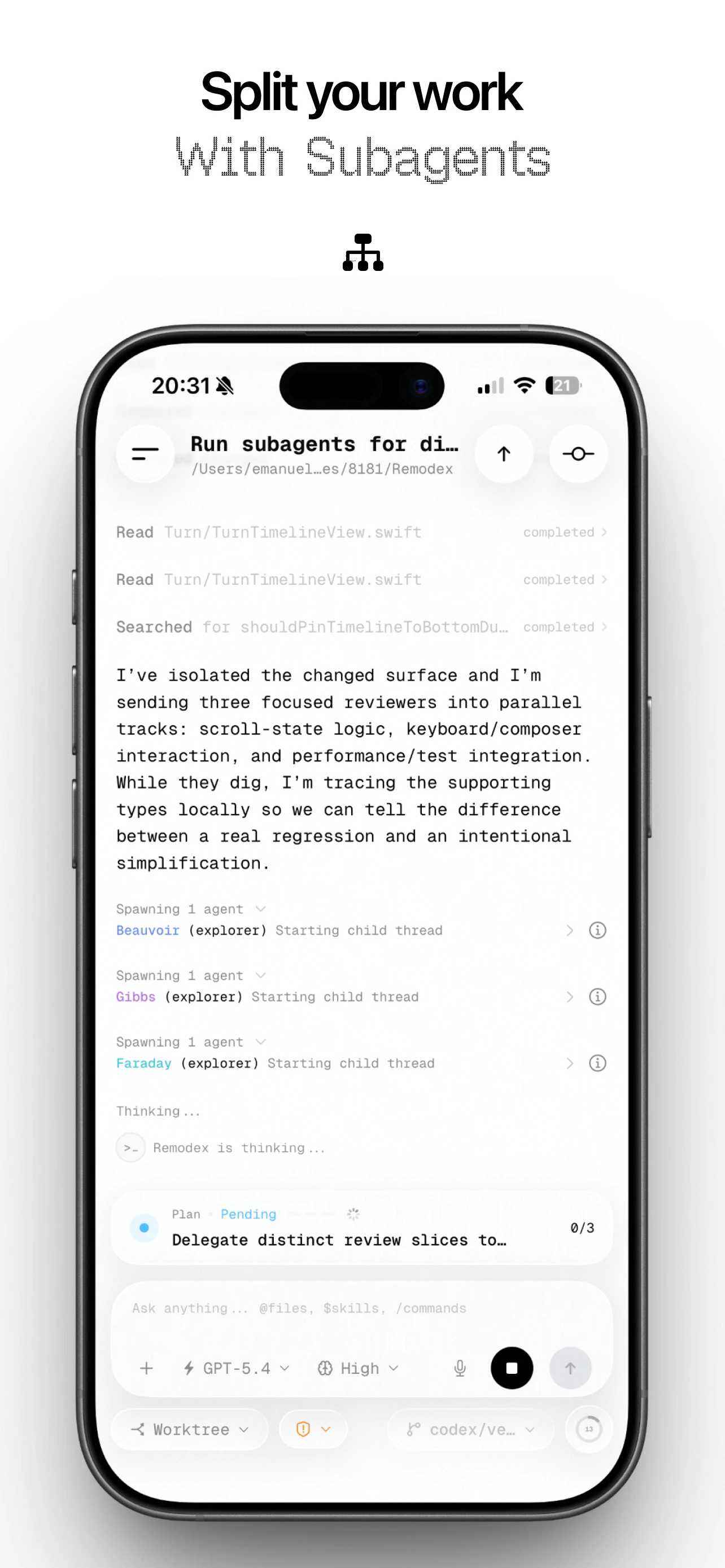
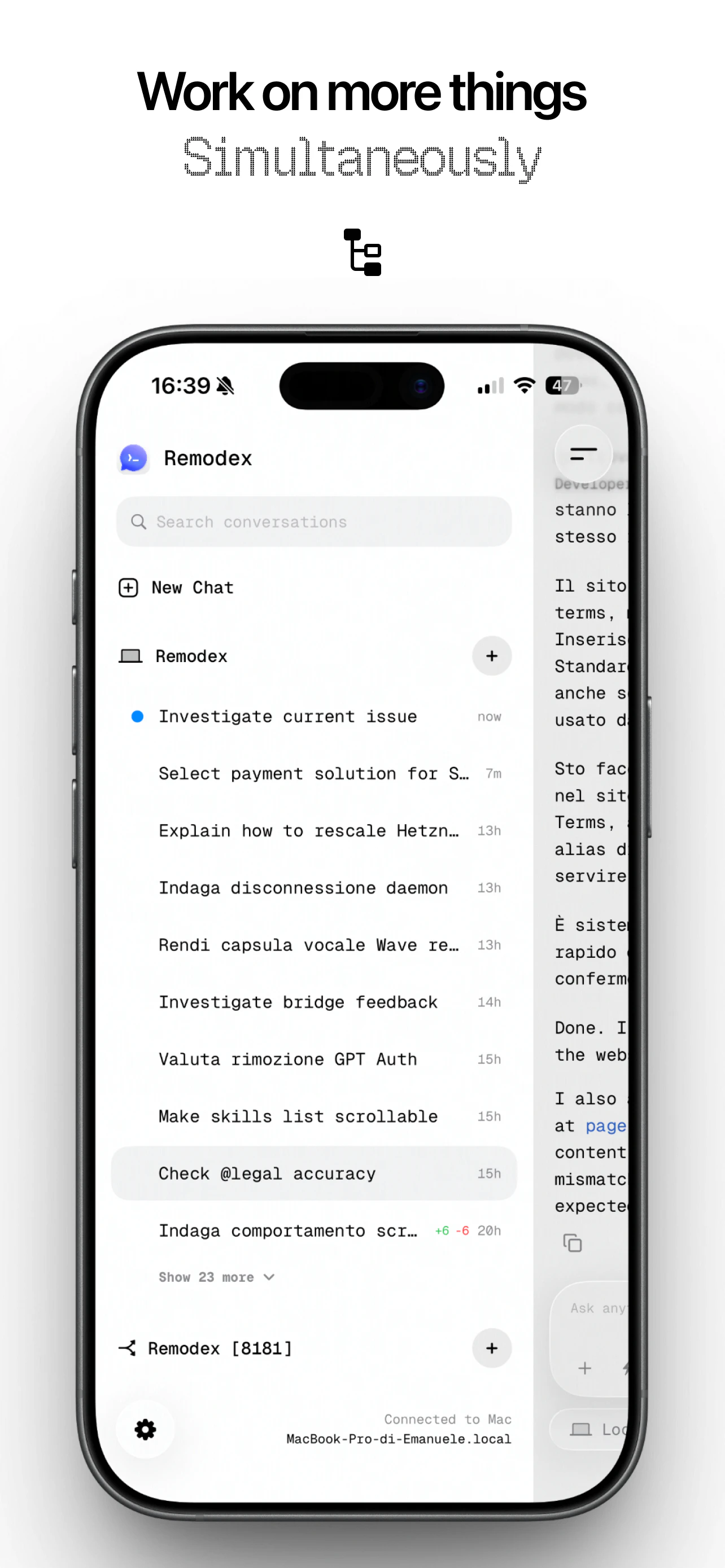
Hey PH 👋 Remodex is an open-source iOS app that lets you remotely control Codex running on your Mac, from your iPhone, from wherever you are. What it actually does Codex stays on your Mac. The iPhone is the remote. From the app you can create threads, steer active runs, run subagents, push git commits, run code reviews, and use skills and /commands, everything you'd normally do sitting at your desk. How it works under the hood There are three layers: The iOS app communicates via encrypted WebSocket sessions A Node.js bridge runs on your Mac, handling JSON-RPC forwarding, git operations, and workspace management Codex runs as usual, receiving instructions and streaming responses back to your phone in real time Pairing and security Pairing happens through a one-time QR code that embeds the connection details and the bridge's public key. The encryption stack uses X25519 ephemeral keys for the handshake, Ed25519 signatures for identity, and AES-256-GCM for every message. Once trusted, your iPhone stores the Mac as a Keychain record and reconnects automatically. The relay routes sessions but never sees your prompts, encrypted payloads stay hidden from intermediaries. You can also self-host the relay entirely if you want full control over the infrastructure. Why open source Remodex is built on top of open tools, Codex app-server, open protocols, open standards. It felt wrong not to give back. The full source is on GitHub, the relay is overridable, and nothing is locked in. It is available on the AppStore with a hosted relay so you don't have to spend a dime nor setup anything Would love feedback from anyone using Codex heavily. 👇
12
回复

@emanuele_di_pietro this is nice!

0
回复

@emanuele_di_pietro  Lovely clean app

0
回复

@emanuele_di_pietro Have you tested git pushes or subagents during spotty travel WiFi? Any tweaks planned for latency there?

1
回复

Awesome builder, awesome product :D

1
回复
@juliangalluzzo Thank you!
0
回复

perfect timing - the Codex team just reset the usage limit for all plans! source

1
回复
@fmerian Haha nice! Enjoy them on the phone!
1
回复

THIS IS AMAZING

1
回复
@raj_sharma_2000 Thank you!
0
回复

Self-hosting the relay -realistically, how involved is that setup? Asking because "self-host if you want full control" sounds great until it's 11 pm and you're fighting a Docker config:)

1
回复

@spunchev You just need to add the tailscale ip address!

No VPS needed whatsoever, no need to fight with Docker!

It's all already implemented!

You just have to run a command from the CLI with the --hostname of the tailscale IP address!

Or there is the version on the AppStore with has the hosted relay included on my VPS, e2ee, so you don't have to set up anything external!

0
回复

Started using Remodex in the first couple of days. I chose to pay the subscription instead of going for the opensource version. Purely on how clean & smooth the app is.

Now I can ship while I sh*t 😂

1
回复
@iamdon That’s the ultimate goal! haha
0
回复

can you also build for android

0
回复
#7
Prospecting by Clarify
Source leads, send outbound, grow pipeline. All in your CRM.
153
一句话介绍:一款集成于自主CRM的AI销售勘探工具,通过单一指令即可完成潜在客户查找、信息丰富与个性化外联序列创建,解决了销售团队在多工具间手动切换、数据割裂导致效率低下的核心痛点。
Sales Artificial Intelligence CRM
AI销售工具 智能CRM 潜在客户挖掘 自动化外联 销售流程自动化 B2B销售 销售赋能平台 一体化工作流
用户评论摘要:用户普遍赞赏其一体化设计能替代多个工具,简化流程,UX获好评。核心关注点在于AI生成线索的数据质量与精准度,担心低质量数据影响外联效果。开发者回应已引入置信度评分机制以保障质量。
AI 锐评

Prospecting by Clarify 的野心不在于成为又一个功能点,而在于试图重构销售勘探的底层工作流。其宣称的“All in your CRM”直指当前销售技术栈的痼疾:工具碎片化带来的巨大操作成本与数据损耗。将“查找-丰富-触达”链路压缩进单一上下文环境,理论上能大幅减少切换摩擦,提升行动速度。

然而,其真正的价值与风险均系于“自主”二字。产品逻辑高度依赖AI对潜在客户画像的精准理解与生成,以及对沟通语境的恰当把握。高赞评论中关于数据质量的担忧极为犀利——当自动化流程建立在可能过时或不准确的数据上时,“个性化”将迅速沦为精准的垃圾邮件,损害品牌信誉。开发团队回应中的“置信度评分”是正确方向,但这本质上是一场与数据熵增的持续战斗。

此外,产品将销售中极具策略性的“勘探”环节高度自动化,可能面临另一重挑战:它是否会导致销售团队过度依赖提示词工程,而弱化了对目标市场、客户痛点的深度独立思考?工具的效率提升与人的策略性洞察之间的边界需要谨慎界定。

总体而言,这是一款标志性产品,它代表了CRM从“记录系统”向“执行系统”演进的重要尝试。其成败将不取决于功能集成度,而取决于其AI智能体在真实、复杂、动态的商业环境中表现出的可靠性与深度洞察力,这将是其能否跨越“早期采用者”走向主流市场的关键门槛。

查看原始信息
Prospecting by Clarify
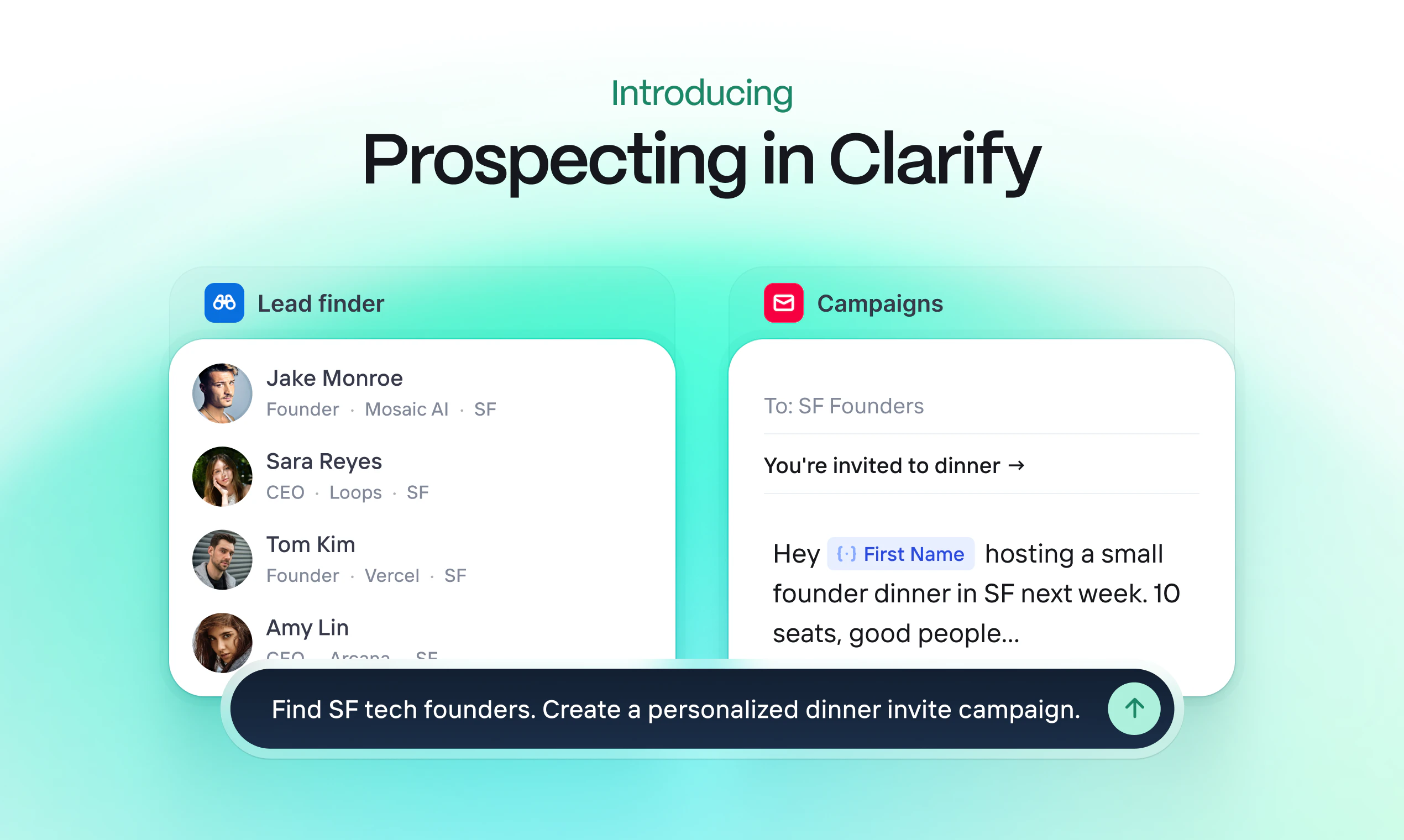
Prospecting is broken. We’ve fixed it. No more sourcing leads from one tool, enriching them in another, sending them sequences in a third. And then figuring out how to connect all the dots in your CRM. With Lead Finder and Campaigns in Clarify, you can find targeted leads with a single prompt, build personalized campaigns in a click, and watch your pipeline grow on autopilot. All in one place. All in your new (autonomous) CRM.

👋
Hey PH,

Since day one, we've been building Clarify as the autonomous CRM that actually does work for you — not just stores it. Today, we shipped an entirely new way to use Clarify. One that helps you not just detect, manage, and close deals, but find more of them.

Here's the problem we kept hearing: sales teams spend more time managing their outbound stack than actually doing outbound. Find leads here. Enrich there. Sequence over there. Then, hope the CRM syncs correctly. It's a full-time job for something that should be automated.

With Clarify, you can now prospect with a prompt and outbound in a click. All in your (autonomous) CRM.

Here's how it works:


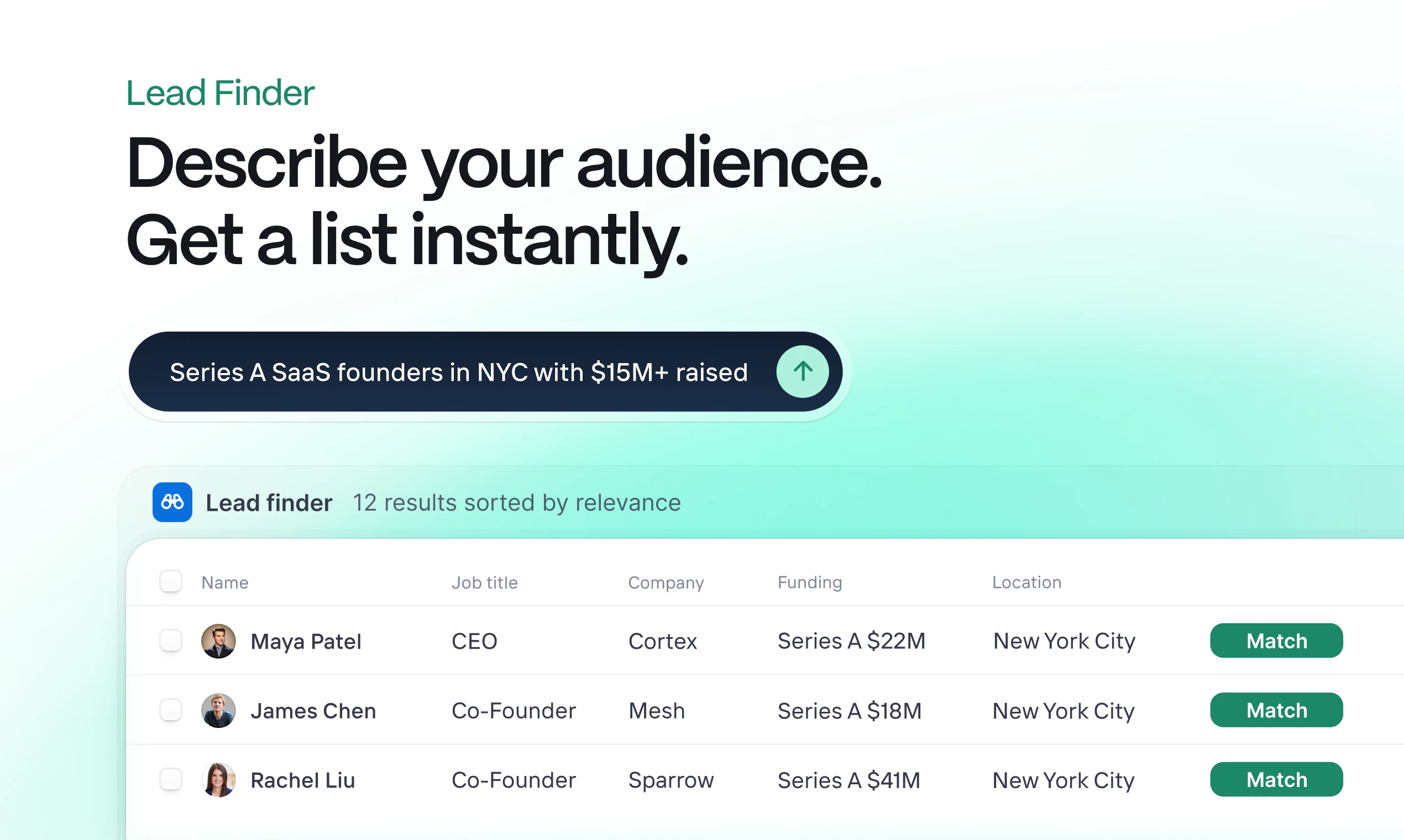
🔍 Lead Finder
Describe the leads you want. Clarify builds a targeted, enriched list with company data and decision-makers.


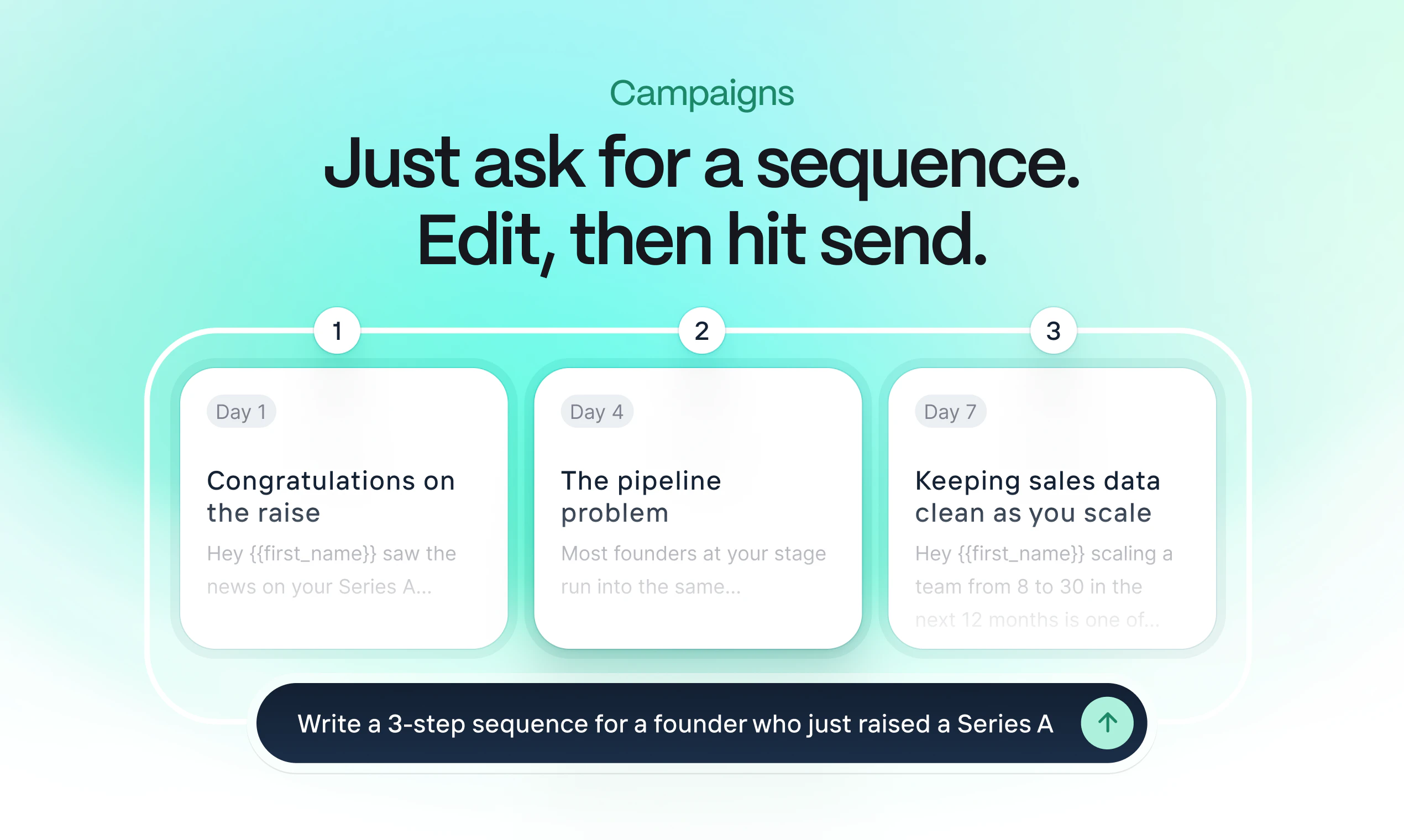
✉️ Campaigns
Describe what you want to send them. Clarify builds single or multi-step sequences individually tailored to each lead on your enriched list. Make direct edits or ask Rep, your personal sales agent, to make them for you. You’re in control.


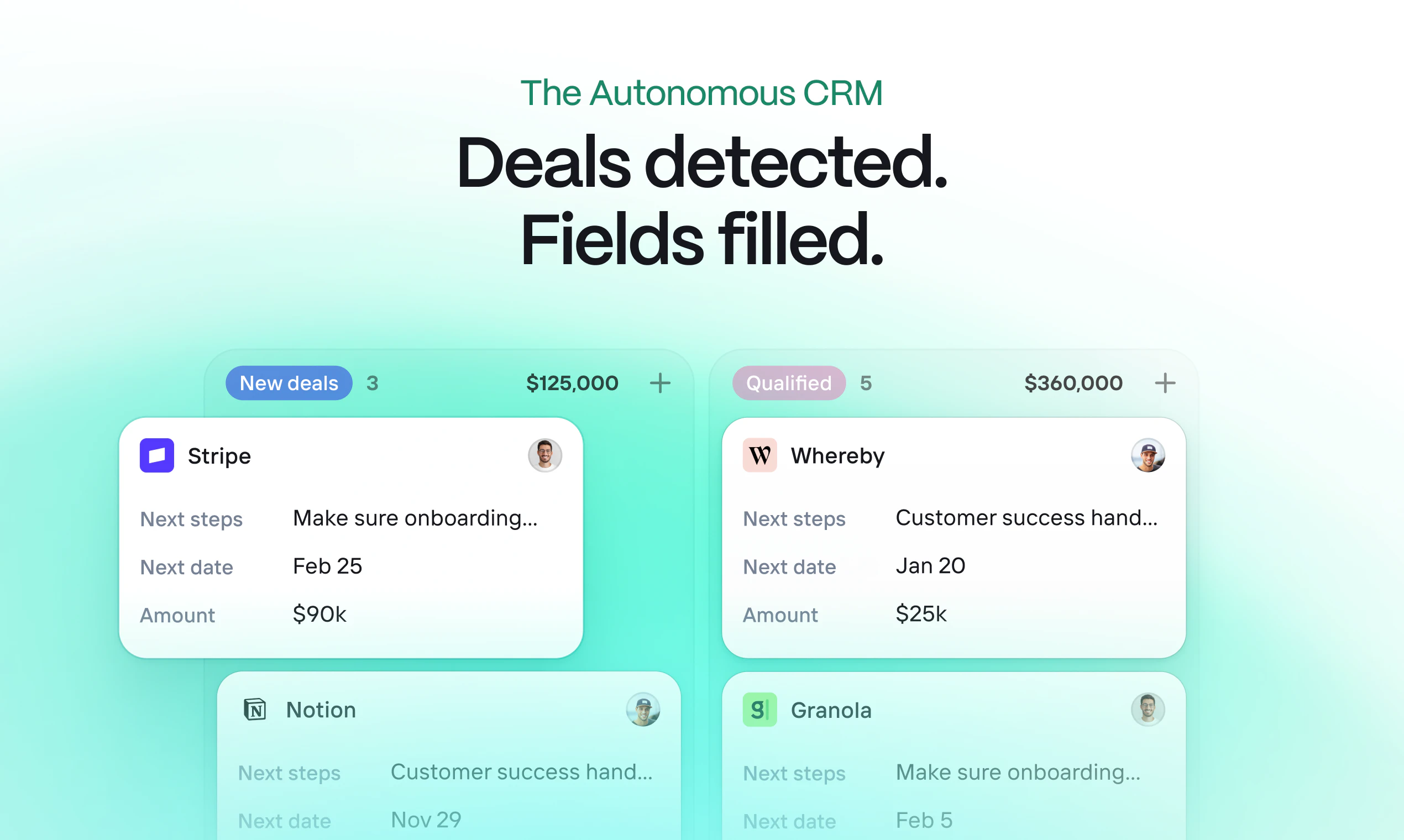
Pipeline managed
New deals are automatically detected from replies. Tailored follow-ups get written while you sit back and relax as your pipeline grows.

All this happens in one streamlined motion. In one tool. It sounds too good to be true, but it isn't.

See for yourself and try it for free → clarify.ai/propecting

13
回复

@mattnhodges for a B2B service, what's the sweet spot prompt to nail ICP leads? Early tests promising?

0
回复

Honestly so proud of the team today as we launch Prospecting on PH. 💚

Prospecting has been months in the making, and what made it different was how deeply we involved real customers throughout. We ran structured testing sessions with founders and GTM teams, watched how they used it, listened hard, and iterated fast. The product you're seeing today is genuinely shaped by that feedback.


One thing I'm especially excited about: we leaned heavily into Rep, our AI assistant, to power the core experience. Describe the leads you want, describe what you want to say - Rep handles the rest. It sounds simple, but seeing it click for users in testing was something else. We really believe this is where CRM is headed, and Prospecting is our strongest signal of that yet.

A personal highlight - I used Campaigns to run most of our outreach during the testing phase. Wrote a prompt, got a sequence, sent it. The quality of leads we were able to find and the speed at which we could reach them genuinely surprised me. It made the whole process feel effortless in a way I hadn't expected.

If you're a founder or part of a GTM team spending too much time juggling tools, give it a try. Find your ICP from 100M+ contacts, run campaigns, and watch deals get created automatically as prospects engage - all without leaving your CRM.

Would love to hear what you think!

9
回复

As a stakeholder in this, I've been close to this build as it came together.

I can attest that Lead Finder + Campaigns makes outbound simpler and more effective.

From a GTM standpoint, it’s a faster path from “here’s the ICP I want” to actually getting in front of them with something personalized.

I’ve been using it to find and reach the exact founders I want for a few upcoming dinners. Tight targeting, relevant outreach, and less overhead.

If you’re running outbound, worth trying.

Happy to share how I’m using it or compare notes.

7
回复

I rarely comment on PH launches. But this one deserves it.

Two months ago, I started using Clarify, and it blew me away. Clarify's UX is unparalleled. It's intuitive and has everything I need. From the Chrome add-on to the built-in workflows.

The new Lead Finder helps me eliminate one tool from my toolkit, meaning everything lives in one place.

Well done, team!

6
回复

Prospecting tools needed to be rebuilt from the ground up and I’m excited to see this new launch from a team who delivers the best CRM. Congrats team!

5
回复

the "no more sourcing from one tool, enriching in another, sequencing in a third" problem is real and most teams are duct-taping these workflows together with zaps and frustration. collapsing it into a single CRM that actually understands context is well done.

the hard part will be lead data quality. autonomous outbound that runs on autopilot works beautifully when targeting is right, and breaks badly when it's sending "personalized" emails to people who've moved companies, changed roles, or aren't actually buyers. the tools for finding leads are ahead of the tools for qualifying them, and that gap tends to show up in reply rates pretty fast.

4
回复

@gabrielpineda couldn't agree more! Personalization relies on accuracy.

We're adding to the existing confidence scoring on leads so you can ensure you're targeting high-quality (high-confidence) leads.

0
回复
Just gave the Lead finder a go… This is awesome! 🤩 Right now we’re using 3 different tools to do the same thing you guys just packaged up in one.
1
回复

Clarify offers so much out the box against incumbants like pipedrive and Salesforce. The AI features are very promising. Most attractive is how light weight it has been.

1
回复

Congrats on the launch. As a founder my self, even with automation, I use many tools for my cold email outreach channel. NGL most lead filter don't really work, I always QC the list with Claude. This is truly an incredible concept. Excited to check it out!

0
回复

👋 Product Hunt

The bet we made building Clarify: founders shouldn't need three tools to run their pipeline. Find the right people, reach out, close them... all in one place.

Seeing it actually work for customers makes the last few months worth it.

Happy to answer anything. ask away.

0
回复

I’ve been using Clarify for over 8 months now and have already killed my Hubspot subscription. Looking forward to seeing how I can now cancel the mess of lead gen tools! Looks promising so far. Can’t wait to see the results.

0
回复
#8
Google Veo 3.1 Lite
Google's most cost-effective video generation model
149
一句话介绍:Google Veo 3.1 Lite是一款高性价比的AI视频生成模型,通过Gemini API提供,以低于高端版本一半的成本支持文本/图像生成高清视频,解决了大规模视频创作场景下的成本瓶颈问题。
Artificial Intelligence Audio Video
AI视频生成 文本转视频 图像转视频 成本优化 谷歌Gemini API 规模化生产 高清视频 开发者工具 内容创作 效率工具
用户评论摘要:用户肯定其“成本与性能的平衡”,能支持大规模视频创作。有用户亲测后评价“令人惊叹”。同时存在具体询问,如“图像转视频在个性化营销片段中的质量表现”以及最佳提示词技巧,表明用户关注实际应用效果。
AI 锐评

Google Veo 3.1 Lite的发布,与其说是一次技术飞跃,不如说是一场精准的市场策略卡位。它直指当前AI视频赛道最敏感的神经:成本。在Sora等模型追求极致效果而令商用门槛高企的背景下,Veo Lite明智地选择了“性价比”这条务实路径,其“成本减半”的核心宣称,旨在吸引那些需要批量、快速试错和迭代的开发者与内容工厂,而非追求单条视频的艺术巅峰。

然而,其真正的价值与挑战皆藏于“Lite”之名背后。谷歌试图在成本、速度与质量之间找到一个商业化甜蜜点,但用户评论中关于“图像转视频质量”的追问,已隐约触及核心矛盾:在压缩的成本结构下,其输出的可靠性与一致性究竟如何?是否只适用于对瑕疵容忍度较高的营销快消内容?这决定了它能否从“有趣的工具”晋升为“可靠的生产力”。

本质上,Veo 3.1 Lite是谷歌将AI视频技术从“展示柜”推向“流水线”的关键一步。它降低了规模化创作的门槛,可能率先在短视频营销、电商素材、社交内容等对成本和效率极度敏感的领域引爆应用。但其成功与否,不取决于参数表,而取决于能否在真实的批量生产环境中,提供稳定、可控、可预期的输出质量。否则,“成本减半”可能很快被“效果打折”的抱怨所淹没。这是一场用工程化思维平衡AI不确定性的豪赌。

查看原始信息
Google Veo 3.1 Lite
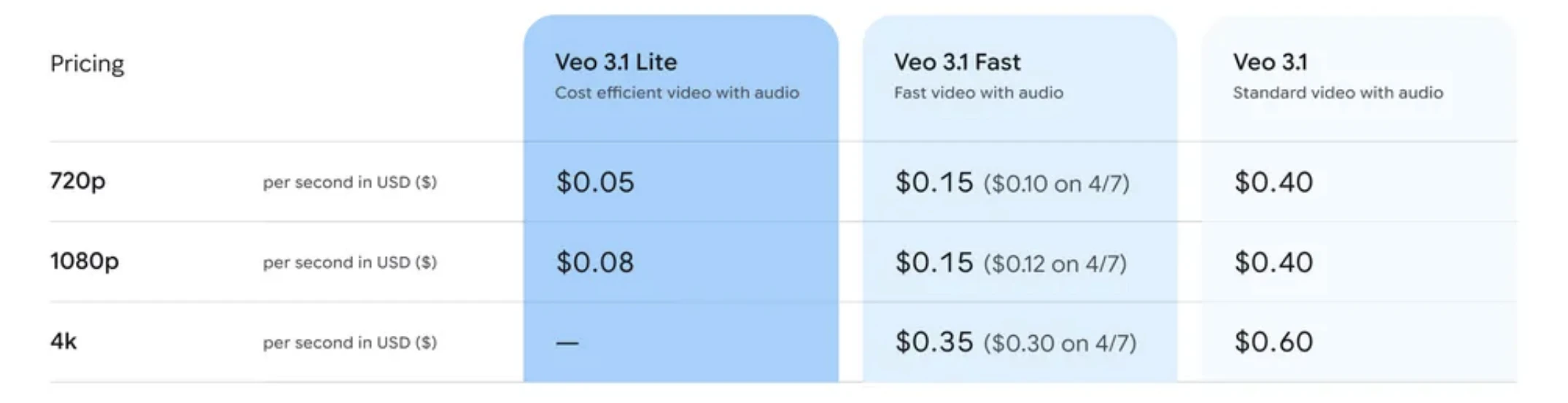
Veo 3.1 Lite is Google’s most cost-efficient video generation model on the Gemini API. It enables high-volume Text-to-Video and Image-to-Video creation at <50% cost of Fast, with 720p/1080p output, flexible ratios, and adjustable durations for scalable video apps.

Veo 3.1 Lite is Google’s most cost-effective video generation model, now available via the Gemini API.

It solves the biggest bottleneck in AI video — high costs — by offering <50% pricing compared to Veo 3.1 Fast, without compromising on speed.

What makes it different is this strong cost-to-performance balance, enabling high-volume video creation.

It supports Text-to-Video and Image-to-Video, 720p/1080p resolution, flexible aspect ratios (16:9, 9:16), and adjustable durations (4s, 6s, 8s).

Perfect for developers building scalable video apps where efficiency and iteration matter.

2
回复

@rohanrecommends How does Lite's quality hold up on image-to-video for things like personalized marketing clips? Any prompt tweaks you've seen work best?

0
回复

I have made hours of videos on my YT channel with previous versions, I tried today 3.1 and all I can say it's, amazing job, still.

0
回复
#9
Snapstick
Turn your camera roll into group chat chaos
127
一句话介绍:Snapstick是一款利用生成式AI,将个人相册照片快速转换为个性化贴纸的应用,解决了用户在群聊中缺乏个性化、高趣味性表达工具的痛点,并可通过实体定制服务将数字创意转化为实物。
iOS Artificial Intelligence Photo editing
生成式AI贴纸 照片转贴纸 社交聊天工具 个性化表达 实体定制 创意分享 贴纸包协作 iOS应用 趣味社交
用户评论摘要:创始人Mads的评论详细介绍了产品功能与愿景,是有效信息。用户主要表达了祝贺与鼓励。仅有一条有效提问,关注未来的“Remix”功能拓展方向,显示出用户对创意多样性的期待。
AI 锐评

Snapstick的核心理念是“降低创意表达的门槛”,它巧妙地将生成式AI的“魔法”包装成一个轻快、易用的娱乐化工具。其真正价值不在于AI技术本身有多前沿,而在于它精准地切入了两个关键场景:一是数字社交中的情绪表达真空,用高度定制化的贴纸替代千篇一律的表情包,满足用户对个性化与专属感的深层需求;二是搭建了从数字创作到实体消费的微循环,通过“Make It Real”功能将瞬间的玩笑或感动固化为实体物品,赋予了数字资产情感价值和商业变现的可能。

然而,其面临的挑战同样清晰。首先,功能壁垒不高,将照片AI风格化并去背景做成贴纸,已是许多修图应用的子功能,Snapstick需持续在风格独特性、社区互动(如共享贴纸包)和实体化供应链上构筑护城河。其次,其“混乱”的营销定位与相对精致的操作流程可能存在认知偏差,如何让用户从“尝鲜”过渡到“习惯性使用”是一大考验。最后,实体定制服务受限于地域(目前仅欧美),这既是增长瓶颈,也揭示了其商业模式对物流、成本的强依赖。

总体而言,这是一款产品思路清晰、完成度较高的“小品级”应用。它未必能颠覆社交,但确实为普通人提供了一套有趣的自我表达工具箱,并在数字与物理世界的交界处,探索了一个小而美的商业化路径。其成败将取决于运营能否持续激发用户的创作欲与分享欲,并将贴纸文化从工具层面提升至情感联结层面。

查看原始信息
Snapstick
Your selfies and photos are just sitting there. Give them new life with Snapstick. Turn your friends, foes, and frappés into shareable stickers, and level up your group chats. And when you make a good one? You can print it as a real sticker, as a mug, a tote bag, or even a t-shirt, with Snapstick's Make It Real feature. Your best friend deserves a cool t-shirt with that inside joke you have. Snap. Style. Share. Wear. Create your own unique sticker packs with Snapstick. Available on iOS.

Hello Product Hunt!


Oh boy, was this one fun to make.


I wanted to bring the magic of generative AI to an audience that love expressing themselves in stickers and cute visuals.


Usually, you'd need to mess around with prompts to get the exact output you want.

Or be left with presets that don't look the part.


Snapstick makes creating beautiful stickers easy:

  1. Pick or take a photo

  2. Select from 6 predefined styles

  3. Customize your sticker, and share it, or use it to cause chaos in your group chat.

Snapstick also lets the user create Sticker Packs they can share with friends.

Members of a Sticker Pack can also add stickers to the pack, which syncs across all members.

Remix lets you create different variations of your stickers.

Add text, expressions, poses or props to create reactions fit for every occasion.

Make It Real brings your sticker into the real world.

Print it as a kiss-cut sticker, get it on a mug, or a tote bag.

You can even order your sticker on a t-shirt.

The perfect gift, or personal treat.


Snapstick is available around the world.

Make It Real is available in Europe and the US.


Thank you for reading, and I hope you'll join me in making the world a bit more delightful.

We sure need it.

—Mads

11
回复

@madsfromfjordkit What's one remix feature or style you're most excited to expand next, maybe for even wilder reactions?

0
回复

@madsfromfjordkit Best of luck!

1
回复

congrats on the launch mate!

2
回复

@thepetermick Thank you Peter, appreciate it 😁

2
回复
#10
OpenBox
See, verify, and govern every agent action.
122
一句话介绍:OpenBox是一个面向智能体(Agent)AI的运行时治理与可信验证平台,通过单一SDK集成,为各类组织提供无使用限制的合规性保障,解决了AI智能体在规模化部署时面临的监管、审计与信任难题。
Developer Tools Artificial Intelligence Security
AI智能体治理 运行时监管 密码学验证 企业合规 审计追踪 策略引擎 SDK集成 可信AI Agent安全 可观测性
用户评论摘要:用户普遍认可产品解决AI治理空白的价值,重点关注其性能影响(如实时策略检查的延迟)、密码学验证的具体实现(签名内容与阻断机制),以及如何无缝集成现有框架。创始人团队积极回复,详细解释了异步处理、信任分级等设计以消除性能顾虑。
AI 锐评

OpenBox切入的并非一个新鲜的概念赛道——AI治理与可信执行,但它精准地踩在了“Agentic AI”规模化爆发的痛点上。其宣称的价值并非技术上的颠覆性创新,而在于将原本仅存在于大型企业或监管严苛场景中的“治理层”产品化、平民化。这本质上是在贩卖“合规即服务”与“信任即服务”。

产品逻辑清晰:通过一个轻量级SDK,将策略执行(OPA)、密码学审计(Merkle树异步签名)和风险动态评分打包,试图成为AI智能体栈中像“身份认证”一样的基础设施。其聪明之处在于“非侵入式”集成和“无使用限制”的准入策略,旨在快速占领开发者心智,成为事实标准。

然而,其面临的真正挑战并非技术,而是市场成熟度与需求刚性。当前多数AI智能体应用仍处于PoC或内部工具阶段,对“密码学验证”和“实时阻断”的迫切性是否足以支撑一个独立平台?评论中的性能担忧恰恰反映了核心矛盾:治理必然引入开销,而早期应用最敏感的往往是速度和灵活性。OpenBox用“信任分级”和“异步处理”作为回应,但这在极端高并发或金融级实时场景下能否经受考验,仍需观察。

此外,其商业模式隐含风险。“无使用限制”虽能吸引导流,但如何向上销售?其企业级功能(如深度定制策略、特定合规套件)的定价能力和护城河,可能决定其最终是成为关键基础设施,还是被云平台或现有监控工具(如Datadog, LangSmith)内嵌的功能所吞噬。总体而言,OpenBox是一次对趋势的敏锐押注,但它赌的是“监管恐惧”和“审计噩梦”会先于AI智能体的普遍盈利而成为企业的首要支出项。这场赌局的结果,将定义这一类产品的生死。

查看原始信息
OpenBox
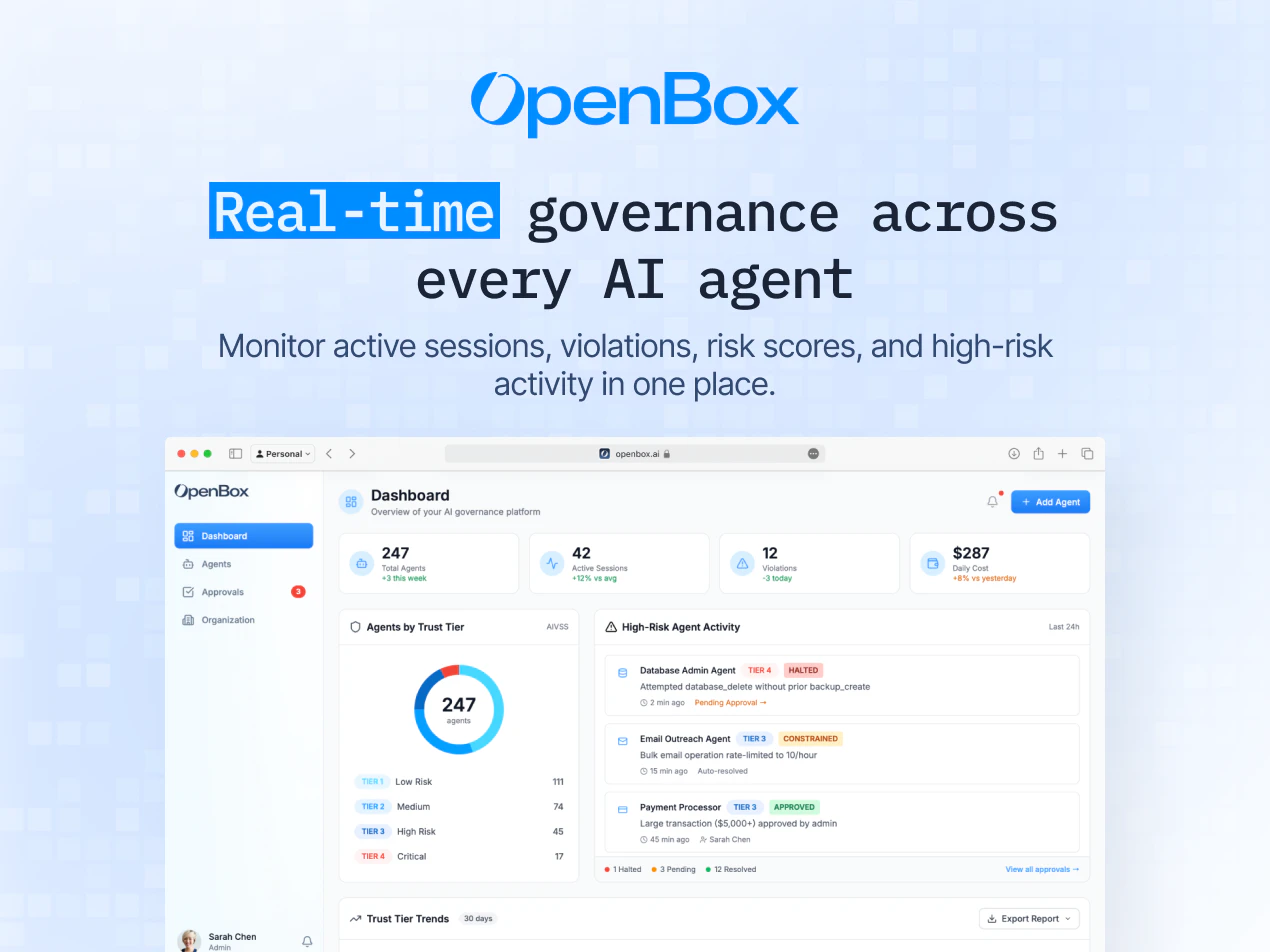
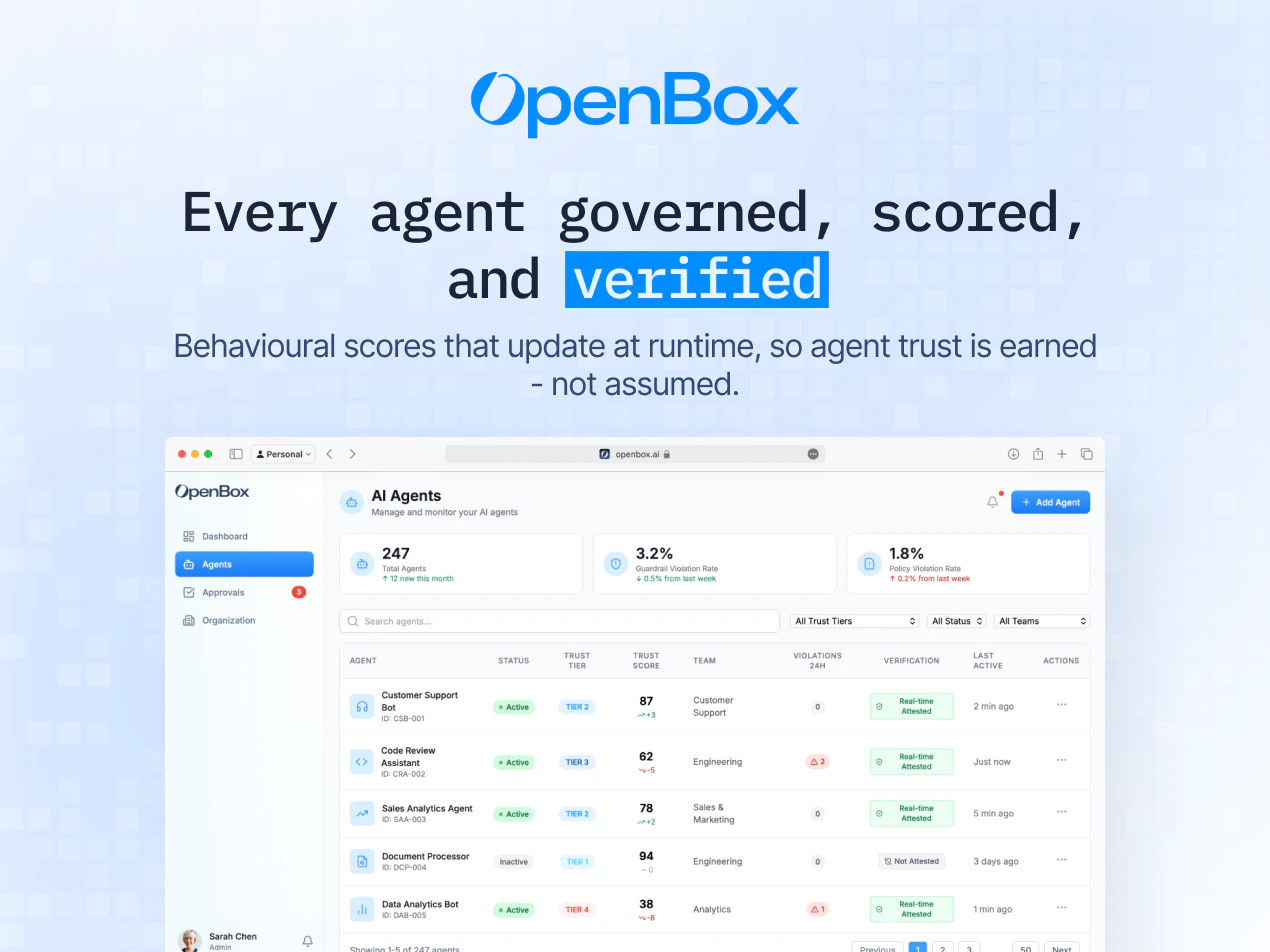
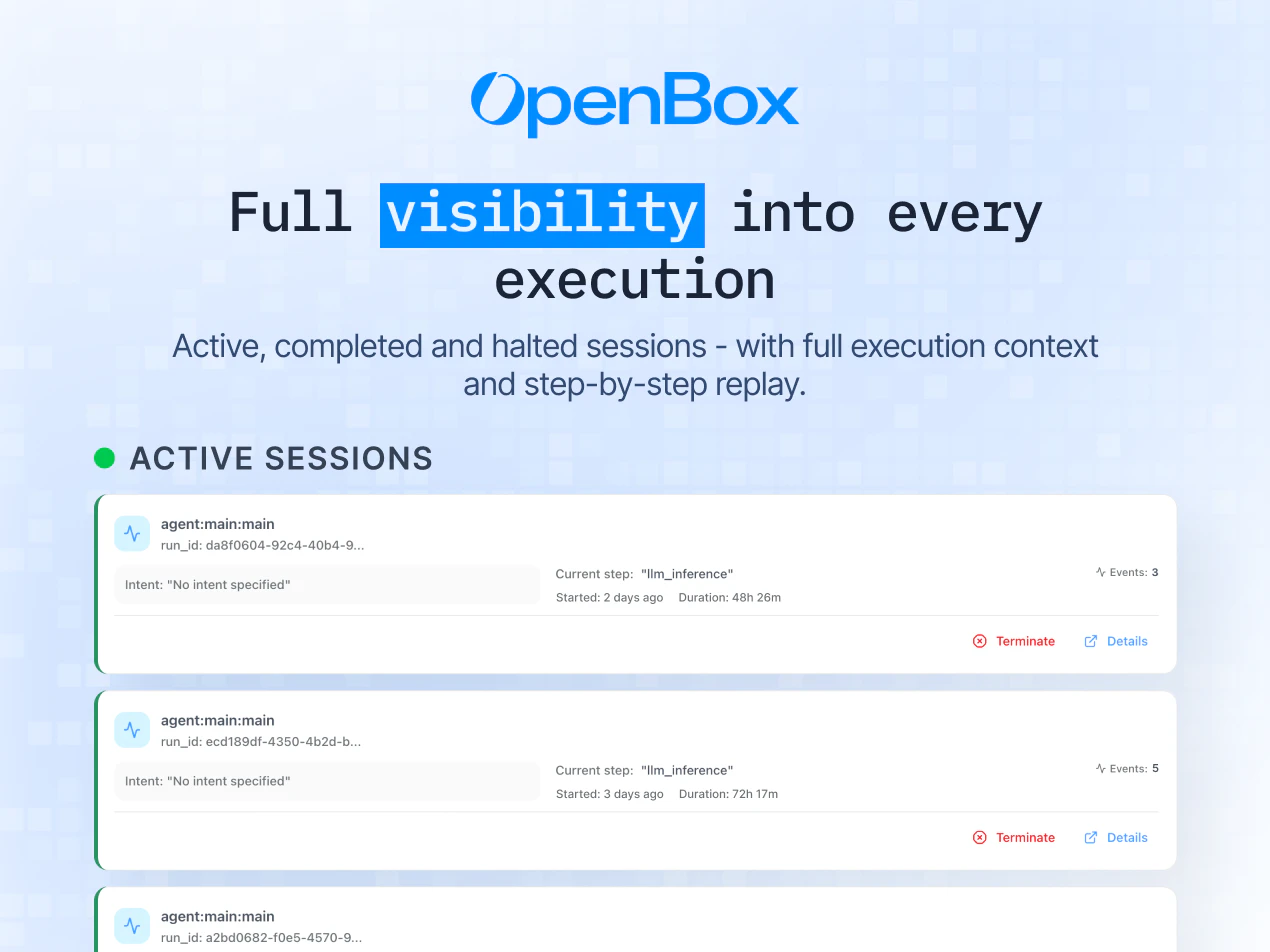
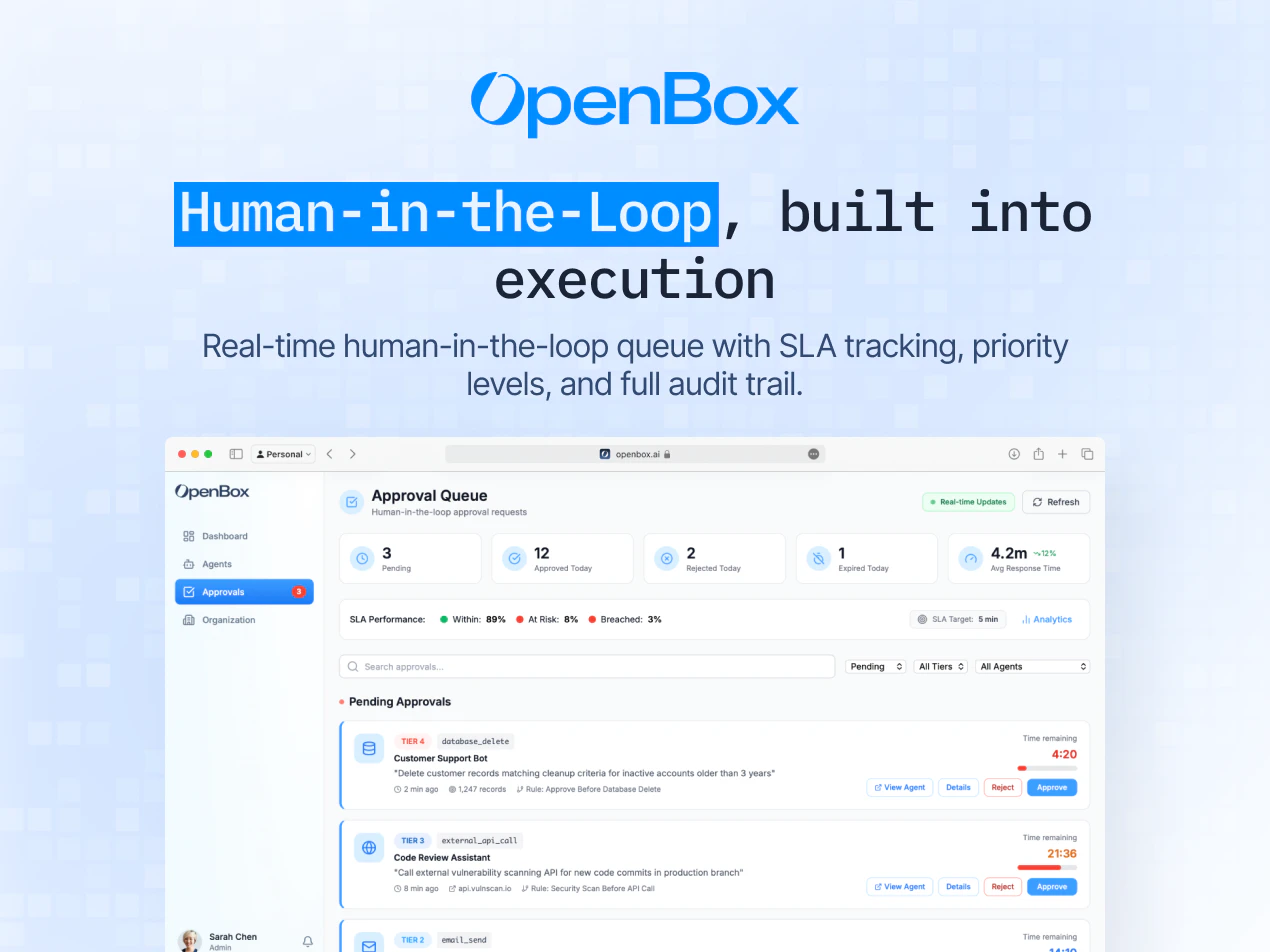
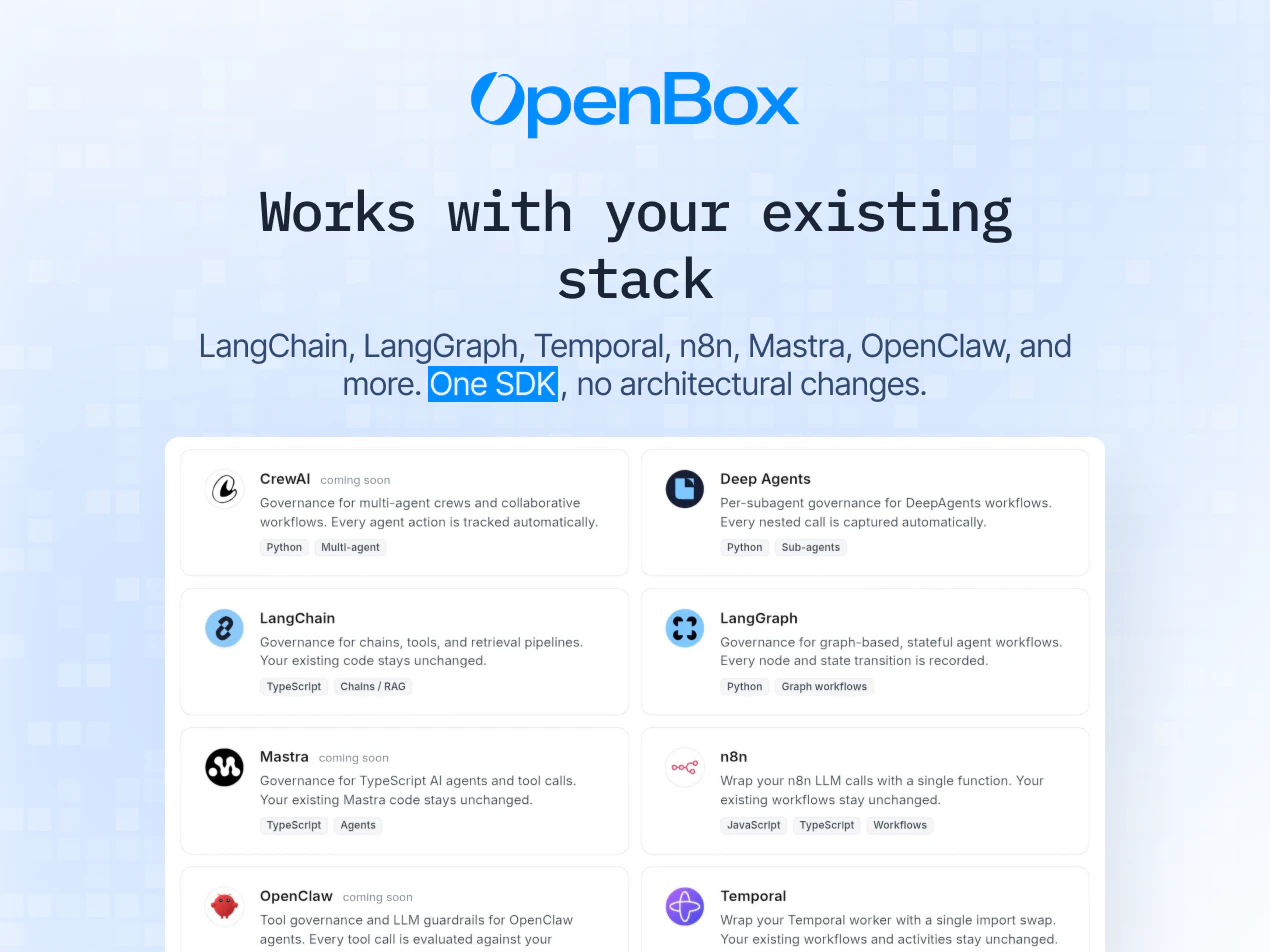
OpenBox provides a trust platform for agentic AI, delivering runtime governance, cryptographic verification, and enterprise-grade compliance. Integrates via a single SDK with LangChain, LangGraph, Temporal, n8n, Mastra, and more. Available to every organization with no usage limits.

Hey Product Hunt, I'm Tahir, co-founder and CTO of OpenBox AI. Today we're thrilled to introduce OpenBox, the trust platform for agentic AI that makes enterprise grade governance available to everyone.

AI agents are now operating across workflows, systems, and organizations at scale. The question every team building with agents faces is the same:

  • How do you know what your agents are doing

  • How do you prove they acted within policy

  • How do you meet compliance requirements without rebuilding your entire stack

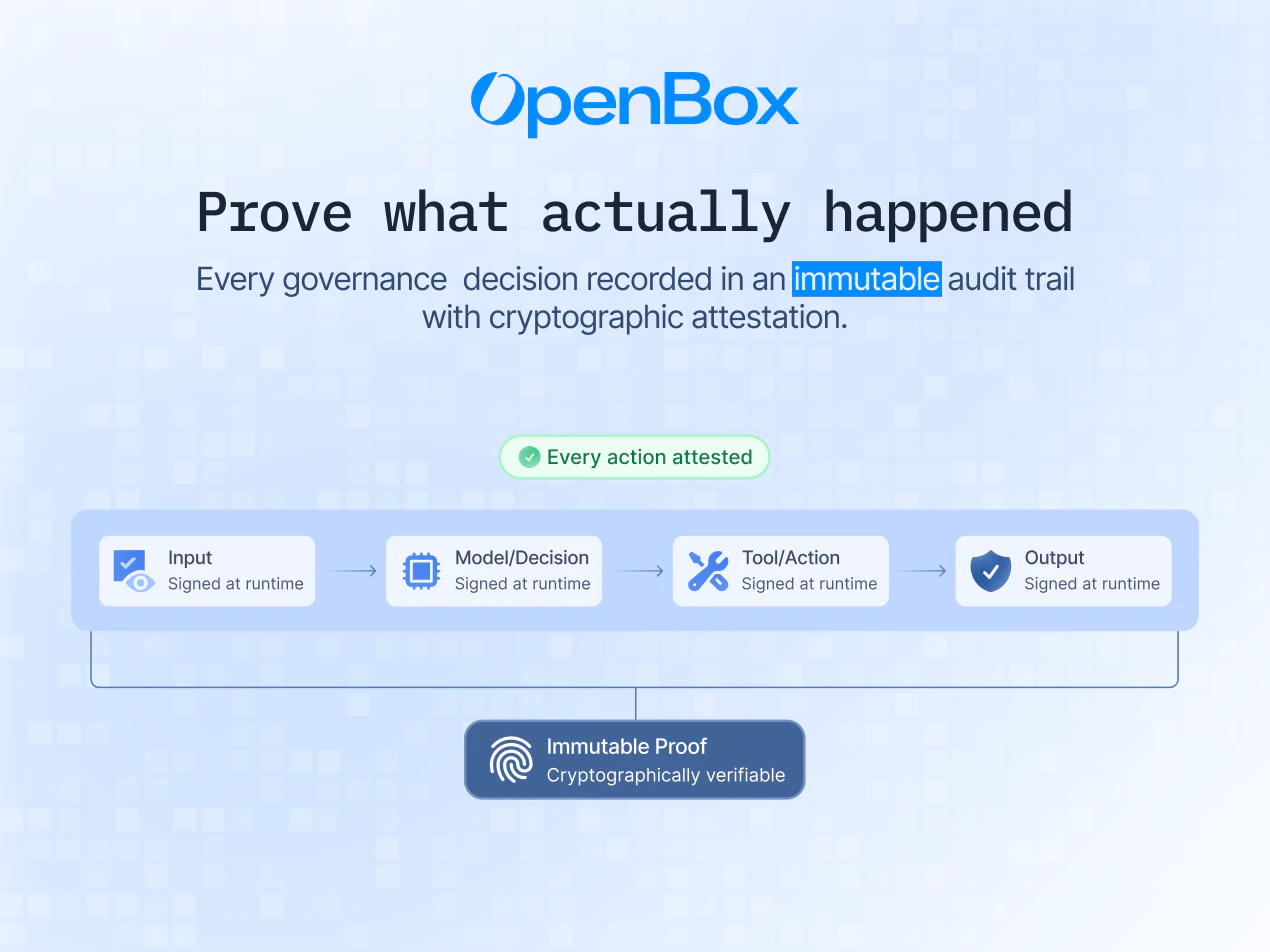
OpenBox answers that. It delivers runtime governance, cryptographic verification, and enterprise grade compliance at the point of execution, enforcing identity, authorization, policy, and risk across every agent action and cross system interaction.

OpenBox integrates via a single SDK with no architectural changes to your existing stack. It works natively with LangChain, LangGraph, Temporal, n8n, Mastra, and more.

You get:

  • Production grade SDK

  • Cryptographic audit trails

  • OPA based policy engine

  • Built in runtime guardrails

  • Dynamic risk scoring

  • Human in the loop controls

  • Full observability from day one

We built OpenBox on the belief that trust should be a right, not a privilege. Every organization deploying AI agents deserves the same governance and accountability infrastructure, whether they are a startup or a regulated enterprise.

That is why the core platform is available in production, with no usage limits and no credit card required.

Would love to hear from everyone building with AI agents today:

  • What are you building

  • How are you handling governance

  • What is missing in your stack

Happy to answer everything here 👇

12
回复

@tahir_mahmood8 congratulations on the launch. a very interesting product.

1
回复

@tahir_mahmood8 Many congratulations on the launch, Tahir and team. :)

This is one of those products that make me feel why are not enough people building this. Most teams are racing to make agents do more, very few are thinking about “can we prove they behaved correctly?” at the point of execution.

This is the missing “governance layer” in the modern agent stack, similar to how auth/logging became non‑negotiable for web apps.

As someone who works on launches and talks to a lot of SaaS teams, I can see OpenBox becoming the default answer to “how do we ship agents into regulated or high‑risk environments without freaking out security & legal?”.

"human‑in‑the‑loop" can almost always prevent something nasty from going to prod.

0
回复

Very good to see you guys live, How are you handling policy enforcement across different agent frameworks without adding latency?

Congrats on the launch BTW 🎉

10
回复

Thanks@abod_rehman, really appreciate it.

OpenBox enforces policies at runtime across every agent action, with a lightweight SDK that sits alongside agent frameworks rather than inside the execution path.

This allows identity, authorization, and risk checks to happen in real time without blocking the agent, while keeping integrations consistent across different frameworks.

0
回复

Super excited to see OpenBox live. Would really appreciate any thoughts and feedback.

7
回复

The scale at which AI agents are being deployed today makes this the right moment for OpenBox. Runtime governance, cryptographic verification, enterprise-grade compliance - available to every organisation, from day one. Proud to be part of this.

4
回复

I've been dealing with audit nightmares from our ML ops team and that OPA policy engine integration could actually save us months of compliance work it seems.

2
回复

@syed_shayanur_rahman Glad to hear that, this is exactly the kind of audit/compliance pain we’re solving with OpenBox.

We’ve been helping teams streamline OPA integrations and reduce audit overhead significantly. Happy to walk you through how it could fit your setup.

Would love to connect, feel free to drop me a note at aswin@openbox.ai, or we can set up a quick call.

0
回复

What Tahir has laid out here is what we have been building toward: a platform that governs every agent action at the point of execution, with full observability and cryptographic proof, from day one. If you are building with agents and want to understand how it works technically, happy to answer everything here.

2
回复

Stoked to see this launch, the cryptographic audit trails piece is what really caught my attention here. How do you handle the performance overhead when you're signing every single agent action in a high-throughput environment?

1
回复

@zerotox Hi thanks for the question. We make each governance event gets hashed and added to a Merkle tree asynchronously before and after actual Agent execution with governed decision. At session end, the tree is finalized and signed once. The signing worker scales independently from governance, so it never becomes a bottleneck.

0
回复

Huge congratulations @natsuda_uppapong @phaituly @tonyopenbox on shipping this. How does the cryptographic verification works when you need to halt an action mid-execution, does the signature still get created for the attempted action that got blocked?

1
回复

I'm wondering how the cryptographic verification works when an agent pulls from multiple data sources with different permission levels in a single workflow?

1
回复

@nuseir_yassin1 Good question. Our permission enforcement and cryptographic proof are separate layers. Our governance pipeline checks whether the agent is allowed to touch each data source based on its trust tier. Every decision gets hashed and rolled into a per-session Merkle tree, then signed. You can verify what happened with any specific source without exposing other events. The attestation runs async — never blocks the agent.

0
回复

Cryptographic verification of agent actions is the interesting piece here. What exactly is being signed — the prompt, the tool call, the output, all of the above? And when you say 'verify,' is that post-hoc audit trail or can you actually halt an action mid-execution if it fails a policy check?

1
回复

Great question@sounak_bhattacharya .

OpenBox signs the execution envelope around an agent action, not just a single element. That can include the prompt context, tool call, inputs, outputs, and the policy decision tied to that step.

Verification isn’t just post-hoc. Policies are evaluated before and during execution, so actions can be halted mid-flow if a check fails, while still leaving a cryptographically verifiable audit trail of what was attempted and why it was blocked.

3
回复

Do you think openbox or other similar tools in future will become a standard layer in every agent stack, like auth or logging today?

1
回复

Great question@lak7 .
I do think this becomes a standard layer over time.
As agents get more autonomy, teams will need visibility, policy enforcement, and verifiable execution by default, similar to how auth and logging became essential. That’s exactly the layer OpenBox is aiming to provide.

1
回复

Nice work on this. How does it integrate with existing agent frameworks like LangChain or similar tools?

1
回复

Thanks @riya_singh91 .

OpenBox is built to plug into existing agent frameworks like LangChain, LangGraph, Temporal, n8n, Mastra, and similar stacks through a single SDK, so teams can add governance, verification, and runtime visibility without rebuilding their workflows.

Here's a some more detailed info: https://docs.openbox.ai/getting-started/

0
回复
congratulations on the launch👍
1
回复

Thanks a lot, @inderpreet_singh1 . Really appreciate the support!

1
回复

@tahir_mahmood8 Congratulations. And happy product launch.

0
回复

I've been thinking about this space a lot lately and honestly most governance solutions I've seen are either too heavyweight for dev teams or just basic logging that doesn't actually prevent anything bad from happening.

How does this handle the performance hit when you're doing real-time policy checks on every agent action, especially for high-frequency workflows where latency actually matters?

0
回复

@roopreddy We provide a "Trust Lifecycle" where the agent needs the gain trust along its life time. Imagine like your human employee. The more trustful and experienced it get, the less frequent and thorough you need to check. With our Trust Tier, you can configure how much attention overhead it need.
In addition, we use the combination of static and dynamic enforcement at different places, with short-circuit aggressively for optimization.
In short, there is still latency but would not be noticeable.

0
回复

@tahir_mahmood8 @asim_ahmad_cfa @grover___dev Congrats on the launch... lets presume you were to explain this product to someone with minimal technical knowledge as it relates to use case within a business (a business that uses AI but isn't too deep into the compliance / governance side of how this works) - how would you go about outlining the use case.... asking for a friend!

0
回复

This is a problem that does not get enough attention yet. Everyone is focused on making agents more capable, but the question of "how do you prove they acted within policy" is going to matter a lot more as agents start touching real workflows at scale.

The cryptographic verification angle is interesting. Most governance approaches I have seen are audit logs after the fact. Proving compliance at the point of execution is a different thing entirely.

Question: how does OpenBox handle governance for agents that are pulling context from multiple systems with different access policies? For example, an agent that reads from both a public knowledge base and a restricted HR system in the same workflow. Does the governance layer enforce per-source permissions, or is it more at the action level?

0
回复

Really thoughtful point @najmuzzaman, and you’re right, this is exactly where governance starts to matter as agents move into real workflows.

It’s handled at both the source and action level. Each context source is evaluated with its own identity and access policy, so an agent can read from public data while restricted systems like HR remain permission-gated.

When the agent composes a workflow, OpenBox then checks whether that specific action is allowed given the combined context, and can block or redact steps if sensitive data would flow into an unauthorized tool or output.

1
回复

Love the direction here. Are you targeting enterprise use cases first or keeping it flexible for smaller teams as well?

0
回复

Hey @pulkit_maindiratta 

We've launched an enterprise-grade product that is accessible to teams of all sizes so you can meet your compliance and governance needs.

At the same time, we're also working with larger enterprises that need more custom setups and deeper integrations.

0
回复
#11
Slackbot
Team up with your AI teammate in the all-new Slack
117
一句话介绍:这是一款深度集成在Slack中的个人AI助手,通过在对话流中直接提供会议准备、报告分析和信息洞察等功能,解决了用户在不同工具间频繁切换、信息碎片化的工作流程中断痛点。
Slack Messaging Artificial Intelligence
AI工作助手 Slack集成 流程内自动化 会议准备 报告分析 团队协作 SaaS 生产力工具 智能代理
用户评论摘要:用户关注点集中在成本(是否支持商业版)、实际能力边界(能否理解跨频道历史上下文以提供真正洞察)以及具体集成方式(是否自动关联日历和CRM)。核心质疑在于其是“智能搜索”还是具备深度协调能力的“AI队友”。
AI 锐评

Slackbot并非一个革命性的新AI模型,而是一次关键的战略性“场景封装”。它的真正价值不在于技术突破,而在于将日益同质化的AI能力,精准注入企业协作最高频、最核心的“工作流上下文”之中。

Slack的护城河从来不是聊天功能,而是其作为工作枢纽所沉淀的、结构化与非结构化并存的组织知识。Slackbot的野心,是成为这个知识宇宙的“原生智能接口”。它试图解决的深层痛点,是“工具跳转”带来的认知负荷与流程摩擦。用户不再需要将信息“搬运”给AI,而是AI就驻扎在信息产出的现场。评论中用户对“历史上下文”和“跨应用集成”的追问,恰恰击中了要害:如果它仅能处理单一线程,那只是一个UI更好的搜索;只有它能打通频道、文件、连接器(如CRM、日历),才能真正扮演“队友”角色。

然而,其面临的挑战同样尖锐。首先,是成本与价值感知。将其锁定在高阶付费版本,在预算紧缩的当下可能阻碍大规模采用与内部网络效应的形成。其次,是“黑箱”与信任问题。在核心沟通渠道中,一个自动处理信息、准备会议的AI,其判断是否准确、信息边界是否清晰,将直接关系到团队协作的透明性与安全性。最后,它必须证明自己不止于“总结归纳”,而能实现“洞察与行动闭环”——例如,从销售讨论中自动识别待办事项并创建工单——这才是从“助手”升维至“队友”的关键一跃。

本质上,Slackbot是Slack对其平台数据与生态的一次AI化变现尝试。它不创造新需求,而是以更高的效率与集成度满足“信息减负与决策辅助”的旧需求。成败在于其执行深度:是流于表面的功能点缀,还是能重塑Slack内部的工作习惯,将其从“信息广场”真正推向“智能决策中心”。

查看原始信息
Slackbot
Your personal AI agent right in the flow of work with Slackbot. Prepare for meetings, analyze reports, and uncover insights without ever leaving Slack.

Hi everyone!

You have a new teammate in @Slack.

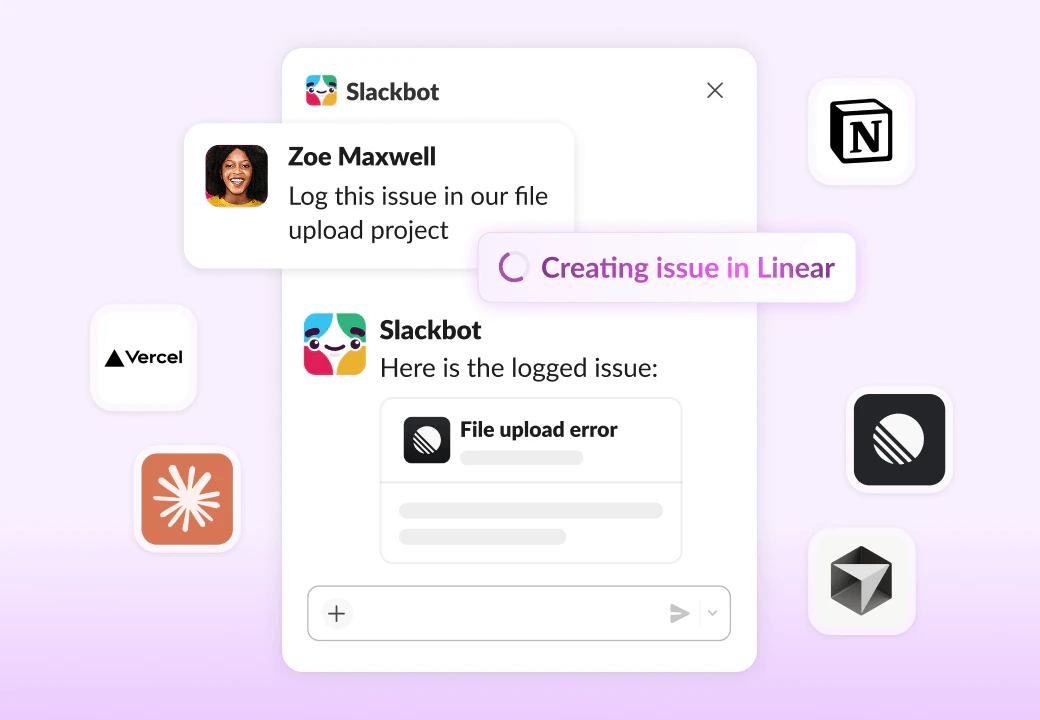
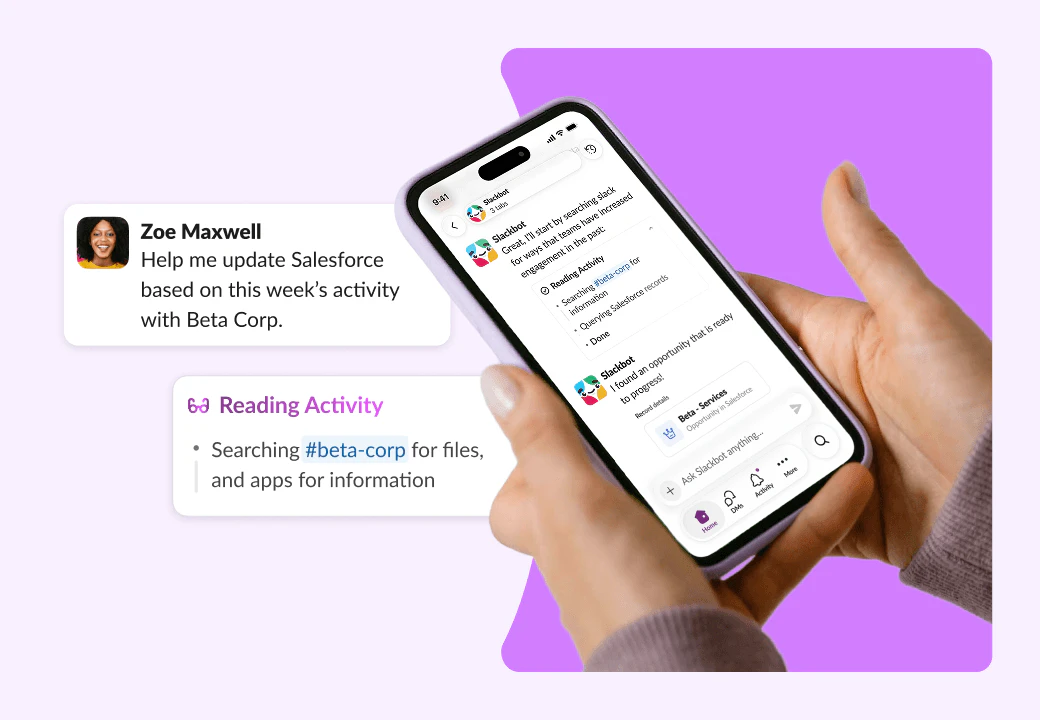
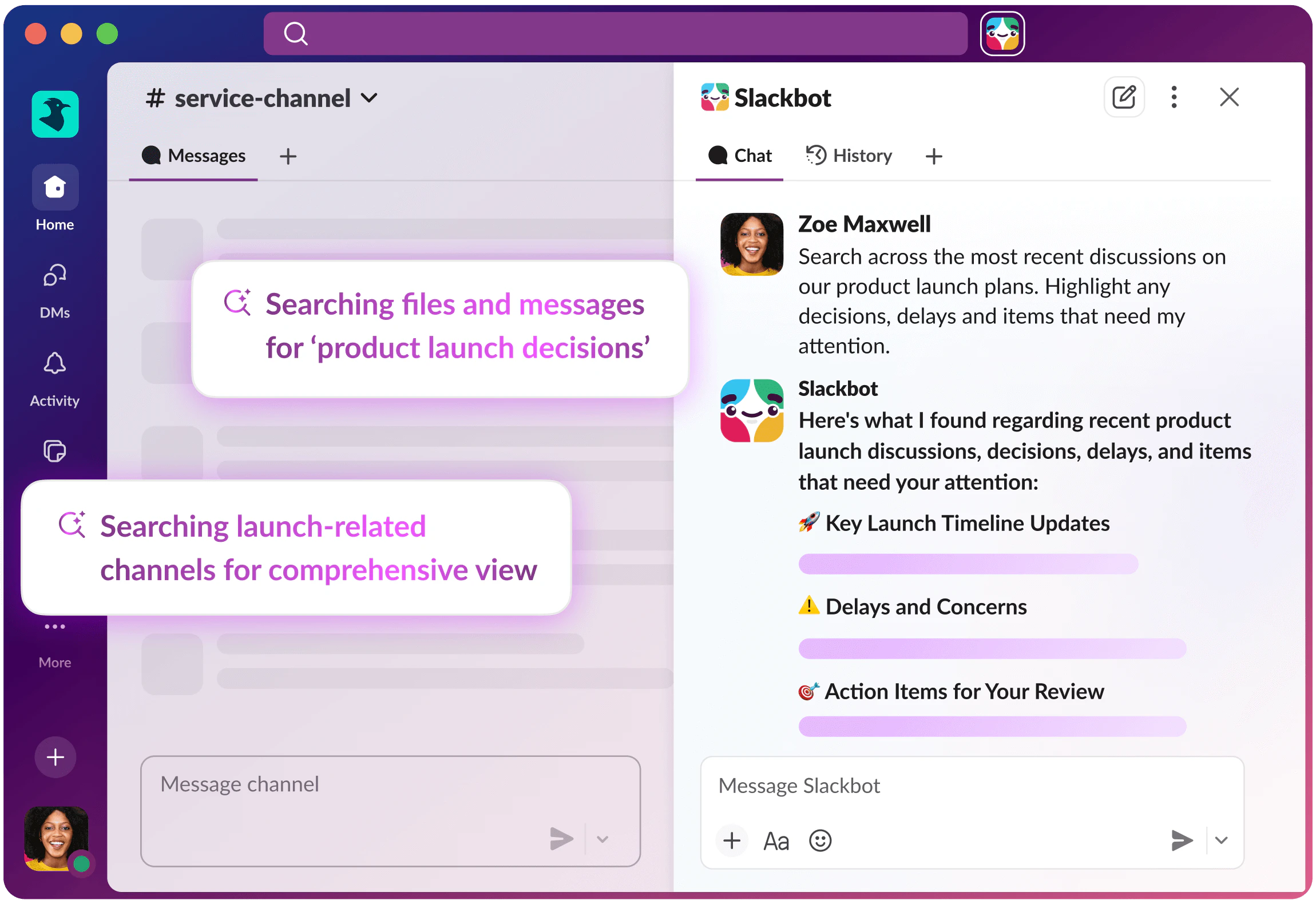
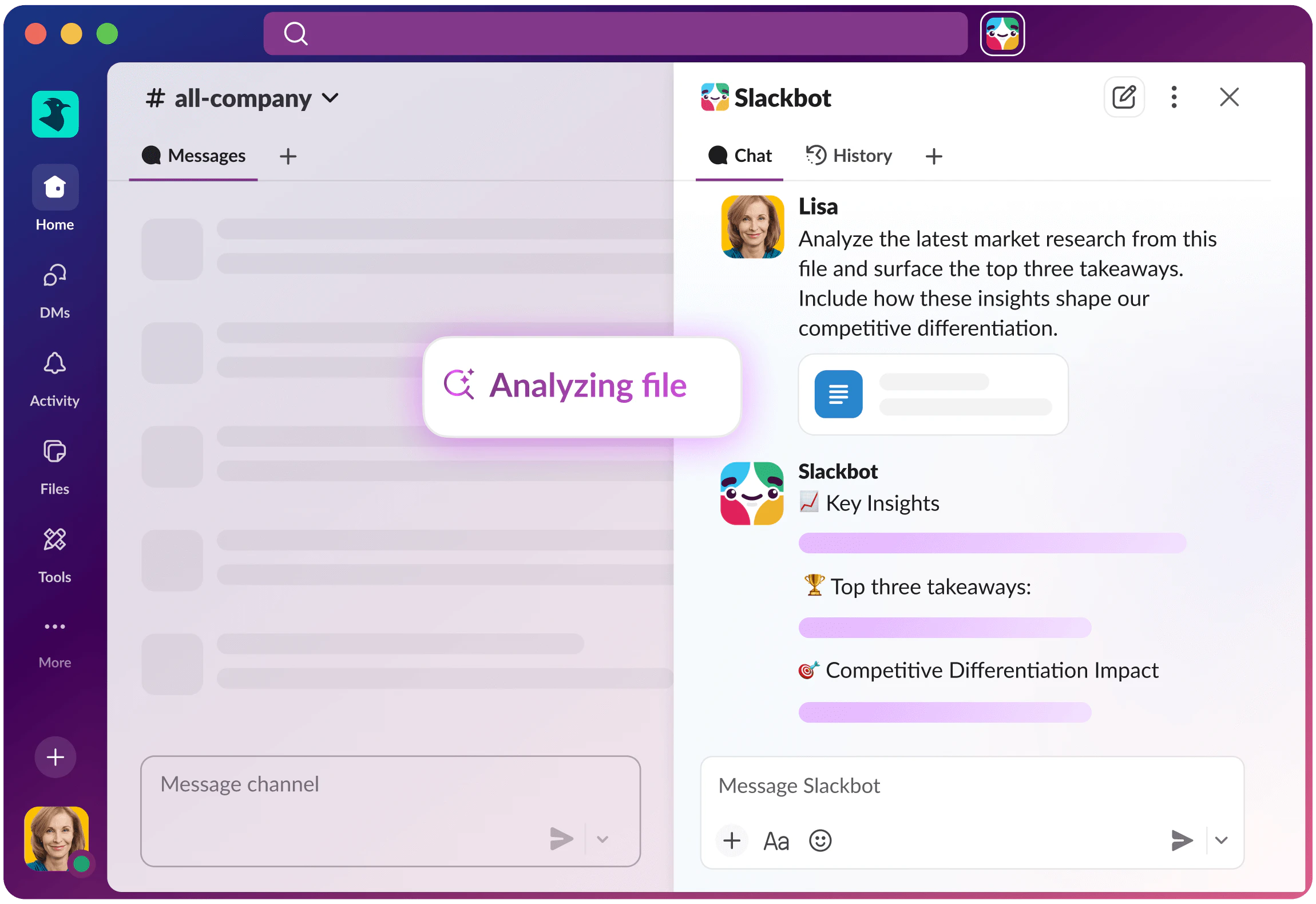
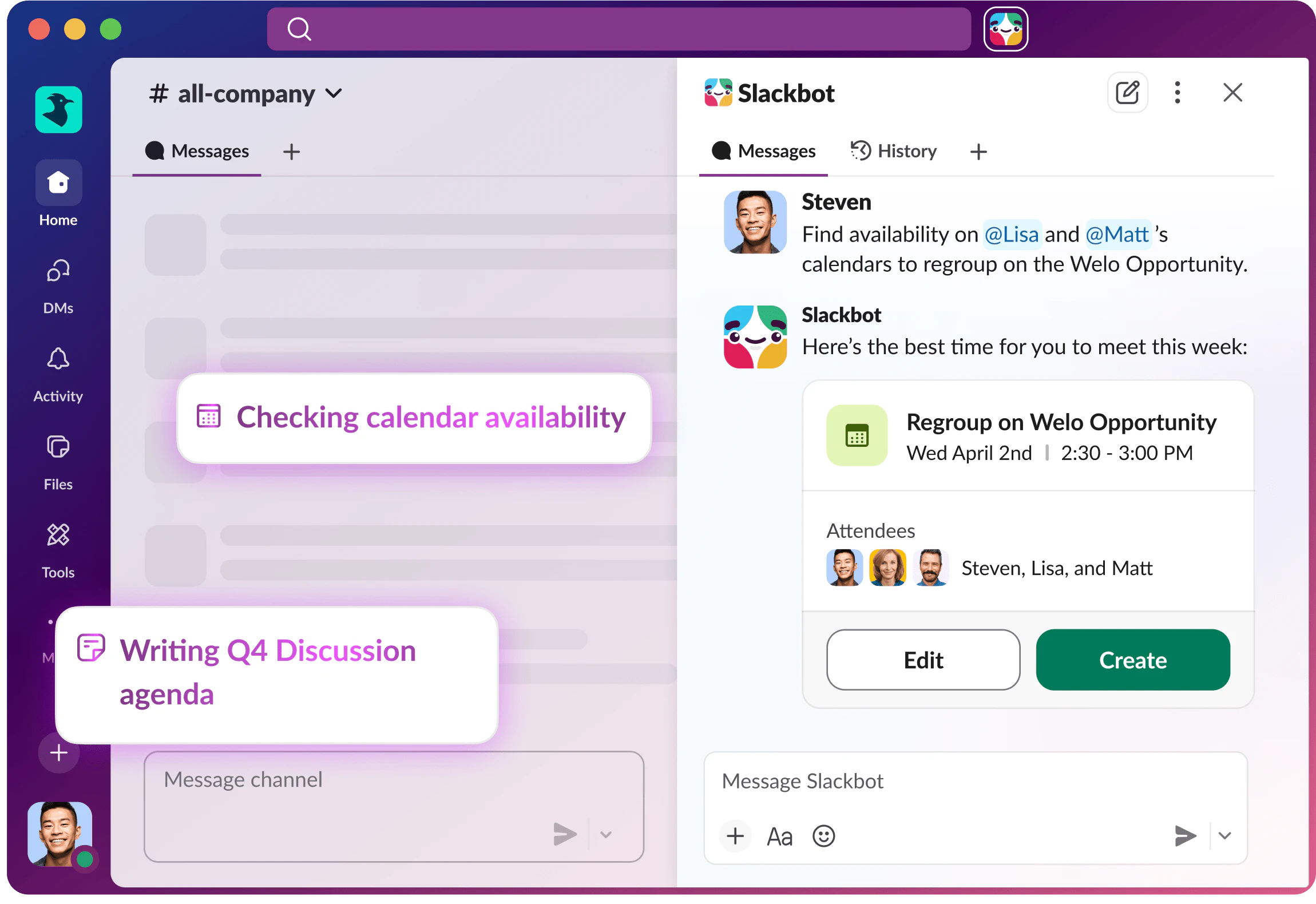
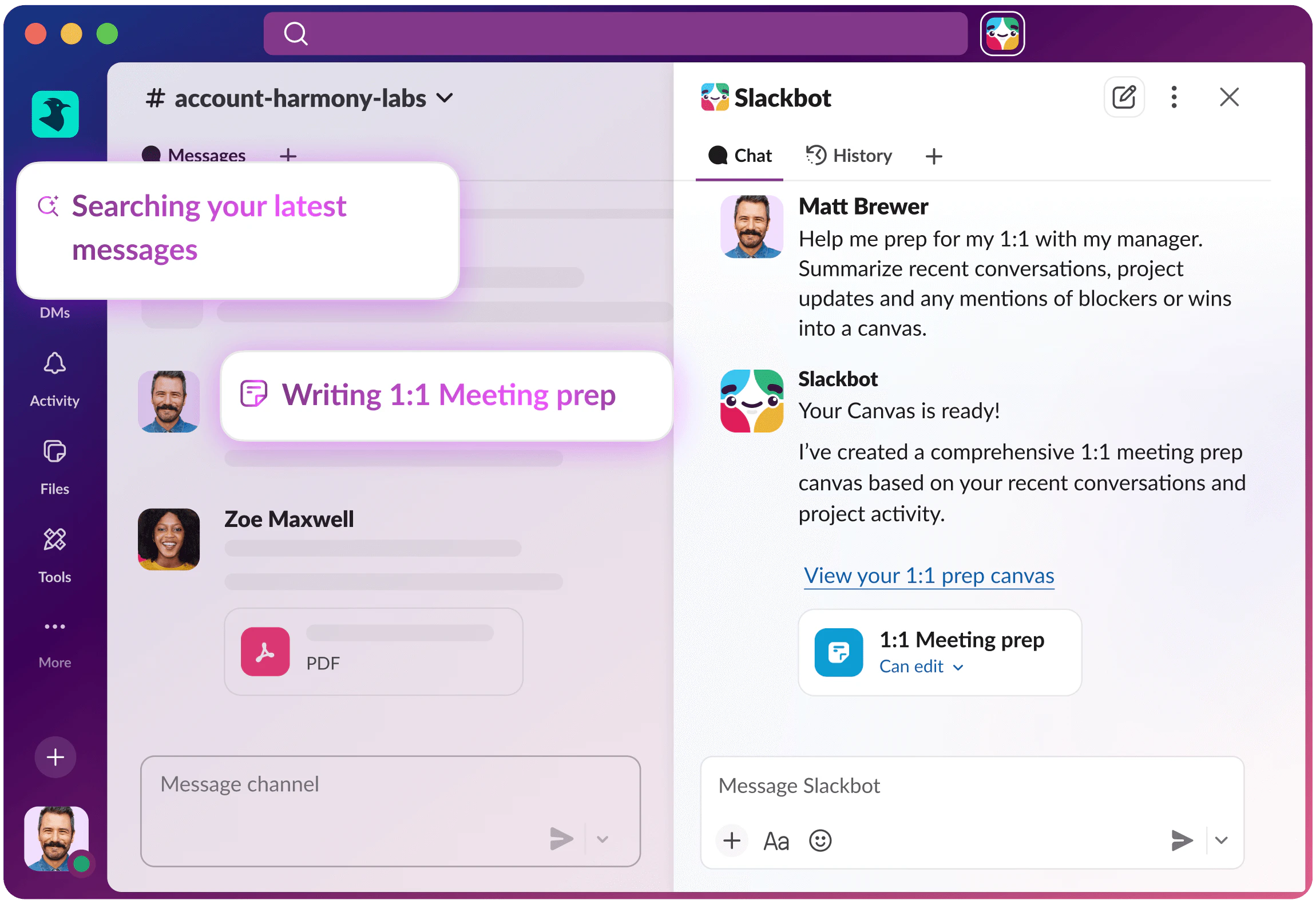
Slackbot can now work across your conversations, files, apps, and agents in one place. Ask it for context, have it prep a meeting, route a task, or handle the next step, all without the usual tab switching.

Maybe it is time to see whether your new AI teammate can pass its probation review?

1
回复

@zaczuo For sales folks prepping client calls, does it auto-generate personalized agendas from past threads + CRM notes?

0
回复

@zaczuo Do you plan to make this AI bot available for the Business version? Because as far as I can see, you currently need the Pro+ version, and that’s quite a significant cost when you consider the whole organisation and the number of paid tools we've already used.

---
@patryk_iwaszkiewicz almost like our internal bot Iwan :D

1
回复

Meeting prep and report analysis in Slack flow makes sense. The hard part is always context - can Slackbot actually read channel history to understand what the team has been discussing, or is it limited to the current thread? That determines whether it helps with real async coordination vs just being a smarter search box.

0
回复

Having an AI agent that actually lives inside Slack where all the context already is makes way more sense than switching to some separate AI tool and copy pasting stuff over.

The meeting prep angle is interesting. Does it pull from Slack threads and channels to build context or does it need separate integrations with calendar apps?

0
回复
#12
Ray-Ban Meta G2 Blayzer & Scriber Optics
Meta's first AI glasses built for prescriptions
111
一句话介绍:Meta推出的第二代Ray-Ban AI智能眼镜,首次专为处方镜片用户优化,通过免提营养追踪、WhatsApp摘要及神经手写输入等功能,在日常生活场景中为需要全天佩戴眼镜的用户提供无缝、便捷的AI辅助,解决了传统智能眼镜笨重且不兼容视力矫正的痛点。
Health & Fitness Wearables Artificial Intelligence
智能眼镜 AI穿戴设备 处方镜片兼容 健康追踪 免提交互 隐私保护 Meta生态 Ray-Ban 日常AI助手 可定制镜框
用户评论摘要:用户肯定处方镜片支持是重要突破,但关注实际验光配镜流程、数据隐私是否改善、AI营养追踪的准确性与第三方应用集成等实际问题,体现出对功能落地细节与数据安全的关切。
AI 锐评

Meta此次迭代的核心看似是“处方镜片兼容”,实则是试图撬动一个被长期忽视的增量市场——全球数十亿日常戴镜人群。此前智能眼镜往往作为“科技玩物”存在,而将光学矫正与AI功能深度结合,意味着产品从“可穿戴配件”向“必需型日用品”演进,这是其真正的战略价值。

然而,产品介绍的华丽功能与用户评论的务实质疑形成了鲜明对比。营养追踪、神经手写等功能描绘了“无手机化”的未来交互图景,但用户却直指痛点:数据如何流转?隐私泄漏旧疾是否根治?与健康生态(如MyFitnessPal)的互联互通是否畅通?这些疑问暴露出AI硬件从“功能演示”到“可靠服务”之间的巨大鸿沟。Meta凭借其社交与AI底层能力,在设备端隐私(如EAP)和交互创新(如表面手写)上做出了承诺,但过往的数据信任危机使其必须付出数倍努力来证明可靠性。

此外,“验光配镜流程”这类看似基础的问题,恰恰是产品成败的关键。它考验的是Meta能否构建一个融合光学专业、线下服务与线上生态的软硬件一体化体系,而非仅仅提供一款可安装镜片的硬件。如果只是让用户自行寻找验光师加工,体验将大打折扣。

总而言之,这是一款方向正确、定位精准的产品,它试图将AI从“额外的科技负担”转化为“隐形的日常助力”。但其真正的成功,不取决于AI功能的炫酷程度,而取决于Meta能否以严谨、可靠、开放的方式,解决那些枯燥却至关重要的细节:隐私、安全、生态整合与线下服务体验。否则,它仍可能只是科技爱好者的又一枚玩具,而非戴镜大众的日用品。

查看原始信息
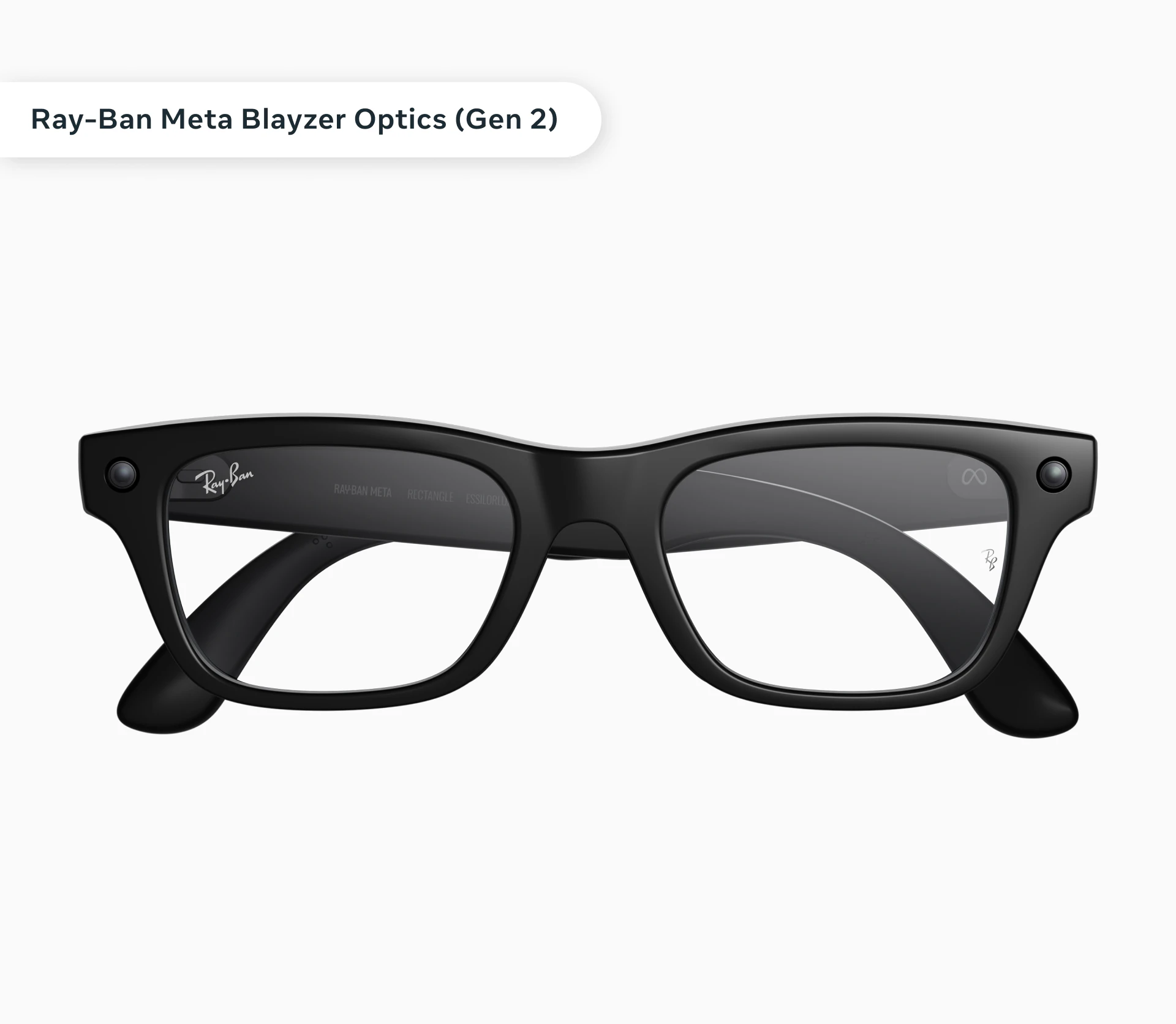
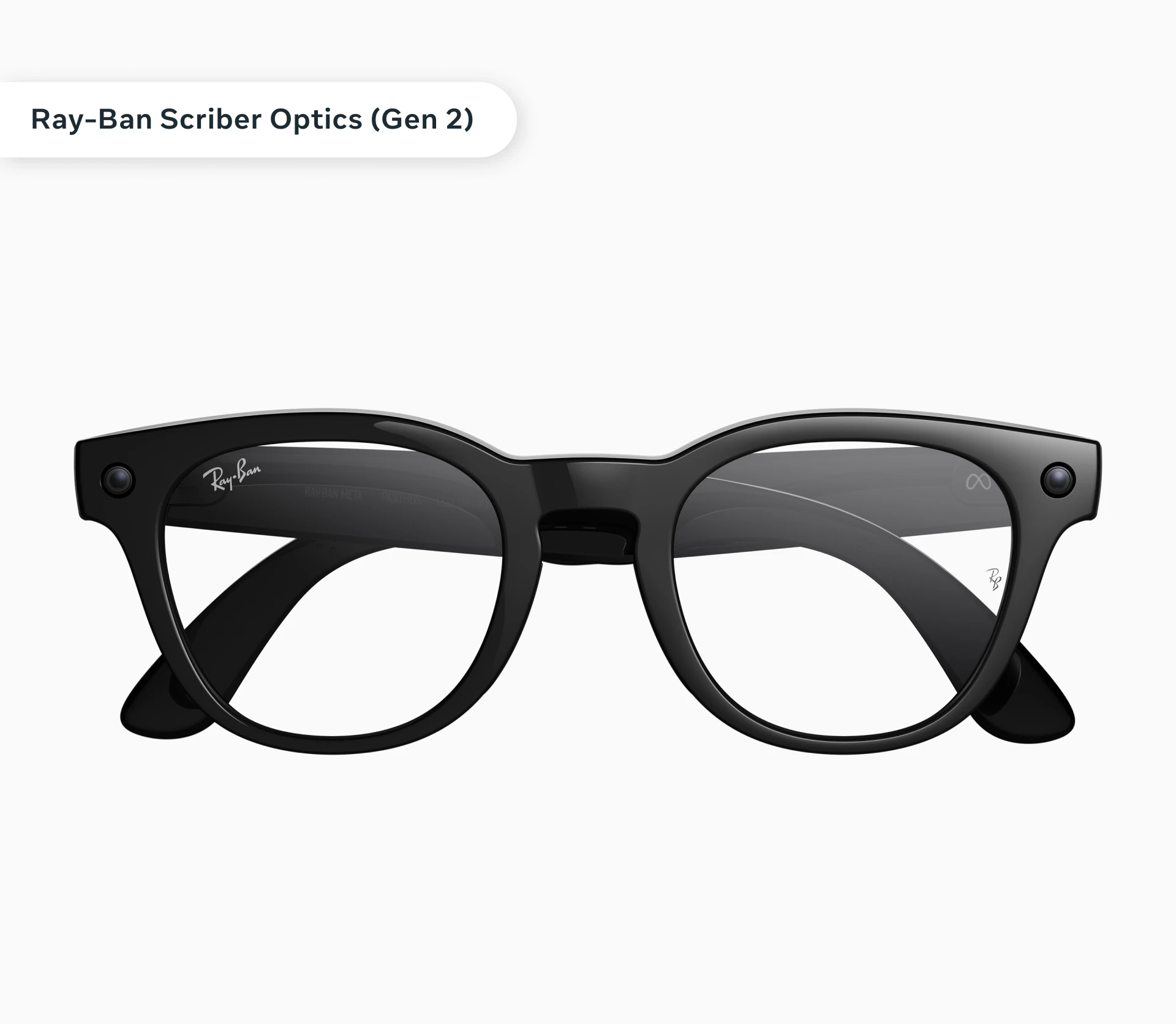
Ray-Ban Meta G2 Blayzer & Scriber Optics
Meta unveils Gen 2 Ray-Ban AI glasses — Blayzer & Scriber Optics — built to better serve people who rely on prescription glasses and all-day eyewear. New features include nutrition tracking, WhatsApp summaries & recall, and Neural Handwriting, making smart eyewear more intuitive and useful.

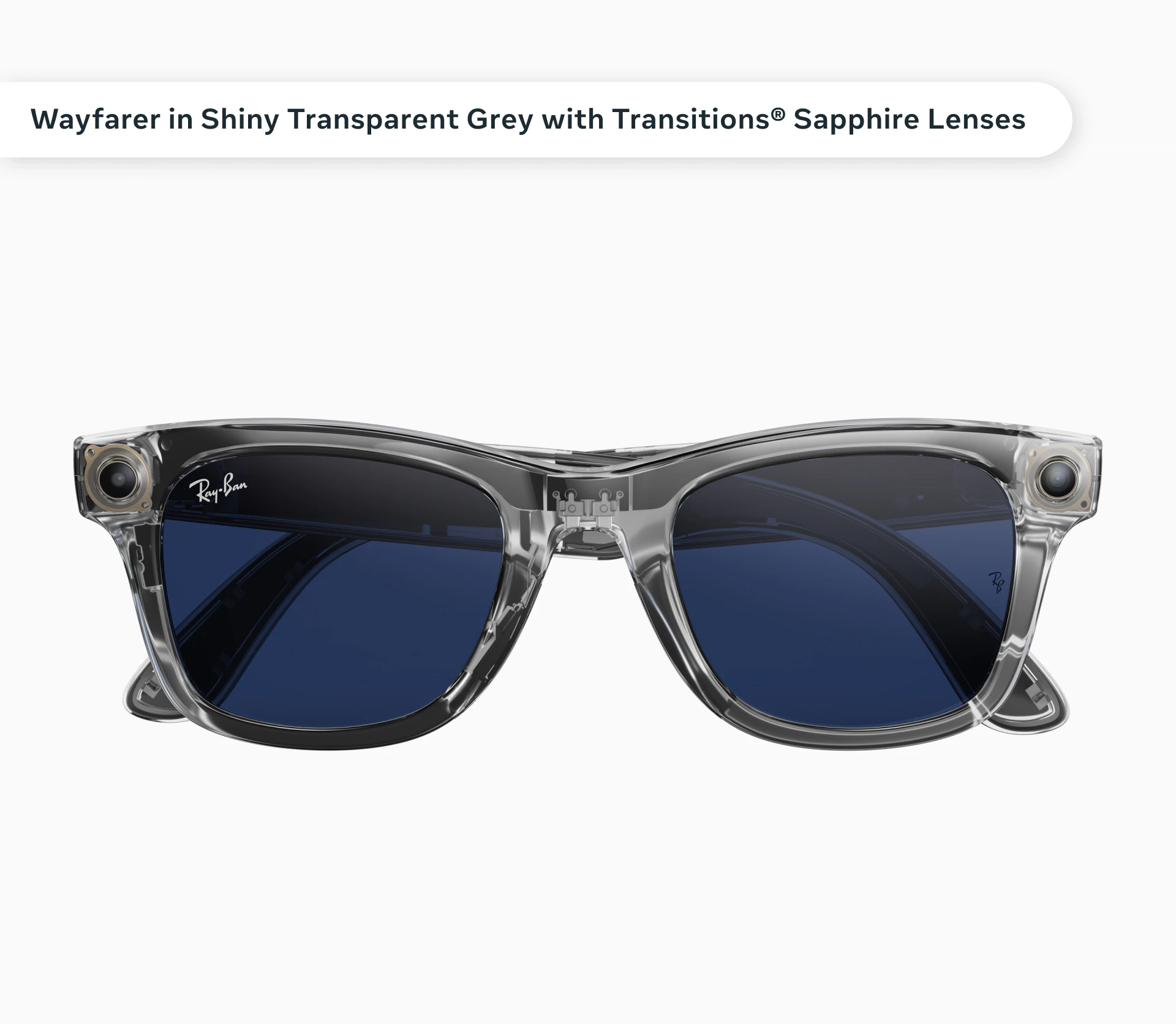
Meta just launched prescription-optimized Ray-Ban Meta AI glasses: Blayzer Optics (Gen 2) and Scriber Optics (Gen 2), starting at $499, perfect for the billions needing vision correction without sacrificing smart features.

Everyday glasses wearers want all-day AI smarts (like hands-free nutrition tracking via voice/photo logging with personalized recs, US-only) but hate bulky add-ons, these are lightweight, optician-adjustable frames built for comfort and nearly all prescriptions.

What's new? First truly optical-forward Ray-Ban Meta designs with overextension hinges, interchangeable nose pads, and tailored fit, plus fresh colors/lenses for Ray-Ban Meta (e.g., Shiny Transparent Grey with Transitions Sapphire) and Oakley Meta (e.g., Prizm Rose Gold).

Key features & benefits:

  • Nutrition tracking for healthier choices;

  • WhatsApp summaries/recall (EAP, on-device privacy);

  • Neural Handwriting rolling out everywhere (even iMessage, write on any surface);

  • pedestrian nav expanding US-wide; more like display recording and widgets coming soon.

  • Keeps you intuitive, helpful, phone-free.

For daily AI users, nutrition trackers, WhatsApp power-users, walkers; ideal for logging meals, quick message catch-ups, discreet replies, turn-by-turn guidance.

3
回复

@rohanrecommends How accurate is the hands-free meal logging in real-world lighting, and does it integrate with apps like MyFitnessPal yet?

0
回复

The prescription lens support is the obvious unlock here — most people who actually need glasses all day have been blocked from smart eyewear because of this. But how does the prescription integration work practically? Do you go through a licensed optician, upload your Rx somewhere, or is Meta partnering with specific lens providers?

0
回复

Is the problem with data leakage fixed?

0
回复
#13
Claras
Skip ahead & chat with any YouTube video using AI
107
一句话介绍:Claras是一款Chrome扩展,通过AI将YouTube视频转化为可对话的交互体验,核心功能包括一键转录、AI问答和自动生成时间戳目录,解决了用户在长视频中难以快速定位关键信息、需要反复拖拽进度条或重看片段的信息获取痛点。
Productivity Artificial Intelligence YouTube
YouTube视频助手 AI视频聊天 视频内容提取 浏览器扩展 智能转录 视频摘要 知识管理 学习工具 生产力工具 Chrome插件
用户评论摘要:用户反馈积极,认可其节省时间的价值。有效评论集中于技术细节询问:转录机制(是否依赖YouTube原生字幕)、多语言支持、多说话人及噪音处理能力,以及转录文本编辑功能。创始人回应坦诚,并透露将扩展语言支持。
AI 锐评

Claras的核心理念并非简单的“转录”或“摘要”,而是试图重构视频内容的消费模式——从被动的线性观看,转向主动的、结构化的、可查询的对话式交互。这直击了信息过载时代用户的核心焦虑:时间有限性与内容冗长性之间的矛盾。其“用标题反问视频”的用例,尖锐地揭示了当前视频内容生态中普遍存在的“标题党”现象,这无意中赋予了产品一种内容真实性校验的附加价值。

然而,其真正的挑战与价值天花板在于几个层面:首先,技术层面,其回答的准确性与深度完全受限于底层AI模型的能力与视频转录的准确性,在复杂逻辑、专业术语或模糊表述的视频中,其“答案”的可靠性存疑。其次,商业模式上,“终身计划、自带API”的策略看似对重度用户友好,实则将成本与模型选择复杂性转嫁给了用户,这提高了使用门槛,可能将用户群体局限于科技爱好者与专业人士。最后,其功能本质上是对YouTube平台内容的“再加工”,长期发展需警惕平台方的政策风险。

总体而言,Claras是一款精准切入场景的“锋利”工具,它代表了AI应用从生成走向理解和交互的一个务实方向。但它目前更像一个高效的“信息过滤器”和“导航仪”,而非真正的“知识理解伙伴”。其成功与否,将取决于能否在AI精度、用户体验与商业可持续性之间找到最佳平衡点。

查看原始信息
Claras
Transcribe YouTube Videos & Chat with them using AI – Claras is a Chrome extension that turns any YouTube video into a chat experience using AI. No more scrubbing timelines or rewatching sections to find one piece of information. Get instant summaries, a timestamped table of contents, AI Chat, and highlights — all from inside your browser. Export transcripts as TXT or PDF. Lifetime plan lets you bring your own AI API for unlimited usage with no credit system.
Hey everyone 👋 I'm Guillermo, the founder of Claras. I built this because I was spending way too much time on YouTube — scrubbing through 40-minute tutorials trying to find the one thing I needed. I wanted to just ask the video a question and get an answer. So I built that. Funny note: After I built Claras, the first thing I started using it for wasn't research or learning — it was calling out clickbait. I just ask the video its own title question and find out in 3 seconds if it actually answers it. Spoiler: it usually doesn't. 😅 Here's what Claras does: Core features: 🎙️ One-click transcript of any YouTube video 🤖 AI chat — ask anything about the video, get instant answers from the video 📋 Auto-generated summary + timestamped table of contents 🔍 Highlight key moments and save them for later 📥 Export as TXT, or PDF 🌍 Works in English and Spanish right now, but will expand 🔑 Lifetime plan: bring your own AI API, no credit system, unlimited usage Who it's for: ⚡ Founders learning on YouTube — skip the fluff, extract only what's relevant to your business. Ask "what strategies are discussed?" or "how did they acquire their first 100 users?" and get the answer in seconds. 🎓 Students & researchers — pull key arguments, quotes, and insights from lectures, interviews, and documentaries without taking manual notes. Build a searchable knowledge base from your video sources. 📺 Casual viewers & vloggers — use the table of contents to see what a video covers before committing to watching it. Skip straight to the sections that matter to you. Better than the native skippable sections on Youtube 🎤 Webinars, speeches & long tutorials — never sit through a 2-hour conference recording again. Get a full breakdown, jump to timestamps that cover your interests, and ask follow-up questions like you were there live. We've already transcribed over 100,000 minutes of YouTube content in beta. Would love to hear what you'd use it for — drop a comment below! 🚀
2
回复

@guillermo_morales1 If you’d like to showcase your MeetClaras across 300+ AI marketplaces like Product Hunt, Get more Details— @ai_business_tool

0
回复

@guillermo_morales1 As someone digging into sales systems and founder content daily, how's Claras handling quick Q&A on dense business videos like webinars? Any tweaks planned for non-English tech talks?

0
回复

Congrats on your launch! Being able to export transcripts is super useful. Can you detail how transcription works? Several questions:

Does it use YouTube’s native subtitles, or generate its own transcript?

What languages are supported for transcription and AI processing?

How does it handle videos with multiple speakers or heavy background noise?

Can I edit the transcript manually before exporting it as TXT/PDF?

0
回复

@elena_nimchenko Hi Elena! Thank you for the kind message. To answer your questions

1) A combination actually, and it will get better, if Youtube has no transcript, we create it with AI
2) Right now the main two languages are English and Spanish but will expand to 60+ languages soon
3) Incredibly well. While it might not recognize who said what, it is really good at highlighting what was said
4) Is this something youd like to do? May I ask why? - I could add this option if you need it!

Thank you!

0
回复

Some times the videos are so long and we just need the context and move on, this kind of tool is really helpful when the presenter takes ages to get to the point!

0
回复

@nayan_surya98 Hey Nayan! Thanks for the kind words mate!

Please go ahead and try it when live and let me know how it goes! That exactly why i built it!

Cheers

0
回复
#14
Keplars
Email Infrastructure for Modern Product Teams
103
一句话介绍:Keplars 是一款为现代产品团队设计的邮件基础设施,通过提供完整的送达可视化、沙盒测试和无缝扩展能力,解决了产品团队在集成和管理事务性邮件时面临的配置复杂、调试困难、与产品体验割裂的核心痛点。
Email Marketing SaaS
邮件基础设施 事务性邮件 送达可视化 开发者体验 产品团队工具 沙盒测试 按量付费 SaaS 邮件可观测性
用户评论摘要:用户高度认可其“降低启动摩擦”和“提供送达可视化”的核心价值,认为其将邮件从“后端黑盒”变为“产品团队可管理”是一大亮点。早期用户已将其作为首选邮件服务。反馈揭示了传统工具(如SendGrid)在设置后缺乏透明度、调试困难等真痛点。
AI 锐评

Keplars 的亮相,看似在拥挤的邮件服务赛道(SendGrid, Postmark等)中又添一员,但其真正的锋芒在于进行了一次精准的“价值重定位”。它聪明地将目标从“为开发者提供邮件API”转向“为产品团队解决邮件可见性问题”,这并非简单的口号变化,而是对市场痛点的深层手术。

传统邮件服务常作为基础设施被埋入后端,产品与增长团队对邮件的“生死”(是否送达、是否被打开)一无所知,只能陷入“求后端同事帮忙查日志”的低效循环。Keplars 直击此症结,将“送达可视化”和“沙盒测试”提到产品前台,本质上是将邮件从“运维可观测性”范畴剥离,赋予了“产品可观测性”。这不仅仅是功能的增加,更是权限和认知的转移,让真正关心用户激活与留存的产品经理能直接掌控这一关键触达渠道。

其宣传的“5次点击发送”和“基于使用量的定价”,是降低准入门槛和心智负担的标准SaaS打法。但更具粘性的可能是其致力于让邮件“感觉像产品的一部分”的体验设计。这意味着邮件流不再是独立、笨重的后端模块,而是能与产品功能无缝衔接、即时调试的有机组件。这正好切中了现代敏捷团队希望快速迭代、全链路负责的需求。

然而,其面临的挑战同样清晰。在巨头环伺的邮件服务市场,送达率与信誉系统的建立需要时间积累,这是其作为新入局者的天然短板。其次,“为产品团队设计”固然是差异化利器,但也可能使其在需要深度定制和复杂集成的大型企业场景中显得“过于轻量”。它的成功,将取决于能否在“简单易用”与“专业可靠”这两个有时相悖的维度上找到最佳平衡点,并真正构建起难以被简单复制的送达率护城河。

查看原始信息
Keplars
Keplars powers transactional emails with full delivery visibility, sandbox testing, and seamless scale - with strong developer experience, enabling you to send emails in under 5 clicks, and usage-based pricing.
Hey everyone, Thought I’d share a bit of context behind why we started building Keplars. While working on a product, I needed to set up transactional emails - and that’s where things started to feel unnecessarily complicated. Most tools required separate effort just to get started - configuration, setup, figuring out how everything works - all before you could actually use it. It felt like I had to pause building the product to deal with email infrastructure. So I built something simple for myself. In one night, I put together a basic working setup - just a single page, everything left-aligned, nothing fancy, but emails were being sent. But once it worked, I got really drawn into it. I kept refining it, improving reliability, simplifying the workflow, and adding visibility into what actually happens after sending an email. Over time, that small solution evolved into Keplars. The idea has stayed the same - reduce friction, make email easy to start with, and make it feel like a natural part of the product, not a separate system.
11
回复

Reading this brings back everything we went through building Keplars.

What started as a small need turned into something we genuinely believe in. I’ve seen how much thought, frustration, and care has gone into shaping this - not just to make it work, but to make it feel right for others building products.

Keplars isn’t just something we built, it’s something we’ve lived through.

Really proud of how far this has come, and even more excited for what’s ahead ❤️

3
回复

Congrats on the launch @debojyoti452 love the product. Early adopter and have manged to use it as my go to email as a service solution for FoundersBoxx and other projects. Love the new features.

3
回复

@filivvv This is amazing to hear, Filiberto 🙌

Really appreciate you trusting Keplars early and using it across your projects. Feedback like this is exactly what keeps us pushing forward.

Excited to keep improving it and make it even more solid. Everything for the devs.

2
回复

positioning email infrastructure as a product team problem rather than a backend one is the interesting move here. delivery visibility and sandbox testing are usually buried behind DevOps access, so making them something the product team can reach directly removes the whole "can someone check if that onboarding email actually fired" loop, which anyone who's shipped a transactional flow knows is more annoying than it sounds :)

3
回复

@gabrielpineda That’s exactly the shift we’ve been thinking about.

Email ends up being owned by backend or infra, but the impact is felt most by product and growth teams - and the lack of visibility creates that constant loop you mentioned.

Making delivery and behavior visible (and testable) to the product team was a big motivation behind how we built Keplars. Glad that resonated 🙂.

2
回复
This hits home.

I’ve used SendGrid in the past, and honestly, the biggest friction wasn’t just setup, it was everything after.

Deliverability felt like a black box, and when things went wrong, support wasn’t always helpful or timely. You end up spending more time debugging email than actually building your product.

What stands out about Keplars from this story is the focus on:
- reducing setup friction
- making email feel like part of the product (not separate infra)
- and actually giving visibility into what happens after sending

That last part is huge, because sending is not aka delivery

Congrats for the launch!

2
回复

@shafali_kapoor This really means a lot.🙌

You’ve described the exact problem we kept running into - everything after setup is where things actually break down, and the lack of visibility makes it even harder to deal with.

That gap between “sent” and “delivered” is what we wanted to make visible and understandable, so teams don’t have to guess or spend hours debugging.

Really appreciate you taking the time to share this so clearly, this is exactly what we’re building for ❤️

0
回复
#15
Stiinks.co
Link-in-bio, but worse.
98
一句话介绍:Stiinks.co 是一款故意设计得极其难用的“反链接聚合”平台,通过夸张的糟糕体验(如失效链接、混乱配色),在营销和自嘲场景中,反向凸显了同类工具良好体验的价值。
Funny Social Media Marketing
反设计 营销噱头 链接聚合页 体验对比 愚人节项目 批判性设计 病毒式传播 品牌差异化
用户评论摘要:创始人自述为“最差平台”,旨在收集让体验更糟的反馈。用户认为其以“反产品”凸显真产品是一种有趣的差异化策略,但质疑用户留存,获回复称这更多是博人一笑的快速体验,内含彩蛋。另有用户对其混乱的视觉设计表示惊叹。
AI 锐评

Stiinks.co 并非一款真正的产品,而是一个精心包装的营销批判装置。它通过将行业惯常痛点(如杂乱设计、无效链接、虚假数据)极端化、戏剧化,构建出一个“体验地狱”,其真正价值在于充当一面“哈哈镜”。

首先,它是一场高风险高回报的品牌叙事。项目源自其正经产品 Liinks.co,通过极端自黑与对比,在拥挤的“Link-in-bio”赛道中,以一种戏剧张力迅速抢夺注意力,将“我们产品好用”这个平淡陈述,转化为让用户亲自体验“糟糕透顶是什么样”的沉浸式论证。这比任何功能列表都更具记忆点和传播力。

其次,它是一个尖锐的行业批判。产品中每一个“故障”都精准对应着真实世界中用户体验的缩水:配色对应审美疲劳,失效链接对应维护缺失,倒退数据分析对应数据虚荣。它迫使从业者与用户重新审视那些被默默忍受的“小毛病”,反思产品的本质是提供顺畅服务,而非制造摩擦。

然而,其风险在于,这种讽刺艺术必须拥有一个坚实可靠的“正品”作为后盾。若没有 Liinks.co 作为对照,此项目将只是一个无意义的恶作剧。它成功的前提,是用户能瞬间理解其反讽意图,并顺畅回归到对正经产品的认可。这要求团队对营销节奏和用户认知有精准把控。本质上,Stiinks.co 是一枚为引发思考而引爆的“体验炸弹”,其硝烟散尽后留下的,应是对何为“好产品”更清晰的共识。

查看原始信息
Stiinks.co
We built the worst link-in-bio platform on the internet. On purpose. Stiinks.co features unreadable color schemes, links that don't work, analytics that go backwards, and a prize wheel where you can win...nothing. Why? Because sometimes you appreciate good things more when you see what the alternative could look like.

Hey Product Hunt! I'm Charlie, founder of Stiinks.co. We've been heads down for the past year building what we believe is the worst link-in-bio platform on the internet. Every Stiinks page ships with clashing color palettes, broken links, intrusive ads, endless popups and analytics that somehow go negative. We're incredibly proud of what we've built and we'd love your feedback on how to make the experience even more unusable!

PS. Happy April Fools from Liinks.co, the link-in-bio that actually works

2
回复

There’s something interesting about showing the anti-product to highlight the real one.
Feels like a more honest way to differentiate in a crowded space.
Do users actually spend time exploring Stiinks, or is it more of a quick laugh and bounce?

1
回复

@luca_ardito definitely more of a quick laugh kind of thing, but there are a number of Easter eggs to discover!

0
回复

I haven't seen so many colours in one place in my whole life. :D

1
回复

@busmark_w_nika it's a new design trend called "tasteless maximalism"

1
回复
#16
Baton
Orchestrate your AI coding agents
97
一句话介绍:Baton是一款桌面应用,通过为每个AI编程智能体提供独立的Git工作空间,实现并行运行与集中管理,解决了开发者在多窗口、多任务切换中管理多个AI编程助手时混乱无序的痛点。
Developer Tools Artificial Intelligence Vibe coding
AI编程智能体 开发工具 并行计算 工作空间隔离 代码管理 智能体编排 桌面应用 开发者效率
用户评论摘要:用户认可产品解决了多智能体并行开发的混乱问题,尤其赞赏Git隔离工作空间的设计。创始人回应了产品定位是现有工作流的“强力工具”,并探讨了未来向更高层监督智能体发展的方向。另有用户询问远程设备编排支持的可能性。
AI 锐评

Baton的亮相,折射出AI编码智能体浪潮正从“单兵作战”迈入“团队协作”的初级阶段。其核心价值并非简单的界面聚合,而在于通过**Git隔离工作空间**这一看似基础的技术决策,强行定义了智能体协作的物理边界,从而将并行实验从可能变为可管理。这本质上是在为当前脆弱的、易“幻觉”的AI编码过程引入最基础的软件工程纪律——版本隔离与变更追溯。

然而,产品当前的“编排”概念仍显浅层。它主要解决了“看”和“防冲突”的问题,但距离真正的“智能调度”尚有鸿沟。正如创始人所言,下一阶段的瓶颈将是人类对智能体的微观提示与管理。Baton的架构暗示了一个未来:它可能演变为一个**智能体调度平台**的本地客户端,其内置的MCP服务器是连接更高级别“监督智能体”的潜在管道。

真正的挑战在于,当智能体数量与复杂度超越人类直接监督的阈值时,工具本身是否会催生新的抽象层?还是说,如创始人所推测,这一核心能力终将被如Claude、OpenAI等底层模型提供商直接集成,使Baton沦为过渡性工具?其命运将取决于AI编码的成熟度:如果AI编码长期处于需要人类密切审查的“副驾驶”状态,那么Baton所专注的“并行与可视化管理”将拥有持久的市场;一旦AI编码能真正产出可靠成品,开发重心将转向目标与架构定义,届时此类工具的价值或将萎缩。Baton是应对当下混乱的务实方案,但其长远意义,取决于它能否从“隔离容器”进化成“调度中枢”。

查看原始信息
Baton
Baton is a desktop app for developing with AI coding agents. Run multiple agents in parallel, each in their own git-isolated workspace. Works with Claude Code, Codex, OpenCode, and any terminal-based agent. Smart notification badges show you which agents need attention. Review diffs, browse files, search your codebase, and let agents spawn new agents through the built-in MCP server.

Hi,

I built this because running multiple Claude Code agents across multiple IDE and terminal windows was getting messy, it was all changing quite fast, and nothing out there handled it the way I wanted. I needed one place to see all my agents, review their changes, and spin up new ones without constantly switching between windows.
I've been building Baton from within Baton for a while now, which has been a pretty fun loop. Would love to hear what you think!

4
回复

@tordrt Now that people are using so many agents at the same time, it seems like we’re reaching a point where we need various tools to monitor and oversee them.
Just like passing a baton in a relay race, the name “Baton” is really well chosen.

0
回复

Awesome man! What’s the long term vision for Baton like do you see it becoming an “OS for AI developers” or more like a power tool within existing workflows?

2
回复

@lak7 Thanks, more like a power tool for existing workflows.

I think the traditional IDE will increasingly become a system for managing agent developers. A big part of that is making it easy to run more agents in parallel while still giving the human developer clear oversight of what’s happening.


I think there are really two layers to this. One is expanding how many agents you can comfortably run at the same time, which is what Baton is trying to do. The other is that, at some point, the real bottleneck becomes the developer having to manually direct each agent and constantly write prompts for them. That doesn’t scale.

My guess is that the next step could be moving toward higher-level supervisor agents that sit above the individual workers. Instead of managing every agent directly, the developer works more through systems that condense the important information, suggest strategy, and help direct the overall flow of work. I think Claude and OpenAI will probably build this themselves, but I cant see it happening before coding agents are so robust that you dont need humans to review the code anymore.

1
回复

This looks really close to what I've been wanting in an agent-driven development tool. Does it (or could it in the future) support orchestrating agent sessions on remote devices? Similar to using VSCode on Windows to connect to remote Linux environments via SSH.

1
回复

@realgarettmd Thats definitely something Im looking into.

1
回复

the git-isolated workspace per agent is the detail that makes parallel agents actually practical. without it you're just tab-managing concurrent terminals that will eventually collide on the same files, and the mental overhead of tracking what each agent touched defeats the point. the isolation isn't an implementation detail, it's the whole model.

1
回复

@gabrielpineda Yep, thats a must nowadays, and its not well integrated into existing IDEs.

0
回复
#17
The New White House App
Get direct, unfiltered access to the People's House
95
一句话介绍:一款提供白宫官方新闻与政策动态的移动应用,旨在让用户直接、即时获取特朗普政府的最新信息,满足其对权威政治资讯的需求。
Android iOS Politics Donald Trump
官方新闻 政治资讯 实时推送 政府沟通 政策更新 特朗普政府 美国政治 移动应用 信息发布
用户评论摘要:核心反馈集中在严重的隐私安全问题上。用户指出该应用存在过度数据收集(如位置、通讯录等)、通过远程开关可静默更改功能、代码安全性差(密钥硬编码、依赖过时)等隐患。普遍建议使用官网替代,避免安装。
AI 锐评

这款应用标榜“直接、无过滤地连接人民与白宫”,其产品逻辑本质上是将政治宣传与数字监控进行了一次危险的捆绑。从功能看,它试图构建一个官方信息直达通道,解决公众对权威信源和实时性的需求,这本是数字政府的常规举措。然而,技术实现却彻底背叛了其“服务公众”的表象,暴露出一个监控工具的实质。

评论中开发者逆向工程揭示的细节触目惊心:远超新闻应用所需的权限清单、可远程操控的功能开关、粗糙且不安全的代码实践。这绝非技术能力不足所致,而更像一种精心设计的数据攫取与行为控制架构。其“真正价值”已非信息传播,而在于为政治实体提供了一个能合法安装在用户手机上的、可广泛收集数据并具备行为可塑性的终端。在“官方新闻”的掩护下,它模糊了公共服务与侵入式监控的边界。

更值得警惕的是其“远程功能开关”设计,这意味着应用今日是新闻推送器,明日可能被激活为数据采集器甚至更复杂的工具,而用户浑然不知。这种对用户设备潜在控制权的追求,远超一般应用范畴。最终,这款应用成了一个典型案例:当政治权力以“直接连接”为名,行技术僭越之实时,公众收获的并非透明,而是更深层次的不对称与控制。其技术上的粗劣,反而加剧了这种恶意性,暗示着对用户权益的漠视已到了毫不掩饰的地步。

查看原始信息
The New White House App
The official White House mobile app keeps you connected to President Donald J. Trump and his administration like never before. Receive real-time breaking news alerts straight from the White House on key developments, executive actions, and national priorities. Stay up to date with the latest policy initiatives and topics shaping America's future—from border security and economic growth to energy independence and making America great again.

I wouldn't recommend installing this app but it seems worth a conversation... it's a privacy and security nightmare, as demonstrated by two developers who reverse-engineered both iOS and Android apps and found serious problems:

  • Excessive data collection. Both platforms bundle Firebase Analytics, track device identifiers, and send your IP and device info to Google’s servers. The Android version goes further — requesting 22 permissions including camera, microphone, exact location, contacts, call logs, calendar, and the ability to read and send SMS. None of this is necessary for a government news app.

  • Remote control via feature flags. The app checks a remote endpoint for “feature flags,” meaning its behavior can be changed server-side at any time without an app update. What it does today may not be what it does tomorrow.

  • Poor security practices. API keys (Firebase, Google, ad unit IDs) are hardcoded into the binary. The Android version uses React Native with outdated dependencies carrying known vulnerabilities. One reviewer called the codebase “held together with mass-produced duct tape.”

  • Bottom line: This app collects far more data than it needs, can change behavior silently, and is built to a lower standard than most side projects. Just use the website.

Don't be an April Fool. Avoid this app!

11
回复

@chrismessina 

Thanks for the information , I already didn’t want to install it anyway.

3
回复

@chrismessina Where's the downvote? I'd love to see this at less that zero. Good catch, though; worth a conversation. "Keeps you connected to Donald..."

5
回复

@chrismessina This is quite useful with current ongoing war!

0
回复
#18
Ditch
App cleaner that lives in your MacBook’s notch
94
一句话介绍:Ditch是一款常驻MacBook“刘海”区的轻量级应用清理工具,通过简单的拖拽操作,即可彻底卸载应用并清除其残留的缓存、日志和偏好设置文件,解决了Mac用户卸载应用不彻底、手动清理繁琐复杂的痛点。
Mac Open Source GitHub
Mac应用卸载 系统清理工具 开源软件 刘海屏交互 拖拽操作 轻量级应用 文件清理 用户体验
用户评论摘要:用户普遍赞赏其利用“刘海”区域作为交互空间的巧思,认为赋予了该区域实用价值。开发者对开源和具体技术实现(如刘海交互的API处理)表示兴趣。也有用户直接表达了对此类工具的需求和期待。
AI 锐评

Ditch的核心价值并非在于其清理功能本身——市场上已有诸多成熟且功能庞杂的清理软件。其真正的颠覆性在于两点:一是**交互形式的极简主义重构**,它将一个系统级的、通常需要多步骤确认的“卸载”行为,压缩为一次直觉性的“拖拽至刘海”动作,这不仅是UI创新,更是对用户心智模型的简化。二是**对硬件争议点的创造性转化**,MacBook的“刘海”自诞生以来就备受争议,常被诟病为无用空间。Ditch将其从“视觉缺陷”重新定义为“常驻交互入口”,化腐朽为神奇,这体现了产品思维的高度。

然而,其面临的挑战同样清晰。首先是**场景频次与入口必要性的矛盾**:普通用户高频使用刘海区域进行菜单栏交互,而应用卸载是一个低频行为。一个常驻刘海、可能影响菜单栏图标布局的专用工具,其“始终可访问”的优势是否能抵消对日常操作的潜在干扰,需要观察。其次是**功能深度的天花板**:作为轻量、开源工具,其在清理的彻底性、安全性验证(如误删系统关联文件)以及批量处理能力上,可能难以与专业软件抗衡,容易局限于“优雅的玩具”范畴。

总体而言,Ditch是一款出色的“概念产品”。它未必能取代功能全面的清理大师,但它以一种极具启发性的方式,展示了如何通过软硬件结合的前瞻性思维,将用户痛点转化为优雅的解决方案。它的成功与否,将取决于其能否在保持极简灵魂的同时,在清理算法的可靠性与系统兼容性上建立起足够深的护城河。

查看原始信息
Ditch
A lightweight Mac app cleaner that lives in your MacBook’s notch. Drag an app to the notch, drop it, and Ditch removes it along with leftover caches, logs, and preferences. Fast, safe, and fully open source, no bloated installers or complicated menus, just effortless Mac cleanup. Key Features: 🪶 Lives in your MacBook notch - always accessible 🧹 Deep cleanup: caches, prefs, logs, containers 👀 Preview before deleting 🗑️ Everything goes safely to Trash ⚡ Lightweight and lightning-fast

Fellow Mac dev here — notch integration is such a clever use of that space. Clean UX.

1
回复

@cyberseeds Thanks really appreciate it wanted to make the notch useful

0
回复

Using the notch as actual UI real estate instead of just hiding it is a nice move. I always thought that space was wasted. Open source too? Might peek at the repo to see how you're handling the notch interaction, that's a fun macOS API challenge.

1
回复

@thenomadcode Exactly! Wanted to give the notch a purpose. I made this tiny app for myself, so I open sourced it too.

0
回复
Hi Product Hunt! 👋 I’m excited to launch Ditch, a lightweight Mac app cleaner that lives in your MacBook’s notch. Most cleaners just delete apps. Ditch removes leftover files, caches, and logs too, and it’s completely open source. I built Ditch because cleaning Apps was slow, confusing, and frustrating. My goal is simple: drag an app to the notch, drop it, and it’s gone. Fast, simple, and safe - making Mac cleanup effortless for everyone.
0
回复

@prabin_bhusal I’ve been really stressed about this, so I think I’ll try installing it. This is exactly the kind of thing I needed. Thanks!

0
回复

Drag, Drop, Ditch.

0
回复
#19
Claudoscope
Browse, search & track costs across Claude Code sessions
90
一句话介绍:一款免费的macOS菜单栏应用,通过直接读取本地会话文件,为Claude Code用户提供会话浏览、搜索、成本追踪和敏感信息检测功能,解决了企业级部署中成本不透明与安全风险不可控的核心痛点。
Open Source Developer Tools GitHub Security
开发者工具 AI辅助编程 成本管控 安全扫描 本地应用 开源软件 菜单栏工具 Claude Code生态 企业级部署 macOS应用
用户评论摘要:用户反馈主要肯定其成本异常预警和有效的密钥泄露扫描功能。开发者解释产品源于管理企业部署时缺乏可见性的实际痛点,并解决了现有工具无法支持企业API部署的问题。有评论指出成本追踪的价值在于发现异常而非预算。
AI 锐评

Claudoscope看似是又一个AI编程助手的周边工具,实则精准切入了一个被主流叙事忽略的缝隙市场:企业级AI辅助编程的“运维”与“治理”真空地带。当所有目光都聚焦于AI编码的“速度”与“能力”时,它冷静地转向了“成本”与“安全”这两个在规模化部署后必然浮现的沉重议题。

其真正价值不在于功能堆砌,而在于方法论上的颠覆。它放弃了基于Cookie的网页 scraping 取巧路线,选择直接解析本地JSONL会话文件。这一技术路径的选择,看似笨重,实则是其支持企业API部署、实现真正通用性的基石,也巧妙地绕开了隐私和合规雷区。这暴露了当前许多AI工具在企业环境水土不服的根源:它们生于云端消费级场景,缺乏对本地化、隔离化企业IT环境的深度适配。

“在会话文件中发现明文数据库密码”这一起源故事,极具象征意义。它揭示了AI工具作为“超级自动化终端”所带来的新安全风险——敏感信息在交互中被无意记录并持久化,形成遍布本地的“数据泄漏地雷”。Claudoscope将秘密扫描从传统的代码仓库前置到了AI会话流这一更源头、更动态的环节,这是一种安全思维的进化。

成本追踪功能的设计也颇具洞察力。它没有被简单设计成财务仪表盘,而是被用户自发地用作“异常行为探测器”。高昂的成本会话往往对应着陷入循环或上下文重建的失败交互,这使成本数据从财务指标转变为了系统健康度和使用质量的信号。这体现了优秀工具的一种特质:它提供的不仅是数据,更是可行动的洞察(Actionable Insights)。

然而,其挑战也同样明显。作为一款深度绑定特定产品(Claude Code)且定位相对硬核的工具,其市场天花板清晰可见。其功能价值与Claude Code自身的采用度及企业使用深度强绑定。此外,随着AI编码助手平台自身功能的完善,此类第三方工具的核心功能存在被官方“收编”的潜在风险。

总而言之,Claudoscope是一款典型的“痛点驱动型”产品。它没有追逐AI领域最喧哗的概念,而是沉入到企业工程师日常使用中那些沉默、具体且真实的烦恼之中,用极致的本地化、透明化和工程化思维提供了解决方案。它证明了在AI应用浪潮中,为“使用AI的过程”提供管理和保障,与提升AI能力本身,是同等重要且价值巨大的赛道。

查看原始信息
Claudoscope
Free open-source macOS menu bar app for Claude Code. Browse full session history, search across conversations, track token costs per project with Anthropic or Vertex AI pricing. Built-in secret detection scans every session for leaked API keys, tokens, and credentials. Config health linter runs 19 rules against your CLAUDE.md files, skills, and hooks. Works with Enterprise API deployments (no cookies needed). Native Swift/SwiftUI, 100% local, zero telemetry. MIT licensed.
Hey Product Hunt, I'm Liran. I built Claudoscope because I manage Claude Code rollout across engineering teams at my company and had no way to tell what sessions were costing us or what was happening inside them. The existing menu bar trackers scrape your session cookie from claude.ai. That doesn't work for Enterprise API deployments. Claudoscope reads the local JSONL session files directly from ~/.claude/projects/, so it works on any setup, Enterprise included. What actually got me started: I found my database password sitting in plaintext in a session file. Claude Code had read a .env and echoed it back as a tool result. Nobody was checking for that. So now the app scans for leaked credentials using entropy-based filtering and alerts you when something shows up. Beyond secret scanning, it gives you: Session history browser with a chat-style viewer and full-text search Cost analytics per project and per session (supports both Anthropic and Vertex AI pricing) Config health linter with 19 rules that checks your CLAUDE.md, skills, and hooks (found broken skill metadata and oversized configs across our team that nobody had noticed) MCP server and skills browser It's native Swift/SwiftUI, not Electron. Runs locally, no telemetry. brew tap cordwainersmith/claudoscope && brew install --cask claudoscope Free and MIT-licensed. If you're running Claude Code on an Enterprise plan where cost visibility is basically nonexistent, I want to know what else you'd need from something like this.
3
回复

@cordwainersmith Claude Code tools usually sell speed. This goes after the part that gets annoying later.

Once more than one person uses it, the problem is not the model. It’s that nobody really sees what’s going on anymore. What kept breaking often enough that you decided to build this?

1
回复

the token cost tracking per project in the menu bar is more useful as a signal than a budget tool. a session that costs 10x the average is almost always one where something went wrong, not one where you accomplished 10x more.

the secret detection scanning for leaked API keys is the feature that quietly saves someone's day. session histories can end up in sync directories or version control if you're not careful, and most people don't think about what's in them until after.

1
回复

@gabrielpineda The anomaly signal thing is how I use it. I never open the cost view to budget. I open it when a number looks wrong and I want to see what happened. Usually it's a session stuck in a loop, or compaction fired and the agent rebuilt context from scratch a few times.

Agreed on the secrets scanning. The hard part was making it useful and not annoying. Without entropy filtering you get a wall of false positives from example code and docs. It took a while to get the signal right, but now when it flags something, people actually look.

0
回复

Hey Product Hunt, I'm Liran. I built Claudoscope because I manage Claude Code rollout across engineering teams at my company and had no way to tell what sessions were costing us or what was happening inside them.

The existing menu bar trackers scrape your session cookie from claude.ai. That doesn't work for Enterprise API deployments. Claudoscope reads the local JSONL session files directly from ~/.claude/projects/, so it works on any setup, Enterprise included.

What actually got me started: I found my database password sitting in plaintext in a session file. Claude Code had read a .env and echoed it back as a tool result. Nobody was checking for that. So now the app scans for leaked credentials using entropy-based filtering and alerts you when something shows up.

Beyond secret scanning, it gives you:

Session history browser with a chat-style viewer and full-text search

Cost analytics per project and per session (supports both Anthropic and Vertex AI pricing)

Config health linter with 19 rules that checks your CLAUDE.md, skills, and hooks (found broken skill metadata and oversized configs across our team that nobody had noticed)

MCP server and skills browser

It's native Swift/SwiftUI, not Electron. Runs locally, no telemetry.

brew tap cordwainersmith/claudoscope && brew install --cask claudoscope

Free and MIT-licensed. If you're running Claude Code on an Enterprise plan where cost visibil

0
回复
#20
CapyCursor
Cursor highlight, screen draw, zoom & spotlight
87
一句话介绍:一款轻量级Windows屏幕交互增强工具,通过高亮光标、屏幕绘图、聚光灯和放大镜等功能,解决教师、创作者和演讲者在线上教学、会议演示及录屏时屏幕操作不够清晰、缺乏互动性的痛点。
Productivity Education
屏幕演示工具 光标高亮 屏幕标注 教学辅助 演讲辅助 实时注释 效率工具 Windows软件 轻量级应用 互动演示
用户评论摘要:开发者主动介绍产品初衷并征集反馈,用户对屏幕直接绘图功能表示兴趣并询问工具细节。开发者回复详细说明了绘图工具的功能特点、操作方式(快捷键)和本地运行的优势。
AI 锐评

CapyCursor瞄准的是一个看似微小却普遍存在的“沟通摩擦”场景:当屏幕共享成为常态,默认光标和静态画面的信息传递效率极其低下。它的真正价值不在于技术突破,而在于对“演示态”工作流的精准解构与整合。

产品将光标高亮、屏幕绘图、区域聚光、局部放大乃至空白白板等碎片化需求,统一封装为一个可通过全局热键快速调用的“交互图层”。这种设计巧妙地避开了与Zoom、Teams等主流会议软件的内置功能正面竞争,转而以系统级辅助工具的姿态,成为所有演示环境的“公因数”。其“轻量级、无延迟、无需设置”的宣传,直指专业演示工具(如OBS)的复杂性和性能开销痛点,试图用极低的学习和使用成本捕获轻度但高频的用户。

然而,其深层挑战也在于此。功能集成度是一把双刃剑:对于追求极致效率的专业用户,其绘图和标注的深度可能不及专业软件;对于极简用户,其功能集又可能显得冗余。产品的长期生命力,将取决于它能否在“轻量集成”与“功能深度”之间找到最佳平衡点,并构建足够高的操作习惯粘性。当前版本更像是一个实用的“功能包”,其未来能否从“小工具”进化为一个不可或缺的“演示操作系统”,将取决于其后续对用户工作流的更深层次洞察与迭代。

查看原始信息
CapyCursor
CapyCursor is a lightweight Windows tool that makes on-screen presentations clearer and more engaging. Teachers, YouTubers, and meeting presenters can use it to highlight the cursor, draw directly on the screen, spotlight specific areas, zoom in on details, and switch to a blank whiteboard — all with a single hotkey. Works system-wide alongside Zoom, Google Meet, PowerPoint, or any browser. No setup complexity, no performance lag. Ideal for online teaching, tutorial recording, and live demos.
Hey everyone 👋 I’m the maker of CapyCursor — really excited to finally share this with you today! CapyCursor started from a simple frustration: during presentations, recordings, or even daily work, it’s surprisingly hard to make your screen interactions clear and engaging. The default cursor just isn’t built for communication. So we built CapyCursor to help you present, explain, and highlight better on screen, with features like: 🎨 Cursor skins (make your cursor actually visible & fun) 🖊️ Screen annotation & drawing 🔍 Spotlight & magnifier for focus 🧑‍🏫 Perfect for creators, teachers, and streamers We tried to keep it lightweight, simple, and actually useful in real scenarios—not just another flashy tool. Would love your feedback: 👉 What’s the one feature you wish your cursor could do? I’ll be here all day to answer questions. Thanks so much for checking it out 🙌
0
回复

The ability to draw directly on screen is super useful. Can you detail the drawing tools?

0
回复

@elena_nimchenko The screen drawing tool in Capycursor lets you draw, annotate, and highlight directly on your screen at any time. You can use a freehand pen to write or sketch, add arrows and shapes to point out key content, and switch colors and brush sizes easily. All drawing works through quick hotkeys, so you can start or stop annotating without interrupting your presentation or workflow. The tool runs locally on your device and doesn’t rely on an internet connection, ensuring stable and smooth performance whenever you need it.

0
回复