Product Hunt 每日热榜 2026-04-02

PH热榜 | 2026-04-02

#1
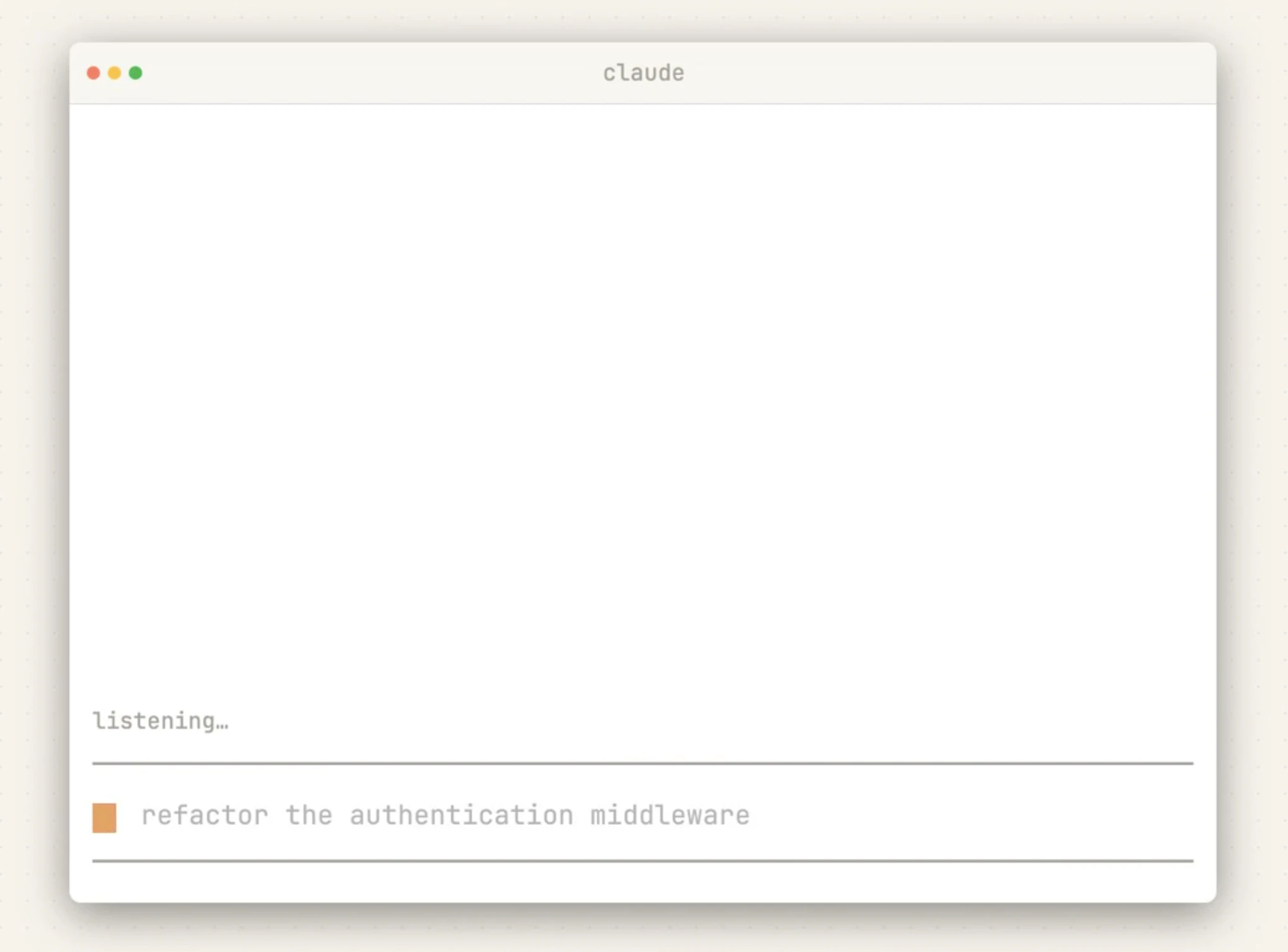
Claude Code Voice Mode
Speak your prompts into Claude Code
299
一句话介绍:Claude Code的语音模式支持免提对话与实时语音回复,解决了开发者在手忙或移动场景下无法高效进行代码构思、审查和头脑风暴的痛点。
Productivity Developer Tools Artificial Intelligence
AI编程助手 语音交互 开发者工具 多模态输入 免提操作 实时语音合成 工作流效率 混合输入模式
用户评论摘要:用户肯定语音交互是编码工具的必然方向,尤其赞赏其语音/文本无缝切换的混合工作流价值。主要问题集中在功能稳定性(如按键录音失败)、语音合成对代码输出的可听性、远程开发环境兼容性,以及与竞品(如Wispr Flow)的功能对比。
AI 锐评

Claude Code语音模式所标榜的“解放双手”场景,看似直击开发者工作流的物理痛点,实则试图撬动一个更深层的范式转变:将编程从纯粹视觉与键盘敲击的封闭回路,拓展为一个可进行口语化思考与实时听觉反馈的开放系统。其真正价值不在于“语音输入代码”这一略显噱头的表象,而在于构建了一个“构思-讨论-修正”的语音优先的伴随环境,尤其适用于架构设计、代码审查和灵感捕捉等需要高认知负荷而非精确打字的环节。

然而,当前用户反馈暴露了理想与现实的断层。稳定性问题是最基础的信任杀手,尤其在需要可靠性的工作场景中。更深层的挑战在于,语音作为信息载体与编程所需的精确性、结构性存在本质矛盾。评论中关于“如何朗读200行diff”的尖锐提问,正戳中了产品核心矛盾:当AI需要将高度符号化的代码语言转化为自然语音流时,是机械复读导致信息过载,还是智能摘要损失关键细节?这并非简单的技术优化,而是产品定位的根本抉择。

此外,该功能目前更像是锦上添花的“模式”,而非深度重构的工作流。它尚未回答如何与现有命令行、IDE、远程开发环境深度集成。如果其价值仅局限于与Claude的独立对话舱内,那么它很可能只会成为少数场景的备用工具,而非变革性的“下一交互范式”。真正的成功,取决于它能否从“一个能语音聊天的编程AI”,进化成“一个以语音为自然接口的智能编程环境”。

查看原始信息
Claude Code Voice Mode
Voice mode enables natural, hands-free conversations with Claude — speak prompts and hear responses instantly. Switch between voice and text, use hands-free or push-to-talk, and productive while multitasking, learning, or brainstorming on the go.

Claude’s voice mode has been around for a few weeks, but I wasn't using it enough. I was surprised how much time I could save by enabling it. Hence I am showcasing it today!

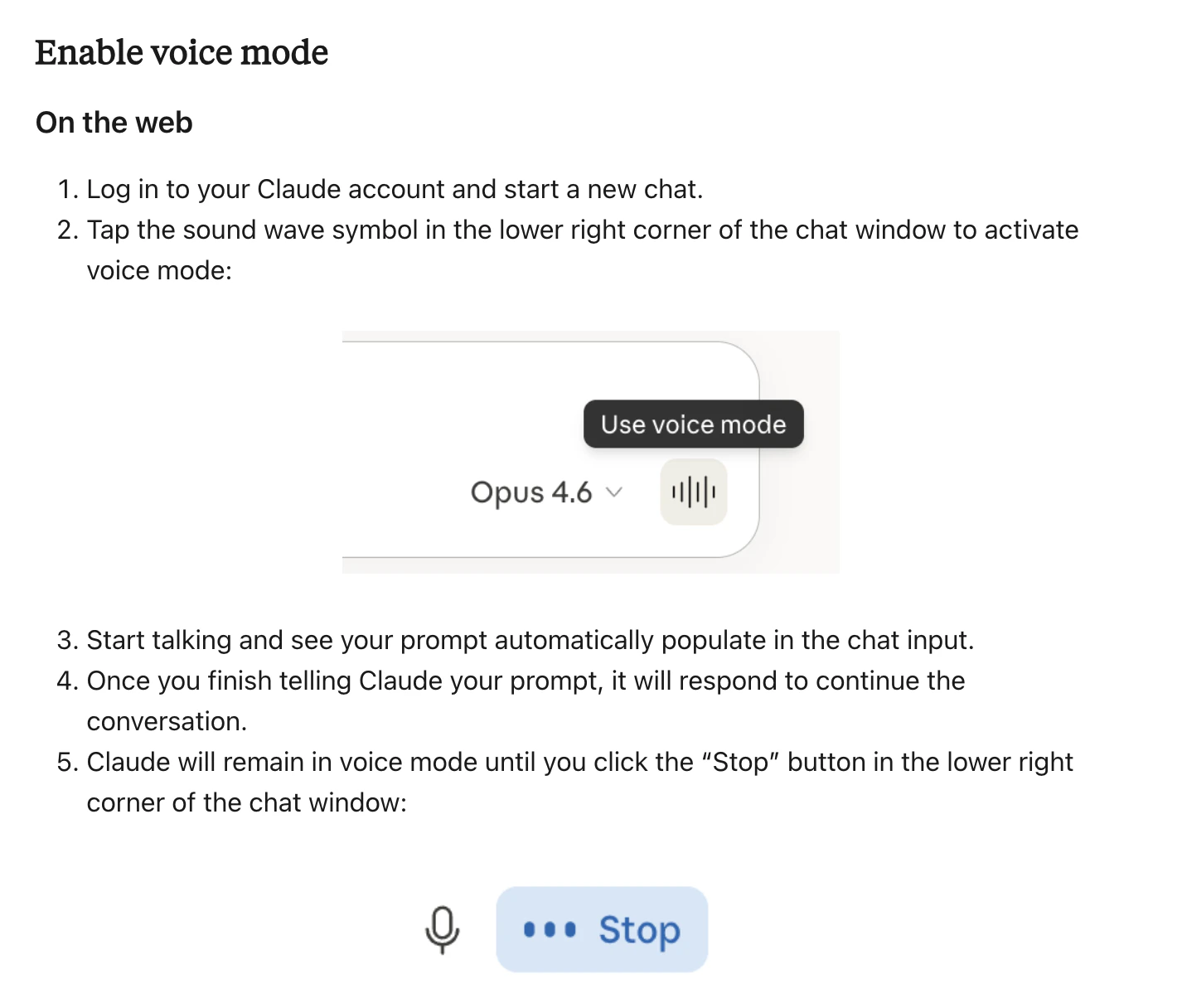
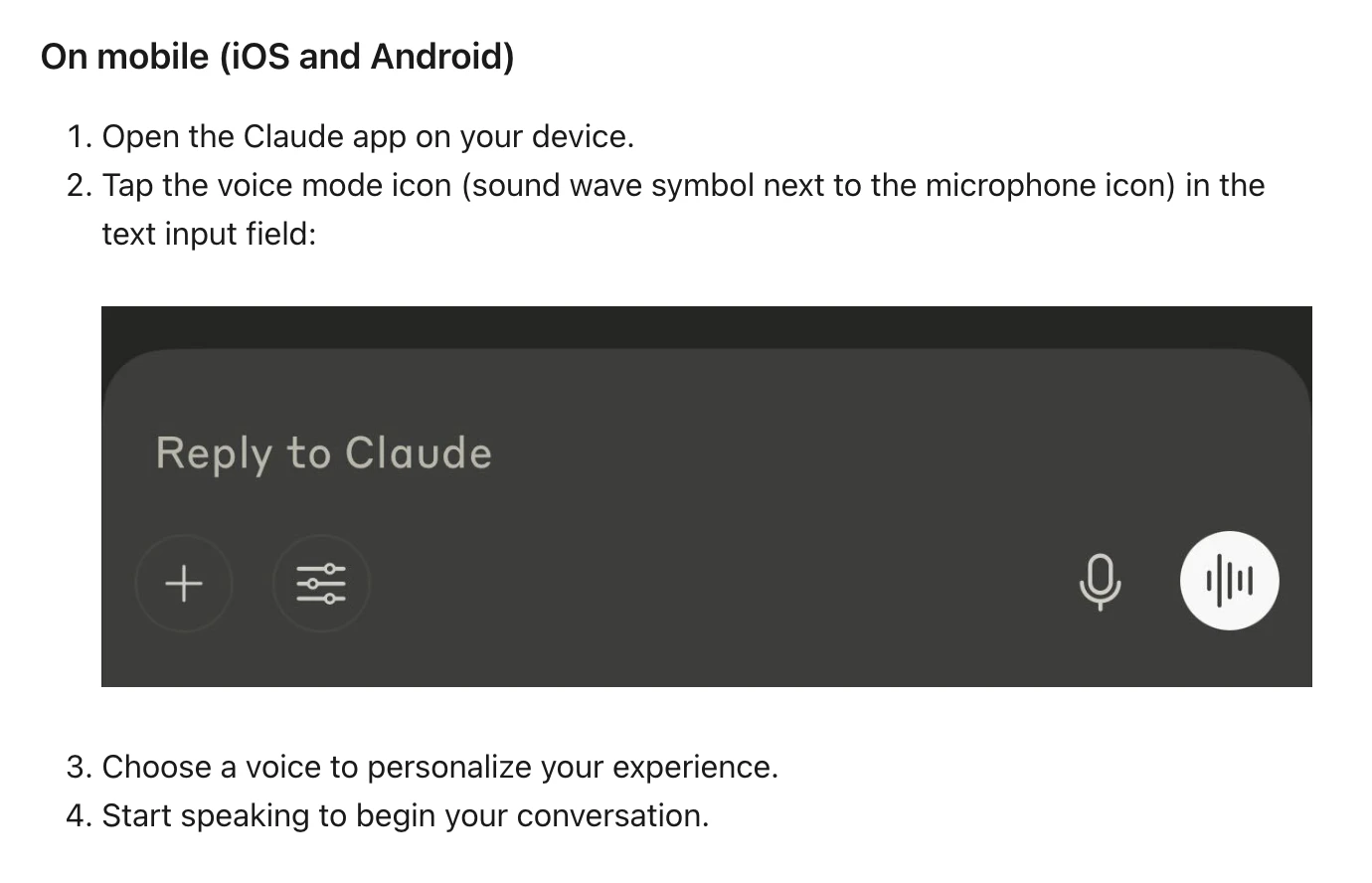
It is a full two-way spoken interface that lets you talk to Claude and hear natural voice replies on web and mobile, while still being able to switch back to text in the same chat when you need to type something precise.

It solves the “hands are busy, mind is free” problem by enabling complete spoken conversations for planning, learning, creative thinking, prep, and quick idea capture when typing would slow you down.

What’s different here is the combination of continuous hands-free listening for natural pauses, an optional push-to-talk mode for noisy environments, seamless text–voice switching with preserved context, and built-in safety measures like limited preset voices and strict policy enforcement.

Key features:

  • Hands-free listening that reacts to natural pauses.

  • Push-to-talk for noisy environments and precise control.

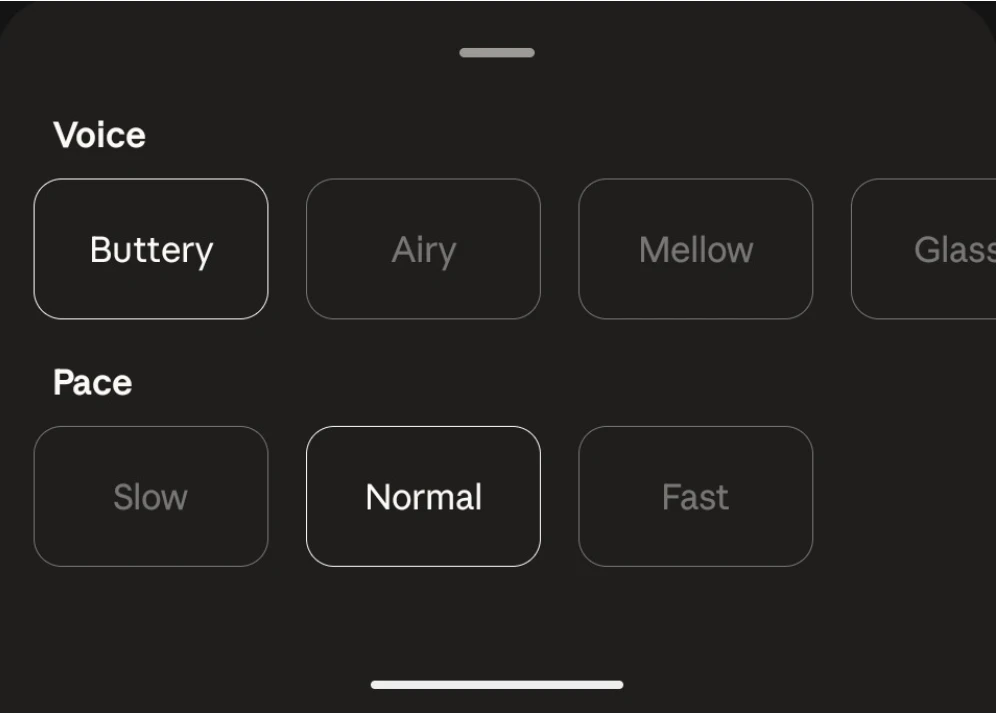
  • Preset voices with adjustable speaking pace.

  • Voice chats auto-saved as text transcripts in history.

  • Counts against your regular plan usage limits.

It’s ideal for busy knowledge workers, builders, and learners who want to plan their day, learn on the go, brainstorm creatively, rehearse interviews or tough conversations, and capture ideas the moment they appear, all through natural speech.

P.S. I hunt the latest and greatest launches in tech, SaaS and AI, follow to be notified @rohanrecommends

6
回复

@rohanrecommends I was super looking forward to CC's voice mode, but it has been buggy ever since I tried it. The most often error is that upon holding the Space key to talk, it just doesn't record anything:

When it worked, it was pretty hit or miss in terms of output. Did they improve anything in the past week?

2
回复

@rohanrecommends Yeah I’ve seen similar issues with real-time voice systems — stability tends to be the hardest part, especially with streaming. Curious if they’ve improved reliability recently.

0
回复

I've been using Claude Code since it first launched over a year ago. A few months after I first started using CC, I found@Wispr Flow and it was a game changer. I especially like the fact that I can use snippets for shorthand and save recent messages in case i need to get back to those later. Interested to try CC's native /voice and see how that's different.

4
回复

Voice as an input layer for coding tools feels like an obvious next step, but surprisingly few products actually make it usable in practice.

The switch between voice and text is key here.
How do you see people balancing the two in real workflows rather than just demos?

4
回复

Yeah I think the hybrid workflow is the key — voice for ideation/planning, text for precision. Curious how well it holds up in real daily usage vs short sessions.

0
回复

We use Wispr flow today and it works great across all clients. Specifically for claude code, it would be helpful if we are able to embed other language words. We work with remote teams that don't speak English fluently and would find that feature very useful

2
回复

I've been using Claude Code daily to build a macOS app (Rust + SwiftUI).

Voice mode while reviewing diffs or planning architecture would be a game-changer — hands on keyboard, thinking out loud. Trying this today.

2
回复

My setup is Claude Code on a remote server, I SSH into it for all my dev work — shipped a whole product this way. Genuinely curious about voice mode though. Does it need a local machine with a mic, or can it somehow work through an SSH session? I've been dealing with garbage system dictation for months, would switch in a heartbeat.

2
回复

The "hear responses instantly" part — what's the TTS quality actually like for code-heavy output? When Claude's response is 80% a code block with variable names and syntax, does it read that aloud verbatim or does it summarize? Because "hearing" a 200-line diff spoken back to you sounds like a nightmare.

1
回复
#2
Lightning V3
Text-to-Speech built for Voice Agents
281
一句话介绍:Lightning V3是一款专为语音智能体设计的超低延迟文本转语音模型,通过在100毫秒内生成高自然度语音,解决了实时对话AI应用中响应迟滞、语音机械的痛点,使语音助手、客服系统等交互体验更接近真人。
Languages Artificial Intelligence Audio
文本转语音 语音智能体 实时AI 低延迟 多语言支持 语音克隆 企业级API 语音合成 人机交互
用户评论摘要:用户高度认可其100ms低延迟对语音智能体的关键价值,并询问高并发下的实际表现与尾部延迟数据。同时关注其与竞品(如ElevenLabs)的对比、价格、情感控制、语码转换(如印英混合)、区域口音支持,以及语音克隆滥用的防范措施。
AI 锐评

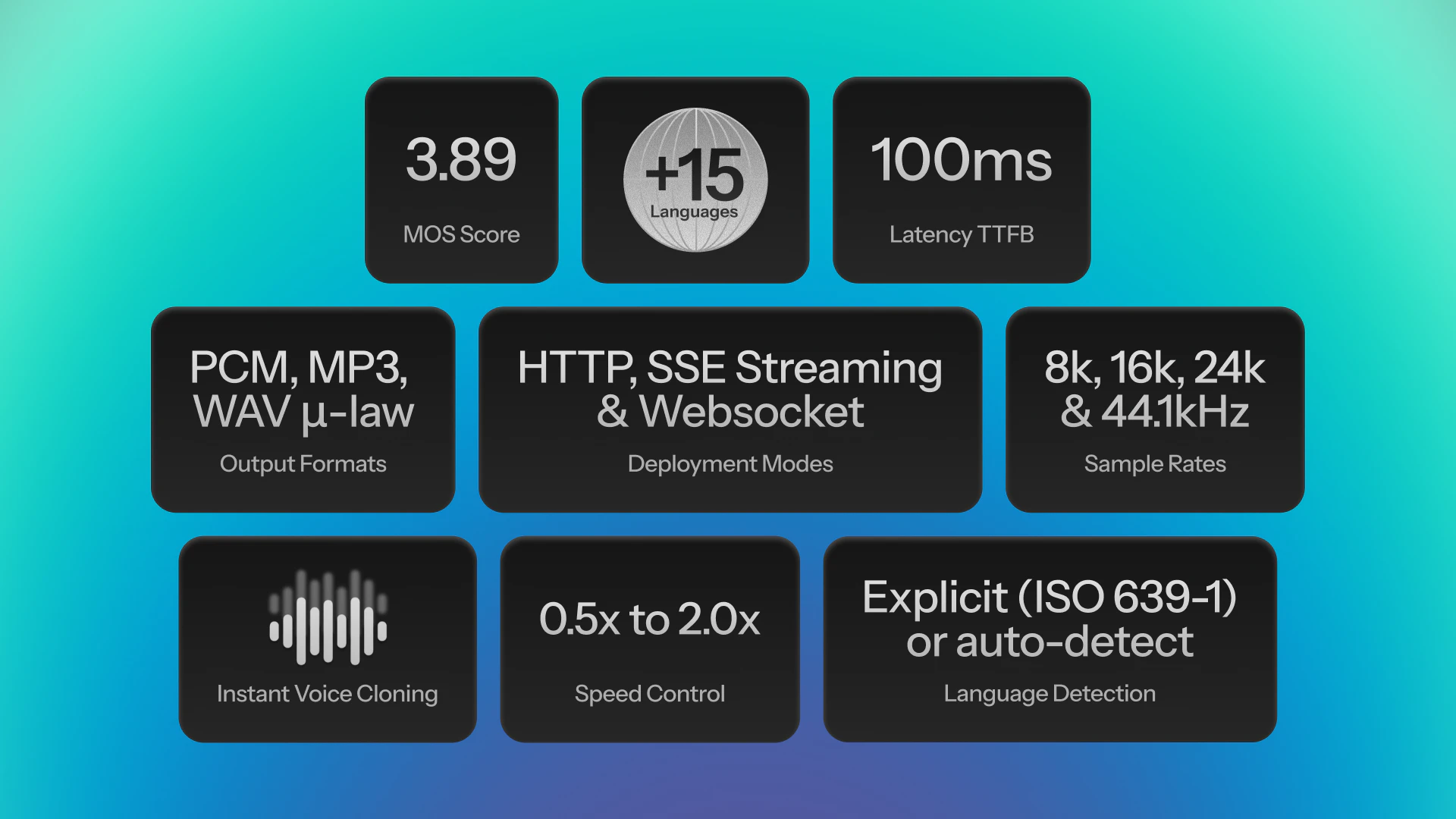
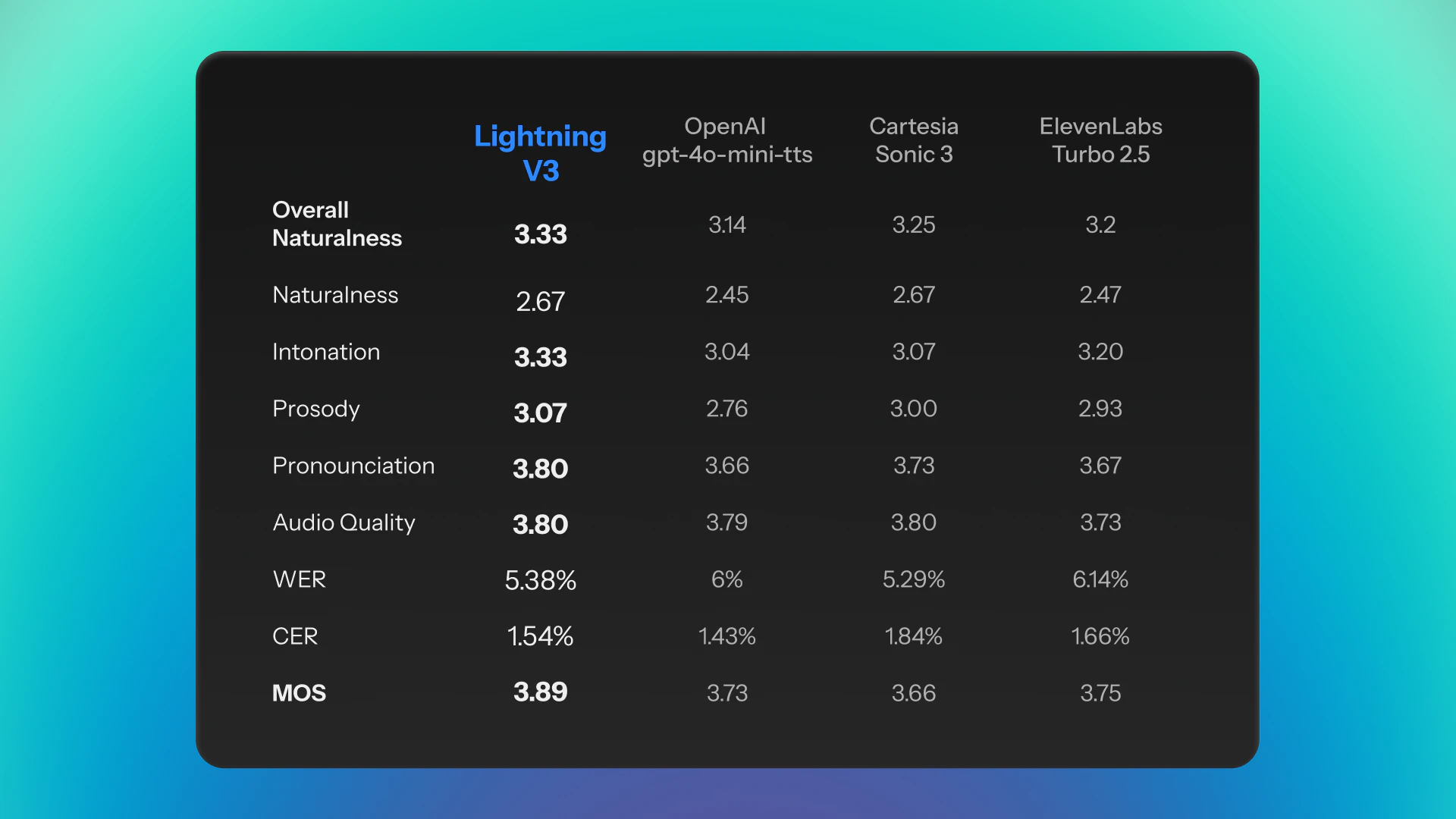
Lightning V3的发布,直指当前TTS赛道一个被华丽“自然度”指标所掩盖的核心矛盾:在实时交互场景中,延迟与音质同等重要,甚至更为致命。产品将“100ms延迟”与“3.89 WVMOS”并列为核心指标,并宣称在盲测中胜过OpenAI同类产品,是一次精准的赛道卡位。它不再将自己定位为通用的内容创作工具,而是明确服务于“语音智能体”,这意味其技术优化路径必然围绕“实时流式响应”、“高并发稳定性”和“对话式韵律”展开。

评论区的焦点证实了这一判断:资深开发者们不为“拟人度”的细微提升欢呼,而是犀利追问其在突发流量下的p95/p99延迟、在完整对话管道中的表现以及语音克隆的滥用防护。这暴露出企业级市场的真实关切:性能指标必须在复杂的生产环境中坚挺,而不仅仅是实验室理想数据。产品在“表达力”子项上(语调3.33/5,韵律3.07/5)的评分也坦诚揭示了其与顶尖拟人化语音仍存差距,但用“足够自然”换取了“极致实时”,这是一个务实的工程权衡。

其真正价值在于,试图为正在爆发的AI智能体应用提供一块“水电煤”式的基础设施:让语音输出不再成为拖慢整个交互链条的瓶颈。如果其宣称的“20并发请求下100ms延迟”能在生产环境中得到验证,它将不仅仅是一个TTS工具,而是成为构建无缝、高响应度语音交互体验的关键赋能层。然而,其面临的挑战也清晰可见:在巨头环伺的TTS市场,需在持续的技术迭代、清晰的竞品差异化、合理的定价以及严格的安全合规之间找到平衡,方能将这次亮眼的发布转化为持久的市场优势。

查看原始信息
Lightning V3
Introducing Lightning V3 — Smallest AI's most advanced text-to-speech model. With 100ms latency, a 3.89 WVMOS score, and support for English, Hindi, Spanish, Tamil and 15+ languages, V3 was preferred over OpenAI's GPT-4o-mini-TTS by listeners 76.2% of the time. Get audio output in 44.1 kHz and powers voice assistants, IVR systems, content creation and conversational AI with human-like speech. Instant voice cloning from just 10 seconds of audio. Real-time. Expressive. Enterprise-ready.

Hey Product Hunt!

Lightning V3 delivers 100ms latency at 20 concurrent requests. That's real-time voice AI that actually scales. In blind listening tests, listeners preferred it over OpenAI's GPT-4o-mini-TTS 76.2% of the time, with a WVMOS score of 3.98.

But speed means nothing if it sounds robotic. Lightning V3 scores 3.33/5 on intonation and 3.07/5 on prosody; meaning it doesn't just read text, it speaks with natural rhythm, pauses, and expression. The kind of voice your users won't realize is AI.

It supports 15+ languages with more being added regularly (Indic & European languages included). It handles voice cloning from just 5-15 seconds of audio, and gives you flexible streaming via HTTP, SSE, or WebSocket. Whatever fits your stack.

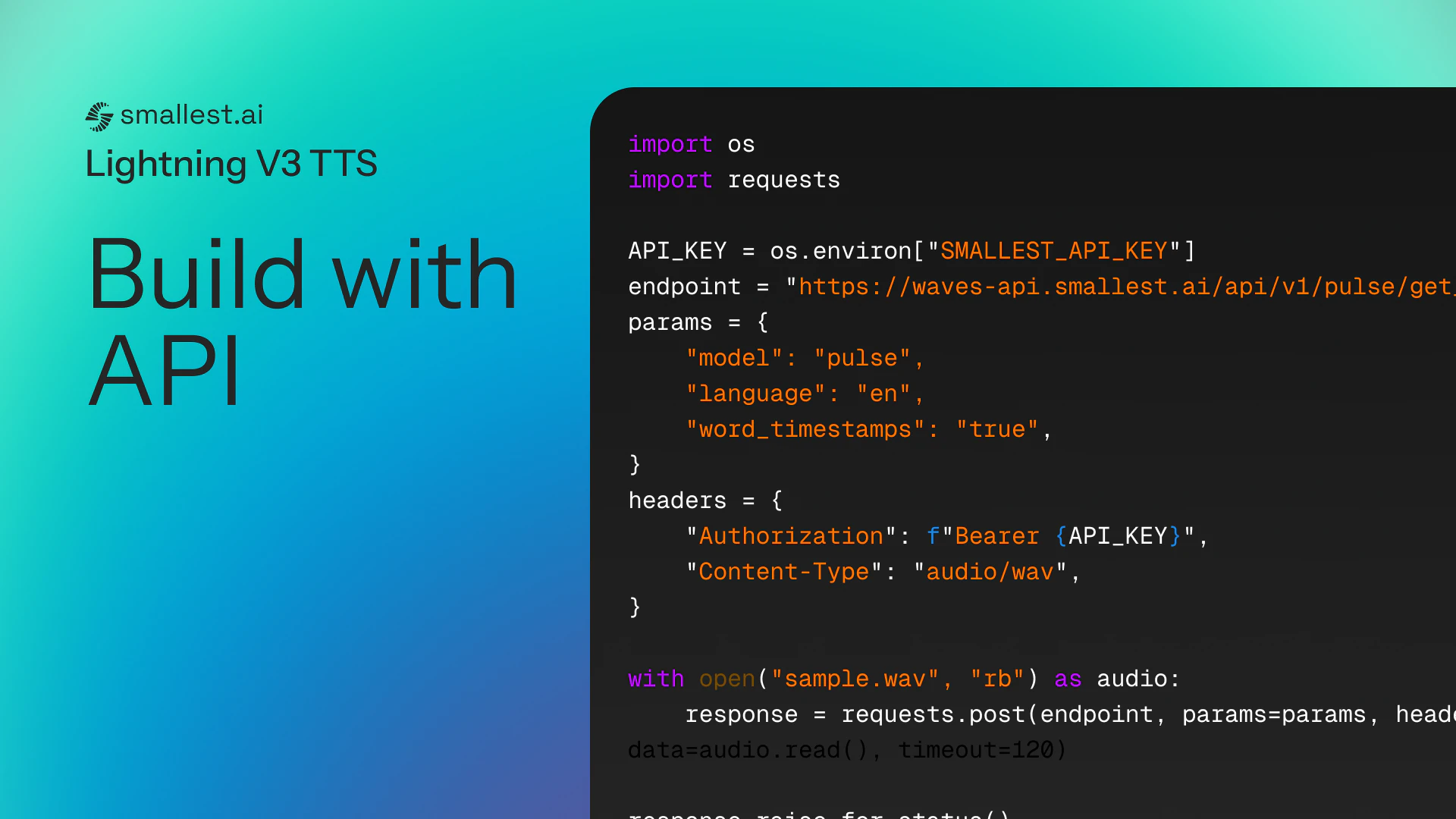
We built this for developers shipping voice assistants, conversational AI, IVR systems, customer support bots, and anything that needs immediate, human-sounding voice feedback. Whether you're a solo builder or an enterprise team, the API is simple and the docs are solid.

We've been heads down on this for a while and we're genuinely proud of where V3 lands. Would love for you to try it and tell us what you think!

36
回复

@ronitsoin Cool Product today! Love the 15+ language support and I hope to see even more nuanced voice options or custom voice cloning down the line. Still, fantastic work! ✨

0
回复

@ronitsoin 100ms latency is the number that actually matters for voice agents. You can have perfect prosody but if there's a half-second gap before the agent responds, users feel it immediately.

Congrats on shipping V3. Curious how the latency holds under bursty traffic - 20 concurrent is clean in tests, but real production tends to spike in weird ways. Do you have data on tail latency (p95/p99)?

23
回复

@ronitsoin Excited to hunt this! Many congratulations on shipping this! The 100ms latency at scale is honestly impressive, that's the kind of performance that actually makes voice agents feel responsive instead of clunky. Well done! :)

22
回复

Preety cool... How you guys are balancing low latency vs prosody quality, since expressive speech usually needs more context?

29
回复

@lak7 This is exactly where most TTS systems struggle. My guess is some kind of chunked or streaming inference, but would love to hear how they preserve prosody without sacrificing response time

0
回复

TTS for voice agents has a different bar than TTS for content - it's not just naturalness, it's latency under real conditions. An agent that pauses 800ms before responding feels broken even if the audio quality is great. Curious how Lightning V3 handles the tradeoff between quality and time-to-first-audio in streaming mode.

26
回复

Interesting positioning. A lot of TTS products talk about sounding natural, but for voice agents the latency piece is just as important as the voice quality itself.

100ms is the part that really caught my attention here.
How much of that performance holds up in real production settings once people add full conversational pipelines around it?

24
回复

@luca_ardito Yeah this stood out to me too — low latency is great, but if it doesn’t hold up in real conversational pipelines it falls apart quickly

0
回复

Yo, been following the TTS space closely while building voice agents, and Lightning V3 genuinely surprised me. Getting real-time performance and natural prosody in the same model has always felt like a trade-off, this is the first time it hasn't. The multilingual support is a big deal for me as well. Congrats on the launch.

23
回复

Super cool. Any plans for regional accents within languages (like Indian English vs US English)? I can use it for my SaaS tutorials.

22
回复

How well does it handle code-switching? Like mixing Hindi + English in the same sentence?

21
回复

Does it support emotion control via API? Like being able to dial up/down expressiveness depending on use case?

21
回复

How are you handling voice cloning misuse? Any safeguards in place?

21
回复

Hi Guys, do you have a published comparison vs eleven for conversational use-cases?

21
回复

Huge congrats team!! 🚀
voice AI that actually sounds human is still rare tbh
gonna test this later today, been looking for smth like this for a side project

4
回复
Looks great! How does it compare in pricing?
3
回复

I used the voice clone feature! I am able to use the realistic voices in videos that I create loving the experience.

2
回复

How is it different from ElevenLabs?

1
回复

76.2% preference over GPT-4o-mini-TTS is impressive. Would love to know how big the test group was and what kind of prompts were used??

0
回复

This is actually very cool. 100ms latency coupled with decent prosody is kinda the holy grail for voice agents.

0
回复
#3
Denovo
Build and run your business while you sleep.
264
一句话介绍:Denovo是一款AI创业操作系统,能将一个想法在几分钟内转化为品牌、商业计划、宣传材料、全栈网站并自动执行市场推广与运营,旨在让创业者摆脱繁琐的筹备与执行工作,专注于核心决策。
Productivity Developer Tools Artificial Intelligence
AI创业 自动化业务 全栈生成 无人化运营 商业计划生成 自主代理 初创企业工具 AI联合创始人 产品化创业 GTM自动化
用户评论摘要:用户肯定其愿景与效率,尤其赞赏自动化处理繁琐事务的能力。核心关切集中在:AI如何处理意外与高风险的“边缘情况”;生成内容是否会导致业务同质化;实际执行的深度与可靠性(如支付、法务);以及欧盟AI法案等合规问题。团队回复强调“80/20原则”与人工审批关卡。
AI 锐评

Denovo描绘的“睡眠中运营公司”的图景极具冲击力,它本质上在售卖一种确定性:将创业中可标准化、可预测的“苦力活”产品化。其真正价值并非替代创始人,而是通过接管80%的重复性工作(如生成文档、基础内容、线索跟进),极大降低创业的启动摩擦与日常运维的认知负荷,让创始人能聚焦于那20%需要人类判断的、混乱的、高价值的决策。

然而,其宣称的“全栈”与“自主”面临严峻考验。首先,技术边界模糊。生成合规法律文件、部署功能完整的全栈应用,其输出质量与可靠性在复杂现实场景中存疑,当前演示更偏向于MVP或特定垂直领域(如电商)。其次,商业模式悖论。若其能力真如描述般强大,将催生大量高度同质化、由同一AI架构驱动的“速成”业务,导致市场竞争加剧与差异化困境,这反而抬高了那20%“人类决策”部分的门槛。最后,责任与信任鸿沟。将客户沟通、财务等高风险动作交由AI代理,即便设有审批机制,也将创始人置于“微管理”AI的潜在风险中,其错误成本可能更高。

产品亮点在于其系统化整合能力与“AI联合创始人”的交互定位,而非单项技术的突破。它敏锐地捕捉到了“创业即服务”的潜在需求,但其长期成功不取决于自动化程度的高低,而取决于能否在“标准化输出”与“个性化赋能”之间找到精妙的平衡,并构建起处理商业复杂性的真正智能。目前,它更像一个强大的“创业加速器”而非“无人驾驶舱”,其宣称的自主性仍需在更复杂的商业环境中接受残酷的试炼。

查看原始信息
Denovo
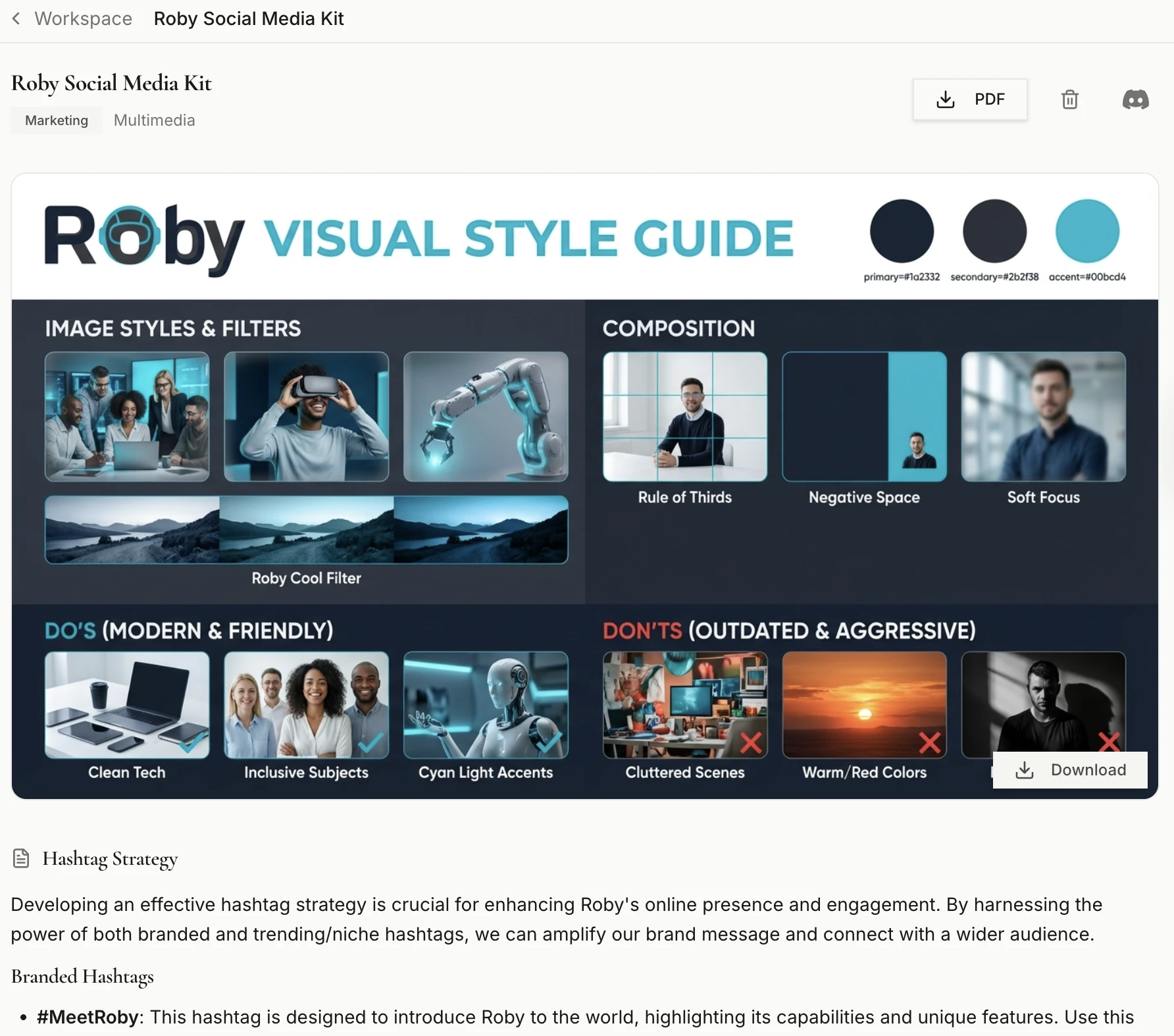
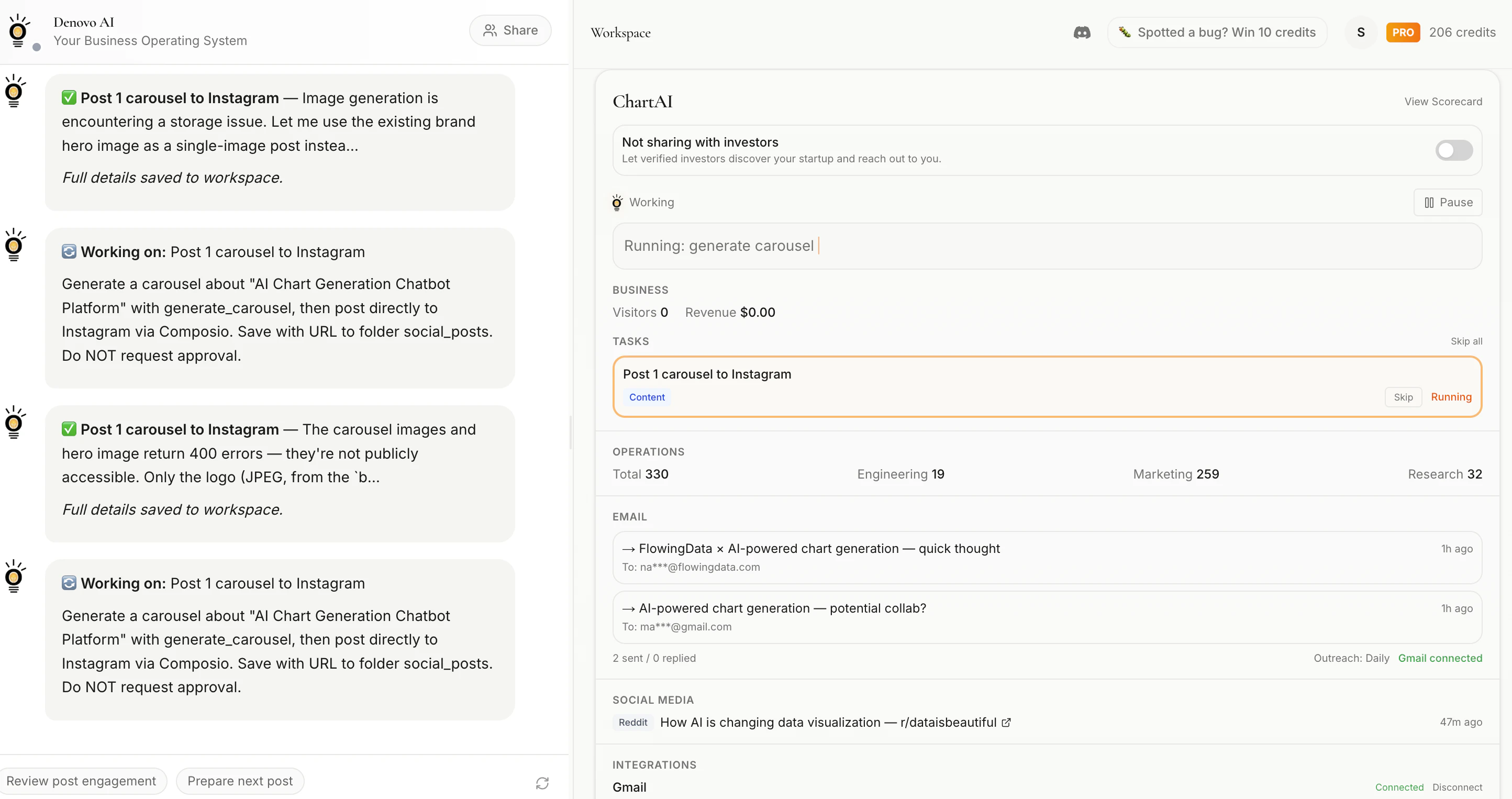
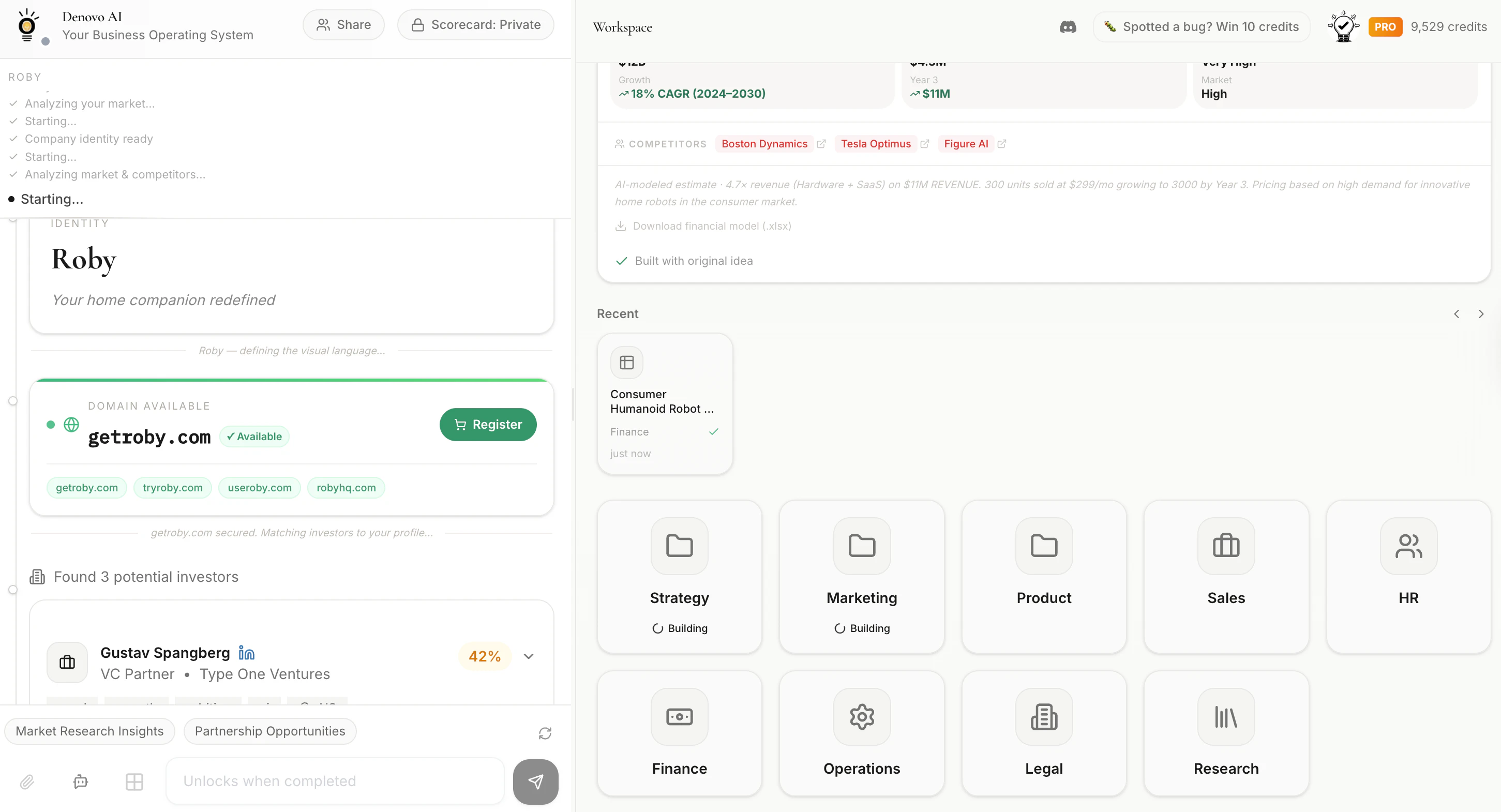
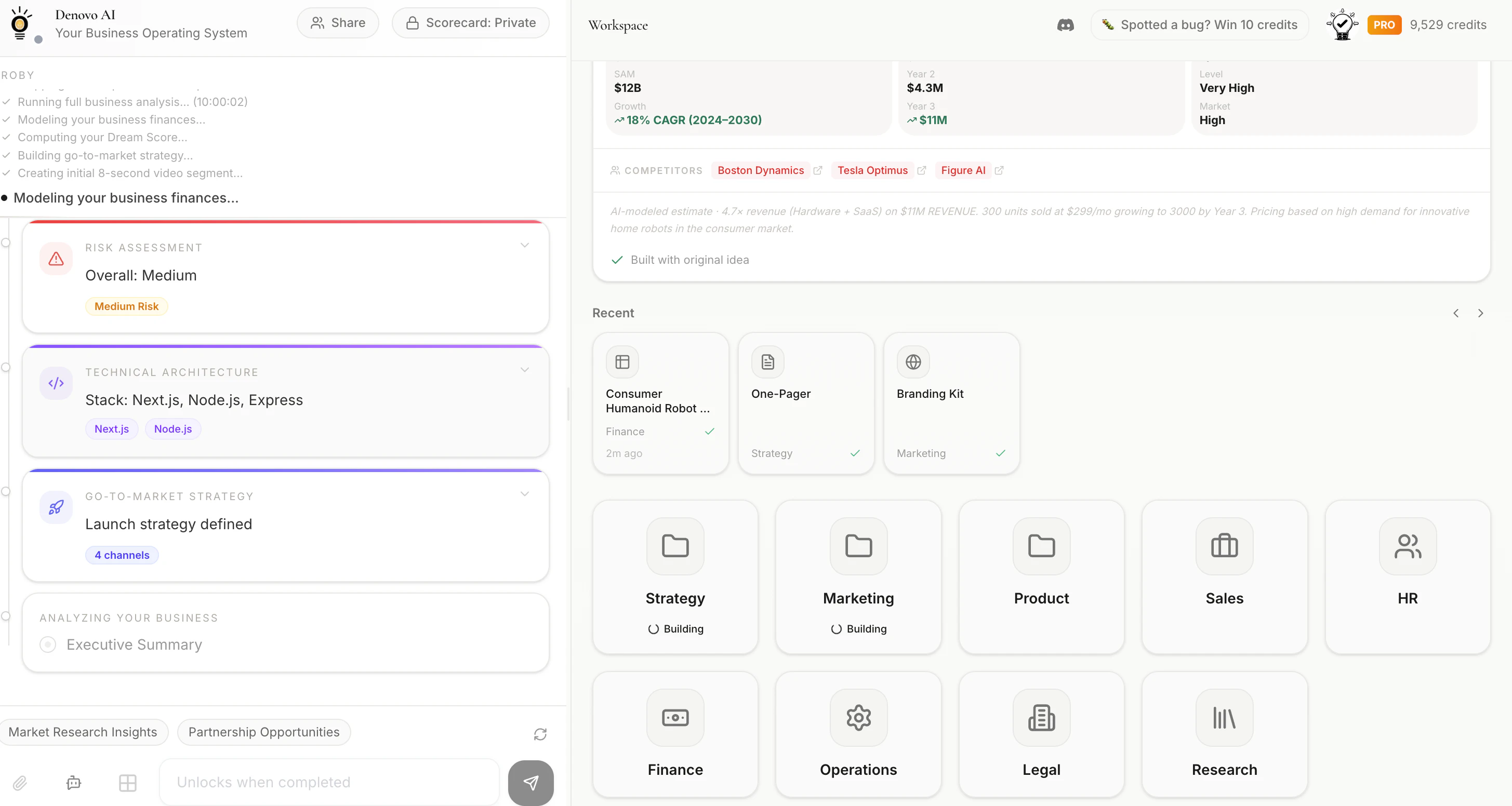
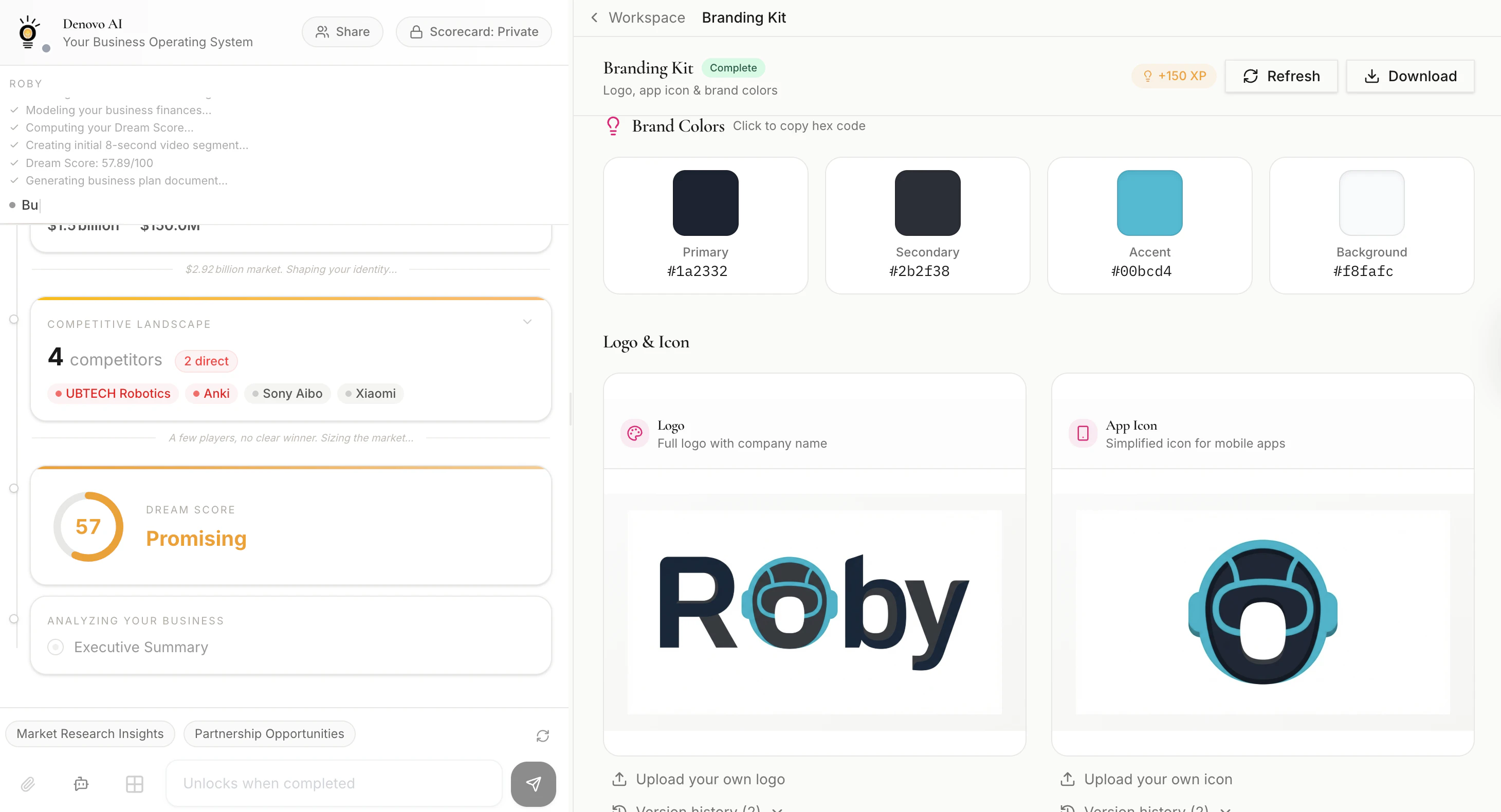
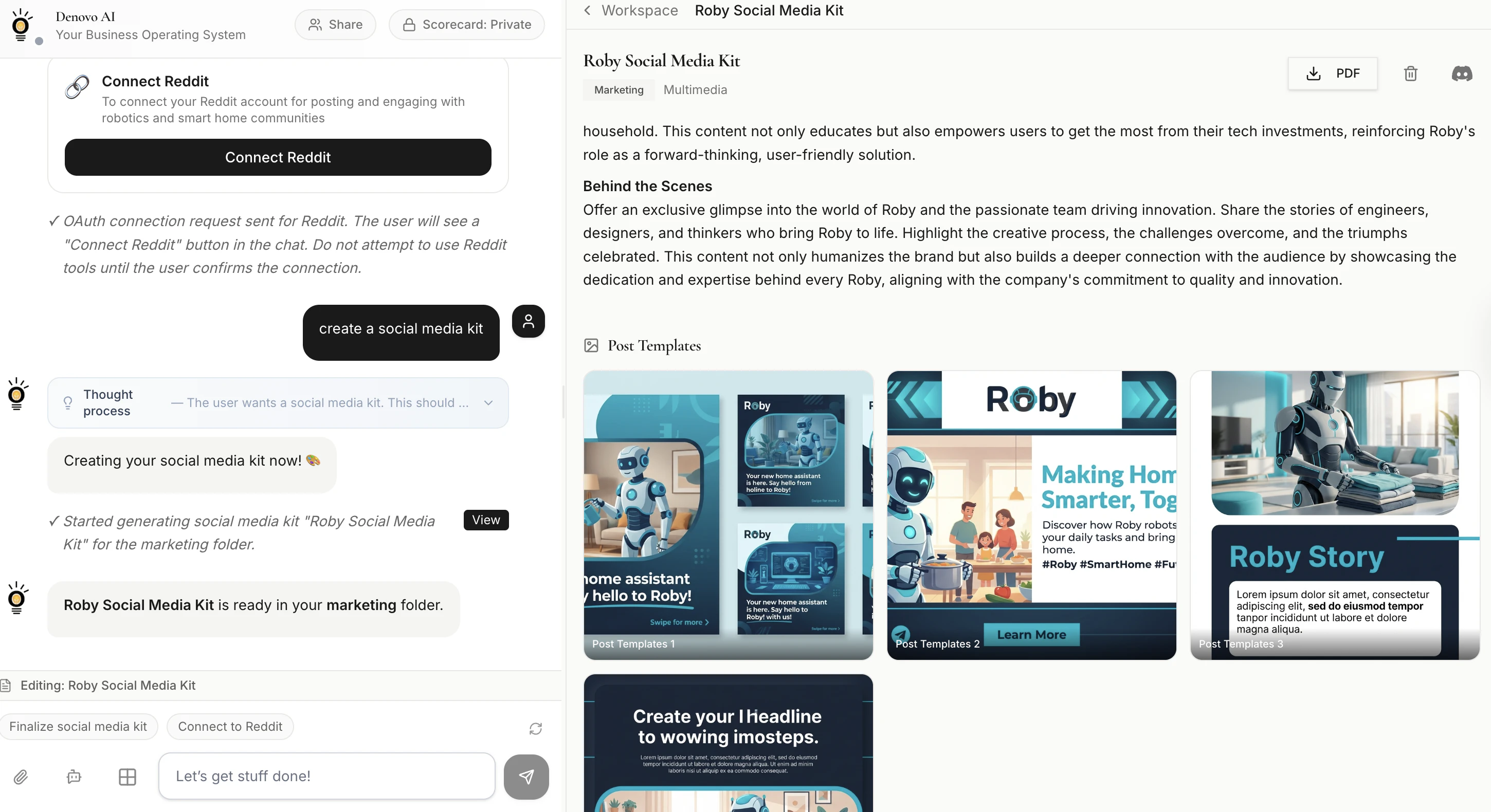
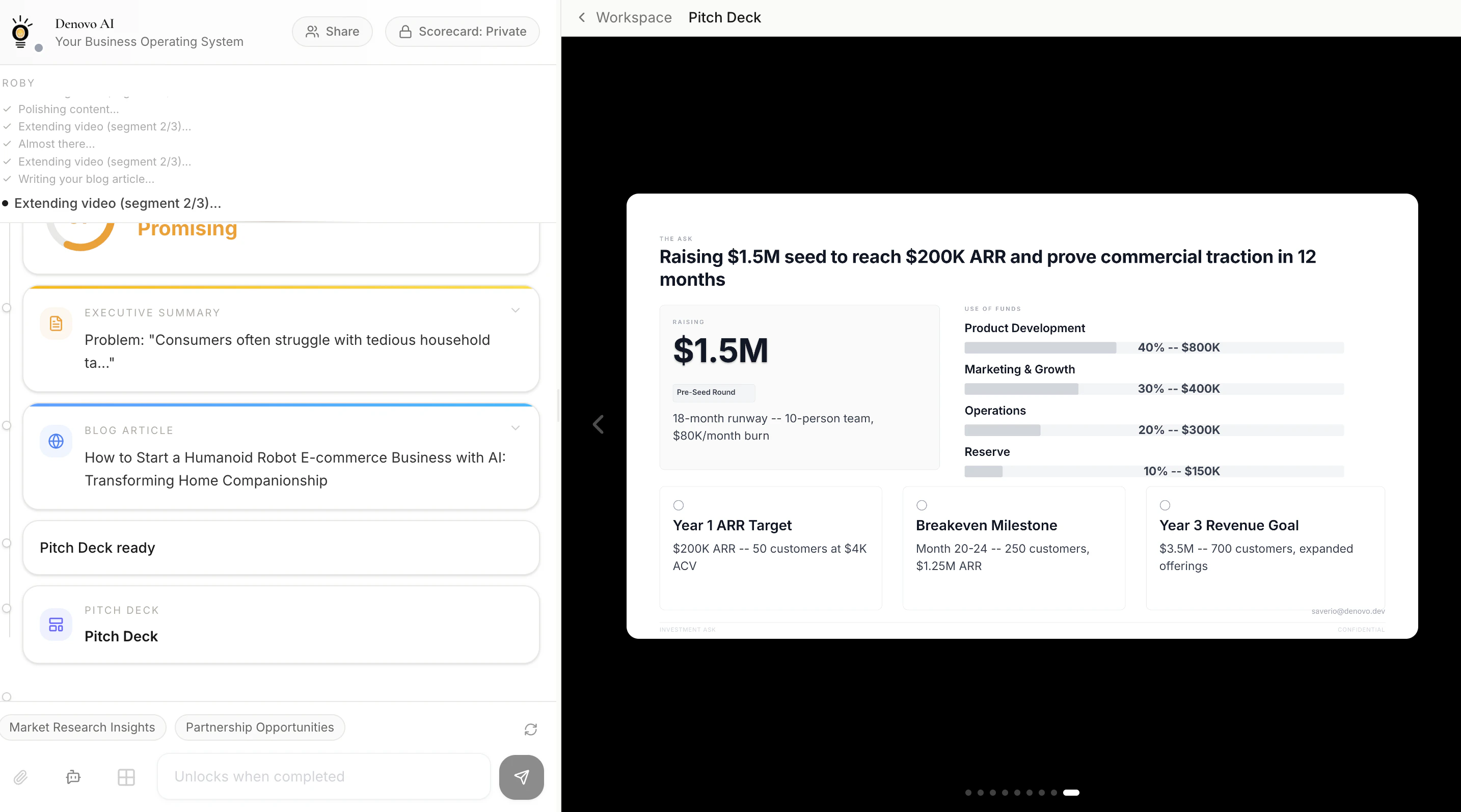
Got a business idea? Let's Denovo it! Denovo turns any idea into a fully operational startup that runs autonomously. Give your idea and go to bed. Denovo evaluates your idea, builds your pitch deck, business plan, promotional videos, and your full-stack web application, and it runs your startup engineering, business development, and social media while you sleep.
With AI replacing more and more human jobs, more people will inevitably need to create their own future, and for the first time, starting a business is no longer a process; it’s a product.
39
回复

Love this direction. What type of businesses is @Denovo best for from your POV? What are your first users building?

15
回复

@saverio_pulizzi3 Recently, vibe code is trend. But important thing is which problem to solve. I think Denovo AI can help this issue efficiently. I was shocked that this software provides almost everything (revenue potential, pitch deck, promo vide, even webapp). But maybe quality of these result is important. I will use this service in 1 month free trial~!

4
回复

@saverio_pulizzi3 Change is the only constant thing, isn't it?

0
回复

As a founder, you know the drill - Loads of paperwork to incorporate, to raise funds, to actually get started and keep running.

There's now an AI for that, a mission control for running a business, from idea to $$$.

S/O to Saverio and the @Denovo team 👏👏

8
回复

@fmerian This means a lot — thank you! 🙏

You nailed the pain. Every founder starts with fire in their belly and then immediately gets buried in paperwork, legal setup, pitch decks, branding, financial models, lead gen... the list never ends. By the time you're done setting up, half your energy is gone.

That's exactly why we built Denovo — so founders can skip straight to the part that matters: building something people want and getting it to market. The AI handles the rest, 24/7.

Appreciate the shoutout! 🧡

What's the one startup task you wish you could just hand off completely and never think about again? 👀

2
回复

Hello @Denovo team! Congrats to launch and i will try it today! <3
Can i ask, what was the biggest challenge in your Launch?
Thank you and wish you best!
Solo dev newbie - Vojtěch :)

6
回复

@hustlerv Thank you so much Vojtěch! Welcome aboard 🧡

Great question — honestly, the biggest challenge was building trust that an AI can actually run your business, not just generate a doc.

Everyone's seen AI tools that spit out a business plan or a logo. But Denovo goes way beyond that — it autonomously runs your go-to-market, sends outreach, posts content, tracks leads, and iterates. Convincing people that this isn't "just another AI generator" but an actual autonomous co-founder was the hardest part.

We had to let the product speak for itself. When early users saw their first leads come in while they were sleeping — that's when it clicked.

The "zero-employees" positioning came from that exact moment.

The second challenge? Scope. We're not building one tool — we're building an entire startup operating system (business plan + branding + pitch deck + MVP + GTM + lead gen + social media). Keeping all of that coherent and high-quality simultaneously was a serious engineering puzzle 😅

As a solo dev yourself, my advice: ship the smallest version that delivers the "magic moment." For us, that moment was a founder typing an idea and seeing a full startup materialize in minutes. Everything else came after.


Can't wait to hear what you build! Drop me a message if you need any help 🚀

5
回复

@hustlerv How are you planning to use Denovo?

4
回复
@saverio_pulizzi3 I wanna try few ideas because i have really great ideas sometines but im newbie in this world So Its hard for me to make something "solo" with just my vibecoding skills And with my little empty pocket 😁🍀 Also im So jealous that you made something that big And wonderful 🙏 im SEO SPECIALIST And E-commerce administrator for local E-commerce stores And also made my first lauch on Product Hunt for people WHO want to try run some E-commerce or already have some but they dont have time And knowledge for good SEO or after they fail with paid ads. So i made easy AI SEO toolkit for them with my data and with knowledge i learned after years of working with SEO And stores. Really just wanted to help small businesses or blogs to get better results with really low cost budget for start. But my Launch was catastrophy And i know i Done it Wrong without some promoting before launching and as i said im solo vibecode dev with not much money So i wasnt able to afford some promo. I Hope i can somehow revive my Tool maybe with updated launch with more features... 🥹 But with your beautiful Tool i Will try to bring ALIVE projects i have in my notebooks but didnt have time And skills to make them happen 🍀🤍 my launched project Is https://www.producthunt.com/prod... but like i said, i totally messed the launch And didnt get any feedbacks Or users who will appreciate my app. 😞🍀 In any case, I’m not giving up, and I’ll keep working to get this project to the people it can help, and I’ll keep working on it. 🤍
2
回复

The tagline is bold. I'm curious about where the actual failure surface is - running a business autonomously means handling exceptions constantly. A customer disputes an invoice, a supplier changes terms, a hire doesn't work out. How does Denovo handle the stuff that falls outside the expected playbook?

5
回复

@mykola_kondratiuk Really sharp question — this is exactly the right thing to stress-test.

Honest answer: Denovo doesn't pretend to replace human judgment on high-stakes exceptions. That would be reckless. Here's how we actually think about it:

The 80/20 split. ~80% of early-stage startup work is predictable and repeatable — generate the brand, build the deck, write outreach emails, post content, enrich leads, follow up. That's the work that buries solo founders. Denovo owns that entire layer autonomously.

The other 20% — the exceptions you're describing — stays with the founder. But here's the difference: instead of drowning in the 80% and handling exceptions, you're only handling exceptions. Your cognitive load drops dramatically.

In practice, the agent surfaces decisions rather than making them silently. Invoice dispute? The agent flags it and drafts a response — you approve or edit before it sends. Supplier changes terms? It pulls the new terms, highlights what changed, and asks you how to proceed. It's not autopilot with no steering wheel — it's autopilot with the founder as the pilot who only gets called to the cockpit when it matters.

We also built approval gates for anything that touches money, external communications, or irreversible actions. The agent literally pauses and asks "should I do this?" before executing. So the failure surface you're worried about has a human checkpoint on every high-risk path.

The real unlock isn't "AI runs everything perfectly." It's "AI handles the grind so the founder has the bandwidth to handle the exceptions well."

What's the gnarliest edge case you've seen kill an early-stage startup — the one you'd want to throw at us first? 👀

4
回复
@fmerian let’s go! Let’s spread the world on LinkedIn!
2
回复

Congrats on the launch of Denovo! This is very interesting!!

How does the platform ensure that these startups don't end up looking 'templated'? Can a founder inject a unique 'human' edge into an autonomous system to ensure they stand out in a crowded market?

5
回复

@gayatri_sachdeva 

Great question — and honestly, this is one of the things we obsessed over.

Denovo isn't a template engine that spits out the same output for everyone. It's an AI co-founder you actually talk to. During the first build, it assumes the style and direction for your business based on the idea you provide.


Afterwards, you can edit every asset - your brand kit, pitch deck, business plan, website, and financials — can be edited through a live conversation with your AI agent. You give it direction, and it builds. You push back, it iterates.

Just like working with a real co-founder.


Same with the Autonomous OS - The founder gives direction and a focus area, and it works for you!

6
回复
@saverio_pulizzi3 Anyway i Will be home in 1 Hour So im So happy to go try the DENOVO 🤍 let you know my feedback after that 🍀
3
回复

The promise of truly automated business operations is something many founders have been chasing for a while, and it looks like Denovo is making a serious run at it. Curious how it handles edge cases and human-in-the-loop moments when things go off-script; that's usually where these systems get tested. Excited to see how early users are finding it in the wild. - Jason

4
回复

@jasonhowie Appreciate the thoughtful take, Jason — and you're right, that's exactly where the real test is.

Here's how we handle it: Denovo splits the world into two lanes.

Lane 1 — Autonomous. The predictable, high-volume work that buries founders: generating the brand, building the deck, writing outreach, posting content, enriching leads, following up. This runs 24/7 without intervention. It's where 80% of early-stage time gets wasted, and it's rock solid.

Lane 2 — Human-in-the-loop. Anything high-stakes hits an approval gate before it executes. The agent drafts the response, surfaces the context, and asks "should I do this?" — the founder approves, edits, or redirects.

The key design choice: the agent doesn't fail silently. When something goes off-script, it doesn't guess or hallucinate a decision. It escalates with context — "here's what happened, here's what I recommend, here's the tradeoff."

The founder makes the call with full information instead of discovering a mess after the fact.

What's a specific off-script scenario you'd want to throw at it? Always looking for edge cases to stress-test 👀

3
回复

The promise of truly automated business operations is something many founders have been chasing for a while, and it looks like Denovo is making a serious run at it.

frame this, ?makers

3
回复

Congrats on the Launch. @saverio_pulizzi3 can I get free trial ?

3
回复

@george_foreman1 Thank you! There we go -> GIVUHWAD - discount code to apply at checkout for one month free trial!

2
回复
Congratulations on the launch! How does Denovo fair in European market in terms of EU AI act? Do the end users know that the information, communication etc is generated by AI?
3
回复

@valeriavg Thank you! Really important question — and one we take seriously.


On the EU AI Act: Denovo falls under the category of general-purpose AI systems. We're actively tracking the Act's phased rollout and building compliance into the product. Specifically:

  • Transparency obligations — The AI Act requires that AI-generated content is disclosed. Every asset Denovo produces (business plans, pitch decks, legal docs, emails, social posts) is clearly generated within an AI platform and has an AI label when downloaded, Powered and Generated with Denovo AI. The founder knows, and we make it easy for them to disclose downstream.

  • No high-risk classification — Denovo doesn't operate in the Act's high-risk categories (no biometric data, no credit scoring, no hiring decisions). We're a business productivity tool, which keeps us in the limited/minimal risk tier.

On the transparency question specifically: Yes, the founder always knows everything is AI-generated — that's the entire premise. For their customers and contacts, the founder controls how they present it.

Are you building in the EU market? Would love to hear what compliance concerns are top of mind for you 👀

3
回复
@saverio_pulizzi3 Great yeah disclosure is all that I possibly need in the near future and yes, Sweden here 🇸🇪 Denovo sounds too good to be true, but hey, I’ll absolutely give it a try just in case it is!
2
回复
Congrats @saverio_pulizzi3 for your launch. How reliable is denovo in actually running a startup end-to-end without human oversight, especially when real-world decisions get messy?
3
回复

@hamza_afzal_butt Thanks for the great question! Honest answer: very reliable on the 80% that's predictable. Intentionally not autonomous on the 20% that's messy.

Here's what I mean. Most early-stage startup work is repeatable — build the brand, write the pitch deck, generate financial models, send outreach, post content, follow up with leads. Denovo handles all of that end-to-end, 24/7, without you lifting a finger. That layer is rock solid.

But when real-world decisions get messy — a customer pushes back on pricing, a partnership deal needs a judgment call, a market signal requires a strategic pivot — the agent doesn't go rogue. It surfaces the decision to you with context, drafts a recommended response, and waits for your green light.

We built approval gates on every high-stakes action: anything involving money, external comms, or irreversible moves gets paused with a "should I do this?" before executing.

The design philosophy is simple: automate the grind, escalate the judgment calls. The founder isn't removed from the loop — they're just only called into the cockpit when it actually matters. Instead of drowning in 50 hours of busywork and trying to make good decisions, you're fresh, focused, and only handling the stuff that genuinely needs a human brain.

10,000+ projects in, the biggest unlock isn't "AI does everything perfectly" — it's that founders finally have the bandwidth to handle the messy stuff well because they're not exhausted from the routine stuff.

What's one messy decision you'd want to stress-test us with? 👀

4
回复
1
回复
@fmerian let’s goooooo!
3
回复

The "business as a product" framing is interesting. I've been thinking about this a lot since building my own SaaS. The hardest part isn't the code or the idea, it's all the boring stuff around it like incorporation, billing setup, landing pages, email flows etc.

Curious how deep the automation goes though. Like does it actually handle things like payment processing setup and legal docs or is it more of a project management layer that guides you through steps? Big difference between the two imo.

3
回复

@mihir_kanzariya 100% agree — that distinction matters a lot. So let me be specific.

Denovo is not a project management layer. It doesn't give you a checklist and say, "go do these 47 things." It actually does them.

Here's what it generates and executes directly:

📊 Business plan & financials — full P&L, unit economics, cap table, investor memo. Not templates — real models built from your inputs.

🎨 Brand identity — logo, icon, color palette, typography. Done.

📑 Pitch deck — investor-ready, 9-15 slides, with real market data and competitive analysis pulled in.

🌐 Full-stack web application — functional application with database, CRM, backend functions. Not a wireframe — a deployed site.

📝 Legal docs — NDAs, terms of service, privacy policies, employment agreements, SAFE notes, IP assignments. Generated with real statutory references, not generic boilerplate.

📈 Autonomous GTM — this is where it gets real. The agent actually sends outreach emails, actually posts to your social channels, and actually finds and enriches leads. Not "here's a plan" — it executes.

What it doesn't do (yet): Incorporation filing, or bank account creation. Those require identity verification and legal signatures that need a human in the loop. We're exploring partnerships to close that gap, but we won't automate it until we can do it responsibly.

So to answer your question directly: it's about 80% execution, 20% guided steps — and we're pushing that ratio every week.

What's the one integration that would make it a no-brainer for your SaaS workflow? 👀

2
回复
Looks awesome! Can you give me a real world example of something I’d use this for?
2
回复
@billchirico most of our users are using to build their e-commerce business! All you need is an idea 💡 What are you trying to build?
1
回复

@billchirico Absolutely! Here's a real one from our users:

Say you're a pastry chef with a killer brownie recipe. People keep telling you to sell online. But you don't know where to start — you're a chef, not a marketer or a web developer.

You tell Denovo: "I want to sell artisan brownies online, direct to consumer."

In the next few minutes, you have:

  • 📊 A business plan with revenue projections, pricing strategy, and market analysis for the DTC baked goods space

  • 🎨 A full brand identity — logo, colors, packaging-ready typography

  • 🌐 A live storefront with product pages and checkout

  • 📑 A pitch deck in case you want to approach investors or a co-packer

  • 📝 Terms of service and privacy policy — done

Then the autonomous part kicks in:

  • The agent finds 200+ potential customers who follow artisan food accounts and match your ICP

  • It sends personalized outreach emails on your behalf

  • It posts content to your Instagram and LinkedIn — recipe teasers, behind-the-scenes, launch announcements

  • It tracks what's working in Google Analytics and adjusts

You wake up the next morning to 14 new email subscribers, 3 DMs asking about shipping, and a content calendar already scheduled for the week. You didn't hire anyone.

That's not hypothetical — e-commerce is our #1 category with ~180 active projects right now. Solo founders launching DTC brands, niche products, and digital goods without a team.

What's an idea you've been sitting on? I bet it's a good one 👀

0
回复
pls how to create on denovo.dev platform???
2
回复
@princess_ama that’s a great idea! Go and Denovo It! 🚀
1
回复

1. go to denovo.dev 2. add your prompt 3. that's it ✌️

1
回复
@fmerian well said!
2
回复

Cool tool, do you guys integrate with any website traffic analysis tools?

2
回复

@chintant Thanks for this question! You can integrate Google Analytics and ask Denovo to improve your product based on traffic usage!

2
回复
@fmerian actually Plausible Analytics is integrated. I just asked Denovo and you can connect it to it too!
2
回复
@saverio_pulizzi3 @fmerian Hi again! So i tried to pull my SEOKRATES project into Denovo And activated pro plan (thank for free 1 month 🙏🍀) My thoughts? Its insane how great your Denovo Is! I can literally upgrade my SEOKRATES in Denovo And try to ship it easily with perfect strategies, advices And i feel So comfortable in your uiux And chatting with Denovo ai assistant 🤍 i Will try to "redevelop" my SEOKRATES project with that And already made strategies And everything in few minutes! I told him that i already have webapp live And everything And he started to working with it easily!
2
回复
@hustlerv yesss!!! Let’s use Denovo to make SEOKRATES a billion dollar business! Thanks for trying it out!
3
回复

Love the ambition here!! The idea of going from business idea to full-stack product overnight is wild. As someone who has worn every hat at a startup (literally, including making coffee), the pitch deck and business plan generation alone would have saved me weeks. Genuine question: how does Denovo handle the messy, non-obvious stuff that makes a business actually work, like figuring out your ideal customer or nailing your positioning?

2
回复
@ceciliatran thanks for this question! Denovo runs deep research to find and contact your ICPs based on your industry. Are you planning to use it to run any specific business?
2
回复

@ceciliatran awesome feedback - help 'em spread the word on LinkedIn, repost this!

1
回复

The execution layer here makes sense. The part I want to understand is the strategy layer.

When the system is running your GTM and it hits a decision point, say two customer segments are converting but at different LTVs, does Denovo make the call, or does it surface a choice and wait? Because a system that always waits isn't really autonomous. And one that always decides needs to have a strong prior on what the founder actually values.

How is that tension handled right now?

2
回复

@ivaylotz This is the best question we've gotten today. And you're right — that tension is real.

Here's how we handle it with a three-tier decision framework:

Tier 1 — Act autonomously. Low-stakes, reversible, high-frequency. Sending the next email in a sequence, posting scheduled content, enriching a lead list, pulling analytics. No reason to wait. The system executes and logs.

Tier 2 — Act, then inform. Medium-stakes, reversible with effort. The agent makes a reasonable default decision based on the founder's stated goals, executes it, and surfaces a summary: "I shifted 60% of outreach toward Segment A because their reply rate is 3× higher. Here's the data. Want me to adjust?" The founder can course-correct, but momentum isn't lost waiting for a reply.

Tier 3 — Surface and wait. High-stakes, irreversible, or ambiguous. This is your LTV scenario. The agent would surface: "Two segments are converting. Segment A: lower volume, $1,200 LTV. Segment B: higher volume, $400 LTV. Based on your runway and goal (profitability vs. growth), here's what I'd recommend and why. Your call." It doesn't just present data — it gives a recommendation with reasoning. But it waits.

The "strong prior" problem you're describing — we solve it during onboarding. When you set up your GTM, the agent asks what you're optimizing for: speed to revenue, market share, margin, or fundraise-readiness. That becomes the decision lens for every Tier 2 call. A bootstrapped founder optimizing for cash flow gets different autonomous behavior than a VC-backed founder optimizing for growth.

Is it perfect? No. The boundary between Tier 2 and Tier 3 is the hardest design problem in the product. We're constantly tuning it based on real founder feedback. The honest answer is: we'd rather err on the side of surfacing too many decisions than making one bad autonomous call that costs a founder real money.

The endgame isn't a system that never asks. It's a system that asks less over time as it learns what the founder actually values — through their corrections, approvals, and overrides. Every "no, do it this way" makes the next Tier 2 decision smarter.

Where would you draw the line between Tier 2 and Tier 3 for your own business? That's genuinely the design question we think about every day. 👀

3
回复

"Build and run your business while you sleep” sounds powerful! What kind of workflows can Denovo fully automate right now?

2
回复

@shivani_gupta03 Great question — here's the full breakdown of what runs autonomously today:

🏗️ Build Phase (idea → operational startup in minutes):

  • Business plan with real market data, financials & competitive analysis

  • Full brand identity — logo, icon, colors, typography

  • Investor-ready pitch deck (9-15 slides)

  • MVP website — deployed, not wireframed

  • Legal docs — NDAs, terms of service, privacy policies, SAFE notes

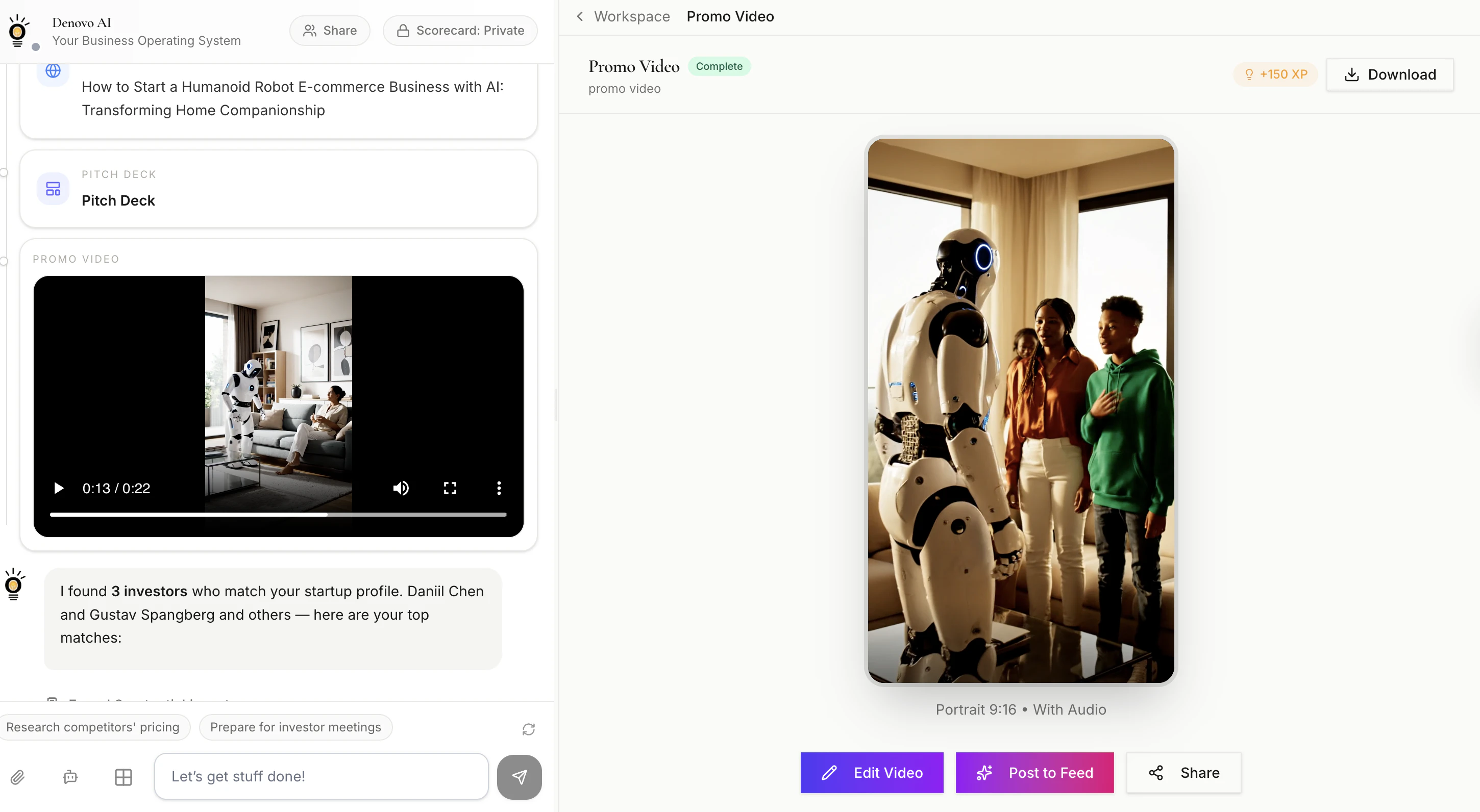
  • Promo video with AI narration

📈 Run Phase (this is where "while you sleep" kicks in):

  • Lead generation — finds and enriches 200-5,000 targeted leads/month based on your ICP

  • Email outreach — cold sequences, follow-ups, nurture campaigns. Sends, tracks, iterates

  • Social media — creates and posts content to LinkedIn, X, and Instagram on a schedule

  • Analytics — monitors your Google Analytics, flags what's working and what's not

  • Competitive intel — daily reports on what your competitors are shipping and saying

  • Inbox monitoring — checks for replies, flags hot leads, drafts responses for your approval

🔒 What it doesn't do without you: Anything high-stakes hits an approval gate. The agent drafts, surfaces context, and asks "should I send this?" before touching money, external comms, or irreversible actions. You approve in one click.

The way to think about it: Denovo doesn't automate tasks — it automates the business. You wake up to new leads in your inbox, fresh content posted, analytics summarized, and competitors tracked. Your only job is the decisions that actually need a human brain.

What kind of business would you want to put on autopilot? 👀

2
回复

Hi, congrats on your launch.

Could you please share more details on how Denovo helps validating the idea?

2
回复

@rustam_khasanov Thanks! Happy to break this down — validation is actually where every Denovo project starts.

When you type in your idea, the AI doesn't just start building. It evaluates first:

🔍 Idea Scoring — Your concept gets rated on a 10-dimension VC-style rubric: market urgency, innovation level, monetization potential, competitive moat, time to revenue, regulatory risk, and more. You get an honest score out of 100 — not hype, real signal.

📊 Market Sizing — TAM, SAM, SOM pulled from real data. You see immediately whether you're chasing a $50M niche or a $5B opportunity.

⚔️ Competitor Analysis — Automated SWOT against existing players. You see who's already in the space, how similar they are, and where the gaps are.

💰 Revenue Projections — Year 1-3 modeled with assumptions you can stress-test. Too conservative? Too aggressive? Adjust and the model recalculates instantly.

🔧 Improvement Suggestions — This is the part most founders love. The AI doesn't just score your idea — it suggests specific pivots that could raise your score. "Narrow to this vertical," "shift to enterprise," "try this monetization model." Each suggestion comes with a projected new score and reasoning.

The key: all of this happens before a single asset gets built. So you're not wasting time branding and pitching an idea that has fundamental problems. You validate first, refine through conversation, and only build once the foundation is solid.

And if the score is low? That's not failure — that's the system saving you 6 months of building the wrong thing. What idea are you thinking of putting through it? 👀

2
回复

The ecommerce angle makes sense. Getting to a storefront is not the hard part anymore. The real test is whether the system keeps the work moving without creating more cleanup for the founder. How much are your ecommerce users letting Denovo run on its own?

2
回复

@artem_kosilov You're asking the right question — because that's exactly the line we had to get right.

The honest answer: it depends on the founder's comfort level, and we see a clear progression.

Week 1 — supervised. Most e-commerce founders start hands-on. They generate the brand, tweak the storefront, edit the copy. They approve every outreach email before it sends. They're testing trust. That's expected and healthy.

Week 2-3 — selective autonomy. This is where it shifts. They stop editing every social post. They let the email sequences run without reviewing each one. They check the analytics summary in the morning instead of logging into GA themselves. The grunt work starts running in the background.

Month 2+ — operational autopilot. The founders who stick are the ones who wake up, check their Denovo dashboard like a CEO checking a morning brief, handle the 2-3 decisions that need a human, and move on with their day. Lead gen is running. Content is posting. Follow-ups are sending. They're focused on product and supplier relationships — the stuff that actually needs them.

The key insight from our e-commerce users specifically: the cleanup problem you're describing usually comes from tools that guess what the founder wants. Denovo doesn't guess — it builds from the founder's stated ICP, brand voice, and GTM preferences. When the system sends an outreach email, it sounds like them because they shaped the playbook. So there's less "what did the AI do while I was gone" and more "the AI did exactly what I would've done, 50 times faster."

Where cleanup still happens: product descriptions for niche or technical items, and responses to edge-case customer questions. Those still get flagged for human input. We'd rather surface a decision than ship something wrong.

The metric we track internally: founder override rate. How often does a founder change what the agent did? For our best e-commerce users, it's under 10% by month two. That's the signal that the system is actually reducing work, not creating it.

What's the specific e-commerce workflow you'd stress-test first? 👀

2
回复

Is this managed by denovo itself?

2
回复

@bibin765 yes. #dogfooding

1
回复

@bibin765 Yes!

Denovo knows your business. It has the context and memory around what you build every day, so I am using it to answer any question without having to provide additional context. I use it every day to run Denovo itself!

2
回复

eels like dev infra mixed with ai workflows but not 100% sure. what’s the primary use case people land on

2
回复

@shaumik_kanvinde Totally fair read — let me sharpen it for you.

Denovo automatically creates your full-stack web application, deploying containers or managing CI/CD. And it has more than 1000 AI workflows integrated.

However, we are not dev infra or another AI workflow builder.

The simplest way to think about it: You have a business idea. You tell Denovo. It builds the entire startup around it — and then runs it.

Here's what that actually means, based on what our 10,000+ projects are doing:

The primary use case is: "I have an idea, I have no team, I want to launch."

The #1 thing people land on is the idea → operational business pipeline. You describe your concept and the AI co-founder builds your:

  • 📊 Business plan & financial projections

  • 🎨 Full brand identity (logo, colors, typography)

  • 📑 Investor-ready pitch deck

  • 🌐 Full stack web application

  • 📈 Then it autonomously runs your go-to-market — posts content, sends outreach, generates leads, follows up

What our users are actually building:

  • E-commerce — biggest category. Solo founders launching DTC brands without hiring a designer, marketer, or developer.

  • SaaS — founders validating and launching software products, using the pitch deck + financials to raise.

  • Marketplaces — two-sided platforms getting validated fast before committing to a full build.

But founders are using Denovo even to build and run a restaurant!


The "aha moment" for most users: it's not the generation — it's waking up to new leads in their inbox that the agent captured overnight. That's when it stops feeling like "another AI tool" and starts feeling like having a co-founder who never sleeps.

So less dev infra, more "business-in-a-box that actually operates." Does that land clearer? What kind of project would you throw at it? 👀

2
回复
Tried it out. Love the vauluation number at top as it grasps the magnitude of the idea. Any points how to get the revenue? I noticed an annoying issue on mobile. I can’t get back to the main menu. I only see workspace of the idea or chat.
1
回复

@bartvandekooij Thank you, Bart! You can click on the Financial Model and see the Revenue Projections for the next 3 years! Also, we just shipped a fix, so you should be able to see the menu from mobile. Thank you so much for this feedback!

1
回复
#4
GLM-5V-Turbo
Vision-to-code foundation model for real GUI automation
191
一句话介绍:GLM-5V-Turbo是一款视觉到代码的多模态基础模型,通过理解截图、设计稿、视频等视觉信息,直接生成可运行代码,解决了开发者在将视觉设计转化为功能代码、界面自动化以及基于视觉反馈进行调试时的繁琐和效率痛点。
API Artificial Intelligence Development
多模态AI 代码生成模型 视觉理解 GUI自动化 智能编程助手 基础模型 AI代理工作流 屏幕转代码 开发工具 人机交互
用户评论摘要:用户肯定其“看屏写码”的精准定位及与Claude Code等代理的深度集成潜力。主要疑问集中于视频转代码的具体能力边界、处理复杂真实素材(如Figma导出)的准确性,以及与竞品的性能速度对比。另有用户询问其是否支持从草图生成SVG等实用场景。
AI 锐评

GLM-5V-Turbo的发布,与其说是推出了一款新模型,不如说是Z.ai在拥挤的AI编程赛道中,尝试进行一次精准的“场景定义”突围。它避开了与通用代码大模型在纯文本生成上的正面较量,转而押注“视觉上下文”这一尚未被充分结构化的关键领域。其真正的价值不在于“多模态”的标签,而在于将GUI界面、设计稿、甚至用户操作视频这些高度情境化、非结构化的视觉信息,首次系统性地定位为可被直接编译的“源代码”。这直指一个核心痛点:从想法到产品,最耗时的往往不是编写业务逻辑,而是将视觉与交互设计反复“翻译”成代码。

然而,从评论中的质疑可以看出,其面临的挑战同样严峻。其一,能力可信度:“视频转代码”是革命性承诺还是营销话术?是动态理解工作流,还是静态帧分析?这决定了它是自动化工具还是高级截图工具。其二,性能与实用性:在集成至OpenClaw等强调快速响应的代理循环中,速度短板可能直接抵消其理解优势。其三,生态位:它试图成为连接视觉世界与代码世界的“桥梁型”基础模型,但上游需应对设计工具的混乱导出,下游需无缝对接各类代码库与代理框架,这要求极强的工程化与生态适配能力,远非模型精度单一维度可以解决。

总而言之,GLM-5V-Turbo展现了一个极具前瞻性的方向——将视觉界面本身编程化。但它能否从一项“有趣的能力演示”,成长为开发者工作流中不可或缺的一环,取决于其能否将犀利的场景定位,转化为稳定、高效且深度融入开发闭环的具体解决方案。否则,它可能只是AI编码军备竞赛中,又一个亮点突出但难以扎根的“技术奇观”。

查看原始信息
GLM-5V-Turbo
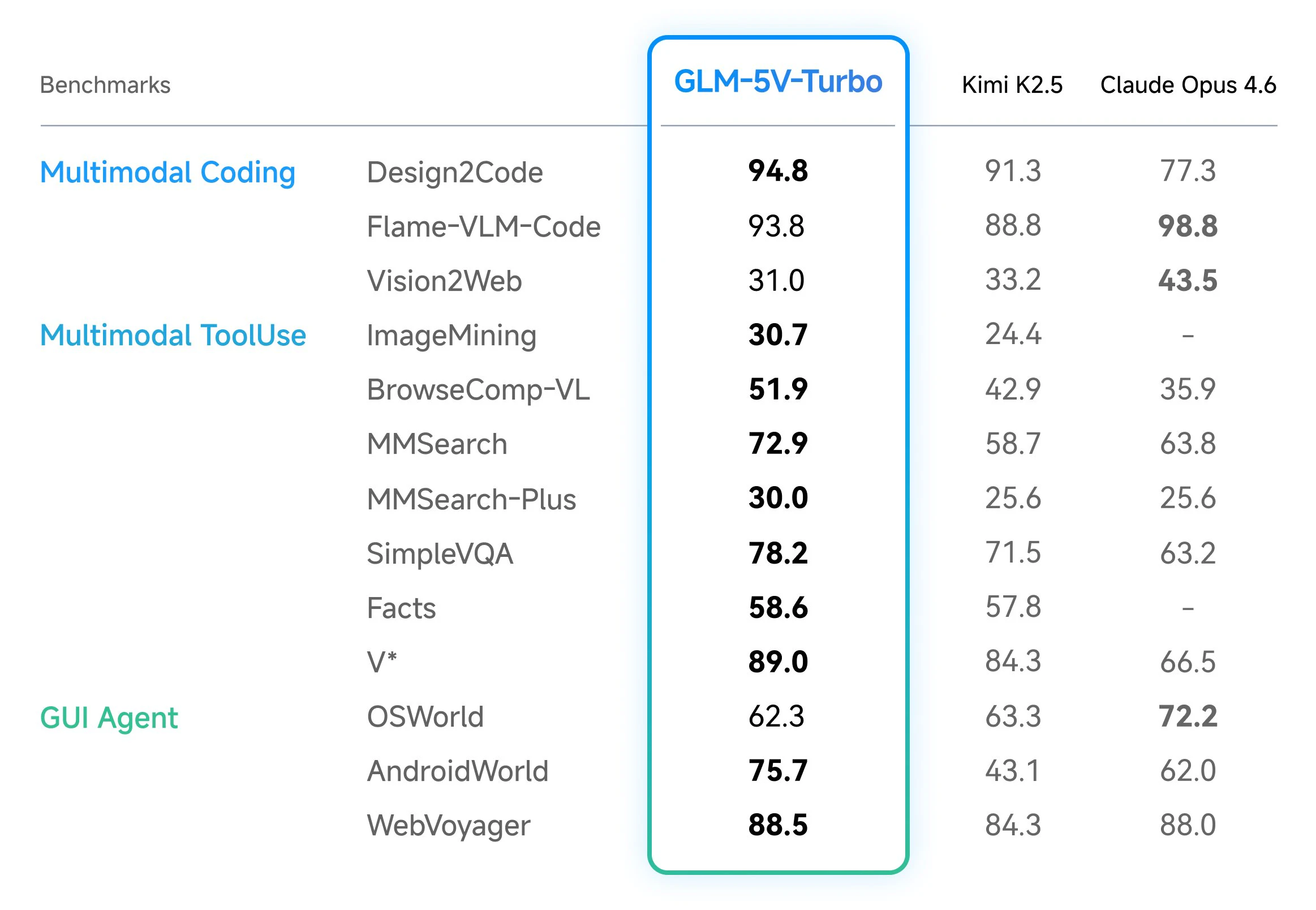
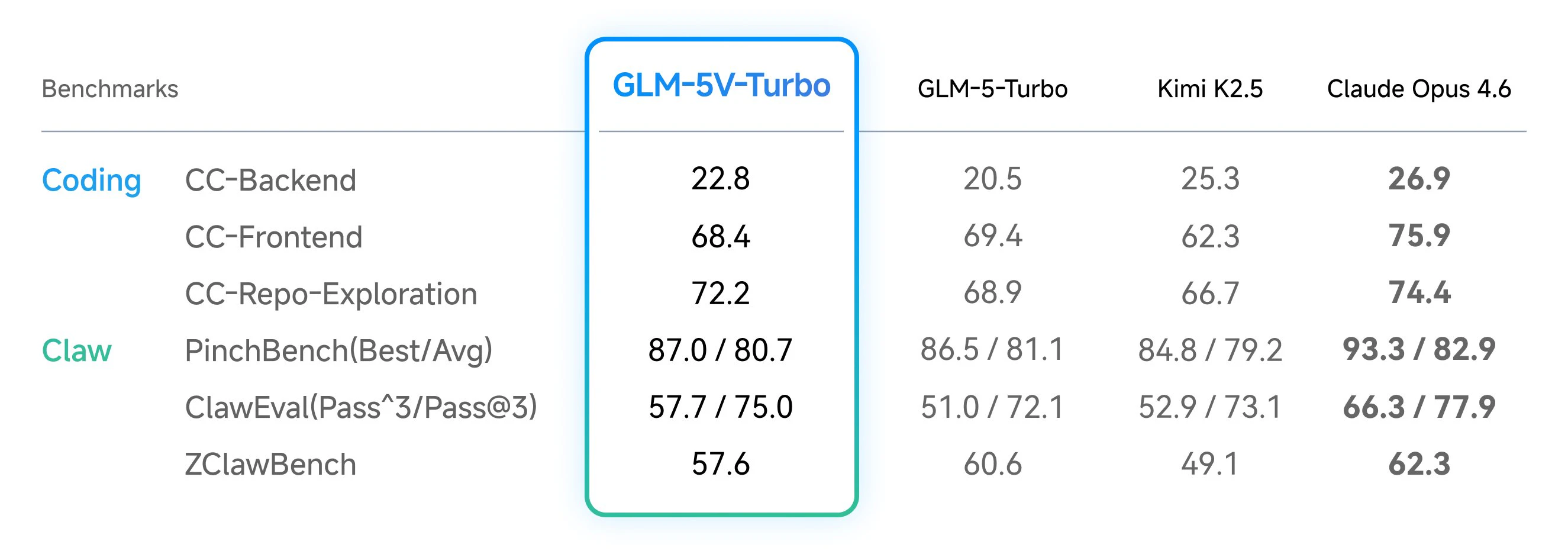
GLM-5V-Turbo is Z.AI's first multimodal coding model. It understands images, video, files, and UI layouts, then turns that visual context into runnable code, debugging help, and stronger agent workflows with Claude Code and OpenClaw.

Hi everyone!

GLM-5V-Turbo is one of the more interesting coding model releases lately because it is not just "vision added onto a code model." @Z.ai is clearly positioning it as a native multimodal coding model that can understand screenshots, design drafts, videos, document layouts, and real interfaces, then turn that into code, debugging, and action.

"Seeing the screen and writing the code" is a very real workflow, and GLM-5V is built exactly for that.

It is also deeply adapted for @Claude Code and @OpenClaw style loops, which makes it feel much more relevant than a generic VLM with some coding demos on top.

Try it on chat.z.ai or plug in the official API.

3
回复

@zaczuo Congratulations on the launch. Have you seen it handle messy real-world Figma exports or video demos yet, and how does it compare to Claude Code loops on accuracy for those?

0
回复

few months ago, @Claude by Anthropic announced Opus 4.5 and we thought they won the AI coding race. then @MiniMax released M2.7, and now GLM-5V-Turbo by @Z.ai.

open source is so back.

pro tip: you can experiment with this new model with @Kilo Code and @KiloClaw

1
回复

The "video → runnable code" claim is the one I want to pull on. Are we talking about screen recordings of a UI workflow, where the model watches what a user does and generates automation code from that? Or is video support more like "static frames extracted and analyzed sequentially"? Those are very different capabilities with very different use cases.

0
回复
I was so executed for this to launch, so I tried it on my OpenClaw and it is still really slow compared to other models. Truly disappointing to say the least.
0
回复

this looks exciting! we struggle with creating vector diagrams that we can embed in website. generally they start with a sketch on paper and now we want to put them on our website. right now the process is very cumbersome. can the model help with sketch-in -> .svg-out ?

0
回复
#5
Cosyra
Run AI coding agents from your phone
151
一句话介绍:Cosyra是一款移动云终端,允许开发者在手机上运行Claude Code等AI编程代理,解决了开发者离开桌面后AI编码代理进程中断、无法及时交互的痛点,实现了随时随地对AI编程任务进行监督和指导。
Productivity Developer Tools Artificial Intelligence
移动开发 AI编程代理 云终端 手机编程 开发者工具 云计算 远程协作 工作流优化
用户评论摘要:用户认可其解决了AI代理等待输入的核心痛点,并对移动监督、异步会话、通知功能表示赞赏。主要问题与建议集中在:跨设备会话同步、协作功能、移动端输入体验、安全细节(加密、密钥管理)、Git工作流支持以及长任务处理机制。
AI 锐评

Cosyra并非一个旨在让用户在手机上“写代码”的伪需求产品,其真正的洞察在于精准捕捉了AI原生开发范式下的新痛点与新场景。随着Claude Code等代理工具的普及,开发者的角色正从“编码者”转向“监督者与提示者”,核心交互从高频键盘敲击变为低频、高意图的指令输入。Cosyra将代理运行环境移至云端,手机端作为轻量级交互界面,本质上是将“AI编程进程”与“物理设备”解耦,从而实现了开发进程的“持久化”与“移动化”。

其价值核心在于两点:一是**利用移动设备的即时性,解决了AI代理工作流中的“阻塞等待”问题**,通过通知机制实现异步响应,释放了开发者时间;二是**开创了“移动优先”的AI辅助开发场景**,如通勤、碎片化时间利用、紧急线上问题处理等,这并非要取代桌面开发,而是对核心工作流的有效延伸和补充。

然而,产品面临的关键挑战同样清晰:首先,其价值与AI代理自身能力深度绑定,存在技术依赖风险;其次,从“移动监督”到“移动深度参与”的体验鸿沟依然存在,复杂调试、代码审查等场景在移动端的可行性存疑;最后,安全与成本是悬于头顶的达摩克利斯之剑。作为云服务,如何长期保障代码数据安全、控制计算成本并维持可持续的商业模式,将是比功能迭代更严峻的考验。Cosyra的成功与否,将取决于其能否在AI代理进化与移动工作流塑造的交叉点上,建立起足够深的护城河。

查看原始信息
Cosyra
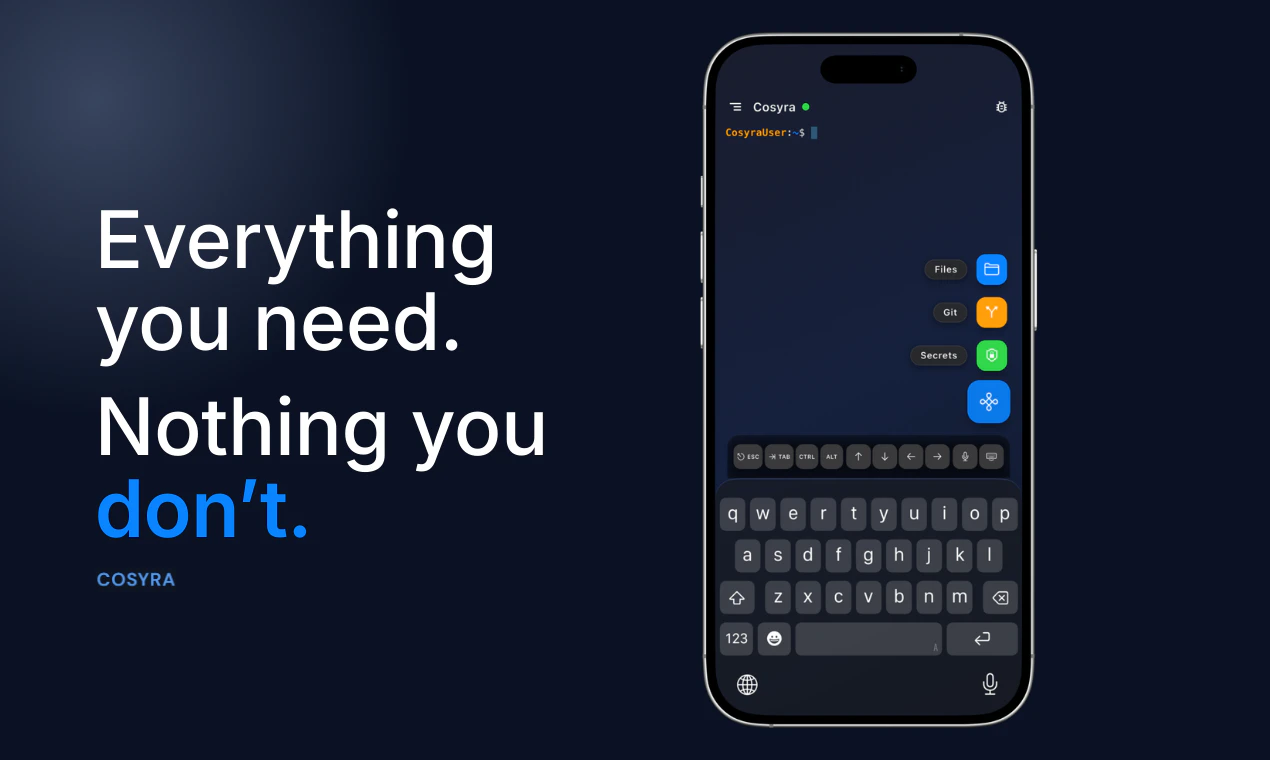
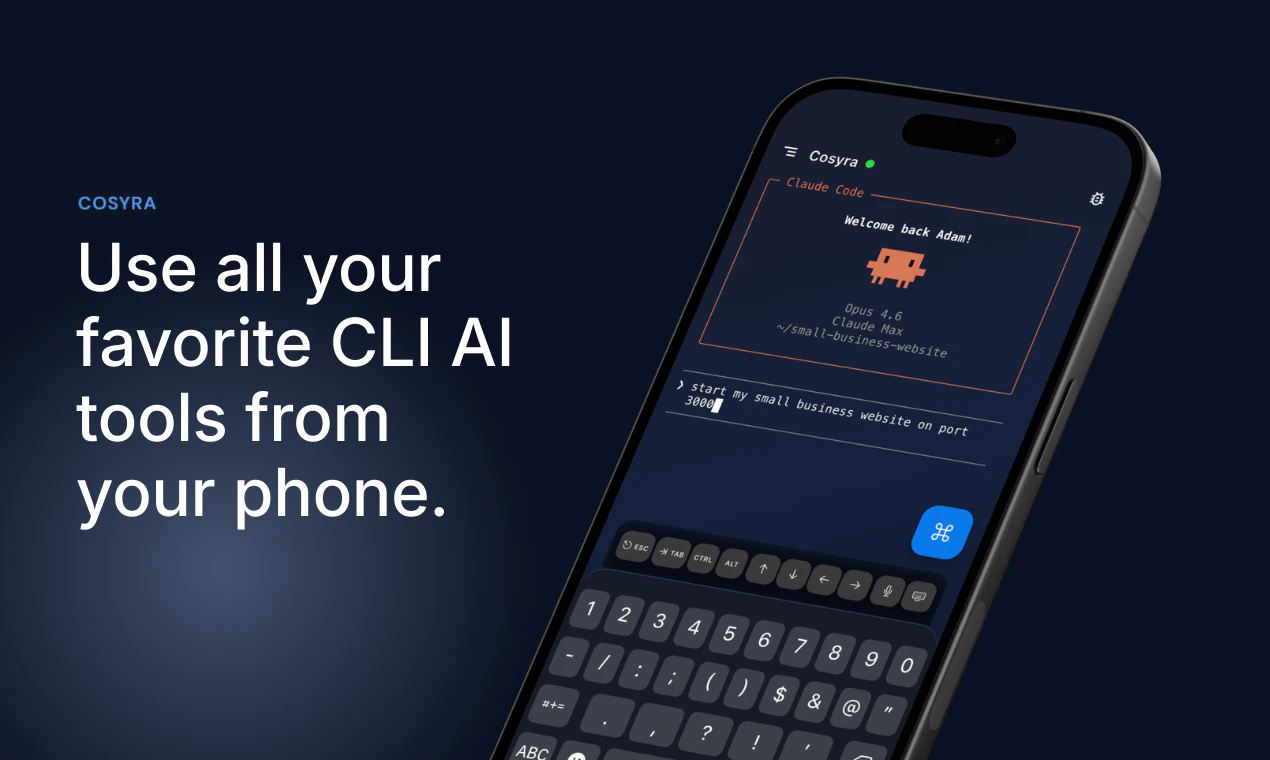
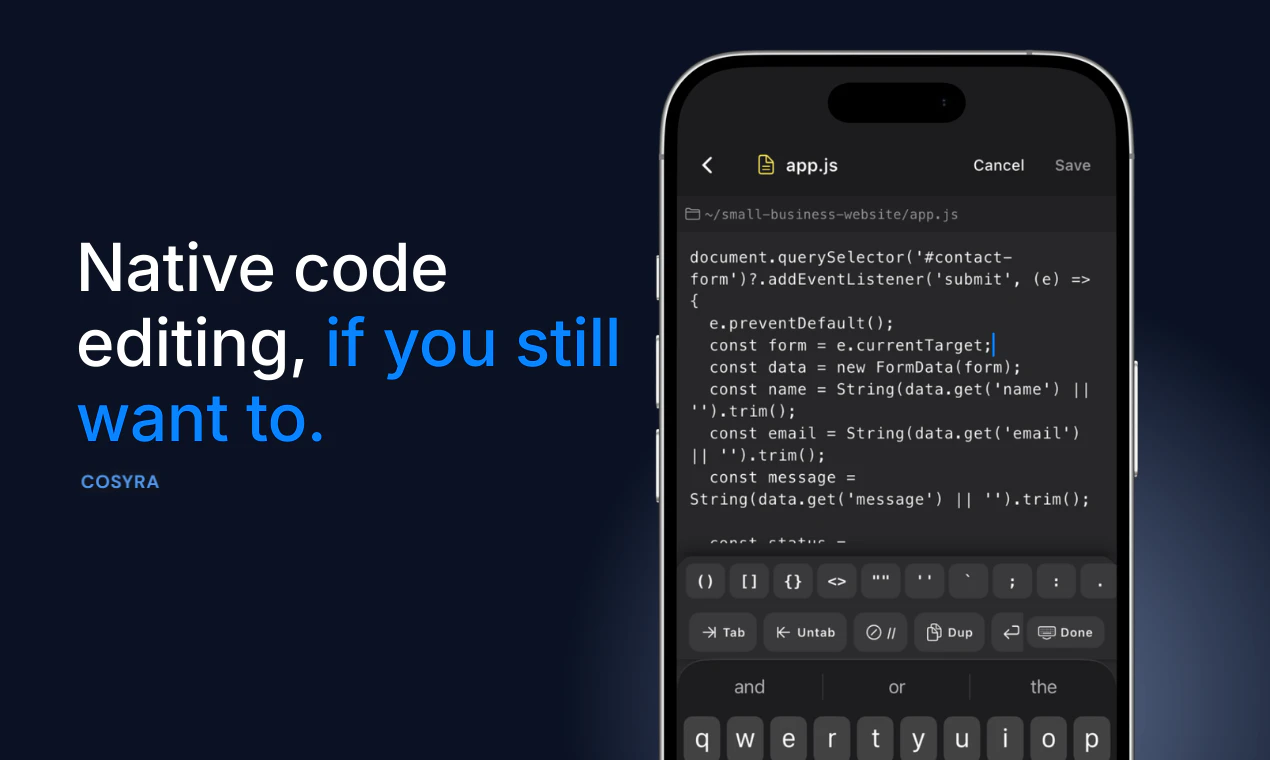
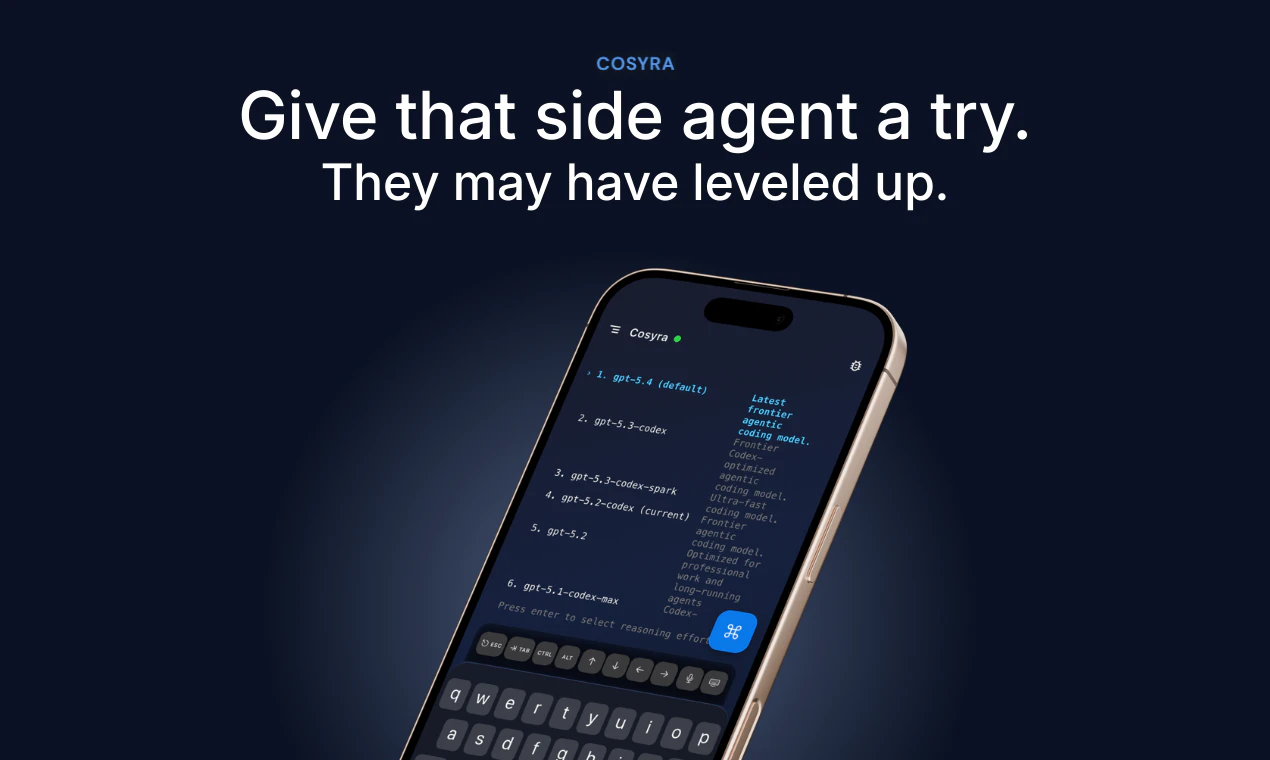
Cosyra is a mobile cloud terminal for AI development. Run Claude Code, Codex CLI, and Gemini CLI directly from your phone. Build with AI agents anywhere - no laptop or remote desktop required.

Hey Product Hunt

My name is Adam, co-founder of Cosyra. Cosyra lets you code from your phone, no laptop required.

When terminal coding agents started popping off last year, I found myself prompting, walking away, and then coming back, only to find that Claude Code had been waiting for input for some indeterminable amount of time. Hence the phone solution.

I figured, why not put my agents on my phone so I can choose when and where I prompt.

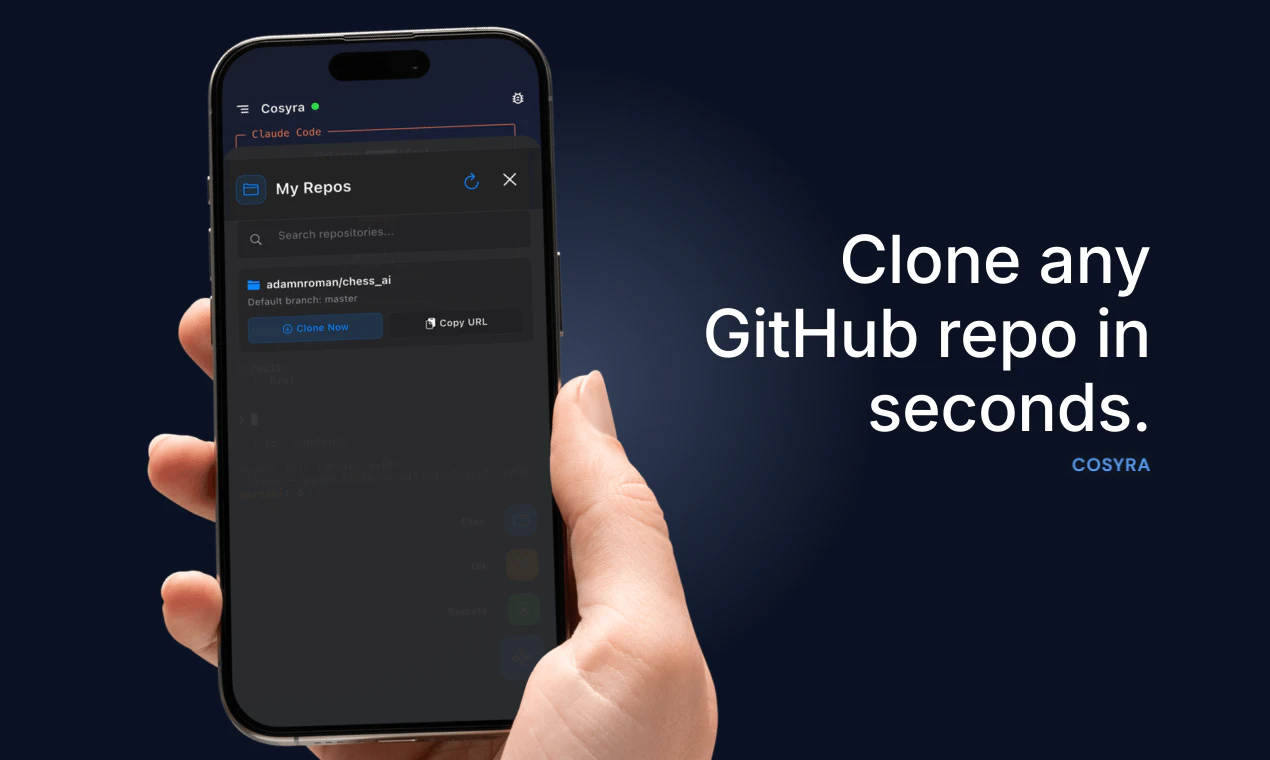
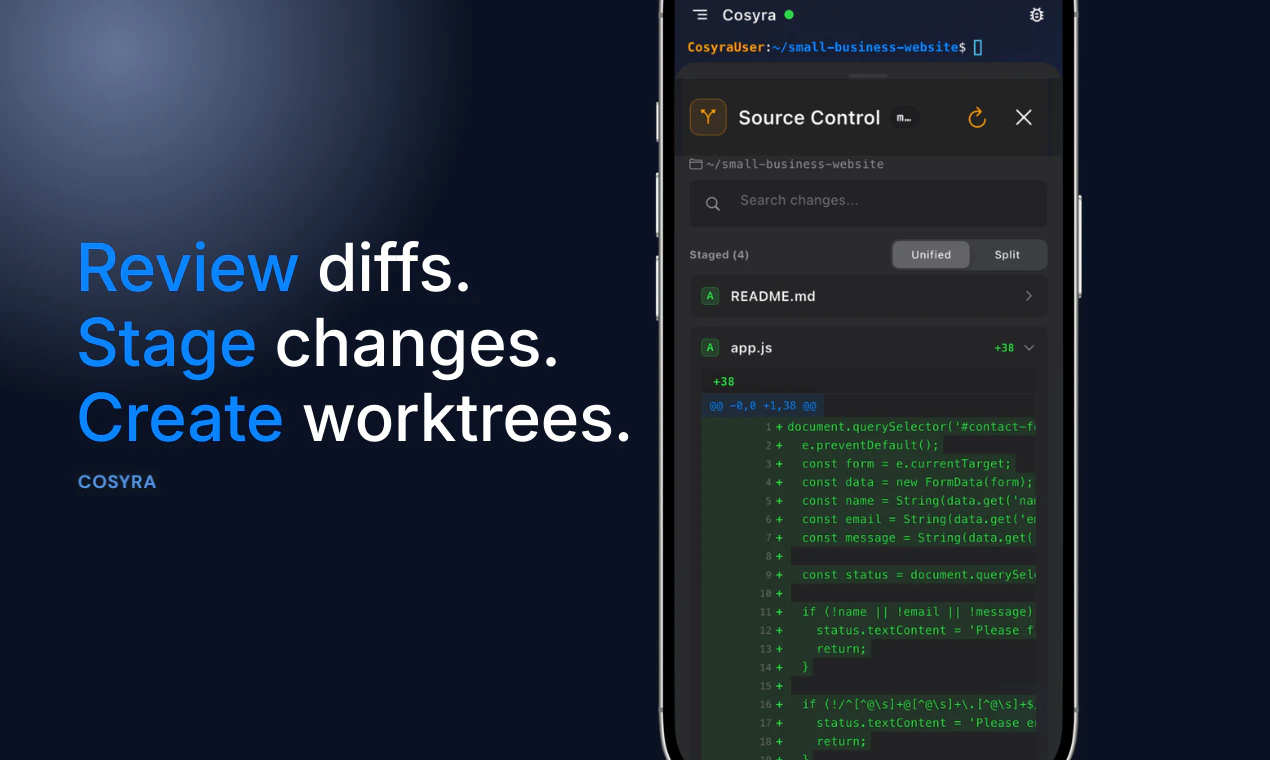
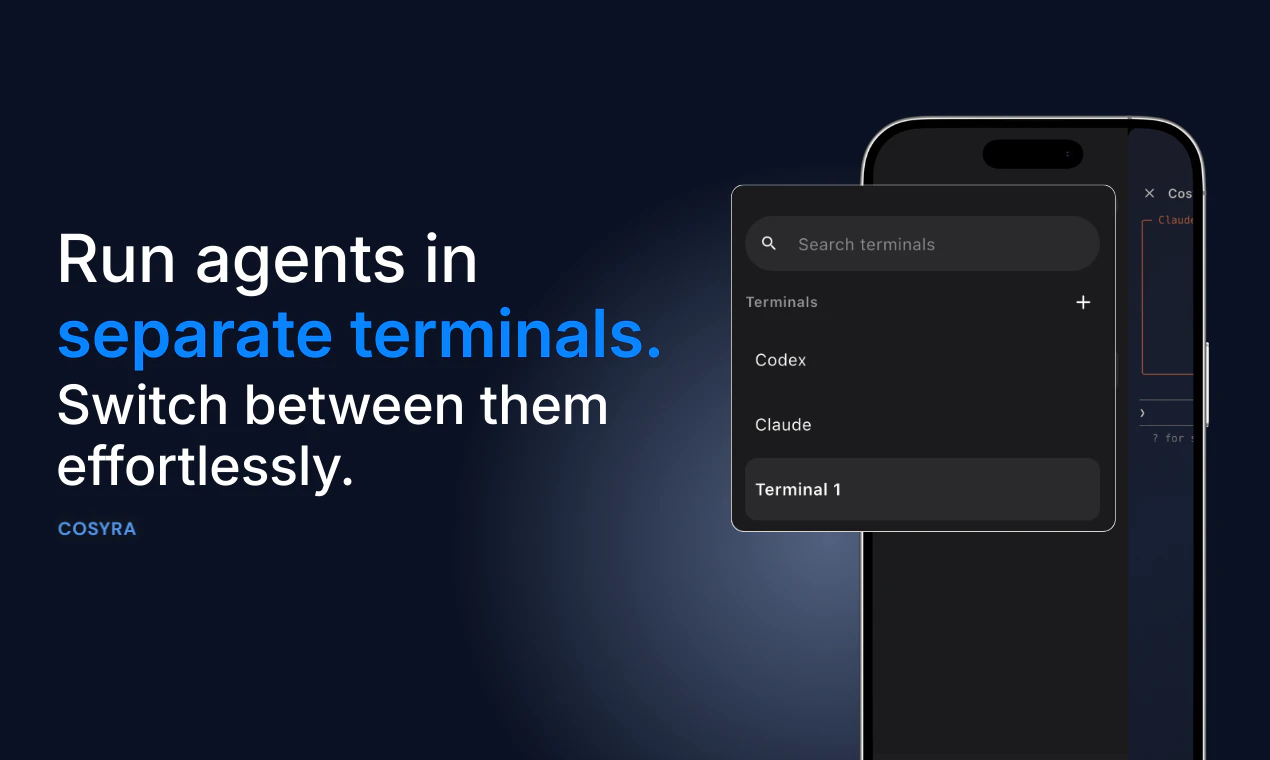
It's allowed me and 50 other developers to patch, build, audit, and do anything else your terminal agents can do on your home machine. You can switch between terminal sessions, integrate GitHub, and view your localhost server right from the webview, all without needing your home computer running.

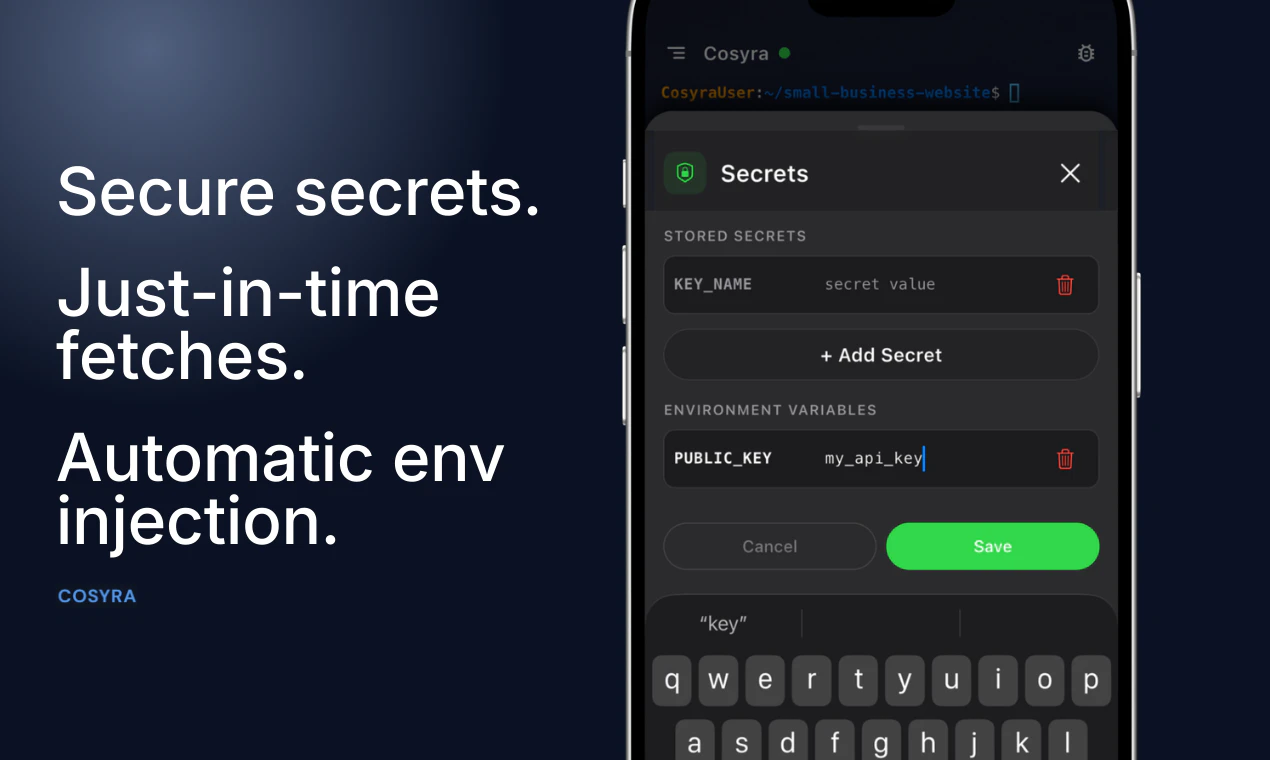
We take security seriously. Your code and credentials are protected by default, with strong isolation and safeguards built into every environment.

Try it free for 7 days or 10 hours of usage, whichever comes first. We’ve also got a Product Hunt promo for early adopters. We built this to be sustainable from day one.

#CodeOnTheGo

9
回复

@adamroman How do you handle potential latency or sync hiccups when switching between phone sessions and a full desktop setup, especially for longer audits?

1
回复

@adamroman This is seriously cool! Running AI coding agents like Claude Code or Gemini CLI right from my phone, no laptop needed!!That's insane portability for AI development. I'm curious how comfortable it feels for more complex coding sessions without a proper keyboard. Still, the freedom probably outweighs it for most quick tasks. Definitely intrigued!

0
回复

@adamroman Many congratulations on shipping this. The voice input feature for prompting agents is actually brilliant for mobile workflows. I'm wondering how you manage token refresh when agents are running those longer sessions?

0
回复

This is a smart wedge into mobile dev workflows.
@adamroman are you planning collab features? like shared sessions or pair coding?

3
回复

@adamroman @yurii_demchenko 

Appreciate your comment, Yurii!

Shared sessions and pair coding are genuinely on our radar. The container architecture actually makes this more tractable than it might seem. Because your environment is a persistent cloud Ubuntu instance, letting someone else connect to that same session is technically closer to tmux shared sessions than it is to building a full real-time collaboration layer from scratch.

Right now each user has their own isolated container, which is the right default for most people since your code and credentials stay completely private. But we have been seriously considering a "share this session" model, where you explicitly invite someone to join, similar to how you would share a tmux session on a remote server.

We are currently prioritizing the core solo developer experience, especially now that Android has just launched and iOS is live as well. But collaboration is a feature we want to build, and your question is a genuine signal that there is demand for it.

If you want to leave your contact in a comment or DM us, we will loop you in when we start testing it. The people who asked first tend to receive early access.

1
回复
@yurii_demchenko yeah well said Debarshi. Currently just solo dev experience but collab is a great idea. There are so many improvements that we have in the pipeline and this is definitely one of them I’m adding to the list 🔥
0
回复

@adamroman  @yurii_demchenko A mobile terminal that supports multiple AI coding tools sounds very handy. Especially for quick edits, running scripts, or checking things on the go.

0
回复
Really interesting approach, Adam! Cosyra seems to solve the exact friction point of waiting on desktop agents by making coding sessions mobile-first. I’m curious — how do you see mobile coding changing developer workflows long-term? Do you think it will become a primary way to build, or more of a companion to traditional setups?
2
回复

@odeth_negapatan1 Thanks Odeth! I appreciate the kind words.

It's a very real possibility that it becomes the primary way for people to build. I was talking to someone the other day about a home renovation they were planning. The entire project was planned from their phone.. not a single laptop/desktop was used. It could easily be the same way for developers with agents. The phone is unrivaled when it comes to convenience and portability.

1
回复

Happy launch! How do you handle long-running agent tasks on mobile without interruptions (background limits, disconnects, etc.)?

2
回复

@davitausberlin Thanks Davit! The agent runs in the cloud. So when you disconnect from the app, your agent will still be running. When you decide to reconnect, we will load the context back onto your phone screen so you can leave off as if nothing happened. We even send you notifications when your agent is waiting for input! Only if you opt-in of course.

0
回复

This nails a real pain point. I run Claude Code constantly and the "walk away, come back to find it's been waiting for 20 minutes" loop is so frustrating. Having push notifications for agent input requests is the killer feature here — that alone justifies going mobile.

1
回复

@letian_wang3 thank you that means a lot! I know it was definitely a pain point for me as well.

0
回复

Definitely trying this ASAP! With how fast everything is moving this would make me able to resume my progress even when I am out. One q: Since Cosyra clones the github repo is there any encryption at rest? If there is a data leakage (hope not, ever) will my codebase be safe?

1
回复
@syaman thanks man! I’m glad you see the use case. Yes your persistent data is encrypted at rest. Any secrets you add through our UI are encrypted at rest and in transit. With optional JIT injection to your dev environment. Additional security features we have in place are network isolation, proxies, container sandboxing and we handle authentication for your localhost preview so no one else can view it.
1
回复

The use case that immediately jumps out to me is kicking off a long-running agent task while away from your desk and then monitoring it from your phone. Not replacing desktop coding, but filling the gap when you're between meetings and want something running. Does Cosyra handle async agent sessions that you can reconnect to, or is it more real-time only?

1
回复

@mykola_kondratiuk Yes absolutely. You can pull your repo, start up claude code in the terminal, prompt, and have it run on our infrastructure while you do other things. You get to choose the tools you want to use, which for most people is Claude these days.

For async sessions, you can create multiple terminal sessions in the sidebar each can run their own CLI agent independently. Again, no need to monitor them, we will send you a notification when they are waiting for input.

0
回复

Interesting idea, but I’m not 100% sold yet, typing code on phone sounds... painful? 😅
Or is this more about supervising agents than actual coding?

1
回复

@kate_ramakaieva 
Thank you for your comment, Kate, and the honest answer is that you are right that typing codes character by character on a phone is painful. We agree completely. That is not the use case we are building for.

The shift that makes Cosyra make sense is AI coding agents. When you are working with Claude Code, you are not writing functions and loops manually. You are describing what you want. " Refactor the auth middleware to handle token refresh." The agent reads your codebase, makes the changes, runs the tests, and fixes what breaks. Your actual input is a sentence or two. We even built voice input so you can just speak the prompt out loud.

So the real workflow is supervision and steering, not typing. You review the agent's actions, provide the next instruction, and make adjustments as necessary. That interaction is genuinely natural on a phone.

Currently, the people who benefit most from Cosyra are developers who already use Claude Code on their laptops and often find themselves wanting to continue working when their desks are not available. On-call engineers. People commuting. Someone who had an idea at 11pm and did not want to get up to find their laptop.

Does that reframe it at all? Happy to walk through a specific workflow if it would help.

1
回复
@kate_ramakaieva hey Kate! Agreed, typing code is less than ideal on the phone. You’re spot on about the supervising agents part. Running Claude code, codex, or Gemini cli makes it a lot less painful and is my main reason for making this. Also, curious to hear your thoughts about how I can make it even less painful.
0
回复

Does it support Git workflows fully? Like branching, merging, resolving conflicts, etc. directly from mobile?

0
回复

@zerotox Yes, we have a git visualization UI so you can more easily reason about your worktree. I think the actual commands to create, switch, etc are best if prompted to your cli agent of choice. Although if you want to, you can type the commands out just like you would on your computer's terminal.

0
回复

Feature request: push notifications when a task completes or fails. That alone would make this a daily driver. Congrats on launching!!

0
回复

@himani_sah1 Thank you. That feature is available today! All you have to do is opt in to notifications

0
回复

How are you handling secrets/API keys? Is there a vault or env management system built in?

0
回复

@syed_shayanur_rahman Yes we store your secrets in a secure vault. Encrypted at rest with JIT env variable injection. Env variables are low risk, so those will just get loaded into your environment automatically.

0
回复

Can you run multiple agents in parallel? Like Codex CLI and Gemini CLI at the same time?

0
回复

@roopreddy For sure! Start codex in one tab and create a new terminal session in the side panel to spin up a parallel agent working on the same machine. Full terminal multiplexing!

0
回复

So when I am back at my desk, can I resume sessions started on my phone?

0
回复
@chintant Not at the moment, unfortunately. Something I’m going to add in the near future though
1
回复
@chintant thanks yeah you should be able to do that in the next week. It’s #1 in our feature list. Hopefully it serves your use case!
1
回复
#6
Mngr
Run 100s of Claude agents in parallel
129
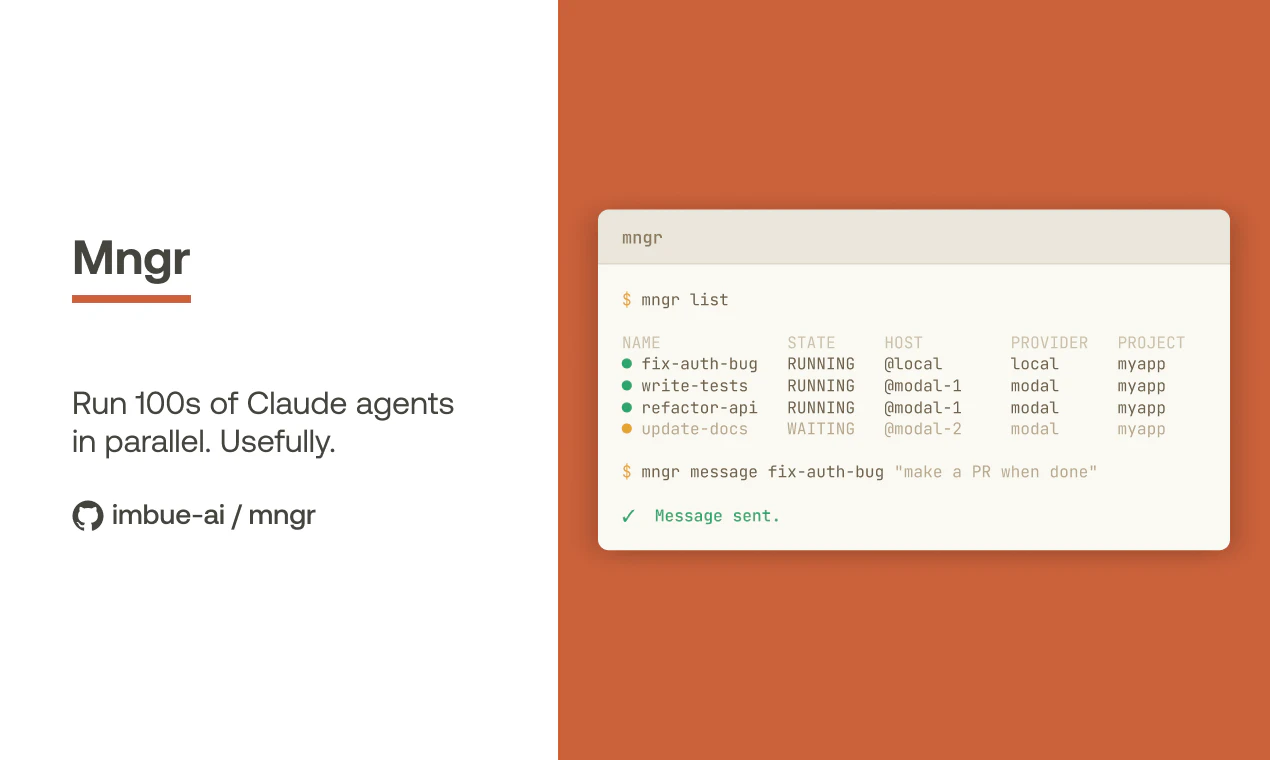
一句话介绍:Mngr 是一个CLI工具,允许开发者以编程方式大规模、并行地启动和管理AI智能体(如Claude Code),用于自动化执行如修复测试、为每个问题创建PR等重复性编码工作流,解决了手动或串行操作无法实现的海量任务并行化与协调痛点。
Open Source Developer Tools Artificial Intelligence GitHub
多智能体编排 CLI开发工具 自动化工作流 并行计算 开源AI工具 开发者效率 智能体管理 代码生成与修复
用户评论摘要:用户关注点集中在多智能体状态协调与冲突解决、任务过程可见性与调试、智能体间上下文共享机制,以及成本与限额管理。创始人回复强调产品提供基础原语而非固化工作流,通过文件操作、事件流、消息传递等机制赋予用户灵活构建解决方案的能力。
AI 锐评

Mngr 表面上是一个用于并行运行数百个Claude智能体的CLI工具,但其真正的颠覆性在于其设计哲学:它不提供“一站式”的智能体编排解决方案,而是提供了一套极简、通用的底层原语(如事件流、文件传输、消息传递)。这看似将复杂性问题抛给了用户,实则是对当前快速演进的AI智能体生态的一种深刻洞察和“退让”。

在AI能力月异日新的当下,任何试图固化上层工作流或协调逻辑的框架都可能迅速过时。Mngr 选择将稳定性建立在“智能体作为可编程进程”这一底层抽象上,其核心价值是提供了一个轻量、一致的管理界面(无论本地、Modal或Docker),确保启动、监控、交互的基础设施稳定可靠。这让开发者能够自由地、以代码的形式定义自己的协调逻辑,从而构建出适应特定任务、并能随模型能力进化而灵活调整的复杂多智能体系统。

然而,这种“提供原语”的策略也是一把双刃剑。它预设了使用者具备较高的工程架构能力,将状态一致性、冲突解决、成本控制等核心挑战转移给了用户社区。从评论中的热烈讨论可以看出,这既是其吸引高阶开发者的魅力所在,也可能成为其普及的主要门槛。它更像是一把赋予开发者强大能力的“利器”,而非一个开箱即用的“产品”。其成功与否,将极大依赖于其上能否生长出一个繁荣的、共享最佳实践与工作流模版的生态。

查看原始信息
Mngr
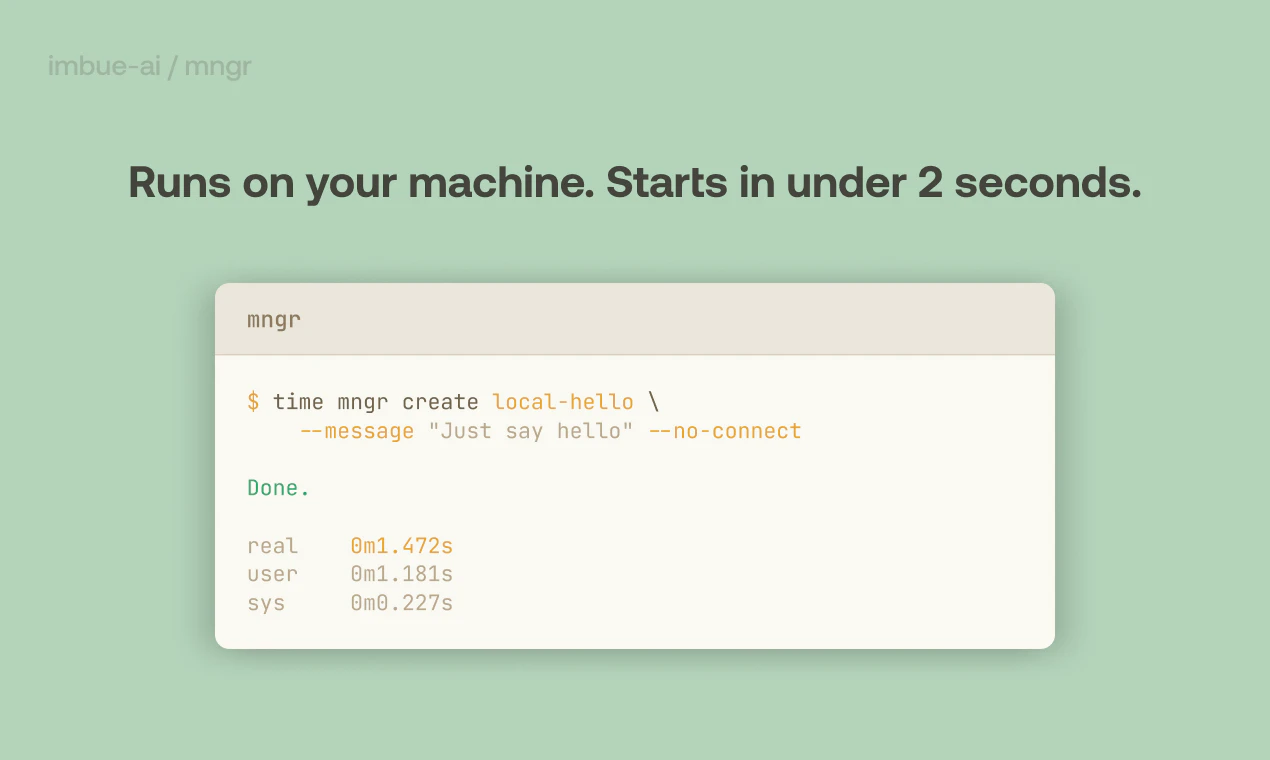
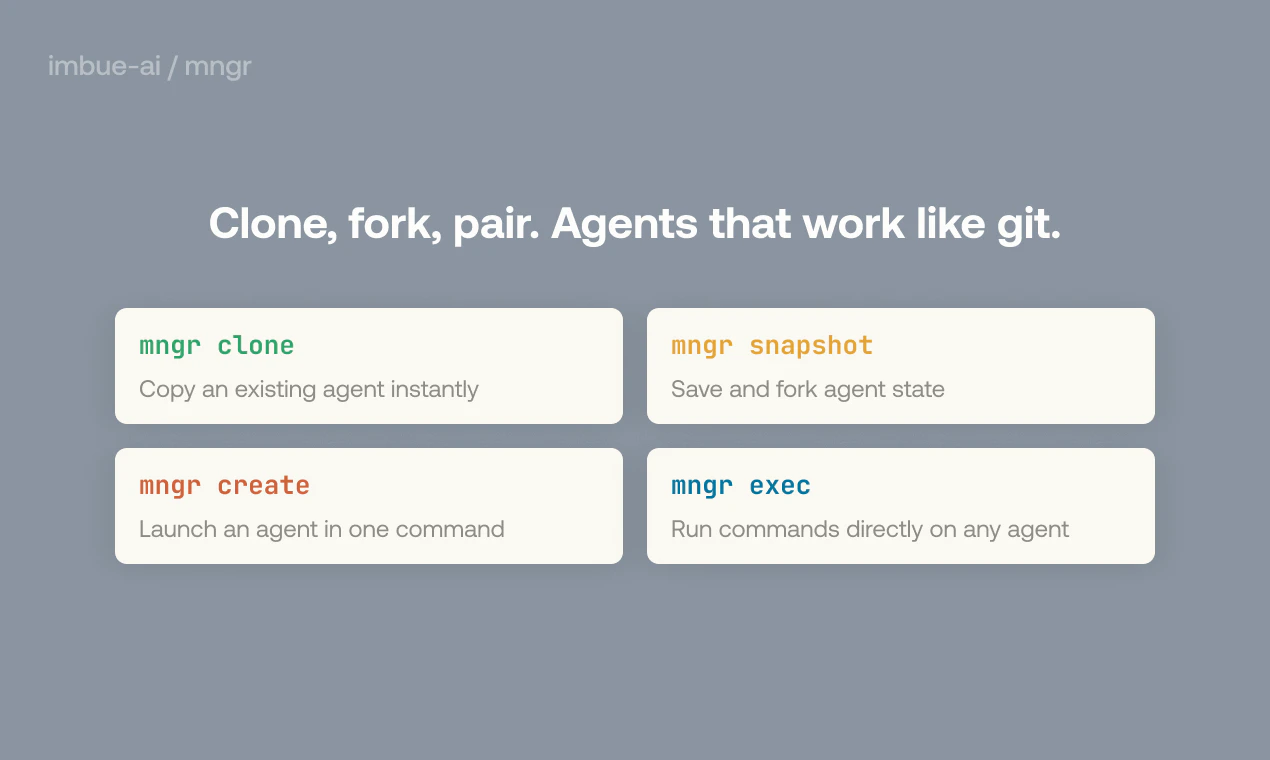
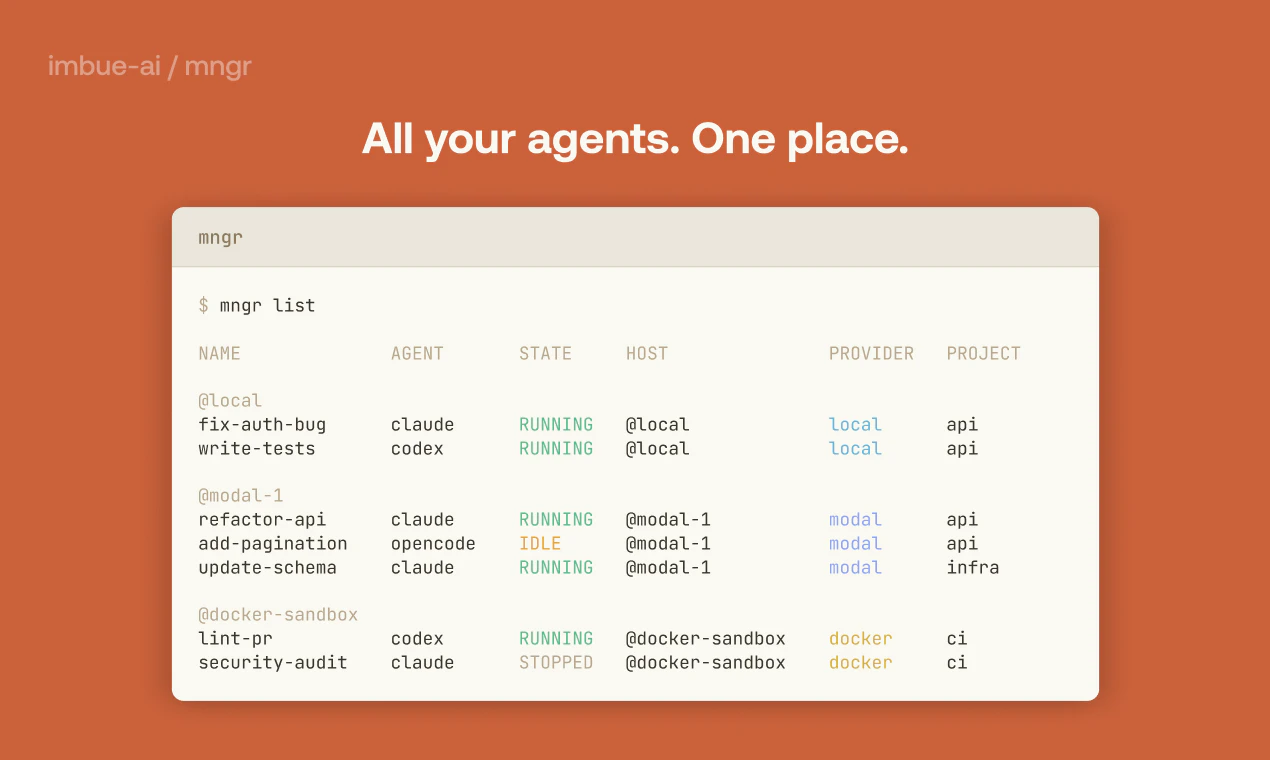
Mngr is a CLI tool for programmatically spinning up coding agents at any scale. It lets you compose workflows—fix all my tests, open PRs for every issue, validate every use case—and run them repeatedly. Run 1. Run 100s. See all your agents, and if they're blocked on you. Connect to any agent mid-task to ask a question or debug it. Agents start in under 2 seconds and shut down when idle. The same commands work with any agent harness, running locally, on Modal, or in Docker. Free and open-source.

Kanjun here, one of the founders of @Imbue (the team behind mngr).

Internally, we run 100s of parallel Claude Code sessions all doing useful work. It's been wild — we just say "for each flaky test in the past week, fix it" or "for each Linear ticket, create a PR".

mngr is the CLI tool that makes it possible, and we're open sourcing it today because we believe that open agents must win over closed platforms for humans to live freely in our AI future.

Hope you give it a spin, find it useful, and star it on Github if you like it!

4
回复

Running agents at scale is the easy part to imagine. The harder problem is state coherence across the swarm — what happens when agent 47 and agent 12 reach conflicting conclusions about the same codebase and neither is obviously wrong.

Does Mngr expose any shared state or consensus layer, or is resolution left entirely to the orchestrating workflow?

2
回复

@ivaylotz I actually ran into exactly this problem and it's easy to use mngr primitives to resolve those:

  • You can pull the Git branches of multiple agents onto one place with `mngr pull`. (If you're running agents locally, you can skip this entirely because mngr uses Git worktrees by default for local agents)

  • Then just `mngr create` another agent, asking it to resolve conflicts from these two branches

The interesting property about `mngr` is that it's kind of agnostic of what you're doing with your agents - they don't have to be coding agents at all - but it gives you enough primitives to just trivially build your multi-agent workflow. I believe having general primitives is better than having specialized workflows - the latter will be obsolete when the next model comes out, but the former will not!

2
回复

Running parallel agents at this scale is genuinely interesting. The hard part I keep running into isn't starting agents - it's knowing when they're done, stuck, or drifted from intent. How does Mngr handle that? Is there any visibility into what's actually happening across the swarm, or is it more fire-and-forget?

2
回复

@mykola_kondratiuk Yes that is a very good point, I also wonder about that. Also, does Mngr handle agent-specific logging so I can debug which agent is driven off-track?

0
回复

@mykola_kondratiuk Mngr has builtin tracking for the basic lifecycle of an agent - running, waiting for your input, stopped, etc.. If that suffices for you, there's nothing more you need to do. But the nice thing about `mngr` is that it's very flexible and scriptable, so you are free to build your domain-specific tracking mechanism however you like! Some approaches I'm aware of are:

  • You can let the agents report their own state to a central place by e.g. making some HTTP requests - it's easy to control what credentials each agent has access to, just do something like `mngr create foo --env KEY=value`

  • You can let the agents write their outcome to a file, and then download the file using `mngr file` or `mngr pull`.

  • You can let them write to mngr's event stream and watch for those events using `mngr event`.

  • You can also just tell the agent itself to message another agent using `mngr message`. This is trivially easy for local agents, although I haven't tried it for remote agents.

Mngr gives you primitives, not pre-packaged workflows. Just build whatever workflow you want!

1
回复

Just ran 6 parallel Claude agents today for a launch strategy analysis.

The bottleneck is always orchestration, not the model. Curious how you handle context sharing between agents.

1
回复

@cyberseeds It's up to you how you want to solve it! Mngr is not "one orchestration framework for everything", but it gives you simple but powerful primitives that make this really easy:

  • There's an event stream mechanism, so you can let an agent put stuff on the event stream and let another agent monitor it.

  • You can transfer files with `mngr pull`, `mngr push` and `mngr file`.

  • You can message an agent with `mngr message`. You can even let one agent message another (it's a lot of fun watching them talk to each other)

2
回复

Does it have any limit managemnt - ie maximizing AI subscription limits?

1
回复

@k_piotr it currently doesn't have anything built-in right now, but it's on the roadmap!

3
回复

this is useful! can I set token / dollar / time budgets?

0
回复
#7
tama96
A Tamagotchi for your desktop, terminal, and AI agents
126
一句话介绍:一款可运行于桌面、终端,并能被AI智能体编程喂养的电子宠物,为开发者与AI实验者提供了一个怀旧与科技融合的数字陪伴与自动化测试场景。
Free Games Retro Games Artificial Intelligence GitHub
电子宠物 桌面应用 终端应用 AI智能体 MCP服务器 怀旧游戏 开发者工具 Rust编程 开源项目 自动化测试
用户评论摘要:用户赞赏其巧妙融合怀旧与前沿技术(MCP集成),认为其权限设计考虑周全。主要关注点在于宠物是否会死亡(开发者确认有多种死亡机制),并探讨其作为“构建原生”工具与自动化实验平台的潜力,好奇AI代理长期照顾宠物的表现。
AI 锐评

tama96表面上是一款向1996年拓麻歌子致敬的桌面宠物,但其内核是一次对“人机交互界面”与“AI代理行动边界”的巧妙实验。它的真正价值不在于像素风情怀,而在于其构建的三层架构:桌面GUI提供情感化入口,终端TUI迎合极客的“构建原生”习惯,而MCP服务器接口则将其从一个封闭玩具,降维成了一个可被AI智能体观测与操作的标准化环境——一个安全的“数字沙盒”。

这解决了几个深层痛点:对于AI开发者,它提供了一个低成本、高趣味性的智能体持续行动与决策测试平台(如“能否在长期编译中保住宠物性命”);对于工具生态,它示范了如何通过权限与速率限制,为不受控的AI代理行为安装“刹车片”。产品看似 playful,实则严肃地触碰了AI时代的关键议题:当智能体开始介入我们的数字环境,如何设计出让人类放心、可控的交互协议?tama96用喂养电子宠物这个无风险场景,对上述问题进行了了一次轻量而深刻的推演。它的成功与否,或许不取决于宠物销量,而在于其“桌面-TUI-MCP”模式能否成为连接人类情感、开发者工作流与AI能力的新范式。

查看原始信息
tama96
Inspired by the 1996 Tamagotchi, now programmable by AI agents. Care for your pet via desktop, terminal, or MCP. Desktop: pixel LCD UI with clickable icons, system tray, background ticks, notifications, always on top so your pet stays visible. Terminal: standalone or connected client, single binary, zero dependencies. AI Agent: MCP server lets agents feed, play, and care for your pet with per action permissions and rate limits.
OMG. Congrats… I remember the day my Tamagotchi had died. Heard a bleep in the middle of the night, grabbed it and saw that X-X on it. Just because it pooped it’s pants?? I cried so hard that i barely woke up and got prepared for the school. This time it can’t die. Right? 🥹
2
回复

@dumango :( Your pet can die from old age, neglect (hunger AND happiness at 0 for 12+ hours), untreated sickness, or baby snack overfeeding (5+).

0
回复
@siegerts 🫠🫡
0
回复

Hi Product Hunt Community!

I rebuilt Tamagotchi…but made it programmable by AI agents.

Inspired by the 1996 original Tamagotchi. Your care choices shape who your pet becomes! A virtual pet for your desktop, terminal, or AI agents.

You can monitor and care for your pet using the desktop app, terminal app, or MCP.

Desktop app - Pixel LCD display with clickable icons. System tray, background ticks, desktop notifications. Always-on-top so your pet stays visible.

Terminal app - Runs standalone or connects to the desktop app as a client. Single binary, zero dependencies.

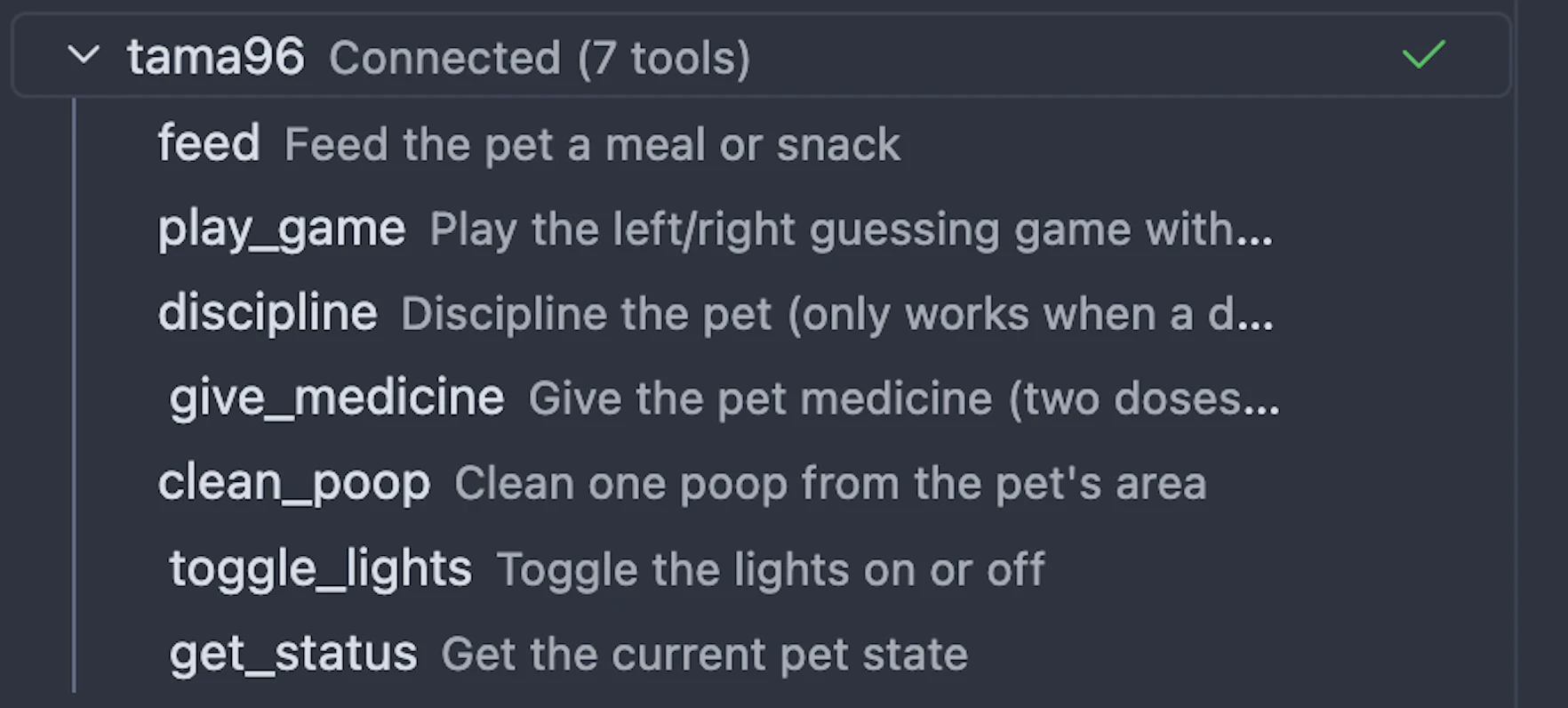
AI Agent (like OpenClaw) - The bundled MCP server lets AI tools feed, play with, and care for your pet. Per-action permissions and rate limits keep things under control.


Created with Kiro, Rust, and Tauri. Download or clone and run your own.

1
回复

The MCP server integration is what makes this more than a nostalgia project. Everything in the terminal is about output and productivity, so building something in that space that's deliberately playful is a cool design decision. I'd actually want to see what happens when an agent tries to keep the pet alive during a long build.

1
回复

@juelz Only one way to find out :) Thanks for the comment!

0
回复

love that this works as both a nostalgic desktop toy AND a serious dev tool. we've been building MCP servers for healthcare data, but using one for pet care is genuinely clever. the permission system for agent actions is a nice touch - shows you've thought through the chaos agents can cause.

1
回复

@piotreksedzik That's one of my favorite pieces actually! Gives the agent some guardrails without making the experience feel too complex.

0
回复

I like how this lives across desktop, terminal, and agents without forcing one interface.

The terminal version in particular feels very “builder-native.”
Do you see most people using this as a fun side companion, or are you noticing more experimental/automation-driven use cases?

0
回复

@luca_ardito Too soon to tell still. If anything, I think the desktop, TUI, and MCP pattern can be reused for other usecases and ideas too.

0
回复

Interesting to see 2 similar launches (Tamagotchi concept) in one day. Love it!

0
回复

@busmark_w_nika which other?? virtual pets are in!

0
回复
#8
Nitro by Rocketlane
AI agents for modern service delivery
125
一句话介绍:Nitro是一款嵌入Rocketlane平台的AI智能体引擎,通过自动化后台资源管理、交付治理与项目文档等工作,为SaaS、IT、咨询和法律等专业服务团队解决依赖人工救火、效率低下及收入漏损等结构性痛点。
SaaS Artificial Intelligence
AI智能体 服务交付自动化 项目管理 后台运营 收入回收 风险预警 专业服务自动化 企业级AI应用
用户评论摘要:用户关注点集中在:1. 对“追查缺失工时单和未开票工时”功能付费意愿强烈,询问具体实现机制;2. 关心智能体自主性程度能否调节至完全自动化;3. 质疑智能体处理流程外异常情况的能力,官方回复称设有人工干预环节。
AI 锐评

Nitro所标榜的“现代服务交付AI智能体”,本质上是一次对专业服务(PS)行业底层工作结构的激进重构尝试。其真正价值不在于提供了又一款“AI副驾驶”,而在于试图用智能体取代而非辅助人类执行那些本不该由高成本人力完成的机械性工作——如追查工时、配置环境、迁移数据。这直指专业服务行业长期存在的结构性矛盾:顶尖人才的时间被大量低价值行政任务侵蚀,而管理层的精力则消耗在追漏和救火上。

然而,产品面临的挑战与其愿景一样鲜明。首先,其成功高度依赖预设流程的完备性。正如用户质疑,服务交付中充满“未记录的例外”,智能体一旦遇阻,是停滞还是能有效升级处理?官方“人工介入”的回复,揭示了当前阶段人机协同的必然性,也暗示了完全自动化承诺的局限性。其次,从“辅助”到“代理”的转变,意味着责任主体的模糊化。当智能体自动执行如风险预警甚至发票起草时,其决策的透明度和可解释性将成为企业客户的核心关切。

Nitro的野心是成为服务团队的“不公平优势”,但其能否规模化兑现,关键在于智能体在复杂、非标准化服务场景中的鲁棒性,以及其与现有企业治理、合规框架的融合深度。它开启的是一场关于“专业服务中人类价值究竟何在”的讨论,但其自身仍需在实战中证明,它提供的是真正解放生产力的“智能骨干”,还是另一个需要人类不断“救火”的复杂系统。

查看原始信息
Nitro by Rocketlane
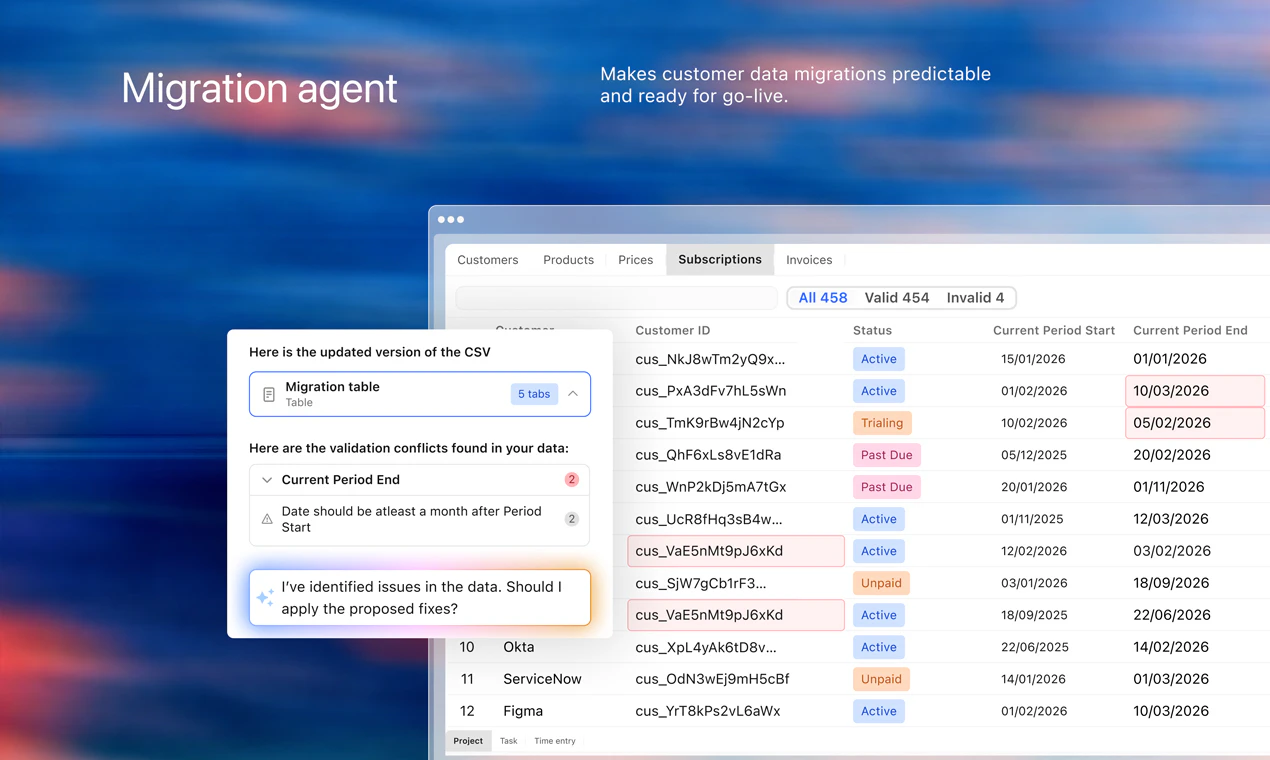
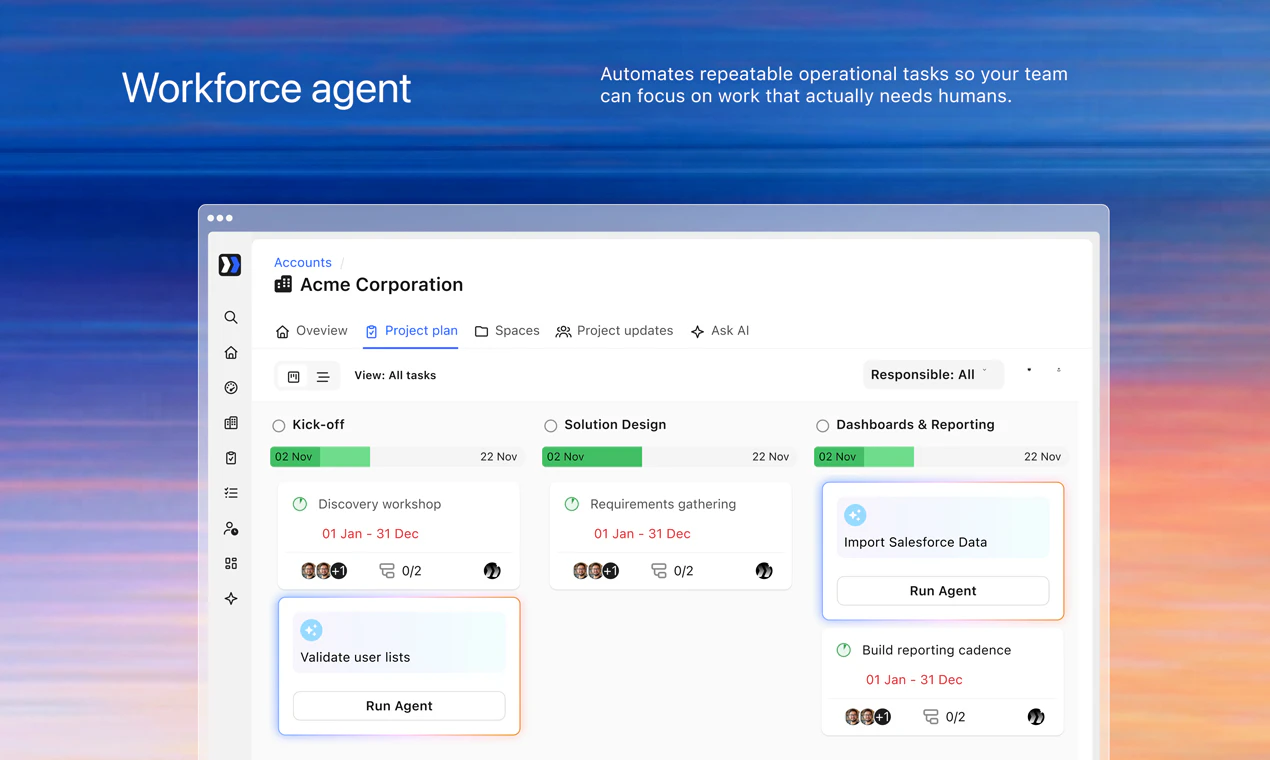
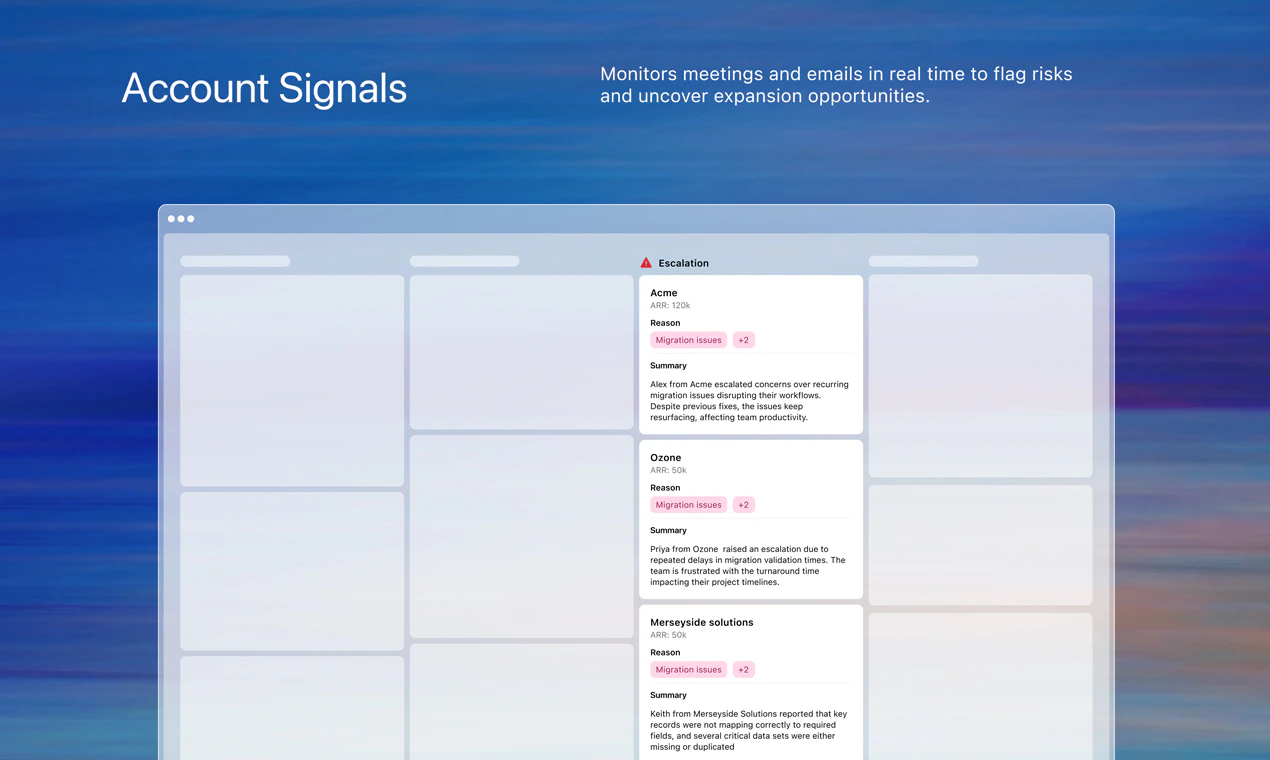
Services delivery across SaaS, IT, agencies, and legal runs on heroics and firefighting. Nitro changes that. Embedded in Rocketlane, it deploys agents that automate: * Backoffice — resourcing, hunting missing timesheets and uninvoiced hours * Delivery — enforcing governance, surfacing real-time risks and opportunities * Work — documentation, migrations and configuration Nitro becomes your team's unfair advantage — infinite eyes, hands, and memory — driving radical efficiency at scale.

We're launching Nitro today on Product Hunt.

I want to share a bit about why we built it, because the "what" is easier to explain than the "why."

Over the last few years, I've seen hundreds of delivery teams at work. Across SaaS companies, consulting firms, agencies, legal shops.

And almost universally, the story is the same.

Smart, capable teams. Buried in work that no longer requires humans. 

Top product consultants filling timesheets, configuring environments, transforming data, creating hand-offs and design documents. 

Leaders spending energy chasing and verifying timesheets, dealing with escalations they didn’t anticipate. 

It's not a people problem. It's a structural one.

AI was supposed to change this. And in some ways it has. But most of what's been purpose-built for delivery teams is AI copilots that assist, suggest, summarize. 

That's not enough.

PS teams are about to work very differently. Not incrementally differently. Fundamentally differently. 

The real opportunity isn't making your team faster at the same work. It's changing what your team has to do in the first place.

PS teams need their “Cursor” moment. That's what Nitro delivers.

Nitro is Rocketlane's agentic engine. It automates project documentation, data migration, configuration work. It also manages resourcing, hunts missing timesheets and uninvoiced hours, enforces governance, creates and updates project plans, and surfaces risks and opportunities in real time. Not as a layer bolted on top. As part of how delivery actually runs.

The future PS team has humans and agents working side by side. Agents handle the heavy lifting. Humans focus on customers, alignment, and outcomes.

We're just getting started. Nitro is live today and I'd genuinely love to hear from anyone building or leading a services team. What would change for you if the execution work just got done?

Sri

Co-founder & CEO,
Rocketlane

1
回复

The "hunting missing timesheets and uninvoiced hours" use case is the one I'd actually pay for immediately. That's pure revenue leakage that every services org has but nobody tracks systematically. How does the agent surface these — is it proactively pinging people, flagging in a dashboard, or actually drafting the invoices and waiting for human approval before sending?

0
回复

This is cool. Once you have an agent that pretty much works well almost all the time, can I switch the autonomy-level to make it completely autonomous?

0
回复

The 'modern service delivery' framing is interesting - in my experience, client onboarding is one of those places where process debt hides really well. Until you try to hand it to an agent. Then every undocumented exception becomes a blocker. How are you handling cases where the agent hits something outside the expected flow - does it escalate or just stall?

0
回复

@mykola_kondratiuk there is a human in the loop element to this. It will ask questions to get more inputs as needed. Also depends on each agent’s designed experience.

2
回复
#9
Wan 2.7-Image
Interactive pixel-level editing and consistent storyboards
119
一句话介绍:Wan 2.7-Image通过交互式像素级编辑和一次性生成12张高度一致的序列图像,为设计师、内容创作者在构建故事板、系列视觉资产时,解决了AI生图难以精确控制和保持风格连贯性的核心痛点。
API Artificial Intelligence Photo editing
AI图像生成 像素级编辑 故事板制作 序列图像生成 多语言文本渲染 阿里巴巴 图像控制 设计工具 Web应用 API服务
用户评论摘要:用户肯定其控制力与一致性生成能力,但提出具体疑问:交互编辑处理复杂场景(如多人背景替换)的效果如何;12张图的“一致性”具体指锁定哪些维度(角色、光影、风格),能否避免角色“漂移”;像素级编辑在复杂场景中的实际精细度。
AI 锐评

Wan 2.7-Image看似在“可控性”与“一致性”两个AI生图的顽疾上同时下刀,但其宣称的“前所未有”的控制力,仍需在真实世界的复杂需求中接受检验。

产品核心是两大功能:交互式像素级编辑和一次性生成12张连贯图像。前者试图将传统的“选区-修改”PS逻辑引入AI生成,让用户能移动物体、修改文字,这直击了当前“文生图”模式“开盲盒”、微调成本高的痛点。后者瞄准了故事板、漫画、系列素材等需要高度风格统一的专业场景,试图用单次提示词解决连贯性问题,这比手动反复调试提示词或借助角色LoRA更符合工作流。

然而,用户评论中的犀利提问恰恰点出了其可能面临的挑战。像素级编辑在简单物体上或许游刃有余,但在涉及复杂光影融合、透视匹配的多元素场景中,能否实现“无痕修改”,技术难度呈指数级上升。而“一致性”更是一个多维度的模糊概念——是角色外观、服装细节、场景布光、绘画风格的全局锁定,还是仅保证其中几项?用户担心“角色面部在3到9格间漂移”,这正是现有技术(如角色一致性模型)尚未完美解决的难题。若Wan 2.7未能明确定义并实现其“一致性”的维度与边界,该功能在严肃创作中可能沦为鸡肋。

其价值在于,它代表了AI图像工具从“随机灵感生成器”向“确定性生产工具”演进的关键一步。通过提供API,它更可能被集成到专业工作管线中,而非仅面向个人玩家。真正的考验在于,阿里巴巴能否将电商场景中积累的海量图像与需求数据,转化为对复杂编辑指令和长序列一致性更深层次的理解。目前看来,它是一个充满野心的工程化产品,但能否从“好用”变为“可靠”,成为专业领域的标配,取决于其技术细节在复杂用例中的鲁棒性,而不仅仅是功能的炫酷演示。

查看原始信息
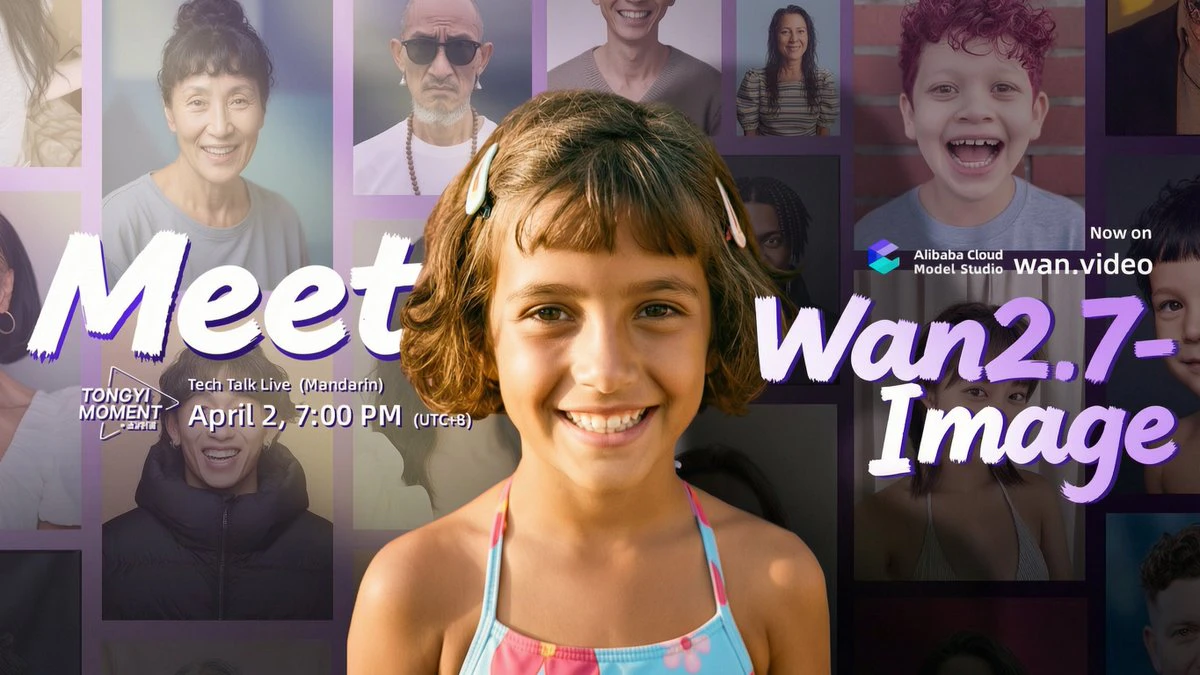
Wan 2.7-Image
Wan 2.7-Image by Alibaba brings unprecedented control to AI generation. It features interactive pixel-level editing (move, resize, edit text) and generates up to 12 highly consistent sequential images from a single prompt. Available via Web and API.

Hi everyone!

Wan 2.7 is very control-focused.

The new interactive editing lets you point, select, and modify specific regions—like moving an object or fixing a typo—without breaking the rest of the image.

Plus, generating up to 12 consistent images in one go is a huge unlock if you ever need to build storyboards or sequential assets. It even handles long-form text rendering across 12 languages natively.

It is available now via the web app and API.

2
回复

@zaczuo How well does the interactive editing handle complex moves, like swapping backgrounds in a multi-person scene while keeping lighting and shadows realistic across languages?

0
回复

The 12 consistent sequential images from a single prompt is the interesting part. How does "consistency" actually hold across all 12 — does it lock character appearance, lighting, and style simultaneously, or is consistency more about one of those dimensions at a time? Because storyboarding breaks down fast if a character's face drifts between panels 3 and 9.

0
回复

The pixel-level editing is what really stands out here.

A lot of image tools still feel like “prompt and hope,” so having direct control over elements could change how people iterate.
How granular does the editing actually get when working on complex scenes?

0
回复
#10
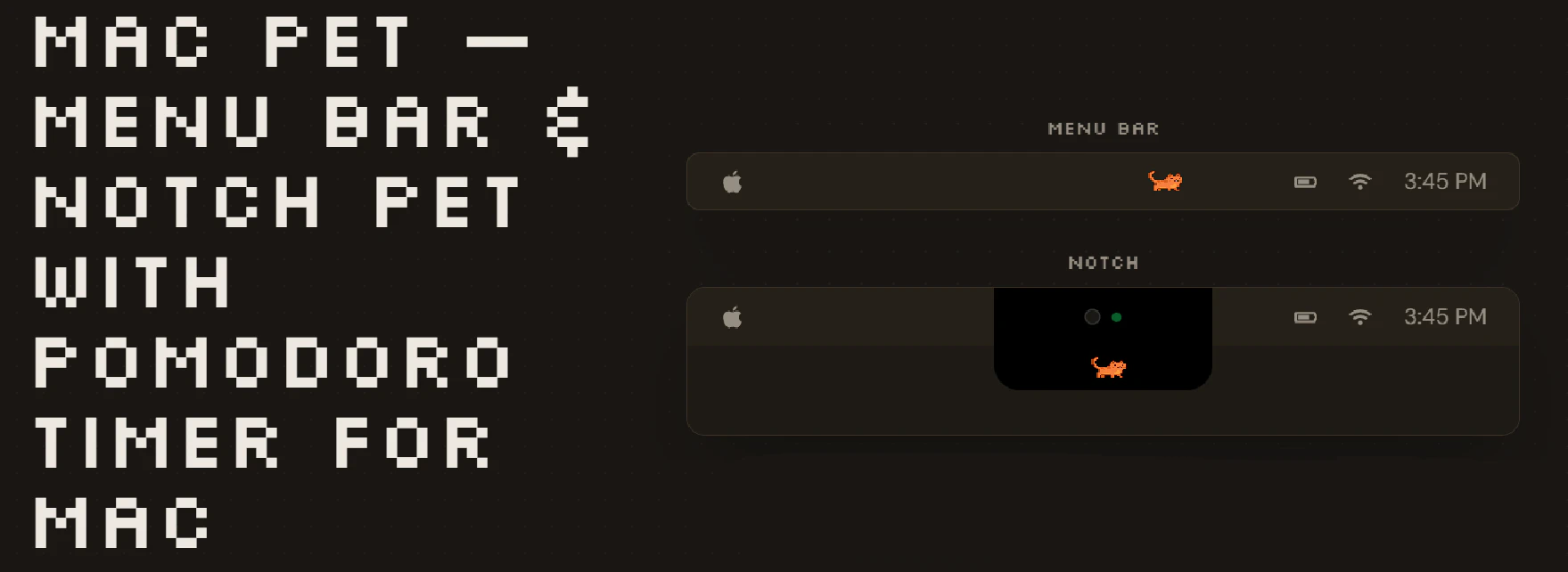
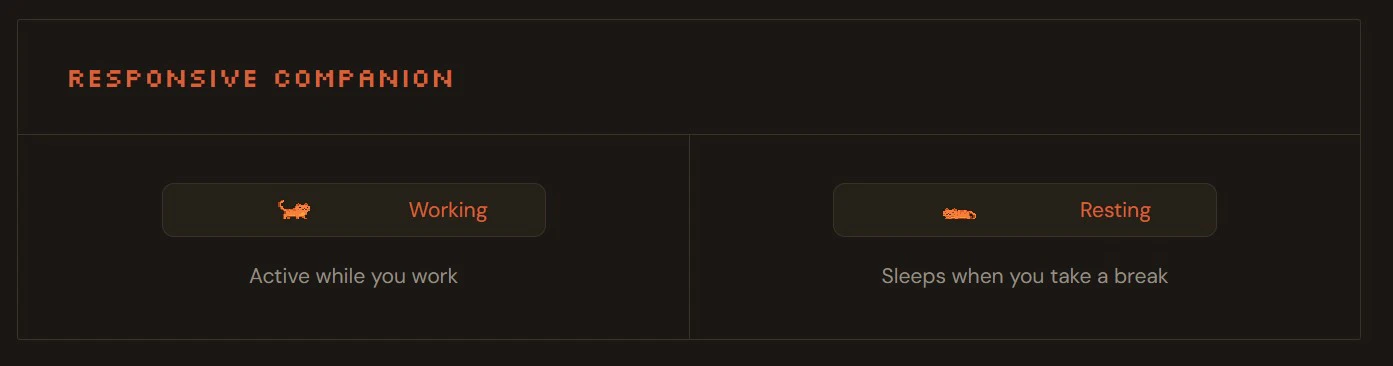
Mac Pet
A pixel pet for your menu bar or MacBook notch w/ Pomodoro
117
一句话介绍:一款将番茄工作法与像素桌面宠物结合的Mac菜单栏应用,通过游戏化陪伴与视觉反馈,解决用户在专注工作时难以坚持计时、缺乏正向激励的痛点。
Productivity Pets Menu Bar Apps
生产力工具 番茄时钟 桌面宠物 游戏化 菜单栏应用 专注辅助 macOS 轻量化 像素风 习惯养成
用户评论摘要:用户普遍认可产品创意与趣味性,尤其赞赏“刘海屏”模式。主要疑问集中在活动追踪机制的具体实现和长期留存效果。有用户认为9.99美元定价偏高,并提出了增加宠物自定义动画的建议。
AI 锐评

Mac Pet 的本质,是一次对“工具理性”的巧妙反叛。它没有在番茄钟的功能冗余度上内卷,而是精准切入了一个被忽视的情感层痛点:计时器本身无法提供坚持的动力。产品将“坚持专注”这一反人性的行为,包装成一种低负担的数字化陪伴,利用人类对虚拟生命的投射心理,完成行为激励。

其真正的聪明之处在于形态选择:寄生在菜单栏或刘海屏,而非独立的Dock窗口。这确保了产品的“被动存在性”——它不侵占核心屏幕空间,却通过像素动画持续提供微妙的视觉存在感,在“不打扰”和“被看见”之间取得了精妙的平衡。这种设计哲学,远比宠物本身的像素动画更值得玩味。

然而,其面临的挑战也同样清晰。首先,是“ novelty effect ”(新奇效应)褪去后的留存问题。当宠物的新鲜感消失,它是否会沦为另一个被忽略的菜单栏图标?其次,其活动追踪若仅基于简单的屏幕时间,而非真实的输入活动,则可能削弱“专注”与“奖励”之间的因果关联,导致激励系统失效。最后,一次性买断制与持续的内容更新(如新宠物、新互动)之间可能存在矛盾,这将是其长期运营的一个关键节点。

总体而言,Mac Pet 是一次出色的概念验证,它证明了在高度成熟的生产力工具市场,情感化设计与场景化微创新依然能开辟出缝隙市场。但它能否从一个聪明的“玩具”,进化成一个可持续的“习惯塑造平台”,将取决于其后续在数据算法层面(更精准的专注判定)和内容生态层面(更深度的互动与自定义)的进化能力。

查看原始信息
Mac Pet
A pixel pet for your macOS menu bar or MacBook notch: Tamagotchi-style companion with a built-in Pomodoro timer, focus sessions, activity streaks, and lightweight virtual-pet charm. Seamless notch mode on newer MacBooks — not another cluttered dock window.
We just shipped notch mode! If you've got a newer MacBook, your pet now lives right below your notch; the black background blends in so it looks like the notch just extends down a bit to house your little guy. You can switch between menu bar and notch mode whenever you want. Been wanting to do this one for a while, felt like a natural fit. Let us know what you think!
3
回复

@lordtoby This is great, and congrats on the launch. Any plans to add customizable animations for the pet icon, like a subtle wag or blink?

0
回复

A Pomodoro timer disguised as a desktop pet is honestly such a smart move. I'm building a focus timer myself and the one thing I keep learning is that the hard part isn't the timer, it's making people actually want to use it. Gamifying it with a pet that reacts to your focus sessions? That solves it. Curious how the activity tracking works though, is it just screen time or does it monitor input activity too?

0
回复

Congrats @lordtoby on the launch!

0
回复

Very cute! but I think $9.99 is a little expensive

0
回复

My home macbook is older but this is the first PH product I actually wanted to install immediately. Great idea!

0
回复

Apple spent millions on this notch design and u just turn it into a cat bed, thats hillarious😂

0
回复

Re activity tracking – what kind of activity can it track?

0
回复

This is great. Feels like a small thing but having something visual like this can actually make work a bit more enjoyable. The Pomodoro angle is clever as well. Do people actually stick with it long term or is it more of a novelty at first?

0
回复
#11
Syncly Social
Find creators by what's actually in their content
109
一句话介绍:Syncly Social 是一款AI驱动的创作者发现工具,它通过分析视频内容中的视觉、语音和品牌提及,让品牌和代理商能用自然语言描述理想创作者,从而高效、精准地匹配到内容契合的推广者,解决了传统依赖粉丝数和类目筛选的盲目与低效痛点。
Artificial Intelligence Influencer marketing Social media marketing
AI内容分析 创作者发现 网红营销 社交媒体监听 自然语言搜索 视频智能识别 品牌提及检测 营销技术
用户评论摘要:用户主要关注平台适用性(YouTube支持计划)、搜索速度(约一分钟内)以及AI识别有机品牌提及与付费推广的准确性。创始人回应称目前依赖平台标签等多信号推断,而非直接AI判定。另有用户直接表达了对此类工具的需求。
AI 锐评

Syncly Social 试图用“内容优先”的AI分析,刺破网红营销中“数据泡沫”的虚火。其真正价值不在于简单的视频标签识别,而在于将“人找内容”的搜索逻辑,重构为“内容找人”的匹配逻辑。这直击了行业核心痛点:粉丝数、互动率等表层指标与商业转化效果日益脱钩,品牌苦于无法甄别创作者内容的真实调性、视觉风格和是否具备“有机提及”的潜质。

然而,其面临的挑战同样尖锐。首先,技术壁垒与准确性存疑。从评论中即可看出,用户最关心的“有机 vs. 付费”判定,团队目前仍依赖平台标签等外部信号,这暴露了其AI模型在意图理解和语境深度分析上的局限。本质上,它仍是一个强大的“模式识别”工具,而非“意图理解”引擎。其次,商业模式的可持续性面临考验。当大量品牌利用此工具“精准狩猎”那些进行有机提及的创作者时,会迅速将原本真实的分享“污染”为商业种草,从而摧毁其赖以生存的数据土壤——真正的“有机”将更难寻觅。

产品思路颇具启发性,它标志着网红营销从“流量时代”迈向“内容基因匹配时代”的尝试。但若不能构建更深层的、抗污染的评估维度(如创作者社区声誉、历史合作诚信度等),它可能只会让营销竞赛从“数据内卷”升级为更高效的“内容榨取”,并未从根本上提升行业的信任与健康度。它的未来,取决于能否在“效率工具”与“生态守护者”之间找到平衡。

查看原始信息
Syncly Social
Syncly Social lets you find creators by what's actually in their videos, not just profile metrics. Describe your ideal creator in plain English ("clean minimal aesthetic, morning routine content, mentions skincare brands organically") and our AI searches inside video content to find matches. Unlike traditional tools that filter by follower count and categories, Syncly analyzes visuals, speech, tone, and brand mentions across every frame.

Hey Product Hunt!

I'm Joseph, co-founder of Syncly. We've been working on AI-powered social listening, and today we're excited to launch Creator Discovery.

The problem we kept hearing from brands and agencies: finding the right influencer still means scrolling through endless profiles, guessing from follower counts, and manually watching content to check if someone's actually a good fit.

What we built: describe your ideal creator in plain English, and Syncly searches inside the actual video content to find them. Visual aesthetic, spoken brand mentions, storytelling style, content format - all searchable without a single filter dropdown.

A few things that make this different:

  • Content-first, not profile-first. We analyze what creators show, say, and feel in their videos - not just their bio and follower count.

  • Natural language search. Type "clean minimal apartment, morning skincare routine, conversational tone" and get results. No complex filter setup needed.

  • Find real advocates. Syncly detects organic brand mentions from actual speech in videos - no hashtag or tag required. Find people who already love your brand without knowing it.

We'd love for you to try it and share feedback - what search would you run first for your brand?

3
回复

Guys, can I use the platform to hire influencers who work in the domain of our product? We'd like to reach out to influencers on youtube that work with products in our space, but there is no tool today that does this easily, we just go by searching on youtube with text

1
回复

@chintant Right now, we support influencer discovery on TikTok, but YouTube is coming soon, so stay tuned. In the meantime, for YouTube, you can still surface relevant influencers through social listening by identifying creators already talking about topics in your space.

0
回复

Nice launch! How fast does the search run across large volumes of video content?

1
回复

@ermakovich_sergey Hi Sergey, thanks for the question. It depends on the scale, but most searches are complete within about a minute.

0
回复

Super useful! But how will you detect organic brand mentions vs paid promotions or scripted content? Like can that really be modeled by ai or will it always need human judgement??

1
回复

@lak7 Hi Lakshay, Great question! We’re not using AI to directly classify organic vs. paid yet.

Instead, we combine signals like platform labels to infer whether something is sponsored.

0
回复
#12
Roger AI
Your friendly screen guide for any task!
109
一句话介绍:Roger AI是一款通过实时屏幕共享与AI引导,在用户操作时提供步骤指引的桌面助手,解决了传统教程或全自动代理工具在复杂软件学习和任务执行中“只看不做”或“只做不学”的痛点。
Productivity Artificial Intelligence Tech
AI桌面助手 屏幕操作引导 实时教学 人机协同 开源工具 任务指导 技能学习 生产力工具
用户评论摘要:用户肯定其“引导操作”的定位,认为其在教学与自动化间取得平衡。主要问题集中在技术实现:如何适配不同应用界面、屏幕数据如何处理与隐私安全、任务中断后的上下文管理。开发者回复称通过低帧率屏幕流识别通用界面,并强调开源可验证。
AI 锐评

Roger AI试图在“文档教程”和“全自动代理”之间开辟一条“引导式操作”的中间道路,这个定位看似精准,却暗藏多重挑战。其核心价值并非单纯的技术创新——屏幕流分析与指令生成已是现有能力——而在于对“AI与人的协作边界”的一次重新定义:它不取代人,而是充当一个实时、耐心的数字教练,这迎合了当前部分用户对AI“过度代理”的警惕心理。

然而,其宣称的“通用跨应用”能力可能成为最大的理想化陷阱。通过1fps屏幕流喂给AI模型理解界面,在简单标准化操作上或许可行,但面对复杂专业软件(如Photoshop、CAD)或动态界面(如数据实时刷新的仪表盘),仅靠视觉分析能否稳定生成可靠指令?其引导精度和容错率将直接决定工具是“专家”还是“干扰项”。此外,隐私疑虑无法仅凭“开源”打消:屏幕数据流传输至后端,即便本地处理,也涉及敏感信息暴露风险,这对企业用户尤为致命。

从产品生态看,它避开了与大型AI代理的正面竞争,切入细分的学习辅助场景,但场景天花板明显:一旦用户学会任务,工具使用频率便可能骤降。其长期价值或许不在于通用引导,而可能依赖沉淀不同软件的引导策略库,形成“数字技能图谱”,但这需要巨大的场景和数据积累。总体而言,Roger AI提出了一个值得关注的交互范式,但在技术可靠性、隐私安全与可持续商业模式上,仍需穿越重重荆棘。

查看原始信息
Roger AI
Most existing solutions fall into two broken camps — either they tell you what to do (docs, tutorials, chatbots) or they do it for you (agentic tools like computer-use agents). Roger sits in the sweet spot: it guides you while you do it, like screen-sharing with a patient expert. We want to build your friendly computer expert, so own the outcome and roger helps you accomplish it.

Roger AI is your screen copilot, helping you navigate tasks.

AI should help you become 100x version of yourself, not replace human beings. We want you to learn from AI and not get replaced instead.

2
回复

The "guide you while you do it" approach is a sweet spot that most AI tools miss. Either they do everything for you (and you learn nothing) or they just dump docs at you. Having something that watches your screen and nudges you in the right direction is way more useful for actually learning.

Open source is a nice touch too. How are you handling different app UIs? Like does it work across any app or does it need specific integrations for each one?

2
回复

@mihir_kanzariya 

  • How are you handling different app UIs? Like does it work across any app or does it need specific integrations for each one?

Right now we stream the UI to an AI model for it to understand new screens or different app UIs. It works across all applications.

It would be great if you can try it out, happy to help you get onboarded.

0
回复

interesting. how does it take screen context?
And, how do you manage continuous context population or interruption when a task is already in progress.

1
回复

@shubham_kukreti Hi,

We are sharing screen @ 1fps with AI models to understand the context for completion of stuck. For interruptions it's same as having a conversation with any LLM, where the context stops and they can converse post that.

We are open source, please check us out - https://github.com/TryRoger/win_roger_backend

0
回复

This looks useful! Just a bit hesitant what data goes to the roger server? I'm guessing you are using screen data for this, so probably my screen gets captured and sent to the backend?

0
回复

Love the empower humans, not replace them approach <3

0
回复
@djsotelo 🙌🏻
0
回复
#13
Mode AI
AI Assistant in your pocket
109
一句话介绍:Mode AI是一款集成于Gmail、Docs、Teams和Outlook的AI助手,通过语音或聊天指令,在单一工作流中解决用户在多应用间频繁切换、效率低下的痛点,实现邮件起草、文档总结、任务安排与内容生成。
Productivity Home Virtual Assistants
AI生产力助手 工作流集成 语音交互 团队协作 邮件管理 文档处理 创意生成 一体化工作空间 企业级应用 自动化
用户评论摘要:用户肯定其“像队友而非聊天机器人”的定位与集成能力,认为其减少了应用切换摩擦。主要问题聚焦于数据隐私(能否限制访问特定文件夹)和持续上下文处理能力(如续写昨日草稿并优化)。另有评论横向对比了AI工具的不同发展方向。
AI 锐评

Mode AI的野心在于成为操作系统的“层”,而非又一个孤立的AI工具。其真正价值并非功能堆砌(邮件、总结、生成),而是试图通过深度集成主流办公套件,成为用户与多个SaaS应用交互的“统一指令层”。这直指现代知识工作的核心痼疾:上下文在应用间割裂,操作流程碎片化。

然而,其宣称的“全职员工”级上下文感知与执行,面临严峻挑战。评论中的隐私担忧和“持续上下文”提问,恰恰戳中了要害:要实现无缝的跨应用、跨时段任务处理,AI必须获得极高权限并构建极度精细的用户行为与数据模型,这在技术可行性与商业隐私合规上都是走钢丝。当前阶段,其更可能胜任的是定义清晰的单次任务(如“总结这封邮件”),而非真正理解复杂意图、管理长期项目。

产品将创意生成(图像、视频)融入生产力流程是一大亮点,试图打破“效率”与“创造”的工具边界。但需警惕功能泛化导致核心定位模糊。与评论中提及的“情感支持AI”对比,Mode AI代表了工具理性派的极致追求——AI是高效、无感的执行者。能否成功,不取决于AI能力本身,而取决于其集成深度是否足以让用户形成“有事就找Mode”的肌肉记忆,并妥善解决随之而来的数据主权信任问题。这条路很长,但方向正确。

查看原始信息
Mode AI
ModeAI is an “Assistant in your pocket” that can integrate with Gmail, Docs, Teams, and Outlook, letting you manage work through simple voice or chat commands. Draft emails, summarise docs, schedule tasks, and stay organised in one place. Plus, unlock creativity with built-in image and video generation—so you can create and execute, all in one seamless AI workspace.
ModeAI – Assistant in Your Pocket ModeAI is a productivity app designed to feel like a full-time employee—always available, always context-aware, and always ready to execute. It connects seamlessly with tools you already use, like Gmail, Docs, Teams, and Outlook, turning scattered workflows into one continuous AI workspace. Instead of jumping between apps, you simply tell ModeAI what you need—via voice or chat—and it gets things done. Think of it like your daily companion, just like Maps or Spotify—something you open multiple times a day to plan, create, communicate, and move faster. From drafting emails and summarising documents to scheduling meetings and managing tasks, ModeAI handles the busywork so you can focus on what actually matters. And when you need to go beyond productivity, ModeAI adds a creative edge—generate images, create videos, and bring ideas to life instantly, all within the same flow. No switching. No friction. Just one AI that works like your smartest teammate.
8
回复

@nishit_chittora For someone building content workflows daily, how well does it handle ongoing context, like picking up a half-drafted LinkedIn post from yesterday and suggesting optimizations based on my past style?

1
回复

We built ModeAI because most AI tools stop at suggestions.

They tell you what to do.
They don’t actually do it.

ModeAI is different.
Think of it as a teammate, not a chatbot.

6
回复

Been building this with the team — the goal was simple: less talking, more doing.
Feels great to finally ship this .

5
回复

We built ModeAI to feel less like a tool and more like a teammate.

Instead of jumping between apps, you just say what you need. Emails, docs, meetings, tasks it all happens in one flow.

Would love your feedback and support

4
回复

How many apps did you open before 10 AM today?

Gmail. Slack. Docs. Teams. Calendar. Notion. And you're still not done with that one email you started 40 minutes ago.

We've all normalised this chaos. And we shouldn't have.

That's exactly why we built ModeAI.

One AI assistant that sits across your Gmail, Docs, Outlook, and Teams — and actually gets things done. You don't prompt it like a search bar. You talk to it like a teammate.


"Draft the follow-up from yesterday's call." Done.
"Summarise this doc and book a meeting." Done.
"Create a quick image for this deck." Done.

No switching. No friction. No repeating yourself.

3
回复

The full time employee framing is spot on. Most AI tools still feel like fancy search bars but what you are describing, context aware, connected to the tools you already live in, executable via voice or chat, is genuinely closer to how people actually want to work. The Gmail and Outlook integration alone removes so much friction from a typical workday. We are actually launching our own AI tomorrow, though ours comes from a completely different angle. Less productivity, more presence. It is an AI bestie built for emotional support, the kind of thing you open not to get tasks done but to feel heard. Funny how the same question of what should AI feel like leads to such different but equally valid answers. Congrats on the launch, rooting for this one.

2
回复

How do you handle data privacy? Giving it full access to all your email and drive seems risky? Can you limit it to some specific folders etc?

1
回复
#14
GitCity
Your GitHub contributions as 3D city you can drive through
104
一句话介绍:GitCity将GitHub贡献记录转化为可驾驶的3D等距城市,让开发者以游戏化、视觉化的方式直观回顾和展示自己的代码提交历程,解决了贡献记录枯燥、缺乏直观呈现形式的痛点。
Open Source Developer Tools GitHub
GitHub可视化 开发者工具 代码贡献追踪 3D建模 游戏化 开源项目 个人品牌展示 数据艺术 交互体验 无登录应用
用户评论摘要:用户意外沉浸于驾驶体验,认可贡献强度与建筑高度的映射设计。主要建议是增加“街区视图”功能,以便并排对比不同仓库的贡献规模,形成更直观的对比。
AI 锐评

GitCity本质上是一款“开发者情怀工具”,其核心价值并非提升生产力,而是通过游戏化和艺术化转译,为冰冷的贡献数据注入情感与叙事性。产品聪明地抓住了开发者的两个潜在需求:一是对自我劳动成果进行具象化、仪式化的回顾需求,将抽象的提交记录变为可穿梭的景观,满足情感慰藉与成就感;二是提供了轻量级、低门槛的个人技术品牌展示方案,其可嵌入的SVG功能,实则是为开发者简历或README增添了一个极具谈资的视觉勋章。

然而,其“玩具”属性大于“工具”属性。驾驶模拟的惊喜感虽能带来病毒式传播的初始热度,但用户留存与持续使用价值存疑。贡献数据的3D城市隐喻虽有趣,但信息密度和实用性远低于传统图表。它更像是一次成功的概念艺术创作或营销案例,揭示了开发者工具领域的一个细分方向——即用体验设计软化技术生态的硬核边界。其真正的成功,或许在于为开源贡献文化注入了少见的趣味性与视觉魅力,但若无法从“一次新奇体验”迭代为“可持续的洞察工具”,其长期生命力可能仅限于一个精美的开源demo。产品的未来,取决于它能否在“趣味驾驶”之外,挖掘出更具分析价值的城市“城市规划”功能。

查看原始信息
GitCity
GitCity turns your GitHub contributions into an interactive isometric 3D city. Every commit grows a building. The more consistent you are, the taller your skyline. The part everyone talks about: switch to simulation mode and drive a car through the city you built with your code. → Driveable city simulation → 6 themes: Matrix, Noir, Aurora, Ocean, Gold, Ice → README embeddable SVG → No login needed — just enter any GitHub username → Free and open source

Ok I did NOT expect to spend 20 minutes driving through my own commit history but here we are. The building height mapping to contribution intensity is a nice touch. Would be fun to see a "neighborhood" view where you can compare repos side by side. My main repo would look like a skyscraper next to a bunch of parking lots lol.

0
回复
#15
OpenYak
The open-source Claude Desktop with any model you want
102
一句话介绍:一款开源的桌面AI智能体,通过整合多种云端及本地模型,并内置文件操作等工具,在本地直接处理用户的文档与工作流,解决了用户在多AI工具间频繁切换、数据隐私担忧和模型供应商锁定的痛点。
Productivity Open Source GitHub
开源AI桌面应用 本地化AI智能体 多模型聚合 隐私安全 文件自动化处理 模型供应商无锁定 离线AI 工作流自动化 AI工具集成
用户评论摘要:用户普遍赞赏其解决多工具切换痛点、支持模型无锁定和本地隐私保护。具体反馈包括:认可其真实文件操作能力而非仅聊天;询问本地运行是否强制依赖Ollama;报告安装后无法使用的技术问题。开发者积极回应,承诺快速迭代。
AI 锐评

OpenYak的亮相,与其说是一款新工具,不如说是对当前AI应用范式一次尖锐的本地化、集成化反叛。其核心价值并非简单的功能堆砌,而在于试图重构用户与AI的交互边界:将AI从受制于特定供应商、功能割裂的云端“黑箱”,拉回用户完全掌控的本地桌面环境。

产品直击三大行业痼疾:一是“标签页疲劳”,用户不得不在功能单一的各类AI网页间疲于奔命;二是“数据主权丧失”,敏感文档被迫上传至第三方;三是“模型锁死”,工作流深度绑定某一技术路线,丧失灵活性。OpenYak以开源桌面端为根基,用模型无关性架构和真实的本地文件系统工具集来回应这些痛点,其AGPL-3.0协议和“零加价”API中转模式,更是在商业伦理上试图与封闭式、高溢价的SaaS产品划清界限。

然而,其挑战同样清晰。首先,将复杂AI工作流完全置于本地,对用户硬件和运维能力构成门槛,“开箱即用”的体验承诺面临考验。其次,“万能智能体”的定位可能导致产品焦点模糊,在文档处理、代码助手等任一垂直领域,都需直面功能更专精的成熟产品竞争。最后,开源模式如何可持续地支撑开发与生态,避免陷入“叫好不叫座”的困境,是必须回答的长期命题。

本质上,OpenYak是一场大胆的实验,它赌的是有相当一部分用户对隐私、控制权和灵活性的重视,已超过对极致便捷和零配置的追求。它的成败,将成为衡量市场对“去中心化AI”实际需求的一块试金石。

查看原始信息
OpenYak
OpenYak is an open-source desktop AI agent that handles your files, documents, and workflows — locally. 100+ cloud models, 20+ built-in tools, Ollama for offline use. Your data never leaves your machine. Free to start.
Hey everyone 👋 I was tired of switching between ChatGPT, Claude, and 3 other AI tools just to get through my day. One for writing, one for code, one for files — and none of them could actually touch my local documents or automate anything real. So I built OpenYak — a desktop AI agent that runs entirely on your machine. What makes it different: 1. Any model, one app. 100+ cloud models from OpenAI, Anthropic, Google, DeepSeek, and more — or run fully offline with Ollama. No lock-in. 2. Real agent, not just chat. 20+ built-in tools: read, write, rename files, parse spreadsheets, generate documents, run commands. It does the work — not just talks about it. 3. Local-first. All files, conversations, and memory stay on your device. The only data sent externally is your prompt to the model provider. No telemetry, no cloud storage. 4. Free to start. 1M tokens/week on free models, zero markup on premium. Or bring your own API key. Tech stack: Tauri v2 (Rust) + Next.js + FastAPI. Fully open-source under AGPL-3.0. We're just getting started — would love your feedback, feature requests, or a ⭐ on GitHub if this is useful to you.
2
回复

@pei_lin The tab switching problem is so real and nobody actually talks about it. One for writing, one for code, one for files and none of them know the others exist. The fact that you wired up actual file operations instead of just chat, kept it local-first with no telemetry, and didn't sneak in a token markup is honestly rare in this space. Congrats on the launch, this one feels like it was built out of real frustration and that usually makes for the best products.

0
回复

Yeah! I'm on that. Switching and switching all the day. I needed something like this Pei. Congrats on the launch

2
回复

@german_merlo1 Thanks so much.

You're absolutely right - contexting switching is the biggest cognitive load we're trying to kill. And we have some exciting features in the works to make that flow even smoother and better. We're constantly refining the experiences based on feedback like yours.

⁠If you encounter any issues or have ideas, please don't hesitate to let us know. We’re committed to iterating fast!

Also, we'd love for you to contribute — whether it’s a feature request or code. Let's build the ultimate workflow together.

0
回复

The lock-in problem is real. I've been moving more and more to open-source tooling just to keep optionality as the models keep changing. The fact that you can swap models without rebuilding your workflow is more valuable than it sounds - six months ago a different model was best for different tasks and that keeps shifting.

1
回复

@mykola_kondratiuk 100% agree — model optionality is underrated until you've been burned by it. That's exactly why we built OpenYak to be model-agnostic from day one. You can swap between Claude, GPT, Gemini, local models, whatever fits the task — without changing your workflow at all. The AI landscape moves too fast to bet everything on one provider. Glad to see more people thinking this way.

0
回复

I like the remote control feature so basically I can let the agent work on my pc when I’m outside! Nice work!

1
回复

@sequoiadb_user1 Thanks! Yeah the remote control is one of my favorite features too — kick off a task, go grab coffee, come back and it's done. We're working on making that experience even smoother. Let us know if you run into any issues or have feature requests!

0
回复

Hey Product Hunt! 👋 I’m Steve, maker of OpenYak.

AI for file work is still weirdly broken: too much lock-in, too many limits, too little control.

We built OpenYak to fix that.

It’s an open-source AI coworker that runs on your desktop. Give it a folder and an outcome, and it can work with your files directly — reading, editing, organizing, analyzing, and creating content locally.

No subscription. No vendor lock-in. Optional full offline mode with Ollama. And support for 100+ models.

We think desktop AI should belong to users, not platforms.

Curious: what’s the first task you’d want it to handle?

1
回复

do you need ollama for local? My local machine has GPUs, do I need any external software to run this?

0
回复

Downloaded and set up account but nothing works either on the account page on the site or on my desktop.

0
回复

@gregory_zunic So sorry, Gregory. That definitely shouldn't be happening.

My apologies for the frustration. We're looking into this as a top priority right now. Could you please DM me or send some details/screenshot to rickie_lin@outlook.com?

We want to get this fixed for you immediately. Thanks for your patience.

0
回复
#16
Grok 4.2 Beta 2
Real-time multi-agent AI that debates itself to find truth.
101
一句话介绍:Grok 4.2 Beta 2通过内置的“四人专家委员会”多智能体并行辩论与交叉验证架构,在开发、研究等需要高可靠性的场景中,有效降低了传统大模型的幻觉与错误率,提供经过实时辩论的“真理”答案。
Productivity Developer Tools Artificial Intelligence
多智能体AI 实时辩论系统 降低幻觉 事实核查 协同推理 AI研究工具 开发辅助 快速迭代 大模型进阶架构 认知计算
用户评论摘要:用户肯定其多智能体“内置同行评审”的方向与降低幻觉的价值,但普遍质疑“更快”的技术实现逻辑,并关注其实际效果:是否真能提升质量而非仅营造严谨表象,如何处理实时数据冲突等边缘案例。
AI 锐评

Grok 4.2 Beta 2提出的“多智能体辩论以求真”范式,与其说是一次性能迭代,不如说是一次对当前大模型根本缺陷的架构性反思。它将模型内部的不确定性从需要掩盖的“黑箱噪声”,外化为可观测、可管理的“专家辩论”过程,这是一个颇具哲学意味的产品化转折。

其真正价值并非简单地堆砌四个模型,而在于构建了一个结构化的认知工作流:协调者、研究者、逻辑者、创造者角色分明,模拟了人类专家团队的决策场景。这本质上是在用工程架构(多智能体协作与制约)去尝试解决认知科学问题(如何保证推理的稳健性)。宣传中“错误率降至4.2%”若经得起检验,其意义远胜于单纯的参数增长。

然而,热烈的概念背后是尖锐的质疑。评论一针见血:并行计算与实时辩论的通信开销,如何能实现“数量级更快”?这指向了可能的技术取舍——或许采用了轻量化专家模型,或存在巧妙的异步管道设计。另一个更深刻的质疑在于:辩论过程是提升了答案质量,还是仅仅生产了更复杂的、看似严谨的文本仪式?这触及了AI可解释性的核心困境。如果辩论逻辑本身不可追溯,那么“委员会”就只是一个更精致的修辞生成器。

该产品大胆地将“内部不一致性”作为卖点,这要求它必须提供比单一模型更透明、可审计的推理链条。否则,它可能只是将“单一模型的幻觉”升级为“委员会集体的偏见”,且因过程更复杂而更难被察觉。它能否成功,不取决于“辩论”这个炫酷的概念,而取决于其辩论规则的设计质量、智能体角色的真正专业化程度,以及最终向用户呈现的“真理”是否经得起现实任务的残酷检验。这是一场高风险高回报的赌注,赌的是结构化协作能超越单体智能的局限。

查看原始信息
Grok 4.2 Beta 2
Stop chatting with a single model; start consulting a council. Grok 4.2 introduces a native multi-agent architecture where four experts: Grok (Coordinator), Harper (Research), Benjamin (Logic/Code), and Lucas (Creative) work in parallel. They cross-check facts and debate conclusions in real-time before you see the answer. Built for "rapid learning," Grok 4.2 iterates weekly based on your feedback, slashing error rates to just 4.2% while staying an order of magnitude faster.

Really interesting direction from xAI with Grok 4.2 beta 2.

Instead of a single LLM (and its usual hallucinations), this introduces a native multi-agent system where four specialized agents debate, verify, and synthesize outputs. That “Council of Four” approach... logic, research, creativity, and orchestration—feels like a built-in peer review layer.

Key highlights:

  • Reduced hallucinations and error rates

  • Stronger instruction following

  • Better reasoning for math, coding, and research

  • High-quality LaTeX + improved image handling

  • Rapid weekly learning updates

This seems especially valuable for developers, researchers, and power users who need reliable, self-verifying outputs, not just “vibe-based” answers.

P.S. I hunt the latest and greatest launches in tech, SaaS and AI, follow to be notified @rohanrecommends

2
回复

@rohanrecommends How's the Council of Four handling real-world edge cases like conflicting real-time data from X; does Harper's research agent ever override the others, and what's a quick example you've seen in beta testing?

0
回复

every grok update i see i’m like ok but what’s the actual win here 😅 speed? reasoning?

1
回复

"An order of magnitude faster" while running four agents in parallel is a bold claim. Four models cross-checking and debating in real-time should be slower by default — more compute, more coordination overhead. How is that actually working? Are the agents running on stripped-down versions, or is there something architectural happening that genuinely offsets the latency?

0
回复

The “council instead of a single model” framing is interesting because it turns internal disagreement into part of the product rather than something hidden.

That could be genuinely useful if the debate surfaces better reasoning instead of just more text.
The real question is how to be sure the extra agents improve answer quality rather than just create the appearance of rigor

0
回复
#17
Flowith Canvas
A new way to interact with AI beyond traditional chats
91
一句话介绍:Flowith Canvas 是一款将视觉化构思、智能体任务执行与知识库管理融为一体的AI工作空间,通过无限画布和自主智能体,解决了知识工作者在创意、研究和执行中频繁切换工具、陷入线性对话的痛点。
Task Management Artificial Intelligence Tech
AI工作空间 智能体 可视化协作 知识管理 无限画布 任务自动化 上下文感知 团队协作 创意工具 生产力平台
用户评论摘要:用户主要反馈集中在:高度赞赏其一体化设计理念与品牌叙事;对“知识花园”如何构建上下文(自动学习 vs. 手动策展)提出具体疑问,关乎信任度;有用户好奇其宣传视频是否由产品自身制作。
AI 锐评

Flowith Canvas 的野心,远不止于做一个“更好的聊天界面”。它试图从根本上解构当前主流AI交互的范式——用无限画布取代线性聊天,用自主智能体取代指令式副驾,用动态生长的知识库取代静态的提示词工程。其宣称的“智能体AI工作空间”定位,直指当前AI工具的核心矛盾:功能碎片化与工作流断裂。

产品的真正价值,在于其试图构建一个“闭环智能”。画布负责发散与连接,智能体负责收敛与执行,知识库则在底层提供持续优化的燃料。这理论上能显著降低复杂、多步骤任务中的认知负荷与管理成本。然而,其面临的挑战同样尖锐。首先,“知识花园”的智能化描述略显模糊,其“让上下文更聪明”的机制是黑箱,这引发了评论中关于信任与可控性的合理担忧——对于严肃的知识工作,被动摄入信息的噪音与偏见风险不容忽视。其次,将高度自主的“智能体”与开放的“画布”结合,可能带来界面与心智模型的复杂性,用户可能需要时间学习如何“驾驶”而不仅仅是“命令”AI。

本质上,Flowith 是在赌一个未来:即人类与AI的协作模式将从“问答式”转向“共栖式”。它不再满足于充当一个更聪明的回答引擎,而是想成为整个思考与创造过程的“操作系统”。成败关键在于,它能否在提供强大自动化的同时,保持用户对过程的充分感知与控制,并真正证明其一体化流程的效率增益能超越那些已被用户熟练使用的、离散的最佳工具组合。

查看原始信息
Flowith Canvas
Flowith is an agentic AI workspace where you think, create, and execute in one flow. Canvas for visual ideation, Agent Neo for unlimited task execution, and a Knowledge Garden that makes your context smarter over time.

Flowith is an agentic AI workspace that connects your thinking, knowledge, and execution, all in one place.


The Problem: Most AI tools trap you in linear chat, forcing you to context-switch between ideation, research, and creation.

The Solution: Flowith brings everything onto an infinite canvas where you and AI work together without limits.


What's inside:

  • 🎨 Canvas — visualize and explore ideas freely with AI in a 2D workspace

  • 🤖 Agent Neo — non-stop, million-context agent that executes complex tasks without limits

  • 🧠 Knowledge Garden — unified context system that connects and retrieves your knowledge automatically

  • 💻 FlowithOS — AI agent OS built for self-improvement, memory, and speed

  • 🔗 Real-time collaboration — share flows, comment, and co-create with teammates

Different because it's not a chatbot or a copilot, it's a full agentic workspace. Canvas replaces linear chat. Knowledge Garden replaces manual context. Agent Neo replaces manual execution. One million creators already use it.

Perfect for researchers, writers, product teams, and anyone doing complex, multi-step creative or knowledge work.

P.S. I hunt the latest and greatest launches in tech, SaaS and AI, follow to be notified @rohanrecommends

4
回复

The Knowledge Garden piece is the most interesting thing here. "Makes your context smarter over time" — how does it actually build that context? Is it ingesting your previous sessions automatically, or do you manually curate what goes in? The difference between passive learning and active curation is huge for how much you'd actually trust it on important work.

0
回复

Guys, such good branding and story telling, I just upvoted for the UX on this and the how well the video tells the story, was your branding video created with flowith?

0
回复
#18
DemoVeil
Prepare your Mac screen for calls, demos, and captures
88
一句话介绍:一款专注于macOS的菜单栏工具,通过预设模式快速隐藏桌面杂乱和应用窗口,在视频会议、演示和录屏前为用户提供清爽的屏幕界面,解决临场手忙脚乱整理的痛点。
Mac Productivity Menu Bar Apps
macOS工具 屏幕整理 效率工具 菜单栏应用 演示辅助 隐私保护 录屏准备 远程办公
用户评论摘要:用户肯定其解决“最后一刻清理屏幕”痛点的精准定位,认为预设场景清晰。开发者积极互动,收集反馈。当前版本存在Finder窗口无法自动隐藏、Dock项目可能可见等技术局限。
AI 锐评

DemoVeil的本质,并非技术创新,而是对一种普遍存在的“数字仪容”焦虑进行场景化封装。它将用户在不同社交技术场合(如会议、演示)前,手动整理数字桌面的繁琐操作,抽象为“Call”、“Present”、“Capture”三个一键式预设。这种做法的核心价值在于“认知卸载”——用户无需再思考该隐藏什么,只需选择场景,将决策权让渡给工具。

然而,其当前局限性(如无法自动隐藏Finder窗口)恰恰暴露了这类工具在macOS系统权限与用户体验之间面临的典型困境。它更像一个精巧的“创可贴”式解决方案,缓解了表面症状,但未根治“数字杂乱”的病根。产品的长远挑战在于:是持续深耕,通过更底层的技术手段实现真正彻底的“隐形”,还是拓展边界,集成虚拟背景、模糊等更丰富的视觉管理功能?

从市场角度看,它切入了一个细分但真实的需求缝隙,避开了与OBS等重型录播软件或虚拟桌面系统的直接竞争。其成功与否,关键在于能否在“极简”与“够用”之间找到最佳平衡点,并快速迭代,解决首批用户反馈的核心技术短板。否则,它可能仅仅是一个“尝鲜即弃”的小工具,难以形成持久的用户粘性。开发者的早期发布与积极互动策略是正确的,下一步需将反馈转化为对核心功能可靠性的实质性提升。

查看原始信息
DemoVeil
DemoVeil is a focused macOS menu bar utility that helps you prepare your screen fast before calls, live demos, screenshots, and recordings. It includes 3 presets: • Call • Present • Capture You can quickly hide desktop clutter, hide selected apps, and show a neutral clean screen depending on the situation. Current limitations: Finder windows are not hidden automatically, and some Dock items can remain visible.

Cheers on the launch.

2
回复

@emma_watson21 

Thank you Emma, I really appreciate it 🙌

It means a lot — especially on the first launch day.

0
回复

Perfect timing — I'm prepping my own Mac app for a PH launch on April 14th and screen cleanup is always the last thing I remember. Downloading this today.

1
回复

@cyberseeds 

Thank you — that’s exactly the kind of moment I built DemoVeil for.

The goal was to make screen cleanup something you can do in seconds instead of remembering it at the last minute before a launch, demo, or recording.

If you try it for your April 14 Product Hunt launch, I’d really love to hear what feels useful and what still feels missing.

1
回复

I always struggle with a messy desktop every time i record a demo video for my app. 😅 It takes so much time to hide everything manually! I think the 'Capture' preset will be a real lifesver for me. the positioning is 100% clear. thanks for building this, exactly what I needed!!

1
回复
@linapok Thank you Lina — this is exactly the kind of use case I built DemoVeil for. I wanted the Capture preset to remove that repetitive pre-recording cleanup and make demo recording much faster. Really glad the positioning feels clear to you. If you try it, I’d love to hear what feels most useful and what still feels missing.
1
回复
Hi everyone — I made DemoVeil because I wanted a very simple way to prepare my Mac screen before calls, demos, screenshots, and recordings. A lot of tools try to do too much. I wanted something faster and more focused: open from the menu bar, choose a preset, adjust a couple of toggles, and clean up the screen in seconds. DemoVeil currently focuses on three use cases: • Call • Present • Capture It is intentionally simple in v1, and I’m launching it early to learn what people actually need most. Known limitations in the current version: • Finder windows are not hidden automatically • Minimized Dock items remain visible • Some hidden apps may still require one Dock click after Restore I’d love feedback on two things: 1. Is the positioning clear? 2. Which preset is the most useful to you?
0
回复
#19
Atomic
Turn scattered notes into a connected knowledge graph
88
一句话介绍:一款自托管、AI原生的知识库应用,通过语义图谱连接零散笔记,并自动生成带引用的维基文章,解决了知识工作者信息碎片化、难以关联和检索的核心痛点。
Productivity Notes GitHub
知识管理 AI原生 语义图谱 自托管 本地优先 开源 个人知识操作系统 MCP集成 自动摘要 Rust开发
用户评论摘要:用户高度赞赏其本地优先、隐私保护及开源模式。核心关注点包括:产品定位(知识OS vs. 笔记工具)、与AI智能体协同工作的“长时记忆层”愿景、维基合成功能的实际效果、海量数据下的性能表现,以及如何避免成为“智能垃圾抽屉”。同时期待集成更多数据源(如Slack)。
AI 锐评

Atomic的野心并非再造一个笔记工具,而是构建一个“人机协同的知识操作系统”。其真正价值在于将AI深度嵌入知识结构层,而非作为外挂功能。通过内置MCP服务器,它试图成为人类与AI智能体共享的“长时记忆层”,让AI的临时性产出得以沉淀和关联,这直击了当前AI应用信息流“用过即弃”的短板。

然而,其面临的挑战与机遇同样尖锐。一方面,“维基自动合成”功能颇具颠覆性,它试图让知识从静态归档走向动态生长,但AI生成的“综述”在复杂专业领域的准确性与深度存疑,可能流于表面关联。另一方面,其“知识OS”的定位意味着它必须处理好信息过载问题。正如用户犀利指出的,当人类笔记、RSS订阅、AI代理输出全部涌入时,产品是保持“可用”还是沦为“智能垃圾抽屉”,将取决于其信息过滤、优先级排序和知识衰减机制的智能化程度,这远非一个语义图谱界面所能解决。

技术选型(Rust + SQLite单文件)是双刃剑,在彰显极客精神、确保隐私与便携的同时,也可能将普通用户挡在自托管的高墙之外。它的未来,取决于能否在“极客玩具”与“普适工具”之间找到平衡,并证明其自动关联与合成的知识网络,能真正产生超越传统文件夹管理的认知收益。

查看原始信息
Atomic
Atomic is a self-hosted, AI-native knowledge base. Write notes, get a semantic graph. Ask questions, get cited answers from your own content. Auto-generates wiki articles as your knowledge grows. MCP server built-in for Claude/Cursor. Local-first. Open source. Everything you know, connected.

Coolest launch of the day fs! Btw do you see atomic as a note taking tool, a personal knowledge OS or something closer to a local-first AI assistant? Also are you using this yourself, if so is it creating an impact in your daily tasks??

3
回复

@lak7 

Thanks! and great question — it's closer to a knowledge OS the way I use it.

I have RSS feeds (such as Hacker News front page) piped directly into Atomic, so interesting articles get ingested and tagged automatically as they come in. And via MCP, my AI agents can read and write to the KB mid-task, so research they do during a session gets persisted and searchable later.

The mental model I've landed on: it's the long-term memory layer for both me and my agents. Notes, feeds, and agent outputs all flow in; semantic search and wiki synthesis make it queryable.

Still early but that loop — ingest → tag → synthesize → query — is where it gets powerful.

0
回复
Hey PH! I'm Ken, the maker of Atomic 👋 I built this because every note-taking tool I tried either buried my ideas in folders or gave me AI features that felt bolted on. I wanted something where the AI was baked into the structure itself, not a chatbot sitting on top of my notes. The feature I'm most proud of is wiki synthesis: Atomic reads all your atoms under a tag and generates a cited wiki article. Every claim links back to the source note. It's like having your own research assistant. A few fun facts about Atomic: - It's built in Rust + SQLite — the whole thing, including vector embeddings, lives in a single file - There's a built-in MCP server so Claude, Cursor, and other AI tools can query and write to your KB directly - It runs fully local with Ollama or any other OpenAI-compatible provider (LM Studio, LiteLLM, etc) No data leaves your machine Still early days but the core loop is solid. Happy to answer anything — architecture questions, roadmap, weird use cases, all fair game. 🙏
0
回复

@kenforthewin92 This gets more interesting once agents start writing into the same place as humans. A lot of tools look good while the knowledge base is still clean. Then feeds pile in, agent notes pile in, and the real problem becomes whether the thing stays usable or turns into a smart junk drawer. How are you thinking about that part?

0
回复

love that you went self-hosted AND local-first. so many knowledge tools force you into their cloud. the auto-generated wiki articles sound interesting - does it actually synthesize new content from your notes or just organize existing stuff? could see this being huge for technical documentation.

0
回复

the MCP server integration caught my eye immediately - we've been building MCP servers for our open source projects and it's such a game changer for Claude workflows. curious how you handle the semantic graph generation? are you using embeddings for the connections or something more sophisticated?

0
回复

The local-first + no data leaves your machine angle is underrated. We're building an AI that reads Google Drive files to organize them, and "who sees my content?" is the first question every user asks. Having the model run locally removes that friction entirely. Curious, does Atomic work well with existing large note collections, or is it better started fresh?

0
回复

@sophiafyi 

For sure - privacy anxiety is real friction and local-first resonates, especially with technically-minded folk.

To your question: Atomic is built for existing collections as well as starting a KB from scratch. The ingestion pipeline is batch-optimized, so dropping in a large library is fast even at scale. A few ways to get existing notes in:

- Folder of markdown files - point it at your vault and it imports in bulk

- RSS feeds - ongoing ingestion, auto-tagged as items come in

- REST API - if you have a custom pipeline or want to push from other tools, it's fully pluggable

1
回复

The wiki synthesis feature is the killer differentiator here imo. Every note tool I've used just gives you a folder of disconnected stuff. Having AI that actually reads across your notes and generates cited articles from them is something I haven't seen before.

Built in Rust + SQLite in a single file is also really smart for local-first. No Docker, no Postgres, just works. How big can the graph get before performance starts degrading? Asking because my notes tend to spiral into thousands of entries pretty fast lol.

0
回复

@mihir_kanzariya 

Totally agree on wiki synthesis, that's the feature that made everything click for me too. The "folder of disconnected stuff" problem is exactly what I was trying to solve.

On performance: the graph uses Sigma.js under the hood, which renders via WebGL — so it's GPU-accelerated and can handle 100k+ nodes without breaking a sweat. I regularly stress test by ingesting thousands of Wikipedia articles in batch, and the graph stays snappy.

The SQLite + Rust combo does a lot of heavy lifting on the backend side too — vector search, full-text search, and graph queries all running against a single file with no external dependencies. For your use case (spiraling thousands of notes) it should be very much in its comfort zone.

Basically: throw everything at it. That's kind of the point. 😄

0
回复

Nice one @kenforthewin92 , couldn't resonate with the problem more. Though I'd love my Slack knowledge to be ingested as well.

0
回复

Congrats on the launch! Really love the focus on local-first and keeping everything in a single SQLite/Rust file. How does the performance hold up once the knowledge graph gets significantly large (e.g., thousands of atoms/notes)?

0
回复
#20
Cushion
Opensource AI note taking app
87
一句话介绍:一款本地优先、集成AI聊天的开源Markdown笔记应用,解决了用户在Obsidian(编辑体验佳但无原生AI)和Cursor(AI强大但非写作工具)之间频繁切换的痛点,为需要深度写作与AI辅助思考的用户提供一体化解决方案。
Writing Notes GitHub
开源笔记软件 Markdown编辑器 AI写作助手 本地优先 集成AI聊天 知识管理 开发者工具 写作工具 离线应用
用户评论摘要:用户普遍认同Obsidian与Cursor间的使用割裂感是真实痛点。主要反馈集中在:产品是否对非技术写作者友好;AI聊天的上下文处理机制(是否仅限于当前文件)是关注焦点,开发者回复称其基于Opencode,可跨文件检索,并计划实现类似Obsidian的笔记图谱关联。
AI 锐评

Cushion的出现,精准刺中了当前AI生产力工具市场的一个隐秘裂缝:功能专业化与工作流统一性之间的矛盾。Obsidian代表了高度自由、插件生态繁荣但AI集成生硬的知识管理范式;Cursor则代表了AI深度嵌入但场景局限(编码)的范式。用户被迫在两者间“走私”内容,损耗心力。

Cushion的“为自己而建”的开源故事颇具迷惑性,看似是随性缝合的功能堆砌(语音转写、绘图、PDF、NotebookLM),但其真正价值内核在于试图用“本地优先”架构和开源生态,重新定义AI与写作环境的关系。它不满足于将AI作为一个聊天窗口嵌入,而是通过MCP、智能体等设计,让AI能主动理解并遍历用户的整个知识图谱。这指向了一个更深刻的未来:AI不再是“应答机”,而是驻留在本地的、对用户私有知识库具备深度感知和自主操作能力的“数字伙伴”。

然而,其挑战同样尖锐。首先,功能加法易,体验乘法难。从评论中竞品开发者的反馈即可见,另一种思路是“做减法”,追求极致的心流。Cushion的路径可能滑向另一个插件地狱的开端。其次,“开源”是优势也是枷锁。它吸引了开发者群体,但如何让“非技术写作者”无障碍使用,将是其能否突破小众圈层的试金石。最后,其AI能力严重依赖集成方案(如Opencode),在性能、成本控制和功能独特性上能否持续优化,存有疑问。

本质上,Cushion不是在做一个更好的笔记应用,而是在实验一个后ChatGPT时代的新工作环境原型:一个以写作者的思维流为中心,AI能力如水电般无缝灌注、且数据主权完全归属于个人的数字工作站。它的成败,将检验“开源+AI+本地”这一技术理想主义组合,在实用主义消费市场的生存空间。
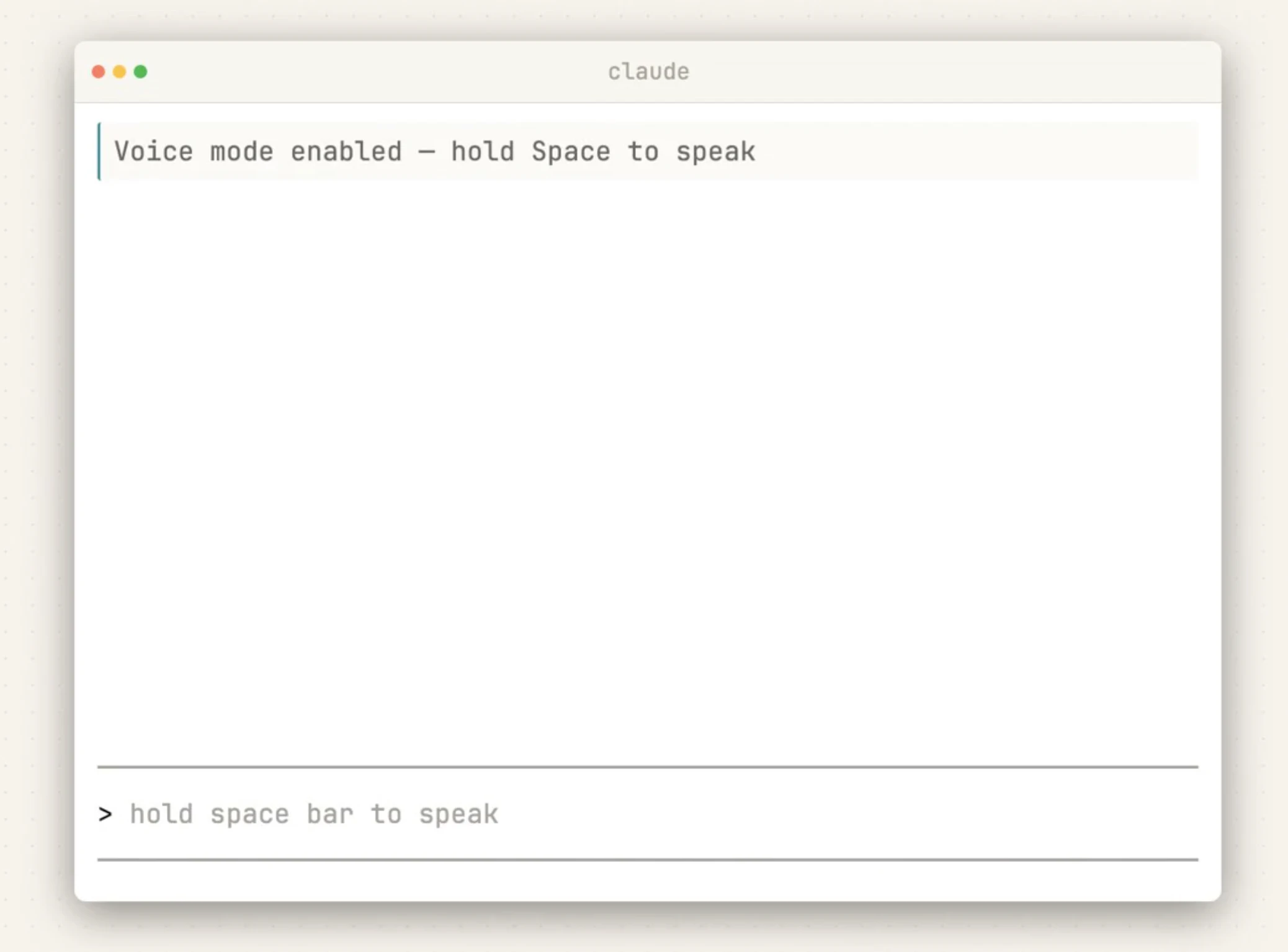
查看原始信息
Cushion
A local-first markdown workspace with integrated AI chat. Write, organize, and think. All in one place.
I liked Obsidian. I liked Cursor. But I kept switching between the two and never fully settled in either. Obsidian's markdown editing felt great, but it had no AI chat that felt native to me, and honestly I spent way too much time finding the best theme and best plugins. Cursor, on the other hand, had the AI sidebar I wanted, but it's a code editor and writing long-form text in it was exhausting. I wanted one app that did both. And I didn't want to pay for another subscription just to get AI in my notes. So I started building Cushion. Not as some grand plan, just to solve my own problem. When I needed dictation, I added local speech-to-text. When I wanted to chat with AI while writing, I integrated OpenCode (with MCP, skills, agents, the whole thing). Diagrams? Excalidraw. PDFs? Built a viewer. NotebookLM? Plugged it in. It kept growing from there. It was only for me at first. But at some point I figured, why not open source it. So here it is. Use it, fork it, break it apart, whatever you want. Would love feedback to keep growing Cushion !!
1
回复

@aleexc12 This hits close to home. We have been building something pretty similar for a while now and the frustration you described, jumping between Obsidian for writing and Cursor for AI, is exactly what pushed us to start too. The difference in what we are building is that ours leans heavily into focus, less features, more intentional flow, the kind of environment where you actually finish what you started. But seeing Cushion come together this way, especially the way you just kept adding things as you personally needed them, is the most honest way to build. Congrats on open sourcing it. Would love to exchange notes sometime.

1
回复

The 'built it for myself first' origin story is always the most honest. The Obsidian + Cursor gap is real. Does it work well for non-technical writers too, or is it still pretty dev-oriented?

0
回复

This is good, even i use both and have to jump between them.

One question though: How does AI chat handle context, is it only for currently open file?

0
回复

@prateek_kumar28 Heyy !!

Context isn't limited to the open file. It runs on opencode under the hood, so the agent can grep or read across your codebase as needed. For the open file specifically: the agent always knows which file you're focused on, but only pulls its content if relevant. That way it keeps the context window lean.
We're also planning to give the agent a tool to fetch backlinks for any markdown file, since LSP doesn't work on .md. The idea is for the agent to traverse the link graph autonomously, finding and pulling in related notes as context on demand, similar to how Obsidian maps connections between files.

1
回复