Product Hunt 每日热榜 2026-04-07

PH热榜 | 2026-04-07

#1
NovaVoice
Smart dictation, AI assistant, + app control via voice
487
一句话介绍:NovaVoice是一款桌面端语音操作系统,通过上下文感知的听写、跨应用语音指令和内置AI助手,在写作、编程、沟通等多任务场景中,让用户无需切换应用与手动输入,实现“动口不动手”的高效工作流,解决频繁切换打断专注与打字效率低下的核心痛点。
Productivity Writing Artificial Intelligence
语音操作系统 语音听写 AI助手 跨应用控制 生产力工具 桌面效率 语音指令 智能转录 多语言支持 无障碍辅助
用户评论摘要:用户肯定其多语言支持(如孟加拉语)和AI助手质量,但指出转录速度有待提升。核心关切集中在:与竞品(如VoiceOS)的差异化、隐私安全与数据存储、误操作防护机制、应用集成广度以及未来对iOS的支持计划。团队回复积极,强调安全重于速度、数据本地处理及持续改进。
AI 锐评

NovaVoice的野心并非做一个更快的听写工具,而是试图成为桌面的“语音层”。其真正价值在于将语音从单一的文本输入通道,升级为连接用户意图、本地应用与AI能力的**系统级交互协议**。

产品聪明地避开了与Siri或Cortana在通用智能上的正面竞争,转而聚焦于“生产力”这一具体、高频且痛感强烈的场景。其宣称的“上下文感知写作”和“跨应用语音命令”,本质上是将大语言模型的“理解”能力与操作系统的“执行”能力进行缝合。用户说“给Maria发微信问设计稿进度”,它需要理解实体关系、应用逻辑并执行多步操作——这已远超听写范畴,触及了“语音自动化”的深水区。

然而,正是这一点构成了其最大的风险与挑战。从评论中可窥见,用户对隐私(数据是否上传)、安全(误操作防护)和可靠性(复杂指令执行)抱有天然疑虑。团队“安全重于速度”、不请求广泛OAuth、关键操作需用户确认的谨慎策略,虽值得称道,但也可能成为体验流畅度的天花板。这揭示了一个核心矛盾:语音交互的魅力在于“无感”和“流畅”,但涉及跨应用操作时,安全边界必然引入“确认感”和“断裂感”。

此外,其商业模式与生态构建路径尚不清晰。作为一款深度依赖各应用API接口的工具,其功能深度与广度受制于外部生态的开放程度。当前有限的集成列表(如WhatsApp、Gmail)更像是一个技术演示,要成为真正的“OS”,需要构建一个强大的开发者生态或与巨头达成合作——这远非一个创业团队易事。

综上所述,NovaVoice展示了一个极具前瞻性的方向:用语音作为粘合剂,打破桌面应用的数据与功能孤岛。但它面临的是一场硬仗:在安全与流畅、集成深度与开发广度、理想体验与技术现实之间找到精妙的平衡。它可能无法迅速取代键盘,但有望为特定场景(如深度办公、无障碍辅助)和先锋用户提供一个令人兴奋的“未来工作”预览。

查看原始信息
NovaVoice
NovaVoice is Your Voice OS that lets you work at the speed of thought. Typing is slow. Switching apps breaks focus. Formatting wastes time. Speak at 200+ wpm, get context-aware text. Hit hotkey, ask anything without googling. Execute actions without switching apps (just with voice commands). NovaVoice remembers contacts, addresses, links. NovaVoice writes, answers, and acts across your desktop.

👋 Hey Product Hunt!

I'm Rustam, founder of NovaVoice.

A few months ago, I realized: voice is the interface nature gave us. It's fast, intuitive, effortless. Yet when we sit at our computers, we default to typing — even though speaking is at least 4x faster.

That felt wrong.

So my co-founders and I built NovaVoice — a Voice OS that writes, answers questions, and acts across your entire desktop. Not just dictation.

What makes NovaVoice different:

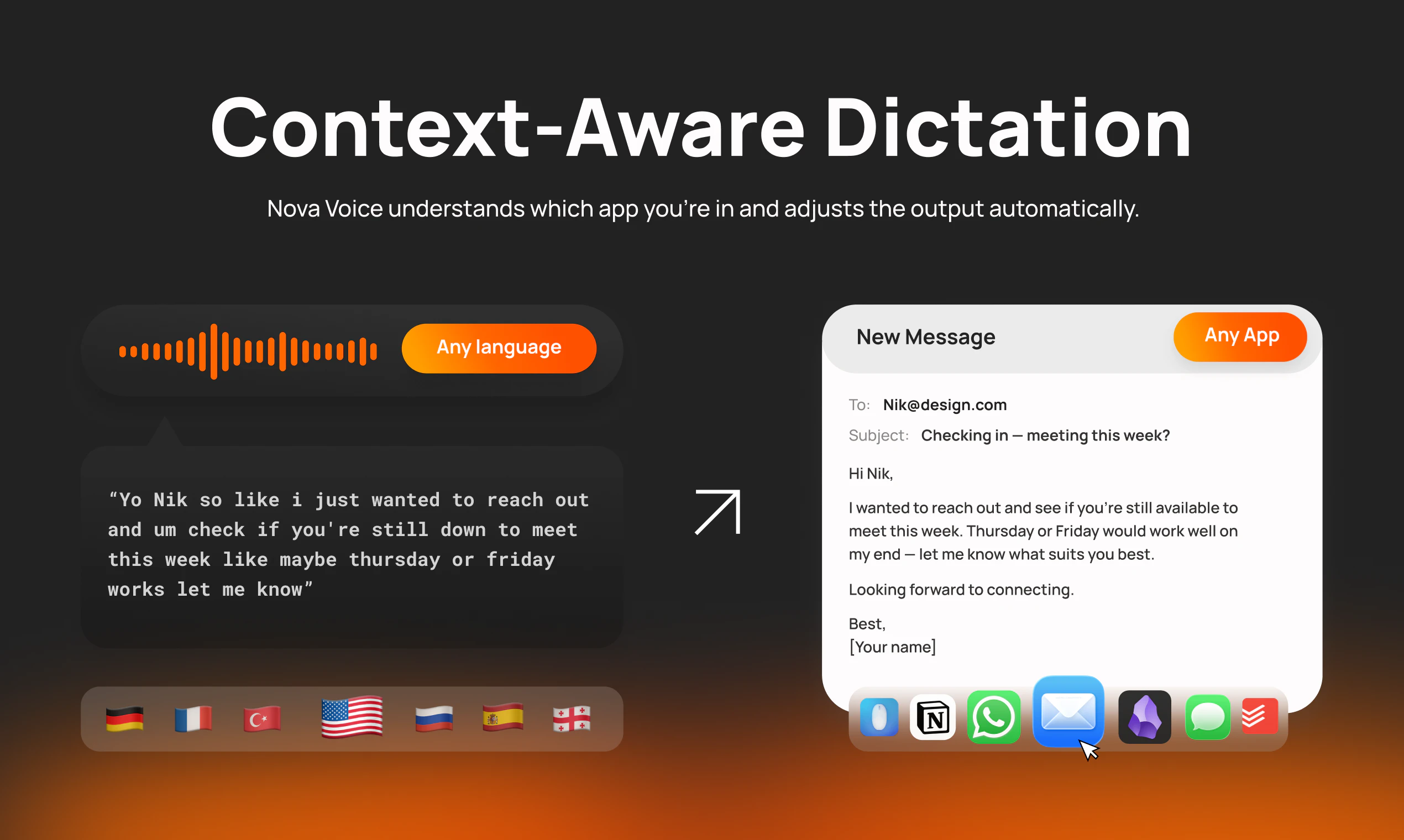
1. Context-aware writing — speak naturally in your email client, get professional emails. Dictate into Notion, get formatted Markdown. NovaVoice knows where you are and formats accordingly.

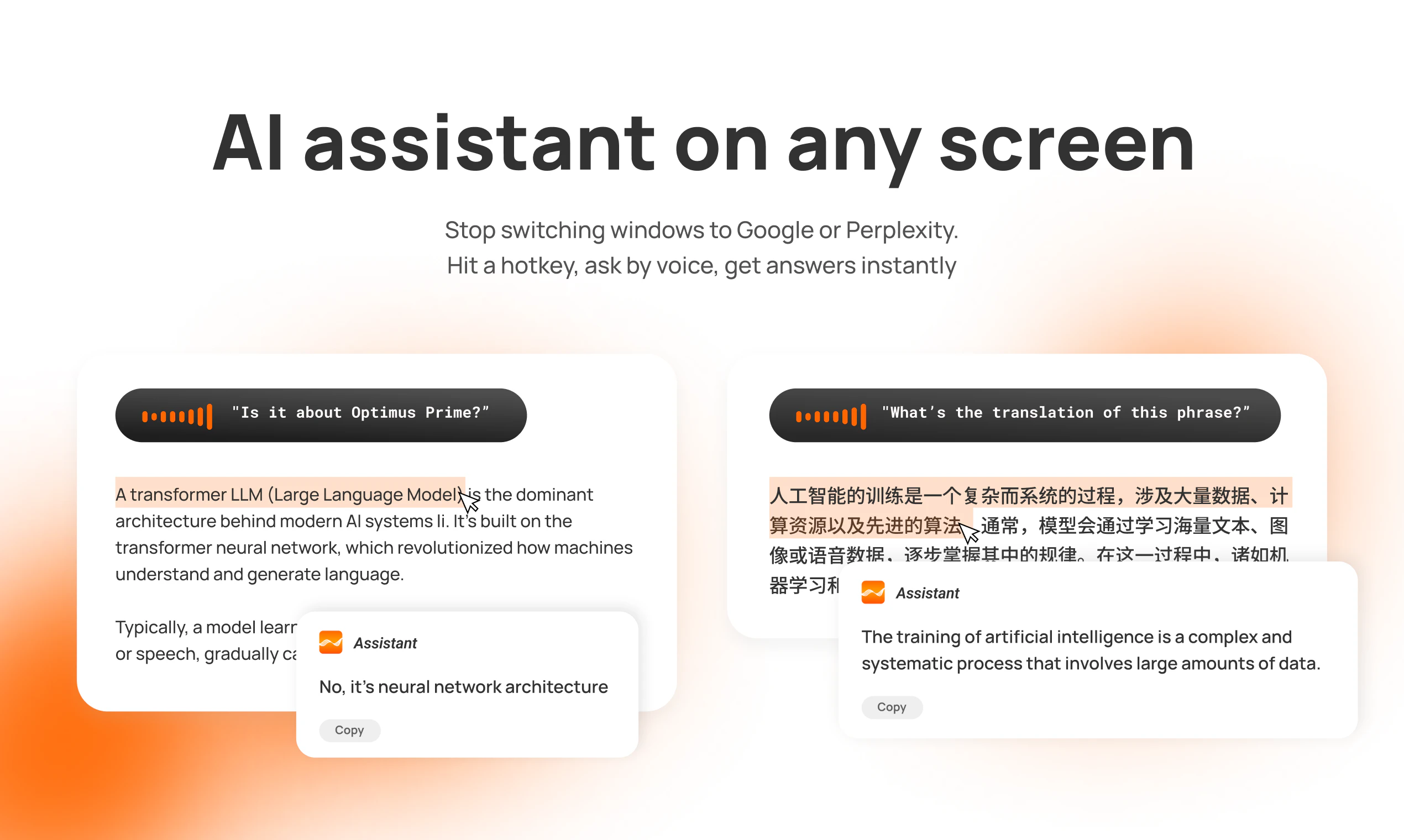
2. AI assistant on any screen — hit a hotkey, ask anything by voice. Translate text, get answers, research — no switching to browser or ChatGPT.

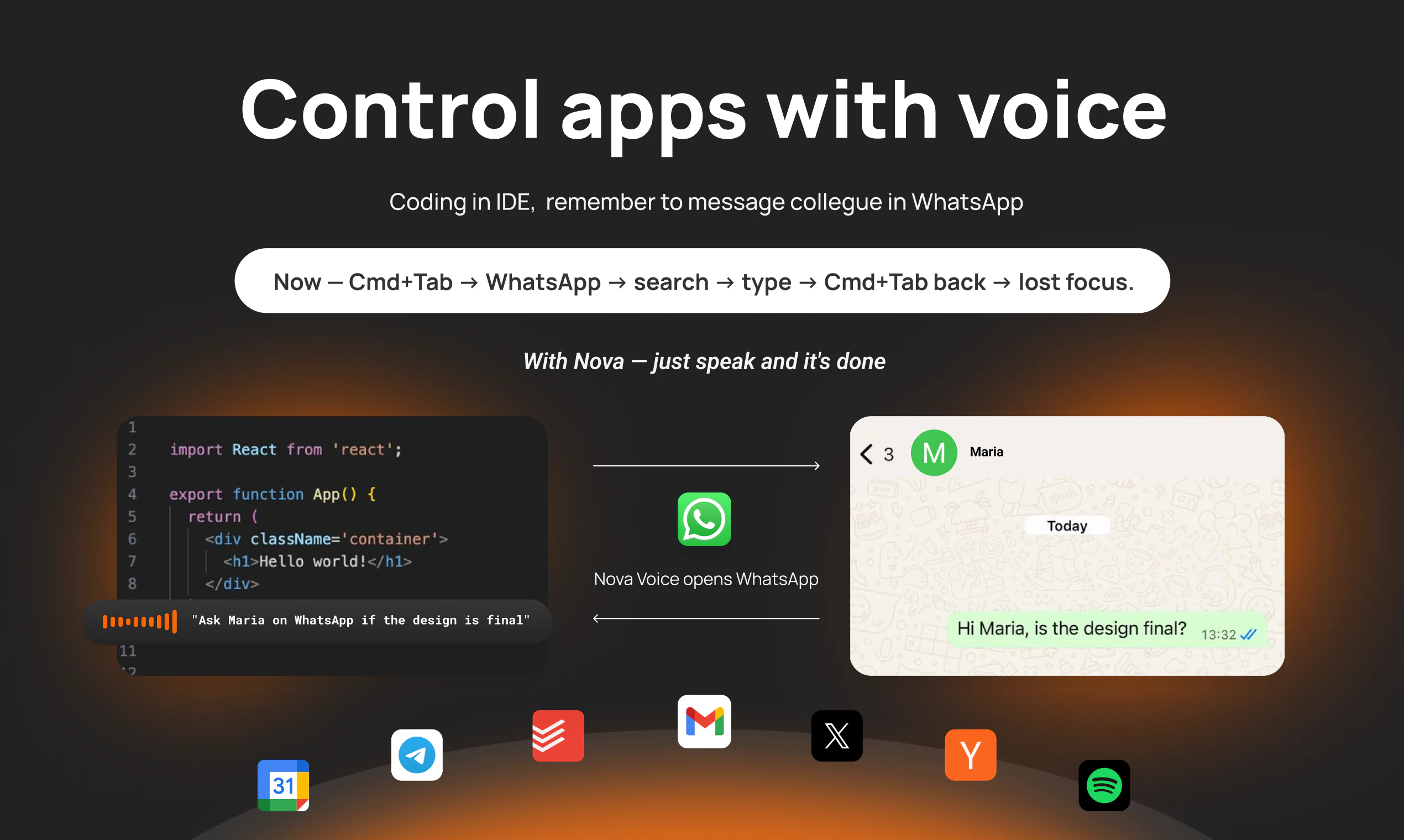
3. Voice commands across apps — you're coding. Say "Ask Maria in WhatsApp if design is ready." NovaVoice opens WhatsApp, finds Maria, drafts the message. You just hit send.

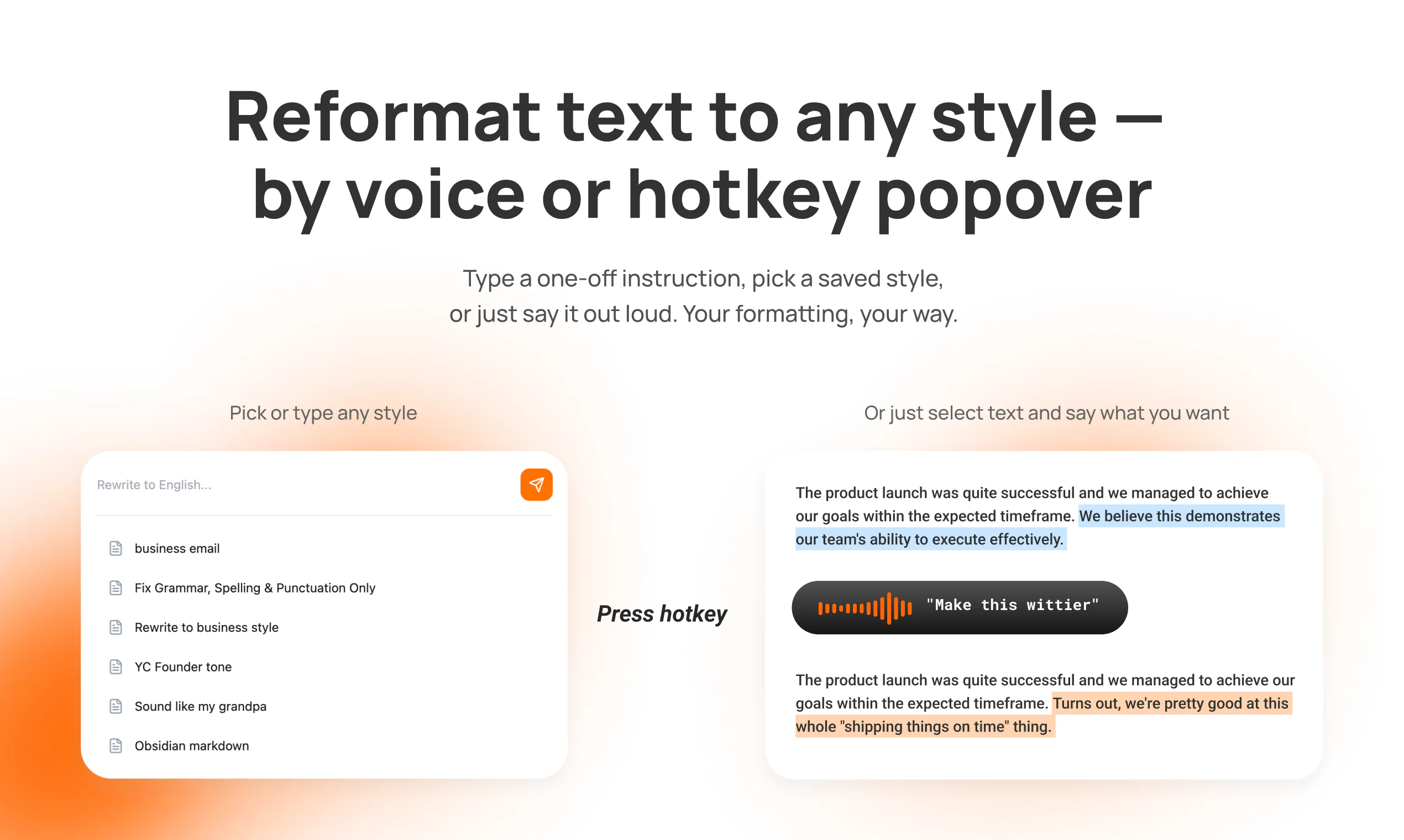
4. Smart popover — Reformat any text instantly using preset styles or type any custom instruction on the fly. No switching to Grammarly or ChatGPT to polish your writing.

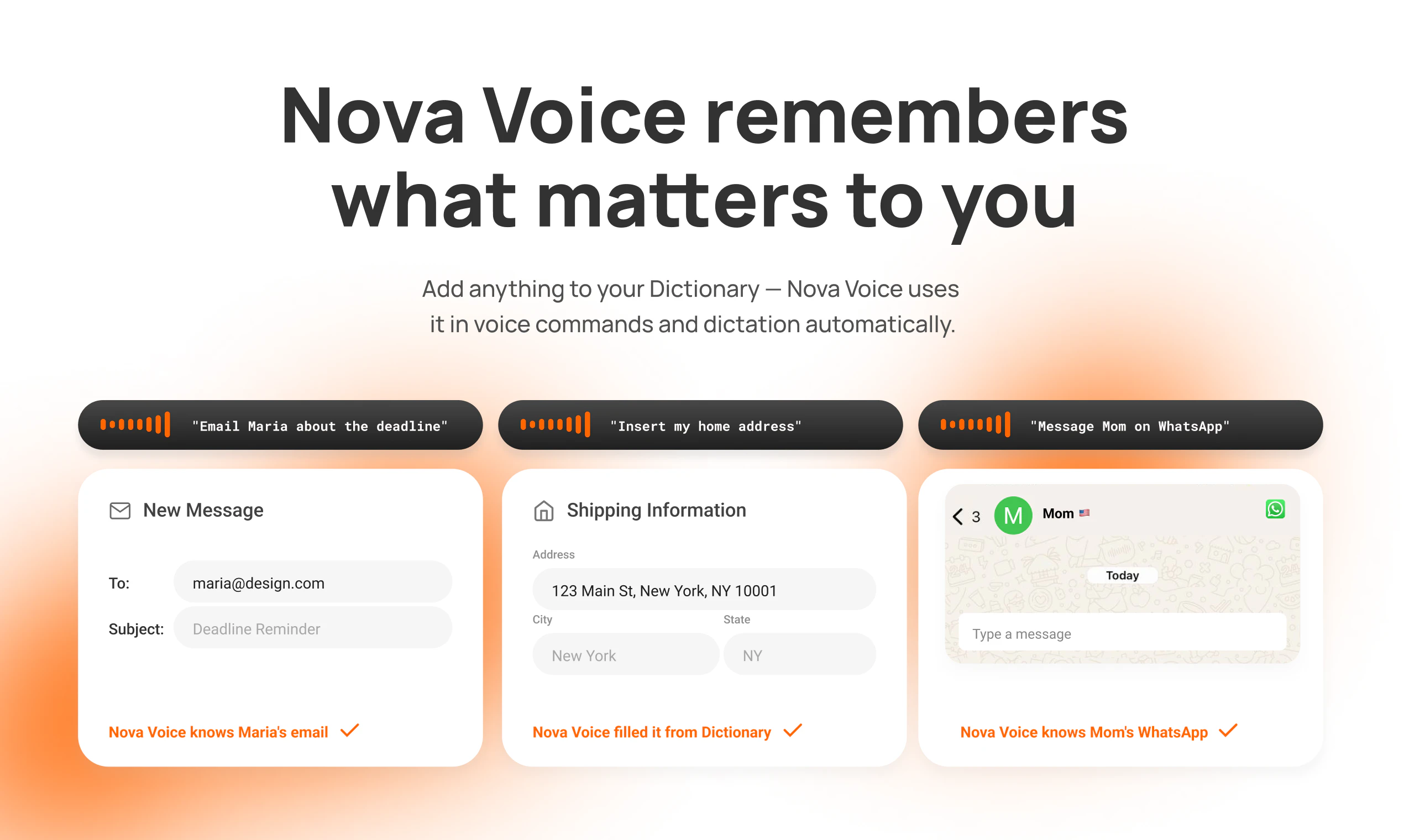
5. Custom Dictionary — NovaVoice remembers your shortcuts: contacts, addresses, loyalty numbers. Say "email Maria" or "insert home address" — no need to spell things out every time.

6. Cross-language quality — switch between languages mid-sentence. NovaVoice catches proper names, abbreviations, grammar automatically. 

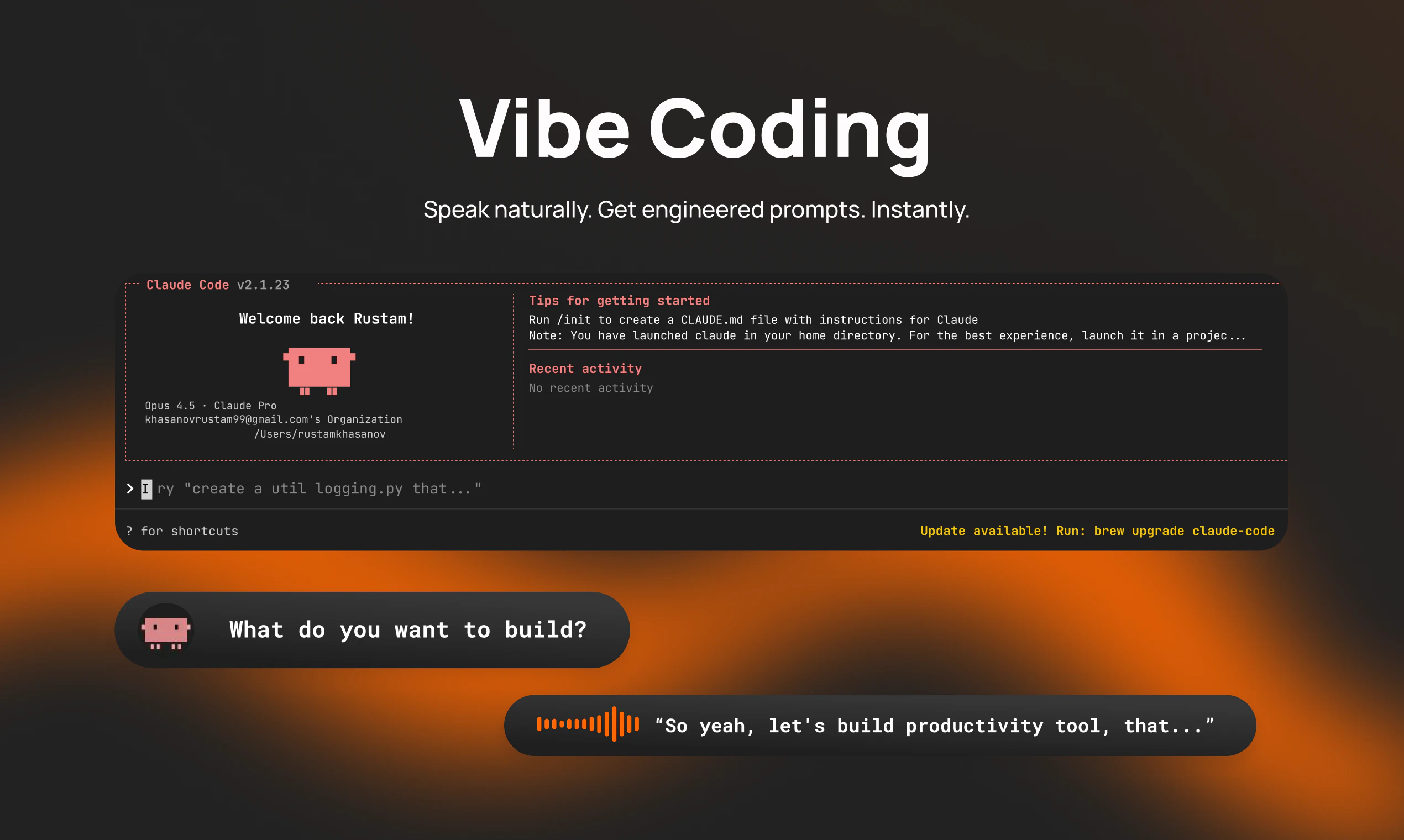
I use NovaVoice daily for prompting AI models, writing emails, code comments, quick Slack messages, repetitive actions in daily apps, and asking the assistant by voice instead of googling — without breaking flow or switching windows.

What's next:

- More app integrations and voice commands

- Near-instant transcription

- Personalization that learns your writing style

We built this for productivity, but realized it has real impact for people with limited mobility. Voice isn't just faster — for some, it's essential.

NovaVoice works on Mac & Windows. 

We'd love to hear your feedback!

45
回复

@rustam_khasanov The future is already here (and just a short while ago, it seemed like something straight out of science fiction).

I’ve already tried a few similar projects and now I’m going to test yours.

15
回复

@rustam_khasanov congrats on the launch!

7
回复

@rustam_khasanov Congratulations on the launch! How does it handle noisy environments or accents outside English, like Indian English?

5
回复

I have used Nova Voice (Free Version) and it worked fine with me. I am sharing my experience here:

1. AI assistant is good. It could answer all of my questions. So, it will surely cut one’s time with ChatGPT or similar apps just for finding information or questions answers.

2. I asked questions in English and also in Bengali (my mother tongue) and I was surpised happily with the fact that it worked in Bengali Language and provided me the information I was seeking in my mother tongue.

3. As for transcription, it worked perfectly in English language speech typing or dictation. Auto punctuation is also up to the mark and then after you finish typing you can improve your writing and it also worked well.

4. As for Bengali Language, it worked well if I spoke slowly and clearly but in English, I could speak naturally and it got my words correctly. Well, the thing is that most apps do not provide any quality output in my language at all. So, Nova Voice stands out in this regard in a very nice way. Of course, I want better support.

4. It will surely help writers and bloggers.

5. The only thing that I wish better was speed. I hope that they will improve this in the next version.

Overall, I am satisfied with my experience.

10
回复

@razib_ahmed4 Thank you for such detailed feedback, that means truly a lot for us on this early stage. I will reach you on LinkedIn and will personally help you with onboarding and answer all the questions.

Regarding the speed, yes, we are working on that and we will fix it as soon as possible. I will notify you personally when we launch the next version with the better speed.

5
回复

@razib_ahmed4 thank you for your detailed feedback!

We support many languages and allow to switch between them easily. Your feedback is incredible valuable, and improving transcription quality and speed is one of our top priorities in near future.

3
回复

Congrats on the launch!

I'm a big fan of voice and getting things done through dictation. Curious how this compares and differs from @VoiceOS.... which the term itself is also highlighted on your webpage and marketing copy which I found interesting.

9
回复

@gabe Hi!

Thank you for the great question!

You're spot on about how we position our product. We've watched the launch of VoiceOS, which once again confirms our hypothesis that we're not the only ones who see the demand for something more useful than just voice dictation.

We've researched our competitors and can highlight the following strengths:

  1. Offline mode: if you go offline or have an unstable connection, we store your recording locally and you can retranscribe it any time your connection is stable.

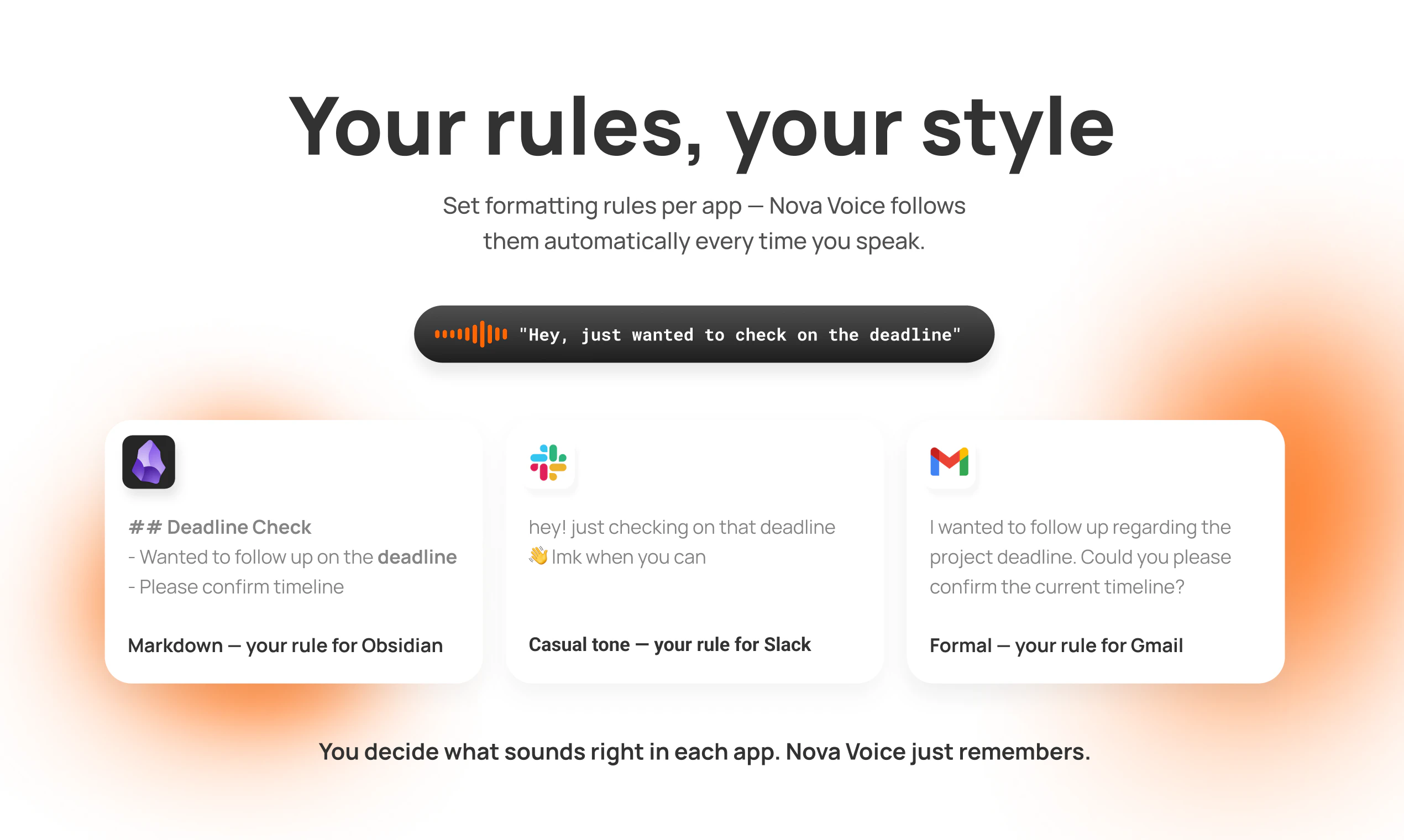
  2. Custom formatting prompts — we allow users to customize formatting prompts individually for each app. For example, you can write your own prompt to output only Markdown when dictating in Obsidian or Notion.

  3. No OAuth: competitors ask you to grant OAuth access to read and write in your Google account, Slack, and Notion, which we consider insecure as it introduces an additional attack vector for your personal data.

  4. Full control over styling: competitors don't let you turn off predefined styling rules for dictated text in personal or work chats, but we do.

So, honestly, we are more flexible and secure.

We'd love to hear more questions from you! Feel free to reach out

2
回复
App control is where voice products often feel magical—or scary. How do you choose which apps/actions to support first, and what guardrails do you put in place so actions are reliable and don’t misfire (e.g., confirmations, restricted action set, sandboxing, per-app permissions) as you expand integrations?
8
回复

@curiouskitty Thank you for a comment and for your questions.

We take safety over speed.

That's why we don't choose the track that tools like OpenClaw follow.

  1. First of all, we have a limited number of integrations by now, and we don't ask user for Oauth to each app.

  2. Example: the user says "ask Michael on WhatsApp If we have a meeting at 3pm", we don't execute this automatically. We ask users' permission to execute that option. And then we open WhatsApp window, we draft the message in the chat with Michael already, but pressing the send button is on user's behalf.

  3. We understand that it's a bit slower comparing to tools that do this automatically, but we take security over speed.

  4. Then we will figure out the most popular use cases, what integrations the users need - we will scale this, focusing on reliability.

  5. For now, we can't perform "read actions" on purpose in current integrations - only draft the text in the required window in WhatsApp, Telegram, Gmail, Google Calendar, Todoist, and Twitter. We can only get posts from HackerNews and turn on music in Spotify.

3
回复

been waiting for voice that handles navigation, not just transcription. which apps have you tested beyond the obvious ones?

8
回复

@mykola_kondratiuk We now have integrations with Gmail, Google Calendar, Todoist, X, WhatsApp, Telegram, Spotify, and Hacker News.

We plan to constantly add new apps integrations and enable users to perform more actions in each app.

5
回复
@mykola_kondratiuk Additionally, AppleScript is available in our integrations, which allows you to perform any actions with windows on macOS.
4
回复
Congrats guys!
7
回复

@vlad_shipilov Thank you! We have worked a lot to make it possible.

3
回复
An innovative project! It will help a lot of people in their lives!
7
回复

@artem_anikeev Thank you for your warm words, Artem. We truly believe that we will help users to be more productive with NovaVoice.

4
回复

@rustam_khasanov congrats with the launch! didn't get if it's mac os app or what? does it have full control over my mac os?

7
回复

@ponikarovskii Thank you, Anton. It is available on macOS and Windows. It doesn't have full control, but you can perform actions inside your OS, for example, creating folders with voice, opening apps, perform some actions inside them. If you would be interested, I'm happy to schedule a one-on-one onboarding call so I can show you what we can do.

5
回复
Congratulations with launch! Are you planning to support IOS? I’m really struggled by Siri.
7
回复

@moyatusovka Thank you, Marina!

Yes, that's on our roadmap. We will notify you when we'll have it.

3
回复

Hi PH Community!

I am Anton, co-founder of NovaVoice. Try us and you will see why we earn attention!

7
回复
Let’s go!!!
7
回复

As someone who loves WhisprFlow but can't work with it, coz it's not fast and understanding enough (I am suprised too), I am very hopeful here!

6
回复

@dowhatmatter Thanks for your comment, Dmitry.

We pay much attention to our dictation quality.

Although we now have some friction with speed, which we are solving, we are 100% sure about our quality in different languages, names, abbreviations, and instant language switching mid-sentence.

I hope you will give it a try and see what I'm talking about. By the way, feel free to reach out or book a demo through a button on our landing page. I will host a one-on-one onboarding session for you.

2
回复

@dowhatmatter Hi Dmitry, thanks! Happy to share - one of our planned updates is making dictation even faster :) Stay tuned!

3
回复

I explored your landing page and still have a couple of questions.
- What languages does NovaVoice support?
- Is it possible to use NovaVoice as a speech-to-text tool only, not as an agent? As a replacement for WhisprFlow

6
回复

@michael_vavilov Thanks for the comment, Michael!

We support more than ten popular languages and are able to switch between them automatically without changing anything in settings.

And yes, it's possible to use NovaVoice only as a speech-to-text tool. You just use one mode. It's easy to understand inside the app and you will not have problems with understanding how to use it just as dictation. Please reach me out if you'd like to have a one-on-one onboarding session, and I will show everything to you.

3
回复
Congratulations on the launch! It's beautifully presented. It's a little unclear what data leaves my system and is stored on your servers (for example the screen context), or how I can set limits on what the app can and cannot do (e.g. stop it ever sending whatsapp messages, even if there's an adversarial prompt). You mentioned that you have OAuth and some encryption for data, but could you point me to a list of what is collected and where it's stored?
6
回复

@hex_miller_bakewell Hi, Hex!

Most data stays on your device - messages, history, tool call results, settings, and window context too


We don't auto-send anything in WhatsApp or take other sensitive actions in external apps


OAuth is strictly for login now                            

We take privacy serisously and constantly improve it

4
回复

@hex_miller_bakewell Thank you for your support!

Let's dive into how we manage your data, as it is a critical aspect of our policy of transparency. Your screen context is always processed right on your device. We do not parse your file system and don't have access to do it. The only thing we handle is the name of the current open window and the text you highlight inside the active input.

Limitations for apps we can control are clear — these are the currently implemented integrations between Nova Voice and your apps: WhatsApp, Telegram, Gmail in browser, Product Hunt and Twitter. Even all of these apps can be opened by Nova Voice only by your voice, and we allow you to decide whether to send the dictated message inside it or not. We only handle opening your apps and you decide what to do, as it is critical to us to not have potential vulnerabilities like OpenClaw does.

We have OAuth to handle your authentication inside our app, not to provide access to your other apps. As mentioned, we just open requested apps and do not access data inside them, so OAuth is not needed for that.

So the data we have collected is:

  • preferences of our app

  • your email

  • We do NOT use your data to train models

3
回复
@tony_shishov Fantastic, thank you for the detailed and helpful response!
0
回复

Good luck Rustam!

6
回复

@dmitry_zakharov_ai Thanks, Dmitry!

2
回复

Really impressive work, congrats on the launch! NovaVoice’s transcription is surprisingly accurate. I was especially curious to test how it handles mixed language input, since I often switch between Portuguese and English mid-sentence (which usually breaks most tools), but it handled it much better than expected.

I also like the broader vision of a “Voice OS”, reducing context switching and moving closer to working at the speed of thought feels like a natural next step.

One thing I’d be curious to explore further is how it performs in more complex or noisy real-world scenarios, and how much control users have over formatting and actions. But overall, this is a very promising direction, excited to keep testing it.

5
回复

@matheusdsantosr_dev Matheus, thanks for your comment.

I'm very happy to hear that you are surprised with our accuracy, including mid-sentence language switch.

I also do it almost every time I work on the computer, switching between English and Russian, and it really works good.

We perform quite well in noisy real-world scenarios. We have tested it already ourselves.

For now, users have the full control over formatting and actions, and we are going to improve this user experience even more. Happy to hear that overall you find our tool as a promising direction, and I'm always open to onboard you personally on a one-on-one call if you would need it.

3
回复

This is a nice reminder that I shouldn't always be typing since voice dictation is so much faster. What languages does NovaVoice support right now?

5
回复

@lienchueh We support ~50 languages, including English, Spanish, French, Chinese, Arabic, and many more ;)

2
回复

@lienchueh Thanks for your comment, Lien!

You're 100% right. We default to our keyboards only due to a technological limitation that doesn't exist anymore.

So we can now control the desktop almost 100% fully by voice.

I can't tell you a full list of supported languages, but I can share that our early users actively use NovaVoice in English, German, Spanish, French, Russian, Turkish, Ukrainian, Bengali, and Chinese. 20+ more are supported.

2
回复

I like the idea of a voice-first workflow, but the real challenge is always consistency once you move beyond demos. Acting across apps, formatting text, and staying context-aware sounds great, but in day-to-day messy usage things usually break or need correction. How close is this to something you can actually rely on without constantly fixing outputs or switching back to keyboard?

5
回复

@moh_codokiai As a team, we are users of our own product — developers, product managers and designers who use our tool in day-to-day routine. I want to say that I couldn't do my daily tasks without Nova already. I hope you will find use cases that will create a new habit of voicing your computer.

To become a voice OS is our big long-term goal — we move toward it each day, and every iteration will decrease the necessity of keyboard usage.

2
回复

@moh_codokiai Thanks for your comments, Moh!

All our founding team and our early users constantly use NovaVoice on daily basis.

To be honest, the point is in creating a habit.

If somebody would say me in October that I will dictate 99% of the text I am producing

while I am working inside the computer, I would be surprised 😁

But now, when I gained the habit and understood how easier and faster it is to execute the majority

of actions by voice, I can't go back.

I write the majority of texts by voice, I format the text either by the formatting rules

enabled in NovaVoice for specific apps or by a popover window and preset styles in there.

I also use the voice assistant way more often than googling, searching in perplexity or using translators.

And of course, executing actions in apps, I send the majority of emails and messages

by voice commands.

2
回复

Interesting, and looks quite sophisticated!

But it won't be useful for me as I can't conceive what I want to write faster than I can type normally...

5
回复

@konrad_sx Thanks for your comment, Konrad!

I'm so happy to hear "sophisticated" about our app!

Even if you can't conceive what you want to write faster than you can type, you can use it to think out loud and just put all your thoughts onto the screen.

You will later decide how to polish this or how to format this instantly by NovaVoice formatting features, but that's a good way for brainstorming, and I use it often.

What do you think about such a use case?

Moreover, we have a voice assistant which you can use on any screen asking basic questions which you now googling or asking in Perplexity.

And of course we break constant window-switching barrier with our apps voice control feature.

So many things to try besides simple speech-to-text!

4
回复

I'm using aqua voice. How does your product compare with it?

5
回复

@visualpharm Hi, Ivan, and thanks for your question.

We're beyond speech-to-text dictation.

  1. We enable users to format text instantly based on the active window or by calling the popover menu with preset styles, and users are also able to type any formatting instruction inside that popover window.

  2. Moreover, we provide users with an AI voice assistant, which is available on any screen, so instead of Googling or asking Perplexity, just ask anything you'd like to know from your current screen.

  3. We can perform real actions in apps. Say "email Maria and ask her if we are doing the scheduled call at 3 p.m.", - Nova already knows who Maria is, opens your Gmail, drafts a message, drafts the subject, puts Maria's email into a "To" window, and you just press send.

    It is way more than just dictation.

3
回复

Congratulations on the launch.

I recently broke my arm, which slowed my writing. The default transcriptionist had all the garbage I'd mentioned, so I had to correct it, and my speed ultimately stalled. Your service helped me get back to my previous pace of communication with partners and maintain my polished style without any additional edits. Thank you!

5
回复

@siprok Thank you, Stepan!

While I'm very sorry to hear that you had a problem with your arm, I'm happy that our tool assisted you on this tough way.

You're 100% right about default transcriptions. They are stuck in 2011.

Anyway, I'm 100% happy that we have helped you. That means we are building an essential tool.

2
回复

Congratulations on the launch, team! Super excited to try Nova. I’ve never quite learned to type fast let alone blind and honestly, I’m happy not to have to learn that skill. Typing is one of the main limitations for me and it’s frustrating, so I’m ready to be the #1 fun. Just one quirky question: does Nova support switching between languages in real time? :p

5
回复

@emiliia_khasanova Thank you, Emilia. You're actually so right. I deleted a task from my to-do list, "learn ten-finger typing," after we built Nova, because I'm not typing manually anymore.

Regarding your question, yes, we support switching between languages in real time during one dictation session, and we are also good in capturing abbreviations and names properly.

2
回复

Voice is the way forward. Curious — are you using ElevenLabs under the hood for the voice layer, or have you built your own models? The quality bar they've set is wild and I'm interested in how new voice products are approaching it. Typing is the bottleneck for everything I do, happy to see people building real voice-first tools instead of bolting voice onto a text app.

5
回复

@maria_fitzpatrick Thanks for your comment, Maria!

We're using different models for different use cases as we are a tool beyond dictation. We also do formatting, AI assistant, and app control.

It's actually true that ElevenLabs' quality is fascinating, and I 100% agree with you that typing and switching between apps manually is bottleneck, and that's why we are building NovaVoice.

3
回复

Is support for other platforms planned (mobile/browser versions)?
Congratulations on the launch btw

5
回复

@anatoly_savinov Thanks! Yes, we plan to ship NovaVoice for mobile and discuss a potential browser extension, I'll keep you updated.

2
回复
@anatoly_savinov what platform do your prefer we launch next?
1
回复

My coworkers will definitely think i've lost my mind talking to myself all day:D But 4x speed worth it!

4
回复

@kostfast Thanks for your comment, Kostia!

They will not think so if they also try NovaVoice and become at least 4x more productive 😅

3
回复

just dropped superwhisper to use this, banger!

4
回复

@igor_martinyuk Happy to hear this, Igor!

That means that we are on the right way to build a tool that meets users' requests. Please reach me out if you'd like to have a one-on-one onboarding session.

2
回复

@igor_martinyuk music to my ears!

2
回复

I'm an active MacWhisper user and I love the concept. It's definitely worth giving a try!
Congrats guys!

4
回复

@daniel_chepenko Thank you for your comment, Dany!

I'm glad to hear that you're an active MacWhisper user. It means you understand why dictation tools matter. I will be happy to schedule a one-on-one onboarding call to show you our advantages:)

2
回复

@daniel_chepenko Hey, Dany, this is interesting - do you think it's worth exploring meeting recording tools Anything that bugs you about MacWhisper? (price? :)) 

1
回复
Congratulations on the launch! Can I change the LLM models that Nova uses depending on my tasks?
4
回复

@denisbocharovv interesting request! do you mean to provide your own api key for llm providers?

1
回复
@tony_shishov yes, as an option
2
回复

This looks like a massive time-saver. How well does the app handle ambient background noise if I am working in a busy coffee shop or office?

4
回复

@alina_anitei thanks for your question! It works good in noisy spaces.

Please reach us if you'd have problems with quality in noisy environment

3
回复

Oh, we put a lot into this one.

Proud of the team. :)

Hope NovaVoice ends up being the thing you reach for every time input text slows you down

4
回复

@redzumi we will definitely do that!

2
回复
#2
Lessie AI
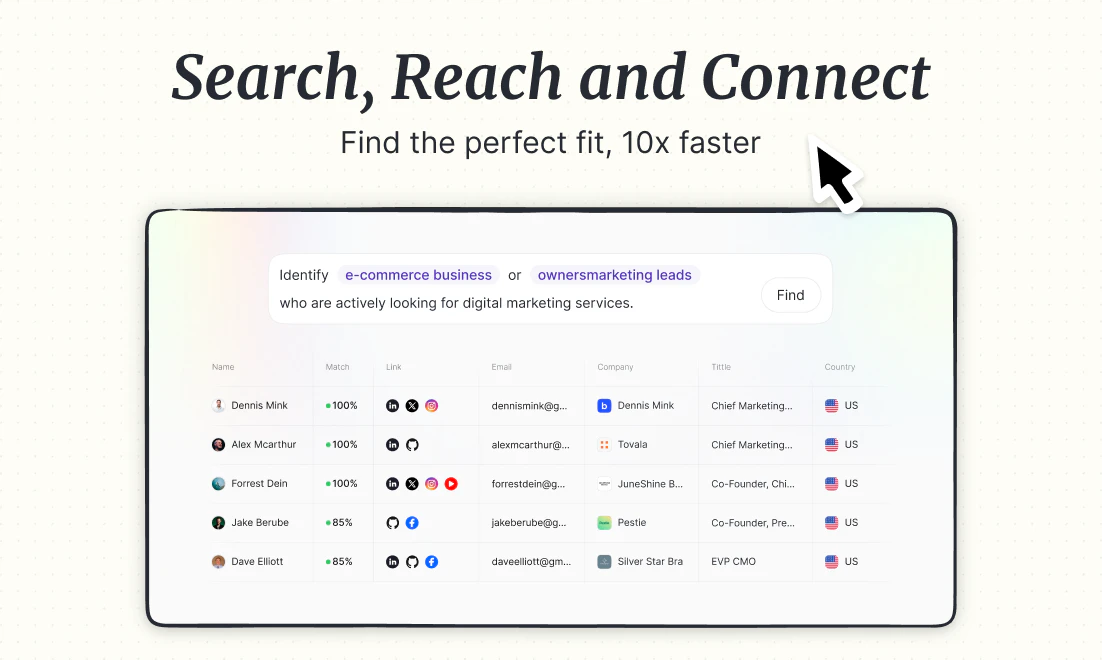
Search, Reach and Connect - Find the perfect fit, 10x faster
382
一句话介绍:Lessie AI是一款AI驱动的智能人脉搜索与连接代理,通过自然语言描述目标人群,自动完成跨平台精准查找、评估并执行个性化触达,在营销拓客、人才招聘、网红合作等场景下,解决了用户手动跨平台搜索、筛选效率低下、触达流程割裂的核心痛点。
Sales Artificial Intelligence Marketing automation
AI人脉搜索 智能拓客 自动化外联 招聘寻源 网红营销 AI智能体 销售自动化 开源技能 精准匹配 B2B营销
用户评论摘要:用户肯定其从“搜索到连接”的一体化流程和匹配精准度,尤其对开源技能、避免垃圾邮件、CRM集成、数据来源及小众领域效果提出具体疑问。团队积极回应,强调了基于证据的匹配、可控的个性化触达及未来开发方向。
AI 锐评

Lessie AI的亮相,与其说是推出了一个新工具,不如说是对“人脉搜索”这个陈旧品类进行了一次“AI原生”的重构。它的野心不在于成为另一个RocketReach或LinkedIn Sales Navigator的替代品,而在于试图用AI智能体彻底接管从“意图”到“连接”的完整工作流。

其宣称的“State-of-the-Art”匹配质量是核心壁垒,也是最大风险点。通过“描述而非筛选”,产品将理解模糊意图、进行跨网络推理和身份合成的重任完全交给了AI。这跳出了传统数据库的范式,理论上能发现隐藏关联,但“理解”的偏差和“合成”的幻觉可能带来精准度上的不确定性。团队开源核心技能模块是步高棋,既吸引了开发者生态构建护城河,也巧妙地将数据合规、基础设施成本等复杂问题部分转移,转而聚焦于智能体“大脑”的培育。

然而,其最锋利也最危险的功能是“自动化个性化触达与跟进”。这直接触碰了商业沟通中“效率”与“骚扰”的红线。尽管团队强调“Human-in-the-loop”和基于深度匹配的上下文,但在规模化应用中,如何保证每一封AI邮件都不滑向高级垃圾邮件,是产品伦理和实用性的双重考验。它可能成为销售团队的力量倍增器,也可能进一步污染本已不堪重负的收件箱。

本质上,Lessie AI贩卖的是一种“确定性的幻觉”。在信息过载的时代,它承诺将寻找“对的人”这个充满偶然性和劳动密集的过程,转化为一个可描述、可执行、可衡量的自动化任务。它的真正价值不在于更快地生成列表,而在于重新定义“寻找”这个动作——从被动筛选到主动告知,从工具使用到委托代理。成败关键在于,其AI“判断”的可靠性,能否真正支撑起用户委托的信任,并守住规模化外联的伦理边界。

查看原始信息
Lessie AI
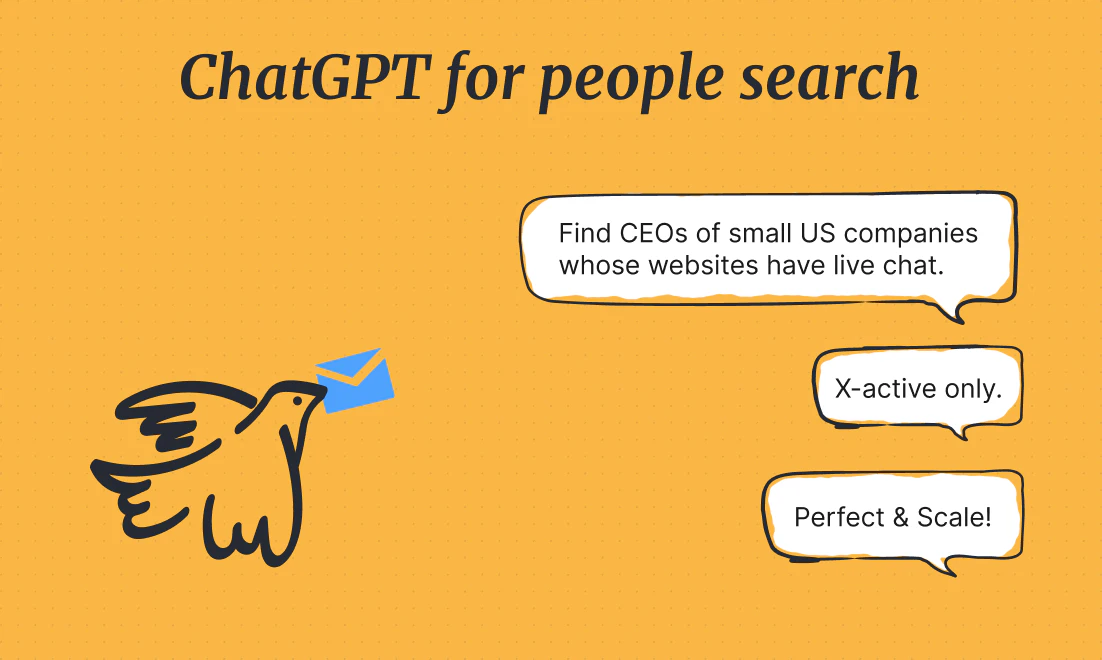
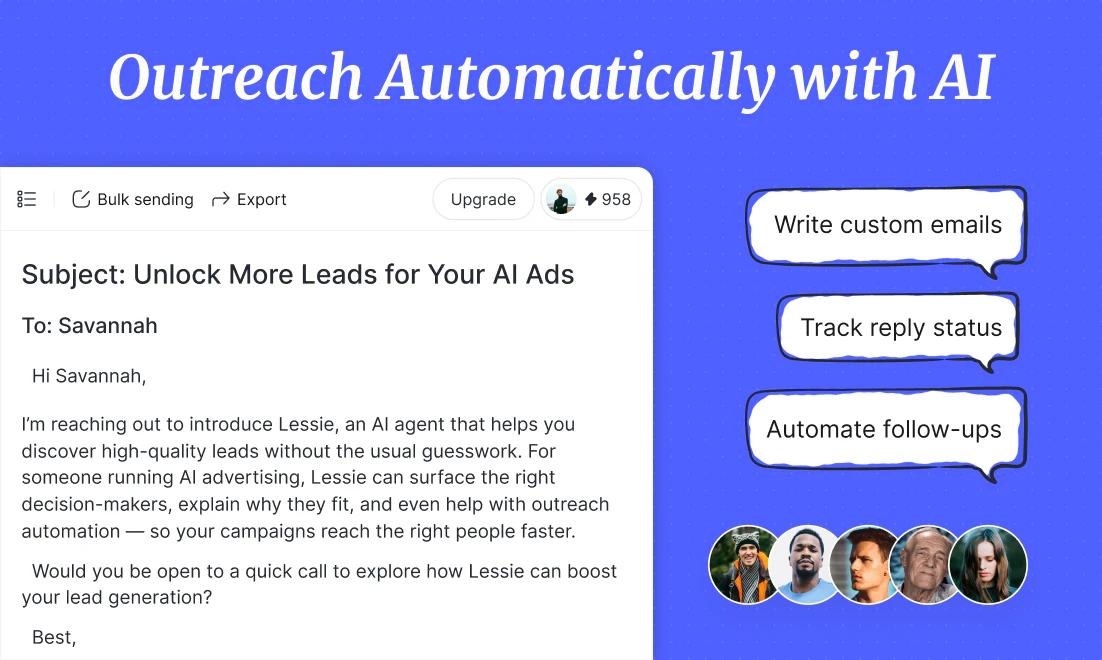
Lessie is an AI agent that helps you find and reach the right people. Instead of filters or keywords, describe your target. Lessie discovers high-quality matches across the web and automates personalized outreach and follow-ups.

👋 Meet Lessie

Hi Product Hunt! I'm Colin, founder of Lessie.

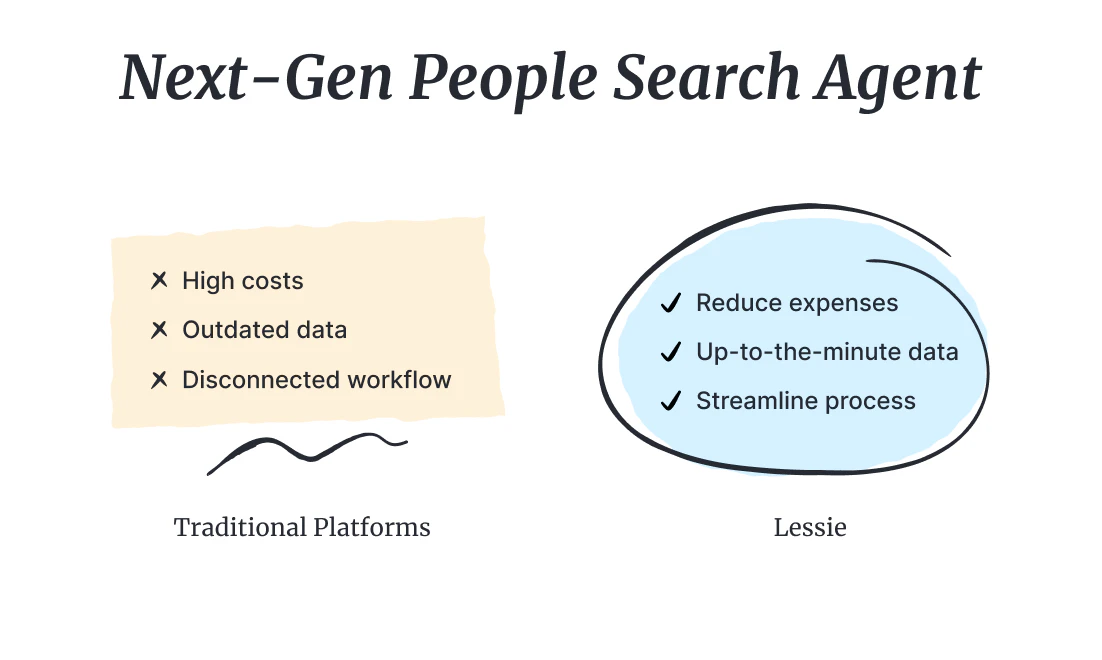
We built Lessie around a simple question: Why is finding the right person still so slow?

Whether it's creators, leads, or candidates, the process is always the same — search across platforms, compare profiles, filter manually, then figure out how to reach out.

So we rethought the whole flow. With Lessie, you can just describe who you're looking for — and it handles the rest: finding, evaluating, and even reaching out. Instead of giving you another list, it actually helps you move from search to connection in one go.

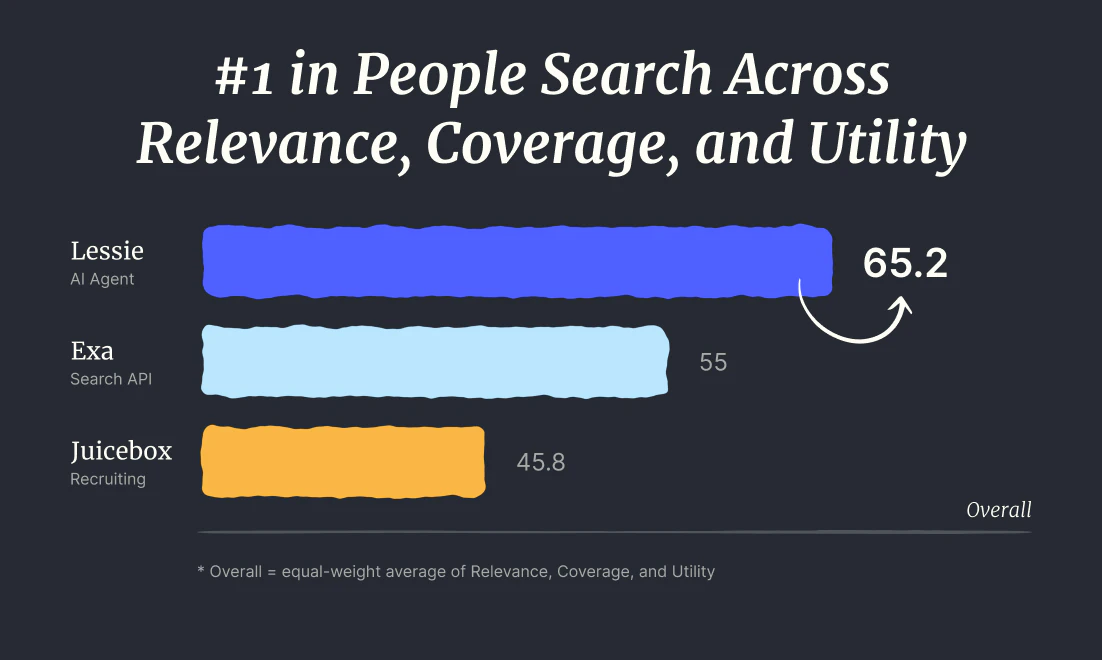
What sets us apart is our State-of-the-Art (SOTA) people search quality. In our head-to-head platform comparisons, Lessie consistently outperforms tools like Exa and Juicebox across Relevance, Coverage, and Utility. By reasoning across the entire web, Lessie identifies the most relevant matches that traditional filters miss, delivering a level of precision and depth that defines the new standard for AI-native people search.

If you're doing:

  • 📣 Influencer sourcing

  • 🚀 Outbound / Lead gen

  • 🤝 Hiring or networking

…or really anyone, anywhere you need to reach, would love for you to try Lessie with a real use case and tell us where it breaks.

We've also open-sourced our core Skills — including our modules for finding people, enriching contacts, and deep company research. We want Lessie to be truly extensible, so we encourage you to plug these skills into your own stack. Whether you're building a custom sourcing engine or a specialized research agent, you can leverage our open-source foundation to automate the heavy lifting.

🎁 Try Lessie today with PH Special: Use code PH50 to get 50% OFF! We're here all day — happy to dive into anything.

32
回复

@colin_yu_123 I’m particularly interested in your open-sourced Skills. As someone focused on AI Agent orchestration, I’d love to know: how modular are these skills? Can they be easily plugged into a local-first stack (like an Ollama-based agent) to handle the 'deep company research' part without hitting your cloud infrastructure? Also, how do you handle the 'Human-in-the-loop' part for the automated outreach to ensure it doesn't feel like spam?

2
回复

@colin_yu_123 Super interesting take on “people search → connection” instead of just another list.

Feels like this is where things should go — less filtering, more actual outcomes. Curious how it performs on really niche profiles 👀

5
回复

@colin_yu_123 Wow, this actually makes so much sense! I hate spending hours digging through lists that go nowhere — excited to see how Lessie actually takes me from search to reaching out in one flow. Definitely gonna give it a try!

0
回复

👋 Hi PH! I'm Alexia, Growth @ Lessie

Growth starts with finding the right people, but the process is a manual mess. We spend half our day "platform-hopping"—cross-referencing 20+ tabs to verify a single lead.

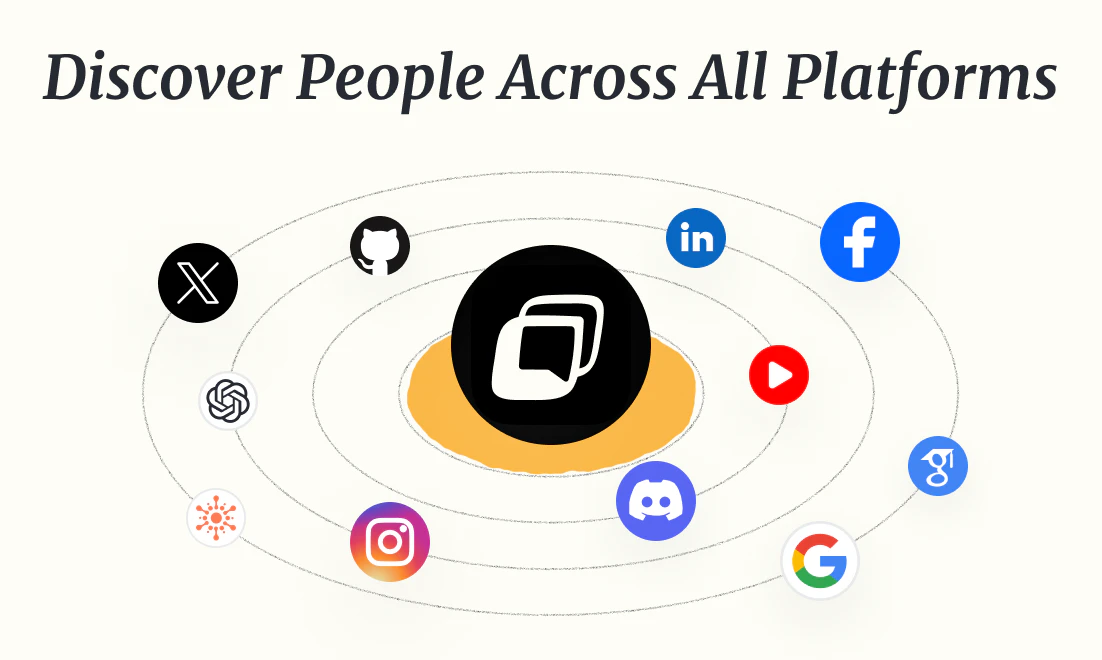
We built Lessie to kill the tabs. Lessie synthesizes a person's footprint across the web. Whether scouting for partnerships, leads, or niche talent, Lessie handles cross-platform verification in seconds.

Stop the tabs, start scaling. Challenge Lessie today! ⚡️

5
回复
@alexia_li Really interesting approach. Moving beyond keyword matching into reasoning feels like the right direction.
0
回复

The useful part here is the context layer. For finding creators who actually fit a niche, knowing why someone matches is way more valuable than getting 500 loose results.

4
回复

@yuki1028 Totally. We're trying to make the 'why this creator' part obvious, not just return a long list.

1
回复

@yuki1028 Yeah, the evidence Lessie provides means to help users to make a decision, I'm happy to see you find it useful!

0
回复

👋 Hi PH! Sharon here, CPO at Lessie.

Most search tools are noisy, static databases. We built Lessie to solve this at the architectural level.

Our AI-native engine reasons in real-time, benchmarked across 119 queries. Lessie leads in SOTA Matching Quality, outperforming traditional tools in Relevance (70.2), Coverage (69.1), and Utility (56.4) by synthesizing identity beyond simple keywords.

Full report: https://github.com/LessieAI/people-search-bench

Search, Reach, Connect. Challenge Lessie today! ⚡️

4
回复
@sharonhuang Love the focus on solving this at the architectural level — most tools really do feel noisy and static.
0
回复

Hi PH — This is Tina, CMO at Lessie AI

One surprising insight: people search isn't about perfect queries — it's about behavior. Users often write imperfect or vague requests and still get strong results, and a single search usually turns into an iterative exploration rather than a one-shot answer.

A good tool today isn't about helping users ask better — it's about understanding intent, even when it's not fully expressed.

Curious to hear how it feels (and where it breaks). Challenge Lessie today!

3
回复

This concept is excellent and exactly what I need. Could you use it to source and outreach to suitable YouTube KOLs?

2
回复

@charlenechen_123 Absolutely. With Lessie, you can source and reach out to KOLs across YouTube, TikTok, Instagram, and more. It also provides detailed insights into each creator’s key metrics and audience demographics — so you can quickly identify the right fit.

1
回复

Feels like this could pair really well with founders doing outbound for the first time . Lower barrier to getting started.

1
回复
@edward_curtis1 Totally — that was exactly one of the use cases we had in mind. Lowering the barrier to get started with outbound.
0
回复

Tried once when visiting Bay area with the intention to meet with some frontier lab guys who may have connection with me - Finally turned out to be quite effective. Shout out to Lessie team who built this from scratch.

1
回复
@zhl2026 That’s awesome to hear — really glad it ended up being useful for you. Appreciate the shoutout 🙌
0
回复

@zhl2026 thanks for supporting, all the best at Lessie

0
回复

The personalized outreach follow ups combo is powerful but also tricky .The line between helpful and spammy is very thin here.

1
回复

@conrad_foster Very fair point. We agree the line is thin.

That is why we think outreach has to be grounded in the individual, not just automated at the sequence level. We start with stronger match quality and visible evidence, then try to make each message and follow-up specific to the person, their context, and the reason they surfaced in the first place. Users should also stay in control of what actually gets sent.

The goal is to avoid generic outreach and make each touchpoint feel more relevant and intentional.

0
回复

This is a meaningful pain point to solve. If I want to identify the right person within a company by the role—but I’m not sure who that would be—is there a reliable way to find them accurately?

1
回复

@fyuhkust Yes, that is exactly one of the core problems we care about.

Often the challenge is not finding a name, but identifying who is most likely to own the problem when the exact title is unclear. Lessie starts from the role and intent, then uses broader signals to narrow down the likely right people and show why they match.

1
回复

Is it something like RocketReach? How the data (+ contact information) for each person are collected?

1
回复

@busmark_w_nika Great question! We do cover some of the core capabilities you’d expect from tools like RocketReach — including contact data and enrichment.

Where Lessie goes further is helping you identify the right people to reach out to, not just find contacts. We focus on matching “fit” using AI, and also support tailored email generation and more structured outreach management.

On the data side, we aggregate from multiple providers to ensure compliance and accuracy, and validate results across sources. Happy to share more!

1
回复

@busmark_w_nika This is interesting! I wonder what methods they use to collect such detailed contact info for each person. Any insights?

2
回复

@busmark_w_nika The main difference is that Lessie is besides just “cold emails”, we do more about helping you figure out who’s actually worth reaching out to. It’s designed to handle the matching, prioritization, and even the outreach flow, not just return a single list with outdated data.

0
回复

Tried it out to find developers in a niche I'm working in — described what kind of devs I needed, and it actually found people who are active in that community, not just random name matches. Pretty impressed with the accuracy.

1
回复

@zhangze Love hearing this! That’s exactly the kind of workflow we built Lessie for — finding people who are actually active and relevant, not just matching names. Really glad it worked well for your niche — would love to hear more about how you use it as you keep testing.

0
回复

@zhangze That’s something we’ve been trying hard to get right beyond just keyword matches. Really glad it showed up in your use case.

0
回复

Very interesting for those looking out agentic solutions for sales - congrats on launching!

Will this handle bidirectional sync (with existing CRM) ? Specifically, if a lead is updated in our CRM (say, they are marked "Do Not Contact"), does Lessie's AI agent detect the changes to adjust its own outreach logic?

1
回复

@gayatri_sachdeva Great question — and thanks!

We already respect key CRM signals like “Do Not Contact” to avoid conflicts. Full real-time bidirectional sync is something we’re actively working on. Which CRM are you using?

1
回复

@gayatri_sachdeva Love this question, this is exactly the kind of workflow we’re thinking about. Today, Lessie can already pick up important signals (like contact restrictions) to prevent unwanted outreach. And deeper CRM sync is something we’re building toward.

0
回复

For me the best part of this category is prioritization. A ranked list of creators with reasons makes the influencer discovery workflow much easier than a raw directory dump.

1
回复

Totally agree — prioritization makes all the difference. We focus on ranking creators by real relevance, with clear reasons behind each result — so it’s not just a list, but something you can act on.

0
回复

@cruise_chen Yes, exactly. Prioritization is a huge part of the value here, not just search volume.

0
回复

influencer sourcing is usually a manual nightmare of comparing engagement rates and profile vibes. using ai to evaluate the 'fit' before reaching out could save our agency dozens of hours a week. the ph50 code is a nice touch signing up to test a real use case today.@colin_yu_123

1
回复

@vikramp7470 That’s exactly where we’re hoping Lessie can help save time. Really appreciate you giving it a try — would love to hear how it performs on your use case!

1
回复

@vikramp7470 Engagement + vibe check is too real. Glad you’re testing it out — that’s exactly the workflow we’re trying to speed up.

1
回复

What I like about this influencer discovery workflow is that it seems built around fit, not just volume. I'd rather get a short list of relevant creators than another giant export I'll never touch.

1
回复

@janette_szeto Totally get you! So much noise for growth people, FIT is much more important for efficiency!

0
回复

@janette_szeto Appreciate that! We deliberately pushed for fit over volume because most teams don't need more names, they need the right creators.

0
回复

This seems like a great tool for finding loads of influencers on X all at once. Could be a huge time and money saver for marketing campaigns.

0
回复

Been using Lessie since the early beta, and honestly the “AI-native LinkedIn” angle is a really interesting direction.

Both personally and for our team, we’ve actually put some budget into it and tried to use it in real workflows — not just testing. What stood out to me is how the agent approaches “finding the right people.” It’s not just filtering or scraping, but more like reasoning through who might actually be relevant based on context, which feels like a step forward compared to traditional tools.

Still early of course, but the thinking behind it is solid. Curious to see how the team keeps evolving this — especially around deeper intent understanding and outreach quality. Rooting for you guys 👍

0
回复

I like products that reduce tab-hopping. Coach and mentor discovery usually means bouncing between LinkedIn, podcasts, and community directories; pulling that into one flow is genuinely useful.

0
回复

@erictian Totally agree — coach and mentor discovery is one of those workflows that looks simple but turns into 15 tabs fast.

0
回复

Cool, this product is amazing. Congrats on this launch!

0
回复

This is the kind of feature that matters because it protects sender reputation, not because it's exciting on a landing page.

0
回复

@onlyyoulove3 Agreed. Sender reputation is one of those things that quietly determines whether outreach actually scales.

0
回复
Have been looking for a product like this. Will try it out to find influencers. Congrats team!
0
回复

@amy_wenyan_hua Thank you Amy, hope Lessie can help your product grow rapidly!

0
回复

This feels closer to a working research assistant for researching accounts before outreach than a traditional database. Nice if you're tired of stitching together LinkedIn, company pages, and scattered notes by hand.

0
回复

@andy2026 Exactly — that’s the goal. We’re less focused on being a static database and more on acting like a working research assistant that pulls context together before outreach

0
回复

How fresh is the data that Lessie looks at? Selling now is very competitive with a lot of agentic tools performing a similar search. It would help to have fresh data indexed (or looked at) when we perform a search.

0
回复

@chintant Lessie pulls from continuously refreshed sources, so new creators and profile updates are indexed on a rolling basis rather than static snapshots

0
回复

Just curious, which use case is driving the strongest retention right now: influencer sourcing, lead gen, recruiting, or something else?

0
回复

@gingerkidney Great question! influencer sourcing is showing the strongest retention so far. Once they start using it to find and vet creators faster, it usually becomes a repeat workflow. Lead gen and recruiting are picking up quickly too, but creator sourcing is the stickiest use case right now.

0
回复

Congrats on the launch! The search + reach in one flow is a nice UX improvement over the usual "export to CSV, paste into outreach tool". What does the fit scoring actually look at? is it mostly job title and company signals or does it go deeper than that?

0
回复

@kavin_jeya Thanks, it goes deeper. Fit scoring typically combines surface signals (job title, company, seniority, industry) with richer behavioral and contextual signals!

1
回复

 I spent 30 minutes with your website and I was really happy. I was, I particularly looked for two information and I was very happy with the results. It has saved me a lot of time.

 I just used the free version so I didn't spend to need any money but it has saved me at least five or six hours of time and energy so I really wish that this service takes off and many people use it I recommend it to almost everyone first give it a shot as You can try free of cost.

Then if you feel that you want to move ahead then do it. But I am sure that it can give something value, give something to almost everyone who would spend just 10-15 minutes here. Thanks a lot.

What I realized is that this website basically does three things. First, it finds me the people that I am looking for. Secondly, it can create and send email on my behalf. Finally, it can reply to the incoming emails for me.

0
回复

@razib_ahmed4 Thank you so much for taking the time to explore the site and share this

Hearing that it saved you 5–6 hours of time is exactly the outcome we’re hoping for. The whole idea is to make it easy to find the right people, craft thoughtful outreach, and keep conversations moving without the usual manual work.

I also love how you broke it down into those three parts- finding people, sending emails, and replying to incoming messages. That’s pretty much the core workflow we’re trying to simplify

1
回复

Just tested it with a real search, looked up Nintendo Switch influencers and the results were actually relevant, not just a generic list of gaming accounts.

That's already better than most tools I've tried, curious how it handles more niche searches though, would 'indie iOS app makers who talk about productivity' surface real micro-influencers, or does it work better with broader categories?

0
回复

@misbah_abdel Love that example — appreciate you trying it out!

It actually tends to perform even better on niche queries like that. The more specific (even a bit fuzzy) the intent, the more the agent can surface relevant micro-influencers beyond generic lists.Would be curious what you find if you test that one!

0
回复

@misbah_abdel thanks for testing, from what I’ve seen, it actually gets pretty interesting with niche searches. Stuff like “indie iOS app makers who talk about productivity” usually brings up smaller builders and micro-creators instead of just big generic accounts.

0
回复

Interesting that you mention multi-agent architecture on the site. Does each agent handle a different source like LinkedIn vs Twitter, or is it more about splitting up the research steps?

0
回复

@ermakovich_sergey It’s mainly about splitting the research into specialized steps (intent, sourcing, verification, ranking), with some agents optimized for specific sources — so a mix of both

0
回复

@ermakovich_sergey Good question, it’s more about splitting up the research steps than just assigning one agent per platform.

0
回复

I can see this being useful when you're moving fast but still want each email to feel considered.

0
回复

@clayccc Exactly,that’s what we’re aiming for: fast discovery, but still thoughtful, relevant outreach.

0
回复
#3
SuperShrimp
Fix your terrible posture
280
一句话介绍:一款利用电脑摄像头和AI实时监测、纠正用户坐姿的桌面应用,在长时间伏案工作的场景下,帮助用户改善不良姿势,预防健康问题。
Health & Fitness
健康科技 姿势纠正 AI计算机视觉 生产力工具 远程办公 Mac应用 本地处理 游戏化 实时反馈 无硬件依赖
用户评论摘要:用户普遍认可其创意与无硬件依赖理念,并对游戏化元素(虾进化)表示喜爱。主要问题集中于:对多显示器支持的询问、隐私安全(摄像头常开)、检测准确性以及具体的系统版本支持。
AI 锐评

SuperShrimp 精准切入了一个广泛存在却常被忽视的痛点——办公人群的姿势管理。其核心价值并非在于高深的技术突破,而在于以一种极简、巧妙且低成本的方式,将普遍闲置的摄像头转化为一个“被动监控-主动提醒”的健康干预节点。产品聪明地避开了需要额外硬件(如可穿戴设备)的路径,降低了用户尝试门槛,这是其最大的增长杠杆。

然而,其面临的挑战同样清晰。首先,技术天花板明显:仅依靠单目摄像头进行姿势评估,其准确性与可靠性在复杂坐姿、多变光照或衣着情况下存疑,这从专业用户的评论中已见端倪。其次,隐私“疙瘩”难以消除:尽管强调本地处理,但要求摄像头持续开启,在心理层面和安全性上仍是用户,尤其是企业用户,需要跨过的一道坎。最后,用户粘性存疑:初始的游戏化反馈(虾进化)颇具巧思,但长期来看,这种新鲜感能否转化为持久的习惯养成,是决定其从“有趣的小工具”升级为“必备的健康助手”的关键。

本质上,它是一款优秀的“意识唤醒”工具。它未必能像专业医疗设备般提供精准的脊柱力学数据,但其核心任务或许是成功的:即通过即时、无感的提醒,不断将用户的注意力拉回自身的姿势状态,从而打破无意识的“虾化”过程。它的市场定位更应是健康管理生态的轻量级入口,而非终极解决方案。若能持续优化基础检测的稳定性,并围绕“数据洞察”(如生成每日姿势报告)和“生态联动”(与健康App、办公软件集成)深化价值,其发展空间将更为稳固。目前看来,它是一个极具病毒式传播潜力的聪明MVP,但要从“网红”走向“长红”,仍需在实用性深度上持续锤炼。

查看原始信息
SuperShrimp
Turn your webcam into a posture coach that catches slouching while you work. Get real-time posture scores, alerts, and analytics.
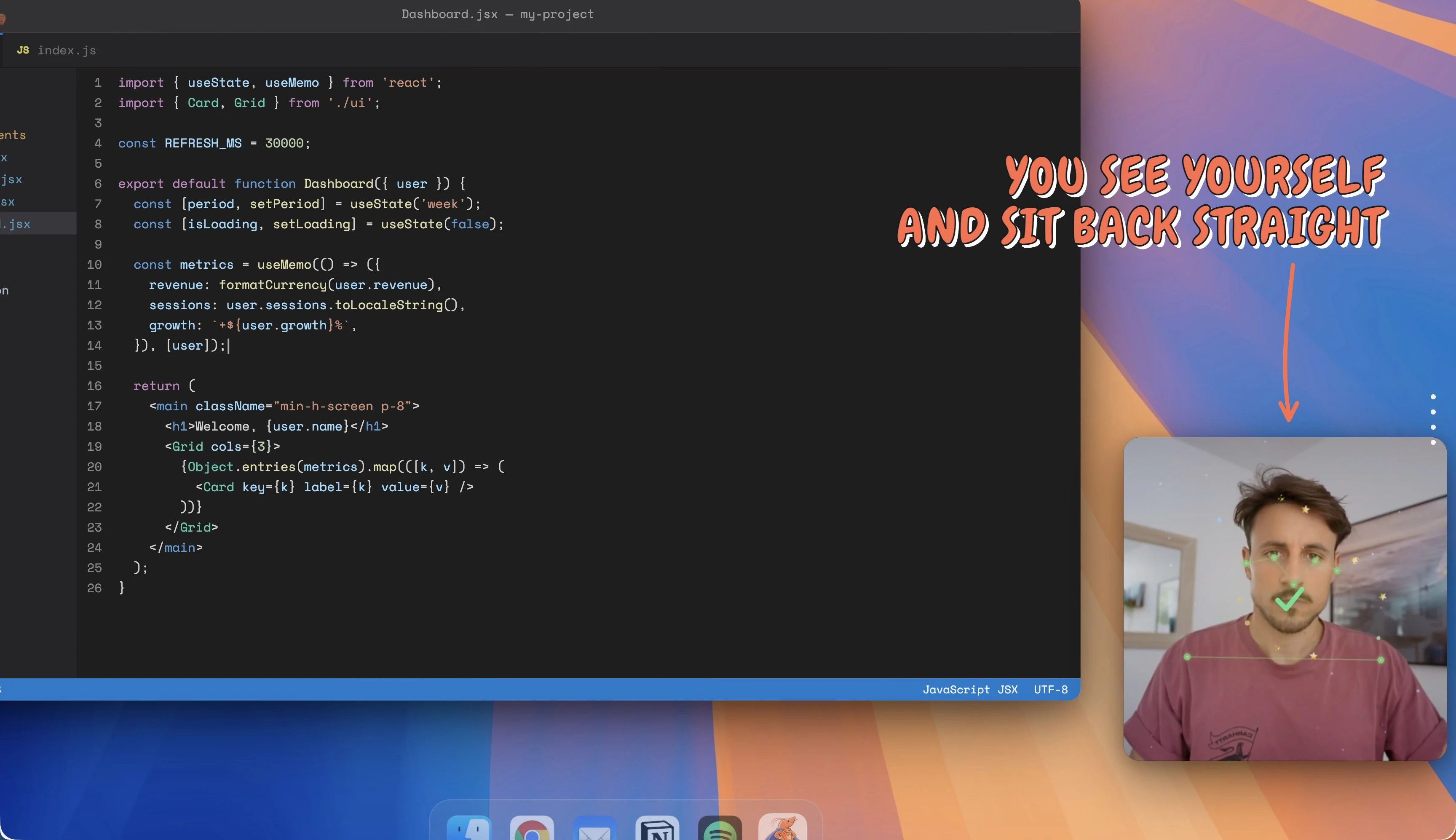
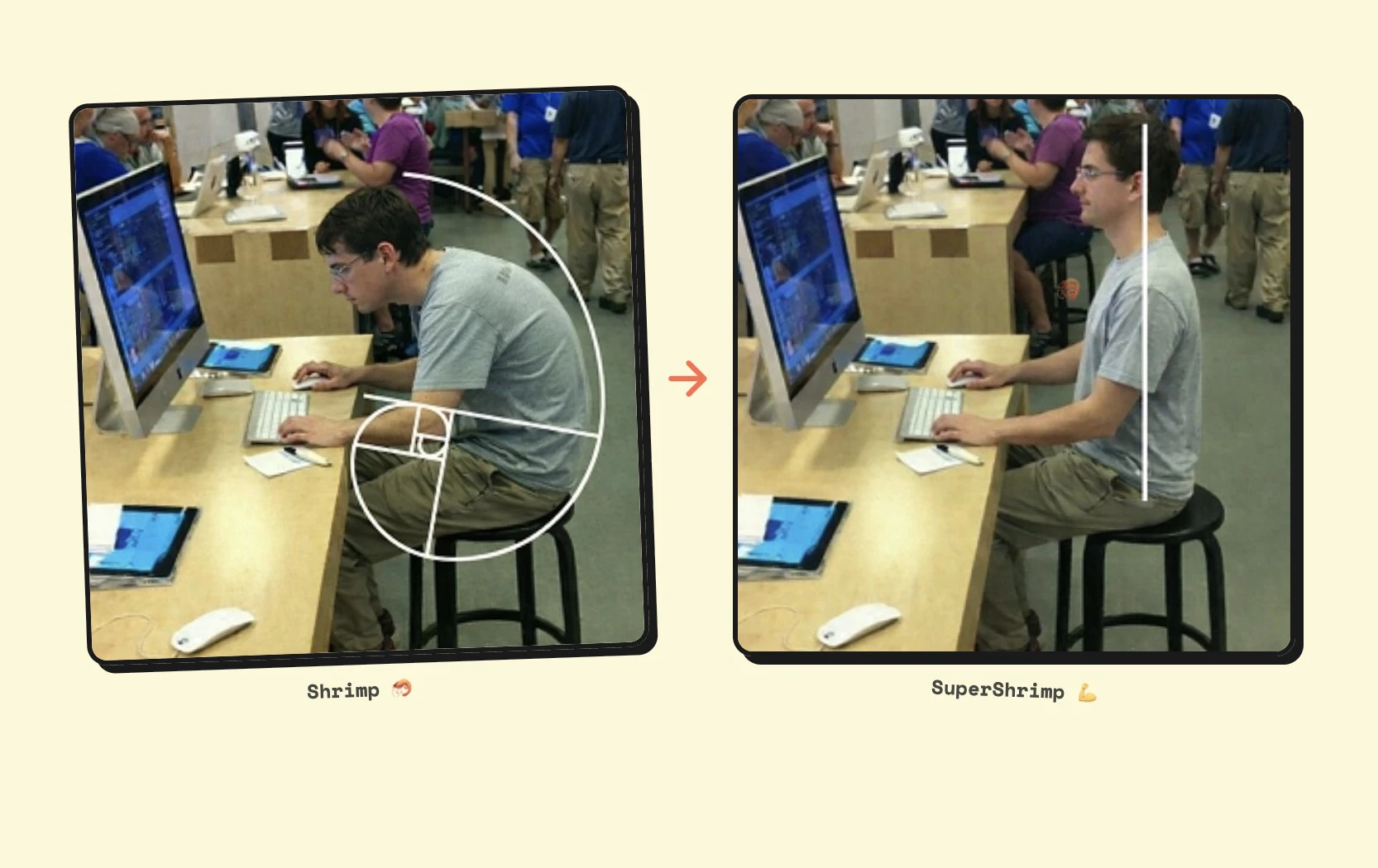
Hey it's Marc! I made an app to fix my terrible posture. It uses my MacBook Pro camera to watch me work. When AI detects that I’m sitting like a shrimp 🦐, it sends me a notification with a preview of my posture so I can reposition myself. Everything stays local. It works offline too. > https://supershrimp.io And because apparently my brain only responds to fake rewards, I added XP: good posture makes my shrimp evolve (currently level 7).
13
回复

@marclou Haha , love the shrimp XP idea 🦐😂. Gamifying posture might actually be the motivation we all need.

Does it handle multi monitor setups , or just the main screen?

1
回复

@marclou What a magical love story in this video. Good posture is the key not only to physical beauty but also to good health

2
回复

I really like this idea. I struggle with posture a lot too 😅

I’ve tried using a posture corrector, but it can get pretty uncomfortable after a while.

This feels like a much nicer approach.

2
回复

this is clever - using existing webcam instead of requiring new hardware. how accurate is the posture detection? we work with wearables data all day and know how tricky body positioning can be to get right, especially with just computer vision.

2
回复

Me and my boyf def need this!

2
回复

Looks pretty good, will be trying it out pretty soon :)

I'm assuming it will need the camera access all the time, is that safe

2
回复

This is the kind of product that quietly judges me all day… and I probably deserve it. Love the idea of turning passive webcam time into something actually useful.

We actually launched on Product Hunt yesterday as well — building Ogoron, an AI system that fixes broken test coverage instead of posture. Different problems, same energy: catching issues before they get worse

2
回复

Not related to the product, but I like your landing page! How did you make it?

1
回复

This is sick!

Going to try it soon!

1
回复

@nevo_david thank you sir!

0
回复

Wow, amazing Concept.

0
回复

Honestly, I just love the reference to the golden ratio. It made my day! Congratulations on the launch!

0
回复

Didn't see what versions of MacOS you support.

0
回复

Legend doing legend stuff.

0
回复
#4
OpenOwl
Automate what APIs can't in one prompt done locally
231
一句话介绍:OpenOwl是一款macOS桌面自动化代理,通过让AI助手能“看见”屏幕并模拟人工点击与输入,解决了在无API支持的场景(如LinkedIn拓客、Shopify后台更新)中,用户仍需手动执行AI生成指令的繁琐痛点。
Productivity Marketing Artificial Intelligence
桌面自动化 AI智能体 RPA macOS工具 本地化运行 人机协作 浏览器自动化 无代码自动化 MCP生态 生产力工具
用户评论摘要:用户认可其解决“认知与执行间鸿沟”的核心价值,并对本地化隐私保护表示赞赏。主要问题集中在Windows/Android版本支持、应对网站反爬机制的能力,以及其与Claude原生功能或其他自动化工具(如Playwright)的差异比较。
AI 锐评

OpenOwl的亮相,与其说是一款新工具,不如说是对当前AI应用边界的一次精准爆破。它巧妙地避开了“重造轮子”的陷阱,没有试图让AI直接操控系统底层,而是选择成为MCP协议下的“手眼”延伸,将大模型的规划能力与传统的UI自动化技术嫁接。其真正的颠覆性在于,它瞄准了“API荒漠”地带——那些陈旧、封闭或设计上就拒绝开放接口的商业软件和网页后台。在这些场景中,即使是最先进的AI,此前也只能充当一个“纸上谈兵”的军师。

然而,其“模拟人类操作”的底层逻辑,既是优势也是阿喀琉斯之踵。优势在于惊人的兼容性和上手门槛的降低;隐患则在于稳定性和规模化挑战。评论中关于“反爬机制”和“部分失败处理”的提问直指核心:在动态验证码、异常弹窗或网络波动面前,它的鲁棒性如何?它宣称的“像人一样观察并反应”高度依赖背后大模型的实时判断能力与成本,50次/日的免费额度暗示了其操作并非零成本。此外,它将自动化从“流程预设”推向“实时决策”,但这也意味着错误可能从简单的“步骤中断”升级为更不可控的“逻辑偏离”。

本质上,OpenOwl代表了一种务实的AI工程思维:在不完美(无API)的现实世界中,寻找最高效的妥协方案。它未必是终极答案,但它清晰地指出了下一代AI智能体必须攻克的关键一关——让AI不仅会思考,还要能在混乱的真实数字环境中安全、可靠地执行。它的成功与否,将取决于能否在灵活性、稳定性与成本之间找到最佳平衡点,而不仅仅是作为一个炫技的演示。

查看原始信息
OpenOwl
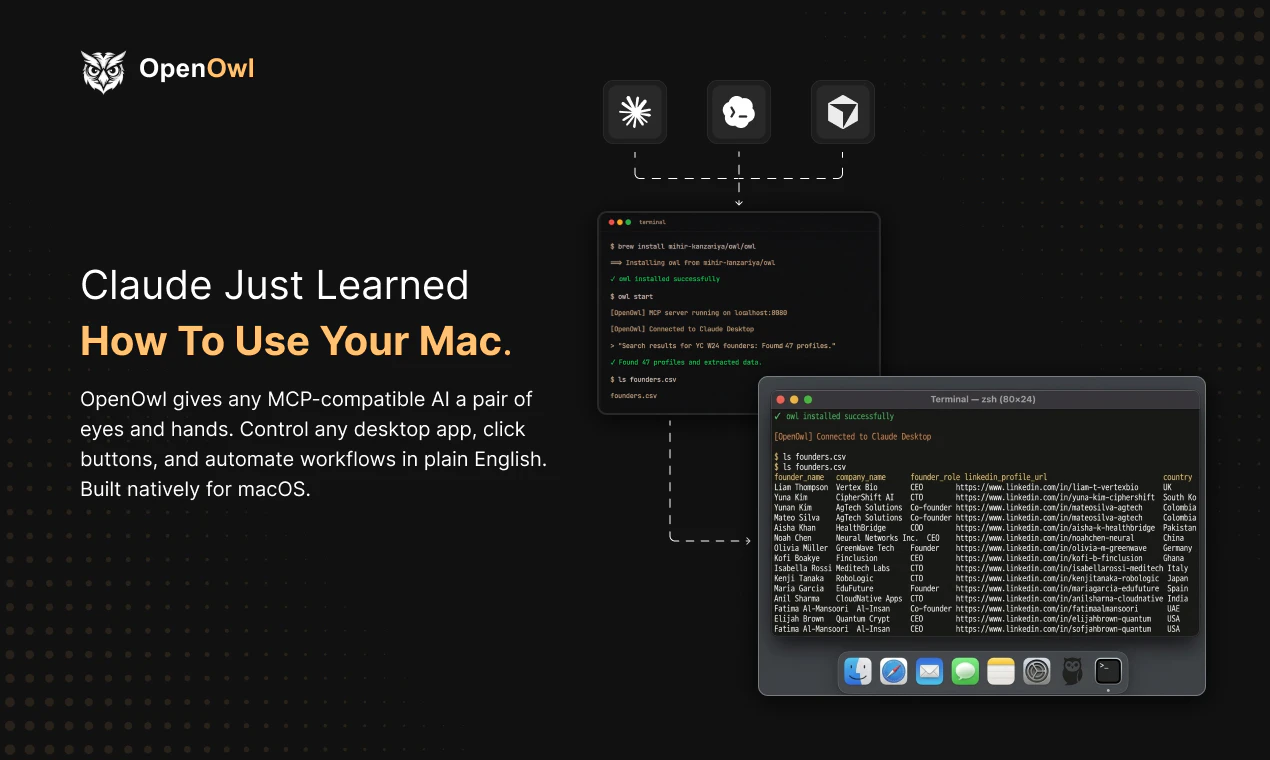
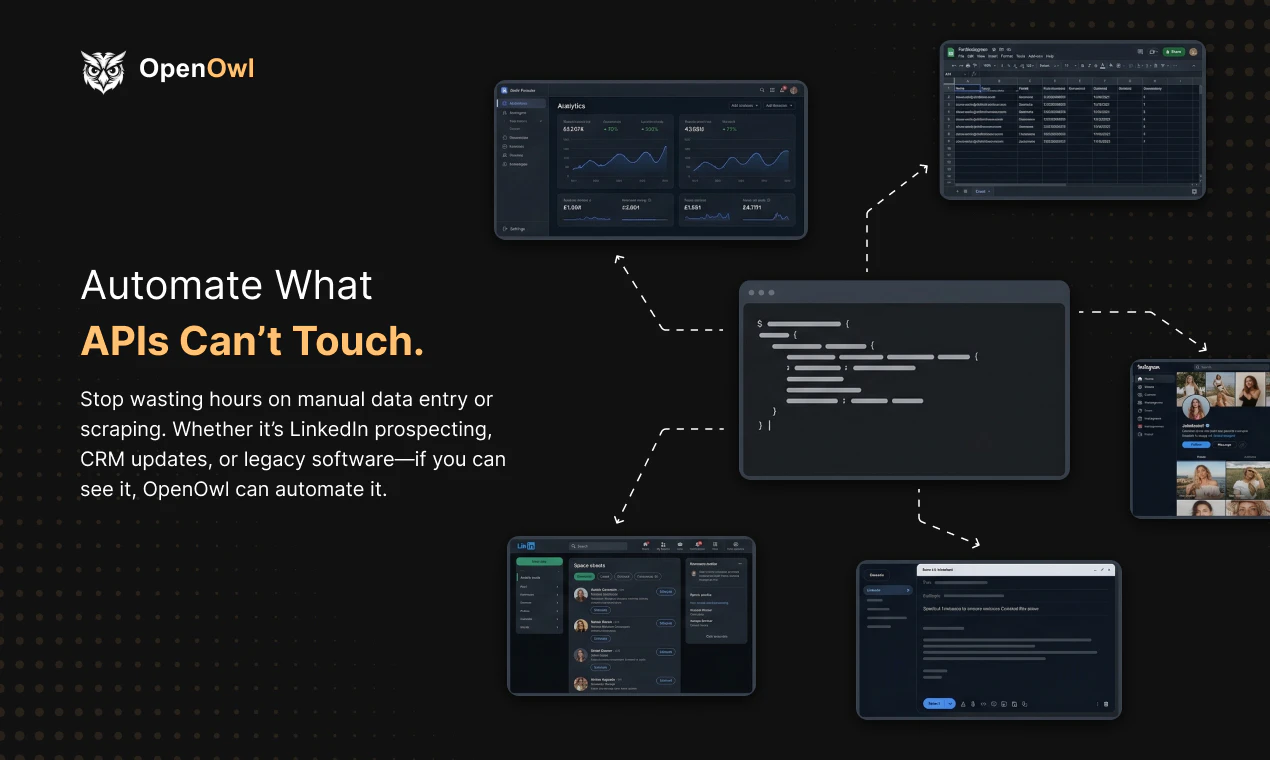
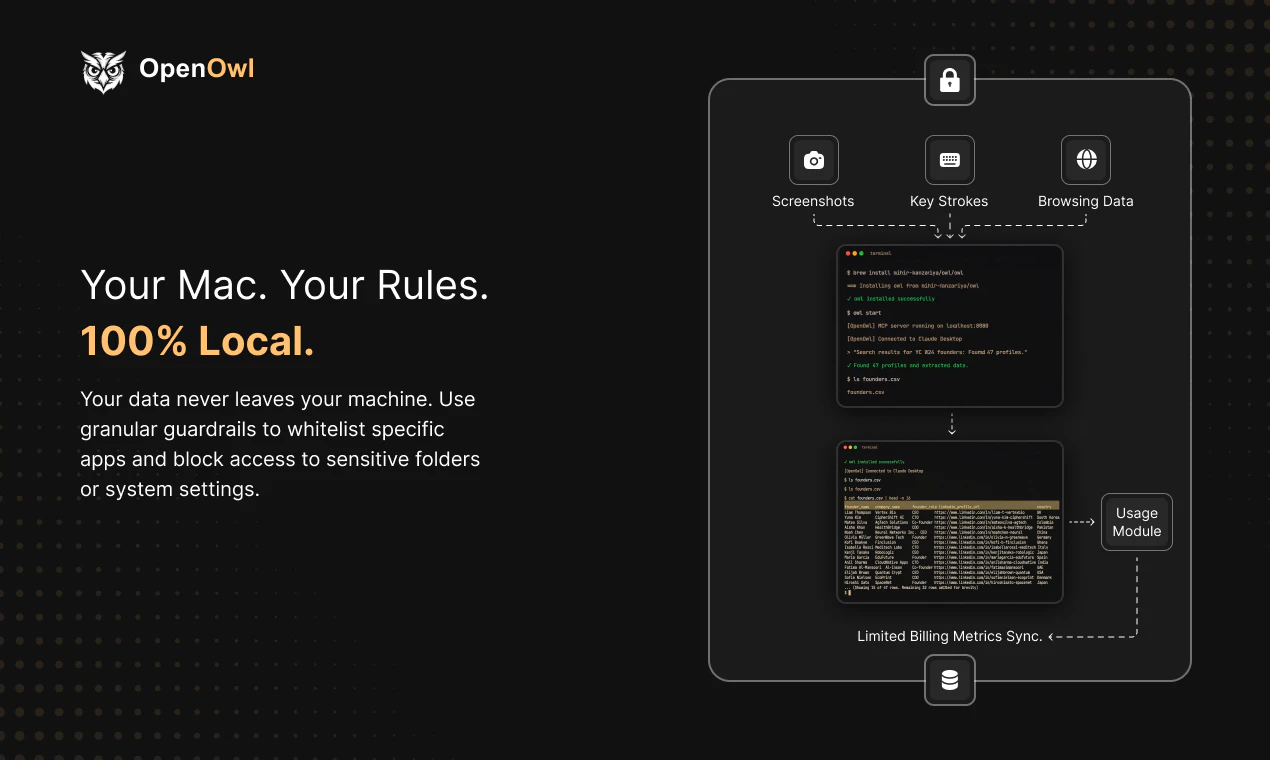
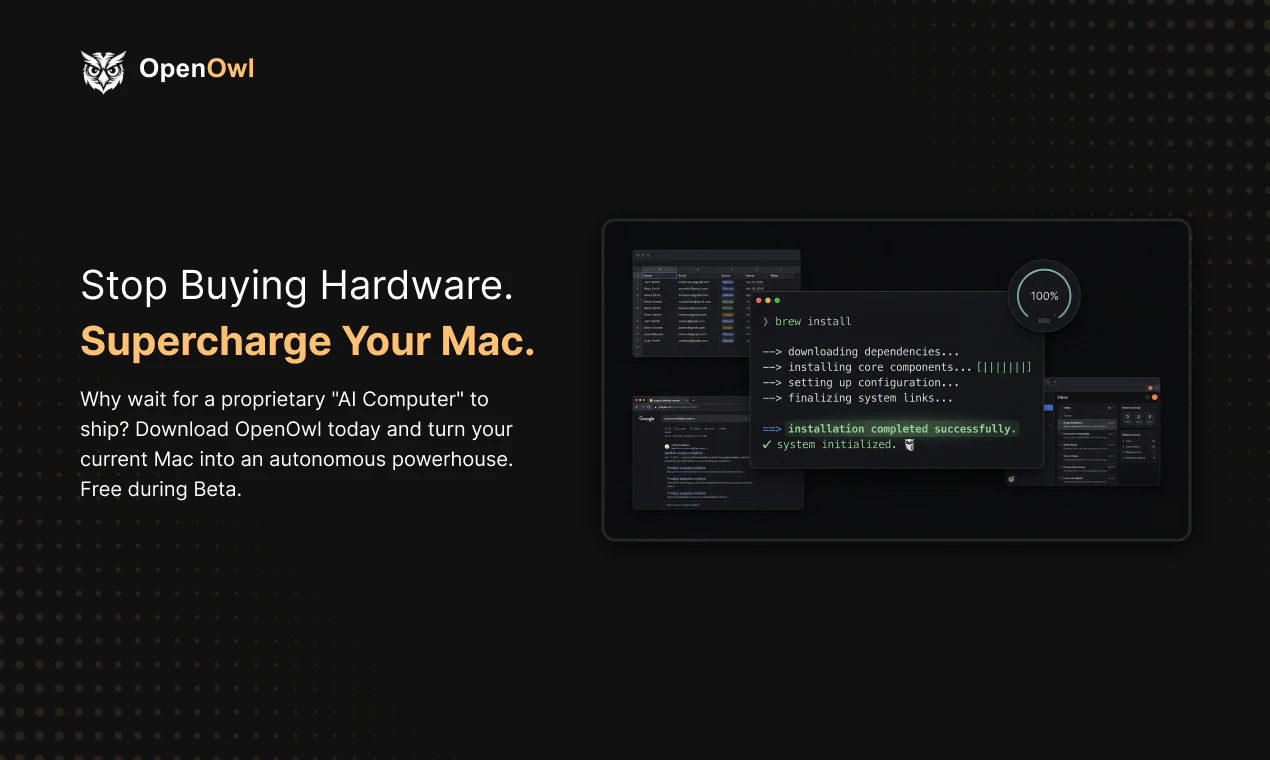
OpenOwl is a desktop automation agent for macOS. It gives AI assistants (Claude, Codex, or any MCP-compatible AI) the ability to see your screen, click buttons, type into fields, and navigate across any app or browser. You describe a task in plain English. OpenOwl does the rest. It automates the tasks that APIs can't touch LinkedIn prospecting, Shopify admin updates, legacy CRM data entry, form filling, competitive research, and anything that normally requires you to sit there clicking for hours

Hey Product Hunt! Mihir here, maker of OpenOwl.

I built this because of a frustration I couldn't shake:

I'd ask Claude to help me with a task, and it would give me perfect step-by-step instructions... that I then had to spend 45 minutes clicking through myself.

LinkedIn prospecting? "Go to this profile, click Connect, type this message." Great advice. But I still had to do all the clicking.

Updating 200 product prices in Shopify? Claude knew exactly what to change. But there's no API for the admin panel. So I sat there. Clicking. For two hours.

AI can think for you. But it couldn't act for you. That's the gap.

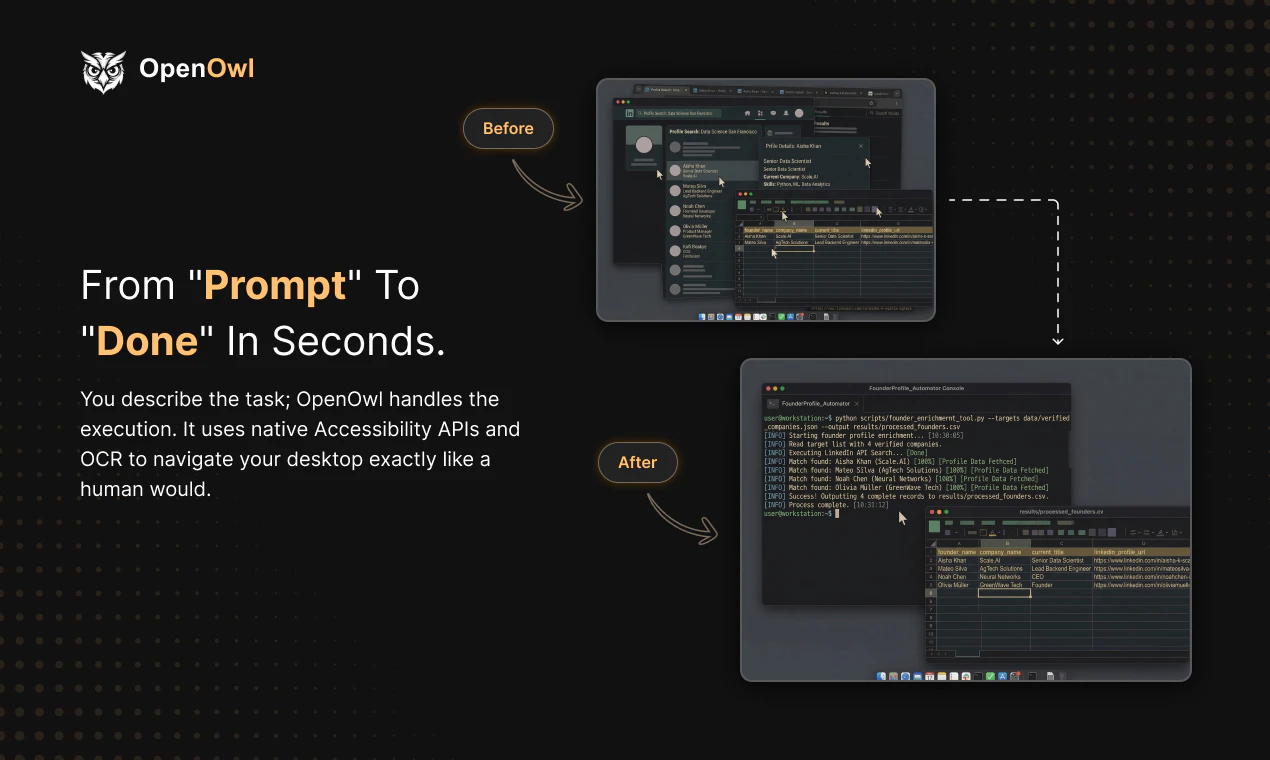
OpenOwl is an MCP server that gives your AI assistant actual eyes and hands on your screen. It sees your screen, moves the cursor, clicks buttons, types into fields, and navigates between apps — not through APIs, but through the actual UI, like a human would.

You describe what you need in plain English. OpenOwl does the rest.

A few things worth knowing:

  • Works with Claude, Codex, and any MCP-compatible AI

  • Runs 100% locally on your Mac — screenshots and data never leave your machine

  • Install with one command: npm i openowl

  • Free tier included — 50 tool calls/day, no credit card needed

  • macOS only right now (Apple Silicon + Intel)

This started as a weekend project to scratch my own itch. Now it's something I use every single day — and genuinely can't go back to doing these tasks manually.

What repetitive screen task would you hand off to your AI if it could actually click for you? Would love to hear what you'd use this for.

4
回复

@mihir_kanzariya he Shopify admin example landed for me. There’s a lot of work sitting in that gap where the model already knows what to do and a person still has to sit there clicking through the UI. That’s a very real kind of wasted time. How often are people using OpenOwl for browser tasks like prospecting, and how often for messy back-office stuff like Shopify or CRM work?

1
回复

@mihir_kanzariya Happy launch day. Very cool project. I wonder if you got affected by the latest Claude blocking third party app restriction? Hope not.

1
回复

It looks great—it would be perfect if there were versions for Android and Windows!

0
回复

This is cool - can you tell me a bit about where it's more powerful than Claude Cowork or Perplexity's "browse for me" functions, or any major LLM with Playwright or similar installed? Again, really cool either way, definitely going to give this a swing! congrats on the launch :D

1
回复

most workflow automation tools nail the happy path. partial failures are where they fall apart - one step errors, the rest queue up, nobody notices until the downstream data is wrong.

1
回复

@mykola_kondratiuk 

Yeah that's a real problem. Most automation just stops or silently keeps going with bad data.

The way OpenOwl handles this is different because it's not a scripted workflow. Claude is looking at the screen after every action. If something errors out, a popup appears, or a page doesn't load right, it sees that and reacts. Same way you would if you were doing it manually and something went wrong.

It's not bulletproof, but it's closer to how a person handles partial failures than a traditional automation chain where step 3 doesn't know step 2 broke.

0
回复

Cool, Mihir! Currently dealing with that problem cause Calude perfectly set a plan for me but then I want to execute it, which should be made for an agent. Happy to see you helping on this!!

1
回复

@german_merlo1 Sure, let me know your use case and I can help you set it up. I've built some templates here: https://github.com/mihir-kanzariya/openowl-templates.

If you have a different use case, I can craft a solution for you and even jump on a call to help you get it running.

0
回复

Smart idea,I really wanna give it a try.

1
回复

@adam_lab Sure, what's your use case? I can create a template/skills to automate it.

0
回复
Wooow!
0
回复

Congrats on the launch! The local-first approach is smart, and browser automation that doesn't phone home is a real unlock for privacy-sensitive workflows. How does it handle sites with aggressive bot detection?

0
回复

Is WIN support coming as well?

0
回复
#5
Google AI Edge Eloquent
Google's offline-first AI dictation, powered by Gemma
171
一句话介绍:Google推出的离线优先AI口述转录应用,通过本地Gemma模型自动过滤语气词和口误,在保护隐私的敏感场景下为用户提供流畅的文稿起草解决方案。
Artificial Intelligence Audio
AI语音转录 离线优先 隐私安全 Gemma模型 本地处理 文稿整理 谷歌应用 免费工具 云端协同
用户评论摘要:用户肯定其离线优先与隐私保护设计,认为是对标Superwhisper等产品的有力竞争者。主要建议包括增加键盘输入支持以提升应用内集成体验,并关注其在专业术语处理的实际准确性及与云端方案的精度对比。
AI 锐评

Google AI Edge Eloquent的发布,远非仅仅在拥挤的AI转录市场增加一个选项,其核心价值在于谷歌以“离线优先”和“本地Gemma模型”为楔子,精准切入当前AI应用最敏感的神经:数据隐私与云端依赖。产品设计的二元性(本地基础处理+云端高阶优化)是一种精明的市场策略,既满足了极端隐私需求场景(如法律、医疗、机密会议),又通过可选的Gemini云服务承认了当前边缘AI在复杂场景下准确性的客观局限。

然而,其“免费”模式引人深思。这很可能是一次战略性的数据飞轮启动:通过极低的门槛吸引大量用户使用本地模式,收集宝贵的边缘案例与口音数据,反哺Gemma等轻量化模型的迭代;同时,将云端高阶功能作为未来潜在的增值服务入口或向Gemini生态的引流管道。用户评论中指出的“缺乏键盘集成”、“感觉仓促”等问题,暴露出其目前仍是“最小可行产品”状态,核心目的在于快速验证市场对隐私优先转录工具的真实需求强度。

真正的挑战在于平衡。在本地,需要持续压缩模型体积与提升准确率,尤其是处理专业术语;在云端,则需明确界定“基础免费”与“高级付费”的界限,避免重蹈部分AI工具因免费而体验滑坡的覆辙。如果谷歌能凭借其芯片优化(Tensor)与模型研发(Gemma)的垂直整合能力,切实提升边缘AI的体验上限,它或许能重新定义“离线AI应用”的基准,而不只是另一个附属于云端的语音输入前端。

查看原始信息
Google AI Edge Eloquent
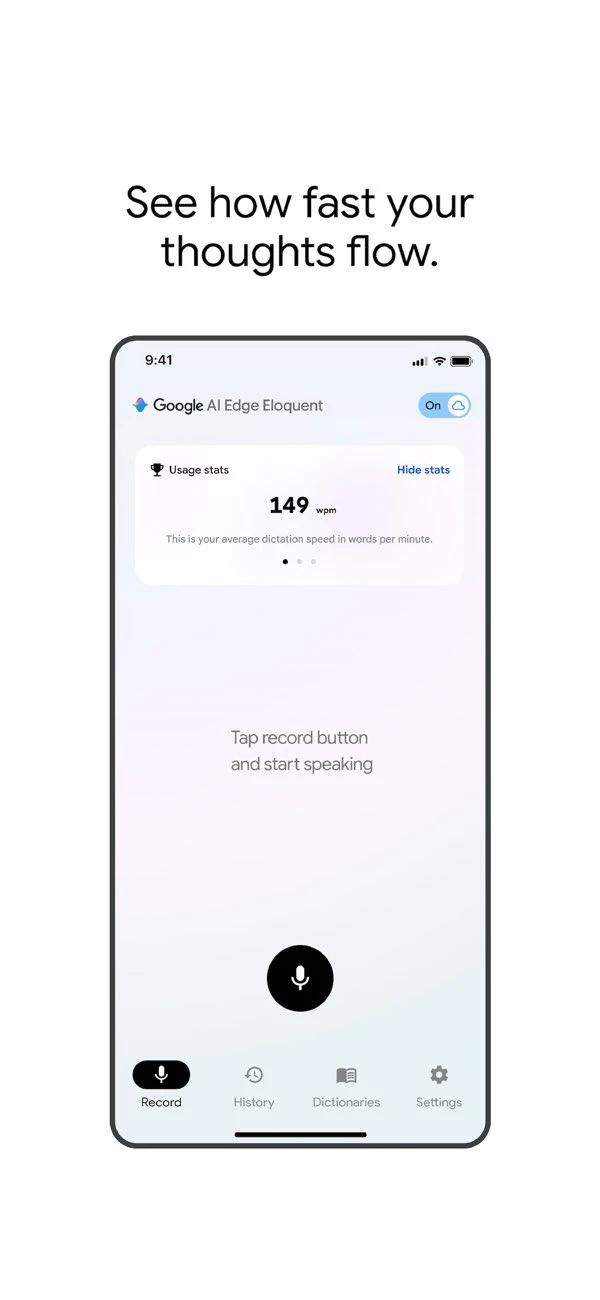
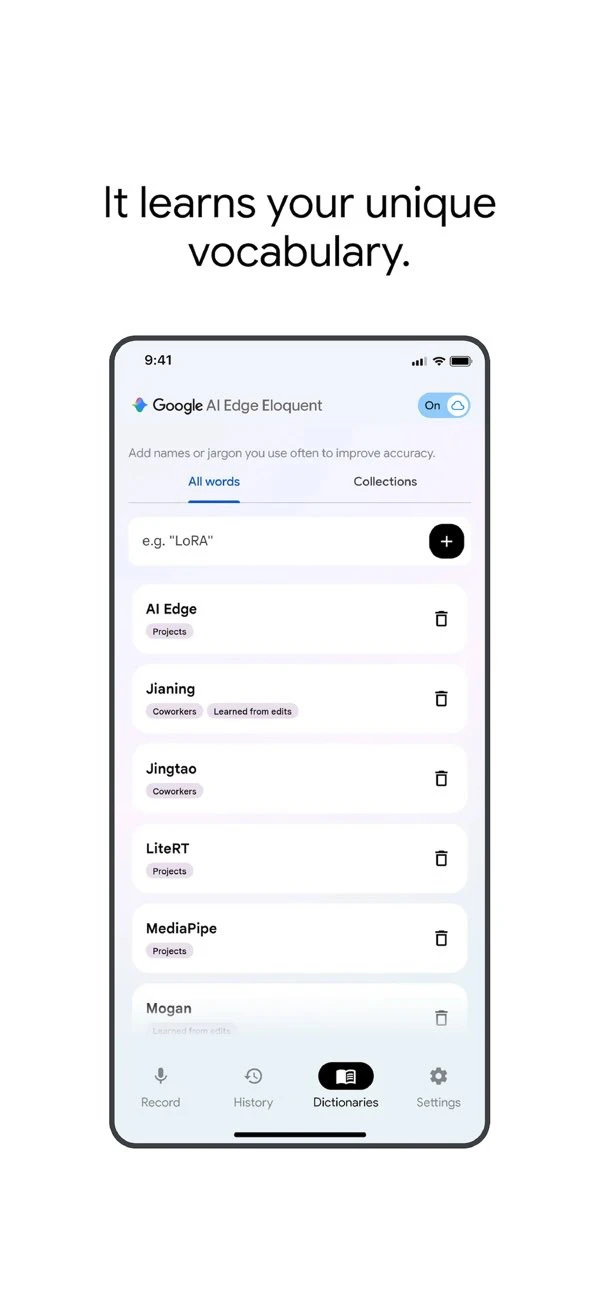
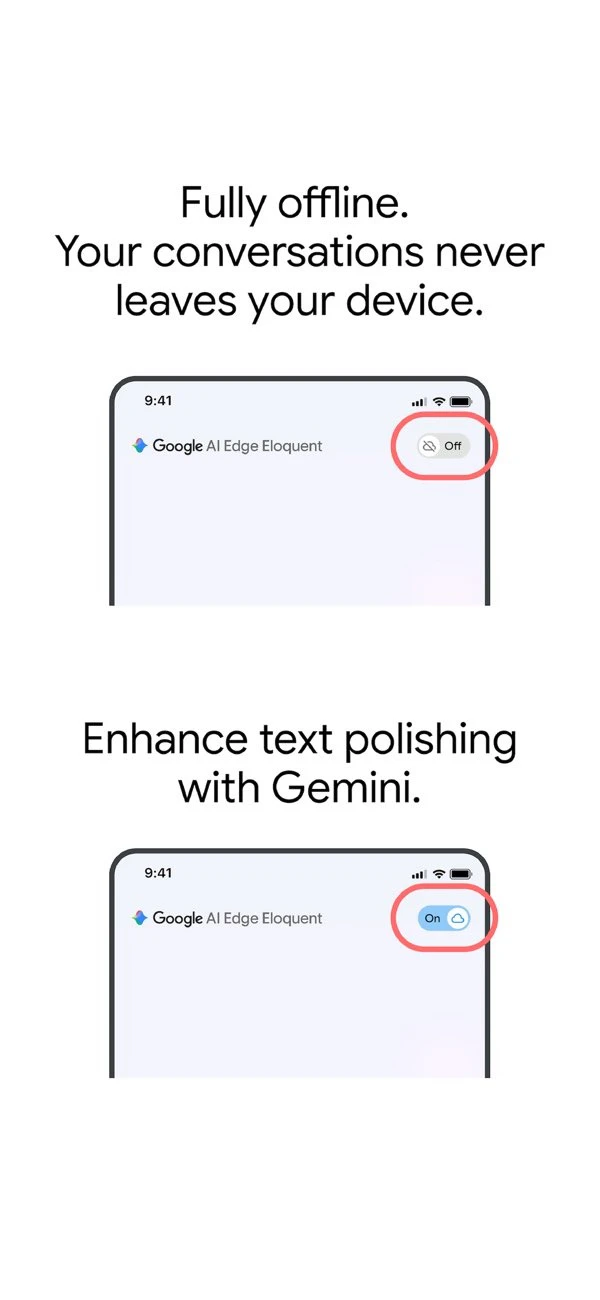
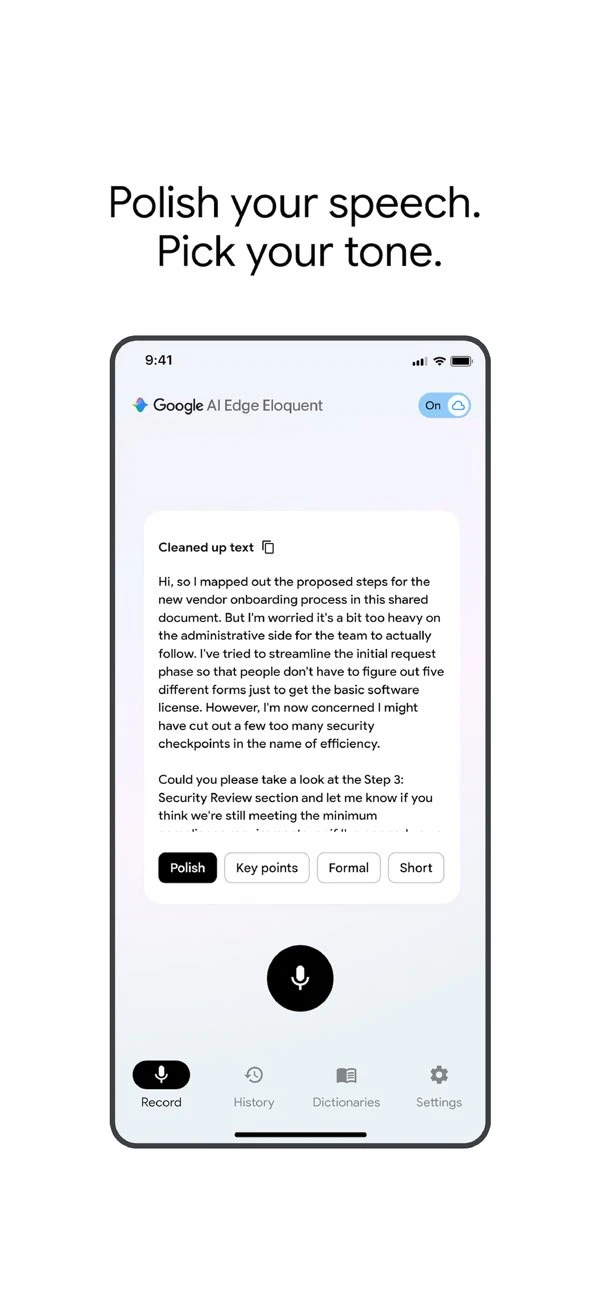
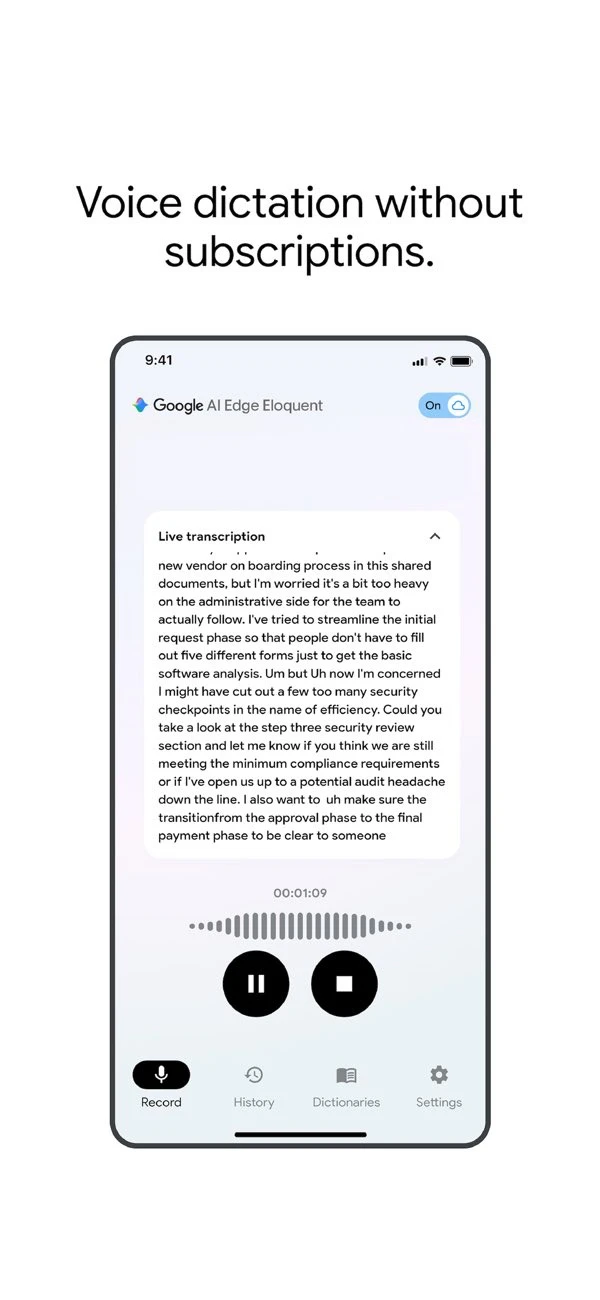
Google AI Edge Eloquent is a free, offline-first dictation app. Powered by on-device Gemma models, it automatically removes filler words and stumbles. It offers 100% local processing for privacy, with an optional Gemini cloud mode for advanced cleanup.

Hi everyone!

Google is entering the AI dictation space with AI Edge Eloquent, directly taking on tools like @superwhisper @Willow Voice or @Wispr Flow .

It is powered by Gemma-based on-device ASR models to automatically filter out filler words, "ums," and mid-sentence self-corrections. The interesting part here is the flexibility it gives you: you can keep everything local on-device for privacy, or you can toggle on cloud mode to let Gemini handle the text cleanup for much higher accuracy and formatting.

It is completely free, offline-first, and can even pull custom vocabulary from your Gmail. Have been looking for a solid local dictation workflow? This is definitely worth testing out.

8
回复

@zaczuo Offline first with built in cleanup is a strong combo . Curious how well it handles domain specific terms in real use .

1
回复

I really like it, but they'll need to enable Keyboard setting on it like Wispr Flow and Typeless so we could use it from within the specifics apps vs having to copy/paste. Not fully baked yet, feels rushed. But offline is a great move.

2
回复

Offline-first is the right call for any docs with sensitive context. How does accuracy compare to cloud Whisper?

1
回复
#6
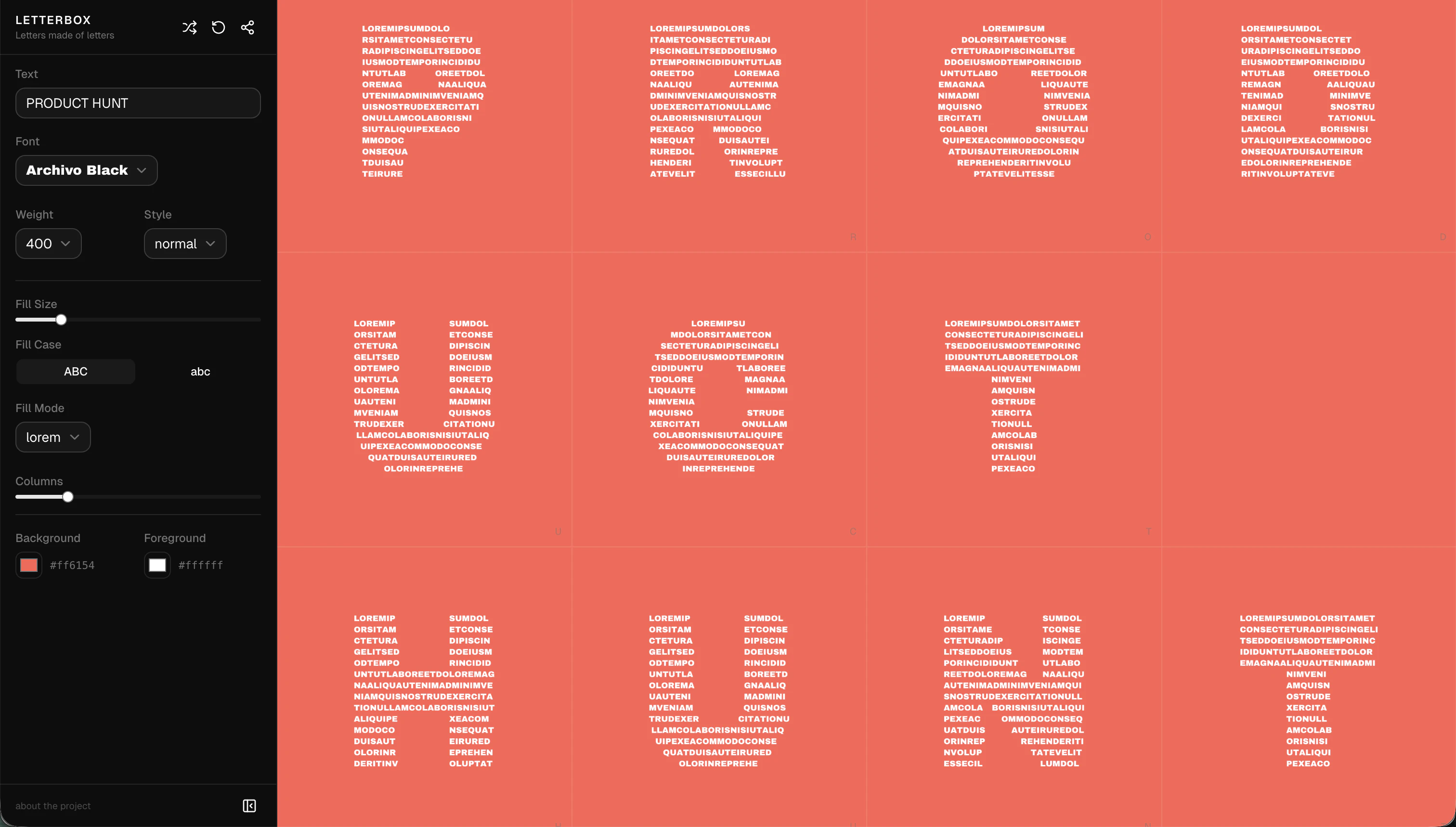
Letterbox
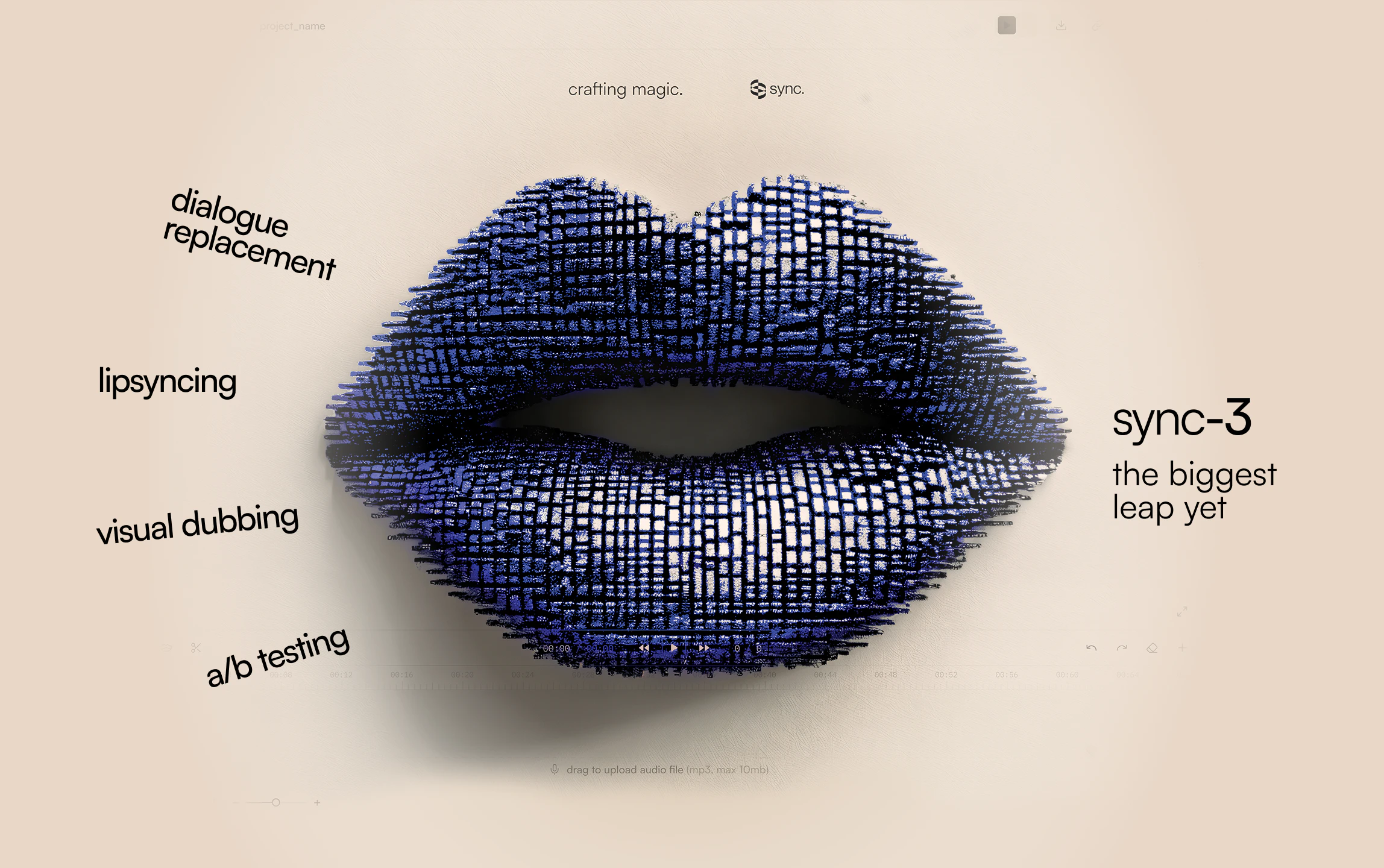
Letters made of letters
169
一句话介绍:Letterbox是一款将字母本身作为画布、用微小文字填充来生成视觉艺术字体的在线工具,它让设计师和创意工作者能快速创作出极具纹理感和个性的文字图形,解决了传统字体工具在视觉表现力和创意玩法上的局限。
Design Tools Typography
字体设计工具 文字艺术生成器 创意排版 视觉艺术 在线设计 免费工具 微文字填充 可分享设计 网页应用 设计实验
用户评论摘要:用户普遍赞赏其创意和趣味性,认为它将字体从“可读”提升为“可看”的艺术。核心建议集中在:1. 增加更多控制项(内部文字流向、间距微调);2. 强烈需求导出/嵌入功能以用于实际项目;3. 个别用户遇到显示模糊的技术问题。开发者回应导出功能已在规划中。
AI 锐评

Letterbox的本质,并非一个生产力工具,而是一个精致的“字体玩具”和创意火花发生器。它聪明地抓住了字体设计中一个常被忽视的维度:文字作为视觉纹理的潜力。通过将字母解构为数百个微字符的集合,它把“阅读”的行为延迟,先让“观看”发生,这颠覆了传统排版以信息传递为最高准则的逻辑。

其真正的价值在于降低了“文字视觉化艺术”的创作门槛。用户无需掌握复杂的图形软件或编程知识,通过调整字体、颜色、填充密度几个简单参数,即可探索海量随机但可控的视觉组合。这种即时反馈和“编码于URL”的轻量级分享机制,完美契合了社交媒体时代快速创作与传播的需求。

然而,从评论中暴露的“导出需求”狂热可以看出,用户渴望将其从“玩具”升级为“工具”。这正是其面临的典型悖论:过度强化导出质量、控件精度,可能扼杀其轻松的实验性核心;而停留在玩具阶段,其生命周期和商业价值将非常有限。开发者提到的“嵌入交互组件”思路或许是更巧妙的路径,将动态的文本艺术转化为一种新型的网页媒体元素,这比生成静态图片更具想象空间。

当前版本像一个功能完整的“最小化可行产品”,证明了市场对创意字体玩法的兴趣。它的下一步,关键在于能否在保持玩法灵魂的同时,找到一种优雅的方式,让这些美丽的文字实验落地生根,真正嵌入到数字产品的肌理之中,而不仅仅是停留于屏幕截图。这考验的是开发者对产品定位的定力和对创意工作流的深刻理解。

查看原始信息
Letterbox
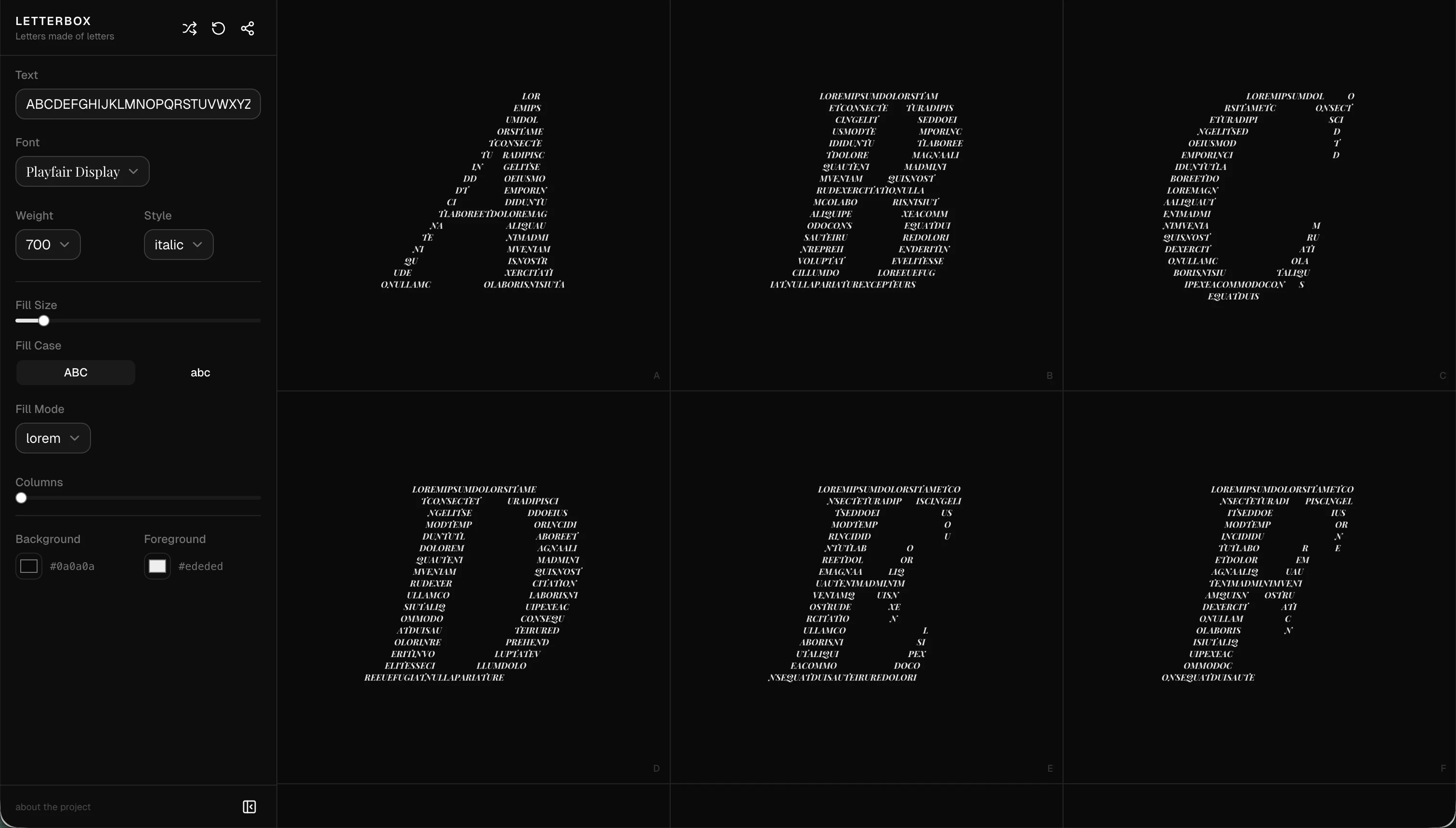
Letters shaped by text. Pick a font, choose your colors, and watch type come alive.

Hey everyone! I'm Charlie. A designer and developer, and today I'm launching Letterbox.

I've always loved typography as a visual art form, not just a way to read words. Letterbox lets you explore that idea: each letter on screen is actually composed of hundreds of tiny characters, creating these dense, textural compositions.

You can pick from a curated set of fonts, dial in your colors, adjust fill density and columns, and every unique design is encoded in the URL so you can share it instantly.

It's completely free, no account needed, and works on desktop and mobile. Would love to see what combinations you come up with!

7
回复

@charlie_clark Played around with this for way too long. Cranking the fill size down makes each letter almost abstract, like a texture more than text. Bookmarked a few URL combos I want to steal for slide decks.

2
回复

I’m curious if I could control how the internal text flows, like horizontal vs vertical or even curved layouts.

3
回复

@tanya_sharath oooo flowing the text vertically is a cool idea!

0
回复

I like how I can play with fonts and colors but I’d love more control over spacing and density to refine the look.

3
回复

@steven_granata do you mean spacing between the letters? or within the letters?

0
回复

Love the creative angle here .Tools like this make typography feel more playful instead of rigid .Curious how much control users have over spacing and layout.

3
回复

@joshua_hayes3 fill size + font weight gives you quite a bit of control over the spacing within the letters

0
回复

WHY ARE YOU SO GOOD AT MAKING PRETTY, FUN THINGS.


Congrats on the launch, @charlie_clark! Now.... how do I get these letters onto my projects/sites.

3
回复

@gabe haha thanks Gabe ❤️ Export/embed coming soon!

2
回复

I enjoy how this concept lets me think differently about type design. It’s not just about readability anymore; it’s about texture and personality.

2
回复

@delphia_phy exactly!

0
回复
Hey Charlie, that idea of typography as visual art, not just words to read, is a cool lens. Was there a specific moment where you looked at a letter or a font and thought wait, this is beautiful on its own, not just because of what it says?
2
回复

@vouchy Some fonts are just so beautiful that they definitely make me think that way. The playfair display "Q" (in Italic) is definitely one of those

0
回复
A lot of “type toy” tools get used as screenshots; what’s your intended path from a Letterbox experiment to a production asset (social graphic, poster, landing hero), and what export/quality constraints have you prioritized or deliberately avoided so far?
2
回复

@curiouskitty I haven't built any export functionality, and still thinking about the best way to do this. What I'm thinking:

  • quickly export individual letters as images (with or without the background color)

  • export an entire set of letters to a .zip

  • embeddable interactive component

1
回复

Just had a play around with this for ages. Love the interactive hover on the letters and the more creative concept, feels like the opposite of every generic newsletter tool out there. The little design details matter way more than people give them credit for.

1
回复

@maria_fitzpatrick micro-interactions ftw!

0
回复

Looks very cool, any idea why it's blurry for me though? (using chrome, win 10):

0
回复
#7
Caret
Press Tab for AI anywhere you type on Mac
164
一句话介绍:Caret是一款macOS系统级AI输入辅助工具,通过按Tab键在任意应用内实现基于用户个人风格和上下文的智能句子补全,解决了跨应用重复输入、思维中断和频繁切换窗口的痛点。
Mac Productivity Artificial Intelligence
AI输入补全 生产力工具 macOS应用 系统级集成 隐私保护 本地学习 个性化 无感交互 第二大脑 自动完成
用户评论摘要:用户普遍认可“按Tab补全”的直觉交互和系统级集成的便利性。核心反馈集中在:期待其长期学习效果;询问隐私安全机制(如敏感字段处理)与数据本地化策略;探讨其在速度与深度个性化间的平衡;与编辑器内自动补全的体验对比。
AI 锐评

Caret的野心并非做一个简单的文本预测工具,而是试图成为运行在操作系统层面的“思维协处理器”。其真正价值在于两个打破:一是打破应用沙盒,通过无障碍权限获取跨应用上下文,这比任何单点集成的AI助手都更接近用户真实的工作流全景;二是打破通用型AI的“平均主义”回复,通过本地化、持续学习的“第二大脑”模型,追求极致的个性化,目标是让补全内容“像用户自己写的”。

然而,其面临的挑战同样尖锐。首先是隐私信任门槛极高,“读取所有输入”的双刃剑属性需要远超普通软件的安全设计和透明度。其次是技术效能平衡,本地模型的能力边界、响应速度与个性化深度之间的三角博弈,将直接决定它是“读心术”还是“恼人弹窗”。最后是市场定位,它试图替代的不仅是复制粘贴,更是用户固有的、分散的输入习惯,这种习惯迁移成本巨大。如果成功,它将成为底层交互范式的一次升级;若失败,则可能只是又一个被关闭的辅助功能。其成败关键,在于能否用近乎无感的准确度,证明“系统级学习”的必要性,让用户觉得交出部分隐私和习惯是值得的。

查看原始信息
Caret
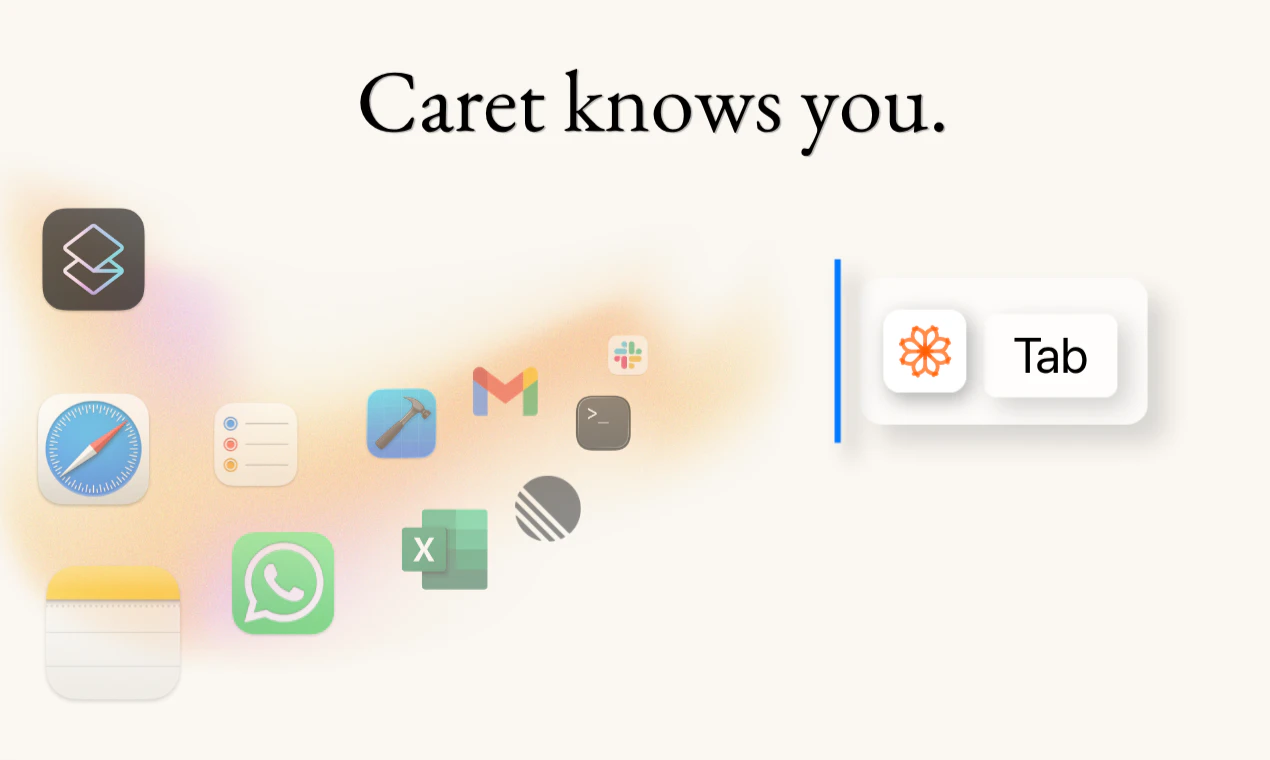
Caret gets to know you and autocompletes you across every app on your Mac. It learns your work, your friends, your style and suggests completions that actually sound like you. Just press Tab.

Hey everyone! Dan here, cofounder of Caret 👋🏼


We kept noticing the same frustration on our team. Typing in Slack, filling out a Jira ticket, writing a commit message, replying to an email. Our brains already knew the rest of the sentence. Our fingers just hadn't caught up yet.
Autocomplete exists in code editors. Everywhere else on your Mac? Nothing. So we built Caret.


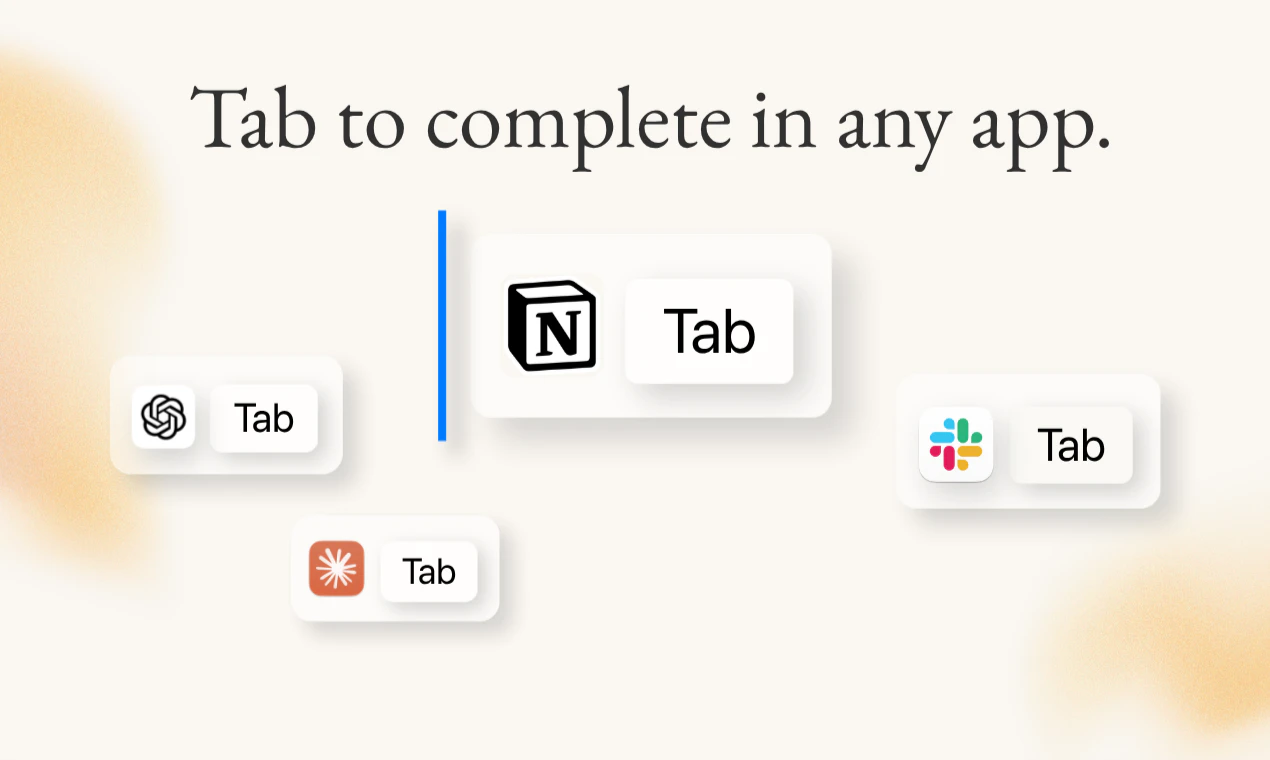
What it does: Caret sits invisibly in the background and finishes your thoughts, anywhere you type on your Mac. Press Tab and it completes your sentence. One keystroke. No copy-pasting into ChatGPT, no switching windows, no waiting for a chatbot to load.


How it works:

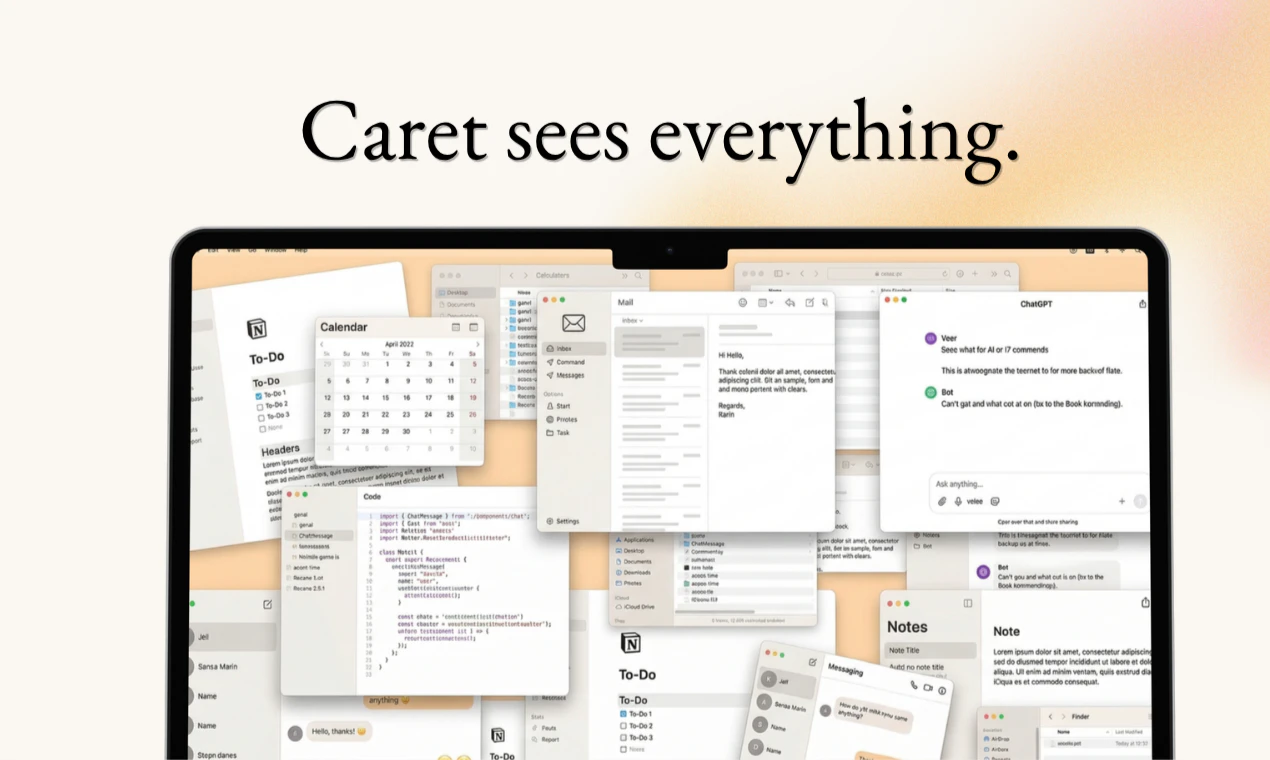
  • You grant one accessibility permission and Caret reads the context of whatever you're working on: the app, the text field, what's on screen

  • No screen recording, no screenshots. It reads text, not pixels.

  • No integrations, no plugins, no per-app setup. It just works everywhere.

What makes it different: Behind the scenes, Caret turns your sessions into chains of thought, building a second brain that learns how you write, what you're working on, and what you're likely to say next. Those memories are stored locally on your Mac. The longer you use it, the sharper it gets. It stops feeling like autocomplete and starts feeling like an extension of your own thinking.


We're a tiny team and this is a v1. We love feedback and ship fast. Thanks so much for checking us out! 🙏🏼

trycaret.com

12
回复

@dschwartz18 the 'tab to complete' interaction is exactly what’s been missing. i’m so used to it in vscode that i find myself hitting tab in slack and being disappointed when nothing happens lol. definitely giving caret a spin today.

6
回复

@dschwartz18 I built a free Chrome extension that formats LinkedIn posts in one click. Bold, bullets, spacing fix — no login, no data. Support here

0
回复

@dschwartz18 Love this! We're so used to pressing Tab in code editors that not having it everywhere on macOS just feels off. This is going to be huge.

0
回复

Excited

6
回复

@tanjum super 😻

0
回复

Caret is my new ⌘V

5
回复

@rooly_ exactly! It's a whole new world!
looking forward to getting more of your feedback ✌🏼

1
回复

@rooly_ I actually configured it as ⌘V 🤘 (you can do it in Caret's settings)

1
回复

Excited to see how sharp it gets over time. @dschwartz18

4
回复

@dschwartz18  @monir_ I'm biased but for me caret is so sharp and seamlessly integrated to my work that i mainly notice it when its off 🤣

0
回复

4
回复

@chrismessina I love you and Raycast! 🥇

0
回复
0
回复
How do you envision Caret balancing speed and personalization as it learns—do you see it leaning more toward instant utility (fast completions anyone could use) or toward deeply individualized suggestions that reflect each person’s writing style?
4
回复

@odeth_negapatan1 Great question! We lean heavily toward personalization. The core bet is: the better Caret knows you, the higher the chance it predicts exactly what you would have written - not just something generic and plausible.

A suggestion that's perfectly tailored to your style and context is worth a tiny bit of latency. A fast suggestion you don't actually want is just noise.

That said, we're very aware that speed is table stakes for autocomplete - if it doesn't feel instant, people stop using it. So we're working hard to make sure personalization doesn't come at a meaningful cost to responsiveness. The goal is for it to feel both fast and like it knows you.

1
回复

@odeth_negapatan1 Speed and personalization Odeth just described our day to day @Caret better than us

0
回复

Big fan of small teams shipping fast—keep it up!

3
回复

@1mirul It's the best way!
let us know if you try it out and how we can make it any better

0
回复

@1mirul small team hitting a lot of tabs 🥹

0
回复

Been using it for a while and it’s like it’s reading my mind

3
回复

@matiszz love to hear it! That’s the goal.

As we progress and add more you’ll feel that more and more with no configurations

0
回复

@matiszz Tab for mind reading! 📖

0
回复

@dschwartz18 Congratulations. And happy product launch.

2
回复

@dschwartz18  @huisong_li thanks for the love!

1
回复

every editor plugin promises AI anywhere you type. the value gap is always timing - knowing when to suggest vs when to stay quiet. availability is the easy part.

2
回复

@mykola_kondratiuk The difference with Caret is context.

Editor plugins only see what's in the editor - Caret sits at the OS level, so it sees everything you've been working on across apps.

That's what makes timing solvable at all. If you know enough about what the user is doing, you can make a much better call on when to suggest vs. stay quiet.

1
回复

Congrats @ron_adin1 and @dschwartz18 on the launch! So happy to see Caret on Product Hunt.

I had the pleasure of meeting them about a month ago, and even then the energy and conviction behind Caret was impossible to miss! You could tell this team was building something they truly believe in.

And the problem they're solving is real: AI is everywhere but context stays siloed in each tool. Caret's approach of building at the OS level instead of forcing yet another integration is genuinely clever. And a huge boost for the productivity!

Excited to see where this goes! Hope to be a great journey!

1
回复

@dschwartz18  @byalexai Your feedback super early on was super helpful to improve Caret early on!
Thank you for believing in us!

1
回复

@ron_adin1  @byalexai Thanks for all of your support!

0
回复

“Autocomplete exists in code editors. Everywhere else on your Mac? Nothing”

https://cotypist.app/

Awkward…

1
回复

@sam_alexander1 Love cotypist. We're trying to add the memory aspect to complete you in more complex chains of thought. Try it out to see the difference :)

0
回复

This is such a real pain point -- the context-switching tax is invisible until you actually measure how much time you lose to it. How does Caret handle sensitive fields like passwords or internal finance docs? Curious how you think about the trust layer when it's reading across every app. Also does the 'second brain' piece work across machines or is it purely local?

Congrats on the launch, rooting for you 🙌

1
回复

@andrasczeizel Hey Andras! Thanks for the comment and believing in us!
In general about privacy - the information is local (sharing feedback is optional) and sent to LLM providers (who commit to not train on the data). We are thinking about features to blacklist or pause Caret. Would love to hear your thoughts!
The second brain is local, your memory and connections become more elaborate as you keep using Caret on you desktop. We see it continuing to more sensors and devices to truly become a second brain.

2
回复
#8
ChatGPT Ads by Gauge
The intelligence layer for ChatGPT Ads
152
一句话介绍:Gauge为在ChatGPT中投放广告的营销者提供了竞品广告洞察与一站式管理平台,解决了广告主在新兴AI对话广告生态中缺乏可见性和分析工具的痛点。
Marketing Advertising Artificial Intelligence
ChatGPT广告分析 竞品广告洞察 广告活动管理 AI对话广告 营销情报 广告效果追踪 API集成 营销SaaS 广告技术 竞争情报
用户评论摘要:创始人亲自介绍产品开发背景与客户案例。用户反馈核心价值在于能针对特定提示词查看竞争对手的广告文案,这被视为巨大的早期竞争优势。另有用户表示期待使用。
AI 锐评

Gauge本质上是一款“AI原生广告生态”的军情雷达与指挥中枢。其真正价值不在于简单的广告管理,而在于抓住了ChatGPT广告从“黑盒”走向“透明化”这一关键时间窗口,将自身定位为整个生态的“情报层”。

产品逻辑犀利地切中了两个刚需:其一,是“逆向工程”竞品策略。在传统搜索广告中,关键词竞争分析已成熟,但在LLM驱动的对话场景中,广告触发逻辑更复杂、更不透明。Gauge声称能按提示词(Prompt)反向查询广告,这相当于为营销人员提供了窥视对手“Prompt攻防策略”的望远镜,在规则未定的早期市场,情报即权力。其二,是试图成为跨API广告活动的统一操作面板。这反映了ChatGPT广告可能走向碎片化(不同模型、不同版本)的趋势,Gauge提前卡位,想做聚合器。

然而,其面临的核心挑战与风险同样尖锐。首先,其数据获取的合规性与可持续性存疑。高度依赖OpenAI的API接口且功能直接绑定其广告系统的变动,政策风险极高。其次,产品的护城河不深。其功能模块(竞品分析、数据看板)在传统广告领域已是红海,一旦平台方(如OpenAI)自行提供类似基础功能或大媒体集团入场,其生存空间将被严重挤压。最后,当前ChatGPT广告生态本身仍处于极早期和极小规模的测试阶段,是否为“伪需求”或“过早优化”有待市场验证。

总之,Gauge是一次敏捷的卡位尝试,展现了敏锐的生态洞察力。但它更像一个精巧的“战术工具”,而非具有长期战略壁垒的“平台”。其成败不取决于自身功能多完善,而取决于ChatGPT广告业务的体量增长速度,以及OpenAI对其生态链的开放与控制程度。它是在赌一个生态的爆发,并希望自己成为其中不可或缺的“润滑剂”。

查看原始信息
ChatGPT Ads by Gauge
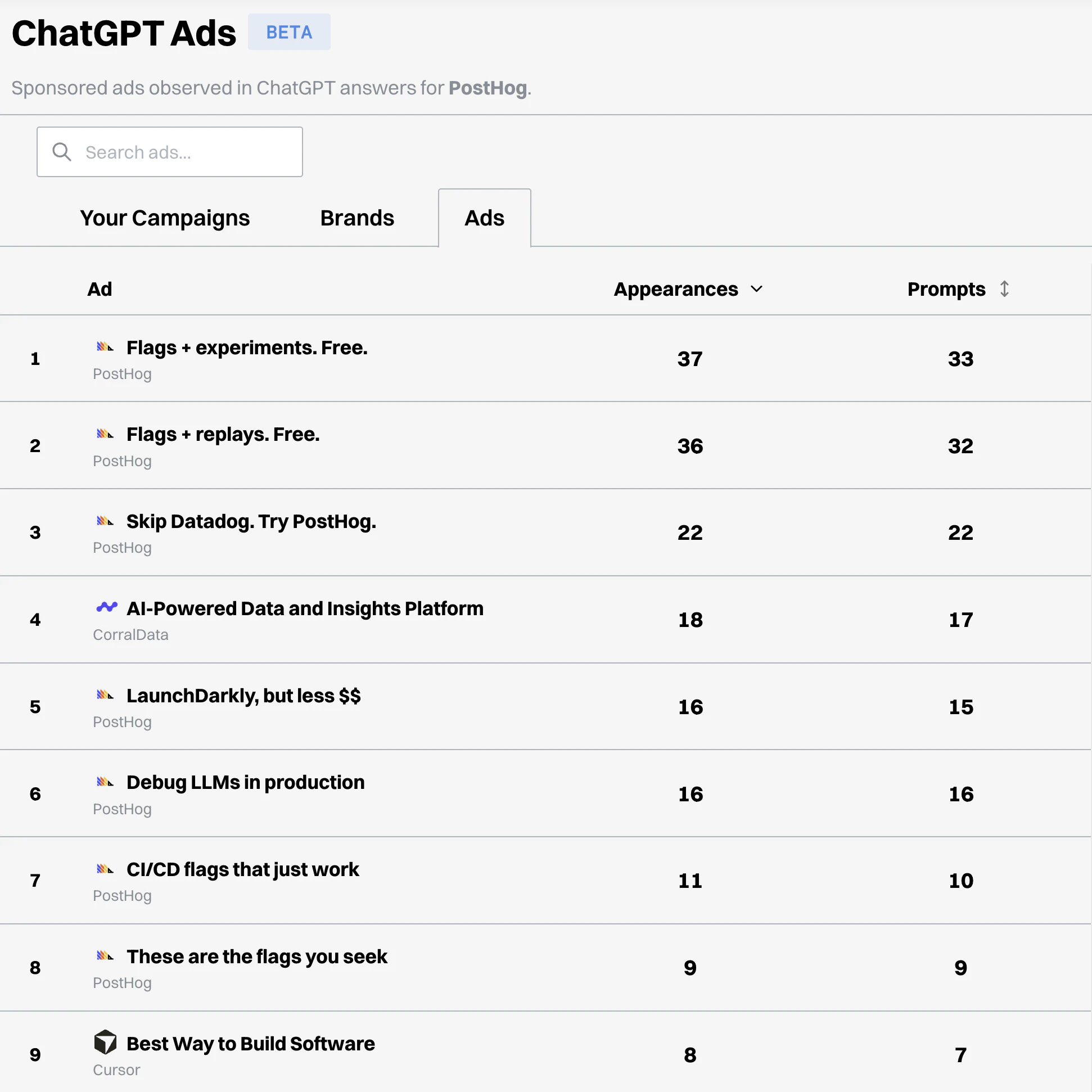
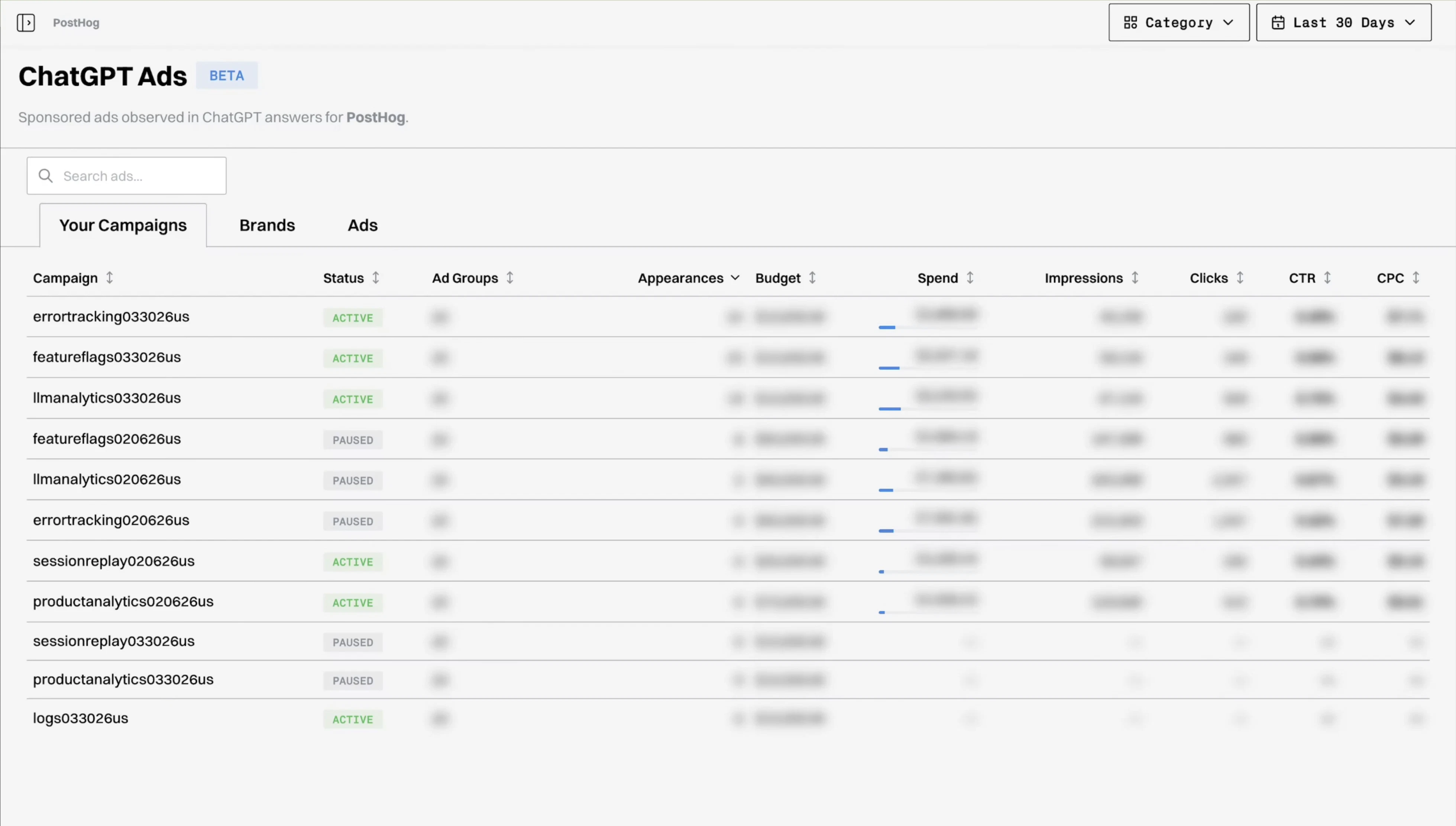
Gauge gives you visibility into ads in ChatGPT. Want to know what ads your competitors are running in ChatGPT? With Gauge, you can now see exactly what ad copy is getting run against any prompt you choose. Gauge is also a single point to manage your ChatGPT ad campaigns. Simply link your API key and get instant insights into your campaigns, ad groups, and performance. Gauge also breaks down each campaign by spend, impressions, and clicks - calculating CTR and CPC on the fly.
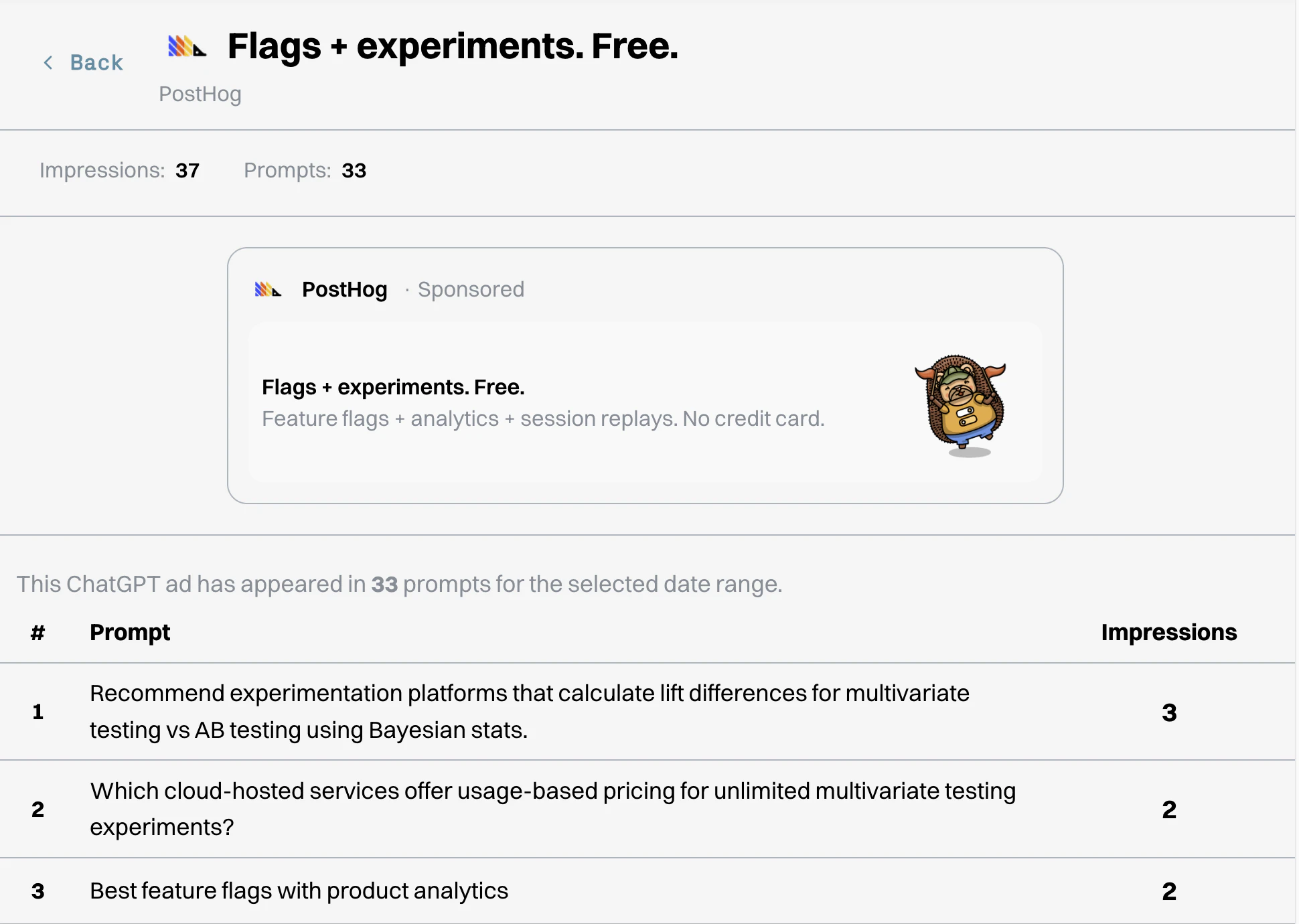
Hey Product Hunt! I'm Caelean, the co-founder/CEO of Gauge. We started seeing ads show up in ChatGPT answers last Thursday, and sprinted over the weekend to build a full ads experience into Gauge (GEO platform). We're already working with a number of our customers, including PostHog, to unlock insights into their campaigns and the competitive landscape. Are you running ads in ChatGPT, or curious if your competitors are? We'd love for you to give Gauge a try!!
6
回复

@caeleanb the ability to see exactly what ad copy is running against specific prompts is the real hook here. if i can see what my competitors are bidding on this early, it's a massive advantage. definitely checking out how you guys handle the ctr/cpc calcs. looks good

1
回复

This is super cool, we're very excited to start using this at @Basedash

0
回复
#9
Bibby AI
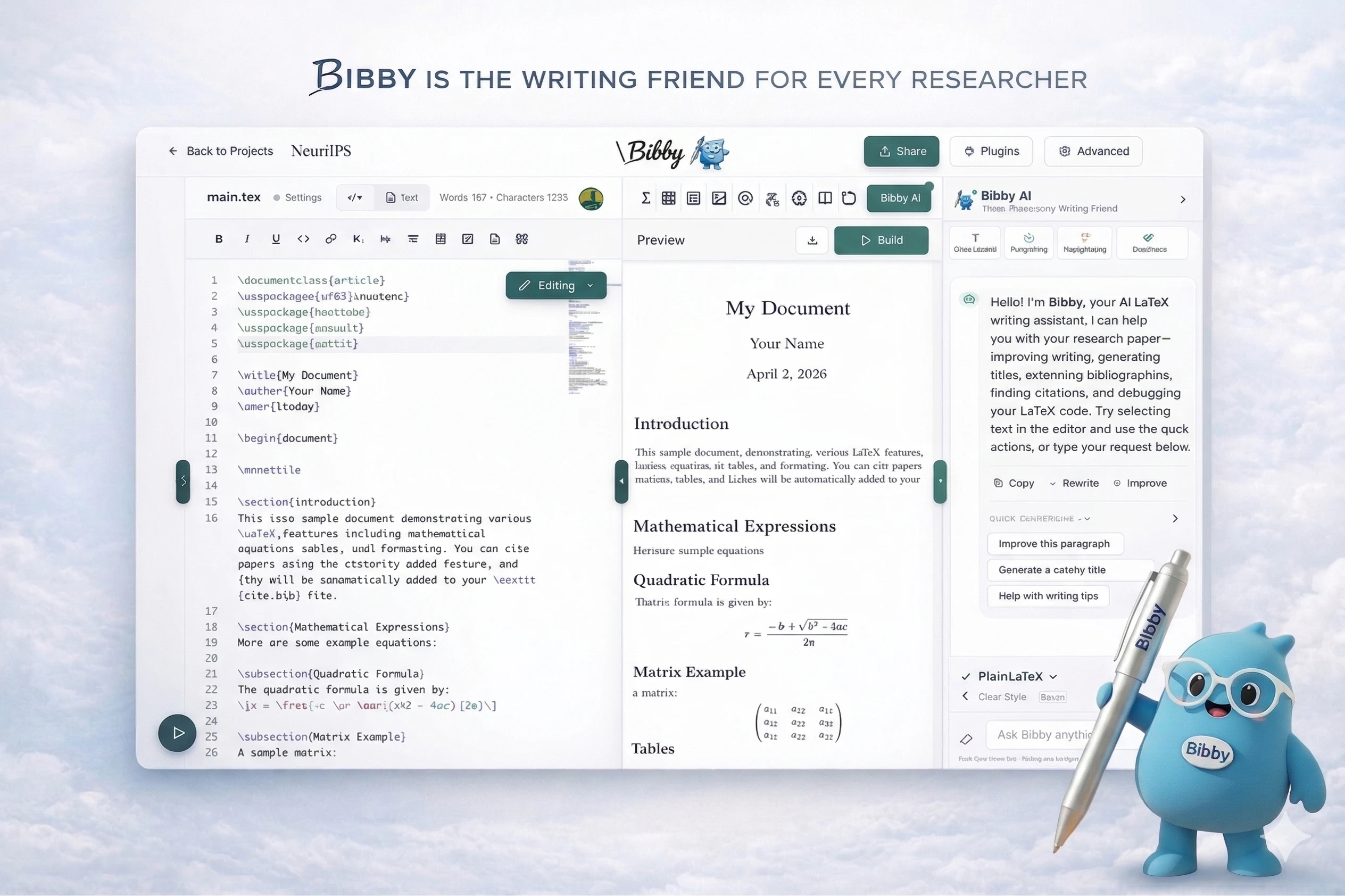
The AI co-author for research papers
143
一句话介绍:Bibby AI是一款AI科研协作者,在研究人员撰写论文的场景下,通过文献挖掘、智能撰写、格式与语法检查、一键引用等功能,解决了他们耗时于繁琐格式、文献管理和写作而非核心研究的痛点。
Productivity Writing Artificial Intelligence
AI科研助手 论文写作 文献管理 学术协作 LaTeX工具 智能排版 引用生成 学术校对 AI协作者 研究效率工具
用户评论摘要:用户反馈积极,认为其直击科研写作流程中的低效痛点。主要问题与建议集中在:对跨学科研究、复杂公式识别的支持程度;期待具备跨项目的长期记忆功能;询问底层LLM与技术细节;建议支持团队协作中的个性化AI设置。
AI 锐评

Bibby AI并非又一个泛化的写作助手,它试图成为深入学术生产流水线的“嵌入式基础设施”。其真正价值不在于某个炫酷的AI功能,而在于对科研人员“隐性成本”的全面量化与自动化:将散落在LaTeX编译器、参考文献管理器、期刊投稿系统、乃至团队协作沟通过程中的摩擦与损耗,整合进一个以当前论文为上下文的智能层中。

产品介绍中“200M+ citations, 800+ journal templates”以及支持各大出版模板的描述,揭示了其核心壁垒可能并非AI模型本身,而是对高度结构化、封闭且保守的学术出版体系的深度适配。这更像是一次对学术工具链的“现代化重构”。然而,其面临的挑战同样尖锐:首先,“AI co-author”的定位游走在学术伦理的灰色地带,如何界定“辅助”与“代笔”将伴随始终;其次,深度依赖现有文献库的“深研模式”在本质上是对已有研究范式的强化,可能无意中抑制创新性、颠覆性观点的产生;最后,从工具到生态的跨越至关重要,能否打破学术协作中根深蒂固的个体工作习惯与机构传统,将决定其是从“好用工具”升维为“必要平台”,还是仅成为Overleaf等现有平台的一个功能插件。

创始人作为前研究人员的背景,使其精准切中了“格式而非科学消耗生命”这一情感痛点,但产品的长期成功,取决于它能否在提升效率与捍卫学术自主性、整合现有体系与催生新工作范式之间,找到精妙的平衡。

查看原始信息
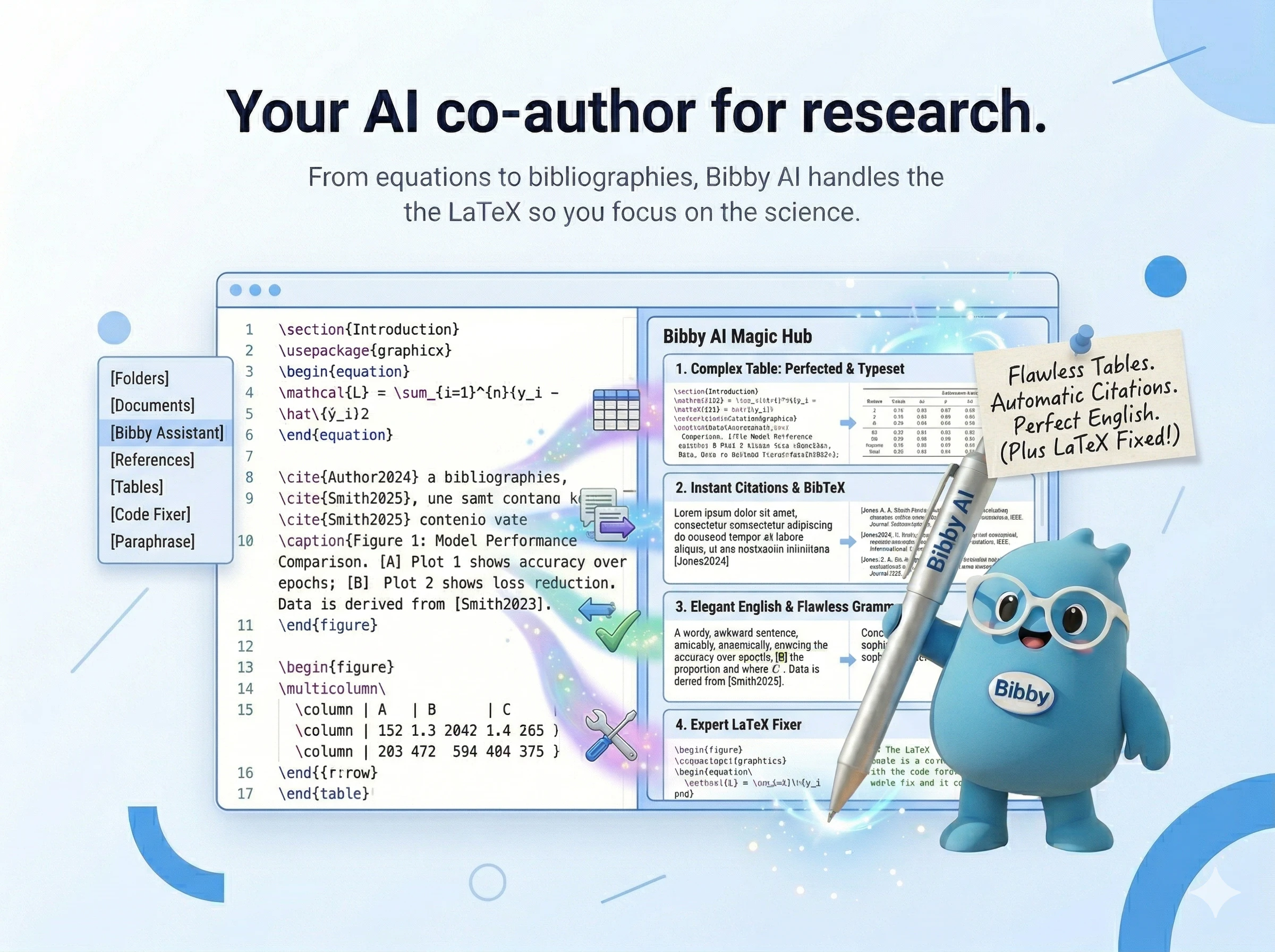
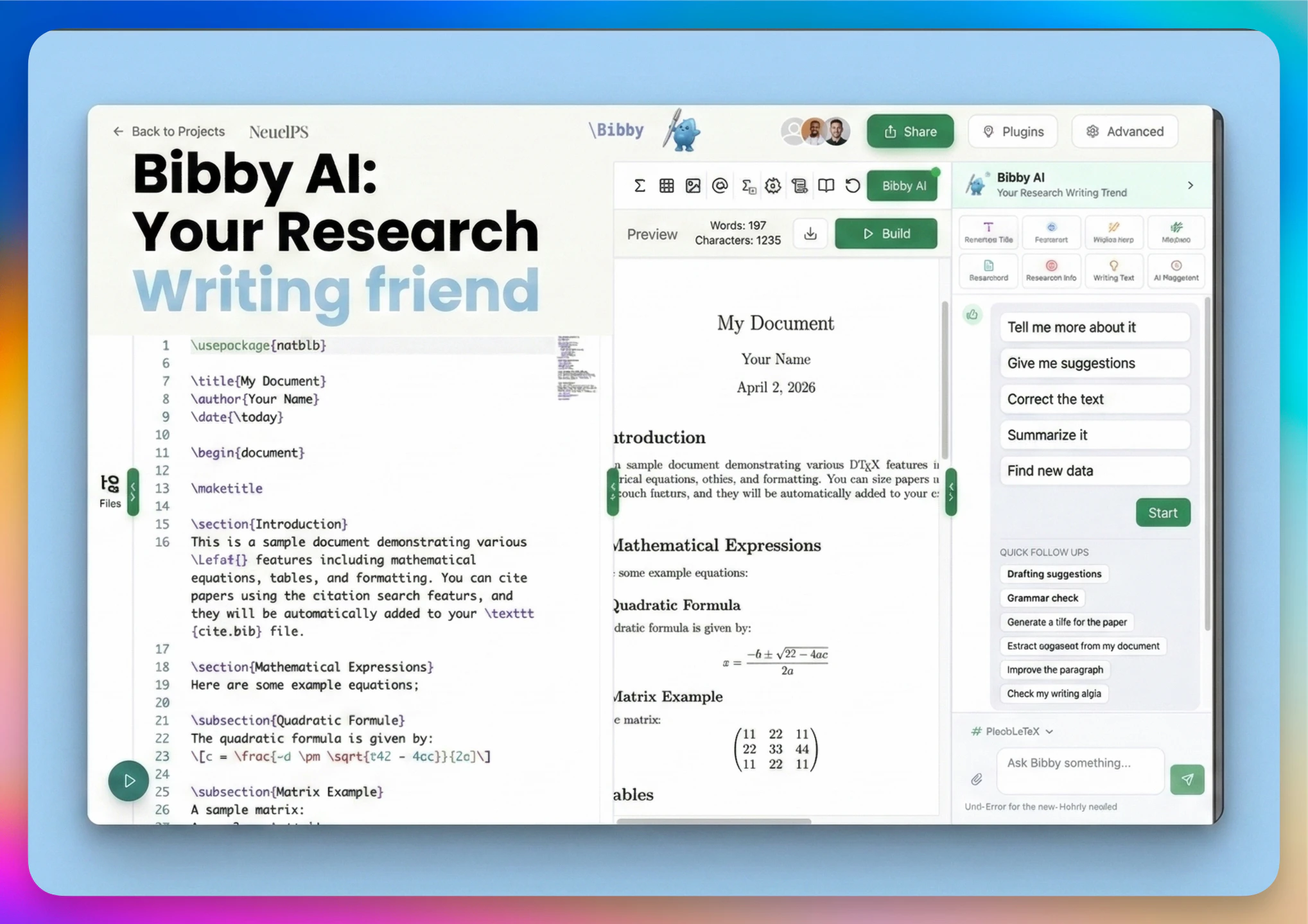
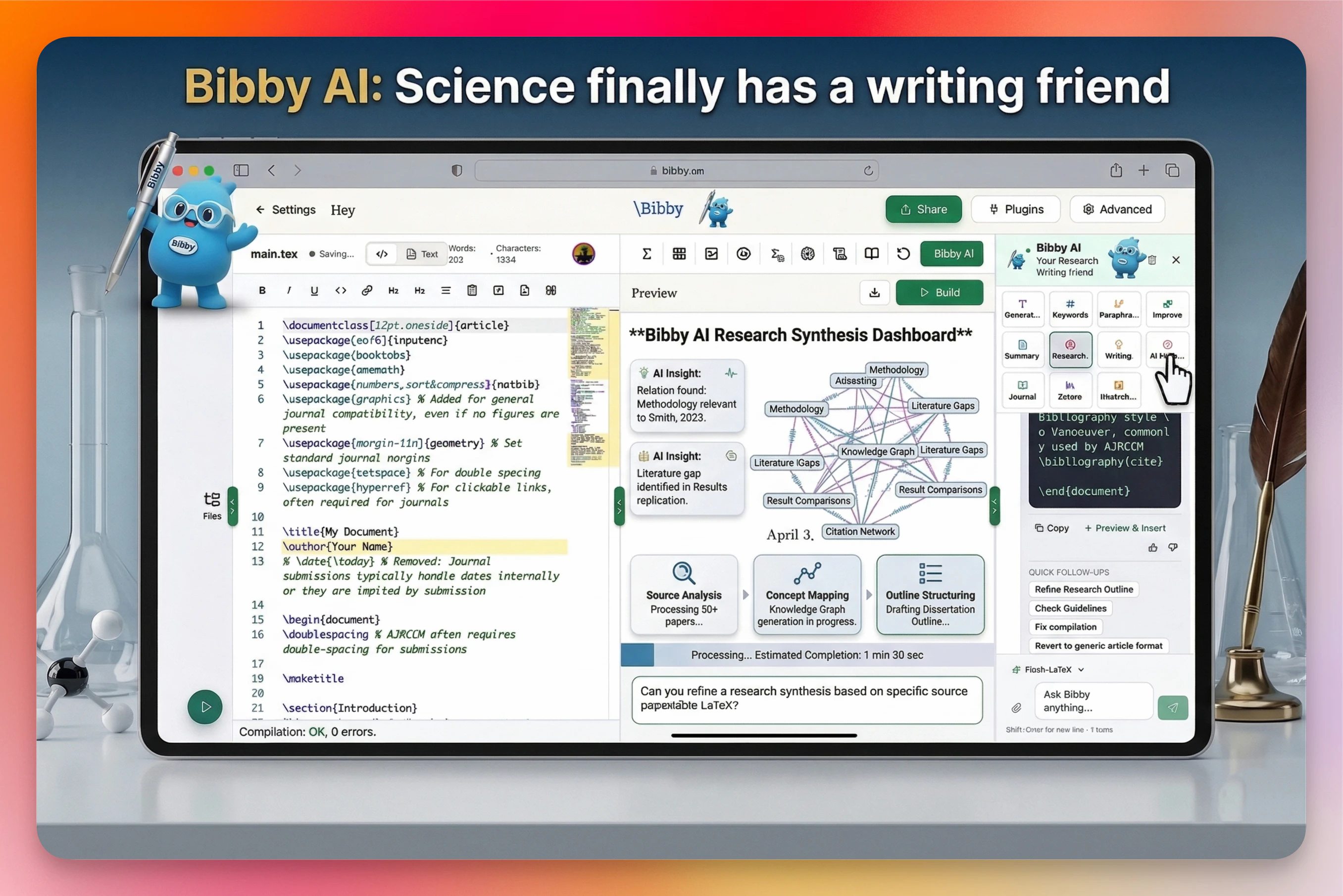
Bibby AI
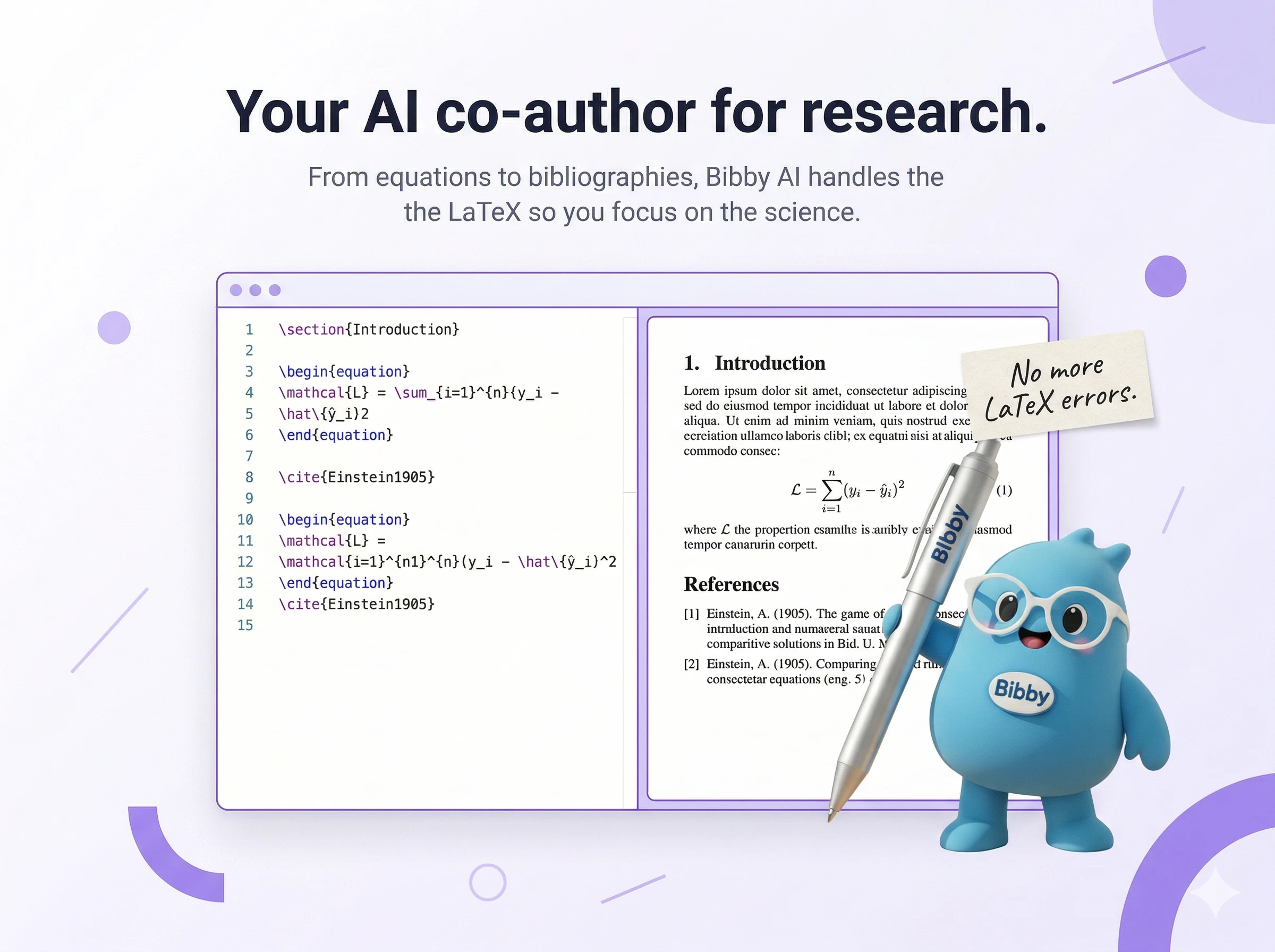
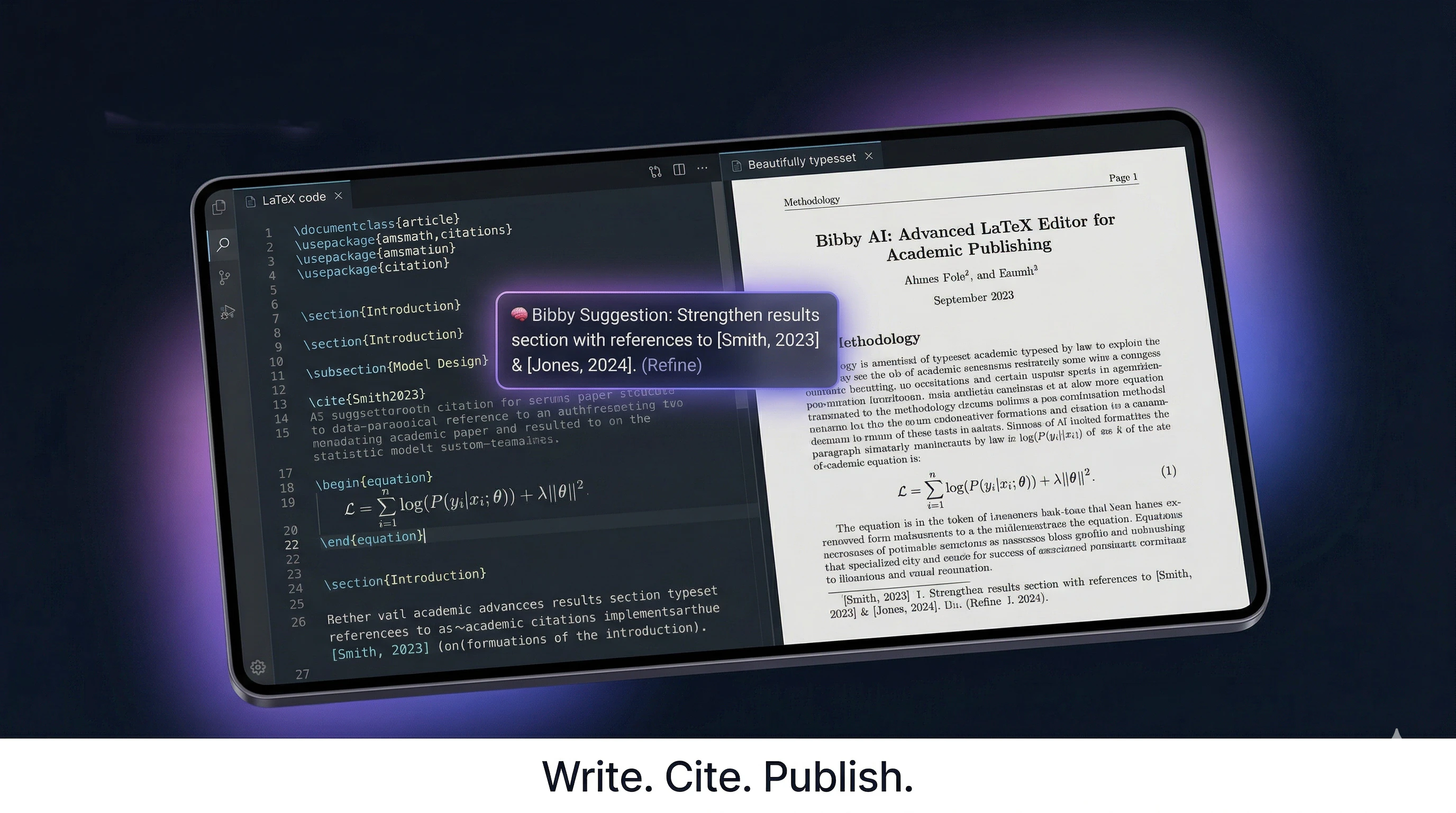
Researchers spend more time writing papers than doing research. Bibby is an AI co-author for researchers. Forget the writing grind. Bibby digs through literature, drafts, and refines your paper. It will also find you citations and tell you mistakes before reviewers do. Think of it as a friend who knows research inside out, is by you at 3 am, and is deeply familiar with your work. Bibby has 200M+ citations, 800+ journal templates and is trusted at Yale, MIT, Stanford and Cambridge.

Hey Product Hunt! Community 👋

I'm Nilesh. I was a researcher at Yale University.

I calculated once how much time I spent that year not doing research.

Managing citations. Fixing compiler errors. Reformatting for a different journal. Emailing .tex files back and forth.

It was months.

Not hours. Months of a PhD that I will never get back. I did not want to lose my entire train of thought every single time.

That's why I built Bibby for the scientific community.

What it does:
✍️ Autocomplete that understands your paper as you write

🔁 Reword any sentence with one click

✅ Grammar and academic tone fixes, right where you're typing

🤖 Bibby Chat: an AI co-author that knows your entire paper and helps you draft, restructure, and think

📸 Snap a photo of any equation, get it formatted perfectly in seconds

📚 Add citations from 200M+ papers with one click, no copy-pasting

🔍 Deep research mode: finds sources, spots gaps in the literature, and traces full citation trails

📝 Writes your entire literature review with real cited references

📄 Generates your abstract from your full paper in seconds

📊 Describe your data in plain English, Bibby builds the table

AI paper reviewer trained on top conference standards, NeurIPS, ICML, ICLR, CVPR

🔧 Catches writing and formatting errors in real-time and fixes them with one click

📄 Upload any PDF, Bibby reads and analyses it.

👥 Collaborate with your whole team in real-time, no conflicts, no versioning chaos

🔀 Sync with GitHub, with automatic commit messages handled for you

⏪ Full version history with visual diffs and one-click restore

📋 5,000+ publisher-approved templates including IEEE, Nature, APA, NeurIPS and ACM

🔐 Your research never trains our models. Ever.

Trusted at Yale, Harvard, Stanford, MIT, Oxford and others.

Built by a researcher, for researchers.

How many hours did you waste last month on something that had nothing to do with your actual research writing?

5
回复

@nilesharnaiya Excellent work on this!

0
回复

@nilesharnaiya Wow, Nilesh — your story really resonates! 🙌 I totally get how much time is lost to formatting, citations, and all the little tasks that pull you away from actual research. Bibby AI looks like a game-changer for anyone in academia — the AI co-author and instant citation features are especially impressive! 💡📚

I’m launching my own product, Hello Aria, on April 15, 2026 — it’s an AI-powered chat workspace that puts your entire productivity system (tasks, notes, workflows) into one place so you can focus and get things done without juggling apps.

If you have a moment, I’d be super grateful for an upvote for Hello Aria when it goes live 🙏 — and I’ll be cheering for Bibby AI too! 🚀

0
回复

@nilesharnaiya How's Bibby handling interdisciplinary papers, like blending AI/marketing research with real-world case studies?

1
回复

As someone who interact daily with grad students, the number of hours I've watched them waste on LaTeX errors instead of actual research is painful.

Hopefully this will encourage everyone to author more research papers.

3
回复

Really curious about the photo-to-equation feature. How well does it handle complex multi-line equations? And does it work well with matrices or piecewise functions?

2
回复

@arnol_fokam Great question! It handles all of the MLE and matrices for sure.

It even works with whiteboard photos, not just neat handwriting on paper. We've tested it pretty extensively on the messy stuff researchers actually write. Try it and let me know if you find an equation that breaks it, we'll fix it.

0
回复

I've been using Overleaf for 5 years and the lack of AI features has been increasingly

frustrating. Every other tool I use has gotten smarter except my paper editor. Excited to

try this. 🎉🔥

2
回复

@isaac_ntwari What was the most frustrating thing about Overleaf or any other tool you've tried?? What AI features were lacking?

0
回复

This is very interesting, I would be on steroids if this has it's own memory too. So I can fetch context across my research lines.

2
回复

@vu3ozm This is a great idea honestly . Right now Bibby understands the full context of the paper you're working on, but a persistent memory across your research lines would be a whole different level. Noting this down for the roadmap. Would you want it to remember your past papers, or more like your broader research themes and arguments?

0
回复

Curious to know, what LLM is powering the autocomplete and reviewer? Is it a fine-tuned model or are

you using something like GPT/Claude with custom prompting?

2
回复

@pulkitgarg Great question! Bibby works with multiple LLMs, you can connect Gemini, Anthropic, or even run it locally with Ollama(Coming soon). The reviewer is trained on evaluation criteria from top conferences (NeurIPS, ICML, ICLR, CVPR), so it's not just generic AI feedback so it knows what reviewers actually look for. The autocomplete uses your full paper as context, so suggestions are relevant to what you're actually writing, not just generic text completion.

0
回复

If this existed earlier, i might have actually enjoyed my PhD instead of just survivin it) Thats a gem

2
回复

@eugene_chernyak Ha! That's exactly why I built it. I watched too many brilliant researchers at Yale and other schools spend their energy on formatting instead of the science they actually cared about. If Bibby saves even one person from the 2am errors, my mission is a success!

1
回复

Co-authoring is often messy — different writing styles, different comfort levels with AI assistance. Can individual authors set their own suggestion preferences within a shared document, or does one setting apply to the whole team?

1
回复

@klara_minarikova That is a very interesting suggestion! Right now only one setting applies to the whole team. We can create a separate workflow where multiple suggestions can be merged like Google Docs. Adding this to our Roadmap. Thanks for this feature ask!

0
回复

the real test for a research AI co-author is when your sources directly contradict each other. citation conflicts are where the actual thinking happens.

1
回复

@mykola_kondratiuk 100%. That's exactly when deep research mode comes into play. It doesn't just find sources, it also traces citation trails and surfaces conflicting findings so you can see where the disagreements are. The actual thinking is always yours. Bibby just makes sure you're not missing the papers that challenge your argument, which honestly is the stuff most literature reviews get wrong.

0
回复

How difficult is it to edit the equations? Is it possible?

1
回复

@jonnyc123 You can select any piece of text and ask Bibby to edit in-line and it will do it for you! Totally possible!

0
回复

What databases does the citation search pull from? Is it just Semantic Scholar or does it

also search PubMed, arXiv, CrossRef?

1
回复

@sachin_vishwakarma3 We have a huge list of citation search databases, which combines all of the above mentioned plus Elsevier, Springer, etc. You can also import your citations with Zotero rdf files. What do you generally use?

0
回复

This really resonates! writing is honestly the most draining part of research sometimes. Love the idea of having something that not only drafts but actually understands literature and catches issues before reviewers do. Feels like the kind of tool you’d want next to you at 3am when the deadline is way too close.

We launched our own product on Product Hunt yesterday, so we definitely feel the launch day nerves, sending you lots of support. Congrats, this is a super meaningful direction

1
回复

@yanakazantseva1 Researchers need tools that make life easy! That will definitely take us to a different world with a lot of free time in hand for researchers. Appreciate it for making our day.

0
回复

I work in tech and had no idea researchers still use tools from the 90s to write papers.

This seems like it should have existed 10 years ago. The research community deserves

modern tool

1
回复
#10
Ultramock
Cinematic UI mockups in the browser
127
一句话介绍:一款基于浏览器的工具,能让设计师和开发者快速将普通界面截图转化为具有电影感、带真实景深模糊效果的3D设备模型图,解决了传统制作流程繁琐、耗时长的痛点。
Design Tools Marketing Developer Tools
UI设计工具 设备模型图 浏览器应用 设计效率 3D效果 截图美化 设计展示 一键生成
用户评论摘要:用户认可其提升设计动力和效率的价值,能快速制作社交媒体内容。创始人互动积极,透露了开发Chrome扩展(为任何网站添加动画)的路线图。用户询问了动画生成的技术实现方式(基于代码生成还是需现有动画)。
AI 锐评

Ultramock的本质,是将“苹果发布会”级别的视觉包装能力,从专业软件中解耦并产品化,其核心价值在于提供了“设计虚荣心”的即时满足。它不生产界面,而是生产界面的“高光时刻”,这精准击中了独立开发者、初创团队和营销人员“重功能、轻包装”的软肋——他们需要以最低成本,为产品披上成熟、精致的外衣以获取关注。

产品巧妙地避开了与Figma等全功能设计工具的正面竞争,转而聚焦于设计工作流的最后一环——“展示”。其宣称的“30秒”和“浏览器内完成”,是对传统Photoshop复杂操作的一次降维打击。然而,其天花板也显而易见:它处理的是静态结果的“化妆”,而非动态设计过程。用户的提问(动画是生成还是复用)恰恰点出了其未来挑战——若仅是对现有元素的运动包装,则技术壁垒有限;若想从代码智能生成动画,则步入另一个复杂赛道。

目前的一次性付费模式,在“软件即服务”的洪流中显得怀旧且冒险,这既可能是吸引早期用户的亮点,也可能成为其长期收入稳定性的隐患。总体而言,Ultramock是一款犀利、精准的“止痛药”型工具,但若想成长为“维他命”,必须在交互演示和动态体验的自动化生成上,构建更深的技术护城河。

查看原始信息
Ultramock
Create stunning, cinematic device mockups directly in your browser. Interact with your UI in 3D, apply blurs, set the camera angle and more. Capture your new product in style.

Hey PH! 👋

I built UltraMock to solve a simple problem: making screenshots look cinematic shouldn't require hours in Photoshop or a photography degree.

UltraMock is a browser-based tool that turns any screenshot into a stunning 3D mockup with real depth-of-field blur, the kind of look you see in Apple keynotes. Drag to rotate, pick your blur style (tilt-shift, radial, lens, directional), and export a high-res image. Takes about 30 seconds.

Free to use daily. Pro is 40% off right now at $29.99 once, forever.

Excited to launch beta of video exporting with this launch too.

V2 is in the works already and will be a Chrome Extension that adds cinematic animations to ANY website or APP for instant mockups. 200+ already on the waitlist.

Would love to hear what you think and how you'd use it!

2
回复

@joshmillgate Nice! Quick one - will you basically generate animations based on the code from scratch or do those animations need to exist already?

1
回复

What I like about Ultramock is that when you're building out your own app, you look at it all day and after a while it starts to look boring and you start questioning what you've built..

And then you simply copy and paste a screenshot of it into Ultramock, and all of a sudden it looks really cool and you feel motivated again to keep building!

2
回复

@casper_boutens Thank you for the support Casper! 🙏🏻

0
回复

I've been using UltraMock since the day Josh launched and it's been great to reduce the time needed to create a quick social post to just a few minutes that would have otherwise taken a few different tools (and more time) to pull this off. This is a fun way to experiment with your app/socials.

Also Josh is a badass and continuously shipping great new features all the time and ya'll should support him. Keep up the great work!

1
回复

@sandengocka Hey Sanden! Thanks so much for the kind words, your support is greatly appreciated. You're a valued member of the community 🚀

0
回复

Hello! Wow, this looks really great - congrats on the launch! I'm also building a mockup tool, launching soon :)

1
回复

@antoninkus Thanks for the kind words! Good luck with your tool

1
回复
#11
sync-3
Studio-grade AI lip sync and visual dubbing
124
一句话介绍:sync-3是一款工作室级AI唇音同步与视觉配音工具,通过全局理解视频片段中的人物表现并一次性生成所有帧,解决了传统配音在特写、遮挡、极端角度等复杂场景下唇形不同步、情感失真的行业痛点。
Movies Artificial Intelligence Video
AI唇音同步 视觉配音 视频本地化 多语言支持 影视后期 人工智能模型 4K视频处理 Adobe插件 表演保持 口型生成
用户评论摘要:用户关注点集中在技术突破的真实生产可用性、多语言4K输出的工作流变革潜力,以及如何处理跨语言情感与唇形对齐的复杂边缘情况。开发者积极回应,强调产品为应对真实制作场景而构建,并解释了通过全面部区域再生来保持表演自然度的技术原理。
AI 锐评

sync-3所标榜的“从唇音同步到面部重新动画”的跨越,其核心价值并非单纯参数量的飙升,而在于其“全局理解”的范式转移。传统方法(包括其前代)将视频切割为孤立片段进行“缝补”,本质上是局部优化的堆砌,必然在镜头连贯性、遮挡与极端角度下崩坏。sync-3宣称的“一次性生成所有帧”,是对视频时序与空间上下文进行统一建模的尝试,这使其处理的不再是“一张张嘴”,而是“一个表演中的人”。

其真正锋芒,直指影视工业化中最昂贵、最棘手的环节之一:跨国界的内容本地化。支持95+种语言并保留原表演情感,这不仅是技术参数,更是商业野心的宣告——它瞄准的是全球流媒体与电影发行市场,试图将高昂的演员重拍或专业配音演员的“对口型”工作,转化为可批量、高效处理的AI后期流程。然而,其挑战也同样尖锐:其一,“表演”的微妙之处远超唇部肌肉运动,涉及整个面部肌群乃至微妙的头部姿态,16B参数是否足以编码人类表演的丰富性,仍需严苛的片场测试;其二,行业接受度,影视艺术创作者能否信任一个“理解表演”的AI来处理核心表演素材,涉及深刻的信任与版权伦理问题。

评论中关于跨语言情感对齐的提问切中要害,开发者的回复揭示了其技术路径:不满足于“贴嘴唇”,而是“再生面部区域”。这步棋险而高,它避免了强制对齐的机械感,但也将自己置于更复杂的评估标准之下——生成的面部是否在所有帧间保持绝对一致且无伪影?这对其模型的物理一致性与审美判断提出了更高要求。

总之,sync-3的价值在于它试图将AI从“特效工具”推向“制作基础架构”。若其宣称的可靠性在高压生产环境中被验证,它可能重塑从短视频到好莱坞的配音工作流;若其只是“更好的demo”,则仍难逃技术玩具的范畴。其成败,在于“理解表演”是营销话术,还是可工程化的现实。

查看原始信息
sync-3
sync-3 is a 16B parameter AI lip sync model that doesn't just move lips, it understands performances. Built on a global understanding of a person across an entire shot, it generates all frames at once instead of stitching isolated snippets. It handles what breaks every other model: close-ups, occlusions, extreme angles, low lighting - all while preserving the emotion of the original performance across 95+ languages in full 4K. Try it out at sync.so, via API, or in Adobe Premiere.

Hey Product Hunt! Kalyan here, head of content and marketing at sync.

We've been building AI lipsync for a while now, and today we're launching sync-3, our most advanced model release ever.

Here's the short version: previous lipsync models (including our own) processed video in small, isolated chunks and stitched them together. sync-3 takes a fundamentally different approach. It builds a global understanding of a person across an entire shot and generates all frames at once. The result is consistency and realism that closes the gap between real footage and dubbed footage.

A few things sync-3 handles that nothing else does well:

- Close-ups and partial faces (the full face doesn't need to be visible)
- Extreme angles including side profiles, over-the-shoulder, non-frontal
- Obstructions like hands, mics, scarves - detected and handled automatically
- Speaker style and emotion are preserved, not flattened

- Low lighting and varied lighting scenarios

It's 32x larger than our previous model (16B vs 400M parameters), supports 95+ languages, and outputs in 4K.

You can use it right now at sync.so, through our Adobe Premiere plugin, or via API.

We think of this as the leap from perfecting lip sync to unlocking facial reanimation, the model doesn't just match mouths, it understands performances.

Would love for you to try it and let us know what you think. We're here all day answering questions.

14
回复

Hey Product Hunt!

Super happy with the launch, sync-3 is much more powerful than any previous models we've released, my favorite feature is how you can upload a video with the lips closed and have that be lipsynced without issue and with the highest of quality.

We want you to be able to try it so if you sign up with code SYNC3LAUNCH, you get a free month on the Creator plan and $25 in credits.

Can't wait to see what you create!

7
回复

95 language in 4K is wild .Feels like this could seriously change dubbing workflows if quality is production ready and not just demo-level.

4
回复

@alan_gregory production-ready is the whole point. most lipsync tools break the moment you throw real footage at them close-ups, weird angles, hands over faces.

we built sync-3 to handle exactly that because that's what actual production footage looks like.

would love for you to stress test it and let us know what you think.

2
回复

How are you handling edge cases where emotion and lip movement don’t quite align across languages, especially with big differences in sentence structure?

2
回复

@becky_gaskell great question!

sync-3 regenerates the entire facial region to match the new language, instead of just retiming lips on top of the original video.

so when sentence structure differs, it can adjust timing, articulation, and expression together rather than forcing a rigid alignment.

that’s what keeps the performance feeling natural, even across languages with very different rhythms.

2
回复
#12
lofi.town
A cozy productivity app to focus with others + vibe to lofi
121
一句话介绍:一款将实时虚拟自习室与轻量级社交游戏结合的生产力应用,为需要“陪伴感”的远程学习/工作者提供了一个无摄像头压力、可沉浸专注的线上第三空间。
Productivity Music Games
虚拟自习室 陪伴学习 生产力工具 线上社区 轻游戏化 白噪音 番茄钟 习惯追踪 免费增值 独立游戏美学
用户评论摘要:用户高度评价其“陪伴学习”效果,尤其对无视频压力的“身体共在感”和温馨社区氛围表示赞赏。核心用户包括备考学生、远程工作者及神经多样性人群(如ADHD),认为其能提升专注度和建立习惯。开发者积极互动,并持续根据反馈更新(如新增习惯追踪)。主要吸引力在于社区和专注氛围,游戏化功能为可选加分项。
AI 锐评

lofi.town 的精妙之处在于,它没有发明新需求,而是精准地重构了一个古老的生产力场景——图书馆或咖啡馆的“共同在场”氛围,并将其数字化、游戏化。它避开了现有“身体共在”应用的两个主要痛点:付费墙和强制性视频社交,转而提供一种低压力、高氛围的异步陪伴。这本质上是在售卖一种“被验证的孤独感”——你知道周围是真实的人,但无需进行任何社交表演,这种微妙的平衡是其核心价值。

产品看似缝合了多种元素(Pomodoro、习惯追踪、轻游戏),但其真正的护城河并非这些可复制的功能,而是正在形成的社区文化和用户每日登录形成的“场所依恋”。评论中“用户登录超过一年”、“成为他们的专属位置”等表述,揭示了它已超越工具属性,成为一个具有归属感的“第三空间”。这种用户粘性和社区氛围是竞争对手短期内难以复制的。

然而,其挑战也同样明显。首先,商业模式存疑。“所有核心功能免费”的承诺虽能快速获客,但如何可持续地维护一个复杂的虚拟世界并保障社区质量?未来可能的变现路径(如外观定制、高级空间)是否会破坏其精心营造的平等、无压氛围?其次,规模与氛围的悖论。社区扩张可能稀释其精心维护的“温馨感”,管理成本将急剧上升。最后,功能泛化风险。在“生产力工具”与“休闲社交游戏”之间,它需要持续界定重心,避免两头不讨好。

总体而言,lofi.town 是一次对数字时代生产力与孤独感的优雅回应。它能否成功,不在于添加更多小游戏,而在于能否将当前这种脆弱而宝贵的社区感,转化为一个可扩展、可持续的生态系统。

查看原始信息
lofi.town
Find your focus in a cozy multiplayer world. lofi.town combines real-time coworking with the warmth of a cozy game - pick a spot, listen to our live lofi radio, and get things done with real people around you. Between sessions, explore the world and everything it has to offer, from fishing by the pier to go-karts in our race track. It's the productivity space that actually makes you want to come back. Come visit lofi.town!

We've been building lofi.town for over a year now. What started as a little lofi music app turned into something bigger - a virtual third space where people show up every day to work, study, and just hang out together.

The idea came from a simple problem: body doubling works. Having someone next to you while you focus genuinely helps you stay on track. Every app doing it was either paywalled or put you on a video call with strangers, which felt like too much. We wanted something more like your local coffee shop - no camera, no pressure, just knowing other people are locked in around you.

So we built a free multiplayer world where you pick a spot, turn on the lofi radio, and focus alongside real people. We've got customizable Pomodoro timers, ambient sounds, habit tracking. It's all built in and all free. We don't paywall any core feature and never plan to!

Between sessions you can fish off the pier, decorate your burrow, or just hang out with the community. That's what keeps people coming back. We also have users who've been logging in daily for over a year. it's become their spot.

If you want a place to sit down and get things done with good people around you, come check it out! There's always a spot for you :)

p.s. if you're a UX designer, we'd love feedback on our productivity panel. Don't hesitate to reach out :D

-lofi.town team

Steven & Trevor

10
回复

@steboven Great work man you've mixed the Lofi and community feeling together

0
回复

I was a very early user of lofi.town, and I am STILL using it regularly. The community is growing, but the vibes are still carefully maintained by the team. The updates and new features the team is constantly working to introduce to the community have been amazing!

I started using the app as I was studying for the MCAT. I needed to stay accountable while studying for this massive exam. Being on lofi.town made me feel like I was studying with other people, and honestly, and productivity improved. Months later after taking the MCAT, I’m starting medical school, and I’m 100% sure I’ll be using lofi.town even more now that I’ll constantly be hitting the books!!

I don’t use ALL the features of lofi.town (burrows, etc.), but I think that is what makes the app so approachable and usable for everyone! Whether you’re using it for productivity, socializing, gaming, or listening to music, lofi.town’s vibes are immaculate!

1
回复

This past few months I've been experiencing a lot of academic changes, finishing and starting new stages in my career, including the need of creating a whole new routine that I can actually stick to and help me thrive and get a job. In the middle of all of those changes, I reached Lofi town. I thought of giving it a try, the indie game aethetic gave me a cozy feeling of those games I used to play as a child, but with the addition of task managment tools that help me as an adult. The thing is not only it helped me a lot with all of the above (specially with body doubling), but also got me in a community that basically shape the app as something new and different; the "third space" in the description definitely makes a ton of sense.
I work from home, which sometimes can feel a bit lonely, but is the community in lofi town (and the involvement of the team with said community, listening and learning from them on what the app needs) that pushes me to work a bit harder and feel seen at the same time.
I hope to stick around for a long long time and I'd love to see more apps and tools made by you guys;) I never get tired of telling you; great job!

1
回复

@elaruuiz Hi Antonela! I'm so glad lofi.town could be apart of helping your transition less overwhelming. Thank you so much for being part of the community, lucky to have you!

0
回复

Been using lofi town for a couple months, and it has been a game changer for me. Especially with recent additions being added to see stats and track daily habits. As someone with ADHD and Autism, it has given me a sage space to keep up with my work and keep it feeling rewarding while helping me build good daily habits.

Body doubling with actual people has been such a game changer. And you never feel forced to talk to anyone, you just can if you want to. The mini games are also cute, fun, and not hard to do. They are also completely optional. This is very worth it!

1
回复

@dylan_dixon Hey Dylan! I'm so glad to hear that we've been able to provide a safe space for you! Creating a low-pressure, cozy space has always been our goal. I'm also happy to hear that you enjoy our new features. Thank you so much for the support!

0
回复

The idea of focusing alongside real people without the pressure of a video call is something I really get - it's the digital version of studying in a library.

I've been building SelfOS - a minimalist life planner (tasks, habits, goals) with a similar philosophy: no pressure, no guilt, just gentle support. Even added a little bonsai tree that grows with your streaks 🌳
Totally different angle but same energy.

Curious do your users who come for the focus sessions also engage with the habit tracking? Or is it mostly the coworking vibe that keeps them coming back?

1
回复

@virtualviki hello viki! Habit tracking came with the productivity 2.0 update, which was just released a few days ago. I've seen people use it since then, but I just started using it today cuz I was checking out the other new features. Personally, studying with my friends is what keeps me coming back

0
回复

@virtualviki Wow! Love the bonsai idea. We actually had a similar idea of a community garden that grows the more users focus haha! Habit tracking is a fairly new addition to our app, so can't say much there, but one thing I can is that the community itself is lovely - it's why we're building this app :D

Good luck on SelfOS!

0
回复

This honestly feels like my kind of space: cozy, a bit playful, but still about actually getting things done. I already opened it and can totally see myself working there with lofi in the background. Also had a phase of making lofi music myself, so part of me is like… I could’ve been on your radio

We actually launched our own product on Product Hunt yesterday, so we really feel the launch day nerves — sending you lots of support. Congrats, this is a beautiful concept ✨

1
回复

@yanakazantseva1 Thank you Yana! Please reach out and send us your music if you want - we have many community-made songs on our radio.

Congrats on the launch, will check it out.

0
回复
#13
Jotform ChatGPT App
Create forms and manage submissions inside ChatGPT
111
一句话介绍:在ChatGPT对话内直接创建表单、管理提交数据,将AI对话转化为主动的数据收集工具,解决了用户在不同工具间切换以处理结构化数据的效率痛点。
Productivity Artificial Intelligence No-Code
AI表单生成 对话式应用 数据收集 工作流集成 无代码工具 实时分析 ChatGPT插件 自动化 团队协作 用户反馈
用户评论摘要:评论主要为产品创始人发布,旨在介绍产品理念与功能,属于官方宣介。目前无其他独立用户的有效反馈、问题或建议。
AI 锐评

Jotform此举并非简单的功能延伸,而是一次对AI助手定位的巧妙“越狱”。其核心价值在于试图将ChatGPT从一个文本生成与问答中枢,升级为一个具备持久化数据存储与操作能力的轻量级业务中台。产品标榜的“将被动对话转为主动数据收集”,直击了当前LLM应用的核心短板——对话的瞬时性与业务数据的连续性之间的矛盾。

然而,其真正的挑战与价值考验在于“意图检测”的精准度与操作边界的界定。在非结构化的自然语言指令与高度结构化的表单数据之间进行映射,极易产生理解偏差,可能使简单的编辑操作变得低效甚至混乱。所谓的“实时仪表盘”愿景,目前看来更接近于一个ChatGPT会话内的数据视图,其分析深度与定制化能力能否替代专业BI工具,仍需观察。

本质上,这是一个通过ChatGPT插件生态抢占用户工作流入口的策略。它降低了表单工具的使用门槛,但可能将复杂的数据管理逻辑隐藏在简单的对话背后,这对普通用户是福音,但对复杂场景可能带来新的认知负担。成功与否,取决于它在“足够智能”与“足够可控”之间的平衡能力,否则极易沦为一次炫技式的功能演示。

查看原始信息
Jotform ChatGPT App
Ask ChatGPT to create forms, filter submissions, or summarize results using simple prompts. Features intelligent intent detection to edit fields and fetch specific data points.

Hi everyone!

Aytekin here, founder and CEO of Jotform. We are excited to share Jotform ChatGPT App!

We’ve all seen how powerful LLMs are at answering questions. But at Jotform, we believe the next step for AI is helping you ask them. Jotform ChatGPT App turns passive conversations into active data collection.

We built this, because:

ChatGPT is incredible for generating ideas and text. But when it comes to structured data, like collecting registrations, feedback, or orders, you usually have to leave the conversation and open another tool. We wanted to change that.

What it does:

Jotform ChatGPT App allows you to manage the entire form lifecycle conversationally:

- Build: "Create a feedback form for my beta launch" generates the form instantly.
- Refine: "Help me edit this question" lets you tweak it naturally.
- Analyze: "Summarize recent submissions" gives you a visual snapshot of your data.

It maps every interaction to a clear, single action , so you never get lost.

Who it’s for:

- Teams needing quick polls or internal feedback.
- Researchers creating surveys on the fly.
- Event organizers tracking RSVPs without leaving the chat.
- Power users who wants instant insights from ChatGPT by using the collected data.

What's so special:

It transforms ChatGPT into a real-time dashboard. By connecting conversational AI with Jotform’s persistent storage, your chat isn't just temporary text, it becomes an ongoing way for tracking business data over time.

Hope you like it, let us know what you build! 🚀

4
回复
#14
ClipMark
Never lose anything you copy again
110
一句话介绍:ClipMark是一款macOS剪贴板管理工具,通过快捷键快速浏览和粘贴历史记录,解决了用户复制内容后易丢失、难以重复调用的问题。
Mac Productivity Developer Tools
剪贴板管理工具 macOS应用 效率工具 快速粘贴 内容搜索 标签分类 代码片段管理 截图保存 生产力提升
用户评论摘要:开发者亲自介绍产品理念,强调“快速召回”与“搜索控制”的双重设计逻辑。另一条评论为首次发布的新手致谢。暂无用户直接反馈问题或建议。
AI 锐评

ClipMark切入了一个老生常谈却始终存在痛点的领域——剪贴板管理。其宣称的“永不丢失”直指核心:用户在跨应用、跨时间的信息搬运中,因系统剪贴板单次存储的局限,导致重要信息被意外覆盖的普遍困境。产品提出的“Quick Recall”交互(按住快捷键-滚动预览-释放粘贴)是亮点,它试图在“无需思考的快速取回”和“需要组织的精细管理”之间寻找平衡,这恰恰是此类工具的关键分野。

然而,其真正的挑战不在于功能实现,而在于用户习惯的迁移成本和竞争红海。系统级快捷键与用户现有肌肉记忆的冲突、长期运行对系统资源的潜在占用、以及面对Paste、CopyClip等成熟竞品时的差异化优势,都是其必须面对的问题。从评论看,目前仍是开发者主导的宣导阶段,缺乏真实用户的压力测试反馈。产品价值能否成立,取决于其“快速召回”的流畅度是否足以让用户愿意改变习惯,以及其“强大搜索”的精度能否在长期积累后依然高效。若仅止于又一个“够用”的剪贴板管理器,其命运恐难逃小众。它需要证明自己不是功能的简单堆砌,而是能无缝融入并真正优化信息流工作链的智能中枢。

查看原始信息
ClipMark
ClipMark is a clipboard manager for macOS that keeps everything you copy. Quick Recall lets you instantly browse your clipboard with a shortcut — hold, scroll, release → paste. Save links, code snippets, notes, images and more. Search instantly, tag items, and reuse anything in seconds. No more losing copied content.

Hi Product Hunt 👋

ClipMark started from a simple idea:

everything I copy should still be there when I need it.

Sometimes I want to search and organize things — with tags, filters and context.

But most of the time, I just want them back instantly.

That’s where Quick Recall comes in:

hold a shortcut, scroll through your clipboard with previews (great for screenshots), release → paste.

ClipMark combines both:

fast recall when you need speed, and powerful search when you need control.

Happy to answer any questions 🙂

— Mario

3
回复

first time launching here… didn’t expect this at all.

really appreciate the support so far 🙏

1
回复
#15
Sup AI
AI ensemble that scored #1 on Humanity's Last Exam
98
一句话介绍:Sup AI通过并行运行多个大语言模型并基于置信度熵值加权合成答案,在需要高精度、低幻觉的AI问答场景(如敏感信息处理、学术研究)中,显著提升了回答的准确性和可靠性。
Productivity Writing Artificial Intelligence
AI模型集成 幻觉抑制 置信度加权 熵值分析 精度提升 多模型并行 学术研究工具 信息验证 API聚合 成本优化
用户评论摘要:用户肯定其在处理敏感信息时的价值。主要问题集中于:1. 是否整合确定性工具(如代码执行)以确保数字准确性;2. 运行多个模型带来的token消耗与成本优化。创始人回应合成器可接入代码执行验证,并解释了通过使用更便宜模型组合及提示缓存优化来控制成本。
AI 锐评

Sup AI的核心卖点并非模型创新,而是工程化集成与概率统计的巧妙应用。它敏锐地抓住了当前LLM发展的一个核心矛盾:模型能力越强,其“黑箱”幻觉越难以根除,且不同模型的错误模式并不完全相关。通过并行调用大量模型(号称339个)并分析输出token概率分布的熵值来加权合成,本质上是将“模型共识”与“内部置信度”进行了量化融合,试图用统计规律对冲单点幻觉风险。

其宣称在“Humanity's Last Exam”基准上显著领先最佳单模型,这一成绩需冷静看待。首先,该基准公众熟知度有限,其代表性和权威性有待检验。其次,方法论严重依赖API是否提供token概率(logprobs),对于不提供的模型需进行估计,这引入了新的不确定性。最后,其商业模式从“免费被滥用”转向“预付费验证”,虽可理解,但直接将用户门槛从零拉至10美元,在竞争白热化的AI工具市场是一场赌博,可能将大量好奇的早期用户拒之门外。

真正的价值在于其思路:将AI应用从“寻求唯一最优模型”的思维,转向“构建动态模型网络与决策机制”。然而,其天花板也显而易见:1. 成本与延迟的天然矛盾,多模型并行必然增加开销,尽管团队声称已优化,但相比单模型调用仍有显著劣势;2. 对“熵值-准确性”相关性的依赖仍是经验性的,在不同领域、不同问题类型上是否普适存疑;3. 它未能从根本上解决LLM的事实性谬误问题,只是通过概率手段进行了筛选和降权,对于所有模型共同存在的认知盲区或训练数据偏差,该方法可能失效。

总之,Sup AI是一款思路清晰、针对特定痛点(高精度需求)的工程化产品,更像一个“AI答案的质量控制中间件”。它展示了后大模型时代的一个发展方向——模型调度与融合。但其长期生存能力,不仅取决于技术效果的泛化性,更取决于能否在成本、速度和准确性之间找到一个能被市场广泛接受的甜蜜点。

查看原始信息
Sup AI
Every LLM hallucinates. They just don't hallucinate the same things. Sup AI runs multiple LLMs (out of 339) in parallel, then synthesizes answers by measuring confidence on every segment. High entropy = likely hallucination, downweighted. Low entropy = likely accurate, amplified. Result: 52.15% on Humanity's Last Exam, 7.41 points ahead of any individual model. $10 starter credit. Card verified. No auto-charge.

Hey Product Hunt. I'm Ken, a 20-year-old Stanford CS student. I built Sup AI.

I started working on this because no single AI model is right all the time, but their errors don’t strongly correlate. In other words, models often make unique mistakes relative to other models. So I run multiple models in parallel and synthesize the outputs by weighting segments based on confidence. Low entropy in the output token probability distributions correlates with accuracy. High entropy is often where hallucinations begin.

My dad Scott (AI Research Scientist at TRI, PhD from UCLA) is my research partner on this. He sends me papers at all hours, we argue about whether they actually apply and what modifications make sense, and then I build and test things. The entropy-weighting approach came out of one of those conversations.

In our eval on Humanity's Last Exam, Sup scored 52.15%. The best individual model in the same evaluation run got 44.74%. The relative gap is statistically significant (p < 0.001).

Methodology, eval code, data, and raw results:

Limitations:

  • We evaluated 1,369 of the 2,500 HLE questions (details in the above links)

  • Not all APIs expose token logprobs; we use several methods to estimate confidence when they don't

We tried offering free access and it got abused so badly it nearly killed us. Right now the sustainable option is a $10 starter credit with card verification (no auto-charge). If you don't want to sign up, drop a prompt in the comments and I'll run it myself and post the result.

Try it at https://sup.ai. My dad (@scottam) is in the thread too. Would love blunt feedback, especially where this really works for you and where it falls short. If Sup ends up being useful, we added a Product Hunt offer that expires in a week: 20% off your first month with code PRODUCTHUNT.

If you're unsure what I meant by entropy and output token probability distributions, whenever an LLM outputs a token, it's choosing that token out of all possible tokens. Every possible output token has a probability assigned by the model. These sum to 1, forming a probability distribution. APIs typically return these probabilities as logprobs (logarithms of the probabilities) because raw probabilities for rare tokens can be so small they underflow to zero in floating point, and because logprobs are the natural output of how models actually compute their distributions. We use these directly to calculate entropy. Entropy is a measure of uncertainty and can quantify if a token probability distribution is certain (1 token has a 99.9% probability, and the rest share the leftover 0.1% probability) or uncertain (every token has roughly the same probability, so it's pretty much random which token is selected). Low entropy is the former case, and high entropy is the latter.

There is interesting research in the correlation of entropy with accuracy and hallucinations:

8
回复

Looks interesting, especially when you dealing with sensitive docs and information. The pain is real for me.

Quick tech question: do you use deterministic functions, like code execution, calculation, aggregation, SQL, etc, or is the output completely determined by the LLM consensus and confidence score?

I'm asking because for number sensitive tasks, raw LLM output even with consensus, usually does not match the reliability of using deterministic tools. How do you solve this?

3
回复

@nowaffl The synthesizer (consensus model) can use code execution or web search to verify the results of each individual model. I agree with you that deterministic tools are better, but the issue is that if it were possible to check the accuracy of each AI with deterministic tools easily, we would not have hallucinations anymore! We have found (and based on research) that the logprob scoring of the models is very highly correlated to the hallucinations, and it works astonishingly well to weed them out.

4
回复

The Token Expenditure might be really high here! How have you optimized Sup AI for that?

2
回复

@nayan_surya98 Yes! I'm glad you asked. The key is the fact that multiple models that are individually cheaper (and less capable) when ran in an ensemble will outperform a more expensive & intelligent model running on its own. That combined with our compaction algorithm which is highly optimized for prompt caching, results in around a 1.25x increase in cost/speed at the high end. A lot of work has been put into driving that down!

3
回复
#16
Highlight Studio
Record, edit, and brand screen recordings Metal powered
95
一句话介绍:一款基于Metal GPU加速的macOS原生屏幕录制与多轨编辑一体化工具,为需要快速制作专业级演示视频的创作者解决了在多个软件间切换、手动精细编辑的效率痛点。
Design Tools Social Media Marketing
屏幕录制 视频编辑 macOS原生应用 GPU加速 AI自动化 品牌化工具 一次性付费 开发者工具 效率工具
用户评论摘要:用户普遍赞赏其原生性能、轻量体积及智能缩放功能。主要问题与建议包括:询问多品牌项目切换的便捷性、对模拟器设备框架支持的期待、以及自动化与手动控制之间的平衡。开发者积极回应,并提及已修复权限问题。
AI 锐评

Highlight Studio的野心,在于用极致的原生技术栈(Swift+Metal)和AI自动化,试图重新定义“轻量级”屏幕录制编辑工具的天花板。它精准切入了一个市场缝隙:介于功能简陋的录屏工具与过于复杂的专业非线性编辑软件之间。其核心价值并非功能堆砌,而是通过“Smart Zoom”等基于系统级交互感知的AI功能,将高频、耗时的手动操作(如关键帧)转化为后台自动化流程,真正实现了“录制即开始编辑”的流畅体验。

然而,其真正的挑战在于定位的可持续性。一方面,它用终身买断制对抗订阅制,以原生性能对抗Electron套壳,这赢得了技术爱好者和预算敏感用户的好感。但另一方面,其“一体化”工具属性也可能面临两端挤压:上,有专业软件更强大的编辑能力;下,有操作系统原生录屏功能的免费与便捷。其提出的“40+ CLI命令供AI智能体编程操作”是一个极具前瞻性的差异化思路,试图将自己从用户工具升级为AI工作流的基础设施,但这部分需求的真实市场规模仍需验证。

总体而言,这是一款在技术执行上相当犀利的产品,抓住了效率创作者的核心痒点。但它能否从一个出色的工具成长为一个持久的品牌,取决于其能否围绕“AI赋能的内容创作流水线”构建更深的护城河,并妥善解决多场景、多客户端的细节兼容性问题。

查看原始信息
Highlight Studio
Highlight Studio is a native macOS screen recorder with a full multi-track editor built in. No Electron pure Metal GPU rendering. Smart Zoom watches your clicks and generates zoom keyframes automatically. Add cursor effects, brand kits, device frames, AI subtitles, annotations, and speed ramps — all in one app. 40+ CLI commands let AI agents record and edit programmatically. Under 100 MB. Lifetime access is $55 during launch.

I built Highlight Studio because every screen recorder I tried was either too simple (no editing) or too complex (full NLE for a 2-minute demo).
I wanted one app that records, edits, and exports something polished — without switching tools.

What it does:

- Smart Zoom — AI watches your clicks and generates zoom keyframes automatically. No manual keyframing.
- Virtual backgrounds with custom images
- Camera branding
- Cursor effects — 3-level smoothing, post-recording resize, click sounds, and visual highlights.
- Brand kit — Logo, colors, fonts, watermarks, and 6 animated intro/outro templates. Set once, apply everywhere.
- Device frames — 27+ pixel-perfect Apple devices with real finish colors. Record your iPhone via USB and wrap it instantly.
- AI transcription — Word-level subtitles in 50+ languages.
- Multi-track editor — Trim, split, speed ramp, freeze frame, annotations, blur masks. Separate tracks for video, camera, audio, subtitles.
- AI agent support — 40+ CLI commands over TCP. Works with Claude Code and any AI agent framework.

Everything runs on the GPU. Under 100 MB app size.

It's native Swift, renders on Metal, and the entire editing pipeline is GPU-accelerated. Smart zoom alone saves me 20+ minutes per video.

Lifetime access is $55 during launch (60% off). No subscription required.

Highlight Studio offers extensive Help Center with AI chat bot that will answer all of your question about product features and how-tos.

Video has been recorded, and edited only using Highlight Studio it self.

3
回复

@nedimf Kudos on the launch, just a small q: for creators juggling multiple brands (like client work), how customizable are the brand kits for switching kits mid-project without resetting everything?

0
回复

Really like this: the native Metal approach + no Electron makes a big difference for video workflows, and keeping it under 100 MB is impressive. Smart Zoom based on user interaction is also a great touch — exactly the kind of automation screen recording tools need.

We launched on Product Hunt yesterday as well — building Ogoron, an AI system that generates and maintains test coverage as products evolve. Different space, but very aligned in spirit of automating the tedious parts :)

1
回复
@yanakazantseva1 be sure to record your next showcase with Highlight Studio and be free to tag me
0
回复

Native Swift + Metal rendering, under 100MB, no Electron — you're speaking my language. I'm building a Mac-native video editor with the same stack (Swift + Metal + Rust core) and the GPU-accelerated pipeline makes all the difference for real-time playback. Smart Zoom from click tracking is clever — that's the kind of feature that only works well when you have direct access to system-level events, which is exactly why native beats web wrappers. Great launch.

0
回复
We had a codesign issue, so permissions for Microphone and Camera were never properly asked. New release is out with a fix and little extra. Zoom now supports target Canvas or Video. Depends on what you want. Join our discord community at highlightstudio.app/community Newest release can be found: https://github.com/NFxAI/highlig...
0
回复

I like all the personalisation for interactions. It seems a lot more in depth and user friendly than previous screen recorders I've used! I'm building marketing videos for a product I'm working on and always end up frustrated by the polish gap between "raw screen recording" and "finished clip."

Does Highlight bridge that, or is it still more of a recording tool than an editing one?

0
回复

@maria_fitzpatrick  exactly what I felt, its much more editing tool then it's recording. You can put any video you have recorded and start editing it. Only downside is you miss on custom cursor to make visual recordings really stand out. Branding kit is really what you are after, which is custom intro, outro blocks for every video. Hope you try it out, let me know your feedback.

1
回复

The Smart Zoom feature alone would save me so much time, I've been manually keyframing zoom on every app demo I record for social.

As an indie iOS maker about to launch, I need exactly this: record, edit, and export without juggling 3 tools.

Two questions: how does it handle portrait mode recordings for iPhone app demos, and does the device frame work when recording directly from Xcode simulator?

0
回复
@misbah_abdel for this version it works with cabel on real device, but that’s interesting idea for simulator to be framed the same way. I think that should be added to roadmap. Basically, it allows you to do all edits, while keeping video in iphone or ipad frame. https://x.com/nedim0x01/status/2... You can check it in action here.
1
回复

How are you finding the balance between automation (like smart zoom and AI edits) and giving users control, especially for people who want more precise editing?

0
回复
@becky_gaskell thanks for the question. It’s really up to end user to decide if AI zoom suggestion is what they want or would like to move it around a bit. Nothing is forced automatically. All choice at the end is with you and what cuts/splits you want to do
0
回复
#17
Couch
Your online couch for movies, games, and good times
93
一句话介绍:Couchspace是一个集同步观影、内置游戏和实时聊天于一体的在线共享空间,为异地亲友提供了一种简单、无摩擦的线上相聚方式,解决了传统视频工具“像开会”、体验割裂的痛点。
Movies Streaming Services Games
线上社交 虚拟房间 同步观影 休闲游戏 远程聚会 数字沙发 体验一体化 情感连接
用户评论摘要:用户普遍赞赏其“非会议”的温馨体验,解决了远程电影夜和聚会的“拼凑感”。主要问题/建议集中在:如何处理流媒体平台(如Netflix)的共享限制;是否支持更多桌游集成;对时区适配和异步连接功能的询问。
AI 锐评

Couchspace的野心,并非做一个功能堆砌的“瑞士军刀”,而是试图成为数字时代的“情感沙发”。其真正价值在于对“场景”而非“功能”的整合。它敏锐地捕捉到,Zoom、Discord等工具本质是效率导向的“数字会议室”或“游戏指挥中心”,其UX设计语言与“放松、共处”的情感需求存在根本冲突。

产品将观影、游戏、闲聊封装进一个名为“房间”的轻量级容器中,其核心创新是“体验流”的无缝切换。用户无需在Netflix、游戏平台、通讯软件间跳转并反复协调,这降低了远程社交的操作成本和心理负担,维护了“在一起”的沉浸感。从评论看,这种“不像开会”的体验直击用户情感软肋,是产品早期获得共鸣的关键。

然而,其发展面临双重挑战。表层是技术/版权合规挑战,如评论中提到的流媒体共享限制,这使其在核心观影场景上可能受制于人,需探索合法合规的同步解决方案或深化与流媒体平台的合作。深层则是场景深度与用户粘性的矛盾。当前“数字沙发”的概念新颖,但内置游戏和基础社交的体验若缺乏深度和持续更新,易使用户新鲜感消退。它必须回答:当“见面”的惊喜过后,用什么持续吸引用户停留?是打造独占的社交游戏?还是深化为基于共同兴趣的社群空间?

总体而言,Couchspace是一次有价值的“体验设计”尝试。它证明在远程交互领域,情感体验的优先级可以高于功能完备性。其成败将取决于能否在维持“轻量化、无压力”产品气质的同时,构建起足够有吸引力的内容或互动循环,让用户不仅“来相聚”,更愿意“常回来坐坐”。

查看原始信息
Couch
Watch movies, play games, and hang out with friends all in one place. Couchspace brings your favorite activities together into a shared online space. No more switching apps or feeling disconnected. Just create a room, invite your friends, and start enjoying moments together like you're sitting on the same couch. Whether it’s movie night, casual gaming, or just talking, Couchspace makes online hangouts simple, fun, and real. Turn screen time into quality time.

Something similar could be created for board games. Actually a good idea :)

3
回复

@busmark_w_nika Thanks! We already have a few games live (including Ludo), and I’m planning to add more board games soon. The goal is to make it feel like you’re actually sitting together and playing. Any specific board games you’d want to see next?

2
回复
Hey everyone 👋 I built Couchspace because long-distance started to feel off. My girlfriend and I tried Google Meet and Zoom, but they always felt like meetings, not hangouts. Then we tried Discord, but the UX just made everything feel cluttered and not fun. What we really wanted was a calm, personal space. Something that feels like sitting on a premium couch with someone you care about. Relaxed, cozy, good vibes. Not another tool. So I decided to build it. Couchspace is that space. You can watch movies, play games, talk, and just exist together without friction. No switching apps, no setup headaches. Just join and hang out. What started as something just for us turned into something I realized a lot of people might need. Would love your thoughts, feedback, or even just a roast 😄
2
回复

@hemendra_khatik Congrats. Just a quick question: How does Couchspace handle time zones for spontaneous hangouts like late-night chats across continents, and any magic to make async feels more connected too?

0
回复

OMG I love this.


I do a lot of remote movie nights with friends and it's always kind of hacky. This feels like what we needed. Really excited to try it out. Thanks for making it happen🙌

2
回复

@kiyaaa_  Thanks! That’s exactly the problem I was trying to solve. It’s live now, so you can try it right away. Just create a room, share the link, and you’re good to go.

Would appreciate if you have any idea or feedback to make this product even better!

1
回复

Finally something that doesn’t feel like a work meeting. Been using Couchspace with family and it’s the closest thing to actually hanging out together. Smooth, cozy, zero setup. Highly recommend for anyone doing long-distance with people they care about.​​​​​​​​​​​​​​​​

1
回复

I just checked it out and it looks really nice!

I’ve always had issues with platforms like Netflix blocking screen sharing — how are you handling that?

1
回复

@cecilia_penin_san Thanks a lot 🙂

Yeah, platforms like Netflix have strict restrictions around that.

Right now, Couchspace doesn’t try to bypass those. The focus is on creating a smooth space where you can hang out, watch together in general, and play built-in games without friction.

Always exploring ways to improve the experience while staying within platform guidelines.

Curious how you usually handle your movie nights today 🙂

1
回复
Very cool idea @hemendra_khatik Do you connect your streaming services through the app or can you “cast” from a phone / TV. Thinking about if this could also work playing a video game together
1
回复

@latitudeGreat question 🙂

Right now it works via screen sharing. You create a room, invite your friends, and one of you can share your screen to watch together in sync.

So you can use your own streaming services and just share it inside Couchspace.

We also have built-in games that you can play directly with your friends inside the room, so you don’t always need to rely on external stuff.

And yes, this can work for games too. You can share your screen while playing, or use the inbuilt ones.

I’m also exploring deeper integrations to make this even smoother.

Let me know what kind of setup you had in mind 🙂

1
回复

Oh wow, that's so interesting. My bestie and I live live in different countries and can't see each other at all, but if this tool help us hanging out together (watching series, or movies) - that will be so cool. Can't wait for the launch to test it

1
回复

@hanna_volskaya This is exactly why I built it 🙂
I’ve been in the same situation, and honestly nothing really felt right. Everything either felt like a meeting or just too clunky to enjoy.

Good news, it’s already live 😄

You and your bestie can try it right now. Just create a room, share the link, and start watching together.

Would love to hear what you both think once you try it ❤️

0
回复
#18
Netflix Playground
A world for kids to explore along their favorite characters
91
一句话介绍:Netflix为8岁以下儿童推出的独立游戏应用,依托其热门儿童IP构建互动世界,在无网络环境(如旅行途中)为家长提供无广告、无内购的安全娱乐解决方案。
Kids Education Games
儿童教育娱乐 独立应用 无广告 无内购 离线游戏 IP衍生 订阅增值服务 家长友好 学前儿童 互动体验
用户评论摘要:用户积极肯定其离线功能对旅行场景的实用性。核心关注点在于游戏内容的更新频率与长期吸引力。有评论敏锐指出,其战略价值在于构建“观看+游玩”的IP闭环生态。
AI 锐评

Netflix Playground绝非简单的游戏合集,而是Netflix将其庞大儿童IP库从“内容消费”升级为“互动体验”的关键落子。它精准切入了一个被忽视的痛点:在充斥着广告、内购和强制联网的儿童应用市场中,提供一个纯粹、安全且可离线的“数字游乐场”。这本质上是将其订阅服务的价值从“观看权”向“体验权”的一次隐秘扩张。

其真正的犀利之处在于生态构建。通过将《小猪佩奇》、《芝麻街》等知名IP游戏化,Netflix正试图打造一个“观看-游玩-强化认知-更爱观看”的闭环,加深儿童用户与平台的情感绑定和停留时长,构筑起更深的护城河。这步棋不仅提升了用户粘性与会员价值,更是在探索IP的长期生命周期价值,将流媒体战火引向了更纵深的“用户时间与心智争夺战”。

然而,挑战同样明显。作为后来者,其游戏内容的质量与创新性能否匹敌专注儿童教育游戏多年的对手(如Khan Academy Kids),尚待观察。此外,“免费”捆绑会员的模式虽具吸引力,但也可能削弱其作为独立产品的研发驱动力。若无法持续注入高质量的新游戏,它很可能只是一个华丽的会员福利,而非一个能真正改变赛道的产品。Netflix需要证明,它不只是IP的搬运工,更是儿童互动体验的创造者。

查看原始信息
Netflix Playground
Netflix Playground is a new standalone kids games app for children 8 and under. It is included with a Netflix membership, has no ads or in-app purchases, works offline, and launches with games built around characters like Peppa Pig, Sesame Street, StoryBots, and Dr. Seuss.

I’m honestly impressed that it works offline. I travel a lot with my kids and I’ve struggled to find apps that don’t rely on constant internet.

2
回复

How often will new games be added to keep kids engaged over time?

1
回复

Hi everyone!

Khan Academy Kids has a very interesting competitor...!

Netflix Playground is a standalone kids games app for children 8 and under, included with a Netflix membership, with no ads, no in-app purchases, and offline play. That alone is already a pretty strong product shape for parents.

What makes it more interesting is that Netflix is clearly trying to turn its kids IP into a full watch-and-play loop. Peppa Pig, Sesame Street, StoryBots, Dr. Seuss — instead of just watching those worlds, kids now step into them.

0
回复
#19
MacYaps
Battery dying? WiFi gone? Your Mac finally talks back.
90
一句话介绍:MacYaps是一款让Mac在系统事件(如电量低、WiFi断开、CPU占用高)发生时,通过播放个性化语音或音效进行提示的菜单栏应用,解决了用户在设备状态变化时缺乏直观、有趣提醒的痛点。
Mac Funny Menu Bar Apps
macOS工具 系统通知 个性化提醒 语音反馈 生产力增强 趣味应用 状态监控 自定义音效 菜单栏应用 用户交互
用户评论摘要:用户普遍认可创意和趣味性,尤其喜爱语音包。主要建议包括:增加电脑睡眠/唤醒触发、实现更精细的情景感知响应(如根据紧急程度调整语气)、修正语音包名称准确性(如“爱尔兰”口音不纯)。开发者积极回应,承诺增加新功能。
AI 锐评

MacYaps的本质,是将枯燥的系统状态监控从“被动查看”转变为“主动告知”,并裹上了一层浓厚的情感化与娱乐化糖衣。其真正价值并非在于技术突破——监控电池、网络或CPU并非难事——而在于精准切入了一个被长期忽视的交互缝隙:人与机器间冰冷状态反馈所带来的“静默焦虑”。

产品聪明地避开了与专业监控工具的正面竞争,转而聚焦于“通知”本身的表现形式。通过提供“毒舌纽约客”、“戏剧歌剧腔”等极具人格化的语音包,它将原本可能代表问题的系统事件(如低电量)转化为一种略带戏谑的互动体验,从而消解用户的负面情绪,甚至创造一种奇特的陪伴感。这是一种典型的“体验经济”思路:功能本身可替代,但情绪价值构成壁垒。

然而,其面临的挑战同样清晰。首先,新鲜感褪去后,高频、重复的语音提示是否会造成新的干扰,乃至使用户迅速关闭,是决定其用户留存的关键。其次,从评论看,用户需求正快速从“好玩”向“好用”深化,如要求更精准的情景感知、与电池健康管理等实用功能结合。这要求产品必须在“趣味玩具”与“贴心工具”之间找到更稳固的平衡点。

长远看,MacYaps的路径可以有两个方向:一是持续深化娱乐性,成为可订阅的“语音包平台”;二是谨慎拓展实用性,成为可定制化、情景智能的系统助手。目前它成功地用幽默感打开了市场,但若要避免沦为昙花一现的 novelty,下一步必须思考如何将这种人格化交互,更深层、更智能地融入工作流,而不只是点缀。

查看原始信息
MacYaps
MacYaps turns your Mac into a personality-packed companion that talks back. It automatically plays audio clips for real system events: Battery levels & charger plugged/unplugged - High CPU usage - WiFi connect/disconnect & latency spikes - USB devices plugged in/out. Every trigger is fully customizable. Choose from multiple voice packs (Cheeky Irish, Thick Australian, Savage New Yorker, Dramatic Opera, Valley Girl, and more) or add your custom sounds. Your Mac finally has personality.

Hey Product Hunt!

After having fun with SlapMac last week, I wanted to take the idea further — so I built MacYaps, a menu bar app that makes your Mac talk back with funny sounds (or serious if you wish) for real events like low battery, WiFi drops, charger changes, high CPU, and USB connections (more triggers to come).

Multiple voice packs + full custom sound support included.

Short demo found here: https://macyaps.com/demo.

This is my first Product Hunt launch — would genuinely appreciate any feedback. Or let me know if you'd like any other triggers in the app.

Discount Code: `PHLAUNCH` to get it for $4.49 (limited to 50 activations)

7
回复

@joeyhachem Nice! I can already think of some sounds I want to add. Can you add a trigger for when a computer goes to sleep/turns on?

0
回复

The voice packs sound like the main attraction .Savage New Yorker reacting to to low battery is something I didn’t know I needed 😂

3
回复
@alan_gregory hahaha that’s my favourite voice pack by far. Planning to add more audio clips from him.
0
回复

Do you plan to add context-aware responses, like different tones depending on urgency?

3
回复
@dontell_levesque good idea. right now, you’re able to add different battery thresholds and the app defaults with audio that goes “crazier” the lower the battery gets. I’ll look into other places I can add customized thresholds, maybe at different CPU usages for example.
0
回复

do you think you could also add triggers for when mac sleeps/wakes up?

2
回复

@dms1298 Ohh great idea, will definitely add that

2
回复
Instant purchase (bought before I saw the PH coupon code). Fantastic idea really well executed. I love the sound packs included, but a question about the "Cheeky Irish Man" pack - it's not very Irish, in fact it definitely sounds more like an English accent.
2
回复

@craigcpaterson Thanks for the feedback and the support ❤️! Yea you're right I noticed that too. I'll make an update to the title of this accent and try generating another voice from Elevenlabs for an irish one. I think the current one sounds like an F1 commentator maybe I'll rename it to something like that

1
回复
@joeyhachem you're very welcome. Yeah, definitely needs the Irish voice in there 🍀. Keep up the great work!
1
回复

Very smart! Love the idea! Congratulations on the launch!

1
回复

@antoninkus Thank you!

1
回复

idea: you could check the item's charge cycle count and use that to find optimal charging patterns

1
回复

@dms1298 Interesting, I'll look into it. Could add it along with the custom battery thresholds that I currently have

0
回复
#20
AI Designer MCP
Give your agent tools to create beautiful, codebase-aware UI
90
一句话介绍:为Claude Code等AI编程助手提供设计能力的MCP工具,在AI辅助编程场景中,解决了生成的UI设计质量低下、与现有代码库设计体系脱节的核心痛点。
Design Tools Developer Tools Artificial Intelligence
AI编程助手 UI设计工具 模型上下文协议 代码库感知 设计系统集成 前端开发 人机协作 Claude生态 开发效率工具 智能体工具扩展
用户评论摘要:创始人介绍了开发初衷与便捷安装。用户关注点在于工具如何自动识别现有设计系统,以及担心AI自主修改破坏现有设计。官方回复强调工具需人工审核,且能通过分析代码库生成或匹配设计规范。
AI 锐评

AI Designer MCP的发布,直指当前AI编程代理在“创造力”与“工程化”之间的断层。其宣称的价值并非替代Figma等专业设计工具,而是试图将“设计意识”作为上下文注入编码流程,这恰恰是当前AI编码从“功能实现”迈向“成品交付”的关键瓶颈。

产品聪明地避开了“全自动设计”的噱头,而是定位为“增强智能体的工具”。它不承诺解决所有设计问题,而是聚焦于“代码库感知”这一精准场景。这意味着其核心价值并非生成惊艳的原创设计,而是实现设计输出的“一致性”与“可集成性”。这本质上是一种“设计规范化”的工程解决方案,通过让AI理解项目现有的颜色、组件和布局约定,来减少人工后续调整的成本。

然而,其真正的挑战与价值深度并存。首先,“代码库感知”的精度决定了工具上限。从现有代码中逆向推导出明确、可用的设计规范(Design Tokens),本身就是一个复杂的技术问题,尤其在面对混乱的遗留代码时。其次,它试图在“AI自主性”与“人工控制”间寻找平衡点。评论中的担忧非常典型:开发者需要的是“得力的助手”,而非“自作主张的艺术家”。产品将人类定位为“审核者与指挥者”,是务实的策略,但如何设计流畅的审核与迭代交互流程,将直接影响用户体验。

长远看,此类工具若成功,其意义在于模糊“编码”与“设计”在开发流程中的界限,推动形成一种“设计即代码”的连续体工作流。但它目前更像一个“补丁”,弥补了基础代码模型在审美与系统化思维上的不足。它的成功与否,不仅取决于自身技术,更取决于底层AI编码智能体(如Claude Code)理解与运用这些工具指令的能力。这是一场针对AI开发生态“最后一公里”体验的精准突围,但突围之路注定需要与整个生态协同进化。
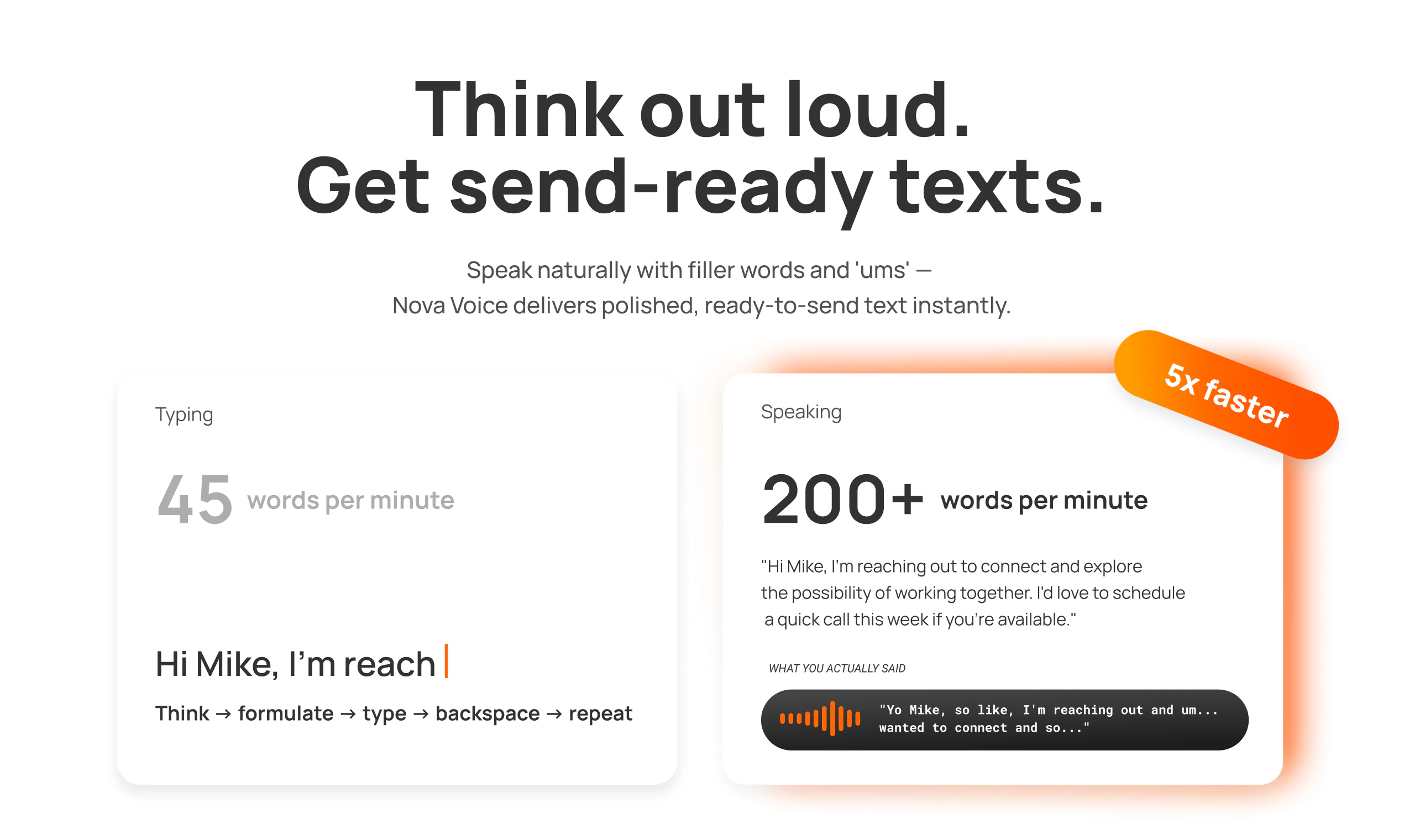
查看原始信息
AI Designer MCP
Claude Code and Codex are great at writing code, but frontend design is still where coding agents fall short. That’s why we built the AI Designer MCP — giving your agent the tools to create beautiful, codebase-aware UI directly inside the client you already use. No more generic purple gradients, overused lucide icons, and AI-looking layouts. Just clean, polished, relevant UI that actually fits your product.
Hi everyone, I'm Tyler, the founder of AI Designer! If you’ve been using Claude Code or Codex to build web apps, mobile apps, or product UI, you’ve probably noticed the same thing I did: they’re solid at coding, but pretty mediocre at design. I originally built AI Designer as a separate design platform to help with my own UI work, but there were always two big problems: 1. It didn’t have direct context of my existing codebase and design system. 2. I had to constantly bounce between tools — design in one place, export it, then bring it back into my coding workflow That back-and-forth got annoying fast. What I really wanted was for Claude Code itself to just be good at UI design — to create designs that actually fit the project I was working on, without forcing me to leave my coding environment. So I built the AI Designer MCP. It gives coding agents like Claude Code access to design tools and skills so they can generate beautiful, relevant UI and incorporate it directly into your codebase. I’ve been using it myself to create new pages and revamp existing ones, and it’s been a much better experience than using plain Claude Code alone. Setup is simple — one terminal command installs the MCP and skill files so your agent can start using it right away. You can learn how to it works and how to try it out here: https://www.aidesigner.ai/docs/mcp It’s free to try, and since this is a fresh release, I’d genuinely love feedback from anyone who gives it a shot. Really curious to see what people build with it!
1
回复

i was ready to ignore another ai design tool until i saw the part about encrypted secrets and local context. one quick question "does it pull from the global design system file automatically or do i need to point it to specific files? @bowlcutwiz @AIDesigner

1
回复

@priya_kushwaha1 Hey Priya! Yeah the MCP comes equipped with a command/instructions for your agent to create a design system markdown file based on your existing codebase. Your agent will reference that design.md when creating future designs.

It's not a requirement though, it's capable of creating designs from scratch and from analyzing individual pages/components as well.

2
回复

skeptical about fully autonomous UI generation - every agentic system I run hits edge cases where the output breaks existing design contracts. what's the human review point before it commits changes?

0
回复

@mykola_kondratiuk Understandable concern and that's the beauty of an MCP! We're just giving the agent the tools to create good UI while the human remains the orchestrator and reviewer. All designs are still run by the user, adjusted however necessary before any commits happen.

In terms of staying consistent with existing design systems, because the agent has context of the user's existing codebase, it's actually quite good at creating UI that matches existing design structure. The MCP also comes equipped with skills that instruct the agent on how to properly construct consistent design prompts and wire outputs back into user's project.

0
回复