Product Hunt 每日热榜 2026-04-30

PH热榜 | 2026-04-30

#1
Hera Launch
Create studio-quality launch videos with AI
365
一句话介绍:Hera Launch是一款AI驱动的产品发布视频生成工具,让用户通过一句提示在10分钟内生成具有专业动态设计工作室水准的动画视频,解决传统视频制作耗时、昂贵且AI生成缺乏审美的问题。
Design Tools Artificial Intelligence
AI视频生成 产品发布视频 动态设计 营销视频工具 SaaS产品 动画制作 品牌视频 自动化视频创作 AI动效 Product Hunt
用户评论摘要:用户普遍认可“AI内置审美”的差异化,称赞其解决动态设计难点。主要反馈包括:期待支持多比例(如竖屏)、自定义字体已支持;早期测试效果不惊艳需迭代提示;与Screen Studio定位互补(录屏vs动效);声音/播客内容暂未覆盖;创始人亲自互动,响应积极。
AI 锐评

Hera Launch最核心的卖点并非“用AI生成视频”,而是“用AI替代动态设计师的审美判断”。当前市面上大多数AI视频工具将审美负担转嫁给用户——你需要懂得哪些排版、曲线、缓动是好的,这本身就是一门专业。Hera的“opinionated”策略,本质上是在AI里预置了一个虚拟的创意总监,让不懂设计的人也能产出专业级动效。这个定位很聪明,它切中的不是“替代设计师”的宏大叙事,而是“让非设计师快速上手”的真实需求。

但从用户反馈看,问题也很明确:第一,初始输出质量不稳定,所谓“第一次最差”本质上说明审美预置系统仍有很大的提升空间,依赖用户反复迭代提示才能出好片,削弱了“10分钟”的承诺;第二,目前仅支持16:9,竖屏等社交格式缺失,严重限制了在抖音、Reels等主流渠道的传播场景,这会劝退大量SaaS营销团队;第三,产品定位在“发布视频”上过于狭窄,用户评论中暴露了播客、功能更新等多场景需求,走Mograph(动态图形)路线却只做launch video,可能会低估自身的复用价值。

整体而言,Hera Launch在“降低专业门槛”这一维度上做得比大多数AI视频工具好,但它离“真正的零门槛”还有一段距离。它的未来不在于替代After Effects,而在于成为产品团队的标配营销基础设施——前提是它能快速补齐比例适配、模板多样性和迭代效率。如果它在审美预置和迭代速度之间的平衡做得够好,有潜力成为AI视频生成在专业领域的一个参考范式;如果停留在当前阶段,则更可能成为一个“有一定审美但还不够稳”的辅助工具。

查看原始信息
Hera Launch
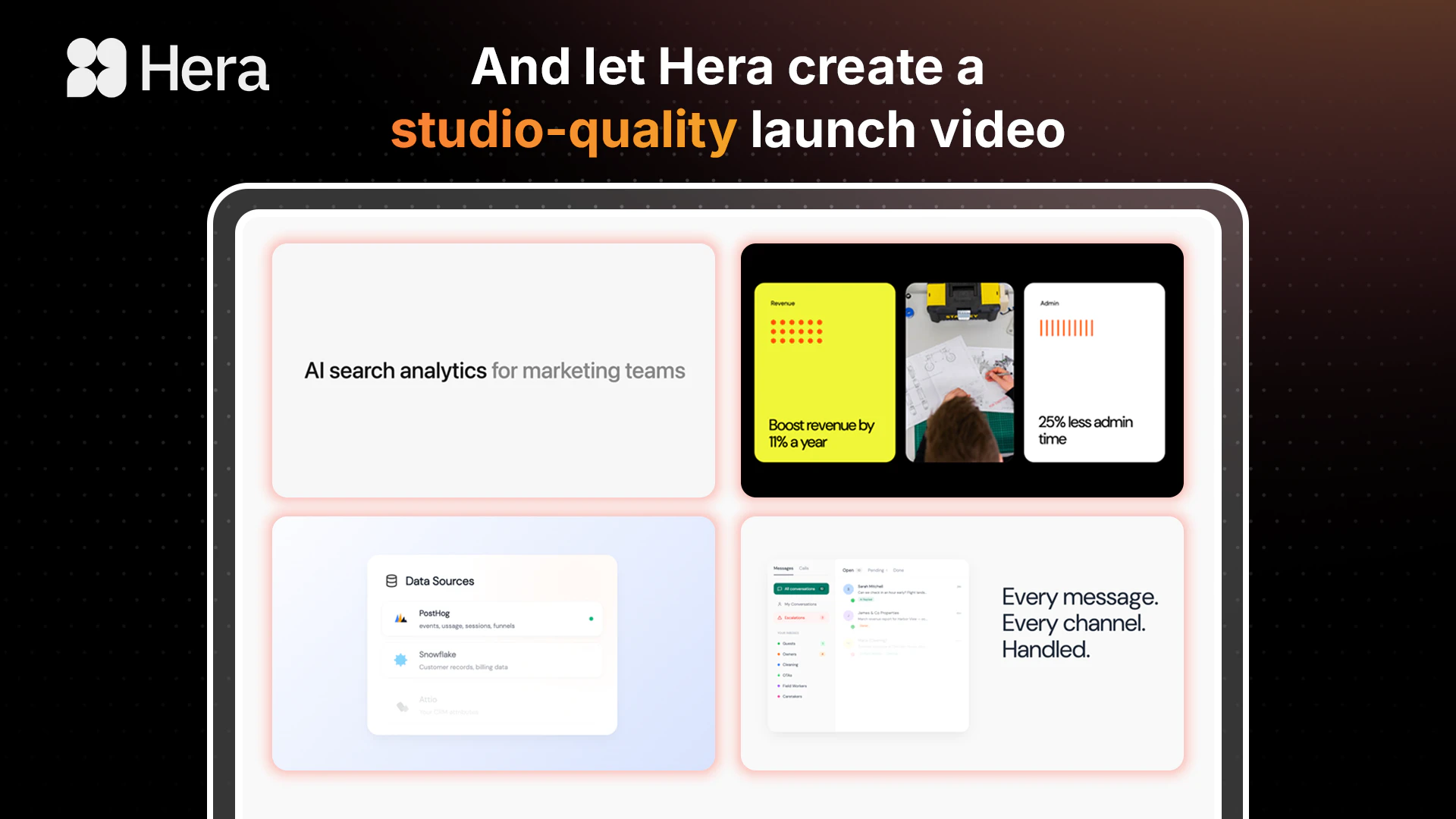
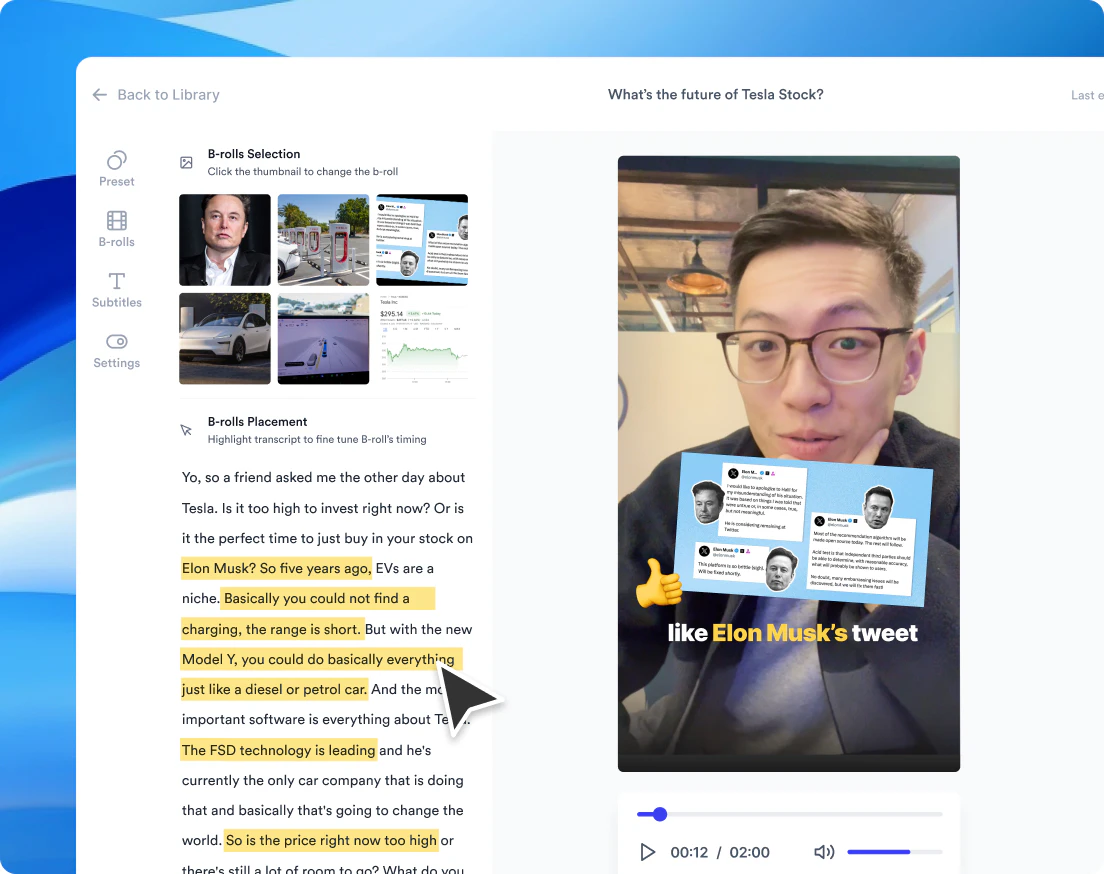
Product launch videos used to take weeks. Hera Launch makes them in seconds, from a single prompt. This works because Hera is opinionated. It works like a motion design studio and decides pacing, typography, motion curves, and easing for you. We built it for product teams that want to launch fast and often: 10 minutes from idea to finished video, on a monthly subscription.
Hey PH 👋 Peter here, one of the co-founders of Hera. We started Hera because making a good launch video is unreasonably hard. Hiring a motion design studio costs thousands and takes weeks. Doing it yourself in After Effects takes weeks of learning. Most AI video tools sit in between: technically capable, but the output looks like AI made it, because they have no taste of their own. The user has to bring the taste through the prompt, and that's a lot to ask. So we made a different bet with Hera Launch, our new extension of Hera: the AI should have the taste, not the user. We baked in opinions about pacing, typography, motion curves, and easing, the way a good motion design studio would. The user describes what they want to show. Hera handles how it looks. The surprising part is what this unlocks. Once a launch video takes 10 minutes instead of 2 weeks, you stop saving them for the big quarterly moments. You start making one for every feature, every release, every announcement. We built this for product teams that ship fast and want to launch often. If that's you, try it at [launch.hera.video](http://launch.hera.video). And if you're launching something soon and want a hand getting your first video right, DM me. Happy to give you free access and walk you through it personally. Would love your feedback.
12
回复

@peter_tribelhorn What's one "opinion" you've baked in like a specific motion curve or type choice that users have loved most so far?

0
回复

Congrats @peter_tribelhorn

I’ve seen a lot of startups struggling with demo videos so definitely much needed tool! How does this compare to screen studio for product demos?

4
回复

@kate_ramakaieva thanks! screen studio is great for clean screen recordings with zooms and cursor work, super polished for what it does. hera is motion graphics, so think animated typography, transitions, kinetic product shots, the stuff that gives a launch video energy beyond just showing the UI. most teams probably need both honestly

0
回复

@kate_ramakaieva Do you use Screen Studio yourself? Curious to learn about how you create demo videos.

2
回复

Hey Hera team! Congratulations and good luck with the launch. I tested your app a bit, can't say I got WOW effect at the first touch, maybe I need to experiment more with some real tasks. But definitely love the clear path to the first result and the UI

3
回复

@lipkovskiy Thanks for trying it and for the honest take, that's useful. The first output is usually the worst one, the system gets a lot better once you iterate on the prompt and feed in real product context. If you want to send me what you tried I'm happy to take a look and figure out where it fell short. peter@hera.video

1
回复

@lipkovskiy Thanks for trying out and sharing your honest feedback! Hopefully, next time you try Hera again, you'll wow for 10 seconds.

1
回复

Screen studio videos all look the same now ngl. ready for something with more range

3
回复

@ayushkumar1610 Yeah, the zoom-into-cursor format had a moment but every SaaS demo on Twitter looks identical now. Give Hera a shot, curious what you make.

0
回复

@ayushkumar1610 Exactly! In Hera, you have the full freedom to create what you want.

0
回复

Hera sounds a bit funny as read by a Ukrainian..:) Congrats on the launch!

2
回复
@nikitaeverywhere haha you have to explain it to me
0
回复

The "taste baked into the AI, not the user" call is the right one — most prompt-driven creative tools fail because they outsource judgment to people who don't have it (yet). Adjacent use case: I host the ModeLoop Podcast on financial modeling (https://open.spotify.com/show/0m...), and announcement videos for episode drops are exactly the recurring "ship fast, look good" need that's underserved. Quick question — does Hera handle audio-first content well (waveforms, episode covers, podcast clip animations), or is the current opinion-set tuned mostly to product-launch motion? Would buy day-one if so.

2
回复

@samir_asadov Thanks! Right now the opinion-set is tuned pretty hard for product launch videos, that's where we've put all our taste work so far. Podcast/audio-first content isn't on the roadmap in the near term but it's a use case we've heard a few times now. If you want to try it on an episode announcement I'd be curious what comes out, the underlying system can do more than the current templates expose. Drop me a line at peter@hera.video

0
回复

@samir_asadov Audio-first content sounds very interesting to me. As Peter mentioned, let's chat about your use case :)

1
回复

I’ve tried learning After Effects three separate times and I still can't get my easing right. 😂 The fact that you’ve handled the how it looks part so I can just focus on what it shows is the exact tool I need. Does it allow for custom brand font uploads, or are we limited to the baked-in presets? @peter_tribelhorn

2
回复

@priya_kushwaha1 you can upload your own font and even extract it from your website by just pasting your URL

1
回复

@priya_kushwaha1 Sounds just like how I tried to learn German in the past few years :p. Now you have a good excuse not to learn After Effects! (but I don't for German :( )

2
回复

Big congrats! Do the videos come in different aspect ratios for social, or is it mainly 16:9 for now?

2
回复

@ermakovich_sergey for now it's only 16:9, but we'll ship vertical and squared videos soon!

1
回复

@ermakovich_sergey We're working on it!

2
回复

I've been a video editor for years and motion design has never been my strongest area. This looks super useful

1
回复

@kempinskrr Thanks!

0
回复

Just tried it and honestly, this is AMAZING. First try, 0 prompt, 0 effort and the video generated is great !! Congrats @peter_tribelhorn @chia_lun_wu1 @hyung_lee @garrytan

1
回复

Thanks for feedback!

1
回复

This is the sleekest animation tool we have ever used. Way better than the replit slop

1
回复

@yujian Thanks!

0
回复

Congratulations

1
回复

@madalina_barbu Thank you!

0
回复

Congrats on the launch. Is it possible to prompt and fix certain clips?

1
回复
@zahle_khan thanks for your comment! yes, you can edit!
0
回复

200K animations in 2 weeks is wild. What's the #1 use case you're seeing, social content, product demos, or something you didn't expect?

1
回复

@abod_rehman definitely a lot of map videos but also multi-scene launch videos, which is why we decided a to create a specialized feature for this (https://launch.hera.video/)

0
回复
Team from Hera be cooking as usual 🔥🍳
1
回复

@timcha_cherkasov thanks mate!

0
回复

The director/designer/animator agents thing is interesting, didn't expect that approach.

1
回复

@stellarvore thanks! we will probably iterate on that in the future, but this guarantees good results.

0
回复
Congrats @peter_tribelhorn I was hesitant about the result, but after trying the first result got me excited and even trying to export the video and use it as my next launch. Well done guys. One more thing to think about adding is the animation sounds, background music, and voice over.
0
回复

Good job Peter! I was able to quickly make a decent video and with a few edits it's just what I need. What new features are coming?

0
回复
Congratulations @peter_tribelhorn I tried it on phone and went with the default prompt from my website, it did a good job with a good starter video that I can play around with for a little bit and end up with some great results. I felt loading took too much for the website fetch, I think even more than the actual video creation. Again, a great product and definitely solves a pain. Good luck with your launch.
0
回复

@jihad_mahmoud thanks for the feedback! I have to say, we didn't optimize the mobile experience at all so far, but it's good feedback. We will definitely prioritize this.

0
回复
#2
VideoOS by Jupitrr AI
Your all-in-one video workflow
353
一句话介绍:VideoOS是一个专为创始人和营销团队打造的一站式视频营销平台,通过集成趋势发现、AI脚本生成、提词器录制、自动剪辑与多平台发布功能,将原先需要5-6个工具协作的繁琐流程压缩为单一工作流,解决用户因工具切换和制作耗时导致的视频内容输出不持续的核心痛点。
Social Media Marketing Video
视频营销 AI视频生成 内容工作流 提词器录制 自动剪辑 多平台发布 创始人工具 LinkedIn营销 小企业工具 视频编辑
用户评论摘要:用户普遍认同整合工作流的价值,并对逐行提词器录制功能表示高度关注,认为它解决了重录痛点。主要疑问集中在:AI脚本处理技术术语的能力、品牌风格自定义B-roll、语音克隆所需数据量门槛、以及单行重录后B-roll和字幕的时序衔接问题。产品团队回应称正在开发知识库集成和风格适配功能。
AI 锐评

VideoOS的价值不在于“又一个AI视频工具”,而在于对“创始人视频内容输出”这一场景的根本性重构。它敏锐地捕捉到核心矛盾:技术上,视频制作各环节的工具有无数可选方案;而人性上,创始人的时间碎片化和重复劳动的挫败感才是导致视频计划流产的元凶。产品将“系统化”作为核心卖点,通过全链路闭环降低决策疲劳与操作成本,这是比单纯输出“AI过时的视频”更具护城河的策略。

其最关键的创新并非AI脚本或自动剪辑,而是“逐行提词器录音+单行重录”这一看似微小的产品设计。它将录制环节的“一次成功”压力降级为“分批完成”,极大地降低了创始人的心理天花板和重拍成本,这是驱动“持续发布”而非“做出一支完美视频”的务实策略。与之配合的“基于历史语料进行语音克隆”,则进一步提升了AI脚本的个性化,避免落入“AI味”的陷阱。

不过,风险同样存在。这一定位于“创始人系统”的产品,对用户使用的初始数据量和习惯培养要求较高,冷启动阶段若无法快速让用户产出第一条“有成就感”的视频,极易流失。产品目前对手动操作仍有依赖,团队坦诚“先建基础,后加自动化”,但对手的追赶速度不容小觑。未来真正的壁垒在于,其能否基于用户行为数据形成“内容产出效率的推荐引擎”,从而从工具进化为创始人视频化生存的“操作系统”。目前来看,方向正确,执行尚需验证。

查看原始信息
VideoOS by Jupitrr AI
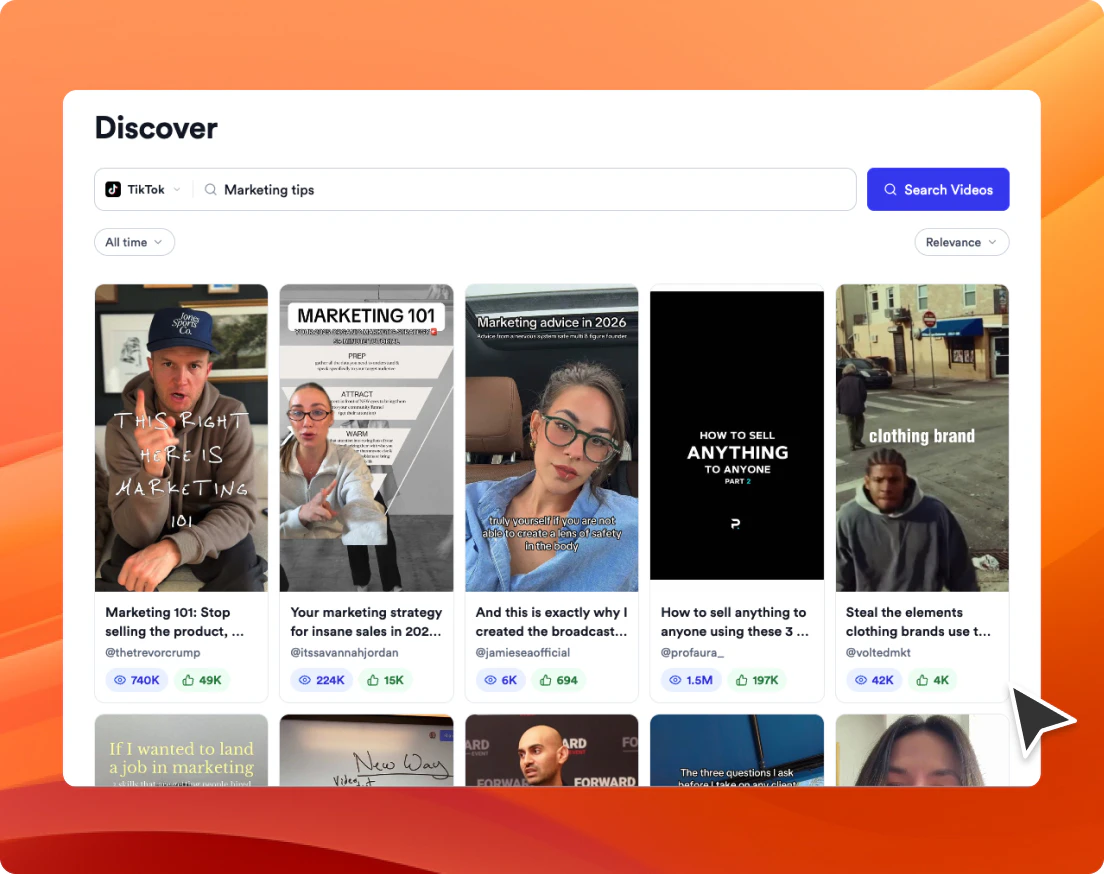
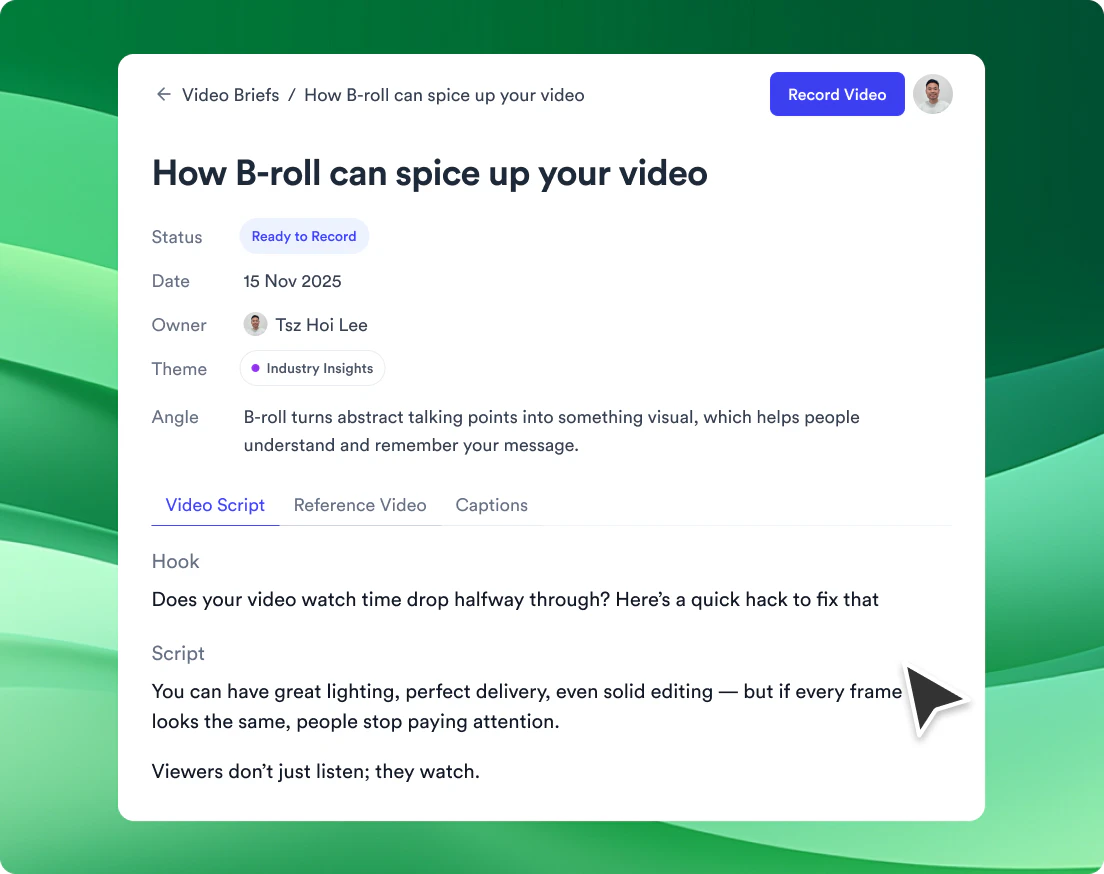
VideoOS is the all-in-one video marketing platform for businesses. Find trending topics in your niche, write scripts with AI, record with our Auto Jump Cut teleprompter, auto-edit with subtitles and B-roll, and publish directly to your socials. One app instead of five. Go from idea to posted video faster.

hey PH! 👋 Lee here with Harris and Jerome — co-founders of Jupitrr AI. Pumped to launch again in this new AI coding era.

We've been building video tools for 2 years, and if you're a founder or consultant, you already know the pain:

You know you should be posting on LinkedIn, Instagram, YouTube, TikTok. Every VC, every founder you admire is doing it. But between shipping product, talking to customers, and closing deals, the idea of making a video always slips.

So we rebuilt everything into one workflow.

VideoOS takes you from idea to published video in minutes.

Here's the loop:

→ Find trending videos in your niche (so you're not guessing what works)

→ Remix them into your own briefs (fully collaborative with your team)

→ AI writes your script in your voice (we studies all your previous transcript)

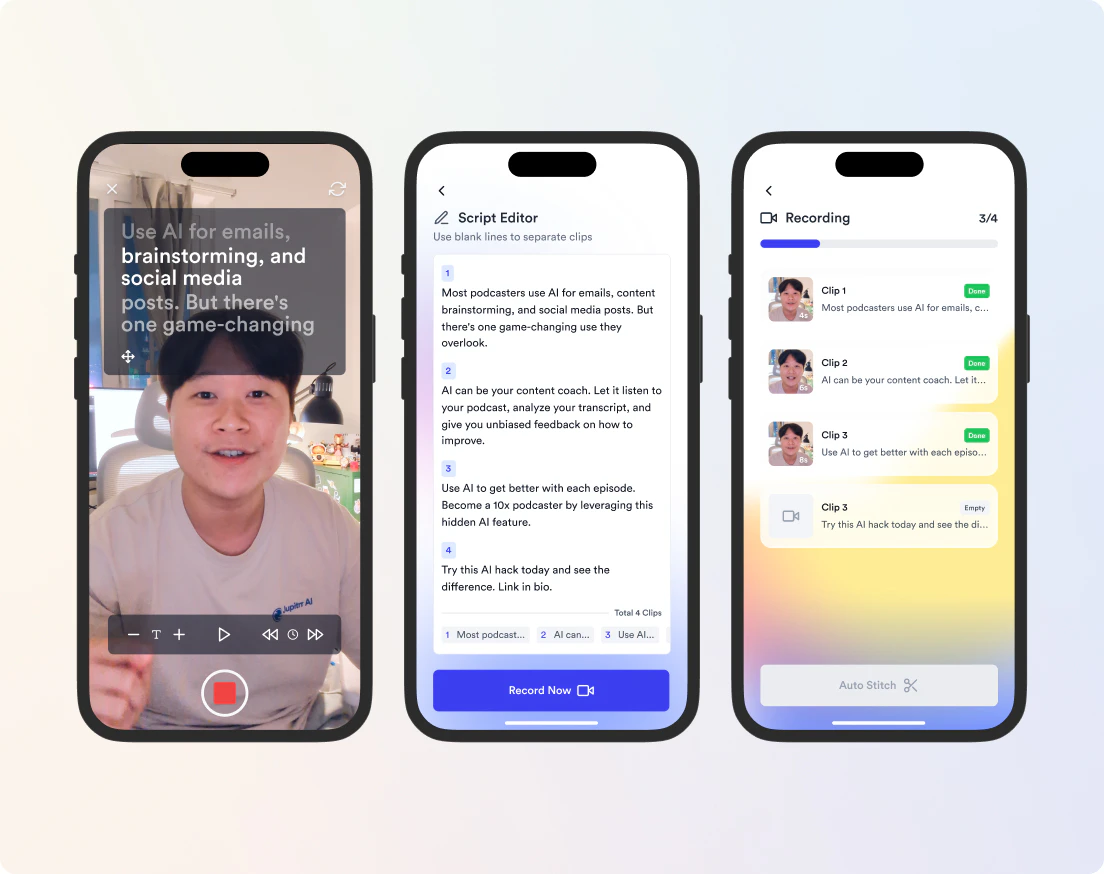
→ Record with our Teleprompter App — line-by-line, auto-trimmed (we're the first to do this)

→ Auto-edit with subtitles, B-roll, and music

→ Publish directly to LinkedIn, YouTube, TikTok, IG
→ Cross-platform analytics (so you know what to improve on next)

We want to make making videos less overwhelming — no jumping in and out of Notion, Canva, CapCut, Buffer just to get one video out.

We want you to be consistent, because your builder story deserves more attention.

Built for solo founders, consultants, and small marketing teams who want to show up on video without it eating their week. (Not the AI slop kind.)

Do try it out. Would love any feedback! ✌️

5
回复

@tszhoi_19 just voted for you!

0
回复

@tszhoi_19 Let's goooo🚀

2
回复

@tszhoi_19 How does it handle customizing B-roll to match a specific brand style or niche like tech founders sharing builder stories?

1
回复

the line by line teleprompter is the actual unlock here. one bad take in the middle of a 2 min recording means redoing the whole thing, which is why most founders quit after take 4 and never post. cutting that loop changes the math on shipping consistently.

does the voice indexing work with a small corpus, or does it need a decent backlog of transcripts before it stops sounding generic? curious where the floor is for someone just starting out

congrats on the launch ✌️

3
回复

@saad_el_gueddari great question, we are building features that allow you to integrate your existing tone of voice, stay tuned! (or email us for further feedback :))

0
回复

Absolute banger of an update! Jupitrr never stops leveling up and VideoOS feels like a whole new era. This trio of founders is built different! Can't wait to see where they take it. Big Kidos! 🚀

3
回复

@lakshya_singh we dream big, we go big!

0
回复

@lakshya_singh Thanks for always supporting🫶🏻

0
回复

Hi PH folks!👋🏻 Harris here, one of the co-founders of Jupitrr AI!

We started as an AI video editor that helps businesses create videos.
As time goes by, we realized editing was never the real problem.
I mean, there are loads of video editors out there, but business creators still struggle.

The real problem is that most people can't stay consistent with video — not because they lack talent, but because they don't have a system.

We're seeing users are on 6–8 different tools: research here, scripting there, recording somewhere else, editing in another app, publishing manually to each platform. It's exhausting so most give up too early.


So we rebuilt the whole product.


VideoOS is a video engine.

It learns your tone of voice, helps you research topics worth making, writes scripts that actually sound like you, guides you through filming, edits, and publishes to every channel — all in one place.

We've been building Jupitrr for 3 years and have ~200k users, and we're always listening, always shipping🚢

Would love your feedback — especially if you're a marketing team or small business owner who wish to gain exposure and trust through videos!

3
回复

@harrischh we forgot that fact that we made the most videos in a month after using VideoOS ourselves. proof!

0
回复

Super excited to finally put this out here 🚀

3
回复

@ronakagarwal3434 vs claude, who's the better dev?

1
回复

@ronakagarwal3434 🔥🔥🔥

1
回复

That trio-level founder energy is exactly what makes an update feel like a new era rather than just a patch. Curious — when you're shipping this fast, how do you decide which user requests hit the cutting room floor vs. get fast-tracked into the next build?

2
回复

@osakasaul thanks for checking us out!

I think it's always comes down to "does it make sense" "will other users request similar thing" and "will we want to use this"

one core lesson we learnt is that you have to pre-qualify your users, don't build for people that's not aligned with your product vision.

For us it's AI avatars, we don't see and don't believe it will have any success in long term, so no matter how many people ping us, We've been holding off from building it

1
回复

Does it only support english content?

2
回复

@nick_marino Nope! It's supporting 100+ languages. Yours is probably there!

0
回复

Hey PH! 👋 Jerome here, CTO and the third co-founder of Jupitrr AI.

Lee and Harris covered the why. Let me share the how — because building VideoOS broke a lot of our assumptions about what an AI video product even is.


The hardest part wasn't the AI. It was the orchestration.

A single video in VideoOS touches: trend scraping → semantic search across your past transcripts → voice-cloned script generation → a native teleprompter app that auto-trims line-by-line as you record → multi-track auto-editing with B-roll/subtitles/music → cross-platform publishing → unified analytics.

That's ~7 systems pretending to be one product. Stitching them so it feels like one button took most of the year.

A few things I'm proud of we shipped:

Line-by-line teleprompter recording — no one else does this. You read one line, it auto-cuts, you read the next. Bad take? Re-record just that line. Editing happens while you film.

Voice-aware scripting — we don't just prompt an LLM with "write like a founder." We index every transcript you've ever made on Jupitrr and ground generation in your actual phrasing.

One graph, many platforms — LinkedIn, YouTube, TikTok, IG each have different aspect ratios, hook windows, caption styles. We render once, adapt automatically.


If you're a builder, I'd love feedback on the recording flow specifically — that's the piece I think changes the game, and

the piece I most want to get right. Roast it. 🙏


Built with Harris and Lee — and yes, a lot of Claude. 😄

2
回复

@tsejerome97 Let's keep shipping cool stuff!

0
回复

@tsejerome97 When you re-record a single line, how does VideoOS handle continuity for downstream tasks like B-roll matching, auto-subtitles, and voice clone tone across cuts? Do those tracks auto-reconcile the timing and accent, or is there a manual review step today?

0
回复

Editing videos takes such a long time and it feels like such a time sink as a founder. I know that video content is what's trending on LinkedIn but having to spend time editing feels like time that could be better spent on product or sales. When generating scripts, are you able to feed it context to better tailor the ideas to a specific topic?

1
回复

@lienchueh Yes, we'll be able to synchronize it with you linkedin soon. Email us to share more of your amazing ideas!

1
回复

Watch the whole product walk through. This was brilliant. Really well done, mate.


The calendar, the B-roll, the research, the integration with the stock images, the teleprompter. It's a great solution. Maybe feels a tad bit manual. But I'm not necessarily sure how much more you could automate there. I guess it's just the back and forth between mobile and desktop. But it looks good nevertheless.

1
回复

@rawoyemi thanks for checking us out, this is exactly our plan. We believe content is always gonna be a "Human in the loop" process, that's why we want to build the base first and add automation layer on top later, instead of going fully agentic and pray for good output.

Also this way we will be able to understand the exact workflow our users use and build exactly what they need. Great COMMENT! thanks!

0
回复
One workflow instead of 5 tools is the real unlock here. Execution speed wins distribution.
1
回复

@kishan007 Yes, and many ignored that the synchronization means the data is stored and trained better when centralized.

0
回复

Congrats on the launch! The mini pivot looks amazing.

1
回复

The "idea → published video" gap is the real bottleneck for niche technical creators — and it's underrated how much friction sits in the script + edit loop, not the recording itself. I run Mod3Loop, a financial modeling YouTube channel (https://www.youtube.com/@Mod3Loop), and the trending-topics + AI-script pairing is exactly the workflow I've been hand-stitching across five tools. Curious whether the script generator handles technical jargon (terms like LBO / IRR / DSCR) without flattening them into generic finance copy — that's where most AI script tools fall down for finance content.

1
回复

@samir_asadov we're building a feature that allows you to input your existing knowledge (e.g pdf, blogs) into the video script! email us for more feedback

0
回复

Awesome product! Congrats!

0
回复

@sasha_pianist thank you!

0
回复

Congrats, guys! Finally, a tool that doesn't make me bounce between five different apps to post one video, you rock it

0
回复

@staygypsy this is everything we want, content is hard enough! we don't need more hard tools

0
回复

Looks awesome. Congrats on the launch. Gotta try this asap.

0
回复

Congratulations on the launch!

0
回复

@natella_nuralieva thanks for the support!

0
回复
#3
Mintlify Editor
AI-native collaborative editor
314
一句话介绍:Mintlify Editor 是一个集所见即所得、实时协作、Git同步与AI原生能力于一体的文档编辑器,旨在解决企业跨团队知识碎片化、更新滞后以及AI代理因数据混乱而失效的痛点。
Notes Text Editors GitHub
文档编辑器 协作工具 AI原生 Git同步 知识管理 企业级应用 团队协作 WYSIWYG AI代理 知识碎片化
用户评论摘要:用户高度认可产品价值,尤其赞赏其解决知识碎片化的思路。核心问题集中在:AI生成内容的准确性如何保障(与真实数据源对齐);AI原生功能将如何进化以应对代理更深度嵌入的日常流程;非技术人员能否轻松训练AI代理而不依赖开发人员;以及当多源数据冲突时,编辑器如何为AI代理提供版本决策依据。
AI 锐评

Mintlify Editor 的发布,不仅仅是一个编辑器版本的迭代,而是精准击中了一个正在快速膨胀的痛点——当AI代理开始成为公司“新员工”时,知识库的混乱将直接从“人类效率问题”升级为“系统决策灾难”。

其“AI-native”的定位非常聪明且犀利。传统的协作文档工具(如Notion、Confluence)在设计时,并未考虑机器读者。它们依赖人类判断信息优先级,而AI代理会“平等地”信任所有老旧、冲突、未经筛选的内容,导致“垃圾进,垃圾出”以指数级速度放大。Mintlify将Git同步作为基石,为AI提供可追溯、可版本管理的结构化知识源,这远比单纯提供一个更漂亮的编辑器更有深度。它本质上是在为AI构建一个“可信的上下文环境”。

然而,犀利背后也有隐忧。评论中用户反复追问“如何保证AI生成内容的准确性”和“版本冲突时AI如何决策”,这恰恰暴露了产品最核心的风险。Git同步保证了“版本”的存在,但并未解决“权威版本”的认定问题。如果AI编辑、人类编辑、CLI工程师都能改同一个段落,且缺乏一个强制的仲裁或权限校验机制,那么Mintlify很可能只是加速了知识混乱的产生速度——从“人类手写错误”变成了“AI自信地胡说并同步给所有人”。

此外,其“跨职能协作”的叙事依然存在技术与非技术之间的隐形壁垒。虽然宣称非开发人员无需Markdown,但Git底层的逻辑、分支、合并冲突等概念,对纯营销或市场人员而言仍过于抽象。如果不能提供一个真正无感的“web-native”体验,解决“非技术人员不敢点提交”的深层恐惧,那么Mintlify最终仍会沦为一个“更好看的开发者文档工具”,而非真正通用的企业知识平台。

总体而言,Mintlify Editor 拿到了通往下一阶段知识管理的船票,其逻辑清晰、方向正确。但能否真正从“优秀”蜕变到“必选”,取决于它后续能否解决那个最棘手的信任问题:在一个所有人都能编辑(包括AI)的世界里,谁来为知识的真实性和权威性最终负责?

查看原始信息
Mintlify Editor
The Mintlify editor is WYSIWYG, live-collaborative, git synced, and AI-native — so every teammate can contribute, from engineers pushing from the CLI to marketers editing in the browser to agents updating docs automatically.

Hi Product Hunt community 👋
I'm Hahnbee, co-founder of Mintlify, and we're excited to introduce the new Mintlify Editor - a new way for every team to build and maintain knowledge.


What is it?
A git-synced, WYSIWYG, live-collaborative, and AI-native editor built for cross-functional collaboration.


Why now?
Fragmented knowledge isn't just a collaborative problem anymore, it’s an agent problem. As organizations scale, knowledge sprawls. from different teams, tools, and sources of truth. AI agents need accurate, unified knowledge to participate effectively in your workflows.

What's included?
- WYSIWYG editing with slash commands, custom components, and navigation management. No markdown or yaml required.
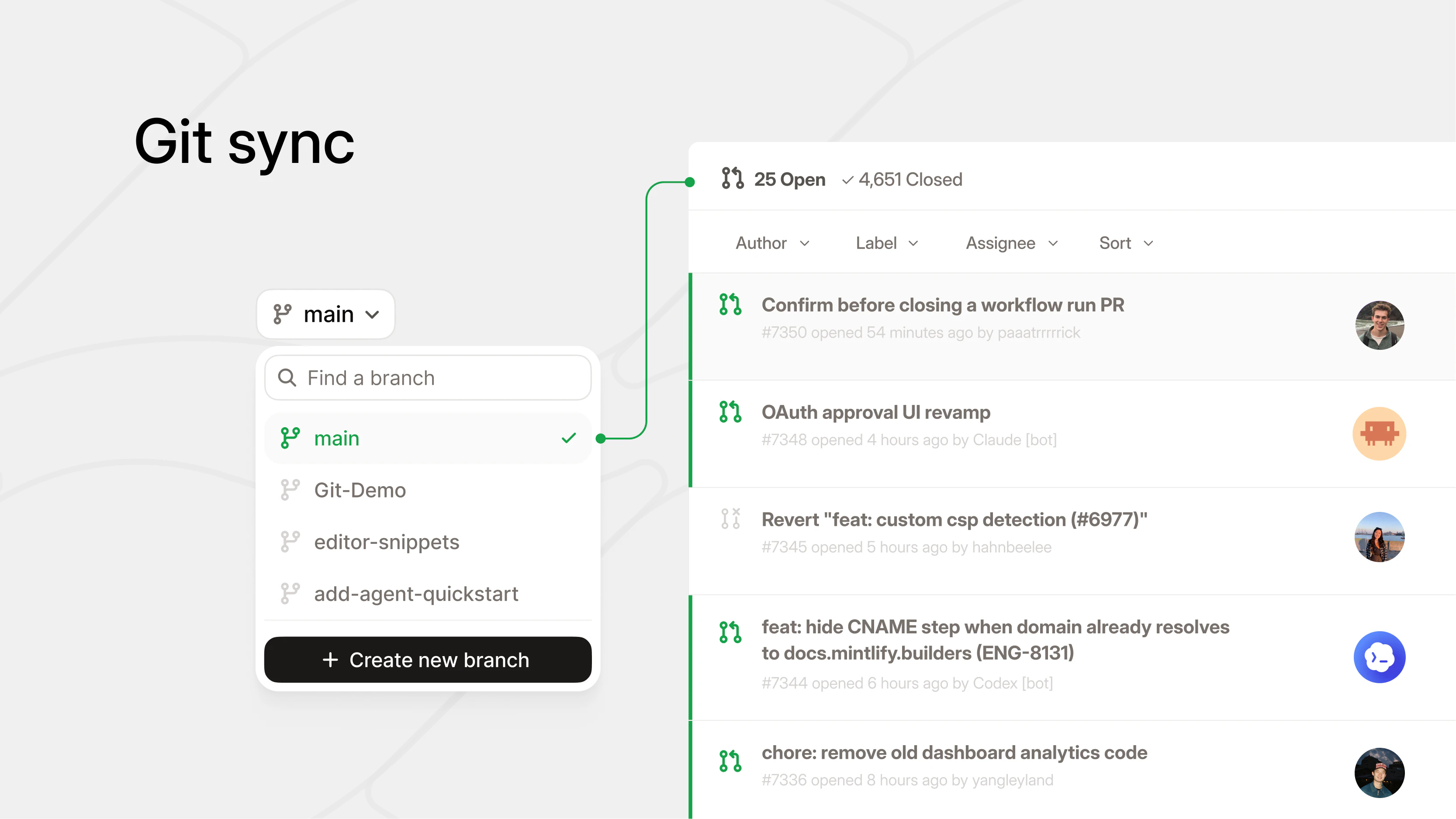
- Bi-directional git sync: CLI and IDE-native for developers, web-native for everyone else
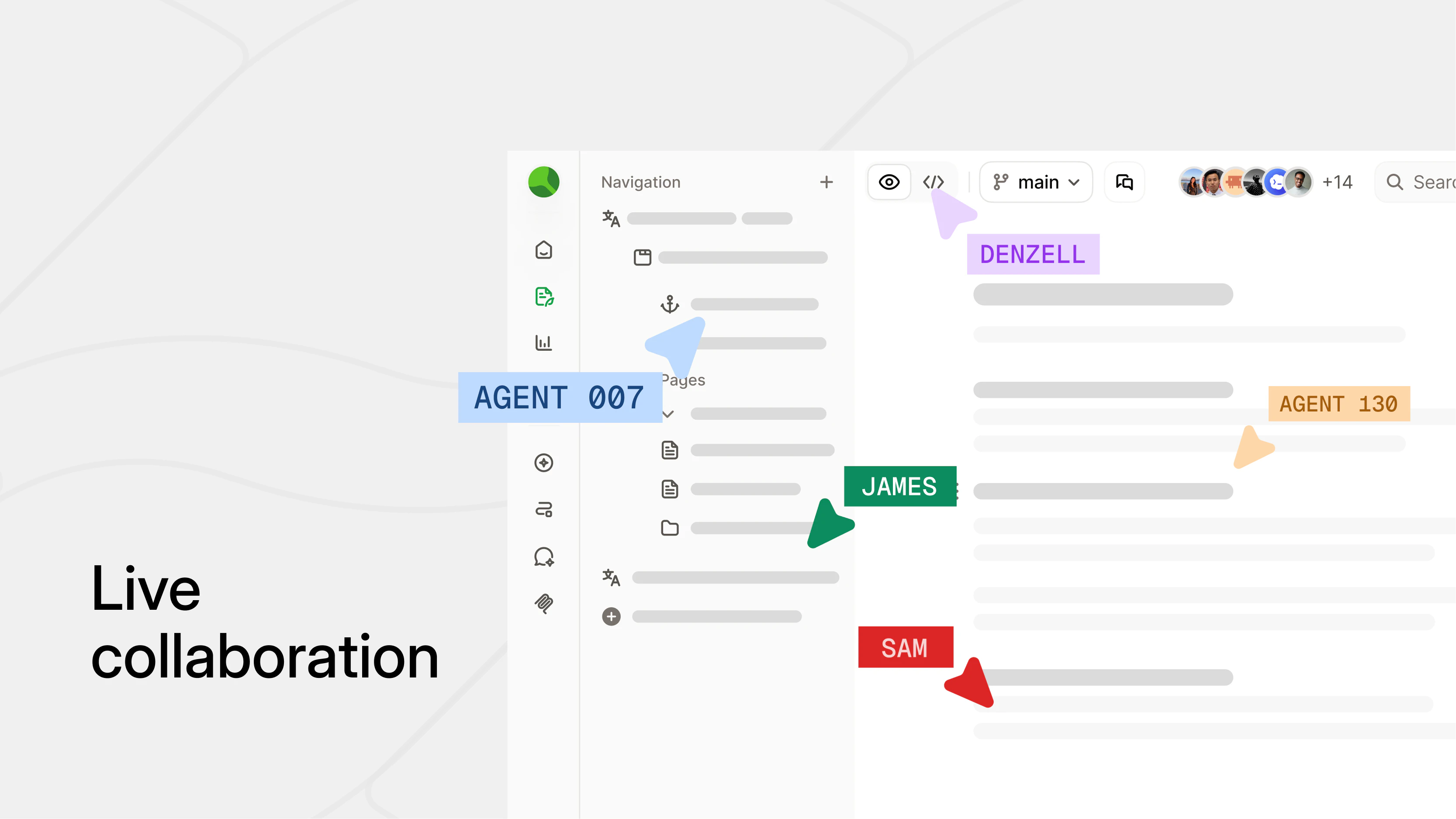
- Live collaboration so your whole team can jump in and ship together in real time
- AI-native support so agents can collaborate on your docs alongside your team

Let us know what you think and any feedback!

33
回复

@hahnbeelee But how do you ensure AI generated or AI edited docs stay accurate and aligned with source of truth content as team scale?

1
回复

@hahnbeelee How do you see the AI-native features evolving to help teams handle knowledge sprawl even better as AI agents become more embedded in daily workflows?

0
回复

@hahnbeelee How easy is it for non-devs to train agents on custom docs without devs gatekeeping?

0
回复

Excited to put this out! A huge unblock for how teams create knowledge bases 🚀

9
回复

just wow.

i recently swapped our vibecoded docs site to mintlify and wish we had done it a long time ago. mintlify is unquestionably the best solution for docs - this release makes that even more crystal clear.

huge congrats @hahnbeelee @han_wang6 @shawn_lestage1 and team!

5
回复

thanks for the feedback @anvisha_pai

0
回复

@anvisha_pai Thank you Anvisha! Glad you're enjoying your experience

0
回复

Knowledge fragmentation is the same problem in finance, just dressed differently — every deal team rebuilds the same project finance scaffolding because the templates and assumptions live in a senior modeler's local Excel folder, not in a shared, queryable layer. The git-synced + AI-native bit is what actually makes this an agent-friendly knowledge base instead of just a fancier Notion. Adjacent concept: I publish a library of project finance and valuation templates (renewables, M&A, LBO) on Eloquens (https://www.eloquens.com/channel/samir-asadov-cfa) and the structured-once-then-reused pattern collapses time-to-first-IC by weeks. Curious if Mintlify's roadmap includes structured-data blocks (tables, formulas) for non-prose knowledge?

5
回复

@samir_asadov We already support tables and LaTeX out of the box! Let me know if that suffices or if you're looking for more 👀 This is super interesting to me because I'm far less familiar with problems in finance. Thank you for sharing the analogy!

0
回复
Been using Mintlify only for a brief time but I absolutely love it. Even the workflows are amazing and help me generate daily changelogs for my products.
4
回复

@billchirico Thank you so much for the kind words! This is so great to hear 💚 I raised this to the engineers who built workflows. So glad you find them useful! Let us know how we can make it even better for you.

0
回复
Congrats on the launch! Love the focus on unified knowledge. How do you see AI agents changing team collaboration?
4
回复

@odeth_negapatan1 

The problem:

  1. Knowledge bases suffer from content being out-of-date and not useful.

  2. AI is accelerating everything and contributing to the bloat.

Luckily, AI is good at...

  1. Finding the needle in the haystack

  2. Summarizing large corpuses

  3. Synthesizing multiple sources

AI will lead to a new era of knowledge bases where they maintain themselves. We'll finally be able to address the bloat problem with minimal effort. I'm really excited for the future of how AI will help us manage knowledge.

0
回复

we have been using mintlify from a long time! its a great product.

3
回复

Very cool, is it a webapp or desktop app? and can i do it from mobile

2
回复

@skyler_ji It's a webapp! It works on mobile too, but a desktop app might not be too far out of the realm of possibilities here 🤔

0
回复

This looks awesome!

2
回复

I'VE BEEN WAITING FOR THIS

2
回复

@mbrodeururbas LETS GOOO

0
回复

the "knowledge fragmentation is an agent problem now" framing is the right one. agents inheriting whatever sprawl ur org already has is the actual pain, not just humans not finding things.

curious if the editor surfaces conflicts when two sources of truth disagree, or if it just serves whichever one the agent hits first..

2
回复

We have been using the editor every day and it's an absolute game changer!!!

I love this product and I think it's one of the leading editor experiences I have tried. Also, the ability to publish customer facing docs is just amazing.

1
回复

The "knowledge fragmentation is an agent problem now" framing clicked immediately. We have a similar issue where agents picking up context from stale internal docs make worse decisions than agents with no context at all. Garbage in, garbage out, but at inference speed. Does the editor version-gate content in a way agents can reason about, or is it still just "latest wins"?

0
回复

Have been using Mintlify at Helicone for a long time! The web editor is the thing that finally gets non-engineers contributing more to docs. No more "can you push this typo fix for me" pings.

0
回复

We're mostly a Git user with Mintlify but super pumped to try out the editor!

0
回复
#4
Wonder
The AI design agent that works on your canvas
256
一句话介绍:Wonder是一款将AI设计代理直接嵌入画布的工具,旨在解决设计师与开发者之间因工具割裂导致的“设计-代码”交接失真问题,让用户从创意到产出能在同一平台内实时迭代和交付。
Design Tools Developer Tools Design
AI设计代理 实时编辑 设计转代码 MCP连接 UI生成 图形设计 幻灯片 营销素材 设计协作 生产力工具
用户评论摘要:用户普遍认可“设计-代码”分离的痛点,并赞赏Wonder的实时协作与MCP接入能力。主要疑问集中在:与同类工具(如Pencil、Claude Design)的区别、订阅模式对一次性设计需求的适用性、以及设计修改能否反向同步到代码库(即双向迭代),而非仅单向生成。
AI 锐评

Wonder的叙事极度精准,它没有重复“AI帮你做设计”的老生常谈,而是直击“设计-代码交接”这个行业顽疾。其核心价值不在于设计效果有多惊艳,而在于它试图用“MCP服务器”打通从设计到开发的最后一公里,将AI从“生成器”升级为“协作代理”。

然而,成也连接受限。目前它只是一款“设计端”工具,其代码导出依赖第三方编码代理(Cursor/Claude Code)。这意味着设计的“最终解释权”实际上仍掌握在他人手里。一旦Coder解析其输出出现Token迷失或样式走样,用户所有的“实时协作”快感都将被现实的二次调试冲散。

技术上,Wonder并无绝对护城河。Figma早已在边栏内嵌AI,Canva的AI生成也在围追堵截。Wonder最大的赌注在于“MCP标准”——如果这个协议无法快速成为行业通行的、能保证高保真双向同步的事实标准,它极易沦为又一个“漂亮但无力的中间层”。目前产品处于公开Alpha阶段,说明其稳定性、性能和复杂场景适应力尚未经受大规模生产验证。

商业上,从$20到$200的订阅制可能会劝退那些只需“快消型设计”的品牌或创始人,他们更愿意按次付费或直接用绝对免费的GPT-4o/ Claude生成草图。Wonder的长期价值,取决于它是否能在“设计端”建立足够强的编辑体验粘性,并推动MCP成为连接设计与代码的通用协议——而非仅仅作为一个“好看的跳板”。否则,当Coder们直接集成本地AI绘图和设计能力时,Wonder存在的必要性将受到严峻挑战。

查看原始信息
Wonder
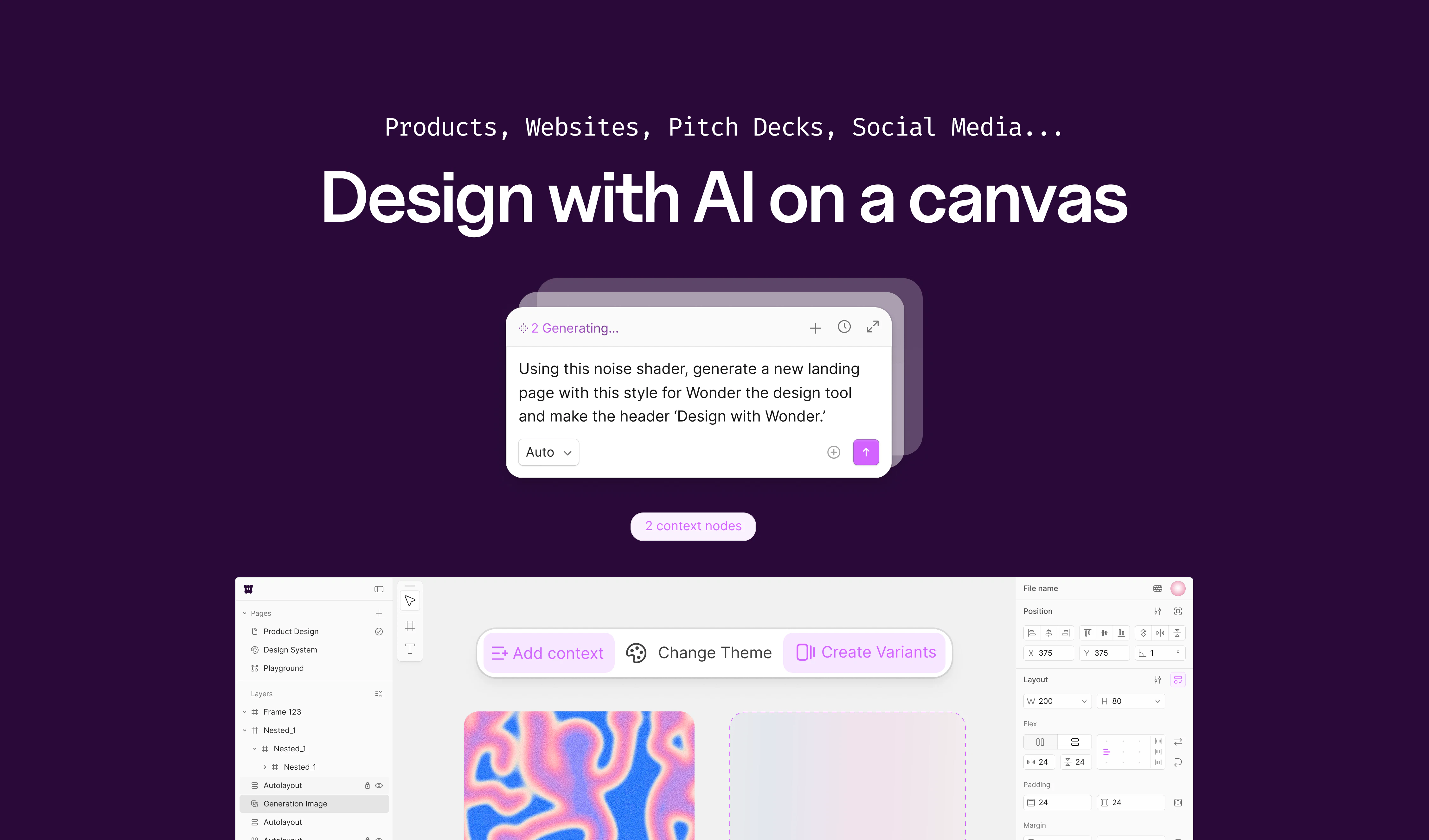
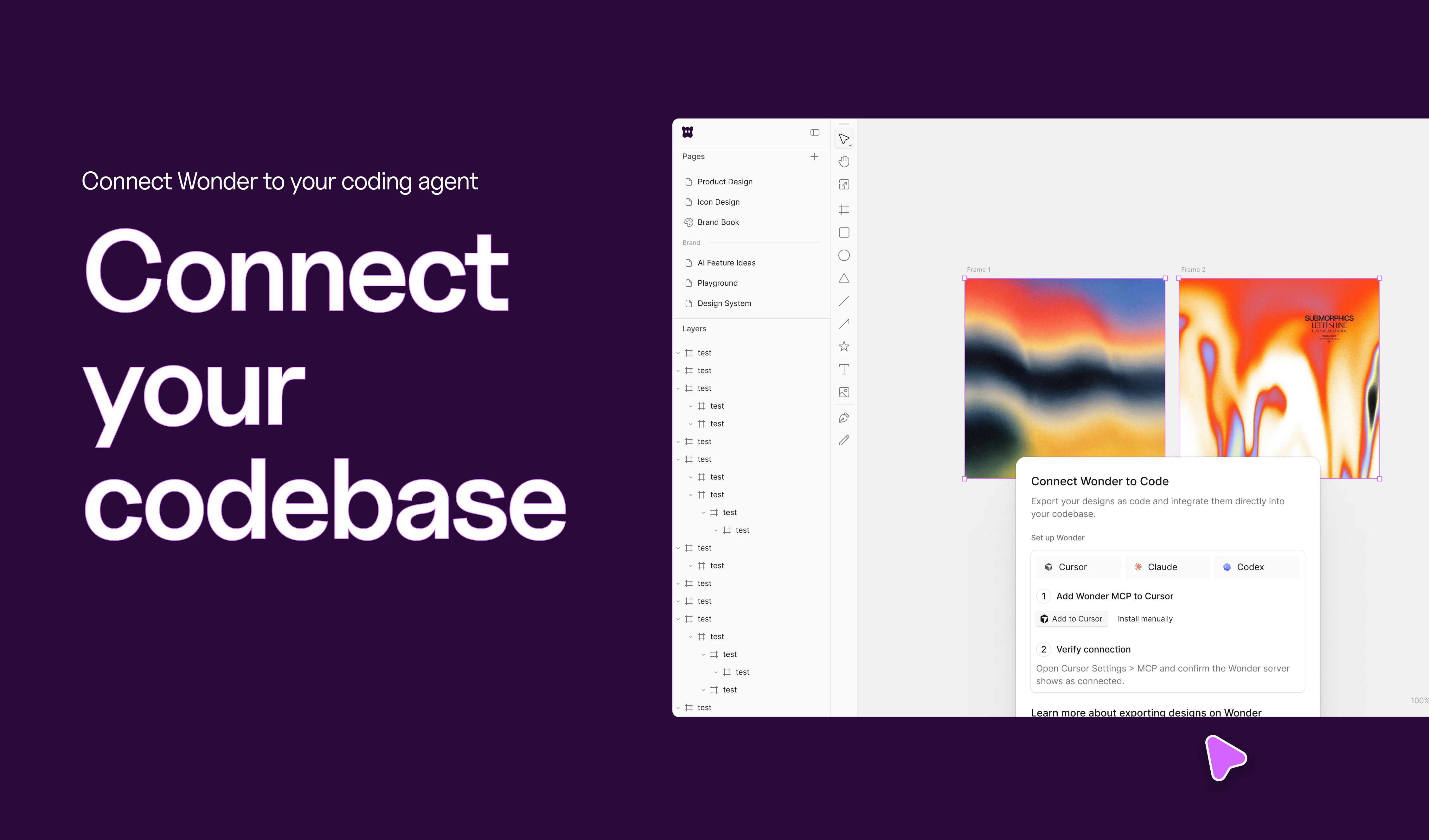
Wonder puts an AI design agent directly on the canvas. Generate UI, graphics, and pitch decks, then select any element to refine in real time. Connect MCP to coding agents like Cursor and Claude Code to ship straight from design. Now in public alpha.
Hey Product Hunt 👋 I'm Aibek, co-founder and CEO of Wonder. Today is a big day for our team. 🛠️ A bit of backstory Before Wonder, my co-founder Boris and I built Superflex, a Figma-to-code tool that helped thousands of designers and developers turn mockups into working code. We learned something important along the way: the handoff itself was the problem. Designers were building in one tool, developers were rebuilding the same thing in another, and a huge amount of craft and intent got lost in translation. So we asked a simple question. What if design and code lived on the same canvas from the start? That question became Wonder. 🎨 What Wonder is Wonder is an AI design agent that works directly on your canvas. You describe what you want, the agent designs it, and you can grab any element to refine, restyle, or rework in real time. Nothing is a static image. Everything you see is real, editable, and ready to ship. ✨ What you can make - Websites and landing pages - Mobile screens and app UI - Marketing graphics and social posts - Pitch deck covers and presentation slides - UI components you can drop into your product - AI generated images directly on the canvas 🔌 Connect to your coding agents Wonder ships with an MCP server, so you can plug it into Cursor, Claude Code, Claude Desktop, Codex, Antigravity, and Lovable. Design in Wonder, then have your favorite coding agent pull the work straight into your codebase. No more screenshots, no more rebuilding from scratch. 💜 Where we are We are in public alpha and growing carefully. Wonder is free to try with credits included, and Pro unlocks more generations plus code export. Huge thanks to our early users and to the team in Serbia who has been shipping nonstop to make this real. Would love your feedback, your wishlist, and your honest reactions. Drop a comment, try it out, and tell us what you want to see next. Aibek 🪄
12
回复

@superaibek Love the origin story here - that handoff problem is so real. The idea of keeping design and code on the same canvas from day one is a solid insight from building Superflex. Curious how you're handling the real-time collaboration aspect when teams are working on the same project.

1
回复

@superaibek As someone who's lost hours rebuilding designs, what's one "aha" moment from early users that's already shaping Wonder's next features?

2
回复

@superaibek How well does Wonder hold up fidelity when agents like Cursor pull complex mobile UIs or animated components straight into dev?

0
回复

Hey PH fam 👋

Thrilled to hunt Wonder on Product Hunt today. This one hits close to home.

I've watched the design-to-code handoff break teams for years. Designers craft something beautiful in Figma. Developers rebuild it from scratch. And somewhere in between, the original intent gets lost.

Aibek and Boris lived that pain firsthand building Superflex. Then they asked the right question:

What if design and code never had to be separate in the first place?

That's Wonder.

It's an AI design agent that lives directly on the canvas. Not a generator you prompt and wait on. An actual agent you collaborate with in real time.

→ Describe what you want. It designs it.

→ Click any element. Refine it on the spot.

→ Nothing is a static image. Everything is editable and ready to ship.

You can build websites, app UI, marketing graphics, pitch decks, and UI components — all from one canvas.

And here's the part that made me stop:

Wonder ships with an MCP server. Connect it to Cursor, Claude Code, or Codex and your coding agent pulls the design straight into your codebase. No screenshots. No rebuilding. No lost craft.

The gap between "I designed it" and "it's in production" just got a lot smaller.

Still early — public alpha, free to try with credits included. But the vision is clear and the team in Serbia has been shipping nonstop to get here.

Big congrats to Aibek, Boris, and the whole Wonder team 🙌

Drop your questions and feedback below 👇

6
回复

@thisiskp_ 

Appreciate the thoughtful feedback 🙌

That handoff pain is exactly what led us here — we’re trying to remove it entirely, not just improve it. MCP + integrations with tools like Cursor and Claude Code are a big part of that vision.

Still early, but excited to keep pushing this forward 🚀

2
回复

Hey Aibek! Love the idea. How is the business model? Is it like a subscription? Wondering if brands or founders that need one shot designs gonna take it if so. Anyway it looks awesome and I wish you all the best here!

2
回复

@german_merlo1 hi German, thank you for the question! We are currently subscription-based and very generous in our free plan - if you connected to Claude Code or Cursor it's basically free :) Or plans for start at $20/mo which is perfect for hobbyists or those that need designs once in a while to $200/mo for heavy users and agencies. Make sure you use the discount from Product Hunt as well!

1
回复
I built my pitch deck using this. And made a lot of prototypes for our website! Thanks for the early alpha)
1
回复

@rayimbek thank you for your continuous feedback! It's only getting better from here!

0
回复

Nice work!

Over the past few months, a few tools have launched in this space.. how do you guys compare against them? (e.g. https://pencil.dev/, https://paper.design/, http://figr.design/, Claude Design, etc.)

Great work!

1
回复

@abhishekmathur Hi Abhishek, great question! Wonder is the easiest one to use out of the three - no MCP or Claude Code set up is required. Also, we are diving more into ideation where you can explore an find incredible designs as well. Hope that helps!

0
回复

MCP handoff to Cursor/Claude Code is the part I'd watch — most design-to-code tools fall apart on token consistency once you hit a real codebase. Curious what the round-trip looks like: do design tweaks in Wonder reflect back from code, or is it one-way generation?

0
回复

lets goo!

0
回复
#5
Gemini Deep Research Agent
Web and MCP research agents, now in Gemini API
204
一句话介绍:Gemini API 推出的双模式研究代理,通过低延迟交互与深度异步合成,结合 MCP 数据源和原生图表生成,解决开发者与 AI 工程师在复杂信息检索与多源整合场景下的效率与深度痛点。
API Developer Tools Artificial Intelligence
AI研究代理 MCP集成 多源数据合成 图表生成 异步任务 开发者工具 Gemini API 深度搜索 自主研究 低延迟交互
用户评论摘要:用户对MCP原生集成表示认可,但重点关注数据冲突时的处理机制——是直接掩盖分歧还是在引文中呈现?同时担忧异步任务“Deep Research Max”的预算不可见性,可能导致无预警超支。也有用户期待与竞品Parallel的横向对比。
AI 锐评

这款产品本质上是一次精准的“工具箱化”升级,而非颠覆性创新。将 Deep Research 拆分为低延迟交互与异步深度两个模式,确实切中了不同场景的刚需——前者适合实时辅助决策,后者用于生成分析报告。真正的亮点在于 MCP 支持:它不仅兼容公开网页,还开放了私有数据源接口。这打到了许多竞品(如仅限闭源搜索的 ChatGPT Deep Research)的软肋,让金融、生命科学等行业的内部数据治理成为可能。

但评论中暴露的“数据冲突”与“预算失控”问题,几乎是所有追求深度合成的 agent 的通病。目前产品只是将最终报告包装得“精美”,但并未解决信息甄选过程中的透明度问题——用户不知道模型在众多来源中是如何做“剪枝”或“偏向”决策的。这将导致严重的信息茧房:工具越智能,用户信得越深的谎言就可能越精致。

此外,异步 agent 的隐藏成本也是一大隐患。对于规模化部署的团队来说,缺乏精确的 token 配额反馈和控制阀门,意味着惊喜与惊吓并存。

Gemini Deep Research Agent 在产品定义上正确,市场定位清晰,但目前更像是“强大的初版”,而非“成熟的生产力工具”。它的真正价值,将在后续能否暴露推理链条、提供成本控制、以及允许用户手动介入冲突数据源时才被兑现。

查看原始信息
Gemini Deep Research Agent
Two research agents in the Gemini API: Deep Research for low-latency interactive workflows, Deep Research Max for exhaustive async synthesis. Both support MCP data sources and native chart generation. For developers and AI engineers.

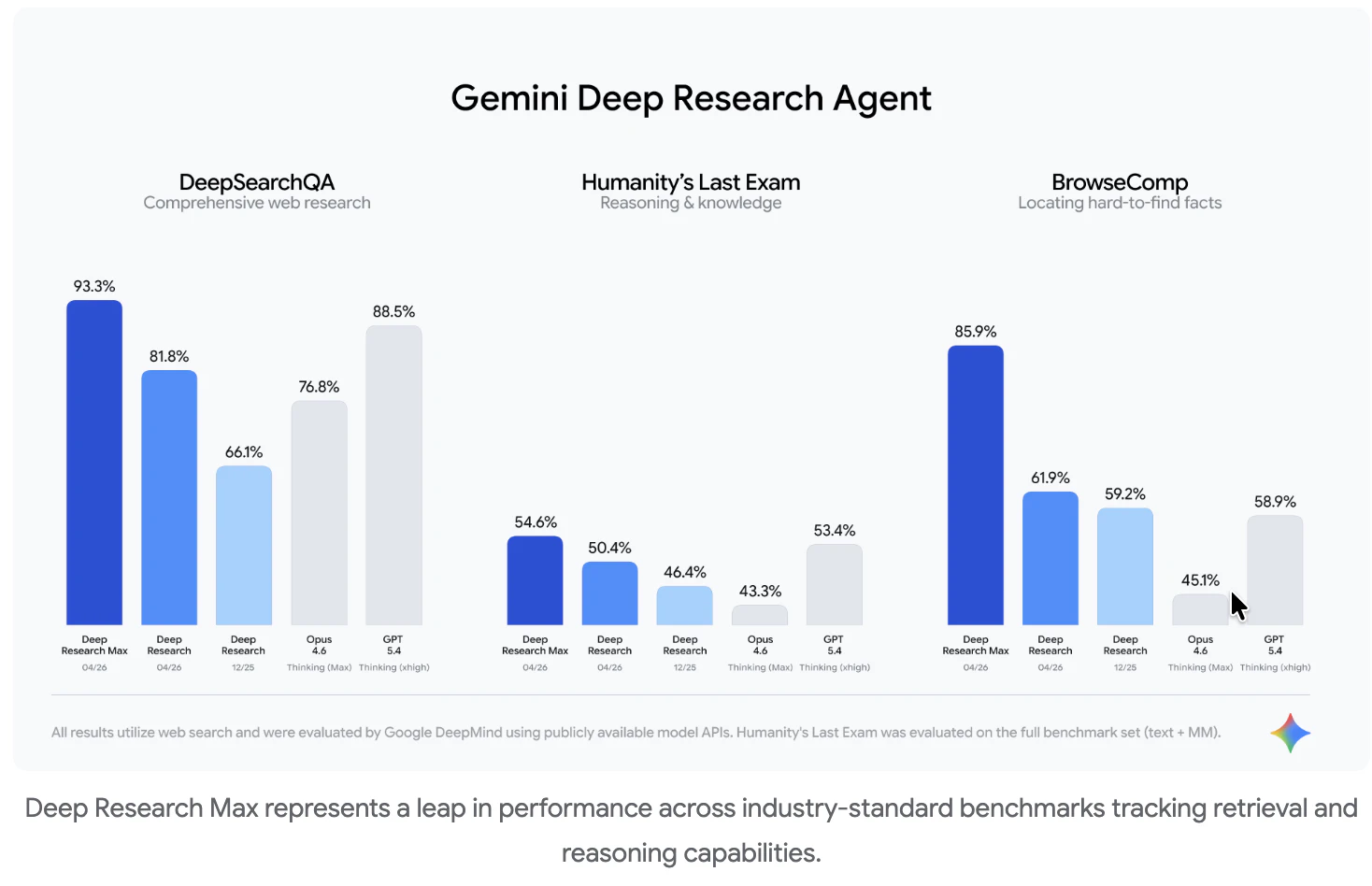
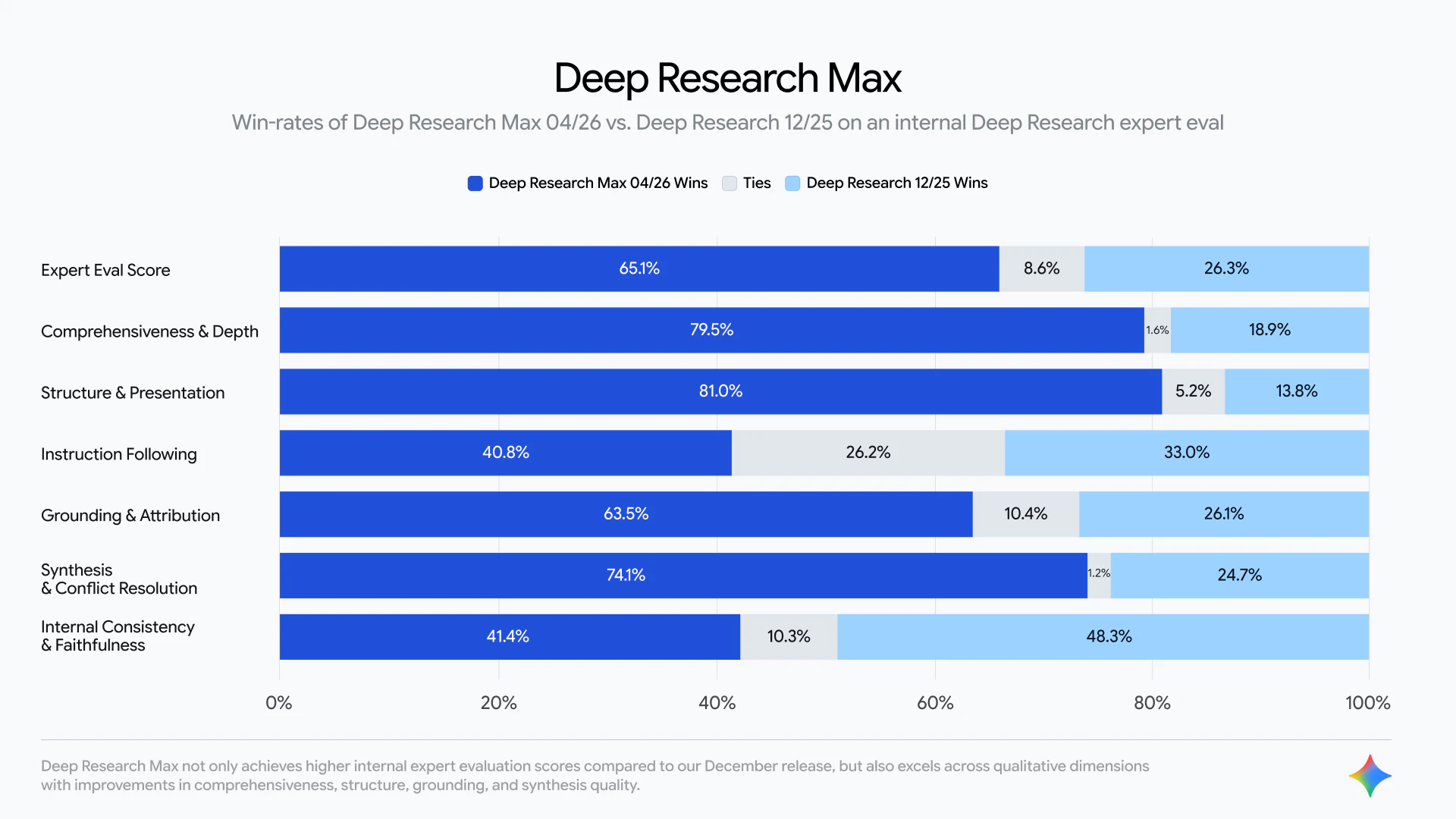
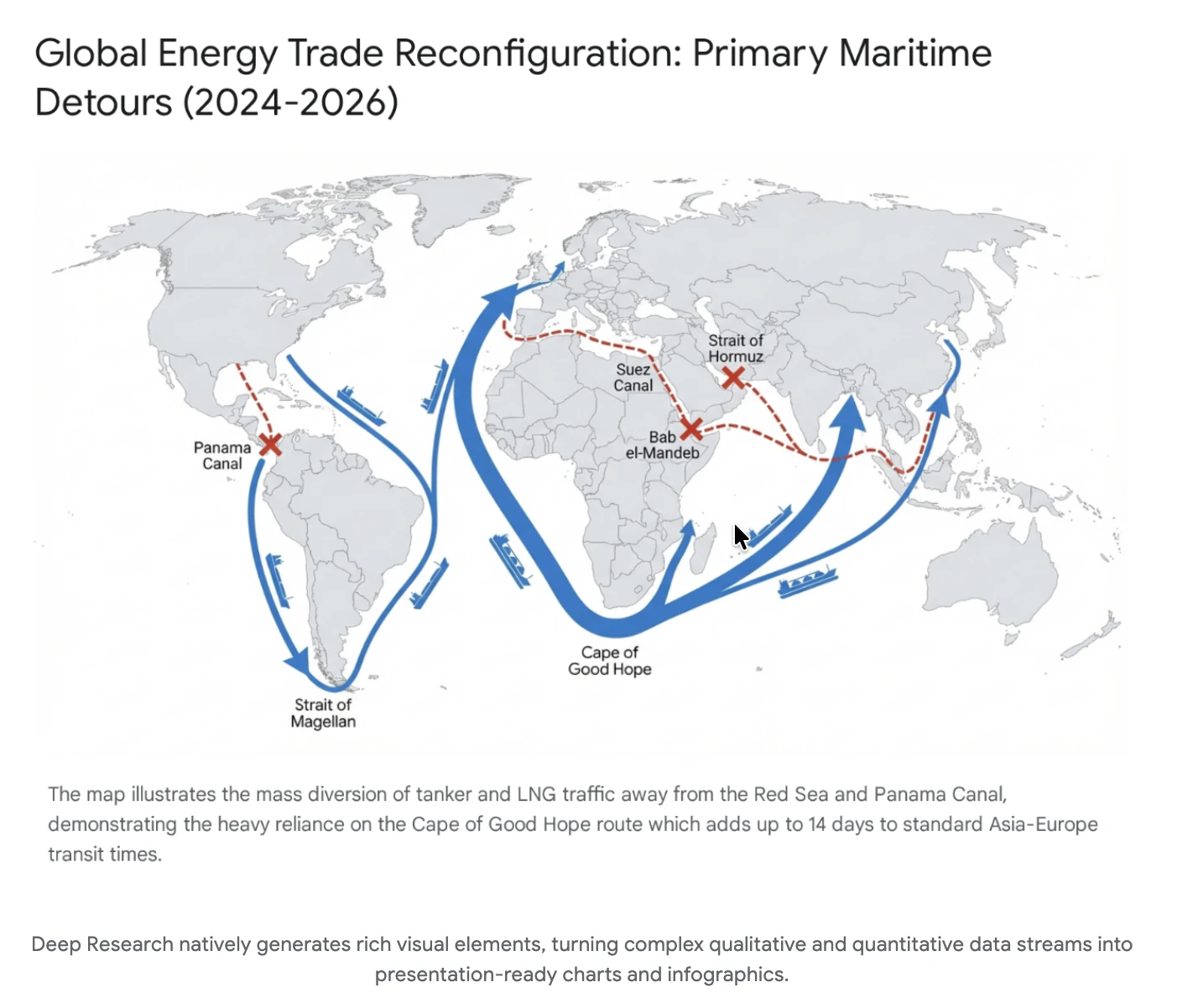
Deep Research Max by Google DeepMind is a powerful autonomous research agent built on Gemini 3.1 Pro 🚀

It tackles the biggest problem in research today... time-consuming, fragmented, and shallow analysis by automating deep, multi-source research workflows into fully cited, high-quality reports.

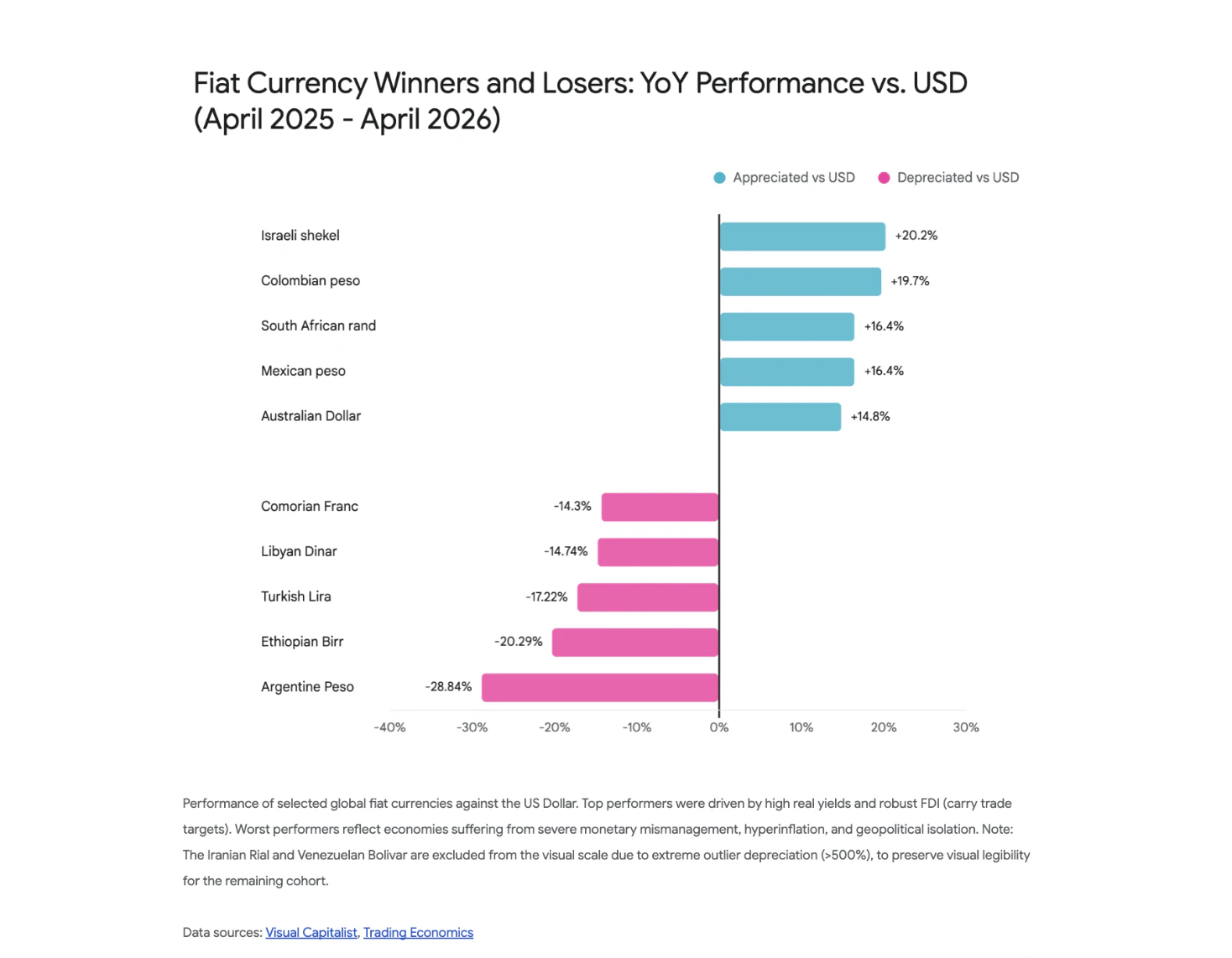
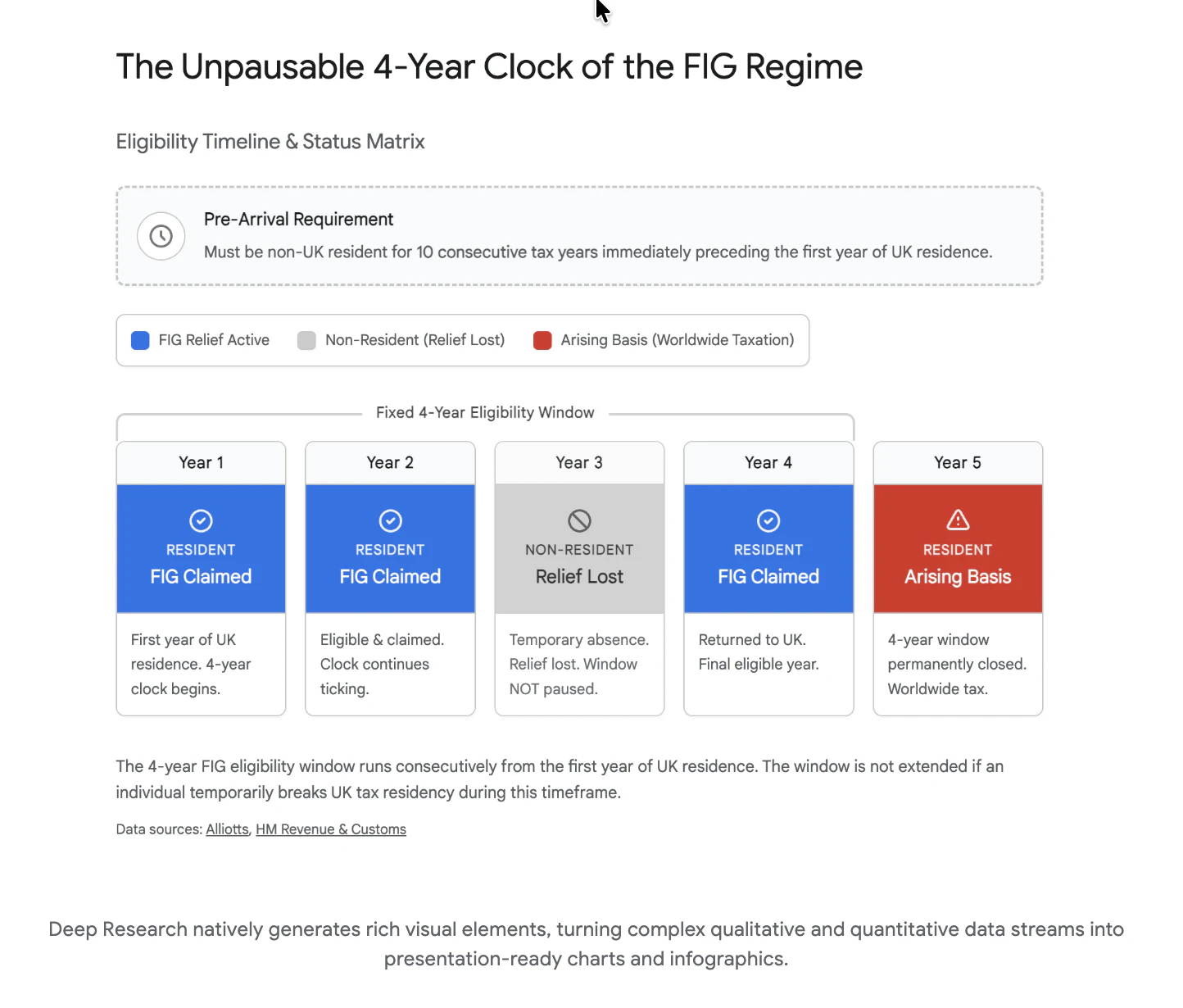
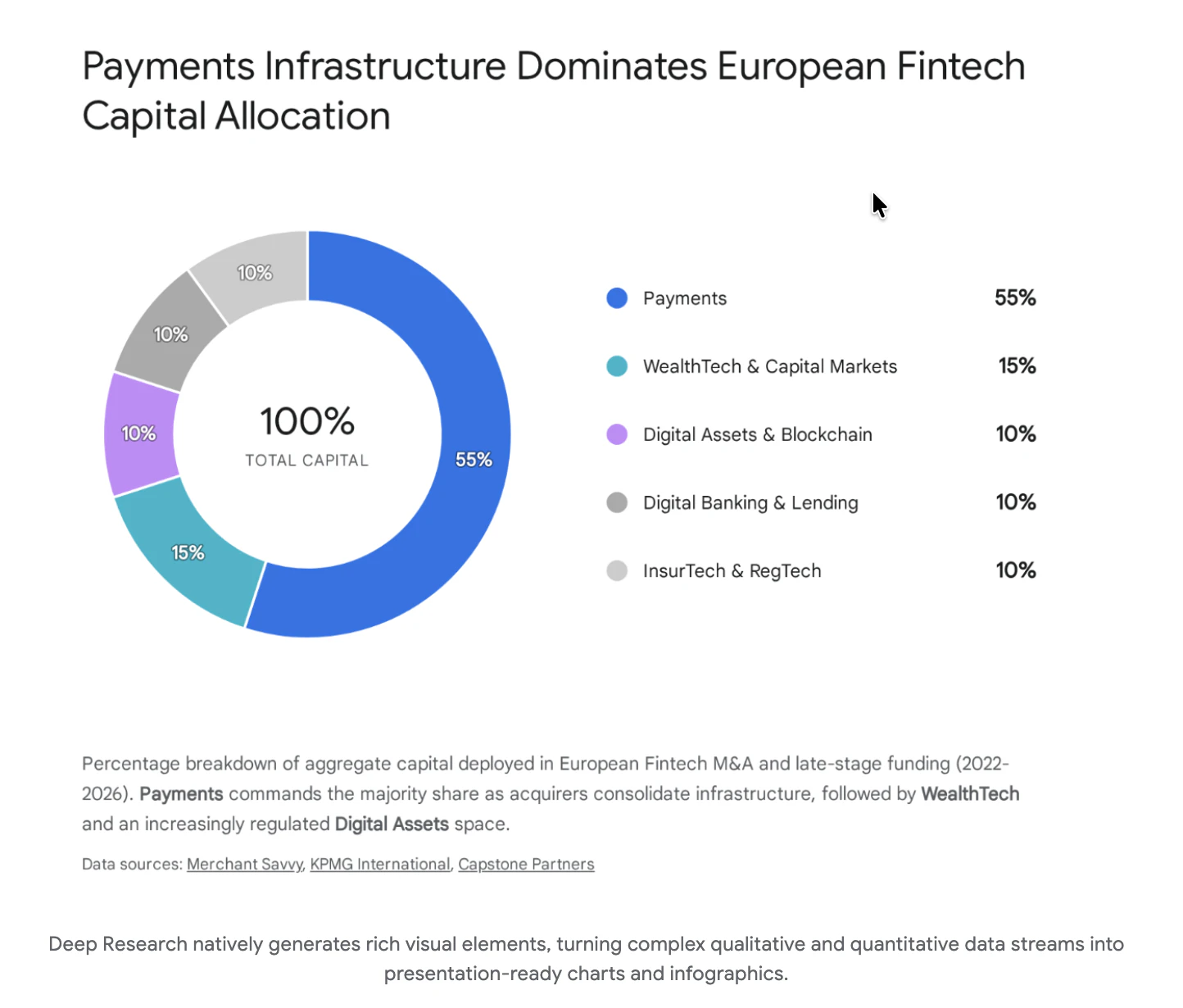
What stands out is its ability to combine open web + proprietary data (via MCP), generate native charts/infographics, and iteratively refine insights for expert-grade output.

Key features:

  • Autonomous long-horizon research workflows

  • MCP support for custom data integration

  • Native visualizations (charts & infographics)

  • Multimodal inputs (PDFs, CSVs, media)

  • Real-time reasoning + collaborative planning

Perfect for analysts, enterprises, and teams in finance, life sciences, and market research who need fast, reliable, and deep insights.

If you're building or scaling with AI agents, this is worth exploring!

3
回复

@rohanrecommends How does Deep Research Max handle edge cases like conflicting data from multiple proprietary sources; does it flag uncertainties or biases in the final report to build even more trust?

0
回复

ALready got my Claude Code on this!

1
回复

MCP-native research agent in the Gemini API is a smart positioning play vs hosted-only Deep Research alternatives. Two q's: when sources contradict, does it surface the disagreement in citations or just pick one? And any quota visibility for async DR Max jobs before they blow past budgets?

0
回复

Very keen to see how it stacks against Parallel in my workflow:)

0
回复
#6
Tabstack
Extract web data and automate browsers, no scraper required.
134
一句话介绍:Tabstack 是一款内置智能的 API,让开发者无需维护爬虫即可从任意网页提取结构化 JSON 数据、自动执行浏览器操作,彻底解决数据管线脆弱、易被网站反爬机制打破的难题。
API Developer Tools Artificial Intelligence
网页数据提取 浏览器自动化 API JSON结构化输出 AI爬虫 零维护 科研引用 Mozilla出品
用户评论摘要:用户普遍认可其“传URL和schema即返回JSON”的能力,认为胜过同类工具并降低了LLM成本。主要关注点:1)如何处理网站反自动化封锁;2)字段缺失时是硬失败还是返回null;3)是否支持动态网站(如电商)。团队回应:返回null而非失败,已通过真实浏览器实例与自适应逻辑成功处理多数动态网站,但在G2、LinkedIn等强反爬站点遇阻。
AI 锐评

Tabstack 解决的不是“抓取”问题,而是“从网页到可用数据”这一整段糟心的管线工程。它用“schema as contract”的范式,把传统爬虫中维护成本最高的解析、清洗、适配环节,压缩成一个API调用。这种内置智能的架构,本质上是把大模型的推理能力接入了数据抽取过程——当网站DOM改变时,不是告警,而是自动适应。这是技术上最聪明的冒犯:让“周一早上发现数据没了”这种传统开发者的噩梦,变成别人的历史。

但也必须指出,它的强项也是它的软肋。依赖API内置的智能意味着开发者对抽取过程的干预手段有限,一旦遇到强反爬、复杂交互或多模态内容,Tabstack的“一切交给API”的哲学就会显出边界。用户反映G2和LinkedIn无法抽取,恰恰证明了在商业竞争场景中,数据持有方的反制永远比API的智能迭代快一步。此外,SaaS化服务意味着数据经过他人之手,即便是Mozilla血统的“不训练、尊重robots.txt”承诺,对高合规需求的企业仍是隐忧。

从商业角度看,Tabstack瞄准的是AI Agent和自动化工作流的中坚基建层。它的真正护城河不是技术壁垒——这种“API+智能”的配方可复制——而是抢先占据了“从抓取到理解”之间的心智锚点。当开发者习惯了“传schema取JSON”的清爽,恐怕再也回不去手动写解析器的日子。这才是最狠的一刀。

查看原始信息
Tabstack
Tabstack is a web data and automation API that delivers reliable structured output. Pass a URL and a schema, get back JSON that matches every time. Run research in one call and get cited answers back. Automate browsers without running infrastructure. The intelligence is built into every API call. No scraper to build, maintain, or watch break when a site changes. Built at Mozilla.

Hey Builders! 👋 I'm Tessa, founding [technical] GTM at Tabstack.

Tabstack is a web data and automation API with intelligence built into every call. You don't get raw content back to parse, clean, or run through another LLM. You get the output your product or agent needs, already done.

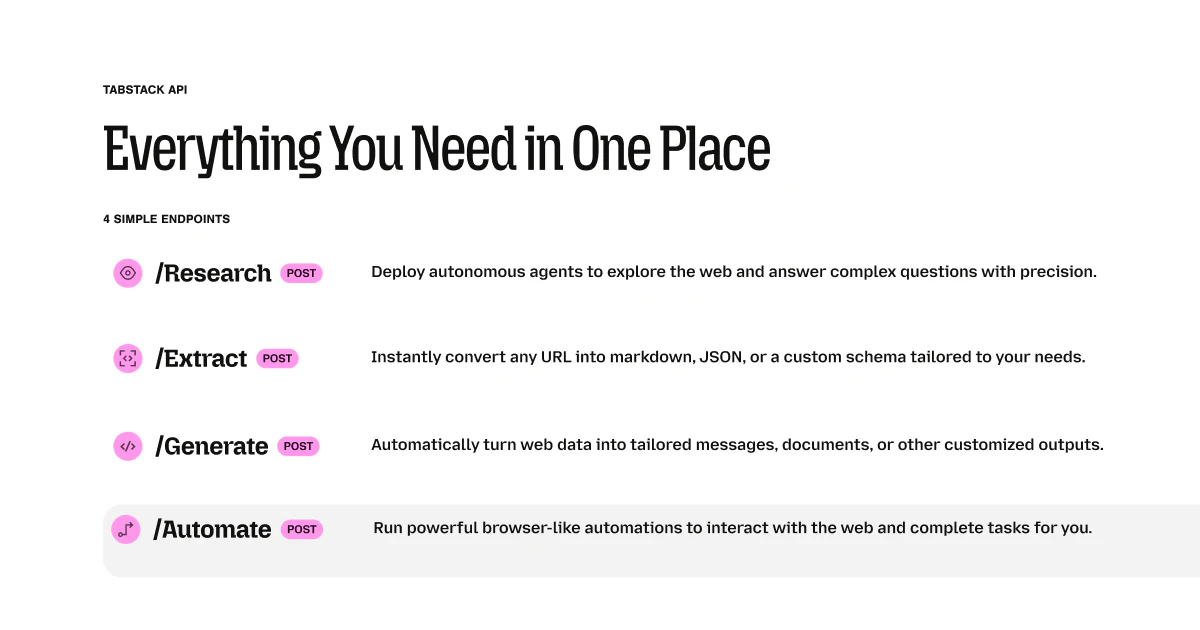
Five endpoints:

  • /extract/json — pass a URL and a schema, get back JSON that matches it

  • /extract/markdown — clean markdown from any URL

  • /generate/json — custom instructions, structured output back


  • /research — multi-source research with citations, one call, no orchestration

  • /automate — managed browser agent for JS-heavy pages, forms, multi-step flows

No scraper to maintain. No pipeline to build. No Monday morning incident because a site changed its data structure.

I joined this team because Mozilla has always believed the web should stay open and your data should stay yours. Ephemeral data, zero model training, robots.txt compliant. That's not a feature—it's the foundation.

Add it to Claude, Cursor, or Claude Code via MCP in 30 seconds. Check out the docs →


What use case are you reaching for first? I vastly improved a messy data parsing pipeline the first time I tried it.


A few other things I've built since joining Tabstack just 4 weeks ago:

  • Rival — open source competitive intelligence tool powered by Tabstack. Tracks competitors daily, detects changes across their site, pricing, docs, jobs and social, and surfaces live intel via MCP whenever you need it for strategy. Uses all five Tabstack endpoints.

  • LocalPlate — open source self-hosted meal planner. Imports recipes from any URL using Tabstack's extraction and automation endpoints.

  • Scout — prospect intelligence, signal feed and CRM. Uses Tabstack to enrich prospects with structured profile data, synthesize ICP fit scores and outreach briefs, and run deep-dive research — all automated.

10
回复

@tessak22 🐐

2
回复

@tessak22 the "schema you pass, JSON you get back" framing is the actual axis to compare these tools on. we hit similar territory building a voice→form widget — when the source is messy (transcribed speech, not HTML), the gap between "got something parseable" and "got exactly the schema fields, every time" is where the work actually lives.

the case that usually exposes it: a field in the schema that's genuinely missing from the source. whether the API returns null, hallucinates a guess, or explicitly surfaces the absence — that's the decision that determines whether downstream code can trust the output.                        

1
回复

@tessak22 That's the key challenge with any browser automation tool. Tabstack uses real browser instances rather than headless requests, which helps bypass some detection methods, but sites with sophisticated bot detection (like Cloudflare's advanced rules) will still present obstacles. The best approach is usually to build in delays and rotate through different browser configurations to stay under detection thresholds.

0
回复

We're using Tabstack internally with some of our products b/c it out-performs many of the others we have tried against sites that have traditionally been harder to extract structured data from.

Congrats on the launch!

2
回复

@mobileraj felt the same exact way when I first tried the product and swapped it out for my complicated data extraction pipeline. It was a game-changer in terms of decreasing LLM costs AND vastly improving the quality of the results, too.

2
回复

Interesting, does it handle different site format?

Also dynamic sites?

2
回复

@tessak22 I have tried to use it on E-commerce sites. Could you please guide me throught it. Thanks

0
回复

@hamza_addi it sure does! That's how we're different than other tools. Other tools you're dealing with the data extraction pipeline and when something changes, your scraper is broken. Tabstack does all of your task needs inside the API call so it handles the dynamic changes, adapts, and still delivers the end results you need—markdown or json. Give it a try and let me know how it goes.

2
回复

congrats on the launch! Does it require any integrations or extensions for Mozilla specifically or browser agnostic?

2
回复

@j1ngg Nope! Its a stand-alone product. Should be super simple to setup, too! Reach out if you need anything. 😊

1
回复
How does it handle sites that actively block automations?
2
回复

@anusuya_bhuyan you should give it a try and find out! I wasn't able to get data from G2 or LinkedIn, but otherwise, I've found success on a lot of tricky websites.

1
回复

The schema-as-contract model is the right call. Most scraping tools dump raw content and make you figure out the mess. Curious what happens when a field can't be populated though, does the call fail hard or return a partial result with nulls? That distinction matters a lot for pipelines that chain multiple calls.

1
回复

@ng_junsheng I agree and have witnessed the same. Its a chaotic mess, and then when data structures changes, things break. To answer your question, though, partial result with nulls, not a hard fail. The call succeeds as long as the request is valid and the page is reachable. Fields that can't be populated come back as null.

0
回复

"Pass a URL and a schema, get back JSON that matches every time" — what does "every time" mean in practice? Does the schema act as a strict contract where the call fails if a field can't be populated, or does it return partial data with nulls? Would change how I'd design error handling around it.

Also The "cited answers" from research calls is the detail I keep coming back to. Are the citations actual source URLs pulled from the pages it visited, or more like attribution to the top-level domain? Big difference if you're building something where the downstream user needs to verify the source.

1
回复

@sounak_bhattacharya Best-effort, not strict. The schema defines the shape you want; the API extracts what it can find and returns nulls for fields it can't populate. The call itself won't fail because a field is missing from the page. What will fail is a bad request (400/422) if your schema is malformed.

Actual source URLs, not domains. Each citedPage in the complete event's metadata.citedPages array has a url field (full page URL, always present) and a claims array that maps specific assertions to that source. If you're building something where users need to verify, you get enough to link directly to the page and show which claims came from it.

0
回复

So sick!

1
回复

@corey_haines Thanks for the kind words! Check it out. You'll love it.

1
回复
#7
File Generation in Gemini
Generate production-ready files directly in your chat
131
一句话介绍:Gemini在聊天界面内直接生成可下载的Google文档、PDF、Word、Excel、LaTeX等十余种格式文件,免去用户复制粘贴和手动排版的繁琐流程,将AI对话与日常办公文档创作无缝衔接。
Productivity Artificial Intelligence
AI文件生成 办公效率 文档自动化 生产力工具 Google Workspace集成 LaTeX支持 多格式导出 聊天机器人
用户评论摘要:用户普遍看好此功能,认为其贴近日常工作流,免去了手动复制和修正格式的麻烦。也有技术用户提出具体关切:生成的LaTeX文件是否包含完整模板和包声明,还是仅输出原始内容导致无法直接编译。这反映出高级用户对输出质量的严格预期。
AI 锐评

File Generation in Gemini的发布,表面上是新增了文件导出能力,实则暗含一个战略信号:Google正在试图将Gemini从“对话式助手”升级为“生产力操作系统”的入口。过去,AI生成的内容必须经过“复制→粘贴→排格式”这一摩擦环节才能实际投入使用,而现在这个链条被一键剪断。其真正的价值不在于生成了多少种格式,而在于将AI输出直接对齐到用户的工作流终点(可分享、可编辑、可编译的文件),从而大幅降低AI从“有用”到“被用”之间的心理与操作成本。

但必须清醒看到,这一功能的成败取决于质量,而非数量。当前评论中对LaTeX的支持反馈就暴露了潜在隐忧:如果“生成文件”只是将原有对话文本换了个后缀名,而没有进行针对性的格式模板化(如LaTeX的preamble结构、Excel的单元格布局、Slides的排版逻辑),那么用户仍然需要大量的二次手调,所谓的“生产就绪”将沦为营销话术。此外,该功能目前仍高度绑定Google生态(Docs/Sheets/Slides),对于使用Office 365或本地办公套件的用户,其吸引力大打折扣。Gemini必须证明它理解“文件格式”背后的结构规则,而不仅仅是扩展名映射。一句话:这场从“聊天”到“创作空间”的跃迁,方向是对的,但执行深度将是决定其是否只是又一枚表面光鲜的“玩具”的关键。

查看原始信息
File Generation in Gemini
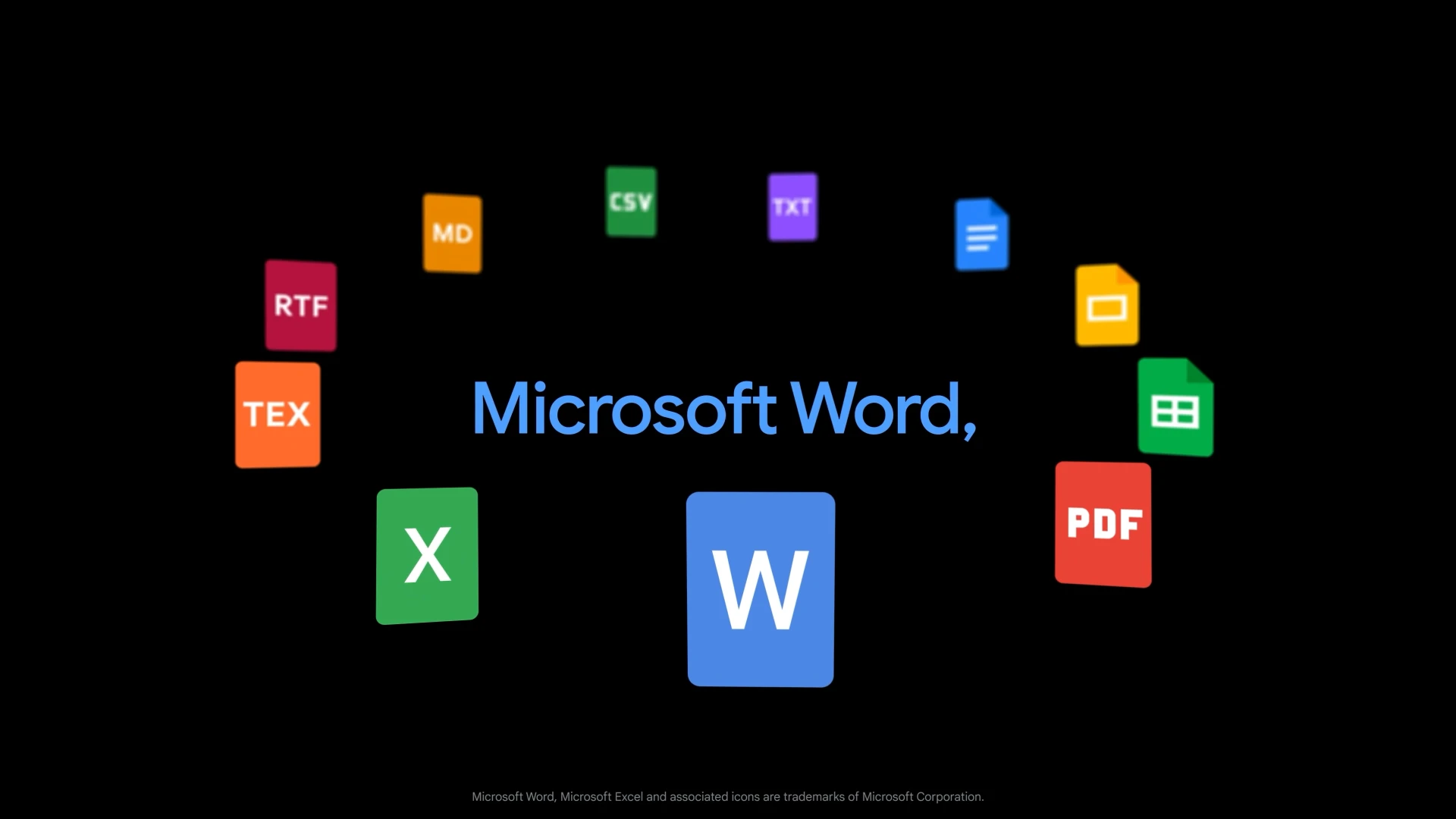
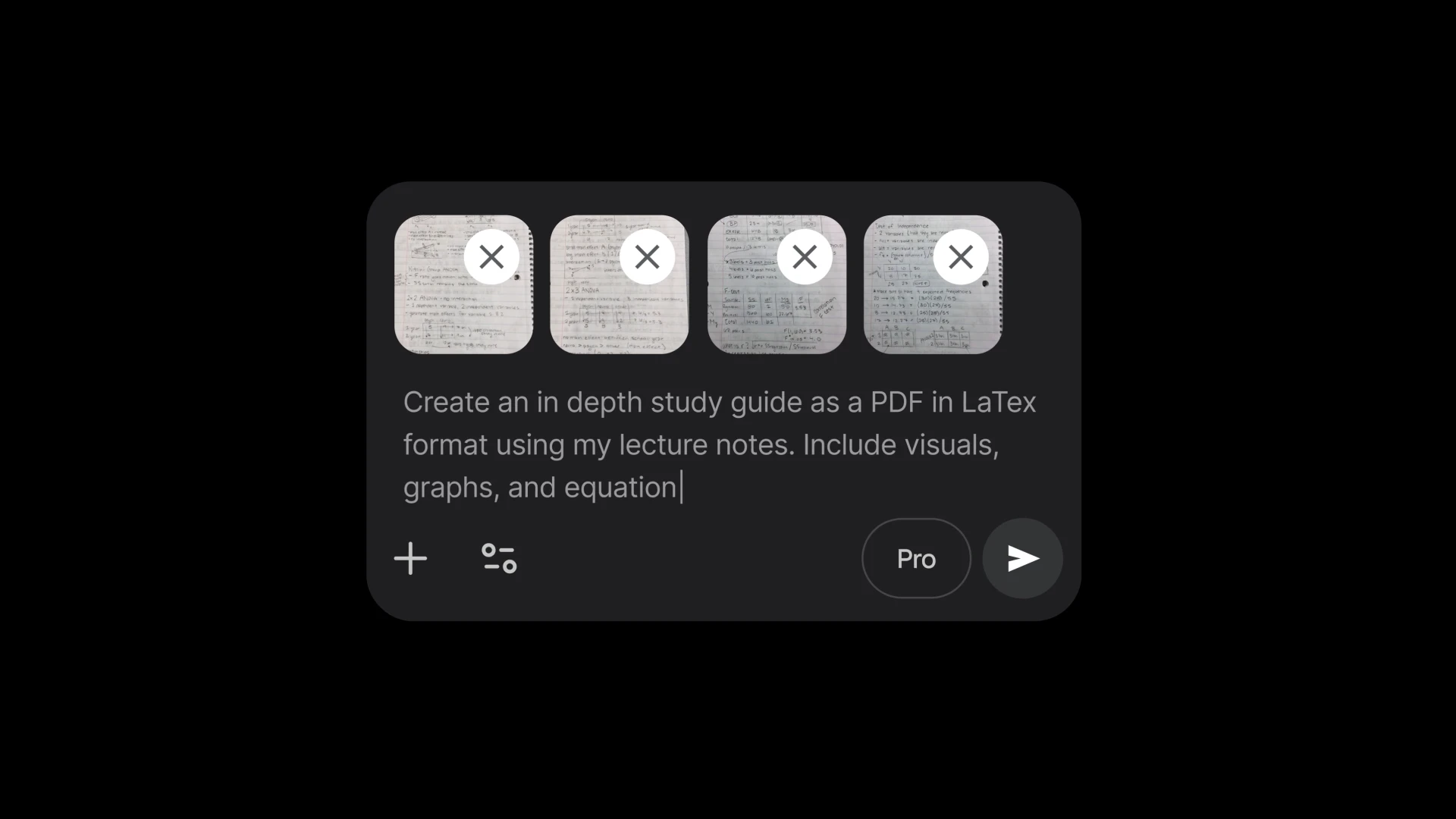
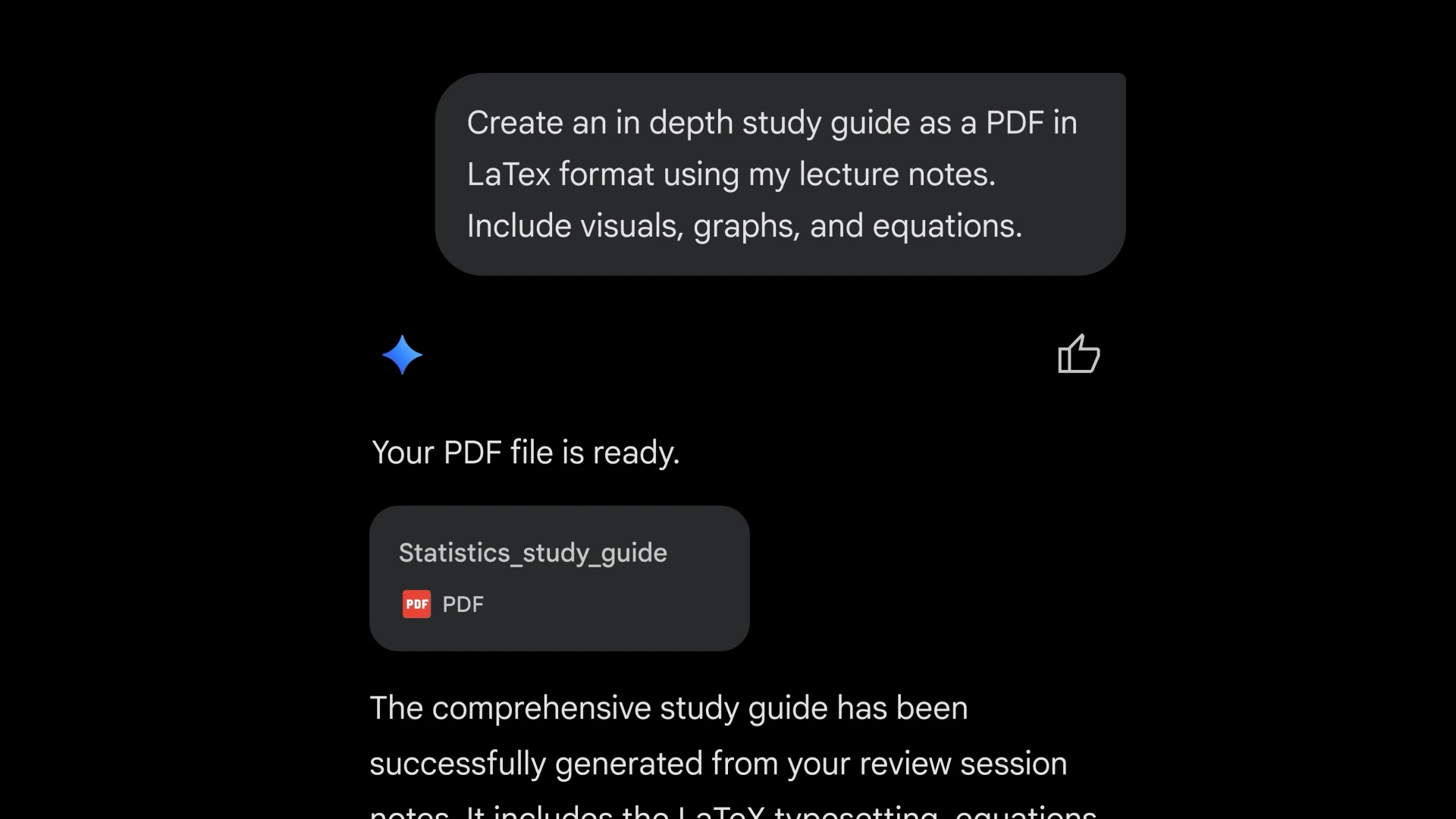
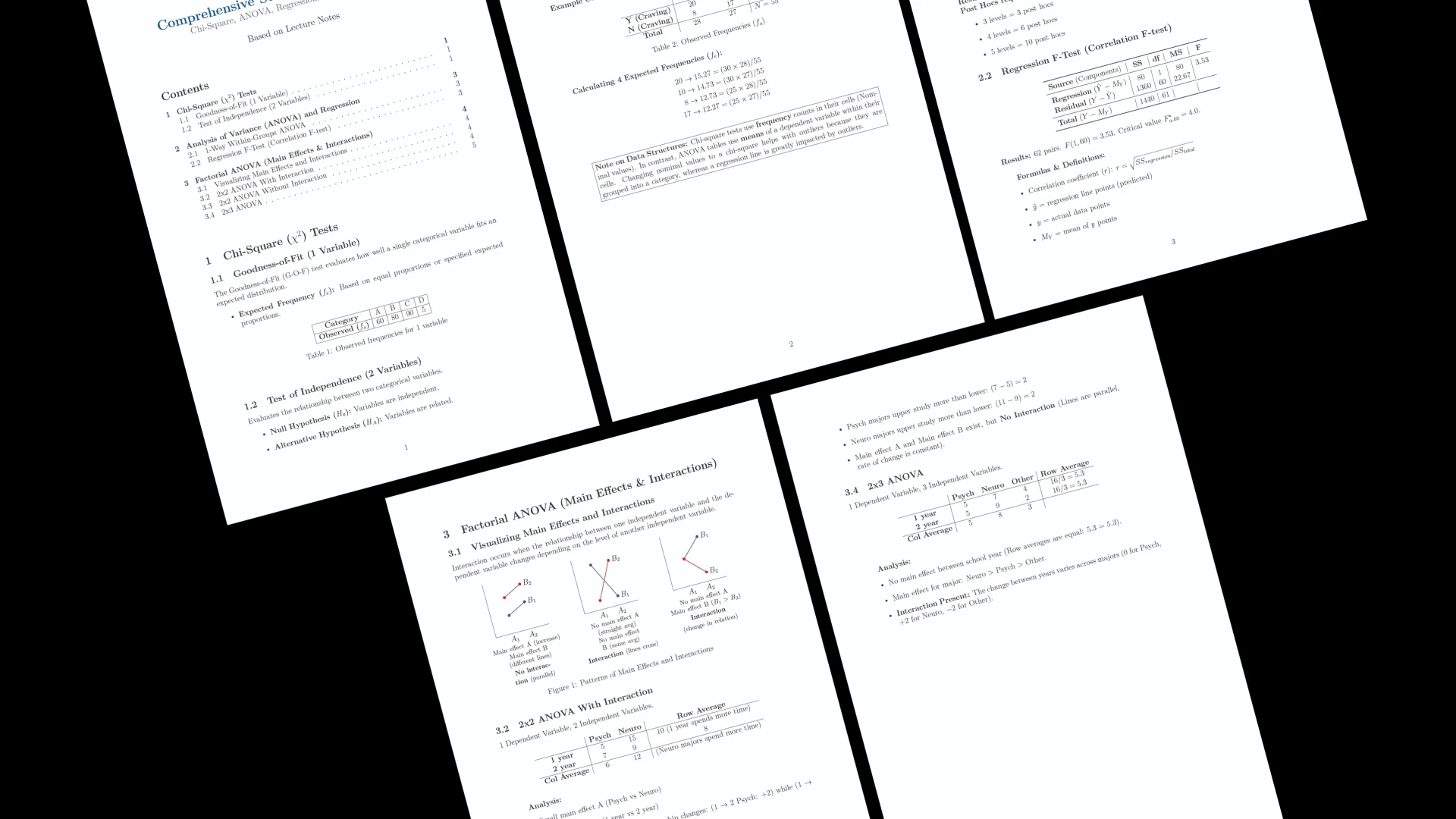
Gemini can now generate downloadable files directly in chat, including Google Docs, Sheets, Slides, PDFs, Word, Excel, CSV, LaTeX, Markdown, TXT, and RTF. Go from prompt to ready-to-share file without copying, pasting, or reformatting.

Hi everyone!

Gemini App keeps choosing to go broad.

This update brings the output much closer to everyday workflows: Docs, Sheets, Slides, PDFs, Word, Excel, CSV, Markdown, LaTeX, and more can now be generated directly inside the chat. No more copying a good answer, pasting it elsewhere, and fixing the formatting by hand.

That says a lot about Gemini app’s direction. It is trying to be a wider productivity surface that fits into the apps and file formats people already use every day.

5
回复

@zaczuo looking great!!

0
回复

@zaczuo How has this file generation feature changed your own daily workflow; like, are you using it to skip back-and-forth between chat and Google Docs more often now?

0
回复

The LaTeX support is the interesting one here. Generating a `.tex` file is easy enough, but does it come pre-structured with proper packages declared in the preamble, or is it more of a raw content dump that still needs a working template wrapped around it before it'll actually compile?

0
回复
#8
Quarkdown
Markdown wit LaTeX in a modern typesetting system
123
一句话介绍:Quarkdown 是一款基于 Markdown 并深度融合 LaTeX 的现代排版系统,帮助用户在 VS Code 或终端中高效完成论文、演示文稿、知识库和网站的制作,解决技术写作者在“易写”与“专业输出”之间的长期痛点。
Open Source Writing Developer Tools GitHub
Markdown排版 LaTeX集成 学术写作 演示文稿生成 知识库 网站构建 实时预览 VS Code扩展 命令行动态预览 开源工具
用户评论摘要:用户关注 Markdown 与 LaTeX 语法冲突(如下划线歧义),期待上下文推断或模式切换方案。好奇同一源文件如何适配学术PDF(浮动图、参考文献、双栏)与幻灯片,询问公式导出是否为可选中文字PDF。开发者正处理标题拼写错误。
AI 锐评

Quarkdown 的价值不在于简单的“Markdown + LaTeX”,而在于它试图弥合两种写作范式的“即写即所得”鸿沟。Typst 等新秀在排版内核上更先进,但牺牲了 Markdown 的直觉与生态;Quarkdown 聪明地选择在 VS Code 与终端两大开发者腹地生根,让用户无需切换环境即可获得 LaTeX 级的排版控制力,这是对“学术写作工具链”的一次务实重构。

不过,产品面临的核心挑战是语法冲突的“脏活”——用户评论中提到的下划线歧义就是典型。若仅靠 $..$ 分隔符做简单模式切换,实际上是在强迫用户记住另一套规则,并未真正降低认知负荷。真正的痛点在于,用户想在同一个思路上同时书写正文和公式,而非在两个语法世界间频繁跳转。若 Quarkdown 不能在上下文感知上做出更智能的推断(比如自动识别数学环境),它将沦为又一个“功能拼凑”而非“体验融合”。

此外,从评论中能看出,教师与内容创作者的潜在需求极大——他们需要的不仅是学术 PDF,还有可交互或可复制的公式导出能力。如果能做到 PDF 中公式文字可选、同时兼容幻灯片和网站生成,Quarkdown 就能借“一个源,多格式”的承诺真正吃掉从课件、讲义到博客的整条内容生产链。当前 123 票的 Launch 热度不算爆炸,但开发者的十年开源背景及对反馈的开放态度是加分项。建议下一步聚焦“编译管道”的灵活性:允许用户按输出端定制渲染规则,比如 PDF 严格学术,网页则优先可访问性。Quarkdown 有潜力成为类 Notion 笔记与 LaTeX 论文间的桥梁,但前提是这桥不能修得摇摇晃晃。

查看原始信息
Quarkdown
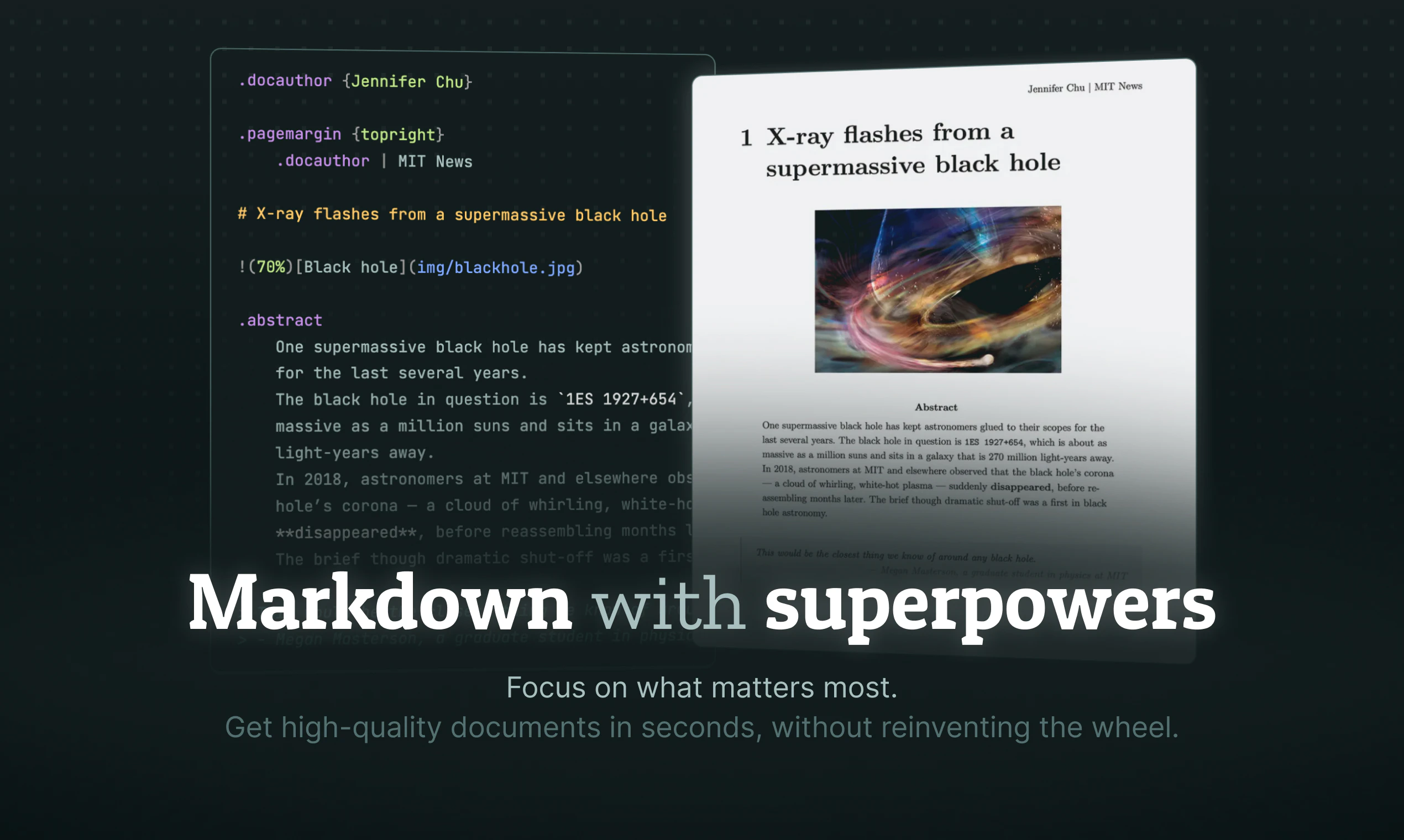
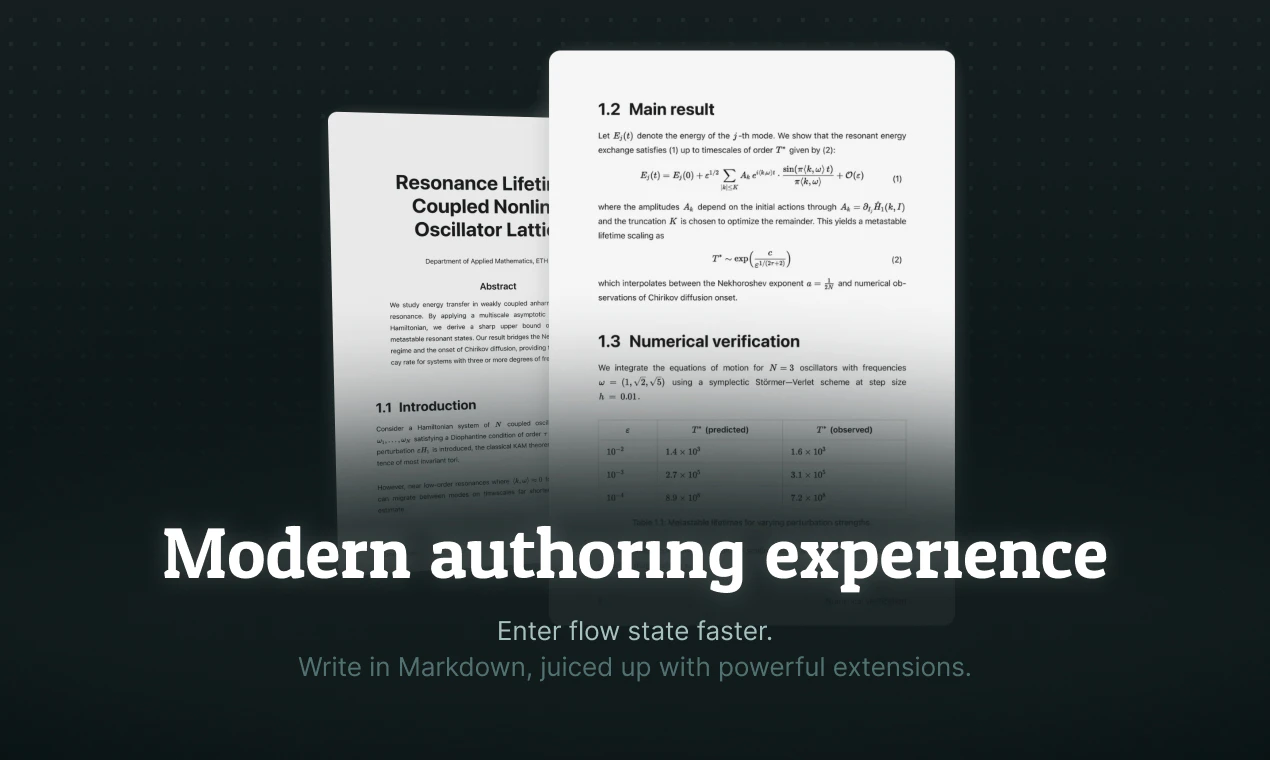
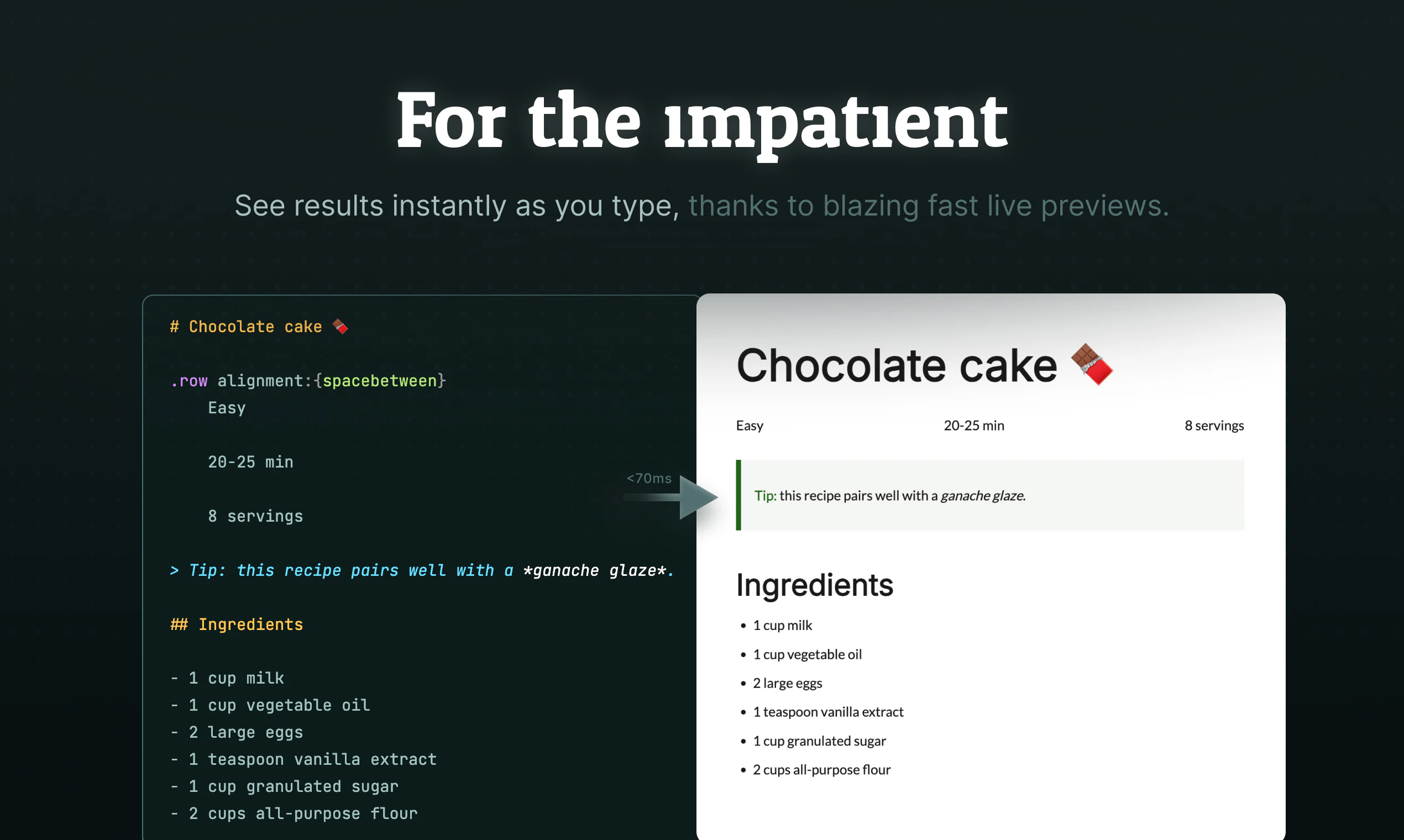
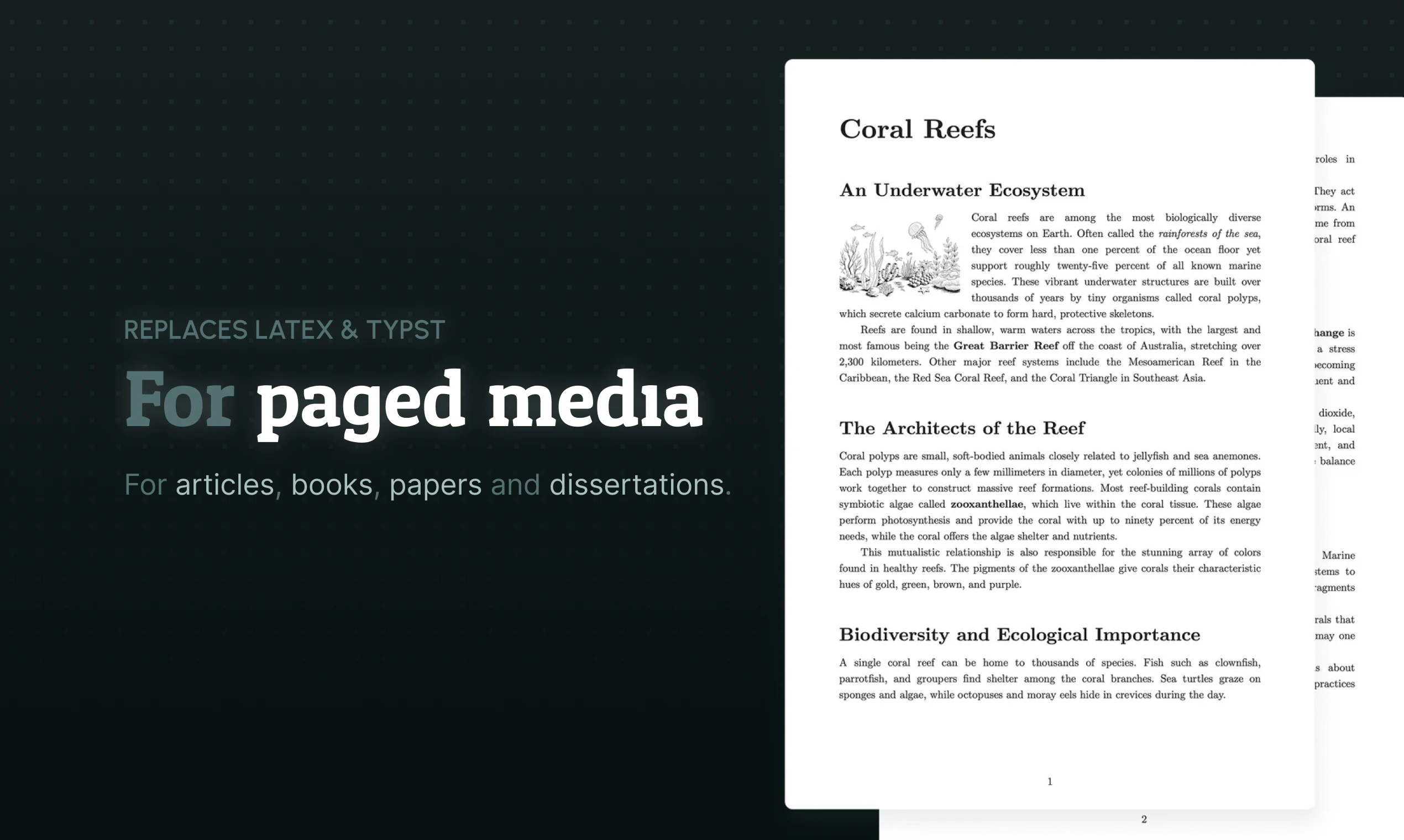
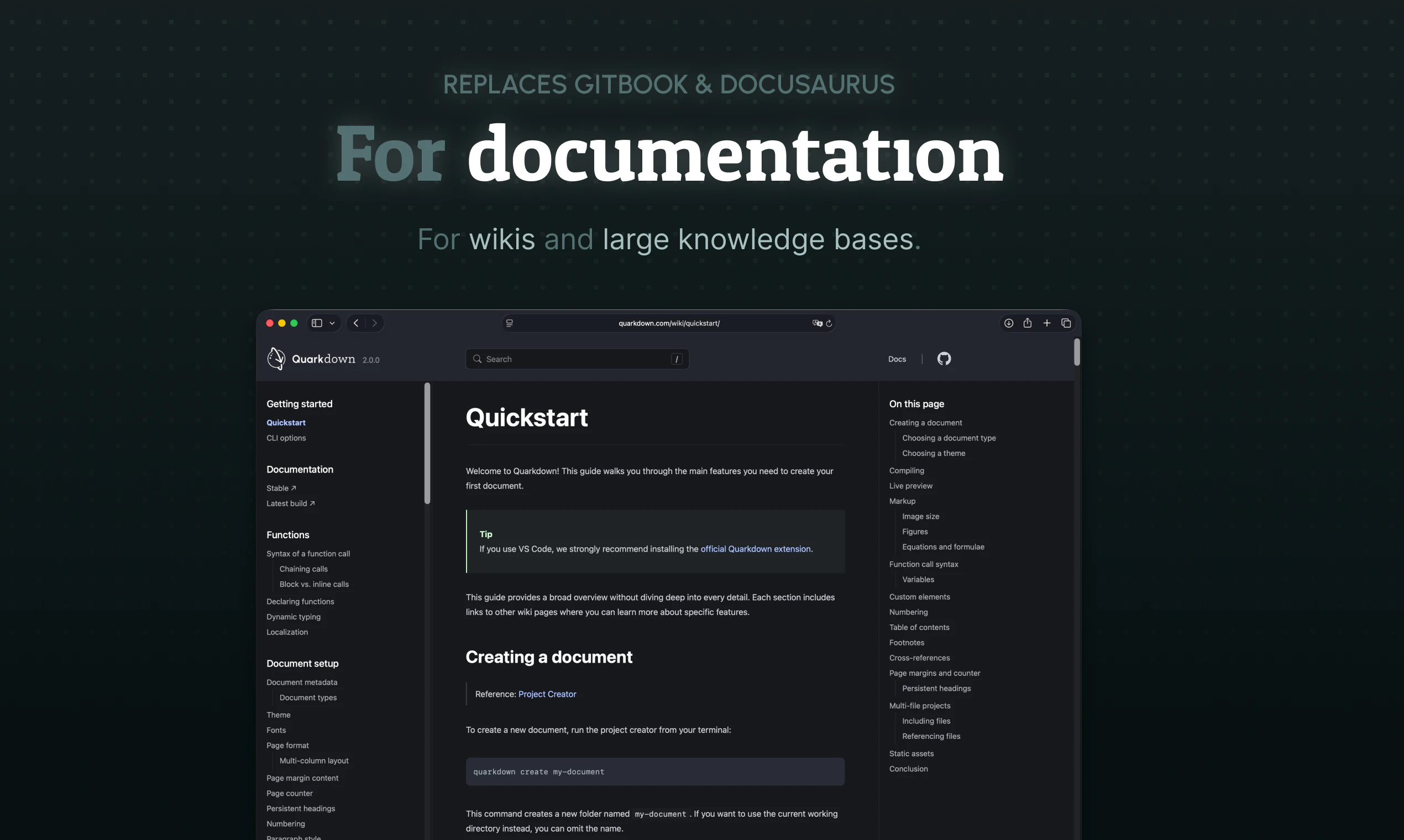
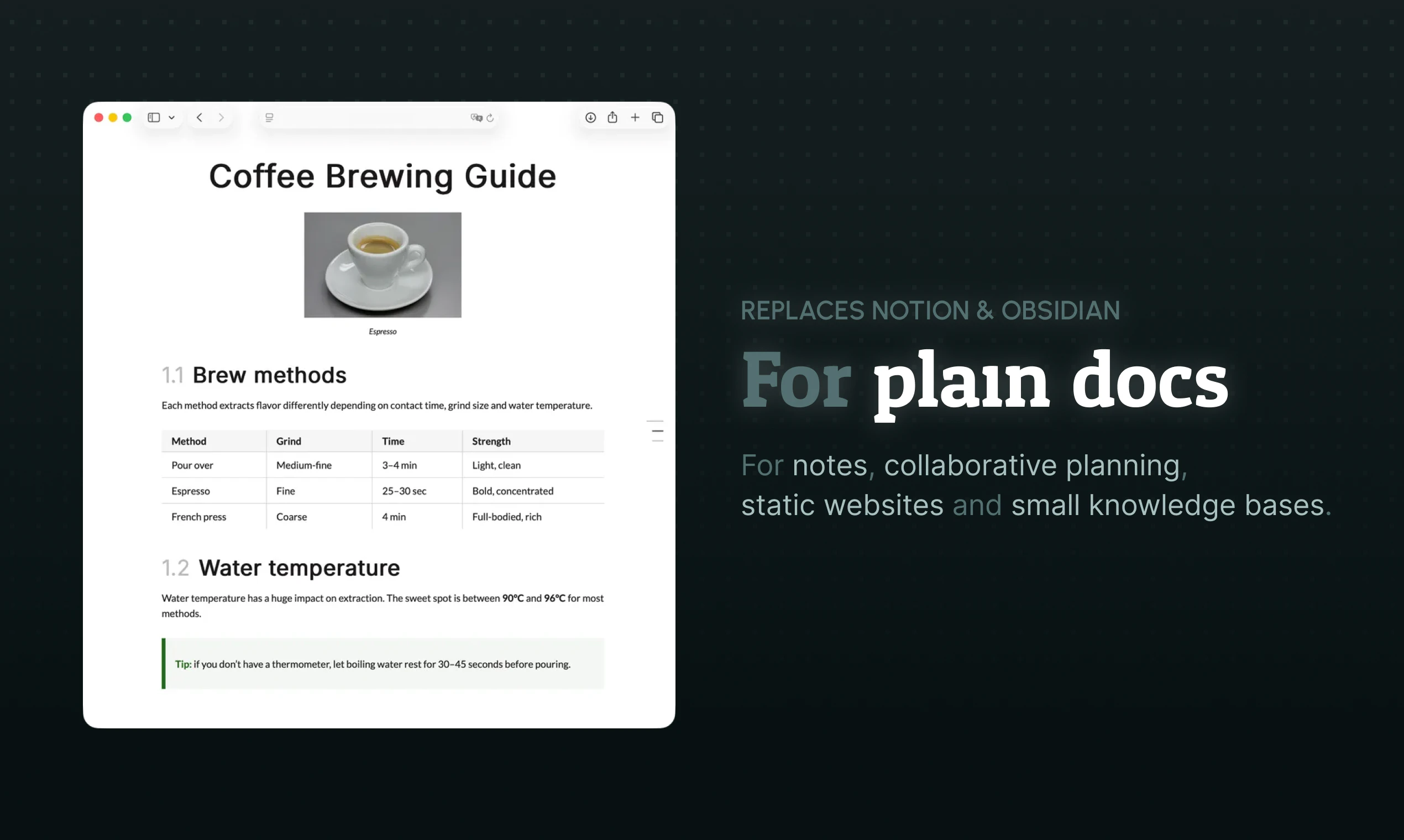
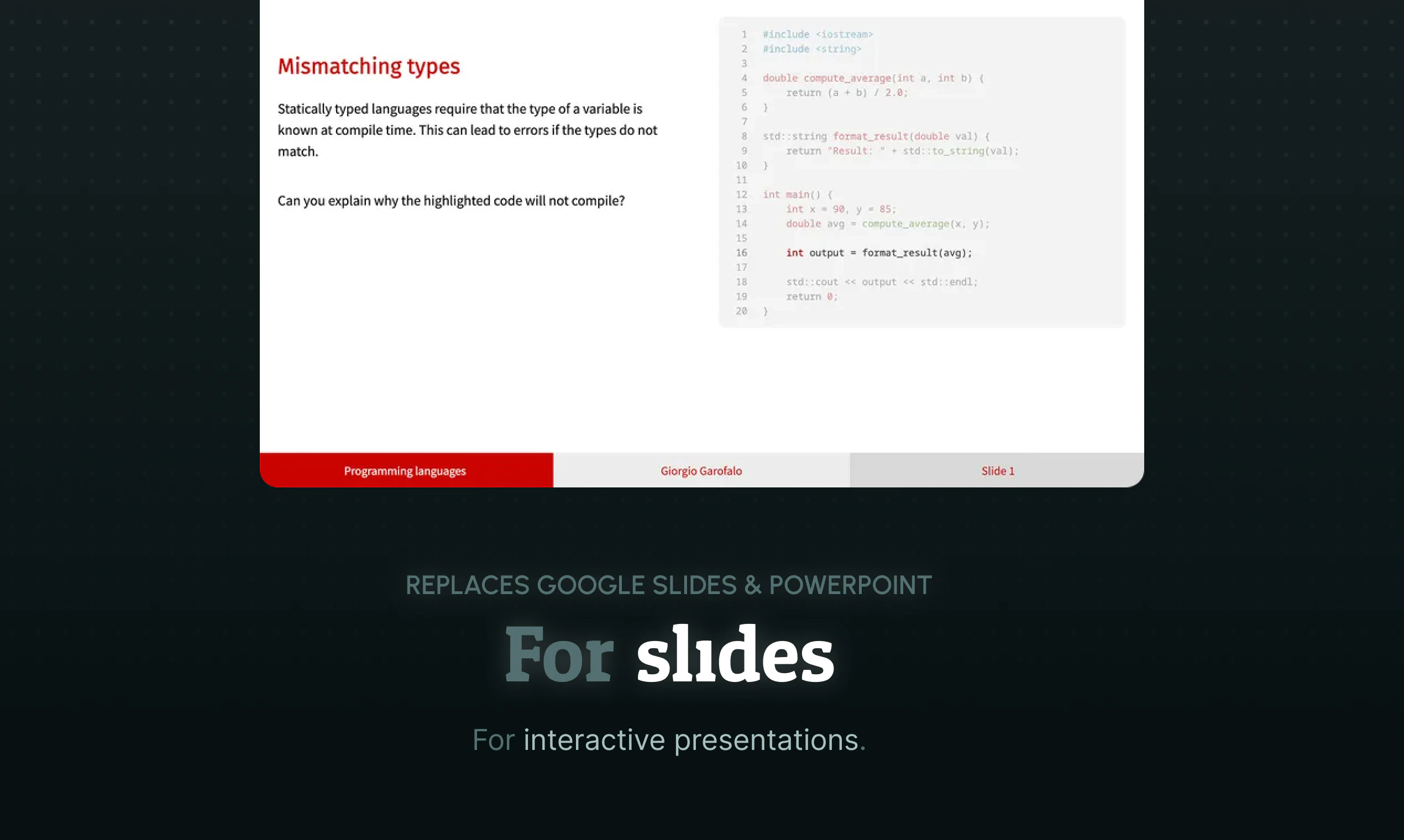
Quarkdown is a modern, fast, Markdown-based typesetting system to create papers, presentations, knowledge bases and websites. Write in the markup language you're already familiar with for a flat learning curve, but juice it up with powerful extensions for full control over your documents, and live preview to enter flow state faster. Quarkdown runs on VS Code or your terminal.

Hey Hunters!

I'm the author and project lead of Quarkdown. What started as a simple university research project eventually evolved into a full-fledged typesetting system for writers, developers, and anyone who cares about control.

I've been building open source software for the past 10 years. Making things is what I love the most, and I'm driven by passion for what I do.

If you try it out, please share your feedback! And if not, a star goes a long way ⭐️

8
回复

@iamgio Hey Giorgio, congrats on the launch! markdown + latex in one system is an achievement by itself, but the syntactic ambiguity is brutal. How are you resolving the underscore problem (italic in markdown vs subscript in latex)? mode-switch on $..$ delimiters, or some smarter context inference? anyway, best of luck!

0
回复

Hey all, thanks for the support!

I’m aware of the typo in the subtitle: a Product Hunt moderator changed my original description right before launch and left a typo there that I’m not able to edit out! I’m waiting for support to edit it for me

1
回复

Hey Giorgio, congrats on the launch! markdown + latex in one system is an achievement by itself, but the syntactic ambiguity is brutal. How are you resolving the underscore problem (italic in markdown vs subscript in latex)? mode-switch on $..$ delimiters, or some smarter context inference? anyway, best of luck!

1
回复

The Markdown-syntax-with-LaTeX-power angle is the right pitch — Typst nails the latter but loses the muscle memory most writers already have. Curious how the same source compiles for academic PDFs (figure floats, refs, two-column) vs slide decks — same renderer, or separate backends?

0
回复

Markdown + LaTeX in one toolchain solves a real pain for anyone teaching technical material — the eternal trade-off between "easy to write" and "professional output" usually forces a Word doc or a Notion page that can't render formulas properly. From a curriculum design angle, this could be a meaningful unlock: I teach Excel for Financial Modelling on Udemy (https://www.udemy.com/course/excel-for-financial-modelling/) and the supporting handouts (DCF formulas, IRR derivations, NPV calc walkthroughs) are exactly the case where a Markdown-first authoring flow with proper math rendering would have saved me weeks. Quick question — does Quarkdown export to printable PDF with selectable formulas, or are equations rasterized?

0
回复
#9
Symphony
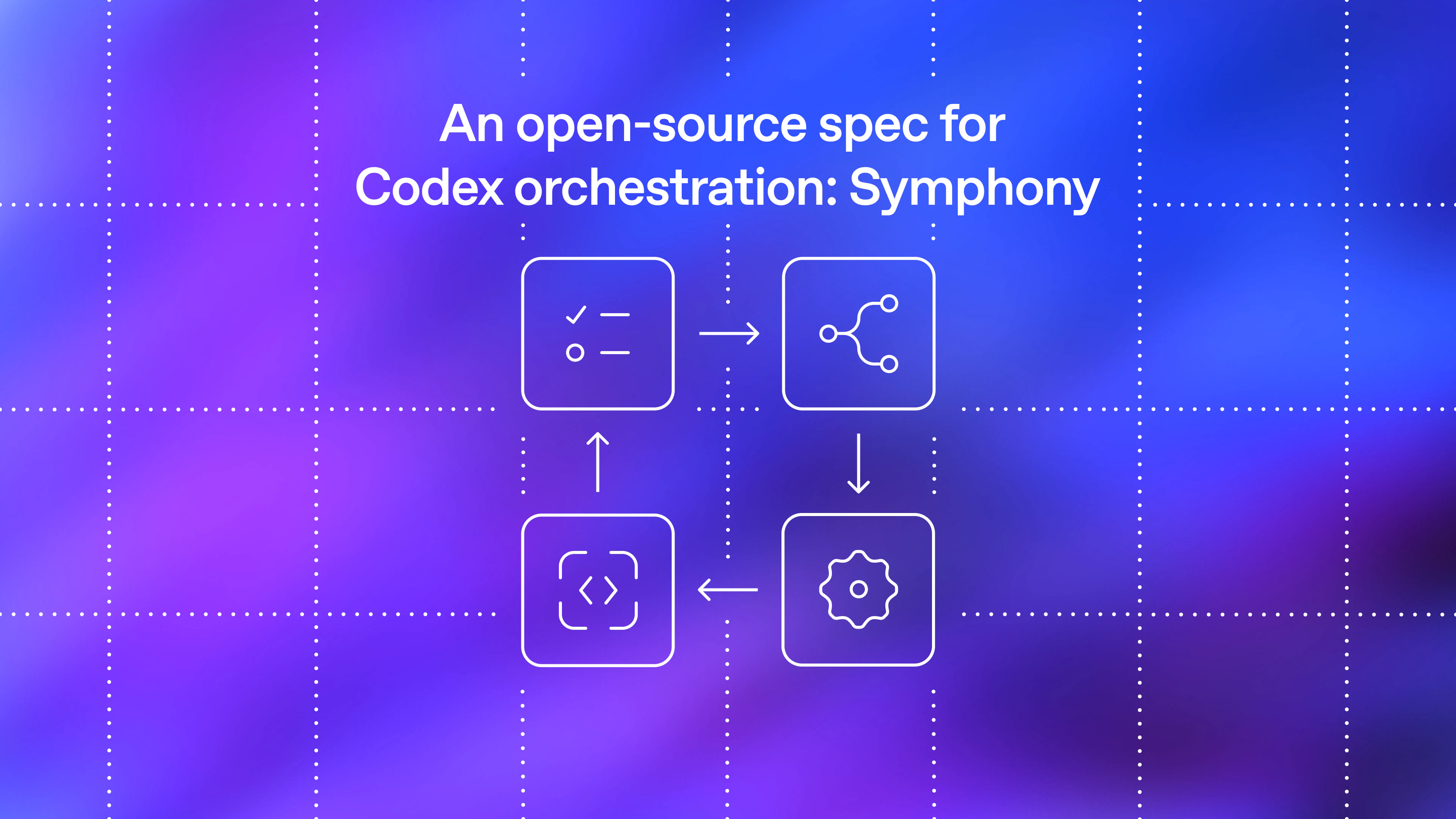
An open-source spec for Codex orchestration
117
一句话介绍:Symphony是一个开源规范,将任务追踪器(如Linear)转变为始终在线的代码执行引擎,让AI代理自动处理任务,开发者只需聚焦审查与方向,解决多代理协作时的上下文切换与重复监督痛点。
Open Source Artificial Intelligence
开源 代理编排 代码自动执行 任务追踪 AI工程 线性集成 并行开发 工作流自动化 代码代理 开发效率
用户评论摘要:用户关注代理失败时的纠错机制,担心反复提交混乱代码导致后续清理成本高。另有开发者询问对于5人小团队的具体工作流改变,暗示需要更落地场景。少数评论提及ChatGPT-5.5替代作用,但非直接针对产品。
AI 锐评

Symphony的野心不止于工具,它试图重新定义“任务”与“代码”之间的生产关系。将Issue Trackers作为控制平面,本质是把工程管理的“计划”与AI代理的“执行”做了一次硬性解耦,这比现有碎片化的Copilot插件或独立Agent平台更彻底——因为它借用了团队已有的协作语义,而非创造新孤岛。

但风险同样赤裸:评论中“代理一直在重复犯错”的质疑击中了核心软肋。当前方案依赖“自动重试”和“DAG执行”,却未明确如何阻断坏模式扩散。当代理在错误方向上连续产出PR,人类审查压力不降反升,所谓的“500%PR增长”可能沦为垃圾代码生产机。另外,小团队的实际痛点并非“多代理管理”而是“单代理靠谱”,Symphony对5人队的吸引力必然弱于大厂基建团队。

真正有价值的,是它对“工作流标准”的试探——如果稳定下来,它能将AI编程从“一人一IDE的魔术”变成“组织级的生产管道”。但在此之前,必须回答那0点赞的追问:谁来纠偏?成本转嫁到哪里?产品现在更像一张理想蓝图,而非可落地的生产工具。

查看原始信息
Symphony
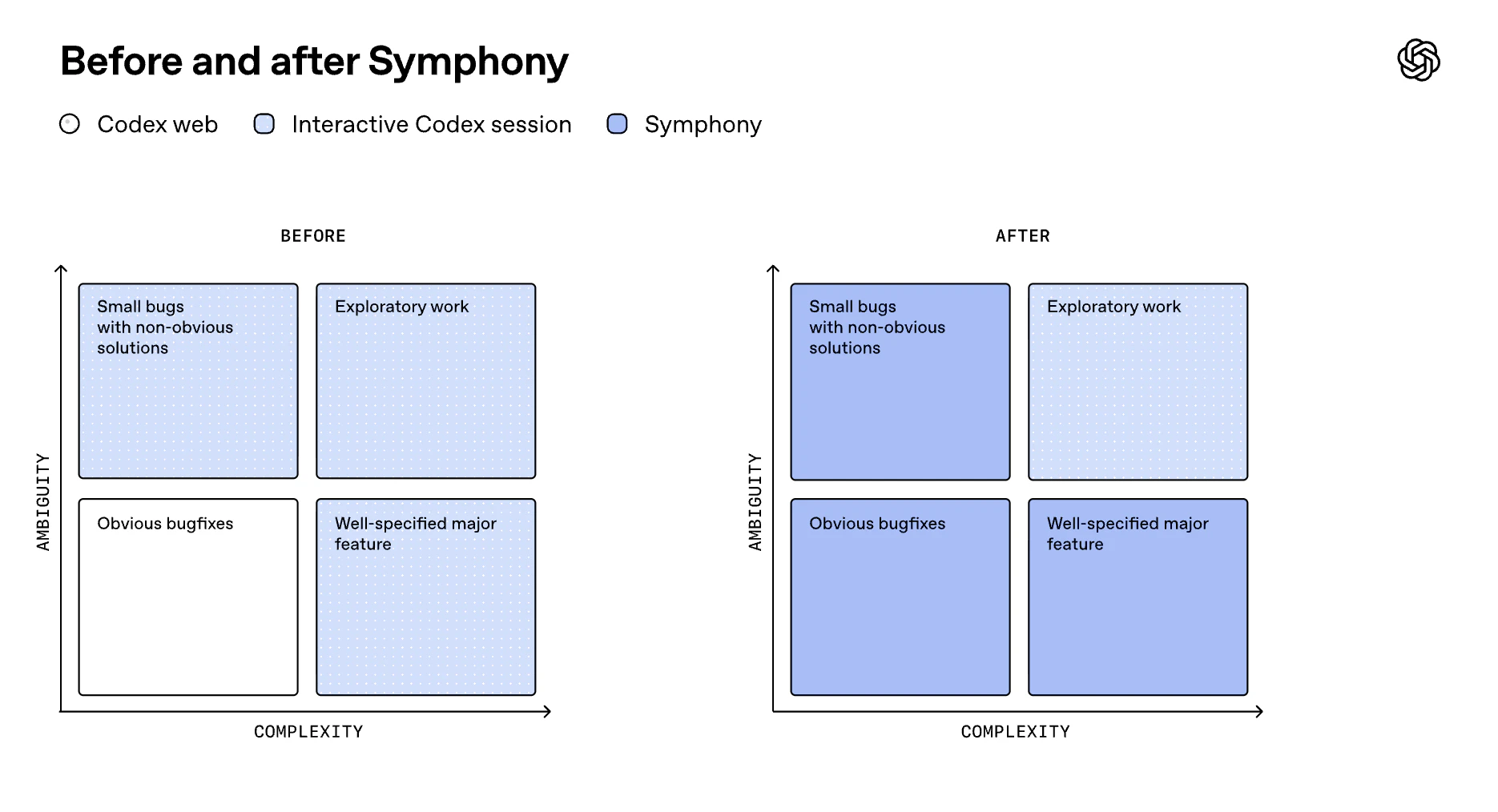
What if every open issue had a Codex agent? That’s the idea behind Symphony, an open-source agent orchestrator for Codex that turns task trackers into always-on systems for agentic work, letting humans focus on review and direction.

Symphony – Open-source spec for orchestrating coding agents 🚀

What it is: Symphony is an open-source specification from OpenAI for orchestrating coding agents, turning your issue tracker into an always-on execution engine.

Problem → Solution: Managing multiple coding agents creates context-switching overhead. Symphony solves this by assigning agents directly to tasks, automating execution without constant human supervision.

What makes it different: Instead of managing sessions, Symphony uses your task tracker (like Linear) as the control plane, agents continuously pick up and execute work in parallel.

Key features:

  • Agent-per-task orchestration

  • Continuous execution + auto-retries

  • Workspace isolation per issue

  • Built-in observability & logging

  • Scales parallel work via DAG-based execution

Benefits:

  • Up to 500% increase in shipped PRs

  • Reduced cognitive load for engineers

  • Faster experimentation & iteration

Who it’s for: Engineering teams, AI-native dev workflows, and builders leveraging coding agents at scale

Use cases:

  • Automating feature development

  • Large-scale refactoring

  • Parallel task execution across repos

  • AI-driven product development

If you're building with AI agents, this is a glimpse into the future of software workflows.

4
回复

@rohanrecommends If an agent keeps retrying or working on a task, how do you make sure it does not keep making the same mistake or create messy code that someone has to clean up later?

0
回复

@rohanrecommends How do you see Symphony changing the day-to-day for a small engineering team; like 5 devs already juggling Linear and a few coding agents?

0
回复

Chatgpt-5.5 has came back after a while of being on the DL. This is now doing more of my work than any other model, quite nice to use.

0
回复
#10
Mistral Medium 3.5
A 128B model for coding, reasoning, and long tasks
115
一句话介绍:Mistral Medium 3.5 是一款将编码、推理与指令遵循融合于单一权重的128B稠密模型,支持256K上下文与可配置推理深度,让开发者和团队能在4块GPU上本地运行原本需要庞大基础设施的前沿级模型。
Android Newsletters Artificial Intelligence
AI大模型 开源模型 本地推理 代码生成 逻辑推理 指令微调 企业级AI 模型部署 256K上下文 SWE-Bench
用户评论摘要:用户强调该模型是Mistral迄今最强模型,可自托管于4GPU,在SWE-Bench上领先Qwen3.5 397B。其“有配置的推理努力”是亮点,兼顾简单回复与深度推理。开放权重与修改版MIT许可利于微调和审计。
AI 锐评

Mistral Medium 3.5 的发布看似是一次常规的模型升级,实则暗藏了对当前AI行业两大痛点的精准打击:成本与复杂性。在多数实验室仍执着于堆参数、分拆专用模型(推理、编码、指令各一个)时,Mistral反其道而行之,用“合并权重+可配置推理”的设计,将一个128B的稠密模型塞进四张消费级显卡。这种“做减法”的思路,直接挑战了OpenAI、Google等依赖闭源API和集群硬件的厂商。

其真正的价值不在于跑分(77.6% SWE-Bench固然亮眼),而在于将“企业级”的门槛拉低到了团队级。一个能自托管、可微调、API成本可控,且能兼顾闲聊与长周期编码任务的全能模型,对于预算有限但追求数据安全与模型可控性的中小团队而言,是填补开源与闭源之间“利润空白区”的利器。

不过,需要警惕的是,密集参数模型在能耗与单卡内存带宽上天然劣势明显,128B在4GPU上能否保持低延迟的交互体验仍有待观察。且“合并式”架构意味着在极端追求单科性能的场景下(如纯竞赛级数学推理),它未必能胜过专精模型。Mistral的赌注在于:99%的日常工作需要的是“够用且便宜”,而不是“极致且昂贵”。如果这一判断成立,这将是模型产品化思路的转折点。

查看原始信息
Mistral Medium 3.5
Mistral Medium 3.5 is a 128B dense model merging coding, reasoning, and instruction-following in one set of weights. 256k context, configurable reasoning effort. Open weights on HuggingFace for engineers and teams running self-hosted inference.

Mistral just shipped their most capable model yet, and it runs self-hosted on four GPUs.

What it is: Mistral Medium 3.5 is a 128B dense model that merges instruction-following, reasoning, and coding into a single set of weights, with a 256k context window and configurable reasoning effort per request.

Most frontier-class models either require massive infrastructure to self-host or lock you into proprietary APIs.

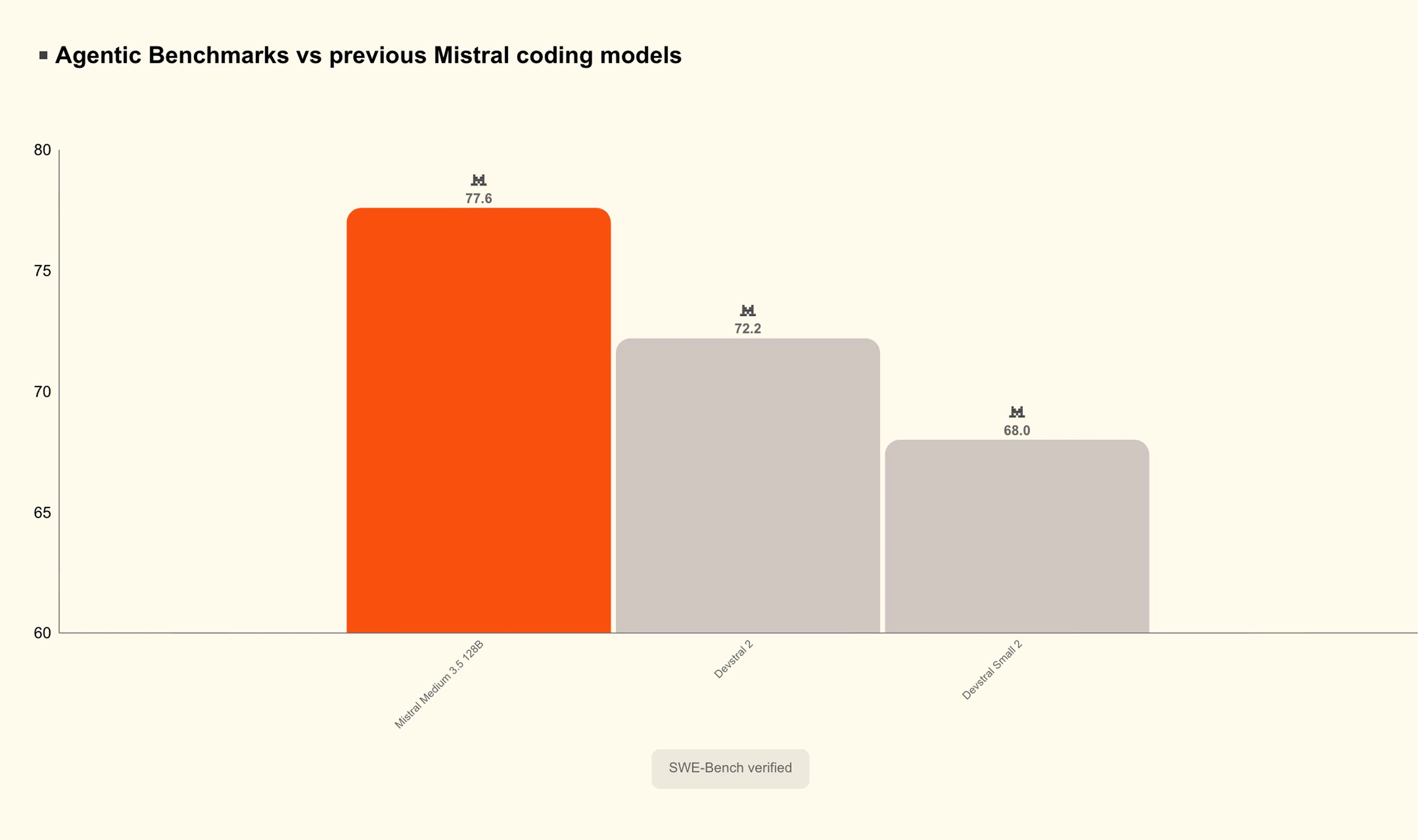
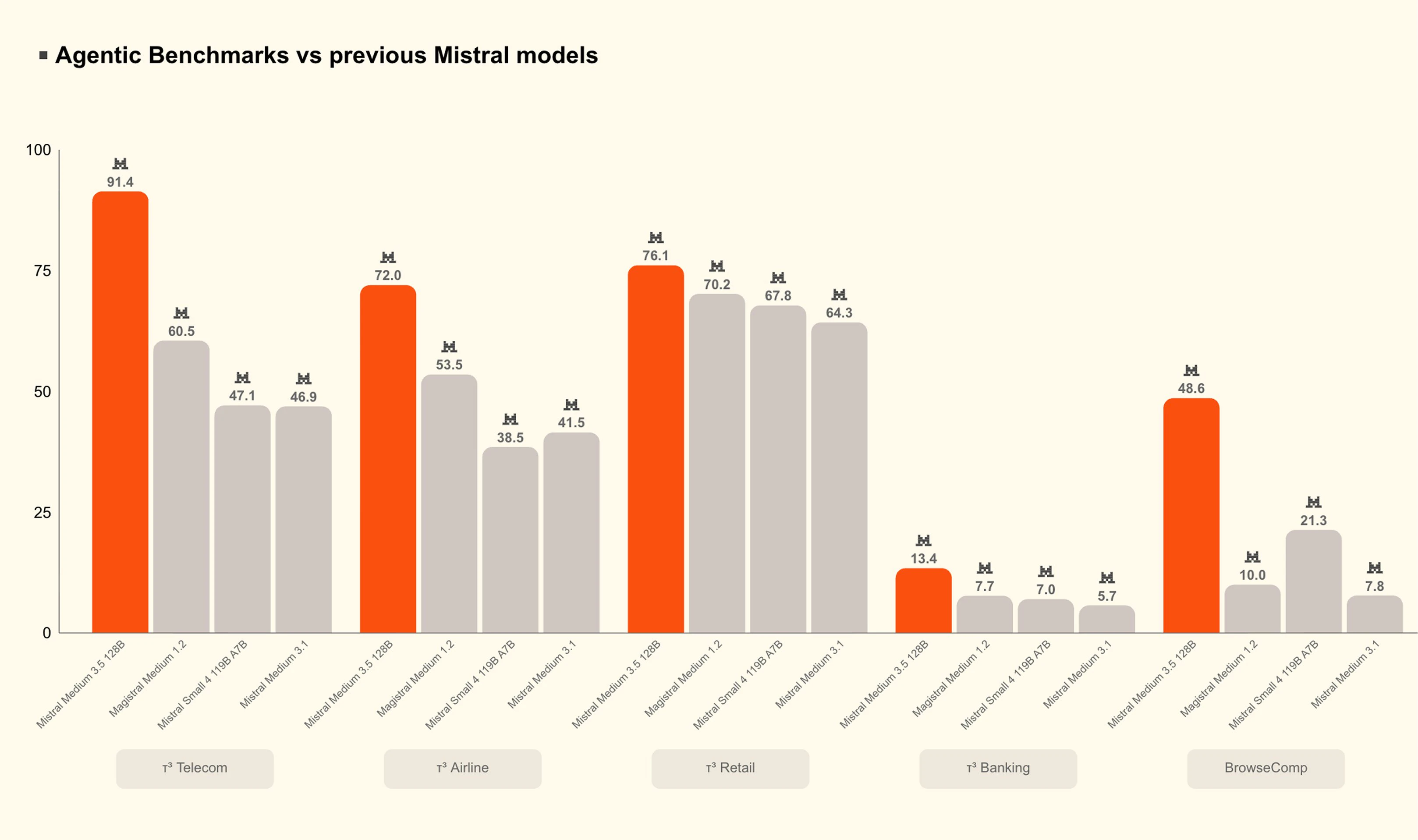
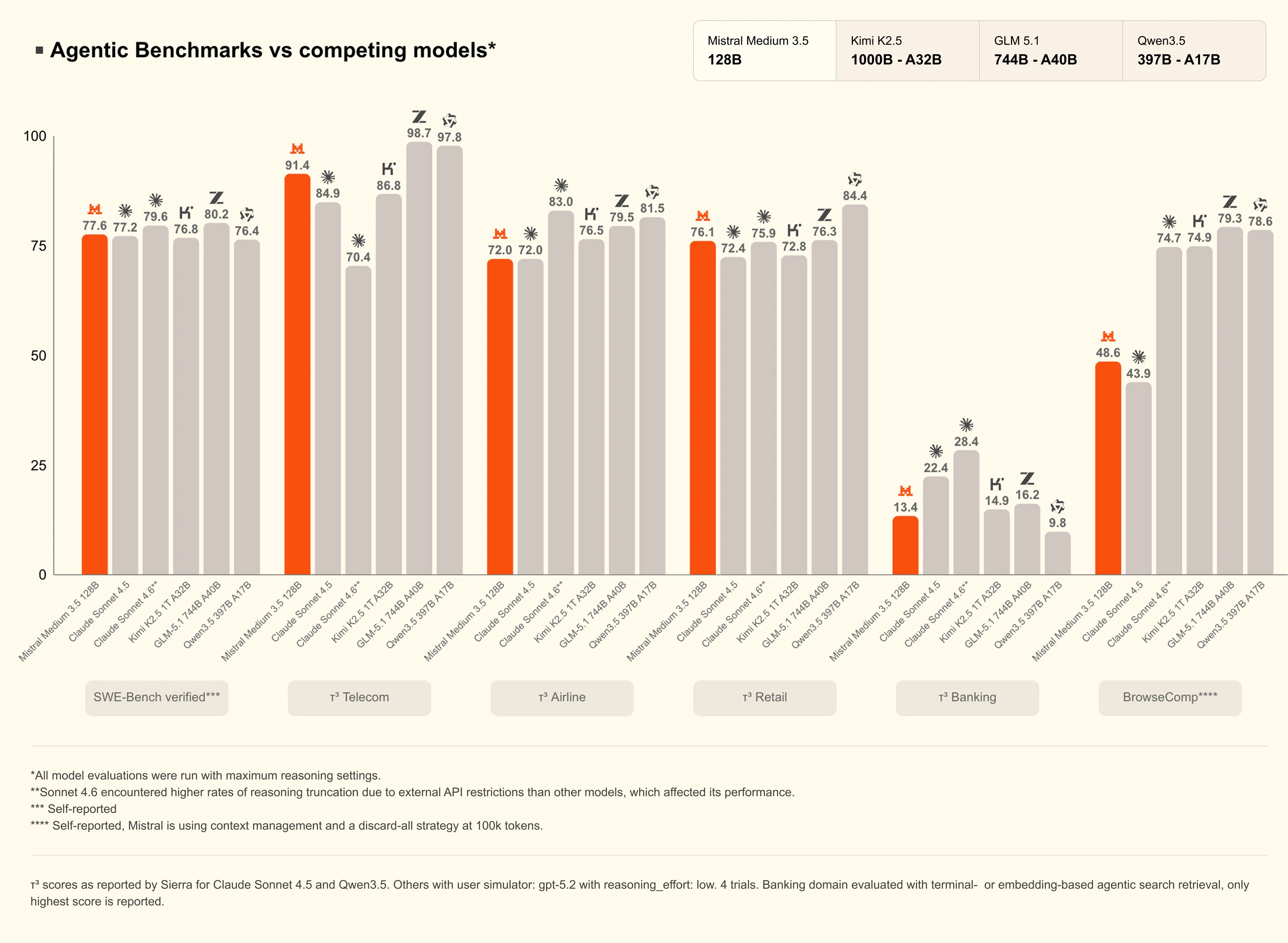
Mistral Medium 3.5 sits in an interesting position: it scores 77.6% on SWE-Bench Verified, ahead of models like Qwen3.5 397B A17B, while running on as few as four GPUs.

The reasoning effort is configurable per call, so you're not paying or waiting for deep reasoning on a simple reply, but the same model can handle a multi-step agentic run.

What makes it different: This is Mistral's first "merged" flagship model, meaning instruction-following, reasoning, and coding live in one set of weights rather than being split across specialised variants.

The open weights are released under a modified MIT license on Hugging Face, and it's already the default model in both Mistral Vibe and Le Chat.

The vision encoder was trained from scratch to handle variable image sizes and aspect ratios.

Key features:

  • 128B dense model, 256k context window

  • Configurable reasoning effort per request

  • 77.6% on SWE-Bench Verified

  • Open weights on Hugging Face under a modified MIT license

  • Self-hostable on 4 GPUs

  • API at $1.5/M input tokens and $7.5/M output tokens

  • Powers Vibe remote coding agents and Le Chat Work mode (Pro/Team/Enterprise plans)

  • Available on NVIDIA build.nvidia.com and as an NIM container

Benefits:

  • Run a frontier-class model on your own infrastructure without a large GPU cluster

  • Tune reasoning depth at the API level, useful for cost-sensitive agentic pipelines

  • Single model handles the full range from quick chat replies to long-horizon coding tasks

  • Open weights means fine-tuning, auditing, and on-prem deployment are all on the table

Who it's for: Backend and ML engineers evaluating open-weight alternatives to proprietary frontier models for agentic pipelines, coding tools, or self-hosted inference.

The interesting design choice here is the merged weights architecture.

Most labs at this capability tier still ship separate reasoning and instruction models.

Collapsing them with configurable effort per call is a practical tradeoff that's worth watching as other labs respond.

2
回复
#11
Invite Only
The event invite that actually gets people to show up
112
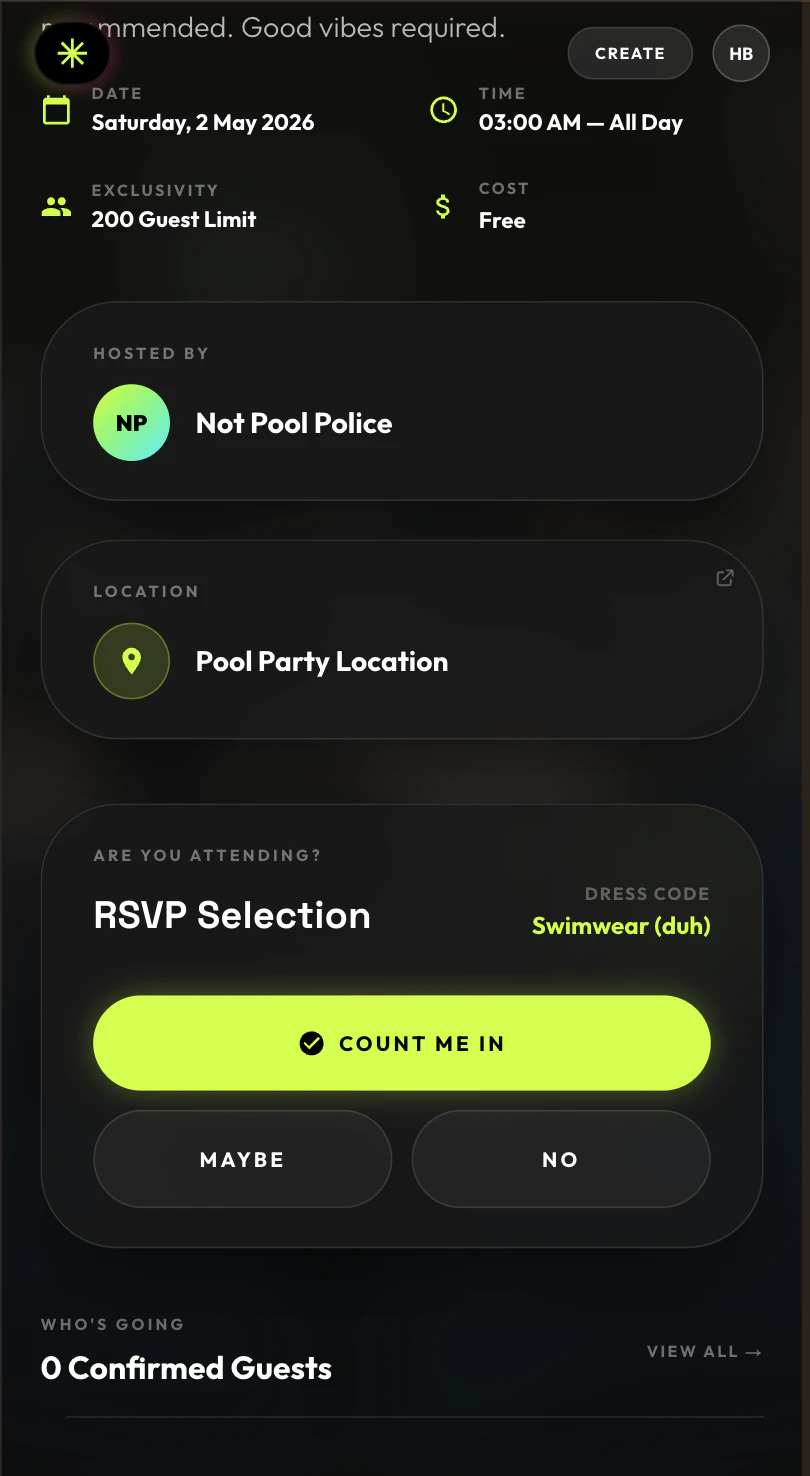
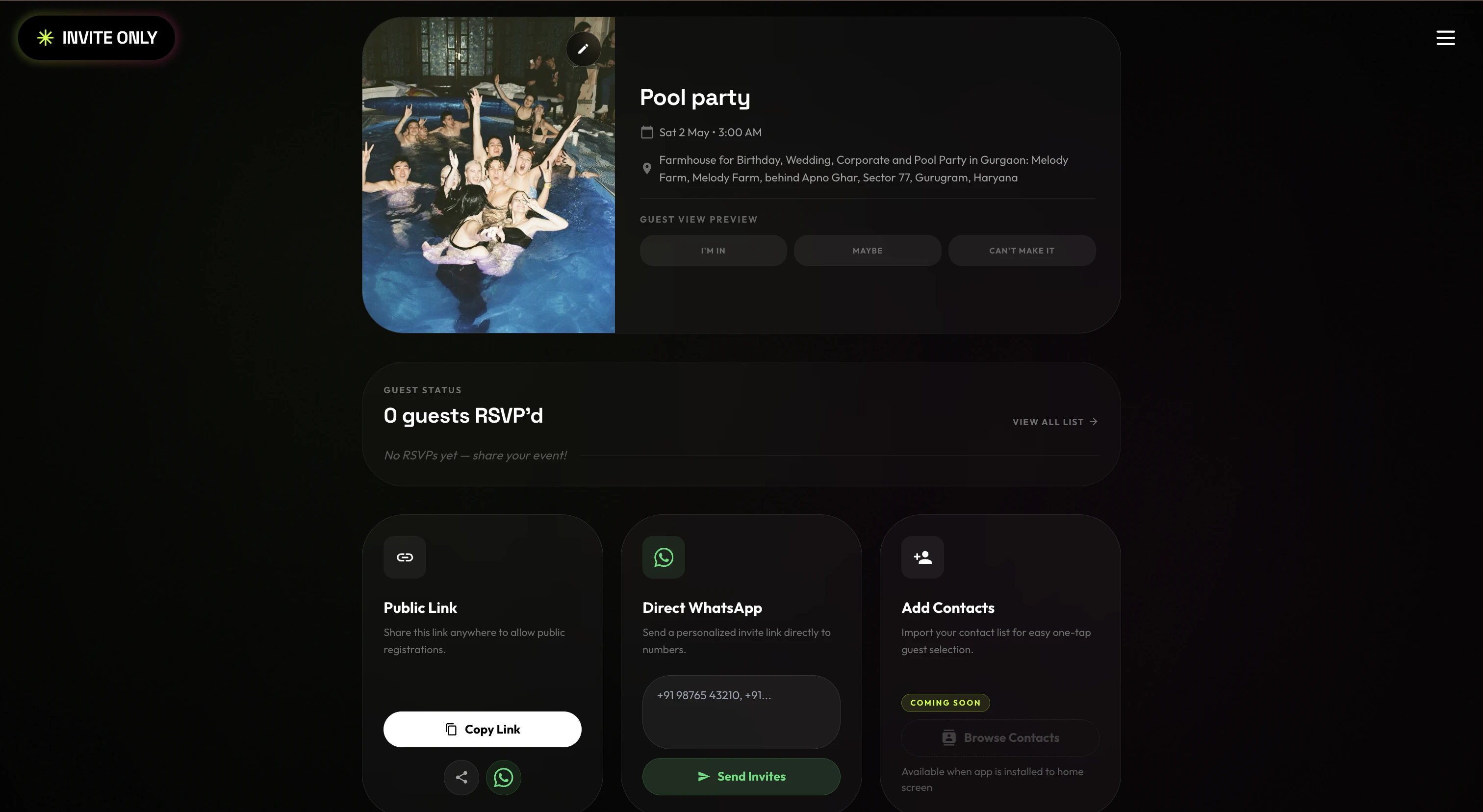
一句话介绍:Invite Only是一个专为WhatsApp优先市场设计的活动邀请工具,让主办方2分钟内创建精美邀请页,通过链接分享后,受邀者无需下载App即可在30秒内通过OTP完成RSVP并集成UPI支付,将社交聊天中的“口头答应”转化为可确认的出席名单,解决活动邀约中“说来不来”的失约痛点。
Productivity Social Media Live Events
活动邀请 RSVP管理 WhatsApp集成 UPI支付 零下载体验 印度市场 事件管理工具 社交裂变 签到确认 移动端优先
用户评论摘要:用户普遍认可快速RSVP和UPI集成的价值,但反馈集中于两个核心问题:一是仅支持印度手机号,非印度用户无法发布活动;二是存在发布后状态显示为草稿、链接404等发布bug。有用户质疑仅靠RSVP无法解决人性“放鸽子”问题。开发者积极回应,修复正常并请求用户提供具体环境以便排查。
AI 锐评

Invite Only切中了一个极其具体且刚性的场景:印度及WhatsApp渗透率极高的市场,活动邀约常淹没在群聊的“bhai coming”中,组委会靠数聊天记录统计人头,失约率极高。其核心价值并非“更美观的邀请页”,而是通过OTP+UPI支付形成**低成本但强约束的出席确认机制**——付了钱就意味着承诺,这是对“人话”做技术翻译。

但产品目前仅限印度手机号,本质上是一场高度本地化的封闭实验。它好就好在克制:不做App,只做WhatsApp里的一张“锚”。然而,单一市场依赖UPI,意味着走出印度就是废墟;而对“人一定会放鸽子”的质疑,评论区的反驳是“扣钱”,但UPI本身是小额即时转账,无法解决大规模预授权或定金场景,也缺乏缺席惩罚机制(如押金扣除)。换句话说,RSVP+转账可以过滤“随口应付”,但挡不住“临时捡到更香的活动”或“天太热不想出门”。

此外,评论区的Bug反馈指向发布流程稳定性问题,对于一个2周赶工出V2的产品,这可能是常态而非意外。产品真正的护城河在**生态绑定**:一旦用户的RSVP历史和群主信誉积累在Invite Only,迁移成本就会升高。但目前来看,它更像个MVP级工具,而非平台。要想真正“让答应有意义”,下一步必须引入缺席赔付、Google Calendar同步、以及非印度市场的支付适配——否则它只是WhatsApp群聊里一张更好看的“钓鱼图”。

查看原始信息
Invite Only
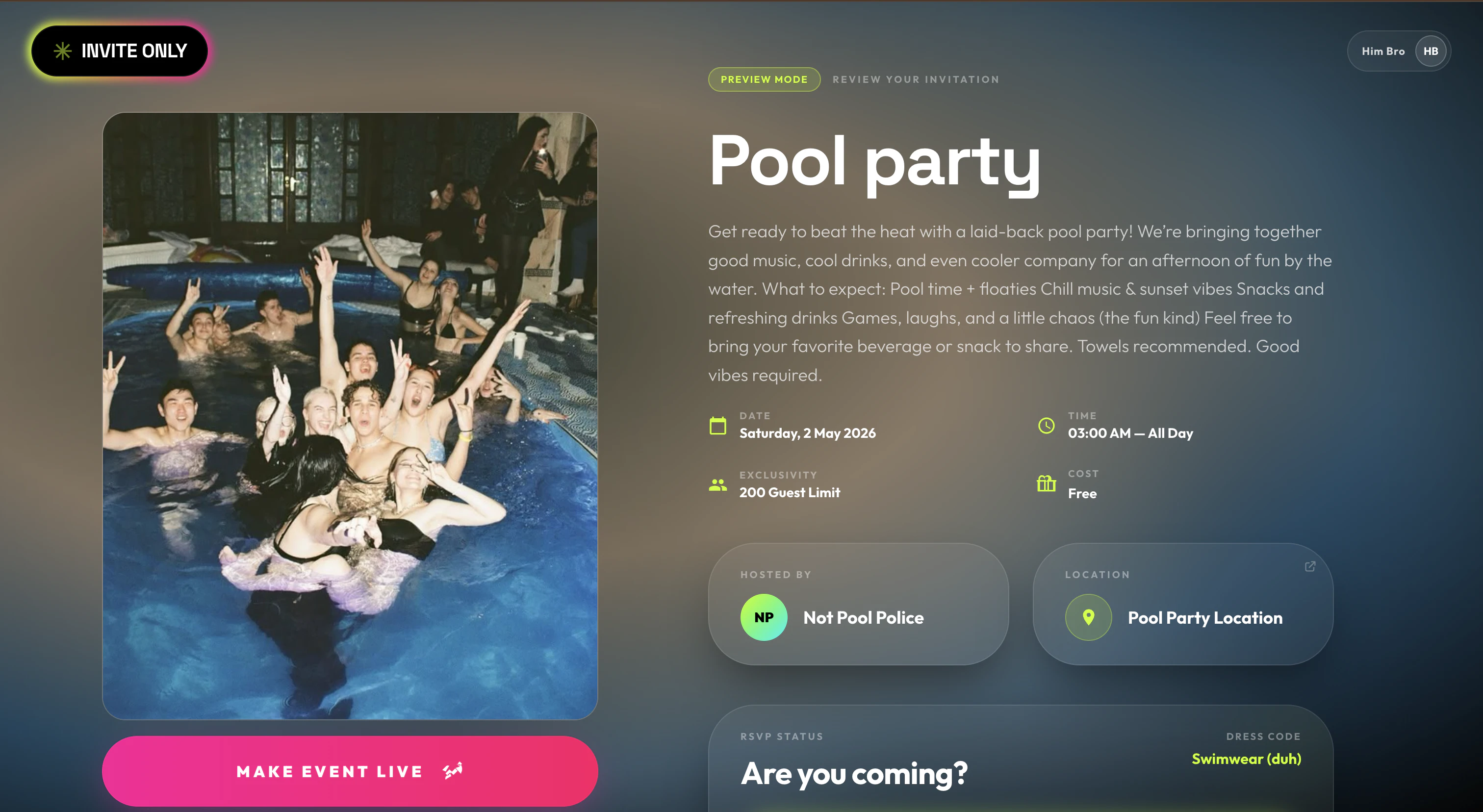
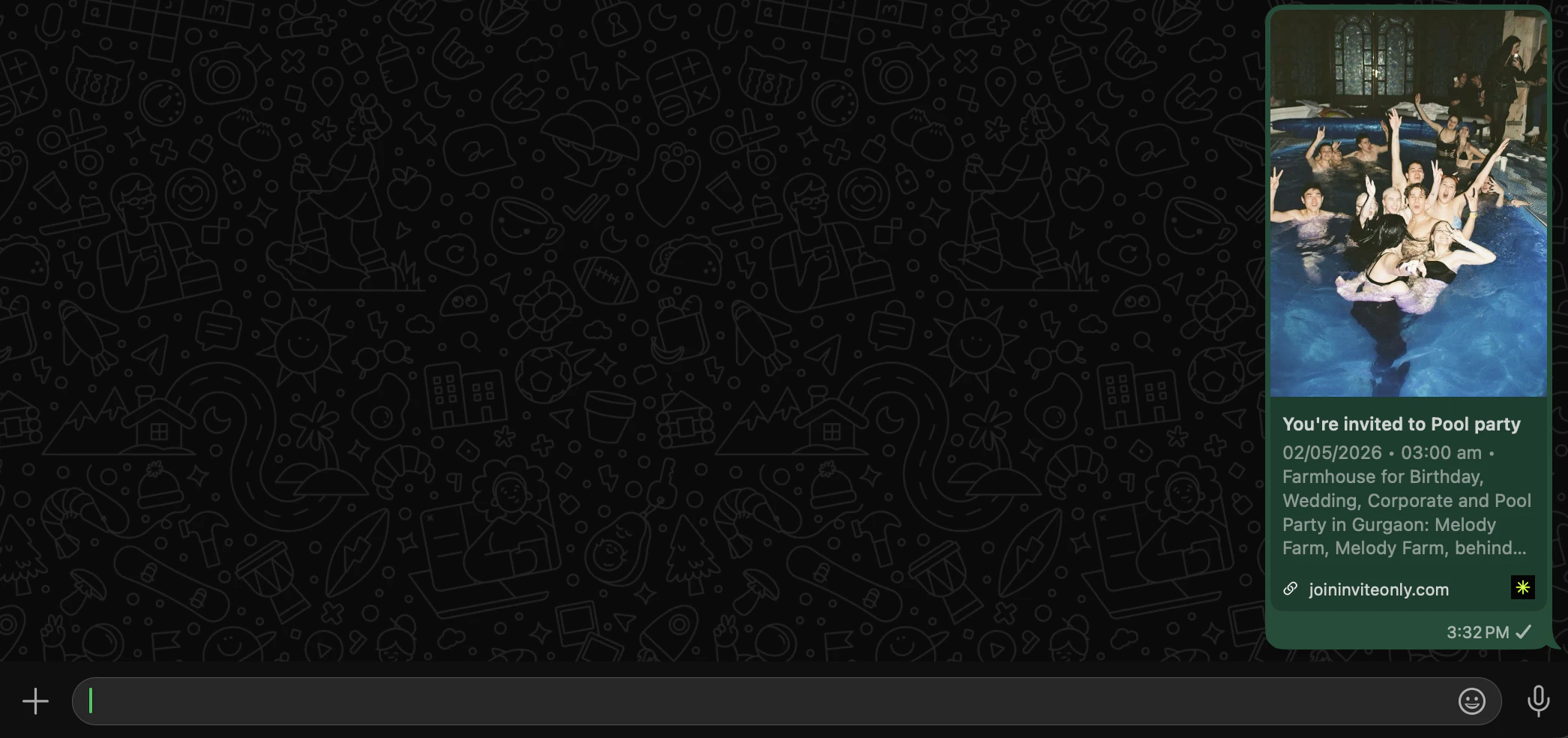
Invite Only is an event hosting platform built for WhatsApp-first markets. Create a beautiful event page in under 2 minutes, share one link on WhatsApp, and watch RSVPs roll in. No app download needed. Guests RSVP in 30 seconds via OTP. UPI built in - guests pay, share their transaction ID, done. Real confirmed guest list. Not chat history. We built this because "yes bhai coming" means nothing. Now it means something.

Hey Product Hunt 👋

We built Invite Only because WhatsApp was never meant to host events - we just never had anything better.

Until now.

One link. Your guests see a stunning invite, RSVP in 30 seconds, and pay via UPI - all without downloading anything. You get a real guest list, not a chat thread.

We shipped this in 2 weeks. Try it for your next event. It'll feel like cheating.

Would love your feedback 🙏

5
回复

@himanshutripathi10 Love the constraint-driven design here - making RSVPs actually count instead of living in a chat graveyard is a real problem. The 30-second RSVP flow sounds smooth, and UPI integration is smart for your market. One question: how are you thinking about the post-RSVP experience for hosts who want to engage guests before the event actually happens.

0
回复

Does it work with phone numbers outside India? I tried to create an event but can't publish because I lack an indian phone number...

1
回复

@besensteil i encountered the same issue, the idea is pretty but with only indian phone number is not usable.

Btw i'm also working on something similar with qr ticket creation and a scanner for the entrance. I'm still working on the rsvp section tho.

It also have a nice shopping list calculator based on spirits and cocktail preferences

0
回复

After a lot of sleepless nights, hundreds of commits, and more edge cases than I'd like to admit - Invite Only v2 is finally live. Built the entire stack from scratch - real-time RSVPs, UPI integration, glassmorphic UI that actually works on budget Android. Proud of what we shipped.

Can't wait to see it in the wild 🙏

1
回复
Unless you charge $500 for people to RSVP, which will be refunded if they show up, I don’t see how you will solve the human flakiness problem.
0
回复

We’re encountering an issue with event publishing. Even after marking an event as “Live,” its status continues to remain in “Draft.” Additionally, the event link results in a 404 error, indicating that the event is not being properly published or routed.

This suggests a possible gap between the publish action and the backend/state update or routing layer. Needs investigation on event status sync and URL mapping.

0
回复

@aaditya_jain01 Hi! Thanks for flagging this. We just tested the full flow on our end and everything is working correctly, event goes live, link resolves properly. Could you share the steps you followed and which browser/device you were on? That'll help us pinpoint if there's a specific edge case we're missing 🙏. Thank you again.

0
回复
#12
Rova AI
Autonomous, goal-driven testing for web & mobile apps
108
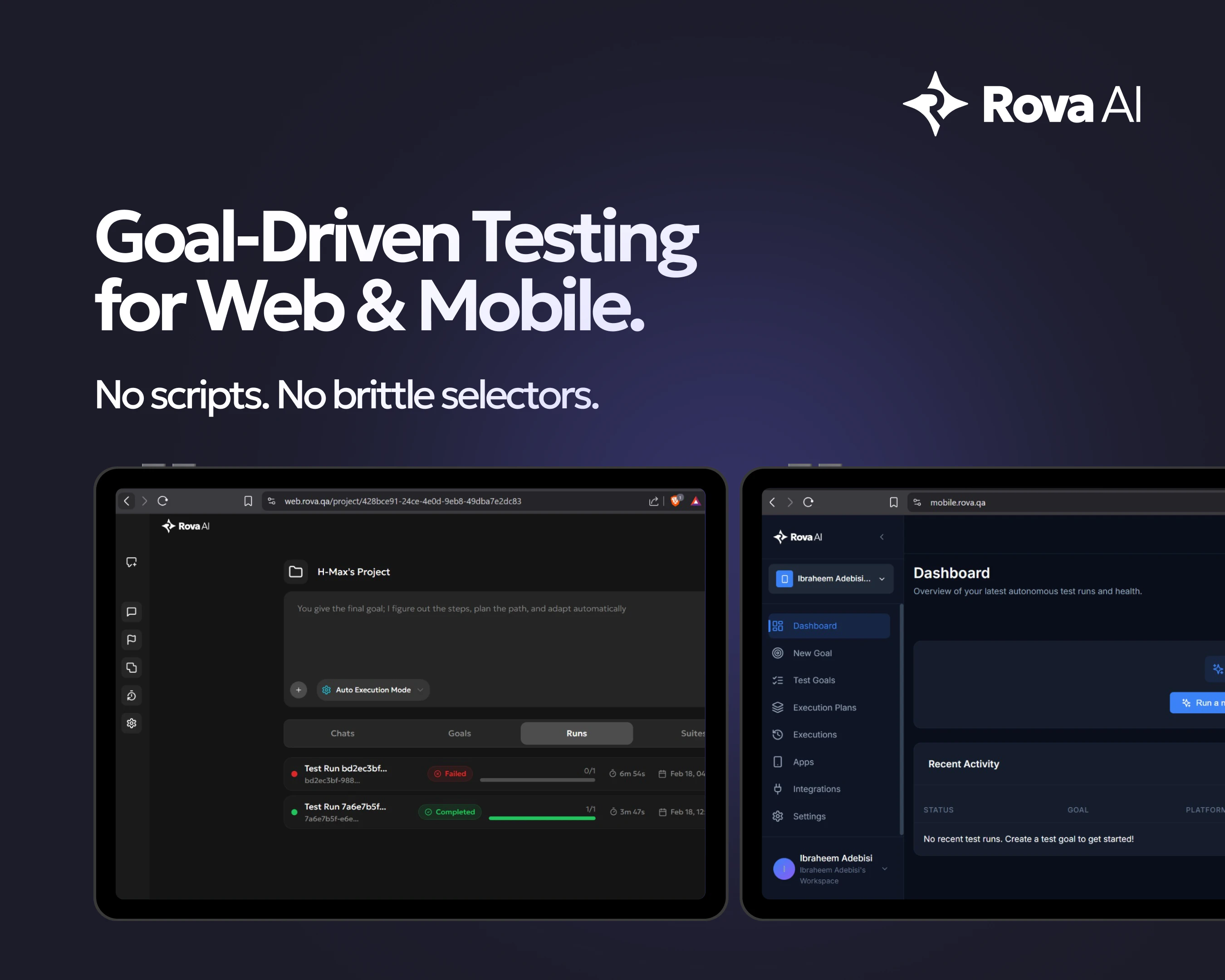
一句话介绍:Rova AI 通过“目标驱动”的自主探索式测试,解决了传统自动化测试脚本脆弱、维护成本高、UI变更即失效的核心痛点,让开发者无需写脚本即可完成Web和移动应用的端到端验证。
Productivity Development
自动化测试 无脚本测试 AI测试 UI自适应 端到端测试 质量保障 Jira集成 移动端测试 工作流验证 测试报告
用户评论摘要:用户认可其解决了“选择器脆弱”的痛点,但关注复杂用户旅程的上下文决策机制(是否需初始配置)及含认证的多步骤流程的会话管理(支持两种模式:全流程干净启动/链式保留会话状态)。
AI 锐评

Rova AI的野心在于用“目标驱动”终结传统自动化测试的“脚本地狱”。它确实切中了当前DevOps节奏下的核心矛盾——UI迭代越频繁,测试维护成本越高,最终导致CI/CD管道中最慢的环节恰恰是“加速器”。从技术角度,Rova用AI探索替代固定脚本,理论上能解决定位器失效的顽疾,但“适应UI变化”的边界在哪里?如果面对动态渲染的复杂单页应用或频繁重排的移动组件库,其“学习能力”是依赖初始模型还是实时推理?这是决定其能否从“演示级”迈向“生产级”的关键。

值得关注的是用户评论暴露的短板:多步骤流程中的上下文感知并非“全自动”魔法,仍需人工配置会话策略,这意味着它并未完全脱离“脚本”的思维,只是将维护工作从元素定位转移到了业务逻辑的“状态边界”定义上。此外,从108票的体量看,其市场声量尚未引爆,与Playwright、Cypress等生态庞大的框架竞争时,Rova必须回答一个更深层问题:当用户已经接受了写脚本的成本,为何要为一个需要重新学习“目标定义”且可能面临黑盒不确定性的方案买单?更犀利的判断是:Rova的真正价值不在“取代脚本”,而在为“快速探索验证”这类非回归测试场景提供低成本路径,例如临时环境的手动测试辅助、Bug复现的自动化快照——这才是它区别于传统框架的差异化护城河。

查看原始信息
Rova AI
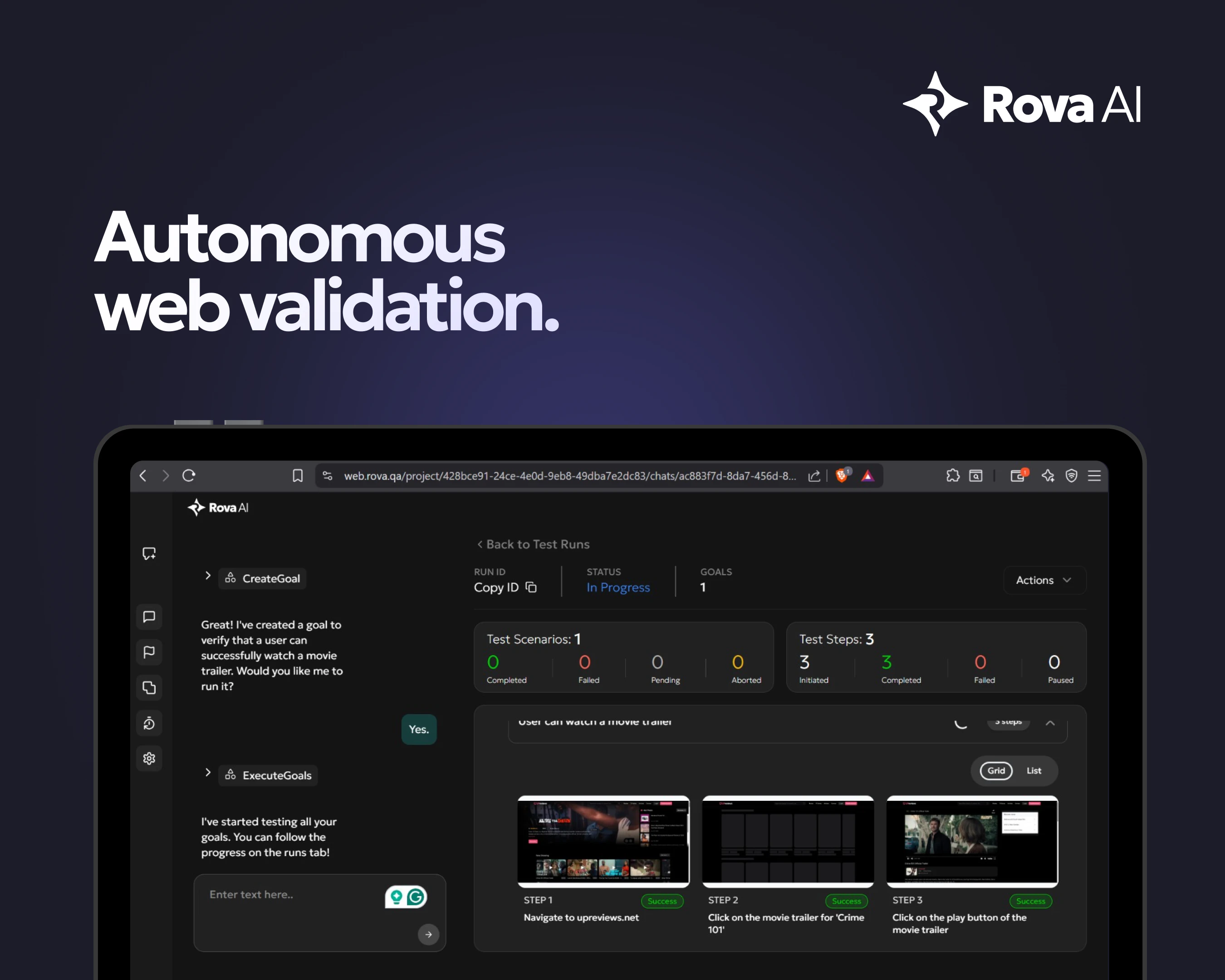
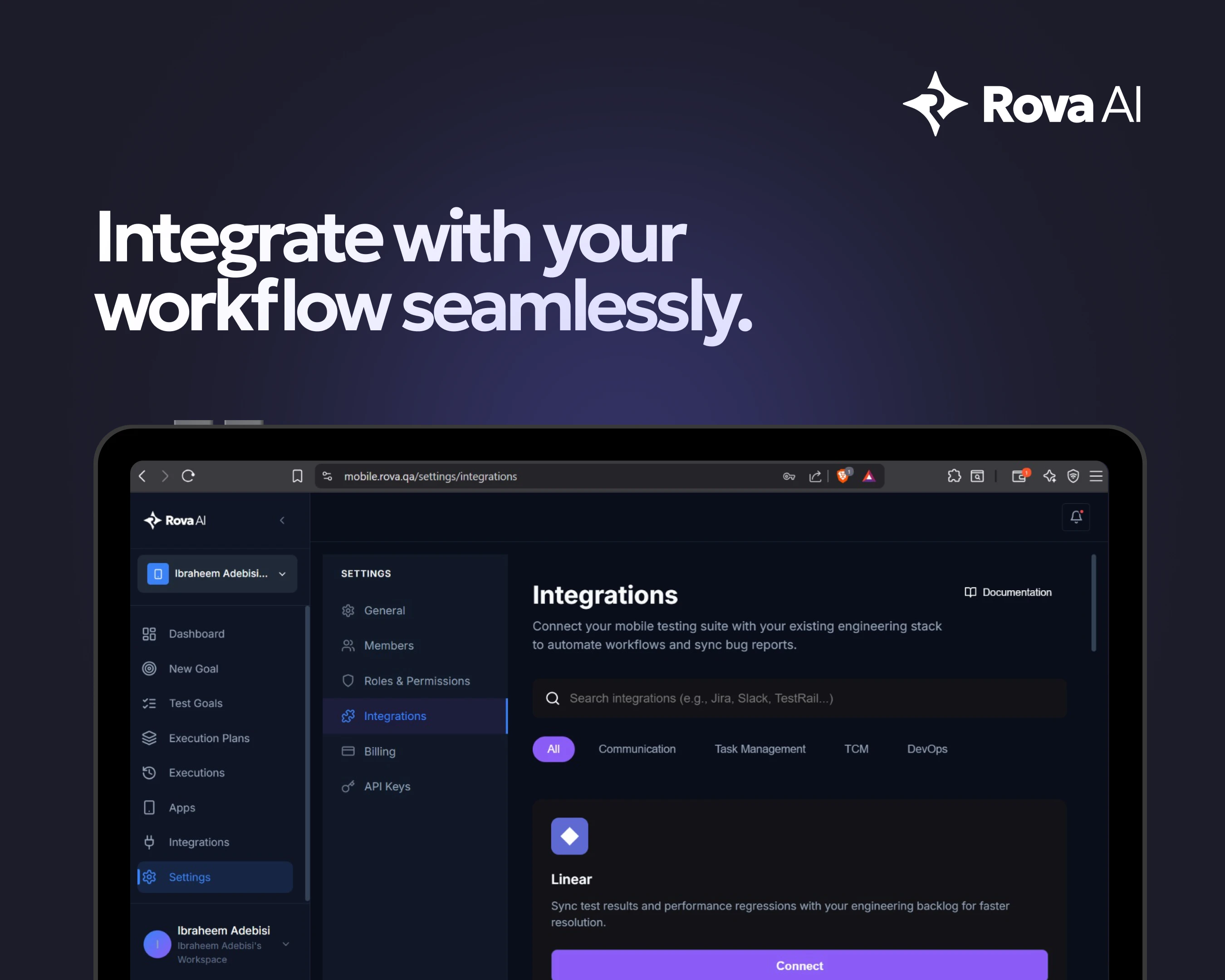
Rova AI explores your web and mobile apps, validates real user workflows, adapts to UI changes, and generates clear reports, without writing test scripts. Simply tag ROVA on your issue tickets like Jira, Linear etc, and ROVA does the magic of testing the ticket and reporting the feedback.
Hi Product Hunt We built Rova AI because we were frustrated with how fragile traditional test automation is, especially across web and mobile apps. Every UI update meant broken selectors. Every release meant maintenance work. Automation started slowing teams down instead of accelerating them. So we asked: “What if testing focused on outcomes instead of scripts?” Rova AI is our answer. Instead of writing step-by-step automation, you define a goal. Rova explores your web or mobile app, validates workflows, adapts to changes, and reports its findings. We’re excited to share this with the PH community and would genuinely love your feedback. Happy to answer any technical or product questions below 👇
6
回复

@azscandium This hits a real pain point. The shift from brittle selector-based automation to outcome-driven testing is exactly what teams need as apps change faster. Curious how Rova handles complex user journeys that require contextual decisions—does it learn expected vs unexpected outcomes, or does that require initial configuration. Oh! And see my PH general category discussion today - I think you would love what I'm doing for us guys!

2
回复

@azscandiumCongratulations on the launch! This is an impressive innovation, especially as the QA and automation space continues to evolve

0
回复

Congratulations on the launch! I was curious, how do you handle multi step flows with authentication like does it manage session state across or does each test start fresh?

1
回复

@prateek_kumar28 Thanks so much, really appreciate it!

Great question. For multi‑step flows with authentication, Rova can work in two ways:

- ⁠For most regression suites, each test starts from a clean state. Rova will handle the full auth flow (login, OTP, etc.) as part of the goal so you’re not accidentally depending on a “dirty” session.

⁠ - ⁠For longer or more complex journeys, we support preserving session state across a scenario, so Rova can chain multiple goals within the same authenticated context while still isolating runs from each other.

Under the hood, we track cookies/tokens and other relevant state per run, so you get realistic, end‑to‑end coverage without flaky cross‑test leakage. If you have a specific auth setup (SSO, magic links, JWTs, etc.), happy to share how we’d plug into that as well.

3
回复
#13
AstroGrid - Universe Engine
Explore the entire universe in your browser, in real 3D
101
一句话介绍:AstroGrid 是一款在浏览器内实时运行的3D宇宙探索引擎,让用户无需安装或注册即可从地球表面飞越至可观测宇宙边缘,将枯燥的天文数据转化为直观的沉浸式体验。
Education Space Science
天文教育 3D可视化 实时渲染 浏览器应用 宇宙模拟 NASA数据 天体目录 互动学习 空间探索 开源科学数据
用户评论摘要:用户高度认可其将静态图表转化为“可飞越”的交互体验,并特别关注技术实现:如何平衡真实星表与程序化填充?建议增加引导式探索路径(如旅行者探测器轨迹),也有用户好奇教室使用场景是否影响设计决策。开发者回应称所有数据来自公开天文目录,仅用程序化填充空白区域,已内置部分场景导览。
AI 锐评

AstroGrid 的价值不在于“又一个3D天体可视化工具”,而在于它精准捕捉了天文教学中一个长期被忽视的痛点:我们从未真正“感受”宇宙的尺度与运动。教科书的数据和静态插图无法传递“为什么月球轨道倾角导致非每月月食”这类动态空间关系,而YouTube视频仍是单向灌输。AstroGrid 把浏览器变成一艘可自由操控的飞船,让用户通过“玩”来内化开普勒定律或黑洞引力透镜效应——这是典型的认知脚手架设计。

技术上,它展示了一种务实的混合策略:核心天体(恒星、行星、深空目标)基于HYG、NASA JPL等官方目录,保证观测准确性;大规模结构用算法填充,但“填得聪明”——只填用户无法验证的空白区域。这避开了游戏化模拟“看起来酷但数据假”的陷阱,也绕过了纯LOD流式加载的工程难题,是“科学教育工具”而非“视觉影片”的明确选择。

但产品尚未解决两个关键问题:其一,引导路径仍偏薄弱,对于“我只是好奇但不懂天文”的新手,自由探索可能变成无事可做的3D缩放;其二,性能受限于浏览器端,130K星体+实时轨道力学在移动端或老旧设备上可能是灾难。未来若能在“零安装”基础上增加智能教学路径、分层难度(如儿童模式),并优化边缘设备性能,它有机会成为K-12天文课的标配替代品。否则,它可能只是“极客玩具”,而非教育工具。

查看原始信息
AstroGrid - Universe Engine
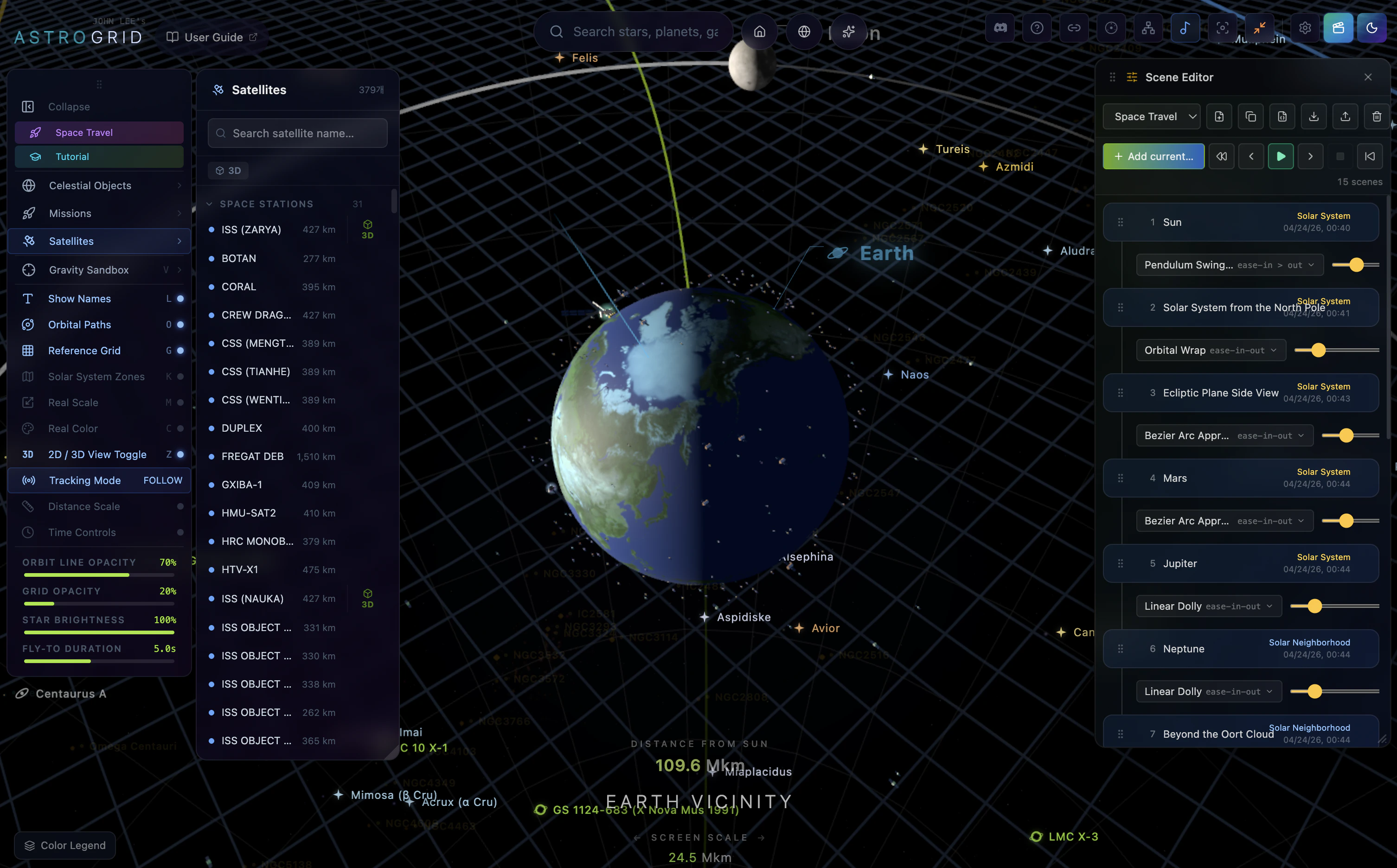
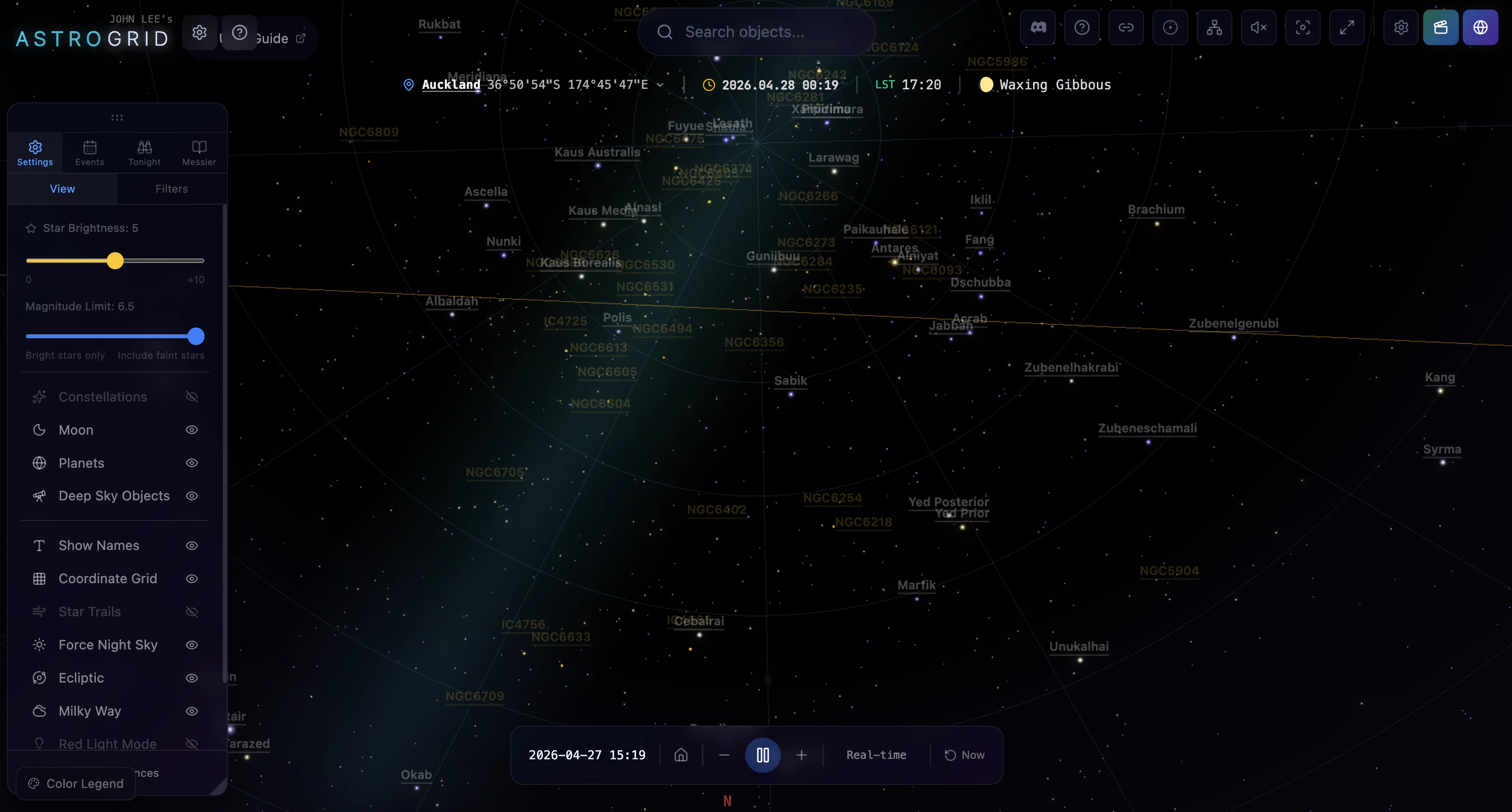
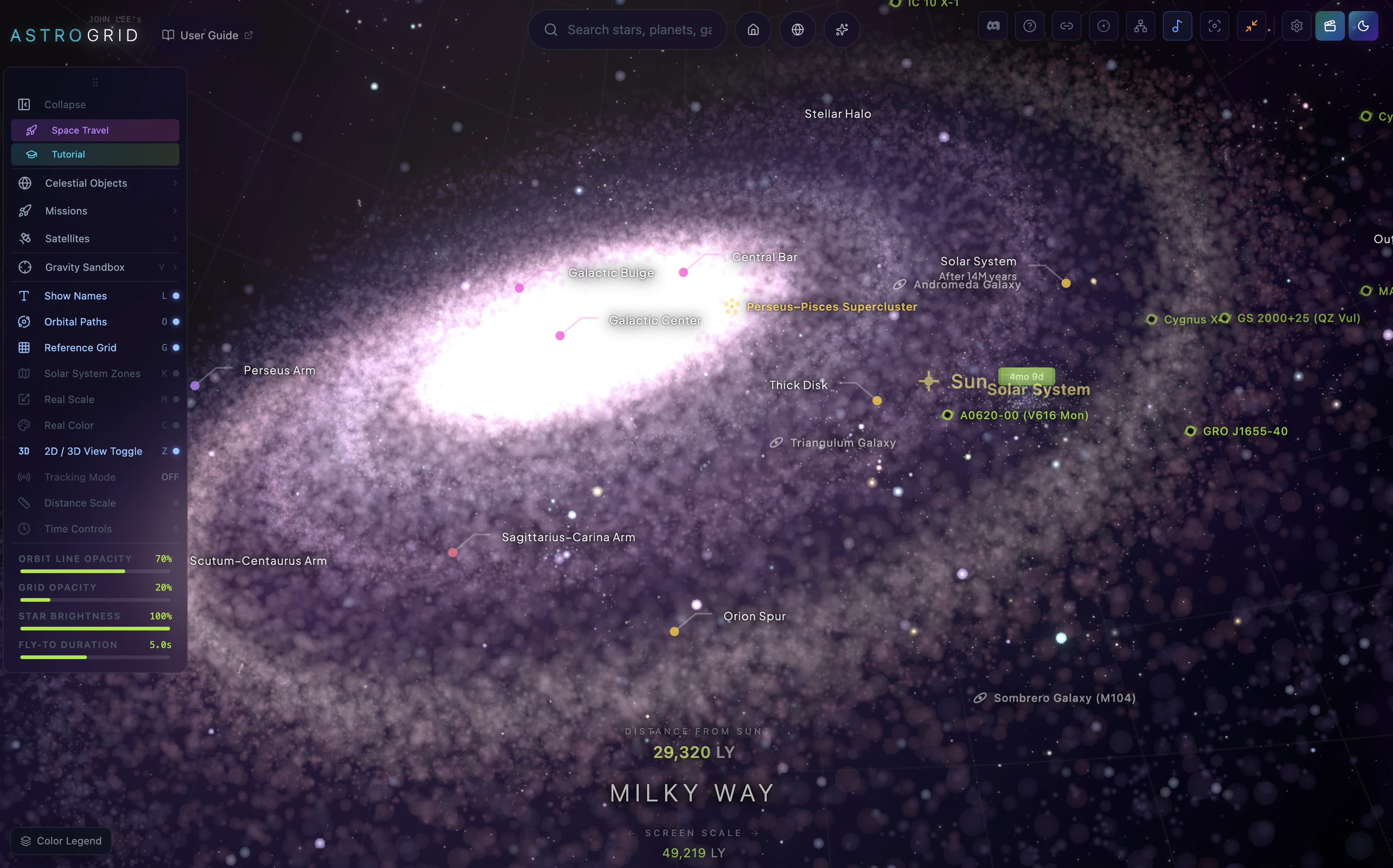
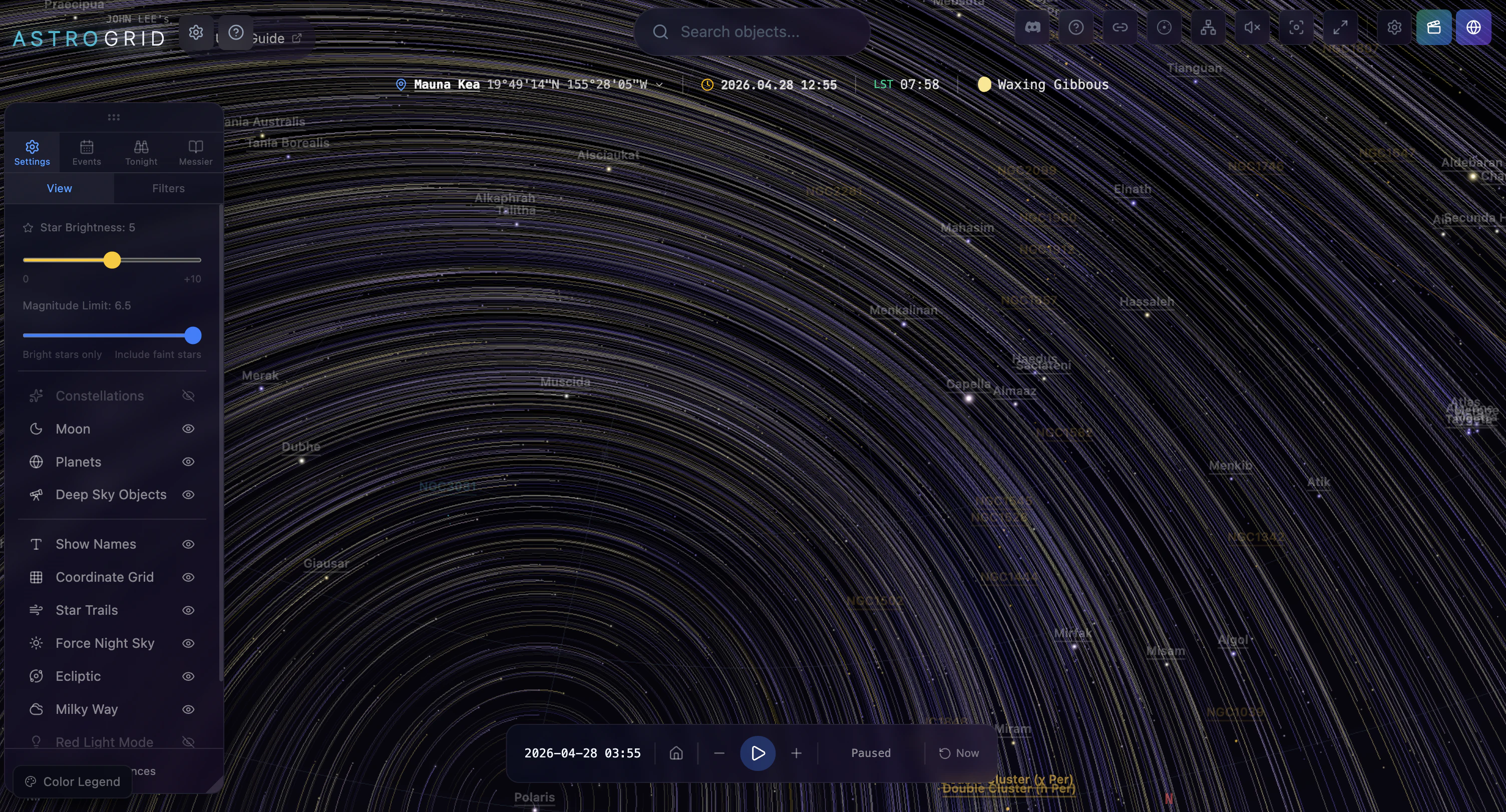
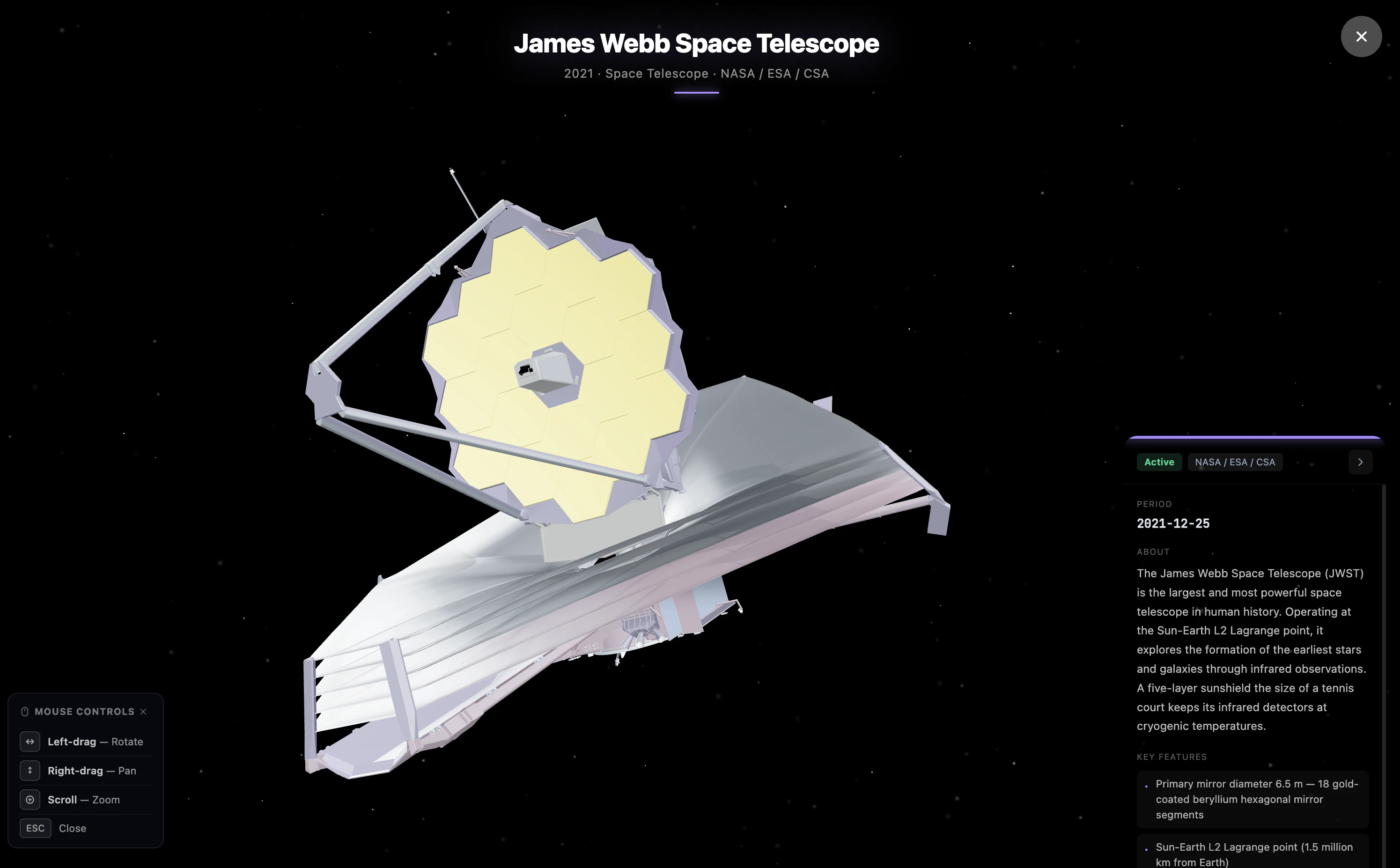
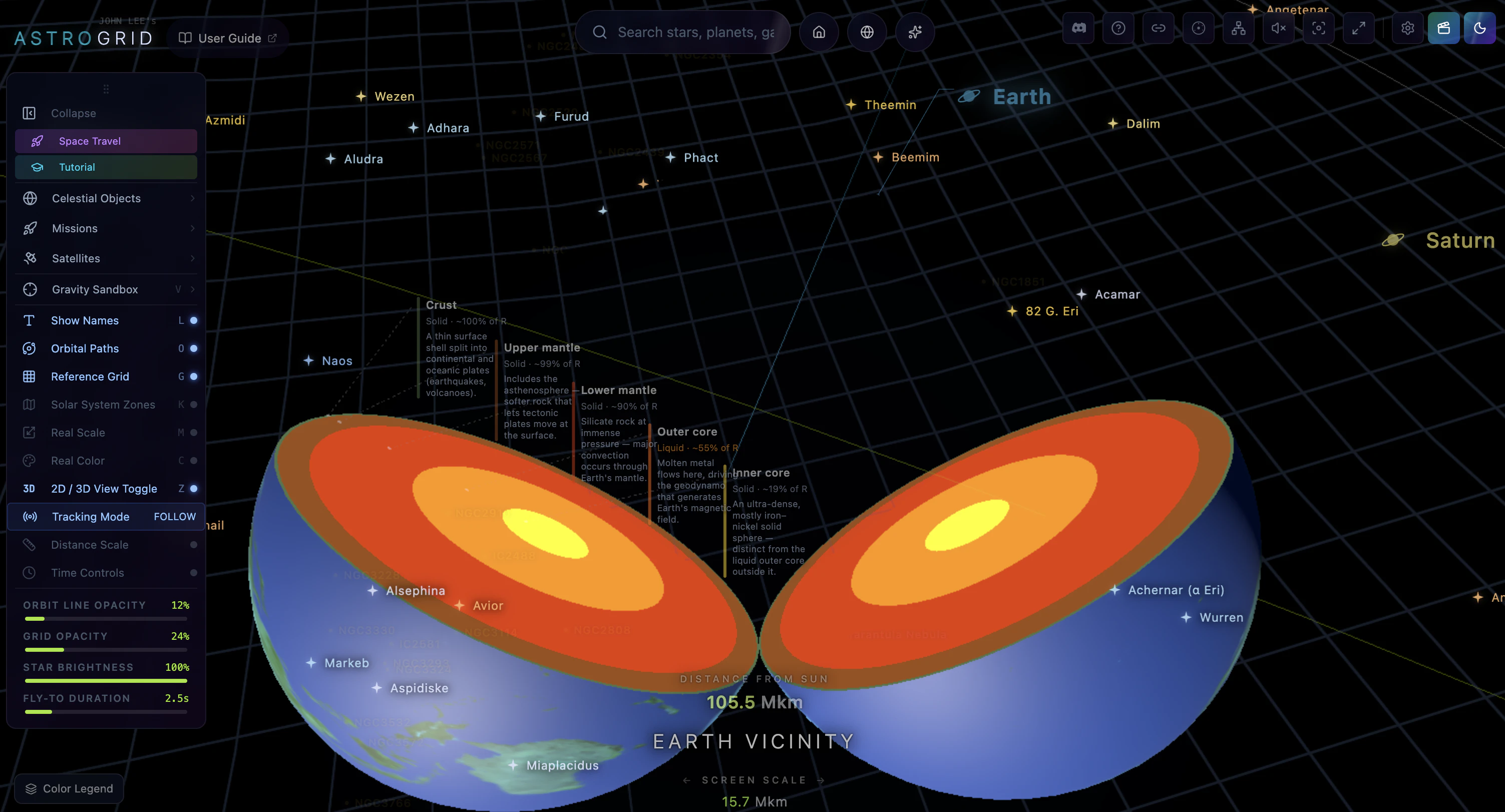
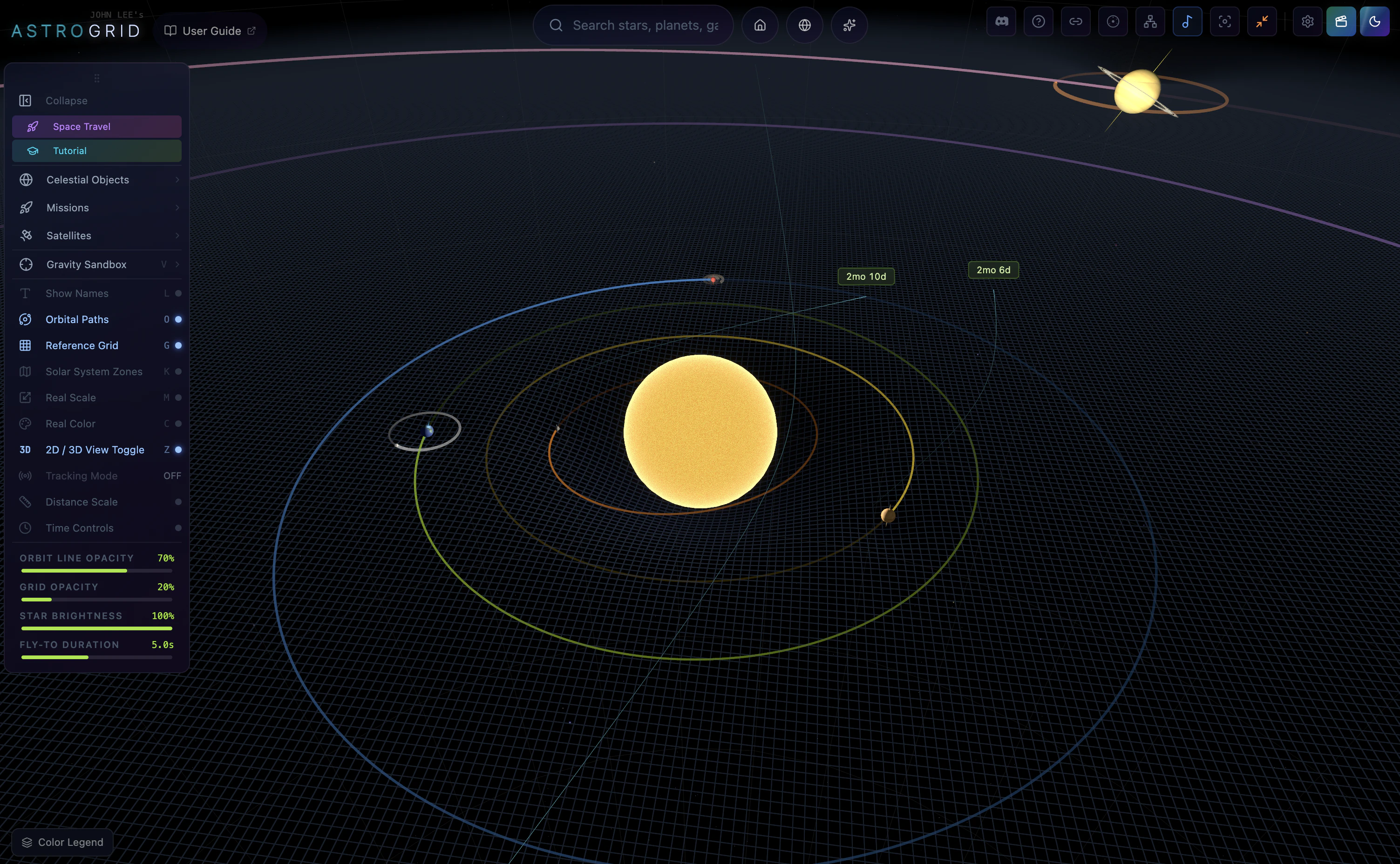
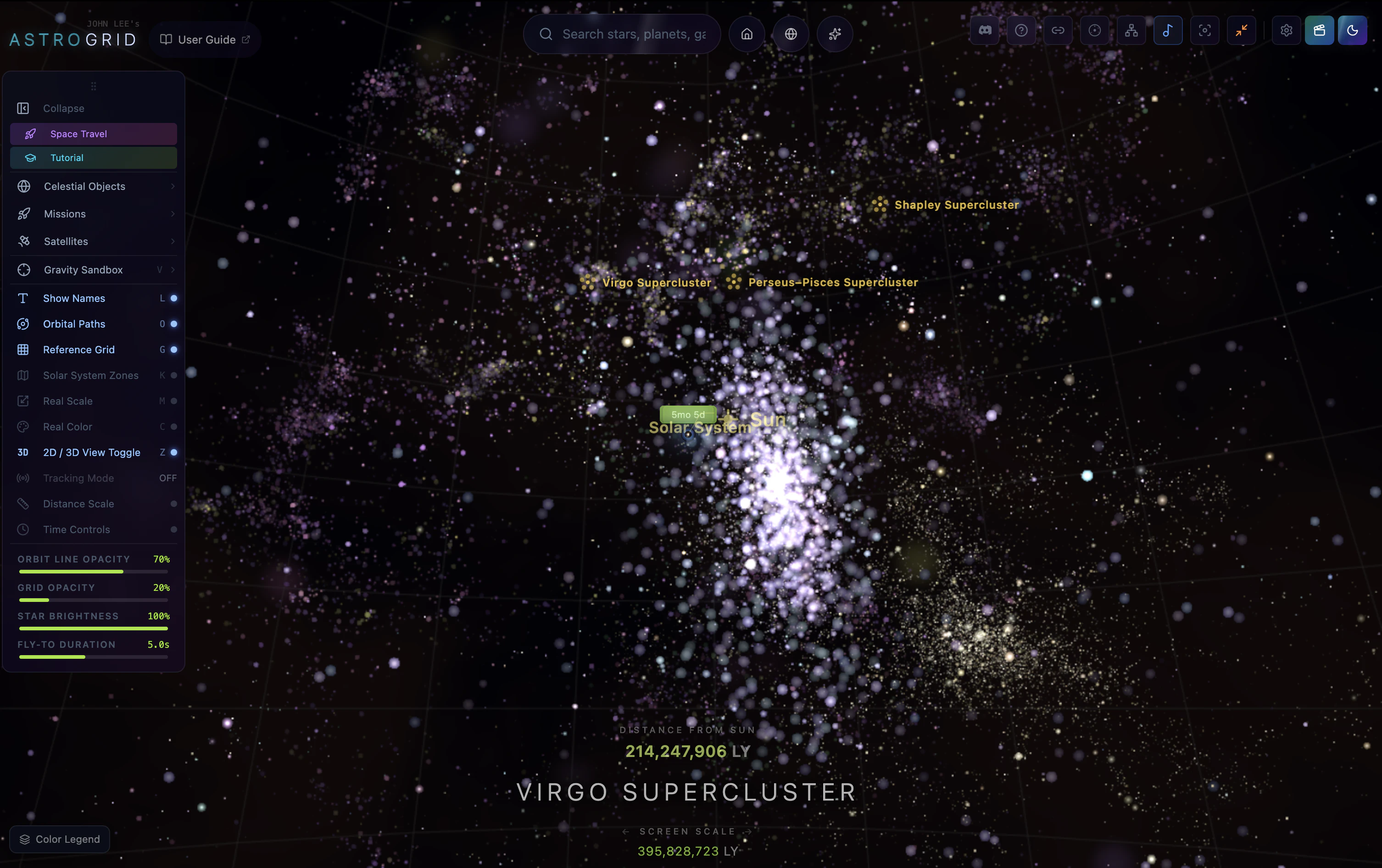
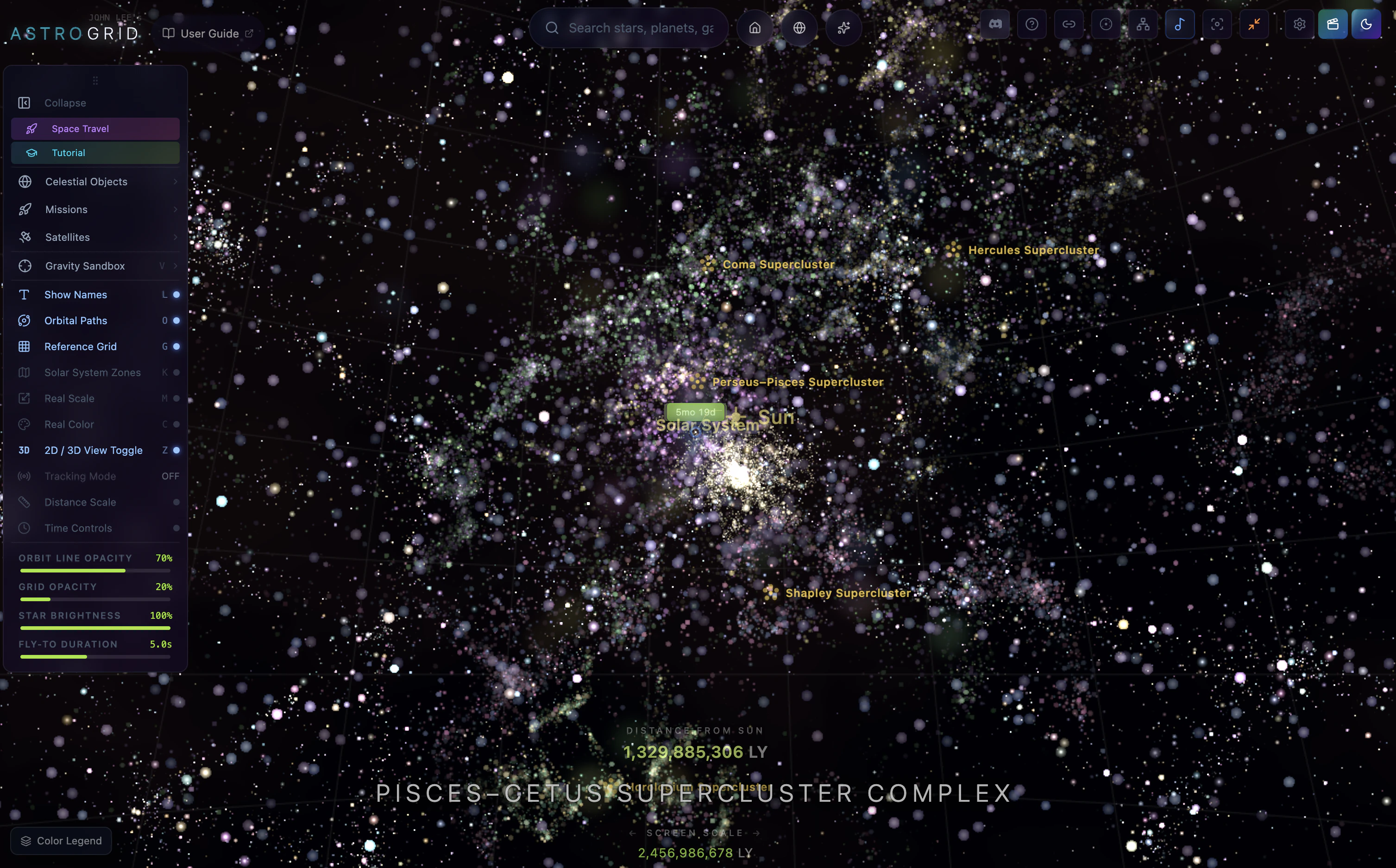
AstroGrid turns your browser into a spaceship. Fly from Earth's surface to the edge of the observable universe, all in real 3D. • 119K real stars (HYG catalog) with accurate B-V colors • NASA JPL orbital mechanics for the Solar System, in real time • 14K deep-sky objects, black holes with gravitational lensing, pulsars, supernovae, and gravitational-wave events • Runs entirely client-side. No install, no signup. Built for the curious students, educators, and space nerds.

Hey John! The 'in your browser' bit is the hard part I guess! universe-scale rendering means lod strategy is the make-or-break call. Are you streaming pre-built tiles for the deep zoom, or is it procedural extrapolation outward from real catalogs (gaia, sdss) with hand-curated near-sol detail? curious how you handle the seam between real data and the procedural fill. congrats on the launch, good luck!

3
回复

@hiyamojo all real celestial objects come from actual catalogs(hyg, 2mrs, sdss, jpl..), procedural generation is only used to fill large-scale structures and the truly empty regions where catalogs fade out, so the seam sits where there's nothing to compare against. stays observationally correct where it matters. thanks for the great question!

2
回复

Hey everyone,

Quick context on why I built AstroGrid : I wanted to make something for anyone who's curious about the universe, whether you're a student, a self-learner, a teacher, or just someone who likes staring at space at 2am. Every explainer I could find was either a flat textbook diagram or a YouTube video you'd zone out of in 30 seconds. I wanted something you could just grab, tilt, spin, and fly through.

It kept growing, and now it's a 3D atlas of the universe you can explore in your browser. No install, no signup. Built with classroom and self-learner use in mind.

A few things you can actually figure out by using it

How big things really are. Park Earth next to Jupiter, then next to the Sun. Numbers like "100x larger" don't really land until you see it. Same with distance: flying from Earth to Mars at a fixed speed feels very different from reading "225 million km."

Why Kepler's laws look the way they do. Crank the time speed up and watch Mercury whip around while Neptune barely moves. You stop needing to memorize the law and just see why it has to be true.


Why eclipses don't happen every month. The Moon's orbit is tilted, and that's almost impossible to picture from a 2D diagram. In 3D it's obvious in about five seconds.


Constellations aren't flat. Fly sideways out of the solar system and watch Orion fall apart. The "belt" is actually three stars at wildly different distances. This one tends to genuinely surprise people.


What a black hole does to light. There's a real general-relativity lensing effect around the black holes, and you can orbit one and watch the background stars bend around it. Hard to forget once you've seen it.


The scale of the universe. Zoom out from your street to the Solar System, to the Milky Way, to the Local Group, to the cosmic web. The sheer emptiness between things is the part that hits hardest.

Everything is based on real astronomical data (NASA JPL for the Solar System, the HYG catalog for stars, OpenNGC for deep-sky objects, LIGO data for gravitational wave events, etc.), so what you're seeing isn't decorative. It's where those things actually are.

If you teach, or you're just curious about space, I'd really love to hear what's confusing, what's missing, or what you wish you could do next. That feedback is what shapes the next update.

Thanks for taking a look.

2
回复

The "flat textbook diagram → actually fly through it" reframe is exactly what's missing from most explanatory media. We've been overusing static visuals for things that only make intuitive sense in motion. Adjacent take from a different domain: I built StoryRoute (https://storyroute.netlify.app/), an interactive city-walk app that does the same thing for travel — instead of reading a top-10 list, you walk the city as a narrative. Same instinct: replace passive consumption with embodied exploration. Curious whether AstroGrid plans curated guided tours (Voyager probe trajectory, Kepler's discovery walkthrough), or stays open-ended exploration?

1
回复

@samir_asadov both, free exploration is the default but theres a growing layer of scenario tours on top, voyager trajectory is already in, kepler walkthrough is on the list. thanks for taking interest!

0
回复

the constellations point is the one that actually changes how you think about them permanently. once you know Orion's belt stars are at completely different distances it's impossible to unsee. curious whether the classroom use case shaped any specific design decisions, or did that come later once you saw how people were actually using it?

0
回复
Knowledge base api?
0
回复

@jacksonburch no external kb behind it, all data comes from open scientific catalogs (hyg, 2mrs, openngc, sdss, nasa exoplanet archive, jpl…) bundled with the app.thanks for taking interest!

0
回复
#14
Basedash Dashboard Agent
Builds entire dashboards from a single prompt
101
一句话介绍:Basedash Dashboard Agent通过自然语言描述,自动生成完整的数据仪表板,省去手动编写SQL和逐个配置图表的繁琐流程,让非技术用户秒获可视化的业务洞察。
Analytics Artificial Intelligence Data & Analytics
AI仪表板生成 自然语言查询 自动SQL生成 数据分析 商业智能 无代码 SaaS工具 智能布局 Product Hunt发布
用户评论摘要:用户赞赏其从模糊描述到有用仪表板的转化效率;质疑点集中在:当AI的SQL解读与用户意图不符时如何修正,以及数据模型含多张相似表(如“收入”)时是主动澄清还是默认选择,避免变成无休止的对话。
AI 锐评

Basedash Dashboard Agent的“一句话生成仪表板”确实拉低了数据可视化的门槛,但它的真正价值不在于“AI写SQL”(这类工具已有不少),而在于“语义理解+智能布局”的组合——它试图解决一个更本质的痛点:用户不知道自己该看什么。当你说“新用户注册的一切”,AI需要理解你的角色、问题优先级和叙事逻辑,这比单纯转换SQL难得多。然而,评论中暴露的核心问题不容回避:数据模型映射的歧义。如果AI在多个“收入”表间擅自选择,用户得到的可能是一个漂亮但错误的仪表板。这时候,要么引入显式消歧步骤(但破坏“一句搞定”的体验),要么依赖更深的元数据学习。该产品目前更像是“优秀原型”,而非终极方案。真正拉开差距的,是其能否在“智能猜测”和“可控性”之间找到临界点,并在用户首次出错时,用最少的步骤让用户纠正,而不是让用户退回到SQL编辑器。对于中型SaaS团队,它足够好用;但对于数据模型混乱的企业,它可能只是一个更快的错误生成器。

查看原始信息
Basedash Dashboard Agent
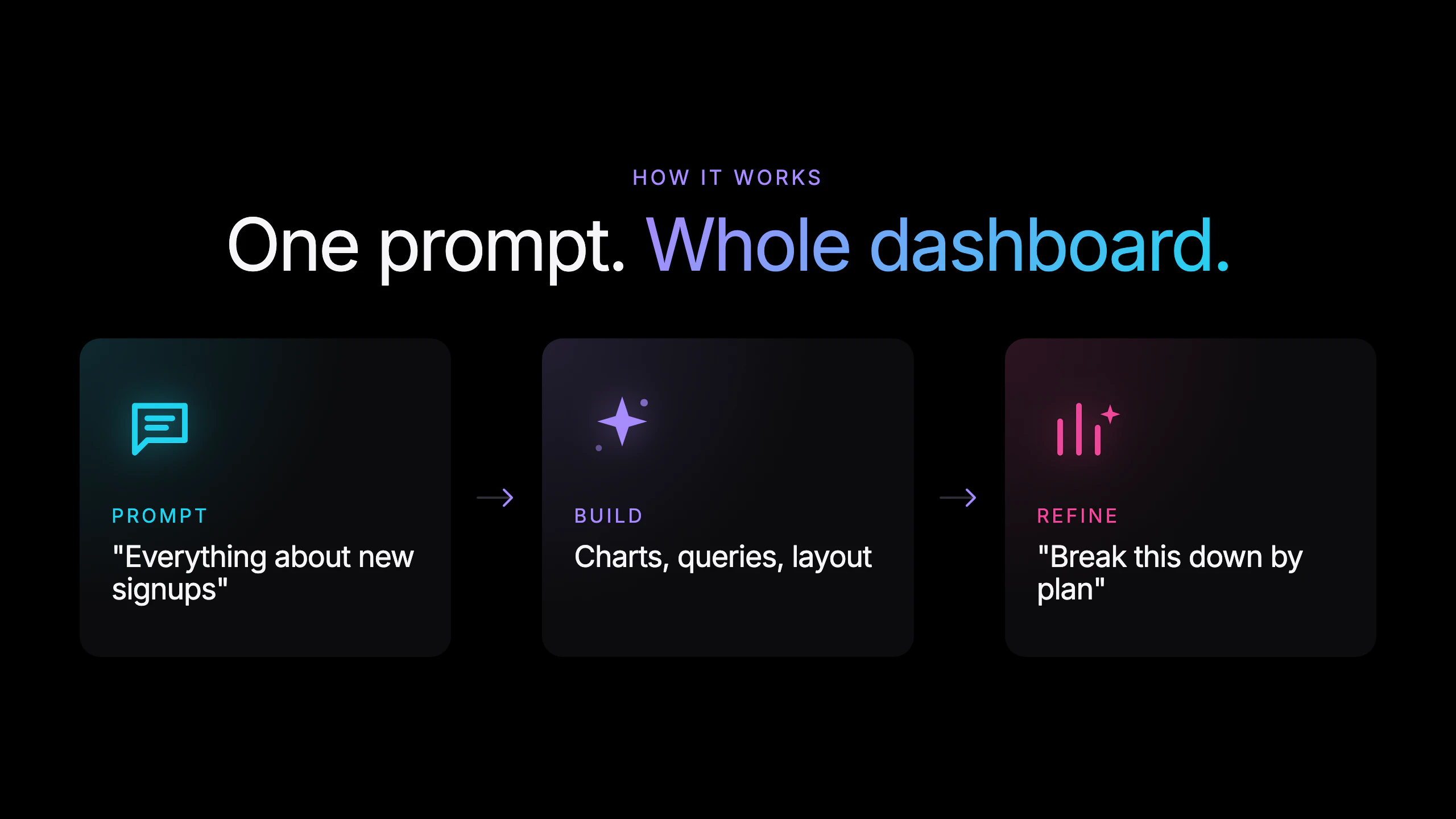
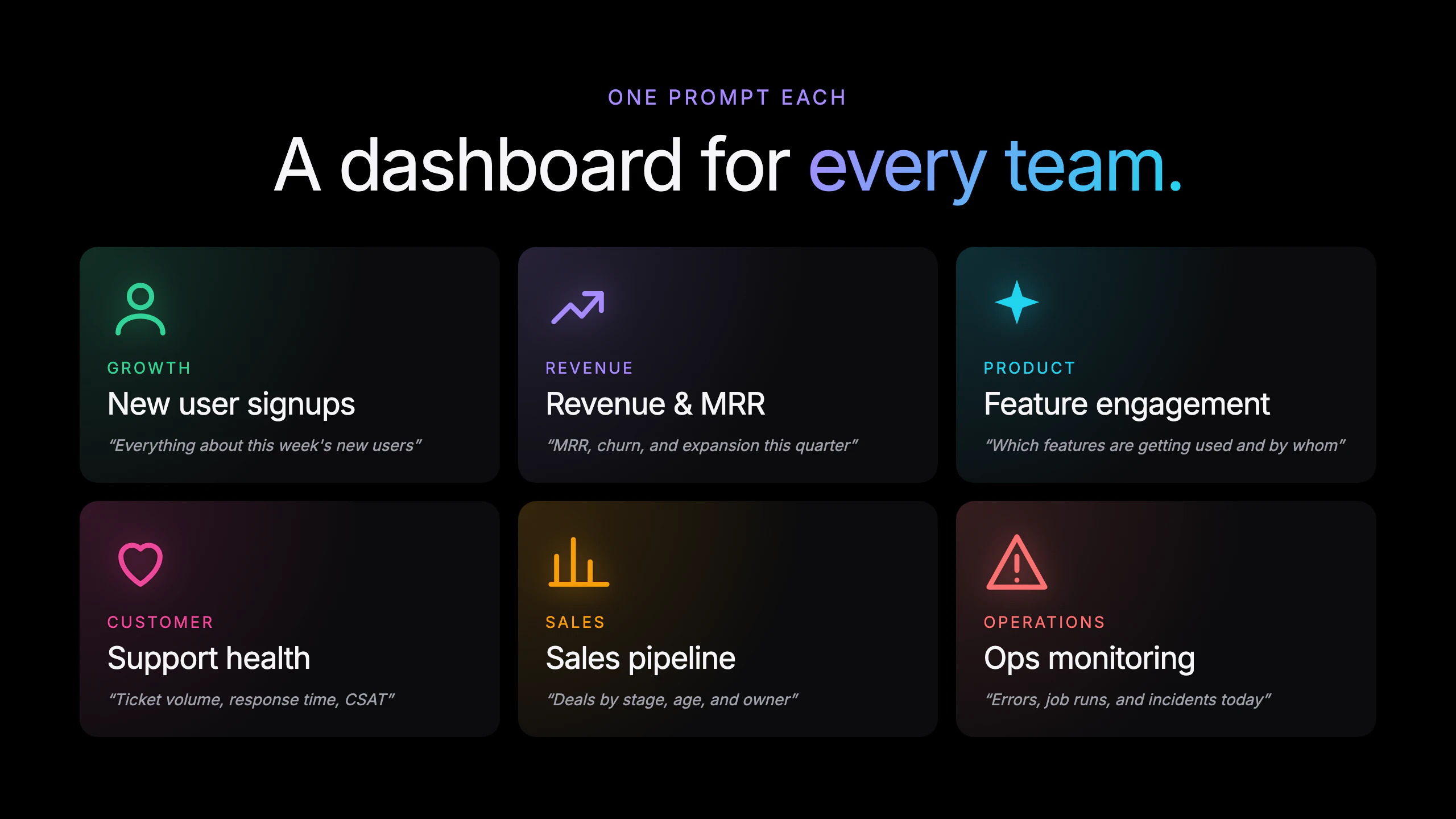
The Dashboard Agent builds entire dashboards from a single prompt. Describe what you want to see — "Everything about new user signups" or "MRR and churn this quarter" — and the agent picks the charts, writes the SQL, and lays them out for you. You get KPIs, a hero chart, and the breakdowns that actually answer your question, all connected to live data. No SQL. No composing dashboards chart by chart. Describe a dashboard. Get a dashboard.
Hey everyone, Max here from Basedash. Today we're launching the Dashboard Agent: describe a dashboard in plain English and the AI builds the whole thing — picks the chart types, writes the SQL, and lays everything out. Before, you'd compose a dashboard chart by chart: add a chart, describe it, add another, arrange the grid. Now you just say what you want to see — "Everything about new user signups this week", "Revenue, churn, and expansion this quarter", or "Support health — ticket volume, response time, CSAT". Vague prompts get a thoughtful default. Prescriptive prompts get exactly what you asked for. Either way you land on a useful dashboard in seconds instead of an afternoon. We've been using it internally for months across growth, support, and ops. Dashboards that used to be afternoon projects are now things we ask for before a meeting. PH community gets an extra week on their trial this week. Happy to answer anything.
5
回复

@maxmusing This is a genuinely clever approach to dashboard creation. The ability to go from vague prompt to useful output in seconds while still respecting more specific requests is the hard part most tools get wrong. Curious how you handle cases where the AI's SQL interpretation doesn't match what the user actually meant—do you surface that discrepancy easily so they can correct it.

0
回复

Super pumped about this. The part that took the longest wasn't generating SQL, it was figuring out what "a thoughtful default" actually means.

When someone types "everything about new signups," what do they really want to see first? Which chart type carries the headline number vs. the breakdown? How many KPIs before it stops feeling useful? We rebuilt the layout logic a bunch of times, and the version that shipped is the one where dashboards started feeling like something a person made, not something a model generated. Which is super cool!

Would love to hear what kinds of dashboards you try it on... the weirder the prompt, the more useful the feedback!

2
回复

@kris_lachance it's so much fun to watch the agent stream in charts as they're built and figure out the optimal layout.

2
回复

This is so good. Feels like the result of a lot of hard work, product vision and full-stack polish coming together. This is the way to interact with data.

1
回复

Appreciate it @dexter_storey! Definitely a lot of hard work coming together on this launch.

1
回复

The "thoughtful defaults" piece is where I'd expect this to break down in practice. If I ask for "MRR and churn this quarter" and my data model has three different tables that could plausibly be "revenue" — does the agent ask me to clarify, or does it just pick one and hope? How does it handle ambiguous schema without turning into a back-and-forth chatbot?

0
回复
#15
Tinfoil
AI chat and API that keeps your conversations fully private
101
一句话介绍:Tinfoil是一个运行在云端但利用NVIDIA GPU硬件安全区技术的AI聊天与API服务,确保用户与AI模型的对话在存储、处理过程中全程端到端加密且可远程验证,解决了用户担心主流AI厂商窥探或滥用个人私密对话的核心痛点。
Productivity Artificial Intelligence Encryption
隐私AI 端到端加密 硬件安全区 可信执行环境 NVIDIA H100 远程认证 开放模型API 开源可审计 AIChat 机密计算
用户评论摘要:用户高度认可其解决隐私与AI能力矛盾的创新价值。核心疑问聚焦于:硬件安全模型是否完全排除NVIDIA及Tinfoil自身访问数据的可能(已得到明确否定回复);隐私验证与产品易用性/性能的平衡;早期恢复流程有粗糙之处但团队响应积极。
AI 锐评

Tinfoil切入了一个现实且日益尖锐的痛点:当AI聊天从工具演变为“数字日记”和“思想伴侣”,用户对隐私的渴求已超越单纯的“不使用数据训练”的承诺。其真正的价值不在于“更私密的AI”,而在于构建了一个“可验证的、零信任的AI运行环境”。

技术路线上,结合NVIDIA H100的机密计算和开源固件+远程认证,确实在“云AI”与“本地AI”之间找到了一个极具说服力的折中方案。它避免了本地部署的性能和模型选择限制,又通过硬件级隔离将传统云服务的信任边界从“服务商承诺”实质性地推进到了“制造商硬件实现”。这种从软信任到硬证明的跃迁,对于处理商业机密、法律文件、个人健康等高度敏感场景,具有颠覆性意义。

然而,不能回避的是:该模型的最终信任锚点仍落在NVIDIA作为硬件制造商之上,这并非哲学意义上绝对的零信任。其次,当前模型列表虽包含热门开源模型,但并未覆盖所有顶尖闭源模型,这是其在能力上限上做出的明确取舍。最后,$20/月的聊天订阅定价处于中高位,其市场成败将高度取决于目标用户是否认为“可验证的隐私”值这个溢价。Tinfoil没有解决AI隐私的全部问题,但它为解决其中最关键的一环——数据在处理过程中不被窥探——提供了目前最优雅、最可操作的工程化答案,这本身就是一个值得书写的故事。

查看原始信息
Tinfoil
Don’t want OpenAI seeing all your conversations? We don’t either. That’s why we built Tinfoil - an AI that keeps your conversations strictly between you and the AI model, everyone else is locked out. It’s like a local AI but running in the cloud, using secure hardware. Tinfoil leverages hardware security features available on NVIDIA GPUs to deliver verifiable privacy. No pinky promises required: you can check for yourself that your conversations are end-to-end private.

Hi there! I’m Sacha, cofounder of Tinfoil. Excited to share what we’ve been building!

Tinfoil gives you a familiar AI chat (browser and iOS) and an inference API, featuring the latest open-source models like DeepSeek V4, Gemma 4, Kimi K2.6, and GLM 5.1. However, with Tinfoil all data is stored end-to-end encrypted and processed privately, even during inference.

Backstory: my cofounders and I have always been very aware of how important privacy is, especially with tools like AI chatbots that we use daily for personal discussions and to process our thoughts. We strongly believe nobody should be privy to these chats.

I did my PhD in cryptography and internet privacy, and was an early user of ChatGPT. My cofounders and I quickly realized that the amount of control we were giving up to get access to powerful AI like ChatGPT was simply unprecedented, and frankly creepy. We found ourselves hesitating when sharing certain things or wondering if our deleted conversations would end up in the next training cycle. Today, we’re all leaking our brains to AI labs. Tinfoil is the Flex Tape to stop that.

The latest NVIDIA GPUs have built-in support for secure enclaves. These are security mechanisms built into the hardware that allow running LLMs in a way that keeps data private during processing. Nobody, not even the operators of the GPUs, can see the data being processed. Secure enclaves also allow you to perform remote attestation, which means the chip can return a signed fingerprint of the code and security configuration currently running inside the enclave. This means you don’t have to take our word that your data is secure, you can actually check it yourself:

  1. All the code running in the enclave is open source and it’s fingerprint is pinned to a transparency log, Sigstore. You can inspect this code yourself and verify that it’s secure.

  2. When you connect to our chat or inference API, the client fetches the attestation report from the enclave it is connecting to.

  3. The client checks that the fingerprints match. If they do, the server is running exactly the code that we claimed it would be running.

This whole process happens automatically, so you always know that you are connecting to a trustworthy service. If you’re curious, you can read more about that in our docs: https://docs.tinfoil.sh/verification/verification-in-tinfoil

Apple, Meta and others have been using secure enclaves to build private AI for their own apps and services, but Tinfoil’s goal is to give everyone else the ability to build verifiably private AI applications with state-of-the-art open source models. We put a lot of effort into removing the friction that security & privacy tends to introduce, so we’re excited to hear what you think!

Pricing:

  • Chat: $20/month but you can try it out for free!

  • API: $5 in free credits when you sign up.

8
回复

@sachaservan upvoted check out my launch

0
回复

@sachaservan This is a genuinely important problem you're solving. The tension between wanting access to capable models and maintaining privacy over sensitive thoughts is real—especially as people start using AI for everything from therapy-like reflection to competitive strategy. The E2E encryption during inference is the technical detail that actually matters here.

0
回复

At my last employer in the nuclear space, I remember how much effort there was put into security and privacy -- those concerns definitely put a damper on AI adoption that would have otherwise accelerated development. Glad to see that there is innovation in this space so that privacy is less of a concern (and provably so).

2
回复

@michael_trehan1 thank you for the perspective!

0
回复

Love this. Really thoughtful product and the verification piece is especially compelling.

One question I had: for teams or developers building on the API, where have you seen the biggest tradeoff between verifiable privacy and product usability or performance, and how have you tried to minimise that?

Feels like that balance is probably where a lot of adoption decisions get made.

2
回复

@paul_sangle_ferriere1 thanks for the question! We really believe that privacy should be seamless to ensure usability. We made our API OpenAI compatible, which means it is very easy to go from using an inference provider like OpenRouter to using Tinfoil - it's just a one line import change. We also have SDKs in several languages like Python and TypeScript that automatically verify the hardware attestation and security on each connection for you. So if you're using an OpenAI SDK right now, it's enough to swap out the import line to something like `import TinfoilAI` and you should be good to go!

2
回复

The NVIDIA GPU secure hardware angle is interesting. Are you using confidential computing features like TEEs (Trusted Execution Environments) on the H100s, or something else? And does the privacy model hold if someone at NVIDIA has access to firmware-level hardware behavior?

Secondly "Everyone else is locked out" — does that include Tinfoil itself? Like, can your team see conversation logs for debugging, abuse monitoring, or anything else? That's usually where the asterisk hides in these setups.

1
回复
@sounak_bhattacharya thanks for questions! Yes, we use NVIDIA’s Confidential Computing mode on H100s creating a trusted execution environment that includes the GPU. Everything is hardware-secured where the keys protecting your data are generated by the enclave every session. NVIDIA never sees those keys, so they can’t access your data. Neither can Tinfoil. The real trust point is NVIDIA as the manufacturer itself. You trust NVIDIA to implement the hardware correctly. They burn an *identity* key into each chip at the factory to verify it’s genuine via attestation. We aim to be very precise about what we claim and you can read our docs to learn more. There are no logs and we cannot see your data. Moreover everything is open source and people have audited us independently.
0
回复

Amazing api! Literally just works, and they really ahead of the times :)

Will be huge

1
回复

@wylans thank you! Glad to hear this!

1
回复

we love using tinfoil!! not enough people are thinking about security, and are sending all their private data to claude and openai. tinfoil solves that! happy customer here :)

1
回复
@hazhubble thanks Haz! Appreciate the kind words!
0
回复

I'm building proprietary systems, and didn't want my IP sitting in a mainstream AI provider's logs or training pipeline. Tinfoil has been a huge unlock for me.

I leaned on it heavily during design and prototyping to have a strong LLM thinking partner. Tinfoil has let me keep my existing LLM workflow without running a local model that would roast my laptop.

The architecture they're using- hardware enforced privacy via secure enclaves with client-side attestation of the CPU/GPU inference server is the best approach I've seen for capable and private AI.

A few specifics:

  • In-session UX is comparable to mainstream non-private chat services.

  • Passkey/recovery flow had a couple rough edges early on, but the team is actively improving this and Sacha was super responsive to help me.

  • Also recommend the documentation if you're the type of person that wants a primer on secure enclaves and a detailed breakdown of their architecture. I had a fun time nerding out on it

1
回复

@andrew_forman1 Thank you for the feedback!

1
回复
#16
ElevenMusic
AI-assisted music creation with built-in discovery, royalty
99
一句话介绍:ElevenMusic是一个将AI辅助音乐创作、独立艺人发现与互动分账机制相结合的平台,帮助独立音乐人解决分发难和变现难的问题。
Music Marketing Artificial Intelligence
AI音乐创作 独立音乐人平台 音频混音 互动收益 音乐分发 版权分账 音乐发现 iOS应用 网页端
用户评论摘要:用户主要关心两个问题:一是remix功能下原创作者与混音者之间的版权分成机制是否自动,还是需要原创者主动选择加入;二是对产品理念表示认可,期待其成功。
AI 锐评

ElevenMusic试图在AI音乐工具泛滥的赛道里打一张“生态牌”——它聪明地把AI创作引擎、独立艺人发现和ElevenLabs验证过的声纹分账模式缝合在一起。核心差异在于“内容先行”:先签约4000+独立创作者作为底层资产,然后用AI remix和创作工具降低门槛,最后用“互动即收益”的机制吸引双方进场。这解决了两个痛点:独立艺人不用再为分发和变现两头跑,听众则有了比简单消费更有创造力的参与方式。

但问题同样明显。首先,“互动收益”模型在语音领域成功,不意味着在音乐领域能平滑迁移。音乐消费的停留时长、互动深度和付费意愿,与语音库样本截然不同;如果单曲平均互动价值过低,所谓的“效能验证”就会变成数字幻觉。其次,remix功能放大了版权划分的复杂性——目前官方对“混音后收益如何自动分账”的回答相当模糊,这几乎是所有UGC音乐社区的致命伤。一旦摩擦过高,原创者可能选择退场,生态会迅速冷启动。

从竞争格局看,ElevenMusic一面要面对Suno、Udio等纯AI生成工具对用户时间的争夺,另一面要说服Bandcamp、SoundCloud上的独立作者迁移。其真正的赌注不是技术,而是能否让“分账”变成一个足够低门槛、高透明度的信任机制。如果只是把ElevenLabs的合约模板照搬过来,而没有为音乐场景设计更精细的归属和审计规则,那么这更像一个漂亮的“包装器”,而非真正的替代方案。这产品值得关注,但别急着给“独立音乐的新未来”叫好。

查看原始信息
ElevenMusic
ElevenMusic lets you discover independent artists, remix their tracks, create original music with AI assistance, and earn royalties when listeners engage. Available on web and iOS.

ElevenLabs built a creator royalty model for music, and ElevenMusic is where it lives.

What it is: A music platform combining AI-assisted creation, remix tools, independent artist discovery, and an engagement-based earnings model, on web and iOS.

Problem and solution: Independent artists building audiences outside mainstream platforms have a distribution problem and a monetization problem at the same time.

ElevenMusic addresses both by giving creators a publishing surface with a built-in royalty mechanism modeled on ElevenLabs' voice library, which has already paid out over $11M.

Listeners on the platform can also remix tracks by shifting genre or tempo, which extends the reach of each original track and feeds the engagement metrics that drive creator earnings.

Earnings depend on listener engagement and eligibility thresholds, so this is performance-based rather than a guaranteed payout.

What makes it different: Most AI music tools are generation-first.

ElevenMusic is discovery-first, which changes who shows up. Starting with a catalog of 4,000+ independent artists and wrapping AI creation and remix tools around that catalog means the platform has content before the creators arrive.

The composition tools let you start from a lyric, melody, or mood and develop a full structured track, which is a lower barrier entry point than a DAW.

Key features:

  • 4,000+ independent and emerging artist catalog

  • Genre and tempo remix on any track

  • AI composition from lyric, melody, or mood

  • Publish and earn through engagement-based royalties

  • Curated playlists, daily mixes, live sessions

  • Web and iOS

Benefits:

  • Single platform covers the full loop from listening to earning

  • Remix mechanic turns any track into a creative starting point

  • Royalty structure has a proven precedent in the ElevenLabs voice library

  • Catalog skews toward emerging artists, not mainstream catalogs

Who it's for: Independent artists and producers looking for a single platform to publish, grow an audience, and earn from original tracks without managing separate distribution infrastructure.

The creator economy angle here is worth watching. If the engagement-based royalty model scales across music the way it did for voice, this becomes a meaningful alternative surface for independent artists. That's the bet.

1
回复

@zerotox Congrats on launching! Your store looks promising, and I love the idea behind it. Wishing you great success with the launch.

0
回复

The remix piece is what I want to understand better — when you remix an independent artist's track, how does the royalty split work? Does the original artist get a cut automatically, or is it opt-in on their end?

1
回复
#17
SuperMind
Business that Runs Itself
99
一句话介绍:SuperMind通过部署13个专业AI代理(覆盖销售、财务、法律等),将其作为“操作系统”自动执行业务流程并需人工最终审批,解决创始人或管理者在决策链中成为瓶颈的痛点,实现“业务自主运行”。
SaaS Artificial Intelligence Business Intelligence
AI代理 业务自动化 工作流协调 审批管理 企业操作系统 多代理协作 智能助手 SaaS 效率工具 企业管理
用户评论摘要:用户关注多行业适应性与学习机制(规则驱动还是自主学习)、代理幻觉控制与业务目标对齐、多项目并行及模型选择、初始上下文获取与快速上手。创始人回应称代理基于公司上下文、人工审批兜底、支持并行与多模型选项。
AI 锐评

SuperMind巧妙地将“自动化”包装成了一尊“AI董事会”——看似在为老板减负,实则是在做一个极其微妙的权力让渡实验。其核心卖点“One tap approvals”和“Morning briefings”精准命中了那些被琐事淹没的创始人最渴望的尊严:终于不用自己写邮件,只需要“点头”。但这套系统的真正价值,可能不在于它多聪明,而在于它如何定义“重要事项”。

产品的深度隐患在于:当13个代理在并行运行,它们对业务的理解终究是“规则+历史数据”的模拟。用户提到的“Legal与Finance代理同时告警”场景恰是关键——跨代理的“隐性冲突推理”能力未被明确证实。如果代理只是将不同维度的告警堆叠在早报里,那么创始人只是从一个“手动瓶颈”变成了“信息聚合器上的瓶颈”,痛点并未根除。

此外,从用户对“初始上下文获取”的追问可以看出,产品的冷启动质量决定了初期信任。如果前期的“公司记忆”录入过于简化或模板化,后续的“越用越聪明”很可能沦为缓慢的试错。SuperMind的真正壁垒,不是13个代理的数量,而是它能否在长期交互中建立一套输不起的“业务知识图谱”——让代理之间的决策产生逻辑串联,而非单点触发。否则,它不过是披着“操作系统”外衣的、更精致的通知推送工具。一句话:方向值得押注,但期望管理要精准。

查看原始信息
SuperMind
The Mind Behind Your Operations.SuperMind deploys 13 specialist AI agents across your entire business - Sales, Finance, CTO, Customer Success, HR, Legal, and more, that execute operations end-to-end with your approval before anything important moves. Not a chatbot. An operating system. Company memory that never forgets. Parallel agents running 24/7. One tap approvals. Morning briefings while you sleep. Your business finally runs like one.

Hey PH 👋

I'm Aryan, one of the co-founders.

We built SuperMind because I was tired of being the last approval in every chain at my own company. Every follow-up, every client update, every internal decision, it all routed through me personally.

SuperMind is what I wished existed. A system that actually runs the business, not just a smarter way to write emails.

Happy to answer anything. Ask me the hardest question you have about whether this actually works. I'll answer honestly.

4
回复

@aryanbains Your approach to business automation with Supermind looks really interesting. I’m curious—how does your system handle adaptability across different industries, especially when workflows vary a lot? Does it learn and optimize processes over time, or is it more rule-based?

0
回复

Hey ProductHunt 👋

I’m Damanjeet, one of the co-founders of SuperMind.

We built SuperMind to feel less like one AI chatbot and more like an AI team for your business - with agents for Growth, Sales, CTO, CS, Finance, HR, Legal, Product, Ops, Analytics, Recruiting, and more.

Would love your honest feedback.

Where would you want an AI agent to help first?

3
回复

Hey PH

I’m Yuvraj, one of the co-founders of SuperMind.

I built this because I was exhausted from being the final bottleneck in my own company.

Every client update.
Every follow-up.
Every internal decision.
Every approval.

Somehow, it all ended up on my plate.

SuperMind is the system I wish I had back then not just another AI tool that helps you write faster, but one that helps your business actually move without everything depending on you.

It follows up, coordinates, tracks decisions, and keeps work moving like an operator inside your company.

Happy to answer anything.

Ask me the hardest question you have about whether SuperMind actually works, where it breaks, or why it’s different.

I’ll answer honestly.

3
回复

Hey Damanjeeet, How do you make sure the agents don't hallucinate and are alligned with business goals?

2
回复

@hamza_addi Hi Hamza,
We keep agents grounded in the company’s actual context -goals, workflows, data, and past decisions.

They don’t operate blindly. For important actions, we keep human approval in the loop and let teams set boundaries around what agents can do.

So the aim isn’t fully random automation - it’s business-aware agents that act within your company’s context.

2
回复

Hey @damanjeet_singhh Is it possible to have multiple projects running in parallel?
Can the customers select the models?

2
回复

@zabbar Hey Zabbar,
Yes, absolutely.

SuperMind supports multiple projects running in parallel, so teams can manage different workflows, clients, or business areas separately.

For models, we currently have 2 options to choose from, and we’ll add more based on user demand.

2
回复

Hey Damanjeeet! How do you get the initial context about the user's company? Cool Supermind builds memory and understands business better & better, but how to get it up & running quickly?

2
回复

@philip_kubinski Hi Philip,
SuperMind starts with a quick onboarding where you add your company, goals, workflows, tools, and current priorities to give the context.

After that, it learns from how your team uses it - tasks, decisions, context, and repeated workflows.

So it’s useful quickly, then gets smarter over time.

4
回复

"One tap approvals" is the thing I keep coming back to. When a Legal agent flags a contract issue AND a Finance agent flags a cash flow concern on the same morning briefing — do they stay siloed, or does SuperMind surface the connection between the two? Feels like that cross-agent reasoning is where this either becomes genuinely useful or just a fancier notification inbox.

0
回复
#18
Adoptly
Turn product releases into feature adoption
97
一句话介绍:Adoptly是一款轻量级、高性价比的SaaS内应用公告工具,帮助产品团队通过美观的横幅、弹窗、提示和更新日志,将新功能发布高效转化为用户采用,解决功能上线后用户“看不见、不会用”的核心痛点。
Customer Communication Marketing SaaS
应用内公告 功能采用 SaaS工具 产品更新 用户引导 轻量级 价格透明 独立开发者 产品发布 用户留存
用户评论摘要:用户普遍认可其解决“功能发布后用户不发现”的痛点,赞赏定价策略。主要建议包括:未来可集成用户行为分析以追踪公告效果;用户询问是否提供内容生成帮助(已规划AI通过代码提交自动生成公告);用户关心实现简易度和API/MCP支持(目前无,但表示可探索)。
AI 锐评

Adoptly切中了一个微小但普遍且昂贵的痛点:功能发布与用户采用之间的断裂。市场上并非没有类似工具,但如创始人所言,它们要么笨重、难看,要么贵得离谱(3k美元/月)。Adoptly的聪明之处在于做了减法——它不试图成为“全能型新手引导怪兽”,而是聚焦于公告的创建、定向和测量这一狭窄闭环。这种策略在面对独立开发者、小团队和“vibe-coder”群体时具有精准杀伤力,因为该群体既没钱也不用复杂工具,但恰恰是最需要快速告知用户“我发新功能了”的群体。

然而,产品当前的竞争力更多停留在“价格”和“美貌”层面。真正决定其长期价值的关键,在于评论中用户反复追问的两点:一是能否证明公告确实带动了功能采用(即测量闭环),二是能否帮助用户更好地构思公告内容(即AI生成)。Adoptly目前在这两处均处于“即将上线”状态,存在明显的功能缺口。一旦这两环补齐,它就能从一个“好看的通知组件”进化为“功能采用的增长引擎”。反之,如果只停留在工具层面,面对Notion类产品自带的公告功能,其护城河将相当脆弱。另外,API/MCP虽是高频请求,但若过早开放,可能让产品偏离“开箱即用”的简洁优势,建议优先夯实核心闭环再谈生态。

查看原始信息
Adoptly
The most affordable way to create, target, and measure in-app announcements, product update banners, modals, hints, and changelogs for your SaaS app.
Hey Product Hunt 👋 I’m Alexandre, indie maker & product manager. In every company I worked at, I kept running into the same frustration: 👉 We ship features… 👉 Users don’t discover them And the tools out there? – Too heavy – Not that beautiful – Or ridiculously expensive ($3k/month to do something simple) So I started building Adoptly A simple in-app announcements tool that is: – ✨ Beautiful – ⚡ Modern – 🔌 Easy to integrate – 💸 Fairly priced Not another all-in-one onboarding monster. Just what you need to communicate updates inside your product clearly and effectively. We’re also offering one of the most generous free plans out there. Because announcing features in your own app shouldn’t be a luxury. I’m building Adoptly in public and honestly, it’s the tool I wish we had years ago. Would love your feedback, ideas, and brutal honesty 🙏
3
回复

@alexndr_ This is a real problem—feature announcements are usually an afterthought even though they directly impact adoption. The pricing angle is smart too, since most teams don't need the complexity of an all-in-one platform. One thing that could be interesting down the line: integrating with tools that track how users actually discover and engage with those announcements, so you'd know which communication approach actually moves the needle.

0
回复

Does it offer any help in terms of thinking about content that shoud be added to these announcements ?

1
回复

@darshit_vachhani Not yet nothing on that front for the moment.

That said, it's coming pretty soon. We're planning to add AI (via MCP) so that from Claude Code, it can identify the latest commits related to a feature and automatically generate the perfect announcement.

1
回复

Congrats on launch! Quick one: How do you measure whether a feature truly gets adopted vs just seen?

1
回复

@davitausberlin Thanks! 🙌
Very soon, you'll be able to set up tracking in a no-code way, making it easy to define success criteria and monitor them over time

2
回复

Hey Alexandre! Looks cool & I appreciate the pricing structure!

I'm curious - how easy is it to implement? I feel like this pricing favours Adoptly for vibe-coders etc, who need such updates (they ship a lot, they don't have much $ to pay for it). + does it have API/MCP?

thanks!

1
回复

@philip_kubinski 

Hey Philip, thanks a lot 🙏

Implementation is super simple you just need to add a small snippet to your code, and then everything is managed in-app. Nothing else to maintain on the code side.

Quickstart here if you're curious: https://useadoptly.com/docs/widg...

Also, the goal isn’t specifically to target vibe-coders, it’s more about helping indie hackers share product updates easily and drive product-led growth.

API / MCP isn’t available yet, but definitely something we can explore depending on use cases. Would love to hear what you have in mind 👀

2
回复
#19
Docky
Pin, group, and remove apps easily from your dock
96
一句话介绍:Docky 是一款 macOS 程序坞替代工具,通过提供应用分组、整理和自定义功能,解决了原生Dock无法高效管理大量应用的痛点,同时集成了窗口切换与启动台等增强操作。
Mac Productivity
macOS工具 程序坞替代 应用管理 应用分组 桌面美化 启动台 窗口切换 效率工具 Widgets 系统增强
用户评论摘要:用户普遍认可分组功能的价值,但有三处关键反馈:一是应用无法正常工作,且导致系统原生Dock隐藏失效,卸载后问题依旧;二是开发者回应称可通过设置恢复,并承诺后续版本将分离此功能;三是用户关心分组交互逻辑(堆叠或弹出),开发者确认支持网格、列表和内联三种模式。
AI 锐评

Docky本质上是在做一件勇敢但吃力不讨好的事——在macOS这个封闭的生态里,强行给用户一个“更好用的Dock”。从功能上看,它确实切中了痛点:原生Dock那套“没有文件夹、无法真正分组、只能靠堆叠图标”的逻辑,对于重度用户来说早已捉襟见肘。Docky提供的Widgets、应用文件夹、以及三种分组交互模式,都是直指Mac效率缺陷的硬需求。

然而,问题同样尖锐。首先是最致命的兼容性与系统侵入性问题:已有用户反馈App导致原生Dock隐藏失效,即便卸载也无法恢复。这表明Docky在系统级Hook上做得太“深”,却没有准备好完善的恢复机制。对于一个要接管系统基础交互的工具,稳定性是第一生命线,一旦出现“卸载后遗症”,用户信任将瞬间崩塌。开发者给出的“手动去设置里关掉禁用原生Dock”的临时方案,听起来更像是紧急补丁而非成熟设计。

其次,从产品策略看,Docky面临的是“替代”而非“增强”的尴尬。用户习惯了原生Dock的十年如一日的稳定,Docky如果要说服用户迁移,必须在“不出错”的前提下,提供至少两倍以上的效率提升。目前它只是把一堆“本该苹果做但没做”的功能拼在一起,缺乏颠覆性的交互范式。评论里虽然有1个点赞的“梦想成真”式好评,但这更多属于早期用户的热情,不能代表大众耐受度。

如果Docky能快速解决系统影响问题,并坚持打磨“分组”和“窗口切换”这两个核心效率点,它有潜力成为类似Bartender之于菜单栏的“必装工具”。否则,它只会是又一个消失在系统更新日志里的“第三方Dock替代品”。市场对它没有耐心,只有第一印象。

查看原始信息
Docky
Docky is a macOS dock replacement that was build to be silently powerful. It mimics the native dock so you feel right at home, with added features that pack a punch. But if you feel like it, you can customize it using your own backgrounds, active indicators and icons. Docky comes with added features like widgets, app folders, window switching and launchpad built in.
Docky is a long time coming. This was one of my dream apps ever since leopard, and Its been in development for quite some time now. This is the beginning of something I can feel proud of.
1
回复

@josequintero That's awesome to hear you've been waiting for this since Leopard days—that kind of long-term vision usually leads to something really polished. The fact that you've stuck with it through development shows how much you believe in solving this problem.

0
回复

the mac dock has been the same shape forever, so adding real grouping is a meaningful shift. quick question on the interaction model: when you group, are the apps stacked inline like macos stacks for downloads, or is it a separate flyout panel on click? big difference for muscle memory once you've got 20+ pins.

1
回复

@hiyamojo You can choose either way, you get 3 options: Grid, List, or Inline

0
回复

The app doesn’t seem to be working properly on my side. In addition, it appears to have affected system behavior, specifically automatic Dock hiding has stopped working.

I also tried fully removing the app, but the issue persists.


Hope this can be resolved soon, happy to provide more details if needed.

MacOS 26.4.1

0
回复

@esgvio happy to work with you on resolving this and any other issue you might have. For starters to restore the dock you could boot docky navigate to settings and disable the toggle that disables the native dock.

The restoration of the dock will now live on a separate helper (upcoming release).

I however Im curious what problems you faced and keen to work with you on resolving them.

There's a discord you can find on the website where we can discuss further.

Thanks!

0
回复
#20
KushoAI for Playwright
Open-source Terminal UI, just record & get exhaustive tests
93
一句话介绍:KushoAI for Playwright 是一款开源的终端用户界面,通过录制浏览器操作流程,利用本地大语言模型自动生成全面测试用例,解决开发者手动编写和维护 UI 测试耗时且覆盖不全的痛点。
Open Source Developer Tools GitHub
开源 终端UI 端到端测试 Playwright AI测试生成 LLM编排 本地运行 MIT协议 开发者工具 质量工程
用户评论摘要:用户认可其解决UI测试写和维护难的痛点,认为终端内工作流符合开发者习惯。主要关注点:处理浮动选择器和UI演进的维护能力,LLM生成断言可能遗漏人为发现的bug,以及未来对pytest等框架的支持。
AI 锐评

KushoAI的切入点精准抓到了UI测试的“最后一公里”——不是自动化执行,而是测试用例的生成与维护。它没有试图创造一个新的测试框架,而是用AI给Playwright这种成熟工具装上“智能补丁”,这比从头颠覆更务实。其核心价值在于将“记录-生成-运行”闭环完全锁在终端内,剔除了开发者从浏览器、IDE到ChatGPT之间反复切换的语境损耗,这种原生体验对硬核开发者极具吸引力。但真正的考验在于:LLM生成的测试是否只会停留在“路径覆盖”的浅层,还是能逼近“逻辑覆盖”的深度?当业务逻辑复杂时,AI能否理解“什么才是真正值得测试的边界”,而不仅仅是穷举输入组合?评论中“AI可能遗漏人类直觉能发现的bug”正是对此的质疑。此外,该产品将核心智能外包给用户的API密钥,本质是一个优秀的LLM编排路由器,这导致其技术壁垒不高,未来很容易被Playwright官方、Cypress或大型IDE内置的AI助手功能所蚕食。短期看,它是测试效率放大器;长期看,若不能在AI理解测试意图上进行更深层的模型微调或策略沉淀,很容易沦为同质化工具。建议团队优先解决用户关心的“对易变选择器的智能容错”问题,这才是证明AI在测试维护中绝非无用的关键战役。
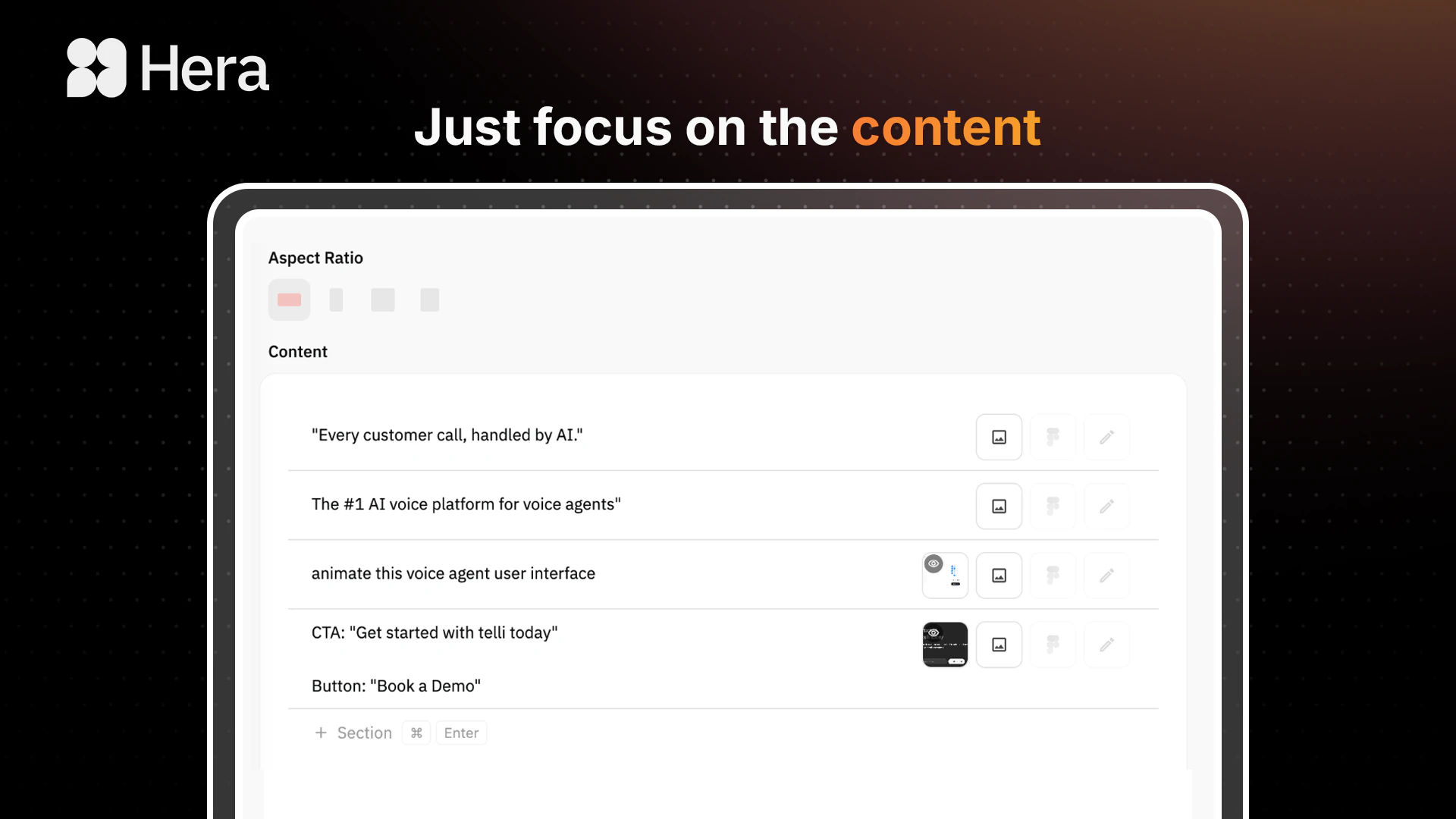
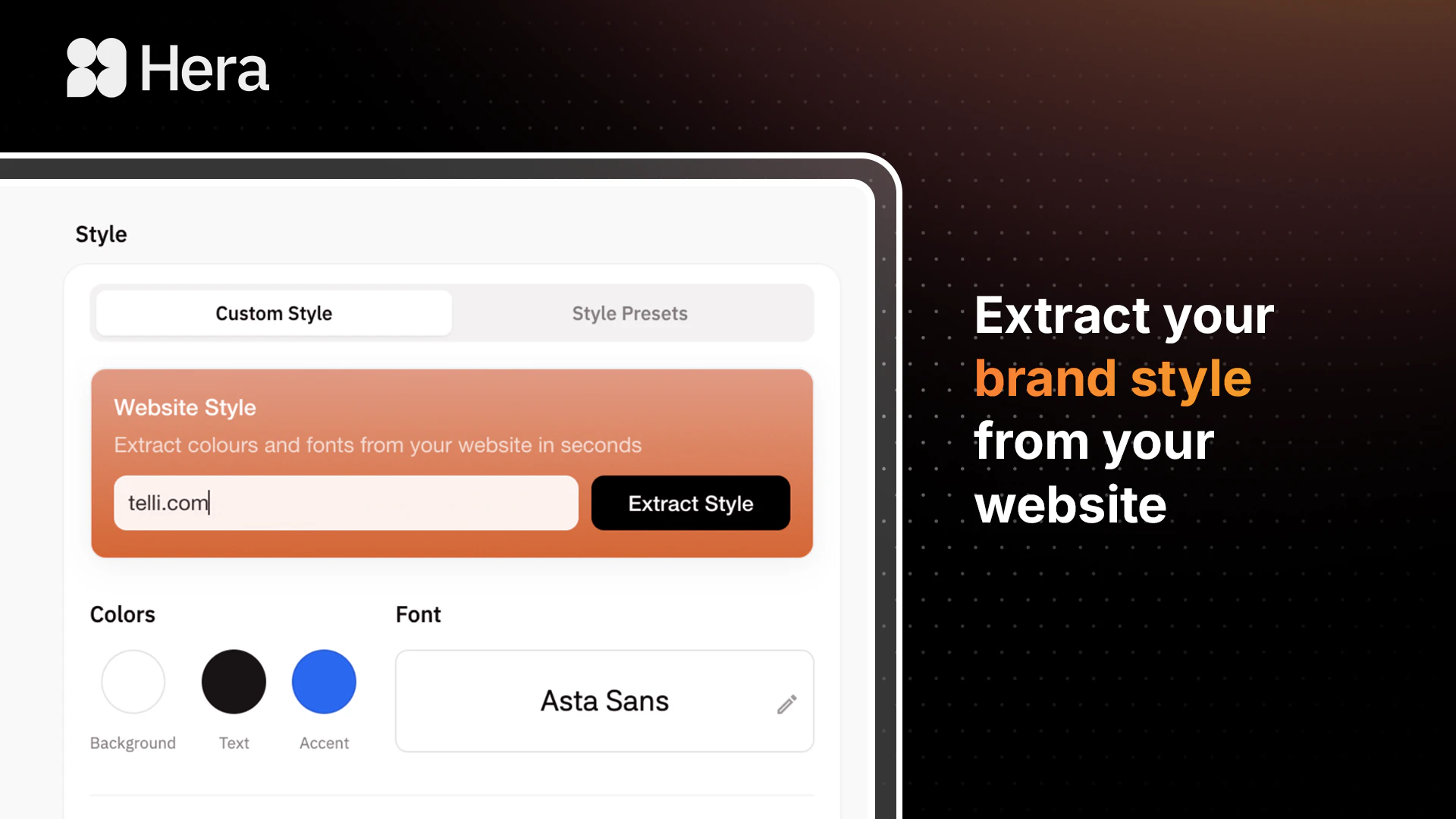
查看原始信息
KushoAI for Playwright
Open-source TUI for Playwright testing. Record your flow in the browser, then everything happens in your terminal. No tab-switching to ChatGPT/Claude, no copy-pasting, no manual context juggling. Bring your own API key (OpenAI, Claude, Gemini). Runs entirely local. Our LLM orchestration expands one recording into comprehensive test coverage - edge cases, error handling, boundary conditions - more efficiently than calling LLMs directly. Record, generate, run: all terminal-native. MIT licensed.

Hey Product Hunt! 👋

I'm Abhishek, CEO at KushoAI. I'll be honest about why we built this.

Playwright is great. The problem isn't the tool. The problem is that writing comprehensive tests by hand takes forever. You write a test, a selector breaks, you rewrite it, the flow changes, you do it again. You end up shipping with partial coverage because you're out of time.


Here's what we built:

Record your user flow once using Playwright's browser recorder. Close the browser, and the generated script opens in your terminal editor. Review it, tweak it, save it.

Then our TUI orchestrates LLM calls to expand that single recording into comprehensive test coverage: different input combinations, boundary conditions, error states, edge cases. You can guide it with plain-English instructions ("add error handling tests", "test with special characters").

The whole workflow stays in your terminal. No tab-switching to ChatGPT, no copy-pasting context, no manual prompt engineering. Record in browser, generate in terminal, run tests, get HTML reports.


Key details:

  • Fully open-source (MIT licensed)

  • Runs entirely local, your API keys stay on your machine

  • Supports OpenAI, Claude, and Gemini (bring your own key)

  • Interactive TUI menu if you prefer guided workflows over typing commands

Why we're building this:

KushoAI started with API testing. Developers kept asking about UI testing. Both problems share the same root cause: writing exhaustive tests manually doesn't scale. We're betting that AI-native testing infrastructure is how modern teams actually achieve real coverage.

I'd genuinely love feedback on:

  1. Is the current setup too complex? (Considering making it a single npm install command)

  2. What frameworks beyond Playwright? (Python/pytest is the most requested)

  3. What's the first flow you'd want to test on your app?

Star the repo if this is useful, and drop your toughest UI testing problem in the comments. I'm here all day.

GitHub: https://github.com/kusho-co/kusho-ui-testing-tui
Docs: https://resources.kusho.ai/kusho-ai-ui-testing-tui

8
回复

@abhishek_saikia This addresses a very real challenge, UI tests often take far more effort to write and maintain than initially expected. Starting from a recorded flow and expanding coverage thoughtfully is a practical approach, especially compared to building everything manually from scratch. Keeping the workflow within the terminal also aligns well with how many developers prefer to work. I’d be interested to see how it handles flaky selectors and evolving UIs over time, as that’s typically where maintenance becomes difficult. Support for pytest or broader cross-framework compatibility could also make it more versatile for different teams

0
回复

@abhishek_saikia This is a solid workflow improvement—the friction of maintaining selectors and test coverage is real. The terminal-first approach makes sense for developers who already live there, and keeping API keys local is a good call. Curious how it handles cases where the LLM-generated assertions miss actual bugs that a human would catch, or if you've seen patterns in what kinds of coverage gaps still slip through.

0
回复