Product Hunt 每日热榜 2026-05-16

PH热榜 | 2026-05-16

#1
Loova Agents
Your AI director for creating cinematic videos with ease
324
一句话介绍:Loova Agents是一款AI视频导演工具,通过“无限画布”和智能代理,将普通用户的模糊创意自动规划、分镜并生成为电影级广告、短片和产品视频,解决非专业创作者在视频制作中流程破碎、缺乏导演思维的核心痛点。
Marketing Artificial Intelligence Video
AI视频生成 AI导演 视频自动化 内容创作 营销视频 创意工具 SaaS 无限画布 智能分镜 产品演示
用户评论摘要:用户高度认可“创意导演”定位,核心关注点在于:对运镜(如慢推、摇摄)和分镜的具体控制权;角色/产品一致性的实现机制;品牌风格库等可复用资产;以及导出格式是否受限于平台。创始人回应称,用户可指定运镜,不指定则由AI推断;一致性通过工作流内置参考图实现;导出为标准格式;品牌复用功能正在建设中。
AI 锐评

Loova Agents的聪明之处在于,它精准地戳中了当前AI视频生成领域最痛的“中间地带”——技术已有,但工作流支离破碎。它不是又一个让你写咒语式提示词的生成器,而是试图扮演一个“创意总监”的角色,这在产品泛滥的AI视频赛道里,是一个极具差异化的定位。

从用户评论和创始人回复的细节来看,Loova的价值不在于生成能力的“炫技”,而在于对“流程”的重构。它把“想法→提示词→图像→视频→剪辑”的线性、多工具流程,压缩为“想法→AI规划分镜→生成”的一体化体验。尤其值得肯定的是,它没有回避非专业用户对控制权的恐惧,通过允许用户手动指定“缓慢推镜”或交由AI推断的灵活机制,在“可控性”与“自动化”之间找到了一个实用的平衡点。这种“先规划后生成”的架构,比那些一次性的“文本生视频”工具,更接近真实的影视制作逻辑。

但风险同样明显。当前产品仍处于早期,最关键的“角色/产品一致性”问题,虽然回复称靠“参考图+工作流”解决,但能否在高动态、多场景下稳定保持,是用户是否买单的核心。此外,评论中频繁出现的“品牌风格库”需求,是B端客户付费的关键,如果只停留在“靠长提示词”的阶段,就只是噱头。Loova的真正考验在于:它能否将“导演”这个抽象概念,真正产品化为一套可复用的、可靠的创作系统,而不是一个偶尔灵光一现的“AI实习生”。如果能做到,它就不会只是一款工具,而会成为下一代内容生产的基础设施。

查看原始信息
Loova Agents
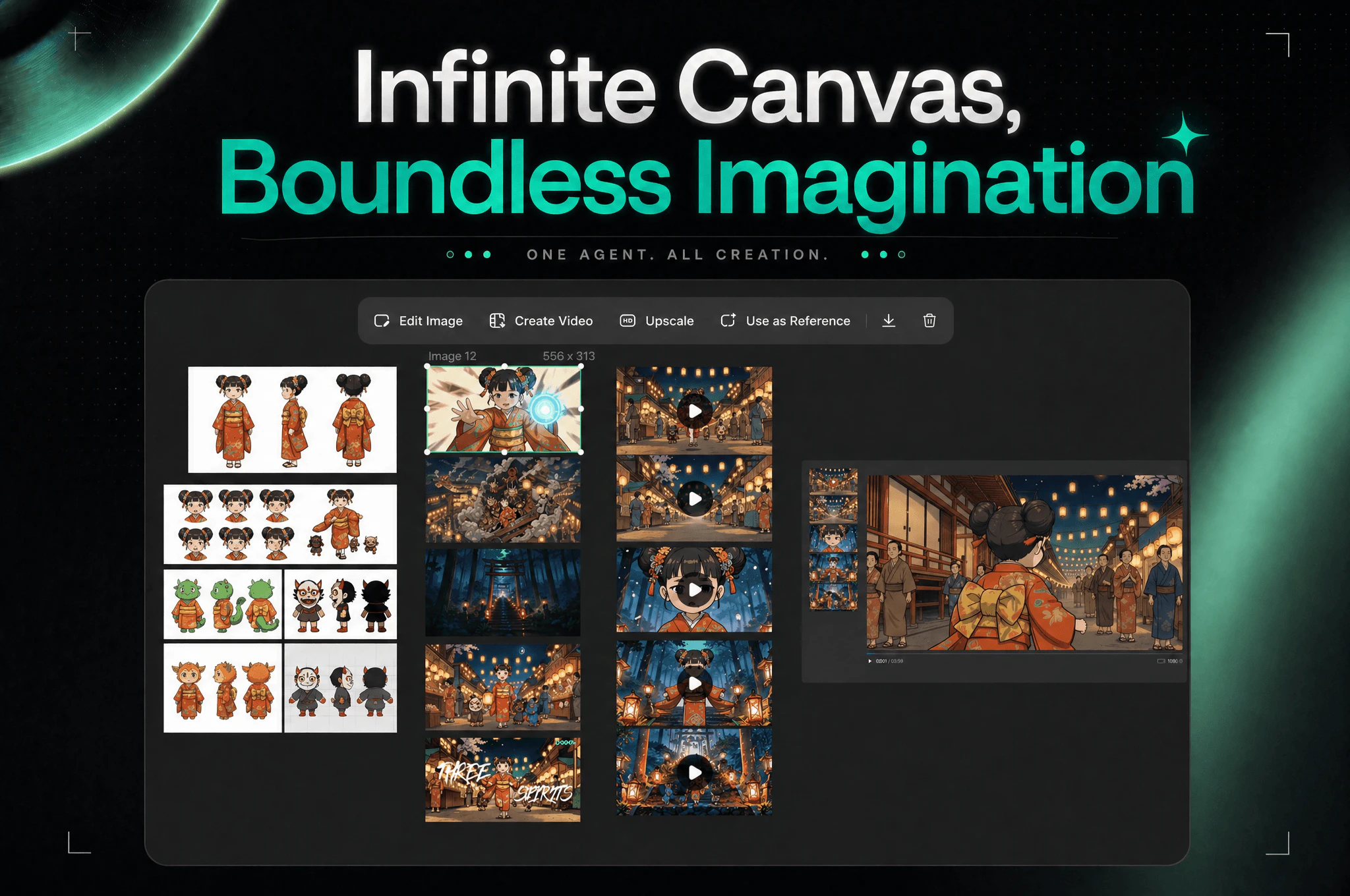
Tell Loova your idea in everyday words, and Loova agents act as your personal director to plan, direct, and generate your film. Make scroll-stopping ads, short films, and product videos fast. With an infinite canvas for boundless imagination, Loova Agents make professional video storytelling simple.

Hi everyone, this is Anbang, founder of Loova 👋


Before building Loova Agents, I kept running into the same issue over and over again.

AI video creation is powerful now. But the workflow still feels broken.

People open 20 different tabs just to make one video.

Docs for ideas. GPT for scripts. One tool for images. Another for video. Another for music. Then editing software on top of that.

You go from:
idea → prompts → images → video → editing

And somewhere in the middle, the creative flow gets lost.


The bigger problem is that most AI tools only help you generate.
They don’t help you think visually.
They don’t help you direct.

But most creators are not trained filmmakers. They shouldn’t need to think like prompt engineers just to tell a story.

That frustration is what led us to build Loova Agents.


We wanted to create something that behaves more like a creative director than just another AI generator.
With Loova Agents, the goal is simple:

  • understand the intent behind your idea

  • plan scenes before generation

  • generate visuals and BGM together

  • keep the whole project inside one infinite canvas

  • let creators shape stories visually, not tab by tab

People are already using it for product ads, AI short films, talking avatar videos, UGC style content, and more.


We’re still very early. Still learning every day. Still building with the community.

If you try it, I’d genuinely love to hear your thoughts. A lot of what we build next will come directly from user feedback. Here is a quick link to explore: https://loova.ai/ai-agent/intro

15
回复

@anbangx Hi Anbang, I really liked your vision around AI and the way you’re building. 🚀

> I just launched EmPaTH, a Gen Z emotional wellness app with anonymous avatars, AI chatbot support, and mood‑based activities.

It’s available for acquisition (negotiable down to $3K) — includes prototype, pitch deck, and assets.

I’d be happy to support you in the building phase if you decide to take it forward.

Would you be open to a quick chat about this?

0
回复

@anbangx Hi Anbang, I really liked your vision around AI and the way you’re building. 🚀

> I just launched EmPaTH, a Gen Z emotional wellness app with anonymous avatars, AI chatbot support, and mood‑based activities.

> It’s available for acquisition (negotiable down to $3K) — includes prototype, pitch deck, and assets.

> I’d be happy to support you in the building phase if you decide to take it forward.

> Would you be open to a quick chat about this?

0
回复

@anbangx Hey, I've been looking more in this space and find the generative ai space very promising. Wanted to know when Loova Agents break an idea into scenes, how much control does the creator have over the storyboard before generation? Can you tweak pacing, camera style, or scene order visually on the canvas?

0
回复

Congrats on the launch, Anbang! Love the "creative director" framing. Here's what I'm wondering — during scene planning, how much control do I actually have over specific camera moves? Like if I want a slow dolly in or a whip pan, will the agent follow my command, or does it decide what's best based on the script?

4
回复

@new_user___117202639633ed66e16b5d8 Thanks so much.

If you give a specific camera move, Loova will follow that direction. So things like slow dolly in, whip pan, handheld, close-up, etc. can all be part of the plan.

If you don’t specify it, the agent will choose what fits the scene.

1
回复

This looks like a game-changer for solo creators. The jump from "AI-generated video" to "cinematic video" usually requires a lot of manual editing. Does the "AI Director" allow for specific camera movement commands (like pans or dollies), or does it infer the best shots based on the script?

4
回复

@rivra_dev Yes, you can specify camera movements like pans, dollies, zooms, or tracking shots yourself.

If you don’t provide specific directions, the AI Director will automatically infer the best shots and camera movements based on the script. You can give it a try.

2
回复

@rivra_dev Thanks, really appreciate that.

You can do both. If you give specific camera directions like pan, dolly in, handheld, close-up, Loova will follow them in the plan.

If you just start with a script or rough idea, the agent can also infer the shots that fit the scene.

1
回复

This looks useful for small teams and solo founders.

Most of us don't have a full creative team, so an agent that helps plan and generate marketing videos sounds very practical.

3
回复

@itsluo Yes, the goal is to let one person handle the entire video workflow much more efficiently.

0
回复

@itsluo Exactly. That’s one of the main things we’re building for.

Small teams usually don’t have a full creative team, but they still need good videos for launches, ads, and social. Loova is meant to help cover that gap.

0
回复

This is the case where calling it a creative director is probably not an exaggeration. You mentioned consistent characters and products across scenes and that's the part most tools fudge. Are you locking seeds and reference frames? building on top of an identity model?

2
回复

@artstavenka1 That’s exactly the hard part.
We don’t rely on seeds alone. Loova keeps character and product references in the workflow, then uses them across scene planning, image generation, and video prompting so each shot is created with the right context.

1
回复

The “creative director, not just generator” framing is the right wedge here. For product/UGC-style videos, the planning layer is usually where generic AI output starts to drift: the hook, pacing, visual proof, and brand constraints all need to survive before generation starts.

Curious how you handle reusable creative direction. Can a team save brand/voice constraints, example shots, or “avoid this style” notes so future videos feel consistent without turning every new idea into another long prompt?

1
回复

@jim_jeffers Yes, this is something we’re building.

The goal is to let teams reuse creative direction like brand voice, reference shots, and style notes, so future videos can start with the right context without writing a long prompt every time.

This consistency layer is especially important for product and UGC videos.

1
回复

How does Loova Agents plan and structure scenes? Does it create a full storyboard first before generating the video... or does it generate scene-by-scene?

1
回复

@taimur_haider1 Great question.

Loova first plans the overall story and scene structure, so you can see the direction before generation starts. Then it generates scene by scene, using the plan and references to keep the video coherent.

So it’s not just one prompt to one video — it’s more like planning first, then creating each scene with context.

0
回复

Huge congrats on the launch, Anbang! The infinite canvas idea is really intriguing. How does the scene planning phase actually work does the agent auto suggest shot types based on the script?


1
回复

@imogen_wallace Thank you! Yes, the agent can automatically suggest scene structure, shot types, camera movement, pacing, and transitions based on the script and the goal of the video.

Behind the scenes, we’ve worked with professional directors and marketing experts to design the workflows and prompting system, so the agent is not just randomly generating shots - it’s following creative logic that’s closer to how real video teams work.

1
回复

@imogen_wallace Thanks so much!

Yes, the agent can suggest shot types based on the script, story flow, and the goal of the video. It will break the idea into scenes, then propose things like close-ups, product shots, establishing shots, or action shots where they make sense.

You can also edit the plan before generation, so it’s not a black box.

1
回复

Quick question, once you have your video, where can you take it?
Can you export to any format, or is it locked into Loova's ecosystem?

1
回复

@abod_rehman You can use the videos across TikTok, YouTube, Instagram, ads, landing pages, ecommerce stores, client work, and pretty much anywhere else.

Not locked at all. We support exporting videos in standard formats, and we’re also building more editing/export flexibility so creators can continue workflows in tools they already use if they want.

1
回复

@abod_rehman It’s not locked into Loova.

You can export the final video and use it wherever you need — social posts, ads, landing pages, client work, or your own editing workflow.

We want Loova to fit into creators’ existing workflows, not trap the work inside our product.

1
回复

I’m not a video expert, so the planning part is what interests me. If the agent can guide me from a rough idea to something usable, that makes AI video much more approachable.

1
回复

@rockzhang Yes, that’s exactly what we’re building. The goal is for the agent to act like a director and marketing expert, helping you turn a rough idea into a high-quality video quickly and easily.

1
回复

@rockzhang That’s exactly what we want to make easier.

You shouldn’t need to know how to write a script, plan shots, or choose the right tools. With Loova, you can start from a rough creative goal, and the agent will turn it into a story structure, scenes, visuals, and a video workflow automatically.

You can still jump in and adjust things, but the heavy lifting should be handled by the agent.

1
回复

Congrats on shipping! I am curious about the editing layer once all assets are inside the infinite canvas, what kind of timeline or editing controls do creators have? Is it closer to Canva or Final Cut?


0
回复

Congrats, Anbang! The think visually not like a prompt engineer line really hits. What’s one feature you built specifically to help non filmmakers feel like they are directing, not just generating?


0
回复

This looks very interesting to me as I have been trying to find my way around Higgsfield!

0
回复

@anbangx Congratulations. And happy product launch.

0
回复

@huisong_li Thank you.

0
回复

My sister teaches dance and spends more time making promo and tutorial videos than actually teaching. This looks like it was built for exactly that use case. Trying it with her this week.

0
回复

@sanjana_madhekar Just give it a try. With Loova, the goal is to let the Video Agent handle a lot of the creative production work, so your sister can focus more on teaching and less on editing timelines.

0
回复

Very interesting i tried a few products and this one looks much much more like the one I have been looking for. I will definitely give it a go. I started doing research and see you made a similar but different product the JoggAI one. You have a real talent with this ai video editing its a really hard area to tackle. Good luck and amazing work its super inspiring.

0
回复

@andrewb23 Thank you so much, really appreciate it. Yes, JoggAI was more focused on AI Avatar, while with Loova we’re pushing further into the “Video Agent” direction — helping users go from idea, planning, storyboard, generation, all the way to a finished video through conversation.


Hope you enjoy trying Loova!

0
回复

Been playing around with this — the idea of having an AI director rather than just a generator is actually smart. Most tools dump assets on you and leave the creative decisions to you. Will test it on a product demo video this week.

0
回复

@asim_saeed1 Really appreciate you trying it.

That’s exactly the gap we’re trying to solve. Generating assets is only one part of the work. The harder part is making creative decisions and turning everything into a coherent video.

Would love to hear how the product demo test goes.

0
回复

Congrats on the launch! Can Loova Agents take an existing script like from a Google Doc and automatically convert it into a planned scene sequence with visual suggestions?


0
回复

@asher_luca Thank you.

Yes, you can bring in an existing script and Loova can help turn it into a scene sequence with visual direction.

The idea is that you don’t have to start from a blank prompt. If you already have the story or script, Loova can build from there.

0
回复

Congrats, Anbang! This solves a real pain point. When you say direct how does the UI help me arrange pacing, cuts, and transitions without needing to learn timeline editing?


0
回复

@daniel_harris11 Thank you.

The idea is that you don’t need to edit on a traditional timeline first. Loova turns your goal into a scene plan, including pacing, cuts, and transitions, then shows it in a way you can review and adjust before generation.

So you can direct the outcome without learning timeline editing.

0
回复

Congrats! If a creator has zero video editing experience, how many minutes from signup to first completed video using Loova Agents? What’s that first time flow like?


0
回复

@joshua_cooper2 It depends on the complexity, but the first flow is meant to be very simple.

You start with a rough goal, Loova turns it into a plan, then generates the scenes and final video from there. You don’t need editing experience to get started.

We want the first video to feel more like describing what you want than learning a new production tool.

0
回复

Congrats, Anbang! For AI short films, how does the agent handle dialogue between multiple characters? Can it generate consistent voice and lip movements across different angles?


0
回复

@barnaby_lloyd Thank you! Yes, consistency is one of the biggest challenges for AI short films, so our approach is to generate the characters and their voices first as foundational assets for the project.

The agent then uses those consistent character and voice profiles across scenes, camera angles, and dialogue shots to maintain continuity in appearance, speaking style, and lip sync throughout the story.

0
回复

@barnaby_lloyd Thank you.

That’s definitely one of the more complex scenarios, especially with multiple characters, voices, lip sync, and different camera angles.

We’re continuing to iterate on this, because it’s really important for story-driven videos.

0
回复

Congrats on the launch! For product ads specifically, does Loova agents have any understanding of product placement or branding guidelines, or is it more about general storytelling?


0
回复

@olivia_bennett7 Thank you.

For product ads, it’s not just general storytelling. You can upload product images, and Loova will plan the video around the actual product, including how it should appear in the scenes.

We’re still improving the branding side, but product placement is definitely part of the workflow.

0
回复

Congrats on the launch! How does the plan scenes before generation step actually surface in the UI? Do creators arrange storyboard cards, or does the agent propose a scene breakdown automatically?


0
回复

@wyatt_carter Thank you.

The agent proposes the scene breakdown automatically first. Creators can then review it on the canvas and adjust the structure before generation.

So you don’t have to build the storyboard from scratch, but you still get a chance to shape it.

0
回复

@wyatt_carter The agent can automatically propose the scene breakdown based on your idea, script, and video goal. The whole planning and generation process is then visualized on the infinite canvas, so it feels more like building a living storyboard.

0
回复

I like the concept, but I’m curious about the final editing flow. Can users adjust timing, replace scenes, regenerate specific parts, or export assets for editing elsewhere?

0
回复

@linglistack Yes, exactly. You can adjust timing, replace scenes, regenerate specific shots, change styles, rewrite parts of the script, and keep iterating through conversation until the video matches what you want.


The experience we’re aiming for is less like traditional editing software, and more like talking to a real creative agency.

0
回复

@linglistack Yes. Users can regenerate specific scenes, replace parts, and keep refining the video without starting from scratch.

Export is also supported, so the final video is not locked inside Loova. We want it to fit into your existing editing workflow too.

0
回复

As someone making YouTube content, the biggest pain is not just generating clips. It is planning the whole structure and keeping everything consistent. Curious to see how Loova Agents handles longer video ideas.

0
回复

@cynthia220 Exactly. We think the hard part of AI video is no longer just generating clips, it’s creative orchestration and consistency across the entire video. Our long-term vision is that creators should be able to go from a rough idea to a complete YouTube-quality production with the agent acting like a creative team behind the scenes.

0
回复

@cynthia220 That’s exactly the problem we care about.

For longer ideas, Loova starts with the structure first, then breaks it into scenes and keeps the context across the workflow. The goal is to make it easier to go from a rough idea to a coherent video, not just generate isolated clips.

0
回复

Congrats on launching today! The workflow gap in AI video creation is definitely real, and it’s awesome to see you guys tackling it by focusing on the 'thinking and directing' side rather than just the generation.

I'd love to try this for some product ads. Does the agent support specific brand style guidelines or reference images to help keep the visual output on-brand?

0
回复

@zeng Thank you, really appreciate that.

Yes, Loova supports product images. You can upload your product, and the agent will use it when planning scenes and creating the video, so the output is built around the actual product.

Product ads are definitely one of the use cases we’re excited about.

0
回复

I love this! I was editing a video the other day and wishing for just the thing. If I upload a series and clips and give it direction on how to place and edit them, will it work? I know the agent is supposed to be the director here, but I'm curious how much control we'll have over that process with constant reiteration.

0
回复

@ishika_muppidi This is something we’re actively working on.

The goal is for Loova to understand your existing clips better, then help continue the creative process from there, like organizing, editing, and building them into a finished video.

You’ll still be able to guide and refine the direction along the way.

0
回复

The "AI director" framing is interesting — most video tools put the work on you to be the director and just give you better tools. This flips it so you describe the outcome and the agent figures out the shots. Curious how much control you can take back when the AI's creative direction isn't quite what you had in mind. Is there an easy way to override specific decisions without starting from scratch?

0
回复

@zrimko Yes, that’s a big part of the product.

Loova gives you the plan before generation, so you can change specific scenes, shots, references, or prompts without starting over.

The idea is not to take control away from users, but to handle the heavy planning while still letting you step in when it matters.

0
回复

Congratulations

0
回复

Thank you. Really appreciate the support.

0
回复

Interested to see how it replaces my current "film production" pipeline set in Claude Code! Currently, I have plot idea -> script writer pass -> director pass -> DP (Cinematographer pass) -> Characters & Objects master reference imagery -> video shot prompter, everything though skills and APIs.

0
回复

@gsostak That’s exactly the kind of workflow we’re thinking about.

Loova is built to help users create from a director’s point of view — planning the story, shaping the scenes, managing references, and turning everything into shots and final video in one place.

Would love for you to give it a try.

0
回复
#2
Agentmemory
Persistent memory for Claude Code, Codex & coding agents
227
一句话介绍:Agentmemory为Claude Code、Codex等AI编码代理提供跨会话的持久记忆,解决代理每次启动都忘记上下文、需要重复解释代码库和个人偏好的痛点,从而显著节省token并提升开发效率。
Open Source Developer Tools Artificial Intelligence GitHub
AI编码代理 持久记忆 上下文压缩 检索增强 开发者工具 开源 MCP协议 Token优化 代码库上下文 跨会话记忆
用户评论摘要:用户关注记忆冲突与数据安全,如意外记录敏感数据、记忆与代码状态矛盾的处理;讨论检索质量与过期记忆的衰减机制;询问是否兼容桌面应用及能否导出记忆;认可压缩效率,但质疑长期使用的可靠性,并关注缓存与归属权问题。
AI 锐评

Agentmemory解决了一个真实且被低估的痛点:编码代理的“金鱼记忆”。从基准测试看,它将240次会话的平均Token消耗降低92%,并在LongMemEval-S上实现95.2%的R@5召回率,这至少提供了可量化的改进而非空洞的许诺。然而,评论中暴露的深层问题不容回避:记忆的无序膨胀可能成为新的技术债务。当记忆既无有效冲突检测也无自动过期机制时,错误或过时的决策会在后续会话中被反复唤醒,形成隐性锁死。此外,@enamakel在安全上的提问直击要害——在缺乏过滤或脱敏机制的情况下,向代理注入记忆可能引入数据泄漏风险,对于企业级应用几乎是不可接受的。产品宣称“100%开源、本地运行”,确实降低了信任门槛,但若仅靠用户自行在Hook层处理合规与冲突,其生产可用性将严重受限。横向对比Claude mem等方案,Agentmemory的差异化在于向量搜索加BM25的双路检索架构,但记忆的生命周期管理和权限隔离才是决定它从“好用的辅助工具”跃升为“可靠的开发基建”的关键。项目在GitHub上获得5000+颗星说明用户对早期功能的渴求,但下一阶段的成败将取决于能否在记忆增长中提供更智能的遗忘、更新和争议处理机制。

查看原始信息
Agentmemory
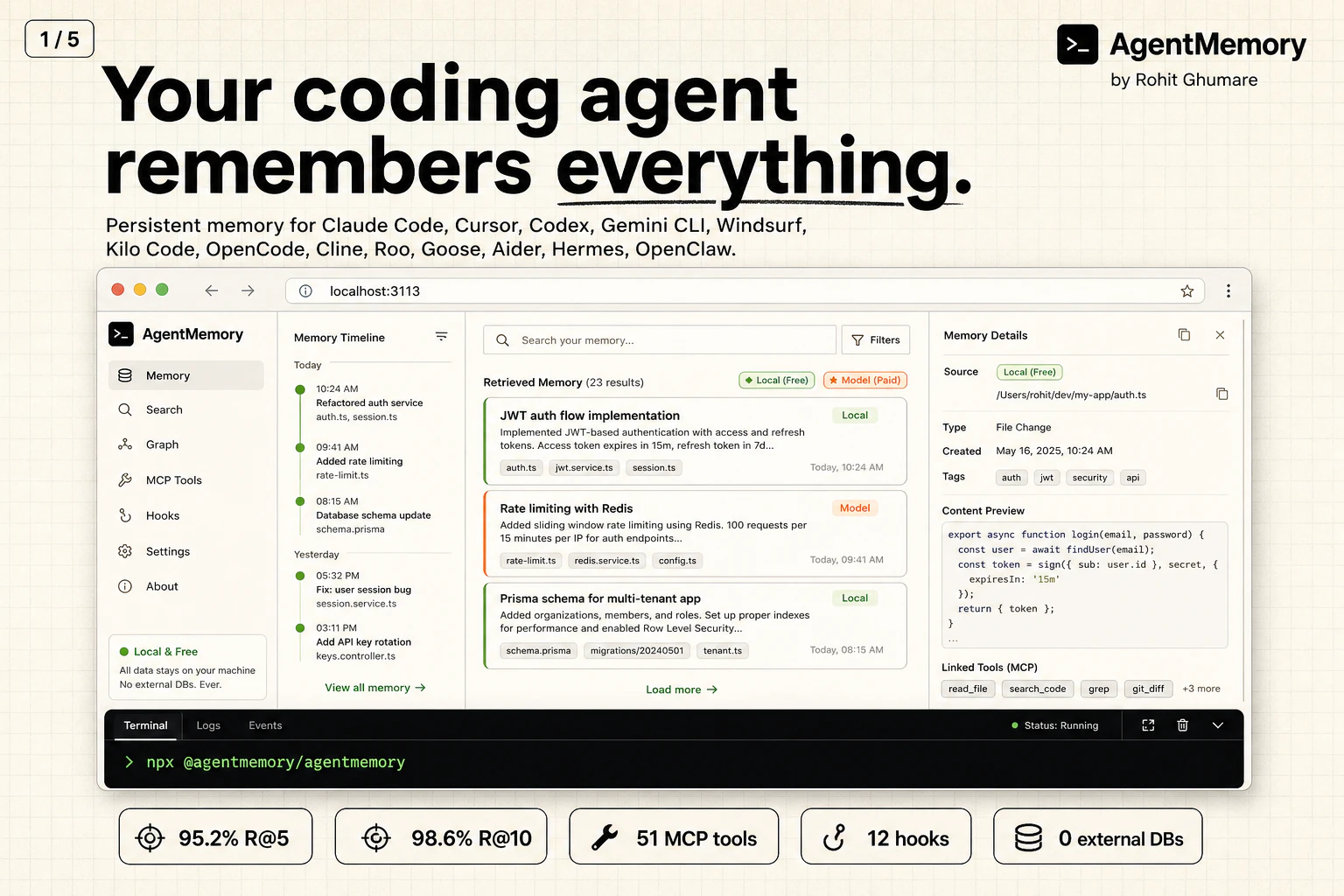
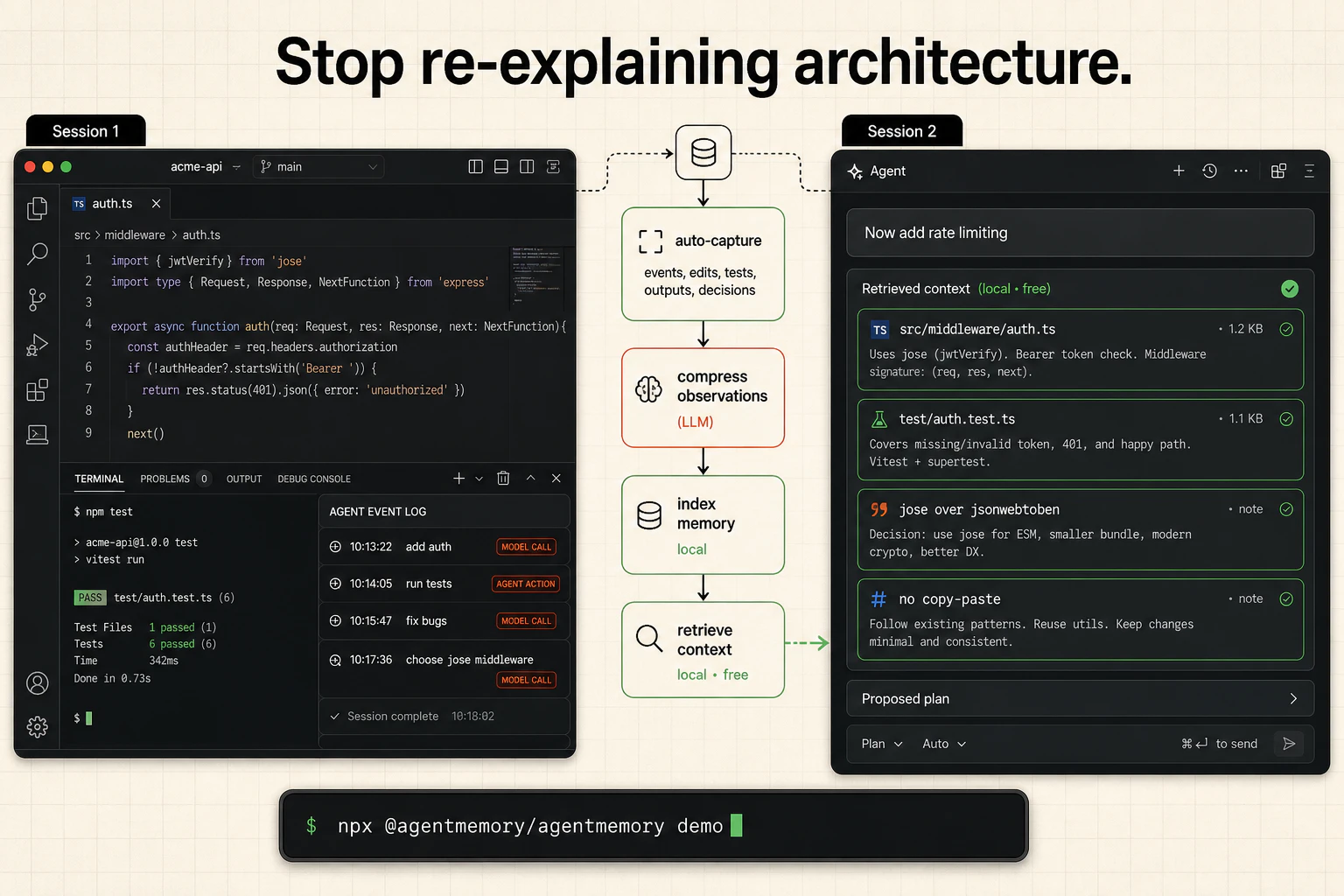
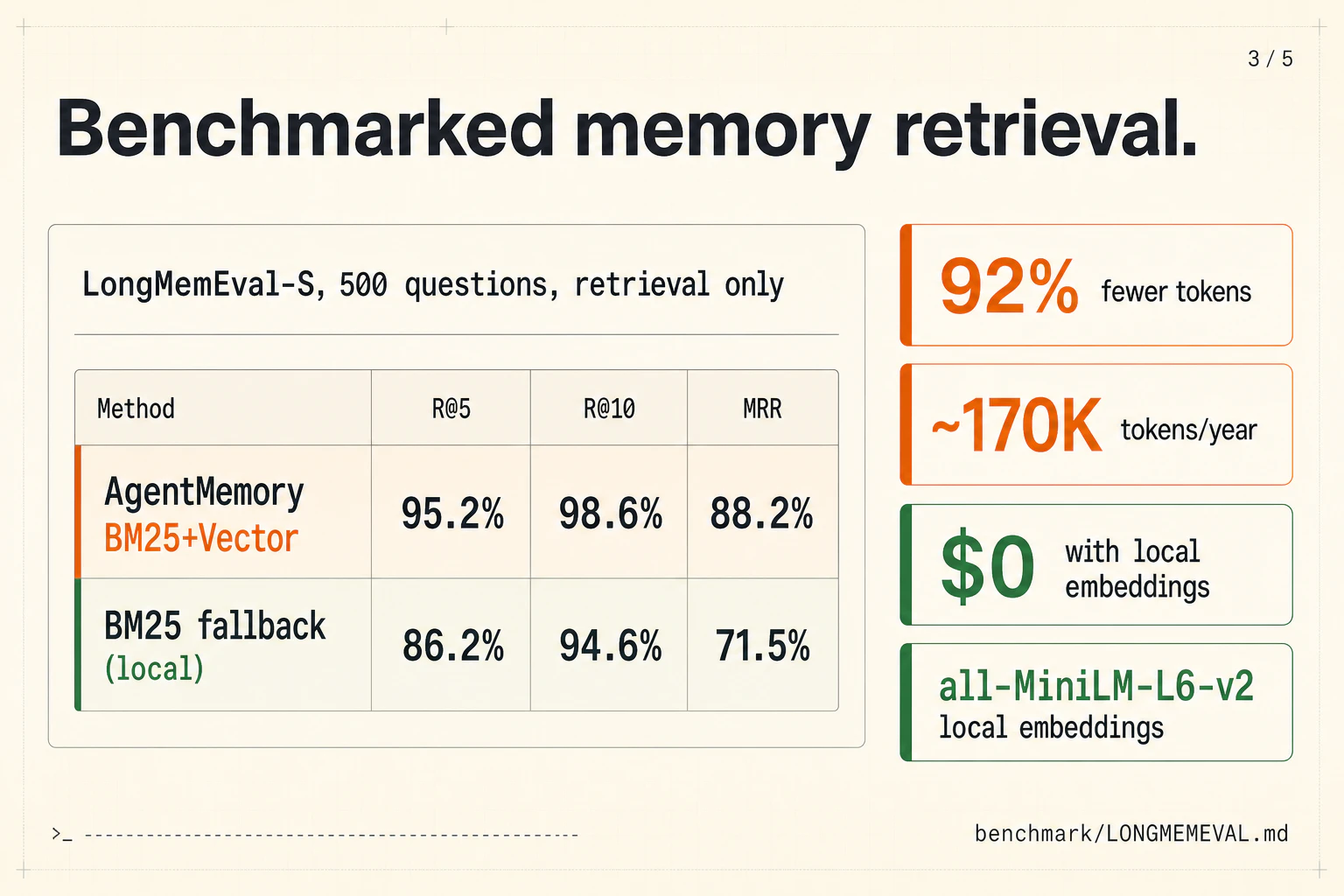
You can now give Hermes, Claude Code, and Codex infinite memory. Agentmemory is trending on GitHub with 5,000+ Stars. CLAUDE md dumps 22,000+ tokens into context at 240 observations agentmemory: 1,900 tokens. same observations. 92% less. At 1,000 observations, 80% of your built-in memories become invisible. agentmemory keeps 100% searchable. benchmarked on 240 real coding sessions → Up to 95% fewer tokens per session → 200x more tool calls before hitting context limits → 100% open source

Hey Product Hunt 👋

I built AgentMemory because coding agents still have one painful limitation: they forget between sessions.

  • You explain your architecture once.

  • You debug a production issue once.

  • You decide on a library or pattern once.

Then the next session starts from zero again.

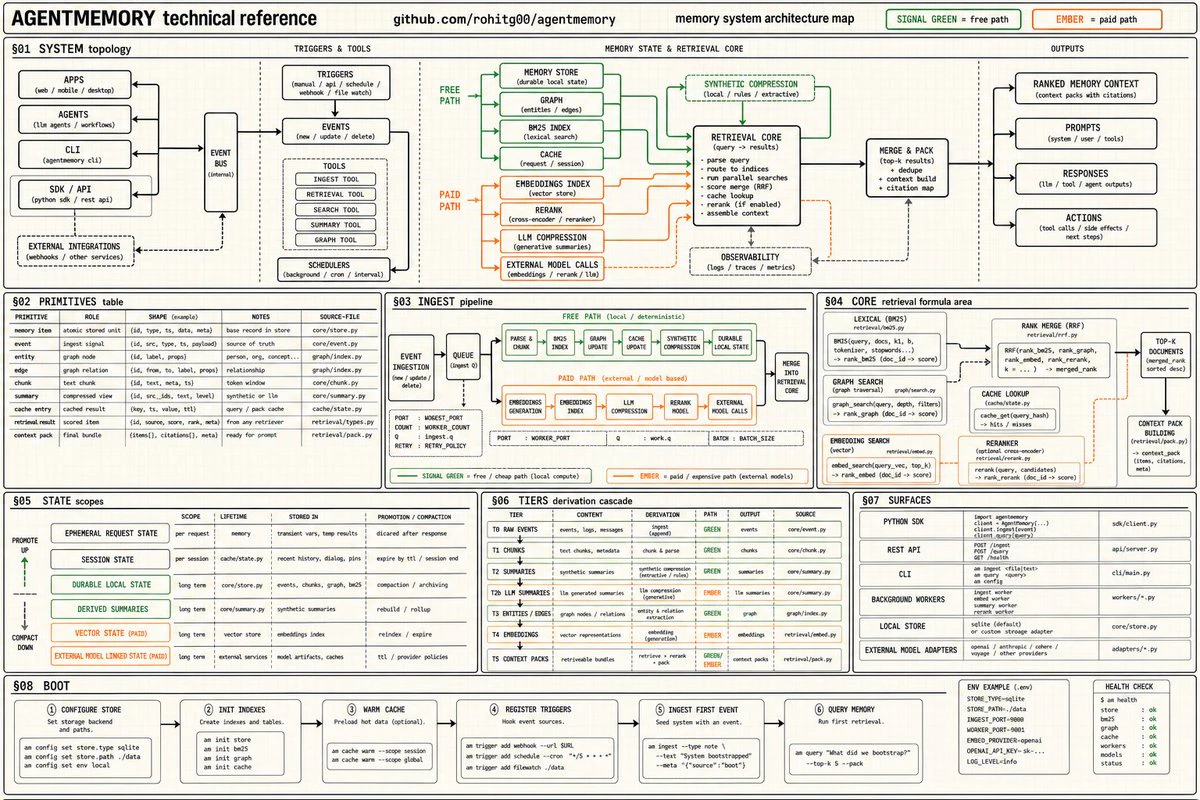

AgentMemory gives AI coding agents persistent memory across sessions, so they can actually build on what they’ve already learned about your codebase. It automatically captures what your agent does, compresses it into structured memories, indexes them with hybrid search, and injects the right context back into future sessions.

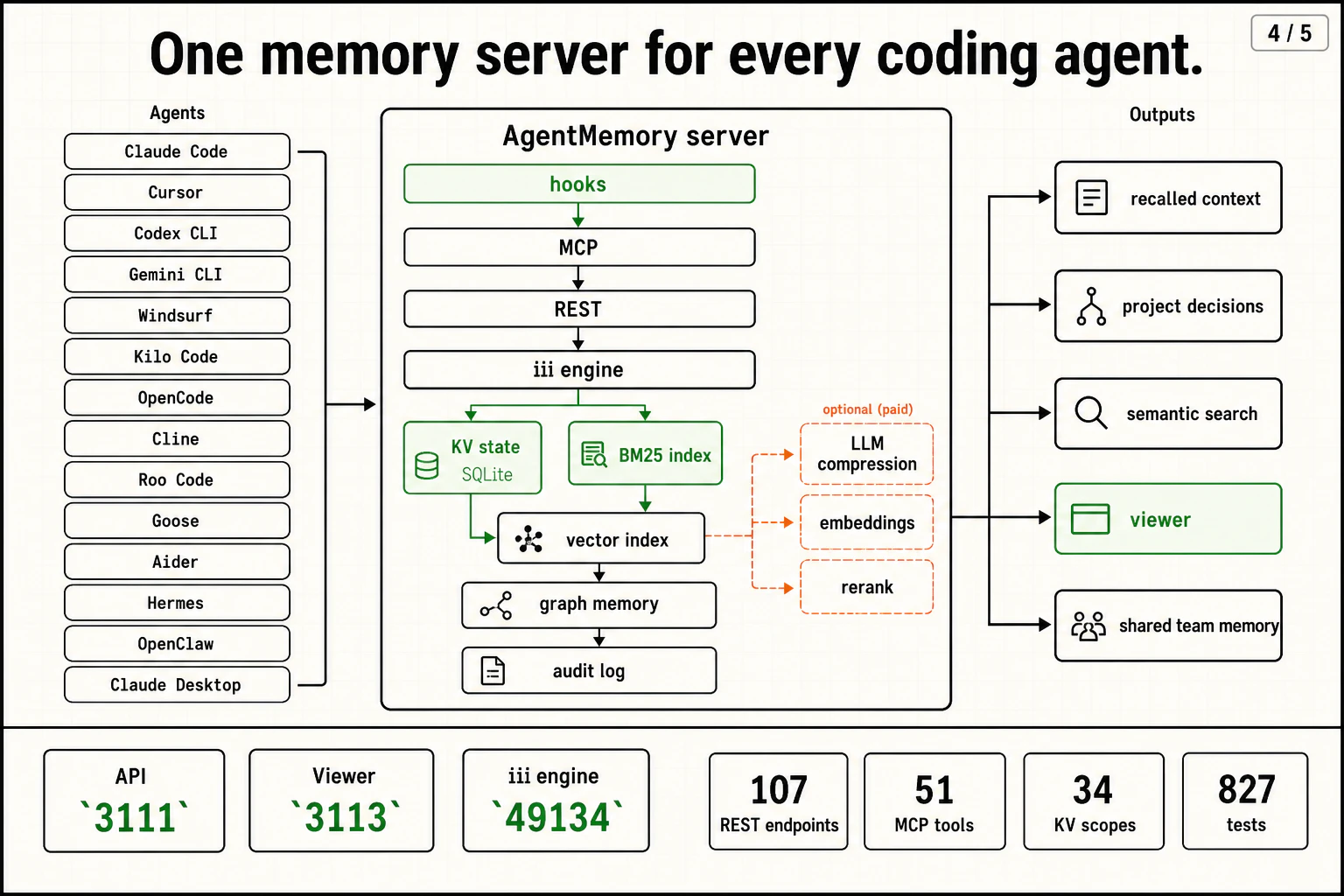
It works with Claude Code, Cursor, Codex CLI, Gemini CLI, Windsurf, Kilo Code, OpenCode, Cline, Roo, Goose, Aider, Hermes, OpenClaw, and basically any MCP or REST-capable agent.

From day one, I wanted it to be:

  • 100% open source

  • Free to run locally

  • No external database required

  • Works via MCP, REST, and simple hooks

  • Built for real coding workflows, not toy “chat history” memory

On benchmarks, AgentMemory gets 95.2% R@5 and 98.6% R@10 on the LongMemEval-S retrieval suite using BM25 + vector search, while cutting context usage by around 92%.

Quick start:

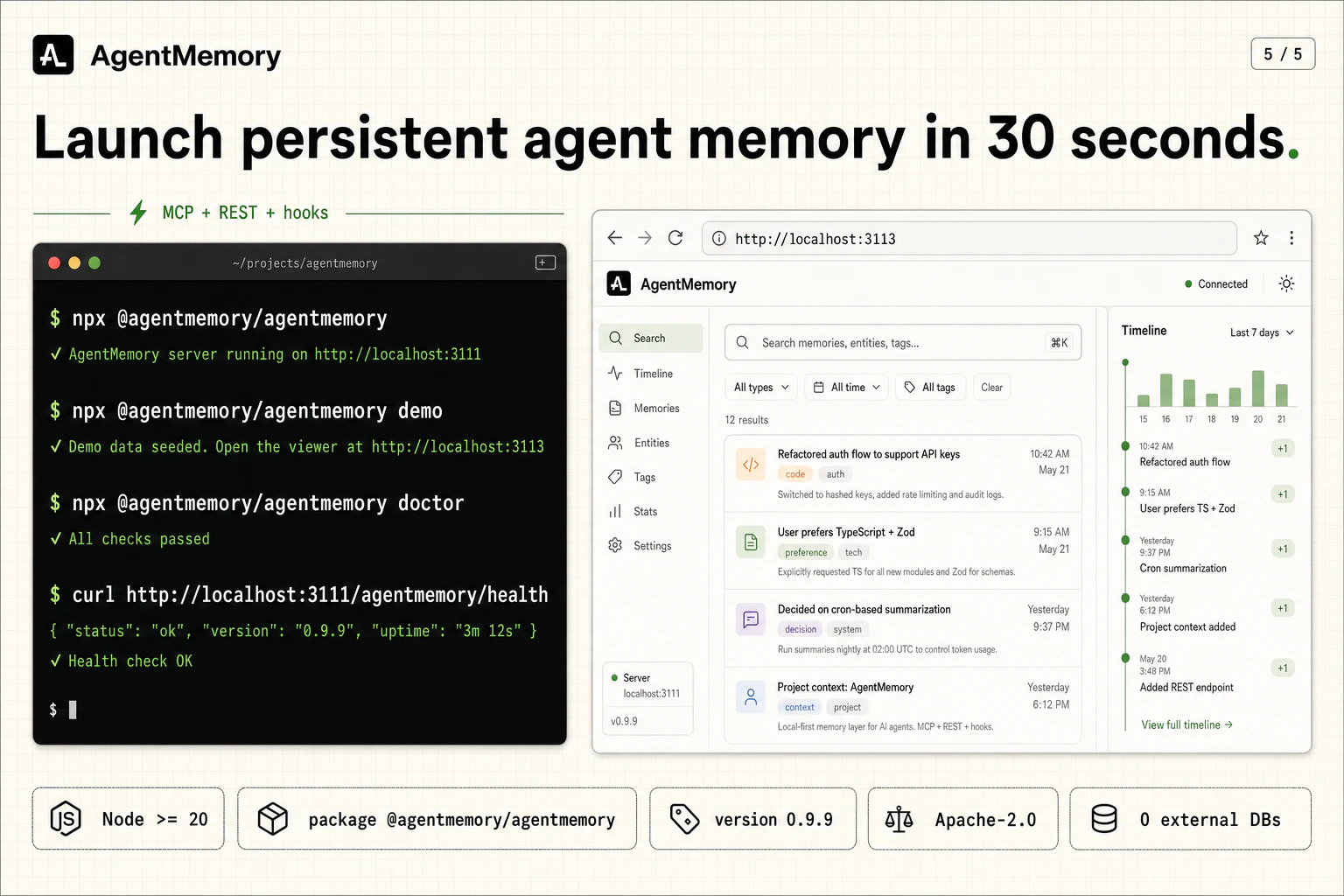
Run: npx @agentmemory/agentmemory

If you live in your coding agents every day, this is for the moment you think: “Wait, I already explained this yesterday.”

Would love feedback from builders, heavy agent users, and open‑source maintainers.

GitHub: https://github.com/rohitg00/agentmemory

4
回复

@agentmemory  @rohit_ghumare How do you think about secrets or sensitive data accidentally entering memory? Is there filtering/redaction built in, or do you recommend teams handle that at the hook/integration layer?

4
回复

@agentmemory  @rohit_ghumare  Ive been testing it with Codex too and the automatic context injection across sessions is a game changer. Not having to reexplain project setup every time really adds up.

0
回复

@agentmemory  @rohit_ghumare Loved your vision 🚀 I just launched EmPaTH, a Gen Z wellness app (AI chatbot + anonymous avatars). It’s up for acquisition, negotiable to $3K, and I’d be happy to help in the building phase 👉 [https://www.producthunt.com/posts/empath/maker-invite?code=AO5MTM]

0
回复

Congrats on the launch.

2 questions:

  1. Will this impact more usage on tokens? since the agent need looking around and search on newer chats?

  2. Will the memory be persistent only in CLI agents or also on their desktop application as Codex, Claude, Cursor

2
回复
@samdsgn I have explained all this in GitHub Readme, it doesn't affect your usage rather saves you tokens and Cash.
0
回复

Well done team! How do you detect when a stored memory contradicts current code state or is pruning still manual?

2
回复
@artstavenka1 they shouldn't
0
回复

Wonderful project. Already used it locally with Claude Code and it provides an amazing developer experience. Absolutely love the underlying architecture powered by iii = very scalable. very efficient and hands down the best memory solution otu there

2
回复
@shivaylamba Thanks, man! We need to hear more users like you, that's why we launched on ProductHunt.
1
回复

Persistent memory for coding agents is a harder problem than it sounds. You're not just storing conversation history, you're storing codebase context, decisions made, patterns established. The benchmark claim is what I'd want to dig into. Memory that's fast to write is useless if retrieval is noisy. How does it handle context that's become stale after a refactor?

1
回复

Really interesting, can it pick up past sessions or does it start only once i integrate? On another side note is there a way to not use an agentic db and maybe postgres?

Great traction! I will give it a try on my current project and see if it brings down hallucination. I like the graph view so you can easily see whats going on.

Just wondering how long did this take to make? The database side is very interesting and i think has a lot of potential to many other things. Good luck!

1
回复
@andrewb23 that's the job picks memory from sessions, saves tokens, indexes, access session from cross-agent as well.
0
回复

The cross-session forgetting problem is real. The deeper one you'll hit at scale: when an agent makes a wrong call in week 4 because it remembered a misleading decision from week 1, where does ownership of that mistake sit? Two questions worth thinking about: 1. Can memory be exported in an open format so agents move with their user, not their runtime? 2. Is there a way to mark a memory entry as disputed or superseded? Without those, an agent's persistent memory becomes a liability dressed as a feature.

1
回复
@thenameisarian everything local.
0
回复

Persistent memory across sessions is one of those things that sounds like a dev tool problem but actually changes how useful AI agents are in practice. Right now every session with Claude Code starts from scratch — re-explaining context, re-loading preferences. Curious how Agentmemory handles conflicts when the same context gets updated across sessions. Does it merge, overwrite, or flag it for review?

1
回复
@zrimko models are smart, I didn't get your question.
0
回复

well done @rohit_ghumare i'd love to know what's the business model you intend to persue? looks like everything is free and opensource. just wondering would u be making this a hobby project or building it seriously or something else?

1
回复
@enamakel I want to keep AgentMemory open source forever, bring it to every agent, and implement production hardening.
2
回复
@enamakel Thanks for your kind words and successful launch of openhuman 👌
1
回复

The token reduction angle is useful, but the part I’d want to stress-test is retrieval quality over time. For coding agents, stale decisions and half-remembered debug notes can be worse than no memory unless there is a clear way to expire or scope observations per repo.

0
回复

The context compression angle is genuinely interesting — 22k tokens down to 1.9k is a meaningful difference. Curious how it handles prioritisation when observations span very different task types (e.g. a debugging session vs. greenfield architecture work). Does it keep those namespaced, or blend into one pool?

0
回复

Hey! Love it. How well would it help with handling pivots and knowing how my seed-stage startup's narrative/pitch deck and product spec changes over time? I've got canonical documents set up in Cursor, but it still takes a LOT of tidying work and any new scratch brainstorming files ruin the source of truth...

0
回复

My claude code desktop fails to connect after installing this. :-(

0
回复

Seems like a claude server outage

0
回复
Is this similar to Claude mem?
0
回复

@matnewera very different, claude mem is for starters

0
回复

Cool project, how are you handling caching to ensure that it doesn't reprocess tokens unnecessarily in longer conversations?

0
回复

Congrats on the launch.

2 questions:

  1. Will this impact more usage on tokens? since the agent need looking around and search on newer chats?

  2. Will the memory be persistent only in CLI agents or also on their desktop application as Codex, Claude, Cursor

0
回复

92% token reduction is huge if it holds on real codebases. Curious how agentmemory handles conflicting observations: when newer context contradicts older stored memory, does recency win automatically or is there a manual override?

0
回复
#3
Raybeam
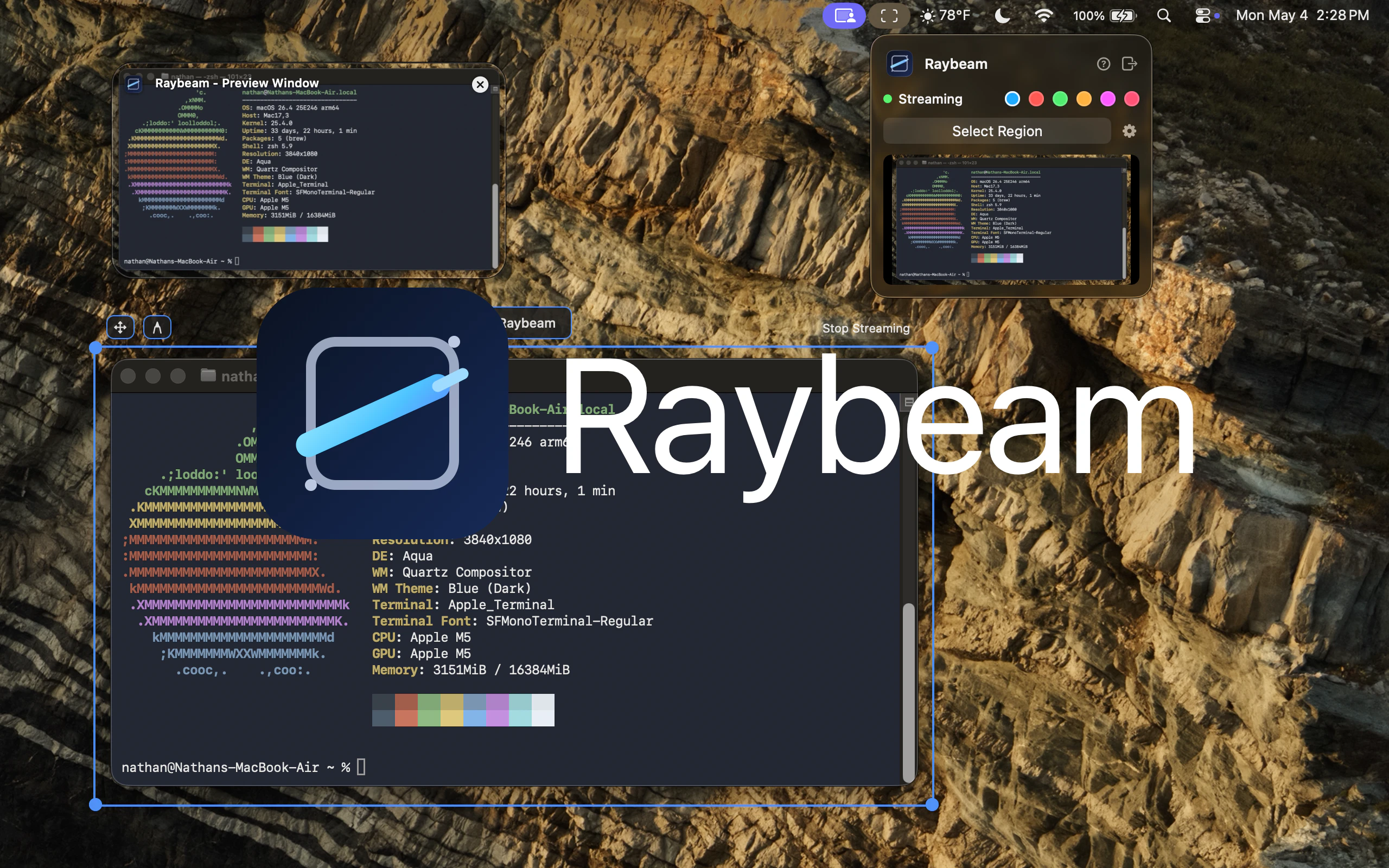
A better way to screen share on macOS
174
一句话介绍:Raybeam 是一款 macOS 屏幕共享工具,通过可拖拽、可调整大小的区域选取,帮助超宽屏或多显示器用户在视频会议中精准分享内容,避免误露隐私通知或不相关窗口。
Productivity User Experience Menu Bar Apps
macOS工具 屏幕共享 隐私保护 多显示器 超宽屏 视频会议 区域截屏 辅助工具 Zoom 效率提升
用户评论摘要:用户普遍认可其精准分享和隐私保护的价值,建议增加自动模糊敏感数据的“隐私模式”,并明确适配Google Meet及macOS无线投屏功能。
AI 锐评

Raybeam精准切中了macOS原生屏幕共享的“反人性”痛点:要么全屏暴露一切,要么窗口分享需反复整理。在多窗口、超宽屏常态下,用户急需的是对“分享边界”的掌控力,而非更多功能堆砌。Raybeam用“可拖拽选区”这个极简交互,实则是把屏幕共享从“显示器粒度”降维到“逻辑区域粒度”,让分享从展示行为变为聚焦工具。其价值不在于技术门槛,而在于对职场隐私焦虑的洞察——用户怕的不是分享,而是分享错了东西。174票说明这是一款“刚需”型微创新,而非大而全的平台级产品。评论中用户对Google Meet和无线投屏的追问,暴露了当前功能广度不足的短板:它目前更像一个针对Zoom、Slack等主流会议软件的“滤镜伴侣”,而非独立的分享生态。若想真正从“好用的工具”跃升为“通用的分享范式”,必须尽快补齐跨协议兼容性(如Chrome会议流、AirPlay截屏映射)。此外,所谓的“隐藏Apps”功能虽然聪明,但如果能结合AI自动检测敏感内容并模糊处理,将是一次隐私保护的范式升级——让用户不必手动配置,而是系统主动防御。总而言之,这是一个值得所有打工人安装的“小而美”软件,但它仍需证明自己能超越“遮丑布”,成为真正的分享层基础设施。

查看原始信息
Raybeam
Raybeam is a macOS app for sharing a draggable, resizable region of your screen—perfect for ultra-wide and multi-monitor setups. Works with Zoom, Slack, Teams, and more.

Screen sharing on macOS can be surprisingly clunky when you're trying to hide private notifications or specific windows. I love the focus on UX here. Is there a "privacy mode" that automatically blurs background apps or sensitive data during a beam?

2
回复

@rivra_dev The application supports a list of "Hidden Apps" in which the specified apps will not be visible in the shared region.

0
回复

A real problem I always have. I will give a try.

0
回复

Really cool idea! Wow i know a lot of people at my job that will really love this. Do you support google meet? I don't see it in your list and didn't see on your website, this is what we use at work. Also just wondering will this also work for mirror cast or whatever its called that mac uses to share to external screens wirelessly? I constantly share to my tv at home to show people things i'm working on and this would be really helpful. Cool stuff good luck!

0
回复

Really useful for multi-monitor setups during calls. The draggable region approach is cleaner than sharing a full display. I always hate accidentally showing notifications or other windows during a screen share. This solves that problem simply.

0
回复
#4
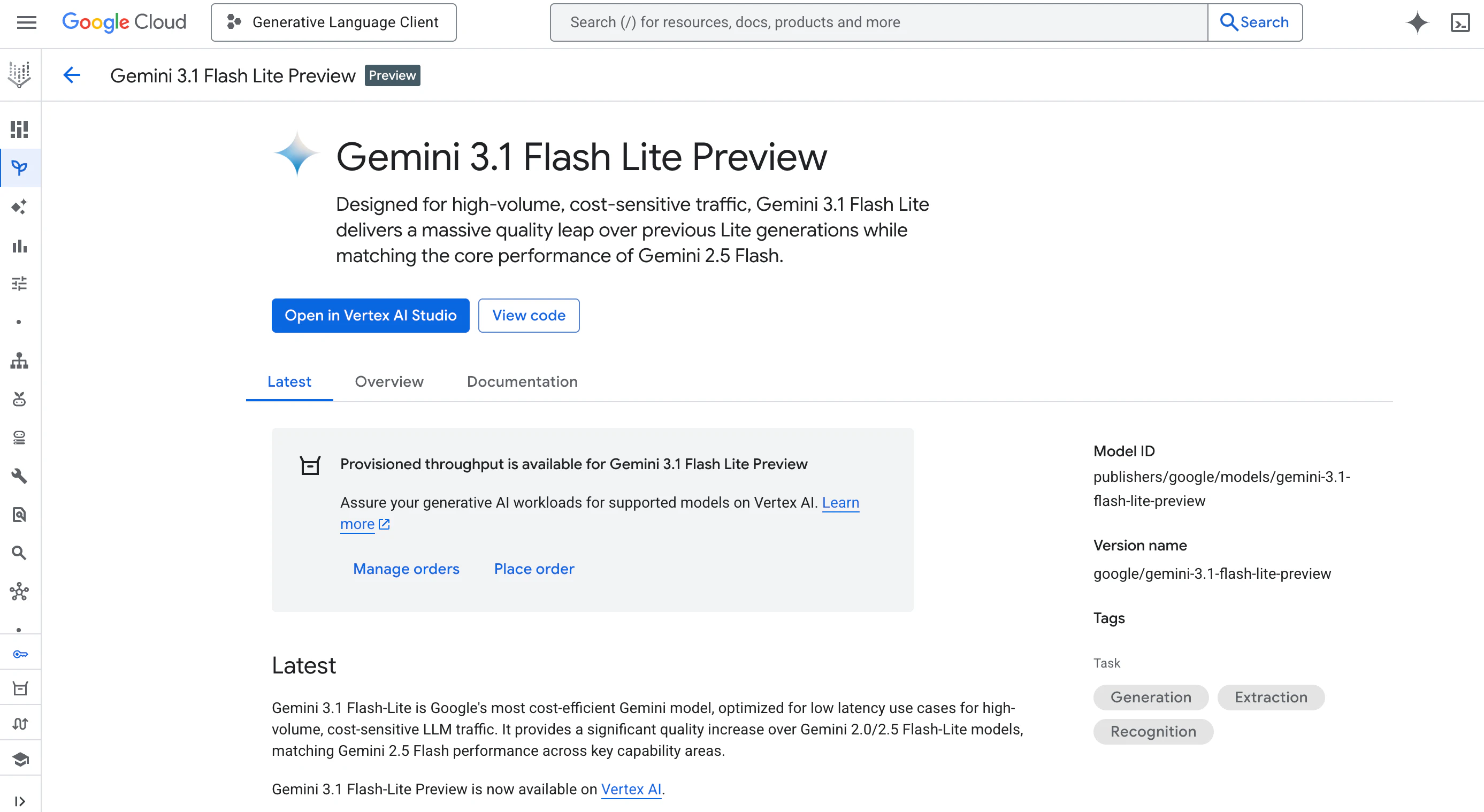
Gemini 3.1 Flash-Lite
Lightweight Gemini model for high-volume AI pipelines
148
一句话介绍:Gemini 3.1 Flash-Lite 是一款专为高频、延迟敏感的AI生产管线设计的轻量级多模态模型,通过API提供工具调用、分类、翻译和图像处理能力,解决工程团队在推理成本与响应速度之间的平衡痛点。
API Developer Tools Artificial Intelligence
轻量级AI模型 高频任务管线 工具调用 多模态处理 低延迟推理 成本优化 API服务 生产级Agent 企业级AI平台 Google Gemini
用户评论摘要:用户普遍认可其大幅降本(约60%)与亚秒级延迟,关键是能满足生产环境对“执行效率”而非“深度推理”的需求。有用户质疑GA版本与预览版差异仅在于稳定性,更适合企业而非尝鲜的极客开发者。
AI 锐评

Gemini 3.1 Flash-Lite 的发布,本质上是在给AI产业洗牌——它清晰地划出了一条分割线:左侧是高成本、慢速的“思考型”模型,右侧是廉价、高速的“执行型”模型。对于正从Demo走向Scale的AI工程师而言,这无疑是福音:分类、路由、审核、翻译这些所谓“脏活累活”,终于有了一个真正符合成本模型和SLA要求的引擎。148票的Product Hunt热度不算高,侧面印证了它的受众并非广泛的好奇者,而是对“性能和成本比”斤斤计较的硬核开发者。

但需警惕两个问题:第一,GA版本与Preview版之间“仅稳定性提升”的反馈暴露出,谷歌在迭代透明度上依然偏保守,开发者对其在生产日志中遭遇“暗坑”的担忧并未完全消除。第二,所谓“60%降本”必须放在对比基准下审视——参照物是自家昂贵的推理模型,如果早该如此那就不是惊喜,而是补课。真正的挑战在于:当竞争对手如Meta、Mistral以类似架构推出同等规格的开源模型时,Flash-Lite的API锁定策略能否守住阵地?毕竟,对成本敏感的团队更倾向于不做“长期云结发”。但它确实证明了一个趋势:未来的AI基建,不再比谁想得深,而是比谁跑得稳、跑得贱。Flash-Lite是第一个合格出场的人,但不会是最后一个。

查看原始信息
Gemini 3.1 Flash-Lite
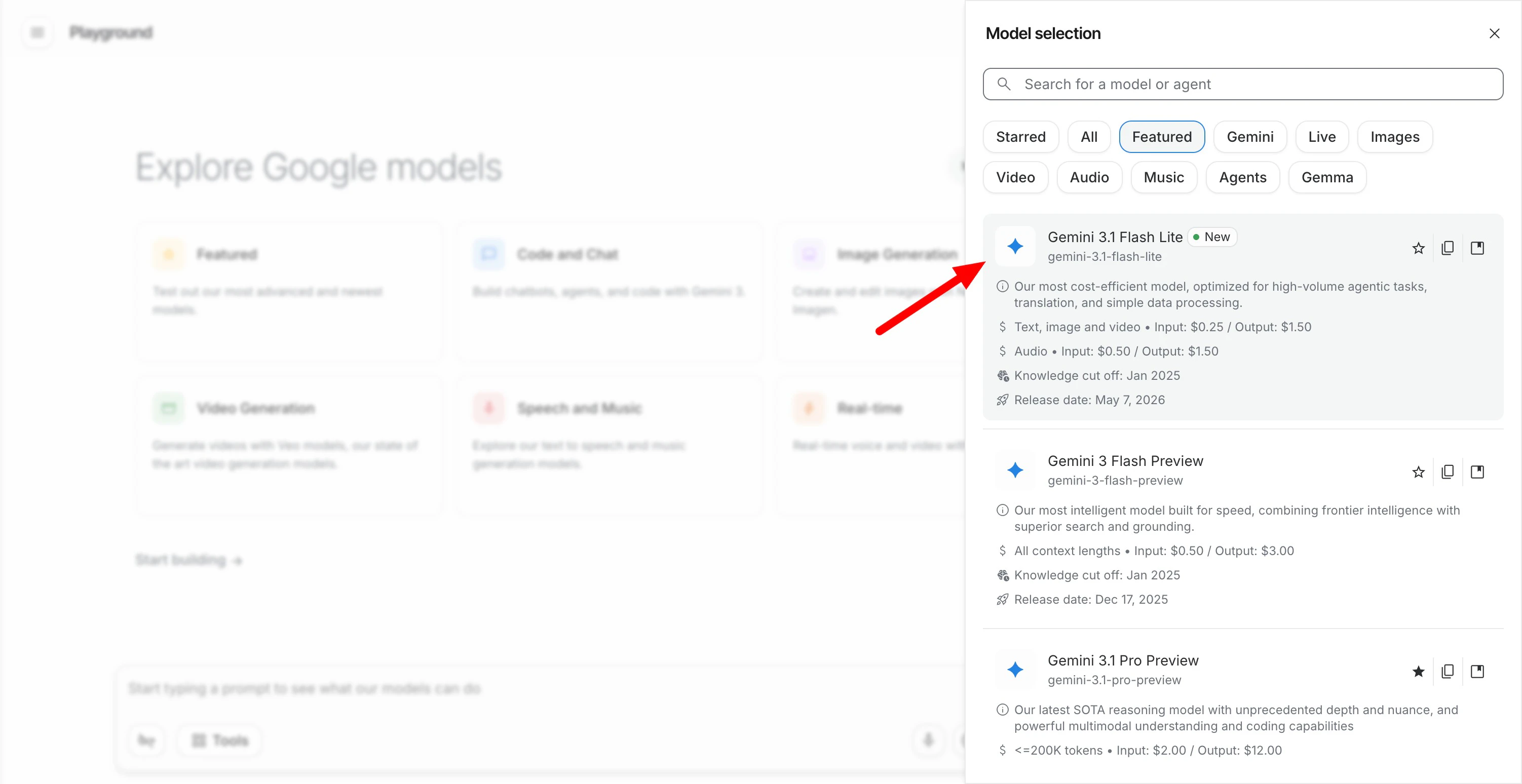
Gemini 3.1 Flash-Lite runs tool calling, classification, translation, and multimodal processing via API on Google's Gemini Enterprise Agent Platform. For AI engineers building high-volume, latency-sensitive agent pipelines in production.

Google’s most cost-efficient Gemini 3 model just hit GA, and the production numbers are worth watching.

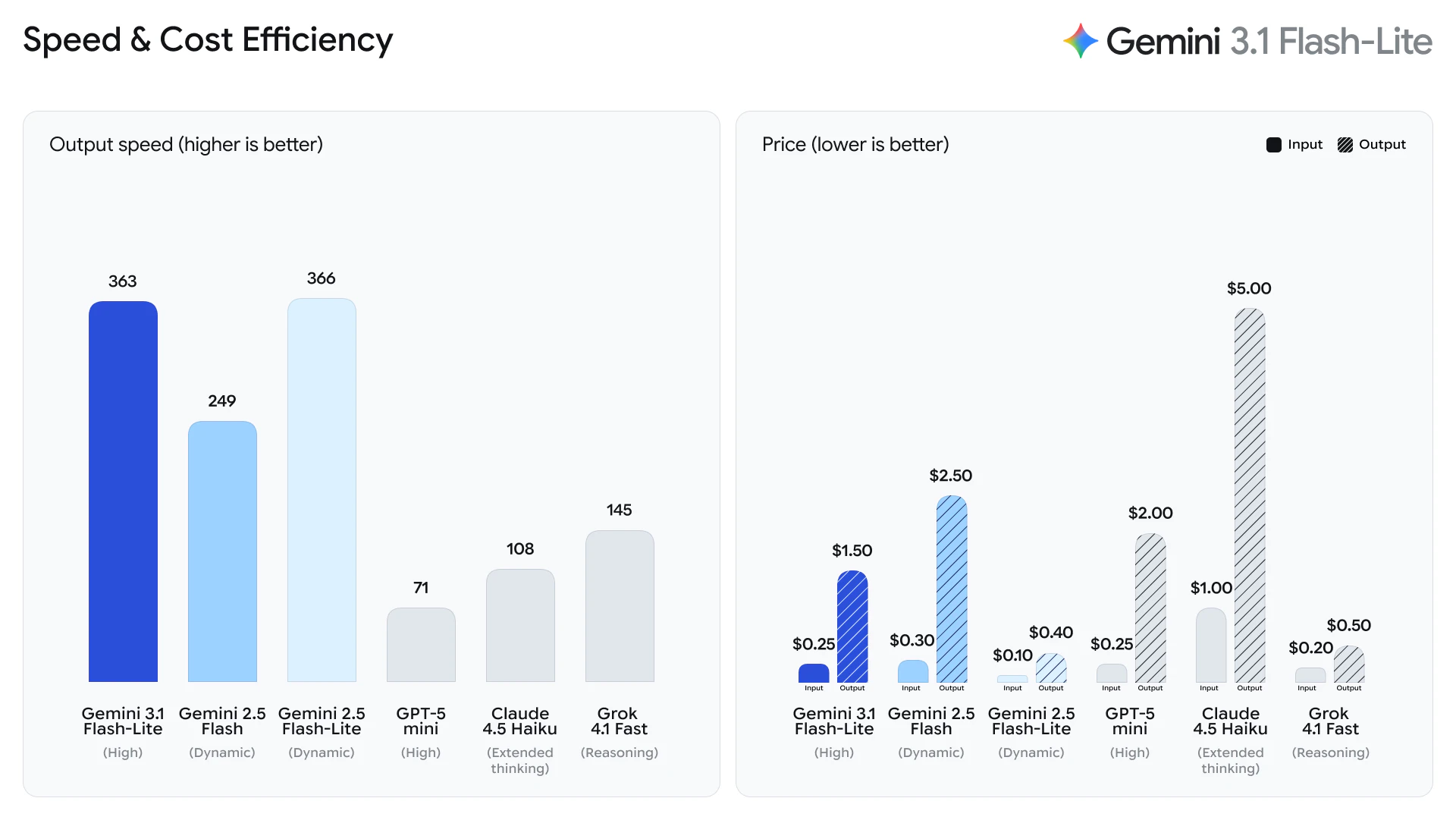
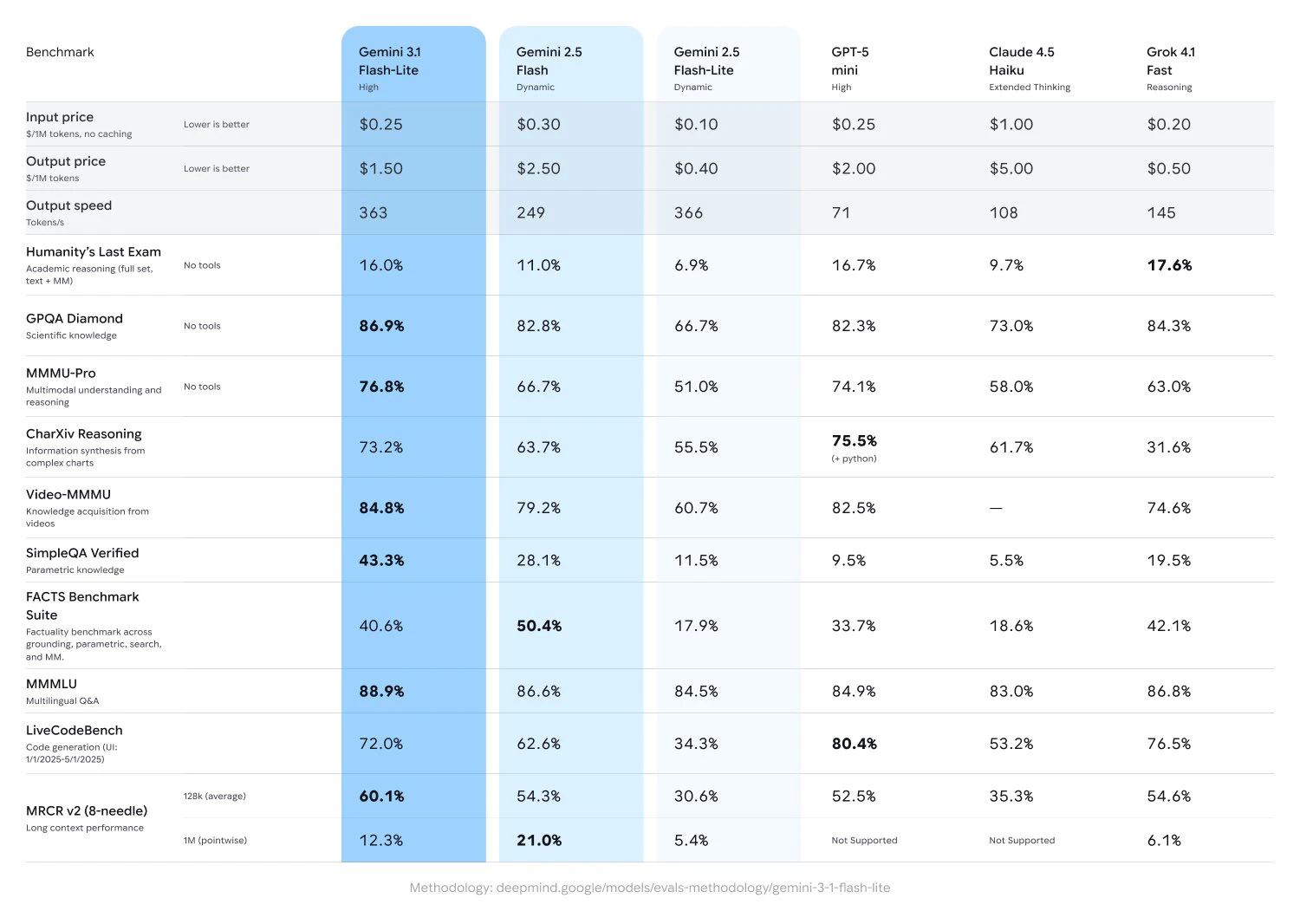
Gemini 3.1 Flash-Lite is Google’s fastest and cheapest Gemini 3 model, built for high-volume AI workloads where latency and cost matter more than deep reasoning.

Most production AI isn’t “thinking.” It’s classification, routing, translation, moderation, and orchestration at scale. That’s exactly where Flash-Lite fits.

Key highlights:

  • Optimized for tool calling and agent orchestration

  • Multimodal text + image support

  • Sub-second p95 latency for structured tasks

  • ~1.8s p95 for full responses

  • ~99.6% success under heavy concurrent load

  • Significantly lower inference costs vs reasoning-tier models

Gladly reportedly cut costs by ~60%, while OffDeal used it for real-time responses during live investment banking Zoom calls.

The bigger question: does AI infrastructure permanently split into reasoning models and execution models — and does Flash-Lite become the default execution layer?

P.S. I hunt the latest and greatest launches in tech, SaaS and AI, follow to be notified @rohanrecommends

4
回复

@rohanrecommends Spot on, Rohan! 🚀 The cost reduction (~60%) and sub-second latency you mentioned are exactly what developers need to move from 'cool AI demos' to 'scalable production apps.'

The transition from reasoning models to execution models is where the real value lies for businesses. Thanks for breaking down the key highlights—super helpful! 💡

0
回复
Fleshlight lol
1
回复
What makes GA so different from preview access, just stability? I suppose this post is saying “our model is now ready for use in production applications” which i suppose is fair but not the most exciting for hackers and tinkerers like those on Product Hunt. Feel free to reply me if you feel there’s something I’m not seeing.
0
回复
#5
ChatGPT for Personal Finance
Personal finance guidance powered by ChatGPT
140
一句话介绍:ChatGPT推出个人金融功能,让用户在一个对话界面内安全连接银行账户,实时追踪收支、分析消费模式并获取个性化财务建议,解决个人财务数据分散、管理低效的痛点。
Fintech Artificial Intelligence Business
AI个人财务 聊天机器人 账户连接 消费分析 预算管理 金融安全 OpenAI Pro用户 数据隐私 智能助手
用户评论摘要:用户关注账户连接的安全性与数据保留政策(如MCP协议支持)。建议是仅限美国且需$200/月,希望全球推广并支持多国税务规划。有人质疑功能是否真已上线,并讨论其对金融科技公司的冲击。
AI 锐评

OpenAI此举精准切入“数据孤岛”这一个人财务管理的核心痛点——用户通常需要在多个银行App、记账工具和投资平台间切换,而ChatGPT通过统一对话界面提供聚合视图,确实降低了管理门槛。其本质是将LLM从“通用聊天”升级为“私人财务助手”,利用自然语言处理能力将晦涩的银行流水转化为可追问的消费洞察,这比传统报表更直观。但产品价值面临三重严峻考验:首先是信任悖论——用户可能更愿意把写作隐私交给OpenAI,却对共享银行账户权限极度敏感,数据保留政策、OAuth令牌轮换、二次验证等细节若不够透明,将直接影响初期采用率;其次是服务深度问题,目前仅提供“读权限”,无法主动执行转账或调优投资组合,实际功能仍停留在“智能报表”阶段,离真正的“财务管家”相差甚远;最后是地域与定价限制,仅美国Pro用户且月费200美元,这几乎排除了大多数普通用户,使其更像一个高净值人群的付费实验而非普惠产品。有趣的是,评论中“是否杀死金融科技公司”的讨论揭示了另一种可能:OpenAI并非要取代Mint或YNAB等工具,而是试图成为这些工具之上的“超级调度层”——通过MCP协议让AI直接指挥银行API,迫使现有金融SaaS开放接口,从而重新定义行业标准。但前提是,用户必须跨越那道“信任鸿沟”并接受依赖单一AI管理所有财产的集中风险。短期看,这款产品是OpenAI在“垂直场景+高客单价”路线上的一次试探;长期看,它的成败将决定AI能否从“兴趣推荐”跃迁至“生活决策中枢”。值得警惕的是,当AI开始知道你的每一笔咖啡账单和房贷还款时,它就不再是单纯的工具,而是一种新型的权力委托。

查看原始信息
ChatGPT for Personal Finance
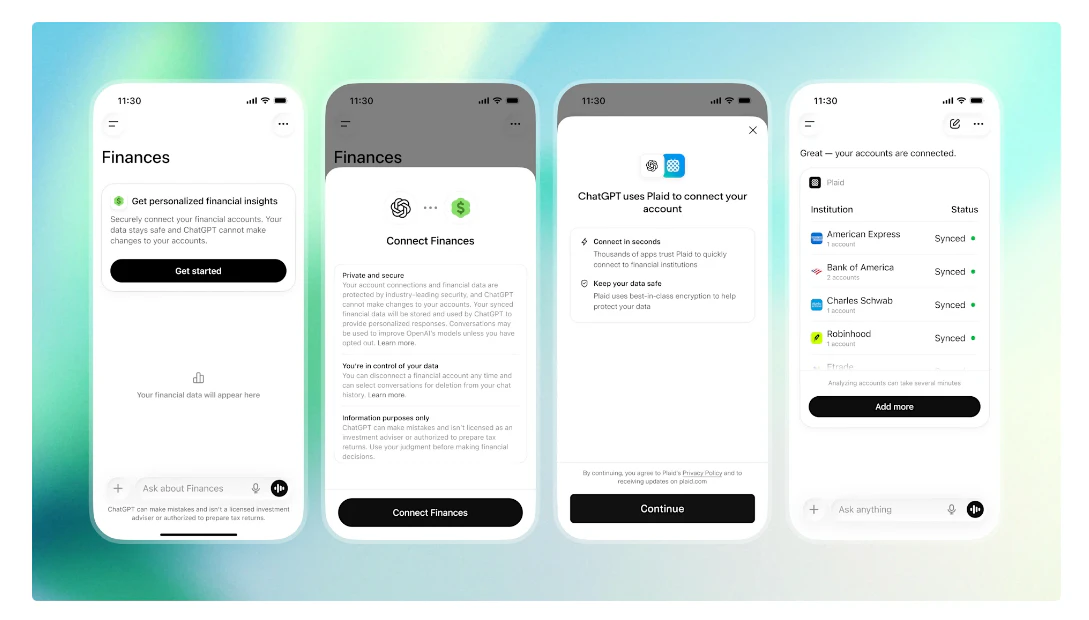
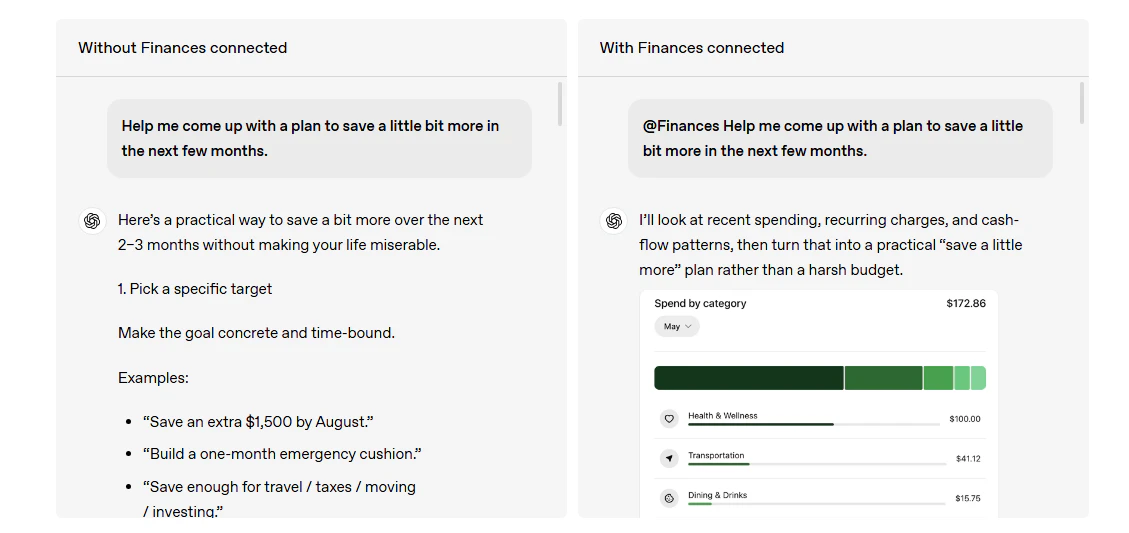
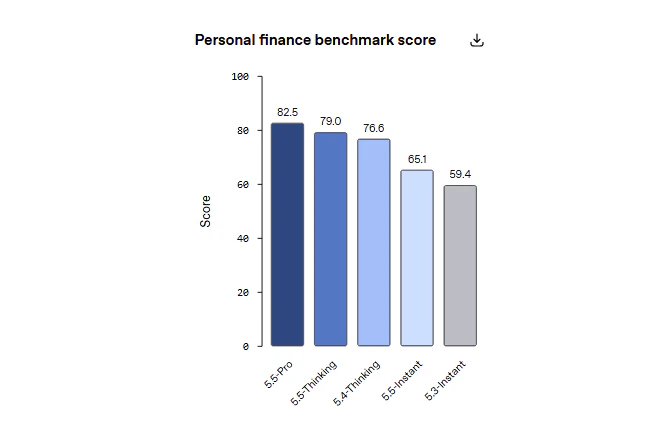
A preview for Pro users: a new personal finance experience in ChatGPT. Pro users in the U.S. can securely connect financial accounts, see where their money is going, and ask questions based on the information they choose to connect. Your full financial picture, now in ChatGPT.

How does this handle the security of sensitive financial uploads? I like the idea of using LLMs to spot spending patterns that standard banking apps might miss. Can it export budget plans into CSV or Google Sheets?

2
回复

@rivra_dev probably only read access for now, but yeah this will require an update for the MCP protocol

0
回复

Hey Hunters, I am excited to hunt this 🚀

Managing money today is messy — bank apps, subscriptions, investments, and budgeting tools are all scattered.

ChatGPT Finances brings everything into one AI conversation. Connect your accounts, track spending, plan savings goals, review subscriptions, and get personalized financial insights based on your real financial context.

Feels like a big step toward truly personal AI-powered finance.

1
回复

Connecting financial accounts directly inside ChatGPT is interesting from a data integration standpoint. Curious how they're handling token expiry and re-auth flows on the backend. Portfolio distribution + NL queries is a good combo. Would want to know what institutions are supported before going all-in.

1
回复

This is only available on the $200/mo plan? Wow... Still, a needed feature. Hope it becomes global soon.

1
回复

I'm a digital nomad and currently planning my tax filing setup across countries. Can this help with tax planning / finance tracking for someone in that situation?

0
回复

Now we need to push all financial services to support MCPs and add re-authentication for sensitive actions to the MCP protocol.

0
回复

OpenAI has this one weird trick that users hate -- when they announce a feature as launched, but they're not.

0
回复
Did they kill fintech and personal finance companies?
0
回复

Inevitable move, and honestly overdue. The gap between "I have financial data" and "I understand what to do with it" is exactly where most people are stuck.

That said, three things I'd want answered before connecting my accounts:

What's the data retention policy? "Securely connect" is reassuring marketing, not a technical guarantee.

How does it handle conflicting advice — e.g., when your spending pattern contradicts what's actually optimal for your tax situation?

US-only for now is a significant limitation. Financial behavior and regulations vary enormously by market — what works here won't simply port overseas.

The real question isn't whether this is useful. It clearly is. It's whether people will trust OpenAI with their bank data the same way they trust them with their writing. That trust gap is the actual product challenge here.

Worth watching closely.

0
回复
#6
Wring
Developer tools, one menu click away.
127
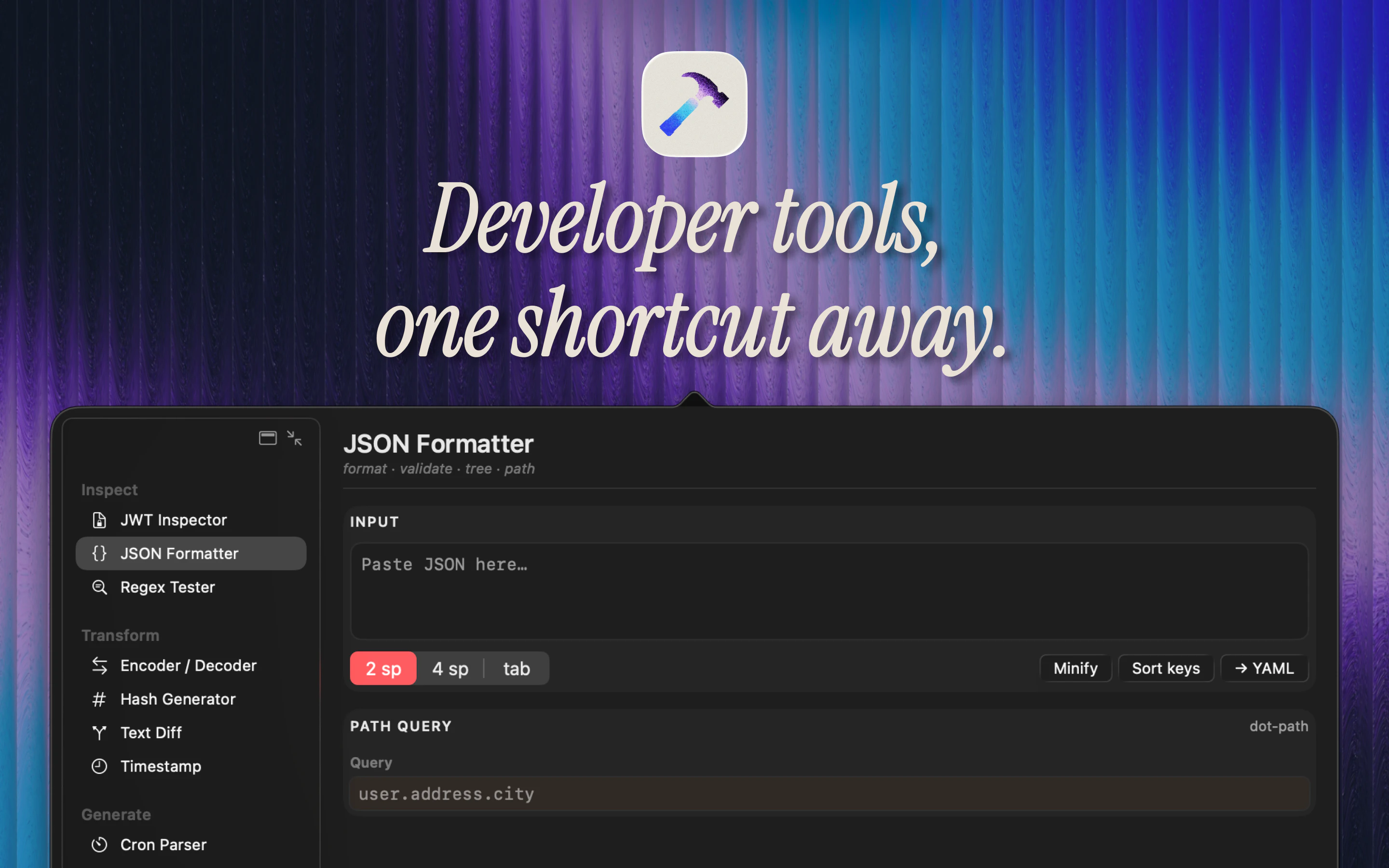
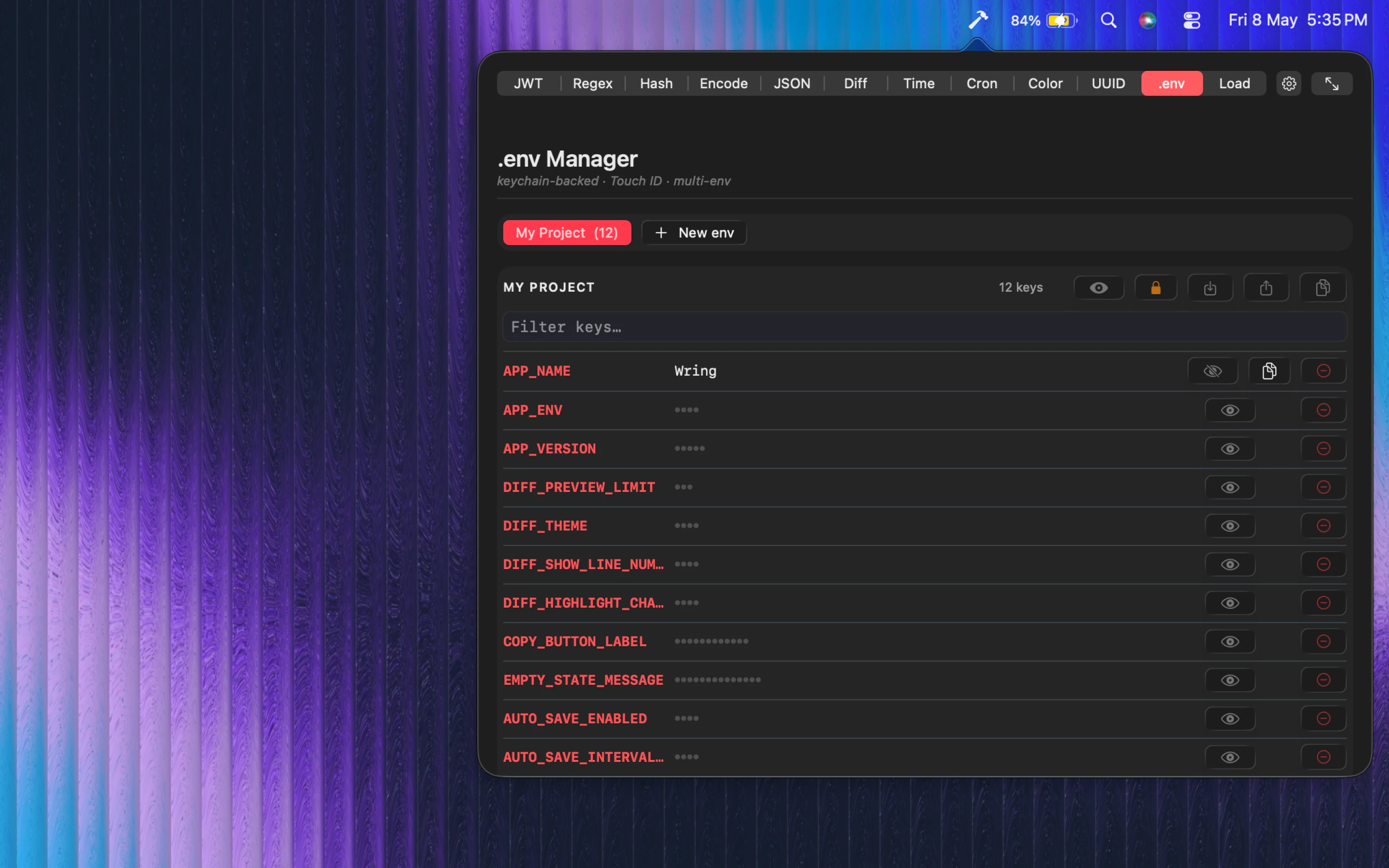
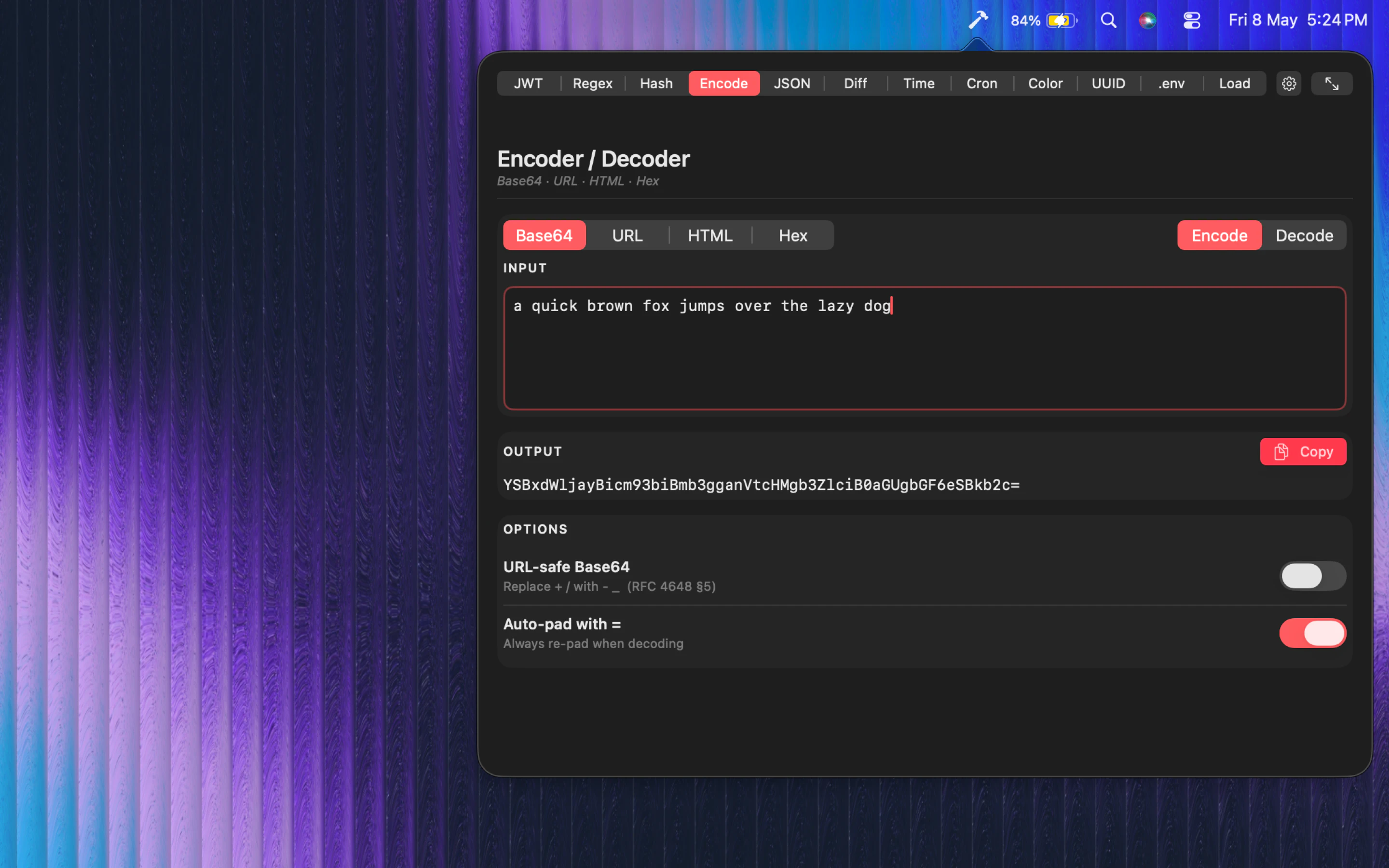
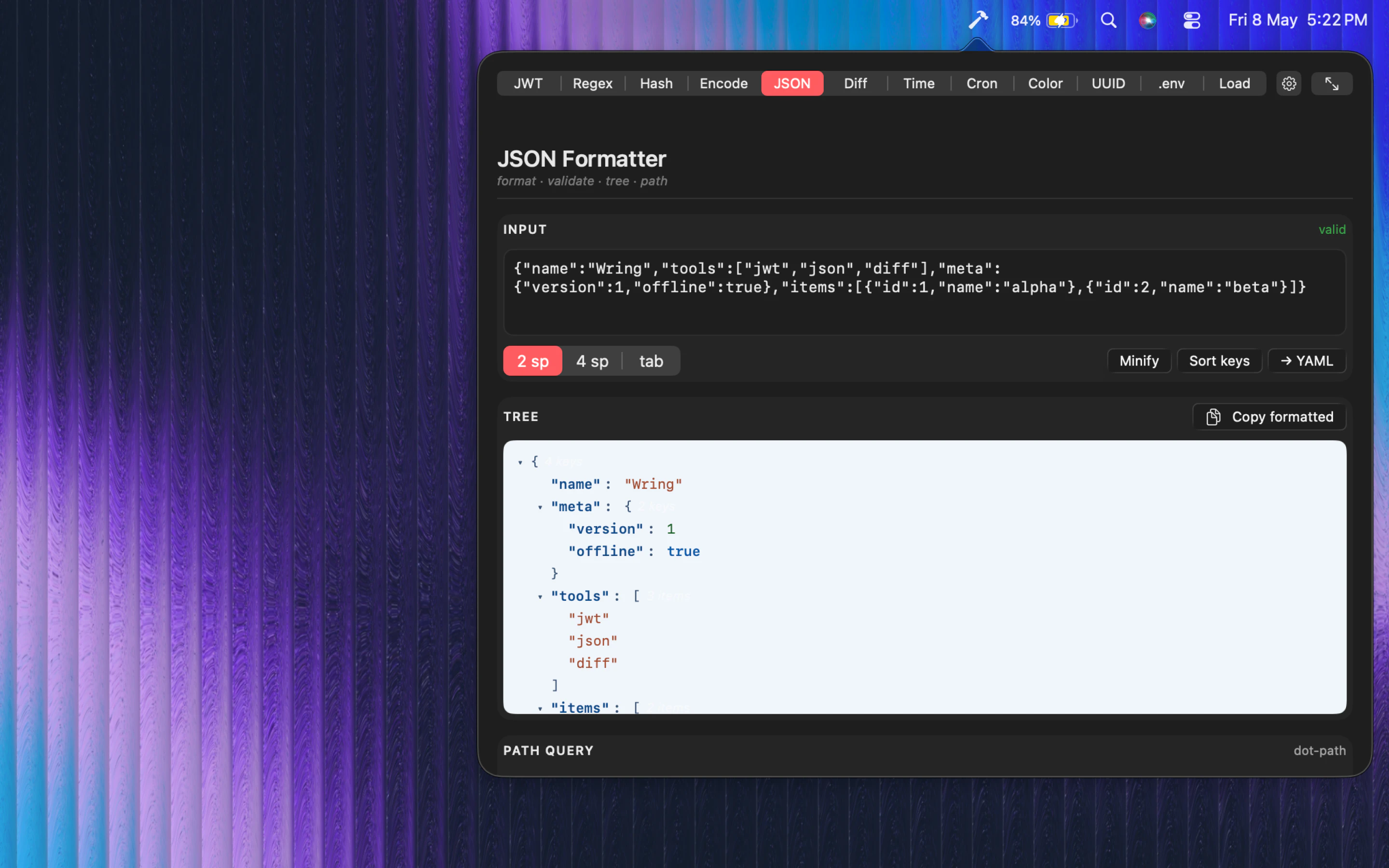
一句话介绍:Wring是一款离线macOS菜单栏工具集,集成了12种开发者常用功能(如JWT解析、哈希、正则、JSON格式化等),无需注册、无需网络,解决开发者在不同工具间频繁切换、在线工具隐私泄露和操作效率低下的痛点。
Productivity Developer Tools Menu Bar Apps
开发者工具 macOS菜单栏 离线工具 JWT工具 哈希工具 正则表达式 JSON工具 Base64 时间戳 UUID生成器 系统监控
用户评论摘要:用户赞赏离线免注册免追踪的设计,认为JWT和UUID本地使用很有用。有用户询问与多种IDE的集成便捷性,以及AI时代下如何盈利或是否仅为免费资源。另有一处对鼠标悬停效果的轻微体验反馈。
AI 锐评

Wring精准切中了开发者日常开发中对“高频轻量工具”的需求痛点——无需打开浏览器、无需登录、无需担心数据泄露。12种工具覆盖了从JWT调试、哈希校验到时间戳转换、负载监控等高频场景,全部打包进macOS菜单栏,这一设计本身就是一种极致的“效率减法”。

产品最大的护城河是“离线+无账户+无分析”——在SaaS工具日益臃肿、隐私问题频发的当下,这种“用完即走、不碰数据”的本地化方案,对注重安全与专注的工作流有很强吸引力。尤其是JWT和UUID生成这类涉及敏感数据的场景,离线意味着真正的数据主权。

然而,其价值边界也很清晰。第一,它严格局限于macOS生态,Windows/Linux用户无法受益。第二,功能虽多,但每一项都是“够用”而非“强大”,无法替代专业工具(如Postman的JWT调试、Charles的抓包、专业IDE的插件)。第三,部分工具(如Diff、Load monitoring)的深度和可视化能力存疑,可能仅能满足浅层需求。

更值得关注的是商业模式。0点赞评论中的“如何盈利”而非“是否付费”的提问,暗示用户默认这是一款值得付费的优质工具。如果作者能持续增加新工具(如SQL格式化、YAML预览、网络请求模拟),同时保持无网无追踪的干净体验,未来完全可以通过“一次性买断”或“付费订阅更新”模式变现。但若止步于功能堆砌,缺乏深度的差异化体验,则很容易被IDE插件生态或Alfred这类自动化工具的同质功能所取代。

一句话锐评:它是macOS开发者工具盘里“少而精”的一把瑞士军刀,但别指望它能替代你的整个工具箱。

查看原始信息
Wring
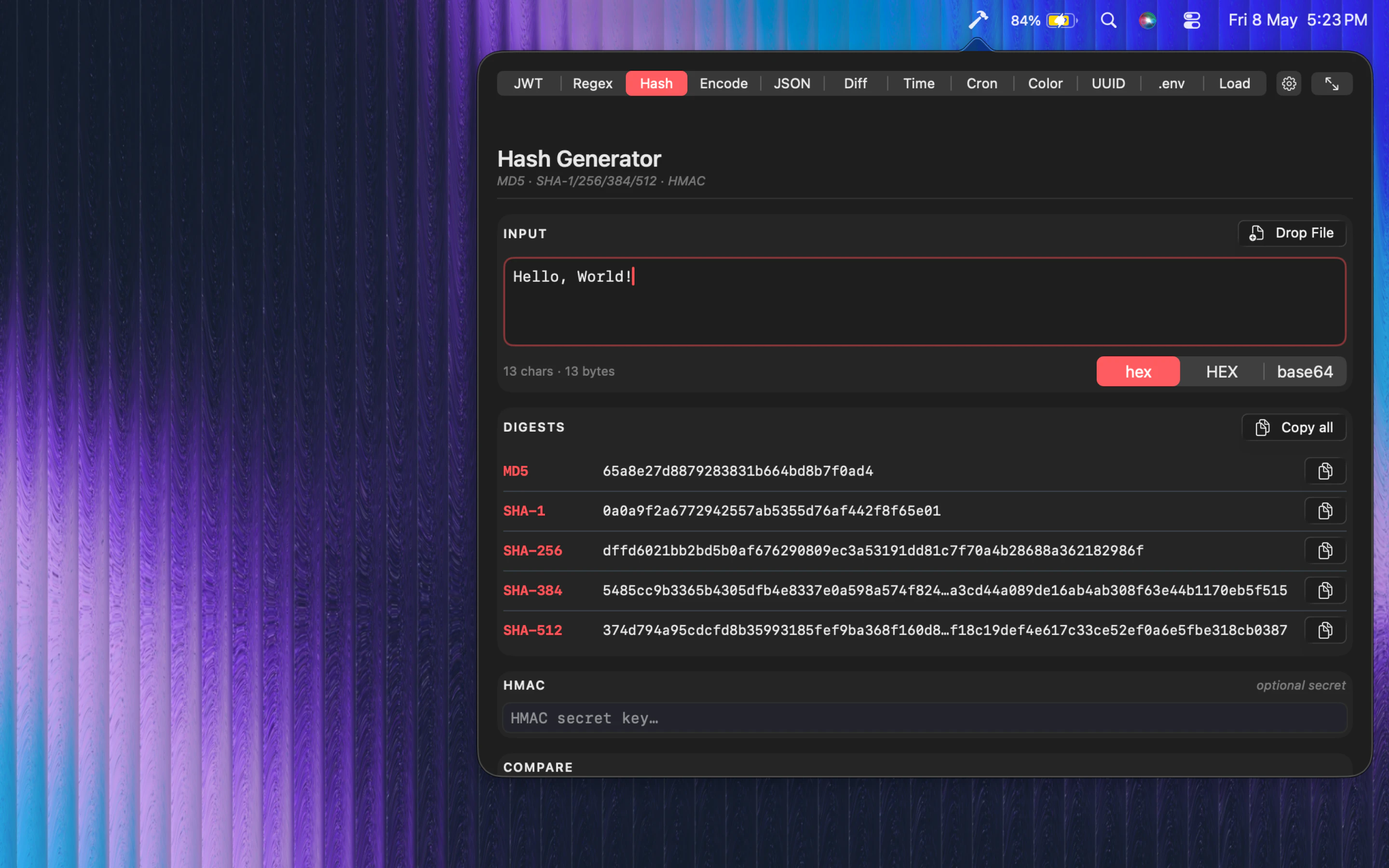
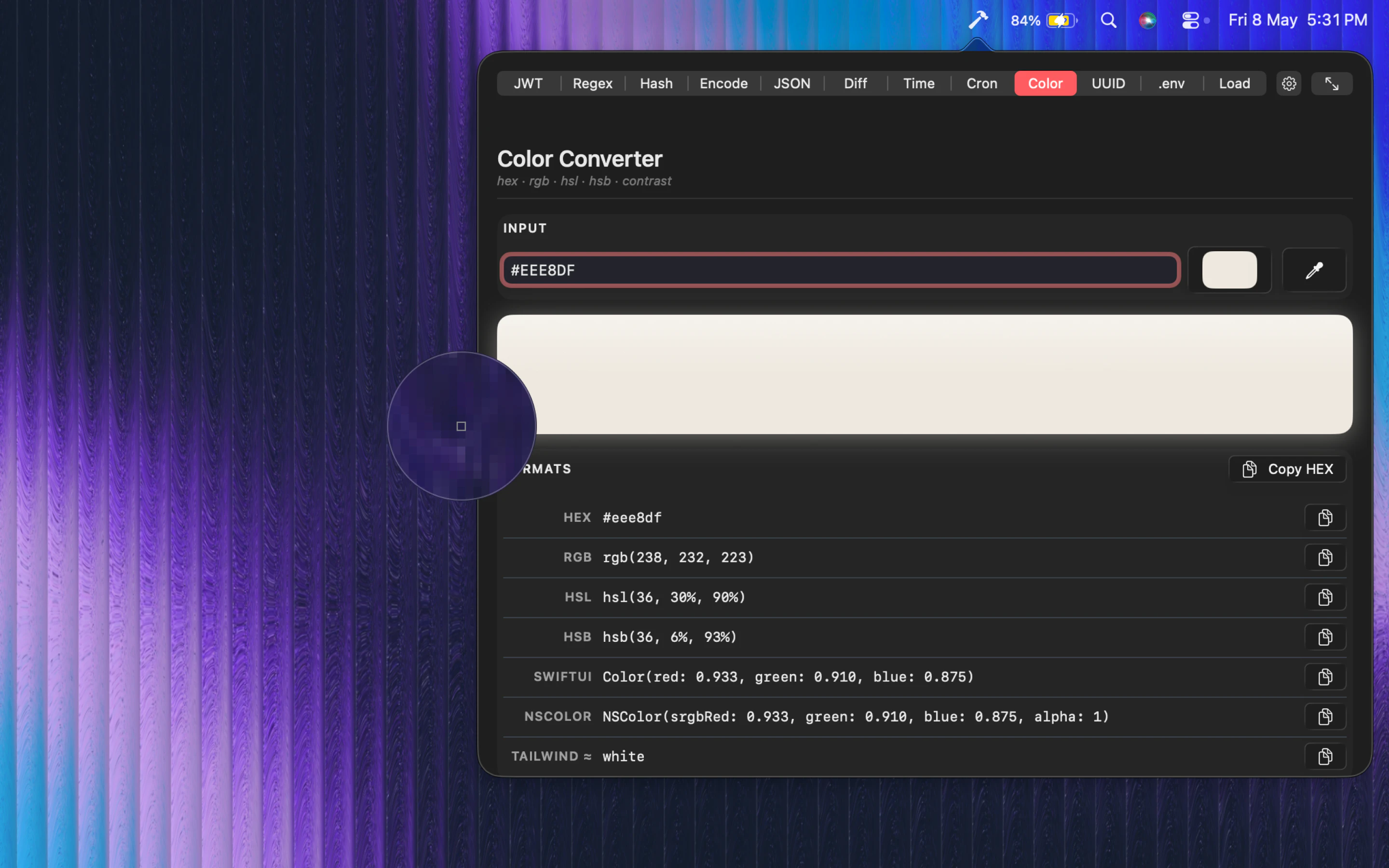
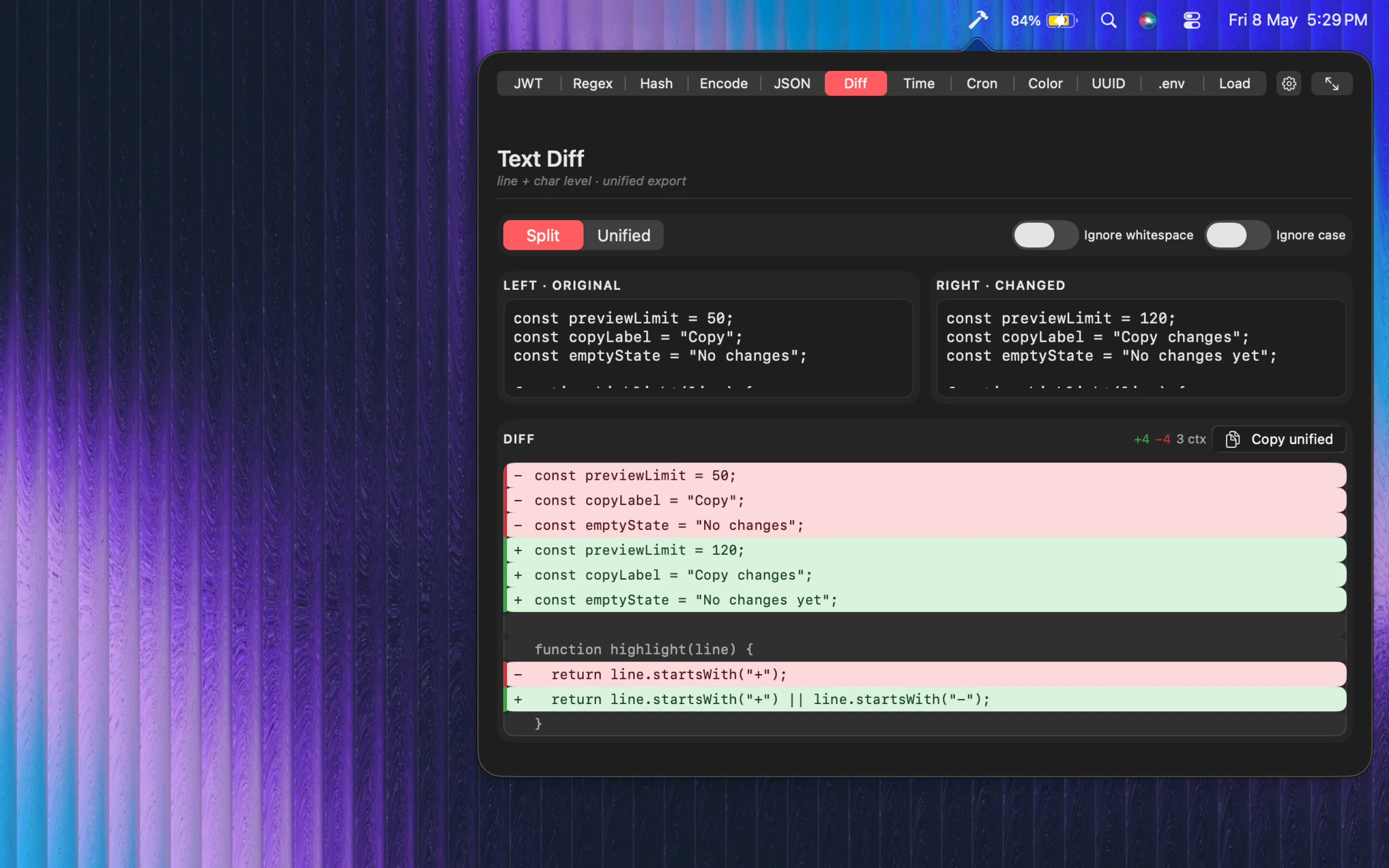
Wring is an offline macOS menu bar app with 12 developer tools for JWTs, hashes, regex, JSON, Base64, timestamps, cron, colors, UUIDs, diffs, load monitoring, andenv secrets. No account, no analytics, no network access.

How does it integrate with different IDEs? I juggle between a few, so I'm hoping it's straightforward to set up. Sounds like it could save a bunch of clicks.

0
回复

12 offline developer tools in a menu bar with no account or network access is exactly the right call. I'm tired of web-based tools that ping home for every decode or hash. JWT inspector and UUID generator being local is already useful. Will give it a try.

0
回复

Cool site! i don't like when you hover over the image under everything is a click away it turns my mouse into something weird lol. Definitely interesting i could see me as a dev maybe using this but with the AI world a lot is of course covered. I will give it a download and try!

Just wondering how do you plan to monetize from this or you don't and just put out there as a helpful resource?

0
回复

The website looks beautiful!

0
回复
#7
M5Stack PaperColor
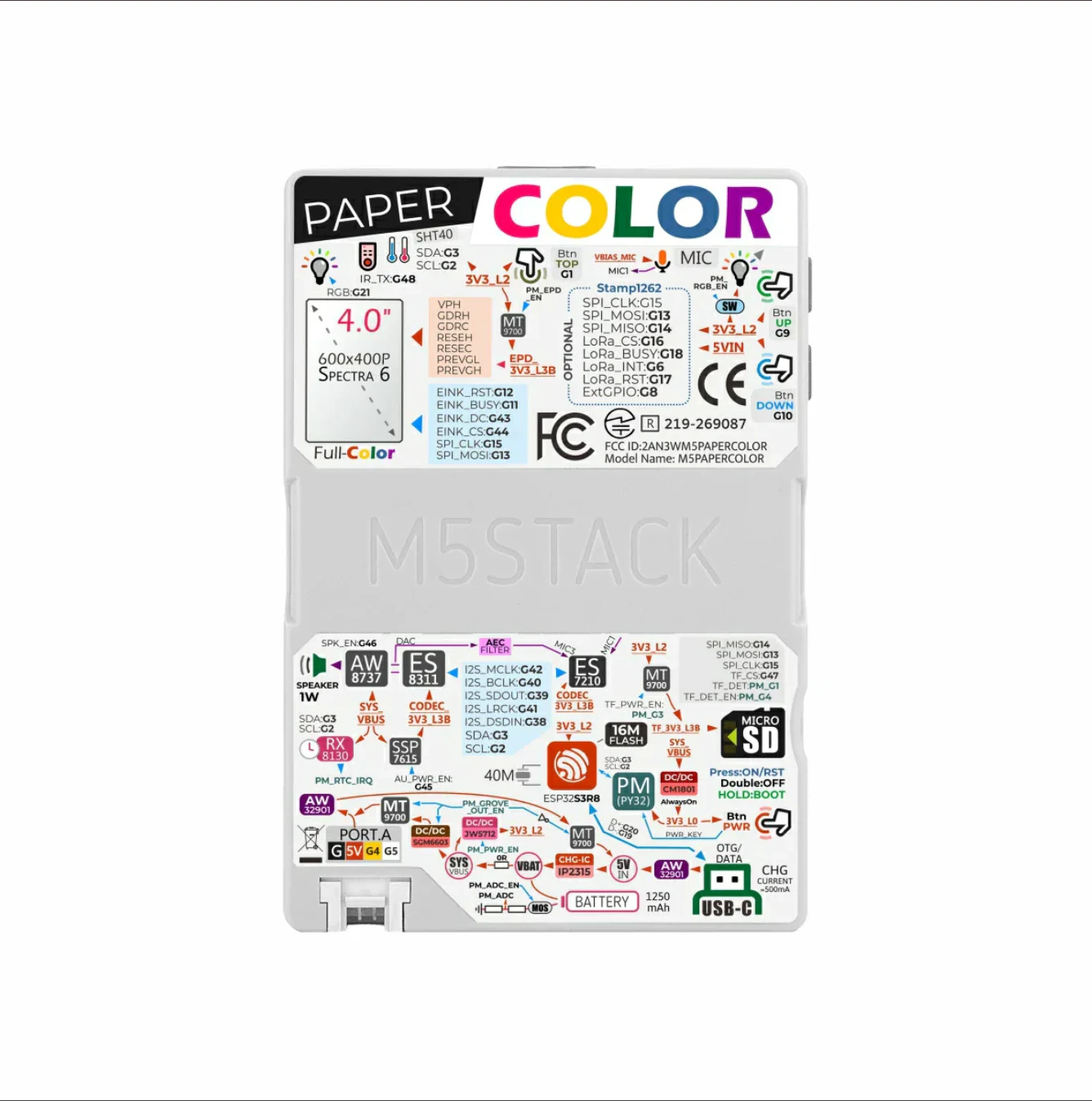
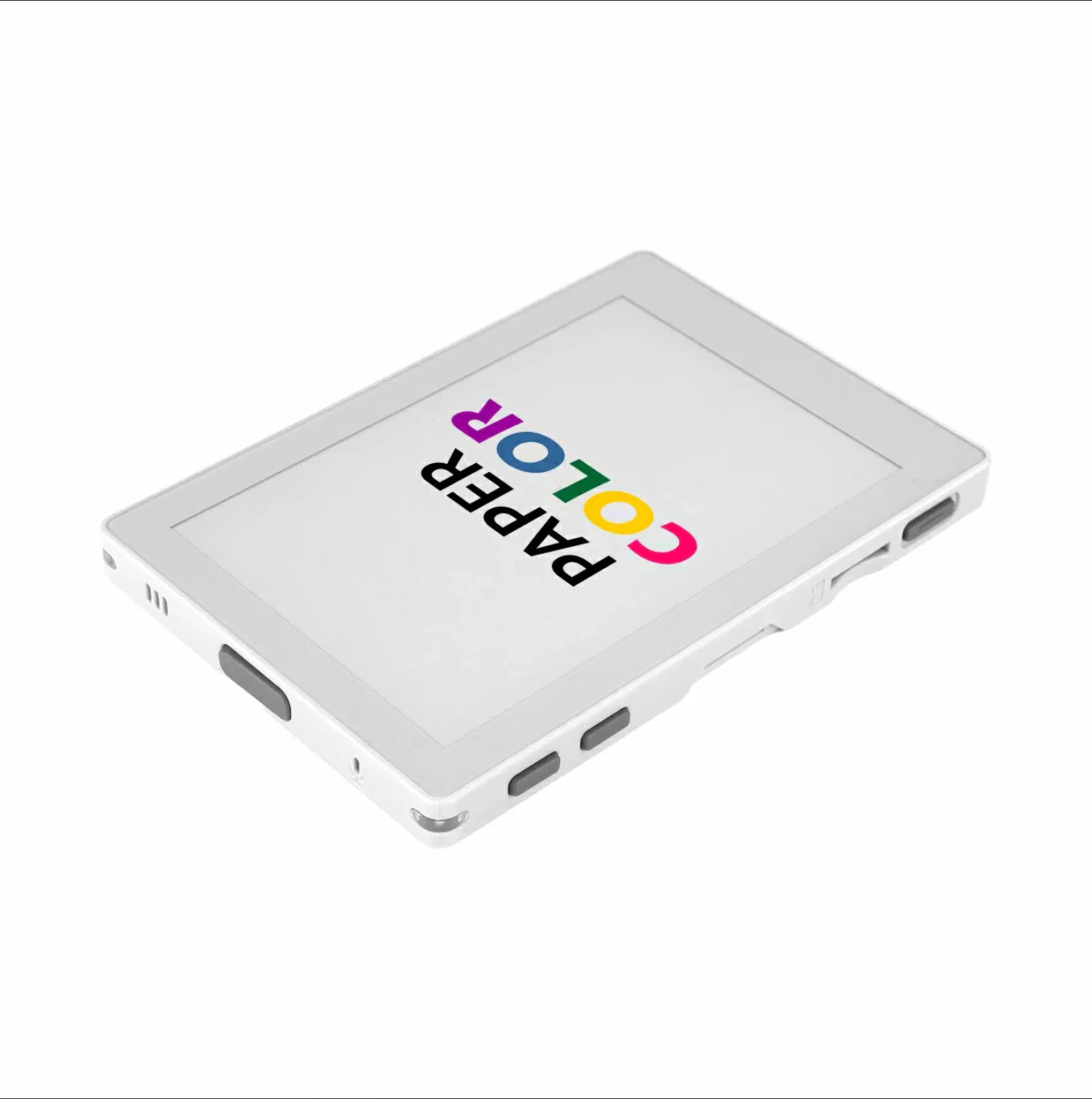
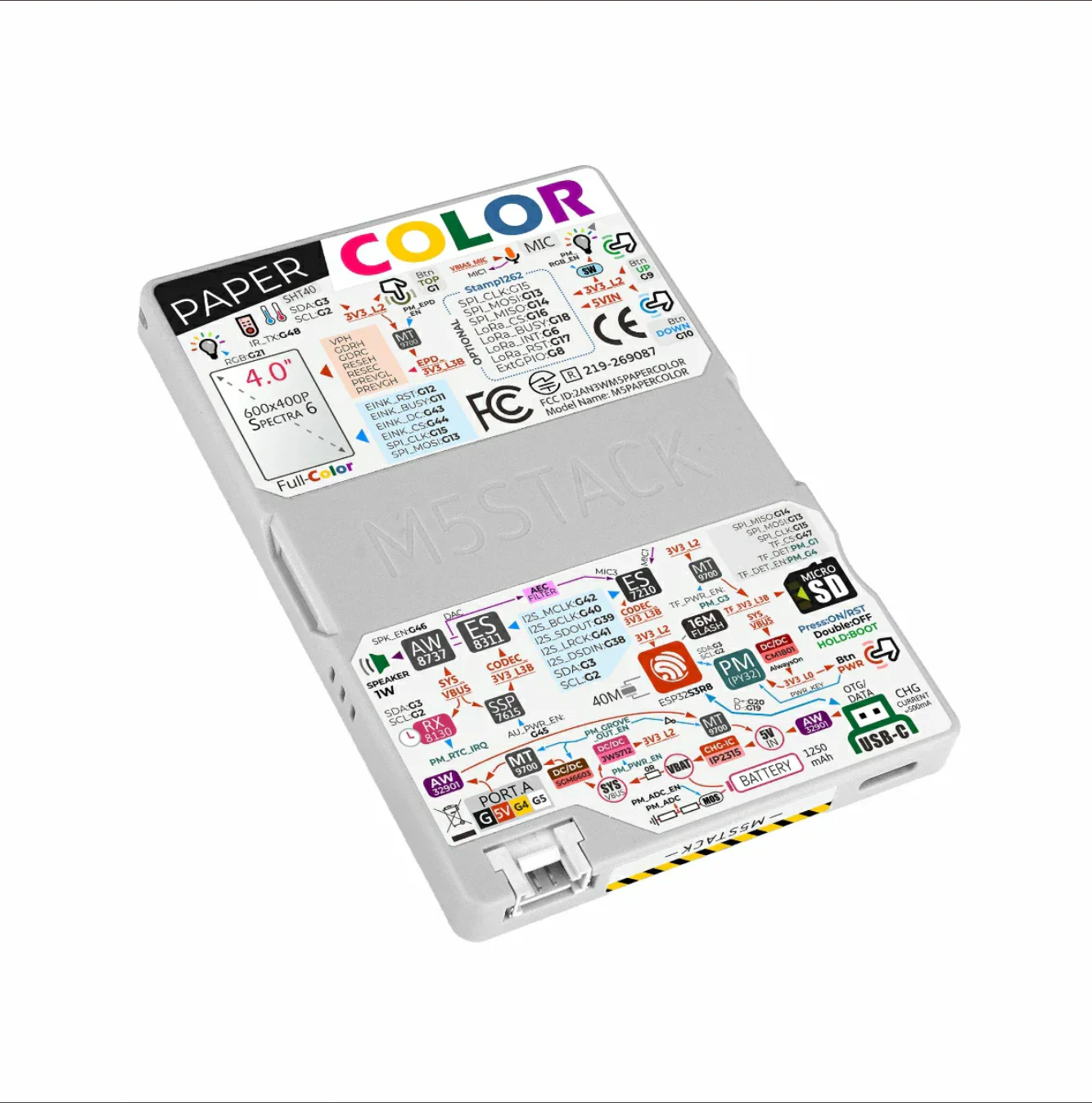
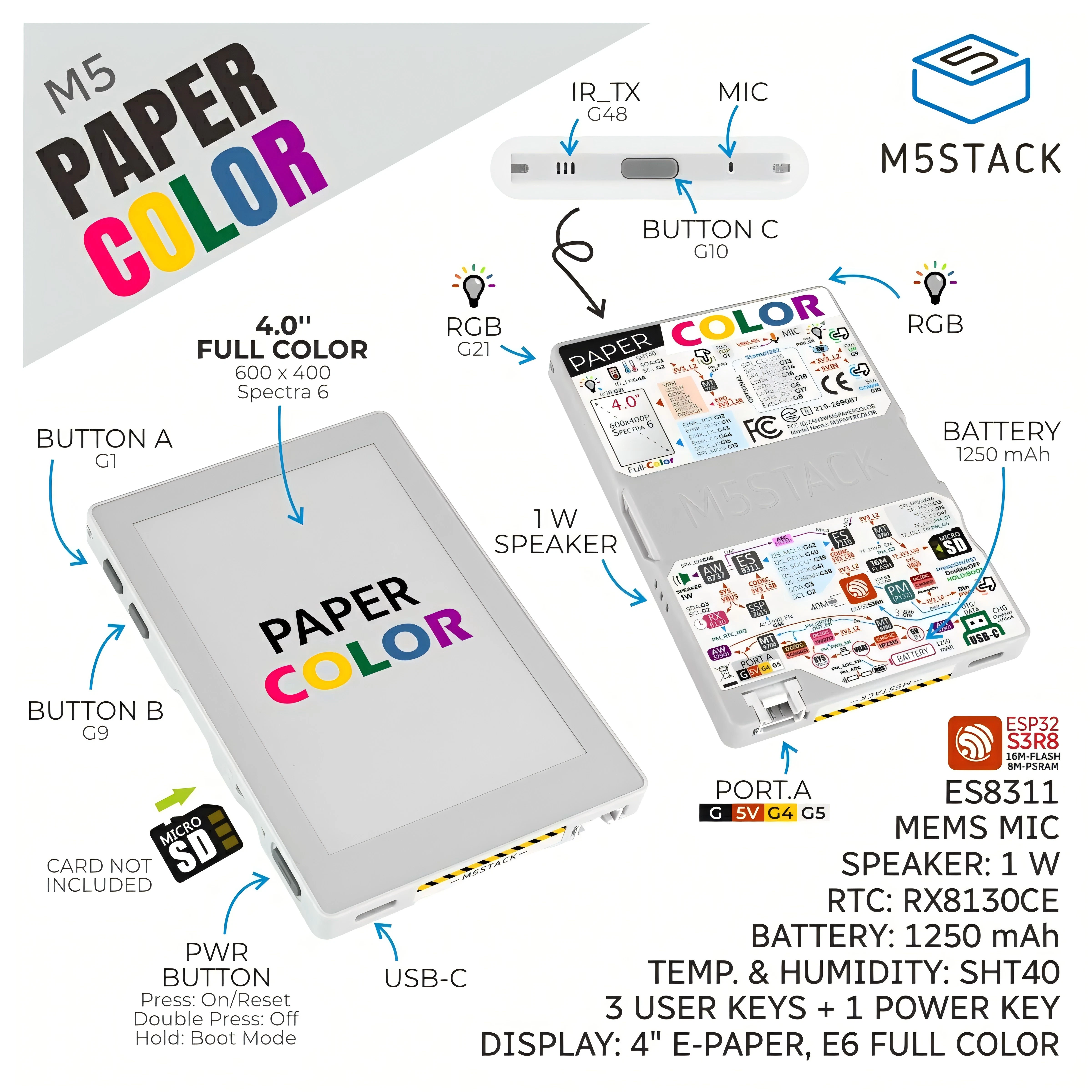
4-inch color E-ink dev board with ESP32 and audio I/O
115
一句话介绍:M5Stack PaperColor是一款集成4英寸彩色E Ink屏幕、ESP32-S3芯片及音频输入输出的开发板,专为IoT数字标牌、语音终端和环境监测场景设计,解决了开发者难以一站式获取彩色墨水屏与ESP32生态结合硬件的问题。
Open Source Hardware Internet of Things
彩色墨水屏 ESP32开发板 IoT开发套件 电子纸标牌 音频终端 环境监测 M5Stack Spectra 6 智能硬件原型 低功耗显示
用户评论摘要:用户普遍认可其“彩色E Ink+ESP32+音频”的罕见集成和Spectra 6面板的静态色彩表现。主要追问刷新率是否适合菜单导航;同时有评论指出彩色屏可能违背极简专注理念,建议将其定位为静态界面交互方案。
AI 锐评

M5Stack PaperColor的核心价值不在于性能,而在于“掐准”了一个微小但真实存在的细分需求缝隙:把彩色E Ink、ESP32、Mic和扬声器焊在一块板上。这听起来像是理工男的玩具拼盘,但恰恰是IoT原型开发中最消耗时间的硬件集成环节。你不能吹它算力强——ESP32-S3在AI边缘计算面前就是“战五渣”;也不能吹它刷新快——Spectra 6的静态色彩固然惊艳,但动画体验依旧是“PPT级”的。它的真正定位是:当一个行业应用要求超低功耗、日光下可读,且必须显示彩色图标或图表,还需要语音提示或交互时,PaperColor是现成的速效救心丸。M5Stack再次展示了“硬件乐高”的生意经——不追求全能,而是用标准化模块榨干某个垂直场景的第一波红利。对于想要快速验证彩色墨水屏+语音方案的原型团队,这块板子值回票价;但若指望它跑动态UI或视频,趁早拥抱TFT屏,别让“电子墨水”的理念绑架了使用场景的真实需求。

查看原始信息
M5Stack PaperColor
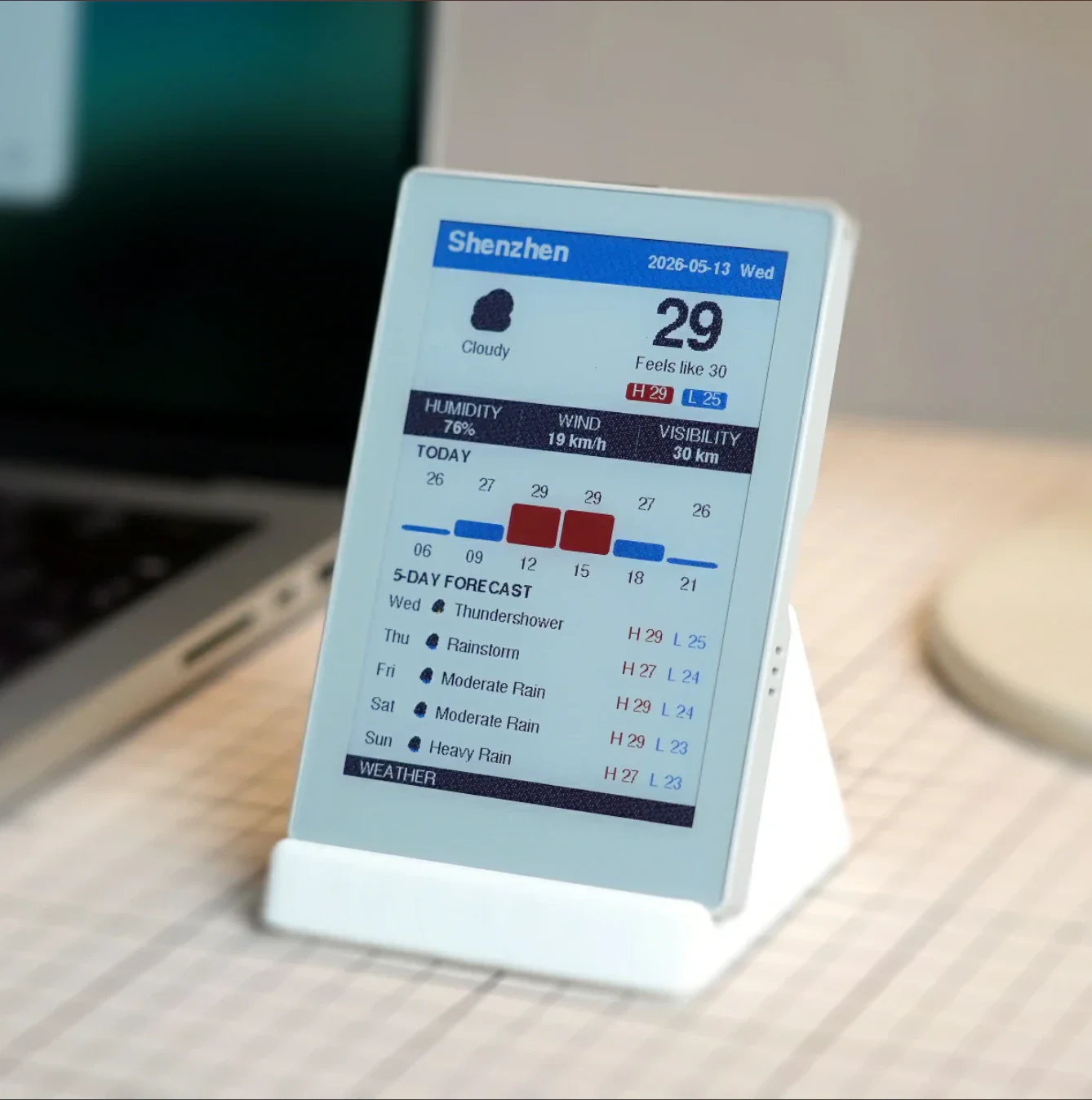
PaperColor features 4-inch full-color E Ink, ESP32-S3, Wi-Fi, sensor and audio. Ideal for IoT signage, voice terminals and environmental monitoring.

Hi everyone!

This is likely one of the most accessible developer-ready gadgets you can get that pairs a color E Ink display with the ESP32 ecosystem, a mic, and a speaker.

That combination is pretty rare. You can find color E Ink panels, ESP32 boards, or audio modules separately, but it is not common to see them packed into one maker-friendly dev kit. It immediately caught my attention when M5Stack shipped it.

The Spectra 6 panel also makes a lot of sense for color Kanban and other static visual interfaces. Compared with Kaleido 3 or even Gallery 3, its static color reproduction is one of the strongest options you can choose for an E Ink screen.

Mine is already on the way. Time to cook some interesting stuff!!

2
回复

Color E-ink + ESP32 + mic + speaker in one board is genuinely interesting. I've used the M5Stack ecosystem before and it's usually well-documented. The Spectra 6 panel for color static displays is a good choice — especially for IoT dashboards that don't need to refresh constantly. Ordered one.

0
回复

I am just thinking whether this will not be a little bit against the idea of minimalism. Many brands are manufacturing BW versions to limit distractions. Colours could be a bit distracting (but what I can say... we love colours it is better) :D

0
回复

@busmark_w_nika Black-and-white E Ink is definitely more “pure” for reading text, but it can feel limited once you introduce images or UI elements.

Color E Ink gives a better experience when you have graphics or interface elements. That said, even the fastest panels like Kaleido or the most color-accurate Spectra still can’t match an electronic screen for motion, any animated content will feel a bit choppy to those used to regular displays. So it’s a trade-off.

In short, color E Ink is really best suited for interaction designs built around static frames.

0
回复

Seeing a 4-inch color E-ink display paired with an ESP32 is a maker's dream. The Spectra 6 panel is known for great saturation. What’s the refresh rate like for simple UI transitions? Is it optimized primarily for static dashboards, or can it handle basic menu navigation smoothly?

0
回复
#8
ScholarXIV
Next-gen Research Platform
29
一句话介绍:ScholarXIV是一款面向科研人员的AI研究平台,通过构建个人文献库、AI沙盒模拟及“Pulse”跨文献综述功能,解决文献管理碎片化、文献综述耗时长且缺乏深度交叉分析的痛点。
Artificial Intelligence Vercel Day
AI研究平台 文献管理 文献综述 跨论文分析 AI沙盒 学术搜索 研究工具 科研效率 论文管理 知识发现
用户评论摘要:用户对“跨论文合成”能力最关注,询问能否不止于总结,更可发现矛盾、研究空白与新兴模式;开发者回应称可通过选择论文并指定提问(如“找出研究空白”)来实现。另有用户关心AI引文准确性和来源可靠性,开发团队承认正在优化,并说明论文索引自Arxiv。
AI 锐评

ScholarXIV的构想有趣,但29张投票数暴露了其真实处境:一个尚在早期、需要依靠创始人亲自下场回帖解释功能的产品。其核心价值并非“next-gen”噱头,而在于两点:一是“Pulse”功能将点赞/书签行为转化为交叉研究文章,这试图解决信息过载时代研究者“看过即忘”的痛点,人机交互逻辑值得肯定;二是AI沙盒允许生成文件、运行模拟,这跳出了传统文献管理工具的框架,向“研究计算平台”试探。

然而,用户问到的“引文准确性”和“来源可靠性”恰恰是AI工具在学术场景的命门。开发者承认“正在努力”,但当前只索引Arxiv,意味着大量付费墙后的高引论文和领域内权威期刊被排除在外,这会严重限制其实际使用场景。更致命的是,跨论文分析依赖AI的理解力,若基础大模型对专业术语和推理逻辑把握失准,“发现研究空白”极易沦为高级关键词匹配,带来误导性结论。

ScholarXIV更像一个包装精美的MVP(最小可行产品)原型。它聪明地选择了痛点最直观、技术门槛相对可控的文献综述环节切入,但距离真正改变研究范式尚有距离。未来成败取决于两点:能否快速接入更广泛的权威论文源(如PubMed、IEEE),以及能否在AI分析的严谨性上跑通严格的学术验证流程,而不是靠用户“自己选论文、自己问问题”将责任推给用户。否则,它不过是又一个AI文档摘要工具,而非研究平台。

查看原始信息
ScholarXIV
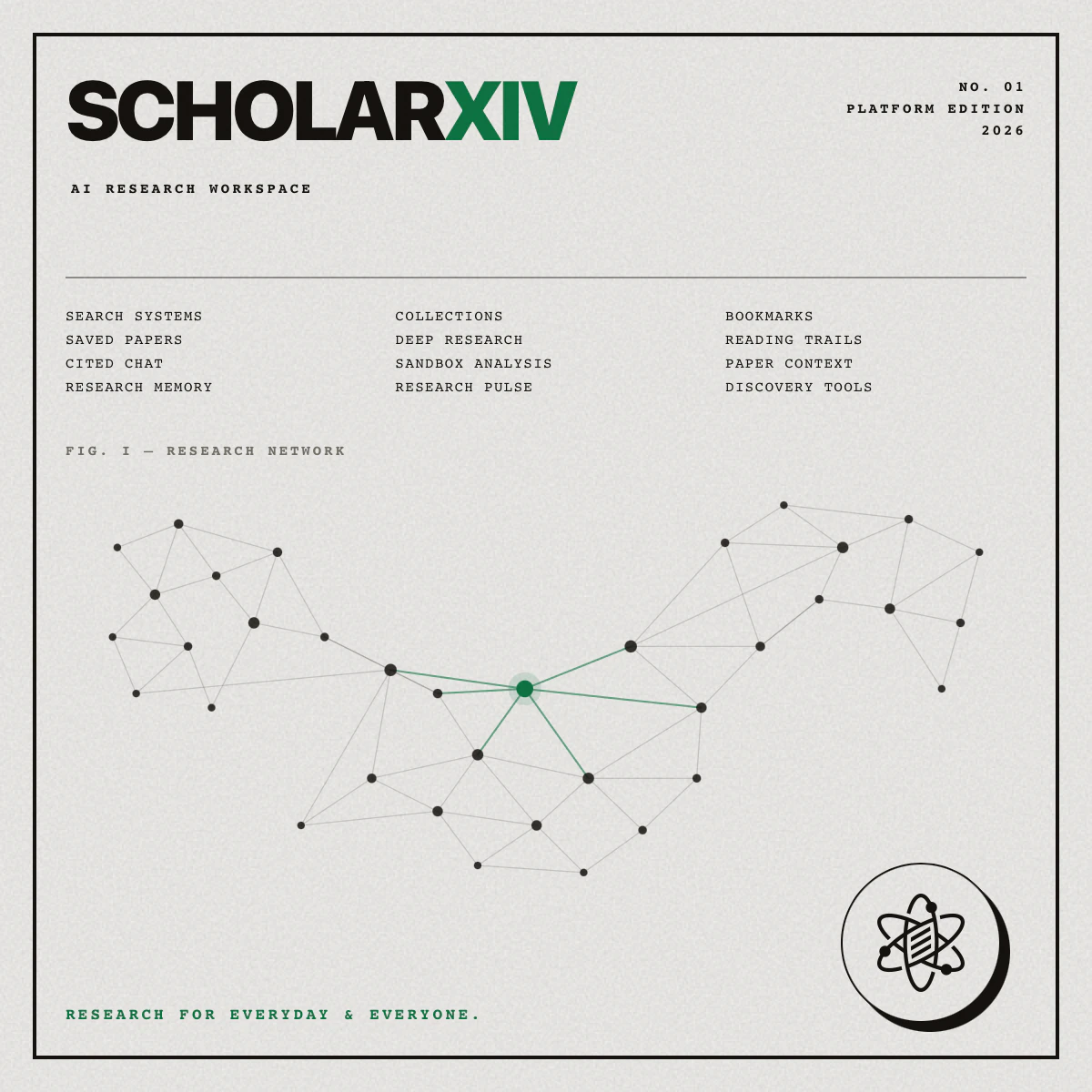
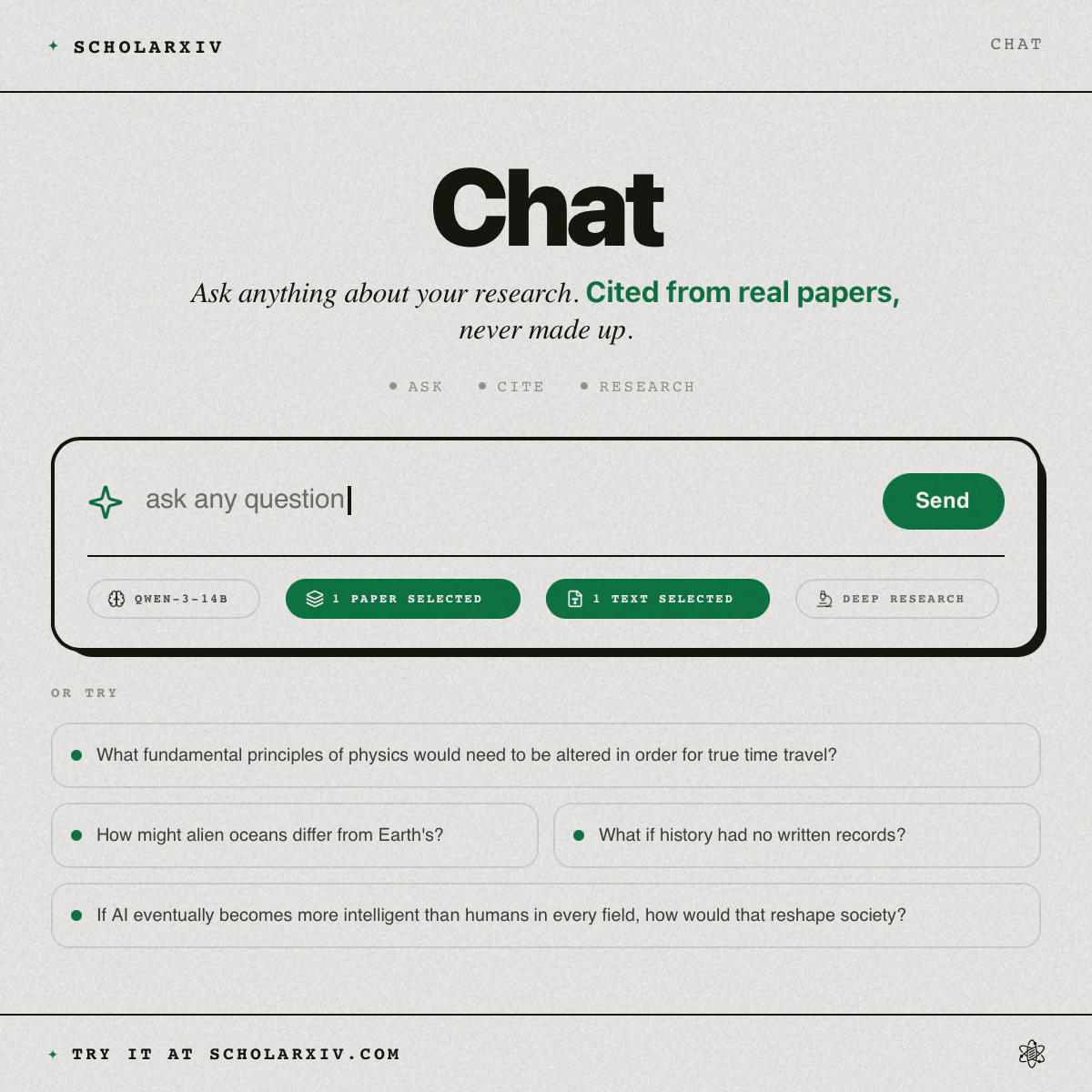
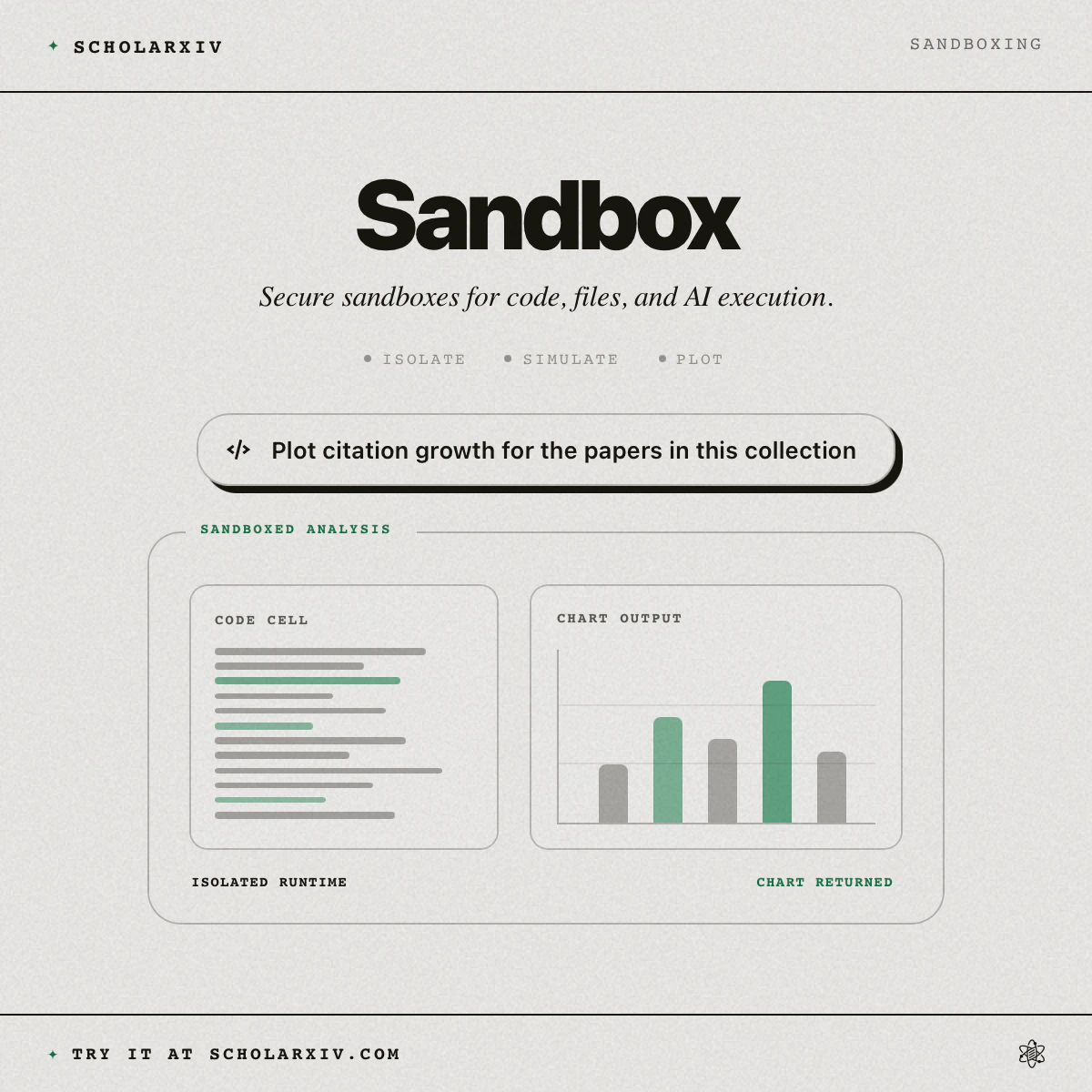
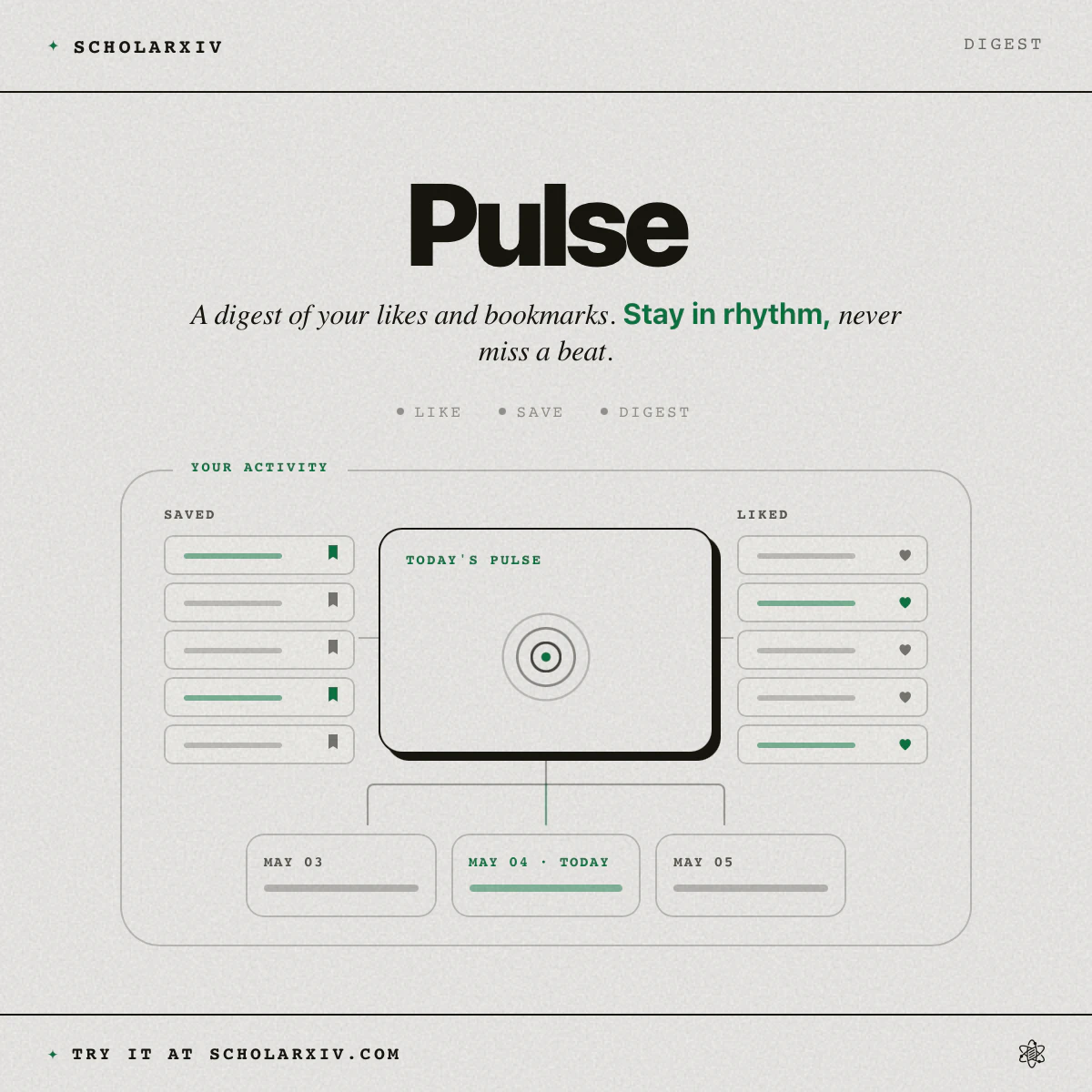
ScholarXIV is a next-gen research platform that comes with a set of powerful tools and features to make research a very insightful and an in-depth experience. You can build your own research library, do literature reviews, run simulations in the sandbox, generate files, and even has a proactive feature called Pulse where your recently liked and bookmarked papers are converted into a quick and cross-research article to save you time. Checkout ScholarXIV for more features!
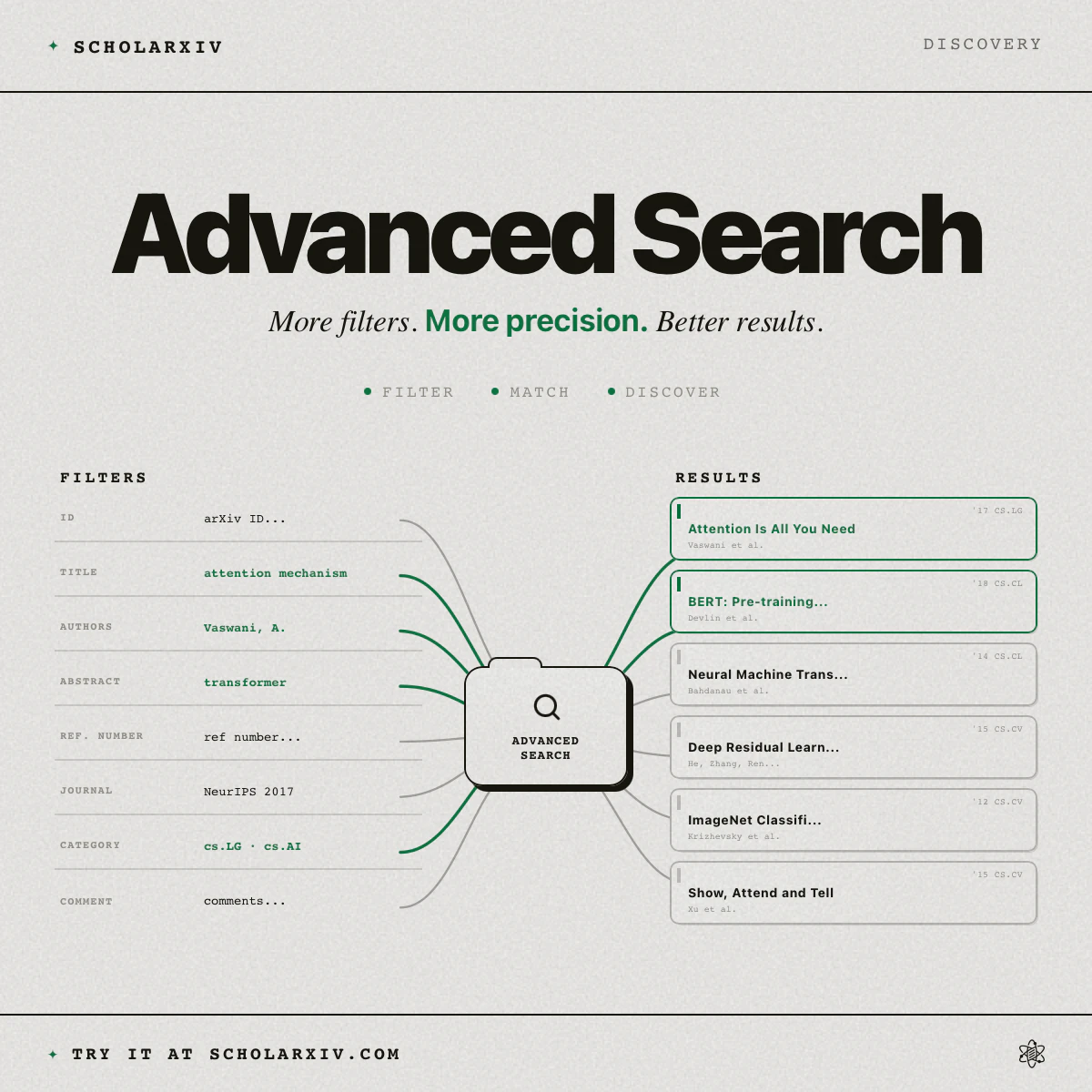
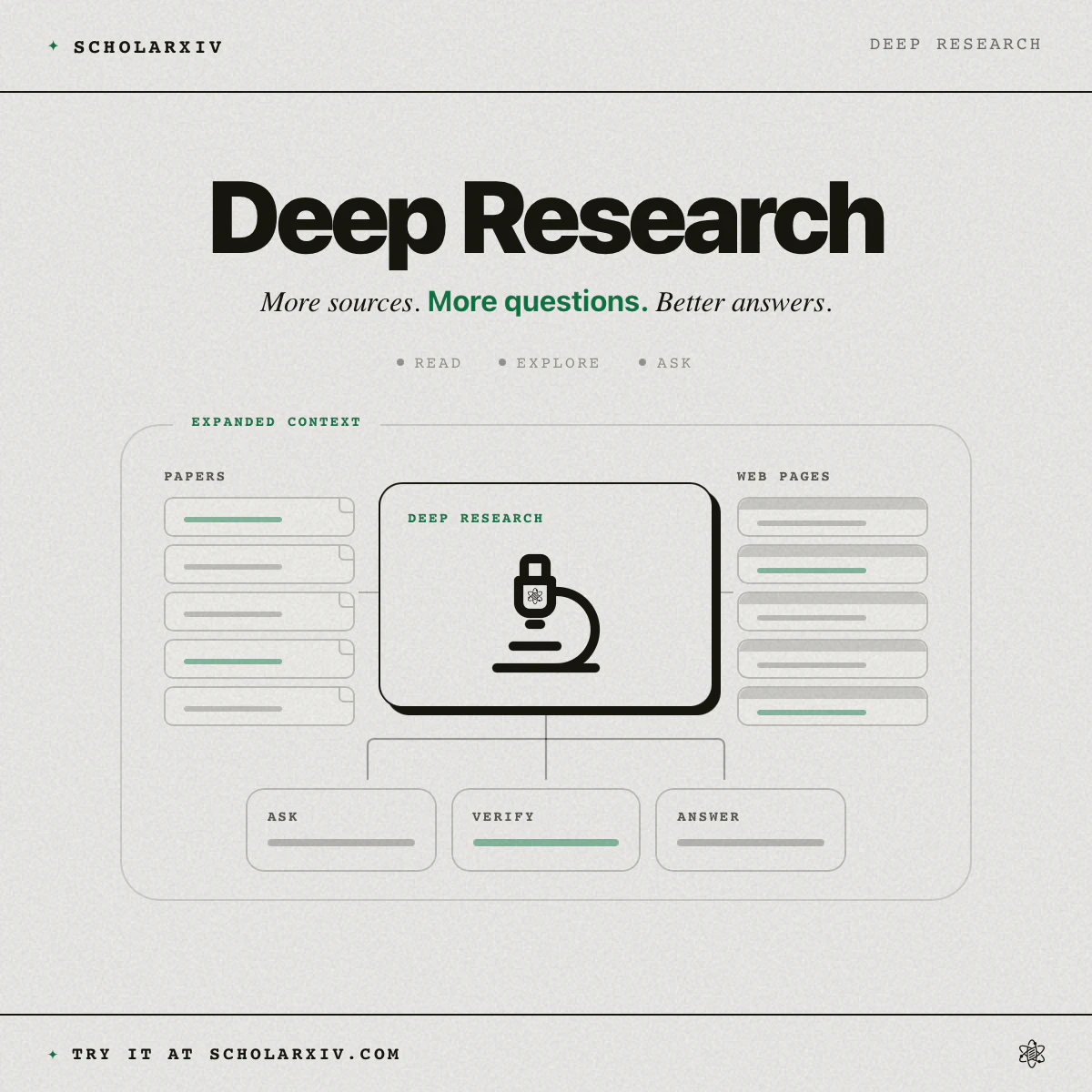
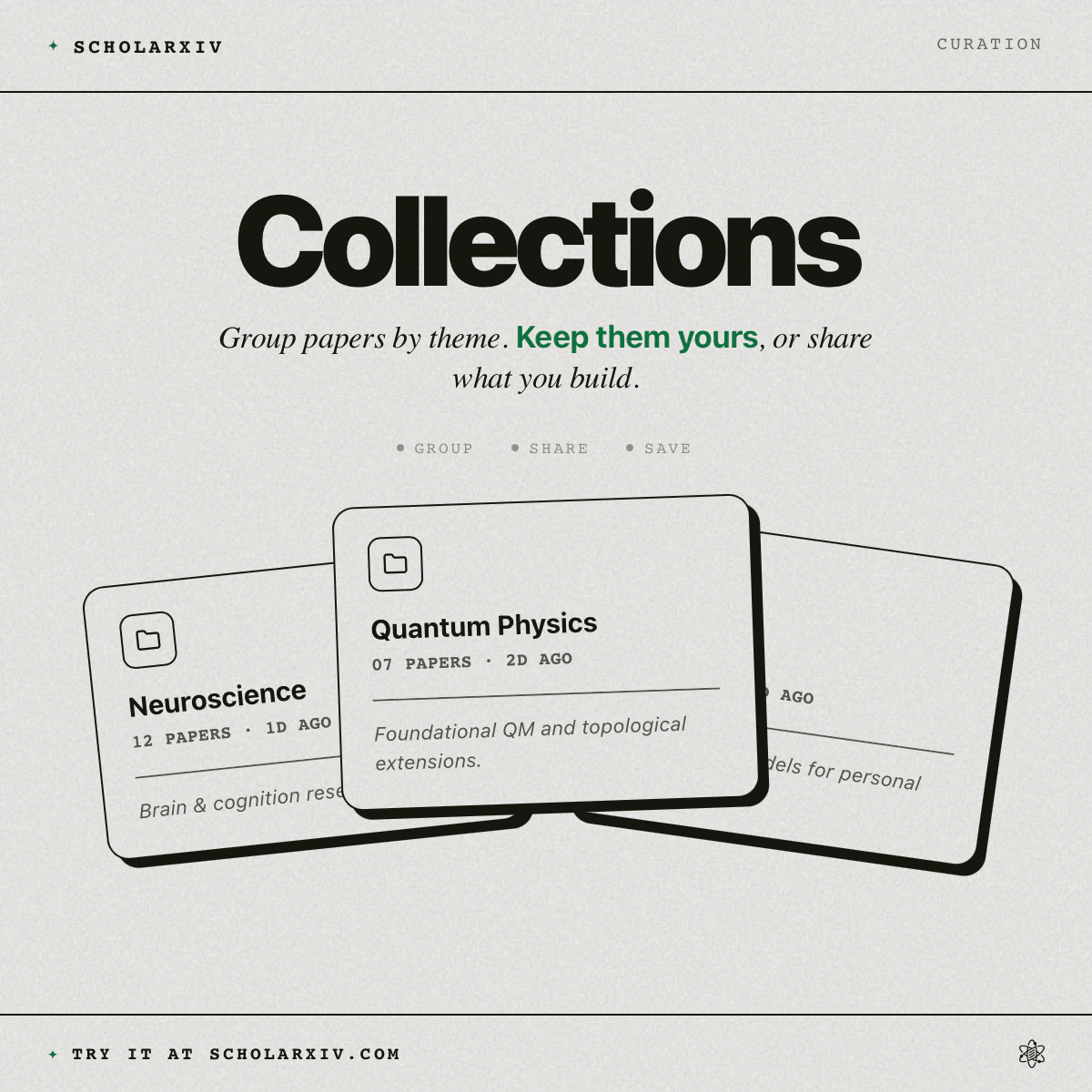
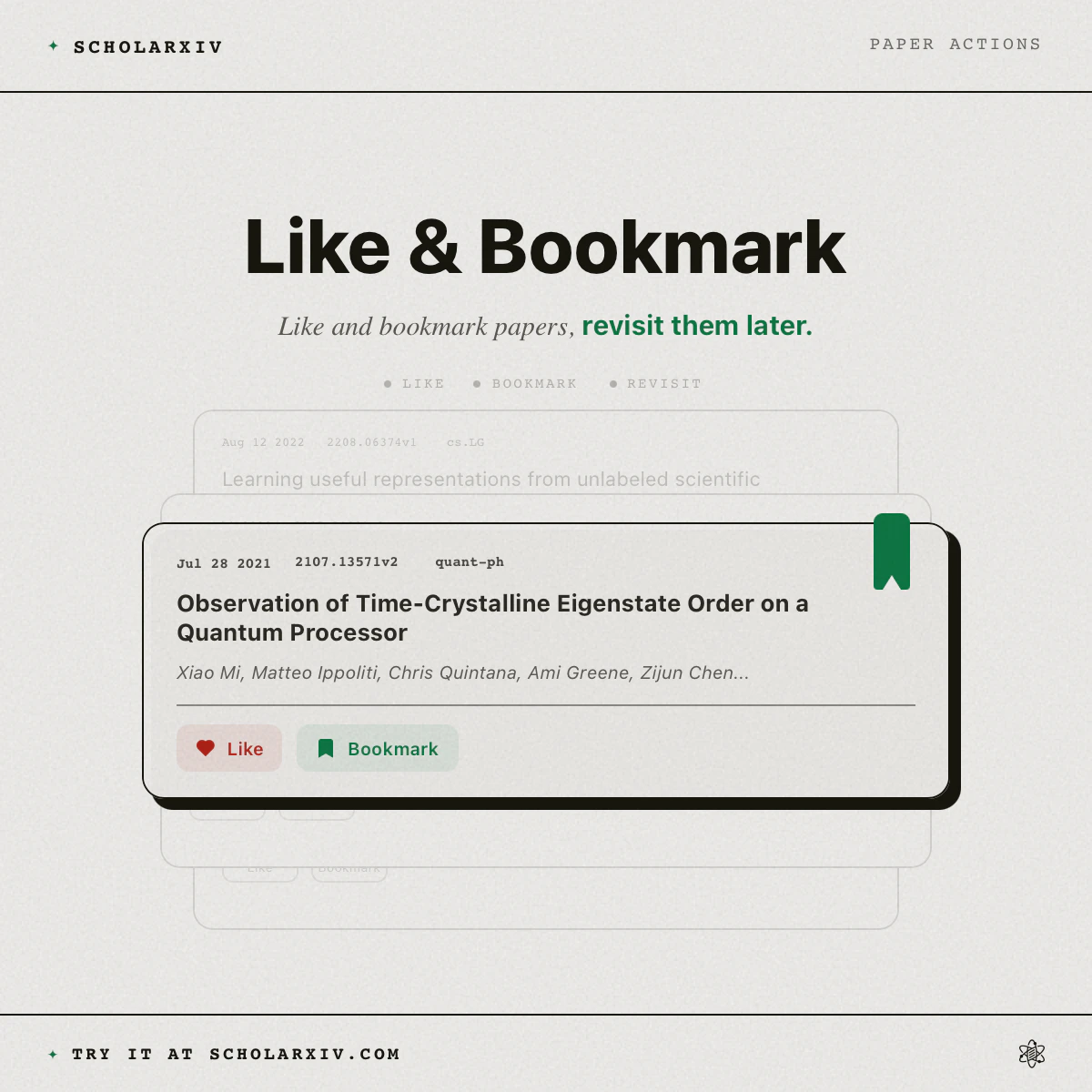
Introducing ScholarXIV (https://scholarxiv.com/) • https://youtu.be/Zy_m1-px-fQ For a long time research has been scattered, lacked powerful tools and had bad user experience. That ends today! ScholarXIV is a next-gen research platform that comes with a set of powerful tools and features to make research a very insightful and an in-depth experience. ScholarXIV let's you build your own research library, curate papers and share them. It also let's users like, bookmark and comment on each and every paper. But the most powerful feature is the AI research with sandboxes. This bring a whole new aspect of conducting research. The sandboxes let you generate files, run simulations and so much more. ScholarXIV also has a proactive feature called Pulse. In Pulse your recently liked and bookmarked papers are converted into a quick and cross-research article to save you time. Checkout https://ScholarXIV.com for many more epic features like advanced search, paper selection, content analysis and much more.
31
回复

@dagmawibabi Hey, congrats on the launch! how you’re thinking about cross-paper synthesis — does it mostly summarize bookmarked papers, or does it also surface contradictions, gaps, and emerging patterns across them?

1
回复
@romejerome You can select any paper and you can ask whatever comparison you like. For example for literature reviews you can specifically ask it to find u research gaps and it will parse through so many papers and tell u
2
回复

The academia FOMO is a real thing. I may have to do research papers for fun

7
回复

This honestly looks super helpful for researchers and students who spend half their time managing papers instead of actually researching 😭

One thing I’m curious about, how do you handle citation accuracy and source reliability with the AI features?

1
回复
@shiv_clearecho detecting reliability of papers is a new thing we're working on. but all these papers are indexed from Arxiv and doing cross research helps a lot
1
回复
#9
Nextish News
Make the AI news cycle slightly more ridiculous.
13
一句话介绍:将团队内部梗或科技圈槽点一键生成标题、副标题、章节齐全的假新闻文章,并生成可分享链接,专供群聊和Slack里调侃过度严肃的融资报道。
Funny News Tech
AI新闻生成 讽刺新闻 群聊工具 内容恶搞 幽默科技 社交媒体分享 虚构文章 科技圈吐槽 轻量写作 周末项目
用户评论摘要:开发者表示这是周末项目,诞于AI新闻日益荒诞的观察;用户@nslab 用“AI Predicts End of AI, Announces Retirement”测试,表示玩得很开心,反馈集中在生成效果和趣味性。
AI 锐评

Nextish News的13票和单条有效评论揭示了一个冷峻现实:在AI生成内容泛滥的今天,做“假新闻”的门槛已经低到令人发指。产品价值不在技术实现——用大模型套个模板根本不是壁垒,而在“讽刺尺度”的拿捏。它精准切中了一个场景:科技圈自我调侃。当真正新闻越来越像段子,段子反而成了最好的解药。但问题同样明显:如何防止假新闻被误传为真?开发者用“Nextish品牌标识”“发布前私有”和“公开页注明讽刺”做了隔离,但这套机制在群聊传播中极易失效——没人会留意角落里的免责声明。另外,单一“生成-分享”流程过于单薄,缺少社群反馈和模因演化能力,用户玩三次就会腻。真正的商业意义或许不在工具本身,而是验证了“科技圈的自嘲永不过时”这一文化需求。如果它想活下去,要么成为Slack/微信群里的病毒式恶搞机器人,要么转型为讽刺AI新闻的UGC社区——而不是又一个无人问津的链接生成器。

查看原始信息
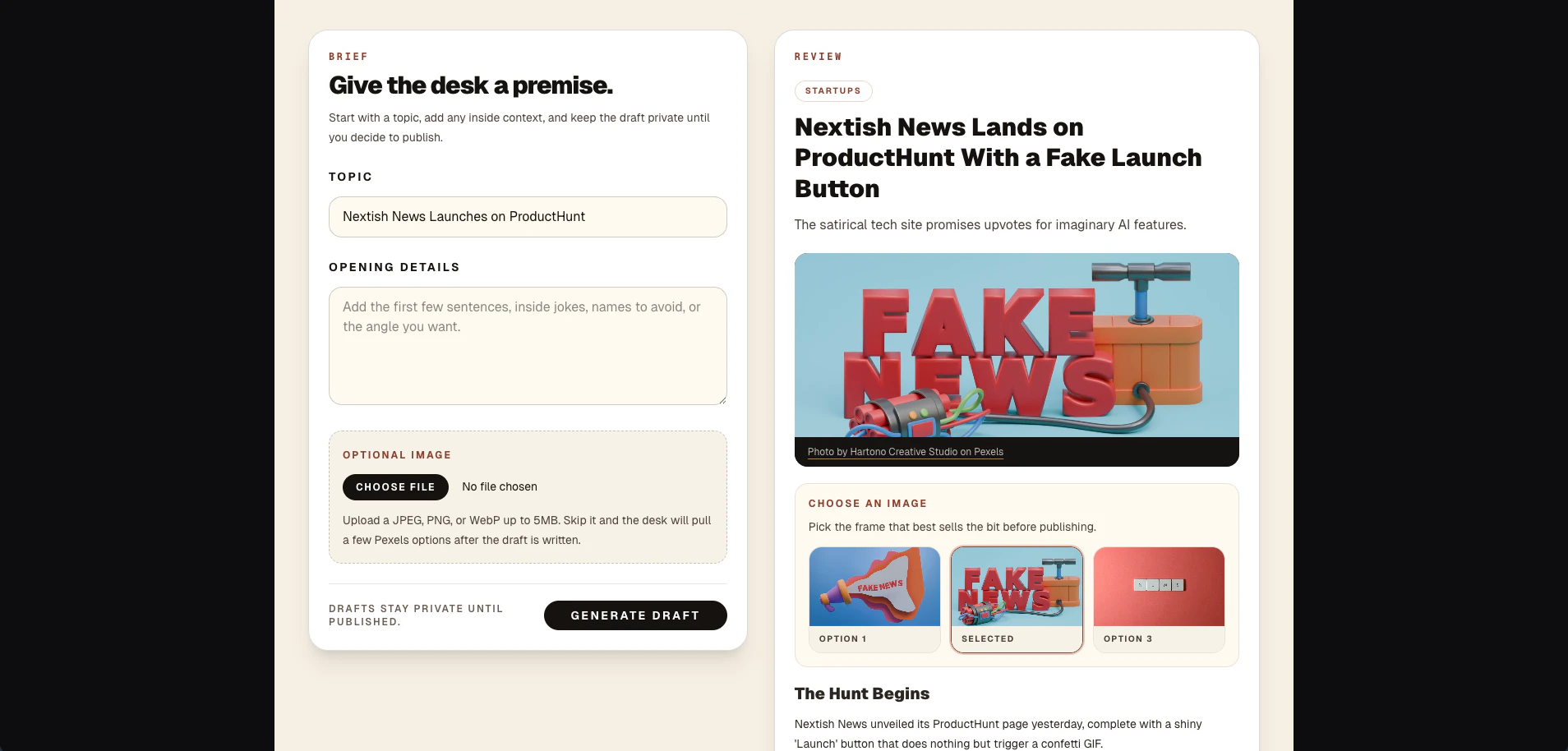
Nextish News
Nextish News turns your tech-world premise into a polished faux article with a headline, subtitle, sections, and a shareable public link. Built for group chats, Slack channels, and coworkers who read way too much funding news.
I built Nextish News as a weekend side project after seeing the AI and tech news cycle get more surreal every week. The idea is simple: give it a topic or inside joke, and it turns that into a faux tech news article you can share with friends, coworkers, or the group chat. It’s meant to make people pause for half a second, laugh, and then realize it’s satire. A big part of the build was making sure it felt fun without trying to impersonate real journalism. So articles use their own Nextish branding, stay private until you publish, and are framed as satire on the public page. The project evolved from “generate a fake headline” into a fuller article flow: draft, choose or upload an image, improve the piece with plain-English notes, then publish a shareable link. Would love to hear what fake tech headlines people make with it.
1
回复

@nslab AI Predicts End of AI, Announces Retirement - there you go, had fun doing this!

0
回复
#10
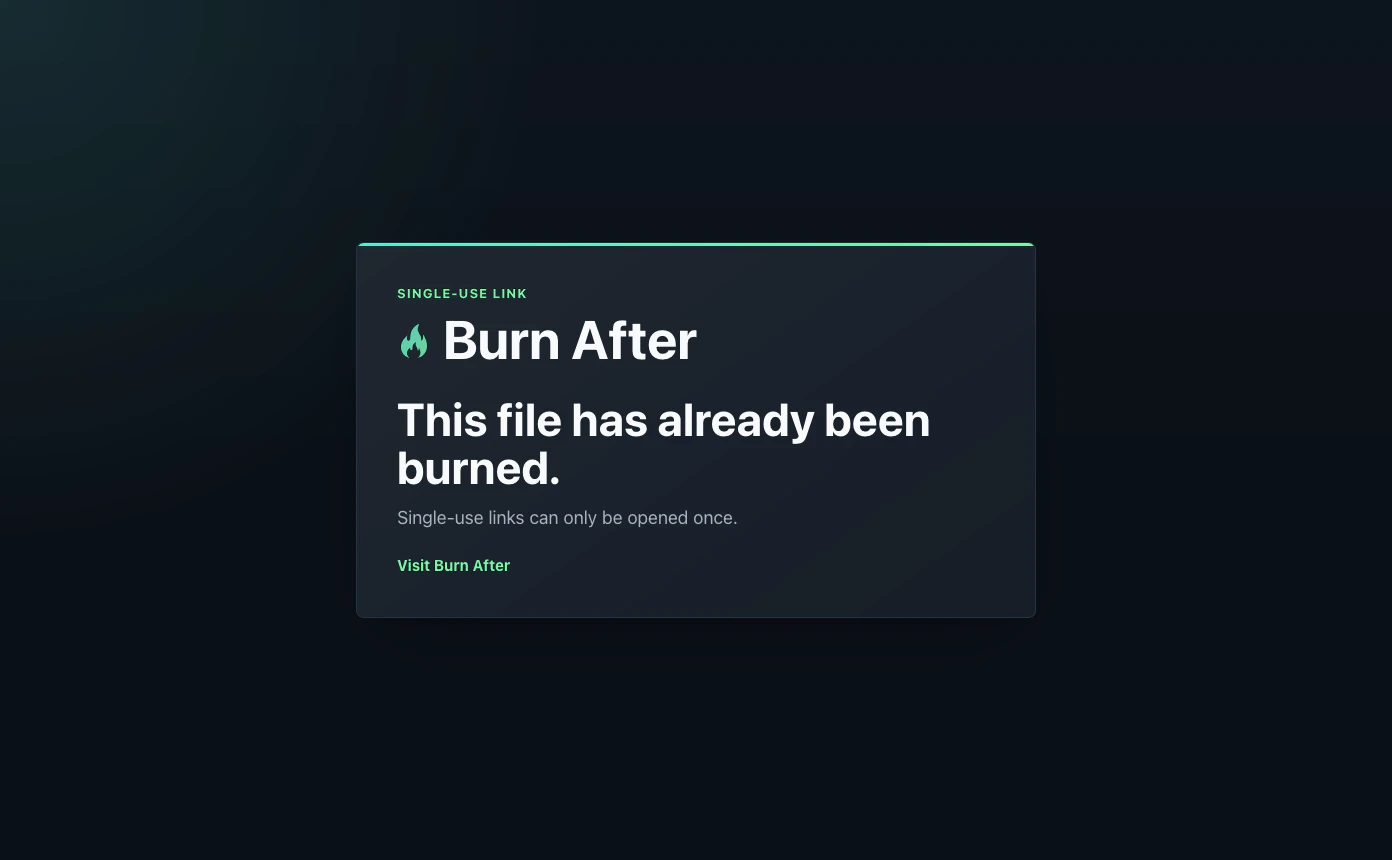
Burn After
Single-use file links that disappear after opening
12
一句话介绍:Burn After 提供阅后即焚的单次使用文件链接,解决用户发送税务文件、身份证、合同等敏感信息时,担心文件长期滞留他人收件箱或服务器中的隐私安全痛点。
Email Privacy Security
文件安全共享 阅后即焚 单次链接 隐私保护 敏感文件 一次性下载 无账户接收 自动删除 文件过期 安全工具
用户评论摘要:用户认可无需收件人账号的设计,并询问下载中断后链接是否可重试(当前不可重试,安全优先)。有用户关心服务器端删除是否可验证(当前无加密验证,但提供状态可见)。另有用户询问未打开链接的TTL设置(已支持自定义过期时间)。
AI 锐评

Burn After 切中了数字时代一个微小但真实的痛点:敏感文件的无痕传输。它的价值不在于技术复杂度,而在于对“一次性”原则的极致执行——无需收件人注册,链接打开即销毁,从设计上避免了传统附件或云盘链接长期暴露的风险。这解决了邮件和网盘都难以处理的“撤回遗忘”问题。

然而,产品当前的短板也很明显。其一,对中途中断下载的处理过于激进,安全优先的设计牺牲了用户体验,这在文件较大或网络不稳定的场景下可能造成困扰。其二,服务器端删除缺乏加密验证,主要依赖“信任”而非“密码学证明”,对于最高安全需求的用户(如律师、审计人员)来说,这还不够。开发者在回复中也承认了这一点,并提到未来可能引入零知识或客户端加密,但这意味着产品将从“轻量工具”转向“重安全基建”,技术门槛和成本都会陡增。

从商业角度看,12个点赞及零星用户互动反映出产品处在早期验证阶段。它需要解决两个关键问题:如何让用户从“用完即走”的模式中愿意付费,以及如何建立比竞争对手(如Firefox Send已关闭,或各类加密文件传输服务)更差异化的信任壁垒。如果不能尽快实现可验证的删除或端到端加密,它可能只会停留在“小工具”级别,难以成为企业和专业场景的必选方案。简洁是美德,但产品需要证明自己不仅简单,而且安全得无可挑剔。

查看原始信息
Burn After
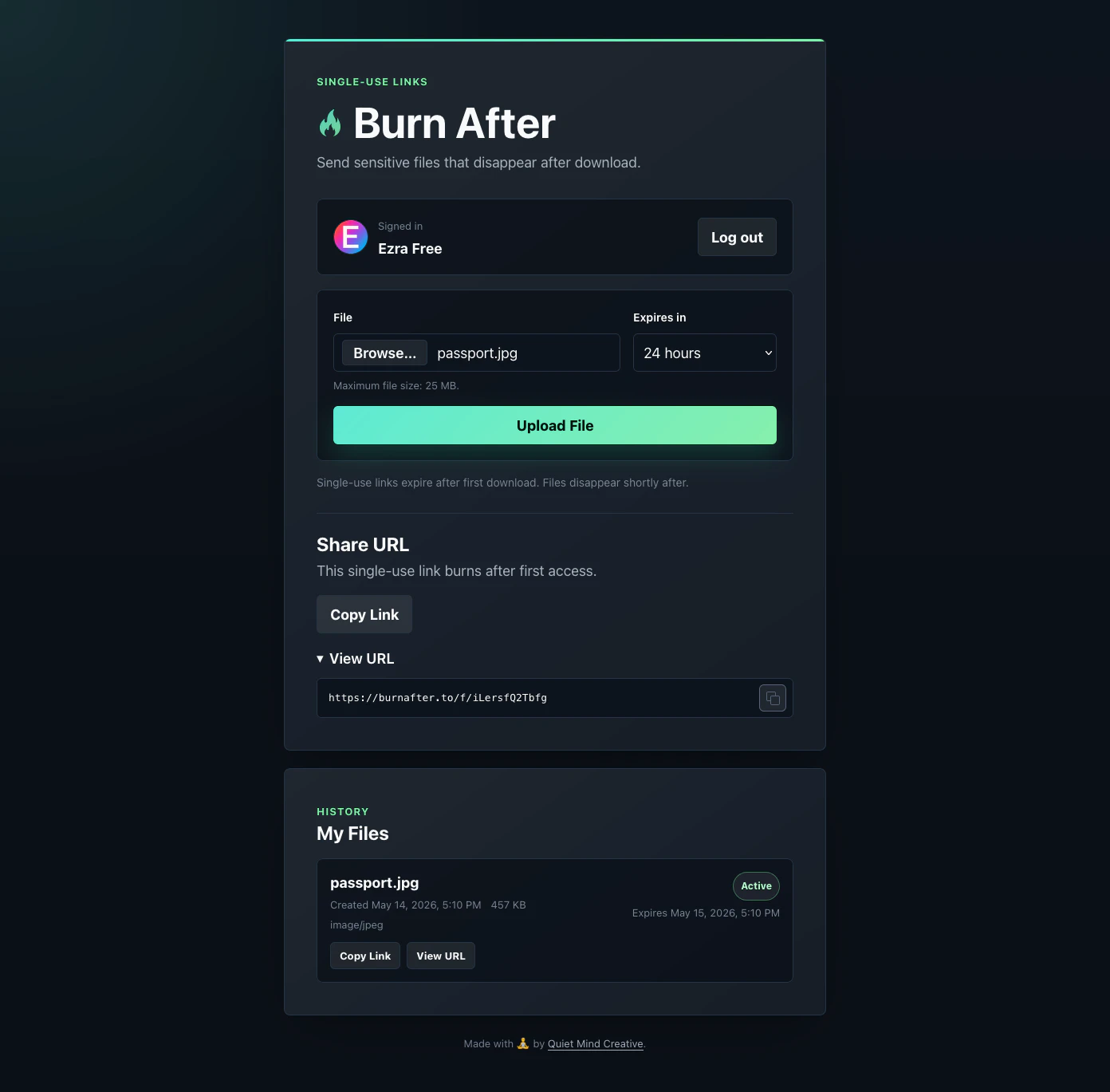
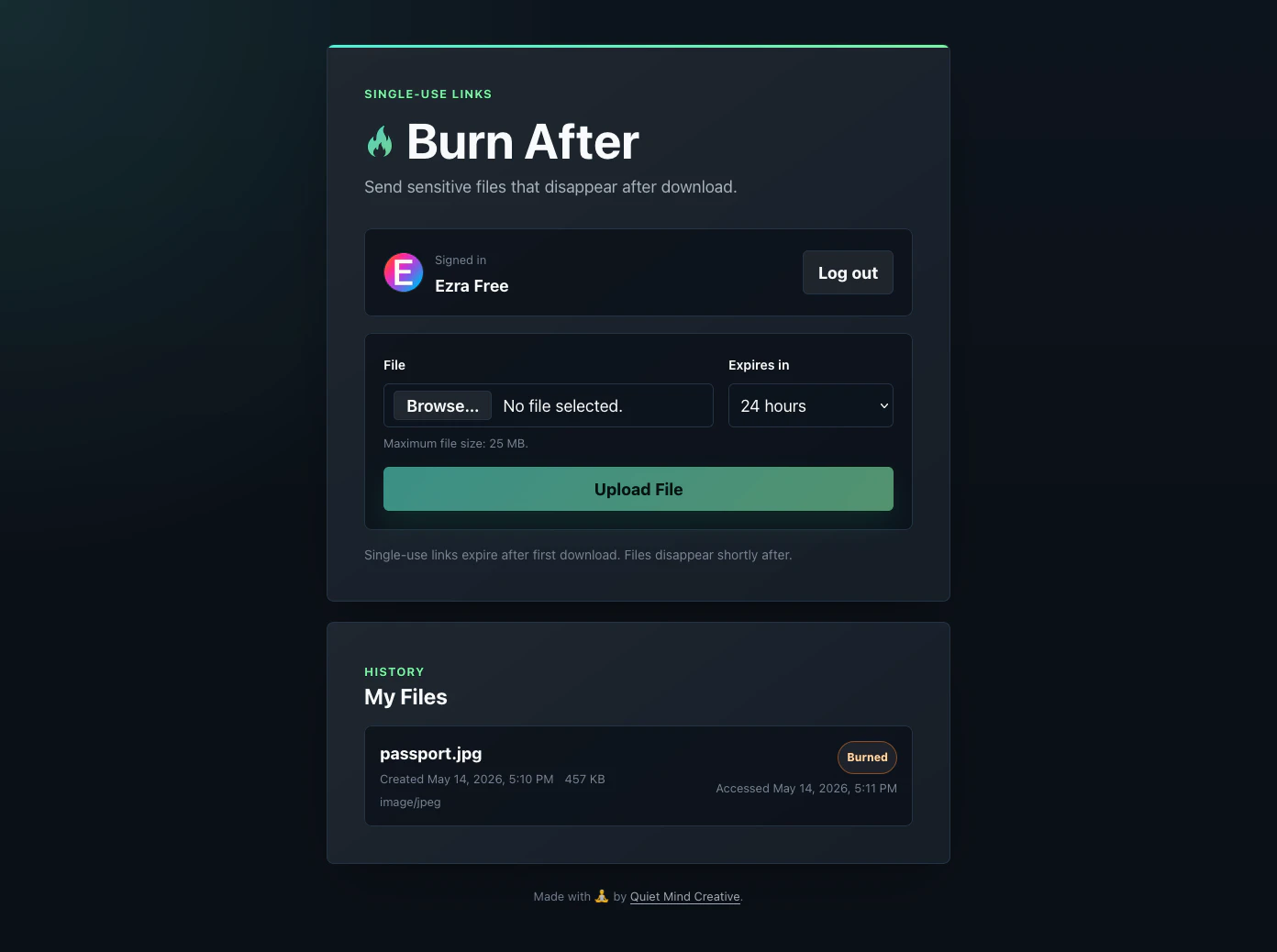
Burn After lets you send sensitive files using single-use links that expire after first access. No recipient account required. Useful for tax documents, IDs, contracts, PDFs, or anything you’d rather not leave sitting in someone’s inbox forever. Upload a file, share the link, and once it’s opened, the link expires and the file is removed shortly after.
I built Burn After because sometimes you need to send sensitive documents... but you don't want the file sitting around in someone's inbox forever. Burn After creates single-use links that expire after first access, then removes the file shortly after. Stop emailing sensitive documents. Send files that burn after opening. Useful for: • tax documents • IDs and forms • contracts • sensitive PDFs • anything you’d rather not leave sitting in an inbox forever No account required for the recipient. Just a link that works once. Would love feedback 🙏 burnafter.to
2
回复

I have a quick question, @ezrafree. For the single-use links, what happens if the download gets interrupted mid-transfer? Does the link still expire, or can the user retry safely?

1
回复

@taimur_haider1 Great question. The honest answer is: today Burn After is security-first, not retry-friendly.

The link is marked as used when the download is initiated, before redirecting to the short-lived file URL. So if the transfer is interrupted after that point, the original single-use link is already burned and can’t be retried.


That tradeoff is intentional for now: for sensitive files, I’d rather avoid leaving a link reusable after access has begun, even if that makes interrupted downloads less forgiving.


That said, I do think there may be room for a safer middle ground later, something like a very short in-progress window or confirmation-based burn flow. Still thinking through that balance.

0
回复

Congrats on the launch! The problem is real and underserved. One question, what happens on the server side between upload and the link being opened, is the deletion verifiable?

1
回复

@prateek_kumar28 Great question.

Today, files are stored in a private S3 bucket and deleted server-side after first access or expiration. Once a link is opened, access is immediately revoked and the file is deleted shortly after.

The sender can also see file status in the UI, including when deletion has completed. That said, deletion is not independently cryptographically verifiable in v1. Today, trust comes from the system design and visibility into the file lifecycle rather than cryptographic proof.

Longer term, I’m interested in stronger guarantees, potentially including client-side encryption / zero-knowledge approaches where the server never has usable access to the file contents.

0
回复

Single-use expiring file links is a clean and simple idea. No account required for the recipient is the right call — adds friction kills adoption. I've needed something like this for sending credentials and signed contracts. Curious if there's a TTL option for links that are never opened.

0
回复

@asim_saeed1 Appreciate this, Asim. And good news: this actually already exists 😄

When creating a link, you choose an expiration time (24 hours by default). If the file is never downloaded before that expiration, the link stops working and the file is automatically deleted.


Recipient friction was definitely something I wanted to minimize, which is why there’s no account required on the receiving side.


Really appreciate the feedback though. Credentials and signed contracts are exactly the sort of use cases I had in mind when building Burn After.

0
回复
#11
Grok Build
Agentic CLI for coding, building, and workflow automation
11
一句话介绍:Grok Build 是一款在终端内运行的智能编码与自动化命令行工具,通过计划、拆解任务并委派给并行子智能体执行,解决了开发者在处理复杂多文件项目时,因单线程操作导致的效率低下与审批断层问题。
Developer Tools Artificial Intelligence
终端CLI 智能体协作 并行子智能体 编码自动化 工作流自动化 计划审批模式 Git工作树集成 MCP服务器 软件工程工具 早期测试版
用户评论摘要:用户认可其并行子智能体的架构创新,认为它脱离了IDE侧边栏的局限。但明确指出目前仅限SuperGrok Heavy订阅者(299美元/月)使用,门槛极高,且是早期测试版,受众面窄,期待未来访问模式放宽。
AI 锐评

Grok Build 是xAI向“工具即智能体”方向的一次结构性赌注,而非对现有Copilot们的小修小补。它的核心价值不在于“帮你写代码”,而在于“帮你管理写代码的流程”。当大多数AI编码工具还在IDE里扮演一个更聪明的自动补全器时,Grok Build选择退回到终端——这个所有自动化脚本的母体。

其并行子智能体+独立Git工作树的架构,确实在理论上解决了大型重构或跨文件修改时的“瓶颈效应”:将任务分解、路径隔离、审批确认这三个环节硬性分离,让AI从“独奏家”变成了“项目经理”。这种设计对于处理复杂、高风险、涉及多模块协作的代码库团队而言,比任何聊天式补全工具都更贴近工业化生产需求。

然而,现实很骨感。11个投票和极低的社区热度已经给出了市场反馈:一个299美元/月的早期Beta终端工具,对于绝大多数开发者来说是曲高和寡。这个价格过滤掉了最活跃的尝鲜者和开源贡献者,使Grok Build在现阶段更像是xAI为高净值用户打造的“样板间”,而非面向大众的生产力武器。同时,该工具默认用户熟悉Git工作流、CLI操作和复杂的配置(如MCP服务器),学习曲线陡峭,这与当今主流AI工具追求的“零门槛”背道而驰。

Grok Build的真正价值在于验证了一种可能性:AI代理的下一步,是从补全代码走向编排任务。xAI选择在终端而非GUI发力,颇具黑客精神,但这把刀是否锋利,还要看它能否在价格放下身段后,说服开发者放弃现有的IDE集成习惯,重新学习一种“指挥式”的编程节奏。否则,它只会是一款漂亮的实验性架构,而非搅动市场的新鲶鱼。

查看原始信息
Grok Build
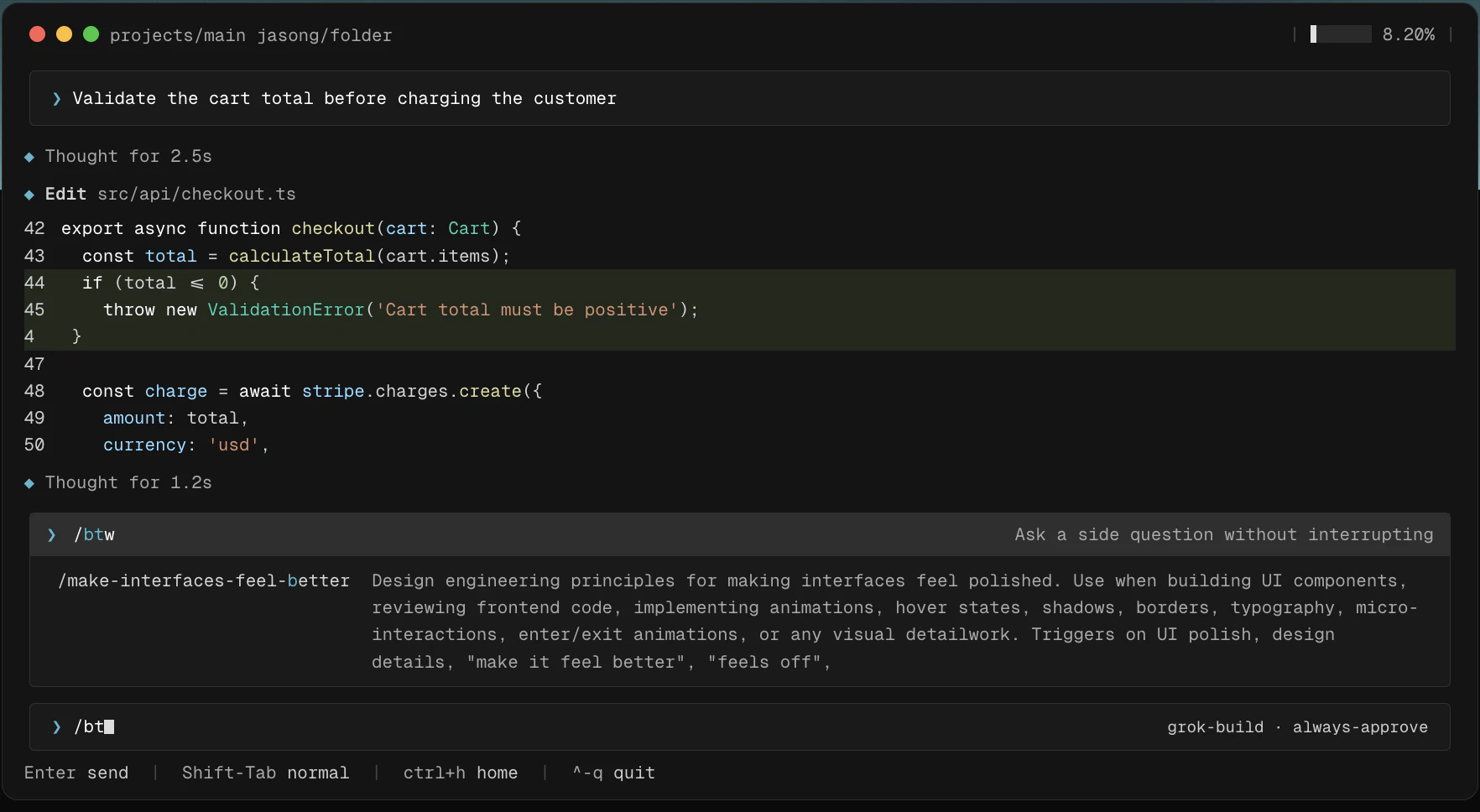
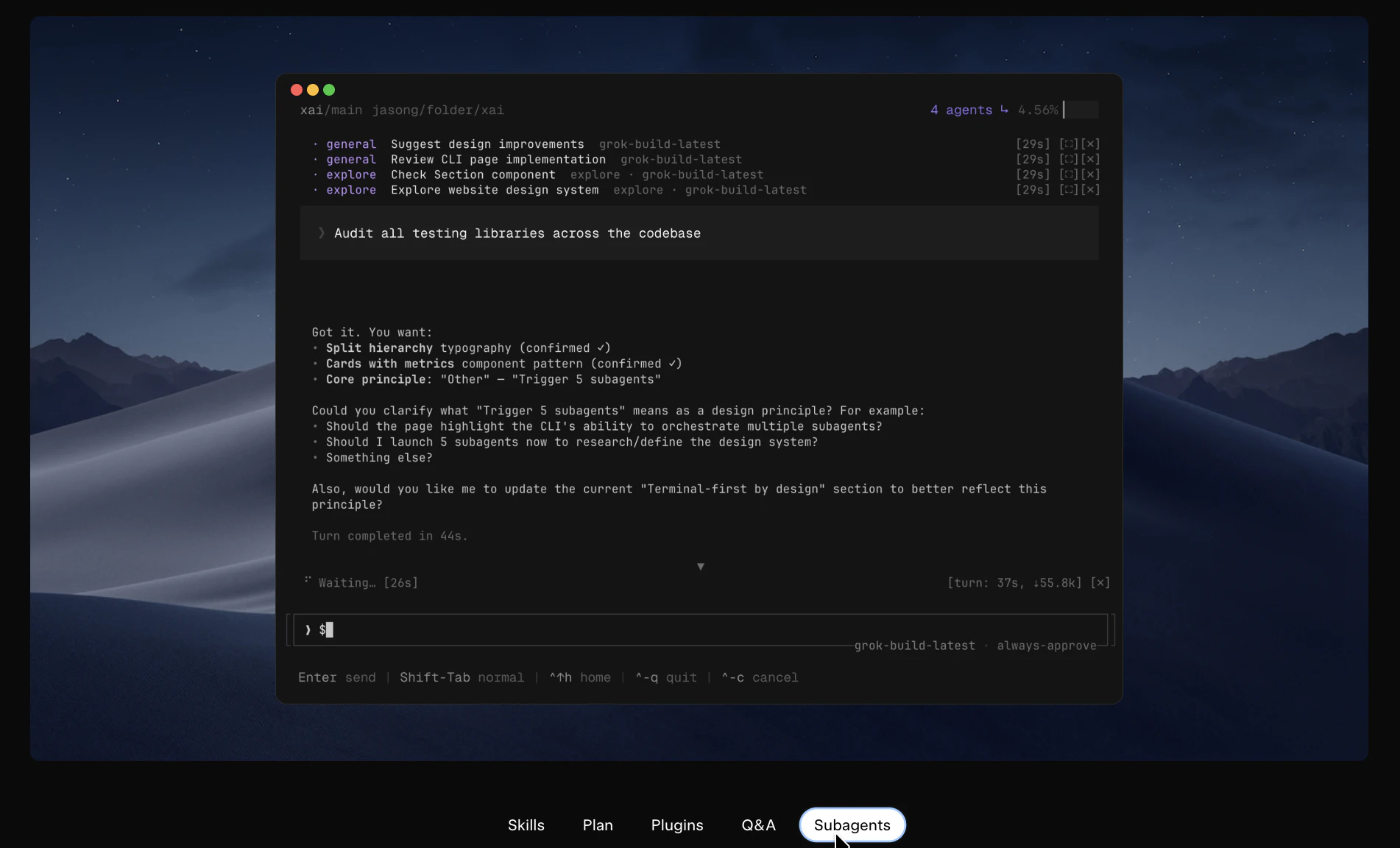
Grok Build is an agentic CLI that plans, delegates to parallel subagents, and executes coding and automation tasks from the terminal. Currently in early beta for SuperGrok Heavy subscribers.

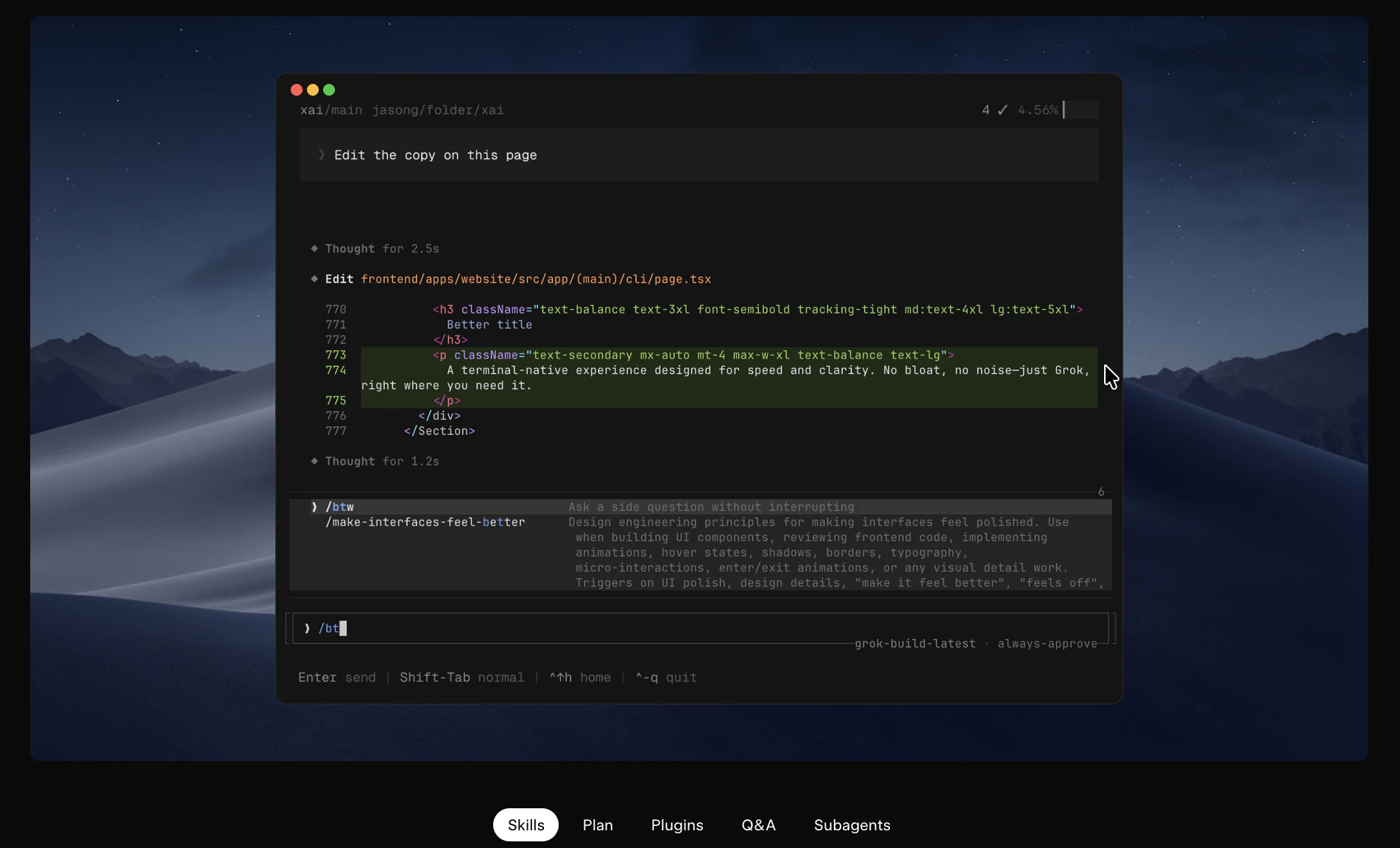
xAI just shipped a terminal-native coding agent that runs parallel subagents, and it's one of the more structurally interesting CLI tools in this space right now.

What it is: Grok Build is an agentic CLI from xAI for professional software engineering, app building, and workflow automation that runs directly from your terminal.

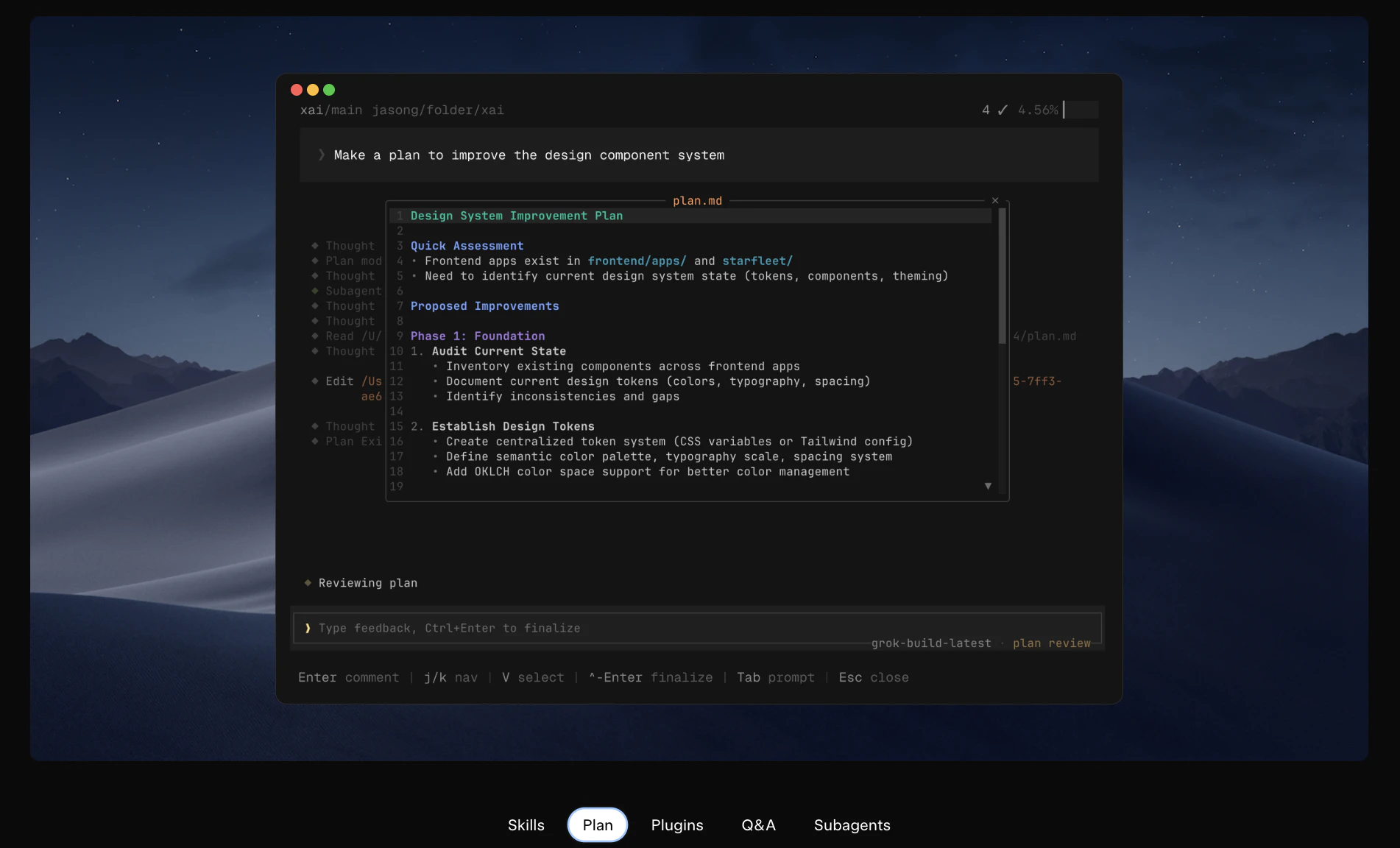
Most coding agents today operate as IDE sidecars or chat wrappers. The limitation is sequential execution and single-context operation. Grok Build takes a different architectural approach: for complex tasks, it breaks work into a plan, lets you approve or rewrite that plan step by step, then delegates execution to parallel subagents that can work in separate git worktrees simultaneously. Every change surfaces as a clean diff.

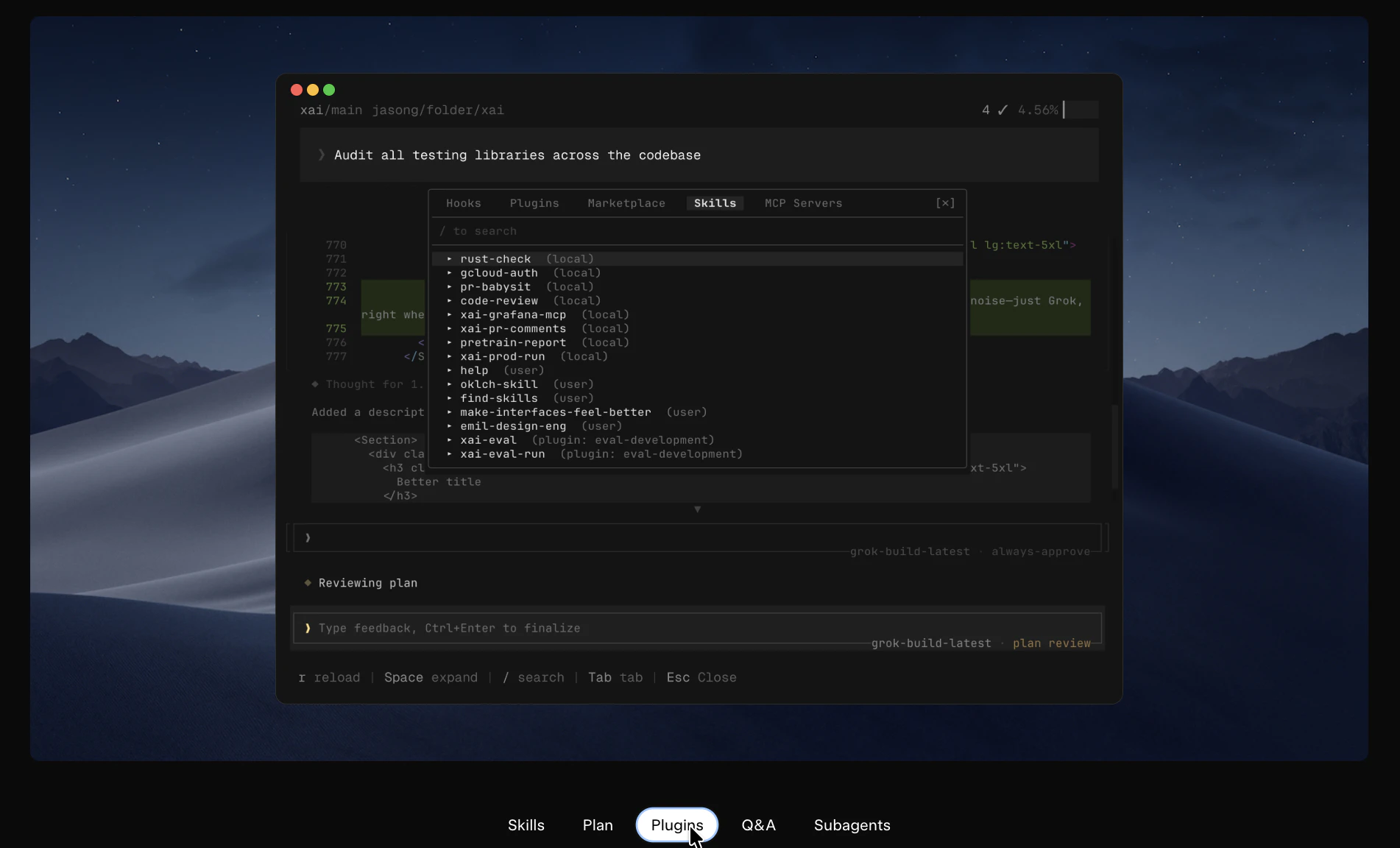
What makes it different: The parallelism is structural, not cosmetic. Subagents can split research, build, and review work across tasks concurrently rather than linearly. It also picks up your existing repo conventions, AGENTS.md, plugins, hooks, skills, and MCP servers out of the box. Headless mode (-p flag) lets you run agents inside scripts and automations, and full ACP support means you can build your own bot and agent orchestration apps on top of it.

Key features:

  • Plan mode with step-by-step approval and full rewrite option before execution

  • Parallel subagents with deep worktree integration for large tasks

  • Headless mode for scripting and pipeline automation

  • MCP server support and plugin marketplace

  • Full ACP support for building custom bots and agent orchestration layers

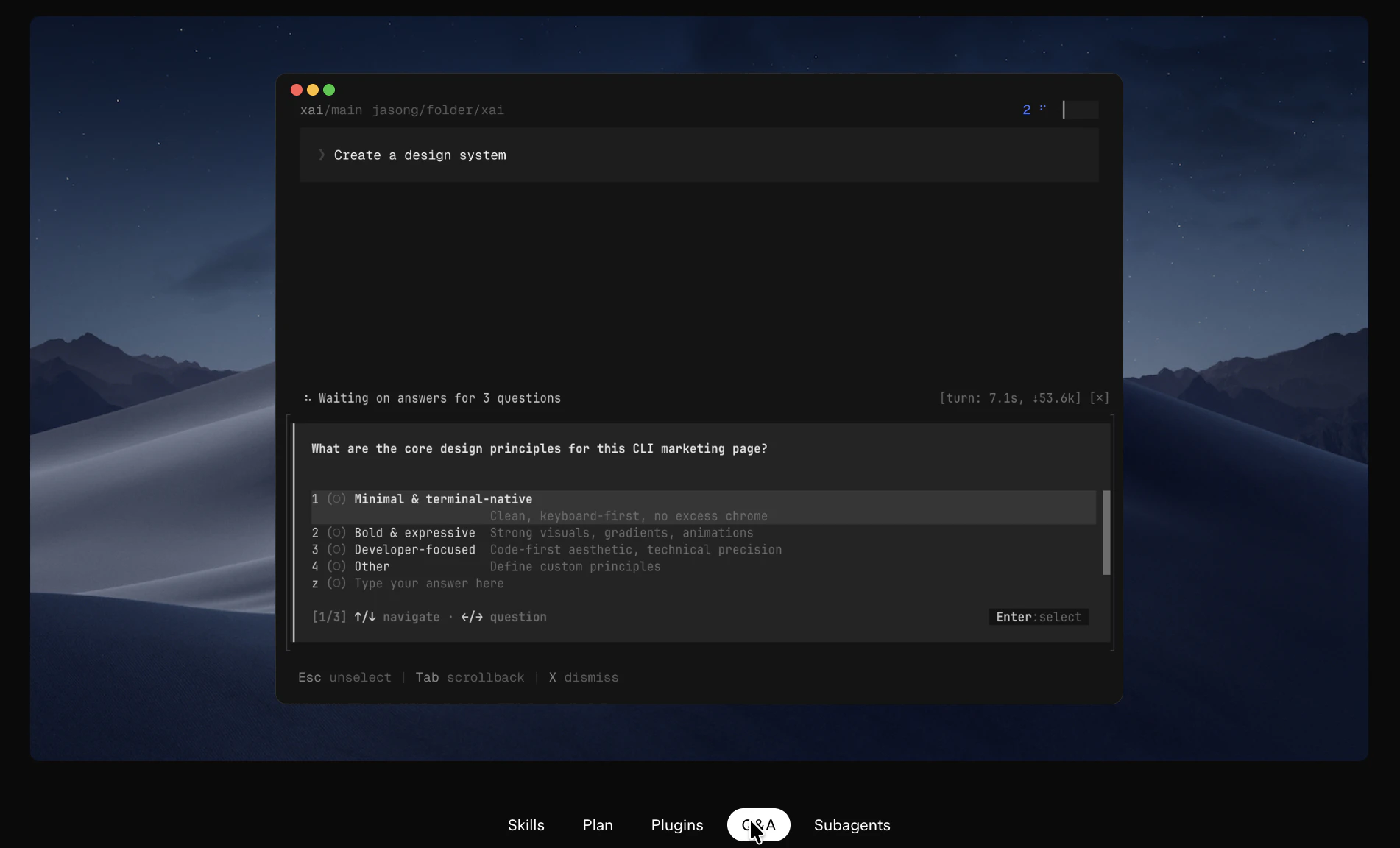
  • In-CLI feedback via /feedback command

Benefits:

  • Complex multi-file tasks broken into reviewable, approvable steps

  • Parallel execution reduces time on large codebase operations

  • Integrates with existing project conventions without reconfiguration

  • Extensible via plugins and skills across a team

Who it's for: Professional software engineers and technical operators who run complex, multi-file coding tasks and want an agent that executes from the terminal with approval checkpoints rather than a chat interface.

Worth noting: this is early beta and currently gated to SuperGrok Heavy subscribers ($299/month, introductory at $99/month for six months). That's a narrow slice of the PH audience today. But the architecture here is worth watching as the access model almost certainly broadens.

1
回复
#12
mysoft.ai
The marketplace built for AI tools, not everything
10
一句话介绍:mysoft.ai是一个专为AI工具独立开发者打造的开放型市场平台,通过低佣金、无锁定机制和严格审核,解决他们在现有大平台中被抽取高额佣金、限制定价或遭拒绝上架的痛点。
Artificial Intelligence E-Commerce Tech
AI工具市场 独立开发者平台 低佣金商城 GPT/AI代理交易 SaaS工具目录 平台中立 先令交易 验证徽章 工作流市场 产品众包审核
用户评论摘要:用户关注如何在购买前验证AI代理/工作流的质量,因输出受提示、集成和数据影响,建议提供实时演示、沙盒测试或性能基准。另有用户称“精选AI商场”是趋势,但社区兴趣似乎不高。
AI 锐评

mysoft.ai的定位精准且切中要害——它试图成为AI工具生态中的“瑞士”。当OpenAI的GPT Store将开发者锁死在自家模型,Fiverr和Upwork以10%-20%佣金吸血,AppSumo夺走定价权时,mysoft亮出“5%终身佣金”和“平台无关”的牌,本质上是对传统聚合平台利润链的暴力拆解。它的价值不在于“又一个目录”,而在于重新定义了AI工具交易中的权力结构:卖家保留自主权,买家获得更高性价比的独立产品,平台只做交易护航(审核、托管、Stripe支付)。

但“没有守门人”是一把双刃剑。评论中关于质量验证的质疑直指核心——AI工具的输出高度依赖使用场景,传统电商的“评分+退款”模式在AI领域近乎失效。如果mysoft不能建立有效的品控闭环(如强制沙盒演示、可复现的基准测试、社区协作审核),它很可能重蹈“独立开发者集市”的覆辙:大量新手工具涌入,买家信任崩塌,最终沦为噪音市场。此外,5%佣金虽低,但10个投票和冷清的社区关注度暗示了冷启动的困境——没有足够买家的市场对卖家毫无吸引力,反之亦然。它真正要突破的,不是技术难关,而是生态网络的“鸡生蛋”死结。若能在冷启动阶段与几个头部AI独立产品签订独家低佣金协议,并率先引入严格的“可演示化”审核标准,mysoft才有机会从“又一个目录”蜕变为“AI独立开发的根据地”。

查看原始信息
mysoft.ai
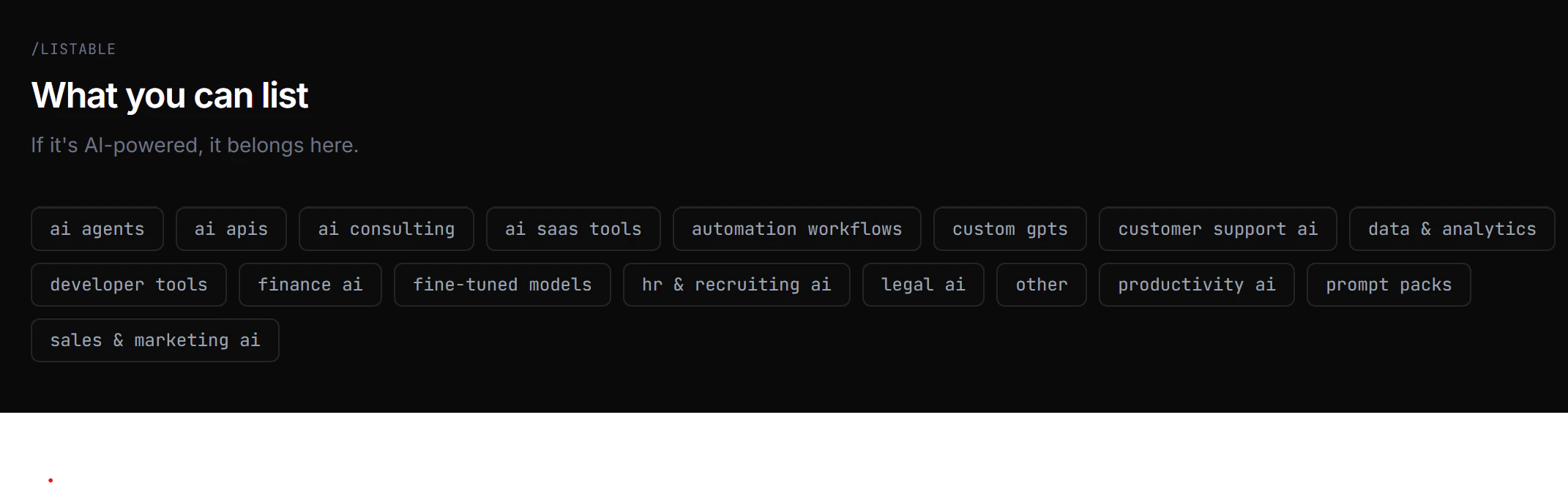
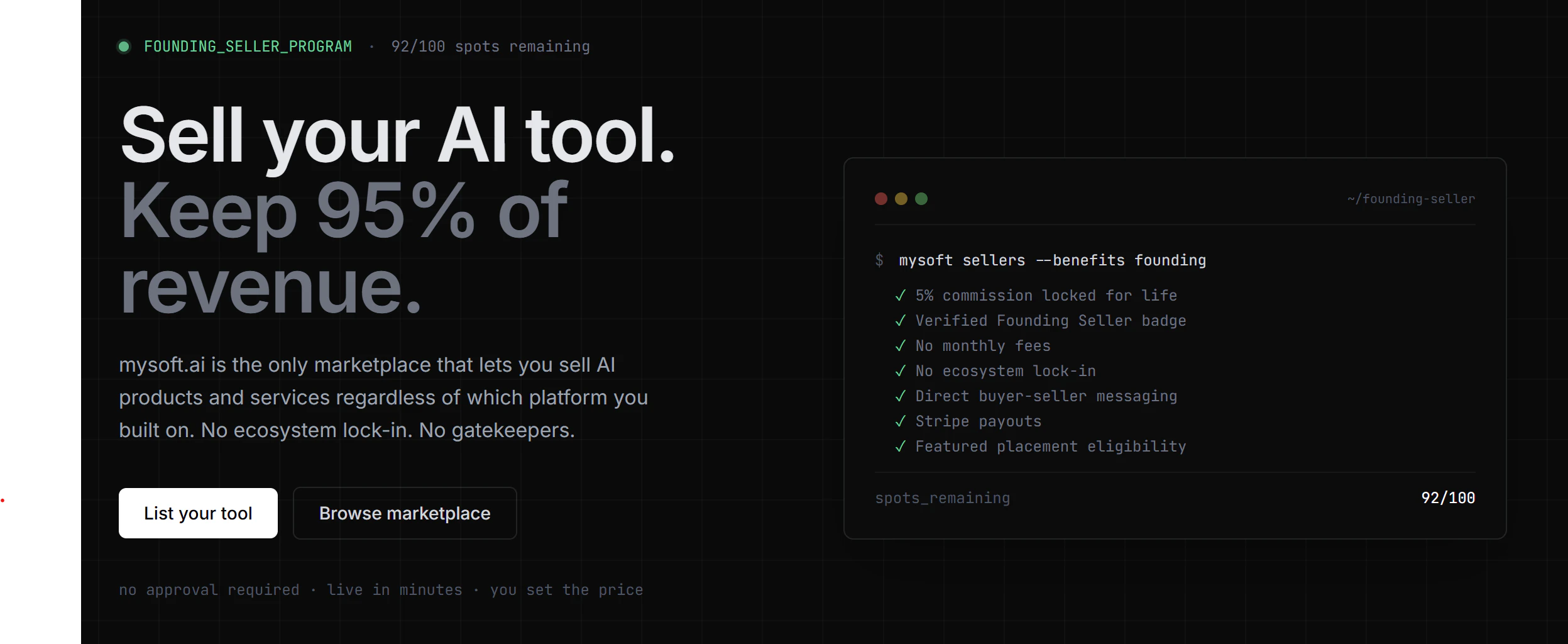
Solo AI builders have no real home. Big marketplaces lock you in. Directories don't transact. Fiverr takes 20%. Upwork takes 10%. AppSumo controls your pricing and discounts. mysoft.ai is the platform-agnostic AI marketplace — no lock-in, no arbitrary denials, lowest commission in the market. Founding Sellers (first 100): 5% commission for life. List AI agents, workflows, GPTs, SaaS tools, and consulting. Verified badges, escrow, Stripe payouts. No gatekeepers.
Hey PH! Srini here, Maker of mysoft.ai. I built this after watching countless solo AI builders ship great products with nowhere to sell them. The GPT Store locks you into OpenAI. AWS Marketplace is built for enterprises. Fiverr rejects half the listings. mysoft.ai is the neutral ground — platform-agnostic, lowest commission, no gatekeepers. We're launching with 17 categories and founding sellers already onboard. First 100 sellers get 5% commission for life. If you're building AI tools, this is your marketplace. If you're buying, this is where the best indie AI products live. Would love your feedback — what categories or features would make this the go-to marketplace for you?
5
回复

@srinivas_narra how do you verify the quality of AI agents/workflows before purchase? Since outputs can vary a lot depending on prompts, integrations, and user data, do you plan to offer live demos, sandbox testing, or some kind of performance benchmark?

0
回复

“Curated AI mall” is actually the perfect way to describe where things are heading. People want simplicity, not endless searching.

3
回复

@betsy_thomas1 Exactly. Thats what we are striving to bring to the market.Maybe its a different type of product, which is why theres not much interest

1
回复
#13
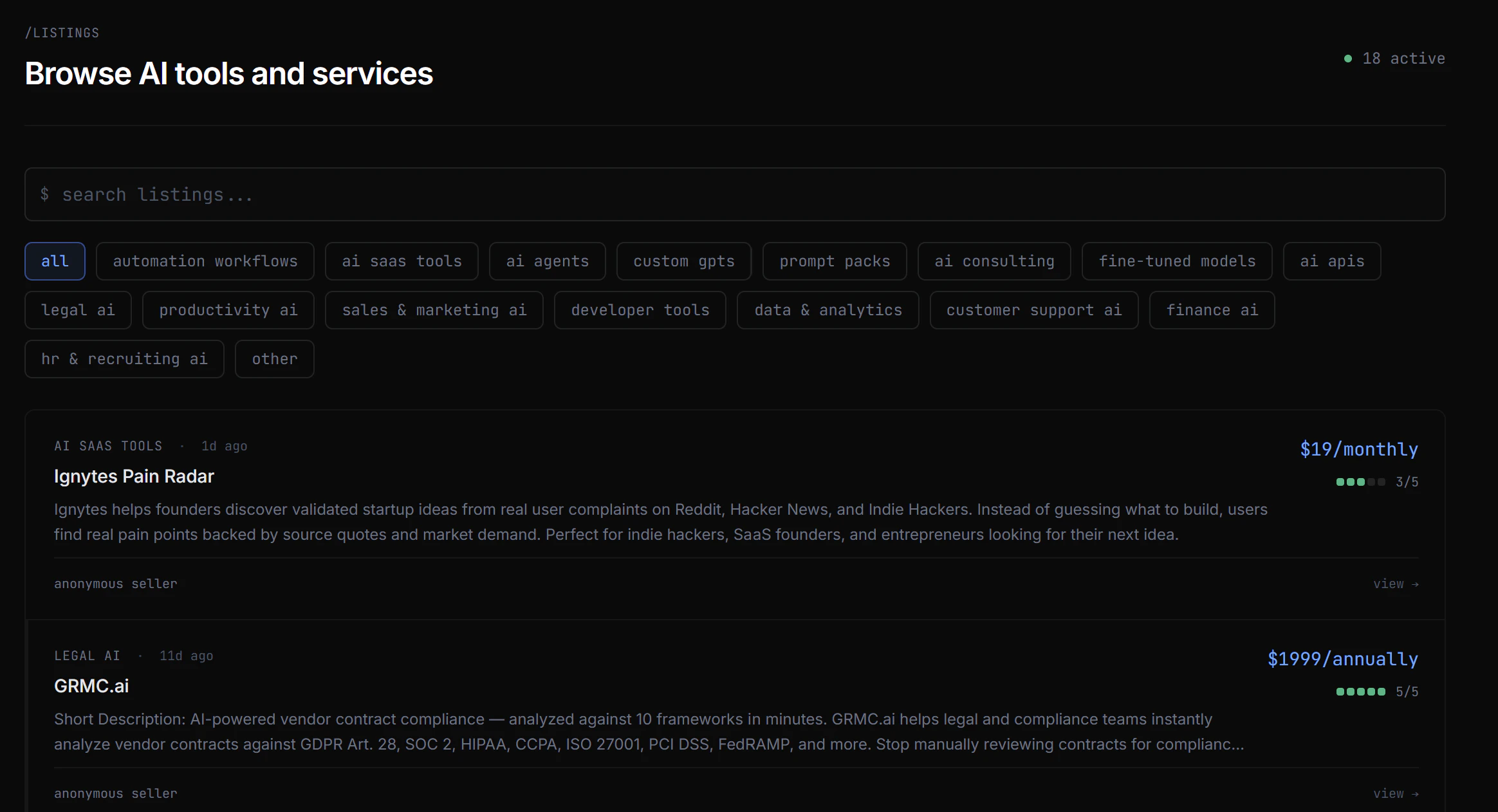
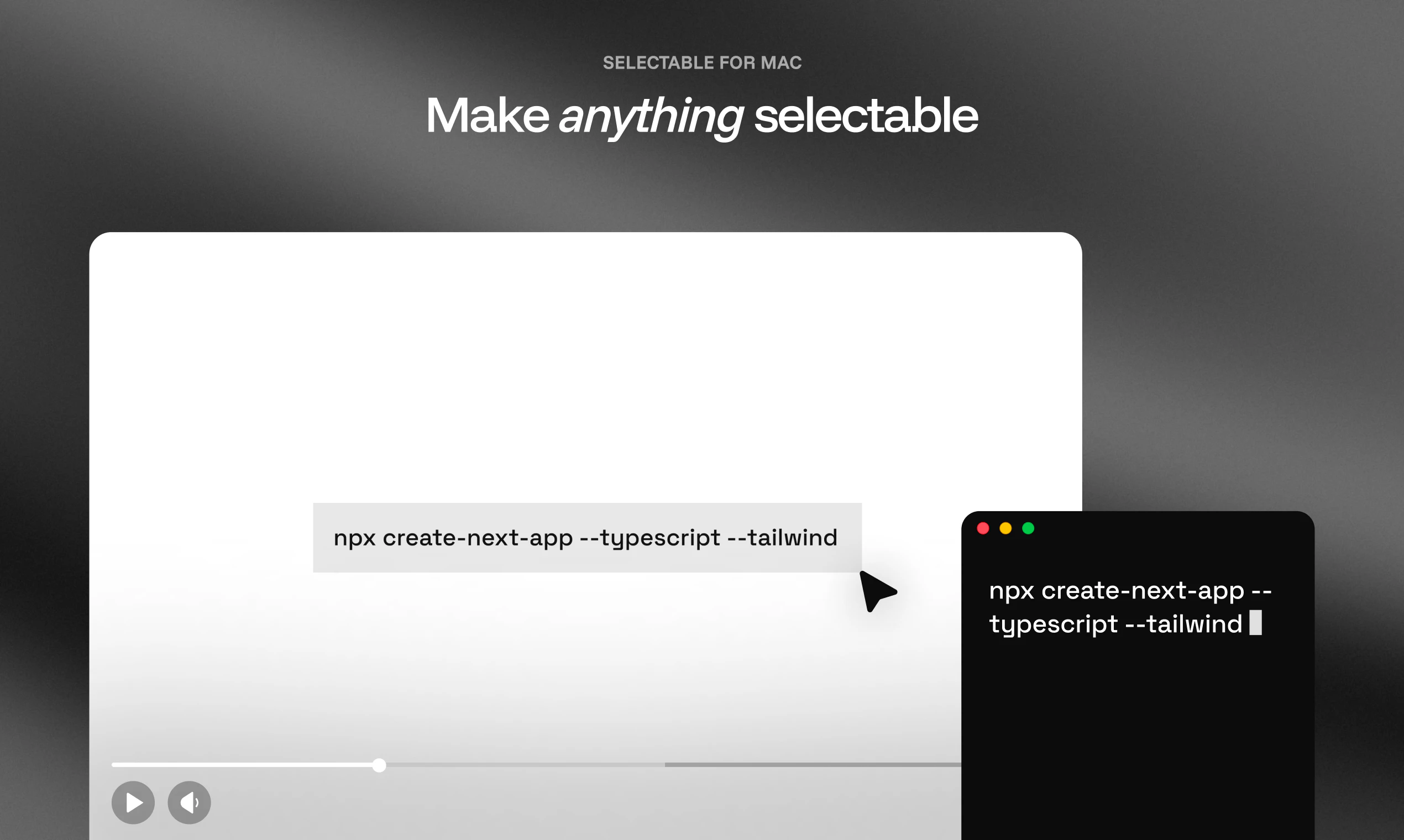
Selectable: OCR & Text Capture
Make anything selectable
10
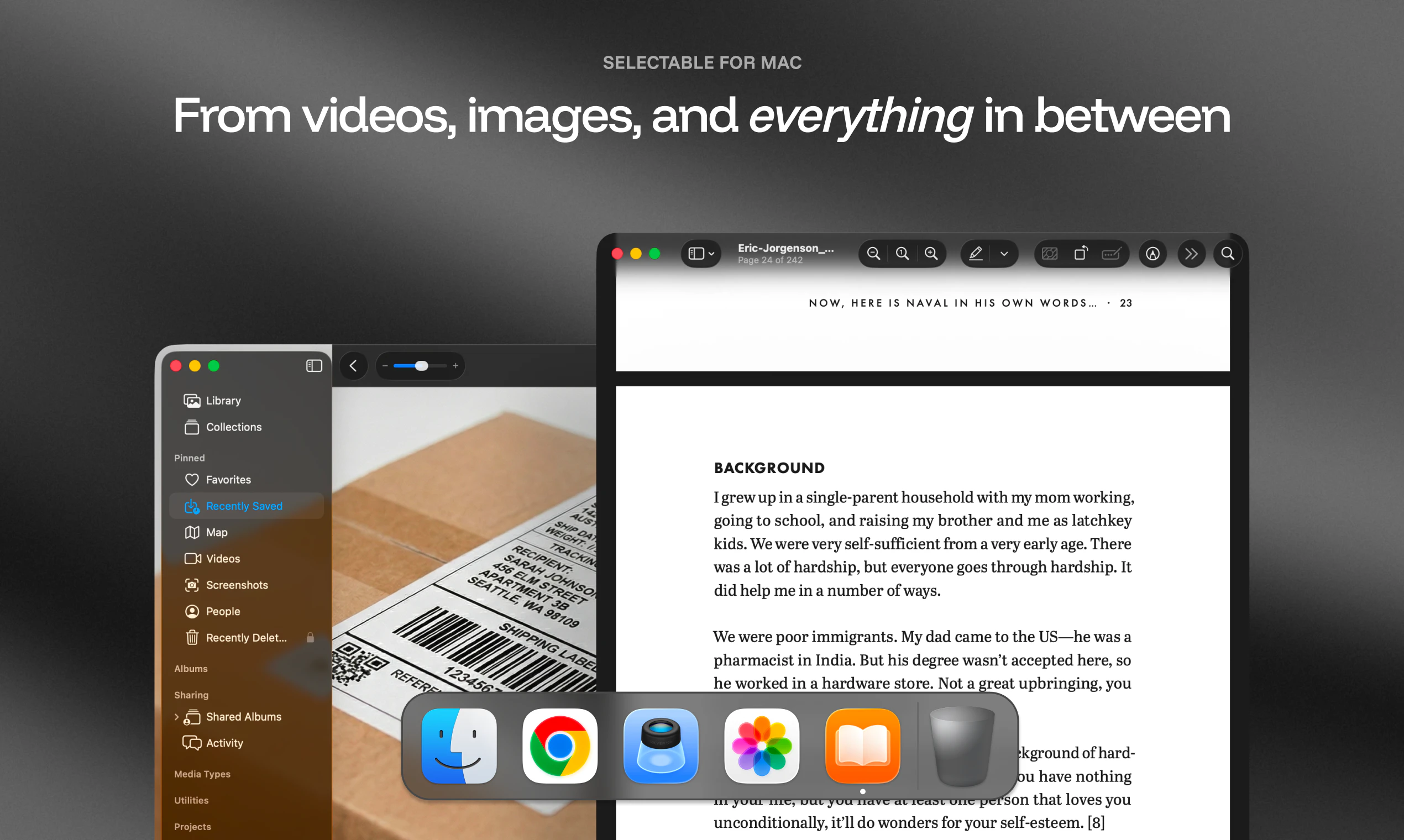
一句话介绍:Selectable 是一款 Mac 屏幕 OCR 工具,让你通过快捷键框选屏幕任意区域(包括图片和视频),即可即时提取、翻译、朗读文本,并支持敏感信息脱敏,彻底告别手动抄写或上传云端的繁琐流程。
Productivity Artificial Intelligence Menu Bar Apps
屏幕 OCR 文本提取 Mac 工具 本地私有化 智能捕获 Markdown 转换 文本朗读 敏感信息脱敏 翻译 Apple Vision
用户评论摘要:用户普遍认可其“框选即拿”的流畅体验,尤其对无需上传、纯本地运行给予好评。有人关心对手写体与低对比度文字的表现效果。还有开发者称赞其能将 OCR 结果直接转为 Markdown/JSON 表格,节省了大模型 token 费用。
AI 锐评

Selectable 表面上是一款典型的屏幕 OCR 工具,但其真正的价值在于“重新定义了 Mac 上的文本交互边界”。它没有满足于做一个“截图识字”的工具,而是通过“Smart Capture”将纯文本提取升级为结构化数据捕获(Markdown/JSON),这直接切中了开发者、设计师和重度信息整理者的痛点——他们需要的不是一堆字符,而是可复用、能加工的“数字物料”。在 AI 编程和文档工作流日趋成熟的今天,这种从“视觉输出”到“可编辑输入”的瞬间转化,极大缩短了信息闭环的链路。

从商业逻辑看,该产品谨慎地踩在了苹果生态的两个红利点上:一是 Apple Vision 和 Apple Intelligence 的本地算力(无云、无账号、无痕迹),二是 macOS 26 的 AI 特性适配——这种超前半步的定位,既保证了旧系统用户的基本体验,又为未来升级埋下了付费意愿。评论中用户提到“节省 token 成本”是一个有力的卖点,因为当 ChatGPT 等大模型被当作免费 OCR 接口使用时,Selectable 恰好填补了“轻量、实时、无需网络”的空缺。

不过,产品仍有明显的短板。首先是功能边界问题:手写体识别、非英文小语种准确度、低对比度场景下的稳定性,评论中已有用户质疑,这些往往才是实用中的“最后一公里”。其次,Smart Capture 强绑定 macOS 26,这意味着大多数现有 Mac 用户无法体验其核心差异能力,而苹果系统更新的普及速度通常以年为单位,这可能拖慢产品口碑爬坡。最后,在定价上,30%折扣后仍属付费范畴,虽然小而美,但要说服用户从“免费替代方案(如截图后拖入 ChatGPT)”迁移过来,需要持续在 OCR 准确率和结构化输出独特性上证明自己。简言之,Selectable 不是革命,而是对现有碎片化工作流的一次精准“降维打击”——但如果它不能持续在新特性上跑赢苹果自带功能,未来或许会被系统级更新所覆盖。

查看原始信息
Selectable: OCR & Text Capture
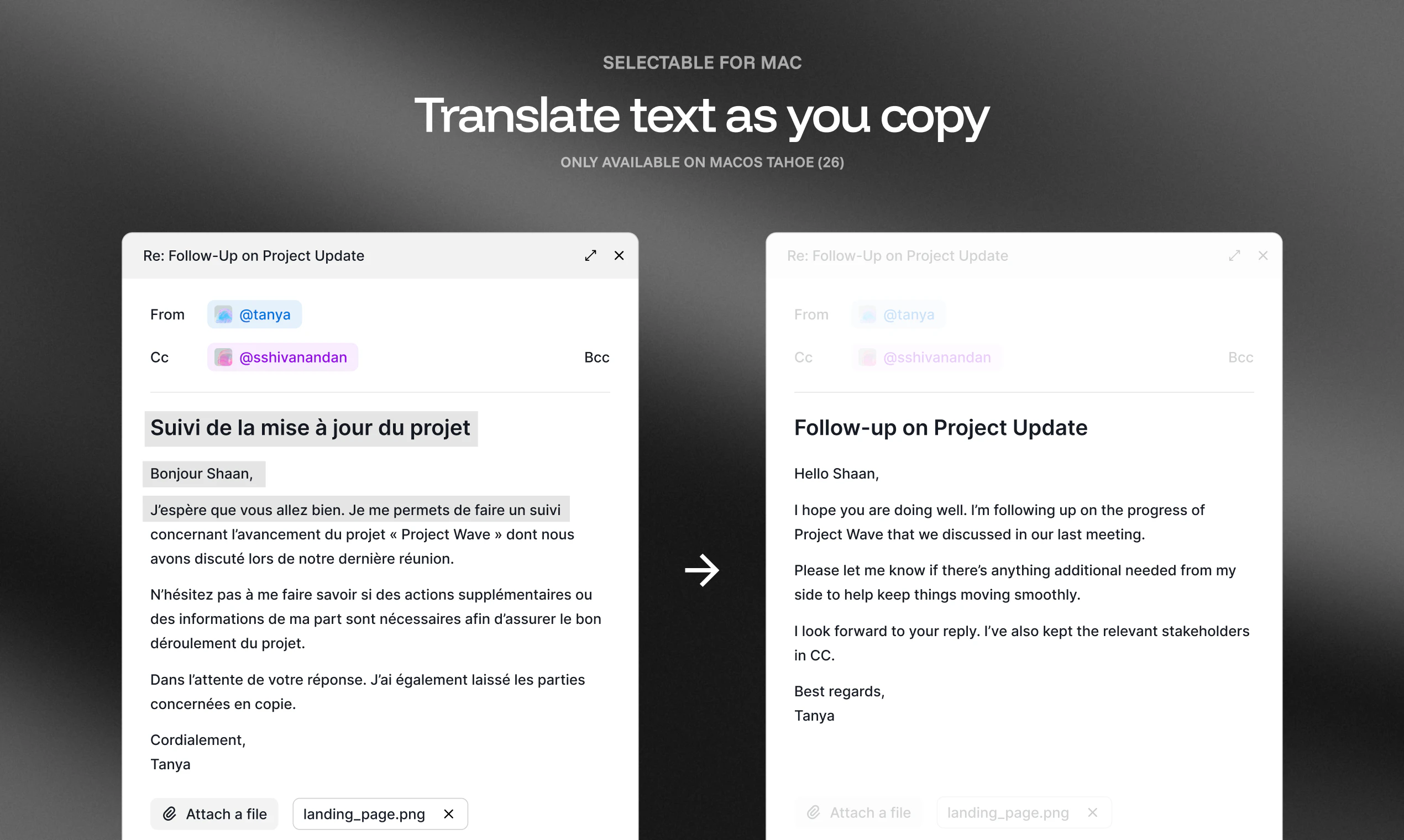
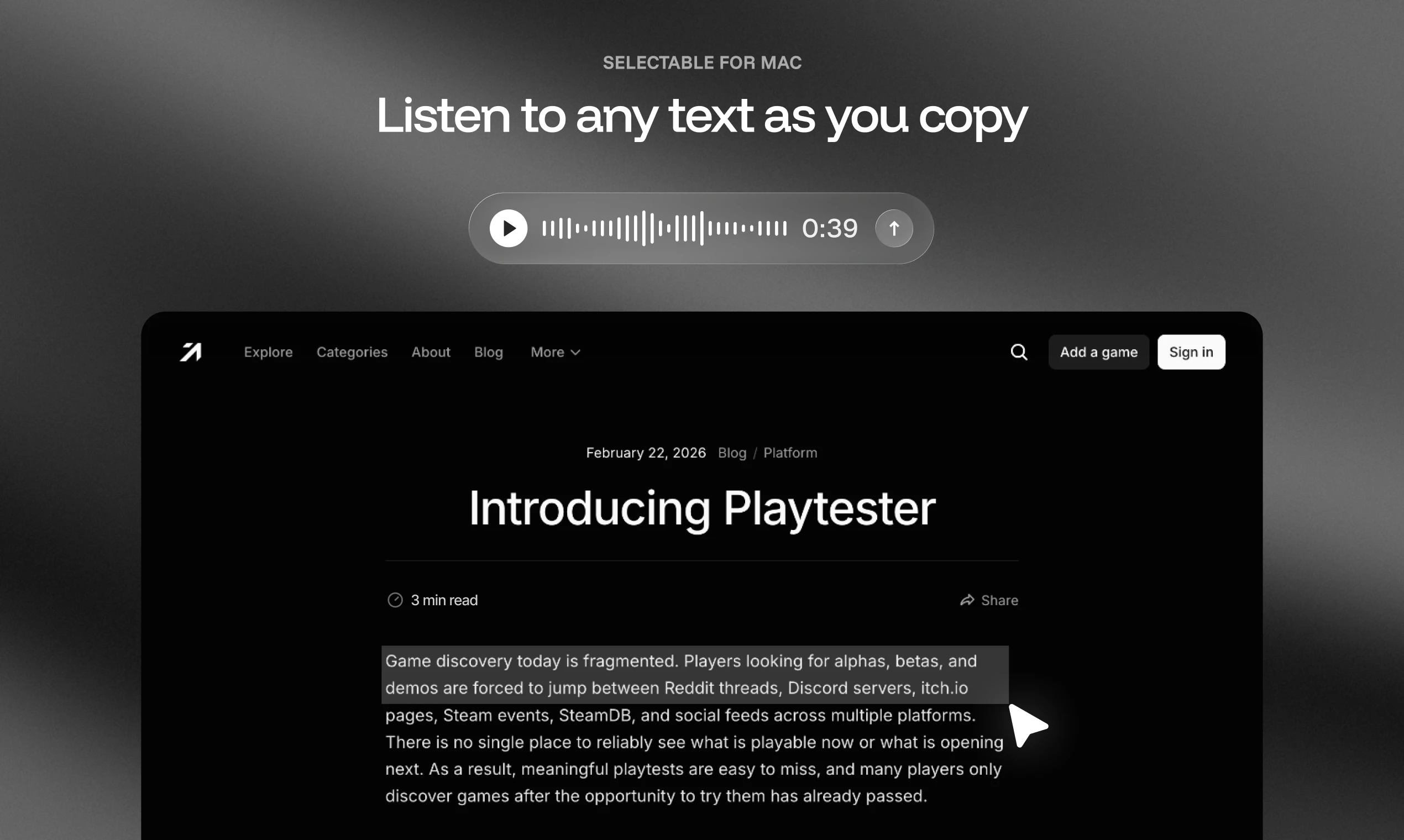
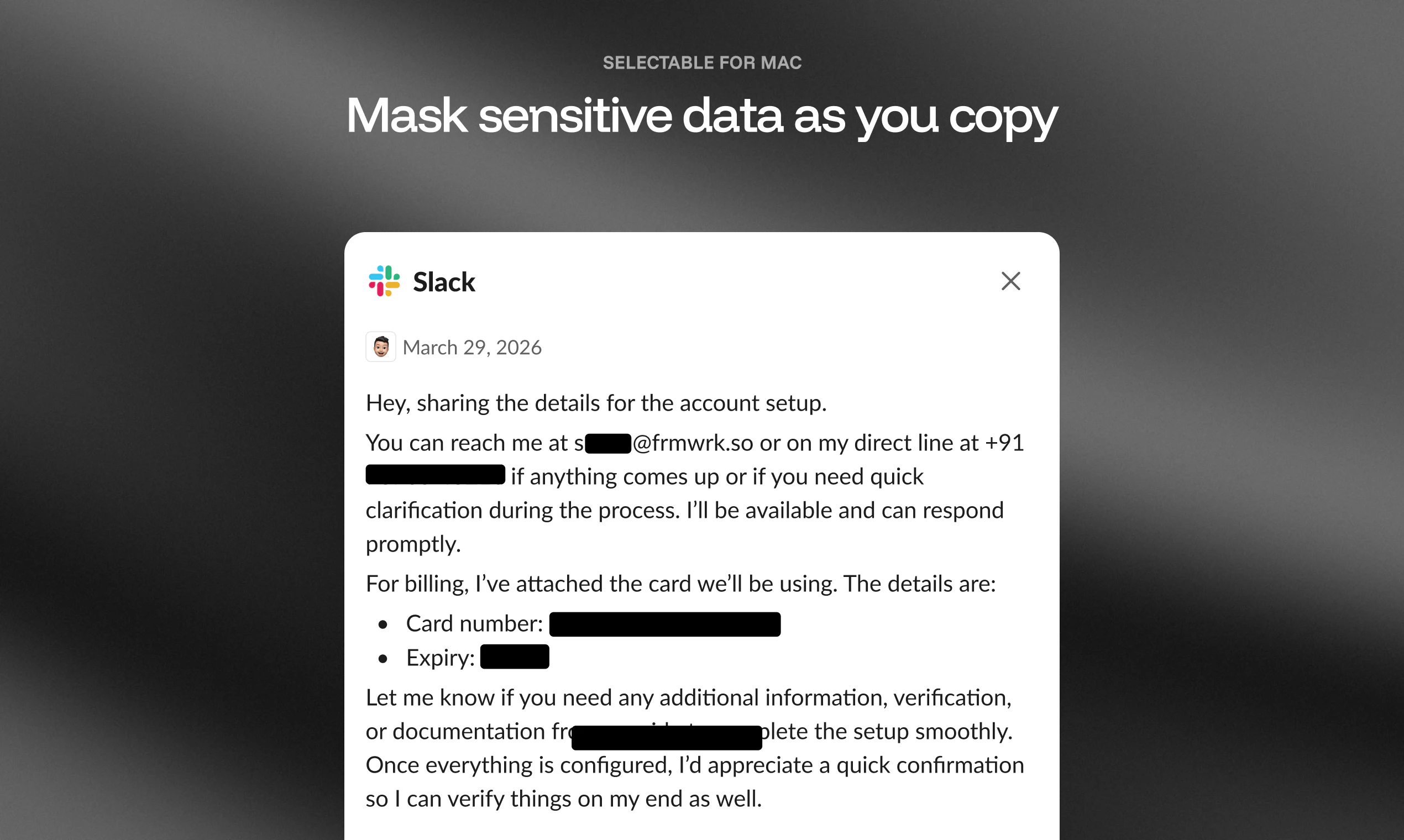
Capture and extract text from anywhere on your Mac’s screen, including images and videos. Instantly translate (on macOS 26+), listen with TTS, and mask sensitive data.

Hey Product Hunt!
As a designer and developer, copying text from images on my Mac was always tedious. I’d either drop the image into ChatGPT and ask it to extract the text, or save the file, open it in Preview, use the text selection tool, and copy what I needed. Either way, multiple steps for something that should be instant.

So I built Selectable.

Press a shortcut. Drag over any region of your screen. The text is on your clipboard.
Selectable lets you capture and extract text from anywhere on your Mac’s screen, including images and videos. From the same selection, you can instantly translate (on macOS 26+), listen with TTS, or mask sensitive data before sharing. Runs entirely on-device using Apple Vision. No cloud, no analytics, no account.

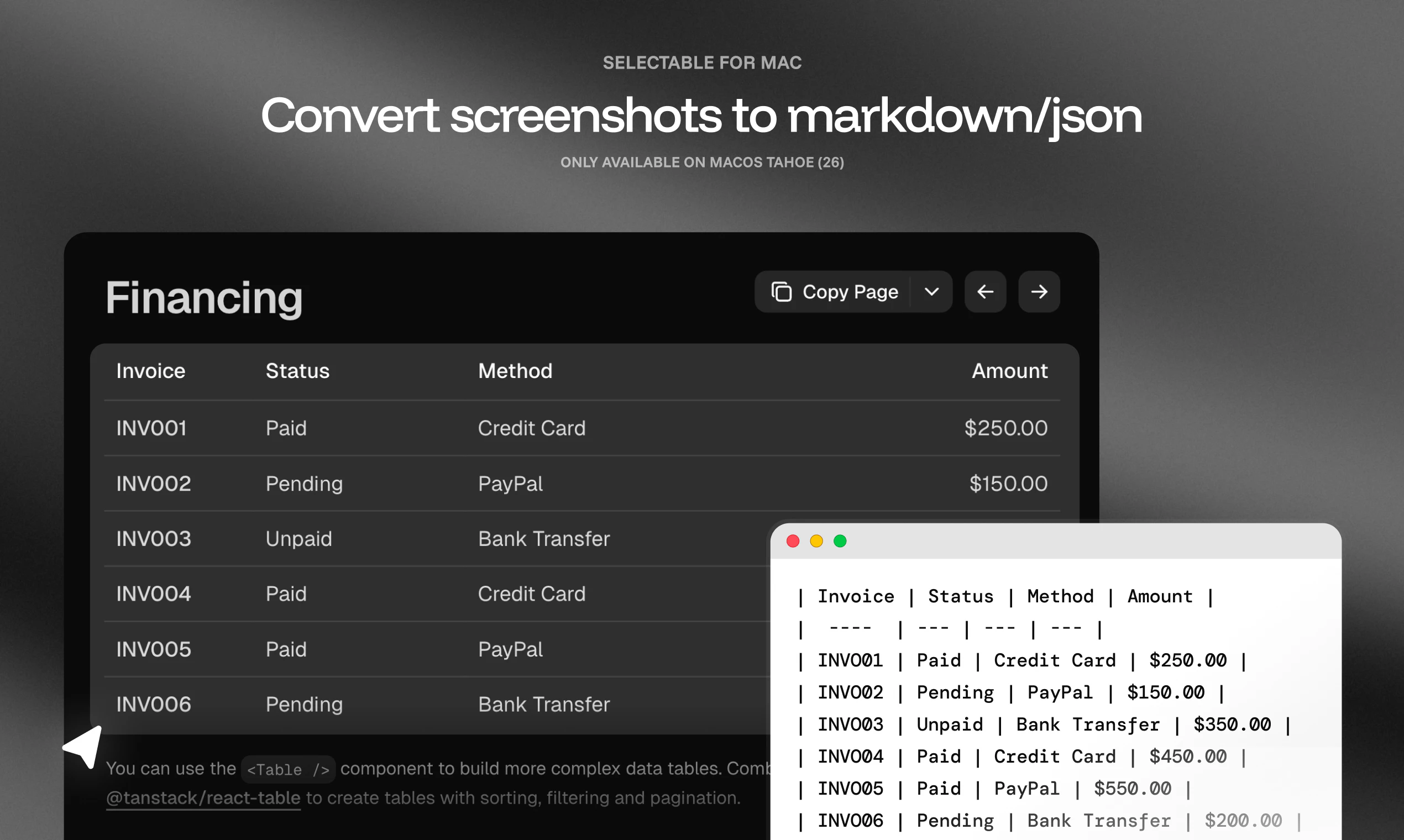
What’s new in v2.1: Smart Capture
Plain OCR gives you text. Smart Capture gives you structure.
Drag over a table on a webpage and Selectable returns a clean Markdown table. Drag over a nested list and it keeps the indentation. Drag over mixed content and the headings, lists, and paragraphs all stay where they should. Pick Markdown or JSON. Powered by Apple Intelligence, on-device. macOS 26 only.
Learn more → https://youtu.be/nGIym8bniN4

Selectable also does:
Translate captured text in 13 languages (macOS 26)
Read aloud any text on screen with built-in TTS
Mask sensitive info (emails, phone numbers, credit cards, IPs) before sharing screenshots
Custom shortcuts for every capture mode

Works on macOS 11 (Big Sur) and later. Smart Capture and Auto Translate require macOS 26. Available as a notarized DMG from https://selectable.so or on the Mac App Store.

30% off for the launch with code PRODUCTHUNT (first 500)

https://selectable.so
Built by Frmwrk Software (https://frmwrk.so).

2
回复

OCR that works directly on screen without upload is genuinely useful. I often need to grab text from video frames or design files and the usual flow is way too slow. The TTS and sensitive data masking features are good additions. Curious how it handles handwritten text or low-contrast fonts.

1
回复

This is great! was looking for something like this, converts OCR's to .MD files, this is saving lot of tokens for me.

1
回复

@nitinsm Thank you nitin!

0
回复

Okay so I'm not someone who usually buys apps — I've been on Mac for a while now and always just made do with whatever came built-in. But Selectable is genuinely my first paid Mac app purchase, and I have zero regrets.

The problem it solves is so specific and so annoying — you know when you're staring at a screenshot, or a locked PDF, or a video frame, and you just need to grab a line of text but there's absolutely no way to select it? I used to either retype it manually or dump it into ChatGPT. Both feel ridiculous in the big 26.

Selectable just fixes it. Hit the shortcut, drag over the region, text is on your clipboard. That's it. No accounts, no cloud upload, nothing sketchy — it all runs on-device using Apple's own Vision framework.

Smart Capture feature and 30% launch discount makes it a no-brainer. 100% recommend it

1
回复

Thank you @manindersingh1, this genuinely means a lot, especially knowing it's your first paid Mac app!

1
回复
#14
Plotbook
Turn property data into high-net-worth prospects instantly
8
一句话介绍:Plotbook通过地理空间财富智能平台,让理财顾问点击地图即可一键识别高净值房产所有者、其净值及联系方式,将线下“扫街”式获客转为线上精准筛选。
Fintech SaaS Maps
财富管理 高净值客户 地理空间智能 AI客户画像 房产数据 潜在客户挖掘 金融科技 精准营销 数据穿透 地图交互
用户评论摘要:用户(疑似团队)强调产品解决理财顾问识别高净值人群的痛点——所有富豪都住在富人区。核心功能是点击地图即可AI搜索业主净值、联系方式、履历等,实现“桌面端扫街”,高效构建合格潜在客户管道。
AI 锐评

Plotbook的底层逻辑极其“暴力”且有效——将“富人住在富人区”这一朴素公理,通过GIS叠加数据穿透技术转化为可操作的获客工具。其真正价值不在于地图酷炫,而在于把“地理坐标”这一最底层、最可靠的真实世界锚点,与个人信息、财富估值、联系方式等非公开数据进行了强关联。

不过产品面临两个致命挑战:一是数据的隐私合规边界。直接展示房产所有者净值与联系方式,若未经合法授权,极易触碰《个人信息保护法》红线,财富管理机构的风险部门很可能会叫停。二是数据准确性与时效性。房产所有权变更、净值波动(如股票套现或暴雷)无法实时反映,一旦给出错误“资产地图”,理财顾问登门拜访将演变为尴尬的“精准踩雷”。

目前仅8个投票,说明尚未经历大规模市场验证。作为B2B工具,Plotbook的护城河不在于地图UI,而在于它能否建立合法、动态、高精度的财富数据供应链。若只是抓取公开不动产登记簿再贴个“AI推算值”,那它不过是给“房产中介名单”披上了科技外衣;若能打通银行、信托等私有数据并形成闭环,才有可能成为财富管理领域的“彭博终端”。

查看原始信息
Plotbook
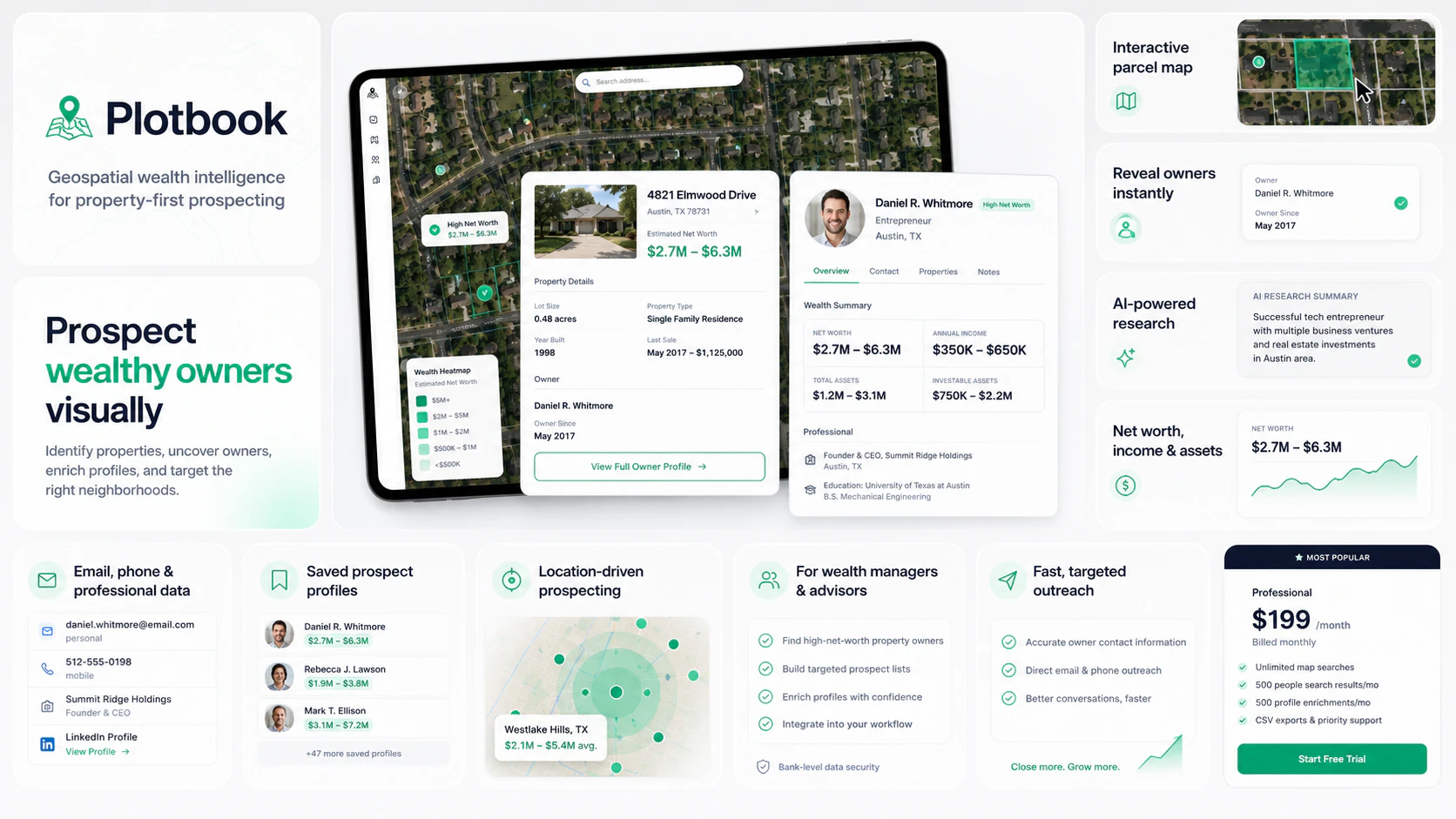
Plotbook is a geospatial wealth intelligence platform that helps wealth managers prospect high-net-worth clients through interactive property maps, AI-powered owner profiling, and verified contact data.
We built Plotbook to recreate how many wealth advisors prospect for High-Net-Worth individuals. It can be challenging to identify wealth, but the common denominator is all wealthy individuals live in wealthy neighborhoods. So we created a mapping tool that allows you to click on any property like googe maps and run a deep AI search to identify the owner, their net worth, contact information, bio, etc. This way wealth advisors can go door-to-door without having to leave their desk. It's an incredibly efficient way to build out a pipeline full of qualified prospects.
4
回复
#15
Lingotype
The diagnostic Duolingo never gave you 🦤
8
一句话介绍:Lingotype是一款付费的语言学习前诊断工具($2.99),通过9道心理与行为测试,帮你找到最适合坚持学习的语言,并制定专属学习计划,解决“盲目选语言、三周弃坑”的核心痛点。
User Experience Education Languages
语言学习诊断 学习者类型 语言选择 个性化计划 付费工具 ProductHunt新品 学习策略 避免弃坑
用户评论摘要:用户关心诊断是否纳入“每周学习时间”“因旅行急需学习”等实际约束。开发者回应称已包含时间投入的选项,并强调结果是基于数学计算,建议用户客观评估自身投入时间。
AI 锐评

Lingotype精准切中了语言学习市场一个被忽视的“上游空白”——不是教你学,而是教你该学什么。它本质上是一个反Duolingo的存在:后者靠游戏化留住你,前者却用一次性的诊断帮你避免开始。

从产品逻辑看,这更像一个“决策助手”而非学习工具。9道题、2.99美元、一次结果、一个计划——极简且克制。它不做留存,不搞社交,甚至连典型的增长引擎(免费+订阅)都放弃了。这种“用完即走”的商业模式,在大厂依赖用户时长的语境下显得反常识,但也带来了纯粹的价值:如果它真的能帮你少浪费3周试错,这个价格几乎是零成本。

但问题也随之而来。第一,诊断结果的科学依据有多扎实?仅靠9道题和开发者声称的“数学计算”,是否能真正区分学习者的认知风格与语言匹配度?这需要更透明的测试原理公示。第二,用户实际决策中,兴趣、工作需求、文化吸引力往往是更强大的动机,而非“认知类型”。那些选了日语的人,可能只是因为看了十年动漫。第三,$2.99的定价虽低,但拦住了“先试试”的冲动用户,而这类用户恰恰是“三周弃坑”的高发群体——产品反而不服务他们。

总体而言,Lingotype的价值在于揭示了“选择比努力重要”这一朴素真理在语言学习中的具体应用。它不是颠覆者,而是一个聪明、聚焦的“指南针”——前提是你愿意在打开Duolingo之前,先停三分钟回答它的问题。

查看原始信息
Lingotype
Most people open Duolingo, pick Spanish because everyone picks Spanish, and quit in 3 weeks. Not because they're lazy — because they chose the wrong language for how they think and what they actually want. Lingotype is a 9-question diagnostic that maps your learner archetype and tells you which language you're most likely to actually stick with — and how to study it. No streaks. No gamification. One result. One plan. One-time $2.99.

Do you tailor the result based on practical constraints too, like time per week or whether you need to learn fast for travel reasons?

1
回复

@othman_katim Yep! One of the questions accounts for the range of minutes you account for. Note: these are all mathematical calculations, so yeah, you should assess if that's the actual time you'll factor in.

0
回复
Hey everyone, I built Lingotype because I watched myself and everyone around me spend years "studying" a language with nothing real to show for it. The problem wasn't effort — it was that no tool ever asked what kind of learner you actually are before throwing a course at you. So I built the diagnostic that should come before any language app. 9 questions. Your archetype. A strategy built around how your brain actually works. It's not a Duolingo replacement. It's the thing you do before you open Duolingo. Genuinely curious — how did you all pick which language to learn? Did it stick? Top 14 Most Popular Courses 🇺🇸 English 🇪🇸 Spanish 🇫🇷 French 🇯🇵 Japanese 🇩🇪 German 🇰🇷 Korean 🇮🇹 Italian 🇨🇳 Chinese 🇧🇷 Portuguese 🇮🇳 Hindi 🇷🇺 Russian 🇪🇬 Arabic 🇹🇷 Turkish 🇳🇱 Dutch ...and more.
0
回复
#16
ShipLog
Stop shipping in silence.
8
一句话介绍:ShipLog 通过连接 GitHub 仓库,自动将合并的 PR 转化为面向用户的可视化更新日志,解决开发者手动维护更新记录耗时且易遗漏的痛点,帮助团队保持版本迭代的透明度和用户沟通效率。
SaaS Developer Tools GitHub
开发者工具 自动更新日志 GitHub 集成 AI 生成 用户沟通 项目管理 SaaS 工具 版本发布 透明度提升 营销组件
用户评论摘要:用户认可“PR→用户日志”的方向,但指出难点在于筛选哪些改动对用户可见,建议增加人工审核步骤,将 PR 标记为用户可见/内部/修复/基础设施等类别,并用用户收益语言而非实现细节来草拟更新,以避免噪音。
AI 锐评

ShipLog 精准切入了一个微小但高频的痛点——开发者的“告知义务”与“维护负担”之间的矛盾。将 PR 自动转为更新日志,其直接价值是节省时间,并降低因“沉默发货”导致的用户支持票。但从评论区看,它面临的真正挑战并非自动化程度,而是“什么样的更新值得被用户看见”这一信息筛选与表达问题。如果只是将所有合并 PR 一股脑丢给用户,结果可能是制造了另一种噪音——用户看到一堆内部重构和基础设施改动,反而会认为“项目变化频繁但毫无章法”。

真正的产品护城河不在于“生成”,而在于“优先级编排”和“用户视角的翻译”。ShipLog 现在更像是一个“笨拙的秘书”,把所有记录堆上来;如果能进化成“聪明的公关”——自动识别功能类 PR、用价值语言而非技术语言重写、甚至根据用户角色提供不同层级的更新摘要,它才可能从“锦上添花的小工具”升级为“不可或缺的用户沟通中枢”。目前 8 票的低热度也说明,该产品尚需在“为什么我的日志比我自己写的更有意义”上给出更尖锐的答案。否则,它很容易沦为开发者的自娱自乐。

查看原始信息
ShipLog
Connect your GitHub repository and automatically generate beautiful, user-facing changelogs from your merged pull requests. You can create a project, link your repos, and generate a changelog with just a click. It helps you maintain visibility on your work and reduces support tickets by showing users that you are actively shipping updates. The service provides a public changelog page, marketing site widget, and even sends weekly email digests to keep your users informed about the latest changes.
Problem It Solves : Manual changelog creation is time-consuming and often leads to stale or forgotten updates, causing confusion among users about the status of a project. Solution : ShipLog automates the changelog generation process by reading merged pull requests from your GitHub repository and drafting the changelog for you. This saves time and ensures that your changelog is always up-to-date. What Makes It Unique : ShipLog uniquely combines AI technology with GitHub integration to provide a seamless and automated changelog experience, reducing overhead and improving visibility for users.
0
回复

I like the “PRs → user-facing changelog” direction. The hard part is usually not generating release notes, it’s deciding which engineering changes deserve customer-visible framing and which audience they matter to.

A feature I’d look for: a review step that labels each merged PR as user-visible / internal / bugfix / infrastructure, then drafts the update in benefit language instead of implementation language. That would make it much easier for small teams to turn shipping cadence into retention without creating noisy changelogs.

0
回复
#17
Memory4Me
A personal memory log you keep via Telegram or web
7
一句话介绍:Memory4Me 是一款通过 Telegram 或网页记录个人记忆的AI笔记工具,它自动将用户的零碎想法、评价等整理分类,让你用自然语言即可随时检索,解决了“记了但找不到”的痛点。
Productivity Notes Artificial Intelligence
AI笔记 个人记忆日志 Telegram机器人 自动分类 隐私优先 自然语言检索 个人知识管理 轻量级日记 无广告 订阅制
用户评论摘要:目前仅收到创始人的自我推荐评论。他强调了产品的隐私设计(单人账户、不训练模型、无广告),并坦承这是个人副业项目,提供了付费订阅以覆盖AI成本,期待对粗糙之处的反馈。
AI 锐评

Memory4Me 精准切入了一个被大厂忽略的“中间地带”——它既不是Notion那种需要用户主动建设的重型知识库,也不是Apple备忘录那种基础到几乎无结构的速记本。其核心价值并非“记录”,而是“遗忘后的低成本召回”,通过AI自动对非结构化文本进行标签化解析,将用户的碎片信息变为可检索资产。这一设计非常符合现代人信息过载、注意力分散的趋势。

然而,产品面临显著瓶颈。首先,7个投票和仅创始人的评论表明其尚处于极早期,缺乏验证。最大的风险在于“护城河”过浅。基于大模型API解析+关键词搜索的技术栈,极易被模仿。Telegram的渠道依赖既是特色也是枷锁,限制了脱离IM生态的独立场景(如大量图片/音频笔记)。其次,$2/月对100条记忆的限制略显奇怪,对轻度用户不够友好(可能不如直接开个免费ChatGPT线程),对重度用户而言,Pro版$6/月的定价与功能深度尚难证明其不可替代性。

隐私虽是亮点,但“不训练模型”是多数SaaS产品目前的基本伦理标准,而非独特卖点。真正的考验在于,当用户尝试搜索“我对《沙丘2》的感觉”时,AI是否能准确理解隐晦的、跨语境的情感表述。如果检索效果不佳,核心承诺便沦为泡影。简而言之,Memory4Me 是一个极简且优雅的想法,但距离成为一款有生命力的产品,还需要在检索准确率、场景扩展(如支持更多平台、嵌套图片)以及建立用户迁移成本上证明自己。

查看原始信息
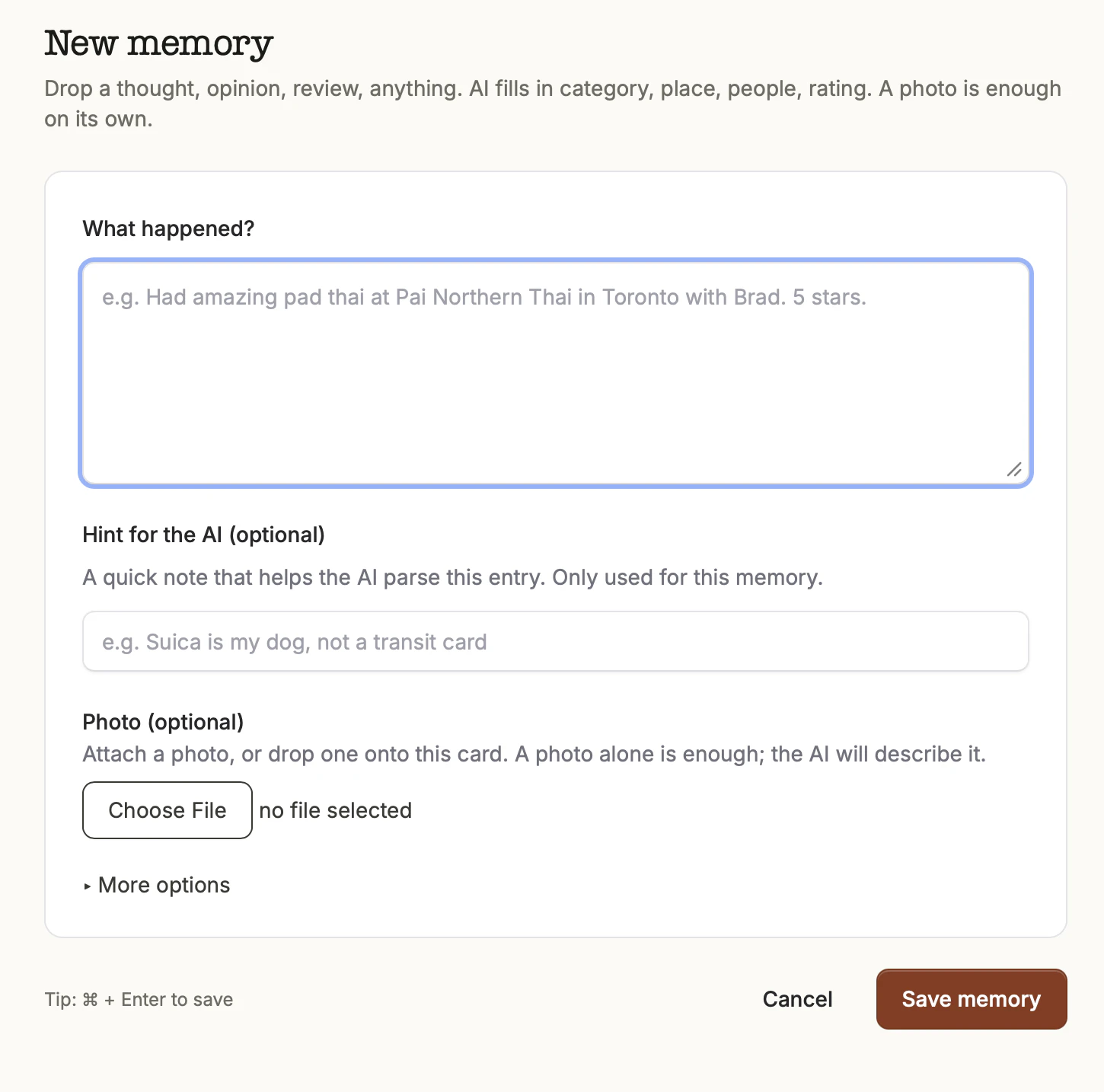
Memory4Me
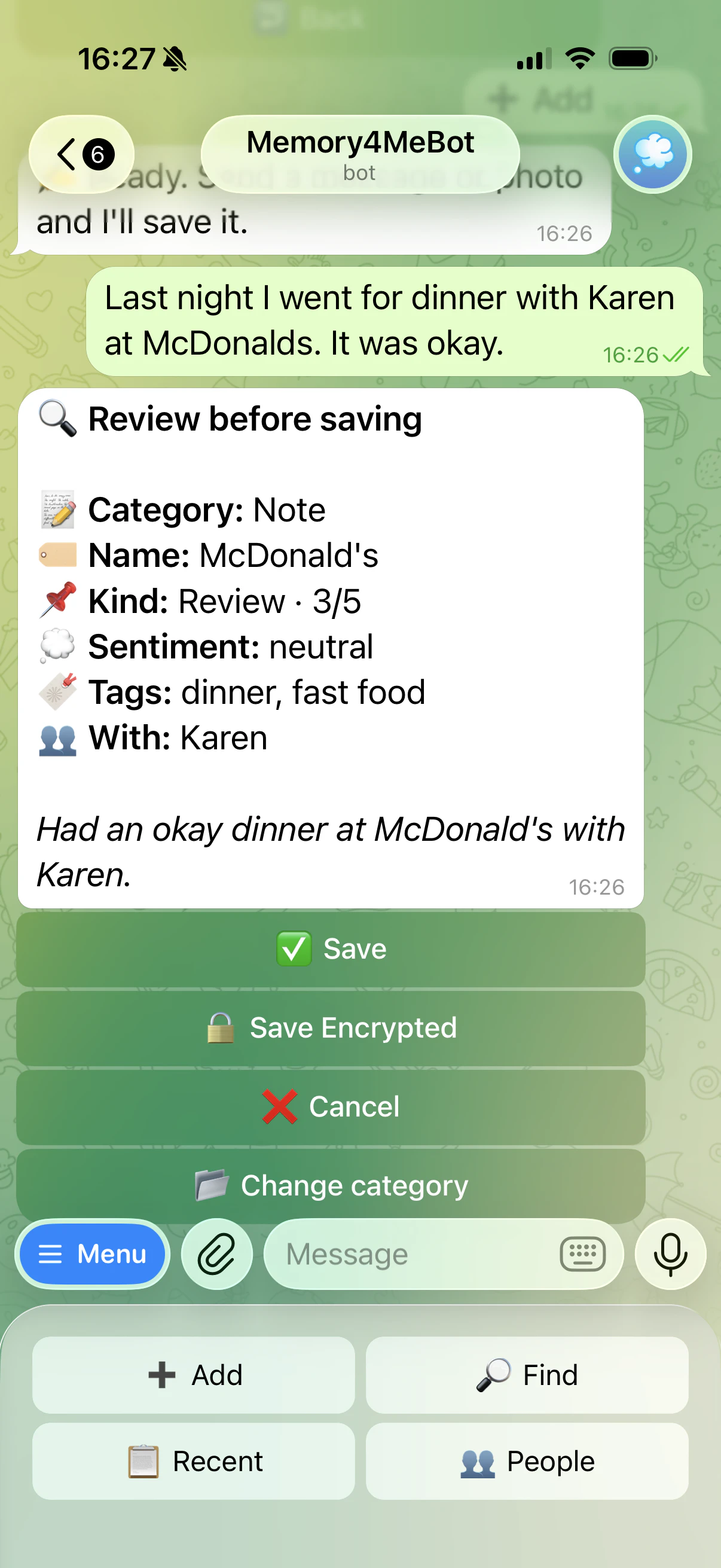
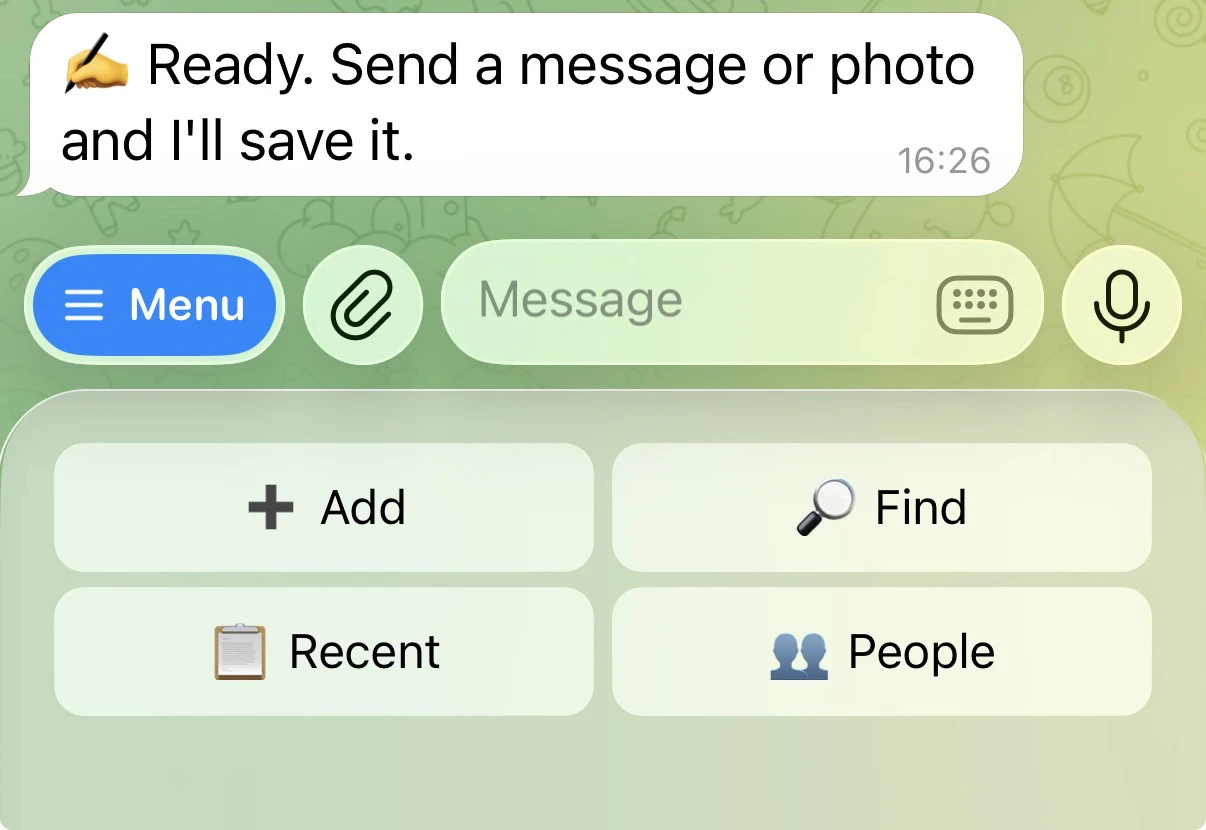
Most note apps want you to organize. Memory4Me organizes for you. Text a Telegram bot, or type on the web. AI parses each entry into category, entity, rating, location, and the people you mention. Ask in plain English ("what did I think of Pai?") and AI translates to filters. Private by design: your account, your data, never used to train models. No ads, no algorithm, no sharing. Free trial, then $2/mo (Starter) or $6/mo (Pro).

Hey Product Hunt, Steven here. I'm the maker.

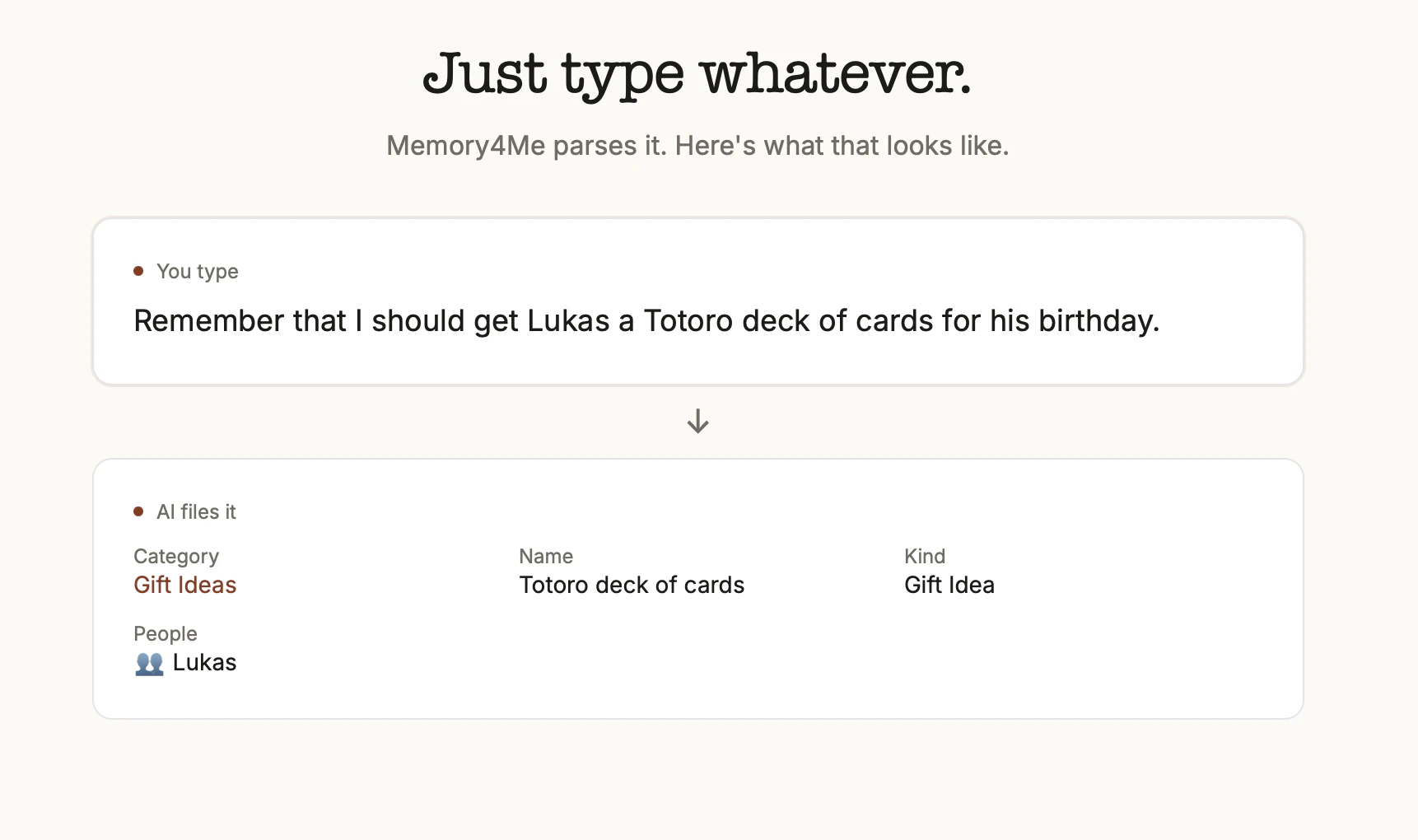
I built Memory4Me for myself. I'd been texting half-formed thoughts, restaurant reviews, and gift ideas to a private Telegram thread for years and could never find any of them later. So I built a bot that files each message: category, entity, people, place, rating. All parsed by Gemini in the background.

Privacy was the whole point. One account, one user. Each Telegram chat is scoped to exactly one person. Your memories are never used to train AI models, never shared, never shown to anyone but you. No ads. No algorithm. No social graph.

You can use it from Telegram or the web, whichever fits the moment. It's a one-person, ad-free side project. Two paid tiers cover the AI costs: $2/mo Starter (100 memories per month) for casual journalers, or $6/mo Pro for unlimited (founder pricing locked in).

Would love your honest feedback, especially on the rough edges. Thanks for taking a look.

0
回复
#18
sshoosh
A tiny TUI Slack-replacement over SSH
5
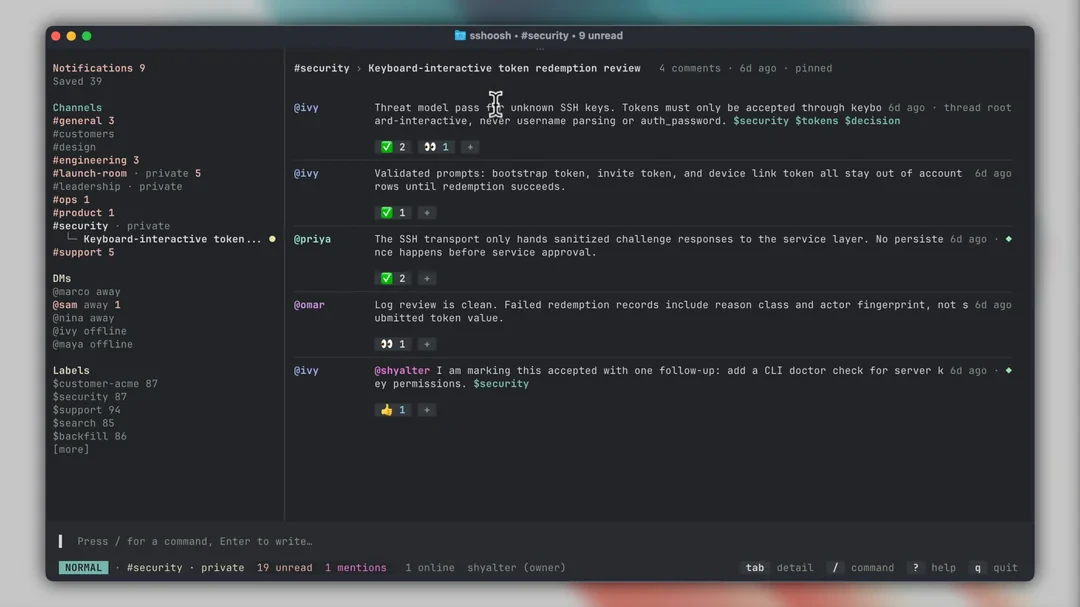
一句话介绍:sshoosh 是一个自托管的、运行在 SSH 协议之上的终端聊天工具,专为习惯命令行的技术团队打造,让他们无需浏览器和复杂服务即可进行频道、私信、线程等团队沟通。
Productivity Open Source GitHub Chat rooms
终端UI SSH聊天 团队协作 自托管 Rust SQLite 命令行工具 轻量级 TUI 隐私优先
用户评论摘要:目前仅有一条开发者自述评论,无用户反馈。开发者希望获得尖锐的改进意见,并强调了工具极简自托管、SSH原生认证和“终端即产品”的设计理念。
AI 锐评

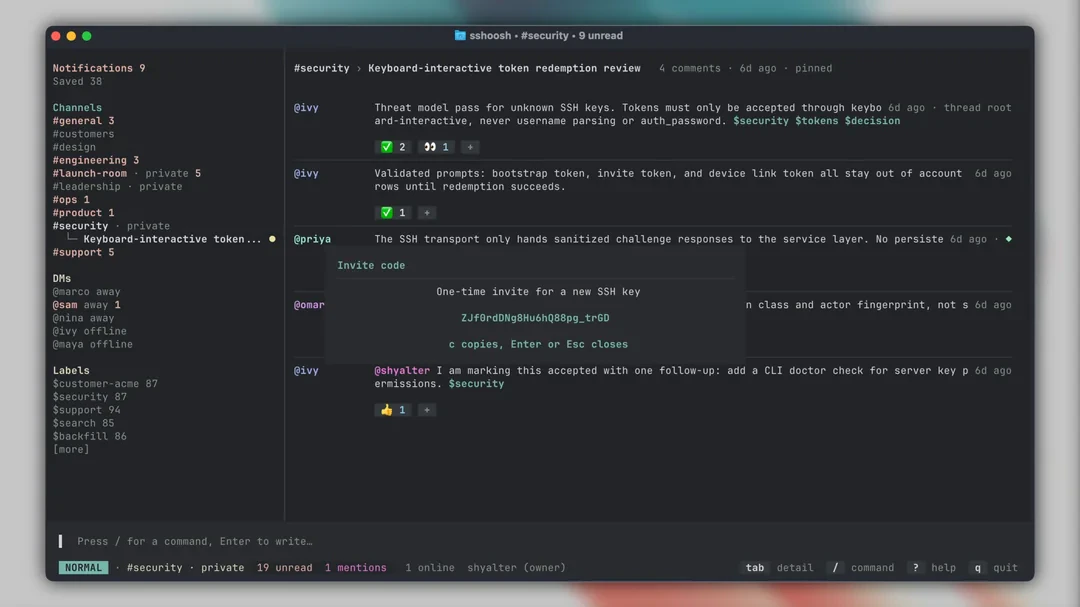
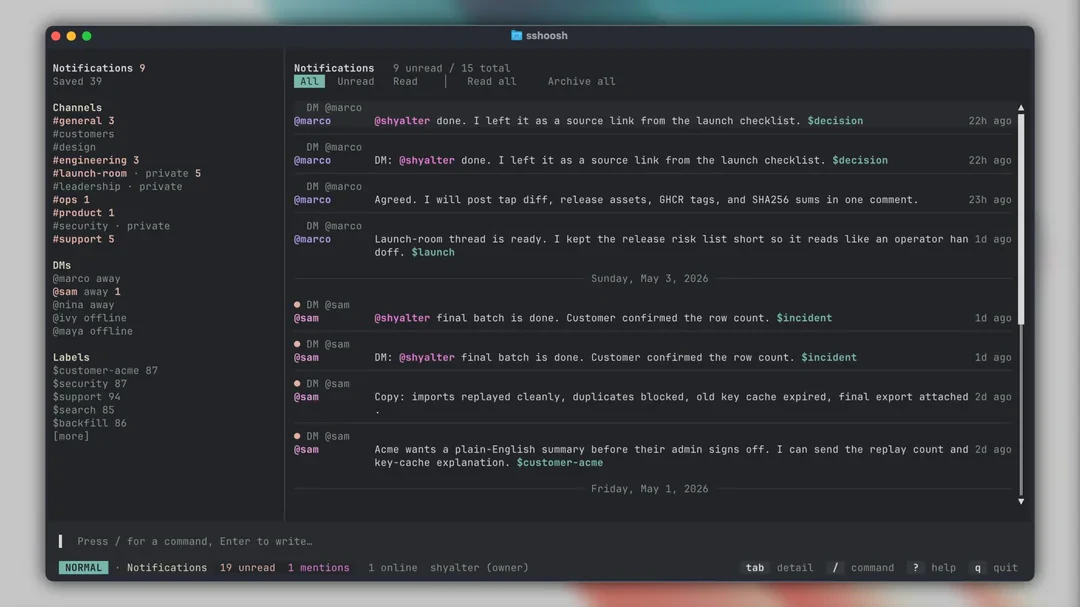
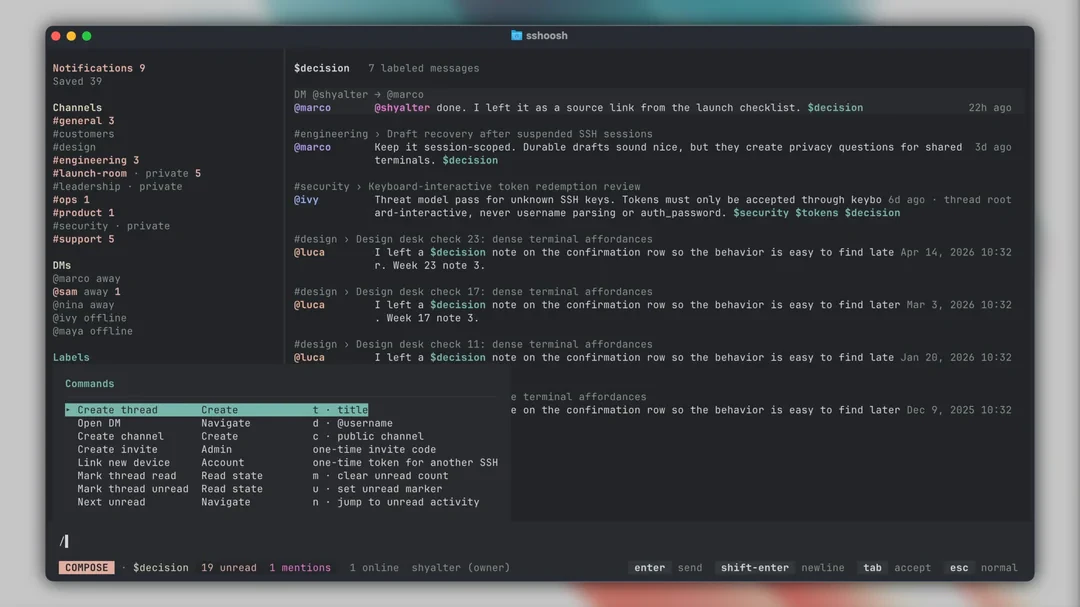
sshoosh 是一个充满极客精神但市场规模存疑的实验性产品。它的核心价值在于对“重型协作工具”的极致反叛:一个二进制文件 + SQLite + SSH 主机密钥即可运行所有功能。对于运维、SRE 或极简主义开发者来说,这种部署方式和“终端即产品”的交互逻辑确实能打破 Web 应用带来的上下文切换与复杂度。

然而,这恰恰是其最大软肋。它强行将团队沟通与系统操作绑定在同一个 SSH 会话中,虽然提升了“环境统一性”,却牺牲了现代协作工具的基石——多媒体、富文本、文件预览以及低学习门槛。用户评论数为零,投票仅5票,说明其定位过于小众,尚未触发大众痛点。此外,终端密集的 UI 和 SSH 密钥认证虽然安全,却对非纯粹命令行用户构成了极高的准入门槛。

本质上,sshoosh 更像是一个证明“聊天可以有多轻量”的技术演示,而非一个具有广泛商业潜力的团队协作工具。对于大多数团队而言,“轻量”不足以弥补“孤立”和“难用”的代价。其真正价值在于启发行业:能否在保持功能完整性的前提下,将协作工具的资源消耗降到极致?但若要继续演进,它必须考虑提供 Web 桥接或 API,否则注定只是极客们后花园里的精致玩具。

查看原始信息
sshoosh
sshoosh is a self-hosted workspace chat that opens directly inside SSH. Users connect with SSH keys and get a dense terminal UI for channels, threads, DMs, notifications, mentions, reactions, unread state, search, exports, and administration. It runs as one Rust binary with SQLite/libSQL, one SSH host key, and optional app-level encryption.
Hey Product Hunt, I like tools that are easy to run and easy to inspect. A lot of team software gets heavy quickly: browser app, hosted account model, workspace setup, service dependencies, and a long list of operational assumptions. sshoosh is an experiment in the other direction. It is a workspace chat served over SSH. Users connect with SSH keys and the terminal becomes the product. The server is one Rust binary. State lives in SQLite/libSQL. Runtime identity is one SSH host key. You can run it locally, on a LAN, behind Tailscale, in Docker, or as a small VPS daemon. Inside the TUI you get the normal pieces of team chat: channels, threads, DMs, mentions, notifications, reactions, unread state, search, saved messages, labels, exports, and admin/audit flows. The interface is dense on purpose. It is meant for people who work in terminals and want the workspace to stay close to the systems they operate. The auth design is SSH-native. Unknown keys must redeem a bootstrap, invite, or device-link token through masked keyboard-interactive auth before any account/key row is written. Tokens are not parsed out of usernames, sent through password auth, or meant to sit in shell history. It is early, but usable. I am mostly looking for sharp feedback Docs and install: https://puemos.github.io/sshoosh/ GitHub: https://github.com/puemos/sshoosh
0
回复
#19
MindMesh
The workspace that thinks forward
5
一句话介绍:MindMesh 是一款面向创始人、创作者和重度信息工作者的认知工作空间,利用其 AI 系统 Nova 将碎片化的笔记、任务、文档、AI 聊天和研究整合到一个平台,帮助用户在混乱产出中梳理思路、生成结构并直接转化为可执行计划。
Productivity Notes Artificial Intelligence
认知工作空间 AI 辅助组织 思维结构化 碎片信息整合 生产力工具 执行转化 知识管理 流程简化 Nova AI 效率提升
用户评论摘要:用户反馈的核心问题是当前工具只解决了信息存储,却无法处理信息超载与再连接上下文。通过 MindMesh,用户希望减少手动整理负担,并让散乱输入自动转化为可执行的“认知流”。建议是保持系统轻量,避免变成新的一种“管理混乱”。
AI 锐评

MindMesh 的定位精准——它抓住了“信息存储”与“认知准备”之间的断层。大多数工具(如 Notion、Roam、Obsidian)本质上是数据库的变体,它们假设用户已经知道自己要组织什么;而 MindMesh 试图向前迈一步:替代用户的头脑在“无序—结构—执行”过程中的手动编排。Nova 系统不再是被动接受用户输入的机器人,而是一个主动提出结构、提炼优先级、甚至预演执行路径的“认知领航员”。

但需要警惕的是这类工具的“操作压”。从用户投票数和评论热度看(仅5票,但评论者几乎都是产品实践者),产品可能仍在早期小众人群中验证。如果 Nova 的中介过程变成另一种“提示词填表”—用户需要花更多时间调教 AI 才能获得需要的结果—那么它反而会加剧认知负荷。

其最硬核的价值在于,它能否正确识别用户意图中的“隐性上下文”(比如做项目计划时需融合历史笔记、聊天讨论、待办)。如果 Nova 能做到无感关联、少用向导多用暗喻,MindMesh 很有可能成为替代传统画布类工具(Miro、Linear、Notion)的新一代端到端工作流载体。关键不在存储,在“重构思考的原子结构”。

查看原始信息
MindMesh
Most productivity apps help store information. MindMesh is designed to help prepare thinking. Instead of juggling disconnected notes, tasks, AI chats, documents, and research tools, MindMesh brings everything into one cognitive workspace powered by Nova — an AI system built to help organize ideas, generate structure, reduce mental overhead, and turn scattered thinking into execution. Built for founders, creators, operators, and people tired of fragmented workflows.
MindMesh was built because productivity tools became another place to manage chaos. Notes, tasks, documents, ideas, and research all lived in separate places, forcing people to do the organizing themselves. I wanted to build something different: a cognitive workspace that helps turn scattered thoughts into clear action. MindMesh brings planning, writing, notes, lists, AI assistance, and connected context into one focused system — so people can think better, move faster, and stop losing important ideas. The product evolved from a simple organization tool into something more ambitious: a workspace that does not just store your work, but helps prepare it.
1
回复

One thing I’ve noticed while building MindMesh:

People don’t really struggle with capturing information anymore.

They struggle with:

  • overload

  • fragmentation

  • reconnecting context

  • turning scattered inputs into momentum

Most tools solved storage.

Very few are solving cognitive flow.

1
回复
#20
Oxus: Family Food Weight Loss
Eat family foods & lose weight
5
一句话介绍:Oxus让你吃家人做的家常菜也能减肥,只需拍照并配合食物秤,就能获得精确到克数的进食建议,无需节食或另起炉灶,解决家庭共餐与减重难以两全的痛点。
Health & Fitness Nutrition Dieting
减肥 家庭餐 卡路里控制 食物秤 AI拍照识别 体重管理 个性化饮食 无痛减脂 饮食记录 健康生活
用户评论摘要:用户询问热量赤字是否根据活动量和目标个性化。开发者回应称系统会根据用户选择的活动水平和减脂速度,给出家庭菜肴的精确克数指导,并提供7天免费试用与一对一指导。
AI 锐评

Oxus切中了一个非常具体且高频的痛点:与家人同住、又希望减重的人群。它没有重造“健康食谱”或“代餐”这些拥挤赛道,而是选择“适配家常菜”这一实用主义路径,降低了用户的执行门槛。从产品设计看,核心逻辑是将传统的“量化饮食”简化成拍照+称重两步,这对于在家庭环境中缺乏饮食控制权的用户具备一定吸引力。

但必须指出,这个产品目前仍处于极早期(仅5票),其真实价值尚未经过足够规模的数据验证。单张照片识别“一锅杂烩”的热量与推荐克数,技术上远比识别标准套餐复杂得多,误差范围难以忽视。此外,依赖“食物秤”作为交互介质,虽然提升了精确度,但也会增加用餐场景的违和感——每次吃饭前按推荐重量分餐,可能让“家庭温情”大打折扣。创始人在评论中承诺“亲自指导设置”,暗示产品当前的自动推荐可能仍有盲区,需要人工补位。

从商业模式看,7天免费试用后能否转为付费,取决于用户的体重数据是否持续改善,以及是否愿意为“不改变家庭饮食习惯”这一价值买单。如果Oxus能持续优化食物识别精度,并加入更灵活的家庭聚餐模式(如聚餐日、外食日),它有可能成为减重市场中一个独特的小众工具。但若仅停留在“拍照称重”的简单循环,缺乏行为激励与社交支持,则容易沦为新鲜感驱动的短期工具。
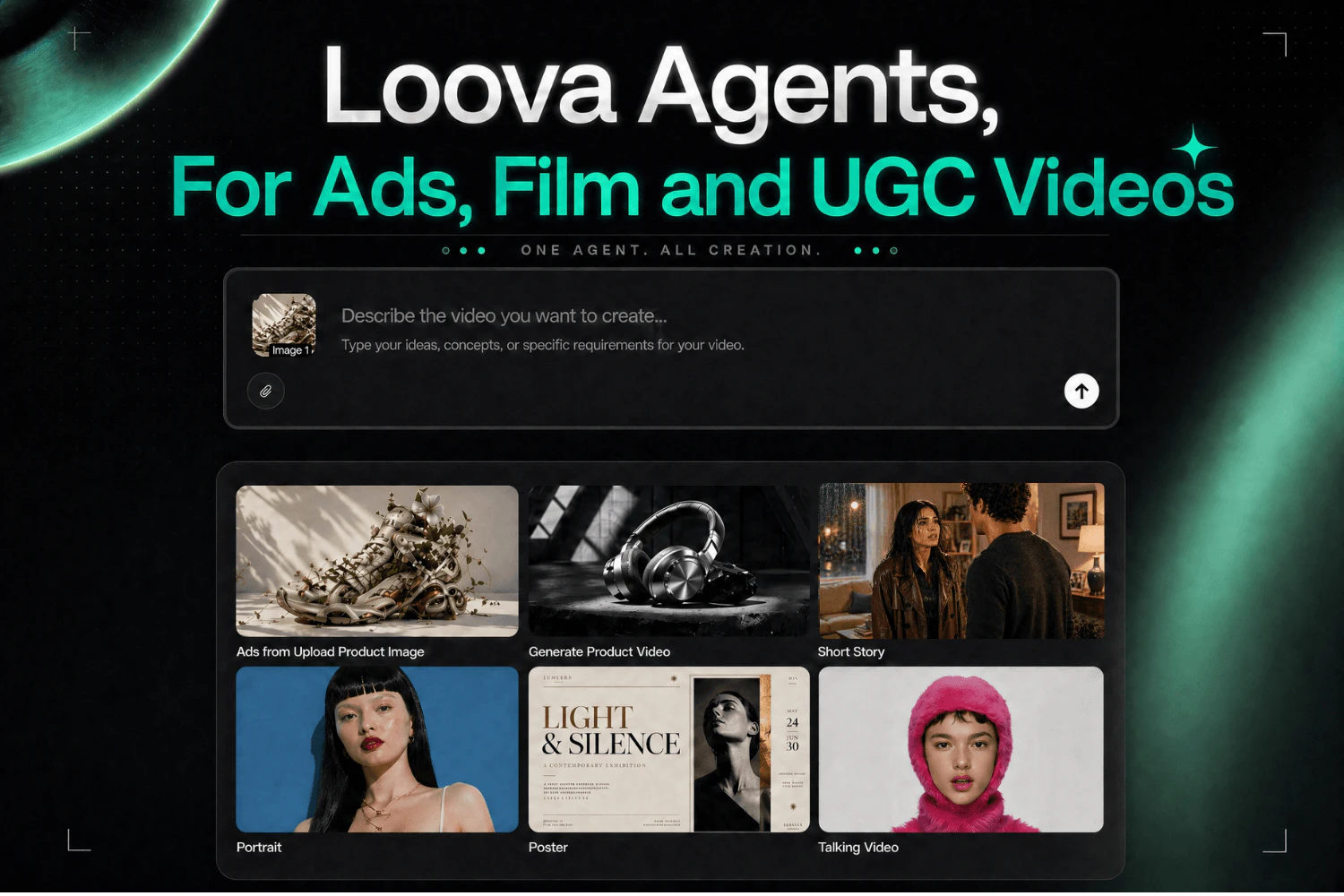
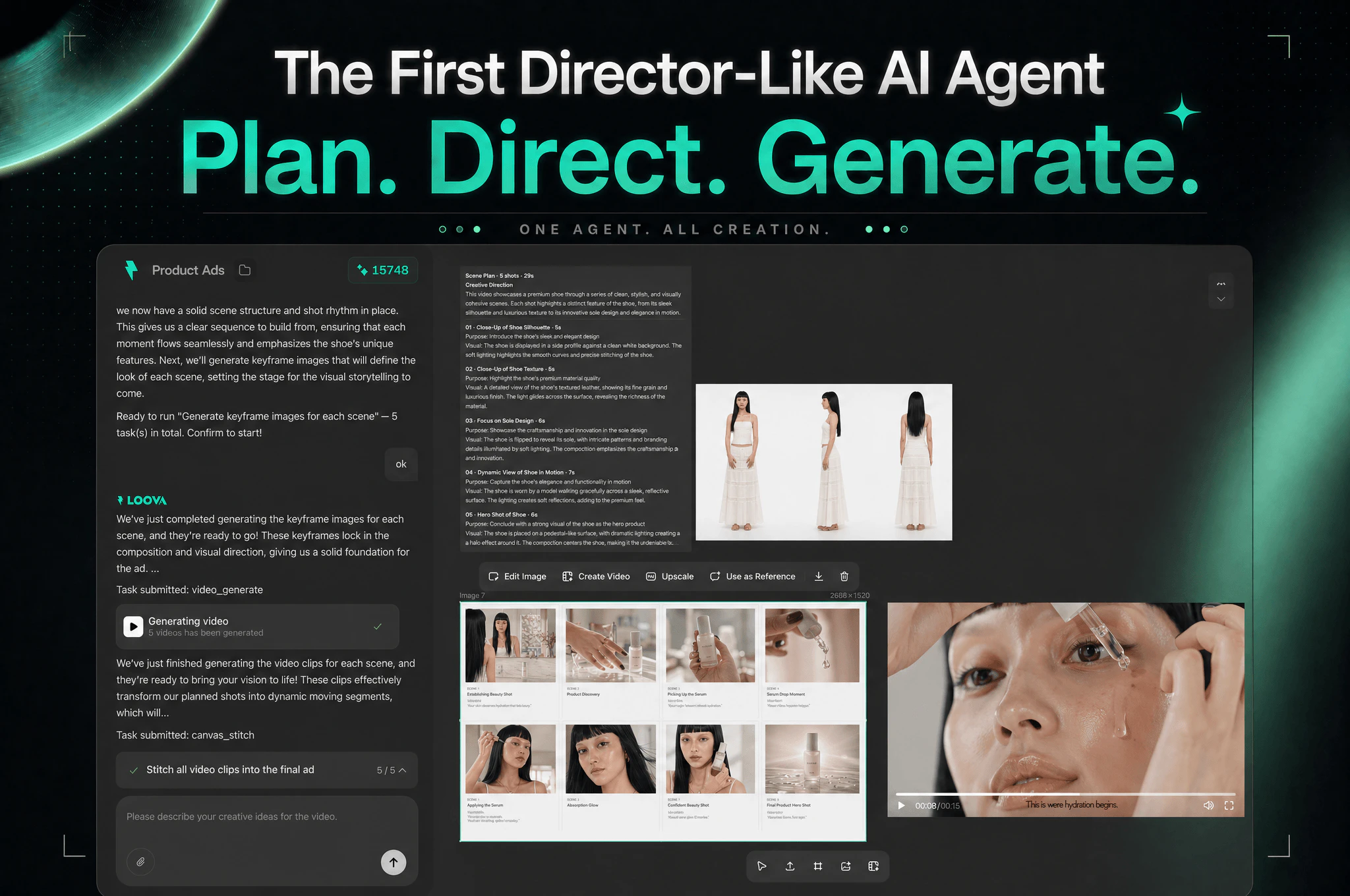
查看原始信息
Oxus: Family Food Weight Loss
Oxus lets you eat the same food your family cooks — and still lose weight. No restrictive diets. No meal prep. No separate cooking. Just snap a photo of your meal, and Oxus tells you exactly how much to eat using a food scale to stay in a calorie deficit. I built this because I live with my family and got tired of choosing between eating what they cook or losing weight. Every new user gets 7 days of full access as a gift for free

Do you personalize the calorie deficit based on activity and goals, or is it more portion guidance only?

1
回复

@othman_katim the calories are personalized to your activity level and fat loss pace that you select, and will give you exact grams of the family dishes you family is already making, if you want to try it out, you get 7 days for free as a gift, and i will be personally working with you to set it up for you and get you going to make sure you lose weight while eating family foods, let me know!

0
回复
Hey everyone, I built Oxus because I live with my family and was tired of choosing between eating the same delicious home-cooked meals they make every night or trying to lose weight. So I made an app that tells you exactly how many grams to eat of whatever is already on the table — no restrictive diets, no cooking separate meals, no boring food. I lost 20kg (44 pounds) doing this. Every new user gets 7 days of full access completely free as a gift. Would love to hear from others who also live with family and struggle with the same problem. Does this resonate with you?
0
回复