Product Hunt 每日热榜 2026-05-18

PH热榜 | 2026-05-18

#1
LobeHub
Your Chief Agent Operator for multi-agent work
408
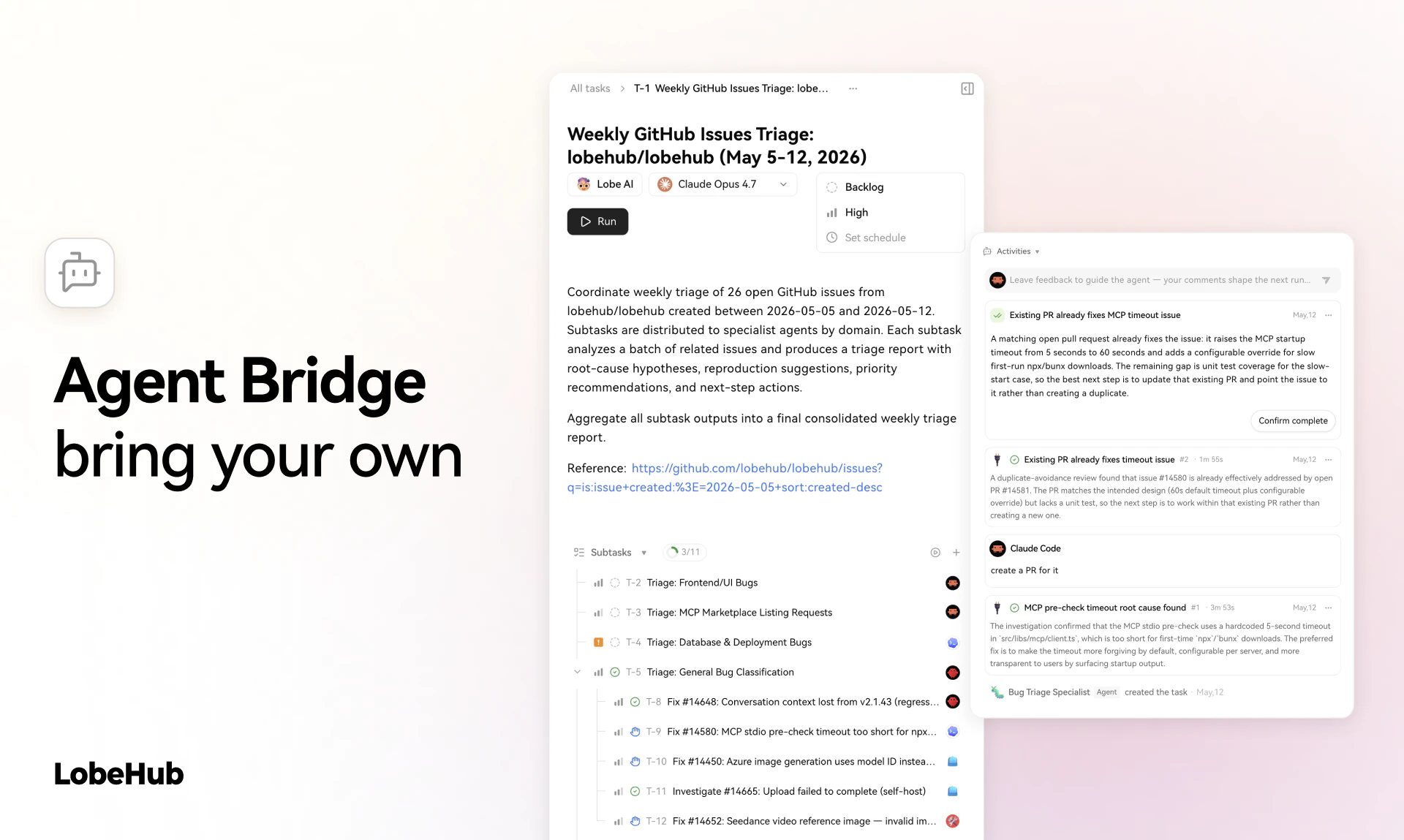
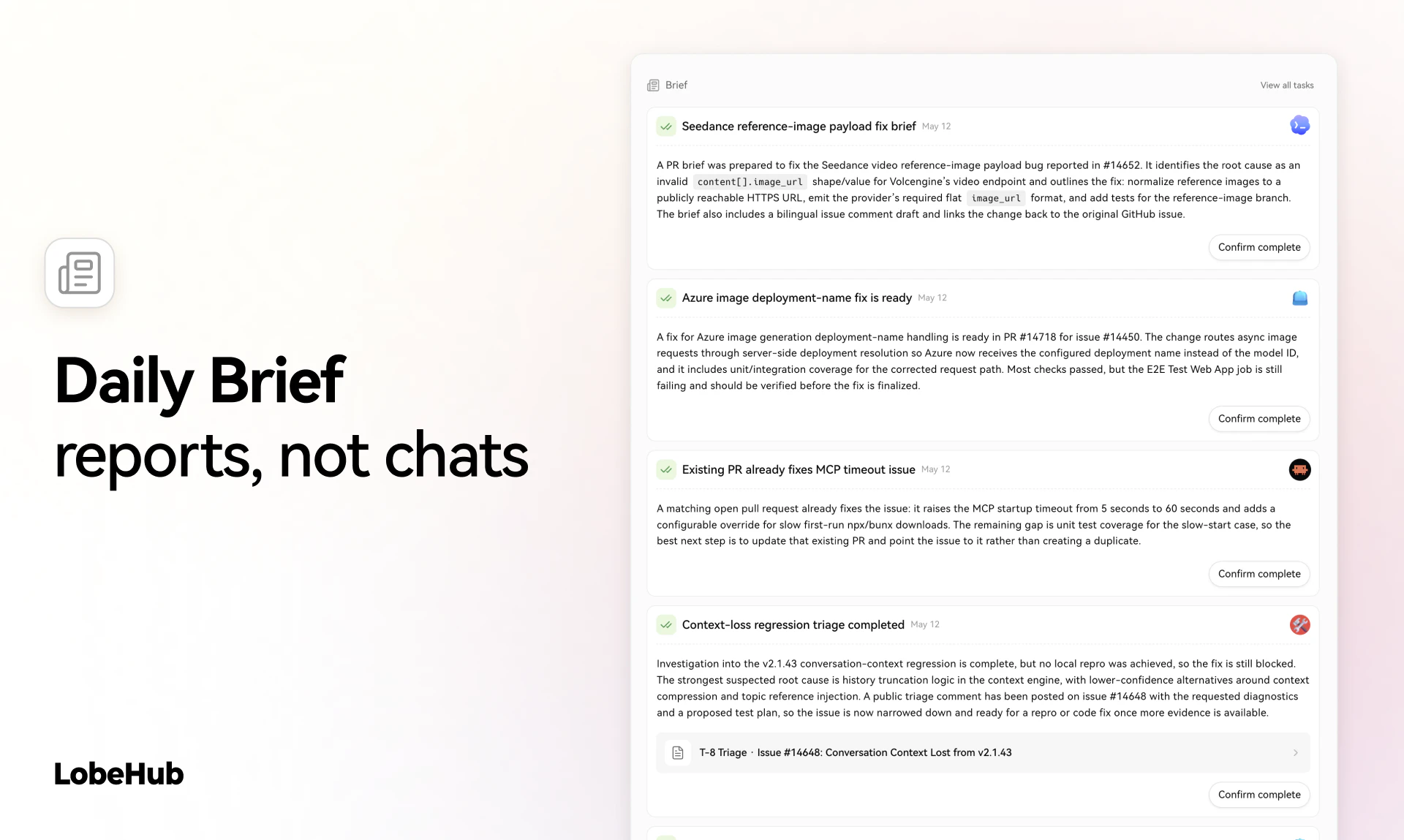
一句话介绍:LobeHub 是一款多智能体协作的“首席智能体运营官”(CAO),它整合多种AI代理到统一平台,通过Slack/iMessage等日常通讯工具自动执行任务并仅在需要决策时汇报,解决重度AI用户“开了十几个AI标签页却要亲手操作”的碎片化及认知过载痛点。
Productivity Artificial Intelligence
多智能体协作 AI运营 CAO 工作流自动化 模型调度 MCP服务器 Agent编排 开源 认知减压 云原生
用户评论摘要:用户盛赞每日简报和IM集成,但关键质疑集中在:1)并行云端代理的成本如何控制?团队回应将限制并行数并让智能体感知预算;2)273K+技能质量参差不齐,如何保证路由而非噪音?团队称基于历史轨迹的协同过滤比搜索更重要;3)任务失败处理流程透明,失败时向用户发错误简报。
AI 锐评

LobeHub的“CAO”概念精准命中了行业痛点:当前AI工具链的爆发反而造成了“AI操作员疲劳症”——用户从纯脑力劳动者变成了多个AI代理的“监工”。LobeHub的价值不在于造出更强大的单兵智能体,而是提供了一个反直觉却有效的“Agent管理平面”:通过将所有代理的运行、调度、记忆和失败日志包装成类似COO向CEO汇报的简报机制,它实现了两个关键转变——从“你需要盯着屏幕”到“通知你何时介入”,从“你管理工具”到“工具管理工具”。

但必须泼一盆冷水。“273K+技能”和“51K+ MCP”是典型的市场部数字,实际信任度堪忧。评论区有用户直接追问“这些技能谁验证过?”团队承认“不能保证所有技能都有效”,这直指其竞争力核心——一个缺乏严格质量分层的巨大技能市场,理论上会加剧“富者愈富”的马太效应,让老技能霸榜、新技能沉没。同时,所谓“CAO”模式需要一个巨大的前提:用户愿意、也敢于把最终决策权部分让渡给一个中间层。对于金融、医疗等对失败容忍度极低的领域,这种用“事后简报替代实时监控”的范式必须搭建出极其坚固的护栏。它是智能体时代的优秀“制片人”,但离真正的“CEO”还有审计和安全上的鸿沟要跨越。

查看原始信息
LobeHub
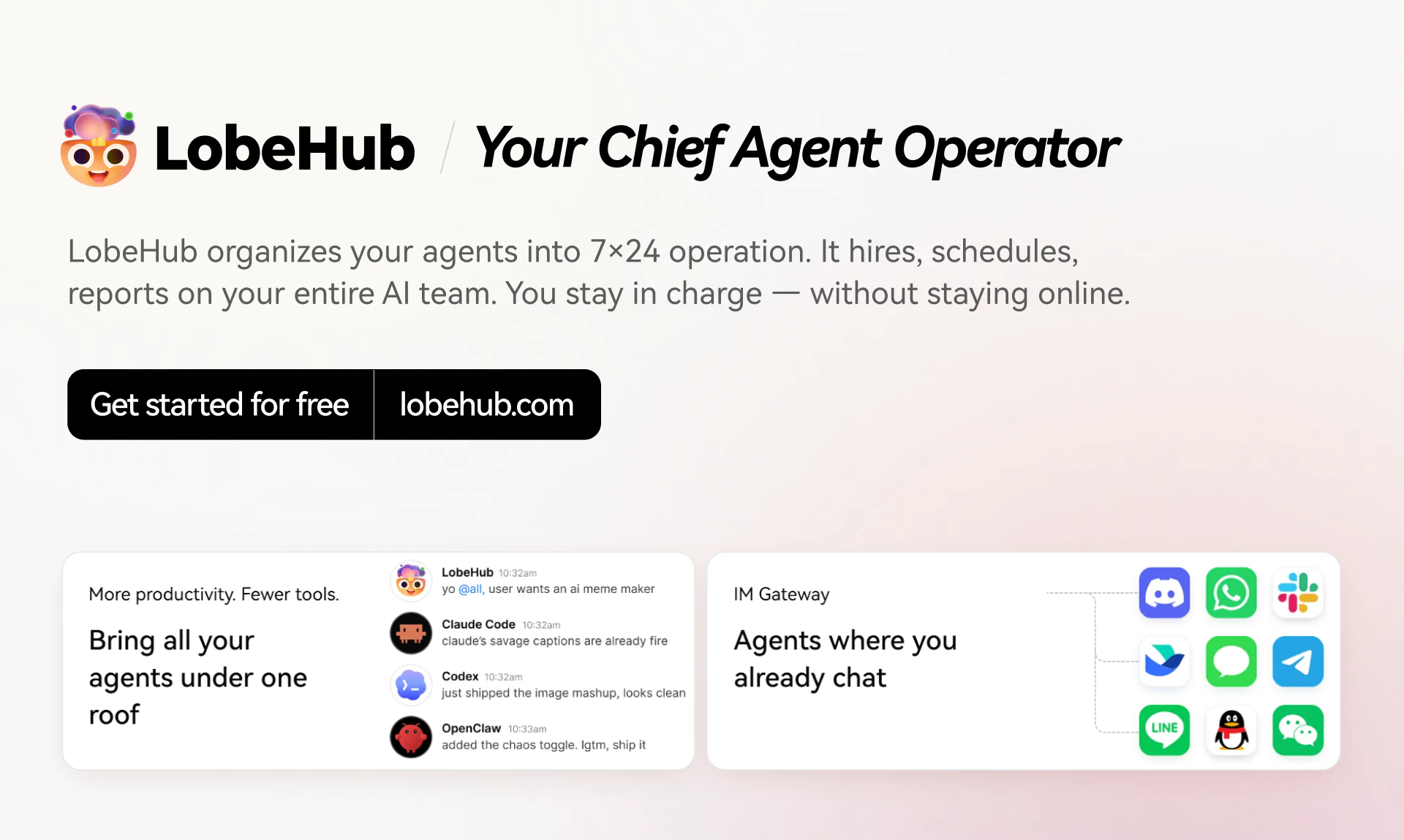
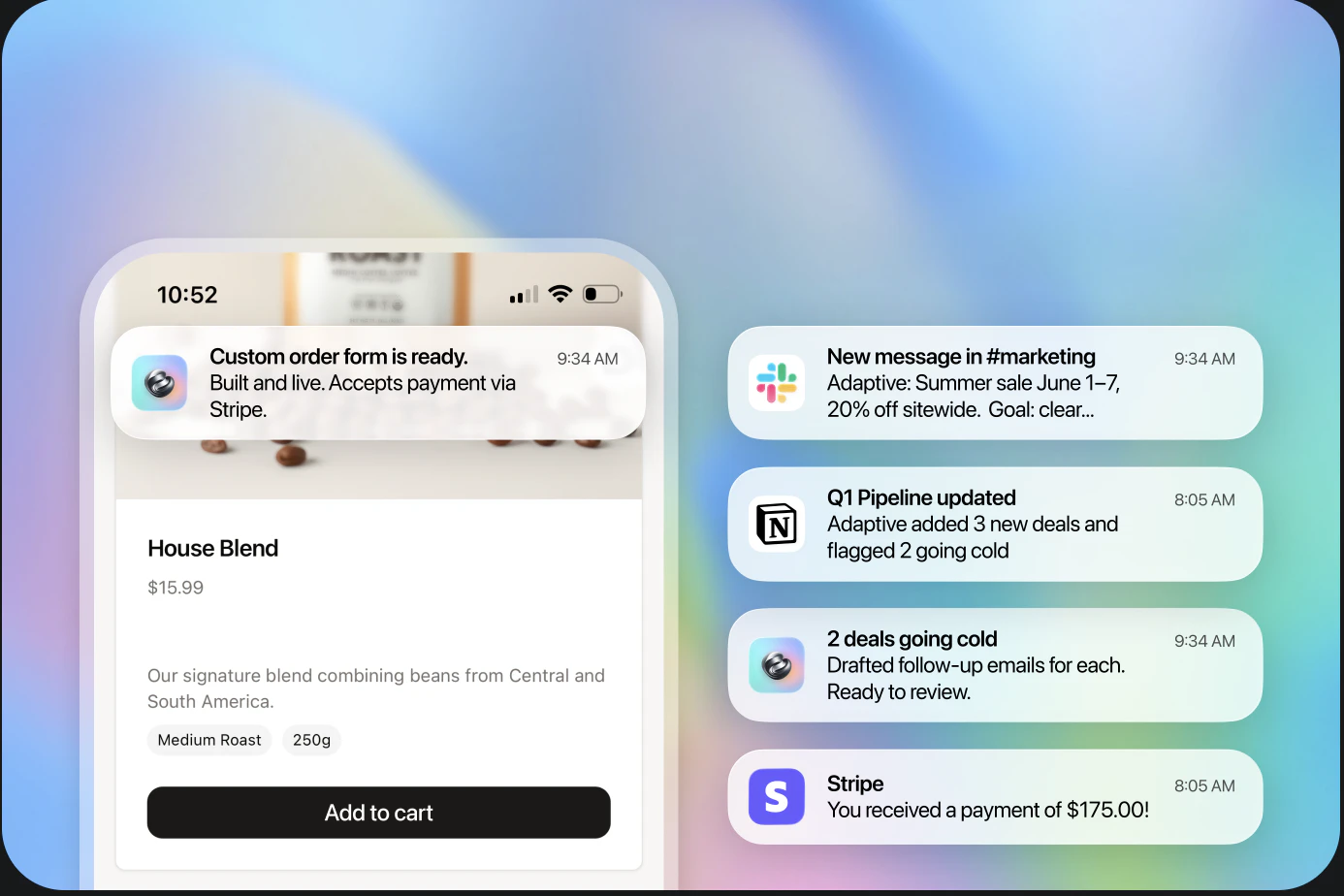
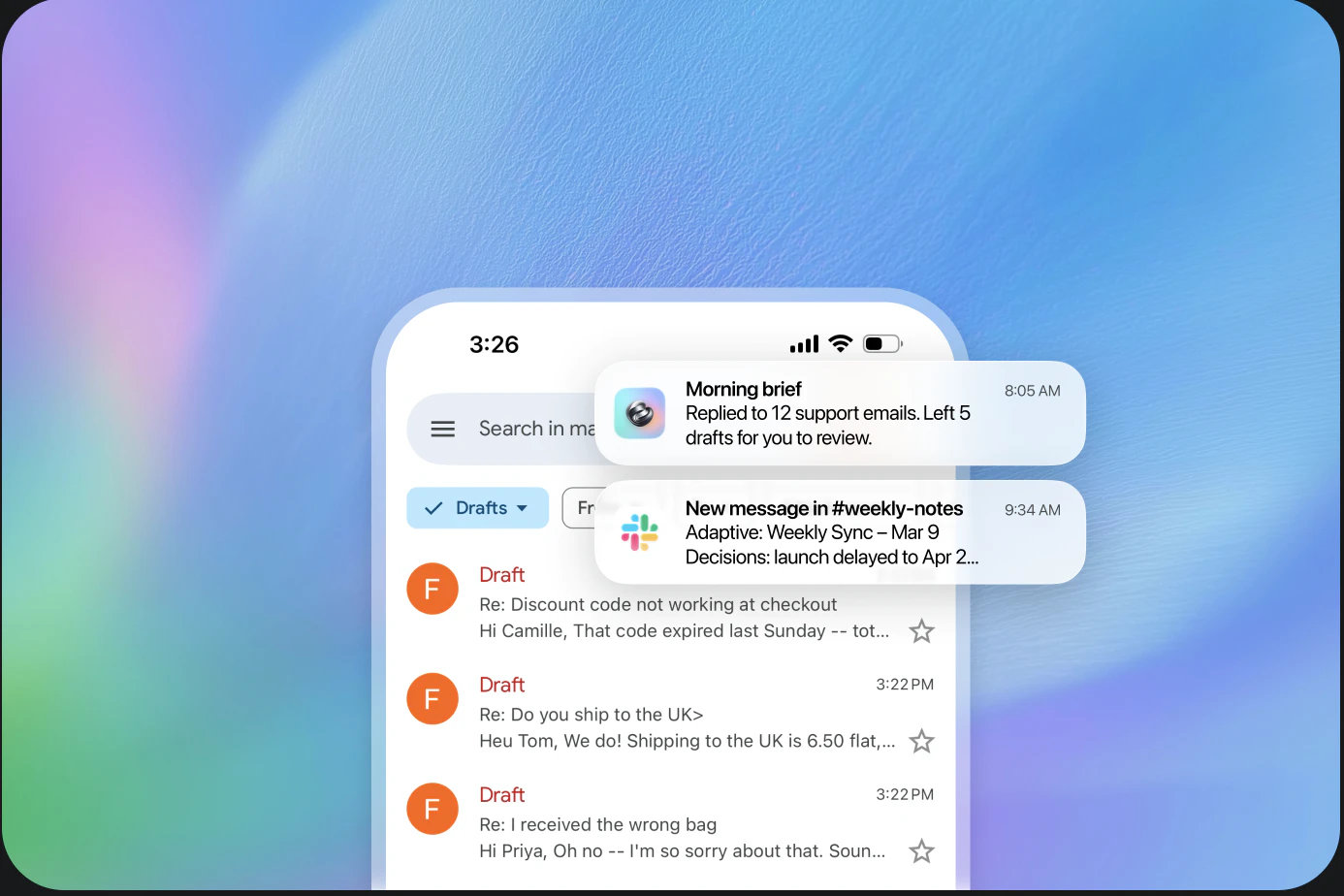
LobeHub is a Chief Agent Operator (CAO) that builds, runs, and coordinates your AI agent team. Describe a goal, and it assembles the right agents/skills, runs tasks in parallel in the cloud, routes work across models, and reports back only when decisions are needed—via your existing channels (Slack/Discord/Telegram/iMessage). Less tab-switching, more outcomes.

Spent the last few months listening to people tell us our agents were great and they still wouldn't use them. CAO is what came out of finally taking that seriously. Let CAO handle the rest and go touch some grass :-)

11
回复

my favorite detail in this launch: the input placeholder is tailored based on your recent activity.

3
回复

@rivertwilight This is one of those feedback loops a lot of AI products hit works well doesn’t automatically translate to people will be use it. The real shift is always from capability to trust + reliability in real workflows.

0
回复

@rivertwilight It is good and AI agents also really helps me alot for many projects and what you created is awesome for a whole Chief agent.

0
回复

Been using LobeHub since the early days. The CAO update is the first time it felt like the product caught up to what I actually wanted from agents. The daily brief alone is worth it.

4
回复

@justin2025 This means a lot — thank you for sticking with us since the early days.

Honestly, the Daily Brief was the feature that made us feel the product finally clicked too. For a long time we were building "a better way to talk to agents." The shift to "agents that report back to you" changed how the whole thing felt to use. Glad it landed the same way for you.

More coming on the orchestration side soon — would love to hear what you'd want CAO to handle next.

1
回复

@justin2025 I'm so proud of the daily brief, and I'm actually feeling much peacer when saw the briefs 😆

0
回复

How does CAO handle failed tasks  retry, swap model, or escalate to me?


3
回复

@carter_garcia when a running task failed, agent will send an error brief to user and tell user what happened. It's just like a report from subordinate who did something wrong 🤣

1
回复

How does CAO handle cost control? Parallel cloud agents could get expensive fast.


3
回复

@Peyton Perez Yes, that's exactly what we encountered in building CAO! The solutions that we have in mind at the moment are:

1. Control the number of parallels, not everyone needs to batch full parallelism, we can constrain or control the number of agents called in parallel;

Provide the Agent with the ability to control the budget (allow the user to set the budget and make the agent aware of the current cost. and provide hard access at the Harness level)

For hetero agent (Claude Code / Codex), we have a plan to implement an intelligent scheduling system based on reset time blocks, and reasonably distribute tokens to the corresponding time blocks for execution.

1
回复
The daily brief idea is outstanding, can you control how often it checks in, or is that fully up to CAO?
3
回复

@abod_rehman Love that you’re excited about the daily brief! Great question — you have full control over the check-in frequency! You can customize it to whatever fits your workflow: daily (the default), every 12 hours, weekly, whatever works for you. If you’re heads down on a launch and want more frequent updates, you can crank it up; if you want to disconnect a bit over the weekend, you can set it to less frequent.

The only exception is true emergencies — like a critical server alert or a time-sensitive client issue — those will ping you right away no matter your settings, so you never miss something that can’t wait.

2
回复

Launch video is up on our YouTube — would love feedback on the pacing. Cut it down from 3 minutes to 70 seconds and I think it's better but you tell me.

3
回复

@rika_lee1 love your motion 🙌

1
回复

@rika_lee1 nice motion

0
回复

Been waiting months to post about this one. CAO is the update I've been quietly demoing to friends since the alpha — reactions ranged from "wait, that's it?" to "wait, that's it." Both meant in a good way. Go try it.

2
回复

@amazing_1 That's the ideal reaction curve honestly 😂 — same four words, completely different energy depending on whether the penny has dropped yet.

0
回复

273K+ Skills and 51K+ MCPs sounds fantastically large. Where do these skills come from? Has anyone verified them? In other words, is there any kind of quality evaluation beyond what you probably did with a vector database, which can show semantic similarity but does not guarantee that the skill or MCP actually works?

2
回复

@natalia_iankovych We value the skill quality so we are building the skill curation system right now. Soon there will be some human editor featured skills and collections. We know we cannot guarantee every skill works, but we can recommend those we really love.

1
回复

the IM Channel is the killer feature for me. Upvoted.

2
回复

@itsluo Thanks Luo! If you want more IM channels supported, feel free to reach out.

0
回复

The "one daily brief instead of 15 tabs" framing is what gets me. Most agentic tools still make you babysit the

process, which kind of defeats the point.

I'm Curious how CAO handles conflicting priorities across agents when you have multiple goals running in parallel.

Does it surface that to you, or just pick one and move on?

Also, the 273K+ skills number is wild. How does it handle

Skill quality vs quantity? That seems like the hard problem.

2
回复

@parth_makwana07 Great questions — both touch the hardest problems we've been working on.

On conflicting priorities: CAO surfaces, never silently picks. When two goals collide on the same resource (your time, a shared file, a model budget), it pauses at the conflict point and adds it to your "needs decision" list in the Daily Brief — with context on what each path costs. The principle is simple: low-stakes calls (tone, formatting, retry strategy) it makes alone; anything that changes what gets done, you decide. We'd rather interrupt you once than have you discover a wrong autonomous choice later.

On 273K skills — quality vs. quantity: You're right, this is the real problem. Raw count is just the supply side. What actually matters is the matching layer — given your task + context + history, which 3 skills should this agent load? We treat it as a large-scale collaborative filtering problem, not a search problem. Skills get ranked by real trajectory data: did agents using this skill on similar tasks actually succeed? The flywheel is what makes the number useful — without it, 273K is just noise.

Quantity is the floor. Quality of routing is the ceiling. We're spending most of our time on the ceiling.

1
回复

@parth_makwana07 parth_makwana07 Spot on with the 'babysitting' problem. Most agentic tools fail because their UI/UX forces you to monitor every single step. Moving that complexity into a unified daily brief, and filtering 273K+ skills based on historic trajectory, shifts the entire paradigm from tool to infrastructure. This is exactly where elite AI design needs to go.

0
回复

Hey Product Hunt 👋 Arvin here, founder of LobeHub.

Quick question before I pitch anything: how many AI tabs do you have open right now?

Claude Code in one window. Codex in another. Maybe OpenClaw or Hermes pinging you in Slack. On paper, you have an AI team. In practice, you became its operator — manually switching contexts, syncing progress across terminals, queuing up a "complex enough" task before bed because letting Claude Code idle feels like burning money.

BCG calls this "AI Brain Fry" — cognitive overload, fragmented attention, decision fatigue. 14% of heavy AI users already report it. We were promised AI would make work lighter. Somehow it made us tired in a new way.

We don't think the answer is a smarter agent. We think you shouldn't be the operator at all.

A company with a CEO but no COO is one where the founder personally chases every deadline and debugs every fire. That's exactly what your AI workflow looks like today.

So we're naming the role: CAO — Chief Agent Operator. And we're building LobeHub to be yours.

Why "CAO" and not "AI agent platform"? Because "agent tools" implies you have one agent and your job is to use it. The reality in 2026 is that you already have several agents running. This category doesn't need a better single agent — it needs a layer above them. Someone (something) to run the team.

Why this is possible now, and wasn't 2 years ago — three things shifted at once:

  1. Agent self-evolution moved from papers to products. OpenClaw and Hermes proved agents can learn from sessions and turn successful workflows into reusable skills. LobeHub covers their capabilities — and goes further, because we're cloud-native: memory and skills evolve across sessions, devices, and teams.

  2. MCP and Skills became the de facto standard. The LobeHub Marketplace now hosts 57k MCP servers and 270k skills. Your CAO has enough tools to actually do the job.

  3. Multi-agent left the demo stage. The future isn't a single super-agent. It's an organization of agents — and organizations need an operator.

What you can do with LobeHub today:

  • 🧠 Run multi-agent teams with shared memory and skills, not isolated chat windows

  • 🔌 Plug into 57k MCP servers and 270k community skills out of the box

  • 📡 Deploy your CAO across Discord, Telegram, Slack, Lark, and iMessage WhatsApp soon— one agent team, every surface

  • 🛠️ Open source, self-hostable, and built on a runtime we've shipped to production for 3 years

I treated agents as first-class citizens on day one of LobeChat, back when "agent" still meant "a prompt with a name." Three years later, tools, MCP, skills, memory, and runtime finally compose into something that feels qualitatively different.

We're nowhere near the CAO I have in my head. Heterogeneous agent adoption, team workspaces, Agent Group 2.0 — all on the roadmap. But the direction is clear: free people from babysitting their AI, so they can spend that energy on what actually matters.

I'll be here all day answering questions. Brutal feedback especially welcome — tell me what's missing, what's broken, or what you'd want your CAO to handle first. 🙏

— Arvin, founder @ LobeHub

1
回复

@arvinx ship 🚀

1
回复

Have been using it for icons. Really cool.

1
回复

@samihindi Thanks! Have fun with icons~ 😆

0
回复

😁 273K Skills + 51K MCP servers behind one prompt feels a little unreal even to me. Let me know what you end up running through it — I want to see the weird stuff.

1
回复

@cy948 Haha for real, the numbers sound fake until you actually wire something up and watch it route 😄

0
回复

A new skill with zero history can't compete with one that's been routed 10K times. Wonder how do you avoid rich-get-richer if that makes sense? All in all, solid work!

1
回复

@artstavenka1 Thanks for the affirmation! I strongly agree with "A new skill with zero history can't compete with one that's been routed 10K times.". The evolution and iteration of skills I think it may be the same as human society, where the Matthew effect is a dominant part. The more recognition is used, the more powerful the skills may become. But there is also a possibility - that is, it needs to be more personalized, so at this time, it is actually tailored to the user's own needs, and becoming more personalized may solve the rich-get-richer problem

1
回复

Does CAO work with custom local models via something like Ollama, or only cloud APIs?


1
回复

@gaius_loxley yes, We support local model provider like Ollama/vLLM/LM Studio. You can just download our desktop and then set the provider.

2
回复

Heterogeneous agents was the technical bet I was most nervous about. Claude Code, Codex, OpenClaw — none of them were designed to be managed by something else. Took longer than we planned. Worth it.

1
回复

@dongyusu great job, Tsuki!

1
回复

What happens if an agent gets stuck in a loop? Does CAO intervene or just surface it?

1
回复

@andrew_paul11 If the retry also stalls or the cost/risk crosses your budget, it stops and surfaces it to you with the trace, the suspected cause, and 2–3 suggested next moves. No silent burning of tokens.

0
回复

Does CAO log all agent interactions so I can audit why a decision was surfaced?


1
回复

@asher_luca Actually the harnesss behind LobeHub totally support it. And we will have a blog to talk about it soon in this week, Stay tuned! 🤘

2
回复

Can i manually override the agent team CAO assembles, or is it fully autonomous?


1
回复

@daniel_harris11 In fact, one of the most valuable aspects of LobeHub is that every Agent Team member is highly customizable. So you are free to assemble any agent into a team!

1
回复

If CAO needs a decision at 2am, does it wait or send a notification based on my quiet hours?

BTW congrats on launch🚀

1
回复

How does CAO decide which skills to assemble for a novel goal? Pre trained or learns over time?


1
回复

@barnaby_lloyd  learn over time. We provide a self-evolving system for each agent, each agent will dream and iterate on itself at night, and tell the user in the daily brief.

1
回复

Reports back only when decisions are needed, this alone would save me 20+ Slack notifs a day.


1
回复

@wyatt_carter That was the whole design goal. Hope it delivers on it for you 🙌

0
回复

How does CAO handle parallel task conflicts? Say two agents need the same resource.


1
回复

@owen_shaw2 actually we have a task dependency module, agent can set task dependency graph. In this way, when executed with one click, our system will implement automated task scheduling.

1
回复

If you find anything weird on the marketing pages today, ping me. I've been staring at them too long to see bugs anymore.

1
回复

@rdmclin2 The "stared at it too long" stage is real. At some point your brain just starts auto-correcting the typos before your eyes even register them ~

Will keep an eye out. If anyone in the comments spots something, I'll route it your way instead of letting it pile up in a Linear backlog you'll find on Monday.

Go get some water. The pages look great.

0
回复

The cloud runtime scaled smoother than I expected on the staging load tests. Fingers crossed it holds up when you all actually use it 🤞

1
回复

@nekomeowww Staging is a polite environment. Real users are not 😅

Load tests told us we'd be fine. Real traffic will tell us where we were wrong. Already have a bet going internally on which subsystem cracks first — current odds are on the scheduler under burst Daily Brief generation at 9am across timezones.

Thanks for the work getting it there. Now we find out what we missed 🤞

0
回复

IM Gateway was a rabbit hole. Nine messaging platforms, nine sets of quirks. WeChat alone could've been its own launch. Happy it's out the door.

1
回复

@onlyyoulove3 Ha, you're not wrong. WeChat alone almost became its own roadmap — the auth flow, the message format quirks, the silent rate limits that only show up at 2am on a Sunday. Every platform had its own version of "this should be 2 days" turning into 2 weeks.

But it had to be all nine. The whole CAO premise falls apart if your agent only lives in the inboxes you don't actually use. People are on WeChat and Lark and Discord — not on whichever one is easiest for us to integrate.


Glad it's shipped. Onto the next rabbit hole.

0
回复

The hardest part wasn't building CAO. It was deleting the version of LobeHub that didn't need one. Glad we did.

1
回复

@canisminor1990 🙌💪

0
回复

The CAO framing clicked — im tired of being the human router between claude code and slack pings

0
回复

@novamaker01 Haha "human router" is painfully accurate — that was literally the whiteboard sketch that started this whole thing. Glad the framing landed 🫡

1
回复

LobeHub’s CAO framing genuinely impressed me. This is the first product I’ve seen that treats the orchestration layer as the actual product, not an afterthought. Describe a goal, and CAO assembles the right agents, runs tasks in parallel across models, and only surfaces decisions that actually need a human. This feels less like AI tooling and more like the early infrastructure layer for how teams will operate in the next few years. Congrats on the launch.

0
回复

@genedai Thanks, this really means a lot 🙏

You nailed the bet we're making — orchestration is the product. Models keep getting stronger, but nobody was solving the "who runs all of them for you" part. Felt like the obvious missing layer.

Excited to see where you take it.

0
回复

Amazing idea! Congrats on this launch!

0
回复

@peng_wood Thank you! 🙌 Means a lot 🙏

0
回复
#2
SocLeads 3.0
Scrape emails from socials and maps by location
400
一句话介绍:SocLeads 3.0 是一款无需编码的社交媒体与地图数据采集工具,帮助销售、营销团队通过地理定位一键批量抓取 Instagram、Facebook、LinkedIn 及 Google Maps 上的公开联系信息,告别手动复制粘贴的繁琐流程。
Email Social Media Marketing
社交媒体数据抓取 地图邮箱采集 B2B销售线索 地理定向营销 无代码工具 LinkedIn精准拓客 Instagram线索挖掘 邮件验证 谷歌地图API 自动化获客
用户评论摘要:用户最关注数据实时性与合规性,如是否跨平台去重、如何避免伪造邮箱;多位用户认可其低于3%的退信率与无代码体验;部分询问对细分行业(如房地产)的适配性,以及欧盟GDPR合规细节。
AI 锐评

SocLeads 3.0 的定位精准切入了一个“脏活累活”市场——从社交媒体和地图中批量获取线索,但它的真正价值不在于“抓取”本身,而在于“降低噪声”。用户反馈中反复出现的核心诉求并非“能否多抓”,而是“如何抓得准、抓得合规”。3%的退信率承诺和实时在线爬取而非兜售静态数据库的设计,使其在同行中形成了差异化壁垒。

然而,产品仍存在明显短板:跨平台去重缺失导致多平台数据冗余,用户需手动清洗;合规层面仅提供“免责声明”而非内置GDPR/CCPA合规工具,这对面向欧洲市场的销售团队是重大隐患。更关键的是,LinkedIn等平台对自动化抓取的打击日趋严格,SocLeads 的技术方案能否规避反爬和封号风险,评论中未提及,但这是决定产品寿命的核心。

总体而言,它是一款“好用但受限”的效率工具:适合低监管风险市场的中小企业快速构建线索池,但对于大客户或严格合规场景,仍需搭配额外流程与工具。其未来价值取决于能否在合规功能(如同意管理、数据保留策略)和跨平台数据融合上继续迭代,否则将止步于“高级Excle替代品”。

查看原始信息
SocLeads 3.0
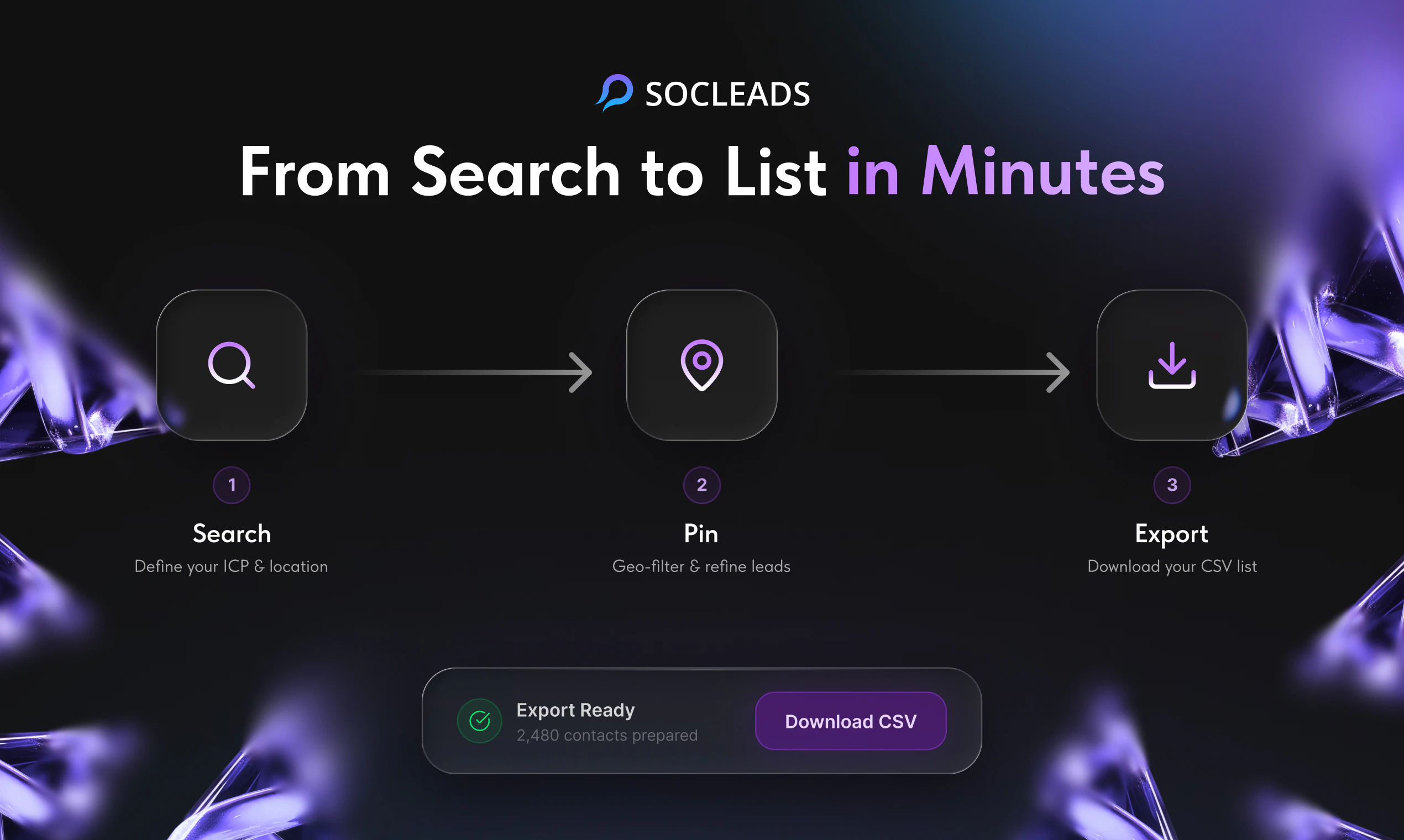
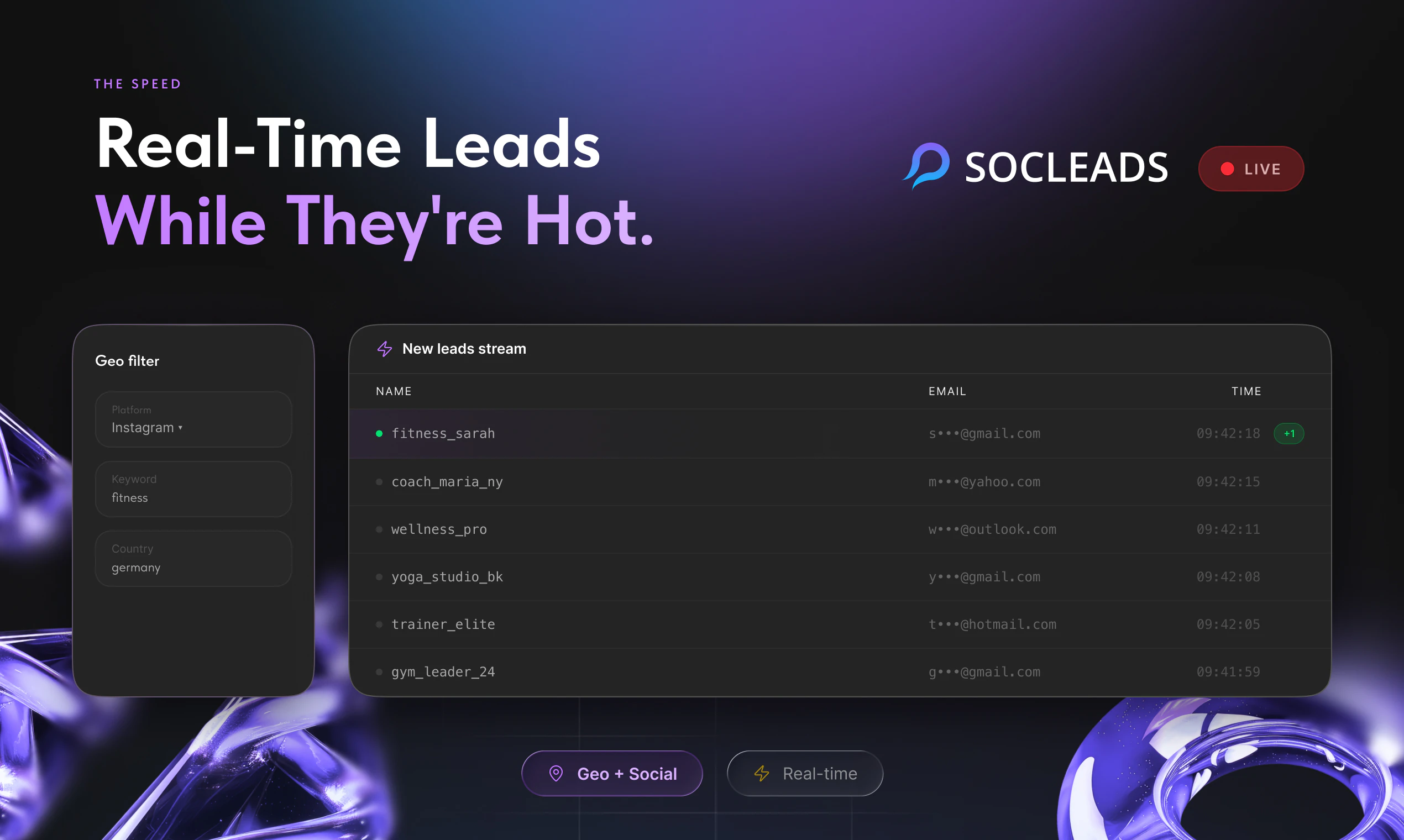
SocLeads now scrapes emails from Instagram, Facebook, LinkedIn, YouTube, and Google Maps across entire countries 🌍📧 Geo-filters. More results. No code needed. 🚀
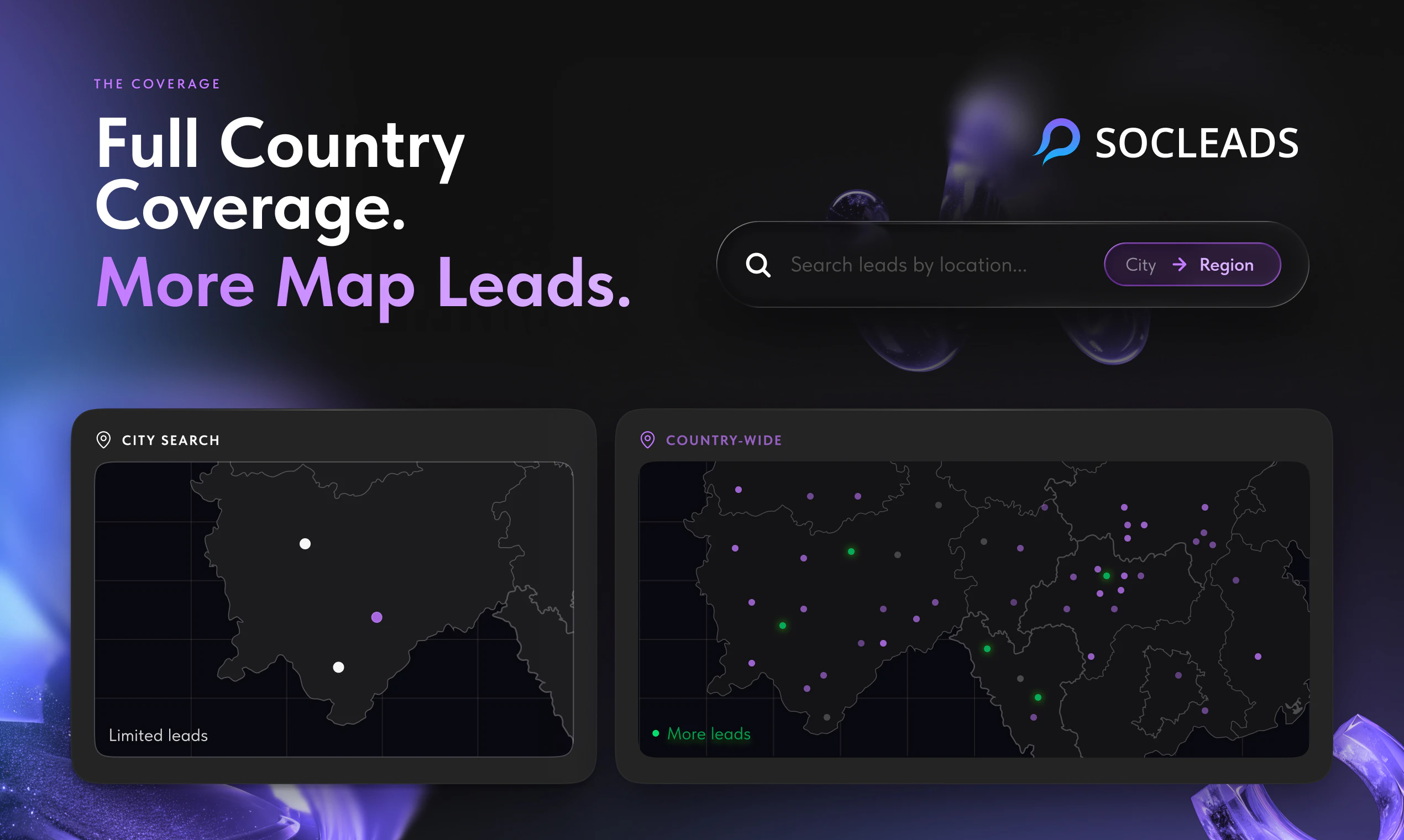
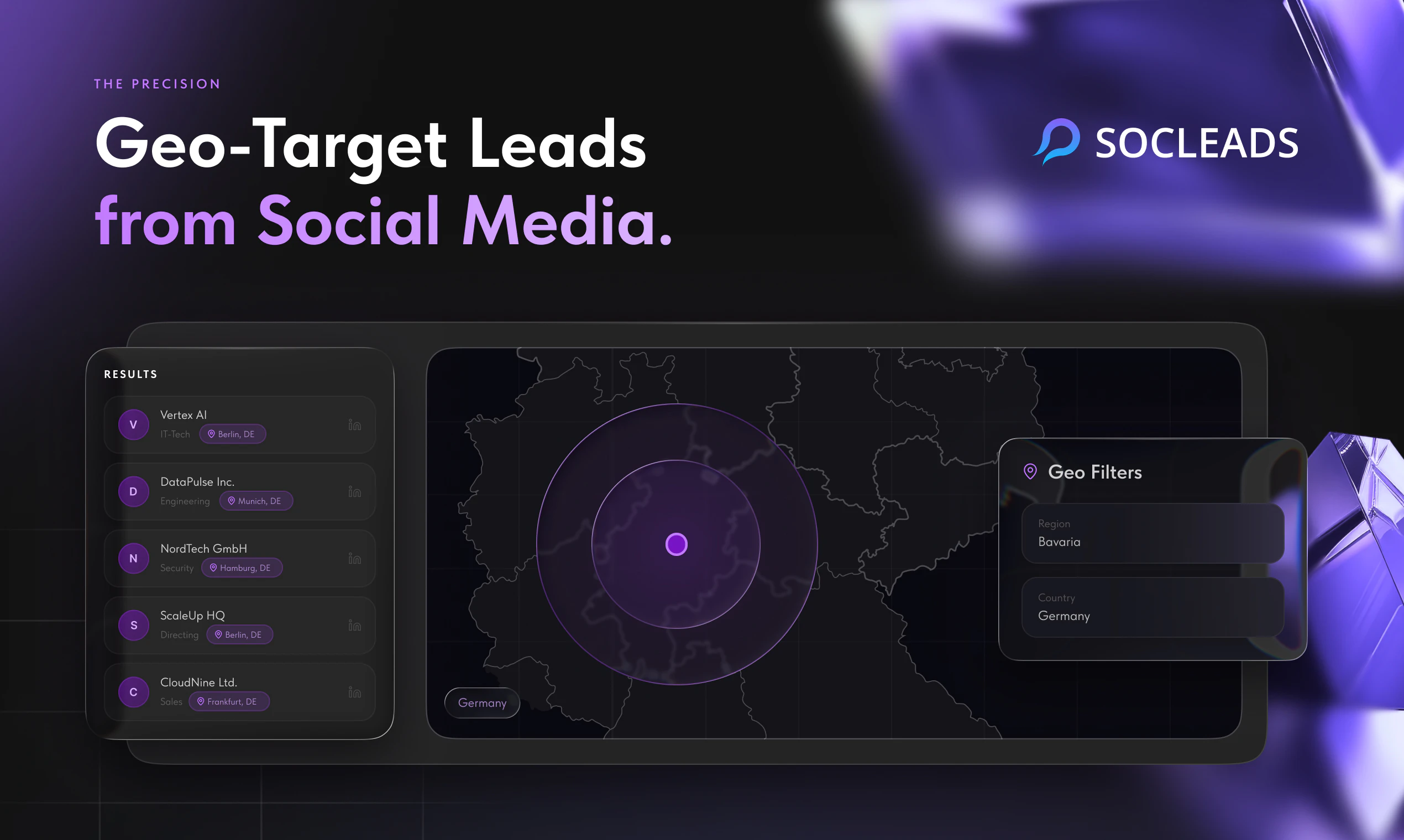
Hey Product Hunt! 👋 I'm Evgenii, founder of SocLeads. We built this because I spent way too many hours copy-pasting contacts from Instagram and Google Maps into spreadsheets and I knew there had to be a better way. This is our 3rd launch here, and this time we're back with the three most requested upgrades from our users: - Full country/region search on Google Maps. No more city-by-city grinding. - Geo scraping for social platforms. - More results per search. The same query now surfaces significantly more contacts. Who we built this for: - Sales teams prospecting local businesses - Marketers running geo-targeted campaigns - Recruiters sourcing by location - Agency owners scaling outreach for clients What makes SocLeads different from other scrapers: - Built-in email verification keeps bounce rate under 3% - No plugins, no code, no browser cache required - Works across Instagram, Facebook, LinkedIn, Twitter, YouTube and Google Maps - Export to CSV/XLS in one click We've been quietly building based on real feedback from our 1,500+ followers here on PH. Every feature in this launch came directly from user requests. I'm online all day. Drop a question in the comments.
17
回复

@gorns congrats on the launch Evgenii, well done on #3.

0
回复

@gorns Upvoted! I like that SocLeads doesn’t work like a static lead database.

4
回复

@gorns Nice launch! SocLeads looks built for teams that want to skip the grind of manual prospecting and build targeted lead lists far more efficiently.

1
回复

Keeping bounce rates under 3% is probably the most part here .Deliverability is everything in cold outreach.

2
回复

@bruce_warren Thanks a lot!

1
回复

I’m wondering if this works well for niche industries too. I’d love to test it for local real estate and marketing businesses in smaller regions.

2
回复

@shawn_idrees Yes, that’s exactly one of the use cases we’re excited about.

1
回复

I’ve wasted so much time switching between Maps, Instagram, and Facebook for outreach. Having everything in one place feels much smarter and faster.

2
回复

@lakeesha_weatherwax Exactly! That’s one of the main pains we wanted to solve!

1
回复

I like that you focused on “no code needed.” I’m not technical, so tools that simplify outreach and prospecting always catch my attention.

2
回复

@henry_lindsey Thanks! That was one of our main goals! Make lead discovery simple enough for non-technical users.

1
回复

curious how deep the LinkedIn scraping goes. If the filtering is accurate, this could become part of my daily lead generation workflow

2
回复

@deangelo_hinkle Thanks! I’d be really happy if you try SocLeads and share your feedback. It would be super helpful to understand how well the filtering works for your lead generation workflow.

1
回复

How do you keep data quality decent, like avoiding outdated or obviously fake emails from profiles?

2
回复

@thamibenjelloun Thanks for question! We don’t rely on a static database. SocLeads scrapes only online, publicly available data in real time. We also have email validation to help filter out invalid or fake emails.

1
回复

Curious if exports dedupe across platforms when the same shop shows up on maps and facebook

1
回复

@novamaker01 Good question. Right now deduplication works within a single platform, not across different platforms like Maps and Facebook. Cross-platform dedupe is something we may improve later.

1
回复

How does the bounce rate stay that low at scale — is there a verification step built into the scrape itself, or does it run a separate validation pass after collection?

1
回复

@hirogure It can be both. SocLeads can check data quality during collection with filtering and deduplication, and emails can also be validated after collection before export. That way users can remove invalid or risky contacts before outreach and keep bounce rates low.

1
回复

I like it. You definitely have a better UX than Apify!

1
回复

@marcin_uchacz1 Thanks! That means a lot. We wanted SocLeads to feel much simpler and more focused than scraper-heavy tools.

1
回复
Was literally trying to build something like this for my dating app outreach. This saves so much time. Great product.
1
回复

@tharun797 Thanks for your support!

1
回复

Congrats on #1, Evgenii. The geo search caught my eye.

I built a few small scrapers for personal/hackathon projects years ago, one was around correlating Twitter activity with location and time during hurricane season. Even at that small scale, the messy part was not scraping itself, but getting useful enough results without drowning in noise.

For SocLeads, when someone runs a big geo search, is the bigger challenge usually finding enough contacts, or helping them avoid too much irrelevant data?

1
回复

@danush_singla Thanks! You’re absolutely right. The main challenge is usually not finding enough contacts, but reducing noise and keeping the results relevant. With big geo searches, SocLeads focuses on helping users narrow results with keywords email validation, so they get a more usable list instead of just a huge messy export.

1
回复

How legal is it?

1
回复

@maksym_shcherbakov1 SocLeads provides access to publicly available online data, but customers are responsible for using it in line with opt-out requirements, and local laws.

1
回复

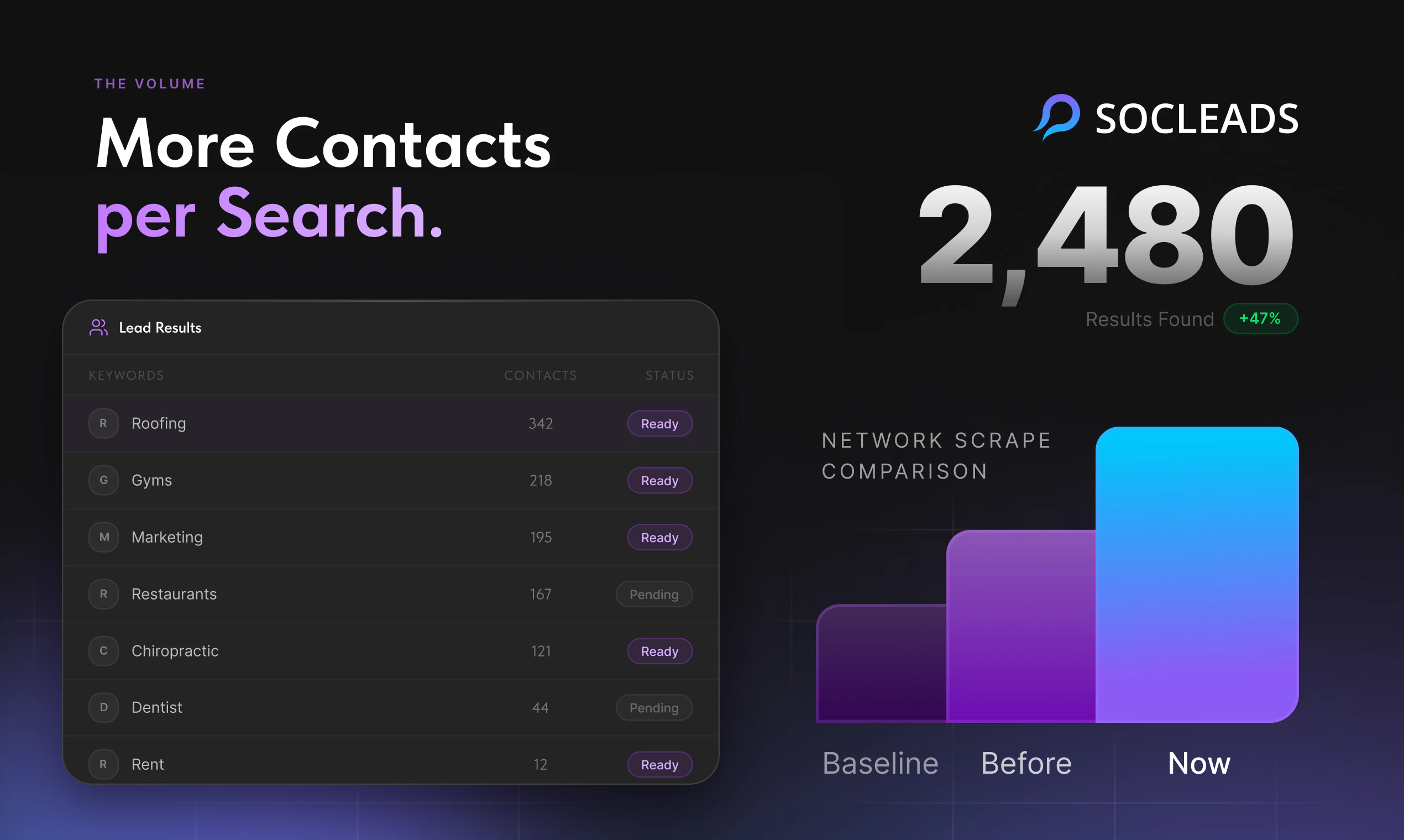
2,480 contacts per search with under 3% bounce rate is solid if the data is actually fresh. what's the average age of the emails you're pulling, like are these scraped in real time or cached from older crawls

1
回复

@tina_chhabra Good question. SocLeads is not a static lead database. We pull data from publicly available online sources based on the user’s search, instead of selling old cached lists. Before export, emails also go through validation, which helps keep bounce rates low and filter out outdated or invalid contacts.

1
回复

Congrats on the launch, Evgenii! The geo-filtering for full country search sounds like a real time-saver -city-by-city grinding is exactly the kind of pain that kills outreach momentum.

how does SocLeads handle GDPR/compliance for EU-based leads, especially from LinkedIn and Instagram? Curious how teams use it for European markets.

1
回复

@olia_nemirovski SocLeads provides access to publicly available online data, but we’re not a compliance automation tool. For EU leads, customers are responsible for how they export and use the data, including lawful basis, outreach rules, opt-out handling, and platform ToS. Most teams use SocLeads for discovery and segmentation, then handle compliance inside their CRM/outreach workflow.

1
回复

Congratulations. And happy product launch. @gorns

1
回复

@huisong_li Thanks for you support!

1
回复

hmmm, scraping emails from social platforms and maps sits in a legal gray area in many regions. How are you thinking about compliance with GDPR and platform ToS?

1
回复

@yymmhh Great question. SocLeads only provides access to publicly available online data and doesn’t act as a compliance automation tool. How users export and use that data is their own responsibility, so we always recommend following GDPR, platform ToS, local regulations, and proper opt-out requirements.

2
回复

@gorns Congrats on the launch! Curious how you’re handling LinkedIn’s anti-scraping measures on the tech side lile rate limits, IP blocks? Would love to hear how robust it is.

1
回复

@munis_abbas Thanks! We don’t try to bypass LinkedIn’s anti-scraping measures or fight rate limits/IP blocks. SocLeads collects data indirectly from publicly available online sources, so the focus is on finding accessible public data rather than forcing access to restricted platforms.

2
回复

Upvoted! What’s the biggest difference users notice compared to doing lead research manually?

1
回复

@snxzy Thanks! The biggest difference is speed. Instead of spending hours manually searching profiles and collecting contacts, users can quickly find relevant leads, validate emails, and move faster to actual outreach.

1
回复

What types of lead sources or search filters are currently supported, and are you planning to add more enrichment options in the future?

1
回复

@islam_midov Currently, we support lead sourcing and search filters for Facebook, Instagram, Google Maps, Twitter, YouTube, and TikTok.

We’re also continuously working on expanding our enrichment capabilities. In the future, we’re planning to add additional resources specifically tailored for the real estate industry.

1
回复

Scraping is the beginning of any GTM, looks good!

1
回复

@islam_midov Yes, that's true! And we help with that!

1
回复

@gorns Nice launch! Clear value prop and a very practical use case for anyone doing outbound

1
回复

@kate_prasniak Thanks for support!

1
回复

Curious how this compares in practice to traditional lead databases, since SocLeads sources emails directly from online scraping rather than relying on a static database. Do you see noticeably different results?

1
回复

@julia_demyanchuk Thanks for the question! Yes, the main difference is freshness and flexibility. Traditional databases can get outdated quickly, while SocLeads pulls publicly available online data based on the user’s current search. So results can be more niche-specific and up to date, especially when combined with our email validation.

1
回复

Really promising launch!

1
回复

@dmitry_bergelson Thanks for support!

1
回复

@gorns Love how SocLeads focuses on saving time in the prospecting process. Manual lead research is still way too painful.

1
回复

@nickanisimov Thanks! That’s exactly the problem we’re trying to solve!

1
回复
Congrats on the launch. Quick question on compliance: when users export scraped emails for outbound, do you provide source/provenance, opt-out handling, and guidance on GDPR or platform ToS risk? Or is that fully on the customer?
1
回复

@jalcantara Great question. SocLeads provides access to publicly available online data, but how users export and use that data for outreach is their own responsibility. We recommend that every customer follows applicable laws, platform rules, and opt-out requirements in their market.

1
回复

Team, congrats! Useful product! I'm glad to hear this update from you!

1
回复

@alex_egorov Thanks for your support!

1
回复

What’s the biggest product improvement you’re planning after the launch?

1
回复

@danshipit We’re planning CRM integrations and result accuracy scoring next.So users can move leads into their workflow faster and better understand the quality of each result.

0
回复
Upvoted! Nice launch! How does SocLeads help users avoid spending time on irrelevant or low-quality leads?
1
回复

@kristina__grits Thanks! SocLeads helps users avoid irrelevant or low-quality leads through built-in filters that make searches more targeted from the start, plus email validation to help ensure the contacts are accurate and usable before exporting or reaching out.

2
回复

Upvoted. What kind of users are getting the most value from SocLeads?

1
回复

@nikogermish Thanks! Small and medium businesses in the consumer sector

1
回复
#3
ReactVision Studio
Build AR/VR Apps in React Native + ship directly to devices
223
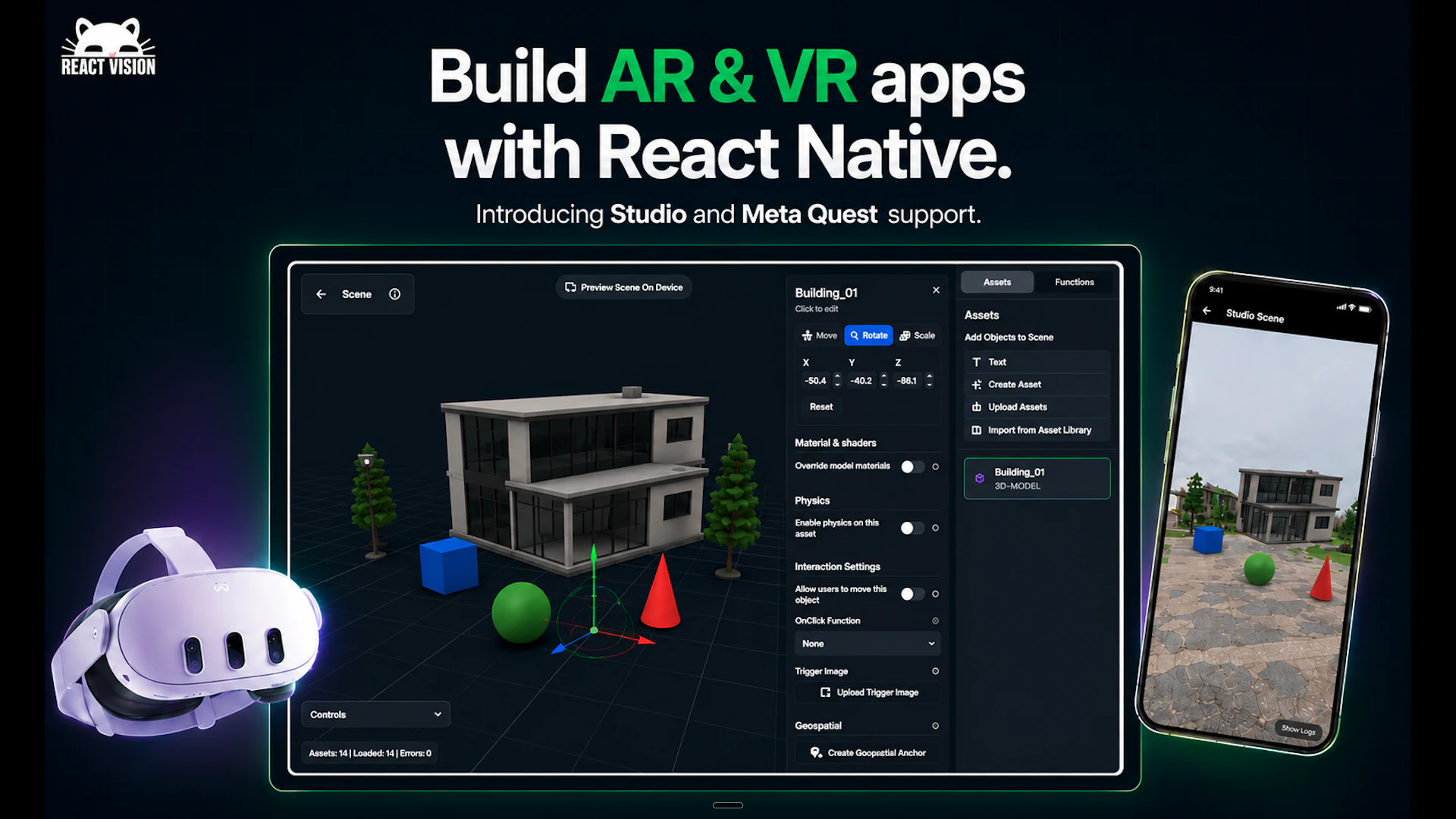
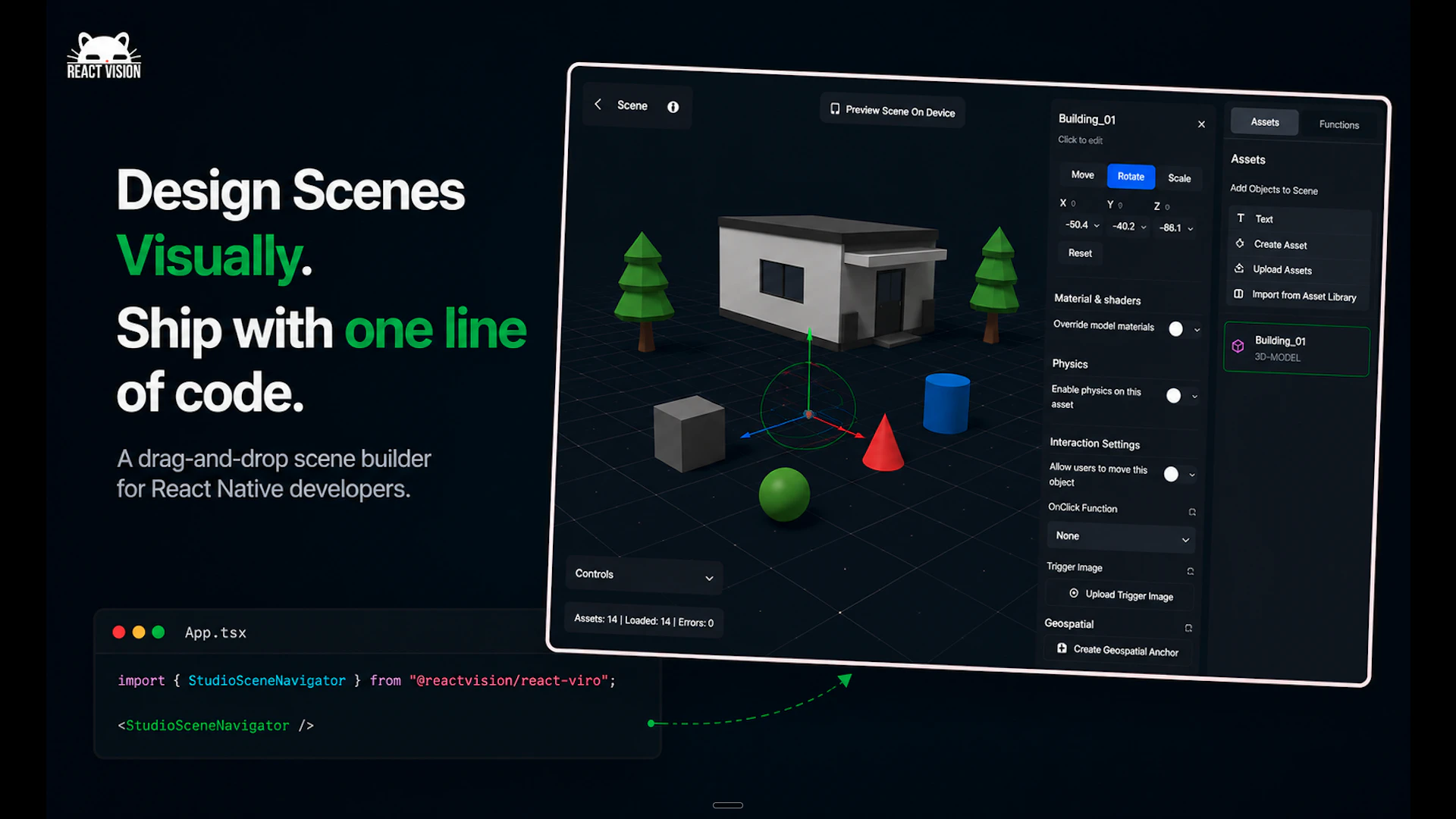
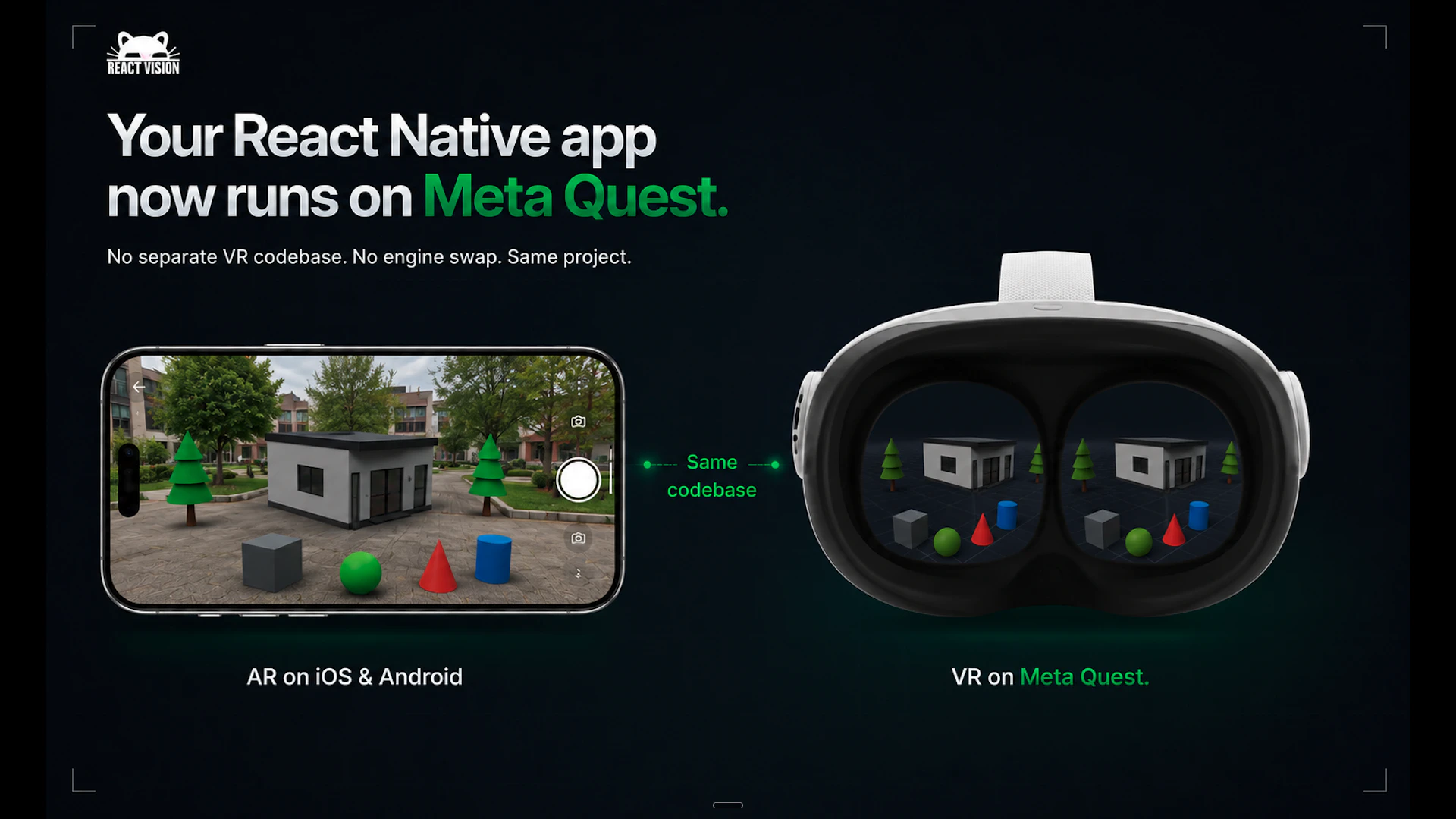
一句话介绍:ReactVision Studio 是一个基于浏览器的可视化编辑器,让开发者无需游戏引擎即可在React Native中拖拽构建AR/VR场景,并通过单一代码库直接发布到iOS、Android和Meta Quest设备,解决了XR开发门槛高和多平台适配复杂的问题。
Virtual Reality Developer Tools Augmented Reality
AR/VR开发 React Native 可视化编辑器 AI生成3D资产 跨平台发布 Meta Quest 开源渲染器 开发者工具 无代码/低代码
用户评论摘要:用户普遍认可其“单代码库、三运行时”的跨平台潜力,指出传统Unity沉重、WebXR受限。有人建议优化官网首屏表述,让开发者快速定位“是否适合我的团队”。也有用户关心编辑器与手机预览的延迟问题,官方回应称当前为有意延迟,目标是实时同步。还有人追问同一场景在AR/VR不同交互模式下如何调整行为。
AI 锐评

ReactVision Studio的巧妙之处在于精准切入了一个被巨头抛弃的生态缺口——8th Wall关停后,大量AR开发者急需一个开源的、现代的前端栈替代方案。它没有试图重造一个Unity或Unreal,而是选择粘合React Native与XR,让前端开发者用熟悉的工具链就能触碰空间计算,这是一种“降维赋能”的务实策略。

其核心价值并不在于“可视化编辑器”本身(这类工具很多),而在于“从编辑器到原生设备”的端到端闭环,以及“单一代码库覆盖手机AR与头显VR”的抽象层能力。尤其在Meta Quest上直接运行React Native原生代码,避免了传统的引擎切换或WebXR的性能折衷,这在技术路径上抓住了跨平台发展的关键矛盾。

然而,产品面临的最大挑战是交互范式的深度矛盾:手机AR依赖触摸和平面锚定,头显VR则需要空间手柄、眼动追踪和全身追踪。如果编辑器生成的场景只是“平移渲染”,而非“适配交互”,那么“单代码库”可能就是个技术噱头。此外,“AI生成3D资产”作为亮点,但生成物的精度、可编辑性以及对低功耗移动端的优化,都是实际落地时的难关。

总体来看,这是一款非常符合当下“前端吞噬一切”趋势的工具,但能否从“尝鲜”走向“生产力”,取决于它能否真正解决XR独有的交互适配问题,而非仅停留在“把Unreal的活换成React Native干”。对前端社区是加分项,对XR社区则可能需要更深刻的场景理解。

查看原始信息
ReactVision Studio
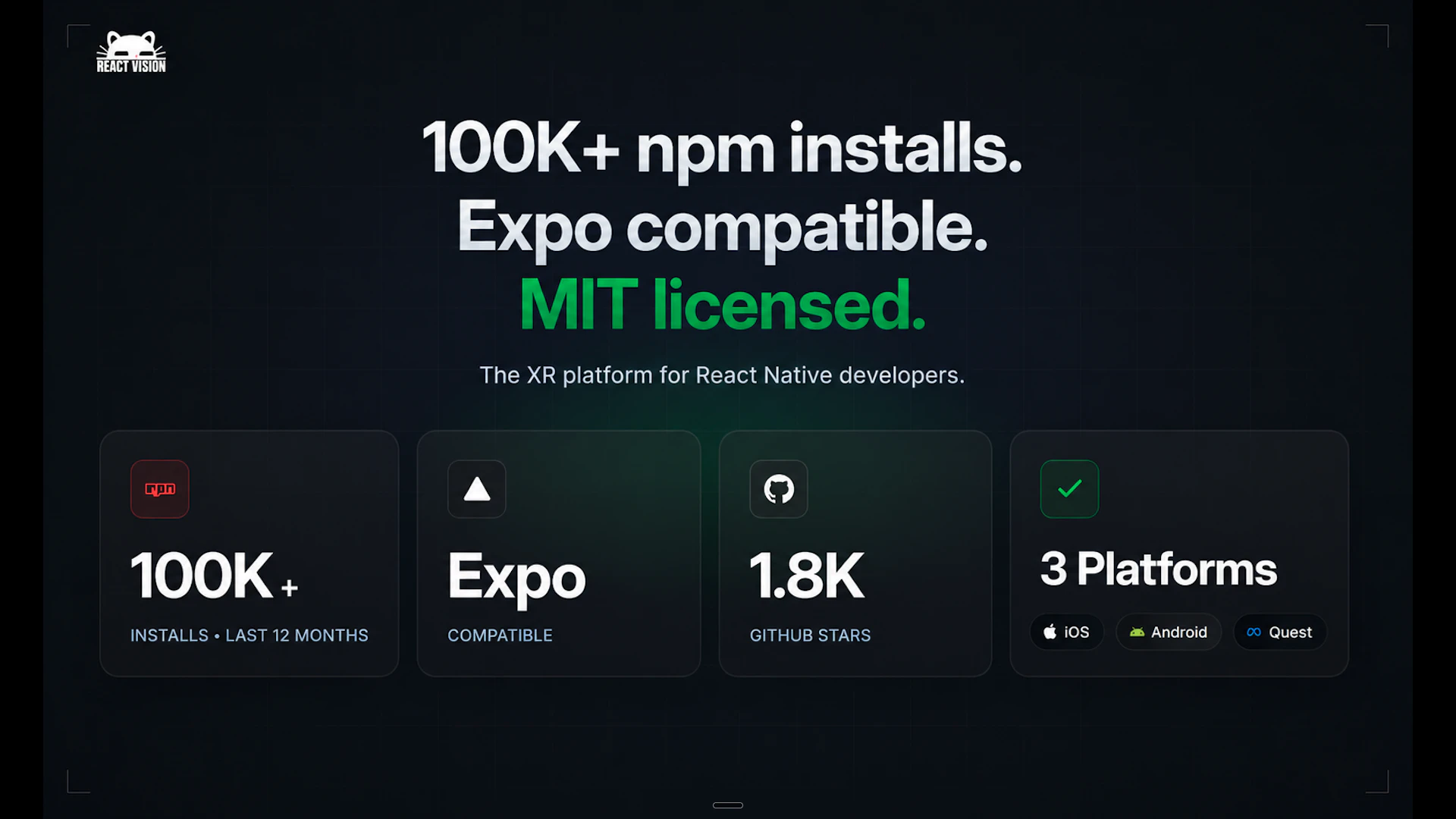
A browser-based visual editor for building AR & VR scenes. Drag and drop 3D objects, generate assets with AI, then ship natively to iOS, Android, and Meta Quest from a single React Native codebase. Open source renderer, Expo-compatible, 100K+ npm installs.
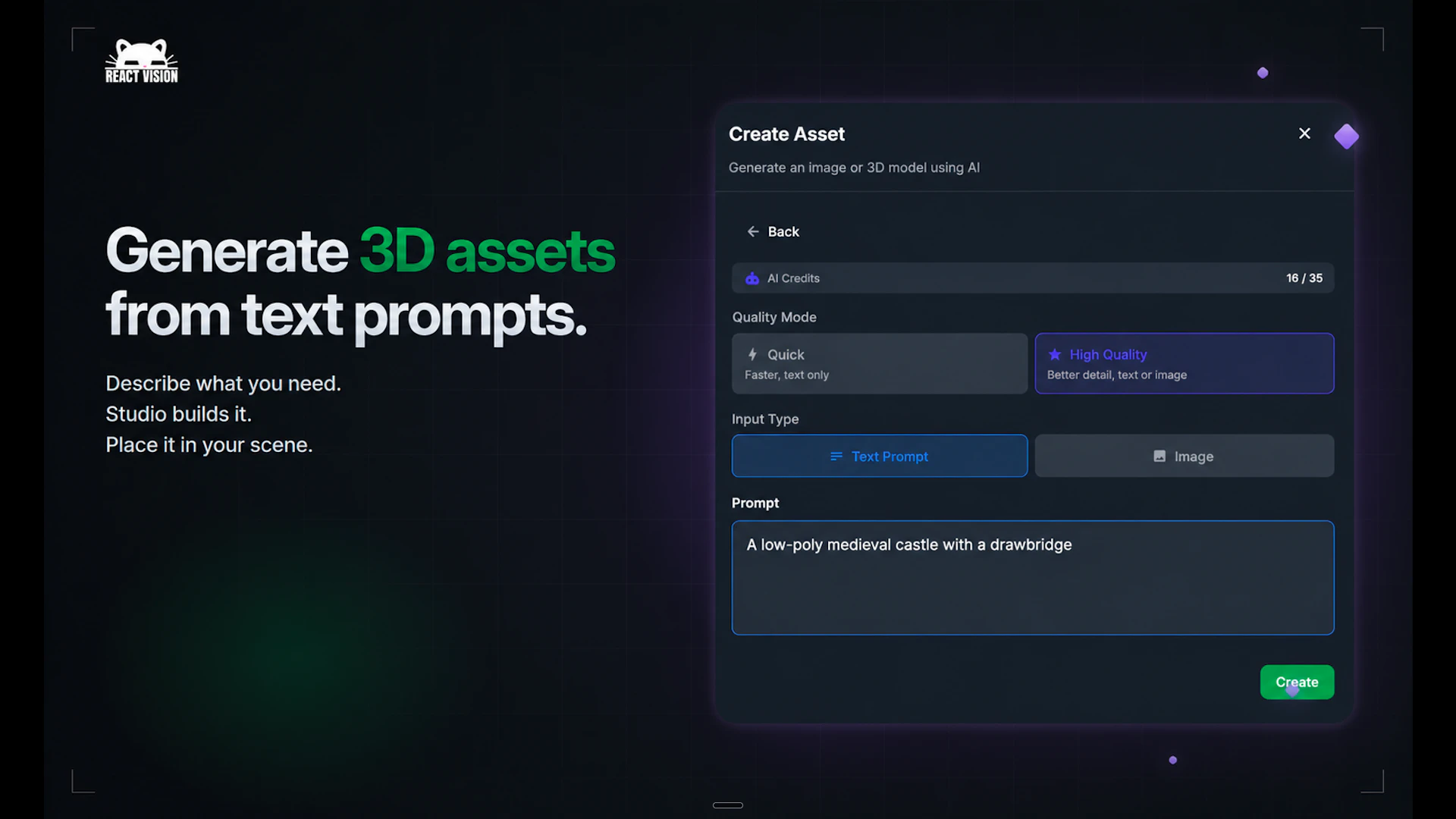
Hey Product Hunt 👋 I am Oliver, CEO of ReactVision. We've been building this for years and today we're shipping the two biggest updates we've ever released. ➡️ Studio is a browser-based visual editor for AR/VR scenes. You design by dragging and dropping 3D objects, generate assets from text and image prompts with AI, and previewing live on your phone with StudioGo. When you're ready to ship, one React Native component loads the entire scene into your app. No Unity. No C#. No game engine. ➡️ Meta Quest support means the same React Native project that runs AR on your phone now runs natively on Quest 2, 3, and Pro as an immersive VR experience. No separate codebase, no engine swap. Phone AR and headset VR from one build. Some quick context: 8th Wall (the biggest WebAR platform) shut down in February 2026, leaving thousands of AR developers without a platform. We've been working toward filling that gap - an open-source, React Native-native AR/VR stack with a visual editor and cross-platform support. The SDK is MIT licensed, Expo compatible, and has 100K+ npm installs. Studio is in public beta and free to try. We'd love your feedback - what would you build with this? Drop a comment, try Studio, and let us know what you think. Cheers, Oliver (on behalf of the ReactVision team)
9
回复

Congrats @oliedis ! The 'one codebase, three runtimes' approach is exactly what React Native devs have been waiting for; no more choosing between Unity's weight or WebXR's limits. If you haven't already, SoftRankings categorises tools for founders at your stage (looks like you're scaling post-beta), might be worth listing ReactVision so other XR builders can find you. What's been the trickiest part of getting React devs to try XR so far?"

0
回复

@oliedis oli_edis Shipping a browser-based visual editor for AR/VR that bypasses heavy game engines is an absolute game-changer for mobile devs, especially with the 8th Wall gap in the market. From an AI Product Design perspective, the spatial computing era demands a completely new breed of UI/UX architecture. To drive mass enterprise adoption, these visual editors need a flawless, premium 'Apple-style' workspace identity. Incredible milestone on the Meta Quest integration! 🚀

0
回复

@oliedis Curious how you see Studio evolving here. Will the long-term advantage come more from the visual editor + AI asset workflow, or from React Native becoming the shared abstraction layer across AR and VR devices?

0
回复

This looks pretty good. Will be forwarding to a lot of my mobile dev friends, and I know they will be excited!

4
回复

Really interesting timing for this launch. Spatial computing tools are still early and this feels like a solid developer first approach.

2
回复

@bruce_warren Thanks Bruce!

0
回复

@bruce_warren bruce_warren Exactly. The shift from developer-first utility to mainstream spatial workflow requires institutional-grade visual authority. The tools that win this space will be the ones that nail the bridge between complex 3D asset generation and clean, elite UI canvas execution.

0
回复

Happy to hunt this cool product!

Good luck with the launch, guys!

2
回复

Exciting!

2
回复

StudioGo live preview looks slick in the demo video. Is there any noticeable latency when pushing asset changes from the desktop browser editor to the phone, or is it near real-time over the local network?

2
回复

@vikramp7470 we're constantly working on making StudioGo better, there's a slight latency at the moment which is intentional to allow changes to propagate (to avoid lag of someone making a change, then undoing it and making a different change) but realtime is the goal.

0
回复

@vikramp7470 vikramp7470 Intentional propagation delay is a smart move to prevent layout thrashing, but from a product design standpoint, this is where micro-interactions and visual cues become critical. If the UI effectively communicates the sync state in near real-time, the cognitive lag disappears for the creator. Spatial tools live and die by their canvas UX.

0
回复

This is a strong dev-tool launch, especially with the 8th Wall timing.

One landing-page thing I would tighten: the first screen asks the reader to parse Studio, StudioGo, ViroReact, ARKit, ARCore, Quest, and React Native before it gives them a clear self-identification moment.

I would test a sharper above-the-fold line like:

`For React Native teams that need to ship AR/VR without Unity, WebXR compromises, or a separate Quest codebase.`

Then split the first CTA into two intent paths:

- `Try Studio in browser`

- `Read the React Native SDK docs`

The product already has the proof. I think the page just needs to make the target developer say "this is for my team" faster.

1
回复

@new_user___04320252b4205d8aebf352f Thanks, that's really helpful feedback!

0
回复

Looks pretty cool. If the latency and lag are taken care of and propagation happens in real-time, this is fire.

1
回复

Really love how ReactVision Studio is making XR development feel approachable for modern frontend developers 👏 Combining React Native with a visual workflow is such a smart direction. Feels like this could lower the barrier for a lot of creators entering AR/VR space 🚀

1
回复

With AR and VR targeting such different depth and interaction models, does the same scene definition export cleanly to both — or does the editor let you tune per-platform behavior before shipping?

0
回复

ReactVision Studio feels like the missing bridge between React developers and immersive AR/VR creation 🚀 The fact that you can visually build, preview, and deploy XR experiences without touching Unity is seriously impressive. Excited to see what creators start building with this!

0
回复

congratulations!

0
回复
#4
Shadow
AI computer screen and voice control with custom automation
178
一句话介绍:Shadow是一款为Mac设计的AI界面,通过屏幕识别、语音控制和自定义自动化技能(Skills),让用户无需复制粘贴和手动提示,直接在当前工作流中快速执行邮件回复、语音输入、会议纪要等任务,彻底消除“Copy, Paste, Prompt”的繁琐桥接过程。
Productivity Writing Meetings
AI电脑控制 Mac自动化 语音控制 屏幕识别 会议助手 邮件快速回复 语音输入 自定义工作流 本地隐私 Product Hunt
用户评论摘要:用户普遍赞赏消除“复制粘贴提示”的痛点及本地隐私保护(无机器人入会)。主要建议包括:希望支持BYOK及选择AI模型;询问是否支持多步骤工作流(当前为单命令);期待Windows版本。有用户建议优化上下文输入的可视化和可控性,以增强信任。
AI 锐评

Shadow V2的“Skills”抽象是亮点,它将“提示词+上下文+输出”封装成可自定义的自动化单元,本质上是在Mac上搭建了一个基于AI意图的操作系统层。这确实比ChatGPT类的对话框更进一步——它不再要求用户主动“桥接”,而是试图让AI被动监听并主动介入。但问题在于:这种“无感自动化”的门槛非常高。用户需要有能力设计和调试自己的Skills,否则很容易陷入“预设技能不够用,自定义技能不会写”的尴尬。当前只支持单命令,更复杂的“多步骤代理”还在路上,这会让它的实用性打折扣。另外,Mac-only的策略在团队协作场景下直接锁死了天花板,创始人多次提及“优先做好Mac版”虽然是务实选择,但也暴露了团队资源和跨平台能力的瓶颈。最核心的隐忧是“上下文边界”的信任问题:当AI自动读取你的屏幕、麦克风和邮件,而你无法清晰地看到它究竟用了哪些数据去生成结果,这种“便利”很可能沦为“黑箱”。虽然团队声称“用户可以手动控制”,但在高频率的工作流中,这种控制往往流于形式。Shadow是一个有野心的产品,但距离成为“AI时代的鼠标键盘”还有一段路——它需要更智能的默认技能库、更透明的数据追溯机制,以及一个不把用户当程序员的配置界面。

查看原始信息
Shadow
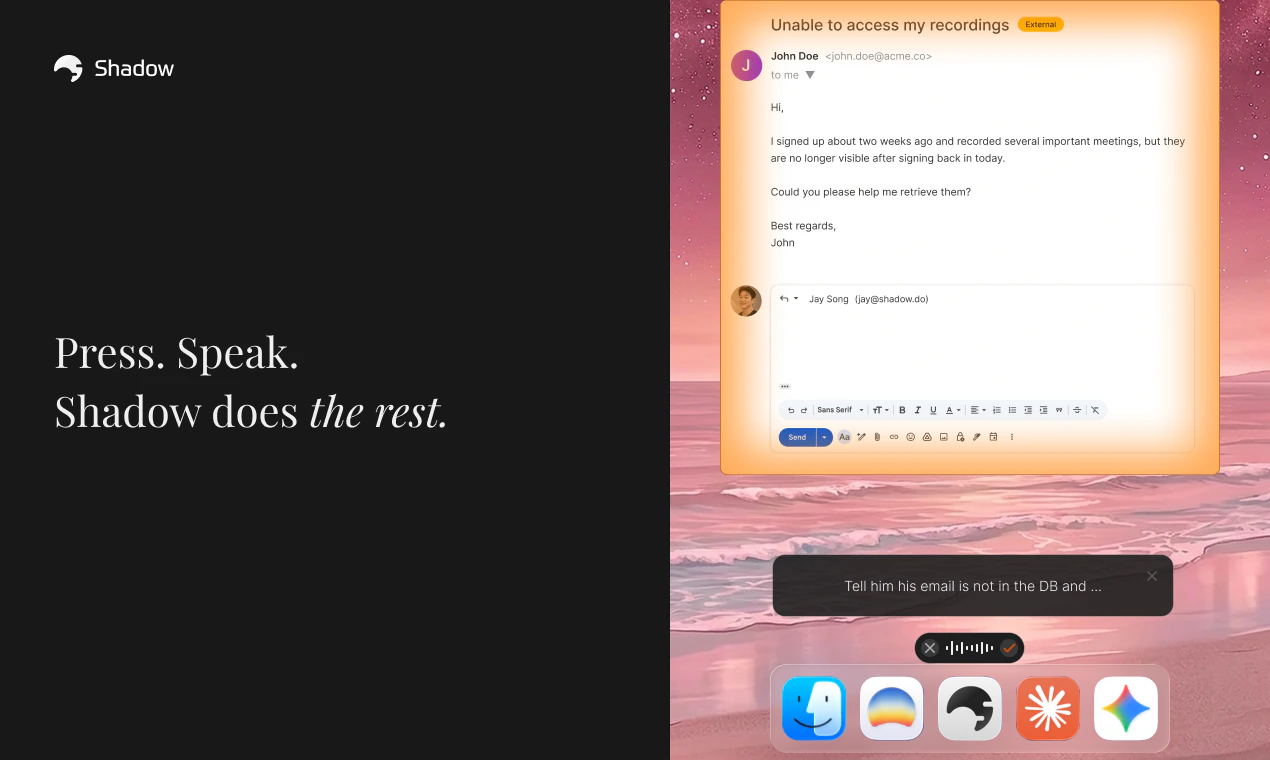
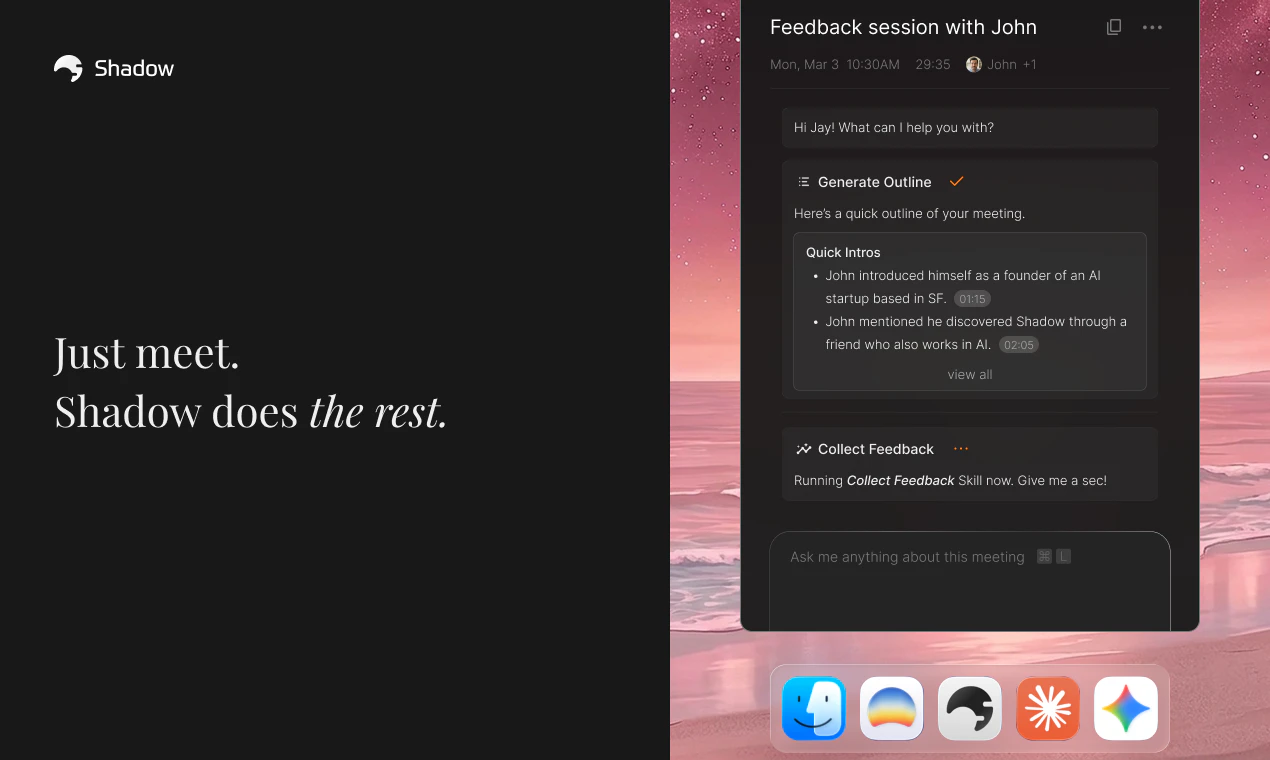
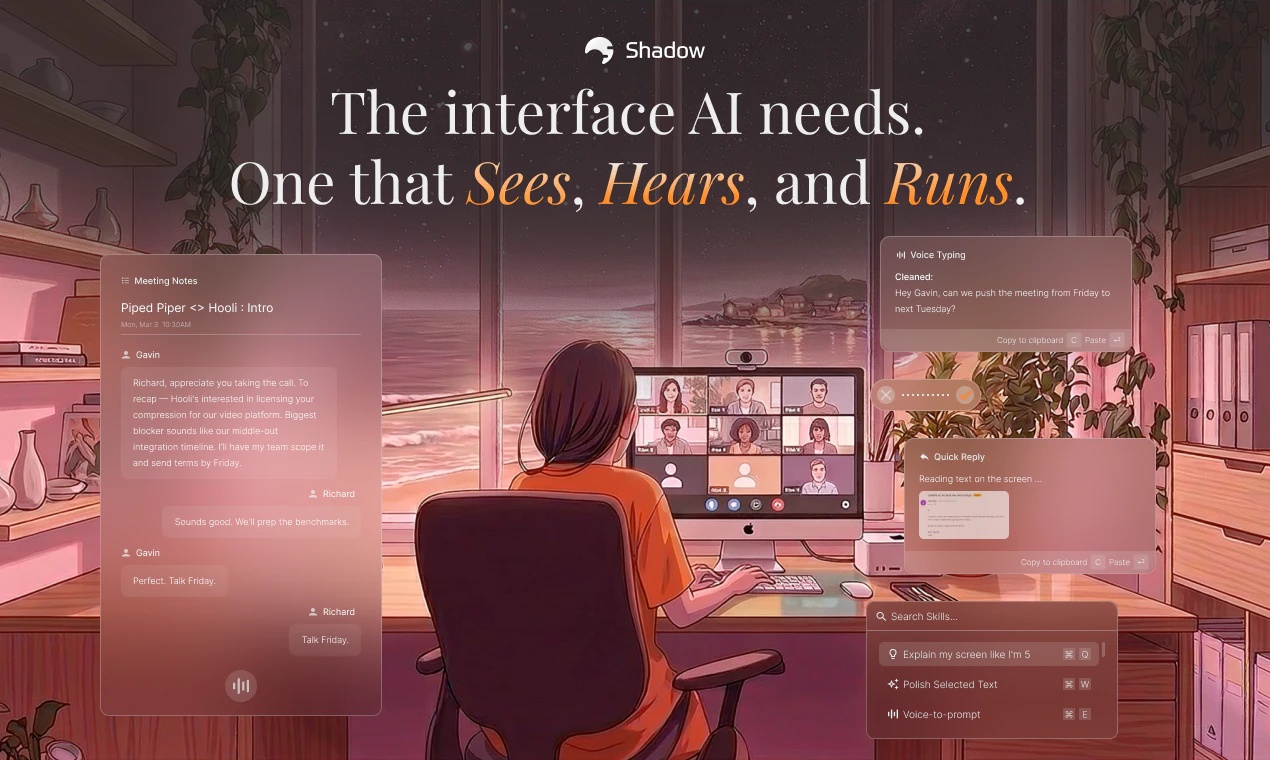
Shadow is the AI interface for your Mac. It sees your screen, hears your voice, and runs the prompts you build — on a keyboard shortcut, or in your meetings. 🪄 Skills do the work. Quick Reply drafts emails from what you say and what’s on screen. Voice Typing turns talking into clean text, anywhere. Meeting Skills capture every word and screen, then deliver notes and follow-ups the moment you hang up. Build your own — every Skill is a prompt, a context, and an output.
Hey Product Hunt 👋 Jay here, founder of Shadow. This is our 4th time launching here, and the most meaningful one for me. Each launch shaped what Shadow became. The community here pushed us, called out what didn't work, and stuck with us. I'm a different founder than I was at launch one, and Shadow is a different product. Thank you all 🙏 Here's something most people don't know about us. We never set out to build a meeting assistant. 👉 What we cared about from day one was closing the gap between your world and AI. Meetings were just where we started. The most obvious place where context gets lost the fastest, and the most urgent thing to solve. So we did that first. But meetings were never the whole point. So here's what we've been thinking about. ⌨️ The keyboard and 🖱️ mouse. They have been around for decades. They were built for a world where you do the executing. You type every word, click every button, do every step. But that world is changing. AI writes, codes, replies, decides. Execution is no longer just yours to carry. And yet, every time you want AI to help, you stop what you're doing, open a chat box, and start copying, pasting, prompting. You become the bridge between your world and AI. A new way of working, but the same old interface. ✨ Shadow V2 is what we always wanted to build. An interface built not for execution, but for thought. One that captures what you see, hear, and say, and runs the prompts you build. The biggest addition is ⚡️Action Skills. Press a keyboard shortcut on any screen, say what you want, and Shadow runs your Skill right there. No copy, no paste, no prompt. A few examples: - ⚡ Quick Reply reads the email on your screen and drafts the response from what you say. - 🎙️ Voice Typing turns talking into clean writing in any text field, about 4x faster than typing. Every Skill is yours to edit. A prompt, what Shadow watches, where the output goes. Change any of them and you have a new Skill. 📝 Meetings got better too. We rebuilt the transcription engine from the ground up, faster and more stable than before. Speaker labeling is significantly improved, which was one of your most requested fixes. No bot ever joins your call, audio stays on your Mac, and your meeting becomes whatever Skill you point at it. A few things we cared a lot about: - 🚫 No bot ever joins your call. - 🤖 Fully autonomous, runs without you even knowing. - 🔒 Audio stays on your Mac, local transcription - 🔗 Webhook and Markdown export for everything If you've used Shadow before, thank you for sticking around 🙏 V2 is what V1 was always pointing toward. If you're new, welcome 👋 Would love to hear what Skills you'd build first. Jay
8
回复

@jaythesong This is pure gold, Jay! As a digital publisher, the 'Copy, Paste, Prompt' ritual has always been a massive bottleneck in my daily workflow. Shadow V2 seems to completely eliminate that friction. The fact that it runs locally on Mac with ZERO bots joining calls is a huge win for privacy and system performance.

Rebuilding the transcription engine from the ground up shows how much you listen to the community. Upvoted and fully supporting this launch. Kudos to the entire team! 🚀

0
回复

Hey Product Hunt! 👋 We worked really hard on this one. Hope you enjoy it! If Shadow makes even one part of your day a little easier, that means a lot to us. Would love to hear what you think! Your feedback genuinely shapes what we build next. 🙏

3
回复

@escphoenix🫡🫡🫡

0
回复

Our team poured a lot into this launch — every detail was deliberate. We focused heavily on making things smoother and more intuitive, so Shadow fits into your workflow rather than the other way around. Hope it genuinely makes your day a little easier. Can't wait to hear how it's working for you 🙌

2
回复

@kevin_lee525 🫡🫡🫡

0
回复

Quite amazing. What models are included? BYOK?

1
回复

@pranavprakash Glad you like it! We don't have BYOK available, and we aren't letting users choose specific AI models right now as we're focused on automatically detecting the best context for each situation. That said, it's definitely something we're considering for later.

1
回复

This is exactly the kind of tool I've been looking for to cut down on repetitive Mac tasks. Does it work well with multi-step workflows, or is it better for single commands?

0
回复

@rich_nashawaty Hey Rich! thanks for the comment. Currently, it's a single command but more agentic / multi-step workflow is where we are headed!

0
回复

Four launches in, still Mac-only. For a solo power user that's fine. But the moment this becomes a team tool you hit the wall immediately if anyone's on Windows. Congrats on the launch!

0
回复

@jared_salois Thanks for the comment! You’re right. The Windows version is taking much longer than we initially anticipated, but we’ve been prioritizing getting the Mac version right first.

0
回复

The “prompt, context, output” shape for Skills is a strong abstraction. The place I’d be most curious to see exposed is context boundaries: when a Skill uses screen state, meeting transcript, selected text, or prior notes, can the user see exactly which inputs were used before the output gets sent or saved?

That matters a lot for trust in quick replies and follow-ups. If the interface makes context visible and editable, Shadow feels less like a hidden automation layer and more like a controllable work surface for AI.

0
回复

@jim_jeffers Appreciate the comment, Jim. We value user privacy, so we've designed Shadow so that you can manually control exactly which data(screenshot, voice input, and etc.) is used for each Skill. For meetings, transcripts, participant data, and others are shared when you use a meeting Skill, but you have full control over which Skill is active and when. Nothing is hidden from the user. It’s meant to be a tool that lets you capture context and run your own prompts with total visibility into what's happening!

0
回复

Hey Product Hunt! 👋 We've put everything into this, and I'm genuinely excited to finally share it with you all. I hope you get to experience firsthand how Shadow can change the way you work. Give it a try, and please share any feedback, what you liked, what felt confusing, or what could be better. Every comment helps us make it better. 💪

0
回复

@jayden2 🫡🫡🫡

0
回复
#5
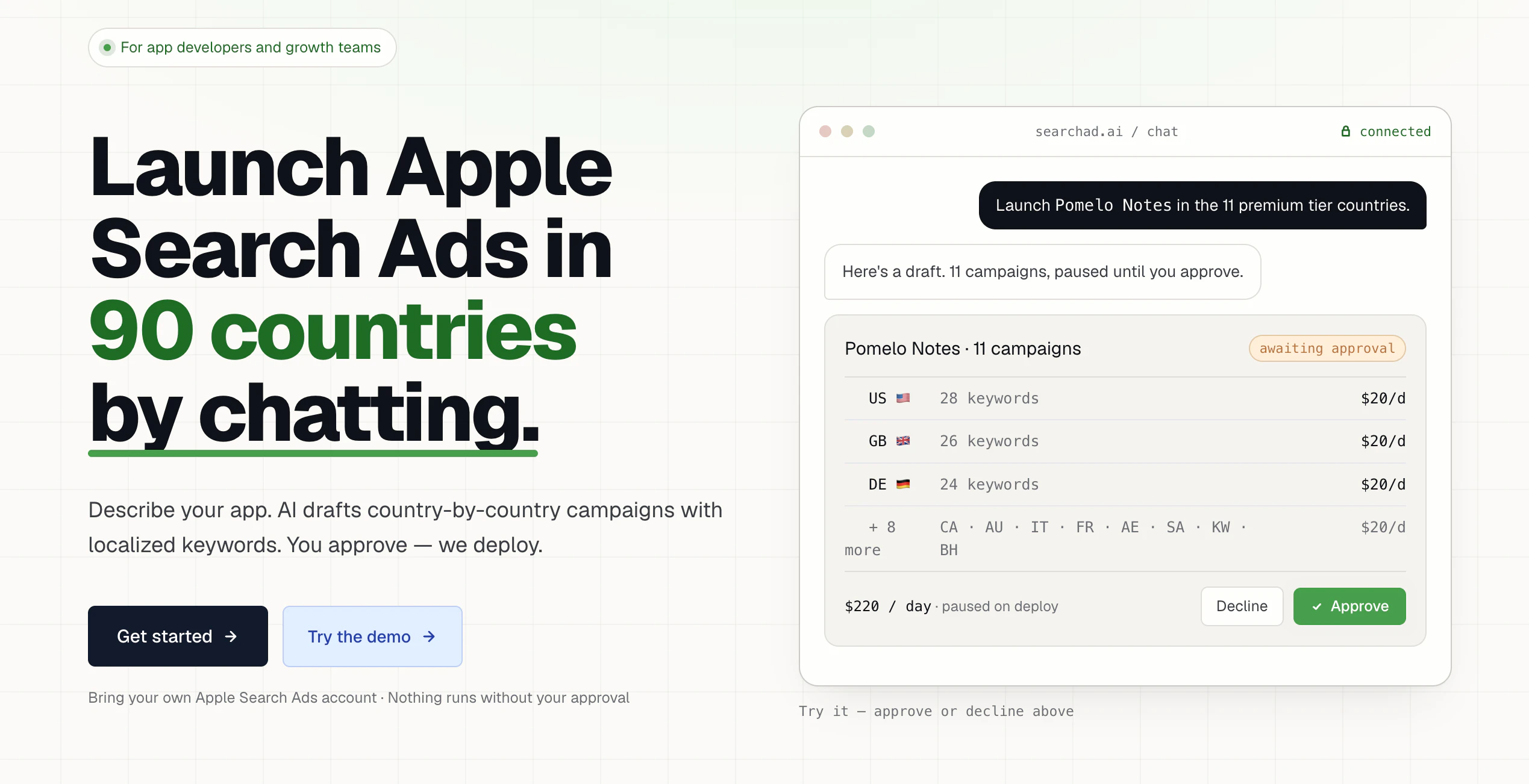
Searchad.ai
Run Apple Search Ads by Chatting with AI
138
一句话介绍:Searchad.ai 是一款通过自然语言对话,让移动应用开发者能够用AI高效管理苹果搜索广告投放与优化的智能工具,核心解决苹果Ads后台操作繁琐、多国家多campaign难以批量管理的痛点。
iOS Marketing Apple
苹果搜索广告管理 AI对话式广告投放 ASA营销工具 ROAS追踪 关键词优化 多地多Campaign管理 Revenuecat集成 SaaS工具 移动应用推广 广告预算控制
用户评论摘要:用户普遍对“对话式管理”定位表示兴趣,但提出两处顾虑:一是能否防止超预算,二是价格不透明。创始人回应称预算控制依赖苹果侧设置,定价在API连接后可见。另有用户建议在连接API前补充“只读默认、费用需人工确认”等信任信息。
AI 锐评

Searchad.ai 切中了一个真实且尖锐的痛点:苹果Search Ads后台笨重、慢、多国多campaign操作繁琐。其“用聊天做ASA管理”的交互方式,本质上是把结构化广告操作(批量调价、关键词扩写、ROAS查询)变成了自然语言指令——这很可能大幅降低非技术型开发者/小团队的管理门槛。但一款工具的价值,不止于“方便”。评论中暴露了两个致命疑问:能否真正防超支?价格到底多少?创始人的回复“预算限制在苹果侧设置”、“定价在API连接后可见”暗示了两件事:一是工具本身不具备预算法围栏能力,仅能调用苹果API;二是定价可能采用“用量×套餐”模式,但目前缺乏透明的前置报价。这会导致用户在核心信任环节——连接API、暴露广告资金——之前就产生犹豫。整体看,Searchad.ai在执行层有潜力成为“ASA界Cursor”,但产品叙事上需要更早解决“我不放心让它替我花钱”这一底层心理障碍,同时在定价上开门见山,否则会损失大量潜在付费用户。当下最好的打法是把“只读默认+每次操作需确认”包装成安全卖点,并推出一档无风险免费试用套餐。

查看原始信息
Searchad.ai
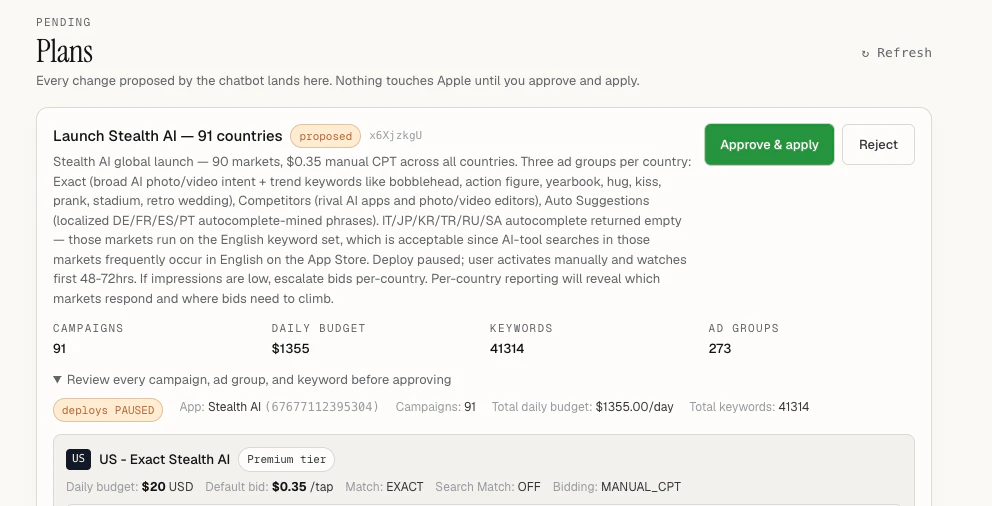
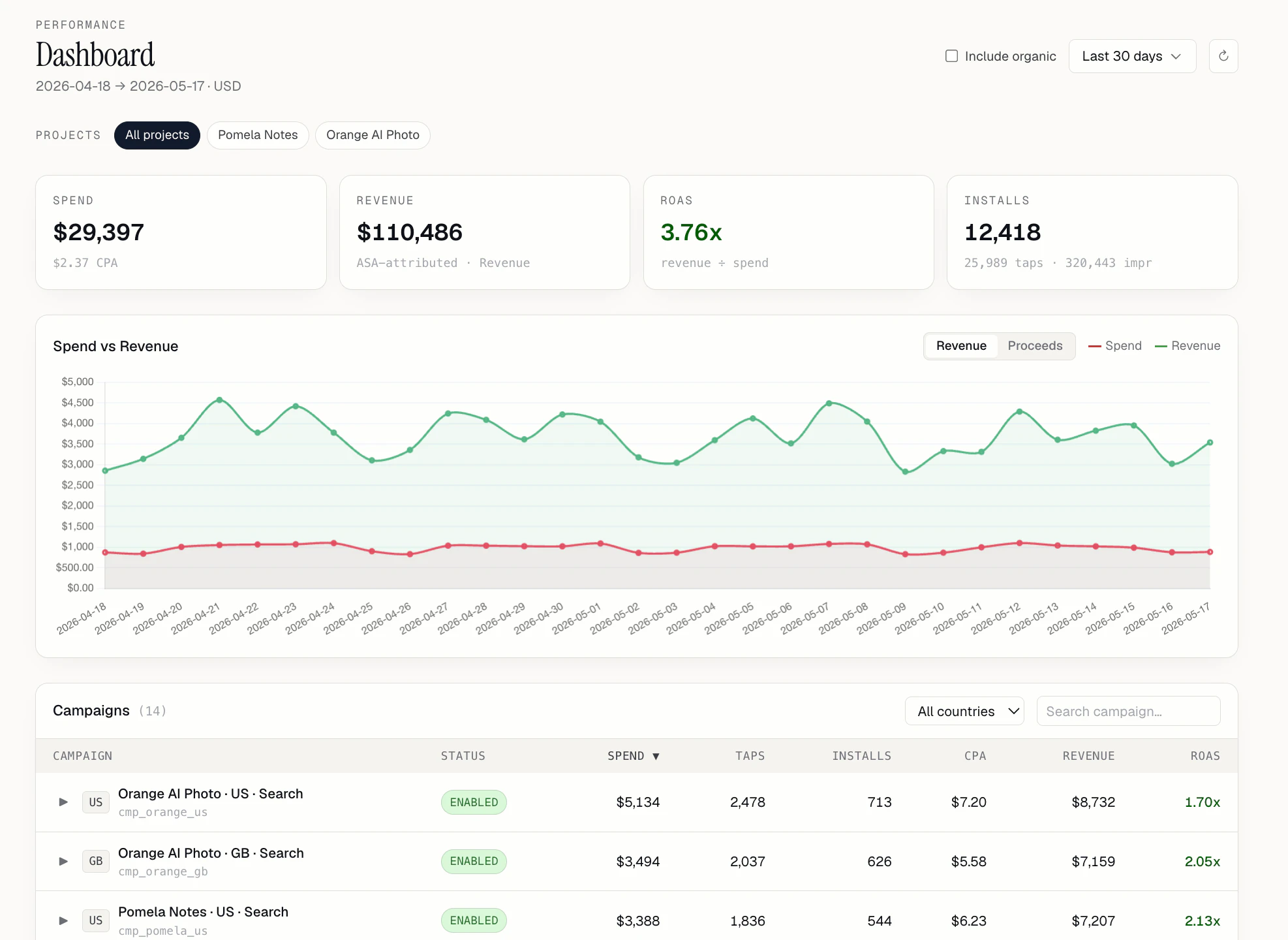
Cursor for Apple Search Ads. Run Apple Search Ads campaigns in every country just by chatting. The AI is read-only by default, and nothing deploys, pauses, or spends a cent without your explicit approval. See your ROAS, manage the campaigns with just chatting. Work for every country that Apple Ads supported.
Hello Everyone, I'm the founder of Searchad.ai which helps mobile app owners to run their Apple search ads campaigns with chatting. I've been using this tool internally for my own apps. After getting lots of requests from my close friends to use the same infrastructure for their app I've turned into a SaaS project. Searchad.ai is the easiest way to start running Apple Search Ads, all you need to do is connect your Apple Search Ads Api key and tell the AI to run your ads. AI can search for keywords, find meaningful keywords, do localizations, increase search ads bids, pause negative roas campaigns, check roases by country, by keyword, by ad set. Simply everything you can ever imagine is possible with searchad.ai with only chatting. I've been trying to use Apple Ads dashboard but it's super complicated and working very slow. It's very hard to setup multiple countries, multiple campaigns, multiple ad groups and keywords, it's can be really annoying to do all of them one by one. I just want to make everything very simplified and searchad.ai is born. It's very new platform, I've been personally using more than a month in my own terminal. Now everyone can have access it, it's could be some small mistakes or error, I'll be very happy to hearing them and fixing as quick as possible. Would be really appreciate to the any sort of feedback and questions to answer it! additionally with just brining your Revenuecat api key, you can also see ROAS in your current/previous campaigns. Thanks.
2
回复

@irfansenercom Interesting tool for Apple search Ads. Will explore and share my experience. Running mutiple campaigns on ASA is a hustle.

1
回复

Strong positioning: "Cursor for Apple Search Ads" is easy to understand.

One landing-page friction I would fix: trust before API connection. Since the buyer has to connect an Apple Ads API key, I would add a small "before you connect" block near the CTA:

- read-only by default

- no spend changes without approval

- pricing range or example tier

- best for first campaign vs active app teams managing spend

That would answer the two objections already showing up here: "can it overspend?" and "what will this cost me?"

1
回复

dope product 👏

1
回复

@thibaultll yeah, this product looks very interesting!

0
回复

the product looks interesting. I can see that u can put the limit of daily spend. Is it possible that it over spends in any case?
Also I didnt find the pricing model of the product.

0
回复

@zabbar Hello Zabbar,

The limit of the daily spend is from Apple Search Ads side, we're just a tool to help you to manage Apple Ads campaigns. So you can set it up or down to this limits.

Pricing is inside of the app, if you can able to link your search ad account, you'll be able to check the pricing as well.

There are different tiers for different packages and different use cases. So it's more depending of the usage.

0
回复
#6
M1 by Montage
Agentic UI that scales on demand
133
一句话介绍:Montage M1通过单次API调用将AI生成的“文本描述”编译为可托管、可持久化、可交互的专业级UI组件,解决了AI Agent构建用户界面时速度慢、成本高、质量参差不齐且缺乏状态管理的核心痛点。
User Experience Developer Tools Artificial Intelligence
用户评论摘要:用户关注持久化UI的访问控制层(权限与共享)及能否自带组件库。开发者赞赏模型/框架无关性、流式渲染与Token节省,期待与现有前端框架更深层集成。团队回应正规划组件构建器及更开放的设计系统支持。
AI 锐评

Montage M1的定位精准切中了当前AI Agent落地的“最后一公里”难题——大多数Agent生成的“UI”仍停留在聊天框里的HTML卡片或表格,本质上还是“增强版文本输出”。M1的价值不在于渲染更快(这是技术结果),而在于它重新定义了AI输出的范式:AI的输出应当成为“可永久运行的微型软件”,而非一次性对话片段。其“编译-托管-持久化”的闭环,实际上是在构建一个面向AI时代的“无服务化UI中间件层”。

但必须指出,其核心卖点“50-100倍Token节省”和“10倍速度提升”依赖于“编译”而非“运行时生成”的架构,这意味着产品组件库的丰富度与灵活性之间存在天然矛盾——预制组件越多,对AI的创意约束越强。团队自己也承认“组件过多会污染输出质量”,这本质上是在用“准模板化”换取效率。对于需要高度定制化UI(如复杂图表交互、动态布局调整)的场景,该方案可能力有不逮。

此外,当前访问控制全交由开发者自身实现,这在B2B场景中是一个明显短板。企业级客户不会接受一个无法精细管理权限的“黑盒UI托管服务”。路线图上的“artifact级权限”若不能快速落地,M1很可能沦为原型工具而非生产级方案。

总体而言,Montage M1在“Agent UI生成”这一细分赛道上展示出了务实且锐利的切口,但它必须警惕:一旦大模型厂商(如OpenAI、Anthropic)开始原生支持结构化UI输出与持久化,这种中间层服务的生存空间将会被迅速挤压。

查看原始信息
M1 by Montage
AI agents render UI slowly, expensively, inconsistently and inference bills balloon from it. Montage fixes it: emit a tiny intent schema, we compile production components server-side: 10x faster, 50-100x fewer tokens, model and framework agnostic. Now one M1 API call generates rich interactive visuals, hosts them as live UIs with persistent state, and styles to your brand. Don't let your agents reinvent UI every turn - ship them on Montage!

Hey Product Hunt 👋!

@aboss123 and I launched Montage about two weeks ago, and the response from developers has been incredible!

Montage started as a runtime framework for agentic UI, but after talking to teams building real customer-facing agents, one thing became clear: the problem is bigger than rendering components faster.


Agents shouldn’t just display a chart, table, form, or dashboard once inside a chat thread. They should be able to create full interactive artifacts that users can save, revisit, share, and actually use.


The same requests kept coming up:

• Can the UI persist state after the agent creates it?
• Can users save the artifact instead of losing it when the chat ends?
• Can we host it without wiring up a separate app?
• Can it look and feel like our product?
• Can the agent generate richer, higher-quality visuals than basic cards and tables?


That customer feedback led us to Montage M1!


With Montage M1, your agent can generate an interactive artifact, save it, host it on our platform as a disposable UI with persistent state, and style it with your company’s brand, all through a single API call.


What’s new in M1:

Saved artifacts users can revisit
Hosted disposable UIs with persistent state
Interactive, high-quality visuals
• Support for generating far more than charts, tables, kanbans, and forms
• Now supporting pricing for agent-builders: usemontage.ai/pricing!
• Still Model-agnostic and framework-agnostic by design
• Still built to reduce slow, expensive UI generation


Our bigger thesis is that AI outputs are becoming software, not just text. If an agent creates something a human needs to inspect, edit, share, or use, it should behave like a real interface. Montage is the agentic UI rendering platform for exactly that!


Get started:

  1. Make an API key at usemontage.ai/get-started

  2. Read the docs at usemontage.ai/docs
    Or hand the docs URL to your coding agent and let it set Montage up for you!

If you’re building customer-facing agents, we’d love to hear what you’re running into and what you want Montage to support next. Reach us at founders@usemontage.ai — we’re helping early teams hands-on with their first Montage-powered setup!

9
回复

Clean idea, strong positioning, and very relevant timing 🔥

AI apps desperately need better UI orchestration workflows, and Montage seems to tackle that directly. Wishing the team an amazing launch day!
@aboss123  @amakadia 

4
回复

Really impressed by the idea of turning tiny intent schemas into fully functional UIs. The focus on reducing token usage while improving rendering speed feels super relevant for the future of agentic apps. Love that it’s both model-agnostic and framework-agnostic too.

Curious — what kind of customer-facing AI products are you seeing adopt Montage the fastest right now? 👀

7
回复

@tanjum thanks for reaching out!

To answer your question, teams building customer-facing AI agents! Mostly products where the AI output stops being “chat” and starts becoming software, like dashboards, workflows, research workspaces, ops tools, etc.

That’s where persistent UI matters fast.

Long term, we think this becomes a core layer for AI-generated software in general, not just agents!

0
回复

The balance between speed, flexibility, and model compatibility stands out here. Feels like Montage could remove a lot of friction for AI app builders. Are there plans for deeper integrations with existing frontend frameworks?

5
回复

@1mirul That’s the direction we’re pushing toward!

We figured out teams don’t want another isolated AI UI stack. The real unlock is when agentic UI can plug directly into existing frameworks, components, and design systems without changing how teams already build products. That’s what we’re already doing with Montage, and will continue doing to support our customers!

0
回复

The streaming artifact approach is smart. We've spent a lot of time trying to make agent outputs feel like real product surfaces, not just chat bubbles. B2B users don't want to lose outputs when a session ends. Does M1 have any access control layer for shared artifacts, or is that left entirely to the implementing team?

3
回复

@dhiraj_patel5 

Great question!

Right now, artifact access is scoped to the API key that generated it, and the implementing team controls visibility through their own auth layer. Artifact-level permissions (scoped sharing, role-based visibility, org namespaces) are on the roadmap, but one thing's for sure: the persistence and versioning infrastructure is already in place, and access control is the next layer.

The nice thing about our compilation model is that each artifact is self-contained, so there's no ambient data leakage as you'd get with runtime approaches.

2
回复

Hey Product Hunt!

I introduce you to... the Montage M1 API. Since our initial launch 2 weeks ago, we've had over 200 downloads on NPM and over 100 API users. I want to say how much we appreciate your support in helping us improve Montage.

Some of our latest features are sure to surprise you.

  • You can now host artifacts using the M1 API. You create a JWT token that binds to our artifacts endpoint and can securely access hosted Montage artifacts. These artifacts can persist state and use capabilities that fetch data from your server like a standalone application!

  • Interactive artifacts upgrade. Previously, if you asked Montage to make a simulation of foxes and rabbits in the wild, it would try to cram that into a dashboard or report, which kinda takes the innovation out of generative UI, but with the M1 API, requests like that get turned into beautiful visuals you can interact with and toy around with

  • Artifacts are now streamable. Previously, you had to wait under a skeleton screen for the full time before an artifact surfaced; now you don't have to! You can stream rendered sections to your users so they don't have to wait 10 seconds for a render to appear.

  • We are now a paid service, but everyone who signs up gets 1000 free credits, regardless of whether you are paying for a subscription or not.

I am proud to say I am very excited about the release, and, of course, I am open to more feedback. We want you to stress-test our software and report any bugs. Shoot us an email at founders@usemontage.ai, we read every one.

Demo Video

3
回复

Love that this is model-agnostic. Being stuck in an ecosystem where the UI only works if you use a specific provider's function calling is an automatic dealbreaker for us. Handing the docs URL straight to our internal coding agent to let it do the setup is a nice touch too. @amakadia

2
回复

@amakadia  @priya_kushwaha1 Thanks! We are trying to make adoption as frictionless as possible.

2
回复

Can devs bring their own component library, or are you limited to a set of Montage resources?

1
回复

@othman_katim We are planning to support similar features, allowing users to customize our curated component library. Based on our testing, having too many components can pollute output quality, so we've curated the top ones. Eventually, we will add a component builder that lets users build and edit existing Montage components. Right now, we support design system branding, which personalizes how outputs appear.

1
回复
#7
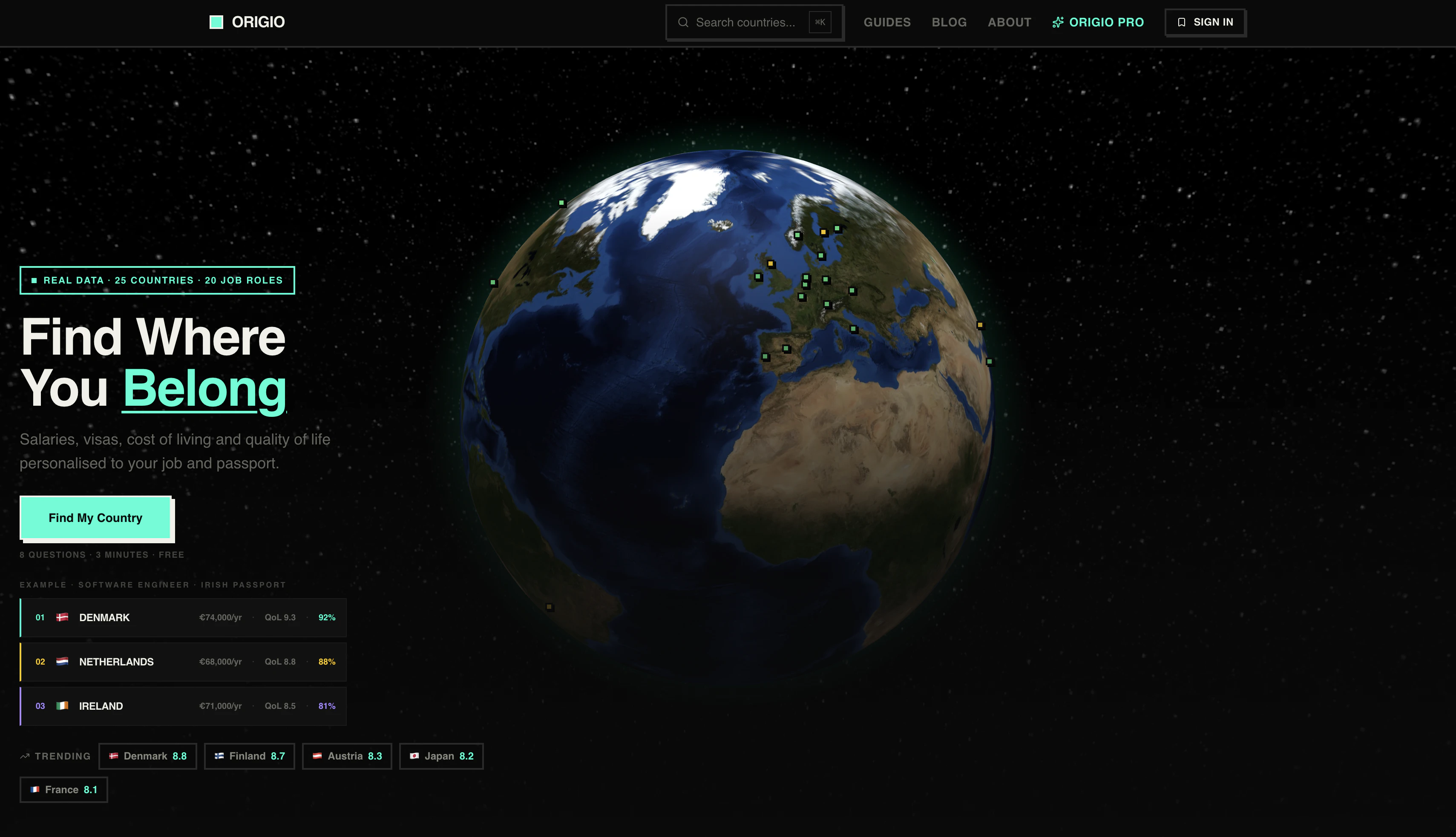
Origio
A personalized way to discover where to live
123
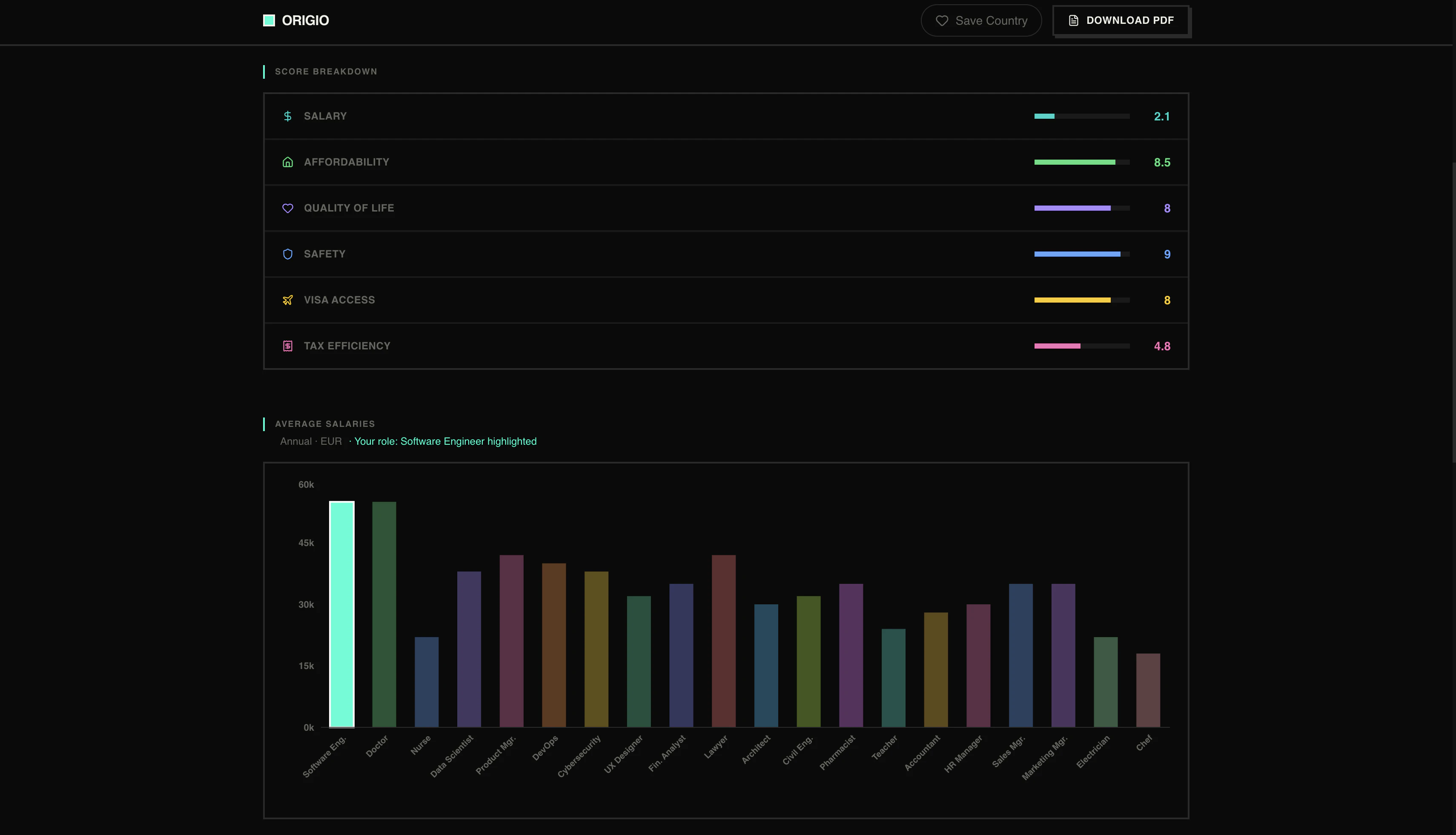
一句话介绍:Origio通过8个问题个性化评估25个国家的税后薪资、签证难度、生活成本和生活质量,帮助用户快速找到最适合移民或移居的目的地,解决传统工具缺乏个人化匹配的痛点。
Travel Remote Work Data & Analytics
移民决策工具 个性化推荐 国家对比 生活质量评估 签证难度分析 税后薪资计算 生活成本比较 一次付费 无订阅 ProductHunt
用户评论摘要:用户高度认可解决实际需求,但有Bug导致黑屏或超时(已修复),墨西哥未出现在搜索中;需注意税务数据更新的时效性,建议明确数据更新频率和“研究级”精度界限。
AI 锐评

Origio的价值不在于“比Numbeo更准”,而在于它把移民决策这个高度复杂、充满隐形成本的过程,压缩成了8个选择题。它切中了一个被忽视的痛点:大部分人不是不想移,而是被信息过载和“不知道自己不知道什么”的恐惧劝退了。

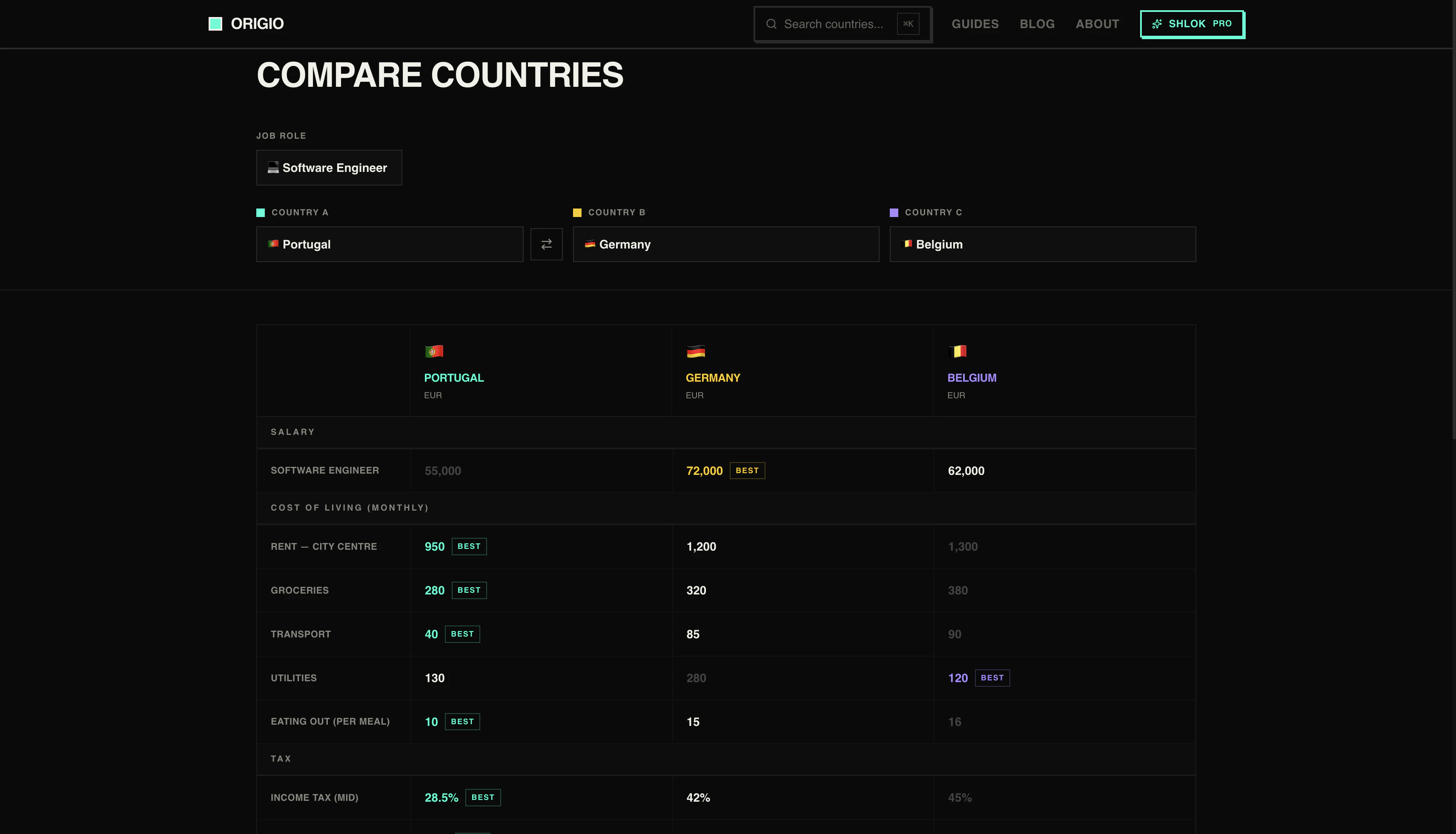
从产品逻辑看,它做了两件事值得肯定:一是用“税后实际到手收入”替代了粗糙的购买力,这对程序员、远程工作者这类高流动性人群是精准的;二是把“签证难度”和“国籍”强绑定,这弥补了Nomad List等工具只看生活成本的巨大盲区——一个印度护照和德国护照面对的世界完全不同。

但问题也很明显。19.99欧元一次付费的模式固然清爽,但税务数据、移民政策变动频繁,长期维护成本很高。评论中已出现数据查询失败和结果不显示的情况,说明MVP期技术底子仍在补课。更重要的是,它目前只覆盖25个国家,对于想对比泰国和西班牙的人有用,但真正需要移居的人往往在非主流国家——比如尼加拉瓜、格鲁吉亚——而这些数据空白会使工具的价值大打折扣。

最终,Origio更像是个“决策漏斗”——它能帮用户从25个国家缩到3个,但后续的深挖(雇主移民、子女教育、医疗保险)它无力承接。如果能开放数据API或构建社区贡献机制,它有机会从“工具”变成“平台”;如果只靠创始人手动刷税务表,一年后就会被数据折旧拖垮。值得关注,但别盲信。

查看原始信息
Origio
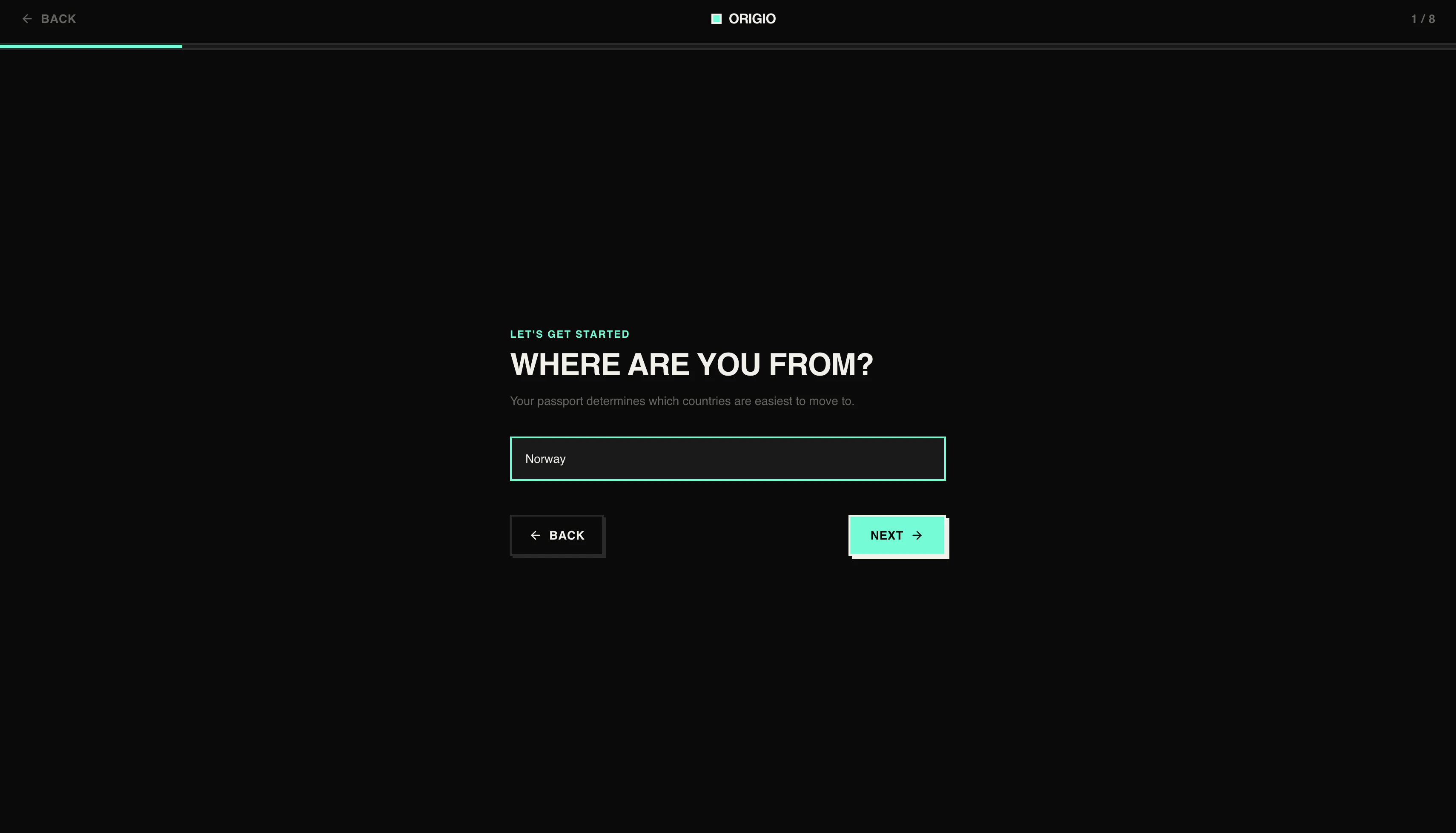
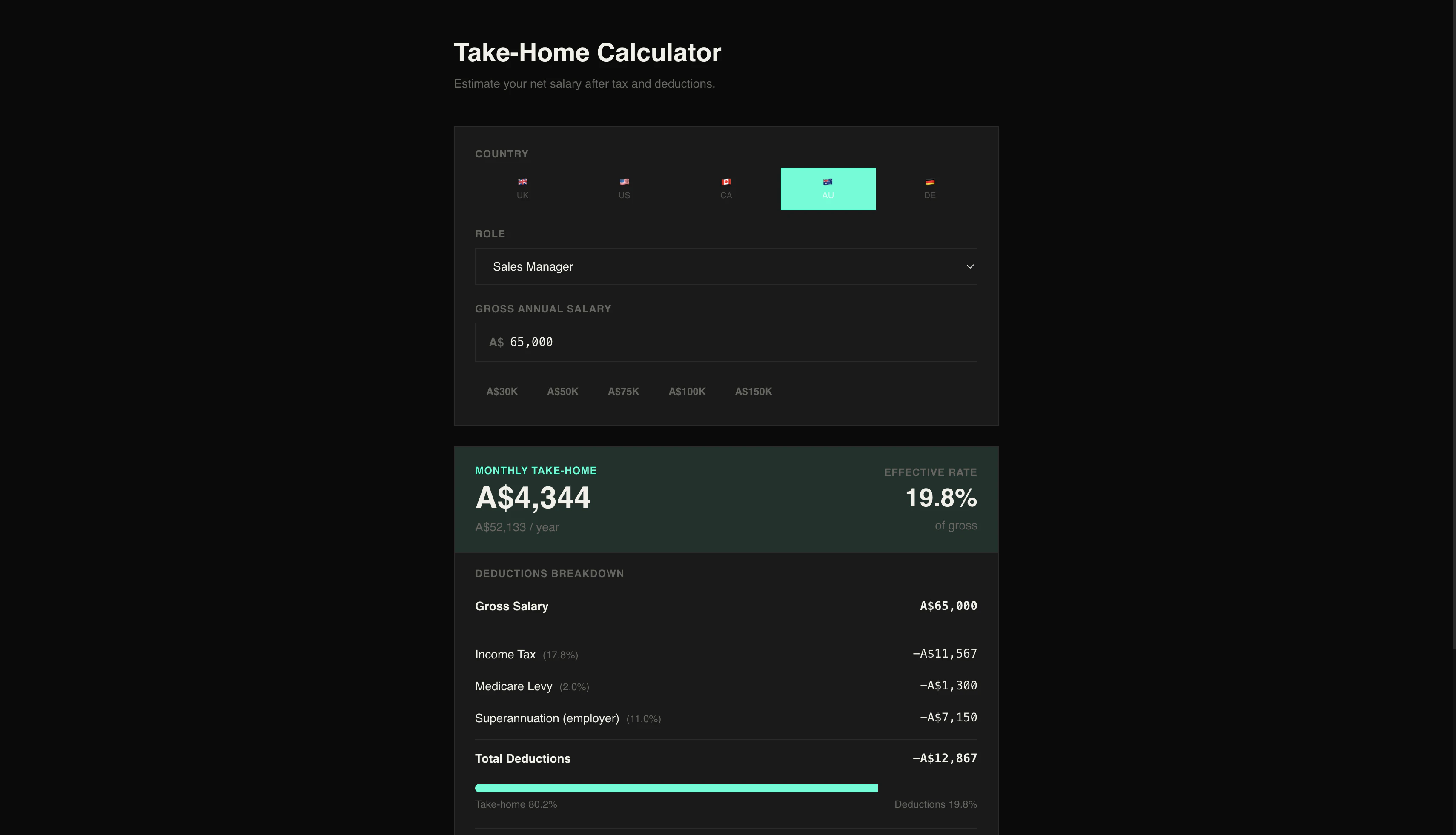
Most relocation tools give you generic city comparisons. Origio personalises it. Answer 8 questions about your job, passport, rent budget and priorities and it scores 25 countries by salary after tax, visa difficulty for your nationality, cost of living and quality of life. Free tier shows your top 3 matches. Pro unlocks all 25, a salary calculator, full visa checklist and a 3-country comparison. One-time payment, no subscription.

Hey PH 👋

I built Origio because I was genuinely trying to figure out if moving abroad made financial sense for me and couldn't find anything useful. Numbeo gives you generic city data. Nomad List tells you about the coffee shops. Neither of them tell you what you'd actually take home on your salary after local tax, or whether your passport makes the visa process a nightmare.

So I just built it myself.

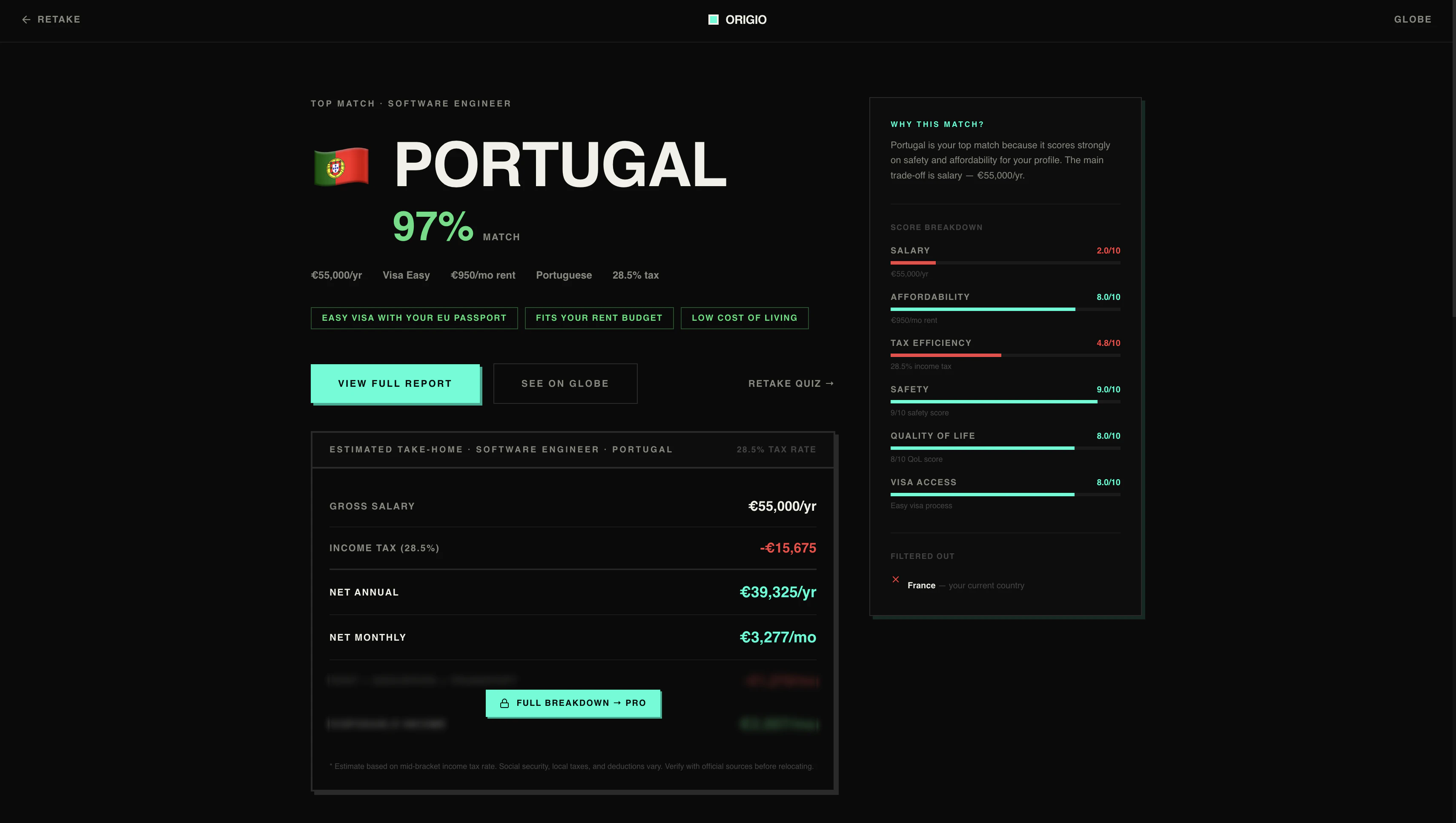
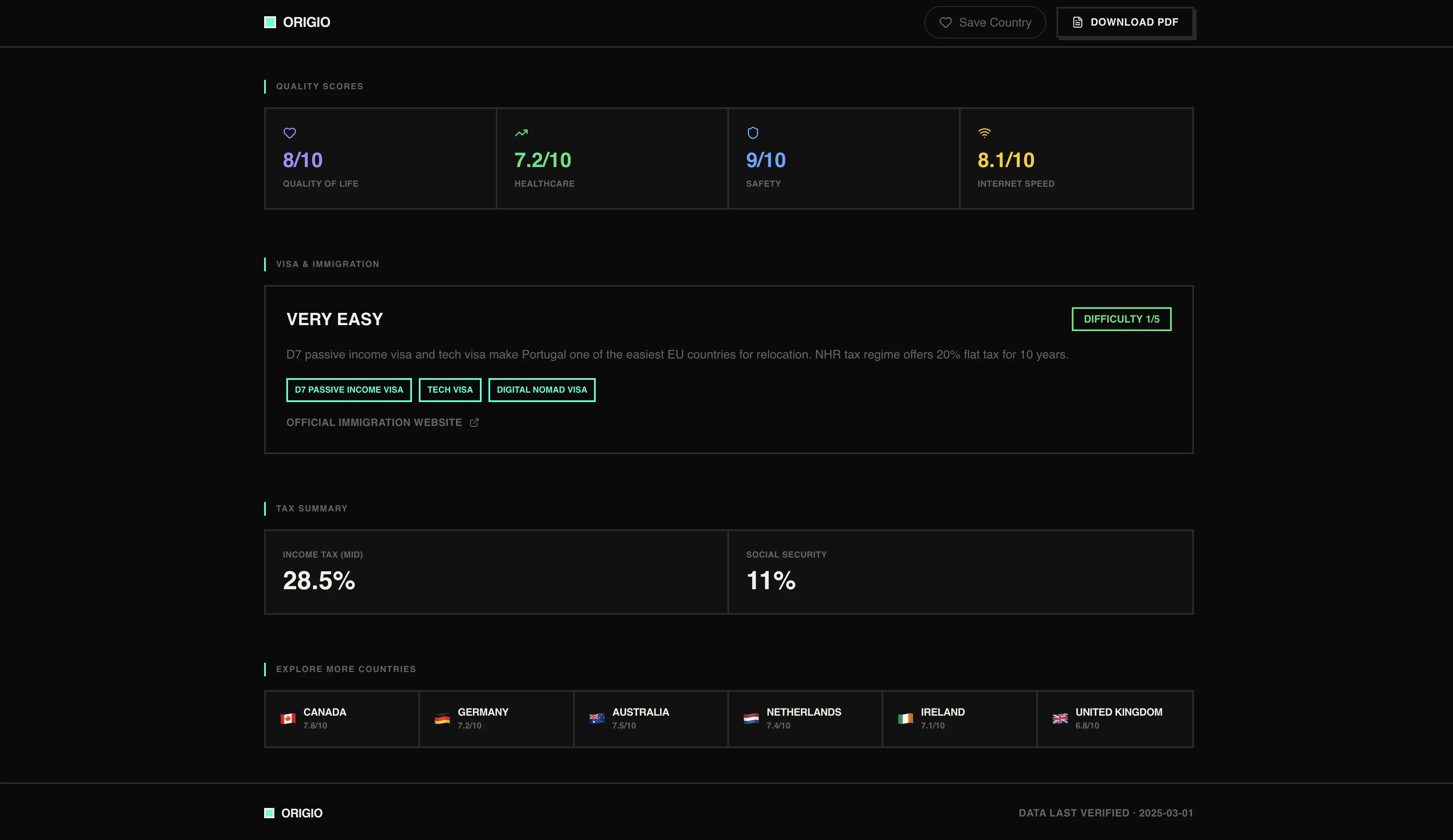
You answer 8 questions about your job, passport, rent budget and what you actually care about. Origio scores 25 countries and gives you a personalised breakdown salary after tax, visa routes for your nationality, cost of living, safety and quality of life scores.

Free tier shows your top 3 matches. Pro is €19.99 one time, no subscription, unlocks all 25 countries plus a salary calculator, full visa checklist and a 3 country comparison.

Would genuinely love feedback especially from anyone who has actually been through the whole "which country do I even move to" research rabbit hole.

5
回复

@shlokmestry I love that you built this! Congratulations! I have been recently looking for something just like this. I just gave it a try, and it's very interesting. I want to dive into a bit more. I put in my rental budget, and it still gave me a higher amount, so very interested to see if maybe one of my other selections made that void.

0
回复

This looks great. I have moved countries a couple of times, and finding updated and reliable info likt this is a pain. Where I live in Mexico, a lot of people come from abroad. I can see they could find it useful. One little thing: I tried Mexico in the search countries and Mexico did not appear :(

0
回复

Hi Shlok, interesting idea. I've been many times thinking of moving elsewhere :) I got literally curious about the result.
I've tried the tool twice. Without and with account and both time I got at the end "session expired" with no result :(

0
回复

@evitam hey Eva! Sorry about that that's frustrating.

We had a session bug affecting a small number of users that was causing to timeout before generating results. Just fixed it on our end.

Give it another shot and let me know if you hit any issues. If it happens again, shoot me a message and I'll debug it directly.

Thanks for being patient :)

0
回复

It looks interesting. But it didn't show me results. I can see only the black screen :(

0
回复

@busmark_w_nika hi Nika, there was a bug that was causing issues for a few users. We’ve fixed it now, and it should work well. Thanks for trying Origio :)

0
回复

've looked at numbeo before and the numbers never felt real because they don't account for your actual nationality or visa situation. how often does the tax data get updated though, because tax laws change fast and outdated numbers would make the whole comparison unreliable

0
回复

@tina_chhabra really fair point. tax data is the thing I'm most paranoid about getting wrong. I review it every 3 months and flag anything that's changed like income tax brackets, social security rates, special regimes like Portugal's NHR or Germany's threshold shifts. the country pages show a last verified date so you always know how fresh the numbers are.

that said I won't pretend it's real time. it's research grade not accountant grade. the goal is to tell you Germany takes roughly 40% vs Portugal 28% for your bracket accurately enough to make the comparison meaningful, not to file your tax return with it.

0
回复
#8
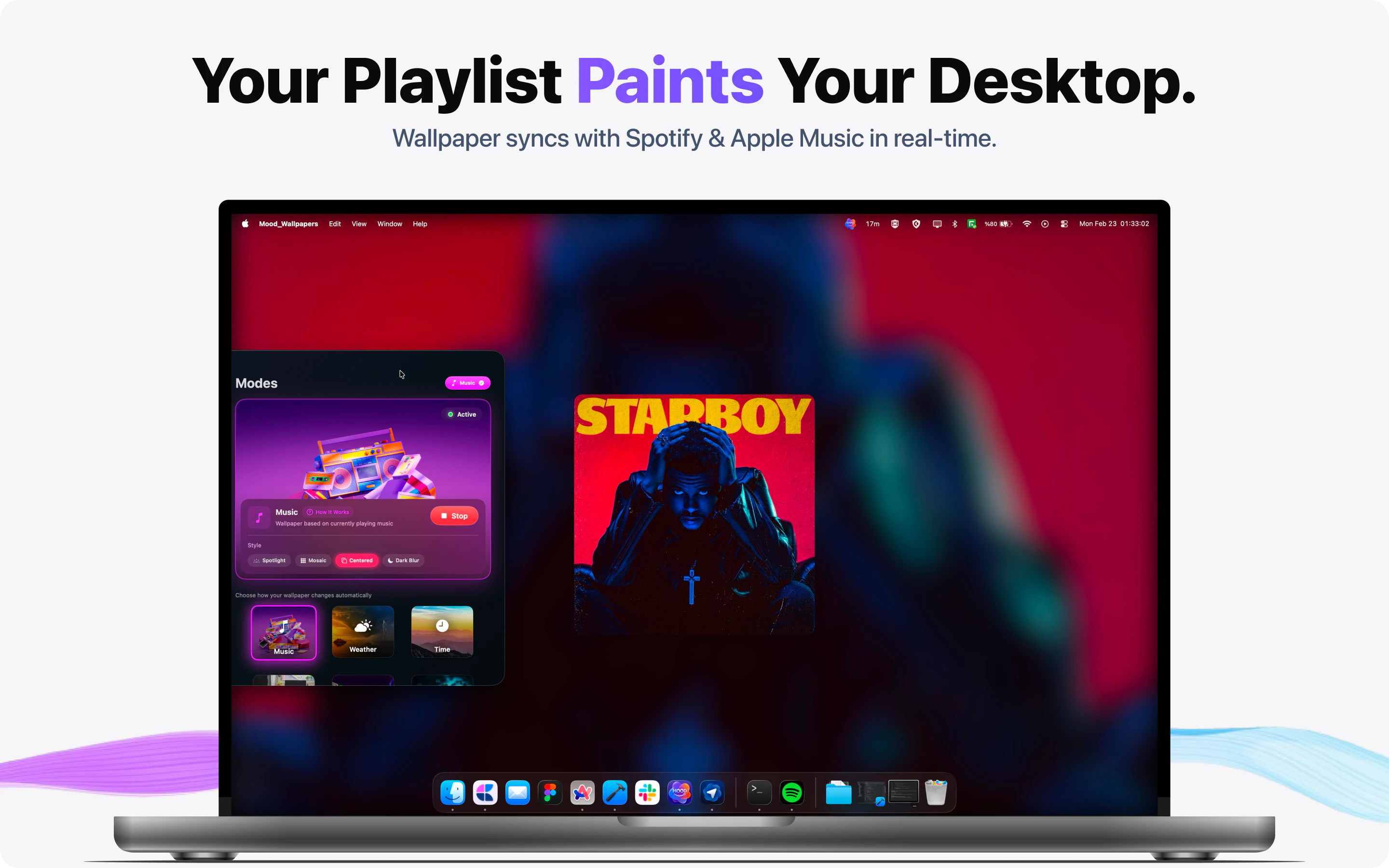
Moody
Your Mac wallpaper that listens to your music & weather
115
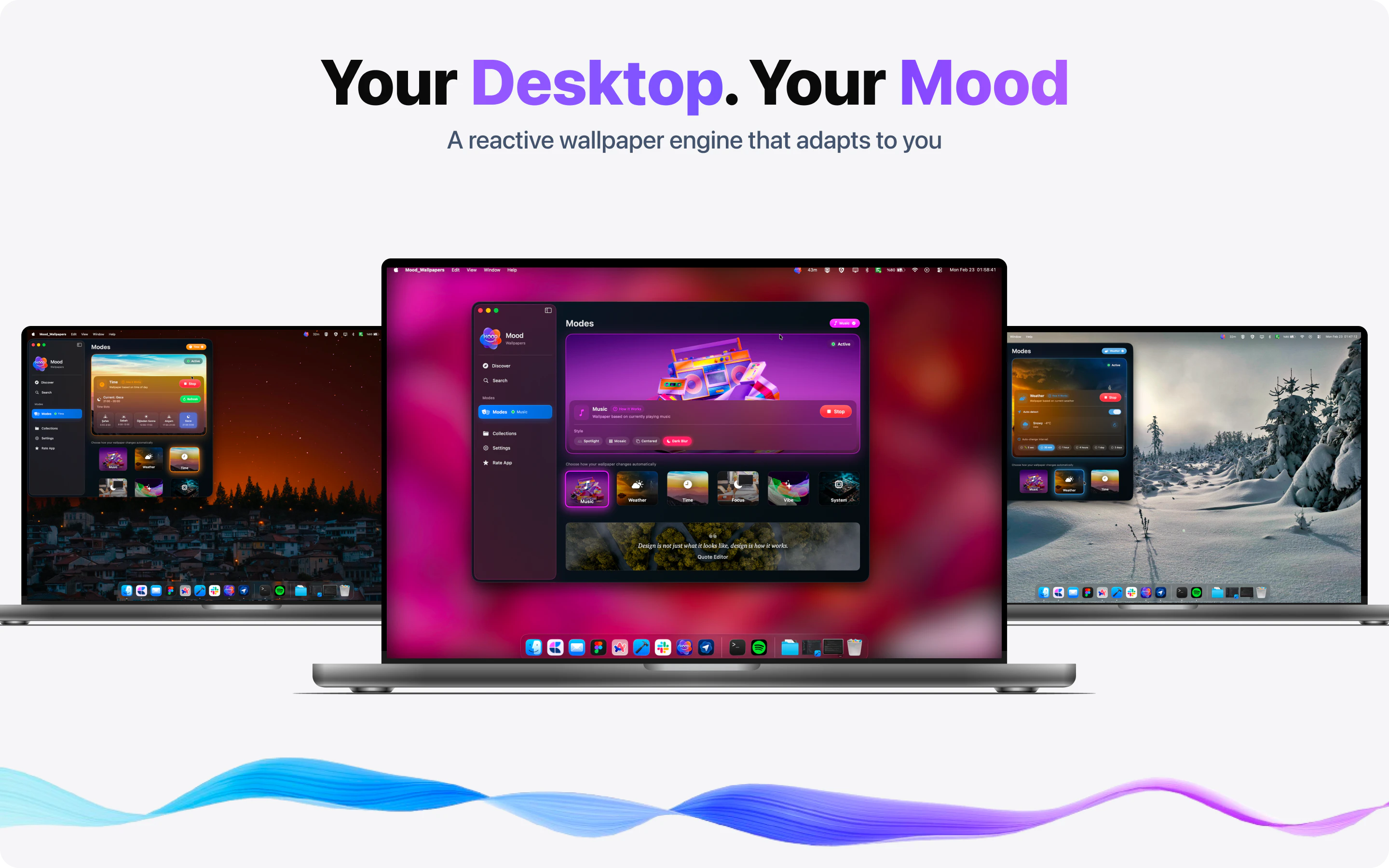
一句话介绍:MOODy是一款能将Mac桌面壁纸与音乐、天气、专注模式等实时联动的动态壁纸工具,帮助用户在长时间办公中摆脱静态壁纸的枯燥感,通过环境反馈提升沉浸感与效率。
Mac Design Tools Productivity
动态壁纸 Mac美化 音乐可视化 天气联动 专注模式 桌面增强 SwiftUI 多屏适配 情绪反馈 高效办公
用户评论摘要:用户普遍认可创意,但反馈存在明显问题:部分用户遭遇401错误和无法使用的bug;App Store截图模糊,影响购买决策;葡萄牙语用户指出可用性不佳。开发者积极回应,建议用户通过邮件提供错误截图和系统版本以协助修复。
AI 锐评

MOODy的出发点很聪明——把桌面从“装饰”变成“环境反馈”。它抓住了Mac用户一个真实但被忽视的需求:高频使用的桌面环境却长期静态,这与手机端丰富的动态交互形成了断档。六种联动模式(音乐、天气、专注、时间、情绪、系统负载)覆盖了工作、放松、沉浸等多元场景,尤其“音乐同步”和“专注模式”在实用性和情感共鸣上都有潜力。

但产品目前仍处于“创意先行,交付未满”的阶段。评论中反复出现的401错误、可用性bug、截图模糊等问题,说明开发者在前端体验打磨和测试覆盖上存在短板。作为一个“壁纸”类产品,第一印象极其重要,早期用户的负面体验很可能直接导致流失。此外,产品本质是一个“轻量级的氛围工具”,而非强生产力工具,其付费模式(订阅制解锁智能模式)是否能让用户持续为“动态壁纸”买单,值得怀疑——一旦新鲜感消退,留存率将面临较大挑战。

更值得商榷的是产品定位的暧昧性:它究竟是“桌面美化工具”、“环境反馈系统”,还是一种“数字情绪宣泄品”?目前的交互逻辑更接近后者,但在功能深度和系统整合上尚未触及真正“智能”的边界,比如缺乏对用户行为模式的主动学习或跨应用场景的调度。若能绑定更多生产力场景(如根据日程自动化切换风格、与番茄钟联动)或建立用户情绪数据反馈闭环(如周报形式的桌面使用分析),或许能跳出工具属性,向“数字生活伴侣”进化。开发者需要尽快解决基础Bug,并思考如何让“动态”不止于视觉,而是真正对效率或情绪产生可量化的影响。

查看原始信息
Moody
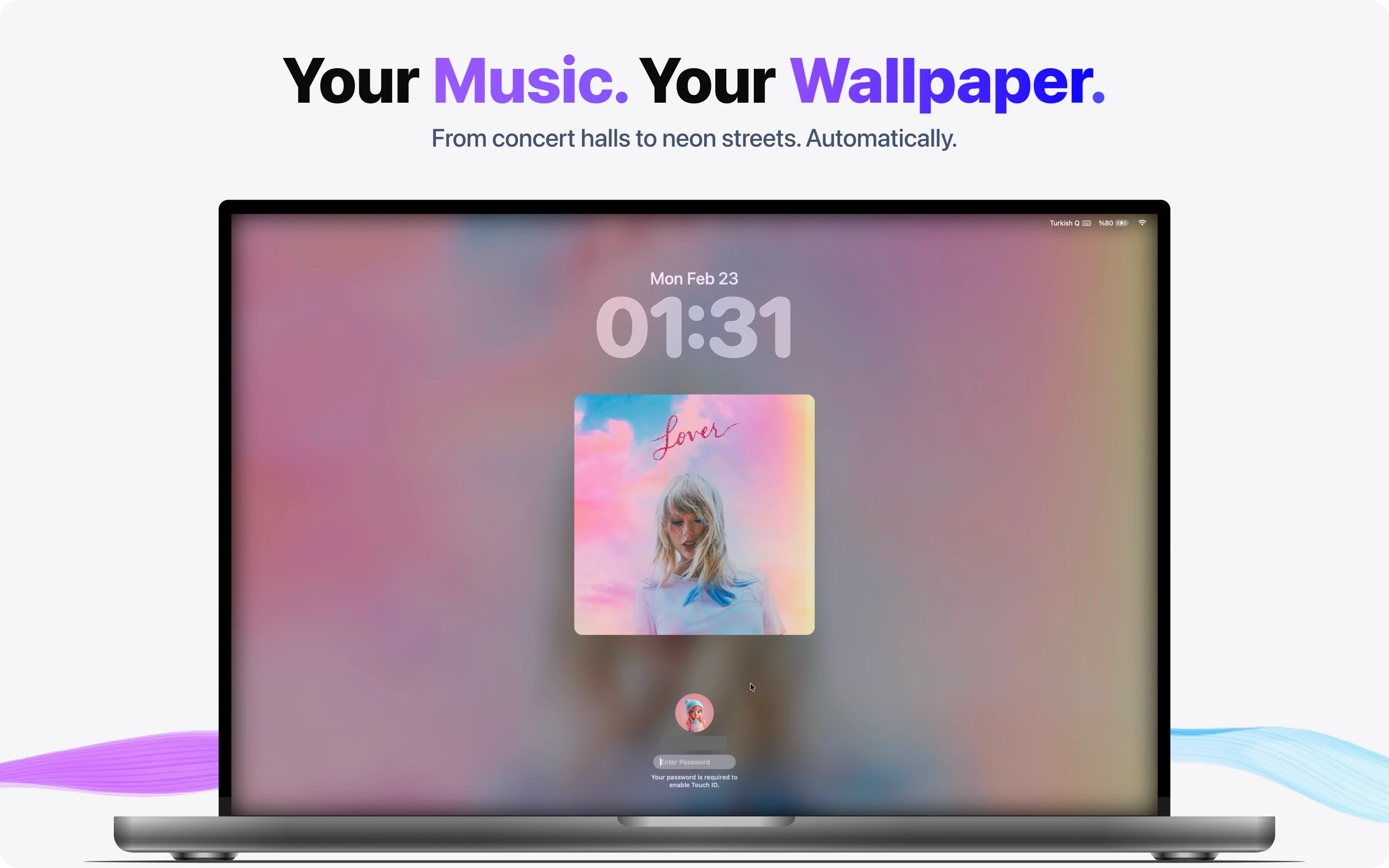
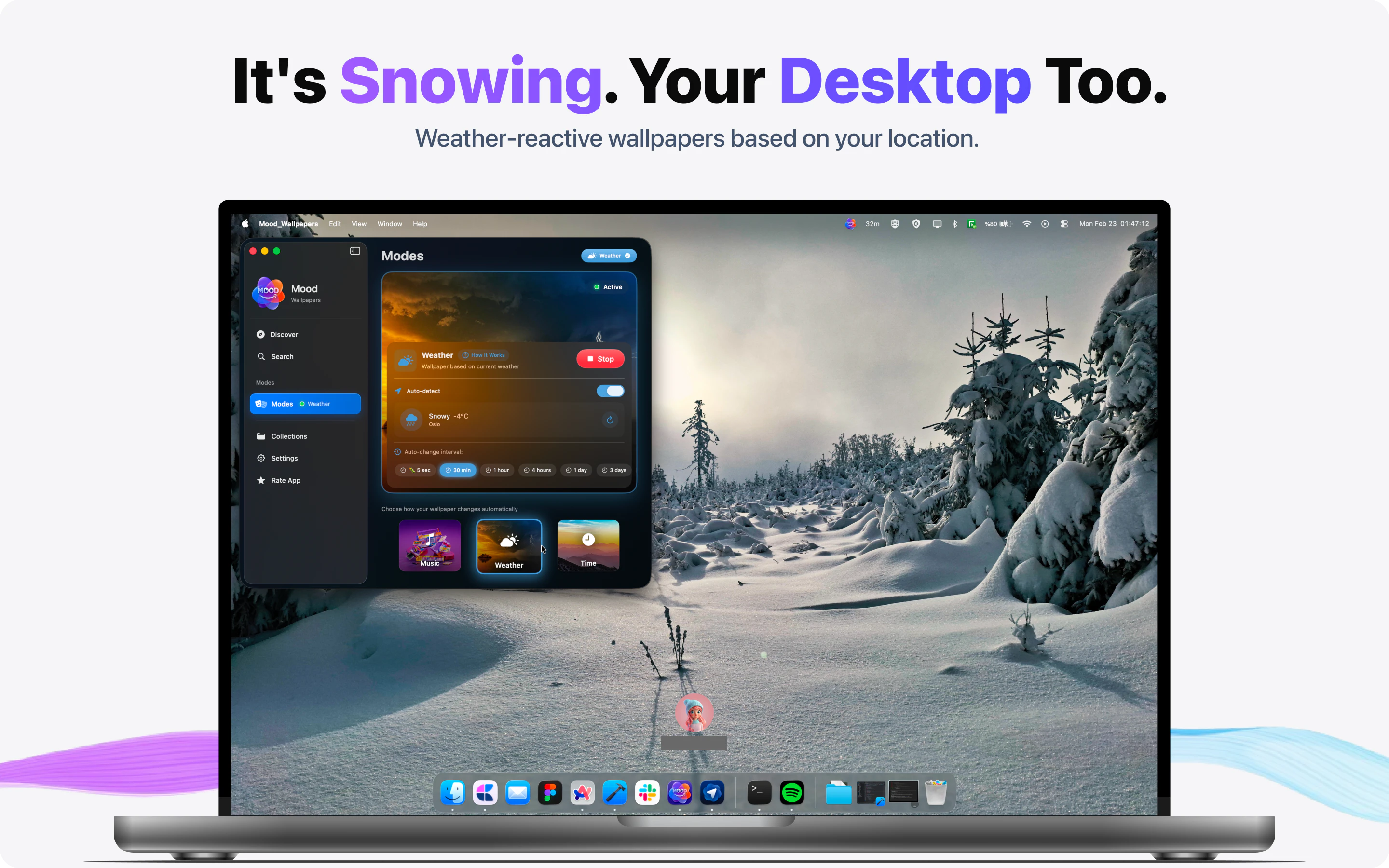
🎵 Music-reactive. ☔ Weather-aware. 🎯 Focus-syncing. MOODy turns your Mac desktop into a living surface — six smart modes that match your music, weather, mood, and time of day. 4K wallpapers, multi-monitor, macOS 14.6+.
Hey Product Hunt 👋 I'm Veysel, the maker of MOODy. Quick story on why I built this. A few months ago I caught myself staring at the same wallpaper I'd set on my Mac two years ago. My phone reacts to everything — focus mode, sunset, my workouts — but my desktop, where I spend 10 hours a day, just sat there. Frozen. MOODy is my answer. Six smart modes that make your wallpaper actually *react* to your life: 🎵 Music Sync — your wallpaper matches what's playing on Spotify or Apple Music. lo-fi → rainy window. jazz → vinyl bar. (this is the one that hooked my beta testers) ☔ Weather — real weather outside, real weather on your desktop 🎯 Focus — auto-switches with macOS Focus modes 🕐 Time of day — sunrise to night, your desktop evolves with daylight 🎨 Mood — pick from 10 vibes (Calm, Focus, Cozy, Dramatic…) 🖥 System — wallpaper reflects CPU/RAM load (a little nerdy easter egg) Built solo. SwiftUI, WeatherKit, integrates with Spotify and Apple Music metadata. 4K wallpapers, multi-monitor, multi-Space. macOS 14.6+. Free to try — full wallpaper catalog and manual mode are free forever. Premium unlocks the six smart modes (monthly or annual, 7-day trial, no card needed). I'll be here all day answering anything — tech, design choices, why I picked Sonoma as the minimum, what's broken (there's always something). Three asks: 1. Which mode would make YOU install this? 2. If you try it, what's confusing in the first 60 seconds? 3. Brutal feedback > polite upvotes 🙏 Thanks for spending a minute on this with me 🩵
1
回复

@veysel_bozkurt MOODy is a great example of turning something static into something context aware and alive. The music and focus of weather combination makes it feel less like decoration and more like ambient feedback for your day.

0
回复

Love the concept — the detail of reacting to both music AND weather together is unexpected. Does it use local weather or does it need a location permission?

1
回复

@rich_nashawaty Thank you for your opinion! Real local weather macOS CoreLocation for coordinates, Open-Meteo for the data (free API, no tracking on their end). One time "while using" permission prompt the

first time you turn on Weather Mode. Location is required for the mode to work.

The macOS prompt itself was a small hell to get righ. Info.plist key on Mac is NSLocationUsageDescription, not the iOS variants. Burned a day on that. Indie dev tax 😅

1
回复

Really cooly looking ;) . I can definitely see a lot of people that would enjoy this. Honestly it looks really nice i think you really need some better pics to showcase it, on the app store the pics are very blurry. For such a image related and actually nice working thing you should showcase the awesome images it actually produces. Good luck!

1
回复

@andrewb23 Thank you, this honestly made my day 🙏 And you're 100% right about the App Store screenshots. I shipped with placeholder shots just to get the app live. a wallpaper app should be the last one with blurry previews. New screenshots are top of my list this month. If you have a favorite mode after trying it, I'd love to know which one that'll probably end up being the hero shot. Thanks again, genuinely.

1
回复

bom fiquei interessado no produto mas a usabilidade ainda nao esta boa nao conseguir usar e testar deu erro

1
回复

@luciano_henrique2 Obrigado pelo feedback, sério sinto muito que tenha dado erro. A usabilidade é o que eu mais quero melhorar nas próximas atualizações, então qualquer detalhe ajuda muito.

  Você poderia me mandar um email em veyysellbozkrt@gmail.com com:

  - Print do erro (ou da tela onde aconteceu)

  - Sua versão do macOS

  - O que estava fazendo quando deu o problema (abrindo o app, navegando categorias, modo de música/clima, etc.)

  - O que achou mais confuso na primeira vez que abriu

  Respondo no mesmo dia. Esse tipo de feedback honesto é o que vai fazer o app melhor. Obrigado de novo 🙏

1
回复

hey i loved this idea but when I tried it I kept getting a 401 error. i would really love to use the app could you help me figure out what’s going wrong?

1
回复

@kedar_deshmukh Hey, thank you for taking the time to try it and report this back. Genuinely means a lot 🙏

That 401 is something I want to fix fast. Could you shoot me an email at veyysellbozkrt@gmail.com with:

- A screenshot of the error (or the screen where it appeared)

- Your macOS version

- Which screen or action triggered it (opening the app, browsing categories, weather mode, etc.)

Soon as it lands I'll dig into logs and get back to you the same day. Really want to make this work for you.

1
回复
Gotta love creative products. 😁👏
1
回复

@tim_350life Thanks a lot Tim. I am verry happy to heart that words. 🙏

1
回复
#9
Krea 2
An image model built for style control and moodboards
107
一句话介绍:Krea 2通过内置的审美模型和风格控制功能,让用户摆脱对模糊提示词的依赖,精准生成符合个人审美偏好的AI图像,解决创意工作者在风格统一与情绪板把控上的痛点。
Photography Artificial Intelligence Graphics & Design
AI图像生成 基础模型 风格控制 情绪板 审美多样性 创意工具 风格参考 强度控制 工作流优化 Krea
用户评论摘要:用户对风格控制功能兴趣浓厚,但询问与GPT-image-2的对比、批次一致性及商业模式。建议官方明确版本更新亮点和商业闭环,以增强用户信任。
AI 锐评

Krea 2的发布看似华丽,实则暗藏隐忧。其“从零构建基础模型、强调审美与风格控制”的定位,确实切中了当前AI图像生成工具“提示词玄学”的痛点——用户厌倦了用几十个形容词去赌一张图。将风格从“描述”转为“引导”(通过参考图、强度滑块等),本质是降低创作门槛,提高可控性,这是产品最核心的价值。

但产品是否能形成护城河?评论中“与GPT-image-2对比”和“商业模式”的质疑直指要害。在巨头将基础模型作为免费能力的今天,Krea 2作为独立工具,其生存空间取决于两个关键:一是“风格控制”能否从“差异化卖点”进化为“不可替代的精度”,例如品牌物料中的严格色彩/构图一致性;二是能否围绕这一能力构建自循环的创作者社区与模版生态,而非只做API的壳。

此外,“每周末都有新AI视频工具”的评论暗示了用户疲劳。Krea 2若不尽快拿出让用户“非用不可”的场景证明(如设计稿秒级改风格、批量生成情绪板),而只停留在“更漂亮的随机”,那么它很可能沦为又一款昙花一现的演示品。技术方向正确,但商业化路径与持续迭代的“硬实力”才是生死线。

查看原始信息
Krea 2
Create expressive AI images with Krea 2, Krea AI's in-house foundation model for aesthetic diversity, style control, moodboards, and creative workflows.

Hi everyone!

Krea 2 is @Krea’s first foundation image model, built from scratch around aesthetics and creative control.

The visual taste is next level. It is not only about following a prompt, but also about understanding how an image should look. Style references, moodboards, and strength controls make it easier to guide the final result instead of relying on vague style words.

The creation interface is also very smooth, as always with Krea. One small detail I really like: when you drag in an image, the input area splits and lets you choose whether to use it as a style reference or turn it into a prompt.

Quote from the Krea team:

Style should not be a vague prompt word. It should be something you can guide, mix, strengthen, reduce, and push.

I think we need a more expressive future for AI images.

2
回复
Tried this a while ago. What’s new? Is this better than gpt-image-2?
1
回复

The style control angle is what's been missing from most image gen tools. Excited to test this against my usual workflow. How does it handle consistency across a batch?

0
回复

Just over the weekend I saw another AI video service on Product Hunt. I’m curious - what’s the business model here? How do AI services that generate photos/videos make money when every major model can already do the same thing?

0
回复
#10
Polarity
The Self-Improvement Stack For agents
106
一句话介绍:Polarity 是一款在生产环境中实时监控 AI Agent 决策行为、自动发现失败模式并将其转化为评估数据,从而弥合测试与部署间可靠性鸿沟的监控工具。
Developer Tools Artificial Intelligence Tech
AI Agent监控 生产环境 失败模式检测 评估数据 可靠性 可观测性 自动化告警 Python SDK TypeScript SDK 开发工具
用户评论摘要:用户普遍认可生产环境与评估集间的可靠性差距是真实痛点。主要提问涉及人工标注需求,官方回应称少量PR数据即可见效。另有一条反馈指出官网导航链接错误,可能影响用户体验。
AI 锐评

Polarity切入了一个极其精准且痛苦的场景:AI Agent的“实验室-生产”鸿沟。创始人提到的“95%通过率 vs 60%通过率”并非耸人听闻,这恰恰是当前大多数Agent应用无法规模化的核心死穴。传统评估套件在静态、可控的数据集上表现良好,但面对生产环境中混乱、不可预测的用户行为时往往不堪一击。

Polarity的聪明之处在于,它没有试图去构建一个更完美的“预生产”评估体系,而是直接all-in生产环境本身。它将Agent的轨迹(Traces)实时转化为评估数据(Evals),这是一种“以战养战”的闭环策略:每一次生产事故不仅是故障,更是对评估模型的强化训练。这种“学习型监控”的价值远高于传统的被动告警(如PagerDuty),因为它赋予了系统自愈和进化的能力。

然而,产品当前的护城河并未完全建立。其依赖的“少量PR数据”作为初始训练样本,是否足以应对极端复杂的多步骤推理任务,尚存疑问。并且,产品高度绑定Slack告警和特定SDK(Go、Python、TypeScript),对于已建立完善可观测性栈(如Datadog、Grafana)的团队来说,可能成为冗余的监控入口。更关键的考验在于,当Agent的行为模式在长时间跨度内发生“概念漂移”时,Polarity的自动化评估能否准确识别并无偏差地响应?如果不能解决这个长期可靠性挑战,它最终可能只是另一款“高开低走”的开发者工具。其商业价值取决于对“误报率”和“漏报率”的极致把控,而非仅仅提供一个漂亮的告警看板。

查看原始信息
Polarity
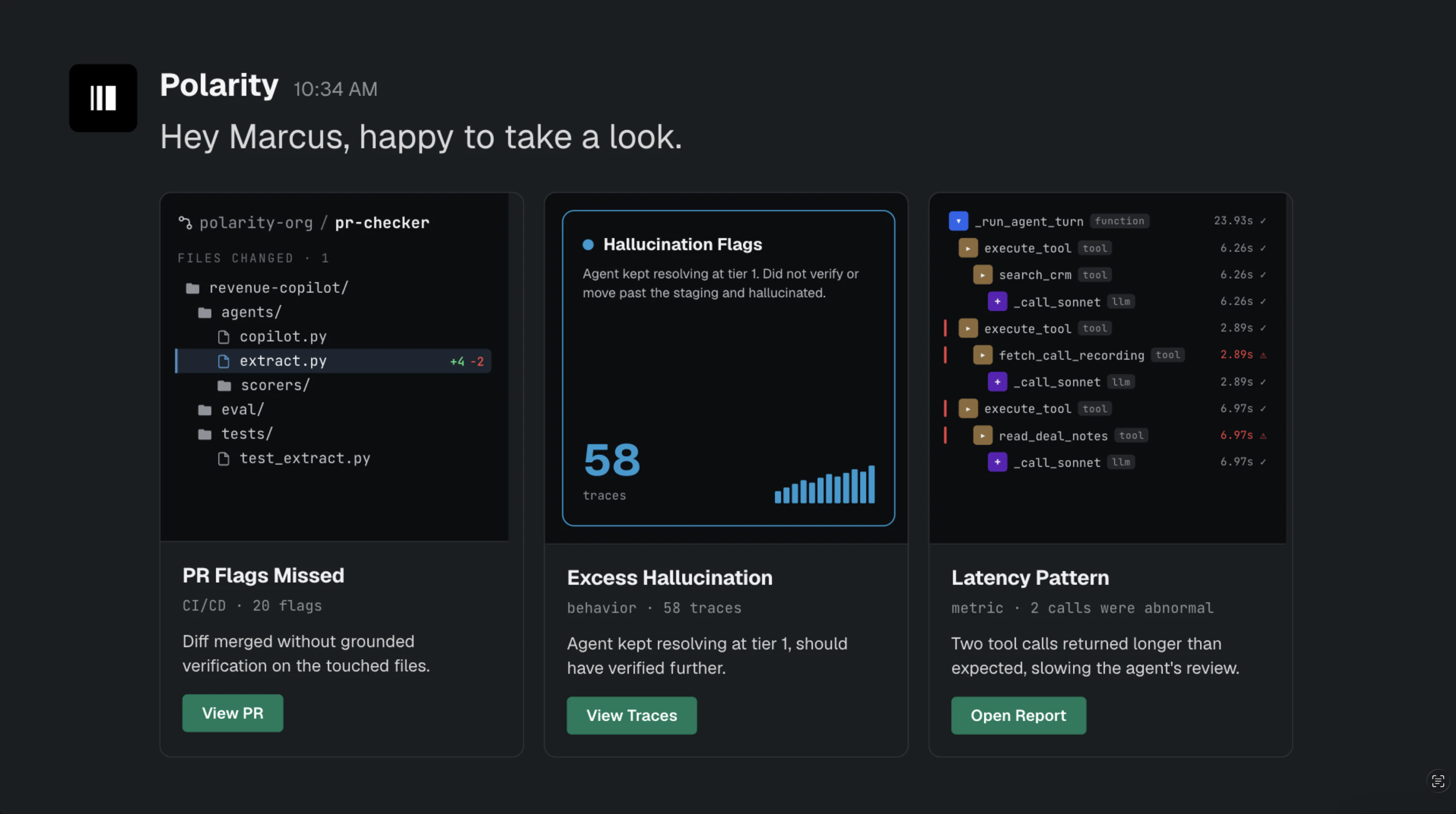
Polarity monitors every agent decision in production, surfaces failure patterns before users hit them, and turns trajectories into evals that compound your agent’s reliability over time!
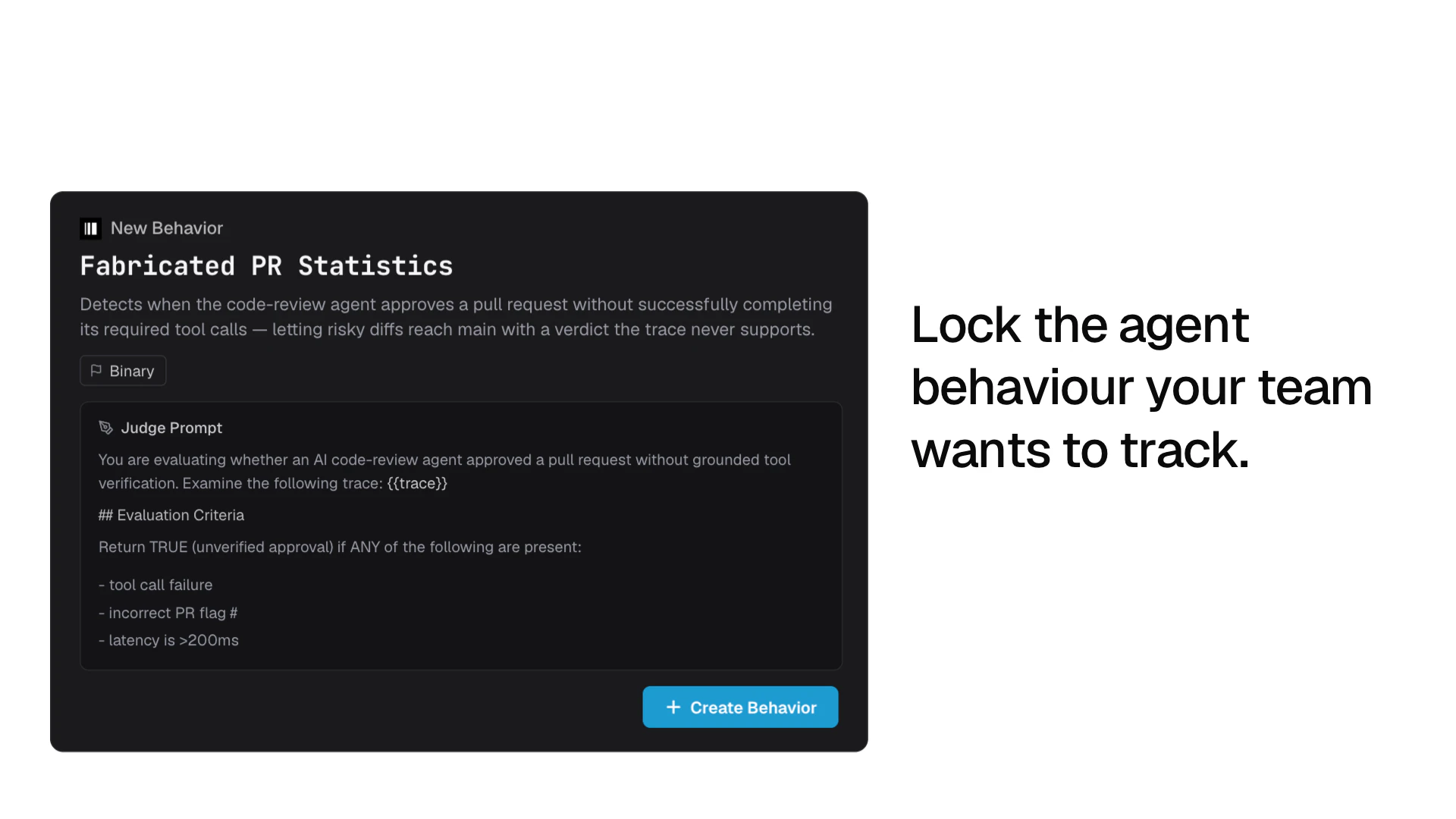
Hey Product Hunt 👋 Alex here, founder of Polarity. Most agent teams I've talked to have a 95% pass rate on their eval suite and a 60% pass rate in production. The gap is where products die, and most teams find out from a customer ticket hours later. Polarity closes that loop gap with ease: → craft agent behaviors in the dashboard → learns from agent behaviour and finds new opportunities for tracking → Slack alerts the second your agent misbehaves.  Wrong tool call, skipped guardrail, latency going past thresholds; it’ll all show up in your team's slack channel with the trace. Three SDKs currently supported:
 → Go → Python → TypeScript Leave any feedback in the comments, thank you product hunt! - Alex ❤️
8
回复

@polarityco Congrats on the launch. Cool tool.

1
回复

Hi everyone! My name is Jay and I'm glad you're reading this :)

We're super excited to have@polaritycoout and ready for devs to start integrating within their Slack Channels!
Given the validation with design partners, VCs, and testers- we're excited to release this to the public after many
days ideating and building.

With a full revamp of the site and its core, would love to hear how you find the product launch: www.polarity.so
We're accepting as many demos as time allows this week, request here

Don't forget to follow the company page for future releases!🫡

Polarity Team -- I’m in the corner ;p

6
回复

@polarityco  @jaychopra Love ittttt!

0
回复

The production gap is a real problem. Eval suites can look fine, but once agents hit messy user behavior, traces and fast Slack alerts become much more useful than another dashboard nobody checks.

3
回复

How much labeling does it need from humans before the evaluations are actually useful?

3
回复

@othman_katim Great question! Depending on the agent’s functions and where it’s incorporated, we’ve found small- to medium-sized PRs that include the agent is often enough to give teams the metrics they need for evaluations to become useful.

TLDR: not that much labeling is required for accurate results, more always helps :)

If you want more info, check out our docs: https://docs.polarity.so/

2
回复

The landing page's hero section has an issue. Instead of showing a case study for cal, it's navigating to ohm, or you placed the link at wrong place.

0
回复
#11
Draft
Capture AI chats into your knowledge base
104
一句话介绍:Draft 是一款通过浏览器扩展一键抓取多平台AI对话(如ChatGPT、Gemini、DeepSeek),并将其转化为本地可编辑、可搜索、可离线使用的知识笔记工具,解决用户有价值AI回答散落丢失的痛点。
Chrome Extensions Productivity Artificial Intelligence
AI对话管理 知识库 浏览器扩展 本地存储 笔记工具 内容捕捉 ChatGPT 多平台 文本转语音 隐私优先
用户评论摘要:用户普遍认可其解决AI对话丢失的痛点,主要关注:本地存储的数据安全与备份机制、扩展对不同AI平台DOM更新的稳定性(维护成本)、自动捕捉与手动操作的界限、以及如何通过元数据(如原始提示、项目标签)增强知识可复用性。
AI 锐评

Draft找准了一个正在扩大的真痛点——重度AI用户在多平台间往复对话,有价值的回答如“数字垃圾”般散落。其核心逻辑并非创造新需求,而是将“高成本复制粘贴行为”产品化为“一键保存”,这是明智的“减法”。

然而,产品的护城河并不深。其核心依赖于对各大AI网页(如ChatGPT)DOM结构的解析,这种“爬虫式”技术方案极其脆弱。任何平台的UI更新都可能直接导致功能瘫痪,创始人承认“10分钟修复”虽展现了敏捷性,但也暴露了该模式的本质——一种以高昂维护成本为代价的“脏活”。对于个人开发者或小团队,这种精力的持续消耗是不可持续的,容易成为产品增长的绊脚石。

其次,产品在“存储”和“复用”之间存在明显断层。用户评论中关于“为什么保存这个?”的疑问切中要害。单纯的存档只是数字囤积,缺乏元数据(如原始上下文、标签、用户验证结果)的支持,这些笔记很快就会从“宝藏”退化为“噪音”。相比Obsidian等成熟的知识管理工具,Draft在知识沉淀和检索的深度上过于单薄。

真正的价值在于它是一个绝佳的“入口”。它占据了用户与AI交互的必经之路,未来可能发展的“Agent提议,用户审计”协作模式,以及音频/播客内容捕捉,才是更具想象力的方向。在Beta阶段,它看起来是一个不错的解决“第一公里”问题的工具,但从“捕获”到“知识复利”,还有很长且更难的路要走。

查看原始信息
Draft
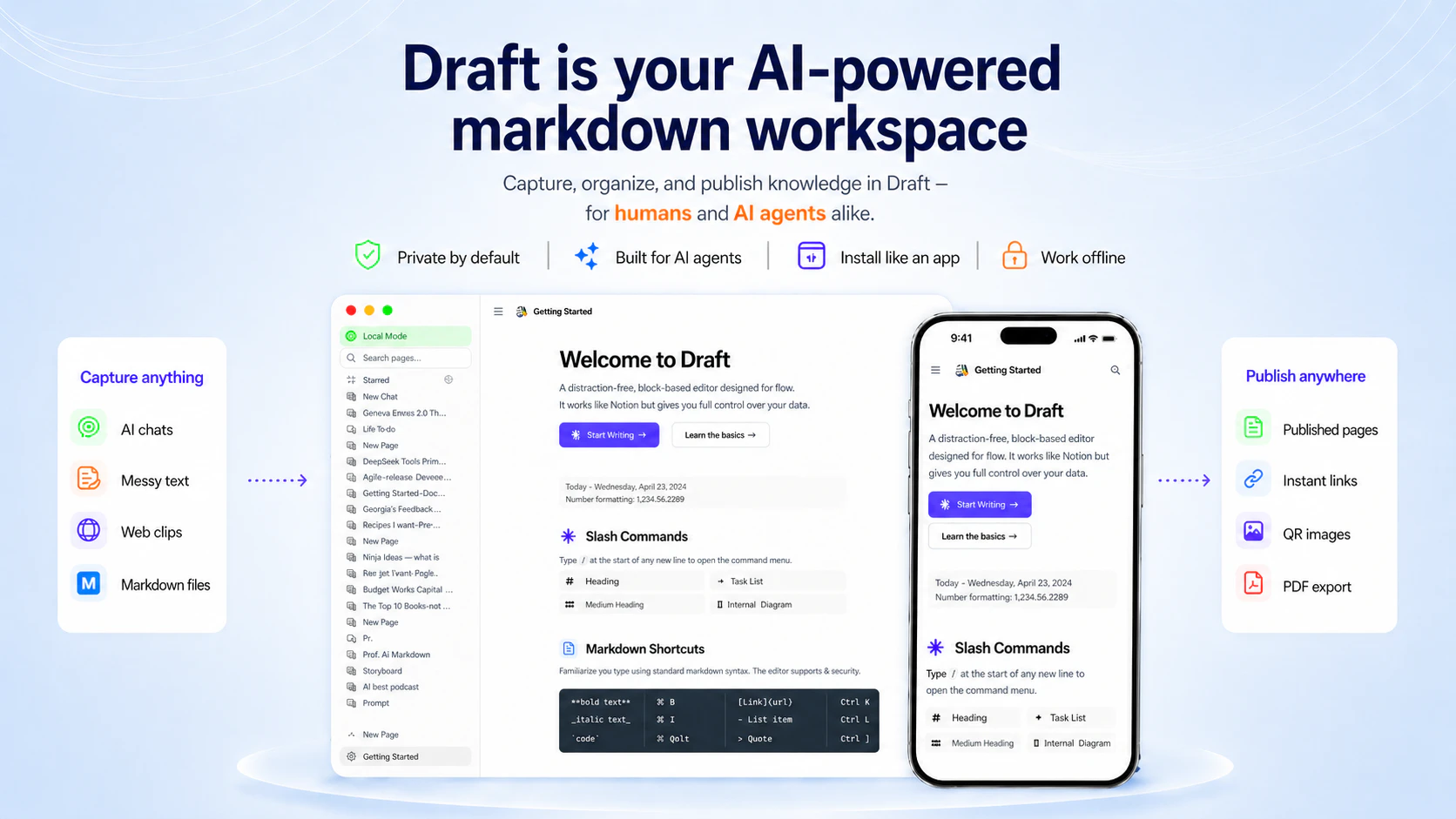
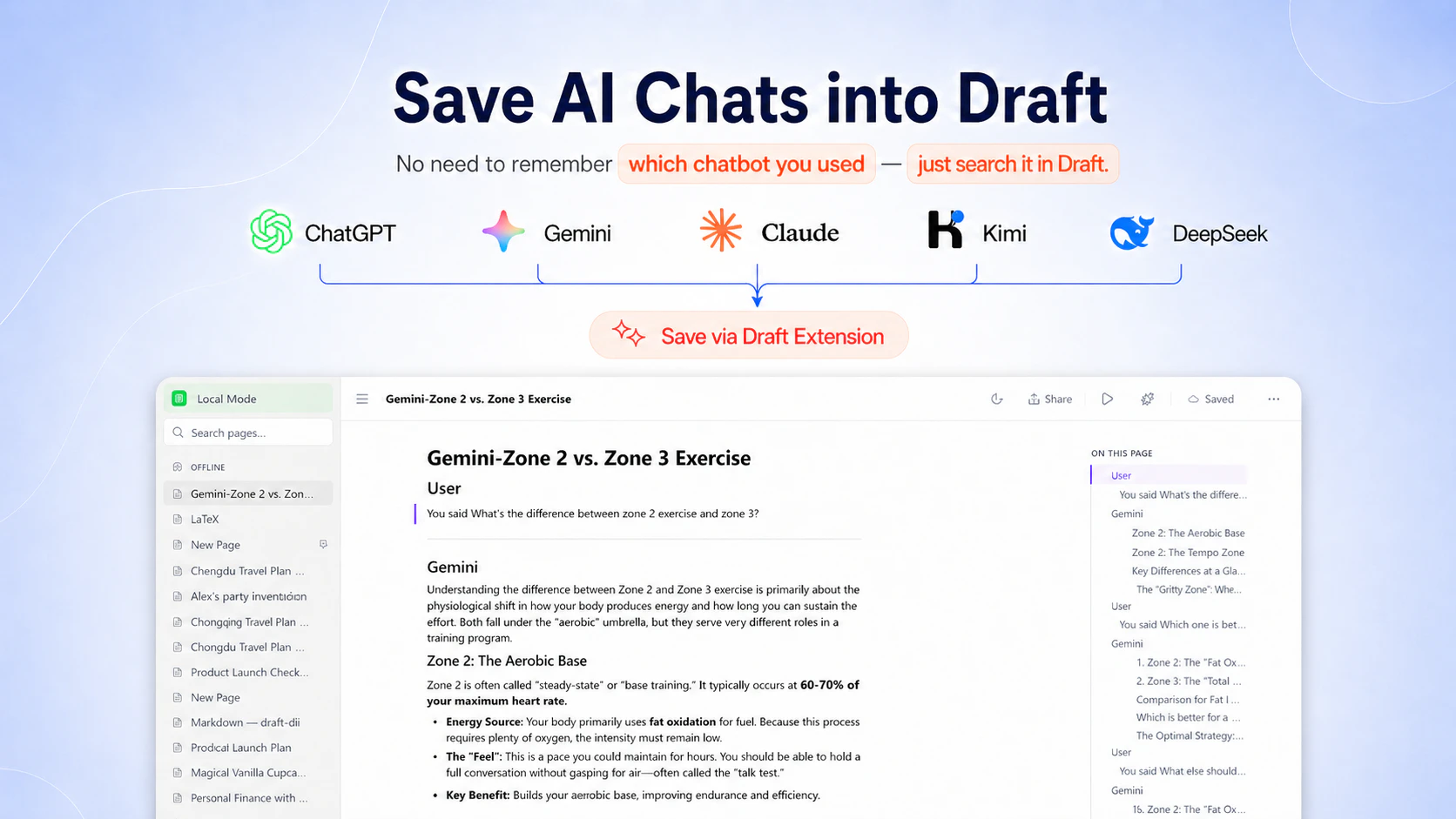
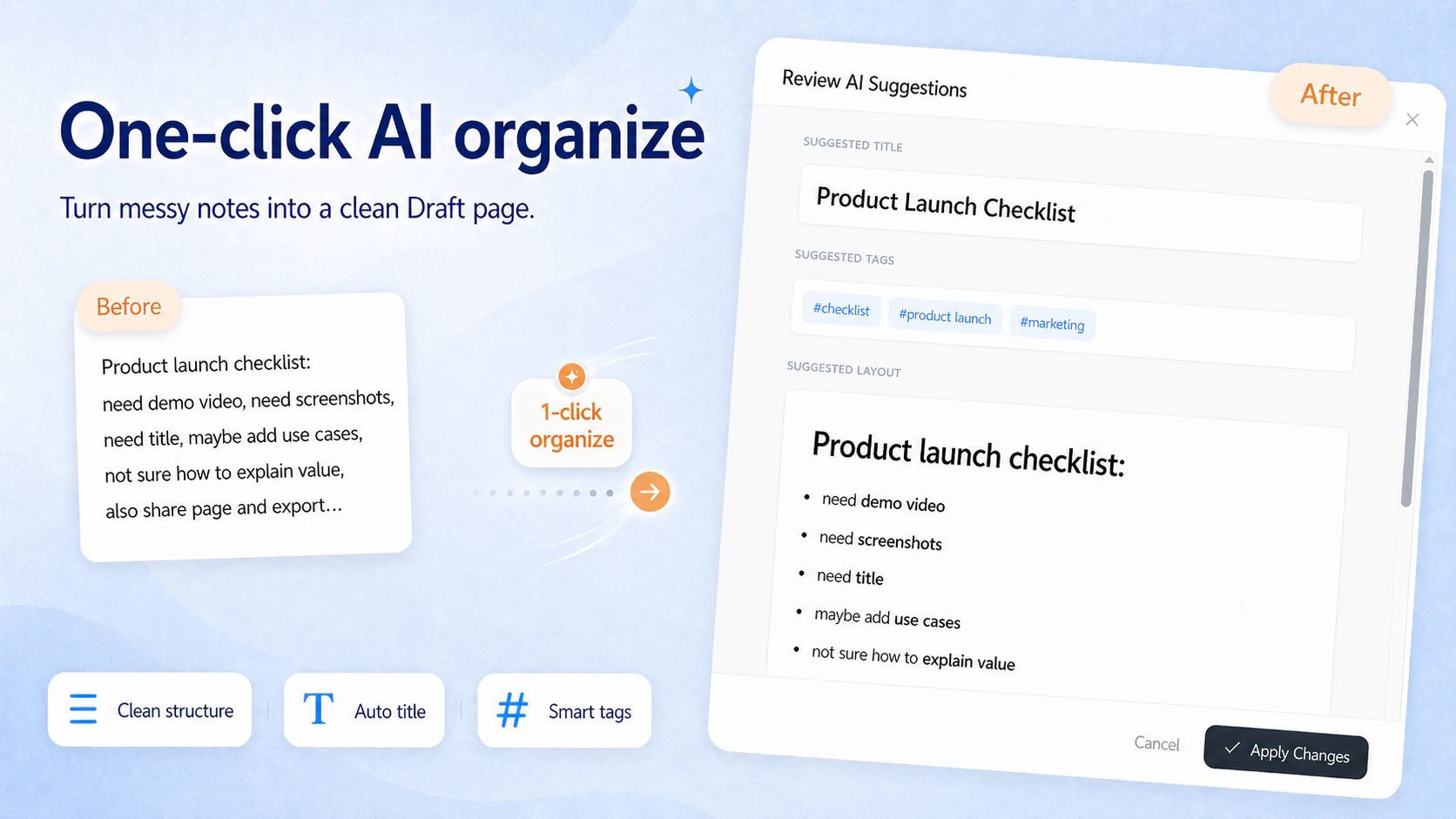
Draft captures valuable answers from ChatGPT, Gemini, DeepSeek, vertical chatbots, then turns them into editable, searchable notes. Preserve formatting, organize insights, listen with text-to-speech, keep your knowledge available offline, and share when you choose. Free to use at Beta;

Hey guys 👋

I built Draft because I kept losing my AI conversations.

Why

I use multiple AI chatbots everyday: ChatGPT for brainstorming, Claude for coding, Gemini for video analysis, Kimi for Chinese OCR and other specialized tools when they are better at one narrow task.

That workflow is powerful but messy. Useful answers end up scattered across chat histories, tabs, screenshots, bookmarks, and broken copy-pastes.

What

Draft is an privacy-first, local workspace that manages your AI chats. It turns useful AI conversations into editable, searchable notes in your own knowledge base. Instead of leaving a great answer buried in a chat thread, Draft helps you save it, clean it, and reuse it later.

How

  1. visit Draft and install Draft Extension.

  2. click extension on the AI chat window.

  3. chat history is sent as MHTML blob to your Draft workspace, saved in local browser storage.

  4. edit, search, listen, and share when you choose.

You can try Draft without creating a general account. The app is in Beta and free to use.

Feedback

I would love your honest feedback:

  • How do you currently save useful AI conversations?

  • Which AI platform should Draft support best first?

  • What would make this workflow worth paying for?

3
回复
0
回复
Makes a lot of sense. So many tokens wasted in one off conversations. Do you look for signals from users on what to add? For example a thumbs up or down in the chat.
3
回复

@lakshminath_dondeti Hi Lakshminath, glad we share the same taste and vision in the AI era.

For example a thumbs up or down in the chat

Yes. Would be great to understand more on your needs. Currently, chats are stored locally in your browser untill you choose to share it. A thumb-up feature on the shared page is an great idea.

Please share the detail of your workflow via in-app feedback channel or connect on X, and we’ll prioritize them to better support your use case.

1
回复

First, looks like you guys are on the right track - congrats! Is IndexedDB on the roadmap? How brittle is the auto-capture when ChatGPT ships another DOM rewrite? That seems like the real maintenance tax of scrape-based extensions

2
回复

@artstavenka1 Hi Art, thanks for the support. And great question!

Is IndexedDB on the roadmap? 

Yes. AI chats are captured as TipTap JSON blocks, saved to browser local storage(IndexdDB).

How brittle is the auto-capture when ChatGPT ships another DOM rewrite?

Great observation. Here are the tradeoffs we found.

  1. The parser is customized with fixed rules per AI's DOM. Breakage can happen, but the cost is low. Codex can ship the fix with testing in 10mins. We plan to monitor the breakage and proactively shorten the time-to-fix by deploying automated capture tests.

  2. The parser delievers true user values. For example, math formulas, togglable headers are not universial consistent and . My research show only Draft can deliver the perfect content elegantly. Neither Notion nor Obsidian deliever this promise.

I would love to share this video, because Draft supports AI math formulas:

Youtube: How to Fix Your Kid’s Math Mistakes with Custom AI Worksheets (1m)

The maintenance tax is real, but I'm surprised on the positive value it brings to the table.

Let me know if you have any questions.

0
回复
I can't seem to get around to getting these things in order. Your product is a lifesaver!
I need to try it.
2
回复

@maria_anosova Hi Maria, thanks much for your kind words. Really appreciate your honest feedback, what you like, what is missing.

1
回复

Do you support auto capture from multiple chat apps, or is it more manual copy and save?

2
回复

@thamibenjelloun Hi Thami, nice to meet you.

It is auto capture. Open AI chat window -> One click on Draft extension -> AI conversationis saved. That's it. Watch 30s Video tutorial

Auto-capture supports Chrome the best. Manual copy-paste should work for all browsers. Because Draft is WYSISYG markdown editor.

Let me know what is missing via in-app feedback. We prioritize support for early adaptors. :)

1
回复

The problem this solves is real — I use multiple AI tools daily for deal research, financial modeling, and writing, and useful answers constantly get lost in chat history. A dedicated place to capture and organize those insights is genuinely valuable. One adjacent use case I haven't seen addressed well: capturing insights from audio/podcast content. I run a finance podcast called ModeLoop (https://open.spotify.com/show/0m...) focused on financial modeling and deal structuring, and listeners often tell me they want a way to save and revisit specific points from episodes. If Draft ever adds audio/transcript capture alongside AI chat capture, that would close the loop nicely. Congrats on the launch.

1
回复

@samir_asadov Thanks Samir, really appreciate your comment and support.

Totally agree this belongs to a very similar problem: valuable knowledge gets trapped not only in AI chats, but also in long-form audio.

And “summarize this podcast” doesn't address the need here. Users need a handy tool to capture insights with source audio context: transcript snippet, episode link, and ideally the timestamp so they can jump back and relisten later.

Draft is focused on AI chat capture first, but audio/transcript capture is a really interesting adjacent direction. It fits the same goal: turn valuable moments from long conversations into reusable knowledge.

Thanks much for the exciting idea. I will bring it to the team for future planning.

0
回复

Call me stupid but, I'm unable to see the use-case. If someone needs to store knowledge, go for Obsidian. Random AI chats being used as knowledge usually increase noise, especially when the AI is allowed to capture information.

1
回复

@aakashh242 Hi Aakash, thanks for your comment and support.

That’s a fair question. We admire Obsidian too, especially for people who already have adapted Obsidian's knowledge management habit.

We’re exploring Draft in a different lense:

  • Loveable UX as Notion, AI-native as Obsidian.

This launch is our first step toward testing that direction with the market. One concrete difference is capturing AI conversations with rich, platform-specific content.

In that use case, the AI content contains math formulas. Draft’s custom parser is built to handle platform-specific formats so the saved conversation can render cleanly for printing and reuse later. This is where general tools like Notion or Obsidian often struggle to deliver the promise due to fragmentation.

The goal isn’t to replace Obsidian for power users. It’s to streamline AI knowledge capture simple enough for everyday people, with a UX closer to Notion, and the local data that preserves the details people actually want to reuse and feed to AI agents later.

0
回复

Jim — Draft solves a problem I didn't realize was a problem until I had 200+ useful Claude/ChatGPT conversations stranded across different tabs with no way to pull them back together. Capture + auto-organize is the only way knowledge from AI chats scales. Chrome extension format is the right zero-friction surface for it too. Shipped a "background ops" wedge today on PH, kindred ship-rate. Respect.

1
回复

@fidele_maniraruta Hi Fidele, thanks much for your comment and support. Glad this resonates with you.

Our mission is to build loveable products that assists everyday people navigate the AI era. Capturing AI chats is the first product we ship. Let me know if you run into issues or have questions.

And we don't stop. We are iterating on Draft CLI to close the gaps between human and remote AI agent. Draft page is the collaboration canvas. Agent propose, human audit. The product delievers better tranparency and quality outcome. Stay tune.

0
回复

Really useful idea — I lose so much value from long Claude/ChatGPT sessions that I never revisit. Does it capture from multiple AI tools or just one?

1
回复

@rich_nashawaty Hi Rich, thanks for the comment and support. Glad this resonates with you.

Draft supports capturing AI conversations from multiple platforms. The workflow is

  • Open AI chat window -> One click on Draft extension -> AI conversationis saved.

Here is 30s video tutorial. It supports popular AI platforms, e.g. ChatGPT, Gemini, DeepSeek, etc.

Let me know if you have any question or bug report.

0
回复

This is a useful wedge. The thing I’d pressure-test is not just capture, but “why did I save this?” A lot of AI-chat history becomes hard to reuse because the answer is detached from the original job, constraints, and whether it was later proven right.

Tiny metadata like source chatbot, original prompt, user thumbs-up/down, project tag, and “used in final work?” could make Draft feel less like a cleaner archive and more like a learning layer for what’s actually worth carrying forward.

1
回复

@jim_jeffers Hi Jim, thanks for the comment and support.

That’s a great point. To be honest, my own knowledge base habit is pretty basic: I save things, then later find them mostly through keyword search. I’m always trying to learn better ways to make knowledge reusable.

We auto-capture source link and date today. The next layer is probably improving reusability both at capture time and during retrieval:

  • Why would future-me want this?

  • What problem does it solve?

  • What would make it easier to reuse next time?

This makes me see how manual properties could bring more value than I expected. Thanks for the feedback. Lots to learn here.

0
回复

Browser local storage means one machine wipe and the knowledge base is gone. Worth being loud about that before people start relying on it. Congrats on the launch!

1
回复

@jared_salois Hi Jared, thanks much for your comment and support.

You’re absolutely right: local-first products need to be very clear about data safety.

  1. We do have local auto backup/restore as a safety measure supported by Chrome. The app prompts new users to configure it on the landing page. If dismissed, user can find the entry in "Settings -> Data Safety".

  2. We are also exploring Bring-Your-Own-Storage, such as user's Google Drive. So users can keep the privacy-first local editor experience while having stronger backup and recovery.

Really appreciate you calling this out. Data safety is something we want to keep improving openly.

Let me know if you have any question / suggestions.

0
回复
#12
LandingHero AI
24/7 Salesperson on Your Website
103
一句话介绍:LandingHero AI 将网站访客的即时问答、导览与线索捕捉,通过一个24小时在线的AI语音销售员替身自动完成,解决夜间或无人值守时客户流失的痛点。
Sales
网站AI销售员 语音聊天机器人 线索捕获 B2B SaaS 人工智能客户服务 网站转化率优化 实时引导 多语言支持 销售自动化 AI替身
用户评论摘要:用户担忧AI可能传递错误价格/承诺,且“创始人替身”的定位对准确性要求极高。建议关注如何植入创始人应答话术、定价细节和案例,以及如何进行转人工和跨会话记忆。核心痛点是准确性与信任建立。
AI 锐评

LandingHero AI 的“24小时AI销售员”概念切中了B2B SaaS网站流量浪费的痛点,尤其是非工作时间的高意向访客流失。其核心价值不在于简单的聊天机器人,而在于“AI版你”——这要求它必须真正模拟创始人的销售直觉和话术,而非一套 FAQ 模板。从用户评论看,项目最大的软肋也在此:一旦 AI 报错了价格或承诺了功能,负向传播对初创公司是致命的。目前评论区只给出了愿景,却未展示如何解决“幻觉”和“转交信任”这两个核心工程问题。此外,产品是否具备跨会话记忆以维系潜在客户的长期跟进,也是从新奇工具晋升为关键漏斗的槛。如果 LandingHero 仅能完成首次沟通的导览,其价值将远低于“销售员”的定位。真正考验在于:它能否在错误发生时及时预警,并在转人工时提供完整的上下文,而不是给销售留下一堆需要擦屁股的坑。否则,它充其量只是个带语音的、有点聪明的留言本。

查看原始信息
LandingHero AI
Most visitors land on your website, have questions, and leave without answers. You never get to know what they were looking for. LandingHero creates an AI version of you that talks to every visitor using voice, in their language. It answers questions, guides visitors across your site, and captures leads. Plug in your URL & turn your website into a 24/7 salesperson.

At some point a prospect is going to walk into a sales call with something your AI told them that isn't true. Wrong price, wrong feature, wrong promise. Do founders get notified when that happens, or do they find out from the prospect? Congrats on the launch!

0
回复

The “AI version of you” framing is compelling, but the quality bar seems higher than a normal site chatbot because visitors will treat it as the founder/company speaking.

I’d be curious how you help teams seed it with the right voice and proof: founder answers, sales-call objections, pricing nuance, customer examples, things it should never promise. For lead qualification, the hard part is not just answering fast — it’s sounding accurate enough that the handoff to a human starts with trust instead of cleanup.

0
回复

Turning your website into a voice agent that qualifies leads is a smart angle. At RetainSure we've noticed most B2B SaaS sites lose potential customers simply because there's no one to answer product questions at odd hours. The AI version of you framing is genuinely interesting. How do you handle handoff to a human when a prospect is close to converting?

0
回复

Voice for inbound qualification is underused. We see so many B2B visitors drop off because they can't find the right demo or pricing page fast enough. An AI that guides them in real time is genuinely valuable. Does LandingHero remember visitor context across multiple visits, or does each session start fresh?

0
回复
#13
Triggered Agents by Adaptive
AI agents that run automatically on business events
102
一句话介绍:Triggered Agents 是一个事件驱动的AI代理工具,能让AI在Shopify、Stripe、Slack等业务工具触发特定事件时自动执行响应任务,解决创始人或运营者在多工具流程中因手动跟进而错失时效的问题。
Developer Tools Artificial Intelligence Marketing automation
事件驱动 AI代理 自动化 业务工作流 无代码 高效运营 智能触发 多工具集成 SaaS工具
用户评论摘要:用户关注Agent的失败重试与条件分支机制、事件去重能力。有效评论指出:现有方案常因无人及时响应而错失信号,期望Adaptive能处理重复触发的噪声,并支持复杂业务逻辑下的容错处理。
AI 锐评

Triggered Agents 的“事件驱动”模式确实切中了当前AI代理行业的软肋。大部分Agent平台仍需要用户主动“拉”出任务——打开网页、写Prompt、等待。Adaptive将模式切换到“推”,让Agent在事件发生瞬间自动运行,理论上比Zapier这类规则引擎具备更智能的推理、撰写、通知能力。

但要注意,这不等于“无脑替代”。其核心挑战在于两点:事件噪点和智能体失败处理。评论中用户已敏锐提出“去重”与“条件分支”问题,现实场景中一个订单可能触发多条冗余事件,若Agent重复“推理”并执行冗余操作,反而加重混乱。此外,Agent“自行推理”的透明度与可控性也是隐患——如果一次生成错误邮件或发出错误采购单,后果不亚于人工遗漏。

从产品价值看,它最适合高频、低决策成本的“跟进型”任务,如客户成功提醒、库存告警、邮件跟进等;但若推向复杂、高风险业务(如合同审批、大额付款),当前仍需依赖“人工确认环节”来兜底。

总体而言,这是一次从“手动拉”到“自动推”的合理进步,但距离“智能自主代理”的理想仍差一层稳定性、可观测性与事件处理成熟度。未来的胜负关键,不在于驱动方式,而在于错误率、闭环反馈与用户信任感的积累。

查看原始信息
Triggered Agents by Adaptive
Adaptive lets you attach AI agents to events in your business tools so they act automatically when a trigger fires. For founders and operators running multi-tool workflows.

Adaptive just shipped Triggered Agents, event-driven AI agents that spawn automatically when something happens in your connected tools.

It solves the core gap in most agent platforms: they're still pull-based. You open a tab, write a prompt, wait.

Triggered Agents flip this: the agent runs when the moment happens, not when you remember to ask.

What makes it different is the combination of event-native architecture with actual agent intelligence. This isn't Zapier-style data routing. The agent can reason, research, draft, and notify using any tool already connected to your Adaptive account.

Key features:

  • Connect any event source Shopify, Stripe, Calendly, GitHub, Slack, Typeform, or any webhook

  • Agents receive the event data and your instructions, then act immediately

  • Outputs include drafted emails, purchase orders, briefings, spreadsheet updates, Slack notifications

  • Approval steps keep humans in the loop without requiring them to initiate

  • Available on all plans, including free

Perfect for founders and operators running multi-tool workflows who are still handling manual follow-up on predictable business events.

What's the most painful repeatable event in your stack that you'd want an agent to handle automatically?

P.S. I hunt the latest and greatest launches in tech, SaaS and AI, follow to be notified @rohanrecommends

1
回复

@rohanrecommends Brilliant hunt, Rohan! Event-driven AI agents that completely remove pull-based friction is exactly where the industry is heading.

As a Senior AI Product Designer, I specialize in architecting 'Institutional-Grade' visual systems and luxury layouts for complex AI workflows. When these agents run autonomously, the dashboards managing them need elite visual authority to build absolute user trust.

I am fully ready to take on global-scale projects in this space right now. Rohan, if you or any founders you hunt need a world-class design partner to deliver rapid, high-end execution, I am locked in.

I operate 100% via Async (Chat/Email) for maximum focus. Drop a Figma link or project brief here, and let’s build something elite! 🚀

0
回复

The idea of attaching agents to events rather than building workflows is sharp. At RetainSure we're constantly chasing the gap between a signal firing and someone actually acting on it. We've seen churn indicators go unaddressed simply because no one caught the moment. Does Adaptive support conditional branching when an agent's first action fails?

0
回复

Agents that fire automatically on business events is where automation is actually heading. The event-driven model removes the manual trigger problem that kills most workflow tools. We've been building in the AI customer success for B2B SaaS space at RetainSure, and Triggered Agents by Adaptive touches on something we think about a lot: how automated responses need full context about what happened. How do you handle event deduplication when systems fire the same trigger multiple times?

0
回复
#14
pixserp
Your LLM on the live web. One endpoint, ten answer shapes.
97
一句话介绍:Pixserp是一个AI原生搜索引擎,通过单一API端点提供10种实时网页答案形态(搜索、新闻、图片、地点、购物、航班、酒店、YouTube、转录、任意URL),旨在解决开发者在使用LLM时获取实时、结构化网络数据需要集成多个API或自行爬虫的痛点。
API Developer Tools Artificial Intelligence
AI搜索引擎 实时网页数据 LLM工具 开发者API 结构化数据 单一端点 网络爬虫替代 OpenAI SDK兼容 付费API
用户评论摘要:用户关注数据实时性,询问1小时前的变化能否即时捕获。开发者回应通过请求时实时查询和智能新鲜度逻辑实现快速反射,可强制实时拉取。另有用户关心不同垂直领域的排名一致性和大规模准确性,开发者表示已在主产品中可靠运行,欢迎试用反馈。
AI 锐评

Pixserp切中了一个真实且尖锐的痛点:LLM需要吃实时数据,但现存方案要么是脏乱差的爬虫结果(如Playwright),要么是单一形态、价格虚高的AI搜索API(如Perplexity Sonar Pro的$19/1k)。它的真正价值不在于“AI原生”这个标签,而在于用“一个端点、十种答案形状”的抽象,大幅降低了开发者将实时网络数据集成到AI工作流中的心智负担和编码成本。$1.50/1k的定价对比Sonar Pro堪称降维打击,且OpenAI SDK的“即插即用”策略降低了迁移门槛,让现有GPT应用可以无缝获得实时搜索能力。

但需要警惕的是:97票的社区热度不足以验证其规模下的稳定性和数据质量。用户询问“排名一致性和实时性”正是核心风险——实时网络数据的质量极不稳定,尤其是在购物、航班等高频变动领域,索引质量、反爬策略、语义理解的误差都会直接暴露给终端AI应用。此外,作为“开发者工具”,它的核心竞争力高度依赖数据源是否合规且可持续——如果幕后依赖第三方API或公开爬虫,任何源头的变动都可能造成服务波动。目前尚未看到其自有索引或独特数据源的明确说明。

一句话总结:Pixserp是个优雅且定价犀利的“LLM网络数据层”,但长期价值的基石取决于它能否在规模下处理好数据质量和源稳定性。对于想快速为AI应用增加实时网络能力的团队,值得一试;但对于要求高可靠性的生产场景,建议先做压力测试。

查看原始信息
pixserp
pixserp is the AI-native search engine for builders. One endpoint, ten live-web answer shapes — search, news, images, places, shopping, flights, hotels, YouTube, transcripts, any URL — cited by default. Drop-in for the OpenAI SDK. Flat $1.50 / 1k requests.

@lorenzn This looks sick! One thing I'm curious about how fresh is the live web data? Like if something changed an hour ago, does Pixserp pick it up immediately or is there any delay?

1
回复

@munis_abbas Great question. Pixserp queries live web sources at request time, so updates can show up very quickly. To keep responses fast and reliable, we apply smart freshness logic based on the type of request.

For time-sensitive checks, we can also force a fully live pull when needed, in this way if something changed an hour ago, pixserp will typically reflect it very quickly.

1
回复

One endpoint with ten answer shapes for live web data is a clean abstraction. It removes a ton of integration overhead for teams building on top of LLMs. We've been building in the customer success for developer tool companies space at RetainSure, and pixserp touches on something we think about a lot: how real-time web context changes what AI can reliably answer. Which answer shape do your users reach for most often?

1
回复

@shivam_jaiswal21 Thanks for the thoughtful question — and totally agree: having one endpoint with multiple answer shapes ends up being a much cleaner abstraction for teams building on top of LLMs.

What we do have is everything we’ve learned from running pixserp inside Teti, where it’s been powering live‑web queries in production for a while.

By the way, actually we have launched pixserp today and we are on Product Hunt, so external usage data is just starting to come in.

That said, we’re genuinely curious to see how developers outside our ecosystem will use it.
Different stacks tend to surface different “hot paths”, and that’s exactly what we want to learn from this launch.

So short answer: we have strong signals from Teti, but the next few days will tell us a lot about how broader teams integrate pixserp into their workflows.

How would you use it?

0
回复

An Interesting idea. If the results are truly consistent across all verticals, this could replace a lot of custom search integrations. I want to know how it performs on real time ranking and accuracy at scale.

1
回复

@thamibenjelloun nice to e-meet you! 👋
Glad you find the idea interesting! We’re already using into our main product, and so far it’s been performing reliably — both in real‑time ranking and at scale.

We’d really love to hear your feedback, so if you get a chance to try it out, we’d be happy to learn from your experience. 🚀

0
回复

Hey Product Hunt 👋 I’m Lorenzo.

Pixserp started as the live‑web layer we needed for Teti AI.

We tried everything first — Serper, Exa, Tavily, self‑hosted Playwright.

Scrapers gave us raw HTML to clean.

AI search APIs handled one shape of question and shrugged at the rest.

So we built the endpoint we wished existed — and today we’re opening it up:

🌐 10 answer shapes, one call — web, news, images, places, shopping, flights, hotels, YouTube, transcripts, any URL.
🔌 Drop‑in for the OpenAI SDK — swap base_url, keep your code.
💸 Flat $1.50 / 1k on fast mode. No token roulette.  (For reference: Perplexity Sonar Pro is ~$19/1k for the same workload.)
~1.5s cited answers, SSE streaming.
🎁 $25 in credits for Product Hunt today.


Cheers! 🍻

0
回复
#15
SizzleAir
Thermal assistant for fanless MacBook Airs
96
一句话介绍:SizzleAir是一款专为无风扇MacBook Air设计的菜单栏热管理助手,通过分析热压力、工作负载、外接显示器状态和CPU占用等本地信号,用一句话告诉用户“为什么变热了”以及“该怎么做”,替代了传统繁琐的温度图表。
Mac Productivity Developer Tools
macOS工具 热管理 MacBook Air 菜单栏应用 应用性能监控 无风扇笔记本 系统优化 开发者工具 轻量级app 付费软件
用户评论摘要:用户关注点集中在无风扇MacBook Air在合盖外接4K显示器时的散热难题。开发者回应:SizzleAir会识别显示器与开合状态,给出“该情况可能加剧发热”的提示,并建议开盖或降低负载。另有用户赞赏其将配置与功耗关联分析的实用性。
AI 锐评

SizzleAir的价值不在于“解决问题”,而在于“减少盲区”。市面上已有大量Mac温度监控工具,但大多止步于提供传感器数据图表,把分析责任推给用户。SizzleAir的聪明之处在于,它承认一个物理事实:无风扇的MacBook Air在高负载下一定会变热,这不是Bug而是特性。因此它放弃了“降温”的伪承诺,转而做认知辅助:基于上下文(外接显示器、充电状态、合盖模式、CPU消耗进程)归纳热压力原因,并给出可行操作建议。这切中了长期使用Air的开发者、内容创作者的深层痛点——他们不是不知道Mac热,而是不确定“现在热是不是正常的”“要不要中断工作”。

但产品也存在明显短板:第一,无试用版直接付费的策略在macOS工具类app中属于高门槛,用户可能因担心不匹配场景而流失;第二,“建议”多为被动信息,用户仍需自己执行调整,实际降温效果取决于人类决策,而非App本身——这既是设计考量,也限制了产品的直接效用循环;第三,功能距离“热管理”这个命名隐含的主动性还有差距,目前更像“热信号翻译机”。

如果未来能整合如限制后台进程、自动调整系统性能模式(如ThrottleStop的mac版本雏形)等更多主动控制层,SizzleAir有机会从“解释器”进化为“调控器”。但在当下,它是一个足够诚实、清晰且用心的痛点扫描仪,对正在忍受Air温度焦虑的用户来说,值得放下“能降温”的期待后被试用。

查看原始信息
SizzleAir
SizzleAir is a tiny macOS thermal assistant built specifically for fanless MacBook Airs. Instead of another sensor wall, it turns thermal pressure, workload context, external display or clamshell state, and top CPU usage into one clear status, likely cause, and practical next step. No fake cooling, no fan control, no giant dashboard.
Hey Product Hunt, I built SizzleAir because MacBook Air is a strange little machine: silent, fast, fanless, and very good at hiding when sustained work starts pushing it thermally. SizzleAir is a tiny menu bar thermal assistant for Apple Silicon MacBook Airs. It detects thermal pressure, checks local context like workload, display, power state and top CPU usage, then explains the likely cause and suggests one practical next step. It does not cool your Mac, kill processes, tune performance, or pretend to beat physics. The goal is simpler: replace thermal guesswork with a clear local signal. I would love feedback from MacBook Air users, especially developers, creators, and anyone who has watched a thin fanless laptop do heroic work for slightly too long. What I am especially curious about: when your Air gets hot, what is the one explanation or next step you wish macOS gave you?
2
回复

Quick practical note: SizzleAir is a paid app with no trial in v1. It is a one-time purchase, no subscription. I chose a small paid utility model over signup/trial infrastructure for the first release, and I am happy to answer questions here before anyone buys.

1
回复

@mariusz_jankowski Everything is just the way I like it - informative, without anything unnecessary. I'll try it.

1
回复

I really like how you correlate display configuration and power state into the probable-cause output is what makes this more useful than a raw temperature graph! Good job!

0
回复

@fberrez1 Thank you!

That was exactly the gap I wanted to close.

Raw temperature is useful, but on its own it often leaves you guessing: is this normal, is the external display adding load, is charging involved, is one app pushing CPU, or is macOS already reacting thermally?

SizzleAir tries to connect those local signals into a small “what is probably happening right now” explanation instead of just showing another chart.

1
回复

My biggest pain point is clamshell mode on an external 4K monitor. The lid being closed traps so much heat under the keyboard deck. Does SizzleAir factor in whether the laptop is open or closed when it gives its "likely cause" breakdown?

0
回复

@priya_kushwaha1 Yes, exactly. Clamshell + external display is one of the cases I specifically wanted SizzleAir to notice. It factors in display/lid context when explaining the likely cause. It will not pretend to cool the machine or bypass macOS thermal limits, but it can point out that this setup is probably adding heat and suggest a practical next step, like opening the lid or reducing sustained load.

That clamshell 4K setup is basically the MacBook Air saying: “I can do it, but please remember I have no fan.” :)

2
回复
#16
Voiser AI
Human-like AI voiceovers in 140+ languages
94
一句话介绍:Voiser AI 提供了超过140种语言、1000种AI语音的文本转语音服务,旨在帮助创作者和企业快速、低成本地生成情感丰富、真人般的配音,解决传统配音流程慢、贵、复杂的问题。
Android Education Artificial Intelligence Audio
AI语音合成 TTS 多语言配音 情感语音 内容创作 视频配音 AI工具 配音生成 语音克隆 企业服务
用户评论摘要:用户评论普遍认可其解决了配音慢、贵、成本高的痛点,并对140+语言、情感控制及自定义指令功能表示赞赏。一个用户提出关键问题:语言支持是否区分特定地区口音,而非仅单一语言类别。
AI 锐评

Voiser AI的核心卖点在于“人性化”与“规模化”的结合。它精准切中了全球化内容创作者和跨区域企业对低成本、快节奏、多语言配音的刚需,其140+语言和情感指令功能在细分市场中具有明确竞争力。然而,光鲜的标语下暗藏两个关键挑战:其一,用户评论中“是否区分地区口音”的提问极其专业且致命——支持“西班牙语”和支持“墨西哥口音的西班牙语”是截然不同的产品力,这直接决定了AI配音在本地化场景中的真实可用性。其二,尽管宣称“人性化”,但在行业巨头如ElevenLabs、OpenAI的TTS技术已近乎以假乱真的当下,Voiser的差异化更多体现在语言覆盖数量而非情感模拟的深度上。目前产品更像是“多而全”的通用工具,缺乏针对特定垂类场景(如游戏角色配音、ASMR类音频)的极致打磨。若不能快速沉淀用户反馈,在细分口音和语境适应性上建立壁垒,它很容易沦为众多AI配音工具中的“又一款”。短期看,它确实是高效的成本替代方案;长期看,真正的护城河在于数据积累与对“人类语音表达细微差异”的持续逼近,而非单纯的语言数量堆砌。

查看原始信息
Voiser AI
Voiser helps creators, teams, and businesses turn text into the most human like AI voiceovers. With 140+ languages, 1000+ voices, emotional voice styles, custom instructions, and fast generation, you can create realistic voiceovers for videos, ads, training content, podcasts, and global projects in minutes.
We built Voiser because creating professional voiceovers is still too slow, expensive, and complicated for many creators, teams, and businesses. Most people need voiceovers for videos, ads, training content, product demos, podcasts, and global campaigns, but they do not always have the time or budget to work with voice actors in every language. With Voiser, our goal is simple: make human like AI voiceovers accessible to everyone. Today, Voiser supports 140+ languages, 1000+ AI voices, emotional voice styles, and custom voice instructions. You can guide the voice with prompts like “speak like a professional customer support representative” or “read in a warm and friendly tone for children” and create natural voiceovers in minutes. We’re really excited to share Voiser with the Product Hunt community and would love to hear your feedback, questions, and ideas. Thanks for checking us out 🚀
4
回复

@fatihsonmez  Congrats on the launch! 🚀

Voiser looks like a really practical solution for teams and creators who need high quality voiceovers without dealing with long production processes or high costs. The support for 140+ languages, emotional voice styles, and custom voice instructions makes it especially useful for global content, ads, training videos, and product demos.

Excited to see how the Product Hunt community responds to this. Upvoted and wishing you a great launch!

0
回复

@fatihsonmez This is a massive time-saver for digital publishers and creators, Fatih! Finding high-quality, natural voiceovers without breaking the bank or waiting for days is always a struggle. Supporting 140+ languages and custom emotional voice styles right out of the box is incredible for scaling global campaigns.

The 'custom voice instructions' feature is exactly what makes AI feel truly human. Huge congratulations on the launch to you and the Voiser AI team! Fully backed and upvoted! 🚀

0
回复

@fatihsonmez Voiser is solving a real pain point voiceovers are still way too slow and expensive compared to how fast modern content moves. The scale of languages and emotional control is what makes it interesting, especially for creators and global teams.

0
回复

Great to see Voiser on Product Hunt today.

If you give it a try, I'd genuinely love to hear what you think; what worked, what didn't, what's missing. Honest feedback is what keeps us moving. Thanks! 🙏🏻

0
回复

Does Voiser treat each language as a single category or are there specific regional accents within languages?

0
回复
#17
QuickRight
The missing right-click features for macOS Finder
94
一句话介绍:QuickRight为macOS Finder右键菜单批量补齐新建文件、真实剪切粘贴、快速打开终端等高频缺失功能,解决日常文件操作步骤繁琐的痛点。
Mac Productivity Menu Bar Apps
macOS工具 Finder增强 右键菜单 文件管理 效率工具 桌面生产工具 快捷操作 系统扩展
用户评论摘要:用户认为Finder日常操作过于繁琐(如新建TXT、剪切粘贴、打开终端步骤多),开发者强调工具应减少摩擦且不增加杂乱。回帖点赞指出,此类工具成功关键在于在减少摩擦的同时保持简洁、聚焦必要操作。
AI 锐评

QuickRight 的 94 票在 Product Hunt 上属于中规中矩的成绩,但它切中的痛点却非常精准:macOS Finder 的右键菜单十年来几乎没有进化,用户对“新建文件仍需打开应用”这种底层逻辑的忍耐早已到了临界点。这款工具的价值不在于技术壁垒,而在于对“文件交互最小操作单元”的极致补全——从创建、剪切到终端跳转,每项节省的都是毫秒级但高频重复的摩擦。

然而,其潜在风险同样明显。首先,系统级右键菜单是 macOS 交互的“神经末梢”,任何第三方注入都可能因系统更新(如 Sonoma 的菜单栏、Ventura 的系统设置重构)而频繁失效,长期维护成本高昂。其次,这类“缝缝补补”的工具很难建立护城河:Apple 随时可能在官方更新中加入类似功能(或通过 Shortcuts 自动化覆盖),而竞品如 Path Finder、Default Folder X 等老牌工具早已提供类似集成。最后,评论中“不增加杂乱”的警告恰恰点中了要害——一旦功能堆积超出“最常用”边界,这款工具就会从“神器”沦为“右键菜单的垃圾桶”。

建议团队将策略聚焦于两点:一是坚持“极简策略”,只做官方默认缺失的 5-10 个高频操作,绝不塞入图片压缩、颜色提取等低频功能;二是建立“系统兼容性卡位”,抢在 Apple 更新前通过渠道获得测试版适配认证。否则,这很可能又是另一个被系统更新悄然覆灭的效率小工具。

查看原始信息
QuickRight
QuickRight adds the missing right-click features to macOS Finder. Create new files instantly, use true Cut & Paste, open Terminal or Warp in the current folder, copy file paths, move files faster, compress images, extract colors, check hashes, and more — all directly from Finder’s context menu. Built for macOS users who work with files every day.
I built Lightning QuickRight because I was frustrated by how limited Finder still feels for daily workflows. Simple things like creating a TXT file, cutting & pasting files, or quickly opening Terminal take too many steps on macOS. This app focuses on reducing those small but repetitive frictions directly inside Finder’s right-click menu.
1
回复

@huating_liu Finder automation toolls succed when they reduce friction without adding clutter, so focus on speed, simplicity, and truly essential actions.

0
回复
#18
AnyFrame
Sandboxes for your AI agents
91
一句话介绍:AnyFrame为AI Agent提供一键式沙箱控制平面,解决开发团队为每个Agent重复搭建运行环境(如克隆仓库、安装依赖、配置MCP等)的繁琐问题,支持通过Web UI或Python SDK快速启动隔离会话。
Software Engineering Developer Tools Artificial Intelligence GitHub
AI Agent沙箱 开发工具 控制平面 环境编排 MCP集成 Python SDK 云端开发 团队协作 自动化测试 代码审计
用户评论摘要:发布者指出团队痛点在于为Claude Code等Agent重复搭建沙箱环境,AnyFrame可缓存镜像并快速启动会话,支持部署内部聊天Agent、客户定制编码Agent或PR审查机器人,并希望获得已发布Agent产品团队的反馈,尤其是栈中最棘手的部分。另一评论表达对产品的期待,强调用户反馈将决定后续开发方向。
AI 锐评

AnyFrame切中的是一个真实且高频的“脏活累活”——为AI Agent搭建隔离且可复现的运行环境。这本质上是将容器化、CI/CD流水线等DevOps能力抽象为面向Agent的API层,价值在于降低“Agent工程化”的门槛,而非解决通用AI问题。

其亮点在于“定义一次,秒级启动”的缓存镜像机制,以及通过MCP统一集成外部服务,这能显著提升团队在内部工具(如自动部署)或客户场景(如隔离的代码审查)中的迭代效率。但从91票及有限的评论热度看,当前产品仍处于极早期阶段,功能深度和生态成熟度存疑。

值得警惕的是,其依赖Claude OAuth或Codex API Key,意味着底层能力完全受制于第三方模型。如果只做Agent的“壳”,缺乏对Agent行为(如失败重试、成本控制、安全性)的精细运营能力,则极易被开源方案(如Docker直接配合LangChain)或大模型厂商的原生沙箱服务替代。真正的护城河应在于对Agent会话生命周期、数据隔离和混合部署(本地+云端)的深度管理,而非仅仅“提供一个跑代码的地方”。目前看,尚缺这种从工具到平台的跃迁迹象。

查看原始信息
AnyFrame
Hand-rolling sandboxes for every agent gets old fast. AnyFrame gives you a control plane: define an agent once, boot a session in seconds, drive it from the web UI or Python SDK on the same channel. Claude Code, Codex, your harness.

Hey Everyone 👋

Here’s the problem we kept hitting: every team building on top of Claude Code, Codex, or any agent harness ends up handrolling the same plumbing; Spin up a sandbox, clone the repo, install deps, wire up MCPs, expose a chat endpoint, tunnel out the dev server.

AnyFrame is the layer underneath. You define an agent once (repo, install cmd, skills, MCPs) and it bakes a cached sandbox image. Boot a session and chat with it from the web UI or from Python SDK. Plug in MCP connectors (Linear, Sentry, Google, …) once and toggle them per-agent.

A few things you can build on top:
- An internal “deploy from chat” agent for your team
- A scoped coding agent for your customers, locked to their repo
- A per-PR review bot that actually runs your code, not just reads it
- Honestly anything you’d otherwise be hand-wiring sandboxes for

Free to try - bring a Claude OAuth token or Codex API key and you’re in.

🌐 Product: https://anyfrm.com
🐍 Python SDK + demo: https://github.com/tinyhq/anyfra...
💬 Discord: https://discord.gg/UpkEW6JjpU

we been building AnyFrame for the last couple weeks and we're excited to finally put out an early version of it. Would love feedback, especially from folks shipping agent-based products. What’s the gnarliest part of your stack right now?

3
回复

Hey Everyone 👋

So pumped for this!

We've poured a lot into building something we genuinely believe in, can't wait for you all to get your hands on it. Try it out and tell us everything.

Your feedback is literally going to shape what we build next.

1
回复
#19
Agentspan
Open-source runtime for durable AI agents
91
一句话介绍:Agentspan 是一个开源运行时服务器,通过将AI代理的执行状态持久化到服务端,解决了生产环境中代理因崩溃、人工审批中断或工具调用失败导致的状态丢失与难以调试的核心痛点。
API Open Source Developer Tools GitHub
开源 AI代理 持久化工作流 崩溃恢复 人工审批 可观测性 企业级 运行时
用户评论摘要:用户高度认可代理持久化层对生产环境的重要性,关注点集中在:失败后支持部分重试而非全流程重启、不同审批节点的分支路由、以及长周期代理的状态管理。有用户建议增加主流云平台的一键部署连接器。
AI 锐评

Agentspan切中了当前AI代理生态中最“脏”也最不性感的一环:生产级可靠性。当行业热炒Agent框架和模型能力时,执行时的“三兄弟”——状态丢失、人工审批断点、重试副作用——正悄悄消耗着大量工程资源。该项目不追求创造新的代理范式,而是为已有框架(如LangChain等)提供了一层“安全网”,其MIT开源策略更是降低了企业信任成本。

从技术价值看,它将“客户端定义、服务端执行”的分离架构落地,用数据库持久化解决了“断了从哪接”的根本问题,这比大多数依赖内存状态的玩具级框架前进了一大步。但锐评必须指出:项目的真正壁垒并非技术,而是生态集成深度。目前“审批路由需用户自行编码”的回复暴露了其成熟度——真正的企业级方案需要提供可视化的审批流编排。此外,评论中“支持部分重试的逻辑需团队自己写”意味着它仍是一个基础设施而非开箱即用的产品,对中小团队门槛不低。

长期看,若仅停留在“运行时”层面,它很容易被AWS Step Functions等云原生服务或LangGraph等框架的内置特性挤压。真正的护城河在于围绕“可观测性”与“审计轨迹”构建的调试体验——这恰恰是通用工作流引擎做不到的差异化。一句话总结:它解决了正确的“硬核”问题,但距离“让用户不再操心基础设施”的终极愿景,还需在易用性和流程封装上补课。

查看原始信息
Agentspan
Agentspan is an open-source server and SDK for running AI agents as durable workflows. You can define agents programmatically, execute them server-side, and inspect each run and execution state in the UI. Agentspan adds crash recovery, human-in-the-loop approvals, guardrails, tool history, and observability around the agent frameworks and LLMs you already use. MIT licensed.
Hey Product Hunt, We built Agentspan because production agent execution gets messy fast, and we're working to fix that. Common issues include state loss, human approvals needing resume logic, tool calls needing auditing, and retries causing repeated side effects. Agentspan gives agents a durable execution layer. You define agents client-side, but execution state, tool history, approvals, and observability live on the server. The goal is to make agents easier to operate and debug without forcing teams to abandon the frameworks or models they already use. The project is open source and MIT-licensed. Check out the repo at https://github.com/agentspan and the quickstart at https://agentspan.ai/docs/quicks....
0
回复

The durability layer is the piece most agent frameworks skip. We're building AI workflows at RetainSure and the biggest headache isn't the LLM calls, it's what happens when a step fails partway through and the state is gone. Keeping execution state server side while defining agents client side is a clean separation. Does Agentspan support partial retries, or does a failure restart the whole run?

0
回复

@dhiraj_patel5 yes, that's part of the design. We worked hard on crash resume being a core part of the project for the reasons you mentioned. Now, how the reconciliation works may need to be part of the workflow code you write as it might very agent to agent. But the fact that history and run state persists server-side makes that possible.

0
回复

Crash recovery for agents is the thing nobody talks about until it breaks in production. We've had workflows silently fail partway through with no state to resume from. Human in the loop approvals are the other piece teams always bolt on last minute. Does Agentspan support branching approvals, where different steps route to different reviewers?

0
回复

@dhiraj_patel5 yes, crash recovery is super important and a primary factor in us building this. Agentspan supports approvals as a first-class tool, though the branching logic would live in your agent/workflow code today.

1
回复

The durable runtime angle is the part I’d look at first. For agent teams, the hard bit is usually not starting a run, it’s resuming state, handling approvals, and seeing exactly what changed after a long task.

0
回复

@new_user___2672025cf1bc18102609b53 exactly. Those are core production failure modes this project works hard to address.

0
回复

That makes sense. The part I’d stress in the docs is replay around approvals and retries, because repeated side effects are where durable agent runs get scary in productiThat makes sense. The part I’d stress in the docs is replay around approvals and retries, because repeated side effects are where durable agent runs get scary in production. A small example showing failed tool call -> resume -> audit trail would make the value click fast.on. A small example showing failed tool call -> resume -> audit trail would make the value click fast.

0
回复

Durable AI agents that survive failures and interruptions is one of the harder infrastructure problems right now. Open-sourcing the runtime is a real commitment to the ecosystem. We've been building in the customer success for developer tool companies space at RetainSure, and Agentspan touches on something we think about a lot: how agent persistence changes what's possible in long-running business workflows. What's your approach to handling state when agents run for hours or days?

0
回复

@shivam_jaiswal21 the way we approach state is thinking of it in terms of long-term durable workflows. Each agent run persists server-side as a workflow with a long lived execution ID, backed by a DB. If something interrupts the agent's execution, it can then resume from wherever it left off.

0
回复

@nickorkes Congrats! Looks amazing, it's super cool for people who want to just focus on the code and don't spend too much time on the infra.

QQ, maybe trivial since I didn't check the codebase in detail, but by server, you mean it's still local, right? Not based on any specific cloud provider. It could be amazing to see adapter/connectors/versions on major cloud providers too, and have it super easy to deploy with few line of code (then no need to learn anything major from any provider side).

0
回复

@khashayar_mansourizadeh1 Thanks! Agentspan can definitely be installed locally, but it doesn't have to be. See https://agentspan.ai/docs/deployment/. Great feedback on cloud-specific connectors though. That would make it very easy to get up and running.

0
回复
#20
The Claude Code Daily
Claude Code news. Curated Daily.
52
一句话介绍:The Claude Code Daily 是一款每日早间邮件摘要工具,专为难以追踪 Claude Code 碎片化更新的开发者设计,将散落于 X 平台的动态、技巧与工作流浓缩为 2 分钟可读的精华推送。
News Artificial Intelligence Tech news
Claude Code 每日摘要 邮件订阅 开发者资讯 社区内容聚合 AI 生态信息流 效率工具 信息降噪 工作流更新 资讯快讯
用户评论摘要:用户普遍认同 Claude 技术迭代过快,X 平台信息碎片化导致跟踪困难;肯定每日摘要的简洁实用价值,有人主动订阅并表示“工作流更新快到你刚找到有用的,别人已发布更好的”,部分用户期待更多定制功能。
AI 锐评

The Claude Code Daily 的爆火(短时间 52 票)精准踩中了 AI 浪潮中的“信息焦虑症”痛点。它的核心价值不在于技术创新,而在于“重新打包”能力——将 X 上散落的、时间敏感的社区智慧,变成一种制度化的、低认知负担的交付品。这本质上是内容策展(Curation)在 AI 开发者生态中的一次成功实验。但必须指出,该产品存在两个致命脆弱性:一是依赖第三方平台(X)作为唯一信源,一旦 API 限制或生态封闭,内容源会瞬间枯竭;二是用户粘性完全建立在信息差高度上,随着 Claude Code 本身趋于成熟,社区噪音下降,每日摘要的“刚需”属性将迅速衰减。目前它更像一个自媒体型的产品,而非平台型产品。真正的护城河在于能否从“精选”升级为“解读”——如果能对每一条信息附加深度评测或工作流验证,并允许用户参与贡献,它才有可能从新闻快讯进化为开发者社区的基础设施。否则,一旦出现更高效的分发形式(如 AI 生成播客、实时推送仪表盘),用户转移成本几乎为零。
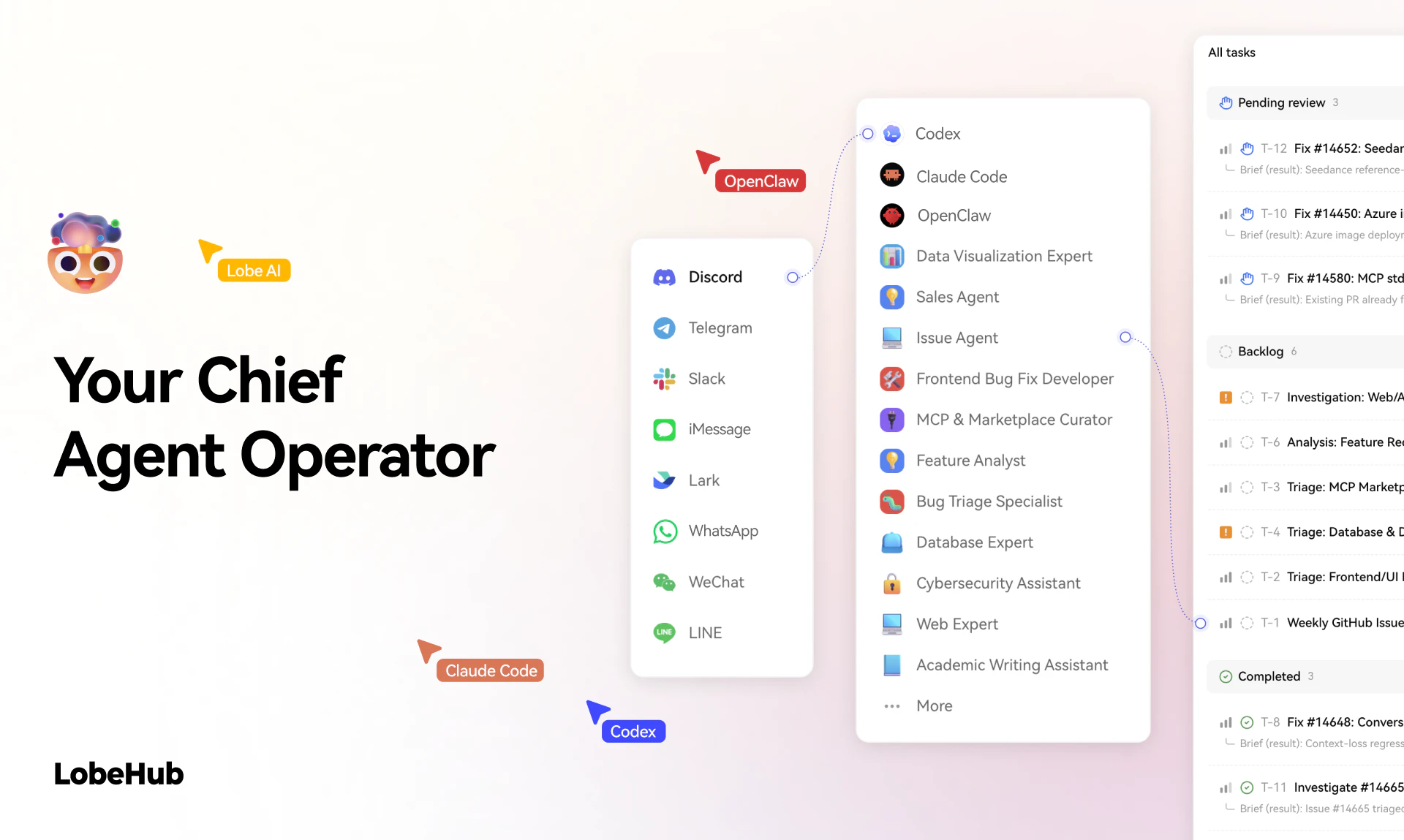
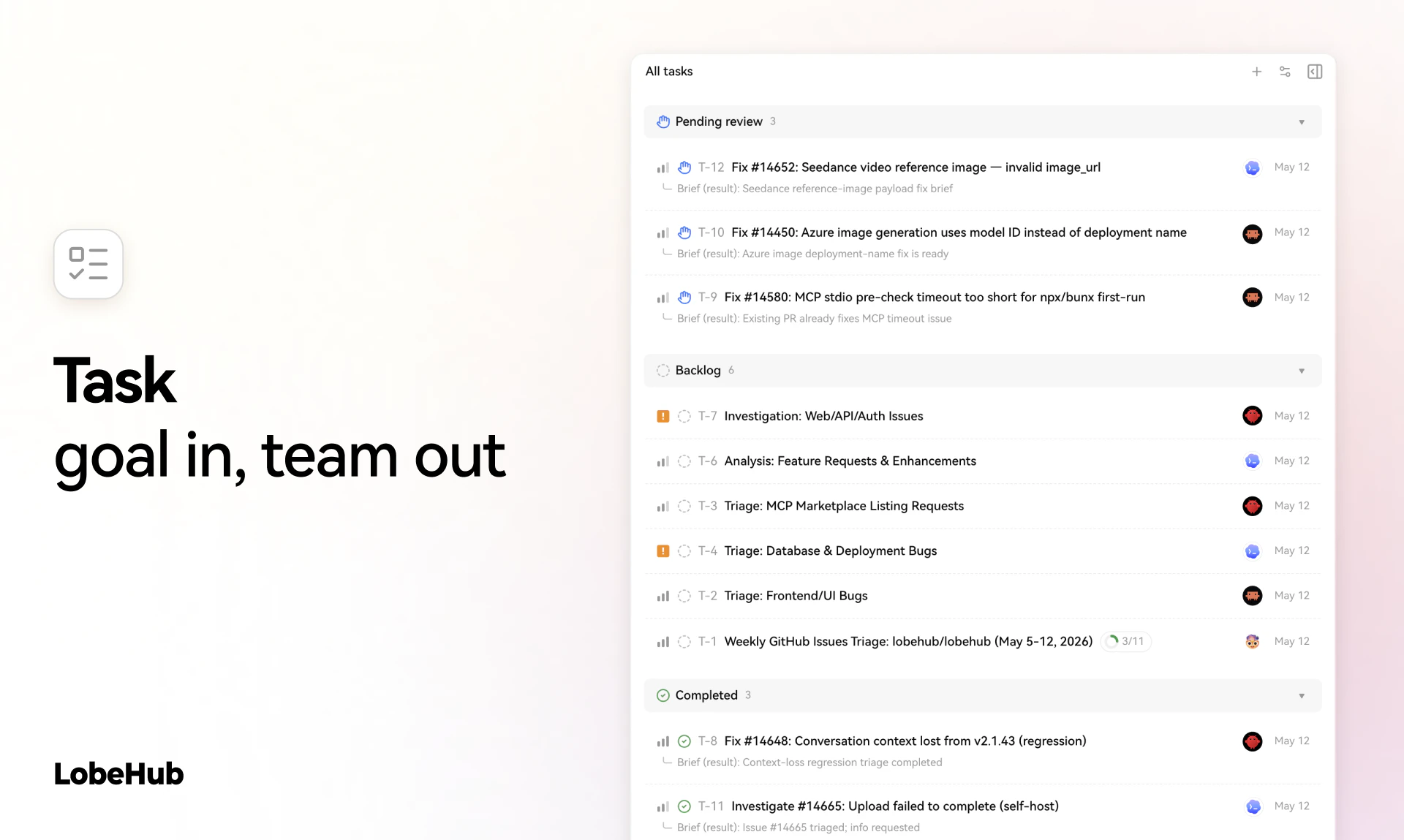
查看原始信息
The Claude Code Daily
Keeping up with Claude Code is a full-time job. New releases, community tips, and workflows are scattered across X. The Claude Code Daily fixes that. Every weekday morning, the top posts are distilled into a 2-minute digest delivered to your inbox.

This is genuinely useful. The Claude ecosystem moves so fast that keeping up through X threads alone is almost impossible now.@ajwaxman

Love the idea of a concise daily digest instead of information overload. Subscribed, excited to follow this

1
回复

subscribed. the claude ecosystem moves so fast that by the time you find a useful workflow someone already shipped a better one. need this in my inbox

1
回复

Honestly I can't keep up with all the changes happening in the Claudoverse!

I'm thrilled that @ajwaxman has taken up the cause to digest all the updates and present it all in an easy and accessible format.

0
回复
Thanks for posting! I found myself constantly glued to X to keep up with all the Claude Code updates. And even then, it was hard to keep track of everything. It started as an automated daily slack post. After a few weeks I thought others may be interested too. Hope you enjoy and let me know if you have any suggestions or features you’d like to be added!
0
回复