Product Hunt 每日热榜 2026-05-27

PH热榜 | 2026-05-27

#1
Bluedot 2.1
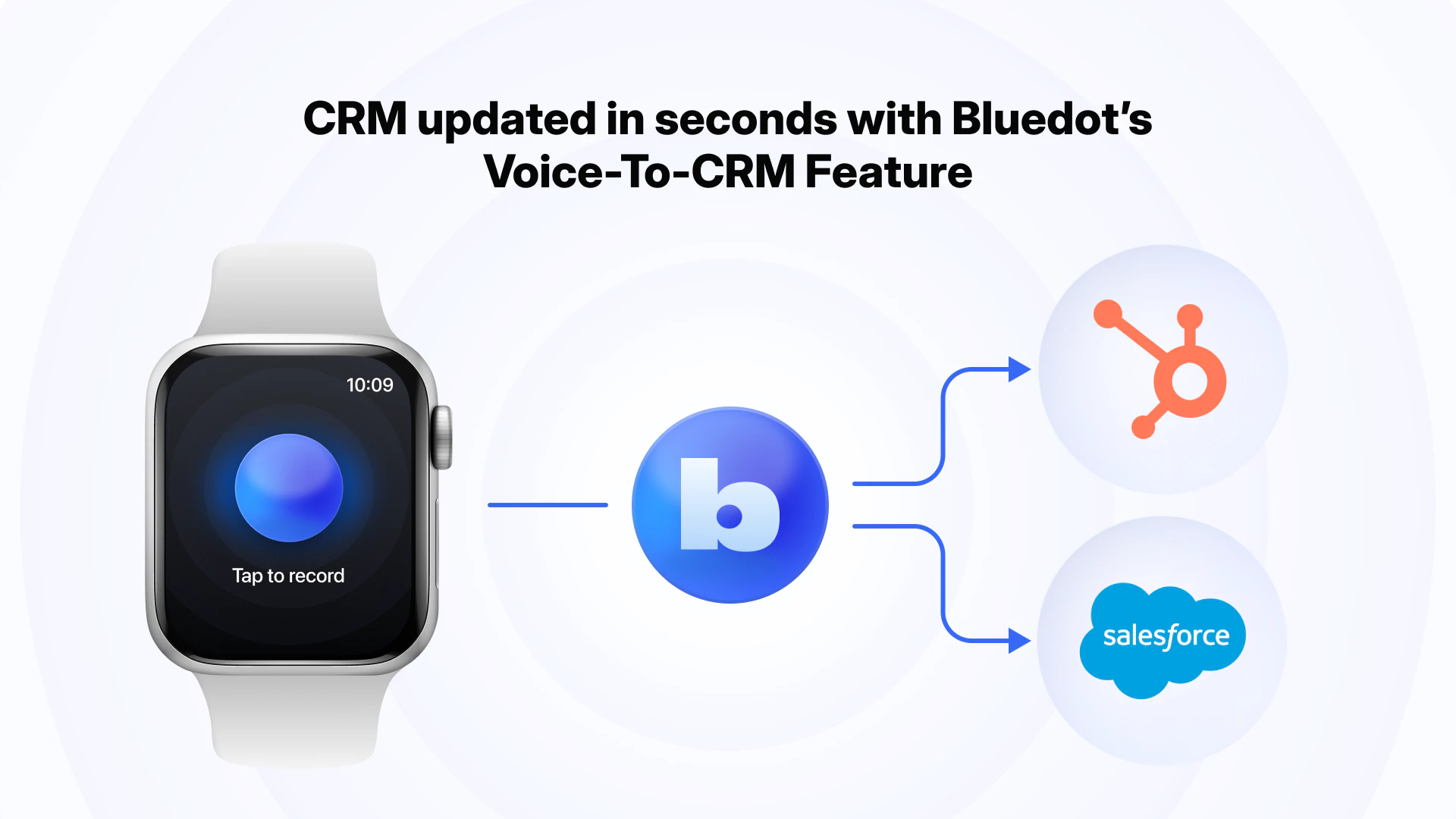
Record on Apple Watch. Sync with Claude
373
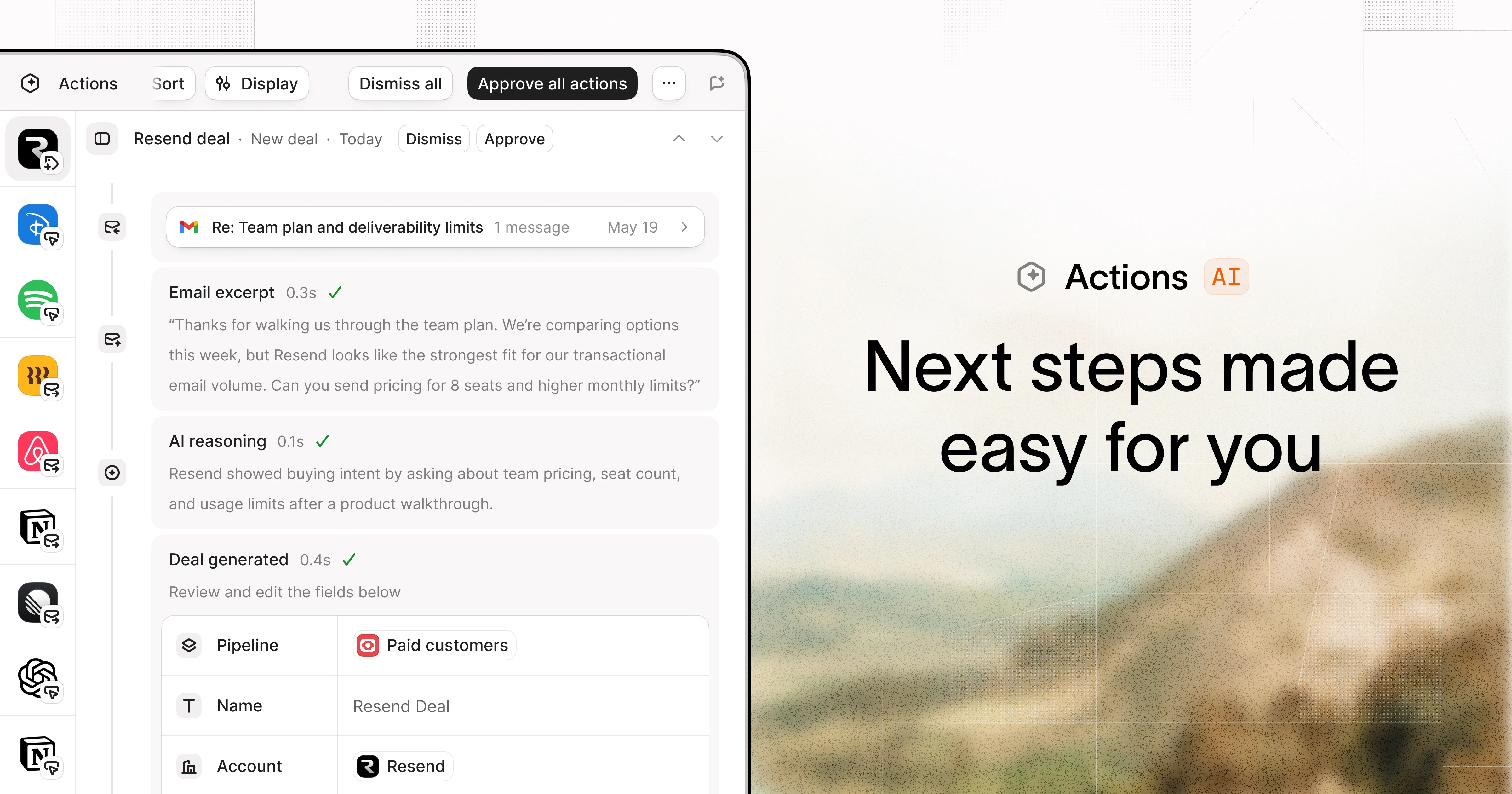
一句话介绍:Bluedot 2.1 让你在 Apple Watch 上轻点录制线下对话,并自动同步到 Claude、CRM 或 Notion,解决“即兴交流信息难以沉淀与利用”的痛点。
Android Apple Watch Productivity
Apple Watch 录音 AI 笔记 会话记忆 Claude 集成 MCP 协议 CRM 同步 实时转写 可搜索上下文 隐私控制 生产力工具
用户评论摘要:用户关注隐私同意与噪音环境下的录音质量;关心电池续航影响;担忧信息过载,希望 AI 能区分有效信息与噪音;询问对亚洲语言支持;建议增加“助理记得什么”的透明提示;认为该功能比传统会后手动录入 CRM 高效。
AI 锐评

Bluedot 2.1 的核心价值并非“录音”,而是“场景化捕获”——它精准切中了非正式、高价值对话(如咖啡厅闲聊、客户晚宴)与结构化工作流(CRM、AI助手)之间的信息断层。产品在产品形态上做出了一个聪明且实质性的跨越:让智能手表成为“现实世界”与“AI 工作流”之间的轻量级 I/O 设备。

然而,这一创新面临三重显而易见的挑战:首先是隐私与用户信任,即便产品提供了清晰的录制状态和分享控制,但“被记录”在真实社交场景中的心理成本极高,这决定了其应用场景将长期局限于商业对谈(如销售、采访),而非日常社交。其次是信息甄别,如评论所言,将“一句话的客户痛点”从“五分钟的寒暄噪音”中提炼出来,远比转录本身更考验 AI 能力——目前的 RAG 解决的是检索,而非判别。第三是硬件限制,Apple Watch 在嘈杂环境中的收音质量、多场景覆盖下的续航表现,本质上受限于物理硬件,软件优化只能缓解,无法根治。

Bluedot 本质上是在赌一个趋势:随着 AI Agent 工作流(如 Claude 的 Project、MCP)的普及,用户将愿意用“牺牲部分实时隐私”来换取“反刍式记忆力”带来的效率提升。这个判断在专业高效导向的用户群中成立,但对大众市场而言,“记录一切”与“遗忘”之间的边界管理,才是产品决定生死的护城河。

查看原始信息
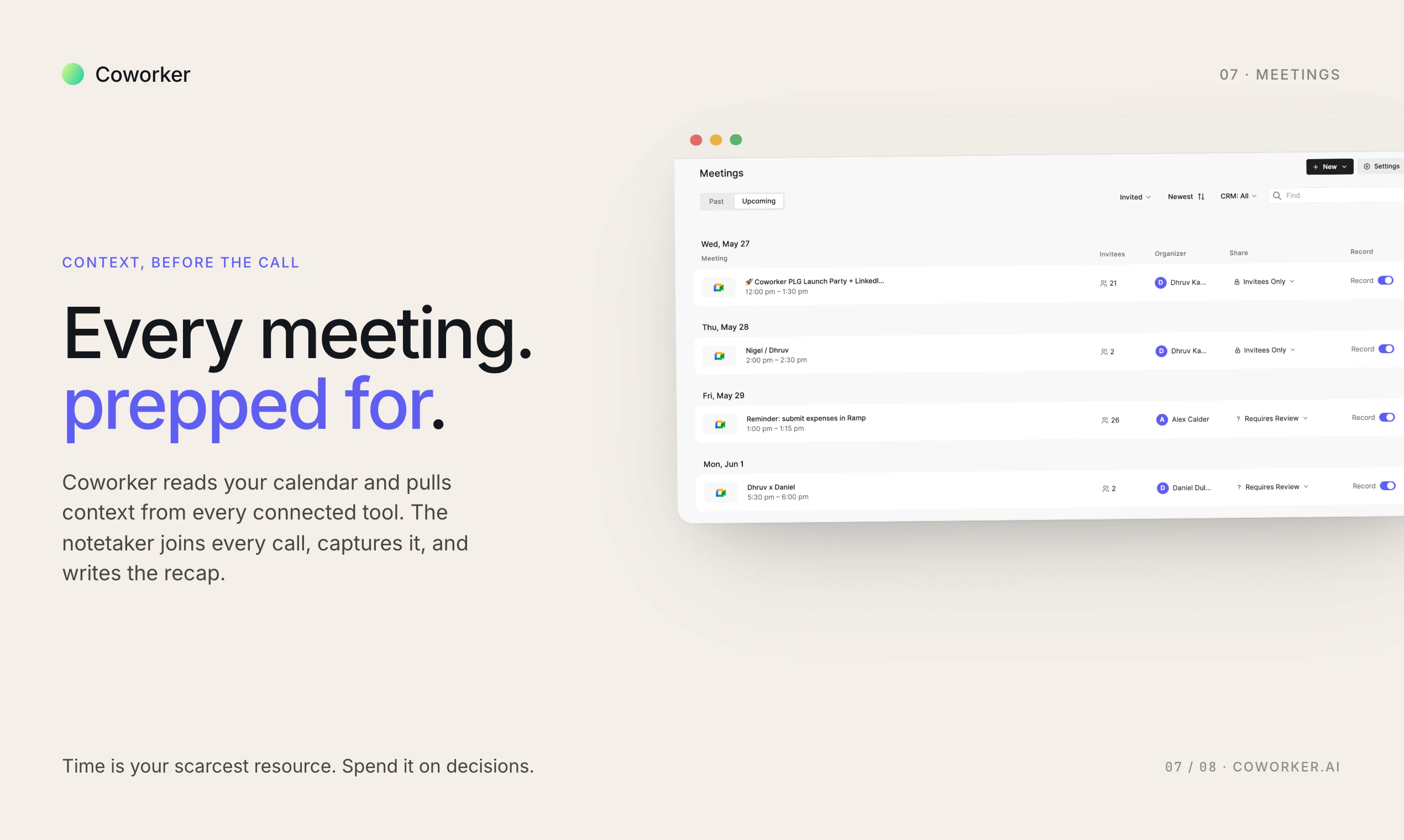
Bluedot 2.1
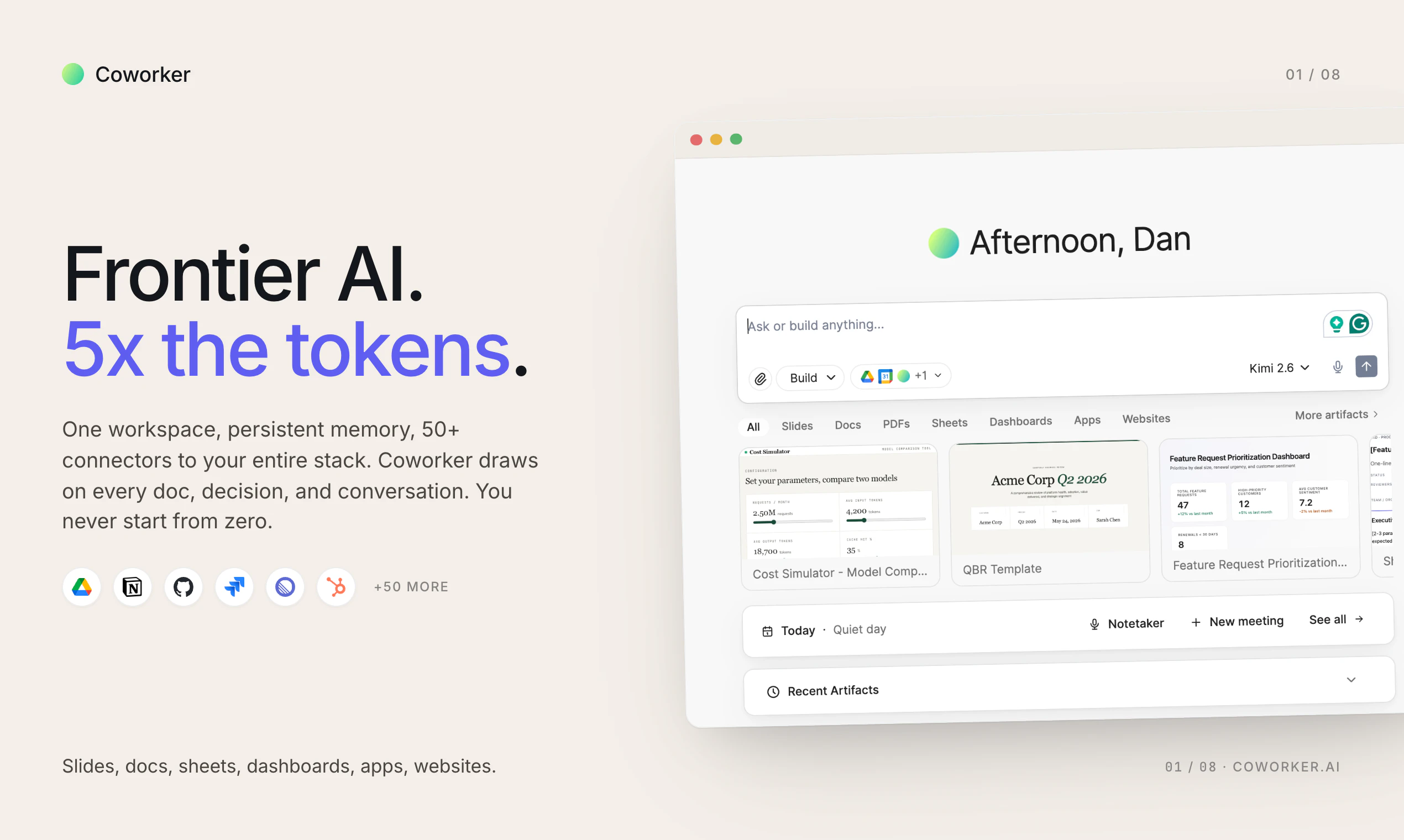
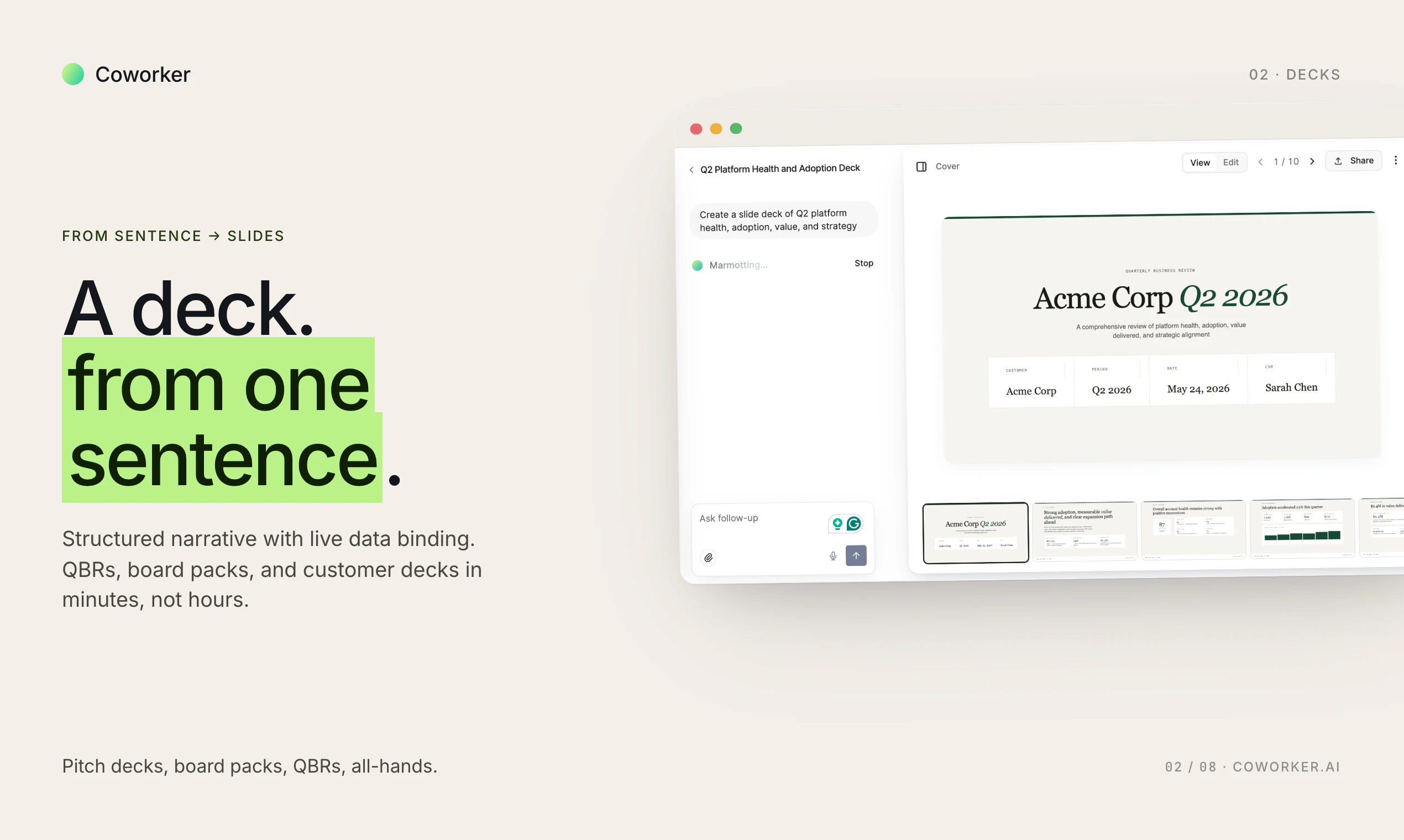
Bluedot 2.1 brings your real-world conversations into Claude. Record conversations directly from your Apple Watch, then sync them with Claude through MCP. Capture customer calls, hallway chats, interviews, coffee meetings, and in-person conversations, without a laptop or meeting bot. Bluedot turns every conversation into searchable, AI-ready context that Claude can summarize, search, and act on.
The best conversations don't happen at your desk. They happen at the coffee machine. At a customer dinner. In the back of an Uber. Now they don't have to stay there. Tap your Apple Watch to record, by the time you sit back down, it's already in your CRM, already a Notion page, already context Claude can act on. Bluedot 2.1 is here. Available today on all paid plans.
17
回复

@dima__eremin This feels like the missing layer between great conversation and useful follow-up. Love how Bluedot makes real-world moments instantly actionable instead of lost in memory or messy notes.

0
回复

@dima__eremin One question: when you tap to record on Apple Watch, how does Bluedot handle background noise and privacy in crowded spaces, and what's the typical latency from ending the recording to seeing it synced in CRM/Notion with Claude-ready context?

0
回复
@dima__eremin This is genuinely an insane application, I’m new to this platform, but I’m curious how exactly you came across the idea
0
回复

Hope this connects to most of the Asian languages as most of the informal meetings happen in the local language

16
回复

@sivaram_grandhe we support most of asian languages

0
回复

Curious how you’re handling consent/privacy in casual real-world environments though. That feels like one of the biggest challenges for products like this.

7
回复

@anthony_adams_ yeah, it's a good question.

0
回复

@anthony_adams_ Yeah, 100%. Consent is a big part of this. We’re keeping it user controlled, with clear recording states and the ability to decide what gets saved or shared after the conversation.

0
回复
I guess we don’t need to wear one more device. What’s the impact on battery life?
3
回复

@lakshminath_dondeti that's why apple watch integration is the best for it. It's minor impact on the battery.

1
回复
@russ_halilov That’s cool! I would have thought there would be a big impact on battery if we are recording multiple times a day. It’s good if that’s not the case.
1
回复

It's interesting launch Congratulations!

3
回复

@emma_watson21 thank you so much!

0
回复

i actually think memory systems become more valuable as agent workflows get longer and more task-oriented instead of just Q&A chats.

2
回复
0
回复

One challenge I could see is information overload 😅 Once every conversation becomes searchable, surfacing the right context becomes extremely important.

2
回复

@nikita_jain18 Totally! that’s exactly why we added RAG and MCP, so people can find the right context without digging through everything manually.

0
回复

i think transparency matters a lot here 🔥 Even a lightweight sidebar showing “what the assistant remembers” would build more trust

2
回复

@rocky_bhai39 we do exactly this way!

0
回复

long -session memory is one of those features people only notice when it’s missing 👀 Repeating context every few turns gets exhausting fast.

2
回复

@frances_diazon long -session memory is what we optimise for!

0
回复

Really sleek launch. The productivity space on wearables is heating up.

2
回复

@nithin_raju1 Thank you! Yeah, wearables feel perfect for capturing things away from your desk.

0
回复

Hmm wonder, is bluedot can replace Siri ?

1
回复

@elnur_atakishiyev yes, easily!

0
回复

This feels especially useful for customer conversations where the important detail shows up after the formal meeting is over. The big UX question I’d watch is what should graduate from “recorded context” into “actionable memory.”

A hallway chat may include one durable customer objection, three throwaway comments, and a follow-up promise. If Bluedot can make that separation visible — final note, source snippet, and why it was promoted to CRM/Claude context — it would make the AI-ready handoff feel much safer than a giant searchable transcript.

1
回复

@jim_jeffers Yeah, exactly. The hard part is not recording more, it’s helping people understand what’s actually worth keeping and why.

0
回复

Congrats on the launch! The Apple Watch capture + instant sync into Claude/CRM is the part I'd actually use. Out of curiosity, what was the hardest thing to get right for recording in noisy real‑world environments?

1
回复

@mythic_dd Thank you! Honestly, the hardest part is reliability, making sure the recording works when you need it, and that people don’t forget to stop it after the conversation.

0
回复

My old method - step away from the trade show booth, record my notes from the chat by voice recorder, enter into CRM later at the hotel. Major value add here Bluedot team!

1
回复

@james_dunnigan Exactly! No one wants to update CRM after a long day.

0
回复

Can this work as my personal note? I've been looking for the ability to record things on my watch, then transcribe it, then to claude or notion. that would be amazing!

0
回复

Congrats on the launch! The Apple Watch capture feels like the right form factor for the off-desk conversations that usually get lost. Curious how you’re handling consent and visibility for in-person recording, especially in more casual settings like dinners or hallway chats?

0
回复

What about the battery usage? If I have a meeting that last for an hour or so how much this will drain?

0
回复

@michele_di_brigida_bajara we optimise well for the battery usage, so you should't worry. Your exact drain would depend on the mode of the phone.

0
回复
#2
Powabase
Build AI apps with Postgres, RAG, and agents
369
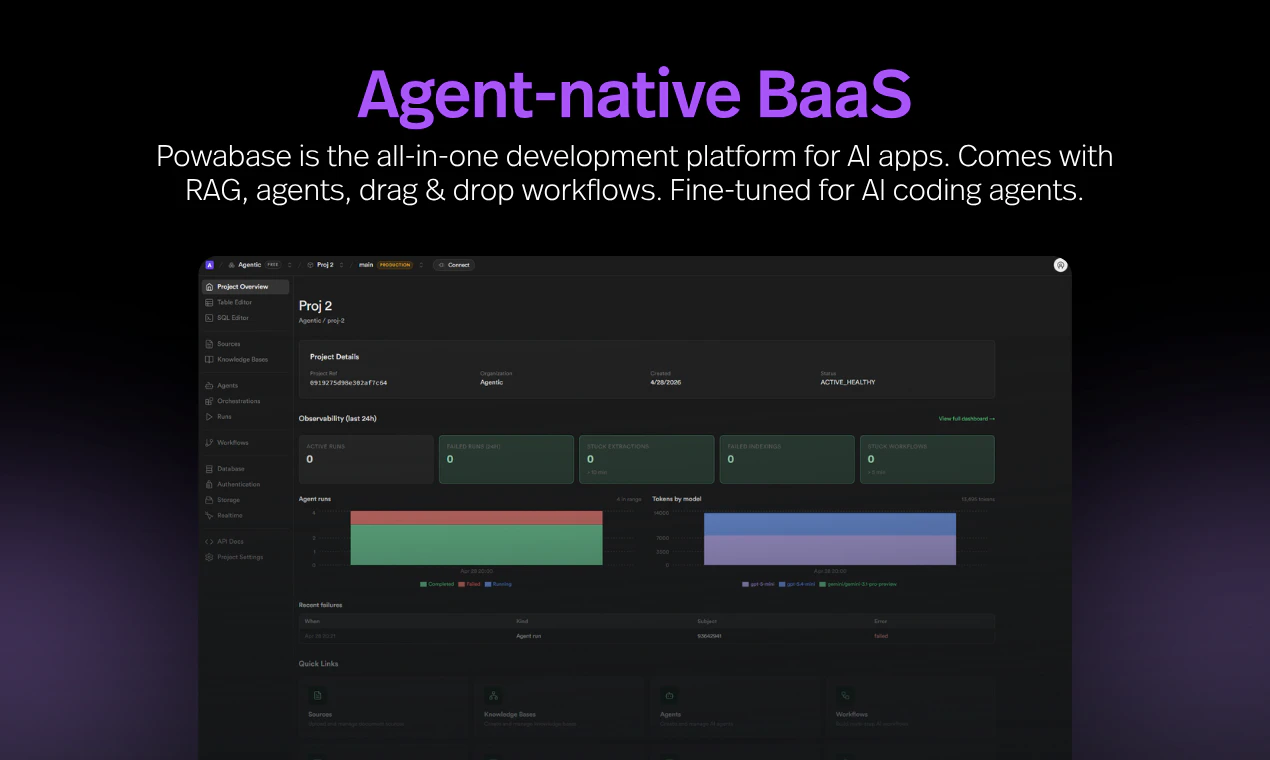
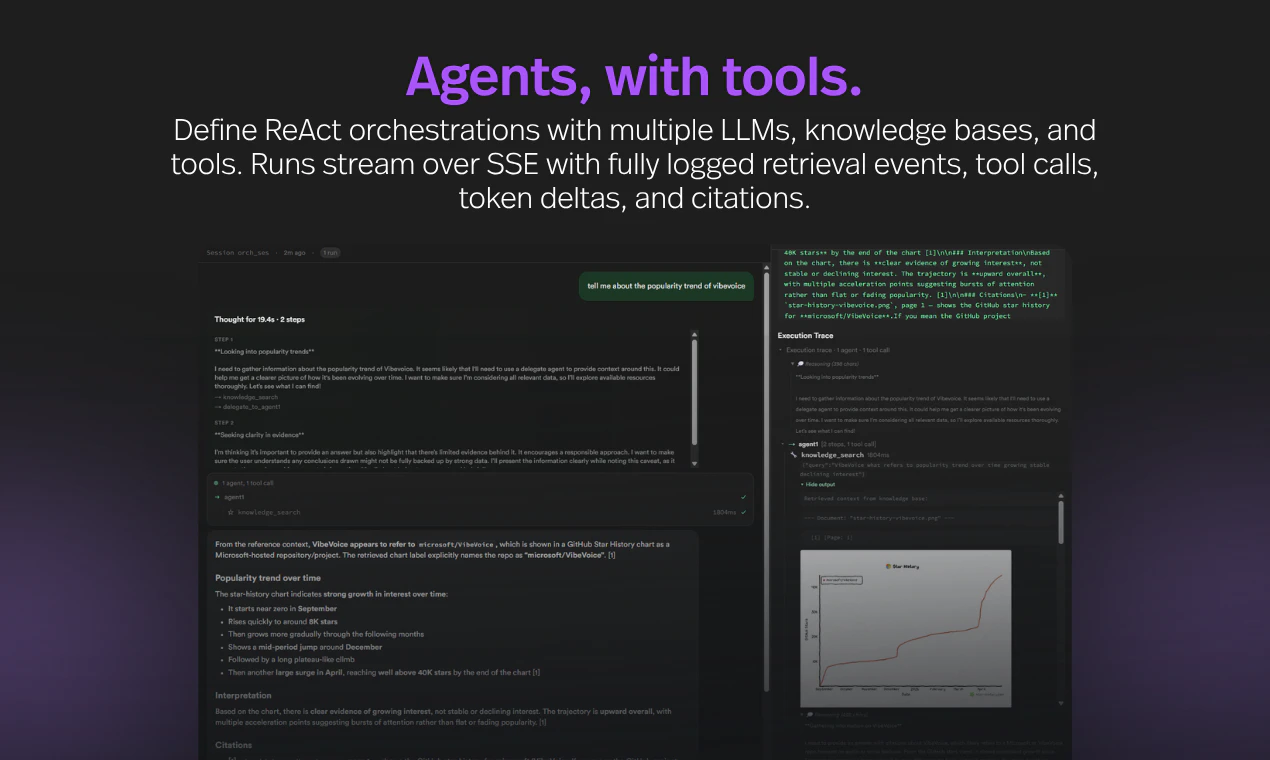
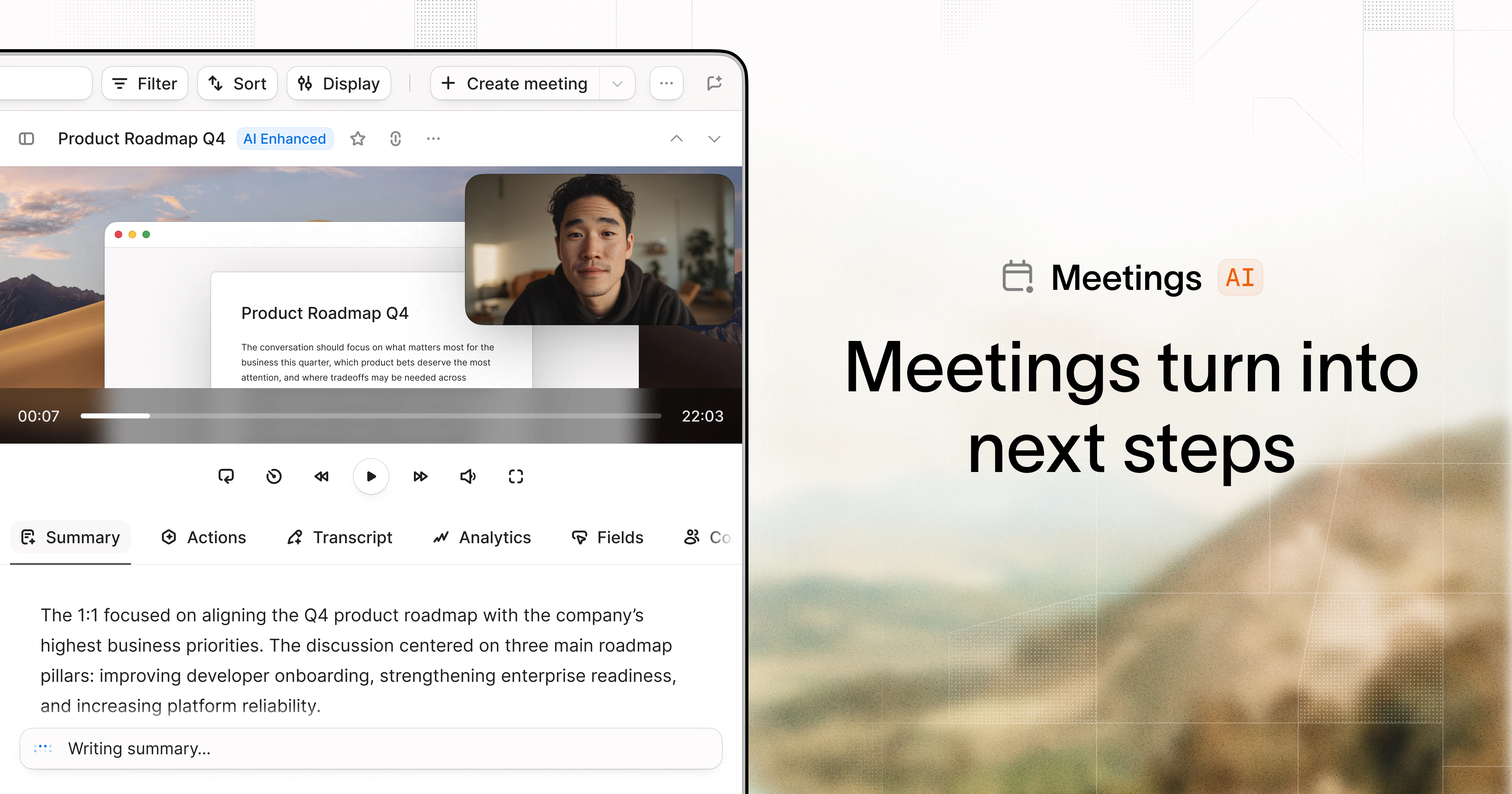
一句话介绍:Powabase 是一个面向 AI 原生应用的后端即服务(BaaS)平台,将 Postgres、向量数据库、RAG 管道、智能体运行时、内存、工作流和自动化基础组件整合在一起,解决了开发团队在构建 AI 应用时需拼接多种工具、编写大量胶水代码的痛点。
Developer Tools Artificial Intelligence Database
后端即服务 AI原生应用开发 Postgres RAG 智能体编排 向量数据库 自动化工作流 BaaS平台 基础设施抽象 开发者工具
用户评论摘要:用户高度认可“缝合6-8个工具”的痛点描述,但提出尖锐追问:在真实脏数据和大规模场景下,RAG 的检索成本曲线与精度能否保持?多步骤管道在模式验证层容易断裂,平台如何定义步骤的前置/后置条件?对原型便利与生产控制(如评估、提示版本、审计日志)的边界划分存疑。同时,用户关心是否支持自带 Postgres、锁定的风险、以及智能体安全边界的身份与动态权限管理。
AI 锐评

Powabase 的叙事精准且老练——它捕捉到了 AI 开发现状中一个真实且昂贵的成本:“工具缝合”。创始人将自身从程序店获得的经验提炼为产品,这本身就是个强有力的信用背书。其核心价值在于:通过一个精心编排的抽象层,大幅降低了 AI 应用的基建复杂度和 coding agent 的 Token 消耗,将“数据入模”这个经典问题从手动拼装变为一键集成。尤其是将观测仪表、权限控制、多智能体编排和 RAG 算法等作为一等公民内置,而非事后补丁,这比大多数“LangChain 套壳”产品要务实得多。

然而,犀利之处在于,所有承诺都将在“规模与可靠性”的试金石上接受检验。评论中关于“脏数据下的成本曲线”和“多步管道模式验证”的质疑,直击要害。98.7%的FinanceBench准确率在有限、干净的基准测试中有意义,但真实业务场景中,数据增长、结构杂乱、知识冲突会无情地将检索质量拉向成本与精度的两极,这是所有 RAG 系统面临的根本性物理难题。此外,虽然平台强调非锁定,但“BYO Postgres”的承诺与“自托管版本计划于2026年中期才推出”之间存在明显的时间差,这意味早期采用者必须接受其托管环境,而智能化意味着更强的绑定。最后,该平台是否真的能减少“胶水代码”或仅仅是“替换了胶水代码”,取决于其对外部系统、非标准API、及MCP生态的兼容深度。它更像是一个为特定、高性能 AI 应用场景而生的“豪华解决方案”,而非万金油。对于希望快速搭建尝鲜 MCP 或简单 RAG 应用的团队,它几乎是业界最优解;但对于那些跑在复杂、异构、高度定制化数据管道上的团队,这个“后端抽象”可能会在多轮迭代后,暴露出新一层的复杂度——只不过是从“缝合工具”变成了“与抽象层搏斗”。

查看原始信息
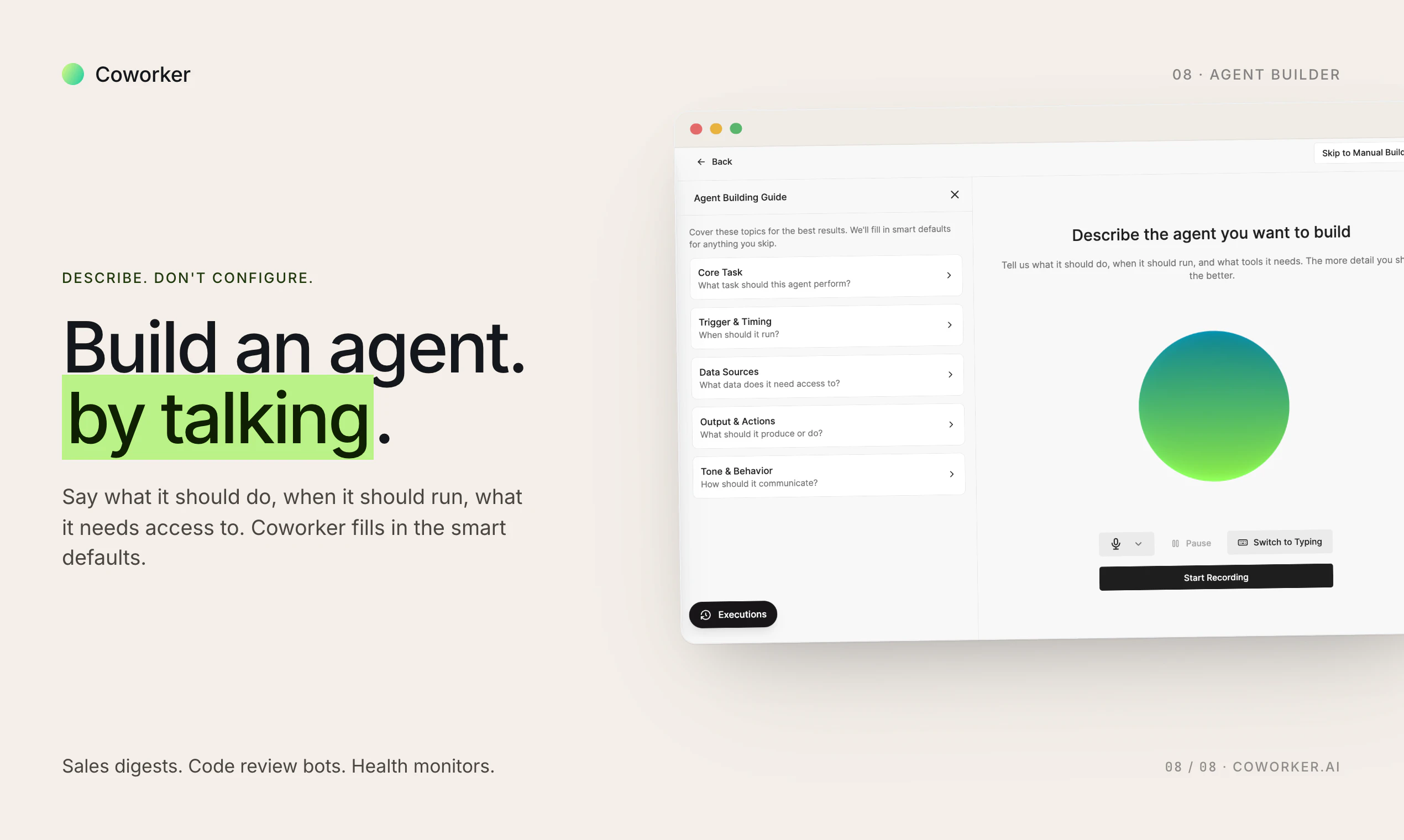
Powabase
Powabase is a backend-as-a-service for AI-native applications, combining Postgres, RAG, agents, memory, workflows, and automation primitives in one platform. It helps agencies and in-house IT teams build new AI apps or add AI automation to existing products without stitching together fragmented infrastructure. Designed to work seamlessly with modern coding agents, Powabase helps teams ship faster while building more robust, token-efficient systems.

Hey Product Hunt 👋

I'm Hunter, co-founder of Powabase. We've been running an AI dev shop since ChatGPT first came out, and after many client projects we noticed the same pattern repeating itself. Nearly every AI-native app ends up needing the same stack: Postgres, a vector store, RAG pipelines, an agent runtime, memory, auth, and file storage.

Today you stitch that together from 6–8 tools, write a lot of glue code, and then watch your coding agent burn tokens navigating it. We've built ~100 production AI apps across regulated industries — finance, insurance, education, government — and the infra glue was always the slowest, most expensive part.

So we abstracted it into a unified backend. Powabase is the backend we wished we'd had — and now every new AI project we take on ships in a fraction of the time.

Powabase is that whole stack as one platform:

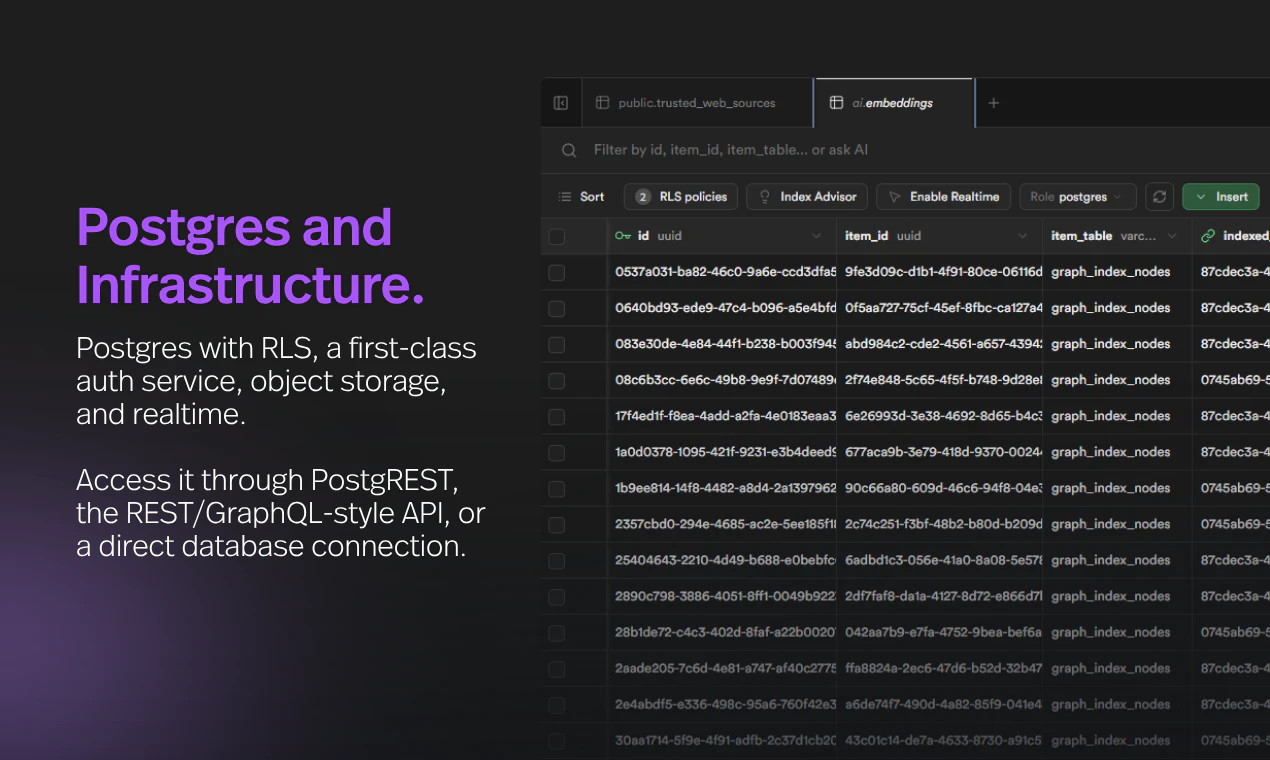
  • Postgres + pgvector + file storage, provisioned per project in one click

  • Standard Supabase features like auth and realtime

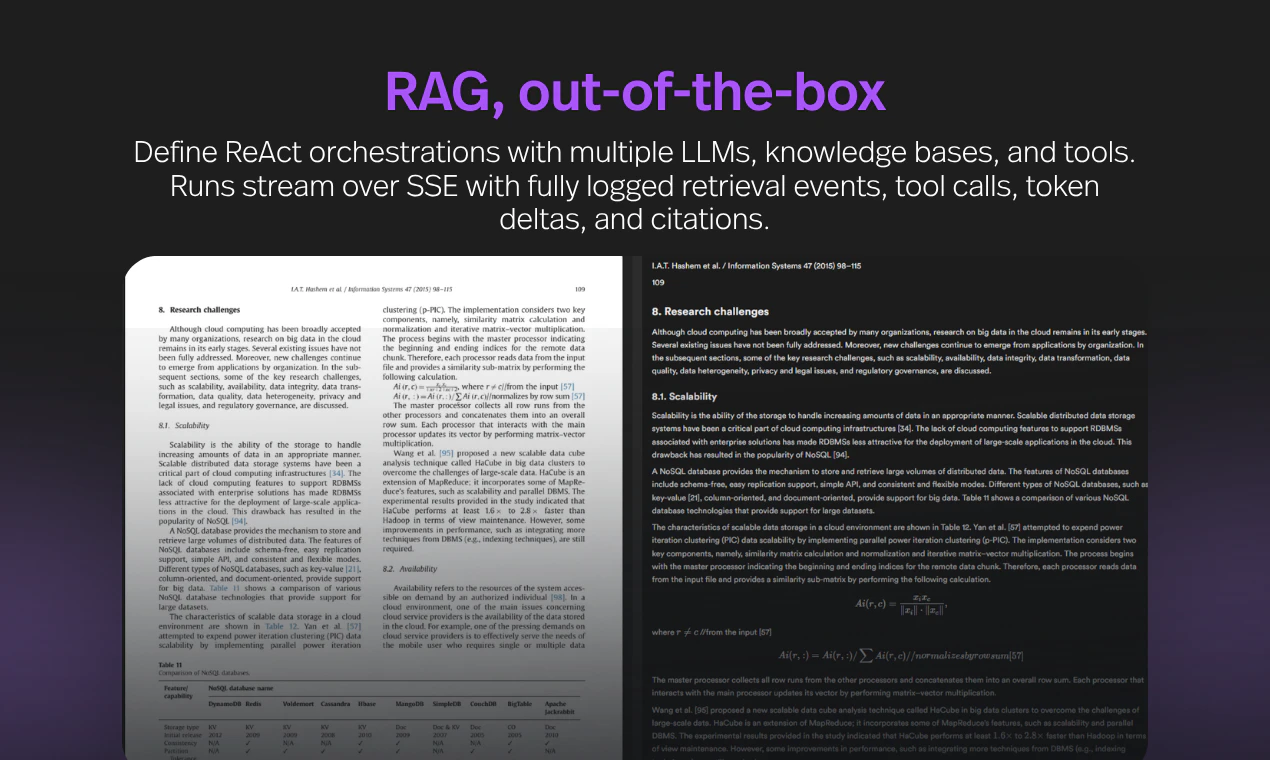
  • A context engineering layer with multiple RAG algorithms that hits 98.7% on FinanceBench

  • Supports OpenAI, Anthropic, Google, or open-source LLMs via OpenRouter

  • Multimodal embeddings, rerankers, OCR, web search, web scraping all included without separate third party API keys or integrations

  • ReAct multi-agent orchestration with prebuilt tools (web search, database r/w, sandboxed code execution, etc.) and support for custom tool integrations via API and MCP

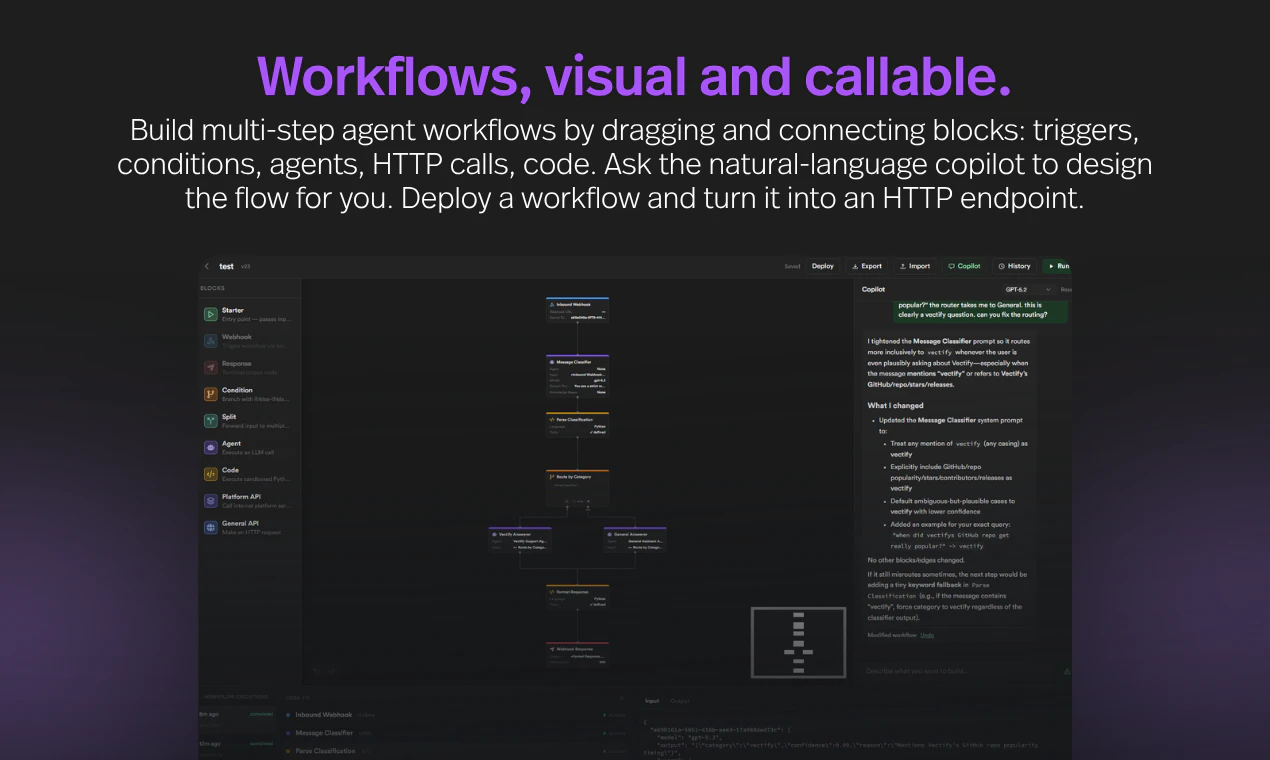
  • N8n-like visual agent workflow builder for deterministic logic; built-in copilot can help you craft workflows using natural language

  • Full observability in agent reasoning, token usage, RAG context, tool calls, workflow executions, and system errors

  • Optimized for coding agents like Claude Code — clean primitives, predictable APIs, token-efficient by design

AI apps deserve their own backend abstraction, not a Frankenstein of generic infra + LLM wrappers. Supabase made Postgres easy to use; we want to do that for the full AI-native stack.

It's free to start, and our cookbook + example apps are open source on GitHub. We plan to open source a self-hosted version after early access period ends, likely around late June / July 2026.

I'll be in the comments all day with @tonyzhangcy , @xin_chen17 , and @michael_t_chang . Tear it apart — what's missing, what's confusing, what would make you actually try it. 🙏

Early access users get free lifetime benefits — try it at app.powabase.ai and tell us what you build 🚀

27
回复

@tonyzhangcy  @xin_chen17  @michael_t_chang  @hunter_powabase 

Congrats on the launch — the FinanceBench number is interesting, would love to know more about the retrieval setup behind it.

One thing I keep running into building on top of LLMs: the infra layer you’re describing solves the "get data in front of the model" problem really well, but structured multi-step pipelines still tend to fall apart at the schema validation layer — the model returns something that looks right but breaks the contract with the next stage.

How does Powabase handle that? Is there a way to define pre/post conditions on workflow steps, or is correctness mostly enforced downstream by the application?

0
回复

@tonyzhangcy  @xin_chen17  @michael_t_chang  @hunter_powabase The "infra glue was the slowest, most expensive part" framing is the honest reason this category exists, nobody's AI app died from a bad model, they died stitching six tools together. Since token-efficiency is the thread you keep pulling on, that's where I'd push: FinanceBench is clean and bounded, but a client's real knowledge base is messy, duplicated, and growing weekly. The hard part isn't retrieval quality on a benchmark, it's what the cost curve does at 10x the documents. Naive RAG either bloats context and quietly kills the token-efficiency claim, or over-prunes and misses the right chunk. So: as a project's corpus scales, does retrieval cost stay flat, and does precision hold on dirty data? That curve is the difference between a demo scoring 98% and a backend teams trust in production, and it's the one number that'd make "token-efficient by design" provable rather than aspirational.

5
回复

@tonyzhangcy  @xin_chen17  @michael_t_chang  @hunter_powabase Congrats on the launch, team. Pointing out that Powabase extends from Supabase is a brilliant positioning anchor because it immediately secures baseline developer trust.

My only tactical critique is that your main headline, "Postgres, RAG, and agents. One backend." reads a bit too much like a feature checklist. With massive live traffic hitting you today, anchoring your hero copy directly against the maintenance nightmare of gluing a standard database to isolated vector indexes and custom agent runtimes would drive a much higher activation rate.

Rooting for you guys today.

0
回复

the 6-8 tools stitched together with glue code is painfully accurate. every AI project starts clean and ends up as a frankenstein of integrations within a month. unified backend makes sense if it actually reduces that sprawl

10
回复

@tina_chhabra Thanks for confirming our experience! A lot of the custom gluing depends on the actual project specifications. If the business logic is complex and many third party integrations are needed, you might still need a good amount of glue code regardless of what backend framework you use.

Powabase's ReAct multi-agent orchestrations allow you to connect agents with custom tools and MCP servers though, so if you're building an AI app, hooking your agents up with tools is a lot easier than building everything from first principles.

Happy to hear more about what you might be working on!

2
回复

@tina_chhabra thanks for the support! We've already been dogfooding Powabase for other internal projects and it has definitely sped up development

0
回复

Postgres + RAG + agents is a useful bundle if it reduces the number of glue decisions teams have to make early.

The question I’d have is where Powabase draws the line between prototype convenience and production control: evals for retrieval quality, prompt/version history, permissions, and audit logs. Those are usually the pieces teams discover they need right after the first demo works.

5
回复

@studentzuo Great observation! Powabase has a full suite of Observability tools built in. It gives you a variety of information ranging from token usage breakdown by model to failed RAG indexings and LLM queries. Since it is a BaaS, every configuration and action is tracked in a Postgres DB table for your records. You can also build custom dashboards on top of auto-collected data to analyze it as you see fit.

Like Supabase, our Postgres db has row level permissions. For certain out-of-the-box agent tools (e.g., database_write), the user must grant explicit permission to the agent on a per-table basis before it can manipulate it. If you want human-in-the-loop workflows like Claude code, you can set up hooks in your agent orchestration so it waits for user's confirmation before continuing.

Would love to hear more about what projects you have in mind!

4
回复
@studentzuo right in time ! 👍
0
回复

@studentzuo Thanks for the support!

1
回复
Incredible team. Love the Token efficiency here! Excited to see where this goes
4
回复

@campritchard thanks for the support!

0
回复

@campritchard Really appreciate the encouragement!

0
回复
I'm excited for this. I picked up your GPT Trainer back when you launched it. I preferred it over other agents I tried as your interface was intuitive, and the agent stuck to its designated materials and didn't have any "bleed" from general LLM knowledge impacting answers. You also kept users abreast of changes and updates, so I'm all in on what you've cooked up here because this (in theory) will be a better for for my anticipated workflow over Supabase.
3
回复

@1lastshot thanks for your support! Powabase essentially evolved out of GPT-trainer. We learned a lot of lessons when we tried using it as an AI agent platform for other apps we were building (e.g. AI-powered document processing) but ran into pain points with GPT-trianer's focus on chatbots. We're hoping that Powabase, "backend we wish we had", will help others build AI-native apps too, and we'd love to hear more about what apps you may be trying to build!

1
回复
@michael_t_chang I forgot it was just a single agent & then you introduced the "orchestra" functionality. Good gravy it's been a minute. Hoping to check powabase out soon.
0
回复

@1lastshot Following up from @michael_t_chang , Powabase was inspired by the fact that many users of GPT-trainer requested direct API access to the backend. Instead of stripping out the backend from an end-user SaaS, we thought it was best to properly address the root demand and build a dedicated AI-native BaaS instead.

Thank you for your positive feedback and encouragement!!

1
回复

I love working with @Powabase and @hunter_powabase for Ryden Solutions, the first & leading life science continuous quality and compliance assessment platform simulating FDA inspectors at all times while also becoming more efficient. Hunter's platform has simplified development and set us up for long term success as we scale.

3
回复

@hunter_powabase  @adam_foresman  Thank you so much! Ryden Solutions has been one of the most rewarding projects we've worked on — what your team is building is exactly the kind of regulated-industry use case that pushed us to take Powabase's primitives seriously. We have learned a ton from working with you. Excited to keep building together!

0
回复

@adam_foresman Thanks a lot Adam! Your positive feedback made my day!

Powabase is perfect for use cases like Ryden. It's ideal for anything document-heavy and privacy-sensitive.

Looking forward to our continued partnership!

0
回复

I like that you’re focusing on token efficiency as a platform concern, not just a model concern. Hidden orchestration costs are becoming a massive issue.

2
回复

@daniel_henry4 Glad you noticed!

Two ways we impact token efficiency:

  1. Building every project from first principles and debugging glue code+infra setup via Codex, Claude Code, or OpenCode can be VERY wasteful in terms of tokens. You can save significantly by leveraging well-crafted abstractions during development. This is where Powabase shines!

  2. Traditional RAG or agent orchestrations done via Supabase + LangChain does not incorporate intelligent "agentic" retrieval. To get the right answer on the first try, you generally have to compensate with larger reserved context. This is wasteful in terms of tokens. Powabase's native multi-agent orchestration uses a similar architecture as Claude Code. When set up correctly, your agents can be much smarter about where to look for the most relevant pieces of context instead of stuffing everything in one go based on cosine similarity. You can also control reasoning levels directly if you want fewer "hidden reasoning tokens" at inference time.

0
回复

@daniel_henry4 Adding to Hunter's point — the unglamorous lever here is observability. Most "hidden" orchestration cost is hidden because the existing stack doesn't show it. We surface token usage broken down by model, agent, and source (agent run / orchestration / workflow), plus per-run trace with reasoning steps, tool calls, and the RAG context that got retrieved for each step. Once you can see it, the optimization is usually obvious — you stop arguing about prompt length when the real waste was a poorly-targeted retrieval call.

0
回复

The Postgres-native approach is interesting most RAG tooling treats the database as an afterthought rather than the foundation. Curious how you're handling vector indexing at scale: are you using pgvector under the hood, or did you build something custom? Would also love to know if the agent layer supports tool-calling across multiple data sources or just within a single Powabase instance.

2
回复

@fberrez1 Yep, we are using pgvector under the hood. For multimodal content, we first convert the data into a text-based description using a VLM like Mistral OCR, then index the text. At retrieval time, the database searches the indexed text but pulls the original multimodal content (e.g., base 64 image) and feeds it as context to the LLM.

Agent layer does support tool-calling across multiple data sources. Out-of-the-box tools interface mostly with built-in capabilities of the BaaS itself (e.g., sandbox code execution, permissioned db read/write, web search via Exa, web crawl via Firecrawl, etc.). You can connect custom tools or MCP servers to any agent or orchestrations to supplement its set of tools.

0
回复

Very cool @hunter_powabase ! Upvoted :)

So the only thing I need to bring is API key for LLMs?

2
回复

@hunter_powabase  @aiswarya_s Thanks for the upvote! Bring your API key is an option that many of our users prefer. We are also giving our users the option to use powabase's key out of box so they don't have to get their own - should be out in the next product update.

3
回复

@hunter_powabase  @aiswarya_s Yes, for now — bring an LLM API key (OpenAI, Anthropic, Google, or any model via OpenRouter) and you're set. Embeddings, rerankers, OCR, web search, and scraping are all wired in with no extra accounts. We're actually rolling out an even simpler onboarding soon where new users can start with Powabase's LLM access out of the box (bring-your-own-key stays supported and gets you the best margin). What are you planning to build?

5
回复

@hunter_powabase  @aiswarya_s hey, quick update, we just shipped an update: bringing your own LLM API key is now optional. New sign-ups get $20 in Powabase credits to start with, covering LLM access (Claude, GPT, Gemini, etc.) along with everything else. Bring-your-own-key stays supported and gives you the best margin at scale, but now you can start building with zero outside accounts.

3
回复

The biggest value honestly might not be speed, it’s reducing architectural chaos. AI stacks become fragmented unbeliveably fast 😅

1
回复

@aarav_pittman Indeed. A significant time sink during Powabase's design process was figuring out which available tools are best to include. There are so many out there and some optimize for performance while disregarding cost, some try to strike a good balance and aim at best value, and others make the pure open source free-to-use play.

Example: VLM-based text extraction include LightOnOCR-2, Mistral, or PaddleOCR. This is the default approach for our RAG ETL pipeline. But if you know the source is all native text, you can opt into faster and cheaper non-VLM parsers like OpenDataLoader, PyMuPDF (fitz), or pdfplumber.

We generally try to give developers a choice while setting default options to what we believe is the best value for most common use cases.

0
回复

@aarav_pittman Yes! I've been building apps using Powabase as a backend, and it simplifies the management of all the different tools/integrations needed for an AI app

0
回复
Impressive work, Hunter 👏 abstracting the AI-native stack into one backend feels like the missing piece for a lot of teams. Powabase seems to cut through the glue-code pain that slows projects down. Curious, how do you see developers balancing flexibility with this kind of unified stack, does it risk locking them in, or does it actually open up more room to innovate?
0
回复

@odeth_negapatan1 Thanks so much, really appreciate the encouragement!🙏

Great question, it's a classic trade-off: abstraction (convenience) vs. control. Powabase tries to strike the best balance here, informed by our own experience building across a lot of use cases during our dev shop days.

If you're building AI-native apps with RAG or ReAct agent orchestrations, you'll find Powabase easy to use right out of the box. But if your application needs something custom, you're not locked into the full abstractions. You can take the relevant "intermediaries" and build a custom layer on top of them to fit your design specs.

For example, say you need to supplement retrieved RAG context with metadata stored elsewhere. You can invoke the context_handler object to grab the content that normally would have been fed into the agent, then enrich it with your own logic before forwarding it along. Since everything is stateful, you have access and control over all intermediaries by directly handling the databases.

So rather than locking you in, the goal is to give you sensible defaults when you want them. It also saves you tons of coding agent tokens from having to build these abstractions from first principles or gluing them from open source frameworks.

If you share more about what you're building, we'd be happy to advise on which features would be most relevant!

0
回复

The bundle is useful, but the make-or-break detail is how inspectable the agent layer is. For AI apps, Postgres + RAG gets you started; prompt/version history, retrieval traces, tool-call logs, and permission boundaries are what make it survivable in production.

Do you expose those traces as first-class objects, or mostly as dashboard logs?

0
回复

@studentzuo Thanks for asking!

Traces are first-class objects. Everything is API-accessible and persisted in your project's Postgres (ai schema), so you can query, replay, or export it however you like.

You can find details on our documentations page here: https://docs.powabase.ai/concepts/platform-overview. But in general:

Retrieval traces — GET /api/sessions/{id}/runs/{run_id}/retrieved-context returns every chunk the agent saw for that turn with retrieval_score, reranker_score, fused score, source/KB IDs, indexing strategy, and an included_in_context flag. So you can separate what was retrieved vs. what survived reranking vs. what actually made it into context.

Tool-call logs — GET /api/agents/runs/{run_id} returns the full run object: input_messages, output_messages, tool_calls, steps, events, reasoning_steps, usage, plus parent_orchestration_run_id / parent_workflow_execution_id to stitch delegated and workflow-embedded runs back to a parent. Same data streams live as discrete SSE events during execution.

Permission boundaries — Two layers. At the tool level, DB tools take a config_override.schemas whitelist (system schemas rejected, WHERE required for writes), http_request has SSRF validation, and a PreToolUse approval hook can pause execution until you (human) call /approve. At the project level, each project is an isolated stack, and the API enforces Service Role (bypasses RLS) vs. Anon key (respects RLS). Cross-tenant reads return 404, not 403, to avoid existence leaks.

0
回复

Have mixed feelings with these PostgreSQL wrappers. I loved PostgreSQL before it was fashionable and would much prefer to bring my own PostgreSQL, and have clear RAG and other enforcement in N8N, Flowise, or equivalent, and leverage existing agents which can be spread through different infrastructures while maintaining their own memory, skills, knowledge base, etc., in some nice centralized place.

Everything bundled, like Supabase's Edge functions feels like lock in to me. I know it can be run independently, but would prefer these workflows to flow independently of the data container.

Though, there are clear benefits to current agentic limitations having it all be bundled together as it allows better tool, skill, and MCP usage without the agent getting too confused jumping between skills and workspaces.

Looking forward to seeing how it all plays out. Good luck!!

0
回复

@asherraph Genuinely appreciate this. The tradeoffs you're naming are real, and I'd rather engage them than try to talk you out of your preferences.

BYO Postgres is closer than it looks. Each project's Postgres is a normal Postgres — you get a direct connection string, your app tables live in the public (or your self-defined) schema (the AI features use a separate ai schema), and the self-hosted distribution runs as Docker Compose or Helm on your own infra. In self-hosted mode the "data container" literally is your Postgres. The lock-in surface is the ai schema and the service worker that maintains it — not the database underneath.

The architecture you described is actually a supported pattern. Agents are reachable via API and MCP, and they call tools over HTTP or MCP. So one common setup: keep your orchestration in n8n / Flowise / whatever, and use Powabase as the centralized brain — knowledge bases, sessions, agent configs, and memory live there, but they're invoked from your existing workflows. The inverse works too: Powabase agents can call your n8n flows as custom tools. We tried to keep the layers composable rather than mandatory, so you can adopt one piece without swallowing the rest.

0
回复

the 'glue code between 6-8 tools' problem is real. spent way too many hours on that exact pattern before. curious how you handle the agent runtime side specifically — is there built-in support for tool calling and memory across conversation turns, or is that something you still wire up yourself?

0
回复

@ozandag Yup, the agent orchestration we implemented follows Claude Code's architecture. We have many built-in tools with detailed configurations and permissions. Some of them rely on third party service providers like Exa and Firecrawl, but your Powabase credits cover their usage. You can also attach your own custom tools via API or MCP.

Image

All agent conversations are put in "sessions" so agents working in the same session can maintain memory. You have full visibility and control over database tables handling sessions and respective agent / orchestration runs. You can also see retrieved context and tool use / output if your agent uses RAG or tools.

In general, there is no need to wire up anything yourself.

If you have specific abstractions in mind that we don't currently support, please share them with me. We're always happy to build it in.

0
回复

Congrats on the launch, team!

Powabase looks like a massive time-saver for anyone building multi-agent systems without fighting glue code.


As a backend dev currently building infrastructure around the KYA (Know Your Agent) framework, I have a question regarding security boundaries. Since you unify Postgres and Agent Orchestration in one place, how do you manage the identity and dynamic access rights of autonomous agents? If an agent starts chaining tools or spawning sub-agents, how do you prevent context/prompt hijacking from executing malicious DB queries?


We are designing KYA to serve as a verifiable 'passport & guardrail' layer for AI entities. Are you planning to enforce standardized AI identities like KYA inside Powabase, or do you rely strictly on traditional Postgres Row-Level Security (RLS)?

0
回复

@nurik_shurik Thanks for reaching out!

Really appreciate the depth of this question — it cuts to something we think about a lot.

Powabase's current model is layered defense, not a single identity primitive. The lower layers are designed to compose cleanly with attestation frameworks like KYA at the upper layers.

Where identity lives today. Agents have no ambient access. Every project is a sealed stack — its own Postgres, Kong gateway, GoTrue auth, storage, and AI worker, with no cross-project blast radius. Within a project, an agent's effective rights are the intersection of three things:

  1. The schemas and tables explicitly granted when its database tools were assigned (schema-level scoping is configured at tool-assignment time, not at query time).

  2. The Postgres role and RLS context of the API key the host app passes in — Service Role bypasses RLS for server-side calls, Anon respects RLS for anything client-reachable.

  3. Any hook policies attached to the agent.

Preventing hijacked queries. Even if a prompt injection convinces the LLM to issue something malicious, several hard constraints sit between the model and the database:

  • database_query is locked to read-only SELECT, single-statement, results capped, and rolled back after read.

  • database_write requires a WHERE clause on every UPDATE/DELETE (no mass writes) and validates all identifiers against injection.

  • HTTP/custom tools have SSRF validation and 30-second timeouts.

  • The hook system runs at OnRunStart, PreToolUse, PostToolUse, and PreResponse. Hooks can be rule-based (CONTAINS, STARTS_WITH, regex MATCHES, IN), HTTP webhooks that allow/deny/rewrite tool arguments at runtime, or human-approval gates that pause the run on an SSE approval_requested event.

  • For chained tools and spawned sub-agents: doom-loop detection terminates the run on 3 identical tool calls, and orchestration recursion is capped at depth 3.

On KYA specifically. We rely on RLS plus the layers above today, not a standalone agent passport. But OnRunStart and PreToolUse HTTP hooks are the natural integration point — a KYA verifier could sit there and attest the agent (and any sub-agent before delegation) on every step, with the hook denying or rewriting the call based on what the passport authorizes. Standardized AI identities are absolutely on our radar as the space matures, and we'd love to do a reference integration. Drop into our Discord if you want to explore that — we'd be interested in trading notes with the KYA team.

0
回复

How much time took to do it?

0
回复

@mykola_s The idea came to us about a year ago. We started building by using Supabase's open source codebase as a baseline, then extended it with our own unique features and integrations.

Powabase is not a "static" solution. Given how quickly the AI landscape shifts, we need to be moving with it as well. So the work is never truly finished. Going from Supabase open source baseline to v1 of production-ready Powabase took about 6-7 months.

Shoutout to Claude Code. It's a great coding assistant that really helped us accelerate the development process.

0
回复

Congrats team, loved this tool.

Are you also planning to add some usecase over the website?

0
回复
@vrijraj yes we are and thank you for the support! In the meantime please also check out our GitHub for our cook book and examples.
0
回复

@vrijraj Yes, absolutely. In fact, we already have a good collection of Powabase serving as the backend for a number of projects that we undertook ourselves.

The biggest one to date is a legal research platform made for the Swiss branch of a global insurance company. The goal is to index the entirety of Swiss laws and court decisions to serve as evidence / advisory for eventual claims processing automation.

We are offering a "free MVP build" program where Powabase's forward-deployed engineers build an MVP on top of Powabase for companies with concrete app ideas, for free. You can find out more here: https://powabase.ai/free-mvp/

Would love to hear more about what apps you may be trying to build!

0
回复

@vrijraj thanks for your support!

0
回复

Curious how opinionated Powabase is internally. Can teams swap components easily, or is the goal more of an integrated ecosystem experience?

0
回复

@maali_baali Great question! There's a trade off to abstraction level (convenience) vs. control. Powabase definitely tries to strike the best balance based on our own experience building across many use cases during our dev shop days. If your use case involves building AI-native apps with RAG or ReAct agent orchestrations, then you'll find Powabase quite easy to use out of the box.

If your application needs something custom, you don't have to use the complete abstractions offered through Powabase. Instead, you can take relevant "intermediaries" and build a custom layer on top of those to better fit your design specifications. For example, if you need to supplement retrieved RAG context with metadata stored elsewhere, you can invoke the "context_handler" object to get you the content that normally "would have been fed into the agent", then enrich it with custom logic before forwarding it to your agent.

If you share more about what you're trying to build, then we'd be happy to advise you on which features would be most relevant on Powabase!

1
回复

@maali_baali there's a lot of flexibility built into Powabase for processing data sources and indexing them in different ways. In our experience with building client apps, that's where you can get a lot of value from tuning for your use case, e.g. long vs. short documents, scanned vs. digital native PDFs, images vs text-heavy sources.

0
回复
#3
zero.xyz
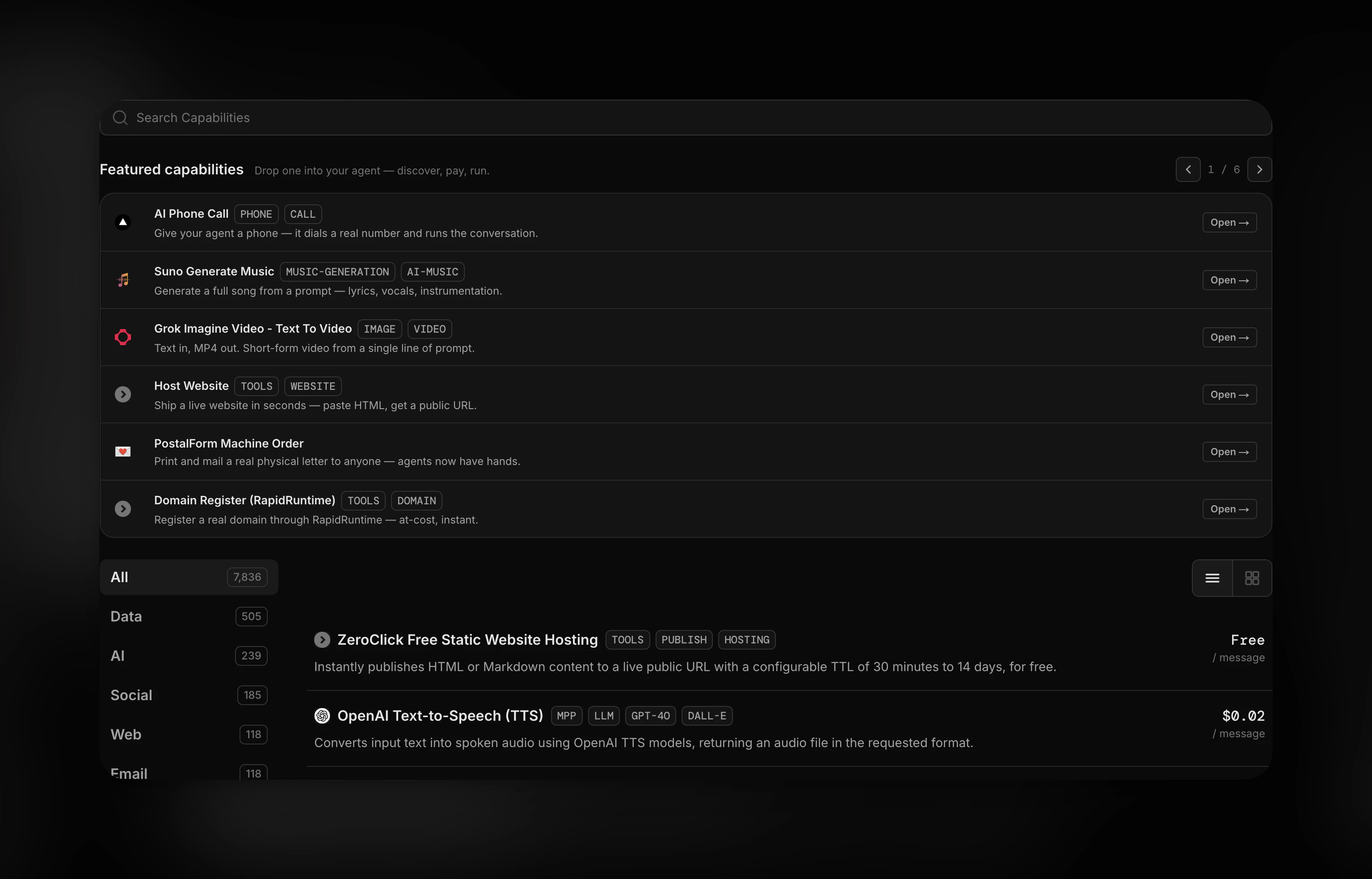
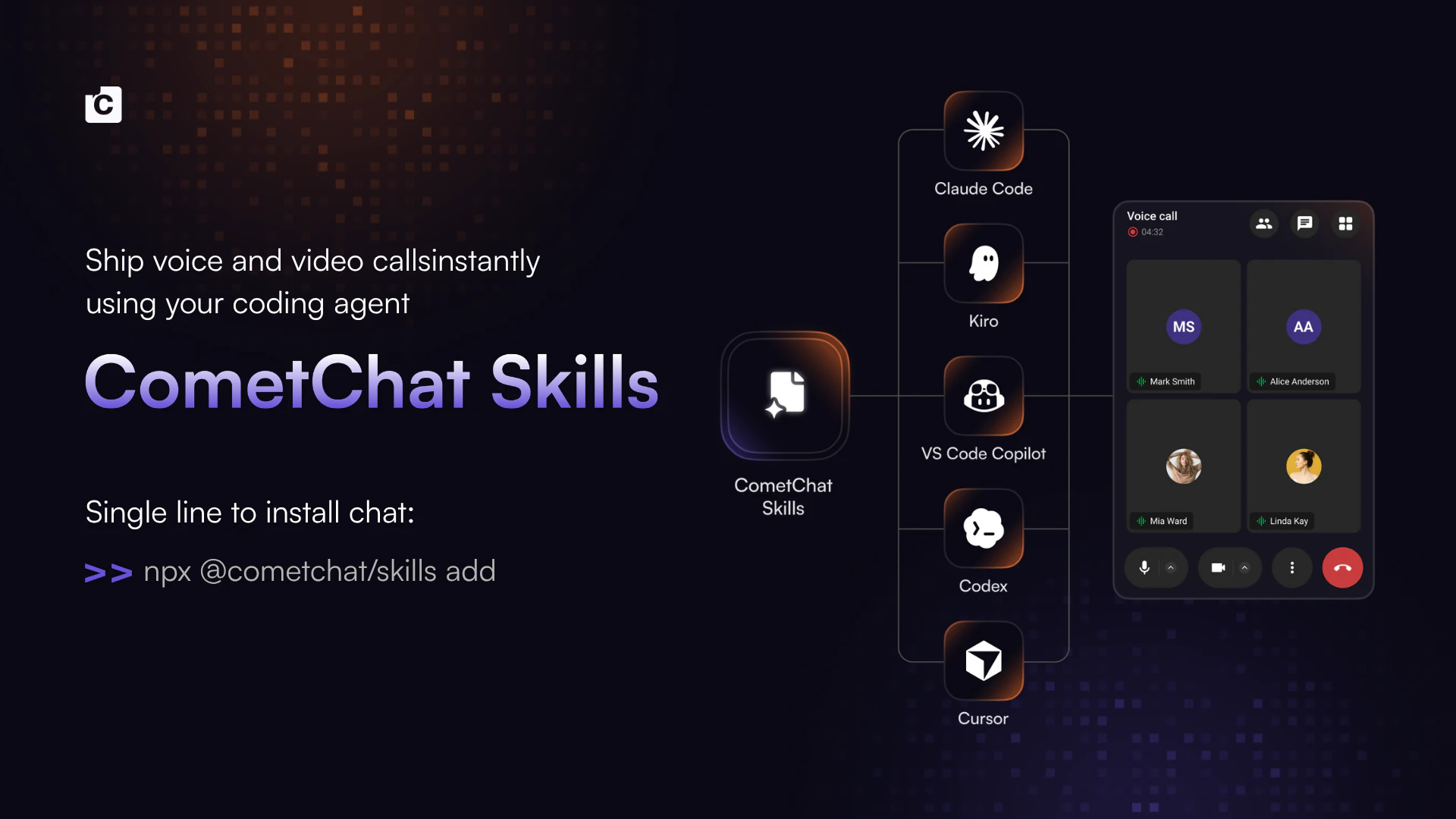
Give your AI agent access to ~8k tools, APIs and services
257
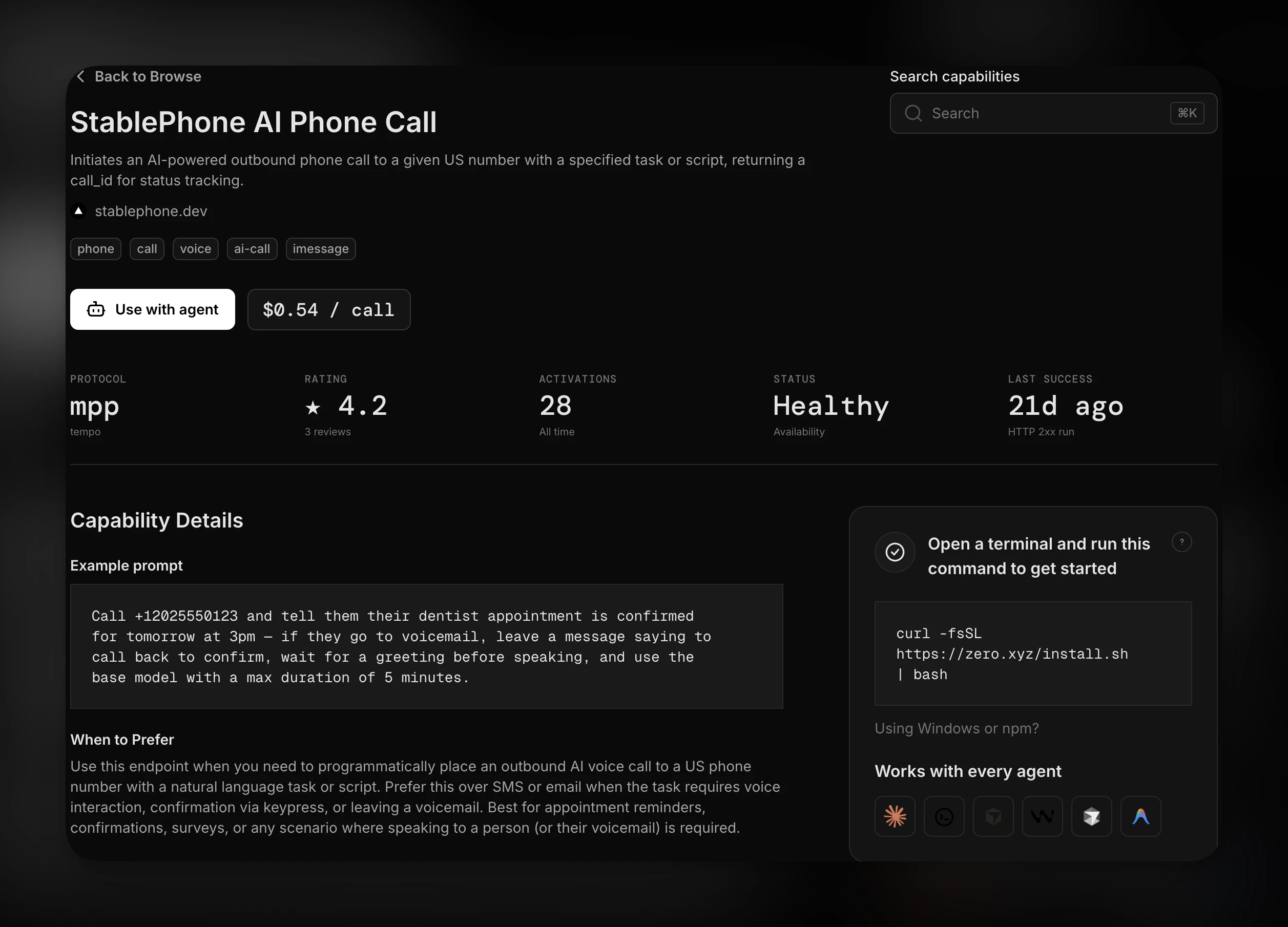
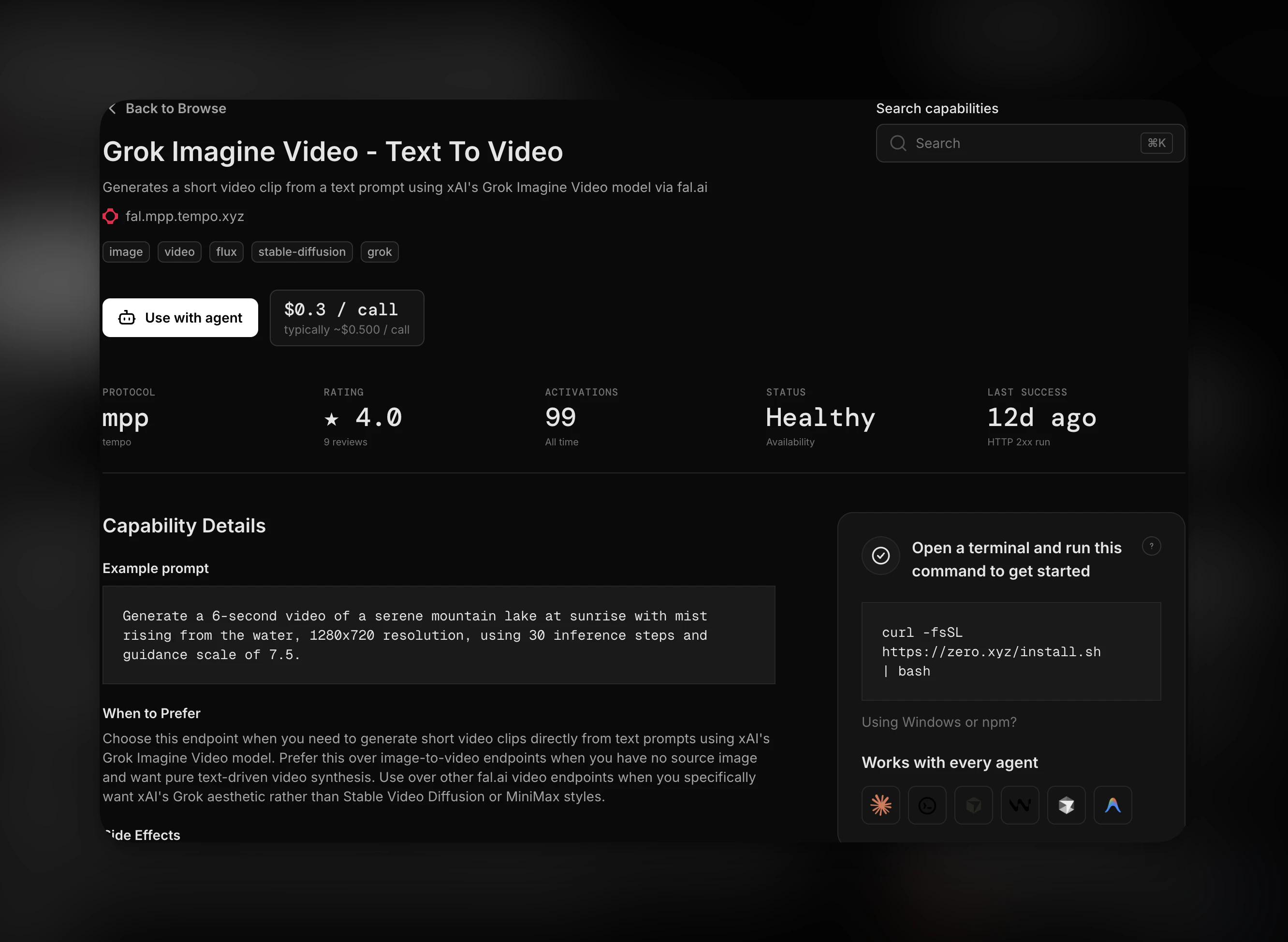
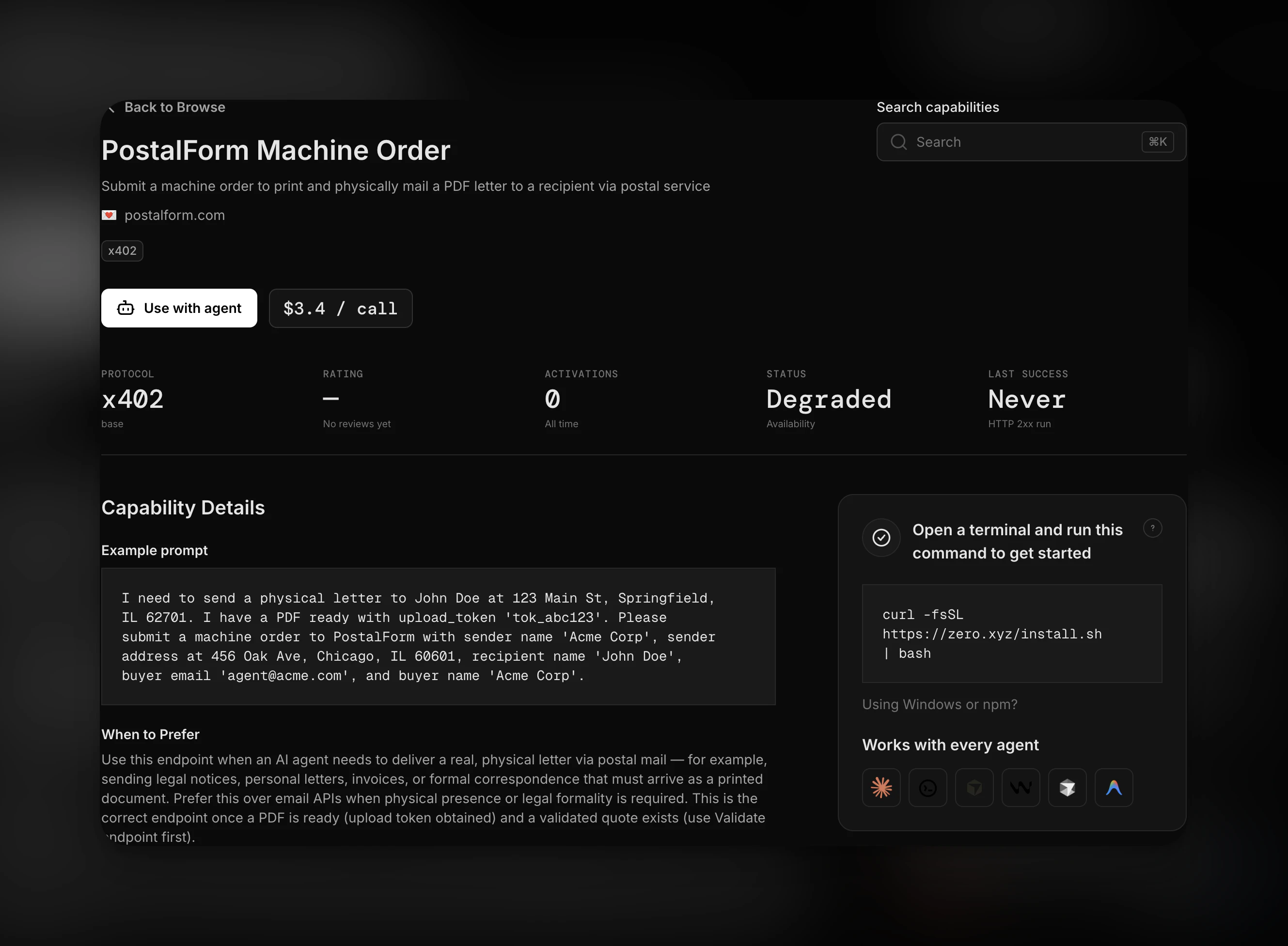
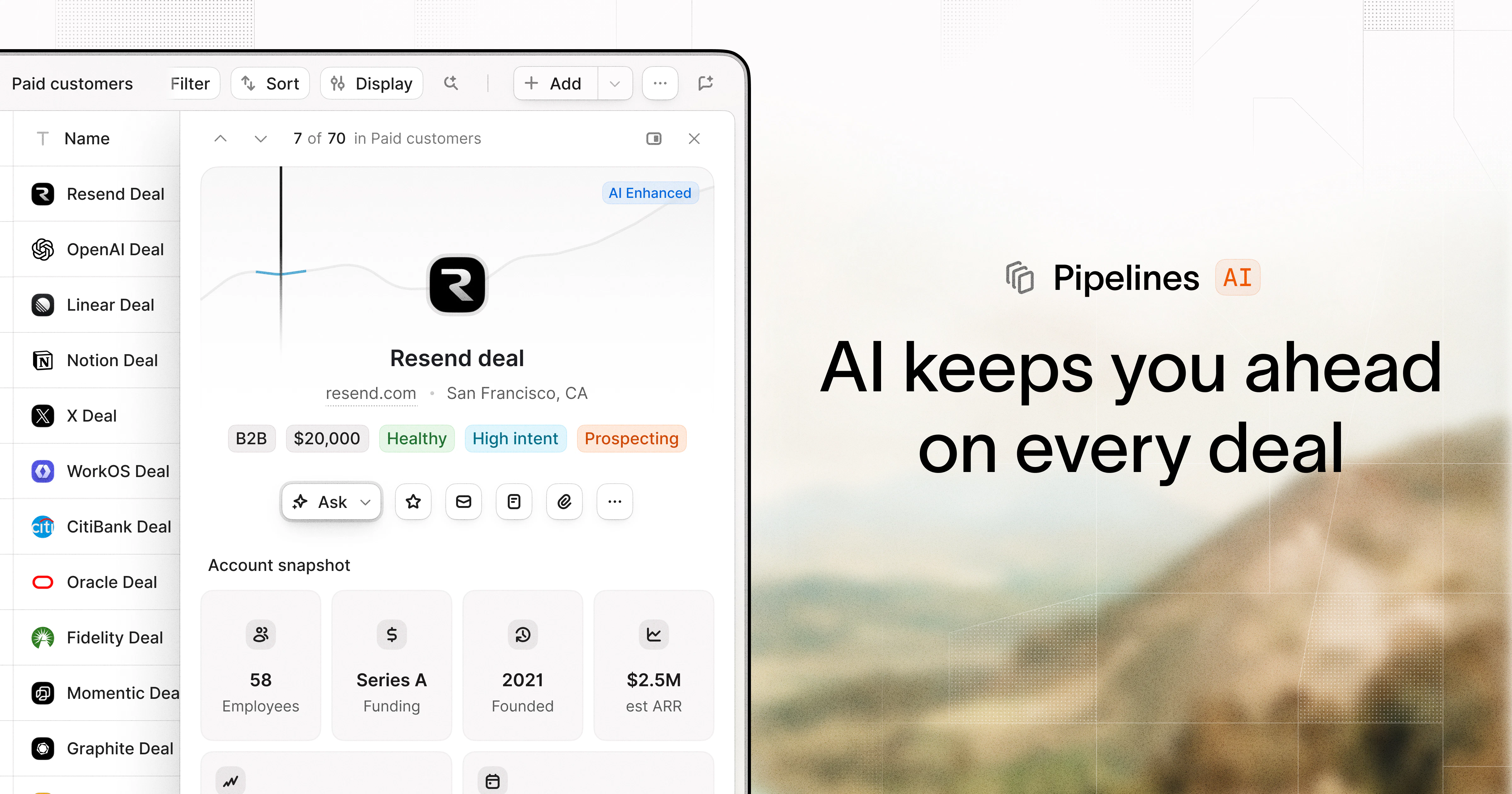
一句话介绍:Zero.xyz 是一个为AI智能体打造的即插即用的工具和API市场,通过消除繁琐的API密钥配置,让Agent在终端中直接发现并调用数千种服务来完成复杂任务。
Productivity Task Management Artificial Intelligence
AI Agent工具平台 无代码API集成 智能体工具发现 CLI工具 按需付费 MPP协议 x402协议 开发者工具 自动化工作流 云端服务市场
用户评论摘要:用户普遍赞赏其解决了API密钥管理的核心痛点,让Agent能力大增。核心讨论集中在:1)如何从数千工具中为特定任务智能选择最佳工具(质量与选择悖论);2)新工具冷启动与评价体系的公平性;3)如何防止Agent的滥用和无节制消费(已提出每分钟消费限额方案);4)对于需要OAuth的服务,目前尚不支持,仅限交易型服务。
AI 锐评

Zero.xyz的切入点非常精准——它没有造一个新的Agent,而是做了一个Agent的“能力外包商”,解决了当前AI落地中最磨人的“基础设施摩擦”问题。它的核心价值不在于提供的4k或8k工具数量,而在于将“API集成”这个开发者工作流中的高频痛点,完全抽象为一次性的CLI安装。这本质上是在构建一个面向AI Agent的**去中心化服务发现与结算层**,其商业逻辑远比单纯的工具集合要深。

然而,产品当前最大的挑战在于其“工具选择器”的可信度。顶级用户已经敏锐地指出了“PageRank式评分”的冷启动与马太效应问题。如果系统无法区分“全局最流行”和“当前任务最合适”,那么随着工具池膨胀,Agent的决策质量将迅速下降,最终陷入“大多数用户只敢用前十个工具”的尴尬,使得长尾工具池的价值无法兑现。

此外,目前的“无认证、纯交易”模式虽然极简,但也意味着它天然排除了需要OAuth等复杂身份验证的高价值企业级或订阅型服务。这导致其服务生态偏向轻量级、一次性的交易型任务(如发个邮件、生张图),而深度不够。对于企业级应用,这种“黑盒交易”如何与内部审计、合规和预算管理对接,仍是未解之谜。

总而言之,Zero.xyz是一个极具潜力的基础设施级产品,它赌的是“API配置的消失”是Agent时代的必然趋势。但若要从小工具集蜕变为真正的“Agent应用商店”,它必须解决信任、排序和服务深度的三角难题,否则很容易停留在“一个很酷的玩物”阶段。

查看原始信息
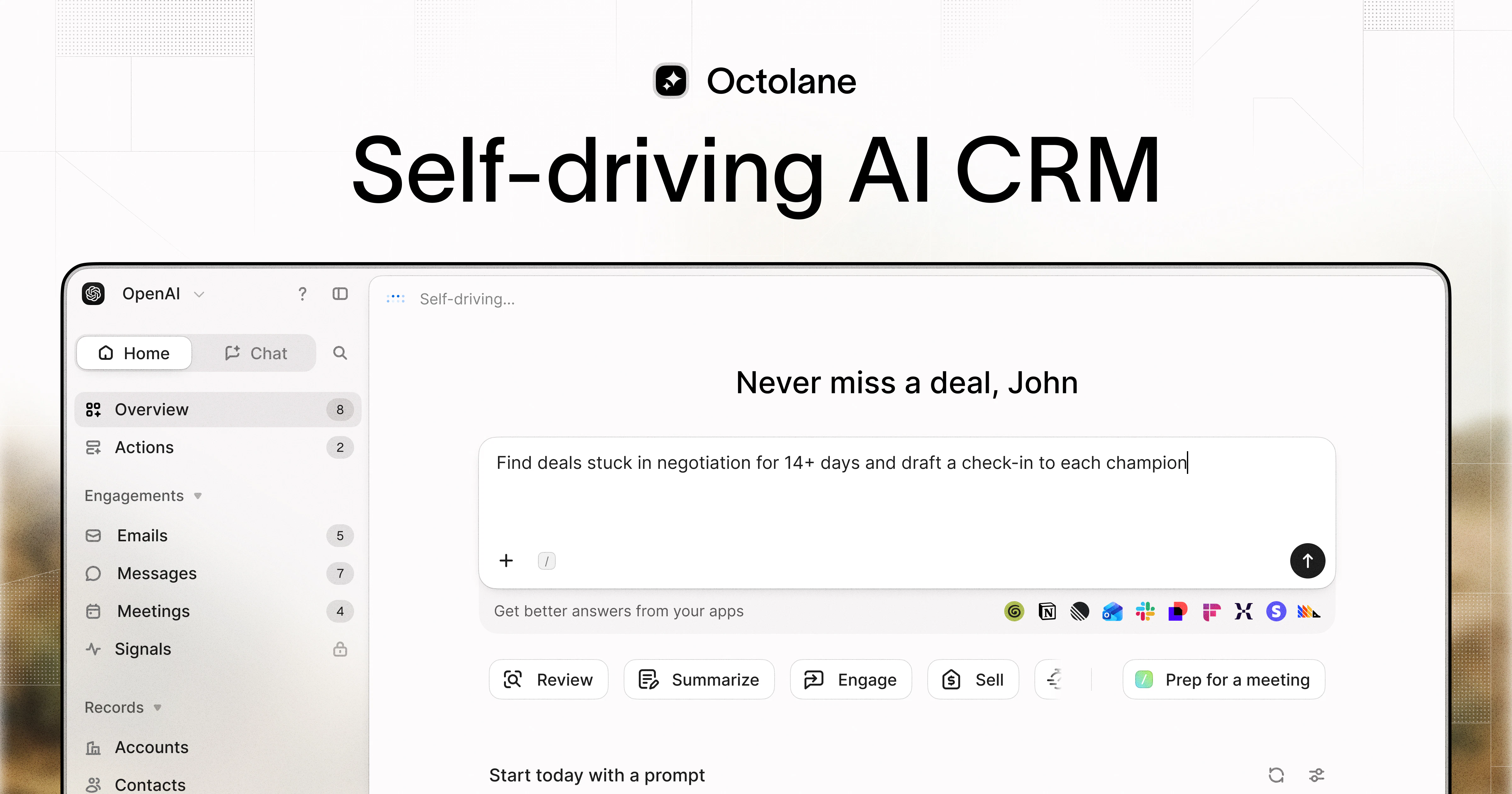
zero.xyz
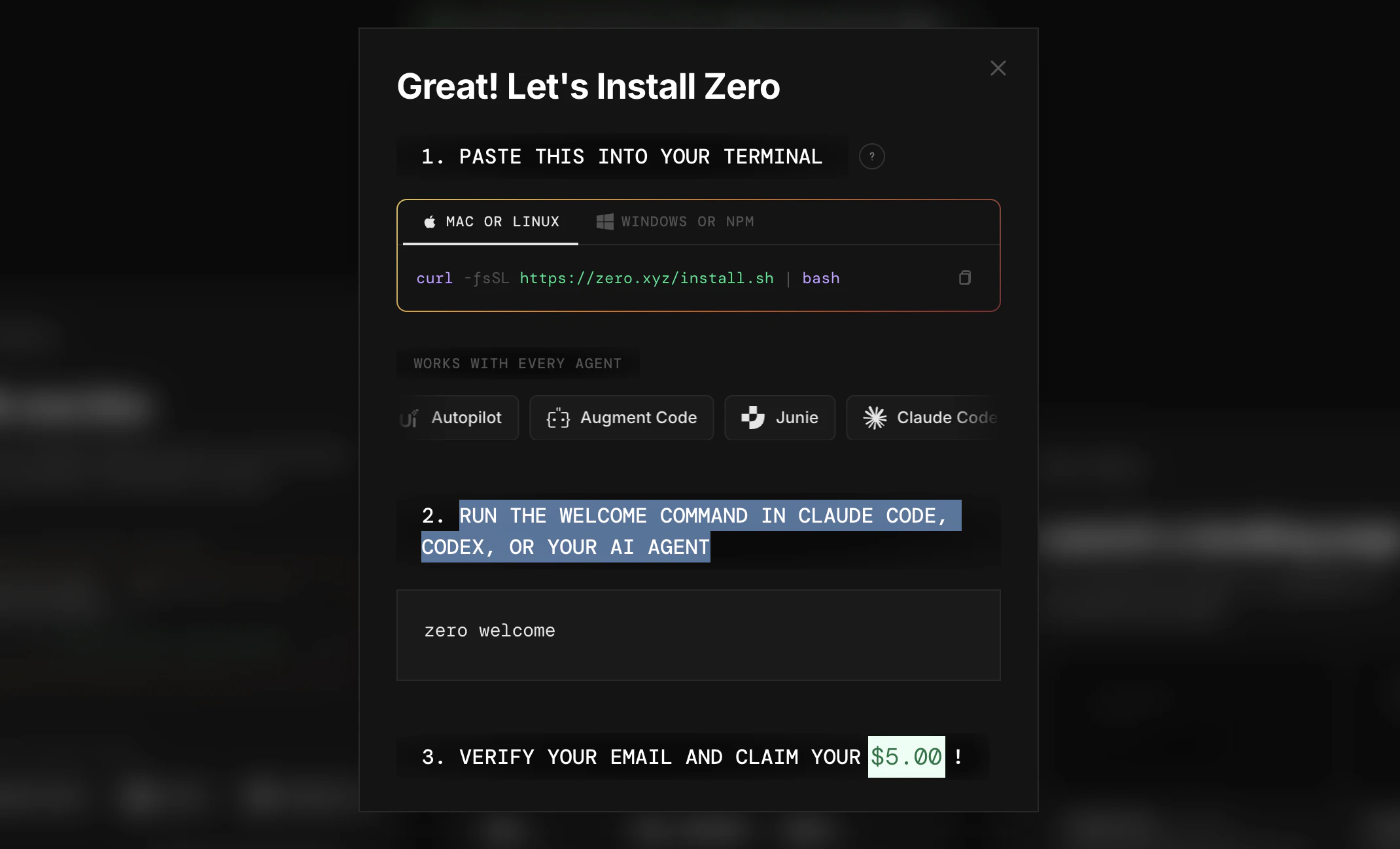
**Product Hunt: Claim $5 at zero.xyz, the free power tool for AI agents** Zero unblocks your agents so they can discover services to accomplish tasks, no APIs keys or config. Works with Claude Code, Codex, Gemini, OpenClaw, Hermes and most other CLI agents. Make your agents better with Zero.

Zero is a no brainer for anyone working with agentic AI. Once you install it, you use your agents as normal, but if it runs into something it normally couldn't do, there's a good chance that Zero can help your agent find one of the around 8000 x402 or MPP listed and stack ranked tools available on the 'agentic web' to solve the problem so your agent can accomplish the tasks right from terminal. Eliminates tons of time and effort finagling config and API key setup for common tasks and lets you get a lot more done right from a single prompt. Zero also isn't charging anything, and you get $5 for free - check it out!

15
回复

@michael_ludden Congrats on the launch, very cool. How do you deal with tool quality/choice paradox for the agents iro selecting the right tool?

4
回复
@daniel_baum it sounds like a years of exploring behind that to make it happen all together !
2
回复

@michael_ludden Hey Michael, congrats on the launch. The "4k tools is the headline but selection is the real problem" point upthread is right, and the PageRank-style scoring answer is clever. The follow-up I'd push on is the cold-start and feedback-loop side of that. A PageRank-like system has two known failure modes: a genuinely better new tool with zero agent-reviews stays invisible until someone risks it, and popular tools accumulate usage which accumulates reviews which reinforces rank, so the system can converge on "most-used" rather than "best for this specific task". How does Zero get a brand-new tool its first fair shot, and does scoring stay task-conditional or collapse toward global popularity? For an agent picking among 4k options, "best on average" and "best for what I'm doing right now" can be very different tools. That's the part that decides whether the ranking stays trustworthy as the catalog grows. Following along.

3
回复

we built this initially for OpenClaw hyper-adopters like ourselves but it works everywhere else too.

creating accounts and provisioning API keys for every service you want your agent to use once is painful. doing it again for every new agent you create is a nightmare to manage (even more so for a company). canceling accounts you didnt use or remembering which agent has which tools is a pain in the a$$

lots more to build here on day zero of the agentic economy (pun intended) but props to the x402 & MPP teams for laying the foundation for us all to build agents with super powers.

6
回复

@ketau this!

4
回复

Have tried it - it's F good!

6
回复

@debgotwired Thanks Deb! Let us know how we can make you love it even more!

2
回复

finally someone treating APIs like implementation detail instead of the whole product. Curious how you’re thinking about abuse prevention + runaway agent spending here, because removing all the setup friction is probably what makes this feel way more usable than most agent tooling rn

6
回复

@shreyans_assistiv Thanks for the kind words! Ya we're keeping a close eye on that, with automated systems + human checks ongoing. The agent can only access funds in your wallet, which creates a natural limit. You can also create spending limits within your coding agent.

Would you be interested in spending caps / structures that we put in place? I.e. if your agent spends more than $2 in a minute, we pause all buying until the user approves?

1
回复

Hey Product Hunt! 👋

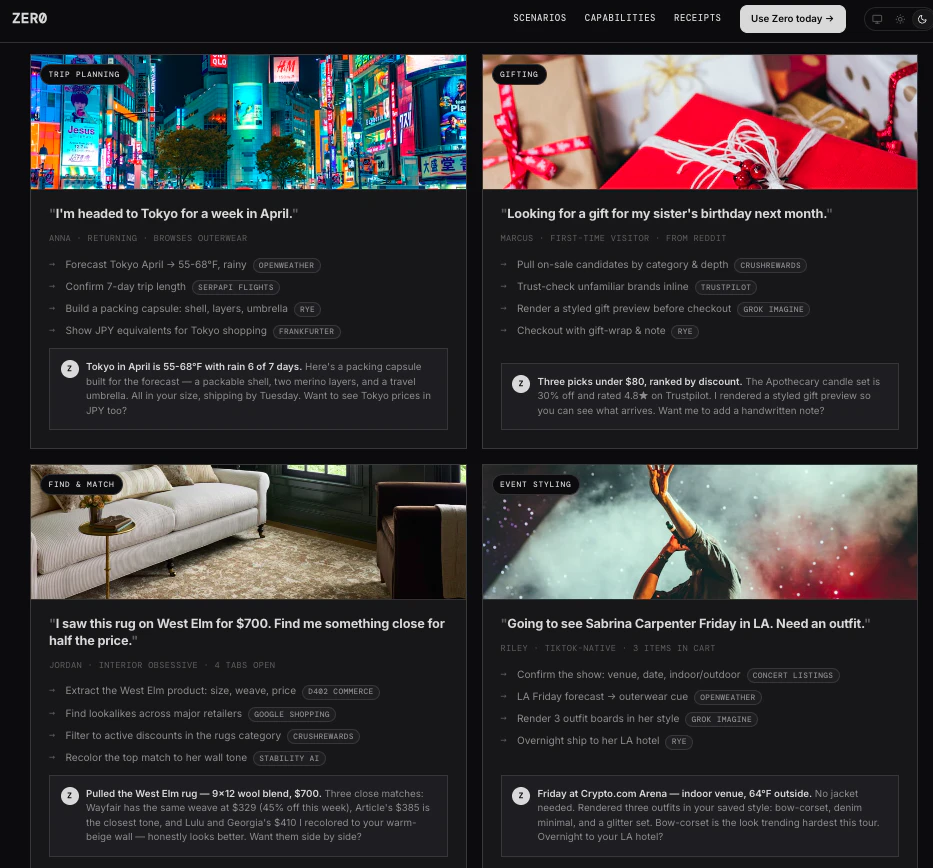
I’m Daniel, head of GTM at ZeroClick. As someone who’s non-technical by training, I’ve been caught up in the AI revolution. There’s so much AI can do! I can become way more efficient at my job! More time to touch grass (ya sure… just more building + nerding out).

And yet… truly great outcomes required adding an API, setting up a cloud provider, cron jobs, and a million other things that I really don’t want to do. I just want it to work.

That’s Zero. It makes AI just work.

You add Zero’s CLI once, and voila! - your AI agents get superpowers! No more APIs, no more SaaS commitments. Instantly get access to 4000+ usage-based capabilities that can power new outcomes for your agents!

Outcomes that you can one-shot with Claude + Zero for under $0.10:

  • Enriching a CSV of contacts, drafting personalized emails, hosting custom landing pages for each contact, and emailing all contacts with the new pitch materials.

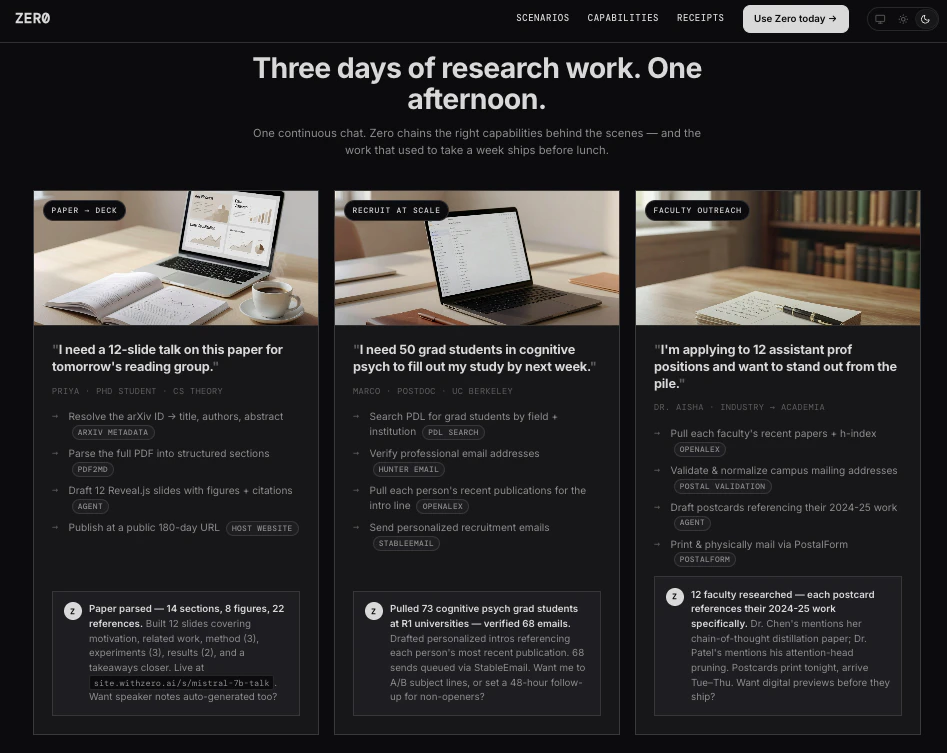
  • Booking that new Mexican date spot near you and sending a love letter in the mail to your newest Hinge match.

  • Turning that boring research paper into a 12-slide presentation, complete with detailed graphics, hosted at a public domain that you can send to your group at 11:59pm the night before it’s due.

  • Finding you deals on couches similar to that bougie West Elm one.

  • Creating your own daily gratitude journal, hosted online + password-protected, that automatically creates a weekly recap.

  • Building a packing list for your trip to Tokyo based on the weather, and buying anything you don’t already have.

And so much more.

Unblock your agents. Give your agents superpowers. Get more done, for less.

Anyone visiting zero.xyz from Product Hunt get’s $5 of free credit! You’ll be shocked how much you can get done with $5 bucks on Zero.

So give it a try and let us know how it goes!!!

5
回复

@daniel_baum nice Dan!

2
回复
have been using zero for a few weeks now and it feels like my setup has a bunch of new super powers. excited to keep using it
4
回复

@dexter_dethmers2 Thanks Dexter! So glad you're enjoying Zero - lmk if you have any feedback

2
回复

Whoa, awesome to see it fully live! Will be spending a lot more time with Zero. Congrats on the launch, @michael_ludden and team!

4
回复

@michael_ludden  @alwaysunday Thanks Andy! Let us know any feedback - it's still V1 we're open to anything!

2
回复

Congrats on the launch @michael_ludden @daniel_baum ! Upvoted :)

When you say tools - does Zero provide those? Or I need to give access to them (tools are like Grafana/Splunk)?

4
回复

@michael_ludden  @aiswarya_s Thanks for the support! The tools are essentially hosted services provided by businesses via MPP, x402, and other agent payment protocols. All you have to do is add the CLI - then you and your agents can discover + use any of the 4000 tools!

2
回复

The API key friction is real — anyone building with AI agents spends a lot of time on config vs actual building. Curious how this handles auth for services that require OAuth flows — is that abstracted away too, or does the user still need to handle that manually?

2
回复

@richard_pierre_reid services that require OAuth flow aren't generally among the around 8000 services currently indexed on the platform because of their transactional nature. Did you have something in mind? Thanks for the comment!

2
回复

I got to try out Zero a few days ago — super cool! It gives my Claude superpowers

2
回复

@feifanz emdash alert! but thanks Feifan! hehe - much appreciated!!

2
回复

Congrats on the launch @daniel_baum @ryanhudson and the whole team at ZeroClick. I will be pulling this into production and turning my AI shopping agents at Brambles.ai into super agents with Zero. This just collapsed my dev roadmap from months into a few hours!

2
回复

@daniel_baum  @ryanhudson  @derek_brambles fantastic! can't wait to see what your Brambles AI shopping agents do with it

2
回复

What kinds of services can agents actually discover through Zero right now?

2
回复

@othman_katim here's the full list of almost 8000, but TL;DR a crazy diversity of services. web domain hosting, physical postcard sending, image generation, video editing, song creation - all sorts of stuff. check it out! https://www.zero.xyz/browse

2
回复

Very cool! Is there a list of available APIs somewhere? I’m interested in APIs of well-known online stores like Amazon.

2
回复

@natalia_iankovych here's the full list of services currently indexed by Zero! https://www.zero.xyz/browse

3
回复

Hey team,

Congrats on the launch. I wonder how these agents handle oauth, or other authentication problems

2
回复

@zeynep_yorulmaz no authentication necessary! transactions only - your agent goes and finds a service, we show the top ranked results based on a bunch of previous agent reviews, runs and other metrics and your agent chooses a service it thinks will do the job you told it to, transacts, and the result is delivered to your agent. transaction done - no auth necessary.

2
回复

The tool discovery layer without requiring per-service API key config is the hard part. Most agent frameworks make you wire up each integration manually. We've hit exactly this friction building AI workflows where adding a new data source means plumbing OAuth differently every time. How does zero handle auth token refresh and rate limit management across 4k services at scale?

2
回复

@retain_dev no auth required. check it out and let us know what you think! It's free, heh.

2
回复

Unified tool registry for agents is something we've needed badly. Building RetainSure's AI workflows means stitching together CRM APIs, ticketing systems, and comms tools and each integration is a custom adapter. The 4k tool count suggests a standardized abstraction layer over wildly different auth schemes. How do you handle tools that require multi-step OAuth flows or dynamic credential management per end user?

2
回复

@anand_thakkar1 it's actually closer to 8k now! No auth schemes involved - purely transactional. Tools that require authentication are not part of what Zero is currently solving for because they'd require additional setup steps. Can you give an example of a service you're thinking about btw?

3
回复

This hits a problem I've run into myself – agents stalling the moment they hit an integration wall. Bookmarking to try properly. How are you thinking about abuse prevention and runaway spending now that agents can call so many tools without manual setup friction?

2
回复

@mythic_dd it's your agent of choice - claude code, codex, gemini cli, hermes, openclaw w/e - so however you have it configured to transact is how it will. I doubt you've set it to "yolo, spend however much you want, go nuts" haha, so you should be good!

3
回复

Zero solves something genuinely annoying about building with AI agents: the setup tax. We've spent weeks configuring integrations that should just work. We've been building in the AI customer success for B2B SaaS space, and zero.xyz touches on something we think about a lot. How does service discovery actually work when an agent needs to pick the right tool from 4k options?

2
回复

@shivam_jaiswal36 Hopefully Zero can help you build better with your agents! Claim the $5, give it a try and lmk how it goes! All feedback welcome.

We help you (and your agents) make informed decisions by scoring each tool, based on agent reviews. Every time your agent uses a tool, it provides a review based on success/failure, value, reliability, accuracy, etc. The scoring then becomes like PageRank.

As usage scales, so will the volume of agent reviews. So the scores become more reliable.

1
回复

Removing API key config friction is the right unlock for agent workflows. Right now most agents stall when they hit an integration wall. Does zero.xyz handle auth scoping per agent call, or does it operate with broad permissions once connected?

2
回复

@dhiraj_patel5 no auth involved! handshake between your agent (after you tell it to) and the service provider on the other side for a deliverable. try it out and let us know what you think!

3
回复

The 4k tools claim is the headline but the harder problem is usually tool selection. when an agent has access to everything, it often picks the wrong thing or chains calls inefficiently. Curious how you handle tool disambiguation and whether there's any ranking or context-aware filtering happening under the hood. Also wondering what the auth story looks like for services that require OAuth or API keys across different users.

congrats for the launch anyway!

2
回复

@fberrez1 Thanks for the question! We help you (and your agents) make informed decisions by scoring each tool, based on agent reviews. Every time your agent uses a tool, it provides a review based on success/failure, value, reliability, accuracy, etc. The scoring then becomes like PageRank.

As usage scales, so will the volume of agent reviews. So the scores become more reliable.

Got any ideas to further improve the system?

1
回复

no api keys or config sounds convenient but who's handling the auth layer. 4000 tools with automatic access is powerful until an agent starts making calls you didn't expect

2
回复

@tina_chhabra just like any AI agent, you're in control. Zero brings these capabilities to you + your agent - it's your call how the agent engages with it. If you tell your agent to one-shot a solution... it might buy some usage-based tools without approval. If you tell your agent to request approval before it buys, it will.

For any long tasks, Claude shows me Zero capabilities in planning mode. For simple stuff, I just let Claude cook with Zero.

You'll be surprised how far $5 can take you. You agent might spend $0.10 here or there unexpectedly, but you'll learn how to control the agent (just like with any AI system). Give it a try and lmk!

2
回复

Interesting wedge. The setup friction is real, but the next trust layer is admission control once agents can actually spend. We keep seeing runs look productive while they retry the same failure class. Curious whether you plan to expose native spend receipts, pause rules, or verifier hooks at the platform layer, or whether you want that to live entirely in the calling agent. We are thinking about the control-plane side of the same problem at MartinLoop, so I am following this closely.

1
回复

@keesan12 great thoughts and insights. yes, setup friction is real right now, as you might expect for an early, bleeding edge offering like this. and yes we're certainly thinking about a lot of future directions here, but curious what you meant by "We keep seeing runs look productive while they retry the same failure class" - did you mean using Zero? Would love to understand more! Could be very valuable feedback, ty

1
回复

The x402/HTTP 402 bet is the architecturally interesting choice here. Zero is essentially wagering that micropayment-per-call becomes the standard settlement layer for agentic API access, which would be a significant infrastructure shift. The question is about the failure mode: when an agent hits a 402 Payment Required from a service that's not in Zero's index, does it fail gracefully or does it try to handle the payment directly? And is there a spending cap mechanism the developer can set per agent session, not just per individual call?

1
回复

@binu_george heya! GREAT questions! Gold star haha.

We actually also support MPP in addition to x402, but to answer your question: When an agent hits a 402 Payment Required from a service that's not indexed already by Zero, it is completely up to your agent (or you, depending on how you've instructed it), not Zero, as to whether or not to transact with that service. Zero is a discovery mechanism for such services, as well as facilitation layer for tractions, and generally indexes ones that appear functional, meaning they've successfully run at least one time already and delivered a result that is expected, but if your agent for some reason wants to transact with, say, an x402 service that hasn't yet been indexed by Zero, that would probably put it on Zero's radar to consider indexing. And, to be honest, most services on x402 and PMM are indexed by Zero pretty quickly, unless they're brand new or fail consistently or do something shady.

Micropayment-per-call is definitely already a settlement option for certain API endpoints that people expose via x402 or MPP or other emergent protocols, including ones by Shopify and others, that are compatible with transactional payloads (I pay you I get this thing). Obviously there are some API use cases that can't function in a purely transactional manner, so I wouldn't necessarily say it'll become the only settlement layer for agentic API access - just my opinion here.

The spending cap mechanism currently in place is the instructions you give your agent about how to spend to accomplish a given task, or in general, and the funds you fill their wallet with to use. I personally think of it like an agentic 'allowance' like ya might give a child. ;)

Any follow ups, please ask! Would love your feedback after trying it out.

2
回复

@michael_ludden my openclaw got superpowers now!

1
回复

@kevin_nicholas_chandra let's gooooo! Can't wait to hear about what you build!

0
回复

Congrats on the launch!

1
回复

@german_merlo1 thanks Germán! Any feedback after using it, please share!

1
回复
#4
Oasis Browser for Mac
A privacy-first AI browser you can train anonymously
236
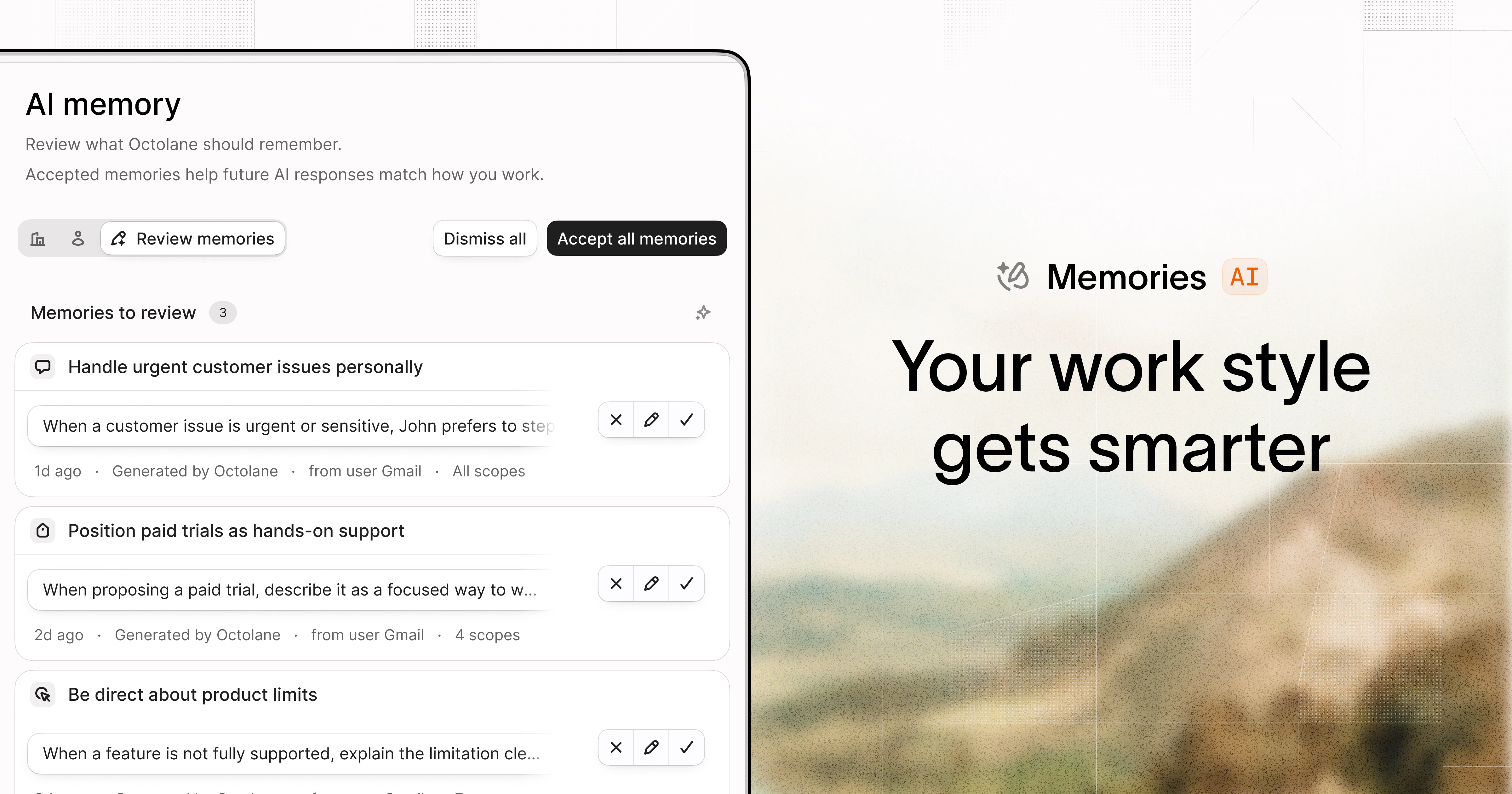
一句话介绍:Oasis是一款隐私优先的AI浏览器,通过匿名训练模式让浏览器学习用户的工作流,帮你在无广告、无干扰的环境中专注地高效浏览和检索信息。
Productivity Privacy Artificial Intelligence
隐私AI浏览器 匿名训练 本地语义搜索 无广告浏览 AI助手 语音控制 工作效率 专注模式 桌面浏览器 Mac应用
用户评论摘要:用户普遍赞赏其隐私优先、无广告、聚焦工作的设计。核心问题聚焦于:匿名训练如何具体实现,密码等敏感数据是否本地加密存储,是否支持本地模型或自有API密钥,以及资源占用是否过高。用户建议优化针对工作流的主动式预测与自动化。
AI 锐评

Oasis在AI浏览器扎堆的赛道上,用“隐私优先”和“可匿名训练”切中了两个关键痛点:一是对数据被滥用的普遍焦虑,二是现有浏览器作为“注意力掠夺者”的低效本质。它没有单纯堆叠AI功能,而是通过将浏览历史、书签、语义索引严格留在本地,并明确区分“助理调用云端模型推理”与“匿名产品改进”,构建了一种用户可掌控的信任边界,这是其核心价值。

然而,评论中也暴露出其潜在短板。其“训练”更多是浅层的“反馈收集”,而非真正的本地模型微调——这意味着它更擅长“召回”而非“预测”。对于用户期待的“学习工作流并主动自动化”,目前能力有限,更像一个本地的“语义搜索+AI助手”的增强型外壳,而非革命性的工作OS。技术上,基于Firefox底层的选择虽保障了基本性能,但也意味着其创新更多集中在UI和隐私层,底层内核创新有限。

值得警惕的是,过度强调“隐私”可能让市场交付出工程上的“半成品”。如果匿名训练仅是后端埋点去标识化,而无法实现真正的本地模型蒸馏与推理,那么随着用户对“智能”预期提升,这一隐私壁垒可能会被自身不足所消解。Oasis的下一步关键在于:能否在保护隐私的围墙内,种出比云端巨头更懂用户的AI之花,否则,它很可能只是隐私焦虑者的“精神避难所”,而非效率革命者的“全新战场”。

查看原始信息
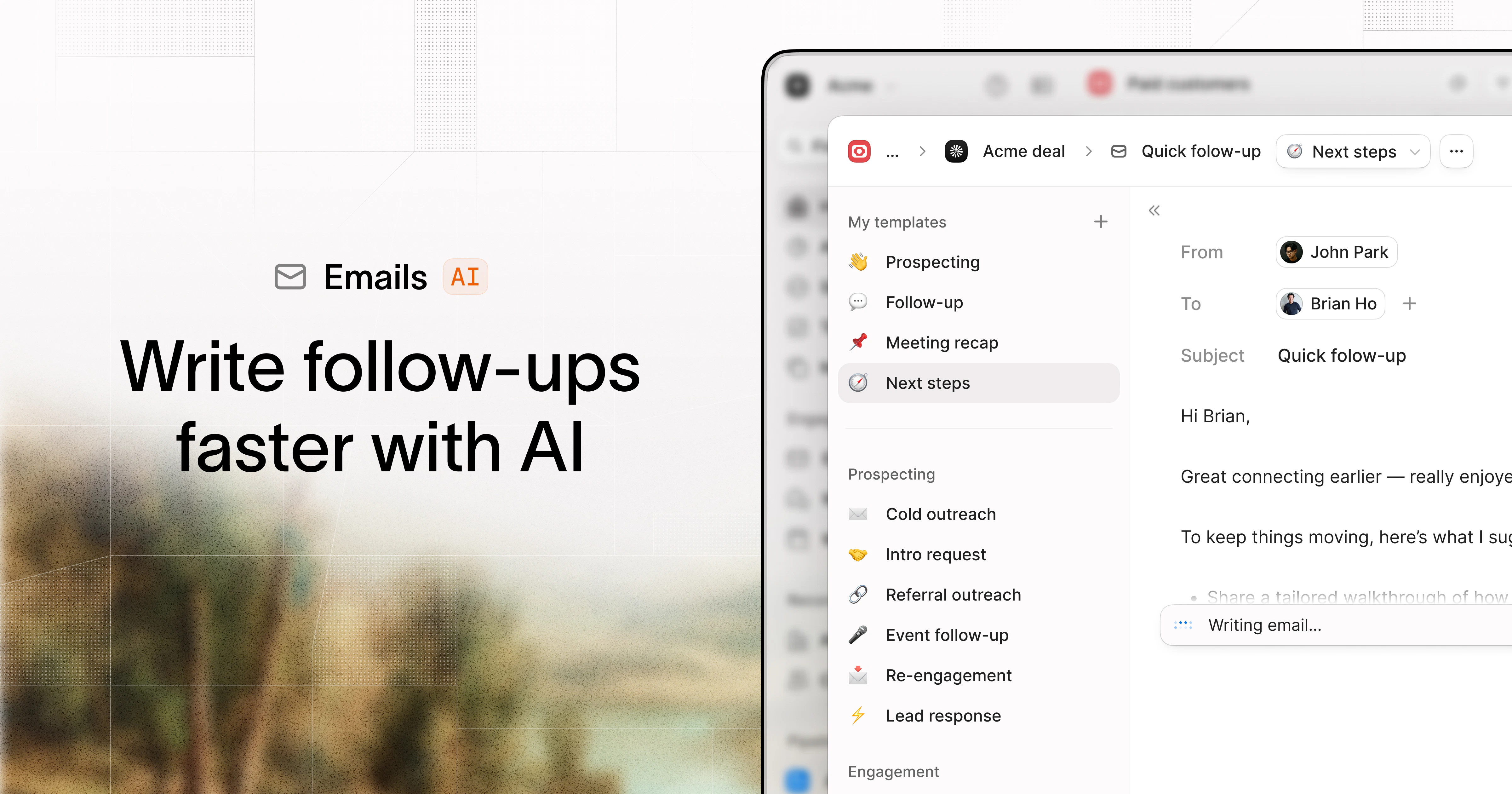
Oasis Browser for Mac
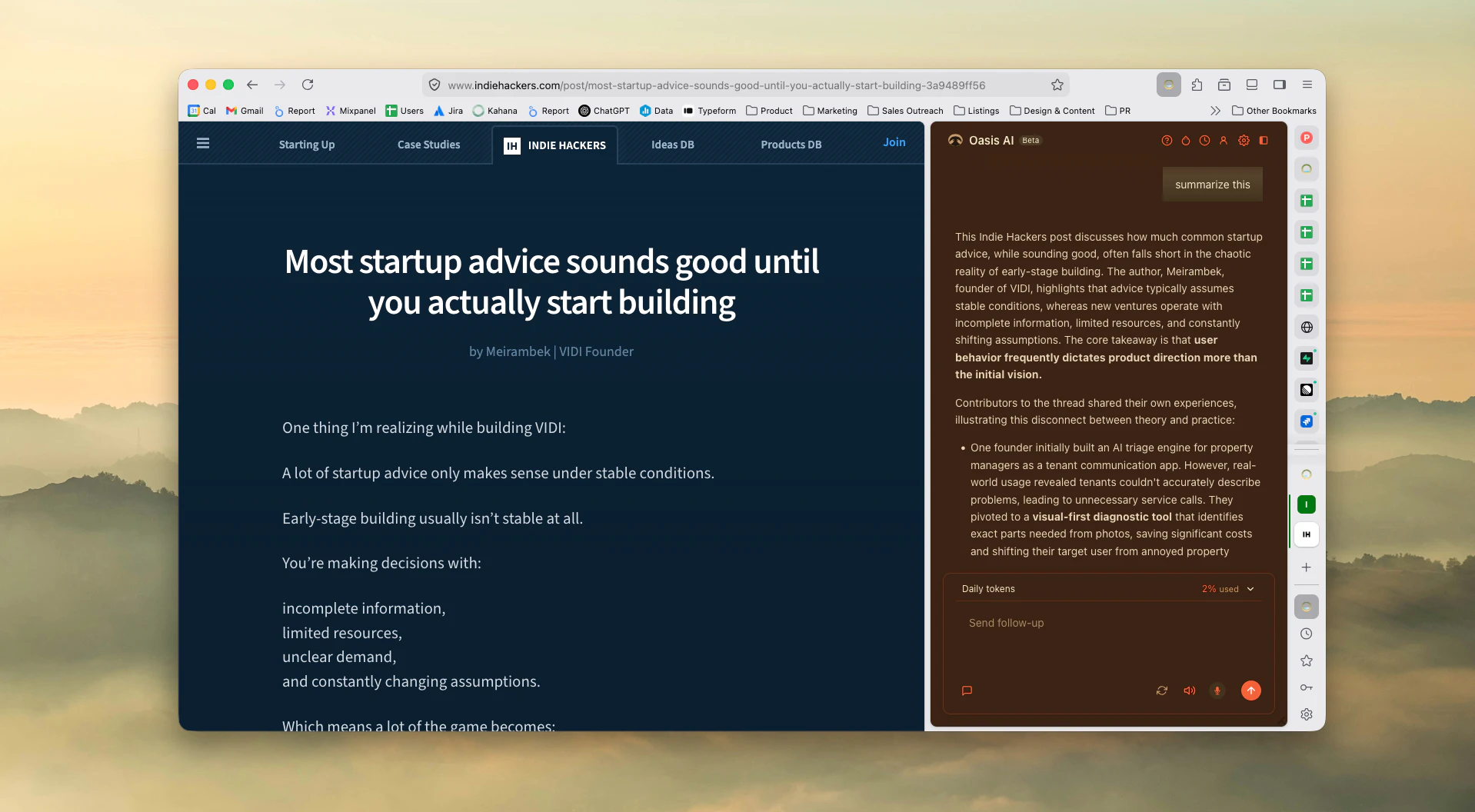
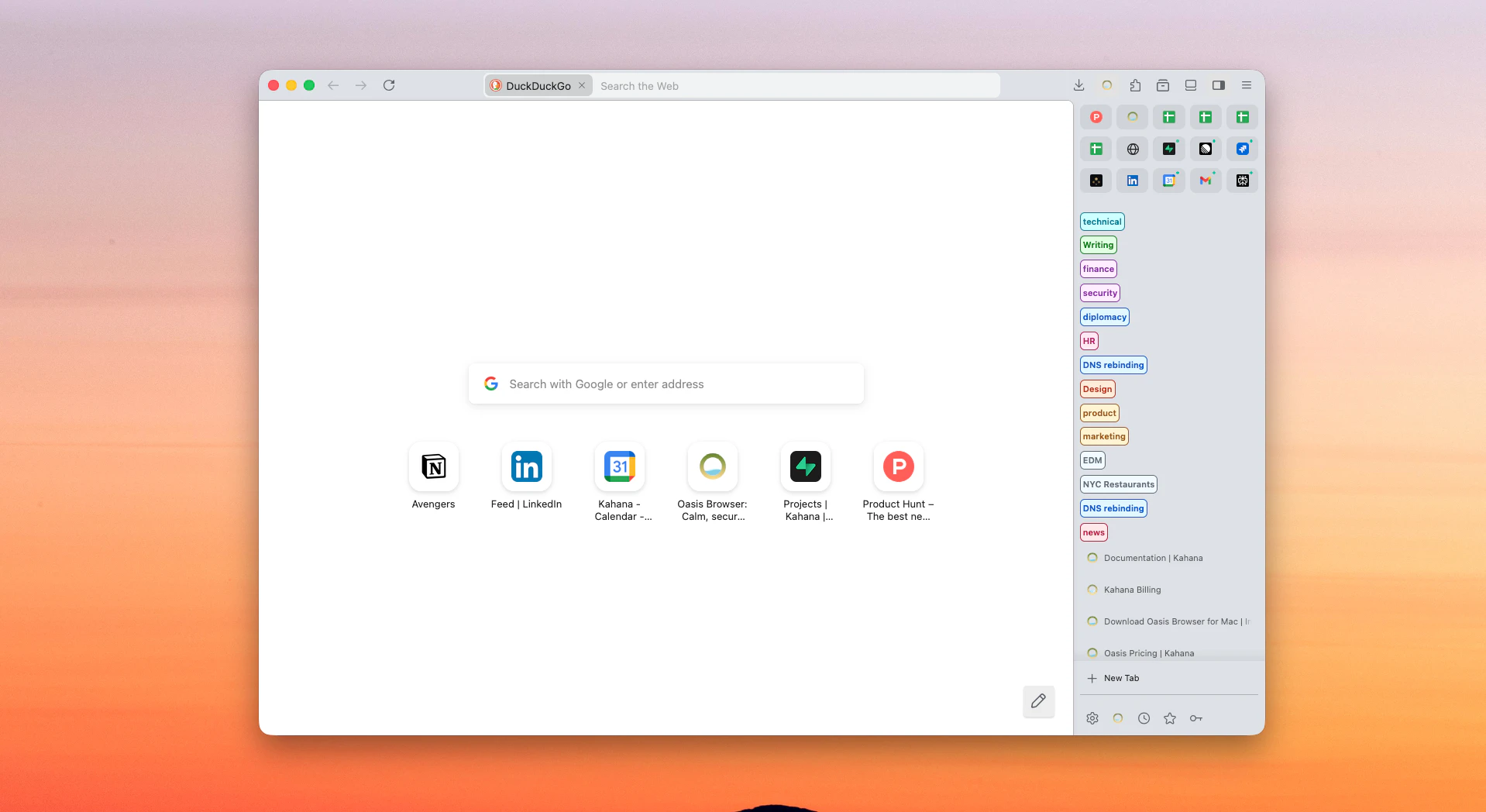
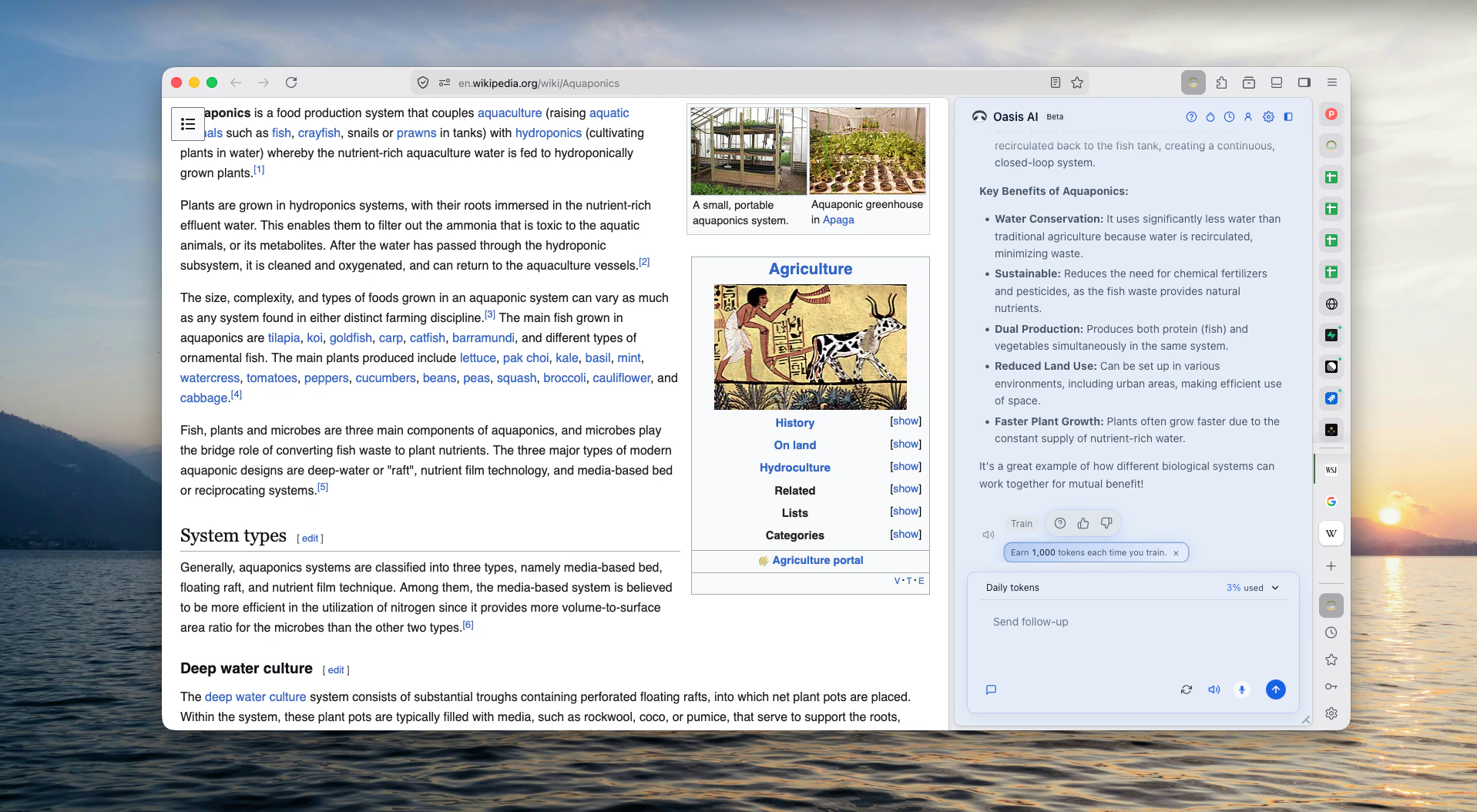
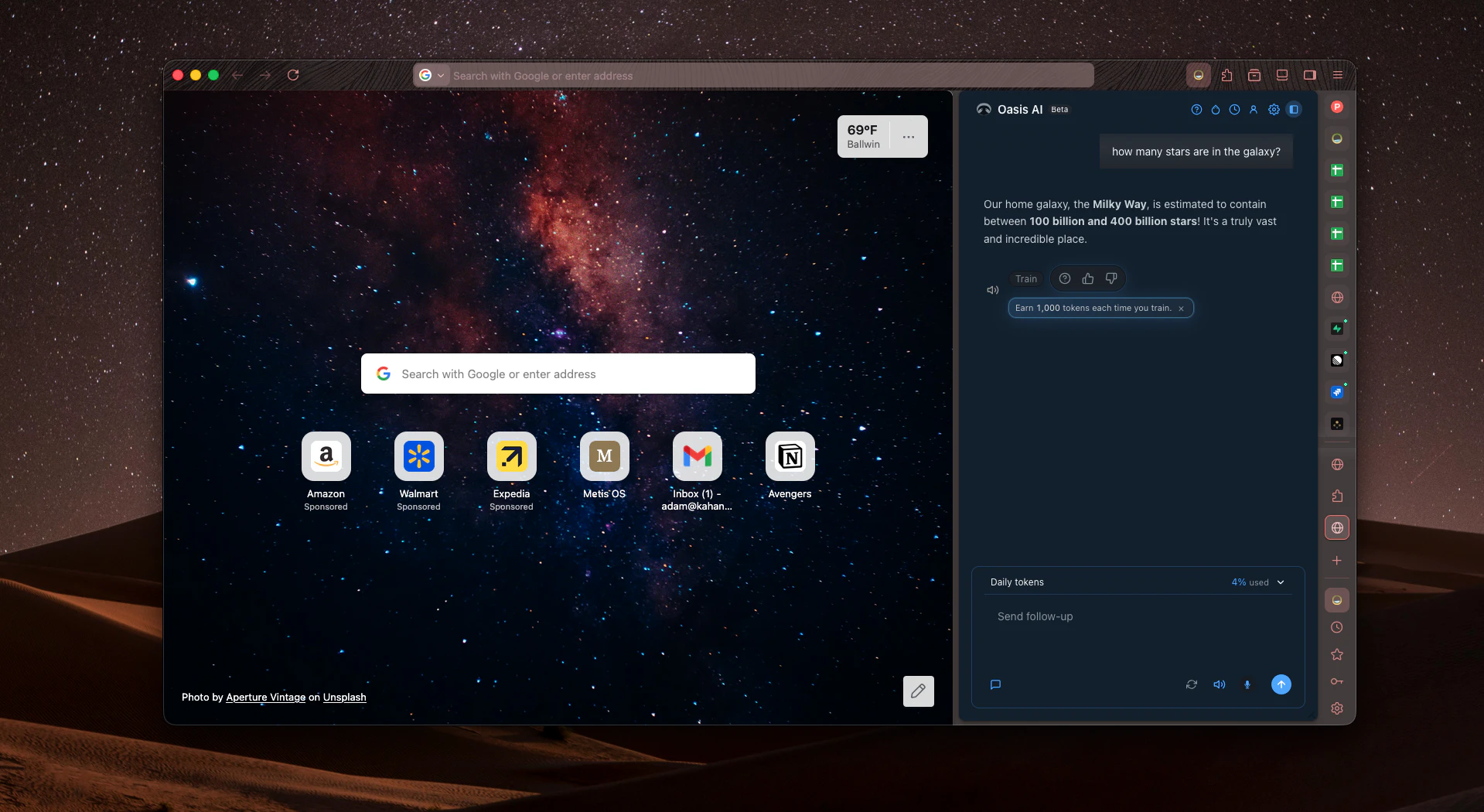
Oasis is a refuge from noisy, scattered browsing. Privacy comes first, in an elegant experience that AI makes feel lighter and more capable, not busier. Your data is your data. Period. As you train Oasis on what matters to you, it grows sharper, quicker, and truer to your everyday flow.
We built Oasis because the browser stopped feeling like a calm place to think. It felt loud, scattered, and a little too eager to take more than it gave back. We wanted a refuge. A privacy first experience where the interface stays elegant, and AI is there to amplify you, not replace your judgment. Your data is your data. Period. Along the way we kept returning to one idea: the browser should learn you, not the other way around. So we focused on a simple loop you can feel day by day. Teach Oasis what matters to you, correct it when it misses, and it gets smarter, faster, and more accurate for your real workflows. If you try it, tell us what felt different in the first ten minutes. We are here for the honest feedback, and we are grateful you showed up on launch day.
24
回复

@adamthecreator The privacy-first angle here feels refreshing, especially when so many AI products quietly depend on collecting as much user data as possible. How are you thinking about personalization and “training the browser” while still keeping user interaction data anonymized by default?

0
回复

@adamthecreator Congratulations to the Kahana team on the launch of Oasis! The privacy-first approach, focus-oriented browsing experience, and vision of making the browser adapt to the user really stand out. Excited to see the journey ahead and wishing the team success on Product Hunt!

1
回复

@adamthecreator Love the technical ambition behind Oasis. Building a browser that anonymizes interaction data by default solves a massive compliance headache for teams trying to deploy web-scale AI tools without leaking proprietary code.

The core positioning split in the hero section is the only major leak you have right now. Transitioning from a casual consumer vibe like "Relaaax" to complex enterprise links like your "IT & teams guide" creates immediate friction for incoming traffic. If you anchor the core message entirely around isolating data to train local models safely, your activation rates will climb.

Sent over a quick overview of how to structurally tighten that hero sequence to match your B2B targets. Good luck with the launch today.

0
回复

Super excited for launch of Oasis. I’ve worked on this browser from the very beginning, and seeing it reach Product Hunt is a really proud moment.

We set out to build a browser that feels different: no ads, privacy-first by design, and AI-powered ergonomics that help users browse more comfortably and intelligently without adding unnecessary noise.

This has been a product shaped by a simple belief: the browser should work for the user, not against them. Can’t wait for people to try Oasis and hear what they think.

10
回复

@aj0671 You know more than anyone how much work has gone into this, and it's an honor to go to war with you today, Atharva. I just wanted to take a moment here and thank you for all that you've done for Oasis, from hooking up wires, to refreshing the most obscure ui and branding assets, to building the next wave of privacy-first ai features in browsing. You're a great engineer, and I'm so proud to work alongside you and have this moment where we can showcase all that we've poured in.

2
回复

One thing I genuinely appreciate about Oasis is that it feels like it was designed to help me work, not compete for my attention. The zero ads part makes a bigger difference than I expected because there’s so much less visual noise pulling me in different directions.

I also get distracted pretty easily, and the overall aesthetic feels calm and intentional rather than overwhelming. It actually helps me stay aligned with what I’m supposed to be doing instead of opening 10 tabs and forgetting why I opened them in the first place..

Feels like a browser built to support focus, not distract from it..

10
回复

@akansha888 thank you so much for sharing this genuine feedback about Oasis, Akansha. We hate Ad Nauseam, and we are thrilled you feel like Oasis helps you focus and stay aligned. If you have any suggestions for us to double down on this or add new features to help you focus and do deep work in new ways, please let us know! You have no idea how much we appreciation your trying it out, and that you feel this way feels like a miracle to the engineering and product teams :)

3
回复

Congrats on the iteration! The import flow mentions pulling passwords across from your old browser, and switching browsers, that's always the thing I look at hardest. You mentioned elsewhere that history, bookmarks and semantic indexes stay on-device while the assistant runs on cloud models. Where do imported passwords land in that split: on-device only, and encrypted how? And is the vault inside the same boundary, fully walled off from anything the trainable assistant can see?

9
回复

@ferdi_sigona Big thanks for raising this important question!

Short answer: Imported site passwords stay on your device, in Firefox’s Login Manager vault (encrypted at rest). They are not part of the local history/bookmark/semantic-index layer, and the Oasis Assistant has no tool or API path to read the vault. Using the assistant still sends prompts and replies (and sometimes page text or tab URL/title) to cloud models—that’s a separate boundary from the password store.

Long answer on how everything works under the hood:

https://www.producthunt.com/p/kahana/oasis-browser-import-bookmarks-passwords-history-and-autofill-data-from-other-browser

5
回复

As someone who is privacy-conscious, and always keeps many tabs open and constantly switches between tasks I find Oasis to be aesthetic, soothing and secure. It helps me stay focused and productive through it's AI-assistant and its intuitive UI while offering solace from intrusive ads.

Oasis is now my default browser and I wouldn't have it any other way.

8
回复

@rohan_mehere Woo! We are over-the-moon to hear feedback like this. When we set out to build "Oasis" we chose the name for a reason. We wanted to have a refuge we could genuinely fall in love with, a space where we'd be safe, where we could do deep work while feeling undaunted. If you have any ideas for new ai workflows we can add for you to amplify your capabilities more, please shout them out and we'll get right to shipping away.

1
回复

Congrats on the launch! Been using Oasis for a bit and the voice control is the part that actually stuck for me. I keep catching myself reaching for it instead of opening new tabs or copy-pasting between sites. Feels like browsing finally caught up to the rest of the AI shift. Excited for everything still on the roadmap.

7
回复

@pournami_pottekat that's crazy! The same thing happened to me recently. I had my hands tied while eating a snack and watching TV, and I remembered I could just speak and say "Open Github in a new tab", and then the voice-to-text worked smoothly and Github opened. It was pretty insane lol

2
回复

Very cool product!

Can't wait to see more.

How is it about the use of resources? Is it not too heavy?

6
回复

@fberrez1  Short answer. Yes, it's not too heavy from what we've seen so far!

Testing with 125 internal beta testers so far, we've received 1 mentions so far of Oasis slowing down performance on a device, but we haven't yet pinpointed whether that's an issue with the application itself or the device/user. We’re still early and tuning performance. If you try it and it feels heavy on your machine, we’d love to know your OS and whether the assistant was open. We’re optimizing for “powerful when you need it, quiet when you don’t.”

This version of Oasis is built on Firefox, so day-to-day browsing experience is in the same ballpark as Firefox.

A bit more detail:

  • Browsing & privacy: History, bookmarks, and semantic search indexes stay on device.

  • Assistant: Replies are powered by cloud models when you ask Oasis something, so you get capability without keeping a huge local LLM loaded all the time. Though, we have received questions already about supporting local models too

  • In practice: If the assistant is idle, resource use should feel close to Firefox. When you’re chatting, using voice, or running browser actions through the assistant, you’ll see the usual spikes (CPU/network) you’d expect from AI + automation.

3
回复

Super excited to finally see Oasis launch today!

One thing I genuinely like about Oasis is that it doesn’t feel like AI was just added into a browser for the sake of hype. The experience actually feels thoughtful from the workflow organization to the cleaner browsing experience and privacy-first direction.

You can tell there’s a lot of intention behind the product and it’s been really exciting watching the team build and improve it so quickly.

Would love to hear what features or workflows other people end up using the most!!

6
回复

@hasitha_sigatapu When we first brainstormed the concept of Oasis, before a single line of code was written, we described our design philosophy as "buffing the ice rink." We have tried to focus rigorously on the baseline user experience and preserving the user's focus. We want Oasis to feel smooth as ice, with zero friction. Hearing comments like yours is the ultimate positive reinforcement for us, and it is humbling to feel like we are moving towards are most ancient North Star. While there are other "ai browsers" that may feel like AI has been added for the sake of hype, we have tried to stay true to the idea that Oasis is meant to be an environment for your mind. AI is there to preserve and enhance that environment, but never intrude on your mental flowstate and be the star of the show. The star of the show is always your mental state and capacity to focus and do deep, meaningful work. If you have other constructive feedback about features you'd genuinely want us to add in next, we are chomping at the bit to create new sprints and get back to hacking away :)

0
回复

As a mobile game developer I spend a lot of time researching competitors and reading docs. The idea of a browser that learns your workflow is genuinely interesting — does it get better at surfacing the same types of sites you visit regularly, or is it more about how you interact with pages?

5
回复

@jan_bremec Great use case! Thanks for sharing. Competitor research and doc spelunking is exactly the kind of workflow we had in mind.

Short answer: Today it’s more “help me find and work with what I’ve already seen” than “the browser predicts the next site you’ll want.” It gets more useful as your history, bookmarks, tabs, and hubs fill up locally, but the main lever is what you visited and what those pages were about, not deep tracking of how you scroll or click.

Two layers (worth separating)

1. On your machine — surfacing past work (no cloud model training your profile)


When you ask the assistant things like:

“that Unity doc on rewarded ads I read last week” or “the competitor store page with the gacha breakdown”

It can search:

  • Semantic history search — recent browsing (~500 pages) indexed on-device with embeddings built from title, URL, domain/path, and a short text snippet captured when the page was visited. So it’s biased toward meaning (“IAP,” “LTV,” “App Store”) not just “you opened this domain 40 times.”

  • Memory search — full-text search across open tabs, tab groups, bookmarks, and history (titles/URLs)

That index grows as you browse (incremental updates, persists across restarts). It does not today behave like a recommender that proactively pushes “you usually open Sensor Tower at 9am.” You invoke it via chat (“find…”, “what did I read about…”) or related tools.

2. How you interact with a page — when you’re on it


That’s a different path: tools like summarize this page or questions grounded in the active tab read visible page content and send an excerpt to the cloud LLM to answer. So for docs/API references, it’s interaction in the moment (you’re on the page + you ask), not the browser silently learning your click patterns over time.

What “trainable” means in Oasis (so expectations match)

  • Thumbs up/down + comments on assistant replies → product improvement (anonymous or account-linked; your choice). That’s not on-device fine-tuning of a personal model on your machine.

  • Optional “Personalize Oasis Assistant with my account” → ties assistant interaction logs to your account for better signed-in experience over time, still separate from uploading your whole browsing graph.

For your workflow specifically

  • Competitor store pages / GDC posts / SDK docs: semantic history + memory search are the wins — “surface that article again” without digging through 200 tabs.

  • Long doc sessions: summarize / ask-about-this-page while you’re reading.

  • Repeat visits to the same sites: you’ll see them more in search results because they’re in history, but we’re not (today) ranking purely on visit frequency like a dedicated “favorites brain.”

To be super transparent, we’re not yet a full “workflow OS” that learns how you research (e.g. always cross-reference App Annie → spreadsheet → Notion) and automates that sequence without you asking. We’re closer to local recall + assistant actions on tabs/bookmarks/history that compounds the more you use Oasis for that work. Though, we are very interested in expanding our system to handle more complex workflow sequences of any type.

If you decide to experiment, we'd love to know:

  1. When you’d want a nudge (start of day, after closing many tabs, when landing on a store URL, never).

  2. What the nudge should do (reopen group, search history, summarize, bookmark to a hub — not all of the above).

  3. Whether it should be local-only (patterns never leave the machine) vs okay with account-linked suggestions when signed in.

  4. One moment last week where proactive would have saved you time — and one moment where it would have annoyed you.

    Thanks again for checking us out and supporting the launch! :)

2
回复
  1. How do you give users peace of mind when using your AI instead of X or Y?

  2. Do you support self-hosted models?

  3. Also, I noticed the desktop navigation changes the URL, but the pages don’t actually load afterward on your website.

5
回复

@gkanev Hey Gabriel, thanks for raising these points.

1. Peace of mind comes from the anonymous experience of using Oasis AI. None of your personal data is collected, only raw prompts and outputs which help us create our own "amplifier" model that seeks to improve the speed, accuracy, and quality of commands for you and the broader userbase. I explain this in detail in this video covering our privacy-first approach to training anonymously. You can also see examples of the exact type of JSON payloads that we receive when you send a prompt and learn more about this in our doc on interaction data.

2. We do not support self-hosted models yet, however, that is something we've been exploring and would be open to focusing on in the next sprints on the roadmap. We would also explore allowing you to use your own API keys for other models. Are there any local models you prefer? I've been using Qwen series off Ollama mostly.

3. I'm having trouble understanding your observation here. Which "desktop navigation" or URL are you referring to? Our main website is [https://kahana.co/] if you could point me to an exact page that is not loading, that would be helpful. Or am I missing something?

Thank you again for checking out our campaign and sharing these questions and observations :)

2
回复

A privacy-first browser you can train is a genuinely interesting model. Most teams use shared browser profiles or sync that leaks context everywhere. We've been building in the AI customer success for B2B SaaS space, and Oasis touches on something we think about a lot. How does the anonymous training actually work: is the model local only, or does any data leave the device?

4
回复

@shivam_jaiswal21 Thanks for sharing your thoughts, Shivam! That shared-profile / sync-leaking-context problem is exactly the kind of thing we had in mind when we separated “your browser” from “how we improve the assistant.”

Short answer: the assistant is not local-only. When you use Oasis Assistant, prompts and replies go to cloud LLMs (routed via our backend/proxy — e.g. Gemini through Supabase Edge). That’s separate from “anonymous training,” which is about whether improvement data is tied to your account, not whether anything leaves your machine.

What stays on your device (by default)

  • Browsing history, bookmarks, and the local memory / semantic search index (including on-device history embeddings)

  • Saved passwords in Firefox’s encrypted Login Manager — not in assistant memory or training payloads

  • Day-to-day browsing profile — we’re not building a “shared browser profile” that syncs your full context to ads or a central browsing graph

What leaves the device when you use the assistant

  • Inference: Your message, the model’s reply, and whatever context the agent attaches (e.g. active tab URL/title, tool results, and sometimes page text if you use summarize / page-grounded tools) — that goes to the remote model so the assistant can answer.

  • Product improvement (optional logging): With “Personalize Oasis Assistant with my account” turned off (the default for new profiles), we still log assistant interactions to improve the product, but user_id is null — no email, no account block in the payload. “Anonymous” here means not linked to your identity in our DB, not “nothing leaves the device.”

“Anonymous training” specifically


That’s the thumbs up/down + comment flow on replies. You can submit training as anonymous (feedback_events without your user id) or personalized (linked to your account). That’s a second knob from the Privacy setting above — same words, different tables. Either way, you’re giving us signal on what worked; anonymous mode just keeps that row off your account.

Other references: https://www.producthunt.com/p/kahana/oasis-browser-technical-and-interaction-data

Docs: https://kahana.co/docs/technical-and-interaction-data

5-minute YouTube video explaining data that is sent: https://youtu.be/8C3FucA95Lg

What we’re not doing

  • We’re not claiming a fully on-device model for chat today (perhaps in the near future!)

  • We’re not claiming zero data when the assistant runs — cloud inference + (by default) anonymous interaction logs.

  • We’re not uploading your whole browsing history as a training corpus; improvement signal is assistant-shaped (prompts, responses, tab context when you’re in the assistant, tool traces).

For B2B CS workflows: Oasis is closer to “your machine holds the messy browser state; the assistant only sees what you invoke and what tools pull in for that turn” than to “train a shared synced profile.” If you need air-gapped / no cloud at all, we’re not there yet — we’d say that upfront.

Happy to go deeper on any layer (telemetry JSON shape, user-initiated training vs telemetry data from general llm usage, or what’s local for search vs chat).

Just curious, what other aspects are you and your team thinking about? I love this space and these conversations :)

1
回复
Got to work with the Kahana team earlier this year and one thing that stood out, every product decision was intentional. No bloat, no “let’s just add a feature” mentality.Most browsers that claim “privacy-first” either feel clunky or are just Chromium with a different skin. Oasis actually feels different and knowing how much thought went into even the small stuff makes that make sense. Curious what feature people try first after installing. For me it was the AI side, but the no-ads experience kind of snuck up on me as the thing I’d miss most if I went back. Happy to see this get the spotlight today 🎉🔥
4
回复

@nlokesh9 Thanks for sharing more about our Journey, Lokesh! The no-ads experience also somewhat snuck up on me. The idea was to always make it add free, but only through sitting in user interviews with Archana and BD, did I realize that no-ads and privacy ranked just as high on the priority list for many users as privacy, anonymity, and data security. We're still learning now with all the responses in this thread!

1
回复
Oasis honestly feels like my dream browser at this point 😭 The amount of time I waste opening 15 tabs, reading random blogs, Reddit threads, and somehow ending up watching unrelated videos just to find one simple answer is actually insane. This whole “go hunt information yourself” system has always felt like a full-time job. What I saw from Oasis already solved half of that headache for me. The agentic approach genuinely feels refreshing instead of just another “AI browser” buzzword. Even the small glimpse I got made me go “wait… THIS is what browsing was supposed to feel like?” I literally browse for everything while eating, studying, coding, procrastinating, pretending to study again 😭 so having something that actually understands and helps instead of making me dig through the internet manually sounds life-changing. Really looking forward to using it more. My intuition says this is going to make internet browsing feel less like treasure hunting and more like having an actually smart assistant beside you.
4
回复

@pallavi_m18 I hope we can deliver on your dream. What are your dream workflows? What are the series of actions you find yourself doing in the browser? If you could wave a magic wand and have Oasis do anything for you, what spell would you cast? These are the things we'd love to learn more about. When you let us know, we can build in new features that makes it a reality :)

0
回复
@adamthecreator Honestly, if Oasis could save me from opening 27 tabs just to compare one thing, my life would already improve Would love workflows where it can research, summarize, compare options, and keep context without me repeating myself every 5 minutes. Basically less “tab detective work” and more “just get things done.”
0
回复

The biggest thing for me is the privacy piece. I like using AI tools, but I don’t always love the tradeoff of my data being used to train them. Oasis feels like it is trying to solve that in a thoughtful way.

I also really like the text and voice-based AI chat inside the browser. It feels natural to ask it to help with things while I’m already browsing instead of constantly switching between tabs and tools.

It still feels early, but the idea is strong and I’m excited to see where this goes. A private browser that can actually help do the work for you is something I’d genuinely want to use more.

3
回复

@rashmikadwani it's definitely early, and we feel like we have a wide open frontier to explore. Oasis can be expanded significantly. If you had to say, what could we change or improve? Do you have suggestions? Beyond what you've shared, is there something else we haven't touched on yet that you'd ideally want in Oasis to make your life easier?

0
回复

Oasis genuinely feels different from the usual AI tools. The browser experience feels smooth, fast, and actually intuitive instead of overwhelming. You can tell a lot of thought went into the UX and workflows. Excited to see how this evolves

3
回复

@arch14 are there any new types of workflows you’d like us to introduce? Thanks for sharing the positives so far. We still feel like we have a lot of room to improve. If you could wave a magic wand and have Oasis do anything for you, what would you say?

0
回复

What stood out to me about Oasis isn’t just an AI, it’s the philosophy behind it. In a world of tab overload, constant distractions, and fragmented workflows, building a browser around focus, context, and calmer computing feels genuinely refreshing. As someone who constantly has 40+ tabs open pretending I’m “organized,” Oasis feels less like another browser and more like a rethink of digital work itself. Love the focus on reducing mental clutter, not adding more features for the sake of it. Urge everybody to use the browser and see for themselves.
Lastly, Congratulations on the launch! Excited to see where Kahana takes this.

3
回复

@krishna_samhitha You should try out the "create tab group" and "add this tab to tab group" features! I also switched on "Vertical tabs" by right clicking tabs. I feel like this makes my experience calmer. If you have any wishlist commands holler them. If you had a magic wand and could say anything out loud to manage and reorganize your tabs like magic, what are the things you'd say?

0
回复

What I like most about Oasis is that it focuses on the real pain of modern browsing: not just slow pages, but constant noise, tracking, ads, tab overload, and context switching. The project-based organization and built-in AI feel especially useful because they help turn browsing from scattered activity into a more structured workflow. That is what could make Oasis meaningfully better than a traditional browser plus a bunch of extensions.

3
回复

@jaideep_kulkarni it's wonderful to hear that you feel like your experience and workflow have become more structured with Oasis. This is a goal we set out to achieve when we decided to build it, and the fact you feel this way means we are moving in the right direction. We feel like we are just getting started with this, so if you have any wish-list enhancements we can make to the built-in AI, we'd love to know. One that comes to my mind is attacking more complex workflows: if there are more abstract or complex, multi-step workflows you wish you'd be able to do, we'd love to learn more about what those are. We have built a solid foundation and architecture with Oasis AI, and we see a wide open blue ocean ahead to rapidly expand the capabilities of the built-in AI. I'm frothing at the mouth to add more XD

0
回复

Been testing Oasis over the last few weeks and the biggest thing that stood out to me: it actually feels calm to browse again. No clutter, no distracting noise, just a clean privacy-first browser experience. Excited to see this finally launch!!

3
回复

@rashmilamitra we're honored that you've trusted us to give Oasis a try over the last few weeks, and we're delighted to hear that you feel calmer while browsing. I just wanted to emphasize that we are committed to preserving this calm and double down on Oasis as a refuge for you to traverse the Internet and do deep, meaningful work. I'm excited to see what you cultivate and build in your Oasis.

We're also looking for negative feedback of any type. If you ever notice an issue that makes you cringe, whether it's a feature or user experience element, please don't hesitate to give us a shout so we can smooth that out ASAP for you :)

0
回复

I've been using Oasis for a bit now and what stands out to me is that it feels built around how people actually work today. A lot of my day involves moving across tabs, docs, dashboards, and different tools, and I like that Oasis focuses on reducing that friction and making browser workflows feel simpler and more natural. The natural language interactions are especially interesting because they make working in the browser feel more intuitive instead of adding another layer of complexity. I also appreciate the vision behind building a browser that thinks about both productivity and privacy together. It has been exciting to see the direction the team is taking and how Oasis is approaching a problem that feels increasingly relevant as more work moves into the browser.

3
回复

@saksham0403 "Simpler and more natural" has been our North Star from Day 1. That you feel this way makes us feel a degree of fulfillment in achieving our mission. I'm flattered that you're excited about the direction we are taking. While we've tested other ai browsers on the market, yes, we have noticed that some feel like some added another layer of complexity to the user experience, rather than facilitating deep work. These are all positive things, but if you have any constructive criticisms or things you feel like we can improve on for you, please let us know!

0
回复

Oasis feels like a genuinely fresh take on browsing. Most AI browsers try to add more noise, but this one actually makes the web feel calmer, cleaner, and more focused. The privacy-first approach is what really stood out to me - especially the emphasis on anonymized interactions and keeping user control front and center.

The combination of elegant UX, AI assistance, and thoughtful privacy design makes this feel like a browser built for the future instead of just another Chrome clone. Huge congratulations to the team - excited to see where Oasis goes next 🚀

2
回复

@ankit_sai_allam Where would you want it to go Ankit! If you could be greedy, what types of workflows would you dream of in Oasis? What would you want it to automate for you? The more we learn from your perspective and feedback, the better it will get!

0
回复

Oasis is what a browser should have always been.

We spend more time inside a browser than any other tool we own, and yet it has been the one thing nobody has ever thought to redesign around how we actually work. Oasis changes that entirely. It is the first browser built with intention, where your environment adapts to your focus, your workflow has structure, and your attention is treated as something worth protecting rather than something to be fragmented.

The timing could not be more urgent. Deep work is becoming rare. Distraction is the default. And every productivity tool we have built, task managers, note apps, calendars, sits on top of a browser that was never designed to support any of it. Oasis goes to the root of the problem rather than layering another solution on top of it.

Nobody has introduced anything like this before. Not even close. Excited to see where this goes.

2
回复

@hritik_chalse What could we change or improve? Do you have suggestions? What would you ideally want in Oasis to make your life easier?

0
回复

This is one of the few AI products that actually feels intentional instead of overwhelming. The focus on privacy, calm design, and building AI that adapts to your workflow rather than hijacking it is genuinely refreshing.

“The browser should learn you, not the other way around” is such a strong vision. Excited to see where Oasis goes from here.

2
回复

@sanku_rajshree_rao I'm so thrilled that our focus resonates with you. Oftentimes, when you're a startup you lack direction, it feels like wandering in the desert. To see so many comments reinforcing that our North Star (user experience and privacy) is a worthy one is quite exhilarating. I would encourage you to not be shy: what do you really want us to do in Oasis? I'd love to understand what people hope and dream to accomplish with it. What outcomes do you want? How should it feel getting there? What does that look like? If we can picture it tangibly we can literally build it!

0
回复

Oasis has completely changed the way I think about browsing.

Most browsers silently collect your personal data — Oasis doesn't. That's the headline feature, and it's a big one.

But privacy aside, what really impressed me is the AI assistant. The voice command feature is a standout — I can just speak and the browser acts on it. And the AI-powered promotion tools make it effortless to get the word out without leaving the browser.

The interface is unlike anything I've tried before. Oasis is exactly what the market needed. Congrats on the launch!

2
回复

@sushma_evs Thank you for sharing, Sushma. What about negatives? Any constructive feedback you can provide? Any wishlist features you'd want? We are problem solvers, and we genuinely want your feedback and input so Oasis can reach its potential. We are always looking for ways to improve, and we are committed to rigorously and quickly implementing new features, enhancements, and fixes based on what you tell us.

0
回复

Oasis is exactly what the Firefox platform has been missing. Having an integrated AI chat window right alongside my tabs keeps me in my flow and removes so much friction from my workflow. One feature I’d love to see added in the future is Cross-Tab Reasoning. For example, if I’m looking at a product on Amazon on Tab 1, and a tech review on Tab 2, it would be amazing to ask the AI: "Is the warranty mentioned on this Amazon page the same one the reviewer is complaining about in the other tab?

2
回复

@niraj_patil3 Cross-Tab Reasoning sounds sick, Niraj! I just added that to the roadmap 🫡

0
回复

This looks amazing. @adamthecreator @Oasis Browser , i love the work you've put into every part of this experience. It's intentional . It's genuine. And each aspect of it has been engineered with precision. I can't wait to try this myself. I hope I can have a go at it soon. One thing stands out to me is the feel I'm getting just by looking at it. The story ties in perfectly !

2
回复

@sonali_ankolikar Don't you worry, Windows version pipeline is being wired up as we speak. I can't wait for you to dive in

1
回复

The biggest issue with most 'AI browsers' right now is that the AI just sits in a side panel and doesn't actually understand what I'm looking at. Oasis breaking out of the standard chat sidebar to ground actions in actual browser context (tabs, history, bookmarks) is a game-changer. Also, being able to search history semantically instead of trying to remember exact keywords is going to save so much time. Can't wait to see how the trainability aspect evolves!

2
回复

@likhitha_guggilla We want to leverage the training data to make the average command in Oasis more fast, accurate, and "quality" in the eyes of the user. If a user executes 100 commands, I want them to feel like it was fast, accurate, and "quality" on 100/100.

0
回复

Browsing has become such a crowded experience, so building something calmer, more personal, and privacy-first feels refreshing. It’ll be interesting to see how people shape their own workflows with Oasis over time.

1
回复

@preetika_singh1 Are there any features in particular that you would wish for the most? Really looking for new ideas and a better understanding of how it could enhance your workflows

0
回复

The “train the browser” loop is the part I’d watch most closely. For work/creator use cases, corrections probably need to be more granular than thumbs up/down: “this source matters,” “ignore this tab pattern,” “summarize in my format,” “don’t interrupt during research mode.” If Oasis can make those preferences inspectable and editable, not just learned silently, it would make the AI feel much more trustworthy — especially for people doing writing, research, or customer/context-heavy work.

1
回复

@jim_jeffers Here's an example of an anonymous payload from training. It's more than thumbs up/down. The user can select a category (badge) and they must enter at least 30 characters of their own words about what was good or bad.

Does this address your question a bit more? I would genuinely love to know what you think.

{
  "badges": [
    "Helpful",
    "Fast"
  ],
  "comment": "It gave me a good response and a good recipe",
  "sentiment": "up",
  "contact_me": false,
  "user_prompt": "can you give me a recipie to make a chocolate cake",
  "training_mode": "anonymous",
  "assistant_reply": "Of course! Here's a classic, delicious chocolate cake recipe that's pretty straightforward to make:\n\n## Classic Moist Chocolate Cake\n\nThis recipe makes a rich, moist chocolate cake that's perfect for any occasion.\n\n### Ingredients:\n\n**For the Cake:**\n*   2 cups (250g) all-purpose flour\n*   2 cups (400g) granulated sugar\n*   ¾ cup (65g) unsweetened cocoa powder (Dutch-processed is great for a darker color)\n*   2 teaspoons baking soda\n*   1 teaspoon baking powder\n*   1 teaspoon salt\n*   1 cup (240ml) buttermilk (or 1 cup milk + 1 tbsp white vinegar/lemon juice, let sit 5 mins)\n*   ½ cup (120ml) vegetable oil\n*   2 large eggs\n*   1 teaspoon vanilla extract\n*   1 cup (240ml) boiling water (or hot strong coffee for deeper flavor)\n\n**For the Chocolate Buttercream Frosting (Optional but Recommended!):**\n*   1 cup (226g) unsalted butter, softened\n*   3-4 cups (360-480g) powdered sugar, sifted\n*   ¾ cup (65g) unsweetened cocoa powder, sifted\n*   ½ cup (120ml) heavy cream or milk\n*   1 teaspoon vanilla extract\n*   Pinch of salt\n\n### Instructions:\n\n**For the Cake:**\n1.  **Preheat & Prep:** Preheat your oven to 350°F (175°C). Grease and flour two 9-inch round cake pans, or line with parchment paper.\n2.  **Combine Dry Ingredients:** In a large bowl, whisk together the flour, sugar, cocoa powder, baking soda, baking powder, and salt.\n3.  **Add Wet Ingredients (except boiling water):** Add the buttermilk, oil, eggs, and vanilla extract to the dry ingredients. Beat with an electric mixer on medium speed for about 2 minutes, until well combined.\n4.  **Add Boiling Water:** Carefully pour in the boiling water (or hot coffee) and mix on low speed until just combined. The batter will be thin – this is normal!\n5.  **Bake:** Divide the batter evenly between the prepared cake pans. Bake for 30-35 minutes, or until a wooden skewer inserted into the center comes out clean.\n6.  **Cool:** Let the cakes cool in the pans for 10-15 minutes before inverting them onto a wire rack to cool completely.\n\n**For the Chocolate Buttercream Frosting:**\n1.  **Cream Butter:** In a large bowl, beat the softened butter with an electric mixer until light and fluffy.\n2.  **Add Dry Ingredients:** Gradually add the sifted powdered sugar and cocoa powder, beating until smooth. Start on low speed to avoid a cloud of sugar!\n3.  **Add Liquids:** Pour in the heavy cream (or milk) and vanilla extract, and add a pinch of salt. Beat on medium-high speed until the frosting is light, fluffy, and spreadable. If it's too thick, add a little more cream; if too thin, add more powdered sugar.\n\n**Assemble the Cake:**\n1.  Once the cakes are completely cool, place one layer on your serving plate or cake stand.\n2.  Spread a generous layer of frosting over the top.\n3.  Carefully place the second cake layer on top.\n4.  Frost the top and sides of the entire cake.\n\nEnjoy your delicious homemade chocolate cake!\n",
  "include_context": true
}
1
回复

What’s interesting to me here is that most AI products optimise for answers, while this feels like it’s optimising for continuity. Curious what behaviours surprised you most in beta users, are people treating Oasis more like a browser, a memory system, or almost a second brain?

1
回复

@surabhi_minocha Hey Surabhi! We're still learning all the time right now. The behaviors are developing in real-time. I think we're seeing people enjoy treating it like "Jarvis" from the Iron Man movies. I found myself up late half-watching TV and snacking while I was doing some vibe coding. Then I needed to check on a deployment in Github. Rather than click around, I just realized I could say "Hey Oasis can you open Github workflow tab?"

And then it did it.

After that, I said "Can you summarize the results of the workflow?"


And it did that!

For me and others, we are finding that the ability to use natural language and voice to control the browser lets us stay focused more and reduce mental context switching and cognitive load.

I'm not sure what this would qualify as, I suppose a combination of all of it!

0
回复

I’ve been using Oasis Browser for a while now and it genuinely feels different from most browsers out there. A lot of browsers today just feel like Chrome reskins with a few AI features added on top, but Oasis actually feels like it was built with intention from the ground up.

What stood out to me most is the balance they’re trying to strike between AI, productivity, and privacy. Most companies talk about being “privacy-first,” but Oasis seems to be taking that seriously instead of using it as marketing copy. The no-ads approach and the transparency around user data honestly make the product feel refreshing in today’s browser space.

The UI is also incredibly clean and calm. Everything feels lightweight, modern, and thoughtfully designed without becoming distracting. You can tell a lot of effort went into the overall experience, not just the features themselves.

I’ve also been following the project for a while, and seeing how quickly the team has improved the product has been genuinely impressive. The pace of iteration and attention to community feedback really shows.

1
回复

@rushyanth_nerellakunta It sure has been a journey, I'm just in awe of how the team and product have come together. I'll always remember this launch. And the crazy thing is that I feel like we're really just getting started and scratching the surface of what's possible here. So much of the build has architecture and foundations. We're actually getting into spicy stuff now

1
回复
#5
Coworker AI
More AI for less spend with context-aware model routing
195
一句话介绍:Coworker AI 通过上下文感知的模型路由技术,为企业自动分配最合适的AI模型处理任务,在保持输出质量的同时将Token成本降低80%,解决企业AI支出失控的痛点。
Productivity SaaS Artificial Intelligence
企业AI成本优化 模型路由 上下文感知 Token节省 AI代理 企业级AI平台 多模型调度 智能路由 成本控制 AI效率工具
用户评论摘要:用户普遍认可模型路由的实用价值,但深度质疑:路由分类器的置信度阈值如何设定?降级路由后如何验证输出质量是否受损?当任务处于模型能力边界时如何避免“静默降级”?建议公开反馈闭环机制,并强调信任UI设计比路由逻辑更难。
AI 锐评

Coworker AI的“5倍Token”叙事精准击中了企业AI成本失控的恐惧——从$500K到$15M的冰山一角确实足够震撼。但剥开营销外衣,核心命题并非成本优化,而是模型路由的“确定性”赌注。

路由决策的本质是一个高风险的分类问题:将任务丢给Kimi而非Opus,省下的钱是显性的,但输出质量下降往往是隐性的。评论中“认知失调”非常致命——用户用便宜模型得到一个“看上去合理但实际错误”的回答,系统不会显示错误,而成本仪表盘依然漂亮。Coworker用“默认向上路由”和“手动重跑对比”来缓解,但这本质上是用用户体验换成本,而非彻底解决判定黑洞。

更棘手的是组织记忆层:它试图用历史上下文减少重复调用,但在实际工程中,存储的知识图会快速膨胀,路由分类器需要持续对抗概念漂移。用户反馈“手写路由税高”恰恰说明,没有自动反馈闭环的静态路由策略,最终会变成另一种运维负债。

产品的真正价值不在于节省25%还是50%的成本,而在于能否建立“可审计的路由信任”。企业需要的不是更便宜的Token,而是可验证的、可回滚的、能解释每个路由决策的支出透明度。如果Coworker只输出“省钱数字”,却无法量化“质量损失校准曲线”,那就只是个更聪明的API套壳,而非企业级基础设施。团队应该把评论中“静默降级”和“测量闭环”的质疑当作核心路线图,而非可选的用户体验补丁。

查看原始信息
Coworker AI
Same AI. 5x the tokens. Coworker provides deep company context and automatically routes to the right model for every task. More chat, cowork and code with the same spend.

Hey Product Hunt 👋

We keep hearing the same thing on repeat: enterprise AI token costs are exploding.

Orgs that were spending $500K/year in December are spending $15M/year in May.

And CFOs are starting to ask the same question: do we cut back AI spend, or cut heads?

Coworker gives organizations a third choice: more AI, less spend.

Coworker delivers the same frontier-quality chat, cowork, and code for 80% less. We do that by pairing every task with the right context and model for the job - open or closed.

That means you get the same output quality as Opus 4.7, but 5x the tokens for the same spend versus Anthropic or OpenAI API rates across:

Chat - grounded in your company's real context and a persistent knowledge graph

Build - docs, decks, pdfs, real-time dashboards, apps or any artifact and share across your org

Code - any arbitrary task in a virtual sandbox

Agents - automate workflows end to end with long-running agents and complex triggers

Meet - meeting summaries, transcripts, and follow-up actions via a meeting notetaker or ambient transcription

Enterprise-ready - all models hosted in the US, SOC 2, pen-tested, 30+ enterprise connectors

We're getting things started by giving everyone who signs up this week 500 credits on us. And if you sign up in the next 24h you'll get an additional 200 credits.

Head over to Coworker.ai - I can't wait to see what you build.

Alex

23
回复

@alex_calder is the OM2 knowledge graph built on a specific graph database or vector embeddings entirely custom under the hood?

1
回复

@alex_calder Hey Alex, congrats on the launch. The "$500K/year in December, $15M in May" framing is the realest line here, that curve is exactly why routing stopped being optional. Reading the thread, everyone's circling how to make the routing decision (confidence bands, classifier signals), but Dhruv named the harder one and moved past it: knowing after the fact whether you under-routed. That's the part I'd dig into. A wrong downgrade often isn't visibly wrong, the cheap model returns a plausible answer that's just quietly worse, and in production there's no ground-truth label to catch it. So how does Coworker close that loop? Is there a signal that flags "this got routed cheap and the output degraded," or does it rely on the user noticing and hitting rerun? Because routing quality you can't measure post-hoc slowly drifts, and the savings number stays great right up until trust erodes. That measurement loop seems like the real moat, harder to build than the classifier itself. Following along.

1
回复

@alex_calder Congrats on the launch. That routing engine simulation in the hero visual is incredibly clean.

Dropped a vote, but looking under the hood at your schema data, there is a serious positioning mismatch on the homepage right now that is likely leaking enterprise conversions during this launch spike.

Your backend schema and enterprise badges position Coworker as a high-leverage, autonomous workflow engine for the GTM stack. You are solving massive operational drag across Salesforce, Jira, and Slack.

But your actual live hero headline ("Same frontier AI. 5x more tokens.") and subheadline lead entirely with an API cost-arbitrage play.

By prioritizing token counts and raw utility pricing, you accidentally reframe an enterprise powerhouse into a cheap developer tool for cost-sensitive engineers. High-ticket enterprise buyers do not optimize for token volume. They optimize for workflow velocity and structural efficiency.

Flipping that hero narrative from a "cheap infrastructure" message to "autonomous operational leverage" will align this massive launch traffic directly with the corporate budget holders.

Insane product build here. Good luck with the rest of launch day.

0
回复

congrats nigel and team!

8
回复

@benln thank you for your support!

0
回复

@benln Thank you Ben!!

0
回复

@benln Thank you!

0
回复

I'm Nigel, one of the team here. 👋

We're excited to bring Coworker.ai to the world. Would love to hear from anyone who's already hit their AI spend wall, curious what the breaking point looked like for you/your org. And happy to answer any questions on how the credit system or model routing works under the hood!

6
回复

@kohnigel Congrats on the launch Nigel, looks amazing!

2
回复

@kohnigel Sick product demo! Amazing and scary how productive people will be using this tech. Congrats on the launch Nigel!

1
回复

Context-aware routing is the piece most teams skip when they're trying to cut AI costs.

they either over-engineer a manual decision tree or just default to GPT-4 for everything. Curious how you handle routing decisions when a query sits ambiguously between tiers, like something that looks simple but actually requires nuanced reasoning. Also wondering what the latency overhead looks like from the routing layer itself. But anyway, I find it very interesting

congrats on launch!

4
回复

@fberrez1 our 'cheap' primary agent is still a frontier open model. This means that the baseline quality and judgment is still incredibly high and any cheaper subagents are handled by this advisor. And very low latency added. Try it out and let me know thoughts!

0
回复

Congratulations! Enterprise AI cost management is going to be one of the defining problems of the next two years. Really glad a focused team is building directly for it. Best of luck with the launch.

3
回复

@roman_burdyga thanks, appreciate it 🙏

0
回复

@roman_burdyga thank you!

0
回复

Context-aware routing that downgrades requests to cheaper models based on complexity is genuinely hard to get right. The classifier has to be fast enough not to add meaningful latency. At RetainSure we've been hand-routing between models by task type and it's become its own maintenance burden. How do you handle classification confidence thresholds, and what's the fallback when confidence is low?

3
回复

@anand_thakkar1 yeah, hand-routing gets brutal as the taxonomy drifts. We use confidence bands instead of one cutoff, anything ambiguous defaults up. A wrong downgrade is way more visible than a wrong upgrade so we'd rather burn a bit of cost than ship a bad answer. How big is your task list now?

0
回复

The 5x tokens at opus 4.7 quality thing, how do you measure that? is it benchmarked on specific task types or more of an overall feel?

3
回复

@irina_sumtsova The "5x cheaper" is a cost-per-task number, not a benchmark claim. On SWE-Bench and Terminal-Bench Kimi is basically on par with Opus, and honestly in most real-world use it's pretty close too. Simple tasks the 5x holds (~$0.39 vs $3.59), and even on complex work the gap isn't as dramatic as you'd expect. And since Coworker knows your context, you can decide if and when you actually need Opus over Kimi.

2
回复

Running AI agents across Tuple's client base, model cost was the biggest variable we couldn't predict. The instinct is always to default to the most powerful model, but 80% of tasks don't need it — and that 80% is where the bill comes from. Context-aware routing is the right architectural call. The hard part isn't the routing logic, it's getting teams to trust the cheaper model when it handles something well. People revert to expensive defaults out of habit. Design the confidence score UI carefully — that's where user trust actually lives or dies.

2
回复

@thekrew absolutely. We have a feature that lets you rerun your query with a different model so you can compare outputs. Helps users build trust in the cheaper models when they see them hold up.

1
回复

Context-aware routing that dispatches to the right model tier based on task complexity is a genuinely hard inference problem. We've hit this building multi-step AI pipelines where some steps need strong reasoning and others just need basic extraction. What does your routing classifier actually look at: token count, prompt structure, semantic embeddings, or something else?

2
回复

@retain_dev can't share the internals, but token count alone is a weak signal; complexity doesn't correlate with length. The harder problem is the feedback loop: knowing when you under-routed vs just burned cost you didn't need to. What does your pipeline look like?

1
回复

Context-aware routing is the right framing for AI cost. Most teams overpay because everything gets sent to a flagship model when a smaller one would do the job. How does Coworker AI decide when a task is simple enough to downroute without degrading output quality?

2
回复

@dhiraj_patel5 our organizational memory layer classifies the task before a model is even picked. Looks at complexity, error cost, how much context is needed. So you're not downrouting, you're just routing correctly from the start.

1
回复

Congrats on the launch @alex_calder, very timely! Upvoted :)

So is this about storing memory/context efficiently to avoid agents running same queries again and again? Or you have a mechanism to stop agents from traversing some paths because you somehow figure out that is dead end?

2
回复

@aiswarya_s great question - the organizational memory layer does eliminate redundant work: context from past conversations, decisions, and actions is stored and surfaced so agents (and humans) aren't re-running the same queries or re-deriving the same answers.

1
回复

Thanks, everyone, for checking out our launch!

2
回复

I used Coworker day in a day out. Once i changed my job, I had to use Claude. And now I miss Coworker so much. The seamless connection between Google Meets -> Note takers, and Coworker was exceptional.

No other product is better integrated than Coworker out there. And the new token optimization is world class.

1
回复

yes you do@saurabh_mohan1. let's get you re-set up with Coworker!

0
回复

Wishing you a strong launch day! Congrats to the whole team.

1
回复

@marianna_tymchuk Thank you!

0
回复

Smart approach to model routing — the cost problem with AI tools is real. Curious how it decides between models when the task is ambiguous? Does it let you override the routing manually?

1
回复

@ravishankarai_official, when it's ambiguous we default up to the more capable model, false downgrades are way more visible to users than false upgrades. And yeah you can override manually, pick the model yourself or rerun with a different one to compare outputs.

0
回复

Context-aware routing is a smart play. AI costs scale fast when teams use the same heavy model for everything from summarizing notes to complex reasoning. We've been building in the AI customer success for B2B SaaS space, and Coworker AI touches on something we think about a lot. How does the company context layer stay updated as org structure or products change?

1
回复

@shivam_jaiswal36, our organizational memory continuously ingests from 50+ connectors so it updates as things change in the source, not on a sync schedule. Role changes, deal updates, doc edits, all automatic. Permissions inherit from the source too. What are you building?

0
回复

Model routing is becoming such an important layer in AI products right now.

1
回复
0
回复

How is this implemented technically? Do you use cheaper models for simple tasks and more expensive ones for complex tasks, so that on average you get a lower cost? Or did you just deploy something Chinese on your own server?

0
回复

@natalia_iankovych Our primary agent defaults to frontier open models. It has subagents that can delegate up or down to advisors or subagents using a mixture of open or closed models. And we have an inbuilt review mechnism. This allows us to min cost holding quality at frontier or greater. And no, nothing is hosted in China - everything is in the US.

0
回复

Congratulations. Its an amazing launch, I have been hitting rate limit with Claude at an alarming rate these days. More tokens would definitely mean more time, and I need that!

0
回复

@thamibenjelloun do check us out!

0
回复
#6
Octolane
Self-driving AI CRM that you can talk to
155
一句话介绍:Octolane是一款以聊天为交互界面的自驱动AI CRM,通过连接Gmail和日历自动检测交易、更新字段并起草跟进,解决创始人销售中手动录入数据、跟进遗漏和交易可视化难题。
Sales CRM
AI CRM 聊天式CRM 自驱动CRM 销售自动化 创始人销售 邮件自动化 会议记录 访客识别 MCP服务器 销售管道
用户评论摘要:用户普遍赞赏其“对话式操作”和“自动检测交易”功能,认为它解决了CRM数据录入痛点。核心问题包括:如何处理跨多邮件的模糊联系人?如何整合多利益相关者的长周期交易?以及数据迁移流程是否顺畅。团队回应称支持智能合并、跨线程统一和直连现有CRM迁移。
AI 锐评

Octolane的“自驱动AI CRM”概念精准切中了传统CRM行业的“反人性”死穴:数据录入本是销售工作的负担,却被包装成“专业度标准”。Octolane将底层逻辑从“用户为系统服务”转向“系统为用户隐形”,其Gmail/日历的自动检测与聊天式执行,本质上是用AI替代了操作界面本身。这不是对HubSpot、Salesforce的补强,而是对“表单+字段”范式的底层解构。

然而,产品的核心挑战不在技术,而在“信任”。它必须让用户相信:AI不仅能“看”邮件,更能“懂”复杂的人脉关系和销售时机,而非仅做数据转译。例如,自动检测跨邮件线程的交易,本质是AI在做“语义推理”,一旦误解(比如将竞品沟通归入本家交易),后果远大于手动填写错误。同时,“自驱动”意味着用户失去对数据录入的微观控制权,这要求AI具备极高的行为可解释性,而Octolane的回复尚停留在“它能做”层面,缺乏对错误模型和纠错机制的透明描述。

其真正价值在于切入了“创始人销售”这一高客单价、低容错率、但极度厌恶运维成本的市场。这类用户愿意为“省掉一个虚拟助理的月薪”付费。如果Octolane能通过MCP服务器打通Cursor、Claude等开发工具,形成“从开发协同到销售跟进的闭环”,它便不仅仅是CRM,而是创始人唯一需要的桌面操作系统。但若仅停留在“AI版输入法”的便捷层级,则极易被大模型平台的原生插件取代。当前的关键是做好250个“死忠用户”的深度绑定,而非追求铺量。

查看原始信息
Octolane
Octolane is chat-first Self-driving AI CRM: say "follow up with David" or "show me stuck deals" and it does the thing. self-driving underneath. reads your gmail and calendar, auto-detects deals, drafts follow-ups, updates fields. What's new: slash-command chat, meeting recorder, visitor signal, kanban pipeline, MCP server with ~60 tools.
hey 👋 I'm One with my co-founder Rafi here, co-founders of Octolane. Octolane started from watching my single mom working 7 days a week to care of her four sons. She didn't have a CRM. She remembered every customer, every promise, every follow-up. Her brain was the CRM. She never forgot to call someone back. Most founders today operate the opposite way. 17 tabs open, 200 unread emails, 12 deals you're "going to follow up on tomorrow." the CRM is supposed to help. it doesn't. it asks for more work. So we built octolane. the closest thing to "no CRM" we could imagine. What's new in this launch is the chat-first interface. you don't click through 40 fields. you just talk to it. "follow up with David, mention the pricing question from last week" "which deals haven't moved in 10 days?" "draft a recap from the call this morning" It does the thing. Underneath the chat, it's self-driving. reads your gmail and calendar, auto-detects deals, updates fields, drafts follow-ups. you don't tell it about a new lead. it already knows. Also new this launch: → Meeting recorder that writes recaps straight into the deal → Signal. see which companies are on your site, not just the ones who filled out a form → MCP server with ~60 tools. plug octolane into claude, cursor, whatever you're already using → Kanban pipeline you can actually drag without breaking things Built for founders doing founder-led sales. the kind running 5-15 deals at once who can't afford to forget a follow-up. Would love to hear what you think. especially if you've tried 3+ CRMs and given up. that's our crowd. - One (and Rafi, Vitor, Raonak, Tariqul, Shahriar, Yash, Tiff)
10
回复
@one_chowdhury1 congratulations and good luck 🍀
4
回复

Hi, I'm Rafi, co-founder & CTO of Octolane. Our entire engineering team is standing by today. If you run into any issues, let us know and I'll take care of it personally. We built this to make your life easier, and we mean it 🫡

6
回复

The "closest thing to no CRM" part honestly makes so much sense. Having it auto-detect deals from Gmail/calendar and actually handle follow-ups feels way more natural than updating CRMs manually all day.

The chat-first workflow + self-driving layer is such a smart direction 👏

4
回复
Love the story behind how you built this! Chatgpt like AI CRM feels like the right direction, especially if it finally removes the manual data entry that makes traditional CRMs so difficult to use.
4
回复

@maria_anosova Thank you so much, means a lot coming from you. 🙏

2
回复

finally a CRM that reps want to use because it actually helps us sell!

3
回复

@ahmed_mousa6 Thank you for your support, appreciate it!! 🙏

0
回复
Let’s go!! Congrats guys
3
回复

Chat-first input is a real unlock for sales teams that spend more time logging than selling. The Gmail auto-detection layer is the part that actually replaces behavior, not just aids it. How does Octolane handle ambiguous contacts, like the same name appearing across two different deals?

3
回复

@dhiraj_patel5 Thank you Dhiraj! Super thoughtful question! @Octolane has native merge contact capability and Octolane's AI is smart enough to find the difference to act accordingly.

2
回复
congratulations on the launch!
2
回复

Sounds really cool! A CRM for lazy people :) Are there integrations with well-known CRMs? Usually everyone is already using something, and the main problem is migrating data from the old CRM. Without that, it would simply be impossible for 90% of users to switch to something new.

1
回复
Thanks @natalia_iankovych! Migration is handled. You connect your existing CRM (HubSpot, Salesforce, Pipedrive, etc.) and Octolane pulls everything over for you, no CSVs or field mapping on your end. Then Gmail and Calendar auto-capture fills in all the conversations and deals your old CRM never logged. Try it and DM us if anything’s off, we’ll handle it personally.
0
回复

Chat-first CRM is the right call. Most reps don't update fields because it's annoying, and the data rot that follows kills pipeline visibility. We've been building in the AI customer success for SaaS sales tools space, and Octolane touches on something we think about a lot. Does the auto-detection handle when a deal spans multiple email threads with different contacts?

1
回复

@shivam_jaiswal36 - Appreciate the kind words, Shivam and yes, data rot from manual field updates is exactly the problem we're solving. If the CRM requires reps to do data entry, the data will always be bad. That's just human nature.

To your question: yes. Octolane tracks conversations across multiple email threads and contacts tied to the same deal. So if you're emailing the champion, their VP loops in on a separate thread, and procurement starts a third, all of that gets unified under one deal automatically. No manual linking required.

We think of it less as "auto-detection" and more as the @Octolane AI CRM just understanding what's happening in your pipeline the way a great sales ops person would.

1
回复

Congrats on the launch! We sell into schools - long procurement cycles, contacts who change schools mid-process, and principals who go quiet for months before re-engaging. Does Octolane hold that context together without you having to manually piece it back?

0
回复

@jared_salois Great question, Octolane does take care of that with 200+ data sources and building singular context engine to do any task end to end for sales processes as an AI CRM.

0
回复

We ran all of Tuple's IT services pipeline through HubSpot and Instantly, and the failure mode was always the same: reps hate data entry, so the CRM becomes useless within 60 days. A CRM that talks and self-logs fixes the right problem. The thing I'd push on early is multi-stakeholder deal handling — SMB sales almost always involves 2-3 decision points across different contacts. Most AI CRMs flatten that to a single thread and miss the nuance. If Octolane holds context across a buying committee, that's the real unlock for this market.

0
回复

@thekrew Thank you for sharing that, this is exactly why we built @Octolane!

1
回复
#7
Mojito
Type to search for any emoji, symbol, or gif in seconds
139
一句话介绍:Mojito是一款macOS全局表情/符号/GIF快速搜索工具,用户在任何输入场景(如文本编辑、聊天、终端)键入冒号即可触发自动补全,解决跨应用查找表情符号效率低下的痛点。
Emoji GIFs Menu Bar Apps
macOS工具 表情搜索 符号输入 GIF补全 自动补全 开源软件 效率工具 输入增强 免费 emoji
用户评论摘要:用户普遍认可其有用性,赞赏清爽的执行。主要问题包括:是否支持模糊搜索(已确认支持),是否适配移动端(仅macOS),是否需记忆表情名(回复称不用额外记忆)。有用户指出软文回帖居多。
AI 锐评

Mojito本质上是一款“插空型”原生效率工具,它的价值不在于技术难度——自动补全已是古老功能,而在于填补了macOS系统层缺乏统一表情输入通道的空白。它聪明地绕开了Slack等内建支持的App,避免冲突,直觉化设计降低学习成本。139票的小体量发布说明它并非颠覆性创新,但精准定位了重度文字工作者的日常痒点。亮点是开源+捐赠模式,能吸引开发者社群参与优化,但模糊搜索、18语本地化、频率排序等细节确实超出多数类似小工具。彩蛋机制虽然有趣,却容易分散对核心效率的注意力。隐忧在于:macOS未来若原生支持全局补全,Mojito将瞬间失去存在价值。目前其生命力完全依赖于Apple对系统的克制。此外,评论区部分“惊艳”反馈显得有些刻意,真实用户数与投票数是否匹配值得怀疑。整体而言,这是一个“小而精”的工具,适合键盘党、设计师和频繁使用符号沟通的用户,但天花板明显,不具备独立商业化的讨论价值。

查看原始信息
Mojito
Autocomplete :emoji: everywhere on macOS. Type a colon and search any emoji, symbol, or shortcode in seconds — in TextEdit, iMessage, Terminal, anywhere. Slack and a few other apps have this — type :heart: and you get ❤️. It makes finding emoji easy. I wanted it everywhere on my Mac, so I built Mojito. It works just like you'd expect, and it's smart enough to ignore apps and sites that already support it. And it's free, open-source donationware.

I originally tried to build this app 11 years ago. Back then, I thought "this is such an obvious idea... if I don't make it, someone else surely will."

Welp.

Looking back at old projects, I decided that this is one I really wanted to pick up. So I built it.

I added a fun little easter egg—if you type :mojito:, a little animation plays. And then I added another... and another.... so now there are about 30 easter eggs for you to find. They range from simple to incredibly elaborate.

I hope you find this app as useful as I do, and have as much fun with it as I had making it.

6
回复

@wellsriley Congrats on the launch Wells. very cool tool and love the name and visuals

1
回复

It's fun 🎉 something I've legit wanted ✅️ for some time 🕰️, I'm shocked 😱 that more comments aren't using emojis... 🤔
Nice work @wellsriley

2
回复

@kyleledbetter It's because they're mostly bot accounts 🤖

0
回复

Super clean execution. Does it support fuzzy search for emojis too?

1
回复

@nithin_raju1 yes!

  1. Mojito supports common alts for emoji

  2. Supports near-matches/typos gracefully

  3. It ranks your frequently-used emoji higher in search—so if you use :pouch: (👝) a lot, it'll rank higher than 💩 over time.

  4. Mojito is localized into 18 languages... both the UI and the emoji search (eg: in French, you can search :heart: or :cœur: to find ❤️)

0
回复

Love this, always found myself typing :emoji: in apps expecting something but receiving nothing. How did you build the demo video on the site?

0
回复

love it - one of the best executed versions of this idea that I've tried!

0
回复

Does it only work on desktop, or does it work on mobile phones as well?

0
回复

@natalia_iankovych macOS for now.

1
回复
Interesting, do I need to remember the name of every emojis?
0
回复

@mynameisyu no more than you normally do 🙂

0
回复

Does it complete emojis only within the Mac system apps, or in general, also in the browser, websites, social media etc.?

0
回复

@busmark_w_nika Everywhere!

1
回复
#8
Layers
Create beautiful animated code snippet videos for free
109
一句话介绍:Layers是一款免费在线工具,能帮助内容创作者快速生成高品质的动画代码片段视频,省去手动录屏或使用复杂动效软件的麻烦。
Developer Tools Animation Video
代码动画 在线工具 代码片段 视频制作 内容创作 免费 编程教程 网页应用 动效导出 开发者工具
用户评论摘要:用户普遍认可其易用性和动画效果,建议增加GIF导出、Tweet样式预设、精确角度输入功能。技术用户关心渲染引擎(Canvas或CSS)及导出编码如何控制文件大小。
AI 锐评

Layers精准切入了技术内容创作的一个高频但被忽视的痛点:用动效而非静态图或录屏来展示代码。它没有试图做一个全面的视频编辑器,而是用“极简+专业化”的思路,在代码编辑与动画生成之间画了一条直线。从用户反馈看,产品的基本体验合格,但真正的考验在于“动画质量”与“文件体积”的平衡,以及是否能持续增加贴近真实使用场景的预设(如Tweet样式)。

产品目前的优势是“免费+在线+无需学习成本”,这让它与After Effects或ScreenFlow等重型工具拉开差距。但需要警惕:一旦用户对视觉效果要求更高(例如自定义动画曲线、多片段串联),当前功能可能会显得单薄。此外,只支持MP4/WebM而缺GIF,其实会损失大量社交媒体传播场景。

长远来看,Layers最有价值的地方不在于“做一个更好的Carbon”,而在于如果能开放模板市场或API,让其他工具(如文档系统、IDE插件)能一键调用生成动画,它就可能从“小工具”变成“内容生产流水线的一环”。目前它还是一个精致但单一的垂直产品,未来增长取决于能否成为创作者工作流中不可或缺的“原子组件”。

查看原始信息
Layers
Layers is a free web-based tool that empowers anyone to create beautiful, animated code snippet videos. Inspired by sites like Carbon, Layers features a customizable code editor, support for popular languages, various aspect ratios, and texture super sampling for high-resolution animations. With Layers, you can also adjust the orientation and perspective of your code snippets, allowing for dramatic compositions that can be used for more advanced editing, motion graphics, and content creation.

Hello again!

I built Layers to solve a problem I often face in video editing (especially for tech-related content) - having to screen-cap code editors or animating them from scratch.

Screen-capping is quick, but requires manual typing (which comes with a lot of retries). Traditional motion graphics approach (like After Effects) is high-fidelity but comes with a steep learning curve (an lots of time!). I built Layers to empower anyone to produce high-fidelity, animated code snippets in a matter of seconds.

Layers gives you control over the code editor style, handles the animation of typing code (characters per second and delay), and gives you background colour options depending on your use case (keying, cropping, or quick posting to social).

Layers is free, and will always be free.

I plan to add features over time, but would love to hear from others how I might be able to improve the overall utility. Right now, Layers is designed for desktops, as I figured that is where the majority of this kind of work is done, but if there is interest in a mobile version I will put it on the roadmap :)

2
回复

Beautiful work @sebastianko. Massive congrats on the launch!

This is going to help immensely with my tech content creation, where most of my value delivery is visual. I've already tried a couple of use cases on your app, and I'm genuinely loving the Code Editor and Gemini Prompt styles, they look polished right out of the box.

The fact that it's free forever is honestly the cherry on top. Thank you for building this. 🙌

Suggestion for the roadmap: it would be amazing to have a Tweet-style preset that renders posts in their actual format. That single addition would unlock a huge use case for content repurposing for creators.

0
回复
@sebastianko I would love to try it out once it is added to Layers.
1
回复

This is really useful for YouTube creators who make coding tutorials — animated snippets look way better than static screenshots. Does it support exporting as GIF or only MP4?

0
回复

@ravishankarai_official right now it only supports MP4 and WebM (which you can set in the recording configuration). I will explore adding GIF export as well.

0
回复

Easy and nice to generate videos, I was always using static code snippets to share some code. One small thing I'd add is allowing to modify the angles typing it in the number, it would be easier to change to a specific angle if needed

0
回复

@matheusdsantosr_dev that's a good point. Right now, you can specify precise slide values by using arrow keys (but it isnt very intuitive to do that). Will add that feature!

0
回复

Rendering animated code snippets with consistent syntax highlighting across multiple themes while keeping file sizes reasonable is genuinely non-trivial. We've used Carbon for static previews in docs but always hit a wall when we needed motion for demos. Is the animation rendering Canvas-based or CSS-driven? And how are you handling the export encoding pipeline to keep file sizes small?

0
回复

beautiful

0
回复

@madalina_barbu thank you!

0
回复
#9
Calling Skills for AI Agents
Add voice and video calling via your coding agent
103
一句话介绍:让AI开发智能体通过一句命令或单个SDK快速集成高清语音与视频通话能力,精准解决开发者手动对接原生通信协议、跨平台适配繁琐的痛点。
Developer Tools Artificial Intelligence GitHub Tech
AI开发工具 语音视频通话 SDK集成 多平台支持 WebRTC 开发者体验 AI Agent 实时通信 自动化脚手架 VoIP配置
用户评论摘要:用户赞赏“Ringing vs Session”决策前置和23点验证避免后期高成本返工,关注API漂移后技能能否持续修复而非一次性生成。询问跨平台后台/前台状态过渡处理、信令代理在通话中实时转录与事件响应,以及SIP/PSTN企业级对接与信任信号设计。
AI 锐评

Calling Skills for AI Agents本质上不是又一个通信SDK,而是对AI Agent开发工作流的“元工具”重构。它的核心价值在于将原生通信集成中那些隐形成本——VoIP推送配置顺序、权限字符串陷阱、CallKit与ConnectionService的早期抉择——通过一个“23点验证+场景化分流”的脚手架格式化地打包成技能文件。这恰好抓住了当前AI开发的最大盲区:让agent写代码容易,但让agent写出能通过生产环境考验的集成代码极难。

但风险的裂痕藏在时间维度上。正如评论所指,跨六平台的SDK各自独立演进,三个月后iOS权限API弃用或CometChat自身breaking change发生时,这套“点状生成”的技能文件会立刻失效。团队要做的不是热捧“15分钟集成”,而是必须回答:技能本身是否具备可重复的自我检测与增量修复能力?如果只是把静态样板代码丢给agent,那么它降低的只是头15分钟的门槛,却可能在未来三个月制造更大的维护债务。

另一个被忽略的隐忧是协议边界:评论中已有用户追问SIP/PSTN桥接和通话中实时事件驱动力——如果AI Agent在通话中无法主动读写会议状态、转录文本、触发工具事件,那么所谓“Agent呼叫”就退化为一个会议链接生成器。Calling Skills必须超越传统通信SDK的“媒体通道”定位,真正转向“AI协作通信层”。

最终,这款产品的冷启动优势来自于“技能文件+AI Agent”的形态,但长期竞争壁垒不是集成速度,而是能否成为通信基础设施与AI工作流之间的动态适配层——让那些依赖它的团队相信,不止是“今天能跑通”,而是“明天依然不坏”。

查看原始信息
Calling Skills for AI Agents
HD voice and video calling by CometChat, built to fit into and grow with your platform. Packed with recording, screen sharing, call logs, raise hand, broadcast mode, picture-in-picture, and more. Integrate via UI Kits, SDKs, or a single npx command (npx @cometchat/skills add) using CometChat Skills. Scales with heavy bandwidth, compliant with global standards, and built for developers.
:wave:

Hey Product Hunt! Swapnil here, AVP engineering at CometChat.


A few months ago we launched Chat Skills, a skill file that lets your AI coding agent integrate CometChat's full chat product in under 15 minutes. The response was incredible. Today we're back with the next one: Calling Skills.
v4.2.0 of the CometChat Skills package adds first-class voice and video calling integration across 6 platform families: React, Next.js, React Native, Angular, Android, iOS, and Flutter.

Here's what makes it different from just pointing your agent at the docs:

The dispatcher asks one question before it touches your project: Ringing or Session? These are fundamentally different integration paths. Ringing means a full incoming/outgoing call surface, CallKit on iOS, ConnectionService on Android, VoIP push to wake the device. Session means a link-driven meeting room where both peers join the same session ID, no ringing surface, no Chat SDK dependency. Getting this wrong mid-integration is expensive. The skill resolves it up front.

Once you pick a mode, the agent detects your framework and SDK version, scaffolds the correct file structure, and runs a 23-point verification pass covering VoIP push configuration, SDK initialization order, hangup teardown, permission strings, and API drift issues we caught and fixed across Android, iOS, Flutter, and React Native.

If you're already using Chat Skills, this is fully additive. Same install, same mental model, no changes to your existing chat integration.

Drop your questions below, I'm here all day.

12
回复

@swapnull Hey Swapnil, congrats on launch number two. The "Ringing or Session, resolve it up front" detail is the part that shows this was built by someone who's actually been burned mid-integration, getting that wrong late is exactly the expensive kind of wrong. The thread you opened that I'd pull harder on is the 23-point pass catching API drift across four platforms. That's the real maintenance nightmare in SDK-first integration: the skill scaffolds correct code against today's SDK versions, but six platform SDKs drift independently and constantly. Three months out, CometChat ships a breaking change or iOS deprecates a permission API, and the integration the agent wrote is now quietly wrong. So is the skill the thing that re-detects and re-scaffolds when an SDK moves, or is it a point-in-time generator and drift becomes the developer's problem again? Because "working chat in 10 minutes" is the easy promise, "still-working chat in 10 months without a rewrite" is the one that decides whether teams trust generated integrations. Following along.

2
回复

@swapnull Smart move forcing the Ringing vs Session split upfront. Mixing CallKit/ConnectionService with link-based rooms always causes painful rewrites. That 23-point verification for VoIP push, permissions, and teardown solves the exact native-bridge headaches I’ve debugged across RN and Flutter. Does it auto-handle foreground/background state transitions, or leave it to the host app?

0
回复

Congrats on the launch! The “drop in a skill file and it just works” approach is honestly the missing piece for a lot of AI-assisted development workflows. Very smart idea to handle SSR safety, auth flow, and setup automatically instead of making developers fight docs for two hours first.

2
回复

We built something like this from scratch once. The main issue was video latency when participants were far away from each other. You need servers in different parts of the world and a lot of other things. Did you manage to solve this problem somehow?

1
回复

Adding calling via a single npx command is a real DX win. Most teams spend days on integration boilerplate that should be a one-liner. We've been building in the customer success for developer tool companies space, and Calling Skills for AI Agents touches on something we think about a lot. How does the skill handle conflicts with existing auth in apps that already have a communication layer?

1
回复

The SDK-first design here is smart. Wrapping WebRTC into agent-callable tools means the agent owns the session lifecycle rather than punting that complexity to the app layer. At RetainSure we've been building AI workflows for customer success and native call-handling always meant a separate service layer. How are you handling SIP/PSTN bridging for enterprise customers who need traditional telephony alongside IP calling?

1
回复

Does it support real time transcripts and tool events so the agent can act during the call?

1
回复

Interesting timing for this launch given how quickly AI agents are moving from chat to real-time interaction.

Curious where you see the biggest adoption curve happening first:

  • AI sales/support agents handling live customer conversations?

  • Internal enterprise copilots?

  • Consumer-facing assistants?

Also wondering how you’re thinking about trust signals in voice/video interactions with AI agents. Do you think the winning platforms will need visible “human handoff” layers and transparency features built directly into the calling experience?

0
回复
#10
Pawse.ai
An acoustic regulation system for dogs
101
一句话介绍:Pawse.ai 是一款通过Apple TV或iPad为独自在家的狗狗播放科学调频音频的声学调节系统,帮助缓解犬类因分离、噪音等场景产生的应激反应,由主人手机远程控制。
iOS Pets Artificial Intelligence
宠物科技 犬类声学调节 宠物焦虑缓解 Apple TV应用 iPad应用 远程控制 动物行为科学 宠物音频 应激管理 硬件配件(Pawse Tag)
用户评论摘要:用户关注产品效果验证方法(是否真实降低狗狗压力),建议增加音量指导和实测视频。团队回应称当前依赖主人反馈,后续将通过Pawse Tag(项圈设备)测量心率、叫声等生理指标,并强调起始音量应小于人声感知水平。
AI 锐评

Pawse.ai 的核心卖点并非“宠物音乐播放器”,而是宣称基于犬类听觉生理学构建的“声学调节系统”。这一定位巧妙避开了与无数宠物App的正面竞争,转向一个更窄、也更具说服力的叙事:为狗设计,而非为人。从产品介绍和评论回复来看,创始团队确实做了功课,引用了关于犬类应激反应和听觉频率的研究,而非凭空捏造所谓“狗语”。产品形态本身(通过Apple生态播放+远程控制)务实且门槛低,测试版免费两个月也是有效的获客手段。

然而,当前产品的最大短板,也恰恰是评论中反复出现的质疑点:如何证明它真的有效?团队目前的答案是“主人反馈”和“未来Pawse Tag”。前者是主观的、易受安慰剂效应影响的;后者则是一个尚未交付的硬件配件,其信号(是否真的能准确区分“放松”与“吓呆”的生理状态)目前只是“演示片段”。这实际上是典型的“先卖软件,再卖测量数据的硬件”路径,产品真正的价值闭环尚未形成。若Pawse Tag能够提供可信的、可量化的成效数据(比如焦虑行为减少40%),Pawse.ai将从“听起来不错的有趣玩具”升级为“有科学依据的宠物健康设备”。

更值得担忧的是场景覆盖。产品列举了五个模式,但它们本质上都基于“播放特定频率音频”这一单一逻辑。对于真正严重的分离焦虑、对声音高度敏感的犬只,单独依赖音频可能效果极为有限,甚至无效。团队没有提供任何“音频无效时该怎么办”的建议,这会让一部分期望值过高的用户失望。总体而言,Pawse.ai 概念迷人,整合了科学叙事和极简交互,但现阶段是一个聪明的方向验证品,而非一个成熟的解决方案。真正考验它价值的,不是创始人如何描述亨利的好转,而是未来是否能提供经得起推敲的跨犬种、跨场景数据——以及,当数据不完美时,它能否诚实面对。

查看原始信息
Pawse.ai
Most dogs left alone for four or more hours show measurable stress responses. Most apps respond with playlists. Pawse.ai is an acoustic regulation system for dogs. It plays scientifically structured audio through your Apple TV or iPad while you're out, frequencies and patterns calibrated for canine hearing, not human preference. You start and stop it from your phone, anywhere. BETA TestFlight links live on https://pawse.ai Five modes: Sleep, Home Alone, Loud Noise, Travel, and Vet Visit.
Hi Product Hunt. I'm Katherine from Pawse.ai, and together with co-founder Luis Magalhães, we built Pawse.ai because of Henry. Henry is an English Bulldog we rescued in Cape Town. When we moved to Porto, the anxiety got worse. Every time we left the apartment, he would pace, pant, and destroy whatever was closest to the door. We tried everything: toys, treats, leaving the TV on, three different apps. Nothing held. I started reading the research on canine auditory stress responses and realised the existing apps were built for human ears. Calming playlists, binaural beats, nature sounds, they feel right to us, but dogs hear differently. Their stress frequencies are different. What relaxes a human can be neutral or even agitating for a dog. So we built something calibrated for Henry, not for humans. Frequencies, patterns, and transitions designed around how dogs actually process sound. Pawse.ai runs through your Apple TV or iPad while you're out. You control it from your phone. Five modes for different situations: separation, loud noise, travel, vet visits, and sleep. The beta is free for two months, no card required. Henry is doing a lot better. I hope it helps yours too. Happy to answer anything about the science, the product, or Henry.
4
回复

@katherine_munoz Congrats on the launch Katherine, interested to know how you're measuring dog response?

1
回复

Whaat?! So going to test this out. Already shared with friends with dogs. Is there a suggestion on volume?

1
回复

@midori_verity Start lower than you think. The sound should be present in the room but not front-and-center: if you're talking over it without noticing, that's about right.

We have dedicated receiver apps for Apple TV and iPad, so you can run a session through your TV speakers or position an iPad in the room, controlled from your iPhone. Volume on those works exactly as you'd expect: TV remote for Apple TV, iPad volume buttons for the iPad app. If you're on AirPlay, use the speaker itself. iPhone plays straight from the side buttons.

Trust your dog more than the number: if they glance toward the speaker when it starts, drop it a notch. Unbothered and audible across the room, you're in the right range.

Thanks for sharing it with your friends. Would love to hear how it lands and PLEASE send us feedback on any snag you might find.

1
回复

@katherine_munoz This is such a great idea for dog owners! My mothers volunteers at a shelter a few days a week. I'm going to send this to her. It seems like it could be useful for dogs at the shelter who are stressed and need something to help calm them down.

1
回复

@chargewhat_team Thank you! That genuinely means a lot. Shelter dogs are one of the populations we think about most. The environment is everything a calm acoustic system was designed for: unpredictable noise, no routine, no familiar presence. We haven't run formal shelter trials yet, but the stress profiles we built around, loud noise, separation, unfamiliar spaces, map directly to what those dogs experience every day.

Please do send it to your mother. If she tries it with any of the dogs and has feedback, we'd love to hear it. Real shelter data would be incredibly useful to us at this stage.

1
回复

We turn on the TV for our dog when we leave. We have a husky, and he still hasn’t destroyed the couch :)

And how did you verify that dogs actually like these sounds? Do they cause stress for them?

1
回复

@natalia_iankovych Ha, the TV trick is a classic, and honestly, for some dogs it works well enough. The issue is that TV audio is mixed for human hearing, so depending on what's on, it can be neutral, calming, or genuinely stressful for a dog. A husky watching a nature documentary with high-pitched animal sounds is a different situation from a husky hearing low background dialogue. The couch surviving is the real metric though.

On verification: the honest answer is that we're in beta and relying on owner feedback and post-session behavioural observation right now. The acoustic parameters are built from published veterinary research on canine hearing and stress response, so the foundation is peer-reviewed rather than intuition. But direct physiological verification in real-world conditions is exactly what the Pawse Tag is designed to do: a collar device that measures what the dog actually hears during a session and correlates it with stress indicators like bark events and movement. That's where we move from "the science supports this" to "we measured this dog, in this session, responding this way."

Your husky would be a great test case. Huskies are vocal and opinionated about sound... and many other things😉

0
回复

built an entire product because your rescue dog had anxiety. thats the best origin story I've seen on here in a while. hope henry is doing better

1
回复

@tina_chhabra Thank you! Henry is doing a lot better. He still has his moments, but the difference from where he started is real.

He's the reason every parameter in this product exists. When you're building something for a dog you know well, you notice things that market research would never surface. The product is better because of him. He says hi!

0
回复

this is so great!! How are you measuring whether it actually reduces stress?

1
回复

@naimz Thank you for your message Naim! Right now in Beta it's owner feedback: guardians rate how their dog responded after each session, and that data feeds back into the adaptive loop. It's behavioural observation rather than physiological measurement, which is an honest limitation.

The longer answer is the Pawse Tag. It's a collar device we're building that measures what the dog actually hears in real time, detects bark events and stress indicators, and correlates that data directly with session output. That closes the loop properly: instead of asking the owner how they think the dog felt, we get a direct signal from the dog during the session. The app is the foundation. The Tag is where the measurement becomes real.

Here is a demo rendition:

0
回复

The branding and concept already stand out. Any real-world testing videos planned?

0
回复

@nithin_raju1 The apps are already on testflight. You are most welcome to try them out:

iphone: https://testflight.apple.com/join/NV448bpz

iPad: https://testflight.apple.com/join/4v6tXZ7q

AppleTV: https://testflight.apple.com/join/mmp4fKtD

0
回复
#11
Krater
All the AI tools you use, one subscription
95
一句话介绍:Krater是一款整合了所有主流AI模型与模态(文本、图像、视频、音乐、网站发布等)的统一聊天代理平台,旨在解决用户因在多款AI工具间反复切换而产生的“试用即弃用”问题,实现“一个订阅、一个Agent、完成所有任务”。
API Marketing Artificial Intelligence
AI聚合平台 多模态Agent 统一订阅 自动化工作流 AI模型切换 任务自动化 生产力工具 SaaS整合 AI助手
用户评论摘要:创始人讲述了从单人副业到4人全职的四年迭代史,核心问题是用户“试用AI后很快放弃”,因为需管理多个不互通的工具。用户关注默认模型推荐、“任务债务”处理(未完成任务的自动化延续),以及工具目录更新机制。但有一则负面评论指控此前终身会员被强制转为按月付费,需警惕信任风险。
AI 锐评

Krater的“聚合+代理”策略直击当前AI市场的核心痛点:工具过剩但集成缺失。它的价值不在于任何单一模型的顶尖能力,而在于用一个聊天入口解决用户“同时调用GPT-4写方案、Midjourney出图、Runway改视频”的割裂场景,并将结果推送至Notion或发布网站,形成闭环。这种“任务完成而非对话完成”的定位,比单纯堆砌模型的AI Hub更有壁垒。

但产品面临巨大挑战。首先是信任隐患:用户反馈中的“终身会员变订阅”是致命伤,一旦被贴上限时优惠实为钓鱼的标签,70K用户量反而会成为负面口碑的放大器。其次是用户体验悖论:它依赖用户主动指定模型,但大多数普通用户根本没有“换模型”的能力和意识。如果默认模型选择不当,结果平庸反而会让“一揽子订阅”失去吸引力。最后是定价合理性:号称“替换每月100美元以上订阅”,但用户支付意愿取决于能否真正终止其他订阅,而这需要Krater在特定任务上达到专项工具80%以上的完成度,目前业内尚未有聚合产品能在图像、视频、代码等场景同时做到这一点。

总体而言,Krater的脚本方向正确,但若不能解决终身会员的信任裂痕,以及为普通用户提供“零思考的模型智能路由”,它很可能从“AI终结者”变成又一个“AI收藏夹”。

查看原始信息
Krater
Krater turns AI from something you try into something you use. Every AI model, every modality, every app you use, combined into one chat and driven by one agent. Tell it what you need in plain language and it gets it done; whatever you're building, studying, running or creating. The same agent that chats with you can generate an image, edit a video, produce a song, automate your apps, and publish a full website, all in one flow. 70K+ users. API access. Replaces $100+/mo in subscriptions.

Four years ago I started building Krater alone, on the side, as a copywriting app with templates powered by an early GPT model. That was it. Output quality was rough, but it was the first time AI felt useful to me, so I kept going.

I'm Malte, the founder. As the technology got better, the product grew with it. I added text to speech, then image generation, then video, then more models from every major provider as they came out. Every step was driven by user feedback and what was suddenly possible that month. You can actually see the journey in the older Krater launches below this one, going all the way back to 2023. Since the start of 2026 there have been four of us full time, and we've spent the year rebuilding everything around one realisation:

The problem with AI isn't the models. It's the gap between trying AI and actually using it. People sign up to ChatGPT, get impressed, and a week later they're back to doing things the old way, because using AI well means juggling five tools that don't talk to each other.

Krater is still the place where every AI model from every provider lives in one app. What's new is the agent on top of them. It uses every model and your connected apps to actually finish the task, and it can run on a schedule so the work keeps happening without you. Research goes into your Notion every Monday morning. Images land in a website it just published. A daily summary of your inbox waits for you at 8am. Same chat box, completely different product.

70,000+ people use it today. The description and images above covers what it does. What I'd actually love from you: tell me the task you keep avoiding because AI almost helps but not quite. That's what we're building toward next.

Malte

6
回复

@maltepruser Congrats on the launch team. how do you deal with task debt? i.e today we do 10 of 14 tasks but need to start with 11 tomorrow....

1
回复

We are so happy to be launching today and seeing everyone's support. Thank you so much!

3
回复

Hey guys, thank you so much for checking out our launch! It means the world to us.

3
回复

Thank you all for checking out our launch!

2
回复

Don't buy from this scammer. I purchased a lifetime deal a few years back and less than a year later he shut down all lifetime members access, and said you have to now pay additional monthly. Buyer beware

1
回复

Letting users choose the AI model per task is a smart move. Different models really do excel at different things. That said, most users won’t know which one to pick. Do you provide recommendations, or is there a default? Congrats on the launch!

0
回复

Glad you like the idae, @jared_salois! Users can pick from ALL AI models that exist. We sort by providers, most used, and have a bunch of filters that people can pick and choose between :)

0
回复

One subscription for all AI tools makes sense. Teams are paying 6 different per-seat fees for tools that overlap 60%. We've been building in the AI customer success for marketing-led SaaS space, and Krater touches on something we think about a lot. How do you decide which tools make the cut, and does the catalog update as new models ship?

0
回复

@shivam_jaiswal21 we always keep up with the latest models, we have a person in-house that stays on top of this always. Furthermore, we constantly listen to and integrate user feedback, so if there's something missing, we add it!

0
回复
#12
BaseBuddy
Turn your Supabase database into a WordPress-like editor
95
一句话介绍:BaseBuddy是一款开源自托管CMS,允许用户将现有的Supabase或Postgres数据库直接转变为类似WordPress的可视化编辑器,无需修改数据库结构即可管理内容、媒体和权限。
Open Source Developer Tools GitHub Database
Supabase CMS 开源 自托管 Postgres编辑器 可视化内容管理 无侵入 WordPress替代 无代码后台 数据库映射 开发者工具
用户评论摘要:用户关心安全性与权限(如何对接现有Postgres的RLS?),赞赏其不修改表结构的设计。有用户询问富文本和媒体功能,开发者回应已支持。关于非技术用户编辑导致库表变更的痛点,开发者解释通过独立权限层控制。
AI 锐评

BaseBuddy切中了一个真实却常被忽视的痛点:已有良好构架的数据库,不愿为了上CMS而重构表结构或搭建臃肿后台。产品以“零入侵”为核心理念——不做重命名、不破坏现有Schema,只写变更字段,这比市面上多数CMS都更懂开发者心思。它扮演的更像一个“智能映射桥”,将WordPress的发布体验翻译到Postgres原生数据之上。95个投票在PH上不算爆款,但评论区反馈质量较高,说明痛点确实存在且精准。

但值得注意的是,产品并未解决“数据治理”本质问题。它仅允许映射和编辑现有表,却要求用户手写映射关系,意味着非技术团队依然需要开发者的初始配置。所谓“WordPress编辑体验”在映射后的字段呈现上是否流畅?若用户数据库字段高度自定义、缺乏规范元数据(如`content_json`),编辑器将出现大量“通用输入框”,体验大打折扣。此外,权限虽有自定义层,但其与Supabase原生RLS是并行关系而非替代——用户需要手动创建一个“全能”用户来连接,这在多环境、多角色团队中可能引入新的安全盲区。

商业定位上,“开源+自托管”是双刃剑:它能吸引有技术能力的早期用户,但也意味着没有付费计划或云服务支撑。长期来看,BaseBuddy要么进化成类似Strapi但更轻的“DB-直接映射CMS”,要么沦为开发者手中的又一个单项目工具。它真正的护城河不是编辑器,而是“Schema零迁移承诺”——这是大厂CMS和通用后台生成器(如AdminJS、ForestAdmin)做不到的。建议将映射层做得更智能(比如自动推断字段类型、关联关系),并考虑提供数据库层面的迁移快照功能,以巩固“安全不改表”的口碑。

查看原始信息
BaseBuddy
BaseBuddy is an open-source Supabase CMS and self-hosted editor for existing Supabase and Postgres databases.
Hey Product Hunt 👋 I built BaseBuddy because I kept seeing the same problem: people already have good Supabase/Postgres databases, but when they need a CMS, they usually have to reshape their schema, build a custom admin panel, or move content into another system. BaseBuddy is a self-hosted Supabase CMS that works with your existing database directly. You connect your project, map your tables, and get a clean WordPress-like editor for posts, media, files, SEO fields, publishing, authors, and permissions. The part I care most about: BaseBuddy does not rename or reshape your tables. Normal saves only write changed fields, and publish/unpublish/archive are explicit actions. It is open source and early, so I’d love feedback from Supabase/Postgres builders: - Is the mapping flow clear? - What content workflows should we support next? - Would this fit your current Supabase project? Demo: https://demo.basebuddycms.com GitHub: https://github.com/basebuddy-cms... Docs: https://basebuddycms.com/docs Happy to answer anything.
2
回复

@ravi_teja_knts Very cool Ravi, congrats on the launch. How are you handling security and permissions on existing postgres?

1
回复

Congratulations! By ensuring your existing schema remains untouched, developers will feel more confident and trust in this approach

1
回复

@marianna_tymchuk Thanks for the support, yeah I hate when the things I already configured has to change because of a random tool.

0
回复

Congrats on launch day! Tools that extend what developers already have rather than replacing it are always appreciated. Good instincts on the positioning.

1
回复

@roman_burdyga Thanks for the support

0
回复

Any plans for plugins like media management and rich text fields, or is it staying as a clean database editor?

0
回复

@othman_katim The app already has media management page and rich text editing. I will continue to add more refined settings moving forward so you can just toggle whether any specific section can rich text editor or normal text editor. Currently not thinking of plugins.

However, this is open source app, so you can just clone and add whatever features you need for your personal need.

0
回复

Very cool project. Curious how you handle schema changes after non-technical users start editing data directly, since that's usually where these tools break down. Does BaseBuddy lock column editing or surface migrations somehow?

0
回复

@fberrez1 yes, dealing with database changes is a struggle. So Basebuddy handles it own permission layer. We have role level and user level permissions. So all users do not have the ability to publish content by default, authors only has the ability to check their own posts by default. However, everything is customisable. You can customise both the editor UI and permissions that fit your specific need.

0
回复

Turning a Supabase database into a WordPress-style editor is smart for non-technical stakeholders. Content teams in most dev-tool companies are blocked on engineers for the simplest data edits. We've been building in the customer success for developer tool companies space, and BaseBuddy touches on something we think about a lot. How does it handle row-level security rules that already exist in Supabase?

0
回复

@shivam_jaiswal21 It connects via the Postgres connection string and operates with whatever role/permissions that user has. So just create a user that has full access to the needed tables, that's it.

0
回复
#13
CircadiaOS
Sleep optimization, minus the $3,000 mattress pod
90
一句话介绍:CircadiaOS通过连接用户已有的智能手表和智能恒温器,基于生物特征数据自动生成并执行个性化夜间温度调节方案,实现纯软件驱动的睡眠优化,解决了无需昂贵硬件即可精准控温的睡眠痛点。
Health & Fitness Wearables Tech
睡眠优化 智能恒温器 可穿戴设备 生物特征分析 软件方案 睡眠温度调节 无硬件 智能家居 健康科技 个性化算法
用户评论摘要:用户称赞解决睡眠温度痛点的创意,询问如何识别关键生物信号并调整环境;同时有评论质疑缺乏实际调温设备,但被团队澄清只需已有智能恒温器即可。
AI 锐评

CircadiaOS的切入点极其精准——当同行在“硬件军备竞赛”中堆砌万元级的床垫舱、专用传感器时,它以“已存在硬件的数据衔接层”破局,本质是API化的睡眠服务。其真正价值不在技术创新,而在“供给侧转换”:将睡眠赛道从重资产、高客单价的硬件生意,降维成轻交付、可复用的软件服务。这既避开了硬件研发、库存和合规的重负,又直接盘活存量市场——全球数亿智能手表用户和智能恒温器用户,就是天然待转化的深度睡眠优化受众。

但风险也显而易见:产品完全依赖第三方硬件的数据开放性与接口稳定性。苹果、三星若收紧心率或体温API,或恒温器品牌升级固件不兼容,CircadiaOS即刻变“空中楼阁”。另外,“两周校准期”意味着初始体验存在真空,缺少硬件层面的即时正反馈(如触觉震动或LED色温变化),可能导致用户流失。从商业逻辑看,它更像一个“高粘性订阅制插件”,而非独立生态。终极拷问是:在不绑定硬件的纯软件模型中,用户粘性能否支撑定价,是否会在智能家居系统(如HomeKit、Google Home)内建类似功能时被一键替代?CircadiaOS的生存缝隙,或许在于比平台方更快、更细地深挖睡眠温控的生理模型——若能在算法维度形成专利护城河,才配得上“破局者”之名。

查看原始信息
CircadiaOS
CircadiaOS is software-only sleep optimization. No mattress pod, no proprietary sensor, no new hardware. It connects the wearable and smart thermostat you already own, builds a personalized overnight temperature schedule from your biometrics, and runs your thermostat through it automatically every night. Most premium sleep tech in this category has been hardware-first: thousand-dollar mattress pods, dedicated sensors, custom firmware. We took the opposite bet.
Hey PH! Dominic here, CEO of CircadiaOS, launching today with my cofounders Jackson (COO) and Armani (CTO). Quick story on why we built this. My mom went through menopause and her sleep fell apart. Night sweats, waking up overheated, hours awake at 3am. She tried everything. Cooling sheets, fans, the works. Nothing held up because the temperature she needed was not a single number, it was a moving target across the night that her body could not communicate to her thermostat. Meanwhile she already had an Apple Watch on her wrist tracking everything in real time, and a smart thermostat on the wall doing nothing with that information. Two devices, sitting two feet apart, with no relationship to each other. That gap is the whole product. CircadiaOS reads her biometrics every morning, figures out what worked the night before, and runs her thermostat the next night accordingly. After about two weeks of calibration the system locks onto her specific physiology and the schedule starts compounding. She sleeps through the night now. The bigger bet: every premium sleep tech company has tried to solve this with proprietary hardware. We think the hardware is already in the room. The product is the intelligence layer that makes it work together. Would love your feedback, your upvotes, and your honest roasts. We are live in comments all day.
4
回复

@dominic_mangino Hi Dominic, congrats on the launch. I'd be interested to know, practically, how you identify what signal matters most and how to tweak teh environment?

2
回复

Love the idea, but yeah, you need actual devices that can regulate the temperature in your bedroom.

0
回复

@cslazzar just a smart thermostat!

0
回复
#14
baz.studio
Skills library & video editor for AI Agents
87
一句话介绍:Baz Studio是一个AI原生的视频制作平台,其核心功能是将开源视频工作流(Skills)与AI代理(如Claude、Codex)结合,解决从文字、代码、PPT等内容自动生成高质量视频的生产效率痛点。
Marketing Video Community
AI视频生成 开源工作流 AI代理集成 视频自动化 内容转视频 CLI工具 Remotion 视频模板 创意工具 视频编辑
用户评论摘要:用户肯定了将代码/PPT等转化为视频的自动化流程,以及能直接在Claude/Codex等AI代理中运行而非被困在孤立平台的特性。有用户建议社区贡献更多新技能。
AI 锐评

Baz.studio的核心价值不在于又做了一个视频编辑工具,而在于它试图重新定义视频生产的“操作系统层”。通过开源视频工作流(Skills)并打通AI代理生态(Claude/Codex),它实际上是把视频制作从传统的时间轴拖拽,升级为“代码+Agent”的指令式生产。这解决了两个关键痛点:一是专业视频模板的复用和分发难题(Skills库),二是AI视觉内容与自动化流程的“最后一公里”衔接(CLI+Web UI)。然而,其真正的壁垒在于Skills库的质量与生态活跃度——目前库中的“软件演示”模式是他们的舒适区,但UGC广告、地图动画等新领域的工作流若不能快速成熟和标准化,产品极易沦为“高级PPT转视频器”。此外,“AI代理驱动”是一把双刃剑:虽然提升了自动化,但也牺牲了对镜头语言、细节调色的精细控制效率——这是专业创作者的核心需求,与“快速出片”的自动化用户其实是不同物种。Baz需要在“易用的自动化”和“可控的专业度”之间找到平衡点,同时警惕未来大模型平台自身内置视频生成能力后的生态倾轧。其开源性是吸引社区的关键,但如何通过“免费开源”实现商业闭环,将是下个阶段最犀利的考题。

查看原始信息
baz.studio
Baz Studio is an AI-native video production platform for humans and AI agents. Today we’re launching Skills: the world’s largest library of open-source video workflows for AI. Turn pitch decks into videos, codebases into launch videos, and blog posts into content series. Run Baz directly inside Claude, Codex, or any AI coding agent using the CLI, and watch full video productions appear inside the Baz Studio web UI.

Hey hunters,

Jack here, co-founder of baz.studio(previously bazaar.it)

I've spent the past year vibe-coding video workflows and wanted a way to share these skills with the community, so today we're open sourcing them.

We're best known for our software demo videos, but baz is capable of much more. I've added skills for making animated maps, UGC ads, charts & data animations etc, so browse the skills, find one that you want to recreate in your own style, then either:

  • Run it from our CLI in Claude Code / your agent of choice — videos appear live in the Baz UI

  • Or prompt directly inside Baz for a faster loop

We'll be adding more skills daily and hoping the broader community contributes too.


Would love to hear what skills we should add next

2
回复

Congrats on the launch! Turning pitch decks, blog posts, and even codebases into full video productions is a pretty wild workflow. Also love that it runs directly inside Claude and Codex instead of forcing people into yet another isolated platform.

1
回复

Bonjour!

One thing we kept hearing from our 11,000+ users: “but do you have a CLI?”

Not only did we build it, but we open sourced the best parts of it

60,000+ videos have been made with Baz. We took the best patterns from that Remotion dataset and turned them into skills aka reusable video recipes you can browse on baz.studio/skills.

Import a skill into Claude CodeCodex, or your agent of choice, point it at your brand/API, and tell it to adapt the video. It will generate smooth motion graphics on repeat, daily, automated, without you rebuilding the same layout every time.

CLI + skills + agent = video that actually ships.

This is cool guys.

Markus,

CTO baz.studio

1
回复
#15
Netfox
A native local macOS network monitor
84
一句话介绍:Netfox 是一款纯本地的 macOS 网络监控工具,通过整合多种发现协议(Bonjour、ARP 等),在单一窗口实时展示所有联网设备(含苹果设备、智能家居、打印机等),并提供设备历史记录、异常告警及一键安全扫描,解决用户无法直观、隐私地掌控家庭或办公网络设备动态的痛点。
Mac Privacy Security
网络监控 macOS 本地工具 设备发现 安全扫描 隐私保护 SwiftUI 家庭网络 物联网监控 免费工具 开发者工具
用户评论摘要:用户认可其原生、简洁的界面和隐私优势,并认为安全扫描的“平实语言”结果很实用。有用户反馈其场景价值很高(如发现老旧智能设备“深夜对话”),开发者回应积极,并正在邀请用户提出下一步功能建议(如用户未明确提及具体缺失功能,但暗示期待扩展性)。
AI 锐评

Netfox 的价值在于它精准地切中了一个被忽视的细分需求:让非技术人员能在不牺牲隐私的前提下,“看到”自家网络里到底连了什么东西。从产品设计看,它确实做到了“小而美”——纯 SwiftUI 原生、无云、无账户、零遥测,技术架构简洁信任感强。但“免费”也是一把双刃剑:目前 84 票的 Product Hunt 热度不算高,说明其营销触达有限;而开发者“想要什么功能?”的开放邀约,恰恰暴露了产品可能缺乏长期商业迭代动力——一旦用户基数扩大,多协议融合的稳定性、大量设备长时间追踪的性能开销、安全扫描被恶意利用的风险等,都会迅速成为难题。另外,虽然规避了云依赖,但本地扫描行为在部分严格的企业网络或 VPN 环境下可能被视作“探测”,带来兼容性隐忧。总体来说,Netfox 是一件有诚意、有思考的单点工具,但想从“极客玩具”进化为能持续维护的“网络管家”,还需要一个清晰的付费策略和功能规划(例如历史数据导出、自定义告警规则、甚至是 macOS 菜单栏集成),否则很可能沦为又一个因开发者精力分散而停更的开源项目。

查看原始信息
Netfox
A native macOS network monitor. Combines Bonjour, ARP, SSDP, NetBIOS and active probing to show every connected device — Apple gadgets, smart TVs, IoT, printers — in one live window. Full per-device history: first seen, last seen, every online/offline transition. Five alert types for new, risky, or returning devices. One-click security scan checks common ports with plain-English findings. Built 100% in SwiftUI. No cloud, no account, no telemetry. Your data stays on your Mac. Free.
Hey Product Hunt! I'm Giovambattista, indie developer behind Undolog. You might know some of my other projects like FinderGit or Octoscope — I've been building dev tools and open-source projects for years. Netfox started from a simple frustration: monitoring my home network meant either ugly router admin pages or cloud-based apps that send my data who-knows-where. I wanted something different: open an app, see every device on my network, get notified when something new connects. That's it. It's 100% native SwiftUI, runs entirely on your Mac, and sends zero data anywhere. It combines multiple discovery protocols (Bonjour, ARP, SSDP, NetBIOS) so it catches devices that single-protocol scanners miss — smart TVs, IoT sensors, guest phones. It's free. I'd love your feedback — what features would you want next?
1
回复

Native macOS tools with clean UX always win.

1
回复

@nithin_raju1 Couldn’t agree more, Nithin! That was the guiding principle behind Netfox — native performance, no Electron, no bloat, just SwiftUI doing what it does best. Thanks for the support! 🙌

0
回复

This is one of those tools you don’t realize you need until some random smart bulb from 2019 starts talking to your network at 3 AM. Clean concept, native macOS app, and the security scan with plain-English findings is a very smart touch. Congrats on the launch!

1
回复

@alina_tyslenok_ Thanks so much, Alina! 😄 Ha, the “3 AM smart bulb” scenario is exactly the kind of thing that pushed me to build Netfox — you never know what’s quietly chatting on your network until you actually look. I’m really glad the plain-English security scan resonated — I wanted it to feel accessible, not like reading a sysadmin log. Appreciate the kind words and the support! 🙏

0
回复
#16
Cotypist
Local AI Autocomplete in your voice, anywhere on your Mac
81
一句话介绍:Cotypist 是一款运行在 Mac 本地的 AI 自动补全工具,在邮件、Slack、笔记等任意输入场景中,按 Tab 键即可补全你的个性化话语,省去重复打字、切换软件的麻烦。
Mac Productivity Artificial Intelligence
本地AI 自动补全 Mac工具 写作辅助 隐私优先 输入效率 离线模型 订阅制 文本预测 生产力工具
用户评论摘要:用户普遍认可产品体验和本地化优势,但大量负面评论集中于定价过高(年费约108美元)、订阅制不合理。多数用户建议提供终身许可或更低价格分层,并质疑“本地运行+开源模型”的高定价逻辑。部分用户还反馈应用缺少更长的段落预测功能。
AI 锐评

Cotypist 在产品体验上确实做到了“润物细无声”——它没有让你迁移工作流,而是直接插入了系统层级的文本补全能力,这是它最具颠覆性的价值。从用户反馈中不难看出,它在效率提升上获得了真实认可,甚至在非人工输入场景(如脑机接口用户)中意外发力,证明其底层模型对文本序列的学习能力相当成熟。

但产品的报价策略堪称灾难级错判。一个完全运行在本地、依赖开源模型的应用,定价居然对标 ChatGPT 或 Claude 的云端订阅。用户的愤怒不是“不想付费”,而是“你凭什么收这个钱”——因为你没有持续云服务成本,你的模型是公开的,你的功能是“单点”而非矩阵。开发者如果认为“开发时长”等于定价底气,那就要接受用户用“你实际价值”投票的冷场。

更致命的是,开发者选择了最不受信任的定价模式:订阅制 + 分层割裂功能(如将本地模型选择锁在Pro档)。这种“拼多多式”定价既打击了早期测试用户(他们贡献反馈却只得到三个月延期),也阻止了潜在付费用户尝试高价值档位。如果产品本身不能形成网络效应或持续交付明显的模型升级,订阅制只会加速用户倒向“忍一晚开发个替代品”的开源圈。

一句话总结:产品是钛合金级的实力,定价是纸糊的。开发者在“满足80%人的免费计划”与“逼走所有愿意付费的人”之间,选择了一条路。如果不上线真正的终身授权、降低订阅基价、或者直接做一次买断,那么当Apple、OpenAI等大厂在系统层整合类似功能时,Cotypist将有极大概率沦为“曾经有过的好思绪”。

查看原始信息
Cotypist
Cotypist is smart autocomplete for the Mac apps you already write in: Mail, Slack, Notes, docs, even AI prompts. Press Tab when a suggestion fits, or keep typing and watch it update in real time. Runs locally on your Mac. No cloud, no API calls.
Hey everyone, I'm Daniel, the developer behind Cotypist. A few years ago, I noticed I'd developed a weird habit: copying conversations into Visual Studio Code, just to get GitHub Copilot's inline completions, then pasting them back into the app I should have been writing in. After enough of that, it clicked: autocomplete shouldn't live in one editor. It should work wherever you write. So I built Cotypist. It's smart autocomplete that runs locally on your Mac (no cloud, no API calls), in basically every app you type into. Install it, give it a minute, and you're writing faster everywhere on your Mac. No long setup. Tab to accept a suggestion, keep going. Words still sound like you. During early access, Cotypist has become a daily driver for founders, marketers, support folks, novelists, physicians, academics, and long-time Mac users. People who type a lot of email, Slack, and AI prompts. Plus a long tail I didn't see coming: non-native English speakers, one-handed typists, and (this still blows my mind!) not one but two Neuralink brain-implant wearers. What surprises me about Cotypist, even after building it, is how often it feels like it's reading your mind. Or almost like a colleague finishing your sentences. Happy to take questions about the product, where it works (and where it doesn't), what's coming next, or anything else. I'll be here all day. —Daniel
23
回复

@daniel_a_a This feels like a much more natural direction for AI writing tools. Instead of forcing people into a separate app, it quietly improves the workflows they already live in every day. How are users reacting to the fully local approach compared to cloud-based AI tools that usually have stronger models but weaker privacy?

0
回复

@daniel_a_a Hi Daniel. I have been using your application for some weeks now and I really like and RECOMMEND it! Cheers

4
回复

@daniel_a_a Well done! As others have said, this is auto-complete on steroids and has saved me a ton of typing. Thank you and your team for this!

0
回复

The program is very good, but the price is unacceptable. I am switching to another solution.

18
回复

@slipio Thank you for the feedback! Cotypist's paid plans are for those who derive the most value from it. I hope that Cotypist's free plan will be sufficient for about 80 % of users while still providing a great experience.

1
回复

@slipio i will agree it does not seem cheap but given how much i use it im going ahead to support the continued development of the product. wisprflow is another ive been using though much less and im thinking it would be cool to see them merge!

0
回复

@slipio Especially since it is LOCAL AI on YOUR machine. He has ZERO running costs that would excuse these prices. I disabled autoupdate, backed up the dmg and blocked all outgoing connections cotypist tries to make. It works fine. Nobody needs to update to a launch version just to be presented with yet another subscription prompt.

6
回复

Cotypist is undoubtedly a great tool and it has worked flawlessly for me ever since I installed it. The developer obviously knows what he's doing. And I'm actually surprised how it predicts words based on just what's on my screen (and clipboard). Excellent work!

But I think the pricing is off. For simplicity sake, let's take a monthly cost of $9. Based in my usage over the past six weeks, the app saves me from typing an average of 150 words per day (see below). That brings the average cost per word to about 0.2 cents. I think that is a very high price to pay for auto-complete.

You can increase the price by adding about 25% for paying monthly and/or another 20-25% for VAT, or you can reduce the price by about 33% by choosing the Plus instead of the Pro plan (which removes some of the very features that make the app useful). But either way, the fact that the cost for a single word can be expressed in cents (in times where the cost for LLM APIs are given per million tokens) is absurd in my opinion. And given that there is no server-side processing, I think it would be fair to offer a lifetime option (aka perpetual license).

(Yes, I understand that we are paying for the developer’s time and effort, not for the words the app produces. I am just taking the user’s perspective here, simply asking: what am I paying and what am I getting? I'd be happy to see the developer's math regarding expected revenue per hour of work, to see if that substantially changes the picture, but for now, I think the pricing is unreasonable.)

10
回复

@pappatistos very true. The fundamental problem with this app is the developers ambitious pricing. This feedback has been given to him across the board and he has ignored it. Its a mispositioned and mispriced product being upvoted by people who will never buy it.

0
回复

Hi Daniel,

Michele from Italy here. I’ve been using Cotypist for a couple of days now, and I am really enjoying it; before Cotypist I was using a lot Cursor because of its terrific autocomplete (please note that I am not a coder, so I only use it for writing documents, emails, etc.) but now finally I can have that anywhere on my Mac.

I also agree with the other comments that this is what autocomplete should be, so thank you for this gift to the community and keep up the good work!

One suggestion on the product: it would be great to introduce some sort of "long completion" mode, like the one in Cursor, where it can predict whole paragraphs to help you write entire documents.

A comment on pricing: I agree with some comments that pricing can be perceived as a bit high "just for autocomplete", so here are my suggestions:

  • introduce a lower price tier, like 3/month

  • introduce a lifetime option

Thank you!

Michele

8
回复

@michele_barana - Yes, a lifetime option would be great.

0
回复

@michele_barana I'll add another suggestion for @daniel_a_a : a purchase parity system that adjusts price based on the country of purchase

0
回复
I loved the product but the price is hard to justify for a model that runs on device. I try to avoid subscriptions wherever possible so I think sadly I will either have to stick with the free tier, see if a lifetime plan ever crops up, or unfortunately uninstall. Loved the product though and totally get needing to add pricing.
7
回复

I’ve been using Cotypist for a few weeks now. Congratulations on the launch! I agree with others that it feels a bit pricey for the current product and the current feature set. I got the Pro (annual) subscription, hoping for more development and added features. I likely won't renew next year if the product doesn't improve significantly. I think, for me, the Pro subscription will be worth it if it can replace Grammarly and a dictation/transcribing tool like Meetily, Whisper, etc. - I think they all use the same models under the hood.

Also, I want to echo the comment about the lifetime subscription posted above.

And lastly, I feel like people who had been using Cotypist before the launch should have been offered more than just a three-month extension on the (currently) overpriced Pro subscription. These are the people who helped make the product what it is now.

Thank you!

6
回复

Great product, but pricing is ridiculous. A subscription plan for such a limited service using on device open source models is a joke.

6
回复

Great app, but missing a lifetime plan. Hard to commit to a Saas model in 2026.

6
回复

I'm not sure what made you think the pricing is a good idea. Limiting features and usage on a software that only eats from the users resources is really an awkward choice.

I totally get that one time pricing might not be viable for a developer these days as you need to finance continous development/improvements that people expect but close to 150€ per year when billed monthly is a bit of a stretch for the full functionality.

Would you have chosen a V1 price of maybe 39-59€ and then asked for updates or even a much lower price per year I would have gotten it but at current pricing it's just not at all interesting anymore to me.

Good luck anyways.

5
回复

Been using Cotypist for about a month now and it's a great app. I fully planned on upgrading to the paid version until I saw it was a subscription. I don't understand the pricing model for an app that is not a service, and I don't use it enough to warrant an ongoing payment. That said, the app is great and I'm hoping the free version is enough for my limited usage.

5
回复

My favorite app of 2026, unfortunately ruined by a completely unreasonable pricing model.

Love what you built, but there's no reason this should cost $108/year, especially considering that this app that runs locally on my own hardware and has no recurring costs to the developer, aside from development costs. The price tag of this single app is equivalent to the cost of almost an entire year of Setapp (hundreds of apps) or half a year of ChatGPT / Claude. The pricing tiers are also completely unjustified, with features such as per-app settings + best LOCAL model locked behind the highest tier to force users towards the most expensive option.

This would've been acceptable if it was a pay-once for one year of updates instead of a yearly subscription, perhaps with a varying price based on device count.

I went from being a happy user that was willing to pay a premium pricing and would recommend it to friends, to actively encouraging people to avoid this. If it's starting at such unreasonable prices, you can only imagine where this price is headed 1~2 years from now.

Pricing of an app should not be solely based on how much time a developer has put into it, but on the value it provides to users. Cotypist is definitely not a $108/year app, as great as it is.

4
回复

You have first mover advantage but have dropped the ball on the price. It's far too expensive.

3
回复

Cotypist is excellent. I've been using it for a few months now and it's been a game changer for me. It is genuinely one of the most useful apps I’ve ever used. However, the subscription price... it's too steep. Especially since this runs entirely on my local machine. There's just no chance I'm paying someone such a hefty subscription fee to use a local app of this nature. I would be much happier paying for a lifetime license, OR a "one years worth of updates" licence, while retaining unlimited completions and usage of whatever updates are released.

3
回复

It has been a great product so far. It’s quite unfortunate that they are limiting their early believers now with the paid plans. People will just go somewhere else or build their own or someone will make an OSS one and monetize another way. Eventually Apple / Windows will just include this as a native feature, they haven’t because not all their devices are compatible yet, but they will. Good luck on the journey forward and I hope that us the early users that liked it becuse it was free continue to stick around, otherwise we’ll feel unfair / used. Like we were writing tickets and helping the product and got nothing back and now we have to pay, when we can have that value for free. The thing is, the amount of value (as compared to alternatives) you create and the amount value you want to capture are off. You could sell it like those niche OSX Apps where they sell a lifetime license for less than 50, and thats already a lot.

3
回复

Great product, been using it for a few days now and it's been giving me actual value, including while writing this! :)

However, the Plus tier is a bit too expensive in my opinion, would have instantly subscribed to it if it was a bit cheaper, still thinking about it though.

3
回复

The subscription pricing feels like an insulting rug pull. The product is “ok” but not worth the price he is asking. He got a ton of community support early on only to slap on a heavy tax to use the main features. When applied as an auto update it feels like he’s been intentionally hurting his user base. Do better.

2
回复

I’ve been looking for something like Cotypist for years, and I couldn’t be happier with the app Daniel built. This is what I needed, and then some. And this is just the beginning! I’m excited to see what else this app can do further down the road. I’m using the app on two Macs, an M1 with 16GB, and an M4 with 32GB. No problems, no lag. One more thing: I’m using the ; key to accept completions. For a touch typist, that’s the fastest method.

2
回复

@tvdster Thank you for the kind words, and for the early support! I have lots of ideas on where to take Cotypist next, and am glad to have you along for the ride!

Also, happy to hear that Cotypist is working well even on an M1 Mac. In terms of your completion key, where is ; located on your keyboard (this varies depending on the keyboard layout)? I personally am using the key above the Tab key, but I could imagine that a rarely-used key in the bottom right corner of the keyboard could also be a great option to hit with your pinky finger.

0
回复

I've been using Cotypist since early in the beta and it's been great. Daniel (the dev) has been very responsive to feedback and I get the feeling the product is well engineered. (I was not in any way incentivised to write this).

2
回复

@s_mcleod Sam, thank you so much for the kind words and the feedback you’ve been providing over the early access period. I still remember your first message about Cotypist from more than 16 months ago; the product has come a long way since then. I appreciate you sticking with Cotypist (even when it had been causing issues for you) and believing in its potential!

0
回复

I have used this app for about half a year now, and it is simply amazing. But the price is too high, especially for me as a student. Don't get me wrong, you should absolutely charge for this. Since I use the app a lot, I would naturally want the Pro version, but as mentioned before, I just can't justify the price for myself.

I'd like to see the price go down a bit and/or a student discount, especially for the Pro version.

Also take a look at the comment from @pappatistos, which I fully agree with: https://www.producthunt.com/products/cotypist?comment=5405480

1
回复

I've also been using Cotypist for a few months now- it definitely takes some getting used to but has overall been a great experience. I think the pricing is fair, with one exception: If paying for the first tier, it really should include use on 2 macs. That is keep me from upgrading at this point, and will see how the free tier goes.

1
回复

Congratulations on the launch!

I’ve been using the beta over the last few weeks - Cotypist is about as close to mind reading as it gets. It also manages to walk the line remarkably well - staying out of your way while always being there when you need it.

1
回复

@weichsel Hi Thomas, thank you for the praise! "It feels like it reads my mind" has been a recurring theme in early access feedback. Luckily, the actual insights usually still need to come from oneself, so Cotypist won’t replace that anytime soon.

0
回复

Congratulations on your launch Daniel! I don’t even directly recall how I found Cotypist originally, but it has become so core to how I write that if I don’t have it open or an on a computer without it my experience feels “broken” it’s lodged into my mental model so thoroughly!

1
回复

@csatwood Thank you for your support! You are not alone with that sentiment; I also feel like "typing through molasses" when Cotypist is not available, and others have also reported that any new Mac they set up feels broken until they install Cotypist.

0
回复

Great app, i've been using it for months now, became a paying customer yesterday!

1
回复

@michael_haessig Thank you for your support Michael, I'm glad to hear that Cotypist has earned your trust (and your money)!

0
回复

I discovered Cotypist a month ago, and it became such an integral part of my workflow that I can’t remember the days without it. It integrates so natively and seamlessly, and the suggestions are correct in the vast majority of cases. It should come with Mac by default, honesty

1
回复

@vonhraban Thank you for the kind words! "This should be built into macOS" is the highest form of praise, I really appreciate it.

0
回复

One of the most impactful little things I have on my Mac. The looong beta period and usefulness even when it started show the amount of refinement was poured into this. Congratulations on the launch!

1
回复

@mike_huettemann Mike, thank you for the kind words and the support! Yes, it's been a long journey! I'm glad to hear that the amount of attention to detail and polish in Cotypist is noticeable.

0
回复

Congratulations, Daniel! Cotypist is what we always wished autocorrect would grow up to be. The early alpha version of over eagerness is gone and now I just tab away. A truly nano enhancement would be if i could rely on it to uppercase the first person singular pronoun, I.

1
回复

@technocrat Thank you for the endorsement, Richard! I appreciate your support throughout the early access period and am glad to hear that the improvements I made have made a difference for you.

Also, thank you for the suggestion with capitalizing "I"! I think capitalizing "I" and other nouns would be a great addition to Cotypist's existing typo autocorrect feature; I've made a note to add it once the dust has settled after the launch. I'll still need to think about whether to do the capitalization automatically or only when you confirm by pressing Tab; so far, I’ve been hesitant to make any edits to one’s writing without confirmation. Food for thought!

0
回复
One of those apps that have become an essential daily driver. “S” tier. I now get frustrated typing somewhere and not being able to tab to complete because cotypist isn’t there.
0
回复

Been using it since June 2025, and truly love it. Easy win!

0
回复

I've been using it for a few weeks, did not even know I needed something like this, but it just keeps getting better and better and it literally helps me write faster and better. I love how it can figure out the context of what I'm writing and actually write something that makes sense.

Thanks

0
回复

Such an amazing app. This increases general productivity and efficiency by 10x. Easily. I strongly encourage all to install and use. I’ve using the betas since it was first introduced and it’s been stellar since day one. Daniel is a committed, responsive, and supportive developer. I’m typing this on my iPad, and immediately realized that I miss the brilliant, accurate autofill provided by Cotypist. Simply fantastic.

0
回复
#17
Phasr
Run 100+ workflows simultaneously without losing context
81
一句话介绍:Phasr是一个面向工程师和AI辅助开发的工作空间编排平台,通过在一个界面中同时运行和管理超过100个并行工作流、终端、代码仓库及AI智能体,解决多工具切换和上下文丢失导致的开发效率下降痛点。
Productivity Open Source Artificial Intelligence GitHub
工作空间编排 并行工作流 AI辅助开发 多仓库管理 终端持久化 上下文保持 开发效率工具 工程团队 云端扩展 开源协作
用户评论摘要:用户高度认同上下文切换痛点,并询问Phasr是否支持云端工作空间还是仅限本地。当前用户反馈集中在部署模式的需求澄清上,暂未提出功能缺陷或使用问题。
AI 锐评

Phasr切中的是一个真实且正在加剧的痛点——AI时代开发工作流的碎片化。当开发者同时使用ChatGPT、Copilot、多终端和多仓库时,心智负担呈指数级上升。Phasr本质上是试图充当一个“开发工作流的操作系统”,将混乱的并行任务收拢到统一的编排层。

这一价值点明确且有力,尤其针对大型工程团队和AI驱动的编码实验场景。不过,产品当前仍处于早期阶段,且面向开发者群体,门槛并不低。能否真正落地,关键要看两点:其一,对现有依赖(如IDE、Git CI/CD、Kubernetes)的集成深度是否足够,若只是浅层组合则容易沦为“又一个标签页”;其二,在AI Agent大量调用时,能否有效管理token消耗与执行上下文,防止看似并行实则互相干扰的混乱状态。

另外,所有评论均无负面反馈,这在此类专业工具发布中略显不寻常,需警惕样本偏差或自粉互动。产品若想走出早期用户池,应尽快明确云化方案——纯本地在团队协作层面有天然短板。总体而言,Phasr思路正确,方向可期,但要真正兑现“减少上下文切换”的承诺,还需在工程深度与协作链路上持续打磨。

查看原始信息
Phasr
Phasr is a workspace orchestration platform for engineers and AI-assisted development. Spin up and manage dozens of parallel coding workflows, terminals, agents, and repositories from one place. Whether you're debugging production issues, running multi-repo changes, reviewing AI-generated code, or managing large-scale development tasks, Phasr helps you move faster without context switching.
Hey Product Hunt 👋 We built Phasr after feeling the pain of modern development workflows ourselves. As engineering teams started using more AI tools, more repositories, more terminal sessions, and more parallel tasks, the workflow became fragmented fast. Context switching turned into the default way of working. Phasr is designed to solve that. It gives engineers a single place to orchestrate parallel workflows at scale — whether that means running dozens of workspaces, managing long-running commands, coordinating multi-repo changes, or working alongside AI coding agents. Instead of constantly jumping between tabs, terminals, and tools, Phasr helps you stay organized, maintain context, and move faster. A few things you can do with Phasr: - Run 100+ workspaces simultaneously - Manage multiple repositories from one interface - Keep terminals and workflows persistent - Pin important commands for quick access - Coordinate AI-assisted development workflows We're still early and actively building, and looking for contributors. Would genuinely love feedback from developers, teams, and anyone experimenting with modern AI-driven engineering workflows. If Phasr looks interesting to you, don’t forget to star us on GitHub ⭐ Thanks for checking out Phasr ❤️
2
回复

The context-switching problem is real — I feel this every time I'm juggling Firebase, GitHub and terminal simultaneously. Does Phasr support cloud-based workspaces or is it local only right now?

0
回复
#18
Archi-Flow
Visualize cloud architecture with live traffic simulations
79
一句话介绍:Archi-Flow通过实时流量模拟将静态云架构图变为可交互的动态地图,帮助工程师在系统设计评审、数据流调试、新人入职及复杂架构演示中直观理解系统行为,解决静态文档与实际运行状态脱节的痛点。
Design Tools Developer Tools Tech
云架构可视化 实时流量模拟 交互式架构图 系统设计工具 DevOps 数据流调试 基础设施即代码 团队协作 演示导出 可观测性
用户评论摘要:用户肯定实时流量模拟填补了静态架构图与可观测性仪表盘(如Datadog)之间的鸿沟,并追问数据来源(实时遥测vs.用户定义)。另有用户关注是否支持免账号分享实时视图,官方回应已支持分享链接、SVG/PDF/JSON导出,利于跨团队沟通。
AI 锐评

Archi-Flow切中了一个真实但细分的痛点:架构可视化从“静态图”进化到“动态模拟”。它巧妙地利用了云计算时代“架构即基础设施,基础设施即代码”的趋势,让图不再是一次性产物,而是能反映或模拟系统当前行为的活体视图。其核心价值在于两个场景的打通:一是**设计阶段的假设验证**,通过模拟流量可以提前在图上“跑沙盘”,比传统白板图上画箭头要直观得多;二是**沟通场景的效率提升**,通过分享链接和多种格式导出,它本质上是在做一个“架构图版的Figma”,让非工程师也能理解复杂依赖。

然而,产品真正的生死线在于其“模拟”的真实性。评论中关于“实时遥测”的提问一针见血:如果数据源完全靠手动定义,那它本质上仍是一个高级的“可拖拽的动效PPT”,而无法验证系统是否真的如描述在工作。如果它能深度集成AWS/Azure/GCP的API或Datadog/Prometheus等可观测性工具,自动拉取服务拓扑和流量指标,那么它的价值将指数级上升,从一个演示工具变为一个准“架构可观测性面板”。目前79票的热度反映出市场对概念的兴趣,但团队必须回答:如何让用户愿意为这个“可视化层”付费,而不是直接用Grafana+自定义拓扑图来解决?如果不能提供“无代码”的自动拓扑发现,且数据源集成范围不够广,它很可能沦为小众的演示玩具。

查看原始信息
Archi-Flow
Archi-Flow brings your cloud architecture to life. Instead of looking at static diagrams, you can design interactive cloud architecture maps featuring real-time live traffic simulations. Perfect for system design reviews, debugging data flows, onboarding engineers, and presenting complex architectures with clarity. Built to bridge the gap between design and reality.

Live traffic simulation on architecture diagrams fills a real gap. At RetainSure we've had to maintain separate architecture docs and Datadog dashboards because nothing connected the two. The simulation layer suggests you're ingesting actual metrics, not just hypothetical load profiles. Are you pulling live telemetry from cloud provider APIs or expecting users to define traffic patterns manually?

1
回复

@anand_thakkar1 Great observation - that exact disconnect between static architecture docs and operational dashboards is one of the problems we're trying to solve. Right now, Archi-Flow is designed to support simulation-driven traffic visualization, and we're exploring both directions: ingesting live telemetry from cloud/observability providers and allowing teams to define synthetic traffic patterns for design reviews, onboarding, and failure modeling. The goal is flexibility — use real production signals when available, or model scenarios manually when you're designing systems before they exist. Curious, which Datadog metrics would have been most valuable for you to see directly on an architecture map?

1
回复
Hey Product Hunt! 👋 As developers and architects, we’ve all stared at static, outdated architecture diagrams that fail to show how data actually moves through a system. I built Archi-Flow to change that. With Archi-Flow, you get interactive cloud architecture diagrams paired with live traffic simulations, making it incredibly easy to visualize system dynamics, catch bottlenecks, or onboard new team members. I’d love to know: What cloud provider do you use most, and what features would make this a permanent part of your engineering workflow? Looking forward to your feedback and roasts!
0
回复

The live traffic simulation angle is clever — static diagrams always felt like a lie the moment you deployed. As a mobile dev I've had to explain backend flows to non-technical stakeholders and it's always painful. Does Archi-Flow let you export or share a live view with someone who doesn't have an account, or is it team-only?

0
回复

@jan_bremec Exactly — that's one of the problems we're trying to solve. Static diagrams drift from reality quickly, and explaining backend systems usually means jumping between architecture docs, dashboards, and screenshots.

Today Archi-Flow already lets you share outside engineering teams.


How sharing works currently:

  1. Build your architecture.

  2. Configure traffic simulation if needed.

  3. Click Share.

  4. Archi-Flow generates a resumable share link containing the architecture state.

  5. Copy the link into Slack, email, docs, tickets, or wherever your team collaborates.

  6. Anyone opening that link can view the architecture directly — they don't need to recreate it themselves.

For broader communication we also support:

SVG export → presentations, docs, stakeholder reviews
PDF export → architecture snapshots and reports
JSON import/export → engineering workflows and moving architectures across environments

The goal is making architecture easier to communicate — whether that's onboarding engineers, stakeholder discussions, incident reviews, or explaining backend flows to people who don't live inside infrastructure dashboards every day.

0
回复
#19
Extend
Parse any PDF layout with SOTA accuracy for AI pipelines
79
一句话介绍:Extend 通过高精度的视觉模型解析PDF布局,解决AI管线在处理复杂、非结构化文档(如物流单据、医疗报告)时无法可靠提取数据的关键痛点。
API Developer Tools
文档解析API PDF布局识别 AI数据管线 SOTA视觉模型 复杂文档(表格/手写) 企业级OCR 自动化工作流 RAG系统 文档智能 机器学习
用户评论摘要:用户高度关注其在多栏布局、混合表格及低质量扫描件上的表现,并提出“语义阅读顺序”才是根本挑战——结构复杂时正确文本不等于正确含义。官方回应称通过专用VLM与OCR循环提升边缘案例,并以人工阅读顺序作为基准评估。
AI 锐评

在“AI Agent无处不沾PDF”的狂潮下,Extend打出了“SOTA准确率”这张牌。从评论和创始人回复不难看出,它精准地切中了当前AI界最大的皇帝新衣:自以为“无代码解析”的LLM在复杂文档面前无比脆弱,尤其是那些结构混乱、含费解表格和手写笔记的“硬核”PDF。

它的真正价值不在于OCR本身,而在于为“语义阅读顺序”建立了一套可工程化的框架。这解决了当前RAG(检索增强生成)系统中“读对位置却读错逻辑”的致命盲区——许多Agent失败不是因为文字识别失败,而是因为下游将错误的段落数据喂给了大模型。创始人将其与人工阅读对齐的思路务实且锋利,避开了“让LLM去猜结构”的笨重做法。

然而,风险在于“对齐”成本。尽管评测上胜出,但1M+的“硬文档”反向训练能否覆盖业界所有的天坑格式?专有VLM层层叠加,在真实高频调用中是否会付出过高延迟与定价代价?毕竟,对Brex、Mercury这类客户而言,每毫秒与每美分都是成本。短期内,Extend会成为高要求企业的“杀招”,但长期看,它的护城河取决于2.0版本之后能否持续定义“文档语义解析”的新标准,而非仅靠Benchmark数字压制对手。

查看原始信息
Extend
Parse, extract, and split your hardest documents with unmatched accuracy. Read any layout with specialized vision models, and ship reliable pipelines in minutes, not months.

"Over 1 billion PDFs are created every day, and your agents still can't read them reliably."

@Extend announced Parse 2.0, their new document parsing API.

Founder and CEO @kbyatnal on X:

Extend already processes millions of pages daily for leading AI teams like @Brex, @Mercury, @Opendoor, and hundreds of others. Now, its even better.

Parse 2.0 is SOTA quality on RealDoc-Bench, our open source benchmark that measures agent success rate on real world docs that agents actually encounter in production.

We trained Parse 2.0 on 1M+ pages of the hardest documents seen in production. Here’s how it stacks up:

  • #1 in healthcare, real estate, logistics, and financial services

  • 95.7% agent Q&A accuracy on 581 docs (next best: 92%)

  • 0.847 F1 on layout (next best: 0.759)

2
回复

@kbyatnal  @fmerian Hey fmerian,

Appreciate you hunting Extend. Parse 2.0 is heavy tech, but most AI startups you hunt lose enterprise traction because their interface architecture doesn't command immediate institutional-grade trust.

I run a high-fidelity visual operation scaling AI-native frameworks and complex dashboards on a strict project basis.

If any of the portfolio founders you back need to convert dense product capabilities into category-defining brands, let’s sync.

0
回复

Hi everyone! If anyone tells you that PDFs are solved, they probably haven't worked with the PDFs our customers see in production. We're talking bill of lading in shipping and logistics, clinical reports, IRS forms, etc.

Parse 2.0 let's your agents actually work with reliable inputs, no matter how hard the documents are. This allows you to build:

  • RAG systems that accurately answers questions with precise citation sourcing

  • Automated workflows to accelerate document workflows

  • Agents that take action on documents (e.g. routing, classification, extraction, etc)

Parse 2.0 is a SOTA, layout-first document parsing API for agents that need reliable inputs. It features:

  • A completely rebuilt layout model trained on 1M+ of the hardest docs

  • New specialized OCR and VLM downstream models to handle specific doc components (e.g. forms, tables, handwriting, etc)

  • New reading order model to preserve semantic meaning (not every doc should be read left to right, top to bottom)

If you need accurate PDF parsing, check it out and let us know what you think!

2
回复

The real unlock here isn’t OCR accuracy it’s preserving semantic reading order under structure ambiguity.

Most pipelines break not on extraction, but on downstream assumptions about hierarchy (especially tables/forms where “correct text” ≠ “correct meaning flow”).

Curious how do you handle evaluation when ground truth layout interpretation is subjective (e.g. multi-table docs or mixed narrative/forms)?

1
回复

@new_user___1452026946a93788355af99 the challenge w/multi-table and mixed narrative comes down to reading order. irregular form means sometimes you have to read a whole column first before the next vs going left to right and up to down prescriptively. for reading order, ground truth is how a human would read a doc to extract meaning.

1
回复

How do your specialized vision models handle multi-column layouts, mixed tables, or low-quality scanned PDFs compared to standard LLMs?

1
回复

hey @ingvar_borzov great question, standard LLMs are general-purpose and can be quite costly with high latency for doc parsing, esp on docs with those complex components you listed. You also get a lot less config control and relying on prompt engineering is brittle. Our VLMs are fine-tuned to handle specific layout components like tables, forms, handwriting, barcodes, etc. And we layer on an optional agentic OCR loop for especially challenging edge cases.

Here's a benchmark if you're interested in objective measures of performance! https://www.extend.ai/resources/realdocbench

1
回复
#20
QuickSheet v1.2
Instantly create and edit spreadsheets from your menu bar
77
一句话介绍:QuickSheet 是一款驻留在Mac菜单栏的极简电子表格工具,让用户无需打开笨重的办公软件,通过快捷键即可瞬间创建、编辑和计算数据,专为解决临时、轻量级的表格处理痛点而生。
Productivity Menu Bar Apps
Mac菜单栏工具 电子表格 轻量应用 本地隐私 数据编辑 CSV处理 效率工具 公式粘贴 条件格式 免费工具
用户评论摘要:开发者分享了v1.2重大更新,基于用户反馈新增了公式保留粘贴、条件格式、冻结行列、清理表格粘贴等功能。强调了产品的“小巧、即时、本地、无登录”的核心特点,用户反馈主要集中在新增功能上,暂无负面评论。
AI 锐评

QuickSheet 精准地切入了一个被微软和苹果长期忽视的“中间地带”——介于备忘录和全功能电子表格之间的轻量化编辑需求。它的真正价值不在于替代Excel或Numbers,而在于消除“开一个表格”的心理与时间成本。从功能迭代看,v1.2的“公式保留粘贴”和“清理表格粘贴”是真正的杀手级特性,它们完美解决了用户从网页或复杂表格中搬运数据时的格式混乱和公式失效问题,这是很多大厂软件都做得不够好的细节。

然而,我们也必须冷静看待其局限性。77票的点赞量说明它仍是一款小众工具。它的“tiny”既是优势也是天花板:对于任何需要图表、数据透视表或多人协作的场景,它毫无招架之力。其“免费+无订阅+纯本地”的商业模式固然值得赞赏,但也让人担忧其长期维护的动力。菜单栏应用的激烈竞争环境下,QuickSheet 若想从“尝鲜工具”进化为“系统级必备”,必须在保持极简的同时,提供更智能的自动化(如自然语言生成公式)或与其他原生应用(如备忘录、日历)的深度联动。否则,它很容易被macOS原生功能的阉割版或Spotlight的进化所取代。
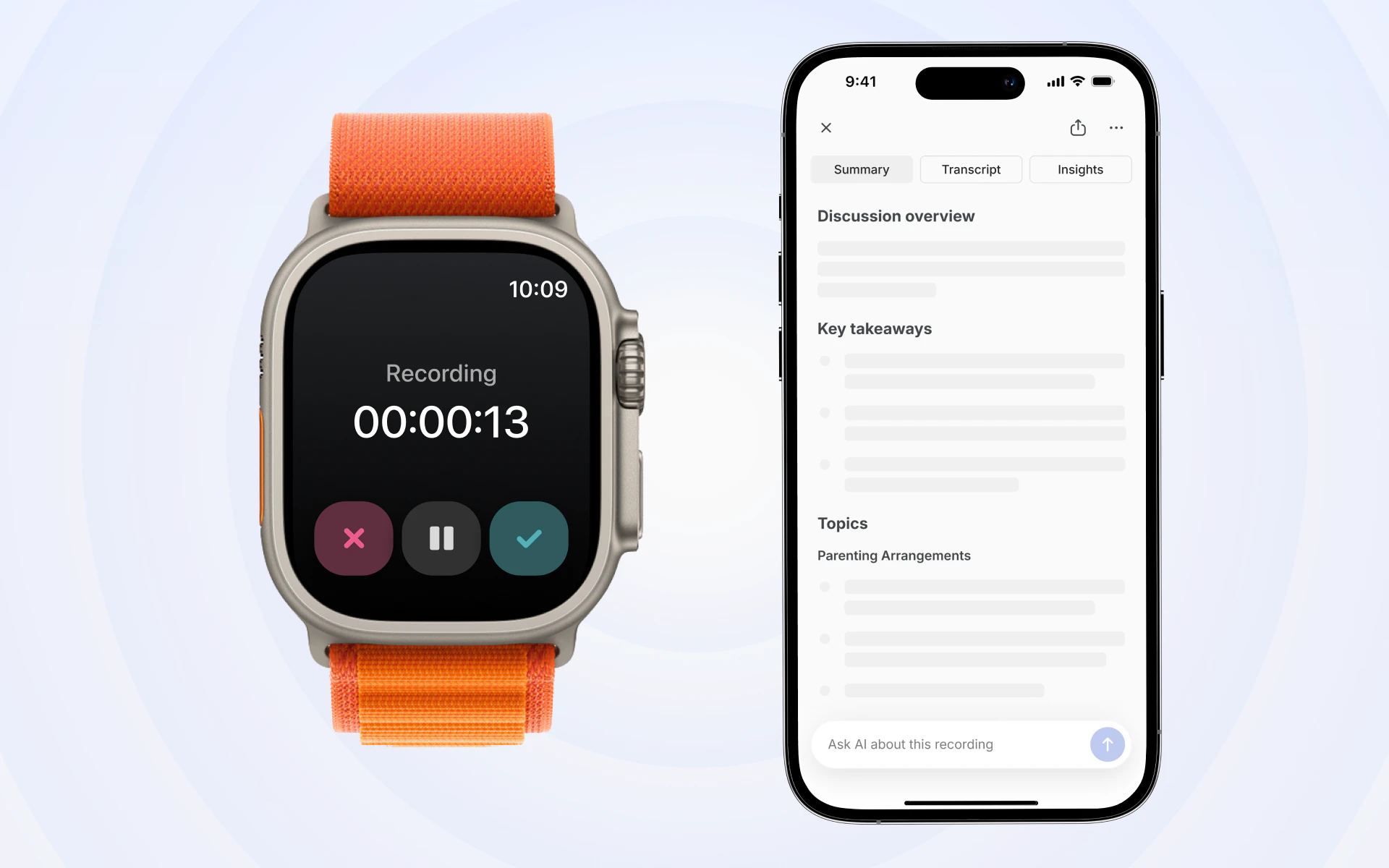
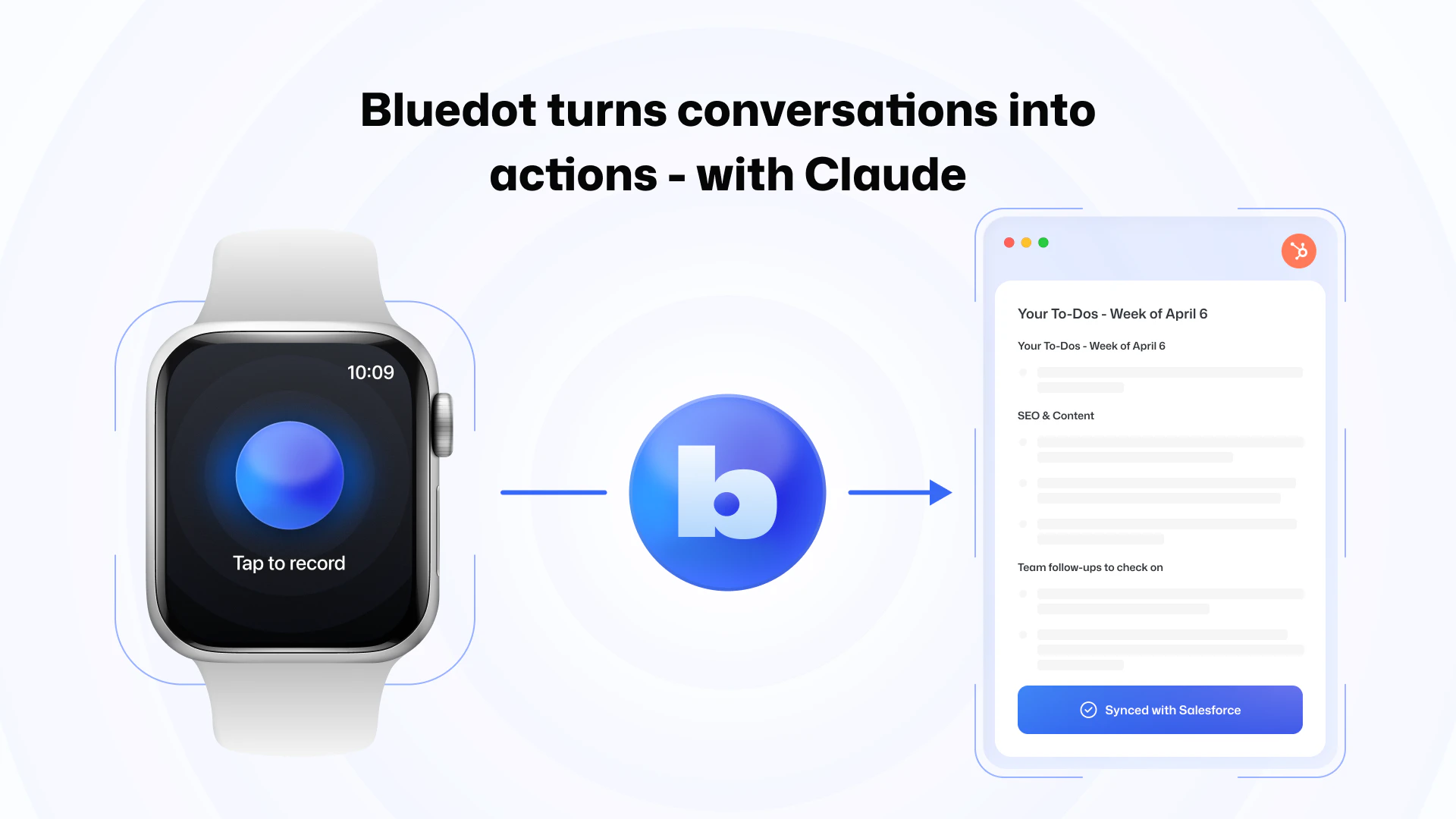
查看原始信息
QuickSheet v1.2
QuickSheet is a tiny, instant spreadsheet that lives in your Mac's menu bar. One shortcut and you're crunching numbers, no need to open Numbers. Real formulas (SUM, IF, COUNT), conditional formatting, freeze rows/columns, formula-preserving paste from Sheets & Excel, CSV import/export, and Paste & Clean Table for messy web copy. No signup, no subscription, no ads, no data collected - ever. Everything stays local on your Mac. Free for life.
Hey everyone, just pushed a new major update to the App Store. A couple months ago a friend and I released QuickSheet a tiny, instant spreadsheet that lives in your Mac's menu bar. We got hundreds of downloads and some good feedback in our inbox so decided to push a new update with some of the feedback we received (see below). Formula-preserving paste from Google Sheets and Excel - copy a formula cell and it stays a formula, not a frozen number. Plus: - Conditional formatting (empty, duplicate, greater/less than, text contains) - Freeze top row and freeze first column - Paste and Clean Table (⌘⇧⌥V) for messy web copy - Native menu commands for Find, Import/Export CSV, Freeze, Focus Grid - Steadier global shortcut recorder Still tiny, instant, local-only, super private without login.
0
回复