Product Hunt 每日热榜 2026-05-30

PH热榜 | 2026-05-30

#1
Wandesk
Build Your Own AI Desktop
378
一句话介绍:Wandesk 是一个本地化的 AI 桌面操作系统,让用户通过自然语言描述即可在本地生成并运行小型应用(如记账本、项目清单),将 AI 从对话窗口搬进可持久化、可组合的工具空间,解决“AI 只聊天不干活”的问题。
Productivity Open Source Artificial Intelligence
AI 桌面应用生成器 本地优先 跨应用记忆 无注册 开源 个人生产力工具 编程辅助 多模型兼容
用户评论摘要:用户普遍认可“本地、免费、无注册”的价值,但提出两大核心问题:1)跨应用共享记忆缺乏粒度控制(工作/个人数据混用);2)复杂应用维护性堪忧,生成代码随项目增长易混乱。非技术用户对终端操作和系统权限存在顾虑,开发者则关心原型效率与分享机制。
AI 锐评

Wandesk 切中的是一个明显的市场缝隙:它试图在“AI 聊天机器人”与“全栈 IDE”之间,建立一个让普通人也能制造“一次性但好用”工具的中间层。其核心价值主张——本地运行、免注册、自然语言构建桌面应用——确实戳中了当下 AI 产品普遍存在的“生成即用、用完即忘”的短命问题。

然而,产品的“理想”与“现实”之间存在巨大张力。从用户反馈看,它更像是一个“懂开发的 AI 沙箱”,而非“普通人的造物工厂”。最尖锐的矛盾在于:当用户说出“我需要一个购物清单”时,Wandesk 生成的是一个 Node 服务+前端文件的组合,而非一个视觉化的插件。这本质上要求用户具备基本的编程理解和调试能力——创始人自己也承认,早期用户大多是“想快速原型化的开发者”。

更深层的风险在于“记忆架构”与“可维护性”的博弈。跨应用共享内存听起来很酷,但所有数据只分大池、不分权限的设计,在用户真实场景(工作与生活混杂)中会迅速演变成数据污染。同时,AI 生成的代码随着需求迭代极易变成“屎山”,而平台目前缺乏有效的版本管理和架构约束——创始人坦言“还在摸索更好的模式”。这是所有 AI 生成软件的阿克琉斯之踵:降低门槛的代价是提升后期管理的复杂性。

Wandesk 的真正机会不在“取代代码”,而在“重塑软件生命周期”。如果它能解决从小工具的原型到日常使用的可持续性(比如提供更智能的修复合、更强的结构化模板、以及未来可分享的社区生态),它有可能成为个人软件生产的新范式。但现阶段,它更像一个“技术极客的实验玩具”,距离大规模服务于非编程用户,还有很长的路要走。值得关注,但别被“描述即所得”的营销话术骗了。

查看原始信息
Wandesk
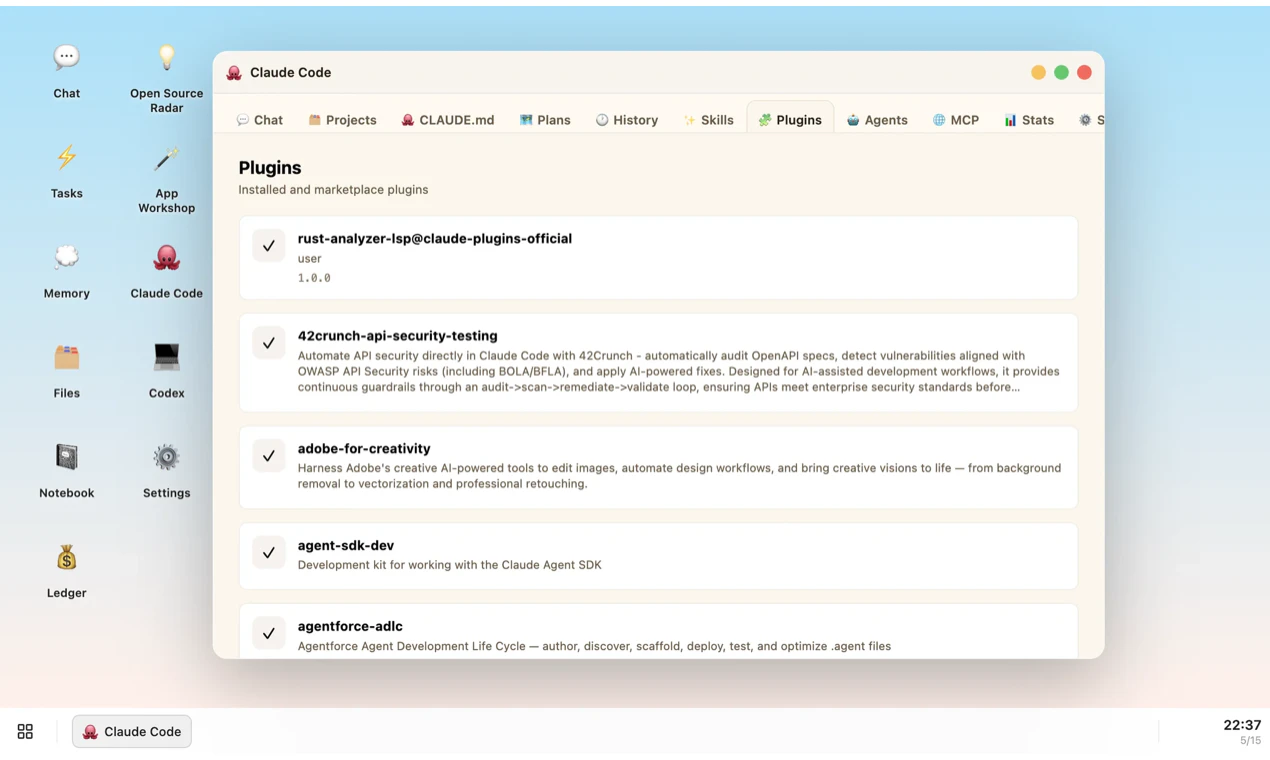
Wandesk is an AI desktop. Build the apps you need just by describing them. Plug in Claude Code, Codex, DeepSeek, OpenAI, Kimi, Qwen — anything OpenAI-compatible. Apps share context. AI remembers you. All local. No signup.

Hello everyone 👋

I'm Yang, building Wandesk for a while now.

The short version: Wandesk is an AI desktop. You describe an app, AI builds it right there on your machine — a calorie tracker, a reading list, an invoice generator, whatever.

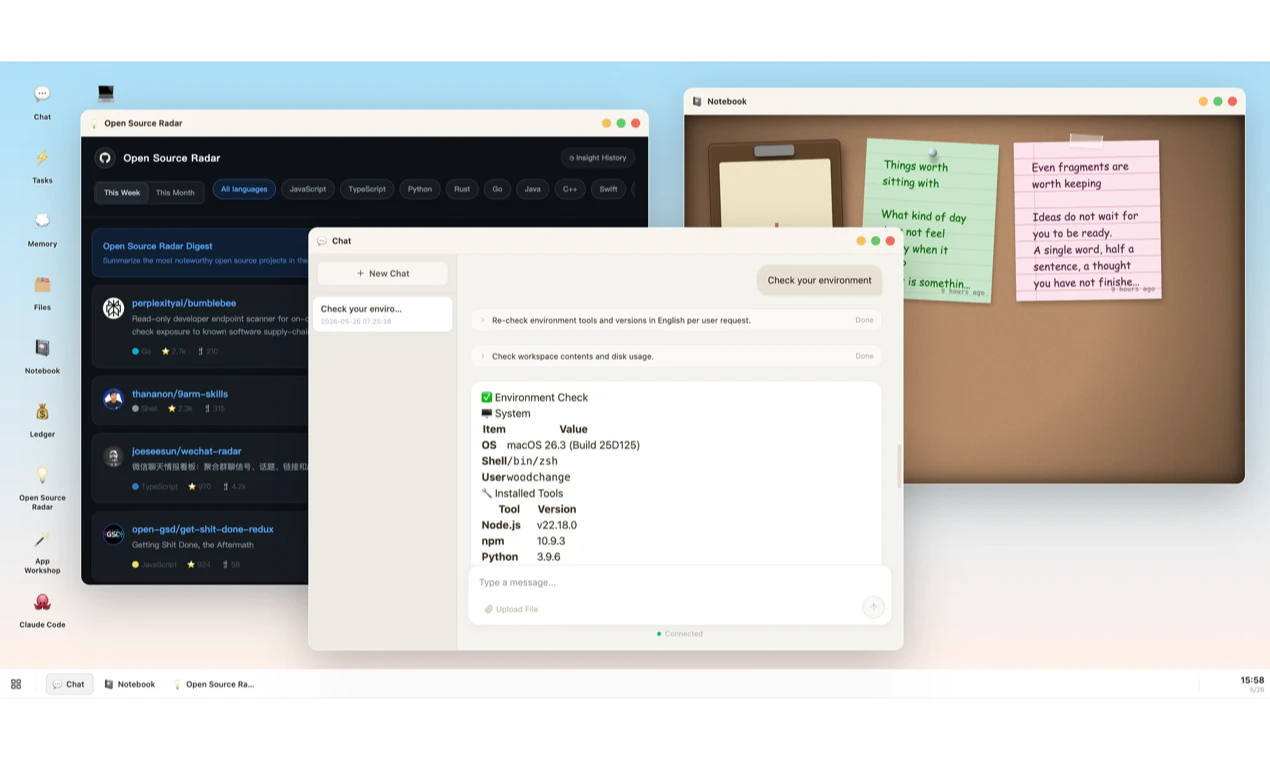
Apps live alongside chat, files, tasks, and memory. AI remembers context across all of them. Plug in your own API keys (Claude, OpenAI, DeepSeek, Kimi — anything OpenAI-compatible).

🔒 100% local. 🆓 100% free. No signup, no account, no cloud lock-in. Your apps, your data, your machine.

Why we built it: AI products today still treat conversation as the only surface. Conversation is good for intent, bad for persistence — you don't balance your budget in a chat window. We wanted a place where AI-generated software has shape and stays.

Available now on macOS and Windows.

Would love to hear:

- What's the first app you'd want it to build for you?

- Where does it break in the first 5 minutes? (it will. tell us.)

— Yang

24
回复

@realuckyang what a cool idea, congrats on launching! I'd probably want it to build me some sort of productivity tracker that reflects tasks across different categories (work, side projects, life admin). To this point, is there shared context across apps? If I build a fitness tracker and productivity tracker can the fitness tracker pass context to the productivity tracker?

8
回复

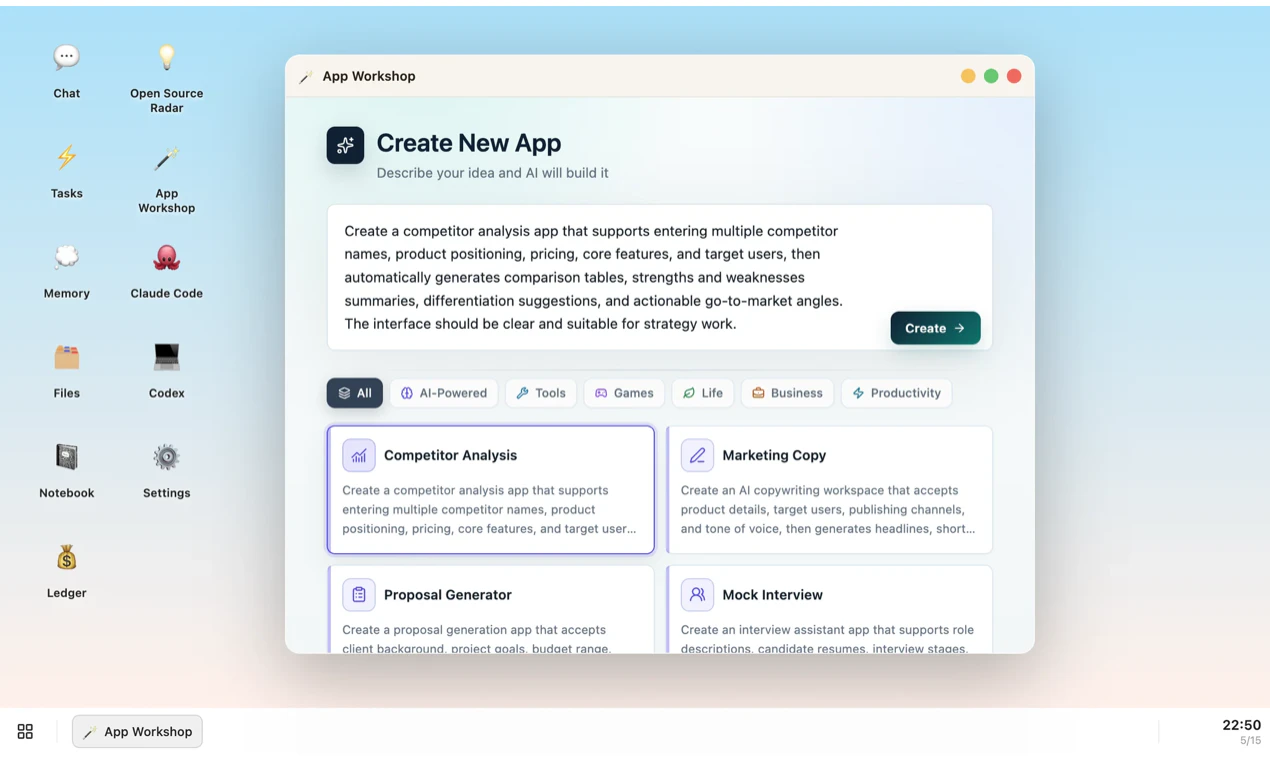
@realuckyang App Workshop is the feature that got my attention. Describing what you want and getting a local app in minutes, that's the kind of AI tool that actually saves time. Good luck with the launch.

0
回复

@realuckyang how does the crossapp shared context compare to using standard MCP bridges when calling different agents?

1
回复

the positioning sits in an interesting gap between something like Raycast AI and a full local IDE. curious who your early users actually are because i can picture two very different people finding this useful. one is a developer who wants a faster way to prototype throwaway tools without spinning up a project. the other is a non-technical person who genuinely can't code and needs something that works end to end without touching a terminal. those two users need pretty different things from the same product

4
回复

@ansari_adin thank you, Ansari, this is definitely something we ran into during development. Many details were designed for non-technical users, but in reality, developers may end up using it more. That’s also one of the reasons we made it open source: capable developers can optimize it themselves, while non-technical users can follow the standard workflow.

2
回复

@ansari_adin That’s a very accurate read.

Our earliest users are mostly the first group: developers/builders who want to prototype useful local tools without spinning up a full project every time.

The second group is where we want Wandesk to go, but it needs much more polish: safer defaults, stronger templates, better error recovery, and less visible technical surface area.

So we’re starting with builders, but the long-term direction is exactly: anyone should be able to create their own local apps without touching a terminal.

1
回复

@ansari_adin That tension is real for almost every developer tool trying to cross over to non-technical users. The features that make it powerful for developers are usually the same ones that make it confusing for everyone else.

1
回复

Congrats on the launch, looks like a cool idea! I'm currently planning an app launch myself and ticking off hundreds of tasks across 12+ weeks. A small Wandesk app that holds the checklist, tracks status, lets me add notes per task, and surfaces what's overdue could be genuinely better than what I'm using now (a Notion page!) Will take it for a spin.

3
回复

@ferdi_sigona Thank you so much, and feel free to give it a try. If you have any suggestions, we’d love to hear your feedback anytime.

1
回复

@ferdi_sigona thanks! That's a great fit — a launch checklist with per-task notes, status, and an overdue view is exactly the kind of focused tool it does well.

Tip when you build it: describe it in one go, including the "surface what's overdue" part, then refine in chat ("group by week", "add a notes field", etc.) — iterating beats trying to get the perfect prompt first time.

Would genuinely love to hear how it stacks up against the Notion page once you've used it for a bit.

2
回复
@ferdi_sigona hay! i think your looking for some task worker, well iam an AI automation designer, i will like to help you with your idea, reply me if your intrested i will give you further info how i work with people's and help them build there work fast
0
回复

@realuckyang I like the natural language angle here, especially if the output stays editable and understandable. The hard part is not just generating the first version, but helping users keep control once the project grows.

3
回复

@realuckyang  @alpertayfurr Yes, that’s exactly what we designed it for: users can customize the apps they need without losing control of version management.

1
回复

@alpertayfurr agreed — the first version is the easy part, keeping it manageable as it grows is harder.

Our approach is structure: every app is generated in a clear, layered shape (UI / logic / data + an APP.md the AI reads before changing anything), so edits stay scoped instead of rewriting the whole thing. They're real editable files too, so you can adjust by hand or have the AI touch just one part.

Still rough in places, and we're improving it as we go.

1
回复

the shared memory across apps sounds useful but also a little scary. if one app pulls in a bunch of work context and another is personal stuff, can you scope what each app can see or is it one big pool?

2
回复

@trekh today it's effectively one shared pool — the AI sees your memory across apps, there's no per-app permission boundary yet. You're pointing at a real tradeoff.

What softens it now: it's 100% local (nothing leaves your machine), and memory is opt-in — you choose what gets saved, so keeping work and personal separate is in your hands, just not enforced per-app.

Per-app scoping ("this app can't see that") is exactly the kind of control we want to add. Genuinely useful flag — thanks 🙏

1
回复

I love this! The first thing I am going to do is build a grocery calculator for me and my roommates! <3

2
回复

@ojasvika_sahu Thank you! Glad it’s helpful for you. If you run into any issues while using it, feel free to reach out to us anytime.

1
回复

@ojasvika_sahu love it 😄 roommate grocery splitting is a perfect first build. Tip: tell it who's in the house up front and it'll keep the running balances per person. Let me know how it goes! 🙏

1
回复

The "local, free, no signup" part is what I actually care about here, since most of these tools quietly require a cloud account the moment you want to save anything. Very cool pros

What model is running the generation locally, and how far does a mid-range machine get before output quality starts to drop? Also curious what "describe any app" means in practice when the description is vague or contradicts itself.

2
回复

@fberrez1 Thank you, Florent. In fact, you can choose any mainstream model you like. Our product runs on your personal computer, so it's compatible with most computers. You just need to describe your needs clearly in natural language, and I believe Wandesk won't disappoint you. Go ahead and give it a try.

1
回复

@fberrez1 thanks 🙏 — one honest clarification, because it matters:

Wandesk doesn't run the model itself. "Local" means your apps, data, files and memory stay on your machine — not that inference is local. You plug in your own API key (Claude, OpenAI, DeepSeek, Kimi…) and generation goes to that provider.

So your hardware doesn't gate output quality — that's on whatever model you point it at. A mid-range machine is fine; it's just running the desktop, a couple of Node services, and writing the app's files. Quality scales with the model, not your RAM.

(And since it takes anything OpenAI-compatible, if you want truly local inference you can point it at Ollama / LM Studio — then it's local end to end.)

On "describe any app": it's iterative, not one-shot. Vague → it makes reasonable assumptions and builds a v1 you refine in chat. Contradictory → it picks an interpretation and you correct it. Small focused apps come out solid; big complex ones it'll struggle with on the first pass — being honest there.

2
回复

Hello everyone 👋

Excited to share Wandesk.

Wandesk is built around a simple but often overlooked idea: AI shouldn’t live only inside a chat box.
For many people—especially those who don’t write code every day—software is much easier to understand and use when it actually takes shape. It should have windows, panels, notebooks, boards, and files—not just repeated prompts and results buried in a long chat history.

Wandesk is a graphical AI desktop 🖥️
You can start with an idea, turn it into a usable app, and keep using, modifying, and managing it in the same workspace.

More importantly, Wandesk aims to make AI-generated software not just something that gets “generated,” but something that can truly stay, be organized, and continue serving your daily work and life.

  • Your apps don’t disappear into prompts ✨ — They stay on your desktop as real tools that you can reopen, reuse, and keep improving.

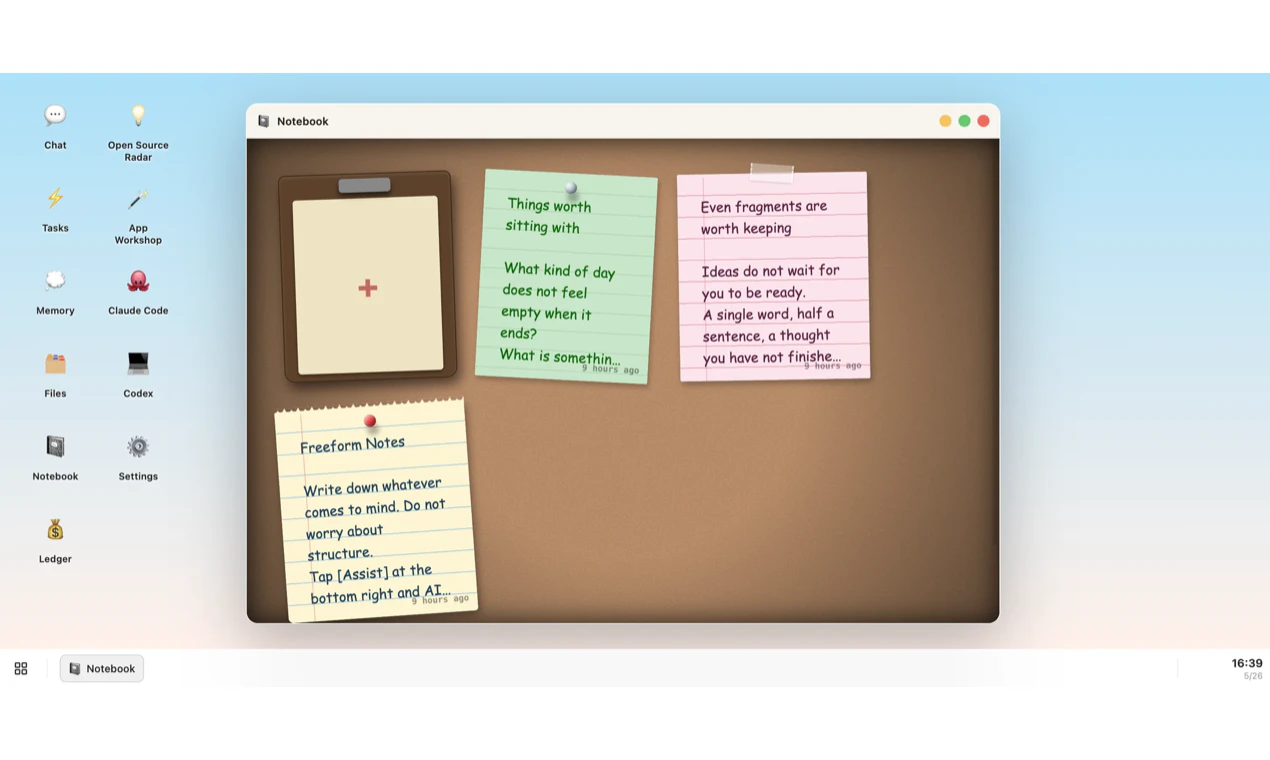
  • Different kinds of work stay in their proper place 🗂️ — Notes, ledgers, boards, and files can live side by side instead of being piled into one endless conversation.

  • AI works across the entire workspace 🤝 — Apps can share context, remember preferences, and help with more continuous, real-world tasks.

  • It’s built for personal software 🛠️ — Whether it’s small utilities, internal tools, personal projects, mini games, or quirky but useful workflows, they can all be created more easily.

  • You stay in control 🔓 — Wandesk is open source and free, so you can inspect it, use it, and adapt it to your own needs.

AI is making software creation easier than ever, but it can also make things messy very quickly.
If everyone can generate tools, then people also need a clearer and more stable way to hold, organize, and manage what they create. That’s the layer Wandesk wants to provide: making AI-generated software something truly usable, sustainable, and within your control.

If this direction sounds interesting, we’d love for you to download it and give it a try 🚀, and we’d really love to hear your honest feedback.
If anything feels awkward, unclear, or still far from good enough, please tell us directly. Honest feedback is exactly what helps us make it better 💬

If you believe in this direction, we’d also really appreciate your support with an upvote 🙏

2
回复

Yang, Wandesk mein Claude ko use kiya. Maine ek civic complaint tool banaya hai Claude + FastAPI se, aur context persistence exactly wahi problem thi jo mujhe bhi solve karni padi. Aapka shared memory approach interesting hai — ek edge case mila: agar do apps contradictory context de, AI kaise decide karta hai priority?

1
回复

@atulsharmx a civic complaint tool is a solid use of it, and yeah, context persistence is the hard part.

Honest answer on contradictory context: there's no explicit priority arbitration yet. It mostly comes down to the model's own judgment. For ordinary, surface-level contradictions the model can usually catch and reconcile them. For large-scale or deeper ones it still drifts, and there a human needs to step in to spot it and clean up the memory.

So for now it relies a lot on model intelligence plus you keeping the memory tidy. Explicit priority/scoping rules are something we want to add. Good edge case — thanks.

0
回复

This reminds me of a new version of Perplexities. Computer. I’m intrigued for sure to say the least. I used an old laptop. Gutted it and created an openclaw-puter would love to see what this can do

1
回复

@matthew_faxon 

haha an openclaw-puter — honestly that's exactly the kind of setup I was hoping someone would point at this 😄

Light enough to run on a gutted old laptop (the heavy lifting goes through your API key, not the CPU). And the fun bit: you don't have to drive it from the chat box — you can point an external agent at Wandesk and let it run the desktop for you. So your openclaw could literally be the thing driving it.

Would love to see that combo in action. Go break it and tell me what falls over 🛠️

0
回复

Love the local-first approach. Curious though, how does it hold up as apps get more complex over time? Does the generated code stay manageable, or does it get messy fast?

0
回复

@angga_jiyan_fajar_imanuddin thanks! Honest take: we provide a baseline structure and guidance that keeps each app cleanly separated (UI / logic / data, plus an APP.md the AI reads before editing). But it's not enforced — the whole thing is AI-editable, so how clean it stays really depends on how complex the app gets.

For small, focused apps it holds up well. For genuinely complex ones, our current approach is fairly basic and we're still figuring out better architecture and patterns there.

0
回复
Niceeee, but are these apps deployable ? & if so how would a creator share their app for others to use? I’m currently using V0 by Vercel… but can’t wait to get it in on Wandesk 😝
0
回复

@kalibdar_guide right now apps run locally inside your Wandesk workspace — they're not web-deployable like V0/Vercel, and there's no built-in "publish & share" flow yet.

An app is just a folder of files (UI + backend + an APP.md), so you can hand those files to someone, but a smooth share/import path isn't there yet. It's a natural next step though.

Different model from V0 really — local-first vs web deploy. Glad you want it on here 🙏

0
回复

Where does the shared context and memory live, and can you inspect or wipe it per app?

0
回复

@thamibenjelloun it all lives locally in the app's workspace folder (~/Library/Application Support/…/workspace): app data in per-app SQLite DBs, memory in a memories table, files on disk.

Inspect: the Memory app lists every memory — read, edit or delete each one; app DBs are plain SQLite you can open.

Per-app wipe: app data, yes (delete its DB). Memory is currently one shared pool, not partitioned per app — so you wipe memories individually, not "this app's memories" as a group yet. That scoping is on our list.

Full reset: uninstall + delete the workspace folder

1
回复
Hello! Have gone through the website, n love the no sign up feature. Not a believer in giving my desktop access to AI(even partially), want to understand the guardrails of the AI in terms of accessing the system n the data in it.
0
回复
@praveen_sanapala hay! i saw your comment, i think you have an interest in AI, will iam an AI automation designer, if you want to learn more about AI i can help you by providing stuff to you so you can understand the AI, and i will modifie the information in your learning manner, so let me know if your intrested. have a good day.
0
回复

@praveen_sanapala fair stance — being straight with you: Wandesk does use a shell to operate locally, that's how it builds and runs apps, so it's not sandboxed away from your machine.

What bounds it:

- 100% local — nothing goes to us; it runs through your own model API key.

- Every action is visible — you see each command it runs in the chat, it's not a black box.

- It asks before destructive operations (delete / overwrite / etc.).

So the control is transparency + you in the loop + nothing leaving your machine — not a jail. If "AI touching my system at all" is a hard no, that's a totally fair call.

0
回复
@realuckyang Understood! Thanks for clarifying.
0
回复
#2
Wingbits AI
AI agents for real-time aircraft monitoring and alerts
213
一句话介绍:Wingbits AI 基于全球6000+天线网络实时追踪航空活动,让用户无需代码即可用自然语言查询飞机位置、设置异常警报或生成分析报告,解决了从海量航空数据中获取即时、可定制洞察的痛点。
API Artificial Intelligence Maps
实时航空追踪 AI Agent ADS-B数据 飞行警报 无代码分析 地缘政治情报 GPS干扰监测 私有飞机监控 航空数据平台 智能警报
用户评论摘要:用户肯定了无代码警报和查询的实用性,并深入探讨了技术细节,如数据聚合延迟(@lungu)、警报去重与噪声过滤(@alpertayfurr, @anand_thakkar1)、GPS干扰检测的准确性与区域覆盖差异(@ansari_adin)。用户也提出了MCP服务器集成等建议。核心诉求是获更智能、高置信度的警报,而非原始数据轰炸。
AI 锐评

Wingbits AI的噱头是“AI Agent”,但真正的护城河在于那5600根天线构成的硬件网络。在航空数据领域,谁掌握源头谁就有定价权,这点与Spire、Aireon等巨头无异。其巧妙之处在于,将底层硬件的复杂性封装成“无代码+自然语言”的交互界面,直接面向记者、分析师等非技术用户。

然而,目前产品仍处于“套壳”阶段。用户评论中暴露的核心矛盾很致命:技术专家追问的“实时性”(@anand_thakkar1)、“去重”(@retain_dev)、“置信度”(@ansari_adin)等问题,创始人的回复多停留在“正在优化”或“依赖后端数据清洗”。这说明所谓的AI Agent并非真正理解航空逻辑,更像一个调用了后端格式化数据的聊天机器人。

真正有价值的部分是“自定义日程报告”和“带上下文的智能抑制警报”。这跳出了单纯卖数据的范畴,开始提供“决策情报”。如果它能解决评论中提到的“噪声过滤”问题——让Agent自己判断“变化是否值得报警”,而不是让用户手动调阈值,这将从“工具”进化为“分析助手”。否则,它只是一个加了ChatGPT皮的传统FlightRadar24。团队需要警惕:硬件网络是防御,但AI能力才是突破。当前的技术深度,不足以支撑其宏大的“地缘政治洞察”叙事。

查看原始信息
Wingbits AI
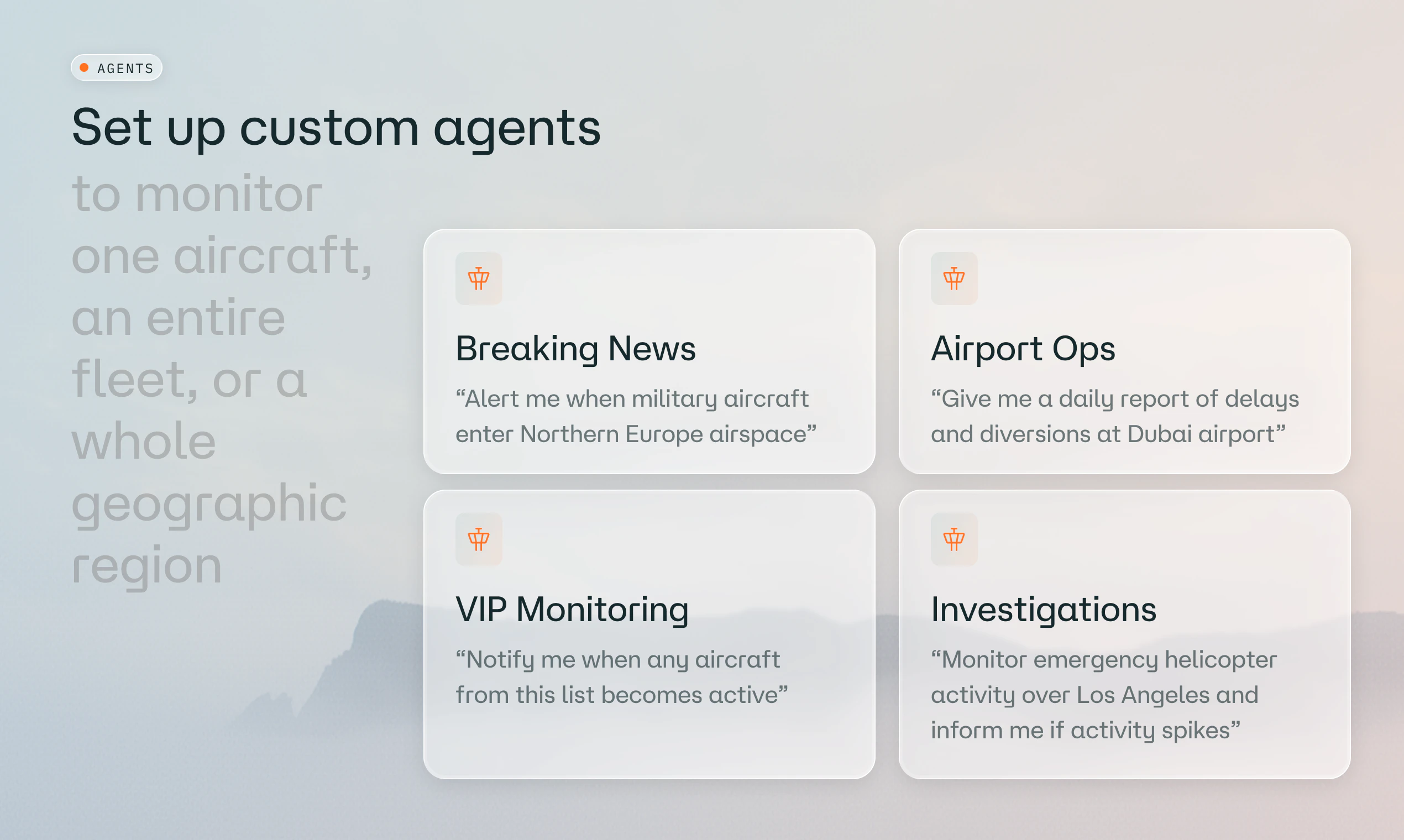
Create agents that monitor airspace activity 24/7 - military aircraft in a region, private or government jets, a GPS-jamming spike, or a travelling friend or family member - and get alerts the moment something relevant happens. Or just ask anything about what's flying right now. Powered by our own independent network of 5,600+ antennas across 120 countries. No code, no data engineering, no terabytes to store.

Hey Product Hunt 👋

I'm Alex, co-founder of Wingbits.

For the last two years we've built a completely new flight tracking network: 6000 antennas across 120 countries, generating terabytes of data daily, with Spire Global and Korean Air as customers. Until now, gaining insights from this data required a data science team. Now we're launching Wingbits.ai so everyone else can easily get answers too.

It's made for reporters, prediction markets, competitive analysts, route planners, aviation enthusiasts. Anyone can extract geopolitical or operational insights by just asking in plain English.

No code, no data processing, no infrastructure.


A few things you can do today:

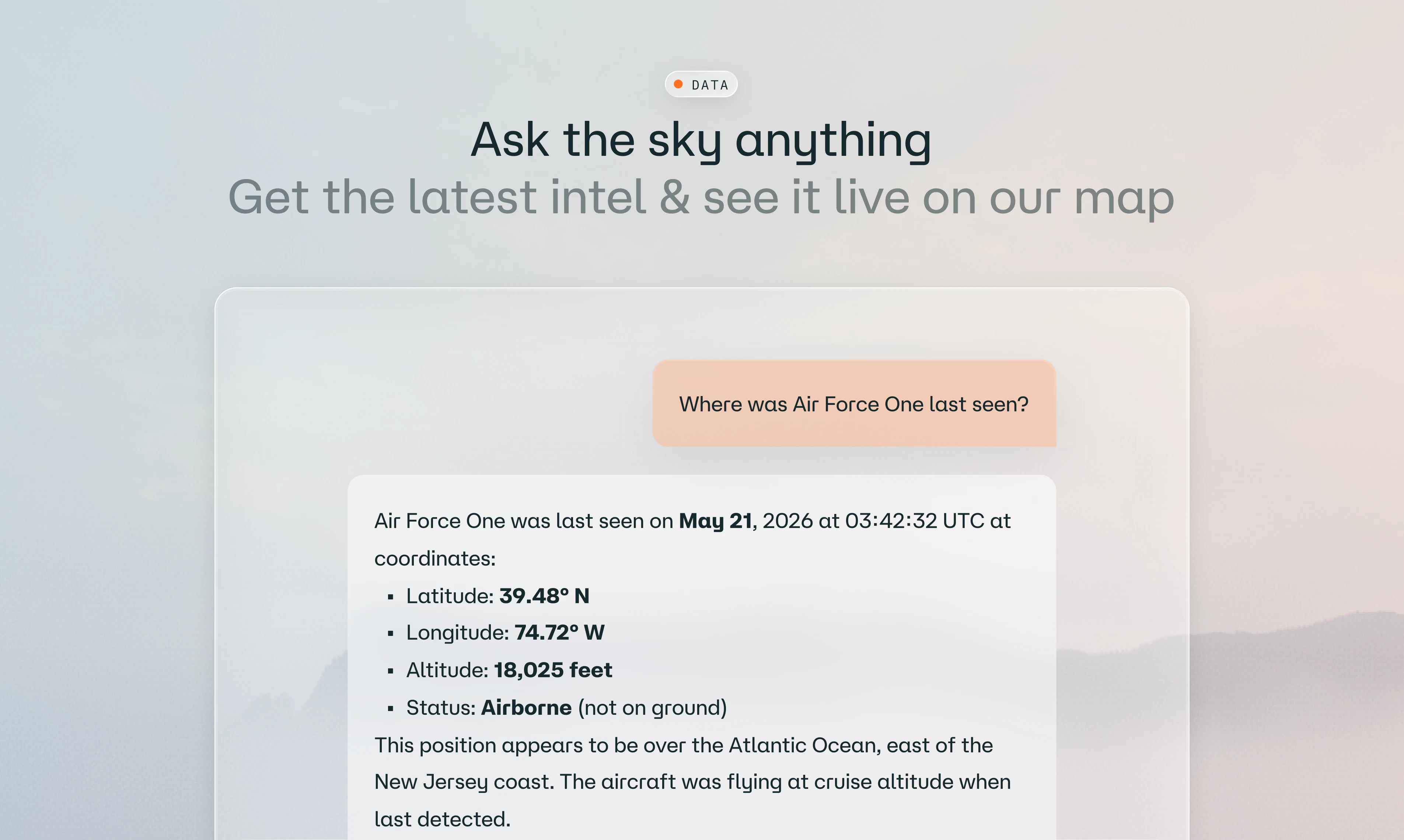
  • Ask "where is Air Force One right now?" and get a live map link to track it

  • "Which private jets visited Davos last weekend?" or "Mar-a-Lago last Saturday?"

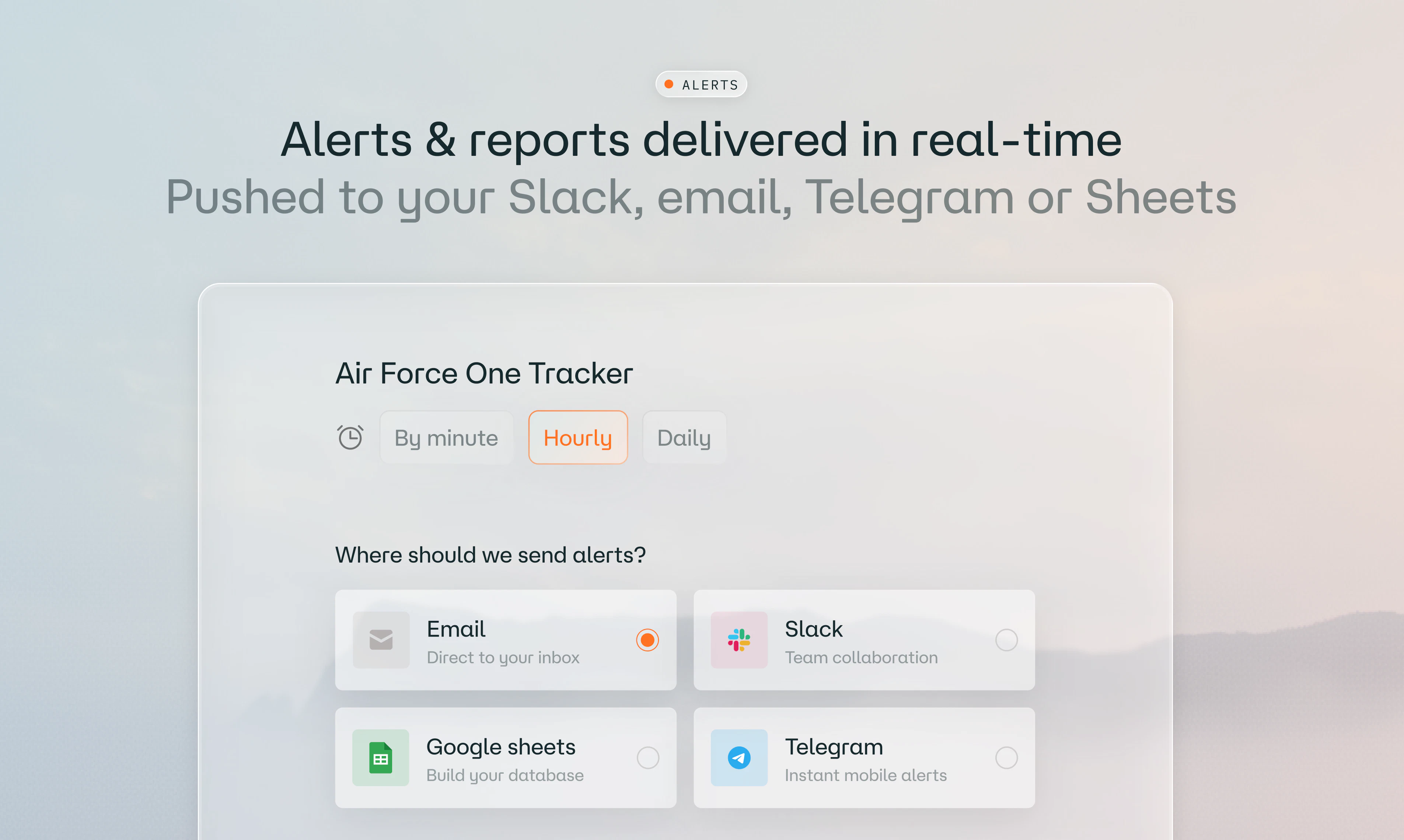
  • Spin up agents that send alerts to Slack, email, Telegram, or Teams the moment something matches your criteria

  • Compare GPS jamming events across regions, or

  • Get scheduled reports or analysis on things like competitor routes

PH community gets a free tier, or 1 month of Pro free with code HUNTERS.

Let me know - what's one thing you've always wanted to know about aviation, but never had the tools for?

— Alex

35
回复

@lungu The aggregation problem at this scale is what I'm most curious about. 6000 antennas + terabytes daily means you can't be query-time aggregating raw ADS-B, but the use cases listed (live tracking, scheduled reports, alerts) span very different latency/precompute profiles. Are the precomputed materializations decided per-use-case or do you have one canonical signal layer everything queries off?

Also, is there an MCP server on the roadmap? Ask-the-sky from a Claude or Cursor agent feels like a natural fit.

3
回复

@lungu The alerting capability stands out. Whether tracking unusual airspace activity, monitoring GPS disruptions, or following flight movements in real time, getting timely insights without managing massive datasets is a practical advantage.

This is a thoughtful way to make aviation intelligence more usable for a much wider audience. Wishing the team a successful launch.

0
回复

This is awesome!

"How many helicopters are flying over Sweden right now" gives me a deep and detailed answer - I will spend way to much time with this... 🤓

12
回复

Thanks@mattias_altin! My favorite rabbit hole is asking "what are some cool aircraft flying right now?" and digging deeper from there.

5
回复

@mattias_altin Thanks Mattias, enjoy the beta version and let us know if you have feedback

3
回复

I’m one of the stations. I live less than 8.5 miles from JCI and .5 from OJC

9
回复

@scott_mitchell5  Glad to have you part of the community 🙏

8
回复
@scott_mitchell5 Great to have you in the community Scott!
0
回复

Thanks for being a part of the community@scott_mitchell5 !

5
回复

Real-time ADS-B data processing at scale is genuinely hard. The fan-out problem for alert subscriptions when flight state changes happen fast is nontrivial. We've wrestled with similar event-driven architectures for customer health signals where latency matters. Are you processing raw Mode S data directly or using a provider like ADS-B Exchange? How do you handle alert deduplication when a flight triggers multiple geofence conditions simultaneously?

8
回复

@anand_thakkar1 we know the pain! Before wingbits.ai we built wingbits.com, a global network of stations collecting data from around the world (check the map). One of our main products is a real-time stream that ingests 3TB of data daily and outputs clean, processed events to our customers with under 1s latency. Low latency is critical for some of our aviation customers, and that’s why we want control over the full stack.

On your second question, that’s something we’re still working on. During the beta we included some basic checks, but it’s an area we’re actively improving.

What did you land on for your fan-out problem? Always keen to compare notes.

8
回复

@anand_thakkar1 The Palantir angle is obvious here and I mean that as a compliment. Taking dense data and making it queryable in plain English for analysts and journalists is exactly the wedge that builds real defensibility.

0
回复

The alerting aspects is what stands out most. Knowing when something important happens is often more valuable than constantly watching dashboards.

8
回复

@eric_donovan couldn't agree more! The agent watches the airspace so you don’t have to sit on a dashboard, and it only pulls you in when something actually matters. One thing we might not have communicated well enough is that the agents can also create reports, not just alerts. For example, you can setup one that at the end of the day, sends a report on the utilization of the local police helicopter.

Is there anything you'd like to be alerted about?


Thanks a lot for the feedback!

5
回复

@eric_donovan Yup thats one of our key value preposition, especially for media segment and journalists

4
回复

The alert agents are the most interesting part for me. Most people don't need all the raw flight data, they need to know when something unusual happens. How do you filter signal from noise when tracking things lie route changes or GPS jamming events?

7
回复

Thanks @ada_johnsen! It depends on the use case, of course, but I agree, the alerts are one of the most powerful features. Route changes are actually easy to detect but hard to interpret, since a deviation can happen for many reasons: disruptions, weather, or just unusual events. That's why we're working on integrating other data sources, like NOTAMs and weather alerts, to add the context that tells you whether a change actually matters.

GPS jamming is more straightforward, since the data is tagged with quality and certainty parameters. So we can check whether a reading is highly uncertain (as reported by the aircraft) and whether it's in an area known to be affected, like near conflict zones.

6
回复

@ada_johnsen building on what Alex said, the context layer is a part we're quite excited about. Raw deviation alerts are easy to generate but exhausting to act on, because most flight path changes are mundane (weather, ATC reroutes). What we keep hearing from the newsrooms and analysts testing the platform is that they want fewer, smarter alerts that come pre-contextualised, not more raw data.

On GPS jamming specifically - the daily aggregated view at wingbits.com/gps-jamming has been a really useful reference point for journalists covering the Baltic and Middle East. This was even covered in The Independent: https://www.independent.co.uk/news/world/middle-east/gps-jamming-spoofing-iran-us-israel-war-b2938167.html

Curious what you'd want to monitor - maybe we can spin up a test agent for whatever's interesting to you?

4
回复

have been using the Wingbits map for while and this is such a cool new feature, love it!

7
回复

That's cool to hear! Thanks @felixkw

5
回复

@felixkw Glad that you liked it Felix

4
回复

@lungu Real-time monitoring is one of the cleaner use cases for agents because the signal and response window are clear. The hard part is making sure alerts stay useful instead of becoming another stream of noise.

6
回复

@alpertayfurr true! Alert fatigue can be a real problem. We let users set both the cadence of the evaluation and the time windows for the data sample, which helps a lot if configured right. The agents also have access to the history of alerts and can decide whether enough has changed to be worth flagging.

What kind of activity would you want to keep an eye on?


Thanks a lot for the feedback!

6
回复

@alpertayfurr Alert fatigue is for sure a consideration. We think about it like this: an alert that doesn't change your behaviour is just noise with extra steps (lol). So the agents are designed to provide fewer, higher-confidence pings rather than annoying you with every minor anomaly.
The other thing that helps (which Alex hinted at) is that agents aren't only for real-time alerts, as they can also run on a schedule and send daily/weekly digest-style summaries, analysis and reports eg. "Tell me every what unusual military activity happened over the MENA region this week" which hopefully is more useful. Different muscle for different jobs.

1
回复

I've been part of this journey for 2 years now, happy to say I contribute with stations in 7 different countries. The team has been great supporting me/them.

6
回复

That's awesome to hear, @indiana_sol! Thanks a lot for your support and for being part of the network!

4
回复

@indiana_sol We are also proud to have you

3
回复
@indiana_sol thanks so much for being part of the project! 🙏
0
回复

The detail about agents having access to their own alert history and deciding whether enough has changed to flag again is the smart call! If possible to answer at all, where do you draw the line between what the agent suppresses on its own vs what stays a user-tunable threshold?

5
回复

@artstavenka1 it depends on the alert. For example, say an agent is set to alert on an emergency alert. The second time it’s detected, the agent has the context of the previous alerts, sees that nothing’s changed in the last 5 min and that you were already informed, so it skips the push. You still see the execution in the dashboard, but the alert isn’t pushed to the destination (Slack, email, etc.).

7
回复

about the alert latency. ADS-B data has inherent delays depending on antenna coverage density and how quickly data gets aggregated. for something like a GPS jamming spike where timing actually matters, what's the realistic gap between an event happening and an alert reaching the user. and does coverage quality vary enough by region that some alerts are significantly more reliable than others

5
回复

Thanks, that's a really good question @ansari_adin! Aside from station coverage, the data depends on how many flights are in the region at the time, since it's sourced directly from aircraft. We aggregate hourly for that reason, but the dataset can still be noisy (you can see the daily aggregated data on wingbits.com/gps-jamming)

For alerts, we use a rolling 24h window, which should fire fairly quickly if there's a significant spike in well-trafficked areas like the UAE. We're also working on pulling in data from the stations themselves, since they all have GPS and are affected by jamming too.

6
回复

@ansari_adin one thing to add, is that coverage quality does vary by region. But we're openly transparent about that. The US and most of Europe have dense enough receiver coverage that alerts fire quickly and reliably.
Our network is growing fast (7x faster than traditional networks), especially in places like Latin America, Asia and Middle East and the alert agents themselves are honest about confidence eg. if the underlying data is thin for a region, the agent will say so. But places like parts of Africa and remote oceanic regions are patchier so less likely to deliver alerts tied to those regions. If you're interested in certain areas, happy to share more specific coverage numbers.

3
回复
I’m a station owner located in the UK (within 12 miles of London Luton Airport, 21 miles of London Stansted, and 40 miles from London City and London Heathrow) - so we see quite a large number of aircraft including those Low Altitude on the beginning/end of their journeys. Love being part of this project and knowing the data captured is powering awesome tools like this one! Looking forward to the future growth of the software. Well done to the dev team! 🙌👏
4
回复
@garethevans1992 were so happy to have you in the community. Thanks for the support 🙏
0
回复

Thank you so much @garethevans1992 ! We couldn't have done it without you. Thanks for being a part of the network!

2
回复

Building AI agents on top of live ADS-B data feeds is genuinely tricky since the message stream is noisy with duplicate transponder IDs and position errors. We've worked with high-frequency event streams in our own infrastructure and know how hard accurate state reconciliation can get. What's your approach to deduplicating transponder messages and handling geofence evaluation latency when multiple flights trigger alerts simultaneously?

4
回复

@retain_dev it’s challenging for sure! Wingbits.ai is built on top of our existing stack of data products. Before wingbits.ai we built a global network of stations (wingbits.com/map) and a real-time stream that ingests ~3TB of data daily. We deduplicate and clean the raw messages there, and the agents only ever query clean data.

4
回复

How do you deal with coverage gaps or spoofed data, like do alerts include a confidence score based on nearby receivers?

0
回复
#3
Exstats
Track your browser extensions and competitors in one place
197
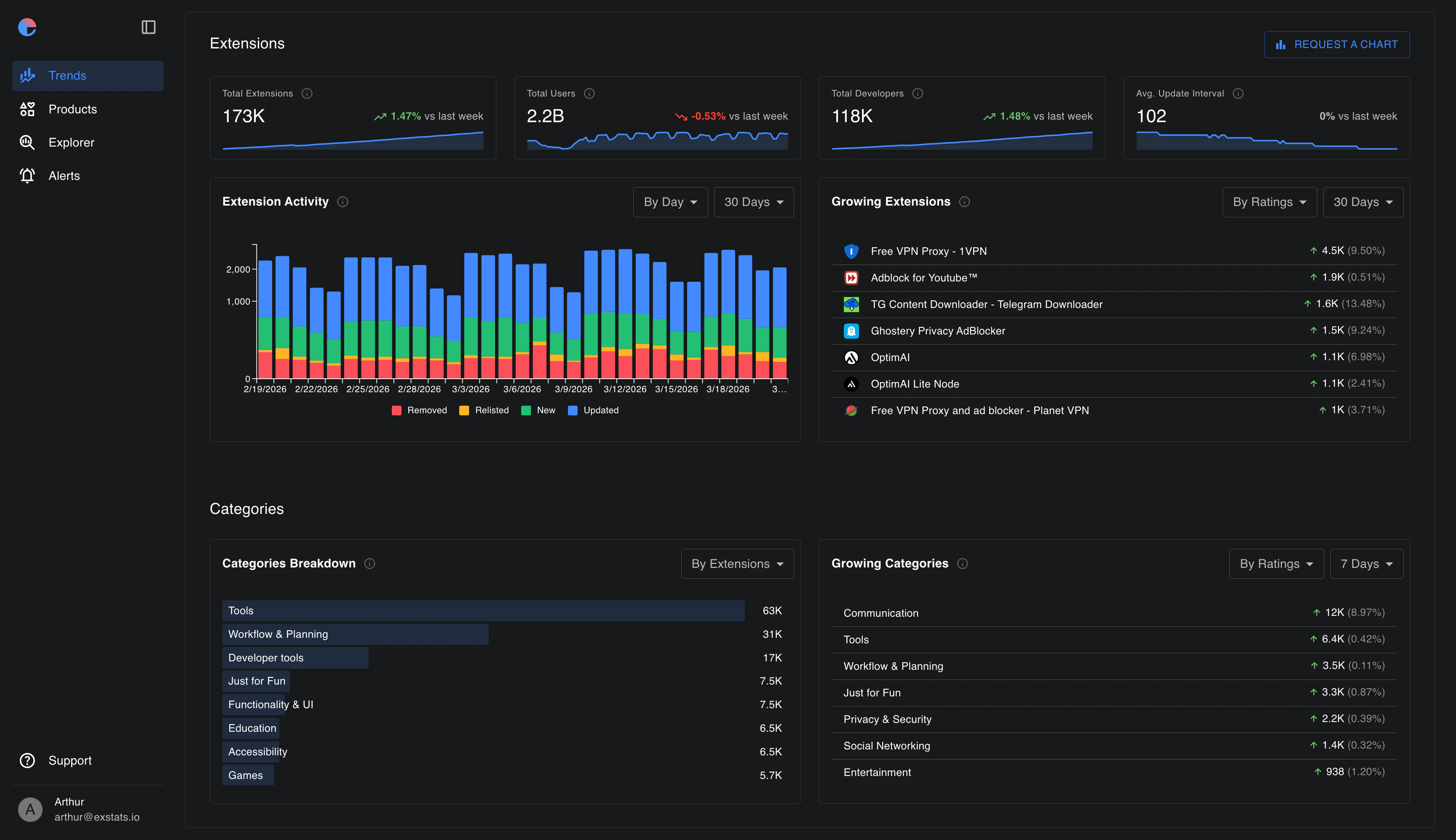
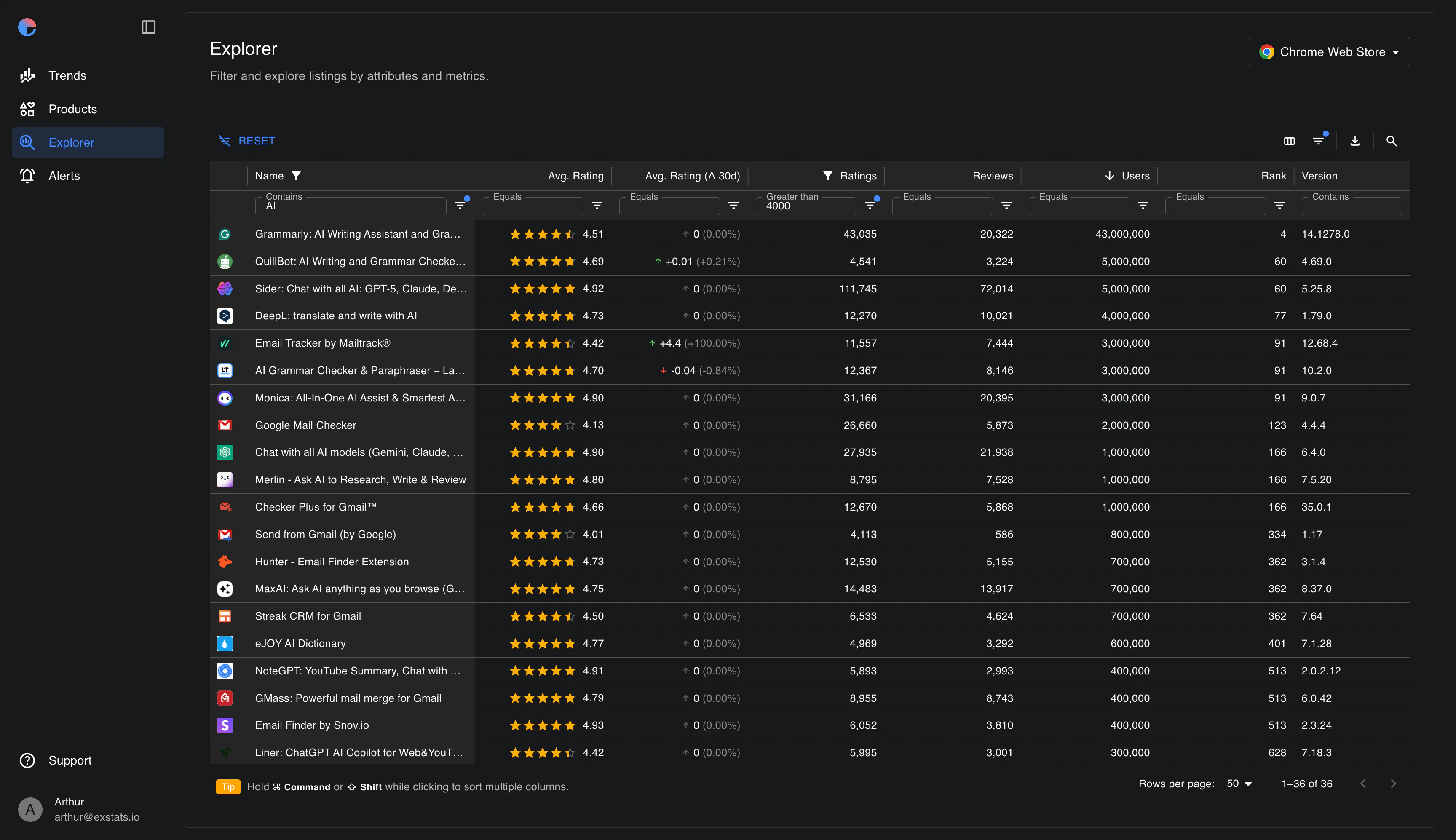
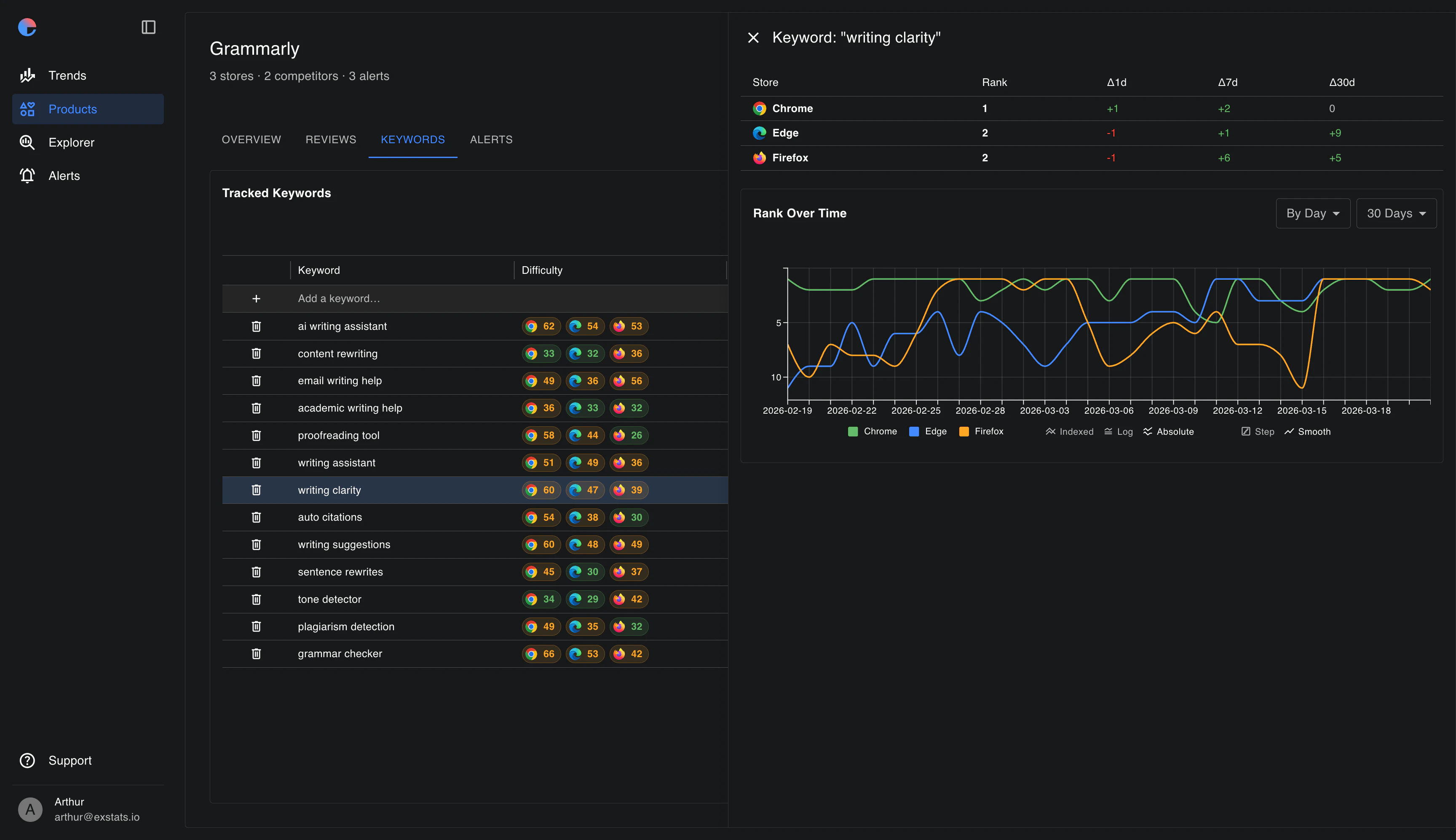
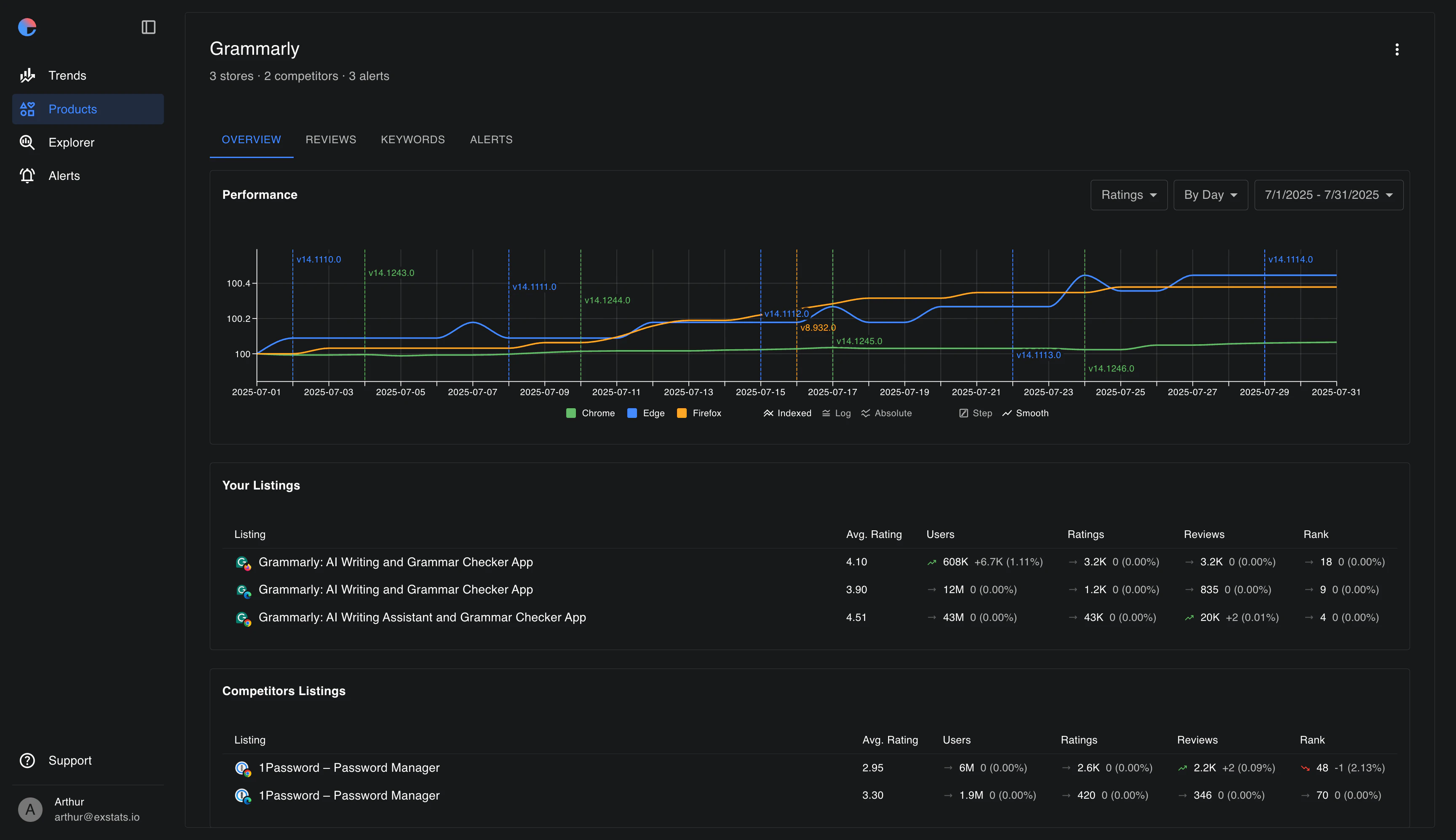
一句话介绍:Exstats是一个跨浏览器扩展商店的市场分析与竞品追踪工具,帮助扩展开发者统一监控自家产品与竞争对手在Chrome、Edge、Firefox上的排名、评论、关键词及趋势,解决数据碎片化问题。
Browser Extensions Analytics Developer Tools
浏览器扩展分析 竞品监控 市场研究 应用商店排名追踪 关键词分析 评论监测 跨平台数据聚合 独立开发者工具 Chrome Web Store Edge Add-ons
用户评论摘要:用户关注竞品追踪的颗粒度(是否包含评论情感分析)、数据实时性(目前为日更新)及跨商店数据归一化问题(如周活跃用户vs日均用户)。多数建议聚焦竞品动量分析与更新关联性,并质疑反爬处理及数据新鲜度。
AI 锐评

Exstats切入了一个小而精准的痛点——浏览器扩展市场的“数据孤岛”问题。对于独立开发者或小型团队,手动在三个商店之间反复横跳确实效率低下,其核心价值在于“统一视图”带来的决策效率提升,而非颠覆性的技术突破。

但冷静来看,它的护城河并不宽。数据源全部依赖公开页面抓取,这意味着技术门槛主要在于反爬策略和归一化处理,而这两点恰恰是用户评论区拷问最狠的地方——“数据新鲜度”和“跨平台指标口径不一”。Exstats目前选择“日更新”而非实时,虽然保险,但对于需要快速响应竞品动作的用户来说,信息滞后可能直接削弱决策价值。更关键的是,缺乏API支持(尤其Chrome Web Store),使其数据稳定性和合法性始终悬在灰色地带,一旦平台策略收紧,爬虫业务极易受冲击。

从功能演进上看,用户真正渴望的并非“汇总数据”,而是“洞察信号”——比如评论情感趋势、评分变化与版本更新的关联、竞品动量拐点提示。这些才是从“监控工具”升维到“决策引擎”的关键。Exstats若能尽快落地评论情感分析和竞品动量预警,同时解决跨商店指标的可比性问题(比如统一转化为相对增长百分比而非绝对值),才能从“省事的仪表盘”进化为“不可替代的竞争雷达”。

否则,它很可能沦为又一个用完即弃的短期辅助工具,被那些愿意自建监控脚本的团队或集成更深度分析的竞品替代。在数据护城河薄弱的前提下,产品力的差距往往体现在对用户“隐性需求”的预见上,而非当前功能的丰富程度。

查看原始信息
Exstats
Exstats unifies browser extension analytics and market research across Chrome, Edge, and Firefox. Track your products, competitors, reviews, rankings, keywords, and store trends in one place, with daily updates, history, exports, and alerts.

Hi Product Hunt 👋

I’m Artur, founder of Exstats.

I built Exstats because browser extension data is fragmented across Chrome Web Store, Microsoft Edge Add-ons, and Firefox Add-ons. If you’re building an extension, it’s hard to understand how your product is performing, what competitors are doing, which keywords matter, and how the market is changing.

Exstats brings all of that into one unified view.

With Exstats, you can:

* Track your extensions across Chrome, Edge, and Firefox
* Monitor competitors, ratings, reviews, rankings, and keyword positions
* Explore 280K+ browser extensions with advanced filters
* Follow store and category trends
* Get daily updates, exports, and alerts

It’s built for extension founders, indie makers, agencies, and teams that want better visibility into their market.

I’d love to hear your feedback, especially from anyone building or growing browser extensions. What would you want to track that extension stores don’t show today?

Thanks for checking it out.

Best,
Artur

5
回复

@nowaffl this looks practical for extension teams. Comparing Chrome, Edge and Firefox in one place would save a lot of manual checking. Do you send alerts when a competitor suddenly moves in rankings or gets a spike in reviews?

1
回复

@nowaffl This is crazy for all the marketers and extension founders out there.

Instead of spending hours jumping between different browser stores, they can finally see everything in one place and make decisions faster.

0
回复

@nowaffl This is a very relevant problem for extension builders. Store data is scattered, and the missing context is often more important than the raw numbers.

One thing I’d want to track is competitor momentum: which extensions are gaining reviews faster, which keywords they are improving on, and whether rating changes are tied to recent updates. That would help founders understand not just where they rank today, but why the market is moving.

Cross-store visibility across Chrome, Edge, and Firefox is a strong starting point.

0
回复

Most extension analytics tools stop at your own store listing. The competitor tracking angle is the more interesting half here.

How granular does it get on competitor data, are you pulling review sentiment and rating trends over time, or is it mostly install counts and category rankings? And does it cover both Chrome Web Store and Firefox/Edge, or Chrome only right now?

Congrats for the launch

2
回复

@fberrez1 Thanks, appreciate it!


All three stores are covered, Chrome Web Store, Firefox, and Edge.

On the competitor side, we track public store data and keep historical snapshots, so you can see trends over time for ratings, installs/users, rankings, and other key metrics instead of only seeing today’s numbers.


Reviews are already pulled into one unified view across all stores, so you don’t have to check each listing manually. Sentiment analysis isn’t live yet, but it’s on the roadmap and should be coming soon.

1
回复

We make many small extensions - this is super helpful

1
回复

@ojasvika_sahu Glad to hear it, thanks!

0
回复

Custom alerts for every metric sounds powerful. But the more you can track, the more noise you can create. What do people actually end up watching - is there a pattern in what turns out to be worth the alert? Congrats on the launch!

0
回复

Hey Artur! It's amazing. I'm sure you'll rock it. Congrats!!!

0
回复

Tracking extension metrics across the Chrome Web Store is harder than it looks without an official API. We've hit the scraped-data freshness problem in our own analytics work, where stale snapshots quickly become noise. How do you handle rate limits and anti-scraping on store crawlers, and do you normalize data across Firefox and Edge addon stores?

0
回复

@retain_dev Yeah, the lack of a proper Chrome Web Store API definitely makes this trickier than it should be.


For data updates, we keep things conservative and refresh everything on a daily schedule, which has been enough to stay stable without making the snapshots too noisy.


For normalization, we do it where comparison is fair. Ratings, reviews, and rankings map well, but users need context since Chrome shows weekly users, Firefox has average daily users, and Edge is closer to installs/users.

0
回复

The approach of normalizing extension store metrics into a unified dashboard is clever. Chrome Web Store doesn't provide a real analytics API, so you're likely scraping review counts and rating distributions yourself. We've dealt with similar data gaps when tracking third-party integration adoption across platforms. How do you handle rate limiting on store data collection, and do you support Firefox AMO alongside Chrome?

0
回复

@anand_thakkar1 Thanks, you’re right, Chrome Web Store doesn’t really provide an API for this. Finding a reliable way around that wasn’t exactly easy haha.

The data comes from public store listings, and we keep the collection fairly conservative. Metrics are refreshed on a daily schedule rather than continuously.

And yes, Firefox AMO is supported, along with Chrome and Edge.

0
回复

Congrats on the launch @nowaffl ! How exactly do you get the competitor info? And how real time is it?

0
回复

@aiswarya_s Thanks!


Competitor data is collected from public extension store listings. Crawlers run once a day after midnight UTC, roughly around the same time, to keep daily snapshots consistent and easier to compare.

So for now, metrics and alerts are updated daily rather than in real time.

0
回复
#4
Openstatus MCP Health Checker
Test MCP servers like a real AI client, not just a ping
181
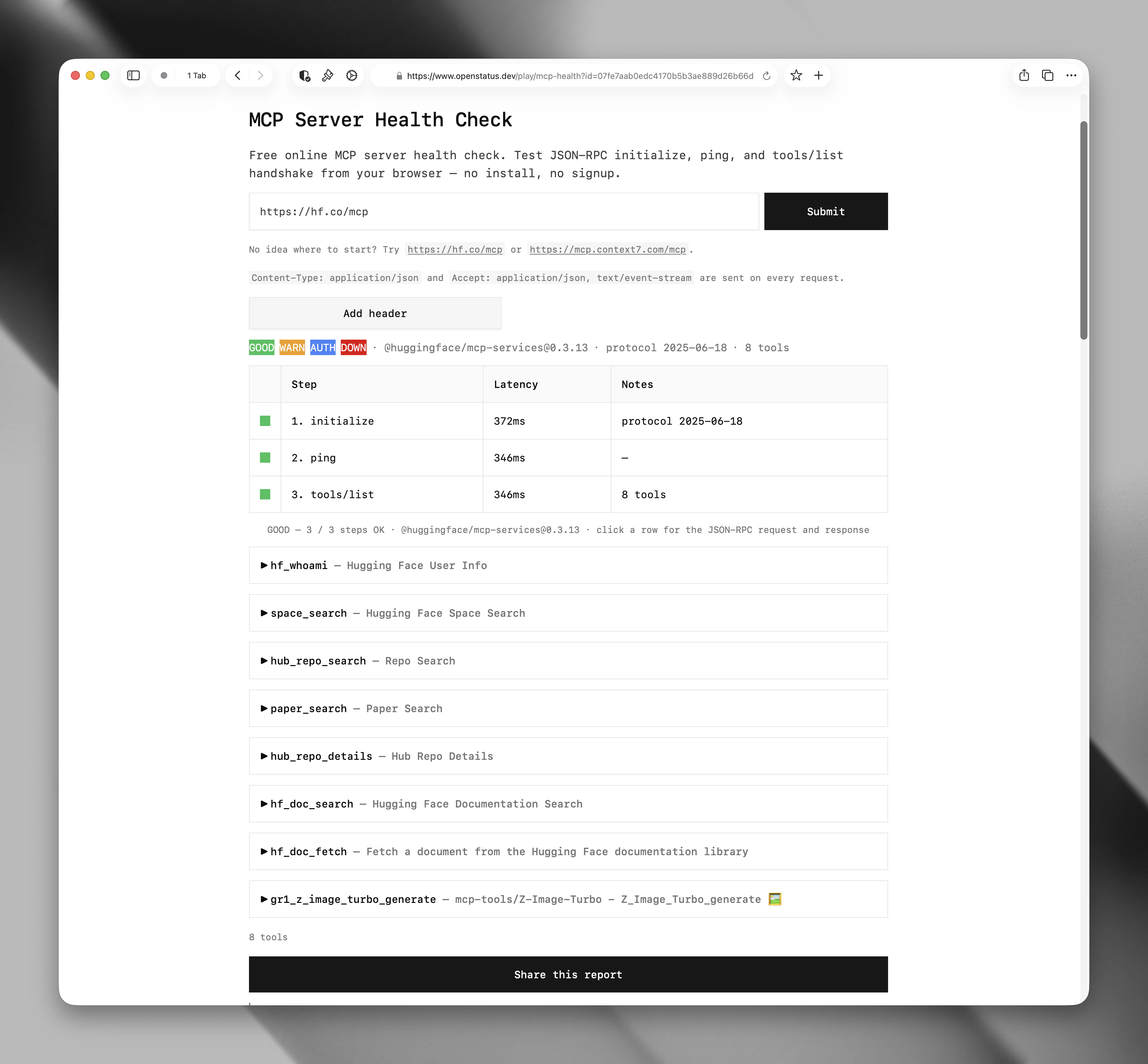
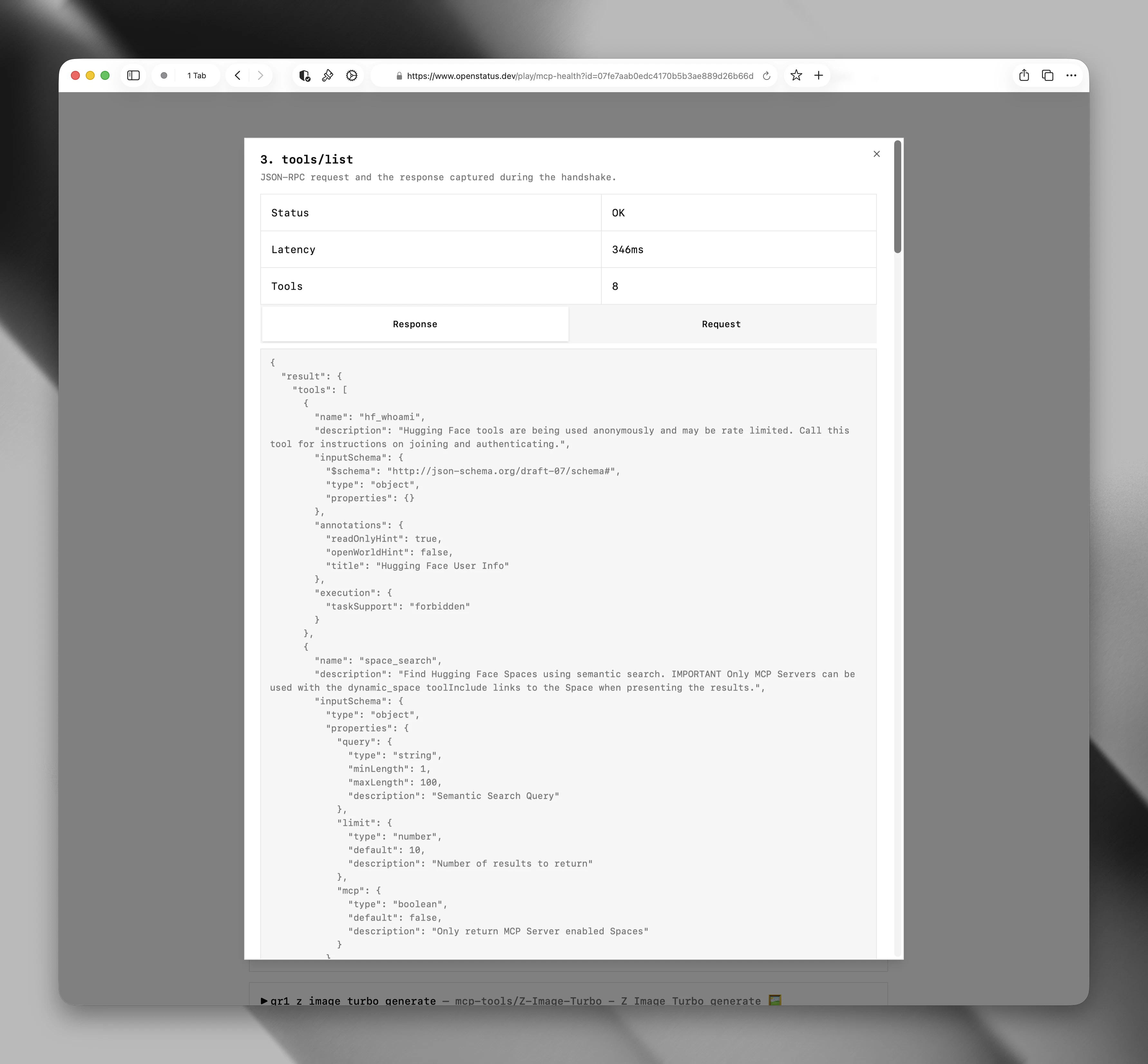
一句话介绍:Openstatus MCP Health Checker 是一款免费、零安装的开源工具,能像真实AI客户端一样执行完整的JSON-RPC协议握手(包括initialize、ping、tools/list),精准诊断MCP服务器连接失败的根本原因,而非仅做HTTP层面的存活检测。
Open Source Developer Tools Artificial Intelligence GitHub
MCP服务器健康检查 协议级监控 JSON-RPC调试 AI代理测试 开发者工具 开源 认证解析 服务可靠性 ProductHunt
用户评论摘要:用户普遍认同HTTP 200对MCP服务器无效。核心需求聚焦在:能否区分“工具未实现”与“工具被权限过滤”?是否已执行完整的“初始化→列出工具→调用工具”链路,还是止步于握手?建议建立合规评分或徽章系统,以便开发者向潜在用户证明服务器真正通过协议检查。另有用户关注对不同服务器响应的格式一致性测试。
AI 锐评

Openstatus MCP Health Checker 精准切入了当前MCP生态中一个典型却容易被忽视的痛点:标准HTTP健康检查对协议级失效完全“失明”。在AI代理开发急速升温的背景下,MCP服务器质量参差不齐,大量服务器仅按早期草案实现,200响应遍地却无法支撑真正的agent调用。这个工具的价值不在于“监控”,而在于“合规验证”——它扮演了一个类客户端角色,用真实握手流程榨出协议实现的短板。

然而,从功能和社区反馈来看,产品目前仍存在明显“半截子”问题:它止步于握手和tools/list调度,并未真正“调用工具”来检验执行回路的正确性、响应一致性和超时行为。团队回复承认“仍需完善最终的工具执行步骤”,这恰恰暴露出当前版本能发现“连接断了”,却未必能抓住“连接好了但结果不能用”的常态损耗。

此外,针对评论中提出的“合规评分”和“徽章系统”想法,如果Openstatus能据此建立一套标准化的MCP服务器认证体系,其价值会从“调试工具”跃升为“生态信任基础设施”。但这也考验团队在维护权威性、应对协议演进、以及社区公信力上的持续投入。

总的来说,这是一个方向极其正确的产品,但眼下更像是一个优秀的“协议级ping”工具,距离“代理级的全链路可靠性测试”仍有相当差距。对于追求业务可靠性的AI应用开发者,它值得用起来,但别指望只靠它就能挡住所有来自MCP调用的坑。

查看原始信息
Openstatus MCP Health Checker
Most monitors just send an HTTP ping. But a 200 OK is useless if the JSON-RPC handshake fails. Our tool is different because it performs a true protocol-level check, acting exactly like a real AI client. Key features: Full Handshake: Executes the spec-defined initialize, ping, and tools/list sequence. Deep Visibility: Inspect exact JSON-RPC payloads and negotiated versions. Smart Auth: Parses RFC 9728 headers on 401s to surface exact token requirements.
Hey Product Hunt! 👋 Max and I are super excited to share this with you today. As we've been diving into the Model Context Protocol (MCP) and building for AI agents, we kept running into the same frustrating issue: a standard 200 OK from an HTTP ping doesn't mean your AI client can actually connect. If the JSON-RPC handshake fails, or if the tools/list returns empty, your agent completely breaks. We built the MCP Server Health Check to solve this. It's a free, zero-install tool that tests your endpoint exactly how a real AI client (like Claude Desktop or Cursor) would. Instead of a basic uptime check, it performs a true protocol-level validation: Real Handshakes: It runs the full spec-defined initialize, ping, and tools/list sequence. Zero-Friction Debugging: You can click into any step to inspect the exact JSON-RPC payloads, negotiated versions, and session IDs. Smart Auth: If your server is locked down, it parses RFC 9728 headers on a 401 to show you exactly where to fetch your auth token. It’s completely open-source, just like the rest of our synthetic monitoring gear at OpenStatus. Give it a spin with your own MCP endpoints (or test it out with a public one like [https://hf.co/mcp](https://hf.co...) and let us know what you think. We’ll be hanging out in the comments all day to answer your questions and hear your feedback! 🚀
3
回复

@tibozaurus Many congrats on the launch. I have a quick question: when the tools/list returns empty, does the checker differentiate between "tools not implemented" VS "tools filtered by auth/scope?"

1
回复

Launched our MCP server 2 days ago - Open status comes at the right time.

2
回复

when you say "like a real ai client" does it go through initialize → list-tools → actually call a tool, or stop at the handshake? in my experience the gap between "server responds to initialize" and "tools actually execute correctly" is where most bugs hide

2
回复

@trekh First, we initialize the tools list. We still need to refine the final tool execution step to ensure it works perfectly. This will also allow us to monitor if a tool is taking longer than usual to respond.

2
回复

@tibozaurus This is a useful direction for MCP reliability. A simple 200 OK doesn’t mean an agent can actually use the tool, so testing the real handshake and tools/list flow feels much closer to what production agent systems need.

2
回复

@alpertayfurr yeah 200 doesnt mean anything for mcp servers,

1
回复

timing on this is interesting because MCP server quality is all over the place right now. a lot of servers were built quickly against early drafts of the spec and there's no standard way to know if something is actually compliant until a client breaks on it. is there any plan to expose a compliance score or badge system so developers can signal to potential users that their server passed a real protocol check rather than just an uptime ping

2
回复

@ansari_adin 100 uptime ping does not make much sense for MCP server

1
回复

smart approach testing MCP servers as a real client instead of just pinging endpoints. most of the reliability issues i've seen with MCP integrations come from edge cases in the actual tool call flow, not connectivity. curious if you're also testing for things like response format consistency across different server implementations?

2
回复

@ozandag 200 is useless for mcp 😂

1
回复

oss ftw!

1
回复
#5
Step 3.7 Flash
Flash-speed agents model that can see and act
162
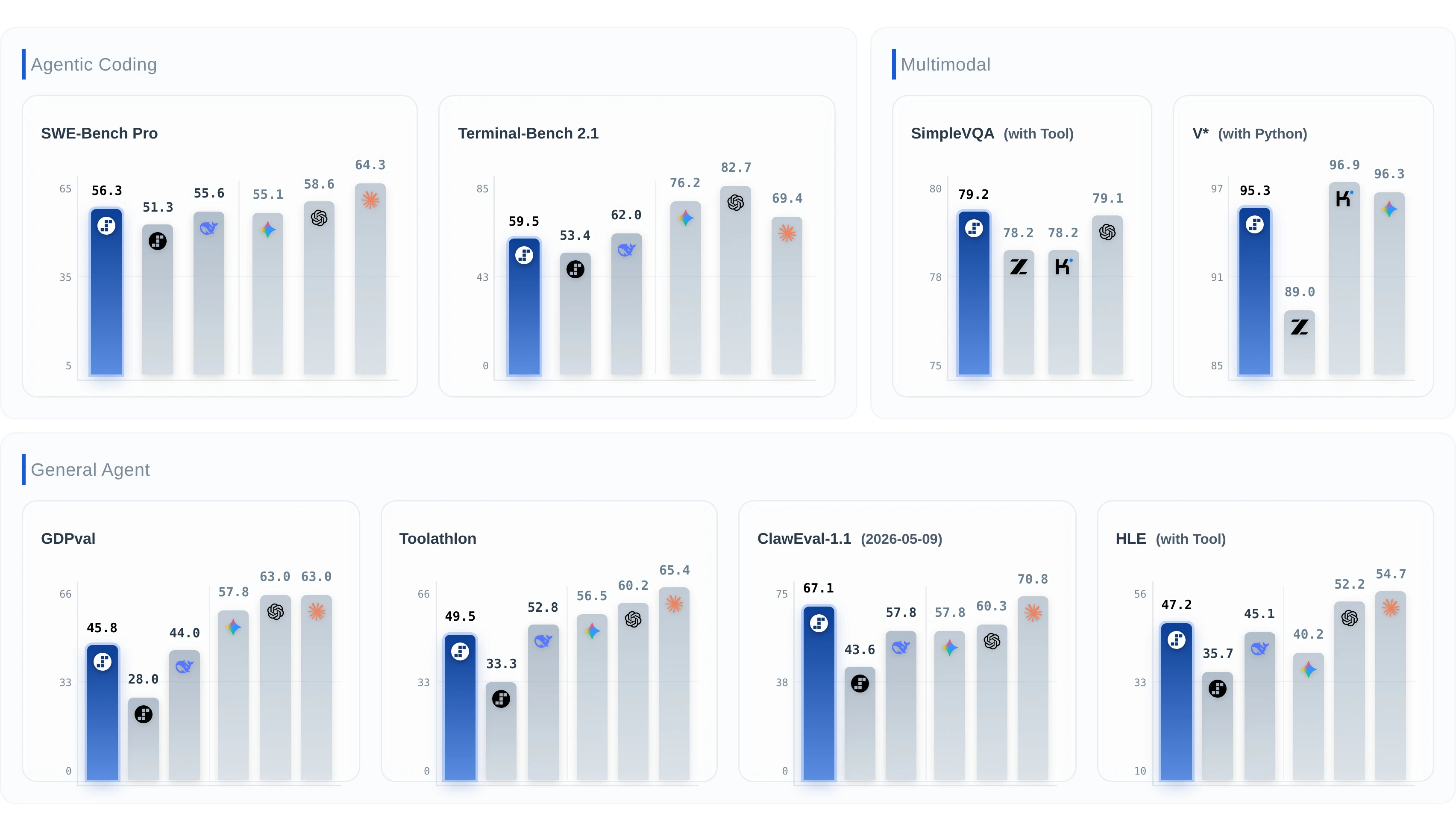
一句话介绍:Step 3.7 Flash是一款面向真实世界智能体(Agent)的轻量级开源模型,以极快推理速度(400 TPS)和视觉+工具调用能力,解决开发者在使用大模型时成本高、响应慢、难以长期稳定运行Agent任务的痛点。
Open Source Artificial Intelligence GitHub Development
开源模型 智能体 多模态 视觉理解 工具调用 高吞吐量 长上下文 代码生成 Apache 2.0 轻量部署
用户评论摘要:用户普遍认可其速度与稳定性,尤其赞赏其在Agent长流程任务中的表现。但关键评论指出生态兼容性至关重要:开发者质疑如何与现有推理框架对接,并希望了解集成细节,而非仅看基准测试。另有用户提示其与Qwen、Mistral等开源模型的差异化优势在“视觉+工具”组合。
AI 锐评

Step 3.7 Flash的“快”与“小”并非单纯炫技,而是直指当前AI落地的核心痛点:Agent应用需要低成本、高频次、低延迟的模型调用。400 TPS与约11B激活参数意味着在消费级硬件上就能跑出可用的Agent行为,这是比“参数越大越好”更务实的路线。

然而,这并不等于它已赢下市场。评论中一针见血的问题——“集成故事究竟是怎样的?”——揭示了开源模型圈的最大困局:模型本身再强,如果缺乏对LangChain、OpenAI SDK、Ollama等主流基础设施的原生支持,开发者就会用脚投票,转而投入生态更成熟的Qwen或Llama阵营。Step 3.7 Flash目前与Claude Code、Kilo Code等工具的“和谐共处”仅是个开始,若想真正替代已有统治力的竞品,必须主动适配主流框架,甚至提供现成的Docker镜像和部署脚手架,而非让开发者自己折腾“自定义搭建”。

另外,该模型选择Apache 2.0开源是有远见的——它降低了企业级使用的法律门槛。但真正的杀手锏是“视觉+工具调用”在如此轻量级模型上的融合。如果实测表现能接近甚至部分超越同规模的闭源小模型(如GPT-4o-mini),则有望在自动化文档处理、视觉问答Agent、代码审查辅助等高频但非关键任务的场景中撕开一道口子。

简言之,Step 3.7 Flash是一颗好子弹,但枪托(生态)和瞄准镜(集成文档)仍需补全。仅靠“快和开放”还不够,它需要一场严酷的“开发者上手实战考核”。否则,再高的TPS也只会变成纸面上的数字,而非真正的生产力。

查看原始信息
Step 3.7 Flash
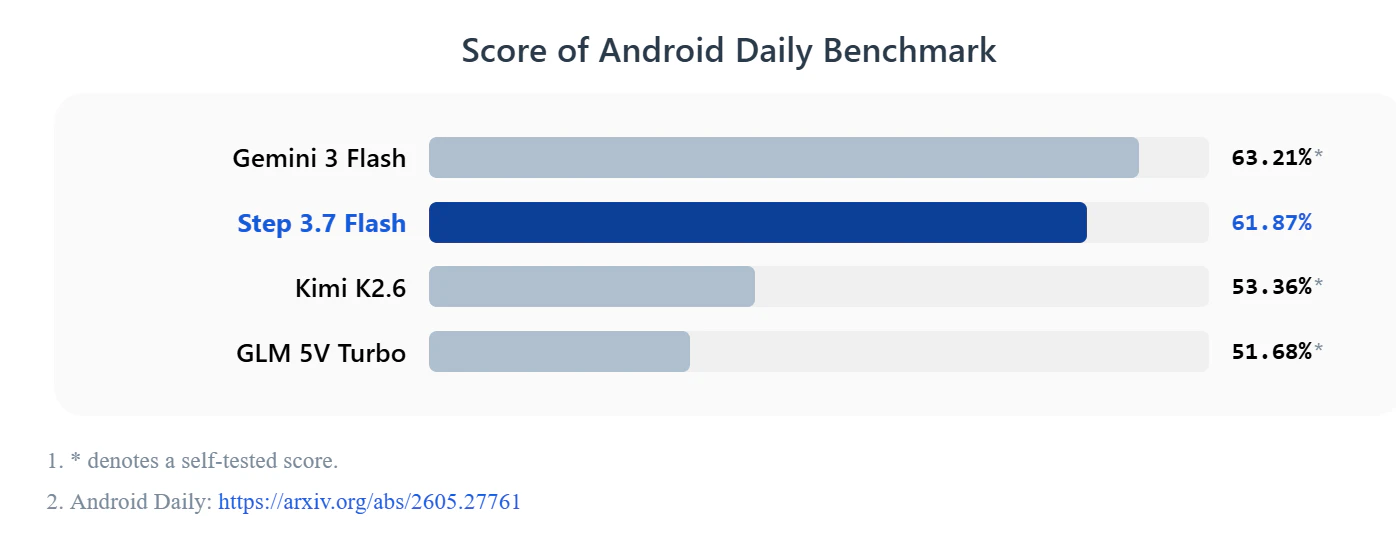
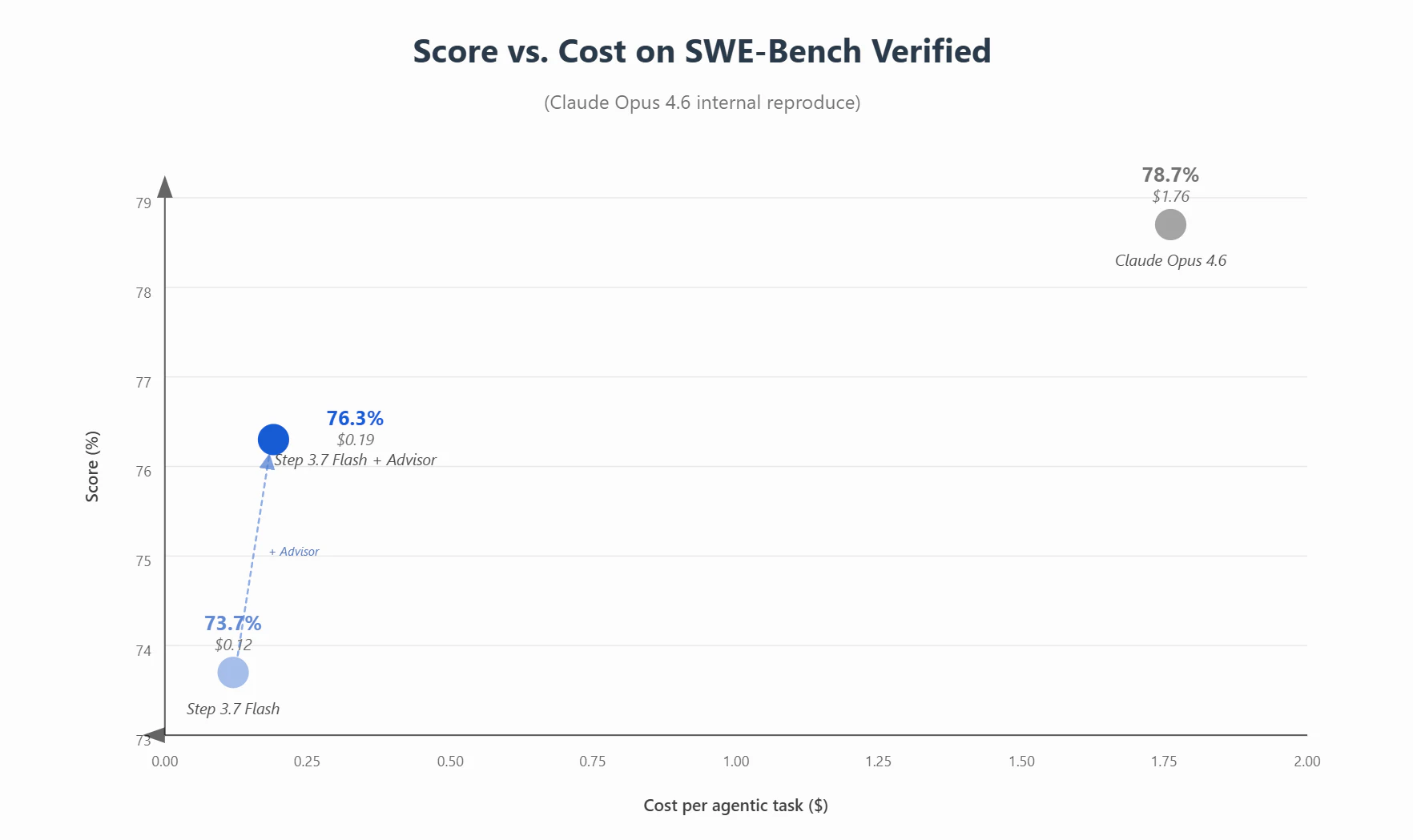
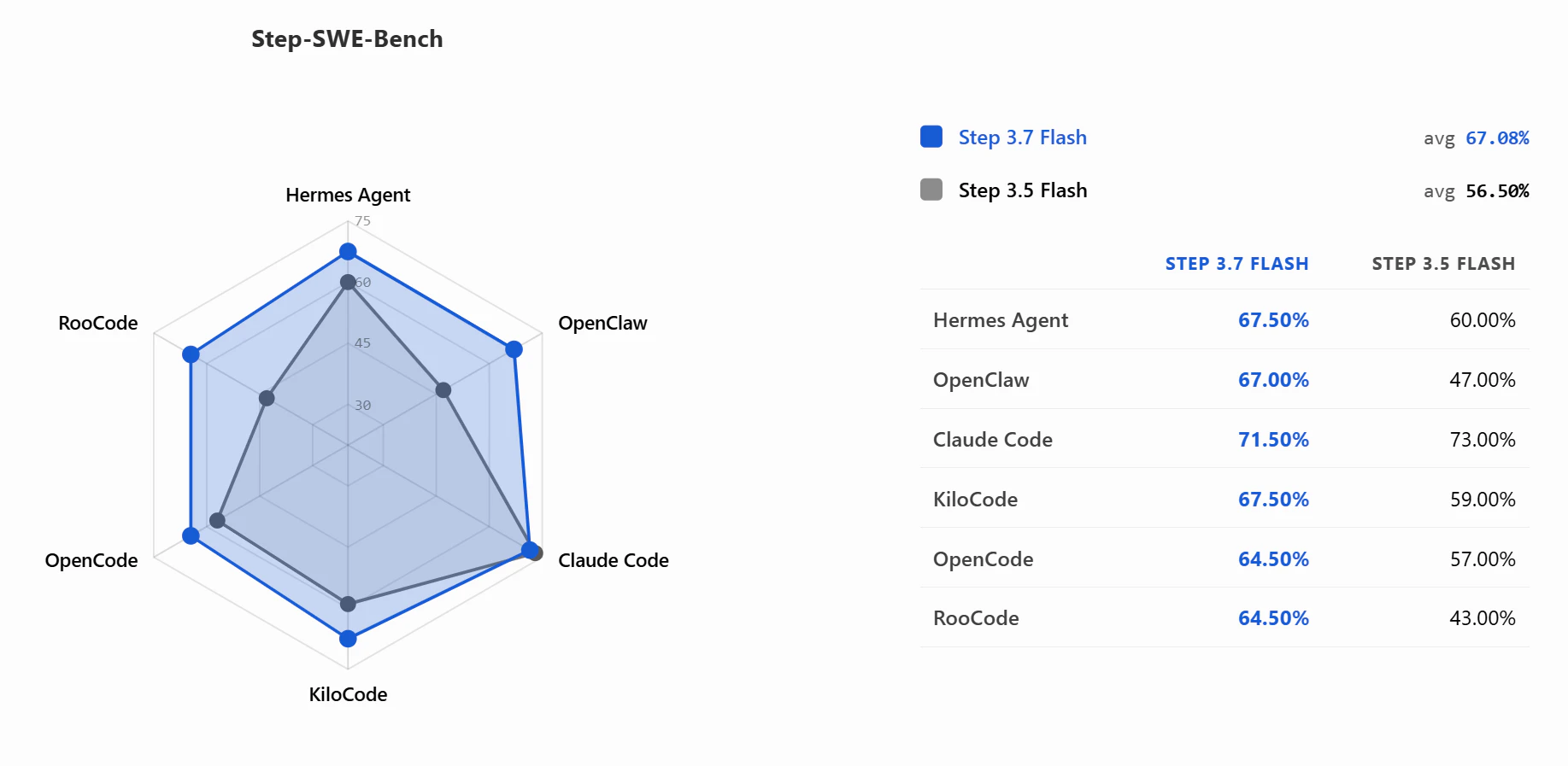
An Apache 2.0 open-weight Flash model for real-world agents. Step 3.7 Flash combines vision, coding, search, tool use, 256K context, ~11B active params, and up to 400 TPS.

Hi everyone!

Step 3.7 Flash is basically an efficiency-first model for real-world agents.

It’s fast (up to 400 TPS), handles vision + tool use quite well, and stays relatively stable on longer agent runs. Also plays nicely with common harnesses like @Claude Code, @OpenClaw and @Kilo Code.

The weights are also open under Apache 2.0.

Love this kind of Flash model: not trying to be the biggest, but trying to be the one agents can actually run a lot.

6
回复

@Stepfun's Step 3.7 Flash is one of the best open-weight models you can run right now.

Perfect timing to play with Kilo's new VS Code extension launched this month.

2
回复
@fmerian Hello, how are you Jenny_
0
回复

stepfun is an interesting company to watch because they're operating in a space where the obvious question is always why this over Qwen or Mistral for open weight deployments. the vision plus tool use combination at this size is differentiated but the developer ecosystem and tooling support matters as much as the benchmarks at this point. what does the integration story actually look like, is it compatible with existing inference frameworks or does it need custom setup

0
回复
#6
99xDev
Build Fullstack Web Apps using AI
16
一句话介绍:99xDev 是一款面向开发者的全栈AI应用构建工具,通过内置数据库、存储和自定义域名,帮助用户快速生成可下载、可自托管的线上级应用,解决商业项目中对AI辅助开发的“无供应商锁定”需求。
Vibe coding
AI应用构建 全栈开发 低代码平台 代码自托管 无供应商锁定 内置数据库 自定义域名 生产级应用 开发者工具 AI编程
用户评论摘要:目前唯一有效评论(1赞)正面指出99xDev能生成“不烂”的生产级Web应用,且强调支持下载源码并自行部署,避免被供应商绑定。暂无负面或建议性反馈。
AI 锐评

99xDev 在AI建站赛道打出了“可自托管、无锁定”的差异化牌,这直击了当前多数AI生成网站(如Bubble、Webflow等)的软肋——用户生成的应用往往被平台绑架,无法导出源码自行部署。其内置数据库与存储功能,进一步降低了非专业开发者的全栈门槛,但16票的冷启动热度警示我们:产品仍处于早期验证阶段。真正的价值点在于解决了AI开发“最后一公里”的自主权问题,让用户真正拥有成品。然而,产品能否应对复杂商业逻辑、生成代码的可维护性、以及后续迭代成本,目前无从得知。一句话:方向对了,但要成为“不坑”的生产力工具,还得在代码质量、文档和社区支持上狠狠下功夫,否则只是一次性“玩具级”输出。

查看原始信息
99xDev
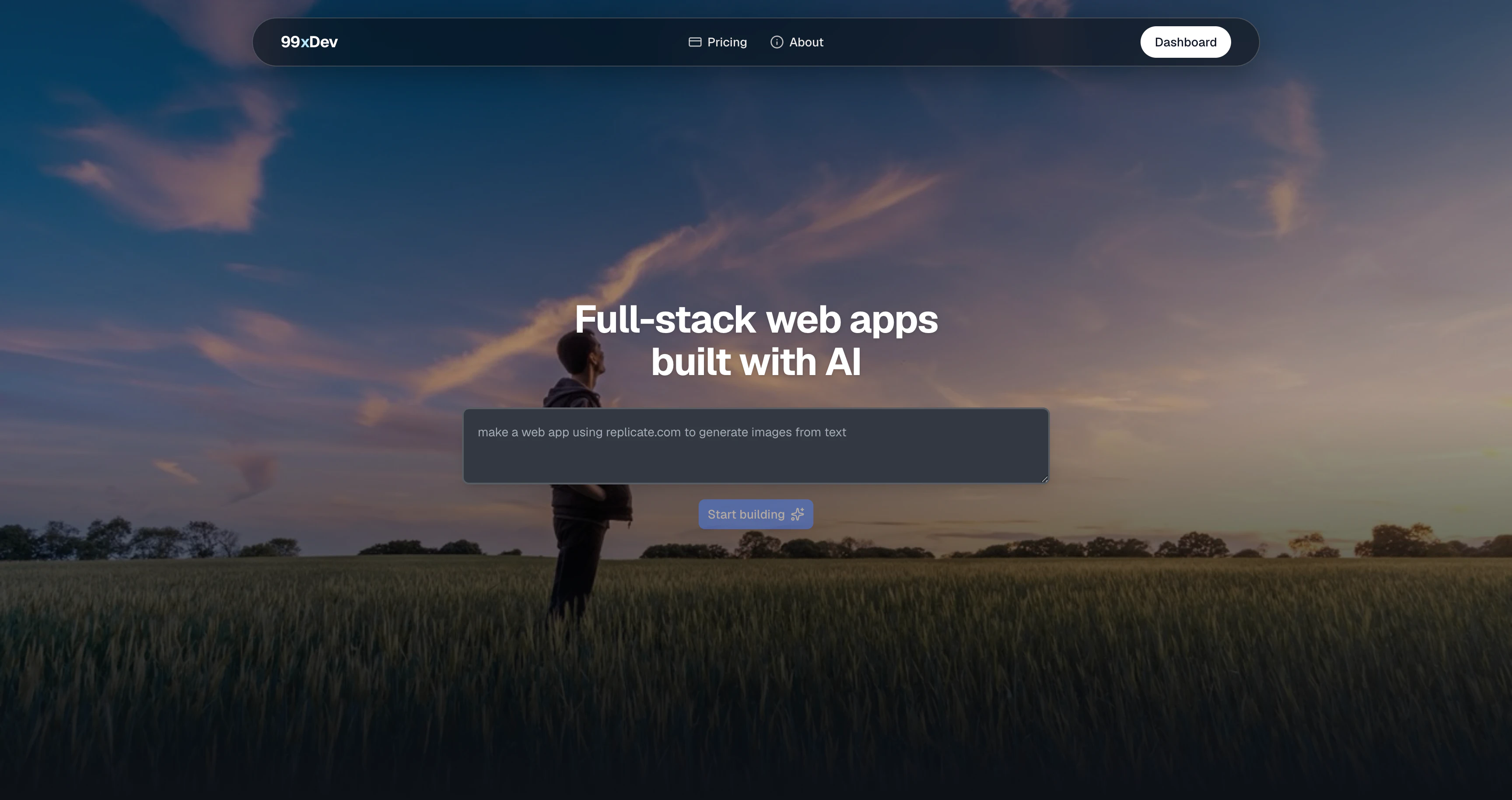
99xDev is an AI app builder for full-stack apps with built-in database and storage, custom domains, and code you can download to self-host.
99xDev builds production grade web apps which does not suck. You can download source code and self host. No vendor lock in.
1
回复
#7
Sleek Analytics
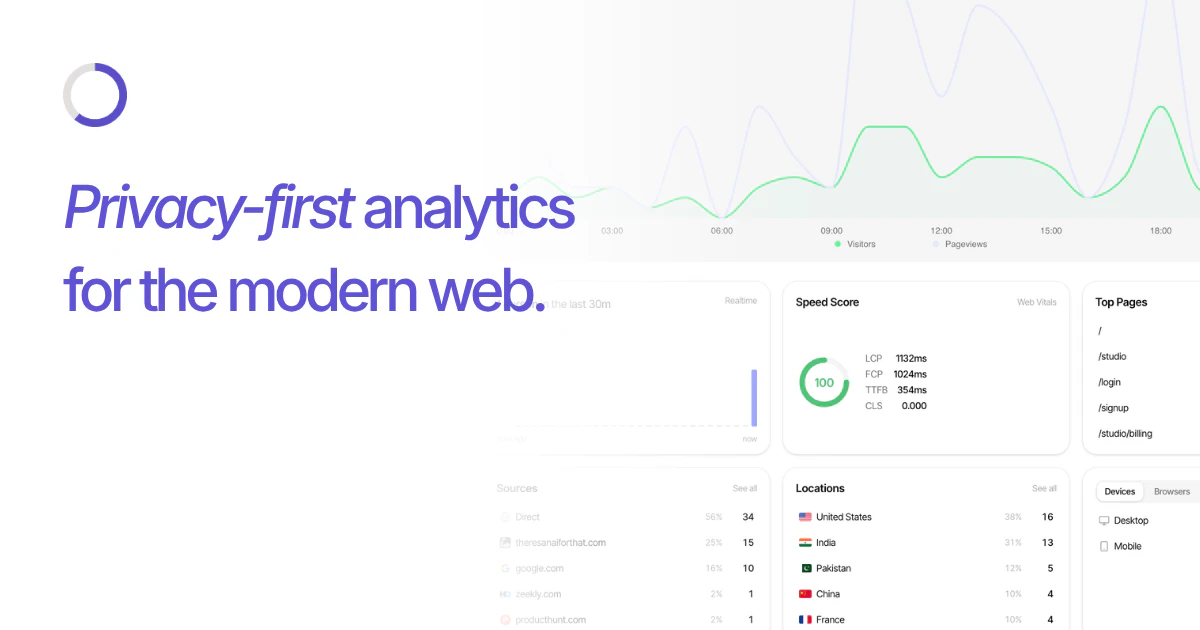
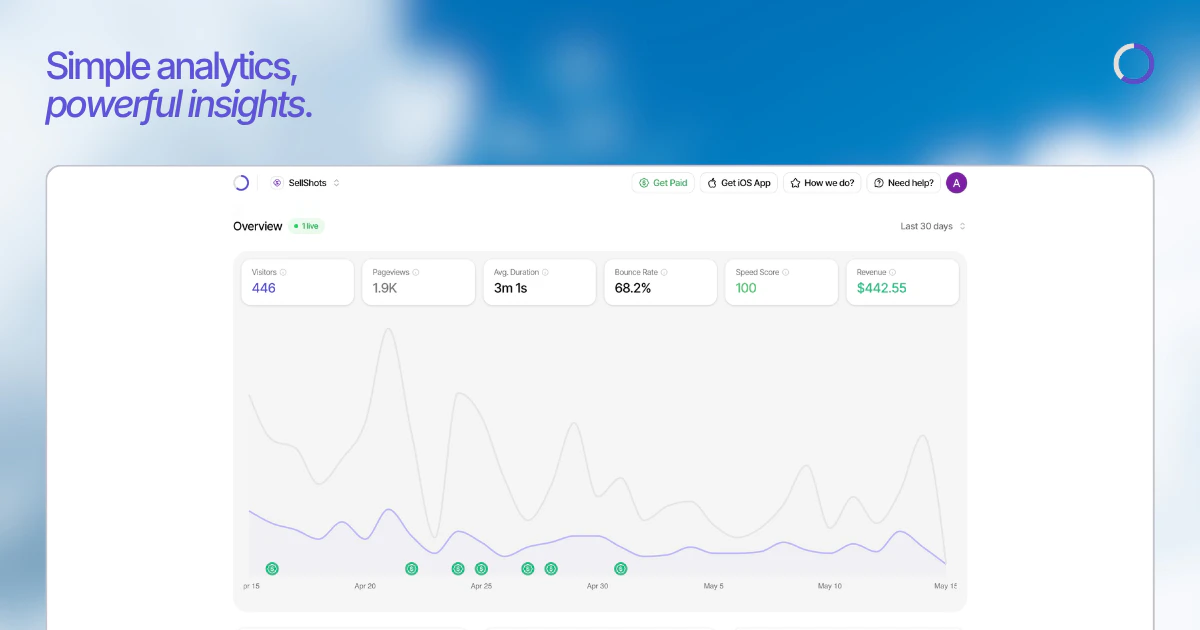
Privacy-first Google Analytics alternative for modern web
16
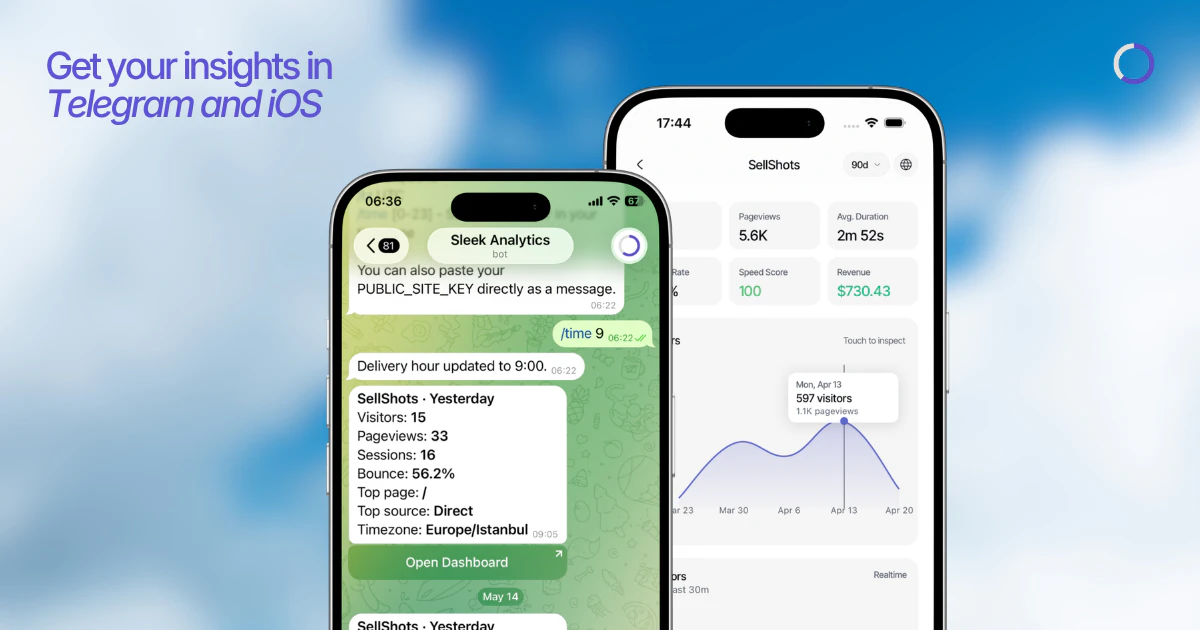
一句话介绍:Sleek Analytics 是一款无需 cookies、不挂横幅、一键部署的实时网站分析工具,帮助现代网站所有者在不侵犯用户隐私的前提下,告别臃肿昂贵的传统分析工具,快速获取纯净的访问数据。
Analytics Marketing Developer Tools
网站分析 隐私优先 实时访问追踪 无cookie追踪 Google Analytics替代 轻量级分析工具 无横幅分析 开源替代 实时数据仪表盘 UTM跟踪
用户评论摘要:用户主要关注与Plausible等竞品的对比,希望明确差异化核心(实时性、价格、简洁度)。创始人回应强调了实时访客追踪、全球地图视图及无cookie下的UTM与反爬虫能力,并提供了对比页面供参考。
AI 锐评

Sleek Analytics 切中的是“中间派”的无力感——既嫌Google Analytics太脏太重,又觉得Plausible这样纯粹的数据匿名化工具在互动反馈上过于平淡。它的真正价值不是“又一个隐私分析工具”,而是把“数据监控”从后台报表升级为“实时脉搏体验”:看到头像在地图上跳动,比第二天翻报表更能让站长产生掌控快感。

但不得不指出,这种差异化壁垒极低。全球地图、实时滚动,Matomo或Fathom通过插件或定制也能实现。Sleek目前的护城河主要来自定价策略和对“零配置”的极致简化,而非专利级技术。同时,评论中一位用户精准点出了它最大的软肋:与Plausible相比,它除了实时球图,在Referrer追踪、反爬机制上并没有提供本质不同的玩法。如果未来不能构建基于实时数据的告警、异常检测等增值功能,很容易被大厂一键复刻或用户因迁移成本为零而轻易流失。一句话:第一款MVP做得干净,但距离“不可替代”还差一个核心的、吃实时数据红利的功能闭环。

查看原始信息
Sleek Analytics
Sleek Analytics is a privacy-first Google Analytics alternative for the modern web. Real-time website analytics, cookieless tracking, and fast dashboards.
Hey everyone! 👋 The problem with most analytics tools? They're either too bloated, too expensive, or they hand your visitor data straight to Google. We built Sleek to fix that — paste one line of code and you're watching real visitors on your site live, with zero cookies and zero consent banners. Simple, fast, and actually yours.
1
回复

@nuranka thanks, Nuran for hunting Sleek!

1
回复

Privacy-first analytics is a space I’m always happy to see more builders working on. A lot of website owners just need clear, fast, understandable data without adding unnecessary tracking, cookie banners, or a huge analytics setup they barely use.

One thing I’d be really curious about: how would you compare Sleek to Plausible? For someone already using Plausible for cookieless, privacy-friendly analytics, what would be the main reason to switch to Sleek? Is the biggest difference pricing, real-time data, dashboard speed, simplicity, or something else?

Also curious how Sleek handles referrers, campaign tracking, and bot filtering without cookies.

Good luck with the launch!

1
回复

@andrasczeizel thanks for the thoughtful comment!

Plausible is a great product. for most users, the main reasons to choose Sleek are simplicity, pricing, and our real-time experience.

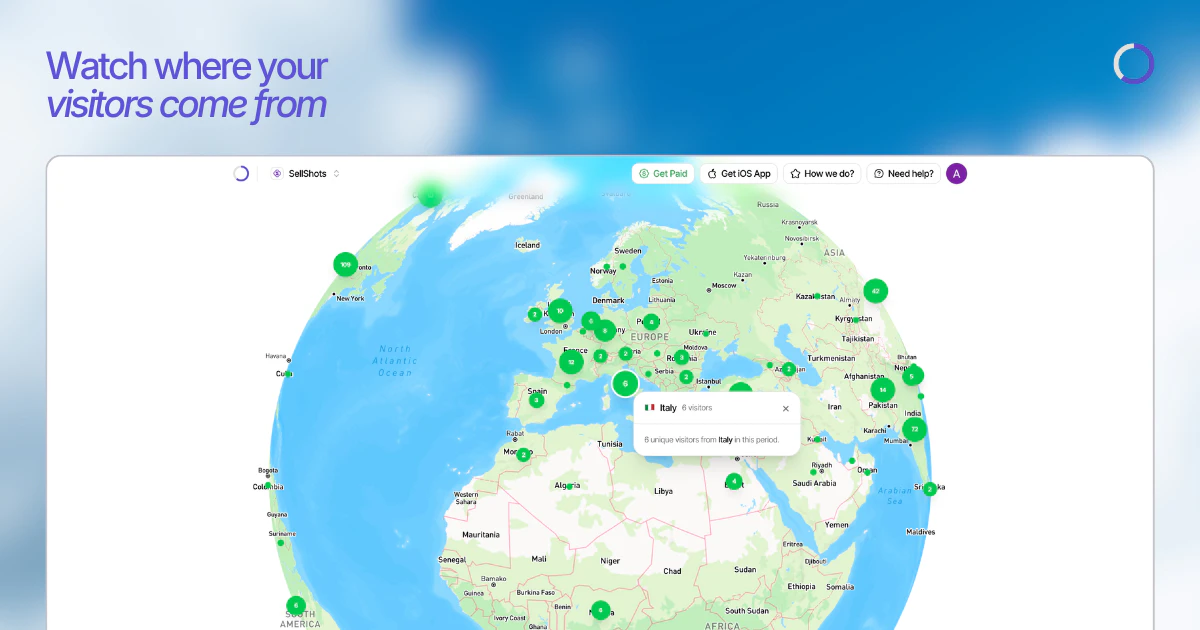
beyond standard analytics, Sleek includes real-time visitor tracking and a live globe view so you can watch visitors arrive as they happen. we've also put together a Plausible comparison page that breaks down the differences in more detail.

as for referrers, campaigns, and bot filtering, we support referrer and UTM tracking without cookies and use multiple bot detection methods to keep reports clean while remaining privacy-friendly.

thanks for checking out Sleek!

2
回复
#8
InkieAI
AI SEO Agent on Autopilot
15
一句话介绍:InkieAI是一款面向SaaS创始人和小企业的AI SEO代理,能自动完成关键词调研、博客文章撰写和内容发布,解决用户不懂SEO却需提升搜索引擎及AI搜索可见性的痛点。
Writing Marketing SEO
AI SEO代理 博客SEO自动化 关键词研究 内容营销 SaaS工具 搜索引擎优化 自动化发布 竞品分析 小企业增长 AI写作
用户评论摘要:创始人Ray表示工具旨在让非专家也能做好SEO,用户@rayrp评论“完全不需要成为专家就能做SEO”的定位很精准,并祝贺产品发布。当前反馈积极,未见具体问题或改进建议。
AI 锐评

InkieAI的标语和定位切中了一个真实痛点:传统SEO工具复杂度高,且将大量执行工作甩回给用户。它作为“Agent”而非“Dashboard”的定位,试图通过全自动的调研、生成、发布闭环来降低门槛,这对其目标用户——缺乏专职SEO人员的小型SaaS团队来说,具有明确的价值。

然而,仅有15票的冷启动数据说明产品尚未在市场上形成势能。其真正挑战在于:AI生成的文章是否能在Google和ChatGPT的算法中获得实质性排名?如果输出内容流于同质化或深度不足,自动化反而可能制造出大量低质量的“内容噪音”,并招致搜索引擎的惩罚。此外,它宣称的“Agent”能力需要验证——自动研究竞品和关键词听起来不错,但若推荐的策略只是基于表层数据分析,而没有行业洞察,效果将大打折扣。

从商业逻辑看,InkieAI的价值在于“降本”而非“增效”。它确实能帮创始人省去手动操作的体力活,但SEO的核心在于策略与内容质量,这两点不是简单的自动化就能替代的。产品若想真正突围,必须证明其AI生成的内容能带来可量化的流量增长,而不仅仅是减少写博客的时间。否则,它可能只是一个高级版的文本生成器,与众多同质化工具陷入价格战。

查看原始信息
InkieAI
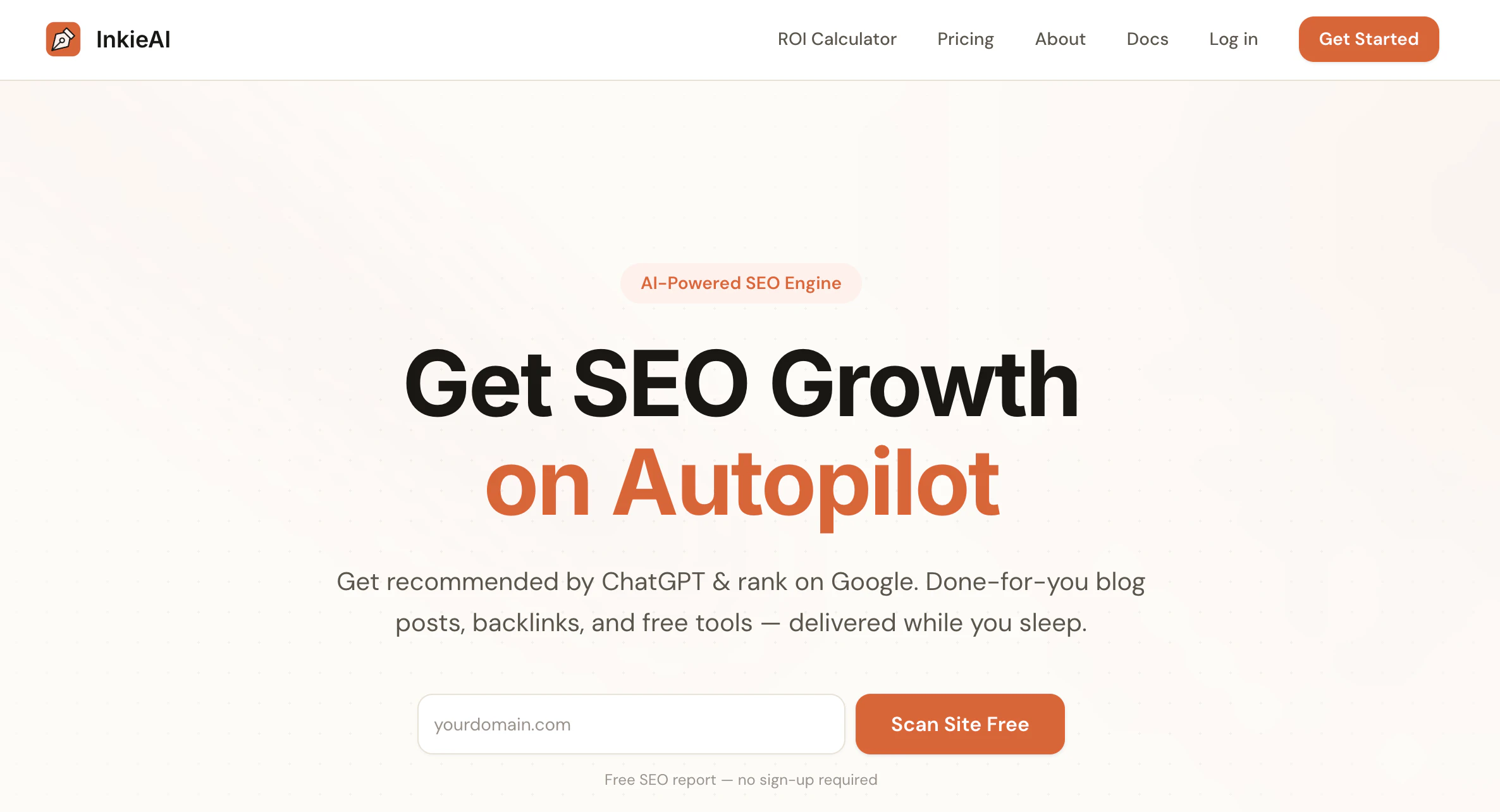
World's 1st AI agent for blog SEO. InkieAI is an all-in-one SEO AI agent that saves you time and effort with automated keyword research, SEO articles, and content publishing.

Hey Product Hunt 👋

I’m Ray, founder of InkieAI.

I built InkieAI because most SEO tools still feel like they give you a big dashboard and then leave you to do all the work.

InkieAI is different. It acts more like an AI SEO agent that researches your business, finds competitors, discovers keyword opportunities, and tells you what pages or articles to create first.

The idea is simple: help small SaaS founders and businesses grow on Google and ChatGPT without needing to become SEO experts.

It is still run by a human, built by a small team, and shaped by real feedback. So I’d love to hear what you think, what feels useful, and what you would improve.

Thanks for checking it out.

1
回复

@rayrp Love the positioning, SEO without needing to be an expert is exactly the gap. Congrats on the launch 🙏

0
回复
#9
Veenew
A naked microblogging built on open standards
11
一句话介绍:Veenew 是一个基于 ActivityPub 开放协议、无广告无算法无社交指标的极简微博客平台,让写作者在完全静默且可自定义的个人网站上发布内容,无需担心评论压力和数据垄断。
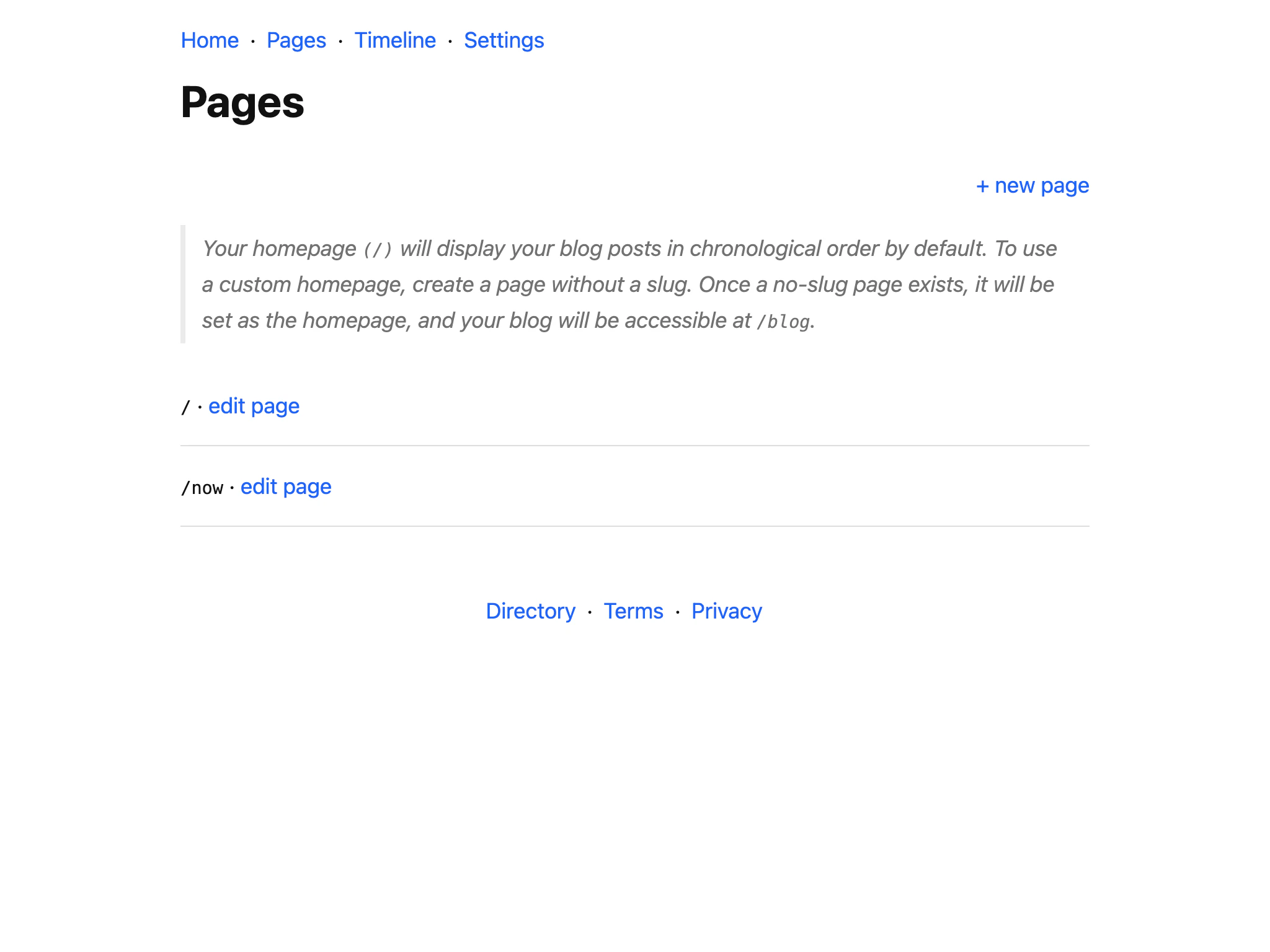
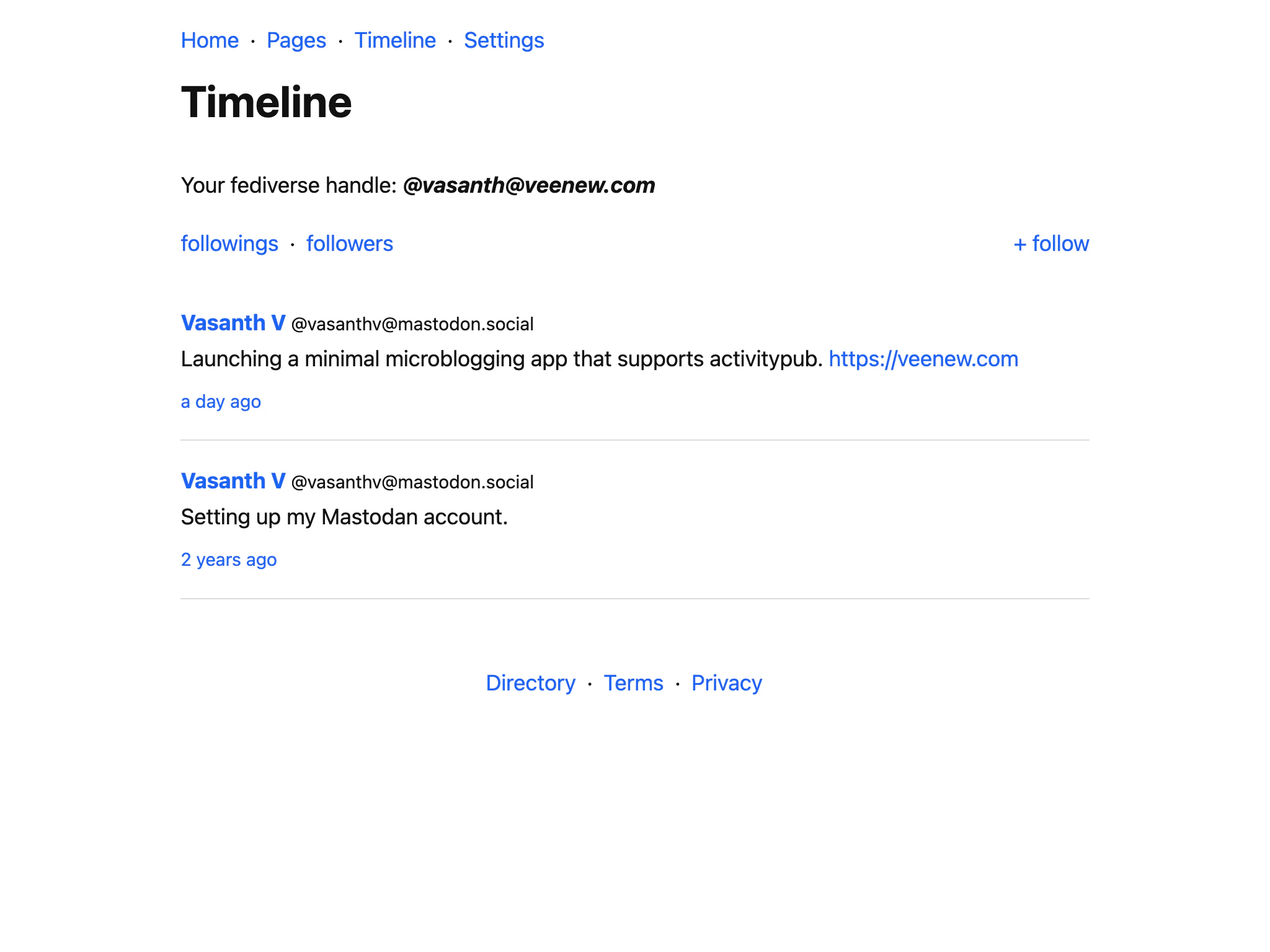
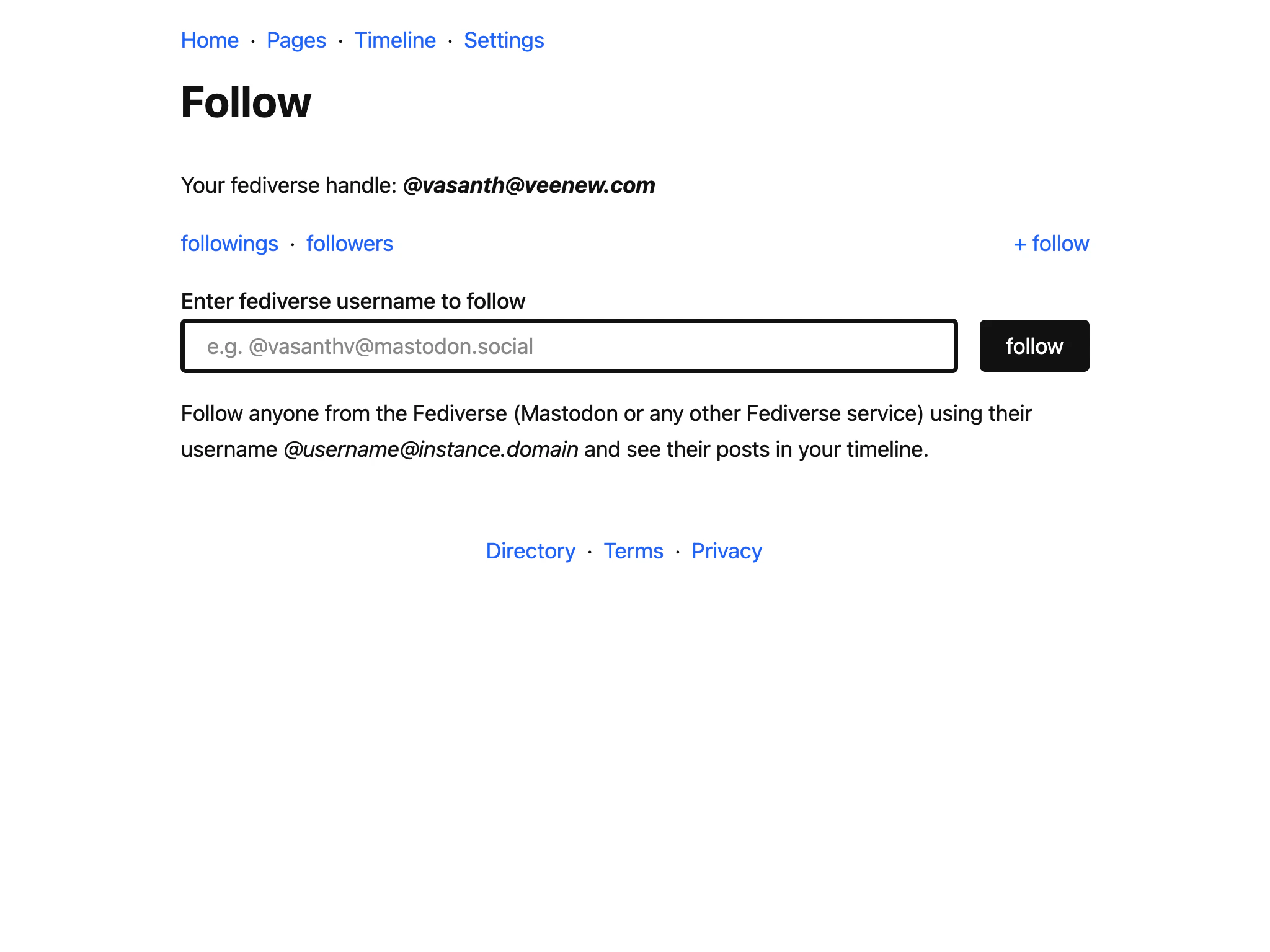
Social Network Social Media GitHub
去中心化微博客 ActivityPub RSS 无算法社交 极简写作 个人网站 开放标准 防分心 去社交化 自托管博客
用户评论摘要:用户肯定界面极简主义设计,同时建议添加细微颗粒纹理背景以提升视觉质感。开发者回应称所有博客页面均已支持自定义样式,可由用户自行实现该效果。
AI 锐评

Veenew 放弃点赞、评论、AI、算法推荐等一切当下主流的“社交加速器”,核心卖点其实是逆时代潮流的“归零感”。它赌中了部分内容创作者对焦虑数据和虚假互动的厌烦——一旦没了点赞数,创作反而回归到写作本身;没了评论功能,用户无需维护评论区氛围或处理垃圾信息。但这种极端减法也会带来致命短板:缺乏基础社交反馈容易令普通用户失去持续发布动力,毕竟多数人仍需轻度互动获得写作节奏。Veenew 严格讲不是微博客替代品,而是“个人网站模板+去中心化协议”的简化实现,更接近纯发布工具而非社区。深度使用者大概率是已有固定读者群或仅需公开日志的人,而习惯了双向互动的社交用户会觉得它是一座孤岛。加上 11 票的极低热度,当前产品的完成度和生态广度尚不足以形成破圈威胁,适合作为极客或反主流写作者的实验田,而非大众向的微博客替代品。

查看原始信息
Veenew
A simple microblogging platform at its core, but flexible enough for regular blogs, essays, journals, personal website, and everything in between. it is rooted in open standards and the personal-website ethos. Supports ActivityPub and provides RSS on every profile. No ads. No likes. No comments. No AI. No algorithms. Just a simple, uncluttered space to write and share your thoughts and get connected.

The ui is very minimalistic and thats what I like. However I would suggest using a very subtle grainy background image.

1
回复

@jay_gangwar thank you jay! All blogs support custom styling.

1
回复
#10
Niyam AI
Build Discipline - Get Direction - Attain Consistency.
11
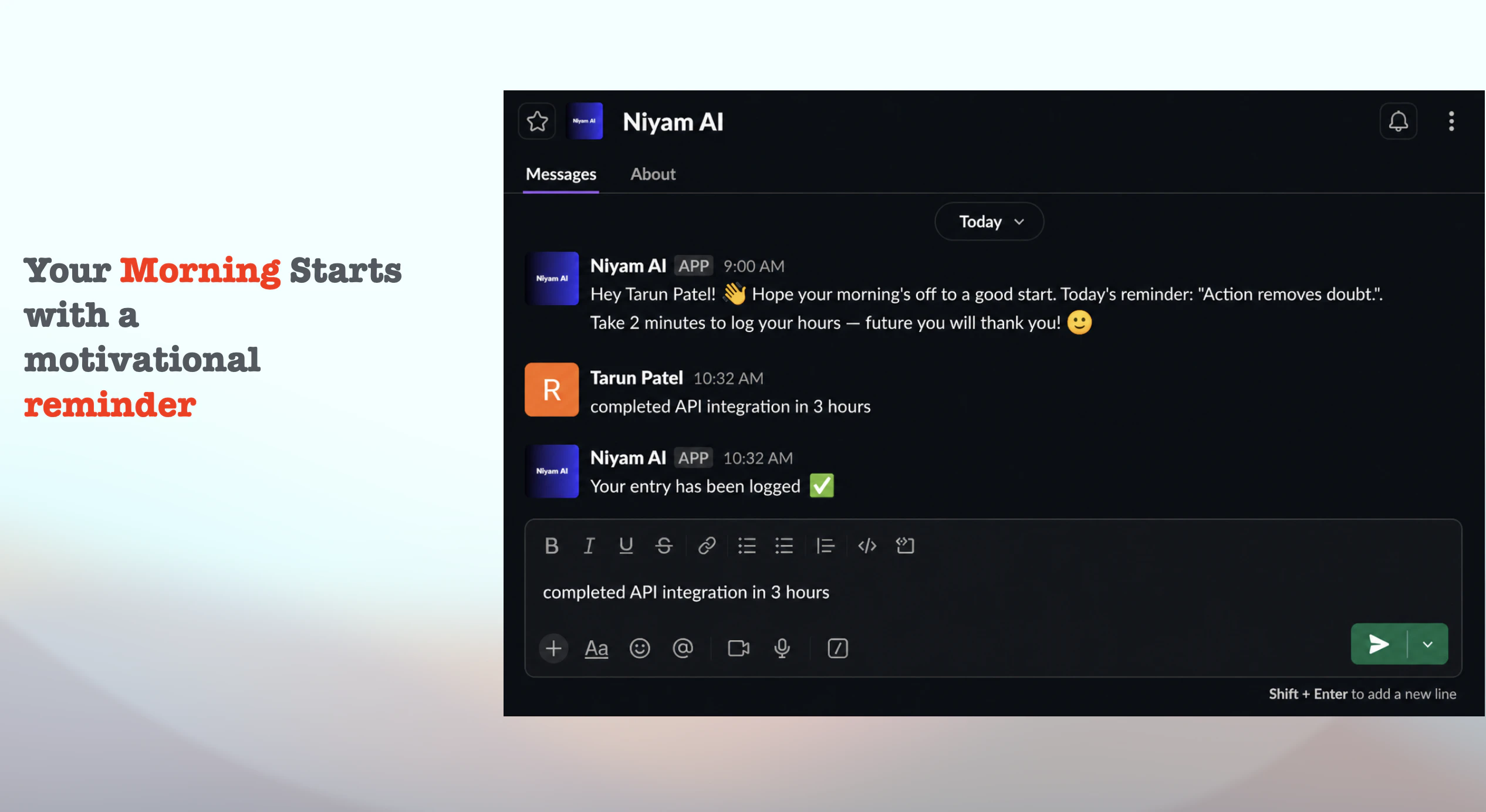
一句话介绍:Niyam AI是一个内嵌于Slack的时间追踪工具,用户通过向机器人发送自然语言消息(如“刚开完客户会”)即可自动记录任务和耗时,无需切换应用或手动启动计时器,解决了团队因上下文切换而频繁遗漏或虚假记录时间的痛点。
Productivity SaaS Artificial Intelligence
Slack集成 时间追踪 团队效率 自动记录 自然语言处理 生产力工具 无感打卡 项目管理 减少摩擦 AI助手
用户评论摘要:创始人自曝时间跟踪的普遍困境——切换应用即失败,内部测试发现每人每周损失3-4小时未追踪的“真空时间”。用户初步反馈积极,称赞工具体验自然并期待实际使用。回帖者Tarun(构建者)强调设计目标是让用户“无需思考”,但承认需接受真实团队使用中的“首次崩溃”以迭代。
AI 锐评

Niyam AI切中了一个极其真实但被传统工具忽视的痛点:时间追踪的“最后一米”障碍从来不是技术,而是行为心理学上的“切换代价”。Toggl、Harvest等工具功能成熟,却强迫用户在完成工作后多做一个“打开-点开始-填描述”的动作——这恰恰是人类大脑最抗拒的“鸡肋步骤”。Niyam巧妙地将动作嵌入Slack这个高粘性日常环境,本质是砍掉了时间追踪的“触发成本”,让记录行为与即时消息的高度一致性完美耦合。

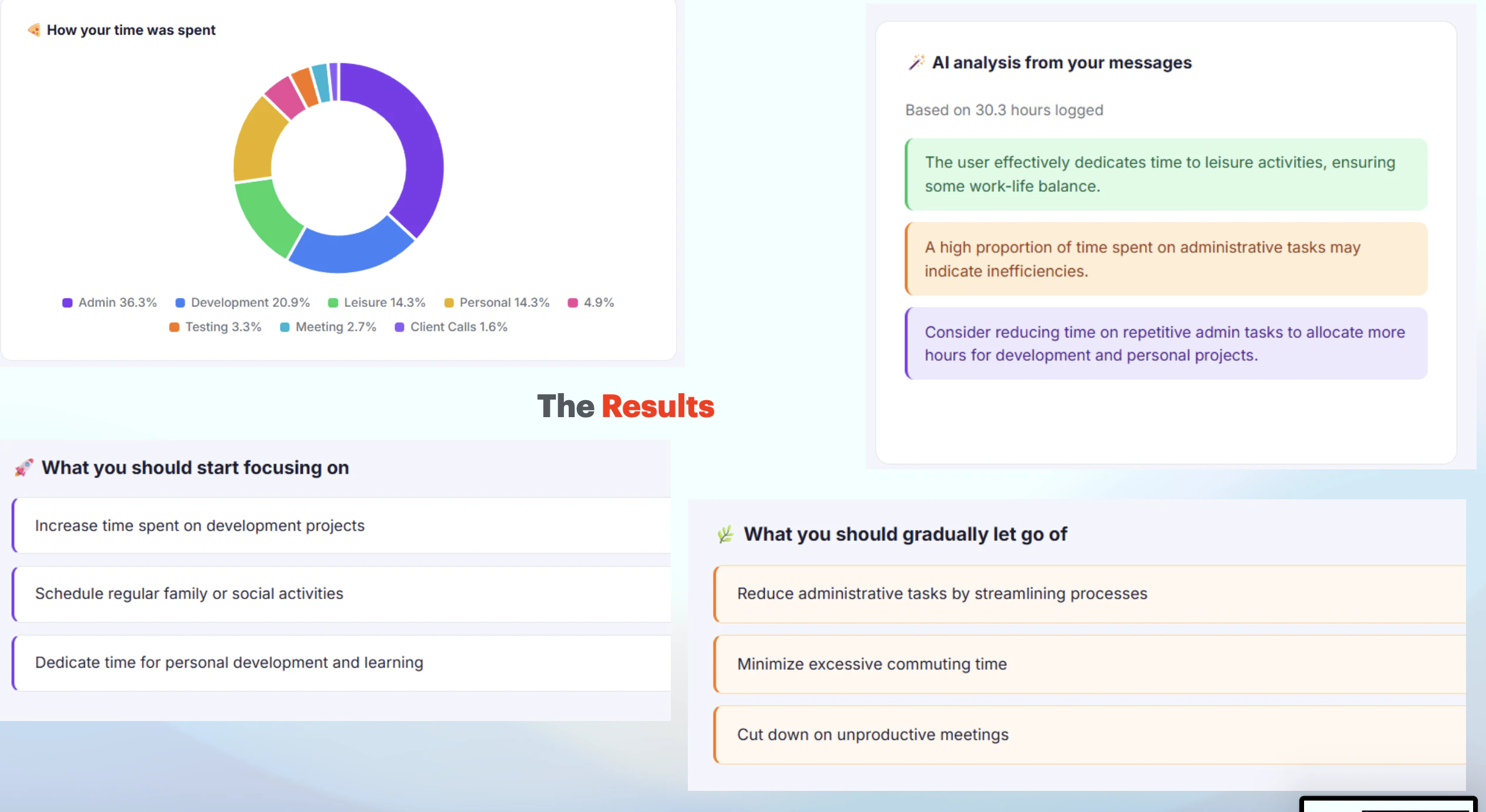
从商业逻辑看,其真正价值并非“更准确的工时报表”,而是为企业提供了一种近乎零感知的“注意力残留数据”捕获手段。内部测试发现的每周3-4小时空白时段,很可能就是企业隐性浪费最集中的区域。不过,风险同样明显:依赖Slack即是双刃剑——一旦团队未形成Slack沟通习惯,或消息流本身混乱,Niyam的“无感”可能沦为“缺失”。另外,当前仅处理“事后描述”而非“实时预注册”,对需要严格事前审批或项目级预算控制的大型组织来说,合规性仍存疑。

整体来看,这是一个“工具减法”的优秀范例,但能否跳出“小而美”的陷阱,取决于其后续能否从“记录员”升级为“节奏设计师”——比如通过数据自动发现团队最佳专注时段,或主动提示任务间过度切换的损耗。如果止步于“给你的Slack加个计时器”,那它终究只是Toggl的简易皮肤。

查看原始信息
Niyam AI
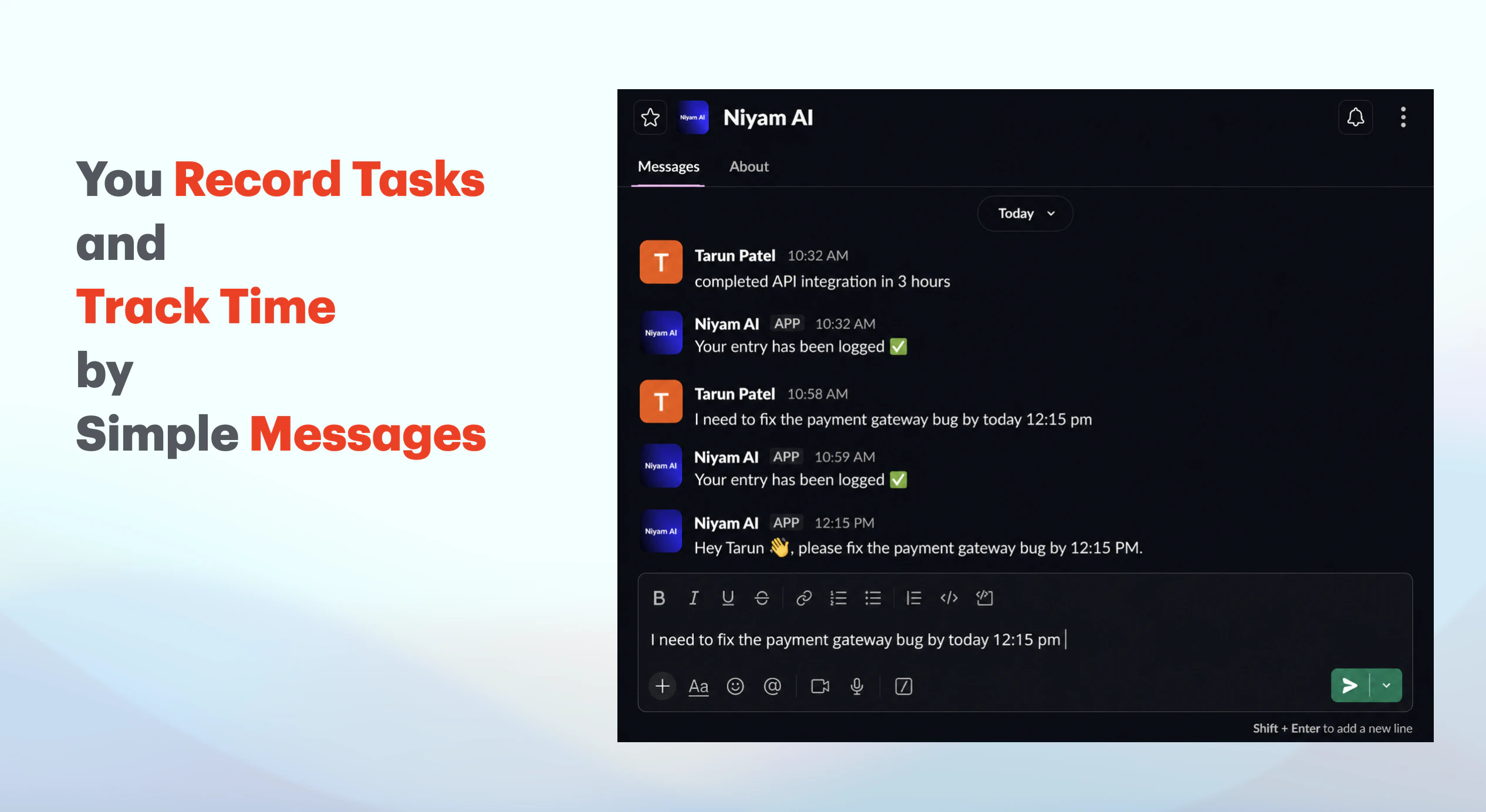
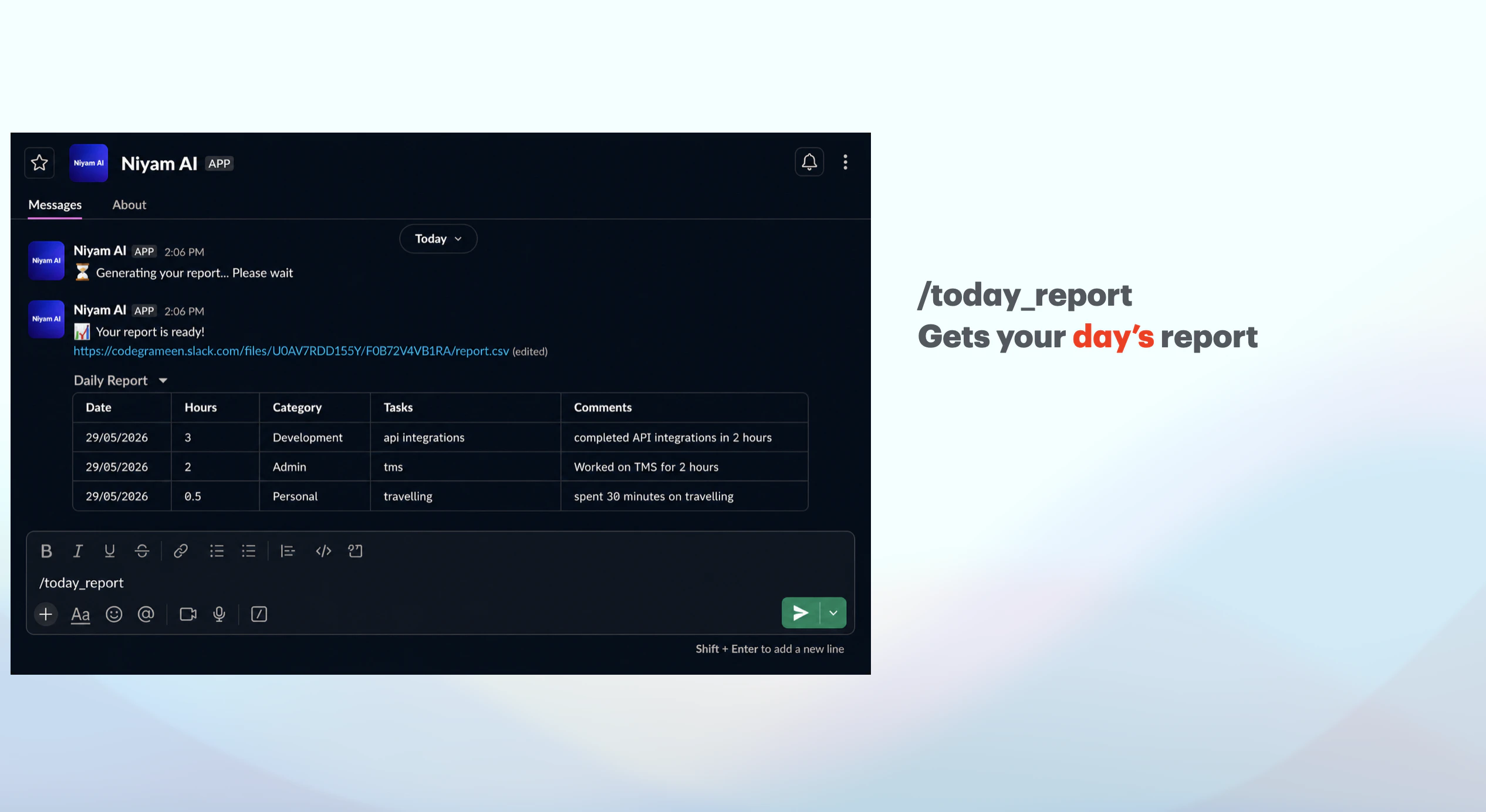
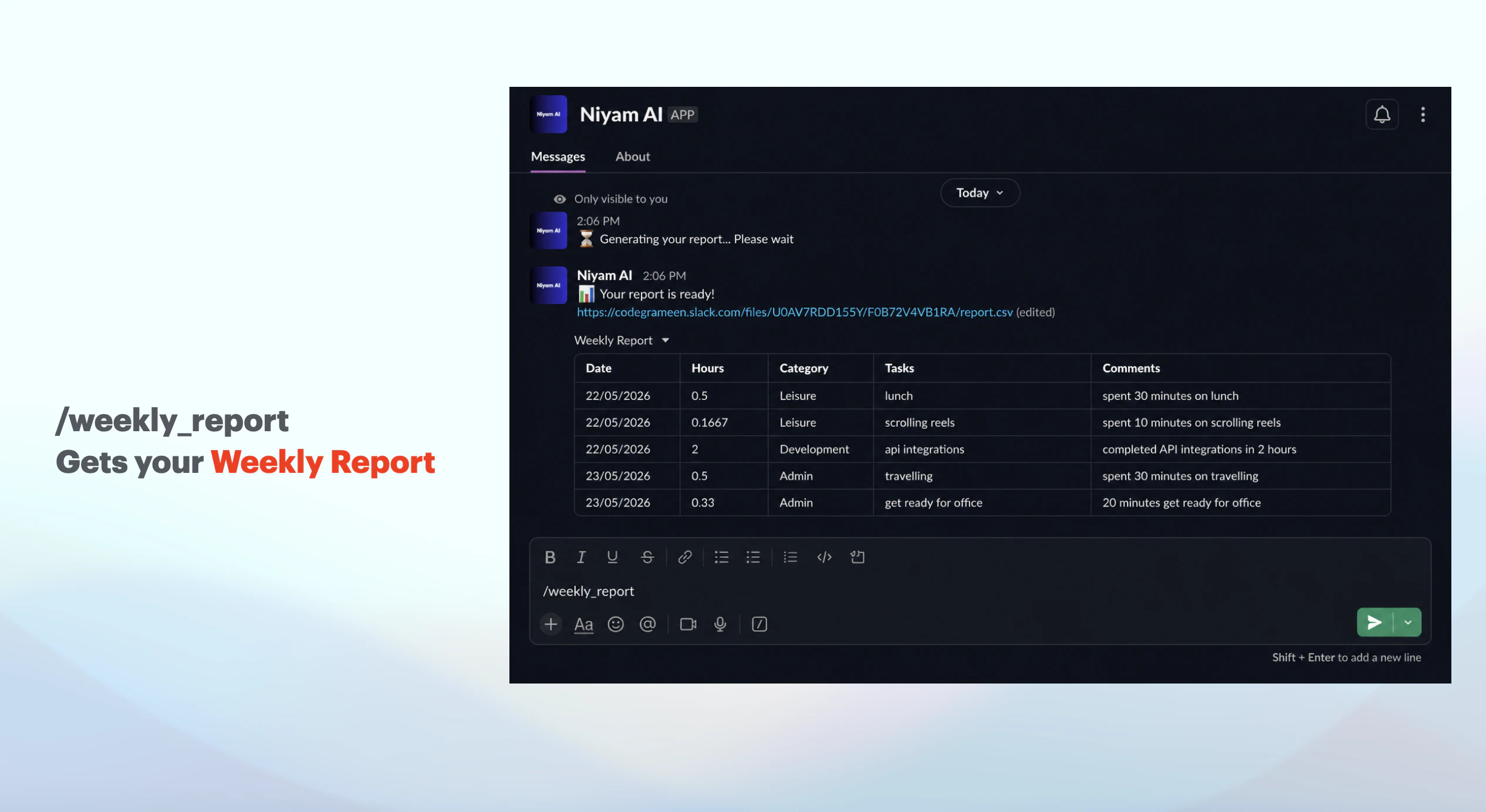
Niyam AI is a Slack-based time tracking tool that helps teams build and follow schedules without any friction. People don’t log time accurately. They either forget, batch hours at end of day, or have to switch into a separate tool (timers, spreadsheets, project software). Niyam AI lives inside Slack. You message it like you normally would — describe what you’re working on — and it automatically extracts the task and time spent. No forms, no timers, no context switching.
Hey PH 👋 The honest origin story: we were so bad at time tracking that we tried literally everything. Toggl, Harvest, built-in timers in project tools. All of them had the same problem — the moment you had to open a separate app and start a timer, you just… didn't. Or you did it at 6pm for the whole day from memory, which is basically fiction. The thing we realized is the friction isn't laziness. It's context switching. You're deep in something, you finish, and the last thing you want to do is go log it somewhere. So with Niyam, you just message the bot in Slack when you're done with something. That's it. "Just wrapped the client call" or "done with code review, took about 45 mins" — the bot pulls out the task and the time and logs it. You're already on Slack. It's two seconds. When we ran it internally, we found 3–4 hours of untracked idle time every week per person — the gaps between meetings that disappear into thin air. That's not small. That's half a workday. Curious if anyone else has solved the "I'll log it later" trap — and what actually worked. Always down to talk 🙏
6
回复

Hey 👋 Tarun here — I built the product.

Not used to writing these so I'll keep it simple.

When Manoj first explained the idea, it genuinely seemed like the most obvious thing nobody had done yet. Time tracking that lives where your team already talks. No new tool to open. No habit to form. Just Slack.

That clarity made it easier to build. When you know exactly what you're solving for, the technical decisions almost make themselves.

The part I'm most proud of is how little the user has to think. You describe what you did in plain language — the way you'd tell a colleague — and the bot handles the rest. Getting that to feel natural took a lot of iteration, but I think we got there.

Excited to see how real teams use it and what breaks first. That's honestly where the interesting work begins.

If you have technical questions or feedback, happy to answer anything here 🙏

5
回复

Congrats on your launch! It's actually an amazing tool.

1
回复
@daniel_nwankwo thank you for the appreciation, let me know if you have any feedback while you use it
0
回复
#11
Boyfriendtv Video Downloader
Save Boyfriendtv videos offline
11
一句话介绍:Boyfriendtv Video Downloader 是一个浏览器扩展,能在用户浏览相关视频页面时自动识别并提供一键下载为MP4的功能,解决了在无通用下载站或额外软件的情况下离线保存视频的痛点。
Productivity GitHub YouTube Photo & Video
视频下载器 浏览器扩展 MP4下载 离线观看 隐私保护 工具 内容保存 视频流.
用户评论摘要:用户肯定其浏览器工作流在隐私和易用性上的优势,建议增加批量下载、清晰格式选项、文件名清理及隐私模式;期待明确支持站点和使用限制。
AI 锐评

这个产品本质上是一个极其垂直的“视频缓存工具”,它的真正价值不在于技术壁垒(识别页面并下载MP4是成熟方案),而在于精准切入了特定内容受众的“低成本无痕保存”需求。11票的冷启动热度也说明它并非大众爆款,而是服务于小众刚需。

优点是产品形态干净:相比需要跳转第三方网站或安装独立软件,浏览器扩展的融合度确实更高,尤其在隐私层面避免了流量经过未知服务器。但缺点同样明显——产品名直接绑定一个特定平台(Boyfriendtv),意味着其用户天花板极低,且完全依赖该平台页面结构的稳定性,一旦对方改版或加强反爬,扩展即刻失效。评论中关于“批量下载”和“格式选项”的建议,实际上暴露了其功能的单一性:目前的版本只提供了最基础的“是否下载”的二元选择,缺乏对码率、分辨率、文件命名的控制,这在对收藏质量有要求的用户面前会很快被弃用。

另外,评论提到“隐私模式”值得玩味——这暗示了产品可能默认记录下载历史,而这在面向成人内容下载场景时尤其敏感。开发者如果能快速落地“隐私优先”的配置项,并增加对更多小众视频站的支持(类似从单一特化转向轻量版Downie的思路),或许能从“浏览器小插件”进化为“隐私下载工具集”。否则,它只能是一个无甚护城河的临时便捷方案。

查看原始信息
Boyfriendtv Video Downloader
Boyfriendtv Video Downloader is a browser extension that detects supported Boyfriendtv pages, adds simple download controls, and saves videos as MP4 files for offline viewing. It is built for users who want reliable browser-based saving without generic downloader sites, manual stream extraction, or extra desktop software.
Hey Product Hunt — we built Boyfriendtv Video Downloader to make saving Boyfriendtv videos easier from the browser. It detects supported pages, exposes download controls, and saves MP4 files for offline viewing without forcing users through generic downloader sites or manual stream extraction. Would love feedback on the workflow and which sites/formats we should improve next.
0
回复

@devinschumacher The browser-based workflow makes sense here. Avoiding generic downloader sites is a real advantage, especially for privacy and ease of use.

For improvements, I’d look at batch downloads, clearer format/quality options, filename cleanup, and a privacy-first mode that avoids storing history locally. It would also be useful to make supported sites and usage limits very clear so users know exactly what works and what doesn’t.

0
回复
#12
SnapZoom - AI Auto-Zoom on Click
AI auto-zoom screen recorder for Chrome. No editing.
10
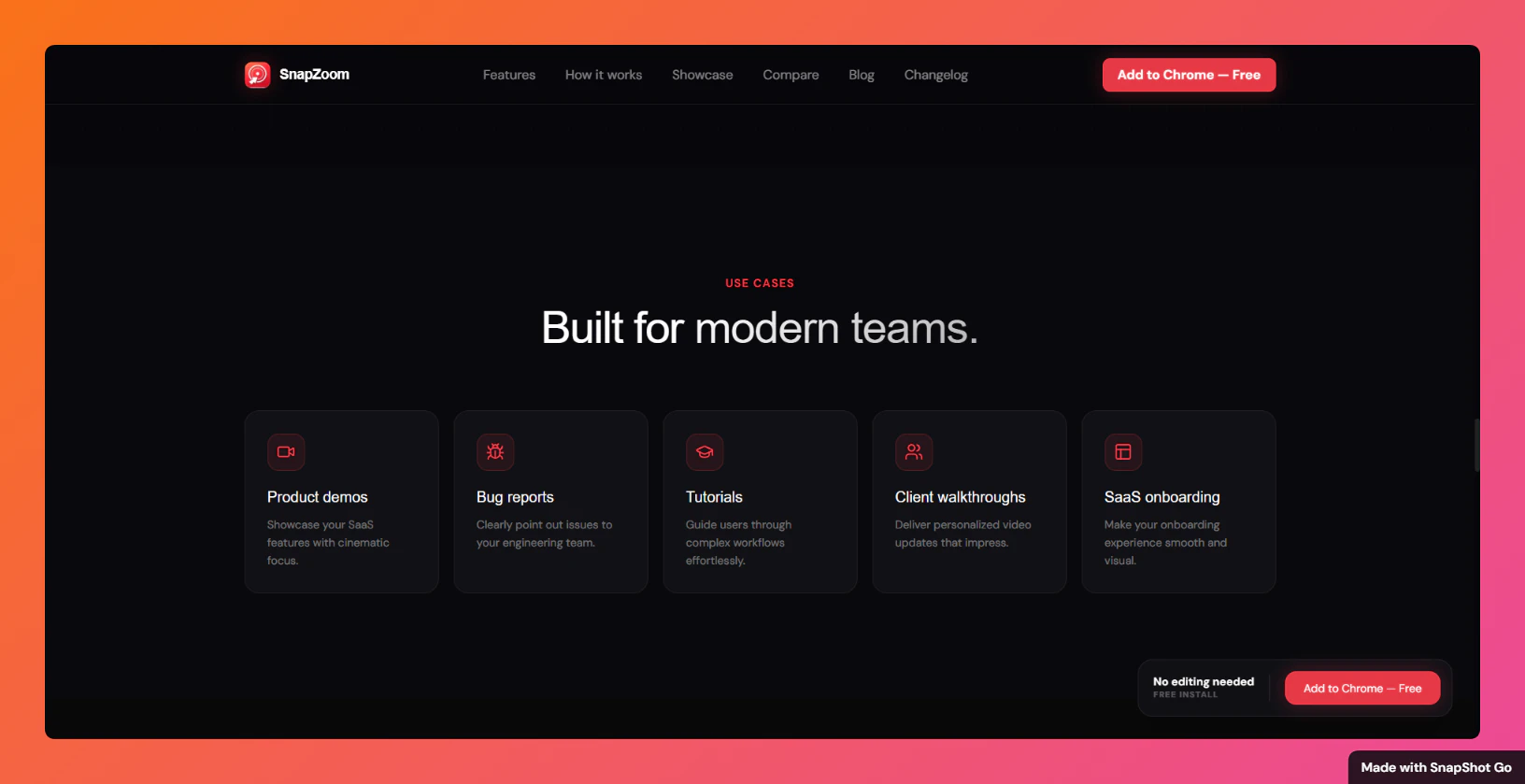
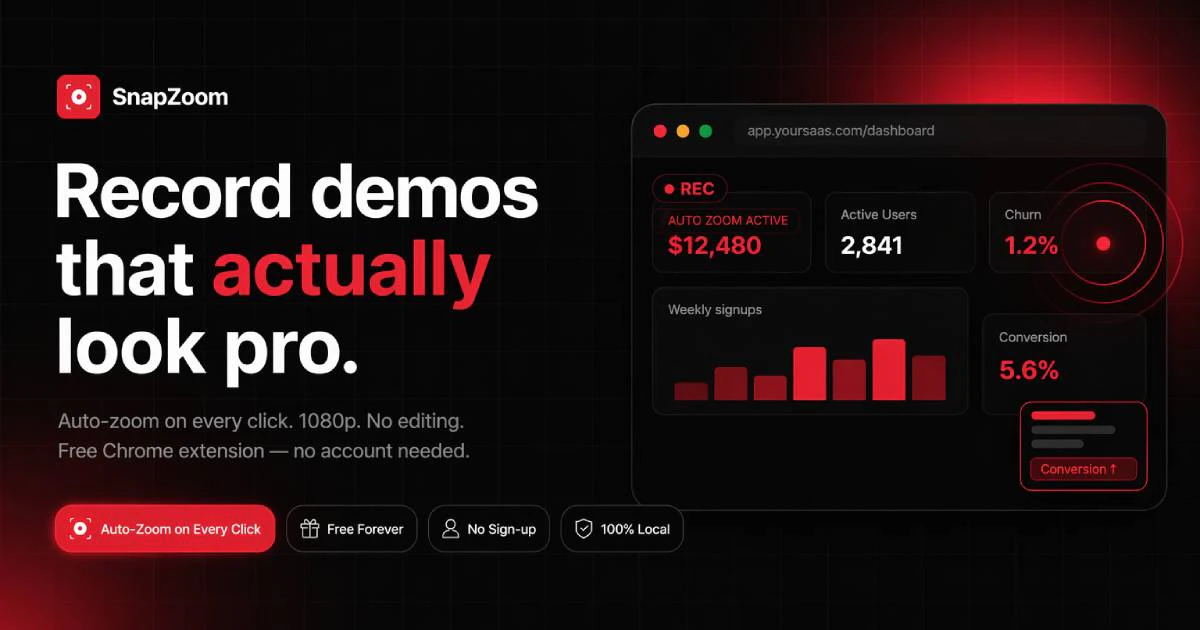
一句话介绍:SnapZoom 是一款 Chrome 屏幕录制扩展,能在录制时通过 AI 自动检测鼠标点击并生成电影级推拉缩放动效,无需后期剪辑,极大缩短产品演示和教程视频的制作时间。
Chrome Extensions Productivity Developer Tools
Chrome扩展 屏幕录制 AI自动缩放 视频剪辑 产品演示 教程制作 局部隐私 视频导出 网络摄像头叠加 Loom替代
用户评论摘要:开发者 Nagaraj 坦诚回应了成本与开源问题,表示自己承担 AI 费用且暂时未开源。用户主要给出了积极反馈,称赞其轻量易用,但尚未提出具体的功能缺陷或改进建议,整体处于早期验证阶段。
AI 锐评

SnapZoom 精准切入了一个被忽视却高频的创作痛点——屏幕录制后的缩放动效剪辑。对于制作产品 Demo、软件教程的用户而言,手动调节关键帧是耗时且重复的体力活,SnapZoom 用“点击即自动 zoom”的 AI 逻辑,把工作效率从 90 分钟压缩到近乎实时,这确实是 Loom、Screencastify 等竞品未解决的深层需求。其定价策略也颇为高明:免费无限制使用基础功能引流,再以 $9.99 的终身低价快速圈定早期用户,门槛极低,转化路径清晰。

然而,产品目前存在几个隐忧:第一,“AI” 仅基于点击位置触发预设缩放,而非真正理解画面内容的语义级智能,技术壁垒不高,大厂或现有竞品很容易跟进复制;第二,作为 Chrome 扩展,性能消耗(尤其是高清录制+实时缩放渲染)对低配机器的压力未说明,若卡顿体验会直接劝退用户;第三,开发者一人维护,一旦用户量增长,AI 调用成本(即便他声称自行承担)与技术支持压力将迅速堆积,长期可持续性存疑。SnapZoom 的核心价值在于显著缩短“后期编辑”这一中间环节,而非颠覆录制本身。它适合作为创作者的效率工具,但能否成为一款独立的产品,取决于后续能否构建出处理多点击序列帧、自定义缓动曲线、以及团队协作等更深的编辑能力,否则极易沦为 “一个有用的功能”,而非 “一个伟大的产品”。

查看原始信息
SnapZoom - AI Auto-Zoom on Click
Free Chrome screen recorder with AI cinematic auto-zoom on every click. 12x faster exports, pro webcam overlays, local privacy. Best Loom & Screencastify alternative for product demos & tutorials.

Hey Nagaraj

This is genuinely amazing. Since this is an extension I suppose it's quite lightweight(isn't it?).

One question though how do you handle the ai costs when you don't charge users and is this open source?

0
回复

@jay_gangwar Thanks man! Yeah i handle it. I wont charge any ai costs.

0
回复

👋 Hey Product Hunt!

I'm Nagaraj, the solo developer behind SnapZoom.

I built it because I was tired of spending 90 minutes manually editing zoom keyframes for a 4-minute screen recording. I wanted something that could automatically create smooth zoom effects without the usual editing workflow.

🎯 AI Auto-Zoom

✔️ Detects clicks automatically

✔️ Applies smooth cinematic zoom effects in real time

✔️ No manual keyframing required

⚡ 12x Faster Export Engine

✔️ Export 4K videos in seconds

✔️ No re-exports

✔️ No bitrate tweaking

🎥 Pro Webcam Overlay

✔️ Circular facecam overlay

✔️ 4 placement options (Top Left, Top Right, Bottom Left, Bottom Right)

✔️ Hybrid-Sync technology keeps audio and video perfectly aligned

🎨 37+ Studio Backgrounds

✔️ Professional gradients and studio-style scenes

✔️ Instantly improve the look of recordings

✂️ Built-in Editing

✔️ Trim recordings

✔️ Crop videos

✔️ Export without opening another editor

🔍 Custom Zoom Controls

✔️ Zoom intensity from 1x to 4x

✔️ Disable Auto-Zoom anytime for full manual control

📱 1-Click Vertical Export

✔️ Export directly to 9:16 format

✔️ Perfect for Shorts, Reels, and TikTok

🔒 Privacy First

✔️ No account required

✔️ No watermark

✔️ No cloud uploads

✔️ Everything runs locally on your machine

💻 Cross-Platform

✔️ Works on Windows and Linux

✔️ Not limited to Mac users

💰 Pricing

🆓 Free tier

✔️ Fully functional

✔️ No watermark

✔️ No signup required

🚀 Lifetime Access

✔️ $9.99 today

✔️ Started at $4.99

✔️ Will increase to $29 in the next version

✔️ Only 5 spots remaining at the current price

🔗 Links

👉 Install Free: Chrome Web Store

🌐 Landing Page & Demo: https://snapzoom.pro

I'd love honest feedback:


❓ What's missing?

❓ What's confusing?

❓ What feature would make you use SnapZoom every day?

I'll be here all day answering questions and collecting feedback. Thanks for checking it out! ❤️

0
回复
#13
Outbound Rewriter that gets replies
Paste your pitch, get 5 scored variants + follow-up cadence
10
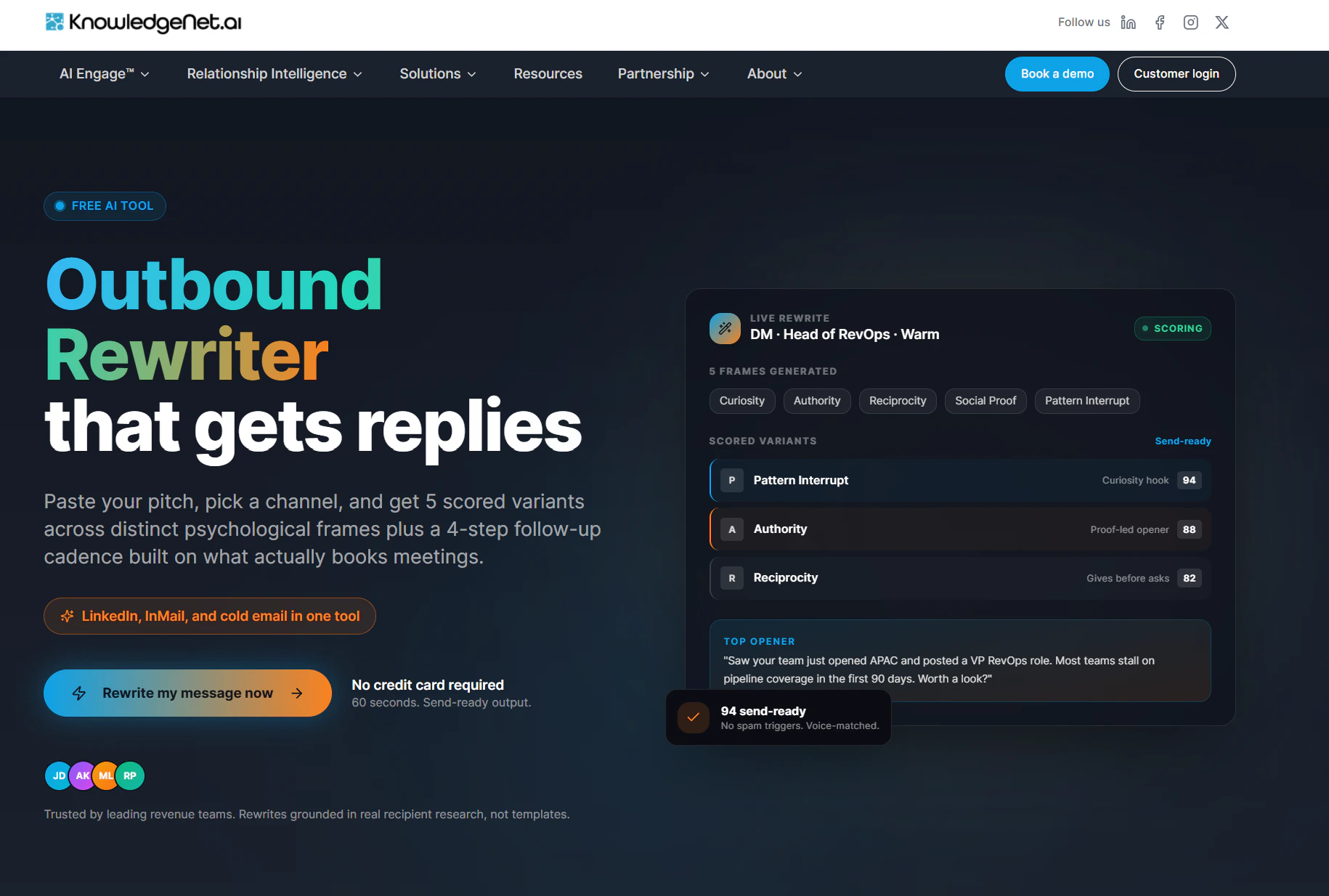
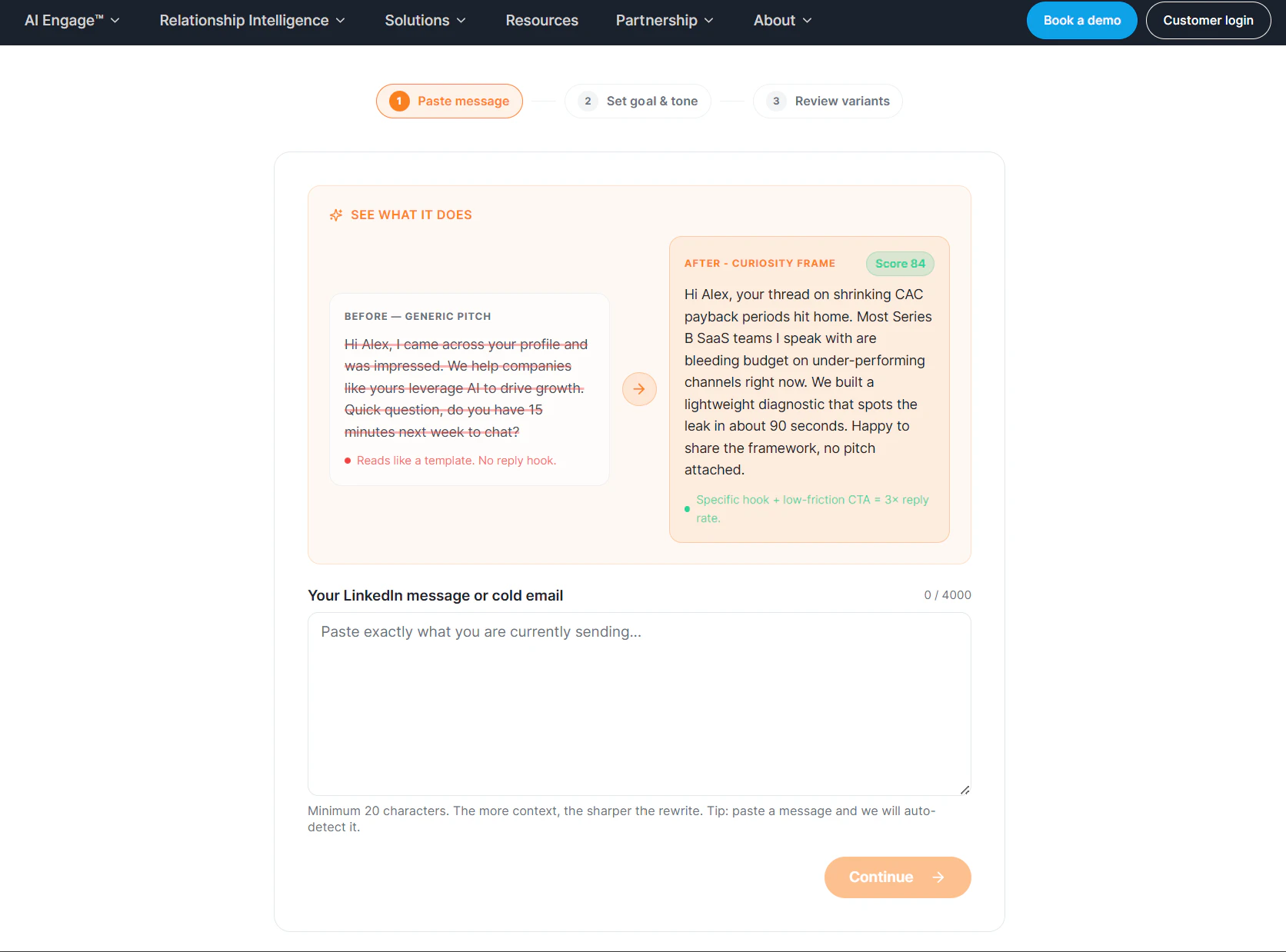
一句话介绍:Outbound Rewriter是一款针对销售和商务拓展人员的AI外联消息重写工具,通过自动研究目标客户背景、识别购买信号并应用心理框架,帮用户解决冷启动邮件模板化、回复率低的痛点,快速生成个性化、高回复率的外联文案及跟进策略。
Productivity Sales Marketing
AI外联工具 销售自动化 邮件重写 冷启动 客户研究 心理框架 回复率优化 合规检查 内容个性化 SaaS产品
用户评论摘要:目前仅有一条高赞评论(来自产品方),核心强调自己不同于传统AI邮件工具(模板化僵尸内容),通过LinkedIn自动研究、5种心理框架评分、防忽悠检查、声音克隆等功能实现真人感消息,并呼吁用户试用后反馈。暂无用户真实问题和建议。
AI 锐评

从产品定位看,Outbound Rewriter精准切中了销售外联场景中最痛的点——模板化带来的低回复率和无脑AI生成导致的“欺骗感”。它没有走“一键生成万能邮件”的骗局路线,而是选择了“研究+框架+评分+迭代”的复杂价值链,这在高频、低信任的B2B销售域中具备真实价值。

**亮点:**

1. **Deep Research不是噱头**——从LinkedIn爬取并构建“证据墙”,让AI输出有依据而非空泛,这比绝大多数“喂简历出套话”的工具强一个量级。

2. **从用户机制设计到心理干预闭环**:5种框架+预测分数+反馈式写作指导,让工具不只是“给答案”,还具备“教人钓鱼”的能力,这对中小销售团队和独立创始人更有长期黏性。

3. **合规与反垃圾机制**覆盖GDPR和CAN-SPAM,既避免被系统当垃圾,也降低法律风险——这在海外SaaS冷启动中常被忽略。

4. **免费策略+附体AI Engage产品矩阵**,本质是通过单点工具获客,向高价值系统转化,逻辑成立且触达成本低。

**风险与局限:**

- 当前投票仅10票,用户口碑严重不足,产品方自我“黄婆卖瓜”的评论掩盖了真实使用反馈。真实测试中LinkedIn爬取的实时性和海外平台反爬变数未暴露。

- “声音克隆+心理框架”听起来高级,但实际效果取决于训练样本质量和模型泛化能力——如果只能re-phrase而非真正基于语境改制,回复率提升可能有限。

- “防忽悠检查”是聪明,但过度依赖规则反而会扼杀差异化表达,让邮件趋同(又回到模板化)。

**核心价值判断:**

它不是一个“让AI替你发邮件”的自动化工具,而是**一个具备研究、策略提效、写作纠偏能力的销售辅助外脑**。最被低估的其实是“Regenerate with coaching”和“inline editing”功能——让AI从替代者变成教练,这在提升用户长期技能和忠诚度上更有意义。如果它能真正跑通“研究+风格仿写+反馈循环”的模型,并积累足够多的高回复率案例,它完全有机会成为Salesforce/Gong生态之外的一匹黑马。比起诸多只做套壳的AI Write工具,它值得一个谨慎的“值得一试”。

查看原始信息
Outbound Rewriter that gets replies
Outbound Rewriter by KnowledgeNet.ai transforms generic cold outreach into personalized, human-quality messages in seconds. Paste a draft or LinkedIn profile, and AI researches the prospect, identifies buying signals, and rewrites your message using proven psychological frameworks. Includes prospect intelligence, reply-aware messaging, anti-spam language checks, compliance scoring, voice matching, and coaching insights to help sales teams and founders increase response rates

Hey PH 👋

We built Outbound Rewriter because we were sick of "AI email writers" that do this:

  1. Ask you to paste a bio

  2. Spit out a generic paragraph full of "revolutionary" and "game-changing"

  3. Ghost you when it gets zero replies

So we did the opposite.

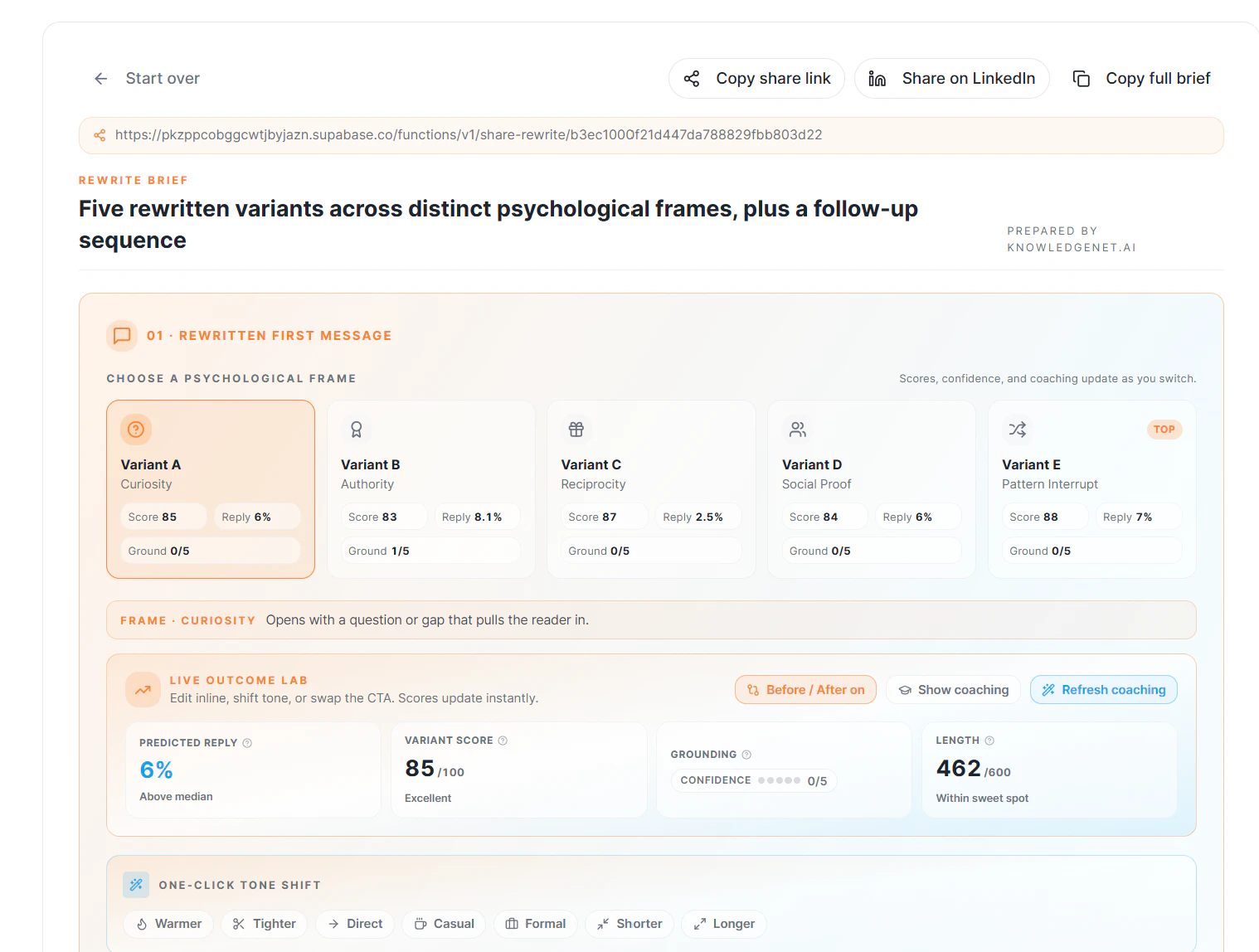
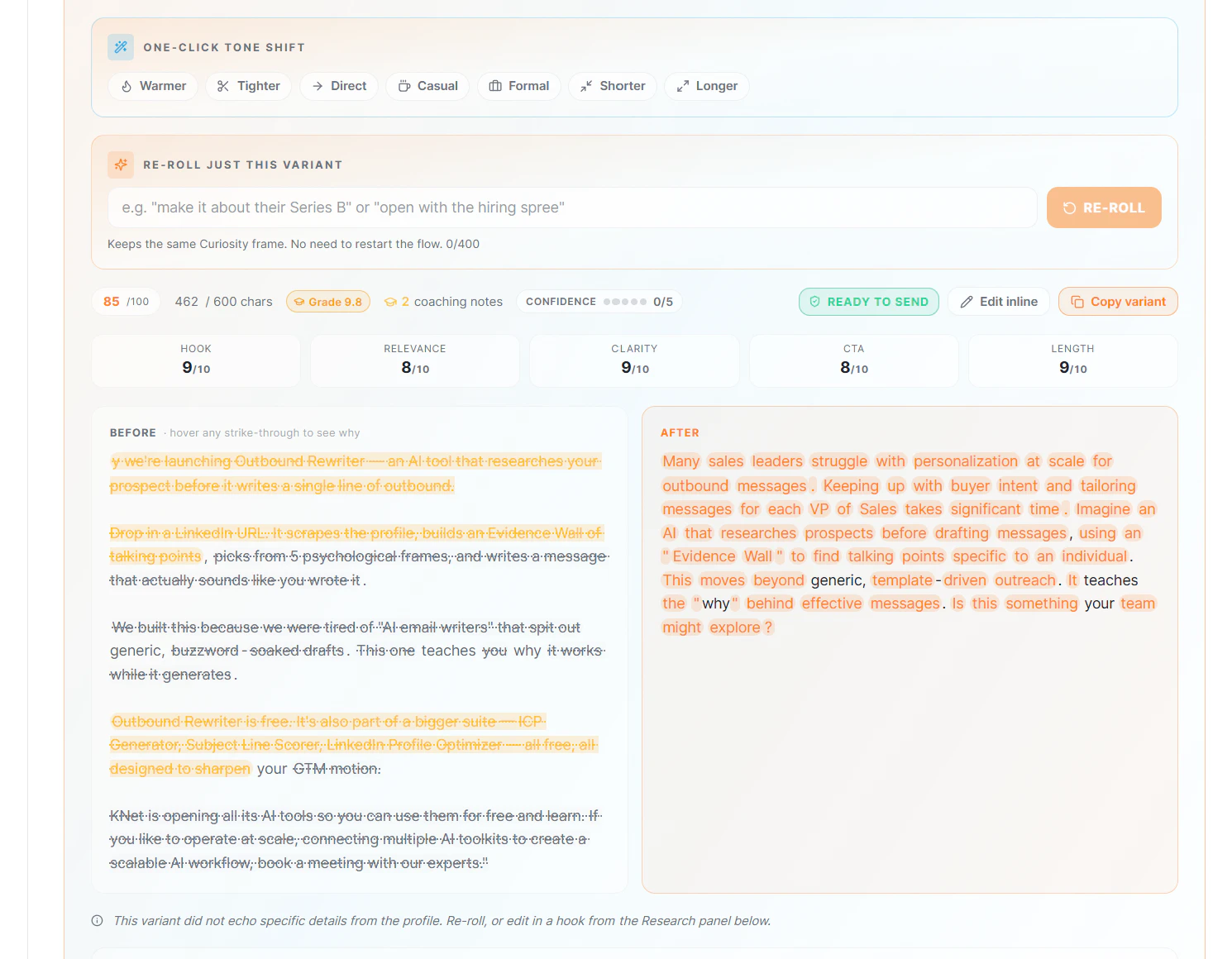
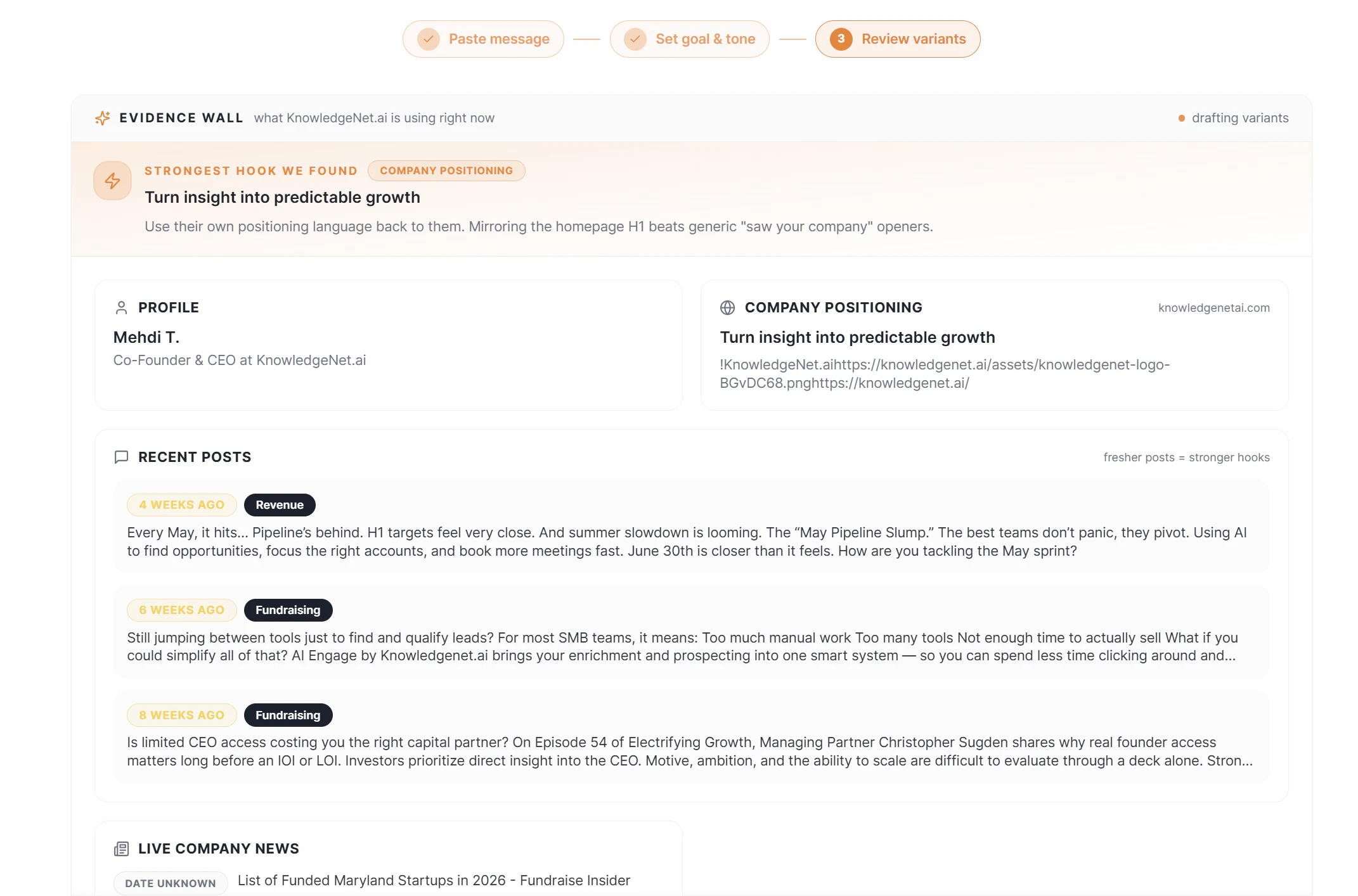
Drop in a LinkedIn URL. The tool scrapes the profile, builds an Evidence Wall of talking points (metrics, pain signals, growth indicators), picks from 5 psychological frames, and writes a message that actually sounds like a human sent it.

Not a template. Not a prompt. A researched, angled, scored piece of outbound.

What you get:

🔍 Automatic prospect research — no more copy-pasting bios into ChatGPT
🧠 5 psychological frames — Pain Echo, Trigger, KPI Mirror, Social Proof, Curiosity Gap — scored by predicted reply rate
🚫 Anti-cringe linter — real-time buzzword and spam-trigger detection
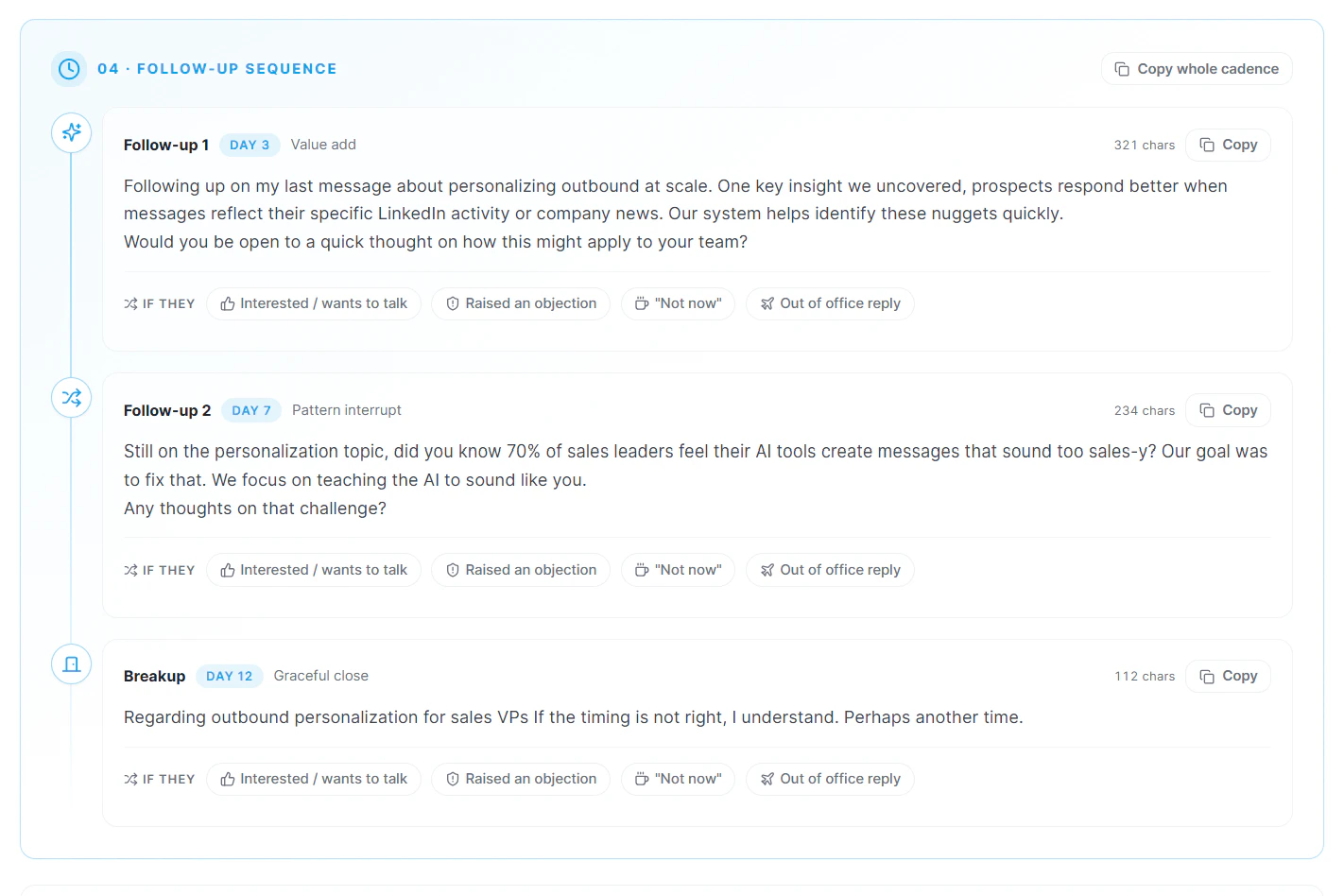
📝 Reply-state branching — first touch, follow-up, or "not interested" recovery
📊 Reading-level + compliance scoring — Flesch-Kincaid + GDPR/CAN-SPAM built in
🎭 Voice cloning v2 — upload your best writing samples, the AI learns your tone
🔄 "Regenerate with coaching" — annotated rewrites that teach you why it works
✏️ Inline editing + tone shifts — tweak any line, shift formal → punchy in one click
👀 Deferred lead gate — see a full before/after preview before you unlock anything. No bait-and-switch.

The bigger picture

Outbound Rewriter is free. And it's one of the 4 free AI tools we're releasing:

We built these so any founder or SDR can sharpen their GTM motion without paying enterprise prices. Use them individually, or connect them into a scalable AI workflow with AI Engage™ — our full revenue operating system.

Try it free

👉 knowledgenet.ai/tools/outbound-rewriter

I'd love to hear what you think, especially if you've tried other AI email tools and felt let down. I'll be in the comments all day.

And when you're ready to move beyond one-off personalization and automate engagement at scale, it's time to explore AI Engage from KnowledgeNet.ai. AI Engage handles the entire process hands-free, helping you personalize and manage outreach across large audiences without sacrificing authenticity.

KnowledgeNet.ai is opening some of its AI tools so you can use them for free and learn. If you like to operate at scale, connecting multiple AI toolkits to create a scalable AI workflow, book a meeting with our experts.

1
回复
#14
SnapHire
Show what a CV can't. ⭐
9
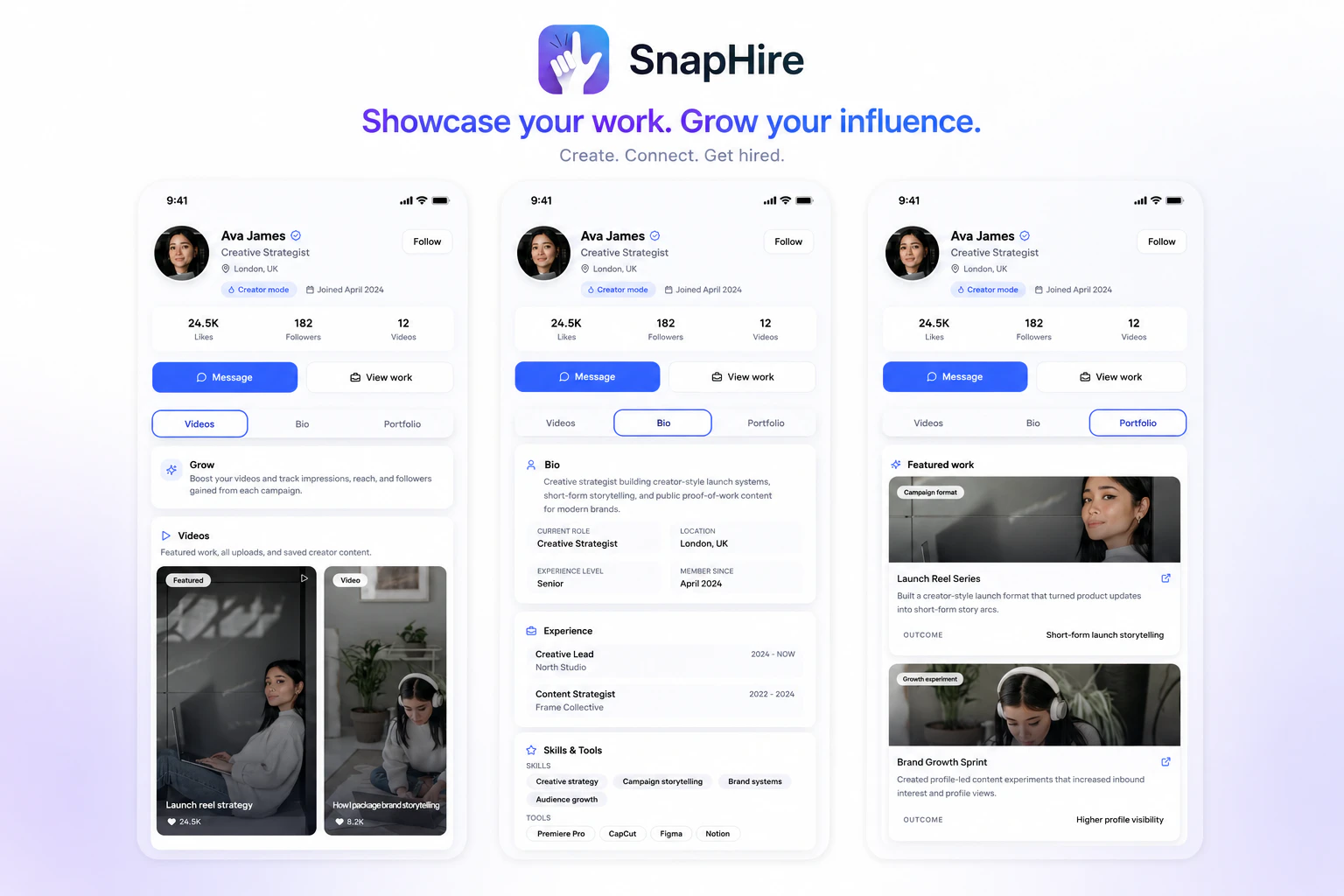
一句话介绍:SnapHire 是一个以视频为核心的职业社交平台,帮助求职者通过项目、作品和内容展示真实能力,替代传统简历作为主要筛选依据的场景,解决“简历无法展现真实技能与软实力”的招聘痛点。
Hiring Crowdfunding Social Networking Community
视频简历 职业社交 技能展示 作品集 个人品牌 招聘平台 人才发现 内容创作 职场社区 反传统简历
用户评论摘要:创始人强调平台解决简历依赖关键词的痛点,用户评论“独特”并询问是否有职业辅导功能;官方回复称暂无直接辅导,但计划为教练提供展示和连接工具,以内容带动指导关系。
AI 锐评

SnapHire切中了传统招聘的“死穴”——简历的冷酷与人类实际工作表现之间的鸿沟。视频优先的思路,理论上能更真实地呈现沟通能力、技术落地和项目思维,而非依靠关键词堆砌。不过,仅有9票的冷启动状态也暴露了残酷现实:工具易造,社区难养。视频内容的创作门槛远高于文字简历,用户是否愿意持续投入时间制作高质量内容?平台若不能提供初期爆款案例或冷启动激励,很容易沦为“高质量但无人问津的展柜”。此外,产品明显模仿了LinkedIn向“创作者平台”转型的思路,但缺乏现有用户基数和雇主侧的招聘付费意愿做支撑——雇主习惯了关键词筛选的“高效偷懒”,视频浏览与手动判断反而增加其时间成本。真正价值在于为“非模板化人才”(设计师、程序员、项目经理等)提供了差异化战场,但能否跑通,取决于双方能否在平台内形成内容消费与匹配的正循环,而非变成又一份“带链接的个人网站”。

查看原始信息
SnapHire
SnapHire is a video-first career network where people showcase skills, projects, and experience through content, portfolios, and public profiles. Instead of relying solely on traditional CVs, professionals can build reputation, grow their network, and get discovered through what they actually create and share.
Hey Product Hunt 👋 We're Kieran and Akash, the co-founders of SnapHire. We started building SnapHire because we felt traditional professional networking and hiring platforms don't do a great job of helping people showcase what they're actually capable of. Most opportunities still depend heavily on CVs, keywords, and credentials, while projects, creativity, communication skills, and real-world work often sit in the background. SnapHire is our attempt to change that. We've built a video-first career network where people can share projects, create professional content, build portfolios, grow reputation, and be discovered through what they actually do rather than just what's written on a CV. The platform is currently live and we're actively gathering feedback as we continue building. We'd genuinely love to hear your thoughts: • What stands out to you? • What would stop you from using a platform like this? • What would make it valuable enough to return to regularly? Thanks for checking us out and supporting early-stage builders 🚀
3
回复

Okay. This is actually unique. Do you have career coaching on your website.

1
回复

@daniel_nwankwo Great question. We don't currently offer career coaching directly, but it's definitely something we're thinking about from a platform perspective.

Our goal is to give career coaches, mentors, recruiters, and industry professionals tools to build their presence, share advice, showcase expertise, and connect with people who need guidance.

Rather than becoming a coaching service ourselves, we want SnapHire to be a place where professionals can discover coaches, learn from their content, and build meaningful career connections.

We'd love to hear what you'd want to see from a coaching experience on a platform like this. 👀

0
回复
#15
Sunny Days Ahead
Find the sunniest places around the world
9
一句话介绍:Sunny Days Ahead 是一款帮助旅行者利用百年历史气象数据,按月份筛选全球阳光最充足目的地的规划工具,解决“何时去何地天气最好”的决策痛点。
Weather Travel
旅行规划 阳光地图 气候数据 目的地推荐 季节性旅行 历史天气 远程工作 移动应用 数据可视化 阳光追逐
用户评论摘要:用户提及该工具非常适合远程工作者“选个月份、找个太阳地儿就走”的场景,认为它让旅行规划变得像“选择”一样简单。当前无明显负面批评或功能建议。
AI 锐评

Sunny Days Ahead 切中了一个小而确定的刚需:摆脱繁琐的天气数据搜索,直接把“阳光”和“时间”挂钩。其核心价值不在于数据本身——百年气象记录并不罕见——而在于将数据转化为“月份+阳光排名”的直觉化决策链路。尤其值得注意的是,它精准瞄准了后疫情时代远程工作者“随时随地出发”的伪奢侈心态:不是有钱,而是有自由。这种“轻规划、重体验”的价值主张,让它在一众旅行App中显得聪明且克制。

但问题也很明显:第一,9票的产品热度说明它尚未获得足够社区验证,小众意味着功能深度和社区内容积累不足;第二,仅靠“阳光”一个维度筛选目的地过于单薄——用户要的不是最晒的地方,而是“阳光+消费水平+签证难度+当地活动”的综合判断。如果止步于“气象网站高颜值版”,它很快会被AI旅行规划工具(如GuideGeek、Wonderplan)碾压。真正的护城河,是让“Sunlendar”变成用户的行程起点,而非终点。

查看原始信息
Sunny Days Ahead
Sunny Days Ahead helps you discover the sunniest destinations month by month using 100+ years of historical weather data, so you can plan brighter trips with confidence.
Hey Product Hunt, I'm Sebastian and today I'm excited to relaunch Sunny Days Ahead with two big upgrades: map integration and a much smoother user experience. The app started from a personal frustration. Every time I daydreamed about a trip, I'd end up lost in tabs trying to figure out one simple thing: when is actually the best time to go? Climate averages on Wikipedia, scattered travel blogs, and ugly climate charts. So I built the tool I wished existed. What you'll find in Sunny Days Ahead: Beautiful climate diagrams built on over 100 years of historical weather data, so you can see at a glance which month is sunniest at any destination. A new map view to explore destinations visually. The Sunlendar a month-by-month guide that surfaces the sunniest places on earth for whenever you're free to travel. Whether you're planning a weekend getaway, chasing endless summer, or just want to find out if October in Lisbon really lives up to the hype: Sunny Days Ahead has you covered. I built this solo, and I'd genuinely love your feedback. Feature ideas, critiques, all welcome. Sunny days are ahead!
0
回复

The dream use case: open laptop, pick a month, find where the sun is - and just go. Post-COVID remote work made this kind of spontaneous travel actually possible for a lot of people, and tools like this make it feel less like planning and more like choosing

0
回复
#16
Dayli
Lock your apps until you earn the time.
8
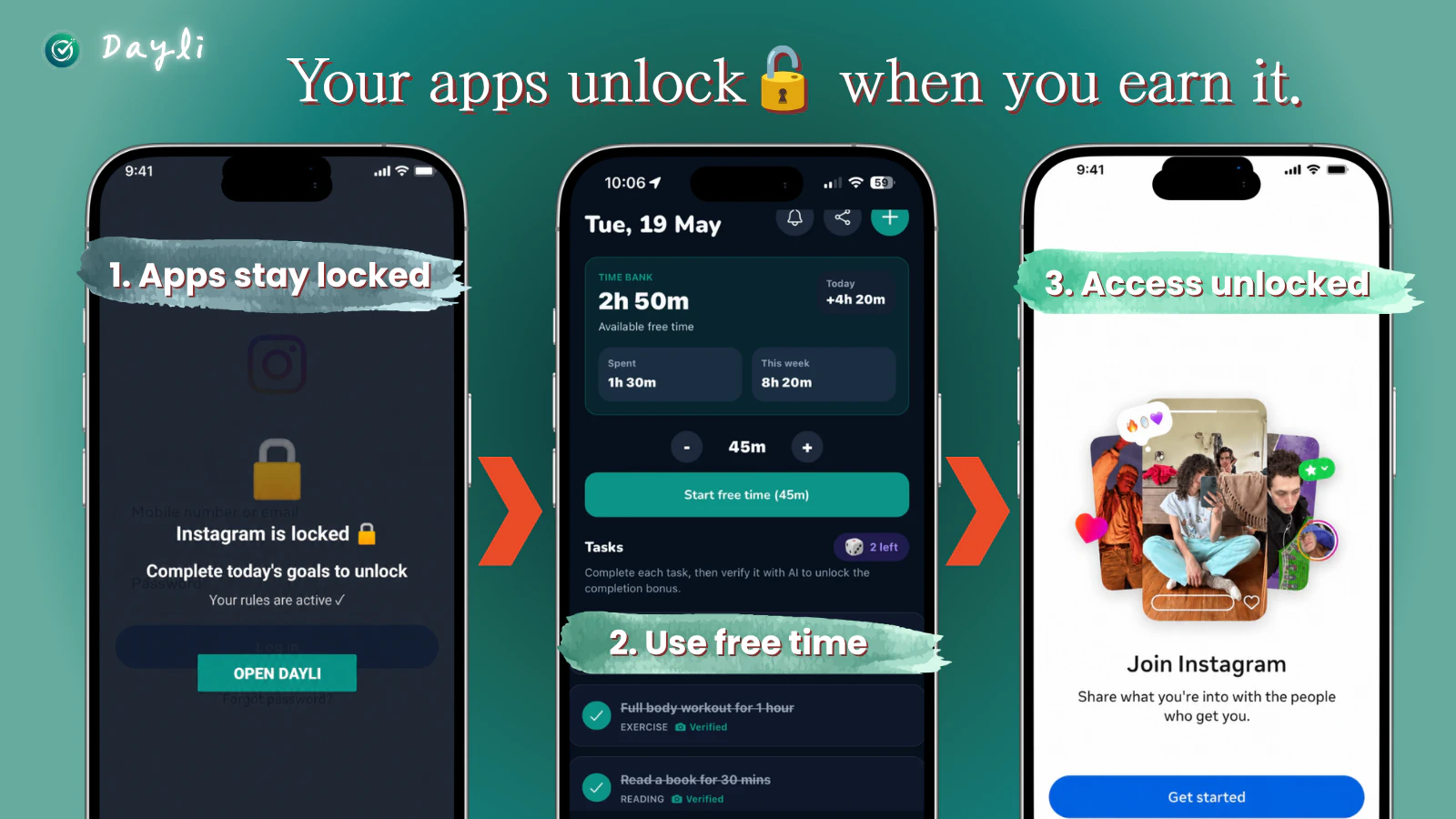
一句话介绍:Dayli 通过AI验证用户完成运动、阅读等现实目标来赚取屏幕时间,将娱乐App锁定直到用户“挣到”使用时间,从根本上矫正手机沉迷行为。
Android Health & Fitness Productivity Artificial Intelligence
效率工具 屏幕时间管理 行为改变 AI验证 自控力 手机成瘾 目标激励 时间银行 任务解锁 番茄工作法替代
用户评论摘要:创始人分享了从频繁删除效率App到自我行为改变的历程,强调核心逻辑是“手机只在使用者挣到时间后才解锁”。目前有效评论较少,多为新用户启动与推广活动(前20名投票可获Pro码),尚未出现产品报错或功能建议的深度讨论。
AI 锐评

Dayli的巧妙之处在于它没有站在人性的对立面——传统App封锁器是“警察抓小偷”的游戏,用户总在寻找绕过封锁的漏洞。Dayli则主动让渡控制权:用户不是被禁止刷抖音,而是需要“劳动换自由”。这种机制实质上是将“意志力消耗”转化为“行为强化循环”,切中了当代人“明知道浪费时间,却缺乏动力改变”的深层焦虑。

然而,产品面临两重风险:一是AI验证的真实性门槛。如果验证仅依赖单张照片,用户完全可以在跑步机上摆拍,系统需要更复杂的反作弊机制(如GPS轨迹、步频传感器融合)。二是“玩法疲劳”问题。当用户发现每天必须完成固定任务才能解锁微信时,可能会退回传统封锁模式。Dayli能否持续留住用户,取决于“时间银行”是否具备消费之外的另一种正向激励——比如连续解锁天数可兑换非娱乐型权益(如免验证阅读时间),让自律本身具有复利价值。

作为刚发布的产品,8个投票的冷启动数据并不亮眼,但“行为设计”赛道稀缺性明显。成功的关键在于:能否让用户从“为了用Instagram而跑步”,转变为“跑步本身带来的成就感激使用Instagram一样愉悦”。如果只解决前者,它不过是更精致的惩罚机制;如果实现后者,则可能重新定义人类与屏幕的关系。

查看原始信息
Dayli
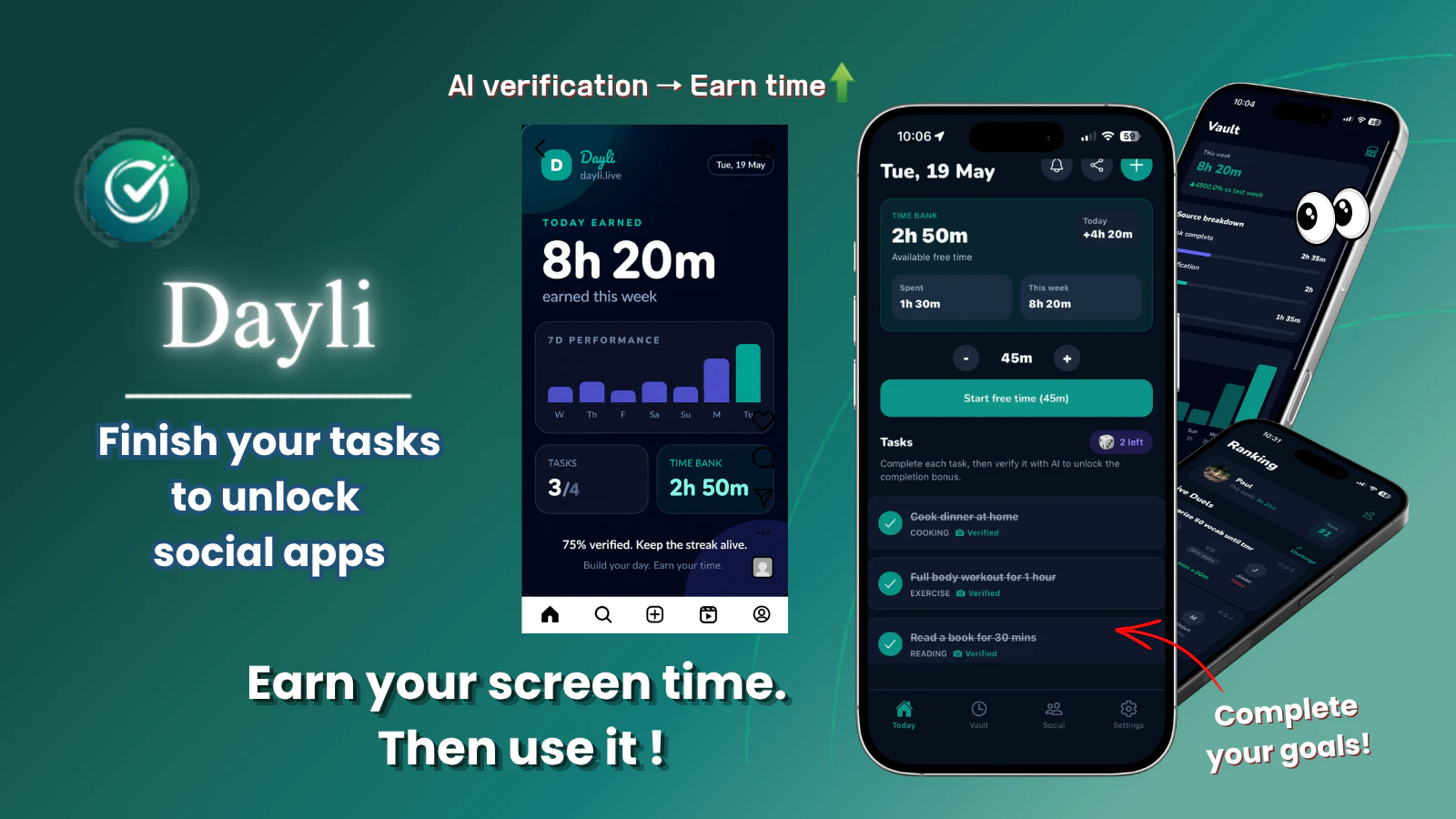
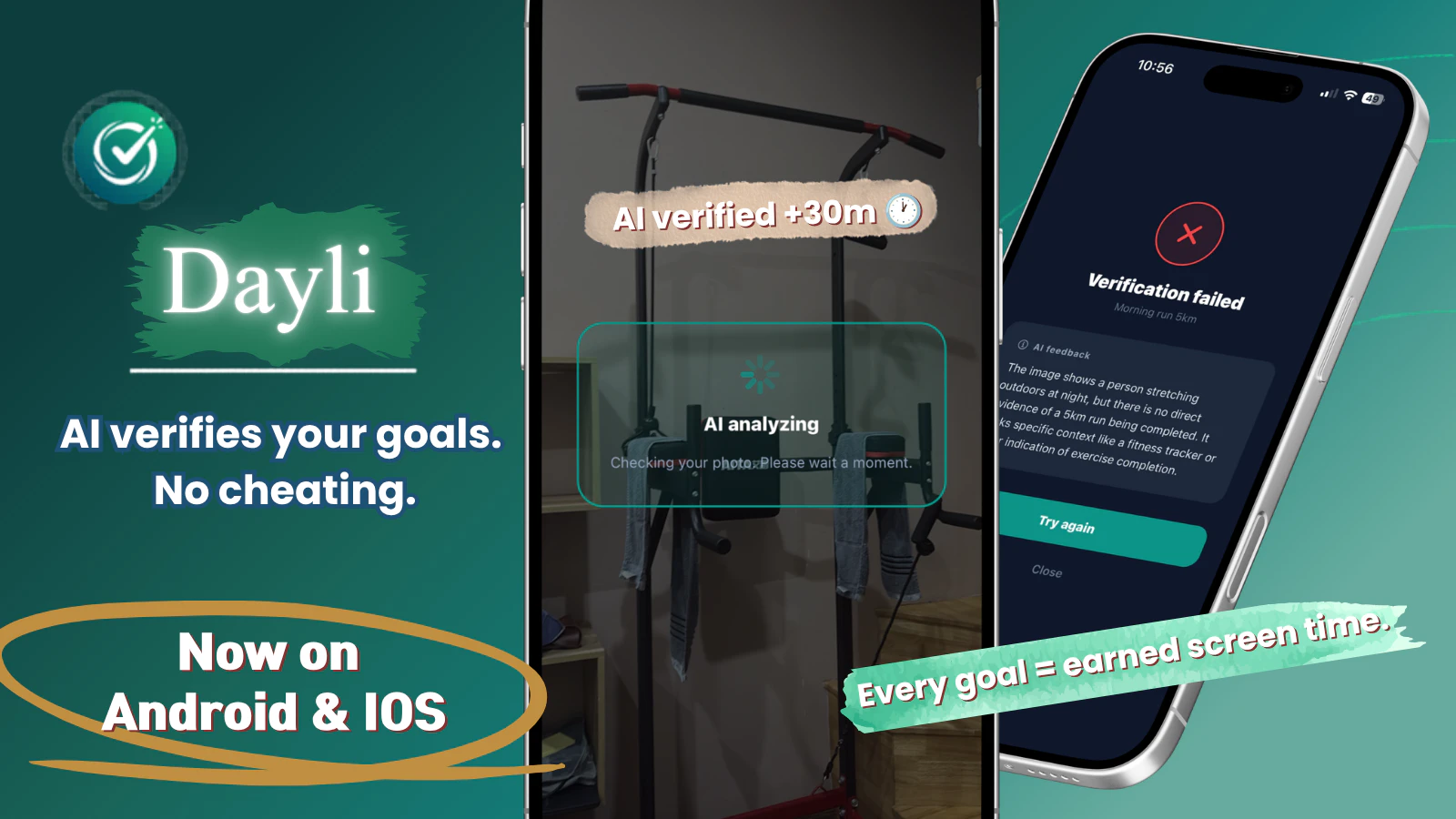
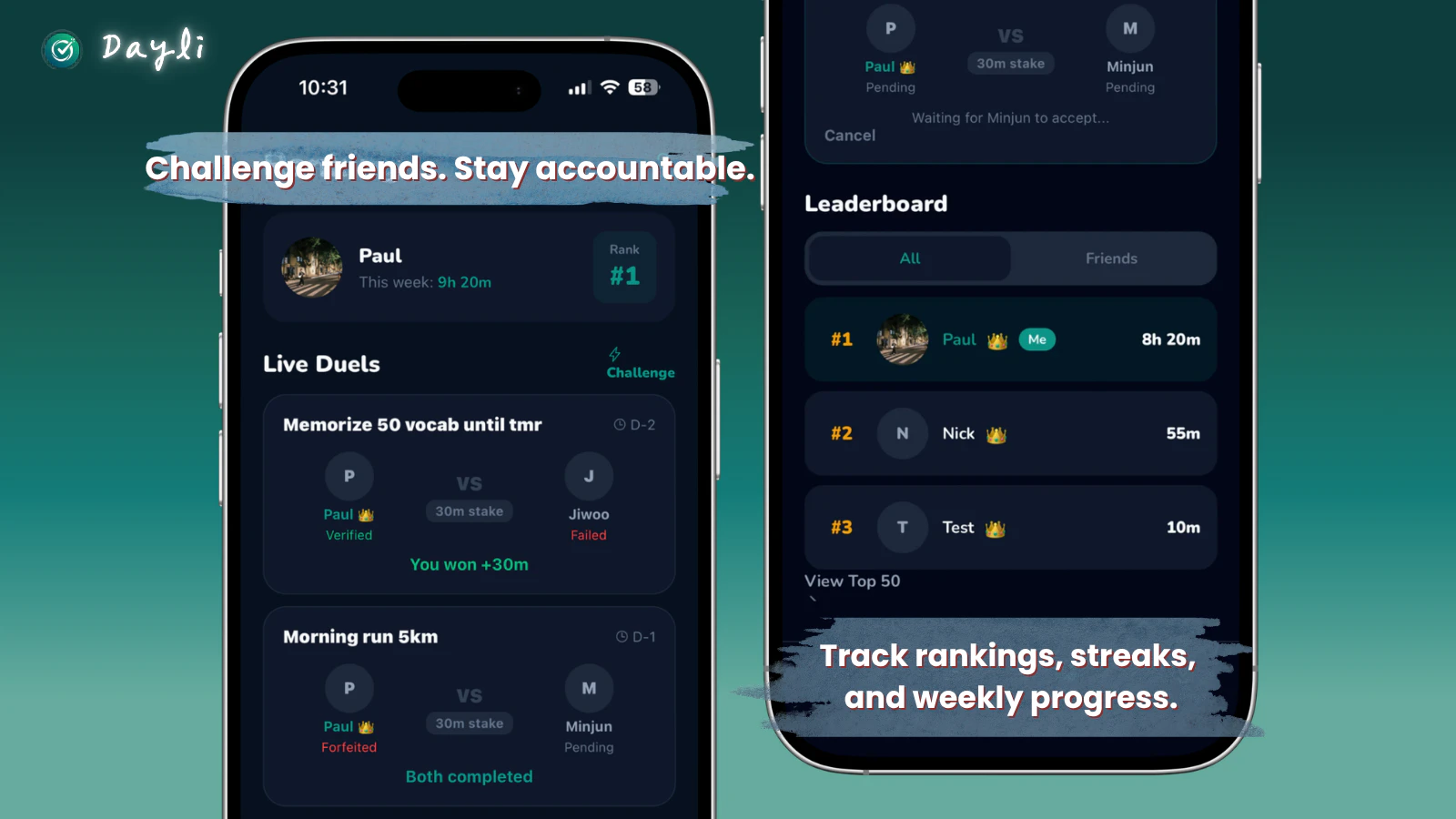
Most app blockers just restrict your phone. Dayli works differently. You earn screen time by completing real goals — exercise, reading, studying, cooking. AI verifies your effort with a photo, then adds earned minutes to your Time Bank. Use that time to unlock Instagram, YouTube, TikTok. 🔒 Apps locked until goals are done ⚡ AI verifies your effort instantly ⏱ Earned time unlocks your apps 📊 Track weekly progress in your Vault Free on iOS & Android. Try the demo: dayli.live/demo
Hey PH! 👋 Sangkwon here, solo founder of Dayli. I built this because I kept deleting every productivity app I tried — none of them actually changed my behavior. The idea hit me: what if your phone only unlocked after you earned it? 3 months later — I'm running again, reading more, and genuinely using my own app every day. Would love your honest feedback. What goals would you set first? 👇 Try without downloading: dayli.live/demo
1
回复

🎁 Special launch offer:

First 20 people who upvote and comment

will get a free 28-day Pro code.

Just drop a comment below

and I'll DM you the code 👇

0
回复
#17
Authentic Loops
Rate any company's interview process
7
一句话介绍:Authentic Loops 让求职者匿名对每家公司的面试流程各环节进行打分与评价,旨在解决求职信息不对称、公司面试体验不透明和缺乏问责的痛点。
Hiring Career Community
面试评价 招聘透明度 雇主品牌 求职社区 员工体验 候选人反馈 HR工具 公司点评 职场平台 产品猎手
用户评论摘要:用户作为项目发起人,阐述了初衷:在市场低迷时,希望建立鼓励建设性反馈而非情绪宣泄的社区,以推动公司改善面试流程。目前网站尚处早期种子阶段,正在征集首批评价与反馈。
AI 锐评

Authentic Loops 切入了一个微妙但真实的痛点:求职者面试体验的不可量化与不可追溯。相比 Glassdoor 等大而全的公司评价体系,专注于“面试流程”这一细分场景,让评价颗粒度更细、行动指向更明确。产品价值不在于“吐槽”,而在于将混乱的个体体验转化为结构化的“企业面试成熟度”数据,理论上可以作为HR改进招聘流程的内部参考,以及求职者筛选公司的决策辅助。

但这款产品面临严峻的冷启动与信任挑战。目前仅7票、0条有效评论,说明其处于极其早期的“先有鸡还是先有蛋”阶段:没有足够评价数据就无法吸引用户,没有用户就无法产生评价。更致命的是,如何防止恶意低分刷评?如何验证评价者确实参与了面试?若无法建立可信的审核机制,数据噪音会迅速淹没信号。此外,公司将“鼓励改进”作为使命,但企业是否愿意面对并采纳这种第三方的批评,尤其是在招聘本是买方市场的当下?生存路径可能在于:先与特定垂直行业或职业社群合作,用“认证面试者”或“积分激励”方式积累首批高质评价,再逐步向外扩展——否则,它很容易在展示“面试公平”理想的呼声中被淹没。

查看原始信息
Authentic Loops
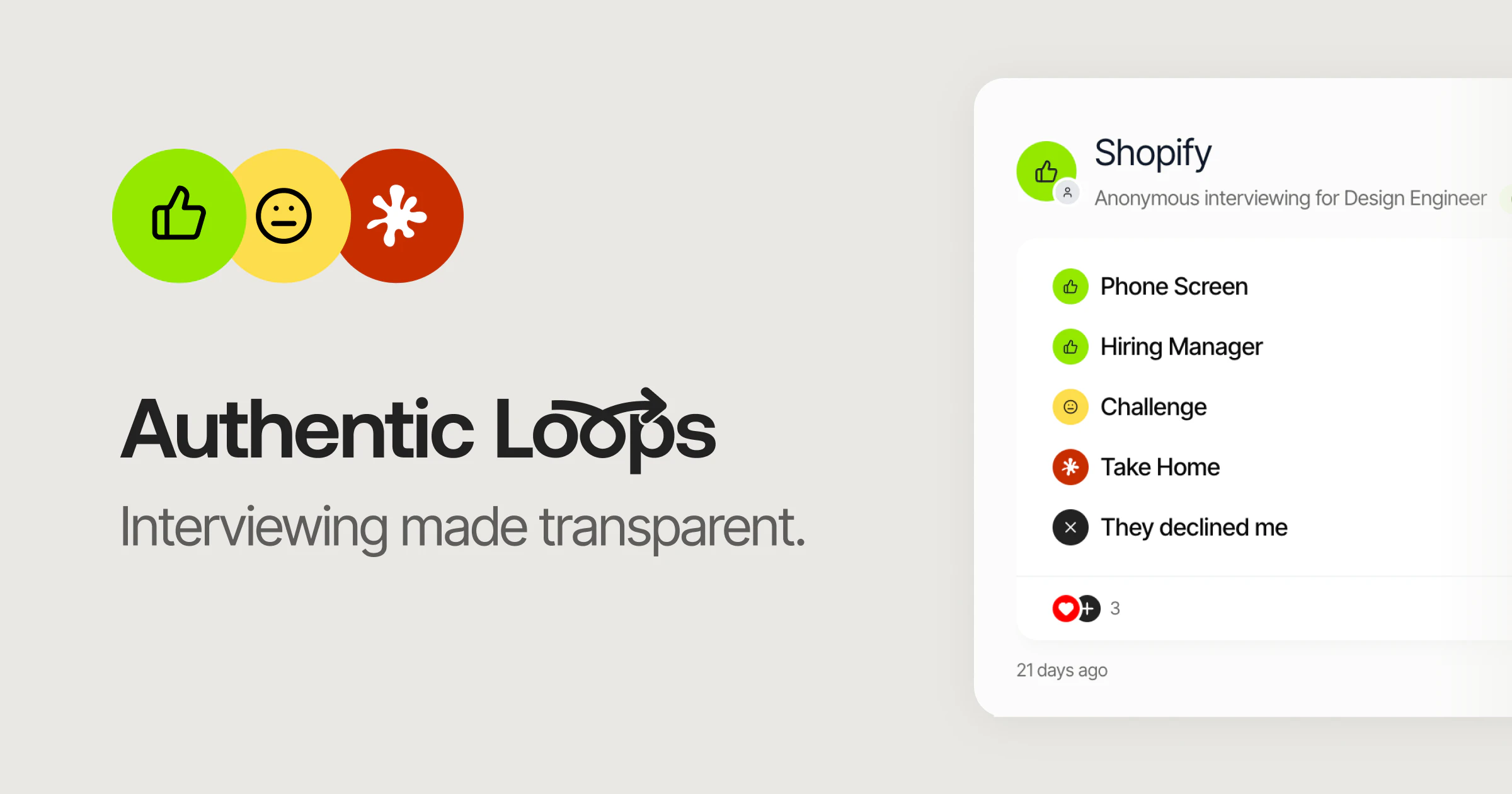
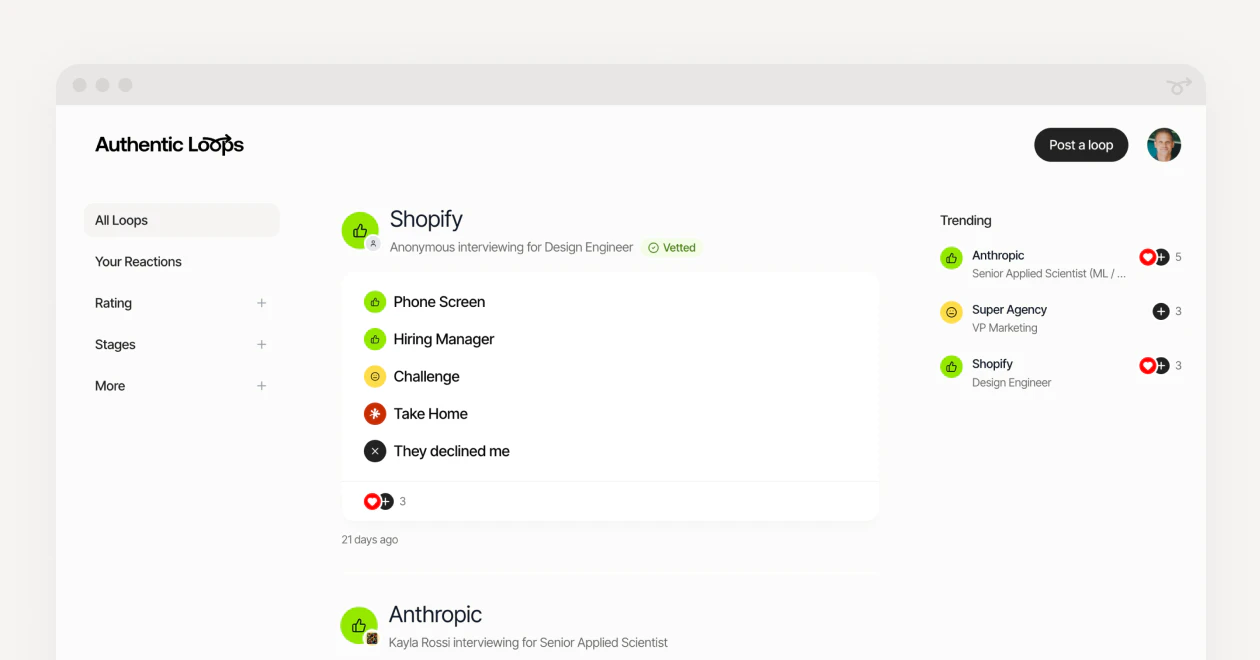
Authentic Loops is where interviewing becomes transparent. Candidates describe each stage of the interview process with a rating for each stage and overall rating for the interview experience. Hold companies accountable to better interviewing. Spotlight the ones doing it right.
Hello Product Hunt 👋 Two years ago as the job market started tanking and close friends were suffering through arduous interviewing experiences, I set out to explore how to bring greater transparency to interviewing. Eventually this blossomed into a passion project to empower candidates to describe and rate each stage of their interview, encouraging greater accountability for companies through candid, descriptive reviews of their process. We have no interest in providing a resource where candidates can rant or rage about their interview experience. In contrast, we want to establish a community that encourages, inspires, and compels companies to improve how they treat, communicate with, and respect candidates. Now the fun begins of seeding the site with your reviews and gathering feedback so we can continue iterating the concept. We're giving early birds access on the daily.
0
回复
#18
LLMTrace
Know which commit blew up your LLM bill
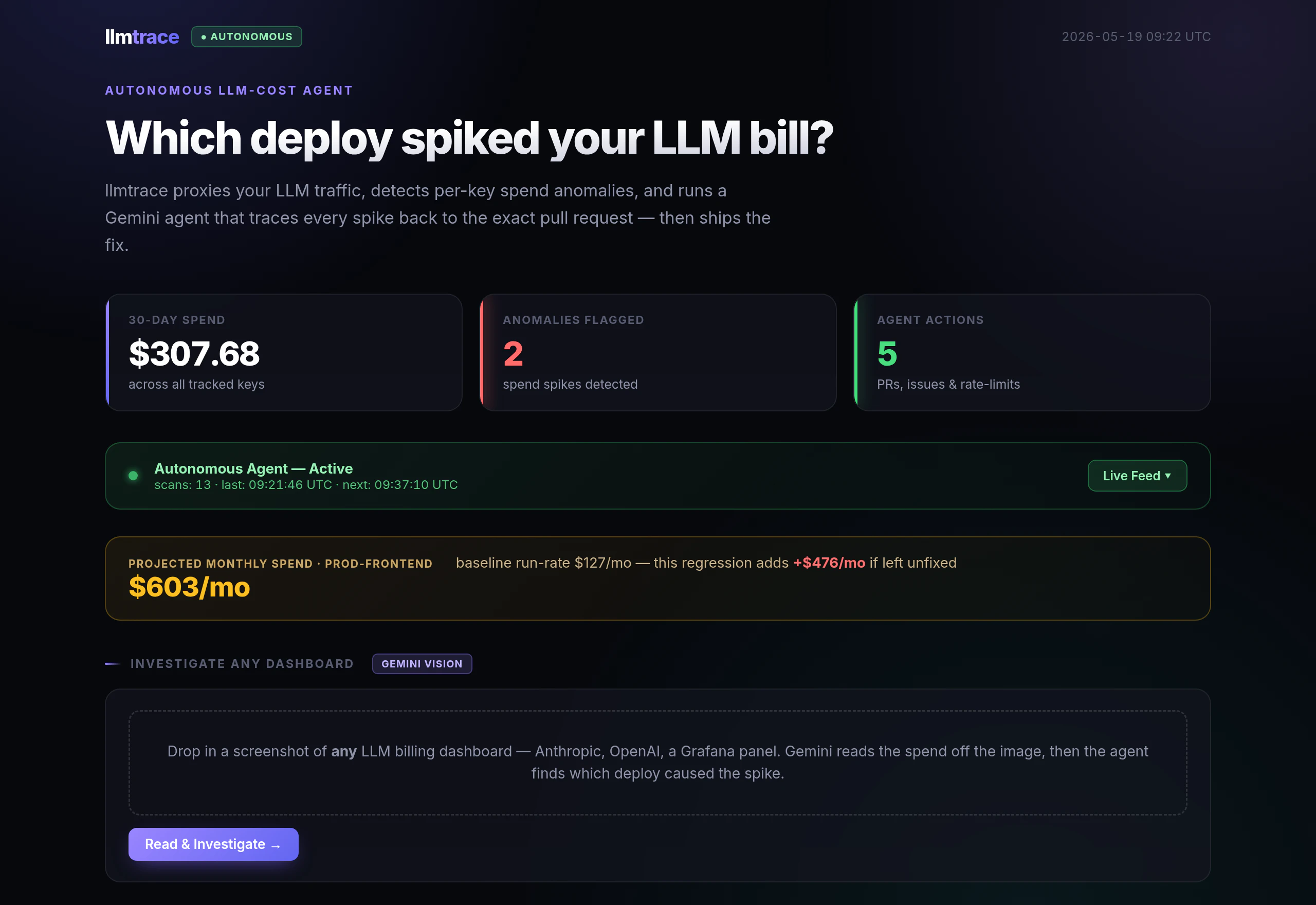
7
一句话介绍:LLMTrace 是一个自托管的 Go 代理,通过为每次 LLM 调用标记部署的 commit SHA,帮助开发者在账单飙升时精准定位到是哪个代码变更导致的成本异常。
Open Source Developer Tools Artificial Intelligence GitHub
LLM 成本监控 部署追踪 自托管代理 Go 代理 Postgres commit 溯源 OpenAI Anthropic 成本归因 AI 可观测性
用户评论摘要:创始人自述因一个坏提示导致账单翻倍,现有工具只显示症状(成本飙升)而非原因(具体部署),因此开发了 LLMTrace。用户点赞其自托管、无厂商锁定的特性,认为能精确追踪到部署是更有实际价值的调试方式。
AI 锐评

LLMTrace 切入了一个极其刁钻但真实存在的痛点:LLM 调用成本的“归因断裂”。Helicone 和 Langfuse 等可观测性工具确实能告诉你“钱烧了”,但它们无法告诉你“是哪行代码烧的”——因为它们缺乏与部署流水线的元数据粘合。LLMTrace 的做法非常聪明:它不试图构建另一个复杂的数据平台,而是以一个极轻量的 Go 代理自居中,利用 HTTP 请求的静态头部或上下文注入 commit SHA,并将这个“原子化”的因果关系到 Postgres。这本质上是一种“部署级成本记账”,它把 DevOps 的 git 规范和 FinOps 的成本追踪建立了直接映射。

其价值在于两个“拒绝”:拒绝 SaaS 的数据出境风险和延迟,拒绝“只看结果不看原因”的浅层观察。对于高频调用或微服务架构的团队,一个坏 prompt 或低效的逻辑循环带来的成本泄漏可能持续数天,传统工具只能事后复盘日志,而 LLMTrace 提供了近乎实时的“反向定位”。不过,这也需要用户具备一定的运维能力(自托管 Go 代理和 Postgres),且无法覆盖非 HTTP 协议层(如直接使用 SDK 内部调用链)的监控场景。

如果它能进一步提供“预估成本增量”或“自动回滚建议”等智能联动,将从“溯源工具”进化为“成本止损系统”。整体而言,这是一个切中要害、轻量而有力的工程工具,值得所有对 LLM 账单敏感的团队尝试。

查看原始信息
LLMTrace
Every LLM observability tool shows you that costs spiked. None of them tell you which deploy caused it. LLMTrace is a self-hosted Go proxy that sits in front of your Anthropic/OpenAI calls and logs every request with cost, user, and deploy SHA into your own Postgres. When your bill jumps, you can point to the exact commit. No SaaS, no data leaving your infra. Drop in the docker-compose and you're logging in under 5 minutes.

Built this after a single bad prompt quietly doubled my Anthropic bill and I had no idea which deploy caused it. Helicone and Langfuse are great but they show you the symptom, not the cause.
LLMTrace is a Go proxy that tags every LLM call with the commit SHA that triggered it. Self-hosted, no vendor lock-in. Happy to answer any questions about how the attribution works.

0
回复

Congratulations on your launch! Being able to trace usage back to the exact deployment while keeping everything self-hosted makes the debugging process much more practical and trustworthy.

0
回复

@thamibenjelloun Thanks Thami. that's exactly the gap, the self-hosted part is what made me build it instead of reaching for a SaaS.

0
回复
#19
swain.
your open source local AI security lead. one command.
6
一句话介绍:Swain 是一款开源本地AI安全审查工具,通过一条命令在你部署前扫描代码仓库,利用已有的Claude或Codex CLI发现并修复认证漏洞、计费绕过、硬编码密钥等严重问题,解决开发者在上线最后一刻缺乏快速、精准安全审查的痛点。
Software Engineering Developer Tools GitHub Security
开源安全工具 本地AI审查 代码扫描 Claude CLI Codex CLI 漏洞检测 DevSecOps 预部署安全 命令行工具 启动风险
用户评论摘要:开发者Maciej介绍产品是基于自身需求打造,使用已有的Claude/Codex CLI,扫描启动风险面并生成可审查的补丁。有用户询问优先级判定逻辑,官方回复采用固定严重等级(启动风险>高>中>正常),同级按攻击者视角排序(计费/认证优先于XSS等)。
AI 锐评

Swain 的亮点不在“AI安全审查”这个标签本身,而在于它精准切中了一个极其痛苦的现实场景:代码已由AI生成,但安全审查尚未匹配上AI生成的节奏。传统安全工具要么是重量级的SaaS仪表盘(账户、配置、推送、等待),要么是大模型扫一遍后给出泛泛的建议,而Swain直接定位到“启动风险”这个最大痛点——只关注是否会在发布后立即导致资产受损。一刀砍掉了所有中低风险噪音,提供“审查+修复命令”的最小闭环,这是非常务实的产品哲学。

但从6个投票和0有效反馈来看,产品仍处于极早期。它高度依赖用户已有的Claude/Codex CLI环境和配额,这意味着如果用户没配好这些CLI,Swain本身几乎没有独立可用性。更致命的是,“本地AI”+“开源”的组合在安全领域往往意味着:模型能力上限决定检测质量,而Claude/Codex的通用能力能否覆盖SQL注入、计费旁路等专业场景,是一个巨大的问号。没有用户真实使用的漏洞检出率、误报率数据,目前更像一个“自动生成修复建议的提示词封装器”。

真正有价值的方向,不是和Github Code Scanning或Semgrep比广度,而是用AI专攻“人类开发者易忽略但AI写作时常出的模式性漏洞”——例如函数权限标注缺失、支付金额未做服务端校验、硬编码但伪装成配置变量。如果Swain能形成针对这些“AI原生漏洞”的本地知识库,它才可能从工具变成必需品。否则,在大量成熟SAST工具和Cline、Sweep等AI助手中间,它只是一个更贵的提示词模板。

查看原始信息
swain.
the machines write the code now. swain watches what they write. one command before you ship, local AI security review using the claude and codex CLIs you already have. no new accounts. no SaaS. no dashboard. catches auth bugs, billing bypasses, hardcoded secrets, SQL injection, XSS. ends with one thing: the exact issue blocking your launch and the exact command to fix it. nothing the machine writes passes unseen.
hello people, me and my friend (aka. the descry labs team) built this as a product after months of thinking what to ship, we ended up making what we use. swain is a local AI security review for that moment. it runs from your repo, uses your existing claude or codex CLIs, scans the launch-risk surfaces first, and tells you what to fix before you ship. it drafts reviewable patches and learns from false positives. install: one curl command from github. first launch explains what swain reads and writes, then asks whether to use claude, codex, or hybrid mode. try swain demo for the full loop without spending quota. thank u Maciej - descry
0
回复

swain uses a fixed severity ladder: launch-risk → high → medium → ok. anything that could get you breached on day one (billing bypasses, auth holes, hardcoded secrets) sits at the top.

if two findings share the same severity, it goes by category, billing and auth before XSS before tenant isolation, because that's roughly the order a motivated attacker works in.

0
回复

How does swain decide what to prioritize when it finds multiple potential problems?

0
回复
#20
TagJournal
Track everything, in one app
6
一句话介绍:TagJournal 是一款基于“富标签”理念的轻量级生活追踪应用,让用户通过自定义标签记录日常活动、情绪、消费等任意维度数据,从而在日记的灵活性与数据库的结构化分析之间找到平衡。
Productivity Writing Product Hunt
生活记录 标签系统 习惯追踪 数据可视化 个人日记 人工智能总结 iOS Web应用 量化自我
用户评论摘要:1. 富标签理念避免了日记与分析的两难取舍,是核心亮点。2. AI摘要功能需谨慎:应让用户选择标签范围、显示摘要来源条目,并允许用户标记错误摘要以优化学习,避免生成泛化内容。
AI 锐评

TagJournal精准切入了一个长期存在的痛点:人生记录工具要么太“软”(纯笔记,无法分析),要么太“硬”(表格与字段,难以坚持)。其“富标签”架构在抽象层面解决了这个矛盾,将结构化数据隐藏于灵活的标签之下,让用户在记录时保持日记的自由手感,在回顾时收获数据库的洞察能力。这本质上是一种“元数据优先”的设计哲学,比那些强迫用户预先定义字段的应用聪明得多。

然而,产品目前最危险的信号是低票数(仅6票)与零互动的评论。在Product Hunt这样的流量漏斗中,这通常意味着:要么产品只是完成了“能做”,但远未达到“好用”;要么获客渠道和叙事策略出了问题。创始人对AI摘要的强调值得警惕——在核心的日常记录体验尚待打磨、用户尚未养成“贴标签”习惯之前,谈论“智能总结”无异于空中楼阁。多数潜在用户可能在一周内就因为“懒得打标签”而弃用。真正的护城河不在于AI如何压缩记录,而在于如何让“添加一个标签”的动作比发一条Instagram帖子更轻松、更自然。

另外,作为开发者的私人项目转商用,代码质量与规模化性能是隐性隐患。Zapier集成与API是亮点,暗示了其从个人数据库向“人生API”演进的潜力。但如果连“捕获所有瞬间”这个最基础的价值都无法在用户的前三次交互中证明,那么再宏伟的数据野心也只是自嗨。建议创始人先忽略AI,集中优化“极速记录”流程,并验证有多少用户能在两周内持续使用。
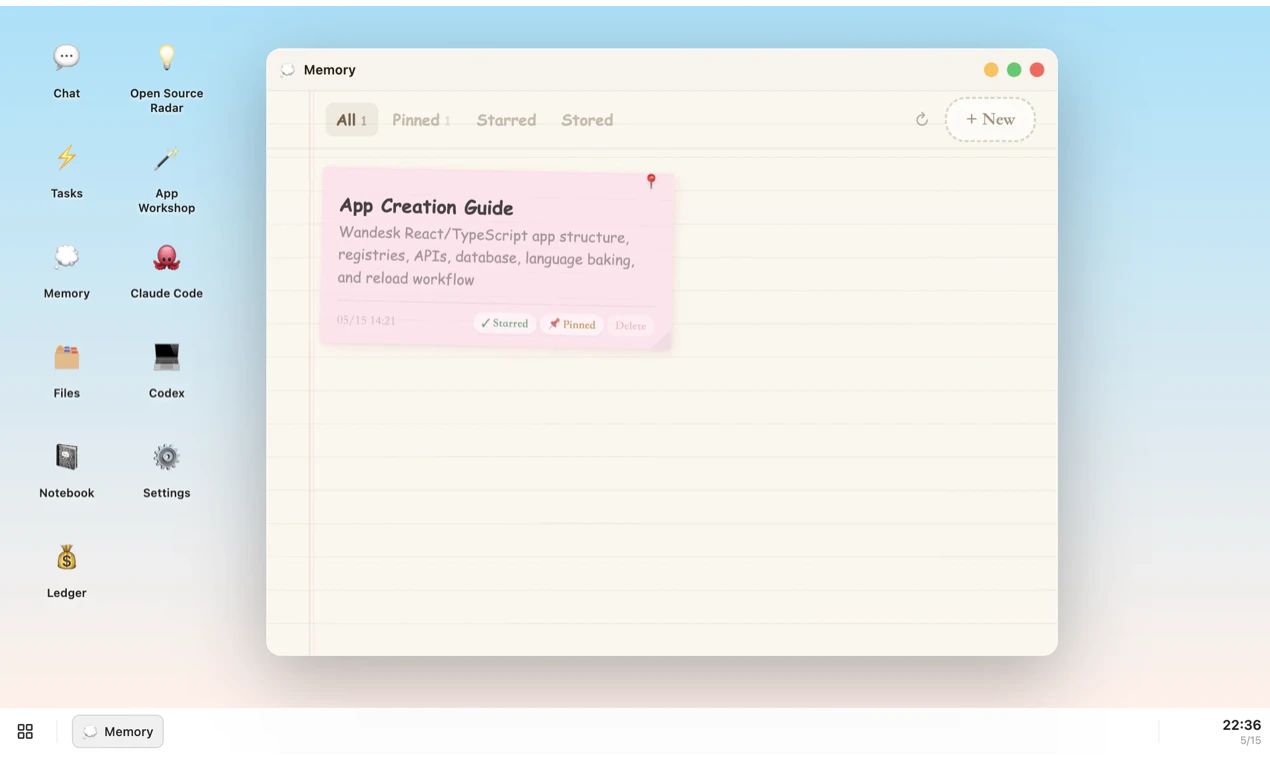
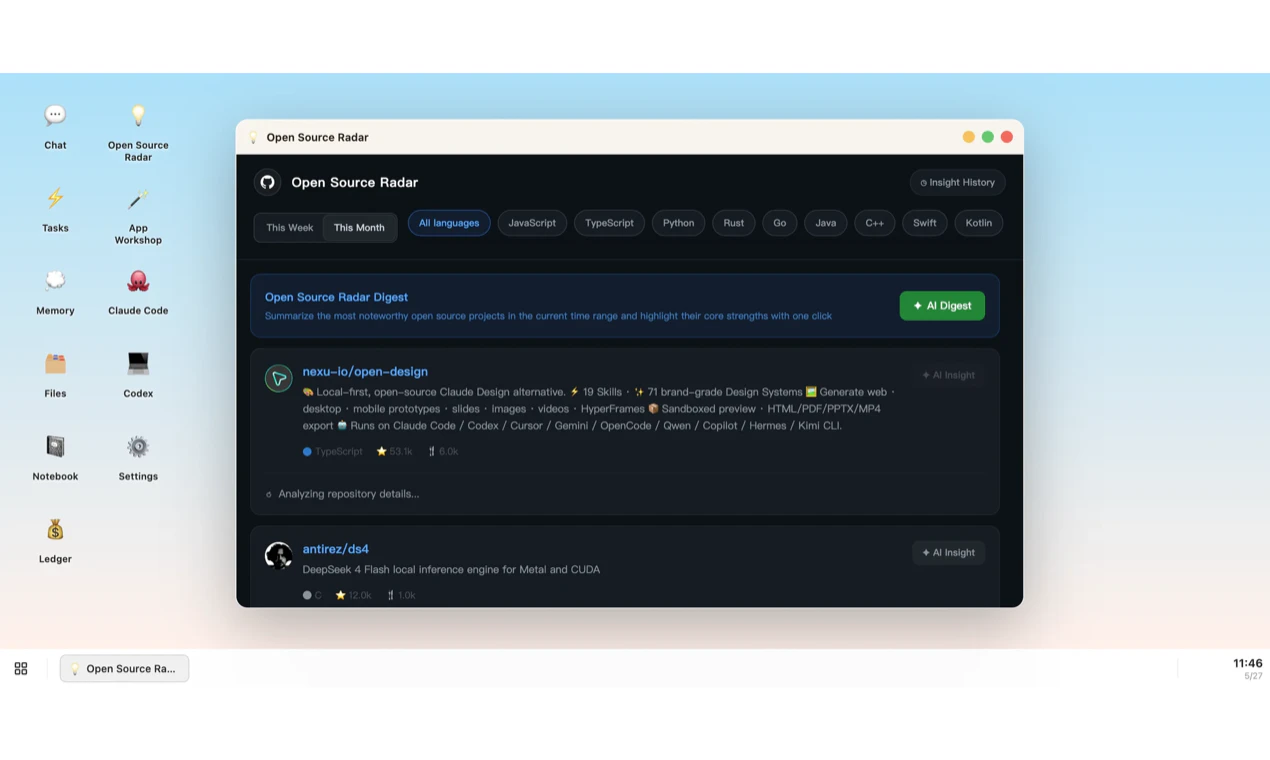
查看原始信息
TagJournal
TagJournal is a fast and flexible tagging-based journal (web and iOS) designed to help you track your daily life with minimal effort and maximum insight. TagJournal lets you simply add tags to describe what you did, how you felt, how much time you spent, or even how much you spent. Each "rich tag" can carry additional data like duration, value, date, or notes, making it a powerful yet lightweight system for capturing your day.

The rich-tag idea is strong because it avoids the usual journal-vs-database tradeoff. A lot of life-tracking apps make you choose between freeform notes that are hard to analyze and structured fields that feel too heavy to keep using.

The feature I’d be most careful with is the AI summary layer. For personal journals, summaries need to preserve “why this mattered,” not just compress events into a clean recap. I’d want controls like: summarize only selected tags, show which entries influenced the summary, and let me mark a summary as wrong so the system learns what not to flatten.

That would make the insights feel personal instead of generic.

0
回复

Hi PH community!

I’m Nicola, the creator of TagJournal.

I’ve always struggled with finding the 'perfect' app to track my life. Most tools are either too specific (just for fitness or just for finance) or too complex. I wanted something that felt like a journal but acted like a database: fast, flexible, and visual.

TagJournal is a web and iOS application designed to help you effortlessly track what matters most.

For years I used a web app I had built for myself in my spare time (in .NET!) where I could add tags to my days to track basically anything and then get simple statistics out of it. At the same time, I was journaling using another app.

I always had many ideas for improving that application, but never enough time to work on it. AI helped accelerate that process, and in just a few months I finally built the app I had always wanted.

The idea is simple: using rich tags with flexible metadata.

The smallest possible entry you can add to a day might only contain date, time, and the tag name. But for each tag, the user can decide whether to enable these metadata fields:

  • Icon

  • Long text (editable later with a distraction-free editor), useful for journaling but also for many other types of content

  • Numeric value + unit of measure (which can also work as a 1–5 rating)

  • Currency

  • Duration

  • Photos

  • Location / Place (using Google autocomplete)

  • Person (I needed this to track information related to other family members too)

Tags are divided into color-coded categories.

This structure allows different kinds of objects/features:

Tag Watch: select a tag, a time period (current/previous week, current/previous month, current/previous year), and the field to monitor (duration, value, or currency, either total or average). The user can then keep that metric always visible on the “Today” page.

Goals: same idea—select tag, period, and field, then set a target. In “Today” you always see the completion percentage.

Charts / Trends: similar to Watch, but data is displayed as charts. These can also be added to the “Today” dashboard.

This way I track everything I need to monitor or review later:

  • Symptoms, medications, medical visits, physical activity, food and drink consumption, mood

  • Work activities, meetings, people I meet, focus sessions, releases

  • Information related to my children such as grades, absences, sports activities

  • Places, food, books, movies, TV shows, apps, things I learned

  • Portfolio performance, income, expenses, and specific spending categories

This is the core concept, but there are many other features too: map view for location-enabled tags, photo gallery, calendar, collections, etc.

Another thing I always wanted, and can finally use, is the Zapier integration to create entries from other platforms (for example, I track GitHub commits or calendar events). It’s also possible to create custom integrations by generating API keys directly inside the app.

Why I’m launching today: TagJournal is currently in a phase where validation is key. I’ve built the core features, rich tags, AI-powered summaries, and advanced statistics, but now I need your eyes on it. I want to know:

  • Does the 'tag everything' approach resonate with your workflow?

  • Which features (AI assistant, Goals, or Zapier integrations) are most valuable to you?

  • What’s missing to make this your daily driver?

I’ll be here all day to answer your questions and take notes on your feedback. Thank you for helping me shape the future of TagJournal!

Happy tagging!

0
回复