Product Hunt 每日热榜 2026-06-07

PH热榜 | 2026-06-07

#1
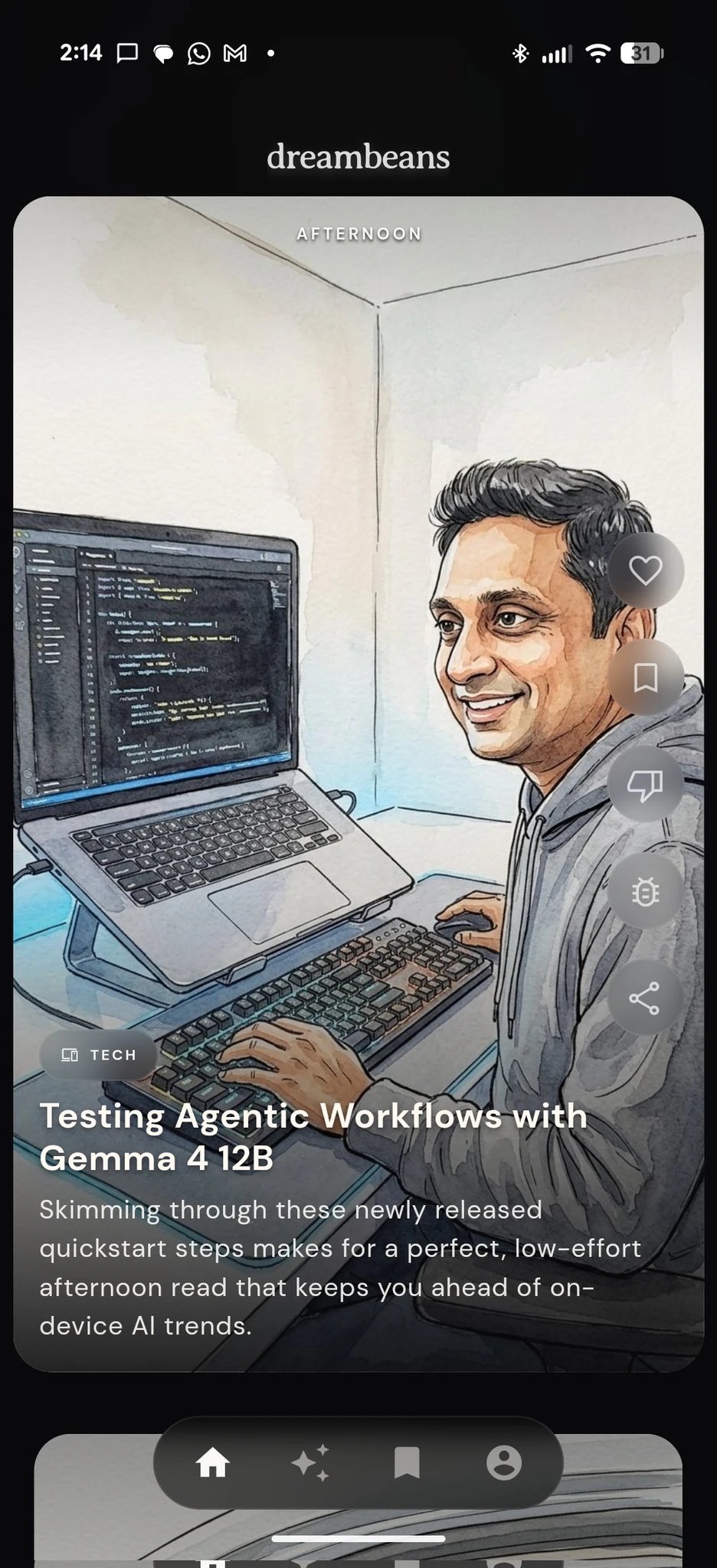
Dreambeans by Google Labs
Daily AI stories personalised from your Google apps
295
一句话介绍:Dreambeans 是一款利用Google生态内的Gmail、日历、照片、YouTube和搜索数据,自动在夜间生成个性化图文故事简报的工具,解决了用户跨应用信息碎片化、难以发现自己相关重要动态的痛点。
Android iOS Artificial Intelligence
AI故事生成 个性化简报 Google生态 跨应用数据整合 AI视觉生成 智能推荐 个人助理 生产力工具 主动式服务 信息聚合
用户评论摘要:用户普遍关心过滤机制能否精准避免噪音,付费墙(仅限Ultra用户)与Beta测试的身份矛盾引发质疑;部分用户对隐私和数据使用的“诡异感”表示警惕,但产品经理承诺可免Ultra内测。也有用户好奇如何长期保持相关性,并希望支持更多非Google应用。
AI 锐评

Dreambeans是Google在“主动式AI服务”领域的一次重要但略显矛盾的尝试。其核心价值在于将用户散落在不同Google服务中的行为信号,通过AI编织成有叙事逻辑的“生活故事”,而非简单的信息罗列。这本质上是在用AI重塑“个人晨报”这一古老概念,试图从“人找信息”跨越到“信息找人”的下一阶段,思路本身十分超前。

然而,产品当前面临两个致命微观问题。第一,**付费墙扼杀了实验精神**。一个尚处Beta、需靠用户反馈打磨的产品,却要求用户购买昂贵的Google AI Ultra订阅才能体验,这直接扼杀了早期核心用户的参与热情和市场测试的真实性。产品经理的“手动免单”承诺更像是公关补救,而非产品策略。第二,**隐私与惊悚的一线之隔**。AI将你的日历、照片和邮件串联成一个“故事”推送给你,很可能产生“AI比你还懂你”的诡异感,而非贴心感。如果过滤机制不够强大,导致推送内容与用户当下心境或需求错位,分分钟从“生活助手”沦为“数字stalker”。

真正考验Dreambeans价值的,不是它能否整合数据,而是**信噪比管理能力**。用户评论中“3件真正重要的事胜过30件琐事”的洞察一针见血。如果梦豆只是让用户每天多了一个需要“滑动已读”的界面,那它只是多了一个信息垃圾桶。其长久生命力在于,能否通过不断学习的用户反馈闭环,精准压缩信息,呈现出用户自己都未曾意识到但却确实需要的“生命故事线”。

对Google来说,Dreambeans是进一步锁定用户于自家生态的“软锁”,其战略价值高于独立产品价值。如果Google想让它成功,就必须尽快开放免费测试,并设计出无可辩驳的隐私控制解释,同时用钢铁般的过滤算法让用户每天早上都发出“哇,这正是我今天需要的”感叹,而不是“哇,它怎么什么都知道”。否则,这终究只会是一个技术demo,而非改变用户习惯的杀手应用。

查看原始信息
Dreambeans by Google Labs
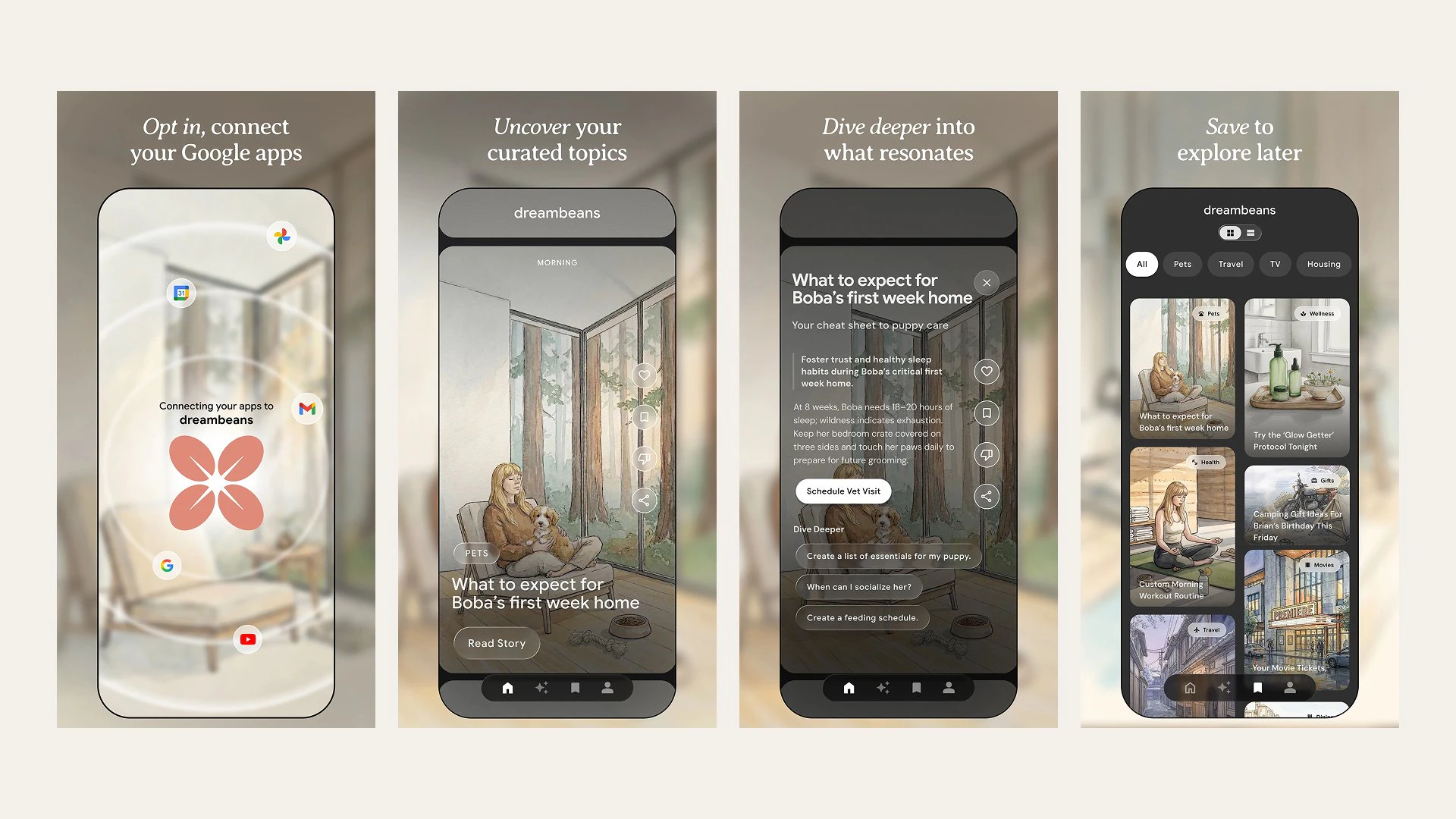
Dreambeans synthesises your Gmail, Calendar, Photos, YouTube, and Search overnight to deliver daily AI-generated story collections. For Google AI Ultra subscribers who want personal context surfaced proactively.

Dreambeans is a new Google Labs experiment that turns your existing Google apps into a daily personal briefing.


You already generate a lot of signal across Gmail, Photos, Search, and YouTube. The problem is none of it connects. Dreambeans runs overnight, cross-references those sources, and brews a fresh set of illustrated stories by morning covering things you might otherwise miss.

🔹 Cross-app synthesis: Gmail, Calendar, Photos, YouTube, Search

🔹 AI-generated visuals personalised using your Google Photos

🔹 One-tap actions on stories (see ticket, watch trailer)

🔹 Feedback loop refines your next drop without altering the current one

If you live in Google's ecosystem and want a morning layer that surfaces personal context proactively, this is worth checking out.

Available now for US Google AI Ultra subscribers (18+). Waitlist open for everyone else at labs.google/dreambeans.

15
回复

the proactive angle is the interesting bet here. risk with any daily digest is it surfaces noise and people learn to skim past it within a week. lives or dies on the filtering, 3 things that actually matter beats 30 that might. curious how youre tuning relevance over time.

7
回复

Is it just me or does the layout feel veryyyy much like Pinterest?

7
回复
@denitsapenchevavaltchanova - maybe dreambeans inspired from pinterest 😂😂
0
回复

A shame to gate this behind Ultra plans. How does something this paywalled - while still being a beta - hit #1 on PH? Crazy times.

6
回复

@grey_seymour Hi Grey, I am PM on dreambeans. If you join the waitlist from the dreambeans labs page, I will allowlist your account myself without an Ultra plan

0
回复
Curious how Google will balance the creepiness of everything they know about us and what we want to see.
5
回复

@jasonhowie Hi Jason, thanks for sharing your thoughts. Would you like to try it out and see how we are doing it? Feel free to join the waitlist: forms.gle/HLnnTLRfvFiFwpr39 and we will allowlist you. Dreambeans uses your signals from connected apps to build visual stories about your life — things like places to visit, topics to explore, things to try, or events you might be interested in. https://labs.google/dreambeans.

1
回复

Love the idea of turning cross-app signals into a morning briefing. How are you handling relevance so the digest stays useful over time, and do users get controls to tweak which sources are included?

2
回复

I live in gmail and calendar all day so this is either going to be incredibly useful or incredibly unsettling. the cross-app synthesis idea is smart because all that data is already sitting there disconnected. but gating it behind Ultra while it's still an experiment is a weird move... feels like charging for a beta. also the "AI-generated stories from your photos" thing is going to be a very polarizing feature. some people will love the morning recap, others will feel like their phone is watching them journal

2
回复

@tina_chhabra Hi Tina, I am PM on Dreambeans. If you join the waitlist, I will allowlist your account myself.

1
回复

To be honest, I don't get it - you get a story every morning based on your images, search, and stuff? I'm assuming it's just for entertainment? Unless I've missed something, this one's a pass.

2
回复

@anna_ludwinowski Hi Anna, thanks for sharing your thoughts. Dreambeans uses your signals from connected apps to build visual stories about your life — things like places to visit, topics to explore, things to try, or events you might be interested in. Please join waitlist and try out yourself. https://labs.google/dreambeans

0
回复
That’s very interesting, but some of us live outside of these apps (e.g. X, Instagram, GitHub etc.) :(
0
回复
#2
Wave
Turn your voice into text — local or cloud, your choice
254
一句话介绍:Wave是一款macOS语音转文字工具,通过快捷键唤起AI模型,实现跨应用语音输入、文本替换与悬浮问答,解决用户在不同应用中频繁切换窗口、中断工作流来输入或查询信息的痛点。
Productivity GitHub Audio
语音转文字 本地Whisper macOS工具 AI文本处理 跨应用操作 悬浮问答 开源 热键唤醒 隐私优先 写作辅助
用户评论摘要:用户普遍认可本地Whisper和“即说即用”的交互设计;关键问题集中在大模型选择灵活性(是否可切换Whisper模型尺寸)、长语音(2分钟以上)准确度、以及悬浮UI的具体交互方式(位置、关闭逻辑)。有用户提出是否开放贡献。
AI 锐评

Wave在“语音转文字”这片红海中,靠“本地优先+模型自由”切出了一条窄路。它不追求成为全能AI助手,而是精准地把自己定位为“输入层”的替代方案——让你的嘴代替键盘,且在交互上做到了近乎无感的“出现即消失”。技术上,Whisper本地部署并非独创,但Wave聪明地绕开了“做翻译、做总结”等AI强叙事,转而强调“把语音变成文本,再让文本出现在你手指本该敲击的位置”。这种克制很老到:用户的痛点从来不是“没有AI”,而是“打断当前操作去用AI”。不过,产品目前最大的隐患在于“悬浮答案”和“上下文处理”等高级功能极度依赖所选AI模型的能力——Wave只是通道,而非智能本身。一旦用户测试后发现云端模型(如GPT-4o)与本地模型在体验上存在巨大鸿沟,而它又无法做出差异化补偿,那么“自由”反而会成为平庸体验的遮羞布。此外,长时转写延迟、跨应用粘贴稳定性等工程细节尚未验证(评论中已有用户质疑)。如果Wave后续更新不能在这些硬核指标上碾压Mac自带的听写功能或BetterTouchTool等成熟工具的自由度,那么它很可能只是一个漂亮的“开源玩具”。真正的价值,在于团队能否持续深耕“热键-拾音-分发-回填”这一闭环的毫秒级体验,而不是去追逐所谓的“上下文感知”或“复杂AI工作流”——那种事情,有太多人试图做,却很少有人真的做好过。

查看原始信息
Wave
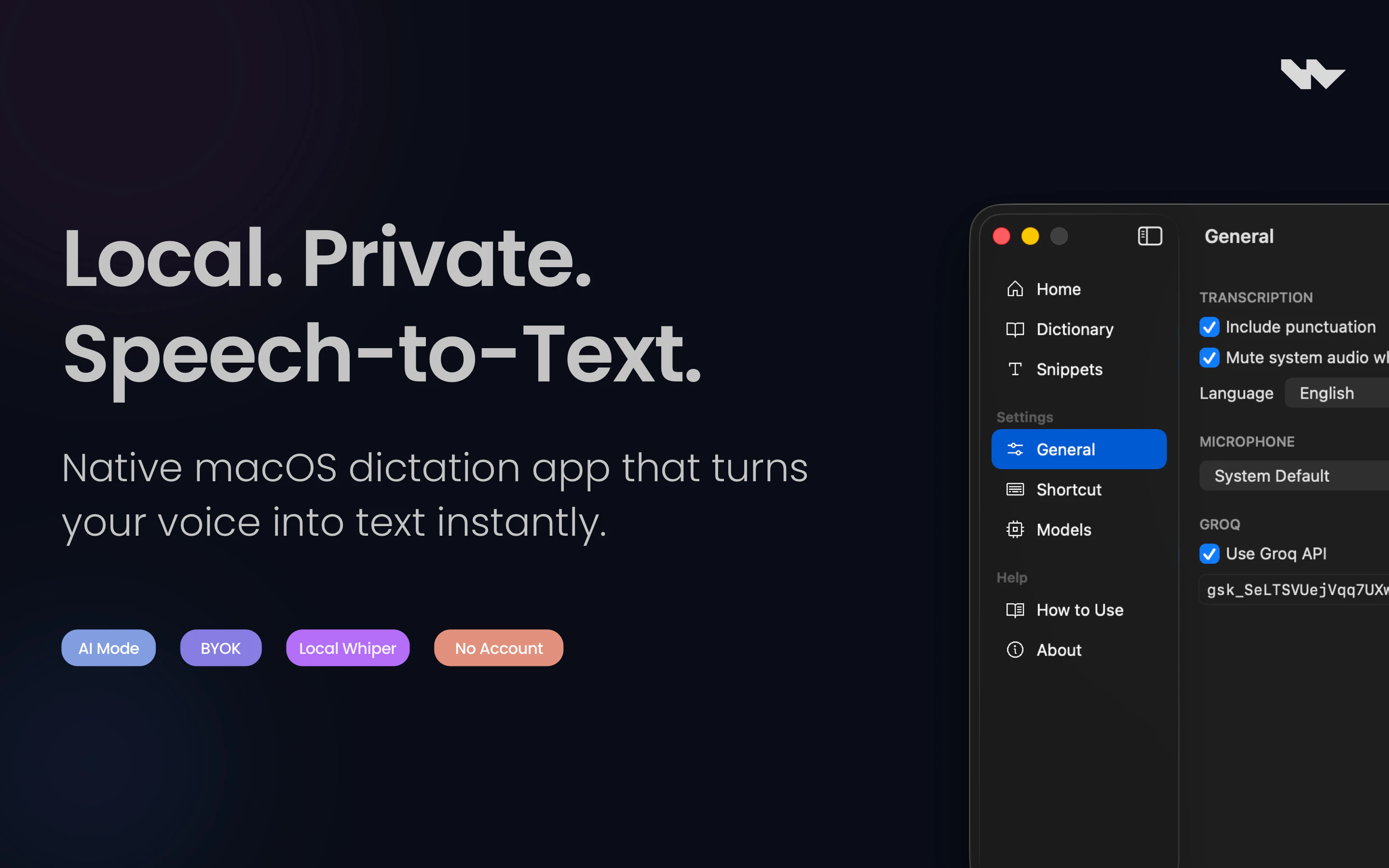
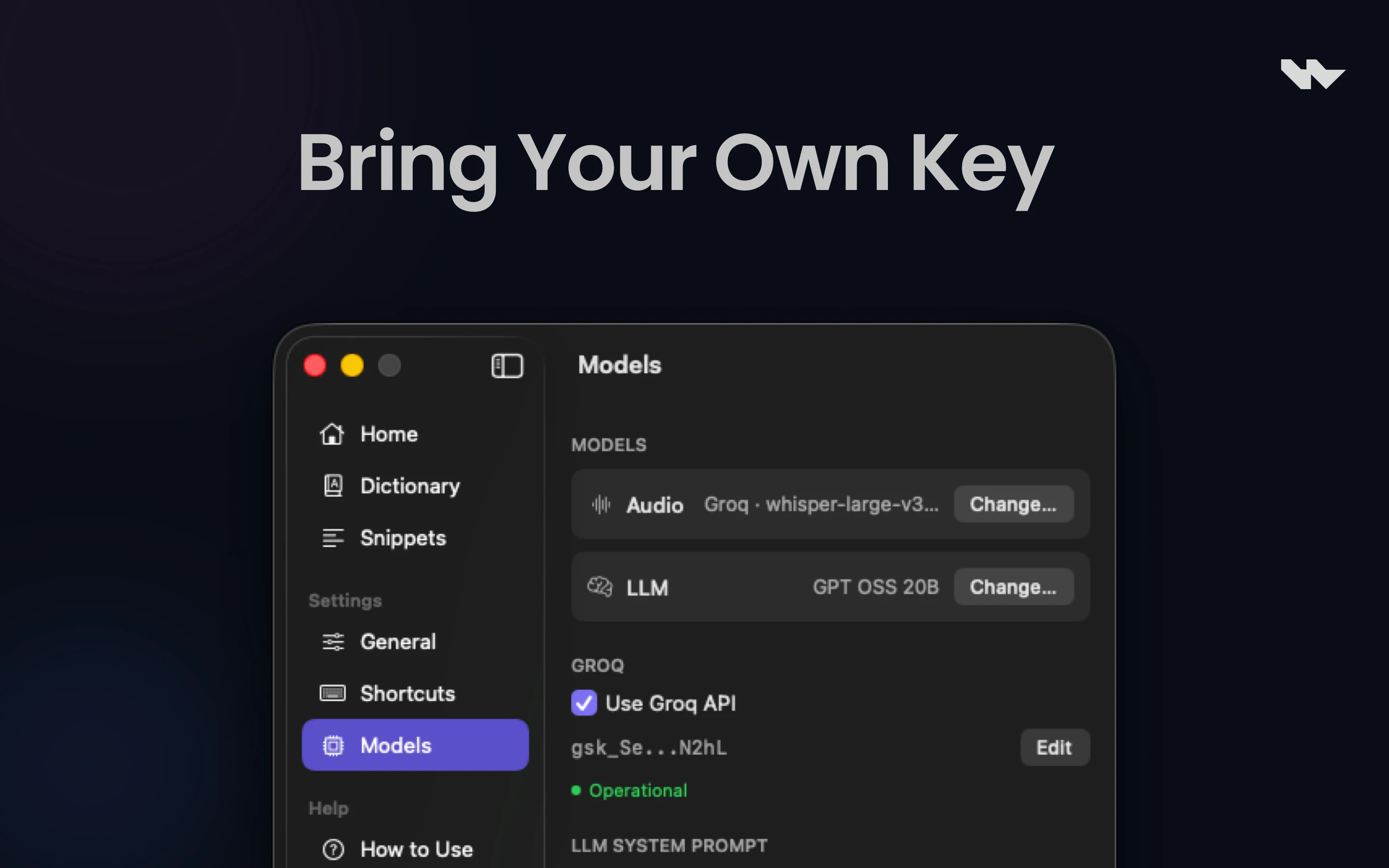
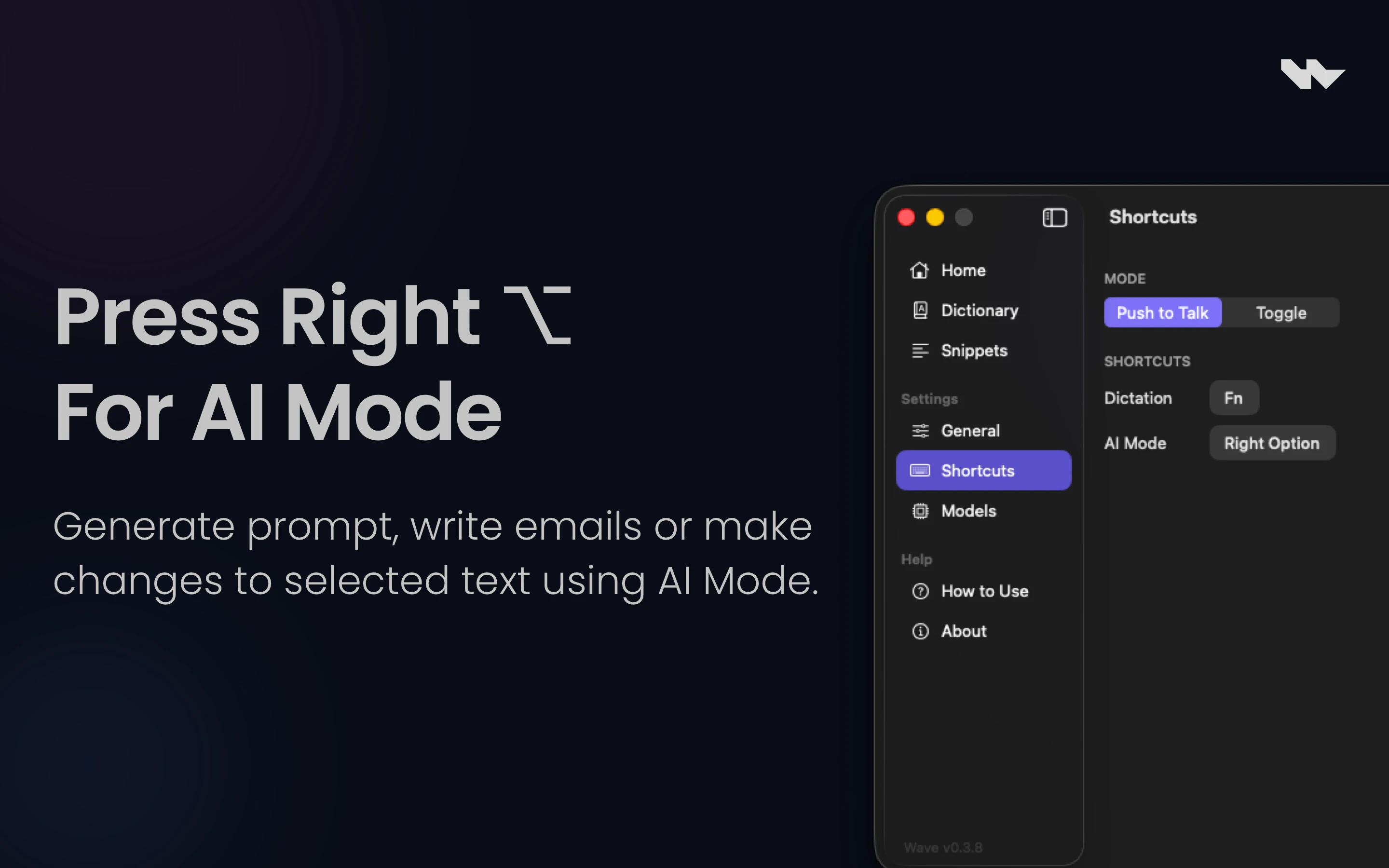
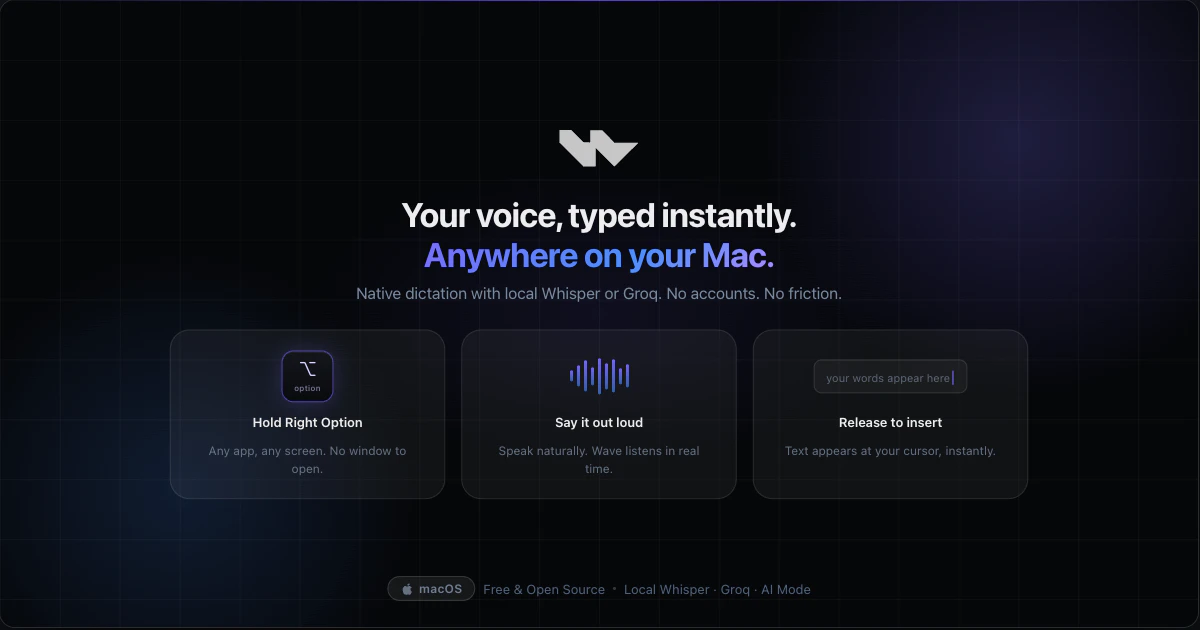
Wave lets you invoke an AI model anywhere on macOS using just your voice. Hold a hotkey, speak, and release—your speech is transcribed, processed, and the result appears exactly where you need it. If you're typing, it replaces or inserts text. If you're reading, it shows a floating answer. Works across all apps with selected text as context.
Hey everyone 👋 Wave is a simple idea done properly: speech to text that doesn’t lock you in. Most tools either: * limit you to one model * force cloud usage * or stop at basic transcription Wave focuses on doing two things well: 1. Speech → text (Whisper-based) * Fast, accurate transcription * Works locally for privacy * Or via APIs if you want 2. AI mode * Take your speech or selected text * Refine, rewrite, or transform it * Use the model you prefer No subscriptions, no lock-in — just a flexible tool you can actually control. What’s coming next: * Context-aware processing * Per-app behavior (different rules per workflow) * More customization around how text is handled Everything is free and open. Would love to hear how you’d use it or what feels missing 🙌
8
回复
@monawwar is it vibecoded?
0
回复

@monawwar Interesting concept is there any way of contribution?

0
回复

Open and free with local Whisper is the part that'd get me to actually install it. Interested in this - running fully local, which Whisper size are you defaulting to and how do you keep the release-to-text latency low enough that it still feels like it appears where you need it? Overall, well done!

3
回复

The selected text as context feature is clever, hope this gets the attention it deserves!

2
回复

@puhmeisterluka yes, that was a much needed functionality and is very handy

2
回复

The local Whisper option is what got my attention, most of these tools quietly push you to the cloud and hide that choice somewhere deep in the settings the floating answer while reading is the use case I keep coming back to, opening a new window just to look something up kills the focus every time, curious how it holds up on longer dictation though, does accuracy stay solid on a 2 minute ramble or is it more tuned for short commands?

1
回复

@imoluuu since the app itself doesn't enforce or restrict any AI models, the accuracy depends al on the model you picked from the settings

0
回复

hold-hotkey-speak-release is exactly how voice input should work. no app switching, no extra windows. the local whisper option is a nice touch too for anyone paranoid about sending audio to the cloud

1
回复
Love the floating answer feature for when you're reading. Most tools force you to command-tab to a browser or open a separate Claude window which completely breaks focus. Having it show up right there without switching apps is huge. UI looks really slick, congrats on the launch! 🚀
1
回复

the floating answer mode for when you're reading is the use case i keep thinking about. right now my workflow for looking something up while reading is cmd-tab to a browser or open a new Claude window which breaks the reading context completely. a floating answer that appears in place without switching apps is a different kind of interaction. curious how the floating UI actually works, does it appear near the cursor or in a fixed position, and what dismisses it

1
回复

@ansari_adin agreed <3, and as for your question, the pill appears at the bottom center of the screen

1
回复

Local-OR-cloud is the right wedge - most speech-to-text tools quietly force the cloud and then bury that decision three menus deep. I build voice agents and the thing I keep relearning is that transcription is only half the job: where most tools lose users is what happens after the words land on screen. Editing friction, formatting, getting it into the next app. If Wave nails that handoff as cleanly as the privacy choice, it's a different product than the rest of the category.

1
回复

@david_marko Thank you David for the feedback.

1
回复

I've tried many voice-to-text tools, but they usually break workflow. Wave feels like a native part of the OS. It’s particularly killer for coding and writing—being able to dictate complex logic or refine sentences without touching the keyboard is a massive productivity boost.

0
回复
#3
CabinLink
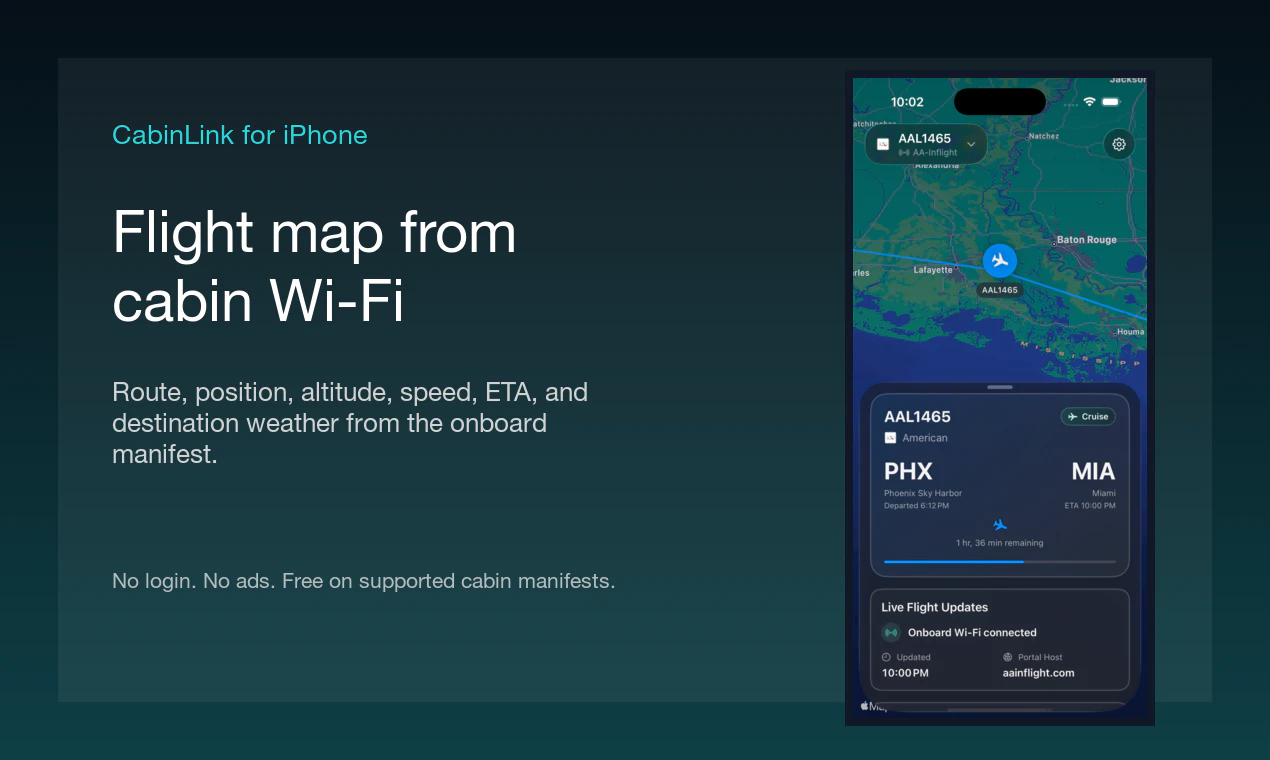
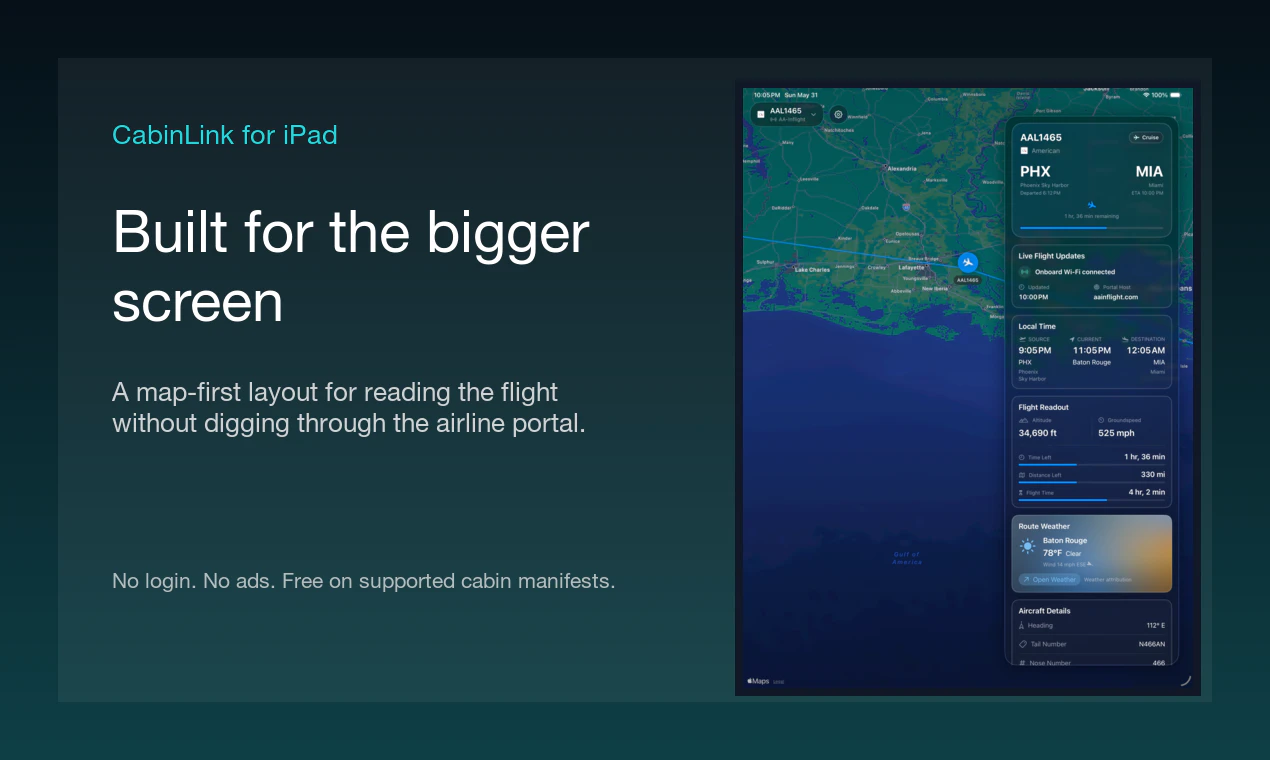
Flight map from cabin Wi-Fi
219
一句话介绍:CabinLink通过读取机舱WiFi清单,将航班信息转化为原生的飞行仪表盘,解决用户在飞行中无法稳定、便捷查看航线、位置等动态信息的痛点,且无需登录、广告或付费WiFi。
Weather User Experience Travel
飞行追踪 机舱WiFi 航班仪表盘 苹果原生应用 旅行工具 离线缓存 无广告 无需登录 航空公司支持 实时数据
用户评论摘要:用户赞赏其创新无侵入性,但普遍关注航空公司覆盖范围(如“支持哪些航司/供应商”)、无网络时的行为(是否推算位置)、Android版本计划,以及首次使用前的兼容性提示。开发者回答称有动态支持列表。
AI 锐评

CabinLink的“巧劲”在于它不创造新数据,而是寄生在现有机舱WiFi系统上,用原生App的交互体验碾压了航空公司那个缓慢、丑陋的网页门户。这确实解决了“我只想看看飞机在哪,但不想付钱上WiFi”的精准痛点,其“零摩擦”(无需登录、无广告)保证了极低的试用门槛。

但它的命门同样在于“寄生”。评论里反复出现的“支持哪些航空公司”不是泛泛的质疑,而是产品扩展性的致命枷锁。每家航司的WiFi门户和后台协议不同,维护一个兼容清单需要持续反编译和逆向工程,这不是一个周末项目可以维持的(尤其是当航司更新系统时)。没有覆盖至少北美、欧洲、东南亚主要航司的完整列表,CabinLink就只能是个“大部分时间不能用”的旅行小玩具。

另外,对于“断网时是否推算”的问题,开发者未明确回答(仅仅“保留最后画面”不是好的离线体验)。如果只是静态保留,那当飞机转向、高度变化时,用户看到的是虚假信息,反而会失信任。在飞机巡航阶段,惯性导航并不复杂,若能做到靠谱的纯客户端死推(dead-reckoning),才是从“小工具”进化为“可靠仪表盘”的关键一步。

总体而言,这是一个思路精巧、UI讨喜的MVP,但面向大众成功的关键不在于App本身多出色,而在于它能否将“兼容列表”这份枯燥的苦活干到让用户上飞机前无需思考的程度。否则,它注定只属于一小撮愿意“踩点”的极客和飞行爱好者。

查看原始信息
CabinLink
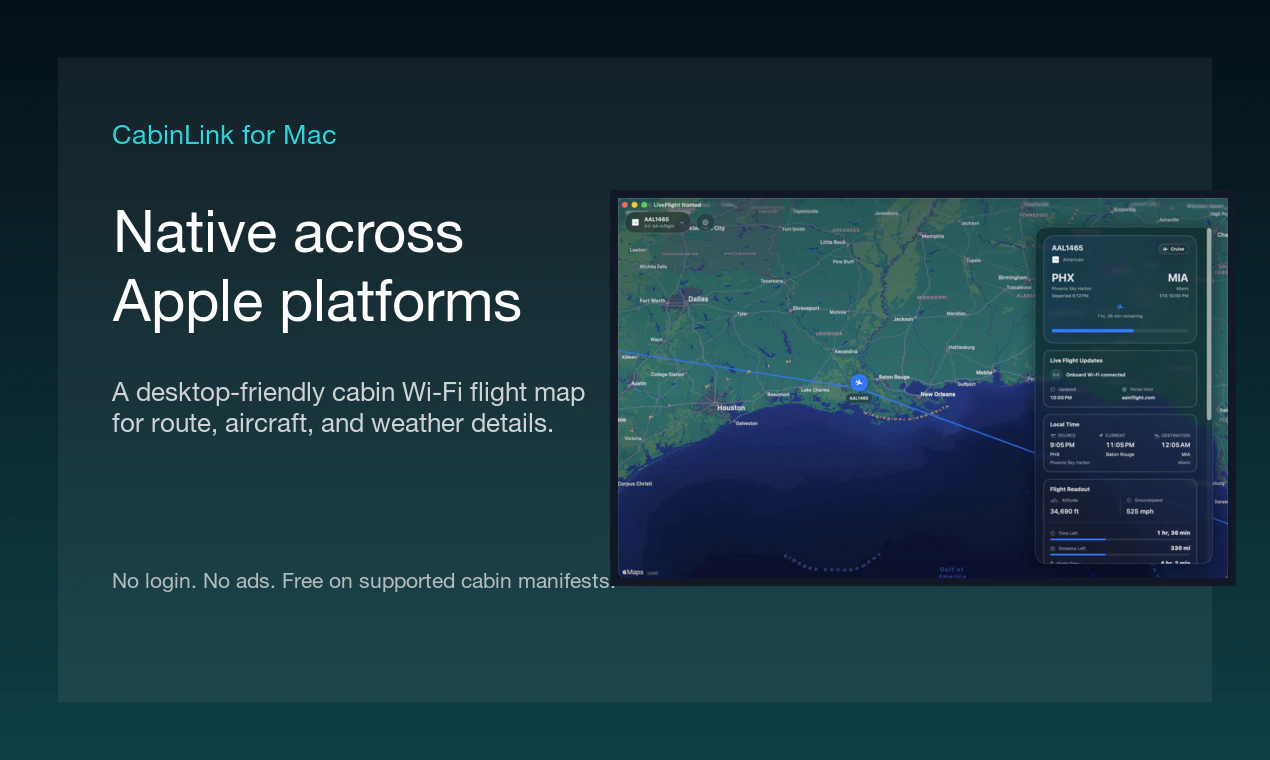
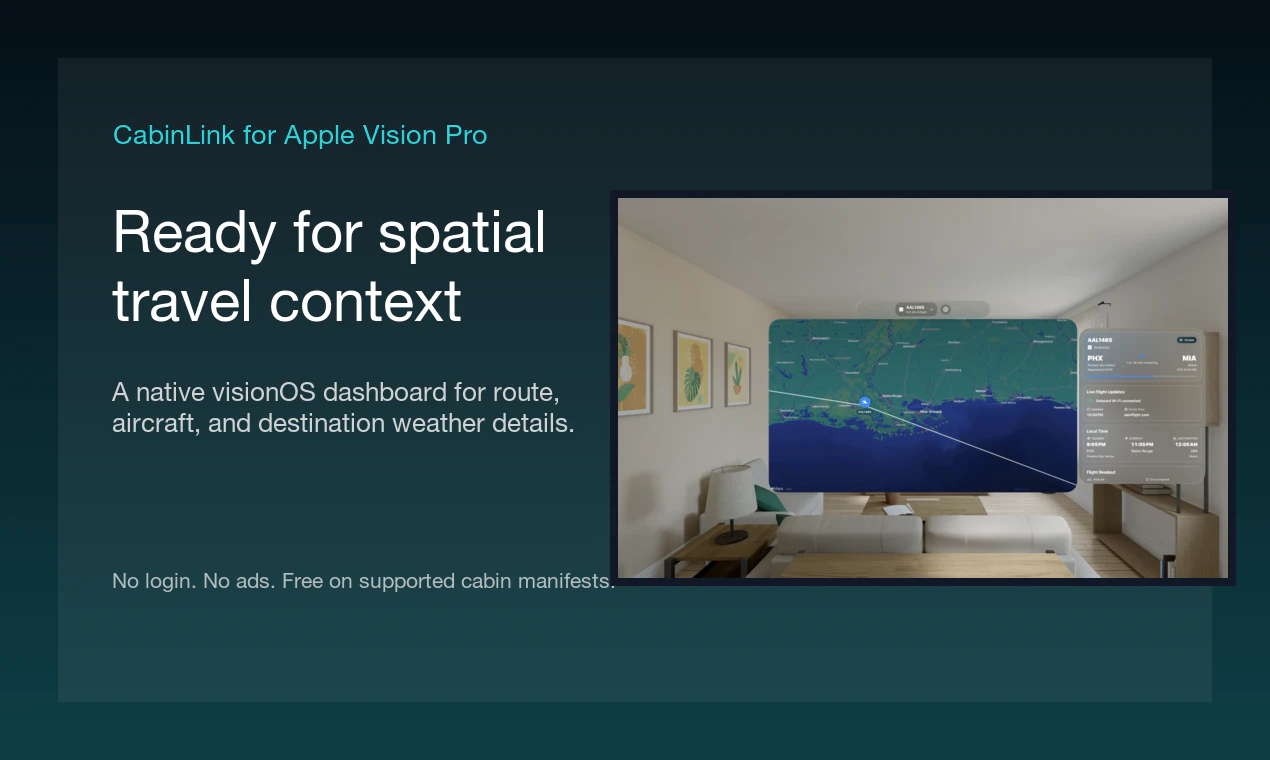
CabinLink reads supported in-flight Wi-Fi manifests and turns them into a native flight dashboard. See route, current position, altitude, speed, ETA, aircraft details, and destination weather, with last-known updates when the cabin connection drops. No login, no ads, and no paid Wi-Fi pass required for supported manifests. Launches Jun 7, 2026 at 9 AM MST on iPhone, iPad, Mac, and Apple Vision Pro.

Hi Product Hunt, I built CabinLink because airline Wi-Fi portals often have a useful flight map, but the details are buried, slow, or disappear when the cabin connection gets flaky.

CabinLink reads supported onboard flight manifests over cabin Wi-Fi and turns them into a native Apple app experience. You get the route, current position, altitude, ground speed, heading, time remaining, aircraft details, and destination weather when an internet connection is available. If the Wi-Fi drops, the last known reading stays on screen instead of leaving you with a spinner.

It is built for iPhone, iPad, Mac, and Apple Vision Pro. There is no login, no ads, and supported cabin manifests usually do not require a paid Wi-Fi pass.

Thanks to Rudrank Riyam (@ rudrank on X.com), creator of ASCCLI, and Paul Hudson (@ twostraws on X.com), creator of Kickstart. ASCCLI helped with App Store Connect launch work, and Kickstart helped keep the launch plan grounded in actual distribution and Product Hunt best practices.

I would love feedback on airline coverage, the first-run explanation, and what flight detail would be most useful to add next.

4
回复

@vishrutjha 

Love the product framing here! Solving the 'I just want to see where the plane is without paying for Wi-Fi' problem is a massive UX win for travelers. The decision to keep it 'no login, no ads' is a brilliant way to remove friction and drive immediate adoption.As you scale, how are you thinking about managing the integration matrix for unsupported airline manifests? Congrats on the launch!

0
回复
This is actually pretty amazing app, I have around 50+ flights annually and most of them are super boring short haul with no entertainment. I usually keep Google maps open while in the flight mode so I can track the location based on the gps, but that works only if you open it while on the ground and keep it open during the whole flight, as soon as you close it you will lose the location. I'll try this one for sure. Congratulations on your launch!
1
回复

Reading the in-flight Wi-Fi manifest directly is a clever approach, most flight tracker apps need you to input your flight manually.

1
回复

I know so many flight enthusiasts who will love this. Also on shorter flights you don’t have an onboard entertainment system that shows you the flight stats. And even if you had it is convenient not to leave the movie you are watching or the game you are playing for the stats! Great work!

1
回复
@reneandritsch exactly the ideal user for the app, thank you!
0
回复

This is such a great launch, especially when holiday/vacay session is coming. BTW, I am on my travels too, so may use it later. :)

1
回复

@busmark_w_nika thank you. I wanted to release this publicly just before the WWDC but my timing couldn't be more off. The public release on the App Store is about to go live in 9 hours from now. Can't wait for everyone to try this out and I am actively working on the next set of features that will make the app more delightful to use. Thanks again! :)

1
回复

Sorry I am sure you get this all the time, any plans for an Android version?

If not I might whip something up for myself in the meantime

0
回复

I like how specific this is. Airline Wi-Fi pages are usually slow, ugly, and annoying to keep open, so turning that hidden flight data into a clean Apple-style dashboard is a neat idea.

The part I’d care about most is knowing before the flight whether my airline is supported. Even a simple “likely works / not sure yet” list would make the app easier to trust before boarding.

0
回复
I think it will be go to approach to use cabin wifi info source does every flight have this cabin wifi?
0
回复
@naresh_chandanbatve there are airlines that don’t offer in-flight WiFi and hence this app isn’t for them. Go to vishrut.co/cabinlink to see an ever-growing list of supported airlines
0
回复

The "supported manifests" caveat is where the first-run experience is going to make or break it — most users won't know if their airline is supported until they're already in the air with expectations set. Is there a way to tell someone before they board whether their flight will work, or does that require knowing the carrier in advance?

0
回复

Every other tracker either makes me type a flight number or leans on a GPS trick that dies the second the screen locks. My one question is the offline behavior - when the cabin wifi cuts out and you hold the last reading, are you dead-reckoning position from the last speed and heading?

0
回复

no login no ads no paid wifi pass is the entire trust proposition for a travel utility and it's the right one. travel apps that require an account or upsell you mid-flight are the worst category of software to deal with at altitude. the constraint of working with what's already available without asking for anything is a good design philosophy for this specific contex

0
回复

Which airlines or wifi providers are actually supported via manifests right now?

0
回复
#4
Job Postings API
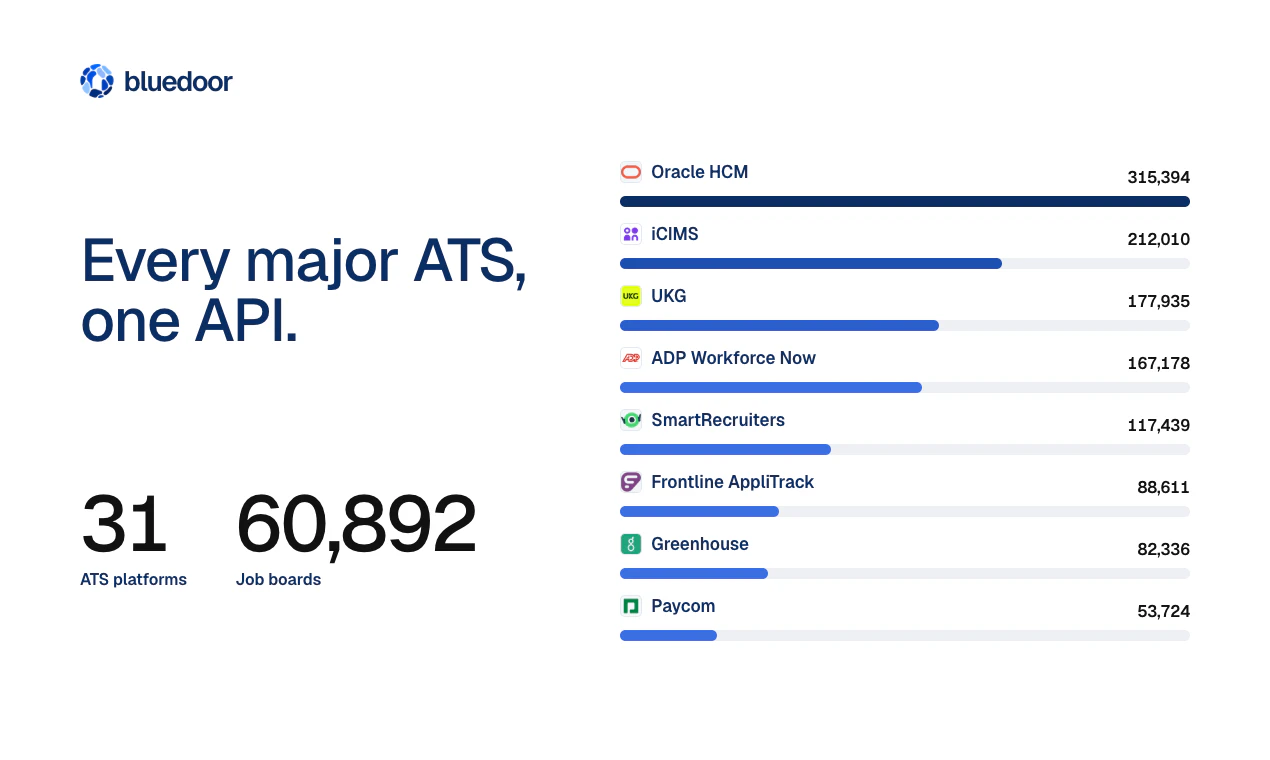
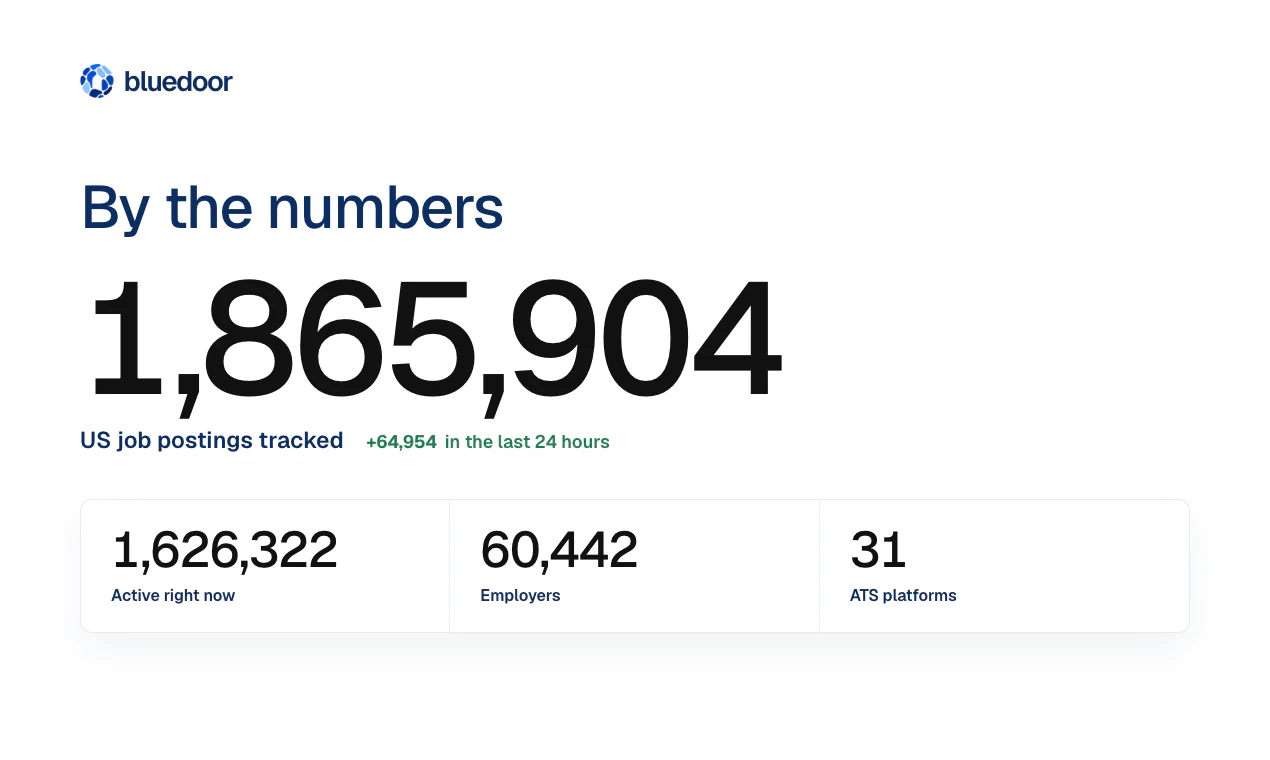
View, monitor, and analyze 1.8M+ US jobs
199
一句话介绍:这是一款免费的托管式职位列表API,提供覆盖6万家公司、180万以上职位的数据,帮助开发者、分析师和招聘平台轻松获取、监控和分析美国市场的活跃与历史招聘信息,省去自行爬取和整合多个人才管理系统的麻烦。
API Artificial Intelligence Data
职位数据API 招聘信息聚合 人才管理系统 历史数据 趋势分析 实时职位监控 免费API 大数据分析 产品猎手
用户评论摘要:用户最关心数据时效性(能否查询特定时间段内更新的职位)、字段标准化(如薪酬、远程政策在不同ATS中的覆盖率)以及免费配额的可用性。建议增加职位验证标记和公司历史招聘活跃度展示。
AI 锐评

这个API的显性卖点是“免费+海量数据”,但真正的护城河在于绕开了LinkedIn和Indeed等平台的封锁,直接对接30+个ATS的原生数据出口——这是任何小团队靠自己爬虫无法持续维持的基础设施。不过,从评论能看出几个硬伤:首先是数据新鲜度,每日同步意味着对“已关闭但未下架”的职位存在最长24小时的延迟,这对实时求职应用是致命缺陷;其次是字段规范化浅尝辄止,薪酬和远程政策依赖ATS本身的填写率,相当于把数据清洗成本转嫁给下游开发者,这会让“开箱即用”的体验打折扣。产品目前更适合历史趋势分析和市场调研,而非高时效性的消费者端产品。另外,“免费+高并发”的定价策略看似慷慨,实际上是用API密钥收集使用场景和用户画像,为未来的商业化铺设素材,早期开发者要警惕数据依赖后的定价风险。如果能补齐实时更新和强规范化字段,这个API有机会成为招聘数据领域的“Clearbit”。

查看原始信息
Job Postings API
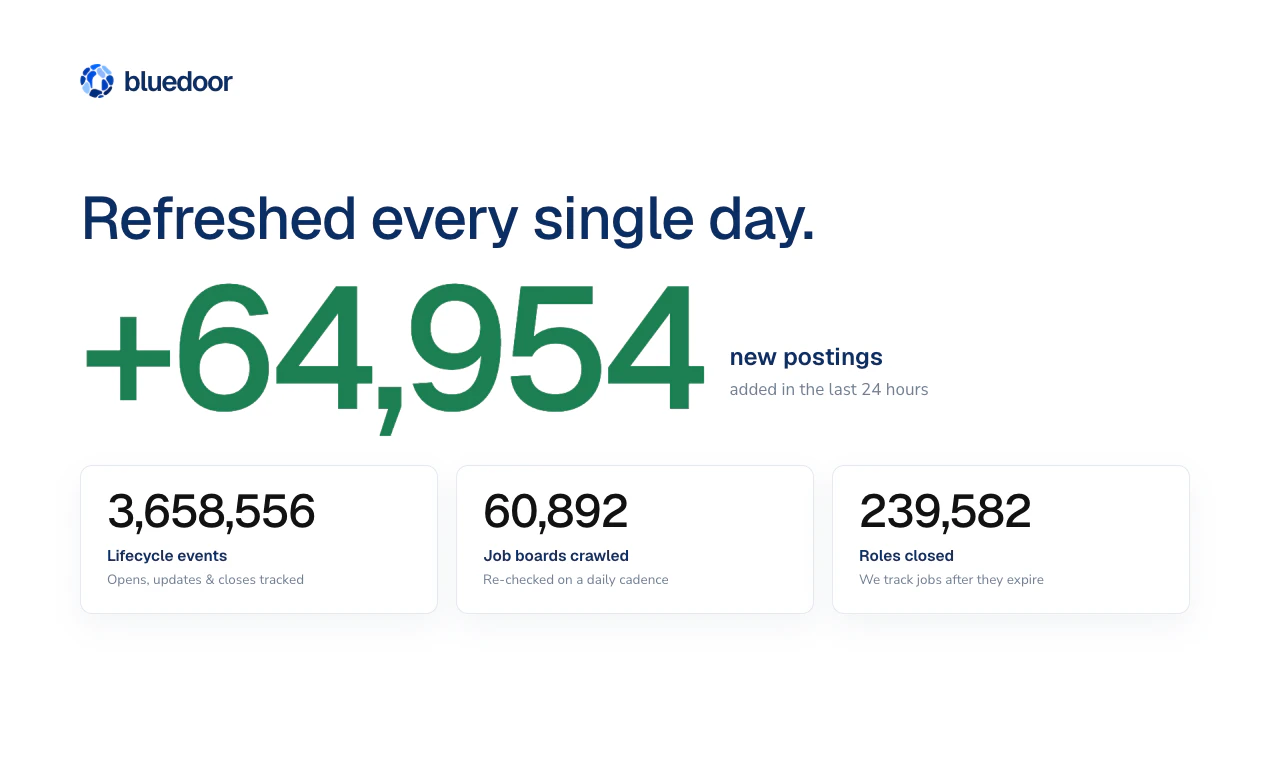
A free, hosted job listings API with 1.8M+ listings across 60k companies. Get comprehensive active and historical job data from 30+ applicant tracking systems, with companies spanning industries and stages.

the use case i'd want to validate before building on this is freshness. job postings have a short shelf life and a listing that was active three days ago might already be filled or pulled. what does the update frequency look like across the 1.8M listings and is there a way to query only postings updated within a specific window so i'm not surfacing stale data to end users. that latency question is probably the thing that determines whether this works for real-time job search applications or only for market analysis

3
回复
@ansari_adin I love what you're building. I believe we can leverage active Reddit communities to naturally recommend your website, engage with potential users, and increase brand awareness through authentic discussions where your target audience is already active. I'd love to discuss how this could work for your brand. How can we connect and explore this further?
0
回复

@ansari_adin Some good points here. It is a daily sync, so 'active' jobs are active as of that morning. You start to see patterns for when jobs are added / pulled and this aligns roughly with what companies do. Because we keep inactive jobs, if you chose to look back at older listings, you can. Otherwise, if it is active, regardless of how long it has been up, it is fresh.

0
回复

This is like a Wayback Machine for job listings. Maybe a data analyst can use this to see the number of times a company posts the same job type in a given time period and gauge overall turnover rate.

1
回复

@danielhaven I like this idea! I think the historical job data should be a really rich source for that type of analysis.

0
回复
is it actually free to consume? I might have an use case for my portal, Obvelum
1
回复

@amedeov_zh Yes, with an API key (only requires auth via your email) you get 100 rps / 500 burst. If you need higher limits, ping me and I'll get you set up for Obvelum.

1
回复

The normalization layer is where I'd want to understand the depth of work done. Thirty-plus ATSs means thirty-plus ways to express job title, seniority, and employment type — and raw aggregation without opinionated normalization just moves the cleanup problem to whoever's consuming the API. How standardized are fields like seniority level or work location across sources, or is that still left to the builder?

1
回复

@habibferdous There's some high-level normalization but it's mostly up to the AI / the end system to reconcile things like company names or roles. At some point, we will internalize this to make it a better experience out of the box.

0
回复

Historical job data is super useful for trend analysis. Do you expose fields like salary ranges and remote policy consistently, or is that only available when the ATS includes it?

1
回复
@thamibenjelloun I love what you're building. I believe we can leverage active Reddit communities to naturally recommend your website, engage with potential users, and increase brand awareness through authentic discussions where your target audience is already active. I'd love to discuss how this could work for your brand. How can we connect and explore this further?
0
回复

@thamibenjelloun Short answer, it depends. Some ATSs have great salary coverage as a structured field, others do not. And within each ATS, some companies list it v. make it unstructured text v. don't include. I wouldn't expect it to be on the majority of listings, but if you ingest the job description text, you can probably expect 50%+ coverage. Remote policies are a similar story, although "in-person" v. "remote" v. "hybrid" have better cross-ATS coverage.

0
回复

Unified ATS access is the part people underestimate. Anyone who built a jobs-data side project knows you start scraping LinkedIn/Indeed and rebuild it monthly when something breaks. 30+ ATS in one schema removes the worst part of the stack. Free tier is a strong play for early devs.

1
回复

@david_marko The standardization at the ATS level does make it a bit easier!

0
回复

I would like to see this include a verification badge. Verified that the job is active, the company is real and even show how many active postings a company has, how many they post and repost

0
回复

@equity_solutions Could you elaborate on the role of verification? The way the API works is: if the job is on a company's job board, it is marked active. If it is removed, it is marked inactive. At the job board level, you can see the # of active postings, along with other details about the org.

0
回复

怎么更新信息的时效性?

0
回复
#5
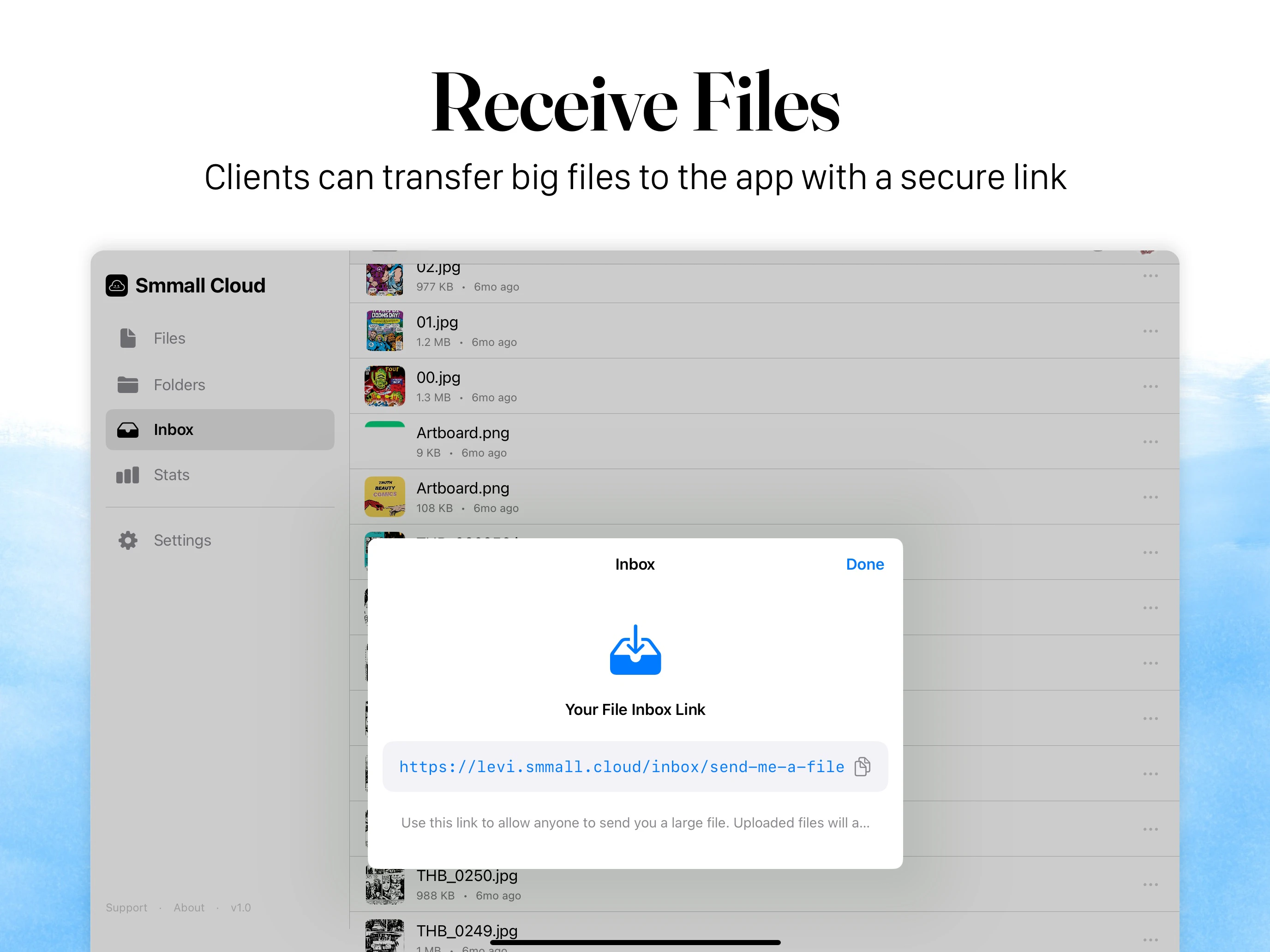
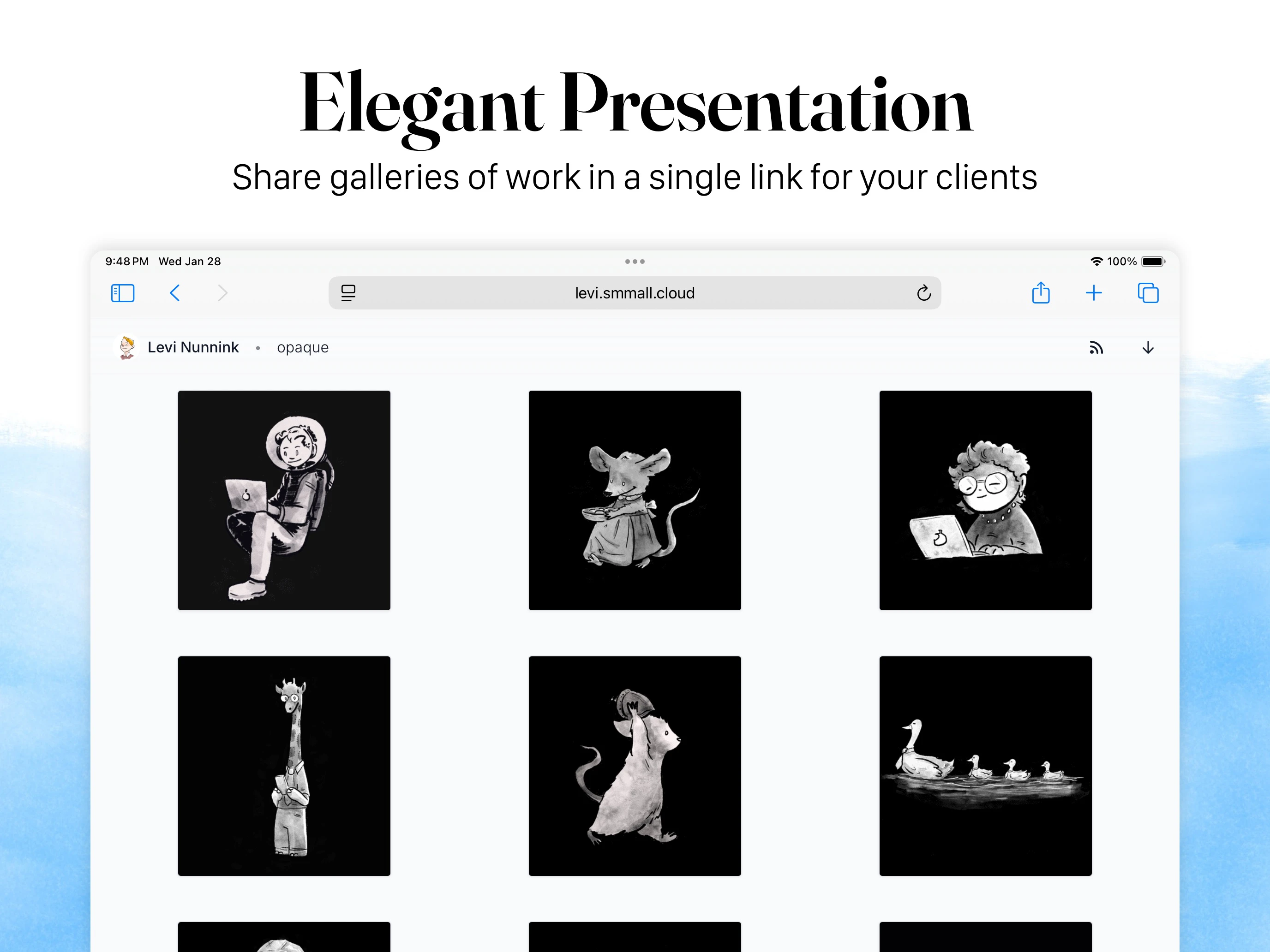
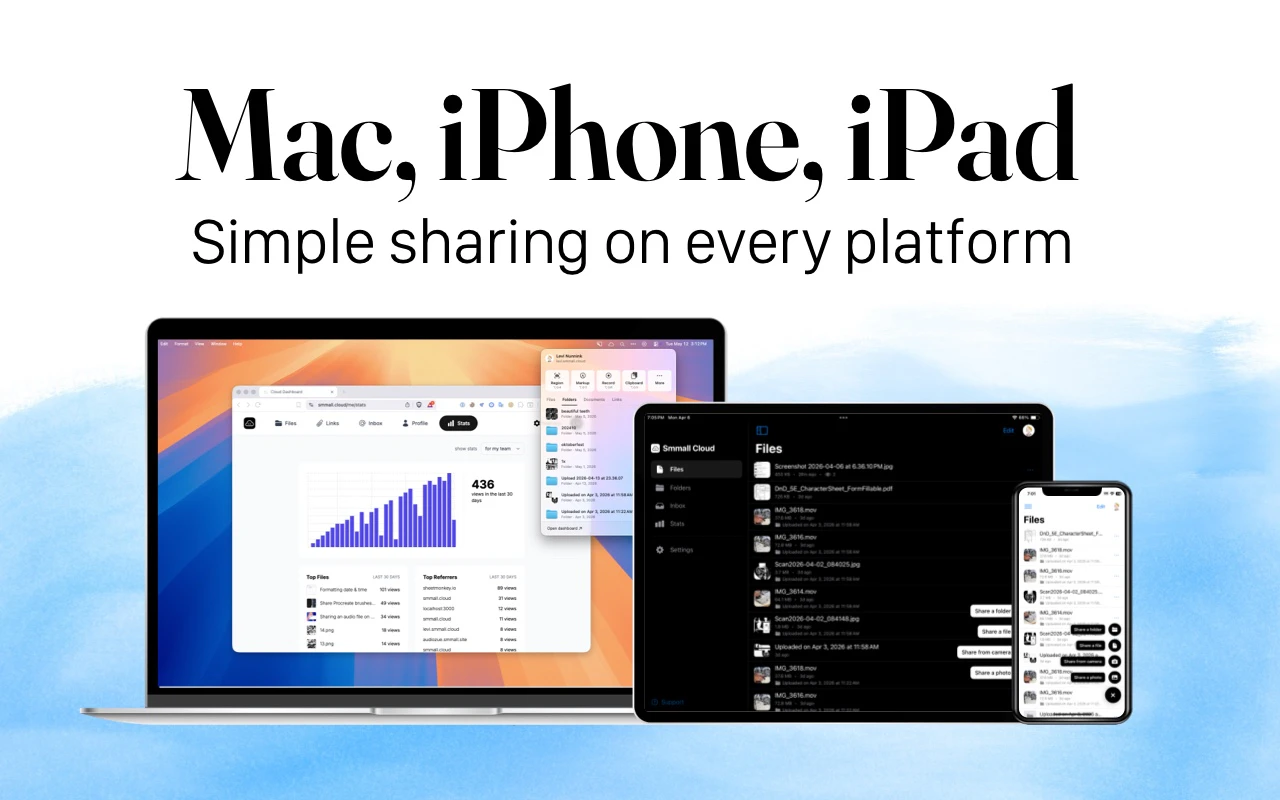
Smmall Cloud for iOS
Simple file sharing on your iPad or iPhone
164
一句话介绍:Smmall Cloud 是一款专注于从 iPhone/iPad 轻松生成精美链接、二维码或短网址来分享文件(照片、视频、文档等)的工具,为自由职业者和创意工作者解决了主流云盘功能臃肿、分享体验缺乏品牌感的问题。
Design Tools Productivity Developer Tools
文件分享 iOS应用 轻量化工具 品牌链接 文件收件箱 自定义域名 无账户上传 二维码分享 Product Hunt 创意工具
用户评论摘要:用户对文件收件箱功能有较大兴趣,但担忧潜在垃圾信息与存储滥用问题。开发者回应称已设置安全措施,目前无问题。另有用户看重自定义域名与品牌预览,认为对比 Google Drive 链接体验更好。也有用户询问与本地局域网传输工具 Localsend 的差异。
AI 锐评

Smmall Cloud 的立意很清晰:在泛滥的“全家桶”式云盘中切出一块“单点极致”。它确实精准捕捉了自由职业者和内容创作者的痛点——当 Google Drive、iCloud 等试图成为“一切”时,分享一个文件却变成了“先建文件夹、设置权限、复制混乱链接”的繁琐流程。从产品设计来看,“文件收件箱”与“自定义域名/品牌预览”是两大核心护城河:前者切实简化了非技术客户交付资产的流程,后者解决了专业创作者在客户面前保持品牌统一性的刚需。

然而,冷静审视其可持续性:第一,文件收件箱的防滥用机制是当前最大的隐性风险。开发者虽称“尚未遇到问题”,但一旦用户量级增长,存储与流量成本将迅速攀升,急需介入收费或限制策略,而“无企业版、无销售团队”的承诺可能会成为规模化的枷锁。第二,该工具定位为“分享”而非“存储”,这意味着用户的价值窗口在“生成链接”的那一刻,留存与迁移成本极低——用户很容易因一个更好的分享体验或更低价格而流失。第三,评论区提及的“Localsend”代表了对本地免流量分享的需求,而 Smmall 云端模式虽覆盖了远程场景,却面临由云基础设施导致的长期成本与隐私信任问题。

整体而言,Smmall Cloud 是一款“聪明”的工具,价值在于用极简交互补足了主流云盘在“轻量品牌化分享”上的缺口。但若想从“利器”成为“生意”,它需要在长期免费与稳定商业化之间做出更清晰的设计,尤其是在防滥用、付费增值(如存储空间、高级品牌定制)和用户锁定机制上尽快补课。目前的“干净”是最大优势,但也可能是它未来的最大瓶颈。

查看原始信息
Smmall Cloud for iOS
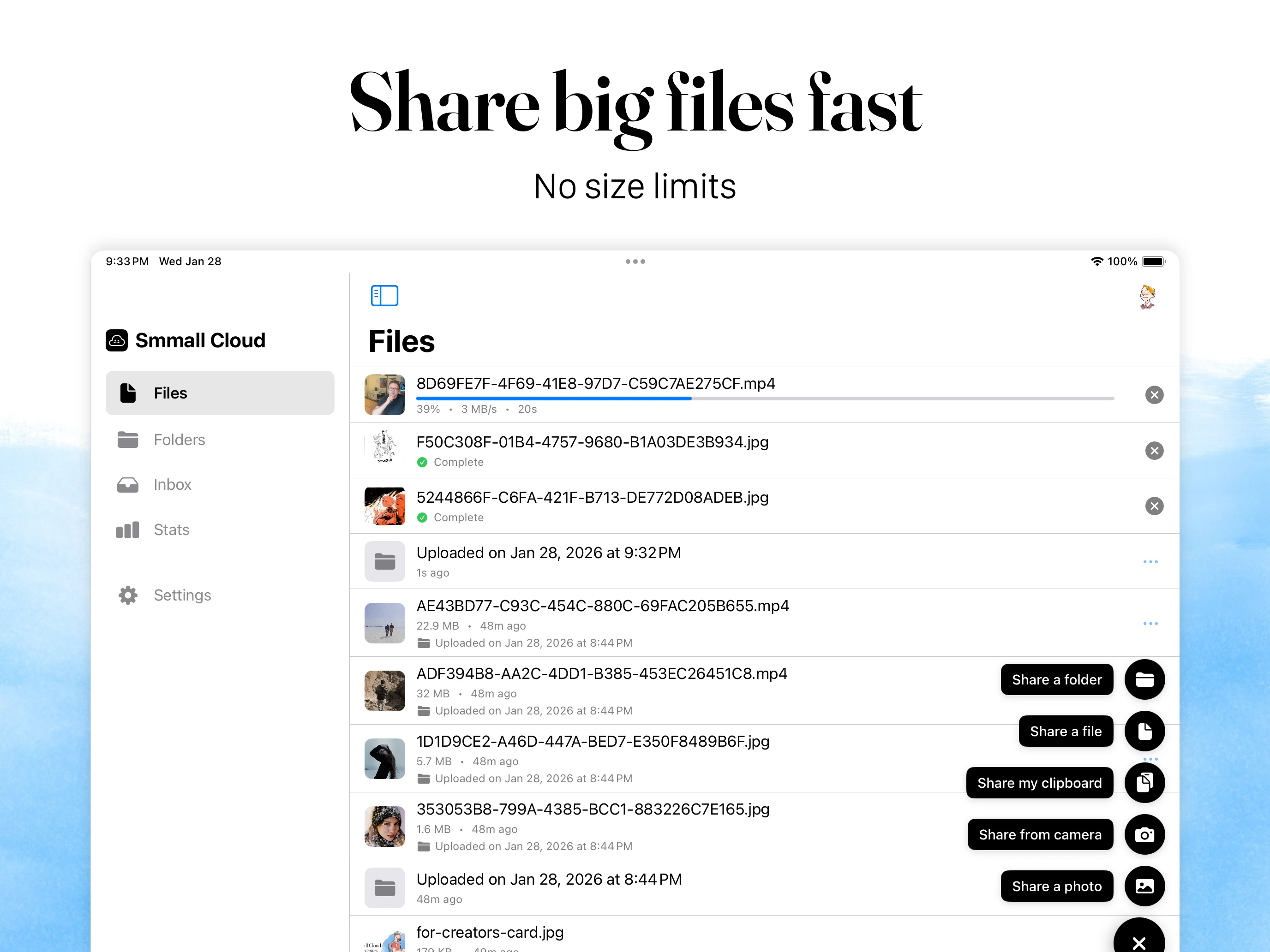
Smmall Cloud is the focused, customizable file-sharing app you've been missing. Upload photos, videos, docs, and more from your iPhone or iPad, then share them with a clean link, a QR code, or a custom short URL. Organize files into ordered folders, collect uploads from anyone through your File Inbox, and put your own brand front and center on every share. No clutter, no enterprise tier, no sales team — just sharing done right.

The File Inbox is the feature I'd keep a close eye on — letting anyone send files to your link without an account is genuinely useful for freelancers collecting client assets, but it also tends to attract spam and storage abuse at scale. Curious if you've built any guardrails there (size limits, rate limiting per inbox) or whether that's a problem you're deciding to solve later.

1
回复

@habibferdous It hasn't been a problem yet. We've put security measures in for our users and they haven't reported any issues.

0
回复
Congrats on the launch!!!
1
回复

Single-purpose tools win for me every time. I build Whatsapp/voice agents and the same trap exists in every category: pile features until the original use case feels heavy. "Upload from phone, get a beautiful link, share" is a clean wedge. Following.

1
回复
@david_marko I love what you're building. I believe we can leverage active Reddit communities to naturally recommend your website, engage with potential users, and increase brand awareness through authentic discussions where your target audience is already active. I'd love to discuss how this could work for your brand. How can we connect and explore this further?
0
回复
Hey PH 👋 I built Smmall Cloud because file sharing got bloated. Every "drive" wants to be your whole filesystem, your collaboration suite, your everything, and somewhere in there, just sharing a file with someone became a chore. Smmall Cloud does one thing well. Upload from your phone, get a beautiful link, send it. That's it. A few things we're proud of in the iOS app: - One-tap sharing — swipe right to copy a link, swipe left for the share sheet, or share straight from any other app - Folders that tell a story — drag to order your files, so a folder becomes a slideshow, a playlist, a portfolio, or a blog - File Inbox — give anyone a link and they can send you files of any size, no account needed - Your brand, not ours — custom domains, profile pages, link previews, and stats on who's viewing what Would love your feedback — what do you share most, and what's the most annoying part of doing it today? I'm in the comments all day.
0
回复
@levinunnink thahnk Geat Idea
0
回复

the custom domain and branded link previews is the part that sold me. every time I share client files through google drive the link looks like garbage and has zero brand presence. also the file inbox where anyone can send you files without creating an account is such a simple idea but solves a real problem... I spend way too much time asking clients to "just upload it to the shared folder" and explaining how

0
回复

Congrats
I usually use Localsend to share files across ipad, laptop. does your application has any advantage over Localsend?

0
回复

@thamirawaran Localsend looks like a cross-platform Airdrop (sharing with nearby devices). Smmall uses the Cloud so you can share files with anyone, regardless of location. Hope that helps!

0
回复
#6
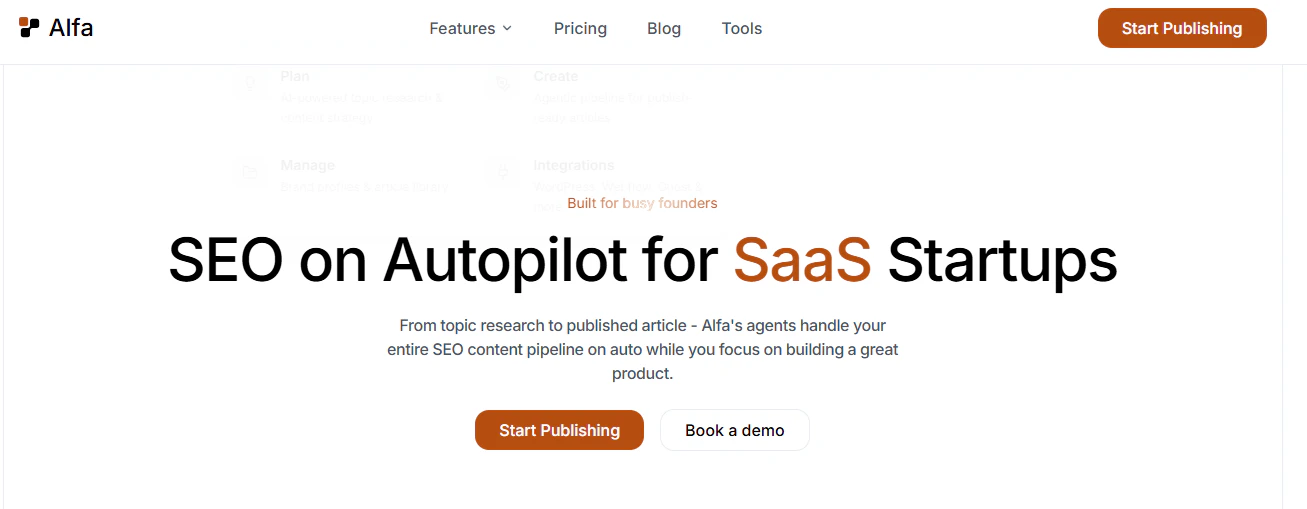
Alfa
You build the product. We bring the traffic.
51
一句话介绍:Alfa为SaaS团队提供从关键词研究到CMS就绪文章的全自动化内容生产管线,重点解决内容团队人手不足、产出缓慢且难以被AI搜索引擎收录的痛点。
Sales Marketing SEO
SaaS内容营销 GEO优化 AI搜索引擎优化 关键词研究 自动化内容生成 搜索意图分析 竞争对手分析 内容管线 零工模式 AI Citations
用户评论摘要:用户关注GEO/AI引用效果的衡量机制、内容是否依赖具体产品文档避免套路化。创始人回应已内置产品源数据采集、用户可编辑上下文,并计划通过自动化探测AI引擎排名形成反馈闭环。
AI 锐评

Alfa与其说是一个AI写作工具,不如说是一次对传统SaaS内容营销“人海战术”的降维打击。它的核心价值不在“生成文字”,而在于用一整套自动化管线——从SERP分析、搜索意图判断、竞争空白挖掘到最终发布——把内容生产从需要专职编辑、SEO专家和事实核查员的复杂工程,降格为创始人或小团队就能操作的自助服务。创始人强调的GEO(生成引擎优化)更是切中要害:当ChatGPT、Perplexity和AI概览开始分流传统搜索流量,“写一篇好文章”的自然语言标准已被“AI喜欢引用哪类结构”的技术指针取代。Alfa针对性探测AI引擎排名并优化写作格式的做法,本质上是在抢占流量重分配的早期红利。

但风险同样明显。产品目前更多建立在“模式匹配”和“持续探测”的经验主义上,而非真正的AI排名算法可解释性——这意味着当期成功可能迅速被下一代AI判读机制推翻。此外,用户担忧的“产品内容趋同”并未完全解决:尽管有上下文编辑和自动学习机制,但若引导不当,生成的稿件仍有可能沦为SEO套路与AI口语的缝合体。最后,对于尚处探索阶段的GEO衡量,缺乏公开透明的方法论更是让人质疑其反馈回路是否足够稳健。Alfa是好用的“内容生产加速器”,但离创始人设想的“AI引擎的Ahrefs”还有一段需要数据验证的关键路程。

查看原始信息
Alfa
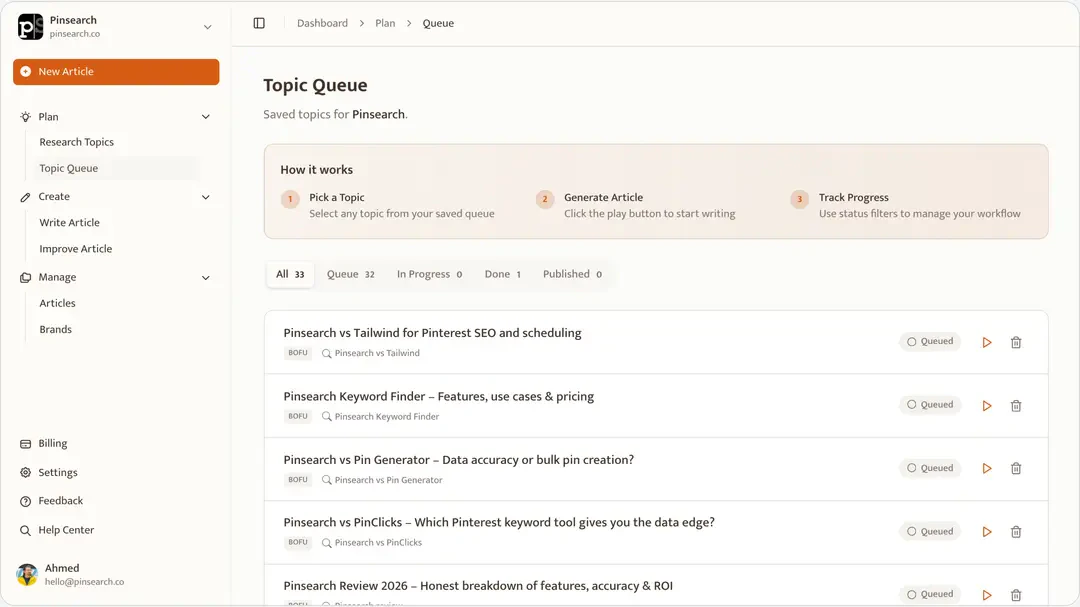
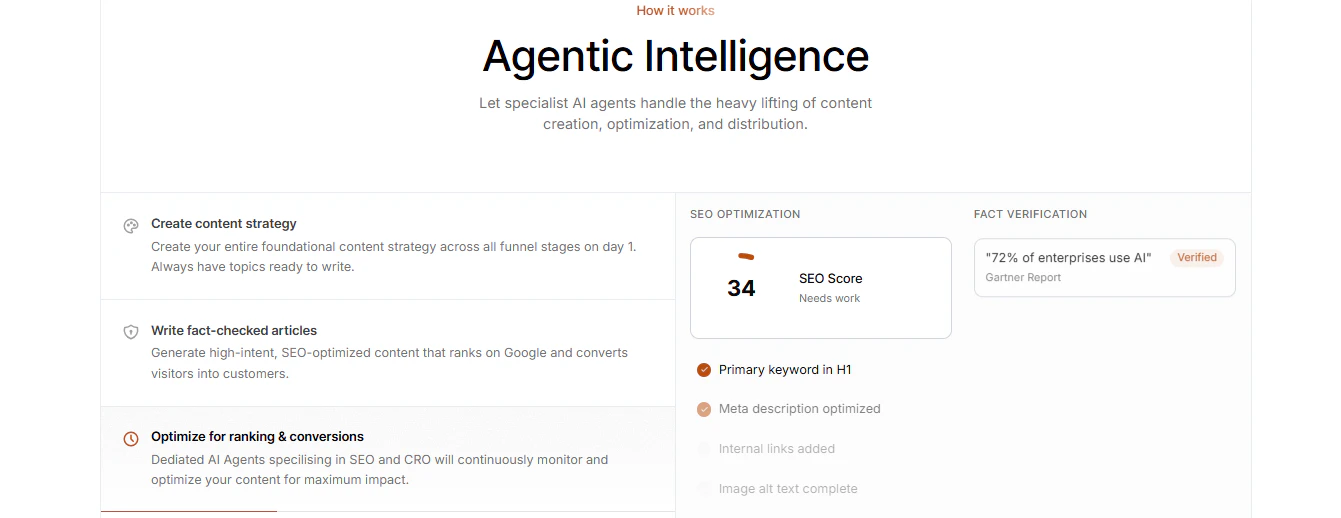
Alfa helps SaaS teams turn keyword research into GEO-ready articles. It analyzes SERPs, search intent, and competitor gaps, then creates fact-checked, CMS-ready content built for Google, AI Overviews, ChatGPT, and Perplexity. Perfect for founders and lean growth teams who want compounding organic traffic without hiring a full content team.
Hi Product Hunt, we built Alfa because SaaS content is still too slow, too expensive, and too human-heavy for how growth works now Most teams know they should be publishing, but the real bottleneck is the entire pipeline: research, briefs, writing, fact-checking, SEO, and formatting. Alfa runs that pipeline for you from topic research to a CMS-ready article using a swarm of specialist agents built for SaaS content. Our goal is simple. Make it easier to ship content that is useful, accurate, and built to rank. If you check it out, I’d love to hear what part of the content workflow is slowest for you and what type of articles you would want Alfa to generate next. .
3
回复

Congrats on launching this product !

1
回复

@roman_cz thanks, coming from the marketing GOAT himself 🙏

0
回复

LFG!

1
回复

@artinbogdanov thanks so much, really appreciate it. 🙏

0
回复

Been following their journey for a very long time and I’m really excited to see where this goes!

1
回复

@harrison_telyan really appreciate it. 🙏

0
回复

Congrats on launching. The GEO / AI-citation angle is the most distinctive part of your pitch. How do you actually measure whether your content gets cited by ChatGPT, Perplexity, or AI Overviews? Is there a feedback loop where Alfa learns which structural patterns get picked up by which engines, or are you optimizing for heuristics you believe matter? That's so much harder than traditional SEO ranking measurement and curious how you're tackling it.

1
回复

@joshua_santiago2 Great question.

We have some patterns, that we have seen over time. We constantly probe the agents, and to monitor the ranks of our products. We had a prior product for this (https://getranksmith.com) that is not integrated into alfa.

So its a constant probing, and then generating content.

Our goal is to become an Ahref for AI engines. We have a ton of data on this.

0
回复

Strong wedge for lean SaaS teams — the slow part usually isn’t just drafting, it’s knowing whether the article is grounded in the right proof.

One thing I’d be curious to see in the workflow: do you separate the SERP/keyword brief from the company-specific source packet? For SaaS content, a post can be perfectly optimized and still feel generic if it misses the product’s actual use cases, customer language, current positioning, or proof points.

The most useful CMS-ready output might show a small “source map”: which claims came from SERP research, which came from the company/product docs, and which parts still need a founder or marketer to approve. That would make it easier to scale content without slowly drifting into interchangeable AI SEO copy.

1
回复

@jim_jeffers great points.

Yes, product grouded-ness is actually the key difference here. We have a really detailed onboarding, that fetches content from the content available, as a starting point. Then for every article, we have a spot where users can update/edit a starting context, and once the draft is created. Users can also iterate on the content.

Plus, once a few are created our setup identifies the tone and context of the product. So it improves over time.

0
回复
#7
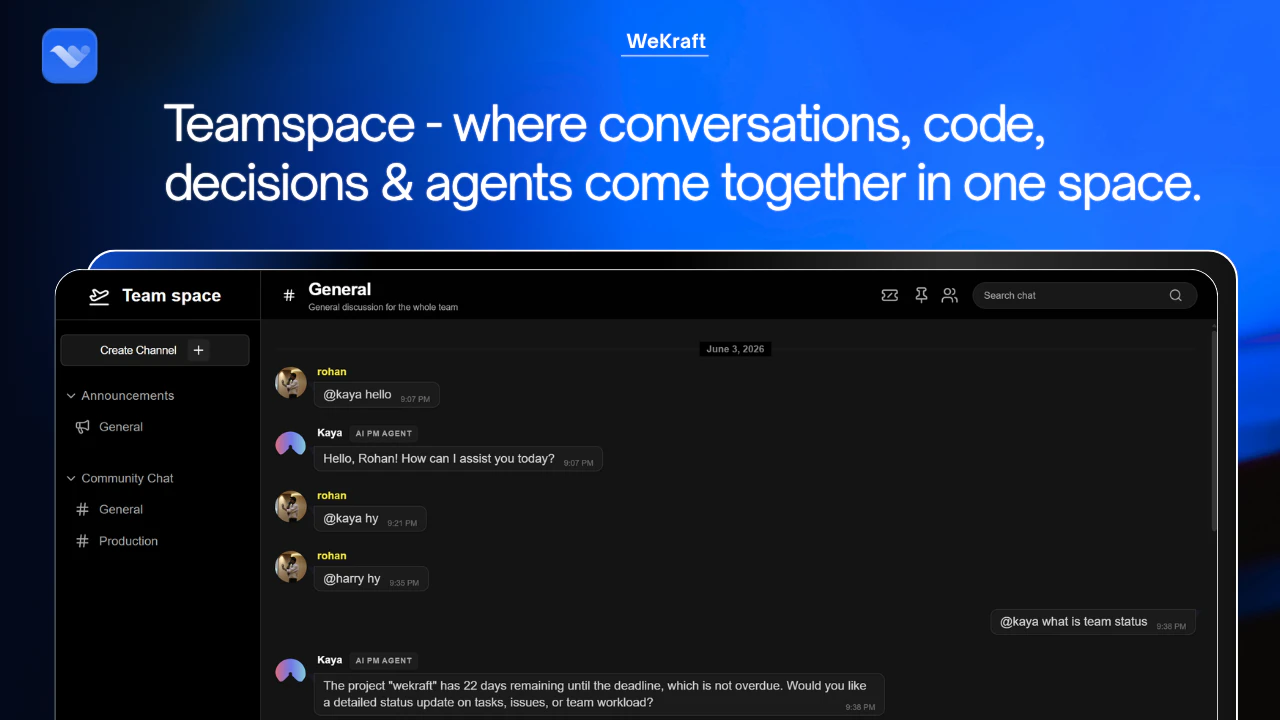
Wekraft
your project lives in Github , so should your workspace.
18
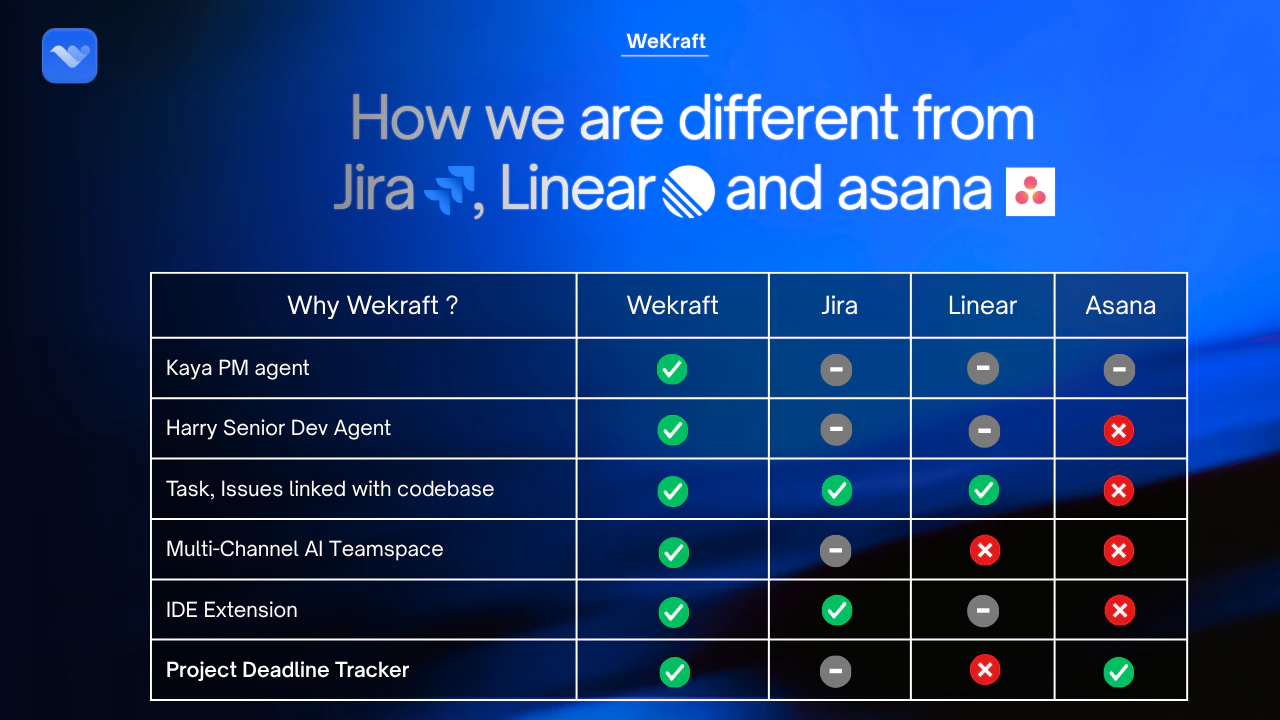
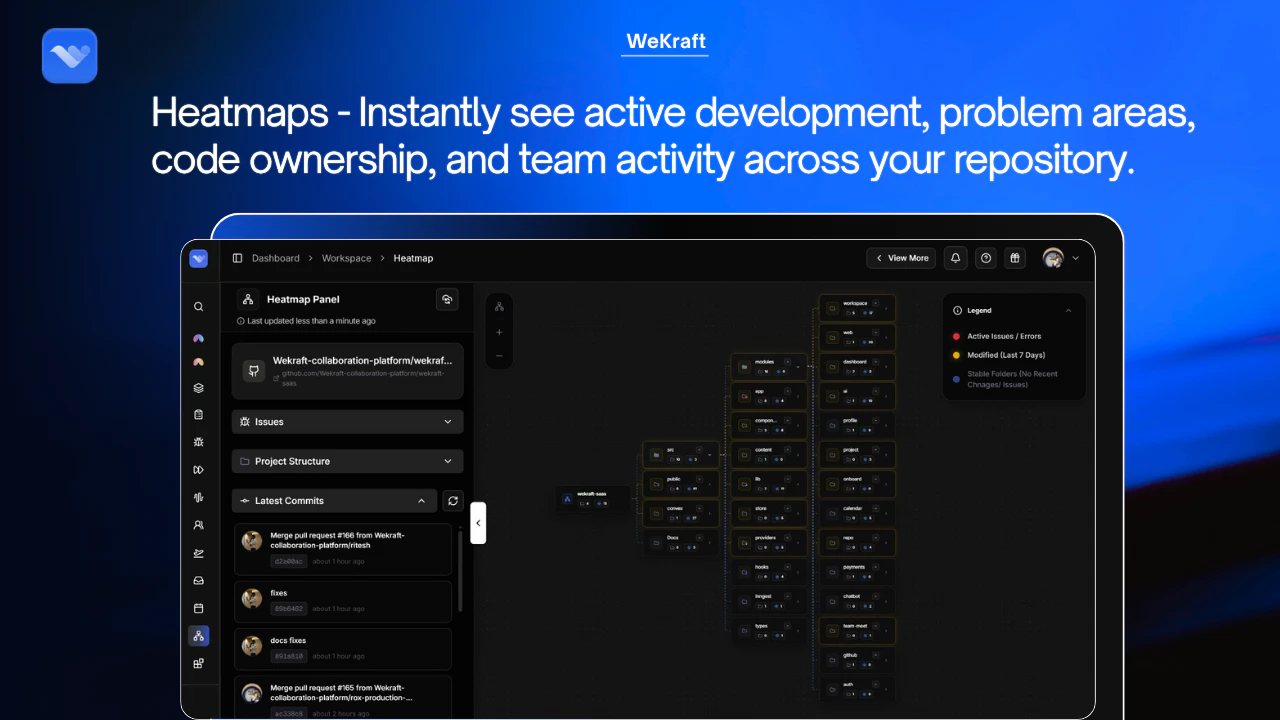
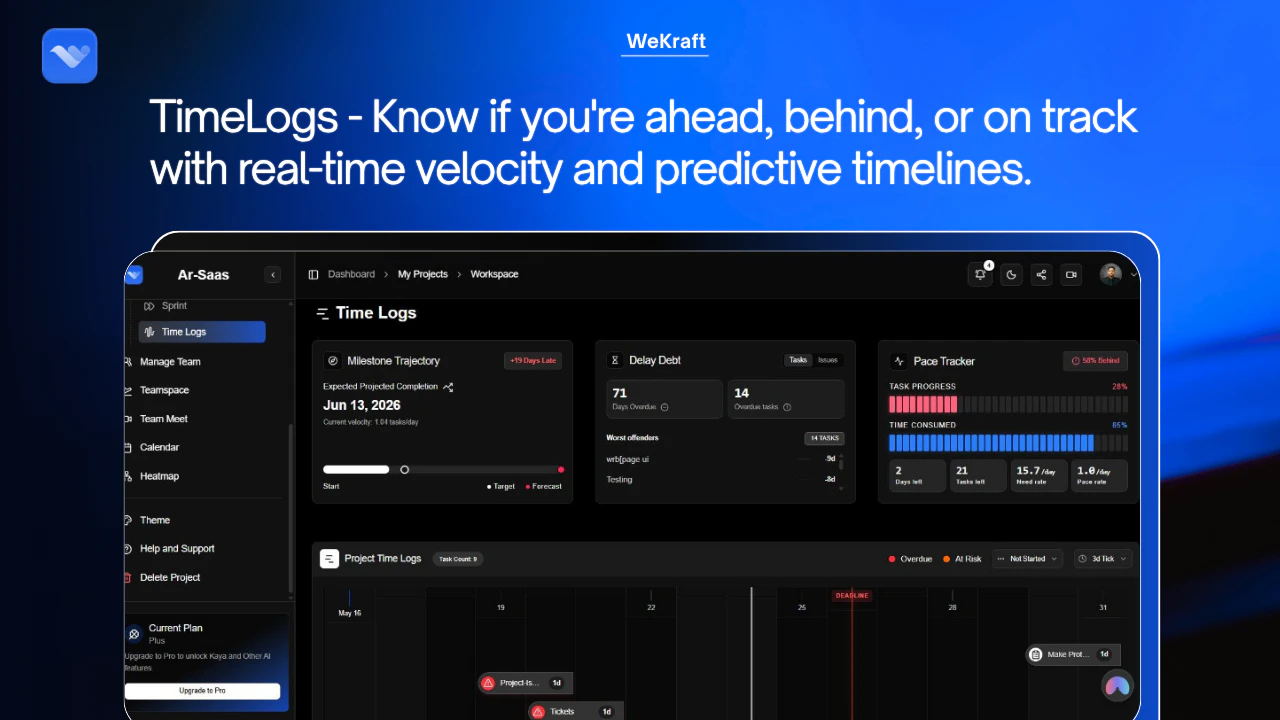
一句话介绍:Wekraft是一款以GitHub为数据中枢的AI驱动项目管理平台,专为初创和快节奏工程团队设计,解决传统工具中代码库与项目追踪脱节、信息碎片化及手动更新繁琐的痛点,通过自动同步代码活动并借助AI(如项目经理Kaya、高级开发Harry)实现智能项目洞察与协作。
Productivity Developer Tools GitHub
AI项目管理 GitHub集成 开发团队协作 代码驱动工作流 智能项目洞察 自动化任务 初创企业工具 代码审查AI 前后端同步 高效研发
用户评论摘要:用户普遍认可“从GitHub出发”的理念,认为解决了重复劳动和工具碎片化问题。积极反馈集中在AI角色(Kaya、Harry)和同步体验上。关键问题包括:多仓库同步的复杂性如何解决?激活点(从痛点到付费价值感知的瞬间)是连接仓库还是完成首次任务闭环?团队创始人诚恳且来自实践,但需验证从学生项目到商业产品的成熟度。
AI 锐评

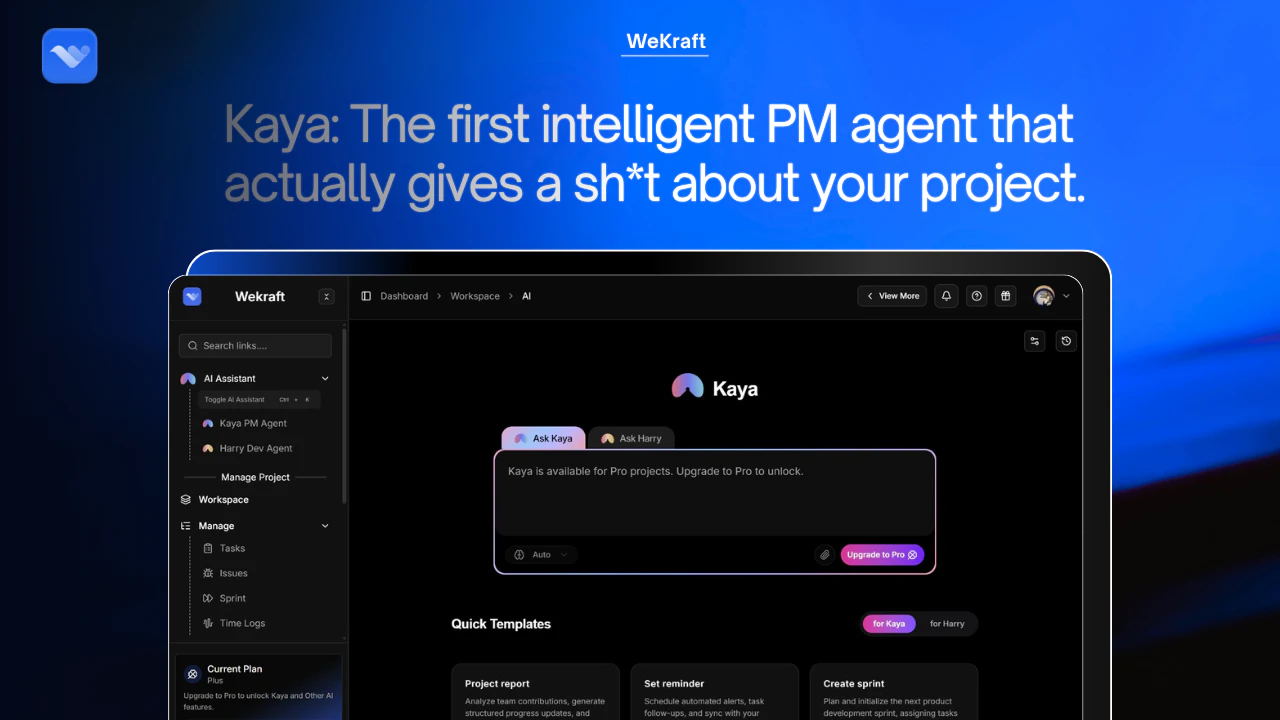
Wekraft的核心叙事很有吸引力——将项目管理的“真相源”从Jira、Notion等工具拉回GitHub,这直击了现代开发团队的核心焦虑:代码是唯一可信的产出,但项目管理却在另一套系统中腐烂。其“AI-first”的姿态,特别是Kaya(AI项目经理)和Harry(AI高级开发者)的设定,相比传统看板工具,确实提供了更贴合工程团队的智能化潜力。

然而,18个投票和极少的评论互动,意味着它仍处于极度早期阶段。评论中“我们是计算机学生”的自曝,虽显真诚,但暗示了产品在工程成熟度、企业级扩展性及规模化社区信任上的巨大挑战。多仓库同步、复杂权限管理、企业级合规等硬骨头,并非靠热情和AI可以轻松啃下。

最大的风险在于:AI的“项目管理”角色在高度非结构化的工程协作中极易沦为噱头。如果Kaya只是自动推送通知、Harry只会机械式代码审查,那它不过是一个自带贴纸的GitHub通知聚合器。真正的价值在于,能否让AI理解“为什么这个PR延期了”“那个模块为何频繁重构”,并提供超越GitHub Insights的因果分析。否则,它会陷入“比Jira更轻,但没有Jira严谨;比Notion更智能,但没有它灵活”的尴尬中间地带。

Wekraft方向正确,但只有从“基于GitHub的AI助手”进化成“驱动团队决策的工程大脑”,才能从尝鲜品变为必用工具。现在,它还是故事讲得好,但需要更多去证明自己“不只是一个更好的播报员”。

查看原始信息
Wekraft
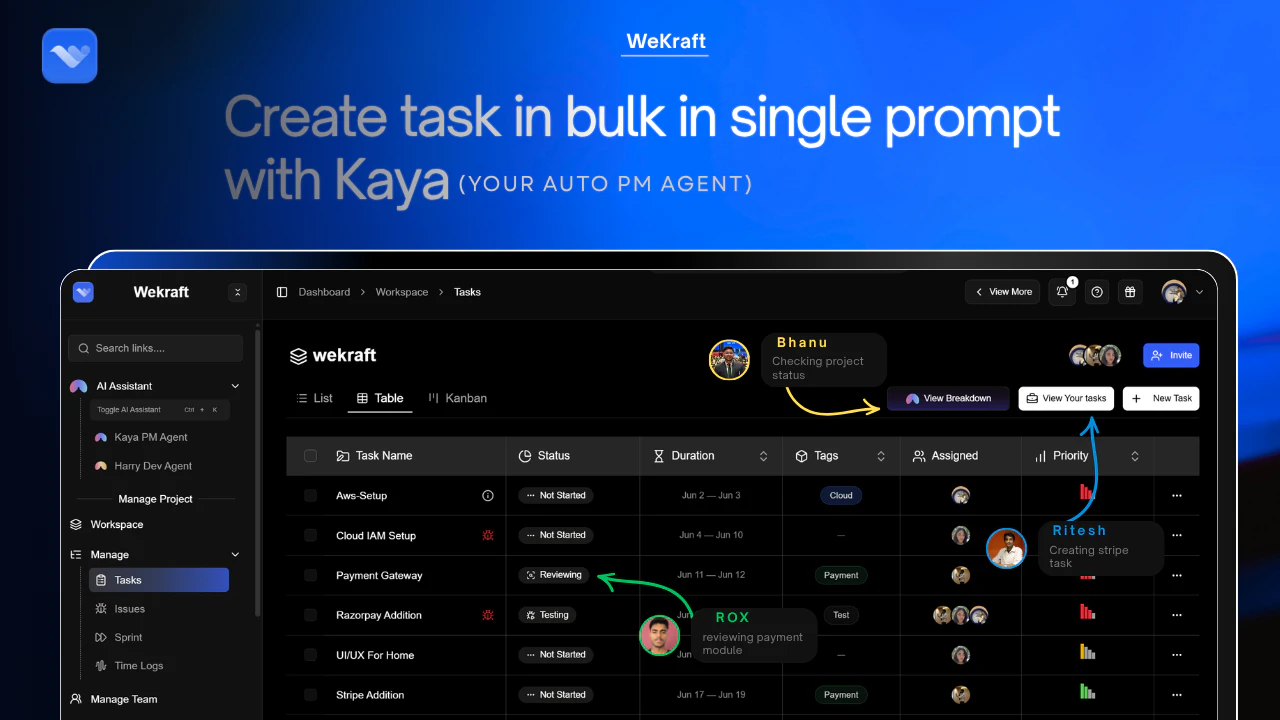
The AI-First Workspace for Modern Software Teams Wekraft is an AI-powered project management platform built for startups and fast-moving engineering teamsUnlike traditional project management tools, Wekraft stays directly connected to GitHub, turning commits, pull requests, and code activity into actionable project intelligence. Wekraft helps teams manage complex projects through a simple, collaborative workspace powered by AI.
Wekraft was born from the frustrations of modern software teams—missed deadlines, scattered tools, endless context switching, and complex workflows. Every feature, interaction, and AI capability is built with care to help teams collaborate better, stay aligned, and ship faster.
3
回复

We built WeKraft because we were living the problem ourselves.

As developers and founders, we were constantly jumping between GitHub, Jira, Slack, Notion, and a dozen notifications — just to answer "what's actually happening in this project?" The real work lived in the codebase. The updates lived somewhere else entirely.

We kept asking one question: if the codebase is the source of truth, why isn't project management built around it?

So we built WeKraft — an AI-first workspace for startups and fast-moving engineering teams. GitHub is at the core. Commits, PRs, and code activity automatically feed into your project intelligence. No manual updates. No drift between what's shipped and what's tracked.

A few things we're proud of:

  • KAYA, AI Project Manager — keeps your team aligned, flags risks, and moves projects forward without micromanagement

  • HARRY, AI Senior Developer — reviews code, spots issues, and gives teams a senior dev brain on every PR

  • GitHub-native — your codebase is the source of truth, and WeKraft treats it that way

  • Built for speed — powerful enough for complex projects, simple enough that you don't need a 3-day onboarding

3
回复

Hey Wekraft, what about your activation milestone here: is it first repo connected, first task created, or something else? I mean what moment does the user realize it's worth paying for?
And did you pick it from data or gut feel?

2
回复

@and_bayleaf Both — gut feel backed by data!

Here's how we approached it:

  • Started with user interviews during ideation to understand real pain points

  • Launched a waitlist page → 350+ signups, which validated demand early

  • Ran a bug bounty program → 120 developers applied, 27 got selected, and their hands-on feedback directly shaped our decisions before launch

Our activation milestone isn't just "first repo connected" or "first task created" in isolation — it's when a user connects their repo AND experiences the full loop: GitHub issues synced, AI teammates (Kaya as PM + Harry as Senior Dev) fully context-aware , and the project actually feeling alive without manual setup.

We've built a guided onboarding flow that takes users straight to that moment, step by step, so the time-to-value is as short as possible.

1
回复

I like the idea of a PM tool that starts from GitHub instead of forcing everyone to duplicate work.

2
回复

@thamibenjellounThat's exactly the problem we set out to solve. Instead of duplicating work across tools, Wekraft starts with GitHub as the source of truth. With IDE Extension support and Kaya as an AI Project Manager , so developers stay connected to project context without leaving their workflow.

0
回复

Pretty cool idea. How does it handle syncing with multiple repositories? Seems like that could get tricky.

0
回复

Building automate Task/issues directly from PRD/SRS , Auto review code -> assign bugs / issues auto to team members.
WeKraft is not a weekend build. we are students of CS and wants to change how software's are build. We truly Love product hunt for giving such platform to showcase our talent to whole world . @product thank you.
@Jira @Linear @asana

0
回复
#8
EmailBuilder.in
Free no-code HTML email builder with unlimited exports
15
一句话介绍:EmailBuilder.in 是一个免费、免登录的在线HTML邮件可视化构建工具,通过拖拽和导出干净代码,解决了开发者与营销人员在制作邮件模板时遇到的代码臃肿、兼容性差及导出受限的痛点。
Web App Email Marketing No-Code
HTML邮件构建器 无代码拖拽 邮件模板导出 邮件兼容性 邮件开发工具 免费SaaS 前端工具 JSON项目保存 响应式预览
用户评论摘要:用户肯定了“导出干净HTML”的核心价值,指出多数构建器代码臃肿且兼容性差;同时认可“JSON保存项目”的实用性,避免了免费工具因关闭标签页导致工作丢失的痛点。
AI 锐评

EmailBuilder.in 的价值不在于“大而全”,而在于它精准地刺中了HTML邮件开发领域一个长期被忽视的“脏活累活”:代码的洁净度与兼容性。市面上许多邮件构建器,要么是营销平台(如Mailchimp)的附庸,导出代码与平台深度绑定;要么是半成品拖拽工具,生成的HTML充斥着冗余的内联样式和嵌套表格,在Outlook上直接崩坏。Nishant作为前端专家,显然深谙“能跑的代码”和“能过审的邮件代码”之间的鸿沟。15个投票虽然说明它还处于早期,但“免费”、“免登录”、“无限导出”这三个特性,直接击穿了小型团队和独立开发者的使用门槛。其产品策略非常聪明:不试图取代专业邮件平台,而是做一个“前处理”环节——开发者用它产出干净的语义代码,再丢到任何发送平台里。但需警惕,仅靠“编辑器+模板”的微创新,很难形成护城河。如果未来不能提供诸如“邮件客户端渲染模拟”、“Spam Score检测”、“版本控制”或是“AI辅助内容生成”等对邮件开发真正具有痛点的深度功能,它大概率会沦为一个精致但小众的“笔记本”。目前的形态,更像是一个对所有传统笨重邮件工具竖中指的“干净态”替代品,但想从“更优雅的工具”进化为“工作流必需品”,仍需打磨其协作和企业级能力。

查看原始信息
EmailBuilder.in
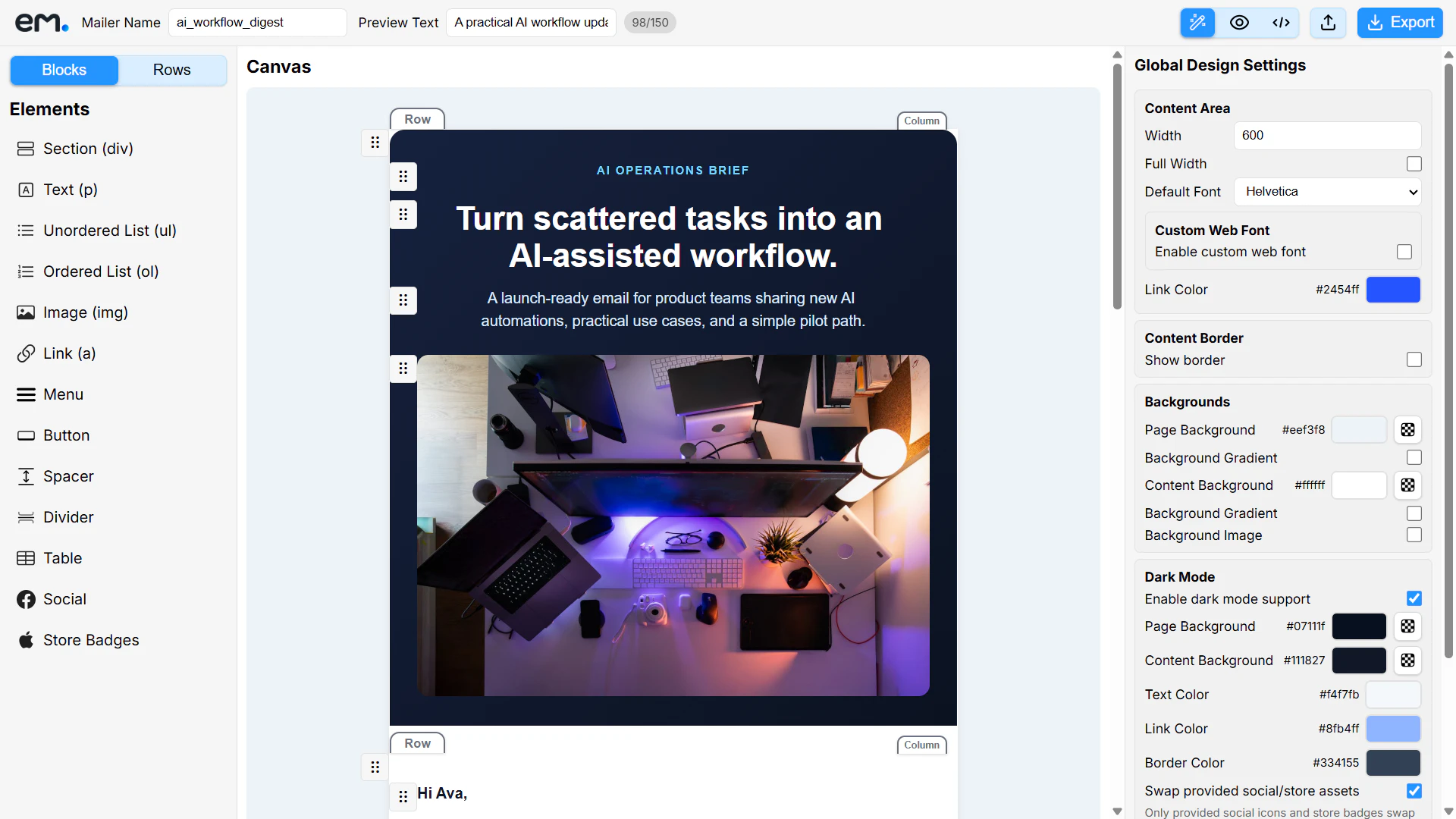
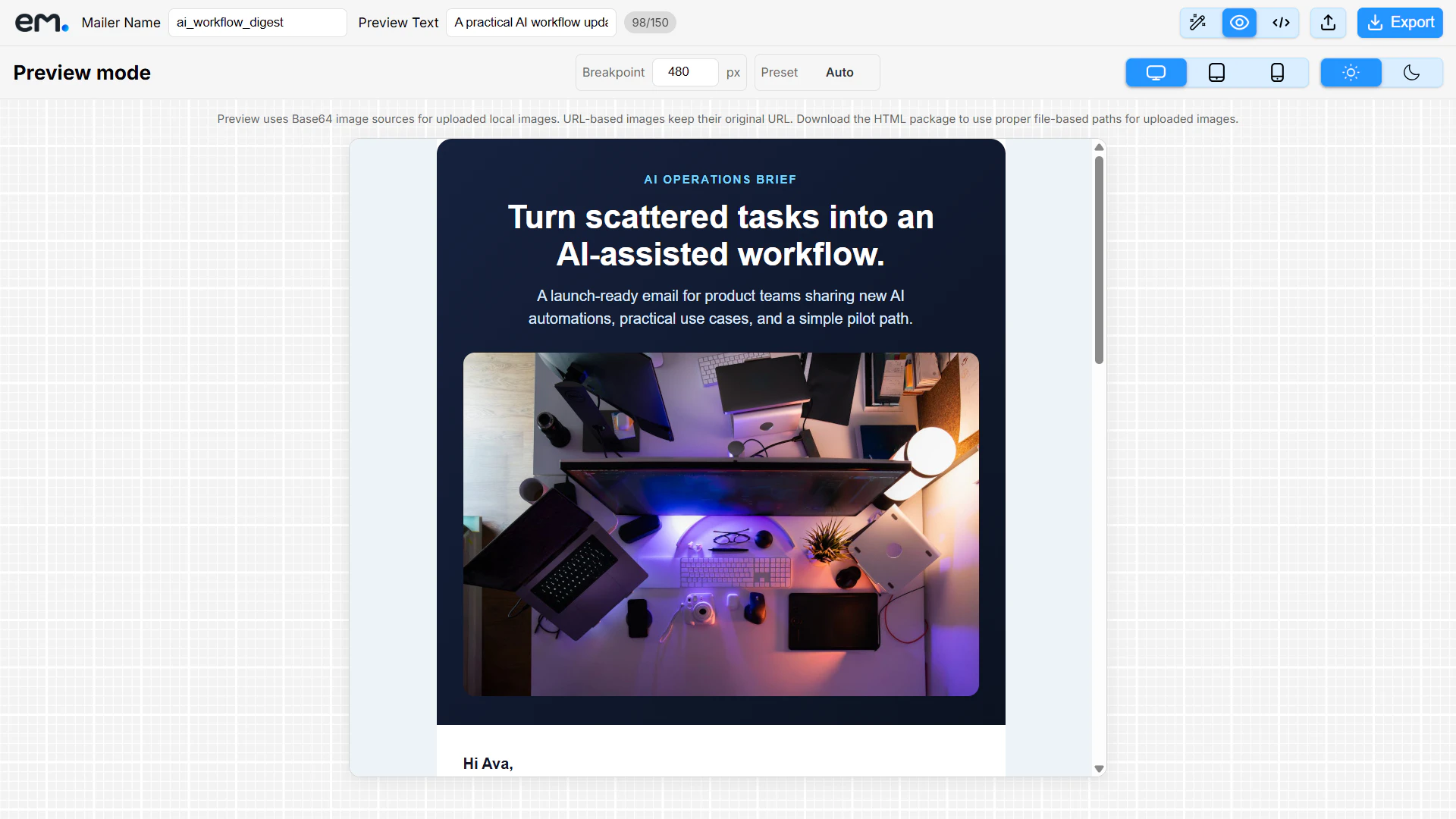
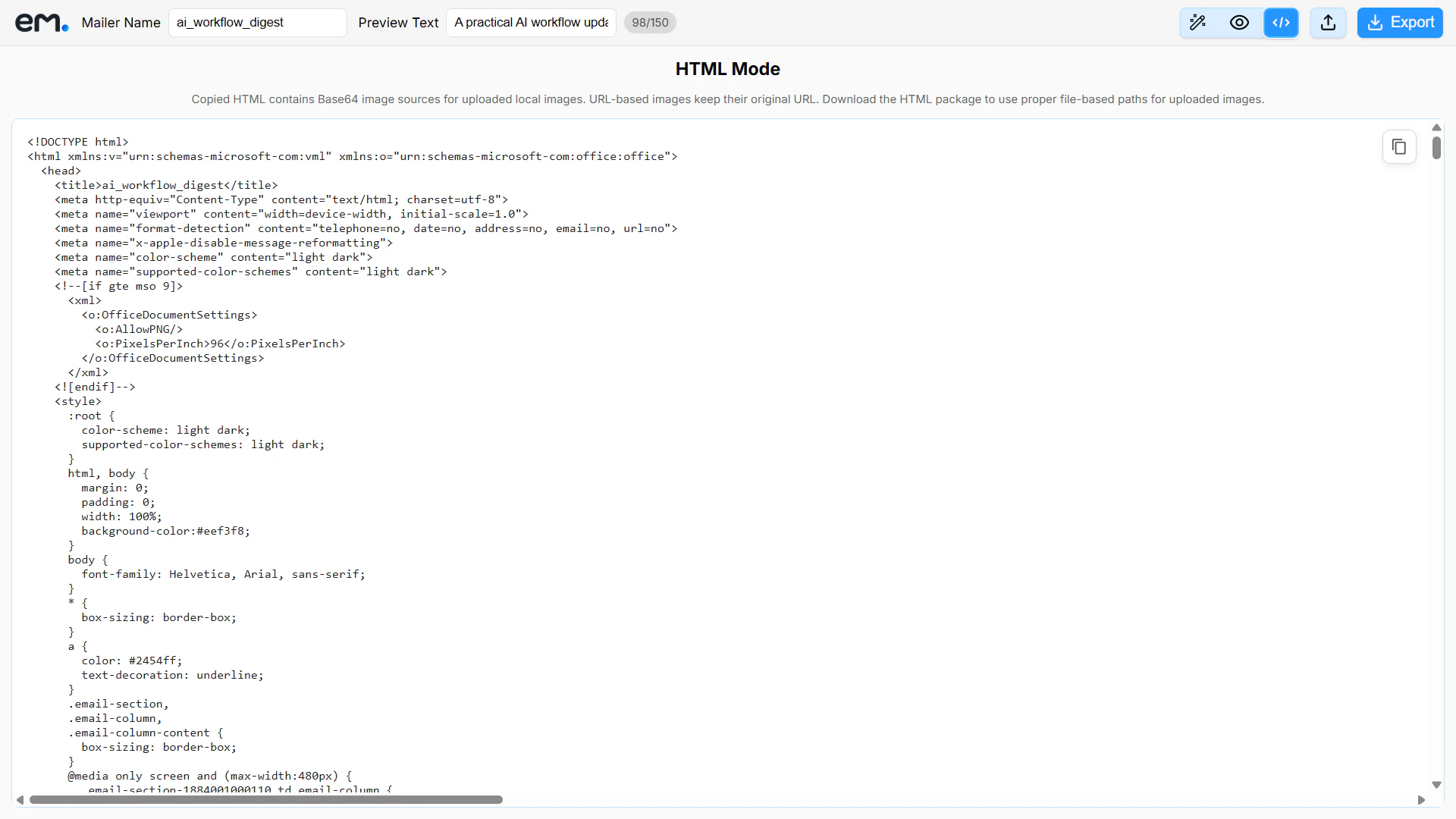
EmailBuilder.in is a free visual HTML email builder with unlimited exports. Create production-ready HTML emails using simple drag-and-drop blocks, customize layouts and styles, preview responsiveness, and export clean HTML with assets. Save projects as JSON to reopen and continue editing anytime.
Hi Product Hunt 👋 I’m Nishant, a frontend specialist, and I built EmailBuilder.in from my own experience working with HTML emails. Creating email templates is still not as simple as normal web UI development. Email HTML has its own challenges: table-based layouts, inline styles, responsive previews, Outlook-specific issues, image handling, and export-ready structure. Many email builders are tied to automation platforms, require sign-up, limit exports, or don’t give enough control over the final HTML. I wanted to create a simple browser-based tool that focuses on the actual email-building workflow. With EmailBuilder.in, you can: - Build email templates visually - Use ready-made starter templates - Edit content and styles in the browser - Preview layouts before export - Export HTML with assets - Save project JSON and reopen it later - Use it for free without unnecessary complexity The goal is not to replace every email platform, but to make HTML email creation easier, more practical, and more accessible for developers, designers, marketers, and small teams. I’d love to hear your feedback, especially on the editor experience, export flow, and what features would make this more useful for your email workflow.
0
回复

as someone who builds html emails regularly this is nice. the export-clean-html part is what matters most because half the builders out there give you bloated code that breaks in outlook. saving as JSON to reopen later is a smart touch too, most free tools lose your work the moment you close the tab

0
回复
#9
Narrow
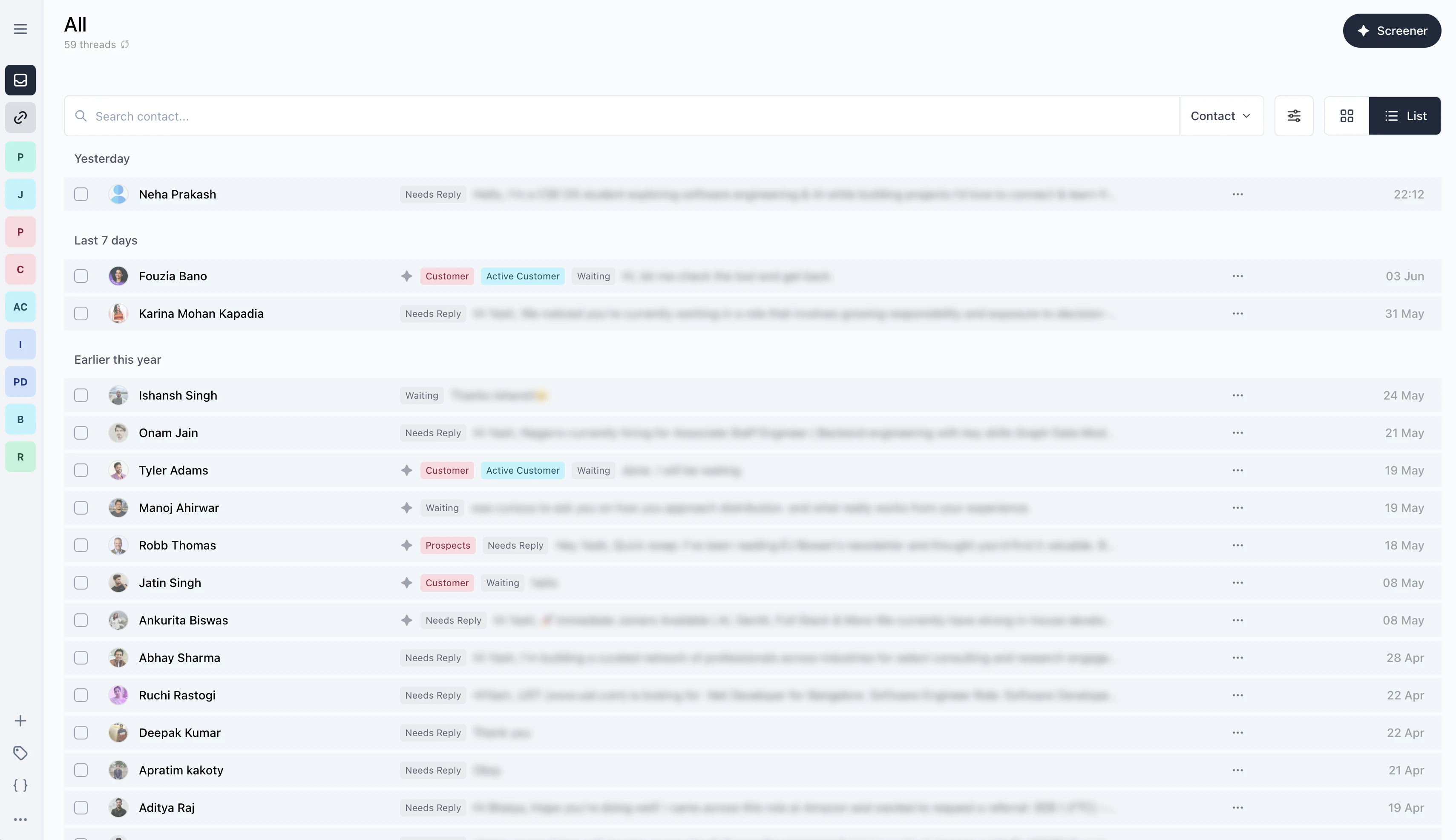
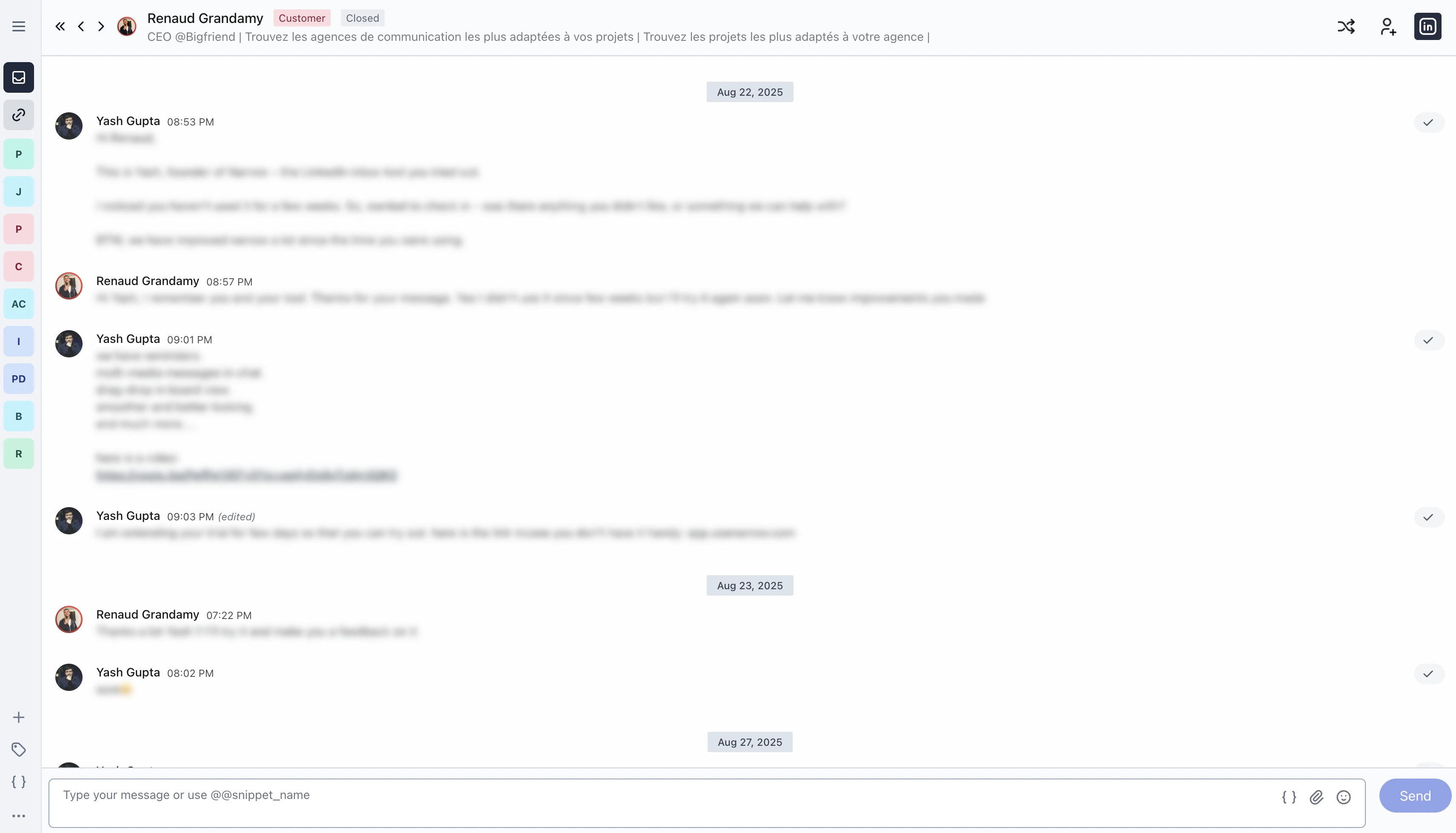
Super Inbox For Linkedin
15
一句话介绍:Narrow 是一款专为 LinkedIn 设计的超级收件箱工具,通过标签、提醒、看板和AI筛选,帮助商务人士高效管理海量人脉消息,避免跟进遗漏和关系混乱。
Hiring Productivity Sales
LinkedIn消息管理 人脉关系管理 AI筛选 看板工作流 标签系统 浏览器扩展 商务社交工具 消息分类 跟进提醒
用户评论摘要:用户主要关注账户安全(询问是否使用浏览器扩展,有无封号风险)。创始人回应强调“无自动化”策略,既合规又区别于纯自动化工具。用户建议推出原生移动端以解决手机端消息管理痛点,团队已将其列入路线图。
AI 锐评

Narrow切中了一个非常具体且高价值的痛点——LinkedIn消息管理的“垃圾化”与“关系的流失”。与市面上泛滥的自动化引流、群发工具不同,Narrow“不做事,只做管理”的定位堪称明智。它没有试图颠覆LinkedIn的交互逻辑,而是以浏览器扩展形式寄生其上,将“本地存储+标签+看板+AI”这套经典的CRM范式轻量化植入社交场景。

其真正价值不在于功能上的炫技,而在于将“人脉关系”从零散的聊天记录中剥离,重新定义为“可管理、可追踪、可筛选”的资产。AI筛选和看板工作流解决了高净值用户“消息太多、关系太杂”的认知负荷问题;而“无自动化”原则不仅规避了平台政策风险,更在心理层面建立了信任——用户不必担心自己的工具会替自己做“冒犯”的事。

不过,该产品面临明显挑战:一是场景够窄但痛点是否够“痛”?对于每天收几十条消息的职场重度用户是刚需,但对于大多数低频用户而言,是否值得为此安装一个扩展并额外管理一套工作流?二是模式存疑——以浏览器扩展抓取页面数据,虽然在技术上声明“仅本地存储”,但隐私疑虑并未完全消除。三是缺乏网络效应,产品价值完全取决于用户自身的人脉密度,无法像社交平台那样形成增长飞轮。

总体而言,这是一个针对“高端打工人的社交资产管理”的实用工具,定位清晰、克制,但天花板明显,且需要快速验证付费转化率。创业者若能在此基础上深入挖掘“人脉关系”的商机(如结合CRM、销售线索打分等),或许能开辟更大的市场。

查看原始信息
Narrow
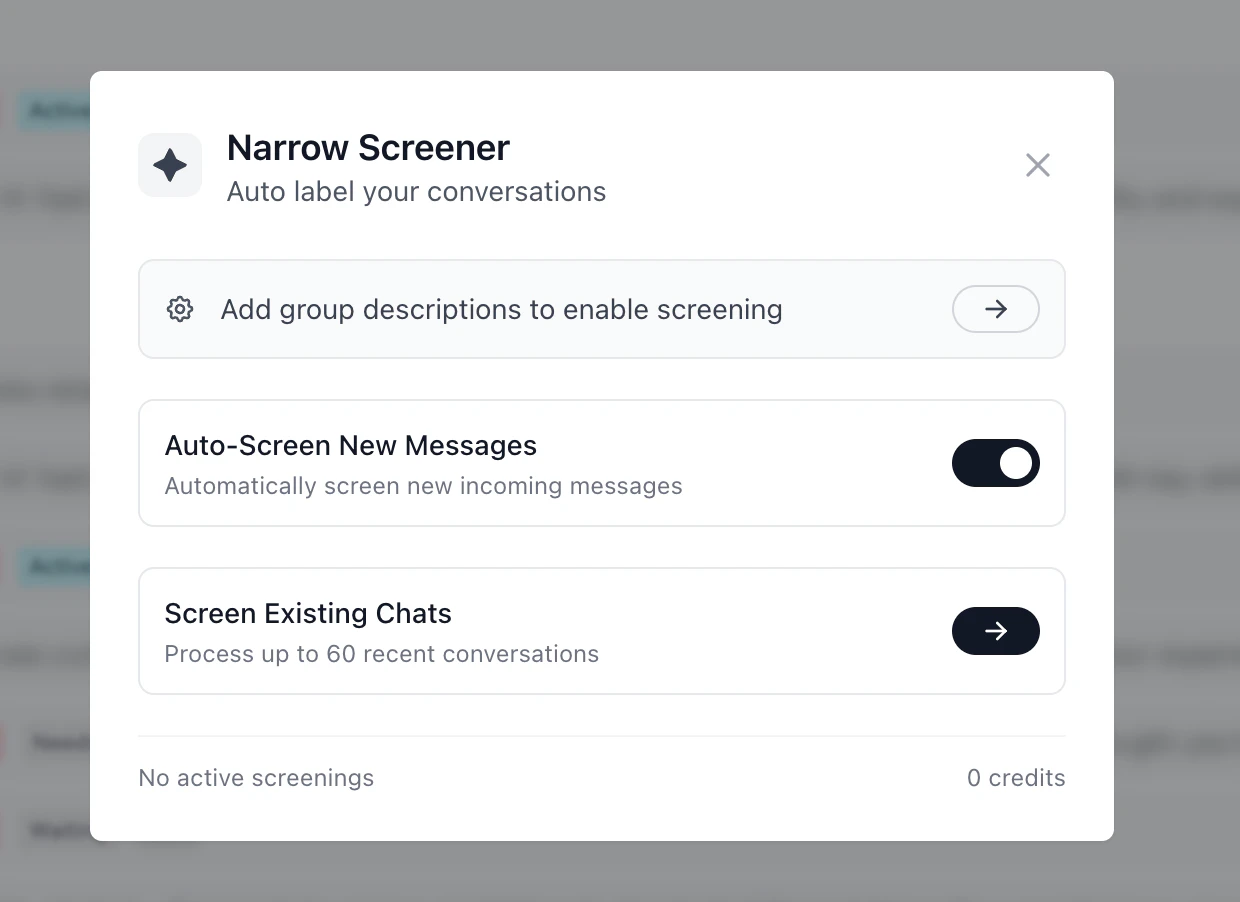
Organise LinkedIn conversations with labels, reminders, Kanban boards, and AI-powered screening. Stay on top of follow-ups and focus on the conversations that matter.

How does Narrow connect to LinkedIn without risking accounts, like is it a browser extension or something else?

1
回复

@naimz Yes, Narrow uses a browser extension to store your messages locally. We don't automate any LinkedIn actions, so there are no automation-related risks.

0
回复

@yashgupta417 - “no automations” is an interesting point to tout in the marketing; is this to reinforce your compliance with LinkedIn, or to position yourselves as different from the sea of LinkedIn automation tools? Cool product, would love a native mobile version - that’s where I find LI messaging to be the most onerous & unwieldy. Congrats on the launch!!

1
回复

@grey_seymour Thanks! It's both. The no-automation approach keeps Narrow compliant with LinkedIn, but it's also a deliberate choice. We're building a tool for managing relationships, not automating them.

0
回复

@grey_seymour And agreed on mobile. It's high on our roadmap. Appreciate the support!

0
回复
Hey Product Hunt 👋 I'm Yash, founder of Narrow. Last year, while spending hours on LinkedIn, I noticed a simple problem: connecting with people is easy, but managing relationships isn't. Important conversations get buried, follow-ups are missed, and context gets lost. That's why I started building Narrow - a super inbox for LinkedIn relationships. Over the past year, we've worked closely with users and completely redesigned the product. The new Narrow brings reminders, labels, Kanban workflows, AI-powered screening, and relationship context into a cleaner, faster experience. I'd love to hear what you think and answer any questions. Thanks for checking out Narrow.
0
回复
#10
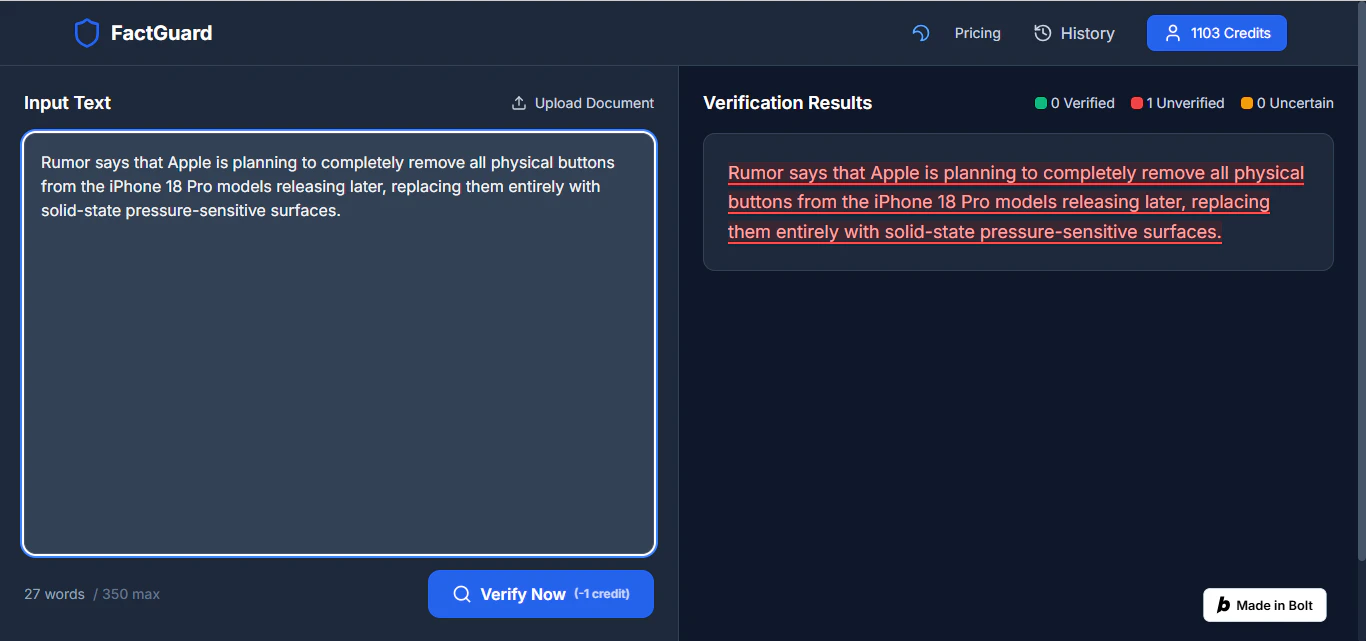
FactGuard
Real-time AI fact-checking to fight fake news 🛡️
15
一句话介绍:FactGuard是一款实时AI事实核查工具,通过对接Google搜索,帮助用户在2026年快速验证突发谣言和新闻的真伪,解决信息过载环境下的虚假信息辨识痛点。
Web App Artificial Intelligence Tech
AI事实核查 实时验证 假新闻检测 谣言粉碎机 Google搜索接地 信息真伪判断 青少年开发者 独立开发 防误导 安全工具
用户评论摘要:用户评论主要来自15岁独立开发者本人,提及国际支付审核延迟,付费“Paket Sultan”套餐需等待网关最终审查。开发者承诺主动为评论用户免费解锁高级功能,当前有效评论集中于支付体验问题而非产品本身反馈。
AI 锐评

FactGuard的立意正当其时——在2026年信息泛滥、深度伪造技术普及的语境下,一个实时、可追溯的事实核查工具有明确的场景价值。其核心卖点“对接实时Google搜索”意味着它并非依赖静态数据库,而是对最新言论进行动态验证,这比许多滞后型核查工具更具时效性。但需要警惕的是:这款工具本质上是将Google搜索的结果进行二次包装,而非建立独立的核查体系。若缺乏对搜索结果本身(如权威信源、多角度证据链)的权重分析,它可能沦为“更容易获取的搜索结果”,而非真正的“判断结论”。此外,开发者年仅15岁,代码逻辑是否具备应对复杂语义、调侃、断章取义等高级篡改的韧性存疑;支付流程未完成就上线“付费套餐”,也显得产品成熟度不足。目前15票的极低热度,加之评论几乎完全由开发者自述填充,说明产品尚未获得实质用户反馈或市场验证。其真正价值不在于“验证结论”,而在于能否构建出一套可被学界或新闻行业认可的证据链条规则。如果只停留在“判定为Hoax或Verified”的二元标签,而没有给出足够透明的推理过程,FactGuard很可能只是一把塑料剑——看起来锋利,却经不起真刀真枪的演练。

查看原始信息
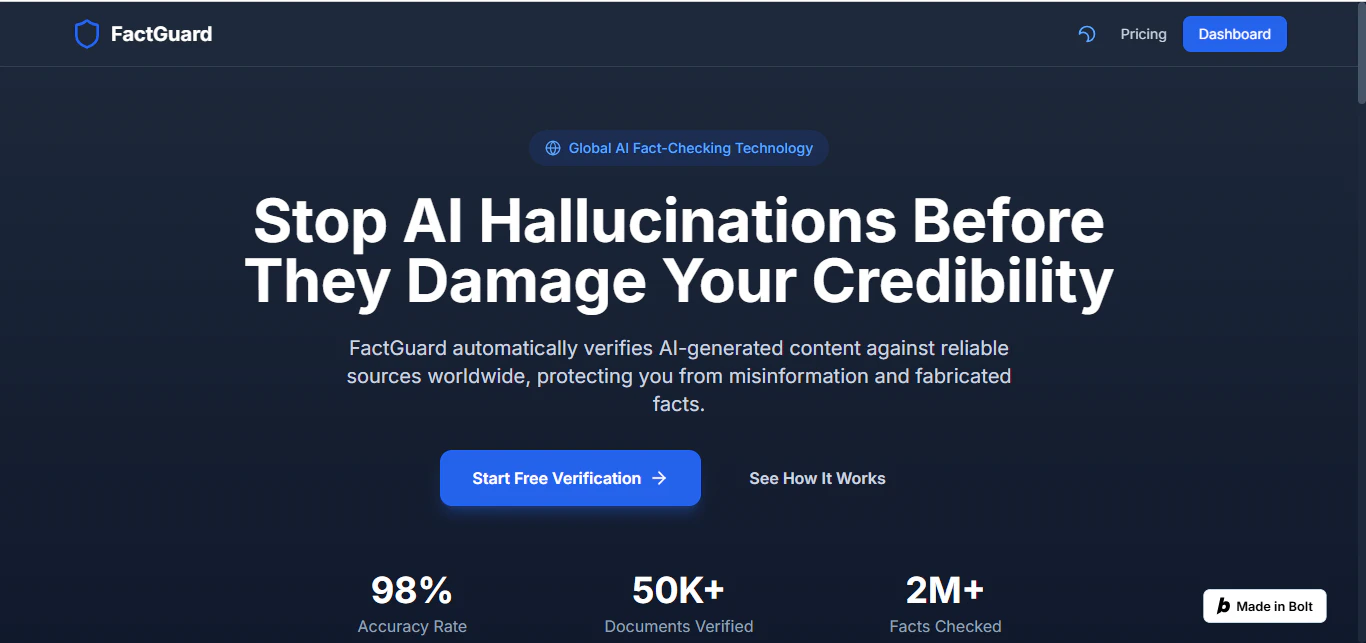
FactGuard
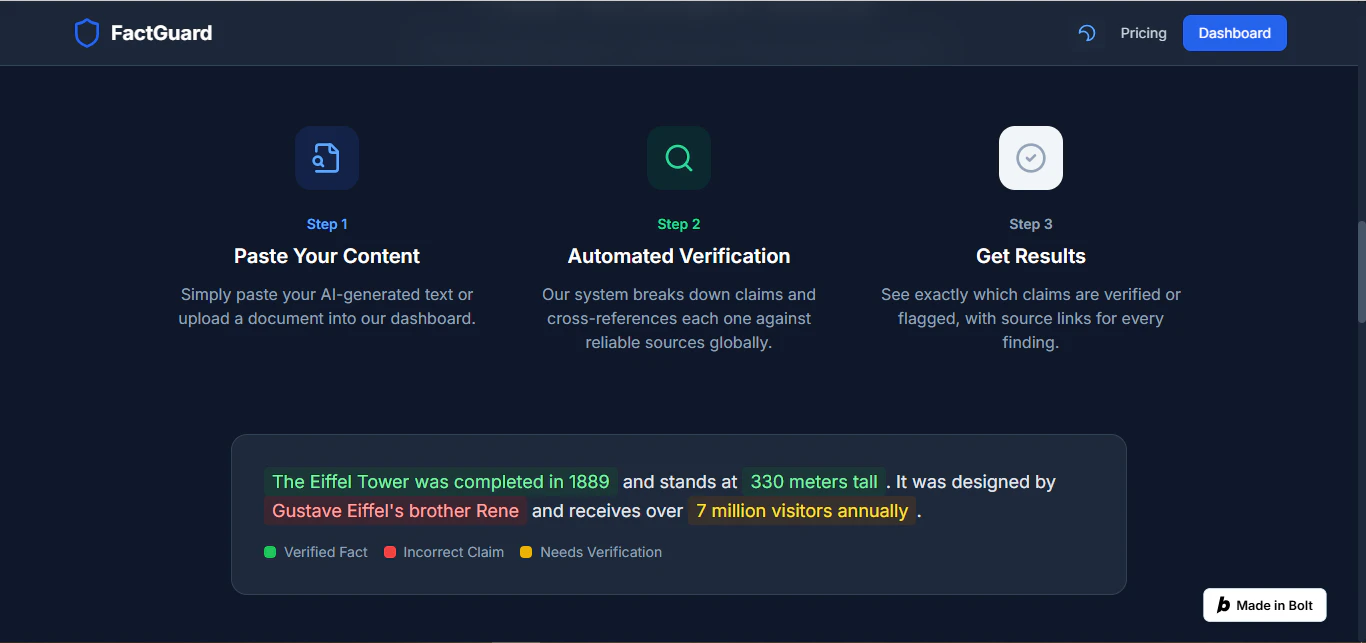
A smart tool built to fight misinformation. FactGuard integrates live Google Search grounding to verify time-sensitive rumors and news instantly in 2026. Get a precise "Verified" or "Hoax" verdict with deep analytical arguments. Created by a 15-year-old solo dev. 🛡️🚀

P.S. As a 15-year-old solo developer, setting up international payment verification takes a bit of time. If you try to upgrade to the 'Paket Sultan' and experience any issues with the payment gateway, please note that it is currently undergoing final review. Drop a comment here if you want to test the premium features, and I’ll gladly grant you access for free!

1
回复

Hey everyone! I’m back! Just finished my final school exams this morning 📝 algorithm is running smoothly, and the gateway review is almost there. As promised, leave any questions, feedback, or just say hi below, and I will personally grant you FREE premium access right away! Thank you for the support so far! 🛡️✨

0
回复
#11
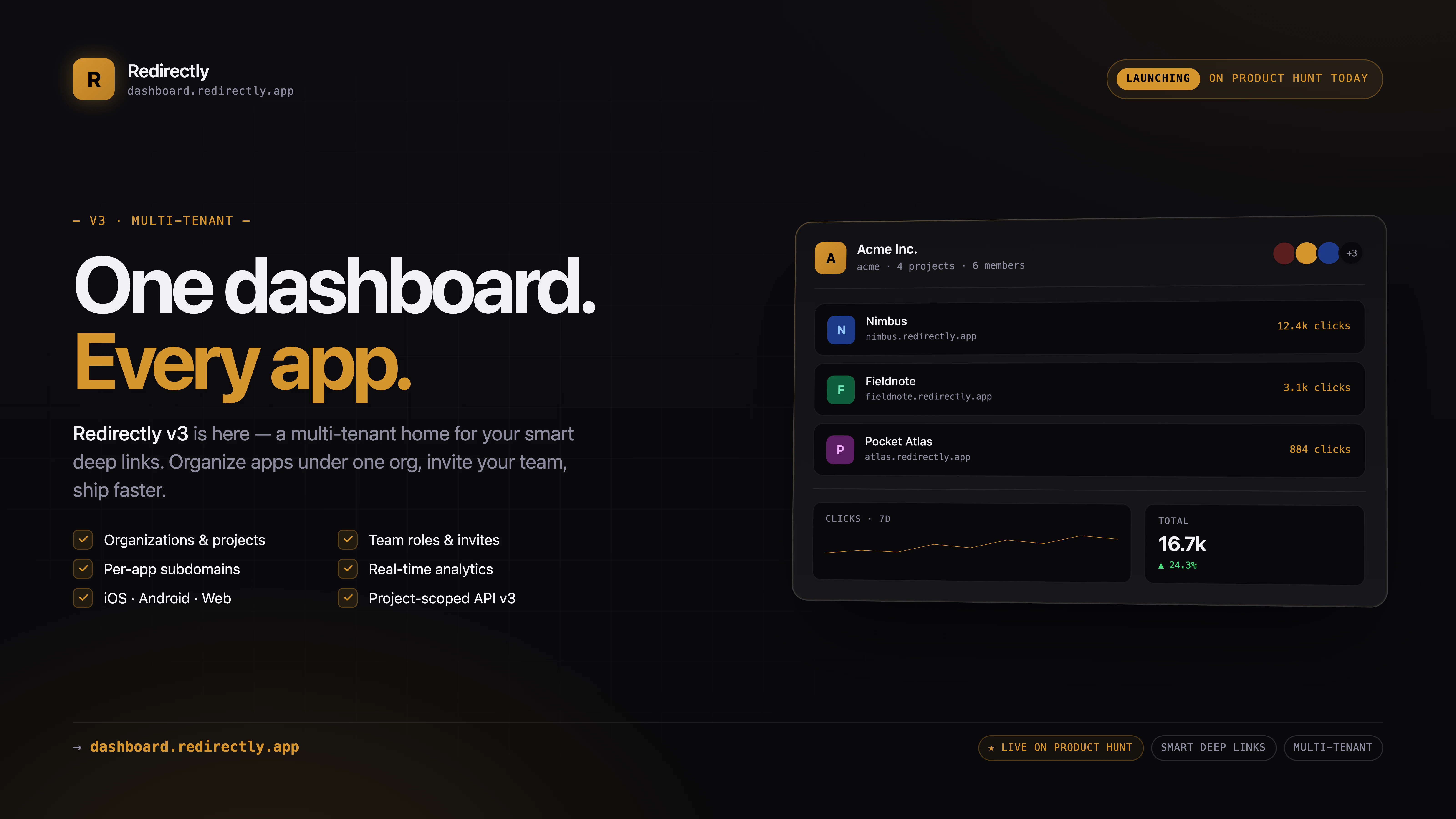
Redirectly
Know which campaigns actually drive your installs
12
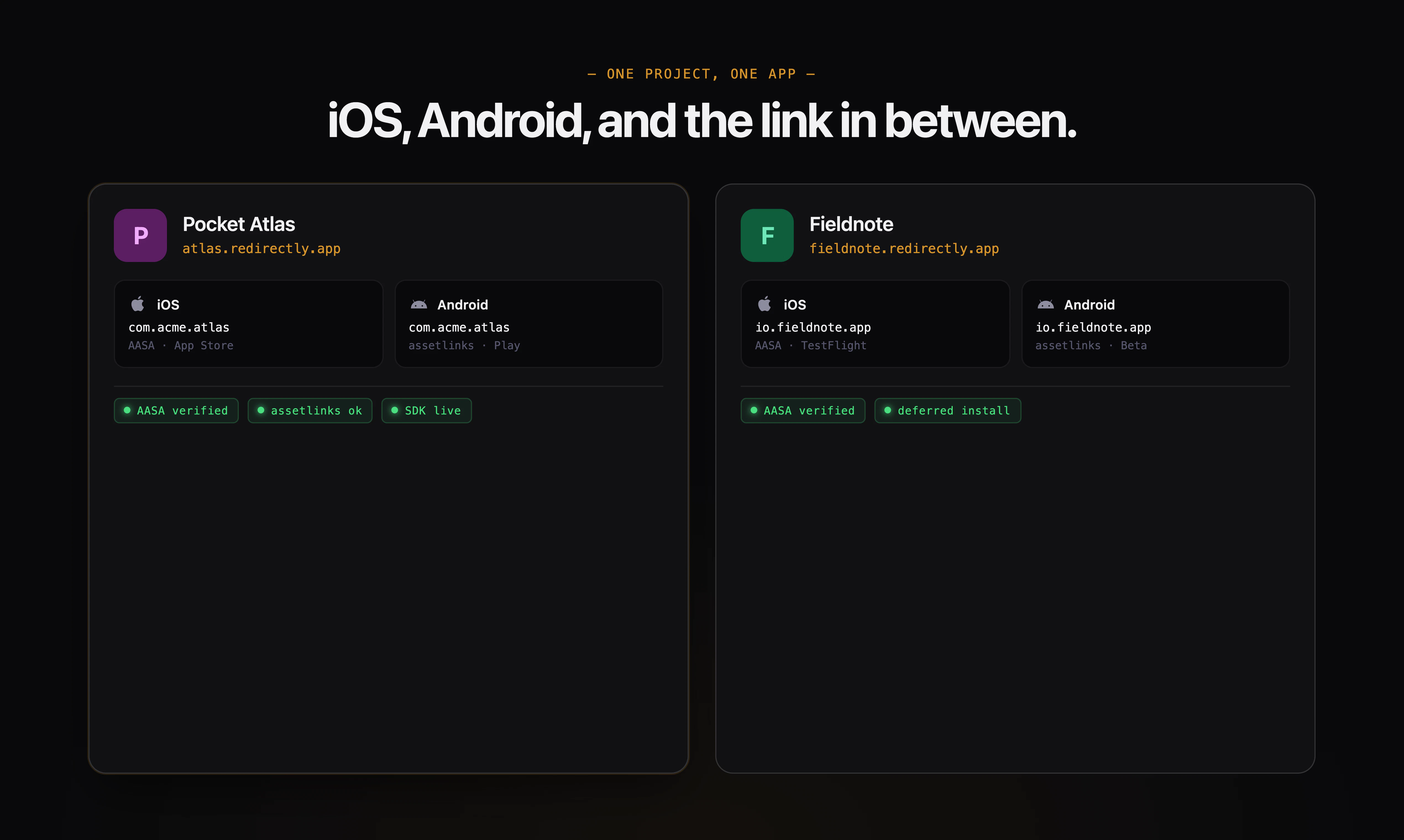
一句话介绍:Redirectly 是一款为独立开发者和小团队打造的移动应用深度链接与归因分析工具,旨在替代价格高昂的 Firebase Dynamic Links 和 Branch/AppsFlyer,让用户低成本追踪哪些营销活动真正带来了安装量。
Analytics Developer Tools Marketing attribution
深度链接 安装归因 移动营销 SDK Flutter 应用推广 独立开发者 链接跟踪 付费安装 归因分析
用户评论摘要:用户肯定了 Firebase 关停后独立开发者的定价缺口。核心问题在于 iOS 环境下的归因技术——2026年苹果限制下,Redirectly 实际采用哪种匹配信号(如 SKAdNetwork 或指纹等)以及生产环境中的归因匹配率是多少,这决定用户是否信任该产品。
AI 锐评

Redirectly 精准切入了 Firebase Dynamic Links 关停后留下的真空地带,定价策略激进($49/月起),直接瞄准被 Branch、AppsFlyer 高额年费拒之门外的独立开发者和中小团队。从产品介绍看,它提供了“低门槛、一站式”的深度链接+归因方案,并优先支持 Flutter——这确实是个聪明的切入点,因为该生态中大量开发者正面临无工具可用的窘境。

然而,评论中那位用户提出的技术质疑直指要害:在 iOS 端,苹果已封禁指纹、SKAdNetwork 无法传递深度路由的今天,Redirectly 的“匹配信号”究竟是什么?如果依赖粘贴板(pasteboard)匹配,用户体验会因 toast 提示而大打折扣;如果依赖 SKAdNetwork,则只能得到模糊的渠道 ID,无法实现“用户看到广告-安装-跳转至正确页面”的精确定向。产品宣传的“links survive the install”在 iOS 环境下几乎是一个未被验证的终极挑战——未经大规模的苹果生态兼容性测试,归因准确率将决定其真实价值。

换言之,Redirectly 最大的风险并非定价或市场定位,而是核心技术路线的可靠性。若它依赖已被淘汰的指纹或易受用户拒绝的粘贴板,那其归因数据将高度不可信,用户从 Branch 迁移后反而可能获得更差的营销效果。它需要在产品页公开其匹配机制(例如是否采用概率归因+确定性回传的混合方案)及实际生产测试的匹配率数据,而非仅靠“三行代码”的易用性承诺。对于独立开发者而言,便宜但错误归因的工具比昂贵的错误归因更致命——因为这可能导致他们将预算投放在错误的渠道上。

因此,Redirectly 真正的价值在于它填补了“低预算刚需”的空白,且解决了跨平台 SDK(尤其 Flutter)的集成痛点。但它的长期生命力取决于能否在成本可控的前提下,公布并证明其归因精度的行业基准线。否则,它只能是一个“平替”,而非真正意义上的“替代品”。

查看原始信息
Redirectly
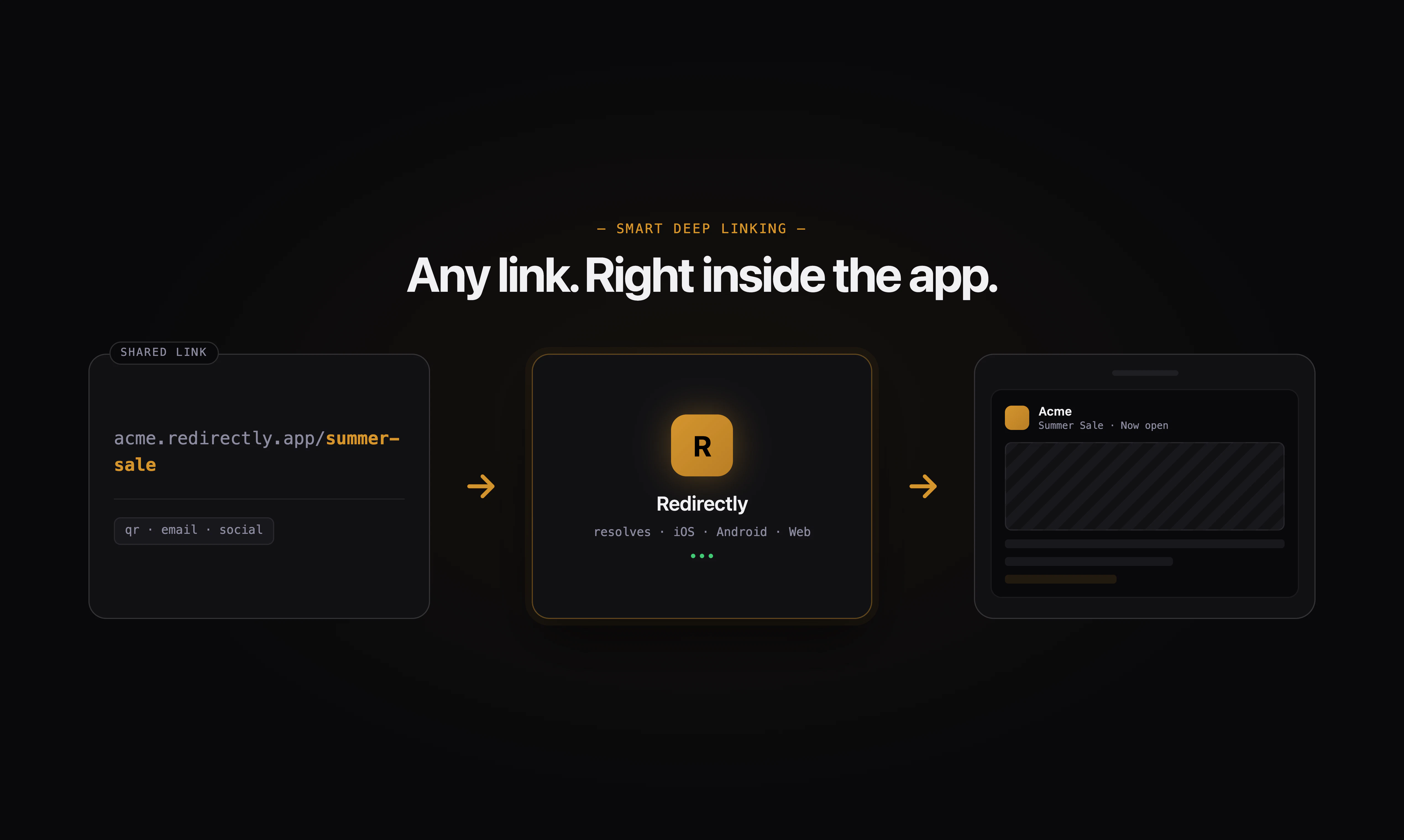
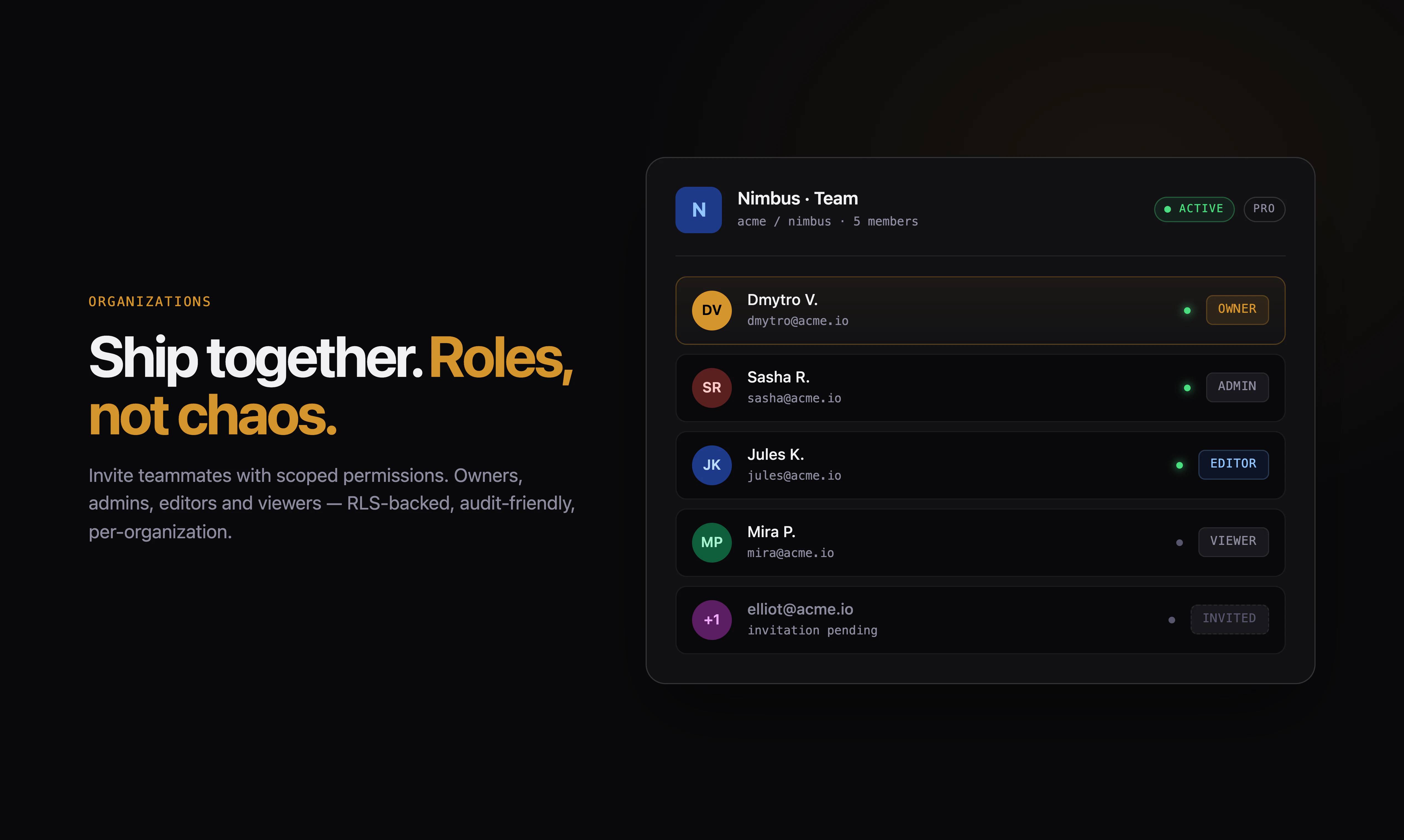
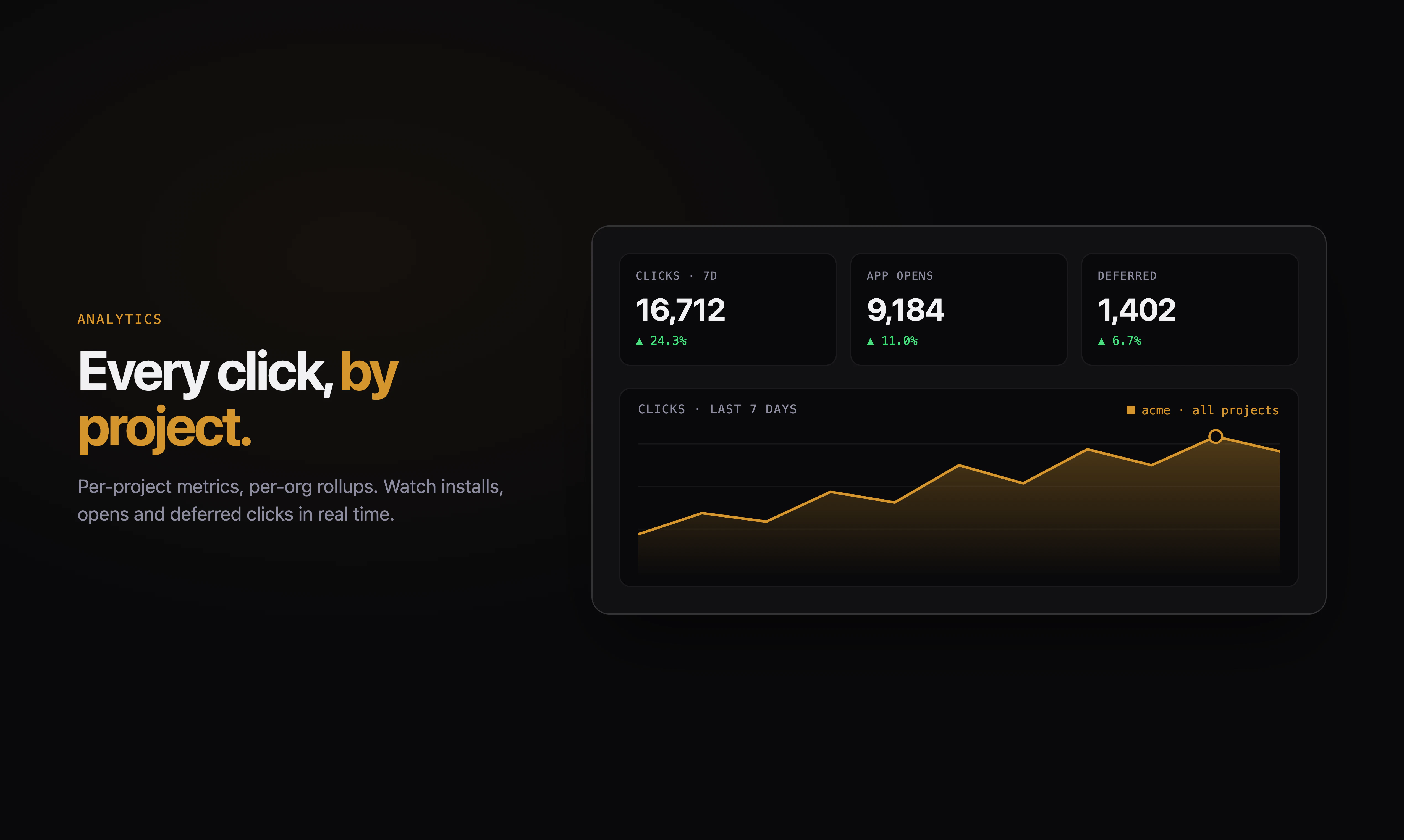
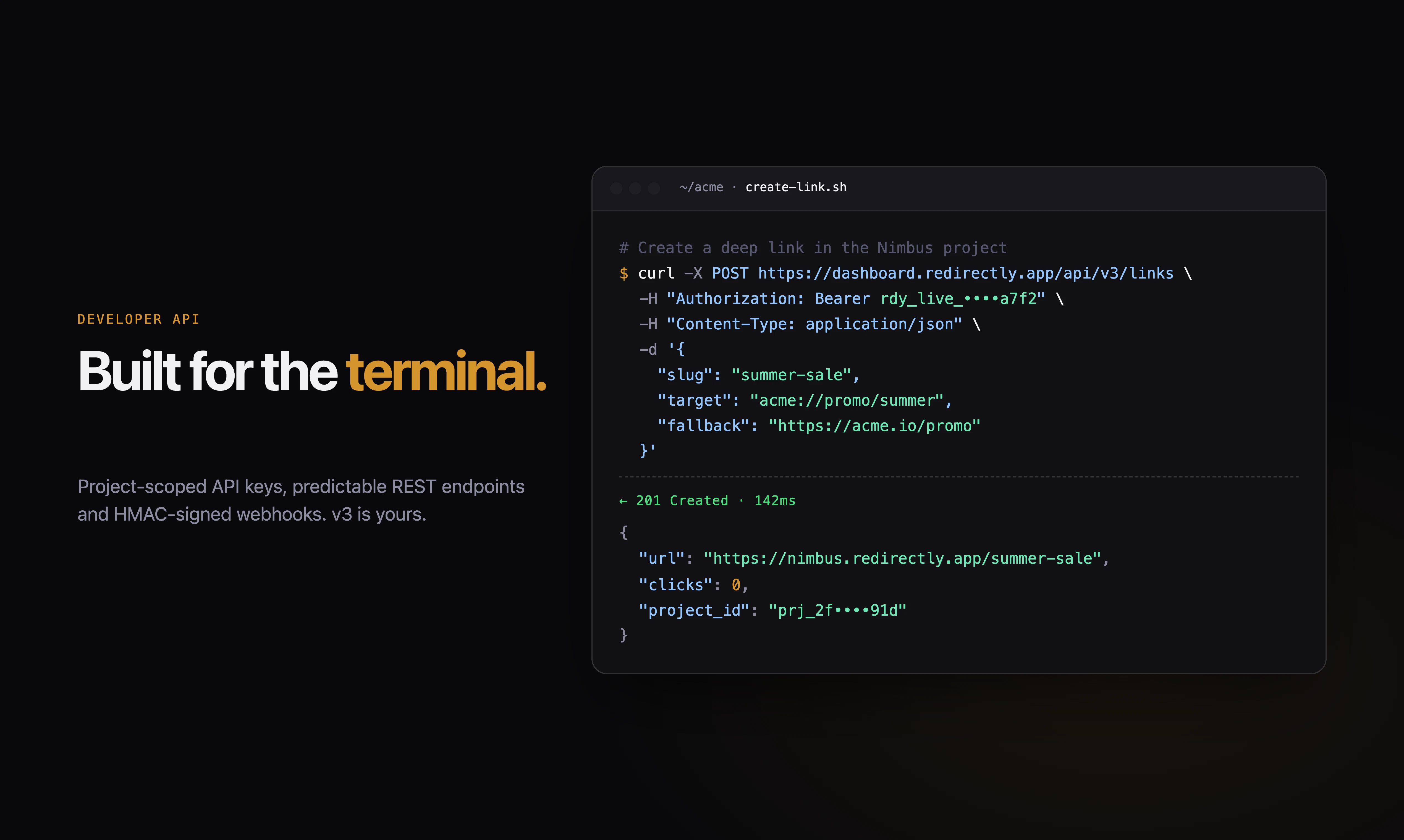
See which campaigns drive your installs. Redirectly is deep linking + install attribution for mobile apps — track clicks, installs, and conversion by campaign, channel, device, and country. Drop in one SDK. 14-day free trial.
Hey Product Hunt 👋 I'm Dmytro, solo founder, Flutter dev for 11+ years. When Firebase Dynamic Links shut down in August 2025, a lot of us building mobile apps lost deep linking overnight, and the attribution gap was even worse. The replacements? Branch starts around $500/mo, AppsFlyer ~$800, and both want you on a sales call. Nothing built for indie hackers and small teams. So I built Redirectly: deferred deep linking + install attribution in one dashboard, starting at $49/mo. - Links survive the install: user clicks → app store → installs → lands exactly where they should - See which campaigns, channels, devices, and countries actually drive installs (organic vs paid, finally clear) - First-class Flutter SDK on pub.dev, React Native included — built by me, not community forks - One SDK, three lines of code, live in ~30 minutes 14-day free trial, no card required. Would love your feedback, especially on attribution. If you migrated off Dynamic Links, what's still missing for you? And what would make you switch from Branch/AppsFlyer?
0
回复

Congrats on the launch. The Firebase Dynamic Links shutdown left a real gap, and indie pricing for this category is overdue. Curious about the technical side since iOS made deferred deep linking notoriously hard. Fingerprinting got killed, pasteboard match destroys UX with the toast, and SKAdNetwork gives you a campaign ID but no deep route. What's your actual match signal in 2026, and what install-attribution match rate are you seeing in production? That feels like the single number that decides whether a Branch or AppsFlyer refugee trusts the switch.

0
回复
#12
NAADI
Corporation tax automated. So accountants advise, not admin
12
一句话介绍:NAADI为英国会计师事务所自动化处理企业税数据分类、税务估算与风险提示,让会计从繁琐的数据录入中解放出来,专注于战略咨询与税务规划。
Fintech Artificial Intelligence Accounting
企业税自动化 会计事务所 税务分类 CT600 风险提示 税务咨询 SaaS 人工智能 英国税务 中小企业
用户评论摘要:用户关注边缘交易分类的可解释性。创始人回应称,规则模型无法处理的案例将交由LLM分类,并标注为风险,附上分类逻辑的通俗说明,强制要求会计师审核,正在开发结合行业背景的上下文感知提示。
AI 锐评

NAADI切入了一个看似窄众但极度刚需的细分市场——英国中小会计事务所的企业税自动化。其核心价值不在于用AI取代会计师,而在于精准剥离了“数据清洗—分类—预估”这一高耗时、低智力的行政环节,让会计师回归“给出建议”的本质工作。从技术实现看,规则模型+LLM兜底+强制人工审核的混合策略较为务实,既保证了常规分类的效率,又为边缘案例保留了可解释性和问责路径,这恰恰是企业财税场景中用户最在意的安全底线。

然而,产品目前存在明显的地域性局限:仅适用英国税务体系(CT600),且面向的客户群是会计事务所而非直接触达企业主,这意味着其增长高度依赖渠道合作而非病毒式传播。12个投票的冷启动数据也说明产品尚处于早期验证阶段。创始人的学术背景与实习经历给了TA们痛点感知的优势,但缺的可能是规模化销售和对大型事务所复杂合规流程的理解。如果NAADI能证明其能显著缩短“从原始账簿到可申报状态”的周期,并建立足够的信任背书,它在英国会计SaaS生态中完全有资格成为一种基础设施。但在此之前,它更需要的是一个敢吃螃蟹的大客户,而不是一堆“听起来不错”的点赞。

查看原始信息
NAADI
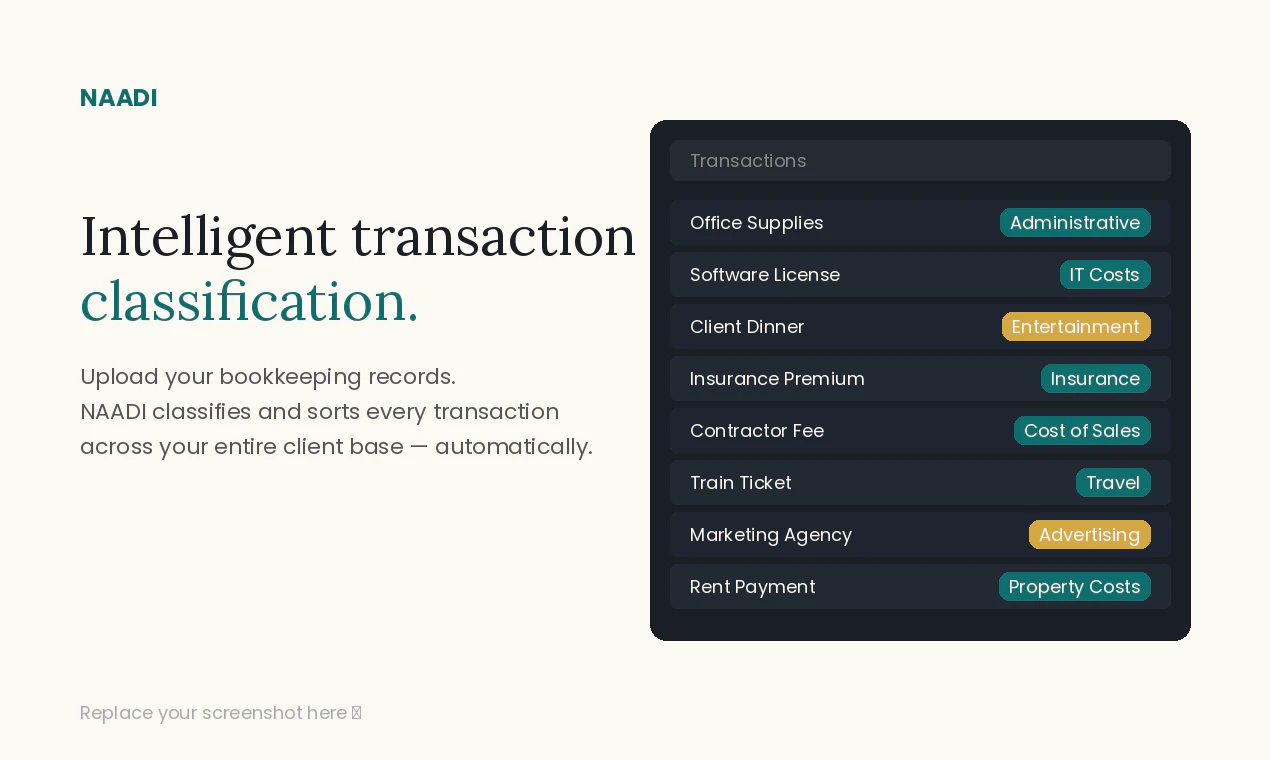
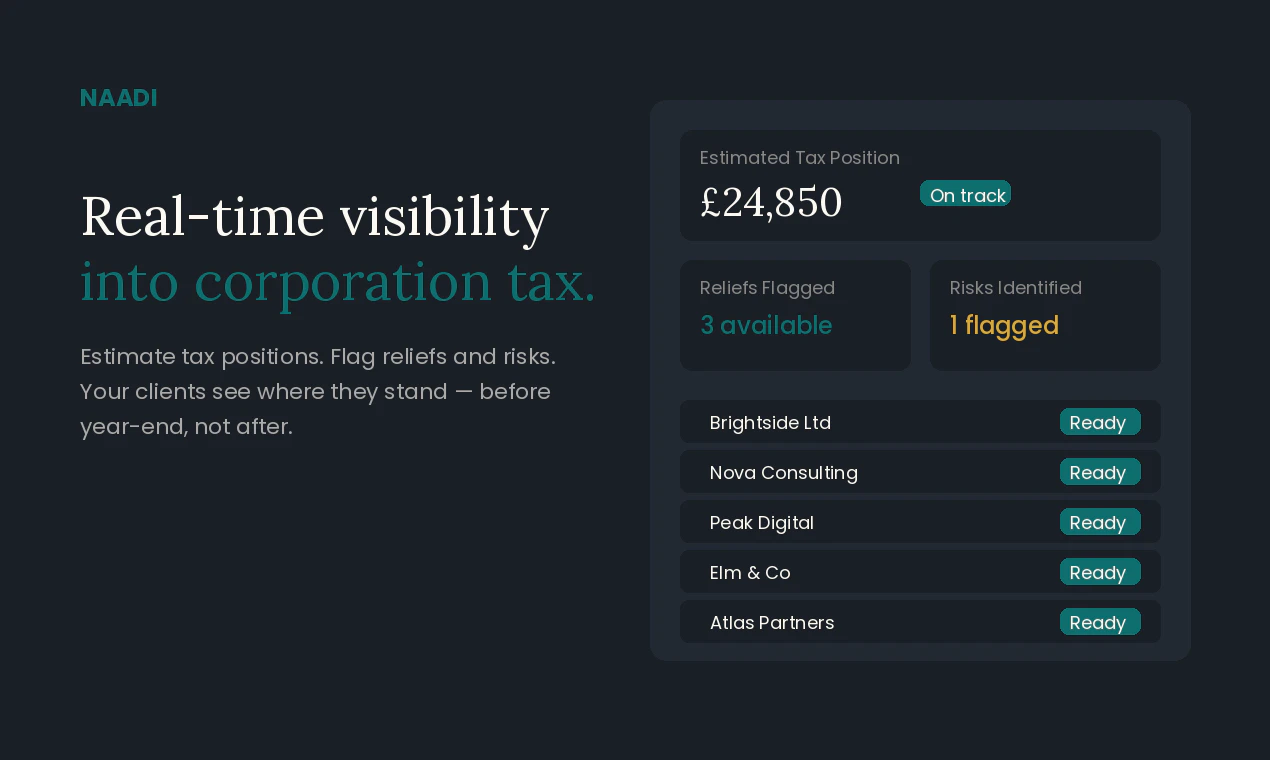
NAADI handles the corporation tax intelligence work across the entire client base of an accounting practice. We classify and sort transactions, estimate tax positions, flag reliefs and risks, giving clients of a practice real-time visibility into their corporation tax. Accountants focus on advisory, we take care of data entry.
Hello Hunters 👋 I'm Tris, co-founder of NAADI. Here's how we got here. I first noticed the problem in my tax module at university. Corporation tax was complex, dense, and genuinely difficult to grasp from textbooks alone. So I spoke to my co-founder, Vahin, about building something to help me actually learn it, a simple tool that answered tax questions, walked through case studies, and broke down concepts interactively. It started as a learning tool built for an audience of one. Me. It stayed that way until my summer internship. I saw the same frustration I'd felt as a student, but at a completely different scale. Accountants were spending hours on manual reconciliation and administrative groundwork before any strategic planning could even begin. Work that required no specialist expertise, but still consumed most of their time and resources. That was when it clicked. What we'd built to help me learn better could be repurposed to remove that groundwork entirely. The sorting, the classifying, the preparation all of it automated. Accountants freed up to do the one thing that actually requires an accountant: strategic advisory and tax planning. That's NAADI today. Accounting practices upload client's bookkeeping record and we classify them, estimate the tax position, flag reliefs and risks, and produce data to draft a CT600 in minutes. Built for UK accountancy practices and the SMEs they serve. We're live today and we'd love your feedback. And if you know a small accountancy practice or bookkeeper an intro would mean the world to us. That's exactly who we're building for. Thanks for the support :)
1
回复

How do you deal with edge case transactions and make sure the classification is explainable to the accountant?

1
回复

@thamibenjelloun If there's an ambiguous/edge case transaction which the rule based model cannot classify, it is then pushed to LLM for classification. Any classification done through LLM is flagged as a risk with a plain english breakdown of how NAADI had classified the transaction and is up for a mandetory review by the accountant before the case is fully completed. We're actively developing context-aware prompting where the business context (industry, R&D activity, bookkeeping quality) is incorporated into the classification prompt.

0
回复

I’m Vahin, co-founder of NAADI.

Three months ago, NAADI was just an idea.

Tris had experienced first-hand how difficult corporation tax was to learn. What started as conversations about making tax concepts easier to understand slowly turned into a much bigger question:

Why are accountants spending so much time on work that software should already be doing?

The more people we spoke to, the clearer the problem became. Before any real tax planning or advisory work happens, accountants spend hours cleaning data, reconciling records, reviewing transactions, and preparing information. Important work, but repetitive work.

So we started building.

Since March, most of my evenings, weekends, and early mornings have gone into NAADI. Thousands of lines of code, hundreds of conversations with accountants and business owners, countless bugs, rebuilds, and moments where we questioned whether we were solving the right problem.

Today, NAADI can take bookkeeping records, classify transactions, estimate a corporation tax position, identify potential risks and reliefs, and prepare the information needed to draft a CT600 in minutes.

But what I’m most proud of isn’t the technology.

It’s that we stayed focused on a simple goal:

Give accountants more time to be accountants.

Less time spent on preparation.
More time spent on advice.
More time spent helping businesses make better decisions.

Today we’re officially live.

If you’re an accountant, bookkeeper, or SME owner, we’d genuinely love your feedback.

And if you know someone running a small accountancy practice, an introduction would mean a lot.

We’re just getting started.

0
回复
#13
WAR MODE
Turn habits into missions. Discipline over motivation.
10
一句话介绍:一款面向追求极致自律的高效能人群的日常任务执行系统,旨在通过极简、高对比度的“任务简报”界面,替代依赖情绪激励的混乱习惯跟踪工具,解决用户在繁杂数字噪音中难以聚焦执行的痛点。
Android Health & Fitness Productivity
习惯追踪 任务系统 极简UI 自律工具 效能提升 Android应用 任务管理 专注工具 行为设计
用户评论摘要:目前仅有一条来自开发者的自我发布评论,表示该应用基于10年设计经验打造,旨在去除非必要功能,提供“任务简报”式的高效体验,并宣布已在Google Play上架。
AI 锐评

WAR MODE 最核心的价值并非又一个习惯追踪器,而是一次对“注意力货币”的重新分配。其开发者精准地指出了当前生产力工具的普遍病症:“花哨的涂色书”与“数字噪音”。在10票的低量级下,早期用户的沉默可能意味着它尚未触及真正的破圈痛点——它过于干净和“军事化”的哲学,本质上是对用户自律能力的极高要求,而非提供辅助。产品将“动机”视为敌人,试图用“纪律”直接构建行为回路,这在认知心理学上有理论支撑(如构建执行意图),但风险同样显著:它剥离了多数习惯应用中通过正向反馈(如打卡、连胜)来抵消“动力低谷”的软性机制。对于真正的“高性能个体”,这套“任务简报”逻辑或许被已有工具(如Things 3的透视、Bulllet Journal的子弹笔记法)所满足,并未形成不可替代的壁垒。其最大价值在于证明了“反游戏化”的设计在特定小众利基市场存在需求,但要想走出50%复购率陷阱,必须思考:如何在不增加“噪音”的前提下,植入低认知负荷的反馈系统(比如数据回测、周期性复盘),让用户看到“纪律”带来的客观回报。否则,WAR MODE 最终可能只是设计师本人的一场精致的个人宣言。

查看原始信息
WAR MODE
A daily operating system for high-performance individuals. Precision tools for chaotic lives.
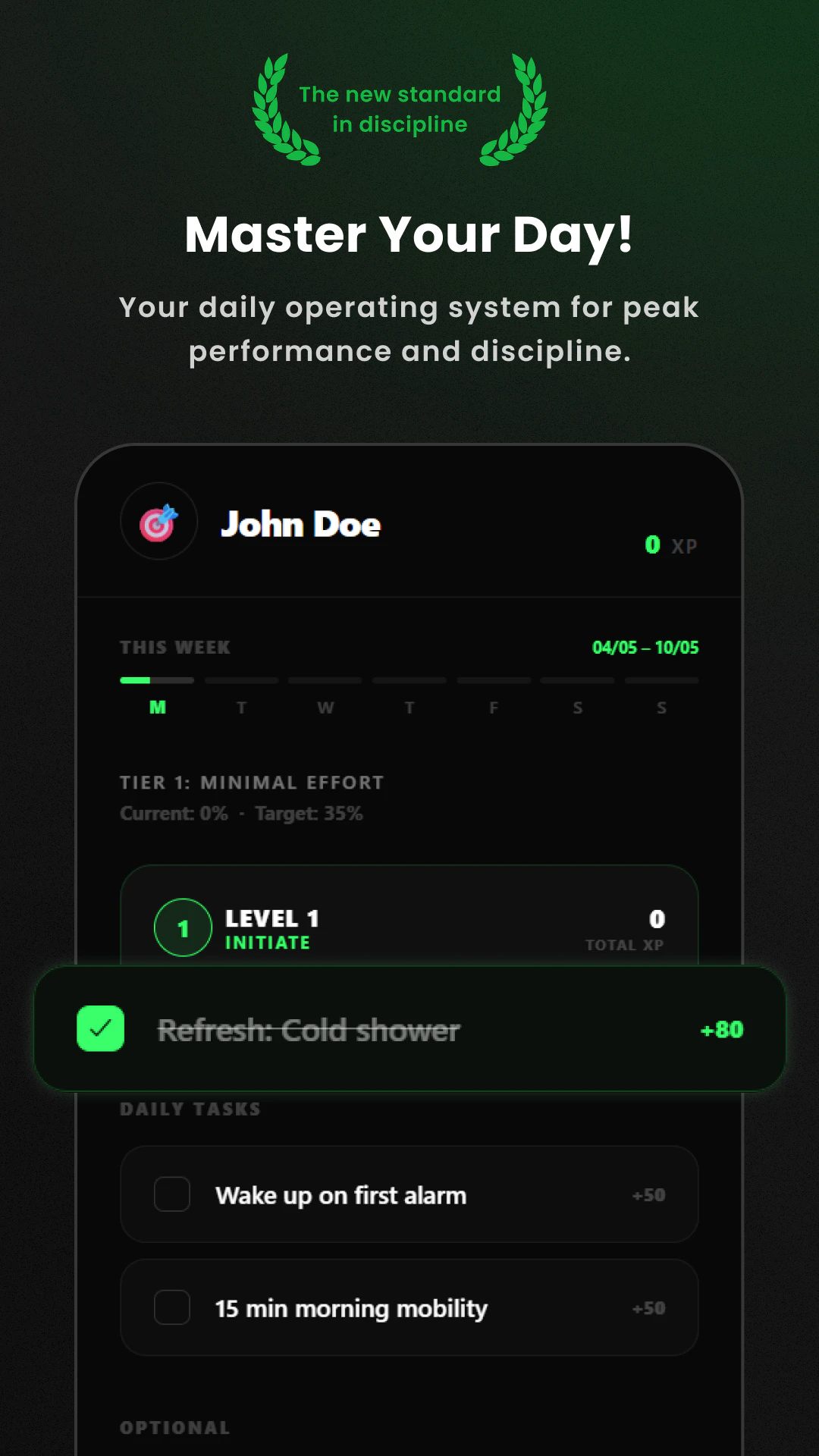
Hi Product Hunt! 👋 Most habit trackers rely on fleeting motivation. I wanted to build a tool designed for pure discipline. After 10+ years of working as a product designer, I realized a lot of productivity apps are cluttered with unnecessary fluff. I didn't want a gamified coloring book to track my goals—I wanted a clean, high-contrast, intentional space to lock in and focus. That’s why I built WAR MODE. I developed the entire app from scratch using React Native, prioritizing a razor-sharp UI and a completely frictionless user experience. It's designed to be a straightforward "mission briefing" for your day, giving you exactly what you need to execute without the digital noise. The big update: Thanks to some incredible feedback during my closed testing phase, WAR MODE is officially live on the Google Play Store! 🎉 You can check it out right here: 👉 https://play.google.com/store/ap... I'm incredibly excited to finally share this with the community. I’d love to hear your honest thoughts, answer any questions, and learn how you build your own daily discipline systems. Let’s get to work! 🚀
0
回复
#14
Ticker Signals
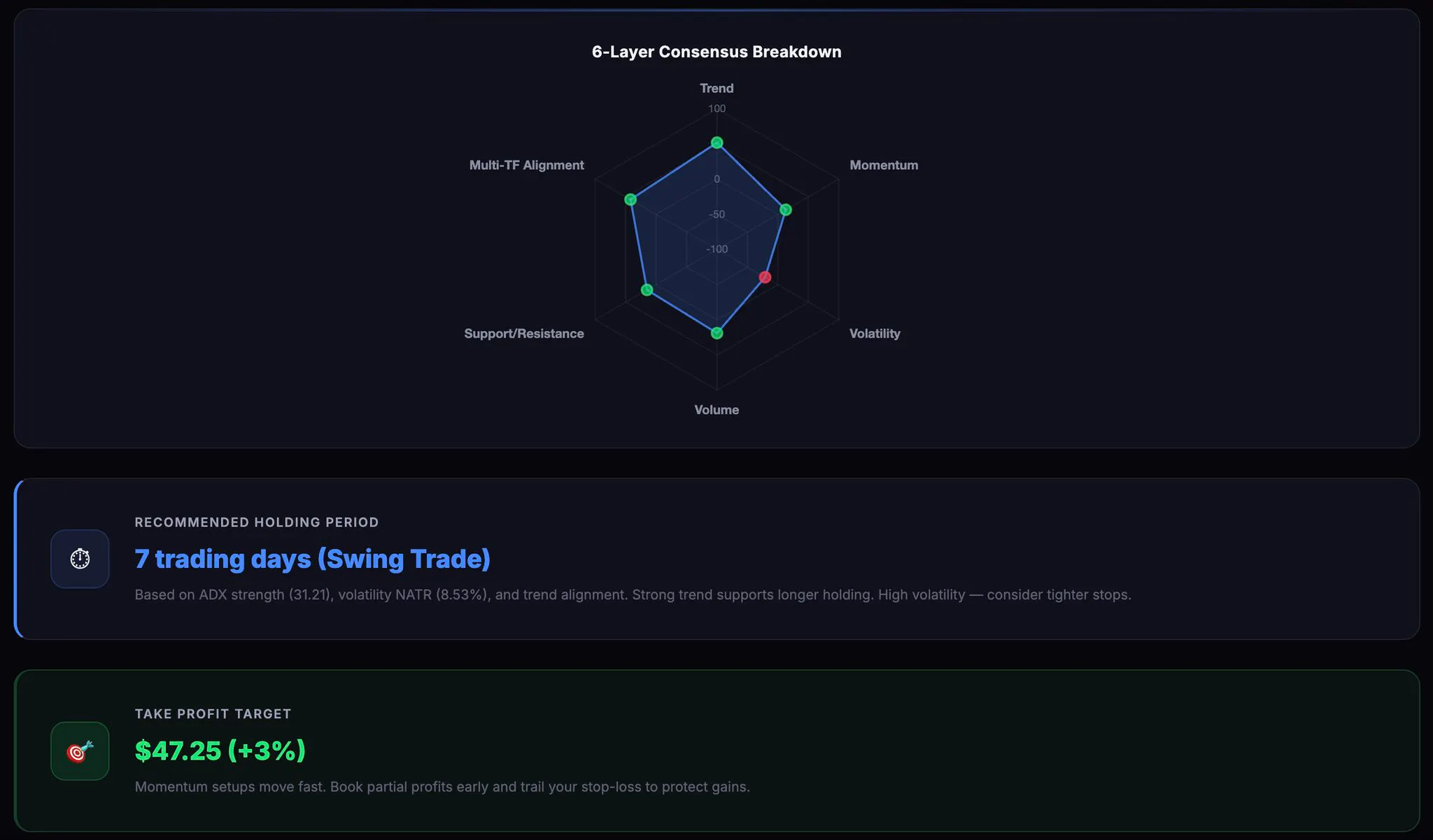
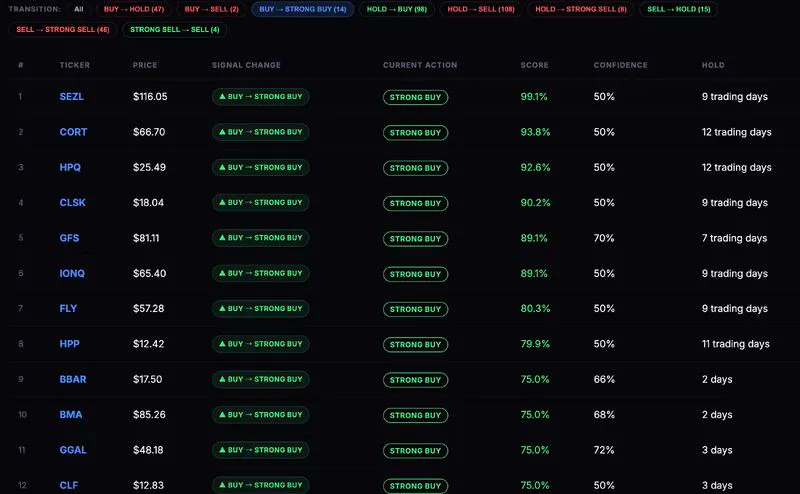
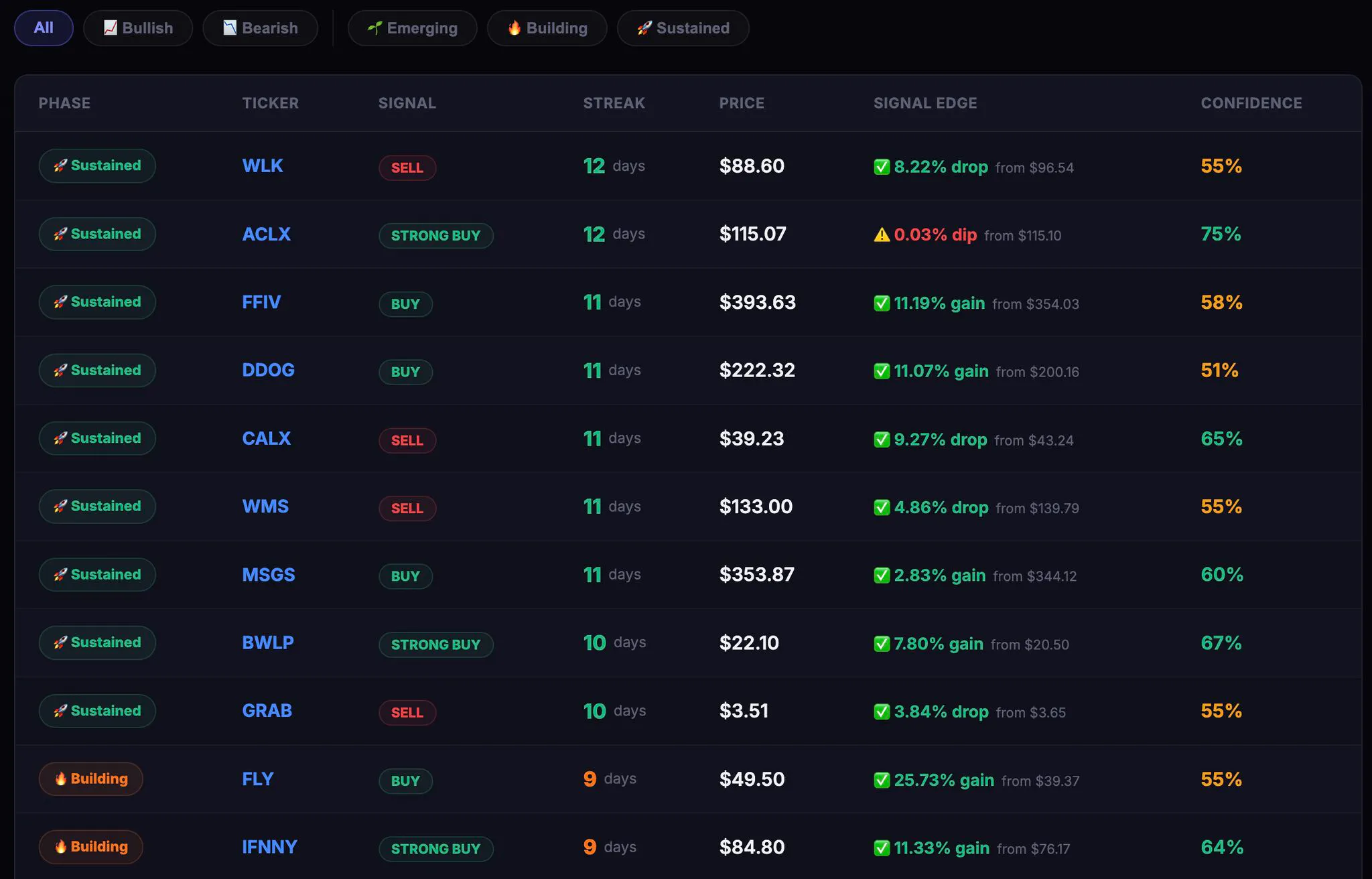
39 indicators. 2,500+ stocks. One consensus verdict.
10
一句话介绍:Ticker Signals 是一个面向美股和印度股票投资者的免费技术评分引擎,通过每日自动运行39个技术指标并生成加权共识信号,解决交易者需在多平台切换查看不同指标、手动形成交易决策的痛点。
Fintech Investing Tech
股票技术分析 技术评分引擎 交易信号 美股 印度股票 免费工具 个人开发者 技术指标聚合 决策辅助 金融科技
用户评论摘要:开发者阐述了自己构建工具的原因和过程:厌倦了日常在多个平台查看不同指标再手动形成共识。工具每日处理超2500只股票,通过39个指标打分,回测显示“强力买入”信号约70%达到目标利润。工具完全免费无广告,希望获得真实反馈。有用户简单祝福。
AI 锐评

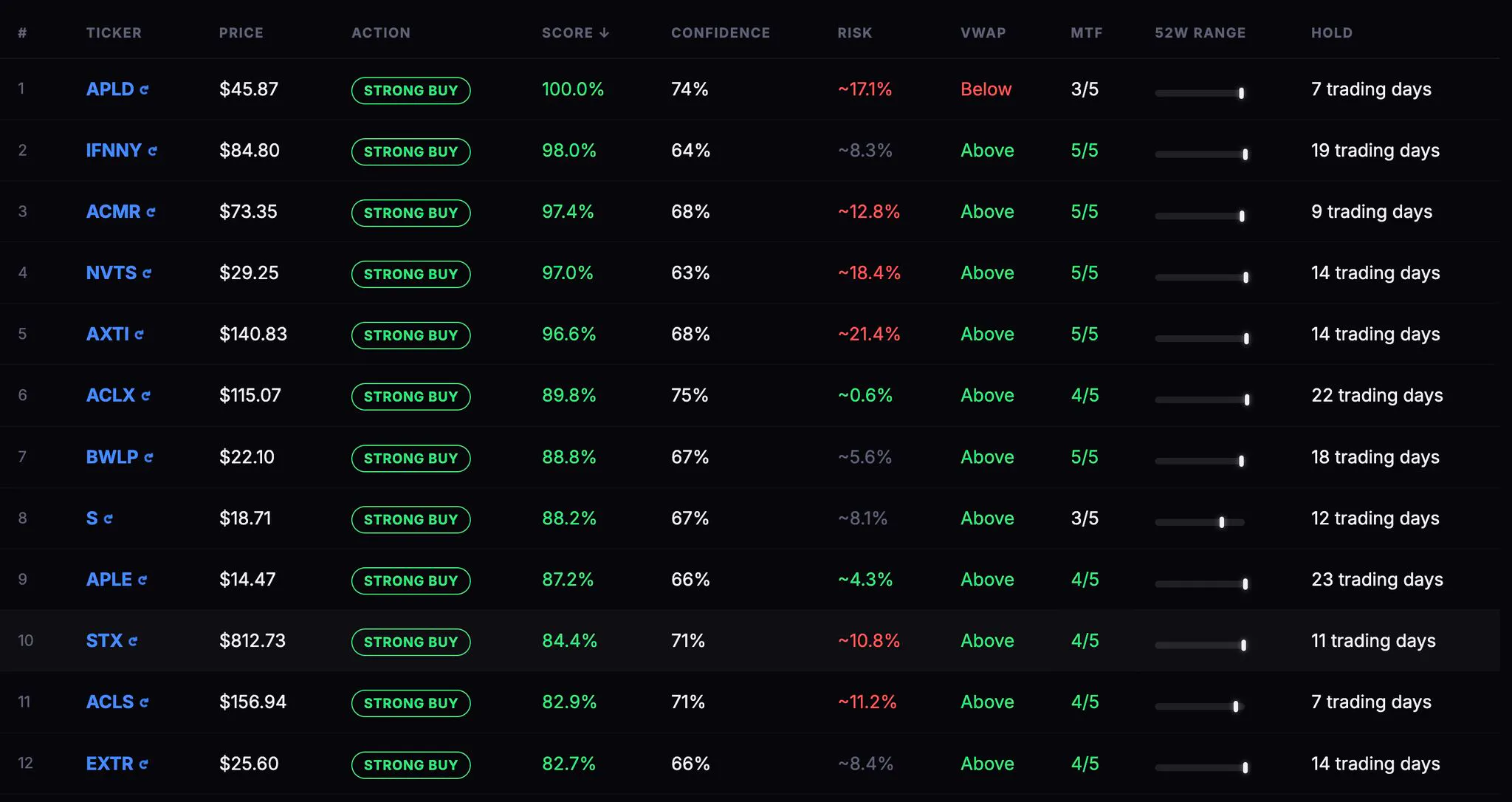
Ticker Signals 的价值内核在于“透明化”与“自动化”的交易决策辅助。其核心创新并非发明新指标,而是将分散的技术分析工具(RSI、MACD等)整合为每日自动运行的标准化评分系统,并以加权共识形式直接呈现行动建议。这精准击中了散户交易者“信息过载”与“决策疲劳”的痛点——他们往往知道要看什么,但缺少时间和专业能力去系统整合。

然而,产品潜藏的短板同样明显。首先,技术分析本身的有效性存在长期争议,尤其对个股而言,基于历史价格数据的信号预测未来走势的准确率有限。开发者回测的“70%成功率”虽然亮眼,但未说明交易频率、盈亏比以及样本外测试表现,无法排除过拟合风险。其次,作为个人开发者,数据源的可靠性、服务器稳定性以及未来大规模用户并发访问的承受能力均是未知数。目前仅10个投票,尚未形成社区验证和口碑。

真正值得关注的是其“完全免费”且“无广告”的模式。这避免了大部分金融工具通过诱导高频交易或兜售付费课程变现的倾向,使其更像一个有价值的个人项目或开源精神的产品。但长远看,若缺乏可持续的商业模式(如有限的高级功能订阅或API服务),产品的维护与数据更新或难以为继。对于严肃交易者,Ticker Signals 更适合作为“第一道筛选器”或“辅助参考层”,而非盲目跟随的圣杯;其透明度反而为使用者提供了独立验证与二次筛选的依据。作为一款免费工具,它已提供了超额的实用性,但距离专业交易系统仍有距离。

查看原始信息
Ticker Signals
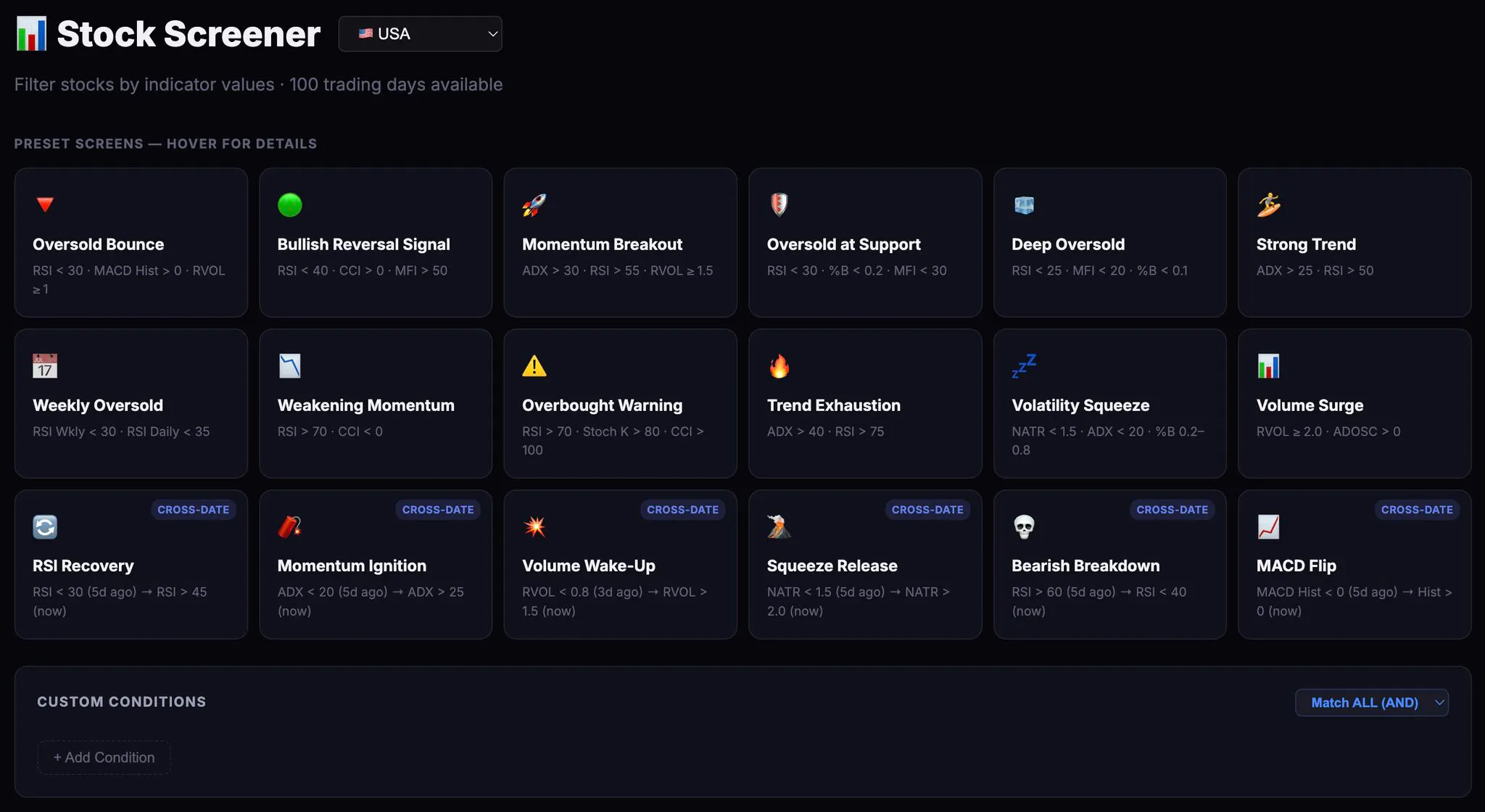
A free technical scoring engine for US and Indian stocks. Instead of checking indicators one by one, TickerSignals runs 39 indicators across 6 layers daily to produce a transparent, weighted consensus verdict with stop loss and holding estimates.
Hey Product Hunt folks 👋 I am the solo developer behind TickerSignals. I built this over the past few months because I was tired of my own daily trading routine. I keep checking RSI on one site, MACD on another, looking at charts on TradingView and then trying to form a consensus before entering a trade. I wanted a tool that would do the heavy lifting of running the maths across dozens of indicators, but without hiding the numbers behind a proprietary algo. Every day after the market closes, the application processes 2,500+ US and Indian stocks through 39 technical indicators. It scores them across 6 layers, calculates a consensus and publishes the verdict. I’ve backtested about 2L+ signals to calibrate everything, so far, Strong Buy signals with a greater than 65% confidence score hit their target profit mentioned at about ~70% of the time. The site is completely free and has no ads. Frankly, I am launching this because I want real, honest feedback from other builders and fellow traders. I will be hanging out in the comments all day to answer technical questions, explain the indicator scoring logics and/or chat about the tech stack. Thanks again.
2
回复

@guru_thejus_a All the best 👍

0
回复
#15
SeaVid AI
ai video generator
9
一句话介绍:SeaVid AI 是一款免费、基于 Seedance 2.0 的在线 AI 视频与图像生成工具,旨在帮助用户快速创建并编辑多镜头、可传播的短视频,解决非专业人士制作高质量视频内容门槛高、成本高、流程繁琐的痛点。
Marketing
AI视频生成 AI图像生成 免费工具 多镜头视频 Seedance 2.0 在线编辑 视频制作 内容创作 AI创意工具 短视频
用户评论摘要:目前产品仅有少量投票(9票),未提供实际用户评论。因此无法总结用户反馈、问题或建议。建议关注后续真实用户使用后的体验评价与功能改进需求。
AI 锐评

SeaVid AI 切中了一个看似热闹实则拥挤的赛道——AI视频生成。其标榜的“免费”和“在线”是典型的ToC打法,试图以零门槛吸引内容创作者、社交媒体运营者等非专业用户,这是其最大的传播亮点。然而,“基于Seedance 2.0”这个表述很值得玩味。如果Seedance仅仅是底层模型或第三方接口,那么SeaVid AI本质上就是一个套壳应用。在当前文生视频领域(如Runway、Pika、可灵等)纷纷向专业级、可控性、长时长进化的背景下,一个仅支持“多镜头”但缺乏精细控制能力(如相机运镜、关键帧、角色一致性)的轻量工具,很容易淹没在同质化产品中。9票的极低热度也侧面印证了其尚未产生有效市场声量。真正有价值的问题是:它能否在竞品巨头持续降价的压力下,依靠独特的编辑体验或创意模板实现差异化?如果不能,仅靠“免费”标签吸引来的流量,将毫无忠诚度可言。短期来看,它更适合作为AI视频初学者的体验工具,而非生产力工具。

查看原始信息
SeaVid AI
Seavid AI is a free, Advanced AI image & video generator online. Create & Edit viral multi‑shot videos,Powered by Seedance 2.0.
#16
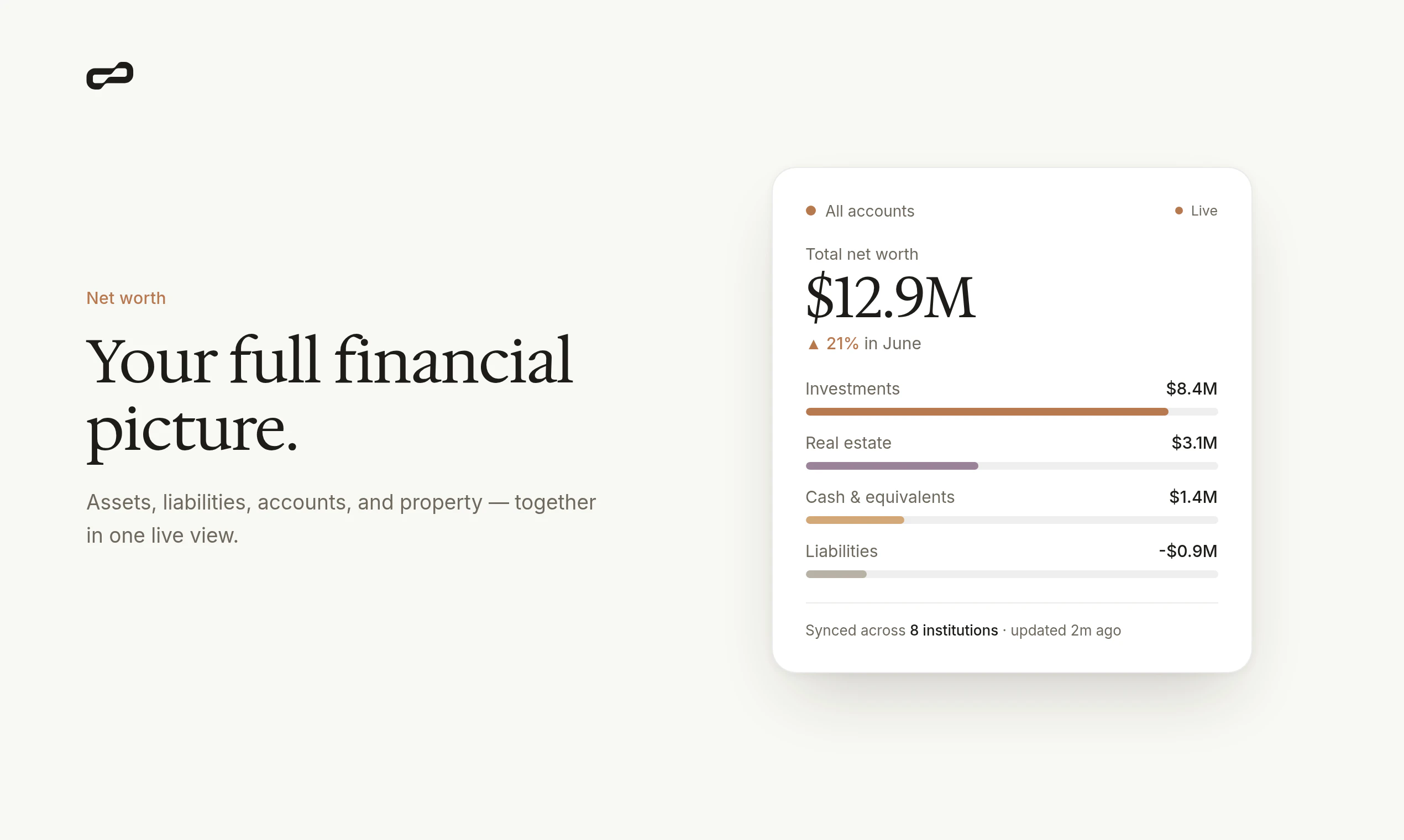
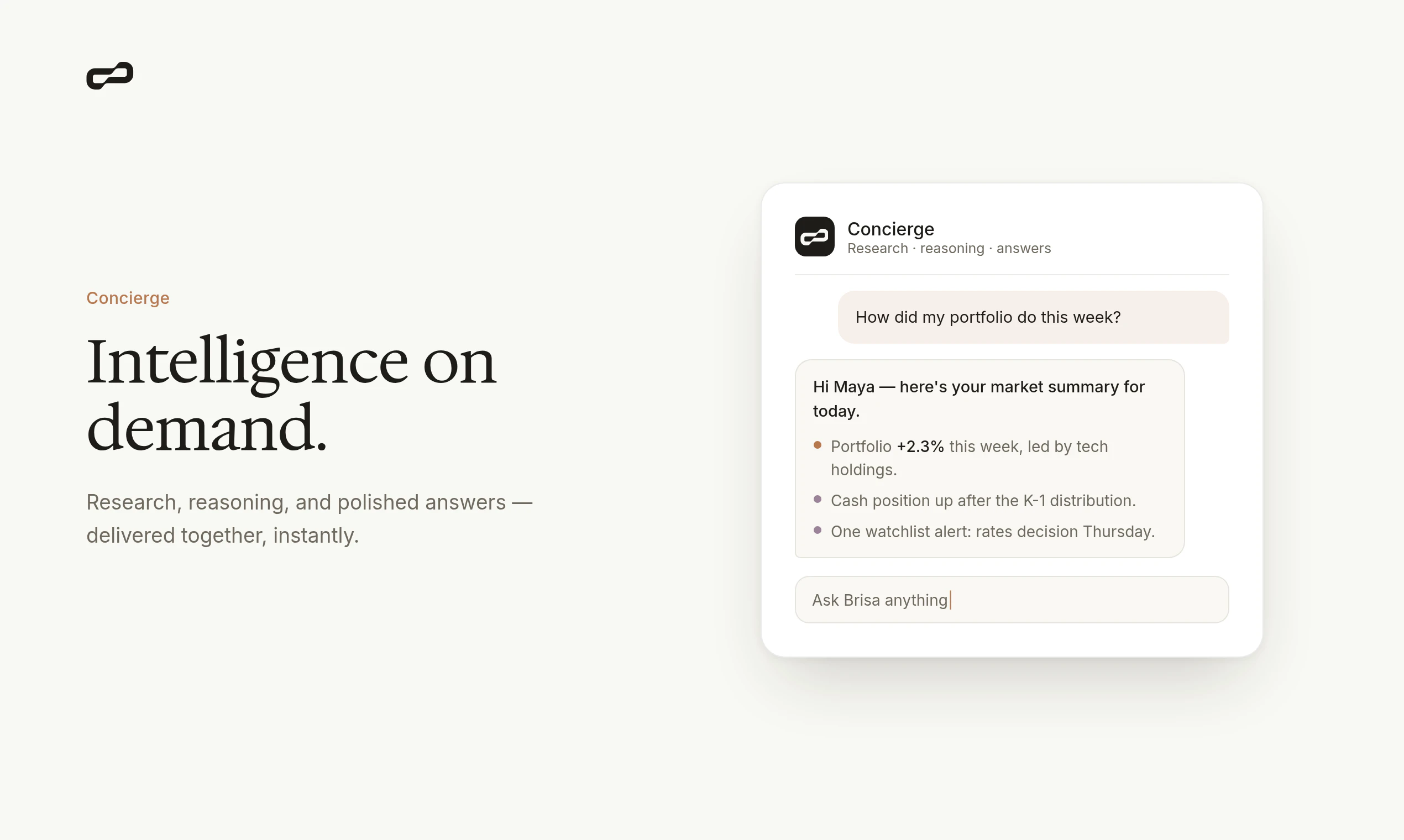
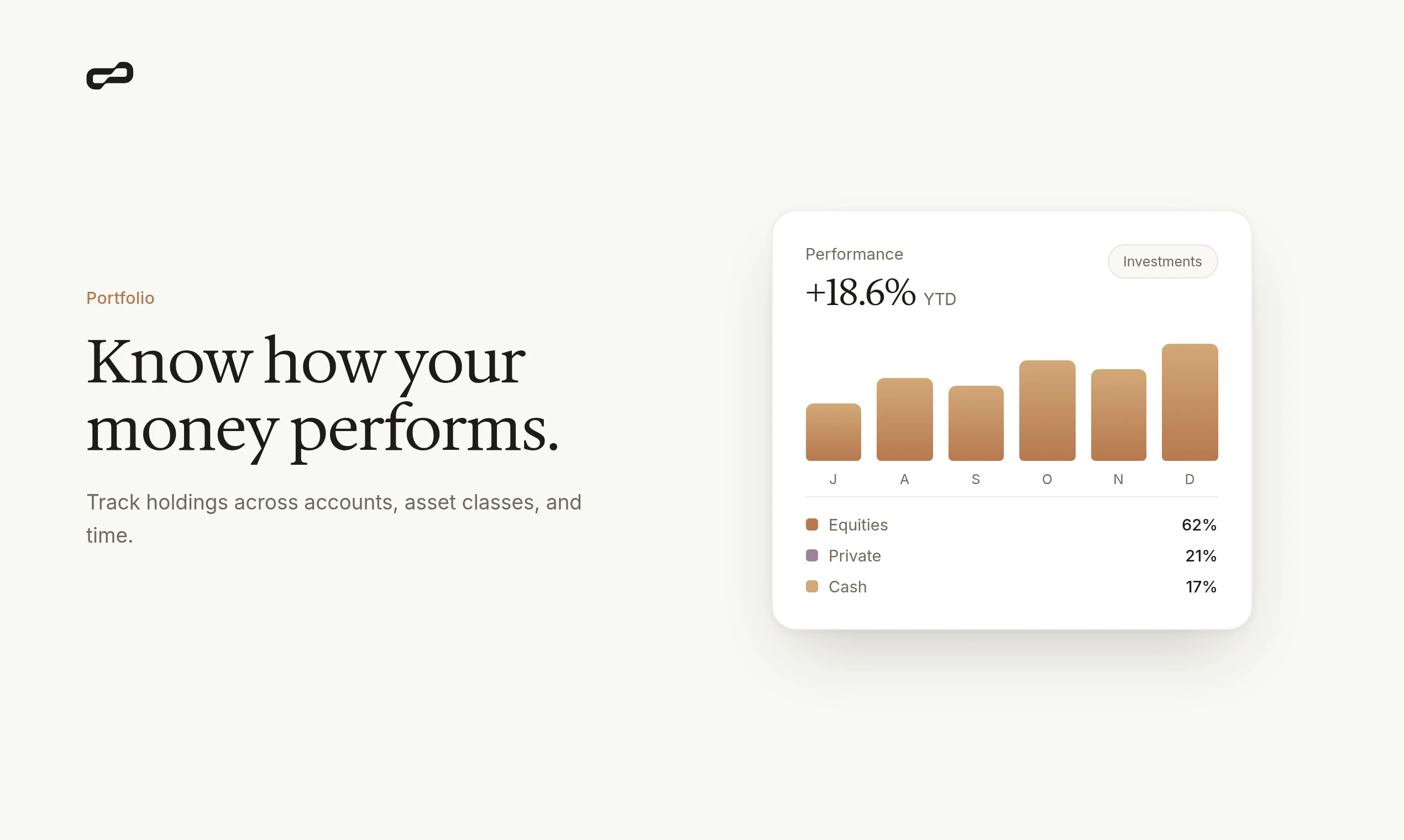
Brisa — Your personal wealth OS
AI wealth advisor for the US and Canada
8
一句话介绍:Brisa是一款面向美国和加拿大用户的AI优先财富管理平台,用个性化AI替代昂贵的人类顾问或千篇一律的机器人投顾,让普通人也能获得真正理解其全貌财务状况并随生活变化自适应调整的理财建议。
Fintech Investing
AI财富管理 智能投顾 个人理财助手 财务分析 加拿大 美国 个性化财务规划 AI优先 自适应理财
用户评论摘要:创始人Kareem自述作为独立开发者,耗时两年打造Brisa,认为现有财富管理要么太贵、要么太泛。他提供了无须注册的演示链接,并邀请用户“拷问”和反馈,尤其关心如何让用户信任AI来管理财务。目前评论区仅此一条且无点赞,尚无用户实质性建议或问题。
AI 锐评

Brisa的标语和介绍画了张漂亮的饼——“AI优先的财富管理OS”,试图在昂贵的人类顾问和机械的机器人投顾之间找到第三条路。然而,仅仅8票的惨淡数据和一个孤零零的自荐评论,暴露了产品从零到一的巨大鸿沟。创始人的真诚和两年开发投入值得尊重,但产品目前更像是一个“概念验证”而非“市场验证”。

核心价值在于“个性化AI”与“全貌理解”的结合,这确实击中了中产阶层的潜在痛点:他们有一定资产,但远未达到私人银行门槛,同时厌倦了传统智能投顾的套路化配置。然而,信任问题才是Brisa需要跨越的珠穆朗玛峰。让AI管理财富,意味着用户要交出最敏感的财务数据,并接受一个“黑箱”的决策逻辑——尽管产品声称能解释推理过程。对于财富管理这种强监管、高信任门槛的行业,单靠“AI工程师独立开发”的背书是远远不够的。用户要的不是一个聪明的算法,而是一个可信赖的受托人。

产品目前缺乏任何第三方安全认证、监管合规说明(如SEC或FINRA备案)以及基准回测数据,这些都是财富科技产品的生命线。创始人邀请用户“拷问”,但如果不能快速回答“我的钱安全吗?”和“AI的决策逻辑如何被审计?”这两个灵魂拷问,产品很可能难逃自嗨命运。Brisa的成败,不取决于AI多聪明,而取决于创始人有勇气把多少时间花在合规与信任基建上,而非执着于代码本身。

查看原始信息
Brisa — Your personal wealth OS
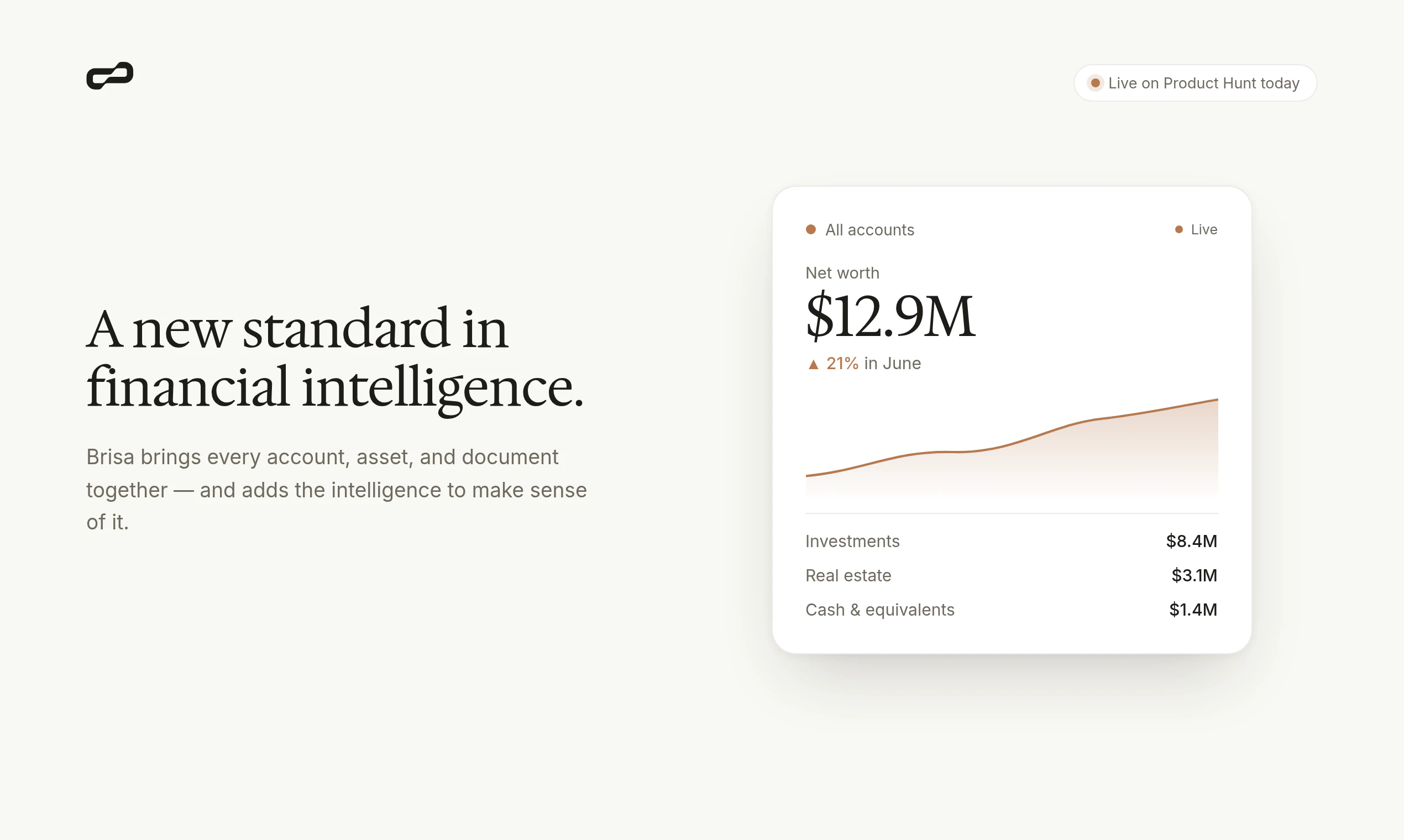
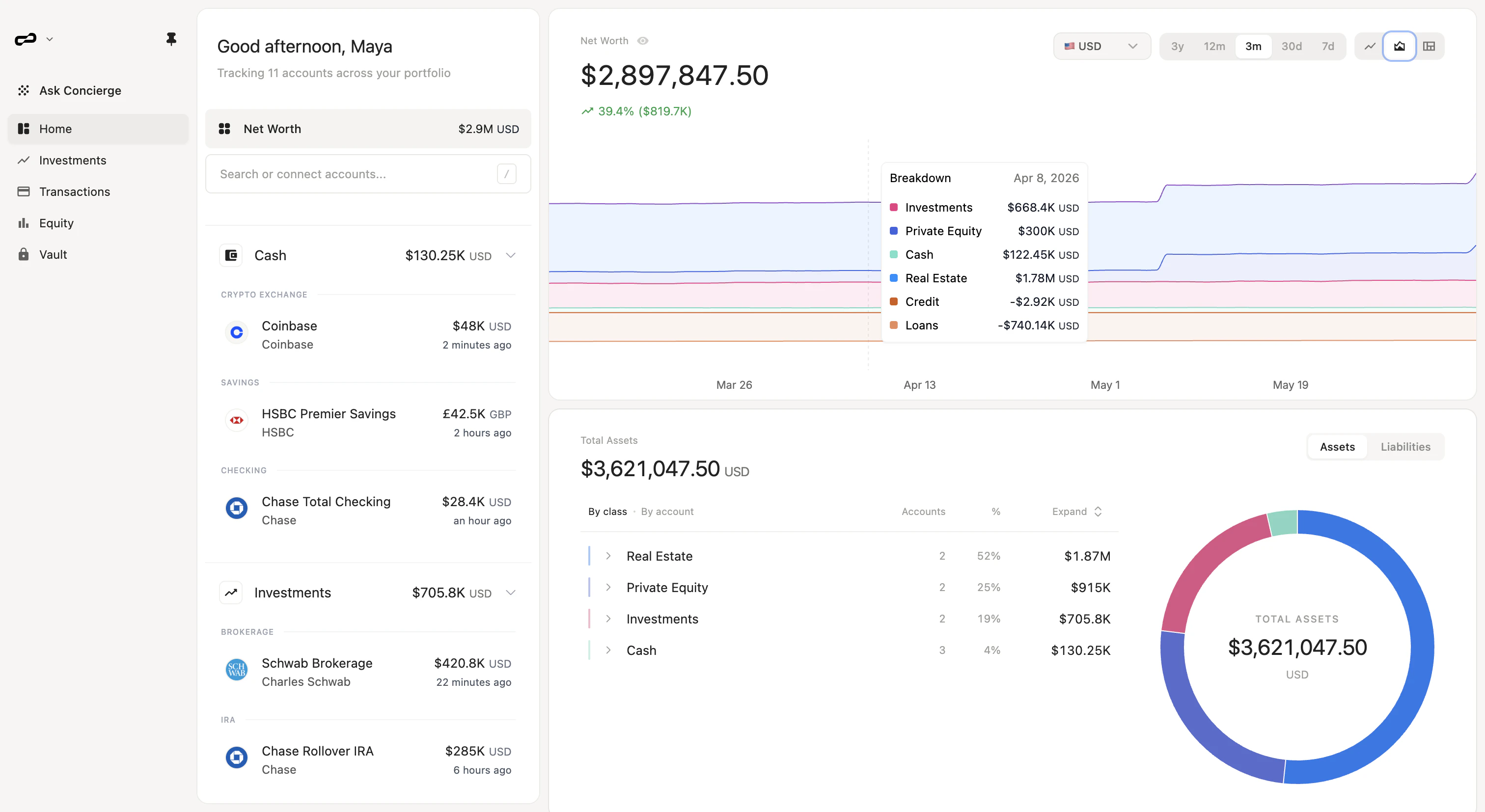
Brisa is an AI-first wealth management platform built for the US and Canada. Instead of expensive human advisors or one-size-fits-all robo-advisors, Brisa gives you a personalized AI that understands your full financial picture, explains its reasoning in plain language, and adapts as your life changes. Built by an AI/ML engineer, it's wealth management that's actually personal, and accessible to people who'd never qualify for a private advisor.

Check out the demo (no signup)

Hey Product Hunt 👋 I'm Kareem, the solo founder of Brisa.


I spent the last two years building this because wealth management felt broken to me: you either pay a fortune for a human advisor (who you talk to twice a year), or you get a generic robo-advisor that treats you like a risk-tolerance slider. Neither actually understands you.


So I built the thing I wanted to exist: an AI that sees your whole financial picture, explains every recommendation in plain language, and adapts as your life changes. It's early and I'm building in the open. I'd love your honest feedback, especially what would make you actually trust an AI with this. Roast it, check it out, question it, ask me anything. 🙏

🎁 Become a founding member: you'll get a 50% discount for 3 months!

0
回复
#17
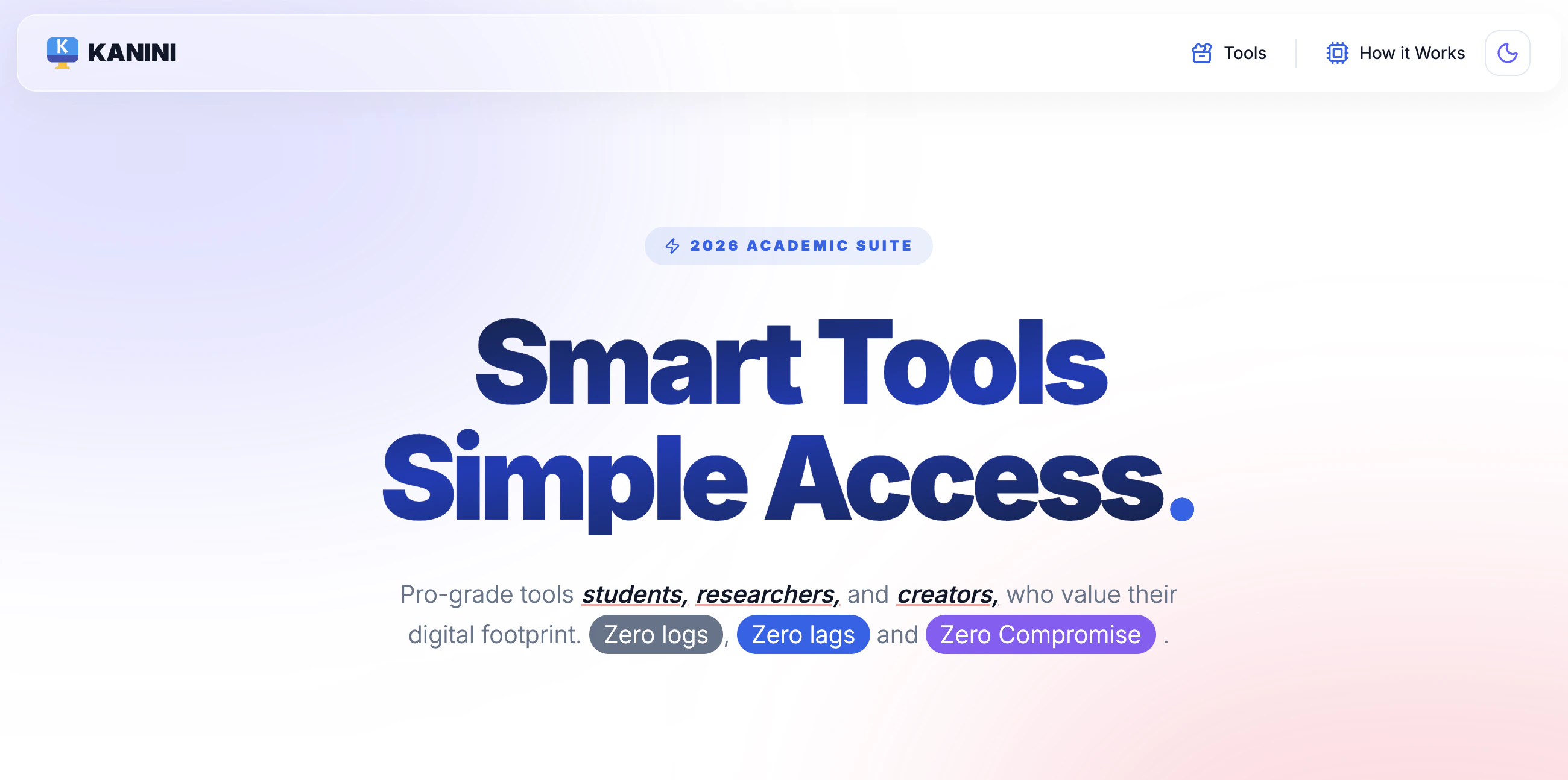
Kanini
Local First Productivity & Creative Tools
8
一句话介绍:Kanini 是一款在浏览器内完全本地运行、无需注册或上传、集成了15+专业级工具(如GPA计算、AI文本人性化、图片隐写、Lofi音效等)的隐私优先生产力与创意工具包,专为学生和创作者提供开箱即用的私密解决方案。
Design Tools Productivity Education
本地优先 隐私工具包 浏览器工具 学生工具 创意工具 无服务器 无追踪 生产力工具 AI文本人性化 图片隐写
用户评论摘要:开发者Suresh征集社区反馈,询问哪些工具最有用、缺少什么功能、下一步开发方向及体验痛点。用户尚未提出具体问题或建议,评论核心是鼓励社区参与并推动产品迭代。
AI 锐评

Kanini在“隐私焦虑”泛滥的当下切中了一个真实但窄小的痛点:用户不希望每一次简单操作(如编辑文本、计算成绩)都沦为数据饲料。其“100%本地、零账户、零上传”的承诺确实克制且真诚,尤其对于学生和创作者这类对数据外泄敏感、但又不愿为“一次性工具”注册账号的群体,具有一定吸引力。

然而,15+工具看似琳琅满目,实则是“广度替代深度”的策略——GPA计算、文本润色、Lofi音效、AI人性化等相互之间缺乏强关联,更像是把市面上常见的小工具打包进一个无痕沙盒。这种策略的隐患在于:单个工具功能容易被专业SaaS(如Grammarly、Notion)的局部功能击穿,而“本地优先”虽然保障隐私,却牺牲了跨设备同步、云端协作等现代用户习惯的便利性。

从投票数(8)和评论热度(0点赞的反馈)来看,产品尚处于极早期验证阶段。核心挑战并非技术实现,而是“如何让用户愿意反复打开这个工具箱,而不是用完就走”。目前它像一座工具孤岛,缺少黏性设计(如模板、历史记录、社区共享)或垂直场景的深度穿透(例如专门为论文写作者设计的标注模式)。

真正的价值或许不在于工具本身,而在于树立“无负担隐私”的直觉——当用户下次需要临时处理敏感内容时,会下意识地想到“去Kanini,因为它不偷看”。若能围绕“安全的快捷方式”构建轻量生态(如浏览器扩展、快捷键唤醒),并针对学生高频场景(如作业查重、参考文献格式)做单点极致优化,才有可能从“有趣的小项目”进化为“被依赖的日常工具”。否则,它可能会像许多“无服务端工具”一样,在新鲜感消退后迅速被遗忘。

查看原始信息
Kanini
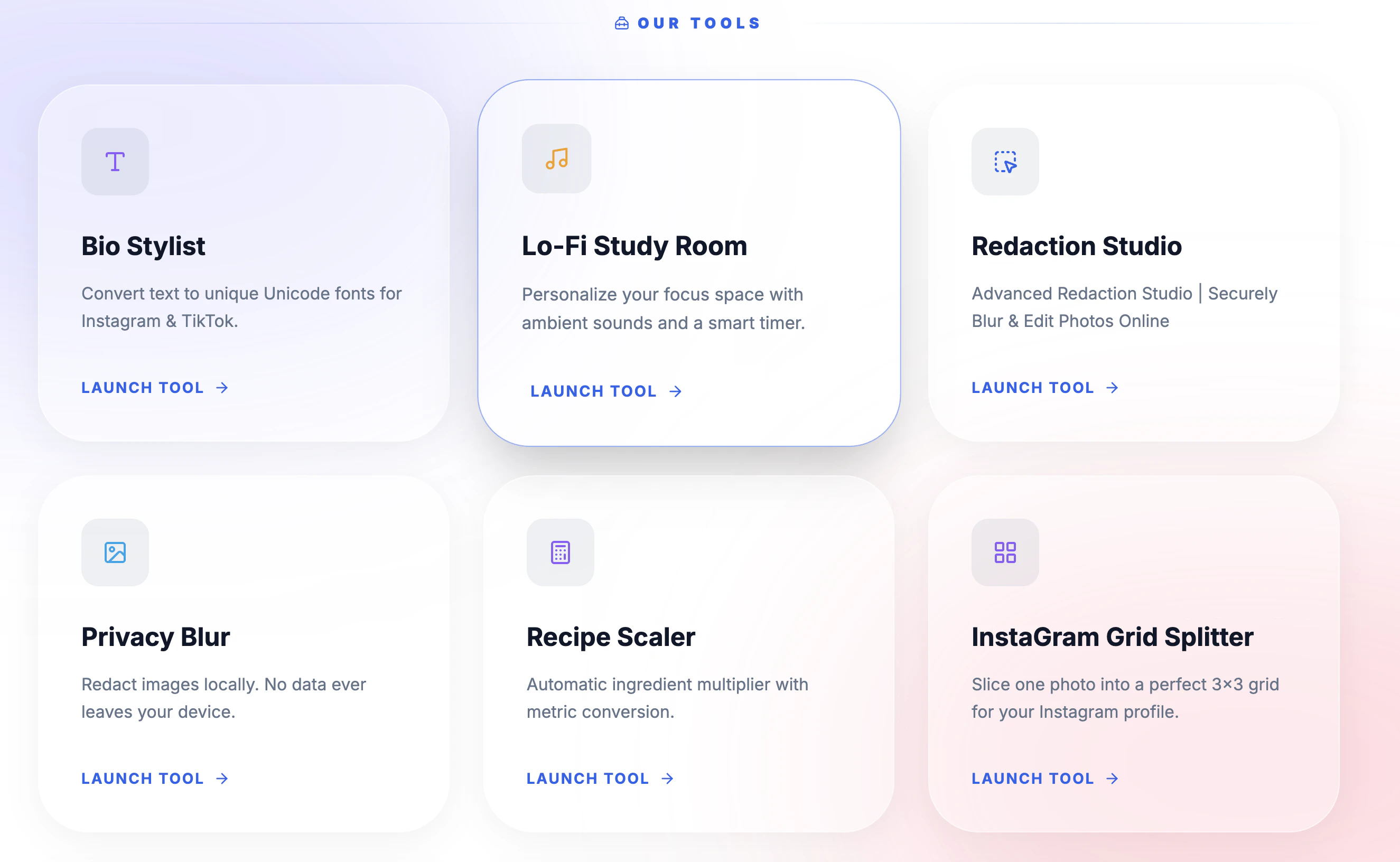
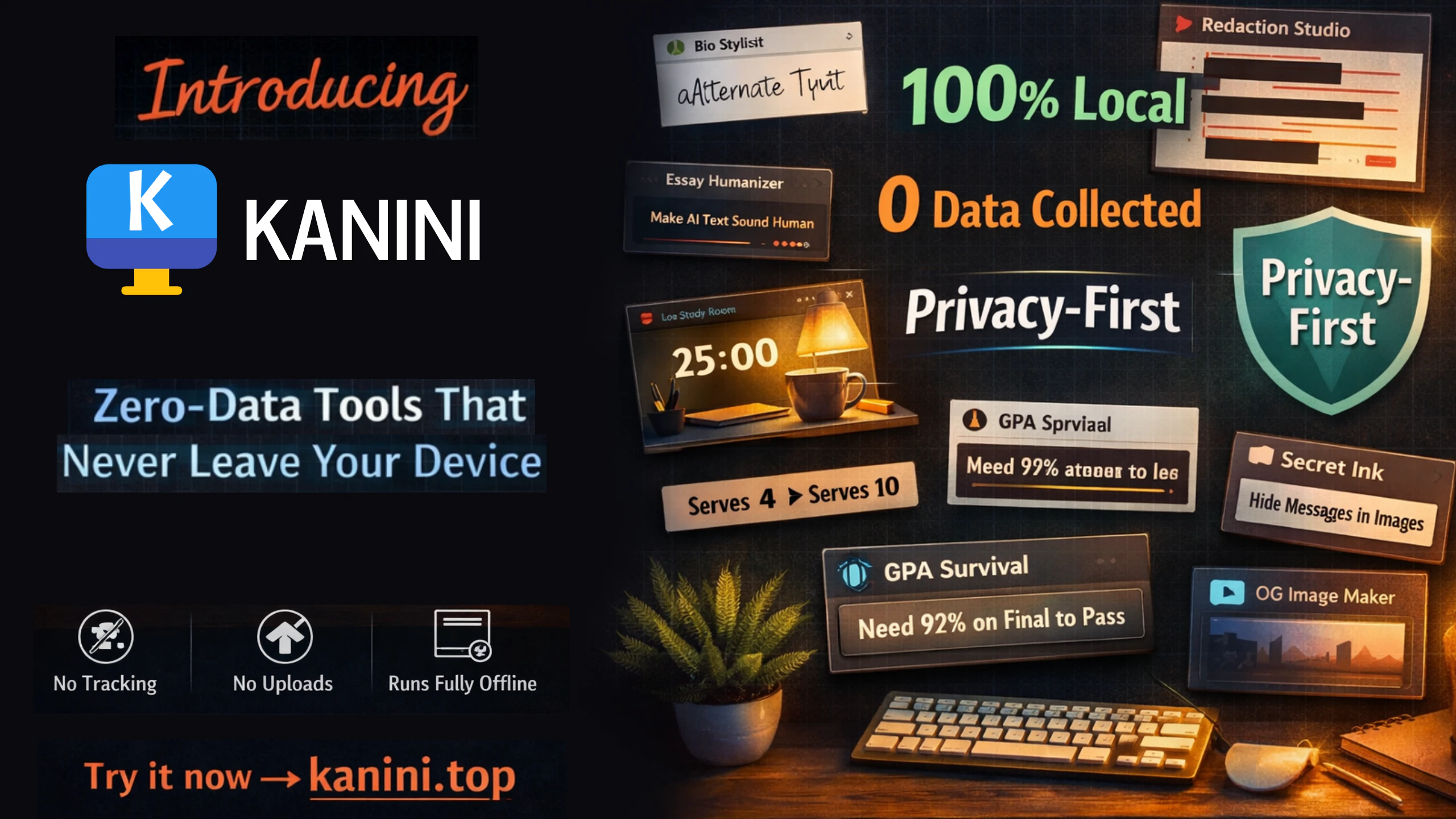
A collection of private, browser-based 15+ pro‑grade utilities and tools all running 100% locally in your browser. for students and creators. Mix lofi sounds, calculate your GPA, hide secret messages in images, and humanize AI text all processed entirely in your browser. Kanini is live on Product Hunt! No accounts. No uploads. No tracking. Just fast, clean tools for students, creators, and makers.
Hey everyone, Kanini started as a tiny experiment: - What if everyday tools didn’t need accounts, servers, or data collection at all? - Just fast, local, privacy‑first utilities that disappear the moment you close the tab. Today I’m launching the first public version, a growing suite of zero‑data, local‑only tools for students, creators, and makers. Why I built this: I kept noticing that even simple tools (redaction, text formatting, study helpers) quietly upload your content. I wanted the opposite: tools that respect your privacy by default. What’s inside right now: A mix of creative, study, privacy, and productivity utilities - all running 100% locally in your browser. No tracking. No storage. No uploads. I’d love your thoughts on: - Which tools feel most useful - What’s missing - What should I build next - Any rough edges you spot Your feedback genuinely shapes the roadmap. Kanini is community‑driven from day one. If this vision resonates, I’d be grateful for your support on launch day. Thank you for checking it out and helping a solo maker build something meaningful. -- Suresh
0
回复
#18
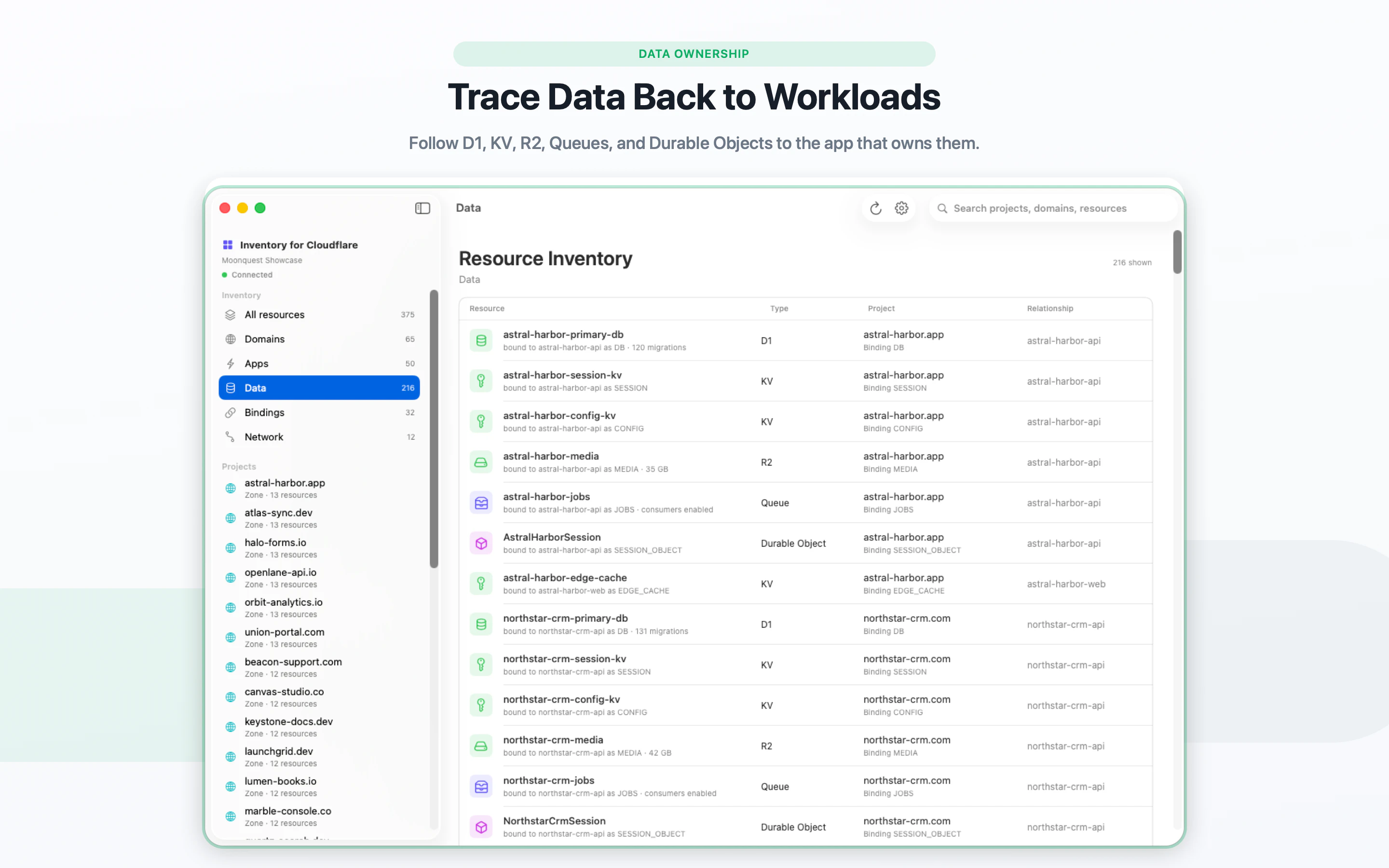
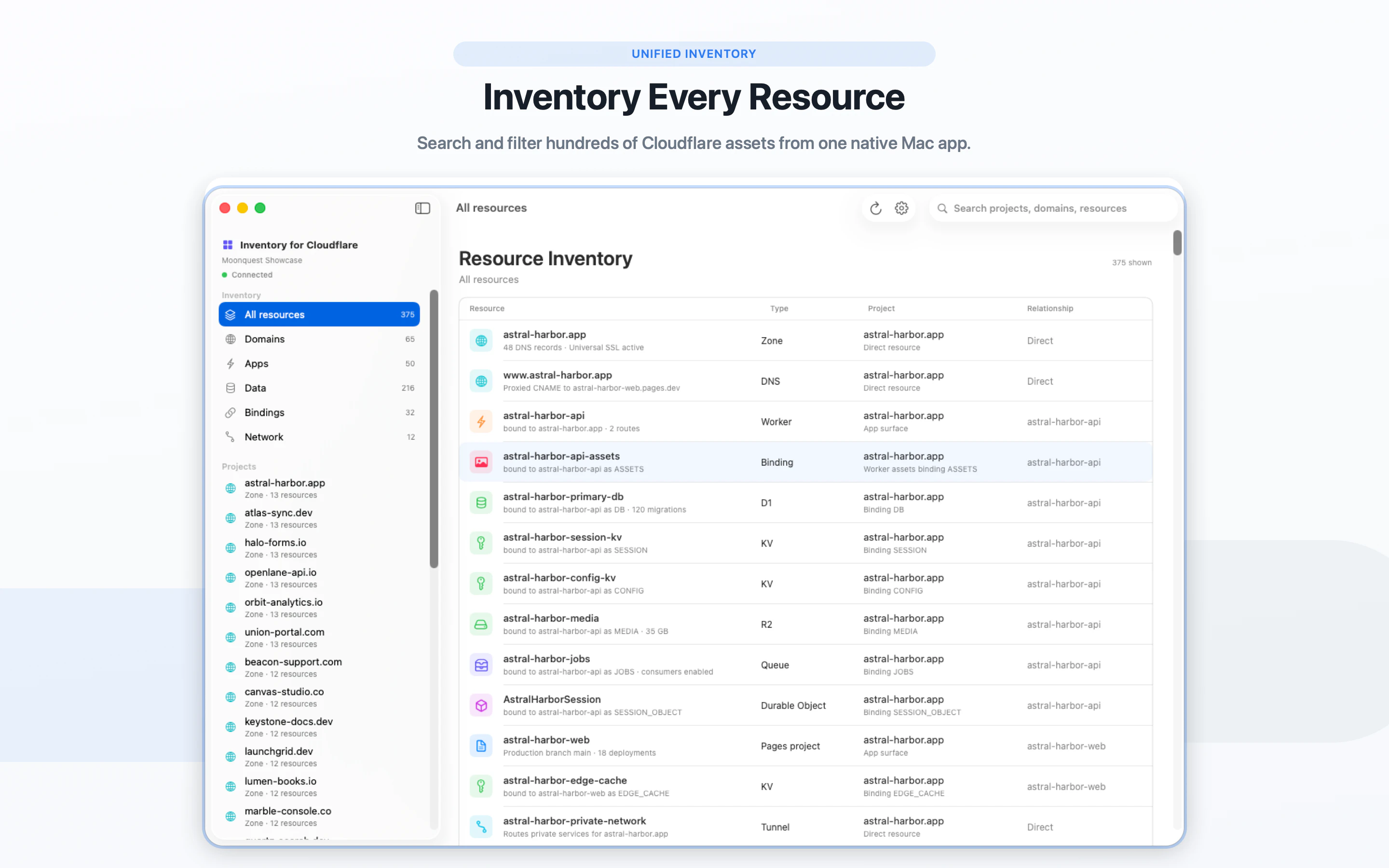
Inventory for Cloudflare
Map Workers, R2, D1, and more
7
一句话介绍:一款原生Mac应用,通过只读API令牌将Cloudflare账户内的Workers、R2、D1等所有资源整合为项目优先视图,解决在多服务间跳转查找资源、定位归属的痛点。
Developer Tools
Cloudflare管理工具 macOS应用 资源监控 云资源可视化 开发者工具 Workers管理 R2存储 项目视图 DevOps工具 资产管理
用户评论摘要:用户(即开发者)反馈Cloudflare原生仪表盘虽在改进,但快速搜索和概览仍笨拙缓慢,因此自建了此工具。暂无其他负面评价或具体建议。
AI 锐评

这款产品精准击中了Cloudflare重度用户的“仪表盘疲劳”痛点。官方控制台功能虽全,但跨页面跳转查询资源关系(如一个Worker绑定了哪些R2或KV)的体验支离破碎。Inventory for Cloudflare的“项目优先视图”和资源溯源能力,本质上是将运维范式从“按服务类型管理”转向“按业务项目管理”——这恰恰是企业级多云管理工具(如Lens for Kubernetes)的核心设计哲学。7票的冷启动数据说明它仍属小众,但开发者“为自己而造”的初衷暗示了产品对真实痛点的洞察:或许比Cloudflare官方即将推出的类似功能更早切入场景。不过,作为“只读工具”,它无法替代官方控制台的配置操作,更像一个高效的资源地图而非管理终端。风险在于,若Cloudflare后续优化了仪表盘的跨资源关联查询,或者推出官方原生Mac App,该工具的价值将急剧缩水。成功关键取决于能否持续挖掘官方平台未覆盖的元数据洞察(如资源依赖图、成本归因),并以插件或开源生态锁定用户工作流。

查看原始信息
Inventory for Cloudflare
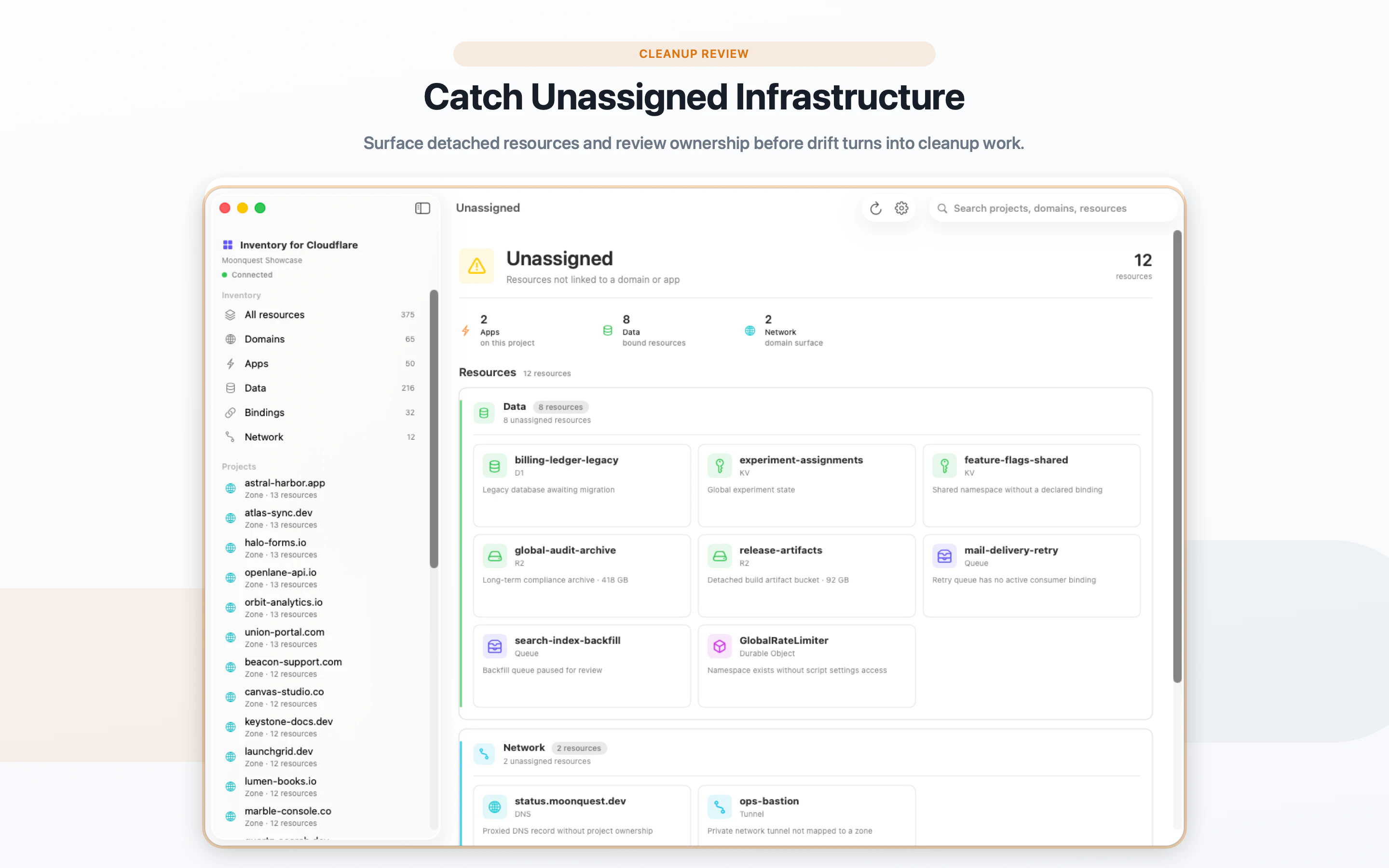
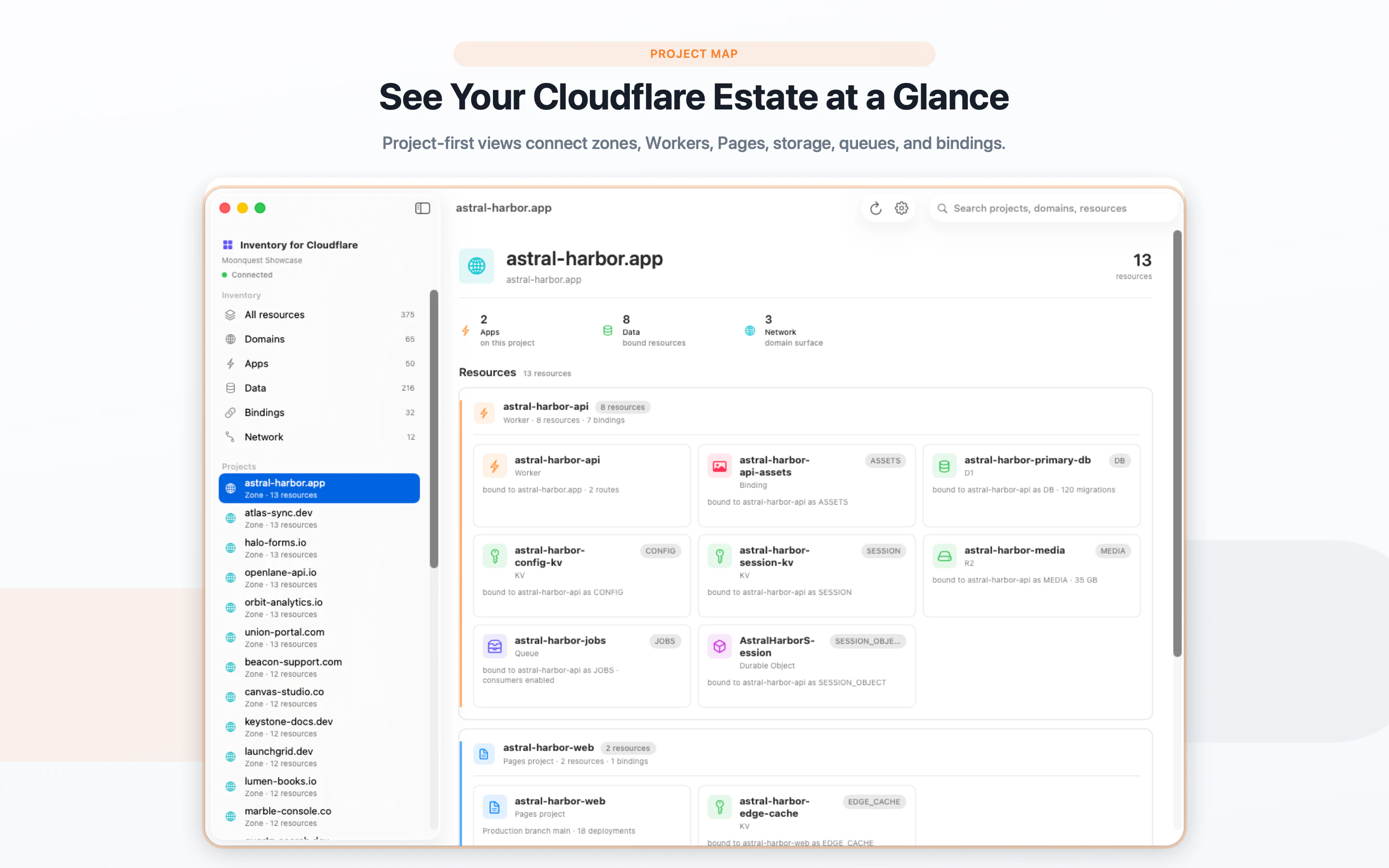
Your entire Cloudflare account in one native Mac app. Map Workers, Pages, R2, D1, KV, Queues, and Tunnels, then trace every resource to the workload that owns it. Inventory for Cloudflare is a native macOS app that maps everything in your Cloudflare account into one fast, project-first view. Connect a read-only Cloudflare API token and instantly see your whole estate — zones, Workers, Pages, R2, D1, KV, Queues, Durable Objects, Worker Assets, and Tunnels, plus the bindings that connect them.
cloudflare dashboard is getting better but for quick searches and overviews it's still a bit clunky and slow. i built inventory for cloudflare for me. i hope youll find it useful too tho
0
回复
#19
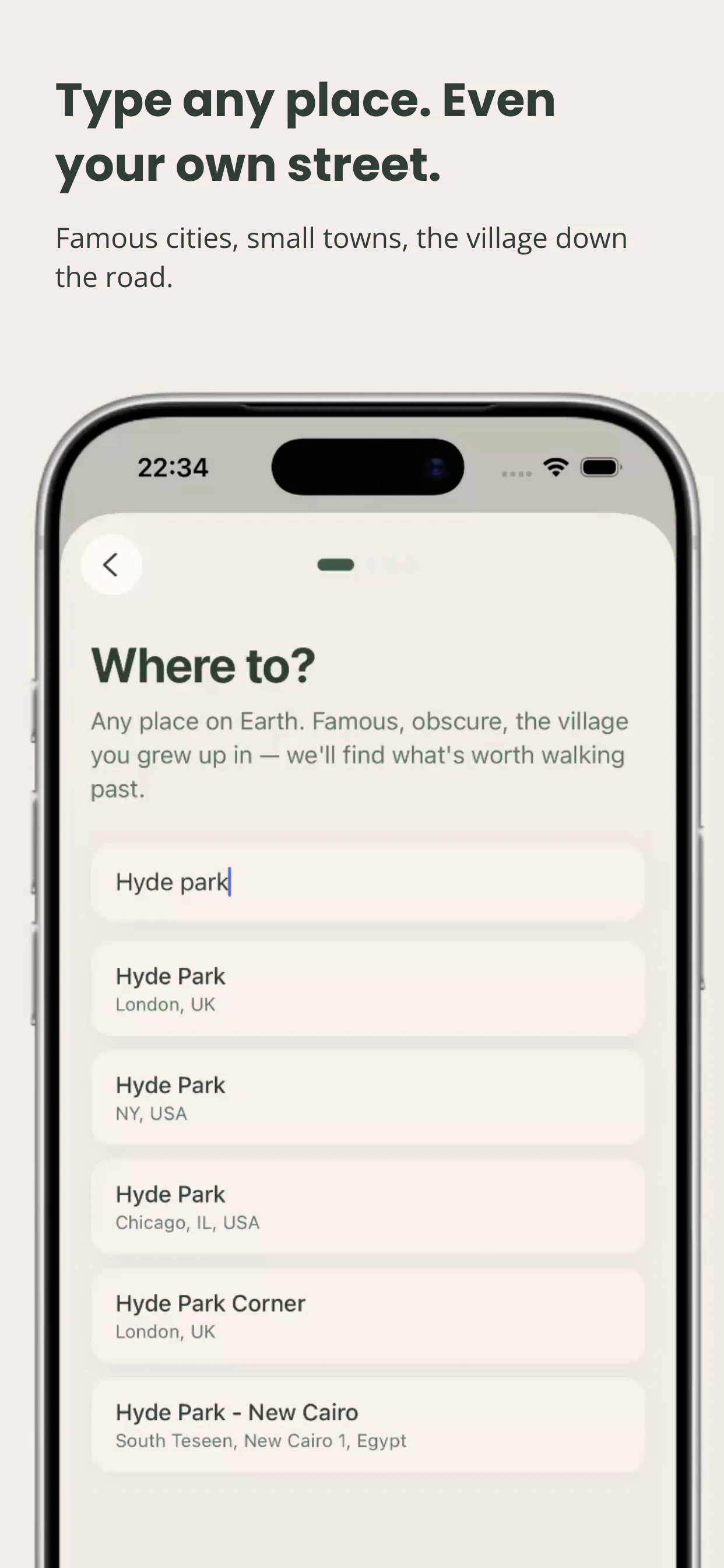
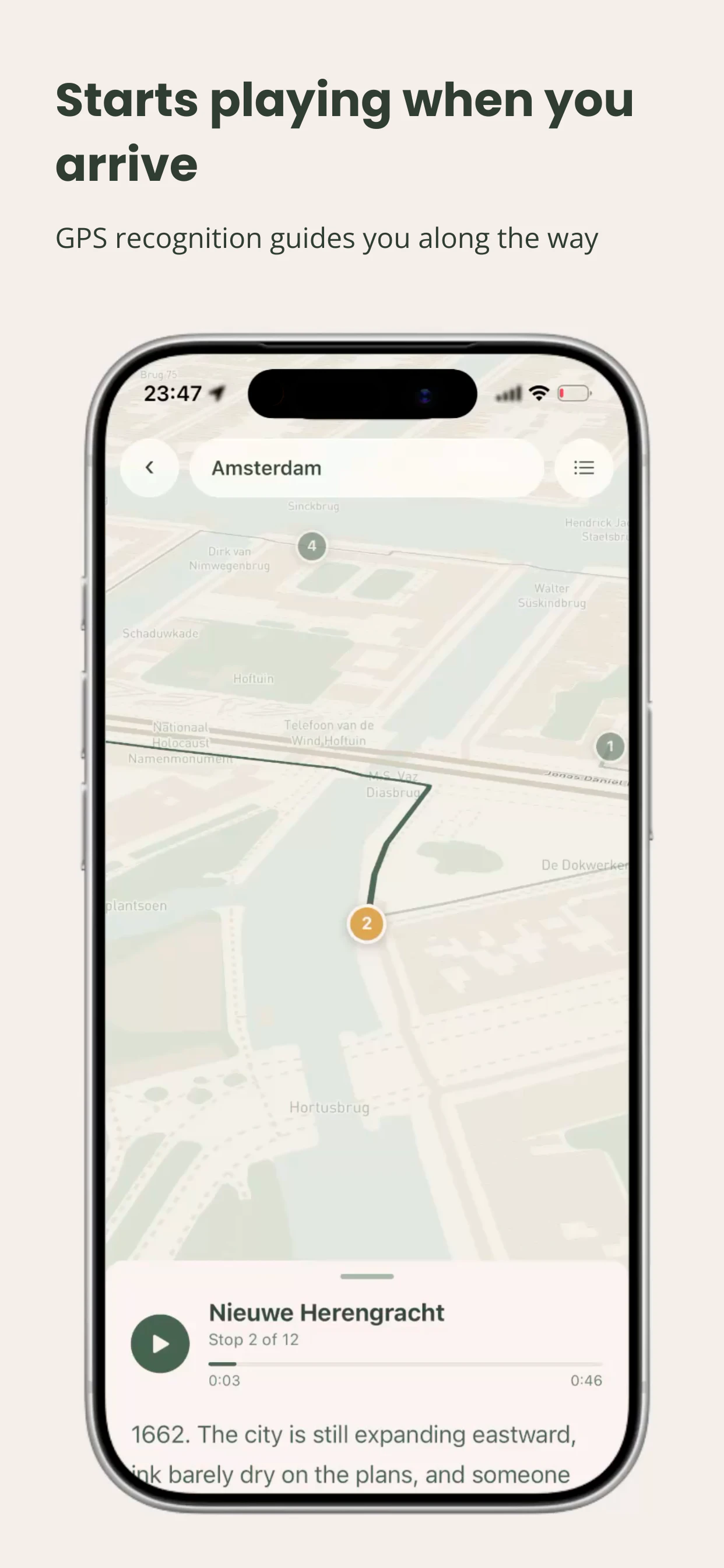
PodWalk: Guided Tours
Guided audio tours. Any place, anywhere
7
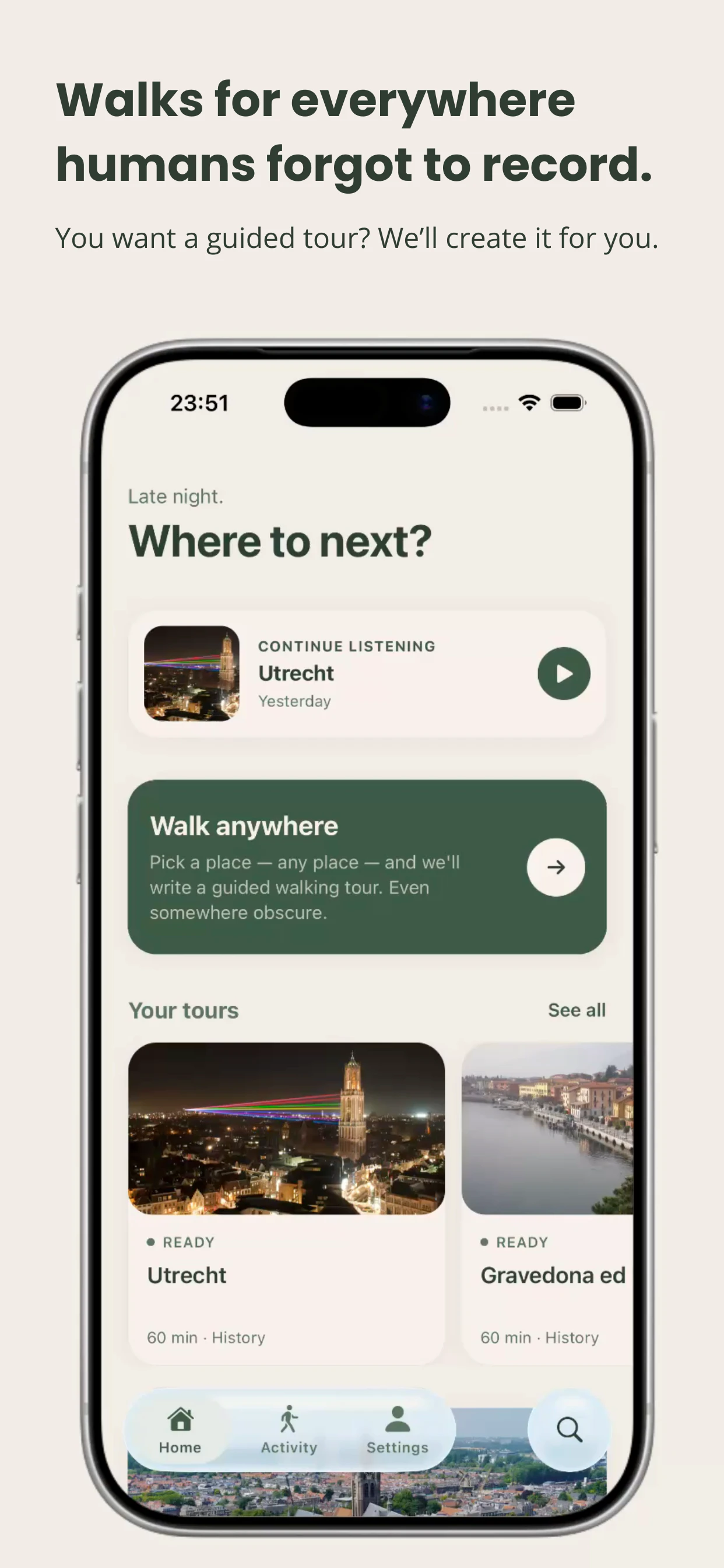
一句话介绍:PodWalk是一款能够为世界上任何地点自动生成语音导览的旅行工具,解决了用户在陌生城市或景点缺乏个性化、即时音频导览的痛点。
Travel Apple Audio
语音导览 AI生成 城市漫步 旅行工具 个性化路线 音频内容 按次付费 自助游 步行探索 用户体验
用户评论摘要:开发者解释了采用“通行证制”(单次/周/年)而非订阅制的定价逻辑,以匹配“旅行/外出”的碎片化使用场景。用户当前未提具体问题或Bug,主要待获更多使用反馈。
AI 锐评

PodWalk切入了一个有趣但拥挤的赛道——AI+旅行导览。其核心卖点“任何地点即时生成语音导览”理论上能解决传统导览App内容覆盖不全、更新慢的痛点,尤其对自由行用户有吸引力。但产品的真正考验在于生成内容的质量:AI语音是否自然?历史、文化等主题的知识准确度如何?能否提供真正“导览”而非“百科念稿”式的体验?从目前仅7票和零有效反馈来看,产品显然还处于极早期。定价采用“按通行证”而非月订阅是明智之举——旅行本就是低频场景,但“年通行证”每周仅3次生成显得鸡肋。真正的挑战是:用户愿意为一趟旅行下载一个App并购买通行证,还是更愿意在TripAdvisor或Google Maps上找免费音频?如果PodWalk不能把生成质量做到“听一遍就值回票价”的水准,它将很难从成熟的语音导览平台(如izi.TRAVEL、听游)或UGC内容中抢到用户。建议团队先封闭测试100条实际路线的生成体验,再考虑市场推广。

查看原始信息
PodWalk: Guided Tours
PodWalk is a guided tour app that can generate voiced audio tours for any place, anywhere. You select the town / city you want, select the estimated duration and your preferences in terms of topics and generate your own walk! What am i looking for at this stage? Genuenly, feedback! It’s an app with a lot of moving parts. So would love any feedback you guys have! You can reach me at hello@podwalk-tours.nl or X
So with this app i went against the main going advice of monthly subscription pricing. Because of my focus to travel / days out i decided to go with a pass based system. - Single pass (1 generation, 24h listening to all walks) - Week pass (3 generations, 7 days listening to all walks) - Year pass ( 3 generations a week, a year to listen to whatever pleases you) What do you think of this structure?
0
回复
#20
Caddie
Notetaker that speaks and sells
6
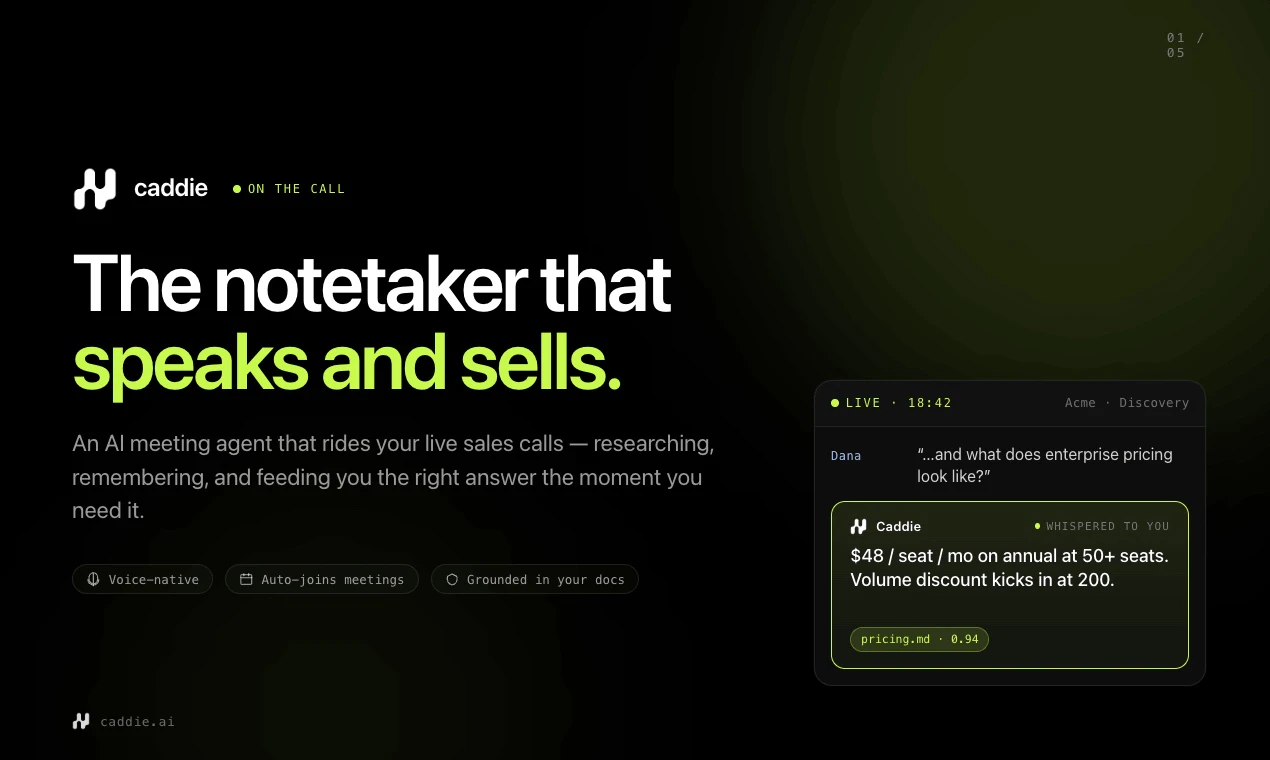
一句话介绍:Caddie是一款能实时加入通话、在销售或演示卡顿时即时提供答案的AI副驾驶,帮助创始人或销售代表避免因“稍后回复你”而流失商机。
Productivity Meetings Artificial Intelligence
AI销售助手 实时通话副驾驶 智能笔记 知识库检索 销售赋能 客户关系管理 会议工具 实时语音应答
用户评论摘要:创始人Sohazur介绍了产品核心:自动加入通话、实时基于知识库回答产品/定价/竞品问题、支持单次纠正并记忆,以及历史通话检索。无用户负面评论,主要为创始人的功能宣导。
AI 锐评

Caddie的定位非常精准,它切中的是销售/创始人通话中一个极其高频且致命的痛点——信息断层导致的气势溃败。与那些事后总结的笔记工具相比,Caddie最大的差异化在于“即时性”和“反向输出”:它不仅在听,还能在你卡壳时主动喂话,这直接改变了通话的动力学,相当于给销售人员装了一个“场外实时数据库”。

然而,它的真正价值能否落地,取决于两个脆弱环节:**一是知识源的准确性。** 产品的文档、过往通话和邮件质量参差不齐,如果知识库本身存在矛盾或过时信息,Caddie的即时回答非但不能救场,反而可能成为“社死加速器”。创始人提到的“单次纠正记忆”虽然巧妙,但在高压的实时通话中,用户的纠正行为本身就有延迟和误解风险。**二是通话场景的复杂性。** 它在Zoom、Meet、Teams上自动加入,但多人通话、语速过快、多轮反问等真实会议噪音对实时语音识别的挑战极大,任何一个识别失误或回答延迟都可能让“辅助”变成“干扰”。

从商业角度看,Caddie本质上是“RAG(检索增强生成)+实时语音”在垂直销售场景的一次精巧封装。它没有颠覆AI技术,但找准了“卖知识比卖算力更赚钱”的链路——每帮用户省下一个“稍后回复”,就多锁住一个成交概率。但它的天花板也很明显:一旦切入更深的企业销售流程(如CRM集成、报价生成、客户画像),它将直面Gong、Chorus、Salesforce等巨头的生态夹击。目前6票的微弱热度,反映出市场对这种“大胆介入通话”的AI助手仍有安全性和易用性的观望情绪。Caddie如果不能在数据隐私(通话内容存储与权限)、知识库治理(自动纠错与版本控制)上给出更强的信任状,它很可能只是“看起来很酷的玩具”,而非销售人员离不开的武器。


查看原始信息
Caddie
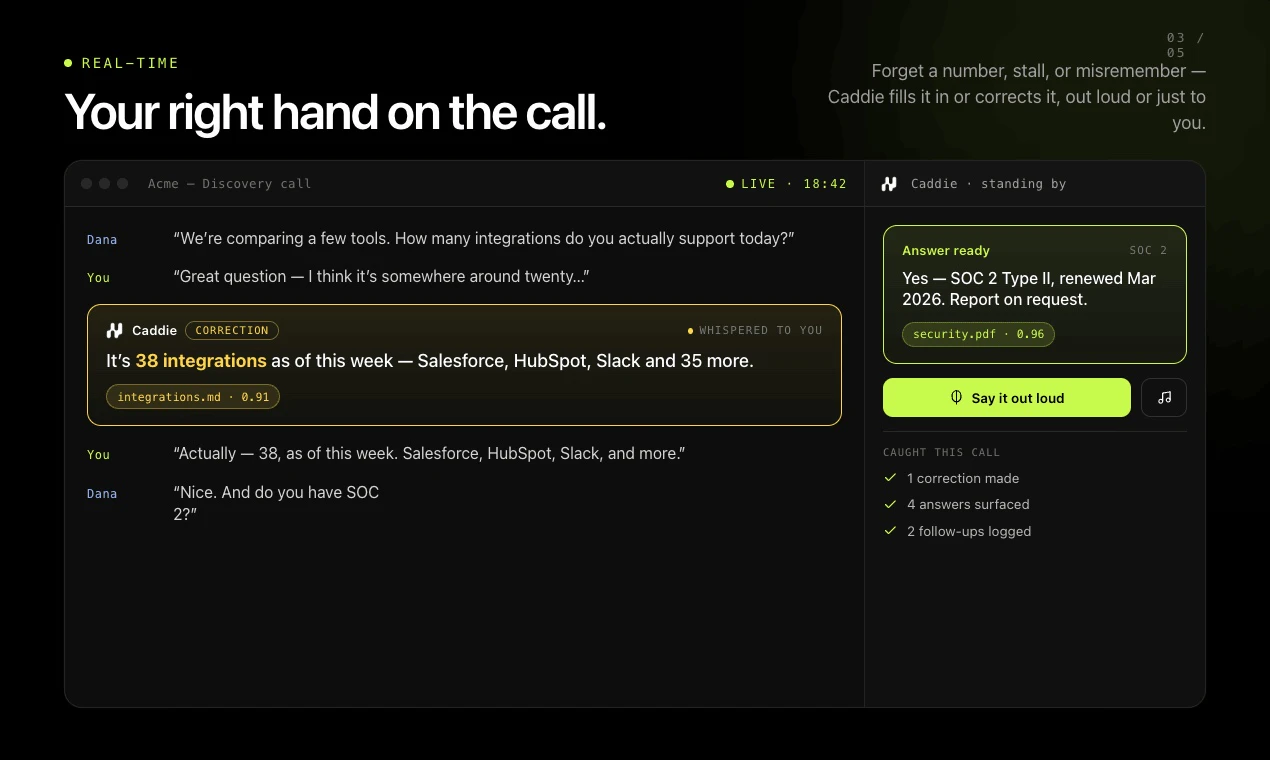
Caddie is the first copilot that actually joins the call, does research in real-time, and also speaks when you get stuck.

I'm Sohazur, one of the Co-Founder of Caddie.

Every sales and discovery call has that moment, a pricing question you half-remember, a competitor you can't quite counter, a feature you forgot shipped. You stall, you say "let me get back to you," and the momentum dies.

Caddie fixes that.

It's the notetaker that talks back.

Most call tools just listen and summarize after the call. Caddie is live:

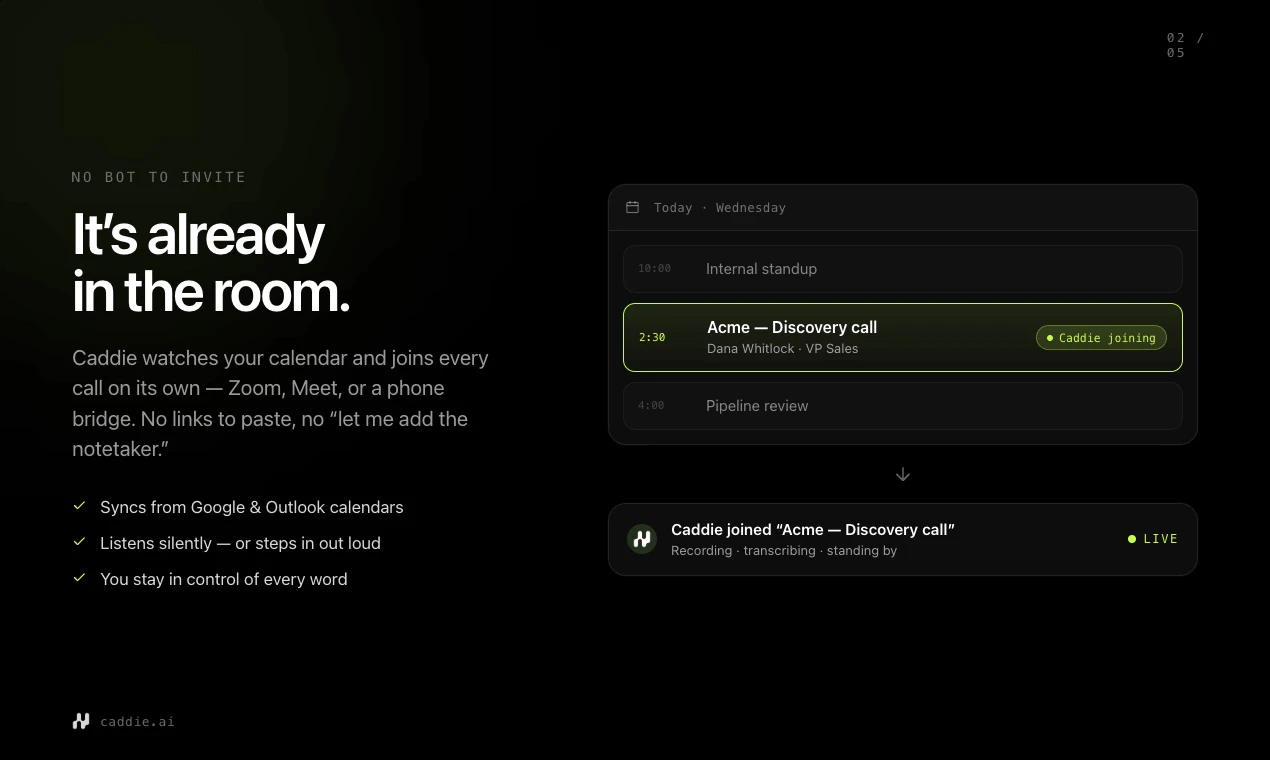
  👉 it joins your calls automatically,

  👉 listens in real time,

  👉 and feeds you the exact answer in your ear — the moment you need it.

 What Caddie does today:

 Auto-joins your calls

  No links to paste, no bot to invite. Caddie pulls from your calendar and shows

  up to the meetings that matter, Zoom, Meet, Teams.

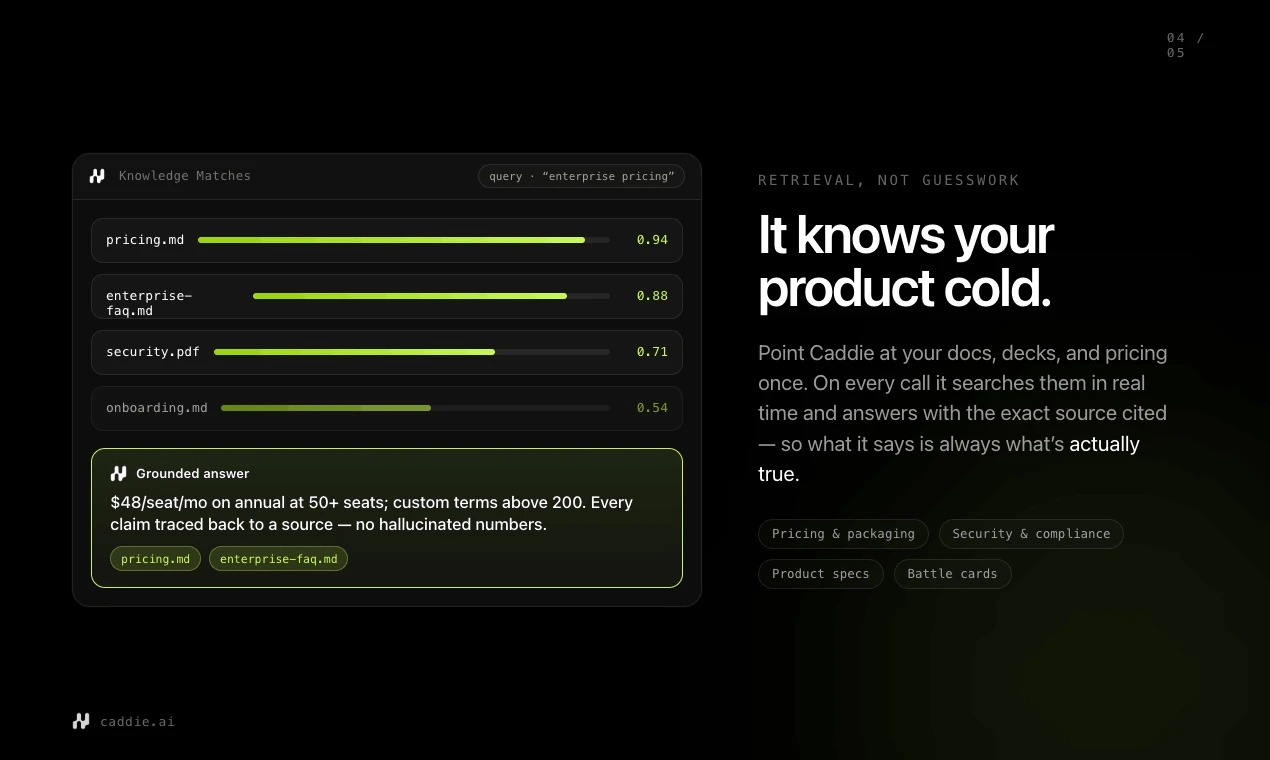
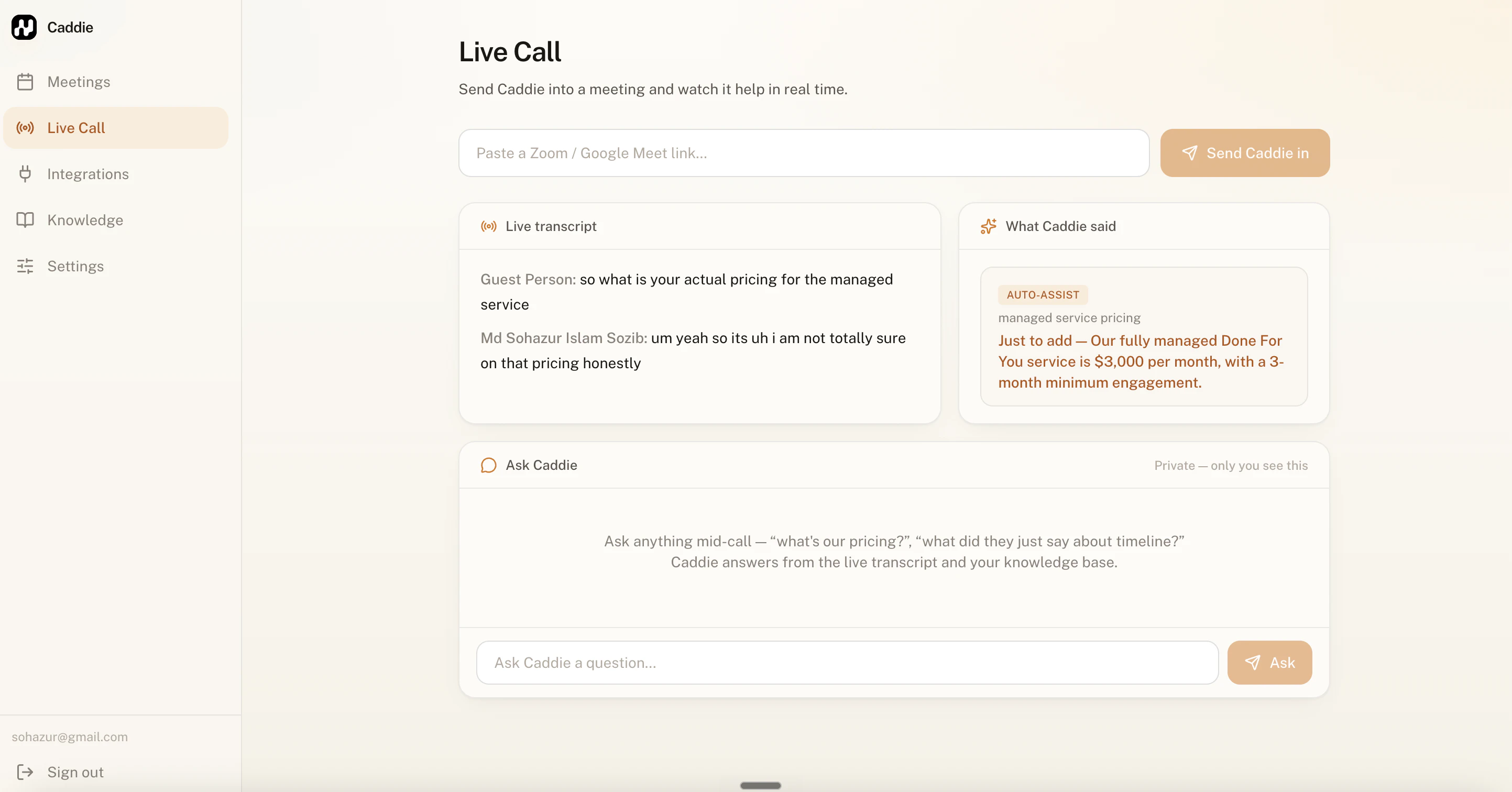
 Answers live, from your knowledge

  Product questions, pricing, objections, competitor comparisons — answered in

  real time, grounded in your docs, emails, and past calls. Not generic AI

  guesses. Your actual source of truth.

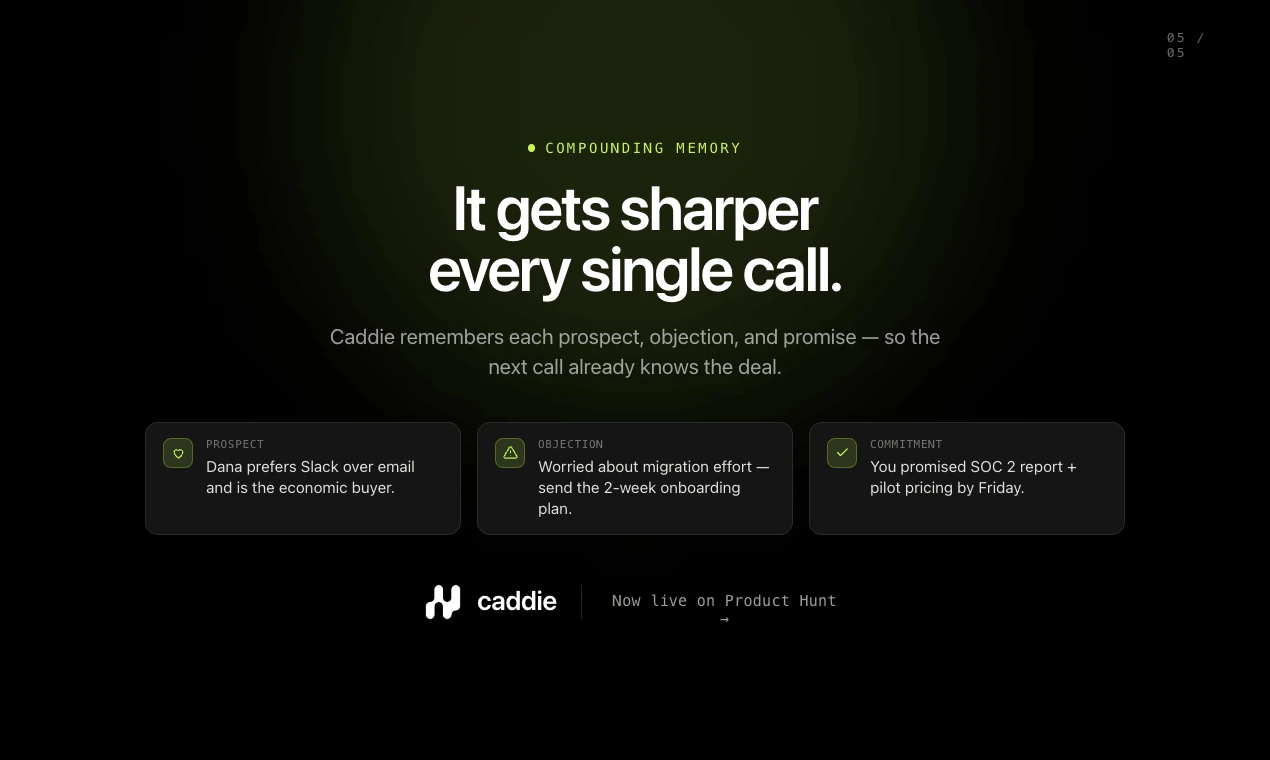
 Remembers what you tell it (NEW 🚀)

  This is the big unlock. Correct Caddie once — "actually, our Enterprise plan

  includes that" — and it sticks. Every call makes it sharper. It learns your

  product the way a great teammate would.

 Chat with any past call

  Ask questions about any previous conversation, "what did they say about

  budget?", and get an instant answer from the transcript. Your call history

  becomes searchable memory.

  My goal is simple:

  Make sure no founder or rep ever loses a deal to "let me get back to you"

  again, no scrambling, no after-call regret, no fumbling the one question that

  mattered.

  If you've ever hung up a call thinking:

  "Damn, I should've had that answer ready."

  That's exactly what Caddie is built to solve.

  👉 Try it here: https://app.heycaddie.live

  I'd genuinely love your feedback. Caddie is evolving fast, and early

  validation from the PH community shapes what we build next.

  If it resonates, an upvote goes a long way ❤️ 

  Thanks for checking it out!

1
回复