Product Hunt 每日热榜 2026-07-03

PH热榜 | 2026-07-03

#1
Glaze by Raycast
Create your own Mac apps by chatting with AI
494
一句话介绍:Glaze 让你通过自然语言对话,无需编程基础就能快速生成可离线运行、常驻 Mac 程序坞的个人专属原生桌面应用,解决“万能软件不称心”的痛点。
Mac Productivity Artificial Intelligence
AI生成Mac应用 自然语言开发 个人化软件 桌面应用构建器 零代码开发 Raycast macOS工具 AI辅助编程 应用原型设计 独立应用发布
用户评论摘要:用户普遍惊叹于“聊天即开发”的易用性,非开发者也能快速做出日记、血糖监测等个人应用。核心问题集中在:对生成应用的数据持久化、API调用能力存疑;希望支持导出为Xcode项目;对积分制付费模板表示担忧,期待接入自有AI订阅。
AI 锐评

Glaze 本质上是 Raycast 团队对“软件民主化”的一次激进实践——它试图用自然语言彻底抹平“想法”与“成品”之间的鸿沟。从评论看,其核心吸引力在于:让非程序员第一次获得“为自己造工具”的即时满足感,且“离线运行、即点即用”的独立应用形态对比网页端 AI 工具体验提升明显。然而,产品目前呈现出明显的“演示大于深度”倾向:评论区对“能否导出 Xcode 项目”、“如何对接外部 API”等本质问题的模糊回应,暗示其底层更接近高度封装的模板引擎而非真正代码生成器。这带来的隐患是,一旦用户需求超出预设框架(如同步、复杂后端交互),产品价值会陡降。此外,纯积分制的商业模式($20/200点)在面对 GitHub Copilot 或 Cursor 的全栈能力时显得单薄,除非 Glaze 能证明其生成的应用在“原生体验”上具有显著且不可替代的优势。值得肯定的是,“现实世界使用场景”(如血糖监测、SVG规划)证明了 AI 生成工具向“个人效率管家”进化的潜力。Raycast 团队应该尽快回答:当用户想迭代出“真正的复杂应用”时,Glaze 是天花板还是垫脚石?

查看原始信息
Glaze by Raycast
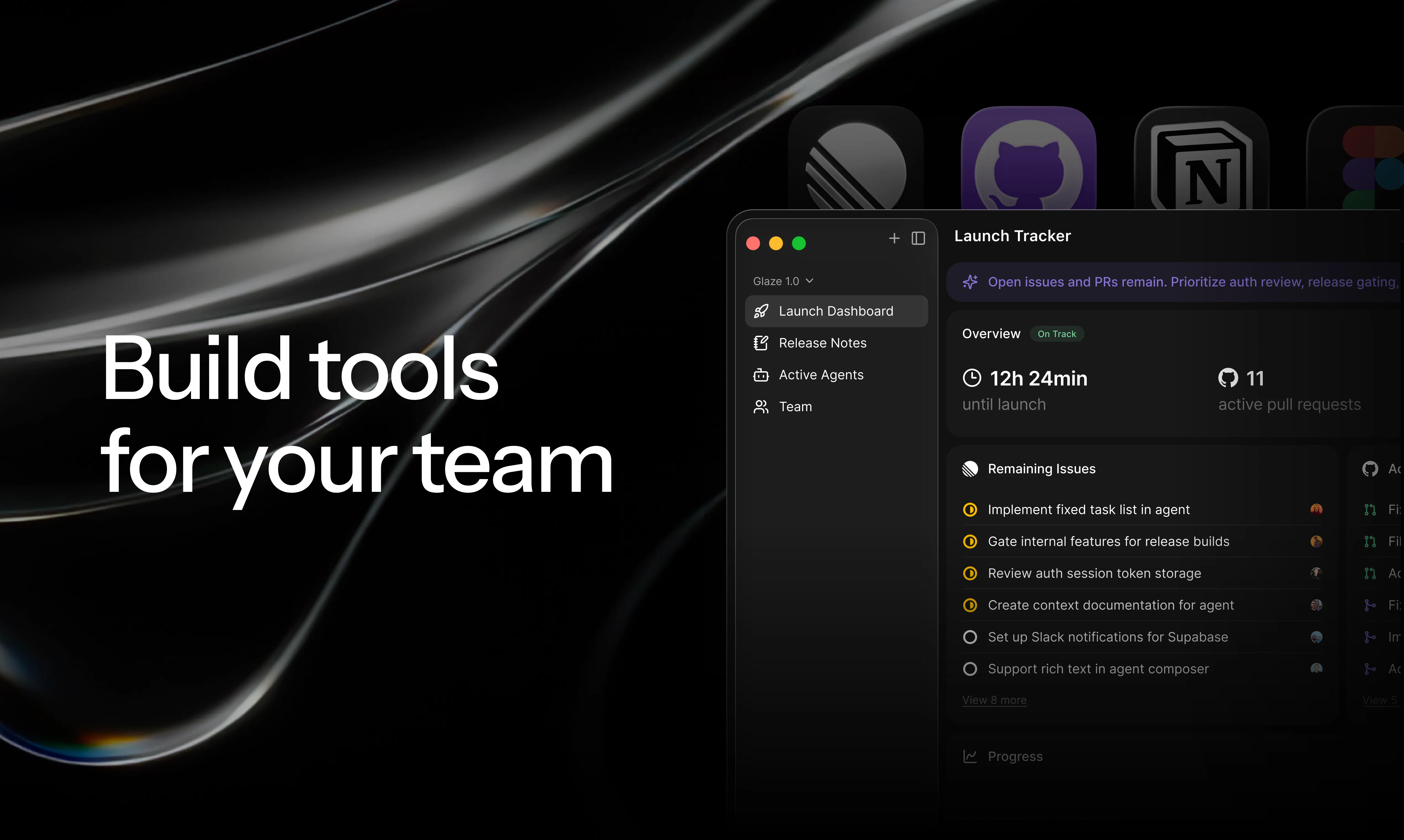
Glaze is the easiest way to go from an idea to a Mac app. Describe what you want, and it builds a real app that lives in your dock, launches instantly, works offline, and taps into the full power of your computer. Software that's finally personal, shaped around you. From the makers of Raycast.

Hey Product Hunt 👋

I'm Thomas, co-founder and CEO of Raycast. Today we're opening Glaze to everyone, and I think it's a small step toward software finally getting personal. We couldn't be more excited to share it with the Product Hunt community.

Here's the thing that got us here. Tools are how we make progress, and today so many of our tools are apps. But most software is a compromise. To reach millions of people, you build for the average, and the average doesn't really exist. We're all individuals, so the "one app for everyone" always leaves something on the table.

Glaze flips that. You describe what you want, and it builds a Mac app shaped around you. It lives in your dock, launches instantly, works offline, and taps into the full power of your machine. When something isn't right, just talk to it and change it. It's so much fun iterating on it to get exactly what you're looking for.

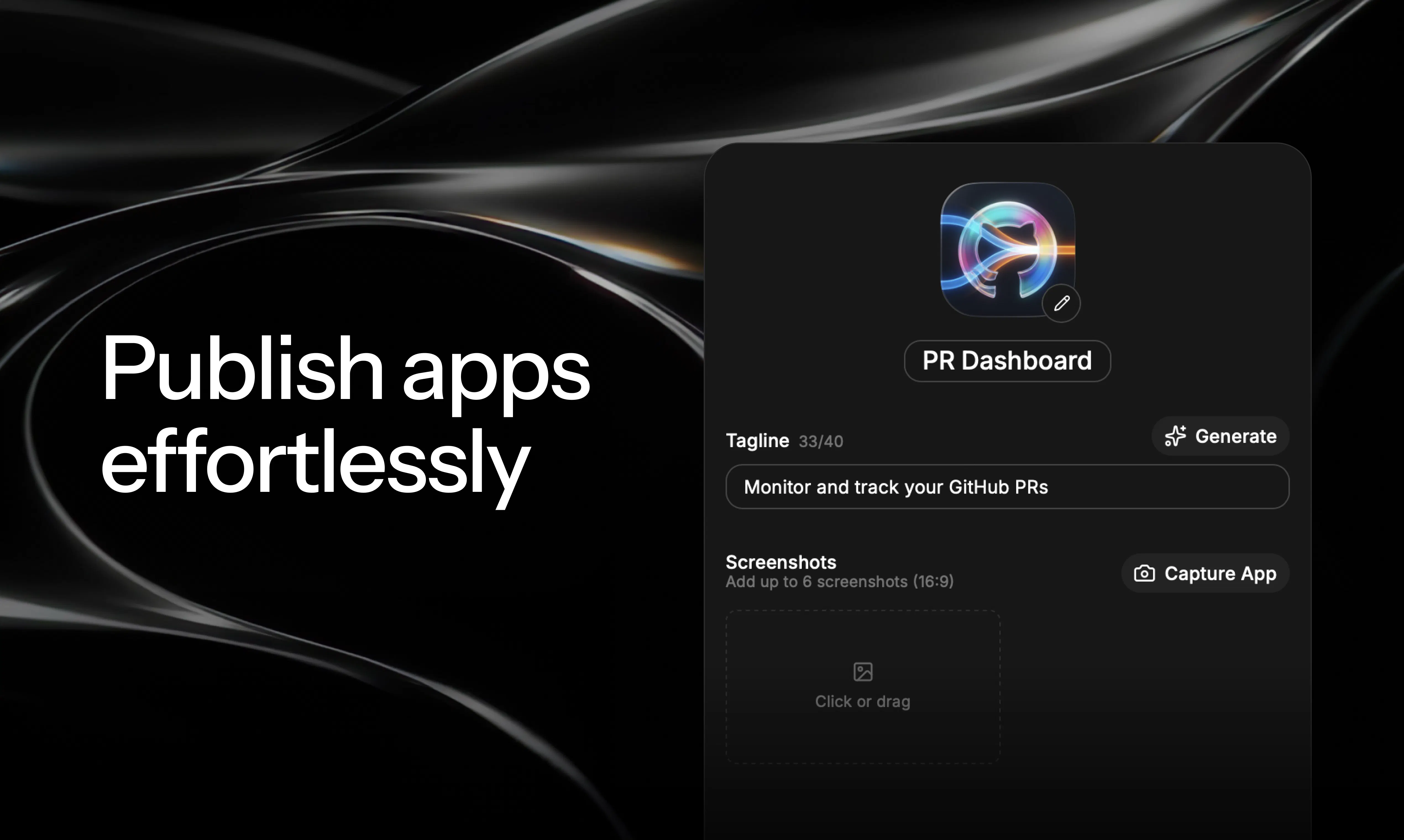
And it doesn't stop at building. You can publish your app to the public store for anyone to use, or share it privately with your team, so internal tools stay internal and good ideas spread. We run our support and sales processes fully on Glaze apps at Raycast. Additionally, we've seen teams like Cursor, Linear, or Vercel building custom apps to optimize how they get work done.

A few of my favorite apps:

  • World Cup: Simply stay on top of all matches, with live stats, a beautiful knockout stage view and more.

  • Yolo: A terminal that is optimized for using agents with vertical tabs, AI suggestions and a ton of keyboard shortcuts.

  • CS Glaze Synth: A full synthesizer 🤯 The app was used to create the sounds for our launch video.

Glaze is free to start, and there's a paid plan when you want to go further. Mac first, with more platforms to come.

Honestly, the part that blows me away is the creativity. People keep building things we'd never have thought of, and that's exactly what we hoped for.

One thing I'd genuinely love your take on: what's the one app you've always wished existed but never had the time or setup to build? Sign up, try to build it and share your link below.

Thanks for taking a look. We're early, and we'll learn most of this in the open with you 💠

21
回复

@thomaspaulmann Congrats on opening Glaze to everyone! The "describe what you want, it builds a Mac app" concept is brilliant. Love that Cursor, Linear, and Vercel are already building custom apps on it. The CS Glaze Synth being used for your launch video audio is the kind of creative use case that proves the platform works. Excited to see what the community builds.

0
回复

@thomaspaulmann Congrats! If you could wake up tomorrow with one tiny, personal Mac app that solved a daily friction for you, what would it do and why?

0
回复

@thomaspaulmann congrats on the launch 🚀

The idea of software adapting to the individual instead of forcing everyone into the same workflow really resonates. It feels like AI is finally making truly personal software possible.

I'm curious, after watching people build with Glaze, what's the most unexpected app that made you stop and think, "We never imagined someone would build this"?

1
回复

Hey everyone 👋

I’m Alex, Product Designer at Raycast and part of the team behind Glaze. We’re incredibly excited to finally share Glaze with the world. It’s been a wild journey turning an idea into a product that lets anyone build fully functional, beautiful desktop apps.

A few of my favorite things about it:

  • Describing an idea and watching it appear in my macOS dock, ready to use anytime

  • Using Annotation to make changes directly inside my app and watching them happen in real time

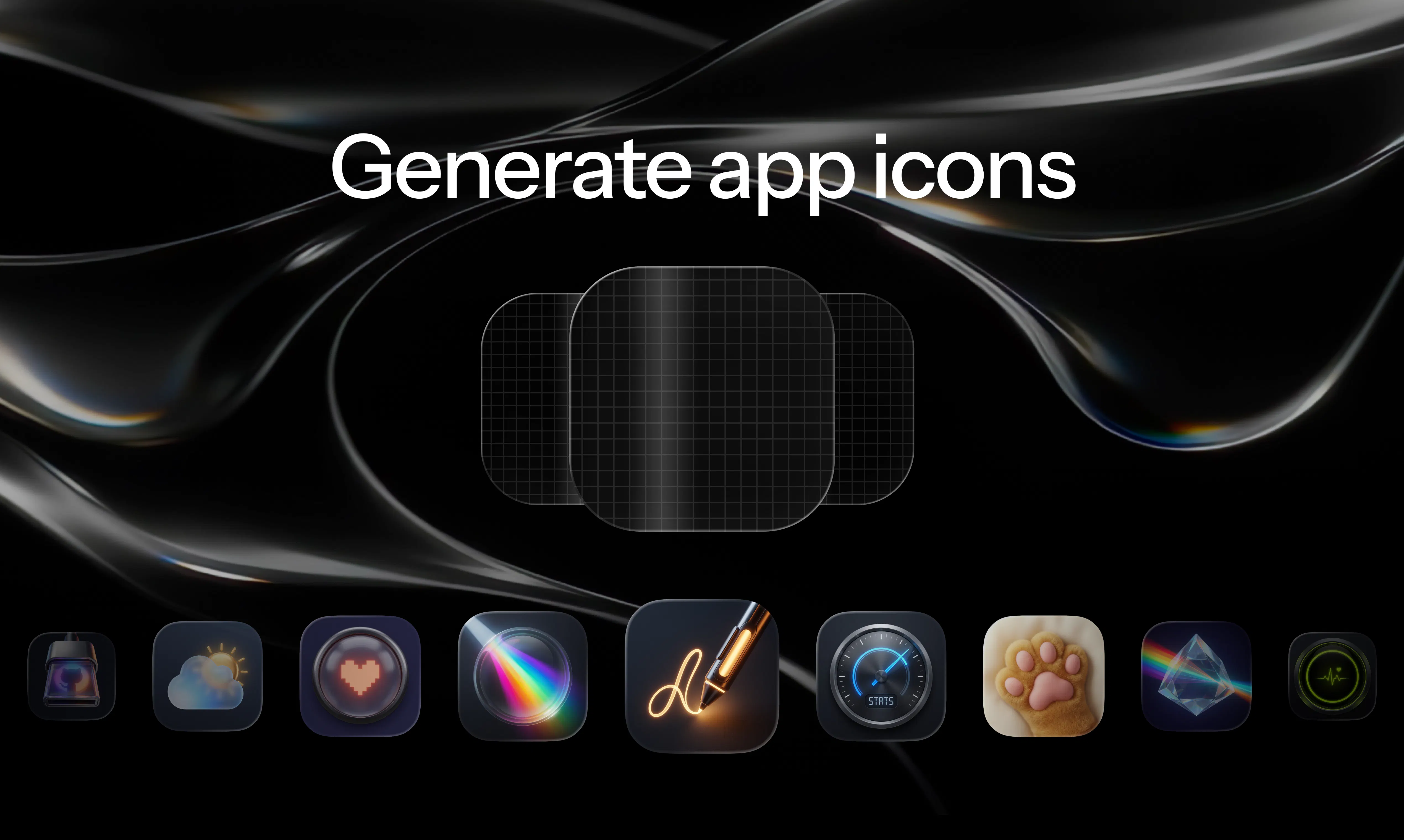
  • Generating app icons and exploring different concepts until one just feels right

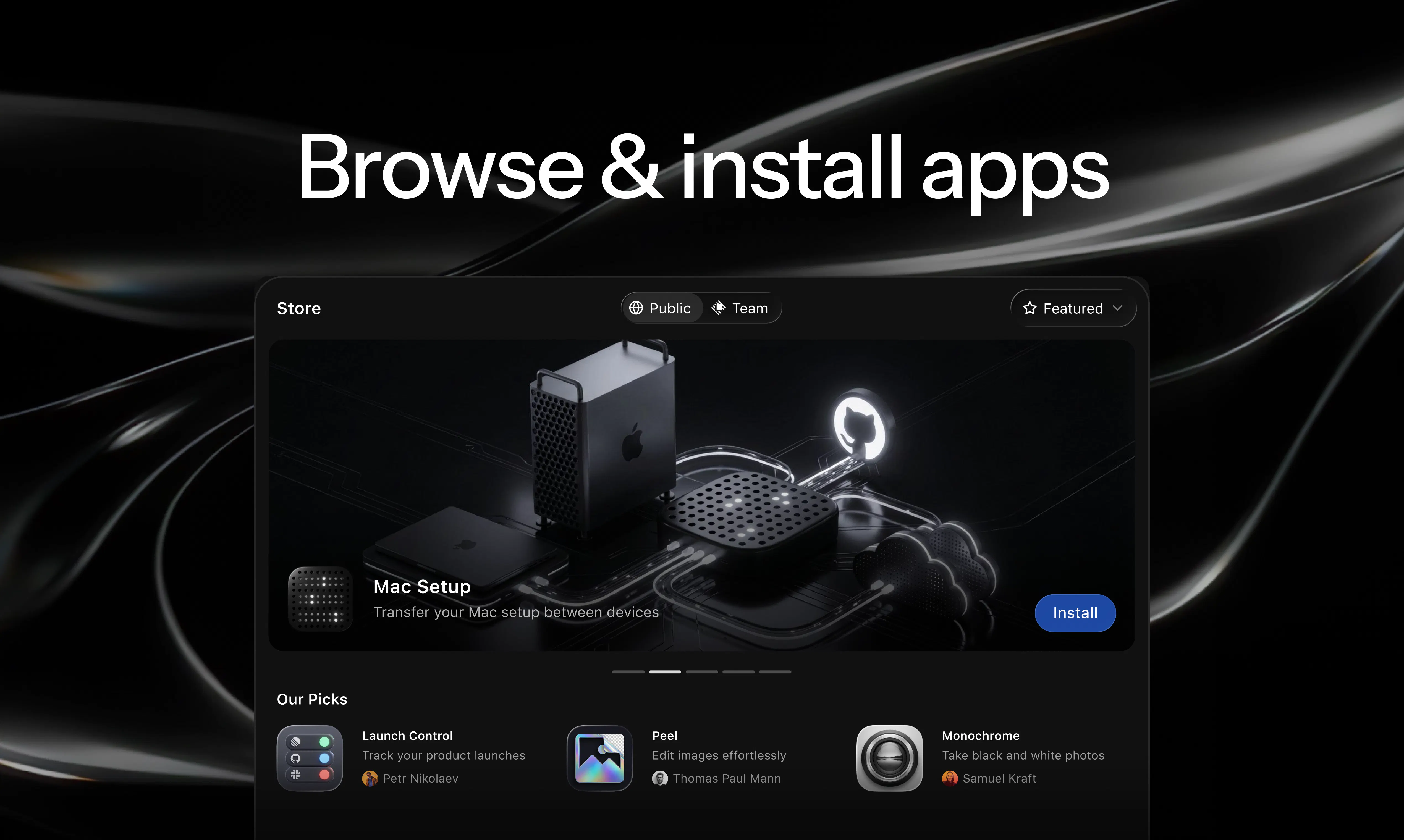
  • Browsing the Store and discovering apps built by my team and the wider Glaze community

A few apps I built myself:

  1. Hotkey Explorer: helps me explore and organize hotkey systems for Raycast

  2. Winamp: brings my favorite music player from the 2000s (and all its wild skins) to macOS

  3. Glassmaker: helped me design the Glaze app icon by exploring glass shapes and materials

We can’t wait to see what you build! Share your apps and let us know what you think. We’re just getting started, and your feedback will help us shape what comes next for Glaze. 💠

10
回复

@alexantonov the annotation tool is so good. Using it a ton of times to iterate on smaller bits to make it just right.

4
回复

Hey, one of the makers of Glaze here 👋 Being able to build truly personal apps in just a few prompts is SO powerful, especially when you don't have to think about boilerplate setup and how to distribute the app with others.

Here's a few personal ones built for myself:

  • Spotify Classic: A dead simply Spotify client inspired by the original macOS app, no fluff - just playlists and search.

  • Avalanche Map: Visually plan ski touring adventures with 3d maps showing the latest official Swedish avalanche report.

  • Shader: I'm a huge sucker for evening sun, this makes it easy to visualize shadows from mountains, buildings and trees at any location, date, and time.

  • Ray.fm: Create your own radio stations, and vibe to the retro cassette-style UI.

  • Funky Mirror: Play with fun webcam effects on your laptop.

Really excited to see what everyone is shipping on the Glaze store!

8
回复

@samuel_kraft ray.fm goes hard every day!!!

3
回复

Amazing tool!

6
回复

@webjac Thanks, it's sooo much fun building apps!

2
回复

I'm not a developer, but I made an app for myself in very short time — a diary writing app. Now I finally have what I've always wanted. It really blew me away how easy it was to make.. Glaze isn't just for developers; it's also for regular users like me. I already have several more apps in mind.

5
回复

@anders_lorentsen this makes me soooo happy and is exactly what Glaze is about. Don't need to be a developer, everybody can chat!

1
回复

@anders_lorentsen this is it. Couldn’t say it any better.

0
回复

Congrats on the launch! 🎉

I jumped in early and already built two apps to test it out. Going from “I wish this existed” to something sitting in my dock in a few minutes still feels a bit magical.

To answer Thomas’ question: the annotation flow is what sold me — being able to just talk to the app and watch it change in real time made iterating genuinely fun rather than a chore.

Excited to see where this goes. 💠

5
回复

Hello fam!

I built a Glaze app to help me archive all of my analog scans. It's such a personal app that I never would've found one that worked the way I wanted it. I feel happy every time I use it 😁 I even made a video on my YouTube channel about, check it out to see it in action.

I'm also currently building an app to help me manage everything that's in mymind!

3
回复

The interesting constraint here is that "create a Mac app by chatting" covers a huge range of outcomes, from a quick menu bar utility that does one thing to something with persistent state and real UI. Curious where Glaze actually sits on that spectrum. Specifically, what happens when the generated app needs to store data between sessions or talk to an external API, does it scaffold something real that you can open in Xcode and extend, or is the output more like a self-contained script that lives and dies inside Raycast?

3
回复

@fberrez1 It's a standalone app. We do some nifty things to make all this work.

2
回复

Glaze is super fun — kind of the dream of site-specific browsers brought to the generative AI era!

I've built several personal apps so far and published Tesla Energy to help me track my solar production!

2
回复

@chrismessina time to get some solar panels!!! Jokes aside, this is amazing, love it.

0
回复

Hey everyone 👋 I'm Pavlo, AI engineer on Glaze.

I build the AI agent behind Glaze, from writing its prompts and refining the harness around it to wiring everything together so it can plan, write code, and validate its own work.

My favorite part is seeing all the effort and engineering behind creating an app disappear into an experience that feels like magic. You describe the app you have in mind, and Glaze helps bring it to life.

On a personal note, beyond being a blast and an awesome challenge to work on, Glaze has also had a real impact on my day-to-day life. I used it to build something I genuinely needed, a dashboard for monitoring my glucose levels tailored to my needs. I never felt like the existing options gave me exactly what I wanted, so I built one for myself with Glaze.

Can’t wait to see what you build. Share your apps, send us your feedback, and help shape what comes next for Glaze 💠

2
回复

I've seen early previews of Glaze and it has been really impressive. Just like everything else from the Raycast team, the level of polish and attention to detail has been amazing. Looking forward to building my own mini-apps without having to do any of the heavy lifting that is usually required for this!

2
回复

@daniel_a_a thanks a lot!

0
回复

Love Glaze! Built so many apps for my personal workflows and some fun ones too. Latest is a tron inspired snake game.

2
回复

@aaron_quinn1 i need to get better at that game.

0
回复

I've tried Glaze earlier this week. Would've been great if we could export apps as xcode projects. Other than that, it works really well. Love it!

2
回复

@mehmetkose great to hear. There’s more to it than just an Xcode project.

0
回复

I like the idea of Glaze, but are there any plans to let us use our own AI subscriptions instead of Glaze’s credit system? That’s my biggest concern with AI tools at the moment, as nobody likes paying API pricing, but I would happily pay for “Pro Features” on Glaze.

1
回复

@thallesp1 We might add something like this but also there is a lot of custom things going on.

0
回复

👀👀👀

the free allowance is 120 credits, how much is it actually?

what is the biggest desktop app you can build from scratch on the free trial?

same question for the paid plan, because the cheapest paid plan is $20 which is same as Codex or Claude Code entry subscription price, and this is what Glaze 200 credits compete with

congrats with the launch, it's gonna solve so many quick problems!

1
回复

@petersamokhin Try it out, you would be surprised. The one shots I've seen are impressive. They look stunning and go far! It's free, so why hesitate? 😜

0
回复

Tried it yesterday and already love it. Made a little synth in one prompt, then refined it with three more — now I’ve got this cute vintage synth.

Works really well, and the publish flow is super smooth.

Congrats to the awesome Raycast team 🎉


1
回复

@bdauton music apps are great and under high demand.

0
回复

Hey PH 👋 I’m Alexandr, one of the engineers on Glaze.

One of the most fun parts of building Glaze has been dogfooding it. I spend a lot of my day juggling git worktrees, dev servers, and multiple AI coding agents, but no app felt quite right for my workflow. So I built my own terminal app with Glaze: Yolo.

This is why I’m so excited about Glaze: it makes software feel personal. Not “one app for everyone,” but apps shaped around the exact workflows, habits, and preferences of the people using them.

Can’t wait to see what you build with Glaze — please share your apps with us 🙏

1
回复

@asubbotin Yolo blew my mind in a team meeting, so damn good!

0
回复

The idea of building Mac apps through chat sounds really approachable, especially for the vibe coding / AI workflow automation crowd. How much control does Glaze give over the final app behavior after the initial chat — can users keep refining the app in conversation, or is it more of a one-time generation flow?

1
回复

@crystalmei It's super easy, try it out. You can build your first app for free.

0
回复

The idea of creating Mac apps through chat sounds useful, especially for people who have a workflow in mind but don’t want to start from a blank coding setup. How much control does Glaze give over the final app behavior once the AI generates something? For example, can users keep refining the app through chat, or is there also a more developer-style way to inspect and adjust what was created?

1
回复

@mia_qiao yes you can go as deep as you want.

0
回复

"to reach millions you build for the average, and the average doesn't really exist" is going to live in my head, I run a niche workspace product and this is the exact argument for why vertical software beats horizontal, just taken one step further down to the individual

1
回复

@yarslav glad I was able to inspire. Go vertical software!

0
回复

how does it handle updates when you tweak the app later, do you just re-describe the change and it patches the existing build or does it start from scratch each time?

1
回复

@hsanypvk You just continue where you left off by chatting and annotating with the app you're building

0
回复

@hsanypvk yes just send another message and it edits it. We also have an annotation tool that allows you to select something in the app like a button and describe how to change only that part.

0
回复

Been messing around with Glaze for a few days. The idea of describing an app and having it show up in my dock is pretty wild. Built a couple of tiny utilities for myself without writing a line of code. It handles connecting to Notion and GitHub surprisingly well. Still early, and complex apps might be a stretch, but for quick personal tools, it's genuinely fun and useful. Feels like the future of making software personal.

0
回复

Cool product! I tried to make a music player with the trial credits

0
回复

Congrats on the launch! 🚀 What’s the most unexpected personal app someone has built with Glaze so far?

0
回复

@doganakbulut One of the first apps was a working synthesizer. We used it in our announcement video. That was pretty rad!

0
回复

Creating apps I can use instantly from just a few sentences is genuinely fun and kind of unbelievable. I've already built two apps I actually needed. Congrats on the launch!

0
回复

@ondergenc this is amazing! Enjoy your apps. What did you build?

0
回复

the site-specific-browser-meets-generative-AI framing is a great way to put it. curious where the generated apps actually run — fully local on the Mac, or phoning home? that boundary is the whole ballgame for anything touching personal data.

0
回复

@sabber_ahamed Fully local on your Mac! So you can turn off wifi and they still work.

0
回复

How does app signing and all work?

0
回复

@divyansh_lohia All on your Mac. Benefit of having built the most popular on the Mac, we know the one or other thing 😜

0
回复

Already a user and lover of Raycast for years, Glaze is such a nice tool! Already built a personal finance tracker and many ideas to come 🤗

0
回复

@edgar_renoud1 Perfect and both go nicely hand in hand. We have tons of ideas to make it connect even better.

0
回复

love that raycast is going after this, the "lives in your dock and works offline" part is the actual hard problem most AI app builders skip since they're all web output. does the generated app get real native access (menu bar, keyboard shortcuts, notifications) or is it more of a sandboxed webview wrapper under the hood?

0
回复

@omri_ben_shoham1 Bunch of stuff we wire up in a smart way.

0
回复

I installed this app and created a menu bar app that displays the current weather conditions from my weather station in less than 15 minutes. It's great for those cases where you just want a simple local app on your machine and don;t want to fuss with more complicated tools.

0
回复

@manuel_castaneda1 that's it! No fuss, just what you need.

0
回复
#2
Goals from Loops
Measure whether a campaign drove the desired outcome
294
一句话介绍:Goals from Loops让SaaS团队在邮件营销中直接追踪从“打开/点击”到“实际转化(如付费、激活、预约演示)”的全链路归因,解决“邮件发出后到底有没有用”的终极追问。
Email Email Marketing Marketing
SaaS邮件营销 转化归因 生命周期邮件 营销效果衡量 归因窗口 用户级追踪 活动分析 基于行为的邮件工具
用户评论摘要:用户肯定其解决了“只看打开/点击无法判断效果”的核心痛点,对按目标设置归因窗口、收入级分析表示赞赏。主要问题集中在:是否支持账户级与多用户归因(目前仅用户级,公司级在路线图)、是否支持外部系统(如Stripe)和冷启动转化追踪、是否支持对照/控制组以验证因果效应。
AI 锐评

Goals from Loops精准刺中了SaaS邮件营销多年来的“皇帝新衣”——打开率和点击率是舒适的谎言,真正决定业务生死的是“发完邮件后,谁付款了?谁激活了?谁复购了?”这一核心追问。该工具本质上将邮件从“品牌沟通渠道”升级为“可量化增长引擎”,通过将产品内行为事件(如付费、预约演示)作为转化目标,配合灵活的归因窗口,实现了从“曝光-点击-转化”的全链路闭环。

然而,其价值目前仍存在明显边界。第一,归因逻辑局限于用户个人层面,对于B2B SaaS典型的“一人点击、多人协作、另一人付费”的账户级转化场景,现有方案无法准确归因,而官方仅将其列为路线图,意味着早期用户需要承担这个盲区。第二,产品强调“SaaS生命周期邮件”,但目前只能追踪Loops内部的转化状态,对于通过Stripe付款、Airtable记录或其他外部CRM管理的“转化”,缺乏直接的Webhook或API闭环机制,这让“冷启动”或“依赖外部系统定义转化”的团队无从下手。第三,尽管标签页干净、分析加载快,但缺失了对照/控制组功能,意味着无法科学验证邮件是否真的“导致”了转化,而非用户自然行为。

Loops的“agent支持”和“基于界面的数据喂给AI”是一个有趣的延伸,但当前版本更应被视为一个“面向效果的邮件归因基础包”,而不是全能的增长分析方案。对于团队而言,它的最大价值在于用极低的迁移成本,迫使市场部从“看数据”转向“看效果”,但要真正解决“归因是门玄学”的难题,还需要在账户级归因和外部信号对接上持续加码。

查看原始信息
Goals from Loops
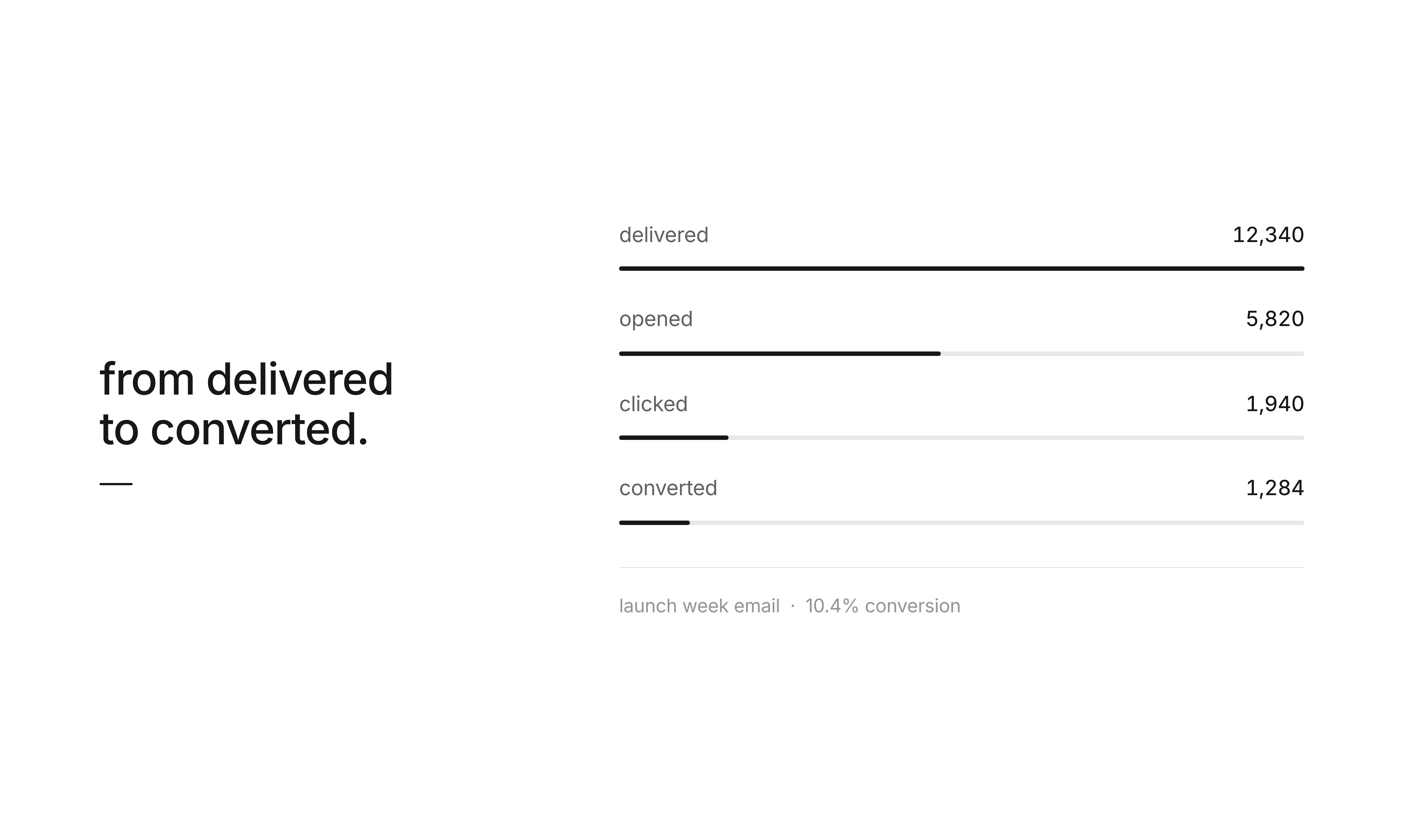
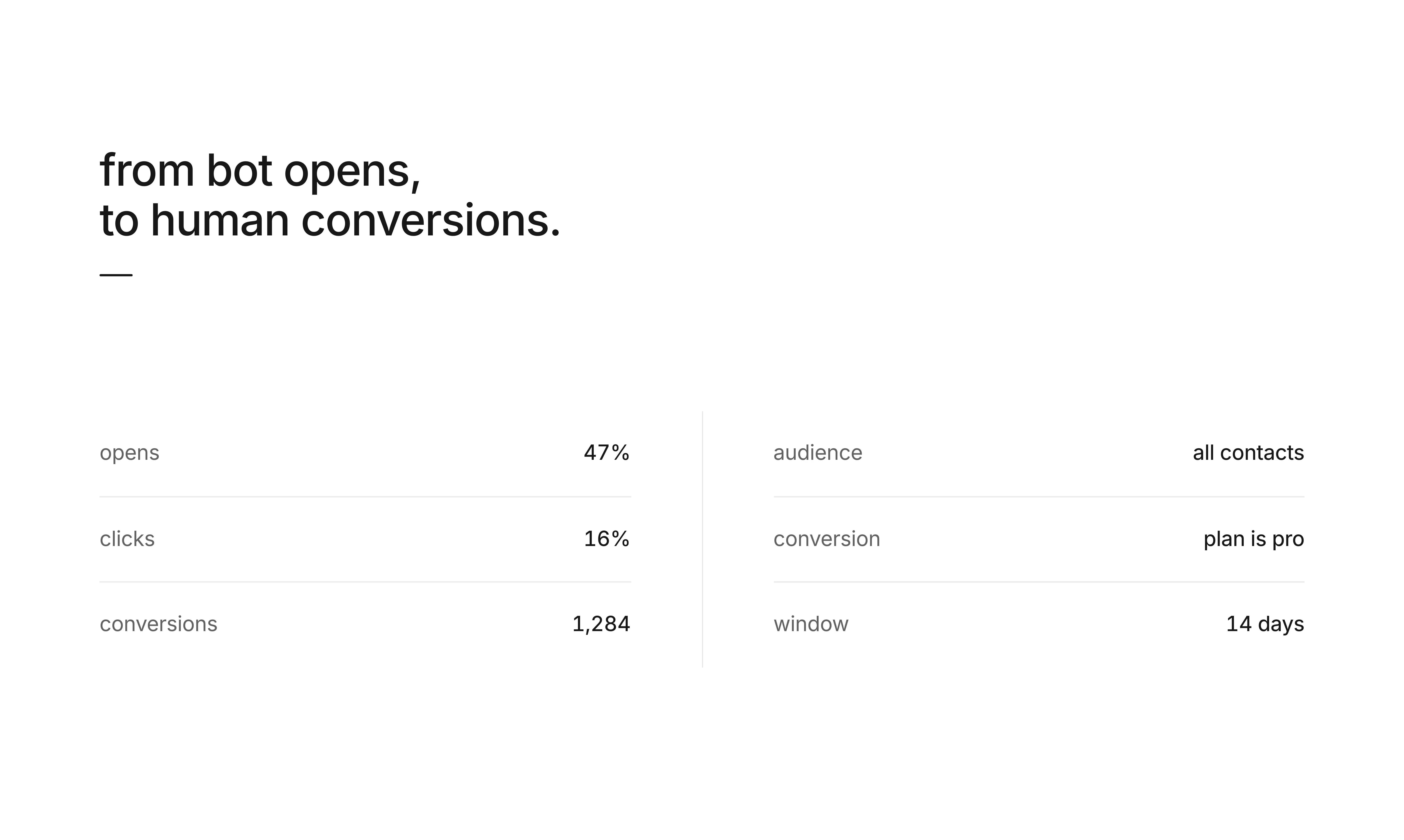
Goals from Loops lets SaaS teams measure whether a campaign actually drove the outcome they care about. Pick a conversion target, choose who should be measured, set an attribution window, and see conversions, enrollments, and impressions right inside Loops.
Hey Product Hunt - Chris from Loops here. We built Goals because opens and clicks are useful, but they do not tell you whether a campaign worked. With Goals, you can give any Loops campaign a conversion target: free to paid, onboarded, booked demo, reactivated, purchased, or any contact state that matters to your team. Pick who should be measured, define the conversion state, set the attribution window, then send. Loops tracks impressions, enrollments, and conversions automatically so marketing and lifecycle teams can answer the obvious question after every send: did it work? Would love feedback from teams running SaaS lifecycle email, especially on the outcomes you wish your email tool tracked by default.
4
回复

@frantzlight Can we also assign multiple agents to track this or only a single user monitoring a campaign? I am excited to try this on my upcoming campaigns for marketing outreach. Uprows Hub help founders extend their visibility during launch https://uprowshub.com/pricing . Hope this helps

0
回复

@frantzlight Goals is the missing piece in email marketing. Every team asks "did this campaign actually convert?" after hitting send, and most tools just show opens/clicks. Tying campaigns directly to conversion states like free-to-paid or booked-demo is exactly what lifecycle teams need. The attribution window control is a smart touch — most tools either over-attribute or miss conversions entirely. Great launch.

0
回复

@frantzlight you timed this for the world cup, didn't you? Congrats on the launch, anyway!

2
回复

Huge congrats for Shipping 👏 @frantzlight qq. are these conversion metrics available via the Loops API or they currently viewable only inside the web dashboard?

2
回复

👀 Interesting. Planning to give this a try with my Hermes agent later today!

1
回复

This is awesome. Love that once the data's available you can feed it to your agent (ideally through Basedash 😄) and figure out the best way to optimize.

1
回复

The analytics breakdown by loop is really handy for spotting which campaigns actually drive revenue. Clean interface too, no clutter.

1
回复

@rzakalpcaj9w hey thanks!

0
回复

Finally tried Loops yesterday and the drag-and-drop email builder is genuinely faster than the clunky tools I've used before. Liked that analytics actually load without a delay.

1
回复

@erdileylak we're zippy! full agent support as well now loops.so/agents btw

0
回复

Congratulations! Measuring whether a campaign actually drove the outcome is the part most email tools quietly skip, so it's good to see it built in. One question: for a longer activation window, can the attribution timeframe be set per goal, or is it a single global setting? Wishing the team a strong launch :)

1
回复

@alieksia Per goal!

1
回复

Since Loops is built specifically for modern SaaS, I'm curious how Goals handles account-level vs. user-level tracking. If one user on a team clicks the email, but a different user on that same workspace completes the upgrade event, can the attribution logic tie that back to the original campaign?

1
回复

@andika_fadhilah Hey good question, company-level tracking is on the roadmap, there are some infra-level changes we needed to make to support this at the level we want to execute on :)

1
回复

Congrats on the launch! How does the attribution logic handle user-level vs. account-level conversions if a different teammate completes the upgrade?

0
回复

The "opens and clicks are useful but they do not tell you whether a campaign worked" line is the frustration that killed my last three attempts at treating email as a serious channel. Every dashboard was clean and every meeting was hollow, because open rates went up but nothing downstream moved.

I run cold outreach rather than lifecycle email, but the same problem applies at a different layer. Reply rate is my proxy for outcome, but "reply" and "reply that led to a customer" are different metrics, and I have no good way to close that loop without stitching CRM data manually. Would be curious whether Goals is scoped only to product-usage conversion states inside Loops, or if there's a path to attribute against external systems (Stripe, Airtable, custom webhooks) for teams whose "conversion" doesn't live inside their SaaS.

Also the attribution window as a first-class input is smart. Most tools treat it as "check 30 days" without letting you match it to your actual sales cycle. Marketing-attribution problems mostly come from mismatched windows, not missing data.

0
回复

I really like the slideshow-style website.

0
回复
Congrats on the launch, Chris! I love the shift from engagement metrics to actual business outcomes. How do you recommend teams get started if they're unsure which conversion events they should track first?
0
回复

@frantzlight Chris, opens and clicks have always felt like comfort numbers to me, so getting a straight answer on whether a campaign actually moved people is genuinely refreshing to see.

0
回复

Quick question do you support a holdout or control group, so you can tell the email actually caused the conversion vs. it would've happened anyway?

0
回复

How does Loops handle the deliverability side of things compared to something like Postmark, especially for transactional sends that need to land fast?

0
回复

How does Loops handle deliverability for transactional emails compared to something like Postmark, and is there a usage tier that makes sense for someone just starting out with maybe a few thousand sends a month?

0
回复

This is a healthy move away from vanity email metrics. For small SaaS teams the useful question is not whether an email got opened, it is whether it helped the next operational state happen: activated, paid, rescued, renewed. The tricky part is showing enough attribution confidence that a founder can act without pretending the campaign was the only cause.

0
回复

How does Loops handle deliverability compared to something like Sendgrid or Postmark, especially for transactional emails that need to land in the inbox fast?

0
回复

opens and clicks are useful but they don't tell you whether a campaign worked is the most honest thing an email platform has ever said about its own metrics. being able to attach a real conversion goal to a campaign and see if it actually drove the outcome is what every email marketer has been doing manually in spreadsheets. having it built into the send flow instead of being an afterthought changes how you think about every email you send

0
回复

How does Loops handle the difference between marketing and transactional emails under the hood, is it a single API with flags or two separate workflows?

0
回复
Long term Loops user. Really want to give this a go. Seems like a very smart product move
0
回复

How does Loops handle deliverability compared to something like SendGrid, and is there a free tier for smaller projects?

0
回复

How does pricing compare to the big names like Mailchimp or Postmark once you start scaling up to higher volumes?

0
回复

@yiitqx9x Can't speak to competitor's current enterprise pricing but we tend to be competitive

0
回复

I like Goals connects campagins to real outcomes instead of only opens and clicks. how do you handle users who convert after using multiple channels? A clear attribution comparison could make the results even more useful.

0
回复

Congrats on the launch! Love the shift beyond opens and clicks. How does it deal with overlapping campaigns where more than one email could have influenced the conversion?

0
回复

@henry_habib Goals can be attached individually to campaigns so you can look at the performance of the goal as a result of the send, but as with any attribution tool there can be confounding factors

0
回复
Hello, Im curious how flexible Goals is. can teams set up their own conversion states easily, or is it more predefined?
0
回复

@thys_beesman should be pretty easy! we take your existing contact properties and you can segment them as new goal conversions

0
回复

So cool! I will try now :D

0
回复

@tberguer cool! lmk how it goes

0
回复
#3
Tamamon
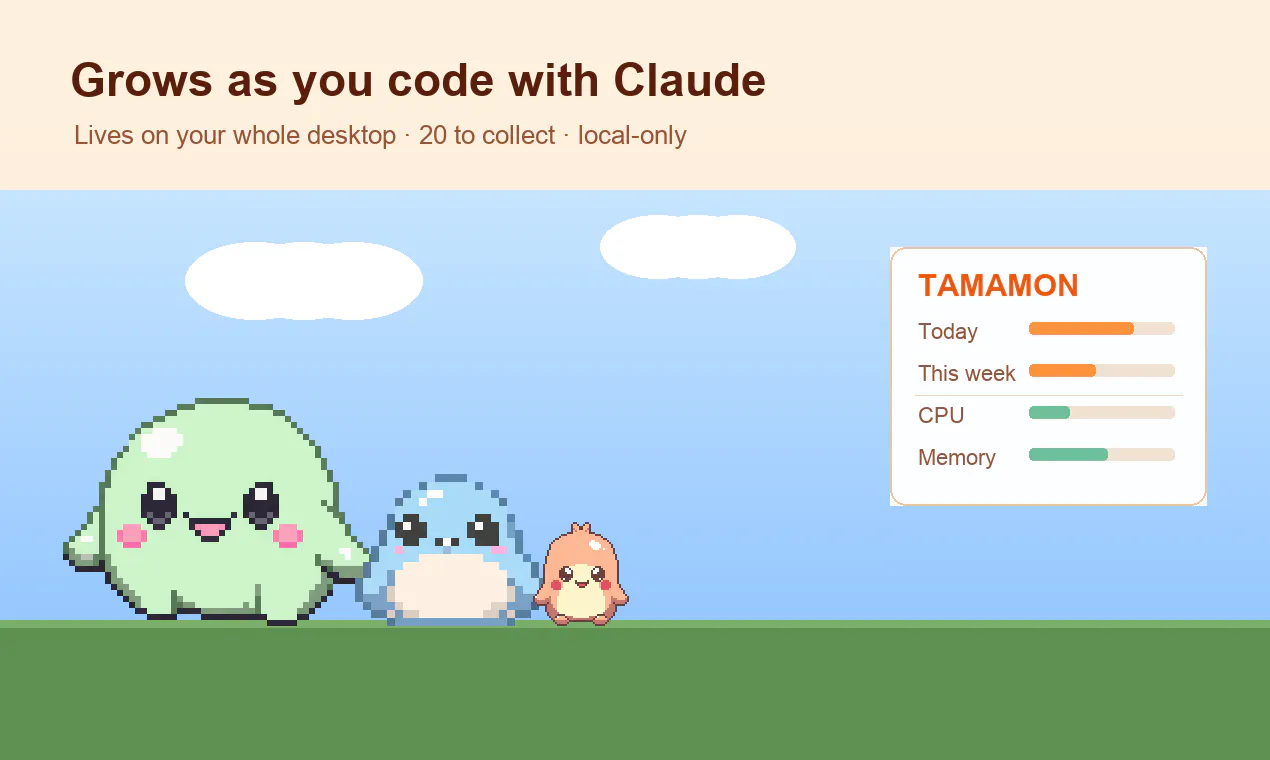
A desktop pet that grows as you code with Claude Code
256
一句话介绍:Tamamon 是一款 macOS 桌面宠物,通过监测用户在 Claude Code 中的本地编码活动(基于 token 消耗)让宠物孵化、成长和进化,将枯燥的编码过程转化为陪伴式的养成游戏,解决开发者“盯着屏幕却缺乏正向反馈”的孤独感。
Mac Productivity Developer Tools
桌面宠物 macOS 编码伴侣 本地隐私 养成游戏 Claude Code 生态 生产力辅助 像素风格 无追踪 开发者工具
用户评论摘要:用户主要关心:宠物是否支持多项目/多会话的全局统一成长;评价活动追踪机制不会成为“生产力愧疚表”;建议支持非 AI 编码或 git commit 追踪;询问数据备份/跨设备迁移(已获回复 v0.4.8 已支持本地导出导入);希望有“最爱宠物”常驻功能;对天气/时间触发行为(如雨天回家)赞誉为“有性格”。
AI 锐评

Tamamon 在 Product Hunt 上获得 256 票和高质量讨论,成功在于它精准地切中了一个被忽视的痛点:AI 辅助开发者看似高效,实则陷入“输出即消失”的虚无感。它没有像传统生产力工具那样搞排行榜、计时器或 To-Do List,而是用“陪伴”和“成长”来重构反馈机制——你敲的每一行 token 都不是冷冰冰的计费单位,而是宠物进化的养料。

其真正的价值不在于“宠物养成”这个外壳本身(市面上更华丽的宠物游戏多如牛毛),而在于它把“本地化、无追踪、无账户”的隐私承诺做成了核心壁垒。在开发者群体对“数据上云”日益警惕的当下,这个选择既诚实又聪明:一个只读取本地 jsonl 日志、不联网、不戳破隐私边界的宠物,才能让人放心地把它挂在菜单栏上。

但必须指出,产品的长期粘性取决于“成长机制”的设计深度。目前宠物进化几乎完全与被动的 token 消耗挂钩,缺乏“里程碑”式的主动触发(如完成特定项目、debug 成功、发布版本)或用户可控的“分支选择”(比如让宠物学会特定技能)。如果只是机械地按 token 数解锁进化形态,一旦新鲜感过去,用户极大概率在收集到一半物种后弃坑。此外,macOS 15+ 和 Apple Silicon 的限制直接砍掉了 Intel Mac 和 Windows 用户,这既是技术洁癖也是市场窄化——开发者群体中仍有无数的非 M 系列设备。

另外,一个不该被忽视的“隐性功能”:宠物会在会话等待输入时挥手提醒。这恰恰是比“成长”更刚需的痛点——多会话管理的混乱,被一个像素小玩意儿以极具情感化的方式解决了。如果未来能把这个“等待提醒”做成可配置、可整合到更多 IDE 或终端工具的核心功能,其产品价值可能远超宠物本身。

一句话总结:Tamamon 用像素和情感,把“摸鱼”变成了“养鱼”,但它要警惕“躺在独特性上睡大觉”——只有让宠物的“性格”和“成长路径”真正丰富起来,它才能从一个小众玩物变成开发者桌面的标配。

查看原始信息
Tamamon
Tamamon is a macOS desktop pet that lives on top of your screen and grows the more you build with Claude Code. What it does: - 20 species to collect through a weekly gacha, each with its own evolved forms and quirks - Feed it, play (ball, bubbles), and decorate its habitat - Reacts to real time and weather — when it rains or night falls, your pet heads home to rest - Nothing leaves your Mac. No account, no sign-in, no tracking, nothing uploaded.
Hi everyone 👋 I'm the solo maker behind Tamamon. I live in Claude Code all day, and I wanted something on my screen that grew alongside the work — a small companion instead of another dashboard. So Tamamon starts as an egg, and the more you build with Claude Code, the more it hatches, grows, and evolves. A few honest notes, because I want to get this right: - It grows from your local Claude Code coding activity on your Mac (token-based). The little HUD shows today + this week of that activity, plus live CPU and Memory. - It does NOT show your Claude subscription session or weekly limit %. People sometimes assume that, so I want to be upfront: it reflects your local coding activity, not your account status. - Everything stays on your Mac. No account, no sign-in, no tracking, nothing uploaded. Beyond the growth loop: there are 20 species to collect via a weekly gacha (each with evolved forms and quirks), you can feed and play with it (ball, bubbles), decorate its habitat, and it reacts to time and weather — when it rains or night falls, it wanders home to rest. It's early beta, free, macOS 15+ Apple Silicon (signed + notarized). Download is on GitHub Releases; there's a Ko-fi if you'd like to help me keep drawing pixels. Website: https://tamamons.com
3
回复

@besslframework I love that this keeps lets me have a pet and it is low maintenance while being on my desk most of the time. During launch it can be difficult to be visible, hope Uprows Hub https://uprowshub.com/buy-product-hunt-reviews can help you get more visibility and the word out

0
回复

@besslframework been running a handful of parallel claude code sessions across different repos most days. curious if tamamon pools that into one global growth counter or can tell projects apart. kind of hoping the answer is one pet for everything, not five pets side-eyeing me from different corners of the screen.

1
回复

@besslframework Congrats. Quick question: what behaviors or coding milestones unlock different species or evolutions, and do you plan any ways for users to influence progression explicitly beyond the passive activity tracking?

0
回复

The "grows from local Claude Code token activity, nothing leaves the Mac" framing is what keeps this charming instead of turning into a productivity guilt-meter. Since there's no account or sync, what happens to a collection I've spent weeks on if I switch Macs or reinstall — is there a local backup/export, or does the gacha roster start over? I'd happily leave it running all day if the evolved species carry across machines.

2
回复

@leo404 Really appreciate this — "productivity guilt-meter" is exactly the trap I was trying to avoid. Quick update: you asked, and it just shipped. As of v0.4.8 there's one-click Export / Import in the tray menu — save your whole collection to a file and load it on another Mac. Fully local, no account, and your current collection is backed up automatically before any import, so nothing is ever lost.

On the same Mac it was already safe (the save lives in ~/.config, separate from the app). Leave it running — I'd love that.

0
回复

The same should be done for people who code without AI, so they will be motivated to work on their own code more organically :)

1
回复

@busmark_w_nika Love that — a version that grows from your own commits or activity regardless of AI is a genuinely nice idea. I'll keep it in mind. Thanks for the thought.

0
回复

launched my own product this week and spent the whole time staring at analytics dashboards, so a pet that just vibes next to the work instead of measuring me is weirdly exactly what I needed lol

the "heads home when it rains" detail is what sold me. that's not a feature, that's a personality

1
回复

@yarslav "That's not a feature, that's a personality" might be my favorite thing anyone's said about it. I had the same staring-at-dashboards fatigue, which is why it measures nothing and just keeps you company. Congrats on your own launch this week.

1
回复

As a solo founder basically living in Claude Code all day, the local-only "nothing leaves your Mac" part is what sells me over another usage dashboard — a little companion growing alongside the grind beats staring at more numbers lol. Does it react differently to one long deep-work session vs a day of scattered short bursts?

0
回复

Love that this one is proudly useless, that's the whole charm :) After a full day in Claude Code the last thing I want is another dashboard judging me, a little creature that just grows quietly alongside the work is a much nicer relationship with the tool. ;)

The detail I like most is the one that sounds like pure flavor: it wanders home to rest when it rains or night falls. Tying growth to token activity could so easily become a "grind more, feed the pet" guilt loop, a companion that also knows when to sleep says the exact opposite. That resting is what keeps it a friend instead of a productivity nag. Respect on the honesty too, being upfront that it reflects local coding activity and not your subscription % is a real trust signal.

Congrats on the launch! :)

0
回复

the 'waves when a session's waiting on input' bit is the sharp part — in the local jsonl, blocked-on-a-permission-prompt and you-walked-away look identical. last event's an assistant turn either way, so the tell has to come from outside the transcript.

0
回复
Congrats on the launch, Jason! I love seeing developers make coding a little more playful. Curious if you've considered letting the pet evolve based on different coding behaviors (maybe debugging, shipping, testing, open source contributions)?
0
回复

I think collecting twenty pieces sounds fun and rewarding. Can I choose one favorite pet that always stays active? a favorite option would help users build a stronger connection while still collecting every species.

0
回复

Jason, this hits a very specific childhood nerve for me. The idea of a tiny creature quietly growing in the corner while I work made me smile more than I expected. Cozy little thing.

0
回复

Heheh love this Jason! Guessing if you're thinking on monetizing or it's just for fun. Congrats on the launch anyway and wish you all the best!

0
回复

@german_merlo1 Ha, thank you Germán! Honestly it's a labor of love — free, fully local, no catch, and I want to keep the pet and collecting that way. There's a Ko-fi if anyone feels like buying the little guy a coffee, but that's it. Appreciate the kind words, and all the best to you too.

0
回复

The weather-reactive behavior is such a thoughtful touch, sending your pet home when it actually rains where you live makes the little guy feel alive instead of just decorative. Love that it all stays local too.

0
回复

The no-account, no-upload framing is the detail that keeps this from becoming a productivity surveillance toy. For a local Mac companion tied to coding-agent work, I would keep the user-facing promise very explicit: what signal is read, where it is stored, and how someone can back up or reset it. That trust boundary is what makes small local tools feel safe to leave running all day.

0
回复

The stressful world of builders could use more of this kind of fun.

0
回复

The detail that got me isn't the gacha — it's that the pet perks up and waves when a Claude Code session is waiting on your input. I usually have two or three sessions running side by side, and "which one is blocked on me" is a problem I've half-solved with terminal bells. A pixel pet doing that job ambiently is honestly better UX.

Also appreciated the upfront note that it reads local coding activity, not subscription limits — that kind of honesty in a launch post is rare. Congrats on shipping, @besslframework 👌

0
回复

how does it actually detect what im building with claude code, does it read the terminal output or something else

0
回复

how does the gacha decide which species you get, is it truly random or does claude code usage somehow influence your pulls?

0
回复

The real-time weather reactions are such a thoughtful touch — having your pet actually go home when it rains makes the whole thing feel alive instead of just decorative. Love that nothing leaves the Mac.

0
回复

The little guy reacting to actual weather is such a nice touch, especially seeing him head home when it starts raining outside my window. Wish more desktop apps felt this cozy without asking for an account.

0
回复

the gacha loop is genuinely charming, and i love that it actually reacts to the weather outside my window. caught it heading to bed when it started raining last night, which was a small but delightful touch.

0
回复

Shipping export/import mid-launch because a commenter asked for it beats any launch video. Well done! I was wondering if token volume used to mean a human at the keyboard (but a growing share of Claude Code usage is agents grinding unattended overnight), then does an egg hatched by a background run feel earned?

0
回复

the little guy actually heads home when it rains, which is way more charming than i expected for a desktop pet. curious to see what evolves after a week of coding sprints.

0
回复

finally gave it a spin this morning and the weather reactivity is honestly charming, my little guy wandered off the screen right when it started raining. love that nothing leaves the mac

0
回复

the weather reaction really got me, seeing my little guy head home when it started raining felt weirdly charming and the local-only thing is a nice bonus for something this cozy.

0
回复

@besslframework This is super cute. Dolloproof just hatched. I get a feeling this is going to be fun
One question, does it track session limits or can it suggest optimal coding period, eg clubbing two sessions?
Also, one pain point on claude code is to remember putting a querry to start a session so i optimize the day better, can it do that for me?

0
回复

I spend half my day inside Claude Code so this is dangerously relevant. Genuinely clever gamification - the pet growing with actual work beats every streak counter I've ignored. Does it react to failed runs too, or only progress? Might need to protect my pet from my debugging sessions. Congrats on the launch!

0
回复

how does it actually detect what im building in claude code without uploading anything, is it just reading local session logs?

0
回复

@erafettinlg1r Exactly right — it reads your local Claude Code activity on your own machine, and nothing is ever uploaded. No account, no sign-in, no data leaving your Mac. It just quietly watches the local activity and reacts.

0
回复

This is silly and not productive and I love it. Such a fun idea!

0
回复

@mjohnson42 "Silly and not productive and I love it" is going on the box. Thank you.

0
回复

That's a cool idea!
But i can't see any close button to turn it off. Or exit from the app.

0
回复

@mohammad_faisal11 Thanks for flagging. It lives in your menu bar at the top-right, not the Dock — click the Tamamon icon up there and you'll find Quit at the bottom of the menu.

That's also where Settings, your Collection, and the Room are. Let me know if the icon isn't showing.

0
回复
This looks super fun. how does Tamamon decide when and how your pet evolves as you code?
0
回复

@thys_beesman Thanks. Your coding activity over the week sets its stage — it hatches from an egg, grows into a baby, then an adult, then evolves. How it evolves depends on how you care for it along the way: look after it and it grows into a radiant form; neglect or overfeed it and it takes a darker turn.

0
回复
#4
Osloq
An AI agent that reproduces GitHub issues for you
209
一句话介绍:Osloq是一个AI代理工具,通过自动在云端沙箱中克隆、运行你的GitHub仓库并真实重现Bug,终结开发者“在我机器上跑得好好的”的无效沟通,直接提供证据确凿的复现报告。
Developer Tools Artificial Intelligence GitHub
AI代理 Bug复现 GitHub集成 沙箱环境 自动化测试 调试工具 开发者工具 证据驱动 质量保障 代码可靠性
用户评论摘要:用户高度认可其“证据驱动”理念,质疑集中在复杂环境(外部依赖、数据库、压测时序、UI渲染)的支持能力;询问与Linear Agent的差异化(回复强调专注重现而非修复);关注模糊Bug报告的处理、CI集成及复现失败时的反馈结构;对沙箱如何处理依赖和凭证(如mock替代与加密secret)有详细探讨;@enessss 回复解释了真实浏览器支持、模型退化的基准测试机制。
AI 锐评

Osloq切中的是开发流程中最灰暗、最消耗信任的环节——Bug复现。其核心价值不在于“AI”,而在于“执行刚性”:从读代码猜Bug的智力游戏,回归到动手运行查看事实的工程旧路。它用自动化手段,将“我复现一下”从一句口头禅变成可复用的基础设施,这比写代码修补Bug更像是一种元解决方案。

然而,产品的真实天花板在于两个矛盾。其一,开发效率与复现深度的矛盾:轻度依赖、步骤清晰的Bug是它最擅长的甜区,但生产环境中的恶疾(特定缓存雪崩、竞态条件、复杂分布式事务)恰恰需要“生产级数据与压力”——这正是Osloq彻底无法触及的领域。其二,AI幻觉的治理悖论:团队宣称用“运行代码”防止幻觉,但Agent在构建环境、解析Issue意图、确定“复现成功”标准的过程中,每一步仍被LLM的模糊性渗透。用户在评论中问到“复现失败时如何定义”,如果无法以可靠的模式语言(如断言脚本、日志指纹)来明确“是否复现”,那么它产出的“证据报告”本质上仍是一个包装精美的AI置信区间。

它不适合想从根本杜绝所有Bug的完美主义者,但非常适合那些每天花1小时手动Step by step却只换来一句“Works for me”的小团队。Osloq提供的是确定性,而不是推送自动补丁。在AI代码生成已过分拥挤的赛道上,选择切回“验证”这个逆向工程,可能反而是走得远的打法。但需警惕:缺少与CI/CD的深度绑定及开放的证据审计接口,它目前仍是一件独立的”调试前置工具”,而非工作流基础设施。下一阶段的考验,是如何让它的“证据”进入合规、审计和跨团队协作的核心,而不仅是贴在GitHub Issue下的一条可信评论。

查看原始信息
Osloq
Most AI dev tools just read your code and guess. Osloq actually runs it. Connect your GitHub, pick an issue, and an AI agent spins up a real sandbox, clones your repo, runs it, and tries to reproduce the bug the way a developer would. You get a report backed by real evidence. What happened, the steps it took, and whether the bug is real, not a hallucinated guess. No local setup, no "works on my machine." It handles the tedious reproduction step so you jump straight to fixing.

hey, product hunt! 👋

i'm enes, solo founder of osloq.

this came from a problem every developer knows too well. someone files a bug report, and before you can even think about fixing it, you drop what you're working on, dig through the repro steps, get your project into the exact state they described, and run it over and over just to confirm the bug is even real. half the time it ends in "works on my machine" and the issue sits there for weeks.

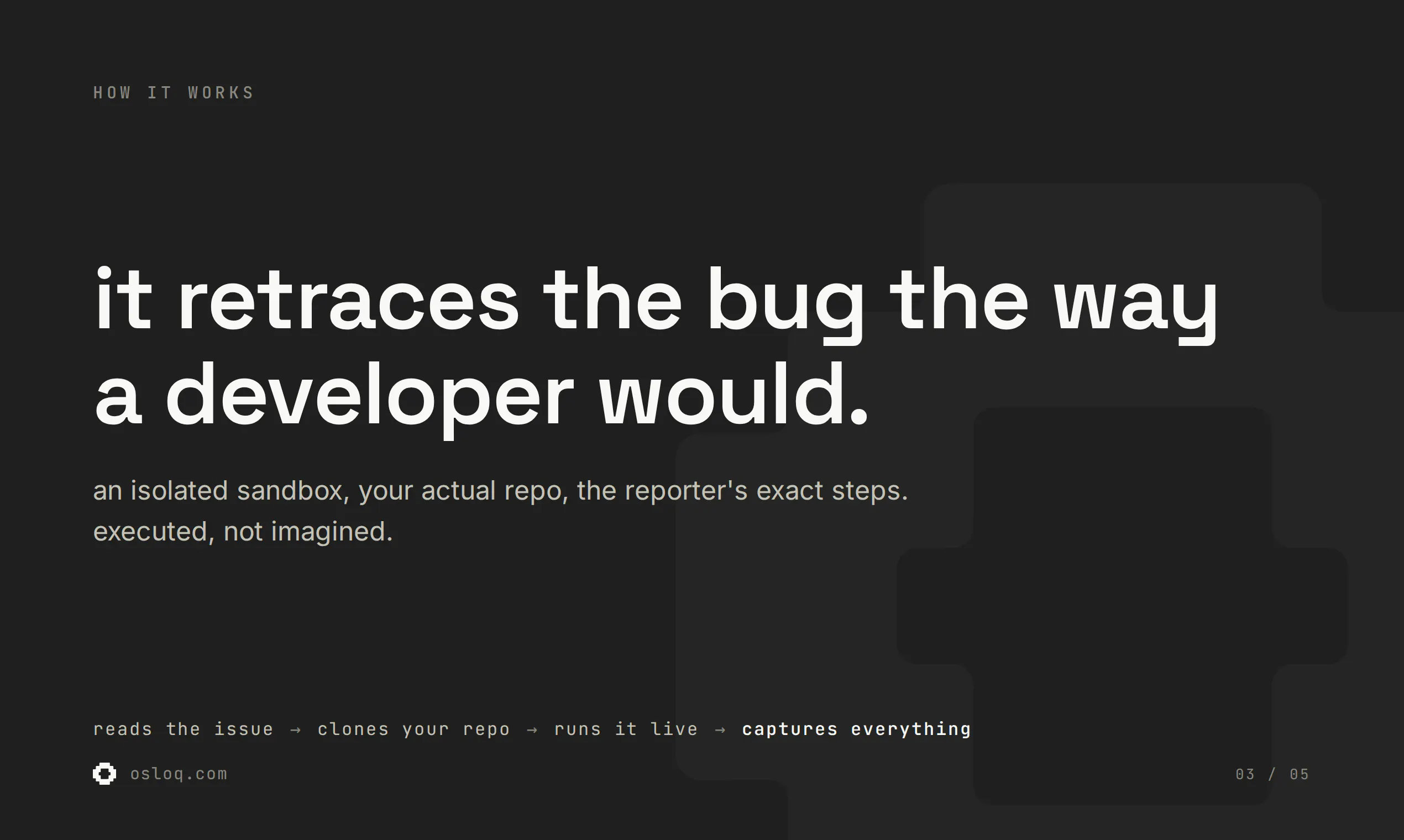
so i built osloq to do that part. you hand it a github issue, and it spins up a real sandbox, clones and runs your actual repo, and tries to reproduce the bug the way a developer would. then it hands you a report backed by real evidence. what it did, what happened, and whether the bug is actually real.

the hardest part while building it was trust. early on the agent would "reproduce" bugs that weren't real, basically confident hallucinations. so a lot of the work went into making it run real code and prove what it found, instead of guessing from reading the source. if it can't back a claim with evidence, it says so.

it's live today and i'd genuinely love your feedback. what would make this useful in your workflow? ask me anything, i'll be here all day.

4
回复

@enessss This is a really interesting take on one of the most painful parts of debugging. The idea of turning a GitHub issue into a real, reproducible sandbox run is exactly the kind of automation that could save a lot of wasted back-and-forth. The focus on evidence over “confident guesses” is especially important here. Curious how it handles complex environment setups and flaky bugs in real-world repos.

0
回复

@enessss I can see this fitting into my workflow. Does it integrate with existing CI pipelines for automatic issue verification?

0
回复

@enessss Congrats on the launch. The confident hallucination problem is so real — I hit the same thing building my own tooling, it kept reporting stuff that sounded right and fell apart the moment I checked by hand. Curious how you handle bugs that only show up with specific data in the database — do you seed the sandbox somehow?

0
回复

Hey Enes, the reproducing part has always been the bit that quietly eats my afternoon, so seeing something take that off my plate genuinely made me pause. Feels like the kind of help I'd actually welcome.

1
回复

The evidence-backed part is the important line here. For a small team, a bug-repro agent is useful only if the report can become a reviewable artifact: exact assumptions, commands, env gaps, and ideally a tiny failing test or script someone can rerun. That keeps it from turning into another confident AI opinion in the triage queue.

1
回复

The "works on my machine" framing hits home — as a solo founder most of my bug reports come from non-technical users, so the "repro steps" are usually "it just broke" with no stack trace. Does Osloq still get somewhere useful when the issue text itself is vague, or does it lean on the reporter having written decent repro steps to work from?

0
回复

Are there any plans to turn this into a full manual QA bot? Reproducing bugs are one thing but testing that the code is working as expected is also a tedious part I would love to do away with.

0
回复

I like that the report is evidence-backed rather than just a polished summary. The detail I’d want in a team workflow is a clear “could not reproduce because…” state, so an issue can move back to the reporter without another manual triage loop.

0
回复

How's it different than Linear's agent?

0
回复

@divyansh_lohia Linear's agent lives inside Linear itself and tries to auto-fix and open a PR. Osloq is the opposite. It's built to reproduce, not fix. It runs your actual repo in a sandbox and, when the bug reproduces, hands back a verdict backed by real evidence, the likely cause, and next steps to fix it, so you start from a lead instead of a blank page

0
回复

@enessss since Osloq stops at a confirmed repro with evidence rather than proposing a fix, is the output structured enough, or is it more of a human readable triage report at this stage?

0
回复

@clement_avq Kind of, yeah. The next step points at the fix direction, where the bug lives and what to try, so you start from a lead instead of a blank page. It's not a full patch/PR yet.

1
回复

the hard part with most repro bugs I've dealt with isn't running the code, it's the missing state - a specific user's data, a race condition that only shows up under load, third party API responses that vary. how does the sandbox handle issues that need real production-like data or timing to actually trigger, or is this mostly aimed at the straightforward "steps to reproduce" kind of bug

0
回复

the setup loop is the sharp edge — the agent iterates until the repo's up. but a whole class of bugs is 'doesn't build on clean checkout,' and something whose job is to get it running will quietly patch past exactly that.

0
回复

@qifengzheng Repo-owned build failures (bad lockfile, missing file, broken script) are the bug, they get reported, not patched. Only environment gaps get worked around, and each shows in the timeline.

0
回复

Running the actual code instead of reasoning about it is the right call. Curious how Osloq handles repos with external service dependencies - database calls, third-party APIs - where the bug only shows in a specific environment setup.

0
回复

@christian_knaut With project secrets it runs against the real dependency; without them it stands in with a same-contract substitute to reach the code path. Only when neither can recreate what the bug needs does it say "could not reproduce.

0
回复

How does the sandbox handle repos with heavy infra dependencies like docker compose or database services. Does it spin those up too or just the app code in isolation?

0
回复

@dudu1153696 Each investigation runs in an isolated sandbox with the common runtime toolchain preinstalled. We scope it to whatever the repro actually needs rather than booting full production infra.

0
回复

I would like support for retrying failed reproductions. Multiple execution attempts could separate random failures from actual bugs.

0
回复

Curious how it handles repos with external service dependencies like a database or third party API. Does the sandbox spin those up too, or do I need to provide credentials before it can run anything?

0
回复

@evren8h3u hey, no credentials needed to start. the agent figures out what the repo depends on and stands in for it inside the sandbox, a local database instead of your hosted one, a mock instead of a third party API. if the bug genuinely needs the real service you can add encrypted project secrets and it uses those. either way it runs, missing credentials don't block the investigation

0
回复

The "no evidence, no claim" stance is the right call — I build agents for commerce checkout flows, and verifying an agent's claims against what actually ran is where most of our engineering time goes too.

Two things I couldn't tell from the page: how do UI-only bugs work — if an issue only reproduces in a rendered front-end (dead button after hydration, checkout step breaking), does the sandbox drive a real browser, or is it limited to what's exercisable from CLI and tests?

And how do you keep the agent itself honest over time — do you re-run it against a benchmark of previously-verified issues when prompts or models change, so repro accuracy doesn't silently regress?

Congrats on the launch @enessss

0
回复

@akbar_b hey! great question. yes, real browser. the sandbox ships headless Chromium, so for rendered-only bugs the agent boots the app and drives the actual page, capturing DOM, console and network as evidence. on honesty, the verdict is derived from the evidence on the backend rather than taken from the model's word, and yes, whenever prompts or models change we re-run issues with known verdicts and compare, so repro accuracy can't silently regress.

0
回复

Neat concept. Does it handle bugs that need specific user state or production data to actually reproduce?

0
回复

@dhiraj_patel5 hey, thanks! it never touches your production data, the agent recreates the needed state inside the sandbox itself. you can also add project secrets (encrypted) if the repo needs real config. and if the state truly can't be recreated, it says so instead of guessing.

0
回复

Tried it on a tricky bug I'd been putting off and the agent actually cloned the repo and walked through reproduction steps I hadn't even considered. Loved that the report felt grounded in real output rather than speculation.

0
回复

the no-setup sandbox thing is such a smart move, you skip the half-day yak-shave of replicating someone else's machine just to confirm a bug. nice execution.

0
回复

@birsensacar thanks!

0
回复

Reproducing the issue is genuinely the worst half of the job - half the tickets I get are 'it doesn't work' with zero context, and you burn an hour just recreating the state before you can even start fixing. Automating the boring forensic part instead of the fix itself is a smart wedge. How does it handle issues that need specific data/state to trigger? Congrats on the launch.

0
回复

@david_marko hey, thanks! and yeah, that "it doesn't work" with zero context is exactly the pain. for data/state, the agent sets it up itself, it writes and runs scripts to seed the db or force the exact state it needs, then reproduces from there. when the issue has no repro steps it also digs through the code to infer what state would actually trigger the bug.

0
回复

Really interesting approach!!!!
Curious....how does Osloq handle issues that depend on external services or environment specific configurations?
Anyways...congrats on the launch! 🚀

0
回复

@worksforme hey, thanks! you can add per-repo env vars and secrets (encrypted), and when an external service isn't reachable it falls back to a local stand-in (like a local postgres) so it still hits the code path instead of dying on a missing dependency.

0
回复

The sandbox repro thing is genuinely cool, I picked a flaky issue from one of my repos and it came back with actual logs and the failing test. Wish I'd had this last week when I burned an afternoon chasing a "bug" that turned out to be a stale local DB.

0
回复

How does it handle repos that need specific env vars or a database to actually run, does it ask me to configure those or just spin up a blank sandbox and fail?

0
回复

@mustafarz0m hey! good question, this is the part we put the most work into. you can add per-repo secrets and env vars in the dashboard (encrypted, only decrypted inside the sandbox) so anything the repo needs like api keys or DB urls is loaded into the environment when the run starts, and when something isn't configured it doesn't just fail on a blank box, the agent spins up a local stand-in (like a local postgres) so it can still run the code path and reproduce the bug instead of giving up.

0
回复
Really interesting approach. How reliable has Osloq been at reproducing tricky bugs without false positives?
0
回复

@thys_beesman hey, thanks! false positives almost killed this early on, so it only accepts a verdict backed by real runtime evidence, and when unsure it says "couldn't reproduce" instead of faking one

0
回复

Congratulations on the launch! The "reproduce before you claim" approach is a sharp answer to the trust problem with AI coding agents. When it reports that it couldn't reproduce an issue, how should a developer read that - "not a bug," or possibly a setup gap on the agent's side? 

0
回复

@alieksia hey, thanks! good distinction to make. if it couldn't even get the code running it'll tell you that outright, which is different from actually running it and the bug not showing up. you'll see which one it was in the evidence, so it's never a black box you have to trust blindly

1
回复

the smartest thing here isn't the sandbox, it's what you DIDN'T build. every other AI dev tool promises to fix the bug, you scoped to proving it exists, which is the one step where "confident hallucination" gets caught instead of shipped

"if it can't back a claim with evidence, it says so" should honestly be the bar for the whole agent category

0
回复

@yarslav this might be my favorite comment of the launch. yeah, the restraint was the whole point, proving a bug exists is where hallucination gets caught before it ships. and completely agree, "no evidence, no claim" should be the bar for the category

1
回复

actually runs the repo in a sandbox to verify bugs, that part genuinely sold me. way more useful than the usual "here are 5 possible causes" guesswork from other tools.

0
回复

@eminenv9f thanks! that was exactly the goal

1
回复

Love the emphasis on "backed by real evidence" instead of confident hallucinations, that's the biggest friction point with most AI dev tools right now. The sandbox approach is solid.

Quick question though. How does it handle intermittent bugs or race conditions? Those are the worst to reproduce manually, but I imagine they're also tricky for an agent since a single run might not catch them. Does it retry, run multiple times, or is that something you need to flag upfront?

0
回复

@inescastillo hey! honestly this is one of the hardest cases. right now the agent already re-runs the reproduction on its own if the first attempt doesn't fire, and it grades its own confidence so it won't overclaim if it only caught it once. what it doesn't do yet is the heavier version, being told upfront "this one's intermittent" so it runs it far more times, and stressing it under real concurrency to force a race rather than just repeating the same call. both of those are high on the roadmap

0
回复

Really smart move focusing the agent on reproducing issues specifically, instead of trying to fix everything. Repro is the annoying part that eats up so much of my morning, and getting a clean repro is half the battle anyway.

0
回复

@yibo_wang3 thanks! yeah, that's exactly the bet

0
回复

Reproducing issues is genuinely one of the more annoying parts of the bug triage loop, especially when the report is half-baked and the reproducer assumes environment context the submitter forgot to mention. Curious how Osloq handles that case. When the issue is ambiguous or missing key details, does the agent ask clarifying questions, make assumptions and document them, or just fail gracefully and tell you what it couldn't figure out? Also wondering whether the reproduced case outputs something like a failing test or a script, or just a description of the steps it took.

0
回复

@fberrez1 
hey! since a run is autonomous it doesn't stop to ask mid-way, it figures out the intended behavior from the repo and makes its best attempt, documenting what it assumed. if it can't pin it down, it won't fake a result, it comes back as not reproduced or blocked and tells you what it couldn't figure out. but yeah, having the agent ask a clarifying question mid-run is something i've had in mind and want to add down the line, could be really useful. for your second question, you get the steps plus the real evidence behind them (the commands it ran and what actually happened)

0
回复

The "spins up a real sandbox, clones and runs your actual repo" step is the hard part — most repros only fire with real env config, not just the issue text. To get a project runnable, does Osloq read a devcontainer/Dockerfile/build script or infer the setup itself? And for bugs that need secrets or a seeded DB, how is private-repo access scoped — a short-lived token per run, or standing access?

0
回复

great question! yeah that's the hard part. no devcontainer needed, the agent works out the setup from the repo itself, installs, runs, and iterates until it's up. for bugs that need real config you can add project secrets, encrypted and only decrypted inside the sandbox, never logged, and if a secret turns out to be invalid or a service can't be reached (say an expired token or a bad db url), it can swap in a local stand-in to still reach the reported code path. access is through the github app with a short-lived token per run, nothing standing

0
回复
#5
Archify
understand software
188
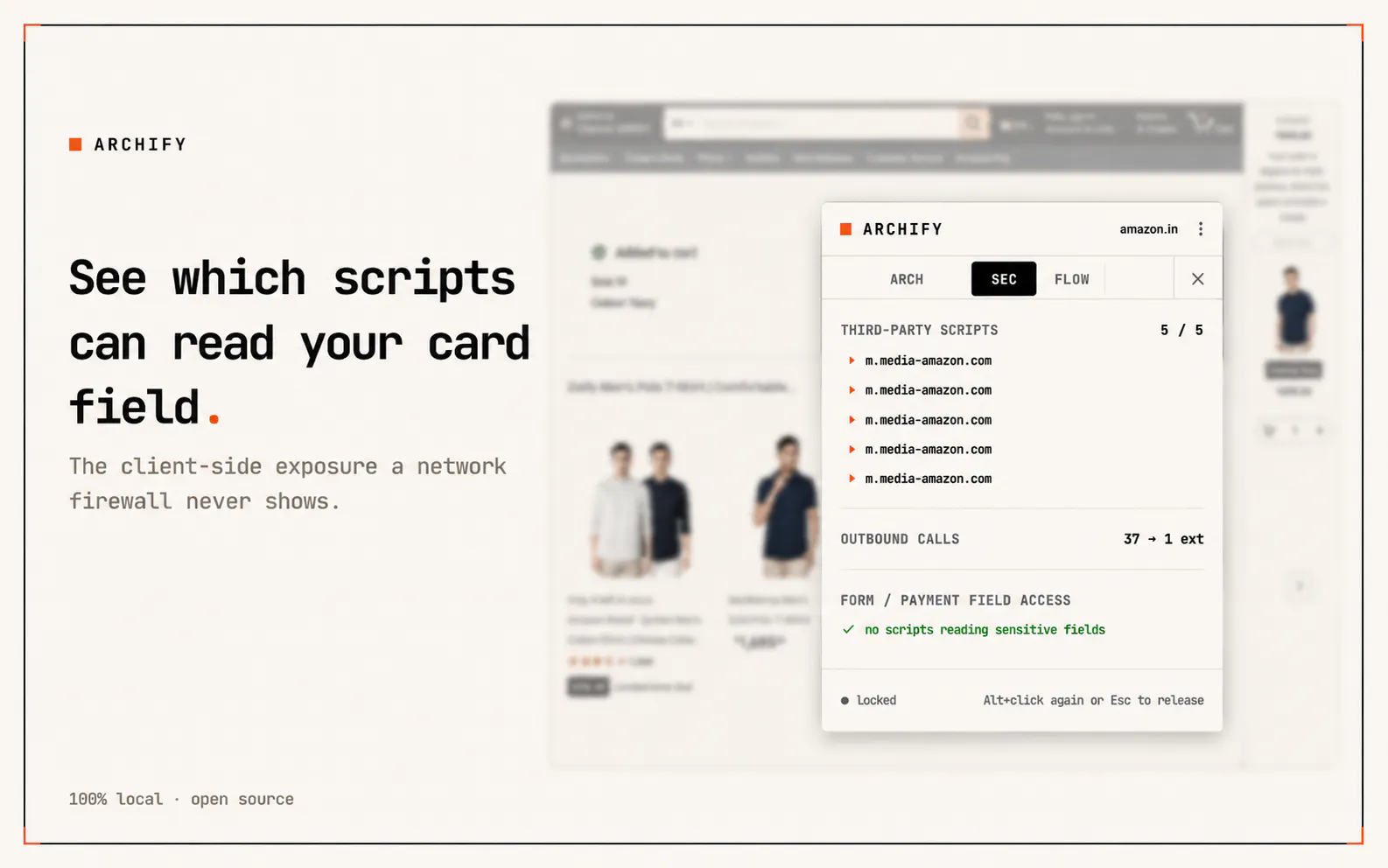
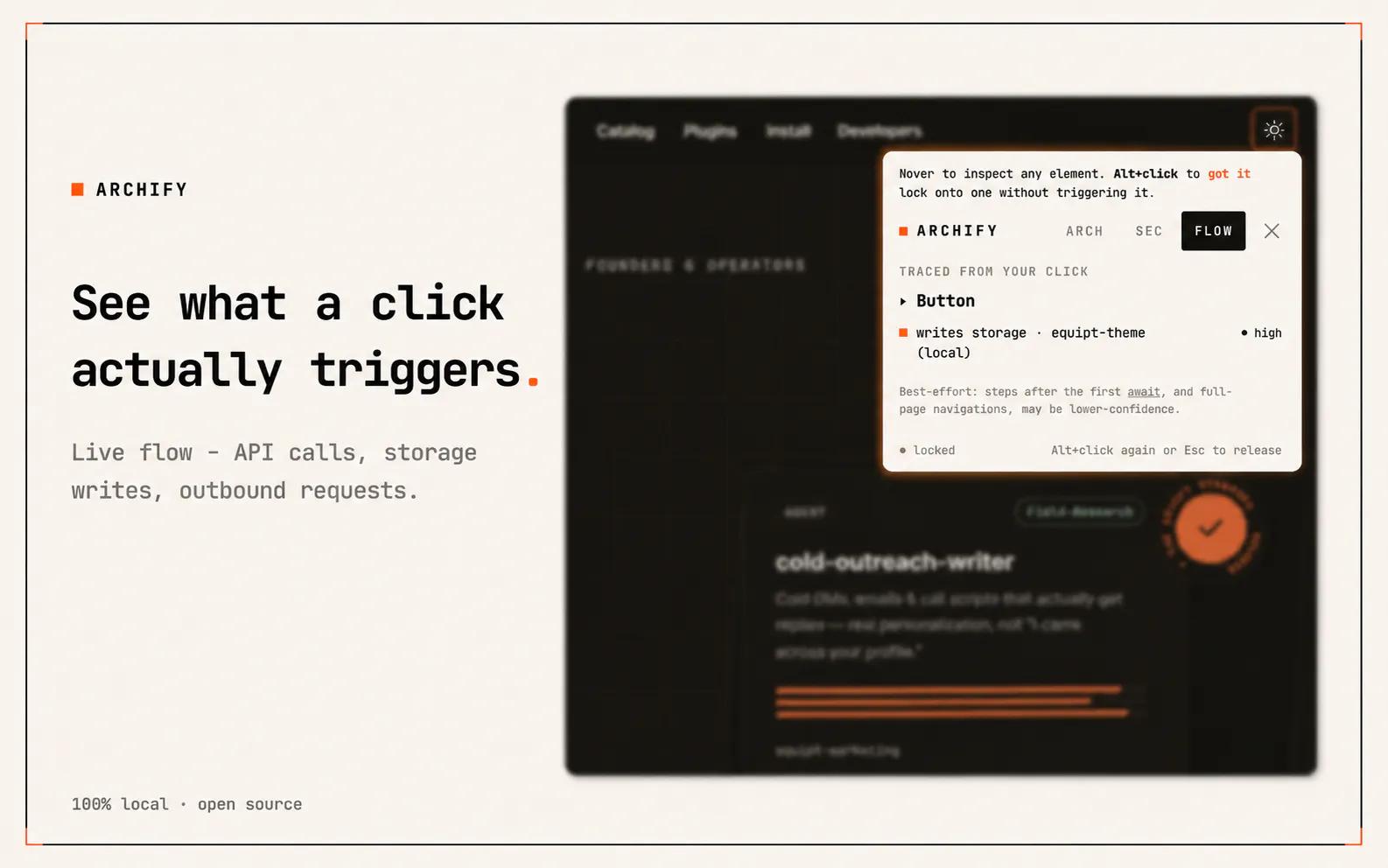
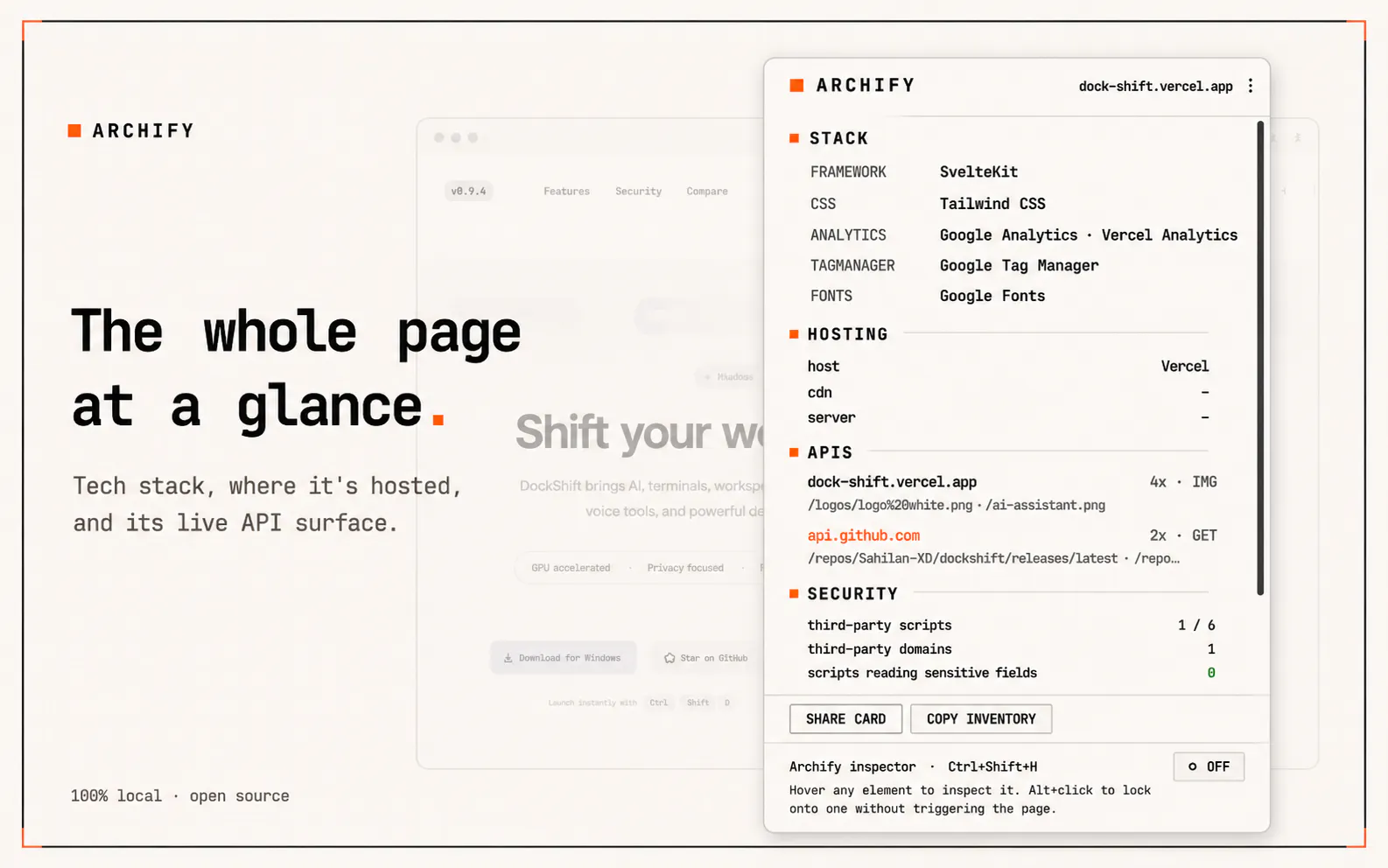
一句话介绍:Archify是一款浏览器扩展,让开发者无需切换工具即可在浏览器内实时查看网页应用的前端组件、API调用和架构行为,解决了调试和学习现代Web应用时DevTools信息碎片化的问题。
Chrome Extensions Developer Tools GitHub
开发者工具 浏览器扩展 前端调试 组件可视化 API追踪 架构分析 本地运行 开源 React调试 性能分析
用户评论摘要:用户肯定其本地运行、无需额外配置、能关联API与组件的特性;担忧权限与数据安全,开发者回应完全开源且无后端;询问大应用性能影响,实测仅毫秒级开销;建议明确产品定位(浏览器辅助 vs 仓库连接),开发者承认当前以浏览器为主,未来可探索工程上下文。
AI 锐评

Archify的亮点不在于“新功能”,而在于“整合”——它把散落在Network面板、组件树、源代码映射中的信息,压缩进一个同源视图。这看似简单,却精准切中了现代前端开发者“调试靠来回切换”的隐性疼痛。本地运行和开源策略解决了企业级用户对数据安全的天然戒心,而“关联触发API调用至具体组件”则显著降低了反直觉行为(如“这段代码到底调了哪个接口”)的排查成本。

但需要警惕的是:产品标语“understand software”过于宏大,用户评论中也有人指出定位模糊。目前能力局限在运行时层面,远未触及代码仓库或工程上下文。如果止步于调试辅助工具,则难逃被浏览器原生DevTools或Vite/Next.js内置分析工具反向吞并的命运。真正的壁垒在于能否从“观察行为”进化到“解释行为”——例如基于组件调用图自动生成架构说明,或将运行时异常映射到代码提交历史。否则,它只是一个长得好看的DevTools主题皮套,而非“理解软件”的新范式。

查看原始信息
Archify
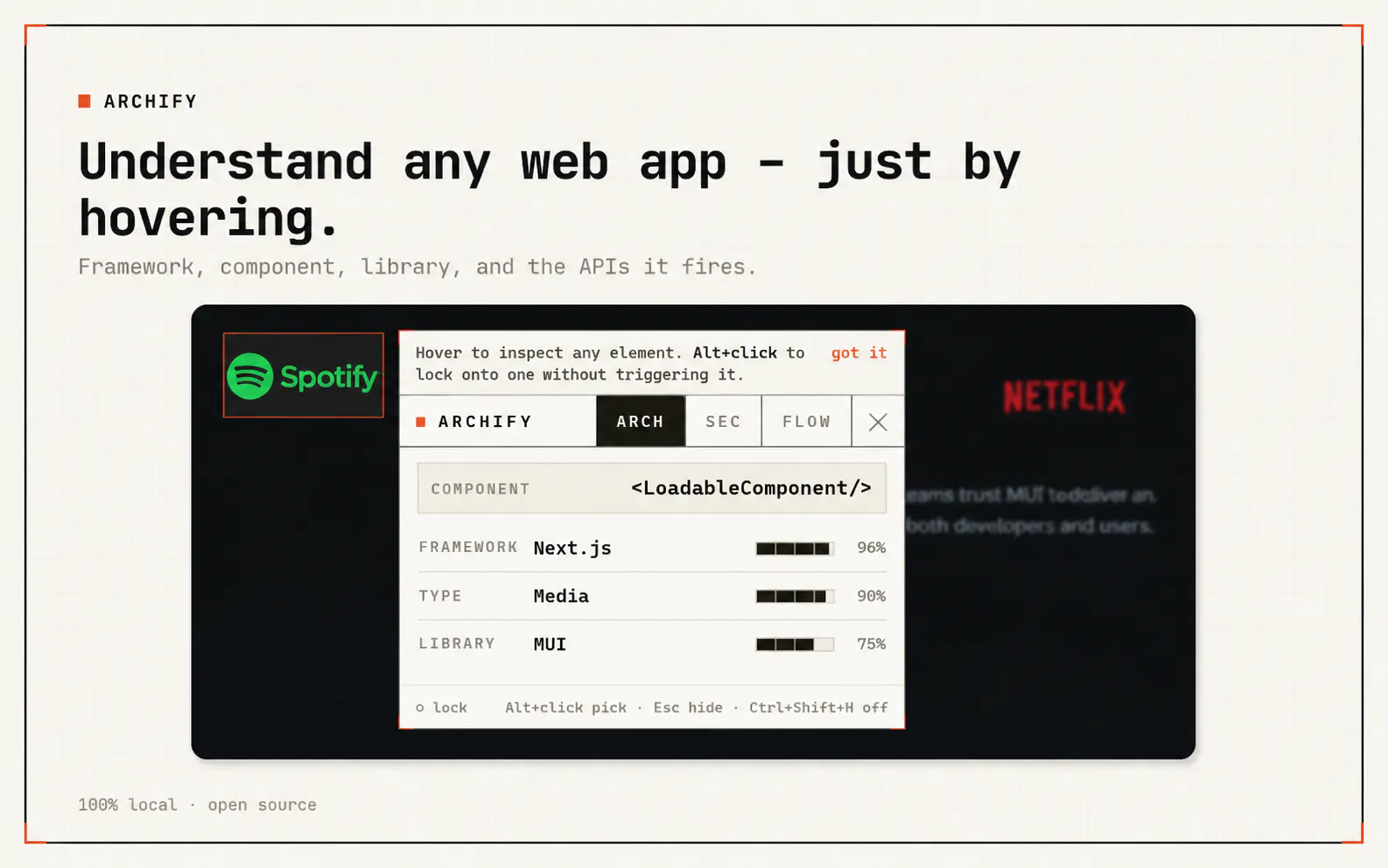
See components, APIs, libraries, understand application behavior directly inside your browser.

Hey everyone! 👋 I'm Salah, the maker of Archify.

I built Archify because I believe understanding software has become harder than writing it.

Instead of digging through DevTools, network requests, and source maps, Archify helps you see what's behind a web app its components, APIs, scripts, and architecture right from the browser. It runs entirely locally, so nothing leaves your machine.

I'd genuinely love your feedback, ideas, or even criticism. Thanks for checking it out! ❤️

4
回复

@salahxd exciting new tool! And the fact that it runs locally does help with data. I’ve of the best way to get the word out there for this is with https://uprowshub.com/buy-product-hunt-upvotes .

0
回复

@salahxd Why Choose Careernaksha for career counselling in Jetpur?

We reject one‑size‑fits‑all. Instead, our expert team of certified counsellors, psychologists, and coaches crafts a tailored plan just for you:

  • 🤖 AI‑Based Career Assessment Tools

  • 🎓 Counsellors from IITs, IIMs & top institutes

  • 🌍 Global‑standard psychometric testing

  • 🗺 Personalized roadmap with detailed action plan

  • 🗣 One‑on‑one sessions in Gujarati, Hindi & English

  • 💻 Online + Offline flexibility

  • 📍 Centrally located in Jetpur

👩‍🎓 Career Counselling for Students in Jetpur

🏫 For Class 8th–10th Students

At this crossroads, choosing Science, Commerce, or Arts can feel overwhelming. We:

  • Identify interests, learning styles & strengths

  • Recommend the ideal stream + subject combination

for more details please visit us : https://www.careernaksha.com/career-counselling/jetpur

we are the best career counselling provider in india

0
回复

@salahxd This is a really interesting direction.

I’ve always felt that DevTools are powerful but fragmented when it comes to understanding a full app structure end-to-end. The idea of surfacing components, APIs, and architecture in one local-first view feels like it could change how we debug and learn modern web apps.

Curious how you’re handling things like framework detection and dynamically loaded modules in real-world SPAs — what was the hardest technical challenge you ran into while building this?

0
回复

does the extension need any permissions beyond the active tab, and can I audit that?

1
回复

@saman_balochNo extra permissions or setup needed after installation .just install Archify and it works.

And yes, it’s fully auditable. You can check the permissions in Chrome’s extension settings, and since Archify is open source, you can inspect exactly how everything works in the code too 🙌

You can check it here: github.com/Salah-XD/archify

0
回复

Salah, I'm endlessly nosy about how the sites I like are actually put together, so this scratches a real itch for me. The fact that it all stays on my own machine makes it even easier to enjoy poking around.

1
回复
@amine_aziz_alaoui Love hearing this! That same curiosity is a big part of why I built Archify 😄 I’m always wondering how interesting sites are put together too. And keeping everything local was really important to me, so I’m glad that part resonates!
0
回复

Love how clean the browser integration looks here, feels like the dev tools panel finally got the respect it deserves.

1
回复

@c_oglu89147 Haha, love that 😄 I really wanted it to feel like a natural part of the browser instead of just another tool bolted on. Glad you liked it!

0
回复

the way you can trace APIs right in the browser without leaving the page is genuinely clever, the inspection overlay feels really well thought out

1
回复

@keleksenol43779 Really appreciate that! I spent a lot of time trying to make the inspection experience feel natural without pulling you away from the page. Glad you liked it 🙌

0
回复

How does Archify actually get visibility into the components and APIs inside a live app, does it require installing a script or does it hook into the network tab somehow?

1
回复

@aryaarkayaulwb No code changes needed , you just install the extension and Archify injects a small script into the page at runtime.

From there, it reads the framework to identify components and watches the app’s own API calls as they happen. The cool part is that it can link an API call back to the component or interaction that triggered it ,something you don’t really get from just staring at the Network tab.

0
回复

Being able to peek into a running app's components right in the browser without setting up a separate debugger feels like a huge time-saver, especially for onboarding to a new codebase.

1
回复

@devranzerezune Absolutely! Onboarding to an unfamiliar codebase is one of the use cases I’m really excited about. Being able to explore how the app behaves before digging through the code can save a lot of time 🙌

0
回复

How does this actually work under the hood, does it inject something into the page or proxy requests through your servers? Trying to figure out if my proprietary code or sensitive data ever leaves the browser.

1
回复

@lkersna4 Great question. Yes, Archify injects a script into the page, similar to how React DevTools works, but there’s no server and no proxying. Everything runs locally in your tab.

It only records metadata like request method, URL, and status, along with storage keys never request bodies or storage values. None of it leaves your browser, and there’s literally no backend for it to send anything to.

It’s open source too, so you can verify exactly how it works: github.com/Salah-XD/archify

0
回复

Love how Archify just lets me pop into a live app and trace the components without any setup. The browser-side inspection is genuinely smooth and feels like the dev tools experience devs actually want.

1
回复

@harunveletkcof Really glad to hear this! I wanted Archify to feel like something you could just open and start using without any setup or friction. Happy that came through 🙌

0
回复

Finally a browser tool that actually helps me see what my React app is doing without constantly alt-tabbing to devtools. Loved clicking through a component tree and instantly spotting a stale closure bug.

1
回复

@zerdaqvbn Love hearing this! Spotting a stale closure bug through the component tree is exactly the kind of real-world use case I hoped Archify would help with 😄 Really glad it was useful!

0
回复

How does it handle larger apps with heavy traffic in terms of performance impact, and is there a notable spike in load times when using it?

1
回复

@trkanzberi60zo Great question! In practice, the performance impact is very small.

Archify quietly observes what the page is already doing and keeps track of network activity without blocking or slowing down the requests themselves. I benchmarked it on a page firing thousands of requests, and the additional overhead was only a few milliseconds spread across the whole session.

It also doesn’t keep piling up over time, so even on dashboards or apps you leave open all day, it stays lightweight.

0
回复

Being able to poke at components and APIs right in the browser without jumping through dev tools is genuinely useful, saves me a lot of tab switching.

1
回复

@hamidehatip That’s exactly the kind of friction I wanted to remove 😄 Really glad it’s saving you some tab switching!

0
回复

The way Archify surfaces component behavior right in the browser is genuinely clever, saves a ton of tab-switching when debugging. Clean execution on something that could've easily turned into another cluttered dev tool.

1
回复

@cafertrf7 This is exactly what I was hoping Archify would feel like. I really wanted to keep it useful without turning it into another overloaded dev tool 😄 Glad that came through!

0
回复

How does it handle authentication when inspecting components behind a login, do I have to paste in cookies or does it manage that for me?

1
回复

@smailgelmibllf Great question !good news, there’s nothing to paste!

Archify runs directly inside your browser tab and uses your existing session. So if you’re logged in and can see the page, Archify can inspect it too ,no cookies, tokens, or extra setup needed.

It all happens locally as well. Archify reads the live DOM and the page’s own network activity right on your machine, so nothing about the page is sent to a server. Just navigate to the screen you want to inspect and you’re good 🙌

0
回复

Archify is listed across Developer Tools, AI Workflow Automation, and AI Agents, which makes me wonder about the actual entry point. Is this mainly a browser-based helper for understanding web apps/docs, or does it connect to code repositories and engineering context too? The “understand software” line is broad in an interesting way, so a concrete example would help place it.

1
回复

@mia_qiao Good question! Right now, the browser is definitely the main entry point.

For example, if I find an interesting web app and want to understand how it’s built, I can open Archify and quickly see its components, API calls, tech stack, and overall structure without digging through source files.

The “understand software” line is intentionally a bit broader though. The browser is where Archify starts, but I’d love to explore deeper engineering context and repo connections in the future too.

2
回复

HI Mohd,

This is impressive. Good job. Is it possible to have the pop-up open in a side panel https://developer.chrome.com/docs/extensions/reference/api/sidePanel
So that i can keep it open as i visit different pages or sites ?

1
回复

@zumilabs Thanks! And yes, a side panel would actually make a lot of sense for Archify, especially for keeping it open while moving between pages. Definitely something I’m going to explore. Appreciate the suggestion!

0
回复

Does this work as a browser extension or a standalone app, and is there a free tier or is it subscription-only from the start?

1
回复

@serhatmant9b7b It works as a browser extension, and it’s completely free and opensource! No subscription or paid tier just install it and start exploring 🙌

0
回复

Pretty handy being able to peek at component trees and API calls without leaving the tab, the in-browser view saved me from digging through source files. Wish the filtering was a bit faster on larger apps though.

1
回复

@serhatviwz Glad the in-browser view helped! And yep, filtering on larger apps definitely needs some work ,already looking into making that faster. Appreciate the feedback 🙌

0
回复

Nice this is the one, help a lot in my works about research the market and technology <3

1
回复

@destin2001 Love to hear that! Really glad Archify can help with your market and technology research ❤️

0
回复

The best dev tools don't add another dashboard they remove one. Love the direction.

1
回复

@divvsaxena Exactly the idea behind Archify. Keep the context where you’re already working instead of adding another place to check. Glad the direction resonates 🙌

0
回复

niceeee

1
回复

@madalina_barbu Thank youuu! 🙌

0
回复

@salahxd If Archify reads the live DOM and network activity locally, how does it identify components and API boundaries across different frontend frameworks? is detection framework-specific?

0
回复

@clement_avq Great question! It’s a mix of both.

For frameworks, Archify looks for the signals each one leaves behind in the page , so React, Vue, Angular, Svelte, Astro, and others are detected in slightly different ways.

But things like buttons, dialogs, menus, and API calls are handled more generally. Archify looks at normal browser and web standards, so that part works regardless of which framework the site uses.

For APIs, it watches the same browser features that tools like Axios, React Query, Apollo, and plain fetch eventually use underneath. That’s why it can trace calls across different stacks.

One honest limitation: on heavily minified production apps, component names can sometimes be impossible to recover. When that happens, Archify just leaves the name out instead of guessing.

1
回复
#6
nxt
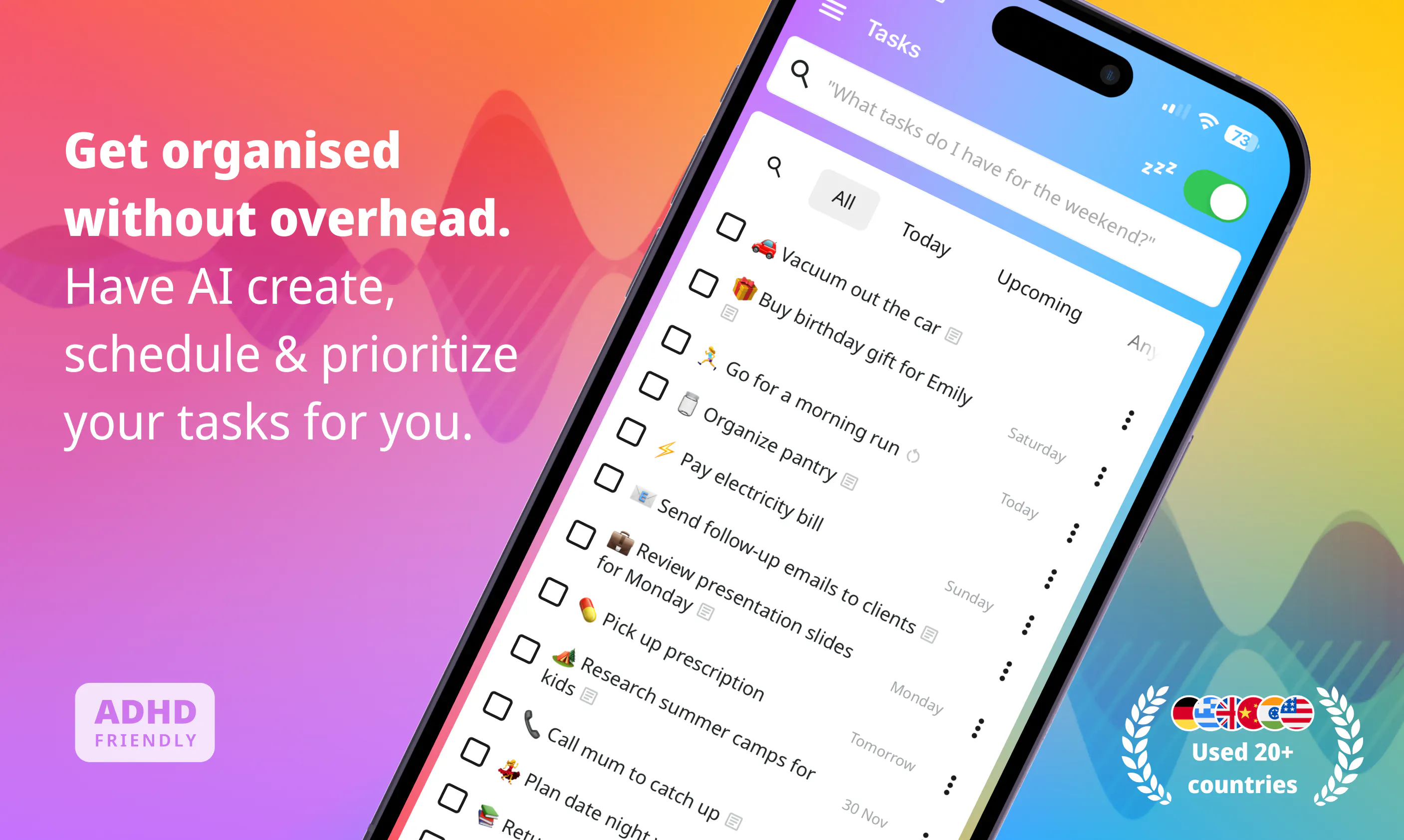
Talk to your to do list and get what's next
152
一句话介绍:nxt是一款通过自然语音交互的AI任务管理器,解决用户在杂乱待办列表中因组织筛选耗时、决策瘫痪而无法高效行动的痛点,让用户像对助理一样说想法即可智能提取并推荐下一步任务。
Productivity Task Management Artificial Intelligence
AI任务管理 语音输入 智能优先级 上下文感知 自动化整理 生产力工具 待办列表 自然语言处理 个性化推荐 手机应用
用户评论摘要:用户关注数据存储位置、离线支持、优先级错误修正方法、上下文学习来源及控制权。赞赏“一任务一理由”设计及假期模式等场景适应性。建议明确设备间同步机制及学习行为反馈(如跳过/修正是否影响模型)。
AI 锐评

nxt的切入点精准击中传统任务管理工具的核心痛点——工具本身成为负担。其核心价值并非又一个“AI+列表”,而是通过上下文引擎和单任务推荐机制,真正尝试将任务管理从“组织工具”降维为“决策引擎”。语音输入降低了任务捕捉门槛,“只告诉你下一步做什么”则直接消除了用户面对海量列表的认知过载,这是对GTD方法论的一种智能化重构。

然而,产品尚处于早期,几点隐忧不容忽视。其一,“上下文学习”目前本质是用户手动/隐式注入的事实存储+规则调优,而非真正意义上的意图推理。模型对“老板随口提的任务 vs 下周截止的任务”这类真实权重博弈,仍依赖用户行为反馈与显性输入,长期看泛化能力存疑。其二,离线仅支持基础操作而AI功能依赖联网,在核心场景(如通勤、差旅)中会出现体验断层,这正是用户高频使用时最容易掉链子的地方。其三,数据隐私问题未被完全消解——用户对“任务数据存储位置”“上下文是否同步至服务端”的追问,暴露了产品在信任机制构建上的薄弱。

对比Apple Reminders+Cron这类整合性生态工具,nxt的独立运行模式缺乏日历同步与多平台协同,短期单点体验虽好,但长期难以形成“管理中枢”的护城河。若后续不迅速补齐关键集成(日历、邮箱、Slack等),并让“学习机制”变得可解释、可重置、可迁移,nxt很容易沦为另一个炫技但留不住用户的AI玩具。

一句话总结:找到了对的痛点,但真正让AI“理解你而非只听写你”,还需更扎实的上下文建模与生态连接。

查看原始信息
nxt
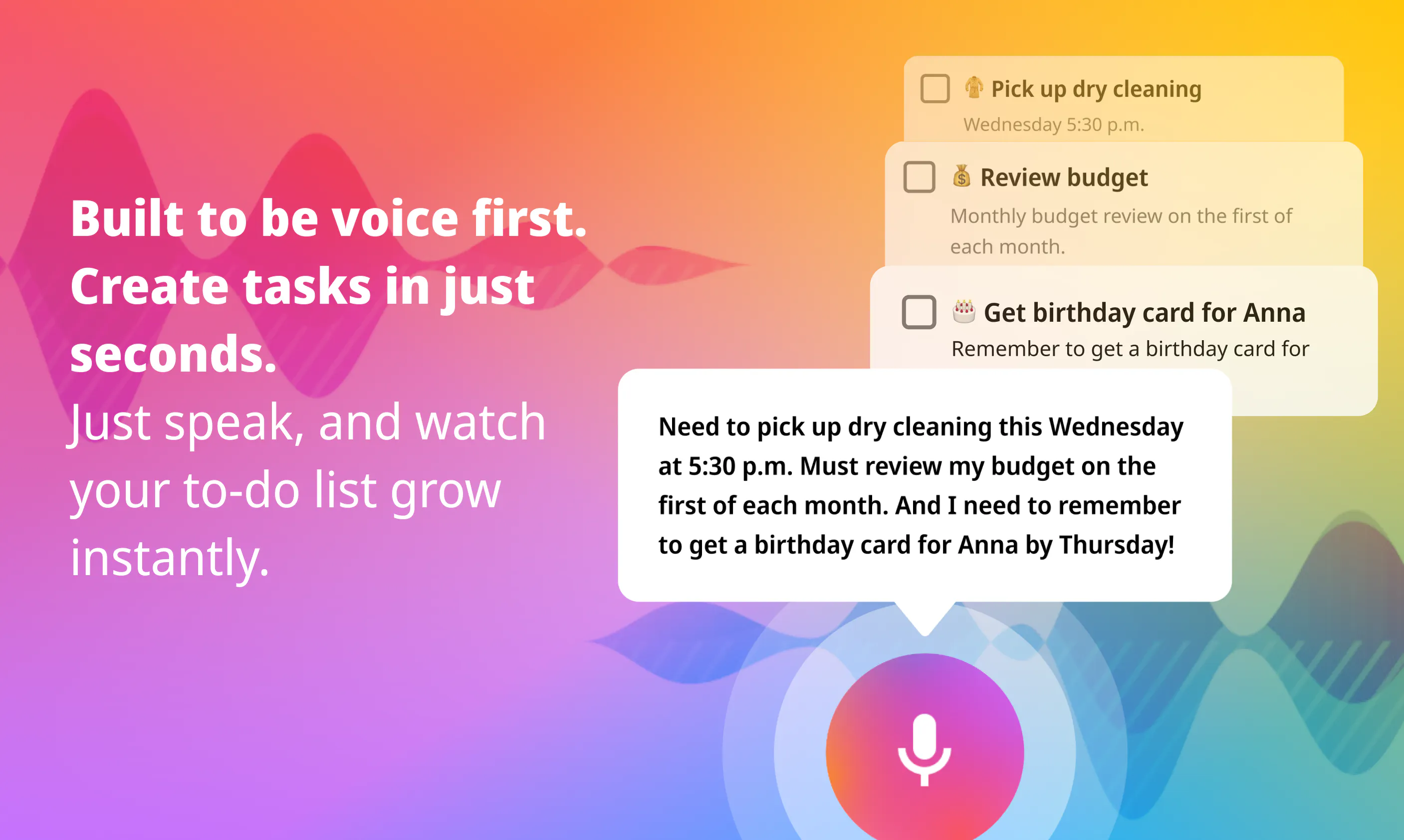
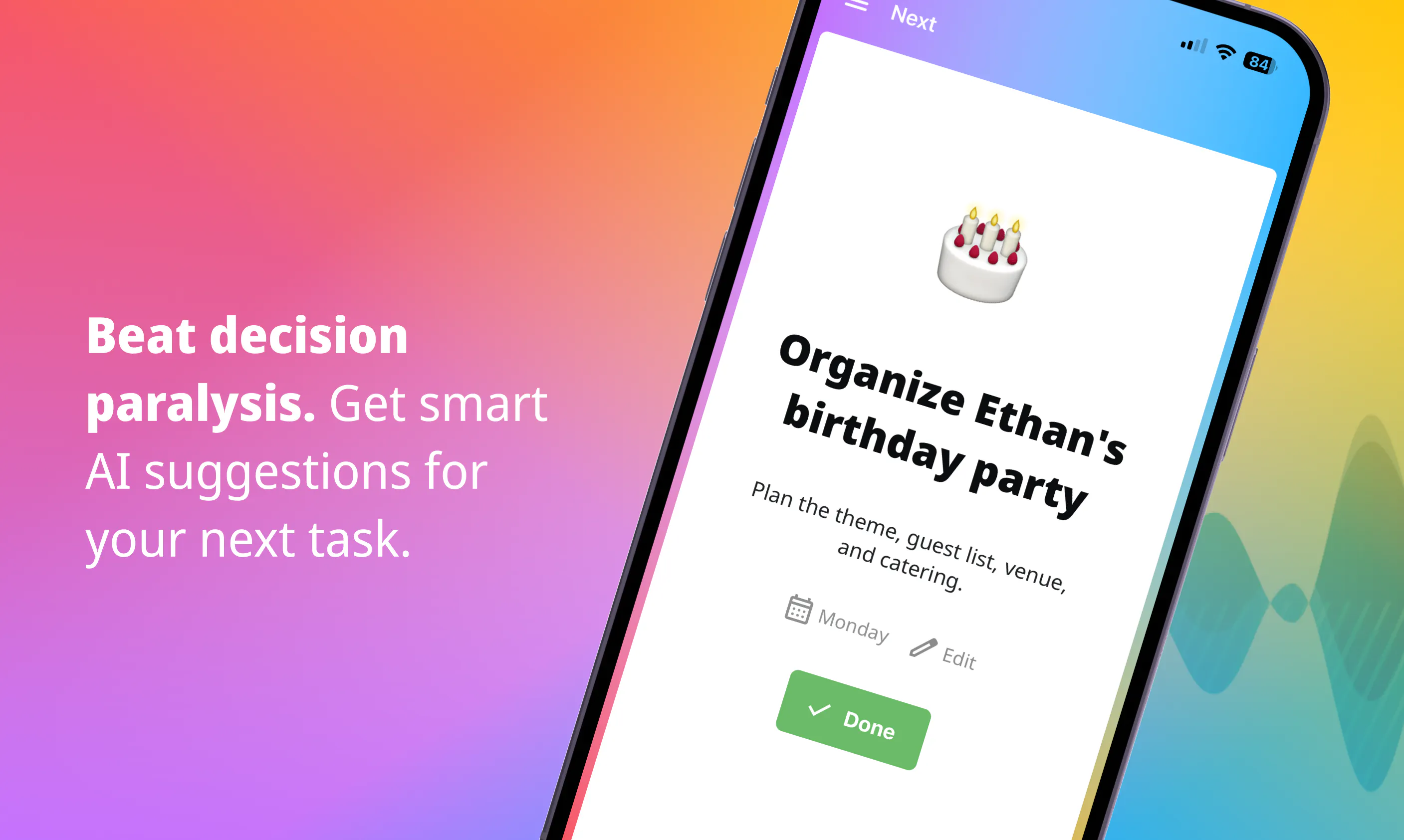
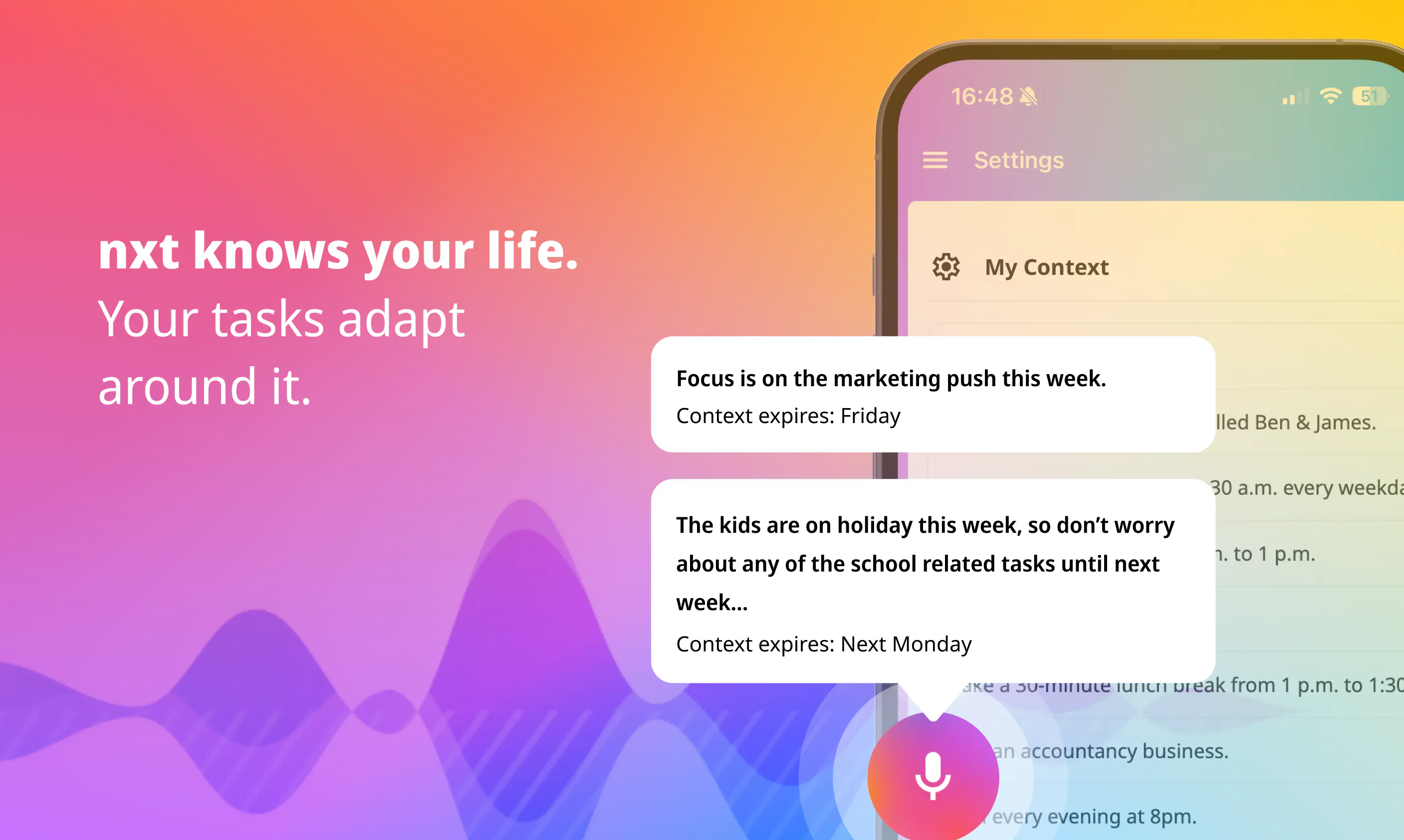
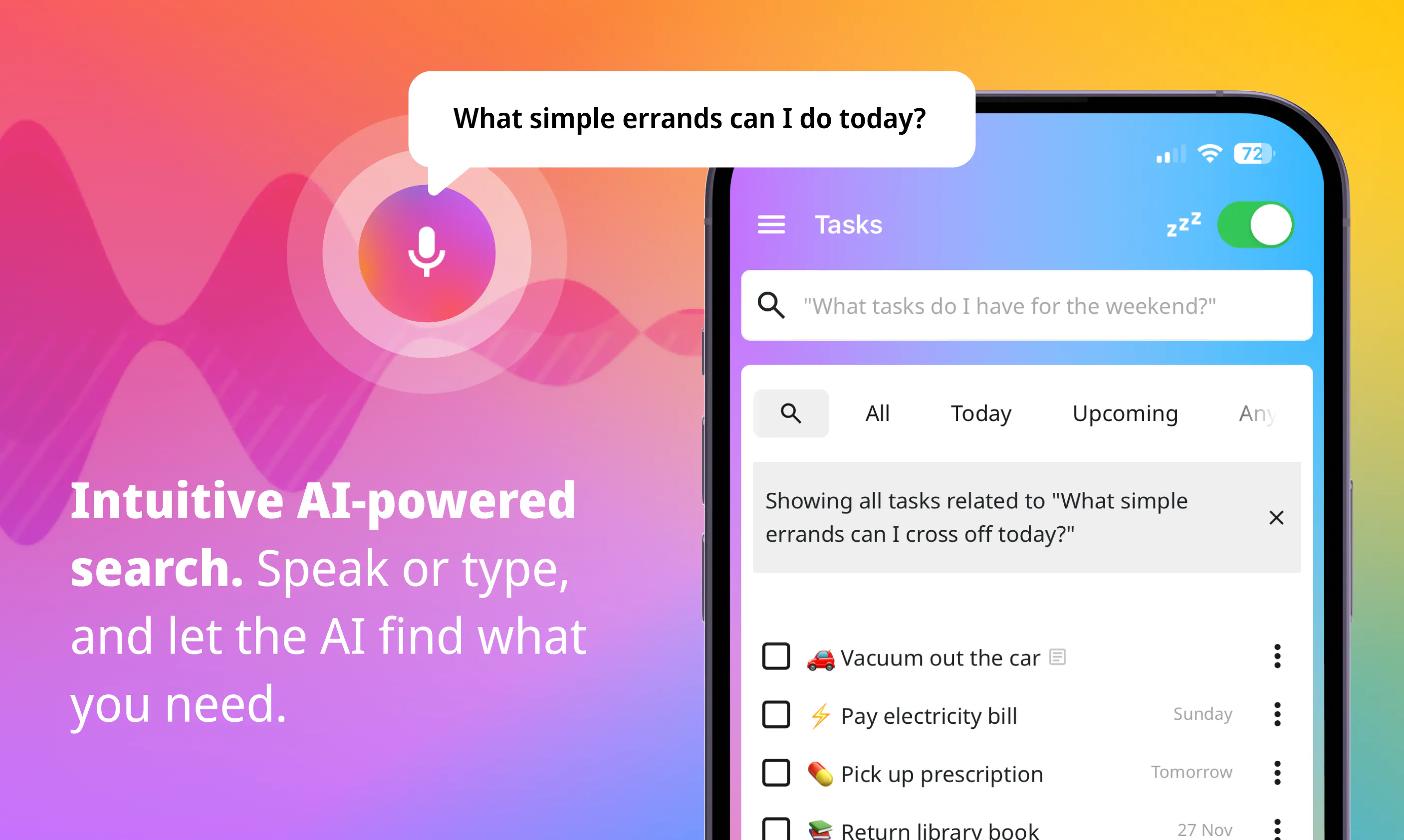
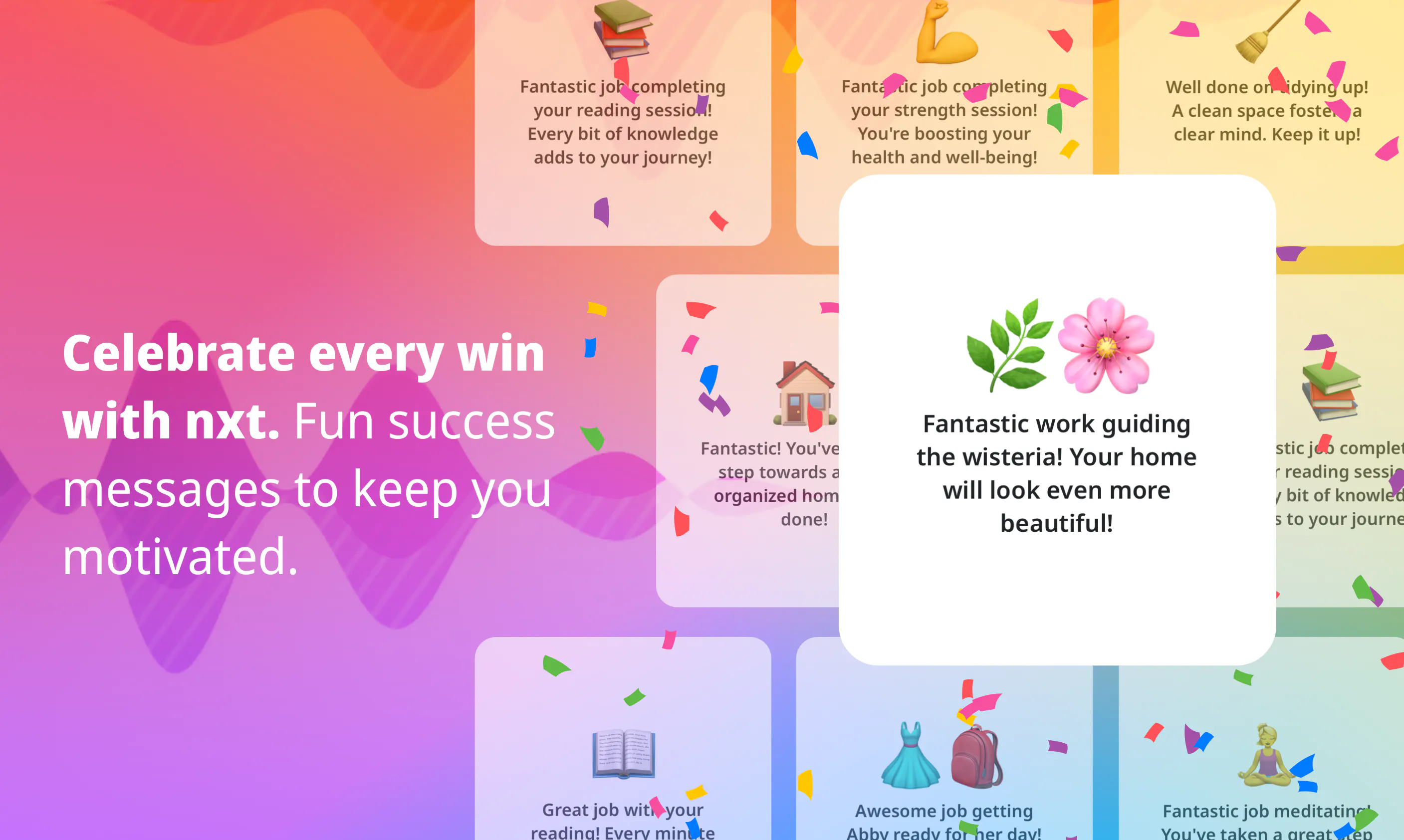
nxt is the AI task manager you talk to like a human assistant. Brain-dump your thoughts in plain language - nxt reads between the lines, extracts tasks, infers priorities, and files everything automatically. It understands what you mean, not just what you say. nxt learns your personal context, so your tasks flex around your life. When you're ready to act, nxt cuts through the noise and gives you one clear task, one reason why. No scrolling, no paralysis, no overwhelming list to wade through.
Hey Product Hunt! 👋 I built nxt because I kept failing at every task manager I tried - not because I was lazy, but because the act of managing the list was itself a job. I'd spend more time organising tasks than doing them. The idea behind nxt is simple: your task manager should think harder than you do. Speak your thoughts, and it handles the structure. It learns your context - your family, your schedule, your habits - and uses that to tell you what to do next, one thing at a time. The features I'm most proud of: the context engine (tell it you're on holiday and it actually adapts), sensible recurring tasks (no zombie tasks from last week), and the next-task recommendation - which genuinely helps on those days when everything feels equally urgent and you can't figure out where to start. We're early and would love your feedback - especially on the voice capture experience and the recommendation engine. What would make this your go-to task manager? Happy to answer anything in the comments 🙏
3
回复

@heather_a_perkins What makes me excited about this is how it would help me remember my tasks without having to go through the list and that I would not have to feel overwhelmed with my list! One of the best way to help in getting the word out there, if you have the time to visit https://uprowshub.com/buy-product-hunt-comments . Hope this helps!

0
回复

The context engine adapting when I tell it I am on holiday is the part that would actually make me switch — most task apps just keep nagging with the same list. Two day-one questions: when I brain-dump by voice and it extracts the wrong priority, do I correct that in text, and does the correction actually teach the context engine, or is it a one-off edit? And is the learned context tied to one device, or does it carry over if I capture on my phone and review on desktop?

1
回复

me being skeptical of AI apps lately, I appreciate the clear focus here. Where does my task data live?

1
回复

i wonder about the learning part. When nxt learns my personal context, does that happen from my task history alone, or can I tell it things directly, like my work hours or my energy patterns?

1
回复

what happens when I disagree with the pick? Can I skip and get a second suggestion?

1
回复

talking to a to-do list only works if it nails intent from messy speech — half the time i don't know what's next either. is the parsing on-device or server-side? and does it read urgency from how i say it, or just the words?

0
回复
Congrats on the launch, Heather! I love the idea of reducing the cognitive load of task management. How does nxt decide what the "next best task" is when everything seems equally urgent?
0
回复

@luki_notlowkey Thank you! The short answer: it weighs up real world context (time of day, how long the task is likely to take) and everything it knows about your own context: your energy levels, your commitments. Two tasks might look equally urgent on paper but nxt has all that extra context to suggest the right task for the right time. Gets better the more you use it!

0
回复

Me wondering whether it works offline because that would matter during travel. Offline support could make daily planning much smoother.

0
回复

@alheri_murya The AI features - including the next task recommendation - do need a connection. But you can still create and manage tasks manually offline, so your list stays accessible wherever you are. The AI picks back up as soon as you're connected again.

0
回复

The "one task at a time" approach is such a thoughtful cut against the typical productivity app bloat. Feels like the team actually sat with the problem instead of just stacking features.

0
回复

Honestly the one-task-at-a-time view is the part that got me, it stopped me from staring at a list and actually doing something. Also weirdly nice that it picked up priority just from me rambling about my day.

0
回复

@ezelrikliahcg The rambling-to-tasks thing never gets old for me either, it still feels a bit magic every time. Would love to hear what you think as you use it more!

0
回复

Nice approach. Does it connect to existing calendars or does it work as a standalone task manager?

0
回复

@dhiraj_patel5 Standalone for now, but calendar integration is on the roadmap! In the meantime nxt works around your schedule using the context and availability windows you set directly in the app.

0
回复

How does nxt handle tasks when you mention something ambiguous like "next Tuesday" without specifying a time zone — does it learn mine or default to device settings?

0
回复

@evketgkb4 nxt picks up your timezone automatically on setup so that side just works. The more interesting scheduling magic is what it does with natural language - things like "pay the window cleaner the first Monday of each month" or "dance class at 5pm every other Thursday starting this week" just get handled.

0
回复

the "one clear task, one reason why" approach is genuinely smart - too many task apps drown you in options when your brain just wants a single next move. love that it files everything automatically instead of making you play secretary.

0
回复

@grselgrsuwhwo Thank you so much!

0
回复

How does nxt actually handle the "between the lines" part in practice - does it just run everything through an LLM each time, or is there some kind of learned model on your device that gets smarter as you use it more?

0
回复

@enaypbab Great question! The best analogy is ChatGPT's memory feature. As you use nxt, it stores discrete facts about you and your life, and hands those to the alongside your tasks to the recommendation engine. So it's not getting smarter in a model sense, it's getting smarter because it knows more about you.

You have full visibility and control over exactly what it's stored - you can see every fact it's working with and edit or remove anything that's wrong or out of date, or even add extra context directly.

0
回复

the "infers priorities" part is the make or break feature here. extracting tasks from a brain dump is mostly solved, but deciding what actually matters requires context the model doesn't have. like whether the thing due friday is more important than the thing my boss casually mentioned yesterday. how does nxt learn that? does it ask clarifying questions upfront or adjust based on what i actually complete vs snooze over time?

0
回复

@shubham4real nxt stores context as you go, so if you said something like "the marketing summary points need to be ready for the 10am meeting Friday, and my boss Jeff has asked me to look at last months figures to pull out the key changes" - this would turn into two tasks, one with a set deadline pre that 10am meeting) and one without, and it would also add a context entry along the lines of "Boss is called Jeff". For priorities will then work with that info - it knows a deadline for one, and it knows your boss asked you about the other one and can factor that in. It also learns from behaviour: if a task gets snoozed every time it's surfaced at a particular moment, nxt takes note. Same the other way: patterns around when things actually get done stick over time.

No clarifying questions upfront (yet!), so we recommend giving it as much context as you can when doing the verbal brain dump. You always have full visibility over the context it's working with, so it's never a black box. You can see exactly what it knows and correct it if it's off.

0
回复

How does it actually decide what to surface as "the one clear task" when several things feel equally urgent?

0
回复

@sedanurnnjz It weighs up a bunch of signals at once: the time of day, your energy patterns, how long the task is likely to take, and everything it knows about your context. Two tasks might look equally urgent on paper, but if you've got a dentist appointment in 45 minutes, or the school run, nxt knows this isn't the moment to start the thing that needs two hours of deep focus - it'll surface a quicker win instead.

In practice it gets better the more you use it, as it builds a clearer picture of how you work. Would love to hear if the reasoning feels right once you try it!

0
回复

This looks really interesting. How easy is it to correct when it gets a task or priority wrong? Good luck and congrats!

0
回复

@henry_habib Thank you! Really easy - you can go into any task and manually tweak anything it got wrong: title, description, priority, scheduling. And we're working on making that conversational too, so you'll be able to just tell nxt what to fix rather than editing manually.

0
回复

I use just Apple notes for my to do list but just speaking what I want to add when I want to add is a neat idea. Cool that it learns your habits!

0
回复
Love this! I was working on something similar a while back but this is much cooler, and the design is 🔥
0
回复

@sanad_shegem Thank you so much! Would love to know what you were building - always up for chatting with people who've wrestled with the same problem!

1
回复

I've abandoned probably 6 task managers at the exact stage you describe, organizing became the task. the "one task, one reason" framing is the first pitch in this category I've actually believed in a while. trying it today

0
回复

@yarslav Thank you! Really looking forward to hearing how you get on!

1
回复

I absolutely love the explicit 'ADHD friendly' tag on your launch assets. From a Go-To-Market perspective, did you find that leaning heavily into neurodivergent accessibility and minimizing cognitive overload helped you cut through the noise of the crowded productivity space faster?

0
回复

@andika_fadhilah Great question! Honestly, reducing cognitive overload wasn't a conscious GTM decision as much as it was baked into how we built it - the thing we found is that in this space, for the problem we are looking to solve, what's good for neurodivergent users is just good design for everyone. One task at a time, no overwhelming lists, celebrating wins - these things help all of us, not just a specific group. The ADHD friendly badge felt like an honest reflection of that rather than a positioning play.

Curious whether you think leading with it more explicitly would resonate - we've gone back and forth on it!

0
回复

The "one clear task, one reason why" framing is what actually caught me. For me the failure point in every task manager was never capture, it was the decision paralysis of staring at a 40-item list and abandoning it. Two genuine questions: when I brain-dump a rambling voice note with five half-formed thoughts in it, does nxt split that into separate tasks or treat one recording as one task? And how transparent is the "reason why" — is it surfacing the deadline/priority it inferred, or my stated context (heads-down week, travelling)? Keeping that recommendation from feeling like a black box seems like the whole ballgame. Congrats on the launch.

0
回复

@hung_tran_from_notebook_os Thank you! And yes, decision paralysis over the list is exactly the problem we're solving for.

Brain dumps are my jam too - I free-ramble through my mental checklist at nxt all the time. Once I even decided to get all the house maintenance jobs in, so I just went room to room and narrated everything I could see that needed sorting!

nxt takes those brain-dump voice notes and splits them into discrete tasks, then applies real-world knowledge to fill in the gaps: how long something is likely to take, whether it's high energy or something you can do on autopilot, whether it's the kind of thing that should repeat and on what schedule. Then it layers in everything it knows about you - your schedule, your habits, how your life works. Are you away this week? Are the kids off school? By the time the tasks land on your list, they have a sensible title, a context-filled description, and practical prioritisation and scheduling - all of which you can tweak if needed.

On transparency: the reason is specific, not generic. It shows its working rather than just handing you a task and expecting trust.

Would love your take on whether the reasoning feels genuinely useful once you've had a go!

0
回复

The "get what's next" framing is interesting because it implies the app is making prioritization decisions, not just surfacing tasks by due date. That's the actually hard part of any task system, knowing which of the 40 things on your list is the right one to start right now given context, energy, and dependencies. Curious whether nxt is doing genuine prioritization reasoning or whether "talk to your to do list" mostly means natural language input and query. Also wondering how it handles tasks without clear deadlines or urgency signals, since those tend to be the ones that rot at the bottom of every list forever.

0
回复

@fberrez1 It's genuine prioritisation reasoning, not just smart input. nxt builds up a picture of you over time: your habits, your schedule, your energy patterns, what you've been putting off. Then it uses all of that to decide what's actually right to do right now, not just what's overdue.

The rotting tasks problem is one I find personally infuriating, so it was high on the list to solve. Tasks without deadlines get surfaced based on context rather than urgency: a free 20 minutes, the right location, the right headspace. They don't just sit there gathering dust.

An example from yesterday: mid-morning, working from home, nxt suggested a small house chore with reasoning "take a 10 min break, move around, knock this off your list." I wouldn't have thought to do it. But it was exactly right. That's the kind of thing we're going for - not just what's urgent, but what's right for right now.

We're early, so it keeps getting smarter, and I would love to know if the reasoning lands the way you'd hope once you try it!

0
回复

This is promising. Curious if I can collaborate with my team or friends to create shared tasks or checklists. Congratulations on your launch.

0
回复

@charan_tej_kammara Collaboration isn't in the app yet, but it's firmly on the roadmap - the plan is to let you share specific tasks or lists with another user, or assign tasks to them directly. Given how much of what ends up in a brain dump is "things I need someone else to do," it felt like a natural next step.

Would love to have you along for the ride as we build it out!

1
回复
#7
Vox
Voice in, voice out — with GitHub Copilot
146
一句话介绍:Vox是GitHub Copilot的语音交互扩展,让开发者通过语音进行编码对话,无需键盘输入即可完成代码查询、修正和连续多轮交互,解决传统键盘绑定下的操作不便与效率瓶颈。
Developer Tools Artificial Intelligence GitHub
语音编程 GitHub Copilot扩展 语音交互 开源 Web Speech API 浏览器应用模式 实时打断 多轮对话 跨平台 开发者工具
用户评论摘要:用户赞赏轻量安装和打断功能,但普遍关心语音识别是本地还是云端(评论揭示依赖Chrome的云端服务)、隐私和离线支持。有用户希望支持更多AI编码助手,以及处理复杂代码命名和噪声环境的能力。
AI 锐评

Vox的巧妙在于它没有重复造轮子,而是用了一个近乎“取巧”的技术路径——通过Chromium应用模式借用浏览器原生Web Speech API,从而在一行命令内实现跨平台、零构建的语音交互。这种设计哲学透露出制造者对于“最小化工程成本最大化体验收益”的精准计算,避免了Electron等重型框架带来的资源浪费与安装门槛。从产品形态看,Vox真正有价值的不是语音识别本身,而是它围绕“打断-修正-保持会话”构建的交互范式:在AI编码场景中,出错的概率远高于准确执行,因此让用户能用语音随时介入、放弃当前输出、重新表述约束,并把整个过程维持在同一会话内,这才是提升实际效用的关键。开发者明确将“bargeCancel()”机制放入核心循环,而非作为事后补丁,显示出对工作流真实痛点的理解。

然而,Vox目前的光鲜建立在云服务支撑上。它没有自己的语音模型,完全依赖Chrome的Web Speech API,这意味着所有语音数据都流向Google服务器,对于注重隐私的企业开发环境或网络受限场景,这一设计是硬伤。开发者虽提到未来的离线方案(如Whisper),但眼下仍只是画饼。此外,Vox与Copilot CLI的强耦合限制了它的生态扩展性,虽然技术层可移植,但愿景并不清晰。这使得Vox目前更像个“辅佐Copilot的优雅遥控器”,而非独立的编程语音助手。未来若想突破小众工具的定位,必须解决离线支持及多AI平台兼容这两个核心短板——否则“voice in, voice out”的美好愿景,仍只能在信号满格的咖啡厅里成立。

查看原始信息
Vox
Vox is a GitHub Copilot CLI extension: run /vox and a reactive listening orb opens in its own window. Speak your turn, hear the agent reply. Voice in, voice out — on Windows, macOS, and Linux.

Hey Product Hunt 👋 I'm the maker of Vox. I use GitHub Copilot constantly and got tired of being pinned to the keyboard, so I built a way to just talk to it. Run /vox and a reactive orb opens in its own window — you speak your turn, the session hears it, and the reply is read back. Voice in, voice out. You can barge in by voice to interrupt and correct it, there are live captions and a transcript, and it even reads your typed replies aloud. It works in the Copilot CLI and inside the Copilot app. It's pure JavaScript with no build step — it uses the browser's Web Speech APIs by launching Chromium in app mode instead of shipping Electron — so it installs in one line on Windows/macOS/Linux. Free and open source (MIT). I started it as an accessibility-minded experiment (a hands-free way to drive an agent), so I'd especially love feedback on the voice timing and the interrupt flow. Ask me anything!

Homepage: https://aasis21.github.io/vox/ · Code: https://github.com/aasis21/vox

2
回复

Launching Chromium in app mode to borrow the Web Speech APIs instead of shipping Electron is a clever way to keep it pure-JS and one-line installable. The tradeoff I'd want to pin down: Chrome's SpeechRecognition streams audio to Google's servers rather than transcribing on-device, so for someone dictating code and context into Copilot, is any of the voice actually local, or does every utterance leave the machine? And do the transcript and captions get written to disk anywhere, or are they in-memory only per session?

1
回复

voice in / voice out for coding is the interface i keep wanting — the friction was always latency and round-tripping audio to a server. are you running the speech piece locally or in the cloud? been deep in on-device voice on my side and the tradeoffs are brutal.

0
回复

The reactive listening orb in its own dedicated window is a really nice touch, keeps the voice interaction feeling like a proper companion rather than just another terminal pane.

0
回复

@alperen397545 Thanks! That was very deliberate — I wanted it to feel like a companion you glance at and talk to, not just another pane competing for attention in your terminal. Launching it as its own chrome-less app-mode window (rather than a browser tab or Electron app) is what makes that possible while still keeping the Web Speech APIs working natively.

0
回复

Voice for coding agents gets compelling when interruption and correction are first-class, not an afterthought. The agent is going to misunderstand file names, symbols, and intent sometimes; the useful workflow is being able to stop it, restate the constraint, and keep the same session alive without touching the keyboard. Nice to see barge-in called out explicitly.

0
回复

@krekeltronics Exactly the philosophy — barge-in isn't bolted on, it's wired into the core turn loop. Tapping the orb (or hitting Esc) while it's thinking or speaking calls a  bargeCancel()  that aborts the in-flight request and stops the TTS queue immediately, so you can cut in, restate the constraint, and keep going in the same session. No waiting out a wrong turn.

0
回复

That's clever. Any plans to support other AI coding assistants beyond GitHub Copilot?

0
回复

@dhiraj_patel5 Right now it's built tightly on the Copilot CLI's extension/SDK hooks (that's how it taps into turns, streaming replies, and session state) — so it's Copilot-specific today, not agent-agnostic. That said, the voice layer itself (mic capture, barge-in, TTS queue) is a self-contained browser front-end, so porting the "wiring" to another agent's extension API is architecturally possible if there's interest — just not on the roadmap yet.

0
回复

Me appreciate the simple setup process. Why not include offline support? I think limited offline features would increase reliability.

0
回复

@alex_bravo1 Appreciate that! Offline is on my radar — right now it leans on the browser's native Web Speech API for simplicity/zero-install, but that does need network for recognition. A local/offline mode (likely Whisper-based) would genuinely help reliability in spotty-network or privacy-sensitive setups, so it's a good candidate for a future version.

0
回复

Does the orb stay open in the background while I keep coding, or do I have to keep invoking /vox every time I want to switch from typing to talking?

0
回复

@nisaxvhd It stays open in the background — you don't need to re-run  /vox  each time. Once it's open, just keep coding as normal; tap the orb or hit Space whenever you want to switch to talking, and it goes right back to listening for your session.  /vox  again only comes into play if you want to switch which session the orb is listening to (it auto-focuses to whichever one last called it) or if it's been closed via  /vox-stop .

0
回复
I Love the idea of talking to Copilot, how smooth is the voice flow when you interrupt or correct mid conversation?
0
回复

@thys_beesman Pretty smooth — sentences are queued and spoken as they stream in (so it starts talking before the full reply arrives), and interrupting is a single tap/Esc that instantly kills both the audio and the in-flight response. Try it — the "barge-in" is honestly my favorite detail to demo.

0
回复

How does it handle accents or noisy environments in practice, and is the voice model running locally or hitting an external API that could add latency or cost per conversation?

0
回复

@feyzagpyf It uses the browser's native Web Speech API (Chrome/Edge), so there's no separate model Vox ships or bills for — accent/noise handling is whatever your browser's built-in recognizer does, which in Chrome is generally solid but does call out to Google's speech service (not fully on-device), so it needs network. No extra latency/cost from Vox itself though — zero API keys, zero cloud calls of ours. Definitely room to improve here though — a local/offline recognition option (e.g. Whisper-based) is on my radar for a future version, especially for noisy environments and stronger accent coverage

0
回复

launching Chromium in app mode instead of shipping Electron is such a clean hack, one-line install with no build step because the browser already has the speech APIs. more tools should steal this

the barge-in interrupt is the detail that makes voice actually usable btw, nothing worse than waiting out a wrong answer

0
回复

@yarslav Thank you! Yeah, launching Chrome/Edge in app mode was the unlock — get a real desktop-style window with zero Electron overhead and the Web Speech APIs just work natively. Glad the barge-in landed too, that was the detail I iterated on most.

0
回复

The voice input part is straightforward enough, but the interesting question is how well it handles the parts of coding where spoken intent gets ambiguous fast. Saying "refactor that function" out loud works fine when context is obvious, but what happens when Copilot needs clarification and the back-and-forth becomes a longer conversation? Curious whether Vox supports that kind of multi-turn dialogue or whether it's essentially one-shot voice-to-prompt with no correction loop. Also wondering how it handles things like variable names, file paths, or syntax that's painful to dictate accurately.

0
回复

@fberrez1 Great question - it's full multi-turn, not one-shot. The orb stays open across the whole session: you can go back and forth as many times as you want, and if Copilot needs to ask a clarifying question, it just speaks that back and waits for your next turn like a normal conversation. For gnarly variable names/paths, I lean on the transcript panel + typed fallback - you can always type a turn instead of saying it, and typed replies still get read aloud, so it mixes voice and keyboard per-turn rather than forcing pure dictation.

0
回复
#8
Notta Desktop - Privacy Mode
Offline AI meeting notes with unlimited transcription
56
一句话介绍:Notta Desktop - Privacy Mode 是一款将会议录音和转写完全离线运行于本地的AI笔记工具,解决用户对敏感会议数据上云的安全顾虑,同时提供无限的本地转写额度。
Notes Meetings Security
AI会议笔记 离线转写 本地AI 隐私保护 会议录音工具 macOS应用 语音识别 企业隐私合规 无限时长 无机器人入会
用户评论摘要:用户普遍认可离线与无限转写的核心价值,但关注离线下多说话人场景的准确率、模型是否真能在飞机等无网环境运行;同时希望支持Markdown导出,并明确隐私模式下是否会做网络呼叫(官方回应:仅每月一次授权校验,无遥测)。
AI 锐评

Notta Desktop的“隐私模式”在概念上切中了一个真实且长期的痛点:企业会议敏感数据不应无条件信任云端。尤其是律师、金融从业者和内部高管会议场景,一个“无网络、无机器人、无云处理”的方案,比那些植入智能但数据必须过云的工具,更具合规吸引力。但需要冷静看待的是,离线转写并非新技术——本地模型受算力和存储制约,往往采用量化或小模型,评论区对“多说话人交叉对话的准确率”的追问并非无的放矢。官方回应中只提到了PDF和TXT导出,对Markdown等流行笔记格式的反馈比较模糊,说明工作流衔接尚不成熟。此外,产品宣称的“无限本地转录”是亮点也是“双刃剑”——没有云分钟限制,意味着用户会拿它录长会议、多场次,这将对本地设备的CPU、RAM和散热是真实考验。最低2核CPU、4GB RAM看似低门槛,但这是针对单语种较安静的会议,实际商用场景中,长时长、高噪环境极易让老款MacBook风扇起飞。值得注意的是,产品目前支持的两个引擎之一、Apple Speech Analyzer须依赖macOS 26+,这从根本上限制了用户群,说明Notta在离线侧的通用性打磨仍有显著进步空间。总体而言,这是一款方向高度正确但当前版本功能精确度有限的试验性产品。它适合极端隐私敏感用户试水,但要想成为主流会议生产力工具,还需要在本地的语言模型精度、多出口格式、以及多设备性能适配上下更多硬功夫。

查看原始信息
Notta Desktop - Privacy Mode
Record and transcribe private meetings locally with Notta Desktop. Privacy Mode keeps audio, transcripts, and meeting notes on your computer, with offline transcription and no cloud processing. Try it free for 7 days. No credit card required.

Hey Product Hunt 👋

I’m Daniel, and I’ve been building Notta for the past 6 years.

In that time, we’ve seen meeting transcription become part of everyday work. But we’ve also heard the same concern from many users: they want AI meeting notes, but not every conversation should be sent to the cloud.

That’s why we built Notta Desktop!

With Privacy Mode, Notta Desktop records and transcribes meetings locally on your computer.

🔒 No network required.

☁️ No cloud processing.

💻 Your audio, transcripts, notes, and related files stay on your device.

The biggest benefit is not just privacy. It is freedom from transcription limits.

Because transcription runs locally instead of through cloud infrastructure, Notta Desktop can support unlimited local transcription and note-taking. You can record long meetings, frequent calls, interviews, internal discussions, and sensitive conversations without worrying about cloud-minute limits.

Notta Desktop works for both in-person and online meetings. It can capture system audio directly, so you can record Zoom, Google Meet, Teams, Slack, Webex, and other calls without inviting a meeting bot.

🤖 No awkward bot in the room.

👥 No participant list clutter.

⚡ No extra setup for attendees.

Notta Desktop offers two local transcription options depending on your device and language needs: a Notta offline model for English, Japanese, Simplified Chinese, and Cantonese, and Apple Speech Analyzer on macOS 26+ for 11 supported languages: English, Japanese, Korean, German, French, Spanish, Italian, Portuguese, Cantonese, Simplified Chinese and Traditional Chinese.

🚀 Because everything is saved locally, your transcripts are also easy to use in follow-up workflows with tools like Codex or Claude Code: summaries, reports, PRDs, CRM notes, action items, or any custom workflow you want to build.

We made this for customer calls, legal reviews, financial discussions, internal strategy meetings, research interviews, and any conversation where privacy, control, and unlimited transcription matter.

Would love your feedback: where would offline, unlimited meeting transcription fit into your workflow?

7
回复

@danielwayne Congratulations to the team behind Notta Desktop on today's launch! Bringing unlimited offline AI transcription directly to the desktop is a phenomenal feat. Local processing means ultimate speed and absolute privacy. Here’s to a successful launch day!

0
回复

@danielwayne Solid idea! offline transcription with no cloud or bots is a big win for privacy and control. Curious how accurate it stays in real meetings and how smooth the workflow is for exporting notes into tools people already use.

0
回复

@danielwayne love the no bot approach. does it use a local VAD to handle silences or is it transcribing continuously?

0
回复

Awesome solution! Could you please list the minimum specs required for the offline mode? I'm guessing you're launching a local MLX model?

2
回复

@artk Thanks, Artur! Notta Desktop currently offers two local transcription engines for offline mode:

  1. Offline Transcription Model
    Minimum specs: 1.0 GB model size, 4 GB RAM, and 2 CPU cores.
    Supported languages: Simplified Chinese, Cantonese, English, and Japanese.

  2. Apple Speech Analyzer
    Minimum specs: 27.3 MB model size, 1 GB RAM, and 2 CPU cores.
    Supported on macOS 26+ with 11 languages: Simplified Chinese, English, Japanese, Korean, German, French, Spanish, Italian, Portuguese, Cantonese, and Traditional Chinese.

So yes, the transcription runs locally on the device. For Apple devices, we also support Apple Speech Analyzer where available.

1
回复

@danielwayne This is interesting. I’ve always felt AI transcription tools are useful, but privacy is the part that makes me hesitate, especially for internal meetings or sensitive client calls.

A desktop-first, more private workflow makes a lot of sense. Curious how much can run locally today, and where the line is between local processing and cloud features.

Congrats on the launch. Will be following this one.

2
回复

@tj_eof Hi TJ, Privacy Mode currently supports core local workflows, including offline transcription and downloading/exporting files. Cloud mode provides more AI-powered features, such as AI summaries and Ask AI.

In the future, we’ll also consider supporting local models for summaries. Feel free to give it a try!

3
回复

The unlimited local transcription is the part that genuinely matters to me — cloud-minute caps are exactly why I stop trusting a tool for long interviews and back-to-back calls, so removing that ceiling is a real unlock. Two specific questions beyond the local-vs-cloud split TJ already asked: does the offline model handle speaker diarization locally, or does that still fall back to cloud? And what can I export the local transcript and notes to — is Markdown one of the formats, so it drops cleanly into a notes vault? Good to see privacy shipped as the default instead of an upsell. Congrats on the launch.

1
回复

@hung_tran_from_notebook_os Thank you — unlimited local transcription is exactly what we wanted to unlock for long interviews and back-to-back calls.

In Privacy Mode, speaker diarization is handled offline as well, so it doesn’t fall back to the cloud for that. You can also download the local transcript as a TXT file today.

Markdown export is a great point for notes-vault workflows, and we’ll definitely keep that in mind.

Really appreciate the thoughtful questions and the support.

0
回复

Local-only transcription is the right call — 'not every conversation should hit the cloud' is exactly why I've avoided the hosted notetakers. Practically: is the speech model bundled and running fully on-device, so Privacy Mode still transcribes on a plane with wifi off, or is it local storage with processing that still reaches out? And if I later turn on a cloud feature like summaries, is that an explicit per-note opt-in, or does enabling it re-route everything through the cloud by default?

0
回复

this is a real need, I know a few people in legal and healthcare who can't touch cloud meeting note tools no matter how good they are, compliance just kills it. running transcription fully local usually means a smaller/quantized model though, how's accuracy on multi-speaker calls with crosstalk compared to the cloud version, or is privacy mode meant more for single-speaker dictation type use

0
回复

Great team building a product that turns AI meeting minutes into real insights and actions

0
回复

Congratulations on the launch! The no-bot, on-device approach is genuinely useful for sensitive calls. In Privacy Mode, does the app make any network calls at all (for example: telemetry, analytics, licence checks) or is it completely zero outbound traffic while offline?

0
回复

@alieksia Thank you! In Privacy Mode, your meeting audio and transcripts stay on your device and are not sent to the cloud. During offline transcription, the app does not make any telemetry, analytics, or other outbound network calls.

The only network dependency is license validation, which happens periodically, roughly once a month. Once validated, you can use Privacy Mode offline for at least a month with no outbound traffic during offline use.

1
回复

Great product!!

0
回复

@stefan_bader Thank you so much! Stefan!

0
回复

"no awkward bot in the room" is a real selling point, half the resistance to recording client calls is the third participant named Notta Bot making everyone perform

capturing system audio directly is the right call. checking this out for client calls where the conversation can't leave the machine

0
回复

@yarslav Exactly — that “Notta Bot joined the meeting” moment can really change how people talk.

That’s why we built Notta Desktop to capture system audio directly, without adding a bot to the call. And with Privacy Mode, sensitive conversations can be transcribed locally and kept on your own machine.

Would love to hear how it works for your client calls.

1
回复

amazzzing product~

0
回复

@gideon_ge Thank you so much! Gideon

0
回复
#9
Pixel Machha
Photos from Camera to your Guests in lightening speed !
41
一句话介绍:Pixel Machha 为活动摄影师打造了一个从相机直连云端、AI 人脸识别、自动品牌化处理到即时分发至嘉宾和社交媒体的全链路极速工作流,解决了活动现场照片从拍摄到上线耗时过长的核心痛点。
Photography Live Events Social media marketing
实时照片传输 FTP相机直连 AI人脸识别 活动摄影 品牌客片相册 社交媒体编辑 现场幻灯片 云端同步
用户评论摘要:用户高度认可其解决社交媒体即时发布及嘉宾自助找图的痛点。主要关注点在于:密集WiFi环境下的稳定性、断网后离线拍摄的同步机制、以及强逆光/背光下人脸识别的准确率。开发者回应称面部识别准确率约99%,但未具体说明弱光或遮挡场景下的表现。
AI 锐评

Pixel Machha 精准地捕捉到了活动摄影市场中“即时性”与“精细化分发”之间的巨大断层。其核心价值不是又一款修图软件,而是通过FTP直连相机和云端AI处理,将传统需要30分钟的人工“跑腿+修图+分发”链条压缩为近乎实时的自动化流程。这对于追求现场声量和社交快速引爆的科技会议、大型发布会而言,是刚需工具。

然而,产品目前面临两重挑战:第一,技术稳定性是生命线。用户对“WiFi拥挤”和“离线同步”的质疑极其致命——活动网络环境往往最不可靠。如果上传卡顿或人脸匹配因网络延迟而失效,产品的“实时性”基石就会崩溃。第二,AI人脸识别的隐私和伦理边界。虽然承诺“即使未授权的人也会被识别”,但这在不同国家的隐私法规(如GDPR)下可能引发合规风险。此外,背光、侧脸、戴口罩等场景下99%的准确率是否经得起大规模商拍考验,仍存疑。

从商业角度看,当前“免费+大用量”的策略是抢占心智的好手段,但缺乏明确的营收路径。开发者需要快速展示其在常见极端环境下的抗压能力,并提供企业级的SLA保障与隐私合规方案,否则将难以从CameraM档、PhotoShelter等成熟竞品手中撬动高端付费客户。它是一个聪明的痛点解决方案,但离成为一个稳定、可信的商业产品,还有肉眼可见的距离。

查看原始信息
Pixel Machha
Pixel Machha gives event photographers and social media a professional platform — FTP camera uploads, AI face recognition, branded guest albums, Social Media specific editing and exporting, and live slideshows. All in one place.
📸⚡ Ever seen a conference photo appear on social media while the speaker is still on stage? That was exactly the problem that led to Pixel Machha. I volunteer as a photographer at tech conferences. Taking photos was the easy part. Getting them online? 😅 Not so much. The workflow looked something like this: 📸 Photographer clicks photo 🏃 Runs to the social media team 💾 Hands over the memory card (or transfers photos via phone) ✂️ Social media team crops images for different platforms 🏷️ Adds logos/watermarks 🚀 Finally publishes the post By then, 20–30 minutes had already passed. And during all of this, the photographer was missing moments happening on stage because they were busy acting as a human USB cable. 🔌😂 There was another challenge too. After the event, attendees wanted access to photos, but sharing thousands of images through generic cloud folders wasn't ideal. Privacy was a concern, and finding your own photos felt like searching for a needle in a haystack. So I built Pixel Machha. ⚡ Pixel Machha connects directly to professional cameras using built-in FTP capabilities. That means: ✅ Photos upload automatically from the camera to the cloud ✅ Social media teams receive images instantly ✅ Attendees can view photos in real time through live albums ✅ Automatic overlays, branding, and watermarking ✅ Face recognition can help guests see only their own photos ✅ No memory card shuffling. No WhatsApp compression. No photographer cardio sessions. 😄 🎯 Who is this for? - Event photographers - Event management companies - Conference organizers - Photography agencies - Corporate events - Weddings & parties - Anyone who wants to share event photos instantly 💰 Pricing Pixel Machha is currently free with generous usage limits. If you're running larger events or have higher-volume requirements, reach out and I'd be happy to help tailor a solution for your needs. Would love your feedback, questions, feature requests, and even your wildest event-photography pain points. 🚀 Thanks for checking out Pixel Machha!
9
回复

@sumanth_bettadapura  It's a wonderful product. This is very useful for me as i can get all the photos i am in easily while the event happens especially with the selfie feature .

0
回复

@sumanth_bettadapura The real-time upload + instant social delivery + live albums combo feels like a big upgrade for conferences and weddings. How stable it is in crowded WiFi environments and how you handle edge cases like offline capture syncing after reconnect?

0
回复

@sumanth_bettadapura sounds like a great product! Will definitely try it out!

0
回复

How does the face recognition handle group shots with people who haven't opted in, and is the AI matching done on your servers or locally on the photographer's machine?

1
回复
@fatmaodef39623 yes, it handles group photos very well, it works on the people who hasn’t opted in as well, I mean- if you are in a photo you would get that photo, the face recognition happens on server side , with the help of AWS Rekognition Service
0
回复

This is an excellent solution to a big problem in any conferences… I have used it in recent React Nexus... It was amazing. All the best with it. 👍

1
回复
@tapasadhikary thanks a lot for your kind words !
0
回复

Congrats on the launch!

1
回复
@akashhamirwasia thanks a lot akash !
0
回复

the FTP upload straight to guest albums is a genuinely nice detail, most tools in this space make you export from lightroom or your camera app first which kills the "live" part of live events. at a big wedding with a few hundred guests, does the face recognition hold up with people in and out of shadow/backlight, or does accuracy drop enough that photographers still have to manually sort some of it

0
回复
@omri_ben_shoham1 thank you for your positive vibes, the face recognition has worked almost all the times I have tested , I would say it’s almost 99% accurate…
0
回复
#10
JoJo Days
The baby book you'll actually keep
33
一句话介绍:JoJo Days是一款专为孕期及育儿阶段设计的私人数字记忆簿,通过互动日历卡片形式,让父母轻松记录并安全保存孩子的成长点滴、照片、视频和语音,解决现有育儿APP广告多、订阅费高、易被弃用的问题。
Parenting Notes Photo & Video
育儿记录 婴儿日记 数字记忆簿 隐私安全 一次性付费 日历记录 成长里程碑 家庭共享 无广告 孕期倒计时
用户评论摘要:用户普遍认可其“无广告、无订阅”的诚意。核心疑问集中在长期运营的可持续性(存储与带宽成本),创作者回应以按存储空间计费、使用低成本云服务并计划推出打印相册作为额外收入。用户也关心本地存储、多用户协作以及移动端支持,开发者确认将推出安卓与iOS应用并支持家庭成员共享。
AI 锐评

JoJo Days的MVP切中了一个极其精准的痛点:父母对“纯净、私密、一次付费”育儿记录工具的渴望。它没有试图做另一个功能臃肿的“全家桶”育儿平台,而是回归到“记录”本身,用日历卡片这一极具直觉性的交互方式,降低了记录门槛。创始人的“为自己的儿子而做”的故事真实且有力,评论区中关于隐私和收费模式的讨论也验证了这是一群高度同频、有付费意愿的早期用户。

然而,其“pay once”的商业模式是最大的亮点,也是最大的隐忧。虽然创始人给出了基于存储上限和Cloudflare的成本模型解释,但这本质上是一种“卖空间”的传统逻辑。随着用户留存时间的拉长(宣称“从孕期到孩子长大”),存储成本呈线性增长,而收入却是一次性的。这要求产品必须通过“导出云端+打印相册”这类增值服务实现二次营收,否则随着用户规模的扩大,留存用户将成为负资产。

另外,产品目前在功能上依然偏“薄”。它解决了“别让我弃用”的问题,但还没有回答“我为什么要持续用”的深层次价值。如果没有强大的时间线回溯、家庭协作故事线、或AI辅助的成长记忆总结,它很可能在新鲜感过后,沦为另一个电子文件夹。JoJo Days要做的,不是对抗大厂的产品,而是以极致的私人化和情感价值,建立一个让父母“舍不得放弃”的叙事空间。在育儿APP这个高度个人化的品类里,“克制”有时比“功能”更能赢得忠诚。

查看原始信息
JoJo Days
JoJo Days is a private, playful baby journal and digital memory book. Start during pregnancy with a due-date countdown, then keep every note, photo, and video - from the bump to the grown-up years.
Hey everyone 👋 I built JoJo Days for my son. When he was born, I wanted one place to keep the little everyday things: the funny noises, the first smile, how a totally ordinary Tuesday actually felt. I tried a few baby apps and kept bouncing off them. Most were subscriptions, some literally put ads on photos of my kid, and they all felt like a grey form I'd abandon by week two. So I made something I'd actually want to open. It's a bright, tappable calendar where every day is a card. Tap a day, jot a line, drop in a few photos or a short video, record a 60-second voice memo, and star the firsts. You can even start during pregnancy and watch the weeks count down. A few things I really care about: - Pay once. No subscription, ever. - No ads on your baby. Not now, not later. - Private by default. Only you and the people you invite can see it, and we never sell your data or train anything on your photos. Friends started asking for their own logins, so I cleaned it up and opened it to everyone. It's free for the first month, no card needed. I'd genuinely love your honest feedback, kind or brutal. I'll be here all day answering everything. Thanks for taking a look 💛
3
回复

@sushrutkwal This is such a thoughtful idea. Building it from a real personal need really comes through, and the no-subscription, privacy-first approach is refreshing. Wishing you the best with the launch!

0
回复

I would have really loved to have it when my daughters were babies 🤩

2
回复

@berni2 I wish I built it sooner :p

Thanks a lot for the validation, I hope you'll be a customer when you become a grand parent.

1
回复

Love the intent here, and the "no ads on your baby" stance really lands. One honest question, since I'd want this to still be around when my kid's older: with a pay-once model and no subscription or ads, how do you plan to cover the storage and bandwidth for years of photos, video, and voice memos as they keep adding up? Curious how you're thinking about keeping it sustainable long-term.

1
回复

Thanks for the comment, and this is honestly the question I thought hardest about.

Two things make it work: plans are capped by storage (you pay once for the space you use, so no account remains unbounded), and we're on Cloudflare R2 which has zero egress fees, so serving years of memories back to the user costs almost nothing.

At those rates a full tier's one-time price covers well over a decade of storage with margin. We're quite lean, no ad team or investors (so far) to feed.

Also, I always suggest keeping your own copies of what matters most, and an export-to-your-own-cloud is on the roadmap so your data is never locked in. We're also planning optional printed keepsake books, a lovely physical copy of your year if you want one, as an extra revenue stream that never means ads or subscriptions.

1
回复

Nifty idea. Privacy and security are so underrated for such precious memories. Any plans for a mobile app also?

1
回复
@kaizenmantra thanks a lot! Yes, android app is developed, waiting for playstore approval. iOS will take a couple of weeks.
0
回复

Sushrut, the promise of one private place for all those little firsts really touches me. Knowing a child's photos won't be surrounded by ads is exactly the kind of care I'd want in something this personal.

1
回复

@melodie_getmint Thanks a ton, Mélodie. This means a lot. This was a big reason why I chose to create this. I also didn't like the idea of continuously (monthly) paying for something that should forever be yours.

0
回复

how does the privacy actually work here - is the data stored locally on my device or on your servers, and can my partner access the same journal if we both want to add entries?

1
回复

@gnlnvmn The data is in a dedicated bucket for each account, on our cloudflare. And yes, you can add your partner, and they'll have full access, but you being the owner will have power to remove them.

0
回复

I’m really bad at keeping stuff like this organized for my kids, this is a neat idea! I was just like “when did my first start standing up on his own?”

1
回复

@mjohnson42 Absolutely, we already missed to note down some milestones like the first laugh, and then I thought I don't want to miss capturing other moments. Thanks for your comment!

0
回复
#11
OneShots
OneShots - 10s create amazing APP screenshots
23
一句话介绍:OneShots让开发者上传原始截图后,10秒内自动生成适配所有设备尺寸和多语言的App Store/Google Play营销截图,彻底告别Figma手动调整的重复劳动。
Design Tools User Experience Developer Tools
App截图生成 应用商店优化 营销素材制作 批量导出 本地化 独立开发者 模板化设计 效率工具 ASO
用户评论摘要:用户普遍认同“改一行文案重做所有尺寸”是真实痛点,并赞赏一键同步和多语言批量导出的效率。但具体询问了模板对品牌化需求的灵活性、项目能否保存复用、翻译是否支持自动拉取,以及能否直接从商店拉取截图而非手动上传。
AI 锐评

OneShots切中的是一个极其高频、低价值但高痛点的开发者“脏活”。它的聪明之处在于没有尝试去取代设计师,而是精准服务那些“不想为截图开一次Figma”的独立开发者和小团队。10秒出图、一处修改全局同步,这些特性在逻辑上并不复杂,但前人要么做得太重(专业设计工具),要么做得太轻(模板简陋、导出格式混乱)。OneShots的价值在于将“导出”这个动作下沉为产品核心,并固化为标准化交付流程——这意味着它本质上是一个“渲染器”而非“设计器”。

然而,它的护城河并不深。模板质量和品牌可定制化程度决定了它能否留住“有审美需求”的用户,而非仅仅“怕麻烦”的用户。评论中关于“模板是否允许品牌重度自定义”的提问直指痛点:如果只能套模板,那它只是一个更快的Canva快照,而一旦用户需要脱离模板进行设计,它立刻变得不够用。此外,不支持从App Store自动拉取截图意味着每次更新仍需手动上传,这本质上是将“重复劳动”从“调整尺寸”转移到了“上传素材”,对于频繁更新的开发者来说只是减轻而非消除痛苦。

长远看,OneShots的想象力在于能否从“截图工具”演变为“应用商店素材管理平台”,即集成项目管理、AB测试方案、历史版本存档、甚至自动从CI/CD流水线拉取截图。否则,它很容易沦为下一个“看起来很好用,但用几次就忘了”的轻量级效率工具。初创阶段,用速度碾压竞品是好的,但要想持续增长,需要尽快证明自己的“可复用性”和“数据闭环”能力。

查看原始信息
OneShots
OneShots is the fastest way to turn your app screenshots into store-ready marketing visuals. Upload raw screenshots, pick a template, customize text and branding — then export all device sizes and all languages in 10 seconds. Why you'll love it: ⚡ 10 seconds, not "in minutes" 🎯 One edit, everywhere 📱 Built for app stores 🌍 Multi-language ready 📦 Bulk HD export 🎨 Templates that convert No Figma. No freelancers. No manual resizing. 👉 Try OneShots free today — https://oneshots.cc
Hi Product Hunt! 👋 I’m Sam, the maker behind OneShots. Over the last few years, I’ve shipped several apps as an indie developer. And every single time, the most frustrating part wasn’t debugging crashes or dealing with App Store reviews — it was preparing screenshots. You know the pain: fire up Figma, download yet another template, resize for iPhone 15 Pro, then iPhone 15 Plus, then iPad, then Android – plus repeating everything for 5 languages. Change one line of text? Do it all over again. A simple version update could swallow an entire day. I kept asking myself: “Why isn’t there a tool that does this in seconds?” So I built one. OneShots was born from my own scratching — upload your raw screenshots, pick a template, tweak your branding and copy, and hit export. All sizes, all languages, ready in one ZIP — in 10 seconds. Change a headline once, and it syncs everywhere. No manual duplication. No design skills required. I poured extra effort into the templates — they aren’t just pretty; they’re built for conversion, following the latest store trends. And the export quality is up to 4K, so your screenshots look crisp everywhere. What makes OneShots different - ⚡ 10 seconds, not minutes — While others claim "in minutes," OneShots actually delivers in seconds. Upload → edit → export. Done. - 🎯 One edit, everywhere — Change a headline once, and it syncs across every device size and language version instantly. No repetitive manual work. - 📱 Built for app stores — Pre-set dimensions for App Store (all iPhone sizes, iPad) and Google Play (phone, tablet). No guessing, no cropping errors. - 🌍 Multi-language ready — Generate localized screenshots for different markets without duplicating your work. - 📦 Bulk HD export — Export all screenshots as PNG/JPG up to 4K, packaged in one ZIP file. Ready to upload to App Store Connect or Google Play Console. - 🎨 Templates that convert — Hand-crafted templates designed for conversion, not just aesthetics. Updated regularly to match store trends. Who is OneShots for? - Indie developers shipping their first app - Teams rolling out frequent updates - Marketers running A/B tests on store creatives - Anyone who wants professional screenshots without hiring a designer Stop wrestling with design tools. Start shipping. 👉 Try OneShots free today — https://oneshots.cc
3
回复

@samzhang2046 This is a real pain point for indie devs, especially the “change one line and redo everything” loop 😅 The 10-second workflow + multi-size + localization in one export is the kind of automation that actually saves hours per release. Curious how flexible the templates are for more “brand-heavy” apps that don’t want a standard store look.

0
回复

@samzhang2046 This is a real pain point for indie devs, especially the “change one line and redo everything” loop

0
回复

Hi Product Hunt!

I built OneShots because creating app store screenshots always felt much harder than it should be.

For every launch or update, I had to open a design tool, adjust layouts for different devices, rewrite copy for multiple markets, export everything, check the dimensions, and then do it all again when one small line changed.

OneShots turns that workflow into something much simpler: upload your screenshots, choose a template, edit your copy and branding, then export store-ready assets in bulk.

A few things I focused on:

  • Fast screenshot generation without starting from a blank canvas

  • Templates made specifically for App Store and Google Play listings

  • One-place editing for copy, branding, and visual style

  • Multi-device exports without manually resizing every screen

  • High-quality PNG/JPG exports packed and ready to upload

The goal is simple: help indie developers, small teams, and app marketers create polished store screenshots without spending hours in design tools.

Would love to hear your feedback and ideas for what we should improve next.

3
回复

@callmeye I really hope to hear everyone's feedback and suggestions so that we can make improvements in the future.

0
回复

One of the small but painful parts of shipping apps is how much time gets lost on screenshots.
It sounds simple at first, but once you need different devices, multiple screen sizes, localized copy, consistent branding, and clean exports, it quickly becomes a full design task.
That’s the problem OneShots is trying to remove.
Instead of manually building every screenshot set, you can start from conversion-focused templates, customize the content, and export everything in the right formats for app stores.
What I like most about this direction is that it is not trying to replace designers. It is helping founders and teams move faster when they just need professional, store-ready screenshots without repeating the same work again and again.
Excited to keep improving the templates, export flow, and localization support based on feedback from the Product Hunt community

2
回复

@tomliang123 I'm glad to create the best tool product experience together

0
回复

The 'change one headline and it syncs everywhere' bit is what actually kills the Figma-resize loop for me — more than the templates, that's the real day-one win. When I come back weeks later for a v2 update, does OneShots keep my branding and template as a reusable project, or am I re-uploading and re-styling from scratch each launch? And for the multi-language export, does it pull from my own translation file, or do I type each locale's copy in by hand?

1
回复

@leo404 You can save templates of your own brand's unique features, and when your product needs to be updated and released in the next version, you can take them directly without having to start designing again every time;

In addition, multilingual export automatically captures translations based on the text you enter, without the need to manually enter text in multiple regional languages;

0
回复

Does it actually pull the screenshots from the App Store / Play Store connect directly, or do I need to upload them by hand every time I update a build?

1
回复

@fatmanurhuer You need to upload screenshots of your app to quickly generate app images that comply with the standards of the App Store and Play Store with just one click

0
回复

Uploaded a handful of iOS screenshots and had localized Play Store images ready before my coffee cooled down. The bulk export is genuinely the part that saved me tonight.

1
回复

@hasanbump Yes, using onesshots can save a lot of time, and the effect of generating app screenshots is really good. Let me give you more feedback

0
回复
#12
Subhive
Every subscription. One hive.
20
一句话介绍:Subhive是一款订阅管理工具,通过统一仪表盘自动或手动追踪用户所有货币类型的订阅,解决用户因订阅杂乱、货币不统一而导致的超支和遗忘续费问题。
Payments SaaS Budgeting
订阅管理 SaaS 多币种追踪 费用控制 仪表盘 Gmail自动检测 续费提醒 个人理财
用户评论摘要:用户普遍认可其多币种自动换算和快速发现遗忘订阅的功能。主要疑问集中在是否支持银行/卡自动同步(目前仅支持Gmail扫描和手动添加),以及移动端App和推送通知已在规划中。开发者回应积极,强调当前专注网页端优化。
AI 锐评

Subhive切入的是一个真实且普遍存在的“微痛”场景——个人订阅碎片化导致的隐性支出。其核心价值不在于技术壁垒(银行自动同步尚在路线图),而在于用极低的操作成本(Gmail扫描+手动审批)快速揭开了用户“不知道自己每月到底花多少钱”的认知盲区。评论中用户首次使用就取消三个遗忘订阅的案例,完美验证了产品“所见即所得”的正向激励闭环。

但必须指出,当前版本功能过于基础:缺乏银行直连意味着数据源依赖用户主动录入或邮件扫描,体量大了后维护成本会陡增;仅凭邮件解析无法覆盖所有支付渠道(如App Store内购、微信支付),数据完整性存疑。此外,产品形态为网页端,虽称移动端适配,但“续费提醒”仅靠邮件在当下已是效率较低的通知方式,对冲动型用户的即时预警能力不足。

长远来看,Subhive真正的护城河不是“一个仪表盘”,而是能否从“被动记录”进化为“主动管钱”。建议开发者优先投入:1)与Plaid/Yodlee等聚合平台集成打通银行数据;2)引入订阅评分——如“浪费指数”按使用频率/费用比标记冗余订阅;3)将个人订阅管理扩展为家庭/团队共享模式。否则,其很快会被银行卡自带的记账功能、或Truely这类竞品所碾压。一句话总结:起步干净漂亮,但要从“手电筒”做成“探照灯”,路还很长。

查看原始信息
Subhive
Track every subscription you pay for, in any currency, all in one clean dashboard. Know your true monthly spend, and never get caught off guard by a renewal.

That's a solid tool which will definitely help save a lot in the long run. Are you also planning a mobile app with push notifications for the alerts?

1
回复

@ajayesivan Thank you! 🙌 Yes, Android and iOS apps are on the roadmap, with push notifications for renewal alerts. I'm starting web-first so I can test and refine the experience thoroughly with real users, then bring the polished version to mobile. In the meantime, the web app is fully mobile-responsive and email reminders cover the alerts.

0
回复

Finally a tracker that handles the random currencies I pay for without making me convert everything manually. The monthly true spend view is genuinely useful and refreshingly uncluttered.

1
回复

@serpil896502 Thank you! Multi-currency without manual conversion was one of the first problems I wanted solved, my own subscriptions are a messy mix of USD and INR, so it's great to hear it just works for you too 🙌

0
回复

Finally cancelled three subscriptions i forgot about after seeing them in the dashboard. Setup took about two minutes and the currency conversion just works.

1
回复

@halime7ekt This is exactly why I built Subhive, thank you for sharing! 🙌 Three forgotten subscriptions found in your first session is the best validation I could ask for. Glad the setup and currency conversion felt smooth too. If anything feels missing as you keep using it, I'm all ears.

0
回复

does it auto-detect subscriptions from my bank or do i have to add them manually?

1
回复

@glhanbayrbegnv Not yet, currently it doesn't link to your bank or cards. You can add subscriptions manually, or connect Gmail and it'll scan your inbox to auto-detect subscriptions and receipts, you just approve them before they're added. Bank and card linking is on our roadmap though, so that's coming soon!

0
回复

Does it pull subscriptions automatically from your bank or card accounts, or do you have to enter each one manually?

1
回复

@nihalydztebp9z Not yet, currently it doesn't link to your bank or cards. You can add subscriptions manually, or connect Gmail and it'll scan your inbox to auto-detect subscriptions and receipts, you just approve them before they're added. Bank and card linking is on our roadmap though, so that's coming soon!

0
回复
A few months ago, I was scrolling through my credit card statement and saw a charge I didn't recognize. Then another one. A subscription I'd signed up for, forgotten about, and definitely wasn't using anymore. That got me thinking. I genuinely had no idea how many subscriptions I was paying for, or which ones I actually still used. Between streaming apps, AI tools, and free trials that quietly turned into paid plans, I'd lost track completely. I mentioned it to a few friends, half expecting them to tell me I was just being careless. Instead, every single one said the same thing: "Yeah, me too." So I built Subhive. It's a simple web app that brings every subscription you pay for into one place. It sorts them by category, shows your true monthly spend across different currencies, and reminds you before anything renews. No more surprise charges. No more guessing. It's live and very early, and I'd love for you to try it: subhive.in One small heads up: Google is still verifying the sign-in, so you might see a warning screen when you log in with Google. It's completely safe to continue. The verification is in progress and should clear soon. If you do check it out, I'd really value your honest feedback. What's missing, what's confusing, what you'd want next. Every subscription. One hive. #buildinpublic #SaaS #webdevelopment #subscriptions
0
回复
#13
tasktrack
just type what you did. look back anytime.
20
一句话介绍:tasktrack 是一款极简工作日志工具,专为那些“想不起上周二干了什么”的人设计,通过一个文本框快速记录当天工作,轻松应对周报、绩效评估等复盘场景。
Productivity
工作日志 时间记录 极简工具 生产力 个人效率 复盘助手 文本记录 无项目管理 任务追踪 Product Hunt
用户评论摘要:用户觉得它让记录工作不再繁琐,甚至“连续用了两天无感操作”。有用户建议它能替换笔记应用和私信,但对是否由AI生成评论存疑。目前缺乏功能完善度,部分用户已在用Notion等工具替代。
AI 锐评

tasktrack 的“笨”恰恰是它的聪明之处——它精准切中了职场人“知道该记但不想费时记”的惰性痛点。在 Notion、Trello 等工具用复杂功能劝退用户的今天,一个纯文本框的回归反而成了降维打击。20票并不亮眼,但评论中“连续两天无感使用”才是真正价值信号:它证明了记录不必须是一种任务,而可以成为一种微习惯。然而,其致命短板在于“纯粹”的代价——无标签、无搜索、无统计,意味着它只能充当最原始的数据搜集器,而无法真正帮助用户分析“低效在哪”“时间流向何方”。更糟的是,这种简单极易被复制:任何能打字的App(备忘录、Slack、甚至记事本)都已具备核心功能。长期来看,tasktrack 要么沦为“玩具”,要么必须找到轻量且克制的增值点,例如自动生成周报摘要。否则,它注定只能成为用户向“真正好用”的工具迁移的跳板。

查看原始信息
tasktrack
A minimal work log for people who forget what they did last Tuesday. No projects, no boards, no dropdowns — just a text box. Type what you did, hit enter, done. Scroll back whenever you need to remember, write a status update, or fill out that performance review you've been avoiding.

nice work. i wanted to build something like this. currently using notion database to track my work. i'll give it app a try.

1
回复
Hey Product Hunt 👋 I built TaskTrack because I kept forgetting what I actually did during the week. Standups, status updates, self-reviews. I'd sit there blanking, scrolling through Slack trying to reconstruct my own week. So I made the dumbest possible tool to fix it: a box where you type what you did. That's it. No tags, no priorities, no boards to set up before you can use it. You open it, you type a line, you're done in 10 seconds. Later, you can just scroll back and see everything you logged - turns out that's enough to write a weekly update, remember a client name, or just prove to yourself you did in fact do things. Would love to hear how you'd use something like this, and what's missing for it to actually replace your notes app / random Slack messages to yourself. Thanks for checking it out 🙏
0
回复

finally something that doesnt make logging work feel like a chore. love that its just a text box, ended up using it for two days straight without thinking about it.

0
回复

@busehykfva3 AI comment?

0
回复
#14
Time Left
Track your life in weeks and meaningful moments
20
一句话介绍:Time Left 将你余下的生命以周为单位可视化,帮你从抽象的时间感中跳脱出来,把注意力聚焦在真正重要的人和事上。
iOS Productivity Lifestyle
生命日历 时间可视化 iOS应用 生活管理 周视图 桌面小组件 锁屏小组件 本地存储 倒计时 人生规划
用户评论摘要:用户对本地存储及隐私保护表示认可,但关心换机数据迁移问题(支持手动导入导出)。部分用户期待分享功能,并询问过去事件添加后是否影响周网格布局(回复称不会移位)。整体反馈认为概念虽略显“丧”但能促使人聚焦当下。
AI 锐评

Time Left 本质上是一款“反效率”的效率工具。在大多数日历App试图帮你塞进更多事情时,它反其道而行之——告诉你没剩多少时间了。这种基于“生命剩余周数”的视觉冲击,比任何待办清单都能更直接地触发行动优先级思考。

从产品设计看,团队做了几个聪明的取舍:一是坚持纯本地存储,虽然牺牲了多设备同步便利,却精准打中了当代用户对隐私的深层不安,且评论中用户对此的正向反馈也印证了这一点;二是小组件优先策略,把核心价值直接放到锁屏和桌面,让“生命流逝”每看一眼就强化一次,形成高频触达;三是将“过去时刻”直接嵌入现有周网格而非重排时间线,这种静态插入避免了数据重构带来的认知混乱,是优秀的交互减法。

但问题也很明显:20票的冷启动表明它的“底层逻辑”依然过于小众。作为“人生图书馆”级别的应用,目前功能深度严重不足——不能多段人生切片对比、没有事件关联网络、缺少情绪或回忆维度的标签体系。产品目前更像是一个“美丽的心理提示器”,而非真正的生命管理工具。用户提到的“分享功能”如果只是单向输出截图,而不支持协作或共同时间线,价值有限。

未来真正的增值空间在于:当用户积累了大量“有意义时刻”后,能否提供基于时间线的模式识别、周期性复盘甚至情感趋势分析。否则,它和一个漂亮的倒计时器差别不大。

查看原始信息
Time Left
Time Left is an iOS life calendar that turns your remaining weeks into a simple visual timeline. Add past and future moments, personalize Home Screen and Lock Screen widgets, and keep your personal data stored locally.

How does it handle data if I switch to a new phone, since everything is stored locally?

1
回复

@bedirhan19697 You can export/import them manually :-)

0
回复

does the local storage mean everything stays on device or are widgets pulling data from a synced backup somewhere?

1
回复

@halilsl6f Nope, everything stays on your device. For backups, you can export the local data yourself.

0
回复

Kind of morbid but still a good idea to focus on what matters!

1
回复

@mjohnson42 Thx for your feedback! 🙏

0
回复

How does the widget handle the timeline when you add a moment in the past, does it shift the whole week grid or just slot it in without moving anything else around?

1
回复

@elifewtk In the Life in Weeks grid, it slots the past moment into its existing week cell. It does not shift the week grid or move anything else around.

0
回复
Hey Product Hunt, I’m Julien, the maker of Time Left. I built Time Left as a personal reminder that time is concrete. Not in a dark or productivity-hack way, but in a simple visual way: your life shown as weeks, with the moments that matter placed directly on that timeline. The app started from the “life in weeks” idea, then grew into a native iOS app with: • A Life in Weeks calendar • Past and future moments • Home Screen and Lock Screen widgets • Countdown widgets for meaningful dates • Year progress and vintage-style widgets • A solar gradient background system • Local storage for personal data like your birthdate I’d love feedback on two things: 1. Does the positioning feel clear? 2. Which widget or view would you expect to use most often? Thanks for taking a look.
0
回复

@julienlacr0ix A beautifully simple way to visualize time less about productivity, more about perspective and what is the current reminderr

0
回复

The widgets are genuinely the best part — seeing the weeks laid out on my Lock Screen makes time feel less abstract somehow. Appreciate that everything stays on device too, no account fuss.

0
回复

How does the timeline update if you change your birthdate or want to add multiple life segments down the road, and is that adjustment something you can do from the widget itself or only inside the main app?

0
回复

the local-only data approach for something this personal feels like the right call, especially paired with widgets that actually fit the home screen aesthetic instead of fighting it

0
回复

@tahadvwa A "share" feature could be really useful though, since it's designed to record the kind of events and memories you're sometimes going to want others to know about.

0
回复
#15
Cited
Investor answers for NIFTY 50, every claim cited
19
一句话介绍:Cited是一个连接到Claude的自定义连接器,专为印度NIFTY 50投资者设计,用户用自然语言提问,即可从源文件中直接提取精确数据和引用,彻底终结了在数百页PDF中翻找的痛点。
Fintech Investing Artificial Intelligence
金融数据 NIFTY 50 AI助手 文件检索 投资者工具 Claude连接器 财报分析 引用溯源 印度股市 效率工具
用户评论摘要:用户普遍称赞其解决了“PDF翻找”的痛点,尤其是从源文件而非摘要中直接引用数据,认为设置便捷。有用户关心文件更新时效,开发者回应其基于官方发布,无实时推送,更新存在滞后。
AI 锐评

Cited精准切中了印度股市研究中的“信息谬误”与“检索成本”双重痛点。其核心价值不在于大模型本身,而在于“结构化可信数据源+强制引用溯源”的闭环——这在金融领域比通用AI的“一本正经胡说八道”要实用得多。用Claude Custom Connector的方式切入,巧妙绕开了自建APP、获客和模型成本,让产品瞬间轻量化且更易被专业用户接受。但需注意,它的天花板很大程度取决于数据源的全面性和更新速度。目前仅覆盖NIFTY 50,且更新依赖公司官方发布节奏而非实时数据流,对于需要高频、实时基准分析(如日内AI定价)的玩家来说价值有限。此外,能否保持“每次回答都附上引用页”的执行力,而非在后期为效率牺牲事实核查,将决定它是有用的工具还是又一个花架子。本质上,它更像一个“面向金融研究的结构化RAG引擎”,如果未来能扩展至财报电话会实时问答、跨公司数据对比等场景,并开放API供量化交易系统调用,才可能真正成为金融信息基础设施,而非一个聪明的“PDF(便携式文档格式)解读插件”。

查看原始信息
Cited
Cited connects Claude to official Indian NIFTY 50 investor filings, earnings call replays and transcripts, KPI data books, investor presentations, and annual reports. Ask anything in plain English and Claude reads the actual document, then answers with the exact figure or quote; every claim cited back to its source. No more digging through PDFs or second-guessing numbers. Add it as a Custom Connector in seconds. Free, no account needed. Every answer you can trust and verify.

Finally a way to pull exact numbers from NIFTY 50 filings without opening ten PDFs, and the source citations back it up nicely.

1
回复

@adem4ihe Honestly “without opening ten PDFs” is better than the tagline we went with. Citations were the one thing we refused to ship without, every number has to trace back to the filing. Thanks for the support.

0
回复
Hey hunters! 👋 If you follow Indian markets, you know the pain: the answer to your question is buried somewhere in a 200-page annual report or a rambling earnings call, and generic AI tools just make numbers up. We built Cited to fix that. It connects Claude directly to official NIFTY 50 filings — earnings call replays & transcripts, KPI data books, investor presentations, and annual reports, so you can ask a plain-English question and get the exact figure or management quote back, with a citation to the source document. Every claim is traceable. It installs as a Custom Connector in Claude in about 30 seconds, it's free, and no account is needed to try it. We'd love your feedback on what companies, documents, and question types you'd want next. Ask us anything! 🙏
0
回复

The custom connector setup is genuinely clever, makes financial research feel less like detective work. Love that it pulls directly from primary filings rather than scraping summaries.

0
回复

@sultanolbak6re Thanks Sultan. Pulling from primary filings instead of scraped summaries was the whole reason we built it, so glad that landed.

0
回复

Finally someone solved the PDF digging problem for Indian stock research. Asked it about a recent NIFTY 50 earnings call and it pulled the exact margin quote with the source page in seconds.

0
回复

@aydngdxm Ha, PDF digging is exactly what we were sick of. Good to hear it found the margin quote with the source page attached.

0
回复

How recent are the filings it pulls from, and does it update in near real time when a new earnings call transcript drops, or is there a lag?

0
回复

@dnebhqs Good question. It pulls from official filings as companies report them, so results, investor decks, transcripts, and annual reports are all queryable once they’re published. No live feed, so the only lag is however long after a company files. Ask me anything more specific if useful.

0
回复

The Custom Connector setup being that quick is genuinely impressive, especially for something pulling from dense filings.

0
回复

@didemgrnl Appreciate it, Didem. Getting setup to feel that quick on filings this dense took a while, so that’s good to hear.

0
回复
#16
GenMB
AI app builder with a real backend and automations
19
一句话介绍:GenMB 将自然语言描述转化为包含真实后端、数据库和用户认证的完整Web应用,并内置可视化自动化工作流,一站式解决AI生成应用“有前无后”、无法落地的痛点。
Artificial Intelligence Vibe coding
AI应用构建器 全栈开发 自动化工作流 后端即服务 无代码平台 PostgreSQL数据库 可视化编排 AI聊天机器人 GitHub同步 低代码
用户评论摘要:用户肯定其解决了AI生成应用缺乏后端与数据库的痛点。核心问题围绕AI处理复杂业务逻辑(如多步分支流程)的能力上限、以及应用复杂性超过AI可控范围后需手动编码的边界。创始人坦诚回应了架构限制与代码导出的必要性。
AI 锐评

GenMB在AI应用构建的红海中切中了一个精准的痛点:大多数“vibe coding”工具能生成漂亮的皮囊,却将开发者抛在臃肿的后端泥潭里。它的核心价值不在于“一键生成”这个噱头,而在于清晰地解构了“生成”与“运维”两个层面。前端生成是AI的舒适区,但真实的业务逻辑、数据库事务、定时任务和集成才是应用存活的命脉。GenMB通过将后端基础设施(Auth、DB、FaaS)平台化,而非让AI去幻想代码,实际上堵死了95%的“华而不实”的生成路径。其视觉工作流编排器和对Agent模式的强调,更是将产品从“玩具”提升至“工具”的关键一步:它承认AI的不可靠性,并通过自验证循环来兜底。

然而,必须泼一盆冷水。其“React SPA + 函数 + Postgres”的架构虽适用广泛,但也划定了不可逾越的边界。任何需要实时协同、原生移动体验或长时间后台进程的应用,都将直接碰壁。创始人坦诚的“架构天花板”是优点,但也是枷锁。此外,尽管验证能力很强,但对一个经过上百次迭代的复杂应用,通过“修复过滤”这种模糊提示来触达零散的状态逻辑,其可靠性存疑。产品宣称的无卡免费额度(8 credits/天)是友好的钩子,但一旦涉及复杂自动化或定制Domain,商业化定价将成为真正考验用户忠诚度的X因素。总的来说,GenMB是AI应用构建领域一个难得的、有清醒自我认知的务实派,它更适合MVP验证和内外部工具,而非从一开始就试图取代传统开发流程。

查看原始信息
GenMB
GenMB turns a plain-English prompt into a complete, deployed web app: frontend, backend functions, database, and auth included. Then it goes further than generation - automate your app with a visual workflow builder (20+ node types), scheduled agents that run Python on cron, chat agents on Telegram/Slack/Email, and 80 integrations across 15 categories. Free tier includes 8 credits a day and a real Postgres database, no card required.
Hey Product Hunt! I built GenMB because generating an app is now the easy part - every AI builder does it. What happens after is where apps die: no backend, no database, no way to automate anything. So GenMB generates the full stack (frontend + backend functions + Postgres + auth) and then hands you the operations layer: a visual workflow builder, scheduled agents (cron Python that can touch your app's data), chat agents that live in Telegram/Slack/Email, MCP support, and 80 integrations. A few things I'm proud of: Prompt to deployed app with a real database on the free tier, no card Import an existing Vite+React or static codebase and keep building with AI Bidirectional GitHub sync - your code is yours Agent Mode: the AI verifies its own changes against a live preview before showing you I'll be here all day - ask me anything, and I'd love brutal feedback. If you tell me what to build in the comments, I'll generate it live and post the link.
1
回复

@ambuj_ambujone This is what a lot of AI app builders are missing. Generating the frontend is the easy part—handling the backend, auth, database, and deployment is where the real work begins. Love that GenMB tackles the full stack from a single prompt. Congrats on the launch! 🚀

0
回复

the fact that it actually ships a working backend with auth and a real database from one prompt is wild, most "vibe coding" tools still leave you wiring up Supabase at 2am

1
回复

@gamzewxea Thanks! That 2am Supabase wiring session is exactly the pain we built against. The take we landed on: the backend shouldn't be generated code you have to trust, it should be platform infrastructure the generated code plugs into.

So when you prompt an app, auth, the database, and the API layer aren't hallucinated boilerplate. Auth is built into every app out of the box. Data goes to either a key-value store (zero setup, the default) or a real dedicated Postgres database provisioned per app, your app gets its own isolated instance, not a shared table with a prefix. Server logic ships as sandboxed serverless functions the app calls directly. None of that requires an API key, a connection string or a dashboard in another tab.

The part I'm most opinionated about: because the AI writes code against that infrastructure rather than generating the infrastructure itself, there's a whole class of "it looks done but the backend is duct tape" failures that just can't happen. The agent still verifies the app actually runs before handing it to you, but the load-bearing pieces (auth, isolation, provisioning, deploy) are the same tested platform code for every app.

And yes, the Postgres database is included on the free tier, so you can see the full loop - prompt to deployed app with a real DB without a card.

0
回复

How does the AI agent handle complex business logic, like multi-step workflows or conditional branching, when you're not actively guiding it? Trying to understand how much hand-holding it really needs before you get something production-ready.

1
回复

@cihanatagan Great question. There are two layers, because "business logic" shows up in two places:

1. Inside the generated app (code-level logic). When you generate or refine an app, Agent Mode runs an autonomous verify loop: it writes the code, loads the app in a live preview, checks that it actually works, searches its own codebase when something's off, and iterates (up to 60 rounds) before handing it back to you. So multi-step logic like "cart → stock check → payment → confirmation email" doesn't need you to babysit each step; the agent catches its own runtime errors rather than just producing code that looks right. Backend logic lands as serverless Functions (TypeScript or Python) with a real Postgres or KV store behind them, not mocked data.

2. Orchestration-level logic (the stuff that shouldn't live in app code). For multi-step workflows and conditional branching specifically, we don't make the AI improvise it in code. There's a visual workflow builder with typed nodes: condition (branch on an expression), switch (route to one of several branches by matching a value), loop (iterate over arrays), plus AI generation, database queries, HTTP, delays, Slack/Gmail/Sheets/Notion, and calling other workflows. Every workflow is DAG-validated before it runs, so a broken branch fails at save time, not at 3am. You can describe the workflow in plain English and the guided creator builds it, then drop to the canvas to tweak.

Honest answer on hand-holding: for a first pass, one prompt gets you a working app with real backend logic, and the agent self-verifies before you see it. Where you still steer is the same place you'd steer a junior engineer: telling it your actual business rules ("refunds only within 30 days, unless the plan is annual"), because no AI can infer policy it was never told. The difference is that iteration is a chat message plus an automatic re-verify, not a debugging session. Production-ready pieces like auth, data isolation, deploy, and cron-scheduled agents are platform features rather than generated code, so they don't depend on the AI getting them right each time.

0
回复

Congratulations on the second launch! Good to see code export and ownership also stated up front - that's the first thing I'd worry about. You list a wide range, from landing pages up to CRM and booking systems, so I'm curious where the practical ceiling sits. At what point does app complexity outrun the AI, so you're editing the exported code by hand rather than describing changes in plain English?

1
回复

@alieksia Thanks! Honest answer: the ceiling is less about app category and more about two specific things.

  • First, architectural scope. Everything GenMB generates is a React SPA plus serverless functions plus Postgres, with integrations, workflows and scheduled agents layered on top. A CRM or booking system fits that shape fine because it's mostly CRUD, auth, forms and notifications, complexity that's wide rather than deep. What outruns the platform is anything that needs a genuinely different architecture: real-time multiplayer, native mobile, heavy background compute, or a long-lived custom server process. Those aren't "describe harder" problems; the platform just doesn't build them, and we say so rather than generate something half-working.

  • Second, accumulated size. Plain-English editing stays reliable surprisingly deep into an app's life - the failure mode isn't one big feature the AI can't do, it's an app that's been refined 100+ times where a vague instruction like "fix the filtering" touches state spread across many files. We've put most of our recent work exactly there: an agent mode that reads the codebase, plans, edits and then verifies the change against a live preview before showing it to you, rather than pattern-matching a diff. That pushed the practical ceiling up a lot, but I won't claim it's infinite.

The code export exists precisely for the residual case. In practice the people who export aren't hitting an AI wall on features but they're hitting a preference wall: they want their own CI, their own review process, or a hand-tuned change they'd rather own in git. That's a legitimate way to graduate off the platform, and we'd rather make that clean than trap anyone.

1
回复
#17
AISight
Understand how AI answer engines see your website
19
一句话介绍:AISight通过外部扫描检测AI爬虫的可访问性与语义结构,为网站生成即时的引用就绪度报告和可复制的技术修复方案,解决网站被AI问答引擎正确发现和引用的盲区。
SEO Developer Tools Artificial Intelligence
AI爬虫检测 语义结构分析 引用就绪度 智能SEO 网站诊断 Schema修复 技术审计 AI搜索引擎优化
用户评论摘要:用户普遍认可其“可操作修复建议”的价值,尤其好评Schema漏洞检测和可直接粘贴的代码补丁。部分用户询问技术原理(不依赖服务器日志或CDN),并建议增加定时扫描与趋势对比功能。创始人积极回复,强调外部扫描的局限性。
AI 锐评

AISight踩中了一个微妙而真实的断层——传统SEO工具活在谷歌的阴影里,而AI搜索引擎(如Perplexity、ChatGPT Search)的爬取逻辑、权重偏好和验证方式完全不同。该产品没有试图做一个“大而全”的SEO平台,而是精准卡位“AI爬虫可见性”这一具体环节,从外部视角模拟AI的解读路径,给出证据质量与语义完整性的量化指标。这是真正的差异化价值。

但必须泼一瓢冷水:当前19票的测试数据极低,社区反馈多为早期种子用户的自嗨式互动。产品的技术壁垒并不高——外部扫描Schema、检查`robots.txt`、测试HTTPS与响应头,这些组合拳任何一个有经验的开发者花几天时间也能搭。真正的护城河在于两点:一是对主流AI模型(如GPT-4o、Claude、Google的AI Overview)爬虫行为的持续逆向映射与规则匹配;二是将审计结果转化为用户可立刻执行的改进路径,这一点从用户评论看已经初步做到,但还需规模化验证。

另外,创始人坦承“数据不反映CDN后台真实数据”是一个潜在硬伤——很多企业网站在CDN层有多套策略,外部盲测的结果可能严重失准。如果AISight无法提供嵌入式JS SDK或云日志分析等更深入的手段,那么它最终只能是一个“入门级心情测试仪”,而非企业信任的决策依据。

一句话总结:方向正确,痛点真实,但现阶段更像个聪明的MVP,而非不可替代的基础设施。

查看原始信息
AISight
AISight analyzes AI crawler access, semantic structure, citation readiness and evidence quality, then generates an executive report with prioritized findings and copy-paste technical fixes for any public website.
Hi Product Hunt! I'm Dimitris, the creator of AISight. Over the past few months I've been researching a simple question: Can AI answer engines actually discover, understand and cite a website correctly? Traditional SEO tools don't answer that question. They focus on search engines, while AI systems evaluate websites differently. AISight analyzes AI crawler access, semantic structure, citation readiness and evidence quality, then generates an executive report with prioritized findings and copy-paste technical fixes. Current beta highlights: • No login required • Scan any public website • Executive PDF report • Actionable copy-paste recommendations • Around 30-second analysis AISight is still in Public Beta and I'm actively improving it based on real user feedback. I'd really appreciate it if you could try it with your own website and let me know: • Which findings were the most useful? • Which recommendations were unclear? • What would make the report more valuable for your organization? Thank you for taking the time to test it and share your feedback!
1
回复

@dimitris_mikedis This is a timely idea. As AI search becomes more important, understanding how your site is seen by AI crawlers is just as valuable as traditional SEO. Love that it provides actionable fixes instead of just another audit score. Congrats on the launch! 🚀

0
回复

Ran my site through it and the citation readiness breakdown was surprisingly specific, pointing out schema gaps I didn't know existed. The copy-paste fixes saved me from digging through docs.

0
回复

@erol332722 Thanks, Erol — really appreciate you testing the actual report. That’s exactly the outcome I was aiming for: not just identifying a gap, but reducing the distance between “there’s a problem” and “here’s what I can actually do about it.” Great to hear the copy-paste fixes were useful.

0
回复

How does AISight actually detect the AI crawlers in practice, does it rely on server log access or just passive DNS sniffing, and does that work for sites behind a CDN?

0
回复

@farukwyv5 Great question. AISight doesn’t use server log access or passive DNS sniffing. It evaluates the submitted public URL from the outside, testing the signals and access conditions that affect whether AI crawlers can discover and interpret the site.

So yes, it can evaluate sites behind a CDN, but the result reflects what is publicly observable from outside the infrastructure rather than private origin or server-log data. That distinction is important, and I’ll make it clearer in the product.

0
回复

love the UI!

Also the fact that it gave my website a 100/100 score pretty much across the board made me happy NGL

It did surface some fixes around trust headers which was a quick fix. Thanks

0
回复

@ankit_a hanks Ankit — this is exactly the kind of outcome I hoped AISight would produce: not just another score, but something specific enough to act on immediately. Great to hear the trust header finding led to a quick fix. Really appreciate you testing it and sharing the result.

1
回复

Does the executive report get generated on demand or do you run scheduled crawls, and how often does the underlying data refresh so the citation readiness scores actually reflect current site changes?

0
回复

@hseyinrhrd Great question. The report is generated on demand from a fresh scan of the submitted public URL, so the scores reflect the site state observed at scan time. AISight does not currently run scheduled recurring crawls in the public beta. The next step is to make comparison over time more useful, so teams can see how visibility and citation readiness change after site updates. Thanks for raising this — it’s exactly the kind of question that helps shape the roadmap.

0
回复

The schema fix suggestions were actually paste-ready and made sense, which surprised me after seeing so many SEO tools that just yell about missing tags. Clean executive report too, no fluff.

0
回复

@kezibannkbe Thanks, Keziban — that’s exactly what we wanted to achieve: not just flagging problems, but making the next step immediately actionable. Really appreciate you taking the time to look at the actual output.

0
回复
#18
SyncBooster
Create and publish social media posts via AI chat
19
一句话介绍:SyncBooster通过AI聊天,让小服务商家直接发送照片和简短备注,即可一键生成并同步发布适配各平台(Facebook、Instagram、LinkedIn、Google Business)的品牌化社交媒体帖子,彻底告别繁琐后台和昂贵代理。
Social Media Artificial Intelligence Marketing automation
AI社交发帖 聊天式创作 小商家营销 品牌声音学习 多平台同步 内容生成器 客服型AI 社交媒体自动化 图片发布工具 营销效率
用户评论摘要:用户高度认可聊天式交互的便捷性,称其“自然、省事”。主要关注点:AI能否持续学习品牌风格而非每次从零开始?开发者回应:AI会通过手动编辑和反馈持续学习,并支持跨品牌、多语言管理,确保风格连贯。
AI 锐评

SyncBooster的定位精准地切入了“微型服务商”的营销真空地带——他们不缺素材(工单现场、产品实拍),但缺时间和专业能力去编排和发布。其“聊天即界面”的设计非常老辣,直接消除了仪表盘带来的心理门槛,让“发帖”从一项管理任务降级为日常对话中的一句“好了,发吧”。从产品逻辑看,最具价值的部分并非AI生成文案(这是基础能力),而是“品牌记忆+跨平台适配”。AI在对话中持续吸收品牌语气、编辑反馈和历史风格,意味着用户不用重复劳动,每一次发布都是在“训练”而非“输入”,这很接近数字助理的进化路径。而支持多品牌、多语言独立运行,证明其瞄准的可能是代运营/机构级客户,而非单打独斗的小店,给了后续B端增长空间。目前弱点也很明显:仅19票上线,大平台验证不足;AI对“复杂话题”的独立调研能力存疑;聊天对话可能不易回溯或批量管理。若未来集成TikTok、Reels及AI视频生成,则该工具将具备从“发帖助手”跃升为“全渠道内容运营中枢”的潜力。但当前阶段,它更像一个极简的“发布加速器”,而非完整的增长引擎。

查看原始信息
SyncBooster
SyncBooster is an AI chat that creates and publishes social media posts for small service businesses. Send a photo and a short note, get a ready post with copy, hashtags and CTA tailored to your brand - then confirm in chat to publish across Facebook, Instagram, LinkedIn and Google Business at once. Includes an AI image studio, asset gallery, and post history. No dashboards, no complicated forms - just a conversation.
Hey Product Hunt! We built SyncBooster because small service businesses (salons, detailing shops, contractors, cafes) rarely have the time - or the budget for an agency - to keep a real social media presence. But they take great before/after photos every single day, get fully booked some weeks and have empty slots on others, and could really use a way to show up online without either extra time or extra cost. SyncBooster is meant to be the bridge between "I have no time" and "I can't afford an agency" - cheap enough to just start, so a business can claim its presence online today. As it grows, our plan is to help hand it off to a marketing agency that can take things further - we see ourselves as the first step, not the last one. Most tools in this space are built around dashboards and forms. We went the other way: everything happens in a chat. You upload a photo and a short note about what it's for - a new dish, a finished job, a promo, an open slot tomorrow. The photo gets analyzed and enriched with your brand context from onboarding, and you get a post preview right in the chat, with tabs for each platform so the copy actually fits the specifics of Facebook, Instagram, LinkedIn and Google Business. Want it live tomorrow at 4pm instead of now? Just say so - it lands on the calendar. There's also a built-in AI image generator for when you don't have a photo yet, plus a gallery for everything you've created. Currently live: Facebook Pages, Instagram Business, LinkedIn (personal profiles), Google Business Profile. Coming soon: TikTok, X, YouTube, Stories, AI video. Would love your feedback - especially if you run a small business and know how painful staying consistent on social media actually is.
1
回复

The chat-first approach is genuinely clever, especially for owners who'd never touch a traditional scheduler. Love that the approval step happens right in the conversation instead of bouncing to another screen.

1
回复

@semihazfcr That’s exactly what we were aiming for! We realized that for many business owners, 'yet another dashboard' is a barrier, not a feature. Keeping the approval flow inside the chat was a must-have for us to keep the experience seamless. Thanks for noticing that detail!

0
回复

A few things I didn't fit into the intro but You usually ask about:

There's a quick onboarding chat first, where you tell the assistant about your business - what you do, your tone of voice, who your customers are. That context then shapes every post, so it doesn't read like generic AI.
From there the social media assistant keeps learning your style as you go: edit manualy a draft or give feedback ("too formal", "write shorter on Facebook") and it picks up those preferences for next time.

It can also do its own research when a post calls for it - if the topic is more complex or needs current, real-world info, it looks things up instead of making it up.

And for anyone juggling more than one business: SyncBooster is built around brands and channels. A brand is a single business with its own knowledge base, brand voice and assistant, so multiple clients stay fully separate. A channel is a set of connected accounts within a brand - and one brand can have several, e.g. one publishing in Polish and another in English, each with its own Facebook, Instagram, LinkedIn and Google Business. So from one panel you can run many businesses, in many languages, without anything bleeding between them.

0
回复

Does the AI keep learning my brand voice over time, or does each post start fresh from the photo and note I send?

0
回复

@dnek7tx It keeps learning - and it's really one continuous conversation, not a fresh start each time. The assistant holds the full context: your brand from onboarding, every edit and note you've given ("shorter on Facebook", "less formal"), and the posts you've published. So each new post builds on all of that. You can even just ask it to suggest a few post ideas for you. It all happens naturally, right in the chat.

0
回复

The chat-first approach feels surprisingly natural. Sent a photo of a freshly painted storefront with a quick note and got a solid post in seconds, ready to publish with one tap.

0
回复

@boran0uq6 Thanks, Boran - that's exactly the moment we built it for: post right after the job's done, straight from your phone, no laptop or scheduling tool needed. Glad the storefront post landed well. Would love to hear how it works out on your next few posts! 🙌

0
回复

How does it handle the brand voice over time once I publish a bunch of posts - does it actually learn my style or do I have to keep re-explaining it in the chat?

0
回复

@fikretgkbmfk Yes - the assistant learns your style over time. It picks up both the notes you give it in chat and the manual edits you make to posts, so you don't have to keep re-explaining your brand voice.

0
回复

@fikretgkbmfk This is exactly one of our values. The chat is self learning based on your interactions, as well as on the previous posts to handle day-0 knowledge. Let me know if you need deeper understanding ;)

0
回复
#19
Alvoff Inference - Fast, cheap STT · TTS
AI inference based out of India
18
一句话介绍:Alvoff Inference 为开发者提供基于印度基础设施的廉价、低延迟语音转文字(STT)与文字转语音(TTS)API,解决全球用户在语音识别与合成场景下对成本和高延迟的痛点。
API Artificial Intelligence Audio
语音转文字 文字转语音 API 印度AI 低成本推理 低延迟 音频处理 开发者工具 云服务 替代方案
用户评论摘要:用户关注定价对比,有评论计算出其STT价格比Deepgram便宜约30-37倍。TTS延迟被评价为“明显更灵敏”。STT在嘈杂播客片段中转录速度快且效果干净。免费额度($5)被认为足以测试真实用例,回应积极。
AI 锐评

Alvoff Inference 的“卖点”非常直接:用印度的硬件和人力成本优势,在语音API这个已经被巨头(如Deepgram、AWS、Azure)盘踞的市场里撕开一道口子。其定价仅为竞品的三十分之一,这根本不是差异化竞争,而是降维打击。然而,产品目前只提供4个模型,且刚上线,路还很长。

从评论看,用户认可其延迟和价格,但核心疑问在于“烧完$5额度后,定价如何与Deepgram对比”——这说明用户对长期使用的成本波动有戒心。产品页面的“便宜”和“可靠”需要更透明的、按分钟的阶梯式定价表来验证,而非模糊的“$5免费”。另外,印度节点延迟对欧美用户的体验是否稳定,也将是规模化瓶颈。

创始人强调“一站式语音方案”,但当前仅靠STT和TTS就想吞下整个链路,野心稍大。更务实的路径是先以超低价STT吸引大量开发者试用,再用数据积累训练更垂直的模型。如果Alvoff能持续保持价格优势并证明服务稳定性,它将是中小企业从超大规模云逃离的绝佳逃生舱,否则,免费的午餐总有尽头。

查看原始信息
Alvoff Inference - Fast, cheap STT · TTS
Alvoff Inference provides cheap and reliable API for speech-to-text, text-to-speech based out of India. We aim to be the one stop solution for voice related inference. Our infrastructure is purpose-built for audio workloads, which means low latency and lower cost compared to general-purpose cloud providers. You can signup on the platform and get $5 of inference for free.

how does the pricing actually compare per minute to something like deepgram once you burn through that $5 credit

1
回复

@bnyamint9fq as per claude:

Deepgram's pay-as-you-go Nova-2 is $0.0043/15s = ~$1.03/hour. Their Growth tier is $0.0036/15s (~$0.86/hour).

So your pricing is roughly 30–37x cheaper than Deepgram for speech-to-text. That ₹500 (~$5.90) free credit gets about 2,458 hours of transcription — it's an enormous amount.

0
回复

Latency on the TTS endpoint was noticeably snappier than what I was getting elsewhere, and the $5 free credit was enough to actually test a real use case. Solid option if you need voice inference without the usual hyperscaler pricing.

1
回复

@duyguekinnq1t Thanks for checking out the platform! Glad you liked it.

0
回复

tested the stt endpoint on a noisy podcast clip and it came back clean way faster than i expected for the price. nice to see an api like this coming out of india.

1
回复

@salime7l8 Thanks for checking out the platform!

0
回复
Hey PH, Ron this side. I am one of the devs who brought this to life. We are aiming to become one stop solution for anything voice related. We currently 4 models we provide inference for and are looking to add in more capacity soon. If you are a startup or an enterprise that is looking to get some cheap inference for your STT and TTS workloads we can help you out in getting one of the cheapest inference in the market. Just shoot a mail to support@alvoff.ai and we will get back to you right away.
0
回复
#20
LetMeCheck.ai
The blood test for AI-generated codebases
17
一句话介绍:LetMeCheck.ai 是一款为AI生成代码库提供“血检”式诊断的工具,通过静态分析与LLM结合的方式,快速发现隐藏的Bug、安全漏洞与代码质量隐患,并生成项目专属的技能文件反馈给编码助手,解决团队在高速迭代中累积技术债的问题。
SaaS Software Engineering GitHub
AI代码审计 代码质量检测 安全漏洞扫描 静态分析 LLM代码审查 技术债管理 编码代理优化 代码维护 自动化诊断 开发者工具
用户评论摘要:用户肯定了自定义技能文件功能的闭环价值,认为能解决代理代码的“风格漂移”问题。但质疑检测方法(LLM与静态分析结合细节),并询问技能文件如何定义“可度量改进”以及如何训练代理而非仅防止问题复发。另有用户对安全检测与Fable 5的定位差异提出疑问。
AI 锐评

LetMeCheck.ai 准确地切入了一个正在膨胀的“暗面”市场:AI生成代码的质量失控。当开发团队用Cursor和ChatGPT以疯狂的速度堆码时,他们往往陷入“能用但不敢维护”的泥潭。这款产品的聪明之处在于,它没有陷入传统静态分析工具“报告-忘记”的恶性循环,而是切中了“代理认知”这一核心——利用技能文件反向微调编码助手的行为。本质上,它不是在替团队检查代码,而是在教代理如何写出更好的代码,这确实是当前工具链中被严重忽视的一环。

但问题也显而易见:依赖Sonar等传统工具进行底层分析,意味着其原创性不足,底层规则的查重能力有限。而用户最关心的“可度量改进”和“技能训练机制”尚未有透明的定义,回复过于模糊。比如,“技能包”到底是通过RAG植入命中,还是对Agent上下文进行梯度更新?若不解决“如何持续进化”的问题,它极易沦为一次性的“静态检查器”。此外,定价与集成方式(尤其是对本地模型与低数据量场景的支持)也将决定其生存空间。这是一个思路很好的补丁,但要真正成为AI时代代码质量的标准流程,还需解决“反馈循环”的可量化与可持续性。
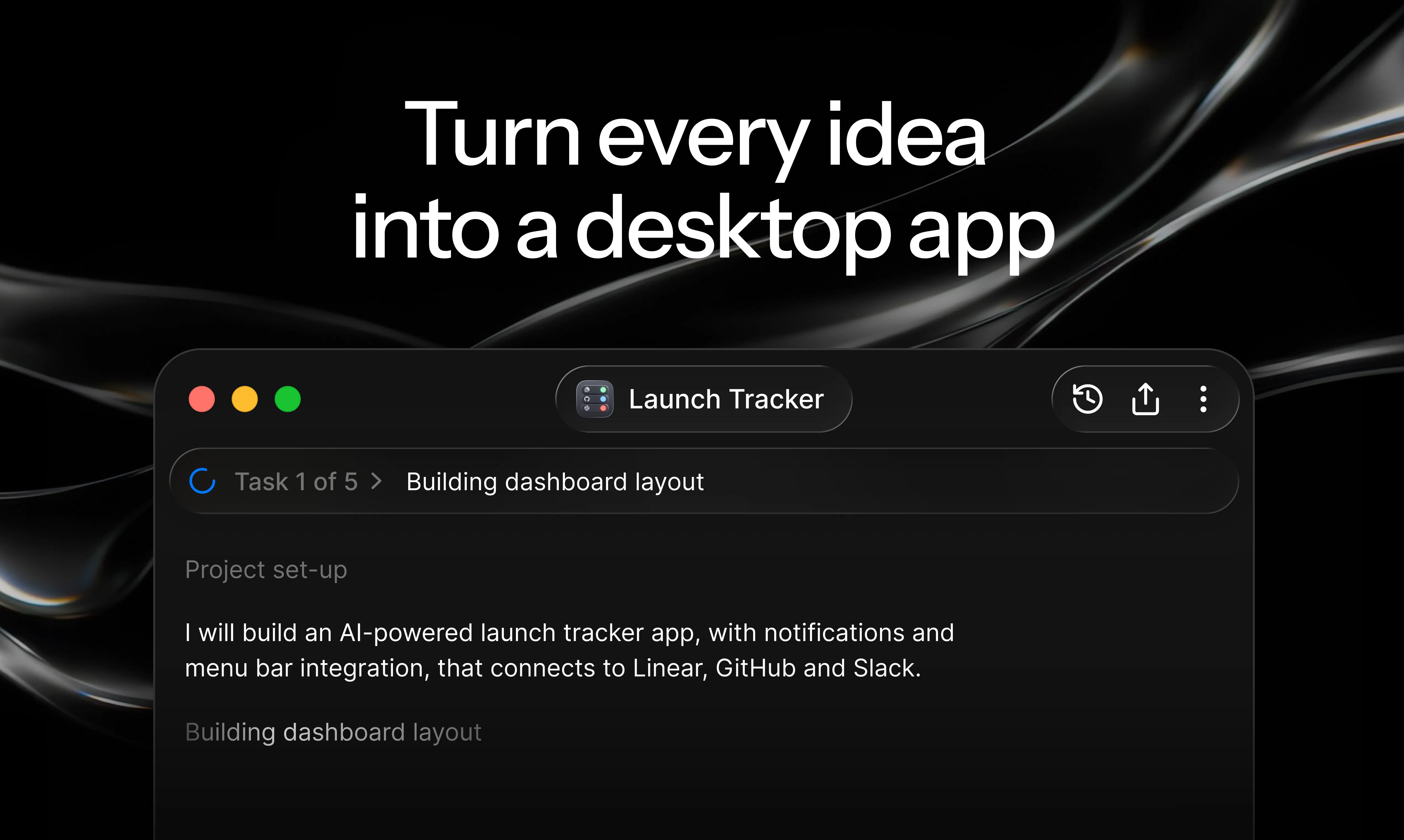
查看原始信息
LetMeCheck.ai
The easiest health checkup for your codebase. Like a blood test for your code — get a full diagnostic report, catch hidden bugs, vulnerabilities, and code quality issues in minutes. We give your agent skills, not pills!
When we first launched LetMeCheck, we believed the biggest problem was helping teams identify code quality issues. After speaking to more founders, agencies, freelancers, and developers, we realized the real challenge runs much deeper. The problem isn’t just finding issues. The real challenge is confidently shipping AI-generated code at scale. Today, AI tools like Claude, Cursor, and ChatGPT help teams ship incredibly fast. But speed often comes with hidden technical debt: bugs, security risks, poor test coverage, complexity, and fragile architecture. That’s where the blood test analogy became very real for us. A blood test doesn’t fix your health. It helps you understand what’s happening inside before problems become serious. That’s exactly what LetMeCheck does for your codebase. This relaunch is built around everything we learned from our users. LetMeCheck now helps you: → Analyze your codebase → Check for hidden issues → Generate custom AI skill files for your coding agents → Fix issues faster → Rescan and track improvements The most exciting part of this launch is custom skill generation. You can now generate project-specific skills for coding agents so they better understand your code quality standards, avoid repeating mistakes, and produce better outputs with less rework and token waste. Our mission is simple: Help teams move from working code to confident code. Because in the AI era, writing code is becoming easy. Maintaining quality is the real challenge. We’re excited to hear your thoughts and feedback 🚀
0
回复

The custom skill generation is the interesting part. Most code-quality tools produce a report the developer has to internalize and remember to apply next time. Piping the diagnostic back into the agent as project-specific skills is a more honest loop, the agent produced the fragility, the agent gets the fix.

Building MotionFy solo with Cursor, the pattern I keep hitting isn't obvious bugs (those get caught fast) but subtle drift, the codebase slowly starts violating conventions I established in month one because the agent doesn't remember them and I don't re-prompt them. That's the class of debt that gets expensive later, and it's exactly what a project-specific skill pack should catch.

Curious about the closed-loop metric side, when you rescan and detect "measurable improvement," what's the definition? Reduction in specific issue types, LOC of hotspot code, or something else? Trying to figure out if the skill packs actually train the agent or just prevent recurrence of the last problem.

0
回复

seems like strong to delve deep into security. But the what’s the difference between a skill that checks security + fable 5 vs your app?

0
回复

@mehdigreefhorst Very good question.

A security skill is a narrow guardrail: it tells your AI to watch for vulnerabilities. LetMeCheck scans the full health of your codebase — security, reliability, maintainability, and complexity — then generates a custom skill file tailored to your repo's actual patterns and technical debt.

Fable 5 is a powerful but expensive general model. LetMeCheck doesn't replace your coding agent — it supercharges the one you already use with codebase-specific context. In fact, pair the skill file we generate with a lower-cost model, and you can get Fable 5-like results without the Fable 5 price.

So the difference is: security is just one part of the picture, and we make your existing agent smarter for your specific code, so you don't need to pay for a bigger, pricier engine.

0
回复

How does it actually detect the hidden stuff - is it running static analysis, LLM-based review, or some combo of both under the hood?

0
回复

@asyabuldukatas The code audit report is generated using industry standard tools like Sonar. This issues are then analysed and represented in human readable format.

0
回复

ran it against a side project and it flagged a sneaky sql injection i had missed in a rush. the skill pack idea is clever, feels like a real feedback loop instead of a one-off linter.

0
回复

@srammoa There you go! Thanks for giving it a try!

Yes, intention is to make it valuable - identify and fix!

0
回复