Product Hunt 每日热榜 2026-07-20

PH热榜 | 2026-07-20

#1
Fuzzy AI
We warm your prospects before reaching out
561
一句话介绍:Fuzzy AI是一个以关系建立为先导的AI销售平台,通过自动化的内容互动和个性化沟通,在正式触达前“预热”潜在客户,彻底解决传统冷启动被忽视的痛点。
Sales Marketing Artificial Intelligence Vercel Day OpenAI Day
AI销售 线索预热 LinkedIn自动化 出海获客 B2B销售自动化 客户关系管理 AI内容生成 SaaS工具 智能序列 个性化营销
用户评论摘要:用户普遍认可“预热”理念,认为其解决了冷启动无效的痛点。核心关切在于AI评论和消息的真实性、自动化与个性化的平衡、以及与现有CRM的集成能力。有用户初期获得2个高质量线索,反馈回复率提升2-3倍。
AI 锐评

Fuzzy AI的聪明之处在于,它没有在“发送更多”的内卷中继续堆砌功能,而是回归了商业沟通的本质——信任前置。产品将“预热”这个抽象的销售策略,具象化为一个可执行、可量化的工程化流程,这比市面上那些只优化发送步数的工具要高出一个维度。

从产品逻辑看,其核心壁垒在于“记忆”系统。它不依赖简单的模板替换,而是通过持续学习用户的写作风格、行业知识和过往互动历史,来生成有上下文、有温度的沟通内容。这解决了AI营销工具最致命的“塑料感”问题,让自动化不再以牺牲专业形象为代价。Chug在评论中强调“宁可不发也不要乱发”的克制,是其产品哲学的有力体现。

不过,风险同样明显。LinkedIn对自动化的打击日益严格,一旦被判定为机器行为,整个账号体系将面临风险,这是所有依赖平台API的自动化工具绕不开的达摩克利斯之剑。此外,产品目前仍偏向“工具效率”的优化,而非真正的“策略智能”。它能帮你“如何说”,但无法替你决策“对谁说”以及“为什么说”。长期看,如果Fuzzy不能从执行工具进化为提供销售策略洞察的决策大脑,其壁垒将很快被模仿者瓦解。

总体来看,Fuzzy在冷启动这个拥挤赛道中找到了一个极具差异化的精准切口,其价值在于重新定义了“第一印象”的生成方式。它非常适合那些重视品牌调性、需要高质量线索而非海量垃圾线索的精明销售团队。但若想成为下一代销售基础设施,它还需要证明自己能抵御平台风险,并从“预热”工具成长为“提温”引擎。

查看原始信息
Fuzzy AI
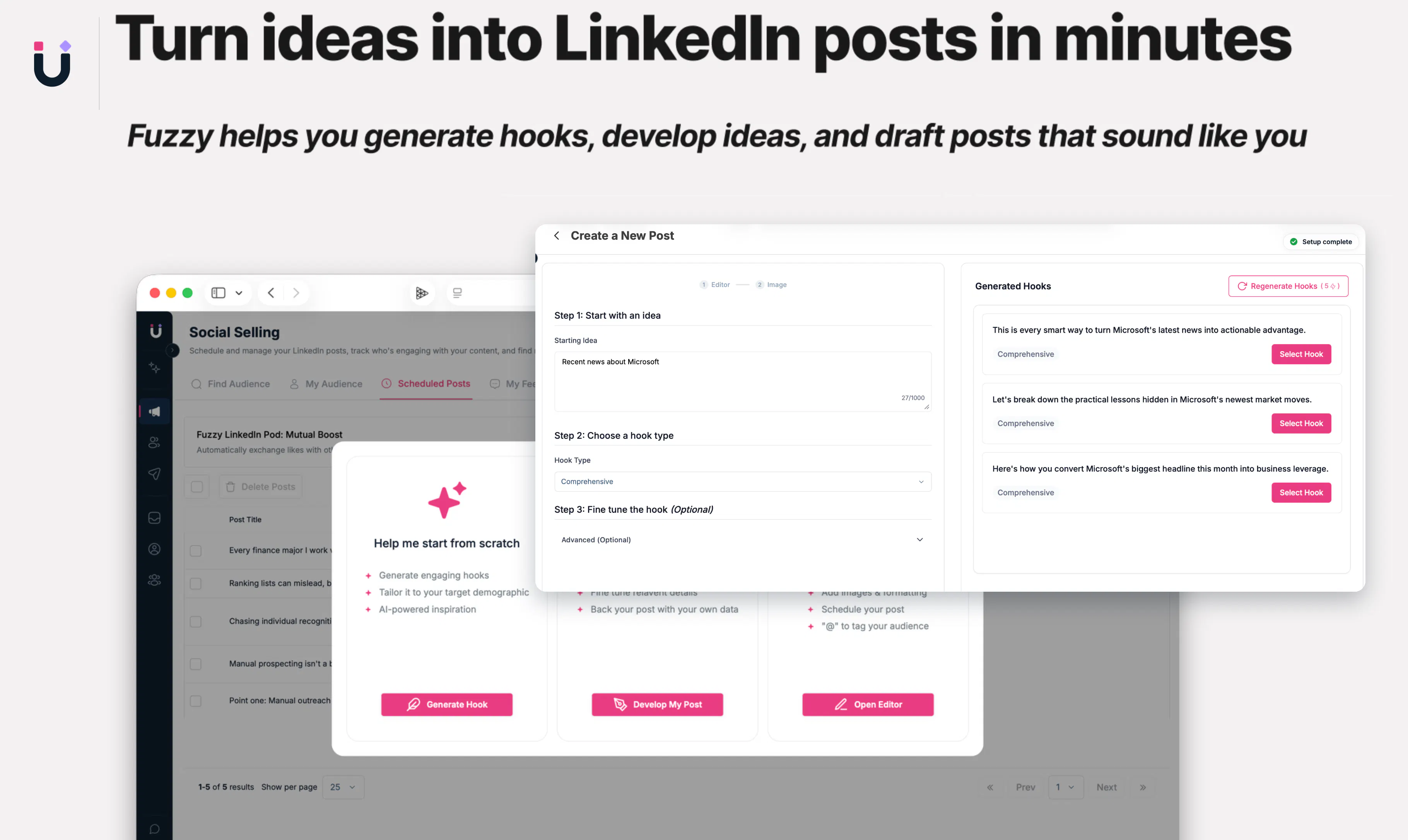
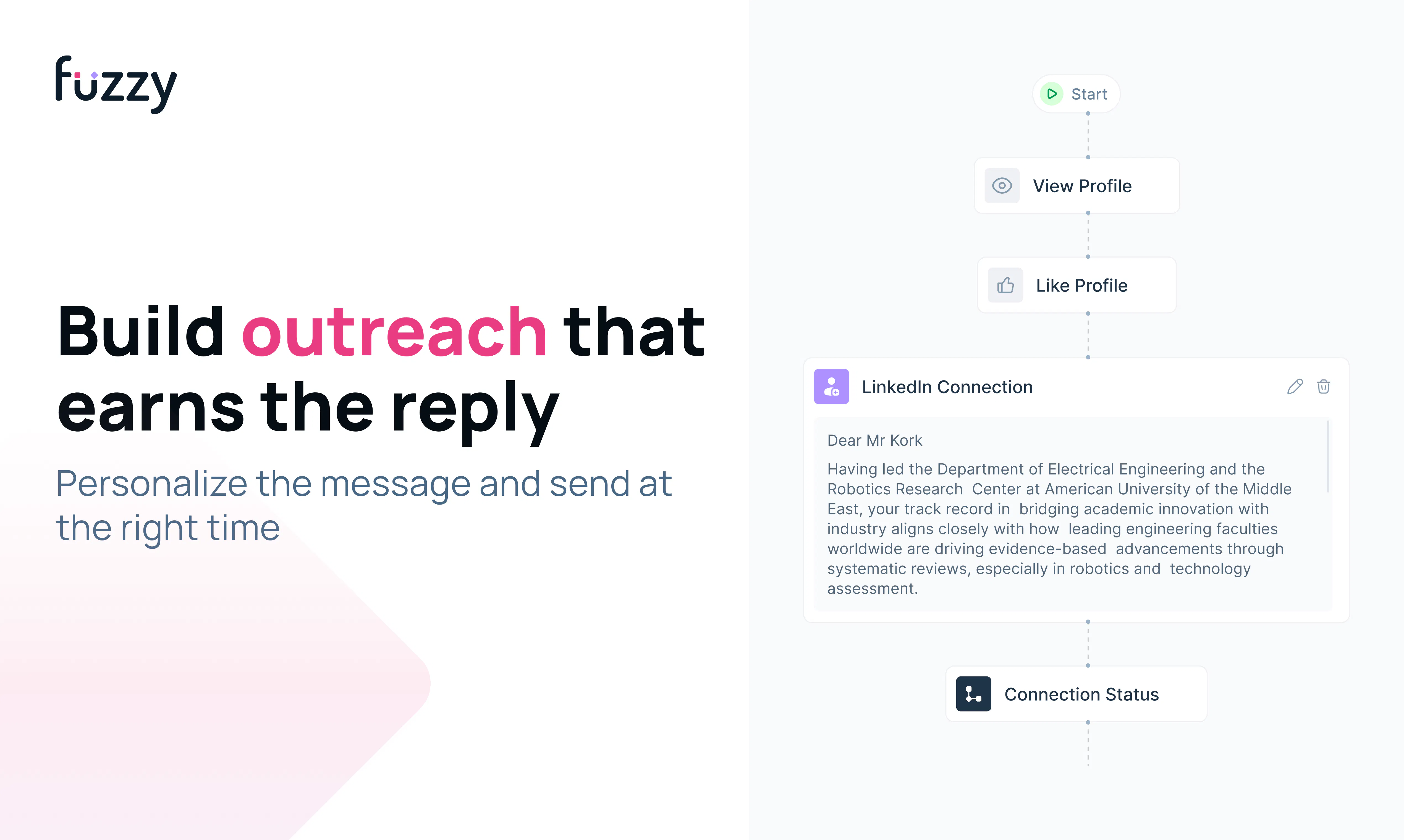
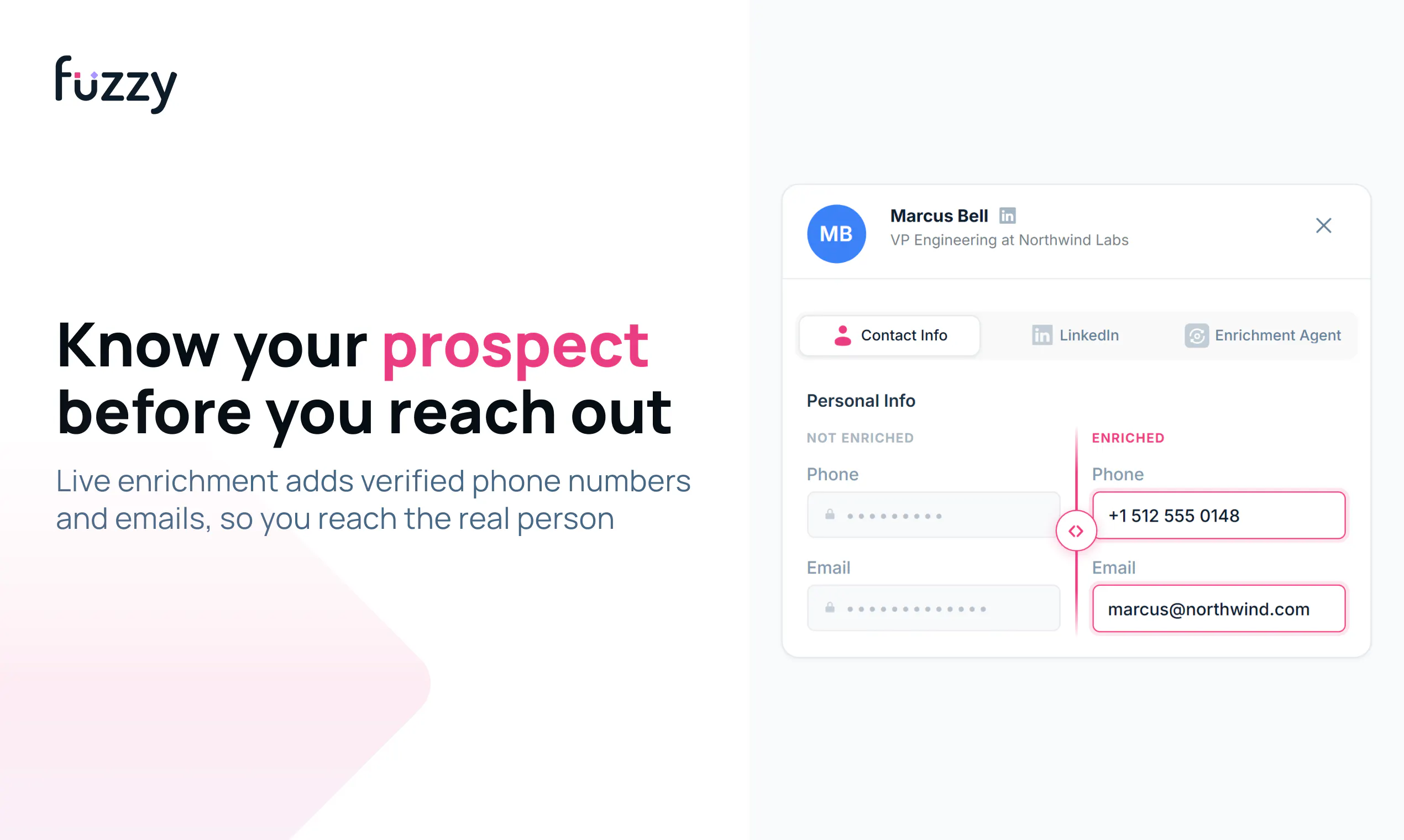
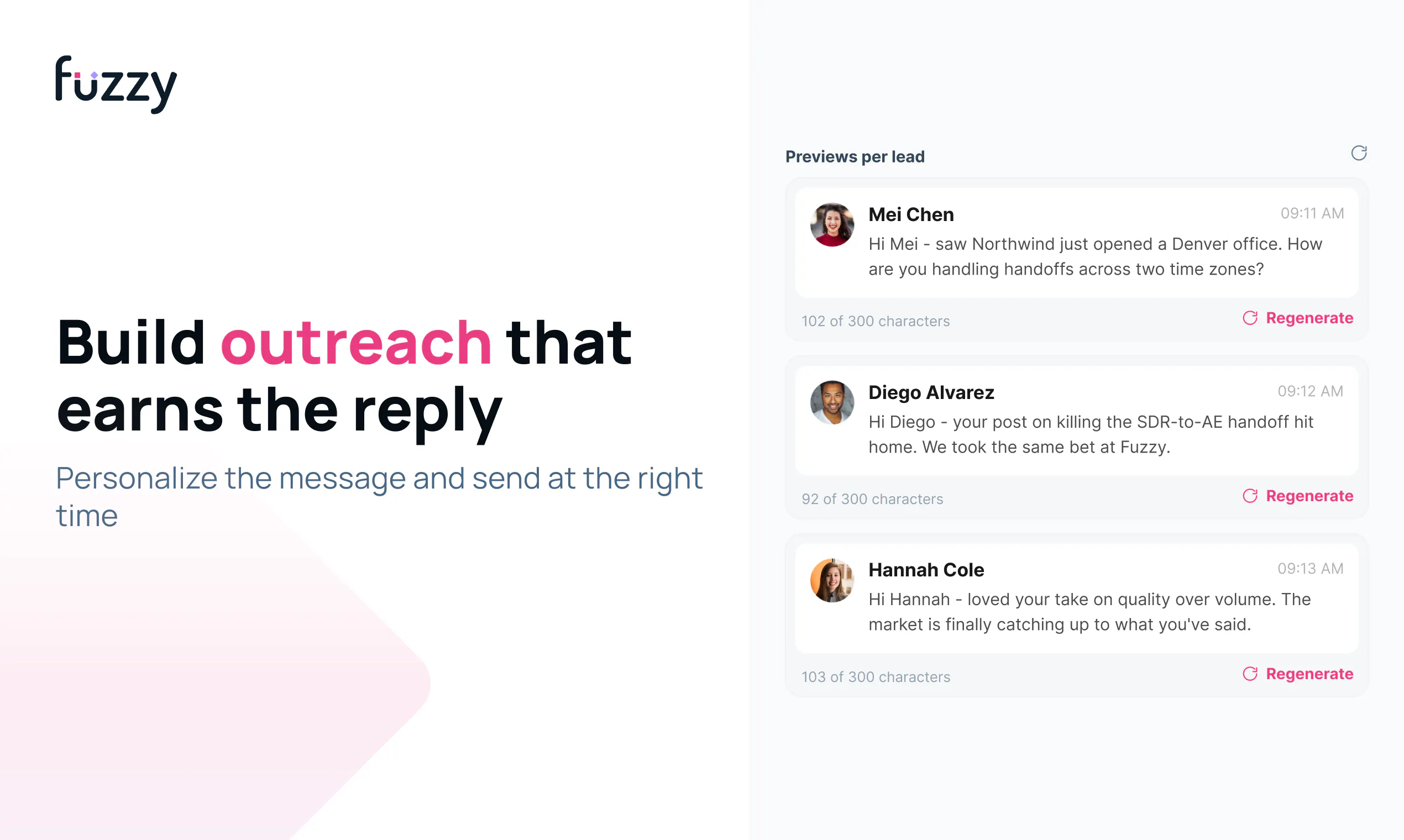
Cold outreach gets ignored because prospects do not know you yet. Fuzzy warms them before you ever reach out by finding people already engaging in your market, helping you stay visible through content and thoughtful comments, then launching personalised LinkedIn and email campaigns in your voice. Research, enrichment, sequences, replies and team workflows live in one place. Customers call it intuitive, seamless and more comprehensive than the tools they used before.

Hey Product Hunt 👋

I’m Serena, founder of Fuzzy AI.

We kept seeing the same thing happen: someone sends a cold message to a complete stranger, it gets ignored, and they’re told to solve the problem by sending even more messages.

But what if volume isn’t the real problem?

What if the problem is that you’re still a stranger?

That’s why we built Fuzzy.

Fuzzy is a relationship-first AI sales platform that warms up your prospects before you ever reach out—so your first message doesn’t feel cold.

Instead of stitching together separate tools for research, LinkedIn engagement, content, outreach, follow-ups, and replies, you can manage the entire journey in one place.

Here’s what you can do with Fuzzy:

🔎 Find the right prospects

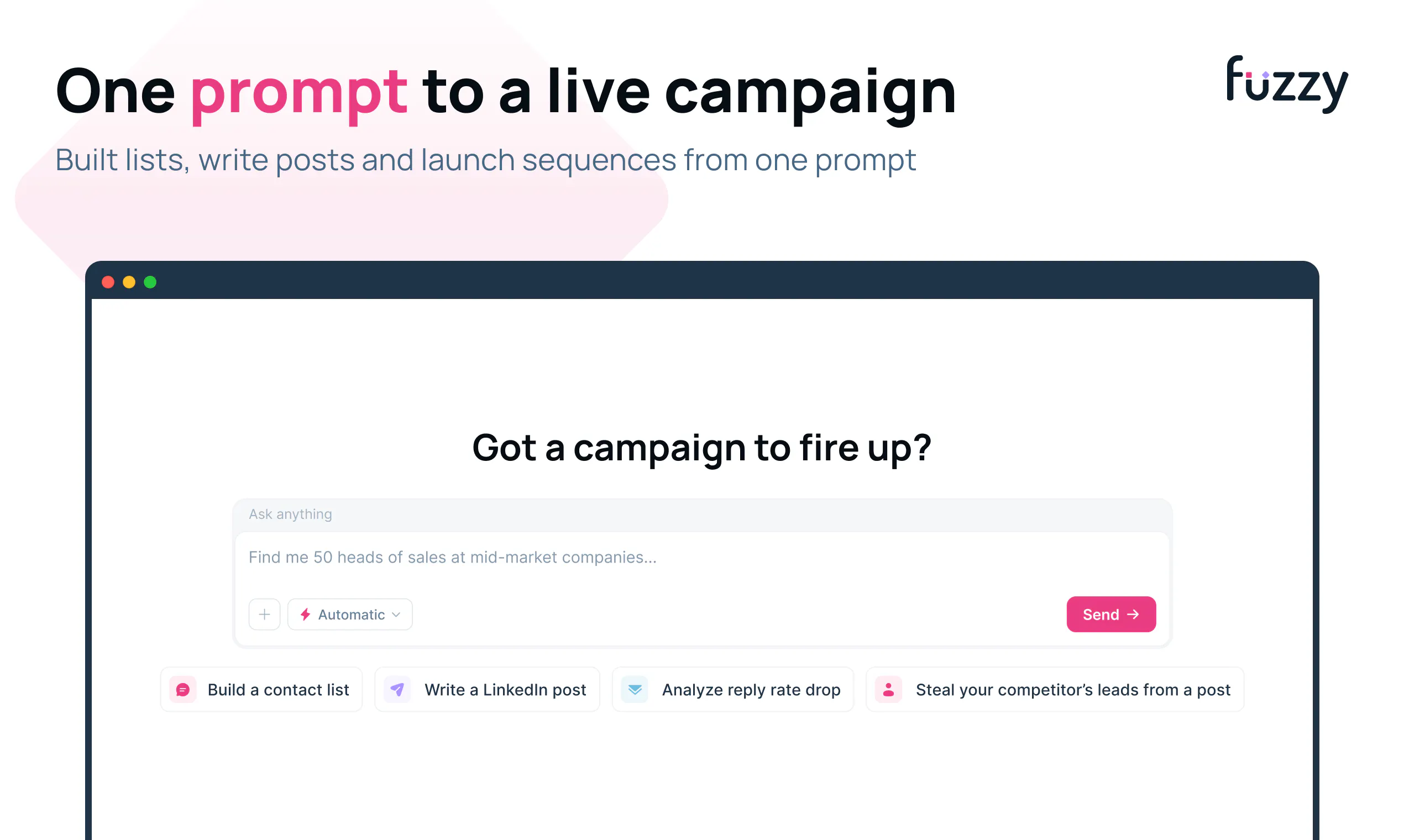
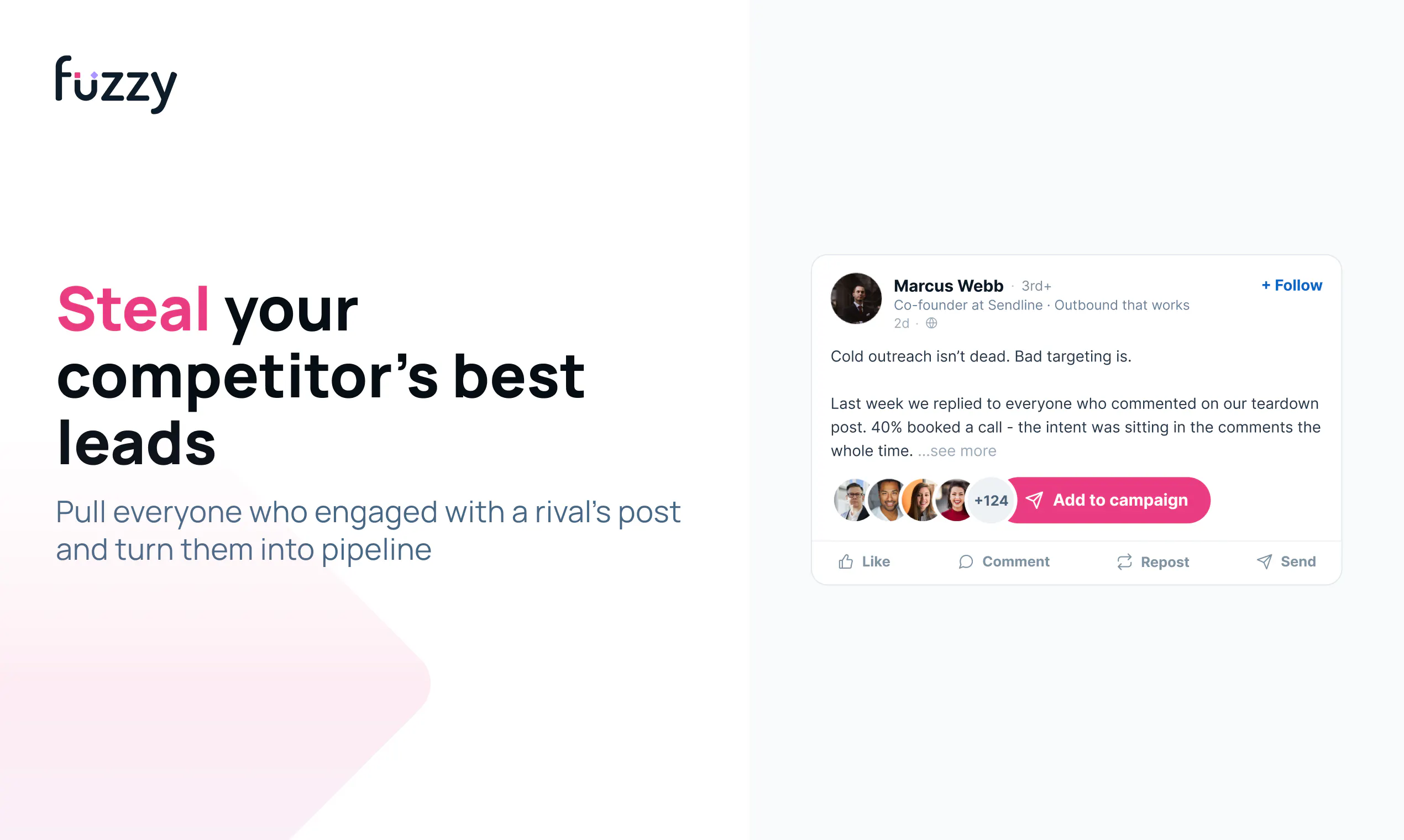
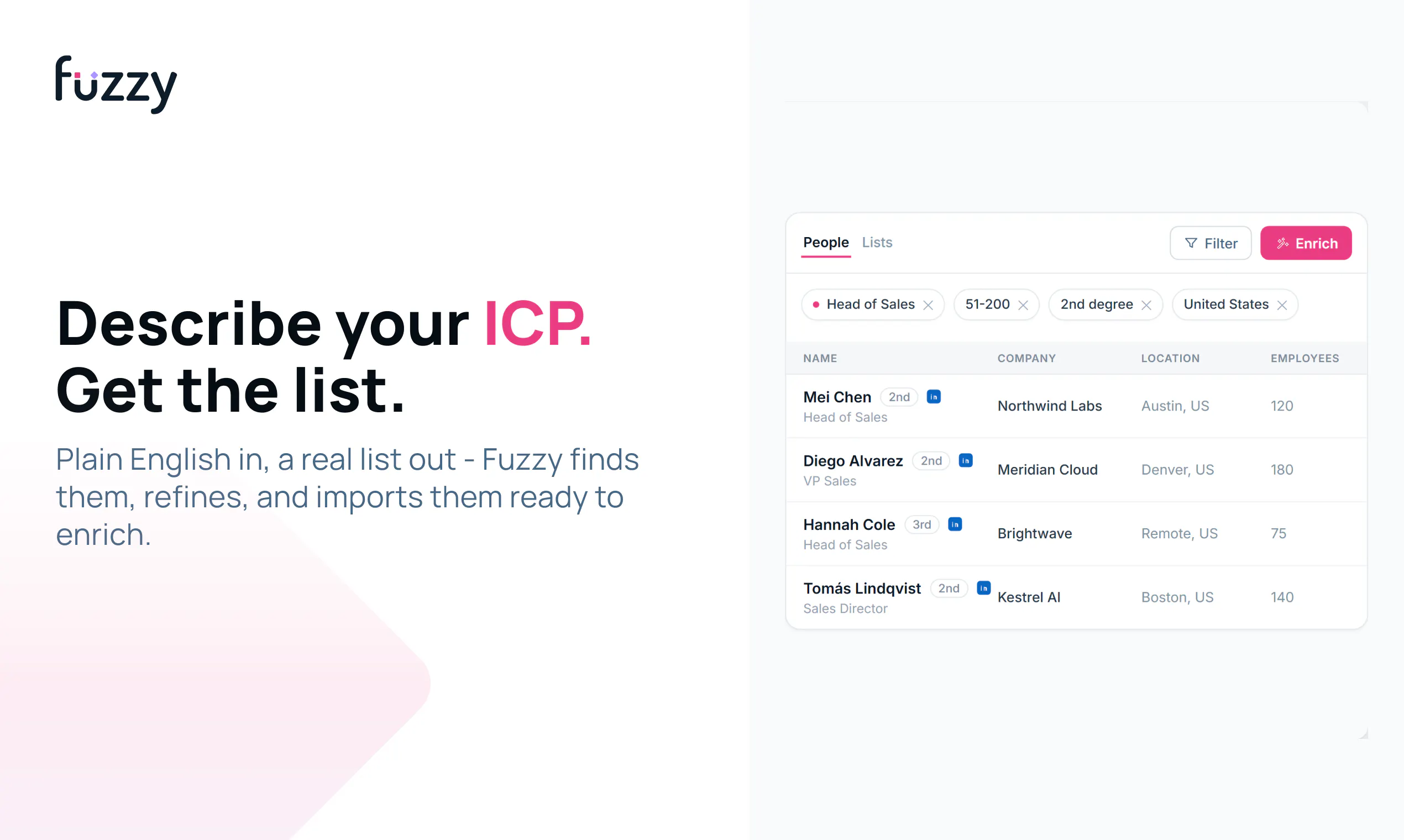
Tell the Fuzzy Agent who you want to reach. It can research companies, build targeted lists, enrich contacts, and find people already engaging with relevant creators or competitors.

💬 Build familiarity before reaching out

My Feed brings together posts from your prospects and key accounts. Fuzzy helps you write thoughtful comments and LinkedIn posts in your voice. You can also choose who Fuzzy engages with automatically.

🧠 Create outreach that sounds like you

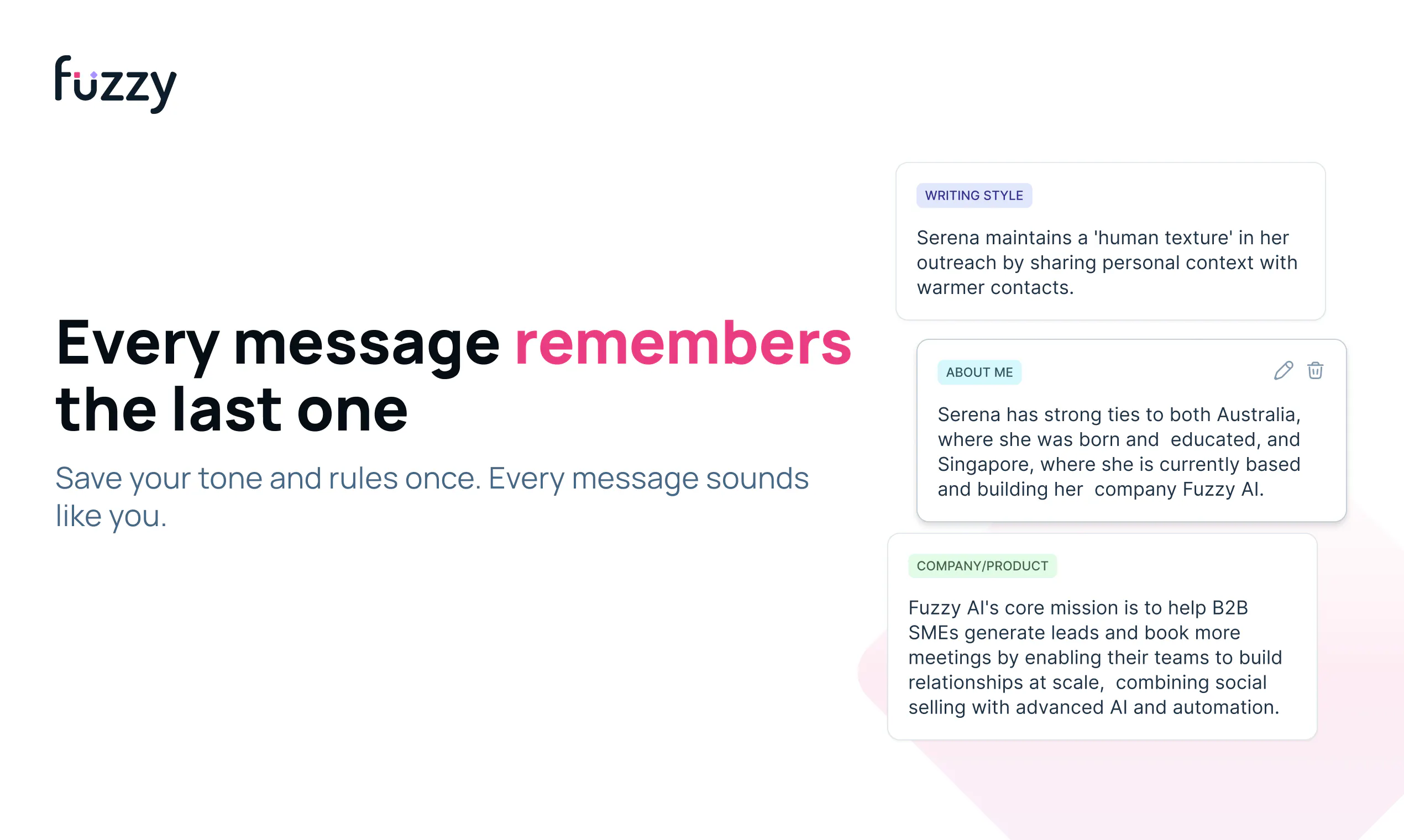
Memories teach Fuzzy about your company, product, audience, offer, and writing style. Fuzzy combines that knowledge with prospect research to create personalised LinkedIn and email outreach.

Keep campaigns moving

Launch multi-step campaigns and let Fuzzy handle the follow-ups without manually managing every step.

📥 Turn replies into conversations

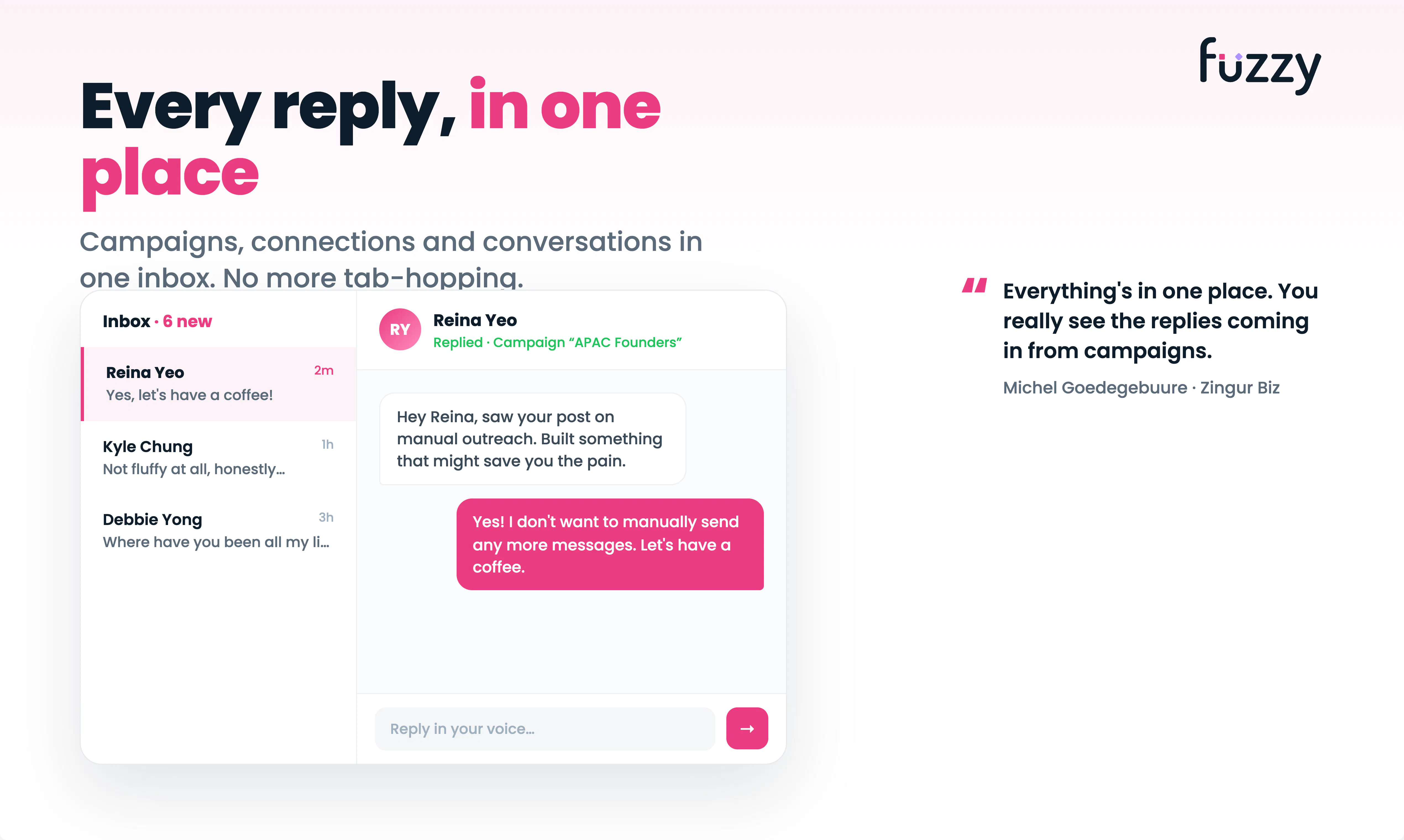
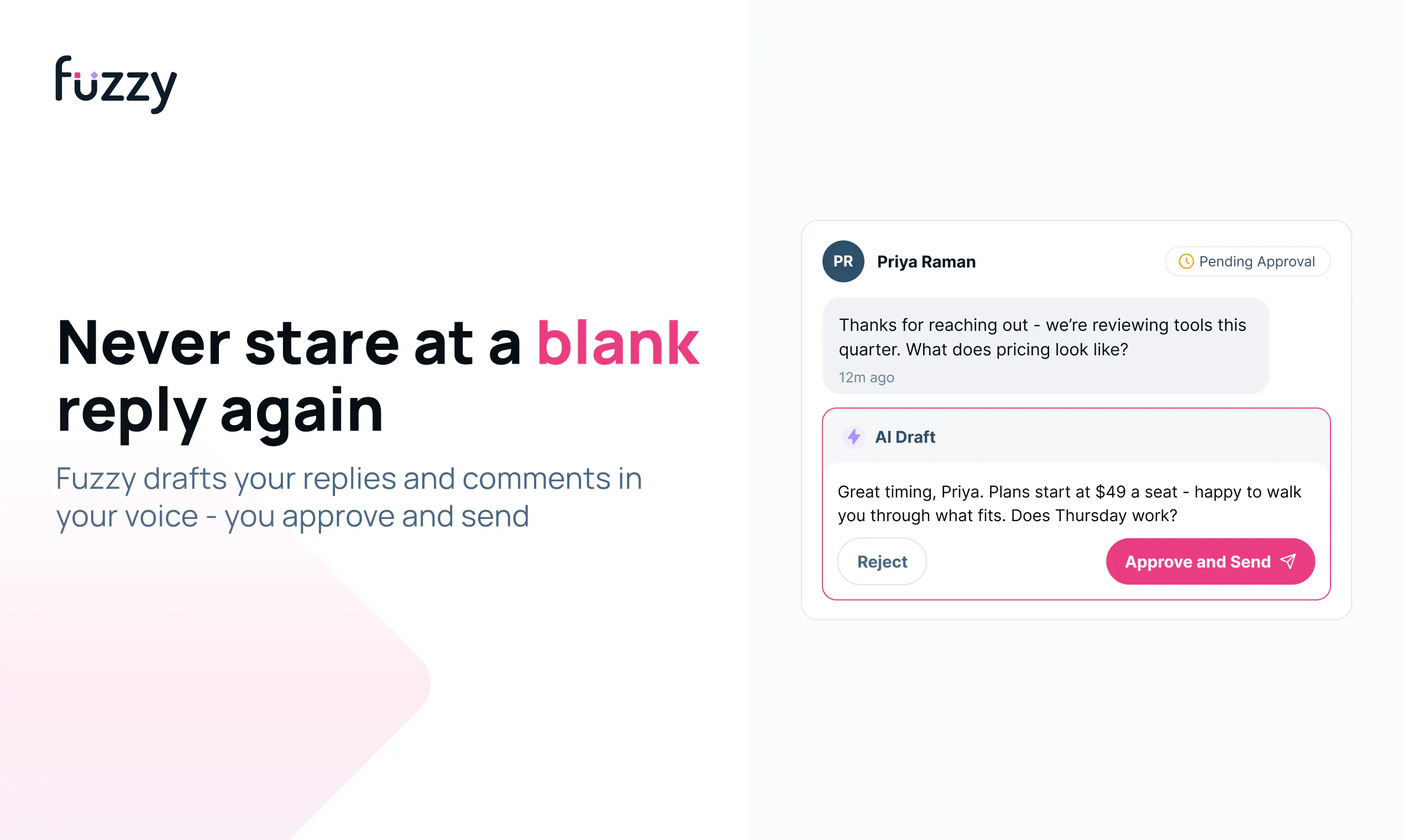
Fuzzy can draft or send replies using the full context of each prospect and conversation. You decide how much control to keep: review everything yourself, automate selected steps, or let Fuzzy continue until it’s time for you to step in.

👥 Work from shared context

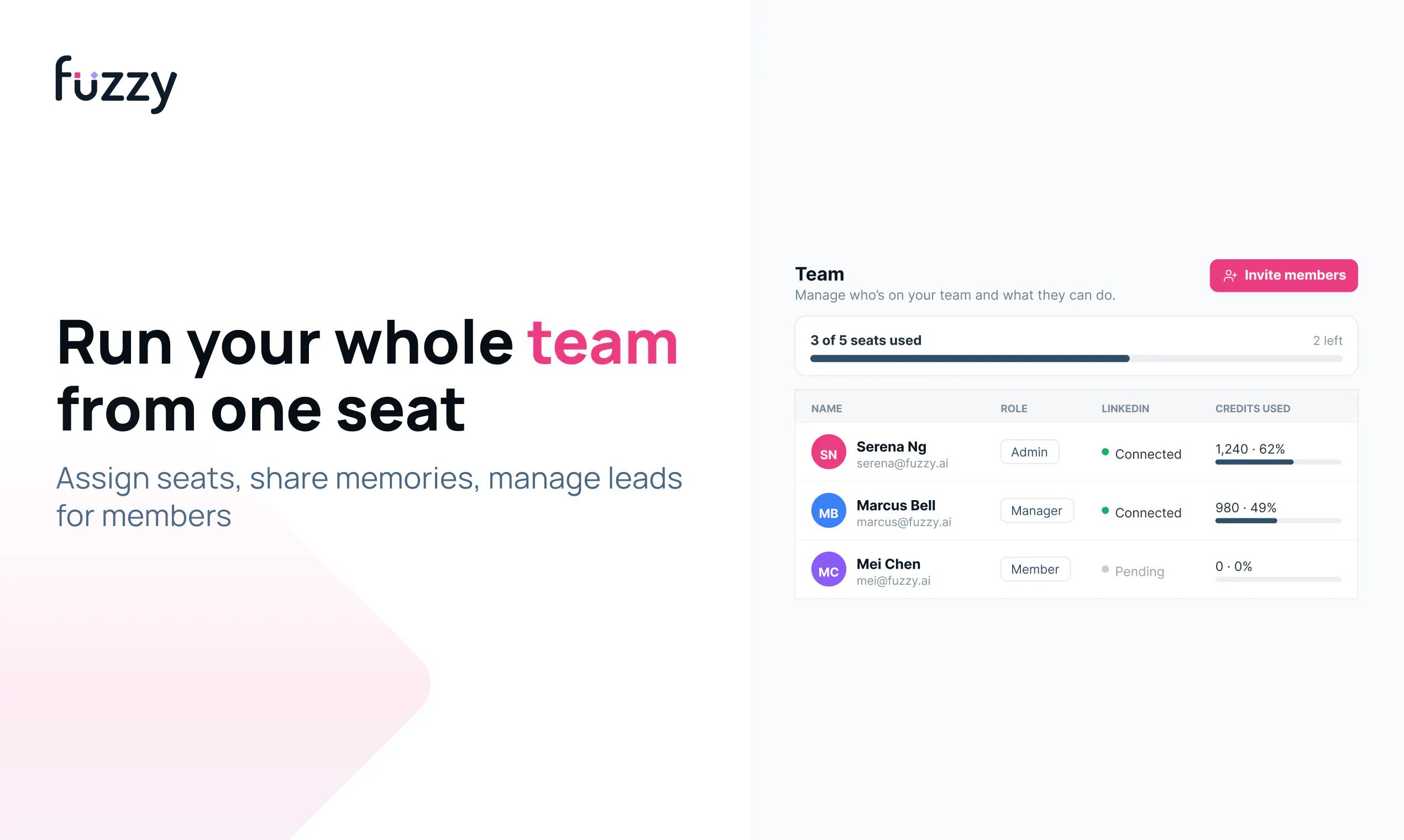
Your team can share company knowledge, research, contacts, templates, conversations, and reporting in one workspace.

Fuzzy is built for founders, sales teams, agencies, consultants, recruiters, and anyone who relies on relationships to generate business.

Our goal is simple: less manual work and warmer conversations.

🎥 Watch the demo: https://youtu.be/PNs_VTpEbPo
👉 Try Fuzzy: www.getfuzzy.ai

Thank you to everyone who has supported Fuzzy. I’m excited to hear what you think 🙌

Serena

48
回复

@serenalam Really like the idea of warming up prospects before the first outreach instead of relying on cold messages alone. Bringing research, engagement, and personalised outreach into one workflow makes a lot of sense. Good luck with the launch!

0
回复

@serenalam Congrats on the launch! Curious — how does Fuzzy decide the right balance between automation and keeping outreach feeling personal? That's usually the hardest part to get right with AI-driven sales tools.

2
回复

@serenalam Congratulations on the launch! Regarding the sequence aspect to Fuzzy AI, is there a way to connect platforms so emails are synced to internal CRMs?

1
回复

Hey everyone, I'm Bladen, CTO at Fuzzy 👋

My focus has been making all the different parts of Fuzzy work as one reliable workflow, from prospect research and message generation to campaign execution and reply handling.

One of the hardest engineering challenges has been balancing automation with user control.

We don't want Fuzzy to operate like a black box. Users should understand what the system is doing, review important actions, and decide when they want the AI to continue or when they want to step in.

If you test Fuzzy today, I'd appreciate feedback on:

Whether the review steps give you enough confidence

Whether the workflow behaves as you expect

Any bugs, slow moments, or unexpected behaviour you encounter

I'll be monitoring the launch and technical feedback throughout the day, so please don't hesitate to challenge what we've built.

24
回复

Does Fuzzy adapt its commenting style depending on the founder's writing voice or industry?

8
回复

@nuseir_yassin1 Yes! And actually, we go much deeper than matching your tone or industry.

Our Memories learn how you write, what you care about, your experience, what your company does, and the ideas you keep coming back to. The goal is to give Fuzzy your context, not just your tone.

You can also set a goal for each campaign, so Fuzzy understands what you’re trying to achieve with that interaction.

That means it can draft something based on your actual perspective, rather than using one generic “founder voice.” And you can still review and edit every comment before it goes live :)

3
回复

Fuzzy got us 2 highly qualified leads in the first 3 days in a brand new country. Pretty amazing results, give it a try!

8
回复

@jingjing_zhong YAY, this makes us so happy!! Two qualified leads in just three days, especially in a brand-new country, is amazing. Thank you for trusting Fuzzy and for sharing this! ❤️

1
回复

I've been trying Fuzzy, and what I like most is how much context it gives me before I reach out. I can see who's already engaging, understand why they might be relevant, and create a message that feels personal, all without switching between several tools. It makes the whole outreach process feel more natural and focused. Congrats on the launch!

6
回复

@xinrui1 Thank you for noticing!! We spent a lot of time getting that right. We built memory into Fuzzy so it learns how you work over time and gives you more relevant context before you reach out.
|

And yes - exactly! We were tired of jumping between so many different tools too, so bringing the whole workflow into one place was a big reason we built Fuzzy. Really glad that resonated with you, and thanks for trying it!

1
回复

There are many comments about the technology, so let me focus about the people behind Fuzzy: Fuzzy's team has been the most responsive and helpful to us. And Serena and her team were genuinely happy when we get leads :))

Thank you for your support!!

6
回复

@janine_teo Thank you so much!! This really means a lot to us.

We get so happy every time you and your team get leads too! So glad we’ve been able to help and support you :))

0
回复

I've been using Fuzzy for the past couple months, really loving how centralized the app is and how I can execute multiple GTM needs in one app. My favorite feature so far is stealing my competitor's audience, I really recommend everyone to check it out!

5
回复

@shreya_r10 Thank you for being such an amazing user!! So glad Fuzzy has helped you get more leads and keep everything in one place.

And THANK YOU for taking the time to leave this comment, it really means a lot to us :)

0
回复

Love the approach to warming up prospects naturally. How are you handling content matching/comment personalization so it stays authentic and avoids sounding AI-generated?

5
回复

@chug2k Thanks Charles. This is the bit we've spent the most time on.

Fuzzy only comments when there’s a real overlap between what someone posted and what you actually know something about. It doesn’t comment just for the sake of commenting.

For personalisation, the short answer is memory. Fuzzy keeps a running memory of each prospect, so it knows what they’ve posted before, what you’ve already said to them and what they replied. That stops it commenting like it’s meeting them for the first time every week.

It also remembers how you write, then runs each comment through a humaniser to remove the usual AI tells. Nothing posts without a review step, and you can edit or kill any comment. It still gets things wrong sometimes. When in doubt, we’d rather post nothing :)

6
回复

congrats on the much awaited launch! outreach without warming up your leads is like aimlessly shooting.. fuzzy is a great platform for outreach and increasing touch points.

4
回复

@fatima_rizwan Thank you so much, Fatima!!

Yes, exactly. We’ve found that warming people up and building those touchpoints before outreach makes such a big difference to reply rates. (around 4-5x) That’s a huge part of why we built Fuzzy :)

0
回复

So the fix for cold outreach was... not being cold. Incredible. Jokes aside this makes sense, curious what the reply rate diff looks like?

4
回复

@demirbyilmaz Hahaha exactly 😂 It sounds very obvious when you put it like that :P

Results vary by campaign/who you're targetting/industry, but we’re generally seeing 2 to 3x higher reply rates. One comparable cohort went from 4% cold to 14% after warming.

The replies tend to be better too. Fewer polite rejections and more actual conversations. Still early, but very promising so far!

2
回复

This reminds me of networking at conferences, you usually chat before asking someone for something. It would be awkward if someone just went and asked or pitched randomly without building the rapport.

2
回复

@ragsyme hahahahhahahahaha EXACTLY :P

what we want to avoid.

0
回复

I have used a lot of LinkedIn automation tools, they mostly optimize sending. You're optimizing recognition first, which is actually the right way. Congrats on the launch.

2
回复

@krutiparekh16 Thank you so much for the support, Kruti!! And yes, exactly. We really believe sales is an end-to-end process. You can’t just send someone a message out of nowhere and expect them to respond. They need to recognize you and understand why you’re relevant first :)

0
回复

Serena, do you know what I like about your product positioning and why it immediately stood out? You're solving the problem before outreach even begins. This is exactly how every cold outreach tool should have been.

2
回复

@iamanantgupta Thank you so much for this, Anant!! And yes, exactly. If you haven’t built any trust or given someone a reason to know who you are, why should they respond to a cold message?

We really wanted to solve that part before outreach even begins. Really appreciate the shoutout and support :)

0
回复

The idea of warming prospects before the first message makes much more sense than simply sending more cold emails which all the apps have normalised. Congrats Serena and team.

2
回复

@himani_sah1 Thank you so much, Himani!! Exactly. Otherwise, you’re just another cold message in someone’s inbox, and nobody wants more of those.

We really cared about making outreach feel warmer and more human before that first message ever gets sent :)

0
回复
Good luck!
2
回复

@creative_nemo thank you for your support as always Tarun!

0
回复

Personal branding and outbound have always felt disconnected. Good to see them combined into one workflow. Congrats!

1
回复

@ranjan_kumar45 in products, yes!

But sales is ONE motion, not disparate, so we decided to bring it all together.

0
回复

When someone subscribes, they get all three sides of the product by default or there is an option to select what we want?

1
回复

@syed_shayanur_rahman all three by default! We wanted our users to be able to use everything.

No gatekeeping :)

0
回复

Bringing research, engagement, and outreach into one unified workspace is a massive UI win @serena_lam_!

In team setups where multiple reps or account executives are targeting different stakeholders within the same enterprise account, how does Fuzzy prevent duplicate 'warming' efforts? If Account Executive A is commenting on an Exec's post, does the workspace flag that context to Account Executive B so the team's outreach stays coordinated rather than spammy?

1
回复

@franz_briones Oh yes, we already have this in our Teams feature! The workspace flags when someone on your team is already engaging with that person, and you can turn on duplicate prevention with one click.

So in your example, AE B can see that AE A is already warming the exec and avoid doubling up. We really wanted teams to share that context so outreach stays coordinated rather than feeling spammy.

Definitely check it out, and would love to hear what you think :)

1
回复

I always wished LinkedIn should have close connections list so we can engage with them in a separate feed. I will use Fuzzy mainly for this feature. :D

1
回复

@zerotox Yes please!! Let us know how it goes, Kumar. We’d love to hear what you think once you’ve tried the separate feed

0
回复

I like the idea of warming propects beore launch. Building familiarity first can improve response rates. How do you measure which interactions create the strongest trust? Showing those insights could help users refine their strategy.

1
回复

@advin_jadis Good question Advin! We look at the full interaction history for each prospect, including posting about trustworthy content, likes, comments, connection acceptance, replies and eventually meetings. The strongest signal isn’t one interaction (we found that now you need 14 touchpoints before someone books a meeting with you in b2b), and then those interactions turn into a real conversation.

That history also goes back into Fuzzy’s memory! So the next interaction isn’t starting from zero.

But you’re right that we can show this much better. A like isn’t the same as trust. We want users to see which topics and types of interaction are actually moving the relationship forward, not just a dashboard of activity. This is something we’re working on on the roadmap :)

0
回复

Congrats on the launch! Curious how you're warming up contact without appearing insincere (I'm guessing there's the AI aspects on the automation)?

1
回复

@raymond_yeh Good question :) We have a feature called Memories, which gives Fuzzy shared context about you. We learn about the way you speak and who you are. It works similarly to memory in GPT or Claude, so it learns how you write, what you care about, and the context behind your work.

The other thing is that nothing gets sent without you reviewing and approving it first. So it’s not an AI bot running on autopilot. You’re still in control, and everything that goes out sounds like you and is something you actually care about :)

0
回复

I like the idea because yes, you have low chances of getting a response from a cold outreach. But I feel like there's an issue which is authenticity because if I found out that someone had been warming me up with AI comments I'd have a different view on the person.

0
回复

Interesting concept! Does Fuzzy adapt its messaging based on how prospects engage over time?

0
回复

the warming-up approach actually works, saw real engagement on my comments before i ever pitched anyone. way less spammy than the linkedin tools i bounced off of last year.

0
回复

The 'only comment when there's real overlap' call is the whole ballgame, and it's harder than it sounds. Running automated engagement myself, the asymmetry that bit us: a false positive, a comment where you don't actually have standing, costs way more than a miss, because a slightly-generic reply on someone's post reads as automated and burns the exact warmth you were trying to build. How are you tuning that overlap threshold, and do users get to see or veto the borderline ones before they go out?

0
回复

Congrats on the launch, Serena. The 4% to 14% cohort you shared in the thread is the number that makes this interesting: warming as a measurable stage instead of a vague brand effect. My question is about audiences that live mostly off LinkedIn. We sell to healthcare professionals, and the busiest ones barely post, they read quietly if they show up at all. Does Fuzzy still find enough surface to warm an ICP like that, or does it need prospects who are actively engaging in-feed?

0
回复

Finally tried this for my consulting work and the comment-warming angle actually feels different from typical scrapers. Surprised it didn't take much setup to get a sequence going.

0
回复

One thing that would really round this out for me is a built-in deliverability health dashboard that flags risky sends before campaigns go live. Warming up inbox reputation is usually a separate chore, so baking it into Fuzzy alongside the sequences would save a lot of juggling.

0
回复

This is cool. Which data sources do you source from?

0
回复
Congrats on the launch! I run LinkedIn outreach for a 36-person company and the engage-first approach is the right call, cold blasts are dead. My question is the one every LinkedIn tool has to answer: account safety. Automated engagement and follow-ups are exactly what LinkedIn hunts for, so does Fuzzy run through my own browser session with human-like pacing, or cloud accounts? And what daily limits do you enforce by default? Our reps’ accounts are worth more than any tool, so this answer decides everything for me
0
回复
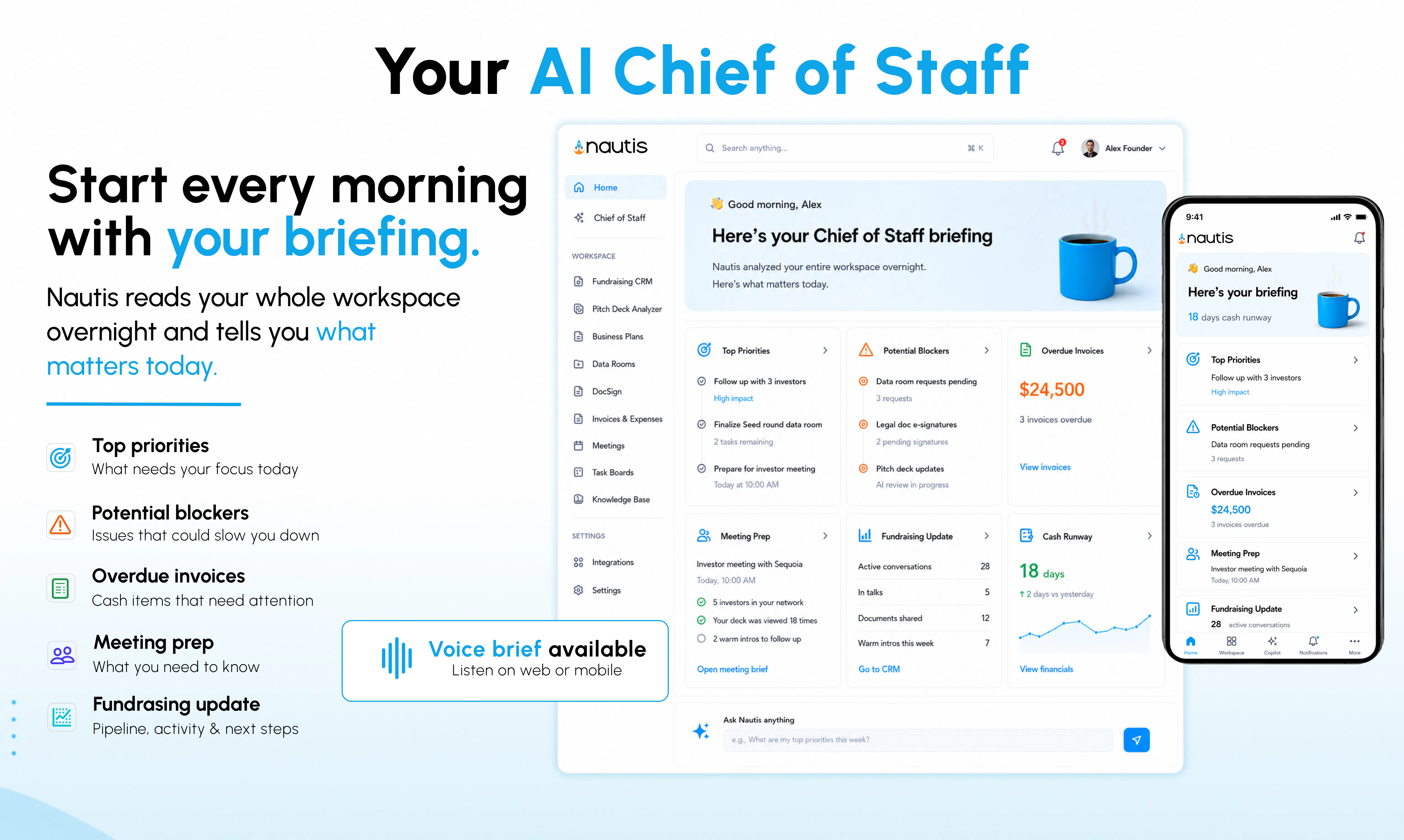
#2
Nautis
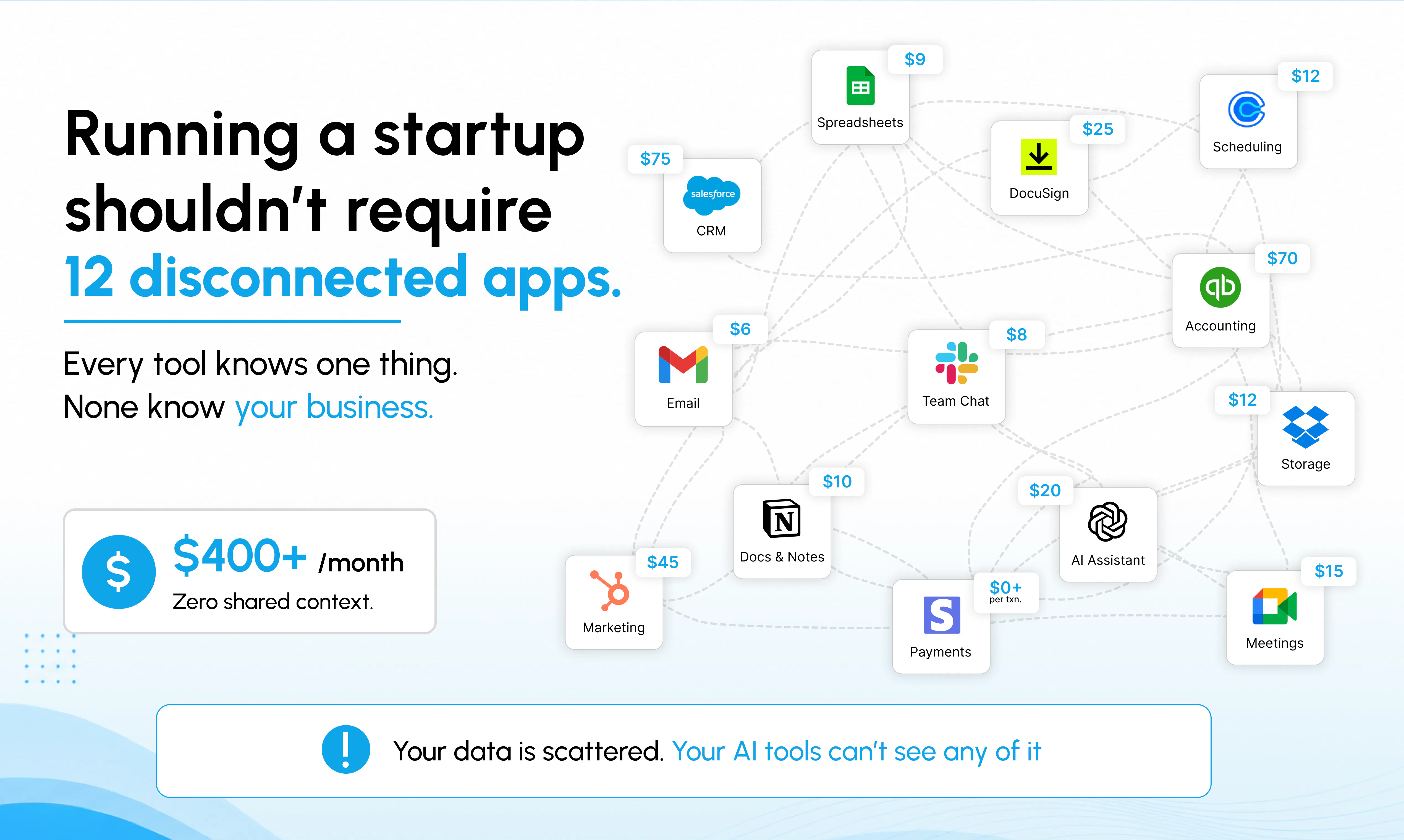
The AI-native Operating System for founders.
465
一句话介绍:Nautis 为创始人打造了一站式AI原生操作系统,将融资、财务、CRM、文档、招聘等分散模块整合在一个共享AI大脑的协作空间中,解决创始人因在多工具间切换而导致的信息孤岛与效率低下痛点。
Productivity SaaS Artificial Intelligence
AI原生操作系统 创始人工具 一站式工作空间 融资CRM AI幕僚 自动化运营 创业管理 SaaS整合 智能简报 上下文感知
用户评论摘要:用户赞赏其“共享上下文”架构,认为比孤立AI助手更强大。核心疑问包括:AI如何避免信息过载并智能排序优先级?如何保证多模块共享数据下的权限安全?多创始人团队如何协作?以及能否与Notion、HubSpot等现有工具集成。
AI 锐评

Nautis 的定位聪明且精准——它瞄准的不是某个单一功能的AI工具,而是创始人工作中“信息碎片化”的深层痛苦。其核心价值不在于“又造了一个AI”,而在于“用AI重塑了工作流”。将融资、财务、CRM、文档等模块共享一个AI大脑,这一架构设计比那些简单套壳的“AI一体化”方案高明得多,因为它真正解决了上下文丢失的致命伤。创始人无需再在不同应用间复制粘贴信息,AI能基于全局数据做出判断,这比任何单一功能强化都更具颠覆性。

然而,产品的真正挑战在于落地。首先,“AI幕僚”在真实场景中处理复杂、模糊的创始人工作时,其决策准确性和优先级判断是否可靠,将决定口碑。处理不当,极易沦为“智能版便签”。其次,模块众多意味着每个功能都可能面临成熟竞品(如HubSpot、Notion)的碾压式竞争。Nautis必须证明其“集成”带来的效率提升远大于用户放弃原有工具、迁移数据的成本。创始人更看重“现状的优化”而非“颠覆的承诺”。

关于数据安全与多创始人协作的追问,也暴露了其产品在真实商业环境中的潜在摩擦点。总体来说,Nautis方向正确,但需警惕“大而全”带来的体验臃肿。真正的护城河不是功能多少,而是那个“AI大脑”能否在用户最关键的决策节点上,给出无法被替代的洞察。如果只是把所有模块放在一个房间里养一只AI,那它依然是工具,而非操作系统。

查看原始信息
Nautis
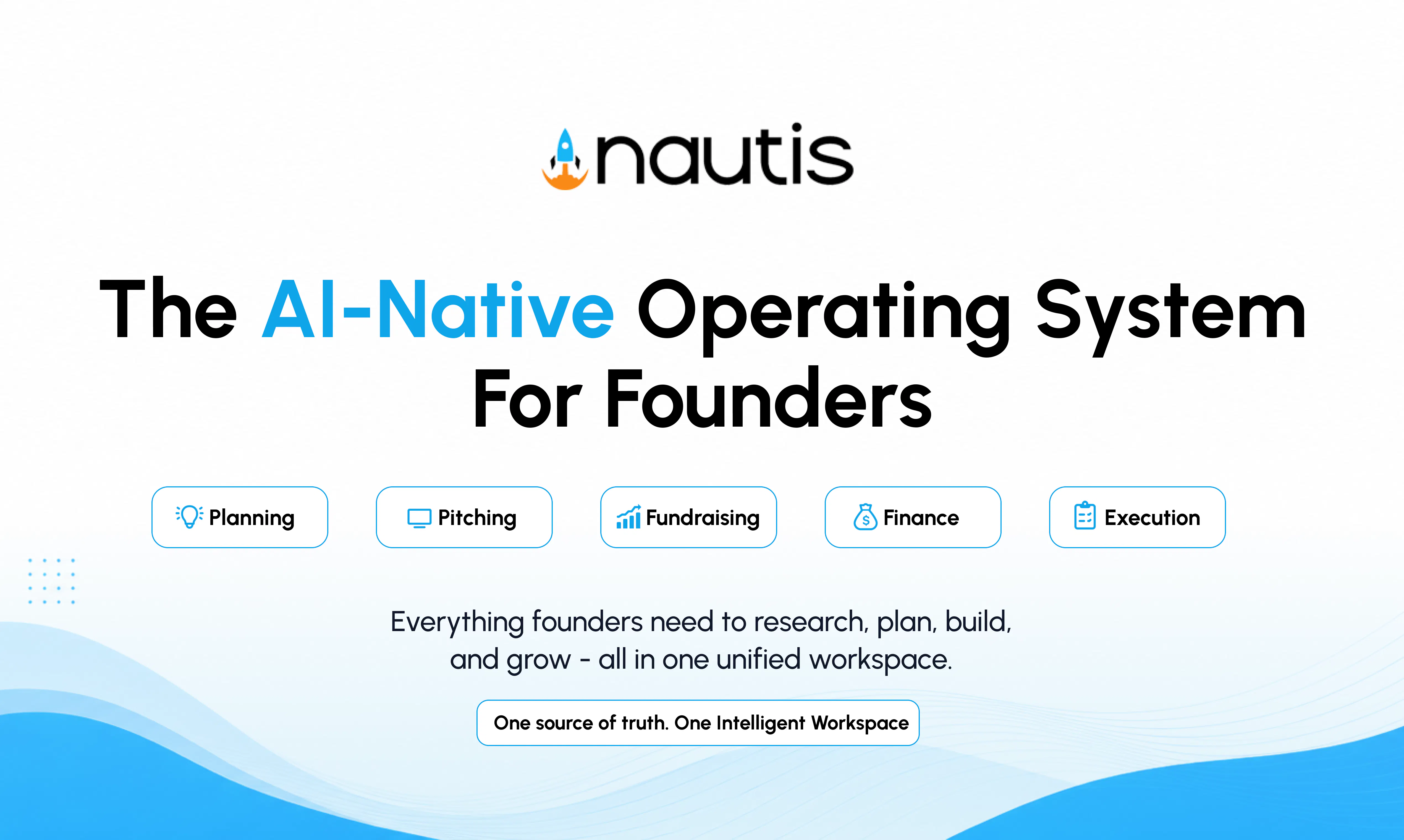
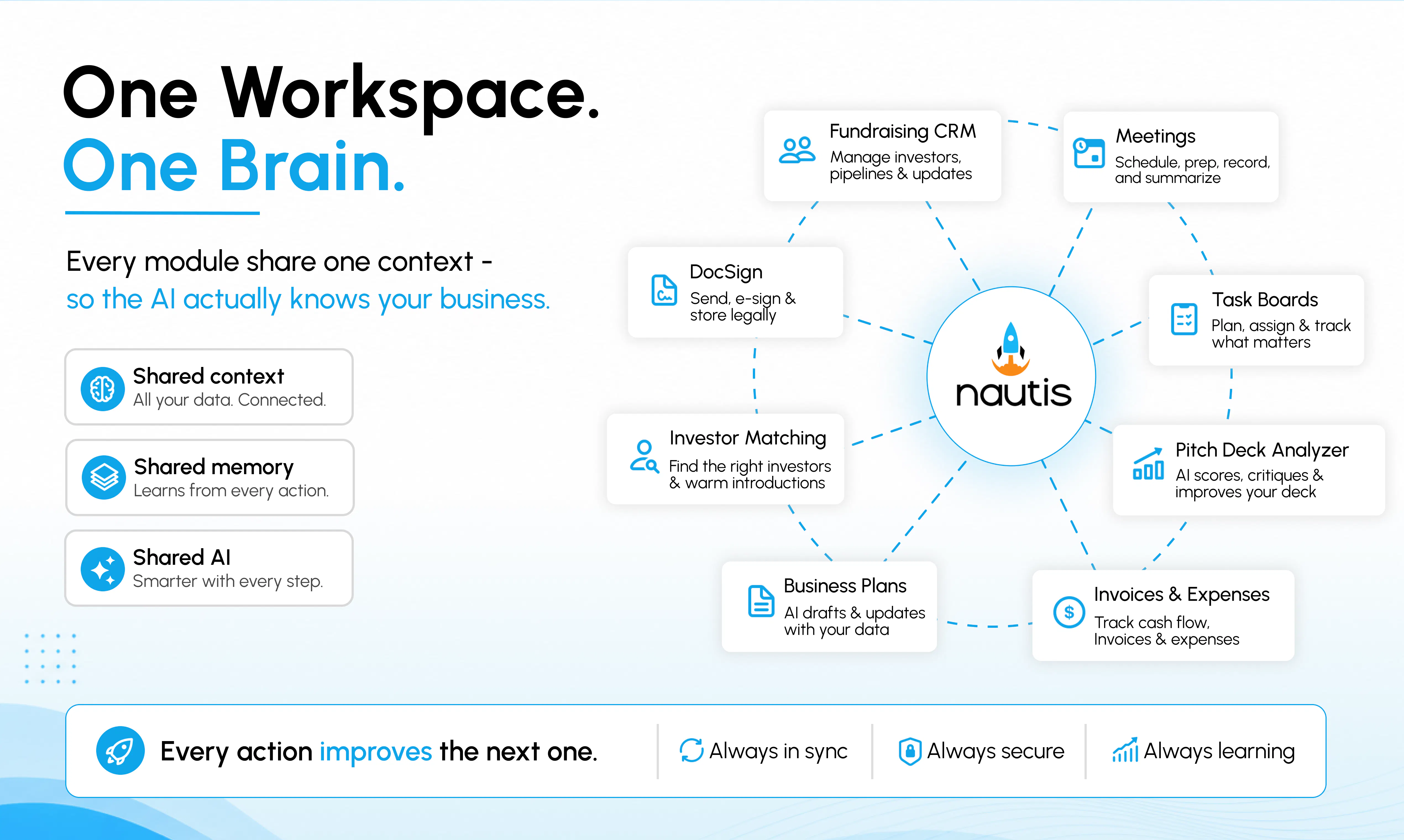
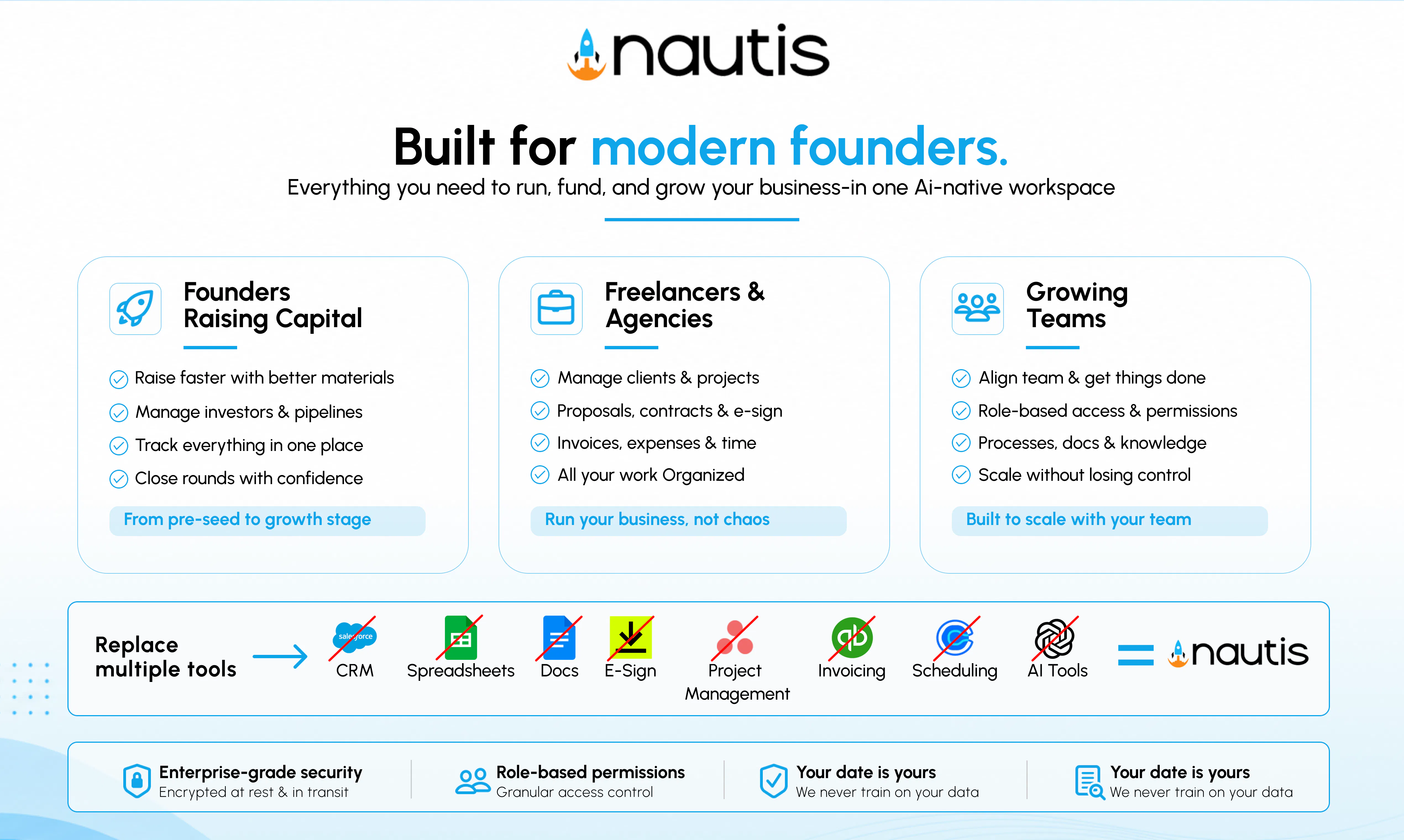
Nautis is the AI-native Operating System for founders. Manage fundraising, planning, finance, documents, meetings, CRM, hiring, and daily operations from one connected workspace. Unlike disconnected SaaS tools, every module shares one AI brain, giving you context-aware automation, smarter insights, and a Chief of Staff that understands your business—not just one app. Spend less time managing tools and more time building.

Hey PH 👋 Baltej here, Founder of Nautis.

Over the last few years, I've been immersed in the startup ecosystem—building products, working alongside founders, collaborating with investors, and seeing firsthand what it really takes to build a company from zero.

No matter the stage, I kept seeing the same problem.

Founders don't spend most of their time building.

They spend it switching between CRMs, docs, spreadsheets, meetings, investor updates, invoices, emails... and now a growing list of AI tools that still don't understand each other.

Every tool has part of the picture.
Every AI knows one thing.
Nothing knows your business.

That frustration became the inspiration behind Nautis.

Instead of building another AI assistant, we asked a different question:

What if your entire startup lived in one workspace, with one AI that actually understands everything?

That's what we've spent months building.

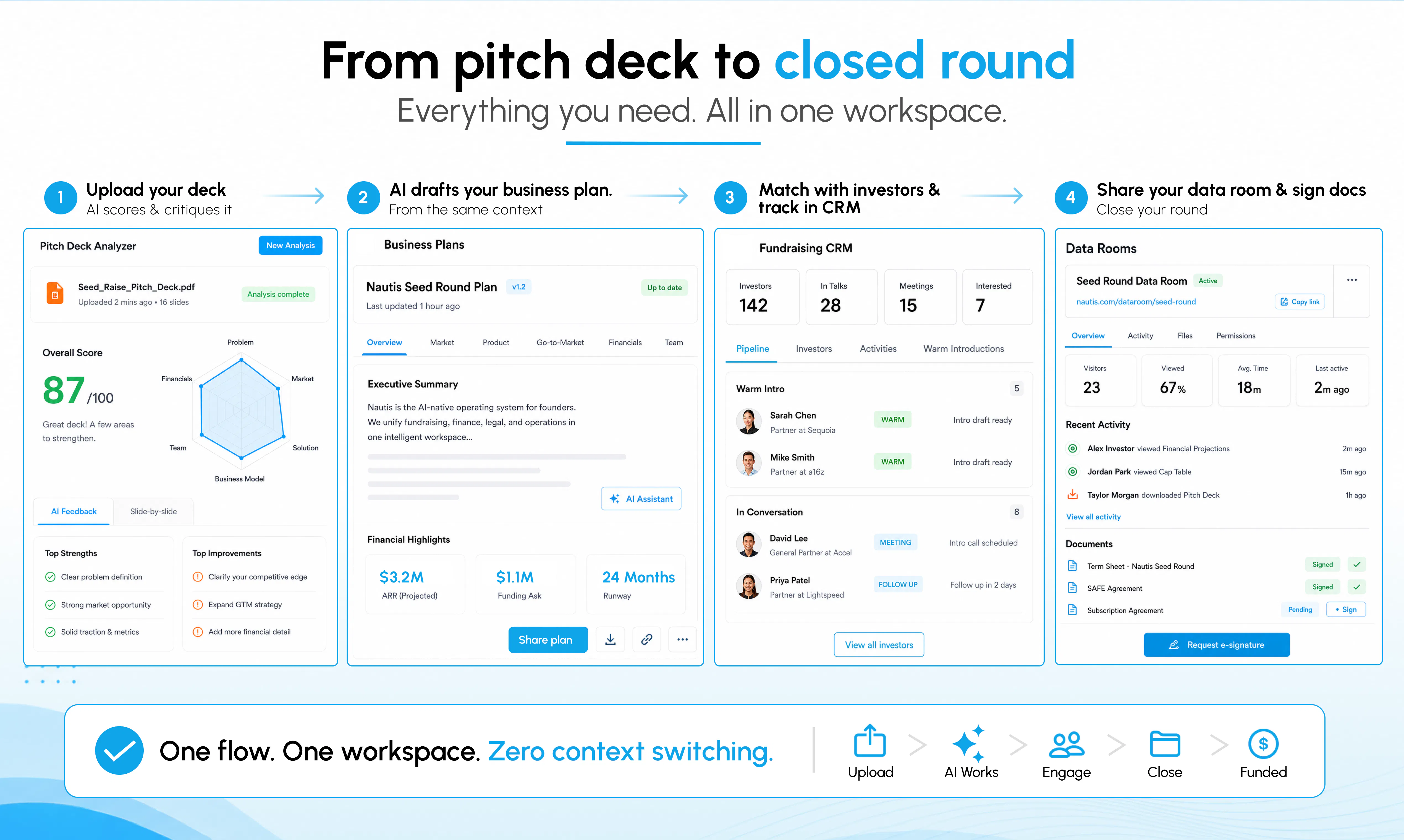
🚀 A Fundraising CRM that knows your investor conversations.

📄 AI that turns your pitch deck into a business plan.

📂 Data rooms connected to your fundraising pipeline.

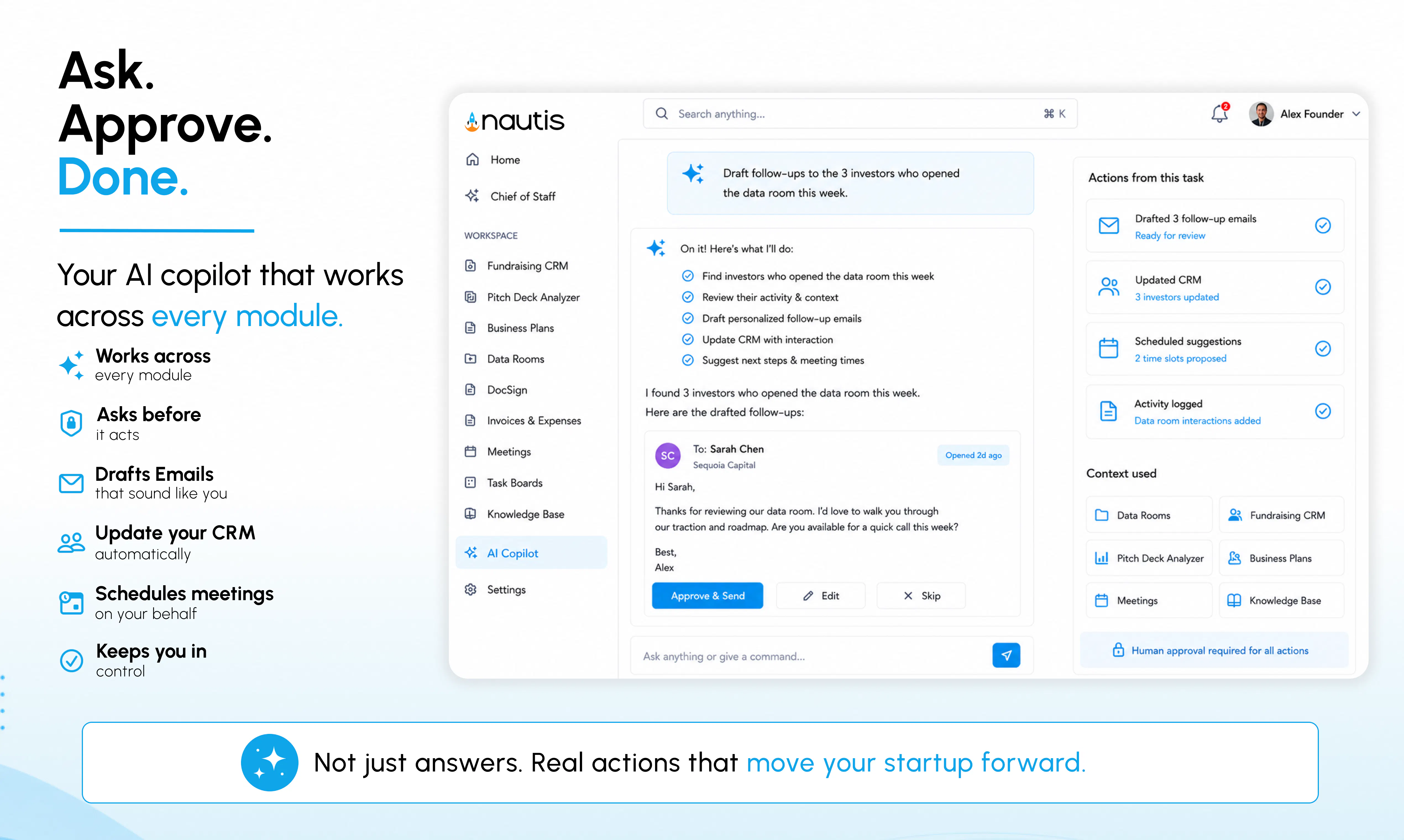
🤖 An AI Copilot that can draft emails, update your CRM, prepare meetings, and help across every module.

☀️ And my favorite feature: the Chief of Staff Briefing. Every morning, Nautis reviews your workspace overnight and tells you exactly what deserves your attention before your day even begins.

We're incredibly excited (and honestly a little nervous 😅) to finally share Nautis with the Product Hunt community.

I'd genuinely love to hear your thoughts.

If you could have an AI take one thing completely off your plate as a founder, what would it be?

We'll be here all day answering questions, collecting feedback, and shipping improvements.

And because every launch deserves a little fun... we even made a Nautis rap 😂🎤

🎵 https://www.youtube.com/watch?v=LzF-n2Kzxso

Hope it gives you a laugh.

Thank you so much for checking out Nautis and supporting our launch. It truly means the world to us. ❤️


Find me on:
Linkedin: https://www.linkedin.com/in/baltej-singh-46b78112
Twitter: https://x.com/baltejsingh88

----
One more thing! 🎉

To thank the Product Hunt community for being our earliest supporters, we're offering 3 months of Nautis Premium for the price of just 1 month.

Simply sign up, then head to Organization Settings → Offers and apply the code PHEARLYBIRD to unlock the offer. 🚀
----

We can't wait to hear what you build with it. 🚀

— Baltej & the Nautis Team

16
回复

@baltejsingh88, many Congratulations on the launch.
I explored the tool; it looks great. It seems like we can reduce 5-6 tabs on my screen, and Nautis will manage multiple things in one place.

1
回复

@baltejsingh88  Interesting angle. The strongest part for me is the shared context across CRM, docs, fundraising, and meetings instead of another isolated copilot. One flow I would love to see in the first demo is turning the morning briefing into concrete actions, like updating a CRM note and drafting the next investor follow-up without extra prompt stitching.

0
回复

@baltejsingh88 Since Nautis has one AI brain across every module, how do you prevent context overload? For example, how does the AI decide which signals deserve a founder's attention versus what can stay in the background? Prioritization feels like the difference between an AI assistant and a true AI Chief of Staff.

0
回复

I'm impressed by how much thought went into solving a workflow problem instead of simply adding AI everywhere. The feature that converts a pitch deck into a business plan especially caught my attention because founders often repeat the same information in different formats. I'd love to know how much customization users have over those generated outputs before sharing them externally.

10
回复

@thomas_jack4 Thanks, really appreciate that! That was exactly our thinking. Founders shouldn't have to rewrite the same information again and again. The generated business plan is fully editable, so you can change sections, add your own insights, adjust the tone, and refine everything before sharing it. We see AI as a starting point, not the final output.

1
回复

I like how Nautis connects fundraising planning finance CRM hiring and meetings into one workspace instead of spreading work across separate tools. How does the shared AI brain keep context accurate as the company grows?

3
回复

@advin_jadis Thanks, Advin! That's exactly the problem we wanted to solve. As your company grows, the AI doesn't rely on isolated app data. It builds context from your plans, meetings, documents, CRM, finances, and decisions in one shared knowledge layer. That means every recommendation becomes more relevant over time, instead of losing context across disconnected tools.

0
回复

Congrats. Context shared across every module feels much more powerful than disconnected copilots. BTW, are you a solo maker?

2
回复

@iamanantgupta Thank you Anant! Yes, I'm building Nautis as a solo founder at the moment. It's definitely been a challenging journey, but having one connected platform instead of a collection of separate tools has always been the vision. Hopefully it makes life a little easier for other founders too.

0
回复

Nautis caught my attention from today's leaderboard. How does Nautis decide what deserves attention in the morning briefing versus what can safely wait?

2
回复

@himani_sah1 Thanks! Our AI Chief of Staff looks at what actually needs a founder's attention, not just what's new. It prioritizes things like missed deadlines, low runway, pending approvals, investor follow ups, important meetings, and blockers that could slow the team down. The goal is simple: help founders start the day with clarity instead of spending the first hour figuring out what needs attention.

0
回复

"Shared data layer across all modules" is the interesting architectural bet here — most startup-OS tools bolt features together with separate databases and call it "integrated." Curious how you're handling permission/access boundaries across modules when everything shares one layer — does finance data get the same access rules as, say, hiring pipeline data, or is there per-module scoping on top of the shared layer?

2
回复

@abhineetarora Great question, Abhineet. The data layer is shared, but access is not. We have role-based and module-level permissions on top of it, so someone working in hiring does not automatically get access to finance or fundraising data. We are also adding more granular controls for sensitive records and AI responses, so the AI only uses information the user is actually allowed to access.

1
回复

Curious how this handles multi-founder teams — does each founder get their own view or is it shared state?

1
回复

@akeed_rifza Great question! It's a shared workspace with role-based permissions, so everyone works from the same source of truth while only seeing what they're authorized to access. Each founder can also have their own personalized AI experience based on their role, responsibilities, and permissions, but the underlying business context stays consistent across the company.

0
回复

Can the AI recognize patterns across meetings and suggest priorities before problems become urgent?

1
回复

@nuseir_yassin1 Thanks, Nuseir! Yes, that's exactly where we're heading. Since our AI Chief of Staff has context across meetings, tasks, CRM, documents, finances, and planning, it can identify recurring themes, missed follow ups, delayed decisions, or risks before they become bigger problems. The goal isn't just to summarize what happened, but to proactively help founders focus on what needs attention next.

0
回复

Congrats on the launch!

Bringing fundraising, finance, meetings, documents etc. into one founder workspace sounds very practical.

I’m curious, is Nautis mainly designed to replace tools founders already use, or does it also integrate with tools like Notion, HubSpot, and Google Drive while keeping the shared AI context?

1
回复

@ceren_kaya_akgun Thank you! Our goal isn't to ask founders to replace everything overnight. Nautis integrates with many of the tools founders already use, so you can keep your existing stack while benefiting from shared AI context. As more of your startup's data and workflows connect through Nautis, the AI becomes increasingly useful because it understands your business, not just individual tasks.

0
回复

honestly the chief of staff concept is cool but it'd be way more useful if it could draft investor update emails from your actual metrics instead of you having to feed it context every time

1
回复

@c_kurtar55949 Thanks! That's exactly the direction we're headed. The vision for Chief of Staff is that it already understands your startup through the shared context in Nautis, so it can draft investor updates, board summaries, and other documents from your actual metrics and activity instead of requiring you to recreate the context every time.

0
回复

Me seeing fundraising finance planning and CRM connected through one system makes this feel designed for real founder workflows instead of isolated features. That shared context could save hours each week. How easy is it to migrate existing company data?

1
回复

@darly_selby Thank you! That's exactly what we set out to build. We've made it easy to import your existing company data, and most teams start with a single workflow—like fundraising or CRM—before expanding into finance and operations as they get comfortable with the platform.

0
回复

Been using Nautis for a few weeks now. One thing that would make it even better is a simple integration with my calendar to auto-log meeting notes and action items into the CRM module. Right now I have to copy-paste, which slows things down.

1
回复

@ayazyask47521 Thanks for the feedback! You can actually do this today by connecting your meeting transcription tool (like Read.ai, Fireflies, or similar). Nautis will automatically log meeting notes and action items into the CRM, so there's no need to copy and paste.

0
回复

The connected workspace angle actually felt useful rather than gimmicky, and the chief of staff suggestions picked up on context from my notes without me having to spell everything out.

1
回复

@ayseluzerer6pg Really appreciate that! We believe AI is most useful when it can learn from the context you've already created, rather than asking you to start from a blank page every time.

0
回复

This seems especially valuable for first-time founders juggling fundraising while still building product. I used to work with founders on fundraising so I know how chaotic things can get.

1
回复

@zerotox Thank you, Kumar! Having worked with founders on fundraising, you'll know that raising capital is rarely just about the pitch deck. Investors ask for traction, financials, milestones, customer conversations, product progress, and follow ups, all of which usually live in different places.

That's exactly why we built Nautis. Our AI Chief of Staff has the complete business context, so founders spend less time gathering information for fundraising and more time building relationships with investors.

0
回复

Founders who run multiple startups would they have two different workspaces??

1
回复

@krutiparekh16 Great question, Kruti! Yes, each startup gets its own dedicated workspace with its own data, team, permissions, documents, finances, CRM, and AI business context. If a founder runs multiple startups, they can easily switch between workspaces while keeping everything completely separate. That way, the AI Chief of Staff understands each business independently without mixing context across companies.

0
回复

I spend too much time moving informtaion across disconnected app so one operating system with shared context caught my attention immediately. The idea that every module uses the same AI brain feels more useful than isolated assistants. How do you handle permissions when different team members need different access?

1
回复

@alheri_murya Thank you, Alheri! The shared context does not mean shared access. Nautis uses role-based and module-level permissions, so each team member only sees the areas and records relevant to their role. Finance, fundraising, hiring, and other sensitive modules can have separate access rules. Our AI Chief of Staff follows the same permissions, so it only uses and reveals information that the person asking the question is authorized to access.

0
回复

Building products is fun. Managing startup operations... not so much. Nice problem to tackle. How long has been this into making? Seems like you went too deep with the product.

1
回复

@divya_kothari1 Thank you, Divya! 😊 You're absolutely right. Most founders start companies to build products, not to spend hours juggling operations across a dozen tools.

Nautis has been in the making for over a year, but the thinking behind it comes from nearly a decade of working closely with thousands of startups through my previous venture. We intentionally went deep because every new problem we explored was connected to another one. That's ultimately what led us to build an AI Chief of Staff with one shared business context instead of another standalone AI tool.

0
回复

I already run something close by pointing Claude Code at separate repos per function (fundraising notes, finance model, CRM export), and the reasoning quality is fine. The wall I hit isn't the model, it's shared state: getting one agent to actually see the deck, the cap table, and the CRM at the same time without me re-feeding context every session.

Just interested - where do you think your value sits? The connectors and persistent memory layer or approvals/ audit trail for actions within Nautis?

1
回复

@aidan_codefox That's exactly the problem we kept running into as well. The models are already very capable. The real challenge is maintaining business context over time.

I'd say our biggest value is the persistent business context. Every module shares the same data layer, so the AI Chief of Staff understands your business without you having to re-explain it in every conversation. On top of that, approvals, audit logs, permissions, and workflows make it practical for teams, not just individual founders. We see connectors as the plumbing. The real differentiation is the business memory and context that keeps getting richer as your company grows.

1
回复

I really like that fundraising isn't treated as a separate workflow from everything else founders already manage. This is such a refreshing launch.

1
回复

@ankur_jeswani Thank you so much, Ankur! That was one of the biggest reasons behind building Nautis. Fundraising isn't something founders do in isolation. It depends on your product, traction, financials, milestones, documents, and everything happening in the business. We wanted our AI Chief of Staff to understand the complete picture so it can actually help, instead of treating fundraising like a separate tool.

0
回复

good luck!

0
回复

@joshuabell Thank you so much!

0
回复

the "every AI knows one thing, nothing knows your business" framing is spot on. curious how the shared AI brain handles context switching between modules — like does something you discuss in fundraising planning automatically inform your hiring roadmap, or do you still have to connect those dots manually?

0
回复

@ozandag Yes, that's the advantage of having one shared business context. If you're planning to raise funding, the AI can naturally relate that to hiring plans, runway, product milestones, and other parts of the business without you having to repeat the same information in every module.

The founder is always in control, but the AI can connect those dots automatically because it understands the company as a whole rather than treating each module as a separate application.

0
回复

Great launch, congrats to the team!
Love how Nautis ties everything fundraising, CRM, finance, meetings into one shared AI brain instead of another disconnected tool.
The Chief of Staff Briefing feature is a genuinely smart touch for busy founders.

I have built a quick livedemo for you guys, if you ever think about adding a livedemo on your landing page
Or maybe sharing it with prospects

https://app.livedemo.ai/livedemos/6a5ebe6020e56dfe811abe04

0
回复

@gapostolov Thank you so much! Really appreciate your kind words.

That sounds really interesting as well. We'd love to take a look at the live demo you built. We're always exploring ways to make it easier for founders to experience Nautis before signing up, so feel free to share it. If it fits well, we'd definitely consider using something like that on our landing page or during sales conversations.

0
回复

@baltejsingh88 Congratulations. And happy product launch.

0
回复

@huisong_li Thank you so much!

0
回复

The 'one AI brain across all modules' angle is what makes this interesting, most all-in-one tools just bolt together existing features without shared context. Curious how you handle the cold start problem when a founder first onboards and the AI has no context yet. Is there a structured intake or does it learn purely from usage?

0
回复

@merim_tufo Thank you! That's a great question. We didn't want founders to spend hours "training" the AI before it became useful.

When someone first joins Nautis, we guide them through a structured onboarding where they add key business information like their startup, goals, team, roadmap, and connect the tools they already use. That gives the AI enough context to start being genuinely helpful from day one. From there, it continuously learns from meetings, documents, decisions, tasks, CRM, and other business activity, so its understanding gets richer over time without requiring founders to keep feeding it the same information.

0
回复

Congrats on the launch Baltej. I have a feature idea... you can also make a friendly leaderboard for team members. Based on their task completion, attendance and other contributions, they can climb up the leaderboard and win team member of the month badge. :D

0
回复

@roopreddy Thank you so much! 😄 I actually like that idea. We already track tasks and other operational signals, so adding an optional gamification layer with leaderboards, badges, and monthly recognition could be a fun way to boost engagement.

We'll definitely explore it. Thanks for taking the time to share the suggestion!

0
回复

One of the great products I have used, for the past few days, I was using Claude Co-Work, but it does not have multiple connections that I am expecting. Nautis gave me a variety of tools within the same platform, and I am very thankful to have this application.

Great job @baltejsingh88

0
回复

@lakhendra_kushwah Thank you so much! That really means a lot, especially coming from someone who's spent time using the product.

That's exactly what we set out to solve. AI becomes much more useful when it can work across your entire business instead of being limited to a single conversation or tool. We're continuously adding more integrations and capabilities, so hopefully Nautis becomes even more valuable as you keep using it.

Really appreciate your support! 🚀

0
回复

fundraising, finance, CRM, hiring and ops all sharing one AI brain sounds great on paper, but each of those is normally its own deep, opinionated tool for a reason. how do you compete with a dedicated ATS on hiring or a dedicated CRM on pipeline management when you're spreading the same AI across 6 different jobs instead of going deep on one?

0
回复

@omri_ben_shoham1 That's a fair question, and we don't think every company should replace every specialist tool overnight.

Our goal isn't to beat the most advanced ATS or enterprise CRM on every feature. It's to give founders one connected operating system where hiring, fundraising, finance, CRM, meetings, and execution work together instead of living in silos.

For many startups and SMBs, the bigger problem isn't that their CRM or ATS lacks features. It's that none of those tools know what's happening in the rest of the business. That's where the shared AI context becomes valuable. And if a team already uses a best-in-class tool, Nautis can integrate with it so the AI still has the business context without forcing a migration.

0
回复

congrats on the launch! honestly the shared context layer is the part that gets me—so many founder tools just glue a bunch of features together and call it “all-in-one.” curious to try the morning briefing, that’s the kind of thing i’d actually check every day - and can share with my team.

0
回复

@tmaleh_ Thank you so much! Really appreciate that. 😊

That was exactly our thinking. We didn't want to build another bundle of disconnected features. The goal was to create one shared business context so the AI can understand what's happening across the company, not just inside a single module.

I hope you get a chance to try the Morning Chief of Staff Briefing. The idea is to help founders start the day knowing what actually needs their attention instead of spending the first 30 minutes opening different tools. Looking forward to hearing your feedback!

0
回复

Congratulations on the launch!

0
回复

@ronakagarwal3434 Thank you so much Ronak!

0
回复

The "nothing knows your business" line really lands. founders already have enough tools, the real problem is that fundraising, finance, meetings, docs, CRM, and daily decisions all live in separate systems with separate context.

The morning Chief of Staff briefing sounds especially useful. as someone building a company with a small team, I'd probably want it to surface what changed, what is blocked, and what actually needs my attention before I open ten tabs :)

Curious how Nautis decides what is important enough to include, and whether founders can tune that over time based on what they act on or ignore.

0
回复

@andrasczeizel Thank you! You captured the problem perfectly. Founders don't really need another dashboard, they need something that understands what's happening across the business.

That's exactly how we're thinking about the AI Chief of Staff. It prioritizes signals like blockers, missed follow ups, upcoming investor conversations, runway, approvals, delayed milestones, and anything that needs the founder's attention instead of simply listing everything that changed.

And yes, that's where we're headed. Over time, Nautis learns from what founders consistently act on, postpone, or ignore, so the briefings become more personalized and aligned with how each founder prefers to run their company.

1
回复
#3
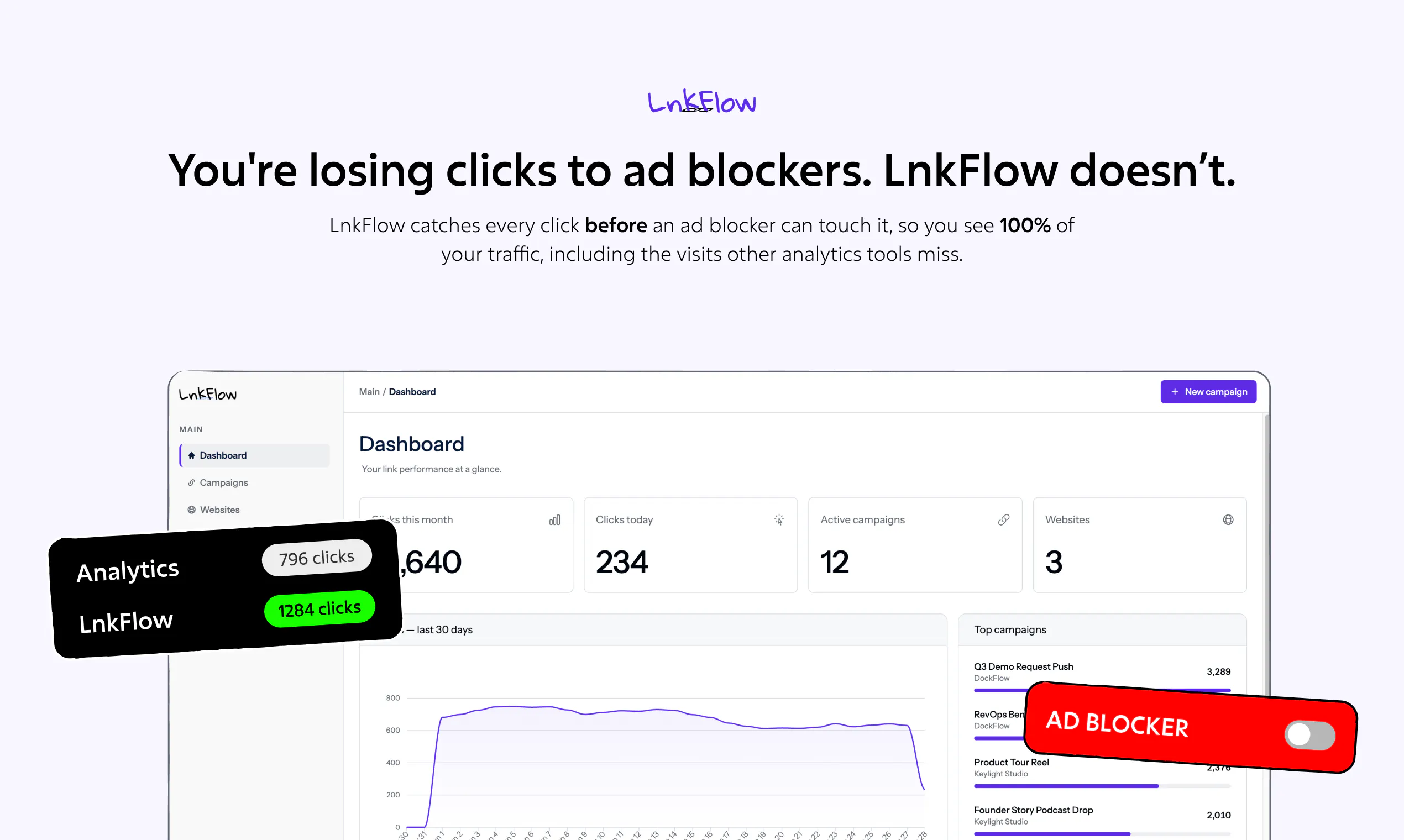
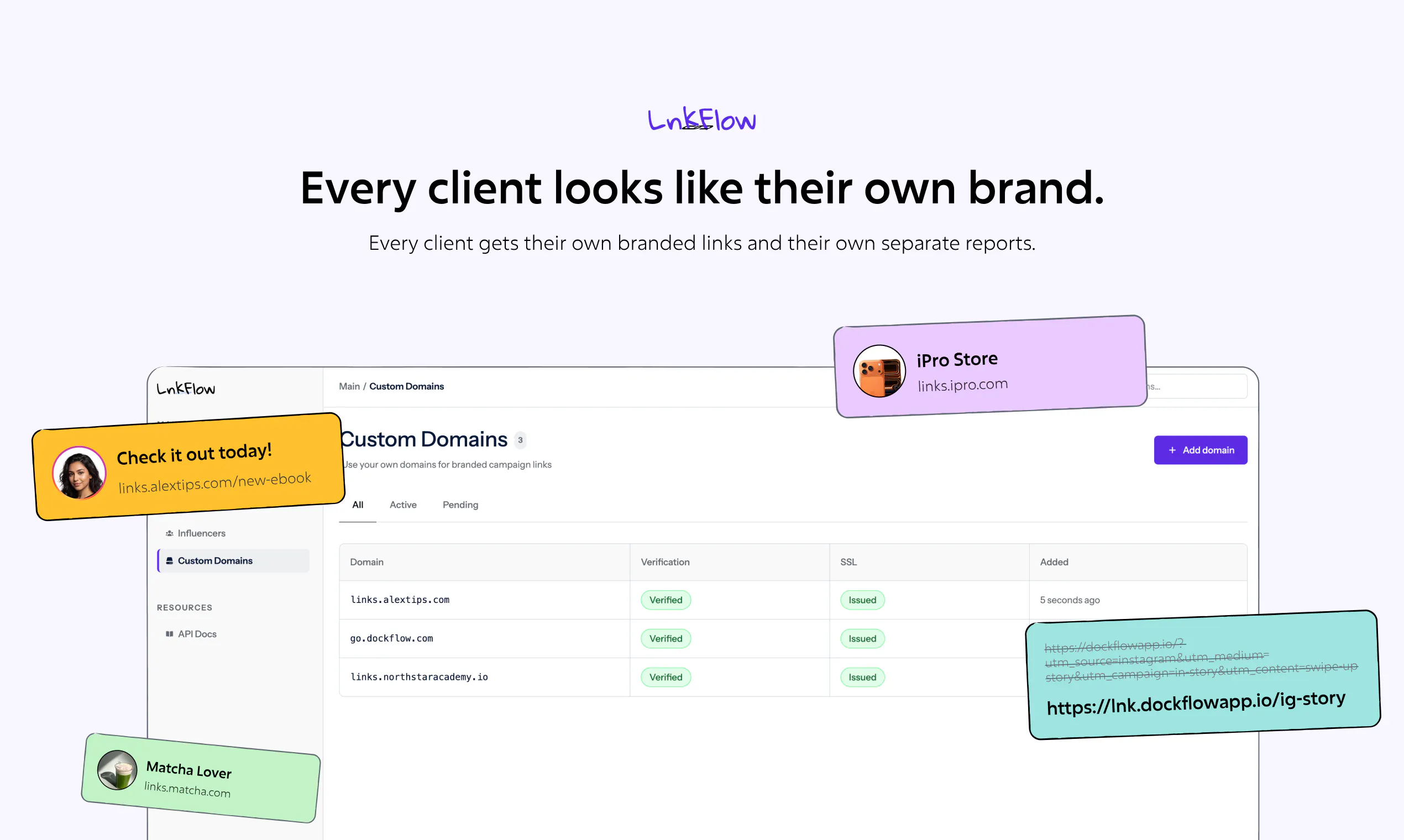
Loova Ads Studio
Create AI ads that convert, not just look good
419
一句话介绍:Loova Ads Studio 是一个一站式AI广告制作平台,专为营销团队和电商卖家设计,通过自动生成UGC视频、产品广告、虚拟人视频和静态素材,解决其在高频测试不同广告创意时面临的成本高昂和制作缓慢的痛点。
Marketing Advertising Artificial Intelligence
AI广告制作 UGC视频生成 虚拟人视频 电商营销 创意自动化 广告测试 转化率优化 产品摄影 品牌营销 内容引擎
用户评论摘要:用户认可其“低于2美元”的成本优势及一站式功能,核心关注点集中在:AI如何根据投放数据自我优化创意方向;是否内置已验证的爆款模板及实际转化数据;品牌一致性与创意同质化的平衡;以及对AI生成内容在平台合规性(如Meta/TikTok标签要求)的处理。建议增加投放前的创意优先级排序、品牌风格记忆库和资产版本管理功能。
AI 锐评

Loova Ads Studio 切中了营销领域一个真实且昂贵的痛点:广告创意的高频测试。其“低于2美元”的定价并非单纯的营销噱头,而是精准地指向了中小电商团队与代理机构最大的成本瓶颈——素材制作。它试图将“全自动广告工厂”的概念落地,从产品分析到出片的一站式流程,确实能有效缩短“构思到测试”的周期。

然而,产品的真正价值尚未被完全验证。用户的提问非常尖锐且专业,直指其核心能力边界:AI能否形成“生成-测试-学习-优化”的闭环?如果只是大量生成同质化的变体,不仅浪费预算,还会稀释广告平台的学习效率。目前来看,Loova更多扮演了高效的“内容打印机”,而非“策略军师”。创始人回应的“正在探索”表明这仍是待补的短板。

另一个隐患是“创意天花板”。虽然声称复刻“语法”而非“句子”,但在极度依赖数据反馈和模式识别的AI系统中,长期产出极易趋同。品牌方在效率至上和趋于同质化的广告市场中,能否通过Loova找到差异化的“突围密码”,将决定其长期价值。它的崛起,可能加速广告行业的“内卷”——让每个同类产品都看起来像同一个AI“亲戚”,而不是真正打破创意的次元壁。对于预算有限、急需跑通冷启动的团队,它是一把好刀;但对于追求品牌独特性与长期转化效率的成熟玩家,它目前还只是一个昂贵的起点。

查看原始信息
Loova Ads Studio
Loova Ads Studio is an all-in-one AI ad studio that creates UGC videos, product commercials, avatar videos, and static creatives. Built for conversions, not just visuals, it helps brands and agencies make high-performing ads for under $2 each.

Hey hunters 👋

I’m Anbang, founder of Loova.

We built Loova Ads Studio for one simple reason: making one good ad is not enough anymore.
To find what works, teams need to test more hooks, more formats, more products, and more creative angles. But producing all of that manually is slow and expensive.

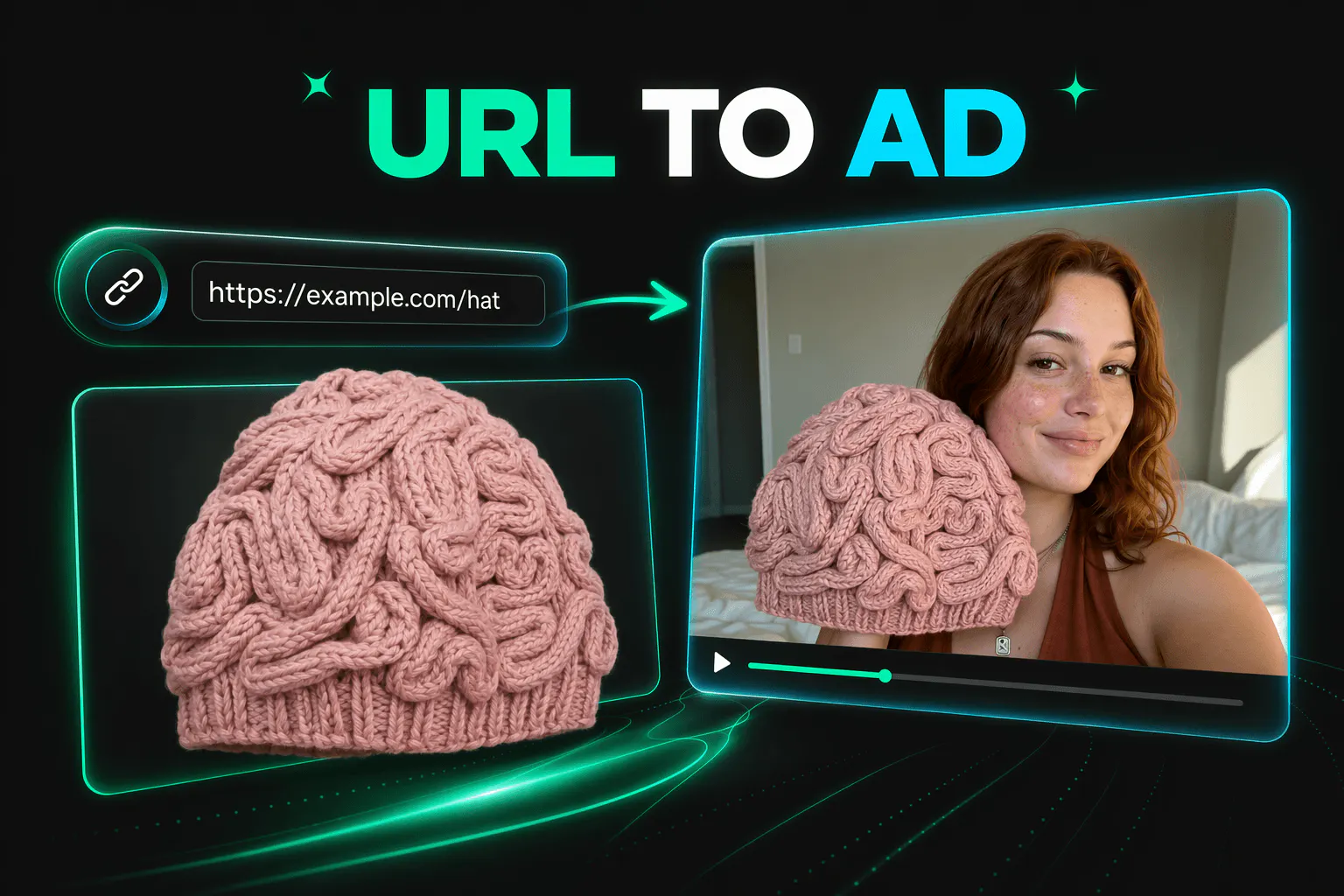
Loova Ads Studio helps you turn proven ad formats, product URLs, and images into ready-to-test creatives.
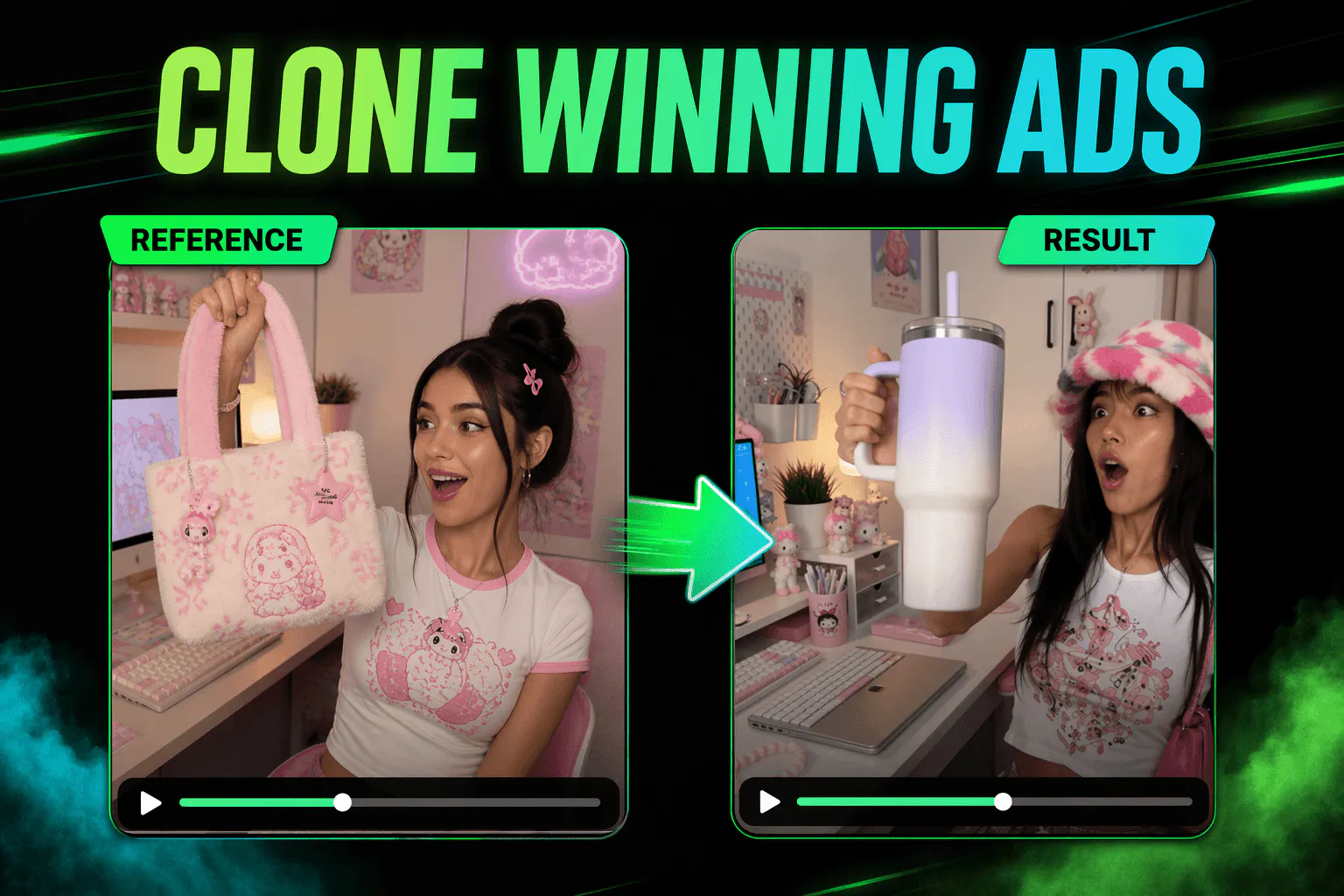
You can create video ads for under $2, clone winning formats, swap in new products or characters, and generate unlimited product images in the same workflow.

Our goal is to make Loova feel like a 24/7 content engine for marketers, ecommerce brands, agencies, and creators.

We’re excited to launch here today and would love your feedback, ideas, and questions.

Thank you for supporting us ❤️

10
回复

@anbangx Really like that Loova focuses on creating ads that convert, not just look good. The ability to produce UGC videos, product commercials, avatar videos, and static creatives all in one place is a huge plus. Good luck with the launch!

0
回复

@anbangx One question: when Loova generates multiple creative variations, does it learn from campaign performance over time?

For example, if certain hooks, visual styles, or storytelling formats consistently outperform others for a specific brand, can the AI automatically prioritize similar creative directions in future generations? That feedback loop feels like it could become a major competitive advantage.

0
回复

@anbangx Congrats on the launch!

The testing-volume problem you named - needing more hooks, more formats, more angles - is real, and most tools chasing it get stuck showing off the models/tech deliverables instead of WHY you should use them (what's the real problem they're solving for the User).

So, why would a marketer pick Loova over just briefing an agency for a batch of variants? What's the actual reason - speed, cost, or something else entirely?

0
回复
Looks good! Do you provide a baseline of winning formats that users can start with? Are there any annonymized metrics on how these ads were performing in real world? A/B testing is the hard part so if you’re offering a shortcut here that may be genuenly very useful! Btw, which AI models are used for video production if that’s not a secret? Thanks!
4
回复

@tihomiropacic 
Thanks! You’re absolutely right. A/B testing is usually where the real work begins.

Ads Studio doesn’t start users with a blank canvas. It analyzes the product, finds strong selling angles, suggests video hooks, and pairs them with viral avatars, ready-to-use templates, and proven viral structures. From there, users can quickly create different versions to test.

In one anonymized campaign, Ads Studio creatives increased CTR by 20% and reduced CPA by 50% compared with the previous creatives. Results vary, of course, but it was a very encouraging signal.

Behind the scenes, we combine a broad range of AI capabilities with context from long-term user creative workflows and our own ad creation experience. For video generation, Ads Studio is powered by Seedance 2.0.

The idea is simple: give you a much smarter starting point, so you can spend less time guessing and more time testing :)

1
回复

@tihomiropacic Yes, we’re building a library of proven winning ad formats, including hooks, UGC styles, product demos, and storytelling structures that users can start with.

A/B testing takes a lot of time and resources, so our approach is to help users quickly replicate and iterate on high-performing ads that are already working in the market, organized by category, product angle, and key selling points.

For video generation, we use a combination of leading AI models, including Seedance, Kling, Veo, and others, depending on the specific use case.

5
回复

For the BGM it generates alongside visuals, does it actually sync to pacing/cuts, or is it more of a generic background track?

3
回复

@abod_rehman The music is generated together with the video, so it’s designed to match the visuals from the start.

The system considers the story, mood, pacing, and scene transitions, then creates BGM that follows the same rhythm. It’s not a generic track added afterward. The visuals and music are built to work as one piece.

0
回复

Great launch team, BTW, quick Q, when you don't give it specific shot directions, how good is the AI's judgment at picking angles that actually match the mood of the story?

3
回复

@boyuan_deng1 
Thanks! It’s surprisingly good at this.

When you don’t specify the shots, the AI first reads the story, mood, pacing, and product context. It then chooses the framing and camera angles for each moment, using close-ups for emotion, wider shots for atmosphere, and more dynamic movement when the energy picks up.

It’s powered by Seedance 2.0, combined with our own creative context and shot-planning system. You can still adjust any shot, but most of the time it gives you a solid director’s first draft rather than a random collection of angles.

0
回复

A unified asset library with tagging and version history would be huge, especially when juggling lots of product images and video variants across campaigns. Right now it feels like outputs can get lost between generations, so being able to filter by model, style, or campaign and compare versions side by side would save a ton of time for marketers running multiple briefs at once.

1
回复

@iuraf1721 This is excellent feedback. Generating more variations only helps if you can still find the good ones afterward.

We already keep generated assets in My Creations, but we agree that marketers need something closer to a proper campaign library. Tagging, filters by model, style, product, or campaign, version history, and side-by-side comparison all make a lot of sense.

The side-by-side comparison is especially useful. Creative teams rarely need one more file. They need a faster way to decide which version should move forward.

We’re adding this to our product discussions. Thanks for describing the workflow so clearly.

1
回复

Wishing you Good luck with the launch! :)

1
回复

@busmark_w_nika Thanks Nika! Look forward to hearing feedback from the community!

1
回复

@busmark_w_nika Thank you! Really appreciate the support.

1
回复

Congrats on the launch. The ability to produce more creative variations without adding a lot of cost is useful, especially for smaller ecommerce teams that cannot keep feeding an agency brief every week. I’d be curious about how Loova handles brand consistency. Can it learn a company’s visual style, tone and creative rules, or does each ad still need a fair amount of manual cleanup? Also, when you clone a winning format, how do you stop the output from feeling too similar to everything else already running in the market?

1
回复

@os_ishmael Thank you! You’ve touched on two things we care about a lot.

For brand consistency, users can build a reusable Product Kit with product images, descriptions, selling points, brand assets, and creative preferences. Ads Studio uses that context across generations, so every new ad doesn’t start from zero. We still encourage a final human review, but the goal is light polishing rather than rebuilding the ad.

For Viral Ad Clone, we try to clone the grammar, not the sentence. The system studies the hook, pacing, scene structure, and product reveal, then rebuilds the idea around your product, brand style, avatar, and audience. You keep what made the format work without producing another copy of the same ad everyone has already seen.

Consistency without becoming boring is the fun part :)

1
回复

Sick product! How much is it?

0
回复

@ethan_lee14 Thanks! We offer several subscription plans for different creative needs and production volumes. With Ads Studio, a high-quality video ad can cost under $2.

0
回复

@constance_tong Congratulations. And happy product launch.

0
回复

@huisong_li Thank you! We really appreciate it. We’re excited to finally get Ads Studio into people’s hands and see what everyone creates with it.

0
回复

the under-$2 UGC/avatar angle is genuinely compelling for testing volume. one question I haven't seen asked: since these are AI-generated avatars and UGC-style ads rather than real customers, do you build in any disclosure/labeling for the brands using this, given Meta and TikTok are both tightening rules around synthetic media in ads? or is that left entirely to the advertiser to handle on their end?

0
回复

@galdayan Great question. Yes, AI-generated Avatar and UGC-style content is clearly identified as AI-generated.

0
回复

The under $2 per ad is what caught my attention. About to launch a mobile app and figuring out the creative side is honestly the part I was dreading most. Does the UGC format tend to work for apps or is it mostly ecommerce so far? That would actually make this a no-brainer for me.

0
回复

@merim_tufo UGC is definitely worth trying for mobile apps, although the results will depend on the app and its audience.

Formats that start with a relatable problem, show the app in action, or quickly demonstrate a useful result can be strong testing directions. Tutorials, reactions, and different user scenarios are also easy to turn into multiple variations.

At under $2 per ad, you can test a few different angles without turning the creative process into a full production. We’d be curious to see which format works best for your launch.

0
回复

My only question is what makes someone switch from the AI ad tools they're already using ?

0
回复

@reda_roqai_chaoui Fair question.

Loova brings the whole ad workflow into one place. It analyzes your product, finds selling angles, recommends hooks, templates, viral avatars, and proven structures, then produces ready-to-test videos for under $2.

Beyond video ads, users can create Product Avatar Videos and generate Product Photography tailored for different platforms. They can also upload a winning ad and rebuild its format around their own product.

The difference is having more ways to turn one product into a complete set of campaign assets, without stitching together five different tools.

0
回复

Once generation stops being the bottleneck, the next wall is the ad platform itself. When we ran paid tests for our own launches we found that past roughly 6-8 creatives per ad set the spend splits too thin for any single variant to reach significance, so more variants past that point slows learning instead of speeding it. Curious whether Loova does any pre-flight ranking of the variants it generates, a predicted-CTR or angle-strength score, so you can ship the top few instead of firing all of them into the same budget and waiting for the platform to sort it out.

0
回复

@dipankar_sarkar That’s a great point. More variants only help when you can identify which ones are worth testing first.

Helping teams move from faster generation to smarter creative prioritization is exactly one of the directions we’re working toward. We’re exploring ways to highlight stronger angles and recommend a focused shortlist before launch.

Really appreciate you sharing the insight from your own paid tests. This is the kind of real-world workflow we want to design for.

0
回复

Would love to see a built-in brand style memory where I upload logos, fonts, and color palettes once and every generated asset automatically stays on-brand. Right now I still have to re-specify these for each new campaign.

0
回复

@alparslansril Great suggestion. A built-in brand style memory for logos, fonts, color palettes, and creative rules is already on our roadmap.

The goal is to let you set up your brand once and have every new asset automatically stay consistent across campaigns. We’ll be launching this in the future, so stay tuned!

0
回复

I have a head full of video ideas and no patience for stitching a bunch of tools together, so this really speaks to me. Going from a rough thought to something watchable in one place feels freeing.

0
回复

@joan_live Exactly. We built Loova Ads Studio to simplify the entire ad creation process, so marketers can produce more winning creatives, faster, and maximize ROI.

0
回复

@joan_live That’s exactly the feeling we wanted to create.

A rough idea shouldn’t need a full production pipeline before you can see whether it works. With Loova, you can develop the concept, generate the visuals and arrange the scenes in one place.

Fewer tabs, more making. We can’t wait to see what’s been living in your head.

0
回复

the campaign workflow is honestly smoother than i expected, basically just plug in a brief and it spits out usable assets without a ton of tweaking

0
回复

@turan9h8e thanks for giving it a try, really appreciate it!

0
回复

@turan9h8e Thank you, that’s exactly what we hoped the experience would feel like.

A good brief should be enough to get you most of the way there. Ads Studio handles the product analysis, hooks, structure, avatars, visuals, and music, while still leaving room for you to refine the final details.

Less time wrestling with tools, more time deciding which idea to test next.

0
回复

would love to see a built-in brand kit so i can save my fonts, colors, and logos once and have every generated asset automatically stay on brand without re-uploading everything each time

0
回复

@aclan_gokh81076 Yes, this is exactly where we want to take the Product Kit.

It already lets users save product information, images, selling points, and brand assets for reuse. We’re working toward adding persistent fonts, color palettes, logos, and creative rules that automatically carry across every generation.

Upload once, stay on brand everywhere.

0
回复

honestly looks slick, but one thing that would help a lot is a built-in brand kit where you can save your fonts, colors, and logos so every asset stays on brand without re-uploading stuff. would save a ton of time for anyone running multiple campaigns

0
回复

@frat136523 Totally agree. Nobody wants to upload the same logo for the fifteenth time.

Our Product Kit already saves product details, selling points, images, and brand assets for reuse across campaigns. We’re also working toward a more complete Brand Kit where users can define fonts, colors, logos, and creative rules once, then automatically apply them to every video and image.

Brand consistency should be a default setting, not another task on the checklist.

0
回复

Would love to see a built-in brand kit where I can save my fonts, colors, and logos once and have every video or image auto-apply them, saves a ton of back and forth when running multiple campaigns

0
回复

@kevsertekue1qw Completely agree. Re-entering the same brand details for every campaign gets old very quickly.

We already have a reusable Product Kit for saving product information, selling points, images, and brand assets. We’re expanding this toward a more complete Brand Kit with saved fonts, color palettes, logos, and creative rules that can be automatically applied across videos and images.

Set the rules once, then let every campaign remember them. That’s exactly the experience we want to build.

0
回复

Congratulations on the launch!

Can users upload their own successful ads as references to create new variations while keeping the same winning style?

0
回复

@barnaby_lloyd Yes, absolutely. That’s one of the main use cases for Viral Ad Clone.

Users can upload a successful ad, and Loova will analyze its hook, pacing, scene structure, visual style, and product reveal. It can then create new variations using different products, avatars, scripts, or selling angles while preserving what made the original format work.

The goal isn’t to copy every frame. It’s to turn one winning creative into a repeatable format you can keep testing.

0
回复

congratulations! which type of users have seen the biggest impact so far ecommerce brands, agencies or solo creators?

0
回复

@olivia_bennett7 Thank you! So far, ecommerce brands and performance marketing teams have seen the biggest immediate impact, from lean startups to larger teams running campaigns at scale.

They need a constant stream of creatives for different products, audiences, markets, and campaigns. Ads Studio helps them turn product information into multiple hooks, avatars, and formats quickly, making creative testing much faster.

Agencies use it to produce more variations across clients, while solo creators value the speed and lower production cost.

The strongest fit is anyone whose creative demand moves faster than their production capacity, regardless of team size.

0
回复

the workflow sounds very marketer friendly. how long does it typically take to go from a product url to a finished video ad ready for testing?

0
回复

@james_carter35 Thank you! In most cases, it takes just a few minutes.

Once you paste the product URL, Ads Studio extracts the product details, identifies the main selling points, and builds the hook, script, avatar, visuals, voiceover, and music into a finished ad.

The exact time depends on the video length and complexity, but it’s designed to feel more like making a coffee than managing a production schedule.

0
回复

congratulations! the idea of creating video ads for under $2 sounds impressive. how does the platform maintain quality while keeping production costs so low?

0
回复

@imogen_wallace Thank you! The low cost comes mainly from removing a lot of repetitive production work, not from cutting corners on the output.

Ads Studio analyzes the product once, then reuses that context across scripts, hooks, avatars, scenes, and different ad variations. It also starts from proven templates and viral structures, so less time and generation cost are wasted exploring weak directions.

For video generation, we’re powered by Seedance 2.0. Combined with our automated creative workflow, it lets a small team do work that would normally require several tools and production steps.

The goal is to spend the budget testing more good ideas, not rebuilding the same workflow every time.

0
回复

Congrats on the launch!

How does Loova decide which ad formats are most likely to perform well or does it leave that entirely up to the user?

0
回复

@avery_thompson2 Thank you! Users have a few ways to start.

They can choose from our ready-made templates, follow formats recommended by Ads Studio after it analyzes their product, or upload a viral video they want to use as a reference.

For uploaded references, Loova studies the hook, pacing, scenes, and overall structure, then recreates the format around the user’s own product, brand, and message. So users can take our recommendations or bring a winning direction they already have in mind.

0
回复

curious how you measure 'converts, not just looks good' before a campaign has actually run - is that based on historical performance data from similar ads, or is it more of a stylistic best-practices thing until you get real click/conversion data back?

0
回复

@omri_ben_shoham1 Fair question. Before an ad runs, no one can guarantee how it will perform.

That said, we don’t start from purely stylistic best practices. Our templates are built around ad formats and creative structures that have already delivered strong results in real campaigns.

Users can also upload a winning video they like. Loova analyzes its hook, pacing, scenes, and conversion structure, then recreates that format around their own product and brand.

So the starting point is often a creative direction that has already been validated by data, rather than an idea generated from scratch. Ads Studio then combines that structure with product analysis and our accumulated ad creation context.

Of course, the final answer still comes from real campaign data. We give each test a stronger starting line.

0
回复
@heymilo Really interesting! Do you see this replacing traditional UGC production, or is it more of a tool to help creators scale their content faster?
0
回复

@new_user___1802026258df93399c32311 Great question! We see it more as a way to scale UGC production than replace creators.

Real creators bring personality, lived experience, and unexpected ideas that are hard to automate. Loova handles the repetitive production work and helps teams quickly test more hooks, avatars, formats, and product angles.

In practice, the two work well together. Use traditional UGC for flagship content and authentic creator stories, then use Loova to explore variations and keep the testing pipeline moving.

Creators bring the spark. We help multiply it.

0
回复

Congrats on the launch! Turning product URLs into multiple ready-to-test creatives looks like a really useful workflow for smaller marketing teams. Can the finished ads be published directly to platforms like Meta or are integrations with ad platforms planned?

0
回复

@nico_mandera Thank you! Right now, users can export finished ads and publish them through their existing ad workflows.

Direct integrations with platforms like Meta and TikTok are on our roadmap. The longer-term goal is to make the whole loop much smoother, from product URL to creative variations, publishing, and eventually performance feedback.

For now, we’re making sure the creative part is genuinely great before asking for access to everyone’s ad account.

1
回复

@nico_mandera Thank you! Right now, users can export finished ads and publish them through their existing ad workflows.

Direct integrations with platforms like Meta and TikTok are on our roadmap. The longer-term goal is to make the whole loop much smoother, from product URL to creative variations, publishing, and eventually performance feedback.

For now, we’re making sure the creative part is genuinely great before asking for access to everyone’s ad account.

0
回复

Congrats on the launch @anbangx @constance_tong

0
回复

@anbangx  @lakshya_singh Thanks for the support!

0
回复

I'm definitely going to try this. as someone building a product and preparing more launch content, being able to test more hooks and formats without turning every ad into a full production sounds really useful :)

The under-$2 angle is also strong, especially for smaller teams that need volume but do not have agency budgets. Do you offer any special pricing or credits for early-stage startups? :)

0
回复

@andrasczeizel Thank you! That’s exactly the kind of team we built Ads Studio for. Testing a new hook shouldn’t require another full production cycle or a fresh agency brief.

We’d love to support more early-stage startups. Email us at support@loova.ai and tell us a little about your actual use case and expected creative volume. We’ll take a look and see what kind of pricing or extra credits we can offer.

2
回复
#4
Replay QA
Replay QA tells you what is broken before your users do
392
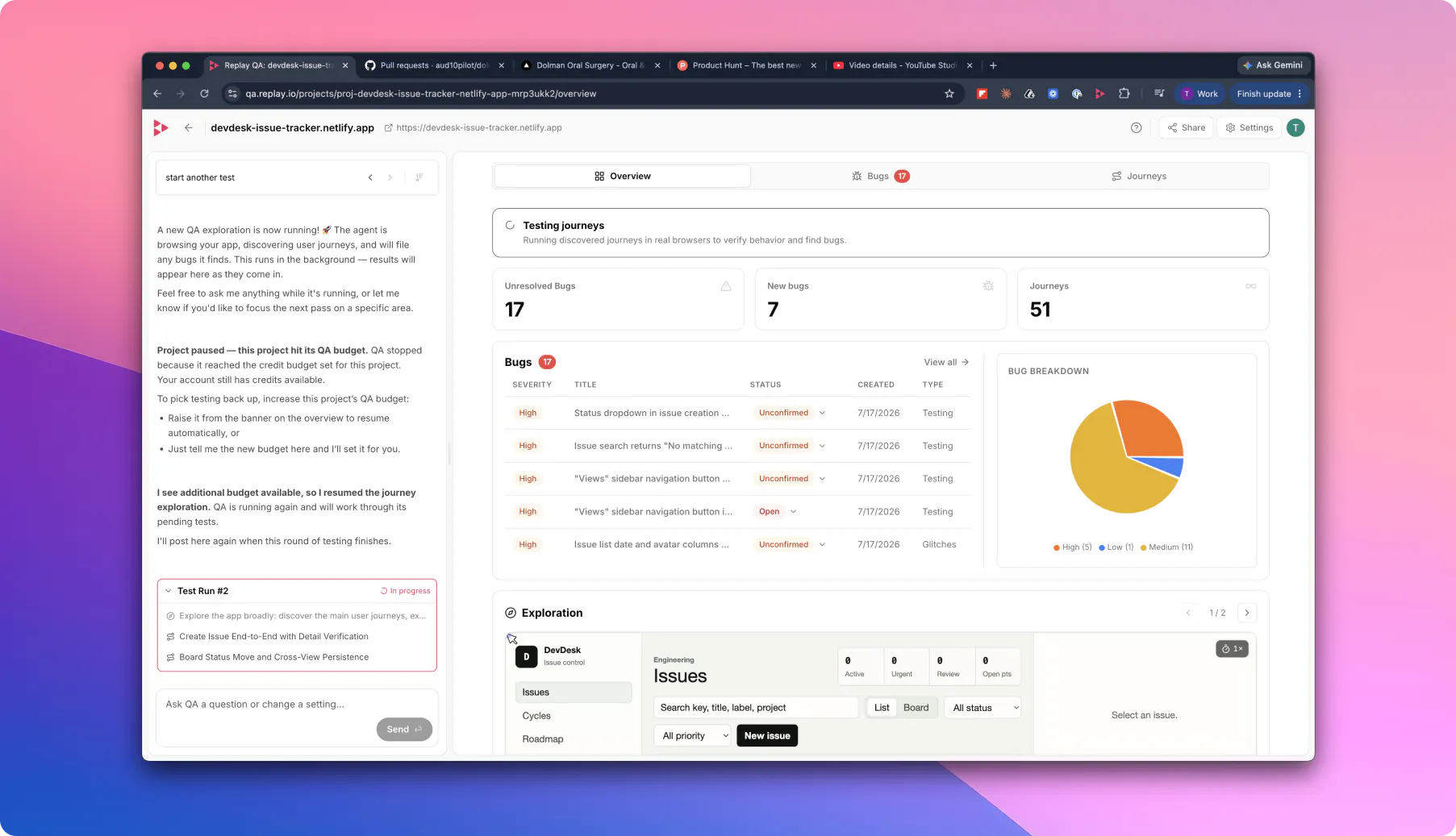
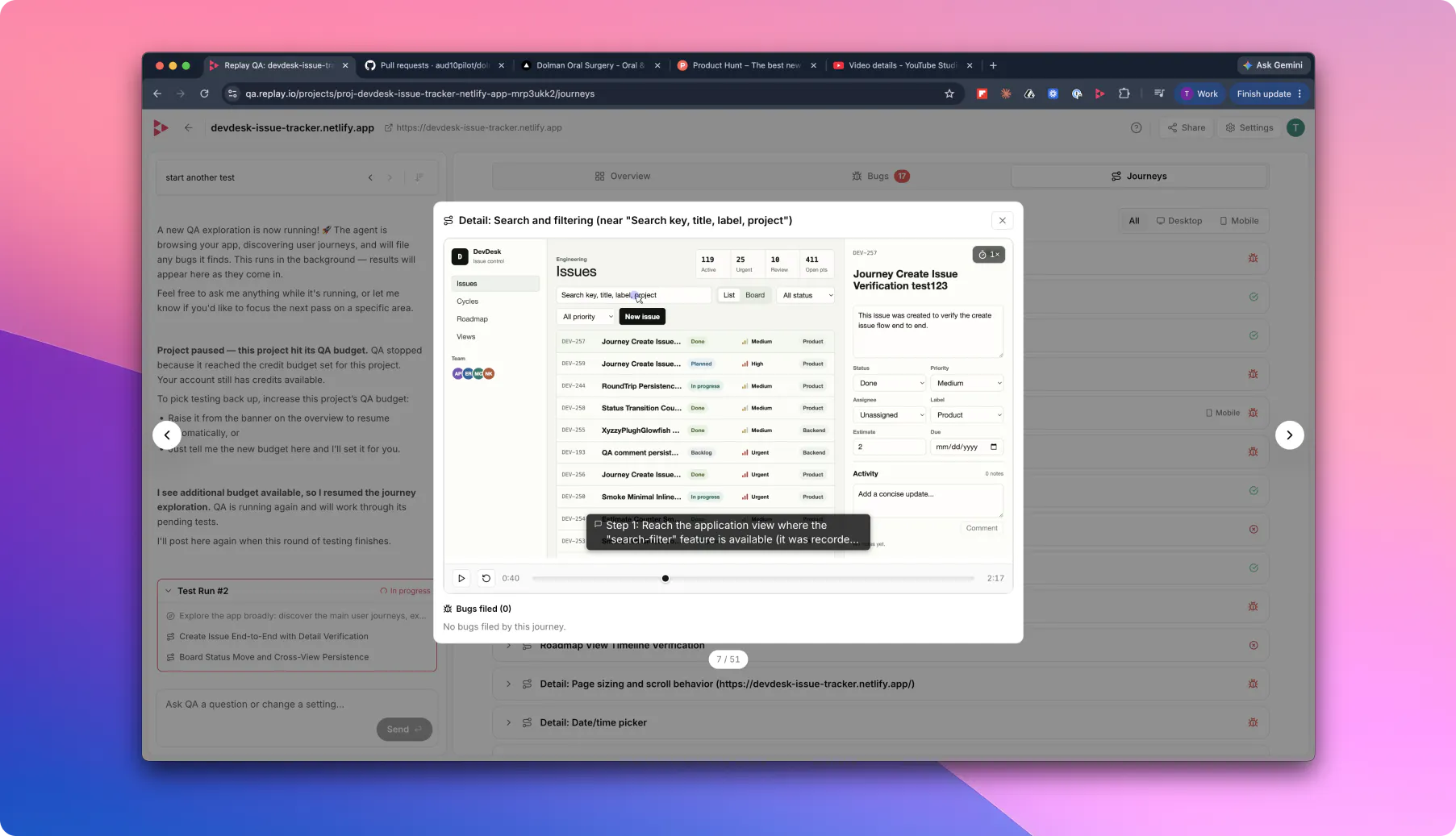
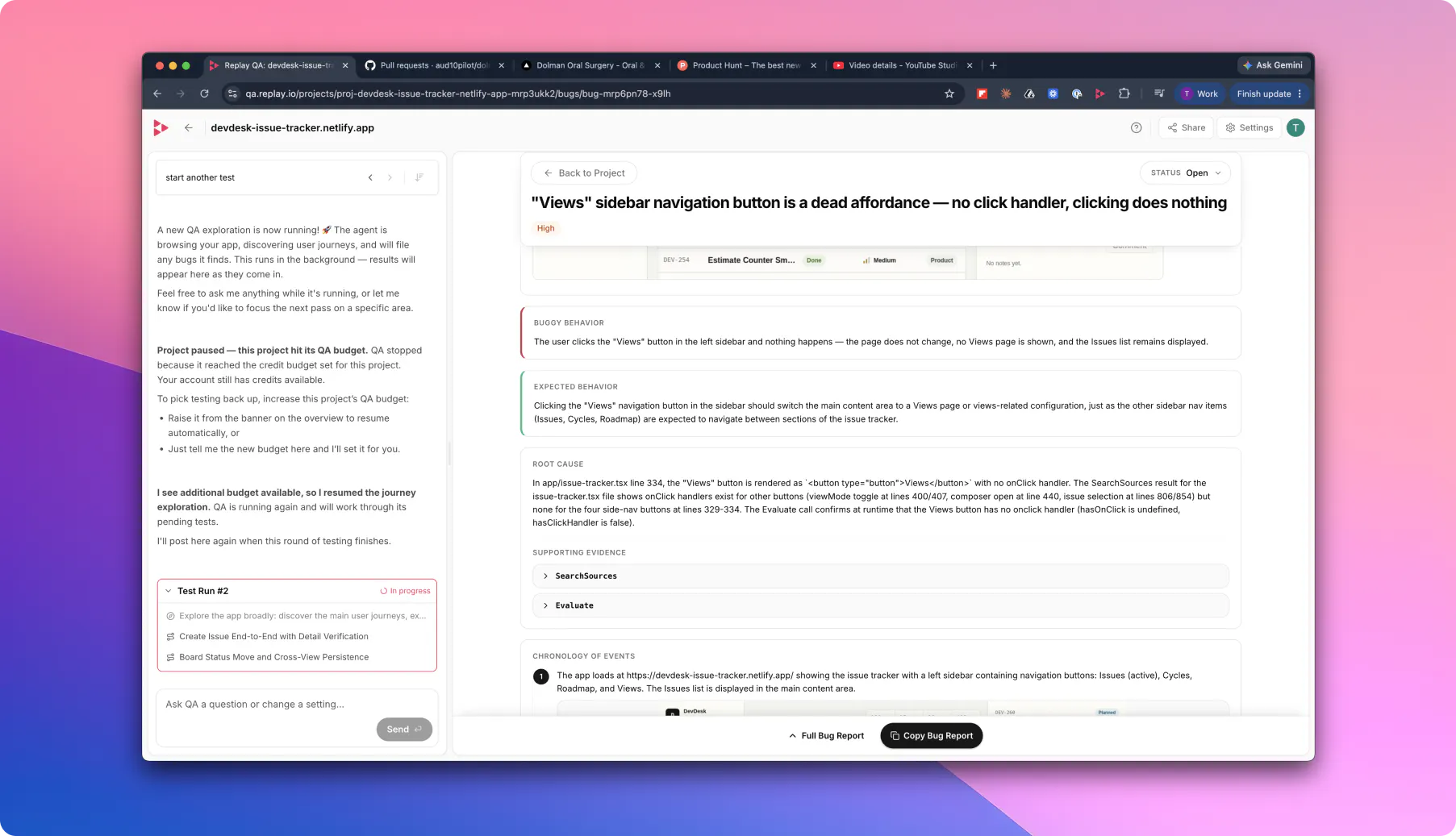
一句话介绍:Replay QA 通过自动探索应用、记录每次会话并精准定位真实Bug,为开发者提供根因分析和修复建议,在AI编码时代解决了“测试速度远落后于开发速度”的痛点,确保Bug在上线前被捕获,而非被用户发现。
Software Engineering Developer Tools Artificial Intelligence
AI质量保障 自动化测试 会话回放 根因分析 编码代理集成 持续测试 Bug复现 开发者工具 前端测试 闭环修复
用户评论摘要:用户盛赞其“给编码代理根因与修复”的闭环设计,但多位用户关注误报(如竞态条件、非确定性行为)处理,并疑心其能否区分环境异常和真实Bug。有用户提出“双录制差异对比”功能建议,团队回应通过确定性录制和AI分类去解决误报。
AI 锐评

Replay QA无疑是踩准了AI编程狂潮中“最痛的那条尾巴”。在vibe-coding将开发速度压缩到小时级后,测试环节成为木桶最短的那块板,而它恰恰堵住了这个缺口。产品核心价值并非简单地执行自动化测试,而是重建了从“发现Bug”到“修复Bug”的完整链路:利用确定性记录取代传统的截图日志,让编码代理无需人力介入即可复现根因。这种“闭环”设计直接切中当前多代理协作模式下的关键瓶颈——沟通成本。

但需冷静看待两个硬伤。其一,面对复杂场景的普适性存疑。当前产品更擅长捕获用户可见的UI崩溃与流程中断,对于跨用户数据隔离、静默数据泄露等“无错误提示”但后果严重的逻辑漏洞,团队在回复中坦诚“无法过度承诺”,这实际上暴露了纯行为探索的局限:缺乏业务语义的验证断言。其二,误报处理虽提出了“确定性录制”这一差异化方案,但这本质是用记录替代复现,而非消除误报源头。不稳定的网络环境、非确定性UI动画如何被精准断言为缺陷仍是挑战,最终仍依赖AI分类与人力通览。

不过,瑕不掩瑜。对于一个指向“为编码代理提供浏览器上下文”的工具,其第一性原理的切入角度(记录胜过截图)和低摩擦的体验设计(秒级首次报告),已足以让它在当前拥挤的QA赛道中脱颖而出。真正的护城河在于,它能否通过不断积累的录制数据训练出更精准的分析模型,从“事后侦探”进化成“主动预防者”。否则,一旦主流IDE内置了同等能力的原生调试模块,这层“中介”价值将迅速被稀释。

查看原始信息
Replay QA
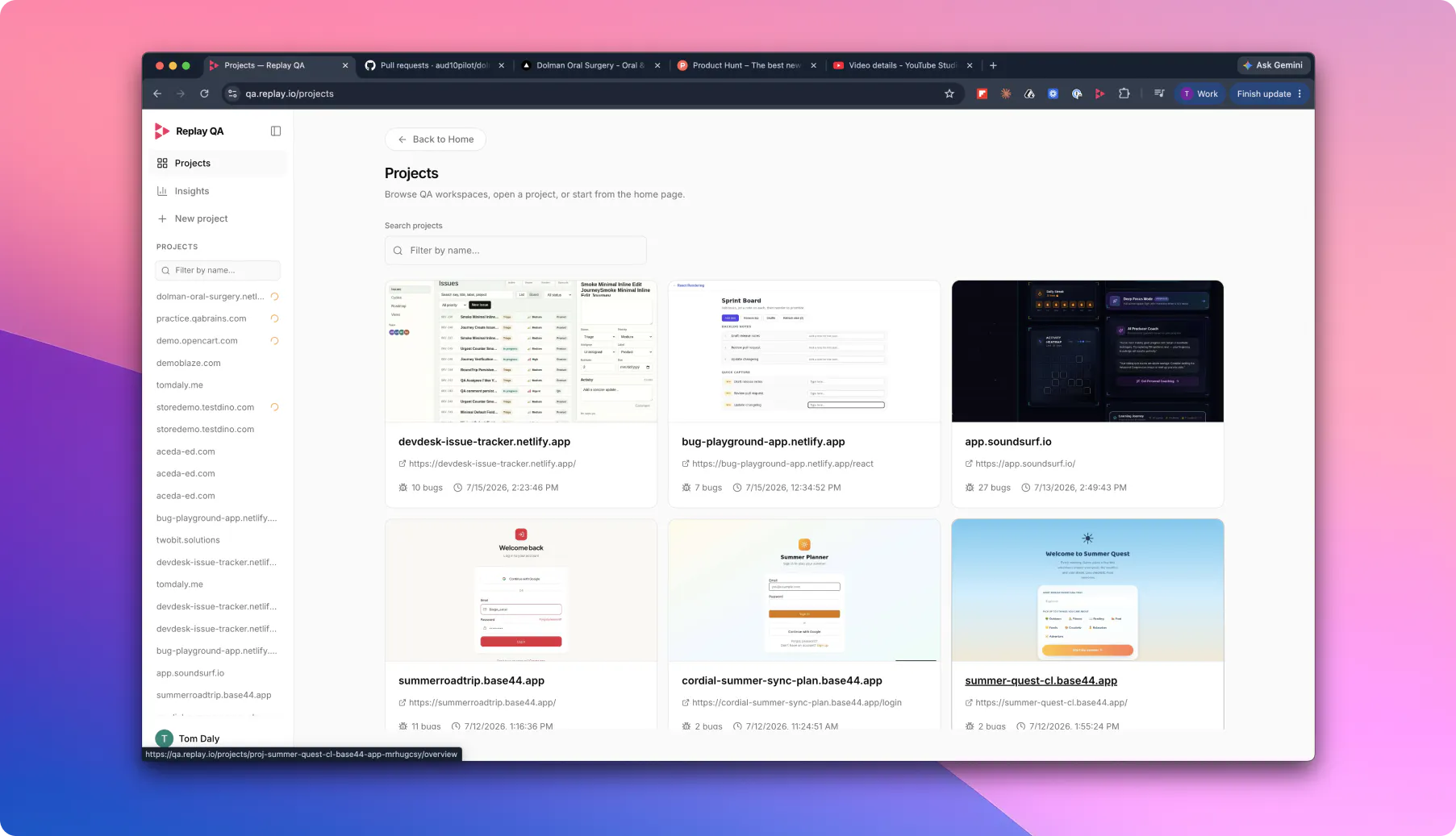
Add your GitHub repo for continuous testing, or drop in a URL for a one-time check. Replay QA explores your app, records every session, finds real bugs, and gives your coding agent the root cause and fix. Try for free: qa.replay.io

The "gives your coding agent the root cause and fix" part is what stands out to me — most QA tools stop at "here's a failing session," this one seems to actually close the loop back into the fix. Did you find agents act on that context reliably, or does it still need a human to sanity-check the suggested root cause before it gets applied?

5
回复
@av777a Great question. We see the analysis as context an agent can act on, not something it should blindly apply. The recording, root-cause analysis and suggested fix should make the fix much faster, but we’d still want it verified through the normal review and test workflow before anything lands. The goal is to close the loop with guardrails, not let an agent freestyle in production 🙂
2
回复

The "gives your coding agent the root cause and fix" part is what stands out to me — most QA tools stop at "here's a failing session," this one seems to actually close the loop back into the fix.

@av777a spot on! @Replay definitely is an opinionated piece of software. S/O to makers @bhackett1024 @thomascdaly @mplacona and team!

1
回复

had the opportunity to collaborate on this launch and am blown away by how fast the first-time experience is 🤯

go to qa.replay.io and get your first report in seconds.

what's the model you're using in the background, ?makers?

5
回复

@fmerian Like most teams, we're using many models in the background as we evolve our QA harness to ensure we're using the right one for the job at hand, and to manage token burn. I'll let Brian chime in here on more technical details once it's morning on the West Coast (still 5am for him!).

2
回复

This feels like a natural next step from the replay/devtools side, turning session capture into something that actively goes and finds bugs instead of waiting for a user to hit them. Since it's exploring the app on its own, is it built to dig into things like auth boundaries and cross-user data isolation too, the bugs that never throw an error and just quietly leak or drop data, or is the current focus mostly on crashes and broken UI flows? That category is brutal to catch in vibe-coded apps and it would be a big deal if an agent could reliably surface it.

4
回复
@elhart05 You’ve nailed the distinction. Exploring flows is one thing; reliably catching auth boundaries, cross-user isolation and silent data-integrity failures needs deliberate test identities and assertions, not just an agent clicking around. That’s a hugely important direction, especially for vibe-coded apps, but I don’t want to overclaim it today. The current focus is making autonomous exploration useful for the broken flows and user-visible failures that otherwise slip through. If you’ve got examples of those quieter failures, I’d genuinely love to see them.
2
回复

@elhart05 spot on! To quote @Product Hunt's newsletter today:

Most people shipping vibe-coded apps don't test them. They click around for ten minutes and push it live. (...) Replay QA runs that before ship: give it a URL, it explores your app, and when it finds a bug your coding agent gets a full recording of what happened, not a screenshot and a guess. The Redux maintainer is on the team. Recording over screenshots is the right foundation, and no other AI QA tool has it.

Read on: The Leaderboard, July 20, 2026

1
回复

Congrats on the launch, this is a sharp read on where QA broke down — AI cut build time to hours and testing never caught up. We ran into something similar: half our early bugs only showed up after the flows ran a few times, never on the first pass. The GitHub PR flow is the part I keep coming back to — root cause + fix posted right on the PR. How do you handle false positives from apps that behave non-deterministically (race conditions, flaky async UI)? Does Replay QA re-run a failure before flagging it, or does that triage still land on the dev?

4
回复
@saied_alimoradi That “only breaks after a few runs” category is exactly where the normal happy-path test falls apart. The goal is to make that loop much shorter: reproduce it, understand why it happened, and get something actionable back to the person fixing it.
1
回复

@saied_alimoradi Replay doesn't need to re-run a failure to debug a race condition because it has the conditions which cause the race recorded.

When you have a bug which is a race condition and you submit a fix for that bug we will look at the recording in the bug and faithfully re-create the conditions which caused the race to make sure the new code actually exercises the fix before marking the bug done.

1
回复

The GitHub PR flow is the part I keep coming back to — root cause + fix posted right on the PR.

Likewise. From my perspective, this makes @Replay especially useful for engineering teams using products like @Cursor , @Claude Code, or @v0 by Vercel, who need better browser context for debugging.

1
回复

The recorded session + root cause combination is what makes this interesting. finding that something broke is useful, but giving a coding agent the exact interaction, state, and context that caused it could remove a huge amount of back-and-forth between QA and engineering.

The first-time experience also sounds almost suspiciously fast :)) Curious how Replay QA handles flaky or environment-specific behavior. can it tell the difference between a real product bug, a temporary network issue, and something that only breaks under one browser or session state?

4
回复
@andrasczeizel Exactly. Finding the bug is only half the job. The useful bit is giving the person or agent fixing it enough context to avoid reconstructing the whole failure from scratch. And yes, the first run can feel slightly suspiciously good.
3
回复

@andrasczeizel One of the coding agent patterns that seems to work really well is having one AI do the work and validate itself then pass it's solution to a critic. The critic then looks at the artifacts and tears them apart. Most loops today just pass the code, some better ones will pass screenshots and logs, but passing a full deterministic recording that says "I believe this user session proves this works" seems to be best for the critic.

Curious how Replay QA handles flaky or environment-specific behavior. can it tell the difference between a real product bug, a temporary network issue, and something that only breaks under one browser or session state?

We have been working on making this as smooth of an experience as possible. Having a deterministic recording of a flake is one of the easiest ways to tell. One of the reasons engineers hate flaky e2e test is because there is no good way to inspect the CI run to tell if it was just a flake or something more important which leads to long investigations which end with you just rerunning the job. Deterministic recordings of the browser sessions and an AI to triage them removes almost all that pain.

3
回复

@andrasczeizel thank you for giving @Replay a try! feel free to add your review here: https://www.producthunt.com/products/replayio/reviews/new

1
回复

Congratulations for launching theproduct

4
回复
@madalina_barbu Thank you, Madalina. Really appreciate the support!
1
回复

thanks for the continuous support ❤️

0
回复

This looks really useful. I like that you can record everything and inspect it later. It can save a lot of time when finding bugs and explaining issues to others. Great work! @Replay

4
回复

@deepaksingh09 thanks for the support! let's spread the word on X, repost this

1
回复
@deepaksingh09 Thank you! That’s the idea: not just “something broke”, but a recording and enough context to make the handoff to whoever fixes it far less painful.
2
回复

Congratulations on the launch!

3
回复

thank your for the support! what site would you test first? start here: qa.replay.io

0
回复

the recorded-session-to-root-cause handoff is the interesting part, most QA tools stop at "here's a broken screenshot" and this closes the loop back to something a coding agent can actually act on. one question I didn't see covered above: when the agent auto-explores an app that has real user data behind auth (not just a throwaway account), what happens to whatever it touches or records during that exploration - is there any scrubbing/redaction of sensitive fields before a recording gets stored, or is it on the team to only ever point it at a sandboxed environment?

2
回复

@galdayan  for apps that have sensitive data, the team testing it should give it a sandboxed account.

0
回复

This is awesome! I'm looking forward to digging into this. Might write a forum when I do. Congrats on the launch. Nice to see @mplacona in the mix. 🤩

2
回复

@mplacona  @tessak22 yeah, we're pretty stoked we found him! Don't hesitate to reach out if you have any questions or have any feedback. We've got a bad case of beginner's mind over here (in the best way possible 😃).

1
回复

@tessak22 thank you for your continuous support, Tessa! appreciate you. feel free to add your review here: https://www.producthunt.com/products/replayio/reviews/new

0
回复

Congrats on the launch folks! Can’t wait to take it for a spin

2
回复

@thepetermick thx!! Would love to hear about your experience when you do.

1
回复

@thepetermick lfg! thanks for your support, get started here: qa.replay.io - enjoy!

0
回复

Used this on CodeTV! Amazing tool

2
回复

@nolan_makatche 📺 As Seen on CodeTV™ 🤣

1
回复

"look, mum, we were on CodeTV" 😸

1
回复

Super cool! Just signed up, put in Git.Law, and it worked out of the box.

I've been looking for something like this.. surprisingly.. not found anything so simple and easy to use. Congrats on your launch.

2
回复

@nickholzherr let us know how the results are for Git.Law (awesome service btw!!!) ... hopefully it found something you weren't even aware of! Feedback is always welcome.

1
回复

I've been looking for something like this.. surprisingly.. not found anything so simple and easy to use.

@nickholzherr exactly. @Replay definitely is an opinionated piece of software, thoughtfully crafted. S/O to ?makers for their great work.

@Product Hunt put it simply in today's newsletter: "Recording over screenshots is the right foundation, and no other AI QA tool has it." Source: producthunt.com

0
回复

The "give your coding agent the root cause and fix" handoff is the part I'm most curious about — I run multiple coding agents on a monorepo and the painful step is always getting the bug reproduced inside the agent's context. Is the handoff a replayable trace the agent can actually step through, or a text summary of the root cause? Congrats on the launch — the drop-a-URL one-time check is a smart low-friction entry point.

2
回复

@nitish_garg4 Exactly the right question. The useful handoff is a replayable trace the agent can step through, with the relevant context and state, not a glorified text summary. The goal is to remove the “can you reproduce this?” tax before the agent starts working.

1
回复

One thing that would make Replay way more useful for me: a "diff" view that lets you replay two recordings side by side and highlight the differences. Would be huge for QA teams trying to spot what changed between a working build and a broken one.

2
回复

One thing that would make Replay way more useful for me: a "diff" view that lets you replay two recordings side by side and highlight the differences.

good idea! cc @mplacona @thomascdaly

0
回复

Root-cause handoff to coding agents feels genuinely useful. How do you decide which flows Replay QA explores first?

2
回复

@glebarios this is handled by our custom-built QA harness. Our QA agent starts by acting as naive as possible, starting with the root page, and analyzing it for what's actually there. With each successive analysis pass, our agent "learns" more and more about what your app is, what it's intended purpose it, and what end-to-end user journeys exists. It then catalogues each user journey, writes Playwright tests against them and executs them by puppeting the app in the browser—all while capturing deterministic runtime recordings (Replay Recordings) that are then analyzed by our agents to identify issues. We have a baked-in triage system that does what human teams do... prioritize what to do first for maximum impact.

1
回复

Recording right in their browser and being able to jump through the timeline with devtools feels genuinely useful, especially when sharing a weird bug with my team.

2
回复

@dnegayretztem thanks for your support! what site will you test first? start here (it's fast): qa.replay.io

0
回复

@mplacona Congratulations. And happy product launch.

2
回复

thanks for the support! what site would you test first? start here: qa.replay.io

0
回复

the part that stands out is handing the root cause and fix straight to your coding agent. most QA tools stop at "here's a bug" and leave you to reproduce and diagnose it, which is honestly 80% of the actual work. closing that loop into the agent that can already fix it is the right instinct, the bug report was never the valuable part.

2
回复

frame this, ?makers!

0
回复

Congrats on launching a neat product! Do you guys crawl read-only paths first and earn its way into write actions, or is the expectation that people hand it a scoped throwaway account and let it break things?

2
回复

@artstavenka1 When we detect the presence of auth for an app, we ask users how they'd like the Replay QA agent to proceed:

a) Provide specific username/password creds (aka, your scoped throwaway account)
b) Let the agent create its own account(s)
c) Skip auth

As you can imagine, with something as nuanced as auth and the many flavors out there, it can be tricky, but our agent handles it quite well.

2
回复

@artstavenka1 appreciate the kind words! let's spread the word on X, repost this

0
回复

Do we need to write test cases in our GitHub repo, or does the tool help us write the test cases for testing?
How does it work when we have feature updates

2
回复

@chilarai the beauty of Replay QA is that you do not need to have even a single test case written in your Github repo. It handles this automatically. We've invested a massive amount of energy in our QA harness so teams don't have to, and can focus on more important stuff.

2
回复

@chilarai thank you for your continuous support, Chilarai! have you experimented with the tool? would love to have your review here: https://www.producthunt.com/products/replayio/reviews/new

keep up the great work

1
回复

The 'gives your coding agent the root cause and fix' part is what makes this interesting. Most QA tools stop at finding the bug and leave you to figure out why. Been burned too many times by vague error reports that take longer to investigate than the actual fix. Any plans for mobile app support? Building a Flutter app and this would be genuinely useful for catching edge cases before users hit them.

1
回复

The 'gives your coding agent the root cause and fix' part is what makes this interesting. Most QA tools stop at finding the bug and leave you to figure out why. Been burned too many times by vague error reports that take longer to investigate than the actual fix.

Exactly! In today's newsletter, @Product Hunt put it simply: "Recording over screenshots is the right foundation, and no other AI QA tool has it."

Read on: The Leaderboard, July 20, 2026

0
回复

This looks cool! How does Replay QA prioritize which bugs are worth fixing first?

1
回复
How do you compare yourself to github copilot?
1
回复

good q. from my perspective, @Replay is especially useful for teams using products like @Github Copilot who need better browser context for debugging.

0
回复

Is there a way to give it a test email to enter a logged-in area of our browser-based software? Without giving Github access, just to act as if it's a real user setting up an account.

1
回复

@jackson_mclean Username and password auth or magic links are the easiest way to get the AI to login. Just tell the chat "login with this username and password".

If you only have social logins like login with google then we would likely require a staging environment to test against since login with google is built from the ground up to stop bots.

We are working on workaround where we just pull up the browser ask you to login and then the AI picks up from there. Driving an E2E test through a 3rd party production login is an age old E2E testing problem.

2
回复

Congrats on the launch. The coding agent handoff is what caught my eye. Curious what the root cause artifact actually looks like in practice: is it a structured description of the broken flow, a reproduction trace, or something closer to a prompt the agent can act on directly in Cursor or Claude? Also wondering how it handles async UI states where the same event sequence sometimes resolves and sometimes fails, since that seems to be exactly what the thread is wrestling with.

1
回复

@rnagulapalle thanks for your support! have you experimented with @Replay for @FetchSandbox? would love to have your feedback about the first-time experience

get started here: qa.replay.io

0
回复
Congrats team! The “record once, reproduce forever” idea is the part QA teams dream about, half our bug reports die at “cannot reproduce.” My question is about what’s inside the recordings: when a session captures real user data, what happens to PII before a recording gets shared with the team or fed to an AI for debugging? Redaction controls would be the deciding factor for us using this on production sessions.
1
回复

I was given this tool during a time crunch and cannot overstate how useful it was in helping us find bugs in our application. It just...worked. Absolutely insane and feels like the natural next step in the evolution of dev-tools.

1
回复

amazing! make sure to add your review here: https://www.producthunt.com/products/replayio/reviews/new

0
回复

Hey Product Hunt,


Marcos here from @Replay.

Shipping apps has changed. AI coding tools make it much faster to build something that looks like it works. But the hard question hasn't changed: does this thing actually work in the browser?

We built Replay QA to answer that. Give it a URL and it explores your app like a real user, then produces a structured QA report showing what broke, where it broke, and exactly what your agent or team needs to fix it. Every session is recorded with our time-travel debugger, so you can replay the exact moment a bug occurred.

And if you're building something for the public - free tier included. If your app is posted to a public link (Show HN, Reddit, X, Product Hunt), you can test it for free. Create a project, set your public share link, and it becomes free immediately. Any existing credits are refunded.

Give it a try: qa.replay.io


We'll be here all day answering questions about what Replay QA checks, how the reports work, how this fits with coding agents, where it fits alongside existing testing tools, and how teams can use it before launch or in CI.


Would love to hear what you think - especially if you have an app we should test.

1
回复

@mplacona neat product, love the direction. S/O for the great work.

0
回复

honestly this looks pretty cool, would love to see a way to redact sensitive info like api keys or user emails before sharing a replay. kind of a blocker for shipping these to support or external devs right now.

1
回复

@semradermat5ca great suggestion! cc @mplacona @thomascdaly

0
回复
#5
Skippr AI
The live AI employee inside your product, serving every user
319
一句话介绍:Skippr AI是一款能嵌入产品内部的AI实时员工,通过视觉、语音和浏览器自动化操作,解决用户在自助服务中缺乏实时引导和操作支持的痛点,提升用户激活、上手与留存。
Customer Success User Experience Artificial Intelligence
AI实时员工 产品内嵌代理 浏览器自动化 用户上手引导 自助激活 多语言支持 会话记忆 企业级AI 客户支持自动化 SaaS工具
用户评论摘要:用户赞赏其快速嵌入和自动化操作,但关心破坏性操作的确认机制、记忆是否跨会话、个性化行为自适应能力、语言扩展性、以及与Slack/Teams集成和审计透明度。建议增加操作审计窗口和置信度不够时的人类移交。
AI 锐评

Skippr AI的卖点不是又一款聊天机器人,而是将AI从“被动应答”推向“主动操作”的边界。它试图用视觉感知、浏览器自动化与长期记忆,重构产品内“实时员工”的体验,确实击中了自助服务时代用户流失的隐形痛点——没人适时拉一把。从技术实现看,“它自己点,不是指给你看”是本质差异,这消灭了用户读完指令还得手动执行的摩擦。但“会动”只是第一步,真正的价值在于“可信地动”。产品在破坏性操作上设计了计划-批准流程和停车按钮,这是理智的,但一个面向企业的实时代理,如果不能提供跨会话的上下文追踪、行为随用户熟练度自适应调整、以及对错误操作的审计与撤销机制,它就仍是高级玩具,而非可信员工。创业团队清楚地画出了边界:基础功能自助化,复杂场景和精细管制留予企业版。这种分层思维务实,也意味着中小用户尝鲜容易,但要真正替代人力团队,依然需要深度定制与持续维护。目前评论区的高频议题——记忆持久化、行为个性化、语言扩展与人类移交时机——都在指向同一个核心矛盾:AI越像人,人们就越用人性化标准要求它。Skippr能否在“足够好”和“不翻车”之间找到平衡,才是决定它从猎奇产品跃升为基础设施的关键。

查看原始信息
Skippr AI
Real-time agents that see, talk, and operate software. They onboard, activate, and unblock your users. On their own. Skippr agents keep agenda and memory across full sessions, speak 10 languages, and act on screen with built-in browser automation. Fully self-serve: spin up an agent in minutes, embed with 2 lines of code, or share a meeting link. Trained on your knowledge, styled to your brand. 200 free credits to start, no card required. Talk to me for the deeper enterprise version.

Hey PH 👋 Sagi here, founder & CEO of Skippr AI (backed by Bessemer Venture Partners and some other cool investors).

In the last year or so we've been obsessed with what happens when an AI agent can actually see your product, talk to your users, and act, live. Not a chatbot in the corner. A real (human-level) presence inside your product.

Here's what we learned: live agents fail when their human operators can't take a step back and treat them like employees. Ones you'd trust alone with your users, customers and internal users too. If the agent is too late to respond, out of context in long sessions, missing subtlety or tone, or needs the "boss" to work for it (updating the knowledge base, babysitting its learning loop), it brings more pain than gain.

So that's what we spent our time fixing.

We've been working with our design partners on our key use cases, such as onboarding and product adoption, and we're busy implementing more of them and building more agent skills. But today is about bringing what we learned to the wider community. We want anyone to be able to spin up, customize, and embed a live agent instantly. From Shopify stores and Lovable/Replit builders to any AI-first startup, just spin up an agent. Two lines of code to embed, or a simple meeting link.

You'll find live AI employees ("Buddies") inside for onboarding, training, demos, and support. But whatever you can imagine doing with a live agent, you can build it for your users or your team's needs.

Start free with 200 credits, startup package from $149. For serious volume or enterprise, come talk to me.

We're around all day. Try it at skippr.ai and tell us what you think.

Sagi & the Skippr team

13
回复

@sagi_shorrer1 Really impressive launch! One question: how do you measure whether a Skippr interaction was actually successful? Beyond conversation completion, do you optimize for metrics like activation rate, feature adoption, or trial-to-paid conversion? It would be interesting to see how the AI connects conversations to real business outcomes.

0
回复

@sagi_shorrer1 Curious about the memory layer, does the agent retain context across multiple user sessions, or is the memory limited to a single interaction?

0
回复

@sagi_shorrer1 I'm curious about one thing: as Skippr observes how different users interact with a product, does it automatically personalize the onboarding journey based on user behavior or role?

For example, would a first-time user, a power user, and an admin receive different guidance without requiring separate onboarding flows? That adaptive experience feels like it could become a major differentiator

0
回复

Hey PH fam 👋

Excited to hunt Skippr AI for the global tech and startup community today!

Here’s the shift I think Skippr represents:

Software went self-serve two decades ago, and we quietly accepted the tradeoff. Nobody greets you when you land in a product. Nobody walks you through setup. Nobody notices when you’re stuck on step 3 and about to churn.

We optimized for scale and lost the floor staff.

Skippr puts that layer back. Think Apple Store Genius Bar energy inside your product, instead of a laminated FAQ binder. An agent that’s present in real time and handles onboarding, activation, demos, and support like a person would.

What impressed me when I tested it:

→ It doesn’t just tell users what to click. It clicks. Built-in browser automation means the agent completes actions on screen, which is the difference between a tour guide and a driver 

→ It holds agenda and memory across an entire session instead of resetting like most conversational tools 

→ Speaks 10 languages out of the box, so your onboarding works in São Paulo as well as it does in San Francisco 

→ Setup is genuinely instant. Trained on your docs, styled to match your brand, live in minutes

Sagi and the Skippr team are here all day. Free tier gets you 200 credits to try it, no payment info needed.

Question for the community: as agents get good enough to staff our products, which parts of the user journey should stay human, and which would you hand over first? Curious where people draw the line 👇

6
回复

I see you support 10 languages with real-time switching. Does the user have to ask to change the language, or can they just start talking in the new language? Also, what if we need specific Asian languages that aren't part of the current 10?

3
回复

@chloe42 Just start talking, no need to ask. Within the 10 switchable languages the agent follows the user's lead immediately, mid-session, and switches back if they do.

Beyond those: we support 50 languages in mono mode (the agent runs the whole session in that language), so odds are what you need is already covered. The 10 are our self-serve default for real-time switching, and we're adding more switchable ones prioritized by customer need.

Which languages do you need specifically? I'd add them to our planning discussion. Not promising a date, but this is exactly the signal that shapes the order.

1
回复

The two-line embed is genuinely impressive, got it running in under five minutes. The on-screen automation feels surprisingly smooth for a self-serve setup.

2
回复

This looks useful. Does the agent adjust its pacing if a user skips multiple steps quickly?

2
回复

@dhiraj_patel5 Sure, it's not strict on step by step, has the flexibility and context to skip!

1
回复

The browser automation is the part I'm most curious about. One thing that would make it feel way more trustworthy is a small audit trail window showing what the agent just clicked or typed, so users can follow along and intervene if it drifts. That kind of transparency would help a lot during onboarding flows where trust is everything.

1
回复

@aslhanbukrzy5q Love this — transparency is exactly the design principle we're building around. Today the agent uses a plan-and-approve flow: it shows you what it intends to do before executing, and nothing runs without a green light. A live audit trail during execution (what was just clicked/typed, in plain language, with a pause/take-over button) is the natural next layer, and it's on our radar — especially for onboarding flows where you're right that trust is everything. Really appreciate the thoughtful feedback; this is the kind of input that shapes the roadmap.

0
回复

I find the live employee concept interesting because it goes beyond chat support. What is the biggest limitation today? Being open about current boundaries could strengthen trust with potential customers.

1
回复

@mikkel_banner Great question! Two real boundaries today. Depth: self-serve gets you far fast, and the common cases (onboarding, product help, demos) work out of the box. Truly complex workflows, API actions, and custom guardrails are enterprise territory where we work with you. And autonomy: we deliberately hold it back where stakes are high, destructive flows stay guide-only or approval-gated. Scope is earned, not assumed.

What we don't limit is the live part: real-time voice, vision, and action with every user!

0
回复

What is the criteria for a problem that would be handed over to a human? Given that Skippr cannot fix it.

1
回复

@thomas_digaetano Good question Thomas. The main criteria: it's outside the agent's knowledge and investigation options (screen, KB, session context), it requires authority the agent deliberately doesn't have (billing decisions, account changes, real bugs), the boundaries the owner set say "not yours to touch," or the user simply asks for a human. In the enterprise version there's also confidence-based handoff, where the agent asks instead of proceeding when it isn't sure.

The part teams like: the handoff comes with the session context, what the user was trying to do, what was checked, where it got stuck. The human starts warm instead of from "hi, how can I help you."

0
回复

the "it clicks, it doesn't just point" part is the interesting bit and also the scary bit. once an agent is actually driving the UI instead of just narrating, what happens on a destructive action, like a delete or a cancel-subscription button, does it always pause for a real confirmation, or is that left up to how the workspace owner configures it?

1
回复

@galdayan Great question Gal. Both, layered. Default is consent first: the agent offers before acting, lays out a plan for multi-step tasks, and waits for a clear yes. The user watches it all on their own screen with a Stop button, so there's no "wait, what did it just do" moment.

Beyond that, the workspace owner can set boundaries, and in the enterprise version go further: where the agent can act, where it only guides, and when plan approval is required. For destructive flows, keep it guide-only: it points, the user clicks. They can even set it to zero actions for the entire app.

Fair to call it the scary bit but our rule to solve it is simple: deterministic mechanisms where you need 100%, looser where the action isn't destructive. Most of an app's zones aren't destructive.

1
回复

How does the agent handle it when a user asks something totally outside what it was trained on? Does it hand off to a human or just say it doesn't know?

1
回复

@talhakhalidmtk First, the agent has a lot of skills to investigate before it ever gets to "I don't know": what it sees on the screen, what the user tells it, your knowledge base, and its own memory and context from the session. It's not a rigid script, it's an agent with a brain, making decisions within guardrails and limits.

Within those limits it doesn't invent. If something is truly outside its knowledge, it says so honestly, points the user to the right channel, and steers the session back on track. For enterprise we also support human in the loop, where the agent asks instead of proceeding when it isn't sure.

And every session feeds the learning loop, so an out-of-scope question usually becomes in-scope for the next user who asks.

2
回复

One thing that would make this a no-brainer for our team is a Slack or Teams integration where the agent can ping a channel when it gets stuck on something it can't resolve, so a human can jump in without the user having to leave the flow.

1
回复

@ecekikardeyzsa coming soon! already have it in Enterprise version

0
回复

Actually impressed by how quickly the agent picked up on my screen during onboarding, felt almost like having a coworker guiding me. Wish the free credits went a tiny bit further but solid first impression.

1
回复

@muhammed592898 Thanks @muhammed592898 for the feedback. Please DM me - would love to increase your trial credits!

0
回复

The right boundary for this kind of product feels like assistance without taking agency away from the user. Let the agent complete obvious setup work, but make its planned action visible before it mutates anything important. That is where trust compounds.

1
回复

@krekeltronics Couldn't agree more Patrick, "trust compounds" is exactly the design principle. The plan is visible before anything runs, the user approves it, watches it happen on their own screen, and can grab the wheel or hit Stop at any point. Agency stays with the user, the agent just removes the labor.

And we see the compounding in real sessions: users start with "show me," and a few minutes in they're saying "just do it." Trust is earned per session, not assumed at install.

0
回复

kinda wild that it actually clicked around my app on its own without me hand holding it, felt like watching a coworker onboard a new hire. honestly the multi language thing surprised me the most, gonna throw a spanish speaking user at it and see

1
回复

@feyza1156028 This made my day Feyza, "watching a coworker onboard a new hire" is exactly the feeling we were chasing 🙌 Please do throw the Spanish speaker at it, the agent follows their language mid-session without being asked. Tell me how it goes, and if anything feels off I want to hear that even more.

0
回复

Embedded it in a quick test and the agent actually remembered context from earlier in the session, which caught me off guard. Browser automation felt snappy too, no lag clicking around the page.

1
回复

@abdurrahma55903 Love that you tested it hands-on Abdurrahman 🙏 Funny you picked those two: session memory and action latency were probably the hardest engineering problems of our year. "Caught me off guard" is the reaction we were hoping for. Curious what use case you'd embed it for, and if you push it further, tell me where it breaks.

0
回复

Spent a few minutes with the demo agent and it actually clicked through screens like a real person would, not just scripted clicks. The multilingual response felt surprisingly natural too.

1
回复

@feride153647 Thank you for actually spending the minutes 🙏 "Like a real person, not scripted clicks" is the whole bet: the agent decides live from what it sees, nothing is pre-recorded. Glad the languages felt natural too, that one took us a while. What would you point it at in your own product?

0
回复

Spun one up in under five minutes and it actually handled a messy onboarding flow without me babysitting it. Surprised how natural the voice interaction felt across languages.

1
回复

@slah4jh Thanks a lot Sila - please let me know if anyway we can help!

0
回复

Congrats on the launch, Sagi! The line about live agents failing when operators can't treat them like actual employees really stuck with me, feels like the kind of lesson you only learn by actually shipping this stuff with real users for a year. Curious how the agent handles context across really long sessions, does memory ever get reset or does it carry the full history forever? Excited to try this on our onboarding flow.

1
回复

How are you thinking about this vs. the tooltip-tour tools a lot of us already have? 

1
回复

@james_harrington2 Tours are signage, Skippr is staff. A tooltip plays the same script to everyone, can't answer questions, and gets skipped by the users who end up stuck. Skippr is live: it talks with the user, sees where they are, adapts, and when guiding isn't enough it takes the cursor and finishes the step. No flows to build, no re-recording when your UI changes

0
回复

Serving every user autonomously is the scary part to watch as a founder, not the cool part. When it hits something it doesn't know, what happens, does it say so and pass it up, or guess? I run a hard no-improvising rule in my own product and even with that rule written down I still catch edge cases weekly.

1
回复

@vladimir_iudin Great question. Skippr is trained on your knowledge base, call transcripts, and its own vision and experience inside your app. Self-serve users can get quite far alone, and my team helps with deeper training for complex cases. The agent also gets rules to keep.

It's not a script like the old generation (WalkMe, Pendo) and not a video. In our trials we benchmarked it against human product specialists, and the agent already performs better than the majority of them.

On the "doesn't know" moment: every session feeds the learning loop, so the agent keeps getting better on its own. Edge cases always come, you're right, but once one shows up it's covered from then on. No re-scripting, no flow rebuilds, no babysitting. And for enterprise clients we enable human in the loop: when the agent isn't 100% sure, it asks a question instead of proceeding.

Plus guardrails, all configurable per use case: disable actions, require user approval of the plan before anything runs, and the SDK lets you choose which areas Skippr helps with and which it stays out of.

Users get superpowers, and you save on support and success while the business grows. That trade is why our customers moved past this question.

8
回复

Interesting. How much can I customise Skippr’s appearance? Can I incorporate my own design system?

1
回复

@max_smith20 Quite deep, this was a big ask from our design partners. You control the widget style (avatar, strip, or always-on launcher), colors, brand assets, animations, and the voice and personality to match your tone. Our Buddies avatars are optional, plenty of agents run with their company's own face.

So yes, you can bring your design system's look and feel through the appearance settings, self-serve. If you mean deeper, like pixel-level component integration with your own UI kit, that's an SDK conversation, ping me and I'll show you what's possible.

Would love to see what you'd style it into 🙂

2
回复

Excited to see Skipper launch today! Congrats on the launch @sagi_shorrer1

I had the chance to try Skipper a few weeks ago! It was amazing how intuitive the whole experience felt. It doesn’t behave like a scripted chatbot or a traditional product tour. It actually understands what’s happening inside the product, sees the interface, talks to the user, and can take action in real time.

It feels much closer to having your best product specialist embedded directly into the experience! Ready to onboard, guide, train, and support every user.

0
回复

The live see-talk-act loop is the hard version of this, and the part I'd want to hear about is what happens when an action doesn't land. Browser-driving agents break the moment the UI shifts under them: a modal pops, an A/B test moves the button, so the agent clicks and the page isn't in the state it assumed. Does Skippr verify the effect of each action before moving on, and how do you keep that vision-plus-action loop inside conversational latency so the voice side doesn't feel laggy?

0
回复

Work in any language ? French and arabic?

0
回复

@otman_alami Great question! We currently support 10 languages including French — English, Spanish, German, Hindi, Russian, Portuguese, Japanese, Italian, and Dutch round out the list. Arabic isn't live yet, but the list is growing and we are working to add it!

0
回复

Congrats on the launch, Sagi. In-product help that acts instead of pointing at docs is the right direction. We spent months getting new users to their first success moment faster (in our case, a clinician producing their first note in under ten minutes), and most of that friction lives inside the product, not in the marketing. One angle I have not seen in the thread yet: the agent sees the user's screen. For products handling sensitive data (health records in our world), can you mask fields or exclude zones from its vision, and where does that vision stream get processed?

0
回复
#6
Inkling
Open weights 975B multimodal model built for fine-tuning
173
一句话介绍:Inkling是一款参数量达975B的开源多模态MoE模型,专为需要深度定制化微调的企业或开发者设计,解决了通用模型与特定工作流不匹配、难以针对性优化的痛点,通过控制“思考力度”和Apache 2.0许可实现灵活适配。
Artificial Intelligence Development
开源大模型 多模态 MoE架构 模型微调 深度定制 人工智能 自然语言处理 图像识别 音频理解 Apache 2.0
用户评论摘要:用户赞赏其诚实定位和Apache 2.0许可,但质疑975B参数“可触及性”有限,实际微调门槛高。主要需求包括:更经济的QLoRA支持、内置评估与权重对比工具、提供预训练检查点以规避后训练干扰。新手肯定其易用性。
AI 锐评

Inkling的推出,表面看是一次技术开源,实则是一场精心设计的“钩子”营销。它用975B参数和“开源”的宏大叙事,精准锁定了AI行业里那群最焦虑也最挑剔的开发者——他们厌倦了通用模型的“天花板”,又渴望在顶尖技术上打上自己的烙印。

然而,必须泼一盆冷水:975B的总参数量,对于99%的团队而言,根本不是一个可以“自由微调”的玩具。其“开放权重”的价值更多体现在信任背书和象征意义上,而非实际的可操作。官方将其与自家微调平台Tinker深度绑定,暗示了真相:大多数用户只能通过Tinker提供的“黑箱”进行有限操作,所谓的“掌控权”被巧妙地转移到了平台层面。

评论区的核心矛盾也在于此:用户真正需要的不是单一方舟级模型,而是降低微调门槛的工具链(如QLoRA、内置评估)。Inkling像一座宏伟的灯塔,但照亮的方向是通往Tinker商城的道路。它的真正价值或许不在模型本身,而在于它为“平台即服务”模式提供了一块绝佳的广告牌,并利用开源社区对“真香”模型的本能追逐,重新定义了“开放”的边界——即你需要通过我的平台才能玩得转。这种阳谋,犀利且有效,足以让竞品在跟上技术规模的同时,重新思考如何构建生态护城河。

查看原始信息
Inkling
Inkling is Thinking Machines’ first open-weights model, a 975B MoE with 41B active parameters, 1M context, native reasoning across text, images, and audio, and controllable thinking effort. Fine-tune it on Tinker or download the Apache 2.0 weights.

Hi everyone!

Inkling is the first model from Thinking Machines.

It is a 975B MoE with 41B active parameters, a 1M-token context window, and native reasoning across text, images, and audio. The full weights are available under Apache 2.0.

Thinking Machines is clear about what Inkling is for. They say directly that it is not the strongest model available today. It is meant to be a broad base that can be adapted to a specific product or workflow.

You can control how much thinking it uses, fine-tune it on @Tinker, and deploy the resulting checkpoints through several inference providers.

They even had Inkling write and run its own fine-tuning job, turning itself into a model that avoids the letter “e”.

The bet is that a model shaped around your own work can be more useful than a slightly higher score on a temporary leaderboard.

5
回复

Love that Thinking Machines put the honest framing up front, "this isn't the strongest model today, it's a base you shape around your own work." Most open-weights drops oversell the benchmark line, so leading with adaptability instead is a cleaner pitch, and Apache 2.0 on a 1M-context multimodal MoE is a real gift.


The thing I keep bumping on is that "open weights" and "actually touchable" aren't the same at 975B. Realistically, who fine-tunes a model this size outside of Tinker? Wondering whether the openness is meaningful in practice, or whether downloadable weights are mostly a trust signal and Tinker is the real on-ramp most people will have to take to do anything with it.

1
回复

the framing of being explicitly not the strongest model but the best base to adapt is refreshing, most labs oversell the raw benchmark score. with 41B active params out of 975B total, what's the realistic hardware floor for someone fine-tuning this through Tinker, is this something a well-funded startup can do on rented compute or does it really need lab-scale infrastructure?

0
回复

LoRA is great, but supporting full fine-tuning or QLoRA as a built-in option would make this way more useful for folks working on smaller models where LoRA just doesn't cut it.

0
回复

finally an option that lets me skip the gpu setup dance and just get to the actual tuning. ran a small lora job last night and it just worked, which honestly surprised me

0
回复

one thing that would make tinker a lot more useful for me is built in support for evaluating models right after fine tuning, like running a small benchmark suite automatically so you can see if your lora actually helped without wiring up a separate eval pipeline

0
回复

Really interesting approach. What's the minimum dataset size you'd recommend for effective domain fine-tuning?

0
回复

As someone who's never trained an AI before, it seems pretty approachable. You fine-tune open models on your own data, and they handle the heavy infrastructure stuff. Inkling also feels like it's meant to be adapted to your workflow. Good idea

0
回复

Built a quick LoRA job on Tinker yesterday and the setup was honestly painless. One thing that would be a huge help though: a built-in diff viewer or summary that shows what changed in the merged adapter weights so I can sanity-check before pushing to prod without having to script it myself.

0
回复

Would love to see built-in support for evaluating checkpoints mid-training, so we can compare LoRA adapters on a validation set without writing custom eval loops. A simple callback or webhook when a checkpoint saves would go a long way for experiment tracking.

0
回复

Most of our pain when we LoRA an open model comes from the post-training rather than the weights. You tune for a narrow extraction job and the model keeps sliding back into the chatty assistant phrasing it picked up in RLHF, and you burn epochs beating that out. Is there a raw pre-trained checkpoint alongside the released one, or is the Apache 2.0 drop the post-trained model only? For something billed as a base to build on, that distinction decides a lot.

0
回复
#7
Creed
Your personal context file for every agent.
153
一句话介绍:Creed 是一款为AI助手提供统一个人上下文的管理工具,解决用户在不同AI工具间反复“自我说明”的痛点,让每个连接的AI都能基于一份实时更新的文件理解你的身份、工作方式和偏好。
Productivity Artificial Intelligence GitHub Tech
AI上下文管理 个人知识库 智能助手 跨平台协作 生产力工具 偏好管理 Agent连接 效率提升 工作流优化 身份文件
用户评论摘要:用户普遍认可解决“反复说明”的痛点。核心关切包括:上下文更新是实时还是定时?是否支持按权限给不同Agent看不同切片?如何防止“上下文漂移”和静默违规?能否区分稳定身份与快速变化的项目信息?文件格式是否可移植,避免供应商锁定?
AI 锐评

Creed 抓到了一个真实且高频的痛点——AI工具的“记忆碎片化”,并提供了一个足够优雅的解法:一份可编辑、可被所有Agent引用的“身份文件”。这比用户手动在十个聊天窗口粘贴同一段“我是谁”要先进得多,也比特大模型平台的记忆功能更开放、更可控。

然而,它面临的不是技术难题,而是生态整合的残酷现实。“每个Agent都来读我的Creed”听起来很美,前提是Creed能打入主流Agent开发框架(如MCP协议或OpenAI的插件生态),或者用户手中的AI工具足够“听话”。否则,它很容易沦为又一个需要用户手动导出的“高级版配置文件”。

更深刻的挑战在于“上下文治理”。用户的担忧非常专业:如何阻止一个营销Agent看到你正在开发的核心代码?如何防止Creed自身因多个Agent的“建议更新”而变得臃肿混乱?如果只是解决“第一次见面打招呼”的问题,Creed的价值仅限于减少几句拷贝粘贴;但若能实现“动态权限、版本溯源、行为和上下文的一致性校验”,它才能从一个好用的工具进化为AI工作流的“身份操作系统”。

一句话,Creed做对了99%产品经理忽略的“AI磨合成本”,但要兑现承诺,必须把解决“上下文漂移”和“按需授权”的能力前置到核心功能中,而不是作为未来的Roadmap。眼下,它更像一个聪明的MVP,而不是最终的赢家。

查看原始信息
Creed
Personal context for your agents. Creed gives every connected AI a shared, up-to-date understanding of who you are, how you work, and what matters.
Hey Product Hunt, Connor here. Every AI tool I use starts from zero. I re-explain who I am, what I'm working on, and how I like things done to ChatGPT, to Claude, to every new agent I try. It's onboarding a new coworker every session. So I built Creed. It's one source of truth about you, your role, your projects, your preferences, how you work, that every connected AI can read. Set it once, and your agents actually know you. No copy-pasting the same context into ten different tools. Would love your honest take. What context do you find yourself re-explaining to AI over and over? Which tools would you most want plugged in first? I'm in the comments all day. Question me, tell me what's missing.
5
回复

@connorhpbrn Congrats on the launch! I love this concept. Right now, using different AI tools feels like groundhog day—you constantly have to re-explain who you are, what you’re working on, and how you like things formatted. It’s a massive time sink.

The standout feature here is definitely the smart suggestions. Instead of making you manually update your profile whenever your goals or routines change, the AI actually notices those shifts and suggests quick updates for you. You get a profile that automatically stays fresh and accurate, but you still have the final say to approve or reject any changes.

The interface looks incredibly clean and intuitive.

Quick question for the team: How do you handle 'context drift' or conflicting suggestions? If I’m using two different AI agents on the same day and they pick up on slightly different work habits, how does Creed manage or reconcile those overlapping updates?

Definitely upvoting this—congrats to the team! 🚀

0
回复

The 'goes stale the second I update it in one place' problem is the real test here: a shared context file only helps if every connected agent reads the current version, not a cached copy from last week. When I edit my Creed, does each agent pull it live at session start, or does it sync on a schedule and risk serving a stale snapshot mid-task? And is the source of truth hosted on your side, or a file I own locally that tools point at?

3
回复

This scratches a real itch. I've hand-copied the same claude md into every new agent and watched it go stale the second I changed one copy, so one portable file every tool reads is the obvious right shape. Making it something you own and edit rather than a black-box profile is the part I like most.


One thing I'd want before wiring it into everything is read scope. My coding agent, an email assistant, and some random marketing tool don't all need the same slice of "who I am." Wondering if creed lets me control which connected agent sees which part of the file, or whether every tool I connect gets the whole identity doc. The least-privilege version of this is a lot easier to trust than all or nothing

1
回复

Connor, the thing I re-explain most isn't who I am — it's my domain. I do research-heavy work, and every new agent has to be re-taught my field's vocabulary, which sources I actually trust, and the shorthand I use, before it's useful. So the tool I'd most want plugged in first is my knowledge base (Obsidian / Zotero / NotebookLM), because that's where the real "how I think" lives, not my chat history. One design question: do you separate stable identity context (role, preferences) from fast-moving project context? The first I set once; the second changes weekly, and I'd worry a single flat file quietly blurs the two together.

1
回复

"Onboarding a new coworker every session" nails the exact tax I feel — I keep hand-copying the same CLAUDE.md into every new agent I try, and it goes stale the second I update it in one place.

A single portable creed.md that every connected tool reads is the right fix. Curious whether tools pull it in over MCP or need native support — but either way it's something I'd actually keep in my stack.

Nice one @connorhpbrn 👌

1
回复

What I re-explain constantly isn't identity, it's rules, I keep a project guidelines file (folder structure, naming, "don't put business logic in components") for exactly this reason. But the failure mode I hit isn't staleness, it's silent drift: the agent has the file in context and still doesn't follow it three files deep into a task, and nothing flags that it happened. Does Creed have any way to verify an agent actually adhered to the context vs. just having it available? That gap matters more to me than sync timing.

0
回复

the staleness/scope/precedence questions above are all the right ones. mine is more boring: if I stop paying or Creed shuts down someday, is the file mine to walk away with in a plain, tool-agnostic format, or does it live in a format/schema that's really only useful inside your own MCP layer? for something meant to be the one identity file every agent reads, portability out feels like it should matter as much as portability in.

0
回复

Spent so much time trying to fix this in claude code, love this

0
回复

Love how it puts the user in control of what agents actually know about them, rather than just scraping context behind the scenes. That transparent, opt-in approach feels like the right call for something this personal.

0
回复

Finally something that fixes the blank stare my AI tools give me every time i ask for help with ongoing projects.

0
回复

Really like this idea — "context that follows you across agents" is something I keep running into as a gap. Is it meant to sync automatically as your preferences change, or do you update the context file manually?

0
回复

I've been solving this with a hand-maintained AGENTS.md per repo and the drift problem is real — it goes stale the moment my workflow changes. How does Creed handle updates: do I edit the file directly, or does it learn from usage over time? Also curious how you keep one shared context file from bloating once every connected agent starts contributing to it.

0
回复

Congrats on the launch, Connor. This is a clean fix for the re-explain-yourself-every-time problem - once an agent's connected, does it only see the slice of your profile it needs, or does connecting an agent hand it your whole context file?

0
回复

love the idea of giving my agents persistent context, honestly this could save me so much repeating myself across tools. one thing i'd love is a way to mark certain context as time sensitive, like project deadlines or temporary preferences, so the agent doesnt treat them as permanent facts about me six months later.

0
回复

Portable context is a real need. The line I would want kept sharp is durable facts vs. session guesses: preferences, constraints, and project state should survive across agents, while assumptions need timestamps and an easy way to discard them.

0
回复

This is clever. How does Creed handle context drift when you update the file mid-session?

0
回复

The shared context layer is such a smart move. Finally my tools stop making me re-explain my preferences every conversation.

0
回复

Finally feels like my AI tools are on the same page about my projects. Set it up once and noticed Claude and my other assistants stopped asking the same questions about my role and preferences.

0
回复

Finally something that actually remembers my preferences across different agents, kind of a relief not to repeat myself constantly. Setup was quick and the context sharing feels pretty seamless so far.

0
回复

Finally connected my daily tools and the agents actually pick up on context without me repeating myself, which is a relief. Setup was quick.

0
回复

Honestly love how clean the onboarding is. The way it lets you shape context gradually instead of dumping a giant form on you upfront feels really thoughtful, like the team actually thought about how someone would want to build out their profile without it feeling like a chore.

0
回复

the idea of one shared context file across all your agents makes sense, but it also means every connected agent gets the same level of access to everything about you - work style, preferences, whatever else ends up in there. is there any way to scope what a given agent can see, or is it all-or-nothing once you connect it?

0
回复

Went through the site before commenting. The MCP pull is the right delivery choice, since a file fetched before the answer rather than pasted into a prompt is what makes this work across tools instead of inside one.

Andrew asked above whether the agent reads all of the file as it grows. I think the prior question is whether it ever shrinks. Both diffs in your own screenshots add lines and remove none, +18 and +9 with a zero on the other side, and that is the shape every memory product drifts into, because agents are good at noticing what to add and have no instinct for what stopped being true. Accept a year of those and it is a long preamble pulled before every answer, mostly stale, all of it paid for on every call.

So the question: does anything ever propose a deletion? A diff that says this line has not been true for four months, here is why, is the harder thing to build and the thing that keeps the file worth reading.

The other one is precedence. Your own example says ship to production Monday through Thursday. If my Creed says that and a repo's own context file says otherwise, I want to know which one the agent is meant to believe before I connect it to anything real.

0
回复

the 'onboarding a coworker every session' line nails the tax. as the file grows, does the agent read all of it or learn which parts change its answer?

0
回复

Congrats on the launch, Connor!

Not having to repeat my project structure and coding preferences to every AI tool I use would save so much time. Having a single context file makes total sense.

Rooting for you guys today!

0
回复
#8
LayerProof Mylar
Create launch-ready motion videos for your products
151
一句话介绍:LayerProof Mylar 是一个AI驱动的产品视频生成工具,用户只需提供产品页面、文档或一段文字描述,即可在数分钟内自动生成包含脚本、场景和配音的完整动态视频,解决产品视频制作周期长、修改困难的核心痛点。
Design Tools Marketing Artificial Intelligence
AI视频生成 产品视频制作 动态视频 营销视频工具 自动化视频 视频编辑 AIGC 内容创作 启动视频
用户评论摘要:用户普遍称赞其大幅缩短视频制作时间,尤其认可单场景独立再生功能。核心诉求包括:跨视频保持视觉风格一致性、处理非结构化PDF的能力、导入品牌规范(字体/颜色/Logo)、导出多分辨率设置,以及探索真人互动场景。
AI 锐评

LayerProof Mylar 切入了一个真实且高痛点的场景:初创团队和产品经理在发布产品时,往往没有预算和精力请专业动效设计师,导致产品视频粗制滥造或耗费大量时间。其核心价值不在于“一键生成”,而在于“AI驱动的可控性”——单场景独立再生、关键帧可调、多通道导出,这些功能精准命中了“迭代频繁”这一产品视频制作的死穴。

从用户反馈看,产品在“从零到一”的效率提升上得到了充分验证,但真正的挑战在于“从一到多”:如何保证一个营销campaign中多个视频的品牌风格统一,如何处理复杂、混乱的输入文档,以及如何引入真人或实拍素材?这些是Mylar从工具走向“生产力平台”必须跨过的门槛。目前评论中关于“品牌套件”和“生成一致性”的呼声很高,说明产品在交付端尚有粗糙感。

值得注意的是,团队在回帖中表现出了极高的沟通诚意和迭代意识,这比技术本身更具长期价值。但如果不能在几轮迭代内解决品牌风格锁定和素材源多样性问题,Mylar很容易沦为“演示级生成器”,而非真正的“发布级解决方案”。一句话总结:方向对,效率高,但离“工业化生产”还差一步。

查看原始信息
LayerProof Mylar
LayerProof Motion's AI agent turns a product page, doc, or prompt into a full motion video - script, scenes, and voiceover included. Regenerate any scene, refine every keyframe, and export for multiple channels. Launch-ready product video in minutes.

This is dope crazy. I would normally spend over animated video more than one hour. You compressed the time. <3

5
回复

@busmark_w_nika isn't it? we're over the moon now since this launch bring a lot of attention and benefit to the world. Thank for the nice words Nika ;)

5
回复

@busmark_w_nika Thank you for the kind words. Can’t wait to see what you make with it 🚀 Let us know if you have any feedback.

5
回复

Cool product, I need this for my channel. Quick question: for a series of videos, is there a way to keep visual style and pacing consistent across them?

5
回复

@thuc_pham2 You can lock in a visual style and carry it across every video, so the whole set feels like one cohesive channel. Would genuinely love to see what you make for your channel. Send it over to us when you do!

3
回复

Hi Product Hunt!!!!!! 🌊
besides being part of the Layerproof team, I also a content creator and do manage social media on daily basis. Tbh, I'm super excited about this launch because I truly believe it's going to be a total game-changer for my own content workflow!

as a content creator, making product videos used to be my biggest bottleneck. Turning a boring document or landing page into a clean motion video usually meant hours of scriptwriting, storyboard editing, voiceover recording and keyframe tweaking 😿

That's why building this feature was so personal to me.
I’d love for you all to give it a spin!
what’s your biggest struggle when creating product videos? Let me know below!

5
回复

Hey Product Hunt 👋 Tracy here. I am a Product designer at LayerProof.

A little about the journey behind Mylar:

  • I kept watching great products get flat, forgettable videos, not because the makers didn’t care, but because good motion design is hard and slow

  • Every version meant re-cutting scenes, re-timing voiceover, re-exporting… and starting over the moment anything changed

  • So we set out to make motion design feel less like a production and more like a conversation

What we obsessed over on the design side:

  • Scenes that actually feel designed: real pacing, hierarchy, and rhythm, not just text on stock footage

  • Regenerate any single scene without blowing up the rest of the video

  • Refine every keyframe, so you keep full creative control

  • Export cleanly for each channel, so it looks intentional everywhere it lands

I’d genuinely love for you to try it and tell me where the product shines and where it falls short. Feedback from this community makes the product better every single launch. Thanks so much for taking a look ♥️

4
回复

Hey Product Hunt 👋

Ha here - one of the makers behind LayerProof. Excited to share LayerProof Mylar with you today.

If you’ve ever tried to turn a product into a video, you know the pain: you’re stitching together a script, hunting for scenes, recording voiceover, and re-editing every time something changes. It takes days, and by the time it’s done the product has already moved on.

Mylar collapses all of that into one flow 🎬. Point our AI agent at a product page, a doc, or just a prompt, and it generates a full motion video including script, scenes, and voiceover.

The goal was simple: a launch-ready product video in minutes, not days, without needing a video editor or a motion designer on call. We’d love your honest feedback. Tell us where it shines and where it falls short. We read every single comment and we ship fast 🚀.

3
回复

Curious how it handles messy input. Does it still pull the right key points from a long, unstructured PDF?

3
回复

@van_th_ng_nguy_n1 Yes! Messy input is exactly what we built for. The agent reads the PDF, pulls out the key points, and structures them into a narrative rather than just dumping text scene by scene. Drop your gnarliest one on it and let me know if it holds up 🙌

5
回复

When a teammate edits a scene I generated, does it keep my original context so the AI doesn’t lose the reasoning?

3
回复

Congrats. Looks great. It's just what I need. Will give it a try. Where does it get images from? Your product page, you add them or does it generate them?

2
回复

@zk89 Right now Mylar can fetch images from your website, and you can also upload your own manually. So you get the speed of auto-pulling your real assets plus full control to add exactly what you want.

We’re also looking into generating imagery directly in motion. Our main challenge is ensuring consistency in style across generated and owned assets. Still thinking it through, but it’s on our minds 👀


Would love to hear how it goes once you give it a spin!

1
回复

I want to try with videos that have human interaction showing real human faces but this is great with its stability to generate motion graphics video and voiceover

2
回复

@khanh_phan8 Really glad the motion graphics and voiceover feel stable to you! Live-action interaction is a different beast, and it’s something we’re actively exploring 👀 Would love to keep you posted as that develops! Thank you for the idea.

3
回复

Does export lock in resolution and FPS, or can I export the same project at multiple settings?

2
回复

@tranductri2003 You don't have to worry about locking in resolution! With Mylar, you can tell AI to quickly adapt the videos for you and export the same project at different resolutions and settings.

2
回复

The single-scene regeneration is probably the biggest win here. product videos change constantly, and having to rebuild the whole thing because one section, feature, or line of copy changed is painfully inefficient.

I also like that Mylar does not stop at "AI generated video", but still gives control over keyframes, pacing, hierarchy, and channel-specific exports. as someone doing launch prep, that balance between speed and editability feels much more useful than a one-click result you cannot really refine. Curious how well Mylar can preserve one consistent visual style across a full launch campaign with multiple videos and formats.

1
回复

@andrasczeizel You nailed it 🙏 Single-scene regeneration exists exactly because product videos change constantly, and rebuilding everything over one line of copy is pure busywork. And yes, keyframes, pacing, and channel exports stay in your hands on purpose; we never wanted a black box you can’t refine.

It’s also the hardest part to nail, so if you run a real multi-video campaign through it, I’d love to hear where it holds and where it drifts 🚀

2
回复

@andrasczeizel  Nice direction. The valuable part here is not just generating one polished clip, but making it easy to revise a single scene after the product copy changes. I would be curious how you handle brand consistency between exports, especially typography and motion rules, without forcing a full rebuild each time.

0
回复

Hey Product Hunt 👋

A bit of the story behind Mylar:

As a designer, I kept seeing amazing products introduced through videos that didn’t quite capture what made them special. Not because teams lacked vision, but because creating high-quality motion design takes a huge amount of time and effort.

Every small update meant going back into timelines, adjusting animations, syncing voiceovers, exporting again, and repeating the whole process whenever the product evolved.

We started Mylar with a simple goal: make creating product videos feel as flexible and iterative as designing the product itself.

A few things we spent a lot of time getting right:

🎬 Videos that feel thoughtfully designed, with clear hierarchy, pacing, and storytelling
🔄 The ability to regenerate a single scene without affecting the rest of the video
✏️ Full control over keyframes and animations when you want to fine-tune details
📱 Exports optimized for different channels, so your content feels native wherever it’s shared

I’d love for you to give it a try and share your honest feedback. What feels great? What feels missing? Every conversation helps us improve the product and build something people genuinely enjoy using.

Thanks for checking out Mylar ❤️

1
回复

When a teammate edits a scene I generated, does it keep my original context so the AI doesn’t lose the reasoning?

1
回复

A built-in brand kit would be huge - let me upload our logo, fonts, and color palette so every generated video stays consistent with our brand without having to tweak each scene manually.

0
回复

What's the tech / foundational model being used behind it?

0
回复

would be great if it could pull in real product screenshots or UI clips automatically instead of just generating scenes from text, since that would make the videos way more accurate to what's actually on the page

0
回复

The keyframe-level refinement is a really thoughtful touch, way beyond what most "AI video" tools offer. Cuts out that painful back-and-forth loop of regenerating an entire video just to fix one shot.

0
回复

honestly the workflow looks really smooth but it'd be super helpful if the AI agent could pull in existing brand assets like logos and color palettes upfront so the generated scenes already match the brand without having to tweak every frame manually

0
回复

Took my messy Notion doc on a side project and got back a clean 90-second walkthrough with actual scenes in under ten minutes. The scene regeneration was the bit that won me over, since tweaking one frame without redoing the whole cut felt way smoother than other tools I've poked at.

0
回复

The script-to-scene flow actually works as advertised, the keyframe refinement step is where it really shines. Saved me an afternoon of editing for a launch teaser.

0
回复

@melihfz4r Love hearing this 🙌 We’d genuinely love to see what you made. Drop the teaser here if you’re up for it! And if anything felt off along the way, tell us. We read every comment and ship fast.

0
回复

building a narrative from a doc instead of dumping scene-by-scene text is the real work here. how does it decide what to cut vs say everything?

0
回复

@andrewzakonov Great question. That’s the real work. We don’t do it in one pass. There’s a dedicated agent per step (script, scene, voice, etc.), each with its own instructions. The script agent’s only job is narrative: read the doc, decide what carries the story vs. what’s noise, and cut to a clear through-line instead of transcribing everything. The scene and voice agents build on that. And since the steps are separate, you can redo any step without rebuilding the whole video.

0
回复

Motion for launch assets is a narrower lane than most tools try to cover, which I like. Does it pull brand context automatically, colors, logo, tone, or does every launch start from a blank setup? Same problem I fight on the text side, most of my week goes into making sure nothing forgets what a brand actually sounds like.

0
回复

@vladimir_iudin  Mylar starts from a URL, doc, or prompt and pulls the narrative and visuals from whatever you feed it, rather than a blank timeline. So if you point it at a product page, it will inherit whatever brand signals are on that page (copy, tone, some visuals).

A persistent brand layer is something we’re actively building. We recently shipped Brand Kit for image assets, and the video version is in progress. So the brand-drift problem you’re describing is squarely on our roadmap.

0
回复
#9
Scriptyard
A free visual story development workspace
148
一句话介绍:Scriptyard是一个面向编剧和故事创作者的免费可视化故事开发工作空间,通过无限画布上的虚拟索引卡来组织角色、场景和结构,解决了远程协作时无法使用实体故事板的痛点。
Web App Writing Movies YouTube
故事板工具 编剧软件 视觉化大纲 无限画布 屏幕写作 索引卡 场景规划 免费工具 本地优先 无AI训练
用户评论摘要:用户普遍赞赏其无登录、无云端、不利用写作数据训练AI的隐私立场。主要问题是协作功能缺失,以及空间布局导出到Fountain/Final Draft时能否保留叙事顺序。开发者回应称协作功能正在优先级提升中,并考虑加入Google Drive集成。
AI 锐评

Scriptyard以“反AI”姿态精准切中当前编剧群体的焦虑:不卖AI写作、不训练模型、不强制上云。这种“电子化实体故事板”的思路很诚实——它没有强加任何颠覆性的“智能”,而是忠实地复制了墙上贴索引卡的操作逻辑,并顺势提供导出到工业标准格式(Fountain/Final Draft)的能力。从评论反馈看,这一策略奏效了:用户的核心困惑集中在“空间顺序如何线性化”和“能否协作”上,而非对工具本身的质疑。其价值在于定位清晰:它不试图替代编剧的思考过程,只是让既有工作流在浏览器中更灵活地复制。但值得注意的是,这款工具的局限也很明显:无限画布虽然适合发散性构思,但缺乏对剧本结构(如三幕剧节拍点、角色弧线追踪)的显式建模,更多是视觉上的自由摆布。而“永不增值”的承诺(不收费、不收集数据)虽赢得道德好感,却也限制了未来功能拓展的财力——协作、高级版本控制、实时同步这些用户呼声最高的功能,都需要后端支持。简单用Google Drive集成做“弱协作”可能无法满足专业编剧室的严苛需求。说白了,Scriptyard是一个优秀的“单机脚本草图本”,但要成为真正的制片级编剧工具,还需在结构自动化和多人实时编辑上证明自己不只是个漂亮的索引卡模拟器。

查看原始信息
Scriptyard
Scriptyard is a spatial story-planning tool built for screenwriters and storytellers. Map characters, locations, scenes and structure on an infinite canvas, then export to Markdown, Fountain, or Final Draft.

Really respect the "no login, no cloud, doesn't train on your writing" stance — that's clearly a direct response to what writers are actually worried about right now, not just a feature checkbox. The index-card-wall analogy makes total sense as the thing to digitize. Does it support any kind of collaborative/multiplayer editing yet, or is it intentionally solo-first for now?

3
回复
@av777a it’s intentionally solo at the moment, but you’re not the first to ask so this is moving up the prio list :)
1
回复
@av777a I’ve been thinking of making a simple integration with Google Drive or other services that people already use. My strong goal would be to avoid collecting any data from users at all. Cheers!
1
回复
Hi everyone, I’m Chris, an Emmy-nominated VFX Supervisor, and I’ve spent more than 20 years working in film and television. Over that time I’ve seen countless writers and filmmakers develop stories using walls covered in index cards. It’s a wonderfully simple way to think about structure, but it’s not always practical once you’re working remotely or collaborating with other people. I built Scriptyard because I wanted that same experience in a browser. It’s a virtual notecard workspace for developing stories visually. You can organise scenes, move ideas around, explore different structures and keep track of the bigger picture without fighting a complicated interface. I also wanted it to be free. One thing I’ve noticed over the last couple of years is that many writers are understandably wary of new writing tools because they’re concerned about AI and what happens to their work. Scriptyard isn’t an AI writing assistant, and it doesn’t use your writing to train AI models. It’s simply a place to develop your ideas. All files live locally, no login, no cloud. This is an independent project that I’ve been building alongside my day job, and I’d really appreciate honest feedback from writers. If something feels awkward, if something is missing, or if there’s a feature you’ve always wished these kinds of tools had, I’d love to hear it. After more than 20 years working in film production, I finally decided to build the story development tool I always wished existed. I hope some of you find it useful. Thanks!
2
回复

The infinite canvas idea sounds great for visualizing structure. One thing that would really help my workflow is a beat board view that auto-syncs with the canvas, so I can drag scenes around spatially but also see them in a linear outline that stays current. Right now I'd worry about losing the script's logical flow when everything lives on a canvas. A toggle between spatial and outline modes, with the outline updating in real time, would make this feel complete for actual drafting days.

2
回复
@perihanxt4s that functionally is already there, the outline feature is creating the outline based on narrative hierarchy and physical position on the canvas (things that are higher or more left are first). You can’t view them simultaneously but it does update them instantly. Try making a couple Act Backdrops and move them around and then check the outline. Let me know if you’d expect it to work differently. Thanks for the feedback!
0
回复

finally a spatial tool that gets how my brain works during outlining — the infinite canvas for threading scenes and character arcs feels like it was made by someone who has actually wrestled with outlining before. exporting to fountain and final draft is the cherry on top.

1
回复
@yeimr6oi I’m really happy to read this! Make something cool!
0
回复

Who doesnt love an index-card-on-a-wall tool for the browser. You can move scenes and ideas around visually, see the whole story at once, and then export to Markdown, Fountain, or Final Draft when you’re ready to write.

I applaud that it’s free, with no login, and nothing saved on their servers. It feels simple on purpose, like a visual development board. That’s actually what I would want from something like this :)

1
回复
@jonwesselink thanks for the kind words, I’m happy you recognized the intentions behind the tool. Cheers!
0
回复

the index card wall replacement is such an obvious need once you say it out loud. does the export to Fountain/Final Draft preserve the spatial layout at all, or is it just a linear scene order once it leaves the canvas?

1
回复
@galdayan the JSON file preserves everything, it’s the “native” file format and I recommend saving that out even if you are exporting FDX additionally. I wouldn’t be able to save the positioning in the FDX file without abusing the metadata. It’s kind of designed to be one way, but what usage are you looking for?
0
回复

The Fountain and Final Draft export is the smart part here — most visual planning tools quietly trap your work inside their own canvas. When you export, does the spatial structure you've laid out (scene order, act breaks) carry through into the linear script, or does it flatten to a plain doc and leave you re-sequencing by hand?

0
回复

the visual index card approach is how a lot of writers already work on a physical corkboard, so digitizing that directly instead of forcing everyone into a linear document is a smart call. is it built for solo writers only right now, or can multiple people work the same board together like a shared writers room?

0
回复

The infinite-canvas-to-Fountain/Final Draft export is what would actually pull me in — most story-planning tools trap the structure in their own format and re-typing it into a script kills the whole point. When you export to Fountain, does the scene and character layout on the canvas carry through as scene headings and structure, or does it flatten into a plain ordered list? And if I keep moving things around on the canvas after exporting, is there any re-sync or is export strictly one-directional?

0
回复
@leo404 since it’s going from a spatial format to a linear one It’s a little tricky going back and forth especially since the fountain (and FDX) format don’t support any kind of way to save the spatial layout. The logic I chose to create the outline/fountain/FDX files was to follow the spirit of spatial organization rather than the user needing to explicitly defining which act goes in which order, Scriptyard interprets the graph. The order of operations is narrative first (Act>Sequence>Scene>Beat>Shot) Going from upper left to bottom right spatially. So if you make three Act Backdrops, fill them with sequences and beats, characters whatever, it will put all items in Act A first then Act B contents then Act C contents. If you reorder the Acts spatially you would have Act B, Act C, Act A and their contents would come with them. Easiest way to see it in action is to open any of the templates and then view the outline from the same menu, that’s the preview of what will be exported. Then spatially reorder the template and reopen the outline and it’s updated to the new order.
0
回复

There is something about a wall of index cards that no outline ever quite replaces, so seeing that feeling recreated digitally really appeals to me. Knowing the whole story stays on my own device makes it even easier to trust.

0
回复
@raphael_kamm thanks for the kind words! Let me know how it works for you or if there’s a further need it could meet. Cheers!
0
回复

 Congratulations on the launch! I read through the site but couldn't tell - when you rearrange cards on the canvas, does that order carry into the Fountain/Final Draft export, or does export just pull the text and leave sequencing to you?

0
回复
@alieksia yes the physical order does determine the order of the outline also for FDX and Fountain, narrative hierarchy then upper left first. I should make a demo video for this as a couple people have asked the same thing.
1
回复

the infinite canvas approach is honestly such a smart call for outlining scripts visually, beats cramming everything into folders or cards. also love that it exports to fountain without making you jump through hoops

0
回复
@tahao7dd thanks for trying it out and leaving a note!
0
回复

Pinned my characters and locations to a canvas and the export to Fountain actually kept my scene structure intact. Wish I'd had this during my last rewrite.

0
回复
@hamdiderinwvuu I’m glad it’s working for you, thanks for trying it out.
0
回复
This used to be our Design Whiteboarding assignment - A platform for writers to draft stories. I dig the no login vibe but generally writing is collaboration, feedback and approvals. Have a strong encryption and have optional login.
0
回复
@roopesh_donde Since this isn’t a project that’s monetized at all (nor ever will be) I wanted to wait and see how much of an issue this was for people. I think I might make something like a Google Drive integration so people can share access through their own space and still not need to share anything with my server. Thanks for taking the time try it and write to me!
1
回复
#10
Backdrop
AI Coworkers that run your projects and operations
144
一句话介绍:Backdrop提供理解公司上下文的AI同事(如项目经理Alex和工程师Sam),跨Slack、Linear、Notion等工具同步知识、规划项目、管理工单,解决团队决策知识碎片化、重复劳动和上下文丢失的痛点。
Productivity SaaS Artificial Intelligence
AI项目管理 企业知识管理 AI同事 自动化工作流 跨工具集成 团队协作 上下文共享 产品规划 工程效率 智能代理
用户评论摘要:用户认可其“从反馈到工单”的自动化能力,但质疑与竞品的差异化不足,认为仍停留在“AI协调、管理不变”的低价值区。核心建议包括:明确不同工具信息冲突时的权威性决策机制、增加“最终决策”标记防止AI反复质疑、提供跨工具周报摘要。工程挑战集中在Google Workspace和Figma的深度整合。
AI 锐评

Backdrop踩中了当前AI落地中最痛的“上下文断裂”问题——当个人AI助手让执行效率飙升,团队决策层面的知识碎片化反而成了新的瓶颈。产品将AI定位为“带身份的员工”而非“附属工具”,这个理念聪明且差异化:Alex和Sam拥有自己的Slack账号,能参与群聊、跨项目传递记忆,试图构建“组织智能”而非“个人智能缓存”。

但落地远比口号残酷。评论中“与竞品无本质区别”的质疑直击要害:当前演示仍停留在“从Slack提Feedback→生成Linear Ticket”的老套路上,这在Jira、Notion的AI插件中已屡见不鲜。工程团队花80%精力在适配不同工具体系(如区分PM和工程师看待Figma的方式),这反而暴露了产品的根本难点——认知重载。要真正替代项目管理的手工“胶水工作”,AI必须理解每个团队独特的命名规范、标签体系、审批流程,而非提供千篇一律的“读/写”能力。这种定制化程度决定了它是可规模化的SaaS,还是每个客户需专属配置的高成本项目。

更尖锐的问题是:当公司历史决策由AI“整理”并标记为“最终决定”,如何防止权力偏见被固化?谁来为AI“建议重建已死项目”的后果负责?Backdrop若能回答好“权威性决策谁说了算”和“AI行为可审计”这两个点,才能真正从“自动化工具”跃升为“组织记忆系统”。目前来看,它更接近一个聪明的中间件,离“公司大脑”还有一段工程和信任的距离。

查看原始信息
Backdrop
AI made execution faster. The bottleneck has shifted to deciding what to build while the knowledge behind those decisions is scattered across people, tools, and AI chats. Backdrop provides AI coworkers for projects and operations that understand your company, work with your team,and build shared company context. Across Slack, GitHub, Linear, Notion, Asana, Google Workspace and more, they synthesize customer feedback, create plans and specs, manage tickets, draft documents, and keep work moving.

Hi Product Hunt! 👋 I'm Akanksha, one of the founders of Backdrop.

AI has made execution dramatically faster. But as execution gets easier, the bottleneck shifts to deciding what to build, why it matters, how to prioritize it, and keeping everyone aligned. At the same time, the knowledge behind those decisions is becoming even more fragmented. It's scattered across Slack, docs, tickets, meetings, and now private AI conversations.

Customer feedback gets trapped in someone's ChatGPT. A feature gets rebuilt because nobody remembers why it was killed. Someone joins the team and suggests an idea that was already tried six months ago. Two teammates ask AI the same question without realizing the other already did.

The problem isn't that teams lack information. It's that they can't build on what they already know. Too often, what people learn in AI stays with them instead of the company. We think AI should make companies smarter, not just individuals. That's why we built Backdrop.

Backdrop provides AI coworkers for projects and operations that understand your company, work alongside your team, and carry context across every project and decision.

We're launching with Alex, our AI coworker for projects and operations. Alex connects to Slack, GitHub, Linear, Notion, Asana, Google Workspace, and more to turn customer feedback into product plans, discussions into decisions, meetings into action items, and plans into execution.

If your team ships software, Alex can also bring in Sam, our AI engineering coworker, to implement features, review code, investigate bugs, and turn plans into shipped products.

We're incredibly excited to finally share Backdrop with the Product Hunt community. We'd genuinely love your feedback, questions, and ideas. We'll be here all day, so ask us anything. Thanks for checking us out! 🚀

7
回复

@akanksha_backdrop Really like the focus on giving AI shared company context instead of leaving knowledge scattered across different tools and chats. Bringing planning, documentation, and execution together across the tools teams already use feels like a smart approach. Good luck with the launch!

0
回复

@akanksha_backdrop Hey everyone, I'm Caitlin, CTO at Backdrop 👋

Building AI that actually works for a company is a different problem than building a chat demo. Most tools reset every session and context lives in someone’s head, a Notion page, or a private ChatGPT thread, and the next person starts from zero again.

My focus has been making Alex and Sam compound instead of reset: pull what’s already known, work across Slack, GitHub, Linear, Notion, and the tools you already use, and leave the company smarter than they found it, not just a longer chat history.

One of the hardest engineering challenges has been getting that right without making the system feel like a black box. Agents should carry real context forward, but teams still need enough visibility and control to trust what happens next. Here to answer questions and appreciate the support!

3
回复
@caitlinjshort But still i see you are in low value zone, not different very much from your competitors. There is missing the switching answer that makes your product powerful and unique. In summary your saas is like AI automates coordination but project management remains the same. By the way i don't mean this to offend you but trying to point out something important, you can still hunt missed opportunities in PM software.
0
回复

the "someone joins the team and suggests an idea already tried six months ago" scenario is such a specific and true pain point, that's the real cost of tribal knowledge living in people's heads instead of anywhere searchable. when Slack, Linear, and a doc genuinely disagree on the current state of something, does Backdrop surface the conflict to a human, or does it pick one source as authoritative and move on?

3
回复

@galdayan That scenario is exactly why we built this.

When Slack, Linear, and a doc disagree on the current state of something, Backdrop doesn’t quietly pick one source as truth and move on. It pulls the relevant context, flags the mismatch, and asks clarifying questions so a human can decide. Once that decision is made, that’s what should stick as company knowledge so the next person doesn’t rediscover the same conflict six months later. If a task already points at an authoritative source (linked spec, approved plan), we treat that as the directive. But unresolved disagreement across tools is a clarifying-question moment, not something we want an agent to paper over.

1
回复

This is cool, all these shared context cos are building stuff for the user but for not the org and its hard to flow context (and importantly, source of truth) across the org. Also daisy chaining tool use is pretty unique in this context.

Is orchestrator multi model?

3
回复

@basile_senesi1 Thank you! Yeah the user vs org distinction is the key. Personal AI memory is a solved-ish problem, getting a team to one source of truth is not, and that gap is where we live. On the orchestrator, we pick the model for the job under the hood, different kinds of work run on different models. We'll expose that choice eventually, we just don't want teams thinking about model selection on day one

2
回复

love how you pulled together so many integrations into something that actually feels cohesive instead of bolted on. the shared company context piece is honestly the part most tools skip, so good to see it done right.

3
回复
@alya181752 Thank you! That’s the whole bet honestly, without the company context it’s just another chatgpt window. Glad it resonates
0
回复

the part that's interesting to me is the cross-tool synthesis rather than just another single-tool assistant - pulling customer feedback and turning it into an actual plan across Slack/Linear/Notion is the annoying manual glue work most teams still do by hand. what's been the hardest integration to get genuinely useful vs. just surface-level read access?

3
回复

@omri_ben_shoham1 Good question, this is honestly where most of our engineering time goes.

Out of the box integrations from agent builder tools are basically API wrappers. Create a ticket, post a message, read a doc. For some tools that's enough and we keep those light. But for the tools where the core role work happens, it's not. Real PM work means knowing which project the feedback belongs in, what your labels and states mean, who owns what, how to write a ticket someone can actually pick up. The API doesn't give you any of that, it's all in how your team uses the tool.

Then there's the part you called glue work. Feedback sits in Slack, the ticket's in Linear, the plan's in Notion, and none of them know about each other. A lot of what we built is that connective layer, plus auth living outside the agent, tight control over what tools it can touch, and skills that teach it the working path per app and per role.

Hardest ones so far have been tools like Google Workspace and Figma. A PM reviewing a design and drafting a plan is a completely different job than an engineer implementing from that same file and checking the live UI, so a generic read the file integration doesn't cut it. We had to build for each role separately.

Honestly, reading data was maybe 20 percent of the work. The rest was making the agent behave like someone who's actually used the tool before. For eg: Slack isn't just read the channel, it's pull the right signal. Linear and Notion aren't just create a page or ticket, it's write it the way your team would, etc.

1
回复

What's the differentiation between Backdrop and other AI team apps?

3
回复

@iamanantgupta Good question! A few things.

The big one is you don't build our agents, they arrive finished. Most tools in this space give you a shell that you spend weeks setting up, training, and then babysitting. Alex already knows how PM and ops teams operate. 

Second, they're part of the team, not attached to one person. They have their own Slack handles, their own identity. For eg: when Alex comments on a Linear ticket, the whole team sees it and it's obviously Alex, same as any other teammate.

That carries into how the whole thing works. You can DM the agents or pull them into group chats with the team, and the shared context and memory get built from the team's actual work, projects, tasks, decisions. So what an agent learns on one project carries into the next and everyone's working off the same source of truth, instead of one person's chatbot knowing things the rest of the team can't see.

Third, Backdrop is an actual workspace, not just a chat window. There's task management, full history on every task showing what happened, why, and how the agent went about it, plus an approval setting if you want sign off before work runs.

And the integrations are built around what a PM/ops/engineer actually does in those tools day to day, not the generic out of box connections you get everywhere else.

Is there a specific tool you're comparing us to? Happy to get into specifics

1
回复

This really resonates! AI has made building faster, but deciding what to build and keeping everyone aligned on the context behind those decisions is still incredibly hard. The approach of bringing that scattered knowledge together and turning it into actual execution feels very timely.
Congrats on the launch!

2
回复

@dbirulia Thanks Dmitry!

0
回复

@dbirulia thank you Dmitry!

0
回复

Really cool and useful product backed by a great team!

2
回复

@natehart Thanks so much Nate!

0
回复

Really like the vision behind this Keeping context inside the company instead of losing it across chats feels incredibly valuable Congrats team

2
回复

@suryansh_tiwari2 Thanks Suryansh!

0
回复

this is so exiting. the shared context and information, along with actions to do tasks. will definitely cut down the time our team spends on working with AI agents rather than these agents for working for them. Are Alex and Sam purpose built? Or can they be used interchangeably?

2
回复
@aahan_sawhney1 Thank you! They are purpose built. Alex is the PM, Sam is the engineer, and they show up already set up for that. You’re not starting with a blank agent and teaching it what to do. They do share what’s going on across the team though.
2
回复

the integration list is honestly impressive, basically covers every tool my team already lives in. love that the AI coworkers actually build shared context instead of just answering questions in a vacuum

2
回复
@egozmen75847 thank you! The integrations were a big deal for us, agents should just show up where teams already work. And the shared context part is the part we are the most excited about, glad it resonates.
1
回复

AI coworkers become useful when the handoffs are legible. For projects and operations, I would want every automated step to leave behind the why, the source, and the next human decision needed, so the team gains leverage without losing accountability.

2
回复
@krekeltronics Totally agree. Every task in Backdrop leaves a trail: what got done, why, and how the agent actually did it. And if you open the work session you can see the sources it used along the way. It’s also why we gave our AI coworkers their own identity. When Alex posts in Slack, it’s clearly Alex, not some AI automation running under someone’s account. So you always know what the agent did vs what a person did.
1
回复

Would love to see a quick weekly digest mode where the AI coworker summarizes what it touched across Slack, Linear, and Notion so the team can skim changes without digging thread by thread. That kind of cross-tool recap would save a lot of context switching for everyone.

2
回复
@bedirhan162735 Great idea! Right now it does provide that summary when asked. But we can add a proactive weekly digest, so you don’t even have to ask.
1
回复

honestly the shared company context idea is really compelling, one thing i'd love to see is a way to mark certain decisions as final or source of truth so the ai doesn't second guess them when pulling context for new projects, basically a confidence flag for historical calls

2
回复
@resulboncokqfx love this! You’re right that not all context is equal, a decision that’s been settled shouldn’t get relitigated every time an agent pulls it into a new project. We’ve been thinking about memory in layers and something like a ‘this is final’ flag fits really naturally into that. Noting it down, thank you!
1
回复

Pulled feedback from our Slack threads and turned it into Linear tickets without me babysitting the process. Genuinely useful for cutting down the back-and-forth.

2
回复
@naciyee32915 glad you find it useful :)
1
回复

Looking forward to this. It is going to help employees with task management and delegation to agents that get stuff done efficiently.

Cool!

1
回复

@aliavci Thank you Ali! :)

0
回复

Information silo is so detrimental to most teams. Pumped to see how this performs!

1
回复

@akeem_williams Appreciate the support.

0
回复

I like the idea of AI coworkers having a persistent understanding of company context instead of starting every task from scratch. Continuity is something most current AI workflows still struggle with.

1
回复

@varun1jan Thanks Varun. I agree it is always frustrating to start from scratch.

0
回复
I would love to see a free tier option to try out the product!
1
回复
@ankita_singh27 Hi Ankita! Please shoot me an email at akanksha@backdropagent.com, happy to get you set up
1
回复

This is neat. How does it decide which tasks to handle autonomously versus loop you back in?

1
回复
@dhiraj_patel5 Thanks! Small stuff like answering a question or a quick update the agent just handles. Anything bigger, a doc, a code change, longer running work, gets created as a task, and you can turn on approvals so those wait for your sign off. You basically decide how much leash the agents get.
1
回复

Everyone here is reacting from the "team with scattered Slack/Notion knowledge" angle, which makes sense since that's who you built for, but I'm curious where the line is for a one-person team. If it's just me, GitHub, and a task tracker, is there still enough fragmented context for Alex to be worth wiring up, or is the value fundamentally about reconciling multiple people's half-knowledge? Not knocking it, genuinely trying to figure out if this category applies below a certain team size.

0
回复

The shared company context across Slack, GitHub, Linear and Notion is the piece I would test first — for a community or product team the risk is not capability, it is a coworker surfacing something from a private channel into the wrong doc. On setup, can I scope what each coworker reads — connect Slack but exclude specific private channels, or restrict a coworker to one Linear team — or is it all-or-nothing per integration? And when it synthesizes customer feedback into a spec, does it cite the source threads so I can trace a claim back before acting on it?

0
回复

@hazy0 Great question! On scoping, it’s not all or nothing. In Slack, agents only see the channels you invite them into. In Linear, you can restrict a coworker to specific teams. Private channels and other teams stay out of reach unless you bring them in. On synthesis and traceability, when an agent turns feedback into a plan or spec, the conversations, links, and comments also show up in one place on the dashboard. So you can see what happened and trace claims before you act on them.

0
回复

that's a great breakdown, especially the point about reading data being maybe 20% of the work. the Google Workspace / Figma example makes sense too, since a PM and an engineer looking at the same file are basically doing 2 different jobs even though the underlying API call is identical. are you building the role-specific behavior as hardcoded rules per app, or is there a more general framework so a new integration doesn't mean starting from scratch each time?

0
回复
#11
Kogvio
Understand anything online without leaving the page.
126
一句话介绍:Kogvio是一款浏览器扩展,让用户在阅读网页或PDF时,通过划选文本或截图即可直接向AI提问,无需切换到ChatGPT等第三方工具,解决了学习研究过程中因频繁切换标签页导致的注意力中断痛点。
Browser Extensions Developer Tools Artificial Intelligence
浏览器扩展 AI学习助手 上下文问答 PDF阅读 技术文档 在线学习 知识库 生产力工具 隐私优先
用户评论摘要:用户普遍认同解决了“复制-粘贴-ChatGPT”的痛点,称赞其在研究论文和医学教材中的流畅体验。主要建议包括:希望与笔记应用集成、支持保存片段形成知识库。开发者回应已实现自动保存到网页仪表盘,并内置键盘快捷键(Cmd+Shift+E)确保无鼠标操作。
AI 锐评

Kogvio的“有价值”之处不在于它用了多前沿的AI,而在于它在“学习的最后一英寸”做了精准的手术。从产品逻辑看,它没有去重构浏览器或做一个新的超级入口,而是选择成为用户现有工作流中的一个“静默层”。这种定位聪明且务实:对于重度知识分子(研究人员、医学生、工程师),每一次“复制-粘贴”的心理摩擦和上下文切换成本,远比想象中高。Kogvio通过视觉模型加精准选区的方式,在保持解释速度的同时规避了“整文档上下文”带来的成本与延迟问题,技术取舍上相当成熟。

然而,产品也面临明确的天花板。首先,它本质上是ChatGPT等大模型的一个“静默中间人”,其核心价值建立在“用户不想离开当前页面”这一浅层需求上。一旦浏览器原生集成类似功能(如Google的侧边栏AI),或ChatGPT推出更强的内容交互功能,Kogvio的护城河将迅速消失。其次,目前全依赖视觉模型分析,未支持“全文语义上下文”,这对处理跨章节、多图表引用的长篇研究论文是个硬伤。用户在评论中的“能否读取周围内容”诉求,暴露了当前方案在理解深度上的不足。

信任问题是另一大挑战。虽有隐私声明,但数据通过自有API中转这一架构,对处理敏感研究文件(临床数据、涉密专利)的用户而言,依然是心理门槛。此外,将历史扫描内容统一存至网站Vault,若缺乏本地加密或离线模式,反而可能成为隐私暴雷点。

总结:Kogvio是一款优秀的“痛点驱动型”AI生产力工具,在特定场景(学习型长文本阅读)下体验拔尖。但它更像一个精巧的“补丁”而非系统级解决方案;成功与否,取决于它能否在浏览器和AI厂商正式围剿之前,将用户绑定的数据资产(如Vault中的知识图谱)、以及深度沉浸式学习体验做成无法轻易替代的东西。否则,它将注定是一个精致且短暂的工具。

查看原始信息
Kogvio
Every time I didn't understand something online, I had the same workflow: Copy. Open ChatGPT. Paste. Come back. It completely broke my focus. So I built Kogvio. Highlight anything on a webpage or PDF, ask questions instantly in context, and continue learning without leaving the page. Whether it's documentation, research papers, medical textbooks, or technical diagrams, Kogvio helps you understand—not just search.
Hey Product Hunt! I'm Harshit, the solo founder behind Kogvio. The idea came from something I was doing dozens of times every day. I'd be reading documentation, research papers, medical textbooks, or technical articles, and every time I got stuck, my workflow looked like this: • Copy the text • Open ChatGPT • Paste it • Wait for an answer • Go back to where I was reading It completely broke my focus. So I started wondering... Why can't AI live where I'm already learning? That's why I built Kogvio. Now I can simply highlight anything on a webpage or PDF, ask questions instantly, generate mnemonics, simplify difficult concepts, or dive deeper without ever leaving the page. Over the past few months I've been refining Kogvio based on real usage, and today I'm excited to finally share it with everyone. I'd genuinely love your feedback.
4
回复

@harshit_kataria1 I like that this is solving a real friction point rather than adding another AI destination. Keeping context while learning is a much better experience than constantly bouncing between tabs. 

0
回复

Congrats on the launch. One question tough, does this integrate with any note taking apps or can you save the explanations you got in some way? I think saving this for later review would be really useful for studying.

2
回复

@jn263 Hey Janez, thank you so much! Yes, everything is automatically saved to your workspace dashboard on the website. You can easily review past scans and even jump back into the chat to ask follow-up questions anytime. I love the idea of integrating directly with note-taking apps too. Which app do you personally use the most for studying?

2
回复

Congrats, Harshit! Fellow extension builder here — quick one on “your data stays yours”: since scans save to a workspace and diagrams go through a vision model, is highlighted content sent per-request only (not used for training), and can I delete a scan? That’s what decides whether I’d keep an in-page AI tool always-on.

1
回复

@andrei_rebrov1 Thanks Andrei! Always great to connect with a fellow builder. Completely understand the concern, so here is the transparent breakdown:

  1. Yes, highlighted content is processed strictly per-request via our backend API. Zero user data or scans are used to train the underlying vision models.

  2. Absolutely. You have full control over your workspace. You can permanently delete any scan or chat history directly from your dashboard at any time.

Built this to be a secure, always-on tool for my own workflows, so privacy is a top priority. Let me know if you have any other technical questions!

0
回复

honestly this solves something that's bugged me for ages. one thing that would make it even better is keyboard shortcuts to highlight and summon the popup without needing the mouse, basically so you stay in flow while reading long PDFs or docs. right now i imagine reaching for the trackpad breaks that focus you're trying to preserve.

1
回复

@aryaaltuntokiv You read my mind, Arya! Preserving that flow state is exactly why this feature is already built right in.

You don't need to reach for the trackpad to summon the popup—just hit `Cmd+Shift+E` (or `Ctrl+Shift+E` on Windows) and the crosshair will instantly appear. Give it a try on your next long PDF and let me know if it keeps you in the zone!

(Quick tip: If the shortcut doesn't trigger immediately, just check chrome://extensions/shortcuts to make sure another extension isn't overriding it).

0
回复

Finally, something that doesn't make me bounce between tabs like a pinball. Highlighted a dense section of a research paper and got a clear answer right there without losing my place.

1
回复

@cananqxpo Bouncing between tabs like a pinball is the perfect way to describe it, Canan! That context-switching exhaustion is exactly what I wanted to kill with Kogvio. I'm so thrilled to hear it’s keeping you in the zone for those dense research papers. Let me know how it holds up as you get deeper into your reading!

0
回复

Highlighted a dense section of a medical textbook and the in-context answer actually clarified the terminology without me having to switch tabs. Took a little fiddling to enable it on a PDF but once it clicked, the workflow felt way smoother than my usual copy-paste routine.

1
回复

@eslemarzu82278 That is awesome to hear, Eslem! Beating that annoying copy-paste routine for heavy medical terminology is exactly what I wanted Kogvio to solve.

Sorry you had to jump through Chrome's security hoop to enable local PDF access first, but I'm thrilled it's clicking for you now. If you have any other feedback as you keep using it for your textbooks, I'd love to hear it!

0
回复

been wanting something like this for a while honestly, the copy paste dance into chatgpt is so annoying. one thing though, it would be really nice if you could save snippets or highlighted passages into a little notebook inside the extension so i could come back to them later without losing track. like a quick personal knowledge base built up as i browse.

1
回复

@niyaziucar71015 The copy-paste dance is exactly what I wanted to kill! And I have great news for you, Niyazi—that notebook feature is actually already built in.

Everything you scan with Kogvio is automatically saved to your personal web dashboard (Vault) so you build up that exact knowledge base as you browse. Even better, you can open up any of those past snippets later and continue asking follow-up questions right where you left off.

Check out your dashboard and let me know if it fits the workflow you had in mind!

0
回复

Would love to see a quick keyboard shortcut to toggle Kogvio on and off without losing my highlight. Right now I have to reach for the mouse every time, which kinda defeats the staying-in-flow part.

1
回复

@vedatzoraphyai Way ahead of you, Vedat! Keeping you in the flow state is exactly why Kogvio already has a global shortcut built-in. Just hit `Cmd+Shift+E` (or `Ctrl+Shift+E` on Windows) and it will instantly toggle the scanner without you ever needing to reach for the mouse.

Give that a try! (If it doesn't trigger, just double-check chrome://extensions/shortcuts to make sure another app isn't overriding it). Cheers!

0
回复

honestly the highlight-and-ask flow sounds really clean. one thing i'd want though, basically a keyboard shortcut to open the side panel so i'm not hunting for a small button every time. something like cmd+shift+k would make it feel instant and keep my hands on the keyboard.

1
回复

@hediyedilli Great news, Hediye—you can actually do this right now! Kogvio has a built-in global shortcut: just hit `Cmd+Shift+E` (or `Ctrl+Shift+E` on Windows) and the crosshair will instantly pop up so you never have to touch your mouse.`

(Note: If it doesn't trigger immediately, you might just need to quickly verify it isn't conflicting with another extension by checking chrome://extensions/shortcuts). Let me know how that feels for your workflow!

0
回复

the highlight-and-ask-in-context flow is exactly the kind of friction removal that actually gets used daily instead of abandoned after a week. for something like a long research paper, does it feed the whole document as context or just the surrounding section you highlighted? that tradeoff between accuracy and cost seems like the hard part to get right.

1
回复

@omri_ben_shoham1 You've identified the hardest part of building in this space, Omri. The accuracy vs. cost (and speed) tradeoff is brutal.

To answer your question: Kogvio strictly feeds the exact section you highlight. Under the hood, it captures a localized visual crop of your bounding box and passes that directly to a vision model.

By keeping it hyper-focused on the user's specific selection instead of dumping a massive 100-page document into the context window, it keeps the explanation lightning fast, completely eliminates background token noise, and keeps operating costs low. Appreciate the thoughtful question.

0
回复

Harshit, what makes it different from the Comet or Chrome browser capabilities?

1
回复

@zerotox Great question, Kumar! Comet is an incredibly powerful tool, but it requires you to completely migrate to a brand-new browser ecosystem. Kogvio takes a different approach: it’s a surgical, fast overlay that lives right inside your existing Chrome setup. Instead of trying to be an autonomous agent that takes over your browser, Kogvio is strictly focused on one thing—making visual research and learning completely frictionless without forcing you to abandon your current bookmarks, passwords, and workflow!

0
回复

the copy-paste-back workflow is such a small tax but it adds up over a day of reading docs. how does it handle technical diagrams specifically, is it reading the image content too or mostly working off the surrounding text

1
回复

@galdayan Exactly! That tiny bit of friction adds up fast. For diagrams, Kogvio doesn't rely on the surrounding text at all. It uses a pure vision model to actually 'see' and read the pixels of the image or chart you highlight. Give it a shot on some of your technical docs and let me know what you think!

0
回复

Love that it works on PDFs, not just webpages. So many highlight tools ignore that, but textbooks and research papers are exactly where I get stuck and need context the most.

1
回复

@izannaciye99779 Glad to hear that! Since most PDFs, Google Drive documents, or local files are opened directly through your browser, Kogvio works perfectly fine on all of them as well. It’s designed to be the bridge between any document open in your browser tab and your research notes. Let me know how it handles your specific workflow

0
回复

As someone who lives in research papers and medical textbooks all day, that copy → open ChatGPT → paste → lose-my-place loop is painfully familiar, so this clicks immediately. Two things I'm curious about: when I highlight a passage in a dense PDF, does Kogvio pull in the surrounding context (or the whole document), or only the exact selection? And for the technical-diagram case like the Kalman filter example in your demo, is it reading the figure itself or the caption and text around it? That's usually where in-page tools fall short for me.

1
回复

@hung_tran_from_notebook_os This is exactly the use-case I built it for! The copy-paste-lose-your-place loop is the worst. To answer your questions:

  1. Right now, Kogvio focuses strictly on the exact text or screenshot you capture. This keeps the processing fast and hyper-focused. However, 'full-page context' awareness is high on the roadmap specifically for dense research papers!

  2. For technical diagrams like the Kalman filter, it uses a pure vision model. It is actually 'seeing' and analyzing the pixels of the figure itself, not just scraping the DOM for nearby text. If you include the caption in your snip, it will synthesize both together to give you a complete breakdown.

I'd love for you to test it out on some of those medical textbooks and let me know how it handles them.

0
回复

The highlight-in-context flow on a PDF or docs page is the part I would actually keep installed — that copy, open ChatGPT, paste, come back loop is exactly the focus-killer you describe. Before trusting it on technical or medical material I would want to know the data boundary: when I highlight a selection, does it send just that selection to the model or grab the surrounding page/PDF context too, and is any of that page content retained server-side per query or is it stateless? For sensitive docs that is the difference between leaving it always-on and only enabling it on tabs I trust.

0
回复
#12
LnkFlow
Agentic click tracking that shows what grows your business
121
一句话介绍:LnkFlow是一款集成了服务器端点击追踪与AI代理功能的短链接管理工具,帮助营销人员、创作者和中小企业精准甄别广告拦截器隐藏的真实流量与机器人流量,搞清到底哪个合作方、渠道或活动真正带来了业务增长。
Analytics Marketing Influencer marketing
链接追踪 归因分析 服务器端点击 广告拦截器规避 机器人过滤 创作者管理 AI代理 MCP协议 短链接 营销分析
用户评论摘要:用户普遍肯定服务器端规避广告拦截器和默认机器人过滤的价值,认为这解决了以往数据造假痛点。主要建议包括:支持链接过期重定向、A/B测试不同落地页、自定义转化事件(如注册/购买)。有用户质疑机器人过滤与“数出被屏蔽的点击”存在逻辑矛盾,开发者回应采用基于规则的多信号检测,并保留被过滤数据供比较。
AI 锐评

LnkFlow不是一个简单的短链工具,它精准切中了“营销归因”领域里一个被忽视的痛点:数据污染。它选择的两大壁垒——服务器端追踪和AI代理——逻辑漂亮,但价值兑现面临双重考验。

**真价值:砍向数据注水的刀。** 广告拦截器屏蔽和机器人流量在营销领域是公开的秘密,尤其依赖KOL和内容营销的团队损失惨重。LnkFlow把问题从“我很准”的承诺,变成了“我帮你找到真的”的功能设计。通过服务器端重定向捕获所有请求,再用规则引擎清洗机器人和爬虫,这比依赖客户端Cookie和IP池的传统方案进步了一个代际。创始人的案例——识别出85%的点击来自单一创作者而非百万粉大V——极具说服力,这是产品解决痛点的最强背书。

**真风险:机器人与真实用户的分辨仍是灰色地带。** 多个用户已经敏锐指出:服务器端计数规避了广告拦截器,但也会吸入社交平台预览爬虫和低级机器人。LnkFlow当前采用规则过滤而非行为评分,这意味着它可能误杀某些来自隐私浏览模式或非标UA的真实用户,或者漏掉更高级的模拟人行为机器人。如果过滤策略过于保守或激进,归因结论可能会从一个偏差跳到另一个偏差。开发者表示“保留被过滤数据供比较”是个好策略,但归根结底,用户对“什么是真点击”的判断需要AI层面更智能、更透明的解释。

**太早吹“Agentic”解决一切?** 产品宣称AI代理能“生成链接、打标签、拉报表”,这实际上是把常规功能封装成了自然语言接口,而非真正的决策智能化。与具体MCP协议对接展示了前瞻性,但现阶段“能用AI问”与“AI替你分析归因并提出优化”之间还有巨大鸿沟。如果不能真正训练模型理解业务逻辑,这个Agent功能就容易沦为高级展示柜。

简言之,LnkFlow解决了一个真实且极其痛苦的问题,当前形态下对依赖KOL推广、预算不多的团队是刚需。但要成为归因赛道的标准工具,它必须持续迭代机器人检测算法,并证明自己能在数据清洁度和转化归因闭环之间,交出一份可验证的答卷,而非仅靠“后台过滤”就让用户盲目信赖。

查看原始信息
LnkFlow
See which campaigns, channels, and collabs make you money! With reliable, server-side click tracking that counts the visits, ad blockers hide. Turn any URL into a short, branded link tagged by campaign, channel, or creator. Rank creators and platforms by who actually drove clicks, with bots filtered out by default. And it's fully agentic-ready: your AI assistant can create links, tag them, and pull reports in plain language — no dashboard required. Clean links in, clear answers out.

Hey everybody,

My name is Asaf, and I have been an entrepreneur since I was 17 years old (or since I was born, depending on how you look at it 😄).

After several startups and many failures and lessons along the way, I had my first exit at 27 as the CTO of a Fintech company I co-founded with two partners.

After the exit, I decided to change directions and go towards what I love - creating productivity tools and automations, and naturally, I found myself in the Mac app world.

Today, my company AppitStudio owns 4 macOS apps, serving more than 3,000 users worldwide, and once again, I ran into the same problem I had with my past projects… I can't figure out which distribution channels, platforms, or collaborations ACTUALLY work for my business…

I partnered with several content creators, including some big names with millions of followers and smaller ones with 10k to 500k followers…
The problem was that, except for the timing of the video's appearance, the statistics were completely unreliable.

The existing solutions that I found were too broad and aimed at enterprises.
From a general URL shortener without influencer tracking, to a big influencer agency management tool.
I didn't find a balanced tool that will provide me with both branded links and a good influencer management platform.

So I decided to solve that issue by creating a tool that will do exactly that.

Full link tracking, clicks, and statistics on the server side, not on the client side, where ad blockers filter data, with a full influencer management tool that allowed us to find the real cooperations that worked.

Meet LnkFlow - the solution that helps me, and is going to help you scale your business by actually understanding what brings in the money.


Using LnkFlow, I immediately understood what my money bought…

For example, big follower bases actually brought in a bunch of bot traffic, and of the 3 small content creators I collaborated with, one was responsible for 85% (!) of the clicks on my websites. I immediately stopped working with the other two and doubled down on the one that worked, and the results were amazing.

Of course, I had to make it fully agentic-ready. I am a big believer in automating manual processes.
This is especially important for solopreneurs and small teams, where time and focus are everything.

We already have a beta version of the platform that tracks the full cycle from click to sale. We are using it internally for our company and a few design partners, and I can say this is gold.

If you relate to the problem I had, check out LnkFlow. I decided to run a promotion with a big discount for early adopters, and that price will stay for every renewal, for a lifetime.

5
回复

Congrats on the launch, Asaf! The bit about partnering with creators who had millions of followers and still not being able to trust the stats is such a real problem, feels like something you'd only build right after living through it yourself. Curious how the server-side tracking holds up against ad blockers on mobile specifically, since that's usually where the numbers get messiest. Excited to try this for ranking our own collabs.

2
回复

@suryansh_tiwari2 Thank you!

Can't wait to get your feedback on it 😄

0
回复

Congrats on the launch! I love the idea of attribution in this space. What makes it "agentic" in practice — does it act on the data for you or surface recommendations?

1
回复

@andrew_lukas Thank you!

The platform is fully MCP-ready with our own custom skills that will help you set up, manage, and learn about your links' performance directly in your preferred AI agent.
We also have some internal skills that we are testing to provide recommendations and evaluations of your current marketing state.

0
回复

Looks like a really clean setup, especially the server-side tracking part since ad blockers basically wreck most shorteners. One thing that would help me out: a way to set up expiry rules on links, like auto-redirect after a campaign ends or push old tagged links to a fallback URL. Would save a lot of cleanup work when collabs wrap up.

1
回复

@enesdlxz Thank you!
Great suggestions.

I will add it to our roadmap.

Contact us via our support email, maybe you can be our design partner for this feature 😄

0
回复

the tension I'd want answered before switching is that "counts what ad blockers hide" and "filters out bots by default" pull in opposite directions - one undercounts, the other risks overcounting if the bot filter is too conservative. how do you validate the bot-filtering, is it just user-agent/IP heuristics or something closer to behavioral scoring?

1
回复

@galdayan 

First, thank you for your interest in our product 🙏

We capture every redirect server-side, then filter using multiple signals:

known crawler/preview user agents, request headers, network patterns, and click velocity.

It’s currently transparent rule-based detection, not ML behavioral scoring.

Flagged traffic is retained with the reason, so you can include it and compare rather than losing it entirely.
If you have any more questions, feel free to ask 🙂

0
回复

Congratulations on the launch! Counting on your own server before the redirect is a smart way past ad blockers, but it's also where bots and the link-preview crawlers from places like LinkedIn and Facebook tend to pad the count. The launch says bot filtering is on by default; how do you separate real clicks from those? That's usually the hard part with server-side counting.

1
回复

@alieksia Thank you!

We capture every redirect server-side, then filter using multiple signals:

known crawler/preview user agents, request headers, network patterns, and click velocity.

It’s currently transparent rule-based detection, not ML behavioral scoring.

Flagged traffic is retained with the reason, so you can include it and compare rather than losing it entirely.

1
回复

the bot filtering baked in by default is a smart call. so many short link tools still treat every click as a person, which makes the reporting basically useless for anyone paying creators.

1
回复

@cennetvusa Thank you!

This, together with our conversion feature (now in beta), will provide a full picture for the marketing team, removing all the noise.

0
回复

Congrats on the launch, Asaf. The AI-assistant flow for creating links without touching the dashboard is a nice shortcut - when it authenticates, does it get scoped access to just that user's own links and campaigns, or a broader key that covers the whole workspace?

1
回复

@vollos Thank you!
You can choose in the MCP setup what you prefer,
And you can use a read-only connection if you like.

0
回复

honestly this looks solid, the bot filtering by default is huge. one thing though, would love to see a way to set up custom conversion events beyond just clicks, like signups or purchases tied back to each link. that way you could actually see which creators are driving real revenue not just traffic.

1
回复

@sudenurarnkpxl Thank you!

This is already in beta and will be rolled out to users after we have used it inside our company for some time 😁

0
回复

Love the idea of filtering bots automatically, that alone saves so much headache. One thing I'd really want though is a simple way to A/B test two destination URLs under the same short link so I can quickly see which landing page converts better without spinning up a whole separate campaign.

1
回复

@recep755n Great Idea!

I will add it to our roadmap

Thank you so much!

0
回复

Finally a link tool that doesn't get fooled by ad blockers, and the bot filter caught what looked like a suspicious spike from one creator. The AI pulling reports in plain language saved me from opening the dashboard at 11pm. Solid update.

1
回复

@songl7ygi Thanks 😄🙏

0
回复

Finally a short link tool that doesn't lie to me about clicks. Tested it on a few collab links and the bot filtering actually caught stuff my usual tracker missed, which was a nice surprise.

1
回复

@muharrem679695 Thank you! 🙏

0
回复

love that the bot filtering is on by default - feels like you actually thought about the real headaches people run into instead of just shipping a pretty link shortener. the agentic piece is pretty cool too

1
回复

@muhammetes5z Thank you! 🙏

0
回复

congrats on the launch! 🚀 most attribution tools tell you where clicks came from, not where revenue came from. tying campaigns and creators back to actual money is the part everyone gets wrong - good to see it front and center!

0
回复

click tracking that shows what actually grows the business implies some kind of causal attribution, not just raw click counts. is that based on downstream conversion data you connect separately, or is it inferring growth signal from click patterns alone? those are very different claims and I want to know which one this is before trusting the dashboard.

0
回复
#13
Lunen.ai
Build AI agents your whole team can run, and control
120
一句话介绍:Lunen.ai 为团队提供既能像ChatGPT一样易用、又能让安全团队全程审计和管控的AI代理构建平台,解决企业AI落地中“用户体验好却无法治理”与“管控严格却无人使用”的两难困境。
Productivity Artificial Intelligence Security
AI代理 企业治理 审计日志 人机协同 权限管控 安全合规 MCP协议 低代码 审批流 早期访问
用户评论摘要:用户普遍认可其解决治理瓶颈的价值,尤其赞赏“允许读、审批写”的细粒度权限和统一审计日志。核心疑问集中在:审批线如何动态划定?审计日志是否可导出/自托管?无人值守时的失败策略?用户建议增加侧边回放与步骤级撤销功能。
AI 锐评

Lunen切入的是AI代理领域一个极其锋利但常常被忽视的痛点:**信任鸿沟**。当前市场,ChatGPT/Claude碾压式UX与SAP/ServiceNow那种“政治正确但没人用”的企业工具各占一极,中间地带全是AI项目“死在安全审查里”的尸体。Lunen的精明在于,它没有试图构建一个更复杂的控制台,而是将治理逻辑**内嵌于代理创建的自然语言交互流程**——当你在描述代理行为时,其实就是在定义权限域。这种设计打破了“功能团队建代理,IT部门做审批”的对立闭环,把安全变成体验的一部分,而非后置的枷锁。

但产品目前仍停留在精巧的**概念验证阶段**。最大的隐忧在于:MCP协议和动态工具服务器的调用风险远比静态API复杂——用户评论中提到的“工具漂移”正是佐证。当前“读/写”的二元审批模型在面对非结构化数据操作、模型幻觉导致的工具误调用时,其防护粒度可能远不够用。此外,日志导出功能虽已实现,但一套真正通过SOC2/HIPAA审查的审计体系需要证据链不可篡改、角色分离等基础设施,Lunen目前在早期访问阶段给出的答案仍显单薄。

其核心价值并非“又一个Agent Builder”,而是**为“高风险高价值”场景(如财务转账、医疗数据处理、代码部署)提供了可商用的中间态**。对于害怕AI“黑箱操作”的合规团队和渴望效率的业务方,Lunen提供了一条具体的、可检查的路径。但若不能尽快解决细粒度上下文权限、动态策略回退和第三方集成安全审计,它很可能沦为又一个“看起来很美”的Demo级产品。真正的挑战不在界面设计,而在安全承诺的兑现。

查看原始信息
Lunen.ai
You've used ChatGPT and Claude for real work. They just do the task. No record of what they touched, no approval on the risky step, nothing you could hand your security team. Great UX, zero governance. Enterprise tools flip it: total control, an interface nobody wants to open. Lunen is what automated AI should be, the clean UX and the full transparency, not one or the other. Now in early access.
Hey Product Hunt 👋, I'm Mike, from the Lunen founding team. You've used ChatGPT and Claude for real work by now. You ask for something, it goes and does it. That's the pitch, and it's also the problem. It just does it. No record of what it touched, no point where it stops and lets you approve the risky part, nothing you'd feel good putting in front of your security team. Amazing to use, impossible to govern. The enterprise tools that fix the governance side have the opposite problem. Locked down, fully audited, and nobody wants to open them. So every company I talk to is quietly picking one. Fast and ungoverned, or safe and unused. My belief is you should never have to pick. Lunen is the AI you already know how to use, except you can see and control every move it makes. It works because we refused to build it the normal way. Normally the people who want agents grab a tool IT never signed off on, and IT buys a governance layer nobody wants to touch. Two products, two teams, a gap in the middle where the AI project quietly dies. In Lunen it's one path. The same steps someone in accounting takes to describe an agent are the steps that scope its data, set its permissions, and log what it does. What that gets you: Describe the agent in plain language and the plan writes itself. Named tools, scoped data, a schedule. No builder to learn, no YAML. Allow the reads, approve the writes. Every tool is a policy decision. It runs on its own, or it waits for human-in-the-loop before it calls, like a 2FA checkpoint. Same rules for every agent and every one-off run. Every action on the record. People and agents land in one audit log. Click any event and you see who did it, what got approved, which model ran, and what data it touched. Hand it straight to a reviewer. Agent have their own identity, so you can easily see and track what YOU did with an agent, what an agent did independently, and what an agent did on your approval. Where this comes from: We built Lunen inside REDspace, where we've spent 25+ years shipping enterprise platforms for some of the biggest media and tech companies out there. We watched a lot of good AI work die in security reviews. Got tired of it. Built this. So we first started by solving the problem for ourselves and now it's time to share it outwards. We're in early access now, working hands-on with the teams we bring on. If your org is trying to get AI past its own security review, come get early access and I'll get you set up. I'm in the comments all day. What's the riskiest thing you've let an AI do with no record of it?
7
回复

Having built self-hosted MCP agents, governance is always the bottleneck: defining unattended vs. human-in-the-loop actions and auditing the aftermath. You can ignore this solo, but it kills enterprise adoption.

The "allow reads, approve writes" approach with unified audit logs targets this perfectly, though I'm curious if it survives a real security review.

For anyone running agents in production: where do you draw the line for human intervention? That’s the boundary I find hardest to define.

3
回复

I've had access to Lunen for a few weeks and have an agent that runs daily that is saving me hours of work per week, and will only continue to get better as I refine and have an agent that can build these agents for me.

3
回复

The governance view is genuinely useful, I could actually see what ran and approve the risky steps before anything shipped. Wish more AI tools handled the boring compliance stuff this smoothly.

3
回复

The thing that stands out to me is keeping a clear record of what the AI actually did. Wanting the convenience without giving up the ability to answer for it later feels like the sensible way to approach all of this.

2
回复

Finally a tool that keeps the consumer feel but actually shows you what happened under the hood. The approval flow for risky steps felt thoughtful, not bureaucratic.

2
回复

The control surface matters as much as the agent. For team-run agents, I would want permissions, dry-run mode, approval points, and logs to be first-class, because the failure mode is not that the agent is slow; it is that it acts confidently in the wrong system.

2
回复

@krekeltronics 100%, that's been our goal from the start. Part of getting the right plan is building an interface where both the subject-matter expert, who may not be technical can sit down and build, while the security team can confidently defend anything executed.

The one challenge you call out we've been stuck on is dry-runs, especially when an agent is connecting to an MCP server. If you have additional thoughts on how this feature could work I would love to hear them!

1
回复

Clean interface that doesn't feel like another enterprise dashboard, and I was surprised the approval workflow didn't slow things down.

2
回复

Would love to see a side-by-side replay of the agent's exact tool calls with diffs against what it intended to do, makes post-hoc review way easier when something feels off.

2
回复

@fakkelek20444 thanks for the comment! When you're building an agent in Lunen, we craft an exact execution plan with detailed tool calls which you see in the blueprint on the right-side panel in the UI. This makes it easy to keep track of the final plan while chatting with Lunen in plain language. On post run, you can see per-session details on what the agent did against the plan for exactly that kind of debugging. We put a lot of effort into our execution, including wrapping your plan in a DAG. Tool drift is always a risk though with any dynamic server and so this kind of UI can be very helpful!

0
回复

The "2FA checkpoint" framing for risky calls is the interesting part to me. Most agent tools either gate everything behind a human click or trust the model fully — you're doing something in between. How is the read vs. write / auto-allow vs. approve line actually drawn? Is that a threshold an admin configures per tool/data source, or does Lunen infer it from the action type itself? And for scheduled agents running unattended — if a write needs approval and nobody's there to click it, does it just sit and wait, or fall back to a pre-set policy?

2
回复

@tarandeep_singh11 great question, every agent in Lunen gets a policy. It can be you building the policy per agent, or your admin configuring them for you. We made the policy engine flexible for authoring and narrowed to the tool level for most granularity for least privilege access required. We designed it this way so Lunen can fit into your organizations standard practice for policy decisions, as well so a non-technical user can easily build agents with the support of their own teams.

For scheduled agents, if any action reaches a policy where the effect is approval, the agent will simply pause until proper permission is granted.

0
回复

the framing really nails it, putting governance on equal footing with experience instead of bolting it on after. that takes discipline most teams skip.

1
回复

The approve-the-risky-step checkpoint is exactly what's missing from most agent tools — they fire and you reconstruct what happened afterward. Before wiring this into a real workflow I'd want to know where the action record actually lives: a hosted store only, or something I can export or self-host to hand the security team? And is the approval gate rule-based per action type, or does a human get pinged on every write?

1
回复

@noctis06 Great questions, the audit record can be exported absolutely. And the approval gate is entirely up to you, you can scope is as narrow as each individual tool type on an specific MCP service. This allows you to determine what is a gated rule versus what's allowed. We designed it this way because context matters, and no two agents are the same risk level.

0
回复

Congrats on the launch, Mike. The control layer is the part most agent builders skip, and it is the first thing a regulated buyer asks about. I run a HIPAA-compliant AI suite for clinicians, and "who can run what, with which data" is half of every security review we go through. How granular do the permissions get, can an admin scope which data sources an agent touches per team member? And can the audit log be exported to hand to a compliance team during a review?

1
回复

@clemente_lopez1 Hey! Permissions can be scoped to the connected service via MCP as well as each individual tool call that MCP service offers. Everything is explicitly denied by default, so you select what is allowed, and what requires approval. This can all be configured for which specific user is allowed to build agents with which specific policy. Yes, audit logs can be exported absolutely!

0
回复

One thing that would help my team a lot is a side-by-side replay viewer that shows what the agent did step by step with diffs, so I can review an overnight run in a few minutes instead of digging through logs. That kind of timeline with redo and undo per step would make the whole governance story actually usable day to day.

1
回复

@cafermqyf thanks for the comment! You can fully see the session as it played out in our UI in an exact timeline view, but we haven't figured out redo/undo at the step level yet. That's a very cool thought!

0
回复

Finally something that doesn't make me choose between a nice interface and actual visibility. Tried a small workflow and the audit trail was already there without me digging for it.

1
回复

Finally tried it this morning and the approval log before risky steps actually feels useful, not just busywork. The fact that I can see exactly what the agent touched makes me way more comfortable letting it loose on real files.

1
回复

Finally got access this week and the activity log is the standout for me, I can actually see every file and step it took without digging through chat scrollback. The approval prompt for risky actions feels like the right amount of friction too.

1
回复
#14
CaptureKit
Keep your desktop clean by auto-organizing screenshots.
116
一句话介绍:CaptureKit是一款原生macOS工具,通过自动将截图保存至用户指定文件夹,解决桌面截图杂乱无章的问题,尤其适合开发者、设计师等每日高频截图人群。
Mac Productivity Developer Tools
macOS工具 桌面整理 自动化 截图管理 效率工具 文件归类 原生应用 工作流优化 轻量级
用户评论摘要:用户普遍认可“避免桌面杂乱”的痛点,核心需求集中在:1)是否支持按应用/项目自动分配文件夹(目前仅全局目标);2)能否拦截原生快捷键(当前仅自家菜单);3)要求自动重命名(如按应用名+日期);4)有用户指出macOS原生已支持自定义保存路径,认为仅改路径无竞争力。
AI 锐评

CaptureKit切入了一个真实但尴尬的细分场景。用户的积极反馈验证了“桌面截图坟场”的普遍性,但评论中也透露了一个残酷事实:macOS自Mojave起便允许通过Cmd+Shift+5或defaults write命令修改截图默认保存路径。这意味着,CaptureKit当前的核心功能——让截图保存到指定文件夹——实际上只是系统功能的UI化封装,且还未能接管系统级快捷键,用户必须通过自家菜单操作,这无疑降低了迁移意愿。

真正的价值“透光孔”在评论中被多次点明:自动按应用或项目路由、智能命名、辅助标注等。但这些恰恰是开发者目前在回复中明确表示“尚不支持”或“以后考虑”的部分。也就是说,产品当前处于“比系统多一层UI,比系统少几分便捷”的尴尬位置,用户愿意点赞,不代表愿意付费或长期使用。

如果开发者继续执着于“截获快捷键”这种系统级硬接口的破解(macOS对截图流程的管控极其严格),其实是在和政策堆时间。更聪明的路径是放弃与系统争夺截图入口,聚焦于“截图后处理”:自动识别截图内容、按窗口标题+时间规则重命名、按浏览器标签页或Xcode项目切换文件夹。这类能力在原生工作流中完全缺失,才是真正的护城河。现在的CaptureKit更像一个“文件夹选择器”而非产品,距离评论中用户真正想要的“智能截图管家”还有至少两个大版本的距离。

查看原始信息
CaptureKit
CaptureKit is a native macOS utility that automatically saves every screenshot to the folder you choose instead of cluttering your desktop. Keep your workspace clean, organise screenshots by project, and access them instantly without manually moving files. Perfect for developers, designers, content creators, and anyone who takes screenshots every day.
Hi Product Hunt! I'm Arjun, the maker of CaptureKit. Like many Mac users, I take dozens of screenshots every day while building products, writing documentation, reporting bugs, and sharing ideas. The one thing that always bothered me was that every screenshot ended up on my desktop, turning it into a mess. I built CaptureKit to solve this simple but frustrating problem. With CaptureKit, every screenshot is automatically saved to the folder you choose, so your desktop stays clean and your files stay organized. Whether you're a developer, designer, content creator, or just someone who takes lots of screenshots, you can keep your workflow tidy without manually moving files. ✨ Key features - Save screenshots directly to any folder - Keep your desktop clutter-free - Lightweight native macOS app - Simple setup with no complicated configuration This is just the first version, and I have plenty of ideas for future updates. I'd genuinely love to hear: What's your biggest frustration with taking screenshots on macOS? Are there any features you'd like to see next? Thank you for checking out CaptureKit and for your feedback! 🙌
6
回复

Great launch! If CaptureKit routes the file straight into a folder, does that markup window still come up? Does it become save-then-reopen-in-Preview? Arrows and boxes are half of why a screenshot is worth sending I guess!

2
回复

@artstavenka1 Yes. it's save and display the preview.

1
回复

My desktop is basically a screenshot graveyard right now, so this is an instant "yes" for me. One thing I'm curious about: does CaptureKit intercept the native macOS shortcuts (Cmd+Shift+3/4/5), or do you have to trigger the capture through CaptureKit's own menu/hotkey for the auto-save-to-folder behavior to kick in? Asking because macOS doesn't make it easy to hook the system screenshot flow — if it's the former that's a genuinely hard problem you've solved.

2
回复

@tarandeep_singh11 Right now, it's only working with own menu. I will add hotkey option.

0
回复

The auto-route-to-a-chosen-folder instead of dumping on the desktop is the exact friction I hit daily. Curious about the routing model: is it one global destination, or can I set per-project rules so shots taken while a given app or Space is focused land in different folders? And does it hook the capture itself or just watch the default screenshot directory via FSEvents and move files after?

1
回复

@hi_i_am_mimo yes, right now it's global destination, and you may change destination folder anytime.
Right now rule or autometically does not work. I will keep update the app.

1
回复

This is a nice Mac-native utility surface because the value is in staying out of the way. The details I would care about most are predictable rules, quick undo, and keeping originals easy to find, so organization never feels like another inbox to manage.

1
回复

@krekeltronics Thank, I'll look into it and see if I can make it.

0
回复
This is very useful. I have been shamed multiple times looking at the screenshot dump that is my desktop. kudos on the launch.
1
回复
0
回复

clean idea, my desktop is basically a screenshot graveyard right now. how does it decide which folder a screenshot goes to, is it just one default folder or can you set rules per app/project?

1
回复

@galdayan You may choose any folder.

0
回复

I take screenshots daily. This app seems very helpful!

1
回复

@himani_sah1 Thnaks

0
回复

Finally, a screenshot tool that just gets out of the way. Love that it saves straight to a project folder instead of piling up on my desktop every time I hit cmd+shift+4.

1
回复
0
回复

Would love to see an option to auto rename screenshots with a pattern like project-date-number, makes it way easier to find the right one later instead of scrolling through "Screenshot 2024-05-23 at 3.47.11 PM" files.

1
回复

@uur29784567603 Thanks, I have noted down your suggestion. I will think about it.

0
回复

Finally something that gets the folder routing right out of the box without needing another Hazel rule. Love how clean the menu bar icon stays, no extra chrome cluttering up the workspace.

1
回复

@rem1219681 Thanks

0
回复

This is such an ongoing frustration with macOS and quite crazy this is not natively a better experience on Macbook. Biggest frustration is naming and labeling. Almost all screenshots I take are in some way 'bookmarks' of something I want to read at a later stage. I often forget about them. Auto-prioritization and context related labeling would be a big win.

0
回复

My desktop is a graveyard of "Screenshot 2026-07-..." files, so this one hits. Can I route screenshots by rule — e.g. by active app or window title — or is it one destination folder? Per-project folders that switch based on the frontmost app would be the killer feature for me.

0
回复

@nitish_garg4 with the current flow, it needs to be configured manually. I'll look into it and see if I can make it work automatically.

0
回复

would love to see an option to auto rename screenshots based on the active app or window title, like "Slack - design-feedback.png" instead of just "Screenshot 2024-01-15 at 4.32.18 PM". would make sorting through project files way easier honestly

0
回复

@oktay7khm Thank, I'll look into it and see if I can make it.

0
回复

Congrats on shipping. One thing worth knowing before you build the hotkey, and I say this as someone who would happily use the version of this that goes further.

macOS already does the base case natively. Cmd+Shift+5, Options, Save to, Other Location, and every screenshot from then on lands in the folder you pick. There is a defaults write for the same setting. So for the exact job on the landing page, saving to a chosen folder instead of the desktop, the system has shipped that since Mojave, and per your reply to Tarandeep, CaptureKit currently only applies when someone uses your menu rather than the shortcut already in their muscle memory. That is a hard sell against something built in and free.

The good news is that the interesting half is the half macOS cannot do, and it is already sitting in this thread. Gal asked about rules per app or project. Uğur asked for pattern based renaming instead of the default timestamp filenames. Neither is possible natively at any price. A screenshot that lands in the right project folder because that project was focused when you took it, named something you can actually search six months later, is a real product. A different default folder is a settings pane.

If it were mine I would park the hotkey and build the routing rule first. The hotkey only gets you to parity with the system. Routing is the part nobody has done.

0
回复
#15
Backbeat Forge
Turn drum audio into a score you can actually edit
111
一句话介绍:Backbeat Forge 将鼓声音频转化为可编辑的五线谱,帮鼓手摆脱手动听写痛苦,实现本地离线转录与精修。
Music Audio
鼓转录 音频转乐谱 鼓谱编辑 本地处理 MIDI导出 PDF导出 AI辅助音乐工具 打击乐
用户评论摘要:用户普遍认可本地处理与编辑灵活性,核心建议包括:增加每击置信度颜色标记、允许在生成网格前微调侦测速度、优化快速双踩与镲片串扰的识别精度,以及提升对高密度混音中复杂节拍的转录起点质量。
AI 锐评

Backbeat Forge 之所以值得关注,不在于它“完美”了鼓转录——它远未完美,用户反馈直言需要大量手动修正——而在于它用“本地执行+可编辑乐谱”将AI工具从一个黑箱决策者变成了一个称职的草稿助理。这恰好击中了音乐制作领域一个长期被忽视的痛点:绝大多数转录工具要么强迫你上传未发布素材到云端(隐私与信任的双重代价),要么输出一份无法修改的“最终答案”(剥夺了创作者最后一道把控权)。创始人清楚地说“AI should give the musician a useful starting point, not pretend its first result is untouchable”,这种产品哲学比功能本身更值钱。

然而从技术层面看,核心的转录质量仍是最大短板。评论区中几乎所有好评都带着“比我预期的好,但还是要手动修很多”的但书。尤其是在快双踩、复杂镲片混响、高压缩混音等真实录音室场景下,工具的表现更像从“零”改善到“10%”——确实节省了部分从头画谱的时间,但离“效率工具”尚有距离。要求用户手动将每个怀疑的幽灵音符修正回准确位置,若算法本身置信度不足,这种“编辑”很快会变回另一种形式的苦差。缺失速度调整预览和命中置信度可视化(已在待办列表)让当前版本的编辑体验更像后处理补丁,而非智能协作。

从市场定位看,它精准切入了一个技术门槛高、竞品少、受众粘性大的细分领域(鼓手/打击乐编曲者/音乐教育者)。PDF和GM MIDI双导出让它既能落入纸质教学场景,又能接驳DAW与硬件鼓机工作流。全本地运行虽然限制了云端优化部署的便利,但在“隐私即卖点”的时代,这反而是与一众云端竞品(如Moises、LALAL.AI)形成差异化护城河的关键。如果团队能把置信度引导、节拍预览对齐、镲片识别三项核心体验打磨到位,它就不仅是“能用的工具”,而可能沉淀成鼓手工作流中不可替代的一环。但目前,它还算一个方向正确的MVP。

查看原始信息
Backbeat Forge
Drop in a full mix or an isolated drum stem. Backbeat Forge puts the performance on a five-line drum score you can check against playback and correct by hand. When the chart feels right, export it as a printable PDF or General MIDI file. It all runs locally.

The local processing is the part worth paying attention to. A lot of transcription tools quietly send your audio to a server, which matters alot!

2
回复

@mohammed_messeguem Exactly. That was one of the main reasons I built it this way. Your audio stays on your own machine, so you don’t have to upload rehearsal takes, demos, or unreleased tracks somewhere just to get a transcription. Thanks for noticing that.

2
回复

The drum transcription accuracy is impressive for a local tool. One thing that would really round it out is adding a confidence indicator on each detected hit so you know where to focus your manual corrections first, maybe color coding notes the algorithm is less sure about.

1
回复

@emelzgbk Thanks, Emel. A per-hit confidence indicator makes a lot of sense, especially for ghost notes, cymbal bleed, and dense fills where the model is less certain.

Color-coding lower-confidence notes could turn the editor into a much faster review workflow, since you could focus on the questionable areas instead of checking every hit equally. I’ve added this to the list of improvements I want to explore.

0
回复

The transcription side looks solid, and running it locally is a big plus. One thing I'd love to see is a way to nudge the detected tempo before it lays out the grid, since slight drift in the source clip often throws off the whole chart and forces a lot of manual cleanup.

1
回复

@cihanatagan Thanks, Cihan. That’s a very good point. A slightly wrong tempo estimate can shift the whole grid and create far more cleanup than the transcription itself.

I’m considering adding a tempo adjustment step before the score is finalized, ideally with a way to preview the grid against the audio before committing it. That would make drifting or loosely played recordings much easier to correct globally instead of moving notes one by one.

0
回复

as someone who's tried a few "audio to sheet music" tools before, drums specifically are the part everyone gets wrong because hi-hat vs ride vs crash bleed into each other in a busy mix. does it do okay on a fast double-kick section or does that turn into a mess you end up hand-correcting the whole bar anyway?

1
回复

@galdayan Fast double-kick is definitely one of the harder cases. On a reasonably clean drum stem it usually gives you a useful starting pattern, but in a dense or heavily compressed mix you may still need to correct some closely spaced kick hits by hand. Cymbal bleed can also cause occasional hi-hat, ride, or crash misclassification.

The goal right now is not “perfect transcription with zero edits,” but getting close enough that you are fixing a few notes instead of rebuilding the whole bar from scratch. I’m continuing to test and improve it specifically on faster and messier sections.

0
回复

Hannes, transcribing by ear is the part every drummer I know quietly dreads, so seeing this exist makes me happy. The fact that it all stays on my own machine is a real comfort too.

1
回复

@melodie_sh Thanks, that genuinely means a lot. Transcribing by ear can turn practice into homework very quickly, so the goal was to remove that painful blank-page stage without taking control away from the drummer. Keeping everything local felt just as important, especially with unfinished tracks and personal recordings.

1
回复

Local is a good fit for this job. Drum stems and rough mixes are exactly the kind of material people should not have to upload just to get a starting chart. I like that the score stays editable too - AI should remove the blank page, not trap the musician in its first guess.

1
回复

@krekeltronics That’s exactly the philosophy behind it. AI should give the musician a useful starting point, not pretend its first result is untouchable. Keeping the score editable preserves that control, and local processing means rough mixes and unfinished material never have to leave the machine. Thanks for putting it so well.

0
回复

Dropped in a stem and the transcription came out close enough that I only had to nudge a few hits by hand, which is way better than I expected. The PDF export looks clean and ready to print for a real chart.

1
回复

@aykutq0yd Thanks, Aykut! That’s exactly the workflow I was aiming for: get close enough automatically that you’re adjusting a few hits rather than building the entire chart from scratch. Really glad the PDF came out clean enough to use as an actual printed score.

0
回复

Dropped in a drum stem and was honestly surprised how clean the notation came out, even with some messy ghost notes. Being able to hand-fix the chart and export straight to MIDI without anything leaving my machine is a really nice touch.

1
回复

@kran273214 Thanks, Şükran! Ghost notes are exactly where automatic transcription can get messy, so I’m really glad the editable score made those corrections manageable. Keeping the audio and exports local was a non-negotiable part of the design for me.

0
回复

Dropped a drum stem in and was surprised how cleanly it lined up to the staff, fixing a few ghosts by hand took seconds. The local-only approach is a nice touch for anyone wary of uploading sessions.

1
回复

@malican69052 That’s great to hear! The goal was to make the automatic result a strong starting point, while keeping manual fixes fast when ghost notes or unusual hits need adjustment. Local-only processing also means unfinished sessions never have to leave your computer.

0
回复

Hand-correcting beats on a five-line staff feels way more natural than clicking grid cells, and the GM export is a nice touch for sending charts to a real kit. Glad it all stays local too.

1
回复

@ayakkab_c11661 Thanks! I felt the traditional five-line staff would be much more natural for drummers than forcing everything into a piano-roll grid. And yes, the GM-compatible export should make it easier to move the result into notation software, a DAW, or another drum workflow.

0
回复

Dropped in a rough drum stem and it picked up the ghost notes on the snare way better than I expected, the editable score is genuinely handy for checking fills. Exporting as MIDI instead of just PDF is a nice touch for reworking parts later.

1
回复

@helinkavza Really glad it caught those ghost notes! They’re one of the harder parts to transcribe cleanly, so it’s great to hear the editable score helped with checking the fills. MIDI export was important to me too, since a transcription should be something you can keep working with, not just a static PDF.

0
回复

the drum score preview alongside the playback is such a thoughtful touch, makes checking hits actually feel doable instead of guessing. and running it all locally is exactly the right call for this kind of tool.

1
回复

@hava3cfd Thanks, Hava! I really wanted the score and playback to work together, since hearing a hit and immediately seeing where it landed makes correction much less frustrating. Keeping everything local was also a core decision from the start.

0
回复

This is cool, did you make it out of your own need or what inspired you?

1
回复

@ankur_jeswani A bit of both. I kept running into the same problem: drum transcription takes a lot of time, and most tools either focus on melody or give you something that isn’t really editable. I wanted a workflow that could turn audio into a usable starting point, then let you clean up the score yourself.

1
回复

This is such a great, unglamorous problem to pick. Everyone does melody transcription and quietly skips drums because they're the messy case, so going straight at it is a nice move. All the best with it!

1
回复

@uddipta That means a lot coming from a drummer! I don’t want to pretend it can magically solve every difficult recording, but turning audio into an editable starting point can already remove a lot of the repetitive work. Thanks so much for giving it a try and sharing your thoughts.

1
回复

This sounds too good to be true! As a drummer myself, I know how time-consuming it can be to transcribe parts by ear, so turning drum audio into an editable score feels incredibly useful! Thanks so much for making this.

1
回复

@cathy_cc That means a lot coming from a drummer! I don’t want to pretend it can magically solve every difficult recording, but turning audio into an editable starting point can already remove a lot of the repetitive work. Thanks so much for giving it a try and sharing your thoughts.

0
回复

The correct-by-hand-then-export flow is the actual selling point for me — most audio-to-score tools trap the result in their own editor. When I hand-fix a hit — say move a stray note from the hi-hat lane to the ride, or delete a ghost snare — does that edit carry into the General MIDI export as the right instrument on the correct GM drum note, or does export re-run detection and drop my corrections? And does the printable PDF keep the same five-line kit-piece lane mapping I see on screen?

0
回复

The GM MIDI export is what sells me here — an editable staff you can actually pull back into a DAW beats a static PDF every time. As a producer I live in swung and triplet-feel grooves (trap hats, shuffle) — does it transcribe those to real triplet subdivisions or snap everything to a straight grid? That's usually where audio-to-score tools fall apart for me.

0
回复

I have some friends that are drummers. What's been the problem in getting the notation right?

0
回复
#16
Free AI Tools
Free browser tools for everyday tasks, no login
106
一句话介绍:Free AI Tools 是一款无需注册登录的在线浏览器工具集,帮助用户在浏览器内快速完成图片处理、JSON格式化、PDF编辑、文本分析等日常小任务,省去下载APP和注册账号的繁琐流程。
Productivity Developer Tools Development
免费在线工具 浏览器工具集 无需登录 图片处理 JSON格式化 PDF处理 文本分析 开发工具 无账号 轻量应用
用户评论摘要:用户普遍赞赏无账号、无登录的设计,认为其简洁高效。主要建议包括:标注哪些工具完全在客户端运行(如PDF压缩、图片处理),为图片调整器增加批量上传功能,以及为JSON格式化工具添加树状视图。另有关注用户使用频率及是否考虑增加可选账户以保存历史记录。
AI 锐评

Free AI Tools 的“无登录”承诺在工具类产品中无疑是一股清流,成功击中了用户对“快”与“简”的底层需求。但从产品本质看,它更像是一个精巧的“工具箱陈列架”,而非价值深厚的“平台”。其核心价值在于通过零摩擦的体验(无需下载、注册)降低了用户完成特定任务的心理和操作成本,这比许多同类产品更具用户直觉。

然而,锐评的价值在于指出潜在天花板。首先,产品本质上缺乏“护城河”。所有工具都是成熟的、开源或可复现的实现,功能上并无颠覆性创新。一旦出现类似且体验更好的竞品,用户流失成本极低。其次,评论中用户的建议(如批量操作、本地运行标注、树状视图)虽合理,却也揭示了产品当前的平庸——这些功能在专业工具或稍大的竞品中早已是标配。更关键的是,产品缺乏“用户成长”的机制。没有登录意味着无法沉淀用户行为、工作流或历史记录,也就无法从一次性工具进化为用户依赖的“助手”或“工作台”。Maker 应考虑在保持“无账户强制”核心体验的同时,引入可选“本地存储”(如 indexedDB)或轻量级用户识别(如浏览器指纹+本地缓存),以支持用户回访、工作流保存等“弱粘性”功能,让“快”不止于单次,而是构成高效习惯。

最后,36款工具的规模虽能覆盖长尾需求,但“全而不精”的风险已现。建议聚焦于2-3个用户最高频的使用场景(如图片批量处理和JSON调试),做深做透(如本地AI辅助调色、JSON路径导航),而非盲目堆砌,以此在“零摩擦”之上构建“强功能”的差异化壁垒。否则,它终究会淹没在互联网的海量免费工具中,成为用户用完即弃的“星际尘埃”。

查看原始信息
Free AI Tools
Use free online browser tools to resize images, format JSON, calculate values, process PDFs, analyze text, and create design assets. No account required.
Hi Product Hunt! I’m [Your Name], the maker of Free AI Tools. I built this project for people who need to complete a small task quickly without creating another account or installing another app. Free AI Tools brings practical browser utilities into one place, including: • Image resizing, compression, and format conversion • PDF merging, splitting, and page extraction • JSON formatting and developer utilities • Text analysis and word counting • Everyday calculators • Prompt-building tools • Design utilities such as color and SVG tools Many file-based tools process inputs directly in the browser, so users can get a result without sending their source files to a separate service. The project is intentionally simple: open a tool, complete the task, and download or copy the result. I’d love feedback on: • Which tools are most useful to you • Which tool should be added next • Any workflow that feels confusing or slow Thanks for checking it out!
1
回复

The hero we needed, loved the fact you made this without creating another account or installing other apps. Have you noticed people coming back and using the tools ?

0
回复

Tried it with the JWT decoder — loaded a sample token, decoded instantly, header + claims right there, no login. Clean. The one thing I’d love spelled out: you say “supported files stay in this browser,” so which of the 35 are fully client-side vs the ones that do a server round-trip (PDF compressor, image stuff)? Even a small “runs locally” badge per tool would make the no-upload promise obvious at a glance. Congrats on the launch!

0
回复

the no-account-needed approach is honestly so refreshing, you know how rare that is for a hub of this many tools in one place

0
回复

Solid set of no-signup utilities, the image resizer was snappy and handled the batch I threw at it without a hitch. Wish the JSON formatter had a tree view but for quick tasks it does the job well.

0
回复

No-login is underrated — a lot of "quick task" tools add too much friction with signup walls. What made you decide to keep it fully login-free rather than adding optional accounts for saving history?

0
回复

No login is the right call for utility tools — nobody wants to create an account just to resize an image.

0
回复

The no-account-required approach is refreshing, and I love how cleanly the JSON formatter handles nested structures without any clutter. Great execution on something that feels simple but is genuinely useful.

0
回复

Handy little toolbox for quick browser tasks, no login fuss. The JSON formatter is what surprised me, clean output and surprisingly fast for a free tool.

0
回复

would love a batch upload option for the image resizer, having to resize 30 product photos one by one is painful. drop in a folder, pick dimensions once, and let it churn through everything would save so much time.

0
回复

Love that everything runs right in the browser with zero signups. The all-in-one layout for image, JSON, and PDF tools feels really thoughtful.

0
回复

honestly the JSON formatter was way faster than the one i usually use, no login popups or anything getting in the way. solid little toolbox honestly

0
回复

Resized a batch of product photos straight in my browser without signing up or seeing a paywall, which honestly caught me off guard. Also tried the JSON formatter on a messy API response and it cleaned things up nicely. Pretty handy bookmark.

0
回复

A bulk upload option for resizing multiple images at once would save a ton of time, especially when working with large batches of product photos or social media assets. Right now it seems like one at a time only.

0
回复
#17
Rex
AI agents that run order-to-cash operations
104
一句话介绍:Rex 为全球企业构建了覆盖订单到回款全流程的 AI 代理劳动力,专门处理应收账款管理中高重复、充满例外和人工判断的日常操作,在资金卡住前自动解决异常。
Fintech Artificial Intelligence Accounting
AI代理 订单到回款 金融自动化 应收账款 异常处理 企业级SaaS 财务软件 工作流自动化 ERP集成 流程挖掘
用户评论摘要:用户高度关注代理的决策边界(何时移交人工)、审计追踪的粒度(是否为不可变记录)、以及处理历史数据的模拟模式。有人提出希望看到按异常类型解析的仪表盘,并担忧对ERP(如NetSuite)的直接写入风险。也有用户验证其重复发票标记和汇率错配识别能力。
AI 锐评

Rex踩准了“订单到回款”这一企业财务链条中最苦、最脏、也最容易被低估的环节。与单纯的自动化工具不同,它将AI定位为“劳动力”,而非“桥梁”,这触及了会计工作本质:大量的规则执行与少量的例外判断。从用户评论看,其价值并非来自颠覆性的算法,而在于对“特例处理”的工程化落地,例如标记重复发票和汇率错配,这正是传统RPA(机器人流程自动化)力所不逮之处。

但产品面临的真正挑战集中在“信任”与“边界”。评论中反复出现的“审计日志”“不可变记录”“何时移交人工”并非功能询问,而是对犯错责任的追问——当AI代理误操作一个真实客户的催收通知或错误冲抵一笔账款时,责任由谁承担?Rex的“路由到团队”机制看似安全,实则将核心难题抛回给用户:决策边界的定义比决策本身更复杂。此外,对门户网站上传等动态任务,仅靠代理的鲁棒性很难跨企业规模稳定运行,长期看可能成为摩擦点。

Rex的犀利之处在于选对了“高重复+高判断”的夹缝市场,但它的护城河不在技术,而在于能否将“特例处理”的工程经验转化为可复用的行业剧本,并建立起财务高管对“机器同事”的绝对信任。若仅停留在工具层面,很容易被拥有更全生态的ERP或RPA巨头蚕食。

查看原始信息
Rex
Rex builds the AI order-to-cash workforce for global enterprises, with agents that cover every account and resolve exceptions before cash gets stuck.
Hey Product Hunt, I'm Merlin, co-founder of Rex. Lewis and I spent four years building AR software at Sequence. What we kept seeing: someone on the finance team copying data from a portal into a spreadsheet into NetSuite, every single day. Automation tools never fixed it because the work is full of exceptions and judgment calls. So we built Rex to just do the work. Agents plug into your existing stack and run collections, portal uploads, and the AR inbox end to end. Anything sensitive gets routed to your team. Synthesia runs their AR on us today. Ask me anything, including what the agents still get wrong.
1
回复

@merlin_kafka Congrats on the launch, Merlin. I just upvoted Rex because it's refreshing to see a product solving work that finance teams deal with every day instead of adding another layer on top. I'm curious, how does the agent decide when to hand a task over to a person instead of completing it on its own?

0
回复

order-to-cash is a good pick for agents specifically because the steps are so repetitive and rule-bound most days, and the exceptions are usually well-defined too. since this touches real invoices and payments, does finance get a full audit log of every action the agent took, or just the summary result? that matters a lot when someone has to explain a discrepancy to an auditor later.

0
回复

One thing I'd love to see is a built-in simulation mode where you can run the agents against historical invoice data to predict how many exceptions they'd catch before going live. Would make the ROI pitch much easier when rolling this out to finance leadership.

0
回复

Love that Rex tackles the whole order-to-cash loop instead of just one slice of it. One thing that would help us evaluate it faster: a sandbox mode with pre-loaded sample invoices and dispute scenarios so we could watch the agents work through edge cases without touching real customer data.

0
回复

the way rex tackles exceptions before cash actually gets stuck shows really thoughtful sequencing, like the team actually understood how messy ar workflows get in practice

0
回复

Took Rex for a spin on a messy test account and the exception handling actually caught a duplicate invoice flag our team missed. Pretty solid for enterprise scale.

0
回复

Order-to-cash is exactly where agent work needs boring reliability. Idempotency, audit trails, and clear exception handling matter more than a flashy demo, because a duplicate invoice or missed handoff turns automation into operational debt very quickly.

0
回复

One thing that would help us a lot is a built-in dashboard showing which exceptions Rex resolved vs. flagged for human review, so we can track accuracy over time and identify any patterns in the cases it escalates.

0
回复

The exception-handling angle caught my eye, since most AR tools just chase dunning emails. Curious how the agents handle messy real-world disputes vs clean test cases.

0
回复

Looking crisp, congrats on the launch!

0
回复

you asked for it, so: what's the actual failure mode when an agent gets a judgment call wrong on a real invoice, does the customer just get an incorrect collections notice before a human catches it, or is there a hold step before anything customer-facing goes out

0
回复

Finally gave Rex a spin with some messy test invoices and it actually flagged the FX mismatch before the cash hit the bottleneck. Slick setup if you deal with cross-border invoicing headaches.

0
回复

Congrats on the launch @merlin_kafka! The Order-to-Cash process is notoriously tricky because writing incorrect data back into an ERP like NetSuite can wreck month-end close or mess up revenue recognition schedules.

When Rex agents handle exception resolution (like applying partial cash or mapping unmatched remittances), does the system maintain an immutable, step-by-step audit trail of the agent's reasoning right inside the ERP/CRM, or does it operate via a separate proxy logging layer for finance auditors?"

0
回复

Order-to-cash is a great wedge for agents — high-volume, judgment-heavy, and the "copy from portal → NetSuite every single day" drudgery you described is exactly where automation historically fell over. Taking you up on the "ask what they get wrong" invite @merlin_kafka:

How do the agents decide the boundary between acting and routing to a human — a confidence threshold, a fixed policy per action type, or something learned?

On portal uploads specifically — I do a lot of browser automation against sites that change without warning, and that's usually where things get brittle. How do you keep those flows stable across hundreds of customer portals?

And since a wrong AR action touches real money, how do you eval that an agent did the right thing before it goes out?

0
回复
#18
Autoplot
Unify data analysis and plotting in one powerful workspace
101
一句话介绍:Autoplot 是一个将数据探索分析与出版级图表绘制整合在本地 Mac 上的原生科学工作台,通过 AI 代理和执行追踪解决科研与工程人员反复编写样板代码和工具跳转的痛点。
Productivity Data Science Data Visualization
数据可视化 科学绘图 数据探索 Mac原生 AI辅助编程 Python引擎 科研工具 本地隐私 GPU渲染 出版级图表
用户评论摘要:用户肯定本地运行、GPU加速3D交互流畅、矢量导出及AI代理的实用性;主要问题集中在:是否支持实时数据源、希望有内置脚本自动化面板、建议在图附近展示AI模型所做的假设(如行丢弃、空值处理),以免漂亮但错误的图表被忽略。
AI 锐评

Autoplot 的价值不在于“又是一个数据绘图软件”,而在于它精准地切割了一个长期被忽视的认知断层——传统工具链中,科学家把90%的时间耗在“将脑海中的分析流程翻译成代码”的重复劳动上,而 Autoplot 用任务代理和本地执行的 Python 引擎,直接把用户从“写代码-调试-画图”的循环中解放为“描述分析-获得图表”的极简路径。其关键在于“AI 写代码但不替你做判断”:代理生成的脚本执行前必须经用户确认,且每一步执行都被记录为可复现的 Python 追踪文件——这既保持了科学严谨性,又规避了传统 LLM 分析工具“无声出错”的致命缺陷。金属背板 GPU 渲染带来的全数据量流畅交互,进一步让探索式分析从“等重绘”的批处理模式转化为即时反馈的物理操作,这是基于 Web 的工具或 Jupyter 生态至今无法提供的体验。不过,产品目前的定位强调了“本地优先”和“静态数据”,在横向扩展上略显封闭:不支持实时数据流、缺少脚本自动化面板,且用户社区的尖锐反馈指向了 AI 决策透明度的陷阱——如果用户无法在图表旁边一眼看出模型有哪些假设被“隐身”掉了,那么“漂亮但错误”的图表反而会放大分析风险。对于这种定位在“高强度科学工作”而非“轻量绘图”的工具,不能只满足于流程上的流畅,更要直面统计严谨性的审查挑战,否则它只会成为那个“画图快但信不过”的黑箱。

查看原始信息
Autoplot
AutoPlot is a Mac native scientific workspace for plotting and exploratory data analysis. Import tabular datasets, create variables, build X&Y plots, histograms, heat maps, correlations, 3D plots, and charts, run fits, then compose figures with vector export. Metal-backed GPU rendering keeps 3D scenes and correlation networks interactive at full dataset size — rotate, zoom, and re-fit without waiting on a redraw. Raw data values never leave your Mac.
Hey Product Hunt 👋 We built AutoPlot because we kept doing the same thing over and over: export data from an experiment, open a notebook, paste in the same 200 lines of plotting and fitting code, tweak a bin width, re-run everything, repeat. The analysis was the interesting part. The plumbing wasn't. AutoPlot changes how you interact with your data: you describe the analysis, and the app writes the Python, runs it, and draws the figure. It's a native macOS app with a real Python engine underneath — and the AI drives that engine in two ways: Agent mode — "create z = sin(x)·cos(y), then add a 3D surface" runs actual Python and builds the cards, variables, and fits in your workspace. Every generated script pauses for your confirmation before it runs, and accepted code is saved to a reproducible trace. File Operations mode — point it at a folder and it manipulates the files themselves: skip header rows, split by threshold, write new .dat files, then import them. It's sandboxed to that folder only — no shell, no network. The analysis surface is built for real work: X&Y, histograms, PDF/CCDF, custom fits, heat maps with Gaussian-mixture fitting, 3D surfaces, correlation matrices, and power-law tooling (log-binned fits, xmin diagnostics, FSS collapse, scaling relations). Plus a Compose board for publication figures, and workspaces that autosave and reopen exactly as you left them. macOS 15+. Tell me what breaks and what's missing — We are reading every comment.
2
回复
@lts_sw congratulations on the launch 🚀checked your landing page ,your product is cool, but your headline could hit harder. I rewrote it for free in 2 minutes _ want me to paste it here ? No charge just helping a builder 🫂
0
回复

Honestly the 3D rotation on big correlation networks is super smooth, no lag at all on my m1. Felt kind of like having origin but actually fast and local, which is basically what i always wanted

2
回复

as someone who's bounced between a notebook for the analysis and a separate app for publication-quality figures, the vector export at the end of the pipeline is the part that stands out to me. what format does that export to - straight SVG/PDF, or does it keep layers editable in something like Illustrator? and does "raw data never leaves your Mac" mean fits run fully on-device too, or just the raw import step?

1
回复

@galdayan Hello Gal, all the algorithms, pre-constructed or new ones, run on device. The AI doesn’t see your data, only headers, and returns python code that runs on device. So AI has been used to replace coding stage with python. It can also be used to manipulate data files inside the working folder to replace AWK type of command line tools. Vectorial output keeps layers editable in Pixelmator or similar apps.

0
回复

Unifying analysis and plotting in one place is a real pain point — too many tools force you to jump between a notebook and a separate charting tool. Does it support live data sources, or is it mainly for static datasets right now?

1
回复

@ark_y_k Hello. Support for live data is in our roadmap. Thanks for your interest.

0
回复

I lose whole afternoons to bouncing between spreadsheets and notebooks and image editors, so the idea of it all living in one calm place lands well. Keeping the raw data on my own machine makes it feel even more trustworthy. Thanks Lale!

1
回复

Would love a built-in scripting pane so I can automate repetitive fits and re-run an analysis when the underlying CSV gets updated. Right now I have to re-click through the same steps every time the dataset refreshes.

1
回复

@hediye237189 thanks for the feedback. This is a feature we will be looking into.

0
回复

the Metal-backed 3D plots are genuinely smooth, way better than fighting with matplotlib on a big dataset. kind of nice that everything stays local too

1
回复

@mertcan815955 thanks. The smoothness in 3D plots was a must-have so we spent a lot time to improve this feature.

0
回复

Would love a Jupyter notebook style export so I can pair each plot with the exact code or transformation steps that produced it. Also makes it way easier to share reproducible figures with collaborators who don't have AutoPlot.

1
回复

@ekremtaag9834 Great news: this already exists today. AutoPlot has a Reproducible Python export that captures your whole session as an execution trace — every plot, fit, and transformation becomes its own section with the exact code that produced it, plus metadata comments (source, inputs, filters, row counts, and the prompt if the AI assistant generated it).

And it's closer to a notebook than you'd expect: each section is emitted as a # %% cell, which is the standard Jupytext "percent" format. That means you can open the exported .py directly as a notebook in VS Code, PyCharm, or Spyder, or run jupytext --to notebook autoplot_trace.py to get a real .ipynb — no conversion work on your end.

On the collaborator point: the script is standalone and only needs numpy, and scipy (plus powerlaw if you used heavy-tail fits), so anyone can run it without AutoPlot installed.

Native .ipynb export so you skip the jupytext step entirely is a fair ask and is on the roadmap — appreciate you pushing on it. 🙏

0
回复

The reproducible-Python export is the right call, because with AI-written analysis the plot that renders cleanly is the one you stop checking. Every bad LLM-generated analysis we hit was silent, never a crash: NaN rows quietly dropped before a mean, or a default bin width smearing a real bimodal peak into one hump. The chart looks fine so nobody re-reads the code. Do you surface the assumptions the model made, rows dropped, null handling, aggregation choice, somewhere near the figure itself, so a wrong-but-pretty plot is catchable without opening the export every time?

0
回复
#19
Deck
The most capable AI assistant with its own inbox
101
一句话介绍:Deck是一个拥有独立邮箱的AI助手,用户只需抄送邮件或指派任务,它就能自动处理多步骤工作、学习用户偏好,并主动推送简报和待办提醒。它解决了在邮件往来中被动回复、信息碎片化、重复劳动和漏掉关键事项的痛点。
Productivity Task Management Artificial Intelligence
AI助手 邮件代理 工作流自动化 智能收件箱 任务委派 AI代理 效率工具 个人助理 知识库 主动推送
用户评论摘要:用户普遍认可“抄送式委派”的自然交互和独立收件箱的信任边界。核心疑问集中在:如何保证指令防伪造?学习偏好是否可迁移?执行模糊任务前是否需确认?有人反馈其能准确提取行动项并发现遗漏,但希望有撤回或审计追踪功能。
AI 锐评

Deck的巧妙之处在于,它没有像多数AI助手那样要求用户改变工作习惯,去打开一个新聊天窗口,而是精准地切入了一个已有数十年历史却一直被忽视的“委派管道”——电子邮件。让AI拥有一个自己的邮箱,用户只需抄送(CC)就能激活协作,这并非技术上的巨大突破,而是一种极为高效的“场景变现”。它承认并利用了用户在邮件中天然存在的转发、抄送、附件的操作惯性,将AI定义为一名可以24小时在线、自行处理多步骤任务的“团队新人”。

它的价值在于“信任边界”的设计。不索取用户的整个邮箱权限,而是通过一个独立、仅向用户单向发信的身份介入,这极大地降低了用户的心理和安全门槛。评论中用户对“被伪造指令攻击”、“错误执行后如何回滚”的担忧,恰恰反衬出这种设计的前瞻性——没有盲目让AI直接对外发送邮件,而是选择“向你报告”,这避免了AI失控带来的灾难性后果,让Deck更像是一个“参谋”而非“将军”。

然而,“最强大”的宣称缺乏可量化的基准测试支撑,这为其AI能力的上限投下了阴影。处理结构化邮件与处理高度模糊、依赖隐性商业常识的复杂任务(如商务谈判、利益权衡)之间,存在一道巨大的能力鸿沟。Deck能否跨越这道鸿沟,取决于它“记忆层”和“规则引擎”的真实智能化水平,而非巧妙的交互设计。目前看来,它更适合处理“追踪、摘要、简报、生成初稿”等辅助性工作,距离真正接管全局决策仍有距离。如果不解决“学习偏好”的迁移性和“规则”的灵活配置问题,Deck可能长期停留在一个高级邮件过滤器和模板生成器,而非真正的“AI队友”。

查看原始信息
Deck
Deck is an always-on AI assistant with its own email inbox. CC it on any thread or hand it a task, and it takes over. It learns your preferences and priorities over time, proactively flags what needs your attention, and can run on a schedule to deliver briefings and status updates automatically. It's built to take ambiguous, multi-step tasks head on, so you can move on with your day.
Hey all, I'm Stasia, founder of Deck. Deck is an AI teammate for busy operators, professionals, and teams. You can email it, use it in the app, sign it up for services you use, email alerts/newsletters, or set it up to run recurring work. It can read project files, summarize messy context, generate or edit decks/memos/sheets, answer questions over your knowledge base, and proactively surface things that need attention. Importantly, it doesn't require blanket inbox authorization to be effective and only emails you. We made email a first-class interface because delegation already happens there and it's a decades old, hardened protocol. People forward a thread, CC someone, attach files, subscribe it to email alerts and newsletters and ask for help. We believe Deck fits that behavior instead of asking users to move work into another chat app. But the system underneath is shared with the web app: automations, workflows, project search, document editing, and integrations. To get started, you name your assistant and claim its address and start free. We're letting PH users get in on the action with $15 off the monthly price using the promo code PRODUCTHUNT2026. Happy to answer anything about how it works, the trust model, or what we're learning from early users.
3
回复

the cc-into-inbox approach is genuinely clever, feels way more natural than opening yet another app to delegate. curious how well it picks up on tone and priority cues over time.

1
回复

@songlsankxxlh great question! we have a memory layer built in to learn more about the way a user wants to comm. additionally, there are configurations for how you'd like your assistant to respond, key persons, etc. anything that comes to mind when you think about priority cues?

0
回复

The "own inbox" framing is smart — most AI assistants just react to what you send them. Does Deck proactively flag things in that inbox, or is it purely on-demand when you check in?

1
回复

@ark_y_k yes, you can set automations for things that hit the inbox immediately (we call these "Actions") and on a schedule (we call these "Scheduled Tasks"). for instance, I use it for reviewing our new customer sign-ups from Loops and send me a bit more about each that might be relevant. this works because the assistant has its own email address, so I can just add my assistant to our Loops team. anything in particular you're thinking about on flagging?

0
回复

The 'its own inbox' design is what separates this from a chat assistant — CCing it on a thread and having it take over is an actual workflow, not a demo. Two setup questions before I would hand it recurring work: when it signs up for services or gets added to threads, is it acting under its own inbox identity so those accounts belong to Deck rather than me, or under my credentials? And the preferences and priorities it learns over time — is that context portable if I move to a new inbox or workspace, or is it pinned to the original address?

0
回复

CC-ing an AI assistant on a thread and having it just take over is a genuinely different interaction model than opening a chat window, that part is clever. what happens when it takes an action based on a misread of an ambiguous email though, does it check with you before actually replying or scheduling something on your behalf, or does it just act and let you catch mistakes after the fact?

0
回复

@omri_ben_shoham1 Hey! It doesn't send outbound to anyone but the assistant owner. Our customers are a mix of independent operators and businesses who (mostly) prefer we don't send outbound on their behalf. It's something we've thought about, but at this point it's just too risky. instead, what it will do is chime in (to you) with an angle, a data point you might have missed, or some other insight given what context it already has in thread. as you can imagine, I use it quite a bit for outbound in which case it comes in handy for logging convos, coaching on objection handling, allowing me to have all our data on hand for any interaction and drafting follow-ups.

0
回复

Been waiting for something like this, the idea of just CCing an agent into a thread and walking away is genuinely useful. One thing that would make me trust it faster is a clear rollback trail, so I can see exactly what it sent on my behalf and undo or edit a message within a short window after it goes out.

0
回复

@caner396952 Hey! As of today, Deck doesn't send on your behalf. Our customers are a mix of prosumer and business and they didn't want carte blanche on sending. Curious if that would be something you would want in an email assistant product>

0
回复

Cc'd it on a messy vendor thread and it actually pulled the right context back without me re-explaining anything. The morning briefing landing on its own was the part that sold me.

0
回复

Congrats on the launch, Stasia. Giving Deck its own inbox instead of building on top of your real one is a cleaner boundary than most agent-inbox tools start with. When Deck signs up for a service on your behalf, does it hold that service's login itself, or hand off to a one-time OAuth flow for that step? That's the design choice I'm most curious about. Skipping blanket inbox authorization by default is a good call — most tools ask for way more access than they need on day one.

0
回复

"most capable"... as in? Are there any benchmarks published? :D

0
回复

@krutiparekh16 "most capable" as in end-to-end multi-step work over email, not just chat. benchmarks soon.

1
回复

Handed Deck a messy client thread to summarize and it pulled out the action items plus flagged two follow-ups I'd have missed. Liked that it just sat in my inbox waiting instead of demanding a chat window.

0
回复

The "give it its own inbox instead of blanket access to mine" call is the right instinct. An agent with its own address that only emails me is a far cleaner trust model than yet another tool asking to read my whole mailbox, and leaning on email as the delegation surface is smart since that behavior already exists.

Where my mind goes is the flip side: acting on anything it's CC'd on means inbound email becomes the attack surface. Wondering how Deck tells a real instruction from a spoofed or injected one. If someone emails its address pretending to be me or my boss, does it act with the same authority, or is there a trust boundary around who's actually allowed to make it do things?

0
回复
#20
NeuroVidz
See how a brain reacts to your clip
99
一句话介绍:NeuroVidz是一款通过分析视频/音频的视觉与听觉信号,预测大脑实时反馈(注意力、情绪)的AI工具,帮助创作者在发布前优化剪辑,解决“发出去才知效果”的痛点。
Analytics Artificial Intelligence Video
视频分析 音频分析 神经科学 情绪时间线 注意力预测 AI剪辑建议 创作者工具 内容优化 脑响应模型 产品发布
用户评论摘要:用户普遍认可“音频+视觉”双分析及按秒情绪时间线的独特价值,但高度关注模型验证依据(非EEG/真实留存数据)。核心建议是增加A/B对比功能(呼声最高),以便直接比较两版剪辑的得分差异。
AI 锐评

NeuroVidz的聪明之处在于精准定义了“可验证的有限承诺”。它不是又一个“AI预测爆款”的玄学工具,而是将神经科学的认知权重(已发表的视觉/听觉-脑网络映射)与任务结合,输出一个可被创作者用已知留存数据“证伪”的相对参考值。这种“不自欺欺人”的诚实是其核心壁垒——当工具能坦然说出“我看不清”并退款时,反而建立了信任。其真正价值在于:它把“凭感觉的剪辑”变成了“可量化的刺激信号调试”。创作者不再盲猜,而是在“注意力波动曲线”上寻找异常点(如沉默、快切),这提供了决策锚点。

但产品的软肋同样尖锐:目前它仅是一个“刺激-响应”的静态正演模型。如果无法实时聚合海量用户的实际观看反应来迭代权重(即从“理论预测”走向“数据反馈闭环”),其长期价值将被锁定在低风险优化场景(如节奏微调),而难以在“选择哪个选题故事”等高层创作决策上提供说服力。缺少A/B对比功能是逻辑上的缺失,不补上这个功能(理论上,两个版本可以分别跑分再人工对比),其“可操作反馈”的价值将大打折扣。真正的护城河不在于一两次发布,而在于能否让创作者形成“剪完→跑分→改到分数变绿→上线”的工作流依赖。目前来看,方向对了,但离成为“每日工具”还差一次从理论模型到实践验证的飞跃。
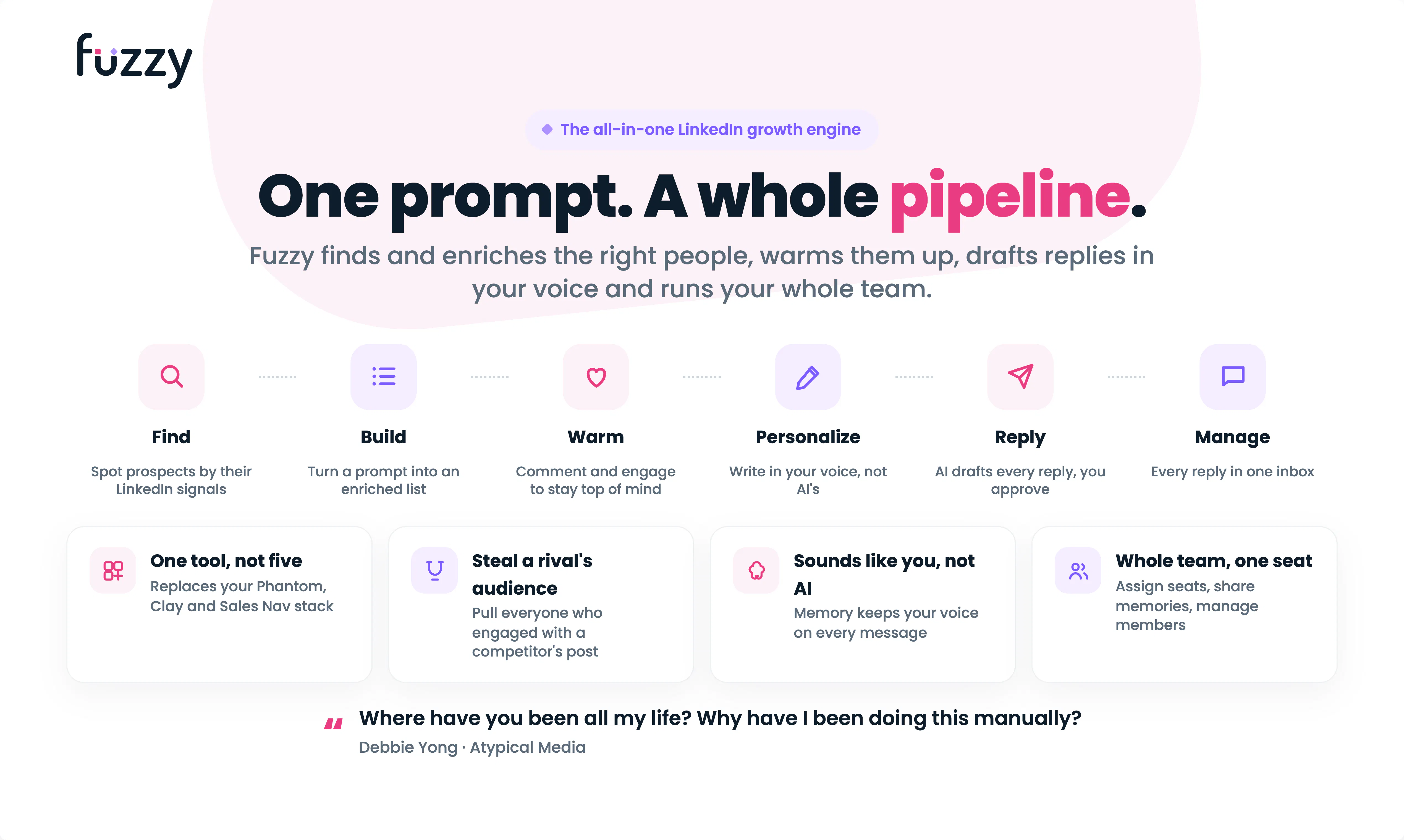
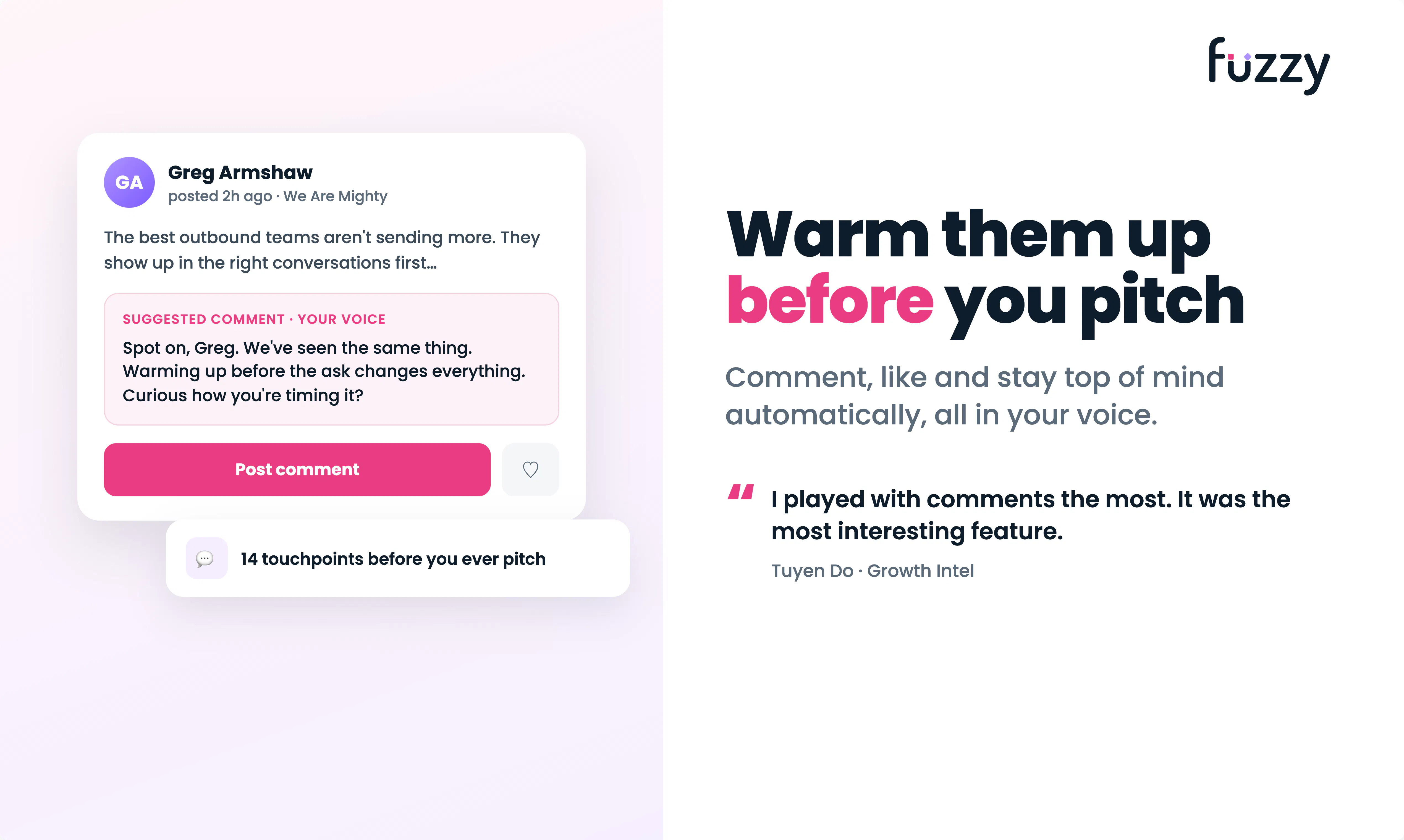
查看原始信息
NeuroVidz
Upload a video or audio clip. In about a minute, NeuroVidz maps how a brain would respond to its picture AND its sound — an engagement score that shows its components, a per-second emotion timeline, and timestamped suggestions for your next edit. Most tools focus on the frames alone; NeuroVidz listens too, so podcasts, music, and voice-driven clips score like a listener feels. If it can't produce a confident read, it refunds the credits. Start free, no card — founding 50 accounts get 40 credits.
Hey Product Hunt — we're Uddalak and Shivam, the team behind NeuroVidz (built at our studio, Sandmatter). We made this to answer a question every creator has asked: how will this clip land — before it goes out? Analytics tell you what happened after publishing; we wanted that insight available while there's still time to edit. NeuroVidz analyzes a clip the way a brain would experience it. Every second is distilled into perceptual signals — motion, faces, pacing, sound — and mapped onto a seven-network model of how a brain responds. You get an engagement score that shows its components, a second-by-second emotion timeline, and clear, timestamped suggestions for your next edit. The part we're proudest of: it listens. Most tools focus on the frames alone; NeuroVidz also hears the music, the pauses, and the delivery — so podcasts, songs, and voice-driven clips get a read that reflects what a listener actually feels. Honesty is a design principle: when the signal is too weak for a confident read, it says "no clear read" — and refunds those credits automatically. You're never charged for a result we wouldn't stand behind. It's live today — start free, no card required. The founding 50 accounts receive 40 credits and a founding badge; every account after starts with 20. You can also explore a full sample result without creating an account: neurovidz.com/c/sample We're both here all day and would genuinely value your feedback: what would make this a daily tool for you?
2
回复

@ud22 Really like that NeuroVidz analyzes both the visuals and the audio instead of focusing on frames alone. The per-second emotion timeline and actionable editing suggestions make it feel genuinely useful for creators. Good luck with the launch!

0
回复

This is a fascinating angle for video creators — most analytics tools tell you what happened (views, drop-off points) but not why. Curious what's actually being measured here: is this modeling predicted neural response from visual/audio features, or do you have real EEG/biometric data feeding the model? That distinction matters a lot for how much I'd trust the output as a creator deciding what to cut.

1
回复

@abhineetarora Thanks — you've drawn the right distinction, so straight answer: it's the first one. Modeled response from what's actually in the clip — no EEG or biometric data, and nothing recorded from viewers.

Concretely: we measure 25+ properties of the picture and sound every second — motion, cuts, luminance and colour dynamics, visual complexity, faces and their expressions, sound energy, onsets, speech vs silence — and map them onto the seven canonical cortical networks using weights grounded in published neuroimaging (attention systems, task-positive vs default-mode dynamics, face/voice selectivity). The score and timeline are derived from that predicted response.

For your trust question as a creator: where it earns its keep is within-clip, relative judgment — "attention likely slips here, holds there" — which is exactly the what-to-cut decision. It doesn't know your audience and won't predict your retention curve. And when a clip doesn't give the measurements enough to work with, it says "no clear read" instead of scoring anyway.

2
回复

saw your reply to Aidan below - appreciate the direct answer that it's a forward model against published neuroimaging weights, not fitted to real retention data. genuine follow-up: if it isn't validated against actual audience retention, what's the evidence that the engagement score correlates with what real viewers do, versus just being internally consistent with itself? asking because "stimulus-driven, not viewer-specific" is honest but it also means the score could be confidently wrong in a way no refund policy would catch.

0
回复

@galdayan Fairest challenge on the page, so a straight answer in three parts.

What we have: the weights come from published studies in which researchers measured real people responding to real stimuli — their evidence, not ours, but it means the construct isn't self-referential. What we don't have: an end-to-end study correlating our composite against real retention curves. You're right about that gap — and right that abstaining can't catch it. Abstain guards against unreadable input; it says nothing about whether the construct is aimed true.

What we do about it: treat the score as a falsifiable claim, not a verdict. The product's honest use is within-clip and relative — "this passage gives attention a reason to slip" — which any creator can check against their own retention graph in minutes. We invite exactly that comparison and keep a falsification log; documented misses change the weights or narrow the claims. If you have clips with known retention, run them. That's the validation study — one clip at a time.
Thanks!

0
回复

The audio-aware angle is genuinely interesting, since so many tools ignore the sound side. One thing that would help me decide if it's worth using long-term though is some kind of comparison view, so I can drop in two versions of the same clip and see how the engagement scores and emotion timelines actually differ. That would make the suggestions feel way more actionable instead of just a score in a vacuum.

0
回复

@aslhanfv73 Thank you — and you've named exactly why we're building it: a score you can act on is a score you can compare. A comparison view has been the most-requested feature all day.

0
回复

I like that the product is explicit about what it measures and, just as importantly, what it doesn't claim to predict. Tools that acknowledge uncertainty tend to be much more useful than ones that always return a confident score.

0
回复

@varun1jan Thanks — drawing that line early was easier than defending a blurry one later. The sharpest comments on this page all probed exactly where the boundary sits, which tells us creators want a tool that knows its limits more than one that promises everything.

0
回复

One thing I'd love is the ability to compare two versions of the same clip side by side, so I can see how a re-edit changes the engagement score and emotion timeline. Would make A/B testing hooks and thumbnails way easier.

0
回复

@naze6eq This has quickly become the most-requested feature of launch day, and it's earned its spot at the top of the post-launch list: two cuts of the same clip, timeline against timeline, score against score. One scope note — the engine reads moving picture and sound, so thumbnails themselves are outside what it can score, but hook-vs-hook comparison is exactly the use case we're building for.
Thanks!

0
回复

Honestly the audio piece is what sold me here, finally something that gets that podcasts and music-driven clips need attention too. One thing I'd love: a way to compare two versions of the same clip side by side so I can see which edit is actually pulling more engagement second by second. Would make the refund policy almost unnecessary.

0
回复

@nurullahekizler Thanks — the audio bet keeps being the reason people show up. Side-by-side compare is high on the post-launch list (Şengül suggested the same below): drop in a re-cut, watch the timeline and score shift against the original. Half the plumbing exists already — re-running an unchanged file is free, so the baseline side would cost nothing.

0
回复

The refund on low confidence reads is a smart call. Most analytics tools will give you a number no matter what, even when the input is too messy to trust.

0
回复

@talhakhalidmtk Thanks — that's the core idea: an instrument should be able to say "I can't measure this" rather than invent a number. Every read downstream only means something if that rule holds.

1
回复

Honestly the audio part is what sold me, most engagement tools totally ignore that. One thing though, would be cool if you could compare two versions side by side before exporting, like drop in a re-cut and see how the emotion timeline and score shift. That would make the refund policy almost irrelevant because people would just keep tweaking until the numbers move in the right direction.

0
回复

@englsarpolpe3b The audio part being what sold you is exactly the bet we made, so thank you. And yes — side-by-side is the feature we want too: drop in a re-cut, see the timeline and score shift against the original. It's high on the post-launch list, and half the plumbing already exists (re-running an unchanged file is free, so the baseline never costs you anything — you'd only ever pay for the new cut).

One small reframe on the refund: it isn't "money back if the score disappoints" — it's for when we can't read a clip cleanly. We'd rather say "no clear read" and refund than hand you a confident number we don't believe. So keep-tweaking-until-it-moves is genuinely the workflow we're building for; the refund just guarantees every number you're tweaking against is one we'd defend.

0
回复

Is it that Meta model behind this product or what are you using?

0
回复

@divya_kothari1 No — the engine that runs is our own, not a third-party foundation model.

Under the hood: we measure 25+ properties of the picture and sound each second, then map them onto the seven cortical networks using weights grounded in published neuroscience. That mapping — the actual brain read — is built and calibrated in-house. The one outside piece is a commercially licensed LLM that phrases the findings into plain-language recommendations; it never computes the score.

Happy to go deeper — full write-up at neurovidz.com/methods.

0
回复

The thing I'd want to understand is what the prediction is validated against. "How a brain would respond" can mean a model fit to EEG data, or one fit to actual retention curves from real viewers, and those two behave very differently once a clip looks unlike whatever it was trained on.

Very cool - congrats on the launch.

0
回复

@aidan_codefox Thanks so much — Fair question — and the honest answer is "neither."

It's a forward model, not a fitted one: we measure ~30 properties of the picture and sound each second (motion, cuts, colour and luminance dynamics, faces and expressions, sound energy, onsets, speech vs silence) and map those onto the seven cortical networks using weights from published neuroimaging. So what's validated is the mapping layer — each weight traces to a published result — not a regression against brain recordings or watch-time.

Your distribution point is the sharp one: a forward model doesn't silently extrapolate past a training set, it degrades when the measurements stop meaning anything — no faces, very dark footage, no usable audio. That's detectable, so when a read doesn't clear its reliability bar we return "no clear read" rather than a confident number.

It's stimulus-driven, not viewer-specific, and it doesn't predict retention. Worth testing our attention dips against clips whose drop-offs you already know.

3
回复

uploaded a 30 second podcast clip and the per-second emotion timeline actually picked up on the pause before the punchline, which i didn't expect from a tool like this. the refund promise is a nice touch too.

0
回复

@ayaz540061 The pause is the fun one to have caught — a beat of silence before a payoff is a genuine attention trigger (an unexpected absence of sound registers as salience, same as a sudden noise), so the engine treats silence as signal rather than dead air, and the listen pass marks the beat as its own moment instead of smoothing it over. Glad it showed up on a 30-second clip. Curious how it does on your longer episodes.
Thanks

1
回复