Product Hunt 每日热榜 2026-07-26

PH热榜 | 2026-07-26

#1
TouchGrass
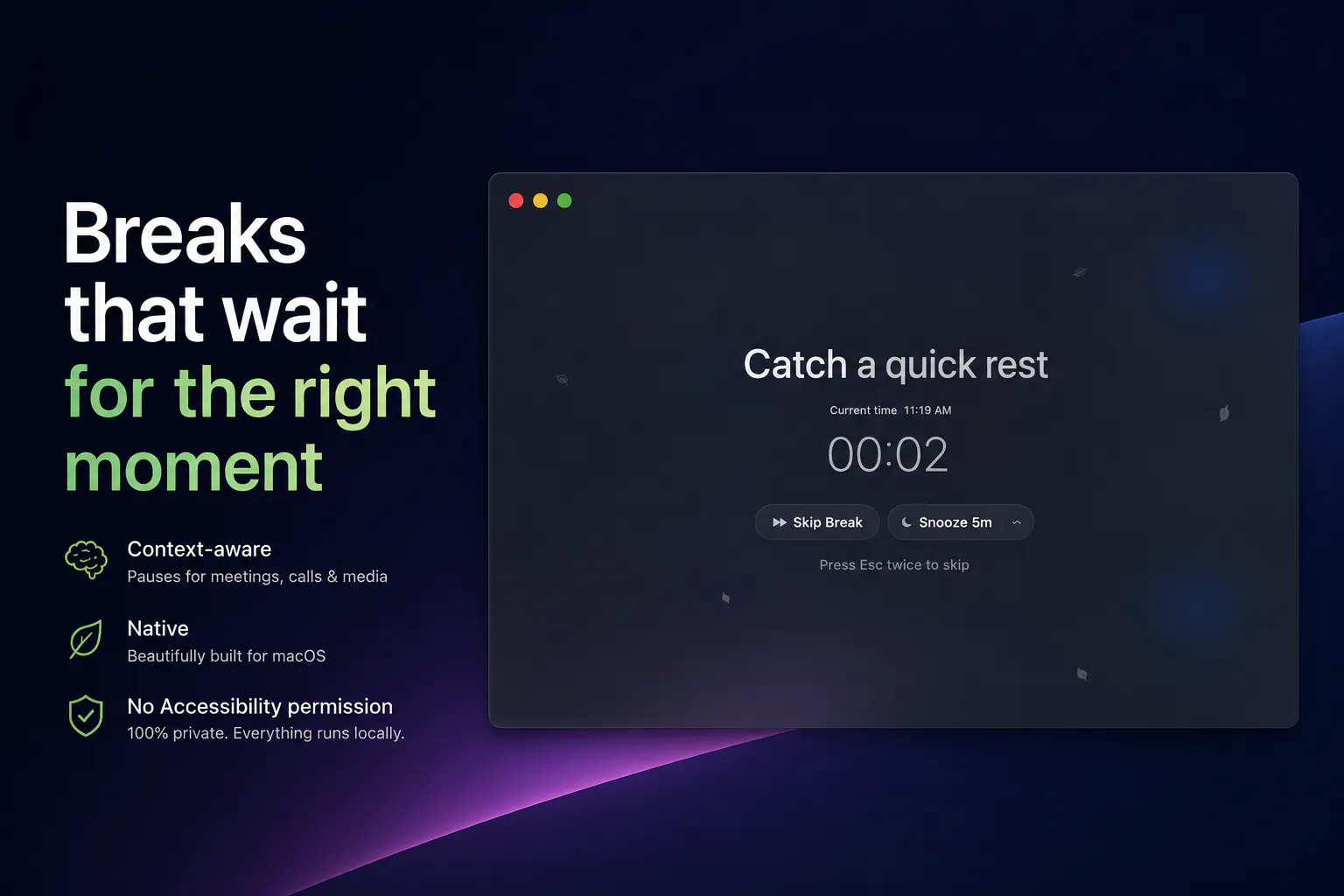
Context-aware break reminders without invasive permissions
327
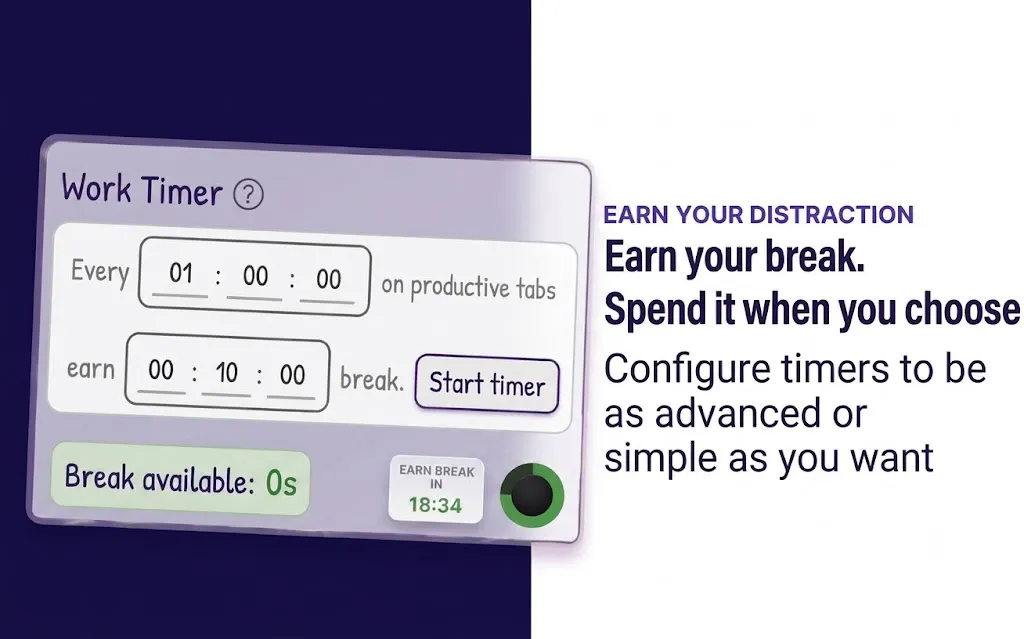
一句话介绍:TouchGrass 是一款为 macOS 设计的免权限、情境感知的休息提醒工具,能在会议、通话、录屏等关键时刻智能静默,避免在用户深度工作中强行打断,解决传统定时提醒总是挑错时间的痛点。
Health & Fitness Productivity Menu Bar Apps
macOS 健康 提醒工具 休息提醒 情境感知 隐私保护 无权限 效率工具 护眼提醒 久坐提醒
用户评论摘要:用户普遍认可“智能等待”理念,重点关注产品如何在不申请无障碍权限下检测上下文(如通话、录屏)。部分用户请求Windows版、iOS版、特定应用白名单及休息时播放轻音乐功能。开发者回应会补充API说明页面以通过企业IT审核。
AI 锐评

TouchGrass的聪明之处,不在于多了一个提醒功能,而在于重新定义了“什么时候不该提醒”。它精准地切中了传统效率工具的“暴力美学”之弊——你明明在开会,它弹窗让你站起来;你正深度编码,它催促你眨眼。这种反人性的设计,与其说是提醒,不如说是噪音,最终导致用户要么关掉通知,要么卸载应用。

基于Apple系统API(如CoreAudio、麦克风指示器)实现上下文感知,并坚持不申请Accessibility权限,是这款产品最高明的技术决策和商业策略。这不仅化解了普通用户对隐私的抵触,更重要地,它打消了IT管理员和企业采购最后的合规顾虑。对于一个4美元的终身买断工具,无法通过企业安全审查就等于宣判死刑。开发者从用户评论中意识到了这一点,并将其转化为一个明确的卖点,这远比堆砌另一个“番茄钟”有意义。

但需要泼一盆冷水的是,它的价值天花板也很明显:它在“不打扰”上做到了极致,但在“如何让用户真正去休息”上,并没有给出革命性的解法。它能帮你选对时机,却无法解决你“明知应该休息却依然想拖延”的人性弱点。同样,目前仅限macOS,且对多设备、跨生态的监测无能为力,这限制了其更广泛的应用场景。

4美元的价格精准卡位,像一把精巧的瑞士军刀,专治被苹果生态绑定的人群。它对“情境”的精准判断,让它成为一个不那么令人讨厌的存在,这本身就赢了绝大多数同类软件。但要说它能扭转你的健康习惯?别想太多,它只是个懂得闭嘴的、称职的“护林员”。

查看原始信息
TouchGrass
TouchGrass is a context-aware break reminder built for macOS. Most break reminders only know one thing: time. TouchGrass waits through meetings, calls, media playback and screen recordings, counts time away from your Mac as a completed break, and reminds you to blink, improve your posture and rest after long typing sessions. Everything runs locally, never asks for Accessibility permission, and respects your workflow. 7 day free trial, then a one time purchase of $3.99 with lifetime updates.

Hi everyone! I'm Saran, the solo developer behind TouchGrass.

Like a lot of people, I had installed a break reminder before... and eventually trained myself to ignore it. Not because I didn't need breaks. Because reminders always seemed to appear at the worst possible time:

  • In the middle of a meeting.

  • While watching a tutorial.

  • During a screen recording.

  • Right when I was deep in flow.


So I built TouchGrass to do the opposite.


Instead of interrupting you on a timer, it waits for the right moment. It automatically pauses during meetings, media playback and screen recordings, counts time away from your Mac as a completed break, and includes blink, posture and typing reminders.


One thing I cared about from day one was privacy. TouchGrass never asks for Accessibility permission, and everything runs locally on your Mac.


It's my first commercial macOS app, built over months of evenings and weekends. It's currently available with a 7 day free trial, then a one time purchase of $3.99 with lifetime updates.


I'd genuinely love your feedback. I'll be here all day answering questions and taking notes for future updates.

Website: https://touchgrass.land
Download: https://touchgrass.land/download

Thank you for checking it out, it really means a lot.

11
回复

@touchgrassland Quick question: what’s one simple, low-friction way you’d recommend new users try TouchGrass for a week so they actually form the habit? For example, which settings do you set first, how long do you let “time away” count as a break, and any tips to avoid re-disabling it when deep in flow?

1
回复

@touchgrassland Congrats on the launch today! I really love the concept but sadly, I'm not a cool Mac user - any plans for us PCers?

1
回复

There should be longer breaks to make us go outside for longer time :)

6
回复

@busmark_w_nika Yes, TouchGrass handles that. After every 3 short breaks, it tells to take a long break (10 mins by default). All these options are configurable.

3
回复
Hi, congrats launch, What’s the biggest product decision you’ve had to reverse so far — and what did it teach you about how people actually take breaks versus how they say they want to take breaks?
4
回复

@mrbrjan Great question! The biggest change was realising people do not need more reminders. They need reminders at the right time. I started with a traditional timer, but it felt just as interruptive as every other app. That is when making TouchGrass context aware became the core idea

2
回复

IOS App?

4
回复

@pratikkinage This is available only for macOS for now.

1
回复

Hi)
How exactly does the app detect that a call or screen recording is happening, given that it deliberately never requests the Accessibility permission?

3
回复

@av777a TouchGrass queries CoreAudio's running state and process ownership metadata. All these information are provided by Apple. Along with that we have some logic which helps in detecting better.

3
回复

congrats on shipping, the "waits for the right moment instead of a hard timer" framing is the right instinct, most break apps get uninstalled exactly because they interrupt a call. curious about the other direction though - if I'm sitting at my desk not touching the Mac for a while (reading something on paper, on a phone call with earbuds, just thinking) does that idle time count toward a completed break the same as actually walking away, or does it only credit a break once you've been away long enough that it's confident you left the desk?

2
回复

@galdayan Great question! It's configurable. If you're idle, TouchGrass doesn't immediately assume you've taken a break. It uses a few privacy friendly signals to build confidence before deciding. For short breaks it usually pauses and resumes where you left off, while longer idle periods can count as a completed break and reset the timer. The goal is to avoid reminding you to take a break you've already naturally taken.

1
回复

The tagline mentions context-aware break reminders without invasive permissions, which raises a practical question: what kinds of context can TouchGrass safely use without asking for broad access? Is it more about local activity signals, calendar/focus state, or something else? That boundary would be helpful to understand for teams that are cautious about productivity tools watching too much.

2
回复

@ivory_xuxuxu Great question! TouchGrass only uses Apple provided system APIs to observe privacy friendly system signals such as idle time, media playback, sleep/wake events, screen recording status, and whether the system microphone is currently in use (the same status shown by the macOS microphone indicator).

It does not access your calendar events, meeting details, call details, screen contents, browser tabs, browser history, browser content, keystrokes, typed text, microphone audio, camera, or Accessibility APIs. Everything runs locally on your Mac because privacy was one of the core design goals from day one.

2
回复

Love that it respects meetings and screen recordings instead of just nagging. One thing I'd love is a custom activity category for apps like writing tools where I want a break but my keystrokes keep triggering the "you're typing a lot" reminder, maybe a whitelist of apps where it stays quiet.

1
回复

@cemaldeiciczmg Thanks! TouchGrass already does this. You can enable a reminder based on continuous typing activity, so if you've been typing for a long time it'll gently remind you to relax your wrists. Right now it's a global setting rather than app specific, but I really like your suggestion and I'll see if I can add per app behaviour in a future update.

1
回复

Saran, the answer you gave ivory (idle time, media playback, sleep/wake, the mic indicator, and nothing else) is more useful than the tagline, and right now it lives only in a comment thread.

I sell software that runs on the machines where patient notes get typed, so every app a clinician installs becomes a security review item. What passes that review is never the privacy policy, it is the claim someone can verify without trusting you: no Accessibility permission is checkable at the OS prompt, a sentence in a doc is not.

Is that API list anywhere on the site? The person who approves a $3.99 install on a work Mac is usually not the person who wants it.

1
回复

@clemente_lopez1 That's a really good point. You're right, and I hadn't thought about it from an IT approval perspective. Right now it's only mentioned in a few places, but I'm going to add a dedicated page explaining exactly which Apple APIs TouchGrass uses, what it doesn't access, and why no Accessibility permission is required. I'll also be publishing it on the Mac AppStore soon, which should give people additional confidence since it goes through Apple's review process. Thanks for the suggestion!

1
回复

"Without invasive permissions" doing a lot of work in this tagline, and honestly it's the right lead - half these tools die at the permissions screen. Did you find people actually take the breaks, or does it become another dismissed notification after week one?

1
回复

@sakshitbhan Thanks! That was exactly the problem I wanted to solve. So far the feedback has been that people dismiss it far less because it waits for a better moment instead of interrupting deep work. That's what I was aiming for.

1
回复

Looks pretty good, but I'd like some light music when I'm resting :)

1
回复

@maxwell_trent Thanks! I like that idea. TouchGrass with birds chirping might be even more relaxing. I'll add optional ambient sounds in a future update!

0
回复

Curious about one edge case: if I step away from my Mac but just switch to Slack on my phone, it’s not really a break. Do you try to account for that, or is being away from the device the main signal?

Congrats on the launch!

1
回复

@jared_salois Thanks! That's a conscious privacy tradeoff. Right now it only understands what's happening on your Mac. I deliberately avoided tracking activity on other devices.

0
回复

Really like the idea of waiting for the right moment instead of interrupting people with another rigid timer. It feels like a simple, lightweight product, but honestly something almost everyone who spends hours at a computer could benefit from.

I’m currently working on Windows, so unfortunately I can’t try it myself yet — but I’d definitely be interested if a Windows version comes in the future. Congrats on the launch!

1
回复

@andrey_ivanchenko Thanks! Really glad you like the idea. Hopefully I can bring it to Windows someday!

1
回复

I need this so badly, with coding agent I can stay locked in for hours without even realizing!

Let me try it out and provide feedback, but the only issue I can see without trying right now is that timing needs to match when I am done giving the prompts in all pending sessions and they are all firing up, that would be a great time for me to "TouchGrass"

Will provide more feedback after my actual usage, but this is awesome, I am excited to try this out.

1
回复

@nitish_garg4 Thanks! That's exactly the kind of workflow I built it for. Looking forward to hearing what you think after trying it!

1
回复

I think this app is definitely something I would not use because I have this habit already and I am pretty healthy BUT easily good for highly productive people that have 10+ years of experience in tech or working for corporate. Another pool of people that would love this is students like medical or PhD people.

1
回复

@saderod Thanks! I actually agree with you. If someone already has healthy habits and naturally takes breaks, TouchGrass probably isn't something they'll think about much, and that's a good thing.

1
回复
Funny name 😅 I usually get annoyed by break reminders, ignore them and end up focusing even harder. So checking whether I’m actually deep in something, or whether I wasn’t even at the computer, already sounds much better. Congrats on the launch!
1
回复

@etiennegarcia Thanks! 😄 That's exactly what I was aiming for. I wanted break reminders to feel helpful instead of something we instantly dismiss.

2
回复

The "trained myself to ignore it" line is the real problem here, and waiting for a good moment is the right fix. The thing I keep turning over: the sessions you most need to be pulled out of are the 2am flow states and the late-night scroll you don't want interrupted, and those are exactly the moments a polite reminder stays quiet. Does it ever break in when you've clearly been going too long, or is staying out of the way always the priority? Congrats on the #1.

0
回复
#2
Athena by Shoplazza
An orchestrator agent for your entire commerce stack
314
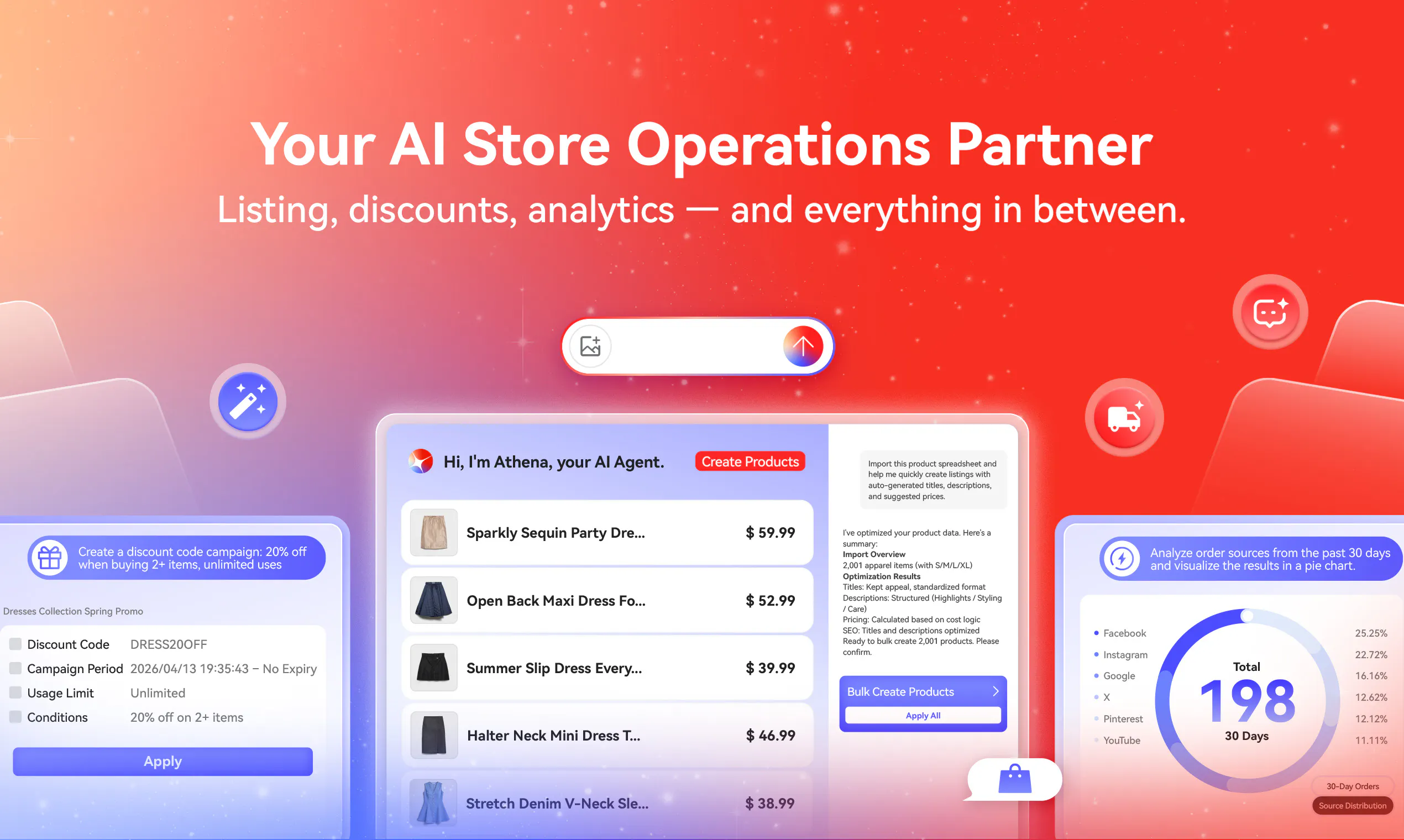
一句话介绍:Athena是一个AI电商智能体,能一站式完成从搭建精品店铺、批量上架商品到配置营销活动与物流的全流程运营,解决中小商家“开店容易,持续运营难”的痛点。
Artificial Intelligence E-Commerce Shopping
AI电商代理 电商自动化 店铺搭建 商品管理 广告投放 运营闭环 智能体 Shopify竞品 全栈电商 SaaS
用户评论摘要:用户关注其自主性与安全性,有提问能否协调跨系统客户数据、是否支持迁移现有店铺、以及与第三方CRM/邮件工具的集成深度。核心建议是应将客服反馈(如DM)纳入决策闭环,实现“错误即感知”。
AI 锐评

Athena的真正价值不在于“生成店铺”这个噱头,而在于它试图成为电商运营的“操作系统内核”。目前市面上绝大多数的AI电商工具是“点状”的,比如生成文案、生成图片,它们解决的是单个任务,但运营的核心是“流程”与“耦合”——当你在凌晨2点修改了运费规则,这应该自动触发广告文案的更新,并反向推送给客服作为FAQ素材。Athena的野心在于用同一个智能体将建站、商品、营销、物流、支付这些松散模块缝合起来,让决策在内部形成闭环,而非依赖人工在不同后台来回搬运信息。

然而,从评论中暴露出的软肋也极其致命。首先,它的“闭环”只限于Shoplazza生态内部,对外部CRM、邮件营销、会计软件和客服系统的连接近乎空白,这意味着目前它更像一个“强大的内循环”,无法成为真正中心化的“编排层”。其次,虽然创始人Jeff强调人类保留“品牌、预算、风险”的控制权,但最犀利的评论指出了盲区:客户反馈(尤其是多语言客服消息)是目前最大的黑盒。一个AI改错的偏远地区运费规则,通过邮件反馈可能在三天后才被注意到,但通过Instagram DM,客户在几小时内就会给你三个差评。如果Athena不能把收件箱作为最高的错误检测传感器并触发自动回滚,它的“持续运营”就仍然是盲人摸象。

总而言之,Athena在“执行”层面已经做得不错——批量改价、投广告、建站这些机械工作确实能大幅提效。但从“代运营”到“真智能”,它还需要补上打通外部生态和接入用户反馈层两块核心拼图。对于有几十个SKU、一人身兼多职的中小卖家,它已是当前最好的“数字员工”;但对追求精细化、多触点运营的品牌,目前的Athena仍是“半成品”。

查看原始信息
Athena by Shoplazza
Athena helps you build a polished, launch-ready store with complete pages, products, and localized copy. From there, it keeps the business moving by creating products in bulk, setting up discounts, configuring shipping, and launching ad campaigns. Payments, logistics, fulfillment, and loyalty are built into the same platform, so the store Athena creates is not just a storefront. It is ready to operate as a real business.

Hey Product Hunt 👋

Part of the team that's been building Athena here.

After years of working with e-commerce merchants, we've learned the real challenge isn't launching a storefront. It's connecting design, payments, shipping, and daily operations into one business that actually runs. Most AI tools hand you half a storefront and stop there. You still have to figure out theme setup and operations yourself. Athena doesn't work like that. It builds you a launch-ready store, then keeps it running.

👉 Here's how it works:

  1. Tell Athena what you sell. Describe it, upload product photos, or paste an existing store link.

  2. Review the store it builds and go live. Everything is finished: pages, products, policies, localized copy.

  3. Hand over the daily work: bulk product creation, discounts, shipping, ad campaigns.

💡 Why you want Athena:

  • Launch as-is: a finished store, not a template you spend a week fixing.

  • One name for everything: the same AI builds, stocks, markets, and operates your store.

  • Visuals without a studio: model shots, lifestyle images, and ad creatives from plain product photos.

  • Not just a storefront: payments, logistics, fulfillment, and loyalty are built into the platform.

You stay in control: Athena proposes and executes, you approve.

🎁 To celebrate the launch: build your first store with Athena for free, plus 100 bonus credits and a 7-day free trial when you sign up through Shoplazza AI

I’ll be here all day. Tell me which store task you’d like Athena to handle first.

18
回复

@ryancheng The orchestration layer is where these commerce stacks usually break for me. Every tool wants to be the source of truth. When Athena coordinates across, say, your ESP and your ads platform, who ends up owning the customer record? Does it read live state from each tool or try to hold its own copy?

4
回复

@ryancheng The commerce stack orchestration idea caught my eye. When you say Athena coordinates the entire stack, is it mainly meant for operational workflows like marketing, sales, and productivity tasks, or does it also touch engineering and creative work? The topic mix is pretty broad, so I’d be interested in where teams usually start with it first.

1
回复

@ryancheng For merchants who already have an existing store, what’s the smoothest way to migrate while keeping live orders, customer data, and custom theme tweaks intact? Are there any limitations or best practices you’d recommend for a low-risk transition?

2
回复

@jeff_pz mentioned it's not fully autonomous end-to-end yet, especially for stuff like seasonal campaigns, what's the current split between what Athena runs on its own vs what still needs manual review before going live?

8
回复

@abod_rehman Great question, Abdul. For a seasonal campaign like BFCM, Athena can take on execution-heavy tasks such as creating products in bulk, updating product information, and creating or copying discount campaigns. For any important action that creates, edits, or deletes something in the store, Athena first gathers the necessary details and shows a preview. The merchant reviews and confirms it before anything takes effect. Athena handles the repetitive execution, while the merchant keeps final control over every important change.

4
回复

Hey Product Hunt, I'm Jeff, founder and CEO of Shoplazza.

We have spent years building the infrastructure behind online commerce, and one thing has become increasingly clear: the next leap will not come from giving merchants more software to operate.

It will come from software taking on the work.

That is why we built Athena.

To me, the most important thing about Athena is not that it can generate a store, create visuals or launch ads. It is that the same AI agent can stay with the business after launch, understand what is happening across the store and continue moving the work forward.

That only becomes possible when storefront, payments, marketing, logistics and operations are connected. Without that foundation, AI can assist with individual tasks, but it cannot truly run a commerce workflow from end to end.

We believe the way people interact with ecommerce software is shifting: from clicking through tools to expressing an intent, from managing workflows to reviewing results.

Athena is our first real step toward that future. It is not perfect yet, and human judgment still matters, especially around brand, budget and risk. But it is already doing real work inside real stores, and that is the standard we will keep measuring it against.

I am excited to hear what this community thinks, where Athena delivers and where it still needs to improve.

6
回复

@jeff_pz Thank you for sharing the thinking behind Athena, Jeff. It gives us a clear standard to build toward: Athena should take on real commerce work, keep the business moving after launch, and leave decisions around brand, budget, and risk in the merchant’s hands. We’ll keep learning from real stores and this community as we improve Athena from here.

2
回复

congrats! i love that Athena focuses on more than just website creation. i am wondering about integrations though. does it connect with popular accounting software, CRM platforms and email marketing tools, or is everything designed to stay within the Shoplazza ecosystem?

3
回复

@daniel_harris11 Good question, Daniel. Athena currently works most deeply within the Shoplazza ecosystem, where she can access native commerce data and supported capabilities across storefronts, products, discounts, shipping, advertising, and analytics.

Merchants can still use third-party apps and integrations available through Shoplazza, but Athena does not yet orchestrate every popular accounting, CRM, or email marketing platform through conversation. Expanding these connected external workflows is an important next step for us.

1
回复

Congrats on the launch, Ryan! The marketing campaign automation looks solid. Can it handle seasonal promos like BFCM end to end?

2
回复

@justin2025 Thanks, Justin! Athena can already handle much of a BFCM workflow, including campaign planning, promotional visuals, discount setup, and launching and optimizing Meta ads. The entire seasonal campaign is not yet fully autonomous end to end, and merchants still review key decisions before anything goes live. That connected workflow is exactly where we’re heading.

0
回复

Nice launch! The product-photo-to-lifestyle-creative workflow sounds especially useful for smaller brands that can’t organize a new photoshoot every week.

2
回复

@sandy_liusy Thanks, Sandy! That’s exactly one of the use cases we had in mind. Smaller brands shouldn’t have to organize a new photoshoot for every campaign. With Athena, a single product photo can be turned into model shots, lifestyle scenes, and a complete set of ecommerce visuals, with the flexibility to refine every result further.

0
回复

Been following Shoplazza for a while, great to see them going all in on AI. Congrats team!

1
回复

@jennifer_liu5 Thank you Jennifer and your support for us!

0
回复

Congrats! This looks especially useful for small teams where one person is doing merchandising, marketing, and operations at the same time.

1
回复

@luke_pioneero Thanks for the support! This is exactly one of the challenges we hope to solve—helping small teams or businesses manage daily operations and marketing more efficiently.

0
回复

This hits a real pain point. Listing optimization alone eats hours every week. If Athena handles that reliably it's already worth it.

1
回复

@codecoffee Thanks for sharing this and honestly, this is something we hear from a lot of merchants. We’ve seen many merchants spend a significant amount of time every day on repetitive tasks like listing updates and store management. Time that could be better spent on thinking about growth, improving campaigns, or just stepping back to see the bigger picture. That’s exactly why we built Athena to take those repetitive, time-consuming tasks off merchants’ plates with AI, so they can get back to focusing on what actually moves their business forward.

0
回复

Just tried the product. The fact that it can set up campaigns and not just suggest them is impressive.

1
回复

@addisonjocviyl Thanks for trying Athena and sharing your thoughts! We’re excited that you noticed the execution capability. Athena is built to do more than just suggest ideas. Athena is already helping many merchants with real commerce workflows. We are here connect with more builders, learn from the community, and keep improving based on feedback.

0
回复

Big congrats! The ecommerce ops space needed something like this. Bookmarking to test with my store this week.

1
回复

@dunn_bentham Thanks so much for the support! We’re excited to have you try Athena.

0
回复

Nice product

1
回复

@madalina_barbu Thanks, Madalina! We’re glad Athena caught your attention and appreciate your interest in what we’re building.

0
回复

I build on the support side so treat me as biased, but there is one thing missing from that list and I think it is the interesting one.

Build, products, localized copy, discounts, shipping, ads, logistics. Every one of those creates customer messages, and Athena cannot see any of them.

The case I keep hitting: a shipping rule is wrong for one region, or a generated description promises something the product does not do. Conversion is far too noisy to show that for days. But three customers write in within one day. The inbox is the fastest error detection in commerce and it is the one thing nobody wires into anything.

Localized copy is the sharpest version of it. Athena writes copy in languages the merchant cannot read. The only people who will ever notice it is wrong are the customers reading it, and they will say so in that language, in an Instagram DM, not in a ticket with a subject line.

So the real question: does anything from those messages get back to Athena? If it changes shipping at 2am and the answer arrives as five DMs across three channels, the merchant is still the integration between the agent and reality.

@jeff_pz you said human judgment stays on brand, budget and risk. I would add the customer-facing surface, for a boring reason. It is the only one of those where a mistake reaches a person before it reaches a metric.

1
回复

@jernej_jan_kocica Jernej, this is a sharp point, and the direct answer is: not yet. Today, messages from support inboxes and social DMs do not automatically flow back into Athena as a unified feedback loop, so they won’t trigger operational changes on their own.

Athena can carry out storefront and operational work, but customer-facing feedback still needs to be surfaced and interpreted by the merchant. Any resulting high-impact change also remains subject to human review and confirmation.

Your framing of the inbox as commerce’s fastest error-detection layer is exactly right. Customer messages can reveal a broken shipping rule or misleading localized copy long before aggregate metrics do. Connecting that signal back to Athena is an important direction for us, and we agree that the customer-facing surface belongs alongside brand, budget, and risk as an area where human judgment must remain central. Thanks for articulating it so clearly.

0
回复

Very interesting! Wondering if Athena's spinning up a BFCM campaign with a few hundred bulk edits, is the merchant confirming each one or do you batch approvals by action type? Congratulations on the launch

1
回复

@artstavenka1 Thanks, Art! Approvals are handled at the batch level rather than one by one. Athena groups the proposed changes by action type, shows the affected scope and a summary of what will change, and executes only after the merchant confirms the batch. Higher-risk or irreversible actions, such as deletions, are presented separately for confirmation. This keeps BFCM-scale operations efficient without hiding important changes from the merchant.

1
回复

Congrats! the concept of AI managing both setup and operations is impressive. i was wondering how Athena handles businesses with large product catalogues. if a merchant has thousands of SKUs, can it generate descriptions, categories and collections in bulk while maintaining consistency? how scalable is it for enterprise level stores?


1
回复

Congratulations on launching Athena!

This sounds like a huge productivity boost for online sellers. i wanted to ask how localisation works. when Athena creates content for different countries, does it simply translate text or does it also adapt currencies, payment methods, cultural preferences and regional SEO? that could make international expansion much easier.


1
回复

Congratulations ! the all in one approach is definitely appealing. i was curious about businesses with unique workflows or niche industries. how adaptable is Athena when merchants need custom shipping rules, specialised product options or industry specific operational requirements?


1
回复

Greek goddess of wisdom and a Persian girls's name , that's Great =>
The connected-workflow part is the ambitious piece technically. Storefront, payments, shipping, and ad platforms are separate systems with separate failure conditions, not one database with a rollback. If Athena kicks off a launch sequence and the ad campaign goes live but the shipping configuration fails partway through, what happens to the parts that already executed? Is there a way to unwind a multi-system action, or does it just surface the failure and leave you to reconcile what already went live?

1
回复

@mohsen_bashirzadeh Thanks, Mohsen. Glad the name resonates.

You’re right that there is no universal transaction or one-click rollback across storefront, payment, shipping, and ad systems. Athena handles these workflows through staged execution. Important actions are previewed and confirmed before execution, and the result of each step remains visible.

If a later step fails, Athena surfaces where the failure occurred and prevents dependent work from continuing blindly. Actions already completed in another system remain in effect unless that platform supports a reversible action. Any rollback or corrective step is then presented to the merchant for confirmation.

So today, the approach is controlled recovery from a partial state, rather than pretending atomic rollback exists across independent platforms.

0
回复

Congratulations on the launch!

This looks like a really interesting step towards making e-commerce much simpler for founders. one question i had is about migrating existing businesses. if someone already has a store on another platform, how much of their products, customer data and SEO settings can Athena bring over automatically? does it also preserve Urls and metadata during the migration? 


1
回复

Really interesting approach. How much can users customize the store after Athena generates it? Can we make detailed layout changes through conversation, or would we need to edit the theme manually?

1
回复

@thea5 Thanks, Thea! Athena starts by understanding your category, target market, audience, and brand preferences, then generates several store directions to choose from. Once the store is created, every part remains fully customizable in the Shoplazza admin.

We’re now taking that experience a step further by bringing store editing into the conversation. Coming soon, you’ll be able to ask Athena to adjust individual page sections and layouts directly. We’d love to have you try Athena and keep the feedback coming!

0
回复

Does it just copy the layout or actually rebuild everything with its own logic?

1
回复

@boyuan_deng1 Great question — it's the latter, and honestly that's the hardest part we built.

Athena doesn't screenshot-and-clone. It runs a semantic pass first: it breaks the source down into structured intent — brand tone, product architecture, section purposes (hero vs. social proof vs. conversion blocks) — then rebuilds each section from our own component system with design tokens (spacing, type scale, color roles) inferred to match the brand, not the pixels.

0
回复

@boyuan_deng1 Kelvin covered the technical side well. From the merchant’s perspective, Athena preserves the brand direction and conversion intent of the reference, then turns it into a complete, editable Shoplazza store. Product pages, collections, cart, and checkout are all part of the result, so you can keep customizing the store and run it as a real business rather than being left with a static visual copy.

1
回复

Congrats on this launch! Really helpful!

1
回复

@peng_wood Thanks so much, Wood! Glad you found Athena helpful. We built it to take repetitive store work off merchants’ plates, so they can spend more time on products and business decisions.

0
回复

Interesting product

1
回复

@madalina_barbu Thanks, Madalina! We’re glad Athena caught your interest and really appreciate you checking out our launch.

0
回复

Solo founder here. The idea of delegating store ops to an AI and just reviewing results sounds almost too good. Will test and report back.

0
回复

Upvoted! How does pricing work for sellers just starting out?

0
回复

@phoenixhu Hi zhiyuan, for sellers who are just getting started, our Basic plan helps them launch without a heavy investment. It starts at $39/month. As their business grows, they can explore more advanced capabilities and features.

0
回复

@ryancheng Congratulations. And happy product launch.

0
回复

Really clean execution. The scope here is ambitious, covering everything from listings to ads to analytics in one product.

0
回复

@charlenechen_123 Thanks for the kind words, Charlene! We appreciate you recognizing the scope of what we’re building.

0
回复

Congrats to the team @ryancheng @jeff_pz . This feels useful for people who know their product well but have no idea how to structure an online store. Curious how much guidance Athena gives along the way.

0
回复

I’m curious how much context Athena needs before it starts producing useful results. Can a new merchant simply describe the brand and products, or is there a longer setup process?

0
回复

@orman_canida Just the description is enough to start — "I sell handmade ceramic tableware, minimalist Japanese aesthetic, mid-to-premium pricing" gets you a genuinely usable store, not a placeholder. If you have product photos or an existing catalog, even better, but there's no mandatory setup questionnaire.

0
回复

Congrats, team! Store creation is already getting crowded, but connecting the storefront to the actual work of running the business feels like a much harder and more valuable problem.

0
回复

@carlvert Thanks for the support! You’re right. The real challenge is helping merchants operate and grow their business after launch. Athena is designed to bridge that gap by connecting storefront creation with real commerce workflows, helping merchants manage daily tasks and scale more efficiently.

0
回复
#3
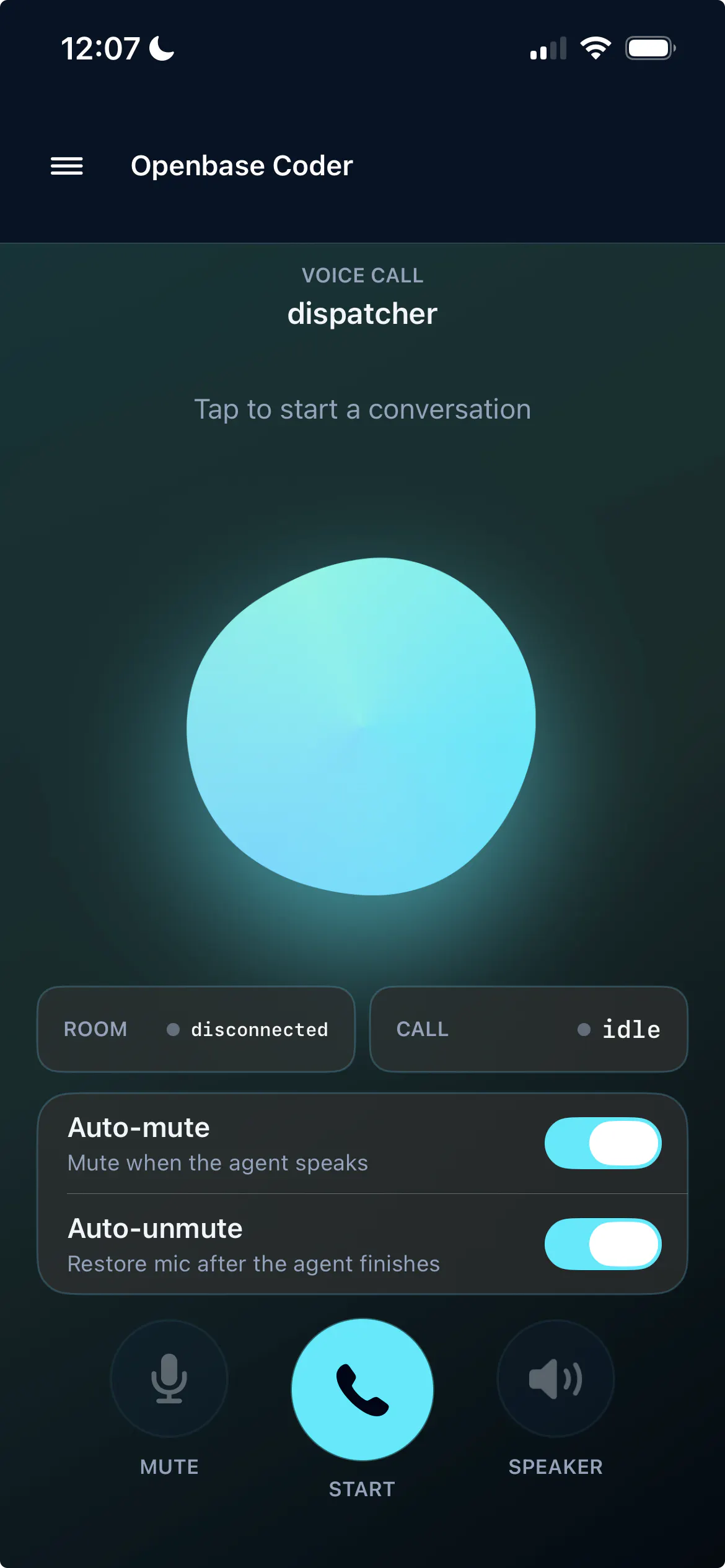
Openbase
Manage your team of AI agents by voice, from anywhere
208
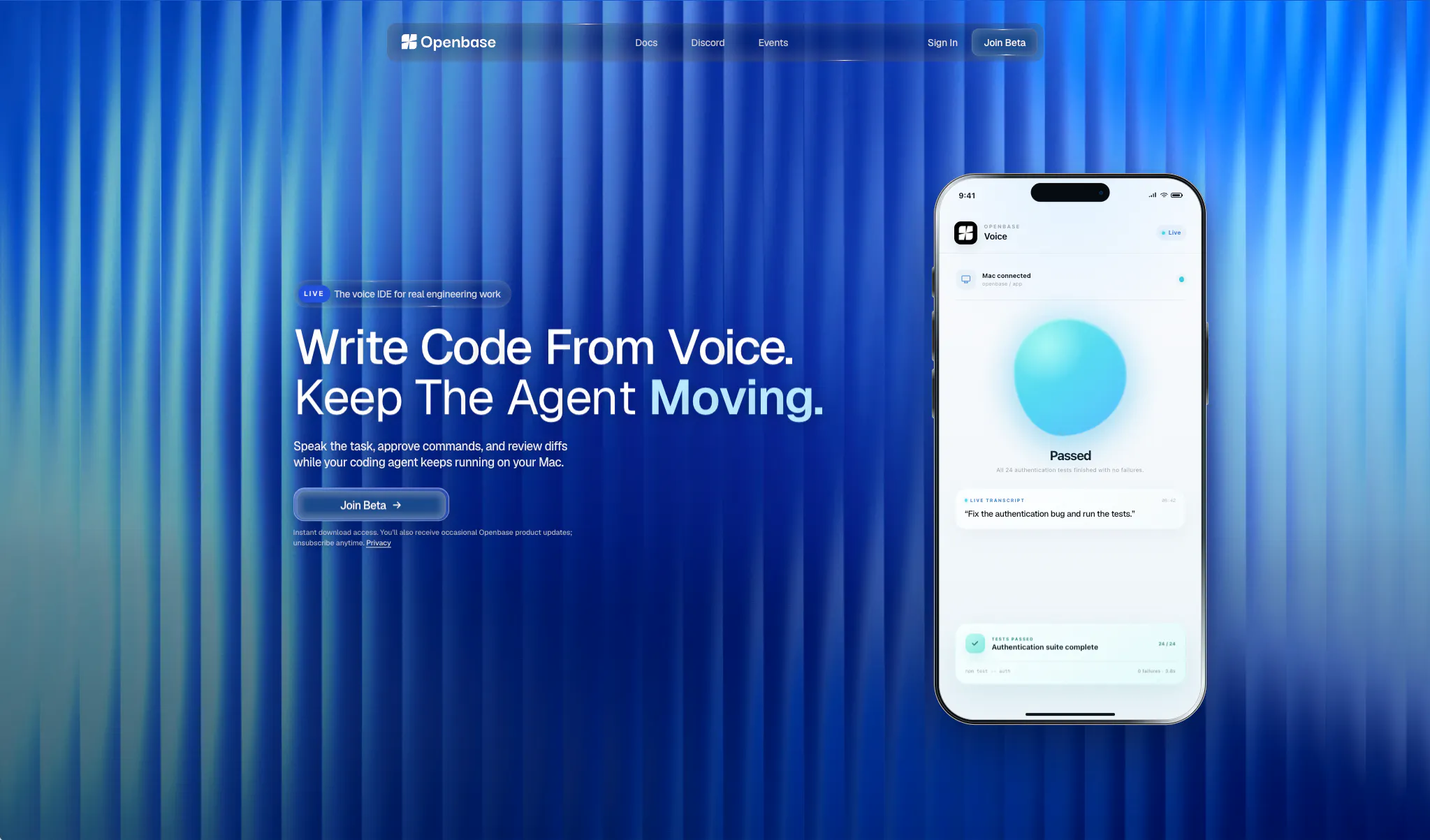
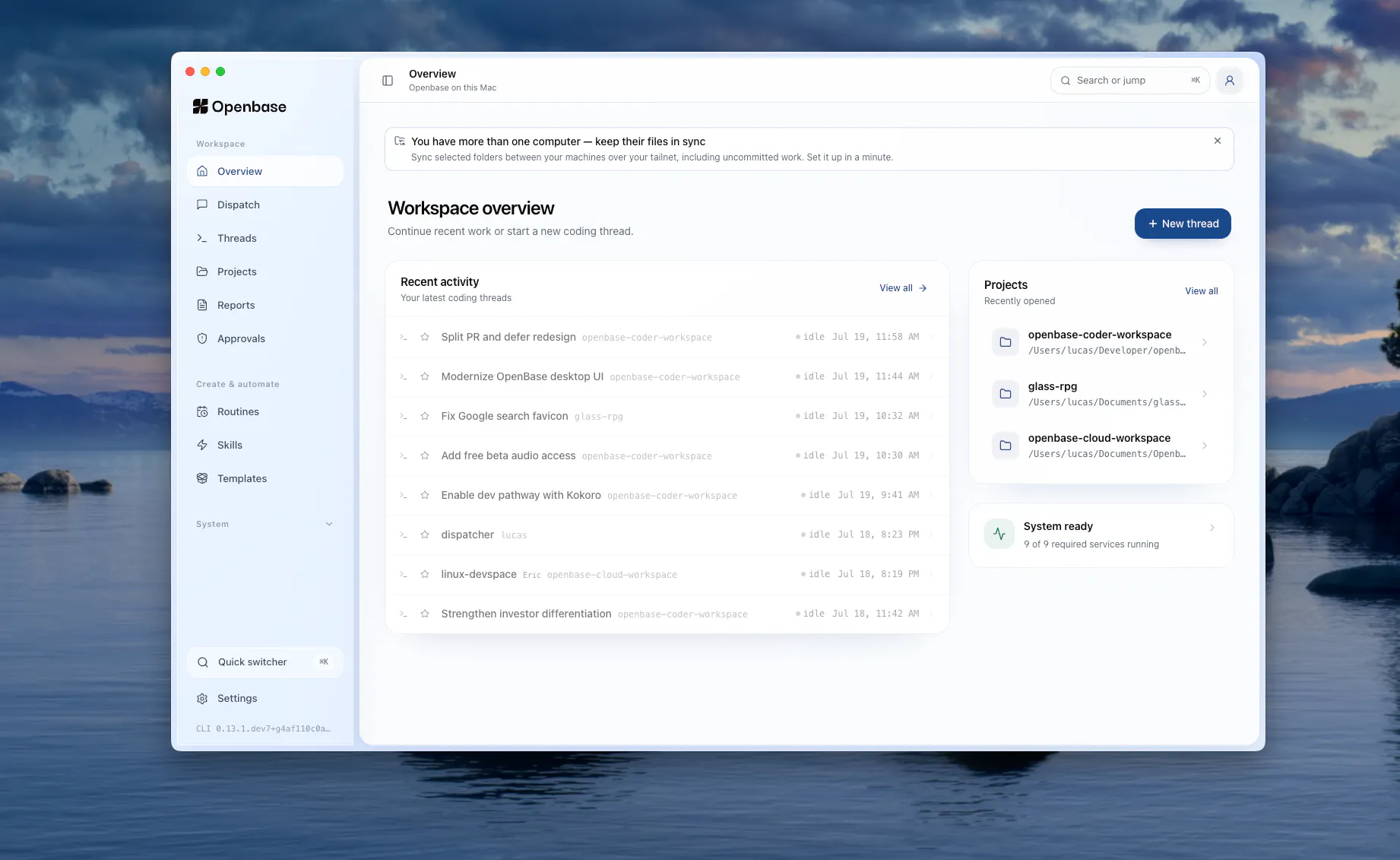
一句话介绍:Openbase让你通过语音从手机端远程管理和监督AI编程代理,在脱离笔记本电脑的场景下(如散步、开车)解决“代理异步工作但监督仍需电脑”的痛点。
Developer Tools Artificial Intelligence GitHub Tech
AI编程代理 语音控制 远程开发 移动端管理 代码审查 异步协作 开发者工具 开源(AGPL-3.0) 工作流自动化 团队协作
用户评论摘要:用户普遍认可“通过语音监督代理”解决了现实痛点。核心问题集中于:安全性(语音误触发、毁坏性变更)、审计追溯(语音审批合法性)、断连容错(代理等待或回滚)、非技术用户的信任门槛。建议包括:对多文件变更提供可视化回退、强调“确认语音”而非随意响应、及更详细的上下文播报。
AI 锐评

Openbase巧妙切入了一个被忽视的刚需:AI代理“能干活但缺人看管”的效率断层。其核心价值并非“语音控制”——这更像是交互载体——而是将“监督流程”从PC端解耦,移至手机端,真正实现了“异步工作、同步管控”。对于重度使用Claude Code、Codex等代理工具的开发者,这无疑是生产力跃升,尤其适合需要频繁移动或跨任务操作的群体。

但必须泼一盆冷水。产品目前的“语音审批”看似酷炫,实则将安全与信任的挑战推向了新的高度。评论中反复提及的“如何防止误触发”“如何追溯语音决策”“断连后如何确保状态一致”,恰恰是这类产品的生死线。Openbase目前采取“审批队列+确认语音词”的机制,是及格线的应对,但远未到优雅。例如,一个多文件重构的复杂diff,仅靠语音播报和“yes proceed”是无法做出明智判断的——搞错了就是灾难。

此外,产品定位略显尴尬:它瞄准的是“高级代理用户”,但这些人又往往是技术大牛,对手机审批的信任度和对安全风险的容忍度可能很低。而普通用户(如评论中的面包师)虽然有意愿,却面临更高的理解和信任门槛。

长期来看,Openbase的真正壁垒不在于语音交互,而是能否构建一套在“语音上下文”下仍能让用户安全、清晰、可追溯地做决策的信任系统。如果只是“给代理加个语音遥控器”,很快会被大厂或现有工具内置。如果能在“移动端的安全监督”维度做出深度护城河,才有机会从“好玩的工具”变成“开发者的刚需标配”。目前,概念惊艳,落地尚需打磨。

查看原始信息
Openbase
Openbase lets you manage a team of AI coding agents by voice, from anywhere; no screen, no desk. AI agents can work async, but supervising them still pulls you back to a laptop. OpenBase fixes that. Dispatch tasks, steer agents mid-work, and approve changes just by talking. The agents write code, control your computer, open PRs, commit and push; you stay in control from your phone. Works across providers and syncs to your machine, so you pick up at your desk right where you left off.

Hey Product Hunt 👋 I'm Lucas, co-founder of OpenBase.

We built this because we live in Claude Code and Codex all day, and kept hitting the same wall: the agents could keep working while we were away, but supervising them meant going back to a laptop. Every time. So we built the thing we wanted; a way to run our agents by voice, from anywhere.

You talk, the agents build, you approve the important calls out loud. Kick off a feature from a walk, steer it, approve the PR, all without a screen. It works across providers and syncs back to your machine so nothing's lost when you sit down.
It's open source (AGPL-3.0) and in private beta/waitlist today.

Try it out here: https://openbase.cloud

13
回复

@lucaszhao Congrats looks awesome , i'll check

2
回复
@lucaszhao The pain point of constantly needing to sit back at the laptop just to steer async coding agents is so real. Being able to approve PRs and manage agents via voice on the go is such a smart layer for developer workflows. Rooting for Openbase today!
0
回复

@lucaszhao Quick question: since you’re enabling voice-driven approvals and remote steering of agents, how do you handle auditability, security, and accidental voice commands? Specifically, what safeguards do you recommend or have built in to prevent unintended actions and make approvals legally and operationally traceable?

0
回复

Good to know it fails safe rather than proceeding on a guess - that queue-and-resume behavior is exactly what I'd want if I'm the one walking around unable to babysit the connection. Thanks for the detail.

3
回复

good, that's the right default. re-asking is a small friction cost that's obviously worth it compared to the alternative on something like a merge

2
回复

Great idea, it’s the worst when you’re running an agent process and step away, screen goes dark and all work pauses. Best of luck!

2
回复

@kelly_king3 Thanks Kelly!

0
回复

Update: we've also just uploaded our YouTube demo to our launch, check it out here: https://www.youtube.com/watch?v=SsnUgItdae4

2
回复

Sign me up, this is actually a dream! Hopefully I can find time to download this to try it. I like it because I used to drive around calling my human assistants to help me do work as I was driving long distances. This is really useful for people who drive long distances and are business people or people with work that requires computers. Maybe even artists can use this like music industry people.

2
回复

@saderod Thank you Stefhon!

0
回复
I usually have coding agents running while I’m working on something else, and sometimes I only need to approve a command, correct the direction or quickly check what changed. Being able to do that from my phone instead of going back to the desk every time is actually a good idea. Congrats on the launch!!
2
回复

@etiennegarcia Thank you Etienne!

1
回复

The idea of kicking off a feature while walking and coming back to a ready PR sounds both extremely useful and slightly dangerous :))

2
回复

@andrasczeizel Haha we've made sure to have a lot of guardrails with Openbase so hopefully it's more so the former

1
回复
Freya's question is the real crux of this, voice works fine for quick single file changes but a diff that spans multiple files is hard to review by ear alone, so I'd want to know if there's a fallback view for those moments rather than forcing everything through audio. The sync back to your machine so nothing's lost is a solid detail too, since a lot of remote agent tools have a rough handoff back to the desk. Given it's AGPL-3.0 and open beta, are you expecting most early users to self host or run it against your hosted version at openbase.cloud.
2
回复

@thys_beesman Yeah good question! So we have a view called "Threads" and there you can see the agent's transcript and code diffs across multiple files.

Currently with our hosted version, it's a free trial then $20/month for the voice/TTS models, but we also offer a dev pathway where you can clone our git repo and run a script, which will automatically configure to free local models such as Kokoro.

0
回复

This is a smart solution — finally a way to supervise AI coding agents by voice from your phone without being glued to a laptop.

1
回复
@charlenechen_123 Thanks Charlene!!
0
回复

This is the hard part and you're putting it front and center: which calls the agent makes alone vs. which ones it asks about out loud.

We ship agents in a very different domain — they message customers and take payments for small businesses — and the rule we landed on after getting it wrong is: plan freely, execute visibly, but always ask before anything that touches money, anything that goes out to many people at once, and anything that changes configuration.

The trap we hit: we tried letting the agent tune its own thresholds, with a guard scoring the outcomes. It optimized straight into the failure mode — a safe, wrong answer scores beautifully, because it generates no escalation and burns fewer tokens. We killed the autonomy and kept the human in the loop.

Curious how you think about that when the approval is by voice, where "yes" is a very cheap thing to say.

1
回复

I'm non-technical and ship almost everything through coding agents, so the part that would decide it for me isn't approval, it's verification. My recurring failure isn't an agent doing something destructive, it's an agent telling me a change shipped when it actually landed on a branch that had already been merged. Does Openbase report back from the actual repo state after the fact, or only from what the agent says it did?

1
回复

@podcast_ai Good question! We've been working on a separate tab purely for git trees etc. to visualize and clearly see diffs and what branch you're on. Currently it is still agent reported, but we'll definitely implement this soon!

0
回复
Congrats Lucas! I do almost everything by voice, my dictation is full of half-sentences and “wait, no, actually” corrections, so this launch is personally relevant. My question is about the input side rather than the approval side everyone’s covering: when my spoken instruction is messy or ambiguous, does OpenBase confirm its interpretation back to me before dispatching the agent? A five-second “here’s what I understood, go?” would save a twenty-minute run building the wrong thing. Curious how much you’ve tuned for how people actually talk versus how demos talk.
1
回复

@ridhwikvinod Oh yeah I do the same haha. In general, Openbase doesn't give an interpretation by default; it's pretty good at following along despite corrections or half sentences. But you can always ask at the end of your prompt for Openbase to confirm what it understood from your prompt, and we're also adding a system instructions setting as well so that can be something you can put in there.

0
回复

this solves a real problem, I live in Claude Code all day too and the "still tied to a laptop to babysit it" gap is exactly right. question that's more about reliability than the approval-safety angle everyone's asking about: what happens if you lose connectivity mid-flow, say you're walking and your phone drops signal right as an agent is waiting on a voice approval. does it just pause and wait indefinitely for you to reconnect, timeout and roll back the pending action, or keep going with whatever the last confirmed state was?

1
回复

@galdayan If your phone drops right as an agent is waiting on approval, the agent stays blocked at that approval checkpoint. The pending request is stored in the local approval queue on your Mac, and when the phone reconnects it shows back up in the Approvals tab.

Already completed work isn’t rolled back, but the gated action also does not run unless an approval actually made it through. If the approval was recorded before the signal dropped, the agent continues from that confirmed state. If not, it waits.

0
回复

Love the idea! I even hoped for something quite similar about a week and a half ago while at work. The 'no screen, no desk' part hit me harder than you probably intended, because I'm not a developer.

I work in a bakery. Factory rules mean my phone stays in the locker room, and my hands are busy for the whole shift. In the week before I launched my own app, some of my best thinking happened while I was working, ideas, prompts, things I wanted to try, all of it fully formed in my head and completely stranded until I clocked out or took a break. I kept thinking how good it would be to just talk it into a headset and have the work already moving by the time I got home.

The honest reason I haven't tried agents yet is different from the reason you're solving for. It isn't that supervising pulls me back to a laptop. It's that I don't understand them well enough to trust one unsupervised, and I'm afraid of something getting deleted or overwritten without me noticing until much later.

So my question is about the approval layer. When an agent is working and I'm not looking at a screen, what actually stops a destructive change from going through, and how much does it explain out loud before it commits? For someone like me, that answer matters more than the speed.

1
回复

@satchmo_saunders Yeah of course! So anytime there is a potentially dangerous change the agent (or super agent) is trying to make, it will pause its work and explain to you what it is trying to do. It will tell you "if you'd like to continue, say 'yes proceed'".

If the agent's explanation is not clear enough, you can continue probing and asking it questions about the change until you fully understand, then say "yes proceed". Of course, it will not perform the change without those words, so you don't have to worry about the agent making highly destructive changes without your knowledge.

1
回复

@satchmo_saunders This is such a thoughtful use case, and you’re right: trust matters more than speed here.

Today, Openbase does NOT let the agent silently approve its own sensitive actions. When it reaches something like a shell command, file change, commit, or push that requires permission, it pauses and asks you before continuing. It tells you what action it wants to take and why, and you can approve verbally with a "safety word" or reject it by voice.

The part we’re still improving is how much context can be safely summarized without a screen, especially for larger changes. We want the spoken approval to be specific enough that you know what may be changed, not just “approve this command.” For someone like you working with your phone in a locker, we may also need a stricter mode that queues risky actions until you can review them later.

If that queue mode existed, what would you want waiting for you after your shift? A quick spoken recap of everything the agent accomplished, or a written list of anything still waiting on your approval?

2
回复

Congratulations on the launch, Lucas. Voice-based supervision is an interesting answer to the problem of agents working asynchronously while humans remain tied to a screen. How do you handle approval boundaries for sensitive actions such as commits, pushes, and pull requests?

1
回复

@russlan_ramdowar Thank you Russlan! In terms of approvals, our agents never commit, push or open a PR automatically; it always makes the local change first, lets you review, then you can tell it to perform the sensitive action. This is unless of course, you instruct it to automatically commit/push/open a PR.

1
回复

How you handle approvals for changes that could affect multiple files. Is there a way to quickly review the important parts before saying yes? I'd also love to see short voice summaries of what each agent finished since the last check-in.

1
回复

@freya_jensen_d Both of these are central to how we’re thinking about approvals.

For multi-file changes, you don’t have to approve blind. The related diffs are grouped together in the Thread, so you can review the affected files and jump into the parts that matter before approving. Sensitive actions like writes, commits, and pushes can still require their own approval rather than being covered by one blanket yes.

And yes, short voice recaps of what each agent finished since your last check-in are exactly where we’re headed. The goal is to let you catch up hands-free, then ask for more detail (i.e. a step-by-step summary of everything it did) only where you need it.

1
回复

Congrats on the launch. The voice layer feels strongest as a triage/approval surface, not a replacement for review. One thing I’d want to see in the flow is a review-at-desk escape hatch: before any multi-file change, the agent summarizes files touched, tests run, risky operations, and what still needs a screen. Then approving later should be as easy as approving now.

0
回复

the safety word answer above covers accidental triggers, but what about a garbled connection mid-approval, like walking through a spot with bad signal while saying yes to a PR merge? if the transcription comes back partial or mangled, does it fail closed and ask you to repeat, or is there any path where a mis-heard word could get treated as an approval for something you didn't actually confirm

0
回复

@omri_ben_shoham1 It fails closed. A partial or garbled transcription is not treated as approval, so the action stays paused and Openbase asks you to repeat. We’d rather re-ask than guess on something like a PR merge.

0
回复

Honestly the voice steering thing is kind of wild, I was telling an agent to fix a bug while walking the dog and it just committed the patch. Felt like cheating honestly.

0
回复

@dilaraekme8ruh Haha, that's exactly the feeling we were hoping for 😄

0
回复

Congrats on the beta! Getting to approve a PR out loud on a walk instead of hunting down a laptop is a great use of voice as an interface.

I'm curious what stops a sensitive approval from firing on someone else's voice, a recording, or an accidental phrase match before it reaches a real repo. That's the piece of the voice layer I'd want locked down first.

0
回复

@vollos Great question. Today, you can set a private safety word that must be spoken before a sensitive action is approved, which helps prevent accidental phrase matches or someone nearby triggering it. That said, it isn’t the same as verifying your actual voice, so speaker verification and replay protection are still areas we want to strengthen.

1
回复

Any plans to let teams create reusable voice workflows for common development tasks? That could save a lot of repeated instructions.

0
回复

@aiden_pearce7 Yes! That's exactly what we're building with Skills. A Skill captures a reusable workflow, so instead of re-explaining the same process every time, you can just invoke it by name. Think "run my pre-PR checklist," "set up a feature branch the way our team does it," or "prepare this release." Teams will also be able to share Skills, so everyone can reuse the same workflows.

Out of curiosity, what's the first workflow you'd turn into a Skill? We're genuinely using feedback like this to decide what to build next.

2
回复
#4
SF Apartment Finder
Tinder for live SF rentals from across the web
195
一句话介绍:SF Apartment Finder 将旧金山租房搜索变成类似“Tinder”的滑动卡片体验,整合多个来源的实时房源,解决用户跨网站反复查找、信息重复且无法高效筛选的痛点。
Design Tools API GitHub Community
旧金山租房 滑动筛选 房源聚合 Craigslist 房地产科技 数据抽取 无登录 开源 产品猎人 个性化搜索
用户评论摘要:用户建议增加社区安全/犯罪率等周边统计、地图视图切换、通勤时间过滤(支持BART/Muni);质疑房源实时性(是否已出租)、Craigslist数据一致性及重复房源问题;肯定滑动匹配的形式契合租房场景。
AI 锐评

SF Apartment Finder(Criblist)解决了旧金山租房市场一个真实但极其垂直的痛点:多源数据聚合与极速筛选。其“Tinder式”滑动交互,本质上是将传统表格中的“决定因子”卡片化,用低决策成本换取高浏览效率,这种设计在信息过载的租房场景中颇具巧思。

但产品的核心价值并非交互设计,而是背后的数据处理能力。依托Context.dev从Craigslist和多个本地物业网站实时抽取结构化数据,这才是真正的护城河。然而,这正是最大的风险点:Craigslist对爬虫的防御历史由来已久,且本地物业网站的数据格式各异,一旦数据源被封锁或出现大量脏数据,产品体验将瞬间崩塌。用户质疑的“房源已出租但仍显示”和“跨站重复”问题,直接关系到其宣称“不填充结果”的信任基础。

产品目前的问题在于“重功能,轻服务”。用户呼吁的通勤时间、社区安全、地图可视化等需求,其实是租房决策中比“户型”和“价格”更关键的隐性变量。只做信息聚合而不做增值决策支持,产品极易沦为另一个“搜索工具”,无法形成用户粘性。此外,定位极度聚焦旧金山,意味着市场天花板低且用户换手率低(租到房即流失),除非未来横向扩展至其他城市,否则其商业模式(目前免费、无登录)显得格外单薄,更像是Context.dev的一个技术演示案例。犀利地说,这是一个漂亮的“MVP”,但远不是一个可持续的“产品”。

查看原始信息
SF Apartment Finder
Criblist turns SF apartment hunting into a swipeable deck. Set your budget, neighborhoods, and must-haves, then browse live rentals from Craigslist and local property managers. Context.dev powers the extraction and source data. Keep the good ones.
Hey Product Hunt 👋 Apartment hunting in San Francisco has a painfully specific loop: Open Craigslist Open five property manager websites See the same listing twice Lose the good one Start another spreadsheet Repeat So we built Criblist. Tell it your budget, bedroom count, preferred neighborhoods, and the things you refuse to compromise on. Criblist searches live inventory across Craigslist, Brick + Timber, RentSFNow, Mosser, and J. Wavro, then gives you one clean, personalized deck. Pass. Keep. Open the original listing. Move on. We built Criblist on top of Context.dev: The HTML API fetches live listing pages The Extract API turns messy rental websites into structured inventory The Brand API keeps every source recognizable We also made a deliberate choice not to pad the results. If nothing genuinely matches what you asked for, Criblist tells you instead of showing you a bunch of irrelevant apartments. It’s completely free, requires no login, and is fully open source. If you’re looking for an apartment in SF right now, reply with: Budget / bedrooms / two neighborhoods / one dealbreaker We’ll run your search and share the best match Criblist finds 👀
5
回复

@yahia_bakour3 For folks actively hunting in SF: what's one small detail that made or broke a place for you; something you wish search tools would surface or filter for?

0
回复
Great one.. hope it show how the neighborhood stats as well, let say safety, crime rate, family oriented etc.. good wishes with this..
1
回复

It would be super helpful to see a map view alongside the swipe deck so I can visualize where each listing sits relative to my target neighborhoods and commute. Maybe a small toggle in the corner to switch between card stack and map mode. Would make narrowing down the geography way easier without losing the quick-browse feel.

1
回复

A commute-time filter would be huge. Plug in where you work and it shows you listings under your max door-to-door time on Muni or BART, not just the rent number. Right now I still have to mentally cross-check every place against how long it'll actually take me to get to the office.

1
回复

@rzgarxblz I agree with this! That would be so helpful!

0
回复

the swipe-and-keep format is a great fit for this, apartment hunting really is just a matching problem dressed up as a spreadsheet. one thing I'd want to know before trusting it: does Criblist re-check that a listing is still live before showing it to me, or is there a chance I keep something that already got rented out an hour earlier? SF listings move fast

0
回复

How do you plan to handle sourcing and data consistency from Craigslist, given their historical issues with scraper bots and varying listing quality?

0
回复

Nice work Yahia. I will try to integrate Context.dev for Commercial Real Estate again.

0
回复

As a student, the struggle is real. How often do you find listings that aren't duplicated across multiple sites?

0
回复
#5
Aymo AI
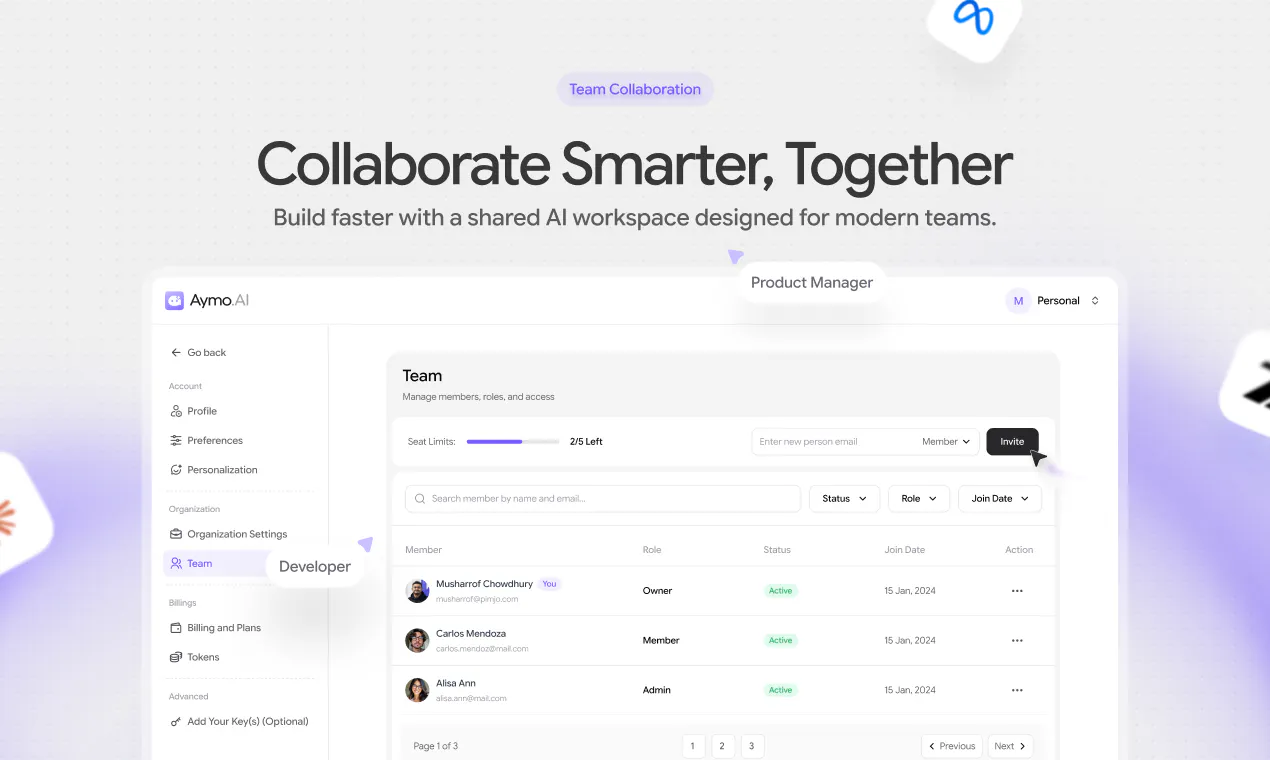
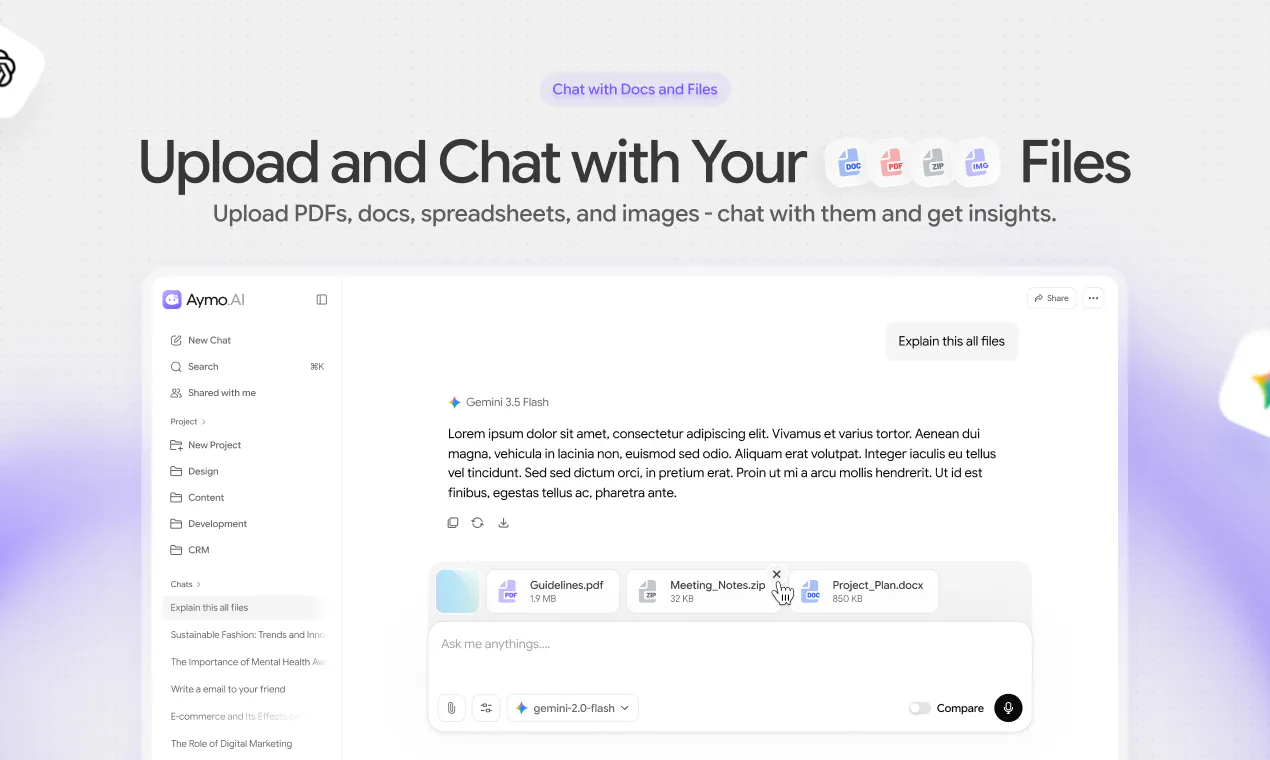
All-in-one AI Platform for Teams
150
一句话介绍:Aymo AI是一个集成GPT、Claude、Gemini等45+顶级模型的团队AI协作平台,通过统一工作区和共享信用额,解决团队多订阅、多窗口、按人头计费的高成本和混乱问题。
Productivity Artificial Intelligence Business Intelligence
AI聚合平台 团队协作 多模型对比 共享信用额 AI工作区 Chrome扩展 文件分析 图像生成 隐私加密 AI工具集
用户评论摘要:用户认可整合多模型和共享信用额的价值,但质疑“统一费率”下重模型使用会导致成本失控;有用户担心团队实际只聚焦少数功能;建议与现有文档邮件等上下文集成以增强实用性;也有用户询问是否有成员软上限来防止信用额被单用户耗尽。
AI 锐评

Aymo AI的叙事很聪明:用“共享信用额”打掉传统SaaS按人头计费的高昂成本,用“多模型聚合”解决信息孤岛和选择焦虑。但从评论区最尖锐的反馈来看,其核心机制存在明显裂痕——“1000 tokens = 1 credit”的扁平化定价对供应商而言是个财务陷阱:轻量模型与顶尖推理模型成本天差地别,理性团队必然在共享池中优先调用最贵模型,最终导致平台边际利润被快速侵蚀。这并非简单的“管理问题”,而是商业模式上的结构矛盾。创始人回应“有管理面板”只是推责给用户,而非解决根本。

此外,产品落地面临“功能膨胀陷阱”:宣称45+模型、AI文档、图像生成、网页搜索等,但用户真实行为往往是只使用一两个核心功能。早期用户聚焦的究竟是“比价”还是“共享协作”,这决定了产品到底是高频对比工具还是团队工作台——两者在留存、付费模型上截然不同。

真正有潜力的点不在于“多模型”,而在于“上下文整合”:如果Aymo能成为团队知识、文档、邮件、聊天记录的统一中枢,并用AI实时调用,它就跳出了烧钱比价的红海,切入企业级Copilot赛道。但目前它更像一个“聪明但昂贵的万花筒”,需要先证明自己能跑通单位经济模型,而非靠免费和噱头收割尝鲜者。

查看原始信息
Aymo AI
Get access to latest models of GPT, Claude, Gemini, DeepSeek, Grok, Kimi, GLM and 45+ top AI models in one secure workspace with powerful team features. Compare outputs AI model response side by side, upload and chat with files, search the web, generate images, and collaborate with your team on every plan. Free and decent plans that can replace a dozen AI tools: Bundled with a Chrome extension, apps, useful AI tools, and AI Docs on the way.

Hey Product Hunt 👋

I'm Musharof, founder of Pimjo, and today we're launching Aymo AI.

Like a lot of you, my team and I were paying for ChatGPT, Claude, Gemini, and Perplexity separately. Multiple subscriptions, multiple tabs, and no way to share anything, since every tool charges full seat price even for members who barely use it. It felt broken, so we built the tool we wanted to use ourselves.

Aymo AI is an all-in-one AI platform that puts every leading model in a single workspace, a solid AI aggregator built for teams. Team members run on shared credits instead of per-seat fees, so you're not paying full price for someone who logs in twice a month. There's a generous free plan to start, plus affordable paid tiers as you grow.

✨ KEY FEATURES

Multi-model access: use all the top AI models, including GPT, Claude, Gemini, DeepSeek, Grok, and 40+ more, in one place. Switch between them mid-conversation without changing tabs or juggling logins.


Compare mode: run a single prompt across multiple models side by side, see how each one answers, and pick the best result for the job.


Team collaboration on every plan: share chats, assign roles, and use shared team prompts, project context, and reusable workflows together, all at no extra cost.


File analysis: upload PDFs, docs, sheets, or code and get accurate, context-aware answers in seconds, no copy-pasting required.


Chrome extension: bring Aymo AI with you anywhere on the web, so you can ask, summarize, or generate right where you're working.


Free AI tools: a growing set of extras like a PDF summarizer, email writer, and marketing helpers, free to use and built right in.


AI image generation: turn a text prompt into visuals right inside your workspace, no separate design tool needed.


Live web search: pull real-time answers from the web with sources cited, so you get current information you can actually verify.


Bring your own API key: on the Business plan, connect your own provider keys and unlock unlimited usage at cost, with no message caps.


Privacy first: All chats and uploads are encrypted and never used for training.

🎁 Exclusive Discount for Product Hunters:
We are offering a special discount for the Product Hunt community (limited time). No coupon code required!

✅ Useful Links and Resources

6
回复

@musharofchy This is seriously impressive. Having all these models in one workspace makes comparing and choosing the right AI so much easier. Congrats on the launch!

1
回复

@musharofchy hey Musharof, All-in-one is a hard promise to keep. In my experience teams end up using one or two features hard and ignoring the rest of the suite. Which use case are your early teams actually adopting first? That usually tells you the real wedge, versus what the landing page is trying to cover.

0
回复
I think this becomes especially useful for teams once everyone starts using different models and tools. Having it all in one place is not bad at all. Congrats!
1
回复

@etiennegarcia Exactly. Different models + different tools = chaos. One workspace keeps it simple.
Appreciate the support!

1
回复

shared credits instead of per-seat pricing is the right instinct for teams where usage is lopsided. curious how you handle the flip side though: with a shared pool, what stops one heavy user from burning through the whole team's monthly credits by day 10, is there a per-member soft cap or just visibility into who's spending what

0
回复

Musharof, the flat rate you gave Dilip (1,000 tokens equals 1 credit regardless of model) is the most interesting decision on this page, and I am not sure it survives contact with a real team.

If a light model and a reasoning model cost the user the same credit, the rational move is to always pick the most expensive one, which works against your own margin. Shared credits then turn one heavy user into everyone else's problem, and the admin into the person policing it.

I sell against subscription sprawl in my own market, and what the buyer wants is not the lowest bill, it is a predictable one. Are there per-member caps and visibility into who is burning the pool?

0
回复

@musharofchy you know i'm a fan and an early user. i like this app!

0
回复

So this is a Q&A, not an agent system

0
回复

A big upsell for many teams would be to not just replace AI subscriptions but integrate with all their context - existing docs, emails, etc. Basically integrate with their full context

Microsoft are doing that with Copilot in enterprise and if you can do that for smaller teams, you could win big

0
回复

@martin_zokov You're right, and it's where we want to go.

0
回复

I love the design of Aymo but I am still exploring and I am still not sure about credits, particularly how it is distributed between the light and advanced reasoning models.

0
回复

@aagaman Thanks, glad you like the design.

Credits are simpler than you might expect. It's a flat rate: 1,000 tokens equals 1 credit. That's the same whether you're using a light model or an advanced reasoning one.

0
回复

@aagaman Thanks, glad you like the design.

Credits are simpler than you might expect. It's a flat rate: 1,000 tokens equals 1 credit. That's the same whether you're using a light model or an advanced reasoning one.

0
回复

@aagaman Thanks, glad you like the design.

Credits are simpler than you might expect. It's a flat rate: 1,000 tokens equals 1 credit. That's the same whether you're using a light model or an advanced reasoning one.

0
回复

Been using Aymo for a bit and the pitch is real: Having GPT-5, Claude, and Gemini in one place and being able to compare answers side by side instead of tab-hopping is the part I didn't know I needed.

Confetti from me. Nice launch.

0
回复

@mushfq Thank you so much Mushfiqur. Really glad it's been useful, and thanks for the support! 🚀

0
回复
Very cool! How many different models do you have? Do you also have the different GPT / Claude / Gemini models within?
0
回复

@anisha_agarwalla Hey Anisha, Yep! We have GPT, Claude, Gemini, Grok, DeepSeek, Qwen, Mistral, Llama, Kimi, GLM, MiniMax, and more (all major Chinese models).

You can switch between different variants like GPT, Claude Opus/Sonnet, and Gemini Pro/Flash, all in one place.

0
回复

Replacing 5 separate AI tabs with 1 workspace sounds like a dream. Congrats on the PH launch @musharofchy

0
回复

@priya_kushwaha1 Thanks Priya, glad you like the concept of Aymo.ai

0
回复

Definitely a great interface to communicate with all these LLM's. Try it yourself!

0
回复

@zoltanszogyenyi Thanks my friend!

0
回复
#6
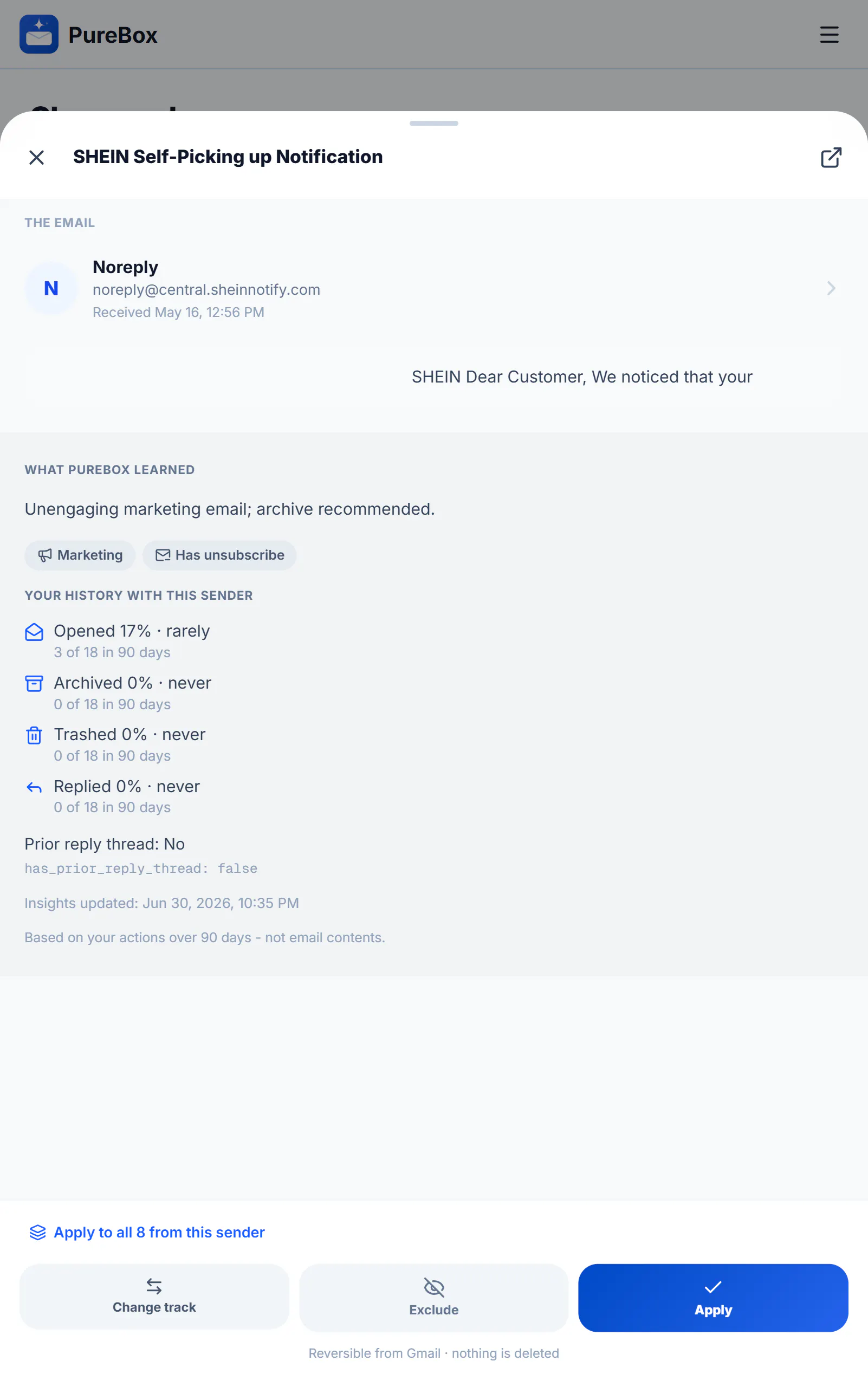
PureBox.ai
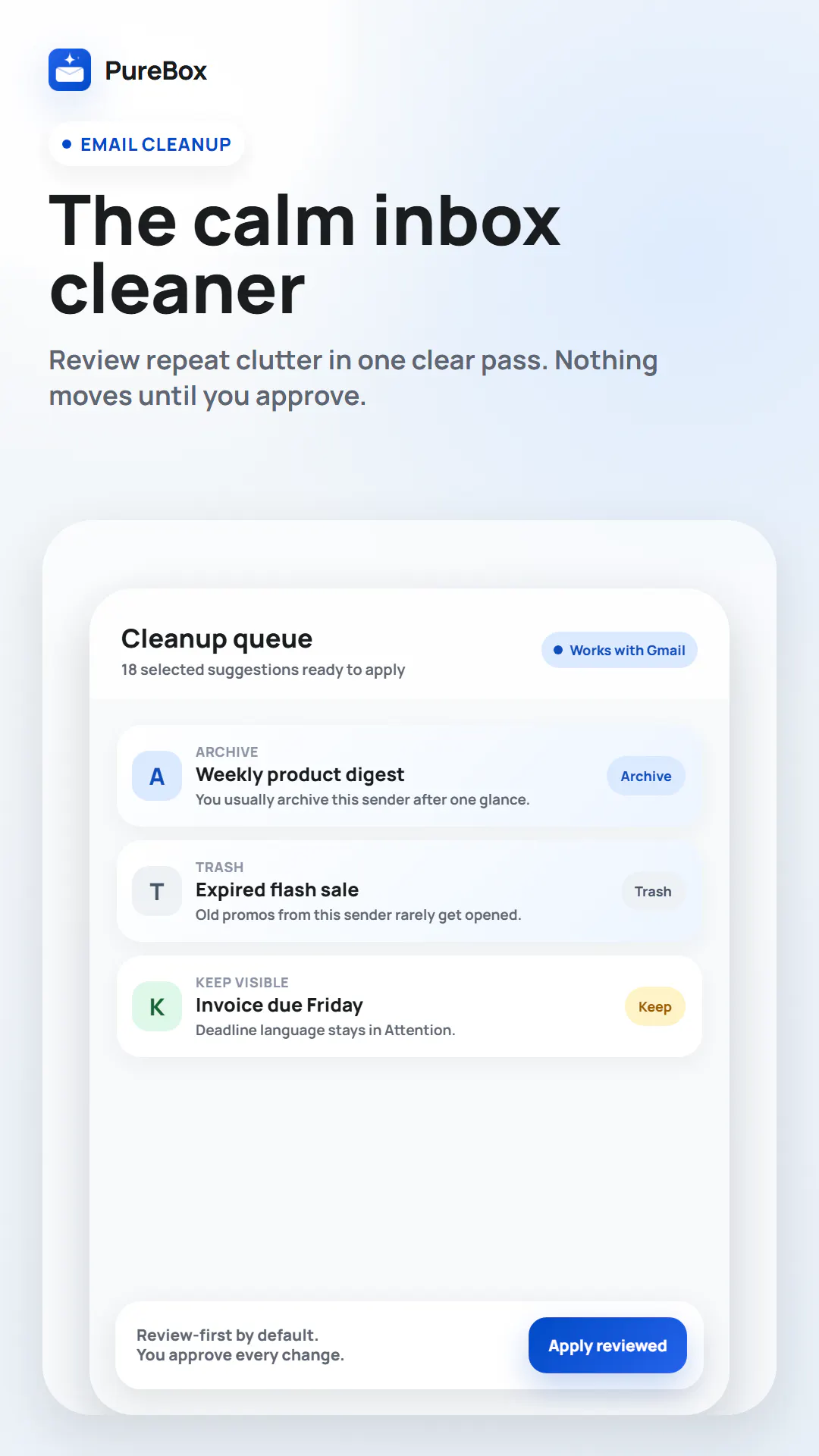
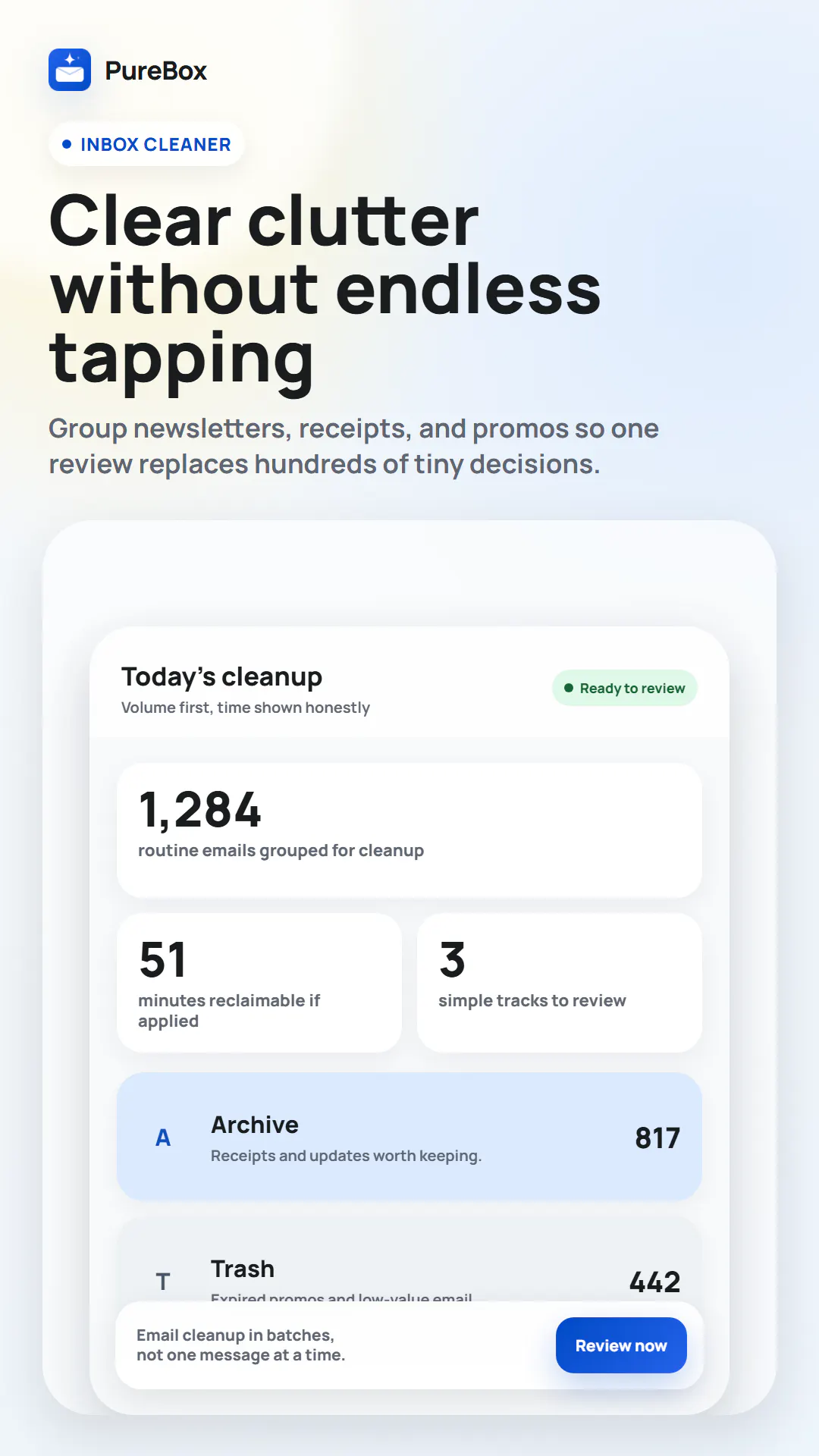
Review-first AI cleanup for your real Gmail inbox.
143
一句话介绍:PureBox.ai 是一款基于AI和个人邮件历史的首审式Gmail清理工具,通过将邮件智能分类为“关注”、“归档”和“垃圾”,并给出可理解的分类理由,解决用户因海量邮件堆积产生的焦虑和对自动化删除的不信任感,让用户安全、可控地重拾收件箱主导权。
Android Email Productivity
AI邮件清理 Gmail工具 收件箱零 邮件分类 隐私保护 人工审核 邮箱管理 智能归档 生产力工具 Product Hunt
用户评论摘要:用户普遍赞赏“首审”理念和30天回收站安全感,但关注几个核心问题:AI如何区分重要自动邮件与促销?在邮件线程中能否识别陌生发件人的回复?数据删除后是否彻底清除?能否支持多账户?AI是否从用户的拒绝操作中学习?
AI 锐评

PureBox.ai 的价值不在于所谓“AI清理”的噱头,而在于它精准地抓住了用户对收件箱的“情感障碍”而非“技术失效”——这才是真正的痛点。它不承诺一键清空,而是用“先分类、后解释、再决策”的流程,把控制权塞回用户手里,打消“不知道删了什么”的恐惧。

但坦诚地说,这本质上是个“聪明的标签器”,革命性有限。其AI核心依赖Gmail历史行为(打开、回复、堆积)和LLM进行上下文分类。评论区暴露了几个致命问题:一是无法应对“冷启动”——一个从来不打开但突然有重要回应的陌生邮件,你的AI只会基于用户惰性历史将其误判。二是边缘场景(如诊所的受保护健康信息)的合规性根本未解决,涉及GDPR或HIPAA的邮箱,你所谓的“不卖数据”和OAuth授权在法务层面毫无意义。三是评论区反复质疑“AI是否学习用户修正”,如果只是静态分类模型,那长期使用下来,对复杂工作流的提升极其有限。

更关键的是商业模式:靠Pro订阅而非卖数据是正确方向,但若用户基数小,模型迭代和隐私合规成本很快就会压垮这个“小而美”的故事。PureBox.ai 更像一个精心设计的“心理安慰剂”——它帮用户清理的不是邮件,而是打开收件箱的焦虑。这个差异化很聪明,但若想从小众走向大众,它必须回答清楚:当用户建立信心后,你的AI能否真正动态进化以适应新的、更复杂的邮件习惯?否则,它最终只会沦为一个更复杂的“过滤规则生成器”。

查看原始信息
PureBox.ai
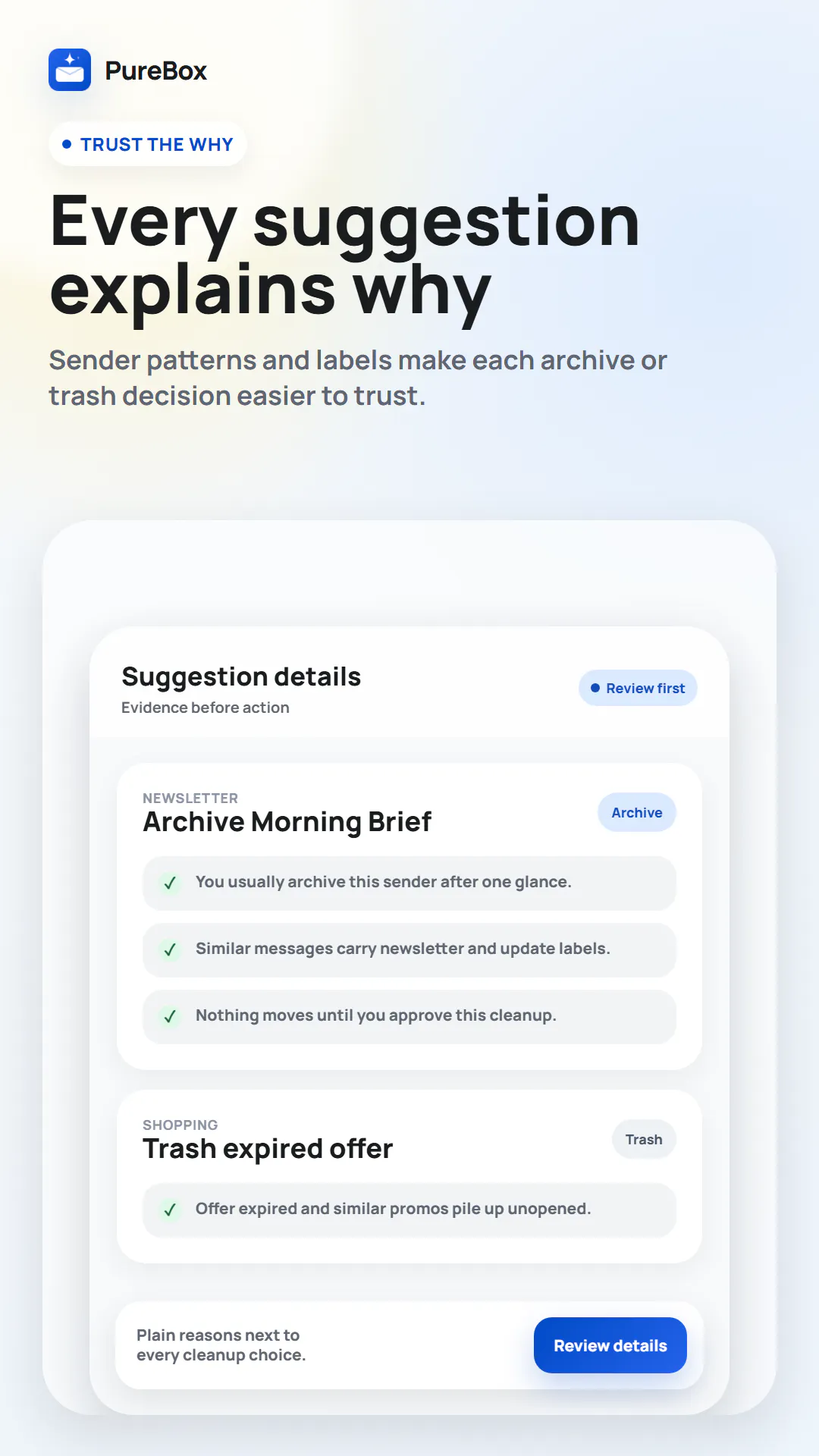
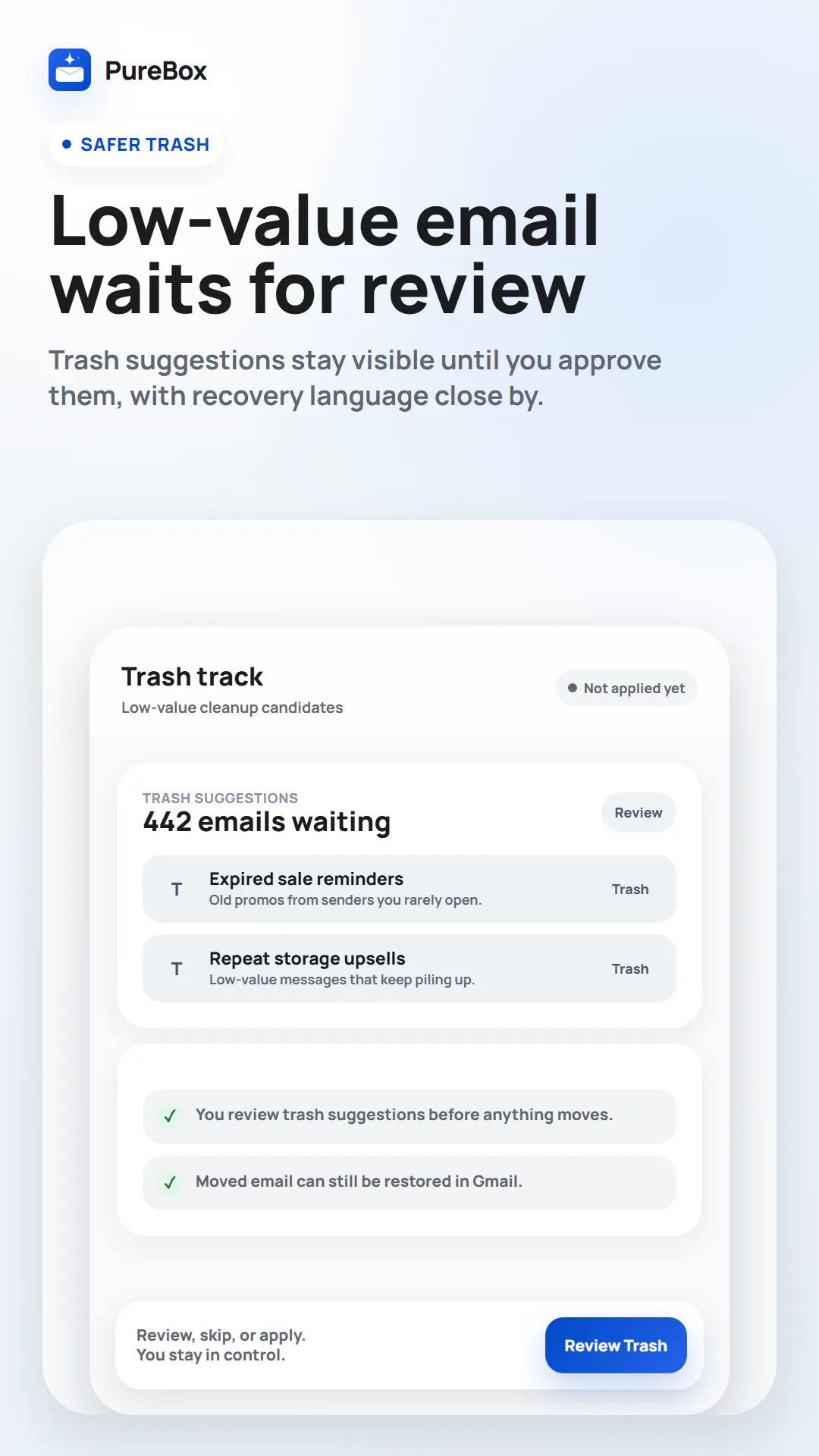
Most inbox tools make you build rules first. PureBox skips that - it's personalized from your first scan using AI and your own Gmail history (which senders you open, reply to, or let pile up), so suggestions fit your routine on day one. Every suggestion shows why, and nothing moves until you approve - no black box, no silent deletions. It surfaces what needs your attention, not just what to trash. Your data is never sold; Pro subscriptions fund it.
For about two years, opening Gmail made my chest tighten. It wasn't really the volume - it was the fear that somewhere under thousands of unread newsletters, promos, and receipts there was a bill I'd missed, or a message from an actual person I'd left on read for three weeks. So I did what a lot of us do: I stopped looking. Which, obviously, made it worse. I tried the usual stuff. "Inbox zero" lasted a weekend. Filters I set up once and never touched again. A couple of those "auto-clean" apps that delete things in the background - which somehow made the anxiety worse, because now I didn't even know what was gone. What I actually wanted was almost embarrassingly simple: something to sort the pile, tell me what mattered, and let me be the one to hit delete. So I built it. It's called PureBox.ai. You connect Gmail through Google's OAuth (you grant access, it never sees your password), and it uses an LLM to read each email and sort everything into three piles: Attention (probably needs you), Archive (safe to file), and Trash (safe to bin). Every suggestion comes with a plain-English reason - like "newsletter, unopened for 8 months" - so it's not a black box. Nothing moves until you approve it, and because it all happens in your real Gmail, anything trashed just sits in the bin for 30 days. I built the review-first part first, honestly, because I didn't fully trust my own tool. The thing that surprised me: the relief didn't come from the inbox being empty. It came from not being afraid to open it. It's free to run on a sample of your inbox, so you can see whether it's actually useful before paying for anything. And happy to answer anything about how it handles your data - that's a fair question for anything you'd hook up to your inbox.
1
回复
@shaked_i Love the review-first concept; keeping users in control without silent deletions is a great approach. I help tech founders with organic launch strategy and reach. Would love to connect here on LinkedIn and keep in touch!
0
回复

@shaked_i Quick question: how does PureBox.ai handle edge cases like important automated emails that look similar to promos or newsletters? I’d love to hear what protections you’ve added so those never get mistakenly archived or trashed.

0
回复

the 30 day trash grace period is a smart touch, most people won't trust an AI email tool until there's a real undo. one thing I'm curious about - once something gets filed to Archive, does it stay just as searchable as normal gmail archive, or does the LLM sorting change how findable stuff like old invoices/contracts is later?

1
回复
I would never want an AI cleaning my inbox without showing me what it is doing first. The review-first approach feels like the right way to build this. Congrats!
1
回复

Sender history is a strong signal but it breaks in one spot that's bitten me: a reply to a thread I started, from an address I've never opened before, looks statistically identical to a cold email. I run a lot of outbound and the messages I most need to see are exactly those first replies from strangers. Does PureBox weight "this is in a thread I sent" above sender history, or is the classification mostly per-message?

0
回复

Shaked, the origin story is the strongest part of this page, and review-first reads like a decision you made for yourself rather than for the launch.

One case nobody raised: a small clinic inbox is full of patients writing about symptoms and lab results, so your first scan is processing regulated data. The question there is not retention (Chalermpon and Gal already covered that one), it is who counts as the processor. That inbox owner needs a signed agreement covering you and whichever model provider you call, otherwise they cannot connect at all.

Is the provider behind the sorting one you could sign that with? Solo therapists have the worst inboxes I have seen and almost no tool they are allowed to touch.

0
回复

the "nothing moves until you approve" framing plus the 30 day undo window is the right way to earn trust with something touching a real inbox. one thing I didn't see covered - if someone connects, tries it out, then revokes Gmail access later, is there anything left behind on your end from the scan (cached content, summaries, sender history), or does disconnecting clear it out completely?

0
回复

This is a very timely and useful solution.

I used to create new accounts so I wouldn't lose anything important, and I had to unsubscribe from unnecessary newsletters.

0
回复

@shaked_i Congrats on the launch! Since this is scoped to Gmail right now, is multiple account support on the roadmap, like handling a personal and a work inbox in one place?

0
回复

Congrats on the launch! The three-bucket plus reasoning approach is a smart way to keep trust intact, most inbox cleanup tools break it the moment they act silently on something that mattered.

Before I'd trust it with my own Gmail, I'm curious what happens to an email's content after it goes through the model to generate the category and explanation, whether it's discarded right after the suggestion is shown or logged somewhere on your end. That distinction would decide whether I connect a real inbox to it.

0
回复

I honestly have around 5k of unread emails, but I like the fact that nothing gets deleted automatically. How long did it take before you were comfortable relying on your own product?

0
回复

This is clever. Does the AI learn from rejections too, or just from what you approve?

0
回复

Hey I really want to use this! My email box is sooooooooo full! I am afraid I will delete something important.

0
回复

Review-first is the right call. Most inbox AI I've tried loses my trust the first time it quietly archives something that actually mattered. How do you handle the gray-zone stuff, like a cold pitch that's genuinely relevant versus noise? Is the review queue learning per-user, or are the rules more global at the start?

0
回复
#7
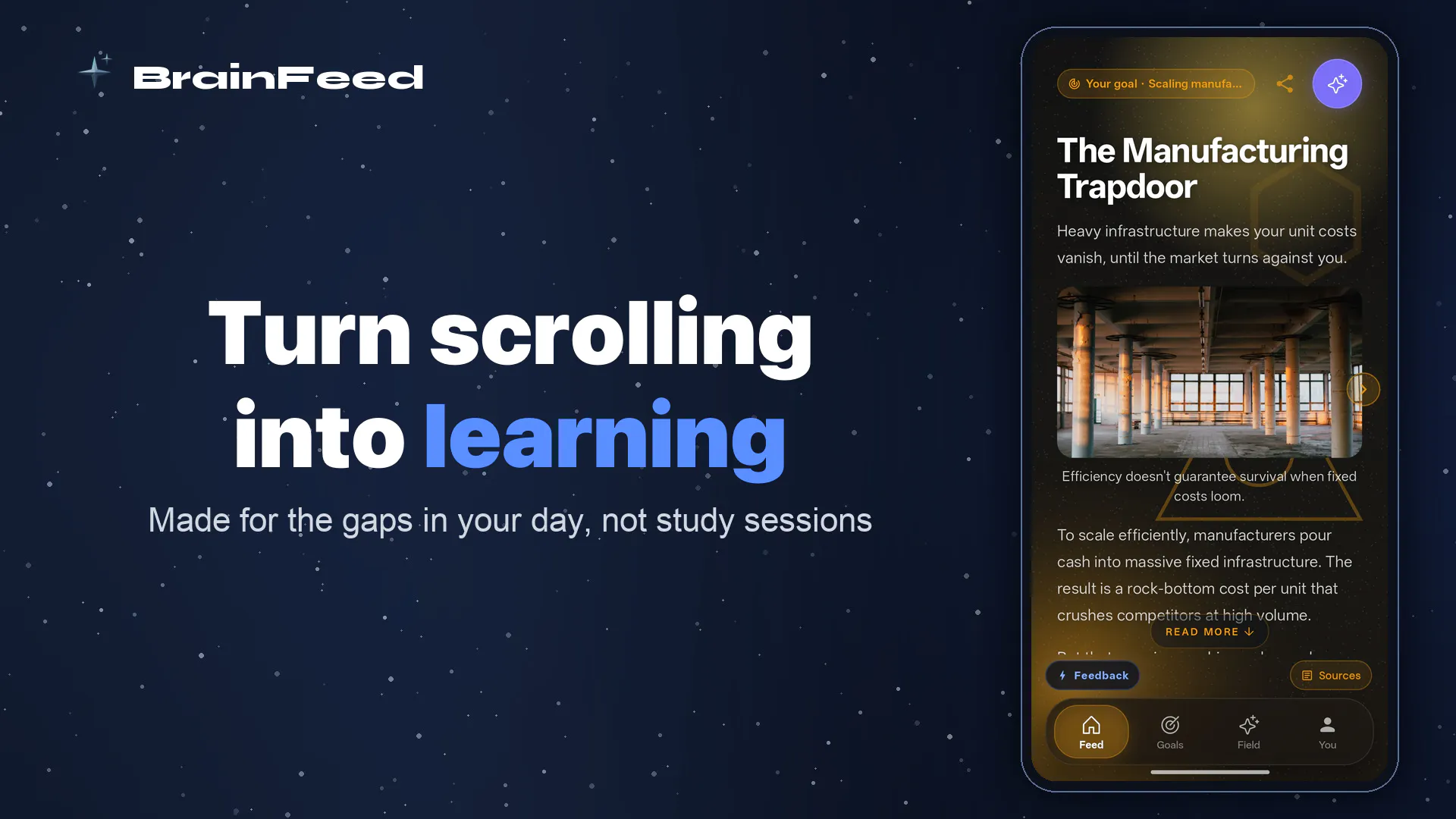
BrainFeed
A personalized learning feed that redirects your scroll
125
一句话介绍:BrainFeed将用户拖延阅读的长文或视频转化为带间隔记忆的碎片化卡片信息流,把刷手机的时间变为个性化学习场景,解决“想学没时间”与“一刷就停不下来”的矛盾。
Productivity Education Artificial Intelligence
个性化学习 碎片化知识 间隔重复 卡片式学习 知识保留 AI内容摘要 滚动替代 知识管理 习惯重塑 iOS应用
用户评论摘要:用户普遍认可“滚动不是问题,滚动内容才是”的理念重塑。有效反馈包括:免费版同时跟踪目标/链接数量的限制未明确;询问是否会覆盖金融、投资等主题;关注间隔重复机制是否适用于单篇文章或仅限长期目标;多名用户呼吁推出安卓版。
AI 锐评

BrainFeed的聪明之处在于没有跟用户“刷手机”的习惯正面硬刚,而是顺势而为——把“刷”从低效消遣重塑为高效学习。产品核心价值不在于创造新的学习载体(卡片早已有之),而在于同时解决了两个经典痛点:一是对已保存但未读内容的回避心理(通过AI分拆降低启动门槛),二是看完就忘的记忆漏斗(通过间隔重复锁定高频观点)。

但风险同样明显。首先,用户真正需要的是“学会”而非“刷完”,间隔重复的执行质量取决于产品能否精准判断用户真正需要记忆的关键节点,而不是机械地将原文拆成等长卡片。其次,BrainFeed本质上是一个内容中转站而非原创内容池,一旦用户兴趣目标更新、原链接失效或内容质量参差,产品价值将迅速稀释。更棘手的是,如果用户连“保存”动作都不愿做——这种用户比例可能更高——产品就彻底失效。

商业模式上,免费版对目标数量的限制是合理门槛,但一旦收费,用户会立即比较“用碎片时间刷卡片”和“直接看原文章+被动复习笔记”之间的ROI。从评论反馈看,安卓版呼声高且已开启内测,这是快速扩大用户基数的关键一步。建议团队警惕“AI学习”赛道过度拥挤后的同质化,进一步强化“透明来源”和“用户自定义复习节奏”两个差异化点,否则很可能沦为一款漂亮的“收藏夹清理工具”。

查看原始信息
BrainFeed
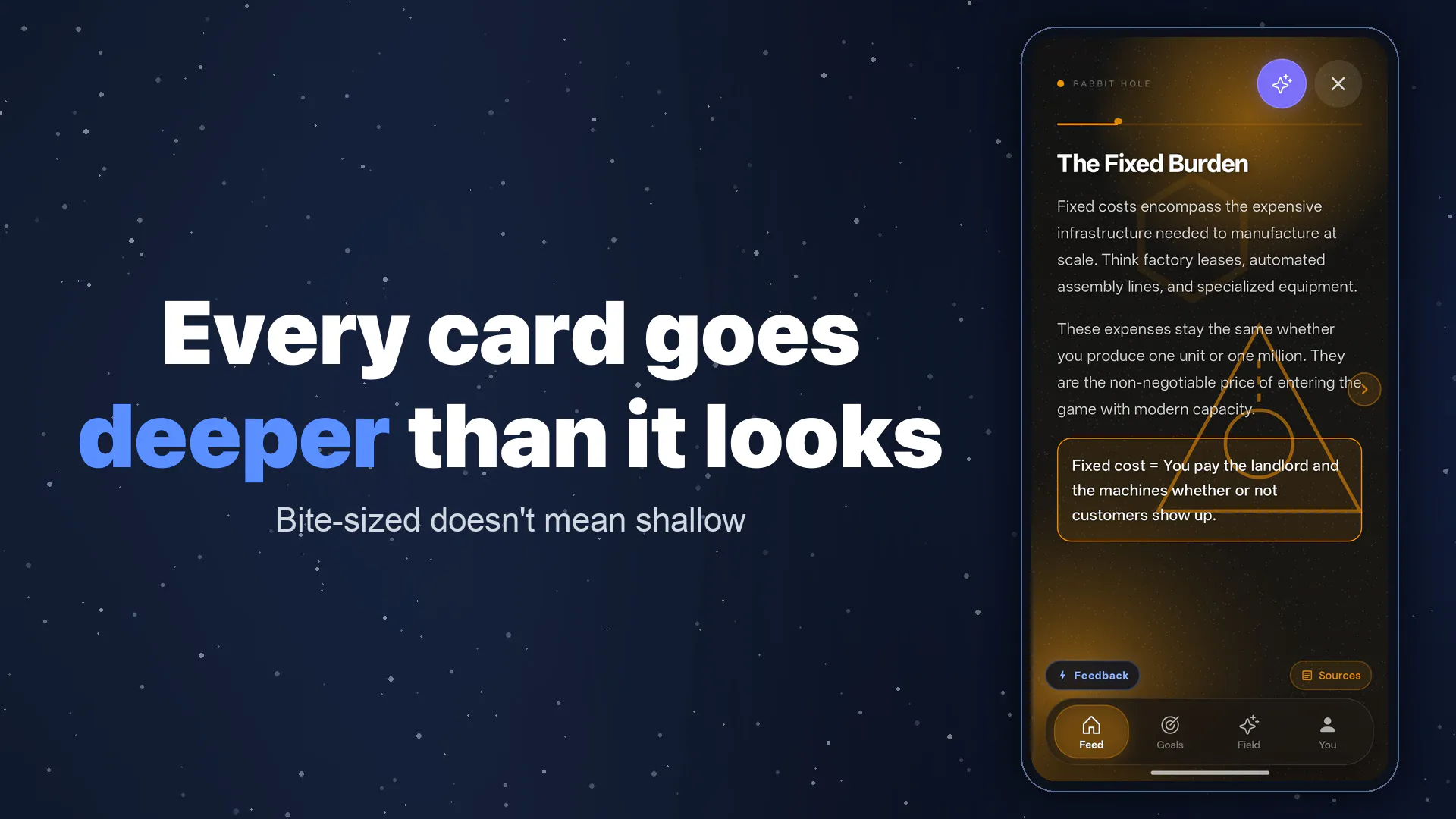
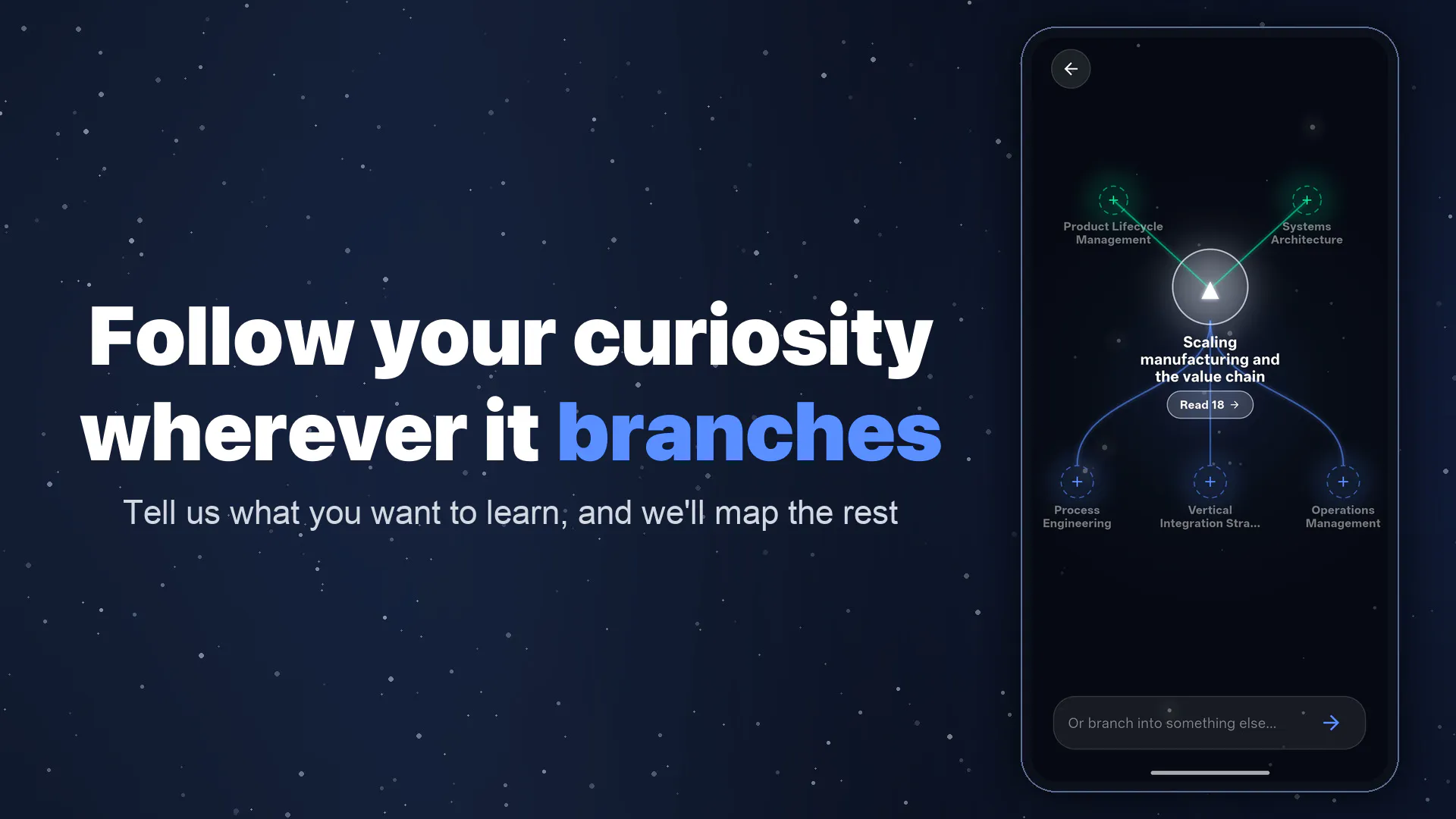
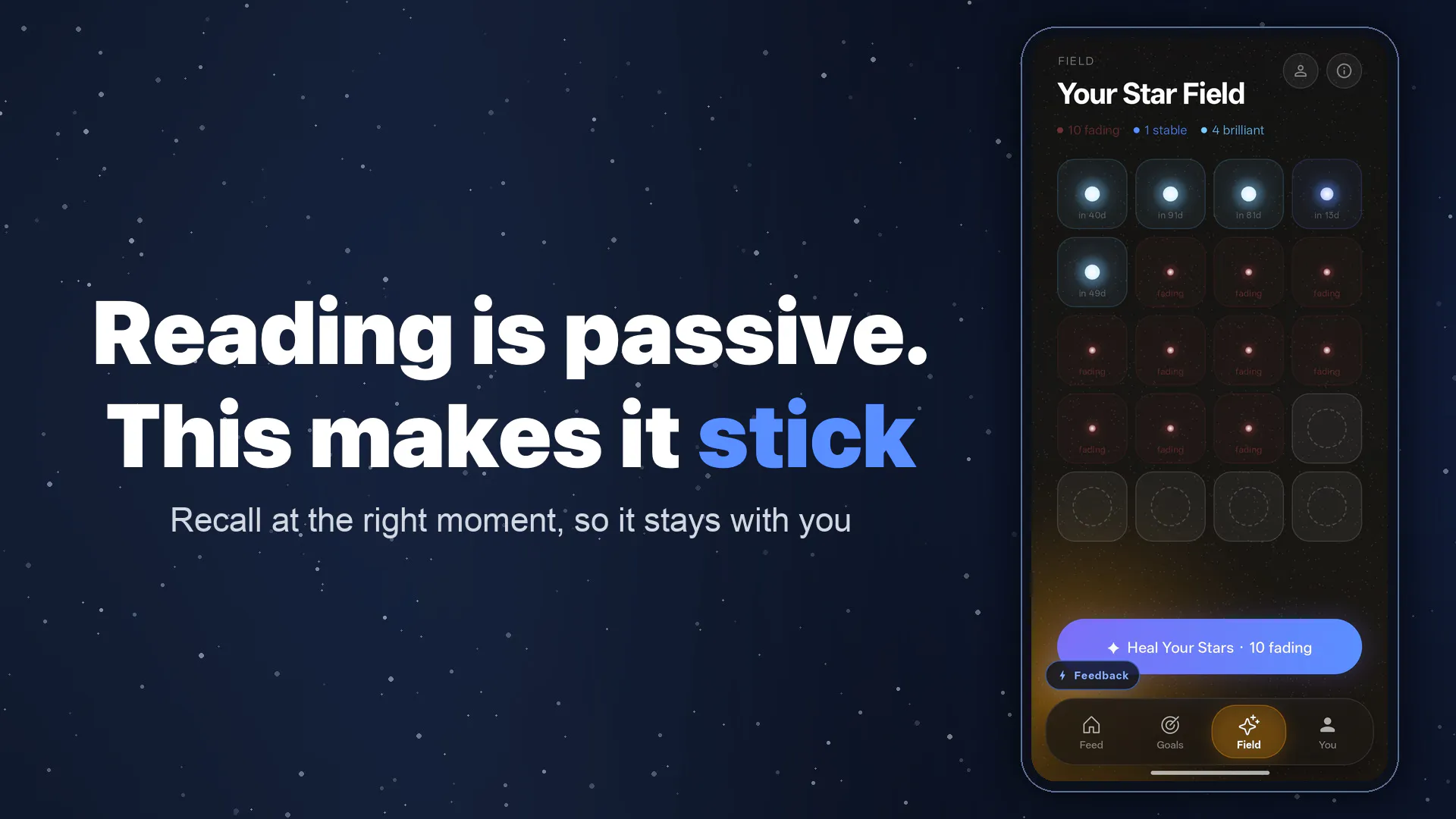
BrainFeed is a personalized learning feed designed to redirect your scrolling habit and build compounding knowledge. Set a custom goal like "how to get my first 100 users," or drop in a link to that long article or YouTube video you’ve been avoiding. BrainFeed transforms them into a bite-sized, scrollable feed of cards that you can easily get through while waiting in a line. Unlike traditional feeds, BrainFeed uses spaced repetition to ensure you actually retain what you read.

Hi Product Hunt! Arnav here, building BrainFeed with my co-founder Aasrith.

I try pretty hard not to lose time to feeds, but they usually win anyway. When I have a few free minutes, I inevitably end up on YouTube Shorts, and it feels terrible when those minutes turn into hours. Meanwhile, the things I actually want to learn just sit in a "saved" folder, never to be opened.

Quitting these apps sounds simple, but it doesn't kill the time and urge to scroll. Aasrith left Instagram and just ended up on TikTok. We realized scrolling isn’t the problem; what you scroll is. So, we built something worth scrolling instead.

You tell BrainFeed what you want to learn, or drop in an article or video you’ve been avoiding, and it converts them into short cards you can finish while standing in a queue. You can also see what other users are learning and join their goals. Instead of scrolling and forgetting, it uses spaced repetition to help you actually retain the insights.

We are officially live on the App Store! The best way to try it right now: create/join 3 goals, paste in one link you’ve been meaning to read but haven't got to, and see what it turns into.

We’d love to hear your thoughts, feedback, and whether BrainFeed earns a spot on your home screen.

7
回复

@alohiya95 Huge congrats on launching🙌qq what’s the maximum number of links or goals a user can track at one time on the free tier?

2
回复

I just keep doomscrolling on Instagram. Does BrainFeed have topics such as finance, investing, and psychology ? Could it build my feed around those ?

2
回复

@reda_roqai_chaoui It does! All three are in there as categories, you just select them as your interests and the feed will be around it. The 2 other ways to have more control over your feed is by

  1. Creating goals: like “I want to understand futures and options"

  2. Sharing content from YouTube, articles, etc into BrainFeed

You can do one or all of these.
Let me know if it helps with the doomscrolling!

0
回复

the reframe here is smart, scrolling isn't really the addiction, it's just the easiest habit to fall into when you're bored. question on the spaced repetition part - if I drop in a one-off article I've been avoiding, does it actually resurface cards from that specific piece a few days later, or is spaced repetition only tied to the ongoing goals? curious how it decides what's worth bringing back

1
回复

@omri_ben_shoham1 You decide whats worth bringing back. You simply double on the card to enroll it for spaced repetition and brainfeed takes care of it through a gamified experience (we call it the star field). The article you drop would be split into topics, so you would get to choose which topics are worth it.

0
回复

Love the concept! Any plans to launch the android version soon?

0
回复
@haveyoumetsam_ Hi Swayam! We're running the closed testing for Android right now, you can install it using this: https://groups.google.com/g/brai... It'll be available on the playstore in 2 weeks
0
回复

Been using BrainFeed for a few weeks now and it helps expand my knowledge in areas I have genuine interest in. It's always a better alternative than doom scrolling!

0
回复
@jk_jensen Thank you! happy to hear that you find it useful! Have you tried sharing brainfeed an article you've been meaning to get to?
0
回复

Congrats on the launch, guys!

0
回复

@madzadev Thank you so much!

0
回复

Dropped in a 30-minute YouTube video I'd been putting off and it actually broke it into manageable cards I could get through on my coffee break. The spaced repetition part is what sold me, I remember more after one session than I do from skimming a dozen articles.

0
回复

@emirhan26363 Thats amazing! The star field will take care of the spaced repetition. You could also browse through the goals we have and see if you find something interesting or create one yourself

0
回复

Hi Product Hunt! I'm Aasrith.

One of the things we cared a lot about while building BrainFeed was making AI generated learning feel transparent.

Our cards include source links, so you can see where the information comes from and explore the original material whenever you want.

We want to push AI as far as it goes in personalising learning, but it shouldn't be a black box.

Would love to hear what you think!

0
回复

@aasrith_mareddy Hey Aasrith, congrats on the launch of your app… been using Brainfeed for couple days now and been learning something new eveytime, like the idea behind it and it is being able to get me out some long scrolling hours.

0
回复
#8
Yoggi
Safe AI chat for kids
117
一句话介绍:Yoggi 是一款专为3-15岁儿童设计的AI聊天助手,通过年龄自适应回答、严格内容过滤、家长控制面板和实时语音对话,解决孩子接触AI时的安全无监管、内容不适宜和情感依赖风险。
Android Parenting Kids Education
儿童AI 家长控制 安全聊天 年龄自适应 内容过滤 语音互动 图像生成 教育工具 青少年保护 育儿科技
用户评论摘要:用户核心关切:3-15岁年龄跨度如何动态适配语言与心智;图像生成的安全风险(提示词绕过);青少年隐私与家长通知的冲突(尤其父母可能是问题源头);3-5岁低龄儿童对AI“拟人化”的认知混淆;情感依赖边界问题;对话记录保留时长与第三方访问权限。多数评论认可安全定位,但要求更透明的数据策略和更细粒度的防护模型。
AI 锐评

Yoggi踩准了一个正在膨胀的刚需“AI原生代”的安全入口。117票的早期热度不算惊艳,但评论区的质量远超平均水平,说明它吸引的是真正关心儿童AI伦理的严肃用户,而非泛泛的猎奇流量。

产品最聪明的设计并非“过滤”,而是“重构”。不是简单粗暴地屏蔽不良内容,而是通过年龄档案动态调整回答的复杂度、语气甚至情感深度,这种“对话层”的适配比传统关键词过滤先进一个数量级。同时,图像生成环节用“模板封装”替代“自由提示词”,从架构层面切断了视觉风险的输入路径,体现了成熟的工程思维。

然而,产品在伦理预判上暴露了短板。最尖锐的批评来自“青少年与家长隐私冲突”:当孩子向AI透露的创伤恰恰与父母相关时,默认把警报发给家长就成了二次伤害。创始人的公开回应“尚未找到完美方案”很坦诚,但在产品逻辑中,这不应是事后补丁,而应是设计起点。类似地,3-5岁儿童对AI“生命性”的混淆被评论区点破后,创始人才松口考虑“限制语音功能”,这说明初始产品对最低龄用户的心智模型预判不足。

真正的价值不只是“安全”,而是“渐进式脱敏”。Yoggi提供了一个受控的训练场,让儿童在现实与虚拟的边界不确定性中,学会如何与AI互动、何时该转向真人、以及警惕算法迎合。但家长控制面板不应沦为监控工具,而应成为代际对话的“触发点”,比如通过每周话题摘要引导家庭讨论,而非让父母充当数据监视者。

一句话:Yoggi是目前最严肃的儿童AI安全方案,但它需要从“保护孩子远离危险”进化为“赋能孩子安全地处理危险”——包括来自自身家庭的危险。否则,再强的过滤器也只是数字栅栏,而非成长脚手架。

查看原始信息
Yoggi
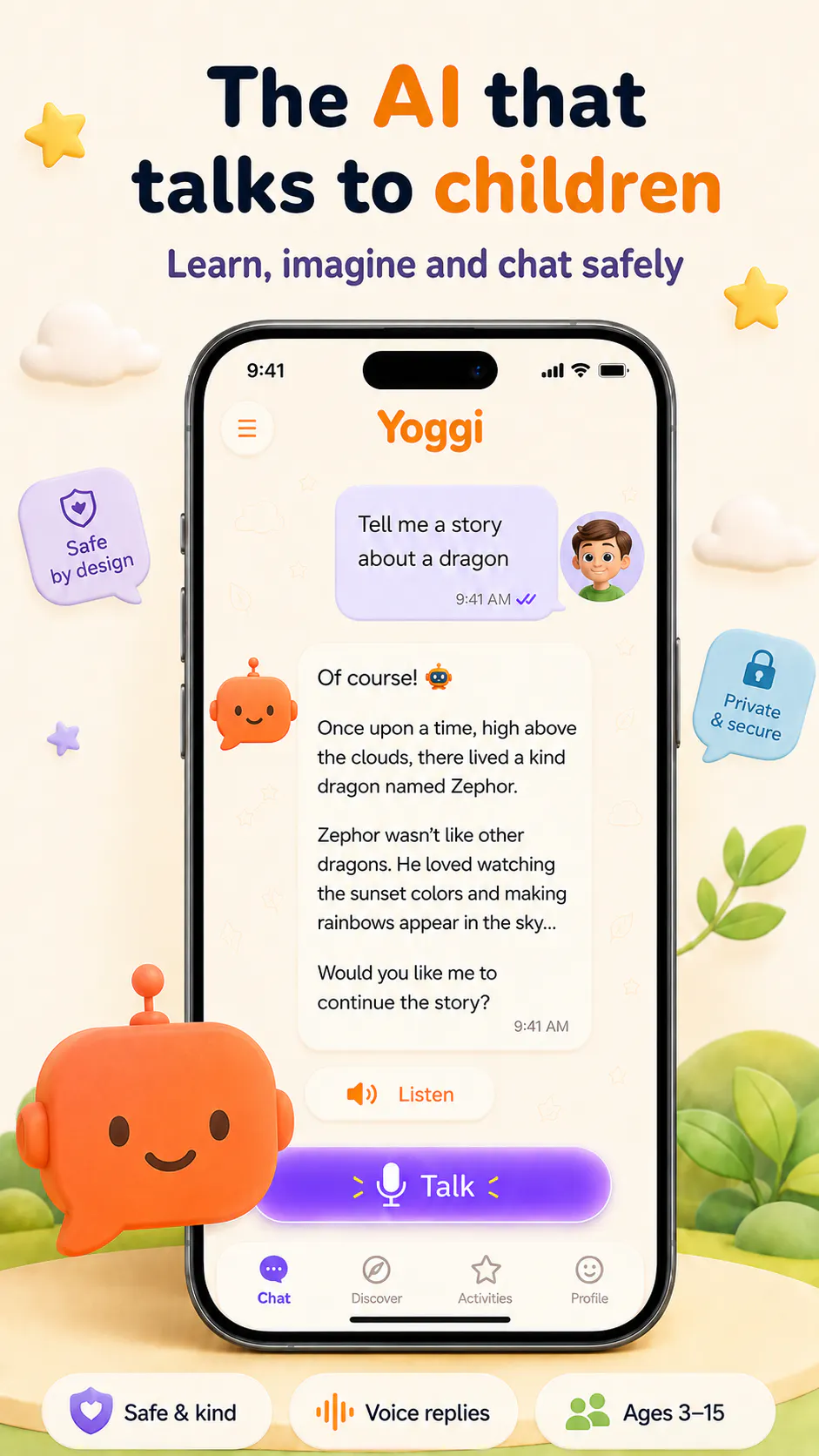
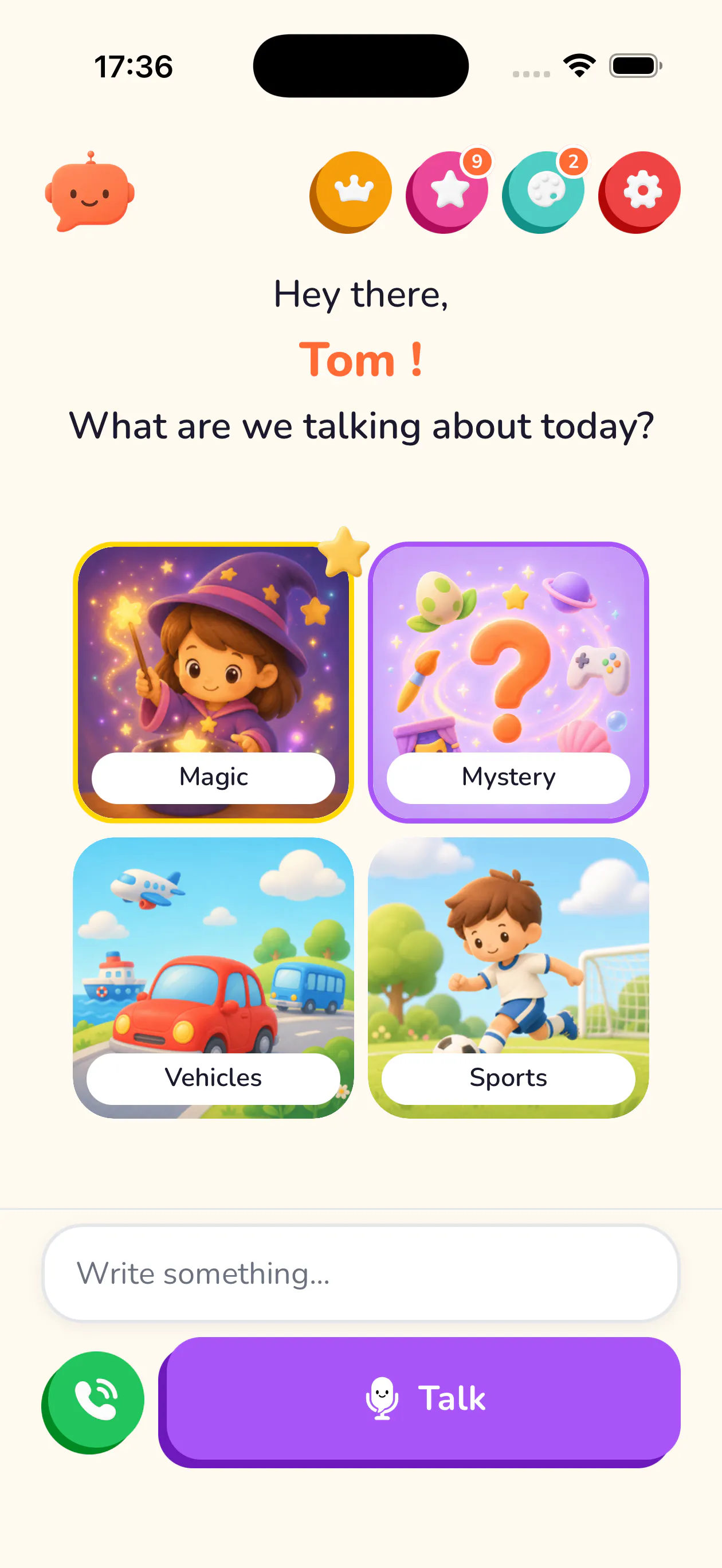
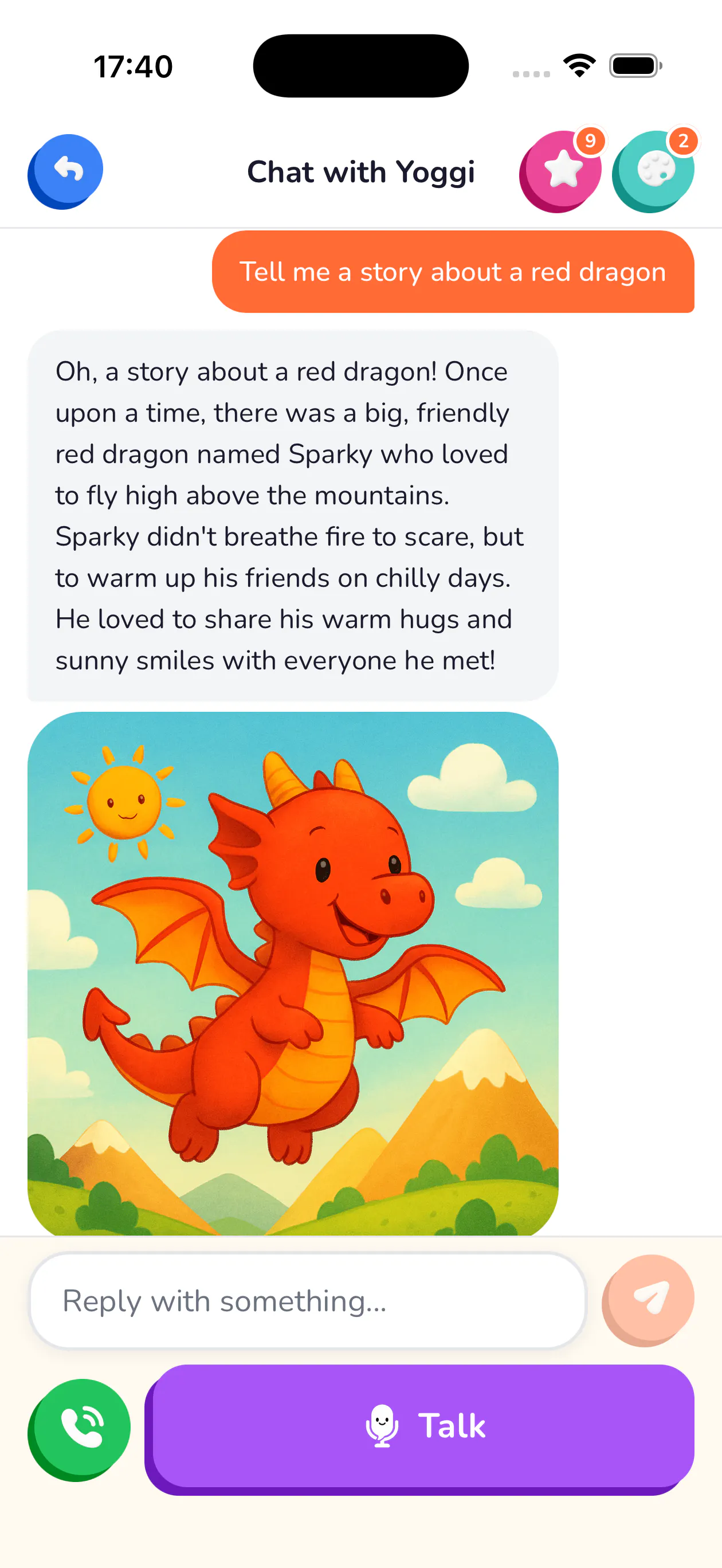
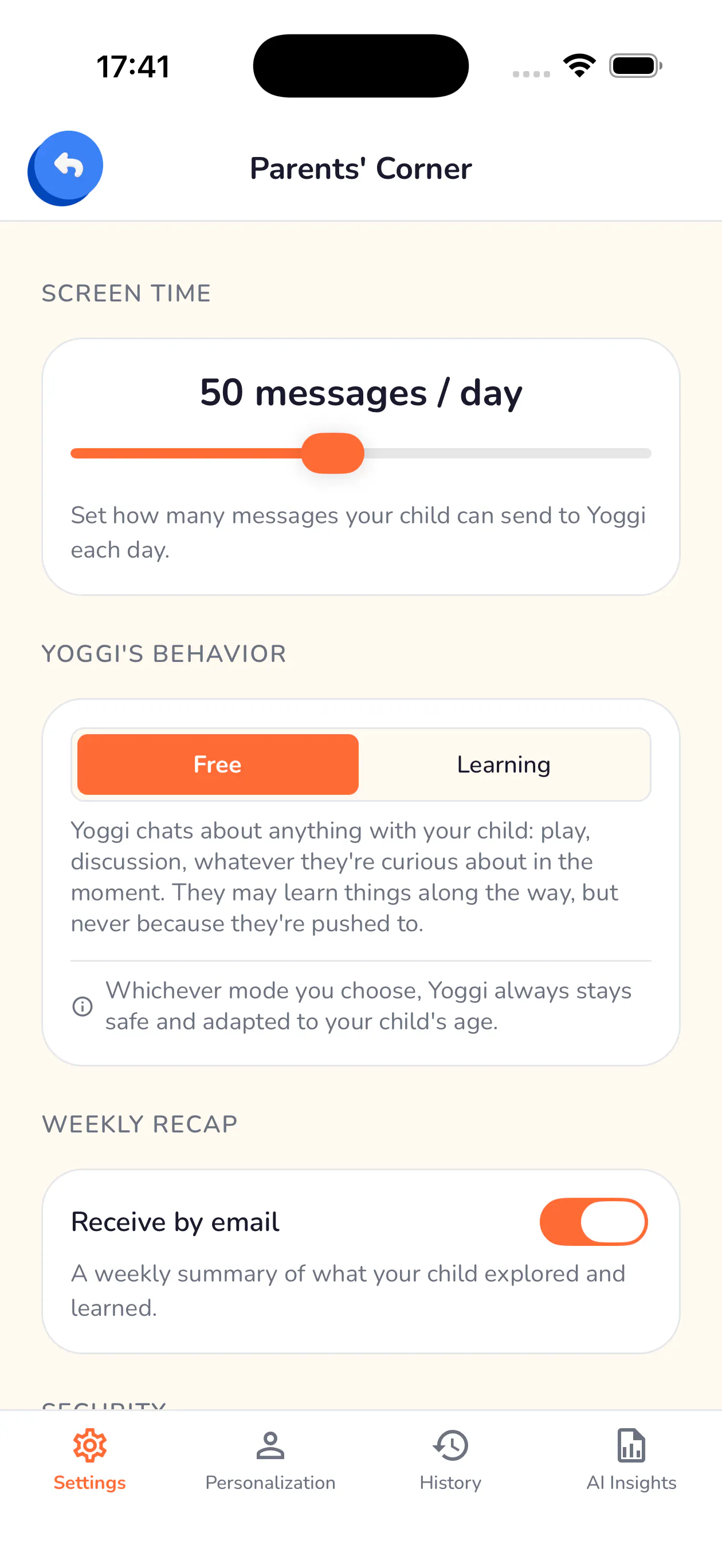
Yoggi is the AI assistant built for children aged 3–15. Age-adapted answers, live voice chat, image generation, strict content filtering, and parental controls. Free on iOS and Android.
Hi Product Hunt! 👋 I built Yoggi because children will inevitably encounter AI, but most existing tools aren’t designed for their age or for parental supervision. My goal was to create a safer first experience with AI: age-adapted conversations, voice and image creation for children, combined with parental controls, usage limits, activity insights and safety alerts. I’d love to hear your feedback, especially from parents and educators!
2
回复
@lucas_cyber_waffle Creating a safe sandbox for kids to interact with AI is highly critical right now. Jared raises such a fascinating point about boundary-setting and friendship questions. Keeping kids safe while letting them explore AI is a tough balance to strike, but your parental control suite looks incredibly robust. I’d love to connect on LinkedIn to stay updated on how Yoggi evolves and discuss future launch strategies with you!
0
回复
Congrats on the launch! Love the focus on safety and parental oversight. Since 3 to 15 is a huge age gap, how does the AI dynamically adapt its language and explanation style between a young child and a teen?
2
回复

@hannesh Thanks! Great question. The AI receives the child's age (stored in their profile) and adjusts on three levels:

  • Response length

  • Vocabulary complexity: short, very simple sentences for younger kids vs. longer, richer ones for older kids)

  • Tone: for teens specifically, we explicitly tell the model to drop the childish/playful register and speak in a more mature, natural way, closer to how you'd talk to a young adult

It's re-evaluated on every message, so the experience actually shifts as the child grows.

2
回复
@lucas_cyber_waffle Thanks for the detailed explanation, that’s super clever! I'll definitely give it a try.
2
回复

the chat safety thread here is thorough, but the image generation feature seems like a separate risk surface nobody's asked about yet. text filtering and image filtering are pretty different problems, what stops a kid from prompting for something inappropriate through a drawing request that would never make it past the text filter as a sentence

1
回复

@omri_ben_shoham1 You're right to flag it, image and text moderation are genuinely different problems and deserve different answers.


Here's how it works: kids never type a free-form prompt straight into the image generator. When a child asks for a drawing, our chat model first turns that request into a short, factual scene description (just subject, action, setting). That description then gets wrapped server-side in a fixed template we control, not the model, not the child, which enforces a "children's book illustration" style, explicitly excludes anything scary, violent, sad or ambiguous, and blocks realistic or copyrighted people/characters. On top of that, we rely on the image providers' own built-in safety filters (OpenAI and Google both reject unsafe generations before they're returned to us).


So the image path is actually more constrained than the chat path in one sense: there's no direct line from "kid's words" to "image prompt," there's always a moderation-shaped layer in between.


The honest gap: we don't currently run a post-generation visual check on the produced image itself, our safety relies on constraining the input rather than auditing the output. That's a fair thing to want, and it's on our radar.


Appreciate you pushing on this, it's exactly the kind of scrutiny we want on a kids' product.

0
回复

Lucas, the safety alert layer is the part I would stress test hardest, and it is the one thing in this thread nobody has pushed on.

Routing a concerning message to the parent is right for most families and wrong for exactly the families the alert exists for. In the 13 to 15 profiles, the adult being notified is sometimes the reason the child said it. That is why adolescent confidentiality is a separate rule in clinical settings rather than a parental setting, and a detector with one destination has no answer for that case.

Is there a second path for the older profiles, where a serious signal can point the child toward an outside resource alongside the parent? Whoever set the threshold that fires an alert made a clinical call, so it is worth treating it as one.

1
回复

@clemente_lopez1 Thank you so much for raising this. It’s an extremely important point, and I genuinely appreciate you taking the time to challenge the safety model so thoughtfully.


It’s something I’ve questioned myself: the current alert system assumes that notifying the parent is the safest action in most cases, but there are situations where the parent may be part of the problem. In those cases, a detector with a single email destination is clearly not sufficient, and I have to admit that I haven’t found a perfect solution yet.

I also realise that I failed to address this specific scenario during the launch, even though it deserves an enormous amount of care and seriousness. I’m actively working on it.


For older children and teenagers, I’m exploring a second path where Yoggi could direct the child toward another trusted adult outside the home or an appropriate external support resource alongside, or potentially instead of, the usual parental guidance, depending on the situation.

The alert system in its current scope has been very effective and accurately targeted in testing, but this is an important limitation that still needs to be addressed. The challenge is balancing several risks at once: not leaving a child alone with a serious issue, not presenting Yoggi as a substitute for professional help, and not automatically sharing information with someone who could make the situation worse.

You’re also absolutely right that setting the alert threshold carries a responsibility similar to making a clinical judgement. I don’t want to treat it as a simple product setting. It requires careful testing, clear limits and input from people with genuine child-safeguarding expertise.

Thank you again for bringing attention to this. It is exactly the kind of serious feedback that helps me identify where Yoggi’s safety model still needs to become more nuanced.

0
回复

That's a thoughtful way to take the feedback - a separate interaction model for the youngest kids rather than just dialing down the same one. Limiting live voice for that age group specifically makes sense to me, since voice is probably what makes it feel most alive. Good luck with the launch.

1
回复

Congrats on the launch!

1
回复

I'm intrigued by the age-adapted answers, how do you handle situations where kids might ask sensitive or complex questions that require nuanced responses?

1
回复

@aymnart Great question, this is actually one of the trickier design areas.

The age adaptation isn't just about vocabulary and sentence length (though that's part of it, younger kids get shorter, simpler answers, older kids get treated more like young adults). The bigger piece is how Yoggi handles topics that are sensitive rather than just complex. Parents can flag certain family-specific topics (grief, divorce, a recent hard event at school, etc.) so Yoggi treats them with extra care if the child brings them up on its own, and it never introduces them ofc.


For genuinely difficult or concerning things a child says, unspoken worries, distress, anything that sounds like it needs a trusted adult, Yoggi's rule is to first acknowledge the feeling warmly, never brush past it, and then gently encourage the child to talk to a parent or teacher about it. It's not built to be the one handling that moment alone.


On top of that, there's a safety layer running quietly in the background: if something a child says looks like it might need a parent's attention, the app can notify them directly, so the response to the child and the loop back to the parent work together rather than one replacing the other.


The honest answer is this space keeps evolving as we learn from feedback and our own testing when talking to Yoggi, but the principle stays fixed: validate first, never dismiss, and know when the right answer is to point toward a real human rather than try to handle it all itself.

0
回复

I like your UI design. I think my children will love it; adding a bit more animation would make it even better.

1
回复

@maxwell_trent Thanks so much, really appreciate it!

Our first phase was almost entirely focused on getting the core experience right and making sure the AI itself was safe and trustworthy for kids, animation and polish took a back seat to that.


Now that the foundation feels solid, we're shifting more energy toward a more polished, dynamic UI, and we've already started adding reward and collection mechanics, built around app features and activities rather than the relationship with the AI itself, to keep things engaging for kids the right way. Definitely more of that coming.

If you do try it out with your kids, we'd genuinely love to hear how it goes, we're very open to feedback at this stage.

0
回复

For a young child using voice chat, one question will eventually come: "Yoggi, are you my friend?". How do you handle that kind of question, especially in terms of boundaries?

Congrats on the launch!

1
回复

@jared_salois Thank you, and great question, it's actually one we thought hard about.

Our approach is simple: Yoggi can be warm and fun, but it's never designed to feel like a replacement for real relationships. So when a child asks "are you my friend?", it won't brush it off, but it will also gently steer the moment back toward the people who actually matter in that child's life: parents, siblings, friends at school... rather than positioning itself as one of them.

Practically, that means two things. It never pretends to remember things long-term or claims feelings it doesn't have (no false sense of continuity or intimacy). And if a child asks what it really is, it always says clearly that it's an AI, in a way that fits their age.

This isn't a scripted answer for that one question, it's a boundary that shapes how it talks in general, every day. For us, keeping kids engaged and having fun with Yoggi is great, but never at the cost of blurring that line with the real people around them.

0
回复

the emotional-dependency safeguards you described for teens make sense, but I think the 3-5 end of the range is a different problem, not the same one scaled down. a kid that age doesn't reliably distinguish "talking to a program" from "talking to something alive," especially with voice chat making it feel like a real back-and-forth. is there anything specifically aimed at that youngest bracket to keep reinforcing "this isn't a person," or is the current design tuned more toward the dependency risk that shows up with older kids?

1
回复

@galdayan That’s a very fair distinction, and I agree that the 3–5 age group shouldn’t simply be treated as a smaller version of older children.

Yoggi already avoids presenting itself as human and can explicitly remind children that it is a program, but your point goes further: at that age, a child may understand the words without fully understanding the distinction, especially when voice makes the interaction feel very natural.

I’m now considering whether some features that make the interaction feel more human, particularly live voice conversations, should be limited, redesigned or disabled for the youngest age profiles. Another possibility would be a more parent-led mode, with stronger and more frequent visual and verbal reminders that Yoggi is not a person and does not have feelings.

The current safeguards were initially designed largely around emotional dependency in older children, so this is a genuinely useful challenge to the product. The youngest age group may need a fundamentally different interaction model, not just simpler language.

Thank you for raising it.

0
回复

I've had conversations with parents and they told me that they want for their kids to learn AI without becoming dependent on it. How did you test whether the conversations actually felt natural for children?

1
回复

@reda_roqai_chaoui That’s a really important question, and honestly, testing this is still an ongoing process.

I’ve built an experimental evaluation system that regularly runs Yoggi through predefined conversations using different age profiles. It checks whether the tone, vocabulary and level of explanation are appropriate, and whether Yoggi behaves as intended in specific situations.
For example, it verifies whether a concerning topic correctly triggers an alert, whether Yoggi makes it clear that it doesn’t have human emotions, avoids encouraging emotional dependency, and recommends speaking to a parent or another trusted adult when appropriate.
It also looks at whether the conversation feels natural and encourages the child to think, rather than simply providing an immediate answer.


I’m also exploring a “report this message” feature, so families could flag a response that felt inappropriate, unhelpful or simply wrong. That would provide valuable real-world feedback when the AI misses the mark, without requiring conversations to be routinely reviewed.

This is very much a daily process of experimentation and improvement. One of the hardest parts is finding responsible ways to learn from parents without being intrusive, I don’t want to rely on constant emails, surveys or disruptive notifications just to collect feedback.

Automated testing will never replace feedback from real families, so the goal is to gradually build thoughtful, privacy-conscious ways for parents to help shape how Yoggi speaks and behaves.

1
回复

One thing I'd love to see is a shared family dashboard where parents can review conversation topics their kids explored with Yoggi that week. It would make the parental controls feel less like a black box and help families start real conversations offline based on what their children are curious about.

1
回复

@erturultaaz8ux Thanks so much for this suggestion, I completely agree that parental controls should help create real conversations, not just monitor activity.

Yoggi actually already includes a weekly email summary of the topics a child explored, as well as a daily recap directly inside the app. The goal is exactly what you described: helping parents understand their child’s interests, questions and concerns, so they can continue those conversations offline.

I’m really glad you mentioned it, as it confirms that this is an important part of the experience. I’d love to hear what information you would personally find most useful in such a dashboard.

0
回复

hmmmm i am struggling to see the use case of this for kids. Unless its meant to teach kids how to use AI tech so it prepares them for the future.

1
回复

@saderod That’s a fair question. Preparing children to use AI responsibly is definitely part of the idea, but it’s not the only use case.

Yoggi is designed as a safer, age-appropriate tool for everyday curiosity: asking questions, getting help understanding something, creating stories or images, practising a language, or simply exploring a topic they are interested in. For younger children, it can also be used entirely through voice.

The main difference is that it adapts its language and guidance to the child’s age, encourages them to think rather than simply giving answers, and keeps parents informed through recaps and safety alerts.

My goal is not to convince every child to use AI, but to offer a more suitable first experience for families who know their children will eventually encounter it anyway.

I’d also be genuinely interested to hear more about your perspective on AI and children. A different point of view could highlight a concern I haven’t considered yet, or even inspire a new feature or a better way for Yoggi to respond and behave.

0
回复

Big brother here, and I think this is a genuinely important idea. ChatGPT and Claude can sometimes be too eager to give children the answer they want to hear, and without the right context or boundaries, that can have a negative effect instead of helping them.

My 11-year-old sister has just started using AI tools, and I was recently given the task of figuring out how we could limit and supervise that safely. Right now, it can be almost impossible to understand what a child is doing, asking, or being told. Knowledge is a privilege, but access without age-appropriate guidance is not always harmless. I'm really glad I found Yoggi, we'll definitely try it. Rooting for you! :)

1
回复

@andrasczeizel Thank you so much, your comment genuinely means a lot to me.

I’ve put a great deal of care into Yoggi because I truly believe children need a safer, age-appropriate way to discover AI, with clear boundaries and parents or trusted adults still involved.

I really hope Yoggi can be useful for you and your little sister. I’d also be very grateful for any honest feedback or suggestions after you’ve tried it, hearing from families helps me understand what still needs to be improved.

Thank you again for your support and for giving Yoggi a chance!

1
回复

Congrats on the launch! Age-adapting the AI's tone from a 3-year-old to a 15-year-old is a genuinely hard problem, most tools I've seen just pick one register and hope it works for everyone.

I'm curious how long a child's conversation transcripts get kept around for the weekly summaries and safety alerts, and who besides the parent can pull up that history once it's stored. That retention detail is the part I'd want spelled out for something built around kids.

0
回复

@vollos Thank you, and I completely agree that retention should be clearly explained for a product built for children.

At the moment, conversation history is kept for three months. This allows parents to review previous conversations and gives Yoggi enough context to generate daily and weekly recaps. Through the product itself, that history is only available in the PIN-protected parent area; no other user can access it.

I’m also considering giving parents a very simple retention setting. They could keep the current three-month history, choose a shorter period, or opt out of long-term storage entirely. In that last case, conversations would be deleted after the current day, with the clear trade-off that there would be no history or weekly recap available.

I think parents should be able to choose the balance between visibility and data minimisation that feels right for their family, rather than having that decision imposed on them.

0
回复
#9
Forgeon
Create, publish, and experience interactive stories
116
一句话介绍:Forgeon是一个让作者无需编程即可创作并发布包含分支选择、RPG机制、音乐插画等元素的交互式故事平台,解决传统互动故事创作门槛过高的问题。
Android Developer Tools Games Books
互动故事创作 非编程工具 分支剧情 RPG机制 作者平台 出版发行 AI辅助写作 多媒体叙事 创作者经济 阅读体验
用户评论摘要:用户普遍认可“不取代作者,只降低技术门槛”的定位。核心关注点包括:编辑器在大规模分支下的可视化导航(当前可缩放,仍需优化)、AI生成的质量与一致性、插图与音乐的来源(平台内置或用户导入)、创作者变现模式(已支持付费出版与广告阅读)、发现机制(免费试读降低决策门槛)、以及首页产品信息展示的清晰度。
AI 锐评

Forgeon的聪明之处在于精准地切入了“互动叙事”这一技术门槛高、但需求明确的市场缝隙。它没有重蹈许多AI工具的覆辙——即用“取代人类”来恐吓目标用户,而是用“为作者赋能”来拉拢核心创作者。这一定位不仅降低了用户的心理抵触,也道出了真实的痛点:让天马行空的剧情构想不必死于技术栈的匮乏。

从产品功能看,Forgeon试图在“简易编辑器”与“复杂叙事结构”之间找到平衡。通过文件夹分类、分支隔离和缩放视图来管理大规模剧情树,这是针对Twine、ink等工具“脚本层学习成本高”的直接打击。加上内置音乐、开放插图上传和AI辅助架构(非单纯LLM生成,而是带世界观和角色一致性约束),其护城河体现在“工具链的完整性与可扩展性”。

但风险同样存在。其一,AI生成故事的“一致性”仍是公认的技术难点,官方讲了一堆架构概念,但落地的实际体验未知;其二,变现模式虽已走通(付费/广告),但面对现有成熟的数字出版平台(如Amazon KDP)和免费的互动叙事社区(如Choice of Games),Forgeon在读者端是否能形成足够的分发与发现优势,仍是巨大挑战。首页“先展示书而非平台”的交互逻辑失误,恰恰暴露了其在流量引导上的稚嫩:创作者要的是工具,读者要的是内容,两个群体的首页动线必须泾渭分明。

总体而言,Forgeon的价值不在于造一个完美的AI,而在于构建了一个“低技术门槛+强叙事框架+原生变现”的闭环。它的问题在于,既要讨好创作者又要吸引读者,这往往需要极其精准的产品体验和运营策略。如果能持续打磨编辑器在复杂分支下的导航体验,并建立一套可信的内容质量筛选机制,它有可能成为互动文学领域的“Roblox”——让更多人成为创造者,而不是被动的消费者。

查看原始信息
Forgeon
Every generation reinvents the way stories are told. We believe books are next. Forgeon is a platform where authors create interactive stories with choices, RPG mechanics, music, illustrations, and more. We don't build AI authors—we build better tools for creators. We believe books can be as engaging as any game, movie, or series.
👋 Hi Product Hunt! I'm Mark, founder of Forgeon. I've always loved interactive stories. They combine the imagination of books with the excitement of games, and they're one of my favorite ways to experience a story. The problem was simple: there just weren't many of them. As I dug deeper, I kept hearing the same thing from creators: building interactive books was too difficult. You needed programming skills, complex tools, or even an entire team just to bring an idea to life. So we decided to change that. We built Forgeon to give authors powerful yet accessible tools to create interactive books with branching choices, RPG mechanics, quests, music, illustrations, and more—all without writing code. Our goal isn't to replace authors. It's to remove the technical barriers that stop great stories from being created. If Forgeon helps even a few creators build the stories they've always dreamed of making, we'll know we're moving in the right direction. I'd love to hear your thoughts and answer any questions. Thank you for checking out Forgeon!
11
回复
0
回复
@mark_maidanov hi
1
回复
@mark_maidanov Keeping the user in full control instead of running silent auto-deletions is exactly how email cleanup should be handled. Great job, Let's connect on LinkedIn!
0
回复
The "not replacing authors" framing is the right positioning, tools that promise to automate creativity tend to get resisted by the exact audience they need. Removing the technical barrier of RPG mechanics and branching logic for someone who thinks in story rather than code is a real gap, most interactive fiction tools like Twine or ink still expect you to learn their scripting layer. Since Forgeon handles music and illustrations too, how much of that is generated versus imported, and does the branching structure stay easy to follow once a book has more than a handful of paths.
8
回复

@thys_beesman 
Thanks! Music in Forgeon is built into the platform - we create and add the tracks ourselves, so authors can use them directly in their stories.

For illustrations, authors have much more freedom. They can upload their own images and use whatever visual style fits their story. We don’t restrict that creative direction, although uploaded content goes through moderation for 18+ material.

As for branching, yes - the editor is designed to stay manageable as stories become much larger. Authors can organize different parts of a story into separate folders and save sections as individual branches, so you don’t end up with one huge, impossible-to-navigate structure.

Those branches can also be used to build RPG-style experiences, where different storylines, locations, quests, or paths can be organized separately while still being part of the same project.

The goal is to let the story become complex without making the editor complex to use.

7
回复
@thys_beesman hi!!
0
回复

Hey, congrats - looks exciting! ☺️

Are your story builders algorithmic or can they be LLM driven? A lot of writers, when they start working on a book, keep a "fact sheet" or timeline that contain all of the underlying facts that drive a story that they keep updated as they write actual words. In the same way, in RPGs, the scenarios that some people publish contain the "storytelling guardrails" that define a specific adventure, but then the adventure "plays itself" in realtime.

I can imagine how some people would have mind blowing ideas and some instructions on the "theme" but they wouldn't necessarily want to do the actual writing. Or maybe they would just enjoy it being a bit different for every player (or - players could pick different PG ratings and a 13 year old readers experience could be more vanilla compared to a 40 year old player/reader).

Also - integrating Eleven Labs or a similar platform to have a voice narrator would be a game changer.

4
回复

Hi, @wojtekszkutnik 

Thanks! You’re definitely thinking in a direction we’re interested in.

We already use LLMs in our AI Book feature, and it’s more than just a single model generating text. There’s an architecture behind it that handles the world, characters, story structure, consistency, memory, choices, and quality control.

Right now, the book is generated upfront based on the parameters the user provides. But we’re planning to add much more control during the reading experience, so readers will be able to influence and adjust the story as it unfolds, while the AI keeps track of the world, characters, previous events, and overall logic.

We also completely agree with your idea around storytelling guardrails and taking LLM-driven storytelling further. That’s very close to the direction we want to explore in the near future.

The adaptive ratings idea is really interesting too, and we’ll definitely keep it in mind.

And yes, ElevenLabs or similar voice narration is a great idea! Narration is already in our plans, and we’re looking forward to bringing it into the experience soon.

We actually wrote a detailed breakdown of how our current AI Book architecture works here:

https://forgeon.art/en/blog/forgeon-ai-book-architecture

Thanks for the thoughtful feedback and ideas!

5
回复

The branch editor being separate from the main story structure is smart — one of the things that kills branching story tools is when navigation gets overwhelming before you have even written much. Wondering how you handle the overview at scale: once a story has dozens of branches across multiple paths, is there a way to see the full tree at a glance, or does the editor stay page by page and rely on you knowing your own structure?

3
回复

@leo404 Thanks, Leopold! Great question. At the moment, you can zoom out in the editor to get a broader view of the branches and see more of the story structure at once. We also have chapter organization and other editor tools that help creators keep complex stories structured and manageable.

But this is only the beginning. We’re constantly improving the platform based on feedback from our users, and the editor in particular is one of our biggest areas of focus. As stories become larger and more complex, we want to make managing and navigating those structures as intuitive as possible.

0
回复

"Books as engaging as games" is the right ambition. Most interactive fiction platforms look like 90s text adventures or require game dev skills.

3
回复

@ringo_td5 

You're absolutely right! That's exactly the problem we're trying to solve with Forgeon. Thanks a lot for the support and feedback!

3
回复

Nice Mark! Love this kind of idea. Allowing pple to enjoy interactive stories change the game and boost engagement amazingly. Wish you all the best on this launch!

3
回复

Hi,@german_merlo1 

Thank you so much! Really appreciate your support!

1
回复

the "we're not trying to replace authors, just remove the technical barrier" framing lands well, especially compared to tools that lead with automation first. haven't seen anyone ask about the business side yet though - once someone's put real time into a branching story on here, is there a way for them to actually earn from readers, or is Forgeon more of a free hobbyist/portfolio platform for now? curious whether that's part of the roadmap or intentionally out of scope.

3
回复

@galdayan Thanks, Gal! And yes - monetization is a core part of Forgeon, not something we're leaving for later.

Authors can publish their interactive books for free or set a price and earn from readers who purchase them. Our goal is to give creators not only the tools to build interactive stories, but also a platform where they can publish, grow an audience, and turn their work into something they can actually earn from.

We want Forgeon to be a real creator ecosystem, not just a tool for building stories.

3
回复

Great app! Tell me, is AI capable of writing a complete book based on my preferences?

3
回复

@new_user___2072026d8f7a1cb1485f8ef Thanks, Irina! Yes, absolutely. AI can help create a complete book based on your preferences - including the genre, setting, characters, tone, plot direction, and other details you provide.

At the same time, Forgeon is built to keep the creator in control. You can use AI to generate and develop the story, then edit, expand, and shape it into exactly what you want.

3
回复

One of the most interesting launches today! I believe the upfront-generation choice is smart for consistency, you can check the whole book as one object before anyone reads it. You mentioned the plan is to let readers bend the story mid-read while the AI keeps track of world and prior events (and that reconciliation is where interactive fiction usually breaks down). Does it re-ground each turn against a fixed world-state doc?

2
回复

@artstavenka1 Exactly! The AI will already understand the world, characters, and context of the story, so changes during reading can influence the upcoming pages while keeping everything consistent. In the future, we may also develop a system that can reshape the entire story when major changes from the author require it.

1
回复

branch editor being separate from the main story structure is smart — one of the things that kills branching story tools is when navigation gets overwhelming before you have even written much. Wondering how you handle the overview at scale: once a story has dozens of branches across multiple paths, is there a way to see the full tree at a glance, or does the editor stay page by page and rely on you know

2
回复

@manjeet_kumar_mehta3 Thanks, Manjeet! That’s a really important point. Right now, creators can zoom out in the editor to get a broader view of the branching structure and see more paths at once. We also have chapter organization and other tools that help keep larger stories structured and easier to navigate.

That said, we see this as an area with a lot of room to grow. We’re actively improving the editor based on feedback from creators, especially when it comes to navigating and managing large, complex branching stories.

2
回复

the monetization answer is a good sign, a lot of creator platforms bolt that on way too late. now that authors can actually charge for their books, how does discovery work on the reader side? with branching stories being harder to judge from a thumbnail than a normal book cover, is there anything like sample chapters or a preview of the first few choices before someone pays

1
回复

@omri_ben_shoham1 

Great question! Actually, every book on Forgeon is completely free to read, so readers can experience the story and its choices before spending anything. Monetization works differently: without a subscription or purchasing the book, the reading experience includes ads and some features, such as saving progress, are limited. So discovery isn’t locked behind a paywall — readers can explore stories freely and decide which ones they want to support or unlock fully.

1
回复

Congrats on the launch! I tested the homepage as a completely new visitor and one thing tripped me up: the page opens with the Hound of Eldram description before clearly explaining that Forgeon is a platform for reading and creating interactive books.

For the first few seconds, I thought I’d landed on one fantasy title rather than the product itself. Moving the short Forgeon explanation and separate “Read” and “Create” actions above the featured book could make the value much clearer.

Happy to send you the screenshots and test the full reader and author journeys if that would be useful.

1
回复

@juantino 
Thanks a lot for the detailed feedback! You make a great point, and we’ll definitely take this into consideration. We’d also be happy to see the screenshots and hear your thoughts on the reader and author journeys!

0
回复
#10
Pulse Island
A living island for your Mac's notch
109
一句话介绍:Pulse Island 将 MacBook 的闲置“刘海”区域变为一个可交互的动态信息岛,让你无需频繁切换应用,就能一眼查看音乐、会议、剪贴板、天气等关键信息,解决信息碎片化与操作繁琐的痛点。
Mac Productivity Apple
Mac刘海屏 动态岛 剪贴板管理 音乐控制 系统监控 效率工具 原生Swift 隐私安全 会议提醒 天气
用户评论摘要:用户普遍赞赏其剪贴板智能分类(颜色/链接/图片)和原生性能。核心建议包括:1. 增加对多显示器(外接屏)的支持;2. 补充番茄钟功能,并提出基于截止时间而非倒计时的设计思路;3. 希望增加模块自定义排序功能;4. 需要完成苹果公证以降低非技术用户的使用门槛。
AI 锐评

Pulse Island 在“Mac刘海屏插件”这个看似狭小的品类里,展现出了超越工具本身的产品哲学。其核心价值并非简单地“填满”屏幕空间,而是通过“上下文优先”的设计,重新定义了系统级交互的范式。

最聪明之处在于对“剪贴板”的深度重构。它没有像传统工具那样提供一个扁平的历史列表,而是通过“复制时智能分类”(颜色、链接、图片)将被动记录转化为主动洞察。这从“你复制了什么”跃迁至“你复制的是什么”,解决了信息过载中“查找”这个核心矛盾。评论中开发者对“六位订单号与色值冲突”的边界处理,以及“OTP检测”的坦诚自省,都印证了这款产品对细节的偏执——这才是真正的护城河。

技术选型上,原生Swift和固定面板+SwiftUI内部动画的方案,精准地抓住了系统交互对 120Hz 帧率的硬性要求,直接排除了所有 Electron 竞品。这种对性能与系统集成的极致追求,是一种“清高”的技术宣言。

然而,产品面临的挑战同样严峻。首先,糟糕的“未公证”状态和“全内存”策略虽然彰显了硬核与隐私优先的调性,但会直接劝退占市场主流的非技术用户。其次,目前功能(音乐、天气、设备电量)仍显“小而美”,尚未形成足够粘性。所谓的“动态岛”体验,在刘海屏与外接屏逻辑尚未完美统一前,依然存在割裂感。

它最有潜力的方向,或许是成为一个“轻量级的系统副屏”:让系统状态、临时任务(如下载、倒计时)和快速操作(一键参会)在一个统一的微场景中流动。如果它能持续将“以 Apple 原生思维做开发”的傲气,转化为更广泛的用户适配和生态拓展,有望成为 Mac 平台上的一款小而美的效率基石,而非昙花一现的酷玩。

查看原始信息
Pulse Island
Pulse turns your MacBook's notch into a Dynamic Island: Be it music, meetings, clipboard, weather, focus timers, devices and live system stats, one glance up.

Hey Product Hunt,

Pulse turns the dead space around your MacBook's notch into a Dynamic Island.
Hover it to open, scroll sideways to switch cards.

📋 A clipboard that knows what you copied
- Copy #FF5733 → you get the swatch.
- Copy a screenshot → a thumbnail.
- Copy a link → the host, not 200 characters of UTM.
- Filter by Links / Colors / Images / Code.

🎵 Music from anything
Spotify, Apple Music, and any browser tab: YouTube, YT Music, SoundCloud with artwork and scrubbing.

📅 Meetings
A countdown in the notch that pulls the Zoom/Meet/Teams link, so joining is one click.

🌤️ Weather, Connected devices, CPU, RAM, network
Everything you currently Cmd-Tab or open Control Center for.

The detail I care most about is invisible: the window never animates. It's a fixed transparent panel and SwiftUI springs the island inside it; animating an NSWindow frame can't hold 120fps, animating a view layer can.

It's Native Swift, no Electron. No account, no telemetry. Clipboard history stays in RAM and never touches disk.

Free until 28th July 2026.

One heads-up: Pulse isn't notarized with Apple yet, so macOS will ask you to approve it once on first launch

What would you want your notch to show? A downloads shelf is next on my list.

2
回复

Great launch! Do you guys filter on content? Or is the ConcealedType check the only line? Could it be that a fair number of copies that shouldn't be in history still slip through the 2Hz poll?

2
回复

@artstavenka1 thanks mate!

And fair question, and no, ConcealedType and TransientType are the only exclusions right now. There's no content based filtering, so anything from an app that doesn't mark its copies concealed does land in history, an API key pasted out of a terminal being the obvious one.


The poll rate cuts the other way though. Types are read from the pasteboard in the same tick as the content, so 2Hz doesn't sneak anything past the check, it just means two copies inside 500ms and I only catch the later one.


Backstop is that it's memory only and dies on quit. Next step is per app exclusions by bundle ID plus prefix matching on the usual key formats.

1
回复
Congrats on the launch, @aayu5hgit! I really like how you handle clipboard categorization. Do you plan to add a Pomodoro timer feature in the near future? Will definitely give it a try!
2
回复

@hannesh Thank you, and glad the categorisation landed, that was the part I rewrote the most.

Pomodoro isn't built yet, but it's in my plan ( you can check the website for upcoming features)

One thing I want right first: it has to be deadline based, not tick based. Decrementing on a Timer means closing the lid gives you a 25 minute pomodoro that actually took 90, since timers don't fire while the Mac sleeps. So it stores the end date and recomputes on wake.

2
回复
@aayu5hgit Handling the Mac sleep state with end dates instead of live ticks is super clever. Looking forward to seeing Pomodoro drop!
2
回复

The copy-time classification is the part I keep thinking about. Deciding what a thing is once, at capture, so the row can carry a swatch or a thumbnail or just the host — that's the difference between a clipboard history and a list of strings you have to re-read. And the guard that stops every six-digit order number turning into a color swatch is exactly the kind of detail that only shows up after you've watched it get it wrong a few times.

The deadline-vs-tick point is the one I'm stealing. Anything that derives elapsed time from a running counter quietly breaks the moment the lid closes, and it's the class of bug that never reproduces on the machine you're debugging on. Good that the battery and calendar cards already work that way.

Native Swift, no account, history that dies with the process. This is put together the way I wish more Mac utilities were.

1
回复

@ryan_davis23 Thanks, and you're right that the swatch guard came from watching it be wrong. Order numbers and hex colours are the same six characters, so the rule ended up being that a bare token needs a letter in it to count.🙌🏻

The heuristic I'm still least happy with is OTP detection, since any bare four to eight digit number qualifies.

0
回复

the memory-only clipboard history with the ConcealedType skip is a genuinely good default, not just a privacy footnote. question that's more about my own setup - I mostly work with an external monitor as primary and the laptop lid open off to the side. does the island only live on the built-in display where the actual notch is, or can it show up on an external screen too for people who rarely look at the MacBook screen itself?

1
回复

@galdayan thanks!

Right now it sticks to the MacBook screen because that's where the real notch is, so with the lid open it won't move to your external. If you close the lid it does show up on the external as a virtual island at the top.

Letting you pick the display (or apply to multiple displays) is a small change and you're the third person with this setup, so I'll add it in my roadmap.🫡

0
回复

The clipboard card is the clever bit for me. Showing a color swatch, image thumbnail, or cleaned host instead of raw clipboard text makes the notch feel genuinely useful.

1
回复

@adriancia Glad you enjoyed it, that was the whole reason for building it. Classification happens

once at copy time, so the row can carry the swatch, the thumbnail or the host instead of you parsing a line of text. My favourite bit is the guard that stops every six digit order number turning into a swatch.🙌🏻

1
回复

the unnotarized heads up is honest of you to call out upfront, but it's also exactly the kind of prompt that scares off non-technical users, especially for something polling the clipboard continuously in the background. is notarizing it on the roadmap, or is that waiting until after the free period ends on the 28th?

1
回复

@omri_ben_shoham1 Yeah, you're right and I'd rather eat the honesty cost than have someone hit

that dialog with no warning. It's already in progress. The release script has the notarize and staple path wired up, it's the Developer ID cert I'm still getting through enrolment, so it lands in the next version update just after

the beta. Not gated on the 28th, just on Apple.

Fair point that clipboard polling raises the bar on trust, which is also why history stays in memory and never hits disk. Worth noting the ad-hoc build still has a stable code identity, so the Calendar and Bluetooth permissions you grant are remembered rather than re-prompting each launch.

1
回复
Great launch, what're advantages so that I have to switch from others? I'm using boringnotch
1
回复

@mrbrjan thanks mate.

Three things Pulse adds that I don't think you get there today. Clipboard history is the big one, and it isn't a flat list, everything is typed at copy time so links, colours, images, files and code each get their own filter, and copied links have their utm tracking junk strippable in one click.

Second, device batteries, so AirPods, iPhone and Watch levels live in the notch.

Third, weather with hours ahead and four days, plus a meeting countdown with a one click join button, and a stats panel for CPU, GPU, memory, network and thermals.

I'm also building out a roadmap of things none of the notch apps do yet, so if there's a module that would actually make your day easier, tell me and we can have a discussion.

2
回复

Congratulations on your launch, @aayu5hgit ! I really like the copy history functionality. On macOS, there's usually no built-in way to keep the last n copied items, so this is a really useful feature.

The UI looks great, and I like the way everything is categorised as well.

One suggestion: is there a way to customise the view? For example, it would be nice if users could choose which tabs to show or hide, or configure how many tabs are displayed in the notch.

1
回复

Thank youu @shubham_tiwari43 , and yes on both counts, the lack of a system clipboard history is exactly the gap I built that card for.

You can already do most of what you're describing:

Settings > General, under the Features section, has a toggle per module, so switching one off drops its card out of the carousel entirely.

Appearance > Elements controls what shows in the collapsed notch, and the clipboard's own tab lets you set the

history size (10, 30 or 50).

What you can't do yet is reorder them, since cards are ranked by priority rather than a fixed list, so a live download outranks the weather.

1
回复
The clipboard filtering by type is the detail that jumps out, most clipboard managers just give you a flat scrollable list and you end up hunting for the one thing you copied ten items ago. The fixed transparent panel with SwiftUI animating inside it rather than the NSWindow frame is a smart workaround too, that's the kind of tradeoff most Electron based tools can't even attempt. Since clipboard history stays in RAM only, what happens across a reboot or sleep cycle, does it just start clean or is there any short lived persistence.
1
回复

Hey @thys_beesman
Appreciate you reading it that closely, and you nailed why the panel is a fixed frame. Animating NSWindow geometry at 120Hz fights the compositor, so the window never moves and SwiftUI does all the motion inside it.

On persistence, sleep and reboot differ. Across sleep nothing is lost, the process stays alive so the array is still there. It's a 2Hz poll on NSPasteboard.changeCount (just an int compare), and since I diff the change counter and not the content, anything that landed during sleep gets caught on the first tick after wake.

Across quit or reboot it starts fully clean. No short lived persistence at all: no Core Data, no plist, no cache file. History is an array on the service and it dies with the process. Deliberate, since that blob holds OTPs and tokens, and on disk it also ends up in Time Machine and backups. I also skip org.nspasteboard.ConcealedType, so password manager copies never enter history at all.

1
回复
#11
KeyOpera 2.0
Make every Mac keystroke sound uniquely yours
102
一句话介绍:KeyOpera 2.0 是一款为 Mac 键盘和鼠标添加个性化音效反馈的菜单栏应用,通过自定义音效包满足用户在静音笔记本上获得机械键盘般打字手感的需求。
Mac Productivity Developer Tools GitHub
macOS工具 键盘音效 鼠标音效 自定义音效包 菜单栏应用 输入监控权限 辅助功能 Homebrew CLI 无障碍支持 生产力工具
用户评论摘要:用户普遍喜爱其让Mac打字更有“机械感”。主要建议:1. 增加**单键音量控制**(尤其空格、Shift等大键);2. 支持**按应用设置音效配置文件**(如静音Slack/Zoom,保留VS Code音效);3. 对**“输入监控”权限**有安全顾虑,部分用户提及希望开源核心代码或提供可验证的网络行为日志。
AI 锐评

KeyOpera 2.0本质上是Mac生态中一个精致但充满矛盾的“听个响”产品。其价值在于精准抓住了Mac用户对“生理反馈缺失”的痛点——苹果的静音键盘设计让打字变得沉闷,而大部分用户又不愿外接机械键盘。通过音效模拟触感,确实是低成本提升打字愉悦感的巧思。

2.0版的亮点在于**破圈**。引入自定义`.keypak`音效包和CLI工具,将一款封闭的独立应用变为一个可创作、可分发的内容平台。这种“用户生成内容”的思路是聪明的,既降低了作者持续维护音效的压力,又通过社区共创增强了粘性,甚至可能衍生出类似“打字音效ASMR”的亚文化生态。

然而,产品的根本隐患在于**权限与信任的鸿沟**。评论中反复出现的“输入监控”顾虑,是任何获取系统级键盘事件的工具都无法绕开的死穴。尽管开发者坦承不记录、不上传数据,但这种“黑盒”状态对于有信息安全意识的用户(尤其是企业用户)来说是不可接受的。苹果对沙盒和权限的严苛要求,让KeyOpera在“功能”和“安全”间处于尴尬境地。开发者所谓“可以用Little Snitch监控”的建议在技术上答非所问(如正确评论者指出,这也暴露了其认知偏差)。

真正的问题在于:**一个追求“愉悦”的软件,却要求用户付出“隐私信任”的高昂代价,这个等式是否成立?** 如果开发者不解决核心代码开源或提供第三方可审计的机制,KeyOpera将永远困在“好用但不敢用”的灰色地带,其“自定义音效包”的社区潜力也将被安全恐惧所扼杀。对于一个标榜“隐私、本地、原生”的应用,光说不做是远远不够的。

查看原始信息
KeyOpera 2.0
KeyOpera adds satisfying keyboard and mouse sounds to your Mac. V2 introduces customkeypak sound packs, one-click Finder installs, a Homebrew CLI for creating and controlling packs, spoken key names, improved VoiceOver support, and a redesigned menu.
Hey Product Hunt! 👋 I’m the indie developer behind KeyOpera, and I’m excited to relaunch it today with Version 2.0. I originally built KeyOpera because I missed the satisfying physical feedback of mechanical keyboards while working on a Mac. It is a small native menu-bar app that adds responsive keyboard and mouse sounds without getting in the way of your work. The first version offered a collection of built-in sounds. With Version 2, I wanted to make KeyOpera much more personal and open-ended. The biggest addition is custom `.keypak` sound packs. You can now: 🔊 Import custom sound packs directly into KeyOpera 📁 Double-click a `.keypak` file in Finder to install it 🖱️ Drag a pack onto the KeyOpera app icon 🎛️ Switch effects and control keyboard or mouse volume 📦 Create and distribute your own sound packs I also created `keypak`, an official command-line tool for developers and power users. Install it with Homebrew: `brew tap birangdev/keypak` `brew install keypak` The CLI can control KeyOpera from the terminal, but it can also generate manifests, validate sound packs, bundle them into `.keypak` files, and install them. Version 2 also introduces Key Announcement, an accessibility feature that speaks the name of each pressed key aloud. It includes adjustable speech speed and support for keys such as Space, Backspace, and Caps Lock. VoiceOver navigation has been improved throughout the app, and the menu has been redesigned to make keyboard sounds, mouse sounds, sound packs, and settings easier to manage. A note for existing users: due to Apple’s permission changes, KeyOpera will ask you to grant Keyboard Access under Input Monitoring on first launch. The previous Accessibility permission is no longer needed. KeyOpera is native, lightweight, and private. Everything runs locally on your Mac, and the app does not collect your data. You can download KeyOpera 2.0 here: https://apps.apple.com/us/app/ke... Learn more and download sound packs: https://mbirang.com/keyopera/ Explore the `keypak` CLI: https://github.com/birangdev/hom... I’d really appreciate your feedback—especially on the custom pack workflow. What keyboard, typewriter, computer, game, or completely unexpected sound pack would you create?
1
回复

Love the concept, the click feel on macOS is so sterile by default. One thing I'd love is per-key volume control so I can turn down the spacebar and shift without muting the letters, makes it much easier to find a nice balance in a quiet office.

1
回复

@saarpalyiityx1 Thank you! I’m glad the clicky feedback makes typing on macOS feel more satisfying.

Per-key volume control is a great suggestion, especially for louder keys like Space, Shift, and Return. Being able to fine-tune those separately would make it much easier to create a balanced sound profile for quiet offices and shared spaces.

I’ve added it to the list of improvements I will consider it for a future updates. Thanks for the thoughtful feedback!

0
回复

Finally got that satisfying clicky feel on my silent Mac keyboard. The clack sounds are surprisingly realistic, makes typing feel way more fun without buying new hardware.

1
回复

@ouzsqnu Thank you! That was exactly the goal behind KeyOpera, to bring a satisfying, more tactile feel to typing on a Mac without needing extra hardware.

I’m really glad the sounds feel realistic and make typing more enjoyable. With Version 2, you can also try different sound packs or create your own to find the perfect keyboard feel. Happy typing!

0
回复

respect for answering the Input Monitoring question directly instead of brushing it off. but I don't think Little Snitch actually resolves it - that catches network egress, not what happens locally, so it wouldn't tell you anything about whether keystroke content is being read or logged on-device, only whether it's phoned home. for something with that permission level, an open source core (even just the input-handling piece) seems like the real trust boundary, not a network monitor. not knocking the app itself, the sound pack idea is genuinely fun, just not sure I'd install this on a work machine as-is.

1
回复

@galdayan You’re absolutely right about the distinction. Little Snitch or LuLu can confirm that KeyOpera does not communicate over the network, but they cannot prove what happens locally with the input events the app receives. I shouldn’t have presented network monitoring as a complete answer to that concern.

For some additional context, earlier versions of KeyOpera used Accessibility access. During App Review, Apple rejected that approach and instructed me to use Input Monitoring instead, as it is the appropriate macOS permission for observing keyboard events. That is why Version 2 now requests Input Monitoring; it was not a permission I chose to add for broader access.

KeyOpera only responds to key-down events to trigger sounds. It does not build text from those events, keep a keystroke buffer, write keystrokes to disk, or include any local logging or telemetry mechanism. It is also sandboxed and fully offline.

Still, you’re correct that without the relevant code being open source, users cannot independently verify the local behavior. An open-source input-handling component would provide a stronger trust boundary, and it’s something I need to seriously evaluate.

I completely understand not installing an app with this permission on a work machine until that level of verification exists. Thank you for raising the concern thoughtfully—and I’m glad you still like the sound-pack idea.

0
回复

the Input Monitoring permission is the part that'd give me pause before installing this on a work machine - that entitlement can technically see every keystroke system wide, passwords included, even if KeyOpera itself only cares about timing. is there anything like an open source core or a network monitor log people can check to verify nothing's actually being read or sent anywhere?

1
回复

@omri_ben_shoham1 I’d acknowledge the concern directly rather than dismissing it:

That’s a completely reasonable concern, especially on a work machine.

Input Monitoring is a powerful macOS permission and, technically, any app granted that access could observe system-wide keystrokes. KeyOpera only reacts to key-down events to play the selected sound; it does not record, store, reconstruct, or transmit what you type.

The app is sandboxed, has no network functionality, runs fully offline, and contains no telemetry or keystroke-logging mechanism. Nothing is sent to a server because KeyOpera does not make network connections.

There isn’t an open-source core or public audit log available today, so I understand that this still requires some trust. You can also verify its offline behavior with a network monitor such as Little Snitch or LuLu while using it.

I appreciate you raising this—permission transparency is especially important for an app like this.

0
回复

Love the clicky feedback on my M1 MacBook, feels way more satisfying than the butterfly keys I came from. One thing that would push it over the top for me: per-app sound profiles, so I could mute the clack in Slack and Zoom while keeping it loud for coding in VS Code. Keep up the great work.

1
回复

@vedat2091990 Thank you! I’m really glad KeyOpera is making your MacBook feel more satisfying to type on.

Per-app sound profiles are a great idea, being able to mute KeyOpera automatically in apps like Slack and Zoom while keeping it active for coding would make it much more practical throughout the day.

This feature is already planned, and I’m aiming to add it in an upcoming update. Thanks for the thoughtful suggestion and support!

0
回复

Finally got that real keyboard feel on my MacBook without buying extra hardware. The sound is oddly satisfying during long writing sessions.

1
回复

@dtanta24444 Here’s a more natural version that mentions this was exactly the intention behind KeyOpera:

Thank you! That was exactly the intention behind KeyOpera—to bring a more satisfying, tactile keyboard feel to the MacBook without needing extra hardware.

I’m really glad it makes long writing sessions more enjoyable. With Version 2, you can also explore different sound packs, switch between styles depending on your mood, or create and import your own custom .keypak packs.

Thanks for the support, and happy typing!

0
回复
#12
yatta!
A cute little to-do list that celebrates with you
99
一句话介绍:yatta! 是一款通过可爱角色庆祝和烟火动画驱散拖延负罪感的极简待办清单App,专为厌倦复杂设置、渴望即时情绪奖励的用户设计,在“今日·稍后·某天”三栏轻量管理场景中解决“打开太多待办App却因结构化负担而失去动力”的核心痛点。
iOS Productivity Task Management
待办清单 极简工具 情绪激励 日语文化 独立开发 AI辅助设计 离线可用 隐私优先 iOS应用 轻量化管理
用户评论摘要:用户普遍赞赏设计简洁可爱,但安卓用户和桌面集成需求未被满足;开发者承诺未来考虑。有用户担忧换手机后本地数据无法通过iCloud迁移/备份。对于“某天”清单,开发者明确表示不提供主动提醒,强调其“放下即释怀”的设计哲学。
AI 锐评

yatta! 精准切割了一个被大厂忽略的细分市场:不是帮用户“更好地管理任务”,而是帮用户“更愉快地忘记任务”。它用角色狂欢与烟花特效将完成任务从“待办勾选”重塑为“即时情绪兑现”,本质上是一种行为设计驱动的轻量游戏化机制——动机奖励大于功能堆砌。

但光环之下暗藏陷阱。完全离线与零数据可见性,在宣传中是隐私优势,在实际中是功能枷锁:数据无法跨设备同步,也无法导出备份,导致用户忠诚度与迁移成本直接挂钩。开发者以“不写一行代码”完成App的叙事颇具反差感,但也暴露出产品技术架构的脆弱性——集成、同步、跨平台等真正的工程硬仗,目前只是“考虑去做”。当新鲜感褪去,用户是否会因失去一张定制照片就放弃整个列表?记住,用户放弃待办App的#1原因通常不是功能太少,而是“失去兴趣”。这款产品若要长存,需在保持设计灵魂的同时,补上“实用但不碍眼”的基础设施。

查看原始信息
yatta!
A cute, tiny to-do list where a character celebrates every task you finish — with fireworks and a happy "yatta!" ("I did it!" in Japanese). Just three choices: Today, Later, or Someday. No projects, no priorities, no clutter. Free core features, fully offline.

Looks like a great design! I'm an Android user though. Is it available for Android as well? 🤔

3
回复

@bpatts Thank you! I put a lot of care into the design, so it means a lot to hear that.
There's no Android version yet, I'm sorry to say — but I'd love to support it down the road!

0
回复

I like the simplicity, and the design is very clean!

Will people be able to integrate with other productivity apps that are more desktop based?

3
回复

@asambl Thank you! There's no integration with other apps at the moment, but if you have thoughts on which apps you'd love to see it integrate with, I'd really appreciate hearing them.

0
回复
Hi Product Hunt! I'm Honda, a designer from Japan and the solo maker of yatta! 🐰 I've tried so many to-do apps. They're powerful — projects, subtasks, priority flags — but somewhere in all that setup, my motivation would quietly die. And honestly, none of them ever made me smile. So I built the one I wanted: a to-do list where the only decision is *when*. Today, Later, or Someday. That's the whole system. And when you finish a task, a little character celebrates with fireworks and a happy "yatta!" — that's Japanese for "I did it!" You can even set a photo of your favorite person (or your cat) as your cheerleader. A few things I cared about: the core to-do features are completely free, everything works offline, and your tasks never leave your iPhone — by design, even I can't see them. One more thing — this app almost happened by accident. I'm a designer, not a programmer. One day I mocked up this idea with Claude Design and posted it on X, just for fun. It blew up to 140K impressions, and even Claude's official account quote-tweeted it. So I directed the entire build with Claude Code — without writing a single line of code myself — and shipped v1.0 about a month later. I'd love your honest feedback: what's the #1 reason you abandon to-do apps? That's exactly the problem I'm obsessed with fixing. 🎆
2
回复

genuinely charming idea, the fireworks + yatta moment sounds like it'd actually make finishing a task feel good instead of just crossing off a box. since everything stays on-device and you can't see the tasks yourself, what happens if someone gets a new phone - is there any local backup/restore through iCloud, or would switching devices mean starting the list over from zero?

0
回复

the three-bucket simplicity is refreshing, most to-do apps let you set up so much structure that maintaining the structure becomes its own task. curious about "Someday" specifically though - is there any gentle nudge to revisit it occasionally, or is it fully on you to remember to check back? that bucket is usually where good intentions go to be forgotten in every app that has one.

0
回复

@galdayan As for a nudge to revisit things occasionally, I think these two features cover that to some extent.

  1. You can optionally set morning and evening reminders to review your registered tasks

  2. A widget lets you keep the app somewhere visible at all times

That said, for "Someday" specifically, revisiting it later isn't really the goal. The moment you jot something down there, you're able to let it go from your mind — that in itself is what "Someday" is for. Whether users ever check back on it is entirely up to them.

0
回复
#13
CodexBar Lite
Privacy-first Codex tracker for your macOS menu bar
93
一句话介绍:CodexBar Lite 是一款原生 macOS 菜单栏应用,通过复用已有的 Codex CLI 登录会话,让开发者无需额外授权即可随时查看 OpenAI Codex 的使用量、重置时间和接收通知。
Privacy Developer Tools GitHub Menu Bar Apps
macOS菜单栏工具 Codex使用量跟踪 开源 隐私优先 开发者工具 AI编码辅助 无痕监控 本地会话复用 轻量级应用 投票数93
用户评论摘要:用户普遍赞赏其无需浏览器Cookie、钥匙串或API密钥的隐私设计。建议支持Claude Code等其他AI编码工具;关心会话失效时的应对机制;有用户对OTA自动更新机制的安全性提出质疑,担忧其成为供应链攻击目标。
AI 锐评

CodexBar Lite 是一款精准切中开发者“小痛点”的桌面工具,其核心价值不在于功能强大,而在于“克制”。

在AI编码工具井喷的当下,针对Codex的使用量追踪本是一个微小但高频的痛点。开发团队没有选择“大而全”的仪表盘方案,而是巧妙地利用了Mac上已有的CLI会话,彻底绕开了浏览器权限、钥匙串访问等现代软件中常见的“权限勒索”陷阱。这种“用最少权限做最小事”的设计哲学,让它在隐私敏感的开发者群体中获得了天然的信任背书,93个投票和高质量评论印证了这一点。

然而,产品的真正潜力与挑战并存。用户对支持Claude Code、Kimi Code的呼声,暴露了单一工具生态绑定的局限性。如果开发者无法优雅地处理多CLI会话的并排监控(而非简单堆砌不同App),产品就将永远停留在“Codex专属配件”的狭窄定位上。更值得警惕的是,有用户精准指出了OTA自动更新的安全风险——一个能读取活跃编码会话并推送二进制更新的应用,一旦更新通道被攻破,其危害远大于传统工具。开发者在“便捷”与“安全”之间选择了前者,但这对于一款标榜“隐私优先”的工具而言,是一个需要明确技术细节(如代码签名、校验验证)才能让人信服的矛盾点。

总体来看,这是一款理念优秀、执行到位的轻量级工具,但目前的架构更像是为解决“我自己的问题”而生的原型。能否进化成一个可扩展、高安全的“AI编码助手监控中枢”,取决于开发者对多工具兼容性和供应链安全两大致命问题的回应速度。

查看原始信息
CodexBar Lite
CodexBar Lite is a native macOS menu bar app that keeps your OpenAI Codex usage visible at a glance. It uses your existing Codex CLI session - no browser cookies, Keychain permissions, API keys, or third-party accounts required. Monitor usage, reset times, and receive notifications, all from a lightweight, open-source app.
Hey everyone! 👋 CodexBar Lite started as a tool I built for myself. I wanted a simple way to keep an eye on my Codex usage while working, but even getting one tracker set up felt like more effort than it should. Most solutions I tried wanted access to Chrome, browser cookies, Keychain, or other permissions just to show usage. So I built one around a simple idea: use the existing codex login session that's already on my Mac. I've been using it daily for the past few months, gradually polishing it instead of launching it. Every time I thought it was ready, I'd find one more thing to improve. Today I'm finally sharing it. A few highlights: - Native macOS app - Uses your existing Codex CLI login - Minimal by design - no Chrome, browser cookies, or Keychain access - No telemetry - Lightweight and open source I'd love to hear what you think. If you use Codex regularly, what would make a menu bar companion genuinely useful for your workflow?
3
回复
@wei_b0 The best utilities are always the ones we build to solve our own daily frustrations. Keeping this native Mac app lightweight, open source, and with zero telemetry is a massive win for privacy conscious devs.
0
回复

@wei_b0 - This looks amazing, any plans to build a similar app for Claude and other AI Platforms?

1
回复

@codeandsea Definitely, I'd love to!

The only thing I'd be careful about is preserving the philosophy of the app - keep it minimal, focused, and avoid turning it into another bloated usage dashboard.

1
回复
@wei_b0 yeah I totally understand but for users like myself who don’t use OpenAI and mainly use Claude code and Kimi Code. Maybe you could look at building different apps for different tooling, although that may not work for users who say use both Codex and Claude Code. They may not want to install two apps.
1
回复

Loving the choice to lean on the existing CLI session instead of asking users to generate yet another API key, lovely detail that makes a tool feel trustworthy:)

1
回复

@mohammed_messeguem appreciated!

0
回复
Reusing the existing Codex CLI session instead of asking for Chrome access, browser cookies, or Keychain permissions is exactly the right call for a tool this narrow in scope, most usage trackers overreach on permissions relative to what they actually need to show a number. Months of daily personal use before shipping usually shows in the polish, and it reads that way here. Since it only reads the CLI session, does it break or silently go stale if OpenAI changes how that session is stored, or is there some fallback check built in for that.
1
回复

It would silently stop fail if OpenAI changes the session format. That said, I use it every day myself and have been maintaining it for almost 2 months now, so these issues usually get caught quickly.

I’ve also added OTA updates, which makes it easier to ship fixes whenever something changes on OpenAI’s end.

1
回复

the no-Chrome no-Keychain angle is nice but the OTA auto-update piece is the part that'd actually worry me a little - an app that's already got a live coding session in view and can push its own updates is a decent supply chain target if the update channel or signing ever got compromised. is there any code signing/checksum verification on the update payload before it installs, or is it more of a basic download-and-replace flow right now

0
回复

Privacy-first design makes sense for a dev tool — anything touching an active coding session should be careful about what it asks for. The no-Keychain, no-browser-cookie approach is reassuring. I use a mix of AI coding tools across projects and the comparison question comes up constantly: when you are running both Codex and something like Claude Code in the same workflow, there is no easy way to see which got used for what and track where the actual productivity gain is. Is the session model specific enough to Codex that adding a second provider would need a separate app, or is the architecture flexible enough to slot in another CLI session alongside the Codex one?

0
回复

the no-Chrome, no-Keychain, no-API-key approach is a genuinely refreshing default for a tool this small in scope, most usage trackers ask for way more than they need. one thing I'm curious about since it's riding on your existing CLI session - does the polling itself count against anything on OpenAI's side, like a second process making periodic calls with your session credentials showing up as unusual activity, or is it reading something more like a local cache rather than actually hitting their API each refresh?

0
回复
#14
>=PlayingFild
Productivity Tool & Tab Manager that Understands Context
92
一句话介绍:PlayingFild 是一款通过设备端机器学习理解页面内容、而非仅靠URL来管理浏览器标签页的生产力工具,旨在解决传统拦截类插件“一刀切”误伤专注场景、无法区分“学编程”与“刷娱乐”的痛点。
Chrome Extensions Productivity User Experience Tech
浏览器标签管理器 内容感知 设备端AI 生产力工具 专注奖励 自动标签清理 多窗口规则 用户分级模型 动机理解
用户评论摘要:用户赞赏“奖励专注而非惩罚分心”的理念,主流疑问集中在多窗口/多任务场景下的规则隔离、单页应用(SPA)内容动态漂移时的分类可靠性、20+标签页时的本地模型CPU/电池负担,以及全球模型在“不上传页面原文”的隐私前提下如何训练——开发者回应说明仅上传非敏感域名及“生产性评分”的隐式共识,SPA内通过Mutation Observer检测内容变化并重新分析。
AI 锐评

PlayingFild 的最大创新不在于“机器学习”这三个字,而在于它终于把“浏览器内/外”的动机冲突写进了产品的第一性原理。传统插件把一切网站视作威胁,用封锁逼用户对抗,结果催生出“直接卸载”这种最粗暴的规避行为。PlayingFild 切换视角:让机器分辨你是想“用完10个Stack Overflow页面查Bug”还是“划掉3个搞笑视频”——这一认知飞跃比单纯以URL一刀切高明得多。

技术上,设备端推理是对的,但代价是模型不够“胖”。评论中用户反复追问的SPA动态内容、多窗口并发、全局模型隐私等问题,开发者用“Mutation Observer + 去敏感路径共识”来拆解,本质上是在精准度与隐私安全之间走钢丝。目前尚缺乏有说服力的对标测试(如与Tab Wrangler、OneTab的CPU/内存对比),且“奖励式专注”的心理学效应能否系统性转化长期行为,至今仍属空白数据区。

真正的护城河不在当前功能,而在于这套“分页=意图”的微分类模型是否能随着用户行为积累而自进化,变得真正“读懂你”。如果止步于“自动关掉60天未用的标签”,那它只是多了一个花哨的自动清理器。如果能做到“昨天熬夜查资料,今早自动为你保留那组Research标签”——这才能真正解锁时间与注意力重构的价值。

查看原始信息
>=PlayingFild
≻=PlayingFild uses on device machine learning to classify tabs by content, not URL. The same website can be productive or distracting based on the page. Classification happens entirely on your device. Raw page content, HTML and personal text don't leave your browser. Earn break time by focusing and spend it when you need it. Tabs reorder themselves based on what you actually use, and unused tabs close. Includes per window rules, focus timer modes, recap cards, and productivity analytics.

Hello,

I built PlayingFild because every productivity extension I tried had the same problem they only understood websites, not what I was actually doing.

If I was watching a programming tutorial on YouTube, I'd get blocked. If I was procrastinating on Reddit, it looked exactly the same as researching a bug. Eventually I got frustrated enough to build something that understands page content instead of just URLs.

As a beginner developer with dyslexia (and probably ADHD), I realised punishment wasn't helping me focus. Blocking everything just made me uninstall the extensions. So PlayingFild takes a different approach: it rewards focus, earns you break time, automatically organises your tabs, and quietly cleans up the browser instead of constantly blocking everything.


I do wish it could "read my mind" sometimes, like if I want to use unproductive tabs for a break when I actually need one but stop me from being unproductive when I don't. I know that's a very ambitious, probably impossible goal and hard balancing act but that's the goal of PlayingFild.

I would love feedback, good or bad. Every feature in PlayingFild exists because I ran into the problem myself, and I'm still actively improving it. If something feels confusing, missing, or annoying, let me know.

Thanks,
>=PlayingFild's dev

4
回复
@notredfox The shift from 'punishing/blocking' to actually understanding page content is such a brilliant concept. You're so right—researching a bug on Reddit or watching a tutorial on YouTube looks exactly like procrastination to standard extensions, and getting blocked just makes you want to uninstall them anyway. As a developer navigating ADHD/dyslexia, you've built something incredibly relatable and practical. Huge congrats on the launch! Would love to connect on LinkedIn to follow your building journey. Are you active there?
0
回复
Congrats on the launch! I really like the approach of not just blocking entire pages. How does it handle multi-tasking? Does it only track whichever tab is active? I'll definitely give it a try!
3
回复

@hannesh Hi, Hannes. Yes, it's great, very overwhelming and a bit stressful about all the bugs everyone will find. I'm glad you like the idea. I think we can do some really cool work in the future based on that idea of understanding user intent and context.

To answer your questions, yes and no, and the distinction matters.

Time only accrues on the tab that you are currently looking at, in the window that has focus. Background tabs neither earn nor burn anything, and if you alt-tab or exit out of Chrome entirely, everything pauses. The exception is media, if a tab is audible or a video is playing, that counts as engagement even with no mouse or keyboard input, so a lecture does not get flagged as idle at minute three.

Classification is the opposite, though. That runs across every open tab continuously, not just the active one, because the tab limit has to rank all of them to decide what closes when you go over.

The part that actually matters for multitasking is that settings are per Chrome window. A work window can run a strict limit with the timer economy on while a separate personal window is left alone, and they don't share anything. So "multitasking" tends to mean two windows rather than fighting one set of rules.

I use it every day, so most of the edge cases got found the hard way.

Hope you find it useful, and I would genuinely like to hear what breaks.

3
回复

This looks like a useful productivity tool. The context-aware tab management is an interesting approach. How does it handle tabs from different workspaces or projects? Does it group by domain or by user-defined categories?

2
回复

@shahryar_ahmad 

Thanks Shahryar, a good productivity tool is hard to find these days.

Great question, so I plan on implementing a more advanced layer that would let you input specific keywords (e.g. "Tech, Coding") and define your own goal for that workspace, along with the time you want to spend on it. This would let different windows act as their own workspace, and not be capped at 10 tabs, since researchers or coders often need 10+.

But to directly answer your question. It currently classifies each page as productive or unproductive using a combination of a global model (weighted by what other users have said) and your own local input. Obviously there are edge cases a site no one's classified yet falls back to reading the page content directly with the local model.

But as mentioned, combining the global model, your local model, and (hopefully soon) richer user input context should let the AI build predefined workspaces for specific windows.

2
回复

the event-driven + per-site caching design makes sense, that's the right way to keep it cheap. one edge case - what about a tab that's a single-page app where the URL never changes but the content totally does, like a webmail inbox that goes from empty to a long work thread? does the cached classification just stick until you close the tab, or is there some heuristic for detecting that kind of drift

1
回复

@omri_ben_shoham1 Good catch, that's exactly the case that breaks naive caching. There's a mutation observer watching for content drift, debounced and run on idle so it's cheap. If the extracted text grows meaningfully past what was last classified, it then re-analyses rather than trusting the cache. There is a per-URL extraction budget so a chatty SPA can't spin it forever, and once that's spent the observer disconnects. Soft navigations that never fire a real page load (pushState, hash routes) are caught separately by comparing against the last URL, which resets the extraction state entirely.

Your specific example never gets there: webmail is on the excluded host list (Gmail, Outlook, Proton), so it's not classified at all. The drift handling matters more for things like a docs app or a dashboard that starts empty and fills in.

0
回复

rewarding focus instead of punishing distraction is the right call, the uninstall-when-blocked pattern is very real. practical question though: you said classification runs continuously across every open tab, not just the active one. on a laptop with 20+ tabs open all day, does that show up as a noticeable battery or CPU hit, or is the on-device model light enough that it's a non-issue in practice

1
回复

@omri_ben_shoham1 Thanks, glad that lands. Fair question. It's not a constant scan classification fires when a tab loads or its URL changes, and again when you switch to it, and results get cached per site so revisiting do not re-run anything. Most tabs resolve through a as prior mentioned lightweight keyword based model, the heavier on device model only kicks in for pages that are genuinely ambiguous. It's also gated on Chrome being in the foreground, so nothing runs while it's backgrounded or your laptops idle. In practice 20+ tabs isn't meaningfully different from a handful.

1
回复

rewarding focus instead of just blocking is a much better fit for how people actually slip into procrastination, congrats on shipping it. one thing I'm trying to square - you mention a global model weighted by what other users have classified, but also that raw page content and personal text never leave the browser. what's actually feeding the global model then, is it just a productive/unproductive vote tied to the domain, or something more granular than that?

1
回复

@galdayan Thanks Gal, appreciate that. Good question, and it's more granular than a flat domain vote but still nowhere near raw content.

What actually leaves your browser is just a hostname (for most sites) or hostname + a shallow, non-sensitive path segment for a very short list of allowlisted sites (such as YouTube etc., to allow it to be page specific for certain sites), paired with a small productive/unproductive score nudge that is weighted by your own contributor reliability as a user, which fluctuates depending on how closely aligned you are with other users votes. That's the only signal feeding the global model a number, never the page text itself.

Locally it goes further individual keywords you flag get their own weight, as do their pairings e.g. the model can learn that gaming + development equals productive while gaming + playthrough equals unproductive. This helps solve the cold start problem when no users have classified a site yet.

1
回复
#15
AppUFO
Ship localised Apps faster
85
一句话介绍:AppUFO 通过 AI 自动从 App Store 获取上下文并翻译,帮助开发者在几分钟内完成 Xcode 项目本地化,解决传统本地化耗时、成本高且容易脱离语境的问题。
Mac Developer Tools Development
App 本地化 iOS 开发 Xcode 本地化 AI 翻译 应用出海 多语言支持 ASO 优化 开发者工具 String Catalog CI 集成
用户评论摘要:用户关心复数规则(如阿拉伯语/波兰语)和自动化工具的语法准确性,开发者回应支持 ICU/stringsdict 及 GPT 5.6。另一焦点是 App Store 上下文拉取是否支持 .xcstrings 格式,已确认支持。开发者通过视频展示了 AI 自动添加上下文、Xcode 注释及字符限制功能。
AI 锐评

AppUFO 切中了一个极其琐碎但高频的痛点:移动端本地化。它没有掉入“纯机器翻译”的陷阱,而是聪明地利用了 App Store 的元数据(标题、描述、截图文案)作为翻译的上下文锚点,这比大多数仅依赖字符串键名的工具高出不止一个段位。配合对 Xcode 15 新格式 .xcstrings 的快速跟进,以及声称支持 GPT 5.6 处理复数/变量,产品在技术选型上紧跟趋势。

然而,必须泼一盆冷水:评论中对于“Save”一词在按钮(动词)与标签(名词)语境下的区分,开发者仅以“AI 自动添加了 App Store 上下文”来解释,这并不充分。App Store 列表并不包含每个字符串的精确 UI 位置关系,上下文理解在复杂的连锁按钮组或 alert 弹窗中极易翻车。更致命的是,AI 翻译在金融、医疗等敏感领域的合规风险极高,产品目前并未提供任何人工审校闭环,这将是企业级用户的硬伤。

另一个现实问题是:依赖 GPT 进行本地化,对于小语种或长尾语言,其质量与成本能否平衡?5.6 版本模型推理成本不低,一旦规模化,定价策略若不能低于传统人工+机器后编辑的组合,其核心价值将大打折扣。AppUFO 作为一个“提速工具”很棒,但若想成为“品质保障”,仍有很长一段路要走。对于独立开发者或早期产品来说是利器,而对追求细节的成熟团队,它更应作为初稿生成和 ASO 优化的辅助,而非直接替代人工审核。

查看原始信息
AppUFO
Reach more users worldwide without spending days or hundreds on app localisation. Localise your Xcode projects in minutes, reduce translation costs, and spend less time managing strings so you can focus on building great apps.

localisation is one of those things that always takes way longer than it should, so this is a welcome idea. curious how it handles plural rules and gendered strings though - languages like Arabic or Polish have way more plural forms than English, and that's usually where automated localisation tools fall apart and produce grammatically broken UI text. does AppUFO handle that at the ICU/stringsdict level or is it more of a straight string-for-string translation?

2
回复
@omri_ben_shoham1 it does handle plurals, variables.. and it produces an accurate translation using the GPT5.6
0
回复

I'm wondering if you've seen an increase in users from new markets after localizing with your tool.

2
回复
@reda_roqai_chaoui i haven’t yet. But I only just started using it. Looking forward to get some results. Results i saw from other devs are impressive in terms of app store aso
0
回复
Hi, I'm Melvin, the developer of App UFO. I have been developing apps since 2012 & I know how important but frustrating App localisation is. I am trying to solve this with AppUFO
1
回复

The App Store context pull is a smart move — working off bare string keys is where most localisation tools produce plausible-but-wrong translations. One thing I would want to check before wiring this into a CI pipeline: does AppUFO support the .xcstrings (String Catalog) format that Xcode 15 introduced, or is it still expecting the older .strings and .stringsdict files? That migration path is usually where these tools either save or cost extra time on existing projects.

1
回复
@hi_i_am_mimo it does support the new xcstrings file. You just drop it in
0
回复

Pulling context straight from the App Store listing instead of asking translators to work off bare keys is a smart shortcut - didn't realize it went that route. That should cut down a lot of the ambiguous cases without needing a whole review workflow.

1
回复
@galdayan yes. It was required. Without app context the ai was going out of context
0
回复

congrats on the launch, localisation is exactly the kind of chore that eats a weekend right before you want to ship. one thing I'm curious about beyond the plural rules question already asked - the same source string sometimes needs different translations depending on context, like "Save" as a button vs "Save" as a noun in a settings label. does AppUFO give translators any way to see or add context for a string (comments, screenshot, surrounding key names), or is it working off the raw string key alone?

1
回复
@galdayan it does have Ai context. It adds app context automatically from the appstore listing and auto comments per phrase generated by Xcode. You can also add character limit to respect ui. More detail in my vlog: https://youtu.be/e6iX2eOHOHc
0
回复
@galdayan feel free to take a look at my video for more details: https://youtu.be/e6iX2eOHOHc
0
回复
#16
Pawesome
Your AI Native Inbound Marketing Engine
37
一句话介绍:Pawesome是一个AI原生的B2B引流引擎,通过“公司大脑”统一存储产品定位、用户画像和案例库,解决内容生成与真实品牌调性脱节、以及多工具数据孤岛导致的线索归因混乱问题。
Marketing SaaS Artificial Intelligence
AI营销引擎 B2B内容生成 潜在客户收集 内容归因 SEO/AEO优化 AI可见性审计 公司知识库 营销自动化 SaaS工具 品牌一致性
用户评论摘要:用户认可“大脑相关性评分”和AI可见性审计的真实价值,但反馈:需要Slack集成以实时获取高意向线索;SEO分析应加入页面性能指标;UI应将最优修复项置顶以降低使用门槛;公司大脑更新需更自动化;内容发布仍依赖复制粘贴,体验粗糙。
AI 锐评

Pawesome的立项切口很聪明——它没有掉进“AI写稿速度更快”这个伪命题陷阱,而是精准打击了B2B SaaS营销中最痛的“五把刀”问题:内容工具、SEO插件、表单系统、UTM追踪和分析平台各自为战,而营销人沦为数据搬运工。其“公司大脑”的内存式设计,试图用一次配置换取全流程的品牌一致性,方向正确。

但坦白说,目前产品仍处于“半成品”状态。用户反馈中反复提及Slack集成缺失、发布仍需复制粘贴、SEO分析维度单一、公司大脑无法自动同步产品更新——这些并非锦上添花,而是决定用户能否在24小时内完成一次完整营销闭环的基础设施。一个依赖手动更新知识库、手动发布内容的“全链路引擎”,很难说服团队花时间迁移现有工具链。

最大亮点反而是最小众的功能:AI可见性审计。它能解析网站对GPTBot、ClaudeBot等13种AI爬虫的可读性,并提供JSON-LD、唯一H1等具体修复建议。在AI搜索正在重塑流量入口的当下,这一功能具备差异化价值,但团队显然没有将其作为核心卖点来包装。

建议团队尽快聚焦“可闭环的最小流程”,而不是铺功能。在“公司大脑”自动更新与全渠道发布打通之前,Pawesome更像一个带有记忆功能的写作助手+轻量级审计工具,而非它所声称的“完整引擎”。早期用户愿意宽容,但你的免费额度用完后,他们需要的是一个能替代五款工具的产品,而不是第六款。

查看原始信息
Pawesome
Pawesome is a full AI-native inbound engine for B2B SaaS: Content Engine, Lead Collection, and Analytics, built on a brain that knows your company.

Hey Product Hunt!

I'm Charan. @vidushee_geetam and I built Pawesome because AI made writing cheap but didn't make inbound any cheaper.

You can generate a blog post in twenty seconds. Then you spend the rest of the week on everything else - making it sound like your company instead of the internet's average opinion, structuring it so search and LLMs can read it, sticking a form on it, tagging the click, and guessing which post earned the demo. That's five tools, and none of them know what the other four know. We got tired of being the glue.

So Pawesome starts with memory instead. You feed it your site and a handful of docs once, and that becomes your Company Brain: product, ICP, voice, proof, objections. Everything else runs off it.

Content Engine writes blogs, landing pages and social from that Brain, with SEO and AEO built into generation and a brand and fact check before a draft reaches you. Lead Collection gets you a form in minutes and auto-UTMs every submission back to the post that earned it. Visibility audits what GPTBot, ClaudeBot, Google and the rest can actually read on your site. Whatever performs feeds the next brief.

Honest bit: We're early. Free to start, no card, and a waitlist instead of an upsell when you hit the limit. We'd rather onboard slowly than badly.

If you try one thing, run the visibility check on your own site and tell me whether the score matched what you expected. Those disagreements have taught us more than anything else so far.

Thank you. I'm around all day. Looking forward to interesting questions and comments.

6
回复
Hey hunters! Vidushee here, one of the makers of Pawesome. Every AI writing tool I tried had the same failure mode: it produces confident, fluent copy about a company it knows nothing about. You get a draft that could belong to any competitor, and you spend longer fixing the positioning than you would have spent just writing the thing yourself. So we built the unglamorous part first: the Company Brain. Upload your positioning docs, decks, and case studies, then fill in whatever you feel like about ICP, tone, proof points, and objections. None of it is required. The more you put in, the sharper everything downstream gets. After that it's a loop. Add a topic, get a brief grounded in your Brain, then a long-form draft, then LinkedIn / X / Reddit / web variants, then a lead form with UTM attribution already wired in - so you can actually see which post produced the fill. The piece I'm proudest of is the least flashy. Every generation shows a Brain relevance score and the exact chunks it pulled. If nothing in your Brain matched the topic, it tells you so, says the content is grounded mainly in your company profile, and writes it anyway. We used to hard-fail those. Turned out people would much rather have the draft plus an honest score than a red error box. There's also an AI Visibility audit, which came from a question we couldn't answer about our own site: can AI assistants even reach it? It probes your domain with 13 AI crawler user agents, checks robots.txt and llms.txt, and grades individual pages on how likely they are to get cited. Where it's still rough: publishing is copy-paste for now, and topic auto-generation from the Brain is next up. The free tier is real but capped - when you hit the wall, Pip the possum holds your spot for the next batch. Would love to hear what breaks.
6
回复

@vidushee_geetam Congrats on the launch! The brain relevance score showing which chunks were actually pulled is such a smart touch. Most AI writing tools just give you a draft and you have no idea if it's grounded in your real positioning or just sounds like it could be. Being honest about low relevance matches instead of hiding them behind a confident output is exactly the kind of thing that builds trust with early users.

Ran the visibility check too and the crawler by crawler breakdown was genuinely more useful than I expected. A single score would've hidden the fact that different AI assistants index your site very differently. Curious how the UTM attribution handles content that gets shared multiple times before someone fills the form, do you track the original source or the last touch?

1
回复

A Slack integration would be huge, getting pinged the moment a high-intent lead lands instead of having to check the dashboard all day. Otherwise loving how the company brain keeps the content on-brand.

2
回复
@batuhana92994 - thank you so much for that insight! Yes agreed, having a slack integration will further reduce the cognitive overload of keeping track of all things marketing. stay tuned for the next launch!
1
回复

Lead collection + Content creation in the same platform is such a great combination. I just tried out the AI visibility and SEO scores for my website and I did get useful feedback that I can implement on my website right away. However, I can see that SEO is only tracking the content part of the page. Any plans in tracking page speed and performance metrics?

2
回复

@zoya_aziz - thank you for the thoughtful comment. Yes, we started out with static content analysis for SEO. But you're right - performance metrics also contributes a good share of SEO score. We are working on adding more dimensions of SEO as well as AEO to the product. Stay tuned.

0
回复

Congrats on the launch, Charan and Vidushee. I ran the AI Visibility check on my own site and it caught real things — it knew my homepage isn't long-form content and shouldn't be graded like an article, and the technical fixes were specific (JSON-LD, single h1, canonical). Most tools just throw a vague score at you, so this actually felt useful.

One small, friendly note as someone building in the same space: the Page SEO tab has a lot of good stuff, but in the first 10 seconds it's a little hard to know where to start. If the top showed just the 1–2 highest-impact fixes first, and let me open the rest below, I think new users would feel the value faster and stick around. Honestly just a polish thing — the depth underneath is already strong.

2
回复

@saied_alimoradi - Thank you for the thoughtful feedback. Very insightful. Giving everything the user needs to prioritise the fixes is the best way of presenting this. Point taken and we are excited to incorporate this into the product. Glad to hear that you are also building in the same space. As a marketer, I know we need all the innovation that we can get. Appreciate your thoughts.

2
回复

@vidushee_geetam Congrats on the launch! The visibility check stood out to me, especially being able to see what Google, GPTBot and ClaudeBot can actually read on a site. Does it show the exact pages or sections each crawler is missing?

1
回复

@josh_bennett1 - Charan here. I am one of the makers of Pawesome. Currently, the analysis is run on only the single page that the user submits for analysis. But analysing the health of the overall website is a valuable addition to this. Noted. Thanks!

0
回复
@charan_tej_kammara Congrats Charan and team! The part about being the glue between five different tools is very relatable. I like that Pawesome doesn’t stop at creating content, but also tracks which content actually brings in leads. How do you keep the Company Brain updated when a company changes its product or positioning?
1
回复

@moh_codokiai - thanks you. Good question. For now, the company brain and positioning and their alignment are user managed. But I see the importance of your question. We have been working towards deriving the positioning and company brain data directly from the website and also from the competition because positioning is always relative. This will help the teams to keep up with the dynamic nature of positioning. Thanks for highlighting this.

0
回复
#17
Via 1.0
Find the optimal path through your work
26
一句话介绍:Via通过AI将用户头脑中的杂乱思绪自动转化为实时更新的优先级日程,解决自由职业者等群体在动态工作中“不知道下一步该做什么”的效率痛点。
Productivity Artificial Intelligence Tech
AI日程规划 智能任务管理 优先级排序 时间块 ADHD辅助 大脑倾泻 自适应日历 Google日历集成 工作效率工具 动态计划
用户评论摘要:用户普遍认可“大脑倾泻”和自适应安排功能,特别是对ADHD群体帮助显著。部分用户建议AI解析能力可优化,并希望训练模型以学习个人优先级;当前移动端体验弱于网页版,创始人已承诺改进。功能上,有人询问是否支持邮件导入。
AI 锐评

Via的核心理念并非又一个精致的待办清单,而是试图成为“动态世界里的计划中枢”。其真正的价值在于将“规划决策”本身AI化——当普通人面对被中断的一天,重新计算时间分配的心理成本极高,而Via用实时重建替代了用户的反复焦灼。这种对“注意力安排注意力”的替代,对ADHD人群、多客户咨询师、频繁开会的小创始人尤其致命痛点。

产品当前处于早期,评论区里“创始人积极采纳反馈”的赞誉既是优势也是风险:说明很多人是冲着潜在改进下单,而非完美体验。最关键的考验在于两点:一是AI做优先级排序的“判断力”能否持续进化,否则当任务量膨胀,算法只会把用户变成AI的提线木偶;二是入口纵深——仅依靠Google Calendar和现状的“任务倾倒”,缺乏与邮件、即时消息、项目管理的互联时,信息孤岛会限制自适应算法的输入质量。

从社区回应看,团队对B端感知较强(“让专业玩家获得可控性”),但若想逼近真正的“最佳工作路径”,未来需要从日程工具进化为工作OS的调度层——这远非当前MVP所能承载。好消息是,这类“动态计划”赛道尚无绝对统治者,坏消息是,用户的耐心和免费期都很短暂。

查看原始信息
Via 1.0
Days rarely go according to plan. Meetings move, priorities shift, and workload keeps growing. Your attention is precious, and Via shows you where to invest it. Simply brain dump your thoughts and Via's AI turns this into a realistic schedule, slotting highest-priority work into every available pocket of time. When your day changes, your schedule updates instantly. Via finds the optimal path through your work, so you always know what to do next, and make the most of the time you have.

Hi Product Hunt! 👋 I'm Alex, founder of Via.

Thanks so much for checking us out.

Like a lot of people here, I didn't need another to-do list. I needed a plan that could survive real life.

As someone with ADHD, planning has always been hard for me. Not because I couldn't focus, but because the hard part was knowing what deserved my focus next.


Whenever a free block of time opened up, I'd ask myself: "What's the best use of this time?" I'd scan my task list and by the time I'd decided, half the time was lost. Then a meeting would run over or an urgent request would land, and by lunchtime the schedule I'd carefully built that morning was already obsolete.


That problem is why Via exists.

Instead of asking you to manually organise your day, Via starts with a simple brain dump. Capture everything on your mind, and our AI builds a realistic schedule around your priorities, deadlines, available time, and energy.

When your calendar changes, Via rebuilds your schedule instantly, so you always know what to work on next without rethinking your entire day.

We designed Via for people whose calendars don't belong entirely to them: freelancers, consultants, coaches, agency owners, founders, and small teams whose days are shaped by meetings, interruptions, and changing priorities.


A few highlights:

🧠 AI scheduling that automatically adapts when your day changes
📅 Works alongside Google Calendar and your existing bookings
⏱️ Turns those 30 to 60 minute gaps between meetings into genuinely productive time
✋ Keeps you in control. Move, edit, or manually change the schedule whenever and as much as you want


We're only at the beginning, and launching on Product Hunt is a huge milestone for us.

I'd genuinely love your feedback: Does this solve a problem you experience?

I'll be in the comments all day answering questions. Thanks for helping us make Via better. 🙏

9
回复
@alex_hamilton7 this is a really solid product and I’m lucky to have found it. Thanks for involving your early users and for building openly with us!
0
回复

This is one of the most useful Apps to keep a track of your schedules I’ve ever come across!

Just drag and drop content into the AI and the AI builds the tasks and notes for you - having ADHD and accessing a bunch of random information, VIA is an absolute blessing to organise my workflow. The AI is efficient - but can be better while parsing!

I’ve connected with the Founder @alex_hamilton7 and he was absolutely stellar in walking me through the App, the progress and he was absolutely taking copious notes on feedback - the great thing is that I’m seeing some of the feedback being implemented too!

I feel the task manager can have some features around learning from priorities - they do have a label system and the AI tracks to e priorities - but we should be able to train the model!

Just one gripe - the browser is better than the App currently, and the team is working on upgrades - so I’m eagerly waiting for that!

All in all - I see myself using this all the time - to just organise my thoughts and get task reminders!

1
回复

@shouri Thanks for the kind words and the great feedback Shouri, The new mobile experience we are working on will be a game changer for you!

0
回复

Via is pretty new, but I’ve been using it for a week or two and enjoy the whole concept of it. It’s still actively being improved upon right now.

My favorite part is how it helps schedule out all of my tasks in my brain dumps!

1
回复

@jehnnaye Thanks for the feedback! Looking forward to sharing more with you as we develop further :)

0
回复

VIA is supporting me to prioritise multiple projects and clients into one central Action Plan. This helps minimise overwhelm & fear that I have forgotton something important. The voice activation, on the move is brilliant.

1
回复

@maeve_dunne Thanks for the kind words Maeve!

0
回复

Can I also dumb in emails?

0
回复

Finally gave this a spin and the brain dump to schedule thing actually works. Threw a messy list at it and it slotted everything into realistic time blocks without me babysitting it.

0
回复

I have only been using this for a short time, but can already sense this will be an invaluable tool for me. I would like to see a desktop version in the future and i realize this is new and has only just begun its journey. I am looking forward to seeing what Alex and the team have up their sleeves.

0
回复

I highly recommend Via. Constantly improving, MCP integration is amazing. Alex is very accessible, they agreed to push the development of the IOS + Apple Watch version on my suggestion and it really starts to be amazing and changing my life!

0
回复

I love the brain dump feature and the points you get when a task is completed. Two very useful things for my ADHD. The brain dump has been very useful in preventing distractions that suck you into procrastinating and the points are a good to keep dopamine kicking on very long tasks that take days to complete.

0
回复

This is a great product. Already tried it.

0
回复
#18
Maptoolkit.org - free vector map server
Stunning vector maps. Zero cost. No sign-up, no API key.
23
一句话介绍:Maptoolkit.org 是一个无需注册、无API密钥的免费矢量地图服务器,为开源及小企业项目提供媲美企业级的地图渲染能力,彻底解决了传统高质量地图服务成本高昂、接入繁琐的痛点。
API Maps Outdoors
矢量地图服务器 免费开源 MapLibre OpenStreetMap 无API密钥 室内外地图 3D地形 地图编辑 云原生 地图服务
用户评论摘要:用户赞赏其无需API密钥的零摩擦体验。核心建议是:为独立项目提供“本地部署”或“特定区域快照导出”功能,以便在演示场景中实现离线使用,无需自建服务器。
AI 锐评

Maptoolkit.org 的野心清晰可见:用一个“社区许可证”撕开被Mapbox和Google Maps垄断的高端地图市场。它的真正价值并非“免费”,而是将企业级地图服务(1亿月请求、350+CDN节点)的接入门槛降维到零——没有API密钥,没有请求限制,只有一条样式URL。对于独立开发者和小团队而言,这直接省去了从零搭建地图栈(OSM+MapLibre+地形数据)的巨大成本,使其能像调用“云基础设施”一样调用专业地图。

然而,光环之下需警惕。免费版绑定了“年收入低于100万欧元”的门槛,这意味着项目一旦超出此限制将面临商业切换的风险,本质上是早期市场培育的“诱饵”。评论中关于“离线快照”的需求直指其软肋——当前完全依赖云端,对于需要强离线场景或数据隐私敏感的应用来说,这层“免费”背后是数据主权和网络依赖的代价。

从战略上看,团队利用B端企业客户的基础设施(已服务于Red Bull、Deutsche Bahn)来摊薄社区版的边际成本,逻辑成立,但长期持续性存疑。它更像一个高明的流量入口,通过低门槛吸引开发者,让用户习惯了其渲染风格和工具链后,在未来规模壮大时推动付费升级。因此,它最适合作为原型开发或小型生产环境的“免费午餐”,但严肃的商业项目最好预留数据迁移和本地化部署的后备方案。

查看原始信息
Maptoolkit.org - free vector map server
Maptoolkit.org is a free, production-grade vector tile server built on OpenStreetMap and MapLibre. It delivers fast, customizable vector basemaps with 3D terrain, hillshading, and outdoor styles - privacy-aware with no sign-up, no API keys, no cookies, and no request limits for open-source, indie, and small-business projects.

Hi Product Hunt 👋

I'm Helge, one of the creators behind Maptoolkit.org.

Until now, getting beautiful, professionally styled maps for web or mobile apps meant paying expensive enterprise providers like Mapbox or Google (we've actually been operating as one of those premium providers in Europe for years). Free options, on the other hand, usually offered very basic cartography.

We want to change that. Starting today, our worldwide, enterprise-grade cartography is available for free under the Maptoolkit Community License.

WHAT MAKES IT DIFFERENT

• Zero Friction: No API keys, no credit cards, no request limits. Just drop in our style URL and ship.
• Outdoor & Travel Focus: Built-in styles for Hiking, Cycling, and Winter, alongside global hillshading, contour lines, bathymetry (water depths), and 3D terrain.
• MapMaker Editor: Customize styles easily or generate a matching map color palette straight from your brand logo or image - https://mapmaker.maptoolkit.org
• Fair Terms: Completely free for open-source, non-commercial, and indie/commercial projects under €1M annual revenue.

INFRASTRUCTURE & PERFORMANCE

Weekly automated OpenStreetMap updates build global PMTiles files for map, contour, and elevation data. Hosted on our Kubernetes cluster in Germany and Finland, and cached across 350+ Cloudflare edge locations worldwide with a 90–95% cache hit rate.

This exact infrastructure already serves over 1 billion requests per month to enterprise customers like Red Bull or Deutsche Bahn. Now it powers our free community tier.

TRY IT IN 2 MINUTES

Use our AI prompt guide to generate a working map app instantly:
https://docs.maptoolkit.org/how-...

I’d love to hear your thoughts, feedback, and questions!

PS: Why is it free? Honestly, two reasons: Visibility for us beyond Central European countries, and: We build upon MapLibre and OpenStreetMap, and it is time to give something back.

9
回复

love that you skipped the api key dance. one thing that would be a huge win for indie projects: a simple way to self-host or export a snapshot of a specific region so i can ship an offline-friendly demo without spinning up my own server.

0
回复
#19
AlsonAI Studio for Animated Shorts
From bedtime story to animated short film.
19
一句话介绍:AlsonAI Studio通过AI将原创故事转化为插图绘本和动画短片,解决创作者在故事可视化、生成连贯动画及跨平台内容分发上的痛点。
Kids Artificial Intelligence Animation
AI动画生成 故事绘本创作 Gemini Omni视频管线 儿童教育内容 短视频制作 自媒体工具 多平台分发 影视级风格一致性 创意工作室
用户评论摘要:用户对插图质量(特别是水彩风格)和交互体验满意(逐页编辑流畅)。但产品尚处早期,用户未明确反馈重大缺陷,建议优先关注动画用例的优先级排序(如书预告vs.课堂展示)和长篇故事连贯性。
AI 锐评

AlsonAI的真正价值不在于“把绘本做成动画”这个功能堆砌,而在于它用Gemini Omni管线试图解决AI视觉创作的痼疾——风格漂移与角色不一致。过去大多数AI视频工具更适合单帧炫技,难用于叙事连贯的“故事片”,而AlsonAI将绘本作为“锚点”,本质上是为动画化建立一个视觉参照系,这比单纯拉视频生成时长更接近实用。然而19票的冷启动数据暴露了现实:产品目前更像是“博客式Demo”——支持短篇和片段,但“连续剧”和“长时间动画”纯属画饼。其核心竞争壁垒尚未建立:当Midjourney和Runway也在解决一致性时,AlsonAI若不能率先上线可交互的“故事板编辑器”或“角色资产库”功能,很快就会沦为好看的PPT转场工具。此外,用户反馈中的高频词是“惊喜”而非“刚需”,这暗示产品对非专业创作者仍停留在尝鲜阶段。真正的爆发点在于能否切入教育场景——课堂项目的“多媒体化”是量价齐升的刚需,而非ToC的社交短片红海。建议团队立刻将“教室展示”和“亲子绘本视频”列为第一优先级,并放弃对“系列剧”的过早承诺。

查看原始信息
AlsonAI Studio for Animated Shorts
AlsonAI turns original stories into illustrated books—and now animated shorts. With our new Gemini Omni-powered video pipeline, creators can bring characters to life as cinematic scenes, book trailers, read-aloud videos, YouTube Shorts, Reels, and classroom showcases. Create the book, then watch the story move.

Hey Product Hunt 👋

We’re excited to share the next evolution of AlsonAI: animated stories.

AlsonAI started with a simple idea: anyone should be able to turn a meaningful story into a beautiful illustrated book. Families, students, educators, healthcare teams, and youth programs have used it to create personal books, classroom projects, therapeutic stories, and keepsakes.

But we always wanted the stories to move.

For a long time, we had to deprioritize animation because the technology was not ready for the kind of storytelling we cared about. Characters changed too much. Visual style drifted. A scene could look impressive, but it did not feel consistent enough to turn someone’s story into a real animated experience.

That has changed.

With our new video pipeline powered by Gemini Omni, AlsonAI stories can now become animated scenes, book trailers, read-aloud videos, short-form clips, and eventually serialized story worlds.

This opens up a much bigger creative canvas:

A child’s story can become a mini animated movie.
A classroom writing project can become a multimedia showcase.
A family memory can become a book and a keepsake video.
A character can come back across sequels, shorts, and new adventures.
A story can now live on the page, on YouTube, in Reels, in Shorts, and in classrooms.

We see this as a major step toward AlsonAI becoming a story studio: one place to create the book, bring the characters to life, and turn original stories into media people can read, watch, share, and build on.

We’d love your feedback, especially on which animated use cases you’d want us to prioritize first: book trailers, read-aloud videos, classroom showcases, social shorts, or serialized story episodes.

1
回复

Played around with it for a bit and was actually surprised how solid the illustrations came out, especially in the watercolor style. Editing text page by page felt really natural too, didn't have to fight with the interface.

1
回复

@kardelen415764 Love to hear this feedback. I'd love to hear what your book was about!

0
回复
#20
Prompt Anything: No more AI slop
Become an expert prompt engineer in minutes, for anything AI
18
一句话介绍:用户只需用通俗语言描述需求,即可自动生成针对AI代理、Web应用、图像、视频、代码等多种场景的专家级提示词,解决AI输出质量低下、提示工程门槛高的问题。
Productivity Artificial Intelligence Tech
提示工程 AI提示优化 多模态生成 成本控制 模型路由 自动化工作流 智能体开发 提示词管理 AI效率工具 无代码
用户评论摘要:早期用户反馈工具能有效优化提示、减少令牌消耗和冷却用水。有评论询问如何实现个性化定制和不同模型的优化策略,开发团队回应称通过arena.ai抓取用户意图,利用Openrouter或Kimchi自动选择最佳模型。
AI 锐评

Prompt Anything切中了当下AI应用最普遍的痛点——“提示肥胖症”。大多数用户并非不会用AI,而是写不出能榨干模型潜力的提示词。该工具的价值在于将“提示工程师”这个玄学职业转化为一套可复用的自动化系统:13种模式覆盖了从代码到视频的主流场景,成本优化的路由机制则直击企业用户最敏感的Token浪费问题。其“80%-100%一稿过”的宣传虽然夸张,但确实反映出在标准化任务(如文案生成、简单代码片段)上,工具化提示已经比人工试错更高效。

然而,产品真正的护城河不在提示生成本身,而在对arena.ai等模型评估数据的实时调用。这种动态模型选择能力让提示不再是一成不变的模板,而是根据任务类型和最新模型排行自动调优。潜在隐患在于过度依赖外部API的可靠性,以及面对高度创新的创意任务时——比如需要特定调性的艺术风格或情感细腻的叙事——自动化提示仍显生硬。此外,18个投票数反映其仍在早期验证阶段,后续的个性化上下文积累和模型适配深度将是决定用户黏性的关键。总体而言,这是一个方向正确但尚需打磨的“AI半成品加速器”。
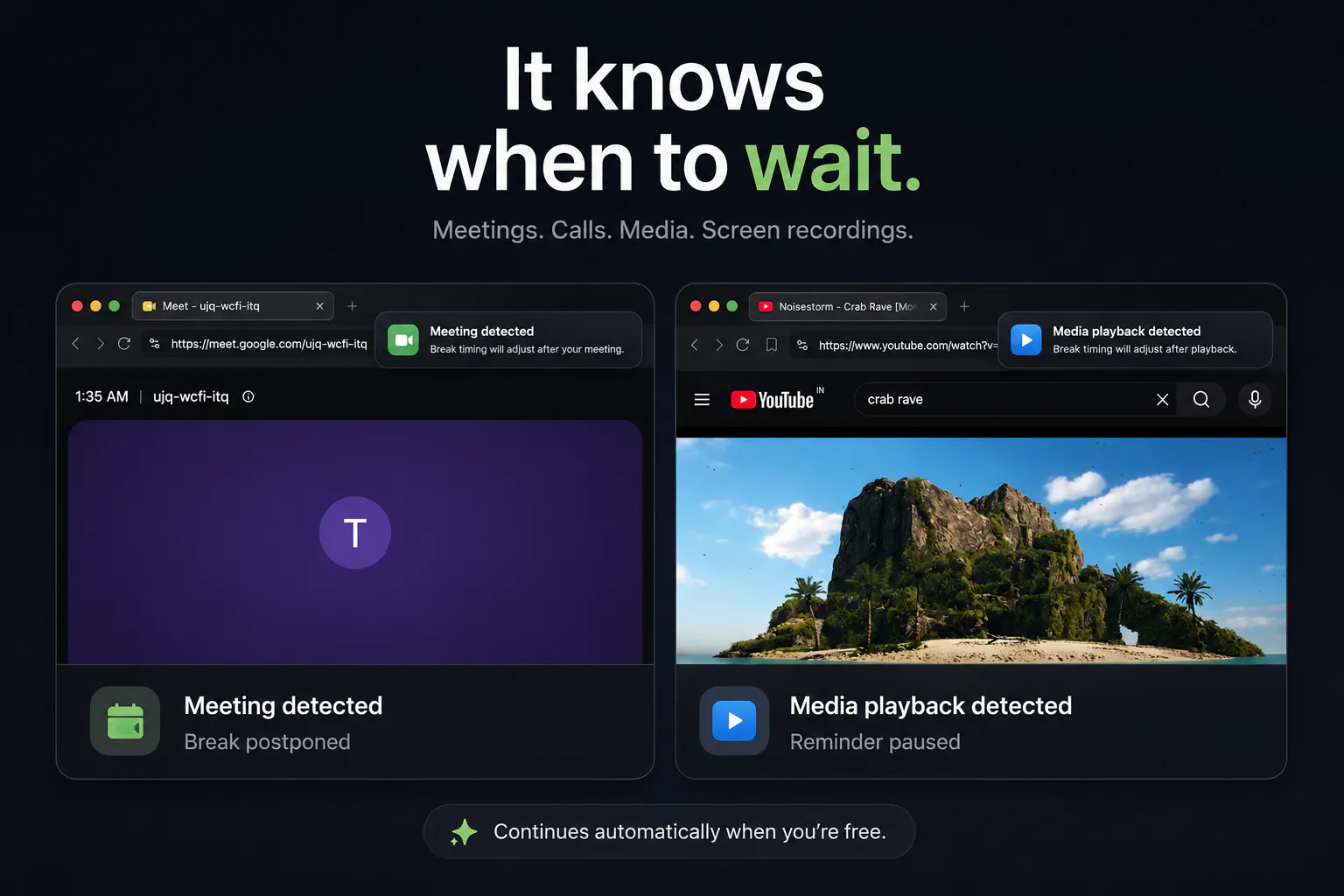
查看原始信息
Prompt Anything: No more AI slop
Most AI output is weak because the prompt underneath is weak. Prompt Anything fixes that. Describe what you want in plain English and it builds the expert prompt: 13 modes for agents, web apps, images, video, code, and copy. Smart questions capture your context, then cost-optimized routing picks the right model. You get 80 to 100 percent of the build in one shot, saving weeks and a pile of tokens. Quill, our mascot, guides you the whole way. Free to start, no credit card.
We built this to get AI automation, webapps, agents, employees, and remove slop from our AI projects. We did such a good job for our clients, we made it into an app so anyone can... prompt anything. Enjoy mastering AI.
1
回复

I've tried Prompt Anything since a much earlier release and was impressed each time! Very useful if you're wrestling with prompts or struggle to get the exact context across.

This tools helps you to optimize, reduce prompts and token use (as well as save some water that would be used to cool your unoptimized prompts!

Great work Richard

0
回复

Nice idea, good prompts are still one of the biggest productivity multipliers with AI. Congrats on the launch!

One question: how do you personalize generated prompts for different users or domains, and do you optimize them differently for models like GPT, Claude, and Gemini?

0
回复

@davitausberlin we let the tool look at arena.ai. It grabs the users intent and picks the best model for the task using Openrouter or Kimchi!

0
回复