Product Hunt 每日热榜 2026-08-04

PH热榜 | 2026-08-04

#1
Hey Noah
A proactive AI executive assistant for founders
502
一句话介绍:Hey Noah 是一款面向创始人的主动式AI行政助理,通过短信/WhatsApp/邮件等渠道自动管理日程、协调会议、跟进客户关系,解决创始人因会议过多而漏掉关键事项的痛点。
Productivity Calendar Artificial Intelligence
AI行政助理 主动式助理 日程管理 会议协调 关系管理 创始人工具 短信优先 自动化跟进 智能体 SaaS
用户评论摘要:用户核心疑虑集中在“主动”是否会变成噪音、信任建立及错误率(尤其跨时区复杂改期)。创始人回应提供了17,000次会议数据及错误防护机制。真实用户好评聚焦于SMS优先、无需新习惯,以及情人节送花等主动惊喜案例。
AI 锐评

Hey Noah 的定位精准地切入了创始人最昂贵的隐性成本——关系维护的颗粒度。相比市面上一众“聊天框+日历”的伪助理,它真正的护城河在于将顶级EA的隐性决策规则(何时该问、何时该自作主张、哪些会议必须保)代码化。创始人Ashish的14年创业经历不是营销话术,而是这套规则库的合法性来源。评论中工程师提到“扔掉了所有不像真EA的功能”,这比任何技术参数都更能说明产品哲学。

但必须指出,该产品的天花板与风险同样明显。第一,信任的数学问题:即便17,000次会议的失误率只有1%,那也是170次在客户面前“自信地犯错”,而创始人坦言“错误是失去信任的唯一途径”。目前“通过自己账户发送并抄送你”的设计是聪明的缓冲,但这本质上是把责任转嫁给用户去审查,而非系统真正可靠。第二,“主动”的双刃剑:防止主动变噪音,需要极其精准的用户模型,这要求长期数据积累——而恰恰是早期用户最缺乏耐心提供的。第三,场景窄化:它把“创始人日程”这一痛点做到极致,但这意味着市场天花板清晰可见。一旦微软、谷歌在Copilot中免费集成类似功能,独立产品的生存空间将被急剧压缩。

真正的考验不在产品打磨,而在规模化的信任曲线:当用户基数从几百人涨到几万人,那些“未说出口的偏好”将出现长尾爆炸,届时规则库是否还能保持如今的优雅?短期看好其产品力收割一波创始人红利,长期则取决于能否从“聪明的调度员”进化为“值得托付关系的代理人”——后者的信任壁垒,远比技术壁垒更难跨越。

查看原始信息
Hey Noah
Noah is a proactive AI executive assistant for founders. Claude talks to you; Noah talks to your network. It's like Tesla Full Self Driving, and not cruise control- an autonomous AI EA that manages your calendar, relationships, and follow-ups across email, text, and WhatsApp - so nothing slips. Think of it as an always-on EA living in your SMS and helping you with meeting logistics.

Hey Product Hunt! 👋 I'm Ashish, founder of Hey Noah.

I spent 14 years bootstrapping a $100M revenue company with 47 Fortune 500 clients. I had an executive assistant who didn't just manage my calendar — she managed my relationships. I had a system for managing my time and relationships.

So we put that playbook into Noah, a Chief of Staff in your pocket. 📱

Text Noah like you'd text a human EA:

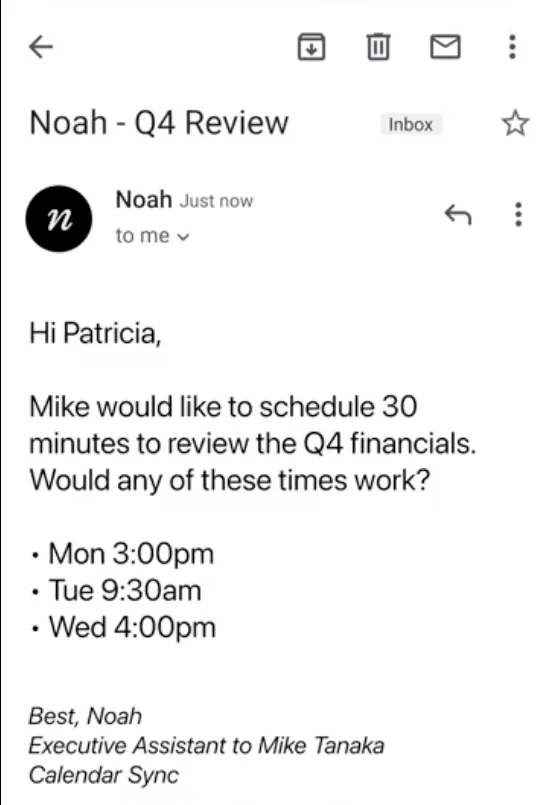
  • "Set up coffee with Sarah next week." → Noah emails Sarah, negotiates times, and sends the invite

  • "I'm out Thursday and Friday." → Noah reschedules your conflicts and lets people know

  • Just CC noah on any email — Noah reads Calendly links, handles the back-and-forth, and acts like your true executive admin

Now imagine you're back-to-back in 8 meetings today. Noah connects to your calendar, Granola, Notion, Google Drive, and Slack — posts summaries and action items to the right channels, and knows not to post that private client conversation. At the end of the day, just text: "Noah, send me all the action items from today." Done. ✅

What makes Noah different:

  • 💬 SMS-first — Noah comes to you, not the other way around

  • 🔮 Proactive — surfaces what matters before you ask

  • 📧 The only AI that talks to your clients — doesn't just draft emails, it sends them, follows up, and closes the loop

  • 🧠 Learns you — 10-second setup and learns your meeting preferences, favorite spots, and which meetings to protect

Here's what we're hearing: "Noah is one of the top 9 pins on my iPhone SMS" — CEO of an $80M revenue company. That says it all.

We're a team of 8 in Palo Alto, bootstrapped, and obsessed with getting this right. 🚀


Free 30-day trial, no credit card → Try Noah


Drop questions below — I'll personally respond to every one.

23
回复

@ashish_toshniwal1 Proactive is the word that makes or breaks these for me. Most founder assistants I have tried are reactive dashboards with a chat box bolted on. What does Noah actually do unprompted in a normal week, and how do you keep proactive from turning into noise I ignore by day three?

6
回复

@ashish_toshniwal1 I like that you're positioning Noah around outcomes rather than prompts. The examples make it feel more like delegating work to an assistant than interacting with another AI chatbot. Curious how users build trust before letting it send emails on their behalf?

2
回复

@ashish_toshniwal1 Hi,

Congratulations on your Product Hunt launch! 🎉 I had a chance to explore your product, and it's clear you've put a lot of thought into solving a real problem.

I'm a Full-Stack Developer specializing in Next.js, React, TypeScript, and modern web technologies. I enjoy helping startups build fast, scalable, and polished user experiences.

I'm following your journey and would love to stay connected. If you ever need an extra pair of hands for frontend, full-stack development, or AI-powered web features, I'd be happy to contribute.

Wishing you a successful launch and continued growth! 🚀

that is my email: shivarawat076a@gmail.com

0
回复

I'm skeptical of "autonomous" claims until I see it handle a messy reschedule with three time zones involved. That's the real test for me.

8
回复

@nancy_philip Fair test, and the right one.

The harder parts are the preferences nobody says out loud. Someone is free at 7am but would hate it. In those cases Noah asks instead of picking. Try Noah and test it out. If it fumbles, tell us.

0
回复

@nancy_philip we 100% agree! There's a lot of messy work when you start peeling back the layers of scheduling.

Ironically, a lot of these messy rules needed to be codified into our system (can't rely on an agent to perform consistently in every scenario). Danira, on our team used to be a world-class EA who's spent a lot of time writing down her rules to every and each scenario - which Noah is now instructed to follow.

If you've got the messy timezone-related use cases, we'd love to see if Noah holds up (we think it will)!

0
回复

The real test for AI assistants isn't scheduling meeting , it's earning enough trust to act on your behalf. Excited to see ho Noah handles that gap.

7
回复

@maxwell_dean let us know what you think!

0
回复

@maxwell_dean Building trust is crucial for an EA and the executive and we took it very seriously when building Noah. I've supported 10+ executives and it was the common denominator across all!

0
回复

I have personally been using Noah for the last few months, and it has been a game changer on how I run my day to day. As a busy advisor and consultant with over 10 calls a days, I'm able to understand who Im meeting with and am on top of my followups all due to Noah.

5
回复

@harry_singh25 thanks for the shout out, Harry!

1
回复

incredible product and team, i know this category is heating up, but my money is on you all!

5
回复

@jgong Love your support. We will talk about Noah's journey with our grandkids!

2
回复

@jgong Appreciate you, Jason!

1
回复

Never guess is the right rule and the hardest one to actually build, because the model that's wrong is usually not the model that's unsure. Your escalation path covers the cases Noah knows it can't resolve, but the expensive ones are the ones it resolves confidently and incorrectly, and those leave under my name in front of a client. I'd want to see how many outbound emails you've sent and how many needed a correction afterwards. That number would sell this harder than the top 9 pins quote.

5
回复

@asadmalik901 this is the sharper version of what I was going to ask. confident-and-wrong is worse than unsure here because there's no visible seam for the user to catch it before it's already in the client's inbox. the correction-rate number you're asking for is also the only thing that would actually answer You Li's disclosure question above - if the error rate on autonomous sends is low enough, disclosure barely matters, and if it isn't, disclosure is the least of the problem.

0
回复

@asadmalik901 great call out.

To date, Noah has sent roughly 17,000 meetings with our beta user base (all in live, real-world scenarios).

We've designed Noah to send email through its own account with you cc'd (operating just like an EA might for coordinating scheduling), so while we don't want errors, it helps our users mitigate against potential issues.

We know that any error with a client, however small, is how we lose trust. If anything surprised me building this product, it was that the agent work was actually fairly quick. The part that took the longest was building out the guards to protect against all of the small edge cases and nuanced scenarios to make sure Noah performs well in every scenario thrown its way.

2
回复

I think people underestimate just how hard scheduling is. These guys do it better than almost anyone else, and that's because they've put an incredible amount of time and effort into getting it right. Congrats on the launch!

4
回复

@avi_konduru Thank you, that means a lot.

You're right that it looks simple from the outside. Most of the work is in the edge cases nobody thinks about until they hit one. Time zones, back to back conflicts, someone cancelling an hour before..


Appreciate the support.

0
回复

@avi_konduru Thanks for the shout out!

0
回复

Proud to be one of the engineers behind Noah.
What I'll remember isn't any feature it's everything we threw away because it didn't feel like a real EA.
An assistant that waits to be asked is just a chatbot. Making Noah truly proactive was the hard part and the whole point.
Huge shoutout to @ashish_toshniwal1 and the whole team, Let's go! 🚀

4
回复

Excited for the launch!

4
回复

@doshkim THANK YOU John!

1
回复

@doshkim Thank you! Big day for us. Hope you get a chance to try Noah 🚀

0
回复

Congrats on the launch!

I've been using Noah for the past month and I love it. I average about 8 meetings a day and manage a team split across two time zones, so scheduling used to happen in stolen minutes between calls, usually at odd hours. Now I text Noah the way I would text a human assistant, and the coordination just happens. Rescheduling when my day blows up, negotiating times with people ten hours ahead of me, and pulling all my action items together at the end of the day have quietly come off my plate. The SMS-first design is what made it stick for me, since there was no new app or habit to build. Rooting for you and the team!

3
回复

@zeynep_yorulmaz Thanks for the shout-out!

0
回复

Simple, elegant and powerful. Kudos to the Hey Noah team!

3
回复

@kintan Appreciate it, Kintan!

0
回复

My team and I are absolutely addicted to Noah. It's like having a top-tier EA for a Fortune 500 CEO. Quality is incredible, Noah is so great at taking feedback too. One of the best software experiences I've had in a long while!

3
回复

@ericbahn Love to hear it, Eric! So happy Noah is able to support you and the team. Here if you ever have any questions, product requests or feedback :)

0
回复

@ericbahn Coming from you as one of the best product people out there, means a lot. Thanks, Eric, for pushing Noah's limits.

0
回复

Great probuct...awaiting for India launch.

In my busy schedule, was looking out for something like this. But didnt knew where to find. Now this solved my issue. Meets my requirements.

3
回复

@gayatri_shenvi So glad to hear that, Gayatri! Noah is available to users in India, but as of right now, the communication would be via email only. We can definitely keep you posted when Noah is available to also chat via SMS in India.

1
回复

Congrats on launch!!! I was an early product tester of hey noah and @ashish_toshniwal1 always makes product with taste and specificity. One of my first wow moments was when flowers showed up at my front door for valentine's day and that was due to Noah's proactive action (it asked me if I wanted it), and I just had a few responses and then it was delivered.

3
回复

@ashish_toshniwal1  @robbieab Thank you! Grateful you were with us from the early days, and glad Noah could take credit for a Valentine's Day win 🌸

0
回复

Congrats on the launch!!

3
回复

@devendra_singh_shekhawat Thank you so much!

1
回复
0
回复

The SMS approach is cool. Texting an assistant instead of switching between tools feels like a much more natural workflow. Nice work!

3
回复

@henry_habib Thank you!
That was the whole idea. You already text people to sort out a meeting, so it felt strange to make you open a dashboard to do the same thing. The bar we set was that it should work while you're walking to your next meeting.

0
回复

Nice launch! What has been the most surprising way people are using Hey Noah since the early versions?

3
回复

@hamza_afzal_butt Thank you!
The one that surprised us most was people using it to say 'no'.
We built it for booking meetings. A good number of users actually use it to decline them politely without having to write the email themselves.

1
回复

@hamza_afzal_butt  People are giving voice memos or screenshots of their 3 kids' school holidays, and Noah puts it on the calendar. People can't believe it themselves.

1
回复

@hamza_afzal_butt Would love to chime in here! I love seeing how users are amazed by Noah's speed, accuracy, consistency and politeness. When they're able to delegate to Noah to call the car mechanic for an appointment, book the restaurant for their anniversary, add 83 NBA games to their calendar and reach out to 5 prospects all in the matter of minutes, that's when they feel the magic.

1
回复

Hi All, I lead Product at Hey Noah.

@ashish_toshniwal1 covered the core (text Noah, and it handles the scheduling back-and-forth), so I'll share a few more of my favorite use cases so far:

  • Add a batch of events from a photo. Take a picture of the kids' school calendar or a season's game schedule, text it to Noah, and every event gets added to your calendar.

  • Schedule via Phone Call. "Book us a 6pm table at Zuni on Friday." Noah calls the restaurant and books it (assuming the person on the other end is willing to engage).

  • Schedule across time zones. "Find 30 minutes with our London team next week." Noah handles the time zone translation and manages any back-and-forth.

  • Connect Granola + Act on Action Items. Set up a skill to have Noah pull action items out of your Granola meetings every day and email next steps to participants.

The hardest part of building Noah has been figuring out how to keep an agent consistent and trustworthy enough to act in high-stakes external settings, while adaptable enough to be personalized to individual preferences. Happy to chat about what's worked (and flopped).

3
回复

@ashish_toshniwal1  @johnbeadle Amazing launch... congrats team🙌What happens when a client replies with a complex edge-case rescheduling request via email? Does Noah hand off to the human user via SMS

1
回复

Noah has been really helpful with my day to day operations. Great product.

2
回复

@taranjeet7114 Thanks, glad it's earning its place in the day to day.

Let us know if anything comes up.

0
回复

@taranjeet7114 Love to hear it! Thank you so much!

0
回复

I know exactly someone who needs this.

Me.

Congrats on the launch @Hey Noah team!

2
回复

@michael_liu15 you're the best kind of user.

Thank you! Go try it and tell us where it falls short.

0
回复

@michael_liu15 Thank you, Michael! Always happy to personally onboard you and share tips and tricks from my 10 years of being an executive assistant. Let's chat!

0
回复

The email CC feature is clutch. Love how you're hitting the surface areas where people actually work. Congrats!

2
回复

@areibman Thank you, Alex! That's exactly what we were going for, meeting people where they already work. Noah mirrors how a real EA operates and always keeps you CC'd, so you're never out of the loop. Appreciate you!

0
回复

Noah is often the 1st and last message of the day, prepping me for calls and helping me get more done. Ashish, Danira, John and team have been incredibly responsive to feedback and ideas, and have completely redesigned the onboarding process and memory system around feedback and learnings from users. Excited to see Noah continue to evolve!

2
回复

@haley_bryant Thank you, Haley! I love that Noah has been able to support you and your feedback has been so valuable for us. Appreciate you!

1
回复

Looks super cool. Would love to see how it operates with messy calendars, raw notes :)

I would love to connect it across my entire ecosystem and let it pick up follow ups, update, reschedule and also see how it connects across my notion, slack and calendar.


Go team.. very excited.

2
回复

@abhishek_chatterjee1 Great to see you, Abhi. People who push the boundaries of Noah are also the most engaged users - using it not just for calendaring, but also for drafting, follow-ups, calling a restaurant for booking.

1
回复

This looks good, but I would be nervous letting an AI send emails on my behalf. How do you handle that? What if it says something wrong to an important contact?

2
回复

@nihalshetty0 Honestly, this is where most of our engineering effort went. Noah earned autonomy gradually, you control what it can do on its own vs what needs your sign-off, and it's designed to know when something is high-stakes and loop you in over before acting.

1
回复

Hey team,
this looks super cool. curious if i could connect my multiple accounts in this?

2
回复

@riya_jawandhiya Thank you!

Yes, you can connect multiple accounts. Noah reads across all of them when checking availability, so it won't book you into a conflict on one calendar because it only saw the other.

Happy to help you get set up if you run into anything.

0
回复

The escalation-path question above is about accuracy. Mine is about disclosure.

If Noah emails my client and they don't know it's Noah, the relationship holds right up until they find out — and then I have a bigger problem than a missed follow-up. If they do know, I'm not sure what's left of the thing it was maintaining. A warm, well-timed note from someone's agent is just automation with better manners.

So what's your position on the recipient knowing? Have you got users who've told their contacts they're using Noah, and did it change how those people replied?

2
回复

@you_li525 

It's an interesting design challenge we've debated as well. Noah today is its own personality, meaning it sends emails from its own account, with you cc'd.

We found that Noah having its own identity helps reduce friction and mimics the flow most people expect when workig with a great EA. While its fairly clear Noah is not the exec, we've had a few people confuse Noah for a real person, which has been a fun win for our team.

1
回复

We've been using Noah at Flip Energy and love it. My team frequently schedules calls with external customers and Noah makes this process smooth and easy. I'm impressed with the HeyNoah team and how they've innovating and constantly learning.

1
回复

@sail Hi Sail! I'm so glad Noah is able to help you and the team with your scheduling needs. Appreciate the support!

0
回复

How does Noah decide when to follow up versus waiting for the founder to step in? Curious how much control users have.

1
回复

@maali_baali Noah has a sense of what's actually important vs. routine. Built from a lot of data on how great executive assistants triage things, plus what we've learned from real usage. The important stuff always comes back to you before Noah acts on it; the routine stuff it just handles.


On control: you can set some ground rules up front and Noah will always respect them. Beyond that, it gets a better read on your style over time.

0
回复

@maali_baali This is a great question. When Noah is not sure, it will ask - this is a very hard technology to build with LLM. Give it a shot, and you will know :)

0
回复

Love to test it! When do you think it is available in Europe?

1
回复

@marijn_van_der_laan 

It's on our roadmap, but we don't have a clear set date just yet.

Happy to keep you posted!

0
回复

I am not your builder, I am your user profile. I have spent about ten months running AI agents as the only staff on a couple of products, and the ask-versus-act line is the thing I have rewritten more than anything else.

Chad's reversibility rule is close, but the one that has actually held for me is narrower: whose name is on it. Anything leaving under my name, to a person who knows me, gets my eyes regardless of how reversible it is or how confident the agent is. The cost of a bad send was never the error. It is the moment a real relationship finds out.

Which makes me want to push gently on the heaviest-user finding. I am a heavy user and I did not drift toward near-total delegation. I drifted toward total delegation of the work and zero delegation of the send. From inside the product those look like one axis. From where I sit they are two, and only one of them is a tax. Congrats on topping the day.

0
回复
#2
Wondering
Duolingo for learning anything
316
一句话介绍:Wondering是一款将复杂知识拆解为个性化短课的AI学习应用,通过图文、播客与互动练习,帮助用户在碎片时间里“理解而非仅获取答案”,解决AI时代信息过载但认知变浅的痛点。
Productivity Education Audio
AI学习 个性化课程 知识拆解 播客学习 互动练习 记忆巩固 学习习惯 教育科技 课程生成 Duolingo模式
用户评论摘要:用户普遍认可创意与UI,但反馈注册问卷过长影响体验;有PM用户质疑个性化未体现在课程输出中,建议展示“因材施教”的过程;另有用户指出专业背景(软件工程师)下内容仍过于浅显;此外询问课程深度机制、资源来源(原生生成还是外部整合)及局部修改课程结构的功能,并对Friend Streak与播客形态表示期待。
AI 锐评

Wondering的切入点精准命中了一个真问题:AI工具越是“有问必答”,用户的独立思考能力越是退化。它试图用“结构化路径+检索练习+多模态消费”来对抗这种惰性,方向值得肯定,尤其是将课程转化为播客的设计,直接打穿了通勤与家务场景,这比大多数停留在“卡片刷题”层面的学习应用高出一个段位。

但评论区的反馈暴露了其核心软肋:所谓的“个性化”仍停留在表面。当一位产品经理故意输入与背景矛盾的学习需求,系统依然生成“完全合格的课程”时,说明AI更多是在基于单一话题做内容组装,而非真正根据用户的认知基线动态调优。那位软件工程师抱怨“内容不够技术”与另一位用户抱怨“问卷太长”是同一枚硬币的两面——系统既没有高效完成用户建模,也没有让用户感知到这个模型的存在价值。

更犀利一点说,当前版本更像“广谱学习内容生成器”,而非“私人学习教练”。真正的个性化应该像Socratic追问一样,在第一次交互中就通过3个高杠杆问题定位知识缺口,并在课程中以“因为你已了解X,我们跳过基础,直接从Y切入”的形式外化推理过程。否则,填表式的 onboarding 就是在用户尚未获得价值前预支信任。

另外,评论中“如何将学到的知识教给别人”的提问可能被团队低估了。这恰恰是最强的记忆锚点,也是从“消费课程”到“生产理解”的质变门槛。若Wondering能支持“生成迷你教学课”或“朋友对战讲解”,它将不止是Duolingo的平替,而是真正切入费曼学习法的高频场景。

至于所谓“不 guilt trip 的绿鸟梗”,这是讨巧但对留存无实质帮助的营销话术。真正的留存取决于当用户连续三天未打卡时,系统能否用一条“根据你上周学过的贝叶斯定理,这里有个关于新冠假阳性的新闻解读”来唤醒兴趣——这比任何道德绑架都有效,也远比“学习社交”更能体现AI的主动性。目前来看,产品还没到这个层次,但底层逻辑有戏。建议团队砍掉一半表单,把省下的耐心用在让AI“展示工作过程”上,先赢回那批最挑剔的早期试用者。

查看原始信息
Wondering
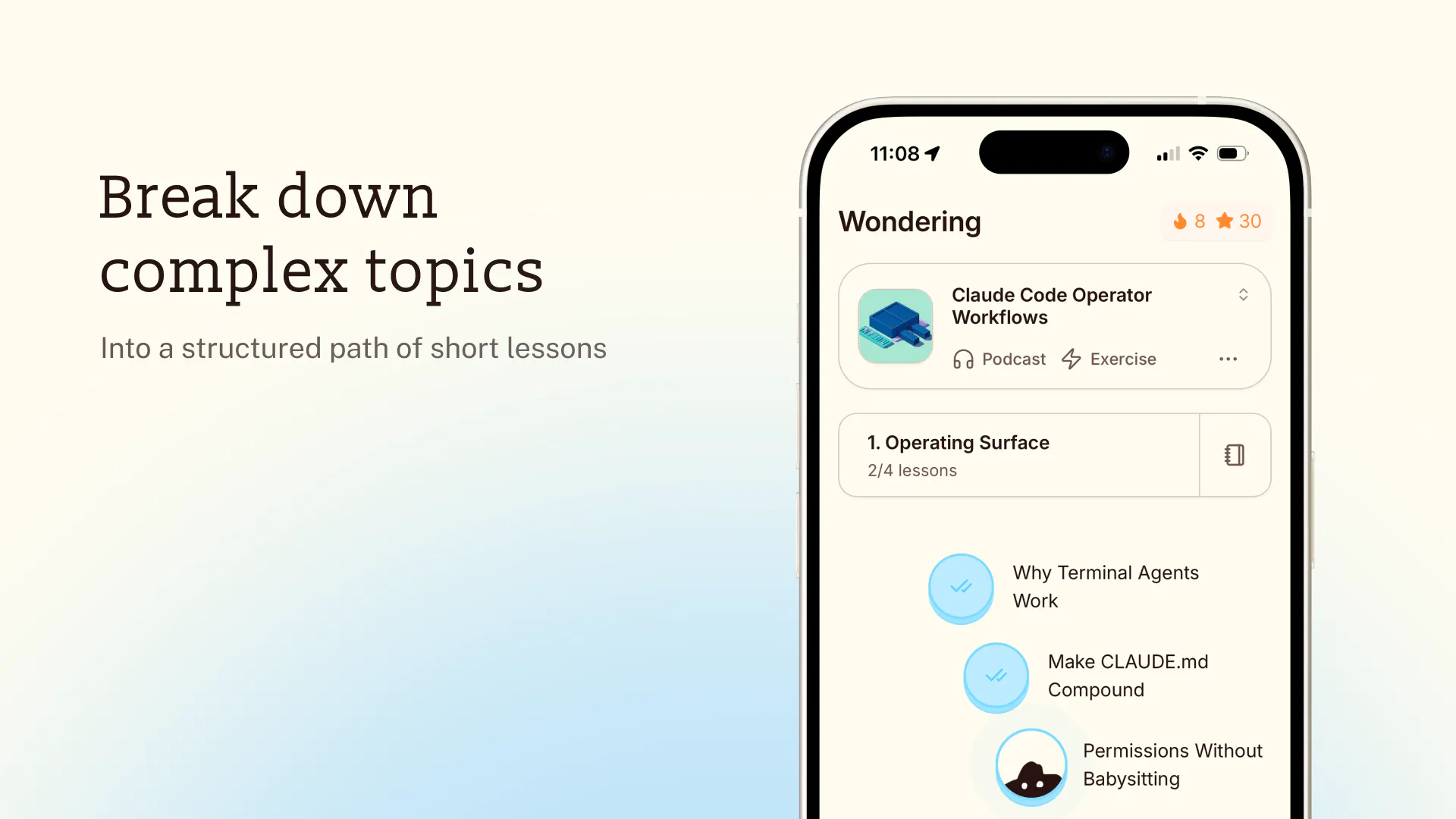
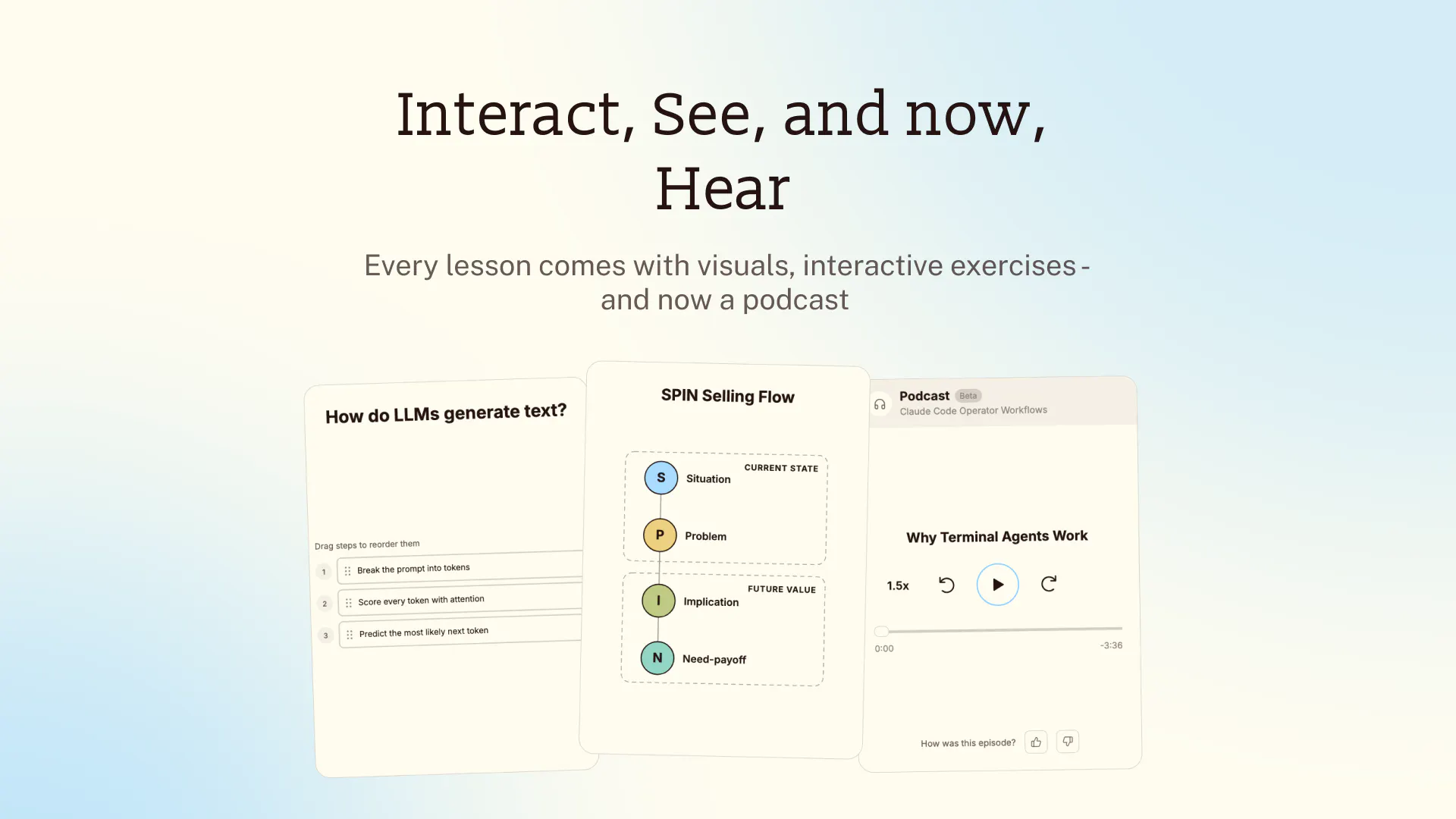
Wondering is the most delightful way to break down complex topics into knowledge you can remember and apply. Tell it what you want to learn, and it creates a personalized path of short lessons with visuals, podcasts, and interactive exercises. It surfaces the most important ideas and lets you explore them in your own way, like a thoughtful tutor beside you.
Heyo Product Hunt! I’m Cheng-Wei, co-founder of Wondering I left NotebookLM a few months ago to solve a bigger problem in learning. Today, Angelica and I are excited to share Wondering with the Product Hunt community ☺️ We kept noticing that our tools were becoming more capable, while people were becoming more dependent on them. Most AI tools are built to hand you an answer. Very few are designed to help you develop the knowledge and judgment. We are getting more answers, but understanding less. So, we built Wondering for the people who still want to understand and think for themselves. A few things we care deeply about: 📚 Structure, not endless chat Instead of dropping you into a blank conversation, Wondering creates a clear roadmap from where you are to where you want to go. 🧠 Understanding, not just information Lessons help you make connections, practice retrieval, and turn information into knowledge you can remember and apply. ✨ Personalization with purpose The learning path, explanations, examples, and depth adapt to your background and goals. 🎧 Learning that fits into your busy life Lessons are designed to take only a few minutes, and every course can become a podcast you can listen to while walking, commuting, or doing chores. 👯 Motivation that feels human You can build a daily learning habit on your own or start a Friend Streak to learn alongside people you care about. And no, we won't guilt trip you like a certain green bird. We are very grateful for our early users 🫶. We are still a very small team, and there is so much more we want to build for learners. We would love to hear: 1. What is something you have always wanted to learn but never found the time for? 2. Anything in Wondering that frustrated, confused, or delighted you? You can start learning anything for free at https://wondering.app. Thank you for checking out Wondering. We’ll be here all day answering questions and listening to your feedback ☺️
8
回复

@hcwxd For someone who learns best by teaching others, how would you design a Wondering path that ends with me creating a tiny lesson or summary for a friend, not just consuming one?

2
回复

@hcwxd looks super cool! I'll check it out this weekend ;)

1
回复

I liked it enough to actually sign up and try it, which is more than I did for most launches today. Two bits of honest feedback, since you asked.

The questionnaire is too long before the first taste. I wanted to see it work in about ten seconds and instead I was filling in a form. I'd cut it to one question, or skip it and infer from whatever I type first.

Then I ran a deliberate test. I told you I'm a product manager, gave you my goal and my plan — then asked for a course on travelling to Sanya, China. Completely unrelated to everything I'd just entered. I got a perfectly good course. Which is the moment I wondered what the questionnaire had bought me.

Angelica's reply to Nika says the path is tailored to current knowledge, experience and goals. I believe that's the intent, but I couldn't see it in my output. So either the profile does shape the course and you're not showing your work — "because you're a PM, we're starting here" would fix that in one line — or it shapes it less than the form implies, in which case you're asking for trust before you've earned any.

Which is it?

3
回复

@you_li525 Thank you for trying Wondering and your feedback! We are working on our onboarding length for sure.

We do use the onboarding answers but only when they are relevant to the course being created or if they can help answer a question better. Would love for you to try again with other course ideas!

Maybe try seeing how some of these courses will be personalized to you:

  1. Ultralearning

  2. Software Is Changing (Again)

  3. Harness Engineering for RSI

  4. Multiplayer Agents, Company Brain, and Bug-to-PR Loops

0
回复
@you_li525 I must say I got a bit excited reading “still- the course quality was already good” thank you! ☺️ And great point on showing the work, love the idea you gave there. We’ll explore ways to show the personalization work further, maybe even during onboarding 🤔
0
回复

How "deep" can the knowledge for each topic be? Because Duolingo is specialised in many languages. But this is even more complex.

3
回复

@busmark_w_nika Hi Nika! Great question. Honestly, as deep as you want!

Unlike Duolingo, Wondering doesn’t rely on one fixed curriculum for each subject. When we create a course, we tailor the learning path to the learner’s current knowledge, experience, and goals.

We’ve also built a few tools to help learners keep going deeper:

  1. Dive Deeper: Focus on a specific concept, explore a real-world example, or connect ideas across recent lessons. You can then turn that direction into a new lesson in your course.

  2. AI tutor: Discuss an idea, ask for another explanation, or use “Check my understanding” to find gaps in your thinking.

  3. Expert Mode: Take on harder challenges that test whether you can apply, connect, and reason with what you’ve learned, not just remember it.

We know that helping someone reach real mastery in any subject is an ambitious goal, and we still have a lot to build. We’re constantly improving Wondering so it can be the learning companion we want it to be.

1
回复
The Friend Streak is a nice detail. Learning the same topic with someone else could make this feel less like another solo course. Learning alongside someone is a lot harder to ignore than another solo streak. Congrats on the launch!
2
回复

@etiennegarcia exactly! This idea is actually from our many of our learner's feedback in our discord where they want to learn with their friends/partner/family together!

1
回复
@hcwxd thank you to our early believers for your support and feedback. We are motivated because of them 🫡
0
回复

Played the game for a couple of rounds. Really great potential! Could be the learning app of the future😍

2
回复

@cwlin Woohoo! Glad to hear! What did you learn?

1
回复
Congrats on the launch! Really loving the idea of creating custom courses with AI. Just gave it a try and it worked super smoothly!
2
回复

@hannesh Thank you! Love to hear it. What did you create a course on? :)

1
回复
@aka_kosasih Just created a quick test course on Branding! Loved how personalized the content turned out.
2
回复

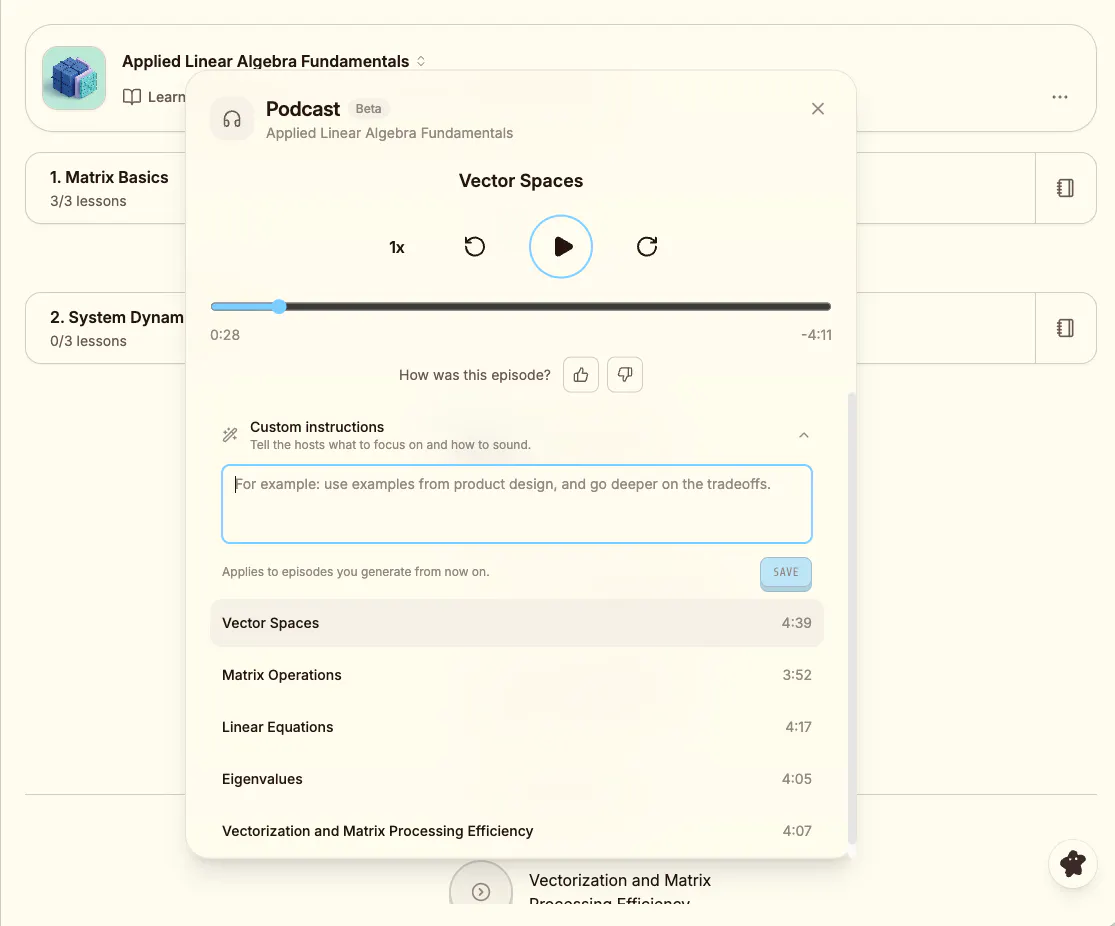
the podcast format is what got me, most "learn anything" apps assume you're sitting at a desk staring at flashcards, but the stuff I actually want to learn (history, how some industry works, why a technology got built the way it did) is exactly the stuff I'd rather absorb on a walk. curious how it decides when to break something into a short lesson versus a longer audio piece, is that something you tuned by hand or does it just follow the topic

1
回复

@galdayan it's mainly follow the topic but you can also provide instruction to customize your own podcast too:

0
回复

I think it's important to assess the user's current level of knowledge first. Do you have a way of doing that?

1
回复

@natalia_iankovych for now we do the assessment mainly within the course! We dynamically adjust the difficulty of the course based on your input and practice. We are also working on tools to enable more accurate assessment and placement.

0
回复

Congrats on the launch!!!

1
回复

@devendra_singh_shekhawat Thank you Dev 🫶

0
回复

Honestly, it looks quite impressive, the idea is awesome!
I gave a quick try to the one of the existing courses and then tried to create my own For learning Serbian language. What I noticed in the process - that if you asking to improve the structure of the course it rewrites it completely, but what if I want add/replace only one tiny section. Maybe I hadn`t find that option or it is not exist?

1
回复

@julia_shtogren Thank you for the kind words! Currently you can improve the structure of the course by adding new lessons with the deep dive feature during or after a lesson. You can further customize it there too.

1
回复

@hcwxd This looks interesting!
I’m curious - are the lessons and podcasts created natively inside Wondering, or are the learning paths built by curating and organizing external resources?

1
回复

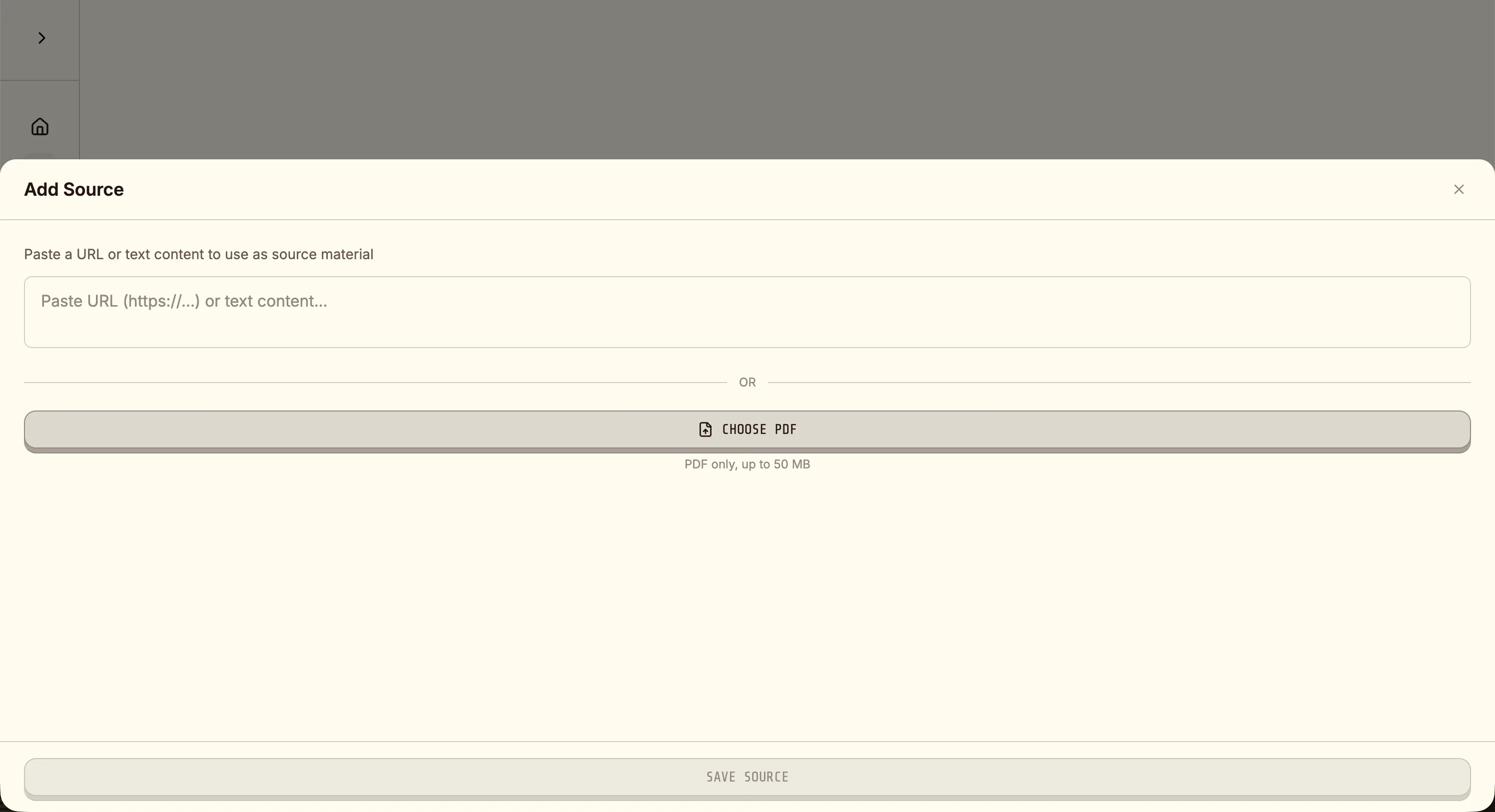
@adana great questions! All the lessons and podcasts artifacts are created natively inside Wondering but we also organizing external resources too! You can also bring your own sources (PDF, URL, YouTube, etc) and we will parse it for you!

0
回复

Hey Cheng-Wei, congrats on the launch! We met at a Blue Bottle in SF last year, you pulled up Wondering on your phone and showed me the early build. I won't pretend I remember every detail a year on, but I remember walking out thinking it would work.

"Structure, not endless chat" is the line that stuck. Most things in this space optimize for getting you to an answer faster. Optimizing for what happens after the answer is a harder sell and a better product.

I am also launching my new product, Nuphos, here next week, so I'll be watching today closely 🤣

Congrats to you both!

1
回复

@yuaanlin thank you Yuanlin!

yeah Wondering has evolved a lot from the early prototype but our core design philosophy is still providing good scaffolding for learner while giving them option to explore on their own

look forward to your launch too!

0
回复

Hey everyone! We are so excited to be sharing Wondering with you.

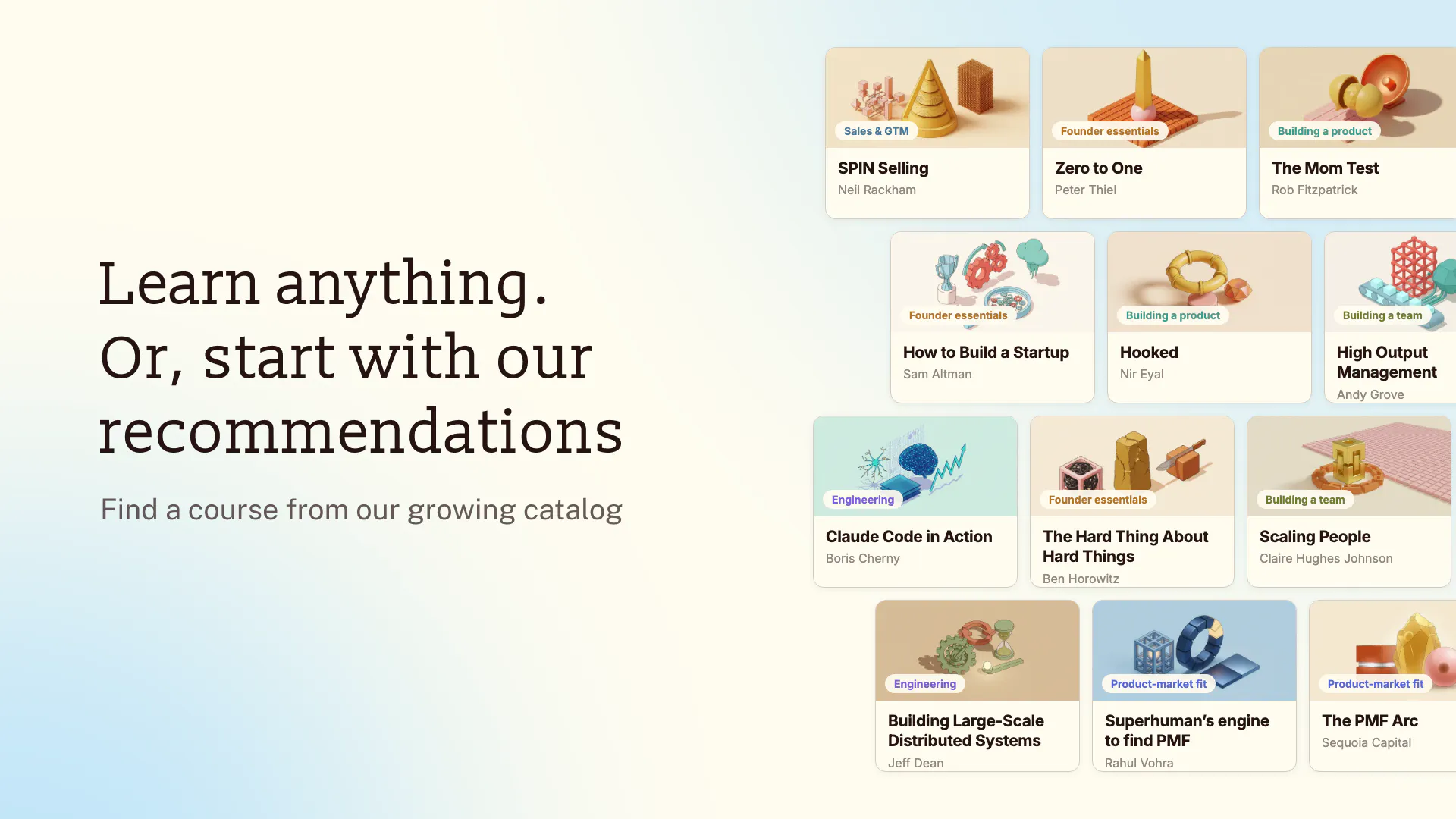
You can create any course you'd like, or try some of the courses we recently created:

  1. Learning How to Learn - how can we talk about learning without this classic :)

  2. Kimi K3: Open Frontier Intelligence - breakdown of Kimi K3's paper

  3. Claude Code Operator Workflows - a compilation of Boris Cherny's (the creator himself) Claude Code workflows and tips

  4. Google-Scale Systems Lessons - breakdown of Jeff Dean's (a living legend at Google) talk on building systems that scale

  5. How to Succeed with a Startup - the classic Sam Altman talk for Startup School

1
回复

Education consultant here, so the line I keep re-reading is "practice retrieval." That is the whole ballgame, and most learning apps quietly skip it, because re-reading feels like progress and retrieval feels like failure. If Expert Mode genuinely tests application rather than recall, that is the part I would lead with. It is also the hardest thing to fake.

The other line I noticed: "we won't guilt trip you like a certain green bird." I made the same call in a habit app this year and it was the most contested decision in the whole build. Everyone tells you guilt drives retention, and it does, right up until someone misses a day and never comes back. So I am curious which way the Friend Streak has gone with your Discord folks. A streak you share with a real person could carry the motivation without the shame, or it could double it. Congrats on the launch.

0
回复

Quite interesting; love the UI. The content of the courses, however, seems to be below the configured level. I tried with a software engineer profile on the app, but it still gave me a very high-level module. I'd like it if the content started off extremely technical, given that I put in software engineer as my profession. Either ways, all the best on this release.

0
回复

super fun! does look and feel like an evolution of NotebookLM!

0
回复
#3
Atlaso
One memory for every AI you use
216
一句话介绍:* Atlaso是一个“AI记忆层”,为Claude Code、Cursor、Codex、ChatGPT等AI工具提供跨会话、跨工具的共享上下文,解决用户每次都要向不同AI重复解释项目背景、决策和个人偏好的痛点。
Productivity Developer Tools Artificial Intelligence
* AI记忆层 跨工具上下文 开发者工具 上下文管理 MCP协议 提示词增强 项目记忆 会话连续性 AI工作流 记忆检索
用户评论摘要:* 多数评论认可“跨工具同步”和“Ambient Memory”理念,创始人回应透明(公开基准失败项)获赞。有效反馈集中在三点:1) 记忆检索目前无法在终端直接查看/删除,需加ID和命令入口;2) 记忆的“废弃/矛盾”语义引擎未接入插件,旧错误决策可能以同等置信度回灌;3) 无本地化部署,敏感仓库用户有顾虑。另有团队共享层、引入Supermemory数据、记忆冲突需显式标记等建议。
AI 锐评

*

Atlaso踩中了AI工具链碎片化后最疼的“重复陈述税”——这确实是基准测试和模型参数之外的隐性成本。其真正的价值不在于“记忆”本身,而在于把记忆变成了跨工具、跨会话的“弱所有权”资产:你纠正过的东西,换个工具不该再犯。这种从“工具内记忆”到“工具间记忆”的跃迁,是AI工作流从单点效率走向系统效率的关键一步。

但创始人在评论区主动暴露的短板,恰恰是这类产品的生死线:记忆中“被推翻的旧事实”和“新事实”以同等置信度被召回,且用户无感知、无干预入口。这本质上是把LLM的“幻觉”风险转移到了记忆层——AI自信地带着陈旧决策回来说明“你没改过”,这种错误比没有记忆更危险。没有冲突消解、没有显式废弃机制、没有终端内可见性,这套记忆系统目前更像“复读机”而非“助手”。

团队共享层的缺失也意味着产品天花板被封死:单人记忆永远无法沉淀为组织资产,而企业级客户才付得起真金白银。创始人坦诚“当前用的是同一账户共用的过渡方案”,这既是务实,也暴露了架构上对“原子归属”与“权限边界”的先天欠账。

一句话锐评:Atlaso解决了从0到1的“重复劳动”问题,但还没解决从1到N的“记忆可信度”问题。团队愿景值得关注,但当前版本作为生产工具,仍需对“记忆生命周期管理”补课。短期看是效率插件,长期看,只有能优雅处理“遗忘、冲突、共识”的记忆系统,才配叫“记忆层”。

查看原始信息
Atlaso
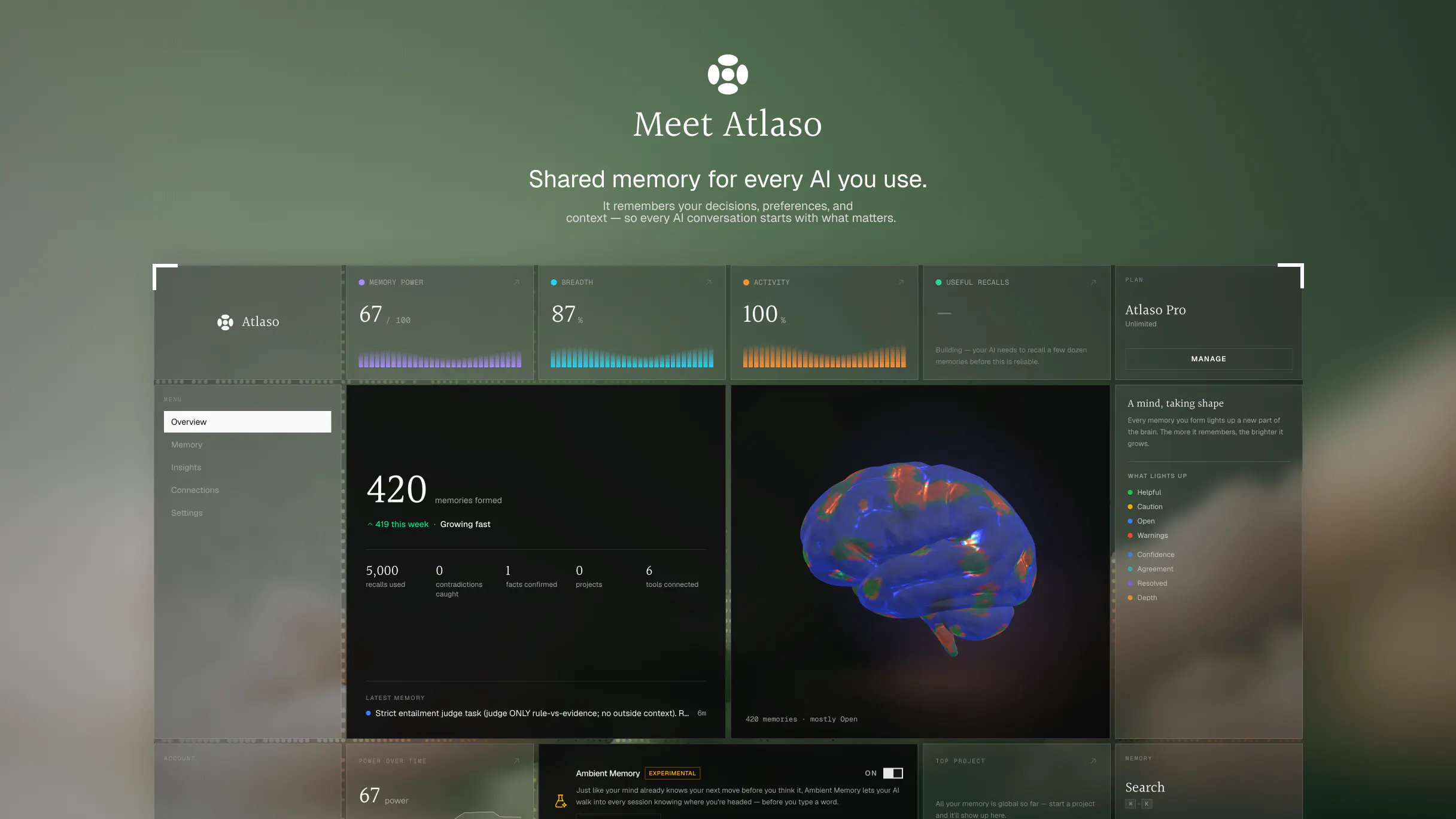
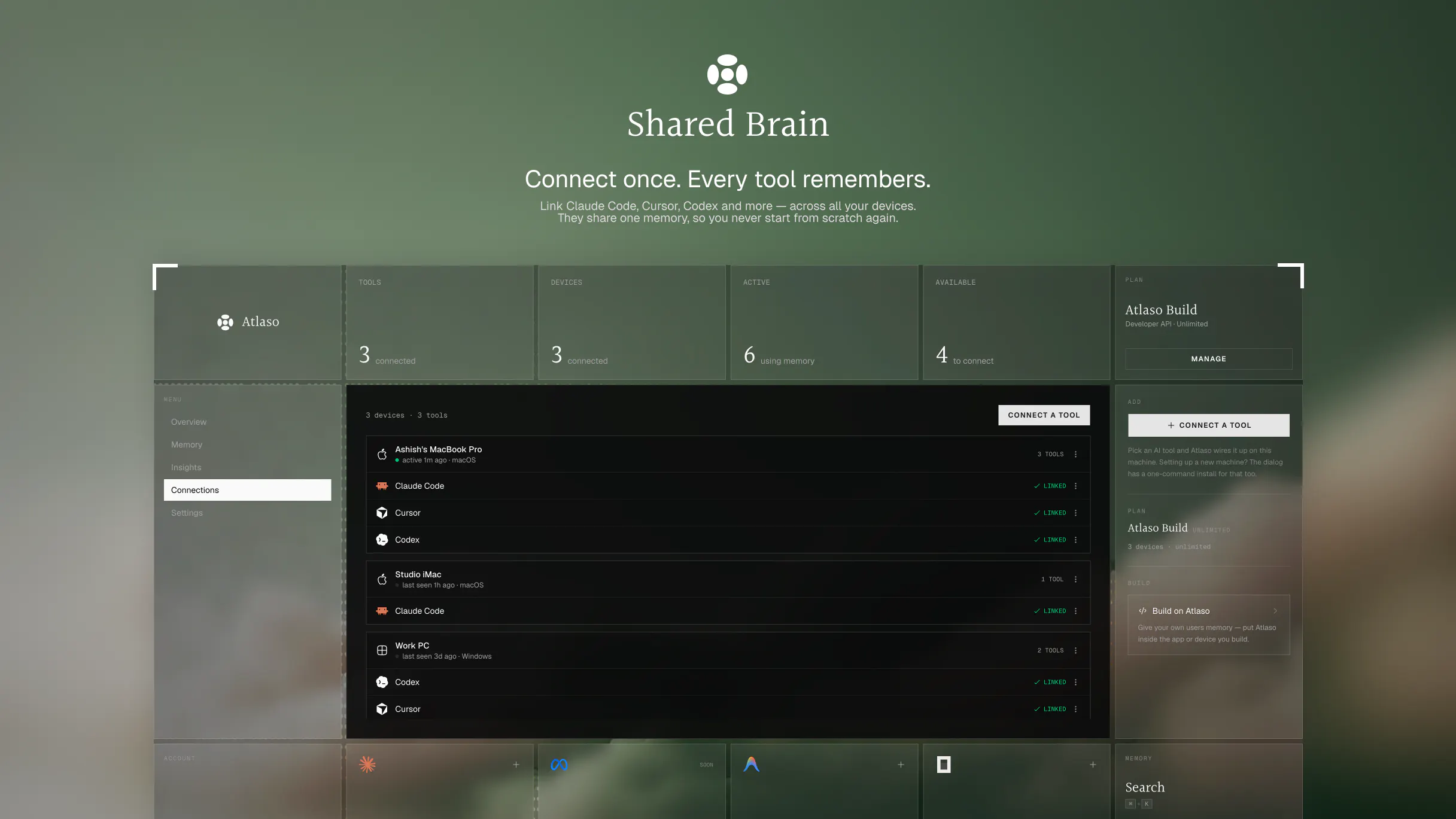
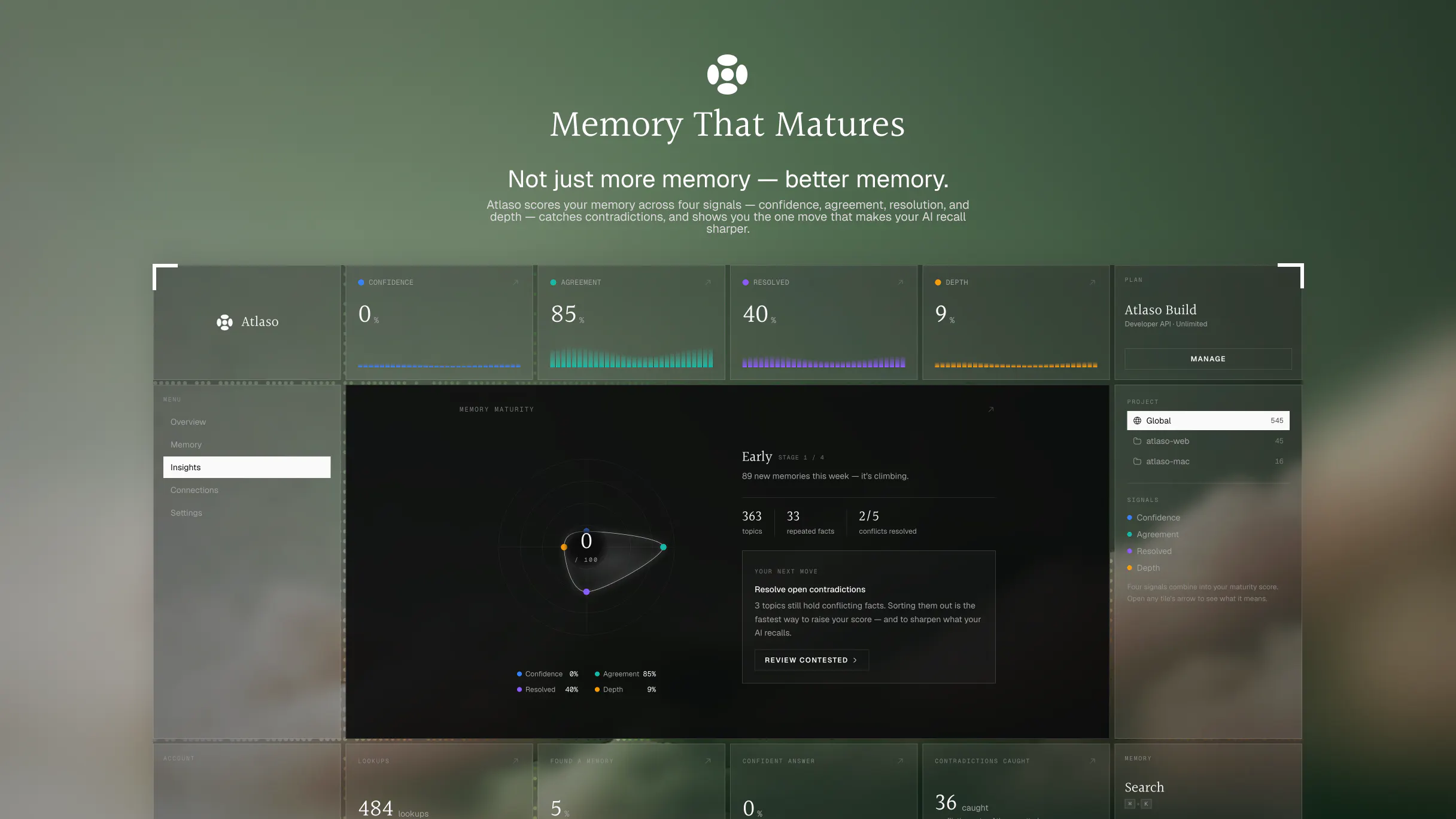
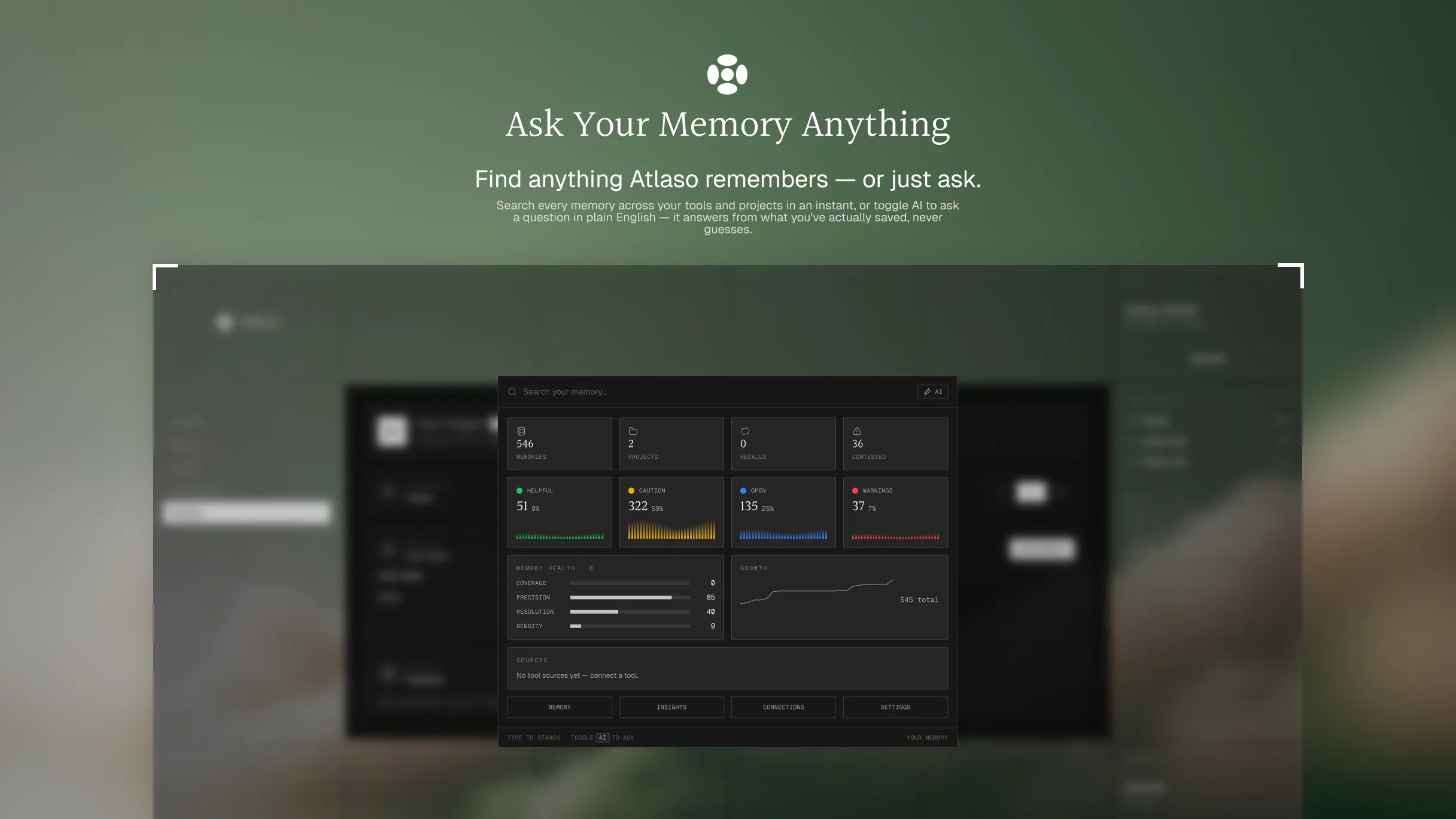
Atlaso is a memory layer for AI. Connect it once and every AI you use, from Claude Code to Cursor, Codex and ChatGPT, automatically recalls the context that matters: your projects, your decisions, and the way you like to work. No more re-explaining yourself at the start of every session. One shared memory that follows you across every tool, instead of being locked inside one app. Free to start, and backed by original memory research.
Atlaso started as a question I couldn't shake: what would it actually take to give AI a real memory? Not a bigger context window. Not a notes file stapled onto the side. A real memory foundation layer — one that persists, stays honest, and actually helps across sessions and tools. That question turned into research. We ran our own memory benchmarks, and our approach held up better than the other memory systems we tested against. A lot of the work was in the unglamorous parts: what should be saved, what should be surfaced, and how to make sure memory orients you instead of quietly making things up. The reason I cared so much is simple — I was tired of re-explaining myself to every AI I used. I'd tell Claude Code about a project, switch to Cursor, and start over. Then again in Codex. Same context, same decisions, same preferences, over and over. Atlaso is what came out of that work: one memory layer for the AI tools you already use. Connect it once and your context follows you — global memory for what travels with you, per-project memory for what should stay separate. My favorite part is Ambient Memory — what we call giving AI a subconscious. Before you type a word, Atlaso surfaces a short orientation from your own memory, so the AI picks up where you actually left off. It orients, it never invents. It's free to start. I'm Ashish, the founder — I'll be in the comments all day, and I'd genuinely love your feedback: what would make AI memory actually useful to you?
7
回复

@ashish_khandelwal11 Congrats on the launch! I really like the distinction between thin, settled, contested, and superseded memories. I haven’t seen many memory tools make uncertainty this explicit.

How do you prevent something inferred from a conversation from overriding what’s actually true in the repo, docs, or a newer decision?

Also, any plans for a fully local or self-hosted mode? That’s probably the main thing I’d need before trying it on sensitive repos.

Thank you!

2
回复

@ashish_khandelwal11 For someone like me who jumps between AI tools for client work, what’s one specific type of context you’ve seen people regret not having remembered across sessions; and how would Atlaso have saved them from that?

0
回复
Congrats on the launch! What sets Atlaso apart from Supermemory, which I'm currently using? Especially interested in how you handle developer-focused workflows across tools like Claude Code and Cursor. Also, is there an easy way to import or sync existing memory from Supermemory, or do we need to start from a clean slate?
3
回复

@hannesh 

Thanks Hannes — and good question, Supermemory's a solid product so let me be specific rather than hand-wavy.

The biggest difference is where the memory lives and how it gets there. Supermemory is largely a platform you build with — APIs, SDKs, and connectors that ingest your documents and knowledge sources. Atlaso installs into the coding tools themselves. There's a plugin for Claude Code, Cursor, Codex, OpenCode, Antigravity and Claude Desktop, and once it's in, two things happen on their own: it captures decisions and preferences out of the sessions as you work, and it injects the relevant ones back at the top of your next prompt. You don't file anything, and you don't call a recall tool. It just shows up.

The second is that it's cross-tool by design rather than per-app. Correct something in Claude Code and Cursor reads the corrected version on its next recall, not a stale copy. Memory is scoped globally and per project, so one repo's context doesn't bleed into another.

On import — you don't need one. Atlaso exposes an MCP server, so whichever tool you're already in can write memories directly. Export from Supermemory, paste it into Claude Code or Cursor or Claude Desktop, and say "save each of these to my Atlaso memory." It'll loop through and write them in at roughly 60 a minute, so a few hundred takes a couple of minutes. No new tool to set up, no waiting on us.

And if you'd rather not babysit it, send me the export and I'll load it into your account myself. Either way you're not starting from a clean slate.

1
回复
@ashish_khandelwal11 Ah awesome, thanks for the detailed response Ashish! The hands-off sync between Cursor and Claude Code sounds ideal because that was literally one of my biggest pain points. Appreciate the offer on the data import too! Gonna try out the MCP workflow today.
2
回复

"It orients, it never invents" is the claim I'd want stress tested, and not against a benchmark you ran yourself. The hard case for auto capture isn't invention, it's a decision you reversed three sessions ago still getting injected as settled, and it reads exactly as confident as a correct one. So the real question is how a memory dies. If I can't see what got injected and kill it in one keystroke, I'll turn the whole thing off the first time it confidently reminds me of the wrong thing.

2
回复

@asadmalik901 

Fair on all three.


The benchmark is ours — we built the harness and ran both sides. What I'd stand behind is the method, not the number: same reader for both arms, four judges including mem0's own judge prompt, answers normalised so a judge can't tell which system wrote them. We also publish LoCoMo, where we lose by 11.5 points.

On the reversed decision, you're right. We have the machinery to retire a superseded memory, but nothing in the shipped tools actually triggers it — so the old one stays live and looks identical to the new one. Same confidence, exactly as you said.

And on seeing it: in Claude Code and Codex the recalled block goes to the model, not your terminal. So today you can't see it, and killing one means a trip to the dashboard, not a keystroke.

That's a real gap and I'd rather fix it than argue it. What would you want — an id on every line and one command to kill it?

0
回复

This is awesome, bouncing between all of my AI platforms and pulling context across them is a big pain. Congrats on the launch!

1
回复

@kelly_king3  Thanks kelly!! Mean a lot. Go ahead and give it a try. I'm sure you'll like it. Any feedback is appreciated. 😄

0
回复
Congrats on the launch Ashish, and the way you’re answering people here is genuinely refreshing. Publishing the benchmark you lose on is not a small thing. My question comes from outside the dev lane. Memory is scoped global and per project, which is right for one person, but at our company half the context worth remembering belongs to the team, not to me. Brand rules, who owns what, decisions we made and why. Today if I correct something, my AI knows it and my colleague’s still gets the old version. Is a shared team memory layer on the roadmap, with the same supersede logic applied across people rather than tools? That’s the version I could roll out to 36 people instead of just using myself.
1
回复

@ridhwikvinod 

Thanks — and no, I won't pretend team memory exists yet. Atlaso today is one person's memory across their tools. It's partitioned per user, so there's no shared layer, no roles, no attribution.

Straight about the rest too: the supersede logic you're describing isn't shipped even across tools yet.

But here's the honest workaround, founder to founder. A paid account allows up to 100 devices — so one account signed in across your team really does give you one shared memory that everyone's tools read and write. It isn't what I built it for, but it works today, and I'd rather tell you that than have you wait on a roadmap.

Two things before you try it. Recall is rate-limited per account and sized for one person, and Claude Code pulls memory on every prompt — so a dozen people going at once will start getting throttled. And there's no attribution: everything lands in one pool, so one person's preference becomes everyone's, and anyone can delete anything.

Which is why I'd start with four or five people rather than all 36, and then tell me what breaks. That's worth more to me than a signup, and it's how the team version gets designed properly instead of guessed at.

Also i would love to know how you operate with a team in detail. Please send me an email at ashish@atlaso.ai and i would like to work on this next to make this available as team account. So would love to talk further on this on what exactly do you need.

0
回复

The re-explaining tax is real, I switch between Claude Code and other tools daily and re-establishing context every time is the part nobody talks about when they compare AI coding tools. Curious how you handle the per-project vs global split when two projects share similar tech but different conventions.

1
回复

@aareldigital 

Honestly that's the whole reason this exists. Everyone benchmarks the tools against each other and nobody counts the twenty minutes you spend getting each one back up to speed.

On the split: each repo keeps its own memory, so two projects on the same stack never see each other's conventions. The same repo cloned somewhere else does share, because it's still the same project.

Global is only for things that are true about you rather than about the code — we work that out from how you say it. "I prefer tabs" is you. "The build uses X" is the repo. When it's ambiguous it stays with the repo, on the theory that a fact turning up where it doesn't belong is worse than a fact you have to say twice.

Try it out! I'm sure you'll like it.

0
回复

Does memory compile and bulge the memory file or is there a natural decay built in?

1
回复

@zrk222  No decay — the store just grows, and we don't prune or expire anything. But it never bulges what reaches the model: recall pulls the top 5 relevant memories, so the block injected into your session is about the same size whether you have 50 memories or 5,000. What grows is the archive, not the context.

0
回复

I've built a version of this by hand for a single tool — a memory file with explicit ownership rules so every fact lives in exactly one place, plus an archive for anything superseded. It works, but only because I maintain it myself. Two questions from the maintenance end:

Tidy-up. Mine stays usable because I prune it, and because there's a rule that a new fact contradicting an old one gets flagged to me rather than silently overwriting. As Atlaso's store grows across four tools and hundreds of sessions, what happens when session 40 contradicts session 4 — overwrite, version, or surface the conflict? And does anything decide a memory has gone stale, or does it accumulate forever?

Token cost. If memory is injected into every session, my bill scales with how much I've remembered. Is it selective retrieval or the whole store? Roughly what's the per-session overhead at 500 memories versus 50?

1
回复

@you_li525 

Both fair. Straight answers.

Token cost — selective, and here's the number rather than a promise. Recall is a top-k hybrid search (BM25 + embeddings, rank-fused), k=5, hard-capped at 50 server-side. Only those 5 get rendered, so the injected block is ~650 tokens at our median memory length. I measured it against a real 934-memory store: at 50, 500 and 5,000 memories the block comes back the same size, because what's fixed is the count, not a share of the store. The search runs on our server with no LLM in the path, so it costs you nothing — your bill only ever sees those 5 notes. The real multiplier is turns, not memories: Claude Code, Codex and OpenCode recall on every prompt, Cursor writes it once per session.

Tidy-up — none of the three, and I'd rather say that than have you find out. Both rows are stored, both stay live, both can come back, and nothing marks either as contradicting the other. Append-only, so nothing gets silently overwritten — but that's the flip side of your rule, not a version of it. The atlaso engine has typed dispute/supersede semantics and honors them on read; no shipped connector can write those edges yet. Today the correction path is you or the agent explicitly forgetting the old one and re-saving.

Nothing expires either. No TTL, no pruning, and we turned recency decay off in ranking on purpose — it down-ranked old-but-still-true facts and cost us accuracy on LongMemEval-S. So the store grows forever; what's bounded is what comes back, not what's kept.

0
回复

Congrats on the launch! The transparency in the comments really stood out. Seeing you openly discuss the current limitations and trade-offs was far more convincing than polished marketing. Looking forward to seeing how Atlaso evolves.

0
回复
#4
Driven
The trusted AI investment agent, from insight to action
210
一句话介绍:Driven 是一款将 260+ API 实时数据、监控、组合管理与订单流整合进单一智能体工作区的 AI 投资助手,解决投资者在信息过载下“从洞察到执行”全链路割裂、决策滞后与操作繁琐的痛点。
Productivity Fintech Artificial Intelligence
AI投资代理 智能投研 实时市场监控 组合管理 订单执行 自动化工作流 金融科技 数据聚合 个人投资者工具 智能体平台
用户评论摘要:用户认可 24/7 监控与执行组合的价值,但集中质疑“信任”与“安全”:担心自动下单缺乏失败机制,追问是否有默认人工确认步及风险分级配置;同时询问输出是否基于实时数据而非模型训练记忆、是否展示信源。另有用户反映部分地区不可用,团队回应因模型限制暂未开放中国及香港。试用者反馈分析质量高于同类,但未提供全新信息。
AI 锐评

Driven 的定位聪明地避开了“另一个聊天机器人”的陷阱,试图用 Playbook、Scheduled Tasks 和 Order Workflows 把投资研究从被动问答变成主动的、可重复的运营流程。这在产品逻辑上确实切中了专业投资者“信息过载但行动低效”的真实痛点,260+ API 和组合上下文整合也展示了工程野心。

但“可信”是它最大的软肋,不是功能问题,而是信任机制问题。评论区的核心质疑非常精准:当 AI 既能分析又能执行交易,谁来定义“自动执行”的边界?团队回帖中提到“默认确认,但用户可设规则自动交易”——这恰恰是最危险的设计。投资操作不像内容推荐,错误成本极高,且 3AM 的自动交易、基于规则和“对用户的理解”做判断,隐含着模型误判和过度拟合的灰犀牛。对于个人投资者,这种“半自动”反而可能造成比手动更隐蔽的巨大损失。

另一个隐患是输出可信度。产品强调实时数据,但未明确区分“查询时抓取”与“模型生成”,若分析掺杂模型臆测,即便信源可见也难以审计推理链条。这会让它停留在“高级资料员”层面,而非“可信代理”。

Driven 的方向是对的——用智能体重构投研工作流,但现阶段更成熟的路径应该是:严格限制为“分析+预警+建议”,订单执行必须经显式、不可绕过的确认,且对规则自动交易设置最高风险等级门槛。否则,“从洞察到行动”只会变成“从洞察到事故”。对于早期用户,建议只把它当作强化的监控与研究加速器,别把资金决策权交给一个尚未证明自己判断力的系统。

查看原始信息
Driven
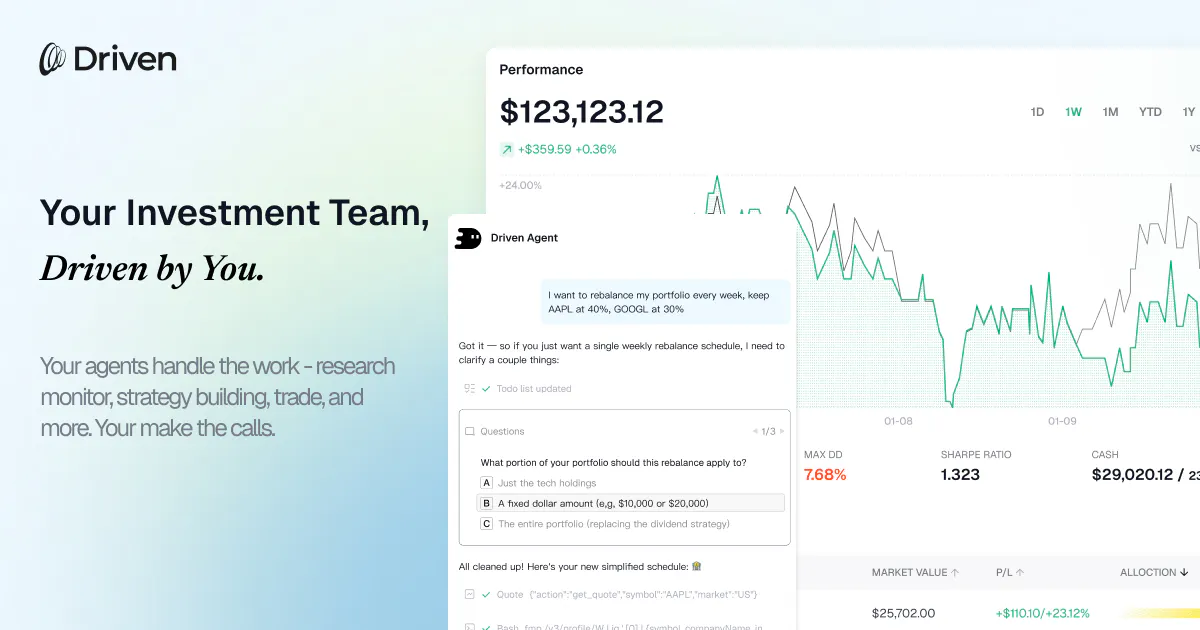
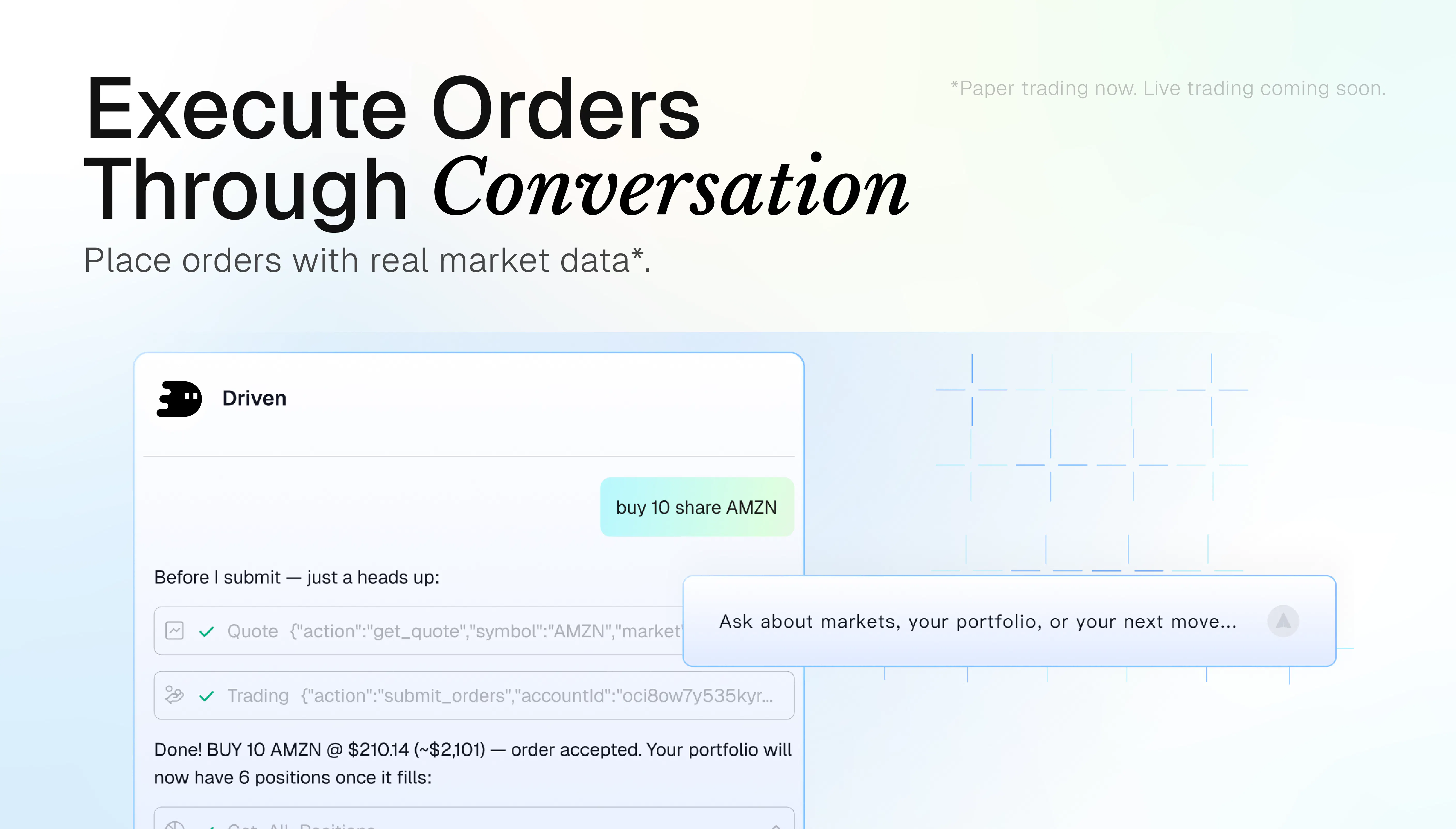
Driven is an AI investment agent that turns market insight into action, not just answers. In one agent-powered workspace, it combines 260+ APIs, built-in & custom Skills, Playbooks, scheduled tasks, 24/7 monitoring, real-time data, portfolios, and order workflows. Instead of switching tools or chasing every signal, investors can manage the full journey in Driven, from idea generation and data gathering to analysis and action. It’s your AI investment team, while you stay in control.

Hi Product Hunt,

I’m Zania from Driven. Excited to finally share what we’ve been building.

Driven started as a tool we wanted for ourselves.

We invest too, and our team has spent years building products around investor communities. One thing kept coming up again and again:

Investors are not short on information. They are overwhelmed by it.

There is more market data, filings, earnings content, news, X signals, portfolio data, and analysis than ever before. But most of the real work still falls on the investor: gathering context, checking what changed, comparing signals, and figuring out what actually matters.

We did not want to build another dashboard or another chatbot with market data attached.

So we built Driven: an AI investment agent that helps investors move from insight to action.

A few things that make Driven different:

• Real-time data and 260+ APIs
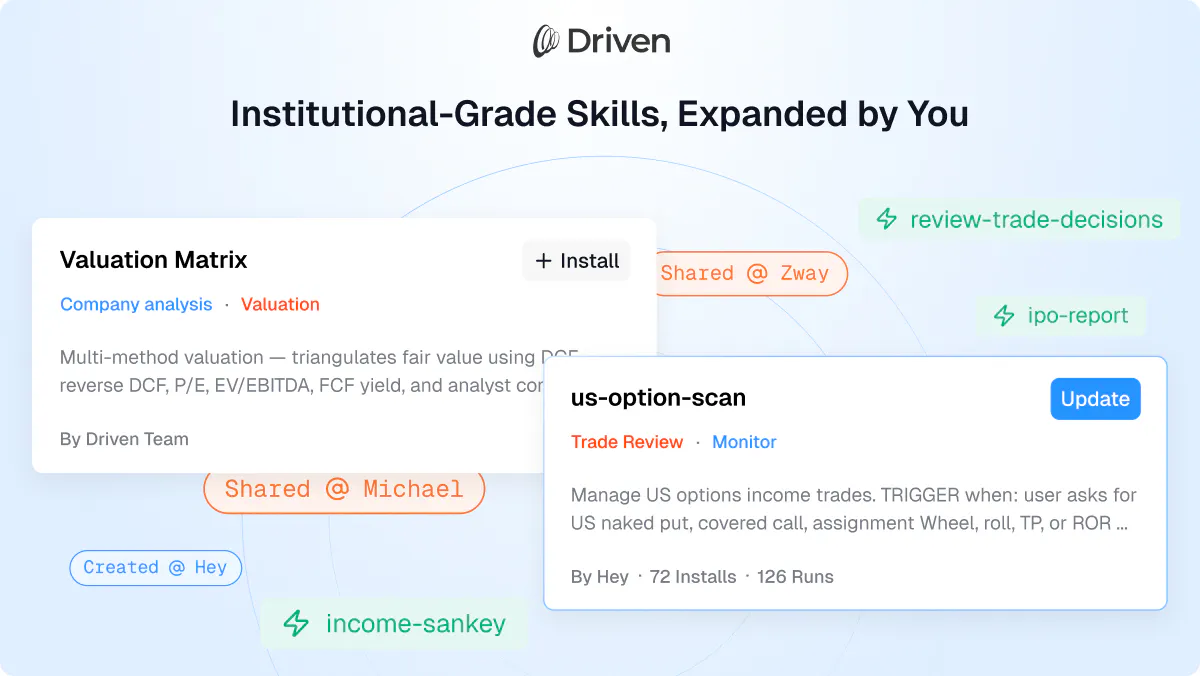
• Built-in and custom Skills
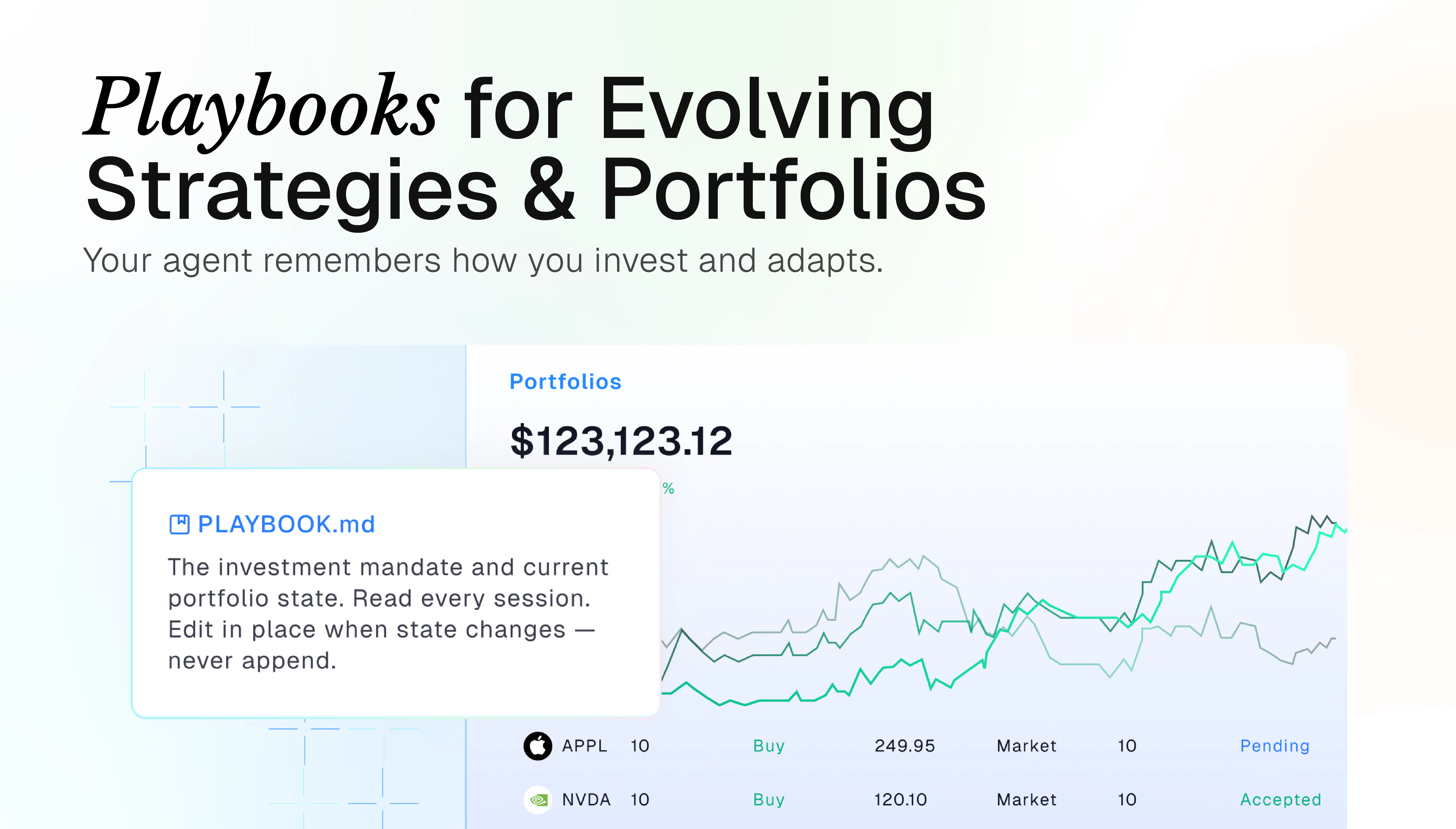
• Playbooks for repeatable investment processes
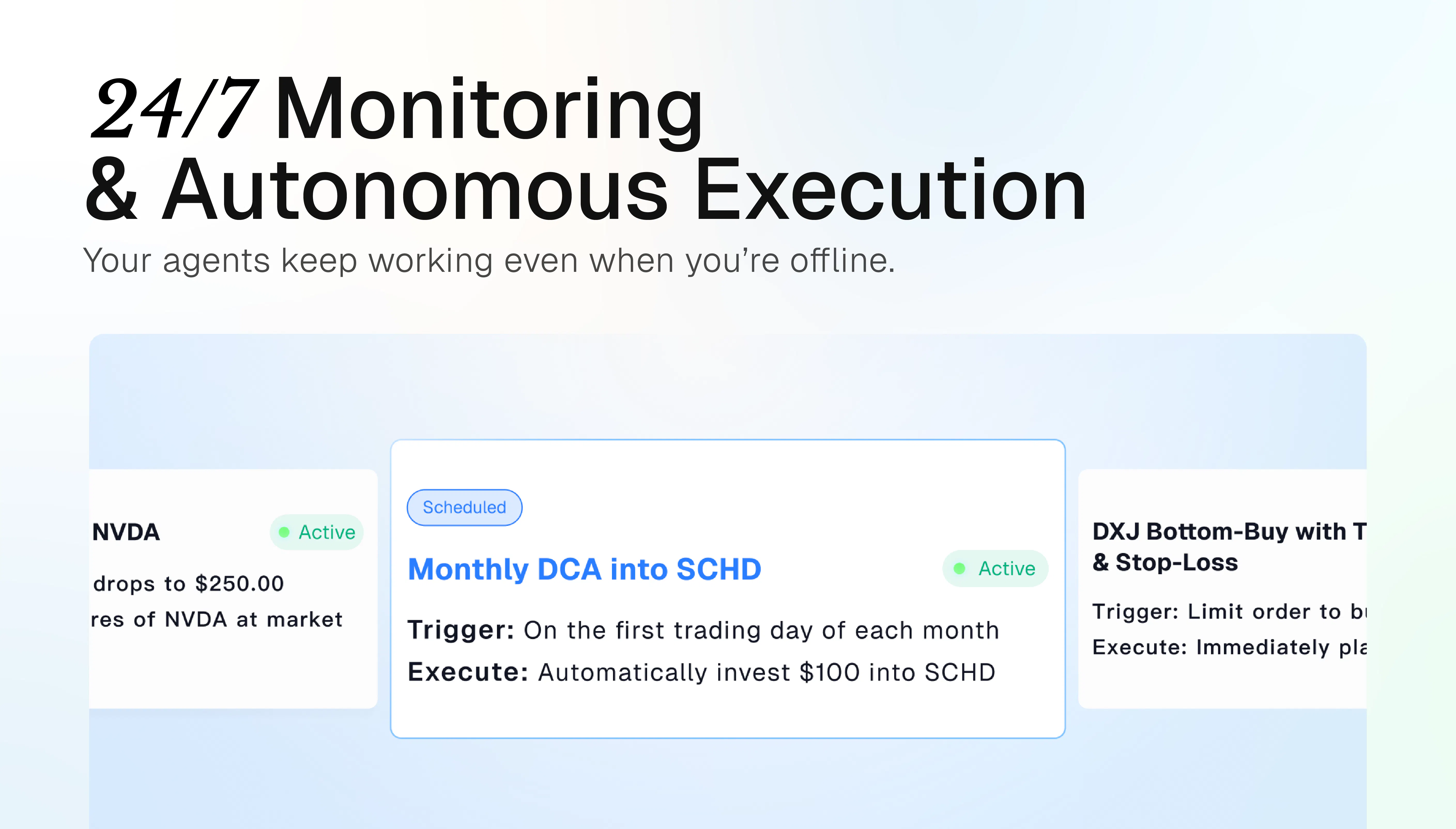
• Scheduled tasks and 24/7 monitoring
• Portfolio context in one workspace
• Order workflows
• Investor control at every step

What we care about most is not just better AI answers.

It is whether an agent can keep following the companies, portfolios, filings, earnings, and market signals you care about, then bring you back when something actually matters... And that is just one part of what Driven can do.

That is why Driven feels less like a search box and more like an AI investment team.

We are still early, and we’d really love to hear how the PH community thinks about AI agents in investing.

Where would you trust an AI investment agent first:
finding ideas, monitoring signals, following earnings, tracking portfolios, or preparing actions?

19
回复

@zaniaz For someone who’s been burned by noisy alerts and false positives before, what’s the first small job you’d trust Driven to own end‑to‑end and how do you make sure it earns that trust before handing it bigger tasks?

0
回复

@zaniaz We are proud to deliver the products we use and love to more investors, and it is continuously growing, helping more users achieve gains in their investments.

2
回复

The 24/7 monitoring piece is what sold me. I've missed too many overnight moves manually. If it actually flags them in time, that's worth a lot.

6
回复

Driven is one of the best investment assistant products I have ever built and used!


As one of the Product Makers, I’ve been exploring how AI Agents can truly transform the way investors work. Unlike traditional tools that mainly provide data and information, Agents enable a shift from passive searching to active understanding, analysis, and decision support — opening a new window for investing.


During the development of Driven, I focused on product design, interaction, and frontend experience, with the goal of making complex investment analysis simpler, more intuitive, and more efficient.

I’m also one of Driven’s most active users. Today, I use Driven to analyze my own options, ETF, and Hong Kong stock portfolios across three accounts. It has become an important part of my investment workflow, helping me better understand my positions, identify risks, and organize my investment ideas.

I hope Driven can truly help more investors improve their decision-making, reduce the complexity of investing, and ultimately create real value by helping people make better investment choices.

6
回复

@xiaohei_nian Really appreciate you sharing this.

What makes this especially meaningful is that you’ve seen Driven from both sides: building the product and using it for your own investing.


That is exactly the kind of product we hope to build: Something that makes complex investment work easier to understand, easier to follow, and more useful in real decisions.


Excited to keep building it together 🤝🫶

1
回复

@xiaohei_nian Driven's role in investment is evident. It is not only an efficiency tool that helps investors quickly extract the essence from complex, lengthy reports, but it is also intelligent—often possessing knowledge and analytical capabilities that surpass 95% of investors. Driven also understands you, making different judgments based on each investor's preferences and risk tolerance.
There are still many, many potentials waiting for us to unlock.

1
回复

Hi Product Hunt!

I’m Head of Product at Driven. I’ve been investing for over 15 years, and my teammates are experienced stock investors too. We also work closely with a dedicated investment research team that brings financial expertise and practical experience to the product.

We started exploring how AI could solve real investing problems a couple of years ago. As AI models improved, we learned more about where AI could actually be useful in the investment process.

This year, we decided to build Driven, an AI agent designed specifically for investing.

We want to give individual investors access to the research tools and workflows typically used by professional investment teams. We hope Driven can help close that gap and give more people an investment team of their own.

We use Driven in our own investing. We keep testing it, seeing what works and what doesn’t, and improving it along the way.

Today, we’re excited to finally share it with more investors.

The trusted AI investment agent, from insight to action.

6
回复
@zwaydot congrats on the launch! Driven solves a real pain point — it’s not a lack of data, it’s not being able to process it in time. To answer your question: I’d trust an AI agent first with signal monitoring and portfolio tracking — those are routine, repeatable tasks where a mistake isn’t critical and is easy to catch. “Preparing actions” (especially if that includes order workflows) is where I’d want to see a preview and explicit approval at every step, not just a notification after the fact. What does the approval layer look like in Driven — can it be configured by trade risk level, or is it a single flow for all actions?
0
回复

@zwaydot what dirves you to make this product?

0
回复

@zwaydot Well said.

Building Driven has always been about more than adding AI to investing. It’s about rethinking how investors access research, tools, decision support, and move from insight to action.

Your investing experience and product perspective have helped shape the direction we’re building toward. Excited to keep improving Driven and bring this vision to more investors. 🤩

1
回复

Congrats on the launch! As a founder, I’m not an active investor myself, but I know quite a few investors and often hear how much time they spend piecing together market data, news, filings, and portfolio context. I like that Driven is trying to turn all of that into a clear workflow, rather than just another place to ask questions. Excited to share this with a few investors I know.

2
回复

@yuaanlin Friend, that's so touching. Our mission is to create truly simple and powerful AI investment assistants

1
回复

the "24/7 monitoring plus order execution" combo is the part I'd want to understand before trusting it, not the research side. an agent that's wrong about a stock thesis costs you an afternoon of reading, an agent that's wrong and also has order placement wired up costs you an actual trade at 3am while you're asleep. what's the failsafe between "agent decides to act" and "order actually goes out," is there a human confirm step by default or does that only kick in above some size threshold

1
回复

when you set up tasks to run automatically, by default Driven will ask for your confirmation before executing them. But that's obviously not very automated. So users need to establish some rules for automatically executing trades, and Driven will make a comprehensive judgment based on those rules and its understanding of the user to decide whether to execute the trade. or not.

Imagine putting your money in the hands of your personal financial advisor

1
回复

@galdayan You observed really carefully. That's a great question, thanks

1
回复

Your tagline says "trusted", which is a big word for investing. What is the output actually grounded in — filings and market data pulled at query time, or the model's own training?

And does it show its sources, so I can check a call before acting on it?

1
回复

I gave it a try. It provided a really solid analysis of the stocks I'm following. It didn't tell me anything I didn't already know, but it did identify all the key signals. I haven't seen this level of response quality in other services. Great job, and congratulations on the launch!

1
回复

Thank you so much

I'm sure Driven will bring you even more surprises

1
回复

”Driven is not available in your region“😭

0
回复

@ivory_xuxuxu We apologize, but due to certain model restrictions, we are currently unable to offer services in regions such as China and Hong Kong. We sincerely apologize for any inconvenience this may cause. We will work to expand to a wider range of regions as soon as possible. I will get back to you once that happens.

1
回复

@ivory_xuxuxu Thanks for your interest in Driven!

Some model availability can vary by region due to provider restrictions, but we’re constantly improving and expanding support.

Stay tuned!! Driven is evolving quickly, and there may be new updates coming soon 😊

0
回复
#5
Dashi Metrics
Visualize your revenue on a 3D globe
204
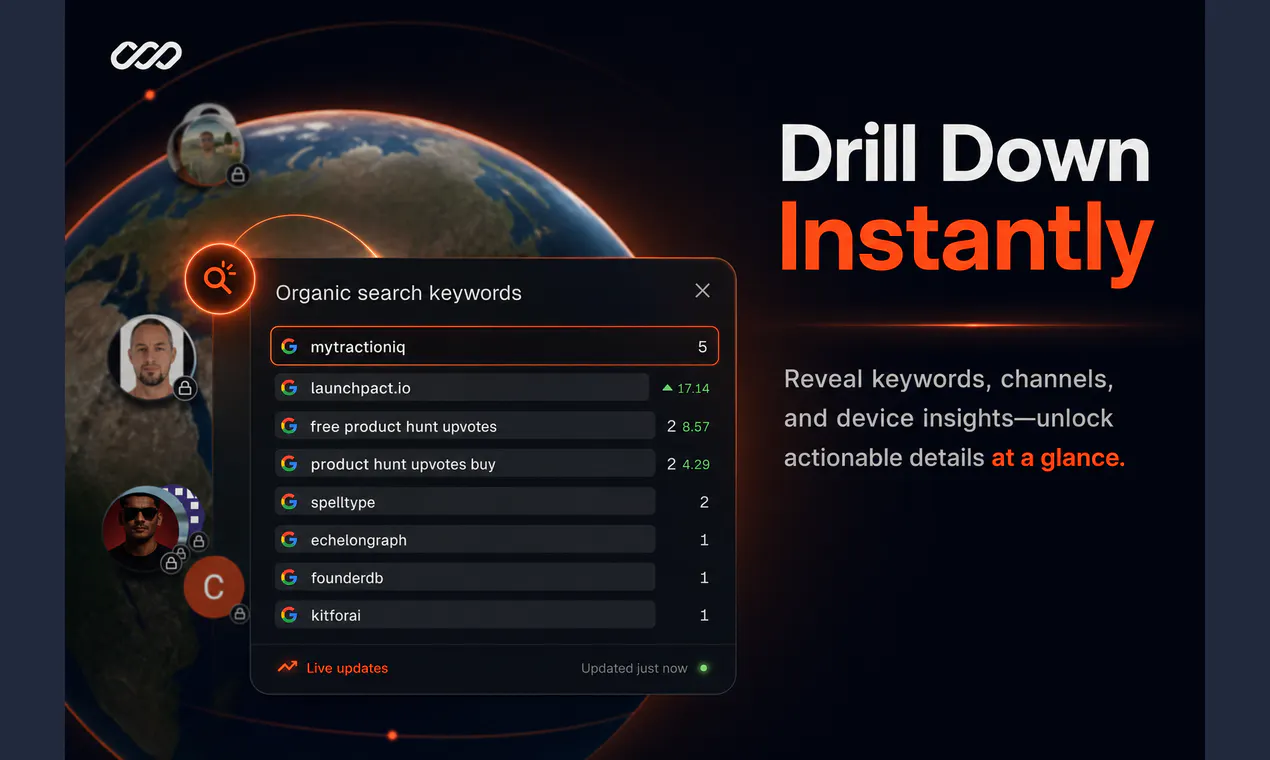
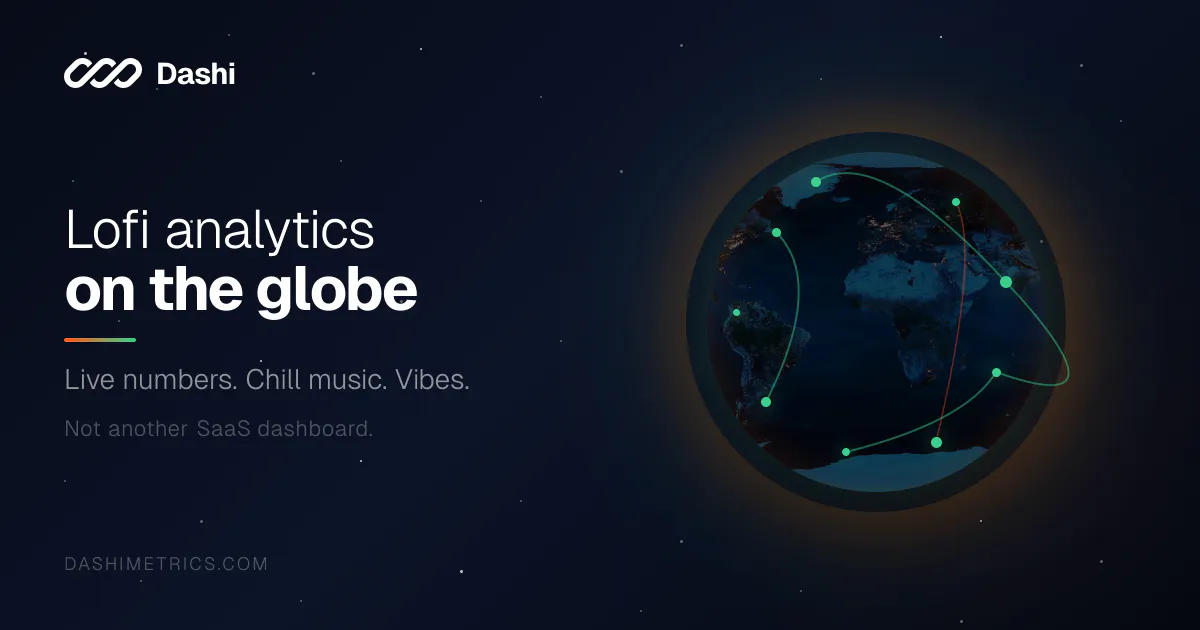
一句话介绍:Dashi Metrics通过3D地球仪将访客与付费事件实时可视化,让SaaS创始人和团队摆脱枯燥的表格,在沉浸式交互中直观掌握全球业务动态与收入分布。
Analytics SaaS Data Visualization
数据可视化 3D地球 实时分析 SaaS工具 收入地图 用户行为 地理定位 商业智能 大屏展示 趣味化报表
用户评论摘要:用户赞赏其视觉冲击力与“氛围感”,但质疑核心实用性——有评论指出用户量增长后全球图将杂乱难读,不如国家排序表有效;亦有用户关心数据接入文档、隐私政策、与App Store分析的差异,创始人均回应称当前为验证阶段且聚焦于“瞄一眼”的体验而非替代报告工具。另有建议强调其适合办公室大屏展示,提升团队士气。
AI 锐评

Dashi Metrics精准击中了SaaS工具“功能过剩、体验贫瘠”的软肋——将仪表盘从“效率工具”重塑为“叙事装置”。其价值不在于提供更深的数据洞察,而在于创造一种“掌控感”与“仪式感”:当每一次成交以光点形式点亮在地球上时,CEO获得的不是表格里的增量数字,而是一种可感知的企业生命力。这种情感溢价在商业智能领域被长期低估。然而,产品恰好卡在尴尬的中间态:作为分析工具,它缺少过滤、对比和归因能力,地图在数据量增长后迅速陷入“信息噪声”;作为装饰品,其订阅制、数据接入门槛又过高。创始人的回应暴露了战略模糊——既想用“免费试用”圈住PH流量,又想通过“按事件量计费”商业化,但忽视了“热闹感”极易被模仿且缺少护城河。更实质的挑战在于,B2B工具的用户最终会为“效率”而非“氛围”买单。若不能像ChartMogul或Paddle那样提供可操作的收入洞察(例如异常警报、地域ROI对比),它将沦为昙花一现的“营销演示工具”。建议团队将核心竞争力从“可视化”迁移至“实时地理维度的决策辅助”,否则玻璃球里的光点,终将只是屏幕上的烟火。

查看原始信息
Dashi Metrics
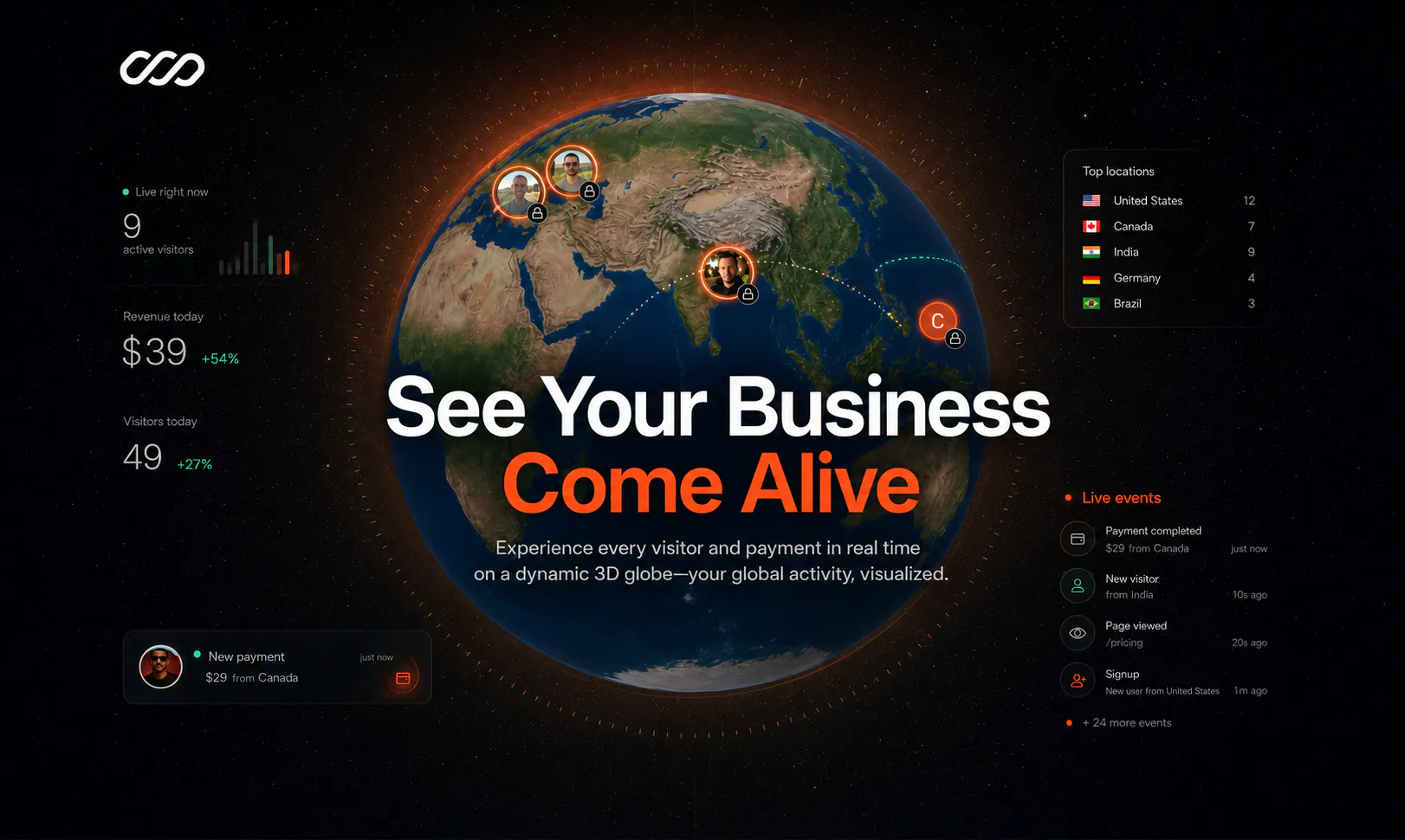
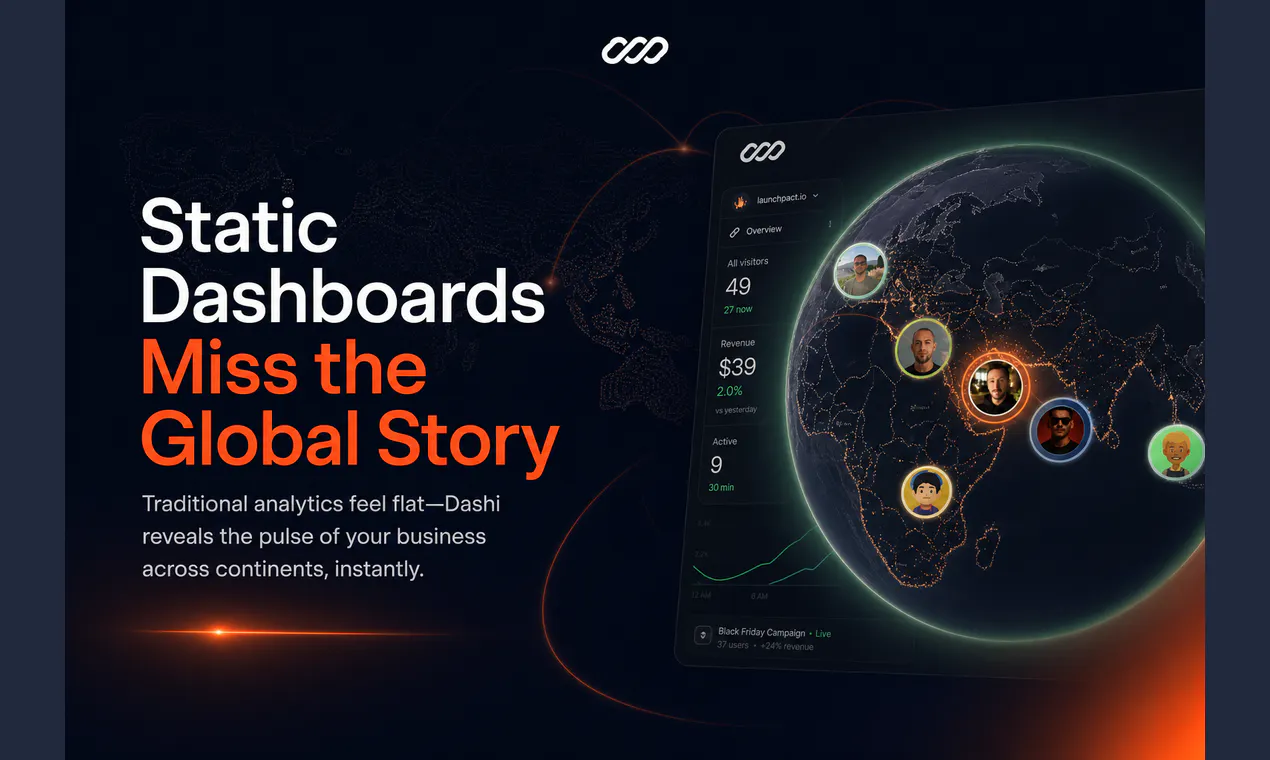
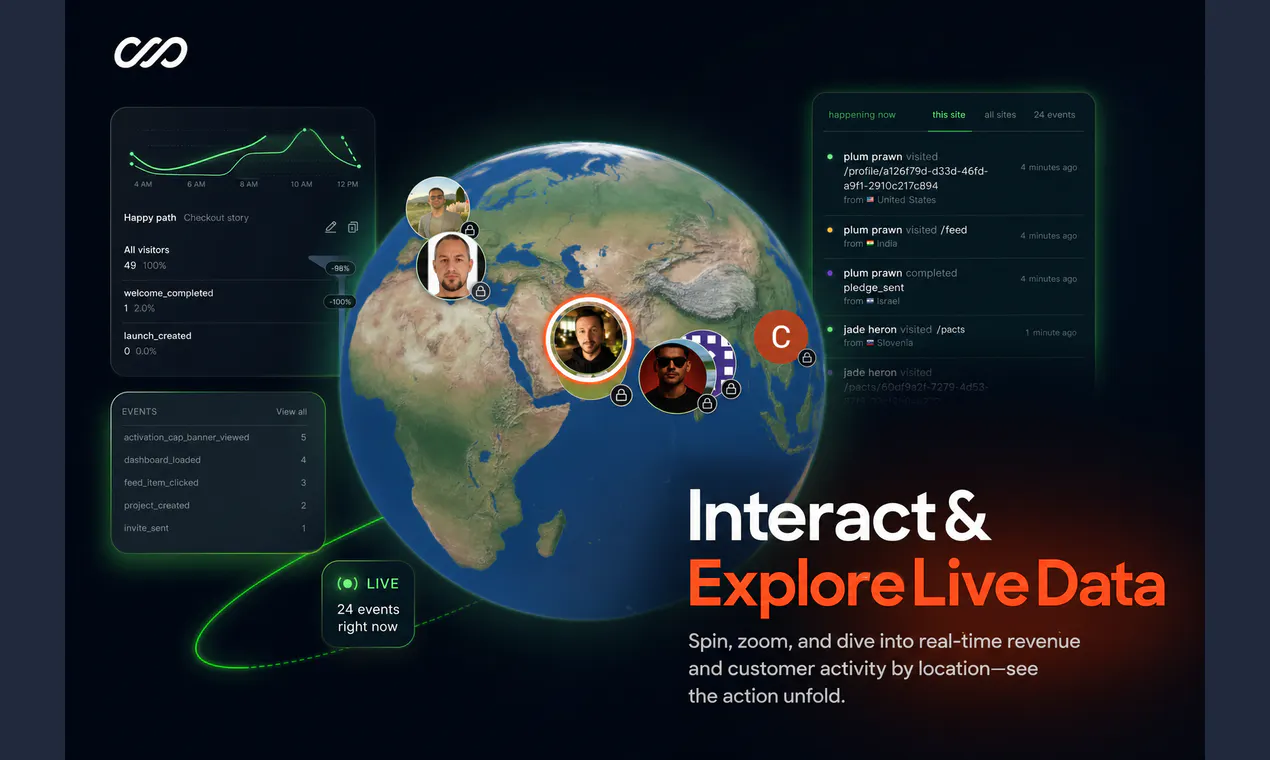
Watch your business come alive—every visitor and payment mapped in real time on a dynamic 3D globe. Dashi transforms static dashboards into live, geographic visualizations, making global trends and customer activity instantly engaging. Spin, zoom, and interact with your data as it happens. Perfect for SaaS teams and founders who want actionable, visual insights instead of boring charts.
Hey Product Hunt 👋 We built Dashi because we were frustrated by how lifeless most dashboards feel—just rows of numbers and static charts. As founders, we wanted a way to actually see every customer and payment spark to life, right where it happens around the globe. Dashi lets you visualize your business in real time: every visitor and payment appears instantly on a 3D globe. You can spin, zoom, and drill down to see exactly where your revenue is landing and how customers are interacting, globally. It's built for SaaS teams who care about engaging analytics, not just spreadsheets. - Live data mapped geographically - Spin and zoom for deeper insights - See revenue and customer activity as it happens We're offering a free tier for Product Hunt users to try it out and claim their globe 🌍. I'd love your feedback on what features would make the globe even more valuable for SaaS teams—especially around live collaboration or deeper drill-downs. What global trends or real-time signals do you wish your dashboard could show?
4
回复

this was much more interesting than I thought, tho my question is, how would this differ with data from Apple Store's analytics where I can already see the location of the purchases, for example??? Very nice!

3
回复

@ketochi haha appreciate that! and yeah fair question, App Store analytics is great for the actual reports — “X purchases from Japan last week” kind of stuff. Dashi isn’t trying to replace that. it’s more like… leaving a window open on your desk. live traffic on a globe, a little music, vibes. something you glance at while you’re working instead of logging into a dashboard to dig through charts. also covers web traffic / visits in general, not just store purchases. so different job, different mood 🌍

0
回复

@therayess - this looks amazing, are there any docs on how I would share the data to show on the dashboard, also do you have a privacy policy?

3
回复

@codeandsea Thanks for the positive feedback! do you mean installation docs? so for installation we have an easy flow where you just copy an AI prompt and give it to your coding agent to set everything up for you, or you can also view more details via the manual installation flow.

Regarding privacy policy, yep it's there, in summary dashi's policy is that Dashi collects only what’s needed for site analytics and revenue attribution, stays first-party, and lets you keep your globe private by default — we’re not an ad tracker

0
回复

Wow Ammar! This is super cool. How do you monetize this?

2
回复

@german_merlo1 Thanks! can't think of monetizing yet, still in validation phase ^^ if it passes, probably it'll be a subscription based on how many events your collecting, which is an existing model really, so i'll just follow that..

0
回复

There's a lot you can customize here — almost too much, honestly. I'd probably spend more time tweaking the globe than actually reading the data. But I'll say this: put it on the big screen in the office and suddenly everyone's stopping to watch where the next payment lands. That alone makes it worth it. Sometimes a dashboard's real job isn't analysis — it's making the team feel like something is happening.

2
回复

@kryptonite_wei that's 100% exactly why i built this, i mean lets be real, there are many analytics tools out there..but this is different, it's an experience, like, i open it when i start my work day and just leave it open...seeing the numbers on this 'command center-like' vibe just hits different lol

0
回复

the globe is a great screenshot but I'm not sure it's a great Tuesday morning tool. once you have more than a handful of customers a spinning globe stops being readable, it's just a dense cluster over the US and EU with a few lonely dots elsewhere. genuinely curious what the globe view tells you that a sorted table by country wouldn't, once you're past the demo-wow phase and actually trying to spot something useful.

1
回复
#6
Vibe Buddy
Hardware for AI coding
154
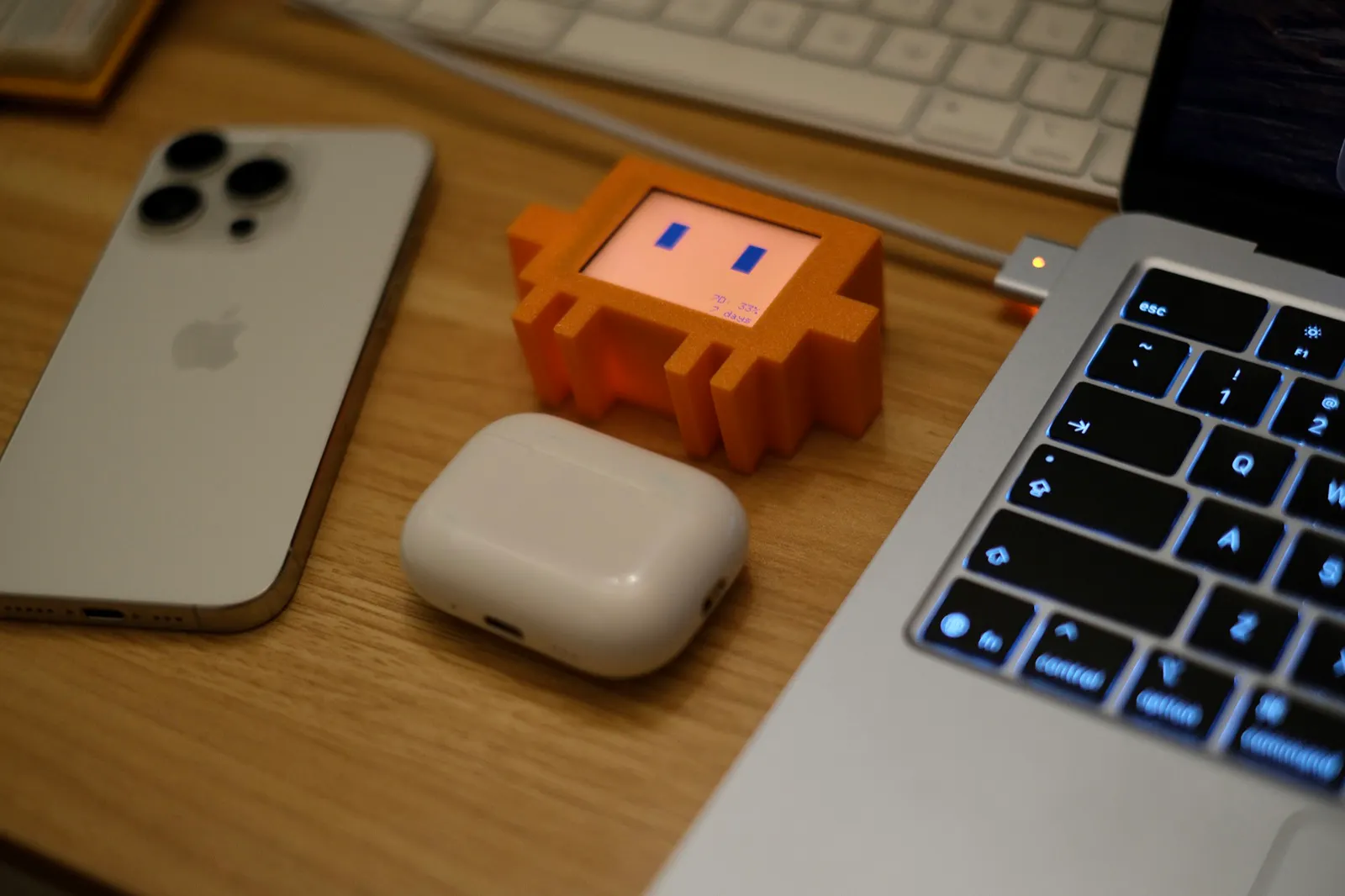
一句话介绍:Vibe Buddy 是一款摆放在桌面的小型机器人硬件,通过可视化的表情和状态灯,让开发者在使用 Codex、Claude Code 等 AI 编码工具时,无需切换窗口即可实时掌握 AI 任务进度、等待输入、完成状态及用量限额。
Robots Developer Tools Vibe coding
AI 编码助手 桌面机器人 开发者工具 硬件外设 状态提醒 生产力配件 AI Agent Usage Limit 效率工具 极客潮玩
用户评论摘要:多数评论认可其可爱外形与“实用+趣味”的结合。但获赞最高评论质疑其价值:菜单栏图标或终端通知已能免费实现同样功能,且无需占用桌面和充电,担忧新鲜感过后成为吃灰摆件。另有用户咨询电池续航、充电方式及亚洲地区运费,作者回应可按国家查询。
AI 锐评

Vibe Buddy 本质上是一个“把软件状态搬到桌面”的硬件容器。但冷静拆解,它最大的问题不是可爱不可爱,而是**价值密度极低**。评论中那句“菜单栏图标免费且不需要充电”是直击要害的致命追问。在 macOS 的菜单栏、Raycast、终端内嵌通知都已能完美呈现 Agent 状态的前提下,一个需要占用桌面空间、需要充电、需要额外支付硬件费用的设备,所提供的核心增量仅仅是“一个笑脸”。

这决定了它是一件**强情绪价值、弱功能价值**的产品。它的成功完全押注在“开发者愿意为桌面愉悦感买单”这一假设上。对于 Vibe Coding 的主力用户(尤其是重度使用 Codex/Claude Code 的开发者),他们通常是效率优先、极度务实的群体,对“多一个要充电的塑料玩意儿”的容忍度极低。

从 Product Hunt 的投票数和评论倾向看,它引发了“有趣”的共鸣,但最真实的用户反馈恰恰是对“长期使用率”和“替代品”的质疑。这类产品最容易陷入的陷阱是:尝鲜期内的冲动消费,随后一周内被拔掉电源扔进抽屉。Vibe Buddy 若想证明自己不是“带表情的进程通知灯”,必须回答两个问题:一是能否接入更多 Agent 事件(如多任务并发、上下文窗口剩余量)使其成为**不可替代的信息图腾**;二是能否把“可爱”变成一种**身份标识**(例如开发者工位社交货币),而不仅仅是买椟还珠的装饰。否则,它就是 AI 配件浪潮中的一朵小浪花,拍在沙滩上,无声无息。

查看原始信息
Vibe Buddy
Vibe Buddy is a small desktop robot that keeps Codex and Claude Code usage limits and task status visible while you work. See when your AI is working, needs your input, has finished, or has hit its usage limit—without opening another tab.

a menu bar icon or a terminal notification tells me the same four states for free and doesn't need desk space or a charge cable. I get the appeal, a little face is more fun to glance at than a status bar, but "fun to glance at" is a different value prop than the practical framing on the page. would be curious whether people actually keep it running past the first week once the novelty wears off, versus it becoming another thing sitting unplugged on the desk.

5
回复

That little robot is so adorable, I can already imagine children trying to steal it from someone's desk :-). Keeping usage limits in view is such a practical idea.

2
回复

Okay this is genuinely cute 😄 It's basically an AI-era desk alarm clock — except instead of telling you it's 9 AM, it tells you your agent is out of credits. Super minimal, oddly charming, and I can already see this becoming a staple on every developer's desk setup. Sometimes the best product is just the one you want to look at.

1
回复
Accepting pre-orders now
0
回复

looks cute, do i need to charge it or is it comes with a lead battery and what would be the rough shipping cost for this in asian countries i dont want to spend to much on shipping

0
回复

@itsjieyanghere what country? I can check for you but the price may vary a lot for different asian countries

0
回复
#7
Screen Awesome
The free screen recorder that cannot upload your video
132
一句话介绍:Screen Awesome 是一款宣称“无法上传视频”的免费Chrome录屏扩展,通过零主机权限的硬限制,解决用户录屏时对隐私数据去向的担忧,并提供自动缩放、矢量批注等专业编辑功能。
Chrome Extensions
Chrome扩展 屏幕录制 隐私保护 零权限 视频编辑 矢量批注 自动缩放 免费工具 无账号 MP4导出
用户评论摘要:用户认可“可验证隐私”优于“信任承诺”,但担忧Chrome自动更新可能悄悄添加权限,建议发布manifest diff供持续核查。部分Mac用户反馈无法启动录制,存在兼容性问题;另有人质疑相比macOS自带QuickTime的差异化优势。
AI 锐评

Screen Awesome的聪明之处在于把“隐私承诺”从道德命题偷换为技术事实——用Chrome的权限模型做挡箭牌,让“我不能”比“我保证不”更具传播力。这直击录屏工具用户最深的不安全感,尤其针对处理客户数据、财务信息的职场人。产品功能设计也足够老辣:自动缩放虚拟摄像机、可编辑矢量批注、整页滚动截图,这些通常是付费版才有的能力,配合“全解锁”“无付费计划”的话术,杀伤力很强。

但锐利的刀锋也有钝处。评论者已精准指出其“可验证性”存在时效漏洞——Chrome自动更新可静默添加权限,若无配套的版本化manifest公示机制,这一卖点会随时间蒸发。更现实的问题是兼容性:Mac用户反馈无法启动,而QuickTime的免费替代认知根深蒂固,产品在跨平台打磨和差异化叙事上显然不足。

本质上看,这并非一个录屏工具,而是一场关于“信任成本”的营销实验。它用技术约束替代品牌信誉,但复利效应有限——当竞品抄袭“空权限”模式后,用户粘性将回归录制质量、编辑效率等基本面。在那些维度,Screen Awesome目前仅靠“免费+全功能”支撑,缺乏护城河。开发者定位“Chrome/Chromium only”的策略虽聚焦,却也人为收窄了天花板。若不能快速补全生态兼容性,并建立起可持续的信任验证机制(如每次更新发布签名的权限审计报告),这款产品可能只是隐私焦虑浪潮中的一颗流星。

查看原始信息
Screen Awesome
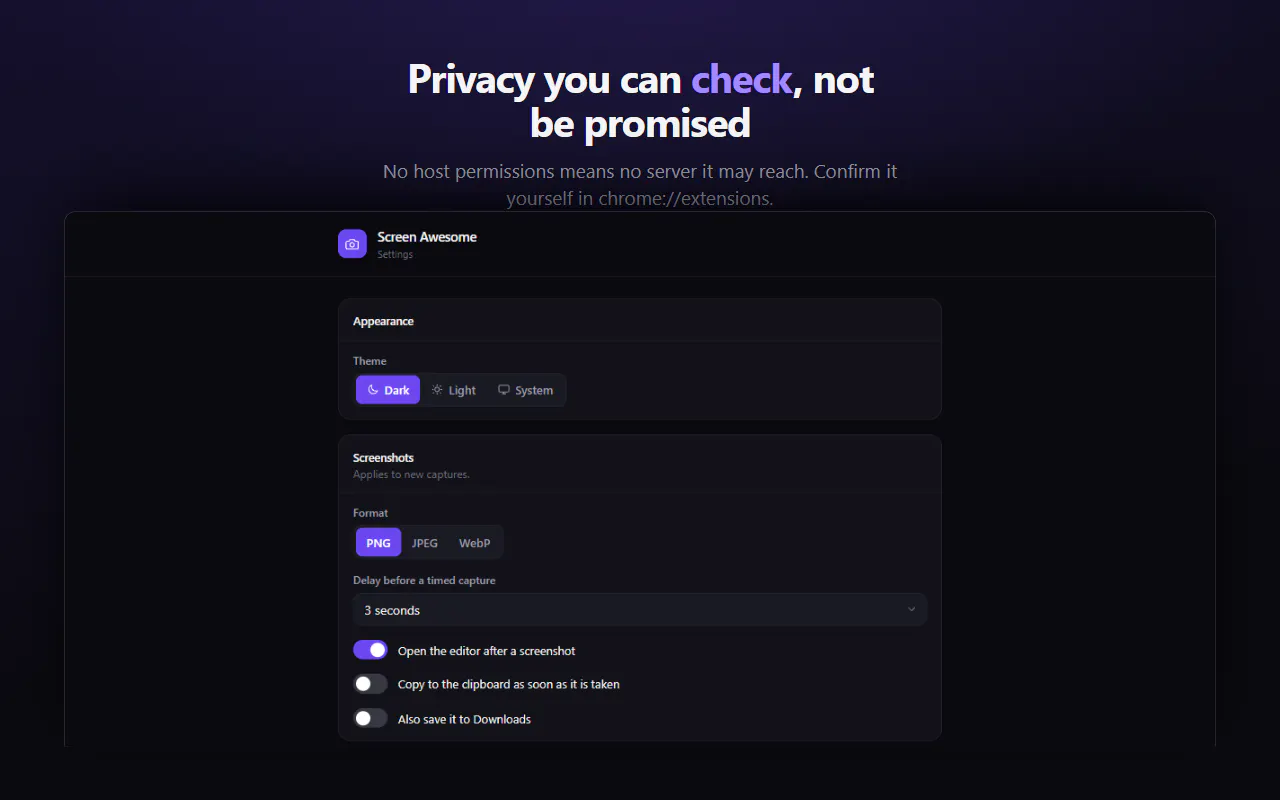
Every screen recorder promises not to misuse your recordings. Screen Awesome can't: it requests zero host permissions, so Chrome itself blocks it from reaching any server. Check it in chrome://extensions before you install. Record a tab, screen or camera to MP4. Auto-zoom glides a virtual camera to every click. Screenshot a region or a full scrolling page. Annotate with arrows, blur, redaction, step counters and text — all editable vectors. Free, unlocked, no account, no watermark.
Hey Product Hunt 👋 I built Screen Awesome after recording a bug report on a page full of client data and realising I had no idea where that video was going. Every capture extension has a privacy policy. Screen Awesome has a limitation instead: host_permissions is empty in its manifest, and Chrome will not let an extension with no host permissions make a request to any server. No account, no telemetry, no sync — not because I promise not to, but because there is nothing in the code that could. You can verify it before installing: chrome://extensions → Screen Awesome → Site access: none. The other half of it is that everything is unlocked. Arrows, blur and redaction, step counters, speech bubbles, crop, text in any system font — the tools that are usually the paid tier. Annotations stay as vectors, so you can move, restyle, re-edit or undo any of them later. Three bits I'm proud of: • Auto-zoom — while you record a tab it samples your clicks, then the studio replays the footage through a virtual camera that glides in on each one. Preview it live, switch it off, or bake it into the export. • MP4 out wherever Chrome can encode it, so the file drops straight into Slack, Docs or Premiere with no conversion step. WebM and GIF export too. • Full-page screenshots that scroll and stitch — including the fixed header/sidebar handling that normally stripes the image. Honest limits: Chrome and Chromium only for now, no Firefox or Safari. Most of my testing has been on Windows. And because everything is local, uninstalling deletes your captures — bulk-download first. It's free, there's no paid tier, and I'm not planning one. What I'd love your take on: does "verifiable" land better than "trust us" for you? And if you make screencasts often — what's the one thing your current tool still makes you do by hand? — Nitin
2
回复

Verifiable lands better, but the claim has a shelf life. Empty host_permissions is true today and Chrome auto updates extensions, so 1.4 can quietly add one and nobody checks chrome://extensions twice. If you want it to hold, publish the manifest diff with every release and link it from the store listing, that's the thing someone can keep checking without trusting you. The one I still do by hand is re-recording a whole take because a single sentence came out wrong.

2
回复

This is a very thoughtful approach to privacy. Verifiable definitely lands better than "trust us" because users can confirm the limitation themselves instead of relying on another policy page.


The combination of zero host permissions. Great work, Nitin, and congratulations on the launch!

0
回复

Can it record screen videos?

0
回复

Mac users have Quick Time for screen recording. It's easy to use and free. Apple has an emphasis on security. What makes your product different?

0
回复

I have tried multiple times to use this tool for recording purposes but have not been able to start. Would you please check the issue? I am using a Mac

.

0
回复
#8
ZapDigits MCP
The MCP server for marketing data
126
一句话介绍:ZapDigits MCP是一个营销数据中间层服务器,让Claude、ChatGPT等AI代理通过单一接口安全连接并查询Google Analytics、Meta Ads等30+数据源,解决营销人员在不同仪表盘和CSV导出之间来回切换、难以直接向AI提问的数据整合痛点。
Analytics Marketing Data & Analytics
营销数据集成 MCP服务器 AI代理 数据连接器 广告分析 SEO数据 客户报告 营销自动化 数据中台 隐私安全
用户评论摘要:用户肯定其解决代理商数据分散的痛点。有效反馈集中在两点:一是是否支持PostHog、Mixpanel或自定义SQL等非标准事件追踪源;二是跨平台归因口径不一致时,MCP是自动归一化还是原样输出,让用户自行处理。另有用户询问新用户首次连接后最该问什么问题。
AI 锐评

ZapDigits MCP的定位聪明,切中了AI落地营销场景最尴尬的“最后一公里”——模型再强,数据进不来也是白搭。它本质上不是卖AI,而是卖“数据管道”,把碎片化的营销数据封装成AI可读的标准化接口,这比大多数贩卖“AI洞察”概念的SaaS务实得多。但它的价值天花板和风险同样清晰:首先,30+数据源看似丰富,但真正决定用户粘性的是深度而非数量——评论中关于PostHog、Mixpanel和自定义SQL的追问,以及跨平台归因口径是否归一化的问题,直指产品在“连接”之后是否具备“治理”能力。如果只是把各平台原生口径原样抛给AI,那么“为什么转化下降”这类问题的答案依然会因为归因差异而失真,用户还得自己当裁判,效率提升有限。其次,安全宣称“只读”,但MCP服务器本质上是特权入口,一旦OAuth令牌或API密钥泄露,攻击面远大于人工查数。目前126票的反馈显示,早期用户多为技术背景的代理商老板,他们关心的是可扩展性和数据可信度,而非炫酷的UI。产品真正的护城河不在连接器数量,而在于是否能在MCP协议之上建立一套跨平台的归因对齐规则和异常检测逻辑——这才是代理商愿意付高溢价的理由。若不解决“数据可信”而只做“数据可达”,ZapDigits迟早会被各平台自己的MCP插件稀释,沦为无差别的搬运工。速度要快,但方向得比速度更准。

查看原始信息
ZapDigits MCP
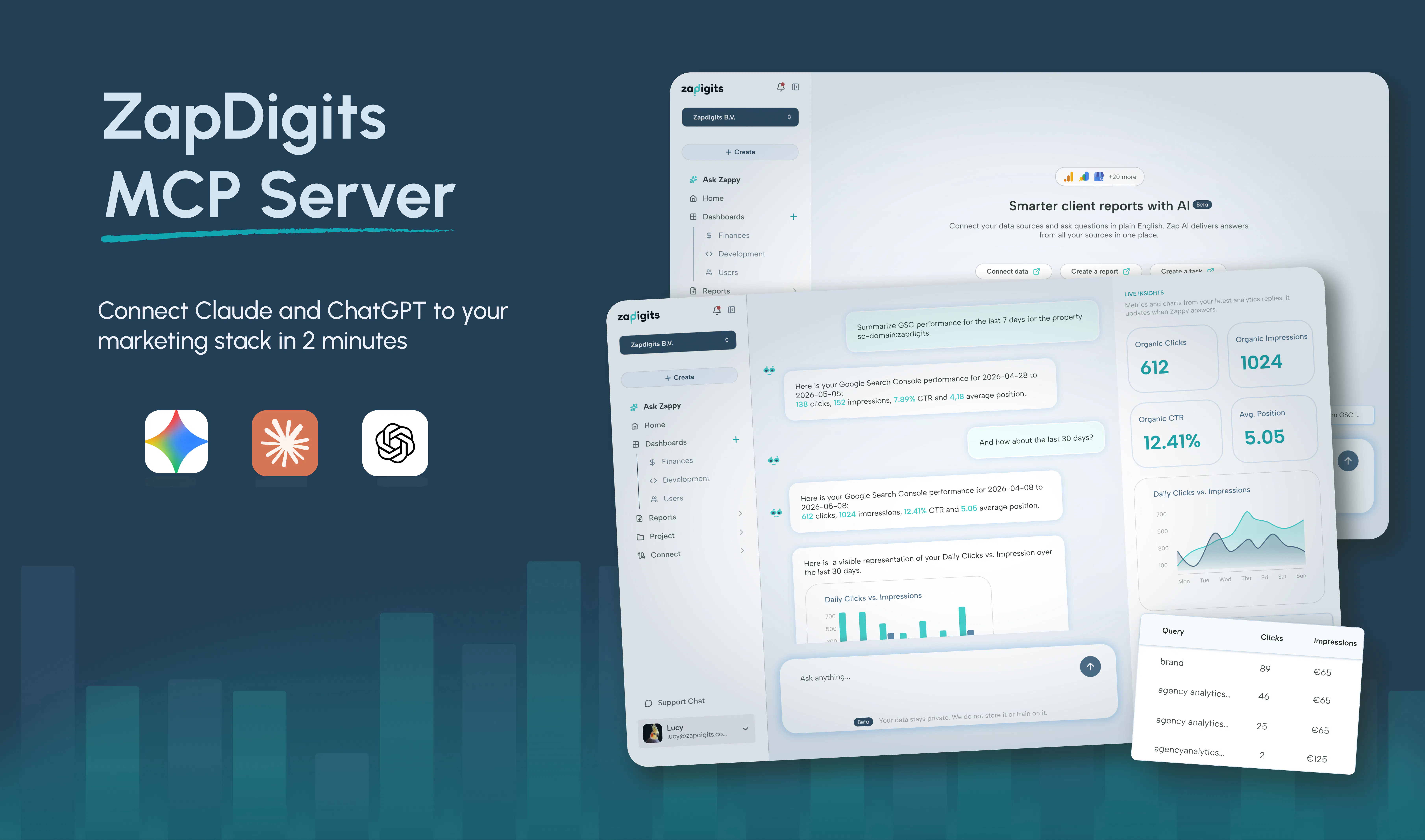
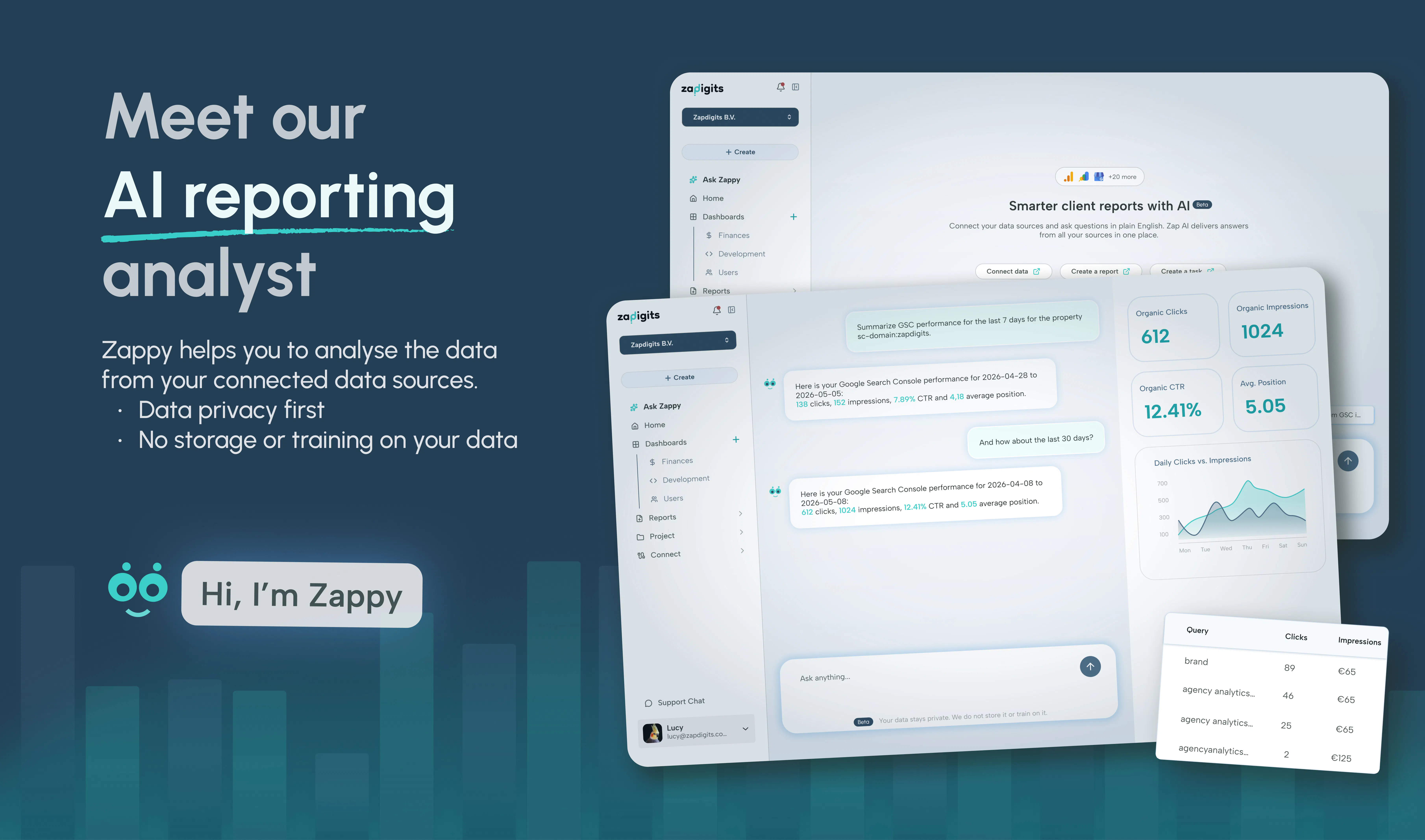
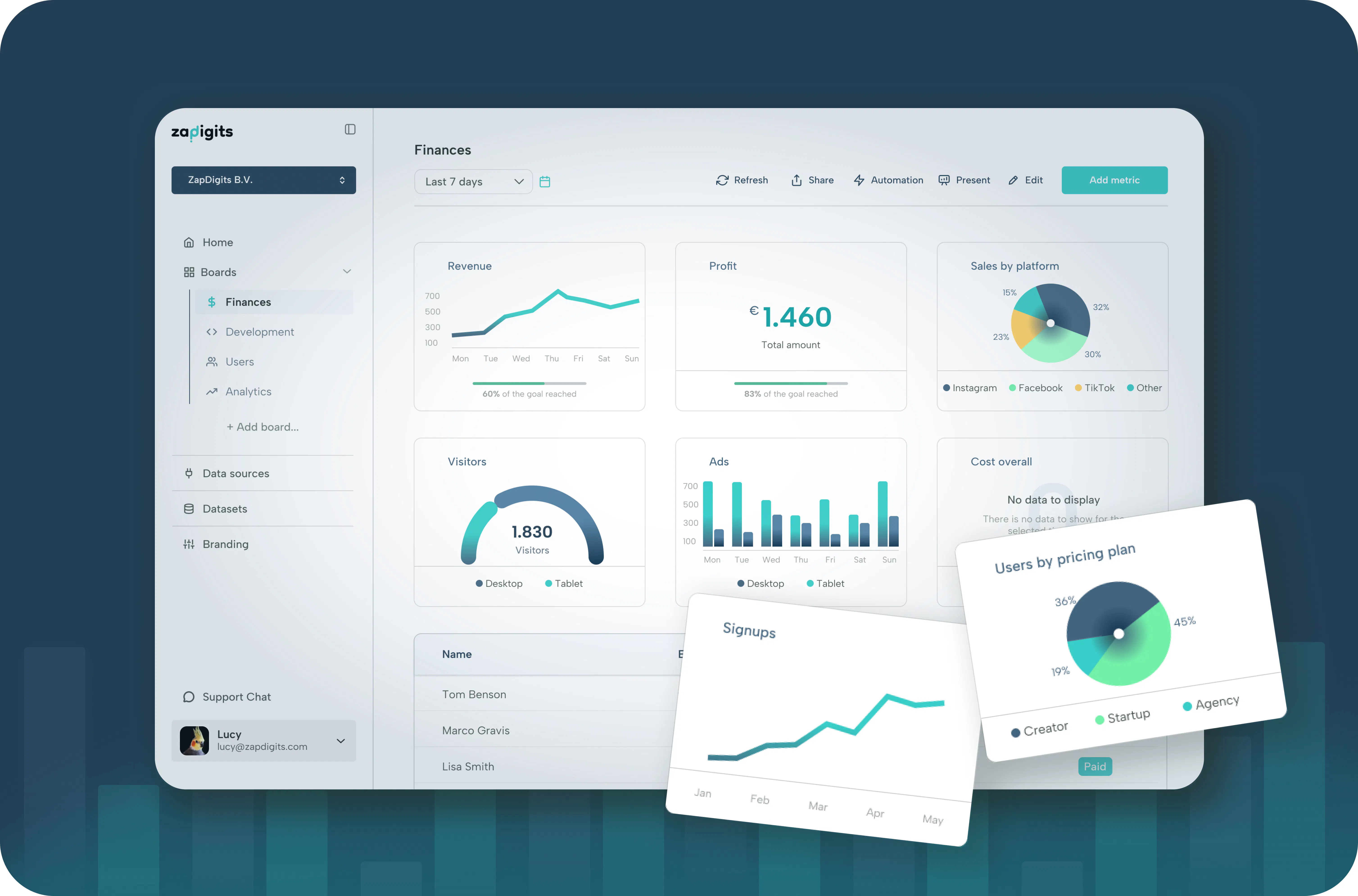
Connect Claude and ChatGPT to Google Analytics, Search Console, Meta Ads and 30+ marketing data sources.

Hi Product Hunt! I'm Malith, co-founder of ZapDigits.

Over the past year, we've spoken with dozens of marketing agencies, and one thing kept coming up: their data lives everywhere.

Google Analytics. Search Console. Meta Ads. Google Ads. Shopify. Email platforms. CRM systems.

Even with AI tools like Claude and ChatGPT, people still have to jump between dashboards, export CSVs, or manually copy data before they can ask meaningful questions.

So we built ZapDigits MCP.

It gives AI agents secure access to your marketing data from 30+ data sources through a single MCP server. Once connected, you can ask questions like:

• Which campaigns lost conversions this week?
• Why did organic traffic drop last month?
• Create a monthly client report.
• Compare performance across all my clients.
• Summarize my biggest opportunities.

We built it for agencies, marketers, and developers who want to spend less time collecting data and more time acting on it.

A few things we're especially proud of:
• Connect 30+ marketing data sources
• Works with Claude, ChatGPT, Cursor, and other MCP-compatible clients
• White-label reporting platform included
• Fast setup with a single MCP connection
• Secure, read-only access to your marketing data

We're still moving quickly, and your feedback will directly shape what we build next.

If you have any questions, feature requests, or ideas, I'll be here throughout the day. Thanks for checking out ZapDigits MCP!

Special thanks to @fmerian for hunting us and always supporting us.

6
回复

@malithmcrdev Nice launch.. congrats team🙌 qq does it support custom conversion event tracking from platforms like PostHog, Mixpanel, or custom SQL databases alongside standard ad networks?

2
回复

@malithmcrdev The value of a marketing-data MCP for me is less about pulling numbers and more about trusting them inside an agent workflow. The messy part is reconciling attribution across sources that each define a conversion differently. Does it normalize that, or hand back each platform's own version and let me sort it out?

1
回复

@fmerian  @malithmcrdev Malith, this solves a real pain I see with agencies. For someone who’s already using Claude or ChatGPT daily, what’s the one first question you’d recommend they ask after connecting ZapDigits MCP; and why that one?

0
回复

Been using ZapDigits for a while now and this MCP will be really helpful. Congrats on your PH launch @malithmcrdev & @mandy_ms

1
回复

Thank you for always supporting us @umar_lateef 

0
回复
#9
VIDEO AI ME
Make videos and post them everywhere with just one tool
117
一句话介绍:VIDEO AI ME是一款将AI视频生成与多平台发布排期整合的一站式工具,旨在解决电商、SaaS和代理机构用户“视频做得好但分发难”的痛点,让用户无需切换应用即可完成从创意到发布的完整闭环。
Social Media Marketing Artificial Intelligence
AI视频生成 社交媒体排期 多平台发布 UGC广告 电商营销 内容分发 批量调度 平台API集成 视频表现分析 创作者工具
用户评论摘要:用户Paul关注官方API的合规性,询问15个平台中哪些需要企业账户或合作审批,并担忧令牌过期导致发布失败时的通知机制。另有用户询问能否克隆个人形象和声音。
AI 锐评

VIDEO AI ME切中的不是“视频生成”这个红海,而是“生成后分发”这个更隐蔽的效率黑洞。它聪明地把AI能力绑定在分发闭环上,用“生成-发布-复盘-再生成”的循环提高用户粘性,而非单纯卖一个视频工具。这种定位对高频发布需求的电商和代理机构确实精准,且官方API的合规路径是正确方向,比那些用非官方接口的调度器更稳妥。但风险也很明显:第一,官方API的权限限制(如LinkedIn个人主页、TikTok审核)会直接削弱“全自动”的承诺,而用户的提问恰恰暴露了这点——如果发帖失败要靠手动排查token,那“一站式”的体验就会打折。第二,它本质上仍是“AI生成+排期表”的缝合,真正的护城河在于后续是否能自动化广告平台投放(如Meta、Google),否则很容易被Canva、HeyGen等巨头在深度集成后反超。对独立开发者而言,这产品证明了“细分场景的流程重组”比“堆砌AI功能”更有商业价值,但要想长期立足,必须把发布稳定性做到极致,并尽快兑现广告平台自动化的路线图,否则就只是又一个被收购的“提效插件”。

查看原始信息
VIDEO AI ME
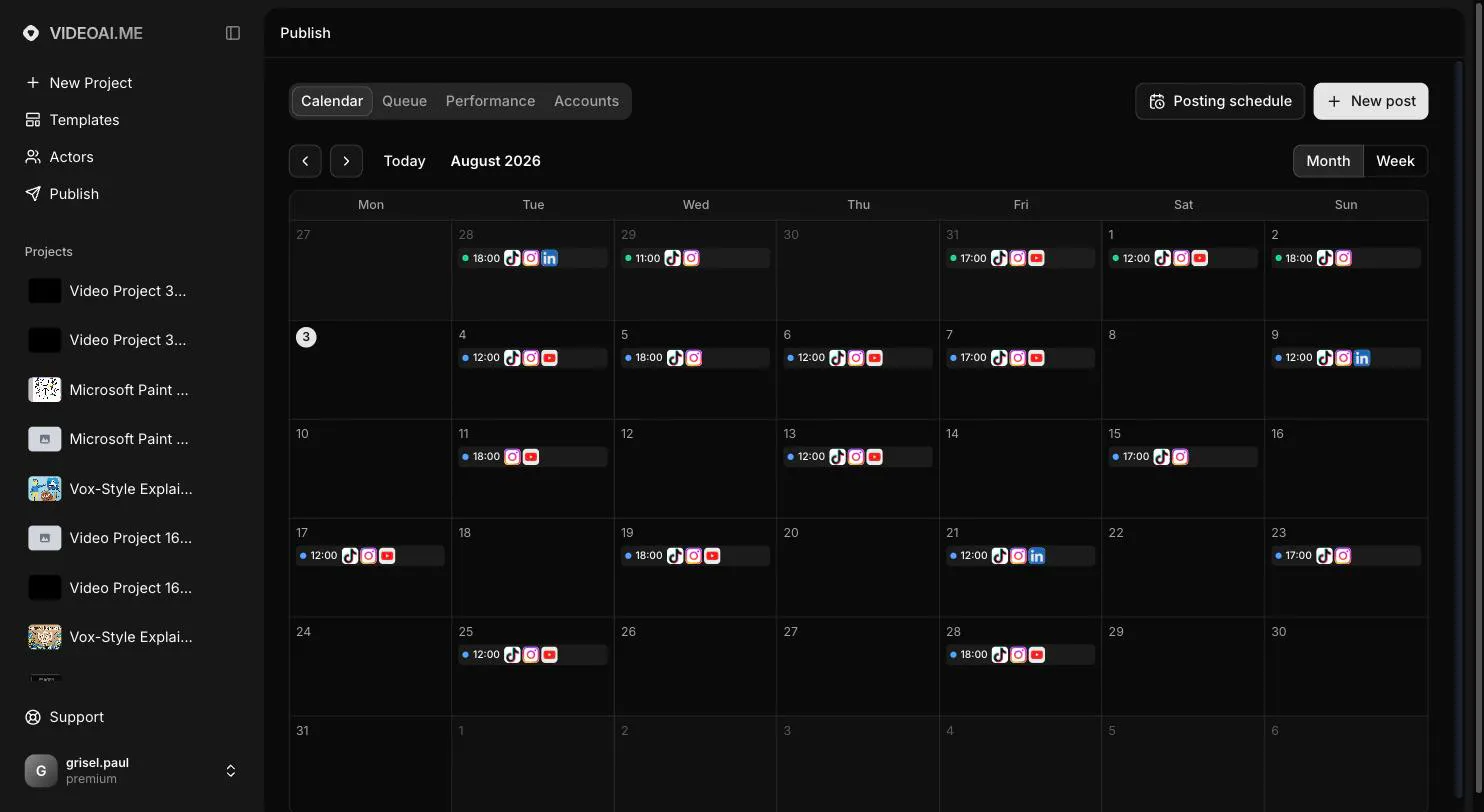
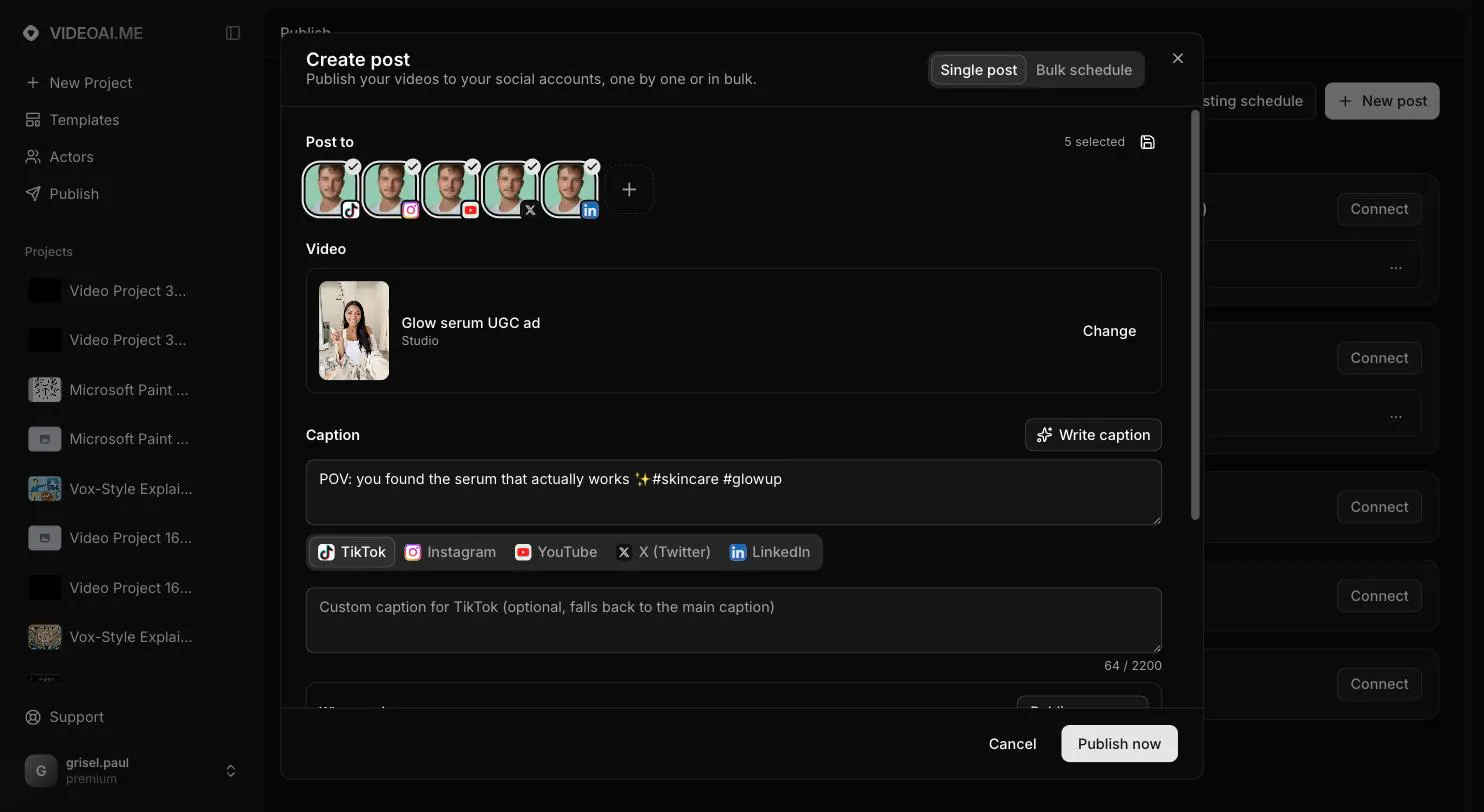
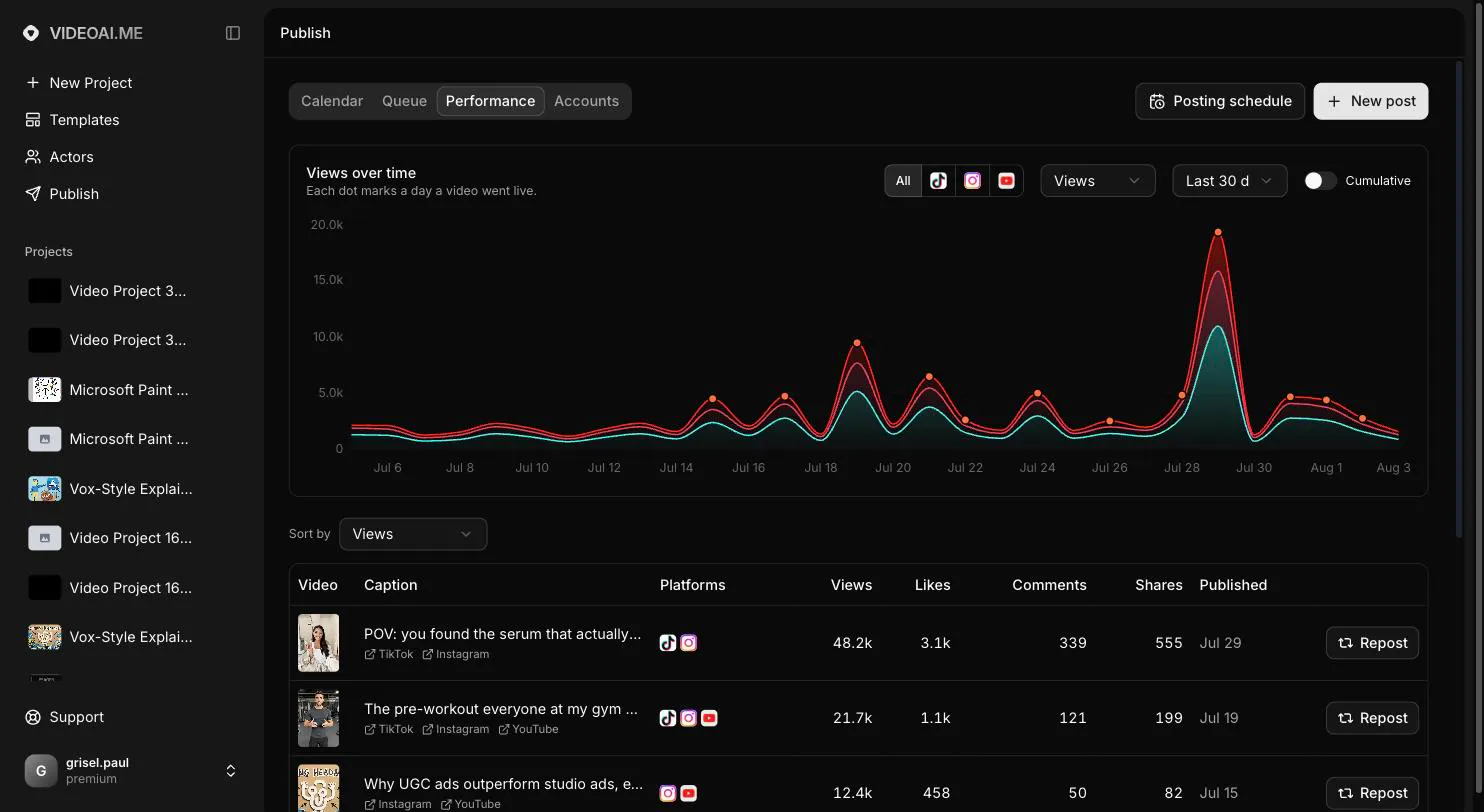
Most schedulers make you create your videos somewhere else, then download and re-upload them. VIDEO AI ME now does both: generate UGC ads and product videos with AI, then publish or schedule them to 15 platforms (TikTok, Instagram, YouTube, X, LinkedIn and 10 more) without leaving the tool. AI writes captions per platform from your actual script. Bulk schedule 25 videos in one sitting. See which video wins on each platform, then repost it or generate a new version with AI in one click.

Hey Product Hunt 👋

I'm Paul, and I run VIDEO AI ME, an AI video generator for ecommerce brands, SAAS and agencies.

I kept seeing the same pattern in our data: Users generate really good videos AI (native or ads)... they post daily for one motivated week, then it all stops. The videos were never the problem. Distribution was.

So instead of telling users to go buy a scheduler, I built the whole thing inside the tool:

- Connect 15 platforms once (TikTok, Instagram, YouTube, X, LinkedIn and 10 more, all official APIs)
- AI writes the caption per platform, from the actual script of your video, hashtags for TikTok, professional tone for LinkedIn
- Bulk schedule 30+ videos in one sitting, spread automatically at your best posting times (based on your location, topic, business industry)
- Performance tab shows which video wins on each platform. Repost the winner in one click, or generate a new version of it with AI!

The whole loop lives in one place: create, publish, measure, double down.

whatch the 2-minute video where I schedule a month of content in real time :)

I'll be here all day, happy to answer anything!

Ps: Next step, automate this but for ADS platform (Meta, Tiktok, Google...) ;)

7
回复

@grsl_fr Hi Paul, congratulations on the launch! Distribution is the part I am interested in. Using official APIs is the honest approach, and it is also where the limits sit: LinkedIn personal profiles, Instagram business accounts, TikTok posting approval. Which of the 15 platforms need a business account or partner approval before they will accept a post? And if a scheduled post fails because a token expired, how does the user find out?

3
回复

Can I clone my appearance and my voice?

0
回复
#10
GrowthBook 5.0
Build, ship, and improve at scale
111
一句话介绍:GrowthBook 5.0将功能开关、实验管理与产品分析整合为一个AI原生、仓库原生的平台,通过AI可视化编辑器和无代码实验,解决企业在规模化迭代中“实验门槛高、分析解读难、跨团队协作低效”的痛点。
A/B Testing Developer Tools Artificial Intelligence GitHub
功能开关 实验管理 产品分析 AI原生 数据仓库 无代码实验 A/B测试 开发工具 开源 企业级治理
用户评论摘要:用户认可工具在功能开关上的易用性,但核心质疑集中于“非技术角色(如PM)如何信任实验结果”。评论指出旧版实验结果解读困难,导致决策仍凭直觉,询问5.0在可解释性和面向非技术人员的展示上有何具体改进;另有用户发起深度讨论邀约。
AI 锐评

GrowthBook 5.0的野心清晰:把“功能发布”和“实验验证”的闭环从工程师手中夺回,交给更广泛的业务角色,并用AI抹平操作门槛。这切中了Feature Factory(功能工厂)向Experiment-Driven(实验驱动)转型中的真实断裂带——不是没有工具,而是工具链割裂(Flag系统、分析系统、可视化工具各自为政),导致实验数据出来没人敢拍板。

然而,评论区的关键质疑极有价值:AI降低“创建实验”的摩擦,但并未自动解决“解读实验”的可信度问题。如果5.0只是把表单从30个字段压到10个,却仍让PM面对着贝叶斯置信区间和p-value的冷冰冰数字,那么“让PM信任结果”的核心痛点仍然悬而未决。AI Assistant若仅停留在“用自然语言查询指标”,而非提供“面向决策的自动化解读(如异常值归因、样本均衡性提醒、业务语境建议)”,那它只是更高级的SQL包装器,而非实验洞察引擎。

另一个值得警惕的暗点是“AI Agent创建Flags和实验”的治理风险。虽然提到“更强治理”,但25个开源Skills一旦被Agent误用或滥用,回滚和审计的成本会反噬灵活性。开源是把双刃剑,它吸引开发者,但也意味着治理责任完全落在企业自身。GrowthBook 5.0的价值不在“集成度”,而在“是否真正让非技术决策者敢于依赖实验数据”。若不能做到这一点,它依然只是给增长团队做得更好用的瑞士军刀,而非打通组织决策的枢纽。目前看,方向对,但解法仍偏工具层面,尚未触及组织心智的深水区。

查看原始信息
GrowthBook 5.0
GrowthBook 5.0 brings feature flags, experimentation, and product analytics into one AI-native, warehouse-native platform. Build no-code experiments in the browser with the new AI Visual Editor, let agents create flags and draft experiments with 25 open-source Skills, explore product data through the in-app AI Assistant, and ship safely with stronger governance. Faster queries and a streamlined experiment workflow help every team move from idea to insight with less friction.
Hey Product Hunt! We’ve spent the past year rebuilding and expanding nearly every part of GrowthBook, and 5.0 brings all of that work together. AI has made it much easier to build and ship software. We wanted to make it just as easy to test ideas, learn what works, and roll changes out safely without losing the rigor and control experimentation teams depend on. GrowthBook 5.0 includes a new AI-first Visual Editor for building no-code experiments directly in the browser, 25 open-source Skills that let agents work with feature flags and experiments, an in-app AI Assistant, and Product Analytics, now generally available. We also added stronger feature flag governance, faster queries, and a much simpler experiment workflow with about 20 fewer form fields. The goal is to give humans and agents one consistent place to move from an idea to an experiment to an insight, with fewer handoffs and less busywork. We’d love to hear what you think, what you want to try first, and what you’d like us to build next. Check out our Office Hours Video to see our Founders and Engineers who worked on the 5.0 release go into their favorite features: https://www.growthbook.io/events...
4
回复

@alyssanicoll We hit the classic problem where the experimentation tool was solid but nobody outside the growth team could read the results, so calls still happened on vibes. What did 5.0 change on the interpretation side for non-technical stakeholders? Flags are easy, getting a PM to trust the readout is the real work.

2
回复
@alyssanicoll are you in for short discussion
0
回复
#11
Glasp MCP Connector
Search your highlights and notes inside Claude and ChatGPT
103
一句话介绍:Glasp MCP Connector 让你在Claude或ChatGPT对话中,直接用自然语言搜索自己沉淀在Glasp里的网页高亮与笔记,无需切换工具,解决“存了永不回看”的知识检索痛点。
Android Productivity Developer Tools Artificial Intelligence
MCP连接器 AI知识库检索 网络高亮工具 个人笔记搜索 Claude集成 ChatGPT插件 读写保护 知识管理 生产力工具 AI记忆增强
用户评论摘要:用户最认可其只读权限设计,认为比“可写权限”的同类连接器更安全;也有用户指出高亮检索若缺失上下文段落,价值会打折扣,建议返回高亮周边内容;另有人询问详细教程,官方已附链接。
AI 锐评

Glasp MCP Connector本质上不是“连接器”,而是一个**迟到的记忆赎罪券**。它承认了所有高亮工具的致命伤——收藏即遗忘。把检索入口塞进用户本就在提问的对话框,用大模型吞掉“先想起存过什么”的前置成本,这是对的,也很讨巧。

但别被“只读且私密”的营销话术带偏。只读不是美德,是技术妥协后的安全兜底,它避免了MCP服务器反向污染本地或云端数据的风险,但同时也意味着它只能做“检索”这件小事,无法根据对话上下文帮用户整理、合并或重写笔记。这决定了它的天花板是“高级搜索框”,而非“个人知识中枢”。

更值得审视的是**上下文缺失问题**。评论里那位用户一针见血——高亮永远是被选中的句子,而当时没选中的段落往往才是语境的主角。如果Glasp MCP Connector只返回孤零零的金句,那用户得到的是一堆失去血肉的骨架。AI助手引用的文本越精准,越容易脱离原意,这在知识工作场景中是无形的毒药。

从产品演进路径看,团队显然知道短板在何处(后续将加来源、日期、标签过滤,支持更多客户端),但这只是修管道,不是换水源。真正的护城河应该是“AI Clone”与“学习记忆”的深度融合,让MCP连接器不是被动查库,而是主动提出“你去年读到的XX可能对解决这个问题有帮助”。否则,这个103票的启动项目,很快就会变成又一个被收藏的“未来可期”。

查看原始信息
Glasp MCP Connector
Connect Glasp to Claude and ChatGPT as an MCP server. Search your highlights and memories in natural language, right inside your AI assistant. Read-only and private to you.
📌 Hi Product Hunt 👋 Glasp cofounder here! 🚀 Today, we're launching the MCP Connector for Glasp 🙌 🔌 What is the MCP Connector? It connects your Glasp account to Claude, ChatGPT, Claude Code, and any MCP-compatible AI tool. Ask "what did I save about deep work?" and get your own highlighted passages back, with their sources, right inside the chat you already use. It's read-only and private to you. It can read your own highlights and memories, and nothing else. 🕰️ Story behind Glasp 10 years ago, Kazuki, the co-founder of Glasp, was diagnosed with a subdural hematoma that suddenly paralyzed the left side of his body, and his doctor told him that he could go into cardiopulmonary arrest at any moment. He managed to survive through emergency surgery, but when he was confronted with the reality that he might disappear from this world, he remembers feeling an inexpressible sense of fear and frustration welling up from the bottom of his body. At the same time, he was struck by the desire to prove that he existed in this world and that his life had meaning, and the urge to leave something useful behind for the world while he was still alive to feel a sense of contribution to humanity. 📚What is Glasp? Glasp is a social web highlighter that people can use to highlight and organize quotes and thoughts from the web without switching back and forth between screens and accessing other like-minded people's learning simultaneously. Our mission is to democratize access to other people's learning and experiences that they have collected throughout their lives as a utilitarian legacy. As Glasp stands for "Greatest Legacy Accumulated as Shared Proof", we want to visualize your contribution to human knowledge history. Besides the MCP Connector: ✅ Talk with your AI Clone built from your highlights and notes 🧠 ✅ Sync all your highlights and notes from Kindle eBooks: 📚 ✅ Get daily highlight reviews for free! ✅ Highlight text & image on the web: 🔴 🟡 🟢 🔵 ✅ Highlight and summarize YouTube videos, web pages, and PDF files! ✅ Highlight & annotate PDF files ✍️ ✅ Discover more useful content from other curators: 🤝 ... and many more! We're excited for the Product Hunt community to check it out and would love to get any feedback to improve Glasp! 🧭 What's Coming Up Next: - More MCP tools (filters by source, date, and tags) - Support for more MCP-compatible clients - Improved AI Clone & Learning Memory - Improved UX = UI updates + bug fix Let's highlight the world's information and make it universally accessible and useful together! Happy learning, Kei
2
回复

For the detailed guide, please check this tutorial:

https://glasp.co/posts/how-to-use-glasp-mcp-connector

2
回复

Thanks so much for checking out Glasp MCP Connector!

We built this to make your own highlights and notes instantly searchable inside Claude and ChatGPT, so you don’t have to leave the conversation or dig through tools to find what you’ve already saved. It’s read‑only and private to you, so your knowledge stays safe while still being super accessible.

We’d love to hear how you use it and what kind of workflows you’d like to build on top of it. Your feedback will really help us shape the next iterations. 🙌

2
回复

The read-only constraint is the part I would underline. Most "connect your knowledge base to an LLM" pitches this year have quietly meant write access too, and that is the version I would not install.

The honest failure mode of every highlighter I have used, including one I built myself, is that capture is frictionless and retrieval never happens. I have 400-odd saved passages I have not once gone back to. Putting them behind a question I am already asking, in the window where I am already asking it, is the first fix I have seen that matches how the failure actually works: you do not have to remember you saved it.

One question: does it return the surrounding context or only the highlighted span? Half of what makes an old highlight useful is the paragraph I did not select. Congrats on the launch, Kei.

0
回复
#12
space ocr
OCR that checks its own answers, as an app or an API
101
一句话介绍:space ocr 将收据、发票等照片自动识别为可查询的表格,并通过“自校验+溯源定位”确保每个数值可核对,解决用户不信任OCR输出、仍需人工肉眼复核的痛点。
Productivity API Developer Tools
OCR识别 发票扫描 数据校验 溯源定位 表格化 自动化录入 API服务 文档管理 AI智能审核 生产力工具
用户评论摘要:用户关注自校验的可靠性,追问漏检率(召回率)而非仅有精度,质疑二次识别同模型同像素无法发现系统性错误;询问多页PDF处理逻辑、校验分歧时是否覆盖原值、以及能否用“总额对账”作为独立控制信号。开发者坦诚承认召回率短板,并承诺改进。
AI 锐评

space ocr 的差异化不在识别率,而在“可证伪性”——它把OCR从一次性黑箱输出,改造成带坐标、带校验标记、可逐格追溯的结构化数据。这精准击中了企业财务、票据处理中“不敢全自动”的核心症结:AI读错不可怕,可怕的是读错后系统还一副自信满满的样子。其“值级溯源+字符级比对”设计,本质上是用工程手段对冲模型幻觉,逻辑扎实,且“模型不产生坐标”的细节说明作者真正理解OCR误差来源。

但产品天花板同样明显。评论区的灵魂拷问——漏检率仅15%(6/40),意味着85%的错误值会以“已验证”身份蒙混过关——直接戳穿了“跳过人工复核”这一定价的根基。复核成本从“全量精读”降为“抽查+信任”,并未彻底归零。且二次识别同模型同像素的“自证清白”确实存在系统性盲区,评论者提出的“控制总额对账”是远比模型互证更可靠的独立信号,作者也坦诚尚未实现。

商业模式上,免费100页/月的策略对个人用户慷慨,但目标客户(财务、运营)一旦习惯“校验后表格”,API价格将成为核心考量。目前看来,space ocr更像是一个高质量的数据清洗管道,而非“可完全自动驾驶”的识别引擎。真正的护城河,取决于它能否将“控制总额”等业务规则内嵌,把校验从“字符匹配”推进到“业务逻辑自洽”——那才是让会计真正敢放手的关键一步。现阶段,它是高效的“复核加速器”,而非“复核替代者”。

查看原始信息
space ocr
space ocr turns photos of receipts, invoices and forms into a table you can query. Drop them into a folder in the app or send them to the API, and each page becomes a row you can filter and sort. Every value shows where it came from. 100 free pages a month.

Hi Product Hunt,

I made space ocr because I kept not trusting OCR output.

Reading a document is the easy part now. Knowing whether the number you got back is the number actually printed on the paper is not. If you still have to open the image and check by hand, you haven't really automated anything.

There are two ways in, and both run the same pipeline.

If you don't want to write code, you upload photos into a folder and they become a sheet. Hover any cell and the photo beside it lights up on the exact spot that value was read from, zoomed in, so checking a page takes a second instead of a squint. Cells that failed the check are marked, so you know which ones to look at rather than rereading all of them. Fix a value by hand and your correction sticks. Folders, memos and search across everything you have scanned are in there too.

If you do write code, three endpoints give you structured fields, markdown, or plain text, and all of them come back with the same verification data: where each value sits on the page, whether it passed the check, and what still needs a look.

Either way the results stay somewhere you can use, so there is no database to stand up. A folder and a sheet are the storage. Photos land in the sheet as rows of the columns you asked for, and later you can ask that sheet for the rows over an amount, or from one vendor, newest first, a page at a time. That runs on the server, it does not read the images again, and it is not charged. The rows keep the coordinates and the flags they were stored with, so a filtered answer is as checkable as a single scan.

If you would rather have an agent do the filing, there is a hosted MCP server on the same account. You point an MCP client at one URL with your key and it can make the folders and sheets, upload photos into them, and ask for rows later. Deleting is the one thing it cannot do in one step. The first call removes nothing and reports what would go, so it has to come back to you before anything disappears.

The checking itself is the part I care about. The model never produces coordinates. Every value it returns is matched character by character against what the OCR engine actually saw on the page. Values that fail get flagged instead of quietly passing, and the ones it still isn't sure about are cropped out of the image and read a second time.

I measured this on my own regression corpus, 333 hand graded cells from phone photos rather than flat scans. Turning the checking stages off drops accuracy from 93.7% to 91.3%. They fixed 22 cells and broke none. A value marked unverified turns out to be wrong 6.4 times more often than average, so the flag is worth acting on.

100 pages a month are free and failed scans are never billed. Same price whichever way you use it.

What I would really like to hear: what would make you trust OCR output enough to skip the manual check? That is the part I keep getting wrong.

Yongha

1
回复

@yonghahwang Showing where every value came from is the only version of OCR I would trust with an invoice! When the self-check fails on a number, does it flag the row for review or just lower a confidence score?

0
回复

Asad's recall question got the most useful answer on this page, and I don't think the 6-of-39 is a tuning problem.

If the re-read runs the same model over the same pixels, it inherits the same failure mode. A 7 that got read as a 1 because the glyph is genuinely ambiguous will get read as a 1 again — the second pass isn't independent, so it can only catch noise, not systematic misreads. That would explain a recall floor that prompt work won't move.

The cheapest independent signal on invoices isn't another model, it's arithmetic. Line items × qty should reconcile to the subtotal, and subtotal + tax to the total. When the sum doesn't close, you know at least one cell is wrong without trusting any model to tell you. I spent 19 years building banking apps and that's what we called a control total — it isn't clever, it just doesn't share the OCR's blind spot.

Do you reconcile totals already, or is the check purely model-vs-model today?

1
回复

@rodrigo_baigorria Model versus model is the one thing it is not, and the distinction matters enough to spend a paragraph on before I concede the rest.

The first check is not a second pass of the model. The model returns values and never coordinates, and each value is matched character by character against what an OCR engine independently detected at that spot. Two systems that do not talk to each other. The crop re-read is a second pass of the same model, and there your argument lands exactly as you wrote it: same weights, same pixels, so it confirms its own reading of an ambiguous glyph and I learn nothing.

The floor is real in the first stage too, for the reason sitting next to yours. Both readers look at the same pixels. A 7 genuinely shaped like a 1 gets read as a 1 by both, they agree, and agreement is what I report as verified. That is the class I told Asad the check cannot see, and prompt work does not move it, because it was never a prompt problem.

To your question: no reconciliation today. The check is entirely per value. Nothing compares values against each other, and I do not produce derived quantities at all, since fields are asked for as printed rather than as calculated.

A control total is the right shape and I have no good reason for its absence beyond not having built it. The pieces are sitting there. Line items come back as an array with quantity and amount as their own boxed cells and the total is its own field, so the sum closes or it does not, and that answer needs no model to be trusted. Right now that arithmetic is yours to run on the rows I hand back. It should be mine.

Nineteen years of banking apps is why you saw it and I did not. I built this against receipts, where there is a total and nothing to reconcile it with.

0
回复

@yonghahwang The page as a row model is clean for receipts, but a lot of invoices run three or four pages, with line items continuing past the break and the total only on the last page. Does a multi page PDF land as separate rows I'd have to stitch back together, or can the document be the unit with pages underneath it?

1
回复

@clement_avq  In a sheet, each row is one page, and each row can carry an array field whose sub fields you define as the table’s columns. That is where the line items live: the twelve lines printed on a page nest inside that page’s single row, each one with its own box, and every cell inside them boxed too. The table does not get flattened into one string.

The page break is where it gets thinner. The array is scoped to the page, so page two’s items are their own array on page two’s row, and joining them is concatenating in row order rather than reconstructing anything. The total does what you expect, sitting on the last row and empty on the ones before it. A line that is itself split across the break is the case concatenating does not fix.

The unit ends up being a schema choice, and it changes what a row is. Point the sheet’s columns at the line item’s own columns and the rows become the items, stacking down the sheet. Keep the page as the row instead and one sheet holds many invoices, the pages in order, with the items in one array field and vendor, date, invoice number and total as their own columns. Grouping is then just the invoice number, which is on every page anyway.

1
回复

The 333 cell corpus and the 3 in 4 flag precision are unusually honest for a launch page. The number I'd want next is the other direction, of the cells that were actually wrong, how many did the check miss. Precision tells me the flags are worth reading, recall tells me whether I can skip the unflagged rows, and skipping is the whole product. If recall is weak then a self check is worse than no check, because it's the thing that stops people looking.

1
回复

@asadmalik901 recall is the right ask, and it's the one number a launch page will never volunteer since it means admitting the check missed something on their own graded set. worth noting it's also the harder one to trust even when published, because it depends entirely on how representative those 333 cells are of what actually gets thrown at it in the wild. a corpus built from clean test receipts will always look better than the crumpled gas station one from someone's pocket. I'd want recall broken out by document condition, not just one blended number, before I trusted the unflagged rows on anything I hadn't personally spot checked yet.

0
回复

@asadmalik901 Recall is the worse number. 39 of the 333 cells were problems, meaning the value disagreed with the hand transcription or the coordinate did not spell its own value. text_verified: false landed on 8 cells, 6 of them real, so it caught 6 of the 39. needs_review is wider and gets 10 of the 25 coordinate errors. There is no combined figure across all 39, so those are the pieces.

The check compares a value against what the OCR pass read at that spot, so it only sees the two disagreeing. Wrong column, value never returned, both readings wrong the same way. None of that shows up. There is a fourth I did not expect. Most of the silently wrong cells were anchored to the wrong occurrence of a string that is printed on the page, and re-reading the crop passes those, since it checks what was read and not where.

Half agree on the last sentence. Sold as permission to stop looking it would be worse than nothing, and I try not to sell it that way. It sits under schema validation and business rules, not instead of them. The ablation also shows the reading improving before flags come into it, 22 cells corrected and 0 broken, scored cell by cell. So the claim is smaller than skipping the manual check. It cuts down what you look at.

Recall is the next thing to move and the harder half, since what it misses is where both readings agree. Method and per stage tables at space-ocr.com/articles/measuring-ocr-verification

0
回复

the provenance-per-value thing is the part I'd actually pay for. most OCR tools give you a confident-looking number and no way to tell if it read the receipt correctly or just guessed something plausible from a smudge. what happens when the self-check disagrees with the first pass - does it flag the cell as low-confidence for a human to glance at, or silently pick whichever answer scored higher internally? for invoices specifically the failure mode that costs money is a confident wrong number, not a missing one.

0
回复

@galdayan It never overwrites. The value the model returned is the value you get, and the re-read only decides what gets said about it. If the crop confirms it, text_verified goes to true. If it disagrees, the cell keeps its original value and carries crop_mismatch as a review reason. If the crop comes back empty it abstains and writes nothing, since an empty read on a single glyph is usually a lack of context rather than evidence of anything. There is no internal score picking a winner behind your back.

So a disagreement always surfaces. review_summary at the top of the response lists the flagged paths, and in the app those cells are coloured and open next to the region of the photo they were read from, which is the part that makes glancing at one cheap.

Agreed on the failure mode, and it is the one this is built around. Worth knowing the edge: the re-read checks what was read, not where it was read. A value that is correct but anchored to the wrong occurrence of the same string on the page passes it. For an invoice total that is usually harmless, but I would rather you hear it from me.

0
回复
#13
SpeakoFlow
Open-source local voice assistant for your desktop
101
一句话介绍:SpeakoFlow 是一款开源桌面语音助手,让你用语音操控整个电脑——在任何应用里直接语音输入、通过“Hey Flow”唤醒词基于屏幕内容自动生成回复,并支持离线语音识别,解决频繁切换窗口、手动输入上下文效率低下的痛点。
Open Source Artificial Intelligence GitHub Audio
开源 语音助手 桌面自动化 离线语音识别 屏幕视觉理解 本地AI 多模态交互 生产力工具 跨平台 MIT协议
用户评论摘要:用户Abhishek(开发者)自述痛点:考试学习时频繁切换窗口,付费听写软件只打字不看屏幕,常需手动补充上下文。产品从听写工具演化成桌面语音层,强调语音转文字全本地运行,隐私安全。用户对其回应积极,但评论数较少,有效功能反馈尚未展开。
AI 锐评

SpeakoFlow 切中的是真痛点,但赛道并不空。它本质上做的是“语音 + 屏幕上下文”的融合交互,这在 Apple Intelligence 和 OpenAI 的 GPT-4o 语音模式里已有雏形,区别在于它把这一切拉回了“本地优先 + 开源 + 跨平台”的极客语境。这既是它的护城河,也是它的天花板。

先说真正的价值:语音转写全程本地,这在隐私敏感场景(如医疗、法律、企业内网)是硬需求;其次“听屏写作”(看屏幕内容直接生成回复)把 LLM 从“对话框”里解放出来,变成操作系统的“副驾驶”,比单纯的听写软件高一个维度。MIT 协议和可插拔模型(Ollama/LM Studio/云 API)也给了技术用户极大的定制空间——这类用户恰恰是新产品最宝贵的第一批布道者。

但问题同样明显:第一,101票的Product Hunt热度说明它远未出圈,主力用户是开发者本身,离“普通白领”还有距离。第二,多平台(Win/macOS/Linux)的“语音层”意味着要处理无数应用的无障碍接口、焦点管理、权限差异——这是巨坑,一个单人项目能维持到什么深度存疑。第三,自定义唤醒词、屏幕视觉、记忆功能,每一个都是大模型应用层的“重工程”,目前产品显然处于“能跑但不够稳”的阶段。开发者自己也承认“还没到只说两句命令就能完成一切”的境地。

一句话评价:方向正确、架构诚实(本地优先、开源),但产品成熟度尚浅,更像一个极佳的“技术演示”而非“日用工具”。如果它能熬过前1000个用户的bug反馈、把核心路径打磨到“零事故”,再用社区的力量补上各平台原生版本,或许真能成为语音交互时代的“AutoHotkey”。现在,它值得被关注,但别急着卸载你的鼠标。

查看原始信息
SpeakoFlow
SpeakoFlow puts your voice over your whole desktop. Speak, and your words land in any app — email, editor, chat, terminal. Say "Hey Flow" and it writes the whole reply from what's on your screen. Ask the assistant about what you're looking at and hear the answer back. It also cleans up your dictation, translates as you speak, and learns how you work. Everything can run on your machine — speech-to-text always does. Free, open source, MIT. Windows, macOS, Linux.
Hey everyone, I'm Abhishek. I started SpeakoFlow while studying alone for exams. I kept switching between what I was working on and a chatbot tab, and it got old fast. I'd also been paying for dictation software because talking is faster than typing — but it stopped at typing. It couldn't see what I was working on, so I was still explaining context it could have just looked at. It began as a small dictation tool. Three months later it's a voice layer over my whole desktop: I speak and text lands in any app, I say "Hey Flow" and it writes the whole reply from what's on my screen, and there's an assistant I can open over my work that answers out loud while I keep going. The thing I care about most is that speech-to-text runs entirely on your own machine. Your voice isn't uploaded anywhere just to become text. For the assistant you choose — a built-in offline model with no API key, your own Ollama or LM Studio, or any cloud provider with your own key. What I'm really going for is running my computer by voice. The repetitive stuff should be two spoken commands instead of twenty clicks. Not there yet. It started as a fork of Handy by CJ Pais, and I built the assistant, screen vision, translation and memory on top. Free and MIT licensed — fork it, change it, build something else with it. It's just me on this and it's early. If you try it and something breaks, tell me here. I'll be around all day.
5
回复

interesting

2
回复

@madalina_barbu Thank you! Happy to answer any questions about how it works.

0
回复
#14
Snipplet
Create and share beautiful guides from places you love
91
一句话介绍:Snipplet是一款将你亲身去过且喜爱的地方(旅行目的地或本地私藏小店)转化为带照片、贴士和个性化设计的可视化分享卡片(链接)的工具,解决“推荐地点信息散落、难以整理和分享”的痛点。
Productivity Travel Design
旅行分享 本地推荐 视觉化指南 内容创作工具 AI生成 地点收藏 社交分享 旅行记忆 个性化设计
用户评论摘要:用户反馈积极,核心赞赏“免登录浏览”和“本地地点整理”场景。创始人回应确认分享链接无需账号即可查看。用户询问APP移动端何时发布,并建议增加会员功能选项。整体无负面批评,主要期待移动端体验。
AI 锐评

Snipplet的巧妙之处在于做了旅行工具的“逆行者”——不规划未来,只整理过去。这精准切中了一个被忽视的刚需:旅行结束后的“记忆资产”和“社交货币”管理。它的本质不是旅行规划器,而是一个“轻量级、视觉化的口碑推荐分发工具”。

从产品逻辑看,Snipplet抓准了两个关键点:一是“真实推荐”的信任背书(区别于网红打卡),二是“免登录浏览”的分享零门槛,后者直接解决了推荐场景中最致命的“链路断裂”问题。91票的冷启动成绩说明概念验证有效,创始人对“本地私藏”场景的强调也体现了对留存率的清醒认知——高频的本地生活比低频的远途旅行更具复购黏性。

但风险同样明显。其护城河极浅,核心功能(照片+文字+模板)极易被Instagram的“精选集”、小红书的长图文或苹果自带“地图”的收藏夹复制。目前的产品价值过于依赖“分享链接”这一单向动作,缺乏社交互动或UGC社区的沉淀(虽然有Explore页,但冷启动阶段内容稀疏是死穴)。此外,创始人作为独立开发者,在运营、审核、内容质量调控上必然面临挑战——如果社区被营销号或低质内容淹没,“真实推荐”的定位将瞬间崩塌。

真正的机会在于成为“地方推荐领域的Notion”——不是更酷的编辑器,而是更聪明的知识库。若能引入“地点关系网络”(如“你喜欢的店附近还有什么好店”)或“AI回忆检索”(基于照片位置自动回填地点和链接),让“存储-整理-发现”形成闭环,才能从工具升级为数据资产。目前来看,它像一个漂亮的旅行手账生成器,离“平台”尚有距离。但创始人对外部反馈的开放态度是良好起点,关键在于能否在上线早期就找到那个“用户每周回来”的必要理由。

查看原始信息
Snipplet
Most travel tools help you plan trips. Snipplet does the opposite. It's for places you've already been and actually loved. Save your favorite spots, add photos and tips, and it becomes a visual guide you can share with one link. No more scattered screenshots or 47 tab Google Docs. Make it yours with custom fonts, colors, stickers, backgrounds, and themes. Or drop a screenshot in and let AI build it for you. Real recs from real people. Works for Tokyo or your favorite spots around the corner.

Hey everyone! I'm Isabel, and I built Snipplet because my travel recommendations were a mess. Every time I came back from a trip, friends would text me "where did you eat in Barcelona?" or "what should I do in Tokyo?" and I'd either scroll through my camera roll trying to remember or dig through my Notes app for some list I saved months ago. Half the time I couldn't even find it.

And when I did find my notes, sharing them was painful. I once wrote out an entire itinerary with comments and tips for a friend. It looked organized in my Notes app but the second I pasted it into a text message it became this unreadable wall of text. Good luck finding that again in a chat thread.

Even for myself, I'd go back to a city and not remember where that amazing restaurant was. I'd have to retrace the actual street or scroll through hundreds of photos to figure it out.

So I built Snipplet. You turn your travel memories into beautiful visual cards with your photos, favorite spots, restaurant picks, and tips. Each one becomes a mini guide you can actually share with a link and anyone can browse, save, or get inspired by. It's not just for big trips either. I use it for my favorite matcha spots, vintage record stores, and activities in my own city. No more messy notes, no more lost recommendations.

I'm a solo founder and built this from scratch. I've tested it on my own trips and rebuilt things based on what actually worked (and what didn't).

Genuinely open to any feedback, criticism, feature requests, anything. A few things I'm especially curious about:
* What would you save first, a trip or your local go-to spots?
* What's the one thing that would make you come back weekly?
* Would you actually share a snipplet with a friend?

I'd love for you to try it. Use code PRODUCTHUNT for a free first month of Pro. It’s for the first 100 users, so use it quickly!

Try it free at snipplet.com on desktop or mobile. No signup required to browse. Thanks for checking it out!

6
回复

 Big shoutout for making browsing completely friction-free Snipplet looks incredible for curating local city guides. Best of luck on the launch @isabelzav🙌

2
回复

Tried it out, pretty cool concept. excited for app release

0
回复

Wow, thank you all for the support today! We've been reading every comment and the feedback has been incredible. If you haven't tried it yet, snipplet.com is free to use. Would love to hear what you think!

What features would you want to see next? Let us know in the comments!

0
回复

local go-to spots, easily. trips are rare enough that I remember them, it's the little places around my own city that I actually lose track of and end up re-googling every time a friend visits. to answer your other question, yes I'd share one, but only if the friend could browse it without making an account first, since that's usually where I lose people when I try to send them something like this.

0
回复

@galdayan Love this. The local angle is exactly what we're leaning into too. It's not just trips, it's "where was that taco spot I went to last month?" with all your notes and thoughts right there.

And great news... shared snipplet links are fully viewable without an account! Anyone you send it to can browse the whole guide, no signup needed. You can also check out what others are sharing on our explore page at snipplet.com/explore. And if they do want to sign up, it takes seconds.

Thanks for the thoughtful feedback, really appreciate it!

1
回复
#15
Finyuus
A code-first language for durable, governed AI workflows
86
一句话介绍:Finyuus 是一个以代码优先的AI工作流编排平台,通过自研缩进式DSL,让团队在Temporal上构建、运行并治理具备重试、取消和可重放能力的持久化AI流程,并以纯文本形式存储工作流以获得Git式审核与diff能力。
Open Source Developer Tools Artificial Intelligence GitHub
AI工作流编排 代码优先 DSL 持久化执行 可治理AI Git友好 人机协同审核 企业级AI基础设施 开发者工具 开源
用户评论摘要:多数评论认可“纯文本工作流+Git diff”对治理的价值,但核心争议集中在DSL必要性上:有用户指出Temporal官方Python/TS SDK已具备同等执行能力,新语法带来学习成本且绑定单一运行时;另有用户批评其基础设施过重(需Docker起Temporal、ClickHouse等五件套),不利于技术尝鲜,建议提供SQLite单机模式快速上手。
AI 锐评

Finyuus踩准了AI工程化从“写提示词”走向“治理化编排”的转折点,其“DSL+文本存储+静态分析”的组合确实击中了大型团队在审计与协作上的真实痛点——用语法边界强制约束AI逻辑蔓延,比任何代码评审规范都可靠。但产品目前在“语法创新”与“生态借力”之间出现了明显错位:若要获得持久化、重试和可观测性,用户必须自行维护Temporal、Langfuse、ClickHouse、MinIO、Redis这一整套重基础设施,这几乎将目标用户限定在了有专职平台工程团队的企业中——而这恰恰又是最不愿为了单一DSL放弃Temporal既有Python/TS生态的群体。评论中关于“SQLite单机模式”的建议直击要害:Finyuus的差异化不在运行时,而在治理范式,若不能把上手成本压缩到“一个进程一条命令”,那么再精巧的DSL都难以跨越早期采用者的试用门槛。真正的价值或许在于其构造的思维实验:当AI逻辑被降维成一门有边界、可静态分析的语言,企业内部的“AI逻辑审批流”才首次具备技术可行性。但从产品到平台,Finyuus还需要回答一个更尖锐的问题:若未来某天LangChain或Temporal官方推出了具备图结构提取能力的Schema化编排层,这个DSL的不可替代性还剩多少?留给它的窗口期,可能比想象中更短。

查看原始信息
Finyuus
Finyuus is a code-first platform for building, running, and governing AI workflows. It introduces a small indentation-based DSL for composing agents, tools, guards, human approvals, and nested workflows — then runs them on Temporal with retries, cancellation, and replayability. Unlike visual builders, workflows are stored as text for Git-based review and diffs. Unlike prompt chains, every run is durable, versioned, observable via Langfuse, and governable through guards and human approvals.
Hey Product Hunt! 👋 I kept running into the same problem while building AI apps: the AI logic — prompts, tool calls, retries, guards, approval waits — kept getting tangled into my application code. At one point I was maintaining 300-line system prompts in the same codebase as my iPhone app's buttons and screens. Every small behavior change meant rebuilding and redeploying the whole app. There's a useful parallel with how apps treat databases. Applications talk to databases through SQL, so data logic lives independently from app code. I wanted that same separation for AI: define, version, operate, and modify agents, prompts, tools, guards, and workflows independently from the apps that use them. Finyuus is what I've built. It's a small indentation-based DSL for composing AI workflows, backed by Temporal for durable execution (retries, cancellation, long-running waits, child workflows), Langfuse for tracing and cost reporting, and a dashboard for authoring, running, and reviewing everything. Workflows are stored as text, so they get Git history, PRs, and readable diffs — something visual builders lose at scale. It's open source and runs fully locally with Docker (Temporal, ClickHouse, MinIO (or s3), Langfuse, Redis all included). I'd love feedback on the DSL ergonomics, the governance model (guards + human approvals), and what you'd want next. Happy to dig into any part of the architecture. 🙏
2
回复

Keeping workflows as plain text instead of locking everything into a visual builder is probably my favorite part. Git diffs and PR reviews are hard to give up once a project grows.

1
回复

@henry_habib Appreciate it - I think we have to many visual builder tools now.

They get hard to productionalize and as complexity grows it gets hard to maintain.

0
回复

the durability and git-diffable execution graph is the genuinely useful part, that's a real gap in a lot of prompt-chain tools. the new DSL is the part I'd push back on though - Temporal already has SDKs in Python and TypeScript that get you retries, replay and versioning without asking anyone to learn new indentation rules. what does the language buy you over a thin Python wrapper around the same guards and approvals, besides a smaller surface to write the interpreter for? "governable" and "diffable" don't obviously require a new syntax, they require the underlying execution model you already built.

0
回复

@galdayan Very fair question. You are right Python+Temporal gets you retries, replay, versioning and "governable" and "diffable" don't require new syntax. I personally think having a clear separation between app logic and LLM/AI Logic is important and understated.

What it buys:

  1. Static analyzability. A Python workflow can import/call/branch on anything — no bounded surface to review, no way to know "this calls these tools, runs these guards, pauses for these approvals" without executing it. The DSL is constrained enough to parse a workflow and extract that graph statically. That's what makes governance tractable; in Python you're doing AST analysis or trusting conventions.

  2. Enforced separation. "Put workflows in a separate file" works until someone imports a service or inlines a prompt. The DSL physically can't reach into your app. That's the feature for teams where AI logic metastasized across services.

  3. Reviewable diffs. A Python PR touches imports, helpers, control flow, and prompt text in one diff. A DSL PR touches workflow logic only — "added a tool call, removed a guard" is a one-line change.

I will concede that for a solo dev or small team in Python, a thin wrapper gets you 80% with zero learning curve. The DSL pays off when reviewers, auditors, and teams need to reason about AI behavior they didn't write.

We are also witnessing teams appearing in enterprises similar to data teams with SQL. Im not sure what the future will be like but these folks need a tool to get to production at the enterprise scale. Things not built into Finyuus yet like SSO/SAML & security are top of mind things.

0
回复

Temporal, ClickHouse, MinIO, Langfuse and Redis to run a prompt is the part I'd push on. Nobody spins that up on a Tuesday afternoon, and a Tuesday afternoon is how these things actually get adopted. The SQL analogy cuts the other way too, SQL won because it was one language across every engine, and a DSL that runs on exactly one runtime is a lock in people can feel. I'd ship a single binary mode that fakes durability in SQLite so someone can write a workflow in ten minutes and only meet Temporal when they need it.

0
回复

@asadmalik901 Appreciate the comment(s) and you are right on a lot of things.

Infra weight: Fair. make up is one Docker command, not five manual installs, but that's still heavier than pip install langchain. The services exist because how do you then deploy "pip install langchain" for 100s of users? (but their cloud tool? thing about infra etc...). I've attempted to be accessible to the hobbyist whose moving past just running one prompt (a big heavy here but still doable) and to the enterprise running for 100s of people. For the enterprise they can scale to infinity with hosting on ec2 or cloud infra or even going to the SaaS solutions of each of those tools... but you're right that adoption doesn't start at production. People evaluate with one prompt on a Tuesday afternoon, and if that takes 20 minutes of Docker pulling, they never come back.

SQL analogy: agreed - just a good analogy for what i'd like to get to - even if this DSL doesnt win, it be great to have something like it for LLMs. I'm sure the DSL can be improved, ultimately the only option people have right now is a JS/python lib (complex and not designed for it) or a workflow tool (super locked-in and difficult to build production pipelines).

SQLite mode: Genuinely good suggestion, and I've thought about it. Just design considerations and other things took priority.

0
回复
#16
Yokoso
Japanese for the life you're actually living in Japan
83
一句话介绍:Yokoso是一款专为在日生活场景设计的免费日语学习应用,通过自适应测试跳过已知内容,直接在真实情境(如标识、价格、语法)中教学,并支持导入WaniKani/Bunpro进度,解决传统教材脱离实际、重复学习的痛点。
iOS Education Languages
日语学习 实用场景教学 自适应学习 免费无广告 离线可用 WaniKani导入 在日生活 语言应用 无游戏化激励 Web/iOS
用户评论摘要:用户普遍认可“无连续打卡、无锁课”理念,称赞贴近真实生活。核心建议:增加快递重送电话应对(纯听力、无视觉线索)、药局/诊所症状描述与服药说明、区役所文书(住民票/保险/年金)、垃圾分类标识、电车延误通知(遅延/運転見合わせ/振替輸送)。有用户反映对话中“相槌”能力不足,希望强化自然回应训练。
AI 锐评

Yokoso的聪明之处在于它精准切入了“教材日语”与“生存日语”之间的断层——这个断层被大多数主流产品(Duolingo、Pimsleur等)刻意忽略,因为填充它需要大量本地化语料而非标准化课程模板。创始人的个人动机(移居日本北境)让产品天然具备“真实需求驱动”的基因,而“自适应跳过已知内容”和“导入WaniKani/Bunpro进度”则是对学习沉没成本的尊重,这在语言学习市场是罕见的用户思维。

但需警惕三个问题:其一,83张票数的冷启动表明“反游戏化”虽获口碑,却缺乏病毒传播钩子——没有streak就没有日活压力,用户可能学完急需场景后流失,长期留存存疑;其二,“免费永久+自愿赞助”模式在无融资下可持续性脆弱,尤其离线功能和持续内容更新需要稳定的开发投入;其三,评论中所有高价值建议(药局、区役所、垃圾分类、电车延误)均指向“高频但非娱乐化”的痛点,这恰好是内容生产最费力的领域,团队能否系统化覆盖整个“日本生活生存树”而非零散打补丁,决定了它从“工具”升级为“平台”的可能性。

真正的价值不在教学法,而在它验证了一个假设:语言学习产品的护城河可以是“对一国生活的颗粒度理解”,而非算法或内容版权。如果Yokoso能将用户贡献的真实场景(如快递电话)结构化沉淀为可编辑的社区语料库,它有机会成为日本生活类App的“百科入口”——但前提是,创始人对“小而美”的坚持不会变成“小而脆”。目前版本是优秀的MVP,距离“必装应用”还有至少一个量级的情境深度。

查看原始信息
Yokoso
Free Japanese learning for real life in Japan. Yokoso adapts around what you know, teaches signs, prices and grammar in context, imports WaniKani progress, works offline, and has no ads, streaks or locked lessons.
Hi Product Hunt, I’m James, the person behind Yokoso. I started building it after moving to northern Japan and realizing that most beginner apps were teaching Japanese in an order that had very little to do with the life happening around me. I needed to read signs, understand prices, recognize counters, and make sense of the grammar inside useful phrases. I also did not want to start over every time I tried a new tool. Yokoso opens directly into learning and adapts around what you already know. New material arrives as a lightweight probe. When you know it, the app skips the lesson. When you do not, it teaches the answer and explains why. It can also import WaniKani and Bunpro progress so those learners keep the work they have already done. The app is free forever, with no ads, streaks, lives, paywalls, or locked lessons. Optional supporter contributions unlock nothing. I would especially value feedback on two things: 1. Does the first five minutes make it clear why Yokoso is different? 2. Which real-life Japanese situation should the app teach better next? The web app works offline and without an account, and the iOS app is live. Thanks for taking a look.
3
回复

@james_ketola Hi James, kudos on making a practical language learning product! Though I am not studying Japanese, I used to study Chinese (and a few other languages). I remember the frustration over books and apps NOT being adapted to everyday practical speech. I am pretty sure the app is very useful, the fact you built it to match your own situation (living in Japan) and that the app adapts to your level says it all for me ^__^
Good luck on the launch, hope Yokoso gets noticed by learners of Japanese!

0
回复

the "no streaks, no lives, no locked lessons" line is what got me, most language apps are optimized to keep you opening the app rather than to make you actually capable in the country. one situation I'd add to the pharmacy/city hall/garbage list already here: phone calls for redelivery when you miss a parcel. it comes up constantly, it's pure listening under pressure with no visual context, and almost every learner I know just avoids answering the phone entirely instead of dealing with it.

0
回复

Congratulations on the launch!

I've been learning Japanese for 6 years so far, and I've been satisfied with how my sensei teaches, but I must admit I'm still afraid to use the language in everyday situations. And I think it's mostly because I try to speak it the European way; I'm still not good at aizuchi, so all my conversations feel a bit stiff, like taken straight from a workbook. Watching anime doesn't help at all, maybe because seiyuu are doing a great job articulating... Reading the launch desc, I feel like Yokoso may be the help I need, so I'll definitely give it a try ;)

0
回复

Congratulations on the launch, James! 🎉

I'm Japanese, born and raised, and I just want to say — seeing someone move to northern Japan and build something this thoughtful for learners made me really happy. The name made me smile too (ようこそ!).

What resonated most with me is the philosophy: no streaks, no lives, no paywalls, and respecting what learners already know. That's rare. And as a native speaker, I can confirm that counters, prices, and signs are exactly the things textbooks skip but real life throws at you on day one.

For your second question — a few situations I'd love to see Yokoso teach, because they trip up every foreign friend I've helped:

  • The pharmacy / clinic: describing symptoms and understanding dosage instructions (食後, 1日3回, etc.)

  • City hall paperwork: 住民票, 保険, 年金 — the vocabulary is brutal but unavoidable

  • Garbage separation rules: 燃えるゴミ vs 資源ゴミ, and the collection-day signage

  • Train delay announcements: 遅延, 運転見合わせ, 振替輸送 — these are stressful even to half-understand

Rooting for you from Japan. 応援しています!

0
回复
#17
Domo
Build and customize your own calendar agent you can text
82
一句话介绍:Domo 是一个可自行搭建的“家庭日历代理”,它拥有独立电话号码,家人通过 iMessage/短信就能添加日程,并配合常驻墙面的仪表盘,解决“家庭日历无人打开、信息不同步”的痛点。
Productivity Home Artificial Intelligence GitHub
日历代理 AI智能体 家庭共享 Claude Code 短信交互 无API密钥 开源模式 智能家居 日程管理 自动化
用户评论摘要:用户反馈集中在安装便捷性(30分钟可上手)、对非技术用户的友好度,并称赞其替代复杂自动化方案。核心疑问:是否支持本地模型/其他框架运行?开发团队回应称当前指南依赖Claude Code特性,但乐于协作适配。一条功能限制:代理仅能编辑公共日历,无法写入个人日程。
AI 锐评

Domo 表面上是个“家庭日历机器人”,但它的真正价值在于把 Claude 订阅变成了一件“家用品”——一个用短信就能操控的具身智能体。这击中了两个关键叙事:一是“AI 代理不该只存在于聊天窗口”,二是“对抗应用孤岛的最好方式是让界面消失”。从评论看,用户对“无 API 成本、快速自建”的认可度极高,这与当前 AI 产品按 token 计费的逻辑形成鲜明反差,暗示了订阅制模型在个人自动化场景下的新变现路径。

但必须泼冷水。首先,它更像一个“精致 demo”而非成熟产品:安装离不开终端与 Claude Code,双人二次交接门槛实际上排除了大多数家庭用户——评论中那位“非技术但学了几周终端”的体验者已是天花板。其次,一旦涉及个人日历写入,权限模型立刻变得脆弱(评论已暴露此限制),而家庭日程的本质是“个人与公共的混合体”,这直接动摇了其核心场景。最后,产品宣称“模式大于产品”,这既是聪明的开源策略,也是推卸责任的借口:如果核心价值是“可复制的模式”,那么护城河极其有限,任何一个懂 Claude Code 的开发者都能复制,且本地模型一旦成熟,这套基于云端订阅的架构会瞬间失去成本优势。

它真正的遗产可能是“反 App”的设计哲学——让 AI 通过最朴素的界面(短信+墙面)回归工具属性。但若想成为大众产品,Domo 需要回答的不是“你的家庭会发什么短信”,而是“如何让完全不懂技术的人,在 10 分钟内完成从安装到可信赖的过渡”。目前,它只是极客家庭的光鲜玩具。

查看原始信息
Domo
Domo is a purpose-built agent that keeps your family calendar. It has its own phone number you iMessage or text ("add dentist Thursday at 3"), and an always-on wall dashboard that stays current. It's built with native Claude Code tooling and runs on your existing Claude subscription: no API key, no per-token bill. Install it by handing the guide to a coding agent. It's a pattern as much as a product: swap the purpose and build your own. We build in public; come see what others are making.

Hey Product Hunt 👋

Family plans have a way of living in an app nobody opens. I wanted the opposite: the calendar on the kitchen wall, and changes one text away. No app, no login, no new inbox.

So I built Domo, a purpose-built calendar agent. It has its own phone number, and everyone in the house just texts it over iMessage or SMS: "add dentist Thursday at 3", "when's the recital?" An always-on dashboard on the wall stays current with today's schedule and the week ahead. Soccer, the dentist, the thing at school on Friday: everyone's on the same page.

The part I like most: there's no framework under it. Domo is built with native Claude Code tooling and runs on the Claude subscription I already pay for. No API key, no per-token bill. It installs by handing the how-to guide to a coding agent; you do two handoffs yourself (a browser sign-in with the calendar connect, and one activation text).

Domo's awake right now — come play with it:

🖥️ Watch the wall dashboard live: twitch.tv/plucas_pivots

💬 Reply "Hey Domo" right here — ask what our family's up to this weekend, or put something on our calendar ("Hey Domo, add a pizza party Friday at 6") and watch it appear on the wall, on stream, within the minute

🐦 On X, mention @plonkus and say "Hey Domo": x.com/plonkus

🎮 Or come hang out with it on our Discord: https://discord.gg/RTvHyYy3B

And it's a pattern as much as a product. Swap the purpose and build your own, then bring it to our Discord and show us what you got.

Would love your feedback. What would your household text?

1
回复

Hey Domo-- Add a 1:1 on plucas's calendar for 2pm today!

1
回复

Thanks for the ping! I can only add things to the public calendar — I can't write to anyone's personal calendar from here. If it needs to land on plucas's own calendar, that one has to be asked on the house line.

0
回复

Hey Domo! What's on my calendar next week?

1
回复

Next week (Aug 10–16) is a full one! Mon: Meet the Teacher 9:30, Open Gym 12:45, Zelda dinner with Ezra 5:30, outfits + lunches 7pm. Tue: 🎒 First Day of School — photos at 7:45, back-to-school ice cream 3:30. Wed: bins out, Open Gym. Fri: Open Gym, First Friday pizza night 6pm. Sat: knife sharpening at Taylor's, farmers market + library 9am. Thursday's the only clear day!

0
回复

I love it! I just did the entire installing. I am not really a tech but learned over the weeks how to use terminal and claude to ease regular tasks. This is now a true gamechanger. Back then I tried doing calendar automations with shortcuts, notion and other agents, which always turns out to be very complicated and easy to trigger bugs or broken connectors. Took me 30 min setting this up, and while testing I already love it. Will continue testing it over the week and see how it goes! 🤩

1
回复

This is awesome, briefly looked it over and wondering one thing: would this install just the same with a different harness + something like a local model? Have had building my own local calendar bot on my todo list for awhile now, and if Domo can bridge that gap I don't even need to build it anymore!

0
回复

Thanks — glad it landed! I don't want to guess on that one, though: whether a different harness or a local model drops in cleanly isn't something I can confirm from here. The setup docs in the repo and plucas himself are the right call on that one, and it's a fair question to ask right here in the thread.

0
回复

@inferhaven Hey! Great question. This guide walks through a lot of Claude Code specific features (like Channels, and the Connector they use for Google Calendar). It's definitely possible to have a similar setup with a different harness and a local model, but it would be a different guide. Would be happy to work with you on that if you're interested! LMK in our Discord -- watchmepivot.com/discord

0
回复
#18
MOTHER
A terminal built for Claude Code w/ one-click session resume
80
一句话介绍:MOTHER 是一款专为 Claude Code 打造的 macOS 原生终端,通过项目启动器、一键会话恢复和菜单栏等待提醒,解决开发者多会话管理混乱、频繁切换上下文及错过 AI 等待确认的痛点。
Mac Productivity Developer Tools
macOS终端 Claude Code专用 会话恢复 菜单栏提醒 开发者工具 效率提升 订阅制 AI编程助手 项目管理 原生应用
用户评论摘要:用户普遍认可菜单栏提醒价值,但质疑其能否区分“真等待”与“思考中”;关心会话是否支持跨工具恢复(仅限应用内);有用户建议将卖点聚焦“提醒”而非启动器;另有用户询问多会话提醒是否指明具体等待项,获答复称可指明会话。
AI 锐评

MOTHER 踩中了 AI 编程工具链中一个真实且高频的痛点:Claude Code 在异步执行时,开发者离开后返回,面对的是无数个“悬而未决”的权限确认或报错。它把“终端”和“Claude 会话”绑定,看似是重造轮子,实则是在为特定工作流定制“驾驶舱”——项目启动和会话恢复只是基础功能,真正的护城河是那个不出错的菜单栏提醒。然而,这里暴露了产品定位的摇摆:标语强调“terminal built for Claude Code”,但评论区最响亮的反馈却指向“提醒”。开发者必须警惕功能叠加带来的认知负荷,提醒功能若无法精准判断“Claude 思考中”与“真需要人”,就会沦为狼来了的喇叭,迅速失去信任。更关键的是,仅限应用内恢复会话的封闭逻辑,割裂了用户现有的跨工具工作流(如 Windsurf 与原生终端并存),这会让它沦为“第二终端”而非“唯一终端”,限制了传播和留存。9.99 美元的定价合理,但价值主张应浓缩为“别再盯着屏幕等 Claude”,而非分散在启动器、会话列表等功能点上。建议把菜单栏提醒做深做透,甚至开放 API 对接其他工具,否则它只算一个高级的会话管理器,而非不可替代的 AI 协作中枢。

查看原始信息
MOTHER
A native macOS terminal built around Claude Code. Project launcher, one-click session resume, and a menu-bar alert when Claude needs you. $9.99.
I wanted a terminal app built specifically for Claude code instead of merely running it. MOTHER treats Claude sessions as first-class citizens — launching them, resuming them, and telling you when they need you.
3
回复

What's the difference between this and Warp?

0
回复

I run Claude Code mostly inside Windsurf when I want the editor context, and in a plain terminal for quick throwaway tasks. Does session resume work across that split, or is a MOTHER session only resumable from inside MOTHER itself?

0
回复

@aareldigital Only resumable from within the app itself. That's a good idea for additional functionality though. I'll have to investigate that.

0
回复

shipped my entire product from claude code so this one hits home. question from my actual week: I usually run two or three sessions in parallel and the pain is knowing which one is waiting on me. does the menu bar alert say which session needs you or is it one generic ping?

0
回复

@artem_t It specifies which session is waiting for your attention.

0
回复

the alert only helps if i trust it, one false 'needs you' and i tune it out. how does it tell a real permission stop from claude just still thinking?

0
回复

Bro this menu-bar alert thing is exactly what I needed 😂 I've lost count of how many times I've made coffee, come back, and Claude is just sitting there waiting for a yes/no like a lost puppy

$9.99 is honestly a steal for the headache this saves. One thing though — if I quit the app completely and reopen it later, does the session pick up from where it left off? Or do I need to keep it running in the background?

0
回复

@sumeet_m_mallik You can quit completely and then reopen a session when you resume. The start screen lists your recent sessions and you click on the session you want to resume.

0
回复

The menu bar alert is the whole product and it's third in your own sentence. Launching and resuming are conveniences, the thing that actually costs me is walking away while Claude works and coming back twenty minutes after it stopped on a permission prompt. I'd rewrite the tagline around that and let the launcher be a bullet underneath. At $9.99 you don't need a feature list, you need one sentence someone recognises from their own week.

0
回复

@asadmalik901 That's a great idea. Thanks for the advice!

0
回复
#19
ScrollToll
Counts every Reel you watch, then locks the app.
79
一句话介绍:ScrollToll 是一款通过精准计数短视频刷取量并在达到每日上限时强制锁定应用、要求完成呼吸练习才能解锁的安卓工具,专门解决“时间抽象、警告无效”的短视频成瘾问题。
Android Productivity Health
短视频防沉迷 刷量限制 数字健康 注意力管理 行为干预 安卓工具 无障碍服务 呼吸练习 自我控制 效率提升
用户评论摘要:用户认可“计数视频”比“计时”更具实感,能有效打断刷视频的反射行为。主要疑虑集中在无障碍权限的隐私接受度上,并询问“呼吸解锁”的摩擦力度是否合适,也有观点认为单纯硬性阻断已足以促使人回归工作。
AI 锐评

ScrollToll 的聪明之处在于把“时间”这个抽象单位换成“视频数量”这个具象单位,切中了成瘾机制中“再刷一个”的迭代冲动——它不告诉你“你浪费了1小时”(大脑会反驳),而是告诉你“你已经看了47个视频”(无法抵赖)。这种心理锚点的转换,比市面上所有屏幕时间管理工具都更接近行为上瘾的神经回路。

但它的真正价值不在“计数”,而在“无商量余地的执行”。没有“稍后提醒”按钮,只有“呼吸或退出”,这实际上是用“设计暴力”对抗“意志力薄弱”,方向正确,却可能引发两种后果:重度用户会直接卸载,轻度用户则觉得“呼吸练习”太麻烦而放弃。开发者纠结的“摩擦力度”其实是伪命题——呼吸道阻隔只是表层,核心在于用户是否在卸载前产生“行为反思”,否则这个机制不过是另一个可绕过的障碍物。

更尖锐的问题是权限信任。AccessibilityService 是安卓上最敏感的能力,开发者虽然声明“一切本地化”,但这在UI层面无法自证,用户只能凭信任投票。对一款自律工具而言,初始信任门槛过高会过滤掉最需要它的人。而免费版仅限一个应用的限制,也容易让用户觉得“被诱导付费”,而非“为价值买单”。

总体而言,ScrollToll 是一次大胆且有效的行为实验,但它还是“外部刹车”,不是“内部驾驶系统”。它对自我欺骗有杀伤力,对真正的分心源头——无聊、焦虑、逃避——无能为力。如果后续能加入“解锁后的反思引导”或“使用周期分析报告”,它才能从“锁”进化为“教练”。现在,它只是一个很聪明的惩罚工具。

查看原始信息
ScrollToll
ScrollToll counts every short video you watch — Reels, Shorts, TikTok — and hard-blocks the feed when you hit your daily limit. Minutes are abstract; a video count isn't. To keep scrolling you have to finish a guided breathing exercise first. Android.

Hey Product Hunt 👋
I'm Chandan, solo dev from India. I built ScrollToll because every screen-time app I tried failed the same way: it told me I'd spent 90 minutes on Instagram, I tapped "ignore," and kept going. Time didn't feel real. So I counted videos instead.
ScrollToll watches for swipes inside short-form feeds and counts each video you scroll past. When you hit your limit, an overlay covers the feed. There's no snooze button — to get more, you complete a box-breathing exercise. Most people close the app instead, which is the point.
On the accessibility permission: ScrollToll uses Android's AccessibilityService to detect feed swipes. That's the only way to do feed-level counting. It reads swipe gestures in the apps you select — no content, no keystrokes, nothing leaves your device. Everything is local. I'd rather say this upfront than have you find it in the permissions dialog.

Free tier covers one app of your choice, forever. Premium unlocks all of them.
What I'd love feedback on: is the breathing unlock the right friction, or should it be harder? I've gone back and forth on this a dozen times.

For 60 Days Free Trial, Use Promo Code: THANKYOU

2
回复

@chandan_gepala 

This is smart. Screen time numbers never landed for me either, they're too abstract to trigger a real stop. Counting videos and adding a breathing exercise as friction is a much better mechanism, it interrupts the exact reflex that keeps people scrolling. Curious how the accessibility permission question lands with users, that's usually the first objection for this category. Good luck with the launch.

0
回复

Wow, the idea is interesting! I think maybe just blocking will be enough to stop procrastination and get back to work

0
回复
#20
Karve
The API client for developers on Windows
76
一句话介绍:Karve是一款为Windows开发者打造的本地原生API客户端,将分散在各代码仓库中的.http文件集中管理,以秒级冷启动和Git友好特性,解决了多项目API请求工作区缺失与现有工具笨重迟滞的痛点。
Productivity API Developer Tools
API客户端 Windows原生 .http文件 开发者工具 本地优先 Git友好 MCP服务器 买断制 REST调试 生产力工具
用户评论摘要:用户评论主要来自开发者本人长文介绍,暂未看到第三方反馈。核心建议集中于希望扩展WebSocket支持、增加Postman/cURL导入功能,并期待将免费转换器整合进应用内。此外,用户对MCP服务器与本地文件的安全性关系存在探讨空间。
AI 锐评

Karve的真正价值不在于“又一个API客户端”,而在于它对开发者工作流底层逻辑的激进回归——让请求文件回归“纯文本”这一最朴素形态。在Postman为代表的云端协作平台占据心智、但也带来数据主权和性能负担的当下,Karve敏锐捕捉到“文件即代码”的Git原生协作趋势。其核心洞察是精准的:开发者真正的痛点不是缺少攻击力强的客户端,而是请求文件散落多个仓库、每个编辑器自带runner却无一能提供跨项目统一视图。冷启动2秒和WinUI 3原生性能是对Electron群雄的一次降维打击,这迎合了Windows重度用户对性能的洁癖。

然而,Karve的野心与保守边界构筑了一个尴尬的差异化护城河。单机、单用户、仅REST,这三个“限制”看似克制,实则构成了其商业化的双刃剑。MCP服务器是其最具未来感的亮点,让AI Agent在隔离凭据的前提下驱动真实工作区,这种“让AI干活但不给钥匙”的安全模式,在当前Agent乱舞的荒芜期是一股清流,但官方自己也“不确定是否cool”的态度暴露了其不确定的产品愿景。买断制$29.99在订阅制泛滥下是情怀也是陷阱——它必须持续提供1.x免费更新才能维持口碑,但若缺乏云同步、团队协作等核心付费场景,其天花板极为明显。Karve像一把精致的瑞士军刀,切中了特定人群的精准需求,但注定无法成为所有人桌上的主战坦克。它最优的结局,或许是被某大厂收购并整合进IDE生态。
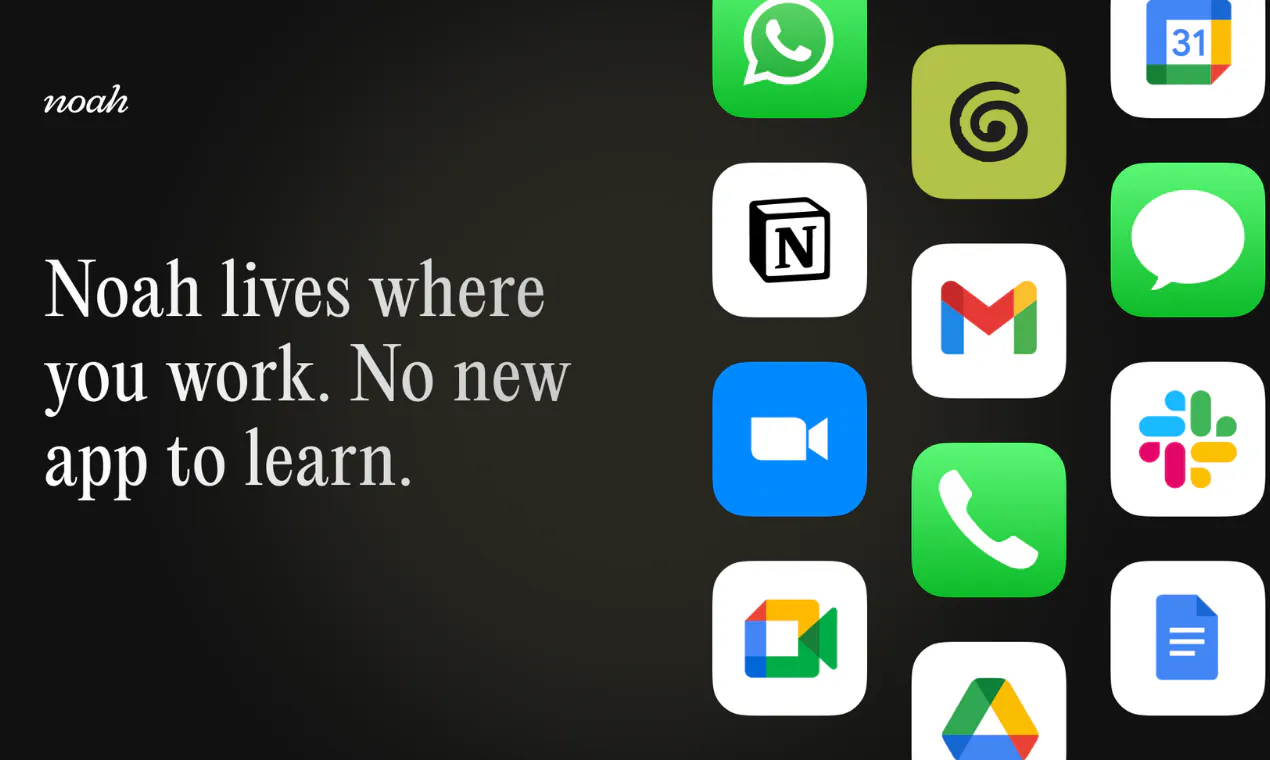
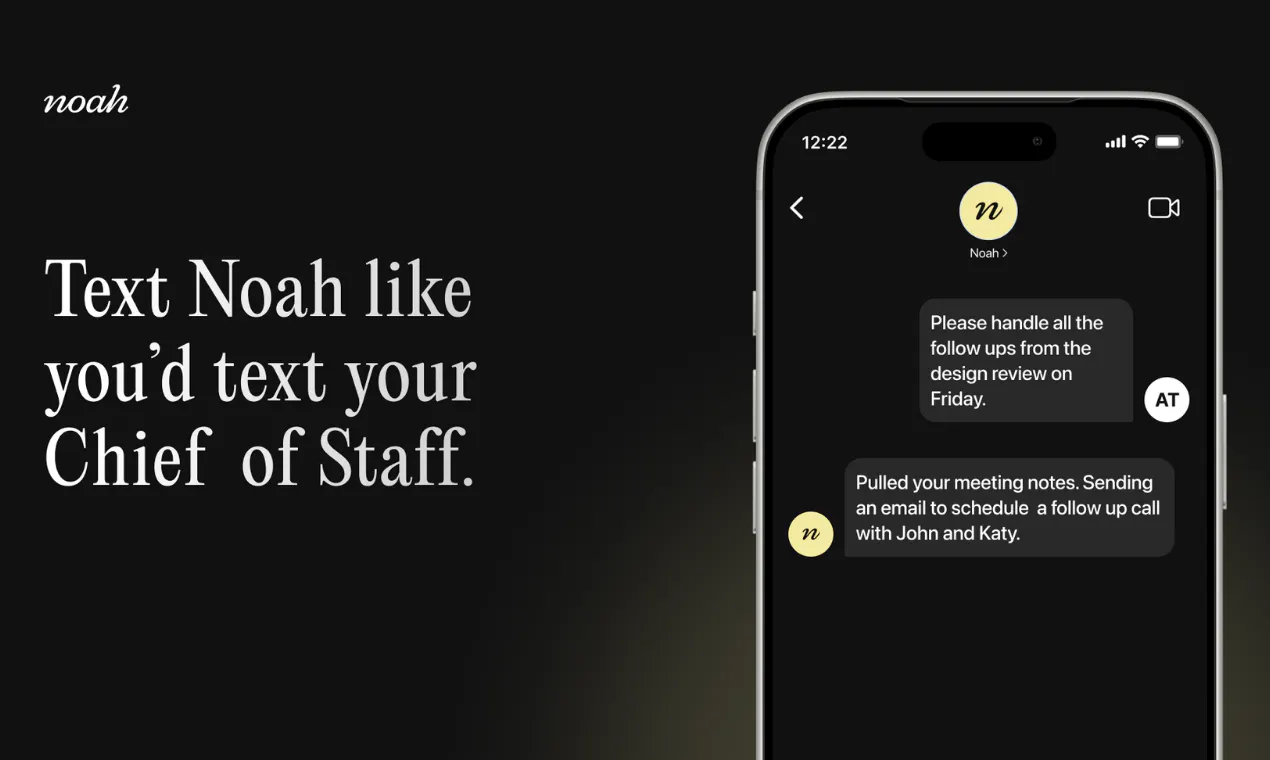
查看原始信息
Karve
Karve is a native Windows API client built around plain http files. Cold start under 2 seconds. Organize requests from every repo in one workspace, switchenv environments, keep searchable history. Files stay on disk, Git-friendly. No account. Buy once.

Hey Product Hunt! 👋 Solo maker here.

Karve started from a simple annoyance: my API requests already lived as .http files (the format Visual Studio, VS Code REST Client and JetBrains use) in my microservices' repos, but the moment they spread across projects there was no workspace for them, just a runner buried in each editor. That was quite annoying and every tool to launch them was slow and heavy (especially my daily driver - VS)

So I built a workspace, a tool, and made three stubborn choices:

1. Files stay files. Karve doesn't import your requests into a proprietary database. It organizes the .http/.rest files you already have, from any repo, without moving them. They keep diffing, branching, and reviewing like code.

2. Native or nothing. It's Windows native WinUI 3 app: cold start under 2 seconds, Mica themes, x64 and ARM64. No Electron shell, no cloud. Requests never leave your PC.

3. Your agent can drive it, without seeing your secrets. Karve ships a built-in MCP server, so Claude Code (or any MCP client) can find, run, fix, and author requests in your real workspace. But it only ever sees your requests as raw text with {{placeholders}} - resolved URLs, environment values, and stored history never cross to the agent. Off by default, because I'm not sure if it's coold or not, one toggle in Settings, localhost only. 90-second demo: https://youtu.be/qxPAWP8QY50

All of it is a one-time purchase (launch sale: $29.99, reg. $39.99) with a 15-day free trial.

MCP is included, and every 1.x update comes with it.

There are bunch of free client-side converters on the site (cURL/OpenAPI/HAR → .http), no purchase needed.

Eventually I'll move them into app, don't want to bloat it now.

I trying to keep scope limited: REST only today (WebSocket and Postman/cURL import are on the 1.1 roadmap), single-user, Windows only. Again, the last thing I want is more bloat

I'd love to hear how you keep API requests today, and what would make you move them into plain files.

I'm here all day. 🚢

2
回复