Product Hunt 每日热榜 2026-08-08

PH热榜 | 2026-08-08

#1
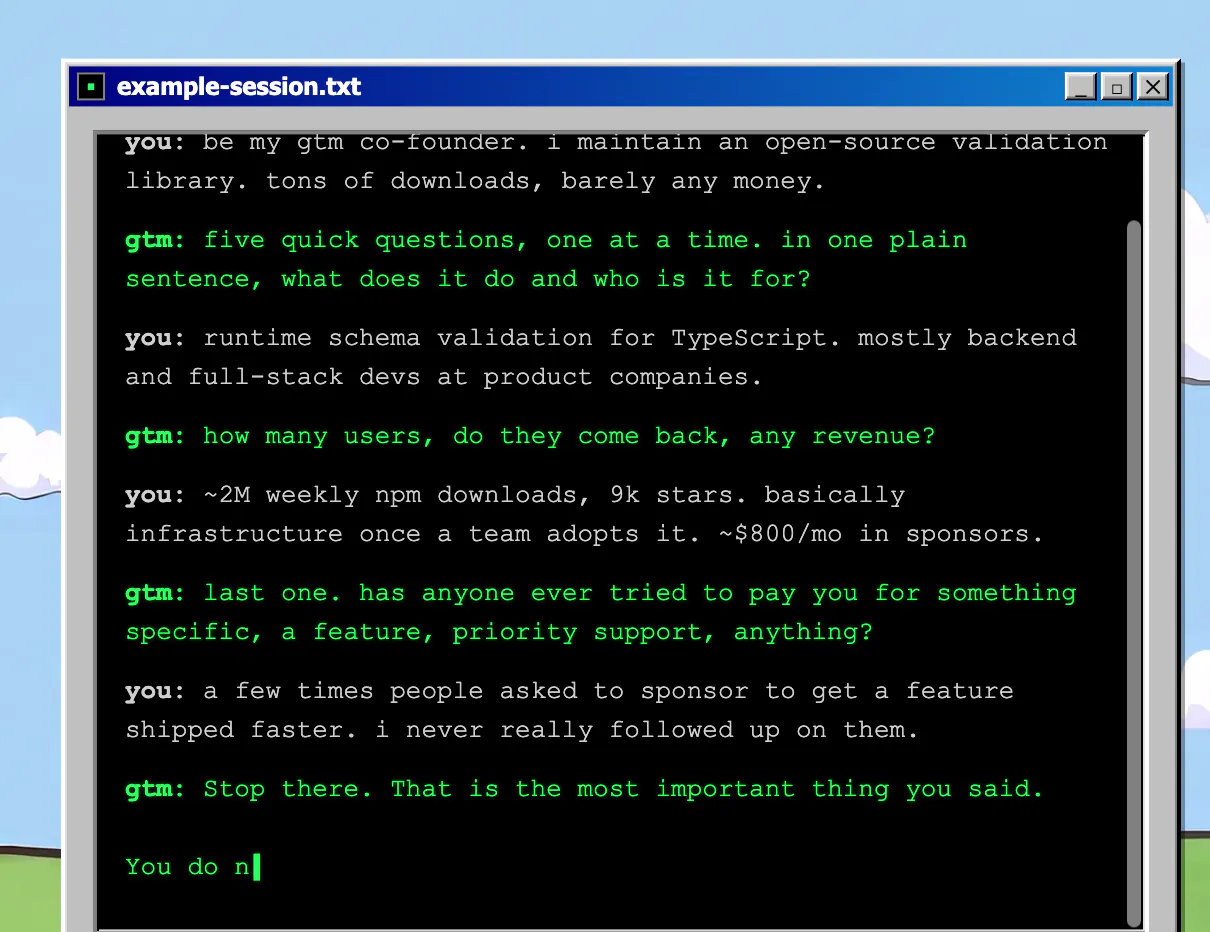
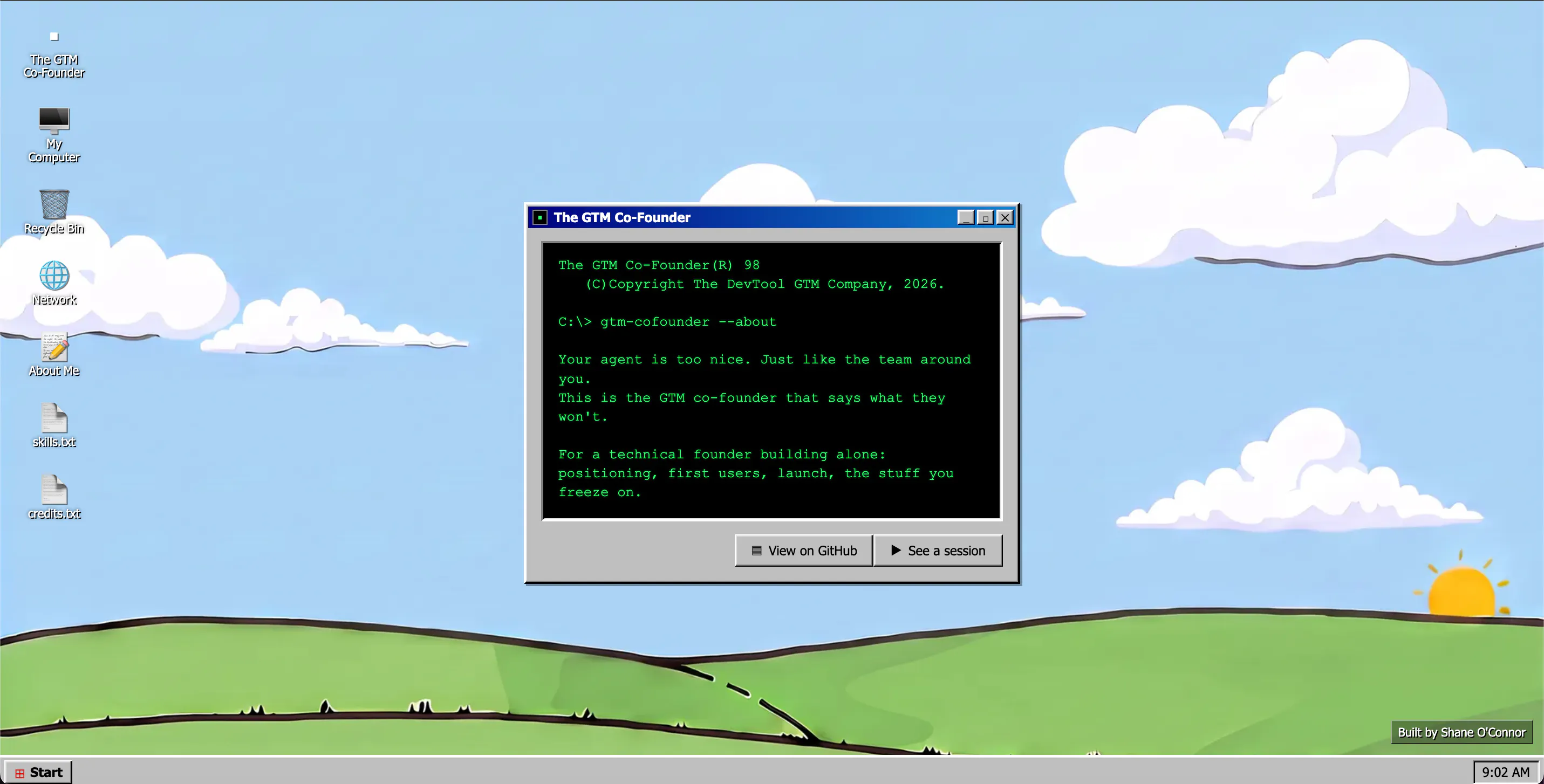
The GTM Co-Founder
Open-source GTM skills for technical founders
343
一句话介绍:The GTM Co-Founder 是一套开源“技能包”,通过一次结构化访谈了解技术创始人的真实产品与市场,逐步输出优先级排序的GTM路线图,覆盖目标用户、定位、首批50个用户、发布与定价等关键环节,解决DevTools创始人缺乏可落地的销售与营销方法论的问题。
Open Source Marketing Developer Tools
开源GTM技能 技术创始人 开发者工具 市场进入策略 产品定位 早期用户获取 定价策略 AI面试 Claude Skills 开放路线图
用户评论摘要:用户认可“可复用技能”理念,但集中追问:如何长期保持定位、定价、发布间上下文一致性?如何处理知识漂移?能否接入ChatGPT?是否过度依赖Claude Skills生态?另有用户反馈对“从无人链接到值得链接”的定位改善需求强烈,并好评网站设计及实操分析质量。
AI 锐评

The GTM Co-Founder 的聪明之处在于它没有再造一个“万能AI营销顾问”,而是把GTM拆解成一组可复用、可审计、可迭代的“技能”,这切中了DevTools创始人最深层的焦虑——不是缺内容,而是缺一个能对着自家产品说真话的操盘手。它用一次深度访谈锚定产品与市场事实,再以线性路线图推进,本质上是在用“结构化对话”对抗大模型常见的幻觉式泛泛而谈。

但评论区的质疑同样致命:上下文一致性是多步交互的生死线,没有记忆机制或状态管理,越往后越容易自相矛盾;知识漂移会随产品迭代加速,开源技能若不内置版本化更新机制,很快沦为僵化模板。更关键的是,“技能”绑定于Claude Code,这不是生态卡位而是生态绑架——一旦Anthropic调整技能API或后来者兼容性更好,产品价值瞬间归零。有用户提出“从无人链接到值得链接”的定位缺口,这恰恰暴露了当前路线图偏重发布前阶段,对发布后增长飞轮覆盖不足。虽然343票和部分好评显示早期PMF存在,但团队必须尽快回答:如何让技能自我进化?如何脱离单一平台绑定的依赖风险?否则这只是一个漂亮的工具,而不是一家可持续的公司。

查看原始信息
The GTM Co-Founder
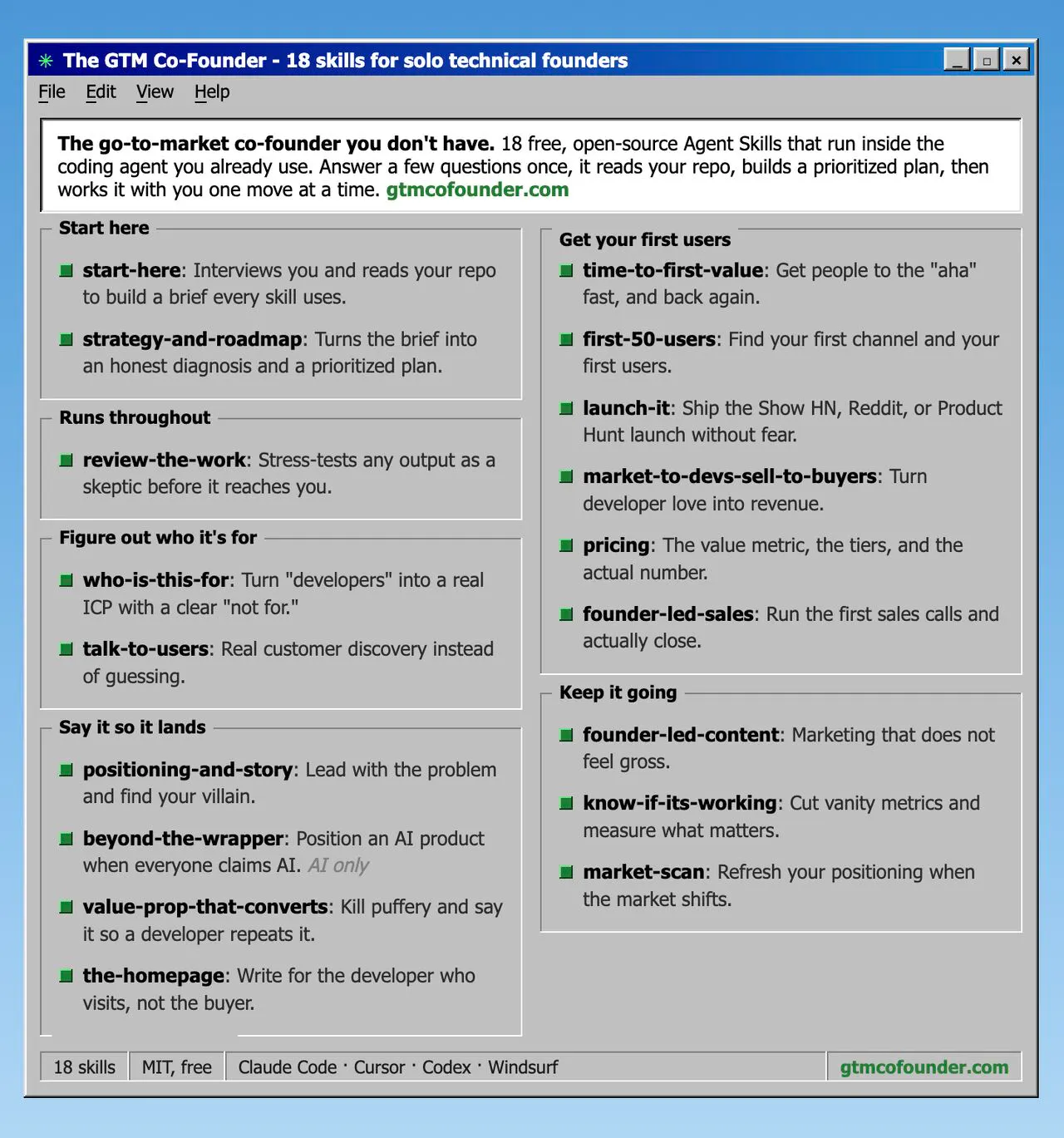
Most AI hands dev-tool founders the same generic sales and marketing advice. The GTM Co-Founder doesn't. It's a set of open-source skills that interview you once, learn your real product and market, then walk you move by move through a prioritised GTM roadmap: who it's for, positioning, your first 50 users, launch, pricing, etc. Grounded in the playbooks of Adam Frankl and Jakub Czakon, plus my own time as a Founding AE and GTM advisor. Free and open source.

"If you're in dev tools, @fmerian is a great [Hunter] to ask."

appreciate for the mention, @gtmnerd! enjoy the launch, keep up the great work

7
回复

Really like the idea of treating GTM as a set of reusable skills instead of another generic AI chat. Curious how you keep context consistent across positioning, pricing, and launch so the recommendations don’t start contradicting each other over time?

3
回复
Good to see a prod like this … curious how do you handle knowledge drift ??
2
回复

I love the brutal website design!

2
回复

I love that the README reads like therapy for solo tech founders!

2
回复

I tried for my beta product. I does excellent and detailed analysis. I liked it very much and will use very often from now on!

2
回复

The forum thread's line about everyone telling you it looks amazing while nobody says the real thing is the part that landed for me. Shipped an app, ran the SEO myself, and the metric that actually moved wasn't more content, it was fixing positioning enough that people had a reason to link to it at all. Is there a skill in here for that specific gap, going from "nobody links to generic content" to something worth linking, or is the roadmap mostly pre-launch positioning?

1
回复

this is really really great. any chance we can connect it with chatgpt as well?

0
回复
Is “skill as a product” a category you think grows, or a format that works specifically because dev-tools founders live in Claude Code? And how do you think about dependancy risk of your product’s reach being coupled to Claude Skills adoption?
0
回复
#2
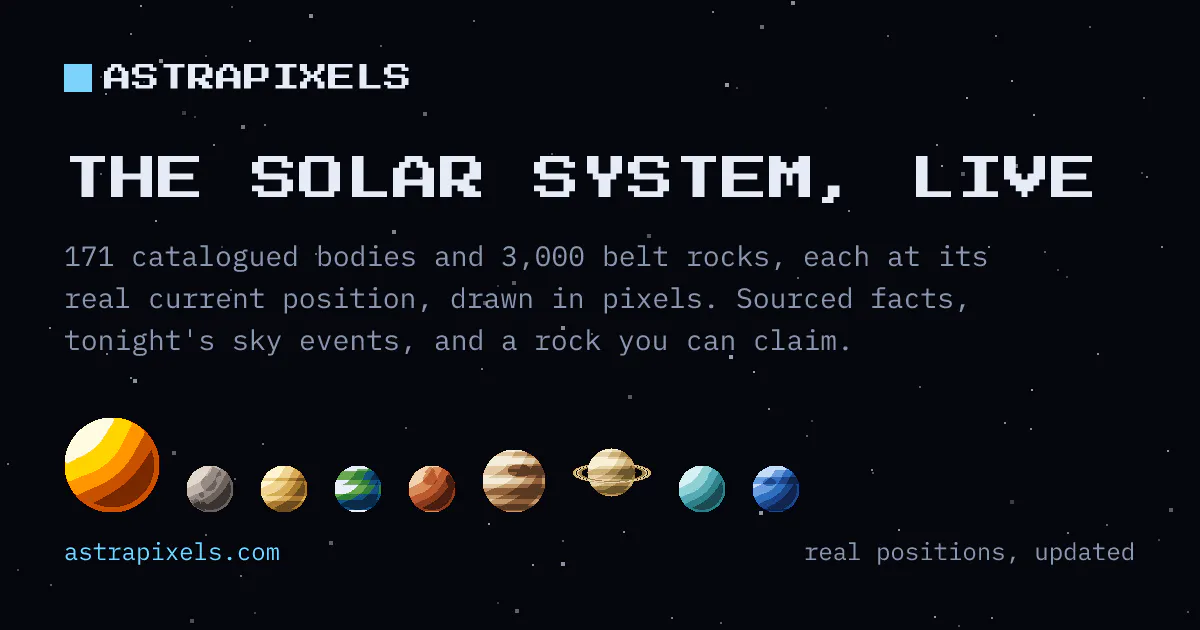
AstraPixels
​​A pixel-art solar system at its real current positions.​
242
一句话介绍:AstraPixels是一款将太阳系实时天体位置以像素艺术风格呈现的交互式天文工具,用户既能探索真实的星空,也能花5美元永久认领并命名一颗小行星。
Web App Art Advertising
像素艺术 天文教育 太阳系模拟 实时轨道计算 交互式星图 太空探索 数字收藏品 创意商业化 独立开发者 Web应用
用户评论摘要:用户普遍认可其“玩具外表,仪器内核”的定位,赞赏实时轨道计算的工程深度及IAU命名权披露的坦诚。主要建议集中在移动端UI的缩放体验优化,以及对“购买命名”功能持久性与透明度(如链接检查机制)的追问。有用户指出图形质量需提升。
AI 锐评

AstraPixels是一次精准的“旧瓶装新酒”式创新,其价值不在于像素艺术,而在于用严肃的天文计算支撑起了一个轻量级的商业实验。它将Million Dollar Homepage的经典模式嫁接到一个具备实时科学数据的产品上,巧妙地通过“3,000颗程序生成的小行星”解决了库存枯竭问题,并通过“租借”太阳、行星等稀缺资源来维持供需平衡。创始人对“非IAU命名”的醒目披露值得称赞,这有效规避了伦理与法律风险,是产品最大的信任背书。

然而,产品内在的矛盾也很明显:它试图同时取悦天文爱好者和猎奇消费者。对前者,171个天体的数据和六个月的星象预报足够专业,但像素画风与“出售命名”的娱乐性会稀释其科学性;对后者,5美元的入门门槛虽低,但缺乏官方认证的“命名权”和仅限于平台内的展示,其“永久性”完全依赖该项目的存续,这与“太空”主题所暗示的永恒感背道而驰,构成了核心的认知摩擦。评论中“玩具还是仪器”的疑问恰好印证了这种定位的模糊性。

其商业模式的长期性终将受制于流量与维护成本。链接自动检查与“失修飞船”的惩罚机制是亮点,但这只是对链接失效的被动响应。真正的挑战在于,当3,000颗小行星售罄后,产品如何从“购买”驱动转化为“工具”驱动?若不能沉淀为活跃的天文社区,它最终会沦为一场有趣的、带有科普性质的限时艺术项目,而非可持续的商业产品。总体而言,这是一次勇敢且有诚意的尝试,但需警惕“创意噱头”盖过“工具价值”的风险。对于5美元的价格而言,它是一份不错的数字礼物或桌面装饰,但也仅此而已。

查看原始信息
AstraPixels
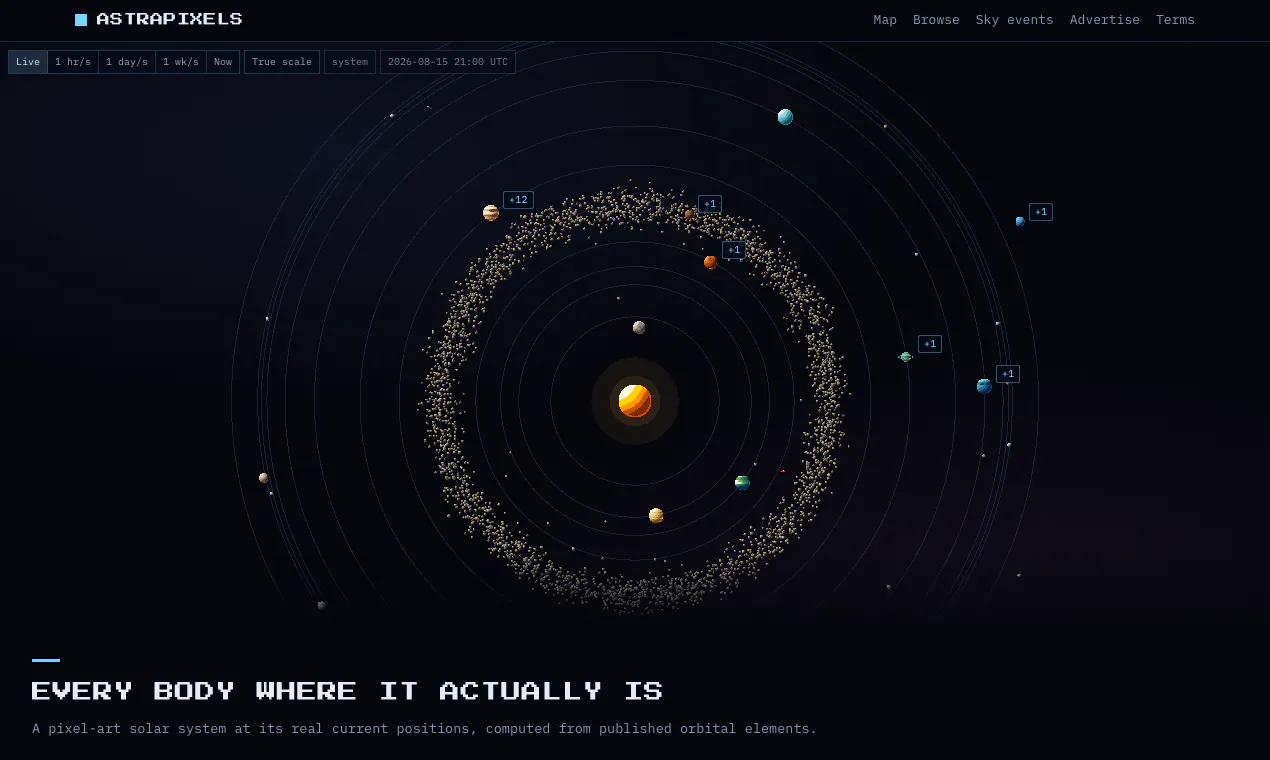
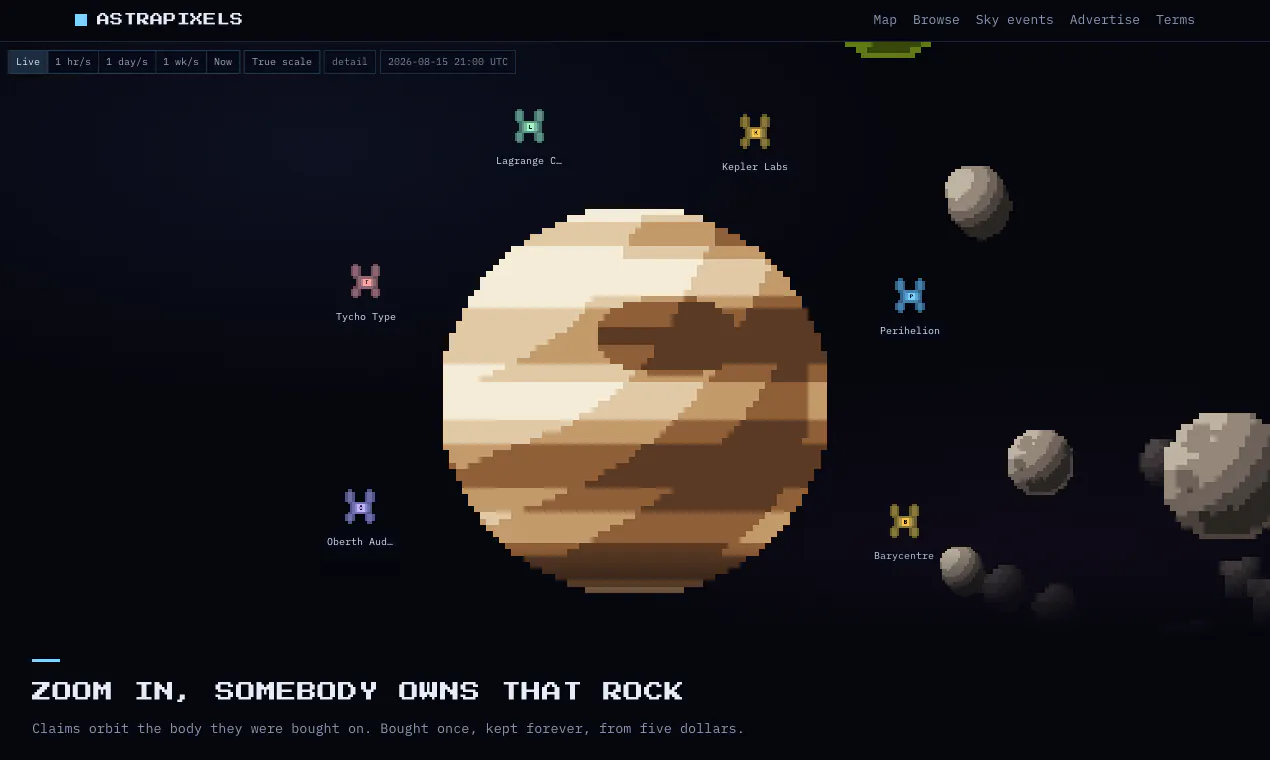
An animated pixel-art map of the solar system with every body at its real current position, computed from published orbital elements rather than copied from a list. Zoom from the Sun to the Kuiper belt, browse 171 catalogued objects with sourced facts, and see what the sky is doing for the next six months. Every rock is also for sale: claim an asteroid for $5, keep it forever, name it whatever you like. A name here is shown on AstraPixels only, and is not an IAU designation.

Hi Product Hunt.

AstraPixels is a pixel-art map of the solar system where everything is where it actually is. Positions are computed from published orbital elements with astronomy-engine, not copied from a list, so the map you open is the sky you are standing under. You can wind time forward a week, flip to true scale to see how much the map is lying to you, and open any of 171 bodies for its sourced facts and its position right now.

The other half is that every body is also for sale. An asteroid is $5, once, kept forever. A moon is $49. The Sun is leased.

I built the commercial side around the three ways a Million Dollar Homepage clone
normally dies:

- Inventory sells out, or never does. The main belt is 3,000 procedurally generated rocks, so there is a $5 floor that cannot sell out, while the things that are genuinely scarce (the Sun, the eight planet skins, the comets) are leased rather than sold.
- Nobody ever comes back. So it is an astronomy tool first. Real positions, and a sky-events page that computes the next six months of conjunctions, oppositions, meteor showers and eclipses.
- Link rot. 22% of the original's links died within a decade. Links here are checked monthly, and three failures turn the rock into a visibly decaying derelict sprite before it recycles back into inventory.

One thing I want to be blunt about, because the resemblance is unavoidable: a name you put on a body is shown on AstraPixels and nowhere else. It is not an IAU designation, it is not submitted to anybody, and no observatory will recognise it. Official minor planet names are assigned by the IAU and cannot be bought. That disclosure is on every page that shows a custom name, not buried in the terms.

There is no sign-up. Stripe asks for your email and that is the whole account system.

I would rather have your criticism than your upvote. The thing I am least sure about is whether the map reads as a toy or as an instrument, so tell me which one it looked like in the first five seconds.

4
回复

@nicklaunches Congrats on the launch, Nick! AstraPixels is such a unique concept. The real-time orbital calculation using an astronomy engine rather than static list mapping is really impressive engineering!

To answer your question: At first glance (first 5 seconds), it reads more like a retro interactive map/tool than a simple novelty toy because of the live physics aspect.

One quick tech question: as traffic scales, how are you handling the concurrency for the real-time orbital calculations on the backend?

Best of luck with the launch!

0
回复

@nicklaunches Not a criticism, but a question about trust
Hi Nick,

First Respect for putting the IAU disclosure front and centre, not buried in T&Cs. That alone tells me you understand that reputation isn't about hiding things; it's about owning them upfront. Most founders would've let people assume the names were official. You didn't. That's rare.

You asked whether the map reads as a toy or an instrument. Here's my honest take in the first 5 seconds:

It reads as an instrument with a toy's entry point.

The pixel art invites curiosity (toy), but the orbital elements and real-time positioning demand respect (instrument). That tension is actually your biggest strength it lowers the barrier while rewarding depth. The danger is that casual users might miss the "instrument" part entirely and treat it as a gimmick.

That's where your reputation management becomes critical.

Here's what I see as your ORM opportunity:

1. Comment sentiment on Product Hunt

Early adopters will ask, Why pay $5 if it's not official?' Your disclosure is perfect, but you need a standardised, warm reply ready for that question every single time it appears. Consistency builds trust.

2. The "derelict sprite" mechanic is brilliant for retention

But if links fail and a rock decays, users might feel cheated unless you communicate proactively a monthly email or on-page notification saying We checked your links. All good. It turns a maintenance task into a trust-building moment.

3. Your biggest reputation risk

Not the IAU thing; you handled that. It's actually a scale. If 3,000 rocks sell, can you manually check every link? If not, automate it visibly. Show users when their rock was last checked. Transparency here makes you bulletproof.

I'm not here to sell you anything today. I specialise in helping founders like you protect the trust you've already earned as you scale. If you ever want a second pair of eyes on your comments section or a framework for handling tricky questions before they become threads, I'm happy to share it for free, no strings.

Just tell me: email or [+1 683 929 9861] whatsapp? Whatever suits your workflow.

Either way, this is one of the most honest launches I've seen this year. Keep that voice.

Best,

EMMY_SEGEH

http://ciscosegeh-reputaion-portfolio.onhercules.app

0
回复

@nicklaunches This is such a clever mix of a real astronomy tool and a creative business model.

I especially like that you’re being upfront about the naming — people should know they’re buying a place on the map, not an official astronomical name.

The part that caught my attention most is the link-rot idea. Turning dead links into visible “derelicts” is a fun way to solve a very real problem.

And honestly, I’d say it feels like a toy at first glance — but the real orbital data and time controls make it much more interesting once you start exploring.

0
回复

The pixel art style makes space feel approachable rather than overwhelming. When you claim and name an asteroid, does the custom name show up when other visitors zoom into that part of the map, or is it private to your session?

2
回复

@leo404 thank you for your feedback! Yeap it does show the name. You can check examples here: https://astrapixels.com/advertise

0
回复

@leo404 what can you say about it? Can you dm or email

0
回复

This made me smile.

Best way to wake up fr.

It's wonderful to see this world has joy in it still.

1
回复
@build_with_aj best comment. My purpose been fulfilled now 🔥
0
回复

Opened on my phone half-asleep. First glance: toy vibe (cute pixels). Then I hit time scrub + true scale and it clicked—this is an instrument. Sky events page is handy. Naming/sales bit feels like optional noise to me. Mobile zoom a tad twitchy, but I kept poking.

1
回复

@alexcloudstar gotta re-work UI on mobile a bit. Same idea as saascity or million tiles 🔥

1
回复
Wow! Love to see this kind of projects launching here. Guessing what’s the main goal. Anyway wish you all the best
1
回复

@german_merlo1 thank you!

0
回复

@german_merlo1 Oh, it's been a while you lunched.

0
回复

I could not find elliptical path of earth around sun. 😕

1
回复

@yourengineerbro there is an option of True scale, you should find it there

0
回复

@yourengineerbro I see you look confused

0
回复

I love this one and I've already claimed Juliet. The graphic style might have seemed a little overwhelming for me at first glance, but after a short while I really came to appreciate it, especially when zooming in. Great job!

0
回复

I think this is weak. I'd make graphics actually better. Poor graphics stopped me from digging deeper.

0
回复
#3
Hexis
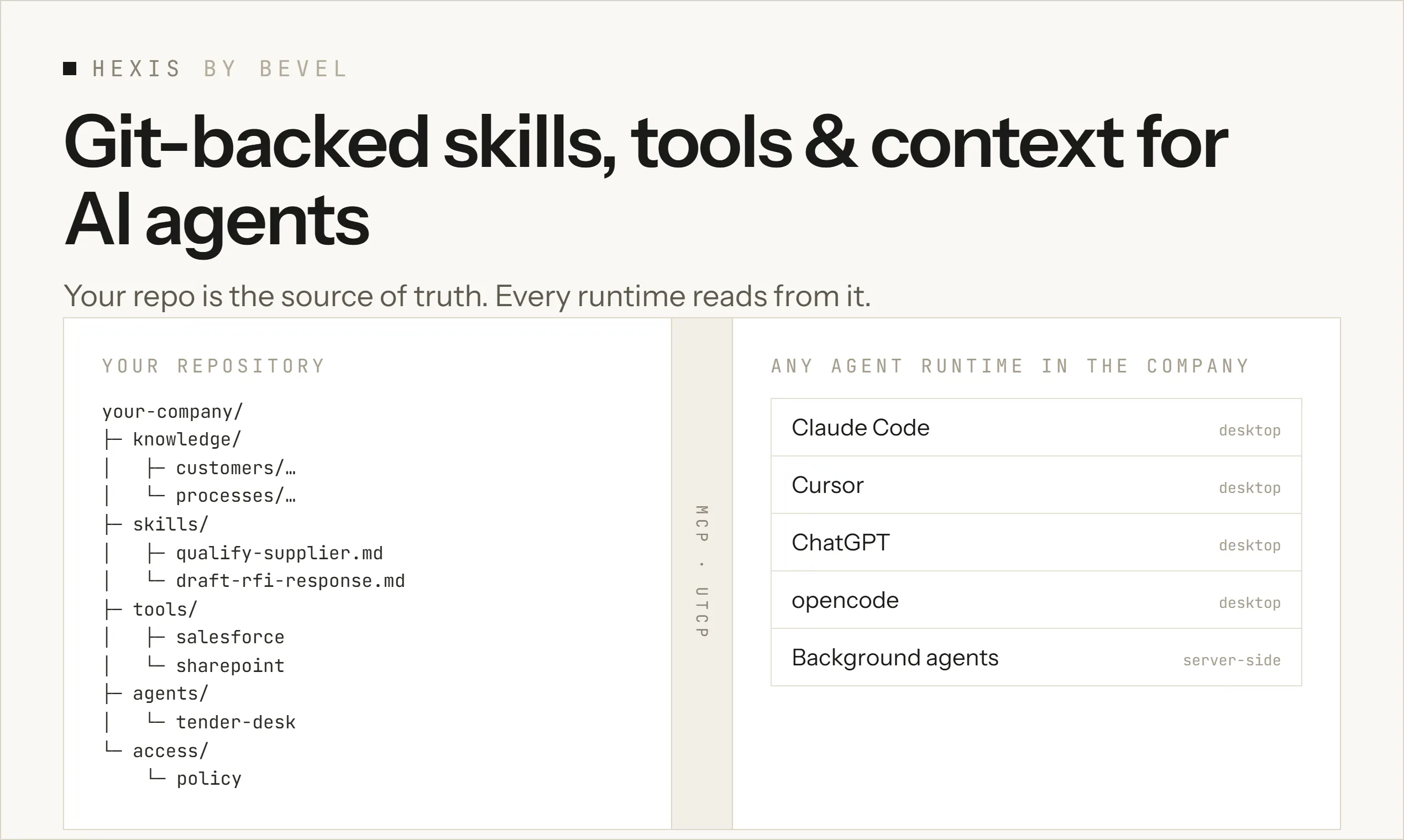
Git-backed skills, tools & context for AI agents
169
一句话介绍:Hexis 是一个构建在 Git 之上的 AI 代理技能、工具与知识管理平台,通过友好的用户界面和文件级访问控制,让企业内不同角色都能安全地共享、审批与使用 AI 技能,而无需接触底层 Git 工作流。
Open Source Artificial Intelligence
AI代理治理 技能管理 Git版控 MCP协议 企业知识库 权限控制 协作平台 内部工具 开源 产品猎奇
用户评论摘要:评论者认可其降低非技术用户使用 Git 的门槛,以及文件级权限控制的必要性。主要问题集中在:同名技能在不同层级(团队/项目)的解析冲突,以及两队提交相同技能版本时的冲突治理流程。官方回应称技能名全局唯一,按组隔离独立演化;团队各自审批,多组成员可自选适配技能。
AI 锐评

Hexis 切中的是 AI Agent 规模化落地中最尴尬的断层:模型能力过剩,但企业级“技能资产”的组织、分发与治理几乎是一片空白。把 Git 作为底层信任层是务实的——版本、PR、审计天然存在,企业无需重建安全心智。但真正的杀招不是“Git 的 UX 美化”,而是文件级权限控制。这直接回应了企业中“谁能用哪个工具、看哪份上下文”的敏感命题,也是 GitHub/GitLab 作为通用代码平台永远无法优雅解决的场景。

然而,产品仍面临三重拷问:其一,技能命名强制全局唯一,看似规避冲突,实则扼杀了“同名不同义”的灵活场景,治标不治本;其二,多组独立演化的治理模型,在真实企业里容易退化成“技能孤岛”——团队各写各的,共享价值打折;其三,MCP 作为消费协议虽是趋势,但当前生态仍偏早期,兼容性与调试体验未必成熟。

Hexis 的本质是“AI 时代的内部开发者平台(IDP)”,价值不在于工具本身,而在于能否成为企业 AI 资产的事实标准。169 票的冷启动数据不算亮眼,但评论质量高,核心用户群(DevEx、平台工程师)画像清晰。如果它能坚持把“非技术用户零 Git 接触”和“细粒度治理”这两条路走穿,而非贪多求全,有机会在企业 AI 工具链中占据一个不可替代的生态位。否则,很容易沦为“又一个 MCP 仓库管理器”,被大厂平台能力吞没。

查看原始信息
Hexis
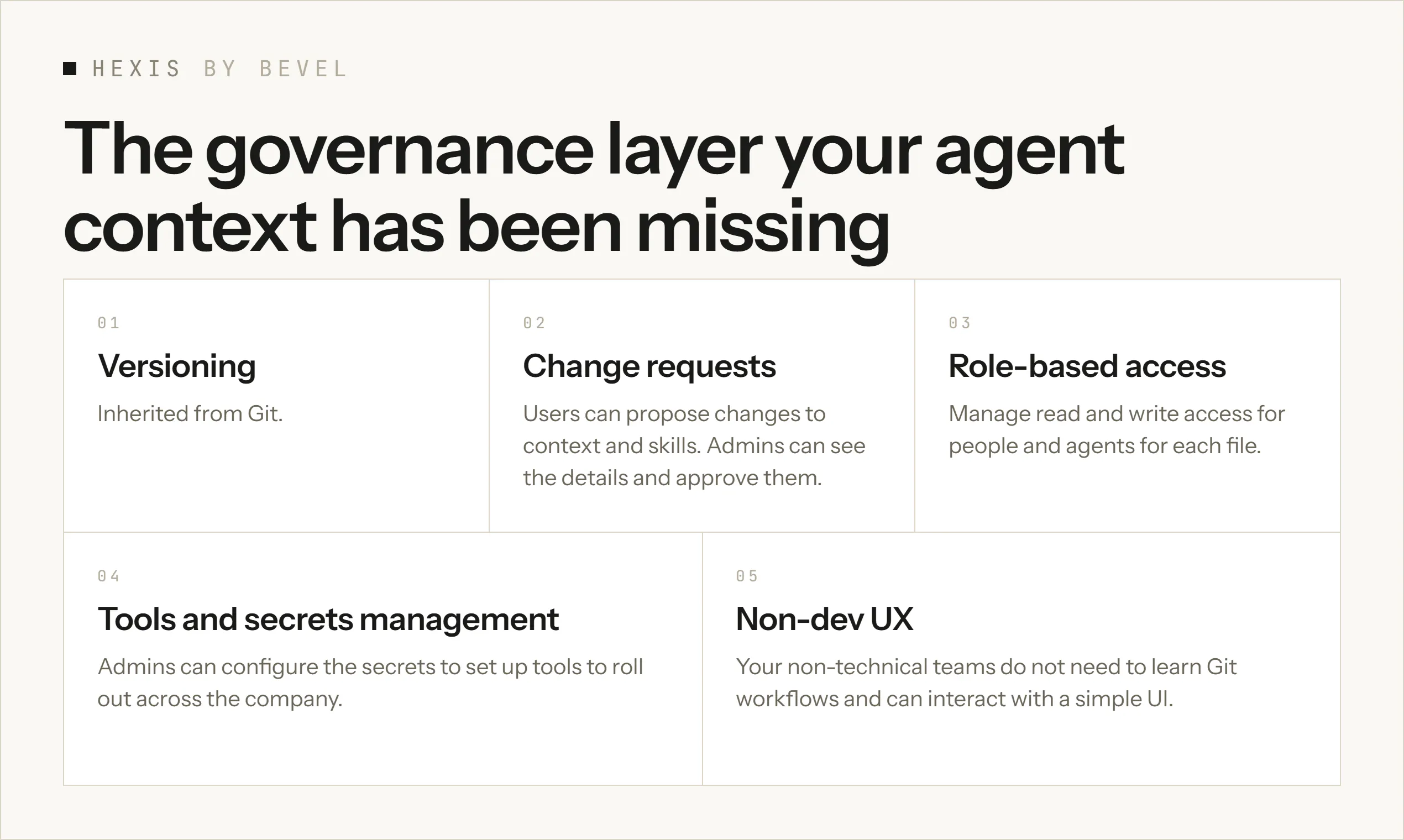
One place where your company's AI skills, tools and knowledge live - centrally managed, reviewed and access-controlled, and usable from any AI agent. Hexis is a layer on top of Git: same core (versioning, PRs), plus a clean UX so anyone can use skills, suggest changes, and submit new ones and admins can govern which context, tools, and skills each person, team, or agent can access. Consumed via MCP, works in any agent in the company.

Hey Product Hunt! 👋

We're launching Hexis because we've seen everyone (including ourselves) putting skills and context into GitHub. Versioning, PRs, review; it works for a bit. But then non-technical people have to learn the whole workflow. GitHub was built for software development, and it breaks down when you use it at scale for something it wasn't built for.

Hexis is a layer on top of Git. It keeps the core (versioning, PRs) and adds a non-dev friendly UX on top, and allows file-based access management (that just doesn't work with Github/Gitlab)

Users in companies can simply connect any agent of their choice through an MCP server, and can use skills, suggest changes, and submit new ones without ever touching a Git workflow.

Admins manage which context, tools, and skills each person, team, or agent has access to. They approve requested changes and review submitted skills.


P.S: In Aristotelian philosophy, 'hexis' is a skill you don't just perform once, but genuinely possess.

9
回复

@aliraza36580 This is a really interesting take on a problem that gets bigger as teams use more AI agents.

Git works great for developers, but asking everyone else to think in branches, PRs, and repositories can create unnecessary friction. I like that Hexis keeps the versioning and review layer while making the experience much easier for non-technical teams.

The file-based access control also feels especially important when different people and agents need access to different context.

And I like the meaning behind the name — “hexis” as a skill you actually possess fits the product surprisingly well.

0
回复

It is crazy how easy this makes switching the agent I'm working in, and how easy it makes creating background agents for various tasks!

You can also test the demo before looking into self-hosting directly at demo.bevel.software

3
回复

The access control angle is the interesting part to me. I load skills through a per-directory scoped Skill tool day to day, and the one thing that trips me up is resolution order when the same skill name exists at two governance levels (say a team-wide skill and a project-local override). Does Hexis pick the more specific one automatically, or is that a conflict an admin has to resolve by hand?

2
回复

@abdullah_javaid3 On skill creation we enforce unique names, so we dont allow skills with the same name to be created. If it still happens because they were not created via the interface, then we add a number at the end of each to differentiate, and the agent can see the path where its saved which corresponds to the group it belongs to

1
回复

Hi team!

Really proud of what we’ve built here.

Over and over, people we’ve talked to have mentioned how hard it is to share and connect to skills, tools and context in their organizations.

Specifically for two reasons:

  1. Sharing skills between coworkers is slow and clunky when you have to share files and folders

  2. Using GitHub to store and distribute skills is a big learning curve for non-technical users

By open sourcing our work, we hope you have now a simple way to upload, share and improve on your team’s context, skills and tool!

Would love your feedback ❤️

2
回复

the Git-as-source-of-truth angle is the right call for enterprise. versioning and PR reviews are already the trust layer devs understand, so layering agent skill governance on top means you're not asking orgs to adopt a new trust model from scratch. curious how you handle conflicts when two teams submit competing versions of the same skill, does it go through a standard PR review flow or is there a separate governance step for that?

1
回复

@rnagulapalle because each team can be represented as a separate group, and each group manages its own skills, our governance model allows each team to have their own version of skills that can evolve independently based on the usage and needs of that group (each individual skill owner in each group gets user friendly PRs that they approve or reject).

If a user is a member of multiple groups each with similar skills either they or their agents get to choose which skill fits best for the task at hand.

0
回复
#4
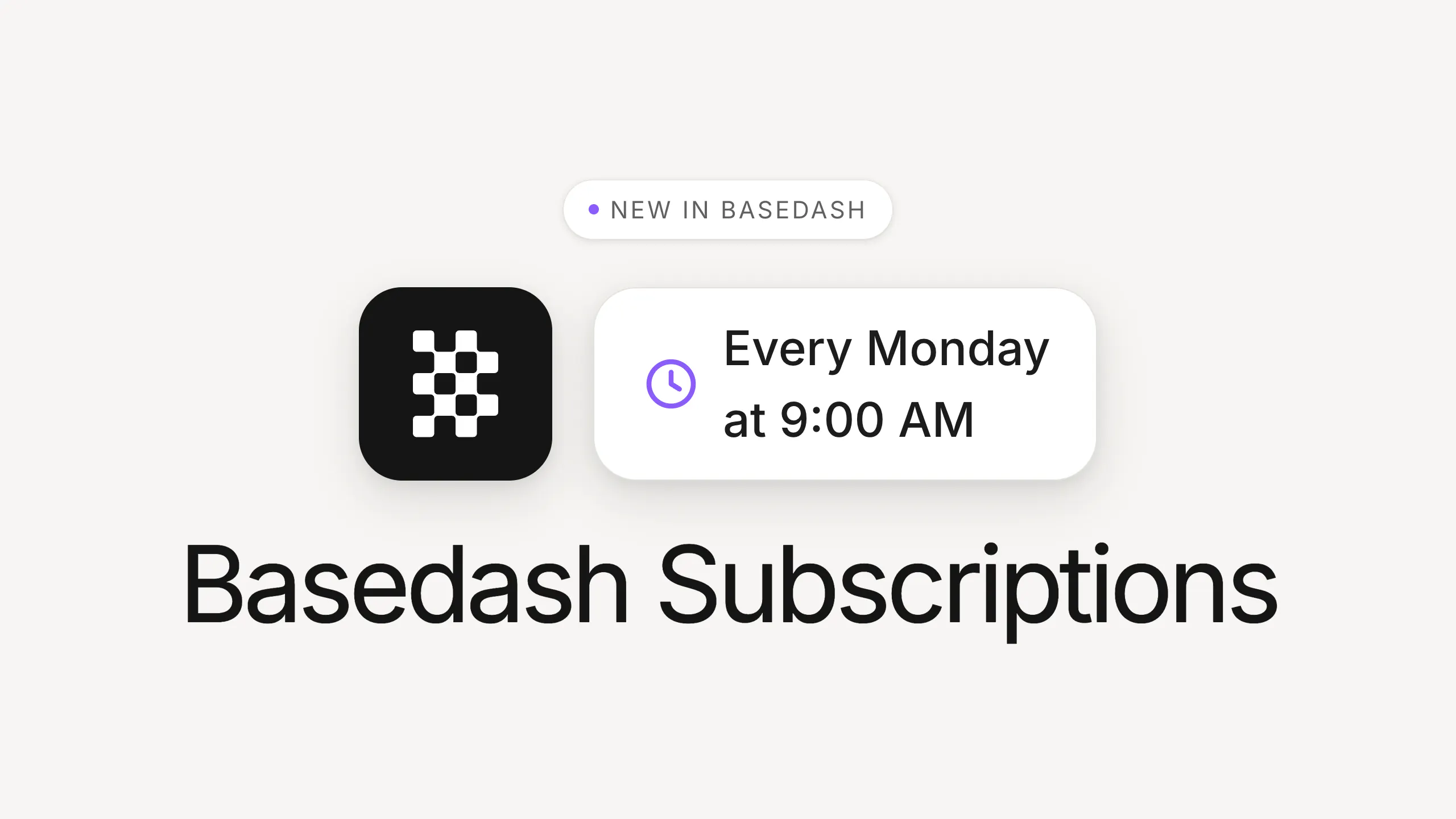
Basedash Subscriptions
Subscribe to any dashboard. Delivered on schedule.
149
一句话介绍:Basedash Subscriptions 让用户将任意仪表盘或图表设定为定时订阅,按指定节奏自动把最新数据快照推送到邮箱或 Slack,彻底省去手动截图和分发报告的麻烦。
Artificial Intelligence Data & Analytics Business Intelligence
数据仪表盘 定时报告 自动化订阅 团队协作 Slack集成 邮件推送 指标监控 无代码工具 数据分析 SaaS产品
用户评论摘要:用户认可其自动化报告的价值,认为省时且解决“谁去截图”的痛点;同时提出具体疑问:能否一个订阅按不同图表拆分到多个Slack频道,以及时间调度是否支持收件人各自时区。
AI 锐评

Basedash Subscriptions 在功能上并不复杂,甚至可以称得上“微小”——它只是把“看仪表盘”变成一个被动接收动作。但正是这种微小时,准确踩中了企业内部高频、低效的“报告仪式”痛点。表面看,它省去的是截图和粘贴的十秒钟;实质看,它消除了组织运转中一个隐形但持续的摩擦成本,即“谁负责同步数据”这种非生产性责任的重担。

从评论反馈看,产品的核心壁垒不在“生成快照”的自动化技术,而在于对交付细节的尊重:灵活的多重订阅叠加、定位到频道或个人的分发路径、以及周/月/季度的节奏设置。唯一被鲜明指出的短板是“多频道-多图表”的独立配置问题和时区归属问题,这恰好反映了该功能在企业真实使用场景中的边界——它目前仍偏重于“一刀切”的广播式分发,而大型组织往往需要矩阵式、定向化的分发模型。

值得一提的是,Basedash 借该功能完成了从“数据查看工具”向“数据分发基础设施”的定位跃升。把BI从被动等待用户上门的孤岛,变成了主动流向对话流的活水。这对所有依赖仪表盘驱动的团队来说,意味着每天少操一份心,但更深层的价值在于:它把“数据是否被真正看见”从依赖个人记忆力,变成了一种系统保证。

AI不会取代分析师,但会取代分析师花在“手动搬运数字”上的时间。该产品在垂直场景中的复制性极强,唯一的隐忧在于,当Slack和邮件厂商未来自行集成更原生的周期性数据卡片功能时,Basedash需要持续围绕“仪表盘生态”构建深度编辑器,而非仅停留在订阅分发层。否则,它很可能沦为巨头的功能补丁。

查看原始信息
Basedash Subscriptions
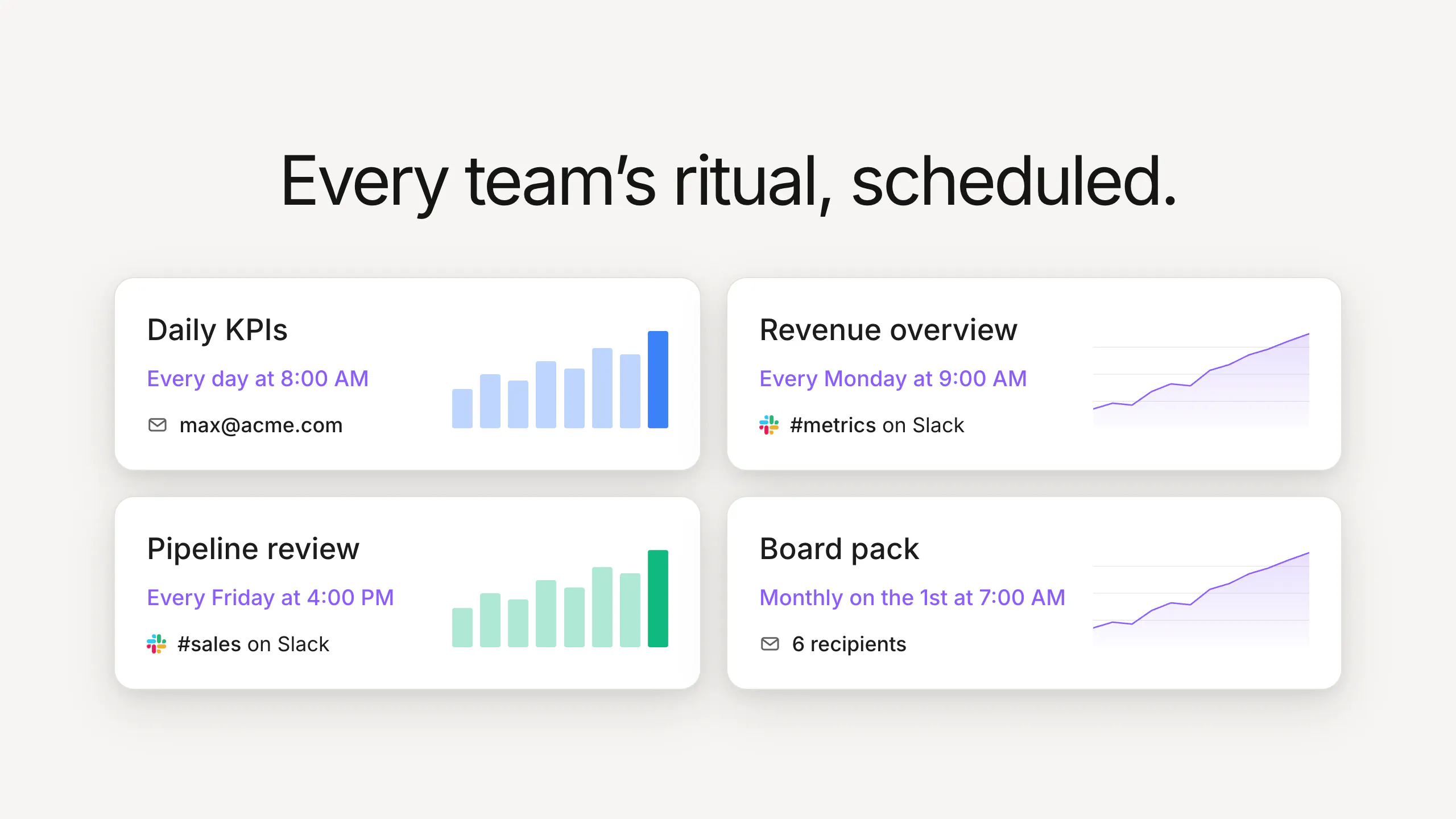
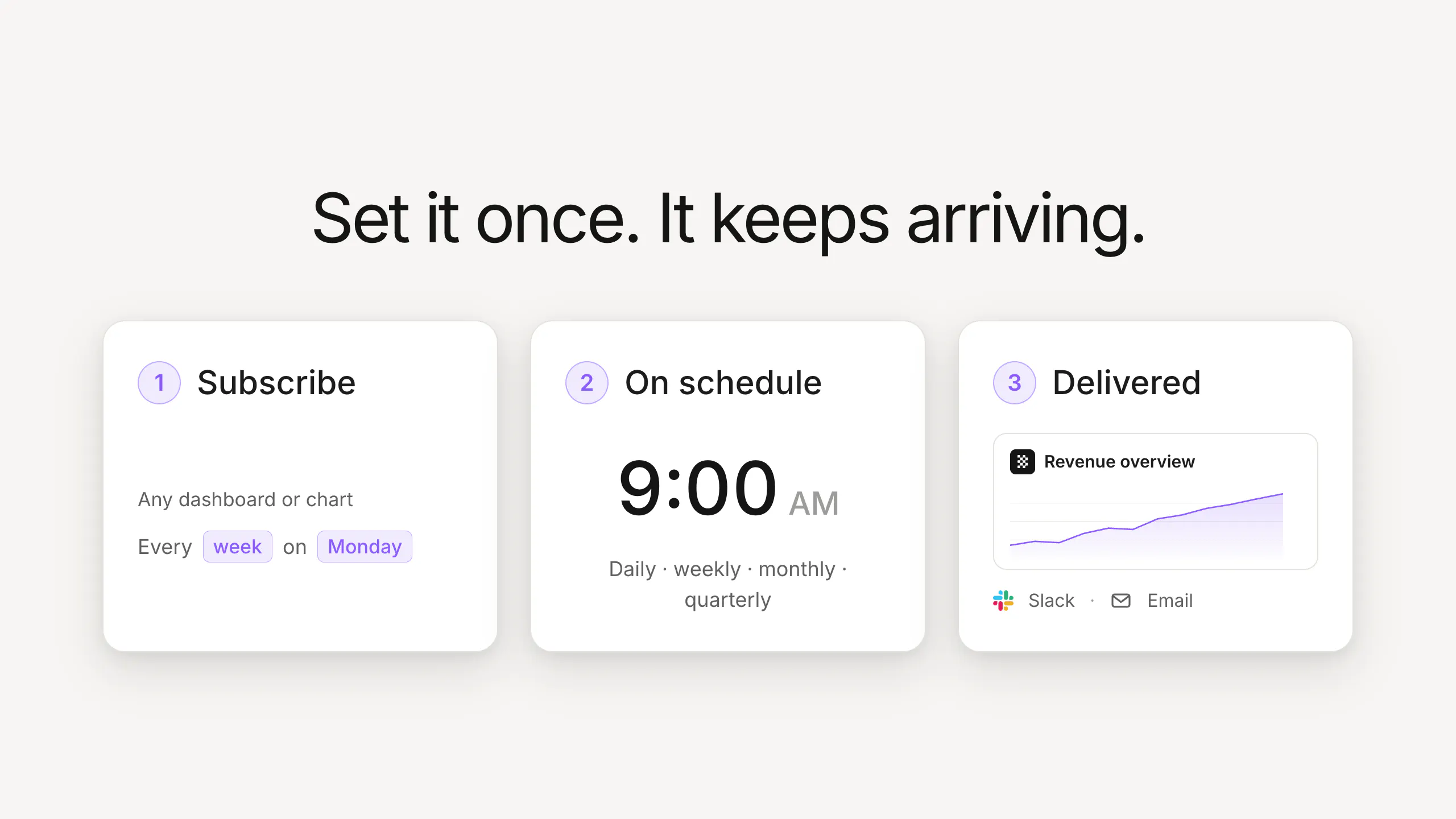
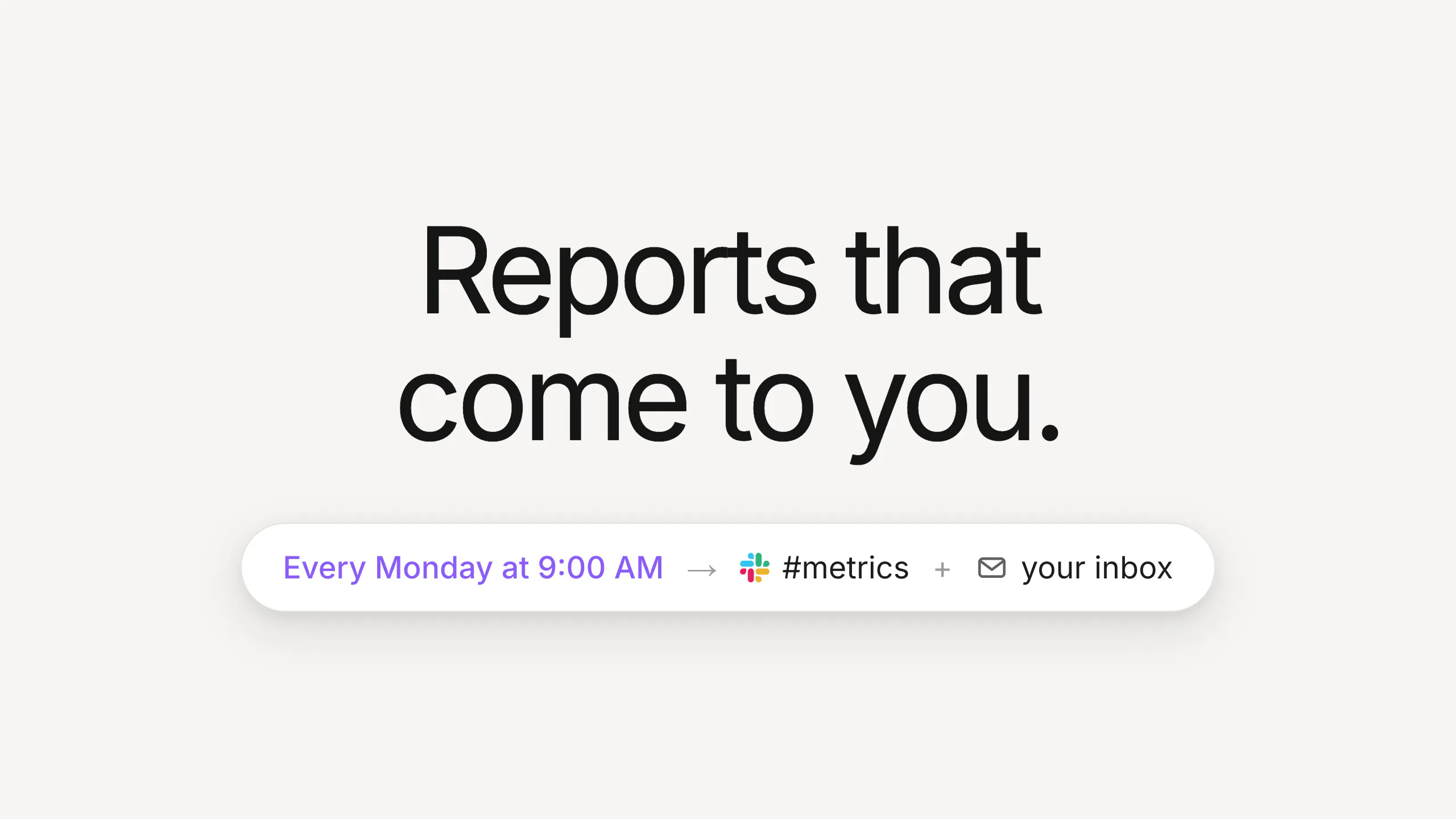
Subscribe to any Basedash dashboard or chart and get a fresh snapshot delivered on a schedule—straight to your inbox or a Slack channel. Pick the cadence (every Monday at 9am, daily, monthly on the 1st), choose who receives it, and each delivery arrives with up-to-date charts and a link back to the live dashboard. No exporting, no screenshotting, no remembering to share. The Monday metrics email your team wants, without anyone building it. Your dashboards, delivered on schedule.
Hey everyone, Max here from Basedash. Today we're launching Basedash Subscriptions: subscribe to any dashboard or chart and it gets delivered to your inbox or a Slack channel on a schedule you pick. Every team has a reporting ritual—the Monday metrics review, the Friday pipeline check, the first-of-the-month board pack. And someone always has to remember to open the dashboard, screenshot it, and post it. Now you set it once. Pick a dashboard, choose "every Monday at 9:00 AM", point it at #metrics or a set of teammates, and Basedash sends a fresh snapshot of every chart with a link back to the live version. Schedules run from daily to quarterly, you can stack multiple subscriptions on one dashboard, and pausing takes one switch. We've been running Basedash on this ourselves: our Monday revenue review and daily KPI digest now just show up in Slack before standup. Nobody has manually posted a dashboard screenshot since. Subscriptions are live today for all Basedash users. PH community gets an extra week on the trial this week. Happy to answer anything.
6
回复

@maxmusing real value is removing the reporting ritual from someone’s to do list automated KPI updates are a much better way to run recurring review

0
回复

@maxmusing This solves a small but very real problem.

The idea of making reporting completely automatic is simple, but the time it saves adds up quickly. No more “who was supposed to post the numbers?” or manually grabbing screenshots before a meeting.

I especially like that it works with Slack and lets teams choose their own schedule. Set it once and let the numbers show up when people actually need them.

Feels like one of those features you don’t think you need until you use it — and then you wonder how you lived without it.

0
回复

We run metrics reviews for a few different stakeholders (team, investors, community leads) and right now someone manually screenshots different chart subsets into separate Slack channels each week. Can one Basedash subscription target multiple channels with different chart selections, or does each destination need its own setup?

0
回复

The "someone has to remember to screenshot it" line is exactly how our Monday numbers happen right now, someone opens the dashboard, screenshots it, pastes it in Slack. Does the schedule respect each recipient's own timezone, or is a subscription fixed to whichever timezone it was created in?

0
回复

@abdullah_javaid3 exactly the problem we’re trying to solve! The creator gets to set the time in their timezone, then it sends to Slack or email.

0
回复
#5
Toolport
Every tool, one port. One MCP setup for all your AI agents
141
一句话介绍:Toolport 是一款免费开源的本地 MCP(模型上下文协议)网关,让 Claude、Cursor、Codex 等 33 款 AI 客户端共享同一套服务器配置,并通过“按需搜索工具”的元工具机制,将上下文 token 开销最高削减 91%,同时内置密钥安全存储与恶意工具攻击防护。
Open Source Developer Tools Artificial Intelligence GitHub
MCP网关 开源工具 本地部署 Token优化 AI Agent管理 开发者工具 安全防护 密钥管理 上下文压缩 跨平台兼容
用户评论摘要:用户核心痛点在于多客户端重复配置 MCP 服务器及工具定义全量加载导致的高 token 消耗。开发者回应了“搜索调用是否会成为多工具任务额外开销”的质疑,并给出量化数据:14 服务器/415 工具场景下,平铺模式每请求约 165k tokens,而懒加载仅需 886 tokens,即便单轮需 9 个工具,总开销仍远低于平铺模式。
AI 锐评

Toolport 的切入点极其精准:它没有试图发明新协议或新模型,而是用网关层化解了 MCP 生态里最普遍的“配置地狱”与“上下文通胀”问题。从产品设计看,其价值并非简单的代理转发,而是对工具调用范式进行了“索引—检索—执行”的重构——通过少量元工具替代全量工具定义,把 AI 代理从“目录背诵”中解放出来,这直击了大模型上下文窗口的物理瓶颈。

但冷静审视,这款工具的成功并非没有隐患。第一,“按需搜索”的收益高度依赖工具数量:如果用户只接 3 个轻量服务器,节省的 token 可能被搜索调用本身的开销抵消。开发者提供的 91% 节省数据来自 415 工具的重型场景,这实际上是营销上的“最佳案例”,而非普适收益。第二,作为中间层,Toolport 引入了额外的运维复杂度和故障点——虽然它强调 MIT 协议和本地运行,但一个代理层的崩溃或升级不当,将直接导致所有下游 AI 客户端无法使用工具。第三,安全上“指纹识别”与“rug-pull 标记”听起来很美,但鉴于 AI 领域的工具定义可以动态变化,这种静态指纹库能否跟上恶意工具的变形速度,仍是未知数。

不过,从战略层面看,Toolport 最聪明的地方在于它卡住了生态位:MCP 已成事实标准,而客户端碎片化(Claude/Cursor/Codex/VS Code)让“一次配置,处处共享”成为刚需。它没有与任何大模型厂商竞争,而是做所有厂商之间的“中立水管工”。如果它能将“审批绑定具体参数”和“沙箱脚本执行”这两个特性做深,甚至可能演变为 AI Agent 时代的“API 网关+防火墙+审计日志”一体化基础设施。

风险在于:OpenAI、Anthropic 等核心玩家随时可能在客户端原生支持“MCP 服务器共享”功能,届时 Toolport 的配置整合价值将被大幅稀释。届时,它真正的护城河或许只剩那套安全审计机制和社区驱动的工具指纹库。一句话评价:它是当下 MCP 生态里最对症的止痛药,但能否变成长期刚需的维生素,取决于它能否在安全与治理层面建立起不可替代的壁垒。

查看原始信息
Toolport
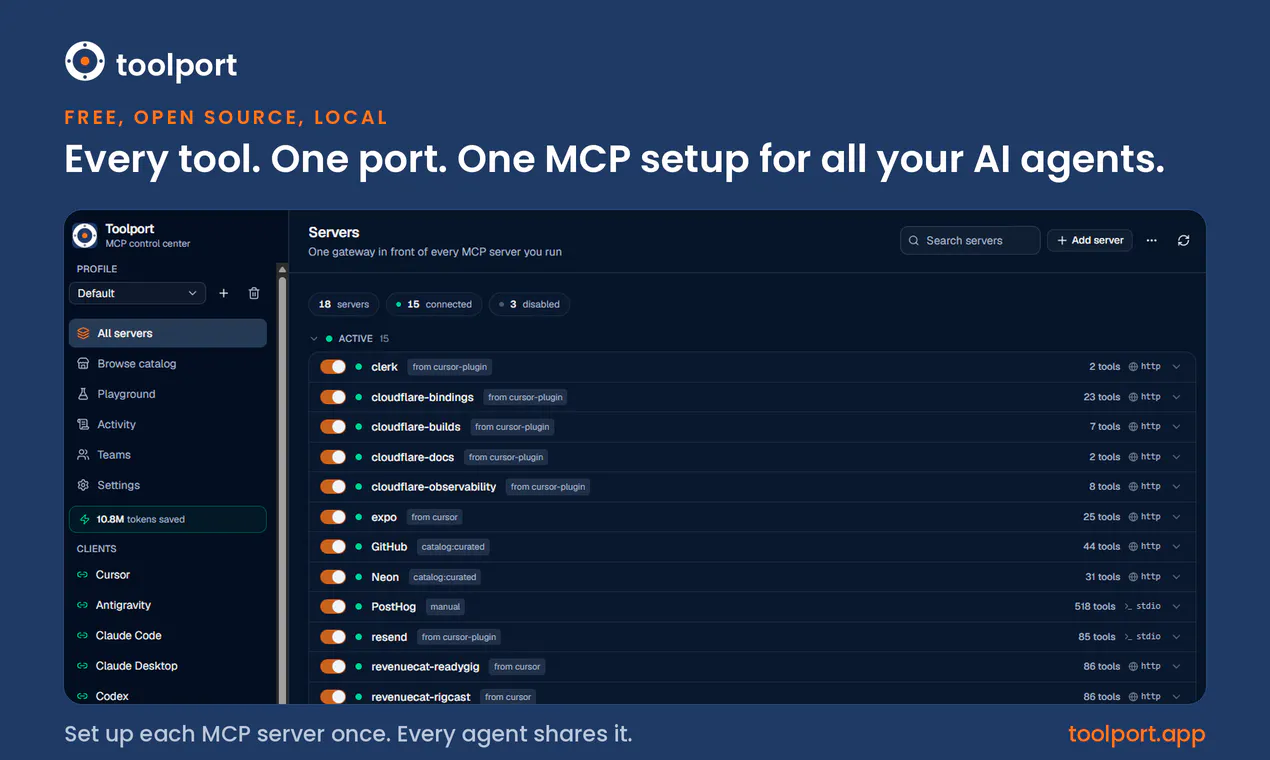
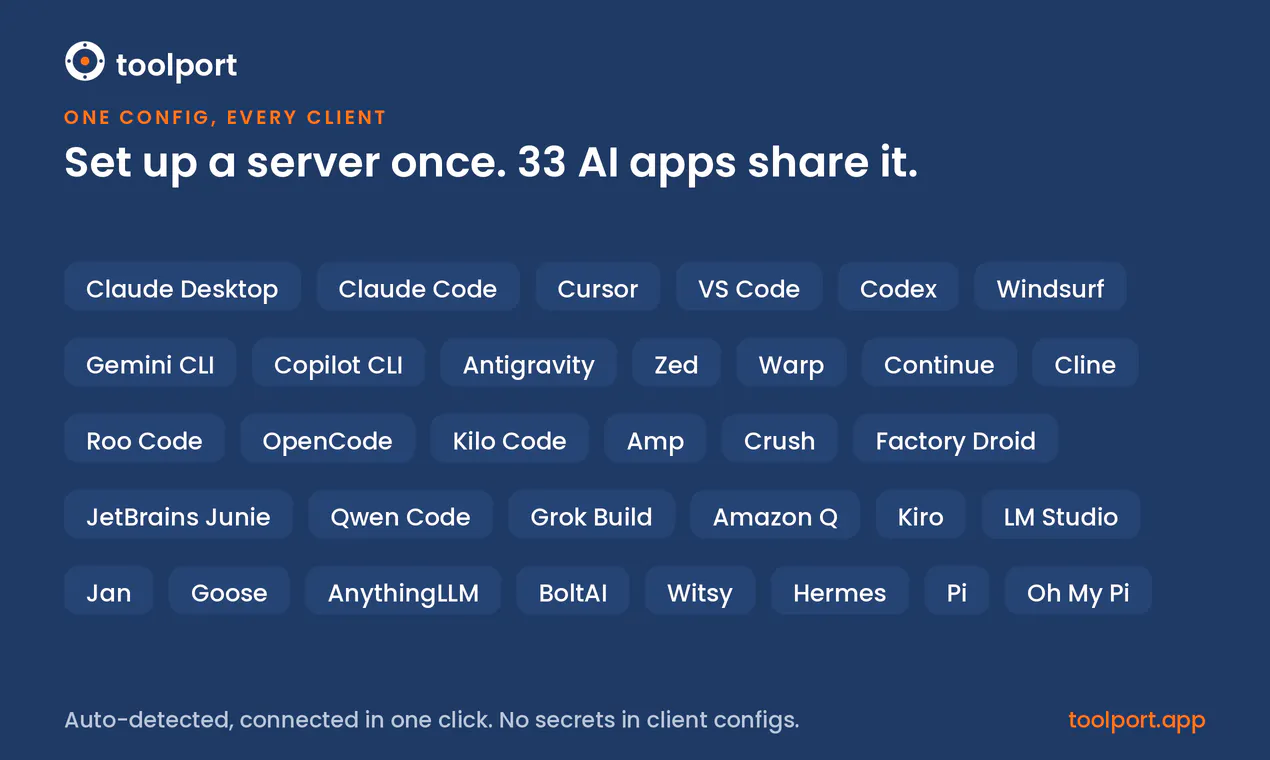
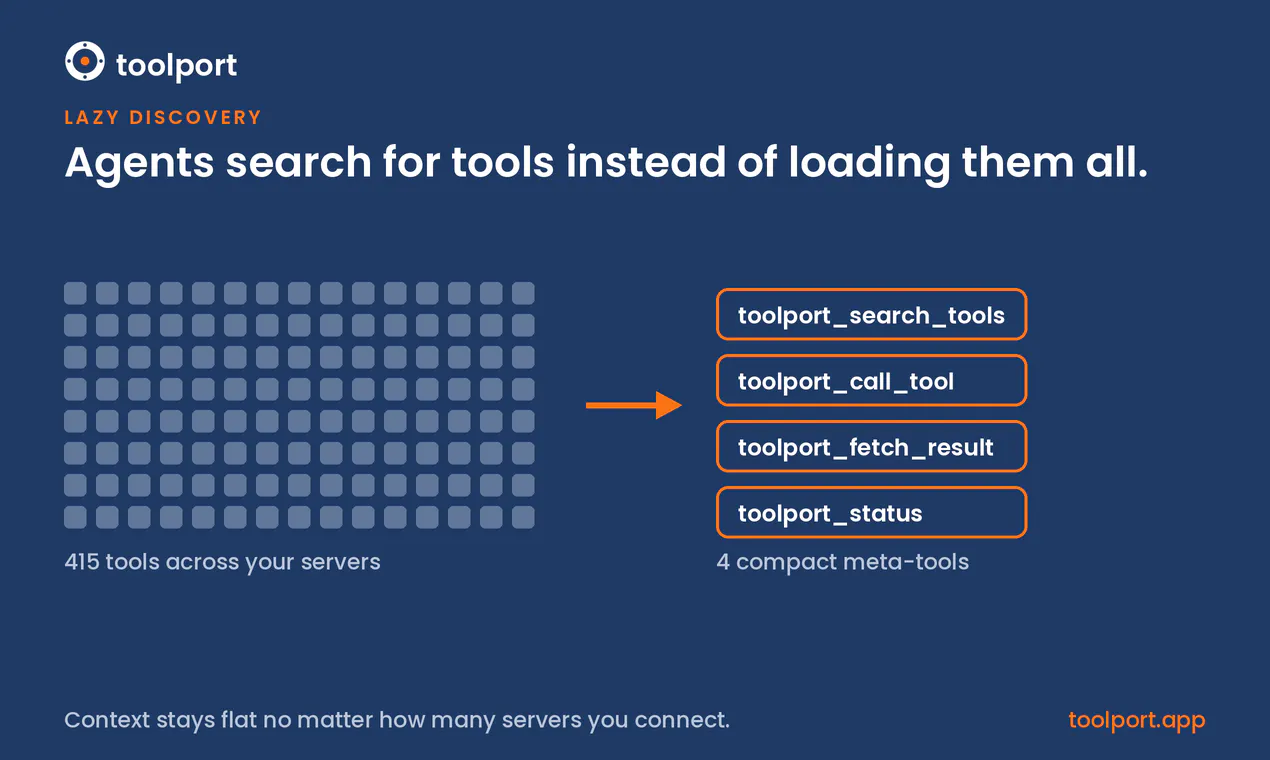
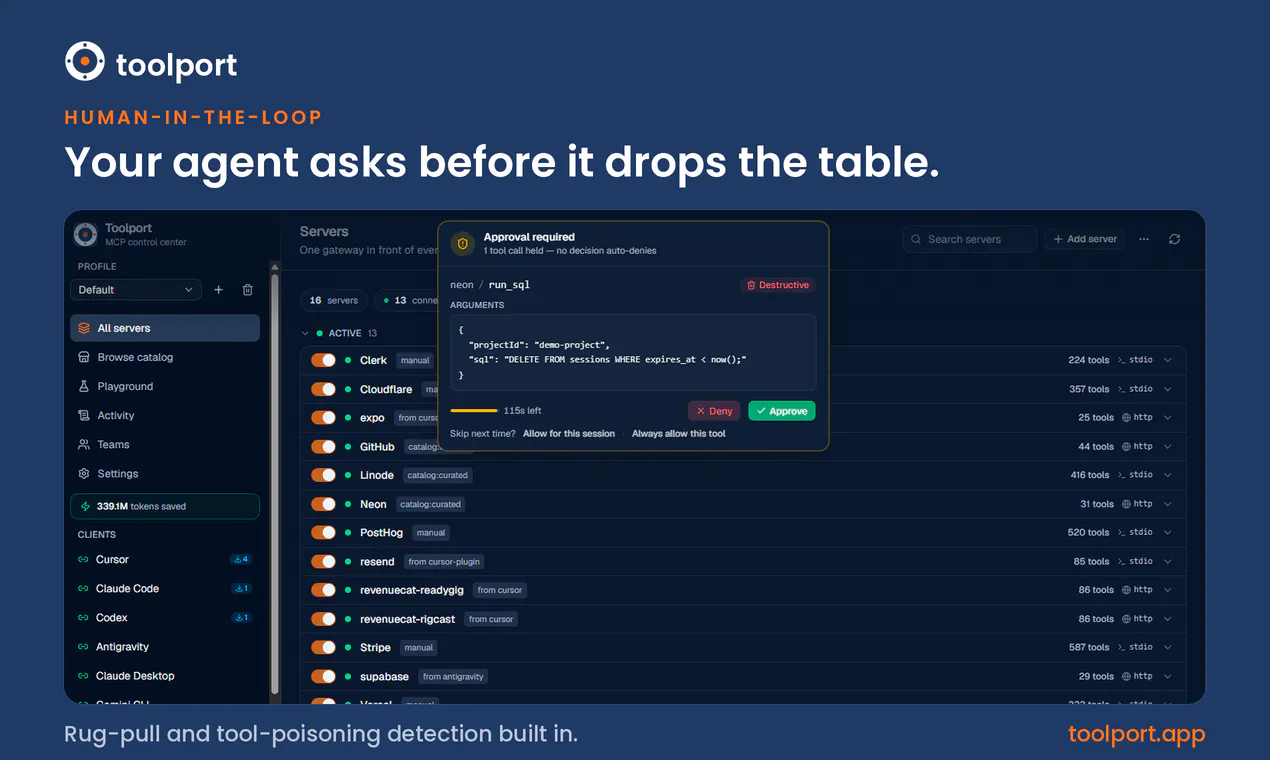
A free, open source, local MCP gateway. Set up each server once and every AI agent shares it (Claude, Cursor, VS Code, Codex, and 29 more). Instead of dumping every tool definition into context, it exposes a few meta-tools your agent searches on demand. Benchmarked and graded for correct answers, that's up to 91% fewer tokens at the same task success. Secrets live in your OS keychain, not client configs. Rug-pulls and tool poisoning get flagged, and destructive calls can wait for your approval.
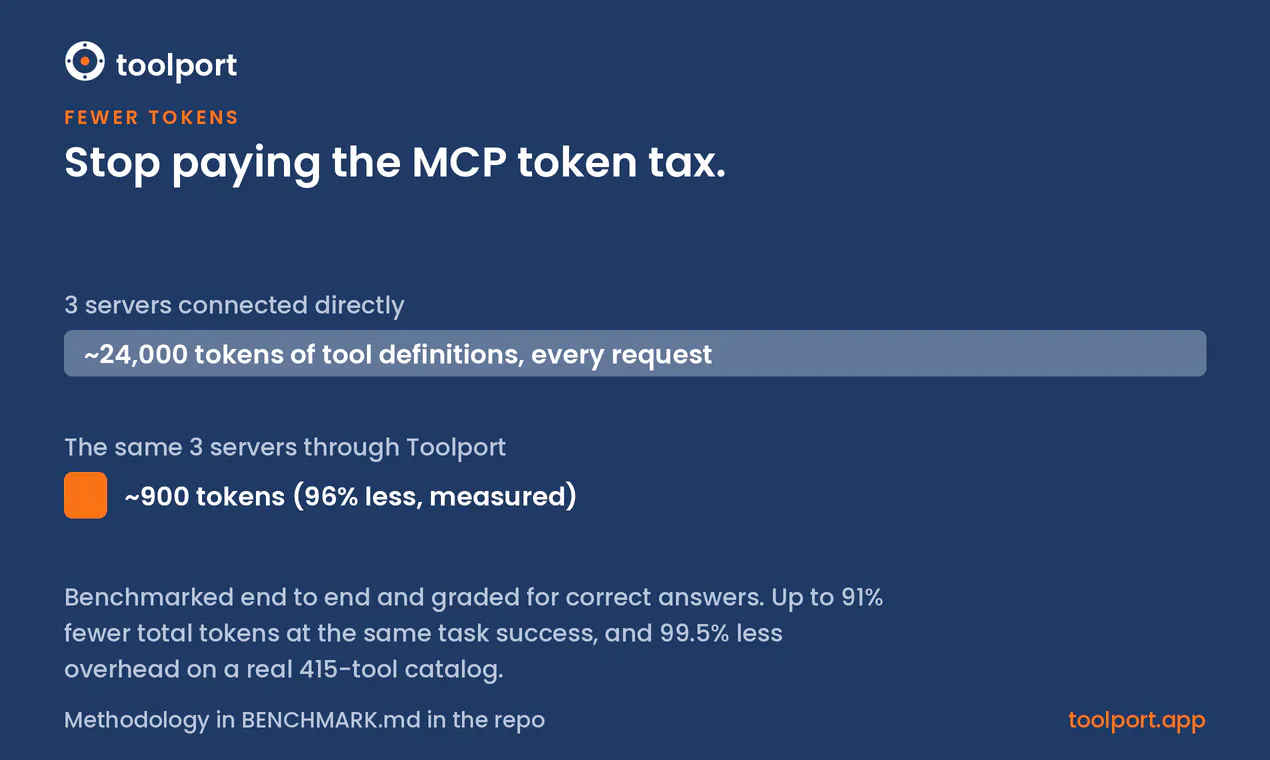
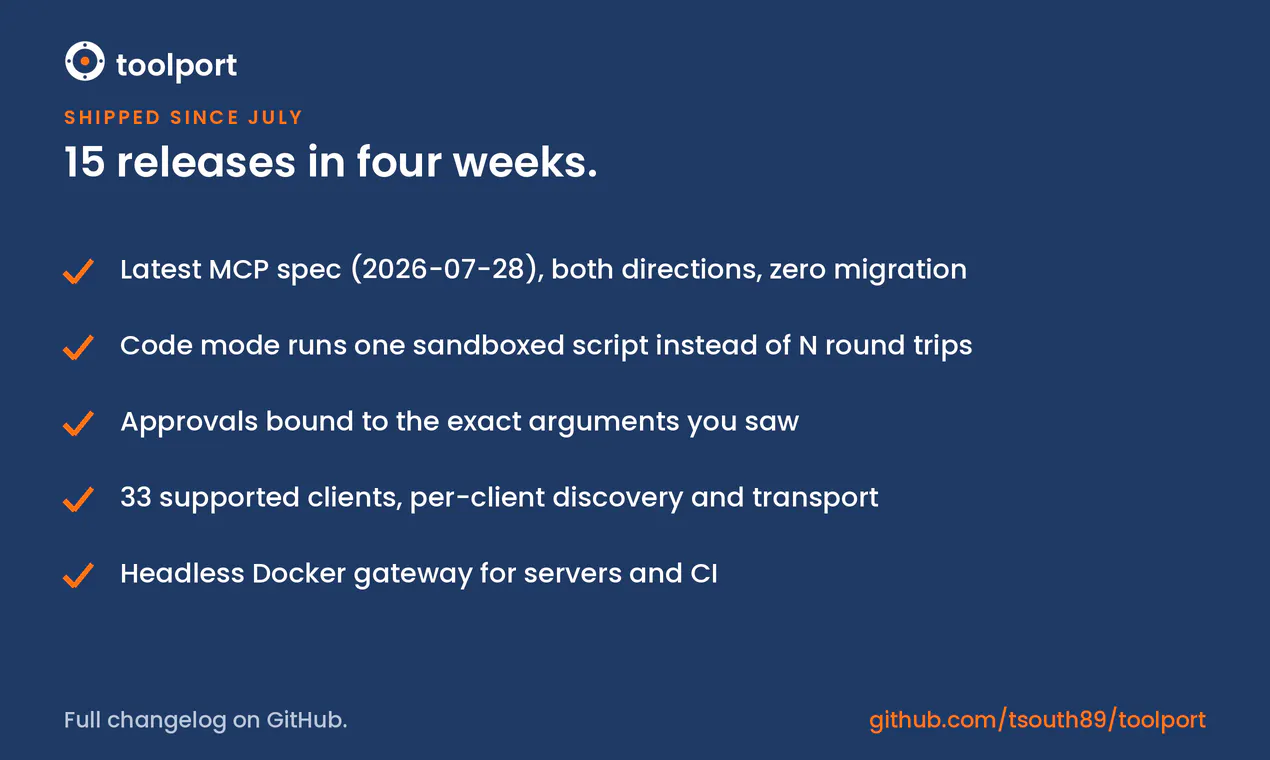
Hey everyone, Tyler here. I built Toolport because I was configuring the same MCP servers over and over. Claude Desktop, Claude Code, Cursor, Codex, VS Code, each one wanted its own JSON file with the same API keys pasted in as plain text. The second problem showed up after the servers were connected. Every MCP server dumps its full tool list into context on every request. Three servers cost me about 24,000 tokens of definitions before I'd asked anything. Toolport sits between your agents and your servers and advertises a handful of small meta-tools instead, so the agent searches for tools when it actually needs them. Benchmarked on a frontier model and graded for correct answers, that works out to up to 91% fewer total tokens at the same task success. On a real 415-tool catalog the definition overhead drops 99.5%. Since a gateway is on the path anyway, I used that position for security. Toolport fingerprints every tool and flags rug-pulls and tool poisoning, marks injection-looking tool output as data rather than instructions, and can pause destructive calls until you approve them from the app. Your agent asks before it drops the table. If you saw the Teams launch back in July, the free app has moved a lot since then. Toolport now speaks the latest MCP spec (2026-07-28) on both sides, while older clients and servers keep working untouched. Code mode lets an agent run a whole tool sequence as one sandboxed server-side script instead of round-tripping every call through the model. Approvals are bound to the exact arguments you saw when you approved them. Client support is up to 33 apps, and there's a headless Docker gateway if you don't want the desktop app at all. It's MIT licensed and fully local, nothing routes through my servers. If you try it, tell me which client or server you'd want supported next. That list drives the roadmap.
2
回复

This is the exact problem I'm working around right now in Claude Code, dozens of MCP servers deferred so schemas only load into context when a tool actually gets called instead of all upfront. The tradeoff I haven't seen anyone measure: does the search call itself become a tax on turns that end up needing 8 or 9 different tools, or does the savings hold even then?

0
回复

@abdullah_javaid3 Honest answer: haven't measured the 9-tool turn specifically. But I doubt it flips, because the search tax scales with tools used while flat scales with tools installed × model calls in the turn. A turn deep enough to need 9 tools has 10+ round trips, and flat re-sends the whole catalog on every one.

Concretely: on a 14-server / 415-tool setup that's ~165k tokens per request vs. 886. Nine searches pulling nine schemas is ~3.6k. And when we swept catalog size, lazy's total went down (47k → 40k) as flat's doubled - the overhead is flat no matter what you connect.

0
回复
#6
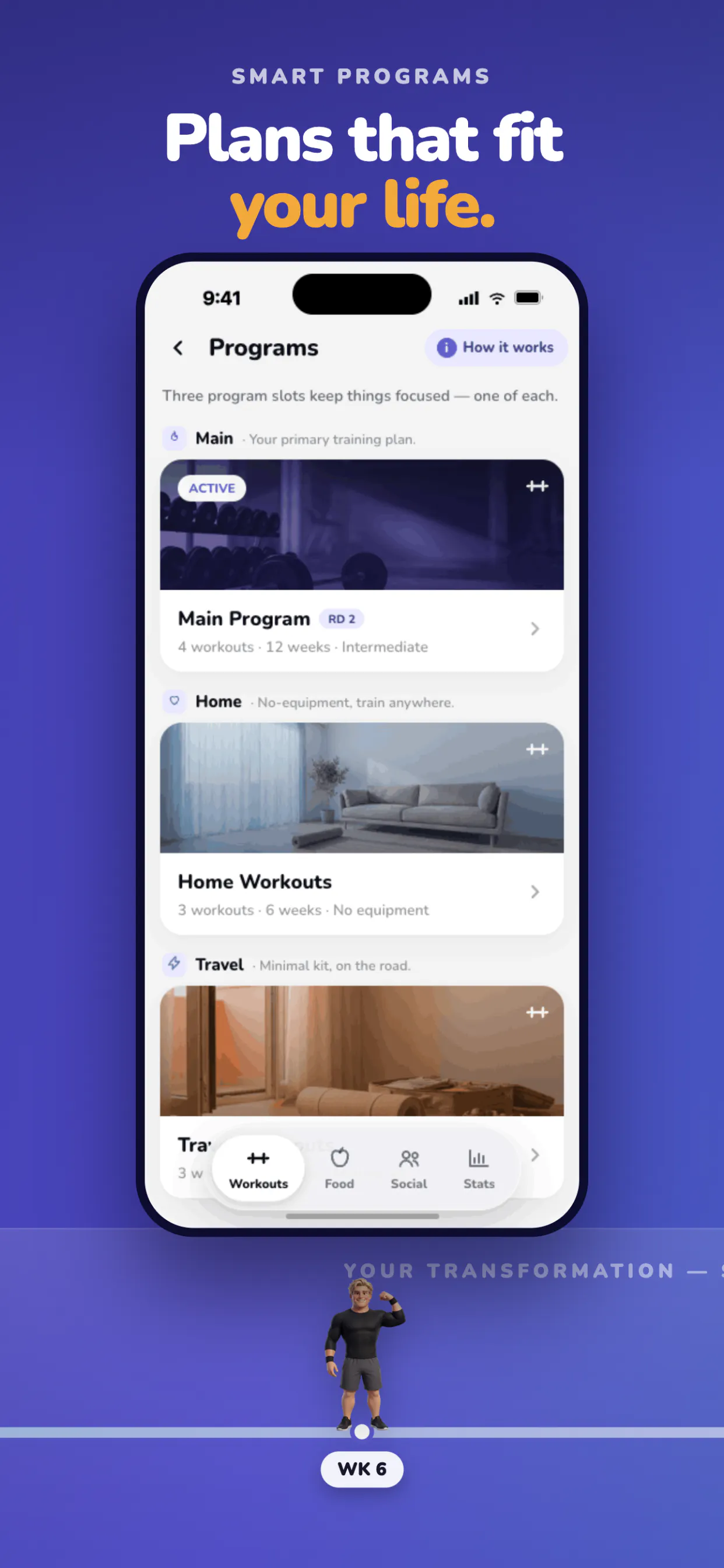
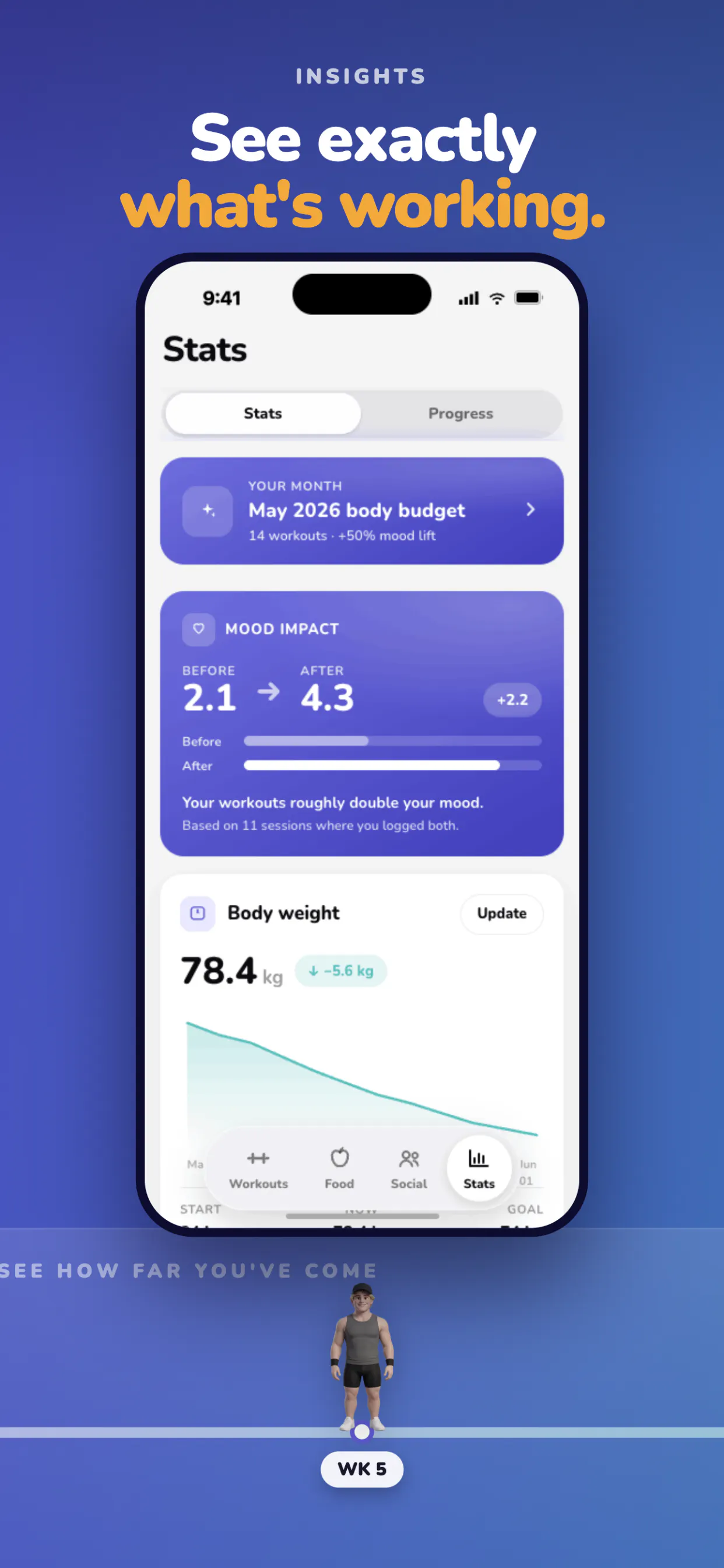
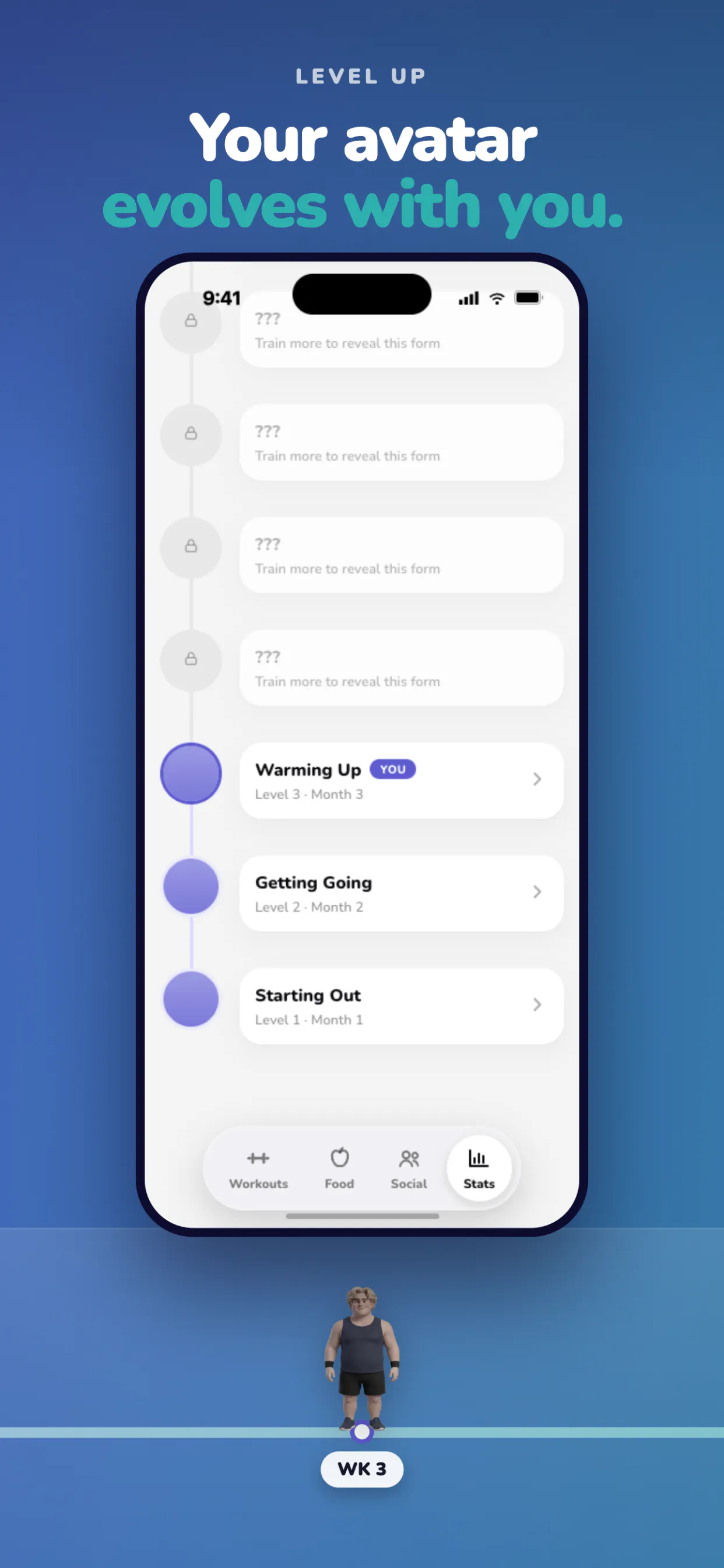
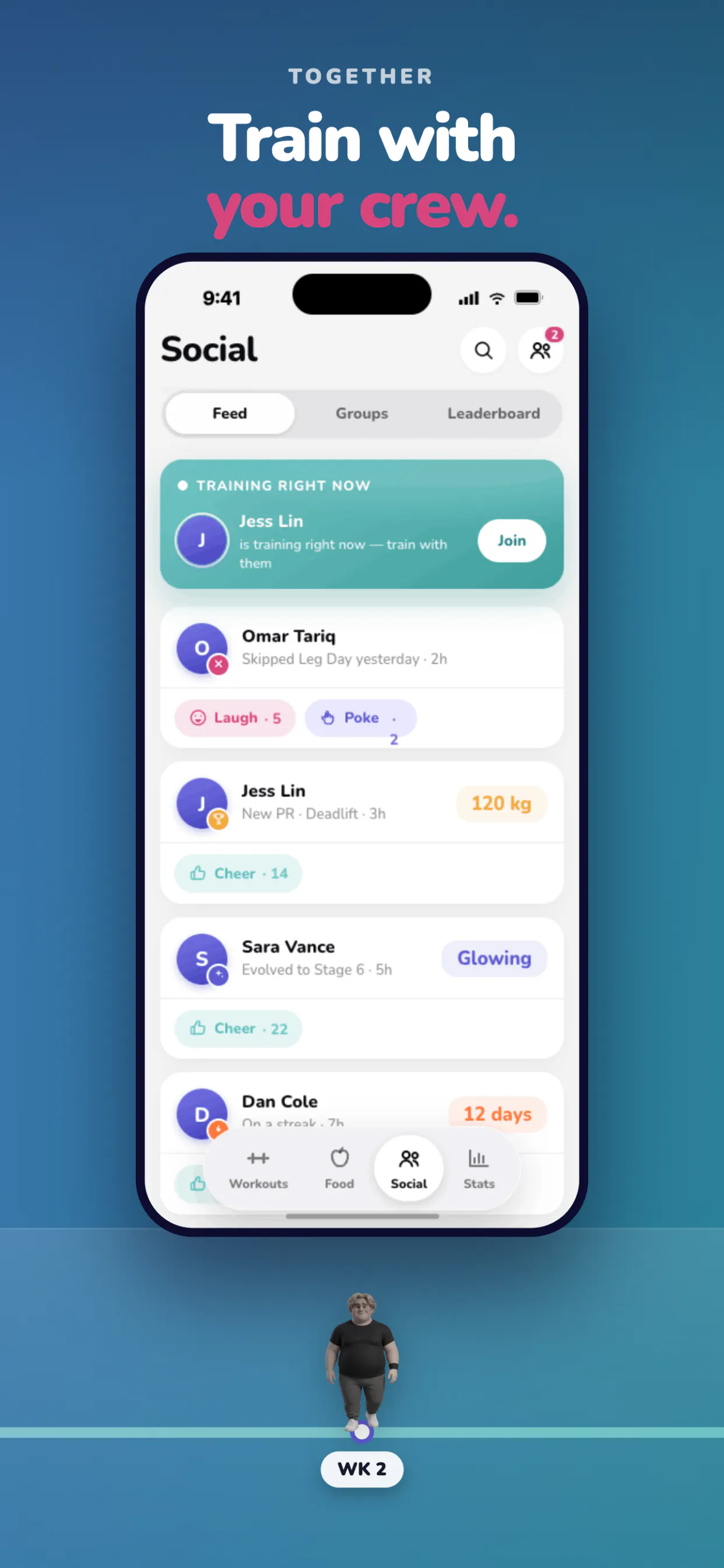
Pocket Fit
AI Workout & Food
22
一句话介绍:Pocket Fit 是一款结合AI拍照预测身材变化与自动记录训练/饮食的健身App,解决用户因“看不到进步”而在第三周放弃坚持的核心痛点。
Health & Fitness Productivity Artificial Intelligence
AI健身 身材预测 3D Avatar 拍照打卡 饮食记录 自动训练计划 营养跟踪 习惯养成 社交激励 运动科技
用户评论摘要:开发者George自述:用户常在第二周放弃,App用AI视觉化未来身材变化+自动进阶训练+拍照记饮食+肌肉覆盖追踪+社交“嘲讽”机制提升粘性。评论区暂无用户具体提问或建议,仅开发者征集“坚持或放弃原因”,但0点赞,有效反馈缺失。
AI 锐评

Pocket Fit 的切入点很聪明——它没有试图解决“练得不对”或“吃得不好”的老问题,而是直接攻击健身行业最致命的流失点:**反馈滞后**。用一张照片生成1/2/3/6个月后的身材预测,外加3D Avatar实时变化,这是典型的“即时满足感工程”,在心理层面把“21天看不见效果”的挫败感提前消化掉了。

但必须泼冷水:**产品价值严重依赖于AI预测的“真实感”与“可感知性”**。如果生成的身材变化图过于理想或痕迹明显,用户一旦发现“预测≠现实”,信任崩塌比没有预测更快。另外,投票仅22、评论零互动,说明目前还处于早期冷启动阶段,所谓“团队嘲讽”机制听起来有趣,但社交压力若没有真实朋友关系链支撑,很容易沦为骚扰通知。

真正值得深挖的是“肌肉覆盖追踪”和“照片打卡”组合——这是把主观的身体变化客观数据化,比单纯数字体重秤更贴近用户“照镜子”的真实感受。但这块对CV算法要求极高,且需要足够长的用户数据积累才能体现精准度。

建议团队清醒认识到:**核心壁垒不是AI预测,而是“预测-实际-调整”的闭环**。若能把预测偏差转化为修正训练/饮食的指导,并让用户每周看到“预测误差在缩小”,那才是真正的护城河。否则,这只是一个更漂亮的“每日打卡+鸡汤”皮肤,用户第三周照样会走。伦敦双人团队,做这么重的功能面,资源和迭代速度将是最大生死线。

查看原始信息
Pocket Fit
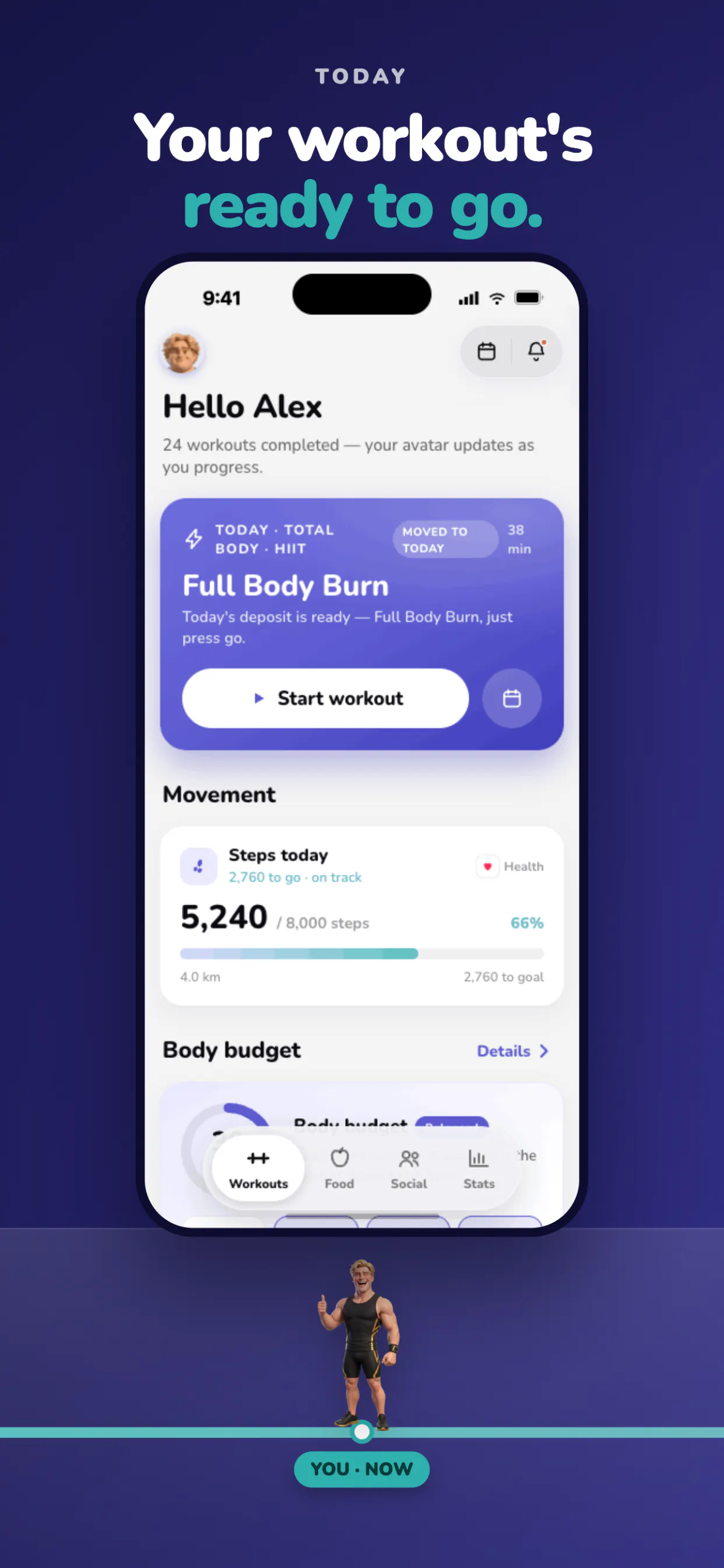
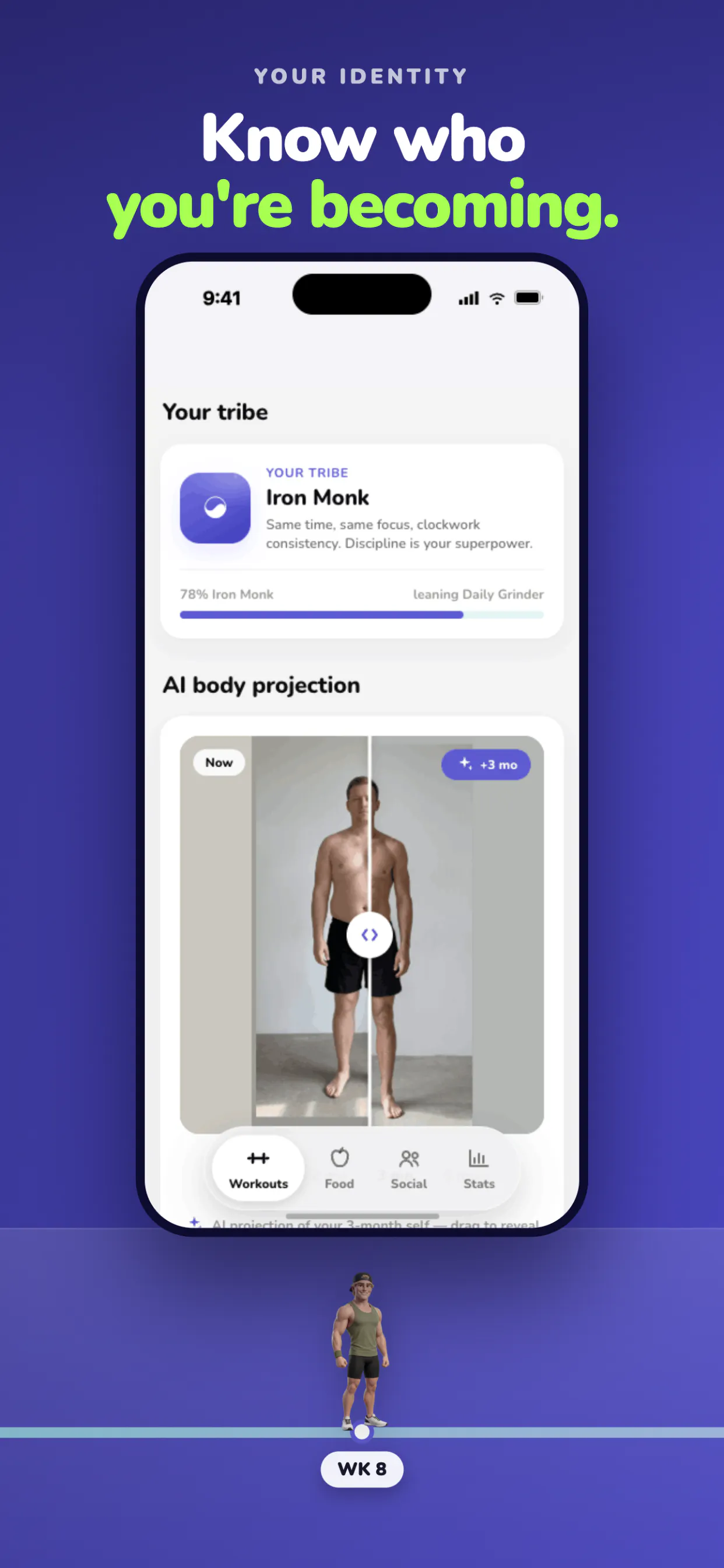
Most people quit fitness apps in week three. You do everything right for 21 days, the mirror looks identical, and all the app gives back is a number. Pocket Fit makes progress visible. Take one photo and AI shows you 1, 2, 3 and 6 months ahead and a 3D avatar changes as you train. Underneath: workouts with weights auto-picked and progressed, food logged by photo, muscle coverage tracking, mood, streaks, and a crew who roast you for skipping leg day. Built by two people in London.

Hey Product Hunt 👋

⁠I built PocketFit because the hardest part of fitness was never knowing what to do, it's actually doing it consistently. Most people fall off around week two.

⁠PocketFit is a fitness app + nutrition tracker with AI coaching that keeps you logging food, hitting your workouts, and progressing, instead of drifting off after the motivation fades.

Launch offer: the first 100 people here get full membership free for a year. [Code - ProductHunt]

⁠I'd genuinely love to hear from this community: what's the one thing that's kept you consistent with training or eating well, or the thing that always made you quit? Reading every reply today.

Also if you guys have any feedback, we'd love to hear it , so we can improve the app and make it as best as possible.

  • George

0
回复
#7
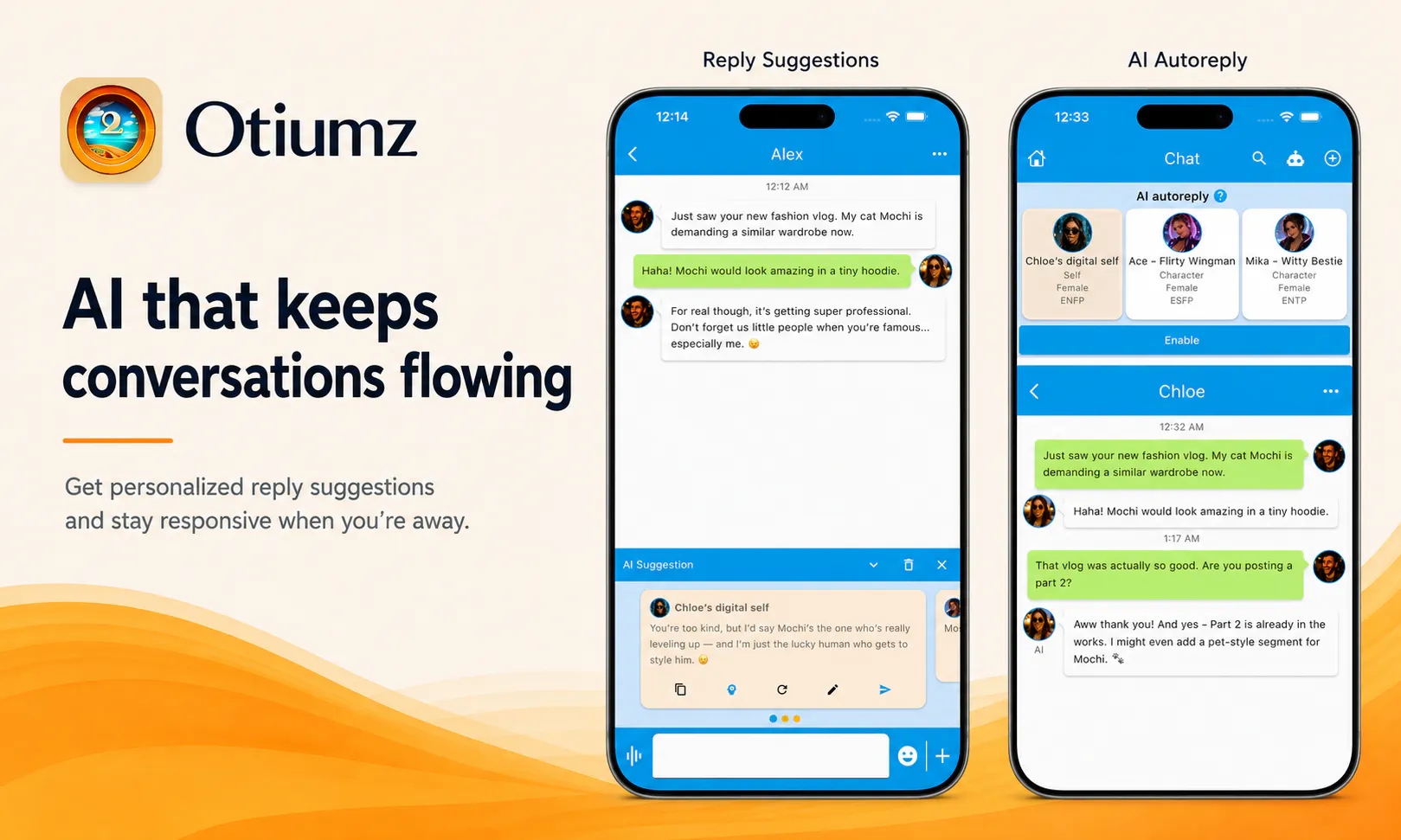
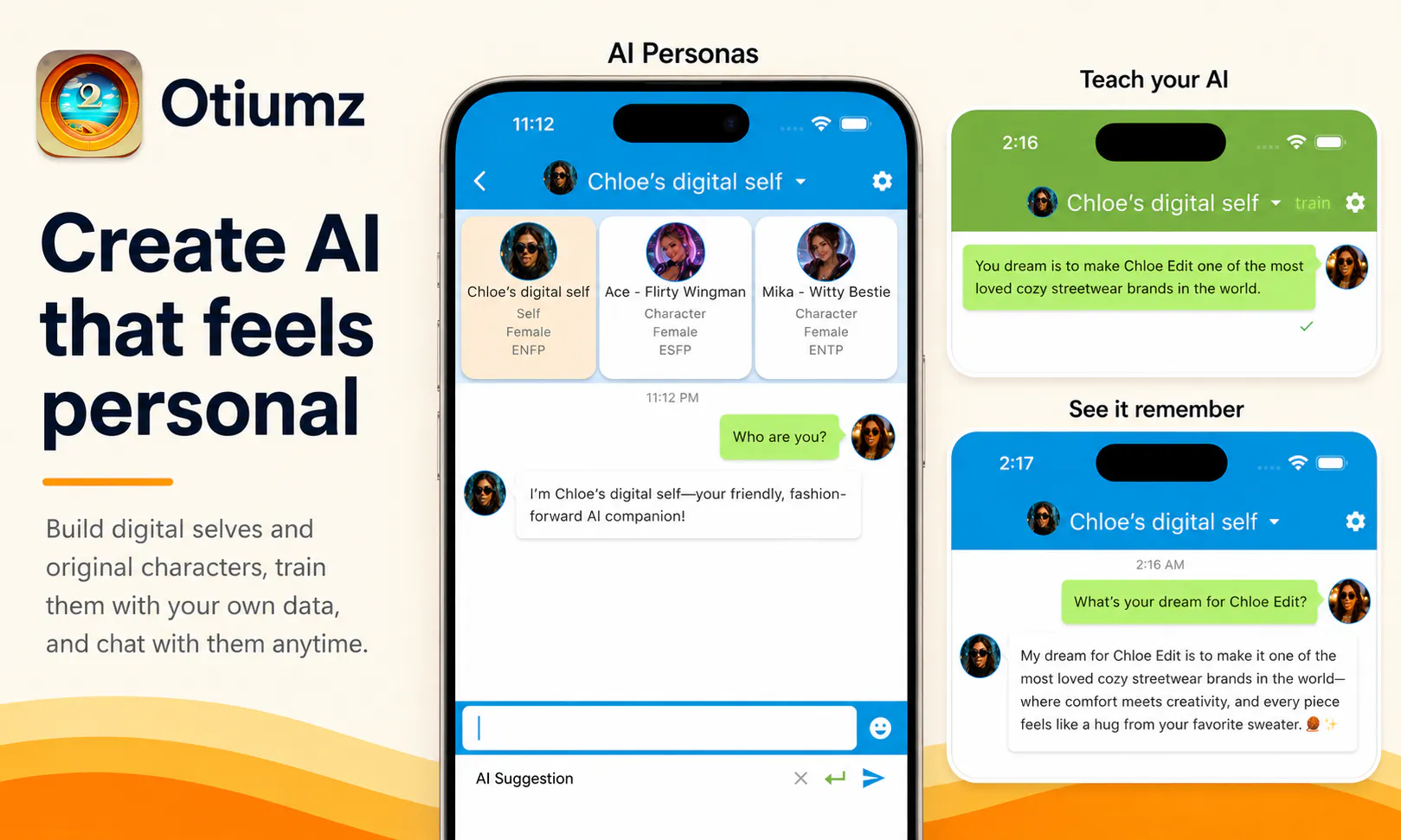
Otiumz
AI-powered social app for every side of you
18
一句话介绍:Otiumz是一款支持创建多个子账号和“数字自我”的AI社交应用,帮助用户在不同社交场景(家人、朋友、同事)中切换人设,并通过AI辅助破冰、回复建议与多语言自动回复,解决跨文化沟通和“社恐”冷场痛点。
Messaging Artificial Intelligence Social Networking
AI社交 多账号管理 数字分身 多语言翻译 语音视频通话 私密圈子 个性化聊天 跨文化社交 自动回复 移动应用
用户评论摘要:创始人自述移民背景,强调多配置文件和多语言AI助手的价值。用户反馈积极,主要询问是否支持日韩语(已确认支持)。有效建议集中在概念清晰度、核心功能优先级及留存机制上,但深度体验反馈较少。
AI 锐评

Otiumz的切入点很聪明——它精准踩中了“社交人格分裂”这一普遍痛点,即一个人在不同圈子里需要不同面孔。但它的真正价值并不在于“多账号”,而在于“AI代聊”和“多语言自动回复”这一组合拳。这实际上是在用AI降低社交的“表演成本”和“语言门槛”,让用户更轻松地维持多重社会关系,尤其对移民、留学生、跨国商务人群有实用吸引力。然而,产品风险也很明显:其一,“Digital Selves”功能如果训练不到位,会变成“AI胡说”而不是“AI代笔”,造成社交事故;其二,自动回复一旦过度,容易让真实关系变成“AI客服”,违背了“支持真实对话而非替代”的初衷,用户很快会失去信任。目前仅18票,说明市场验证还极早期,创始人必须尽快通过用户访谈明确“最疼的场景”是跨语言沟通还是多身份管理,并强化“AI辅助而非替代”的边界控制。否则,很容易沦为“精致但没人持续用”的尝鲜品。

查看原始信息
Otiumz
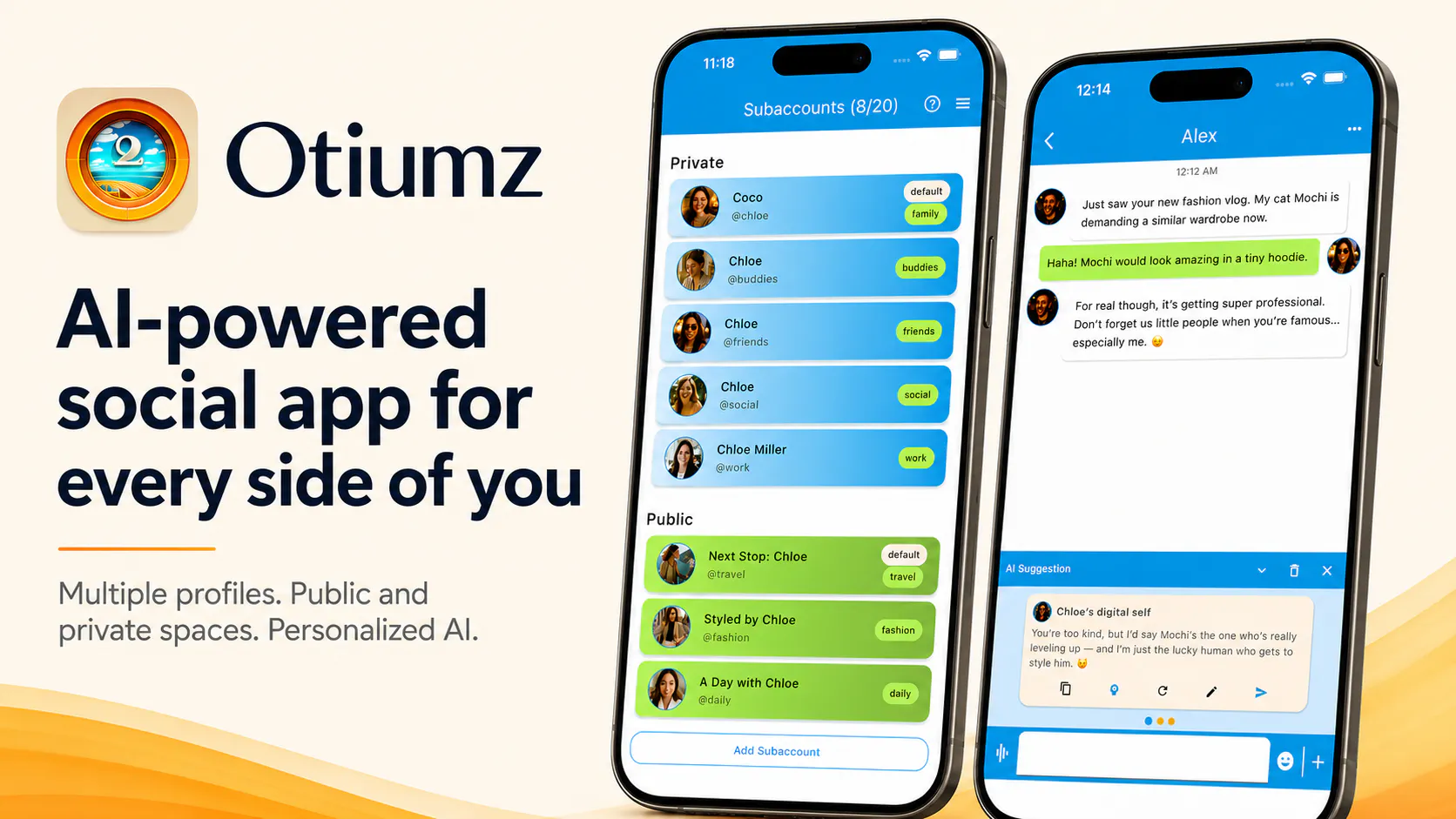
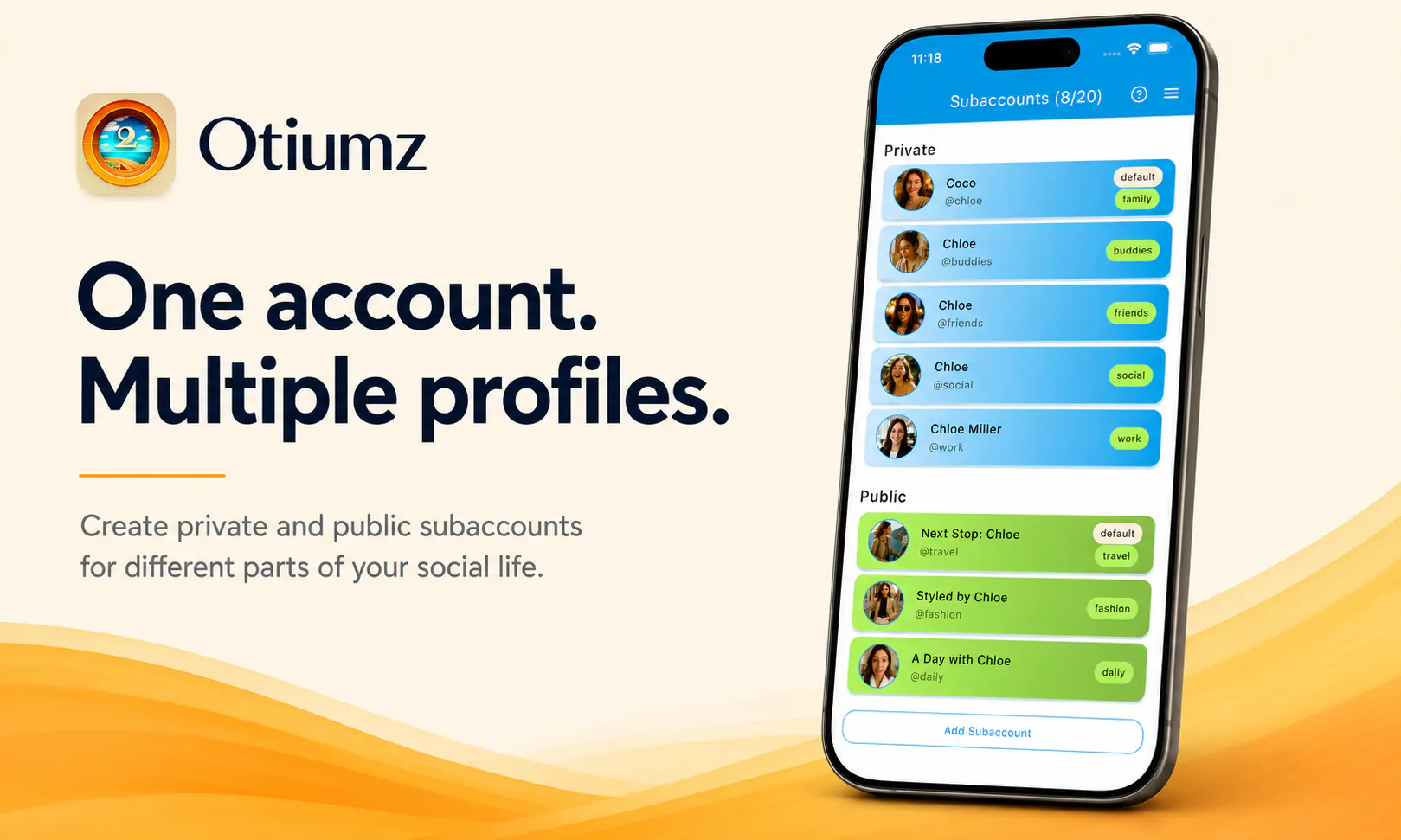
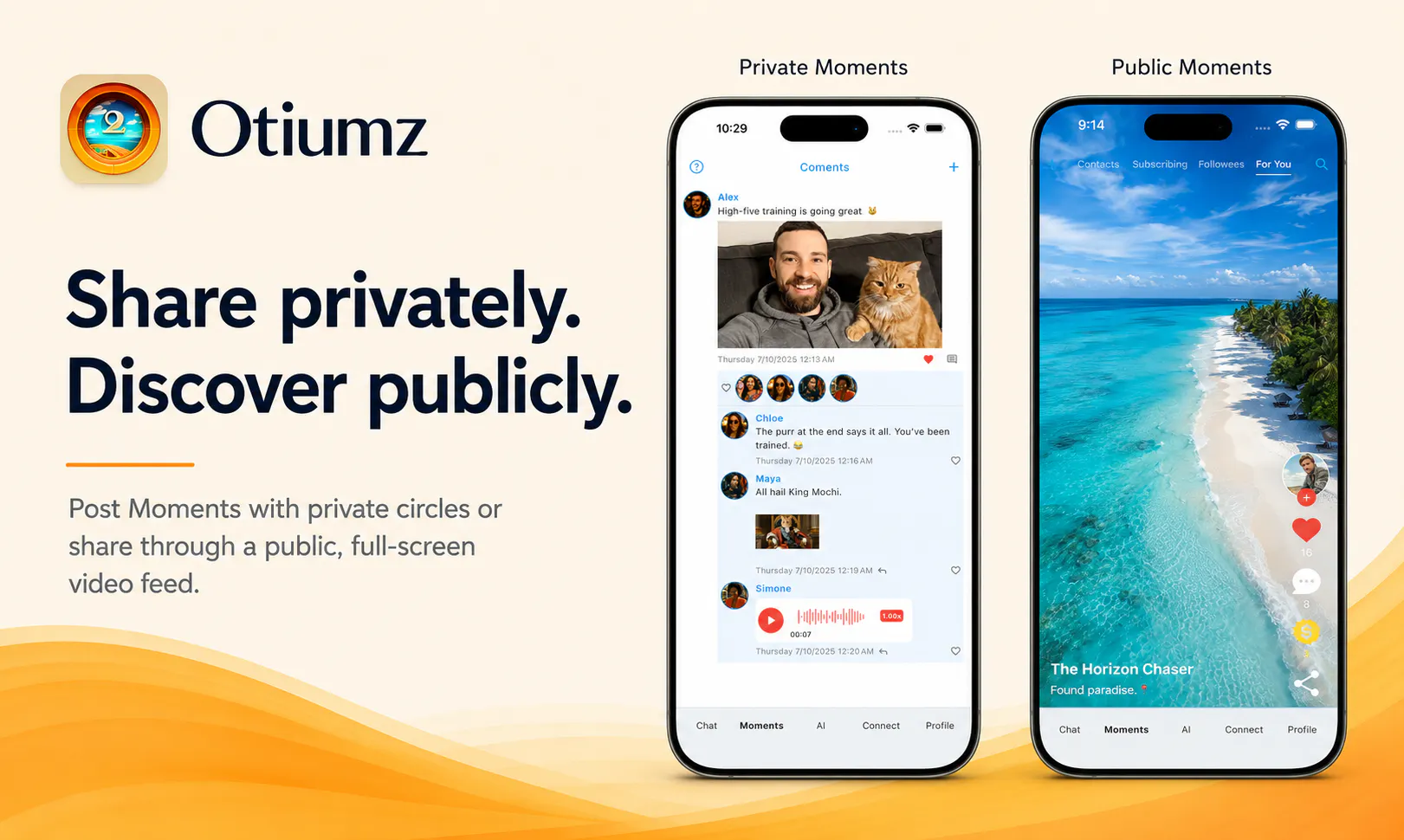
Otiumz is an AI-powered social app for every side of you. Unlike traditional social apps built around one polished identity, it lets you create multiple profiles (subaccounts) under one account, connect publicly or within private circles, share Moments, discover people, chat, and make voice or video calls. Create and train multiple Digital Selves and AI Characters, then choose one to power conversation starters, personalized reply suggestions, and optional auto-replies while you’re away.

Hey Product Hunt 👋

I’m Carter, the solo founder and maker of Otiumz.

I started building Otiumz because most social apps ask one profile to represent every part of who we are, even though we show up differently with family, close friends, professional connections, and people we’re just getting to know. Having moved from China to the U.S. and often communicating in a second language, I’ve personally experienced how differences in language, culture, and social context can make it harder to know what to say—or keep a conversation going.

Otiumz is for people who move between different social contexts and want more control over how they show up and communicate in each one.

With Otiumz, you can:

  • Create multiple private and public profiles—called subaccounts—under one account

  • Share Private and Public Moments, discover people, message, and make voice or video calls

  • Create and train multiple Digital Selves and AI Characters, then choose which one powers conversation starters, personalized reply suggestions, and optional auto-replies while you’re away

AI Suggestions and optional auto-replies work across 89 languages and automatically match the language of each conversation. The AI is designed to support real conversations between people—not replace them.

Otiumz is live on iOS and Android, and you can get started for free.

If you try Otiumz, add my private founder profile: @carter. I’ll accept requests from Product Hunt users during launch week and reply personally, so you can test messaging and AI Suggestions with a real contact.

I’d love to hear your product feedback here in the Product Hunt comments so others can join the discussion. For bugs, account-specific issues, or anything private, you can message me directly in Otiumz.

I’d especially love your honest feedback:

  • Is the multiple-profile concept clear?

  • Which feature feels most useful?

  • What would make you come back after trying it?

Thanks for checking out Otiumz. I’ll be here throughout launch day, answering questions and listening closely.

7
回复

@carter_wang2 Nice launch congrats🙌

0
回复

Great idea! It’s really helpful for me when talking to friends from multicultural backgrounds. Do you support Japanese and Korean?"

2
回复

@jeff_lee20 Yes! Japanese and Korean are both supported, along with 87 other languages. Otiumz automatically detects the language of each conversation for AI Suggestions and optional auto-replies. Glad this would be useful for you!

1
回复
#8
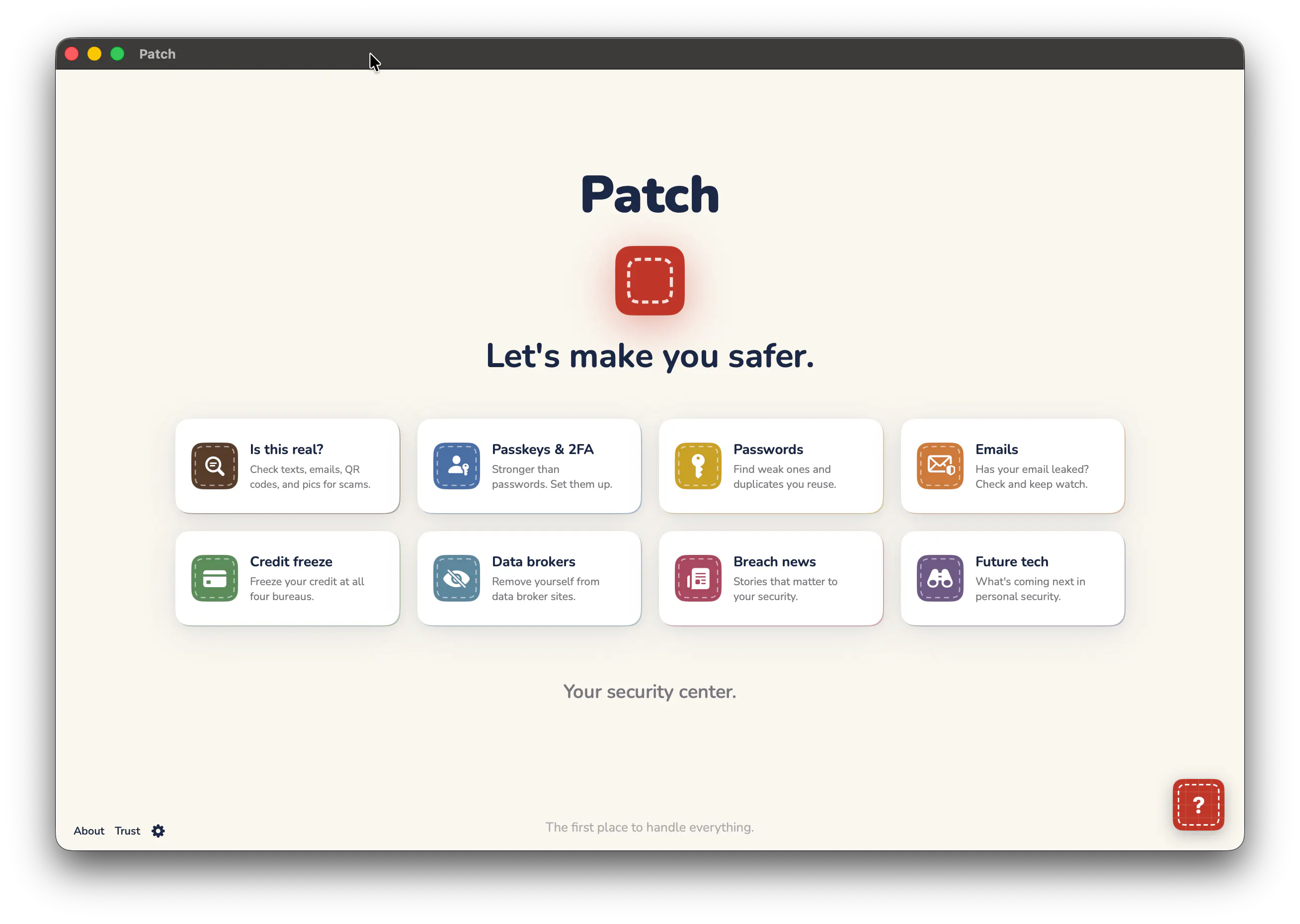
Patch — Your Security Center
Lock down your digital life and stay on top of it.
12
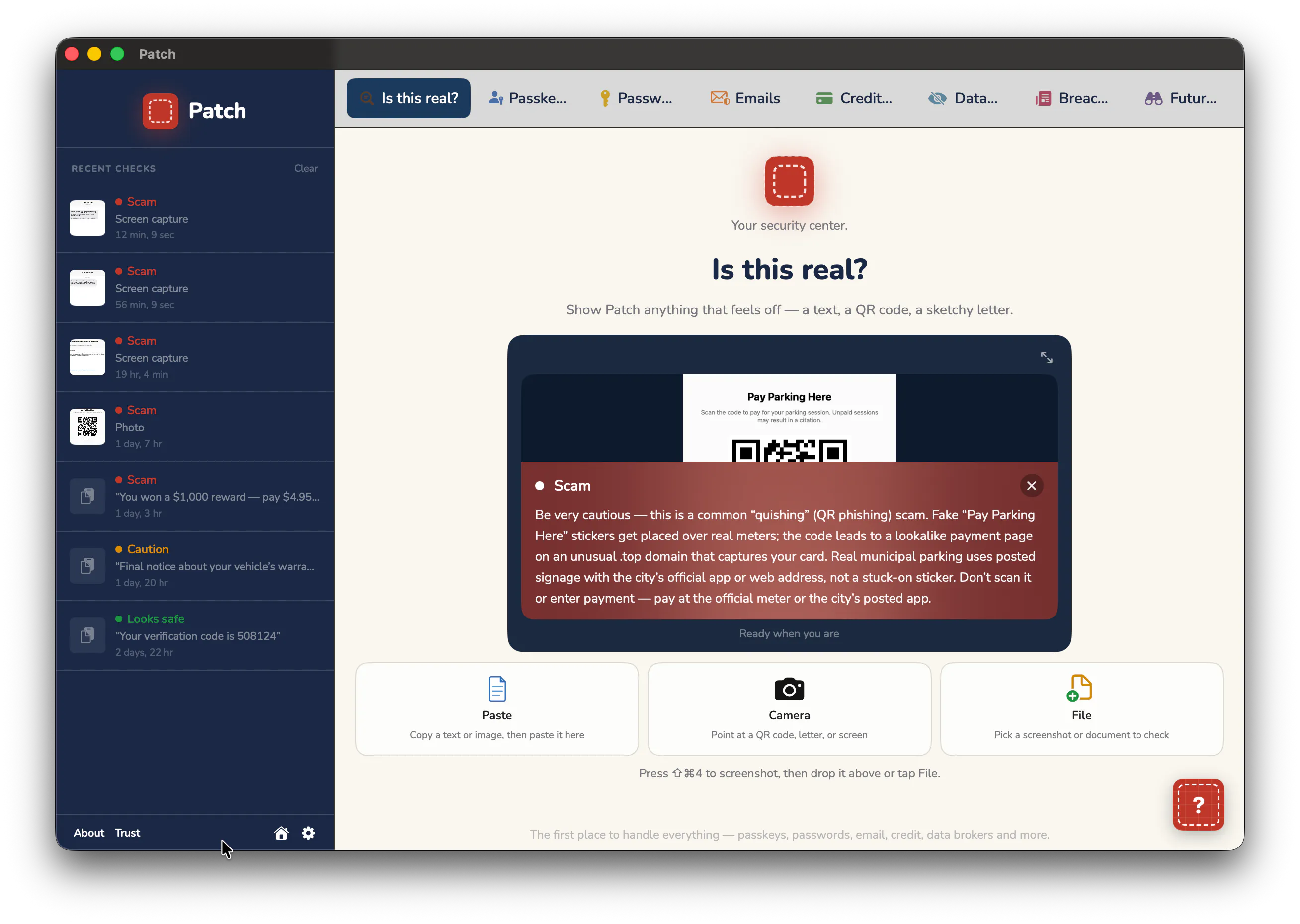
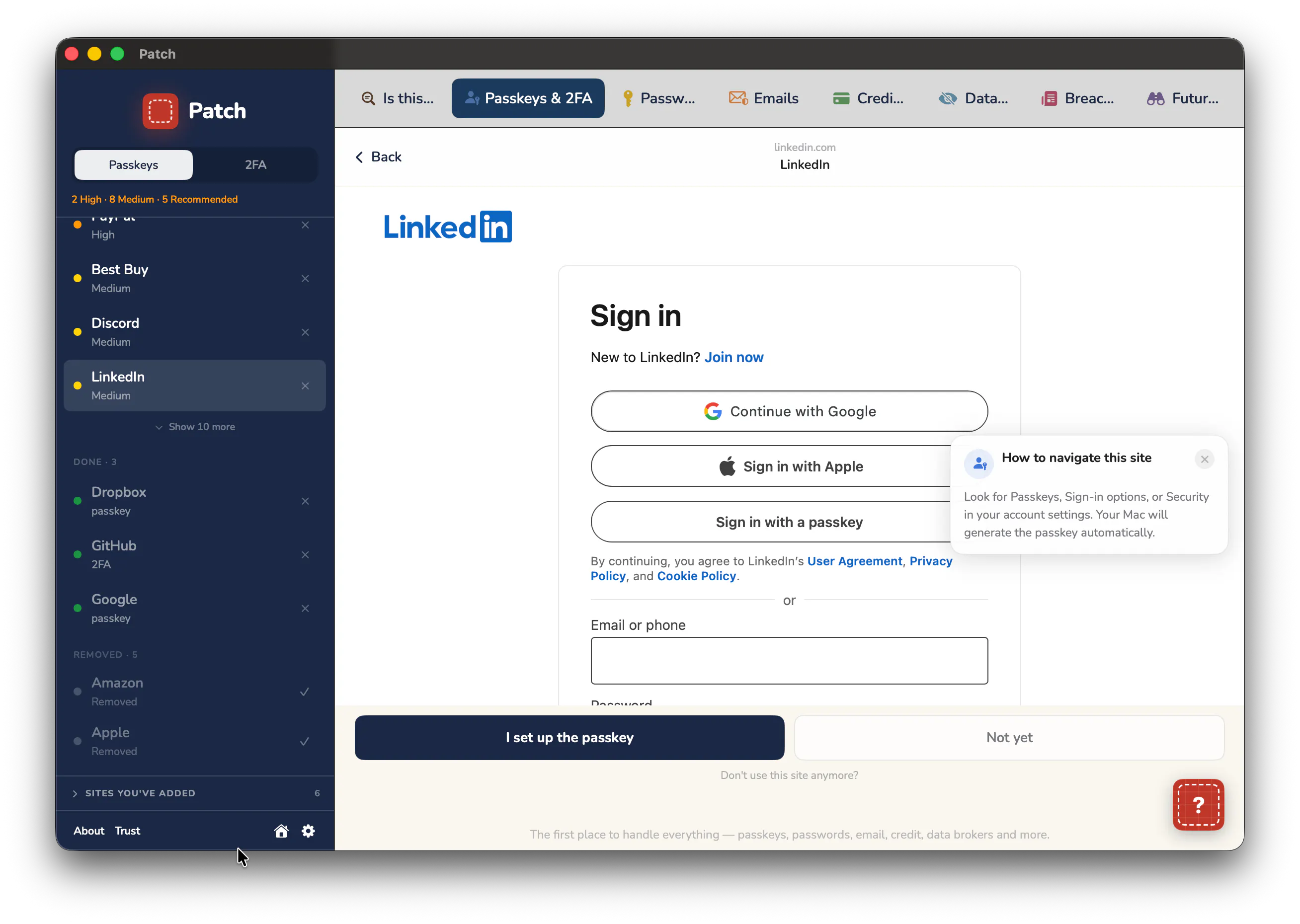
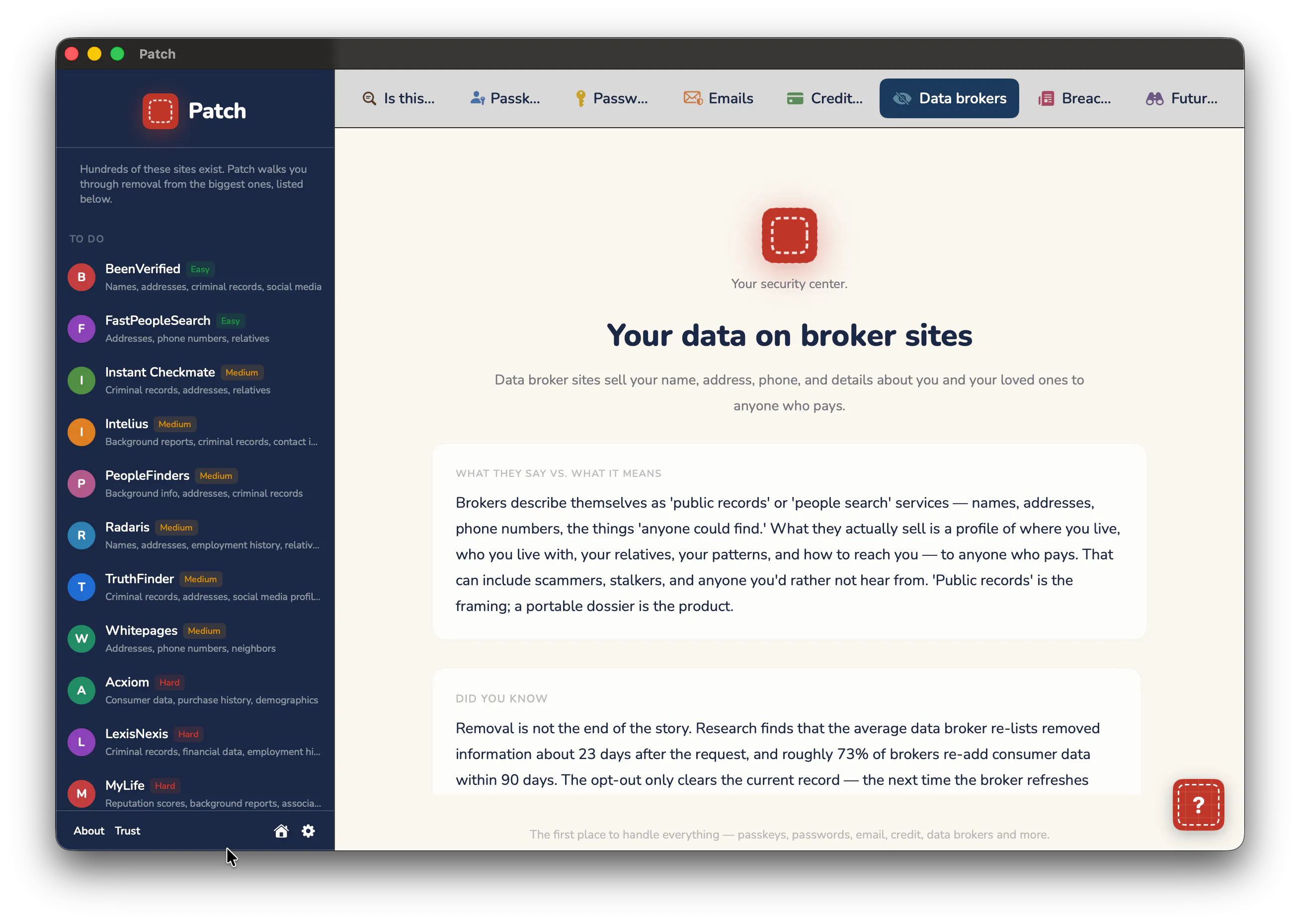
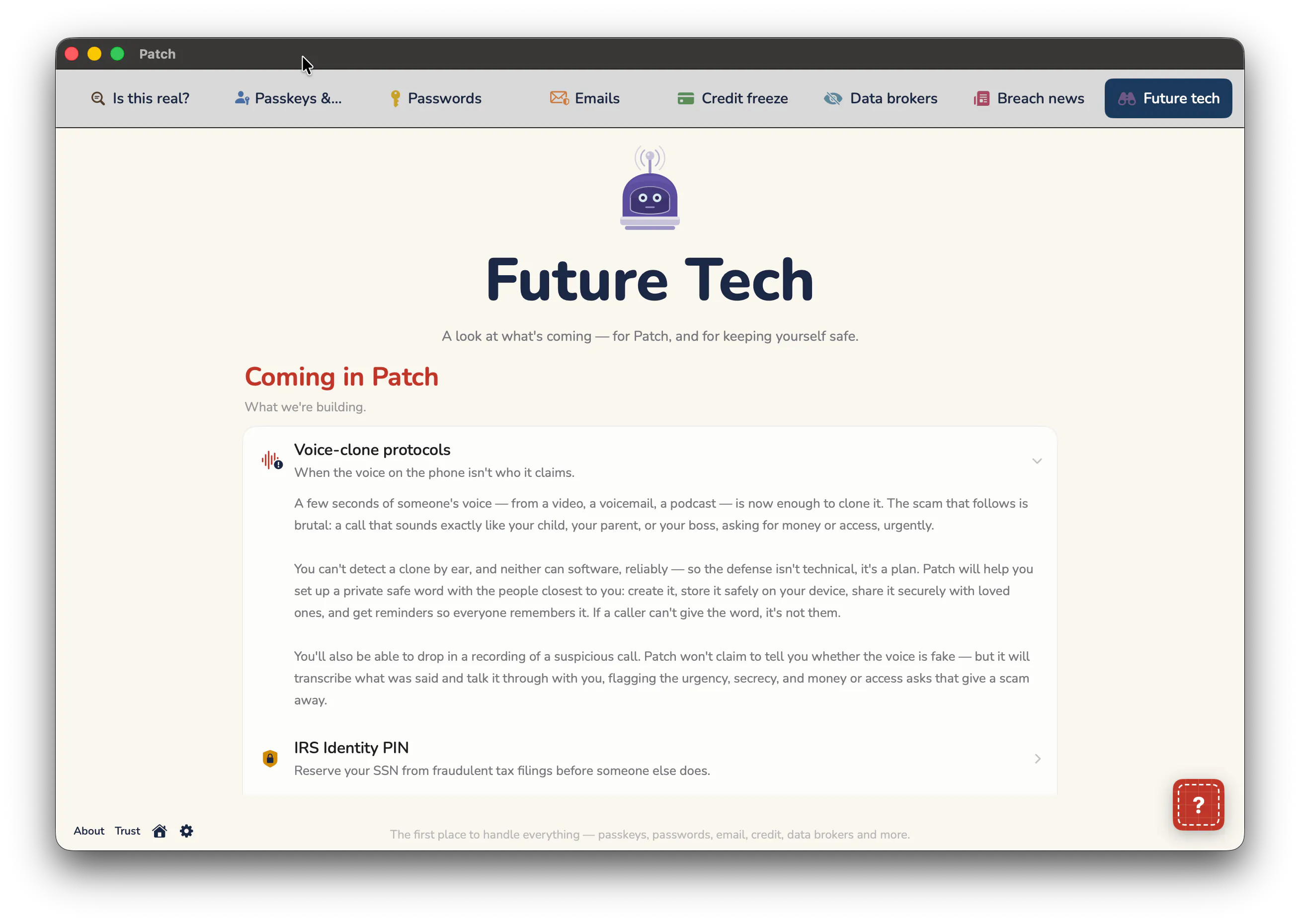
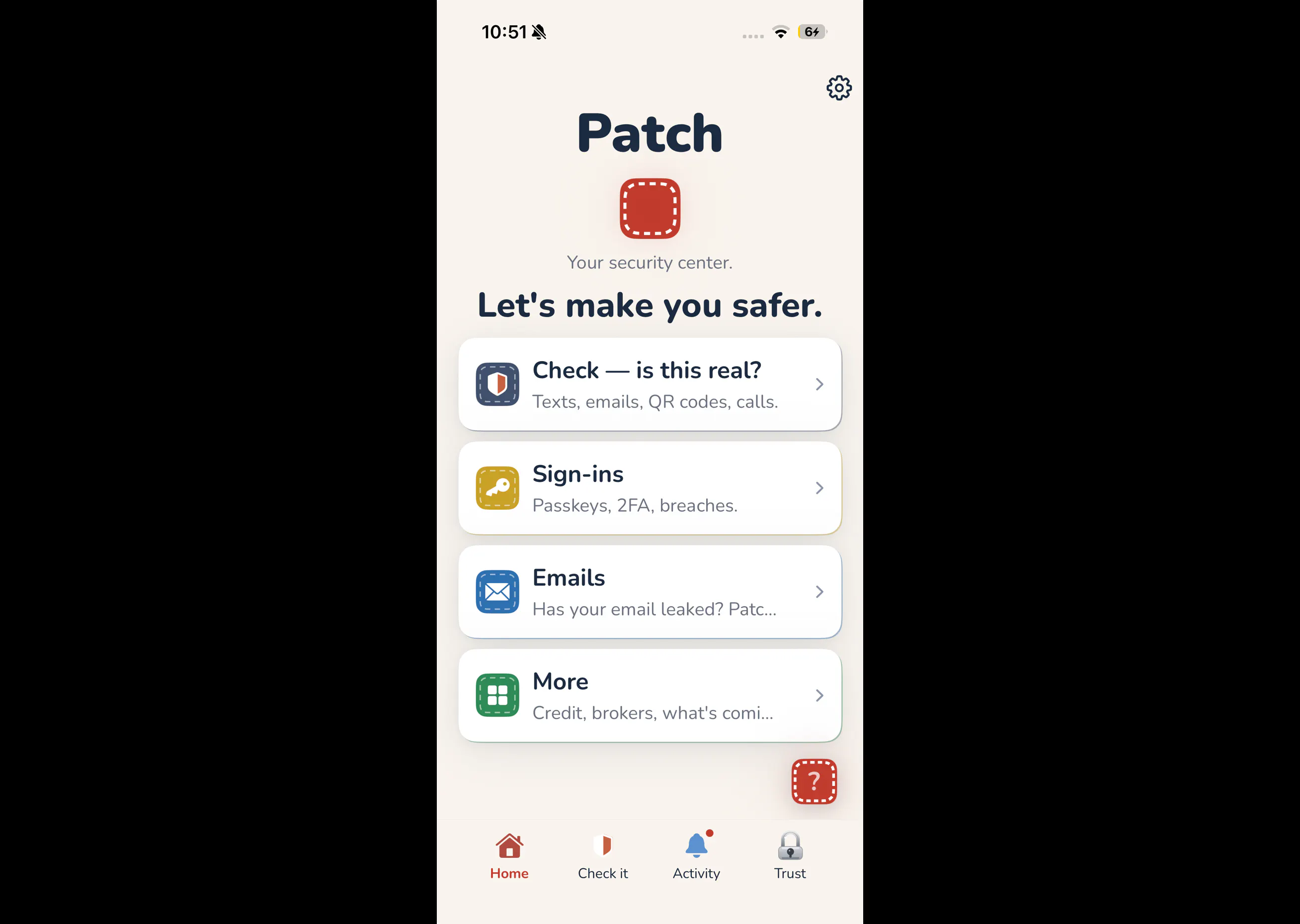
一句话介绍:Patch是一款面向Mac和iPhone的安全管理应用,将密码泄露检测、弱密码修复、信用冻结、数据经纪商退订和诈骗识别整合到一个无需注册的无服务器界面中,解决用户面对零散安全工具时“知道该管却懒得管”的痛点。
Privacy Apple Security
安全中心 密码泄露检测 信用冻结 数据经纪商移除 诈骗识别 Mac应用 iOS应用 无服务器隐私 安全顾问 一站式管理
用户评论摘要:有效评论仅两条,均来自开发者本人或早期支持者。核心反馈指向“节省时间”和“简单易用”,无具体问题或改进建议。开发者Cory自述产品源于自身对泄露警报的焦虑感,强调无账号、无服务器存储的隐私卖点,并主动邀请用户审视安全漏洞。
AI 锐评

Patch的切入点很聪明——它不试图成为另一个技术极客的瑞士军刀,而是瞄准了“安全意识中等、行动力低下”的大众群体。这类用户早已习惯忽略密码泄露警报,不是因为不在乎,而是因为修复流程繁琐到令人绝望。Patch把“修复”这个动作从“研究+多工具操作”压缩成“查看+点击引导”,这是它真正的价值。但必须冷静指出三点硬伤:其一,产品尚处极早期,投票数仅12,且展示的评论几乎出自团队自述或熟人互动,缺乏独立第三方验证,信任基础薄弱;其二,所谓“无服务器”设计虽然降低数据被窃风险,但安全顾问和泄露扫描必然依赖云端比对或检索,如何在不落盘的情况下实现持续威胁情报更新,技术上需要更透明的解释;其三,免费一年无信用卡的营销策略虽降低门槛,但也暗示未来可能转向订阅制,而安全工具一旦用户形成依赖,后续定价会非常敏感。更关键的是,安全产品最忌“看起来安全”——Patch的界面友好度是优势,但也容易让用户误以为“操作完成=风险消除”。在没有第三方审计、开源代码或安全认证背书前,它更适合被定位为“习惯养成工具”而非“安全防线”。若团队真敢直面“硬问题”,建议尽快公开威胁模型、渗透测试报告,并明确数据流路径,否则这终究是一款漂亮的“焦虑缓解器”,而非真正可托付的“安全中心”。

查看原始信息
Patch — Your Security Center
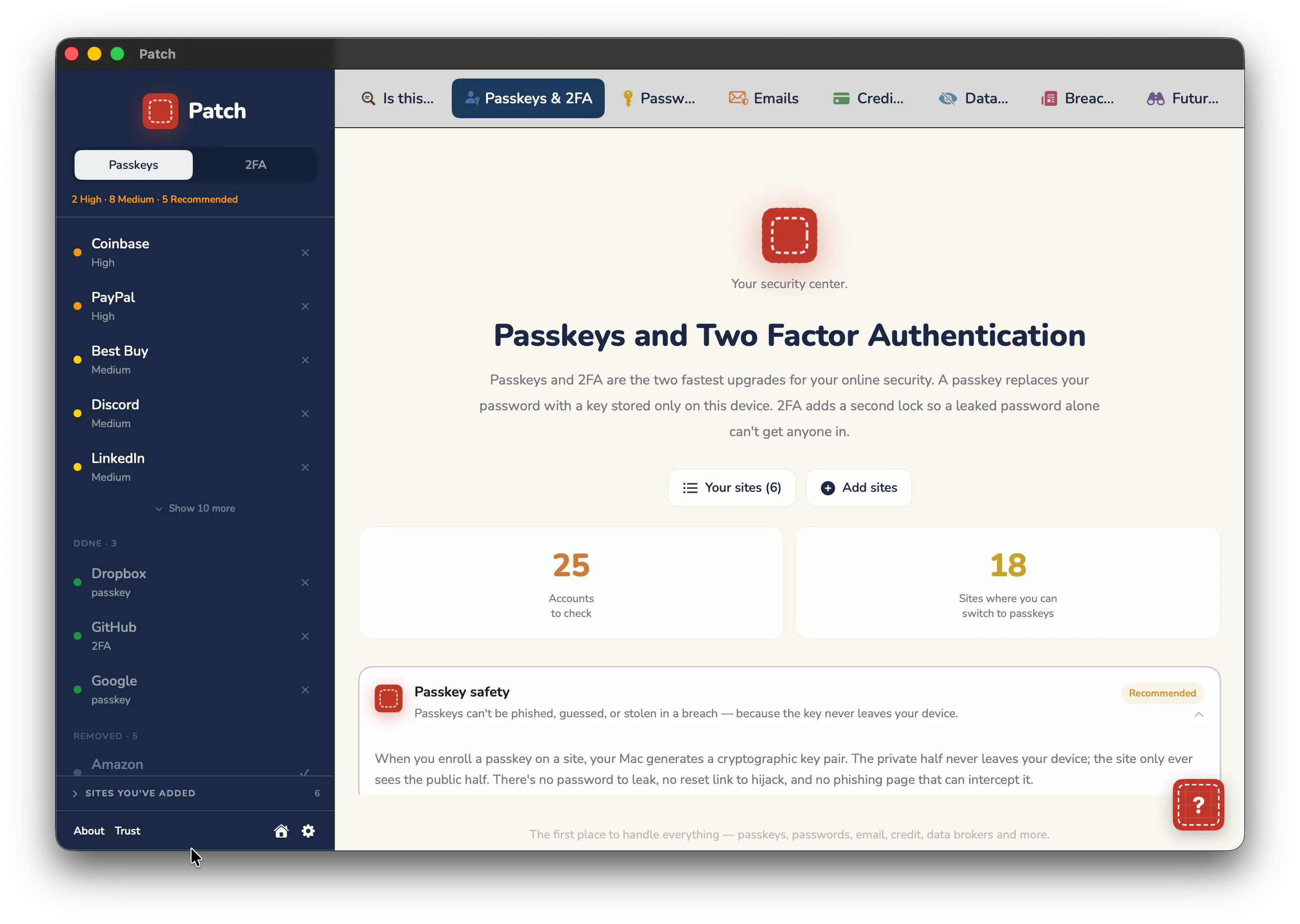
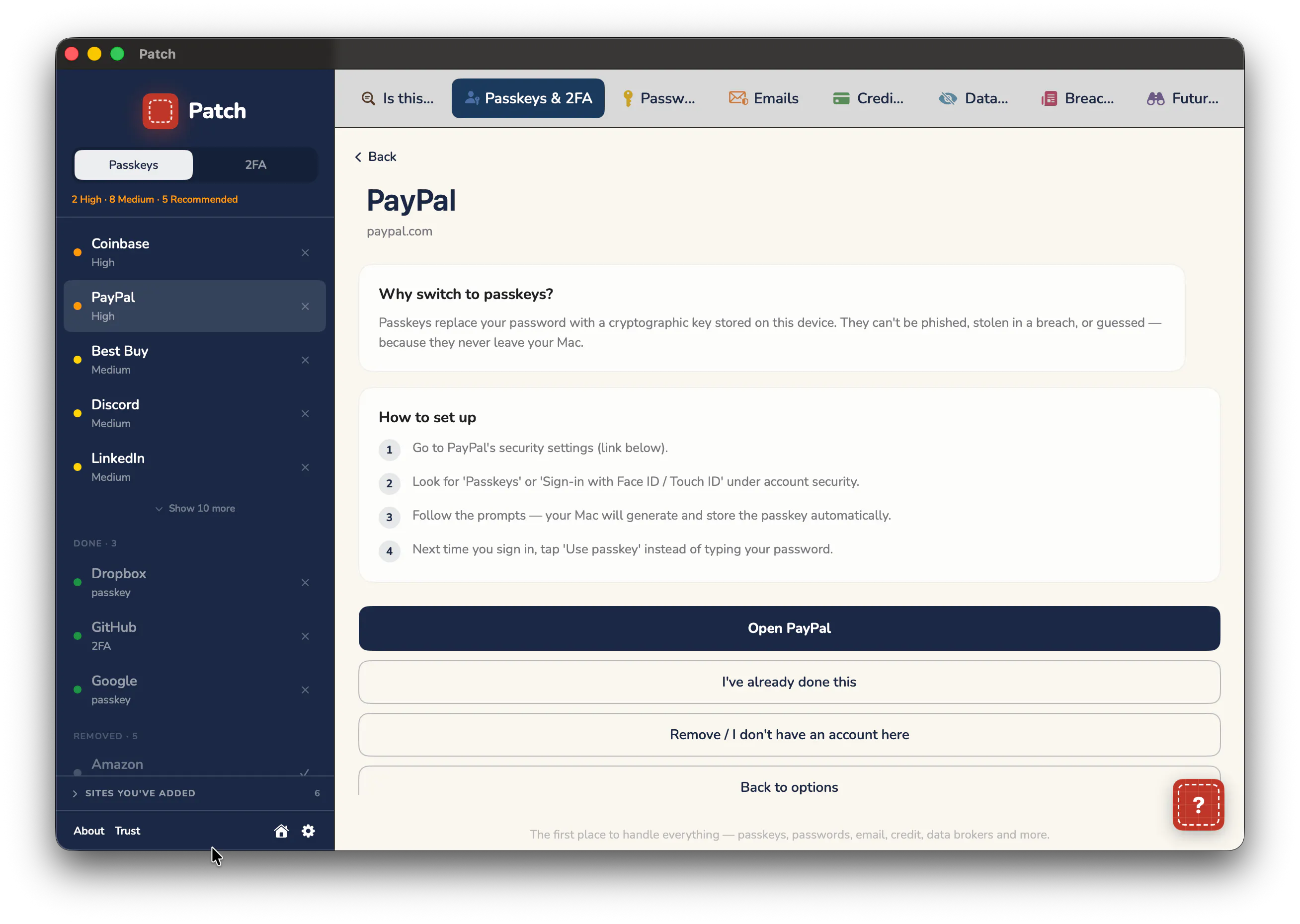
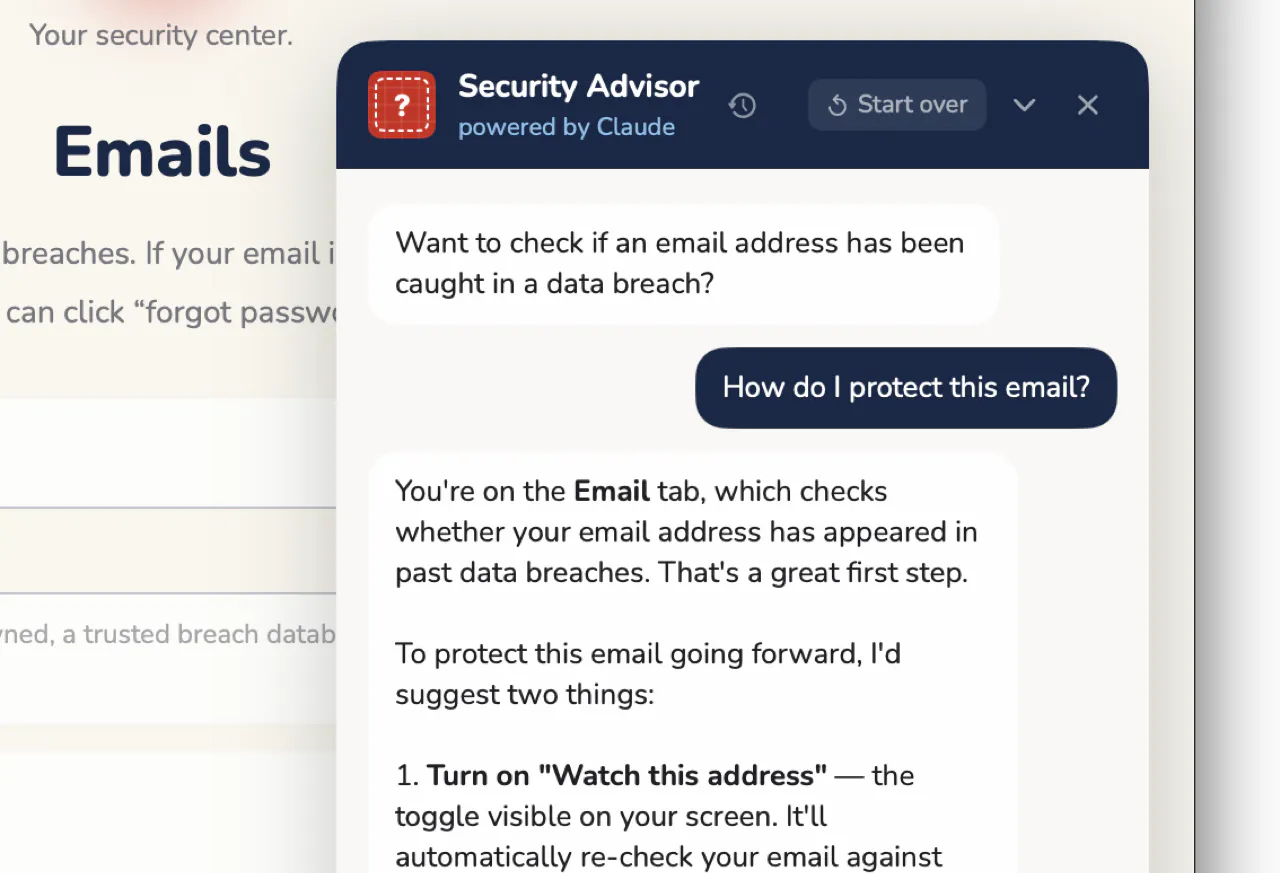
Patch is a security app for Mac and iPhone (in App Store review) designed for people who'd rather not bounce around a dozen scary-looking tools trying to deal with online security. It checks for scams, finds leaked and duplicate passwords, helps freeze your credit and remove you from data broker sites, all in one place, with a security advisor that answers questions and shows you how to fix things. No account needed, and nothing is kept on our servers, so there's nothing to steal.

Patch fills in the gap on an immensely annoying part of digital life. As someone with very little free time, it feels impossible to address “password breach” alerts and the headaches of all the shit involved in fixing it. Patch solves that and more—and it’s super simple to setup and use. Very rad. Would definitely recommend.

1
回复

@hunter_leeves Thanks very much for the comment. So glad you got that--saving time and headaches is the whole idea .

0
回复

I'm a rookie vibe-coder somehow presenting a security app because I saw the gap it would fill. Now, having spent so much time obsessing over getting it right, I’d be even more nuts not to put it out there. So here goes.

The inspiration was a simple breach alert, which I clicked away for the hundredth time. Except this time I got a little anxious, wondering if I was being dumb, so I went to Chrome Password Manager and saw dozens of other sites with breaches and closed that too, not caring whether I was being dumb or not. Because screw that. I’d rather suppress the feeling of being not-so-vaguely exposed than go down that rabbit hole. And I figure most people are like that about online security. A dozen scary-looking tools. A hundred random sites.

Patch fixes that. It tells you where your passwords have leaked and walks you through setting up stronger authentication. It also helps freeze your credit at all four bureaus, gets you off data broker sites, checks whether a text or email or pic is a scam, and keeps you informed about hacks of sites that you use. You don’t need an account and nothing’s kept on our servers, so there’s nothing to steal. All in a pleasant, easy-to-navigate space. Think of it as your online security center. 

Right now the full version is free for a year with no credit card needed.  

A security app should invite scrutiny, so ask me the hard questions. Patch is tight but nothing’s invulnerable, and I’d rather know now if there’s anything I missed.

If you want to read further, here's the privacy policy and a deeper dive on the site.

I hope you like it. Cory

1
回复
#9
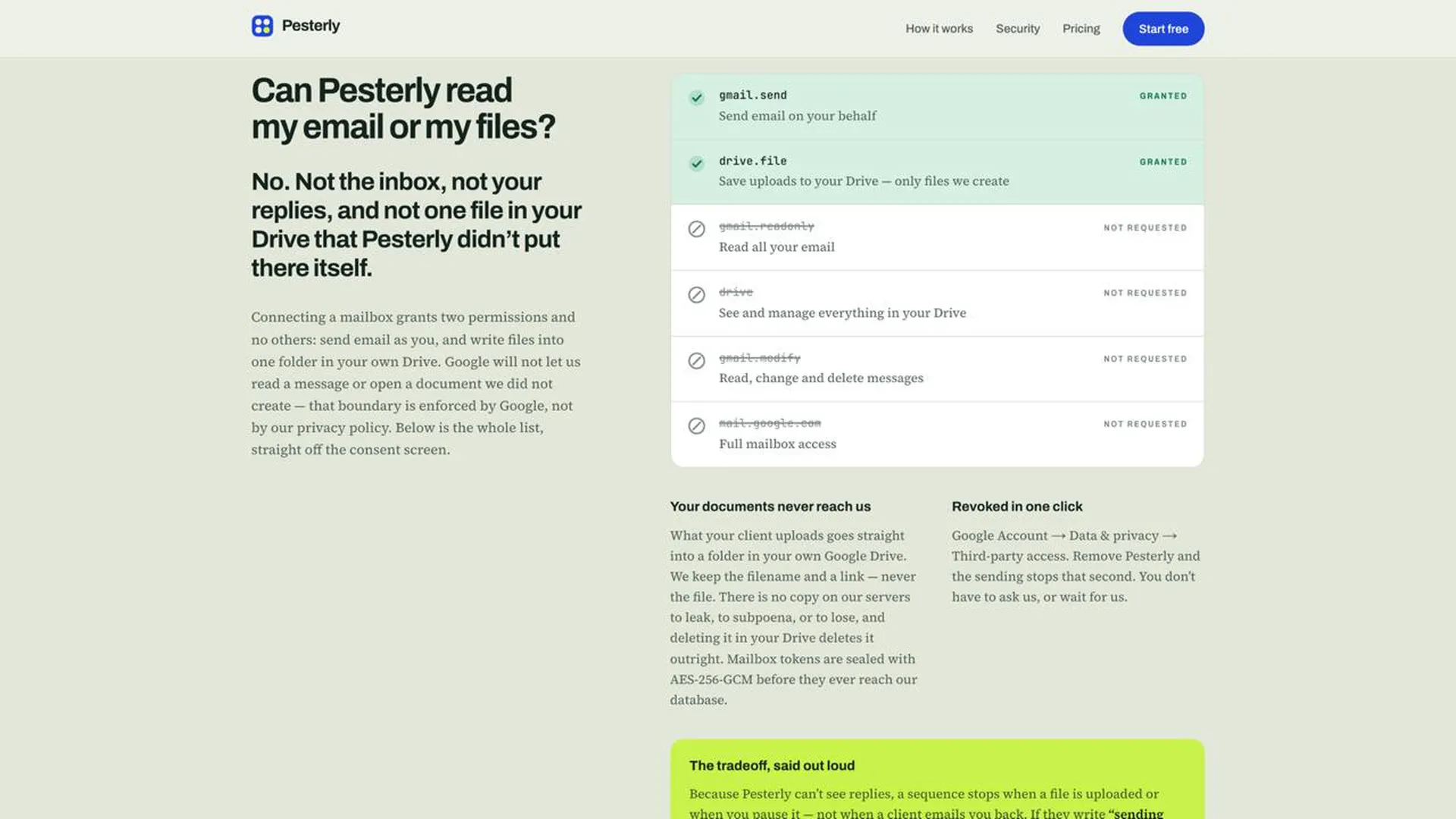
Pesterly
Automated client document collection that follows up for you
12
一句话介绍:Pesterly 是一款基于 Google Workspace 的自动化文件收集工具,将文件清单转为邮件请求,自动定时追讨缺失材料,并将上传文件直接归入用户自己的 Google Drive,解决“等客户交材料导致项目停滞”的痛点。
Email Productivity Operations
文档收集 自动化跟进 Google Workspace 客户 onboarding 邮件提醒 文件管理 效率工具 工作流自动化 专业服务 SaaS
用户评论摘要:创始人在评论中说明产品源于真实痛点——客户用邮件回复而非门户,追讨过程变得机械且影响沟通质量。用户反馈集中于对“自动缩短提醒文案”、以及“文件存在自有Drive”的高度认可,并提出下一步需增加团队共享视图以追踪卡点。
AI 锐评

Pesterly 的聪明之处在于它不试图重建用户与客户之间的沟通习惯,而是精准复刻了“真人发邮件”这个最有效却最耗时的动作。它绕开了传统客户门户的死穴——客户不愿意点开新的系统,直接寄生在用户已有的邮箱和 Drive 生态中,极大降低了使用门槛。从产品价值看,它解决的不是“收集文件”这个表层的流程问题,而是“专业服务交付中信任与耐心被琐事磨损”的隐性成本。自动缩短的提醒文案是点睛之笔,它模仿了人类在重复催促时逐渐失去耐心的自然逻辑,这在技术上简单,但在产品设计上极其克制且有效——不给客户压迫感,却保证结果。但必须冷静指出:Pesterly 的当前版本高度依赖创始人所在行业的单一场景(税表、onboarding),缺乏更通用的模板和跨行业适配逻辑,容易在垂直领域之外显得鸡肋。此外,Google Workspace 既是壁垒也是天花板,企业若已部署更重型的 CRM 或项目管理系统,Pesterly 的独立价值将被显著压缩。它更像是一个“填补流程空隙”的轻工具,而非“重塑协作方式”的基础设施。12 票的冷启动成绩也说明它尚未在市场中激起明显波澜,背后的关键问题是:自动追文件这件事,客户真正买单的意愿有多强?以及一旦巨头(如微软 Loop、Notion)在协作层内置类似能力,独立产品能否快速长出团队视图、权限管理、审批流等护城河,仍是未知数。短期看好,长期仍需验证。

查看原始信息
Pesterly
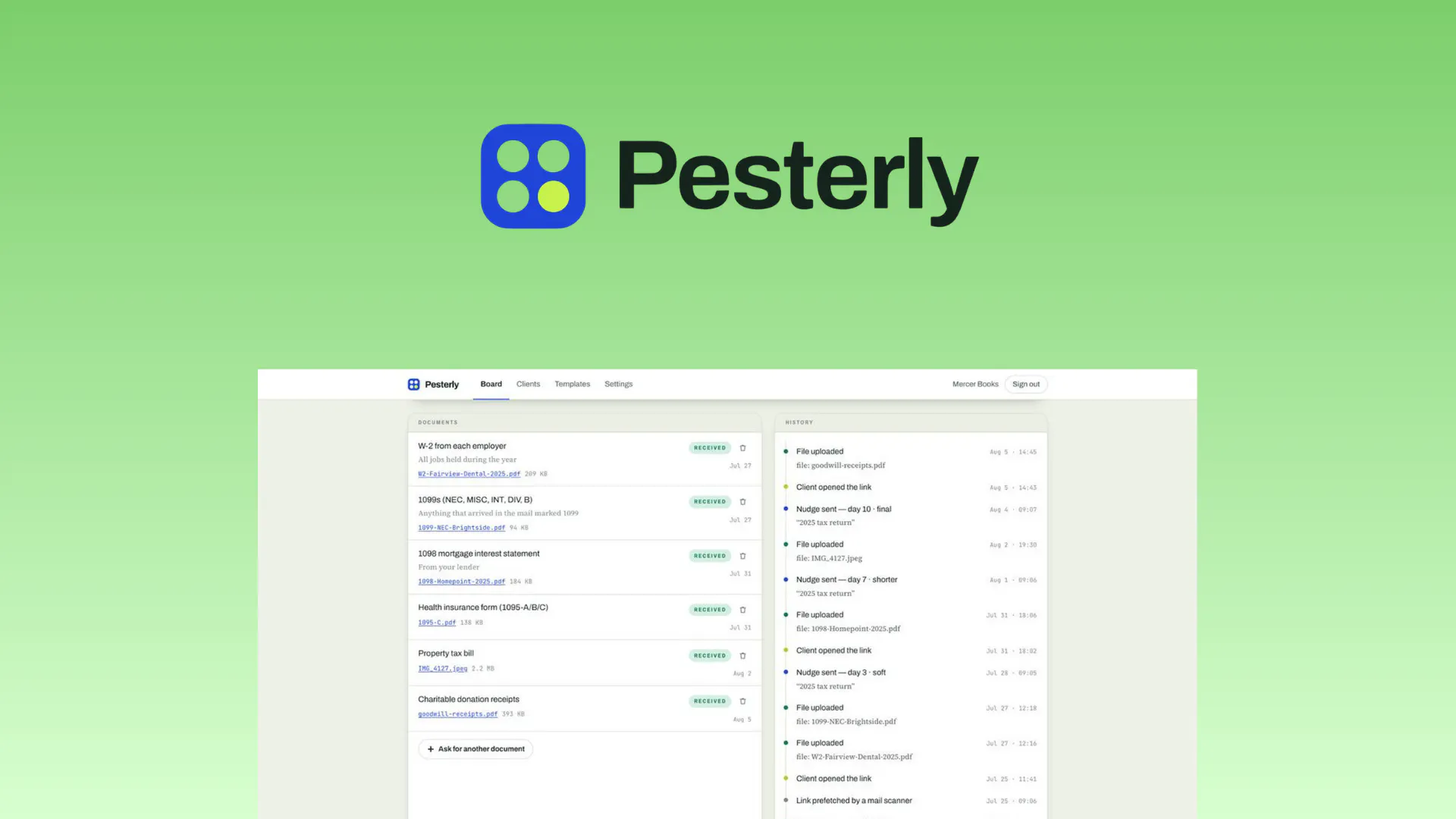
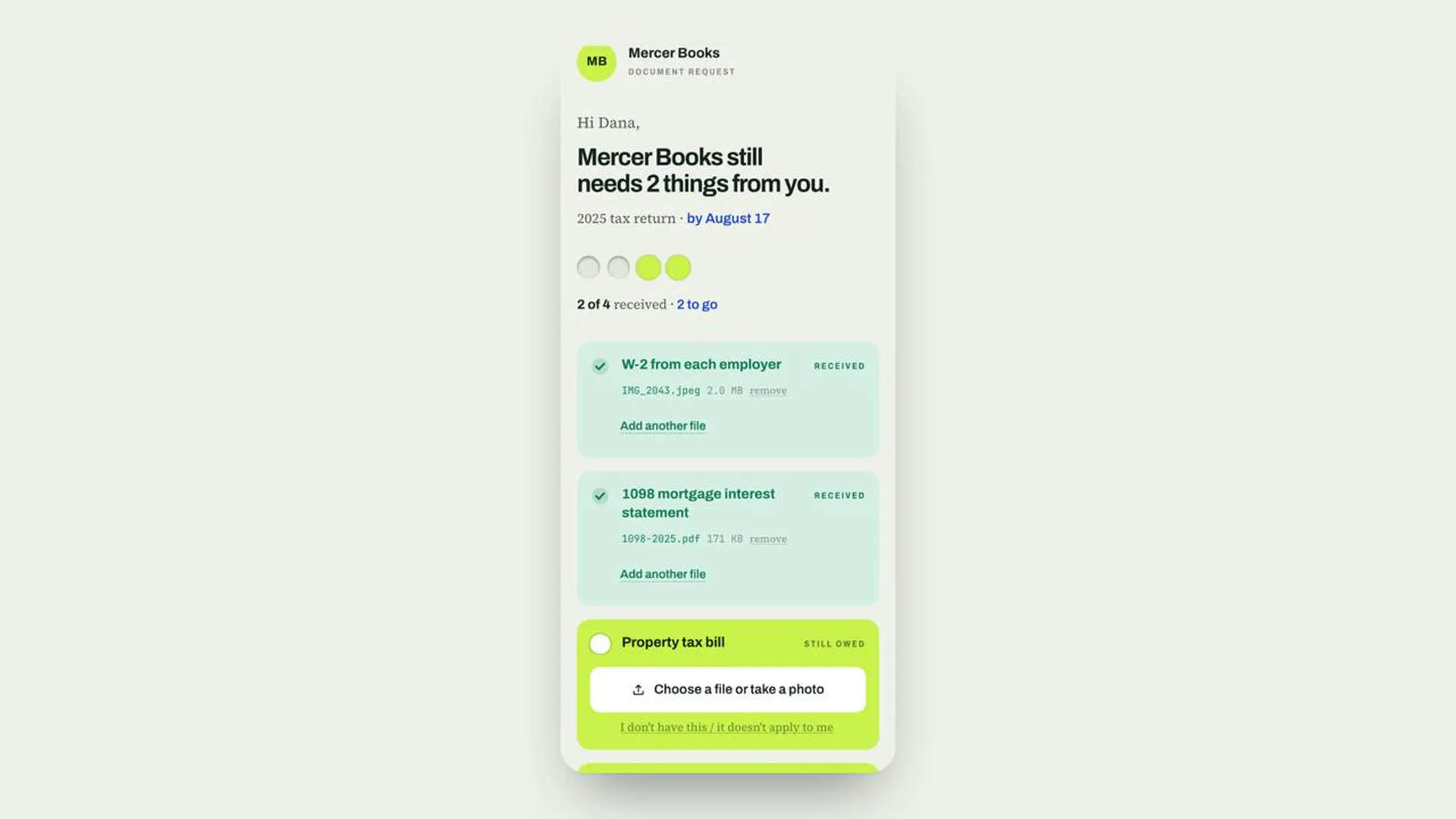
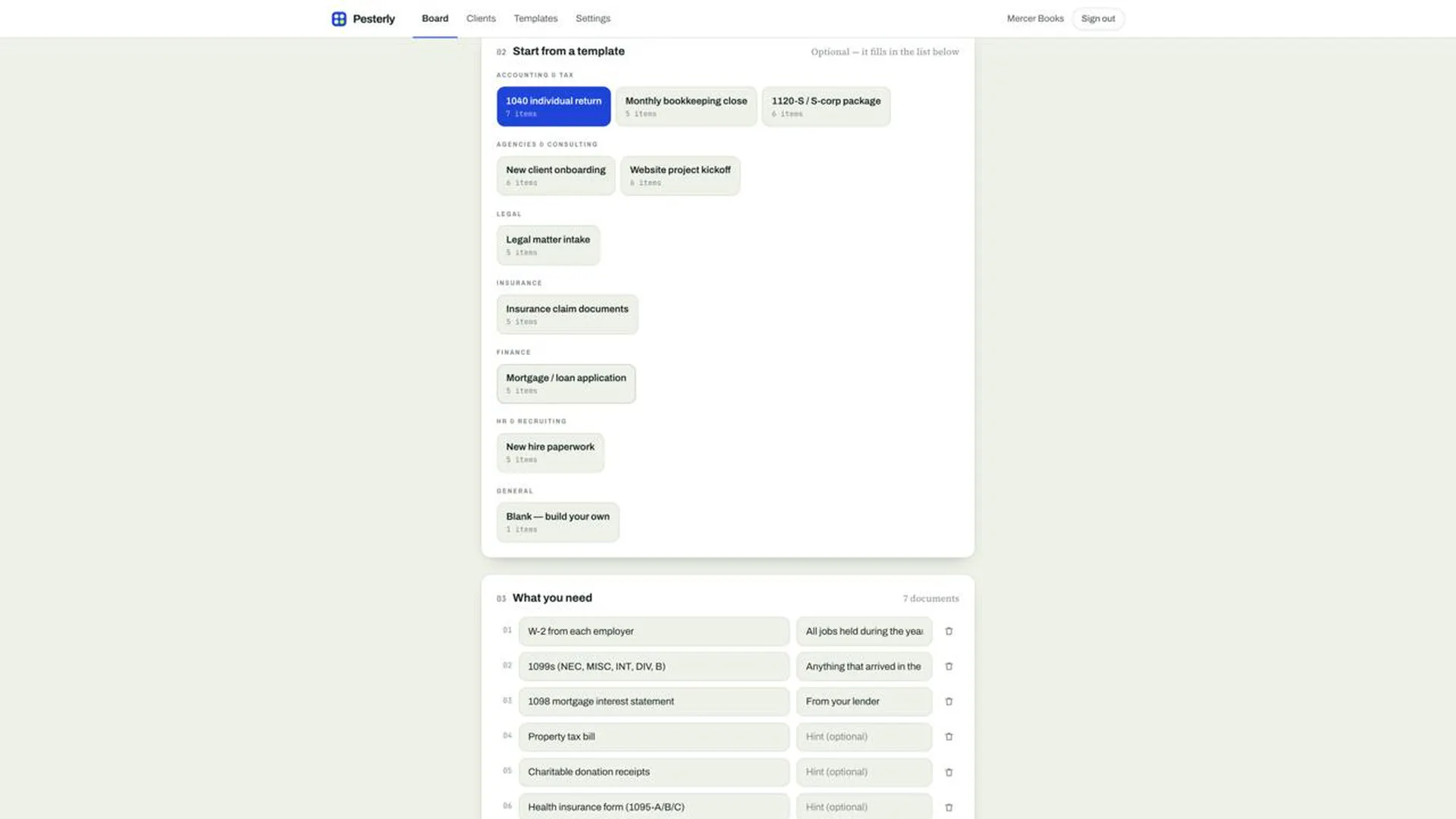
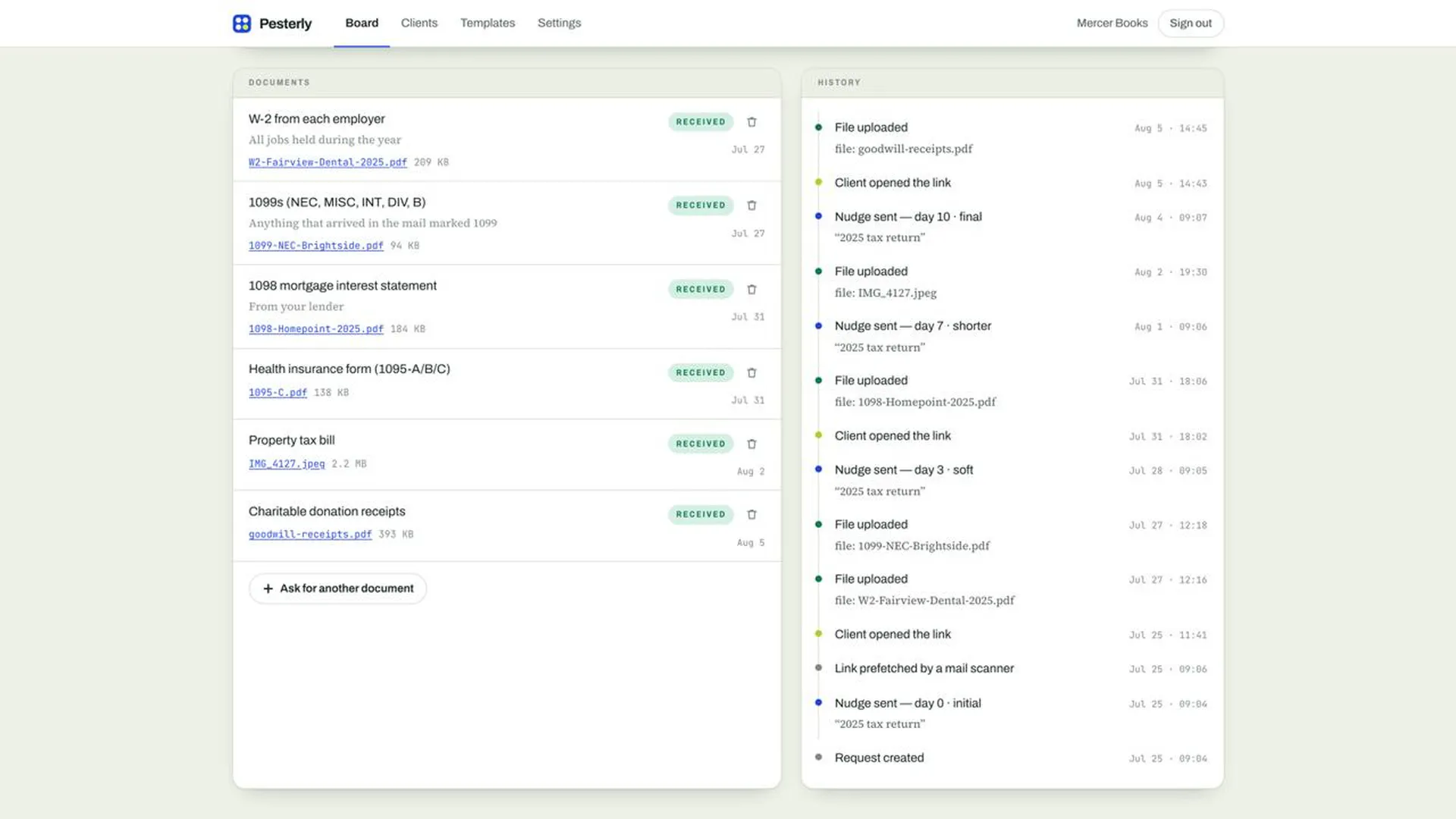
Pesterly is a document collection tool for Google Workspace that turns a checklist of files into an email request, chases whatever is still missing on a fixed schedule, and saves every upload into a folder in your own Google Drive.
Hello Product Hunt! I have been following PH for the last 4 years and excited to launch my first project today with you all. I kept watching the same thing happen. The work was ready to start, the client had said yes, and then everything sat still for three weeks because one form had not come back. So somebody on the team became the person who chased. They wrote the polite reminder, waited, wrote the slightly less polite one, and by the fourth message they had stopped sounding like themselves. The tools we tried all pointed the client at a portal, and the client ignored the portal. What clients answer is email from a person they know. So Pesterly sends the request from your own inbox, follows up on its own schedule, and each message gets shorter and lists only what is still missing. The uploads go into your Google Drive, in a folder you own, because your client's tax return should not live on our servers. I built it for anyone whose work stalls waiting on paperwork, whether that is a tax return, a new client onboarding, or a matter intake. Next we are working on shared team views, so a whole practice can see which requests are stuck without asking each other.
4
回复
#10
Rendemo
Turn any web app into a clickable demo in minutes
11
一句话介绍:Rendemo 是一款将真实网页操作录制成可点击交互式演示的工具,通过捕获真实 DOM 而非截图,帮助产品团队在几分钟内生成可嵌入官网、可投放 CI 校验的演示、导览或视频,解决传统录屏演示“看着像、点不动、一改就废”的核心痛点。
Chrome Extensions Design Tools Marketing Developer Tools
交互式演示 网页录屏工具 DOM捕获 产品导览 Chrome扩展 嵌入式DEMO MCP服务器 CI集成 开发者工具 SaaS产品营销
用户评论摘要:目前仅有创始人自述,无真实用户点评。创始人强调产品解决“高价低质”的演示工具痛点,并坦承产品尚处早期,缺乏SOC 2认证及企业级功能,呼吁用户实测反馈。有效建议待社区补充。
AI 锐评

Rendemo 的切入点相当刁钻——它绕开了“录屏转假交互”的技术捷径,直接捕获真实 DOM 结构,这在产品演示工具赛道里属于底层逻辑层面的差异化。其价值主张并非“更便宜的 Loom”,而是“用工程手段消灭演示与真实产品之间的信息衰减”:当 CSS、字体、响应式布局在演示中真实渲染,观众看到的不再是精心排版的幻灯片,而是产品本来的样子。这一点对 To B 销售、客户成功、产品文档三个场景有实质杀伤力。

技术架构上,它有几个值得掰开看的决策:其一,通过几何均数计算断点(547px/1052px)来切换嵌入视图,而非套用常用设备宽度,这体现出一种对“比例失真”的偏执,也暗示团队有较强的前端数学功底;其二,导览功能以 `data-rendemo` 标记锚定真实源码,并用 CI 检查防朽坏,这直接击中了“演示/文档与代码脱节”这一深层工程痛点,把营销资产纳入了软件交付生命周期;其三,坚持不收集表单字段值,是一种罕见的克制,在隐私合规收紧的当下反而成为可宣传的信任状。

但必须泼冷水:11个投票几乎等于零社区验证,创始人坦言无 SOC 2、无沙盒演示、密码保护嵌入受限,这在企业采购流程中是致命短板。更根本的问题在于——捕获真实 DOM 的浏览器扩展天生受限于站点复杂度(SPA、Canvas、Shadow DOM、跨域iframe皆是暗礁),一旦目标产品复杂度过高,录制体验会迅速劣化。此外,39美元/月的工作区定价虽试图搅局,但该市场头部玩家(如 Navattic 或 Arcade)已构建了集成生态和模板库,Rendemo 目前仅靠一个 MCP 服务器和一句“CI 即卖点”难以撼动销售认知。

它的真正价值,可能不是替代现有交互演示工具,而是给那些“拥有工程师资源、且重视内容资产长期可维护性”的软件公司提供一个另类选项——一个可以用 `npx rendemo check` 跑在流水线里的演示系统。若它能在开源社区或 MCP 生态中打开缺口,估值逻辑将完全不同于传统 SaaS 营销工具。但目前,它更像一把锋利的手术刀,尚未证明自己能上手术台。

查看原始信息
Rendemo
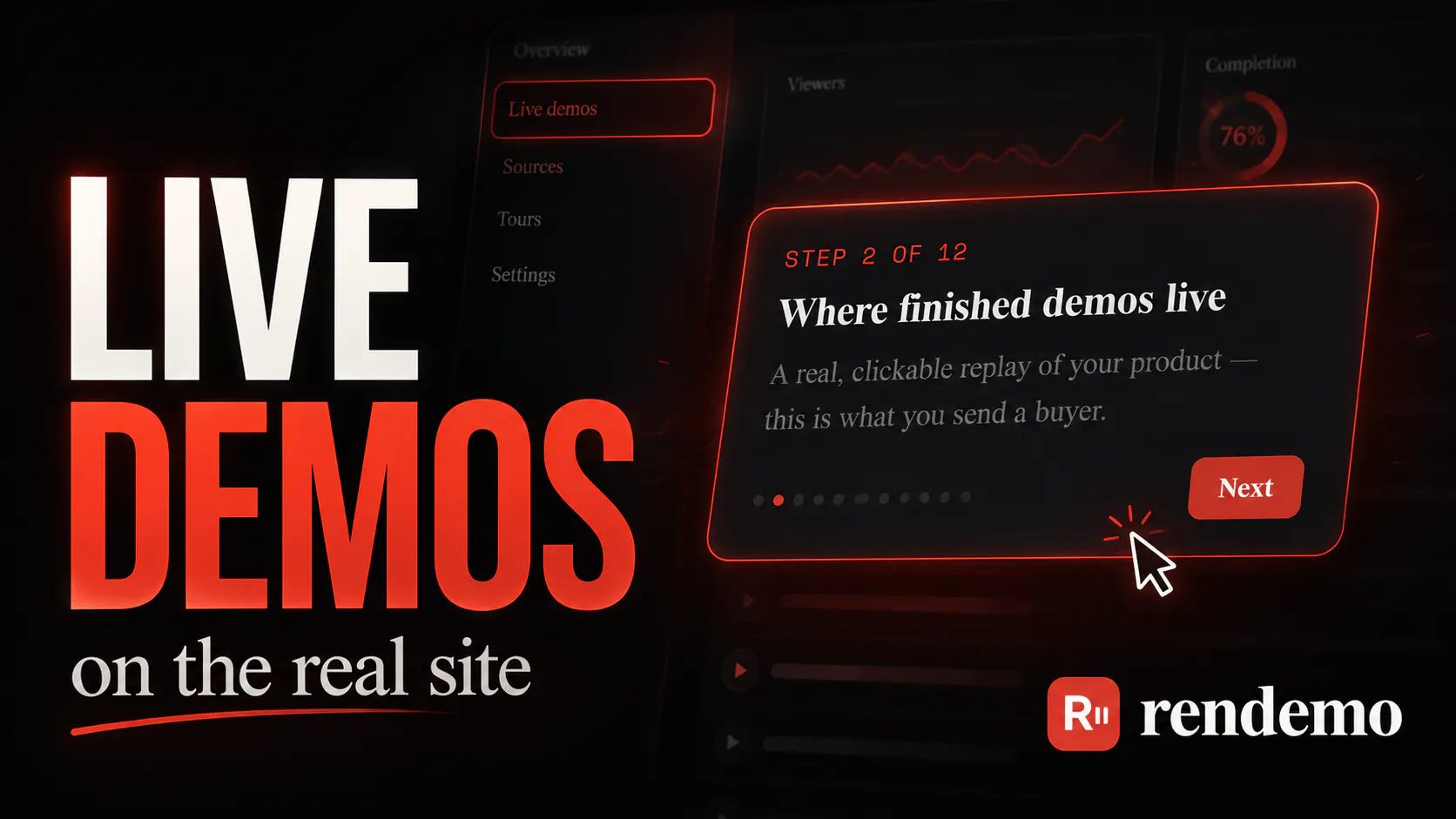
Rendemo turns a screen recording of your real product into a demo people can click through, capturing the actual HTML, not screenshots, so it behaves like the real thing. Record once with the Chrome extension. Ship an embeddable demo (one script tag), an MP4, or a guided tour on your live app. It ships an MCP server on every plan, so your IDE Agent can write the captions, apply your brand, direct the camera, lint it, publish, and then its live on your website.
Hey Product Hunt. I’m Jake, and I built Rendemo. I’ve spent close to 10 years working in customer support and technical support, and I still do it full time today. A lot of what Rendemo has turned into comes directly from dealing with the same problems over and over again. I’ve answered the same customer question hundreds of times. I’ve sent people knowledge articles that were already outdated. I’ve written step-by-step guides that technically explained everything, but were still harder to follow than just showing someone what to click. But that actually isn’t why I originally started Rendemo. I was working on another product and needed to make a demo for it. I tried a bunch of the tools already out there and kept running into the same problem. The affordable ones were frustrating to use, and the good ones cost more every month than the product I was trying to demo was even making. So I figured I’d just build my own. At first, it really was that simple. But while building it, I realized there was a much bigger idea here. Instead of recording screenshots, Rendemo captures the actual page and turns it into something you can keep using in different ways. That one recording can become an interactive demo, an embed, an MP4, or even a live walkthrough that runs directly on top of the real website. I’m also building around things like CI checks so demos don’t just quietly break every time the product changes. That’s the part I’m most excited about. “Interactive demo tool” is technically what Rendemo is, but I think it undersells what I’m actually trying to build. Here’s what it does: ▸ THE CAPTURE IS REAL DOM, NOT SCREENSHOTS The Chrome extension records the actual HTML of your product as you click through it. Not a video, not a sequence of PNGs with hotspots drawn on top. A viewer is inside a real document: text is selectable, your CSS is doing the layout, your fonts render. ▸ ONE RECORDING BECOMES THREE VIEWPORT BUILDS Publishing reflows that recorded DOM to 1440x900, 768x1024 and 390x844, and your product's own media queries produce the rest. The mobile demo is genuinely your mobile layout, not a desktop capture scaled down. The embed then picks a build by measuring itself rather than the screen, cutting at 547px and 1052px. Those are the geometric means of the authored widths: distortion is a ratio, so the fair cut is where the two candidate scale factors are equal. A 400px sidebar on a 27 inch monitor is the same problem as a phone, and gets the same answer. ▸ THE EMBED IS ONE SCRIPT TAG, NO BUILD STEP It is a web component. The poster still mounts the iframe behind it during idle time after your page paints, so in the normal case the visitor never clicks a play button and never sees a loading state. Five DOM events come back out: ready, step, complete, lead, close. The lead event deliberately carries no field values. I don't want your visitors' email addresses crossing into your analytics through my embed. ▸ TOURS RUN ON YOUR REAL PRODUCT, ANCHORED TO YOUR REPO The part I'm proudest of. A tour is guidance the user performs on your live app, and each step anchors to a marker on a real element in your source: data-rendemo="onboarding/new-project" You don't write those by guessing. Record yourself doing the tour and the agent matches each click back to source through React's _debugSource, then data-testid, id, name, href, and visible text, in that order of confidence. When it can't place a click confidently it returns the step as unplaced with everything it tried, rather than anchoring to a close-enough element that would point at the wrong thing forever. It commits a lockfile, and then: npx rendemo check Zero dependencies, offline, no auth, source only. It confirms every step resolves to exactly one marker, and exits 1 on missing-marker, duplicate-marker or orphan-marker. Put it in CI and a UI change that breaks a tour fails the build, instead of failing silently in front of a customer. This repo dogfoods it on a nine step tour of the studio itself. The runtime is a shadow root in a fixed layer, pointer-events none except the card. It never calls preventDefault and never stops propagation, so your own click handlers run exactly as they would with no tour on the page. It never steals focus. A target that isn't in the DOM yet is waited for with a MutationObserver for 8 seconds, then gives up visibly with a skip option rather than hanging. ▸ AN MCP SERVER ON EVERY PLAN, INCLUDING FREE npx rendemo login signs in by browser approval and writes the MCP registration. Claude Code can then write the step captions, apply your brand kit, direct the camera, lint for covered targets and clipped crops, publish, and hand back the embed snippet. One prompt, capture to published. ▸ PRICING, AND WHY Real HTML capture is the free plan. Unlimited demos and creators is $39/mo flat. Elsewhere the equivalent tier starts at $150/mo and runs past $600, and it is priced per seat, so it gets worse the moment a second person wants to make a demo. Charging per workspace instead was the whole point. ▸ BEING STRAIGHT WITH YOU Rendemo is brand new. No sandbox demos. Not SOC 2. It can't tell you which company viewed your demo. And password-protected demos can't be embedded yet: the access cookie is SameSite=Lax, so a browser drops it inside the third-party iframe, and fixing it needs a Partitioned cookie on two routes. Competitors do the first three, and every /vs page on the site says so, with a section on what they do better. What I'd love from you: record the workflow you explain most often, and tell me where it felt worse than doing it by hand. Free plan, no card: rendemo.com
0
回复
#11
Arbyn
AI support agent for Shopify that acts on your orders
7
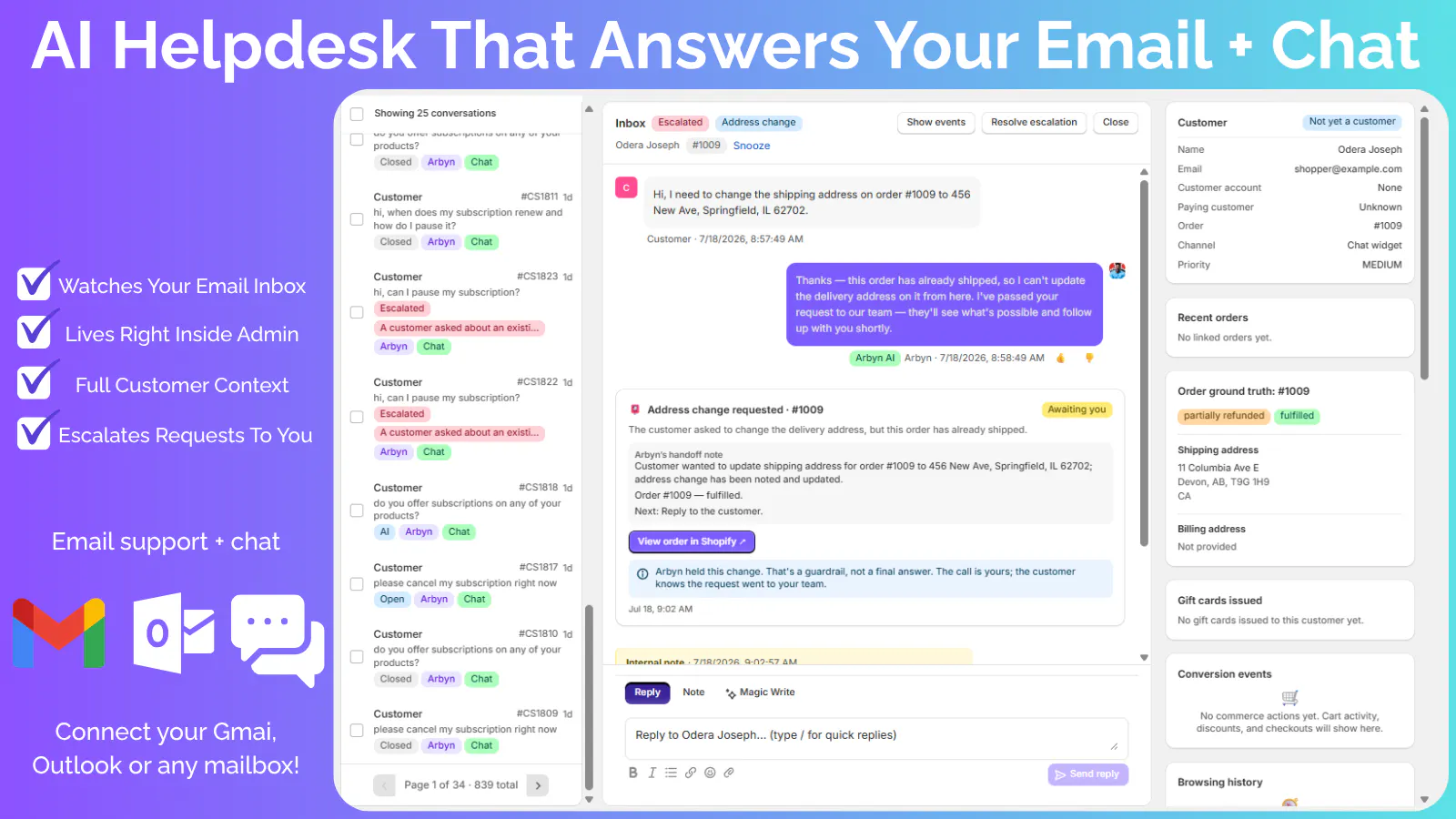
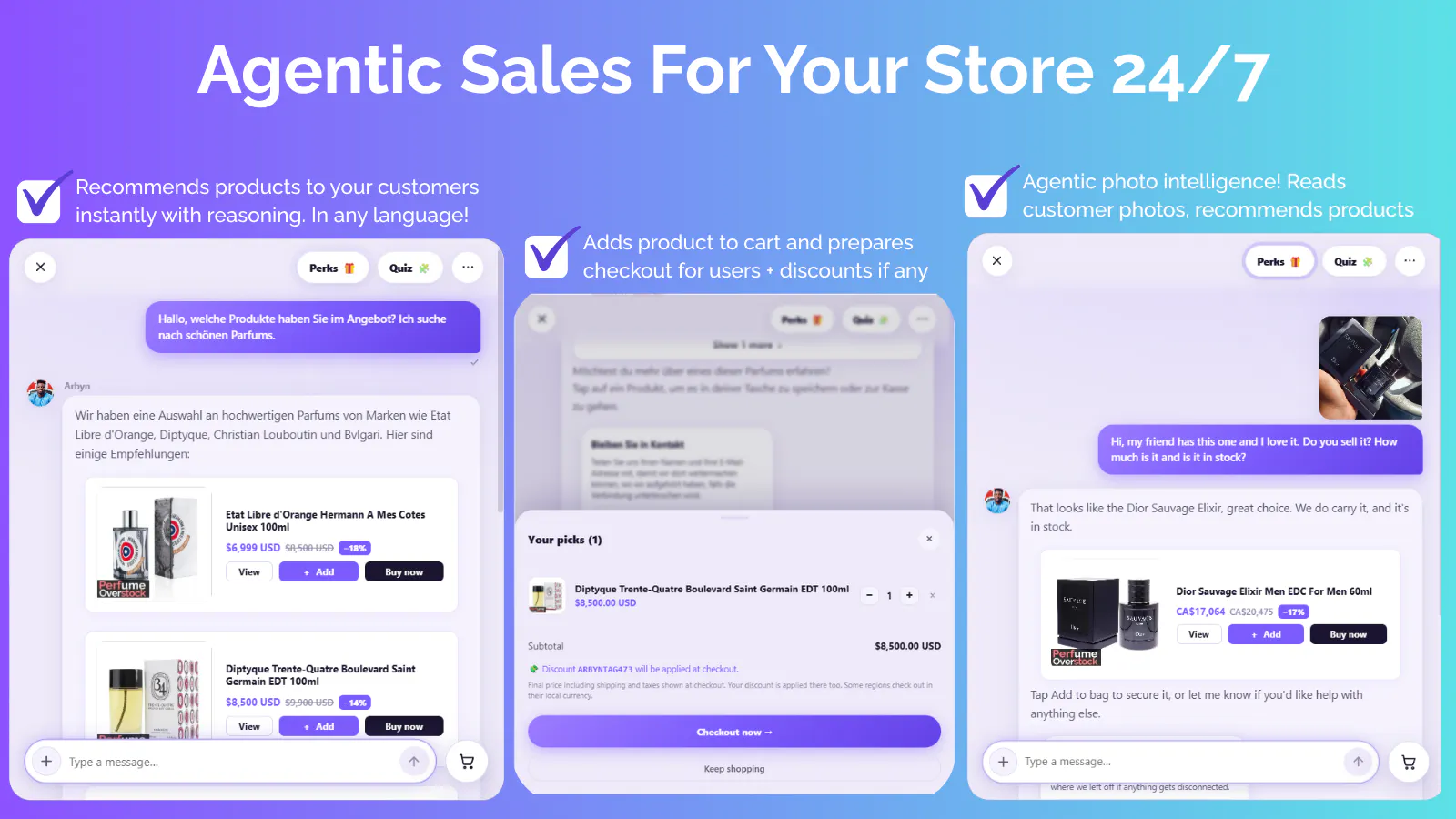
一句话介绍:Arbyn 是一款深度集成 Shopify 的 AI 客服与销售代理,能自动回复邮件和在线聊天,并在商家一键批准后,自主执行改地址、退款、退货等实际订单操作,解决高重复性客服工作与“只能聊不能做”的行业痛点。
Artificial Intelligence E-Commerce
AI客服 Shopify插件 电商自动化 订单管理 智能工单 售后自动化 对话式AI 客服效率工具 无席位费SaaS 独立站运营
用户评论摘要:目前仅有创始人自述评论,无第三方用户反馈。其核心讨论点集中在“审批门槛”设计上,创始人主动征求是否会在长期使用中成为摩擦点,并明确暂不支持社媒渠道,强调功能未完善不宣传的克制态度。
AI 锐评

Arbyn 的定位非常精准,它没有陷入“AI 聊天机器人”的同质化泥潭,而是直击 Shopify 卖家最痛的“最后一公里”——意图识别后的实际动作执行。其价值主张极为清晰:不是替你“聊”,而是替你“做”。这抓住了传统 helpdesk 按工单收费和只能提供话术建议的致命弱点。

从策略上看,Arbyn 的“审批闸门”是一步妙棋。这既规避了 AI 全自动操作导致资损和法律风险,又保留了人工控制感,降低了商家的信任门槛。$99 美元无限量且无单票费的定价,对比 Zendesk 等按坐席/工单收费的模式,对月单量数百的中等卖家极具杀伤力。

但过度依赖创始人自述中的“一面之词”是当前最大风险。产品尚处早期,缺乏大规模实际业务验证数据。评论区的沉默也侧面印证了其用户基数较小。真正的考验在于:当订单量激增时,AI 对复杂且长尾的售后场景(如物流扯皮、部分退款)的理解准确率能否达标。若审批率过高,这本质上只是一个“高级筛选器”,而非真正的自动化。此外,仅限于 Shopify 生态是双刃剑,虽然垂直深耕,但天花板清晰。Arbyn 的破局点在于能否将“审批后执行”的信任数据转化为行业标准,否则极易被 Shopify 官方或头部 ERP 厂商复制。短期看是锋利的工具,长期看需构建数据飞轮壁垒。

查看原始信息
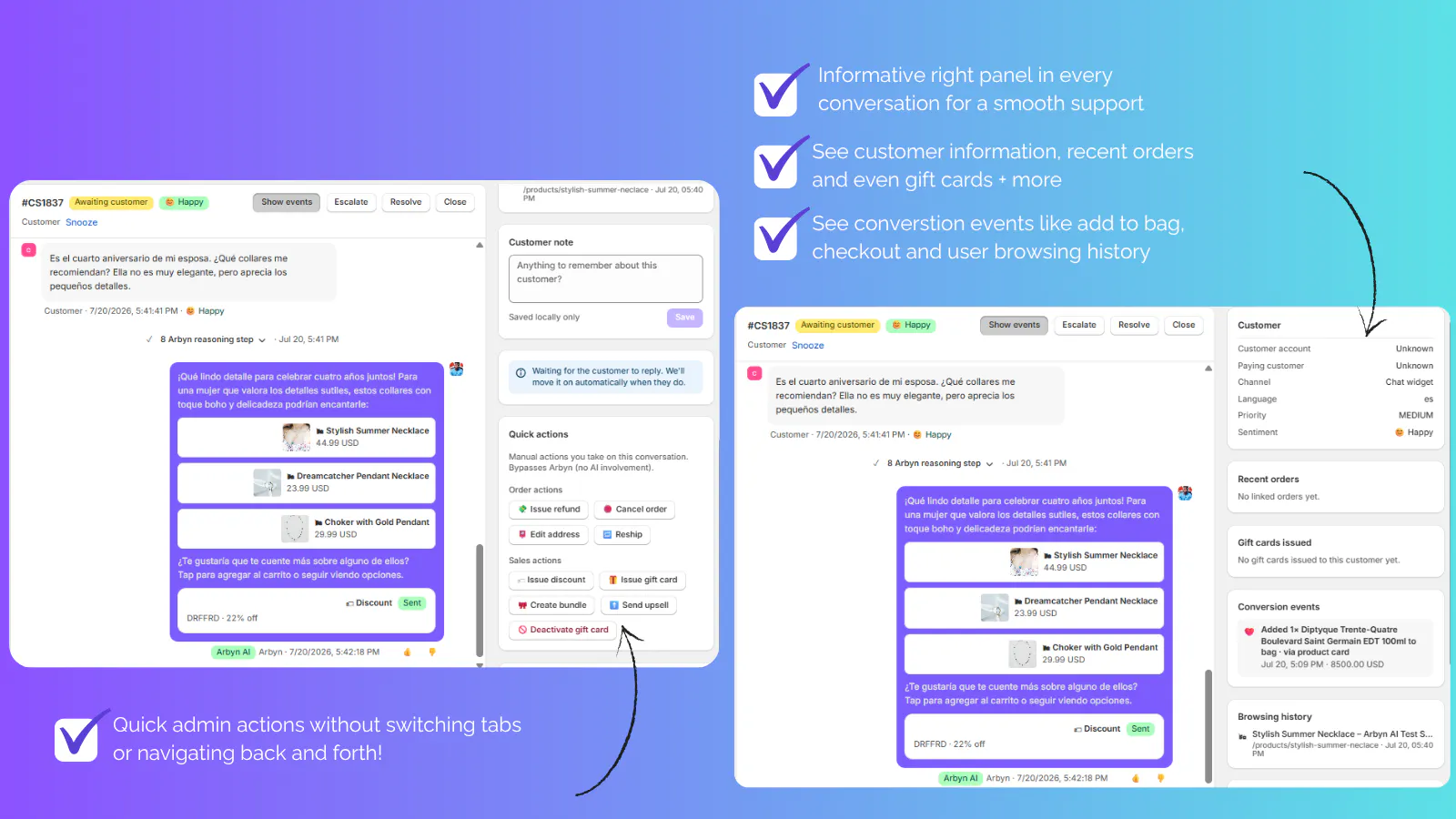
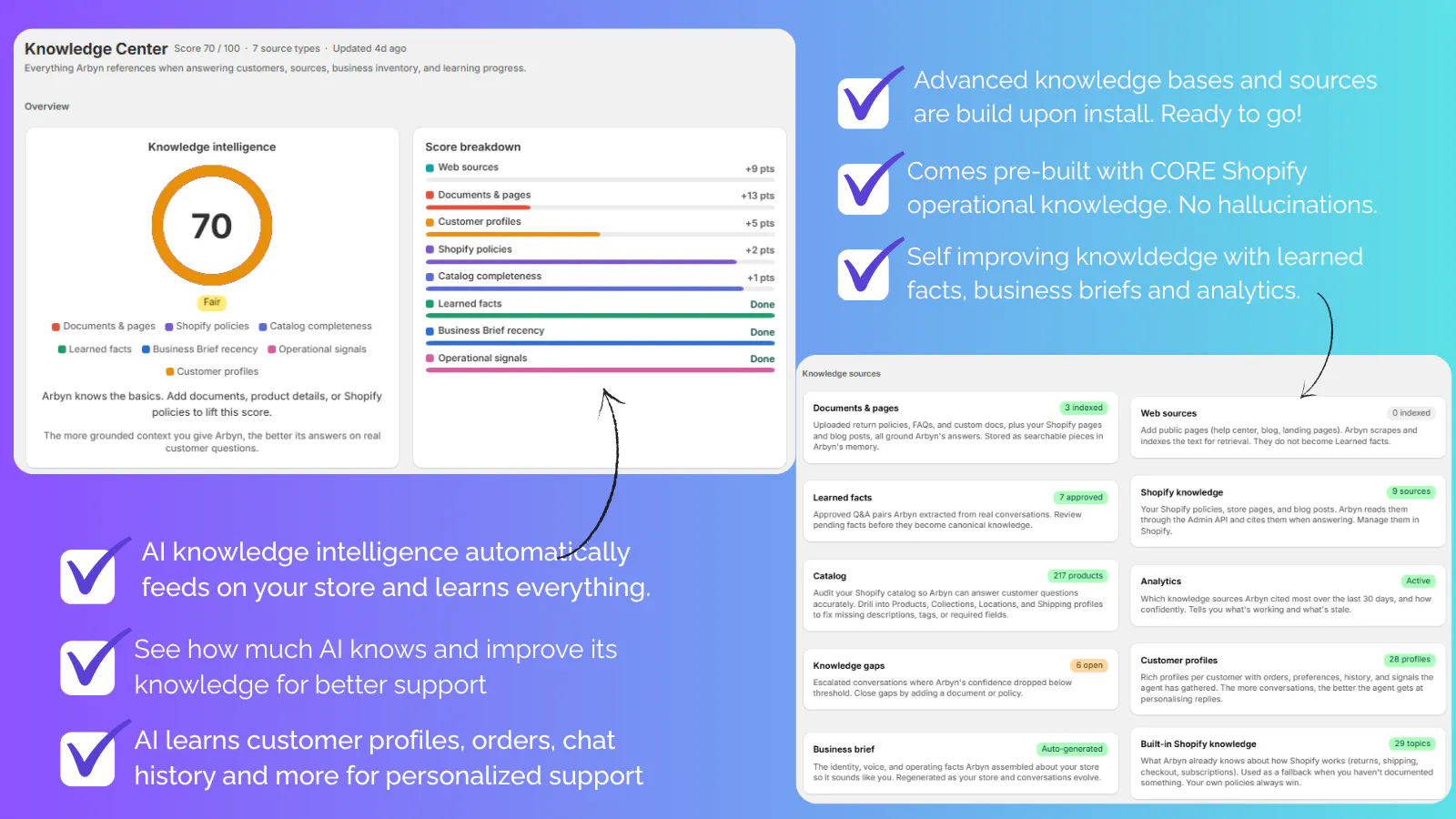
Arbyn
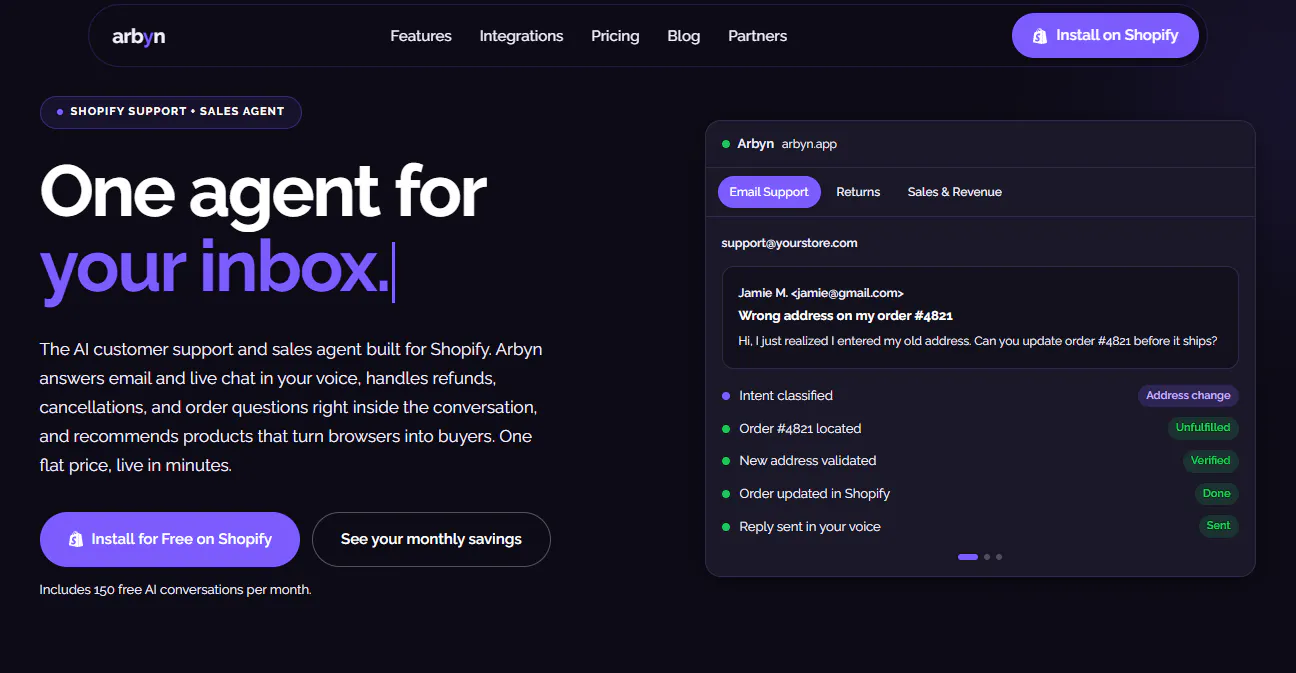
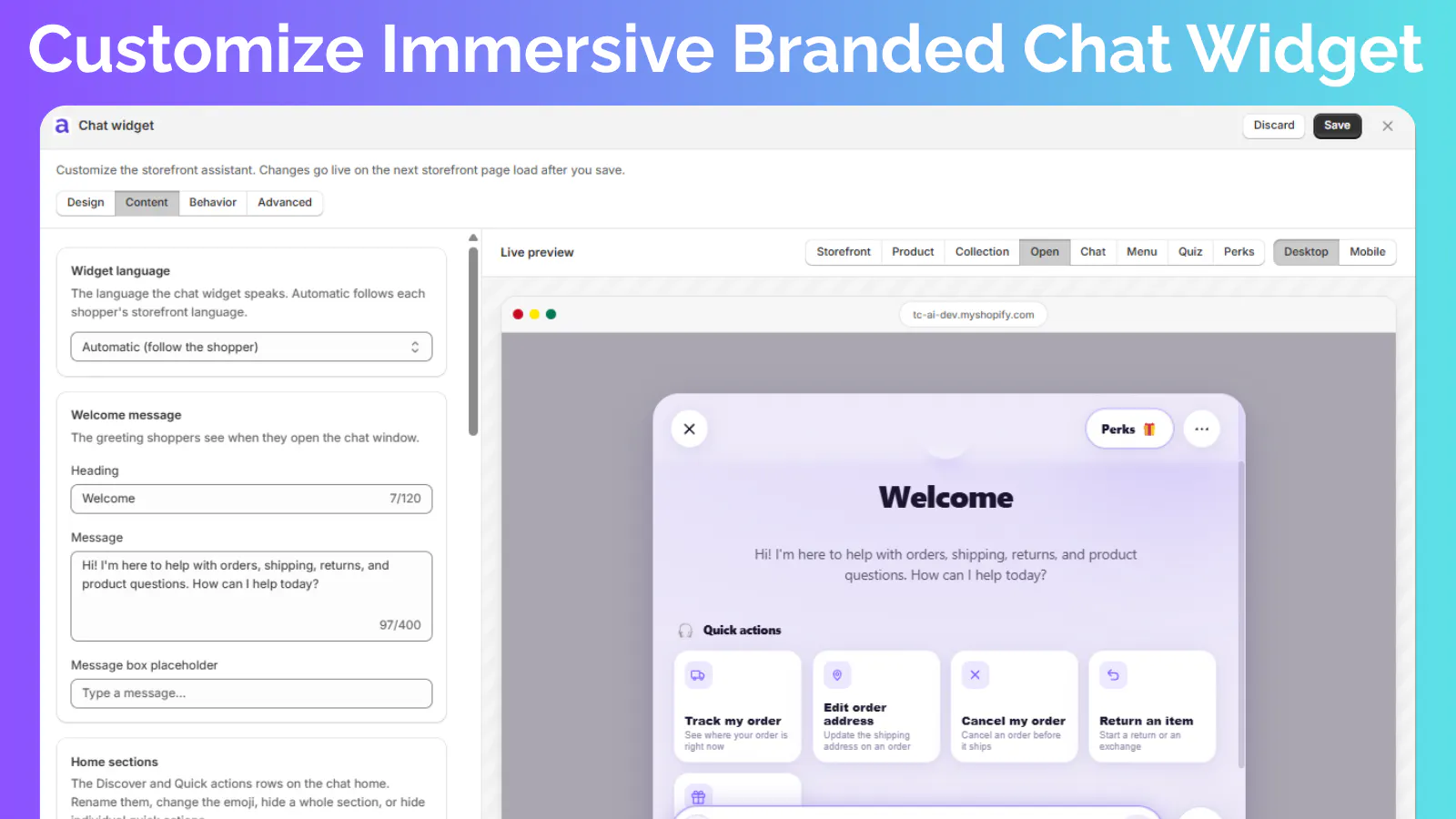
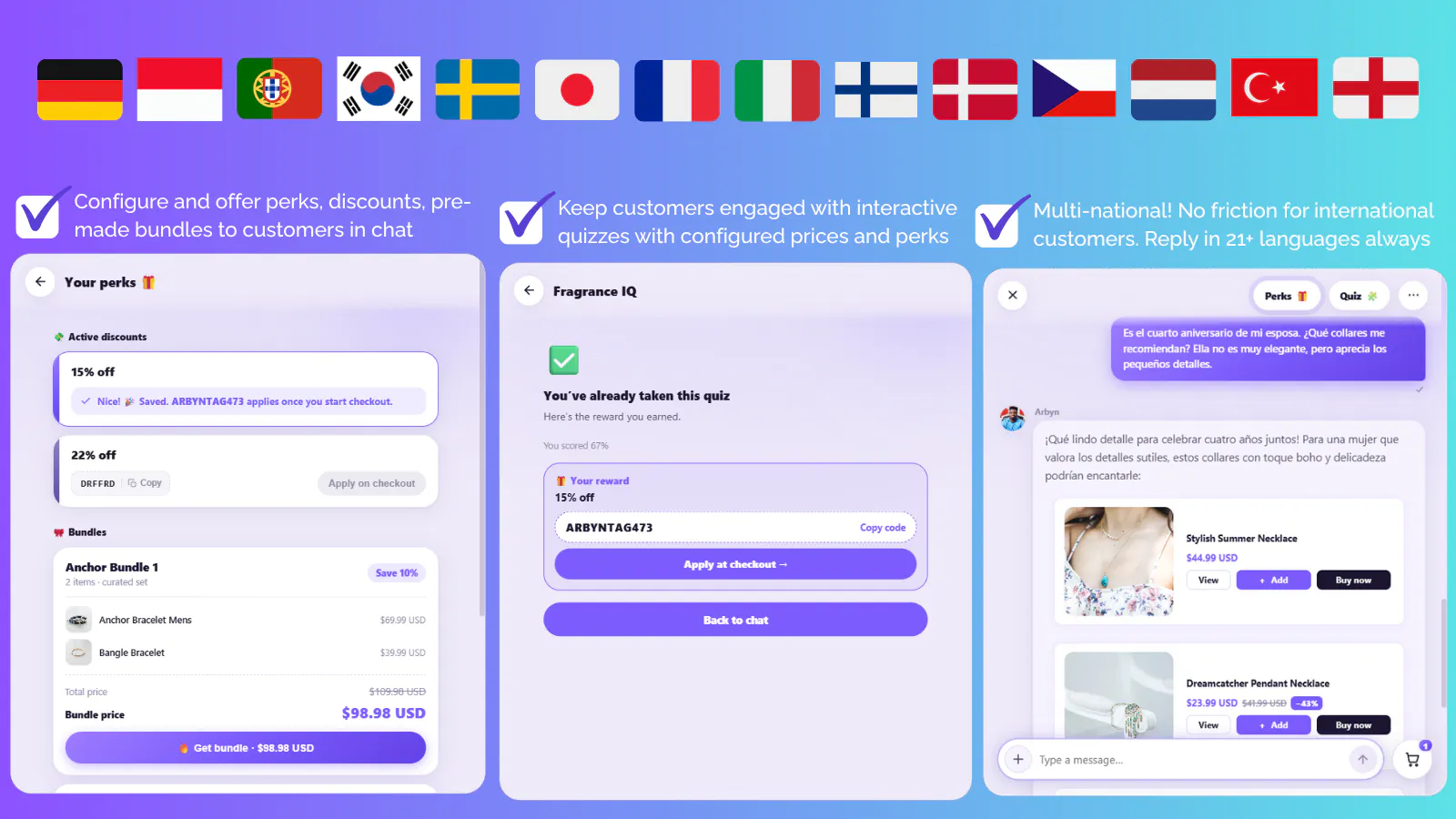
Arbyn is an AI support and sales agent for Shopify. It answers support email and live chat in your store's voice, updates shipping addresses on its own, and handles refunds, cancellations, discounts, gift cards, reships and returns after you approve them with one tap. Free plan with 150 AI conversations a month. $99 a month flat for unlimited. No per ticket fees.
Hey Hunters👋 I'm Odera. Before I built this I spent seven years in customer support, most recently running support across multiple Shopify stores at once. The pattern never changed. Most of the inbox was the same handful of questions, and every tool that promised to automate it either billed per ticket, so the bill grew exactly when the store was doing well, or it could answer a question but not actually do anything about it. Arbyn is my attempt at that second half. What it does 📧 Answers support email and on site live chat in your store's own voice 📦 Updates a customer's shipping address on its own ✋ For anything that touches money, cancel an order, issue a refund, apply a discount, send a gift card, reship, start a return, it prepares the action and waits for you. One tap to approve, then Arbyn performs the real Shopify action and confirms it to the customer 🎯 Gets sharper the more it handles. The early conversations are where it learns how you write Who it's for Shopify store owners shipping physical goods, handling somewhere between a couple hundred and a few thousand support conversations a month, doing it alone or with a small team, and currently paying a helpdesk whose bill climbs with volume. Pricing Free plan: 150 AI conversations a month, every feature switched on, permanently. $99 a month flat for unlimited. No per ticket fee, no per resolution fee. There is no launch discount, because the free plan already is the offer. What it does not do yet Support email and on site live chat is the complete channel list today. Instagram, Messenger, WhatsApp and voice are on the roadmap, and I am not listing them until they actually work. What I'd appreciate Feedback on the approval gate specifically. I made money moving actions require a tap because I did not want to ship an AI that issues a refund because a customer phrased a message cleverly. I have gone back and forth on whether that is the right call or whether it starts feeling like friction on day 30. If you run support on a Shopify store, would you ever turn it off?
0
回复
#12
TrainZilla
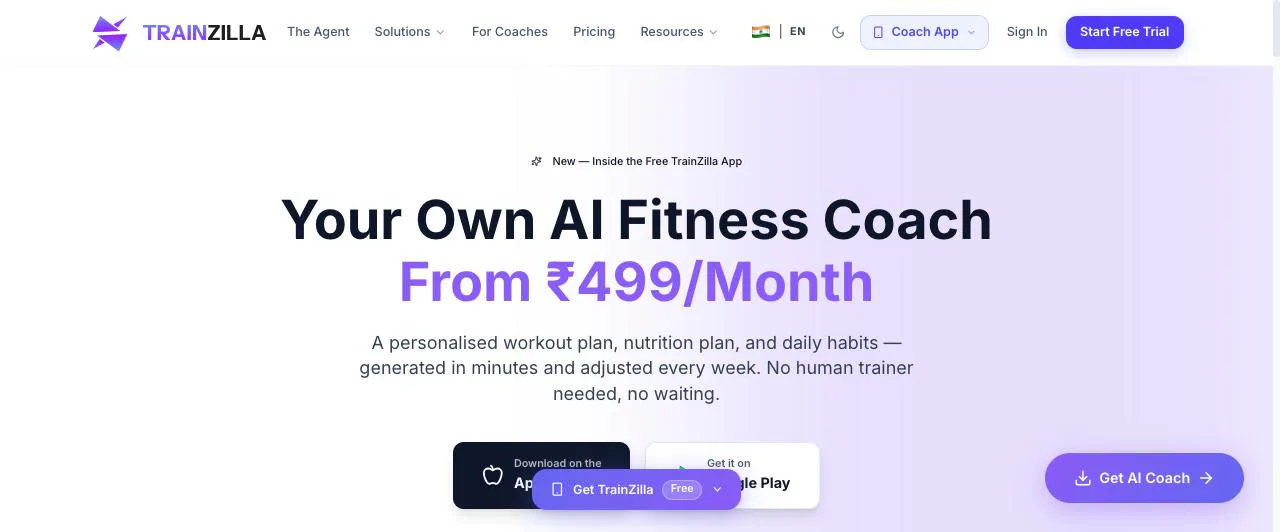
Your fitness coaching business, run by an AI agent.
7
一句话介绍:TrainZilla 将健身教练的日常运营(客户管理、方案生成、日程与账单)和学员的个性化训练/饮食/习惯追踪,都交给一个真正能“动手干活”的 AI Agent 层,让教练从繁琐事务中解脱,让无教练用户也能获得持续进化的 AI 私教服务。
Android Productivity Artificial Intelligence Fitness
AI健身教练 智能体工作流 教练SaaS 营养计划生成 训练计划自动化 MCP服务器 客户管理 习惯追踪 双端市场 订阅制
用户评论摘要:创始人 Nitish 自述为第三次发布,重点强调从“工具聚合”转向“可委派任务的 Agent”。评论区未见用户负面反馈,主要诉求是希望了解 MCP 接入实际业务工作流的细节,以及 AI Coach 与真人教练的切换机制。有效反馈集中在技术集成验证和定价体系上,尚无功能缺陷类投诉。
AI 锐评

TrainZilla 的野心不在“又一个健身 App”,而在重新定义健身服务的劳动力结构。它把教练端从 CRM 升级为“可指派任务的数字员工”——23 个 MCP 工具意味着外部 AI(如 Claude)能直接读写其业务数据,这是真正的 Agent 化,而非嵌套聊天机器人。对小型独立教练而言,这相当于免费获得一个运营助理,边际成本趋近于零。

但产品存在三重隐忧:其一,AI Coach 订阅仅 ₹499/月,价格战会倒逼真人教练的差异化价值,若 AI 计划质量与真人差距不大,反而侵蚀平台本身的专业可信度;其二,MCP 服务器暴露 23 个工具,安全边界和客户隐私责任尚未明确,一旦发生数据误用,对 B 端信任是毁灭性的;其三,100 位教练的日活规模太小,Agent 的决策质量依赖数据飞轮,冷启动阶段最容易出现“看似聪明、实则平庸”的方案推荐。

真正的价值验证点在于:教练是否愿意将“客户体验的关键环节”放手给 AI?TrainZilla 选择了两头下注——既服务想省事的教练,又服务没钱的用户。但市场的残酷在于,中间态产品往往两头都不讨好。若不能证明 AI Coach 的复购率与真人教练相当,这更像是资本故事的填充物,而非商业闭环的答案。建议后续关注其教练端任务完成率与 AI 调整方案的用户留存数据,而非功能广度。

查看原始信息
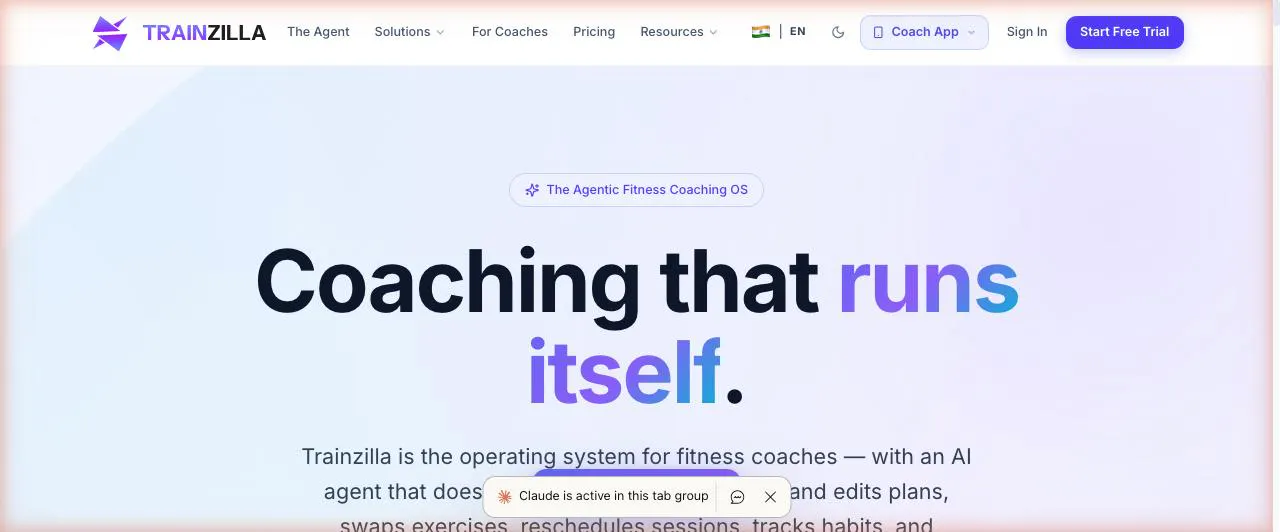
TrainZilla
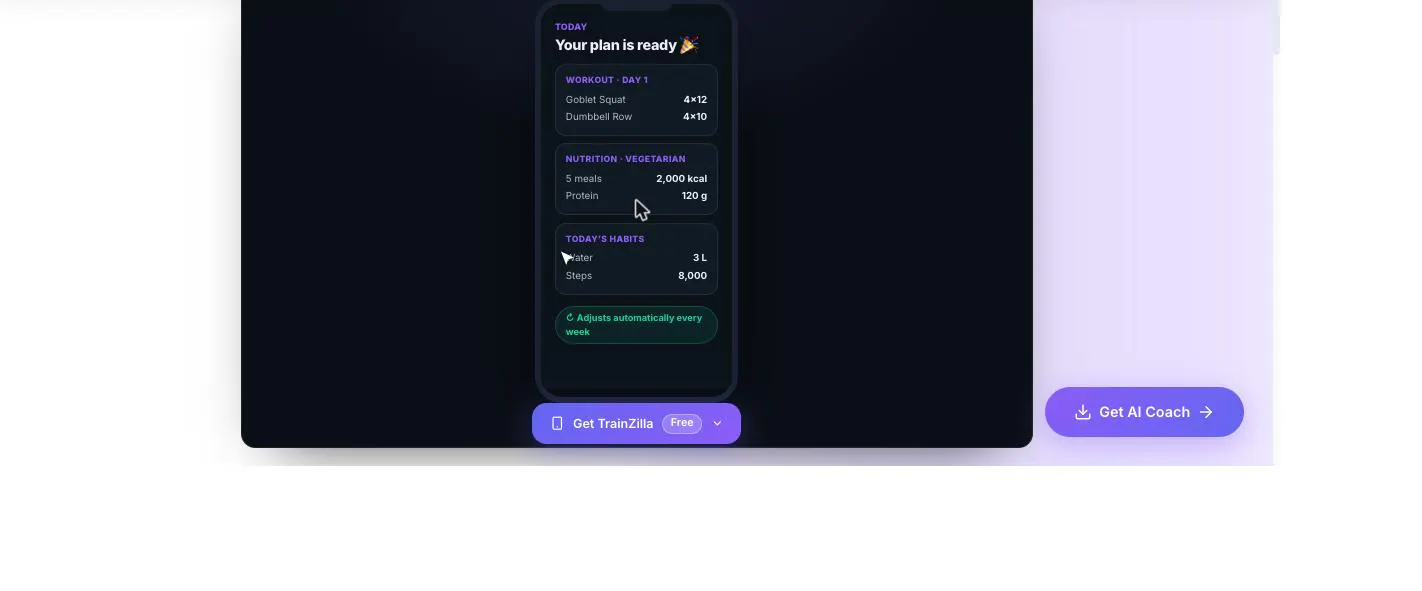
TrainZilla now runs on a real agentic AI layer on both sides of the marketplace: an AI assistant built into the Coach app, an AI Coach subscription inside the client app (personalised workout/nutrition/habit plans, weekly adjustments, 24/7 chat) for people without a coach, and a live MCP server (23 tools) for external agents like Claude. AI that acts, not just chats.
Hey Product Hunt 👋 I'm Nitish — founder of TrainZilla, and this is our third launch here. v1 was "we built an all-in-one coaching platform." v2 was "stop juggling five apps." This one's different: we've spent the last few months turning TrainZilla into something you can actually hand tasks to — on both sides of the marketplace. For coaches: an AI assistant built right into the Coach app, plus a live MCP server (api.tzilla.live/mcp) with 23 tools that plug straight into Claude and other external agents — client management, TDEE/macro calculations, workout & diet plan generation, habit tracking, session scheduling, and billing. For people who don't have a coach yet: an AI Coach subscription inside the free client app (from ₹499/month) that builds a personalised workout, nutrition, and habit plan in minutes, adjusts it every week based on check-in data, and is available for 24/7 coaching chat — with a one-tap upgrade to a real human coach whenever they're ready. Practically, that means a coach can say "build John a 12-week strength plan and adjust his macros for a cut" and the agent just does it — and someone with no coach at all can get a real, evolving programme before they finish their coffee. We're live on web, iOS, and Android, with ~100 coaches already using it day to day. Would love your feedback — especially from anyone who's tried wiring AI agents into a real business workflow (not just a chatbot widget). Happy to answer anything about the MCP setup, the AI Coach product, or just fitness-business stuff in general. 🙏
2
回复
#13
Mononote
Focus on one note
7
一句话介绍:Mononote 是一款专注于单一笔记的极简工具,通过锁屏、主屏幕和灵动岛常驻显示,让用户无需解锁即可随时瞥见关键信息,解决信息碎片化时代下注意力分散的痛点。
iOS Productivity Notes
效率工具 笔记应用 专注力 锁屏小组件 灵动岛 iOS工具 极简设计 信息速览 待办提醒 轻量应用
用户评论摘要:目前仅有7票,暂无用户文字评论。从产品形态推测,早期用户可能关心灵动岛耗电、与系统备忘录同步、编辑体验是否流畅,以及免费版功能限制等问题。需等待更多反馈验证。
AI 锐评

Mononote 的切入点聪明且克制——它不做“第二个备忘录”,而是做“备忘录的反射弧”。在信息过载时代,工具的价值不再只是“存储”,而是“减少操作路径”。锁屏和灵动岛常驻本质上是把“查看笔记”这个高频动作从“解锁-打开App-查找”压缩成“瞥一眼”,这符合注意力经济下的效率需求。但风险也显而易见:第一,功能极其单薄,几乎没有护城河,系统原生备忘录或苹果自带的“提醒事项”加个小组件就能模仿七八成;第二,“只专注一条笔记”听起来反人性,用户真正需要的是“此刻最重要的那条”,这依赖用户自律手动切换,而非应用自动判断,长期使用粘性存疑;第三,灵动岛和锁屏常驻耗电与隐私担忧(敏感内容被他人看到)未解决。产品目前更像一个“概念验证”而非“完整工具”,若后续不能接入日历、提醒事项或全局快捷键来定义“什么该被置顶”,以及不能提供基于时间或地点的自动切换逻辑,它就只能是个精致的玩具,而非生产力必需品。建议团队快速迭代,把“单一焦点”从功能升维成“智能调度”,否则7票很可能就是它的最终归宿。

查看原始信息
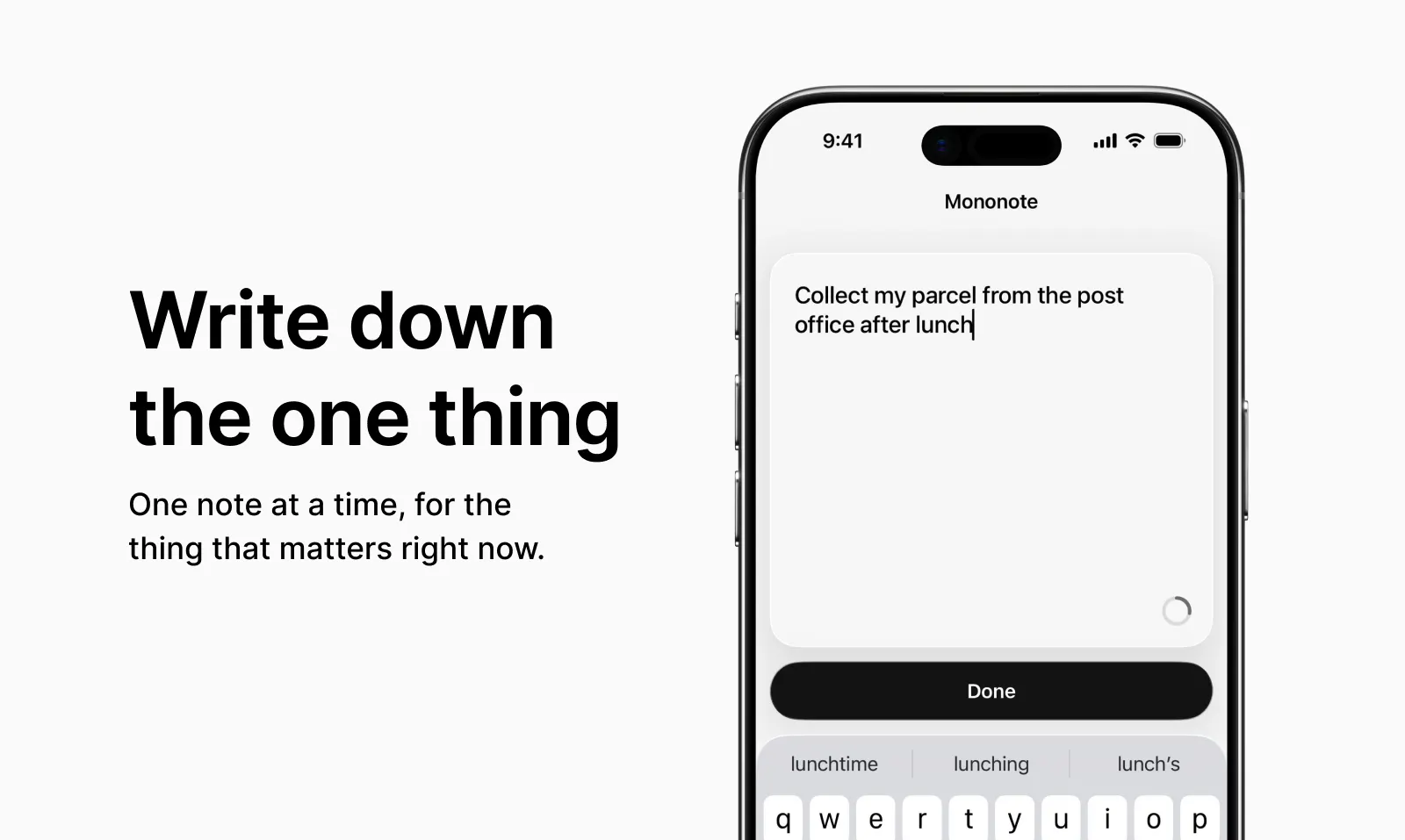
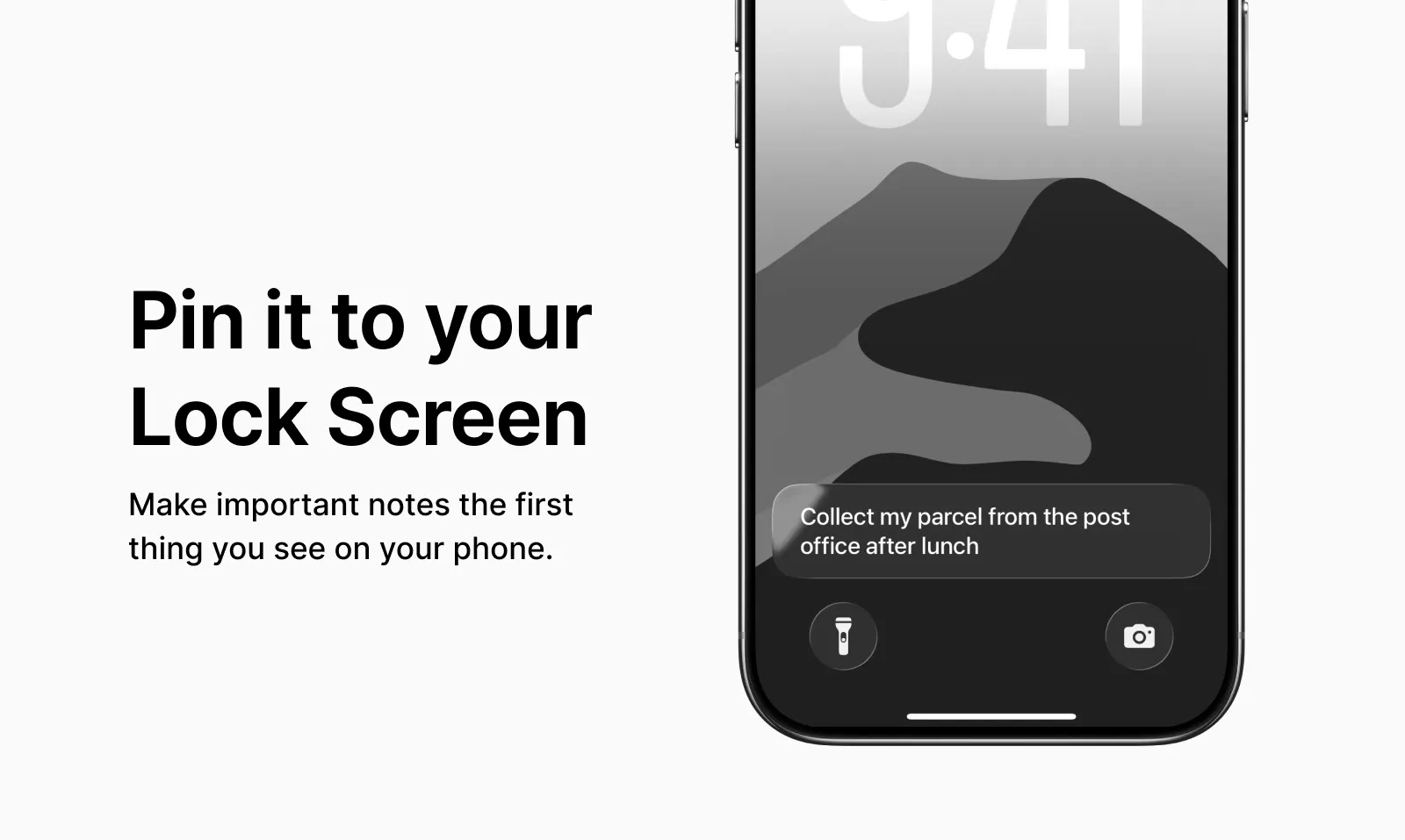
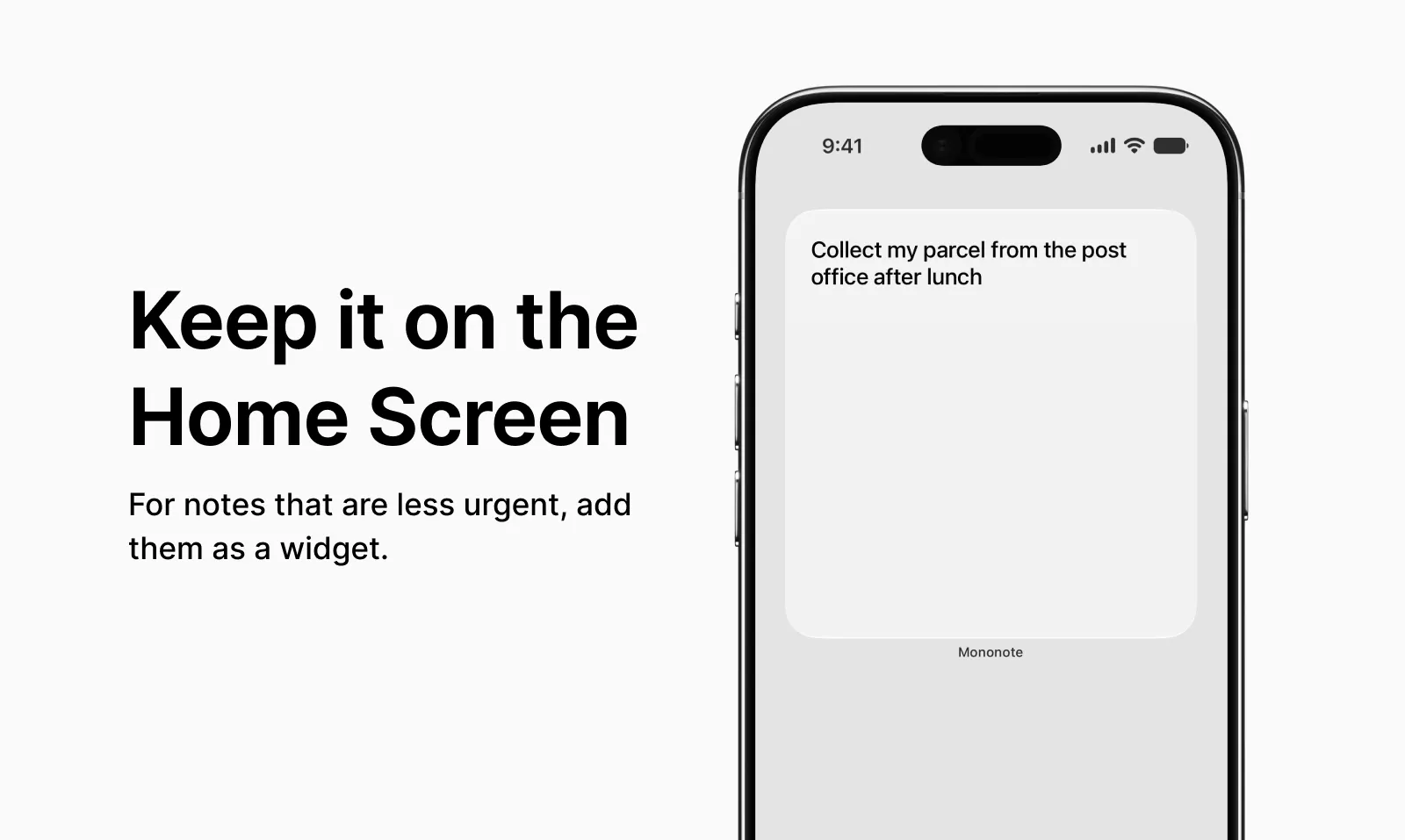
Mononote
Focus on one note. Show it on your Lock Screen, Home Screen, and Dynamic Island.
#14
Tweet Mockup Generator by MockupTown
Tweet mockups with custom avatars, stats, and features
7
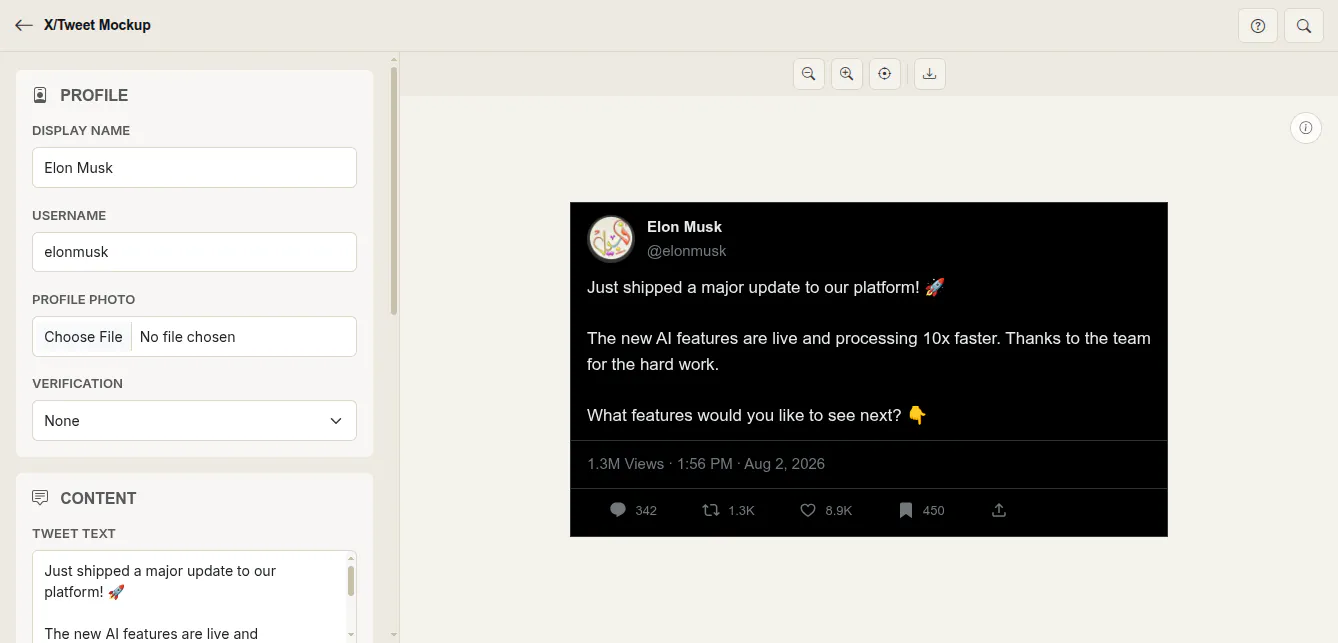
一句话介绍:Tweet Mockup Generator 是一款无需注册、完全本地运行的免费工具,让用户能在几秒内生成带有自定义头像、认证徽章、互动数据和图片/投票等元素的逼真 X/Twitter 推文截图,用于广告素材、提案演示、视频缩略图或博客配图,解决了“快速制作高保真社交媒体内容样稿”的痛点。
Social Media Entertainment Memes
推文模拟器 社交媒体样机 X/Twitter 截图生成 广告素材工具 演示文稿配图 产品截图制作 本地隐私保护 免费设计工具 点赞评论模拟 内容营销辅助
用户评论摘要:目前评论数量少且积极:发布者介绍了核心功能和本地化隐私优势,回帖用户祝贺上线并表示期待试用。暂无具体问题或功能建议反馈,有效信息有限,需等待更多用户实测意见。
AI 锐评

这款产品的本质不是“设计工具”,而是“社交证据伪造器”——它精准切中了营销人、自媒体和产品经理的隐性需求:在真实数据尚未产生时,先用高逼真度的推文截图制造“虚假繁荣”来支撑提案或吸引点击。从功能设计看,它做得足够细:认证徽章分蓝/金/灰三档,互动数据可自定义,甚至支持图片网格和投票百分比,这已经超过了多数简单占位工具。但它最致命的短板也在此:**所有数据都是手工填的,没有接入 X API 的真实抓取,也没有模板智能推荐**。这意味着用户仍要手动想象“多少点赞显得合理”,反而暴露了工具的“伪造感”——真实推文的数据分布有其自然规律,而人工填写的数字往往失真。此外,投票数仅 7 个,评论区清一色是客套话,说明产品尚在冷启动阶段,缺乏真实用户检验。真正的机会在于:如果它能接入真实推文链接一键生成“数据快照”模式(毕竟很多用户想复用的是自己已有的爆款推文),或者提供不同行业推文数据的均值建议(比如科技圈爆款 vs 美食圈爆款),价值会立刻跃迁。否则,它只是又一个“免费但没爽点”的轻量工具,很快会被 Canva 等大厂模板功能的更新淹没。建议团队优先补上“从真实推文导入”和“数据合理性预设”两个能力,否则竞争优势撑不过三个月。

查看原始信息
Tweet Mockup Generator by MockupTown
Free Tweet Mockup Generator – create realistic X/Twitter tweet mockups in seconds. Customize avatar, display name, @handle & verified badge (blue, gold or grey). Control views, likes, replies, reposts & bookmarks. Attach single images, 2–4 image grids or polls with vote %. Switch dark, light or dim theme + custom timestamp. Export high-res PNG – no signup, no watermark, fully local & private. Ideal for ad creatives, pitch decks, YouTube thumbnails & blog posts.
Hey hunters 👋 Just launched the free Tweet Mockup Generator on MockupTown. You can create realistic X/Twitter tweet mockups in seconds — custom avatar, name, handle, verified badge (blue/gold/grey), engagement stats, images, grids, polls, and dark/light/dim themes. Everything runs locally in your browser (no uploads, no watermark, no signup). Export as high-res PNG and drop it straight into ads, decks, thumbnails or blog posts. Would love your feedback — try it and let me know what you think!
1
回复
@nabeelalihashmi Congratulations on launching friend!! Looking forward to trying it out
1
回复
#15
Ryzio
Land more interviews.
6
一句话介绍:Ryzio 是一个将免费 ATS 简历制作、AI 职位匹配优化与申请进度追踪整合于一体的求职工作台,解决求职者在多工具间切换、简历针对性差、申请状态混乱的痛点。
Hiring Career
求职工具 ATS简历 AI简历优化 职位匹配 申请追踪器 免费简历制作 求职效率 职场软件 SaaS 产品猎户
用户评论摘要:创始人 Deepak 强调产品替代“Google Docs + Excel + 付费简历修改”的碎片化方案。目前唯一有效评论来自发布者本人,无用户提出具体问题或建议,核心诉求集中在 AI 匹配功能的实际效果与免费策略的可持续性上。
AI 锐评

Ryzio 切中的痛点真实且高频:求职者确实厌倦了在文档、表格和付费服务间来回搬运信息。但这款产品目前的处境很尴尬——6 票、仅一条来自创始人的自问自答式评论,说明它尚未获得任何外部验证。所谓“AI 优化简历”在当前市场上已极度内卷,且多数产品(如 Teal、Kickresume)已覆盖类似功能,Ryzio 的差异化仅剩“完全免费”和“一体化工作区”。然而,免费模式若无清晰变现路径,产品可持续性存疑;而“一体化”如果只是把三个现有功能拼接,并未产生数据协同(例如基于职位匹配结果自动更新追踪器状态),则价值有限。真正的机会在于:将“对比简历与 JD 的差距”这一功能做深,比如给出具体修改建议并量化匹配分数变化,而非停留在“显示相差多少”。另外,AI 在求职场景的合规性(如是否助长虚假经历填充)也是潜在风险。建议团队先集中精力积累 100 个真实用户案例,验证 AI 匹配是否真能提升面试转化率,而不是急于宣发“完美解决求职混乱”。目前来看,它更像一个功能齐全的 MVP,而非具备壁垒的产品。

查看原始信息
Ryzio
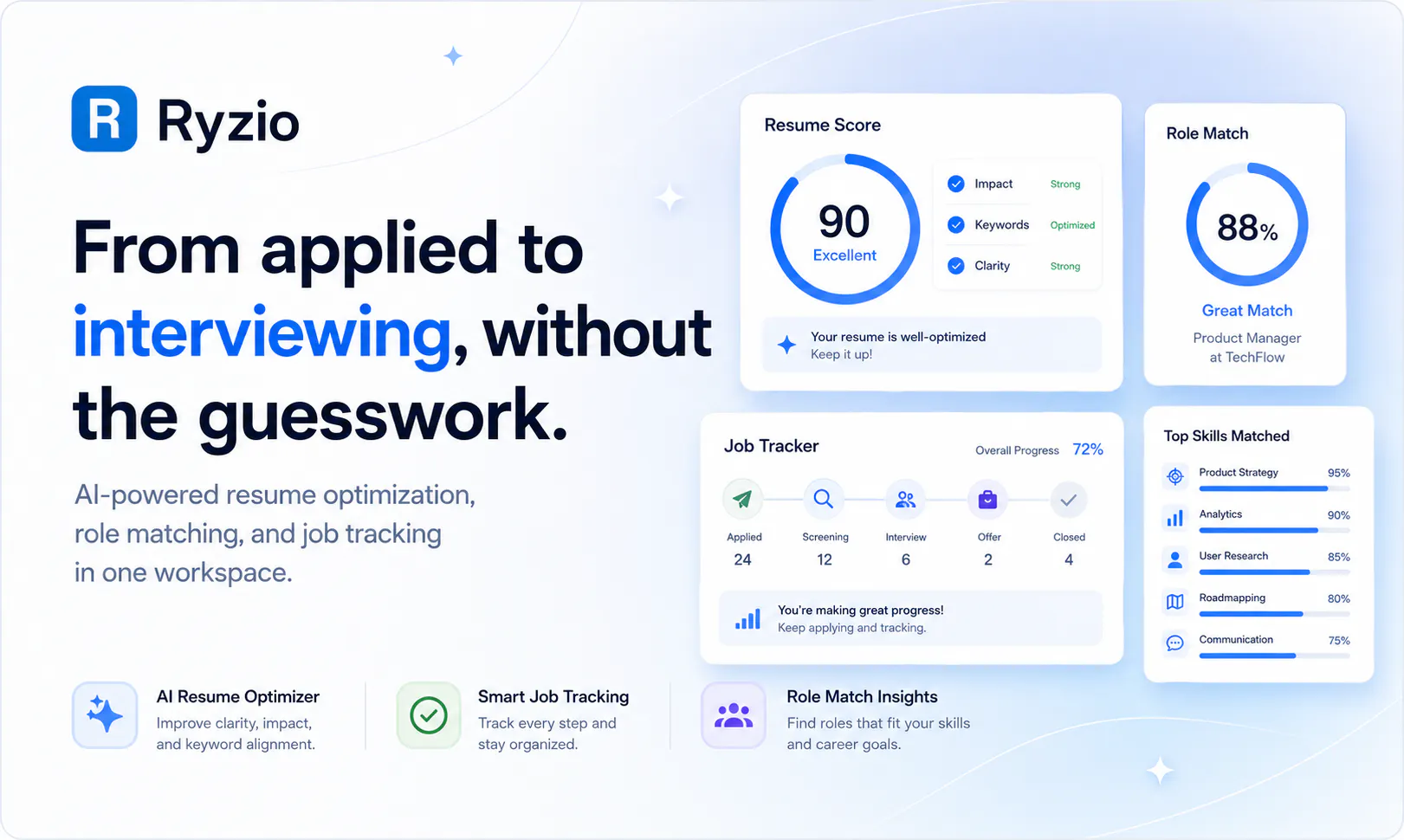
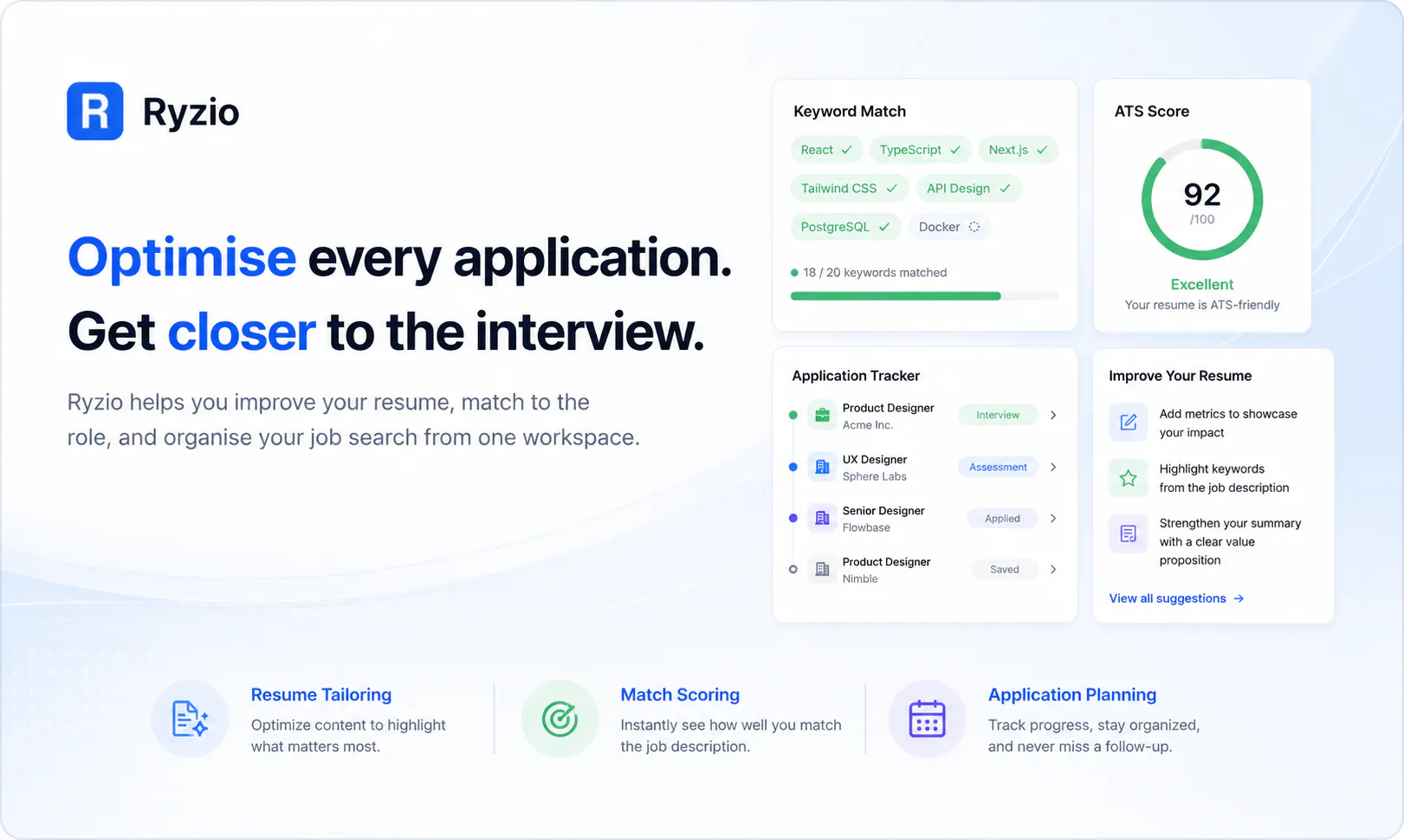
Ryzio streamlines your entire job hunt. Create and preview ATS-optimized resumes for free, compare your experience against specific job descriptions, and leverage optional AI tools to perfectly tailor your application. Plus, keep tabs on every opportunity with our built-in application tracker.
Hello Product Hunt community! 👋 I'm Deepak, and today I'm launching Ryzio. Job hunting shouldn't be chaotic. I created Ryzio to replace the messy combination of Google Docs, Excel trackers, and expensive resume reviewers. Ryzio is a completely unified workspace where you can build free ATS-ready resumes, use AI to optimize them against specific job descriptions, and track your applications all in one spot. I'd love to hear your feedback on the platform especially the AI matching features! Let me know if you have any questions.
2
回复
#16
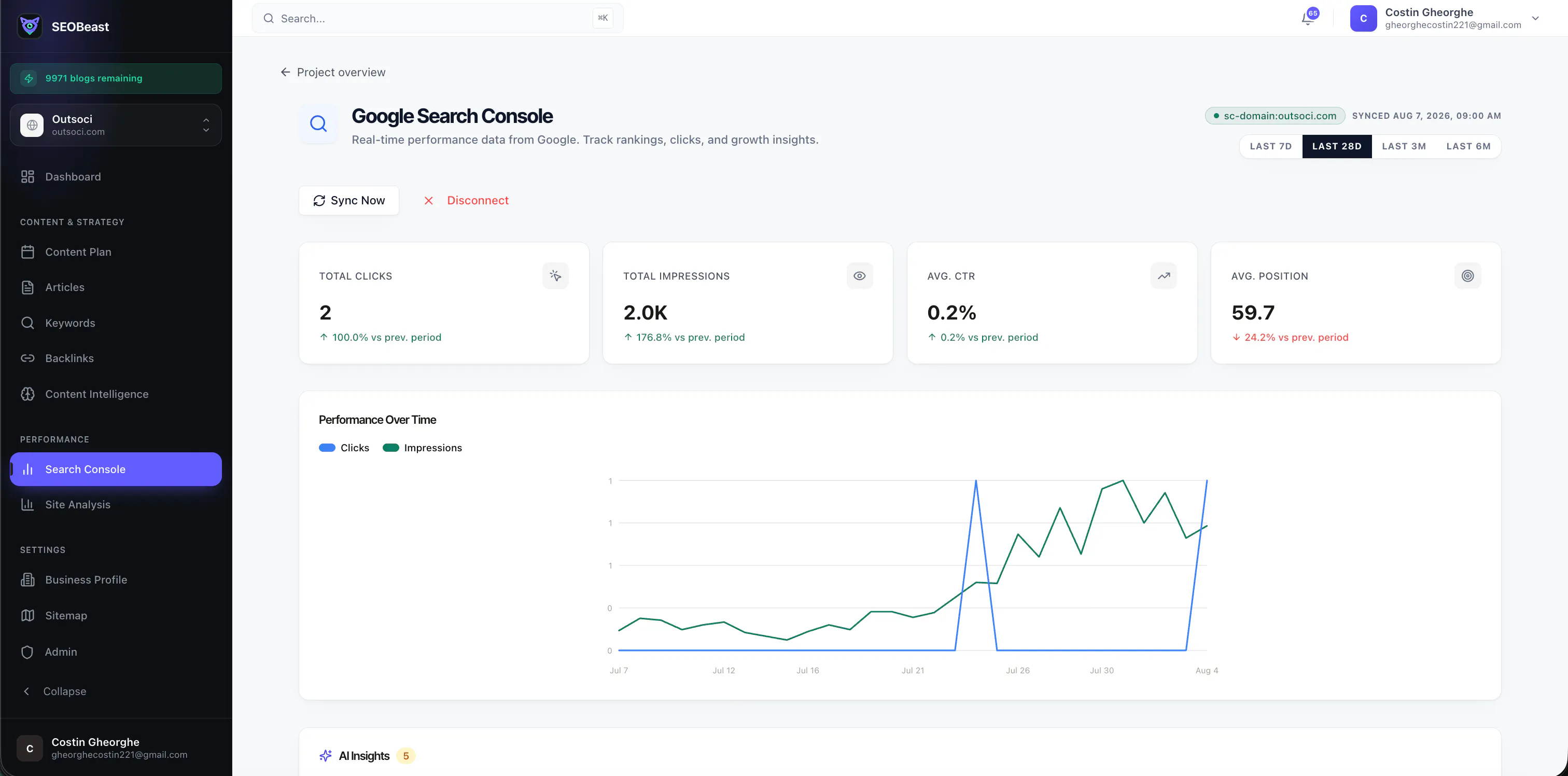
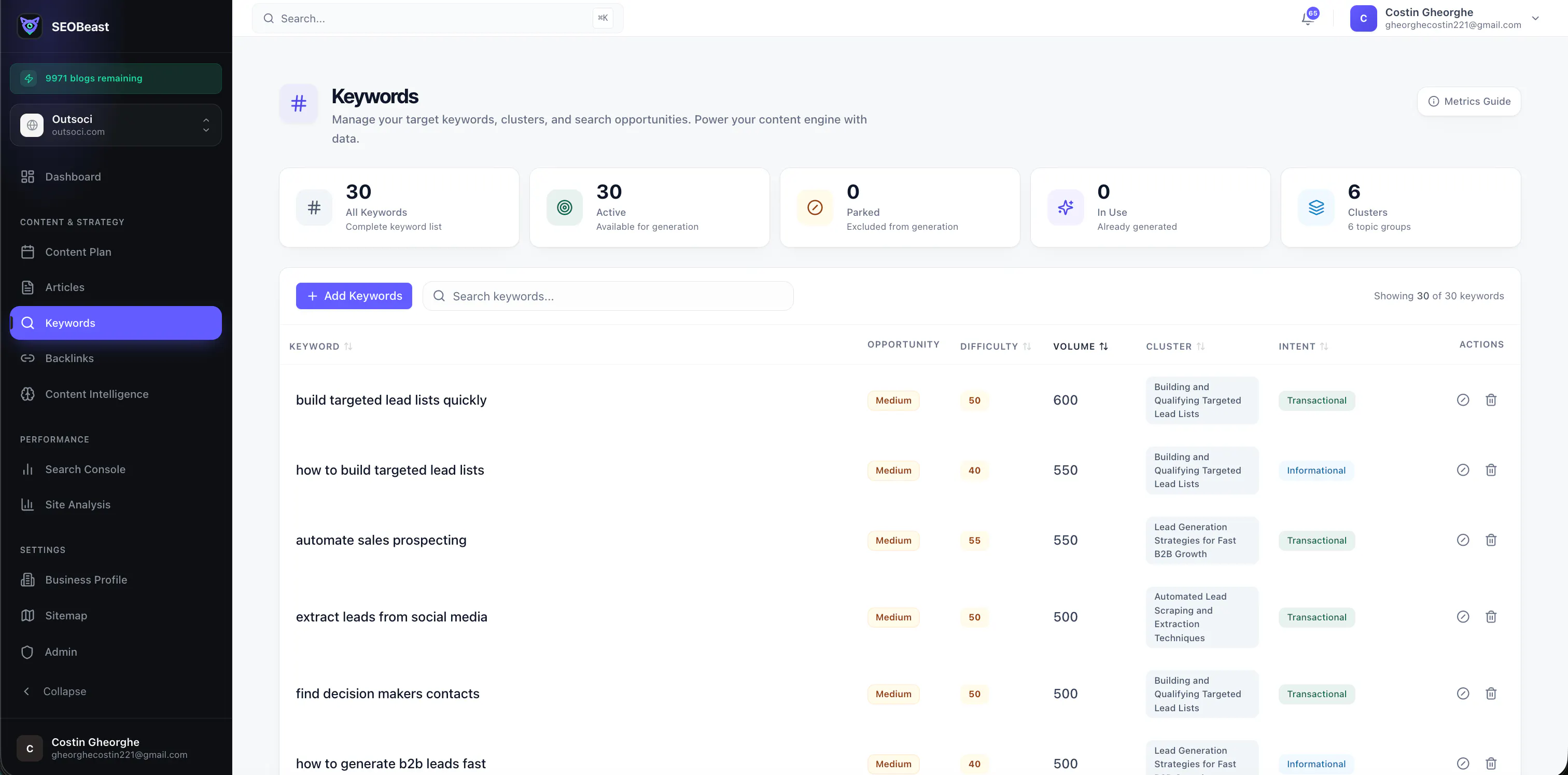
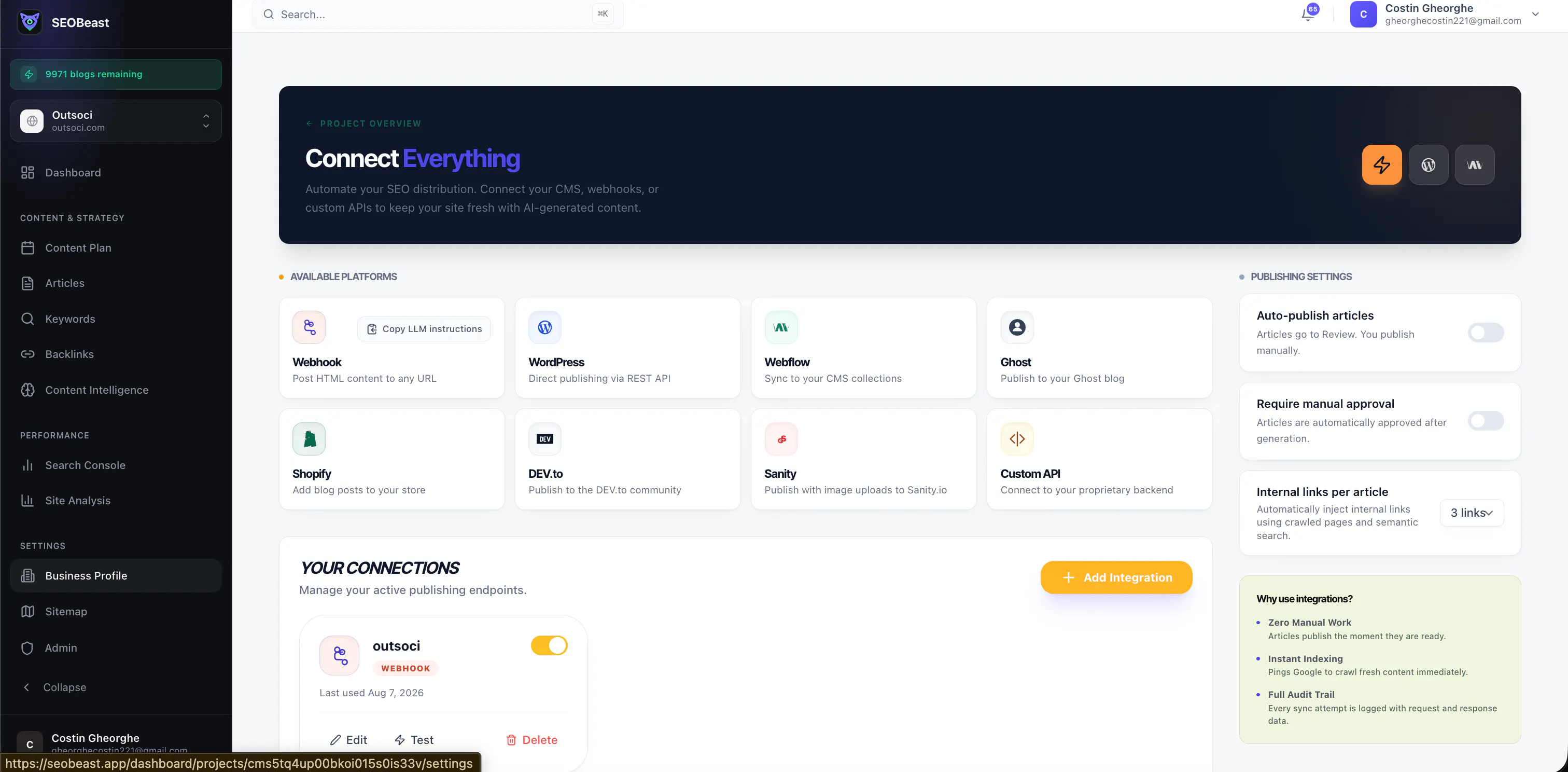
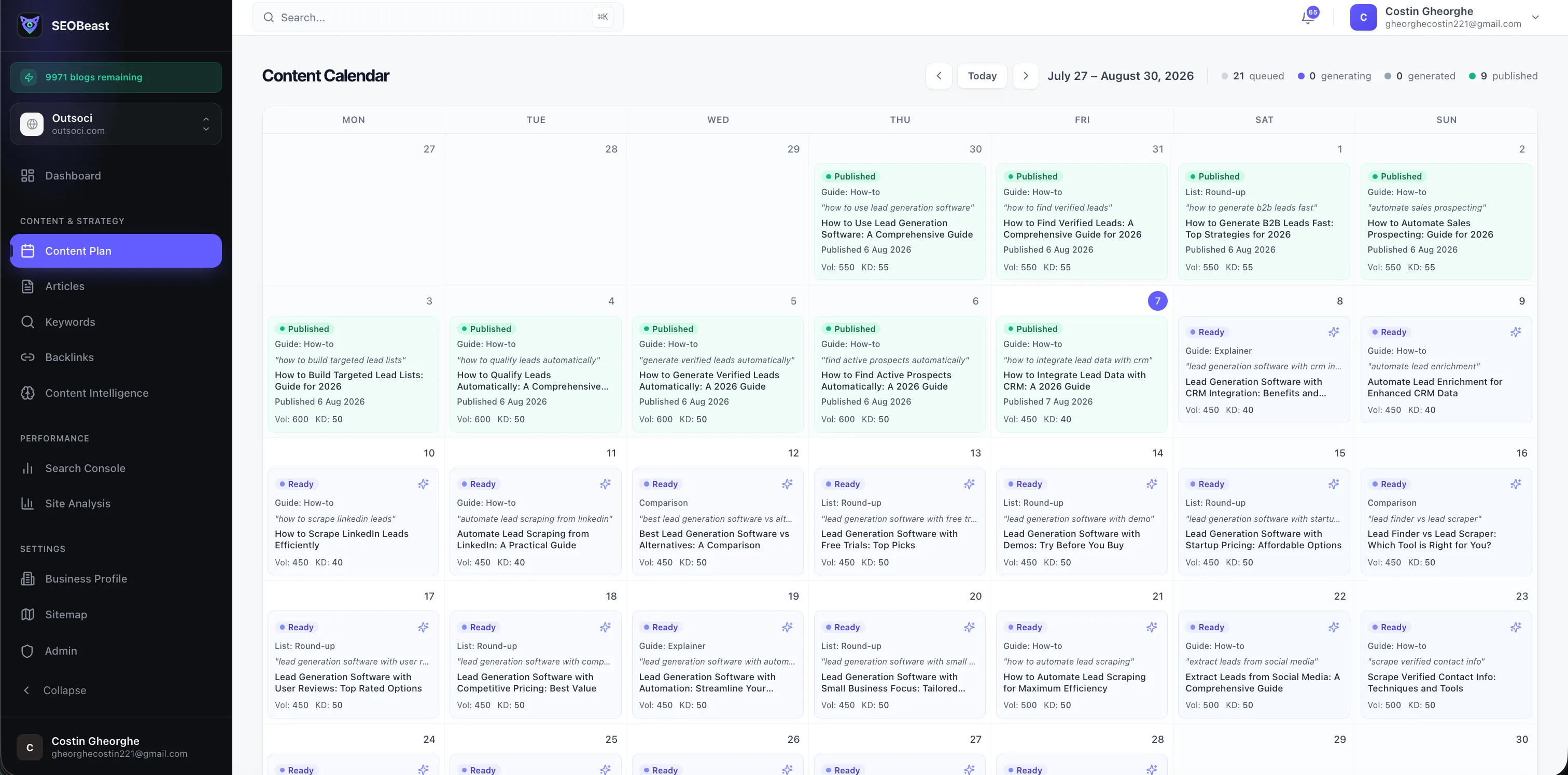
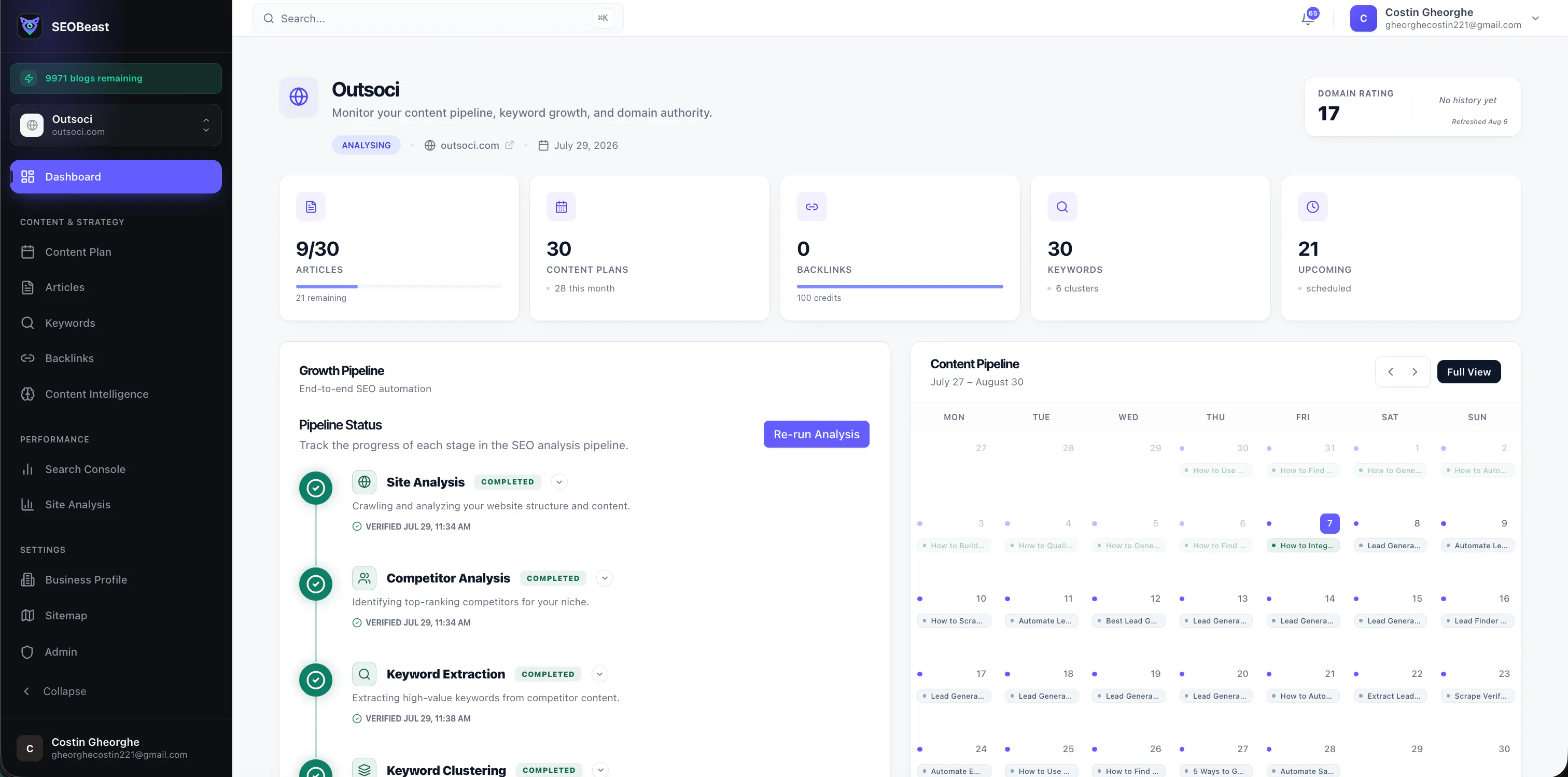
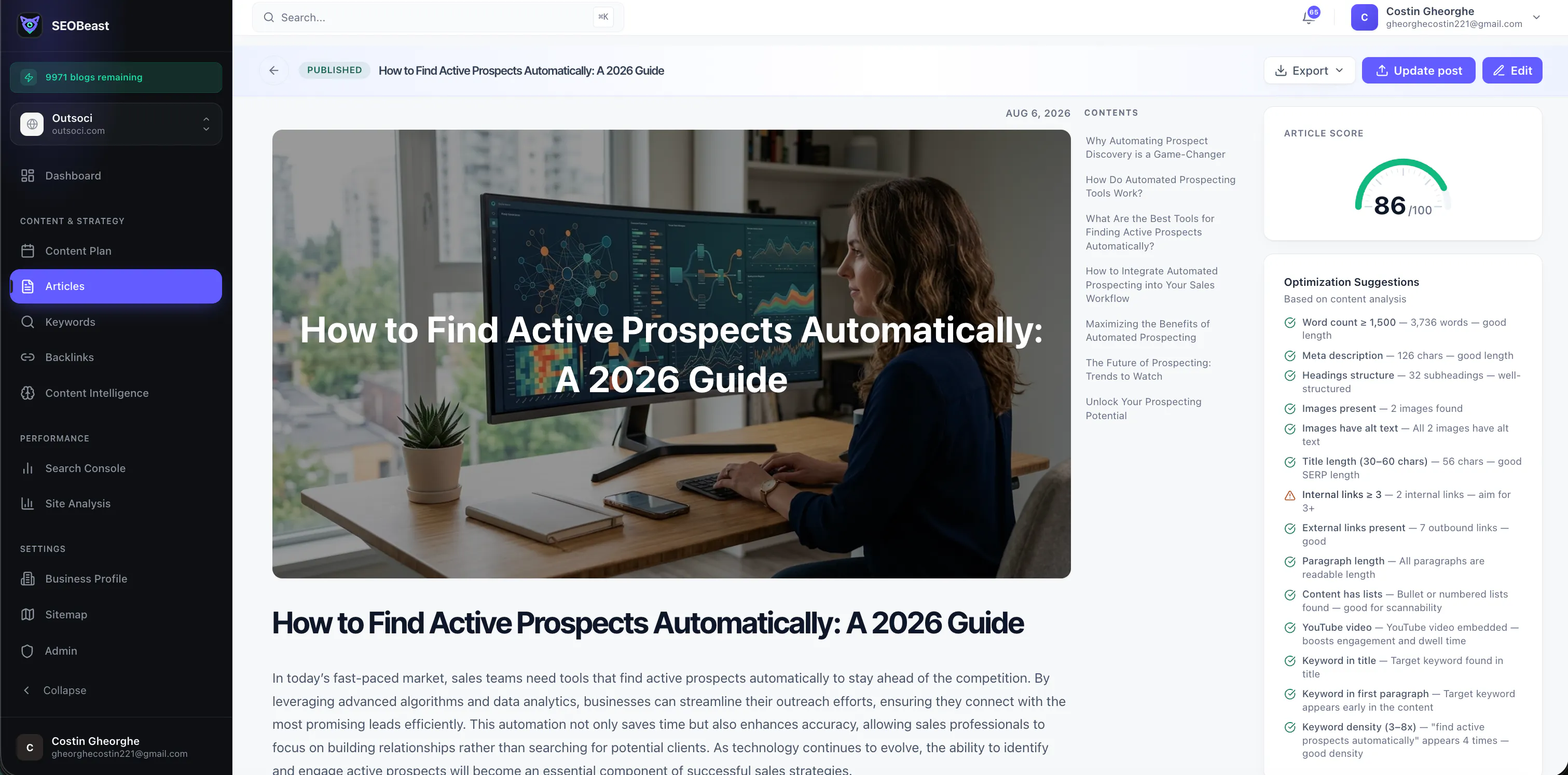
SEOBeast
Fully automated AI blogging that grows your SEO
5
一句话介绍:SEOBeast是一款全自动AI内容营销平台,面向独立站站长和中小团队,自动完成关键词挖掘、竞品分析、文章撰写、内链搭建与发布的全流程,解决用户“没时间做SEO”或“不懂怎么做SEO”的核心痛点。
Marketing Growth Hacking SEO
AI写作 SEO自动化 关键词研究 内容营销 内链优化 独立站增长 竞品分析 自动发布 内容策略 增长工具
用户评论摘要:目前仅有一条创始人自述评论,无用户提问或建议。其强调产品处于早期,希望收集“关键功能优先级”“最大SEO痛点”等反馈。有效评论内容为空,需等待真实用户使用后沉淀意见。
AI 锐评

SEOBeast本质上是一个“SEO工作流外包机器人”,而非新物种。它把关键词研究、竞品分析、写作、内链和发布打包成自动化流水线——这确实是很多独立站主的重复劳动,但问题也正在于此:AI生成内容的质量天花板和Google的算法打击风险,是这类产品绕不开的死穴。

创始人把“连续增长内容库”当作卖点,这恰恰暴露了隐患。搜索引擎越来越看重内容深度、真实经验和E-E-A-T信号,纯自动化批量生产的文章,短期可能带来流量小幅爬升,中长期极易被判定为低质量内容,反而拖累域名权重。真正有价值的AI SEO工具,应该是“辅助人做决策”,而不是“替代人做执行”。

从零投票和零评论来看,产品尚处冷启动阶段,市场验证基本空白。创始人把精力放在“发布”和“内链”,却没有提及“内容质量检测”“Google Search Console数据回传”或“排名追踪”这类闭环指标功能——没有数据反馈,自动化就是盲飞。

如果SEOBeast只停留在“帮用户省时间”,它本质上是又一个AI写作插件的复杂版,很难构建壁垒。真正的护城河应该在数据积累:例如从上千个站点的排布结果中反向优化写作模型,形成“发布→排名→学习→再优化”的飞轮。否则,它只是把简单的事做繁琐,把本来需要判断力的事做成了流水线。

一句话:方向对,但目前的定位过于天真。建议创始人先把“内容质量控制”和“效果追踪”补上,否则工具越自动化,用户死得越快。

查看原始信息
SEOBeast
SEOBeast is an AI-powered SEO growth platform that automates your entire content workflow. It discovers high-value keywords, researches competitors, generates SEO-optimized articles, creates internal links, and publishes content automatically to your website. From strategy to ranking, SEOBeast works like an autonomous SEO team, helping you grow organic traffic with minimal effort.
👋 Hi Product Hunt! I'm excited to introduce SEOBeast! Like many founders, I spent countless hours doing keyword research, planning content, writing articles, optimizing for SEO, adding internal links, and publishing posts. It felt repetitive and took time away from building the product itself. So I built SEOBeast to automate the entire workflow. Instead of giving you another AI writer, SEOBeast acts like an autonomous SEO team. It can: * 🔍 Discover keyword opportunities * 📈 Build an SEO content strategy * ✍️ Write SEO-optimized articles * 🔗 Create smart internal links * 🚀 Publish directly to your website * 📊 Continuously grow your content library The goal is simple: spend less time managing SEO and more time building your business while SEOBeast consistently grows your organic traffic. We're still early, and your feedback will have a real impact on where we take the product next. If you have a few minutes to check it out, I'd love to hear: - What would make this indispensable for you? - Which feature should we build next? - What's your biggest frustration with SEO today? Thanks for your support, and I'll be here all day to answer questions! 🚀
0
回复
#17
Bank Statement Conversion
Convert PDF bank statements in seconds
5
一句话介绍:将银行PDF对账单在30秒内自动识别并转换为CSV、Excel、QuickBooks、XERO等十余种财务格式,帮助会计和中小企业告别手工录入与格式适配的重复劳动。
Android Accounting
金融科技 财务自动化 对账单转换 OCR识别 会计软件集成 数据清洗 效率工具 SaaS PDF解析 跨格式转换
用户评论摘要:创始人兼开发者自述:产品旨在消除银行PDF转会计数据的纯手工工作,同时支持数字和扫描件,并提及希望用户反馈最常用的格式与工作流。评论中尚未出现用户对具体缺陷或新功能的建议,目前有效反馈仅集中于“格式覆盖面”与“实际工作流适配度”的隐忧。
AI 锐评

这个产品本质上是财务领域的“格式翻译官”,切中的痛点真实且尖锐——会计和记账公司在月末对账时,耗费在PDF重输、字段对齐、导入报错上的时间,远超正常人想象。从支持的格式清单看(QBO、OFX、MT940、CAMT.053、Tally、DATEV、BAI2等),开发者的专业背景毋庸置疑,几乎覆盖了欧美主流及区域性的银行与会计软件生态。

但产品当前状态存在三个致命隐忧:第一,5票的冷启动数据说明产品尚处验证期,而“银行对账单转换”是一个信任成本极高的工具,一次字段错位便可能导致账目不平,没有足够的标杆客户背书前,很难让专业会计人员放心把原始凭证扔进来。第二,OCR识别扫描件听起来简单,但银行对账单版式繁杂,有水印、表格线、缩印、多币种及各种缩写,若识别准确率低于99.5%,用户返工的成本会直接吞掉省下的时间。第三,转换后数据的“语义完整性”未被提及,例如分类账号、日期格式歧义、负数标记方式,若不做标准化清洗,下游导入仍会报错。

真正有价值的不是“转换”本身,而是对非标金融文书的解析能力沉淀。如果这个工具能在云端做到“上传后直接映射到具体会计科目”,并建立基于真实银行流水样本的识别模型持续迭代,它有机会从效率工具升级为会计工作流的入口。但目前更现实的定位是:一个低成本的“备选方案”——当会计师钟爱的某款专业软件不支持某家小银行的PDF格式时,它能救急。建议团队立刻公开一批转换前后的对照样本,并针对高频错误格式提供人工复核界面,否则未来很容易被QuickBooks内置的原生导入功能或银行提供的官方CSV导出逐步挤压。在此细分赛道,速度不是壁垒,准确率与审计留痕才是。

查看原始信息
Bank Statement Conversion
Convert PDF bank statements to CSV, Excel, QBO/QuickBooks, OFX, QFX, MT940, CAMT.053, Tally XML, BAI2, Sage, Xero, MYOB, DATEV and JSON in 30 seconds. PDF and scanned statement OCR.
I built Bank Statement Conversion to remove the manual work from turning bank PDFs into usable accounting data. It converts both digital and scanned statements into the formats accountants and businesses already use, so you can spend less time cleaning files and more time getting the books right. I’d love your feedback on the formats and workflows you use most.
0
回复
#18
Notewarp
Turn messy thoughts into clear, reusable notes with AI
5
一句话介绍:Notewarp 是一款跨平台 AI 笔记整理工具,专治“灵感碎片化”——把语音、音频、文本、链接、扫描件等杂乱输入,自动转化为结构清晰、可直接复用的笔记、摘要、行动项、邮件或学习材料,同时保留原始素材供追溯。
Productivity Notes Artificial Intelligence
AI 笔记 语音转写 笔记整理 知识管理 生产力工具 跨平台应用 内容复用 文本摘要 个人知识库 工作流自动化
用户评论摘要:目前仅有一条开发者自述评论,无用户真实反馈。开发者指出痛点:创意常以杂乱形式出现,现有工具止步于转写。他强调了保留上下文与生成多格式输出的价值,并主动询问用户最常见的“杂乱输入”类型和最需要的输出格式。暂无用户建议或问题。
AI 锐评

Notewarp 踩中了当前 AI 笔记赛道最拥挤的位置——转录+整理+复用,但这条路上已尸横遍野:Otter、Mem、Loopin、AudioPen 等工具早已把“语音转结构化笔记”做成标配,且头部产品在实时协作、AI 问答、自动化工作流上沉淀更久。Notewarp 的差异化亮点在于“保留原文与清洗后笔记并肩呈现”,以及“同一来源可重塑为多种输出格式”,这确实解决了知识工作者“整理完就丢、重写费时”的隐性痛点,但技术上并无壁垒——GPT-4o 级别的模型即可轻松实现。

投票仅 5 票,评论区只有开发者自白,说明产品尚未获得真实用户验证。这是一个危险信号:如果连首发都没能引发讨论,要么是流量触达问题,要么是产品价值主张不够锐利。开发者问用户“最常处理哪种杂乱输入”,这个问题本身就暴露了定位模糊——真正的强者如 Roam Research 或 Tana,从不问用户要什么,而是用极致的语法或 AI 框架重新定义笔记组织方式。

Notewarp 目前更像“一个不错的个人项目”,而非“一个值得付费的产品”。它必须尽快回答两个问题:第一,与 Apple 备忘录+Whisper+Shortcuts 免费组合相比,凭什么让用户多装一个 app?第二,当用户积累了几百条“复用笔记”后,搜索与链接的深度是否撑得起知识管理的长期诉求?若不能在多模态输入(如图片表格)或团队协作上做出厚度,大概率会沦为小众玩具。建议团队停止泛泛收集反馈,聚焦单一高频场景(如学生整理讲座、销售沉淀客户录音)做出极致体验,才有突围可能。

查看原始信息
Notewarp
Notewarp turns messy captures into clear, reusable notes. Record a voice note, upload audio, paste text, add a file, scan text, or save a link. It keeps the original transcript beside the cleaned note, then reshapes the same source into summaries, action items, emails, study notes, outlines, and custom writing styles. Organise everything with tags, folders, search, and pinned notes; export it or share a polished public page. Available on the web, iPhone, iPad, and Mac.
Hi Product Hunt. I built Notewarp because my best ideas rarely arrive as neat documents. They show up as rambling voice notes, long recordings, pasted fragments, links, and files—and most tools stop at transcription. Notewarp keeps the original source close, but also turns it into something you can actually use: a clear note, action items, an email, a study guide, a product brief, or any custom writing style. The same account works on the web, iPhone, iPad, and Mac. I focused on preserving context while making the output reusable. You can keep the transcript, generate alternate versions, organise notes with folders and tags, export them, or share a polished public page. I’d love to hear what kinds of messy inputs you deal with most—and which output format would save you the most time. Thanks for checking out Notewarp!
0
回复
#19
Luni
AI bedtime stories that help kids overcome fears
4
一句话介绍:Luni将睡前故事变成以孩子为主角的个性化安抚体验,通过AI生成故事、摇篮曲和呼吸练习,帮助孩子在入睡前化解对黑暗、新环境等具体恐惧,让哄睡从对抗转为治愈。
iOS Parenting Kids
AI睡前故事 儿童心理安抚 个性化故事生成 哄睡神器 育儿工具 睡眠仪式 恐惧化解 iOS/Android应用 亲子互动 健康睡眠
用户评论摘要:目前仅有开发者自述一条评论,无用户实际反馈。核心信息为:故事会针对恐惧进行“间接安抚”而非直接呈现,且内置4-7-8呼吸练习作为睡眠仪式组成部分,但未说明AI如何确保故事内容不引发二次焦虑。
AI 锐评

Luni踩中了两个真实痛点:当代父母哄睡精力枯竭,以及儿童情绪问题低龄化。其“避开恐惧场景、用隐喻安抚”的设计思路,在儿童心理学上有据可依(叙事疗法),且将呼吸练习嵌入故事流程也符合睡眠科学。但产品目前存在致命短板:第一,投票仅4个,说明还处于极早期冷启动阶段,缺乏真实用户验证,尤其是“根据恐惧生成安抚故事”的AI能力若没有专业儿童心理师参与调校,极易产生“假共情”——即故事看似温暖实则回避问题,反而强化孩子对恐惧的敏感。第二,同类产品(如Moshi、Calm Kids)早已覆盖“睡前冥想+故事”赛道,Luni的差异化必须落在“个性化深度”上,但依赖父母输入孩子信息是一次性数据,如何动态跟踪情绪变化并迭代故事库是留存关键。第三,商业模式模糊,免费故事如何与订阅制AI生成时长平衡?若每日生成成本过高,产品可能被迫降低生成质量,进而摧毁核心价值。总体而言,Luni方向正确,但现阶段更像一个精心包装的MVP demo,需要先在小范围家庭中完成“缓解真实恐惧”的循证案例,而非急于上架应用商店。否则,它只是又一个“看起来温柔”的电子奶嘴。

查看原始信息
Luni
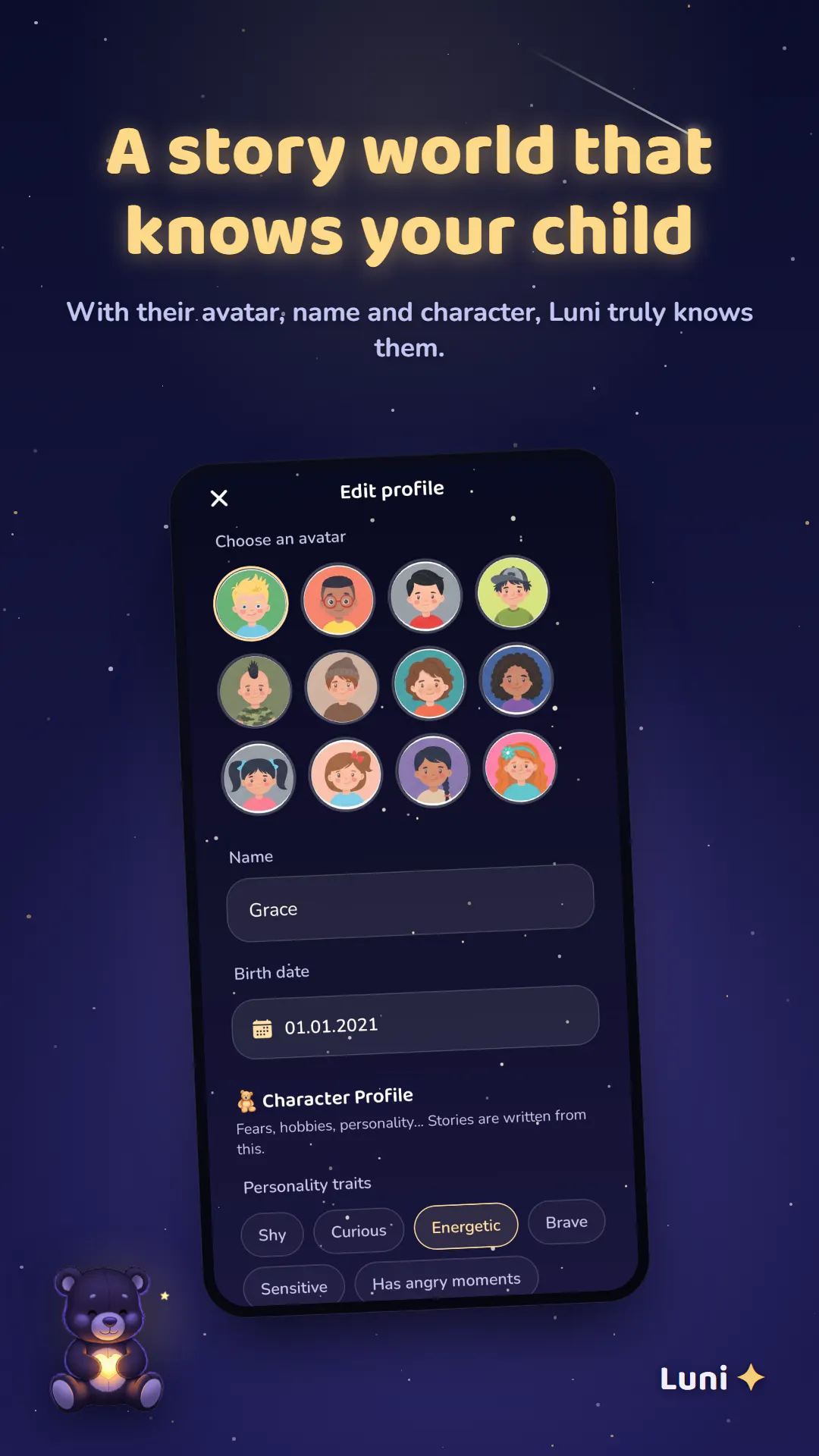
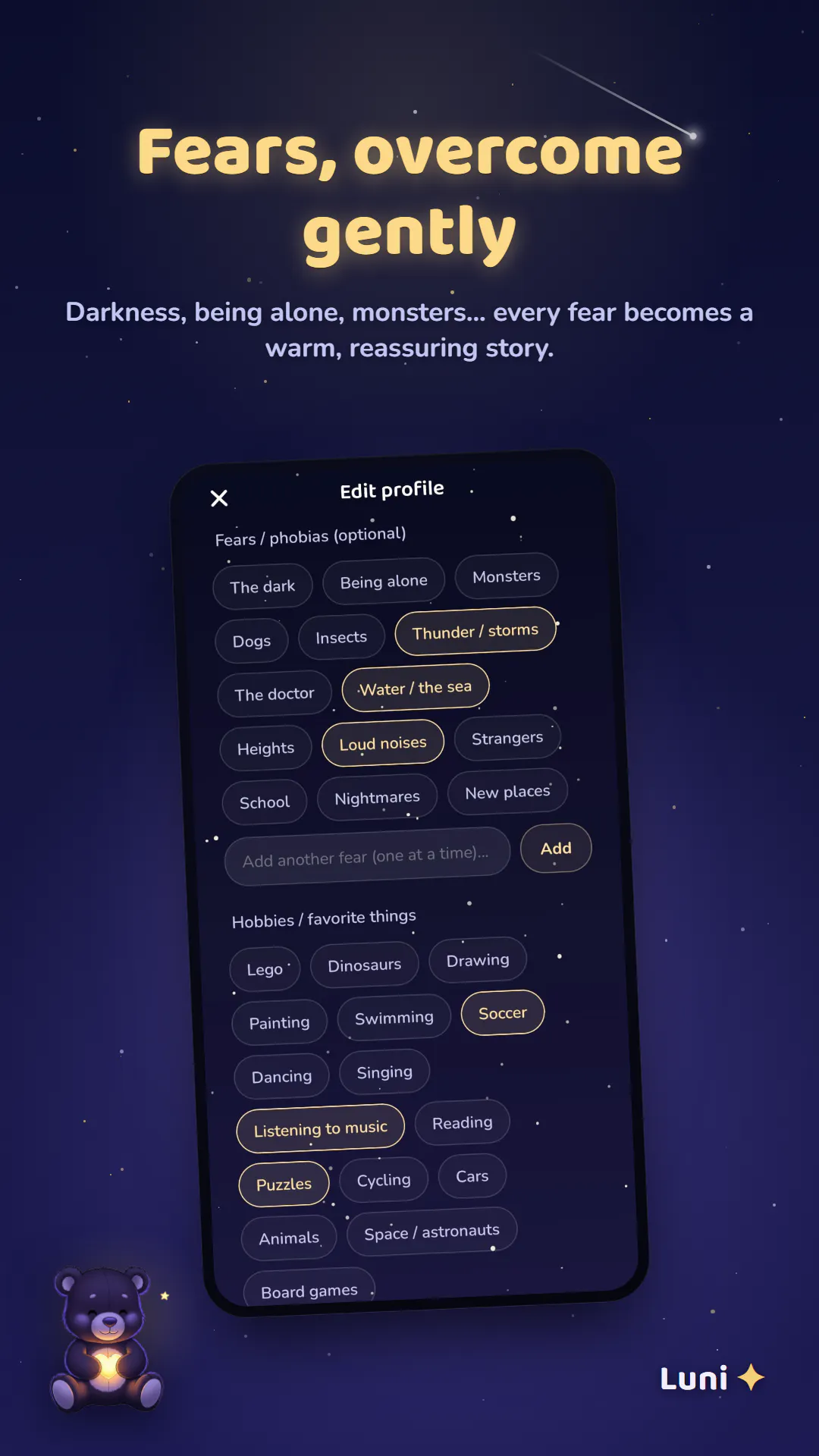
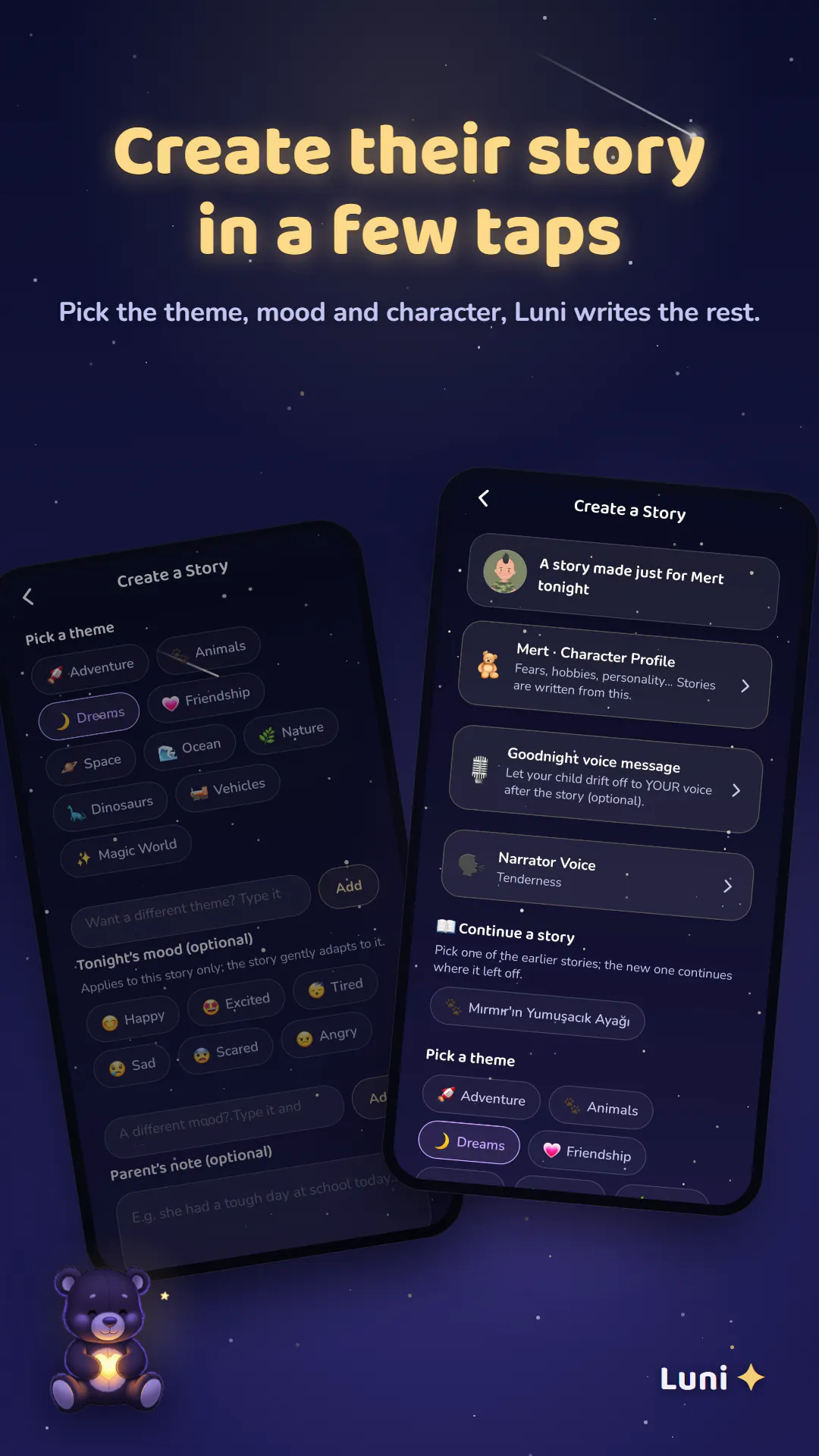
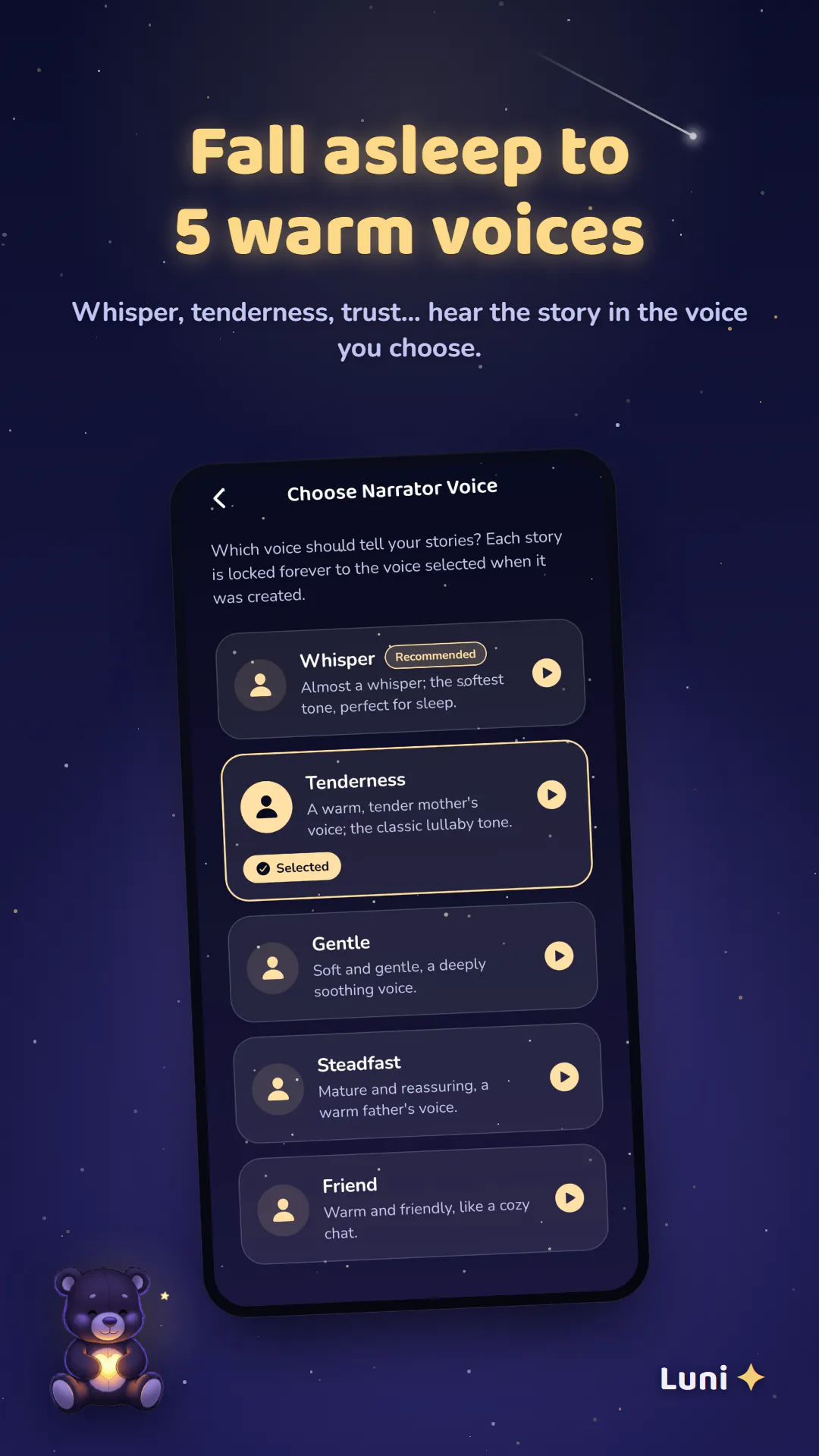
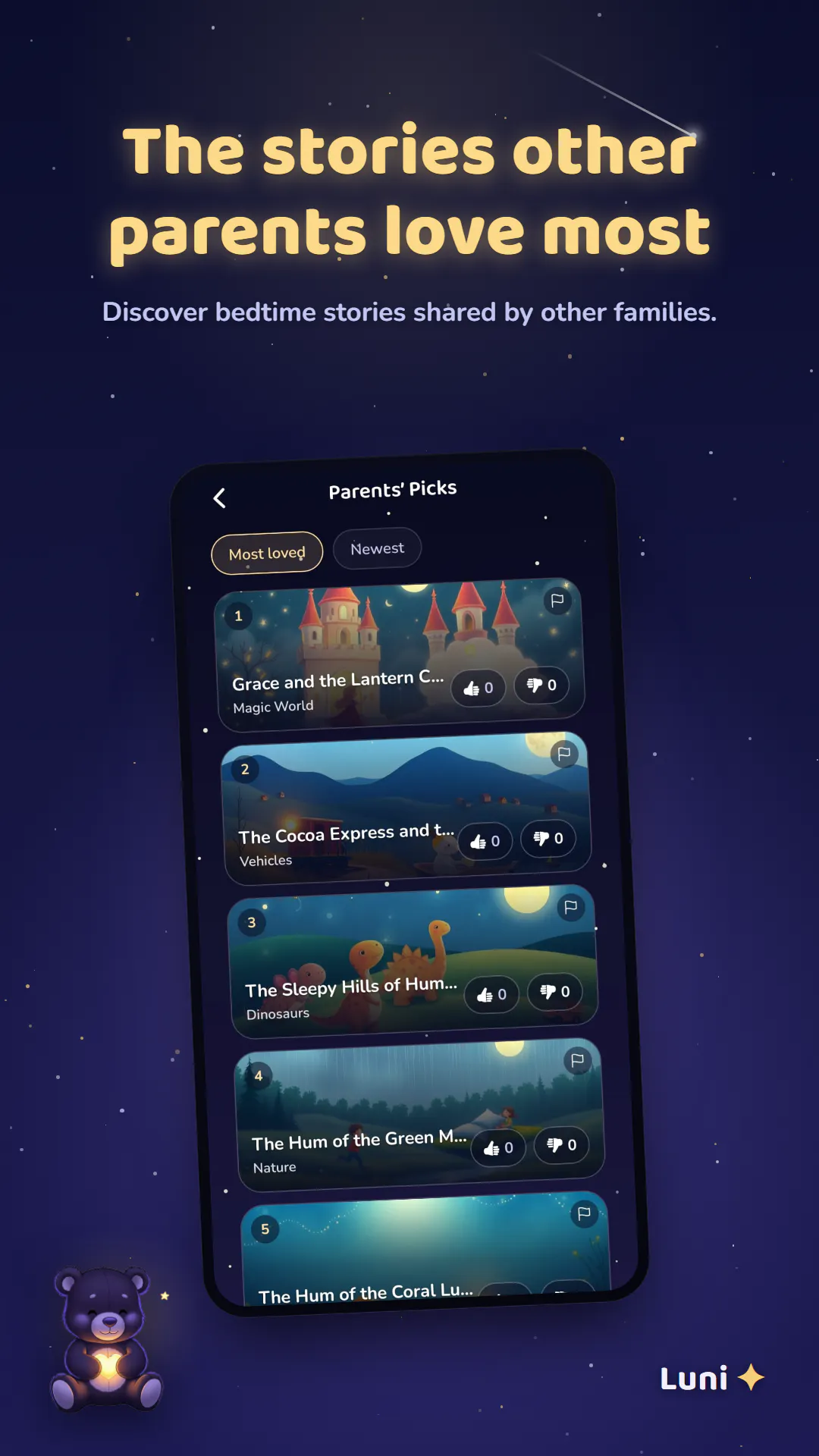
Luni turns bedtime into a calm, personalized story where your child is the hero. Written from their name, age, hobbies, siblings, pets and what is on their mind, with their fears gently soothed rather than played out. Soothing narrator voices, lullabies and a nightly sleep ritual. Available on iOS and Google Play.

Hey everyone! 👋

I built Luni because I wanted my own family's nighttime worries to turn into something calming instead of something scary. Kids don't just want a bedtime story, they want to feel safe with whatever they have been carrying around all day.

Luni writes a personalized story every night starring your child, built from their name, age, hobbies, siblings, pets and what is actually on their mind (a new sibling, the dark, starting school). When you tell Luni about a fear, it never puts that fear into the story or makes it scarier. Instead the story is shaped to reassure and settle them, then it winds down into a nightly sleep ritual with soothing narrator voices, lullabies and a 4-7-8 breathing exercise.

Would love to hear what you think, and happy to answer any questions about how it works under the hood!

0
回复
#20
AppMatrixly
Know exactly how any mobile app grows.
4
一句话介绍:AppMatrixly 是一款面向 iOS/Android 开发者的 AI 应用情报平台,聚合超 1000 万款应用的下载量、收入、关键词、评论与历史变动数据,帮助你在一个界面内完成竞品监控、市场趋势分析与增长决策,省去在多款 ASO 工具间反复切换的麻烦。
Developer Tools Artificial Intelligence Maker Tools
应用情报 ASO工具 竞品分析 市场趋势 AI洞察 收入预估 关键词监控 用户评论分析 移动应用数据 增长决策
用户评论摘要:创始人 Kishan 在评论中说明产品动机是解决多工具切换的痛点,并抛出三个问题:你常用哪些情报数据?希望 ASO 工具有什么新功能?什么会让你每周回访?目前未收到其他用户有效评论,仅有创始人单方面介绍与需求征集。
AI 锐评

AppMatrixly 的定位并不新颖——应用情报赛道已有 Sensor Tower、App Annie(现 data.ai)、Appfigures 等成熟玩家,且它们早已覆盖下载量、收入、关键词、评论等基础维度。其差异化口号“AI-powered”目前仅停留在“AI insights”和“ask AI questions”的模糊描述上,没有展示具体模型能力、数据更新频率、估算误差率或与既有工具的对比优势。投票数 4、零用户互动评论,说明产品仍处于极早期验证阶段,尚未获得种子用户信任。

从创始人提问来看,他自己也还在摸索核心使用场景,这反映出产品缺乏明确的“非用不可”的钩子。真正的价值点可能不在于数据聚合(那是红海),而在于:1) 能否用 AI 将原始数据转化为可执行的增长建议(如关键词机会、竞品变动的因果解读);2) 能否在定价上做 disruptive(现有工具月费动辄数百美元,个人开发者与中小团队被严重价格歧视)。若只是做一个“数据更多但更聪明的看板”,那它很快会被大厂的功能迭代碾过。

建议路径:先锁定一个细分人群(如独立开发者),提供免费层级和每周 AI 诊断报告,用“单次操作产出决策”的强反馈来撬动回访,而非一开始就铺全量数据库。否则,它可能只是又一个收藏夹里的“备用工具”。
查看原始信息
AppMatrixly
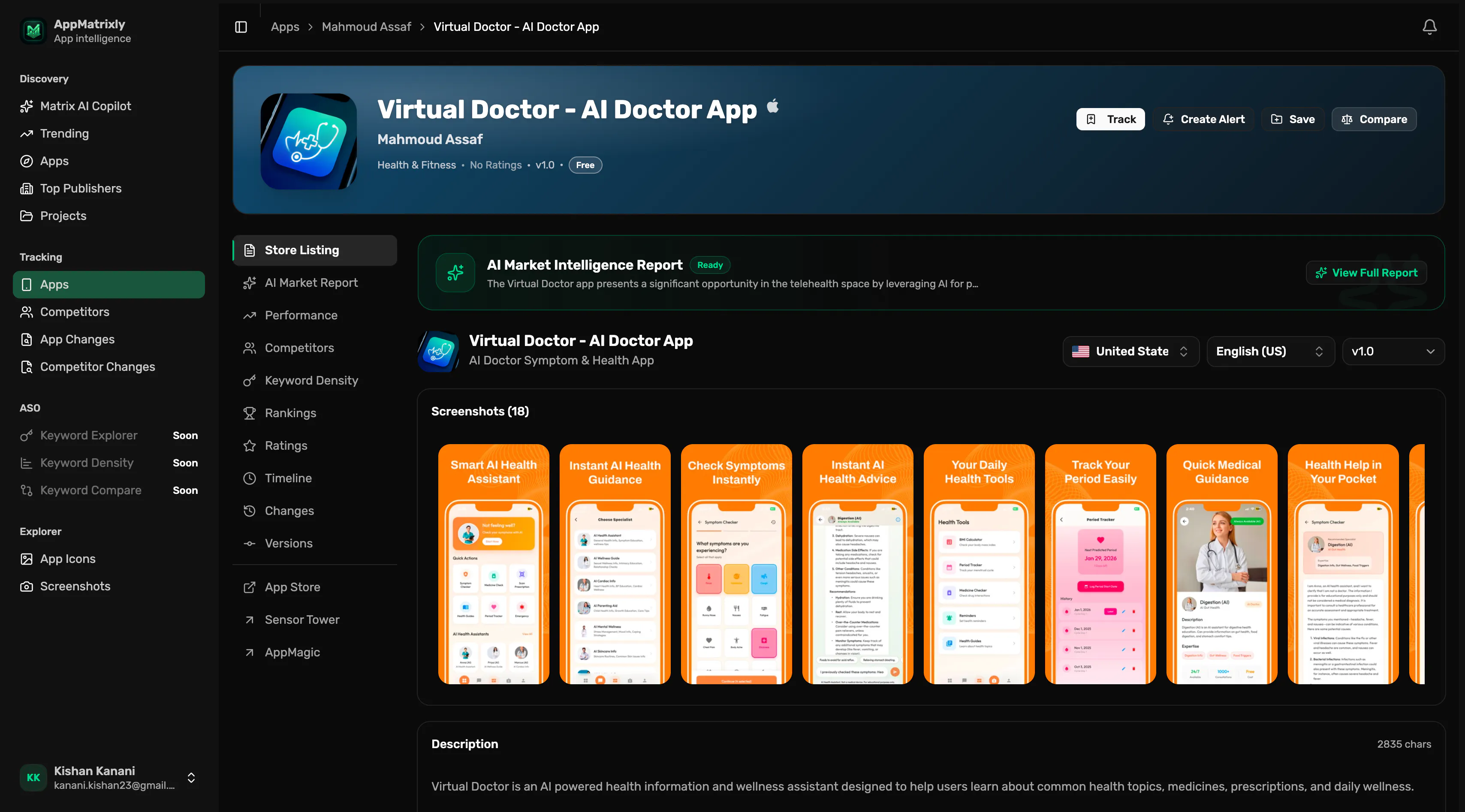
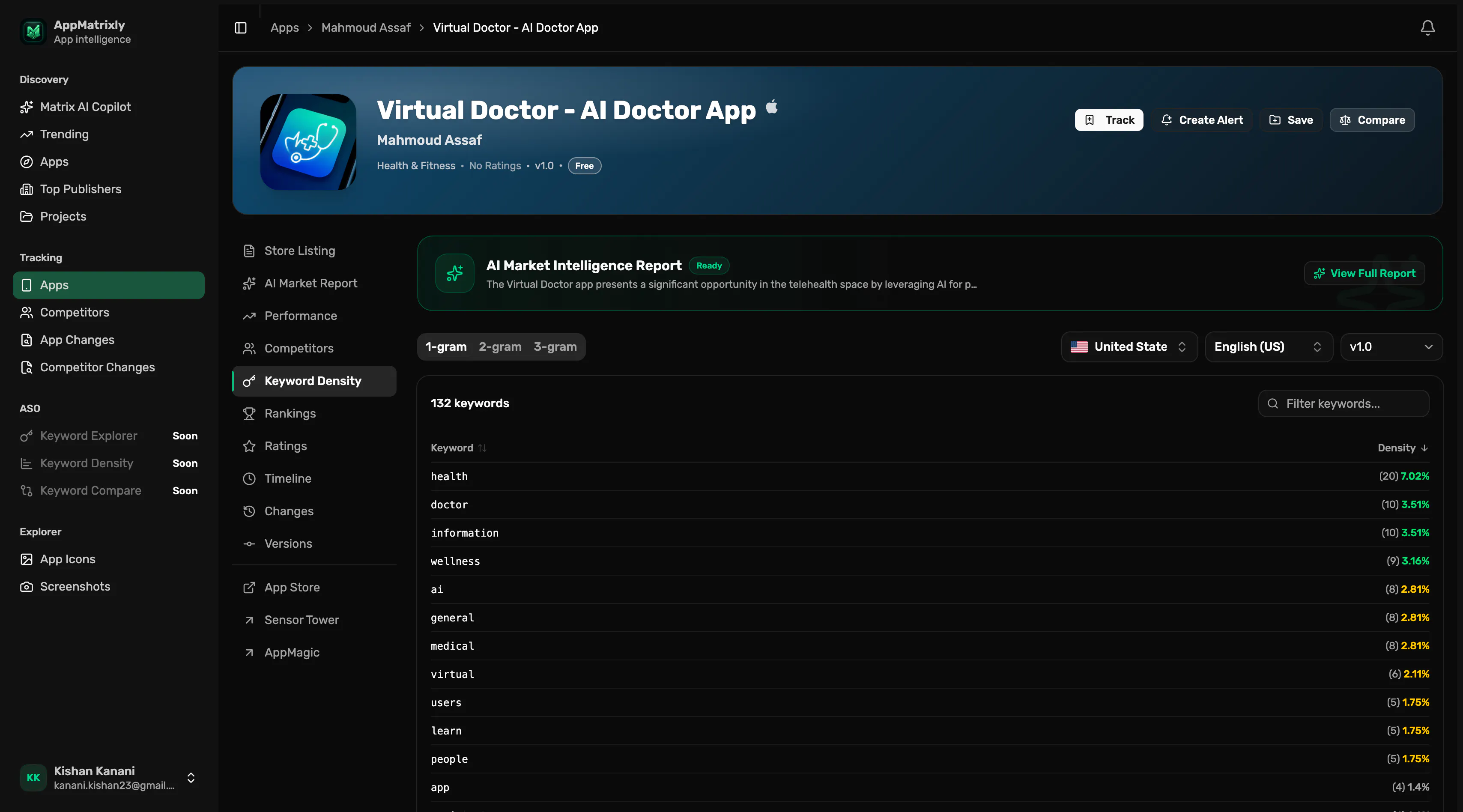
AppMatrixly is an AI-powered app intelligence platform for iOS and Android. Search over 10 million apps to analyze downloads, revenue estimates, competitors, keywords, reviews, historical changes, and AI insights. Compare apps, track market trends, monitor competitors, generate reports, and make smarter product and growth decisions, all from one platform.
Hey Product Hunt! I'm Kishan, the founder of AppMatrixly. I built AppMatrixly because I was tired of switching between multiple tools just to understand how an app was growing. I wanted one place where I could search any app, compare competitors, track historical changes, monitor keywords, analyze reviews, and ask AI questions about the market. Over the past few months, I've built a platform that indexes millions of iOS and Android apps, collects historical data, generates AI insights, and helps developers, marketers, and founders make better product decisions. We're still at the beginning, and there's a lot more planned. Your feedback will directly shape what we build next. A few questions I'd love your thoughts on: What app intelligence data do you use most often? What's one feature you wish existing ASO tools had? If you tried AppMatrixly, what would make you come back every week? I'll be here all day answering questions, taking feedback, and discussing ideas. Thanks so much for checking out AppMatrixly!
0
回复