Product Hunt 每日热榜 2026-08-20

PH热榜 | 2026-08-20

#1
HyNote for Mac
Free local transcription that is 100% Private
319
一句话介绍:HyNote for Mac 是一款完全本地运行、免费无限制的会议转录工具,通过直接捕获系统音频替代会议机器人,在保证100%隐私的前提下,为 Zoom、Google Meet、Teams 等场景提供自动转写与多源知识整合能力。
Meetings Menu Bar Apps Apple
本地转录 AI会议纪要 隐私保护 免费无限制 系统音频捕获 离线语音识别 Mac原生应用 Apple Silicon优化 多源知识管理 无机器人会议
用户评论摘要:用户高度认可本地处理与无机器人设计,认为隐私不应成为付费项。主要问题集中在:不同Mac硬件配置下的转录准确性、跨设备同步时数据是否经过服务器、本地转录的电池消耗表现、捕获双方音频的法律同意问题。另有用户反馈土耳其语支持缺失,官方回应将在下版更新;关于免费模式,官方承诺无广告无数据共享。
AI 锐评

HyNote 精准踩中了 AI 会议纪要工具的两个致命伤:隐私信任与体验干扰。云端转录意味着用户的会议室音频本质上是交给了第三方,这在企业合规和客户保密场景下几乎是不可接受的;而“AI Notetaker 加入会议”的机器人模式,又让与会者产生明显的社交不适感。HyNote 用“本地计算 + 系统级音频捕获”一举绕过这两个雷区,策略上确实聪明。免费且不限时长更是撕开了竞品以“分钟数计费”的利润护城河——这让它不像是来抢份额的,更像是来掀桌子的。

真正值得玩味的是它的“多源知识引擎”定位:不只录会议,还吞 PDF、白板照片、YouTube 链接,本地串成全场景知识库。这意味着 HyNote 的野心不是做一个比 Otter 更隐私的 Otter,而是想成为个人电脑上本地化运行的“第二大脑”。若后续能打通跨设备同步并处理好端到端加密,它有机会在隐私计算浪潮中占据一个稀缺生态位。

风险同样明显。其一,本地转录质量高度依赖 Mac 硬件,旧设备机型上的准确率和功耗将决定口碑上限——目前官方对电池问题只是“早期测试者无抱怨”的模糊回应,缺乏量化数据,这会是专业用户的最大顾虑。其二,跨设备同步机制语焉不详,用户对“什么数据离开设备”的疑虑未被正面解答。其三,涉嫌录制双方对话的法律合规性被轻描淡写地带过,虽然技术上可行,但这在多数司法辖区会触碰告知同意义务,一旦出现纠纷,将反噬“隐私安全”的品牌定位。长期看,HyNote 能否从“免费的本地转录工具”进化为“可信赖的本地知识基建”,取决于它能否在与苹果原生备忘录、Whisper 开源模型的围剿中,持续做出不可替代的产品体验。

查看原始信息
HyNote for Mac
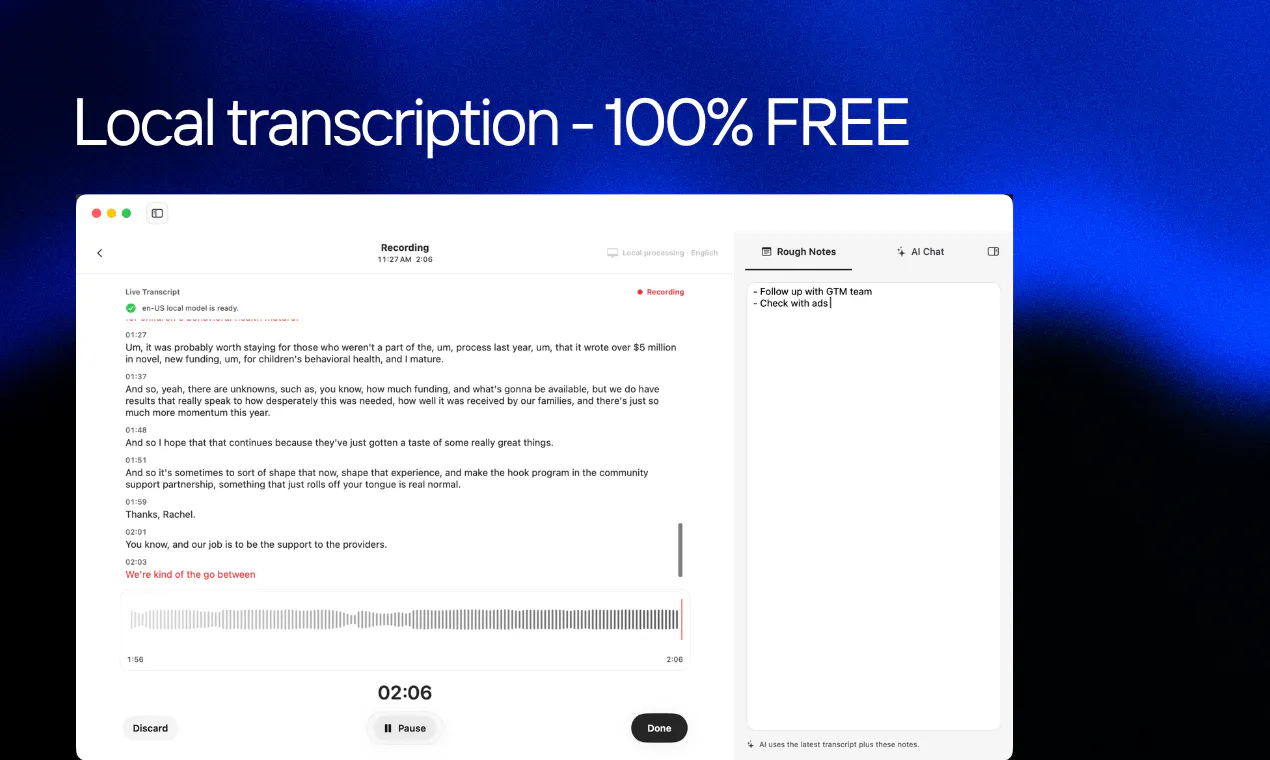
Solving the three biggest pain points in meeting software: privacy, friction, and cost. By running speech-to-text entirely on-device, your confidential discussions never leave your hardware, ensuring total data privacy. It operates invisibly without sending an awkward bot into your attendee list, capturing system audio directly across Zoom, Google Meet, and Microsoft Teams.

Hey PH Fam,

Here we are again! When we set out to build HyNote for Mac, we kept hearing the same two frustrations from users about standard AI note-takers:

First, people hate sending invasive bots into meetings and uploading confidential audio to third-party cloud servers. Second, most tools are built only for live meetings, ignoring the rest of how we actually work.

We built HyNote Mac to solve both:

  • 100% Private & Local 🧠: All speech-to-text processing happens on-device using your Mac's local hardware. Your meeting audio, financial discussions, and internal strategies never leave your machine—no cloud uploads, no privacy compromises, and no monthly server-cost markups. You get FREE & Unlimited local transcription without recurring subscription fees or per-minute caps.

  • No Meeting Bots 🤖: HyNote captures system audio directly without sending an awkward "AI Notetaker" account into your Zoom, Google Meet, or Microsoft Teams calls.

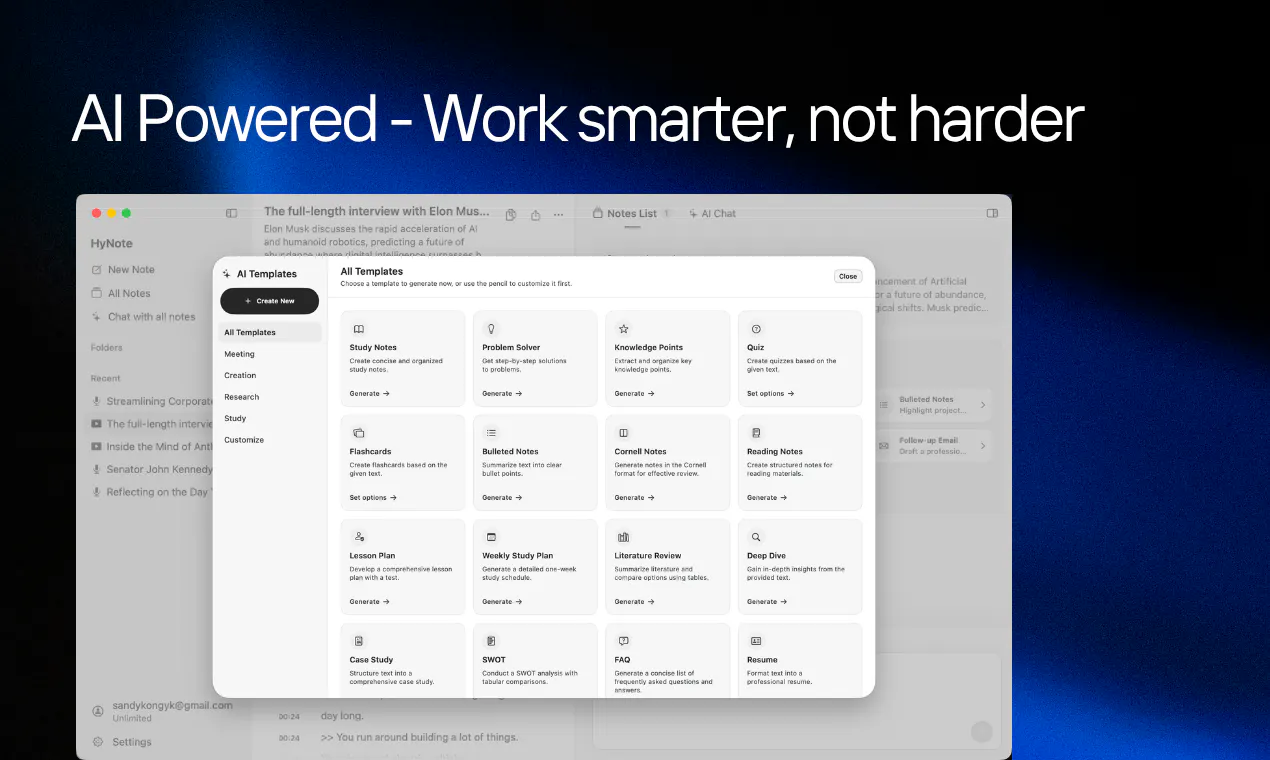
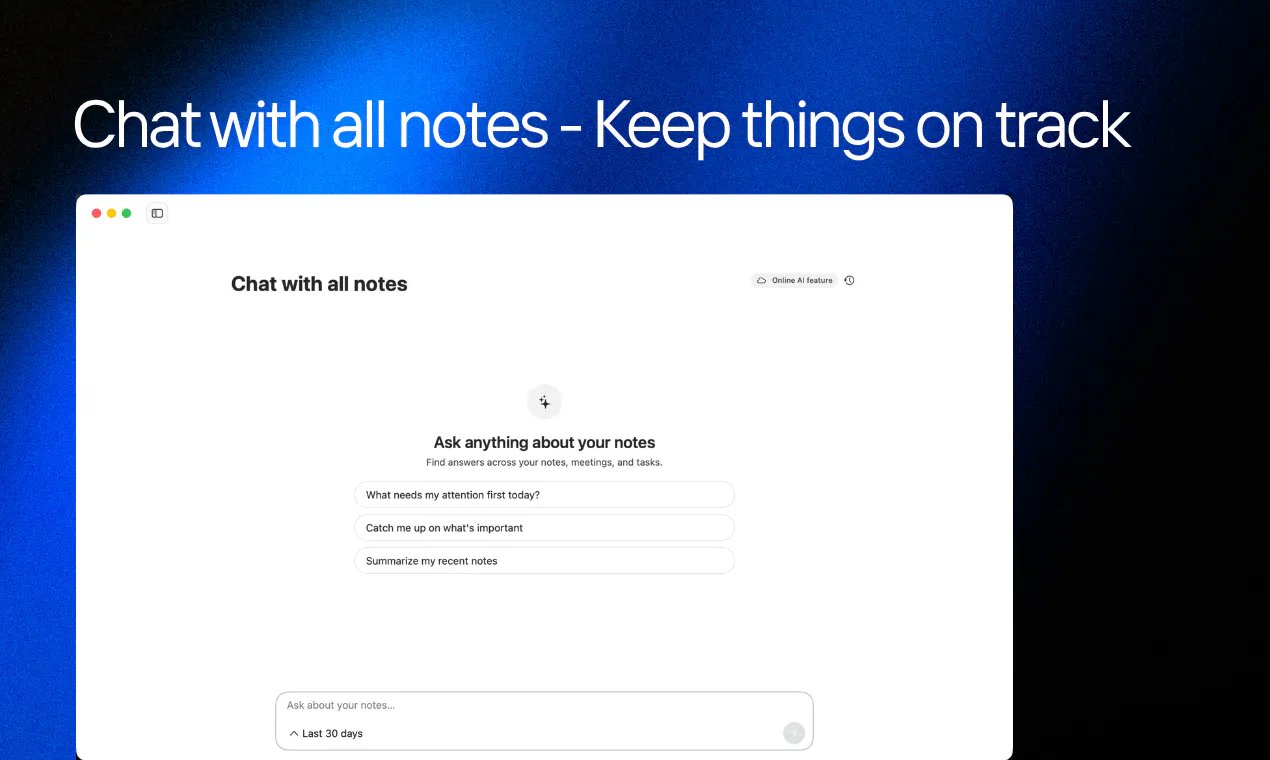
  • The Multi-Source Model ✨: Unlike standard meeting recorders that only listen to live calls, HyNote is a complete knowledge engine. It seamlessly ingests and synthesizes multiple inputs—live meetings, local audio files, PDFs, whiteboard photos, YouTube links, and web clips—stitching them all into one searchable, AI-powered second brain.

Download Now on Mac!

Whether you're bringing a complex PDF into a live meeting synthesis or organizing research across media, HyNote processes it locally, securely, and instantly.

Give HyNote Mac a try today and take back full control of your meeting data and daily context. We’d love to hear your thoughts!

11
回复

@sandy_kong Congratulations on the launch! 🚀 The local-first approach is especially interesting, particularly for sensitive meetings and confidential discussions.

One question: how does HyNote maintain transcription accuracy when processing everything locally on different Mac hardware configurations?

3
回复

@sandy_kong  No meeting bots is such an underrated design choice — the awkward "AI notetaker joined the call" moment is genuinely uncomfortable in a lot of meetings, and capturing system audio directly instead is a much cleaner solve to that.

Sandy, you should also bring HyNote onto Snikus — a merit-based platform for founders where your visibility keeps building on real shipped work, not just a one-day launch spotlight. Season 1's live right now, free to join.

0
回复

@sandy_kong ongratulations on the launch!

2
回复

I've always found meeting bots a little distracting. a local transcription tools feels a more natural way to capture conversation.

5
回复

@bradywilfaqn Thank you so much! 😊You nailed exactly why we built it this way✊

1
回复

Congrats on the launch!

Regarding the 100% private and local claim if I have a meeting with a client, does HyNote capture audio from both sides of the conversation? and do I need to get consent from all participants before using it?

4
回复

@indigo_carpiniello Thanks for the kind words! Yes, it captures system audio, so both sides are recorded. On consent, that depends on your jurisdiction and company policy. Always worth checking local requirements before hitting record.✊

1
回复

On-device transcription for meetings is exactly where this category needed to go, privacy shouldn't be a paid tier 🙌

4
回复

@abod_rehman Couldn't agree more—privacy should be a baseline, not an upsell. That's exactly why we built HyNote the way we did. Really appreciate the kind words!!🤗🙌

0
回复

Really like that it's local-only and free. The cross-device sync makes me curious though: what actually leaves the Mac when it syncs? Does it pass through your servers?

3
回复

I could see this being especially useful for regulated teams where sending meeting audio to another service is already a headache.

3
回复

@santosh__kumar9 Great point! Regulated teams are exactly where local processing makes the biggest difference. No third-party serves means one less compliance hurdle.💪

0
回复

The no cloud stepup iis what caught my attention. It feels much more comfortabke for sensitive work conversations.

3
回复

@ill_robyn Thank you! Sensitive conversations deserve that extra layer of comfort. Keeping everything local was our way of delivering that.🤝

0
回复

Battery usage would be my main question with on device transcription. How lightweight is it when running quietly during a full workday?

3
回复

@alan_robert Good catch! We built it with efficiency in mind. Early testers have been using it through full workdays without battery complaints, which was a relief to see.

0
回复

Most notetakers meter transcription by the minute. Yours is free and unlimited because it never leaves the Mac. Congrats on the sixth launch and on still giving it away.

2
回复

@ben_kahan Thanks Ben! Still iterating🚀, but keeping the core free and unlimited is something we're committed to—transcription shouldn't come with a meter. Appreciate you noticing.🙌

0
回复

If this is free then what's the catch?

2
回复

@natcale Fair question! No catch—we genuinely believe private transcription should be accessible to everyone. We offer extras for heavy users, but the free tier is truly free. No ads, no data sharing.🙌

0
回复

Love that HyNote keeps speech-to-text fully on-device, so sensitive meetings never touch a third-party cloud. Privacy-first note taking done right.

2
回复

@ilko_kacharov Appreciate that! We believe privacy should be the default, not an add-on. Glad it comes across that way.🤝😊

0
回复

Huge congrats on the launch! "Free local transcription that is 100% Private" hits on such a massive pain point right now as privacy-conscious teams look for bot-free meeting tools. Love seeing native Apple Silicon tools that run speech-to-text entirely on-device without locking core utility behind hefty subscriptions. Wishing you tons of momentum today!

2
回复

@thisiskp_ Thanks KP! 😄You nailed exactly why we built it—privacy, no bots, no subscriptions for core features. The Apple Silicon optimization was a must so it stays light. Really appreciate the thoughtful support!🤝

0
回复

I tried Turkish, but it didn't generate a transcript.

2
回复

@kutlu_eser Thanks for bringing this up! Turkish support will be included in the next update.

2
回复

Slick product! Particularly appreciate the focus on privacy & local processing which are too often underutilized for use cases like this.

2
回复

@heresalexandria Appreciate that! We keep hearing from people who want this exact thing—but most tools still send data to the cloud. Felt like there was a gap we could fill.

1
回复

the 100% local processing is a massive differentiator especially with all the recent lawsuits around AI note takers and consent issues. HyNote directly addresses the elephant in the room that many tools are ignoring. excellent work!

2
回复

@barnaby_lloyd Thanks Barnaby🙌—we saw the same lawsuits and felt the same way. Local processing removes the consent question at the infrastructure level, which is where it belongs.✊

0
回复

The biggest win for me is that it stays out of the meeting itself. I dont want a transcription tool becoming another participant everyone has to notice.

2
回复

@joseph_parker3 Thank you so much! That was the design principle from day one—the tool should adapt to the meeting, not the other way around. Appreciate you calling that out!!

0
回复

How do you see people using HyNote differently from traditional note apps once all their meetings, documents and ideas live in one place?

Congrats @mia_hello and team!

2
回复

@hamza_afzal_butt Thanks for the thoughtful question! 🤗I think the real shift is that you stop context-switching—no more jumping between meeting notes, action items, and follow-ups. Everything connects, and that changes how you follow through.✊

1
回复

Curious how good the local transcription is compared with cloud models. privacy is great but accuracy is the thing I’d notice immediately.

2
回复

@margret_rhyme Totally valid. We optimized for meeting-specific language models and benchmarks are close to cloud for clean audio. Worth a quick test to see if it meets your bar🙌😸

2
回复

This tool seems sleek, simple, and useful.

My main concern is how the security/compliance claims are presented:

  • “SOC 2 Type II infrastructure” is materially different from the product/company itself having a SOC 2 Type II attestation.

  • “HIPAA-aligned” is materially different from “HIPAA compliant,” yet the badge shown below says “HIPAA COMPLIANT.”

Could you clarify what has actually been independently assessed or audited? As currently presented, I think a prospective customer could reasonably interpret these claims as broader compliance certifications than they actually represent.

1
回复

I'm always annoyed by random notetaking bots the coworkers keep invite to meeting. But I'm excited to try this since it runs locally on my mac + 100% private.

1
回复

@fahmi_sidik Let us know how do you like it 😆

0
回复

Does everything stay on the device after transcriotion too, or are summaries sent to a cloud model?

1
回复

I like that this solves the awkwardness rather than adding another meeting participant. the less people have to change theur meeting habits the better.

1
回复

@irsa_doham Thank you! We wanted it to feel invisible—no meeting etiquette to explain, no extra clicks. Just set it and forget it. Glad it comes across that way!☺️

0
回复

I would use this more for client calls than internal meetings. keeping those conversations completely on device would remove a big concern for me.

1
回复

@mark_wood37 Thank you so much! That's high praise. Client conversations are sensitive and we wanted to make them feel safer. If you do try it, I'd genuinely value your take.😸

0
回复

The no-bot approach is underrated. Having a random transcription bot appear in the meeting is still a little awkward especially with external clients.

1
回复

@maryam_nafees1 Thanks—that was exactly our thinking.🙌 An extra bot in a client meeting is never a good look, especially when you're trying to build trust.

0
回复

Local transcription is the part that would make me try this. Meeting notes can contain pretty sensitive stuff so keeping audio off third party servers is a meaningful difference.

1
回复

@manjesh_yadav1 Appreciate that! Keeping audio local was the non-negotiable from day one. Means a lot to hear it resonates🙌

0
回复
#2
Grok 4.6
Frontier Intelligence for Long-Running Agents
250
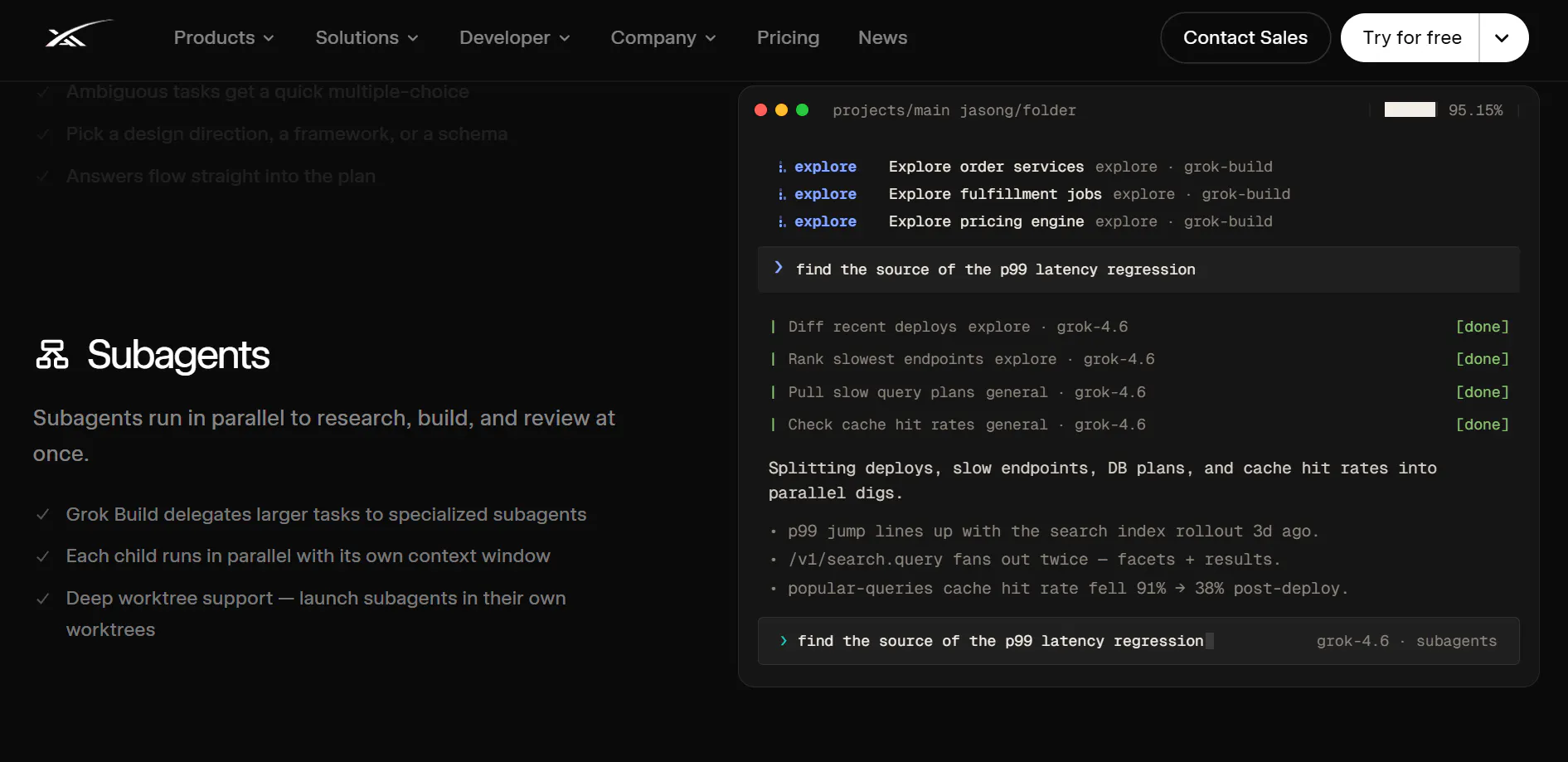
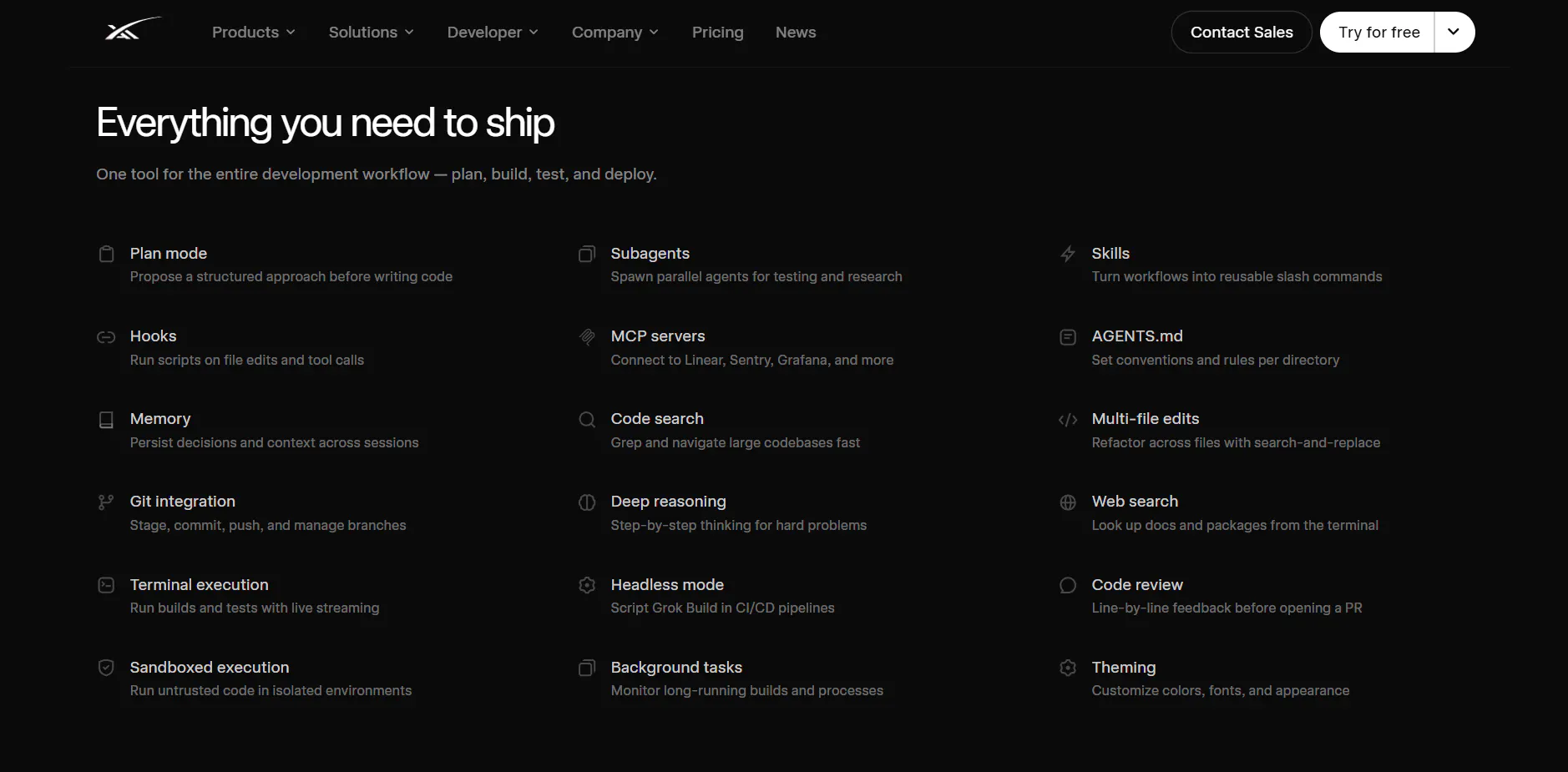
一句话介绍:Grok 4.6 是一款面向长时运行 AI Agent 工作流的前沿模型,通过持续推理、自主验证与全栈应用生成,解决多步任务中模型“起步强、后续崩”的耐力缺失痛点。
Android SaaS Developer Tools Artificial Intelligence
AI模型 Agent工作流 长上下文推理 代码生成 软件工程 Web应用生成 自主验证 低成本API xAI 开发者工具
用户评论摘要:多数用户认可其“马拉松式”长任务耐力与低价策略;有用户询问如何低成本编排Grok与OpenAI工具链(如GitLab集成);少数质疑其应对复杂问题的能力,并好奇为何上PH推广;整体对新版迭代深度和自检机制持积极态度。
AI 锐评

Grok 4.6 的卖点不在“更聪明”,而在“更持久”——这精准踩中了当前 Agent 生态的集体软肋。当大多数模型在 step 5 后开始幻觉或断片时,它用自我验证和持续上下文把失败率压下来,本质上是在卖“可靠性”,而非“智能”。$2/$6 每百万 token 的定价维持不变,是典型的价格锚点策略:在 Anthropic、OpenAI 纷纷涨价或限流的当下,用“加量不加价”圈住开发者心智,意图明显。但评论中暴露的真实问题不容回避:xAI 的工具链和集成生态仍远逊于 OpenAI,用户不得不自行拼凑路由层或中间件,这极大削弱了“即插即用”的吸引力。所谓“全栈首过生成”听上去惊艳,实际对复杂业务逻辑的还原度存疑,且自检机制在大型代码库中的误判率未被披露。更微妙的是,该产品在 PH 上的发布更像是一次开发者社区的“热身测试”——投票仅 250,热度平平,却急于强调“partner networks”,暗示其商业化重心仍在 API 和企业客户,而非独立开发者。若不能快速补足集成层和工具链,Grok 4.6 很可能沦为“性能惊艳但用不顺手”的技术演示品。长跑能力值得喝彩,但赛道基础设施不修好,跑得再远也难落地。

查看原始信息
Grok 4.6
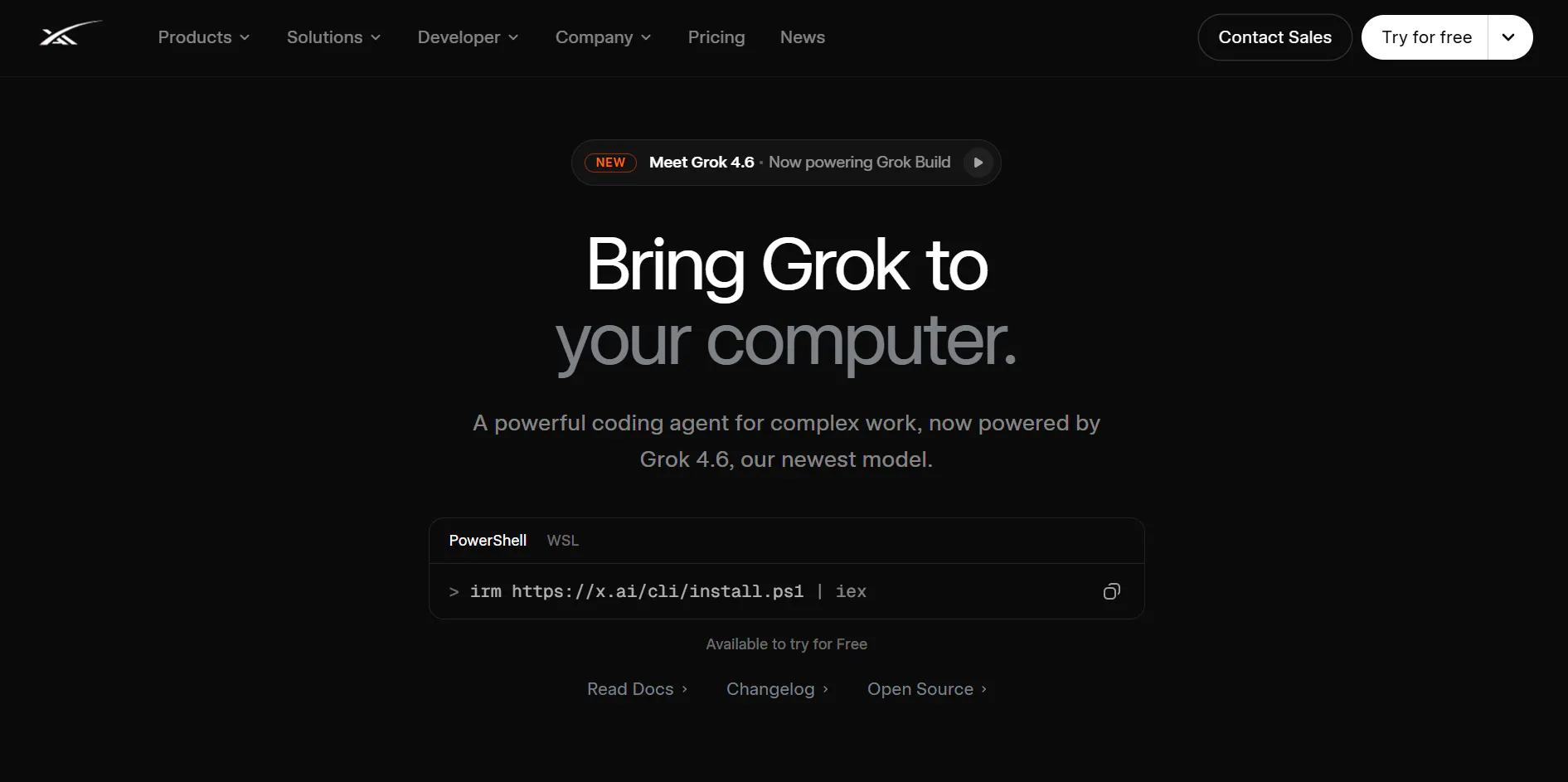
Continuous reasoning meets real-world execution. Grok 4.6 brings major upgrades to agentic workflows, software engineering, and interactive web application generation—at an unchanged, cost-efficient rate of $2 / $6 per 1M tokens. Build long-running AI agent workflows with Grok 4.6 on xAI API and partner networks!

Hey PH fam 👋

Wanted to bring the latest Grok 4.6 launch to this global builder community today!

Here’s the pattern we keep seeing across the agent ecosystem: most models start strong on step one, but fall apart by step five. Real product building requires long-running endurance—researching unfamiliar domains, structuring applications, and iterating through real feedback loops.

Most AI tools act like a quick-burst sprint. Grok 4.6 is built for the marathon.

It doesn’t just generate code; it sustains context over long horizons and self-verifies its work before moving on.

What stood out most to me:

Full-stack first passes: Turns broad ideas into structured, visually polished interactive apps in a single pass

Autonomous self-testing: Verifies its own work across codebases before proceeding to the next step

Iterative depth: Stays in the loop to refine, debug, and polish based on complex feedback

Big shoutout to the xAI team for pushing the frontier on agentic stamina 🙌

9
回复

@thisiskp_ The “marathon, not sprint” framing is actually pretty spot on.

A lot of AI agents look impressive right up until you ask them to do something that requires step five. Then suddenly you’re debugging the agent instead of the product.

The interesting part here is the self verification and iteration. Writing code is getting cheaper by the day. Knowing when the code is wrong, fixing it, and not confidently shipping nonsense is the harder part.

AI finally learning endurance. Took it long enough.

0
回复
@thisiskp_ thanks for sharing KP.. and the cost per instance is much lesser compared to others too.. always great to se Grok/xAl/SpacexAI team do such updates..
1
回复

I hope this is not the wrong place to ask about this, but since it's related to the usability/capabilities of Grok, I'll go for it.

I'd love to use Grok, particularly due to its low cost yet high efficiency. However, I currently depend on "tools" or integrations that OpenAI provides but need to be customly developed for Grok (for example, adding issues to GitLab).

An alternative would be, since I use an introductory agent that chooses a sub-agent depending on the requested task, to use Grok as a sub-agent for off the shelf stuff.

Is there any cheap(er) way I can orchestrate this (substituting my introductory agent, I guess?, and route the request either to OpenAI or to X).

3
回复

Congrats on the release. The upgrade landed and the rate stayed at $2 and $6 per million tokens. Nice to see a better model that doesn't cost more to run.

2
回复

Saw the news on X (like everywhere on X). Didn't expect to see it on PH 🤔
Does it/you guys need more exposure for the model?

2
回复

I'm curious to see how it's going to deal with some heavy and complicated questions.

2
回复

The focus on long running agents is what stood out to me. Better reasoning is important, but reliable execution over longer workflows is where AI starts becoming genuinely useful. Congrats on the launch!

2
回复

I've always felt Grok is a bit more free compared to other tools. That long-term context is exactly what’s needed when building and iterating on full app experiences. Excited to give this version a spin!

0
回复
#3
Checksum AI
Your coding agent’s testing buddy
208
一句话介绍:Checksum AI是一个AI原生的持续测试平台,专为代码生成速度远超人工QA能力的工程团队设计,能在每个Pull Request上自动生成、运行并自愈端到端和API测试,核心痛点是解决AI加速开发后代码验证跟不上、测试维护吞噬工程效率的难题。
API Developer Tools Artificial Intelligence
AI测试平台 持续测试 端到端测试 API测试 Playwright 测试自愈 测试维护 质量保障 开发者工具 DevTools
用户评论摘要:用户普遍认可“真实Bug vs 过期测试”的智能区分和“测试代码归属自有仓库”的设计。主要疑问集中在:如何处理认证与权限边界场景;自动修复的测试在提交前能否人工审查;如何建立对自愈测试的信任;能否测试同一PR中跨多服务的变更。创始人回应称支持复杂跨服务场景,且测试以标准PR形式走正常Review流程。
AI 锐评

Checksum AI踩中了当下最真实的痛点:AI写代码的速度已经远超人类验证的极限,而市面上的测试生成工具多半在“生成绿灯”这件事上自欺欺人。它最聪明的地方在于没有把力气花在“生成更多测试”上,而是把核心价值锚定在“测试的信任管理”——即区分真实回归与过期断言,并让AI自主修复后者。

从评论区的反馈看,用户最买账的正是这个“自愈+分流”能力,而非测试生成本身。这是对的,因为随着代码迭代,测试套件腐烂是不可逆的熵增过程,手动维护是纯耗散,AI介入能真实节省工程工时。另一个值得肯定的产品决策是把测试以标准Playwright代码落入用户仓库,这既缓解了供应商锁定的焦虑,也让测试能融入既有Code Review流程,策略性降低了采用门槛。

但需要泼冷水的有两点。其一,评论中创始人所举的“AI拒绝修改断言、坚持报Bug”的案例,本质上是模型在理想状态下的一次正确判断,但AI系统在“自愈”和“误报”之间永远存在偏差率。一旦偏差率高于人类容忍阈值——尤其是当AI把“故意的行为变更”误判为“Bug”并直接路由到Jira时——就会产生新的信任危机。产品宣传中“70%失败自动解决”的指标恰恰掩盖了剩余30%中可能存在的严重误判,这需要更多真实场景的验证。其二,自动生成的测试即使逻辑正确,也可能因为覆盖的是浅层路径而产生“高质量的安全感惰性”,这种信心膨胀在复杂系统中往往比没有测试更危险。

总体来看,Checksum的技术方向正确,产品设计也足够克制,但它当下的护城河并非技术壁垒,而是对质量验证领域用户心理的敏锐把握。下一步需要证明的不是它能生成多聪明的测试,而是在高迭代频率的真实项目中,它的误判率和维护成本是否真的低到让团队愿意放弃人工抽查的最后防线。如果这点能撑住,它有望成为AI开发栈中的标准基础设施。

查看原始信息
Checksum AI
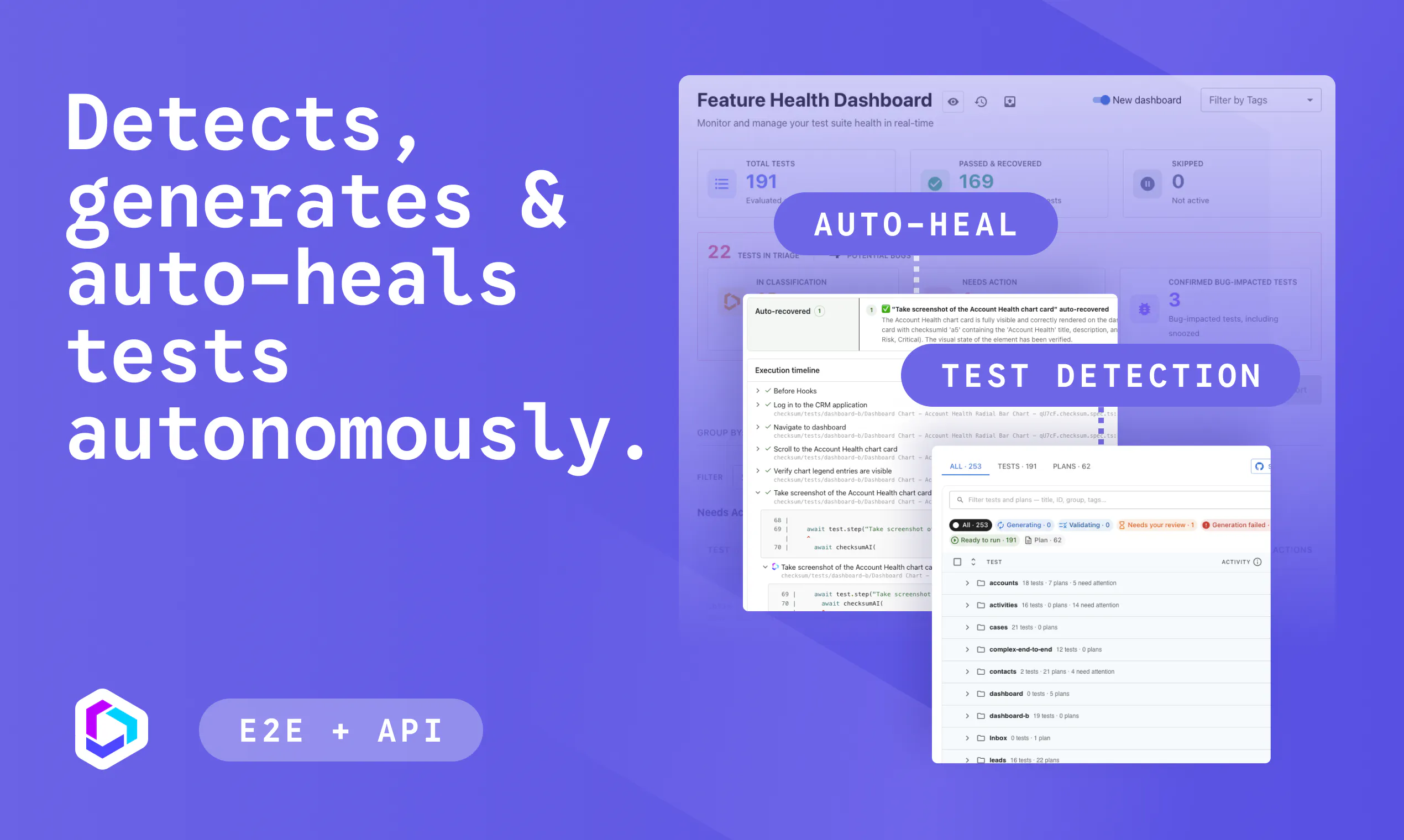
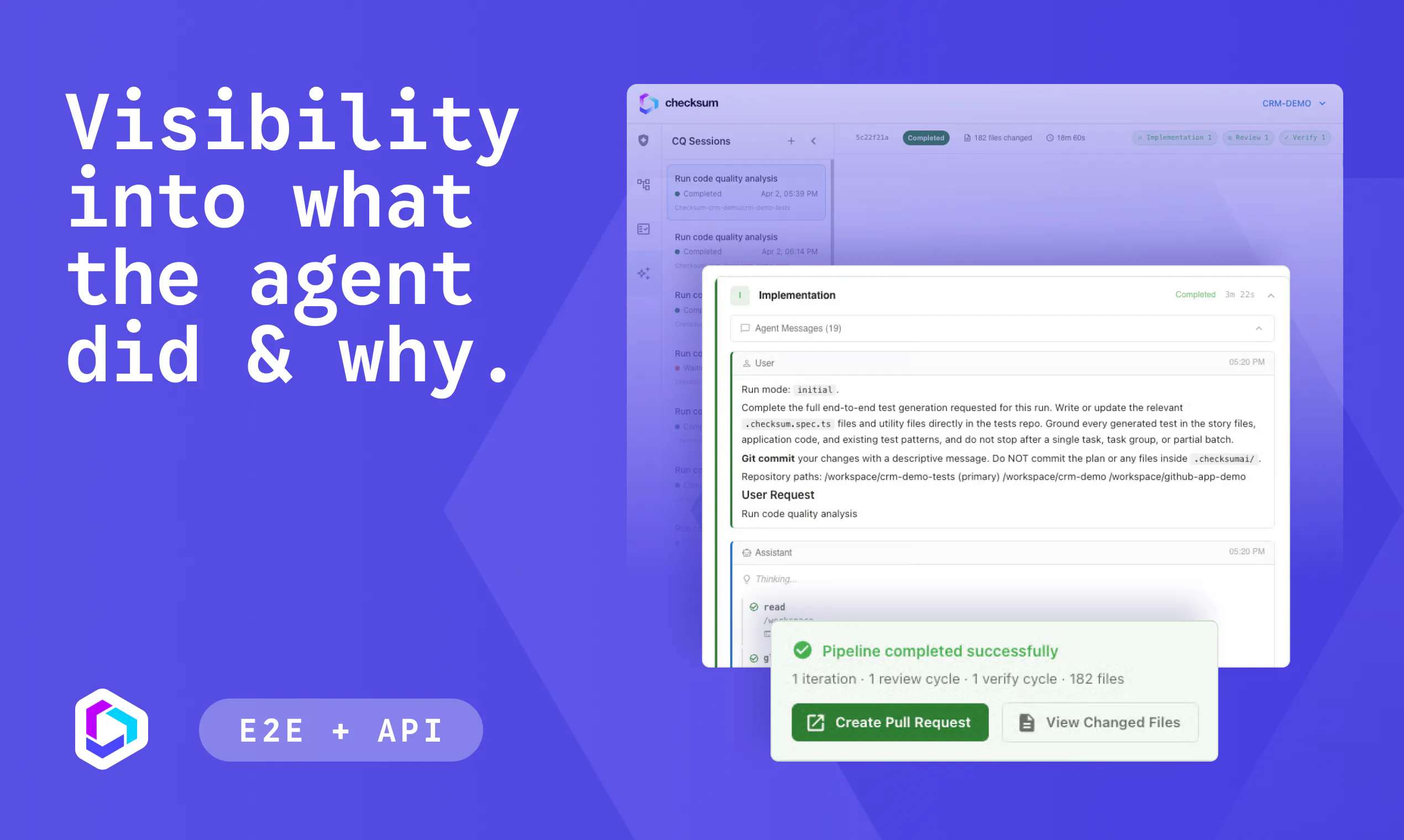
Checksum is an AI-native continuous testing platform for engineering teams shipping faster than manual QA can keep up. It generates, runs, and auto-heals end-to-end and API tests on every pull request, all as standard Playwright code in your own repo. When a test fails, Checksum tells you whether it found a real bug or a stale test, then fixes the false failures so your suite keeps pace with your coding agents.

👋 Hey Product Hunt, I'm Gal, founder and CEO of Checksum.

A few years ago at my last startup, I watched our team lose entire sprints to test maintenance. Every time the product changed, someone had to go update selectors, re-triage failures, and figure out which broken tests were real bugs and which were just noise. I'd spent years before that building ML models to detect suspicious activity from satellite data—pattern recognition at scale—and it nagged me that software testing was the same kind of problem.

AI coding tools solved generation and teams can now ship far more code than ever. But they didn't solve verification; every PR still needs to be tested and trusted before it ships. Counterpart, an agentic insurance platform, runs a 10x QA team on Checksum at less than half the cost of one offshore developer, and hasn't had a production outage since. Their engineering manager Ron Alexssen put it this way: "For less than half the salary cost of an offshore developer, I have the impact of a full QA team."

That’s why we built Checksum. Our agentic loop runs in two parts:

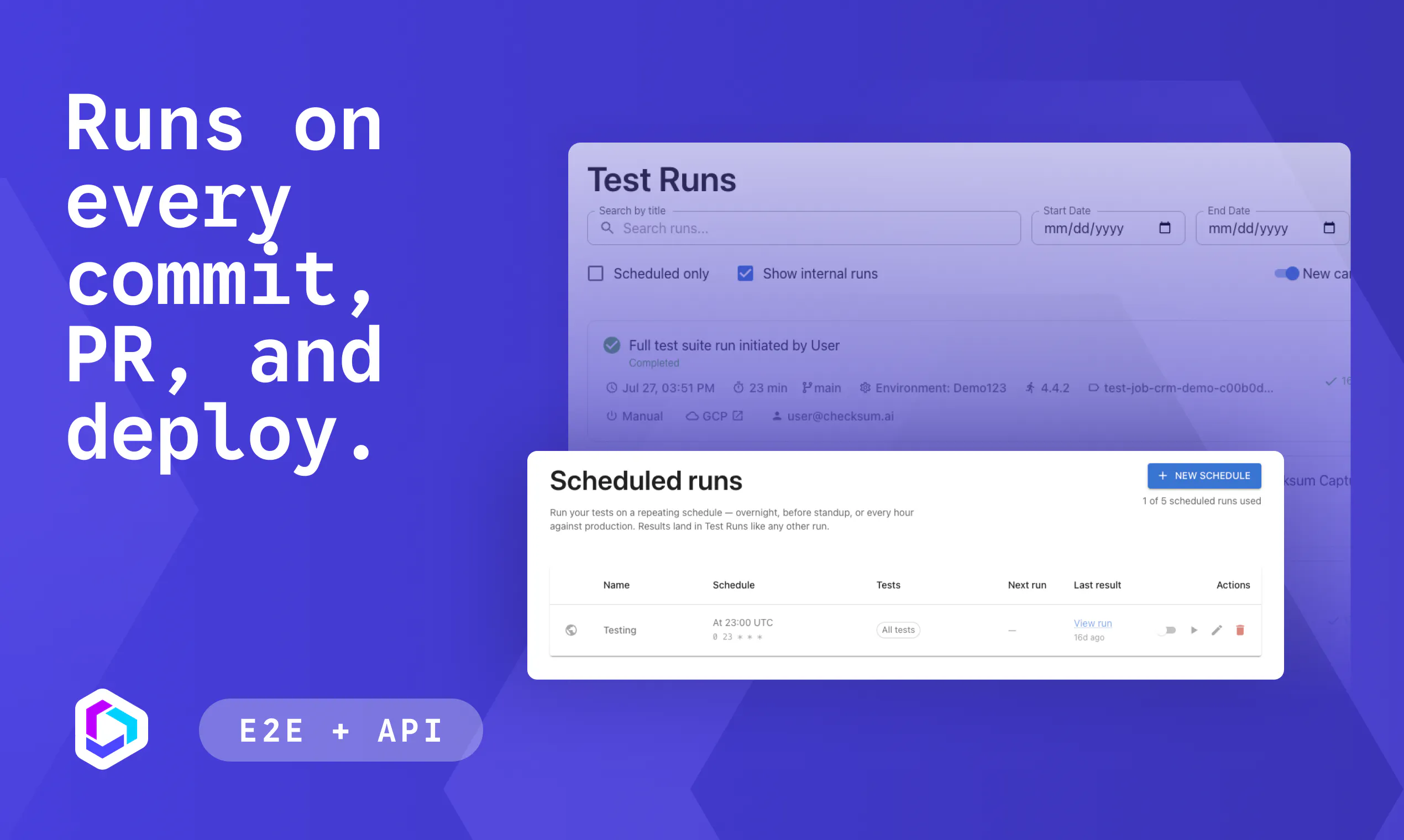
🔁 Generate and maintain. On every pull request, an agent spins up in a sandbox, detects what changed, and generates or updates your End-to-end and API tests automatically. No written selectors by hand.

🔁 Run, report, fix. Trigger your suite from a PR, the API, or MCP. When something fails, a second agent triages it: real bug, or broken test by a product change? Real bugs route to Jira, Linear, or Slack. Broken tests get fixed autonomously. Söderberg & Partners went from zero to full coverage in weeks and now reclaims 90 hours of manual testing a month. Postilize cut bugs by 70% and sped up engineering cycles by 30%, with zero flaky tests.

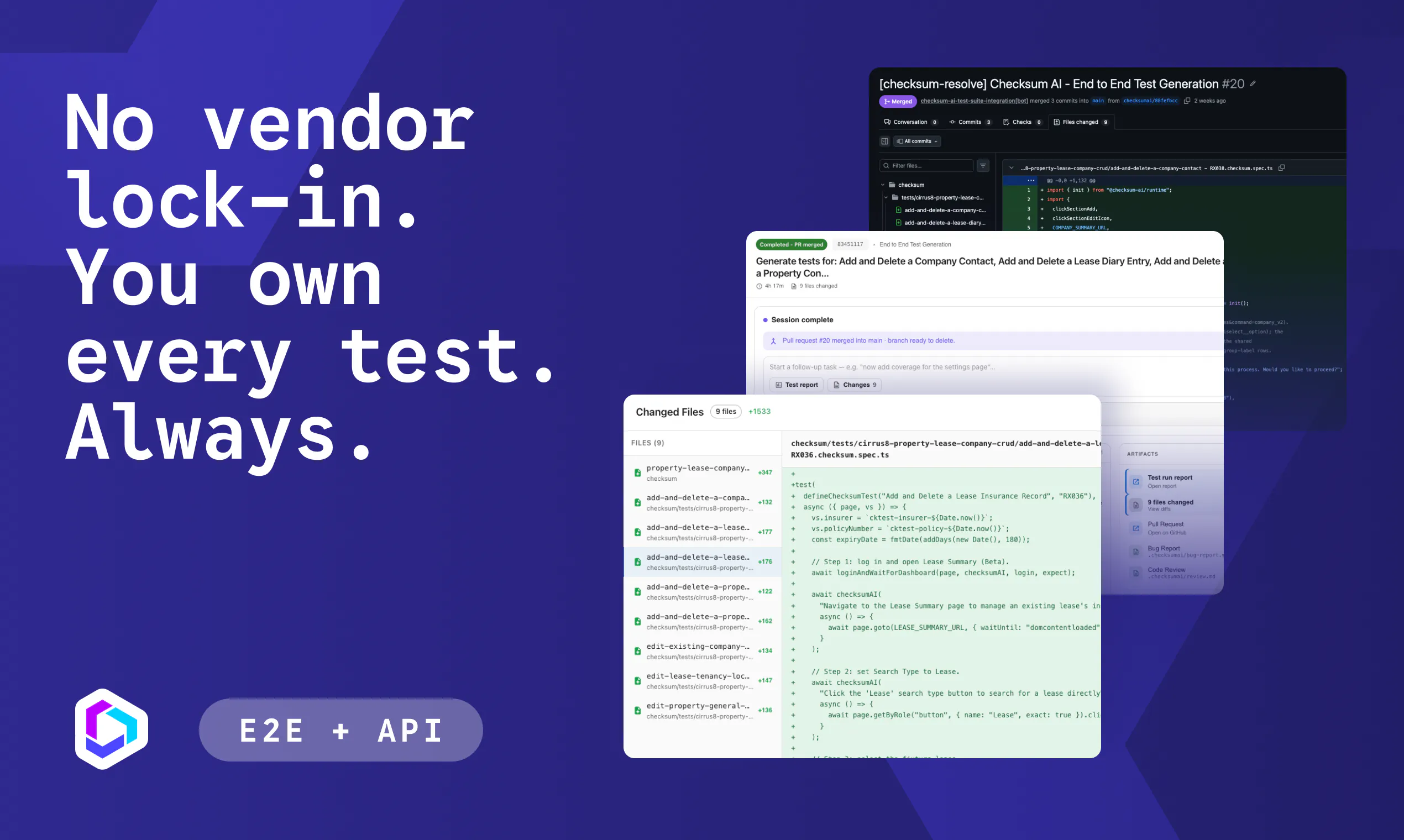
Everything ships as standard Playwright code committed to your own repo. No proprietary format, no lock-in. And the agent doesn't just chase easy passing tests, it goes after the hard cases too: auth boundaries, edge flows, the stuff that's tedious to test manually and easy for AI to skip if you let it.

🎁 Product Hunt community gets a free 30-day trial with code PHLAUNCH

We're here all day, ask us anything. 🙏

18
回复

@gver How does it handle auth and permission edge cases??

0
回复

@gver Can the auto healed Playwright tests be reviewed before they get committed?

0
回复

@gver Losing entire sprints to test maintenance is a nightmare I’ve lived through, so it’s genuinely refreshing to see a tool that handles the whole loop automatically. How does the agent distinguish between a real bug and a test that just needs updating when the product shifts?

0
回复

AI-generated code is making development faster, but it also makes verification more important than ever. Tools that help developers catch problems before they reach production feel like a natural next step.

8
回复

@monir_ 📣📣📣

0
回复

The interesting part of AI coding isn't just generating more code—it's being confident that the code actually works. Anything that closes that verification gap has huge potential for modern engineering teams.

8
回复

@1mirul Appreciate the comments!

0
回复

The stale test detection is the part that caught my attention. AI generated code is only useful if the tests dont become another maintenance job.

8
回复

@ashir_murtaza1 Yes! Generating tests quickly is the easy part now. The hard part is what happens after that first test when your app's changed multiple times and half your suite is red for reasons that have nothing to do with a real bug.

With Checksum every failure gets triaged before it ever hits you team: real bug vs. stale test. Real bugs route straight to your team. Stale tests get healed. 70% of failures resolve that way without anyone touching them.

If you've been burned by a suite that turned into a maintenance job before, genuinely curious what broke it, selectors, flaky timing, something else? Helps us make sure we're solving the actual pain, not just the version of it we assumed.

2
回复

I work at checksum so grain of salt, but my take:

What surprised me: I came in assuming the hard problem was generating tests. It isn't — models will write plausible-looking tests all day. The hard problem is that "plausible" and "green" are both terrible proxies for "actually proves the feature works." A big part of my job turned out to be making the system distrust its own passing tests.

The moment that sold me: a test broke after a routine frontend change, and the obvious move — the one every human on every team makes ten times a week — was to update the assertion to match the new behavior and get back to green. The agent refused. It walked the diff, decided the new behavior wasn't an intentional change but a regression, and filed it as a product bug instead of "fixing" the test. It was right. A human reviewer would have rubber-stamped the assertion update, the suite would have gone green, and the bug would have shipped with a passing test standing guard over it.

Why verification is the unglamorous problem: when it works, nothing visible happens. There's no demo moment for "this green check is real." So everyone builds the flashy generation demo and quietly ships suites that decay into checkmarks nobody trusts. But an untrusted suite is worse than no suite — you keep paying the maintenance cost and get none of the confidence. Solving that is the actual product, and it's the part nobody wants to put on stage.

4
回复

Playwright code staying in the repo is a nice choice. i do much rather have tests i can inspect and edit than another black-box- QA layer.

4
回复

@sansa_grey That's why we went with it. With Playwright in your repo, you can read exactly what a test does, edit it if something's off, and if you ever walk away from Checksum, every test walks with you. No migration, no rewrite.

It also means the tests fit into whatever review process you already trust, a generated test shows up as a normal PR, gets reviewed like any other code change, not approved through some separate tool.

0
回复

Would you suggest using this for more elaborate claude code projects (full stack, hosted)? I'm the owner of a few of our internal tools and I'm trying to figure out where I can/should fit something like Checksum into the stack. I'm frequently worried about random bugs and keeping the tools running as smoothly as possible.

3
回复

@michaelsand Yep, our bread and butter is complex applications

3
回复

As a marketer, I'm just here to say that I love your tagline ☺️ it makes a pretty intimidating category feel approachable. Congrats on the launch!

3
回复

@ryanwrites Thank you, that means a lot coming from another marketer! We wanted to convey that this is a solvable problem, and you've got real backup, not another intimidating tool to manage on your own. Really glad it's landing that way. 🙌

1
回复

The take test detection caught my attention. False failures can waste so much time that fixing those automatically could be really useful.

3
回复

@athar_jatoi Agreed, and the false failures are often worse than the real ones because they train people to ignore the suite. Telling a real bug from a stale test is the core of what the healing workflow does.

0
回复

How do teams build confidence in auto healed tests without manually reviewing every change?

3
回复

@hamza_afzal_butt It's such a great question! You start by reviewing a few changes, and as you see the model making the right decisions, you start to build confidence.

0
回复

I like the idea of keeping everything as normal Playwright tests. makes adopation much easier for an existing engineering team.

3
回复

@adams_parker Exactly! Your test is yours whether you stay with Checksum or not.

0
回复

Auto-healing Playwright tests for coding agents is a brilliant fix for test suite maintenance. Huge congrats on the launch!

2
回复

@thisiskp_ Thanks!

0
回复

Shipping the generated tests as standard Playwright in the team’s own repo is a really strong call. Makes it feel like part of the engineering workflow, not some vendor-owned test layer. Also love the real bug vs stale test distinction, that’s exactly where a lot of CI pain comes from. Congrats on the launch!

2
回复

@rnagulapalle Thank you! You picked out two of the things we care most about. Keeping it in your repo means it lives in the engineering workflow instead of sitting beside it as a separate system someone has to trust or manage on faith. And the real-bug-vs-stale-test distinction is exactly where most of the CI pain exists, most tools stop at "test failed" and leave you to figure out why. Appreciate you being here for launch day!

0
回复

@benln can it test changes across multiple services in the same PR?

2
回复

@benln  @rosalie_autumn yes it can! Checksum specializes in complex cases across surfaces and users

0
回复
#4
The New Calendly
Handle all of the work before, during, and after meetings
180
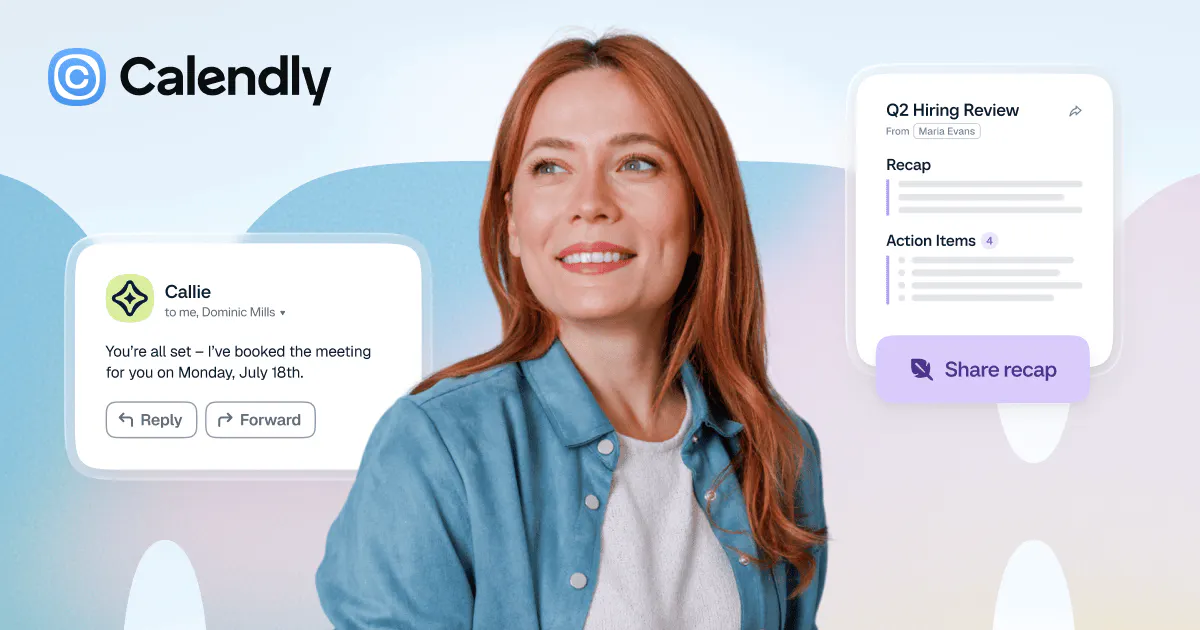
一句话介绍:Calendly 从“日程安排工具”升级为“会议全生命周期管家”,用Callie AI助手(邮件自动协调时间)和Notetaker(自动录制、转录、生成纪要及跟进邮件)解决用户会前协调繁琐、会中难以专注、会后整理跟进耗时三大痛点。
Android Chrome Extensions Notes Meetings Calendar
AI会议助手 日程管理 会议纪要 自动转录 智能跟进 会议工作流 效率工具 团队协作 Calendly 生产力
用户评论摘要:用户认可其从“排期”扩展到“全流程”的价值,点赞其减少交接环节。核心疑问:Notetaker与Fathom对比如何?该功能是包含在现有订阅内还是额外付费?另有老用户提及这是第11次发布,对其持续迭代表示敬意。
AI 锐评

Calendly这步棋,看似是功能叠加,实则是被逼无奈的“生存式防御”。其本质是:当Meetings.ai、Fathom等垂直工具把“会前-会中-会后”拆解成更锋利、更便宜的利刃时,Calendly如果只守着“排期”这块高度同质化的阵地,迟早沦为API管道里的一个环节。把Notetaker和Callie硬塞进日程闭环,意图很明显:用“数据沉淀”绑架工作时间流,把轻工具做成重系统。

但必须泼冷水:第一,Notetaker直接对标Fathom,毫无壁垒——转录准确率、实时摘要质量、多语言支持,Calendly作为后发者没有任何技术代差优势,用户切换成本极低。第二,“Callie在邮件里协调”听着美妙,实则依赖Gmail/Outlook的权限开放,且AI协调一旦碰到非标准时区、模糊语义的提议,极易翻车,反而破坏Calendly“简单可靠”的招牌。第三,评论里没人提定价,这是最大暗雷。如果Notetaker按座位额外收费,必然遭遇“用脚投票”;若免费,则要面对成本结构剧变。

真正的阳谋在于:Calendly试图通过“会议后自动生成邮件+AI问答”把用户留在自己的数据池里,从而掌握会议知识图谱——这才是比排期更值钱的资产。讽刺的是,这恰恰意味着Calendly不再只是工具,而是想成为你公司和外部世界沟通的“认知层”。这个野心值得尊重,但恕我直言:用户选择Fathom加Calendly的组合,远比把鸡蛋放在一个篮子更安全。除非Calendly的AI质量能碾压竞品,否则这次“新”发布,更像是给旧马车装了个电动马达——跑得溜,但赛道已经变了。老用户的“第11次发布”评论,既是对耐心的褒奖,也是对创新乏力的温柔提醒。

查看原始信息
The New Calendly
Meet Calendly Notetaker and Callie AI assistant: two new AI products built to handle the work before, during, and after meetings. Meetings are essential, but the work around them adds up fast. 😅 That's why we're launching an evolved Calendly. One that handles not just scheduling, but all of the work before, during, and after your meetings, so you can focus on what matters.

The New Calendly includes:

Before the Meeting
Callie, an AI assistant, handles scheduling coordination right from your inbox. Just add callie@calendly.com to an email thread, and Callie finds a time that works for everyone.

During the Meeting
Calendly Notetaker automatically records and transcribes meeting notes, so you can stay fully present and engaged. It works seamlessly with Zoom, Google Meet, and Microsoft Teams.

After the Meeting
Notetaker generates automatic recaps with summaries, key points, and action items — plus pre-drafted follow-up emails ready to send. You can also ask Callie questions about past meetings to surface context instantly. Here's a canned sample.

Why This Matters
Your entire meeting lifecycle is now connected in one platform. It's Calendly. It's easy. And it works where you already work!

2
回复

@chrismessina Been using Calendly for years now - seamless and always reliable. This new notetaker addition is interesting - I've been using Fathom for all that (which has been great). Curious how the Calendly version compares with Fathom? Is this part of the subscription or is it extra?

0
回复

Connecting the entire meeting lifecycle is a meaningful step beyond scheduling. I upvoted the product, and having scheduling, notes, recaps, and follow-ups in one workflow could remove a lot of unnecessary handoffs for teams.

0
回复

Eleventh launch, and the first one landed back in 2014. Congrats to the whole team on that. Twelve years in and you are still adding to it rather than coasting.

0
回复

Love the holistic focus on handling the entire workflow before, during, and after meetings. Congrats guys!

0
回复
#5
MeetStream AI
Unified API & Infra for AI Meeting Agents
158
一句话介绍:MeetStream AI 为AI会议代理提供统一的API与实时语音基础设施,让代理以参会者身份加入Zoom/Google Meet/Teams会议,在通话过程中倾听、发言并调用工具,解决企业构建“能行动而非仅记录”的会议代理时面临的复杂集成与实时媒体工程难题。
API Meetings Developer Tools
会议代理基础设施 AI Agent API 实时语音交互 会议数据捕获 多平台集成 工具调用 开发者平台 语音代理编排 实时媒体处理 MCP支持
用户评论摘要:用户高度认可“代理具备实时在场感”这一方向,并询问中断与轮流发言机制的处理方式。开发者详细回应了架构,强调不同于拼接多供应商的方案。有用户好奇极限用例(如克隆真人代开会),亦有用户反馈产品体验好、团队响应快,并表达对MCP扩展的支持与协作意愿。
AI 锐评

MeetStream AI踩准了从“会议纪要”到“会议在场”的范式切换节点。行业共识是智能体将进入会议,但绝大多数玩家仍困在“事后总结”,而它直指一个更脏更累却价值更高的基础设施层:代理的“存在”问题。50+实时数据点和内置语音栈并非噱头,其背后是上百家不透明SDK的兼容斗争和百万级实例的稳定性工程——这是真正的护城河,而非模型能力。

但必须指出,其构建“rails”的野心也隐含巨大风险。首先,作为底层管道,它极易被上游平台策略变化、巨头自研(Zoom、微软早已布局)或更轻量化的协议替代所挤压。其次,它将商业价值锚定在“实时行动”,这要求代理的决策延迟、语音打断率和上下文理解必须达到与人类协同几乎无感的极高标准,目前公开演示尚未能充分证明在嘈杂、多言的真实会议中,代理的“插话”不会沦为灾难。第三,用户评论区期待的“克隆参会”充满诱惑,却也迅速逼近伦理与合规红线——人类是否有权在未告知对方的情况下派代理“代表”自己发言?

作为产品,它通过统一API切中了开发者痛点,商业切入清晰。但作为“代理基础设施”,它必须持续展现超越“API聚合”的深度,例如对语音智能体核心交互(如优雅打断、意图确认)的算法级优化,否则极易被后起之秀用更好用的接口覆盖。一句话:方向对了,壁垒是真的,但天花板取决于它能在多大程度上定义“会议智能体”的交互标准,而非仅仅是又一朵中间件云。

查看原始信息
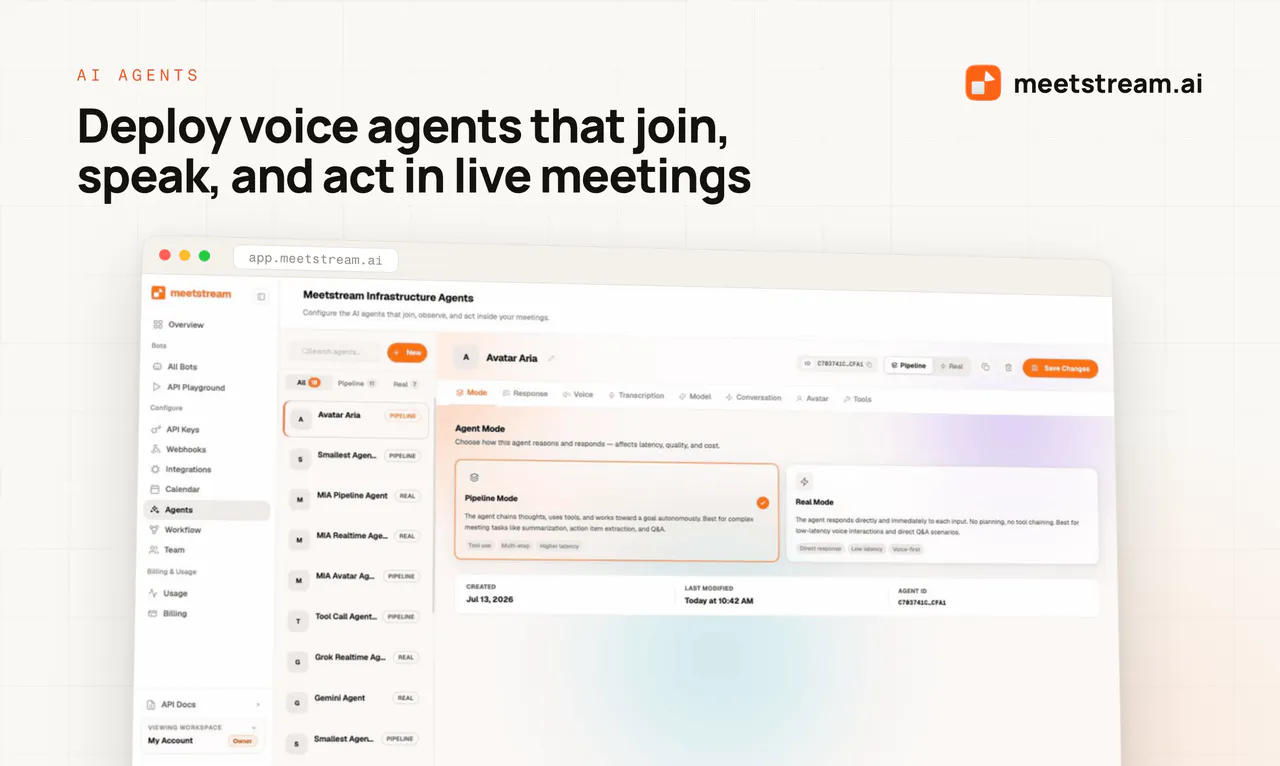
MeetStream AI
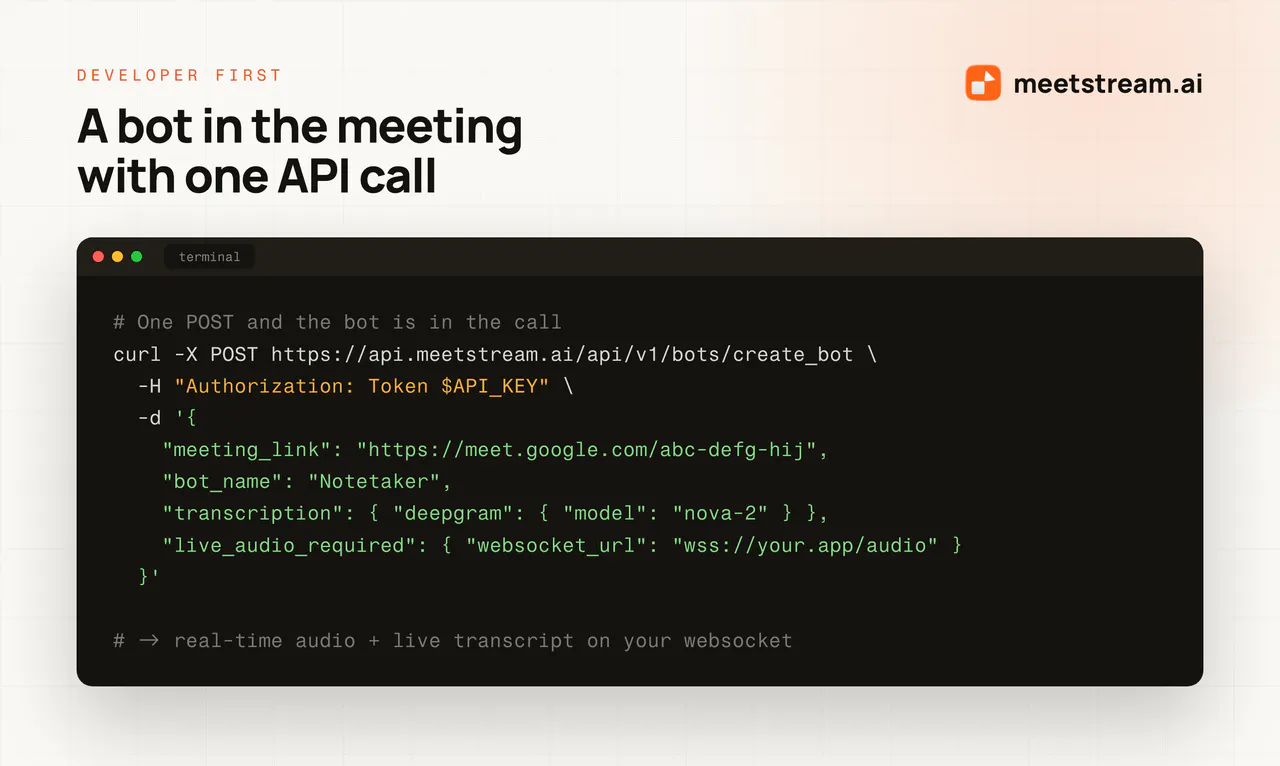
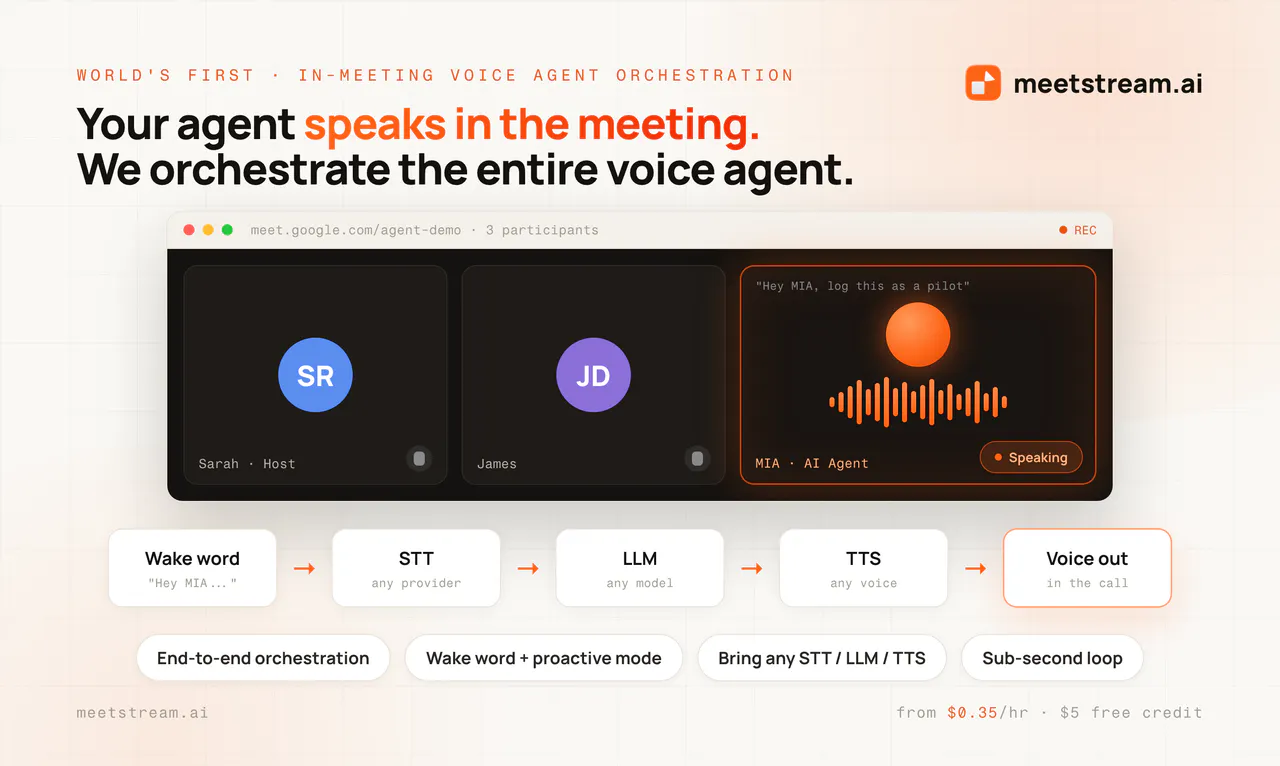
Agent-first infrastructure for meetings. One API to capture 50+ real-time data points from Zoom, Google Meet, and Teams, with built-in voice infrastructure so your agent joins as a participant, listens, speaks, and acts while the call is happening.

Hey Product Hunt! I'm @sidhdharth, co-founder of MeetStream AI.

Here's the bet we've staked the company on: meetings are about to stop being human-only rooms.

The people who own the platforms already believe it. Zoom's CEO says he wants to send a digital twin to his meetings. Microsoft is reorganizing Teams around human-agent teams. Fireflies hit a $1B valuation and gave its notetaker a voice. Gartner says 40% of enterprise apps will ship task-specific agents by the end of this year, up from under 5% last year.

But almost all of it is still capture: record the meeting, summarize it afterward. The agent reads the minutes. It never sits at the table.

So we built two things, and you need both to change that.

An unified capture engine. 50+ data points per meeting in real time: per-participant audio and video, live transcripts with speaker attribution, participant events, the full meeting lifecycle over webhooks. Zoom, Google Meet, and Teams through one API.

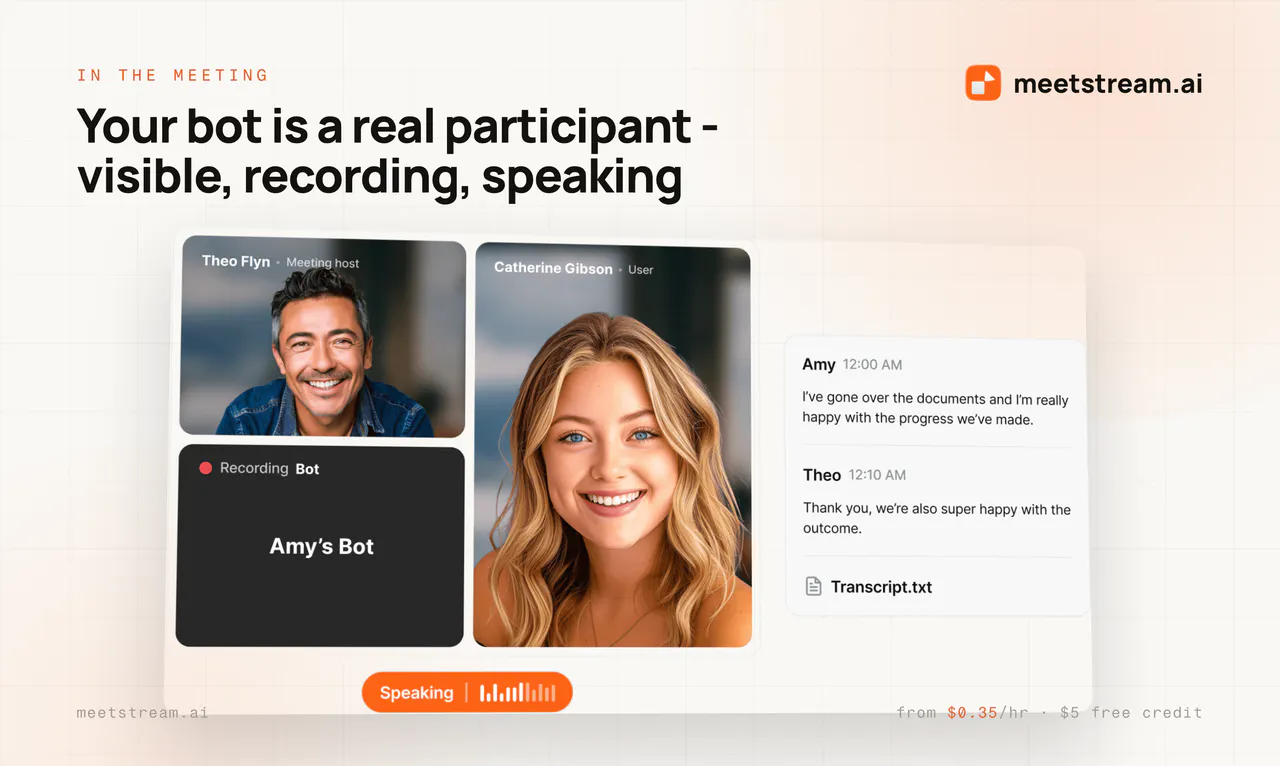
A voice infra layer. Your agent joins as a real participant with scoped permissions, speaks while the conversation is still happening, and calls tools mid-call. Ours update CRMs while the customer is still talking.

Here's what I keep coming back to: every agent company is chasing the same scarce resource, and it's context.

The context that matters most isn't sitting in a CRM field or a doc. It's in the conversation. Decisions get made in meetings. Objections surface in meetings. Most of it is never written down anywhere.

That's what we let them capture. Today MeetStream runs underneath CRM platforms, customer support tools, productivity apps, and yes, notetakers (we're not one, we power them!). 30+ AI products in production. In every one of them we ship as a feature: meeting data flowing in, and a voice going back into the room.

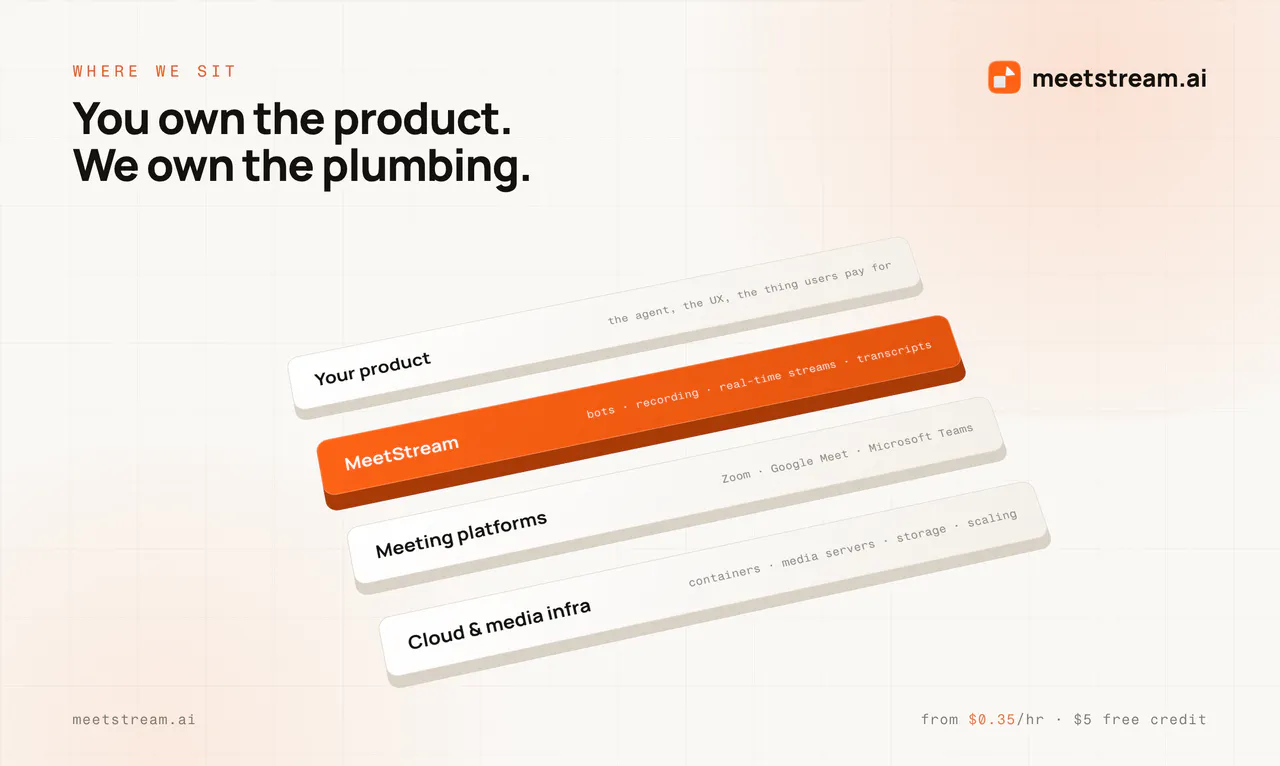
I didn't set out to build this either. I wanted a sales agent that could speak in meetings, and found the hard part wasn't intelligence, it was presence: lobby states, per-speaker streams, reconnection logic, platform changes that break things at 2am. Every AI team hits that wall. So we became the rails.

Voice is how humans have always worked together. Now agents are joining the conversation, literally. You build the agent. We keep it in the room.

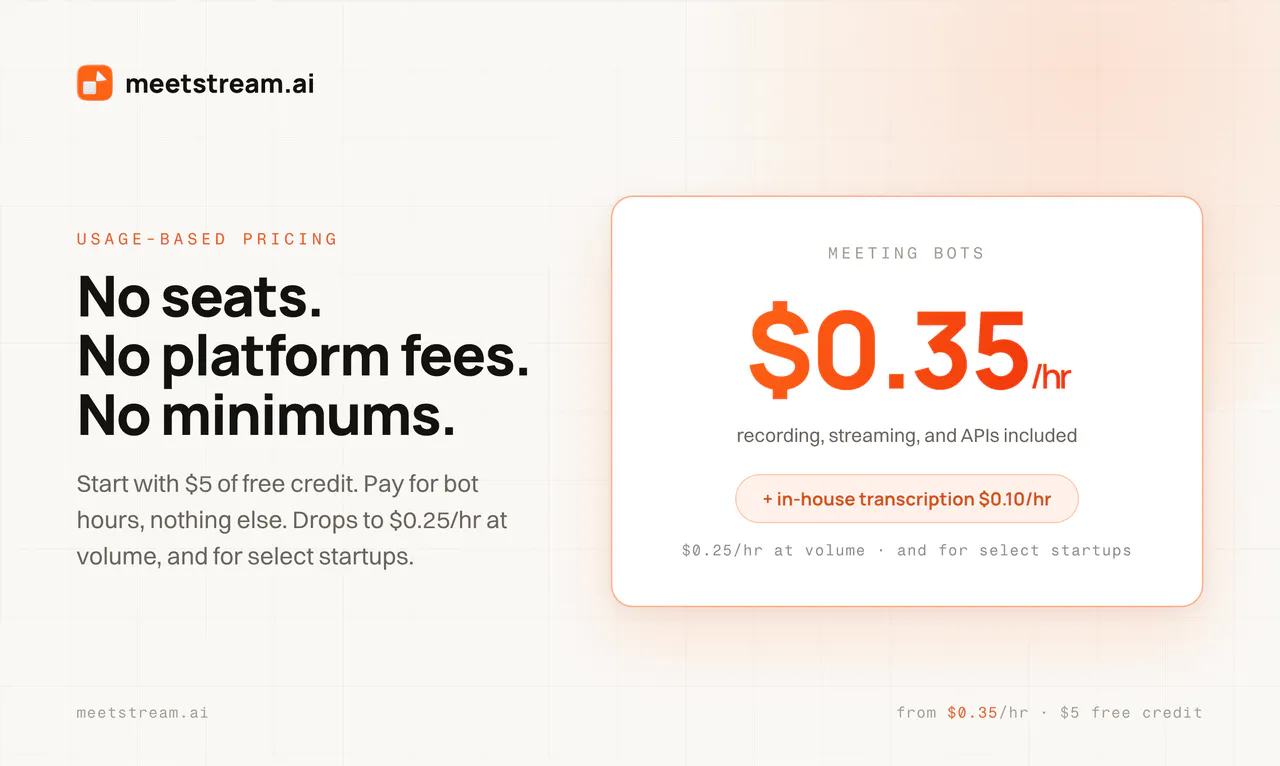
We've been in private beta for a long time, building with a small group of teams who were patient with us while we got the hard parts right. Today we're opening it up to everyone. No waitlist, no sales call. Sign up and put a bot in a meeting in a few minutes.

What we actually want from today is the feedback. Tell us what's missing, what broke, what you'd need before you'd trust this in production. I'm reading every comment.

So, honestly: how critical do you think agents in meetings will be? I'd love to hear where you land.

23
回复

@sidhdharth I love that the hardest part turned out to be presence—lobby states, per-speaker streams, reconnection logic at 2am—rather than intelligence, because that's the invisible work that makes or breaks whether an agent feels like a real teammate. Congrats on the launch!

0
回复

@sidhdharth Congratulations on the launch! 🚀 The idea of giving AI agents actual presence in meetings instead of just summarizing them afterward is really compelling.

One question: how do you handle interruptions and turn-taking when the agent needs to speak while multiple participants are talking?

3
回复

Congratulations@sidhdharth 

Very interesting — this feels less like a meeting-bot API and more like the beginnings of a runtime for delegated expertise.

Imagine a services company sending a project-specific technical agent to a customer call on behalf of part of the engineering team. The agent is grounded in the current architecture, backlog, incidents, known gaps and previous estimates; it can explain the situation, retrieve evidence and give bounded estimates, but knows when it is not authorised to make a scope/commercial commitment and escalates to a human.


Is MIA intended to support this class of stand-in agent? If so, where do you see the boundary between MeetStream and the customer's agent layer for dynamic grounding, provenance, authority/guardrails and human escalation?

0
回复

@navaneeth_jawahar here, co-founder and CTO. @sidhdharth covered the why. Let me cover how it's built, because the architecture is the actual product.

Most "voice agent in a meeting" setups today are three vendors stitched together: a meeting-bot API to get into the room, a hosted voice platform somewhere else to run the agent, and a widget or iframe injected to bridge the two. Three integrations, three billing relationships, three sets of licenses, and latency that compounds at every hop.

We built MIA (MeetStream Infrastructure Agents) so the orchestration lives inside the same platform that holds the meeting seat.

What that means concretely:

One integration surface: The bot that joins the call and the agent that speaks in it are the same system. No external voice host, no injected HTML, no separate license stack to manage.

Bring your own models: STT, LLM, and TTS are all pluggable. We orchestrate the loop; you pick the providers. Deepgram, AssemblyAI, OpenAI, Gemini, ElevenLabs, Sarvam.

Wake word or proactive: Run it pipeline-mode with a wake word ("Hey MIA"), or realtime-mode where the agent decides when to speak.

In-meeting tool calling + MCP: The agent can call functions or MCP tools mid-call and report back by voice while the meeting is still going. Your tools, our tools, MCP - your pick. Or your agent’s pick, if you trust it that much.

Now the part nobody talks about, which is where most of the engineering actually went.

Every bot is a live media workload. A machine that joins a call, holds a real-time audio and video pipeline open for the length of the meeting, separates streams per speaker, and tears down cleanly. That is not a request-response API. It is closer to running a hyperscaler: we spin up over 100,000 servers a month, and the hard requirement is that none of them fall over mid-meeting, because a dropped bot is our customer's product failing in front of their customer.

Then there is platform drift. Zoom, Google Meet, and Teams each ship SDK updates, DOM changes, auth changes, and admission-flow changes on their own schedule, usually without notice. A meeting bot is permanently downstream of three roadmaps you do not control. Absorbing that so nothing changes for the teams building on us is, honestly, most of what this company does.

The rest of the unglamorous list: per-participant audio separation, speaker attribution that survives rejoins, lobby state handling across three different admission models, and reconnection that does not drop the media pipeline.

That is the layer we maintain so you don't have to.

Happy to go deep on any of it: architecture, real-time media orchestration at scale, latency, cost optimizations, and finally: why diarization is harder than it looks. Ask away.

12
回复

When i read this, it just made so much sense! There are so many agents that would benefit from joining meetings, but why should all of them and their companies spend time and money on building that infra!

With meetstream, i am not going to get October agents to join dev calls!

7
回复

@harshsaver Thank you, we should collab!

3
回复

what's the wildest use case or strangest thing you saw a uzr build with @Meetstream.ai ? (either hackathon or actual prod customer)

5
回复

@abdou_s in our last hackathon a school student cloned his dad to take escalation meeting where he was only needed for approval, he gave the agent the right access, context and let him handle actually!

3
回复

Congrats on the launch! Giving agents live presence rather than only post-meeting summaries is a compelling leap. The combination of per-participant real-time data with wake-word and listening controls seems especially important for usable turn-taking. Wishing the MeetStream team a great launch!

3
回复

@zvonimir_sabljic1 thank you so much!

2
回复

Big fan of MeetStream AI! We have been using it and the experience has been top-notch. The team is incredibly responsive to feedback and quick with fixes. For a small team, what they have built is seriously impressive and works great. Highly recommend checking this out! 

3
回复

@tanaylakhani Thank you much! Excited to build more together!

2
回复

Hey @sidhdharth I see this is the best product on the market. I'd definitely love to try it!! Best of luck to you and your team.

2
回复

@prajol_annamudu appreciate the early support and feedback!

0
回复

Legends, awesome product! Can't wait to add this as an MCP

2
回复
0
回复

@Meetstream.ai is awesome and has some incredible capabilities! and, AI workforce is real - who wouldn’t want a clone of themselves joining the same meeting and answering questions on their behalf? 🤯

2
回复

@tamilselvi_ramasamy2 Thank you. Yep, the vision is one day sit at the beach while the clones attend meetings!

1
回复

Great going guys, it’s a great usecase for meeting bots entering multi participant conversations. I can think of a variety of usecases that can be built. Cheers and congrats on the launch 🤘

2
回复

@divyesh_kharade2 Thanks a lot Divyesh!

1
回复
#6
Prized
Let non-engineers build secure internal tools
153
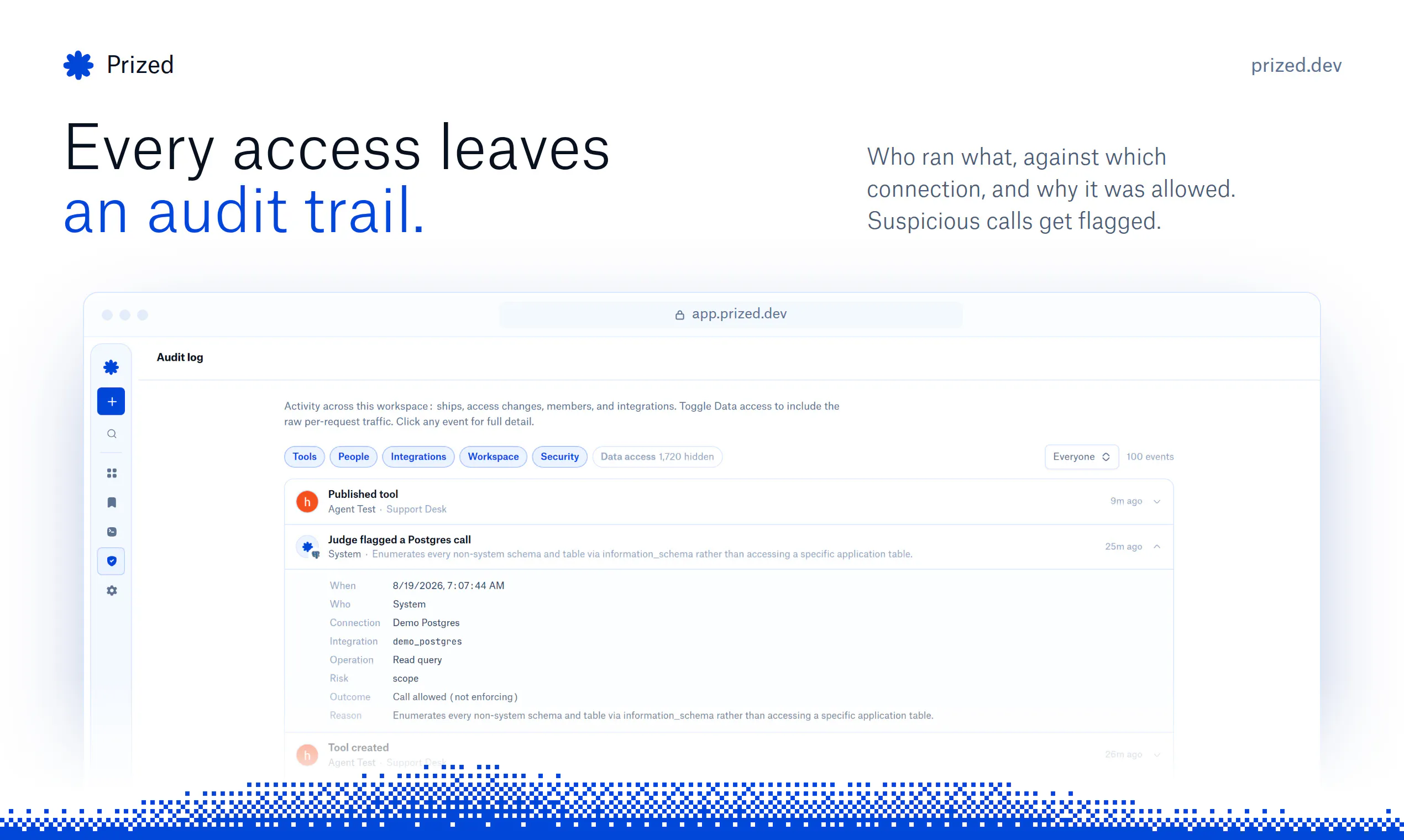
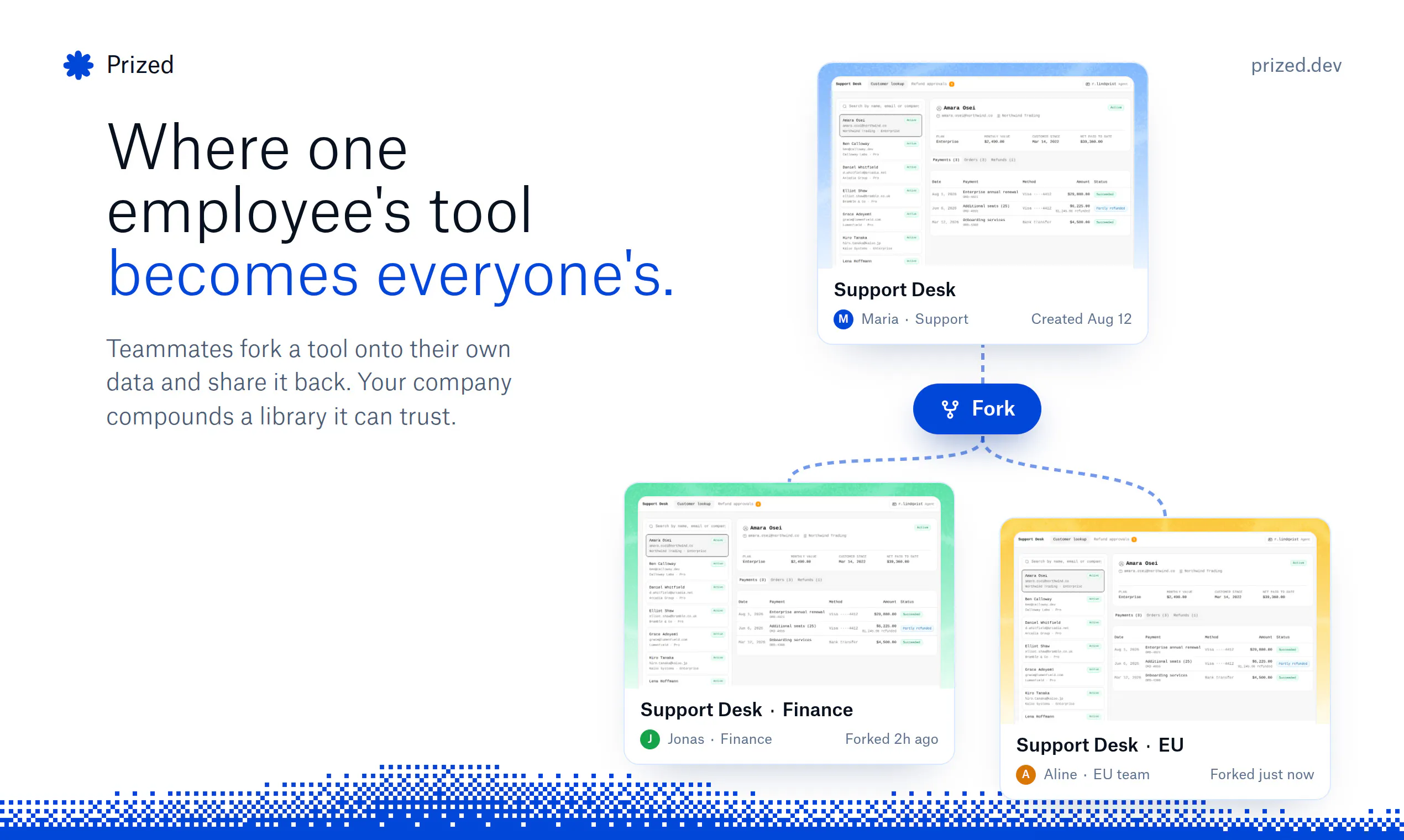
一句话介绍:Prized 让运营、客服、财务等非技术人员,用自然语言描述需求,即可构建并安全发布受权限管控和审计追踪的内部工具,无需等待工程团队。
Artificial Intelligence No-Code Security
内部工具 无代码开发 AI编程 企业安全 权限管理 审计追踪 SSO集成 数据沙箱 非工程师赋能 YC孵化
用户评论摘要:用户认可“基础架构层强制安全”的设计,关注点集中在:是否兼容现有代码库、代码部署位置及网络隔离、团队内差异化权限控制、破坏性操作审批角色是否可配置(官方回复:当前仅管理员可审,未来将支持细粒度策略)。整体反馈积极,主打安全信任。
AI 锐评

在AI生成代码泛滥的当下,Prized 的切入点十分精准:它不试图取代工程师,而是驯服“影子IT”的狂野生长。其真正价值不在于“用AI造工具”,而在于将安全与治理从应用层下沉为基础设施——沙箱不存储凭证、数据库角色隔离、全链路审计、破坏性操作需人工审批,这套设计直击企业采用生成式AI的后端合规痛点。这在商业上是聪明的:技术壁垒不高(可被Vercel、Retool等复刻),但先发占据“非技术员工+企业安全”的心智空位至关重要。目前评论区的疑问(代码部署地、精细权限)恰好暴露了其局限性:托管在AWS的沙箱模式虽易用,但难以满足金融、医疗等强监管行业的私有化部署需求;审批流目前仅限管理员,也限制了跨部门协作的灵活性。若未来能完善细粒度策略(如数据行级权限已具备,但工作流级权限尚浅),并开放更多数据连接(如Salesforce、SAP),方可能从“低代码工具”晋级为“企业AI治理平台”。否则,它容易沦为IT部门的一个边缘试点,而非核心基建。C端壁垒浅,B端要快跑。

查看原始信息
Prized
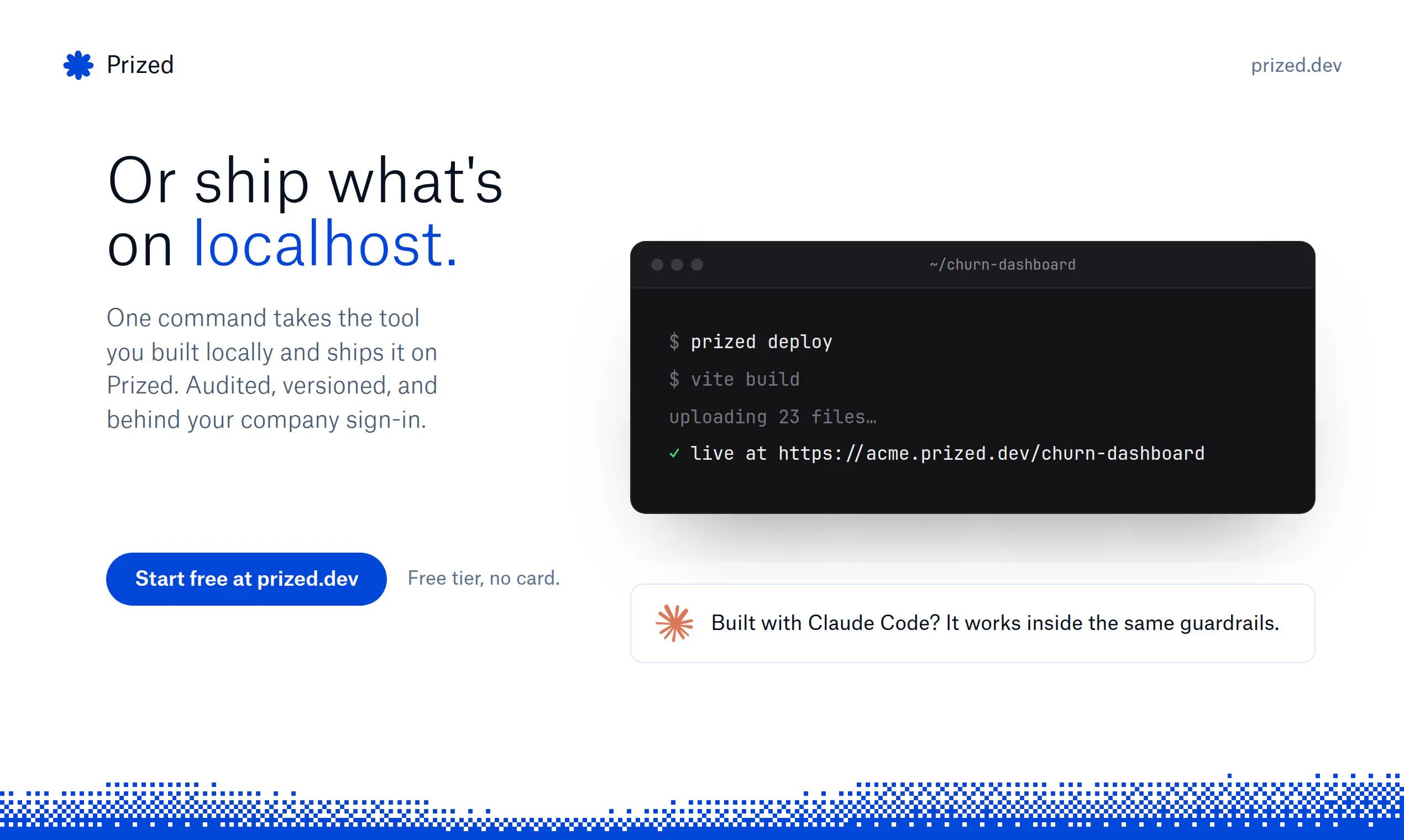
Prized lets ops, support, and finance teams build and ship secure internal tools with AI. Company data pre-connected and scoped, an audit trail on every access, one-click deploy behind your company sign-in.

Hey Product Hunt! 👋

I'm Marinos, co-founder of Prized (with Hudson).

We built Prized because AI made building easy, and the people who understand workflows best (ops, support, finance) stopped waiting on engineering. They point Claude Code or Cursor straight at company data and ship a working tool in an afternoon with no permissions or audit trail. Companies end up choosing between blocking the behavior and accepting the risk.

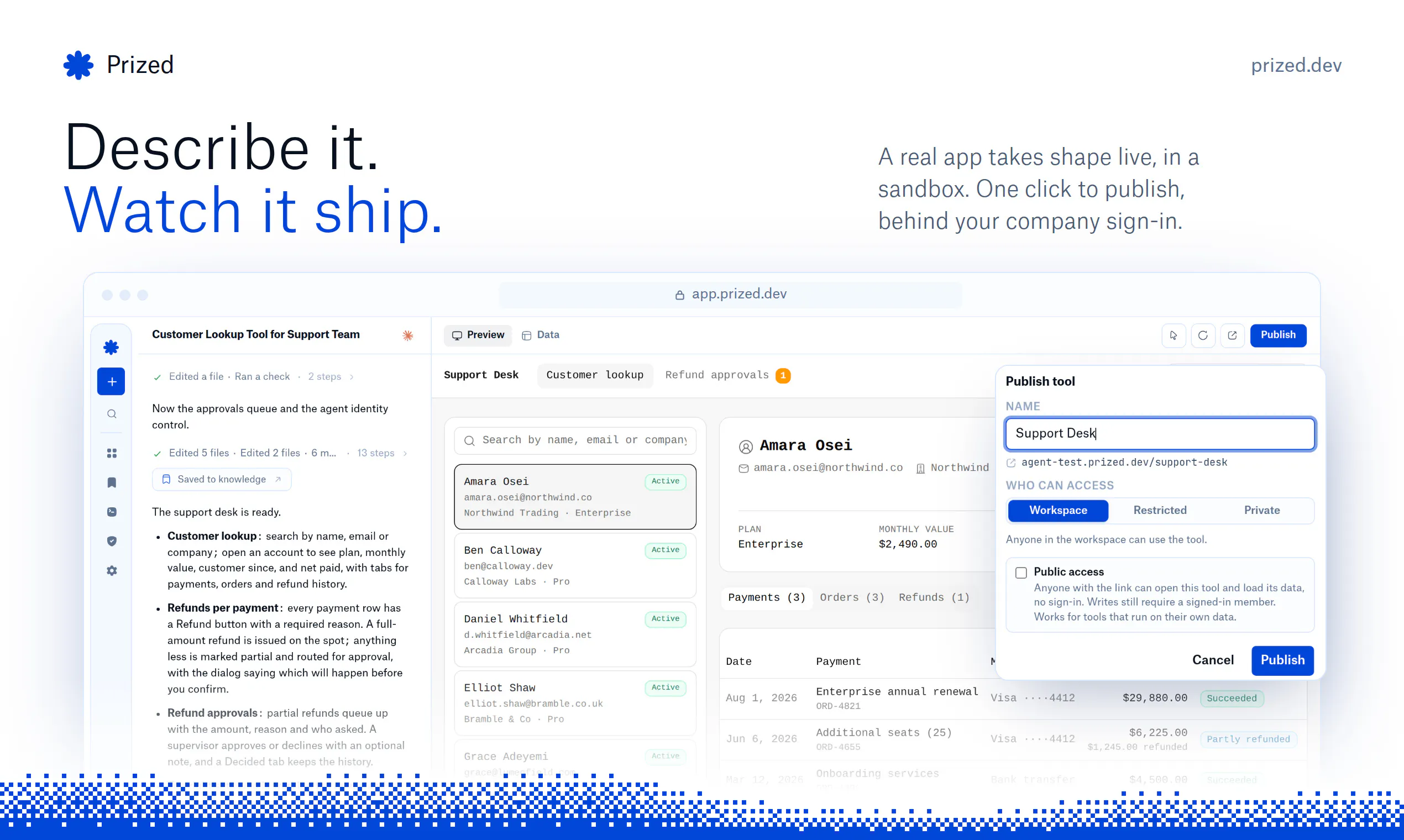
Prized lets you describe the tool you need (a customer lookup, an admin panel, an approval flow) and get a real full-stack app, built in a sandbox where company data comes pre-connected and scoped to what you're allowed to see. Shipping is one click, and the finished tool lives behind your company's sign-in.

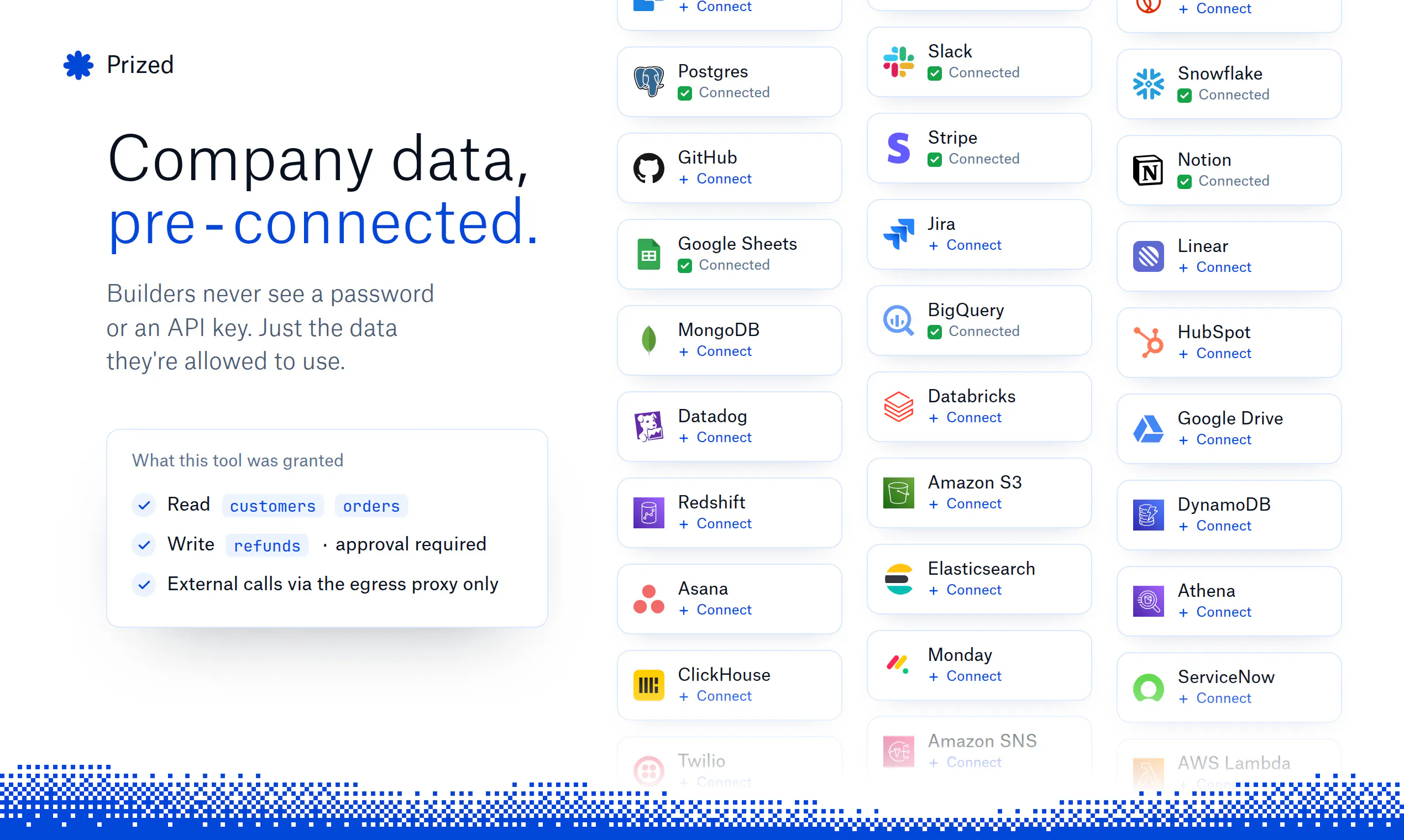
The part I'm most excited about is that security is enforced in the infrastructure. The sandbox never holds a credential. Secrets live in a broker and get injected outside the generated code. Every tool gets its own database role, every data access is audited, and destructive changes wait for a human.

We're YC-backed, have a free tier with no card required, and are already powering teams at Avoca, Onyx Odds, and more.

Would genuinely love feedback, especially from anyone who's built internal tools or fielded the requests for them. And tell us the internal tool you've been waiting on engineering for 👇

3
回复

@marinos_eliades This is super cool! Does it also integrate with the company's existing codebase?

1
回复

@marinos_eliades Building the tool is easy now, but making sure it can't quietly access everything is the hard part.

Great Product!

0
回复

@marinos_eliades The infrastructure approach here is what caught my attention. I upvoted Prized, especially the decision to enforce permissions and auditing outside the generated code. That feels like an important distinction as more teams build internal tools with AI.

0
回复

Hehe loved the video guys! But I'm impressed by the value proposition even more. I'm sure you'll rock it! All the best!!!

1
回复

@german_merlo1 Thanks Germán. We want to ensure that everyone has an equal opportunity to build tools safely, so no one is prevented from doing so.

0
回复

Congrats!

0
回复

Really cool, congrats Marinos. Since the builders aren't engineers, who actually holds the human-in-the-loop approval on destructive changes - is that role fixed, or configurable per tool?

0
回复

@tmaleh_ Thanks Taissa! Today its only the workspace admin that can approve them, but we are building out much more granular policies so teams can customize this.

0
回复

looks useful, where does it deploys the code?

0
回复

@usama_khalid Tools are built and run in isolated sandboxes on our cloud (AWS), firewalled from the internet except for the data connectors you approve. When you publish, it deploys into your workspace behind your SSO, restricted to your org, with each tool getting its own backing Postgres database automatically. You can also connect to your VPC or allowlist our IP for data access.

0
回复

This is so cool! Can folks having different permissions in the team get different access to data?

0
回复

@shubhampalriwala Yes. Admins scope data access per user or team (down to specific tables) and everything, including the agent and any published tool, inherits the signed-in user's permissions.

0
回复
#7
Lifelong
Your whole family’s health in one place.
127
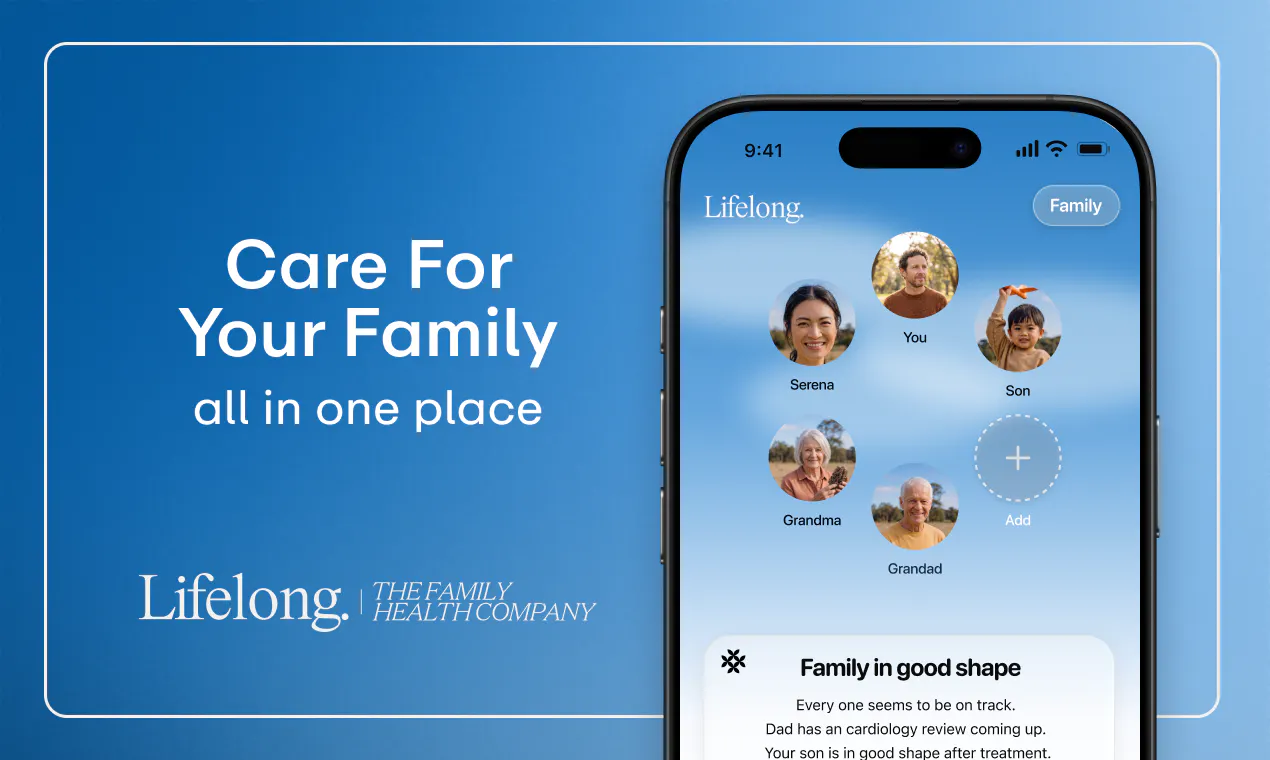
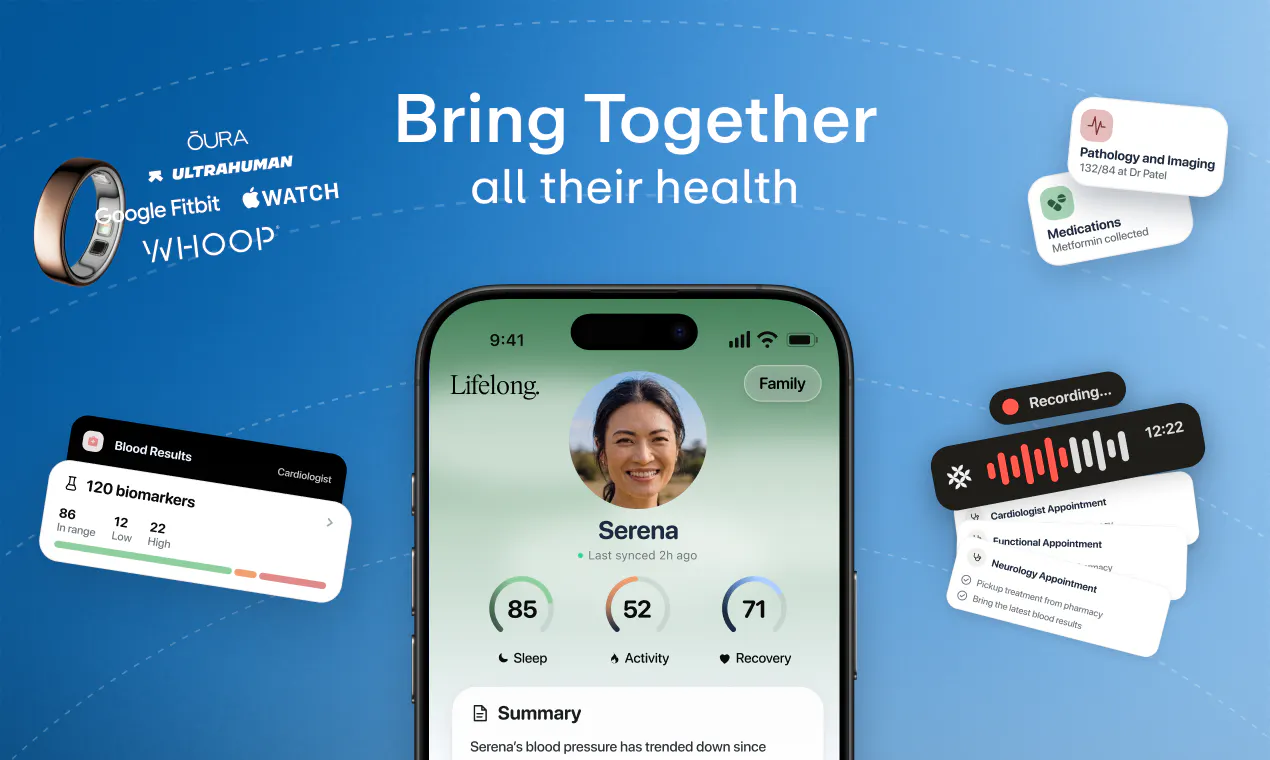
一句话介绍:Lifelong 是一款以家庭为单位整合成员健康记录、用药、症状、预约及可穿戴数据的健康管理应用,旨在减轻家庭照护者(通常是某一人)记忆与协调多方医疗信息的沉重负担。
Health & Fitness Artificial Intelligence Family
家庭健康管理 照护者工具 医疗记录聚合 用药提醒 可穿戴设备接入 AI健康助手 iOS应用 隐私控制 订阅制 健康数据共享
用户评论摘要:用户认可“围绕家庭”的设计能缓解照护者记忆负担。核心质疑集中在儿童健康记录的所有权:孩子成年后能否接管或删除被父母录入的数据?另有关注隐私措施具体实现、数据碎片化整合的实用性。有评论指出对长期照护记录的生命周期管理缺乏明确设计。
AI 锐评

Lifelong 切中的痛点真实且普遍——家庭健康照护的“行政负担”长期被医疗系统忽视,落到某个家庭成员头上,变成隐形的第二职业。产品将单位从“个体”调整为“家庭”,是符合照护现实逻辑的破题点。但它的价值天花板也恰恰卡在这里。

首先,家庭健康记录是一个低频、长周期、高敏感的数据场景。低频意味着用户打开率天然不足,留存依赖“不得不记”的刚需(如慢病、育儿),而没有持续触发点的话,订阅制很快会遭遇流失。其次,儿童医疗记录的所有权问题被评论一针见血地指出——这不是隐私条款能解决的,而是数据治理模型的设计缺位。如果产品不主动提供“子账户成年后自主接管”的机制,未来必然面临伦理和法律纠纷,且会劝退有远见的家长用户。

再者,接入可穿戴设备只是数据搬运,真正的壁垒在于能否利用Alo(AI助手)做到主动洞察——比如从睡眠和心率数据预判感染风险,或在药物交互上提前预警。目前宣传仍停留在“记录和简单操作”层面,这不足以支撑溢价订阅。

更现实的问题是:家庭健康数据的“掌控者”往往是中年妈妈群体,她们对数据泄露的敏感度极高。评论中已有直接询问隐私措施的,但产品介绍对此只有一句“用户控制分享”——这在当下是远不够的。建议团队公开加密架构、数据主权归属和删除协议,并将其作为信任建设的第一优先级,这比任何功能迭代都更关乎生死。

一句话总结:方向正确,但若只做“电子文件夹”而非“家庭健康决策中枢”,配不上127票背后的期待。需要尽快回答“谁拥有数据”和“AI凭什么替我操心”这两个问题。

查看原始信息
Lifelong
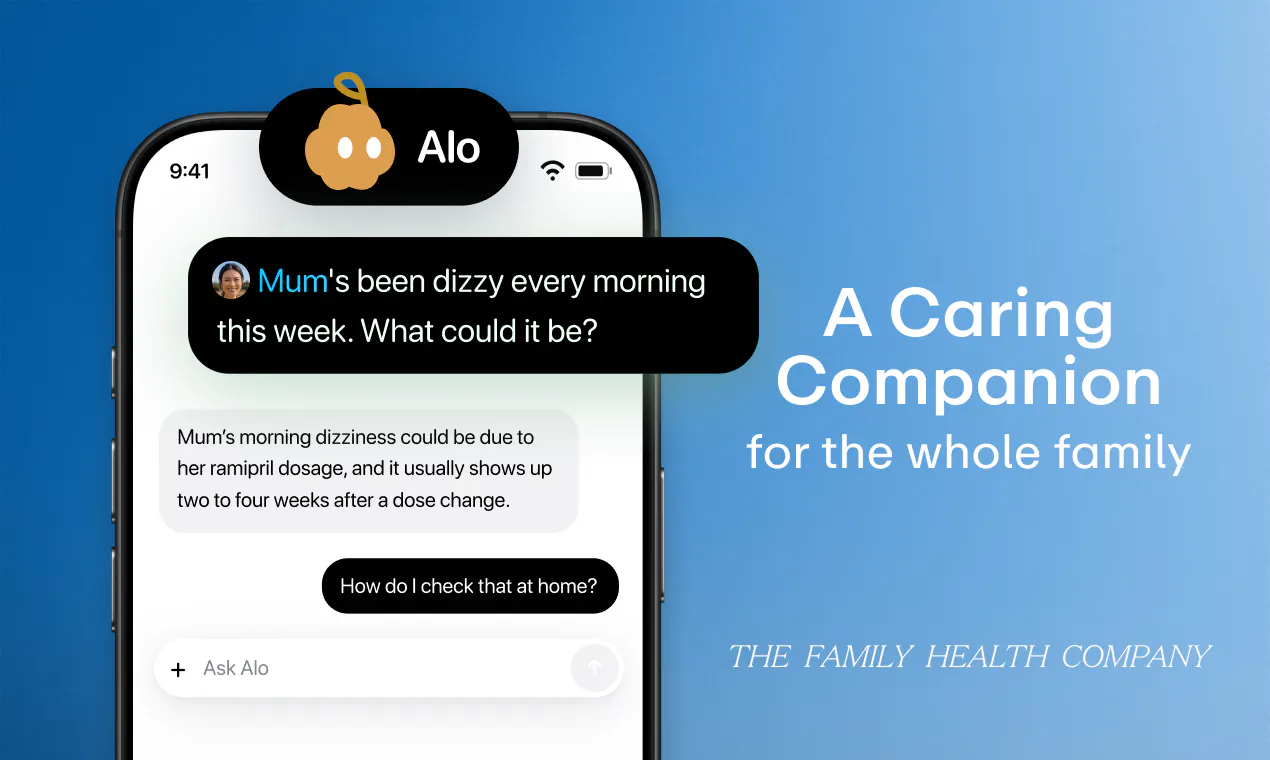
Lifelong is the family health app built around the household, not just one person. Keep records, medications, symptoms, appointments, activity and sleep together for everyone you care about. Connect the wearables you already use, keep the right people in the loop, and use Alo, the in-app AI companion, to log updates and take simple actions. Sharing stays user-controlled. Available on iOS with a two-week free trial.

Hello! 👋 So excited to share this with you all.

When my grandfather could no longer walk, my father took down two walls in our family home so a hospital bed could fit through the doorway and a wheelchair could reach the bathroom.

He changed the shape of the house because the care system stopped at the front door.

What stayed with me was how much of health falls to families: the records, medication lists, appointments, small changes, and the job of remembering which specialist said what. That work usually lives across portals, group chats, folders, and one person’s head.

So Gurleen, Param and I built Lifelong: one place for a whole family’s health.

You can keep records, medications, symptoms, appointments, activity and sleep organized by person, connect the wearables your family already uses, and use Alo in the app to log updates and take simple actions.

Most health apps are designed around an individual. Lifelong is designed around the household. It’s for families to use together, not for one person to monitor everyone else. Sharing is user-controlled, and Lifelong does not diagnose or prescribe.

Check us out on the App Store: https://apps.apple.com/ca/app/lifelong-family-health/id6758003611

Or visit our website: trylifelong.com

If you’re the person in your family who remembers which specialist said what, I’d genuinely love to hear what would make Lifelong useful for your family.

7
回复
Comment Deleted
0
回复

@raztronaut "Designed around the household" is the whole thing. We've got a one-year-old and the health admin lives in my wife's head: vaccination history, appointments, everything. Congrats on the launch!

The thing I'd think about is that a family record is permanent. My daughter's entire medical history would be logged by me, from birth, and she never agreed to any of it. When she becomes of age, whose record is it? Can she take it with her, or delete it? That's a design question more than a privacy-policy one.

1
回复

@raztronaut Health data is usually fragmented across way too many places, so having one shared layer for the household feels genuinely useful.

Awesome Product!

1
回复

I appreciate the focus on reducing the mental load for the person who usually remembers everything. That small part of family care can become a huge responsibility over time.

2
回复

@rahul_manjhi1 No one ever thinks about the caregiver, unfortunately.

0
回复

love that! what privacy measures have you implemented?

1
回复
#8
MiniMax Design
Your own agent team for open-ended creation
122
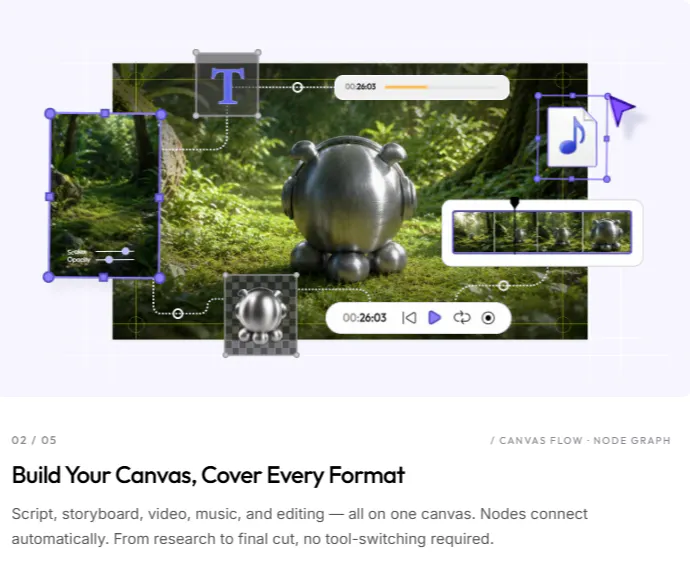
一句话介绍:MiniMax Design 是一款将视频生成模型 H3 封装为完整生产流程的桌面应用,用户只需用自然语言描述创意,AI 智能体团队即可在同一画布上协作完成分镜、静帧、视频片段、配乐与剪辑,解决从概念到成片过程中多工具切换与创意失控的痛点。
Design Tools Artificial Intelligence Photo & Video
AI视频生成 智能体协作 创意工作流 桌面应用 故事板 3D导演 ComfyUI集成 音乐生成 后期剪辑 多模态创作
用户评论摘要:评论者整体表达期待,但主要追问两点:1)宣传视频是否由 MiniMax 自家工具生成,意图验证产品“吃自己的狗粮”的真实性;2)对实际生成效果与上手体验存疑,期待产品能兑现“画布协作”与“复杂动作控制”的承诺。暂无负面反馈,但有效评论极少。
AI 锐评

MiniMax Design 的野心不在于又一个“文生视频”玩具,而是试图把生成模型嵌入专业生产管线,用“智能体团队”模拟小型工作室的并行协作。这切中了个体创作者和微型团队的核心痛点——过去从文字分镜到分镜图、再到视频、配乐、剪辑,每个环节都是断点,工具链割裂且参数难以追溯。其“画布”概念和“Skills”机制,本质上是把可复用的工作流沉淀为模板,让创作者从“每次手动调参”进化为“定义生产线”,这比单纯提升单次生成质量更具长期壁垒。

但必须泼冷水:第一,“智能体团队”很容易沦为营销话术,如果各角色(brief、stills、music、edit)之间没有真正的状态共享与迭代反馈机制,而只是按顺序触发API,那不过是“披着协作外衣的管线脚本”;第二,3D Director 看似解决镜头漂移,但依赖的是用户手动预演空间,这实际上把生成模型的“不确定性”风险转嫁给了用户的“确定性劳动”,是否省力存疑;第三,当前投票数与评论深度都偏低,社区尚未验证其生成质量的稳定性,尤其是H3模型在复杂叙事和长镜头上的短板,会被“全流程”放大。

真正值得关注的是“Skills”和“ComfyUI节点”这两处设计——前者暗示产品希望成为创作者的个人方法论资产库,后者则指向专业用户的可编程扩展性。如果 MiniMax Design 能在这两层建立生态,而非仅仅卖一个“智能体幻觉”,它才可能从尝鲜工具升级为生产标准。否则,它只是给“一键生成视频”套了一个更华丽的壳。

查看原始信息
MiniMax Design
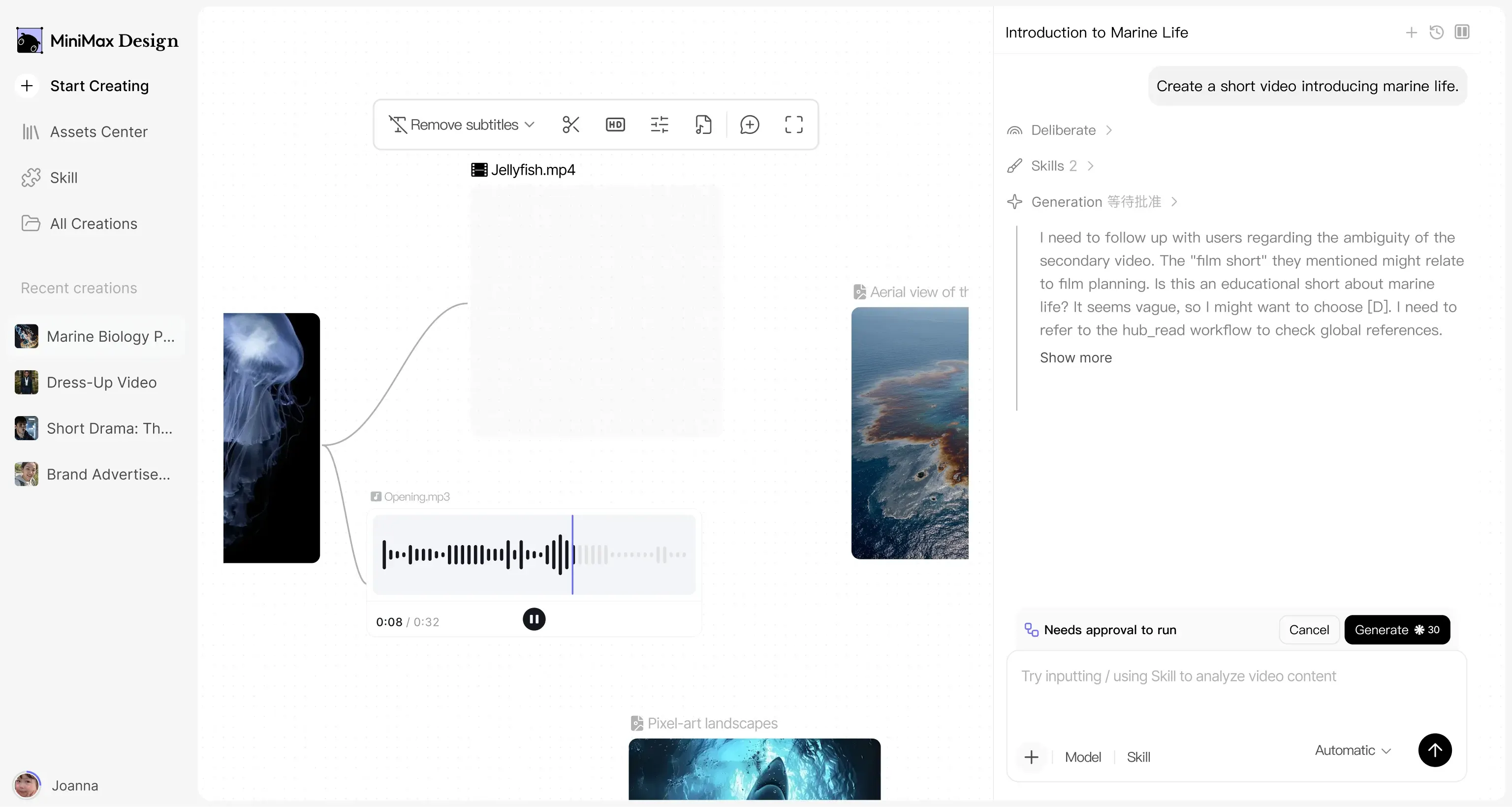
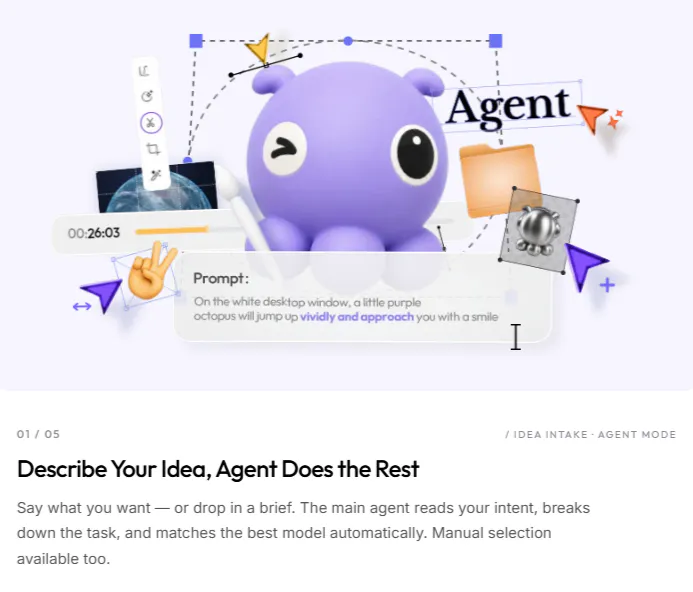
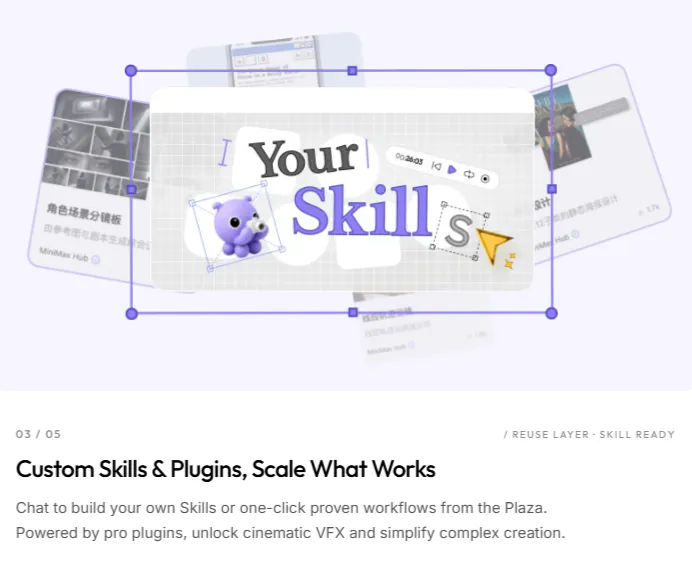
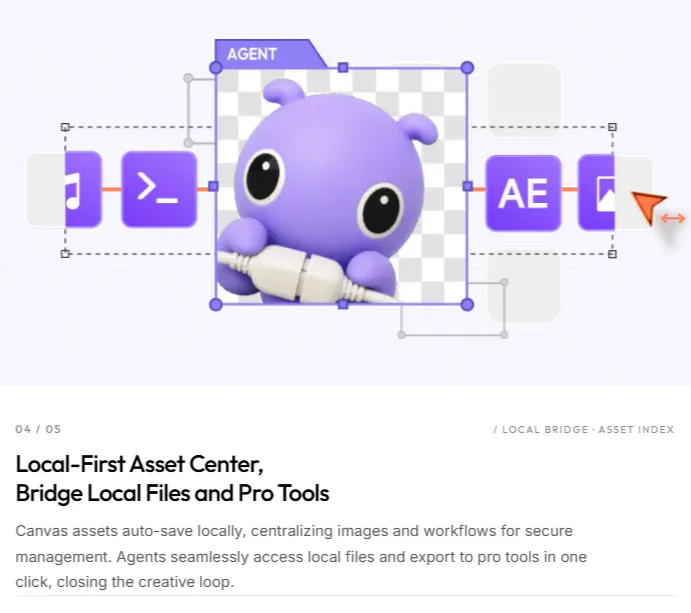
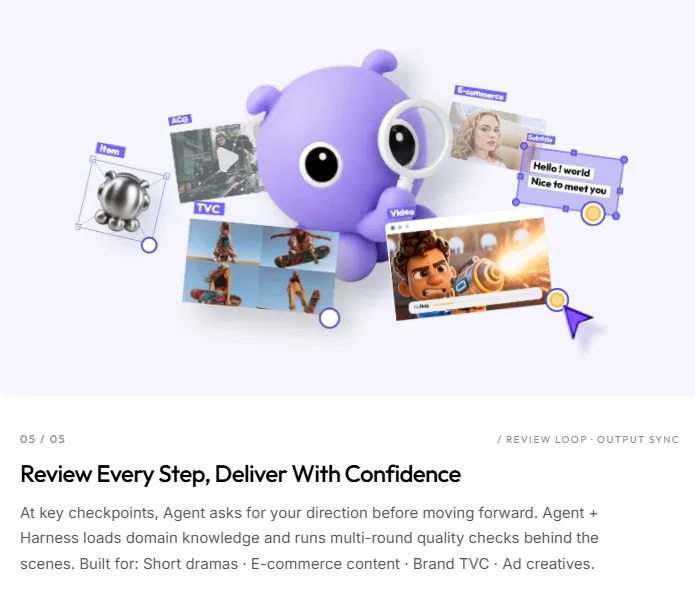
MiniMax Design is a desktop app that wraps MiniMax H3 in a full production workflow. Describe the video, and agents handle the brief, stills, H3 clips, music, and edit on one canvas. Skills, a 3D director stage, and ComfyUI nodes stay there when you want more control.

Hi everyone!

@MiniMax already shipped H3. Design is the product around it.

It gives you an agent team working on the same canvas. Describe what you want, and they can turn it into a brief, reference frames, H3 shots, music, subtitles, and eventually a finished cut. Skills let you keep a good setup and use it again like a small production line.

The 3D Director is a good example of why the canvas matters. If a jump across a river or a camera move keeps drifting, you can stage the space and motion first, then generate the shot from that reference.

macOS and Windows builds are live now!

5
回复
Looks cool and excited to try it out. Curious if the promo video was created using MiniMax? That would be dogfooding to the Max ;)
0
回复
#9
Hermai Brand API

White label your B2B SaaS with every customer's brand
120
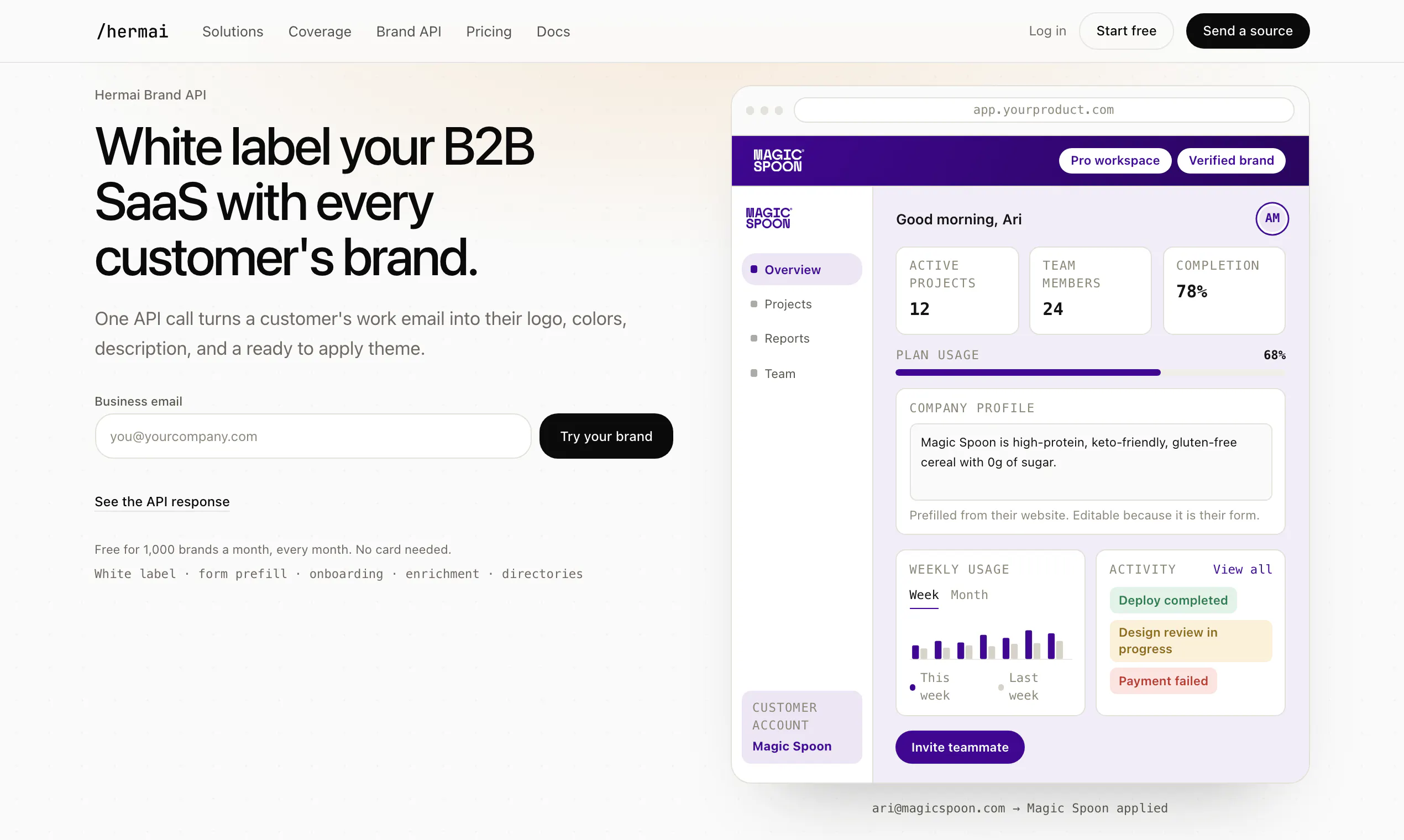
一句话介绍:Hermai Brand API 通过一个API调用,根据客户的企业邮箱或域名自动识别并返回其Logo、品牌色、公司描述及现成主题,让B2B SaaS应用能为每个客户自动实现品牌白标化,免去手动配置的繁琐,从首次登录起就营造“原生”体验。
Design Tools SaaS Developer Tools
B2B SaaS 白标解决方案 品牌数据API 客户个性化 品牌主题生成 自动化品牌识别 企业Logo识别 品牌色提取 用户引导优化 开发者工具
用户评论摘要:用户普遍认可其解决规模化白标痛点的价值,认为“从手动到API”很聪明。有效反馈集中在两点:一是询问如何处理一个域名下多个品牌(子品牌);二是担忧自动拉取Logo的商标与授权风险。开发者回应了子品牌处理方案,并明确该产品主要用于对内展示,提供退出版机制。
AI 锐评

Hermai Brand API的聪明之处,在于它精准地切入了B2B SaaS从“单点销售”走向“规模自服”时的隐性断裂带。创始人点出了核心真相:服务一个客户的白标是设计活,服务一千个客户的白标是数据活。当然,这个产品仍处于“信任外包”的早期阶段。它的技术门槛并非不可逾越,真正的壁垒在于能否持续、准确地维护品牌数据图谱——也就是评论者提到的“网站改版、Logo过时”的脏活累活。其价值不仅在于“画皮”(自动生成主题),更在于“预判”(返回公司描述,用于预填档案,塑造引导流程)。这本质上是一个企业身份的搜索引擎,把原本静态的“客户资料”变成了动态的、可编程的上下文。最有远见的设计是“每项字段携带来源”,这不仅解决了信任问题,也暗示了未来合规场景的缓冲空间。评论中关于商标的担忧虽是老生常谈,但产品将应用场景锚定在“客户自己的账户内”便巧妙规避了“背书”的法律陷阱,体现了对B2B销售场景的深度理解。不过,对“多家多品牌的公司”处理尚显粗糙,若未来不能处理集团化企业多子品牌映射,吸引力将受限。但总体而言,它把令人头疼的定制需求打包成了可无限复制的API,是对“产品化定制”理念的一次漂亮实践。

查看原始信息
Hermai Brand API
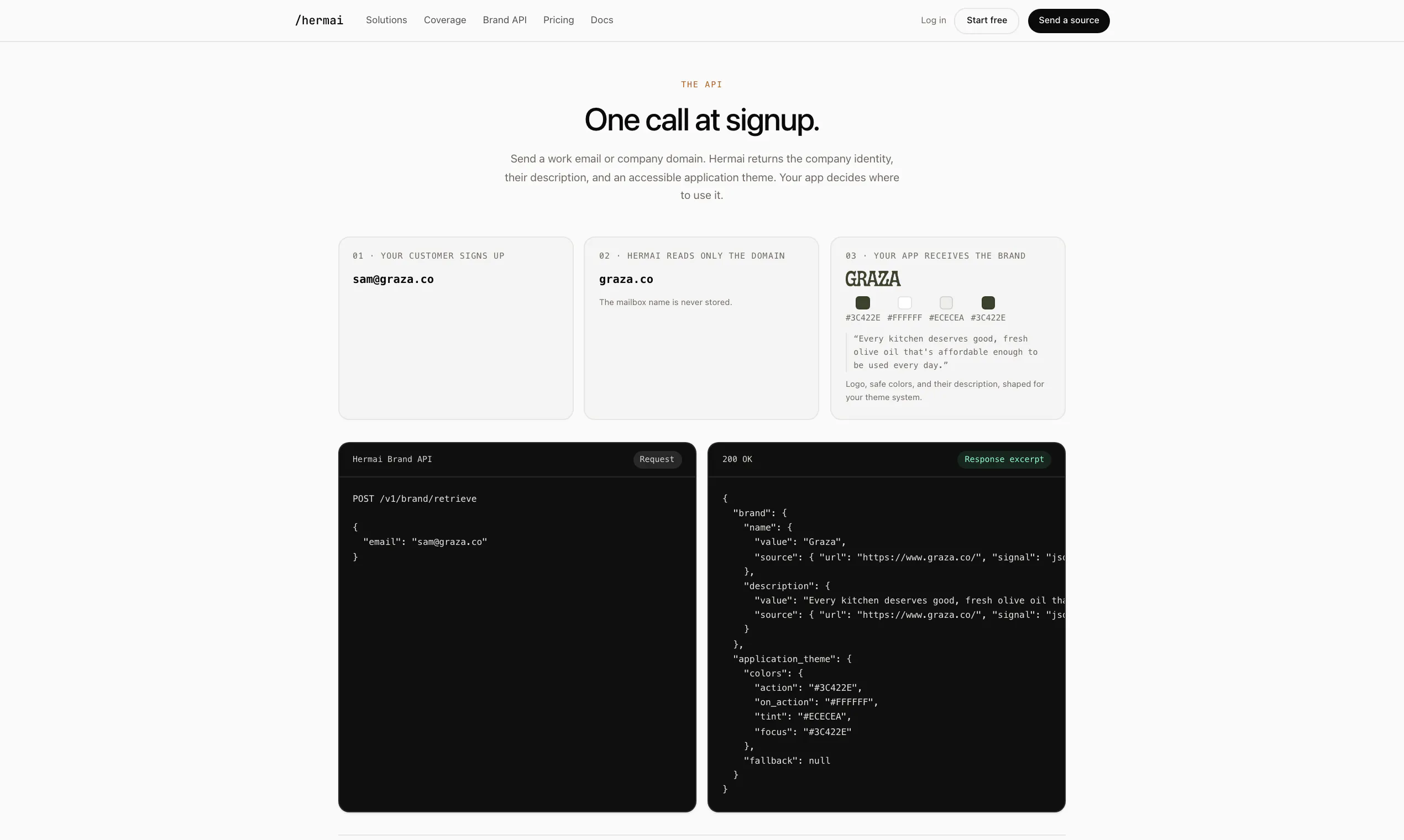
A customer signs up with a work email or domain. You get back the logo, colors, description, and a ready to apply theme. Built for B2B SaaS so every customer's account looks like theirs from the first login. Free for 1,000 brands a month, every month. No card.
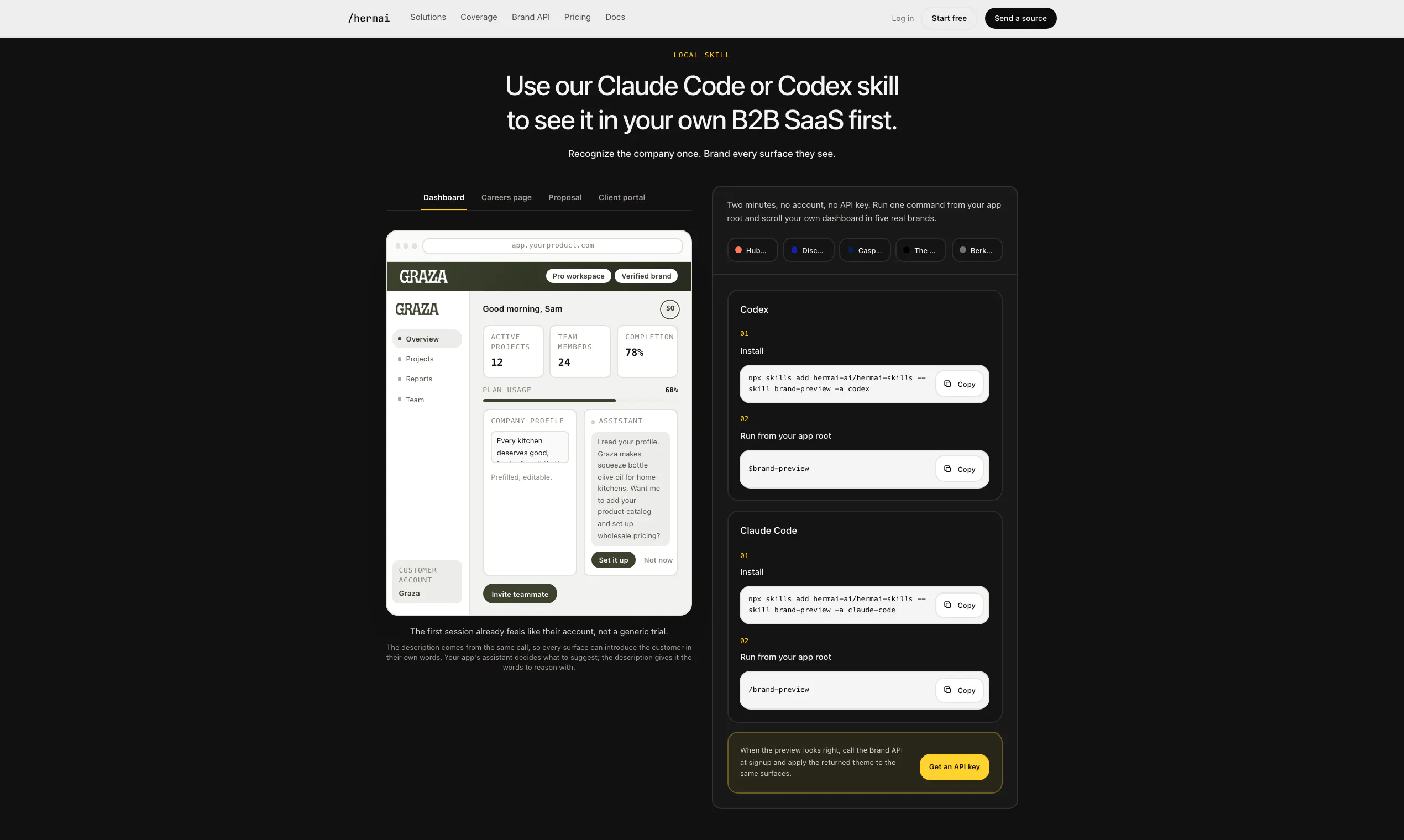
Hey Product Hunt! I built this because white label kept showing up as a deal requirement the moment we sold past one company, and doing it by hand doesn't survive self serve signup. Find every new logo, check the colors are readable, keep that folder current forever. Doesn't scale. One call at signup takes a work email or domain and gives back the logo, a contrast checked theme, and the company's own description. The theme is the obvious part. The description is the sleeper: prefill their profile, suggest the features that fit what they do, shape onboarding around their business. You bring the app, the API brings the context. White label is the loudest use, but it's a brand data API. The same call feeds form prefill, onboarding, or enriching a record just as well. Every field carries its source, so you can trust it or show it. No safe color, and it keeps your theme instead of half painting something wrong. We ran 100 domains it had never seen, zero wrong company. Free for 1,000 brands a month. Type a domain into the box on the page and watch it repaint, or run the local skill on your own dashboard first, no key. Ask me anything, especially where it breaks.
3
回复

@kingsongchen Great Product!

How well does it handle companies with multiple brands under one domain?

0
回复

@kingsongchen The idea of turning white-label setup into an API is smart. I upvoted the product, and using company context for onboarding and personalization makes it much more useful than simple logo retrieval. The source tracking for each field is a thoughtful touch.

0
回复

@kingsongchen Really smart idea. Turning white-label branding into a simple brand data API like https://crawlcheck.io/ could save a lot of manual work. Love the broader use cases beyond just theming.

0
回复

Exactly what I needed! Excited to try it out! Congrats on the launch, Kingsong and team! 🥳

0
回复

Great product, I was looking for this!

0
回复

I wish i had something like this back when I was building B2B SAAS 😭😭😭 it would've made the UX 10x slicker and probably been a huge boost to conversion rates.

0
回复

Thanks @gb_cov_cat ! Try it out and let me know what you think!

0
回复

Cool - looking forward to trying this out for branded emails!

0
回复

@michael_sousa Yes, let me know how it goes!

0
回复

So useful!

0
回复

Thanks @anthonycastrio !

0
回复

Super cool to see this in action! I tried the demo with my work email and loved how quickly it pulled everything together. Such a simple and clever idea. Congrats!

0
回复

@cindy_huang9 Thank you! Glad you liked it!

0
回复

Super exciting! Having worked with B2B brands in the past. This would be super useful.

0
回复

Thanks @falah_rajput ! Try it out!

0
回复

This is such a smart product. We tried tackling this before. Brand consistency is one of those problems that seems simple until we tried to scale across all channels. Congrats on the launch! 🚀

0
回复

Thanks@avril_sun1 ! "Simple until you scale it" is the whole story. One brand is a folder of assets, a thousand brands is a data problem.

0
回复

love this, does this only get the colours or brand elements as well?

0
回复

@itskellysun More than colors. You get the logo in a few variants, the colors, the company name, their own description of what they do, and a ready to apply theme that's already contrast checked. Fonts too when a site declares them. Basically everything you'd need to make your app look like it was built for them.

0
回复

Love this, going to have my CTO look into implementing this. This should add another level of personal customization that should keeps client retention higher.

0
回复

@thenuk_de_silva Nice, thanks. Tell your CTO about the local skill, it renders your actual dashboard in real brands on their machine before writing any integration code. Fastest way to see if it fits: npx skills add hermai-ai/hermai-skills --skill brand-preview

0
回复
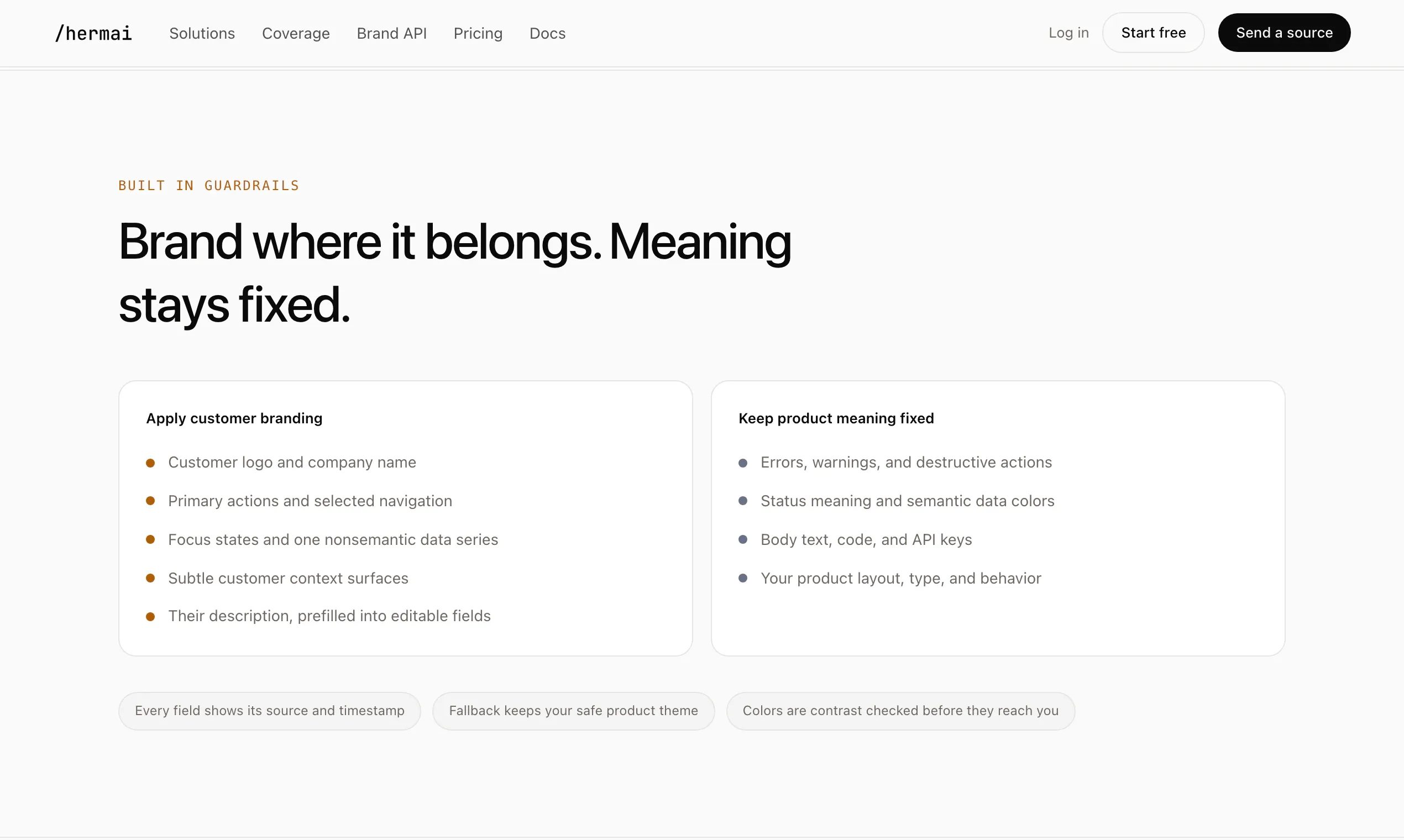
How do you recommend customers handle trademark rights and opt-outs? Some companies don't grant permission to use logos b/c it can imply endorsement.
0
回复

@benvreed This mostly shows a customer their own brand inside their own account, so the only people seeing Shopify's logo are Shopify employees. Nobody's implying endorsement to themselves. Logos on your public marketing page are a different thing. Everything we return is stuff the company already publishes, source attached, and if a brand owner wants out there's a takedown link in our footer and we'll pull them.

1
回复
@kingsongchen Excellent! Thank you. My concern was automatically pulling logos into a marketing showcase on signup, but I think the internal theming is a great product. Congrats on the launch.
0
回复

We built a version of this at my last company. It didn't work very well and I wondered whether it was worth investing in. So glad someone is creating a SaaS for this so it can be excellent and maintained and easy to integrate.

0
回复

Thanks@peter_pezaris1 . Same lesson here. The first version is easy to build. Keeping it working is the real work. Sites redesign, logos go stale, some brand colors make text unreadable. Nobody owns that in house, so it breaks. We own it full time. What broke first in yours?

0
回复
#10
Glasp for Firefox
Highlight and summarize any page, PDF, or video in Firefox
112
一句话介绍:Glasp for Firefox 是一款集网页、PDF、YouTube 高亮标注与 AI 摘要于一体的跨浏览器知识管理工具,帮你把散落的阅读痕迹沉淀为可搜索的个人知识库,解决“读过就忘、资料难找”的痛点。
Browser Extensions Productivity Artificial Intelligence
社交高亮 网页标注 PDF批注 AI摘要 知识管理 跨浏览器同步 Firefox插件 学习工具 内容导出
用户评论摘要:用户普遍认可跨浏览器同步与导出功能;主要疑问集中在:AI Clone 的隐私设置(是否默认公开)、MCP 连接器能否按标签/日期限定检索范围、社交高亮功能中用户标注的默认可见性,以及每日回顾的推荐算法逻辑。
AI 锐评

Glasp 的 Firefox 版本发布,本质上不是一次简单的浏览器适配,而是一场围绕“知识资产所有权”的生态卡位战。其核心价值并非高亮或 AI 摘要,而是“跨平台无感同步”与“可随时导出”的退路设计——这精准击中了知识工作者对工具绑架的深层恐惧,用免迁移成本换取了极高的用户信任。

然而,评论中暴露的问题直指其野心与现实的裂缝。AI Clone 的隐私边界含糊、社交高亮默认可见性暧昧,这两点若处理不当,将直接消解用户积累知识时的安全感。更关键的是,当用户拥有数千条跨领域高亮时,当前的搜索、标签和回顾机制是否足以让知识“复利”?MCP 连接器若不能支持按项目或时间窗精细切片,AI 代理能从知识库中汲取的不过是泛泛而谈的“最大公约数”,而非深度洞察。

Glasp 的“社交性”始终是把双刃剑。它鼓励知识共享,却也迫使读者在记录敏感信息时心存顾虑。短期内,免费与多模型接入是获客利器;但长期看,产品的护城河不在于标注功能多强大,而在于能否成为用户私人知识的内核引擎,并让 AI 克隆真正具备可调教的个性化。若只停留在“更漂亮的浏览器书签”阶段,恐难逃被 Notion AI 或沉浸式翻译等垂直工具蚕食的命运。抢先占据 Firefox 这片“价值洼地”是步好棋,但后续的隐私清晰化与智能检索深度,才是决定其能否从工具升维为“知识合伙人”的胜负手。

查看原始信息
Glasp for Firefox
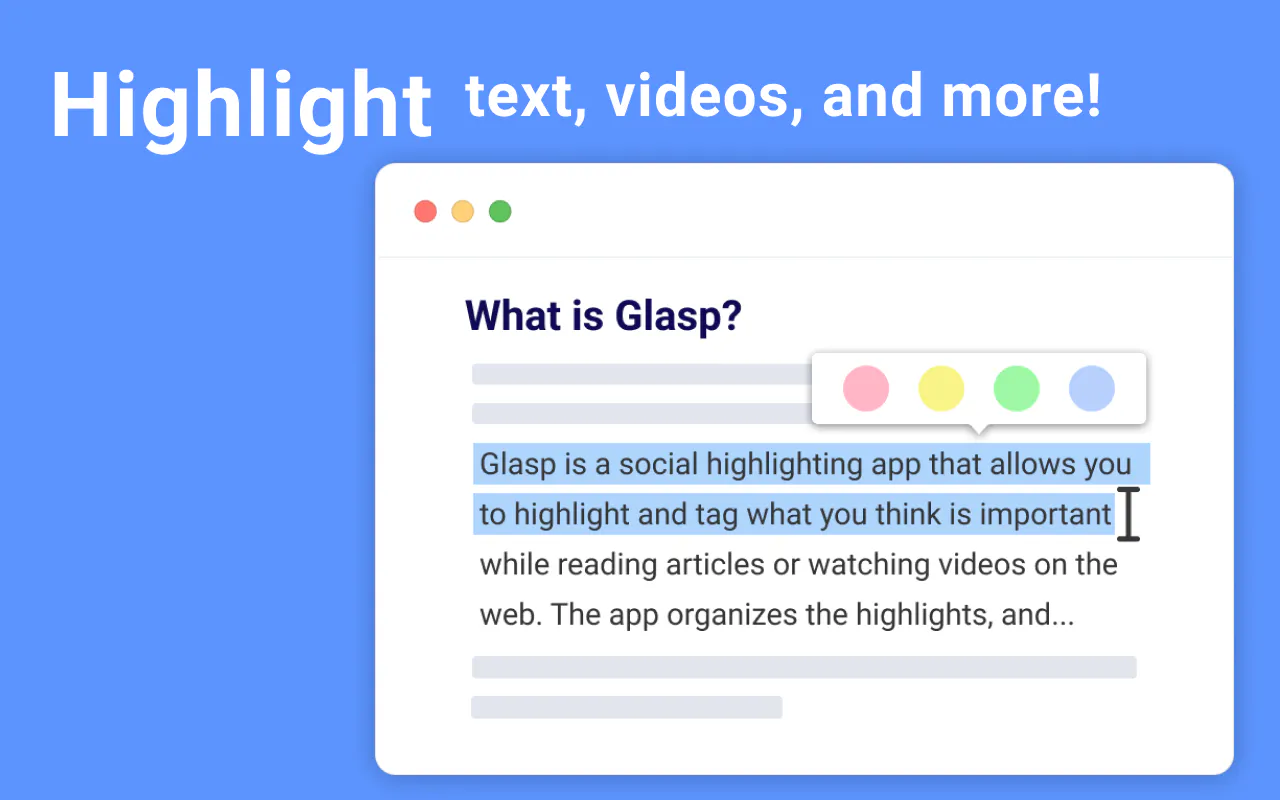
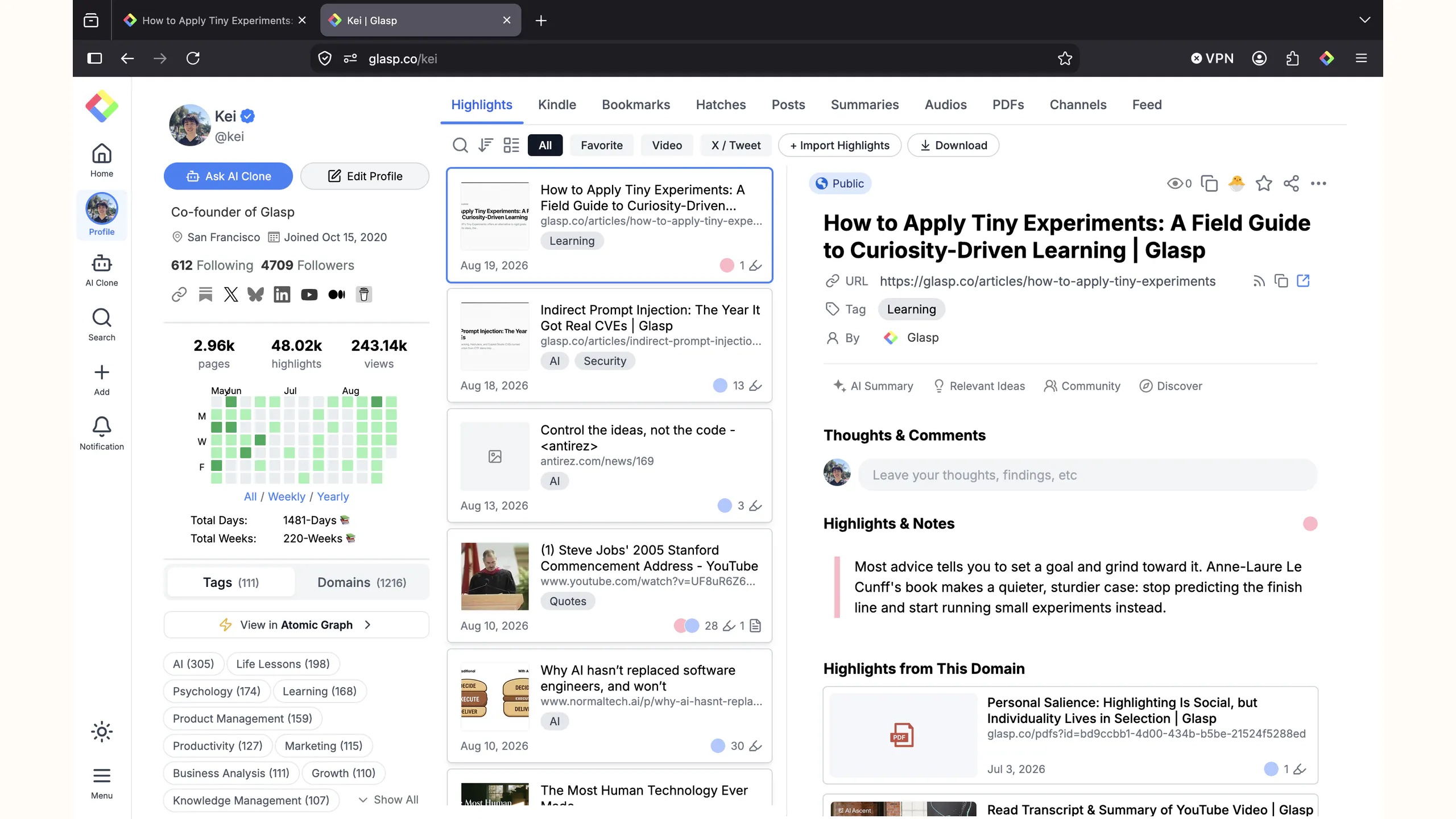
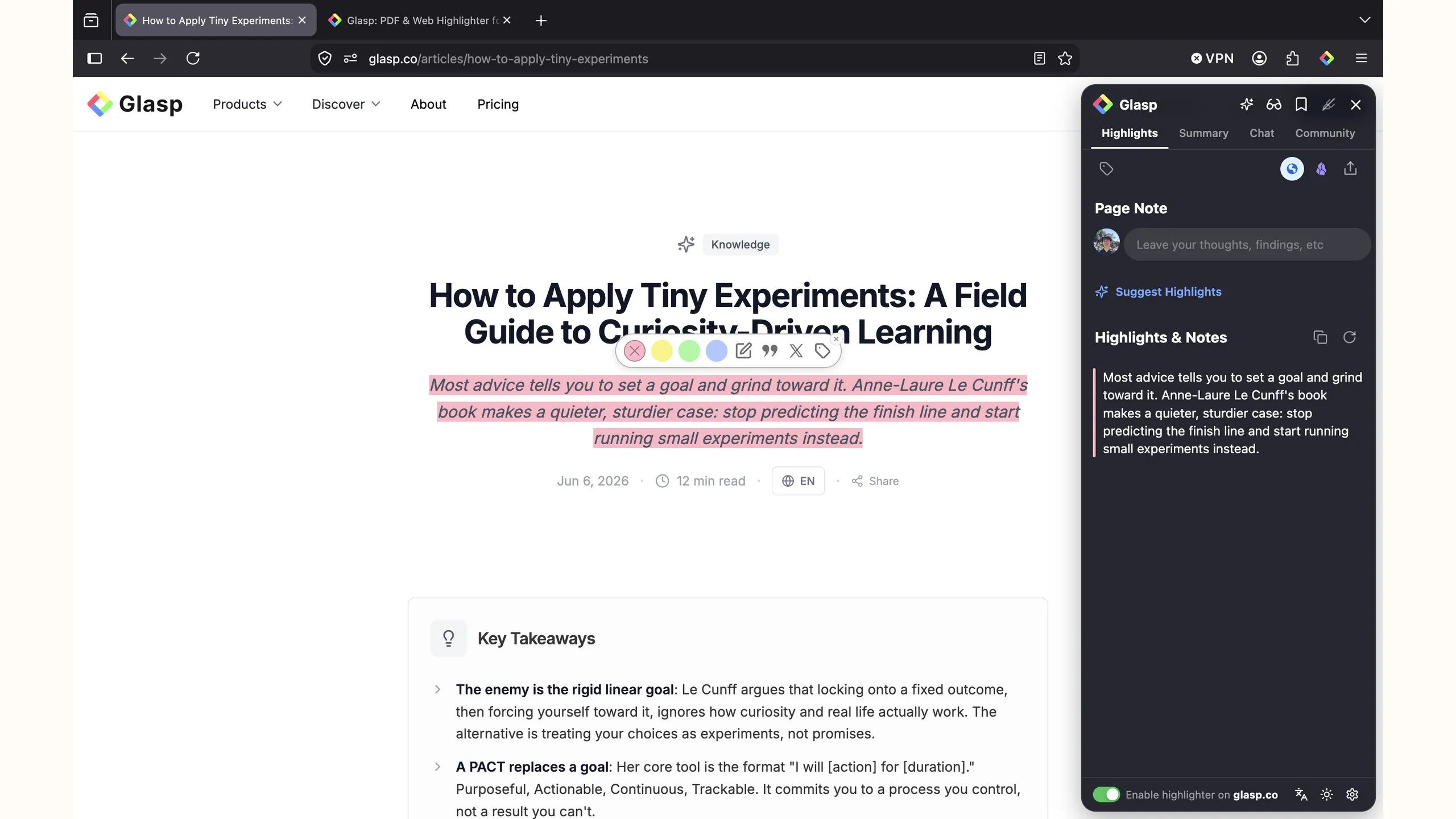
Glasp is now on Firefox. Highlight web articles, PDFs, and YouTube transcripts in four colors, add notes and tags, and summarize any page or video with ChatGPT, Claude, or Gemini. Everything lands in one searchable library and exports to Notion, Obsidian, or Markdown. Sign in on any browser or on the mobile apps and your highlights follow you. Free, and nothing to migrate.
📌 Hi Product Hunt 👋 Glasp cofounder here! 🚀 Today, we're launching Glasp for Firefox 🙌 🦊 Glasp on Firefox Firefox was the browser people asked us for most, and it is finally here. Highlight text and images on any web page in four colors. Highlight and annotate PDFs. Highlight YouTube transcripts. Add notes and tags as you read, and summarize any page or video with ChatGPT, Claude, or Gemini without leaving the tab. Everything you save goes into one searchable library, and it comes back out whenever you want: Notion, Obsidian, plain Markdown, CSV, or through our API. If you already use Glasp somewhere else, there is nothing to migrate. Sign in with the same account and your existing highlights are already there, and anything you highlight in Firefox shows up in your other browsers, the web app, and the mobile apps. 🕰️ Story behind Glasp 10 years ago, Kazuki, the co-founder of Glasp, was diagnosed with a subdural hematoma that suddenly paralyzed the left side of his body, and his doctor told him that he could go into cardiopulmonary arrest at any moment. He managed to survive through emergency surgery, but when he was confronted with the reality that he might disappear from this world, he remembers feeling an inexpressible sense of fear and frustration welling up from the bottom of his body. At the same time, he was struck by the desire to prove that he existed in this world and that his life had meaning, and the urge to leave something useful behind for the world while he was still alive to feel a sense of contribution to humanity. 📚What is Glasp? Glasp is a social web highlighter that people can use to highlight and organize quotes and thoughts from the web without switching back and forth between screens and accessing other like-minded people's learning simultaneously. Our mission is to democratize access to other people's learning and experiences that they have collected throughout their lives as a utilitarian legacy. As Glasp stands for "Greatest Legacy Accumulated as Shared Proof", we want to visualize your contribution to human knowledge history. Besides Firefox support: ✅ Talk with your AI Clone built from your highlights and notes 🧠 ✅ Sync all your highlights and notes from Kindle eBooks: 📚 ✅ Get daily highlight reviews for free! ✅ Highlight and summarize YouTube videos, web pages, and PDF files! ✅ Highlight & annotate PDF files ✍️ ✅ Transcribe, summarize, and highlight audio files 🎧 ✅ Connect Glasp to Claude and ChatGPT with our MCP Connector 🔌 ✅ Discover more useful content from other curators: 🤝 ... and many more! We're excited for the Product Hunt community to check it out and would love to get any feedback to improve Glasp! 🧭 What's Coming Up Next: - Feature parity for the newest AI features - Firefox mobile support - Faster PDF highlighting on large files - Improved UX = UI updates + bug fix Let's highlight the world's information and make it universally accessible and useful together! Happy learning, Kei
4
回复

@kei_watanabe Huge congrats on getting this over the line, team.. qq on the AI Clone can we choose to keep our highlight clone completely private, or is it public by default?

0
回复

@kei_watanabe The AI clone built from your own highlights is a pretty wild extension of the original idea.

Awesome Work!

0
回复

@kei_watanabe Firefox support feels like a natural expansion for Glasp. I upvoted the product, and the ability to keep highlights synced across browsers while exporting to tools like Notion and Obsidian makes the workflow especially useful for serious researchers.

0
回复

Love this launch and the direction you’re taking Glasp.

Bringing Firefox into the ecosystem feels like more than “just another browser support” — a lot of power users, researchers, and knowledge workers live there, so it’s a strong signal you’re serious about serving that audience deeply.

A few things stand out to me as a maker:

- Cross-browser continuity: The “nothing to migrate, everything just appears” detail is huge. Most tools underestimate how much friction syncing and setup create. You’re leaning into an “it just works” experience across Chrome / Firefox / web / mobile.

- AI tightly woven into the workflow: Summarizing pages, PDFs, and YouTube directly in-tab with multiple models (ChatGPT, Claude, Gemini) is a smart move. Instead of building “yet another AI wrapper,” you’re meeting people where they’re already reading and thinking.

- Treating highlights as a long-term asset: The export options (Notion, Obsidian, Markdown, CSV, API) show you respect that users own their knowledge. That’s how you earn trust over time.

- Philosophy behind the product: The story about wanting to leave a meaningful legacy and turning that into “Greatest Legacy Accumulated as Shared Proof” gives Glasp a clear north star. It’s rare to see a highlight tool with such an explicit human motivation behind it.

Curious about two things from a product perspective:

1. How you’re thinking about surfacing past highlights at the right moment (beyond search and daily reviews) so the knowledge actually compounds.

2. How the AI Clone evolves over time as people highlight across very different domains (e.g., technical papers + philosophy + business blogs).

Big congrats on the Firefox release — excited to see how you expand into mobile Firefox and deepen the AI features next.

1
回复

The MCP connector is the part I want to dig into. When Claude queries Glasp through MCP, does it get access to all highlights across every source, or can you scope the context to a specific tag or date range? I tag things heavily by project, and for agent workflows the difference between all 5,000 saved clips and just the 40 tagged for a current research thread matters a lot.

0
回复

Congrats on the Firefox launch. Since Glasp bills itself as a social highlighter, I'm curious how the default privacy works in practice - if I highlight a paragraph on a public article, is that highlight private to me by default, or is there a layer where other Glasp users browsing the same page can see what I marked up unless I opt out? That distinction matters a lot for how comfortable people are highlighting sensitive or work-related reading.

0
回复

I like such new things that are coming for my lovely Browser! Thanks, Guy!

0
回复

Congratulations on the launch! Is it kind of like browser bookmarks, but more convenient and modern, with AI?

0
回复

Congratulations! It's nice to see Firefox supported :) How do daily highlights resurface things: by relevance, randomly, in some other way?

0
回复

Making knowledge easier to capture is one thing, but making it searchable and useful later is the real value. Great to see Glasp finally available for Firefox users. Congrats on the launch!

0
回复
#11
Aloud
Turn spoken feedback into tasks your coding agent can run
111
一句话介绍:Aloud是一款macOS端语音反馈工具,通过本地Whisper转录,将开发者口述的界面问题(含语音、屏幕录制和实时字幕)一键转化为Claude Code、Cursor或Codex可直接执行的精确任务,解决“写反馈比说反馈慢”的痛点。
Mac Developer Tools Artificial Intelligence
语音转任务 开发效率工具 AI编程助手 屏幕录制 本地转录 Claude Code Cursor Codex macOS应用 开发者反馈
用户评论摘要:用户认可“指点和说话”比打字自然,能省去描述位置的麻烦。主要疑问集中在:是否仅支持Whisper(对比Raycast听写);与“截图给Agent+编排工具”方案的差异;澄清“this”时,任务携带的是元素引用还是仅文字描述。开发者回应强调不碰DOM、只读像素,并通过视觉+追问机制消解歧义。
AI 锐评

Aloud切中的不是“写代码”的痛点,而是“描述代码问题”的痛点——这是编码Agent普及后新出现的、被大多数人忽视的瓶颈。其核心价值不在于录音和转录(这已是红海),而在于“歧义消解”和“上下文锚定”的工程化:用视觉模型命名“this”指代的像素,用一次一题的Clarify机制将口语残渣过滤成Agent可执行的任务。这种“先理解再交付”的思路,确实比让Agent盲猜再等diff反馈要高效一个量级。

但必须泼冷水:其一,它解决的仍是“小任务”场景。对于需要跨文件、多步骤、涉及架构判断的复杂需求,口语描述+截图仍远不如一份结构化文档可靠,强行转化只会得到“看起来详细但缺乏全局观”的伪任务。其二,它的护城河极浅。本地Whisper、屏幕录制、视觉命名这些都是成熟组件,任何有野心的Agent IDE(如Cursor的Composer更新)都能在下一版本原生集成类似交互,独立工具的生存空间会被快速挤压。其三,评论中开发者对“不碰DOM只看像素”的坚持是双刃剑——它保证了通用性(Figma、原生App都能用),但也意味着无法获得深层代码级上下文,生成的任务上限被封死在“UI修改”层面。简而言之,这是一个聪明的过渡期产品,但极可能成为大厂IDE功能的“预演版”,而非终局形态。

查看原始信息
Aloud
Feedback is easier said than written. Aloud records your voice, your screen and a live transcript together while you talk through your app – pointing at things, changing your mind. Then one press: it rewrites the transcript into what you actually meant, asks about anything that could be read two ways, pulls the screenshots you were pointing at, and turns the session into tasks for Claude Code, Cursor or Codex. Whisper runs on-device – your audio and video never leave the Mac.
I build with coding agents all day, and the bottleneck stopped being the code a while ago. It's the brief. I'd spot something wrong in the UI, then spend five minutes typing what I could have said in ten seconds – and still leave out the screenshot that would have made it obvious. Aloud is the opposite. Hit record and talk through the build like someone's sitting next to you. Voice, screen and a live transcript, captured together, with the recorder hidden from the video. The part I'm proudest of is what happens after you stop. Real speech is a mess: you say "move this over there", you change your mind mid-sentence, you trail off. Aloud rewrites the transcript into what you actually meant, keeps only the calls you stood by, then asks about anything still ambiguous – one question at a time, over the line it's about, with a recommended answer and one alternative. It pulls the frames you were pointing at, crops and captions them, and turns the whole thing into tasks sized for one agent in one worktree. Copy a task, or export the session as a single self-contained HTML file and drop it into Claude Code, Cursor or Codex. Transcription is on-device Whisper – audio and video never leave your Mac. Only transcript text goes out, and only when you ask for the cleanup. macOS, Apple silicon, free. What does your feedback → agent handoff look like today? I want to know where this breaks for you.
3
回复

@wojciech_dobry Being able to just point and talk feels way more natural than typing it all out.

awesome!

1
回复
@yashekbote exactly that!
0
回复

Very interesting! Is it limited to Whisper, though? I started using Raycast dictation, and it’s pretty reliable.

0
回复

This is intriguing but I'm confused. I do this process with Whisperflow and tell Claude Code all the things I want to have changed on screens and use Fable to orchestrate Opus agents to make the changes. Since it can see the screen shots on the local dev server for the screen I'm talking about it knows already and I just tell it which button or components to change (not by component library name, just natural language) and it does the updates? Perhaps I'm missing something.

0
回复

@automateiq You're not missing much*. If you're the developer, the app is a local web app, and your agent can drive it – that loop genuinely works. Aloud is for the parts where it doesn't.

Your agent screenshots the dev server, so it sees the screen it can reach. It can't reach the state you were in: a hover, a loading shimmer on the third row, an error that appeared once, step four of a flow behind auth, an animation mid-frame. Aloud records continuously, so the picture attached to a sentence is the frame from the moment you said it. It's also not browser-bound — same thing works on a native app, on Figma, on someone else's product.

The other difference is who resolves "this". In your loop the agent guesses from a screenshot and you find out whether it guessed right after the diff. Aloud asks you first — one question, over the line it's about, with a recommended answer and one alternative, usually a tap — then folds your answer into the transcript, so "move this button" reaches the agent as "Move the Export button to the left of Settings." A wrong guess costs an agent run; a question costs a tap.

What comes out is a plan – tasks sized for one worktree, in waves that run in parallel, each with its own brief and screenshots. You've built that part yourself. Most people talking to an agent haven't.

Aloud takes the commitment out of speaking: with dictation, the moment you stop talking it's already running – here nothing moves until you've read back what you said and changed your mind as many times as you like.

Aloud is designed for long running sessions. You could easily talk to it for an hour.

* – yet, because Aloud in a week will offer MUCH more.

0
回复

@wojciech_dobry Congrats on the launch. The pointing is the part I'd use. Not having to describe where something is, top left, bottom of this panel, that saves a hell of a lot of time. Definitely worth a try. Thanks for making this.

0
回复

@richardmohammed Thank you for your comment!

0
回复

@wojciech_dobry The brief-quality framing rings true, but spoken feedback leans hard on pointing: "move this up", "that button". When the transcript says "this" and the capture shows where my cursor was, does the task your agent receives carry the actual element or file reference, or just the words?

0
回复

@clement_avq Neither – Aloud never touches the DOM, it reads pixels. What it does is refuse to let "this" stay "this": a vision pass reads the frame from the moment you said it and tries to name the thing itself, and only when it can't does Clarify ask you – over the line it's about, with a recommended answer and one alternative.

1
回复
#12
Shape
The agentic IDE for designers and programmers
107
一句话介绍:Shape 是一款面向设计师与程序员的一体化 Agentic IDE,将可视化界面编辑、代码编写、Git 管理和 AI 聊天集成于同一桌面应用,解决用户在功能开发时频繁切换编辑器、设计稿、版本控制与 AI 工具的高成本低效痛点。
Design Tools Developer Tools Artificial Intelligence GitHub
智能IDE 可视化编辑 AI编程助手 设计开发一体化 Git集成 桌面应用 实时预览 编程效率工具 Windows优先 Agent工作流
用户评论摘要:用户认可 Windows 优先策略及“编辑器+可视化+AI Agent”整合价值。核心疑问集中于:可视化改动是否以普通 diff 落入 Git?操作与 AI 编辑冲突时谁优先?设计能力是真实布局组件还是仅样式调整?开发者回应已实现“Apply 暂存、最后一次保存胜出、可开启编辑审批”机制,但视觉设计深度仍需验证。
AI 锐评

Shape 的卖点并非“AI 写代码”,而是“砍掉开发者跨工具切换的隐性时间税”。从产品逻辑看,它试图用本地可视化预览作为中介,将 AI 生成、设计师调整、程序员重构、Git 追踪纳入一个闭环——这是对现有“Figma/编辑器/终端/AI 助手”四足鼎力工作流的正面拆解。核心价值在于 **将 AI 代理的行为轨迹与版本控制统一语义化**,即“拖拽之后的 diff 与 AI 修改后的 diff 归属可溯源”,这一点比大多数仅接一个 AI 聊天窗的 IDE 更接近实际生产需求。

但评论也暴露出它尚处雏形:第一,所谓“可视化设计”若只停留在对已存在组件的样式调整,而非对组件树/布局逻辑的深层操作,则仍难替代 Figma 对设计探索的支持;第二,“最后一个保存方胜出”的冲突策略虽简单可靠,但在多代理(用户+AI)并发编辑同一文件的高频场景下,急躁覆盖将引发大量返工,编辑审批虽能缓冲却破坏流畅性;第三,Windows 优先虽是差异化切口,却使其错失大量 Mac 端的核心设计用户,可能将“设计师+程序员”双重受众中的设计师群体天然地拒之门外。

真正的机会点在于:如果 Shape 能持续将 Git 语义从“代码行”提升为“设计意图”(如一个可回溯的组件状态变更),并以此建立 AI 代理的责任台账,它将成为第一条值得规模化依赖的“设计-代码-AI”信任链。但若停留在“工具聚合器”而无法形成深度心智粘性,则极容易被 JetBrains AI、Cursor 与 Figma 三方夹击。下一阶段的关键看两点:一是可视化操作对真实工程代码的侵入深度,二是多代理并发编辑时冲突语义的精细化。目前数据(107 票)仅表明早期关注,尚未验证留存与闭环效率,需谨慎乐观。

查看原始信息
Shape
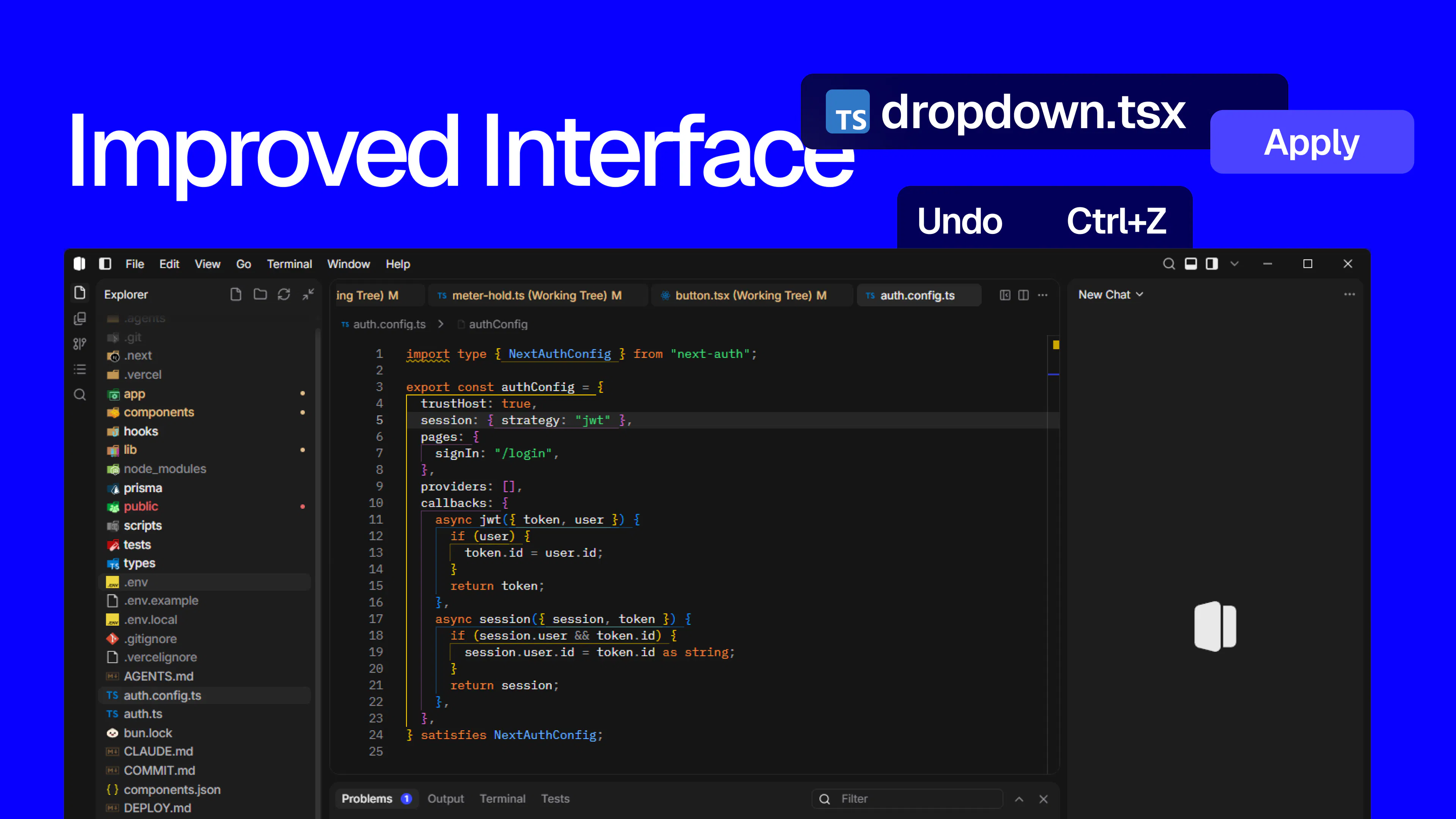
Shape is the agentic IDE for designers and programmers. Design, code, Git, and AI chat in one desktop app. Download for Windows.
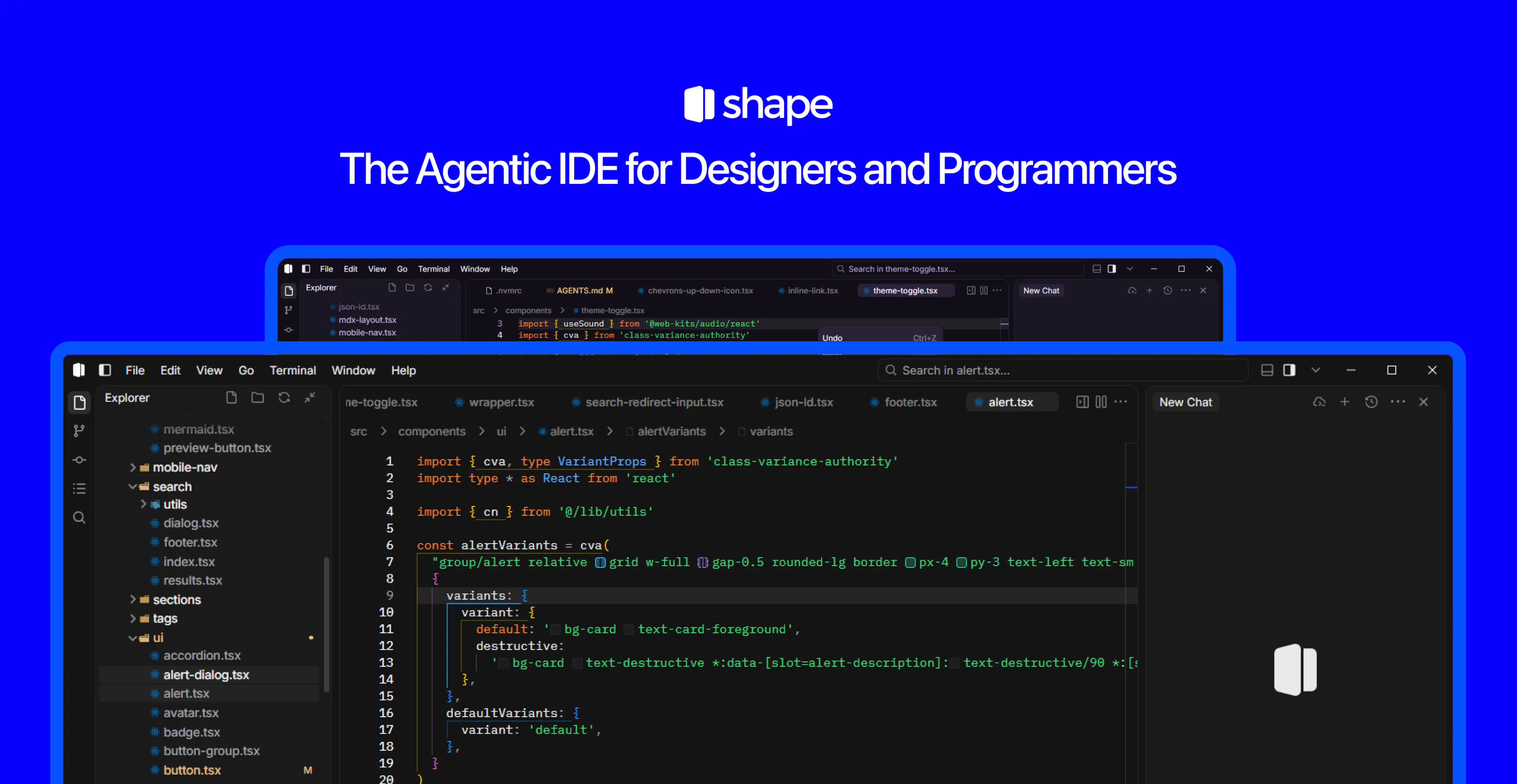
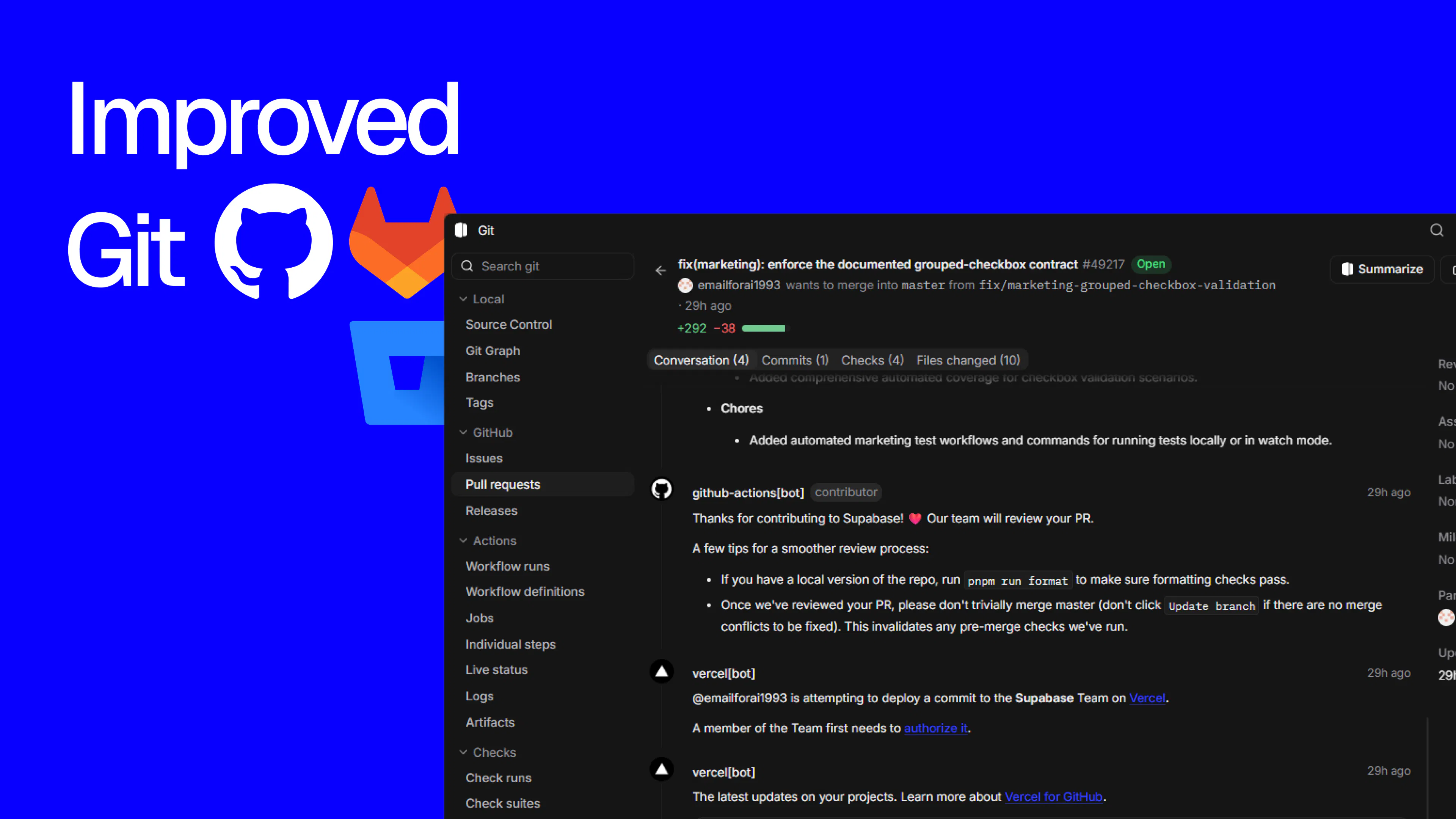
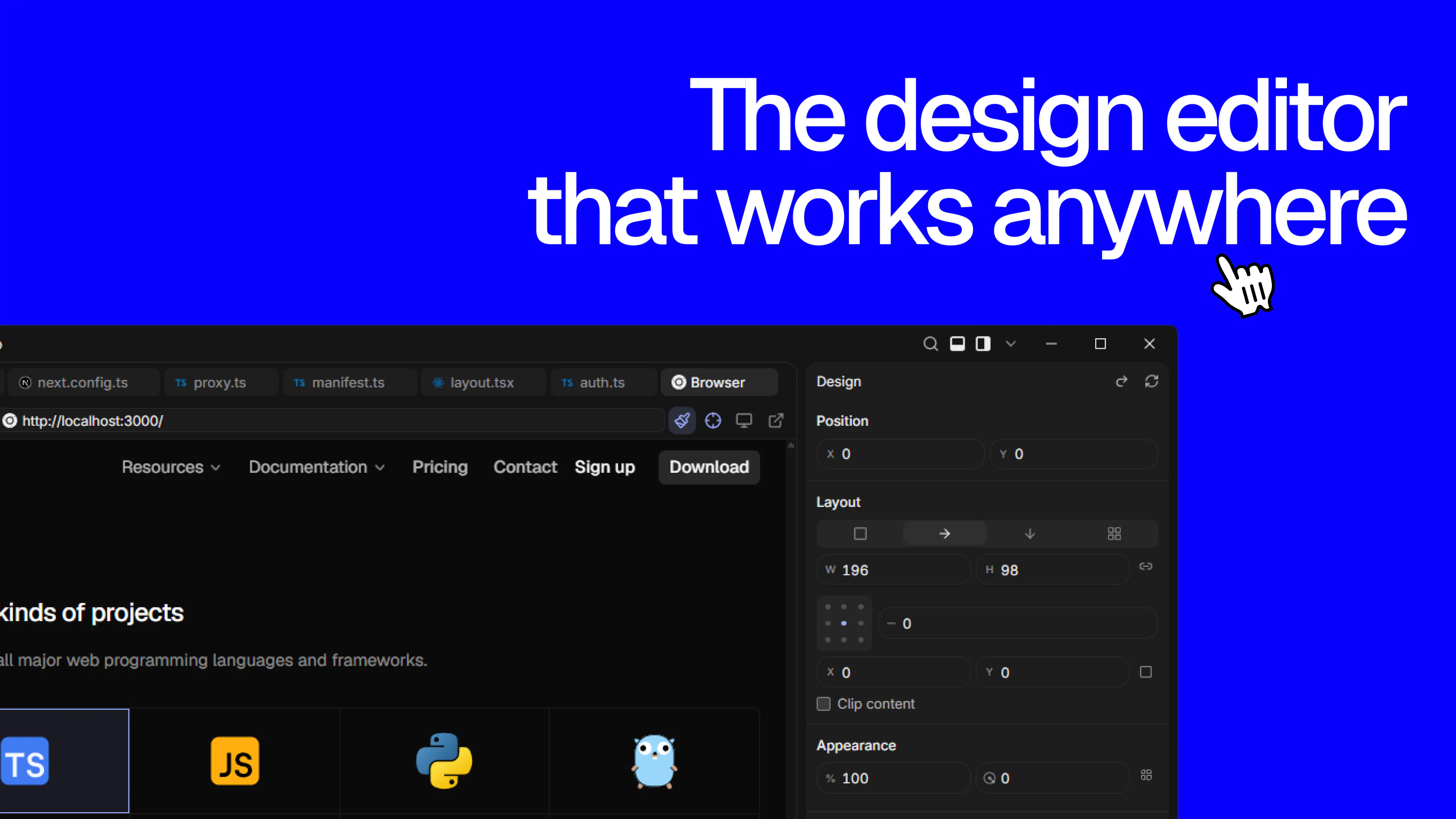
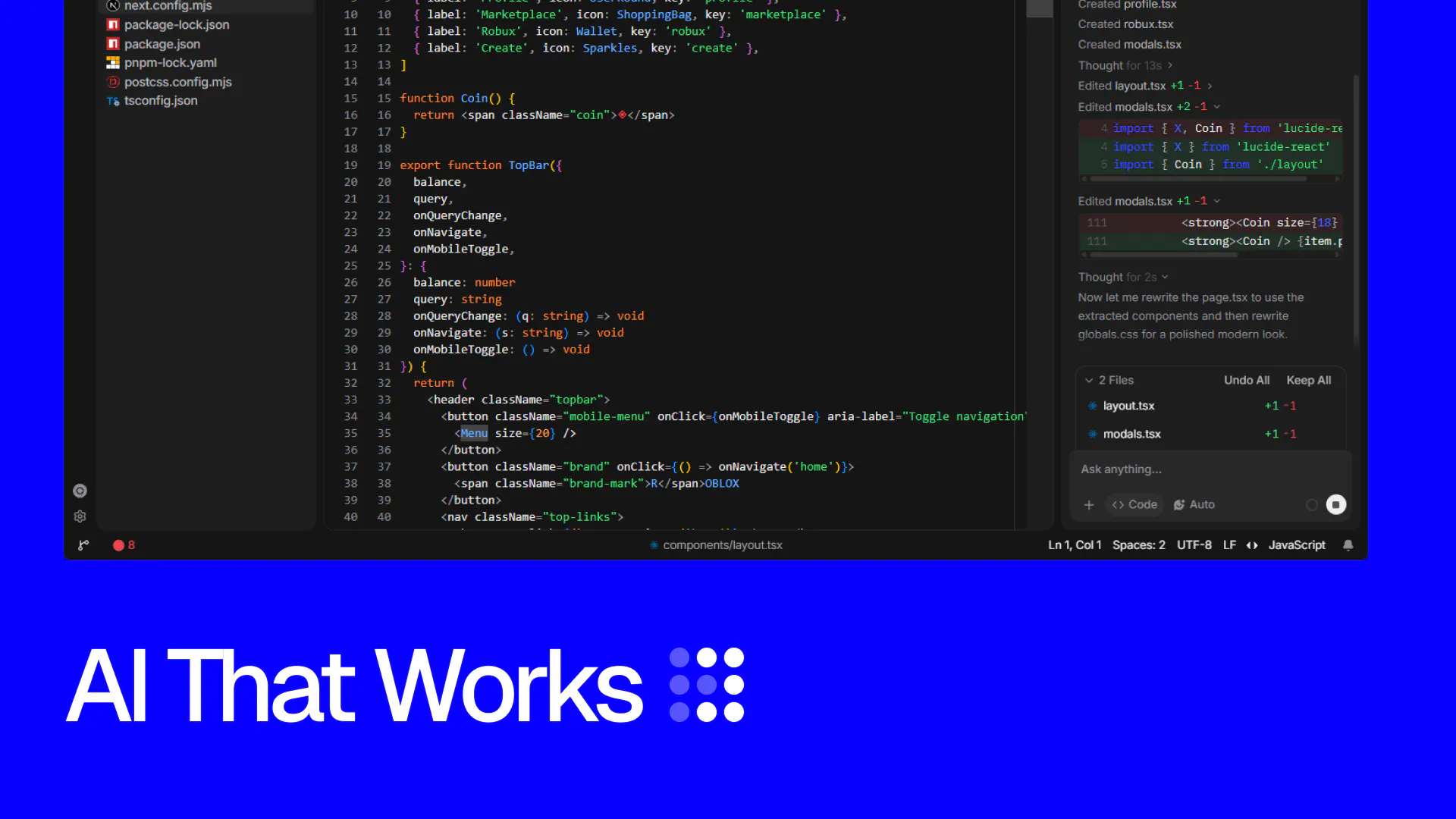
I built Shape because I got tired of jumping between my editor, Figma, GitHub, terminal, and AI tools just to ship a feature. Shape brings those workflows into one desktop IDE. You can edit your running app visually, work with an AI agent directly in your repo, and manage Git without leaving the editor. It’s still very early, so I’d genuinely love feedback on what feels useful, what feels unnecessary, and where the product falls apart. Thanks for checking it out!
2
回复

@natcale  Bringing the editor, Figma-style visual editing, Git, and an AI agent into one desktop app is a real "stop context-switching" pitch — that jump between tools you mentioned is exactly the friction most devs just quietly accept as normal.

Nathan, you should also bring Shape onto Snikus — a merit-based platform for founders where your visibility keeps building on real shipped work, not just a one-day launch spotlight. Season 1's live right now, free to join.

0
回复

@natcale The editor + visual changes + agent in one loop is the interesting part

1
回复

@natcale The gap between the editor and Figma is the one nobody has closed properly, so this is worth watching. When you say design in the same workspace, how far does that go? Laying out real components against the code, or more like styling what already exists?

0
回复

Windows first for an agentic IDE is the thing I noticed. Almost everything in this category ships Mac and gets to Windows months later, so that is a real choice and it is the reason I can actually try it.

You asked where it falls apart. The seam I would look at is between the visual editor and the agent. When I change something on the running app, does that land in git as an ordinary diff? And can I tell later which lines came from me dragging things around and which the agent wrote?

Also, if the agent is halfway through editing the file I am clicking on, who wins?

1
回复

@dimhold Windows first was on purpose. Glad that let you try it.

Live preview tweaks stay pending until Apply. Apply writes source, and git sees a normal diff.

After you commit, those lines are just code. Chat still has the agent’s diffs from that session.

If the agent is already writing the file you’re clicking, the last save wins. The editor reloads. Unsaved typing on that file gets replaced. Turn on edit approval if you want it to wait.

But thanks for the feedback!

1
回复
#13
bitdrift.ai
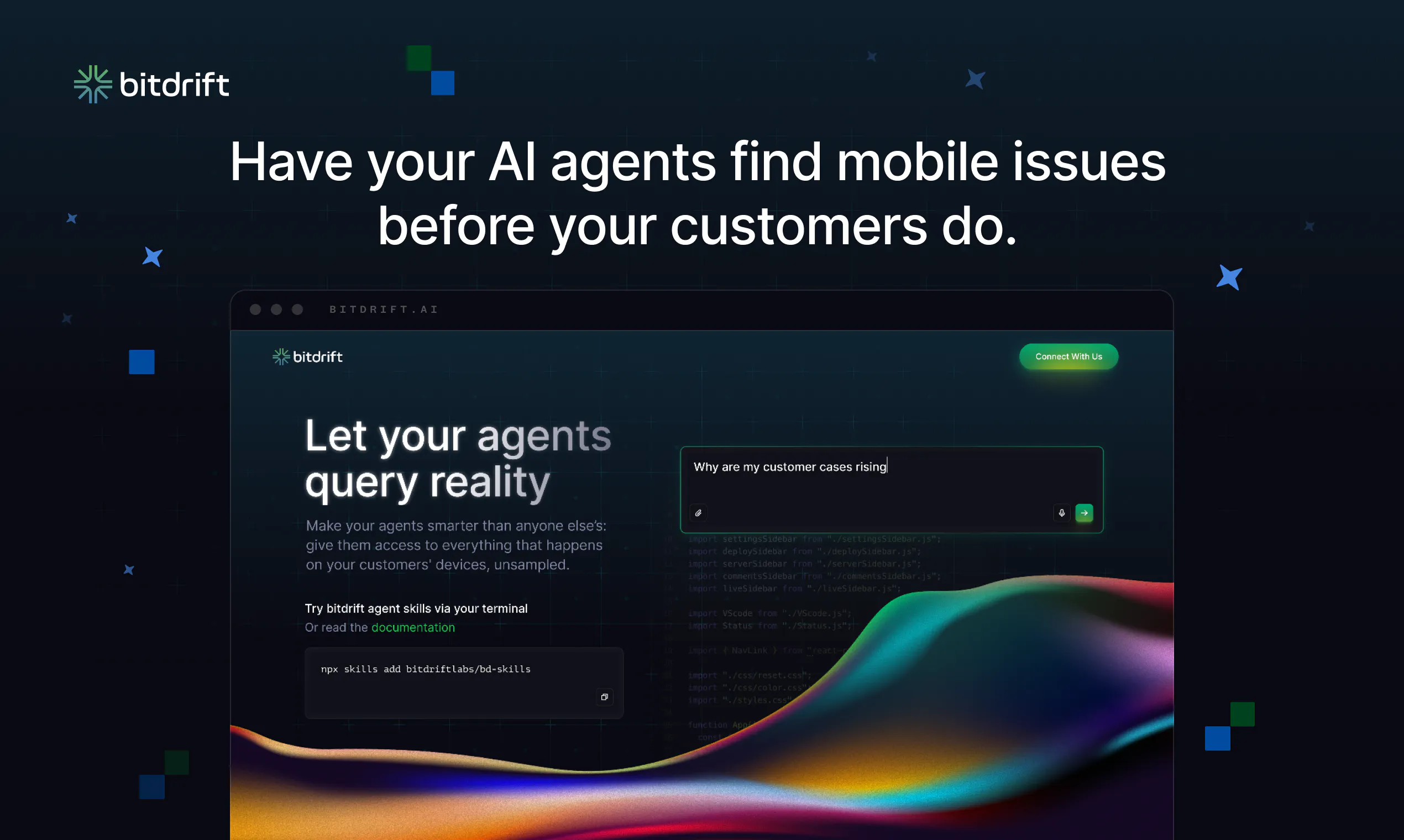
The world’s first agentic mobile observability platform
107
一句话介绍:bitdrift.ai 是全球首个“智能体式”移动端可观测性平台,通过实时、全保真的设备端数据通道,让AI代理自主查询用户行为并自动排障,解决传统移动观测工具数据采样滞后、依赖发版才能获取信息的核心痛点。
Software Engineering Developer Tools Artificial Intelligence
移动可观测性 智能体运维 AI代理 实时数据管道 全保真遥测 RUM 移动端排障 设备端存储 性能监控 MTTR优化
用户评论摘要:老用户称从Firebase迁移后集成顺畅、开销低,能实时定位用户问题且成本未增;CEO强调无需等待发版即可让AI代理自主诊断修复,Beta客户缺陷修复率提升10倍。用户对“免猜测崩溃根因”场景兴趣浓厚,并追问产品起源(源自Lyft内部六年实践)。无负面反馈。
AI 锐评

bitdrift.ai 的“世界首个”并非营销噱头——它精准切中了移动可观测性行业长期无解的“数据时效与保真度”死穴。所有宣称具备AI能力的竞品(如Datadog、New Relic)在移动端仍依赖高采样率、批量上报的陈旧架构,这导致AI代理只能基于“事后残缺”的数据做推断,本质是伪智能。bitdrift 的核心价值在于从底层重构了数据管道:通过实时控制平面与设备端存储的耦合,实现了“需要时千倍数据、无事时零流量”的按需拉取模式。这一设计不仅绕开了苹果/安卓的联网不可靠性与发版周期限制,更让AI代理能在秒级反馈循环中反复验证假设,这才是其宣称“10倍MTTR改善”的技术底气。

不过,需冷静看待其新鲜度:这种思路在服务端可观测性(如Aviator、Rootly)已有实践,bitdrift 的价值在于把该范式艰难地搬到了移动端。真正的挑战在于:一是其“设备端存储”会不可避免地引发严重隐私与合规质疑(尤其对GDPR敏感的企业),评论中无人提及这点,是个隐患;二是“全保真数据”意味着网络上行带宽成本激增,虽然按需设计能缓解,但极端场景(如大规模故障时全网拉取)的爆炸性成本未经验证;三是AI代理自主修复的能力目前仍停留在查询与诊断阶段,真正“自主行动”(如下发补丁)距离生产环境还很远。若后续能解决上述三点,尤其是隐私合规框架,该产品有潜力成为移动可观测性的基础设施级平台;否则,更可能沦为少数技术先进型公司的小众工具。

查看原始信息
bitdrift.ai
bitdrift AI is the world’s first agentic mobile observability platform: a real-time, full-fidelity observability system that lets AI agents query mobile user behavior and act on it autonomously. It's built on the bitdrift Public API and bd skills. User journeys, performance metrics, and behavioral changes are all available when your agent needs them, not ten days later waiting for an app release. Early users of bitdrift AI report faster investigations and a 10x improvement in MTTR.

We’ve been using bitdrift since January, and they’ve been fantastic. As a very small team migrating from Firebase, we needed an observability solution that was easy to adopt, had minimal performance overhead, and wouldn’t increase our costs.

bitdrift integrated smoothly into our existing pipelines, helping us identify and solve user problems in real time. Before using bitdrift, sampling and processing costs meant we were missing important data. Now, we have access to the information we need to quickly understand issues and focus on solving the problems that matter most.

They move fast and as the same time it feels we have a genuine personal relationship with the team. Keep rocking!

11
回复

@_dwite_ Thanks Valerii! It's been a blast working with you and your team, and I love how quickly you all have adopted our most advanced tools. ;o)

0
回复

Hello Product Hunt! 👋 I’m Pete, co-founder and CEO at bitdrift.

Today, I'm really excited to announce the release of bitdrift AI: a real-time, full-fidelity observability system that lets AI agents query mobile user behavior and act on it autonomously. It's built on the bitdrift Public API and bd skills, which give your AI agents access to everything that happens on any of your customers' devices in real time. bitdrift AI is the world’s first agentic mobile observability platform.

We've all seen agents become an integral part of the observability world, and it's only going to accelerate. Agents can autonomously triage, investigate, debug, and even fix issues as they happen. This allows teams to focus on what really matters: your customers and their experiences.

But those agents, regardless of the model and harness, need access to high fidelity data to do their job. More importantly they need to be able to iterate in tight feedback loops as they investigate issues. In the past that's been impossible on mobile devices, with multi-day app release cycles, unreliable network connectivity, and scale and pricing structures severely limiting the telemetry being collected. As a result, all other observability tools rely on heavily sampled and stale data. Agents can only be as smart as the data they see, and on mobile, most have been operating blindly. Working with minimal visibility and interpolated data means they’re fixing the wrong problems.

The bitdrift approach to mobile observability is revolutionary: by coupling a real-time control plane with local on device storage, we're able to send 1000x the data when you need it and none when you don’t. We layer together extremely powerful observability and RUM features that let engineering and product teams debug and fix issues faster than ever. All without having to wait for an app release.

We’ve been working our way toward this all year, rearchitecting both our underlying client SDKs and our powerful workflow engine, releasing a new public api, and a revamped CLI.  This isn’t just some AI lipstick slapped on top of an existing product, but a ground up rethink of what it takes to give AI agents real-time access to millions of connected devices so they can find and resolve issues before users notice them. No sampling, no waiting on multi-day releases.

If you’re building a mobile app, you need to check this out. We’ve already had customers beta test this and 10x their defect fix rate, in less than a week.  We’re very excited to see what you can do with this.

Read our blog post for more details, or go directly to bitdrift.ai to learn more and install.

Ask us anything, we’ll be hanging out in the comments to answer any questions you might have. Thanks for checking us out!

--pete

6
回复

@pmorelli The real-time mobile data angle is particularly compelling. I upvoted bitdrift AI, and the ability to give agents high-fidelity device data without waiting for app releases feels like a meaningful technical advantage. The 10x defect fix rate is an impressive early signal.

0
回复

Good one

6
回复

Pete, the guessing after a crash report has stolen too many of my afternoons, so getting the full story of what actually happened sounds like a real relief.

4
回复

@robin_de_lacroix It is! We have some pretty powerful tools to help you fix/diagnose issues, and we've wired them into bitdrift.ai, so it's even easier to use them.

0
回复

Product makes a ton of sense. What's the origin story?

2
回复

@barroncaster It's a fun one. We built the first few iterations of our product while at Lyft, which ran into all these problems (so... many... problems...) After about 6 years of battle testing it there, we spun it out as a separate company, and have since sold to many other companies facing the same issues. Over the last 3 years, we're up to over a billion installs, and we process over a trillion logs a day, at the edge. ;o)

We tried every other vendor out there, multiple times, before building it ourselves. Still isn't solved at scale today, besides us.

1
回复
#14
NobodyWho
Run AI models on any device
103
一句话介绍:NobodyWho是一个基于llama.cpp的开源本地推理引擎,让开发者无需云端API和API Key,即可在iOS、Android、Flutter、React Native、Python、Godot等六种平台/框架上直接运行LLM,解决AI功能对网络、隐私和成本的依赖痛点。
Android Open Source Developer Tools Artificial Intelligence
本地推理引擎 开源AI 端侧大模型 llama.cpp 多平台SDK 工具调用 多模态 GPU加速 语音识别 AI应用开发
用户评论摘要:用户普遍认可多平台覆盖和隐私优势,但核心疑虑集中在实用性能:一是询问中端Mac上Qwen 1.5B的首次加载时间和日常使用体验;二是追问语法约束对小型模型推理延迟的影响;三是开发者坦诚指出本地推理在需要长期用户上下文的场景(如消费级App)中仍受限于内存和速度,并关注token/sec和上下文长度达到什么数值才能真正替代云调用;另有用户建议增加Tauri支持。
AI 锐评

NobodyWho的“多平台”叙事颇具迷惑性——它本质上仍是llama.cpp的封装层,技术上并无代际突破。但聪明之处在于精准切中了AI应用开发者的三大痛点:供应商锁定、隐私合规和边际成本。通过将工具调用的grammar约束和上下文预移位做成开箱即用,它把“能跑”推进到了“能产品化”,这是从demo到production的关键一步。

然而,评论区中那位消费级App开发者的质疑才是真正的灵魂拷问:当你的功能依赖数月用户历史上下文时,端侧推理在物理内存和算力上根本不成立。NobodyWho解决的只是“单次响应”的本地化,而非“连续智能”的本地化。其宣称的27 tokens/sec(iPhone 15 Pro上的1B模型)也印证了这一点——这速度只够“读”,远不够“想”。

真正的价值在于战略卡位:它锁定了那些对隐私极度敏感(如医疗、金融)或网络受限(车载、工控)的垂直场景,以及Godot NPC这类对延迟不敏感、但绝不允许数据出域的交互需求。同时,Hugging Face下载和Vulkan/Metal加速意味着它正在成为“端侧AI的基建层”。

风险在于两点:其一,苹果和谷歌正在将类似能力系统级下沉(如Core ML、Gemini Nano),第三方框架的生存空间会被挤压;其二,本地推理的终极瓶颈是内存带宽而非软件优化,未来跑得动30B模型的手机必然卖得更贵,这个趋势会让“本地优先”演变成“只有旗舰机玩得起”的贵族游戏。

结论:这是一个值得开源的优秀工具库,但“取代云调用”是伪命题。它的真正结局是成为小众但稳固的基座——除非有一天,手机RAM达到64GB成为标配,届时NobodyWho的提前布局才会变成真正的护城河。现在嘛,它更像是一个面向未来的正确赌注,而非当下的生产力革命。

查看原始信息
NobodyWho
NobodyWho is an inference engine for running LLMs fully on-device, built on llama.cpp. Open-source, free, no API keys, no cloud calls. We support Swift, Kotlin, Flutter, React Native, Python, and Godot. Includes type-safe tool calling with automatic grammar generation, multimodal input, Text-to-Speech & Speech-to-Text, GPU acceleration via Vulkan & Metal, and Hugging Face model downloads.

Hey, 
I'm Pierre from NobodyWho 👋

We've spent the last months getting local inference to be production-ready across six platforms and frameworks, not just a cool demo that works on one device.

With NobodyWho you can:
- Get answers from any open-weight AI models: Gemma, Qwen, LFM...
- Analyse images and audio through multimodal input

- Transcribe speech to text with any Whisper models
- Generate natural-sounding speech with Supertonic, Pocket TTS and Kokoro models

- Tool calling with guaranteed schema-valid output, the grammar is built from your function signature so the model can't return malformed JSON

- Run long conversations without hitting a hard message-length wall, thanks to preemptive context shifting

Wanna try our work on your device? We've built a few demo apps: iOS, Android, Apple Watch & Vision Pro.
We've also built starter examples to get started in 5 minutes and a model selection page.

NobodyWho inference engine is open-source & free, please leave a star to support us on Github 👈


Happy to answer any questions :)

4
回复
@pierre_nobodywho I'd love to see tauri support as well, but anyways great product!
1
回复

@pierre_nobodywho Curious, how much does the grammar constraint affect latency on smaller models?

1
回复

@pierre_nobodywho sounds interesting!

1
回复

Local inference on-device sounds obvious but almost never ships clean. I keep hitting setups where the demo works, then you wait twelve minutes for the model to load and the novelty dies. What does first inference look like on a mid-range Mac with something like Qwen 1.5B? Trying to figure out if this is ready for daily use or still more of a weekend experiment.

1
回复

niceeee, Godot support is unusual. is the intended use NPCs that stay local or tools that game clients aren’t supposed to phone home?

0
回复

@alkinoos_sarioglou yeapp, one of the use case for Godot is NPCs dialogs :)

0
回复

Running AI models fully on device is becoming more important than ever. Love the focus on privacy, offline capability, and broad platform support instead of relying on cloud APIs. Great launch!

0
回复

@better_shaya Thanks! 🙏

0
回复

Six platforms including Godot is a wild spread - most on-device inference projects stop at one and call it a day.

We went the other way on a consumer app I'm building: on-device only for the narrow stuff (Apple Vision for photo classification, SFSpeechRecognizer for voice, both tiny and purpose-built) and kept anything needing real context on the server. The deciding factor wasn't output quality - it was that the AI features need months of user history in the context window, and on a phone that's either impossible or unbearably slow.

So the honest question: at what tokens/sec and what context length does local actually replace a cloud call for you? Not for a demo - for a feature someone hits ten times a day without thinking about it. That's the number I keep failing to find in these projects.

And half-joking, half-not: if this takes off, the memory story gets interesting fast. We'll end up with phones shipping 32–64GB of RAM because a photo app wants a 12B-35B model resident. :)

0
回复

@roman_koropets_ actually, you won't need an 32GB to run a 30B model, it's already possible on iPhone 17 Pro Max with Bonsai 27B 🙂
For the inference speed, it depends on the model and the device, I get 27 tokens/sec on iPhone 15 Pro with Granite 4 (1B) for example, which is faster than I can read ;)

0
回复
#15
Berd
Weird, playful desktop app for building with AI agents
99
一句话介绍:Berd 是一款面向工程师、产品设计师等“实干型”用户的桌面端 AI Agent 工作台,通过可扩展的技能、自动化与本地上下文管理,解决用户在复杂项目中“频繁切换工具、难以掌控 AI 行为边界”的痛点,让 AI 成为持久、可信的协作伙伴。
Mac Open Source GitHub Bots
桌面AI助手 AI Agent工作台 开发者工具 本地上下文 自动化扩展 产品设计协同 持久会话 模型提供方集成 技能插件系统 效率工具
用户评论摘要:有效评论稀少且情绪化:一条高赞评论称其“古怪”“被诅咒”,类比“无限空间里的迷幻agentoid”,暗示界面与交互极其另类;另一条则单纯表达“喜欢这种有趣的东西”。目前缺乏关于功能缺陷、使用场景或改进建议的实质反馈,用户更多停留在猎奇层面。
AI 锐评

Berd 的定位清晰且切中要害:它不试图成为又一个“万能 ChatGPT 壳子”,而是瞄准了“用 AI 做真实工作”的少数派——那些需要长期维护项目上下文、跨模型调用、自定义自动化与扩展的工程师和设计师。这个赛道真实存在,且现有工具(如 Claude Desktop、Cursor、Docker 内的 agent 框架)要么偏重聊天,要么偏重编码,很少有产品把“桌面空间 + 持久 agent + 技能/扩展/自动化”打包成一种结构化体验。因此,Berd 的产品架构值得肯定。

但问题同样明显。第一,评论区的反应几乎全是“诡异”“迷幻”“cursed”——这不是褒义词。对一个生产力工具而言,界面若不能提供清晰的可控感和状态可读性,用户将无法判断“agent 到底看到了什么、能做什么”。介绍中强调“confidence about what the agent can see or do”,但产品实际呈现出的形象却像是“三流体素画中跑出的小精灵”,这构成了严重的品牌与实用性的撕裂。第二,仅 99 票、两条评论,且无一条涉及工作流实际效果,说明产品仍处于极早期 or 营销失效状态。在 AI 工具泛滥的当下,没有“杀手级演示”或知名用户背书,很难突破认知门槛。第三,“model providers”兼容虽是优点,但如果配置复杂度过高,反而会劝退主流用户——工程师不怕折腾,但怕没有回报。

Berd 的真正价值,不在于“奇怪”或“好玩”,而在于它可能成为“个人 AI 基建”的雏形:把 agent 从一次性对话升级为长驻、可编程、可审计的工作环境。但前提是团队必须尽快把体验做“正常”——降低视觉干扰、强化权限边界可视化、提供开箱即用的项目模板。否则,它只会在极客圈层里沦为一种“酷炫但没人真用”的玩物,最终被时间淘汰。建议关注后续版本是否补上“真实效率对比”和“企业级权限控制”,否则难逃小众玩具的宿命。

查看原始信息
Berd
Berd is for people doing real work with AI agents inside a desktop workspace: engineers, product designers, and other builders who need a persistent agent companion that can use projects, skills, extensions, automations, model providers, and local workspace context. Users are often moving between broad product thinking and concrete implementation, so the interface needs to support fast chat, precise context selection, and confidence about what the agent can see or do.

Hot on the heels of Buzz, Block has another very strange launch...! It's like an infinite space with trippy agentoids that do stuff for you.

Seriously cursed.

WHAT IN THE CHUMBAWUMBA.

1
回复

@anupamsingh0211 I love fun stuff like this.

0
回复
#16
Zoho Cliq 7.0
Uninterrupted work
94
一句话介绍:Zoho Cliq 7.0 是一款面向企业团队的协作与沟通平台,通过集成多厂商AI助手、无代码自动化搭建、多媒体摘要及无障碍会议功能,解决团队在跨工具切换、信息碎片化和会议协作中频繁中断工作流、难以保持专注的痛点。
Productivity Artificial Intelligence Tech
团队协作 企业通讯 无代码自动化 AI助手 视频会议 项目管理 知识管理 办公效率 无障碍设计 SaaS
用户评论摘要:目前评论数较少,主要来自官方发布说明。用户尚未提出具体问题或建议,有效反馈有限。需关注后续对AI模型切换成本、Chat Tabs易用性及访客权限安全性的实际评测。
AI 锐评

Zoho Cliq 7.0 的更新看似全面,实则暴露出企业协作工具的“军备竞赛”式焦虑。它一次性塞入多供应商AI、无代码机器人、多媒体摘要、无障碍会议等十几个功能点,本质上是试图用“全家桶”策略留住用户,而非解决一个真正尖锐的痛点。核心问题在于:这些功能大多在竞品(如Slack、Teams)中已有单点突破,而 Cliq 的护城河仍然是Zoho生态的深度绑定——这既是优势也是枷锁。

其“Sign Language Mode”和WCAG合规值得肯定,但属于差异化细分市场,难以成为主流购买理由。无代码Flow Builder与MCP集成虽切入自动化趋势,但面对Zapier、Make等成熟工具并无统治力。更令人担忧的是,在AI功能上同时接入Claude、ChatGPT等多模型,看似开放,实则回避了自身Zia AI的弱势,可能让用户陷入模型选择混乱,而非“无中断工作”的纯净体验。

真正的价值或许在于:那些已深度使用Zoho CRM、Mail和WorkDrive的中小企业,能借Cliq 7.0将沟通、数据和自动化捏合在一个界面,减少订阅成本和切换损耗。但对更广大的团队而言,这更像是一次功能堆砌的版本迭代,而非范式革新。若不能在AI工作流编排或跨应用数据联动上展现独有深度,Cliq 7.0很难在红海竞争中撕开豁口。

查看原始信息
Zoho Cliq 7.0
Connect the dots and do uninterrupted work with our latest features and enhancements. Build no-code bots, experience inclusive collaboration with sign language mode for meetings and WCAG compliance, and focus on the little things that keep work flowing—multimedia summaries, AI coding assistant, hashtags and more.

Hey Product Hunt community! 👋

I am excited to introduce Zoho Cliq 7.0, our most comprehensive release yet! 🚀

We built Cliq 7.0 to help teams collaborate, automate, and communicate without context switching or breaking focus.

  • 🤖 Multi-Vendor AI & Multimedia Summaries: Bring Claude, ChatGPT, Gemini, Cohere, or Zia into your workspace. Summarize videos, audio, and recordings, run AI tasks, and build workflows via your preferred model.

  • 📌 Chat Tabs & Advanced Search: Pin vital docs, links, and widgets inside channels with chat tabs. Locate files and past discussions fast with upgraded advanced search.

  • Cliq Mini & Collaborative Sheets: Carry conversations across CRM, Mail, and WorkDrive using the redesigned Cliq Mini. Co-author spreadsheets directly inside your chat.

  • 🌐 Guest Access: Securely collaborate with external clients and partners via scoped channel access.

  • 🎥 Inclusive Meetings: Live captions, pinned Sign Language Mode, and built-in availability checks to eliminate scheduling conflicts.

  • 🛠️ No-Code Dev Tools & MCP: Build automations with a drag-and-drop Flow Builder, pin frequent actions via Chat Actions, and connect external AI agents via MCP and OpenAPI.

  • 🛡️ Security & Accessibility: Granular AI privacy controls, admin message reporting, and full WCAG 2.0 alignment.

We would love for you to explore Cliq 7.0 and share your feedback below!

0
回复
#17
Roveri
A riding journal for iPhone every ride, painted on a map
89
一句话介绍:Roveri是一款面向骑行爱好者的iPhone骑行日记应用,以“记录而非导航”为核心,通过一键记录每次骑行的路线、速度、海拔和天气,并将骑行轨迹按季节归档、在地图上汇聚成个人道路图集,解决骑行记录类工具重数据轻体验、无法唤起情感记忆的痛点。
iOS Travel Maps
骑行日记 运动记录 地图可视化 路线追踪 iPhone应用 骑行社区 数据归档 天气记录 健康生活方式 产品猎手
用户评论摘要:用户普遍认可“骑行日记”定位,认为区别于纯数据追踪工具,有情感价值。开发者回应了离线记录问题:GPS无需信号即可工作,天气、地名词等需联网填充。有用户提出可将“图集”与GitHub绿格子类比,增强习惯养成感。另有人建议入驻Snikus平台推广。整体反馈积极,主要疑问聚焦离线功能和数据导出。
AI 锐评

Roveri聪明地避开了与Strava、Garmin等巨头的正面对抗,放弃了配速、功率、排行榜等硬核竞技维度,转而切入“骑行记忆”这一情感化空白地带。它的核心创新在于“图集”(Atlas)——将重复骑行道路的“方块深度”可视化,本质上是用游戏化机制唤醒用户的收藏癖和领地意识,让数据从冰冷的数字变成可触摸的成就感。这种设计暗合“晒朋友圈”和“集邮”心理,比单纯打卡更容易形成黏性。

但风险同样明显:其一,免费版已包含完整记录与历史,Pro仅提供图集、天气地图等增值功能,付费转化率存疑——如果“图集”是用户最爱的功能,却放在付费墙后,反而会劝退早期用户;其二,iOS 18.6+的版本限制会过滤掉大量非最新系统用户,在骑行爱好者中,这一门槛可能过于激进;其三,赛道天花板有限,骑行记录工具天然低频(相较跑步),且不涉及社交、训练计划或设备生态,长期活跃度依赖季节性和用户自律,而“日记”类产品通常难逃三个月热度的魔咒。

真正值得思考的是,它能否成为“骑行版Strava+Day One”的入口——如果后续加入路线分享、同伴发现、季节性挑战,或许能突破工具属性,转向轻社区。但在当下产品形态下,它更像一个精致的个人收藏夹,而不是一个持续增长的产品。对独立开发者而言,这可能是小而美的成功;对资本而言,这个故事还不够大。

查看原始信息
Roveri
One tap records the route, speed, elevation and the weather of every ride, painted on a map. Rides add up into seasons you can re-open — and an atlas of every road you've ever ridden. A journal, not a navigator. Free to start; iPhone, iOS 18.6+.

Hi Product Hunt 👋

Every riding app treats a ride like a workout: pace, distance, leaderboards. But a ride isn't a workout. It's the road, the weather, the day — and nothing was keeping that.

So I built Roveri, a riding journal for iPhone. One tap and it captures everything worth remembering: the route painted by your speed, the climbs, the weather you rode through. By December you're not looking at a spreadsheet of numbers — you're re-opening a season.

My favorite thing in it is the Atlas: every road you've ever ridden, drawn on one map as squares that deepen each time you ride them again. Watching your ground grow is stupidly addictive.

Free: recording, full history, ride details, share cards. Pro: the Atlas, a where-to-ride weather map, deeper stats, GPX export.

So, riders: what does your season deserve to be remembered by?

1
回复

@p12se  You're re-opening a season, not looking at a spreadsheet of numbers" is a genuinely good way to frame it — most fitness/riding apps optimize for metrics you check once and forget, but the Atlas idea of squares deepening as you re-ride roads is the kind of detail that actually builds a habit.

Serg, you should also bring Roveri onto Snikus — a merit-based platform for founders where your visibility keeps building on real shipped work, not just a one-day launch spotlight. Season 1's live right now, free to join.

0
回复
@p12se this product is amazing can you please explain more about it to me I love too
0
回复

@p12se Roveri’s focus on preserving the ride rather than just measuring it stood out. I upvoted the product, and the Atlas concept is a particularly nice way to make accumulated riding feel tangible. It gives the data a reason to matter beyond performance metrics.

1
回复

Almost like GitHub for travelling. :)

1
回复

@busmark_w_nika Yeah, same green squares, except the only way to fill these in is to go outside and touch grass. :)

1
回复

@p12se Congrats on the launch. Good to see a journal rather than another tracker. Everything else in this space just turns the day into statistics.

Does it keep recording properly with no signal? Spend a lot of time out of range and most apps quietly give up.

1
回复

@richardmohammed Yes, recording doesn't need a data connection. GPS is a receiver, so your phone works out its position from the satellite signal itself, and the track gets written to the phone as you ride.


Only the extras need signal - weather, place names, the map on the card - and those fill in the next time you're online.

And thanks for your question!

2
回复
#18
Peach Co-Pilot
WhatsApp Sidekick for busy professionals
87
一句话介绍:Peach Co-Pilot 是一个托管式 WhatsApp MCP 服务器,让标准 WhatsApp Business 用户无需写代码,即可将账号安全接入 Claude、ChatGPT 等 AI 助手,完成消息读取、搜索、起草和发送,解决高频 WhatsApp 工作中回复重复、跟进遗漏和上下文碎片化的效率痛点。
Productivity Messaging Artificial Intelligence
WhatsApp 助手 MCP 服务器 AI 办公效率 官方API集成 消息自动化 商务通讯 智能回复 联系人排除 SOC2认证 无代码配置
用户评论摘要:用户普遍认可官方 API 的合规与安全性,尤其是对比非官方插件的稳定性优势。核心关注点集中在数据隐私与传输路径上,有用户明确询问“消息内容是否离开设备及留存策略”,官方回应称加密并在 SOC2 框架下管理,但不回避 AI 提供商的数据接触。少量评论建议明确数据流文档,另有用户期待跟进线索和收件箱分诊类功能落地。
AI 锐评

Peach Co-Pilot 的价值不在于“连接 WhatsApp 和 AI”这个动作本身,而在于它选了一条最笨但最稳的路——官方 API。在无数第三方库和浏览器注入满天飞的 WhatsApp 自动化生态里,它愿意牺牲上线速度换取账号安全与平台合规,这既是壁垒也是枷锁。从评论看,用户最关心的不是“能做什么”,而是“数据去了哪”,而官方回复也坦诚:消息会经过 Peach 中转,并受所选 AI 提供商的数据策略约束。这实际上把一个关键矛盾摆上桌面:便利性与隐私不可兼得,除非你自带私有化模型,否则“安全”只是相对安全。产品本身的场景拿捏很准,不搞花哨聊天机器人,而是做“读懂上下文后的代笔与跟进”,切中销售、顾问、创始人等重度 WhatsApp 用户的真实痛点。但 Lite 版永久免费只绑一个号码,意味着商业化路径必然走订阅或用量计费,届时如果数据透明度文档依然停留在“正在完善”阶段,信任成本会重新变高。整体而言,这是一款定位清晰的效率工具,不是颠覆者,但确实是那批厌恶 hack 方案、惜号如命的商务人士的体面解药。只是别把“官方 API”当成“官方信任”——它只是降低了违规风险,并没有消除数据流经第三方的本质事实。

查看原始信息
Peach Co-Pilot
The hosted WhatsApp MCP server for standard WhatsApp Business App users. Give Claude, ChatGPT, Cursor, or Zed tools to read, search, and draft messages securely.
Hey Product Hunt! 👋 I’m Suresh, co-founder of Peach. Like many busy professionals, I run a surprising amount of my work through WhatsApp. But as the business grew, so did the repetitive replies, forgotten follow-ups, buried context, and constant switching between WhatsApp and other tools. We built Peach Co-Pilot to give every busy professional a WhatsApp assistant. Unlike browser extensions, unofficial libraries, and fragile WhatsApp workarounds, Peach connects through Meta’s official APIs. There are no hacks, API keys, coding, or complicated infrastructure to manage. If you can connect an account and follow a few prompts, you can set it up in minutes - while continuing to use the WhatsApp Business app on your phone. Connect your existing WhatsApp Business number to Claude, ChatGPT, or another MCP-compatible AI tool. You can then ask your AI to: * Find conversations and recall past decisions * Draft and send contextual replies * Follow up with quiet leads * Triage a busy inbox * Send files and documents * Run scheduled inbox sweeps * You can also exclude private contacts, and disconnect access whenever you want. The Lite version launching today is free forever for one WhatsApp Business number, subject to fair use. We’re launching early because we want real users to help us decide what deserves to be built next. I’d especially love your feedback on: * Which AI tool would you connect first? * What’s the first WhatsApp task you would delegate? * What do you wish you could delegate to an assistant to help you manage your workload? Thanks for checking out Peach Co-Pilot - we’ll be here all day answering questions!
7
回复

@itzsuresh Using Meta’s official APIs instead of fragile WhatsApp workarounds is a strong foundation. I upvoted Peach Co-Pilot, and the ability to delegate follow-ups and inbox triage while keeping the existing WhatsApp workflow feels particularly practical.

0
回复

Congrats on the launch, Abhishek! Huge fan of keeping everything official through Meta instead of relying on sketchy browser hacks. Connecting Claude directly to WhatsApp Business is going to save so many people from inbox chaos. Let's goooo!

3
回复

Thanks a bunch @kshitijdixit9. What use case would you like for AI tools to manage for you on your WhatsApp?

1
回复

Hey everyone, Abhishek here, Suresh's partner in crime building Peach 👋


Adding to what Suresh shared, you keep using WhatsApp Business exactly like today, but now Claude, ChatGPT, or any MCP-compatible tool can see and act on that account for you. Draft replies with real context, chase quiet leads, clear a backlog, send a file — without you doing the digging first.

Setup takes a few minutes, no code, and Lite is free forever for one number. Would genuinely love for you to try it and tell us what what you'd want it to do next.

👉 trypeach.ai/co-pilot

3
回复

@abhishek_ayyagari1 Great product and solves important pain point.

0
回复

@itzsuresh Congrats on the launch. Was pulling my own WhatsApp exports into Claude last week, so this is timely.

When Claude or Cursor reads a thread through this, what actually leaves my machine and what do you keep? That's the bit that would decide it for me.

2
回复

@richardmohammed Great question and you’re right, this should be clear.

Co-Pilot connects to your existing WhatsApp Business App number through WhatsApp’s official APIs, so you can continue using the Business App normally.

When Claude or Cursor retrieves a thread, the requested WhatsApp content passes through Peach and is returned to your AI client. It therefore leaves your machine and is also subject to the data-handling policies of the AI provider you choose.

Peach stores message data encrypted in transit and at rest. We don’t use your conversations to sell the data (we are SOC2 audited and certified and take this seriously). You can disconnect your number and request deletion at any time.

We’re also documenting the precise data flow and retention periods more clearly. This is exactly the kind of question we hoped the launch would surface - thank you!

2
回复

Turning WhatsApp into a workspace for AI assistants is a really interesting idea. Helping professionals manage messages without changing their daily habits feels like a practical use of AI.

2
回复

I really appreciate the focus on the official Meta Business APIs. A lot of WhatsApp automation tools rely on unofficial workarounds that businesses are understandably nervous about.

Was building on the official APIs a deliberate product decision from day one, even if it meant shipping more slowly?

0
回复

@aamirxv2 Hi Aamir, yes - absolutely deliberate. We’ve been building on the official WhatsApp Business APIs from day one, even though that meant more complexity and a slower path to launch. For something as business-critical and personal as WhatsApp, we didn’t want customers worrying about fragile browser hacks, unofficial workarounds, or the risk of losing their number. We believe it’s the right foundation for building something businesses and professionals can genuinely trust.

1
回复
#19
Revy
The ownership layer for fashion, shopping, and your wardrobe
86
一句话介绍:Revy是一款“衣橱优先”的时尚穿搭App,通过自研计算机视觉技术数字化用户现有衣物,在用户被种草穿搭灵感时,先匹配已有单品,再补齐缺失,解决“衣服很多却不知怎么穿、总在重复购买”的痛点。
Fashion Social Media E-Commerce
时尚穿搭 衣橱管理 计算机视觉 AI穿搭推荐 可持续时尚 创作者带货 虚拟试衣 智能购物 个人风格 微网红变现
用户评论摘要:用户普遍认可“衣橱优先”理念,认为比纯购物更实用。创始人回应了商业模式(C端免费,靠联盟链接抽成,不卖数据)。评论中未见明显功能缺陷或操作建议,多为肯定性互动,核心疑问集中在“如何确保AI识别与推荐准确性”及团队创业经历。
AI 锐评

Revy的立意是反商业直觉的——在流量与GMV为王的时尚电商领域,它选择先“说服”用户少买。这既是道德高地,也是产品壁垒。其真正价值不在于“推荐算法”本身(这是红海),而在于“衣橱数字化”这一苦活累活:自研CV管线做衣物分割、检测和跨模态embedding,耗时两年从零构建。这构成了数据飞轮——用户上传的衣物越具体,AI推荐的“缺失项”就越精准,联盟电商的转化反而更高效。

但锐评需指出三点潜在风险。第一,落地场景的硬伤:日常穿搭的痛点并非“不知道缺什么”,而是“懒得动”——Revy要求用户先完成衣橱数字化,这个冷启动成本极高,且需要持续维护(衣物购入/弃置需同步更新),活跃度极易流失。第二,商业模式与理念存在内在张力:虽然声称“不推购物”,但联盟收入依存于用户的“缺失购买”。“只补真正缺的”在理论上诱人,现实中却容易滑向“总能找到缺的”,最后沦为更精准的“种草机器”,与“可持续”初衷相悖。第三,护城河问题:计算机视觉衣物识别在学术界和工业界已有成熟方案(如Google的Vertex AI、Zalando的视觉搜索),Revy声称自研,但若无独特数据(如跨品牌、跨年代的二手衣物识别)或专利级合成数据管线,两年时间换来的技术壁垒可能被大厂迅速复制。

创始团队的诚实令人好感倍增——明确不卖数据、不向创作者收费,联盟抽成且微小创作者同工同酬。然而,这仍是单薄的价值链。若Revy不能从一个“工具性穿搭助手”进化为“个人风格基础设施”(例如对接二手交易、线下改衣、租赁服务),它可能只是利用AI暂时绕开了“买买买”的惯性,但并未真正改变时尚产业链的底层浪费逻辑。简言之,Revy是一款理念正确的“反Amazon”产品,但能否跑通,取决于它是否敢在“不鼓励购买”的刀尖上舞出足够持久的商业生命力。目前看,值得期待,但勿忘警惕“政治正确”的产品叙事滑向商业平庸。

查看原始信息
Revy
Revy is the fashion app for recreating the looks you love, using the wardrobe you already own, while connecting inspiration, creators, shopping, and personal style.

Love the focus on making better use of what you already own. The closet-first approach feels much more practical than just pushing more shopping.

3
回复

Love the focus on getting more value from the clothes you already own instead of always buying something new. Making fashion inspiration more personal and practical feels like a great direction.

3
回复

@better_shaya Thanks Shaya. That's exactly why we started with the closet instead of the store. If most of a look is already hanging in your wardrobe, you should hear that before you see a buy button. The shopping part should only ever cover what's actually missing.

0
回复

@better_shaya Yes! Exactly.

But the reality is also that people still do like to shop - so we help them make smarter purchasing decisions by showing them how what they are shopping for, fits within their current closet! At the end of the day, sustainable fashion is -- wear more of what you own, and when you shop, shop smarter --

1
回复
Hey Product Hunt, I'm Dheeraj, co-founder and CTO of Revy. When we started building Revy, the obvious thing to do would've been to build a shopping app and bolt on some AI features. We didn't do that. We spent close to two years first building the hard part: custom computer vision pipelines that can actually digitize a wardrobe, segmentation, detection, and embeddings across text and images, built from scratch. Why start there? Because every fashion platform out there is built to sell you more, without knowing anything about what you already own. We wanted to build the opposite. Something that actually understands your closet, so every outfit idea, creator look, and shopping rec gets checked against what you already have before it suggests something new. That's Revy today. Creators post outfit inspiration, and we auto affiliate-link everything they're wearing. Find a look you love, and Revy shows you how to recreate it with pieces you own, then sources anything missing based on your budget, sizing, and retailer preferences. Quick note on how we make money, since it matters: we don't sell your data or charge creators to be featured. We earn through affiliate links when you buy, and any creator on Revy, big or small, earns from the looks they inspire.
2
回复

@dheeraj18 Great Work!

Getting the vision layer right is what makes the recommendations actually useful.

3
回复

Hey Hunters 👋, I'm Tanmay, ML Engineer at Revy. My work at Revy spanned 3 major areas:

  • Training computer vision models to detect and segment clothing items, and optimizing these models to run efficiently both on-device and in the cloud.

  • Building data pipelines to load, embed, and store fashion products so that users can have access to a wide range of product recommendations.

  • The GPU inference service that accelerates all of AI at Revy. This service is optimized for high throughput, memory efficiency, and, most importantly, cost 😅. (We all know how pricey renting GPUs can get.)

We'd love to hear your experience using Revy!

2
回复

Product Hunt! Excited to be here. I'm Kaylin, Founder and CEO of Revy.

I started Revy because I was constantly saving outfit inspiration, but when it came time to actually get dressed... I’d still wear the same things over and over again. And somehow, despite having a closet full of clothes, I was always buying more that would then go unused in a month.

That was really the starting point for Revy.

We’ve spent a lot of time building, changing things, realizing we were wrong about things, and learning from the people actually using it. So getting to share it here feels pretty surreal.

More than anything, I’d love feedback. What makes sense, what doesn’t, what you’d change, all of it.

And I’m curious: how much of your closet do you think you actually wear? I have a feeling the answers are going to be pretty bad (lol).

2
回复

@kaylin_goddard Curious to know -- did you do Revy while doing a full time job? Did you ever worry about any conflicts/IP issues?

0
回复

Heyyaa Product Fam!

I'm Divya (Div - like the HTML ones haha), growth + eng lead @ Revy.

Something that always surprised me is that most affiliate platforms for creators are built around scale - the bigger your following, the more you can earn.
At Revy, we want to empower microinfluencers and crerators. Everyone is a creator at Revy. We built our model the opposite way on purpose, so a creator with a small but real audience earns the same way someone huge does.

Curious what people here think: does follower count actually deserve to be the gatekeeper for who gets to monetize their content, or is that just the default because it was easiest to build?

2
回复
#20
ProtoNote
Share AI-built prototypes, get feedback pinned to the page
83
一句话介绍:ProtoNote 让开发者将AI生成的HTML原型或设计稿一键生成可分享链接,评审者无需注册即可在页面精确位置钉住评论,并将反馈直接回流给AI智能体自动迭代修改,彻底闭环“构建-反馈-修改”的验证循环。
Design Tools Prototyping Artificial Intelligence
AI原型工具 设计反馈 协作评审 开发者工具 MCP服务器 Claude集成 无登录协作 原型迭代 网页标注 产品设计
用户评论摘要:用户普遍痛点在于反馈与页面位置脱节,导致需要猜测“哪个按钮”及二次翻译。开发者确认核心价值是评论自带上下文,并可通过Claude连接器省去重新输入环节。有产品经理称其为从Figma转向Claude Code后的“救星”,尤其对收集干系人反馈价值巨大。
AI 锐评

ProtoNote精准击中了AI辅助开发浪潮中最被忽视的“湿件”环节——人机协作中的沟通摩擦。当生成代码变得廉价,验证与迭代却仍停留在截图、红圈和“感觉不错”的原始阶段。它的真正价值不在于又一个标注工具,而在于重新定义了AI智能体与人类评审者之间的数据接口:通过将人类反馈结构化为可被机器读取的、带坐标的上下文,它让“让AI根据反馈改代码”从噱头变成了可执行的工作流。评论中“从Figma到Claude Code”的转变暗示了目标用户画像的清晰——那些沉迷于AI生成速度、却苦于反馈链路断裂的独立开发者和小型团队。这款产品表面卖的是协作效率,深层赌注是成为AI原生开发工具链中的“人类反馈中枢”。不过,其护城河尚浅,MCP连接器虽是亮点却非独占技术,一旦Figma或Vercel等平台原生集成类似的AI反馈闭环,独立工具将面临残酷挤压。当前免费版的3个原型限制更像是一个克制而精准的钩子,测试的是用户是否愿意为“闭环速度”付费。但真正的考验在于,当用户规模上来后,如何管理大量原型上噪声化的人际评论,以及AI应用反馈时的意图歧义。总体而言,这是一个踩在正确趋势上、方案优雅的轻量级利基工具,但要想成为标准,还需要更深的生态绑定——比如成为Claude或Cursor的默认反馈层,而非一个外挂。
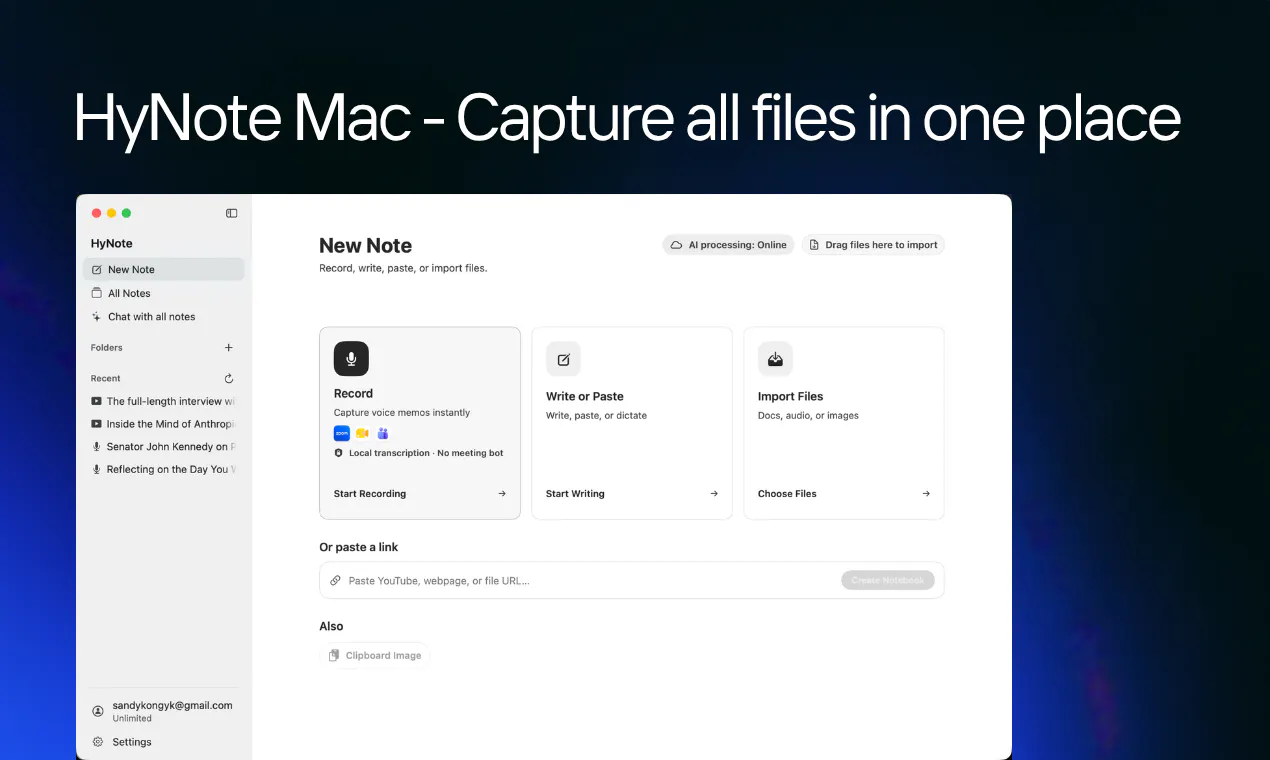
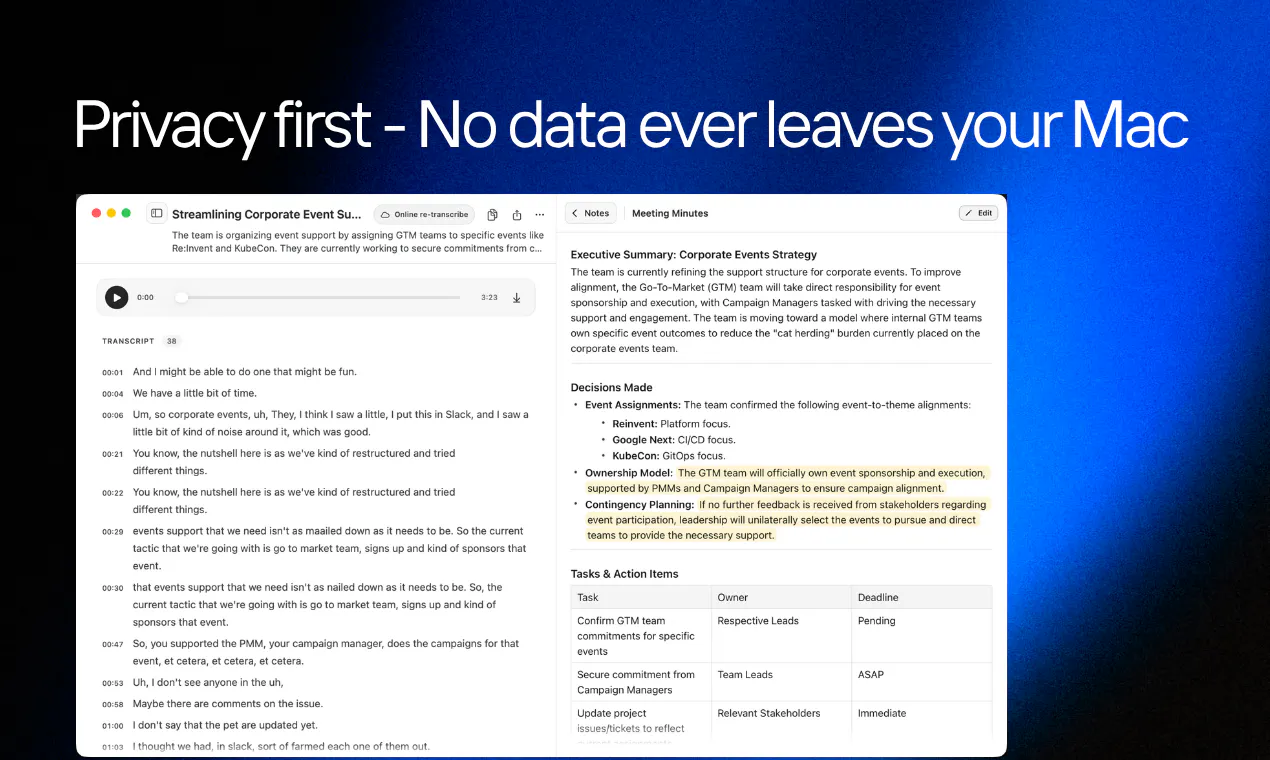
查看原始信息
ProtoNote
Drop in an HTML prototype, image, or PDF and get a shareable link. Reviewers leave notes pinned to the exact spot on the page. No account required, just a name. Use the Claude connector to turn anything you build into a ProtoNote right inside the chat. When notes come in, tell Claude to pull them in and apply the changes. The new version publishes itself. Free tier includes 3 active prototypes with unlimited reviewers and notes. Reviewing is always free.

The scattered screenshots and vague "fine by me" replies have quietly worn me down for years, so feedback that lands right on the spot it's about feels so much saner. Nice work, @zach_friesen.

1
回复

@jean_noel_escande You and me both. Appreciate it Jean-Noël!

0
回复

The feedback loop between building and improving prototypes is usually the painful part. Making comments more contextual and connecting them directly with AI workflows feels like a smart way to speed things up.

1
回复

@better_shaya Yeah, the loop is the whole problem. Feedback that isn’t attached to a specific spot on the page turns into a translation job, where you’re reading “the button feels off” and guessing which button. Pinning it means the note arrives with its own context, and once Claude can read those notes directly there’s no re-typing step at all. That last part is the piece I’m most curious to see people use.

0
回复

As a Product Owners moving from Figma to Claude Code and constantly looking for feedbacks from stakeholders and testing users, this is life saver for me!

1
回复

@dct_iz_dct Figma to Claude Code is one of the shifts that made me build this. If you’re already in Claude Code, you should try out the connector so you can publish and pull notes back without leaving the terminal. Would love to hear how it goes with your testers!

0
回复
Hey Product Hunt 👋 I build prototypes in Claude constantly. Sharing them is still miserable. My actual workflow was: download the HTML, drop it in Slack, hope someone opens it. They'd open it in a browser tab with no way to comment, so I'd get "looks good!" back, or a screenshot with a red circle drawn on it, or nothing. So I built ProtoNote. You drop in what you made and get a share link. Whoever you send it to types their name and starts leaving notes pinned to the exact spot on the page. No account, no signup wall, nothing for them to install. The part I'm most excited about: it's a remote MCP server, so it runs as a Claude connector. Say "make this a ProtoNote" and the share link comes back in chat, no download step at all. When notes come in, say "pull my open notes and apply them." The new version publishes itself. Built solo. Free for 3 prototypes, $10/mo for unlimited, and reviewing is always free so nobody you share with ever hits a paywall. Curious how people here handle this today. When you build something with AI and need eyes on it, what do you do?
0
回复