Product Hunt 每日热榜 2026-08-22

PH热榜 | 2026-08-22

#1
Toplify
Track your App Store ranking worldwide
316
一句话介绍:Toplify 是一款无需任何API密钥或App Store Connect权限,即可7x24小时追踪App在175个国家及54个类别中排名变化,并通过AI筛选重要事件推送通知的App Store排名监控工具,解决了开发者手动查榜、错过里程碑的痛点。
Marketing Developer Tools
App排名追踪 应用监控 ASO工具 商店优化 开发者服务 iOS工具 排行榜提醒 竞品分析 数据监控 独立开发
用户评论摘要:用户普遍认可其零门槛设置和实时通知功能。主要问题集中在数据获取方式(无官方API如何实现)及推送噪音控制上。有效建议包括:增加竞品对比侧栏、希望支持Google Play追踪、需要查看AI过滤掉的完整事件日志,并询问数据历史仅保留两周的原因。
AI 锐评

Toplify巧妙地切入了一个被传统ASO工具忽视的细分市场——独立开发者。它通过“无API密钥、免费增值”的策略,大幅降低了使用门槛,直击了开发者“懒得查榜”和“用不起昂贵工具”的两大痛点。其核心价值并非简单的排名抓取,而是通过“AI精选通知”构建了一个低成本、高情绪价值的里程碑提醒机制,这在产品早期能有效提升用户粘性。

然而,产品存在明显的技术天花板与数据深度问题。首先,基于公开页面抓取的非官方数据,在苹果调整页面结构时存在高维护成本,数据的准确性和实时性存疑,这对于一个以数据为核心的SaaS产品是潜在的信任危机。其次,仅有两周历史数据且AI会过滤掉部分事件,虽然官方解释为存储成本,但这限制了其作为分析工具的价值。对于将“AI筛选”作为黑箱的产品而言,敏感用户(如评论中的营销人员)会因无法审计被过滤的数据而产生不安全感,这可能是其从“通知工具”迈向“分析平台”的最大障碍。短期来看,它是一款聪明的独立开发者效率工具,但若想建立护城河,必须在数据源合规性、历史数据深度和事件日志透明度上给出更优解。

查看原始信息
Toplify
Toplify is a multi server service monitoring App Store charts across 175 countries, 24/7, so you never miss your next milestone. Get alerts for new rankings and significant jumps. No API keys or App Store Connect access needed. Just add your app and Toplify takes care of the rest.

Hey Product Hunt! 👋

I’m Dmitry, the indie developer and designer behind Toplify. I built Toplify because I wanted a simple way to see where my apps were actually winning on the App Store, how their rankings were changing, and when something important happened.

Toplify is powered by a multi cloud infrastructure that monitors App Store charts across 175 countries, 24/7, so you don’t have to. And the best part: no API keys, no App Store Connect access, and no complicated setup. Just add any app by its name or App Store link, and Toplify starts tracking it.

With Toplify you can:

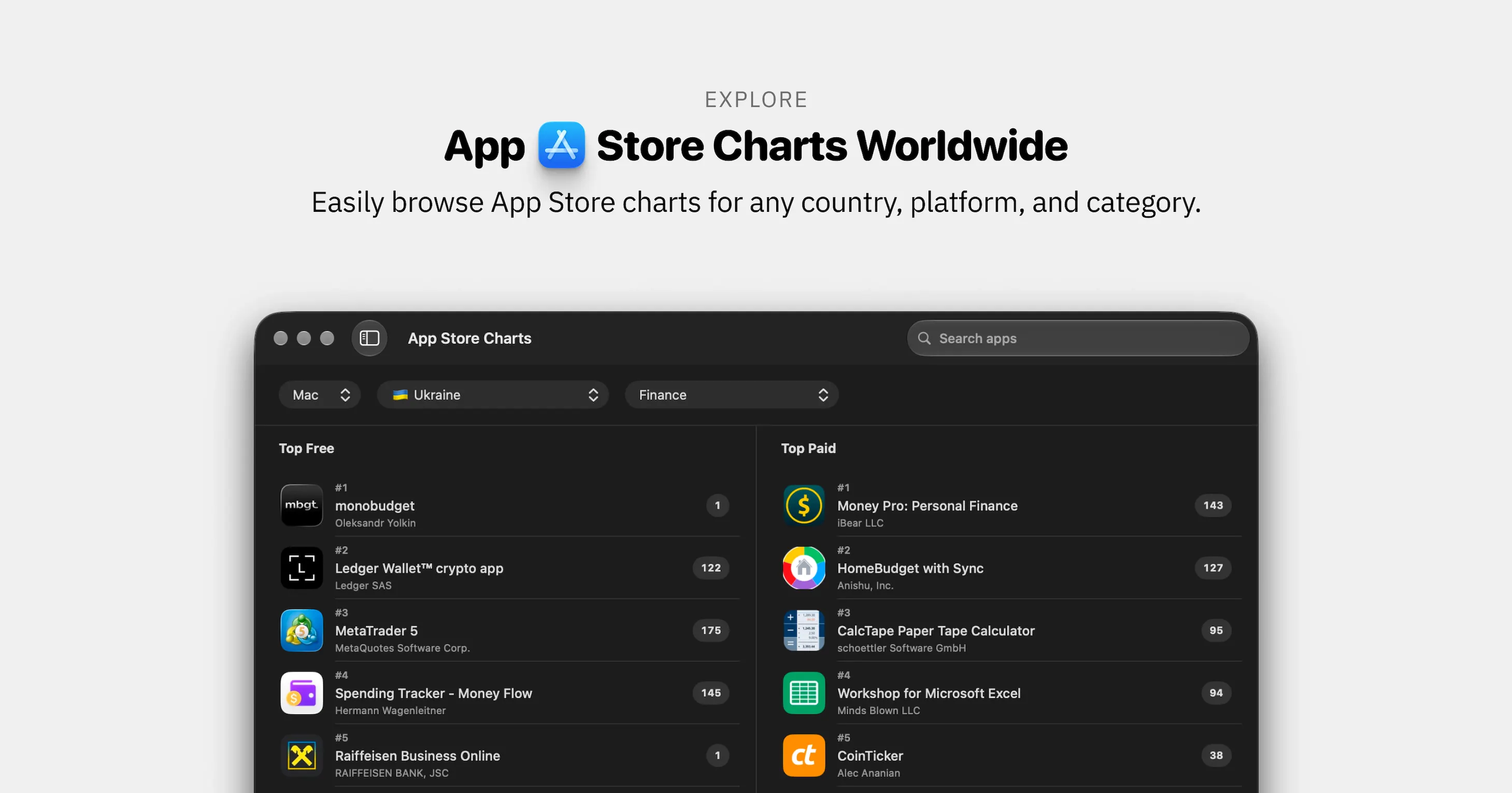
  • Track iPhone and Mac rankings across 175 countries

  • Monitor 54 categories, including Games

  • Get push notifications for new rankings and significant jumps

  • Explore ranking history and momentum over time

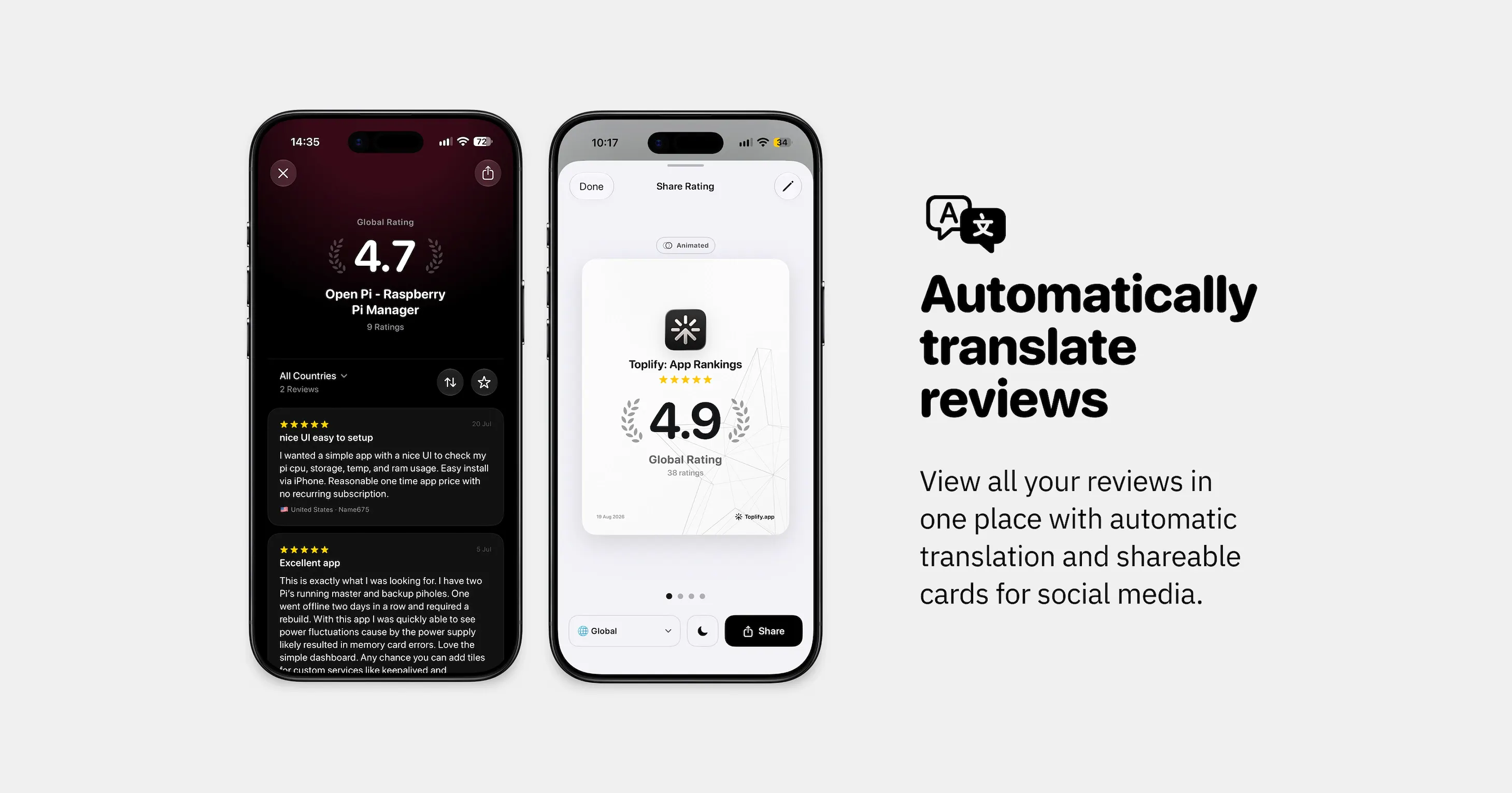
  • Track ratings and reviews with automatic translation

  • Create beautiful achievement cards to share your milestones

  • Sync everything across iPhone, iPad, and Mac with iCloud

Once Ranking Alerts are enabled, you can simply forget about checking the charts. Toplify keeps monitoring your app in the background and lets you know when something important happens. You never miss your next milestone.

I’d love to hear your feedback and ideas. Thanks for checking out Toplify! 🖤

P.S. The app is indie developer friendly. It’s completely free for new apps that aren’t in the charts yet or are ranking in fewer than 4 countries.

10
回复

@dmitriychuta Tracking App Store rankings across 175 countries with no API keys or App Store Connect access is the part I'm most curious about the App Store doesn't expose an official public rankings API as far as I know. Is this built on the public storefront pages themselves, and if so, how do you keep 175 countries' worth of that in sync 24/7 without it becoming a maintenance nightmare every time Apple tweaks something?

0
回复

@dmitriychuta Love that it works with zero API keys or setup!

How are you getting reliable data across 175 countries without official access?

2
回复

@dmitriychuta This solves something we've been doing manually for Cove — tracking how ranking moves after each App Store listing change (we've been testing subtitle variants and reordering screenshots). The no-API-keys, no-App-Store-Connect-access setup is the part that'll actually get me to use it instead of another spreadsheet. Adding Cove now to see how it holds up.

0
回复

@dmitriychuta 175 countries with alerts on is the bit I'd worry about tbh. Small stores are so thin that an app can jump 40 places on like 6 downloads, so if every wobble pings me I'd have it muted by Tuesday.

How do you decide what counts as a significant jump, and can I set that myself? Curious about Mac especially, those charts are way thinner than iPhone so I'd expect them to be noisier.

3
回复

@yelyzaveta_kibets Thanks for the great question! The app won’t bombard you with notifications.

We track ranking changes for every app, and you’re right that apps ranking in many countries can generate a lot of activity. We call these changes “Events.” All Events are processed on the server, and AI selects only the single most important one to notify you about, or it may decide not to send anything at all, even if dozens of Events occurred.

With this approach, an app can be ranking in dozens of countries and moving gradually without generating any notifications. You’ll only hear about meaningful events, such as a jump of 50+ positions or entering the charts in a completely new country where the app has never ranked before.

You can also customize which types of Events you want to track and disable the ones you don’t need.

And if you’re tracking competitors, for example, you can turn off their notifications entirely and receive Push notifications only for your own apps.

1
回复

Been using Toplify for my own apps and really like how simple it makes tracking rankings across different countries. The ranking alerts are especially useful because I don’t have to keep checking the charts myself. Great tool for indie developers. Congrats on the launch, @dmitriychuta!

3
回复

@artsvit Artem, thank you for the feedback! I’m glad Toplify is useful for your apps. I built it primarily with indie developers in mind, since ASO services are often too expensive for them. That’s why I tried to make Toplify free for new and growing apps.

2
回复

Currently testing it out! Like it!

I would personally add something like a side panel for showing competitors and top-notches so I could compare them.

2
回复

@busmark_w_nika Thanks for the idea! I’m actually planning to completely redesign the My Apps section in the next update, so it’ll be easier to separate your own apps from competitors and compare them more conveniently 🤟

1
回复

@busmark_w_nika Definitely give the iOS version a try too. A lot of things are more convenient there than on Mac, and most people mainly use it for the convenience and mobility.

0
回复

Fantastic app I've been using ever since the beta test. Recommended for every indie developer out there.

2
回复

@arsen_kolyba Thank you for using Toplify since day one. It’s really great to hear that!

1
回复

UI looks incredible! Very polished overall. Will you have tracking for Google Play apps in the future? Want this to track those too

Congrats on the launch!

2
回复

@silvia_odwyer1 Thank you for mentioning the interface! I put a lot of effort into making it simple and easy for everyone to understand.

Yes, I plan to expand the service in the future to track Google Play and Steam charts as well 🚀

2
回复

Big congrats on the launch! Tracking global App Store rankings in real-time gives indie hackers and growth teams such a clear edge. Love how focused and high-utility this is for mobile devs. Wishing you tons of momentum today!

1
回复

@thisiskp_ Thanks for the feedback! As an indie developer, I initially built this service to solve my own problem, and then scaled it into a standalone product for everyone. I think it’s a must have for developers, especially those just starting out.

0
回复
Love the concept. Having launched mine recently I would definitely want to see where I stand over time. Gonna test it out 👍🏽
1
回复

@shalabh_sanger Cool. Most developers do not always realize their app is ranking in some countries. Also, an iOS app can sometimes be ranking in the Mac charts, which many developers never check at all.

I’d be happy to hear your feedback once you try it. If your app has been in the charts at any point during the last two weeks, you’ll see it along with the exact dates and countries where it happened.

0
回复

@dmitriychuta Ok the retroactive 2 weeks on first add is a really nice touch tbh, most tools start you at zero and make you wait. Did the 2 week window come from storage costs, or did longer history just not prove useful?

1
回复

@yelyzaveta_kibets Well, both are true. But initially, we did limit it to two weeks because of the huge amount of data. Imagine storing every ranking change in every country for every app on the App Store. For example, a single game can have up to four separate rankings in each country: two category rankings, plus the overall ranking and the overall games ranking. We do plan to extend the history to one month once we grow a bit more 💪

1
回复

Saves a lot of time for checking the stats! Best of luck today! @dmitriychuta

1
回复

@kate_ramakaieva Yes, unlike other similar services, you don’t even need to open the app. Just enable Ranking Alerts and go about your day. As soon as there’s a significant change in your app’s rankings, you’ll get a nice push notification that gives you a little mood boost.

0
回复

Been looking for an app like this for ages! Thank you

1
回复

@abrar_sami1 You’re welcome! If you have any questions or ideas for improvements, I’m always available.

0
回复

@dmitriychuta Ok that's a smarter design than I expected tbh, AI picking the one thing worth saying beats me fiddling with a threshold slider. And muting competitor pushes while still tracking them is exactly how I'd use it.

One thing I'd want as the marketing person though: when the AI decides not to tell me anything, can I still see what it skipped somewhere in the app? Like a quiet log of all the Events. During a launch week I report numbers to the team, and "the AI didn't think it mattered" is a scary answer if someone asks why we missed a dip haha.

Congrats on #1 by the way, watching this climb all day was fun.

1
回复

@yelyzaveta_kibets Well, it’s hard to miss anything here because the AI simply chooses one notification to send, while all the other data is still there. You can open the app and see the full history for every country and category. At the moment, we store two weeks of history. So even if you add your app for the first time right now, you’ll immediately see its history for the past two weeks.

1
回复

I love it. Made it to my iPhone page of indie development apps. That’s one of the few notifications you want to receive in your phone in your early days launching an app! Great work!

1
回复

@domenicoflauto Thank you for the kind review. Yes, I 💯 agree with you. Every time I get a notification like this, it gives me a little dopamine boost and motivates me to keep improving my project. These notifications feel just as good as the ones from RevenueCat.

0
回复

This app always helps me know the rank of each of my projects on the App Store. Also, the app is pleasant to use because Dmytro does a great job with the UI!

1
回复

@andrewtanchuk Thank you for such a kind review of Toplify! I’m really glad you enjoy the app. I use your app, AppScout, and I think it’s the best alternative to App Store Connect and a must have for every app developer.

0
回复

Great product and attractive pricing! What made you choose to distribute it as a mobile app, not web service?

1
回复

@nikitaeverywhere Thanks for the question! Web services didn’t really work for me for two main reasons: high pricing and the lack of real time ranking updates. They often provide daily or weekly reports, while I wanted to build a tool that shows the results of your work almost immediately, especially when you’re actively marketing your app.

For example, you post about your app on Threads and it takes off. You immediately get a notification that your app has entered the Top Charts. Then you generate a Share image to celebrate the result, post it, and potentially get even more downloads and purchases.

That simple feedback loop is what I built the product around.

1
回复
It’s a great idea, as ratings start from scratch in each country and tracking all feedbacks is always difficult. Good luck with the launch!
1
回复

@daryna_radiichuk Thank you! Yes, checking rankings manually across different countries is very time consuming and requires constantly switching App Store regions. Toplify takes care of all of this automatically, so there’s no need to check rankings manually or even open the app. Everything runs on the server.

2
回复

Congrats on the launch! The app looks great ✨👏

1
回复

@endore8 Thank you, Oleh, for supporting the project since day one! I’m really glad Toplify has been useful to you. I love your app Usage and have been using it for a long time. 💜

0
回复

"or ranks in fewer than four countries" - when is an app considered to be ranking?

0
回复

@ivan_4 When the app is in the Top 100. If it ranks in more than 4 countries, the limitations apply. For each app, you can see how many countries it’s currently charting in, along with a list of those countries.

1
回复
#2
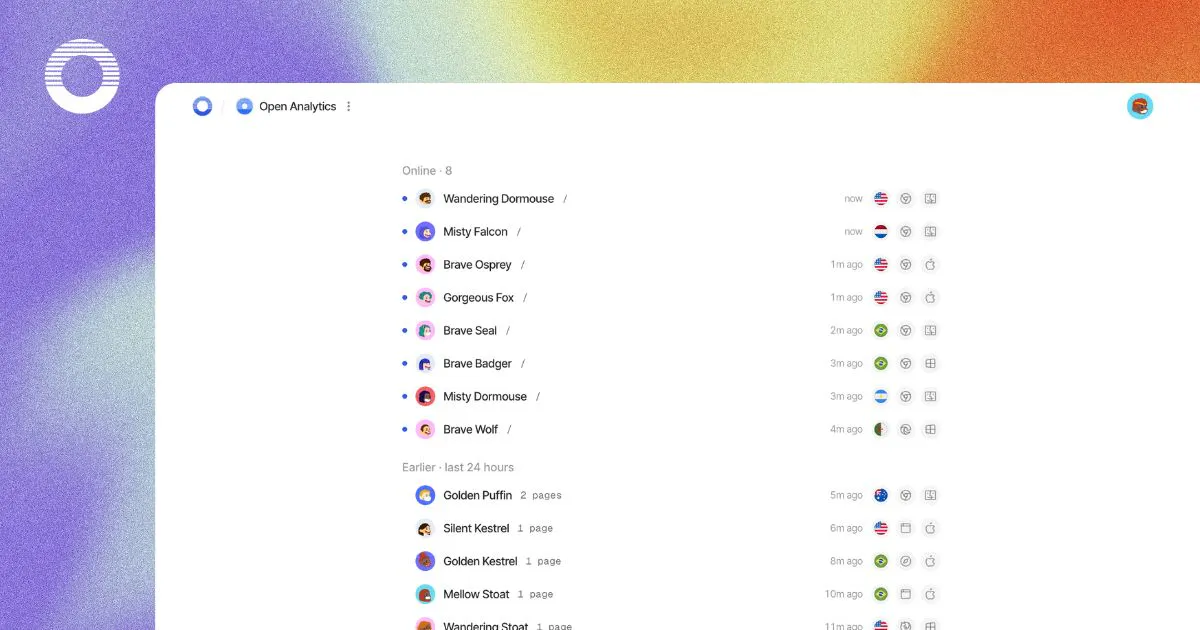
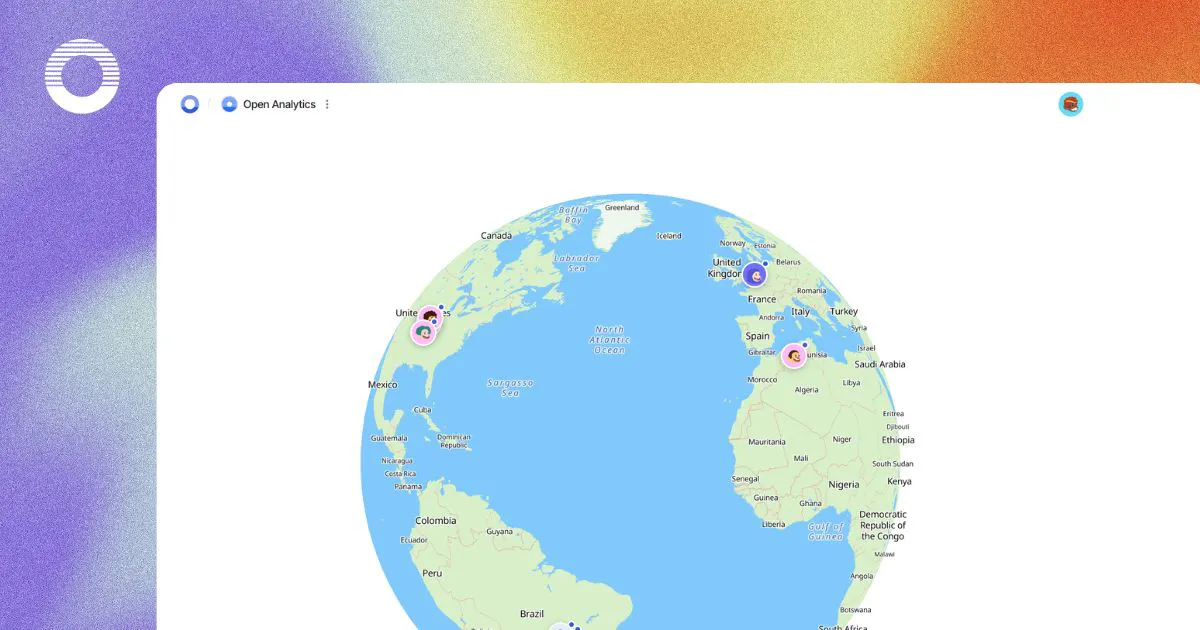
Open Analytics
AI-Native Google Analytics alternative for the modern web
217
一句话介绍:Open Analytics 是一款开源、隐私优先、无Cookie的轻量级网站分析工具,通过单一脚本即可追踪实时访客、漏斗与收入,并支持AI问答与MCP协议接入,让现代网站在无需同意横幅的前提下获得类Google Analytics的深度洞察,同时兼顾数据主权与AI可交互性。
Open Source Analytics GitHub Data & Analytics
隐私优先分析 开源替代Google Analytics 无Cookie追踪 AI原生数据洞察 MCP协议集成 自托管 收入归因 漏斗分析 轻量级脚本 GDPR友好
用户评论摘要:多数好评聚焦于“无Cookie+AI查询+MCP”的组合创新。高赞反馈针砭核心矛盾:评论者连环追问“盐值哈希每日轮转”导致跨天回访者被计为新访客,直指留存分析、多日漏斗(如周一广告点击/周四购买)断裂问题。官方回应称可通过identify()或支付侧信号缝合,但承认局限。另一有效建议关注AI聊天/MCP工具的查询透明度与身份定义边界。
AI 锐评

Open Analytics切中的是一个真实且尴尬的市场缝隙:既要Google级的深度分析,又不想背负Cookie墙与隐私合规的沉重枷锁。它的“密码学实践”值得肯定——服务端强制遵守GPC、不存原始IP、哈希每日轮换,这确实比多数“隐私声明”来得硬核,也直接回应了欧洲监管的绞索。其“AI+MCP”方向也非噱头:将分析结果变成AI可调用的固定工具集(而非让模型写SQL),既降低了幻觉风险,又保留了可审计性,这是比盲目接入LLM更成熟的工程判断。

但评论区的矛头精准刺中了产品命门:以“午夜轮换哈希”换取的隐私,本质上是主动放弃跨日归因能力。面对“周一广告点击,周四才下单”这类电商黄金报表,官方给出的答案——依赖用户登录后identify(),或通过支付信号反向缝合——实际上是把分析工具的看家本领转嫁给了客户业务逻辑。这不是“可接受的权衡”,而是产品在“隐私理想”与“商业价值”之间选边站的明确信号。它告诉市场:凡是不登录、不付费的匿名用户,你的行为旅程对我就是“薛定谔的访客”。

这对独立站长、内容站尚可接受,但对重度依赖转化归因的SaaS或电商,这可能是致命缺陷。更值得玩味的是评论区那位“自家测试账号导致误判流失”的案例——官方辩称“身份定义在更高层”,但恰恰暴露了AI分析工具的经典陷阱:模型回答的自信度与底层数据糊度不匹配。

总体而言,Open Analytics做对了10年前的Piwik该做的事,并用AI外壳包装到2025年的审美。但“隐私严格性”与“归因完整性”的数学矛盾,它并未破解,只是选择了回避。真正想要替代GA的用户,迟早会撞上那堵午夜被重置的墙。若无法在未来版本中提供“可选的持久匿名ID”(如基于浏览器指纹的松耦合映射),这产品终将停留在“懂行人的玩具”而非“主流业务的基建”。

查看原始信息
Open Analytics
Open Analytics is an open-source, privacy-first alternative to Google Analytics, built for humans and AI agents. Track real-time visitors, funnels, and revenue with one lightweight, cookieless script. Connect your analytics to AI tools via MCP. GDPR-friendly with no consent banner, and self-hostable.
Hey Product Hunt 👋 We’re the team behind Open Analytics. We built it because we kept hitting the same wall: every analytics tool made us choose between knowing our numbers and respecting the people behind them. Google Analytics gave us the numbers, but often came with complexity and consent banners. Many privacy-first tools removed the banner, but stopped at pageview counts. We wanted the best of both worlds. Open Analytics is cookieless by design. Visitor identity is represented by a salted hash that rotates at midnight, raw IP addresses are never stored, and no cross-site profile is created. The result is useful analytics without persistent tracking. Here’s what we’re most proud of: • Privacy that’s enforced, not just promised. Global Privacy Control is honored by the collector server-side. Even if the snippet is configured to ignore it, those requests are dropped before they’re counted. • Revenue attribution where the visit happened. Connect Stripe and each payment appears alongside the visit that generated it, showing which pages, channels, and referrers drive revenue. • Analytics you can ask questions about. Use AI Chat inside the dashboard or connect through our MCP server to explore your traffic in plain English. • Custom events without custom JavaScript. Add data-oa-event="signup" to a button and Open Analytics tracks it. Open Analytics is open source under AGPL and fully self-hostable. If you’d rather not run it yourself, our hosted version starts at $9/month. Every plan includes every feature—you pay for volume, never for access. We’d love your feedback.
8
回复

@uaghazade If the salt rotates at midnight, a daily active user shows up as a brand new visitor every single day. That is a real tradeoff for privacy, but it also means any cohort built on returning visitors breaks completely rather than just getting fuzzier. How do you handle retention analysis without a stable ID across days?

0
回复

@uaghazade The salted hash rotating at midnight is a clever privacy mechanism, but I'm curious about the analytics tradeoff it creates: a visitor who returns at 12:01am after visiting at 11:59pm would get a new hash and presumably count as a "new" visitor rather than a returning one. Is that an accepted tradeoff for the privacy guarantee, or is there a way to preserve session continuity across the rotation boundary?

0
回复

@uaghazade awesome!

What pushed you to self-host + AGPL instead of just going full SaaS?

1
回复

Building an open-source, AI-native alternative to Google Analytics is such a great move. Congrats on bringing this to life!

1
回复

@thisiskp_ thank you very much for the name of our team. it's a pleasure to hear this from you!

1
回复

Love that you made analytics both cookieless and MCP-ready, giving me real insights without a consent banner while letting my AI tools actually query the data.

1
回复

@ilko_kacharov thank you a lot Ilko, for that kind of words!

1
回复

My dashboard told me a subscriber had churned. Turned out to be my own test account, I refunded it myself and the rollup had no way to know those were the same person.

And the counting was all correct. The mistake was one layer up, in what I'd told it counted as a person, so no query would have caught it.

So with the chat window and the MCP server sitting on top, does it show you the query it ran?

0
回复

@andrew_f3 The model never writes a query. Each MCP tool is a fixed, named read (site_overview, revenue_summary and so on) whose SQL is a constant on our side; the model only picks the tool and fills in parameters like the date range, and your chat client shows every call with those parameters. So what you audit is which read it chose, never hand-written SQL that could quietly redefine what a person is.

The layer above is pinned too, and it is yours: identity is only what you declare through identify(), scoped to your site, and answers that depend on it carry that scope with them rather than assuming it. On the revenue side there is no synthetic churn number to be fooled by: gross, refunds, disputes and fees stay printed as separate parts, so a refund you issued to yourself shows up as exactly that, a refund.

And for the front half of your story, the ignore flag keeps your own browser's visits out of the traffic numbers.

1
回复

@uaghazade The identity hash rotating at midnight is the honest way to do it, but it also means someone who comes back tomorrow looks like a brand new person, right? How do you handle funnels that take a few days, like ad click on Monday and purchase on Thursday? That's the report I always get asked for haha.

0
回复

@yelyzaveta_kibets yes, that's the trade, and it's deliberate: anonymous ids rotate at UTC midnight, so we never track a cookieless visitor across days.

for your Monday-to-Thursday report: if your users log in, call identify(external_id) from the tracker. that hash is stable (still cookieless), and attribution then uses its full 30 day window, so the ad click and the purchase connect. purchases also get matched through order signals on the payment side, which often stitches the journey even without identify.

Either way the report shows which identity scope it was computed under, so it never claims a journey the data can't support.

2
回复
#3
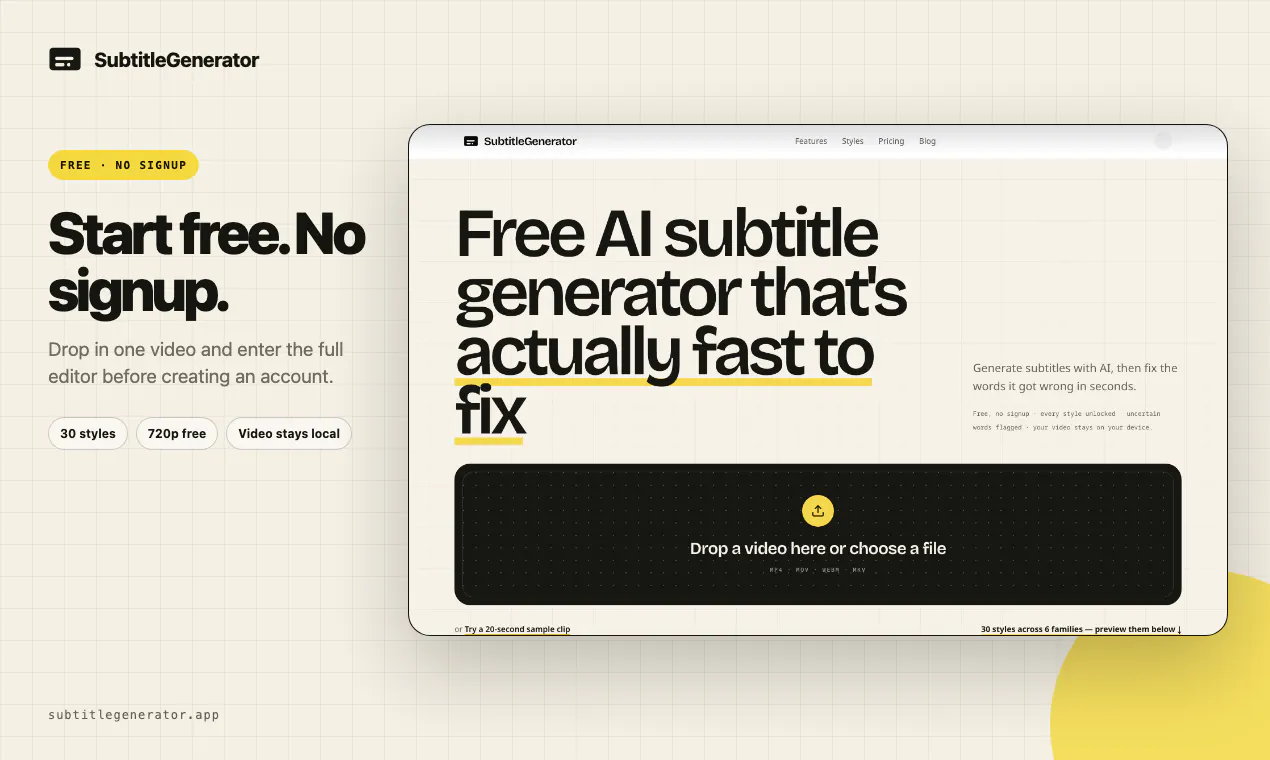
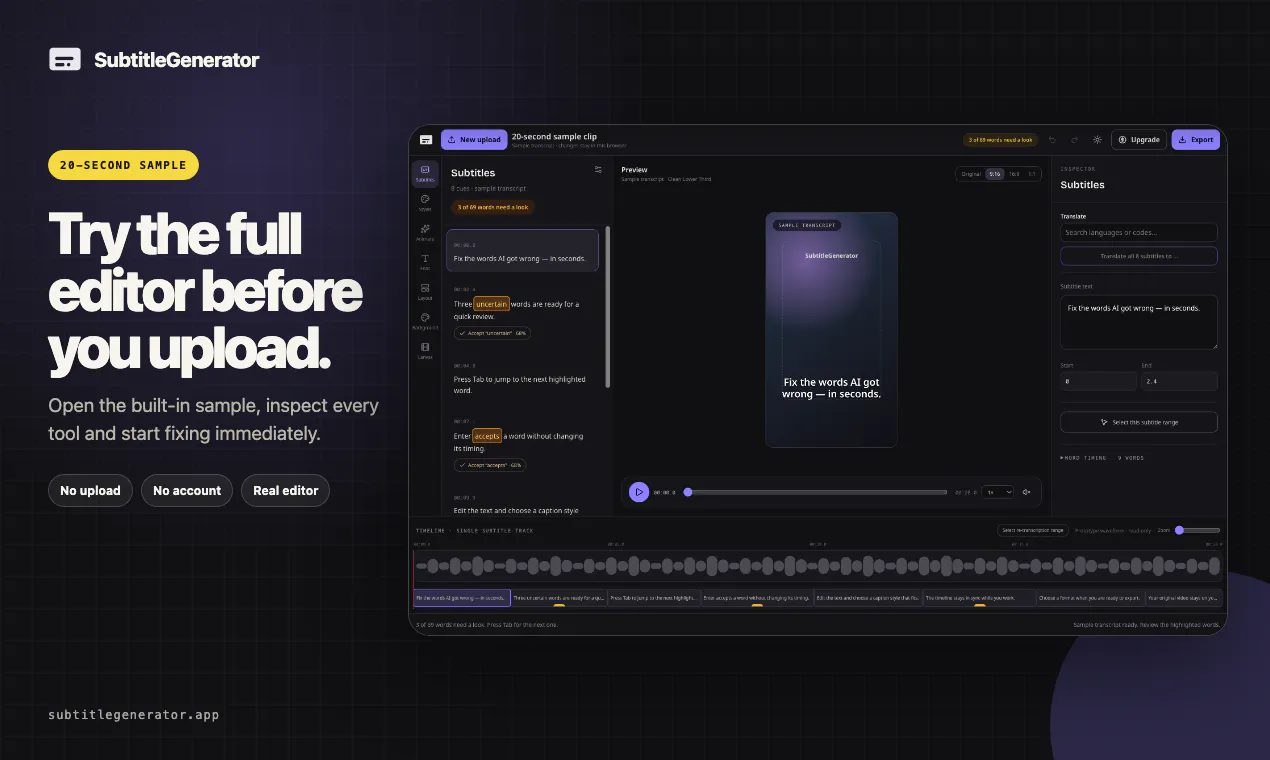
SubtitleGenerator
From video to publish-ready AI subtitles—all in one browser
193
一句话介绍:SubtitleGenerator 是一款在浏览器中一站式完成视频字幕生成、校对、翻译、美化与导出的AI工具,旨在解决创作者从AI转写到成片发布之间反复切换工具的痛点。
Social Media Artificial Intelligence Video
AI字幕生成 视频翻译 字幕编辑器 浏览器工具 创作者工具 免费增值 字幕样式 本地隐私 视频处理 自动化工作流
用户评论摘要:用户对“All clear”完成度提示和30种免费样式表示认可。核心追问集中在:1) “不确定词”标记依据是否为ASR置信度,重跑是否确定;2) 隐私设计是否为主动需求;3) 重叠或交叉说话人区分能力不足,期望v2支持说话人标签与人工修正。
AI 锐评

SubtitleGenerator 的聪明之处在于把“AI转录完成”重新定义为“校对完成”,而不是“文字生成”。它用“Fix”流程和“All clear”倒计时,直击字幕工具最大的隐性痛点——用户永远不知道AI结果里还剩多少雷,只能像大海捞针一样逐行排查。这种“完成感”设计,实质上把工具从“生成器”升级为“质量管理系统”,对追求效率的专业创作者是强价值锚点。

但产品并未解决底层模型能力问题。评论中关于重叠说话人、说话人标签的追问,暴露出其在复杂多说话人场景下的短板。创始人回应“v2规划”且强调“要先测试再承诺”,态度务实,但“高精度转录”作为Pro卖点,若仅依赖现有ASR,差异化有限。隐私上“仅上传音频且即删”是合规与信任的加分项,不过视频“留在浏览器”更多是技术架构优势,而非主动的安全卖点。

商业模式上,免费60分钟/月+PAYG的混合策略足够灵活,但“HD无水印”和“八种格式”被锁在Pro,对高频创作者可能形成二次付费摩擦。整体而言,这不是革命性产品,但“Fix流程”和“明确终点的校对体验”在细分场景里足够锋利,尤其适合教程、播客剪辑等单人或双人近距录音场景。能否把“确定的校对终点”进化成“多说话人战场上的确定性”,决定了它从“好用”到“不可或缺”的距离。

查看原始信息
SubtitleGenerator
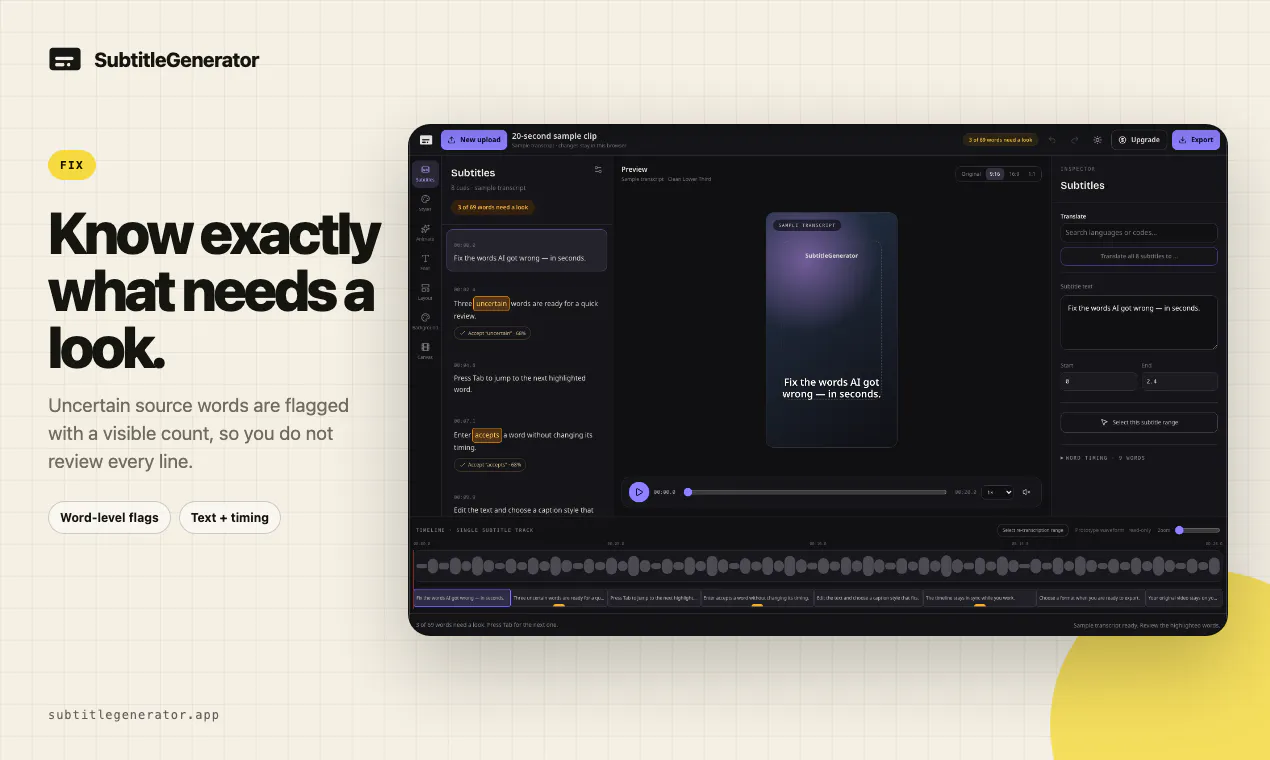
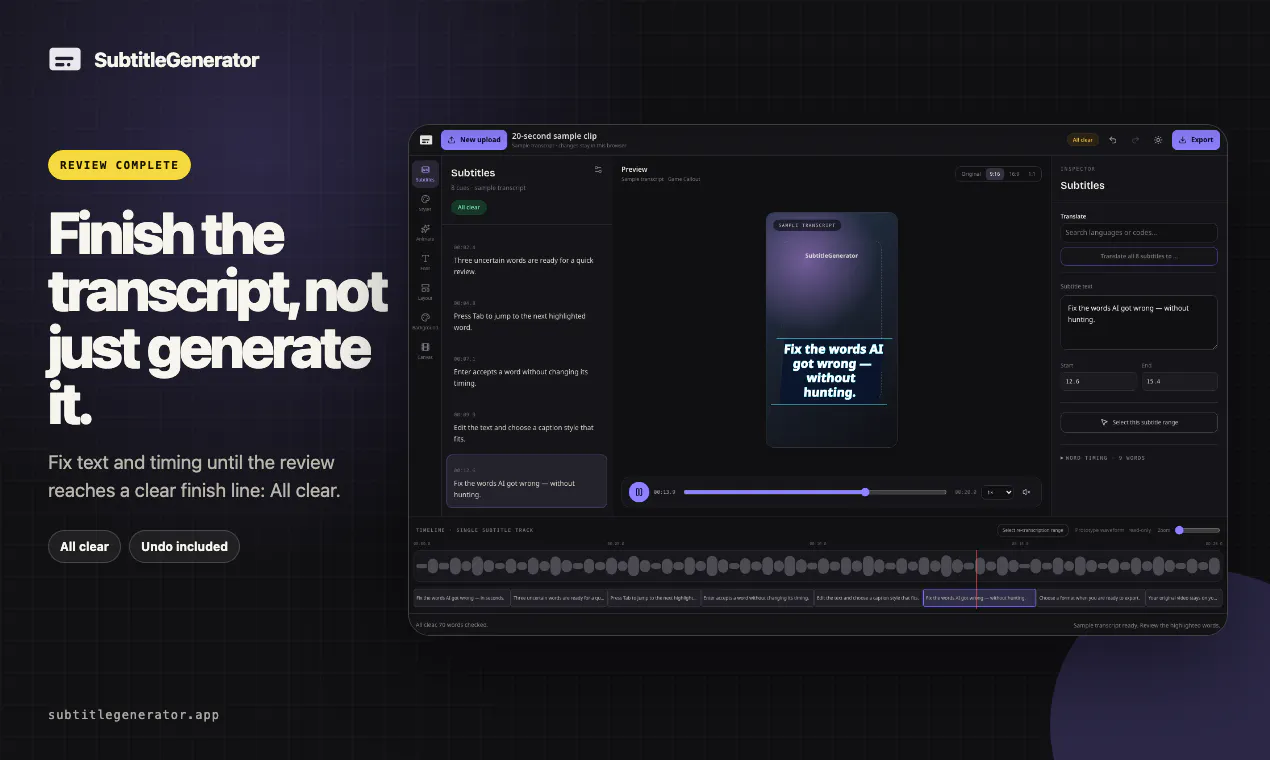
Free: 60 one-minute videos a month, no signup. Drop in a video and generate, fix, translate, style and export subtitles in one editor. All 30 styles are included free. Most tools leave you hunting line by line—Fix flags uncertain words and counts down to “All clear,” a real finish line. Pro and Max add full-track translation, HD without a watermark, eight subtitle formats, custom fonts and saved brand styles. Your video stays in your browser.

Hey Product Hunt — I built SubtitleGenerator to take a video from AI transcription to final export without bouncing between tools.

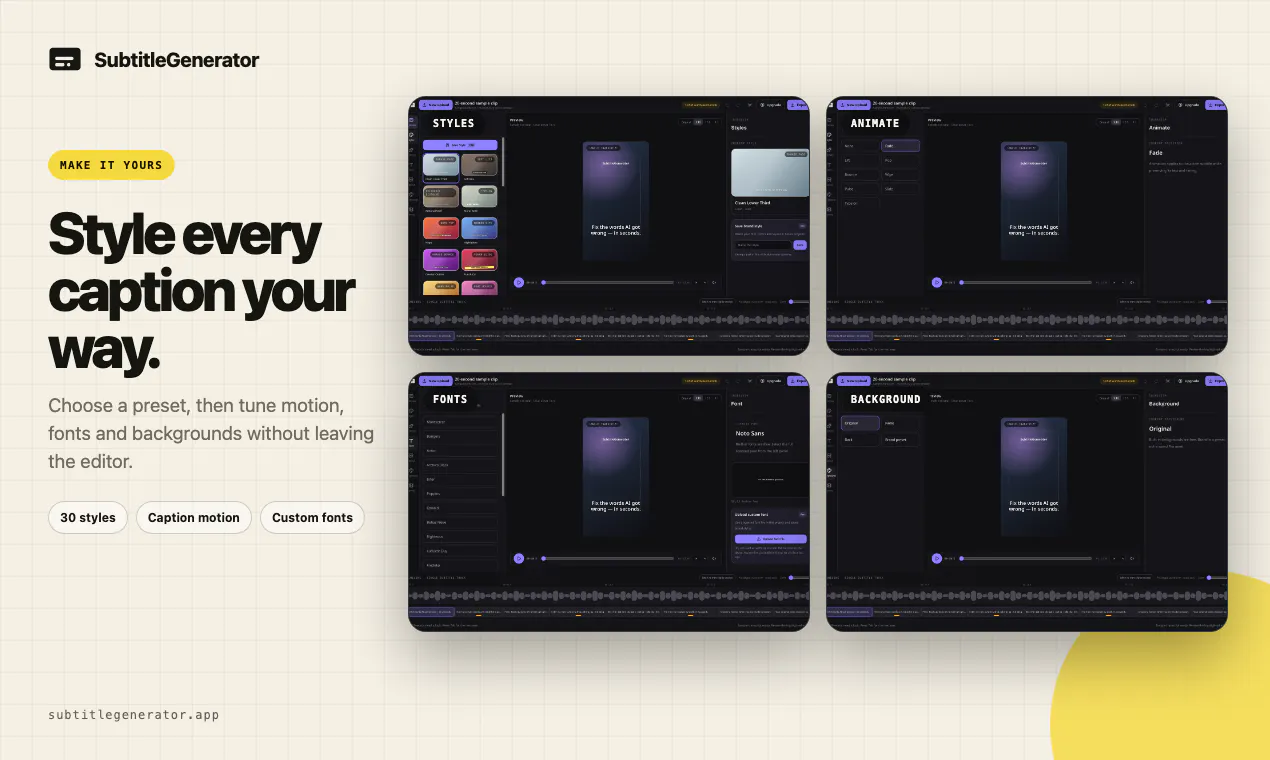
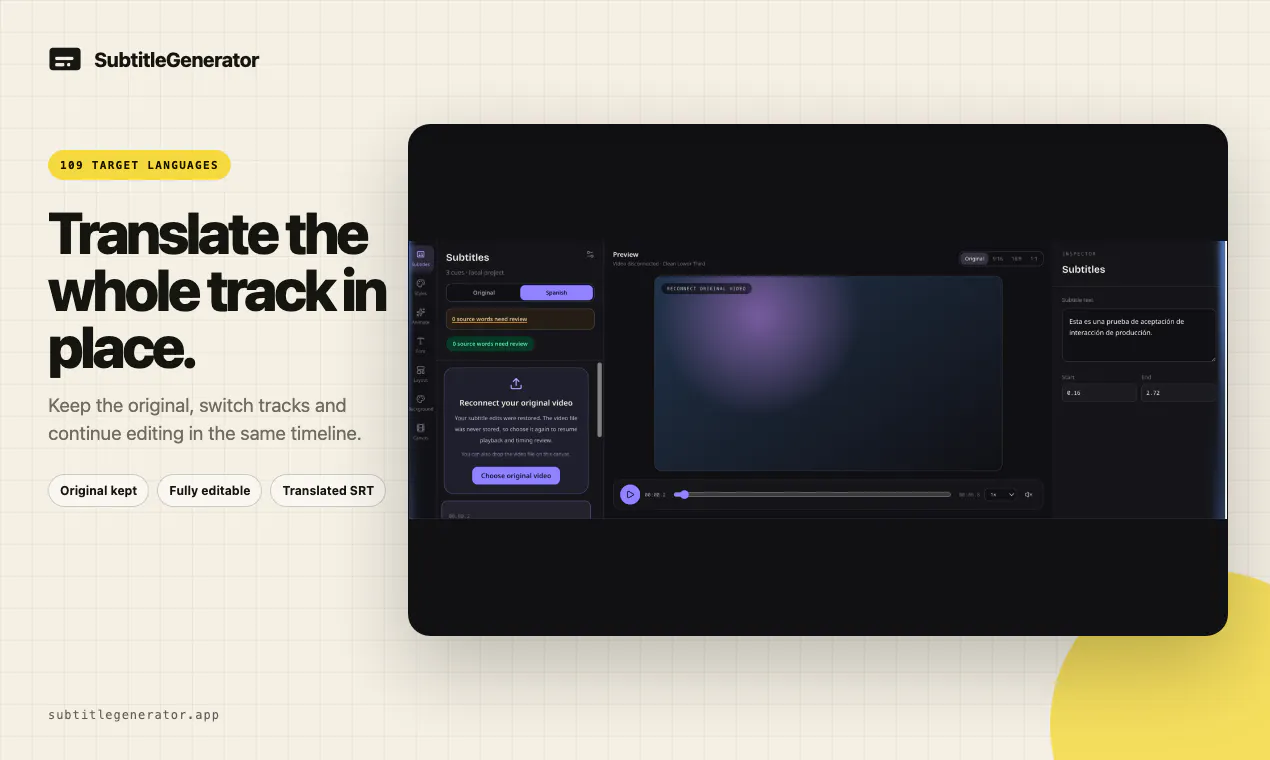
In one browser editor, you can fix text and timing, choose from 30 styles, translate a full track while keeping the original, and export video or subtitle files. The part I designed differently is Fix: uncertain source words are flagged, the remaining review count stays visible, and the transcript has a real finish line—“All clear.”

You can try it on one video without signing up. The Free workflow includes all 30 styles and 720p export with a small watermark. Pro and Max add high-accuracy transcription, full-track translation, HD without a watermark, eight subtitle formats, custom fonts, and saved brand styles. PAYG is there if you need more subtitle time but do not want another subscription.

Your original video stays in the browser. Only extracted audio is sent for transcription, and that audio is deleted after transcription is complete.

What still slows you down most after an AI transcript is generated? I’ll be here throughout launch day and would love blunt feedback on the Fix flow.

4
回复

@woshiliyana The "All clear" finish line is a nice detail most transcript editors leave you guessing whether you've actually caught everything. Curious about the flagging itself: is "uncertain" based on the ASR model's own confidence score, or something else (audio quality, cross-referencing multiple passes)? And does the flagged-word count change if I re-run transcription on the same clip, or is it deterministic?

0
回复

@woshiliyana Great Launch Yan!

Was the audio-only-upload thing a privacy ask from users, or just how you'd build it anyway?

1
回复

@woshiliyana Congratulations on Launch Yan.
The 30 subtitle styles caught my attention. Having that much choice while keeping the editing flow simple is a nice balance.

0
回复

Streamlining video to publish-ready captions straight in the browser saves creators so much time. Super cool launch, congrats!

0
回复

the honest answer for me is speaker labeling when two people talk over each other or overlap slightly. the transcript reads fine as text but figuring out which line belongs to who post-transcript, especially in an interview or podcast clip, always ends up as manual work after the "AI part" is technically done. is that on your radar at all or is this more aimed at single-speaker content like tutorials/voiceovers for now

0
回复

@galdayan It’s definitely on my radar. In an early two-speaker test, all four speaker turns were identified correctly, with confidence scores between 0.94 and 1.00, so the results look promising. Speaker labels and manual corrections are planned for v2. Overlapping speech is the harder case, and I want to test it on real interviews and podcasts before making any promises. Thanks for bringing this up!

0
回复
#4
Maccess
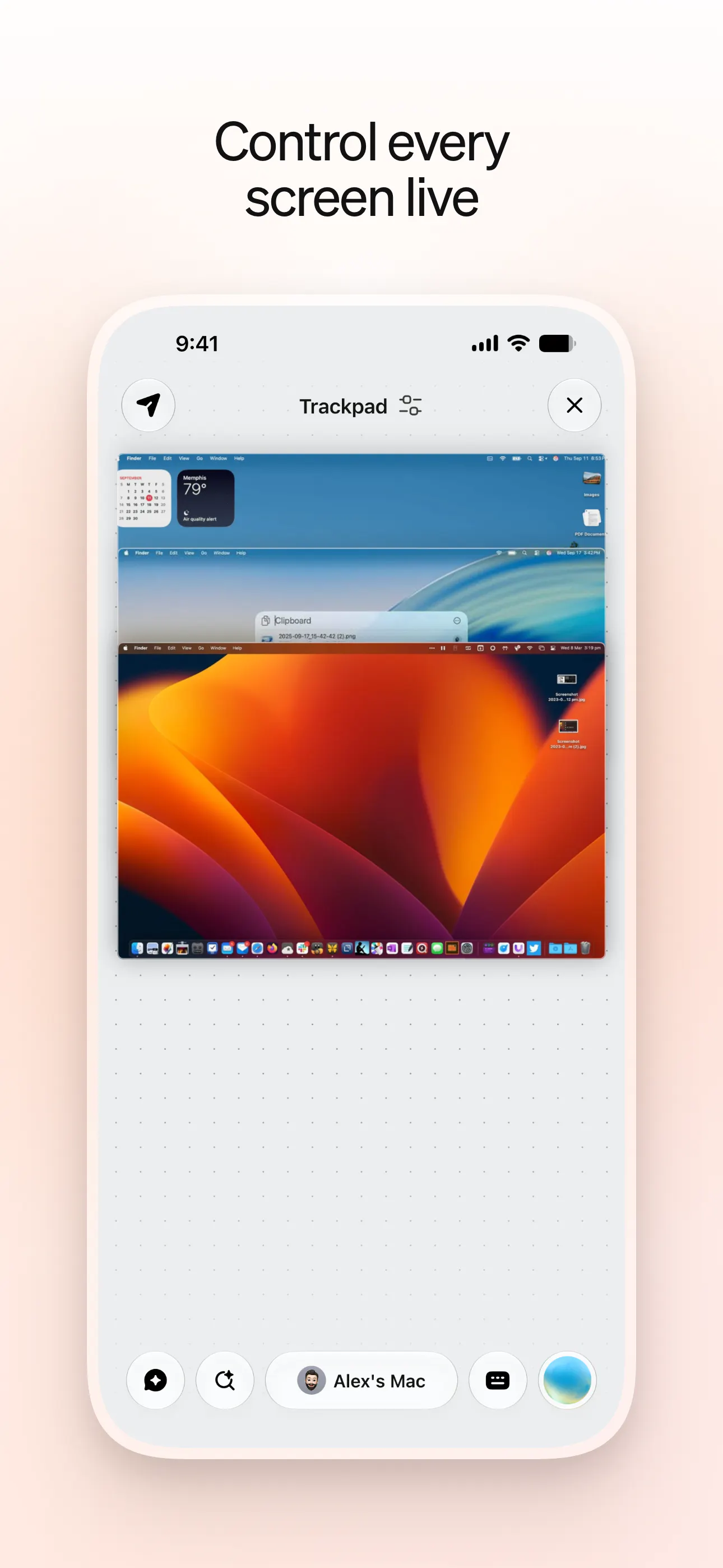
Your Mac, in your pocket — trackpad, screen, and AI
156
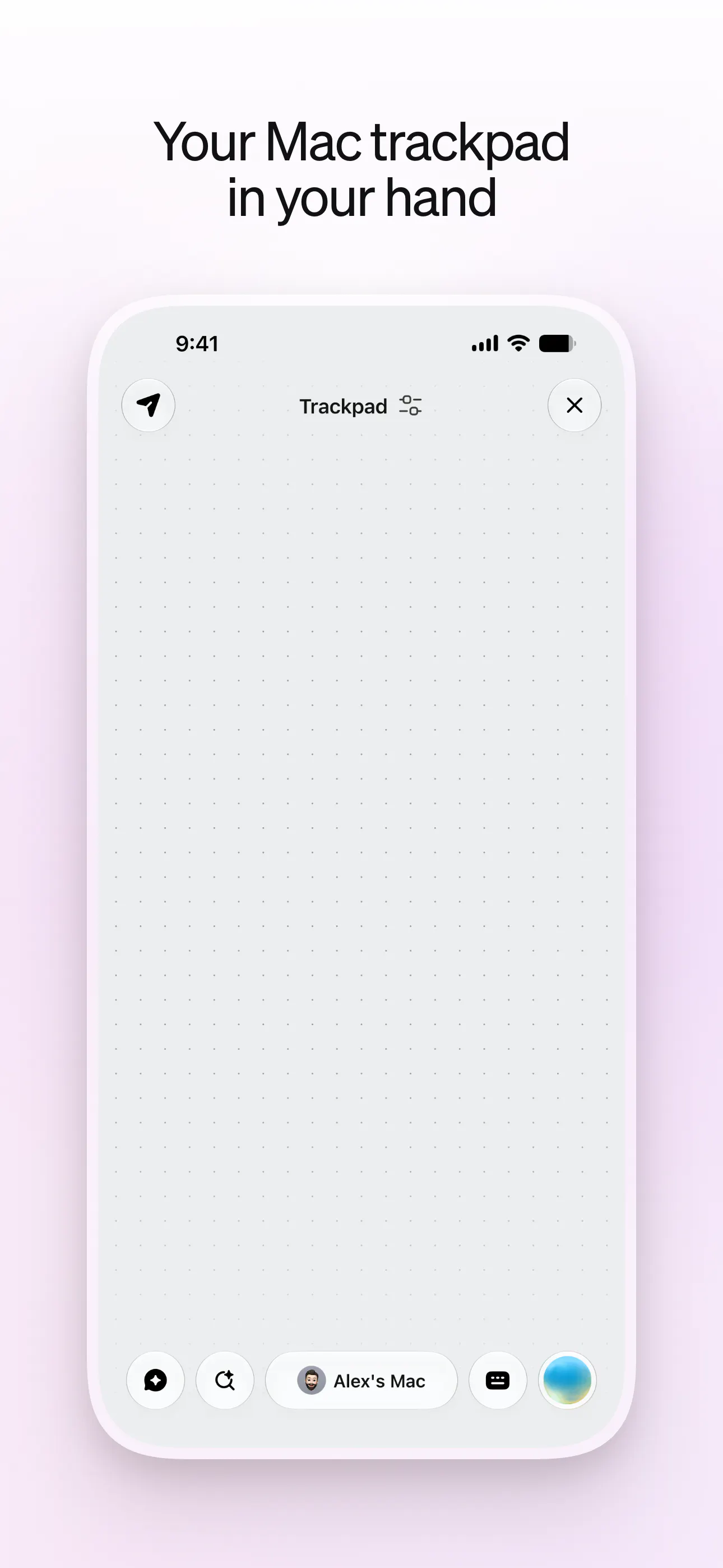
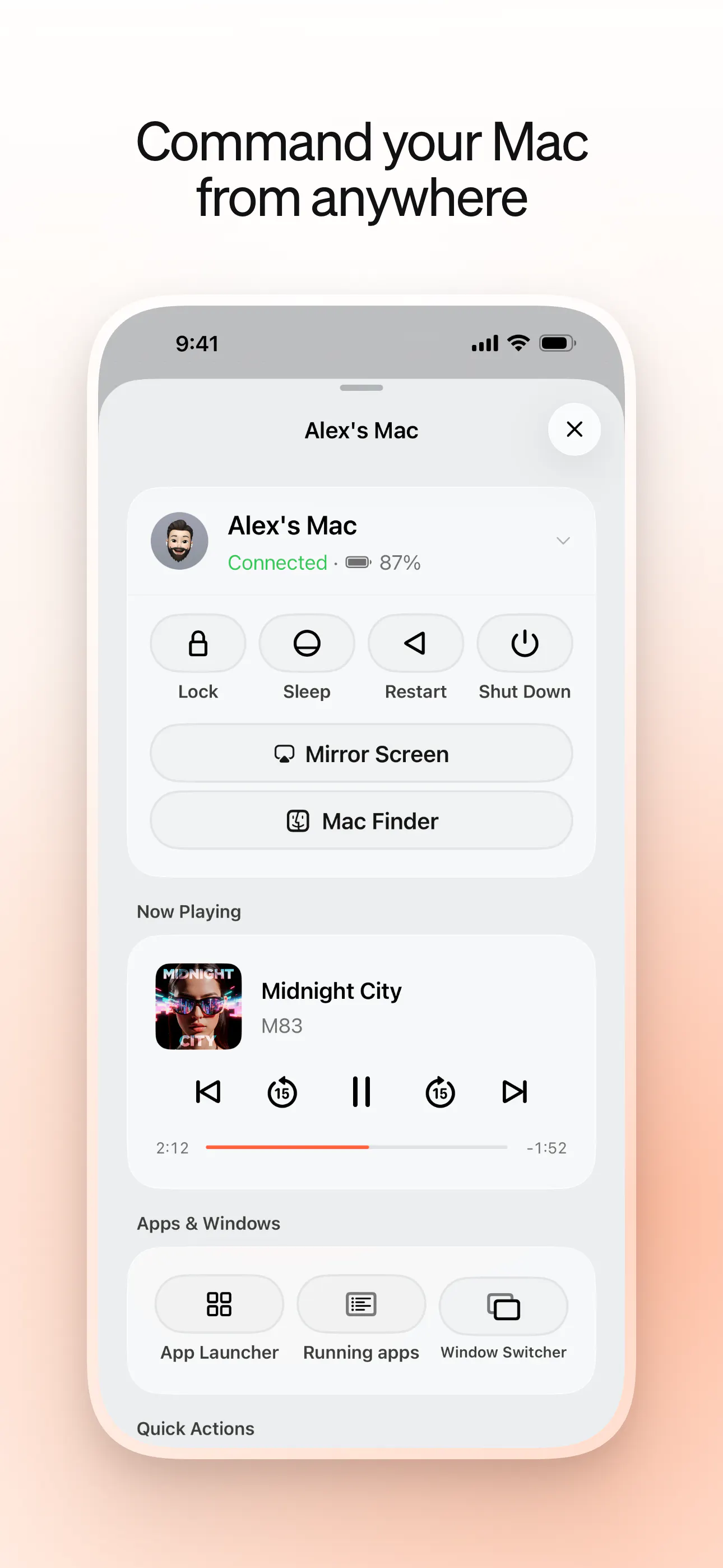
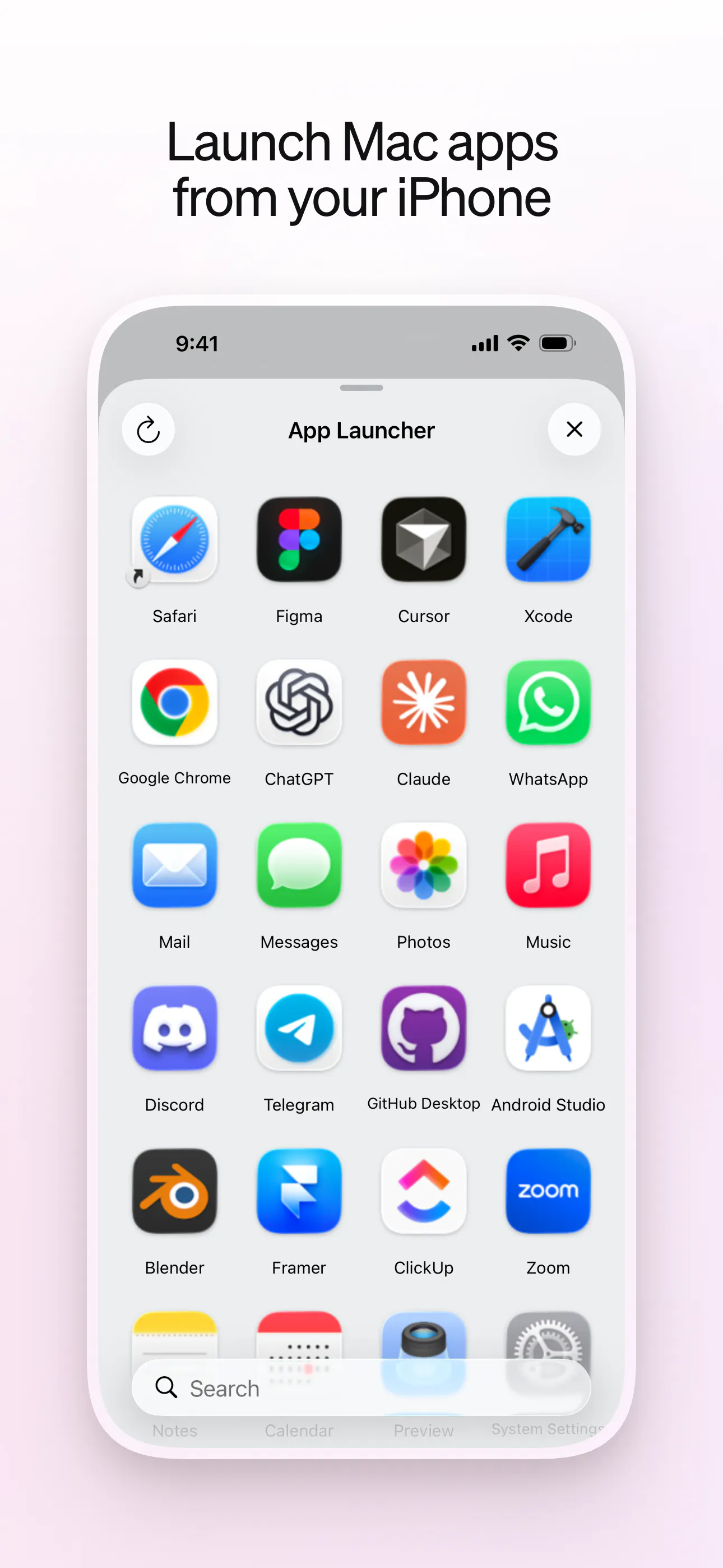
一句话介绍:Maccess 将 iPhone 变为 Mac 的随身遥控器,提供触控板、键盘、屏幕镜像、文件访问与 AI 助手 Mackie,支持局域网直连和跨网络在线访问,解决用户离开电脑时仍需操控 Mac 或查看长任务状态的痛点。
Developer Tools Menu Bar Apps Apple
远程控制 屏幕镜像 触控板 文件传输 AI助手 端到端加密 局域网直连 在线中继 Mac工具 效率应用
用户评论摘要:用户整体认可产品整合思路,但重点追问两点:一是 Online Access 的中继架构与加密细节,担心会话被服务器窥探;二是 Mackie 的进程列表是否实时刷新,能否反映夜间长时间运行的 agent 任务动态。开发者回应了加密机制(X25519 + ChaCha20‑Poly1305)及混合中继逻辑,但未明确实时刷新问题。
AI 锐评

Maccess 的价值不在“又一个远程控制 App”,而在于它试图把“控制 Mac”这件事从工具层抬升到代理(agent)工作流层。从评论看,核心用户不是想摸鱼点鼠标,而是有真实的重活:跑长任务、监控子进程、远程接管 agent 行为。这说明产品切中了一个细分的、高粘性的生产力场景。

但暗雷也明显。其一,安全性是远程控制类产品的生死线,团队虽然给出了漂亮的加密方案(X25519 + ChaCha20‑Poly1305),但“混合中继”的链路透明度仍不够——用户对“托管基础设施”的信任成本很高,尤其是企业或学校网络环境下,一旦遭遇策略封锁,Online Access 便成为唯一通道,此时中继节点的可用性和隐私审计报告就是硬门槛,而非锦上添花。其二,评论中关于“进程列表是否实时刷新”的问题被开发者忽略,这暴露了产品在 agent 时代的一个核心矛盾:用户要的不是镜像屏幕,而是对计算状态的语义感知。如果 Mackie 只是换皮版的“ps + 聊天框”,那它和直接 SSH 有什么区别?真正的壁垒应该是:能理解运行中的任务、主动推送状态变化、并允许用户用自然语言介入控制——目前产品介绍和回复都未证实这一点。

另外,156 票的冷启动成绩说明首发声量有限,但评论质量不低,用户带着具体场景来提问,这是好信号。真正该警惕的是功能膨胀:触控板、键盘、屏幕、文件、AI……五合一的产品最容易变成五样都平庸。建议团队优先把“远程监控 + 干预 agent 任务”这条线做深,而不是继续堆功能。否则,它不过是又一款“看着很全,用起来嫌重”的杂糅工具。

查看原始信息
Maccess
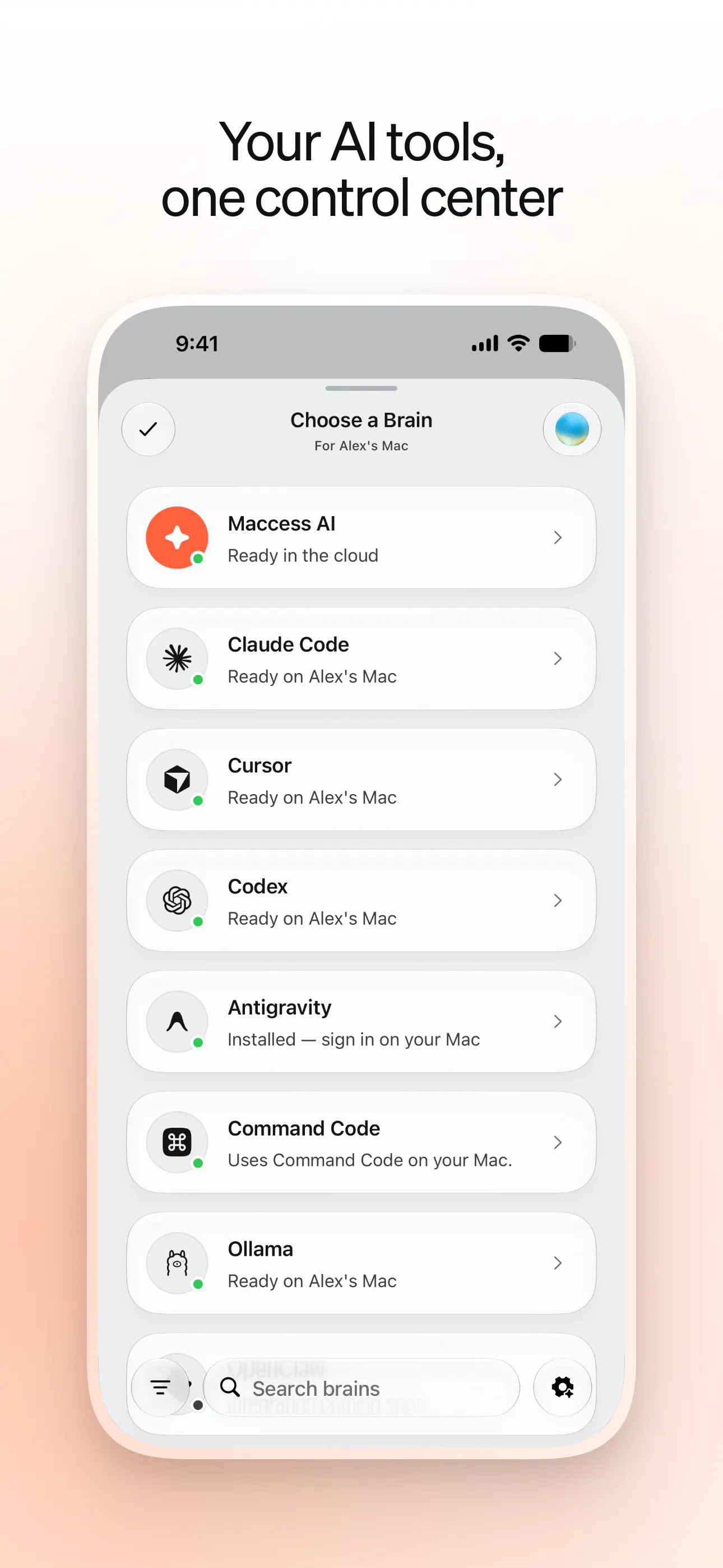
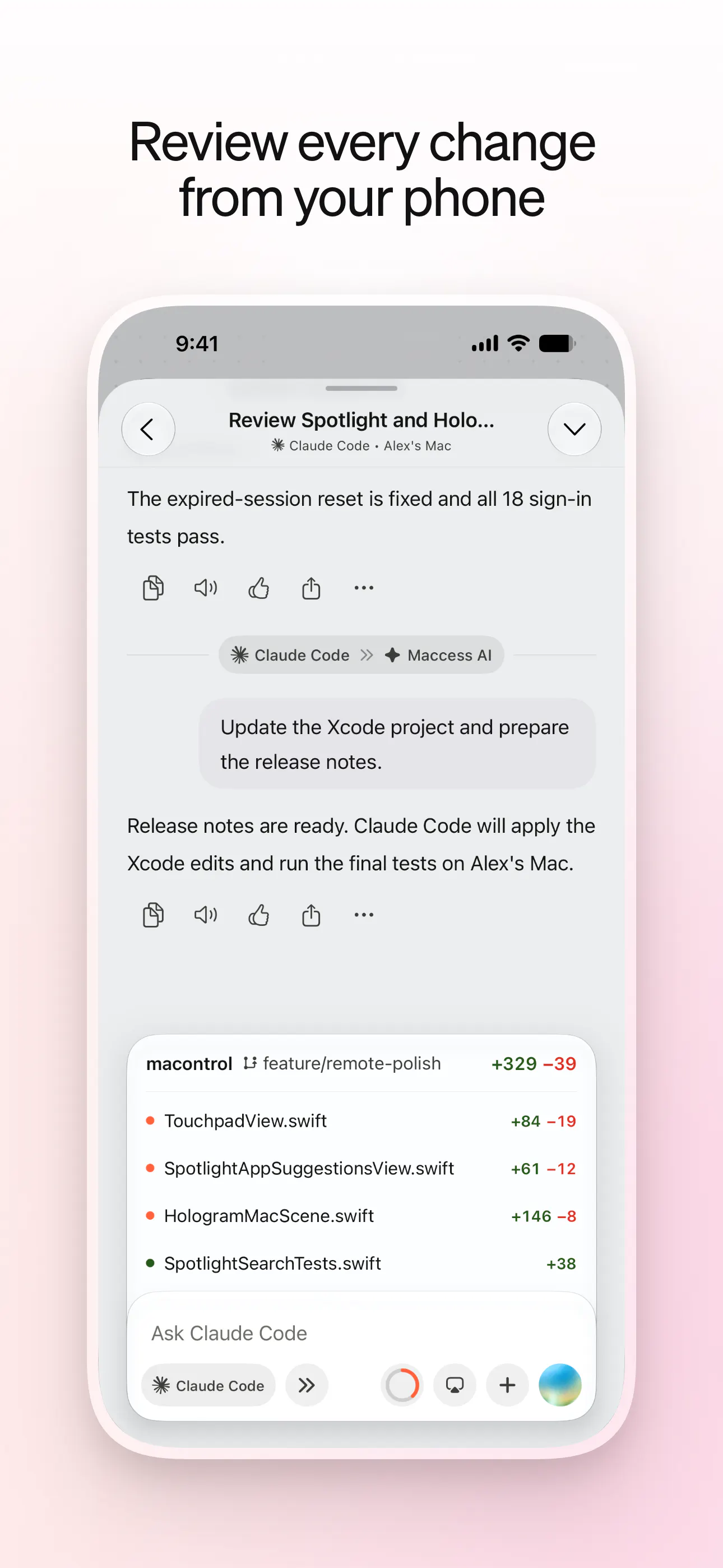
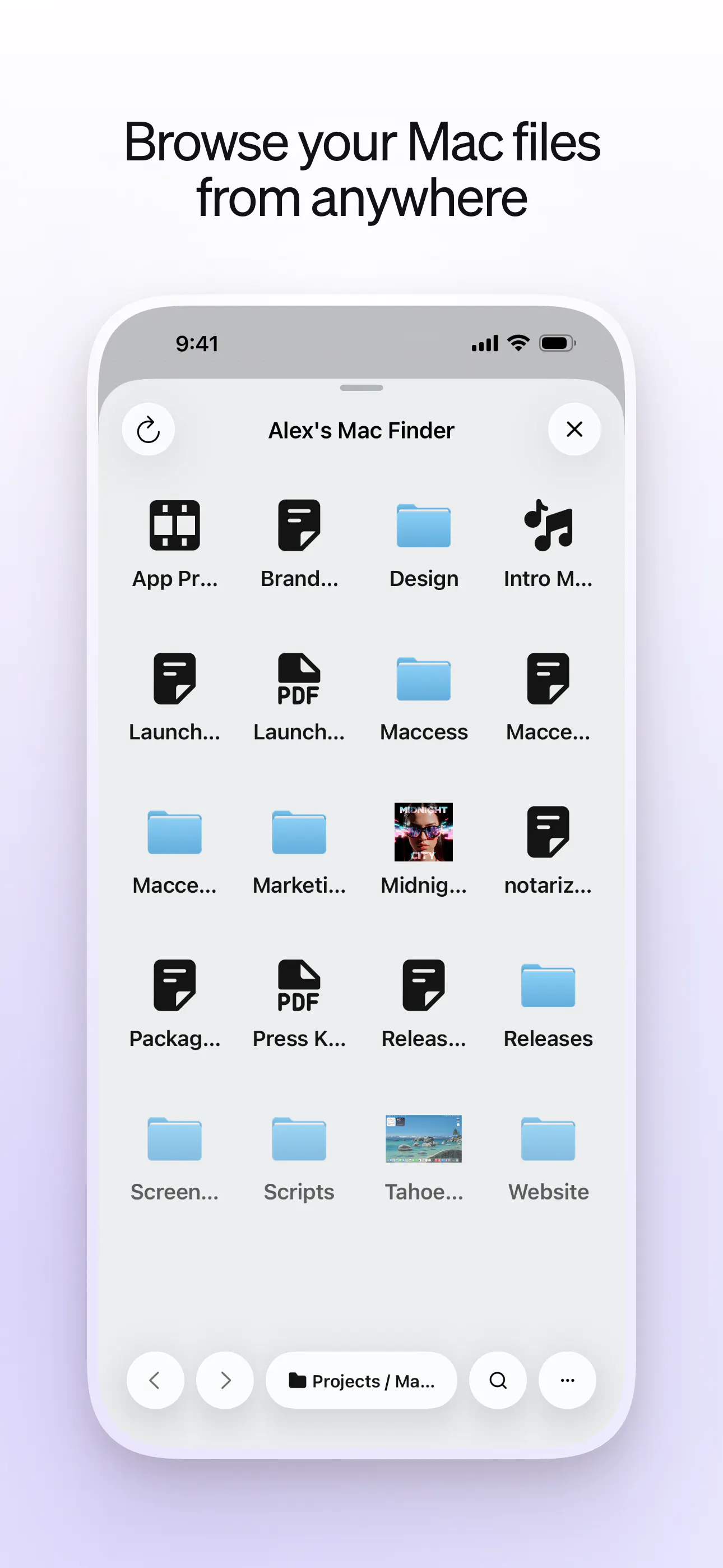
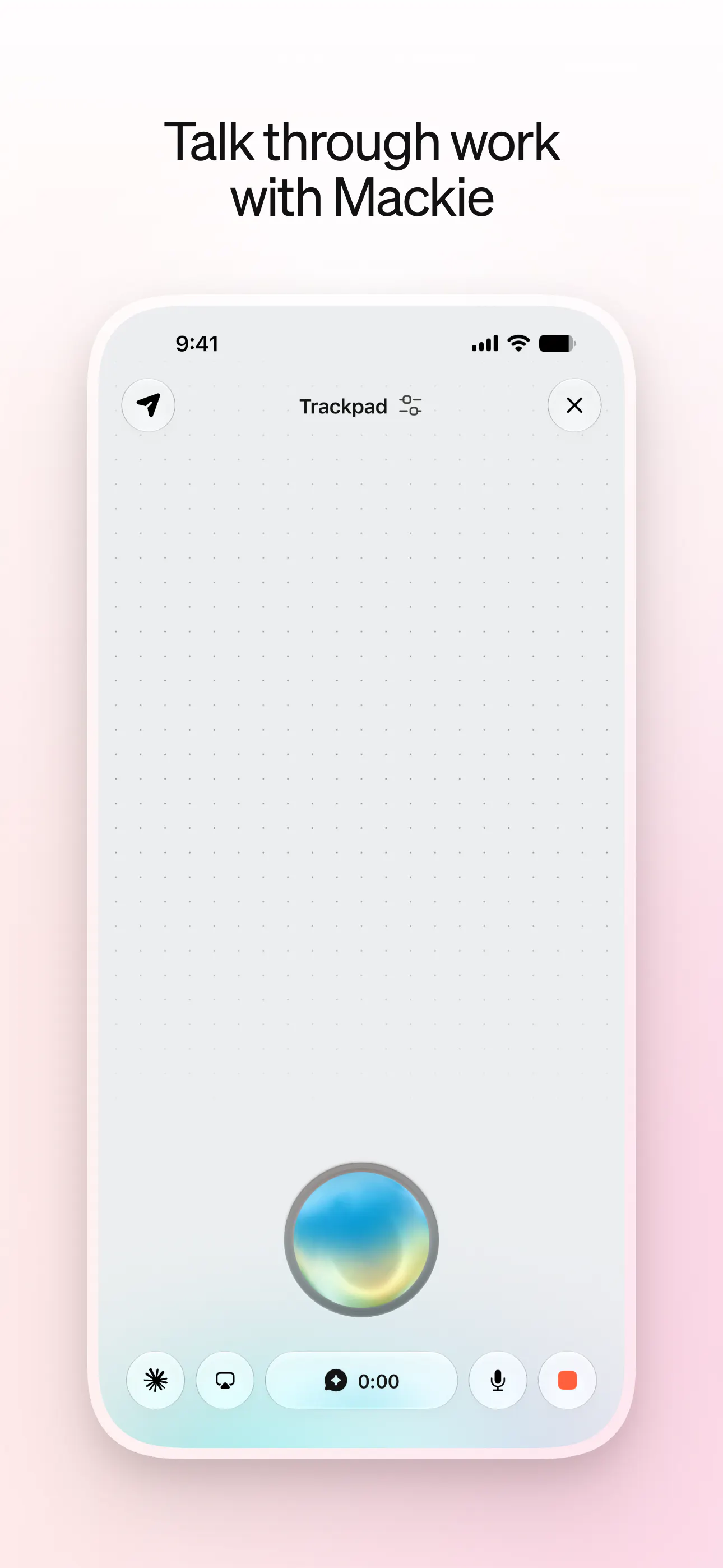
Control your Mac from iPhone with touchpad, keyboard, screen mirroring, files, and Mackie AI. Pair over Wi-Fi or use Online Access from anywhere.

I was waiting for this kind of product. Thanks for building it. And congrats for the launch.

1
回复

@harkirat_singh3777 Thanks Harkirat

0
回复

Nice! I've used several things like this over the years, but this looks like a well thought out combination of previous stabs at discrete aspects of the problem space evolved into the agentic generative AI era. Love the ability to pick from such a wide range of options for its "brain."

1
回复

@heresalexandria Thanks, Alexandria! That’s exactly the direction I’ve been aiming for: bringing the useful parts of remote-control tools together and rebuilding the experience around modern agent workflows, rather than simply adding a chatbot on top. I also didn’t want Maccess to lock people into one “brain,” so letting people choose the AI tools they already trust is a big part of it. Really appreciate you noticing that!

1
回复

Question. What does the relay service layer look like? Are you using a premae service or your own server etc? Did you consider using wifi direct? for local relay. Wifi direct gets around school office lan blockers etc. So it works locally beyond the home wifi etc. Thanks

1
回复

@conduit_design Thanks André — good questions. It’s a hybrid: Maccess’s pairing, routing, and security layer is custom, while the underlying connectivity runs on managed infrastructure rather than a single self-hosted relay server. It prefers device-to-device connections where possible and uses a relay when network conditions require it.

The security boundary remains between your paired iPhone and Mac regardless of the route. Session content is end-to-end encrypted, control data uses ChaCha20‑Poly1305 authenticated encryption, and the relay never receives the decryption keys.

For local connections, yes—Maccess supports both the normal local network and Apple’s peer-to-peer Wi‑Fi path, which is the closest Apple-platform equivalent to Wi‑Fi Direct. That can get around router or client-isolation restrictions on some school and office networks. Availability is ultimately controlled by the OS and network policy, so it can’t bypass every managed environment; Online Access remains the fallback when local connectivity is blocked.

1
回复

been wanting this since I keep leaving my Mac running some long job at home and then needing to poke at it from my phone. the "pair over Wi-Fi or use Online Access from anywhere" bit is the part I'd want to understand better before turning it on though - is Online Access relayed through your servers or is it a direct connection to the Mac, and what's actually protecting the trackpad/screen session at that point, just the Apple ID or something separate

1
回复

@galdayan Great question. On the same Wi‑Fi, the connection stays local. Online Access may connect directly or use a secure relay, depending on the networks involved.

Apple ID isn’t the only protection—it authenticates your Maccess account, while the iPhone must be separately paired using the QR code or pairing code displayed on the Mac.

Each session uses fresh encryption keys established with X25519. Control data—including trackpad input, keystrokes, clipboard data, and commands—is end-to-end encrypted and authenticated with ChaCha20‑Poly1305, so intercepted traffic is unreadable and tampered messages are rejected. Screen content is also encrypted between the paired devices.

If a relay is needed, it only forwards encrypted traffic and never receives the session keys. Maccess doesn’t store the content of your remote-control sessions, and you can disable Online Access or remove a paired device at any time.

0
回复

Mackie explaining processes in plain language is the feature that would actually get me to use this over just running ps. But does the list refresh live? I run agentic workflows overnight that spawn and kill subprocesses constantly. Checking from my phone the next morning, I want current state. If I have to tap refresh every time to see what changed, that breaks the use case.

0
回复
#5
AutoClaw
An AI work agent across desktop, browser, and chat
138
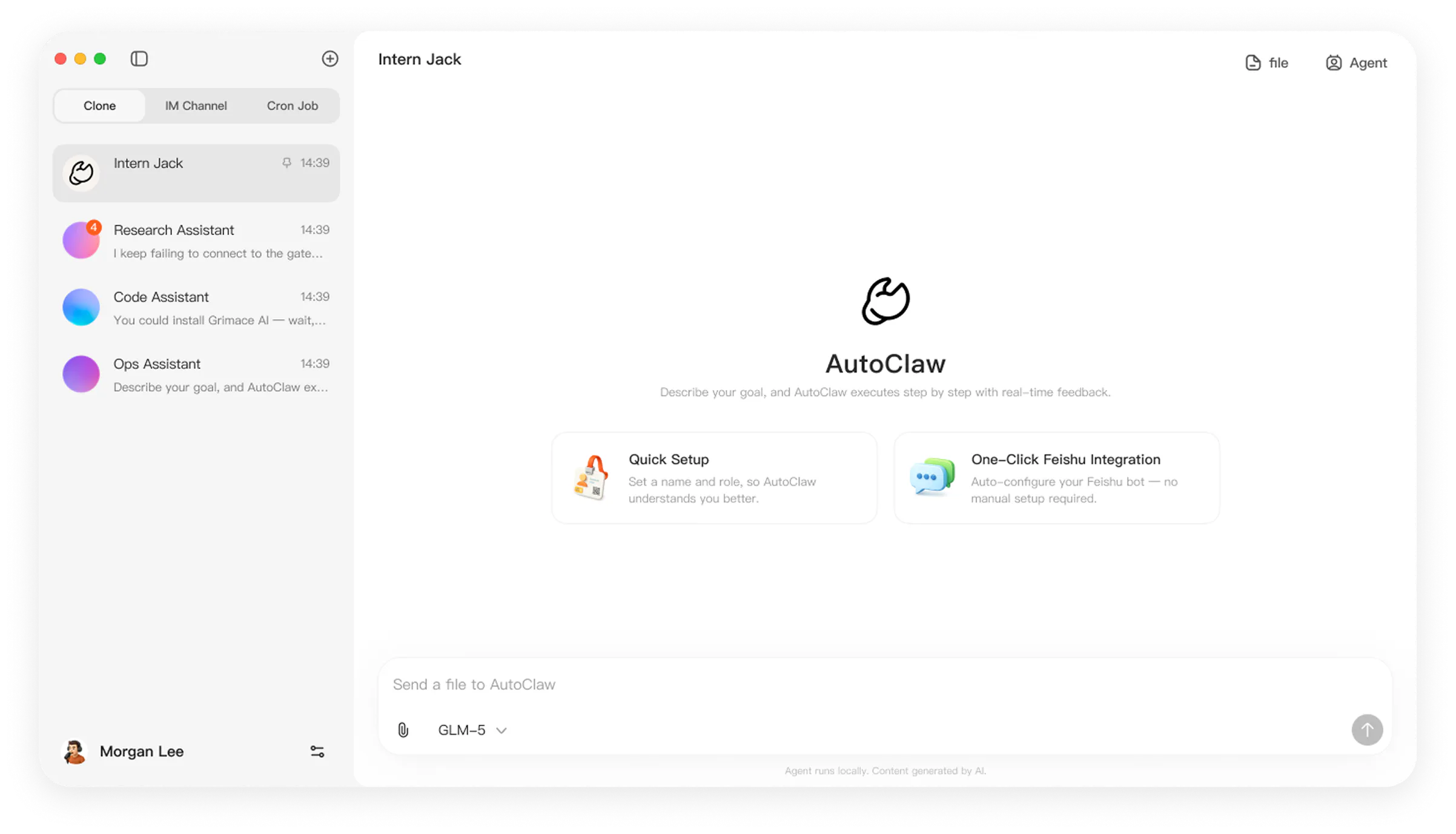
一句话介绍:AutoClaw 是一款跨桌面、浏览器和聊天软件的AI工作代理,能把用户用自然语言下达的多步骤任务拆解并自动操作文件、办公文档、网页应用和IM工具,最终把成果直接返回对话中——解决的是“工作散落在多个应用里、手动切换费时费力”的痛点。
Productivity Artificial Intelligence
AI工作代理 桌面自动化 浏览器自动化 多步骤任务 GLM-5.3 办公效率 跨应用协同 智能体协调 IM集成 生产力工具
用户评论摘要:用户评论(高赞为开发者自述)主要强调其跨应用执行长任务的能力,如从一条消息延伸到表格、浏览器和多个文件;提及内置GLM-5.3、支持连接GLM Coding Plan,并为新用户提供26K免费额度。但评论缺乏第三方用户对具体问题或建议的反馈,有效信息集中在产品功能宣导和激励政策上,暂无关于Bug、体验缺陷或功能缺失的公开抱怨。
AI 锐评

AutoClaw本质上是一个“自动化工作流编排器”,而非单纯的AI聊天助手。它的价值主张很清晰:把AI从“生成内容”升级为“执行动作”,并打通IM、浏览器和桌面应用之间的数据孤岛。这一点切中了知识工作者日常最琐碎、最耗时的部分——比如从邮件里提取数据、填进表格、再生成报告并发送,这类“连接型苦力活”正是当前Copilot类产品覆盖不到的盲区。

但需要泼冷水的是:第一,这类产品的天花板在于“工具的API完整度和稳定性”。桌面端自动化(如控制文件、Office、IM)远比云端API自动化脆弱,任何一次应用界面改版或权限弹窗都可能让Agent中断,用户的信任感会迅速崩塌。第二,内置GLM-5.3意味着模型能力依赖智谱的迭代,而Agent的成败更多取决于“动作规划”和“错误恢复”逻辑,而非单次对话质量,这部分体验官方并未展示。第三,138票的Product Hunt热度偏低,且评论区没有第三方用户真实评测,更像是产品方的发布公告,缺乏独立验证。

真正值得关注的是其“26K免费额度”和“GLM Coding Plan对接”——这说明智谱在系统性布局Agent生态,AutoClaw可能是其向企业级“数字员工”渗透的试探性产品。若它能稳定处理10步以上的跨应用任务,并支持自定义Agent协作,则有机会在RPA与AI Copilot之间杀出一块细分市场。反之,若频繁卡壳,则只会沦为又一个“演示惊艳、实战翻车”的demo级产品。建议团队优先开放真实用户的压力测试案例,而不是只发布开发者自述。

查看原始信息
AutoClaw
AutoClaw is a desktop AI agent for multi-step work across files, browsers, office documents, web apps, and IM. Give it a goal, let it operate tools and coordinate agents, then get the finished work back in the same conversation. GLM-5.3 is built in.

Hi everyone!

AutoClaw is built for the kind of work that starts as one message and somehow ends up touching a spreadsheet, a browser, a few files, and several apps.

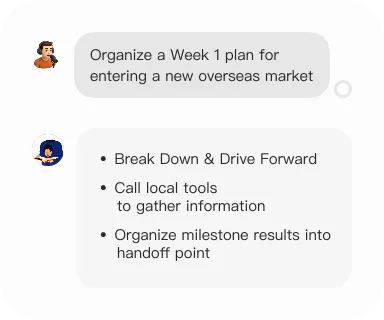
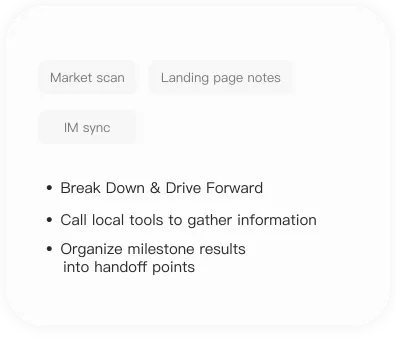
Give it the goal in AutoClaw or message it through IM, and it can break the task down, operate the tools it needs, keep longer jobs moving, and send the result back into the conversation.

That works nicely for things like recurring ops, research, content work, or the random business task that never fits neatly inside one app.

GLM-5.3 is now available natively too, and you can connect an existing GLM Coding Plan directly.

New users also get 26K credits to try it out!

7
回复
#6
Zero
Vercel's programming language built for AI agents
127
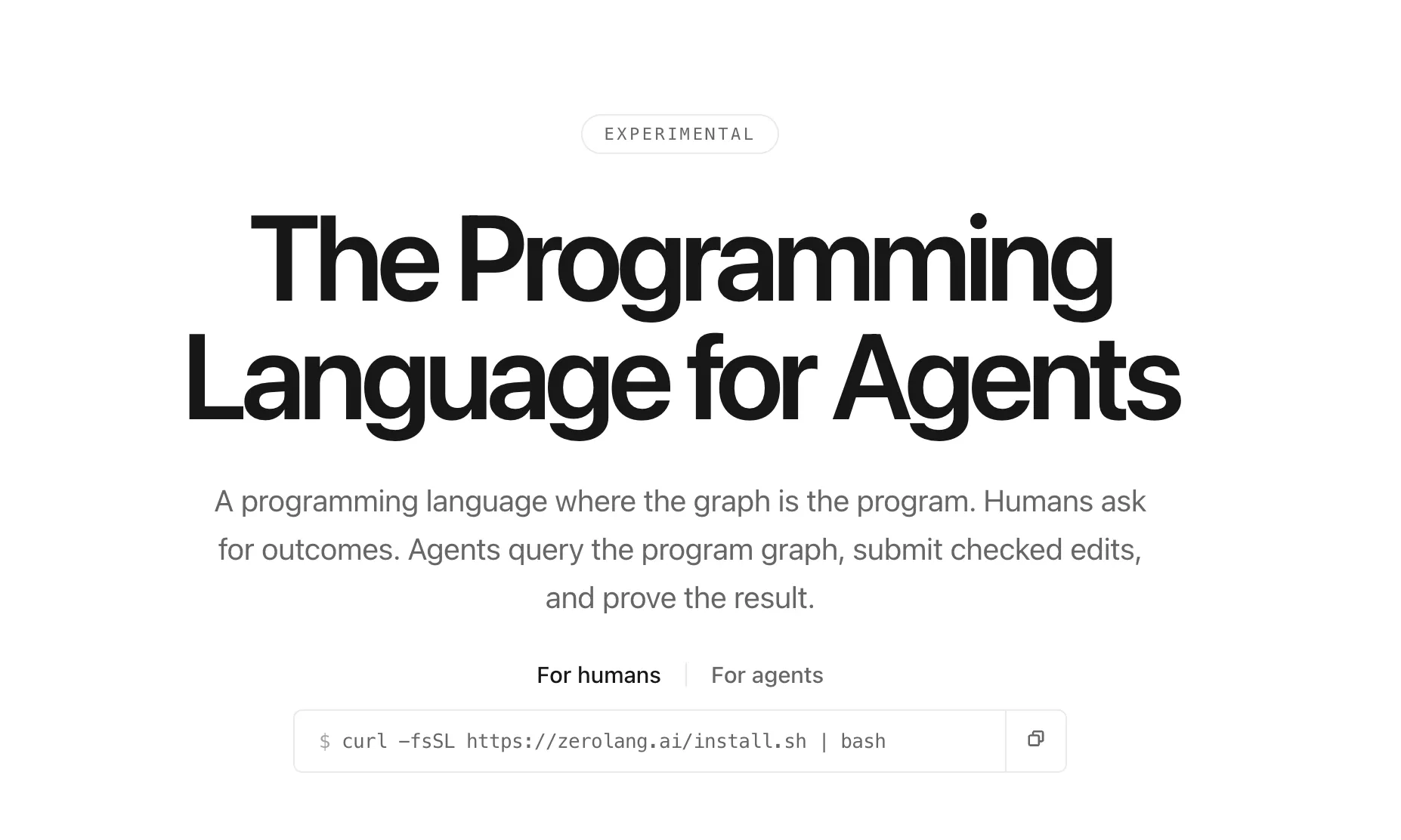
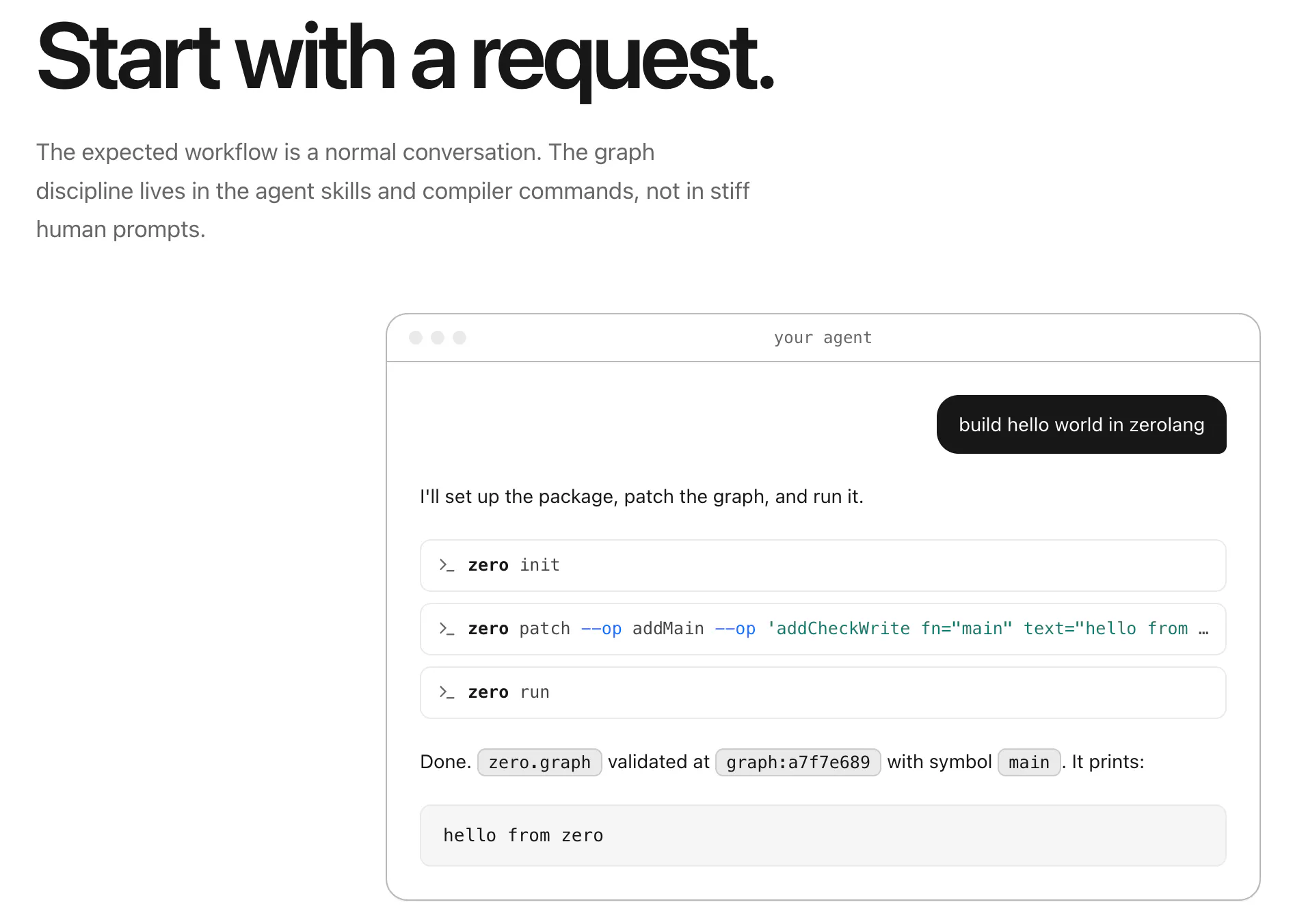
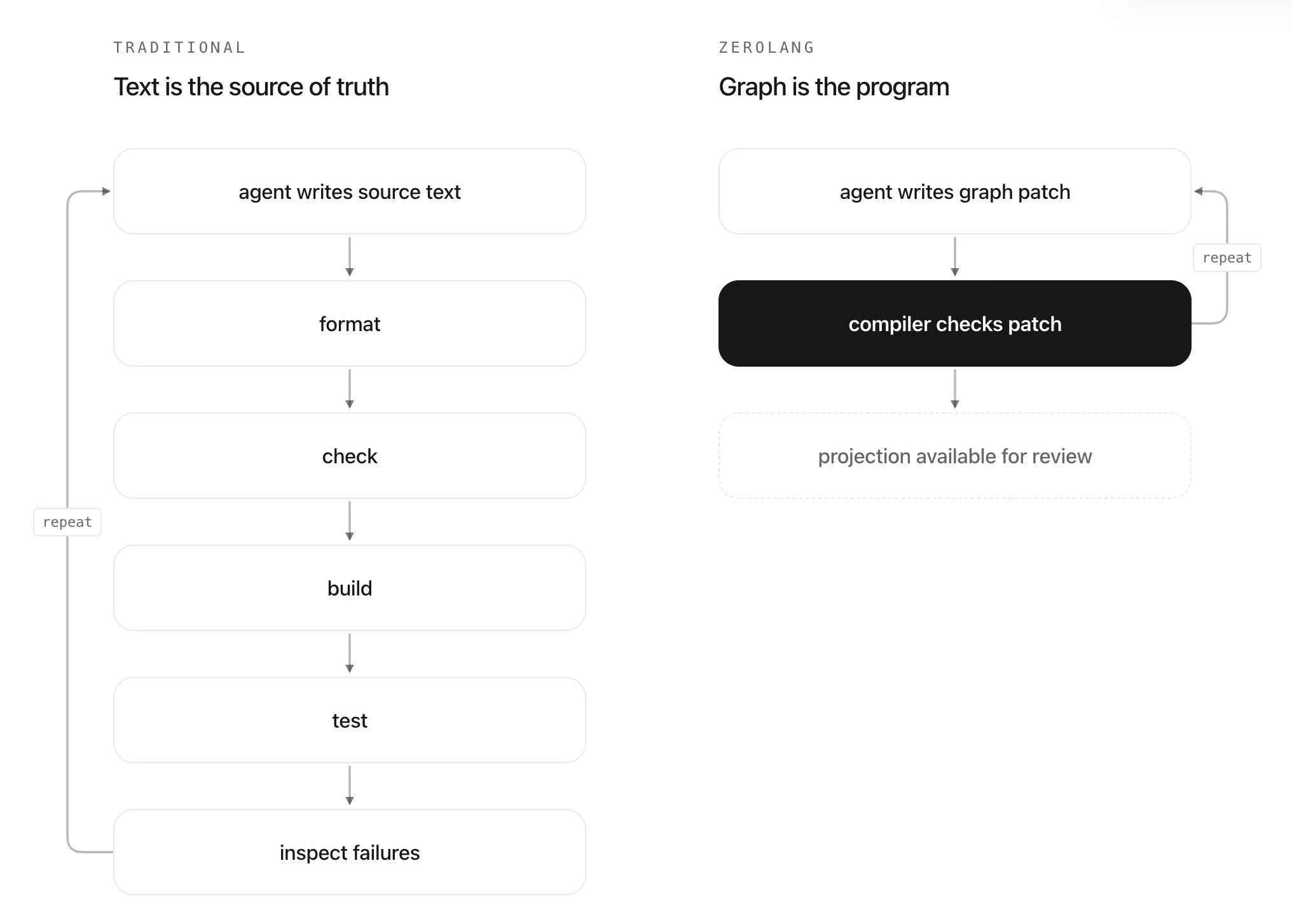
一句话介绍:Zero是Vercel推出的实验性编程语言,专为AI Agent编写代码而设计,通过语义程序图替代源码文本,让AI直接查询和修改程序结构,人类只需提出需求并审查可读的代码投影,解决传统AI生成代码不可靠、编译验证缺失的核心痛点。
Languages Developer Tools Artificial Intelligence
AI编程语言 Agent原生 语义程序图 编译器校验 代码投影 低Token消耗 Vercel 实验性工具 开发者工具 程序合成
用户评论摘要:目前仅一条评论,内容为对发布者Justin的称赞(“This is awesome Justin! Thanks for hunting it here”),无实质性功能反馈、问题或建议。有效评论信息为零,需等待社区更多技术讨论。
AI 锐评

Zero的野心明确指向AI编程的“语法层革命”,但127票的冷淡反响和近乎为零的有效评论,暴露出其“反人类直觉”的设计悖论。核心亮点——用语义图替代文本——确实直击当前LLM代码生成“格式化输出”的软肋,编译器实时校验能大幅降低Agent产出的幻觉率,同时节省Token和内存,这对重度依赖Agent的团队是切中要害的降本方案。然而,问题同样尖锐:第一,这本质上是为“AI开发者”而非“人类开发者”设计的语言,人类在审查“代码投影”时,仍需要理解图的抽象层级,学习曲线不亚于新语言本身,所谓“可读”是相对而非绝对;第二,Vercel自身生态绑定过强,开发者会担忧这是否是“锁定Next.js”的变相手段,对通用编程领域的渗透力存疑;第三,实验性定位意味着API和编译器不稳定,生产环境采用风险极高。更关键的是,如果AI Agent未来进化到能直接操作LLVM IR或WASM,语义图这一中间层很可能被跳过,Zero的“新语言”身份反而成为负担。短期看,它更像Vercel秀肌肉的技术演示,而非能挑战Python或TypeScript的实用工具。长期价值取决于两点:能否脱离Vercel独立演进,以及能否吸引核心开源社区而非仅靠品牌拥趸。目前,理智的团队应将其看作研究方向,而非工程依赖。投票数127配一条吹捧评论,更像是一场被流量遗忘的“精神胜利”。

查看原始信息
Zero
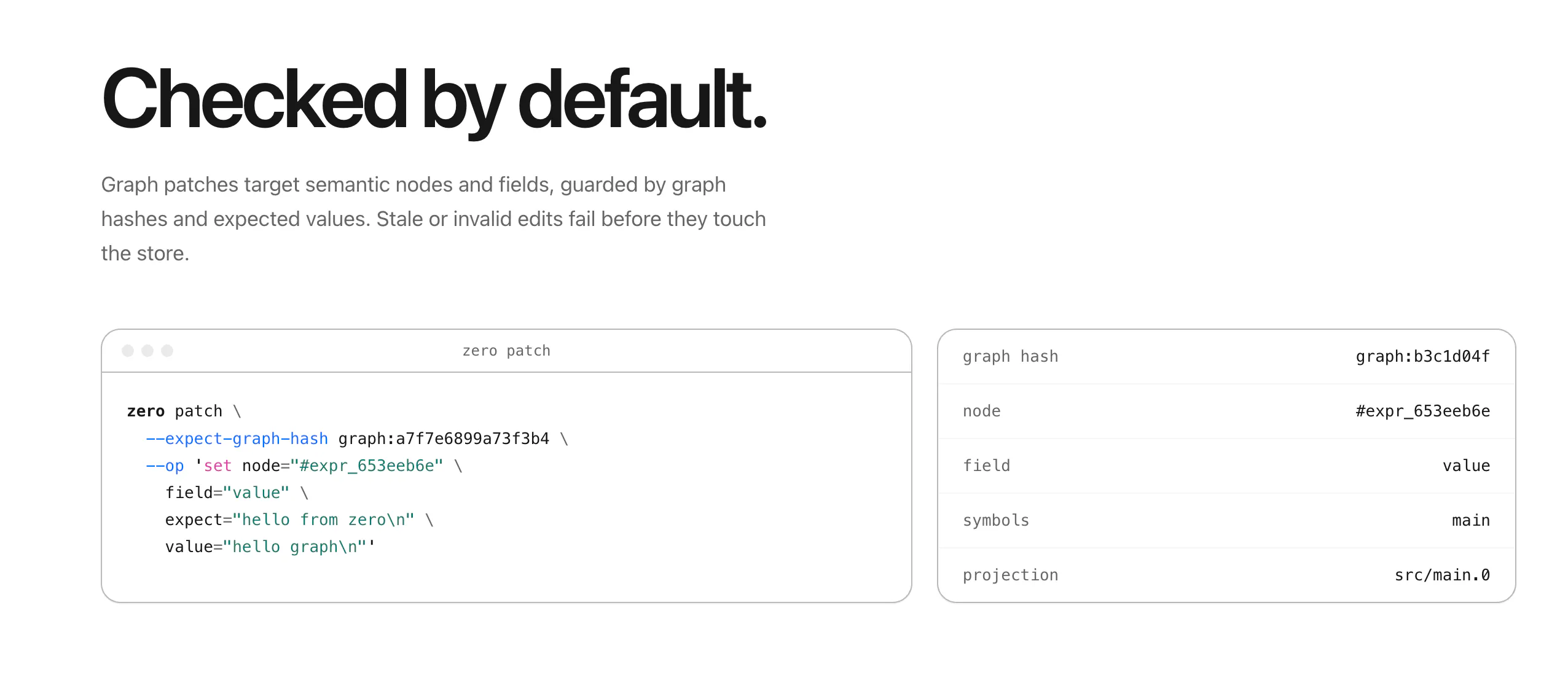
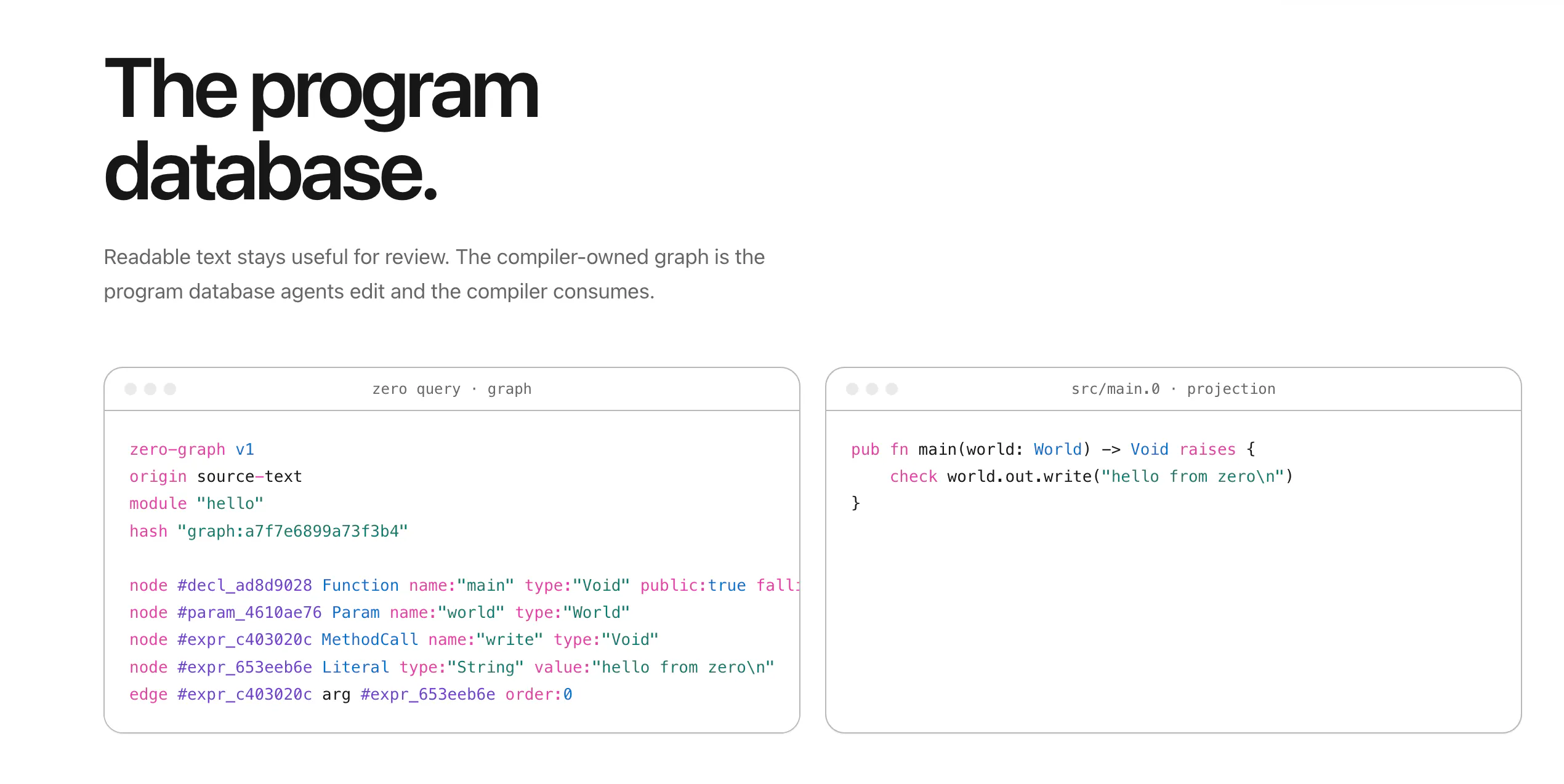
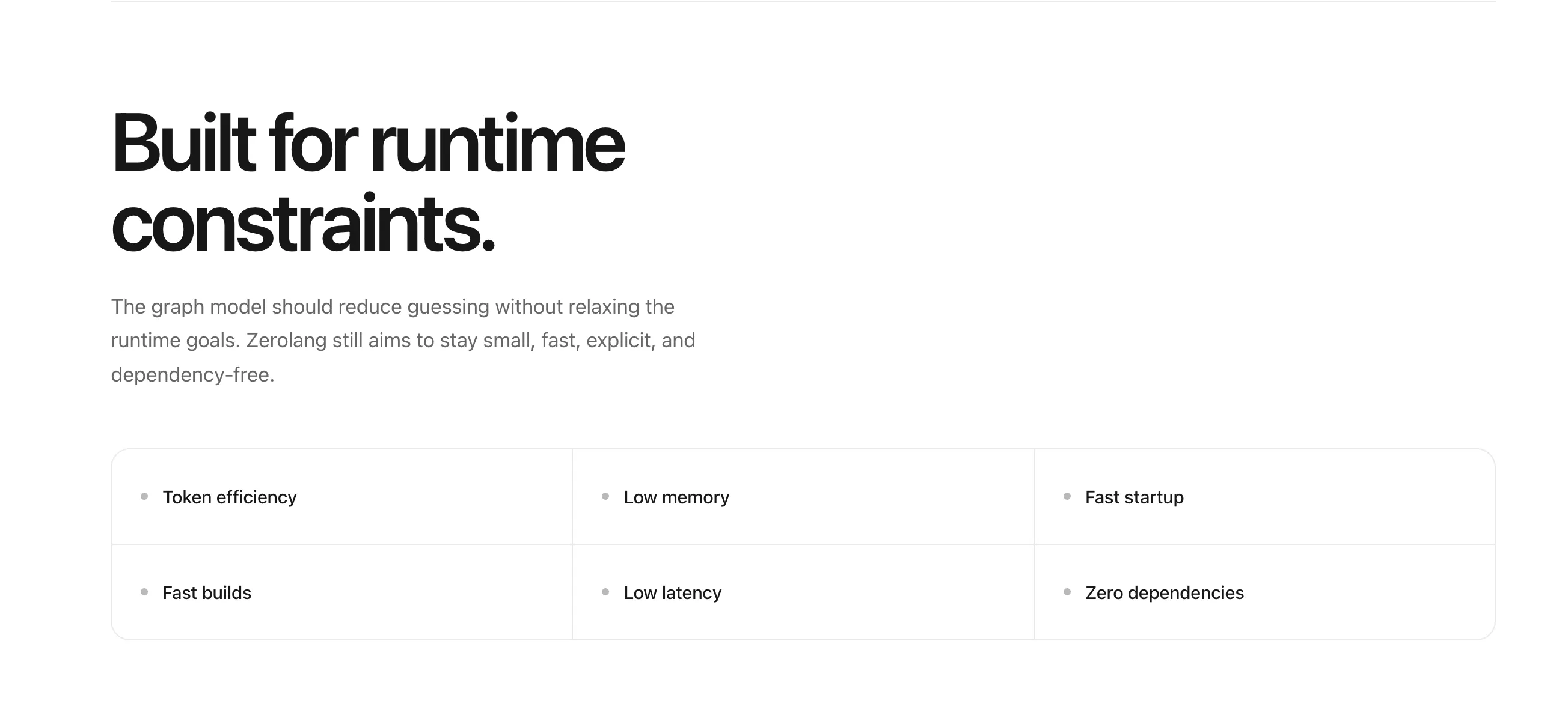
Zero is Vercel's experimental programming language designed for a world where AI agents write the code. Instead of editing source text, agents query and patch a semantic program graph while the compiler checks every change. Humans simply ask for outcomes, then review readable code projections when needed. Built from the ground up for agentic coding, with token efficiency, fast builds, low memory, and zero dependencies.

This is awesome Justin! Thanks for hunting it here

0
回复
#7
Pawvis
Control your Mac via camera & train gestures, local & FOSS
96
一句话介绍:Pawvis 将 Mac 摄像头变为手势追踪鼠标,无需额外硬件即可实现光标控制、点击/滚动及自定义动作映射,主打本地隐私与开源,直击“打字之外想用更直觉方式操控电脑”的痛点。
Productivity Developer Tools GitHub Apple
手势控制 摄像头鼠标 电脑控制 开源软件 苹果生态 本地隐私 智能交互 效率工具 无硬件外设 自定义手势
用户评论摘要:用户主要关切三点:延迟与精准度(要求给出端到端延迟数据)、误触与视频通话冲突(是否自动暂停追踪)、手出画框后的状态(点击是否释放)。另有用户提出 iPhone 作摄像头的需求,开发者已火速支持。整体评论质量高,开发者回复详实。
AI 锐评

Pawvis 的亮点不在“手势识别”这个老概念,而在于它把三个被行业长期割裂的需求——隐私、延迟、可扩展性——用本地推理和开源协议粘合在了一起。当大多数同类产品还在云端跑模型、用“延迟换精度”时,Pawvis 选择全端上设备,至少从架构上回应了“摄像头常开”这一场景最核心的信任成本。评论中用户对延迟的追问极其专业,而开发者未给出实测数据,这是发布后必须补的作业——否则“可用性”只是自我感觉。

产品真正的护城河不是手势库,而是“用户可训练自定义手势 + 绑定任意命令/应用”这一层可编程性。它把输入设备从固定范式变成可塑的指令发生器,这比单纯的“替代鼠标”更有想象空间。但从评论反馈看,误触控制(特别是视频通话场景)与手脱离画面时的状态一致性,仍是实际使用中最大的信心杀手。开发者的应对是“默认只在正脸+张手时激活”的保守策略,这能压制误触,却也牺牲了自然度——这是所有非接触式输入的原罪。

另外,语音控制依赖 Apple Intelligence,且预留了 Codex/Claude Code 的对接,说明它并不只想做一个输入外设,而是在试水“多模态人机代理”的入口。开源 MIT 授权和快速响应用户需求(如 iPhone 摄像头支持)是社区好感的关键推手,但能否从“极客玩具”走到“生产工具”,取决于两件事:正式发布精准的延迟/帧率数据,以及提供一套完整的“手势漂移自校准”机制。否则,它可能永远停在“演示很酷,日常吃灰”的尴尬地带。总之,方向正确,但工程深度仍需自证。

查看原始信息
Pawvis
PawVis turns your Mac’s webcam into a hand-tracked mouse, no extra hardware required. Raise your hand and the cursor follows, dip a finger to click, and fold two fingers to scroll. Map gestures to custom actions like window management or any app/command from a series of common gestures or train your own. Everything runs 100% on-device, and PawVis is free and open source. Enable optional voice control for hands-free commands, or pass computer-use tasks to Codex or Claude Code.

Cheers, Product Hunt!

I'm Alexandria, the creator of Pawvis. I made Pawvis because I wanted to use my computer the way we've been promised for decades that we would in the future. Pawvis reads your hand through the webcam and lets your control your mouse, manage windows, and bind custom actions to any gesture (even user-trained).

Dip a finger to click, fold middle and ring finger in like you're slinging web pages up and down to scroll, dip your pinky in to right click - these are the initial primitives but only the start, and all tracking is performed on-device with code you can read/clone/build yourself from the open source repo.

While I've seen other concepts for hand/gesture tracking through video and voice control none had hit the mark of where I felt that technology could go from a usability and extensibility standpoint.

A good input mechanism needs to be frictionless, it needs to be intuitive, and it needs to be able to adapt to the unique user using it when possible.

Pawvis tackles this through opinionated but configurable gesture mapping, aggressive optimization to make a capable detection process work smoothly and privately on your local machine, and fully user specified custom trained gestures tied to any action you want to make things like window management or launching apps and shortcuts a breeze.

I also added voice control (using Apple Intelligence) to further round out touch points, which supports its own native agent control harness or can hand computer use tasks off to Claude Code or Codex (if you set that up and have them installed).

Pawvis provides the an ideal blend of utility, technology, and whimsy - and I hope you all enjoy using it as much as I have! Let me know if you have any thoughts or questions, and feel free to clone it (it's open-source MIT licensed) or open any PRs/issues you think might take it to the next level.

Excelsior,

Alexandria

2
回复

@heresalexandria Great!

How'd you tune it to feel precise instead of laggy/twitchy like most webcam hand-tracking demos?

1
回复

@heresalexandria The "camera never sends a frame anywhere" line is the right promise, and on-device is the only way this is usable at all. The number I'd want on the page before trying it as a daily driver: end-to-end
latency from hand movement to cursor movement, and at what frame rate. A webcam pipeline has a floor of roughly one capture frame plus inference (at 30 fps that's 33 ms before anything else) which is fine for gestures and rough for pointing. Have you measured it? Even a rough "about N ms on an M-series Mac" would make the pitch more credible, not less.

0
回复

@heresalexandria The phone camera trick solves my whole desk situation, trying that tonight. Thanks for the properly thorough answer, and congrats on the launch!

1
回复

@yelyzaveta_kibets I love it! Thank you and of course, hope you have as much fun using it as I have :)

1
回复

@heresalexandria Scrolling by slinging pages around like a web shooter sounds genuinely fun haha. What happens when my hand drops out of frame mid drag though, does the click just release wherever the cursor happens to be? My webcam sits at a weird angle so half my desk is out of shot.

1
回复

@yelyzaveta_kibets for sure, I genuinely appreciate an element of whimsy in novel applications of emerging technology!

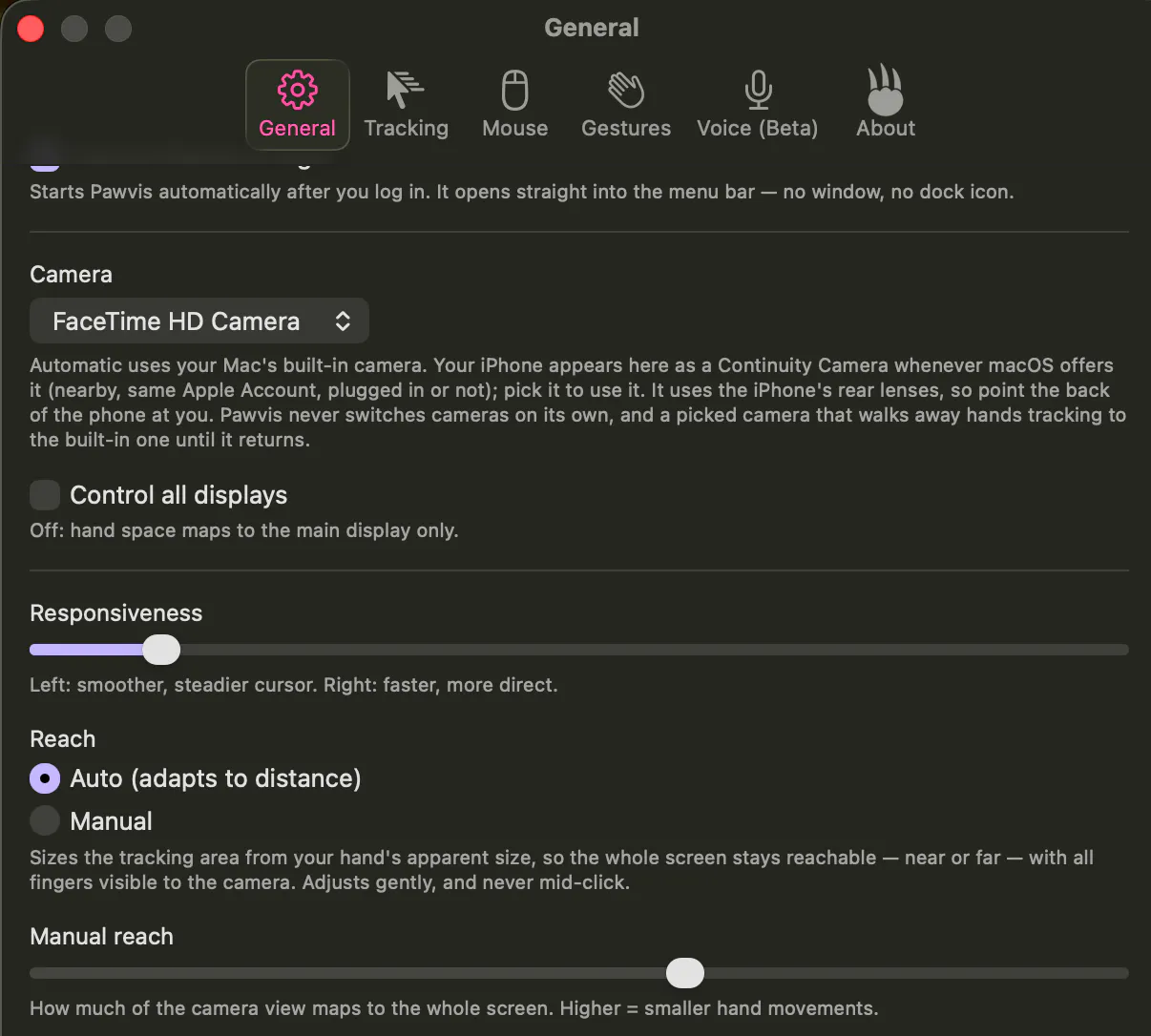
So it adjusts "reach" automatically to account for being able to move the cursor around anywhere on your screen (and a bit beyond for scrolling/dragging) given the range of what your camera can see, but you can also adjust this manually if you find it isn't tuned quite right. When you genuinely do drop your hand out of frame, it'll release/stop controlling your cursor.

It sounds like the way your camera is facing, you might be able to benefit from using your phone's camera rather than webcam (a feature I just added thanks to @elias_iturri's comment in this thread), which would let you position it more ideally - the best results come from it looking head on at you from as close as you can get to the perspective of the monitor(s) you're looking at looking straight at you.

Please let me know if you hit any snags or have other questions :)

Excelsior,

Alexandria

1
回复

Does it work well using your iPhone as a camera?

1
回复

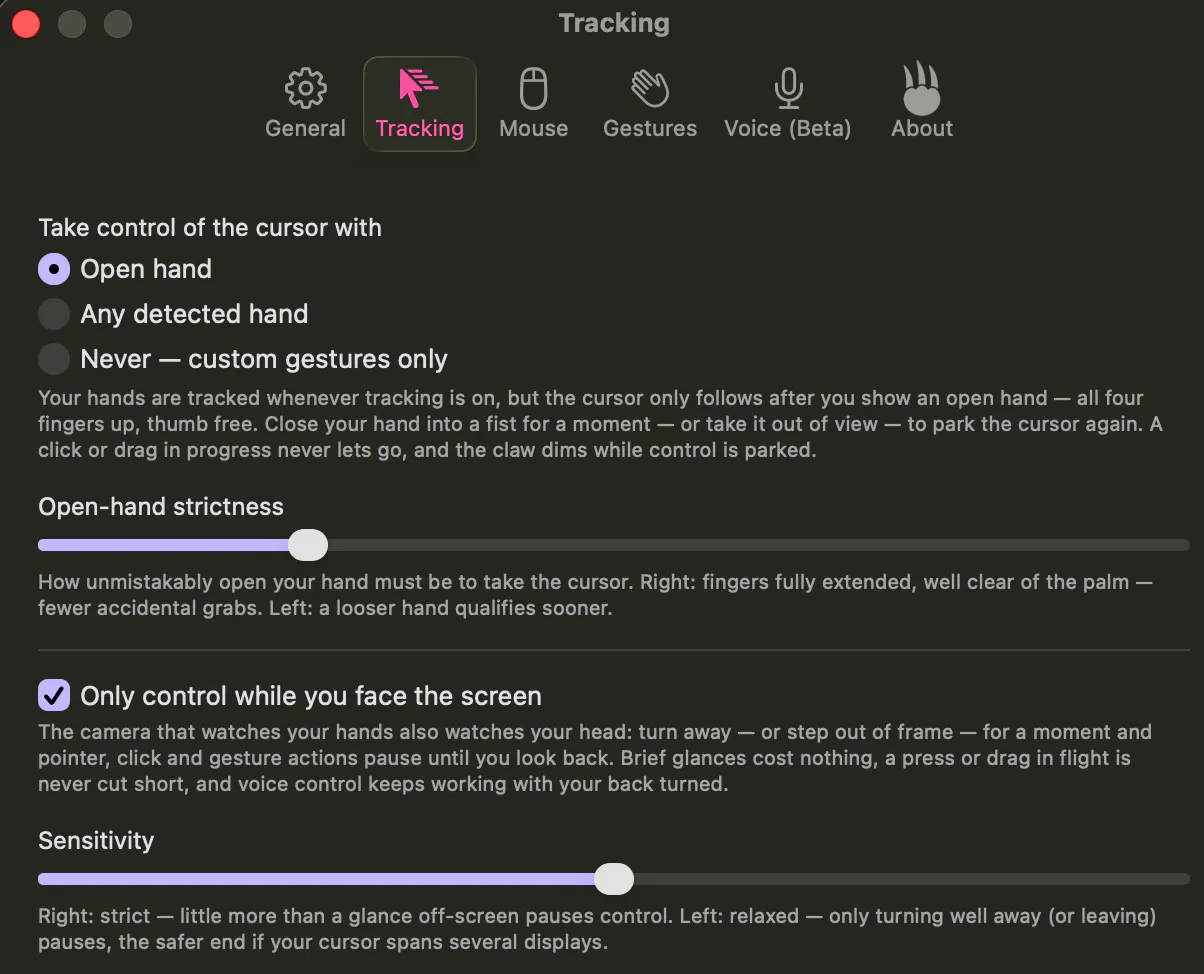
@elias_iturri that's a great question! It didn't support iPhone camera, but thanks to your comment I've added it and tested - it works pretty well, although I'd advise disabling or loosening the "Only control while you face the screen" setting when using an iPhone or any other camera not attached to the screen(s) you're looking at:

Let me know if there's anything else you'd like to see in this or if you hit any snags.

Excelsior,

Alexandria

0
回复

local processing is the right call for something that's watching you through the camera all the time. curious about the false-positive side though - if I'm on a video call and gesture naturally while talking (pointing at something, raising a hand to make a point), does Pawvis pick that up as a click/scroll command since it's presumably still watching in the background, or is there some way to pause tracking specifically for calls without fully quitting the app

1
回复

@galdayan absolutely, local was key not only for privacy but frankly speed for a feature you need running as quickly and efficiently as possible to reduce interaction friction.

Addressing false positives was the most fun part of the product development exercise here, ultimately addressed largely through ensuring gestures that perform actions are distinct as well as highly customizable and user-trainable.

By default, it only moves the cursor when you're looking directly the screen with an open upward facing palm in view (with adjustable sensitivity for all triggers). A click is registered by dipping just your pointer finger down towards your palm (as if clicking an invisible mouse in the air, but exaggerated) with the rest of the palm still open/splayed - a relatively unique motion.

All default tracking gestures were designed around the principle that they should start from the open palm and be fairly intentional movements - right click defaults to dipping your pinky in similarly to ensure maximum error boundary from other finger tracking, and scroll is triggered by dipping middle and ring finger in (sort of like you're a superhero shooting a web while scrolling websites).

Tracking is paused any time an open facing palm or face looking at the screen aren't detected (with configurability for use cases like broader angle of acceptability if you have to look across several external desktops to the left/right).

And finally, the fully user-trainable custom gestures (and out-of-the-box custom gestures like "shaka") can be as unique as your imagination allows, letting you bind motion that would conceivably never (or at least nearly never) occur without intention.

Let me know if that raises any other questions and hope you have fun using the app!

Excelsior,
Alexandria

0
回复
#8
KerasFormers
Keras 3 collection of pretrained models
92
一句话介绍:KerasFormers 是一个基于纯 Keras 3 的预训练 transformer 模型库,覆盖 60+ 视觉、语音、大语言与多模态架构,支持 JAX、PyTorch、TensorFlow 三后端一键切换,并内置 Hugging Face 权重转换与数值一致性校验,解决 Keras 3 用户“模型难找、转换难写、跨后端难跑”的核心痛点。
Developer Tools Artificial Intelligence GitHub Tech
Keras 3 预训练模型库 Transformer 多后端支持 Hugging Face 权重转换 模型移植 视觉模型 大语言模型 多模态 开源工具
用户评论摘要:开发者自述项目源于“Hugging Face 模型在 Keras 3 中难以直接使用”的痛点,强调从架构层面实现真正后端无关,而非简单包装 PyTorch 代码。用户 gitesh_chawda 关注 channels_first 全局配置对 13 个 SegFormer 变体数值一致性(上游权重为 channels_last)的影响,属于高质量技术拷问,官方未正面回应,但问题指向转换机制的深层鲁棒性。
AI 锐评

KerasFormers 的价值不在“又多了一个模型库”,而在它试图填平 Keras 3 生态与 Hugging Face 之间的鸿沟——这个鸿沟真实且致命:Keras 3 的跨后端承诺很性感,但实际用起来,多数预训练模型只能靠社区零散复刻或自写适配层,工程成本极高。KerasFormers 用 60+ 架构、权重转换与 parity validation 直接切中要害,相当于给 Keras 3 用户配了一把“开箱即用”的钥匙。

但冷静看,其“纯 Keras 3 实现”既是卖点也是枷锁。用户评论中关于 channels_first 全局配置对 SegFormer 数值一致性的质疑,暴露了一个深层隐患:Keras 3 的 config 级后端开关可能影响底层张量布局,而 Hugging Face 上游权重普遍按 channels_last 训练/保存,单纯翻转全局 flag 是否能保证所有模型(尤其视觉模型)的逐层数值对齐,这需要系统性验证,而非一句“内置 parity validation”就能搪塞。

另外,项目仍由个人驱动,模型数量与维护速度难以抗衡 Hugging Face 的社区洪流。若转换工具无法做到自动化、可扩展、且对任意新架构即时跟进,那它最终只会成为“少数模型的手工精修品”,而非生态基座。

真正的价值在于它验证了一条路径:Keras 3 生态可以通过拥抱 HF 权重 + 自研适配层实现“软兼容”,而不是逼用户重训或写胶水代码。若 KerasFormers 能开放自动转换脚本、提供格式说明文档,并让社区贡献新架构,它有望成为 Keras 3 的“Hugging Face 桥头堡”。但前提是,它得先把 channels_first 这类底层陷阱处理干净——否则,所谓“跨后端一致”就是一句空话。

查看原始信息
KerasFormers
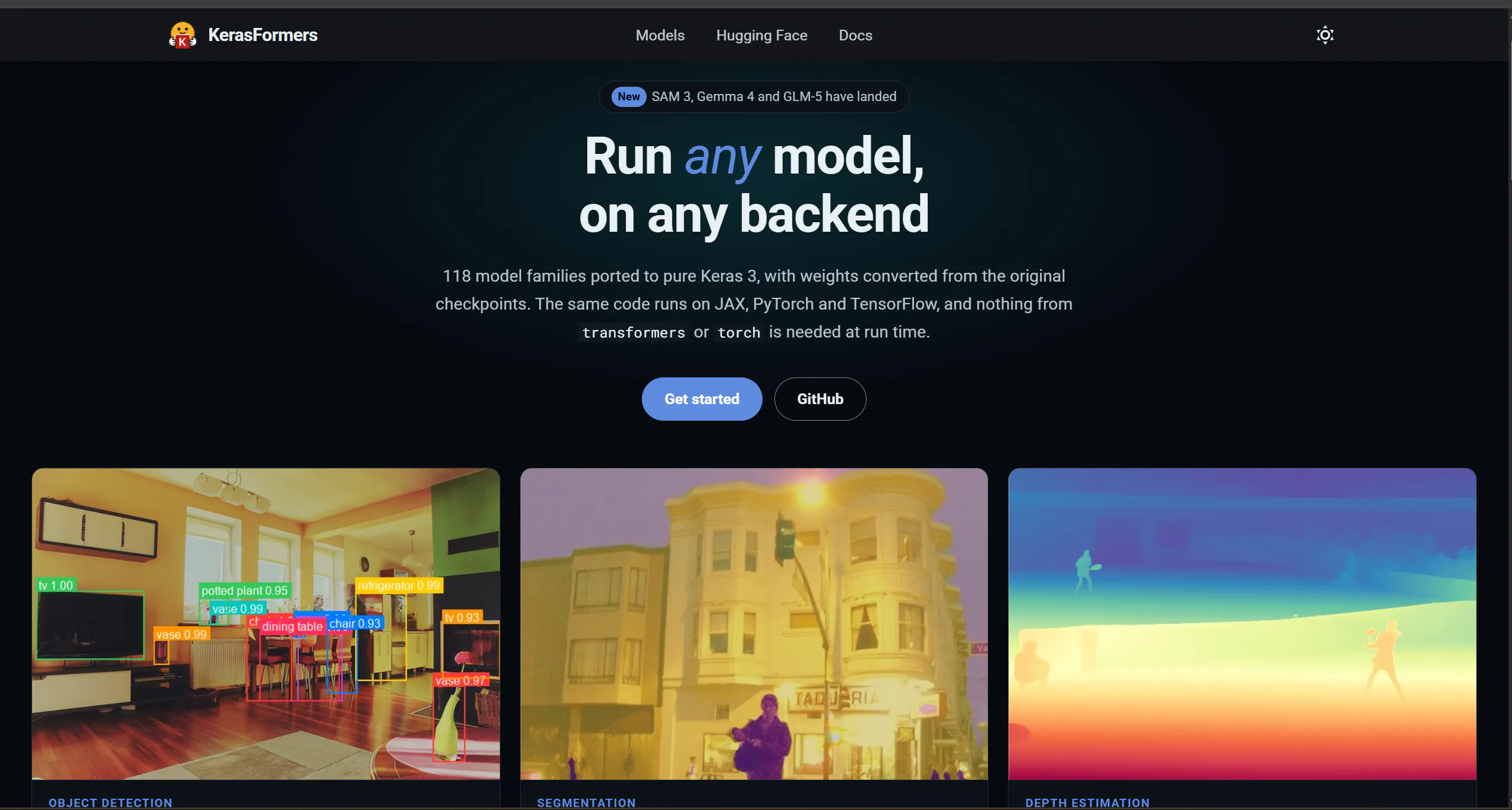
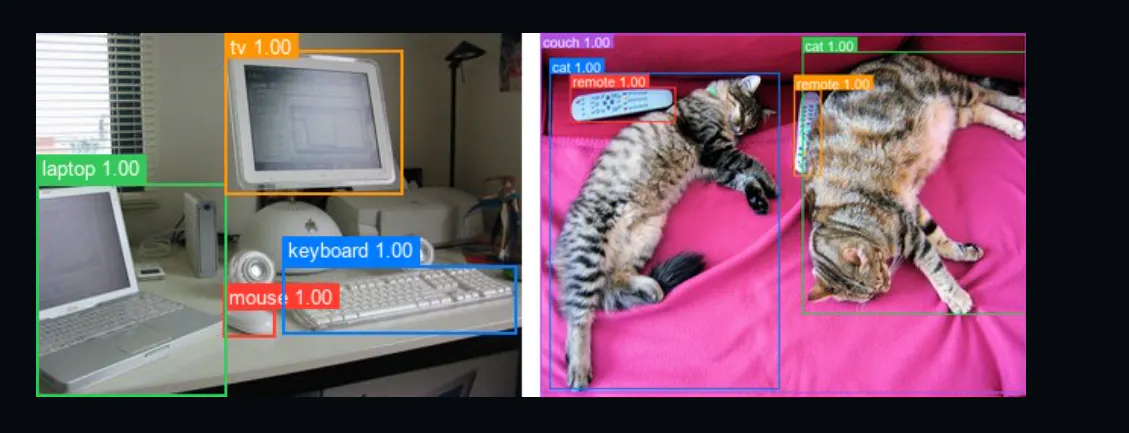
Pretrained transformer models in pure Keras 3, runnable on JAX, PyTorch and TensorFlow.
I started KerasFormers to solve a problem I kept running into: many modern models were available in Hugging Face, but using them in Keras 3, especially across TensorFlow, JAX, and PyTorch backends, often meant writing or adapting a lot of model-specific code. What started as a small experiment grew into a library covering 60+ vision, speech, LLM, and VLM architectures, with Hugging Face to Keras weight conversion and parity validation built in. The biggest challenge was making the implementations genuinely backend-agnostic rather than just wrapping existing PyTorch code. That meant digging into model architectures, tensor layouts, Keras 3 ops, checkpoint formats, and numerical parity. KerasFormers is still evolving, and I’m continuing to add models, improve conversions, and make the ecosystem easier to use. I’d love feedback on what models or capabilities would be most useful next.
0
回复

@gitesh_chawda love that channels_first is supported natively via keras.config. does flipping that global flag mess with the numerical parity on the 13 segformer variants since upstream checkpoints are usually channels_last?

0
回复
#9
Agents Never Sleep
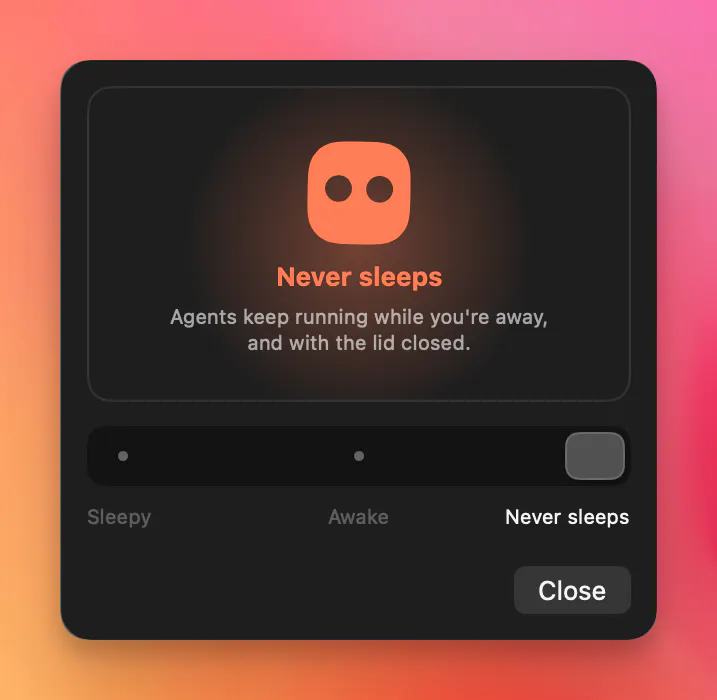
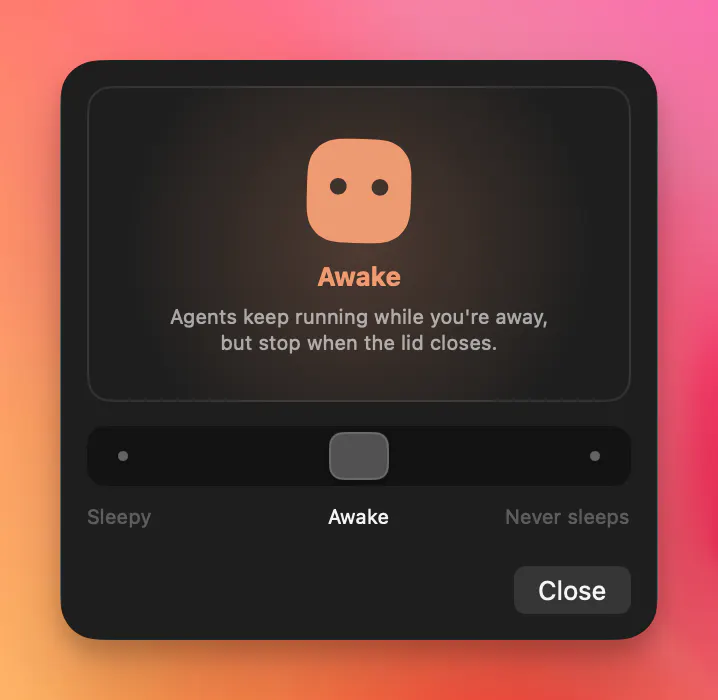
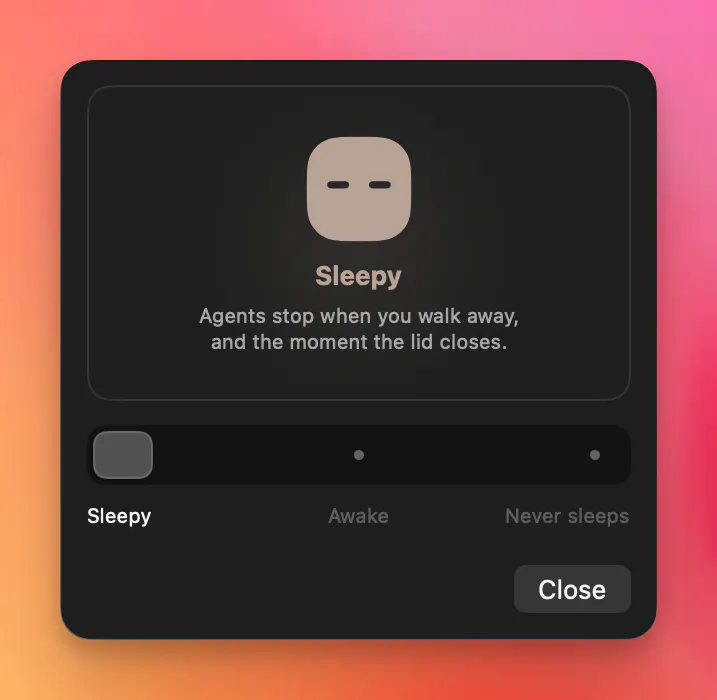
Agents keep running with the lid closed
88
一句话介绍:一款macOS菜单栏小工具,让你在合上笔记本盖子后,AI任务(如训练、推理、自动化脚本)依然持续运行,告别“半开盖子”或到处找电源的折腾。
Developer Tools Artificial Intelligence Menu Bar Apps
macOS工具 菜单栏应用 防休眠 AI开发 合盖运行 任务驻留 效率工具 开发者工具 系统控制 电池管理
用户评论摘要:用户普遍认可“合盖不睡”确实解决真实痛点(如垫便利贴的尴尬),但质疑其与终端`caffeinate`及老牌工具Amphetamine的实质差异。开发者回应:技术层面无创新,本质是更友好的开关切换界面,并指出Amphetamine体验“笨重”,且FAQ中已公开终端命令。
AI 锐评

这款产品的本质,是给系统原生的`caffeinate`命令套了一层“可爱菜单栏皮肤”。从商业价值看,它踩中了两个精准心理:一是AI开发者对“任务中断”的深度恐惧——合盖即断训的代价远高于几美元;二是对“极简优雅”的伪需求——明知终端一行字能搞定,但就是不想记、不想敲。这像极了当年“Amphetamine”的路径,但问题在于:Amphetamine已免费且功能完整,包括电池阈值、定时唤醒等高级特性。Agents Never Sleep仅靠“更简单”和“小动物图标”护城河极浅,用户粘性堪忧。

真正有价值的部分,是它无意间暴露的行业缺口:AI开发者的物理工作流(合盖、移动、续航管理)仍靠土办法解决。如果产品后续能发展出“按进程/项目自动切换睡眠策略”,或联动充电阈值、外接显示器状态形成智能电源策略,才算从“命令行封装”进化为“AI作业调度器”。目前88票的首发热度很大程度上源于“痛点共鸣”,而非产品壁垒。建议开发者尽快加入“基于前台应用或网络活动自动启用/禁用”的规则引擎,否则当用户发现终端三行代码可复现后,卸载只是时间问题。一句话总结:解决了真痛点,但没建立真壁垒,像一把精致的螺丝刀——螺丝拧完,你就想不起它了。

查看原始信息
Agents Never Sleep
A macOS menu bar app that keeps your agents AI awake even if with lid closed. No more keeping your laptop half-open or carrying it around in weird ways. Stop this madness 🙅‍♂️, close the lid.

Hi product hunt, thanks everyone for the support.

I built Agents Never Sleep to help me control the sleep behaviour on my Mac without getting lost in settings or needing a terminal.

Made a cute little friend in the menu bar as a bonus!

Glad to see i'm not the only one looking for this :)

4
回复

I've done the "prop the lid open a centimeter with a folded sticky note" move more times than I'd like to admit, so this solves a real problem. curious how this is different from just running caffeinate in a loop or using something like Amphetamine though, is the "control the sleep behaviour" part doing something smarter than just preventing sleep, like actually distinguishing which processes count as an active agent vs idle background stuff

0
回复

@galdayan caffeinate prevents the screen from dimming, but it doesn't prevent the sleeping when the lid gets closed. Amphetamine can get you there, but I found it quite junky to use. Just to note - all of this can be achieved via terminal commands, and I am in fact showing them in the FAQ section on the website.

I found that It gets annoying over time and I simply got tired of doing it over and over again. Nothing smart is going on with the sleep prevention implementation, it's just a more convenient way to flip the modes back and forth which I end up doing all the time.

0
回复
#10
Port Radar for macOS
An AI port manager for your Mac.
80
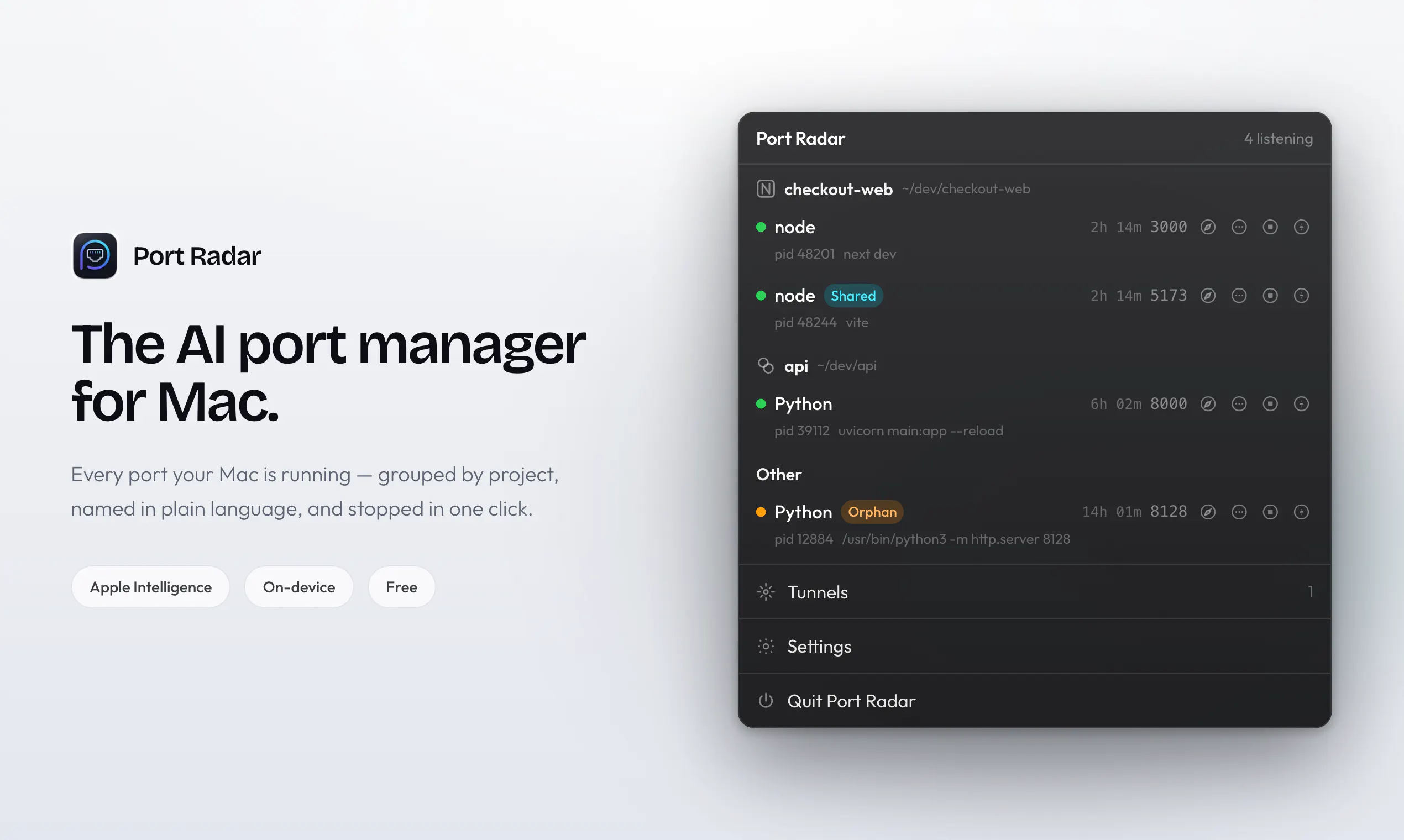
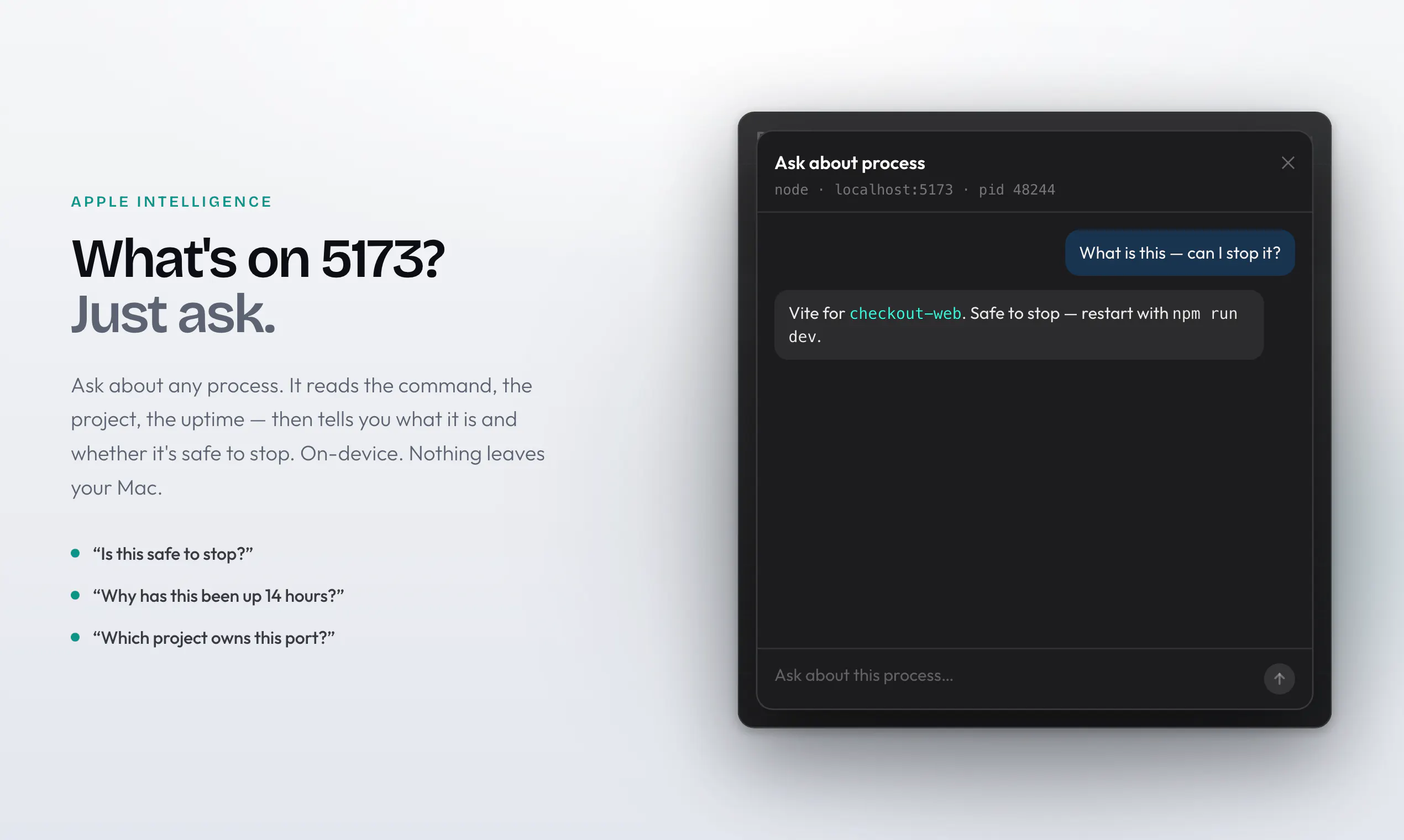
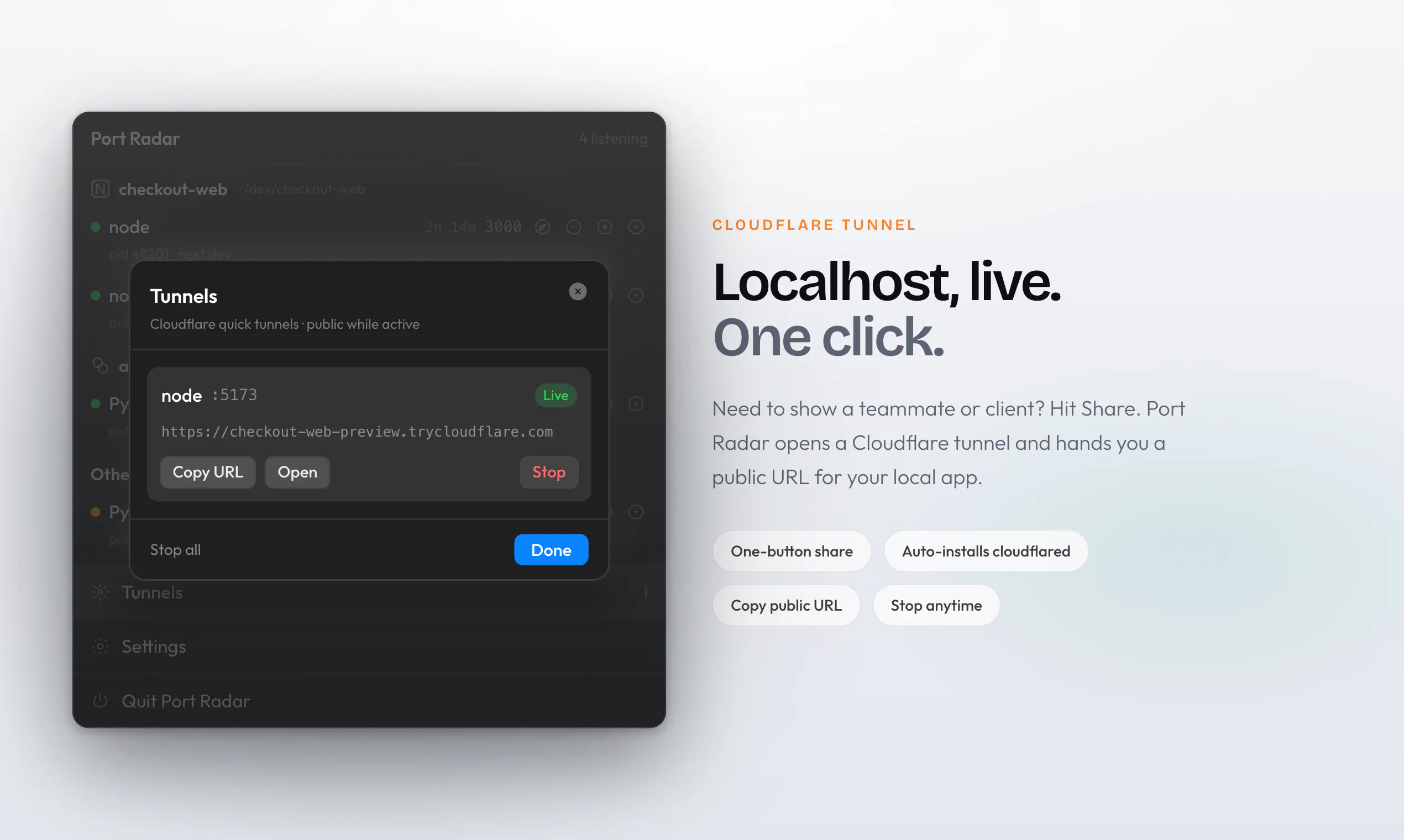
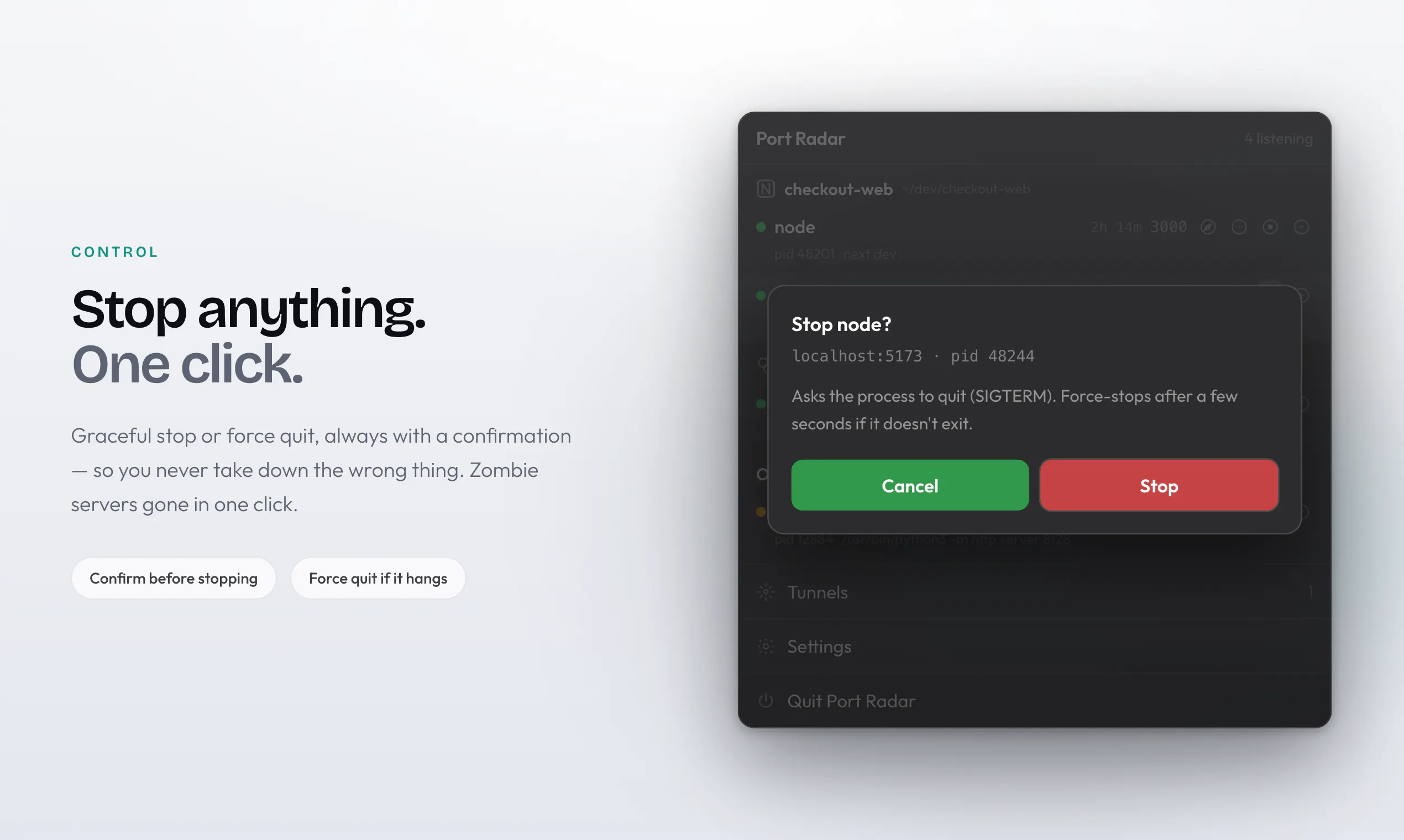
一句话介绍:Port Radar 是一款原生 macOS 菜单栏应用,用自然语言实时展示端口占用进程,并支持一键停止,解决开发者“端口被占却不知是何物、能否安全关闭”的日常痛点,还能一键生成 Cloudflare 隧道分享本地站点。
Mac Developer Tools Artificial Intelligence
macOS菜单栏工具 端口管理 开发者工具 本地进程监控 AI解释 数据隐私 一键停止进程 Cloudflare隧道 本地开发效率 Apple Intelligence
用户评论摘要:用户关注点集中在“AI 解释安全停止”与“设备兼容性”上。有用户问为何不直接列端口清单而要做AI解释;另一关键问题指出 Apple Intelligence 仅支持 M 系列芯片,质疑旧款 Intel Mac 上该功能如何处理。开发者回应:核心监控完全本地,AI 功能在旧硬件上关闭,不会上传数据,并计划增加启发式本地回退方案。
AI 锐评

这款工具切中了前端与全栈开发者最日常的“三秒烦躁点”:`lsof -i:3000` 输出天书,`kill -9` 又怕误伤数据库或 Docker 容器。Port Radar 的价值并不在于“列出端口”,而在于将底层输出的十六进制 PID 和原生进程名,翻译成“这是 Vite 开发服务器,可以安全停止”的决策信息。这本质上是用 LLM 做了一次“系统语义层”的封装,将 Unix 哲学的“精确但晦涩”推向“模糊但友好”,方向正确。但必须泼冷水:其一,Apple Intelligence 的硬性门槛(M 系芯片 + 最新系统)意味着它在庞大的 Intel Mac 存量用户群中基本退化为一个花哨的 `lsof` GUI,而开发者的回应“核心监测可用、AI 功能关闭”看似坦诚,实则恰好暴露了核心卖点的脆弱性——没了 AI 解释,它与免费开源替代品(如 Lona、SwiftBar 脚本)的差异度骤降。其二,“安全停止”是个强断言,LLM 在解释系统进程(如 launchd 或内核扩展)时一旦给出错误建议,代价是用户桌面环境崩溃,这会快速消解信任。其三,Cloudflare Tunnel 功能虽是加分项,但 macOS 自带 `ssh -R` 或 `ngrok` 的免费额度已能覆盖大多数场景,此处更多是“顺手集成”而非革命。总体而言,Port Radar 是精致的小众效率工具,它的护城河是“AI 解释”的体验,而不是技术壁垒。建议团队尽快补齐 Intel Mac 的本地启发式回退,并考虑将“AI 解释”拆分订阅制,否则极易被大厂(如 CleanMyMac 或 JetBrains)的同类功能降维打击。目前80票的冷启动成绩,反映的还是“小而美”的定位,距离“必备工具”还有一段关键距离。

查看原始信息
Port Radar for macOS
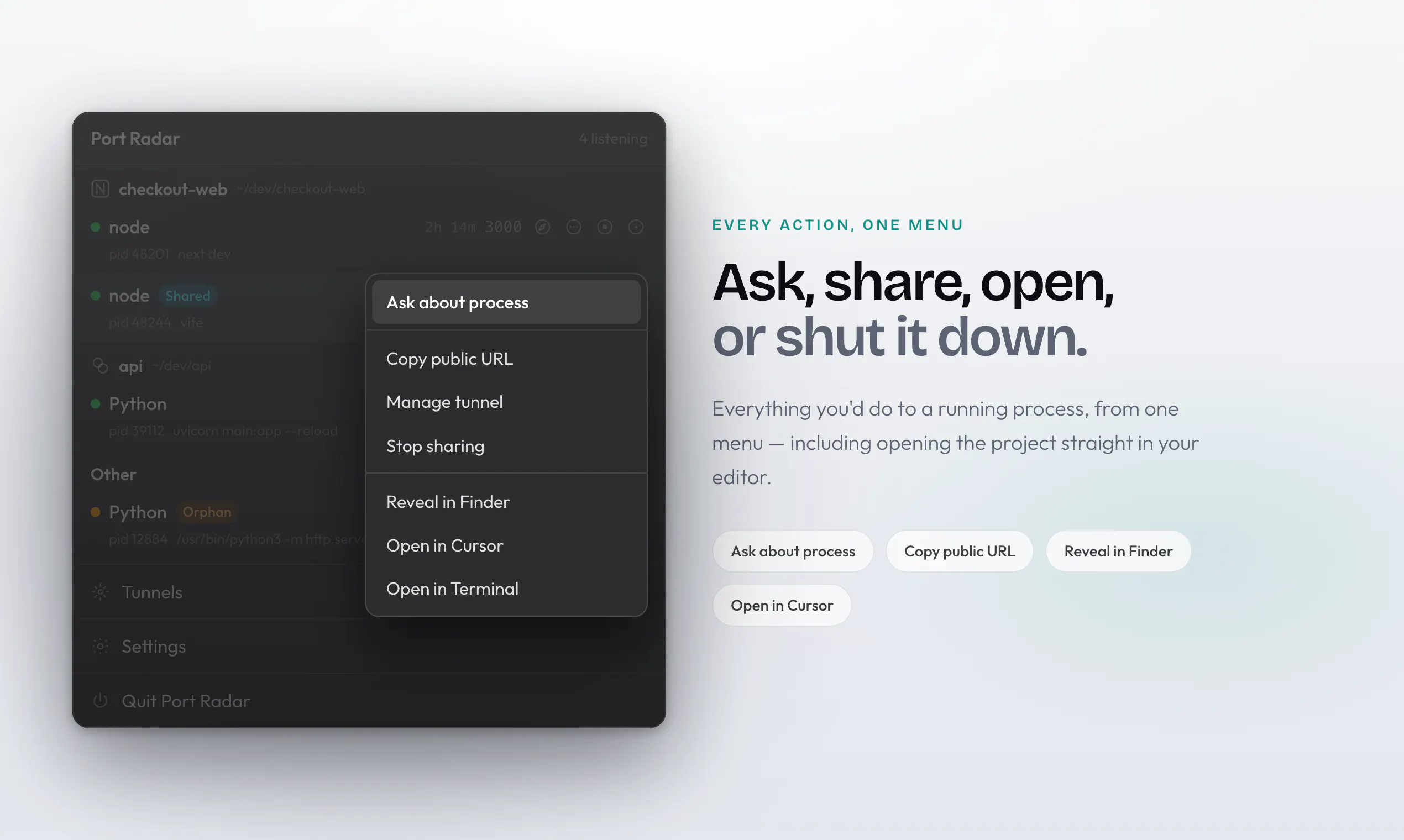
Port Radar is a native macOS menu bar app that shows you exactly what’s running on your ports—in plain English. Spot Vite, Next.js, Docker, forgotten apps, and anything else quietly using resources, then stop it with a single click. Apple Intelligence answers "what is this, is it safe to stop?" right on your device, so nothing leaves your Mac. Plus one click Cloudflare tunnels to share a local site as a live link.
Hey Product Hunt, You start a project. Something's already using port 3000. You have no idea what, or whether it's safe to shut down. That was my entire week, every week. So I built Port Radar. It sits in your Mac menu bar and: • Shows every port your Mac is currently running • Answers "what is this, and is it safe to stop?" using Apple Intelligence, on your device nothing gets uploaded anywhere • Stops anything in one click • Turns a local site into a live shareable link with a one click Cloudflare tunnel No Terminal. No commands to memorize. No cloud. The AI part is the piece I'm proudest of, instead of a list of numbers, you get an actual answer, and it never leaves your machine.
1
回复

@juansebsol Great Launch Sebastian!

What made "is this safe to stop" the feature to nail, over just listing ports?

0
回复

the "never leaves your machine" part is what would sell me over just running lsof myself. one question on that - Apple Intelligence needs an M-series chip and a fairly recent macOS version to actually run on-device, so what happens on an older Intel Mac or a machine that isn't Apple Intelligence eligible? does it fall back to some simpler heuristic/lookup for the "what is this" explanation, or is that whole feature gated off entirely on unsupported hardware

1
回复

@galdayan Good question. On unsupported Macs, the core port/process monitoring still works exactly the same and stays fully local. The Apple Intelligence-powered explanations are only available on supported Apple Silicon Macs, so on older Intel Macs that specific feature is gated off rather than silently sending anything to a cloud model.

I wanted “never leaves your machine” to be a hard rule, not something that changes depending on your hardware. I’m looking at adding a local heuristic process lookup fallback for unsupported Macs though, so they can still get useful context without sacrificing that.

1
回复
#11
VeloFiler
Keyboard-first dual-pane file manager for macOS
70
一句话介绍:VeloFiler 是一款为 macOS 打造的键盘优先双栏文件管理器,专为饱受 Finder 低效操作之苦、同时需要高频处理本地与远程服务器文件的开发者与极客设计,让用户在不离开键盘的情况下实现文件的飞速流转与即时预览。
Mac Productivity Developer Tools
文件管理器 macOS 键盘优先 双栏界面 Vim风格 Rust GPUI SSH/SFTP 快速预览 开发者工具
用户评论摘要:用户高度关注SSH/SFTP功能的实际延迟体验,质疑网络环境下键盘操作是否会被卡顿拖累;同时询问沙盒限制下证书存储方式及权限处理;另有开发者好奇Rust/GPUI的开发体验,并赞赏App Store原生安装的信任感,但认为审核过程是巨大挑战。
AI 锐评

VeloFiler 的定位非常精准:它不是在跟 Windows 的 Total Commander 比功能数量,而是在跟 macOS 用户的“惯性”作斗争。其最大的价值不是“双栏”或“Vim 键位”,而是用 Rust 重写底层换来的零秒启动与流畅滚动,这直接击穿了 Finder 长期以来那层不痛快的“果冻感”。

从评论反馈看,核心争议集中在 SSH/SFTP 的远程体验上——这是画龙点睛之笔,也是最大的技术破绽。键盘操作的高速是本地文件系统即时反馈带来的“幻象”,一旦串联到网络 I/O,任何按键交互都会面临 SSH 链路的往返延迟。评论者一针见血地指出:VeloFiler 是否做了前缀缓存或预取?如果答案是没有,那么这款产品的“远程文件作为本地窗格”的营销概念就站不住脚,Vim 操作流在高延迟下只会分解为无尽的转圈,用户最终会退回 Transmit 这类专用工具。

此外,App Store 沙盒与文件管理器的本质是天然对立的。尽管开发者用 security-scoped bookmarks 解决了权限反复弹窗的问题,但这本质上是对 macOS 安全机制的一次“系统级妥协”。这种做法在大文件批量操作或访问隐藏目录时容易踩坑,未来维护成本极高。

产品走的是极客路线,但极客群体对工具的“控制感”有着近乎苛刻的要求。目前 VeloFiler 在两个维度欠缺控制感:一是远程服务器上无法自定义批处理策略以对抗网络延迟,二是调试和日志能力尚不明朗。对于一款定位“键盘统领全局”的产品,如果在关键性能节点上依赖网络环境的“人品”,那它终究只是把 Finder 换了一副更快的表皮,而非重塑文件管理的交互逻辑。诚然,它是 macOS 上少见的漂亮先行者,但距离“护航工具”的成熟度,仍有从 70 票到 7000 票的距离。

查看原始信息
VeloFiler
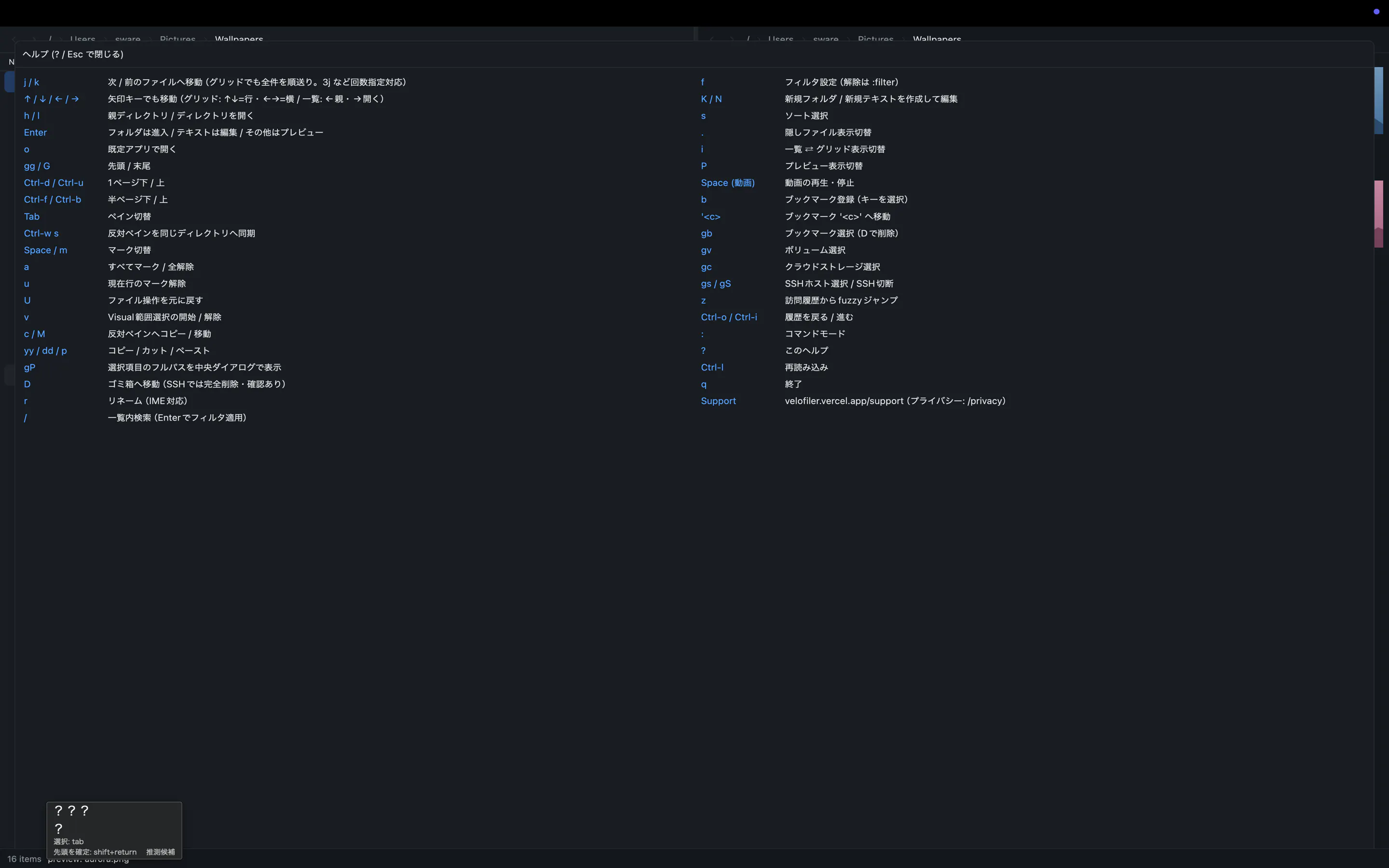
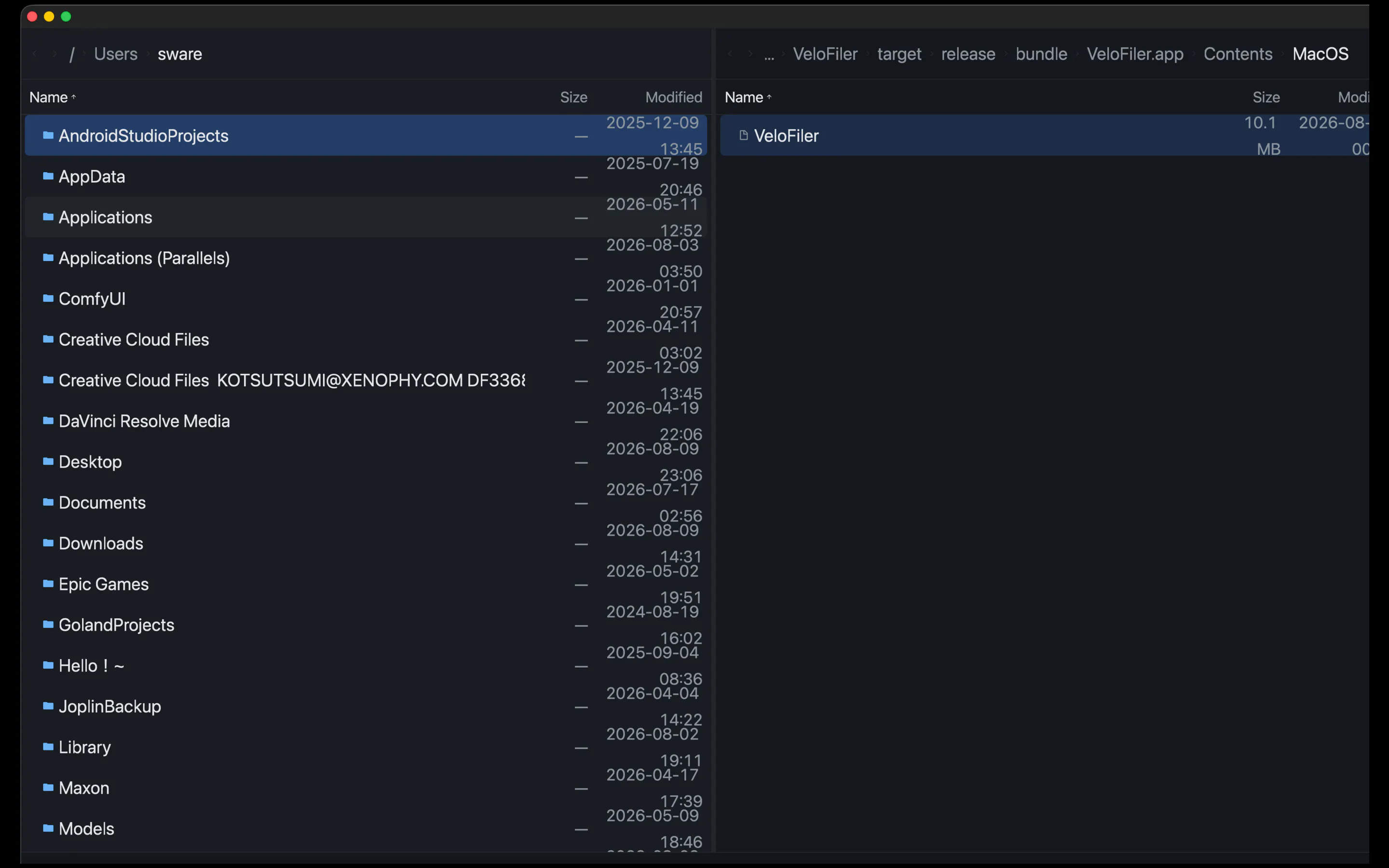
VeloFiler is a keyboard-first, dual-pane file manager for macOS, built in Rust on GPUI for instant startup and smooth rendering. Navigate with Vim-style keys, preview images, code, Markdown, PDF, video and Office documents without opening another app, and manage remote servers over SSH/SFTP right next to your local files. Stop clicking through folders — fly through them.
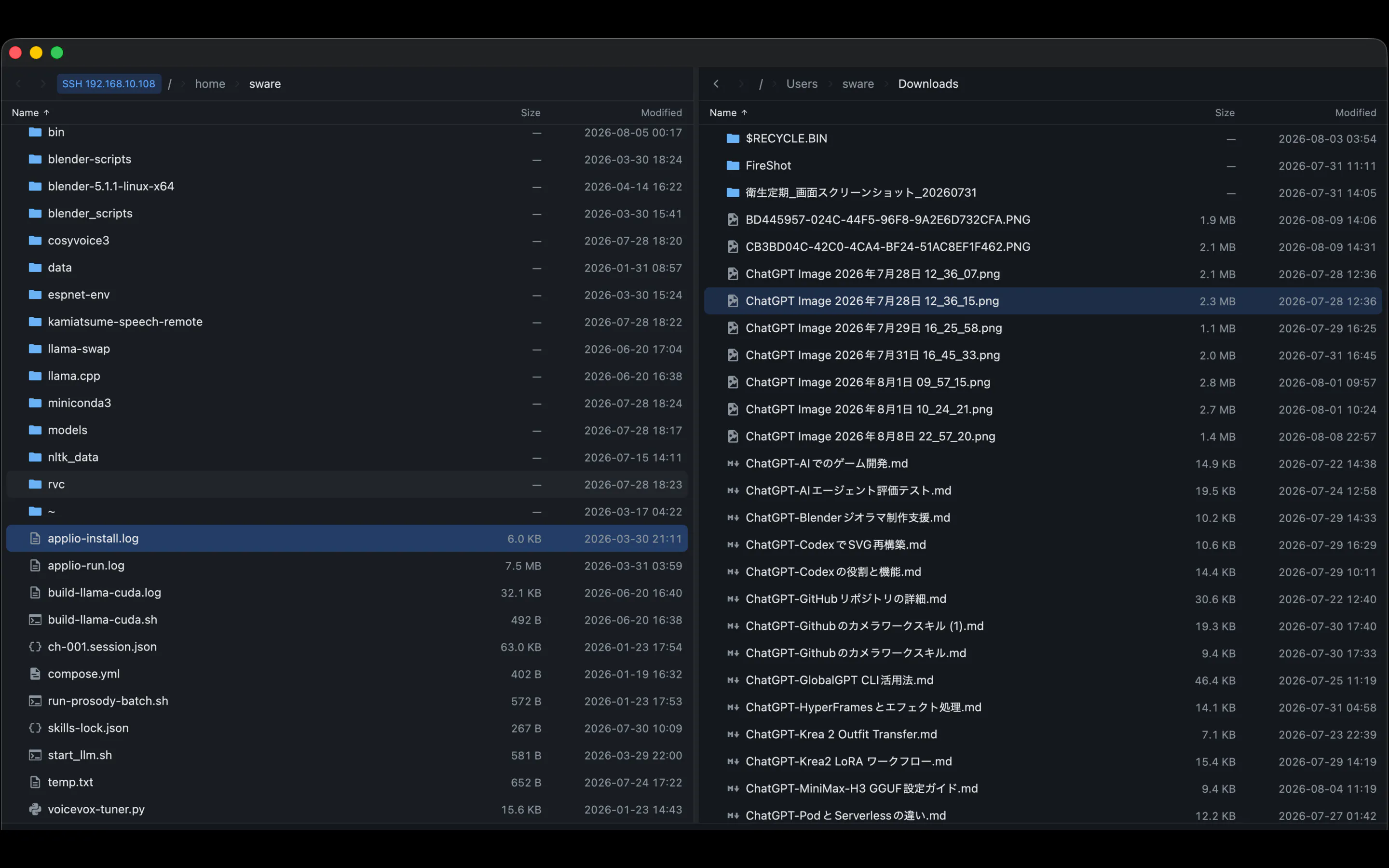
Hi Product Hunt! 👋 I'm Kazuhiro, the maker of VeloFiler. I've always loved the speed of classic two-pane file managers, but I wanted one that feels truly native to today's macOS. So I built VeloFiler in Rust on GPUI (the UI framework behind the Zed editor) — it launches instantly and stays smooth no matter how big the folder is. What makes it different: ⌨️ Keyboard-first: Vim-style keys for moving, marking, copying — your hands never leave the home row 👀 Instant previews: images, code, Markdown, PDF, video, even Office documents, without opening another app 🌐 Built-in SSH/SFTP: remote servers show up as regular panes, so they feel like local folders ⚡ Native performance: no Electron, no web view — pure Rust It just landed on the Mac App Store today. I'd love to hear your feedback — especially from fellow keyboard addicts. Ask me anything!
2
回复

@kotsutsumi The SSH/SFTP as regular panes design is the part I'd stress test hardest. A local pane's operations are effectively free, but a remote one has network latency built into every keystroke driven action, list, preview, copy. Does VeloFiler batch or prefetch to hide that, or does the vim style speed just get throttled down to how fast the SFTP connection responds on a slow server?

0
回复

@kotsutsumi Built on GPUI like Zed, is Rust/GPUI as fast to build native macOS apps in as it feels to use? Would love to hear how that choice paid off (or bit you) during dev

haha

0
回复

the built-in SSH/SFTP panes are the feature that'd actually get me to switch, since jumping between Finder and Transmit for the same task is exactly the friction you're describing. how are the server credentials handled though, especially given the Mac App Store sandbox constraints Lisa mentioned below - are they stored in the system keychain, or is it key-based auth only, and does the sandbox let you read an existing ~/.ssh/config at all

0
回复

VeloFiler doesn’t store SSH passwords or private keys. It uses your OpenSSH configuration with SSH-agent or key-based authentication, while macOS permissions control access to the relevant SSH files. Your credentials stay on your Mac and aren’t sent to our servers.

0
回复

Congrats on shipping! The Mac App Store part is what caught my eye tbh. A file manager needs to see everything and the sandbox really does not want you to, so getting a dual-pane manager through review sounds like the least fun part of the whole build haha.

What does that feel like for the person using it, do they get a permission prompt for every folder the first time or did you find a way around it? The Mac apps I work on go direct download partly to dodge exactly this, so I'm curious whether the App Store was worth the fight.

0
回复

Thanks! VeloFiler asks for access when you choose a folder, then uses macOS security-scoped bookmarks so you don’t get prompted for every navigation. The App Store route was definitely harder, but it was worth it for a trusted native install.

0
回复
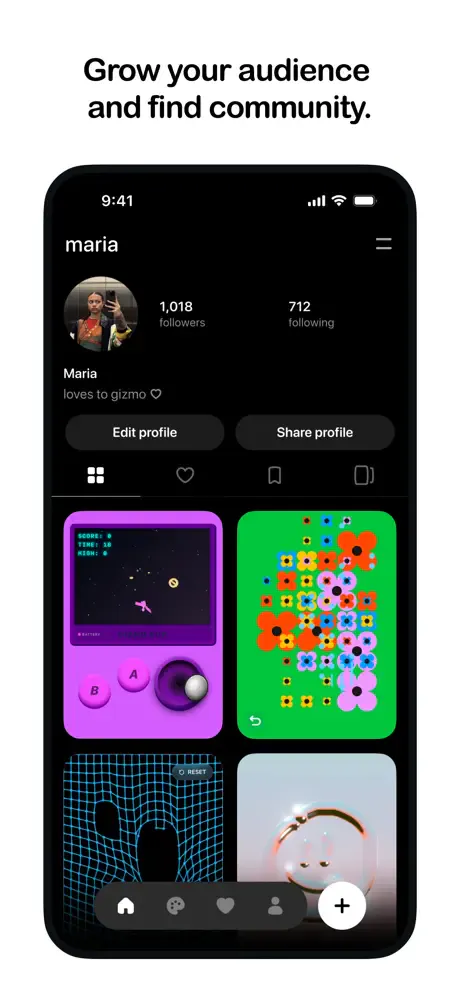
#12
Pocket by Meta
Vibe-code games, then share them like TikToks
70
一句话介绍:Pocket by Meta 让用户用自然语言描述创意,AI 即刻生成可交互的迷你游戏(Gizmo),并像刷短视频一样在信息流中分享、游玩和二次混改,把“无代码编程”变成了一种社交娱乐方式。
Android Artificial Intelligence Games
AI生成游戏 无代码创作 社交网络 互动内容 低门槛游戏开发 休闲娱乐 内容混改 AIGC Meta 创意分享
用户评论摘要:目前唯一有效评论为官方介绍性描述,未提及具体问题或建议。评论内容重复产品功能,缺乏真实用户痛点反馈,需后续观察体验细节(如创作自由度、AI生成稳定性、审核机制)。
AI 锐评

Pocket 的野心不在于“游戏”,而在于重新定义社交媒体的内容形态——把“看”变成“玩”。它巧妙借力了当前两大风口:vibe-coding(直觉化编程)和 UGC 短视频的即时反馈机制。从产品逻辑看,它解决了传统游戏创作门槛过高的问题,用 AI 将创意到成品的延迟压缩到秒级;同时,通过“可 remix”机制,它试图构建一个比 Tiktok 更深层的内容生态——用户不仅是内容的消费者,更是内容的修改者。这确实具有颠覆性:当互动成本归零,信息流的单位将从“视频”进化为“可玩场景”。

然而,风险同样显著。70 票的冷启动数据暗示市场反应平淡,核心隐患在于 AI 生成的交互质量大概率粗糙且同质化,极难产生像《羊了个羊》那样的爆款魔性体验。其次,Meta 旗下平台(如 Instagram)的强社交关系链并未打通,Pocket 作为独立应用缺乏冷启动流量池,极易陷入“创作者无回报,玩家无优质内容”的双边冷启动死循环。最后,政策与伦理风险不可忽视——用户可自由触发摄像头和麦克风,AI 生成内容的审核难度远高于文本,这将是版权和内容安全的定时炸弹。一句话:创意很好,但 Meta 若不能解决“生成质量的上限”和“冷启动的密度”,它很可能沦为又一个精致的 AI 玩具,而非下一代社交平台。

查看原始信息
Pocket by Meta
Pocket is Meta's new social app for creating, playing, and remixing interactive experiences with AI. Describe an idea and turn it into a playable "gizmo" that can respond to touch, motion, sound, photos, and even your camera. Share it to the feed, play what others have imagined, or remix their creations into something new. It's vibe coding turned into a social experience—no coding required.

Pocket is Meta's new social playground for vibe-coded games.

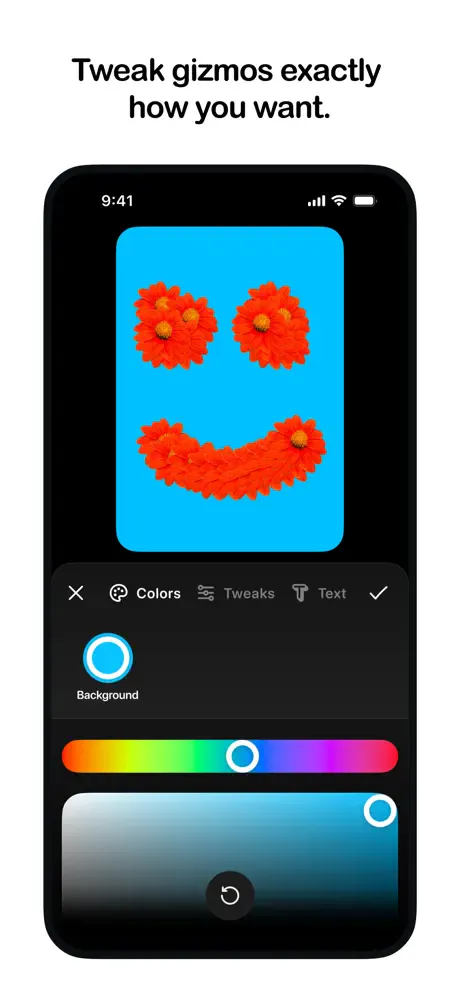
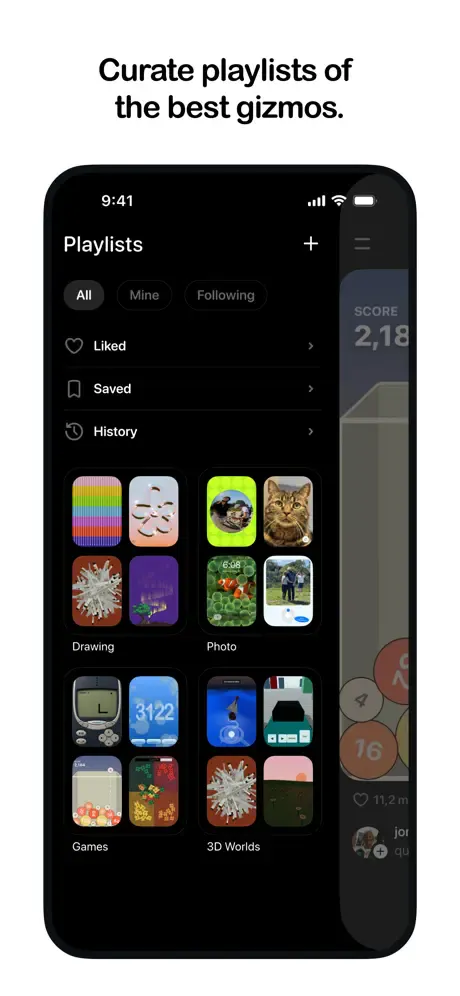
Describe an idea and AI turns it into a playable "gizmo"—no coding or game engine required. Publish it to a scrollable feed where others can instantly play, like, share, and remix what you made. Or start with someone else's creation and make it your own.

It's part game creator, part social network, built around a simple idea: what if posts weren't just watched, but played?

2
回复
#13
Flappy Bid
The leaderboard money can't buy
35
一句话介绍:Flappy Bid 将广告位竞拍改为游戏技能比拼,通过每日Flappy Bird最高分争夺网站首页黄金展示位,用游戏化机制颠覆传统广告拍卖模式。
Action Games Marketing Advertising
广告竞拍替代 游戏化营销 积分排名 流量变现 去中心化广告 产品推广工具 零和博弈 趣味营销 实时数据 游戏即广告
用户评论摘要:用户好奇“一胜即退”规则设计动机,并质疑服务器端确定性重放机制如何跨设备保证公平性,另有数据展示当前平台规模(776家公司、9800访客、28800局游戏),整体反馈积极但深入问题未获答。
AI 锐评

Flappy Bid 的巧妙之处在于将广告拍卖的“金钱竞价”偷换成“时间与技能竞价”,本质是注意力经济的黑色幽默变体——用游戏成瘾性替代预算消耗,让参赛者免费为平台生产流量与内容。其“终身一胜”规则确实杜绝了头部垄断,但这也暴露致命短板:产品热度高度依赖游戏博弈的激情,一旦玩家发现技能天花板或失去新鲜感,社区便会迅速冷却。所谓“服务器端确定性重放”看似防作弊,实则增加了技术维护成本,且对普通用户不透明,容易引发对公平性的持续质疑。更现实的问题是,每日只有第一名能获得曝光,其余776个陪跑者不仅一无所获,还贡献了点击量,这本质是“赢家通吃”的流量彩票,长期看难以吸引理性商家持续投入。若不能增加次级奖励或参与感分层,Flappy Bid 注定是一款极客圈层的玩具,而非可规模化的广告基础设施。它最大的价值,或许是为“广告即游戏”提供了反讽式范本,警示行业:当拍卖成了游戏,游戏也就成了最廉价的劳动力。

查看原始信息
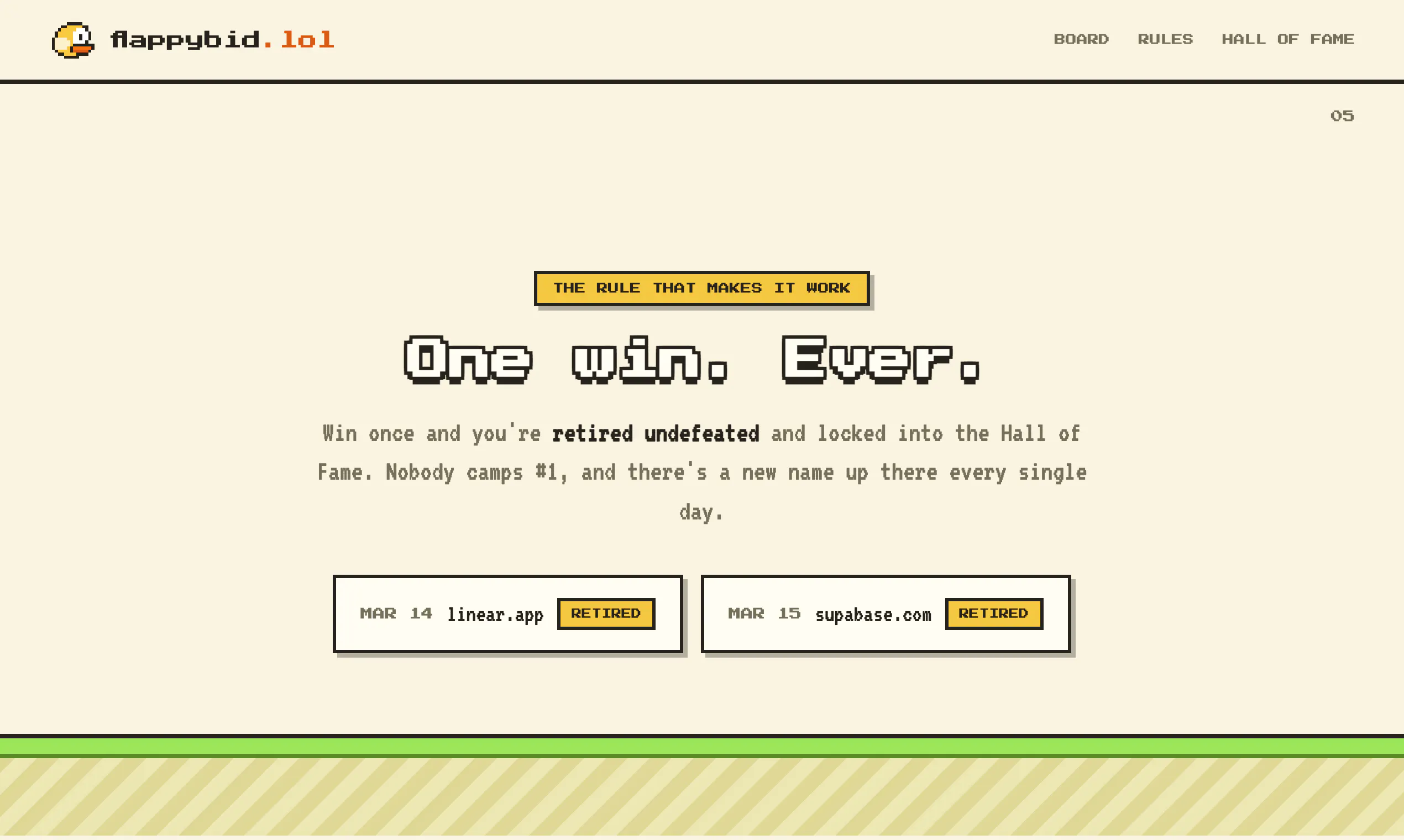
Flappy Bid
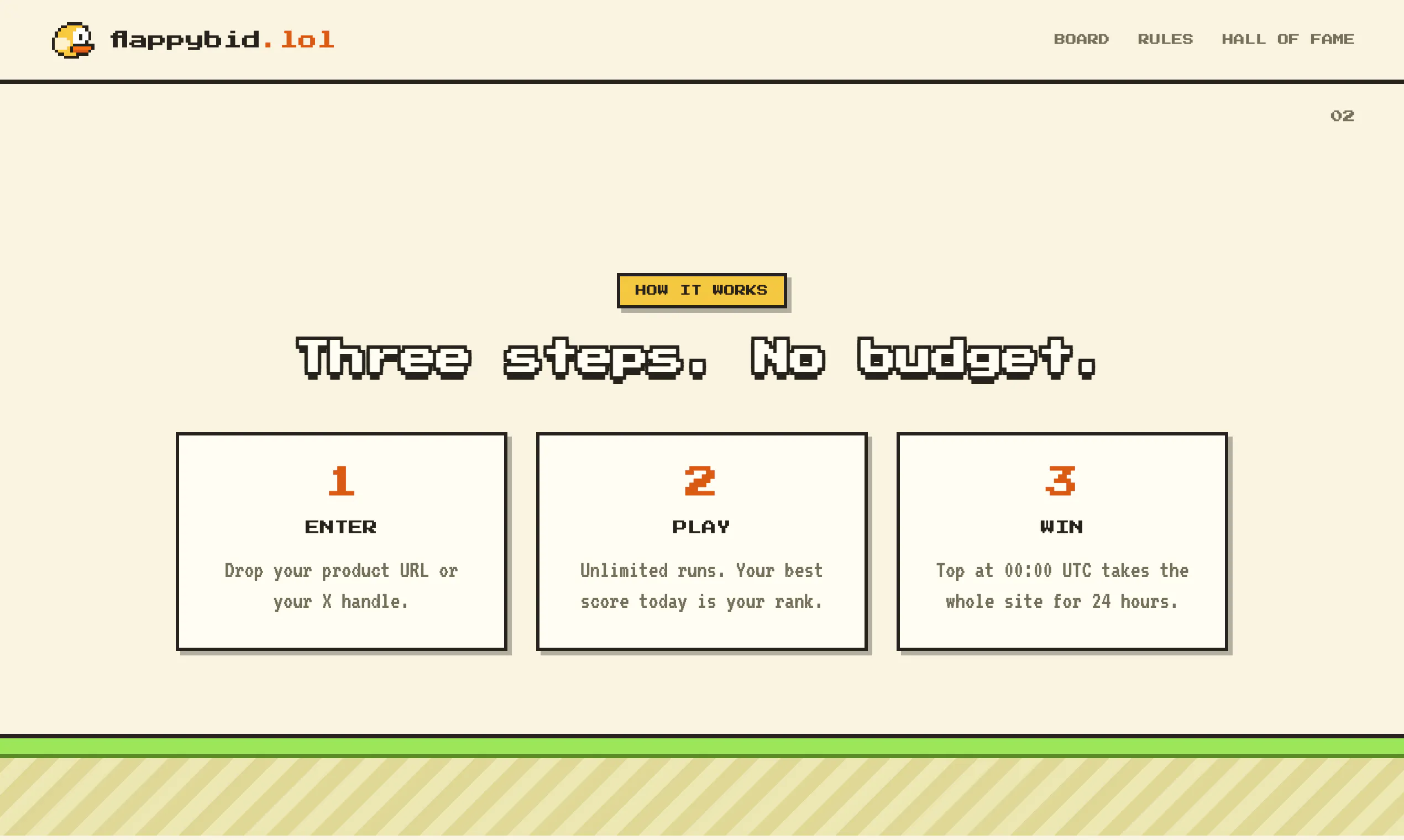
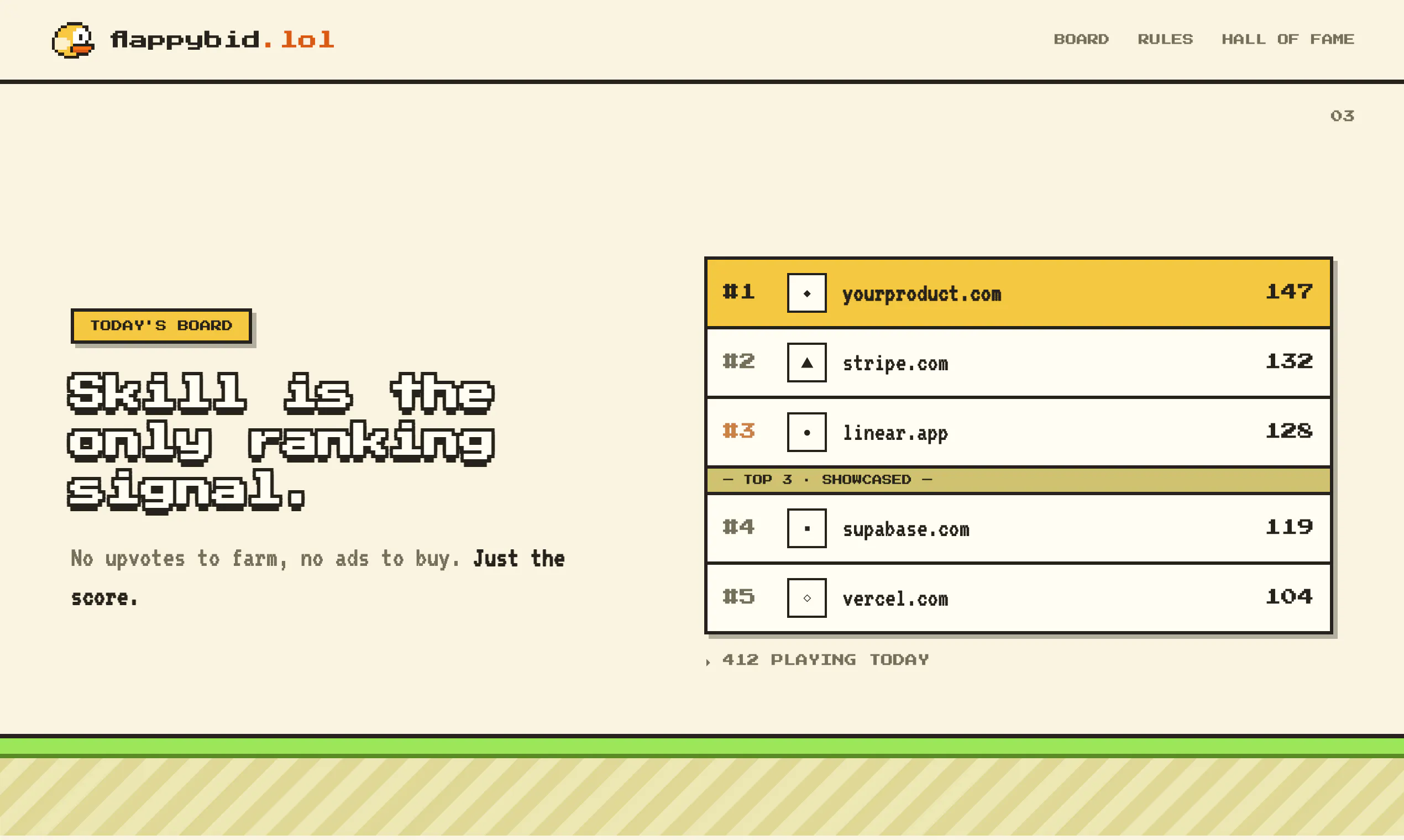
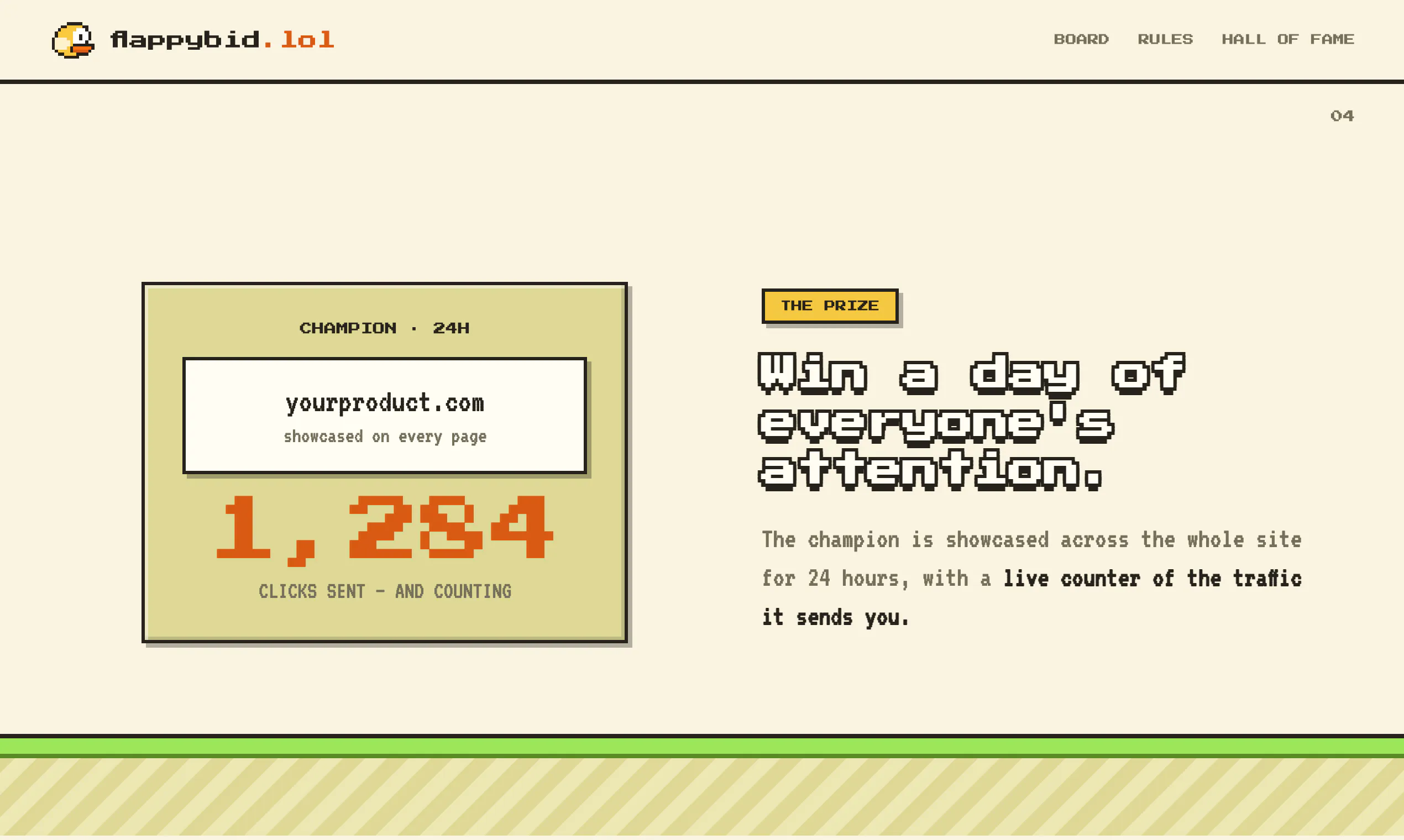
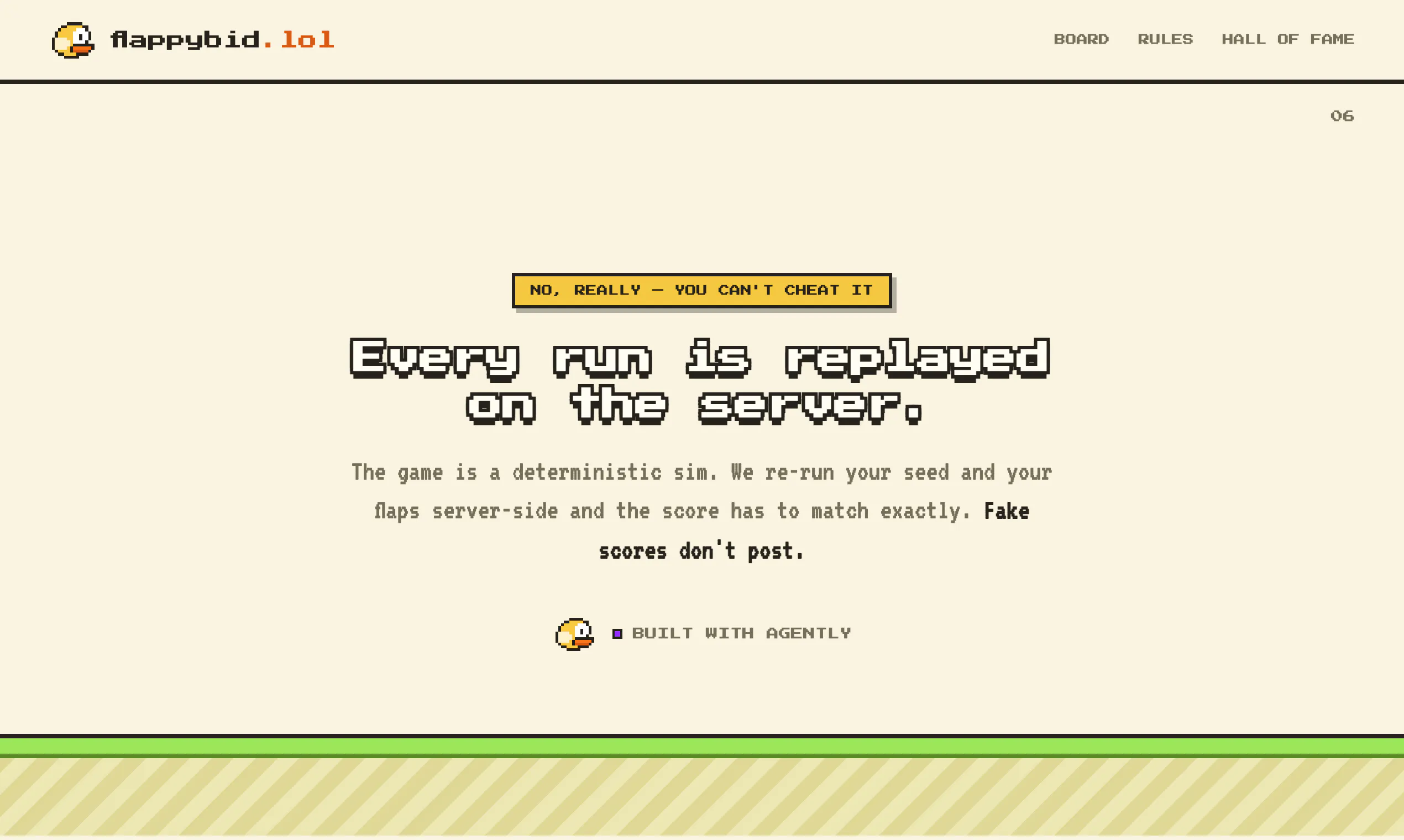
Ad platforms sell the top spot to whoever pays most. FlappyBid gives it to whoever plays best. Enter your product, play Flappy Bird, unlimited runs. At 00:00 UTC the top product owns the whole site for 24h with a live click counter, then retires undefeated.
Ad auctions decide who goes on top by who pays the most. This one decides by who plays the best. Enter your product, play Flappy Bird, unlimited runs, your best score today is your rank. At midnight UTC the leader takes the entire site for 24 hours: name, logo, link, and a live counter of the clicks it sends you. Then it retires undefeated. One win, ever, so nobody camps #1. Every run is replayed server-side from a seeded deterministic sim before it counts, so the board is real. Built with Agently. Right now agently.dev is sitting at #1 by default, because nobody has won yet. Come take it.
4
回复

@omarships Great Launch!

What made you pick "one win, ever" instead of a recurring daily leaderboard reset?

2
回复

Stats as of now:

  • 776 Companies

  • 9800 Visitors

  • 28,800 games played

  • 300 clicks for previous day winner

0
回复

@omarships I’m intrigued by the deterministic replay mechanic, and how does the seeded simulation ensure fairness across different devices and internet speeds?

0
回复
#14
roastme.gg
Get roasted. Publicly.
11
一句话介绍:roastme.gg是一款付费AI公开嘲讽工具,用户花1到1000+美元,提交X账号或网站,由Claude基于名称与“气场”写出一两句毒舌评语,并公开展示在按价格排序的排行榜上,满足“花钱求虐”的娱乐与社交曝光需求。
Artificial Intelligence Entertainment Social Networking
AI娱乐 付费恶搞 公开羞辱 社交媒体玩法 X平台 轻量SaaS 毒舌生成 排行榜机制 病毒传播 冷读术
用户评论摘要:有效评论集中在两点:1)“不越界”的尺度边界不清晰,AI输出可能失控,缺乏内容审核说明;2)存在滥用风险——用户可随意提交他人账号,无身份校验,公开排行榜可能变成针对第三方的骚扰工具。
AI 锐评

这个产品本质上是用“疼痛经济学”包装的AI噱头,核心卖点不是AI写作能力,而是“公开付费挨骂”的反常理社交货币。它聪明地抓住了两个真实心理:一是创作者对冷嘲热讽的“脱敏快感”,二是围观者看别人花钱丢人的猎奇欲。但产品设计上有一处致命伤——它把“自愿受虐”和“被动诋毁”混为一谈。评论区的质疑一针见血:没有任何机制验证提交者就是账号本人,这意味着任何人花1美元就能把竞争对手、前任或讨厌的网红挂上公开排行榜,让AI生成看似有理有据的负面评价,并配以可传播的卡片。这已经不是“roast me”,而是“roast anyone”,在产品伦理上直接踩线。从商业角度看,定价分层和排行榜机制是好的传播钩子,但缺乏内容过滤与所有权验证,会让它迅速沦为网络霸凌工具,并招致X平台的反滥用处罚。真正的价值不在于“AI毒舌”本身,而在于它提供了一个极低门槛的公共戏剧场——但这出戏目前没有安全护栏。建议立即加入提交者身份绑定(如X OAuth)、允许被提及者申诉下架,并增加AI输出的不适宜词过滤,否则这个产品只会火一把,然后死于举报。另外,11票的冷启动说明连早期用户都在观望,团队应先把“安全挨骂”的承诺做实,再谈传播。

查看原始信息
roastme.gg
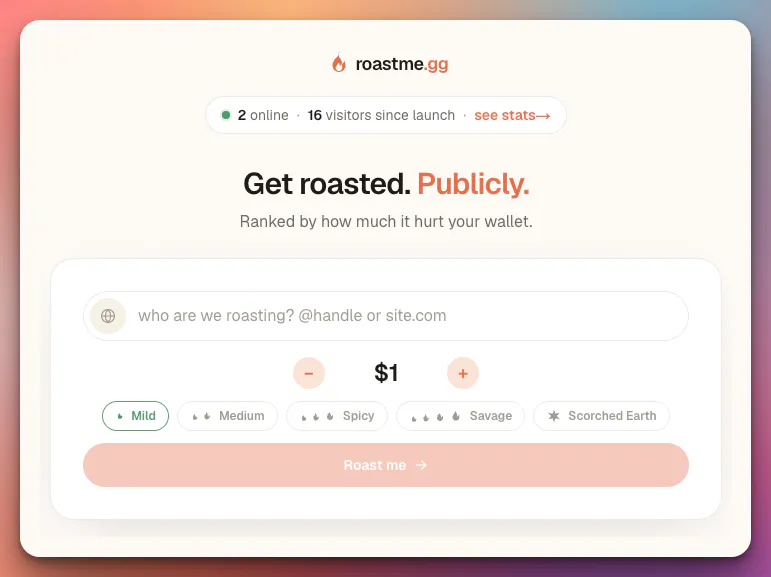
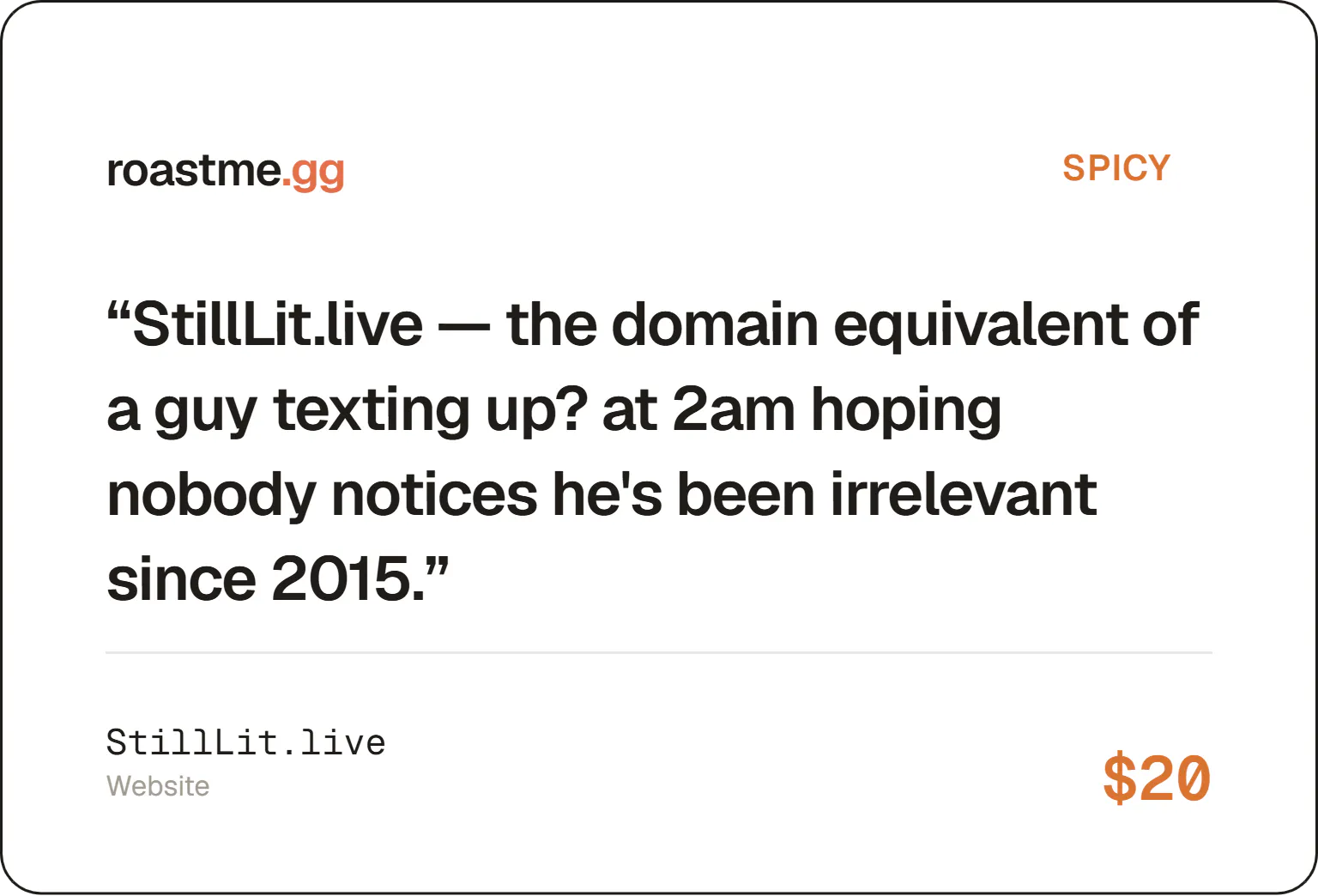
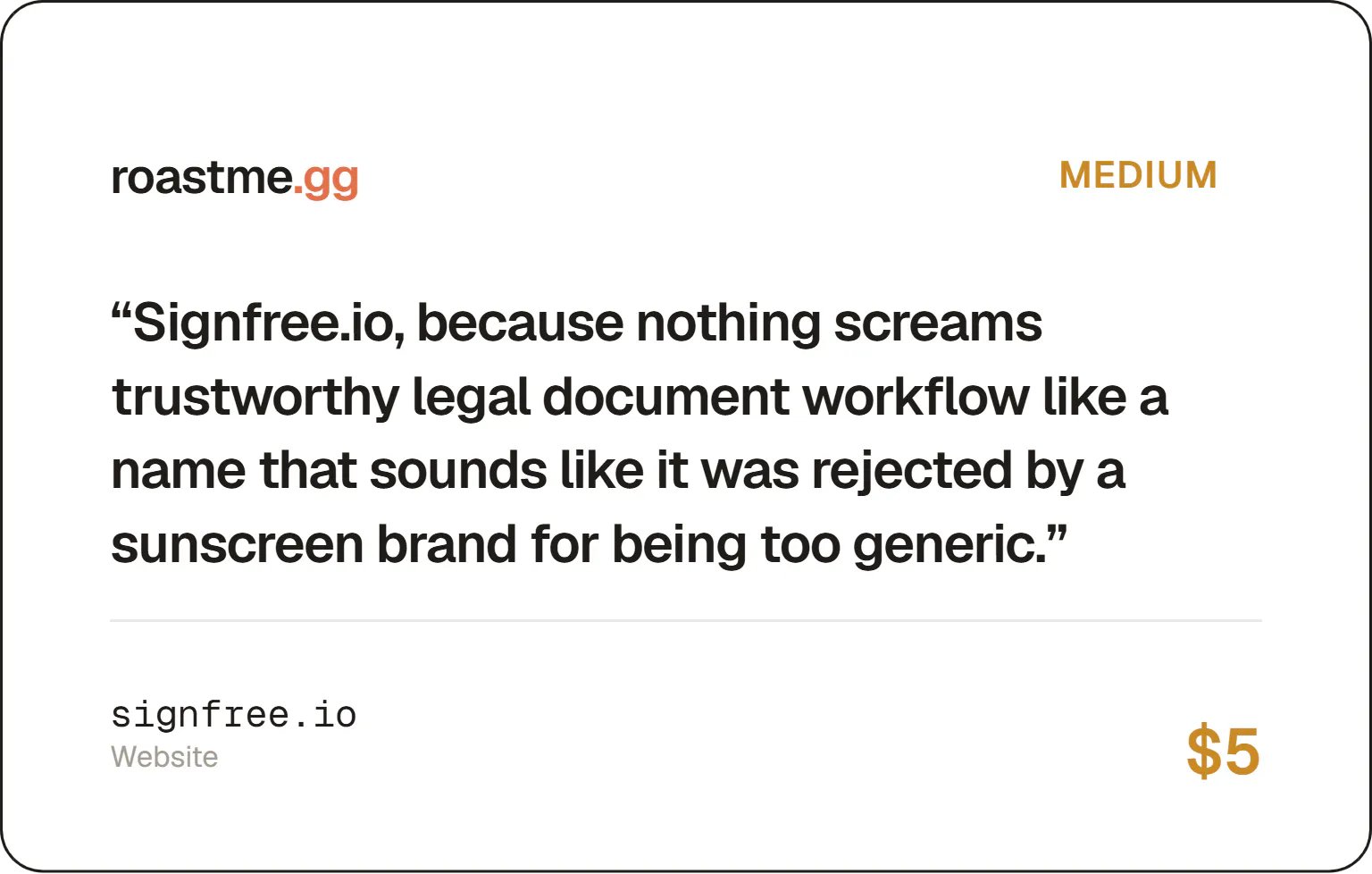
Pay to get publicly roasted by AI. Drop your X handle or a website, pick how hard it should hurt ($1 to a $1,000+ scorched-earth tier), and Claude writes a roast based on nothing but the name and the vibe it gives off, no bio, no posts, no scraping. Every roast lands on a public leaderboard ranked by price paid, with a shareable card for X.
Hey Product Hunt 👋 I got tired of my friends roasting my side projects for free, so I built a way to charge them for it. roastme.gg takes an X handle or a website, and for whatever you're willing to pay ($1 up to actual four figures), Claude rips it apart in one or two sentences based purely on the name and the vibe, no scraping your posts or content, just a cold read. It then posts publicly to a leaderboard ranked by price paid, with a shareable card for X. The fun part is the economics: pay more, get roasted harder, and your spot on the wall is basically a public confession of how much you wanted to be humbled. Drop your handle below and let's see what it says. Would love feedback on the roasts themselves, I'm still tuning the prompt to hit harder without crossing lines.
0
回复

@alexcloudstar the "without crossing lines" line is the part I'd want to understand better before trying it. nothing technically stops someone from dropping a handle that isn't their own, right? the fun framing works fine when it's your own account you're paying to get roasted, but a public leaderboard card that anyone can point at anyone else's handle is a different product. is there any check that the person submitting is roasting themselves, or is it fully open by design

0
回复
#15
First Verse
The best new poems, written by real people
10
一句话介绍:First Verse 是一个让真实诗人快速发布新作、获得读者即时反馈与打赏的诗歌社区,解决传统投稿审核慢、诗歌论坛体验差、创作者难以直接面对读者的痛点。
Writing Tech Community
诗歌社区 创作者平台 内容发布 读者反馈 打赏机制 原创保护 AI评估 反AI检测 每日精选 小众社交
用户评论摘要:用户主要关注三点:①评论延迟机制是否真的提升了反馈质量;②“私人工艺评分”是否由AI生成,以及如何避免创作者为刷分而写作;③“真实性检查”是实际检测还是靠荣誉系统,能否有效拦截AI代写或抄袭诗歌。
AI 锐评

First Verse 的定位很清晰:在AI内容泛滥的时代,反向主打“真人真诗”,并试图用“快速反馈”和“直接打赏”撬动传统诗歌圈的沉疴。这个切入点确实敏锐——诗歌爱好者的痛点不是没有作品,而是被文学期刊的高门槛和漫长审稿周期劝退,同时缺乏一个尊重创作、氛围友好的交流场域。

但产品目前暴露的问题比亮点更值得警惕。首先,10票的开局在Product Hunt基本属于“静默发布”,说明其冷启动策略和传播钩子都较弱,社区型产品最怕“空城计”——如果早期没有足够的优质诗人和活跃读者形成双边网络效应,所谓“每日最佳诗”很容易沦为自嗨。其次,评论中那位用户对“真实性检查”的质疑一针见血:声称“每首诗都经过安全与真实性核验”,却无法清晰说明检测机制是AI识别、人工审核还是社区举报。如果只是荣誉系统,那么“真人原创”的核心卖点就形同虚设;如果真有技术手段,则需明确披露,否则信任成本极高。

更值得玩味的是“私人工艺评分”功能——它大概率由AI模型生成,但产品却刻意模糊这一点,只模糊表示“方向上有帮助”。这其实是个双刃剑:一方面能提供即时写作反馈,符合“快”的定位;但另一方面,如果评分模型不够透明,用户很容易陷入“为评分而写作”的异化困境,这与社区强调的“真实情感表达”本质上是自相矛盾的。评论中那位戏谑“写诗为了分数”的用户,其实已经戳破了这层窗户纸。

再谈打赏机制。“100%给诗人、平台零抽成”听起来道德高尚,但可持续性存疑——服务器成本、审核成本、AI评估成本都由平台承担,却没有盈利模式。如果未来引入抽成或会员费,早期用户必然感到被背叛;如果一直烧钱,产品则很难做大。这种“理想主义”在初期可以聚拢人心,但作为长期商业模型,缺乏韧性。

真正的价值在于:它尝试重新定义“诗歌发表”的范式和反馈循环。传统期刊是“编辑筛选-读者被动接收”,而First Verse想变成“作者直发-读者即时互动”。这个方向是对的,但需要在真实性验证、AI评分透明度、社区冷启动三件事上拿出更硬核的解决方案。否则,它只能是一个小而美的文艺实验,而不是一个能突破圈层的产品。

查看原始信息
First Verse
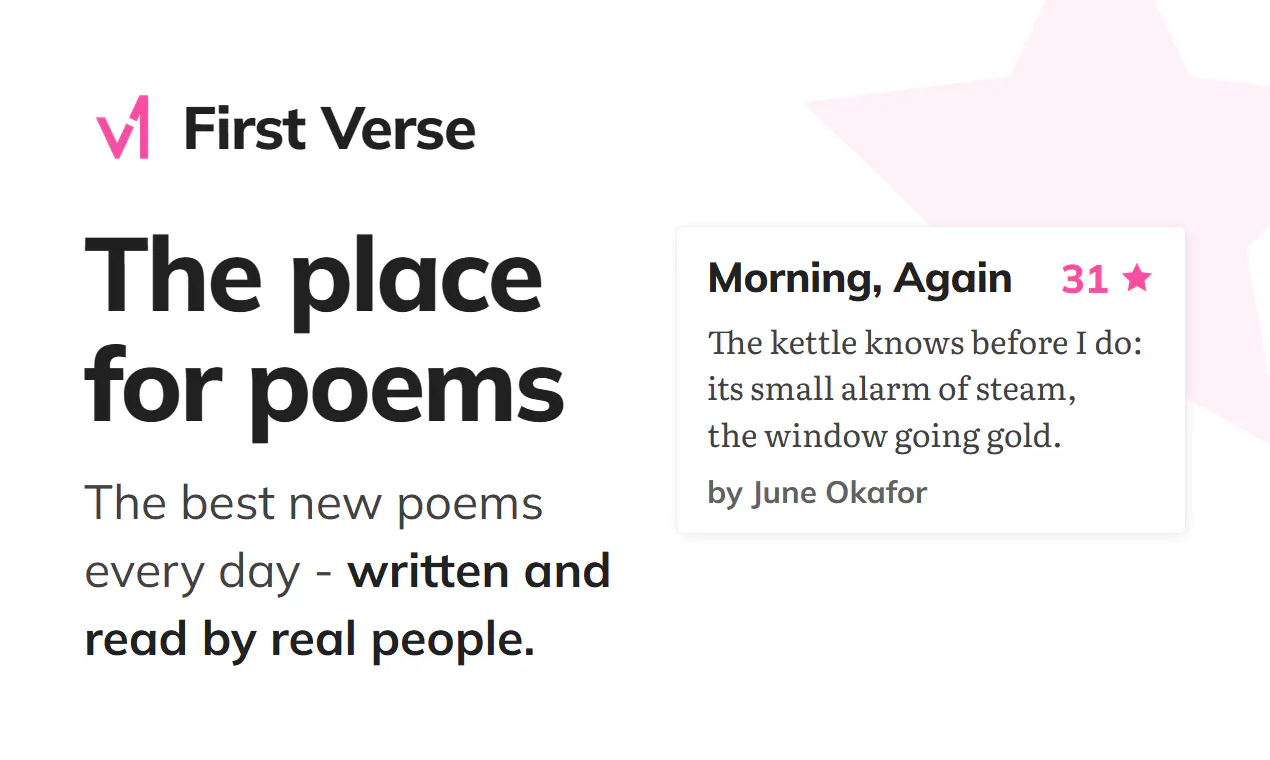
First Verse is the place to find the best new poems every day; written and read by real people. Post your own work, get popular poems in your inbox, and tip other poets.
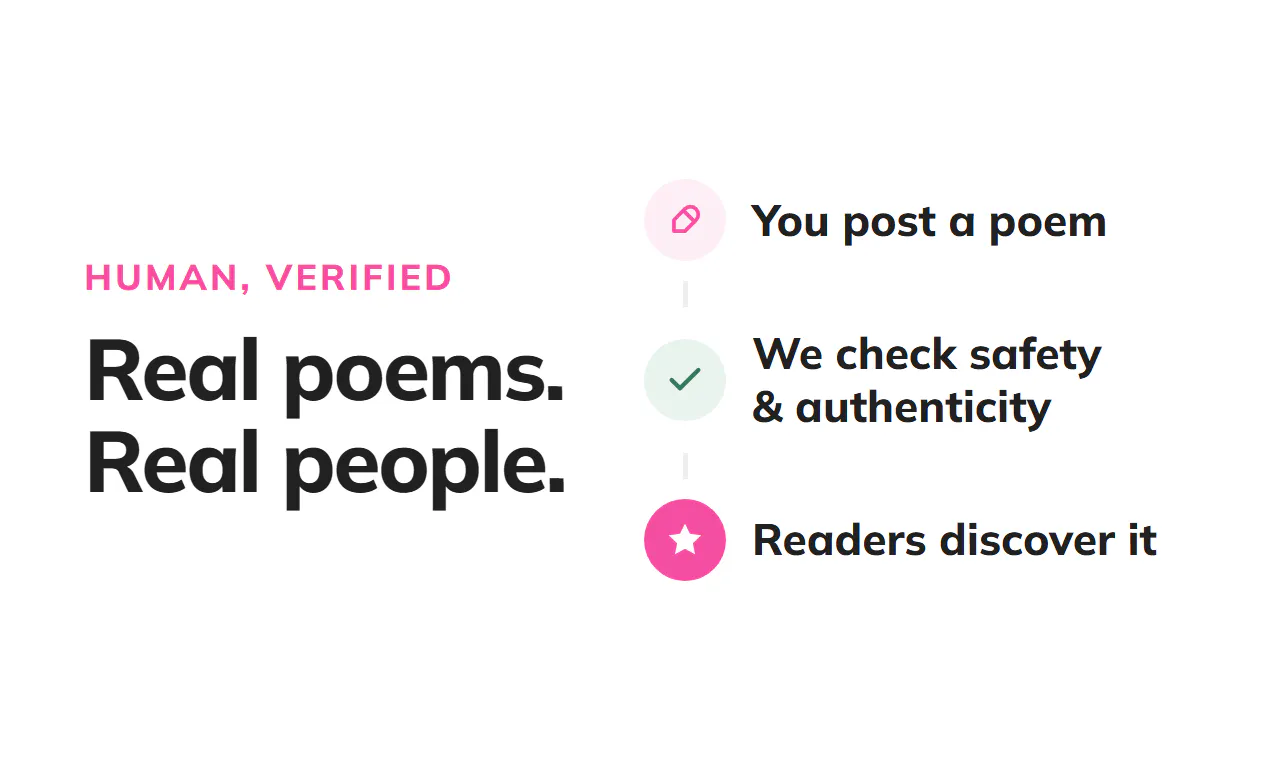
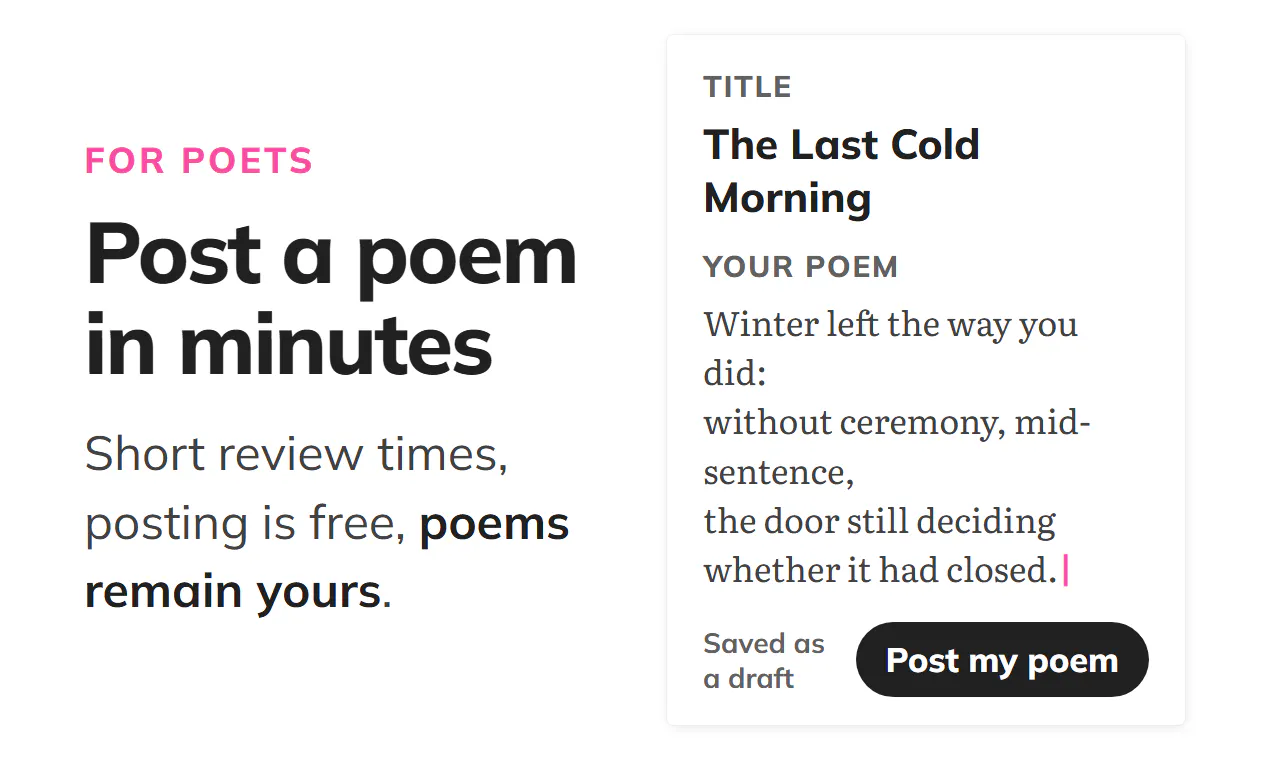
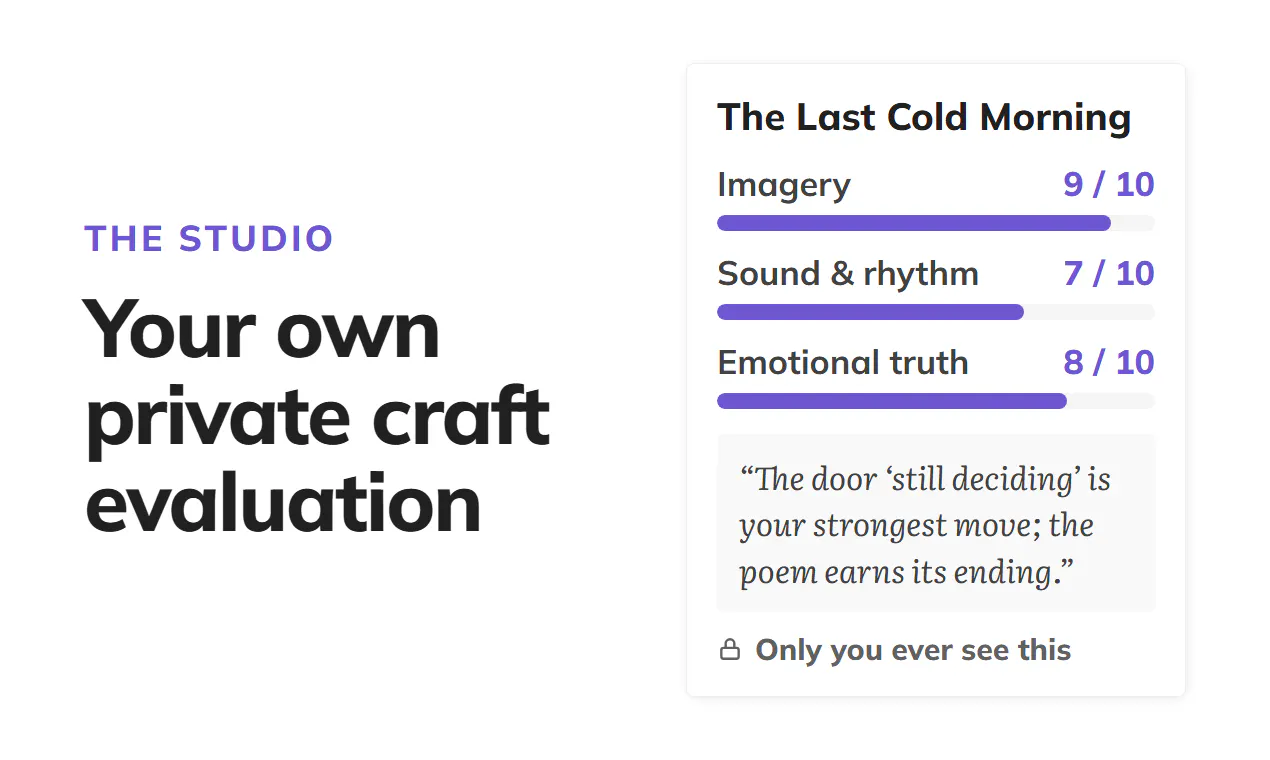
Hey PH, I built First Verse because I was tired of submitting my poems and not hearing back for months, and because I was really frustrated by the UX on poetry boards. So this is a place to post your work and get feedback quickly from real people; not from poetry teachers, but from readers. And if you're a reader you can check out new poems every day on the site or get them in your inbox. The goal is for this to become a supportive and constructive community; so comments are gated for a few days to prevent negativity (nod to the old PH days) and you can tip poets directly without fees (we get none of the money). **A few other points you might want to know:** - Post a poem in minutes. No reading fee, no months-long wait. Every poem is checked for safety and authenticity. If it's safe for everyone and genuinely yours, it publishes quickly. - Build a following. Readers star the poems they love and follow poets they want to hear from again. Every poem gets its own page, and you get your own custom poet profile page. - Get a private craft evaluation of your poem: scored, specific, and never shown to anyone but you. It's not perfect, but so far it is directionally helpful/interesting and we'll keep improving it. - Tips go to the poet. 100% of them. We never handle the money or add a fee. - Your poems stay yours. You keep the copyright, and nothing you write is used to train AI. - Reading is free and posting is free. Thanks so much for checking it out!! 💖
1
回复

@awt the few-days comment delay is an interesting way to protect the community from random negativity.
curious if you’ve already seen a difference in the quality of feedback because of it?

0
回复

@awt Great Product Andrew!

Is that private craft score AI-generated?
Also, Curious how you keep people from writing for the score instead of the poem. haha!

1
回复

@awt the "authenticity" check is the part I'm most curious about, separate from the craft score question below. if someone pastes an AI-generated poem and claims it as their own, is there an actual detection step, or is it more of an honor-system flag that gets sorted out if readers or other poets call it out after the fact? seems like the hardest thing to enforce given how good AI poetry can sound on a surface read

0
回复
#16
Cognitive Biases Academy
Free, 66 languages, one goal: a billion self-aware minds
9
一句话介绍:Cognitive Biases Academy 是一款免费、支持66种语言、涵盖190+认知偏见的系统性自我认知课程,帮助你在日常决策中识别思维陷阱,提升判断力。
Health & Fitness Productivity Social Impact
认知偏见 思维训练 自我提升 心理学课程 决策科学 免费教育 多语言学习 逻辑思维 行为经济学 社会影响项目
用户评论摘要:创始人解释了项目源于“10%临界点”传播研究,强调免费与多语言的社会价值。用户未提出具体问题或建议,核心反馈为对项目使命的认可,以及对“最常见认知偏见”的个人反思(创始人自述为规划谬误)。
AI 锐评

这款产品找准了一个真实且巨大的认知缺口:绝大多数人根本不知道自己“想错了”,更别提系统性纠正。以“190+偏见+1800+参考文献+66种语言”构建知识库,门槛低、可信度不低,且免费模式契合“社会影响”叙事,比卖课程更有传播势能。但问题也明显:第一,知识量与行为改变之间隔着巨大鸿沟——看完“确认偏误”的定义,不代表下次谈判时能现场识别它;产品缺少训练、反馈、情境化练习,容易沦为“自我感觉良好的收藏夹”。第二,10%临界点的宏大叙事很美,但实际转化路径模糊:如何从“学过”到“能用”,再到“影响周围9人”,没有机制设计,只有愿景。第三,投票数仅9个,评论也以创始人自述为主,说明当前缺乏真实用户反馈,产品可能仍处于早期冷启动阶段,需警惕“孤芳自赏”式开发。真正的价值不在于“收录全部偏见”,而在于能否把心理学研究变成可反复练习的认知肌肉。若能加入每日一练、情景模拟、社区互批,而非停在百科式长文,才可能从“知识库”进化为“训练场”。否则,它只是又一本没人读完的心理学数字词典。

查看原始信息
Cognitive Biases Academy
Your brain misfires by design: 190+ ways, to be exact. Cognitive Biases Academy is a free library and course covering every documented bias in plain language: where it comes from, how it distorts your decisions, and how to catch it in yourself. Backed by 1,800+ academic references, translated into 66 languages, free forever, no card required. The mission: one billion people who can catch their own thinking going wrong. Science says 10% of us is enough to tip the rest. Be part of the 10%.
Hey Product Hunt! 👋 I'm Volodymyr, maker of Cognitive Biases Academy. Here's the study that started this project. In 2011, researchers at Rensselaer Polytechnic modelled how ideas spread through a network. Below 10% committed believers, an idea basically never takes over; it would take longer than the age of the universe. Cross 10%, and the majority follows fast. Now apply that to reasoning itself. If one person in ten can name a cognitive bias out loud and refuses to decide on it, the other nine adjust. Not because anyone argued them into it, because sloppy reasoning stops going unchallenged. That's the whole plan: get a billion people through a free course on how the mind misjudges. What's inside: 🧠 190+ cognitive biases explained in plain language: origins, real-life examples, and how to catch each one in yourself 📚 1,800+ academic references: every article ends with its primary sources 🌍 66 languages: because bias doesn't speak only English 🆓 Free forever, no card, no paywall: it's a social-impact project, not a funnel Right now we're heading the wrong way: confidence keeps outrunning knowledge, and most people have never been told their brain misfires by design. This is my attempt to turn that around. I'd love your honest feedback: which bias catches YOU most often? Mine is the planning fallacy, every single time. 😅 And if you find the project useful, sharing it in your language helps more than an upvote. That's how we get to 10%.
0
回复
#17
Canned Web
Lock a Mac to one website. Kiosk mode. No MDM
8
一句话介绍:Canned Web 是一款将 Mac 锁定到单一全屏网站的无 MDM 展台模式工具,通过密码退出与域限制,解决公共场所演示、展会或展览中防止访客误操作或窥探桌面的痛点。
Mac Productivity Marketing
macOS展台模式 网站锁定 数字标牌 展厅演示 访客模式 无MDM 企业安全 全屏锁定 密码退出 Mac工具
用户评论摘要:核心疑问聚焦在物理电源键与 Apple Silicon 恢复模式的绕过风险,开发者回应称可通过非管理员账户与 FileVault 实现系统级兜底。用户认可该方案比预期干净,但建议在说明中强化此类安全加固指引,以赢得学校、博物馆等IT人员的信任。
AI 锐评

Canned Web 的巧妙之处在于用“一次性买断、无 MDM、无云”完成了一次对 macOS 系统缺失能力的精准补位。从产品本质看,它卖的不是技术壁垒,而是“信任”与“边界”——在一个公开触摸的设备上,用户要的是绝对的可预期行为。这款工具通过拦截 Spotlight、Cmd-Tab、截图与域外导航,实际上创建了一个“软隔离区”,把访客的操作边界压缩到一根网线和一个 URL 之内。49欧元的定价策略相当聪明,它瞄准了 MDM 方案“杀鸡用牛刀”的预算缝隙,让中小团队、博物馆策展人甚至临时活动策划者无需额外IT协助就能完成部署。但它的天花板同样清晰:物理电源键与恢复模式是永远无法消除的物理后门,这意味着它只能防“普通访客”,防不了“坚定破坏者”。此外,单机授权的商业模式限制了多设备部署场景的想象空间,一旦客户有5台以上终端,MDM 的边际成本优势将迅速反超。值得庆幸的是,开发者对自身局限坦诚,且非管理员账户+FileVault 的兜底建议,显示其理解了企业级场景中“部署后责任归属”的核心焦虑。总体而言,这是一件打磨精准的“窄工具”,价值在于快速构建场景沉浸感,而非替代安全策略。若未来能推出批量管理控制台或多站点订阅,或许能突破单品工具的宿命,真正切入数字标牌与教育市场的腹地。

查看原始信息
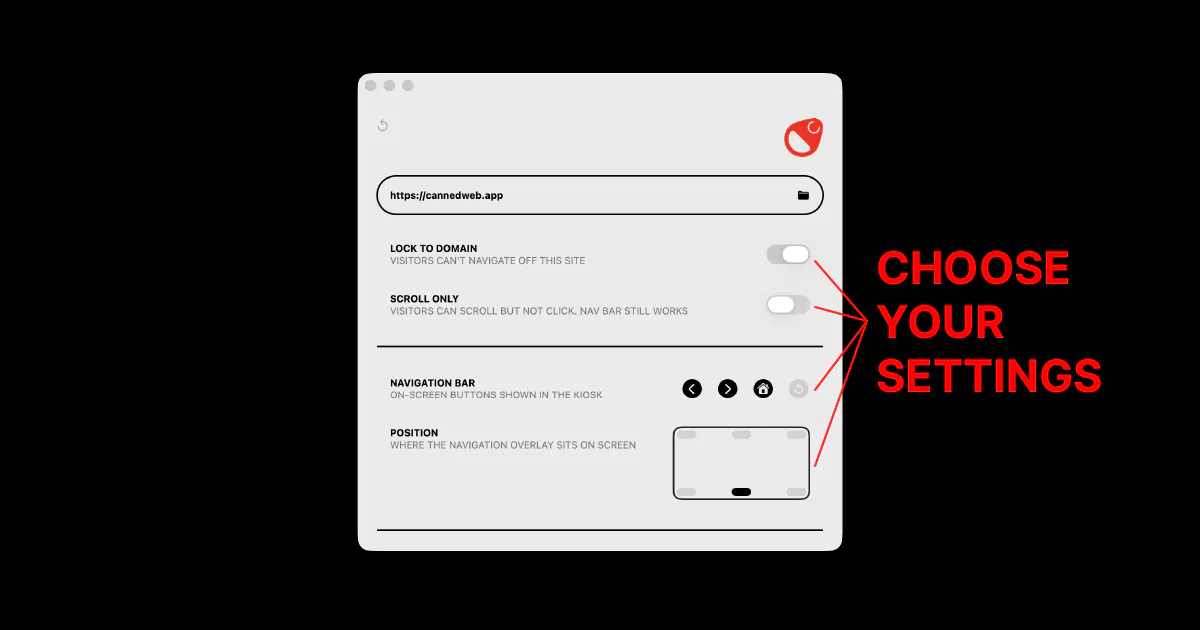
Canned Web
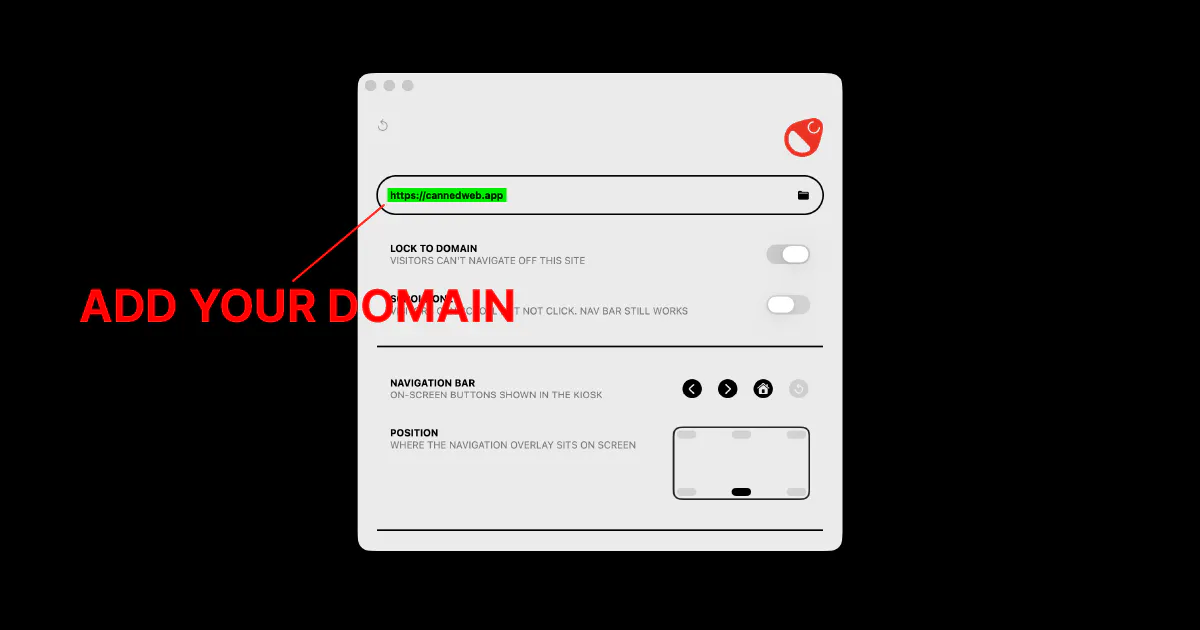
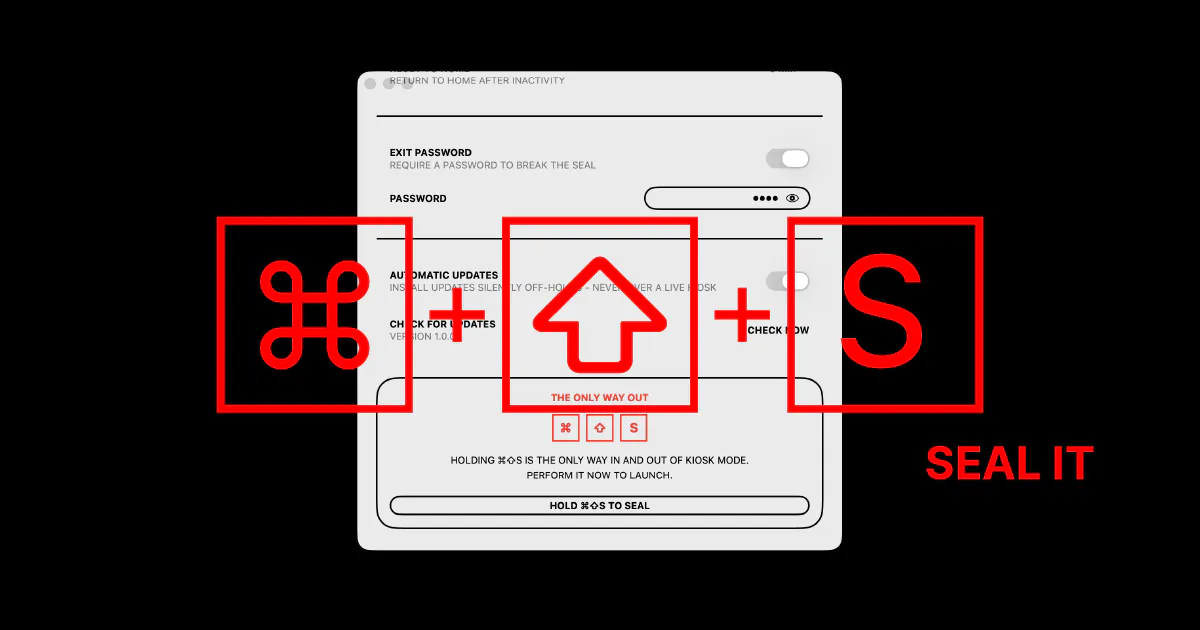
macOS has no built-in kiosk mode. Canned Web locks a Mac to one website, fullscreen. Spotlight, Cmd-Tab and screenshots blocked, locked to your domain, exit only with a password. Great for product demos, trade-show booths, signage and exhibits. One-time €49, no MDM.
Hey Product Hunt 👋 I'm David and I run a small design studio. Canned Web came out of a problem I ran into when I built the setup of an exhibit at a museum. Putting a Mac in front of the public and needing it to show exactly one website, nothing else is not that trivial. macOS has no built-in kiosk mode (no Guided Access like iPad), so your options are usually expensive MDM or fiddly configuration profiles. Total overkill for one screen. So I built the simple version. Enter a URL, hold ⌘⇧S, and the Mac is sealed fullscreen to that site. Spotlight, Cmd-Tab, Cmd-Q and screenshots are blocked, navigation is locked to your domain, it auto-starts back into the site after a reboot, and the only way out is your exit password. If you're a founder: it's genuinely great for demos at events; lock your product or demo to a Mac at your booth and hand it to anyone, with no risk of a curious visitor alt-tabbing to your desktop. Also great for reception screens, digital signage, museum/gallery exhibits. It's a simple one-time purchase, €49 per machine, no subscription, no cloud, nothing phones home. 14-day free trial. Native, notarized Mac app. But it's not perfect; no app can disable the Mac's physical power/Touch ID button (macOS won't expose it). 🎉 For Product Hunt: PH50OFF gets you 50% off this week. I'd love your honest feedback. what would make this a no-brainer for your setup? Happy to answer anything.
0
回复

@david_pfluegl1 the power button caveat you flagged is the interesting one to me. on Apple Silicon, holding it long enough gets you into recovery mode, which in theory could be a path around the whole lock for someone determined enough at a trade show booth. is that actually possible in practice, or does something like the exit password/FileVault end up blocking that too, just not by design

1
回复

that's a much cleaner answer than I expected honestly - non-admin kiosk account + FileVault means the "vulnerability" is really just standard macOS security doing its job, not something you had to build. good call adding the hardening note, that's the kind of thing an IT person setting this up in a school or museum would want spelled out before they trust it in an unsupervised space

0
回复
#18
Mugmoji
Turn any photo into an animated Slack emoji. Free.
8
一句话介绍:Mugmoji 是一款纯浏览器端的免费工具,能自动抠出照片中的人像,套用73种动态预设,一键生成符合Slack 128KB大小限制的动画表情,解决用户手动制作GIF表情繁琐且屡次超限的痛点。
Slack Design Tools Productivity
在线工具 动画表情 GIF制作 AI抠图 Slack集成 浏览器端 免费无账号 动态预设 图片处理 效率工具
用户评论摘要:用户反馈整体积极,认为产品有趣且复古。两条有效建议:一是73种动效是否可增加“随机”按钮以减少选择成本;二是希望未来有社区画廊功能,让用户可分享或发现他人制作的优质表情,类似GIPHY。
AI 锐评

Mugmoji的聪明之处在于,它没有去和“AI生成视频”或“高级动效软件”竞争,而是精准切入了一个极度垂直、极其琐碎、但真实存在的职场社交场景——让打工人快速把自己的脸变成Slack里的动态表情。创始人Ben坦诚的构建日志(尤其是对128KB压缩循环的怨念)暴露了这个产品的本质:它不是一个技术炫技品,而是一个“被自己的需求驱动”的实用工具,其核心壁垒在于那一套“数学而非视频”的73种动效引擎,这带来了极低的边际成本和极高的自定义潜力。

从产品策略上看,Mugmoji的产品形态克制得近乎优雅:免费、免登录、浏览器运行、30种语言,这极大降低了用户试用门槛,也符合“用完即走”的爽快工具逻辑。但危险也藏于此——作为一款无账号、无存储、无分享链路的纯工具,它缺少用户留存和自传播的护城河。用户评论中提到的“社区画廊”正是要害:如果用户做完表情后只能GIF下载带走,那么Mugmoji就只是一个高级版模板网站,终将被具有模型微调或批量处理能力的竞品复制。

真正的价值锚点在于“工作流终结者”角色:它将原本需要半小时且大概率失败的过程压缩到十秒内,这个效率提升本身是硬核的。但未来如果只停留在“Slack表情”这一一个出口,天花板太低。讽刺的是,它最强大的“压缩循环算法”和“数学动效引擎”完全可以去挑战WhatsApp、Telegram、Discord等更广泛的贴纸市场,甚至成为个人IP衍生物的生成工具。目前它是个好用的玩具,但离一个高粘性产品,还缺一个“让用户回来”的理由。Ben问用户“73个动效是否太多”,实际上更该问的是:“如何让用户下次做表情时,第一个想到的不是下载,而是回到Mugmoji?”答案不在动效数量,而在社交裂变与作品沉淀。

查看原始信息
Mugmoji
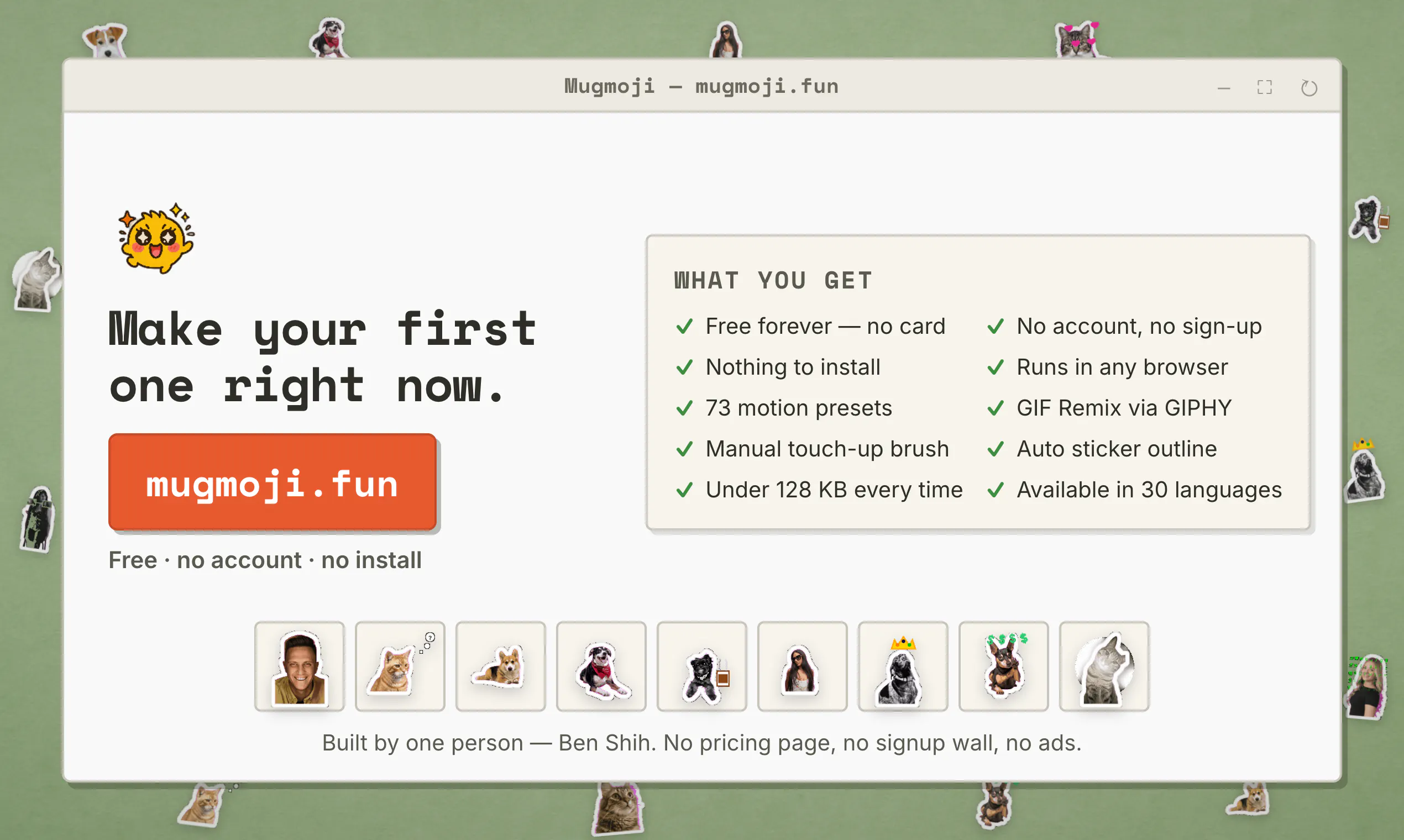
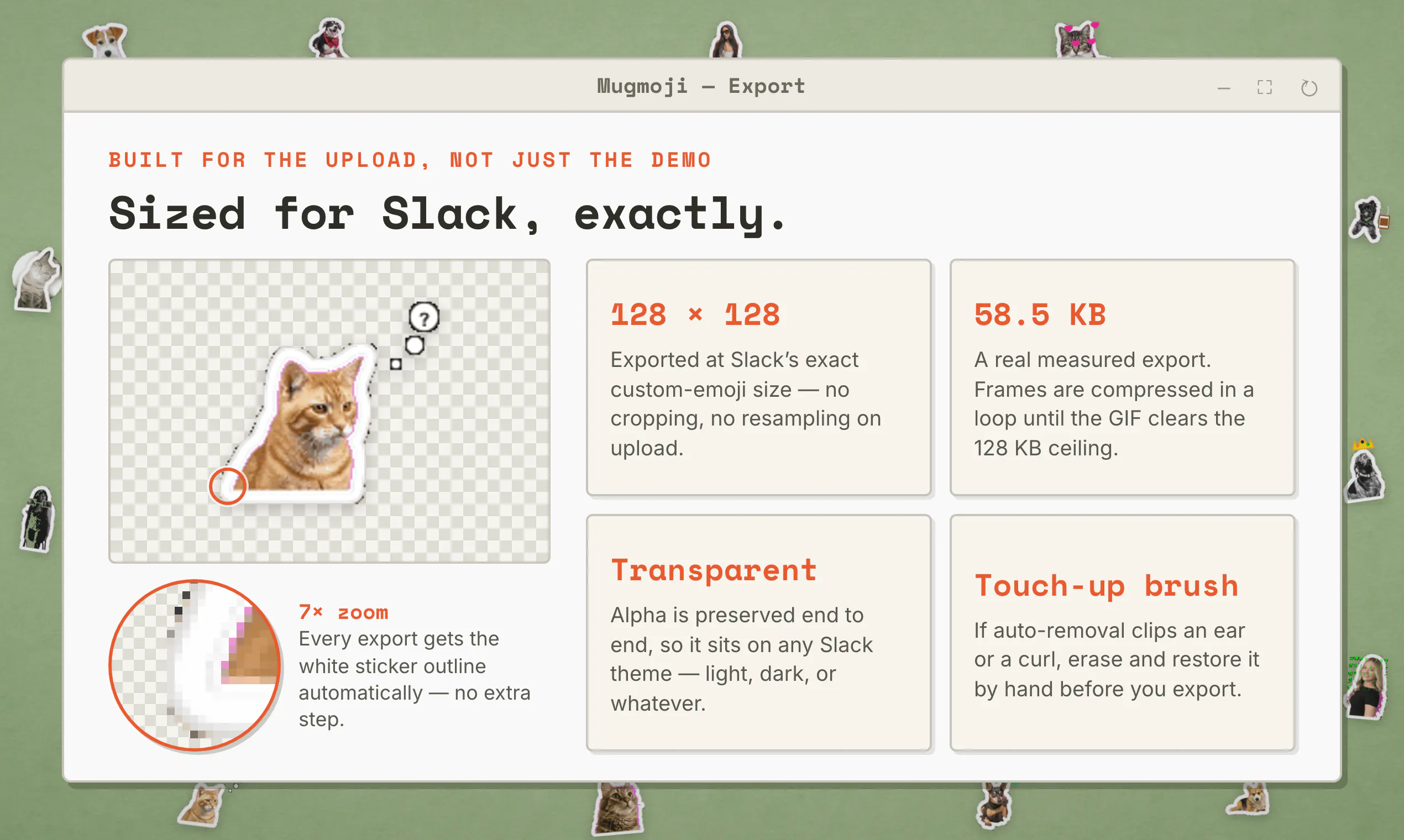
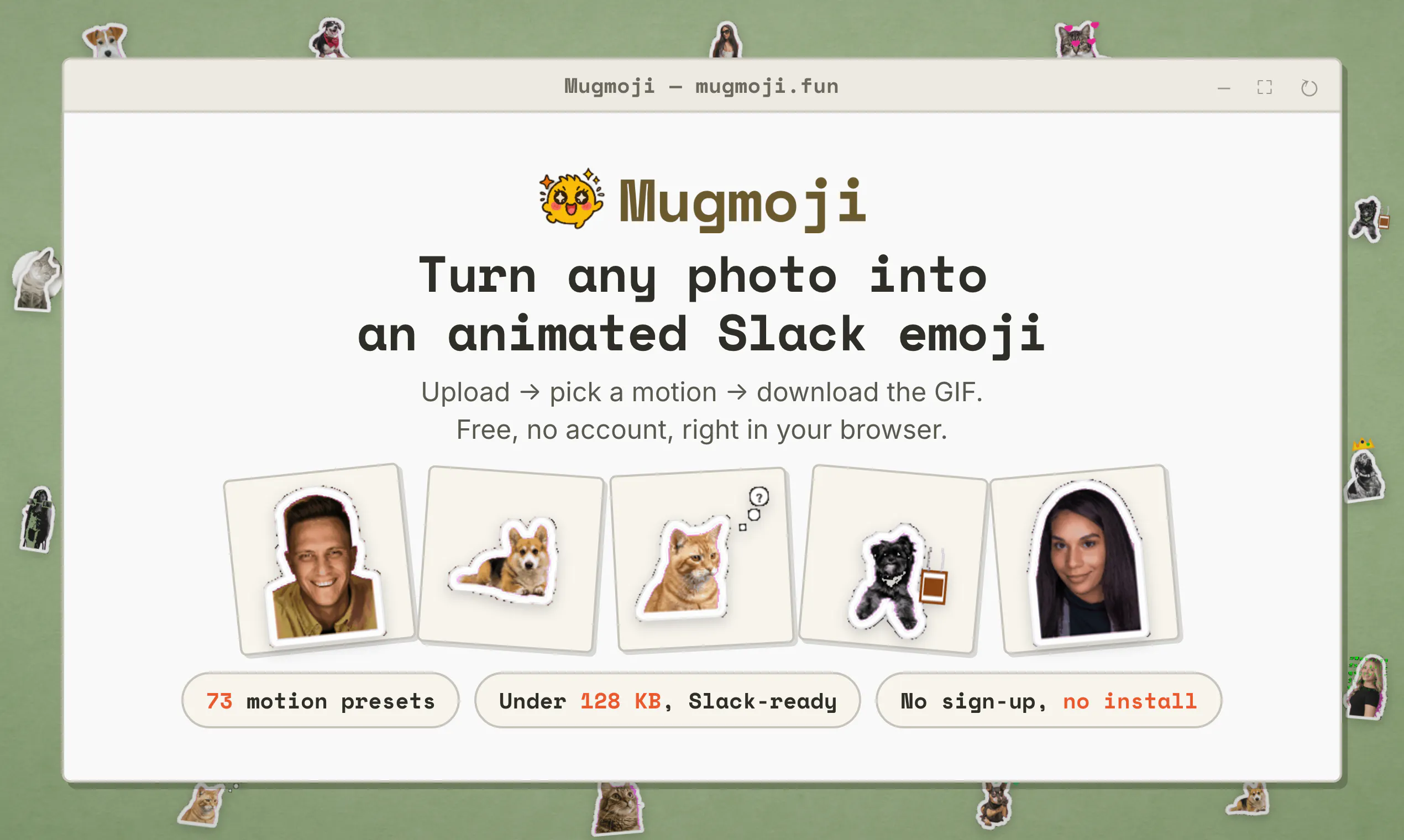
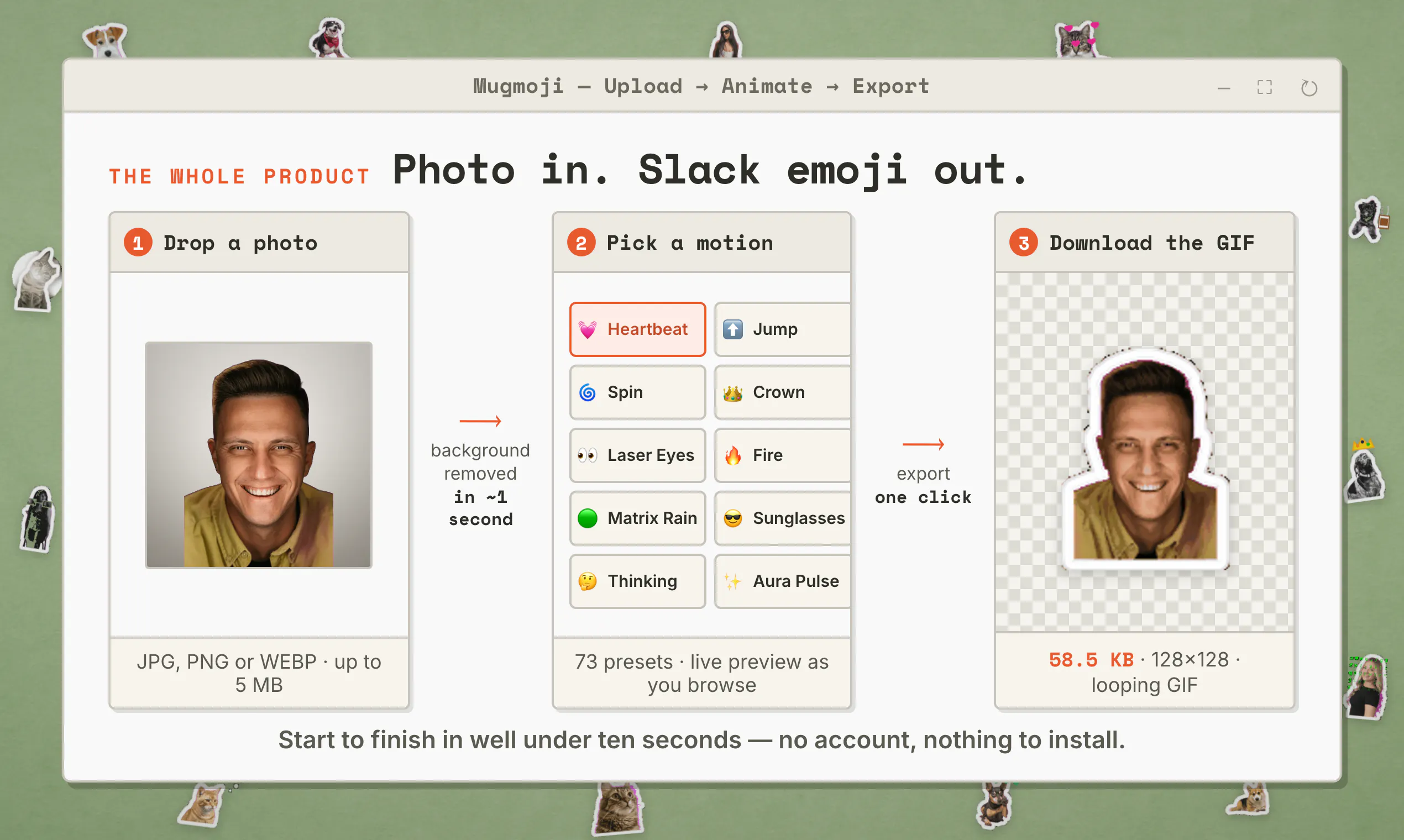
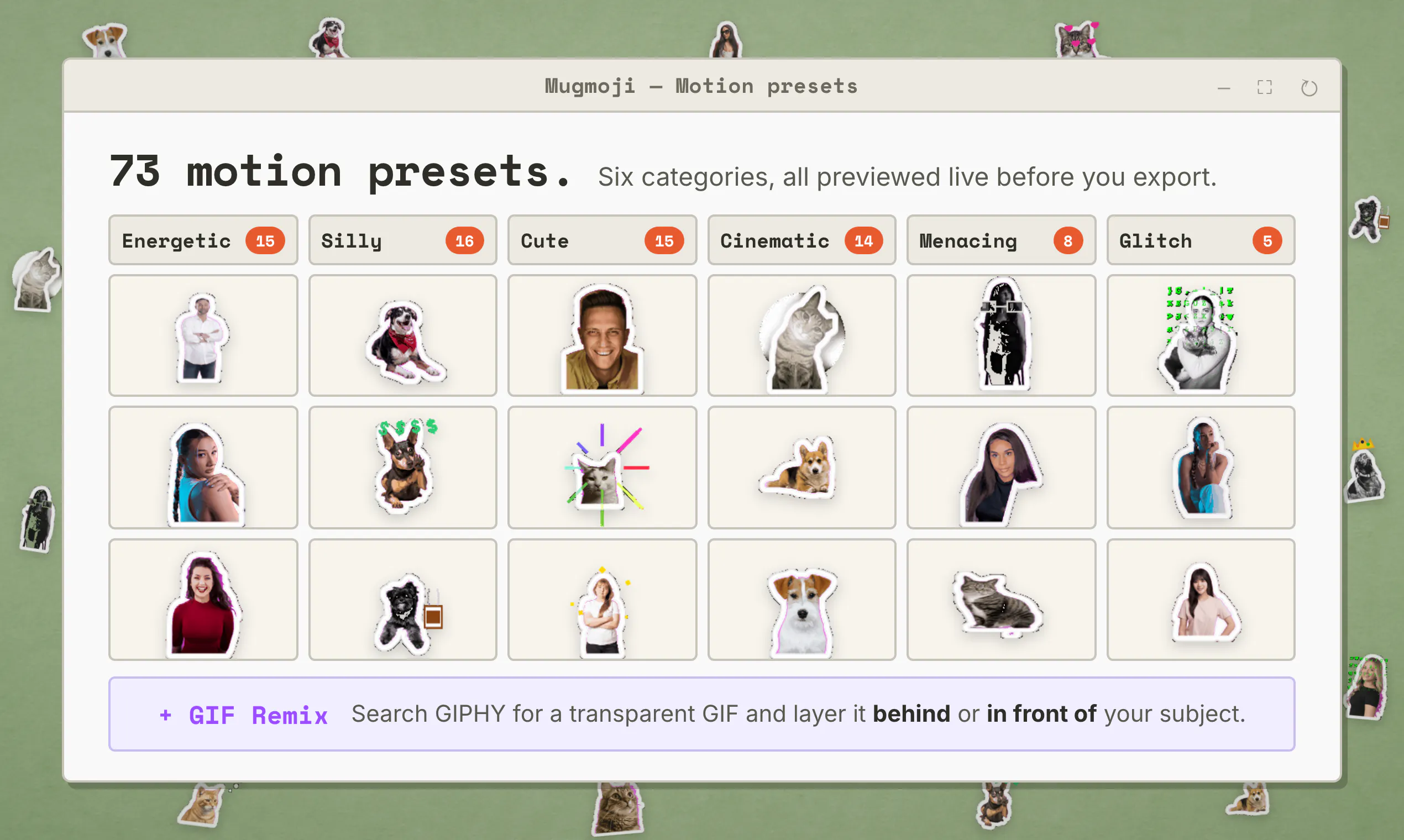
Upload a photo. Mugmoji cuts out the background, you pick from 73 motion presets, and it exports an animated GIF already sized and compressed for Slack's 128KB emoji limit. Free, no account, nothing to install. Runs entirely in your browser.
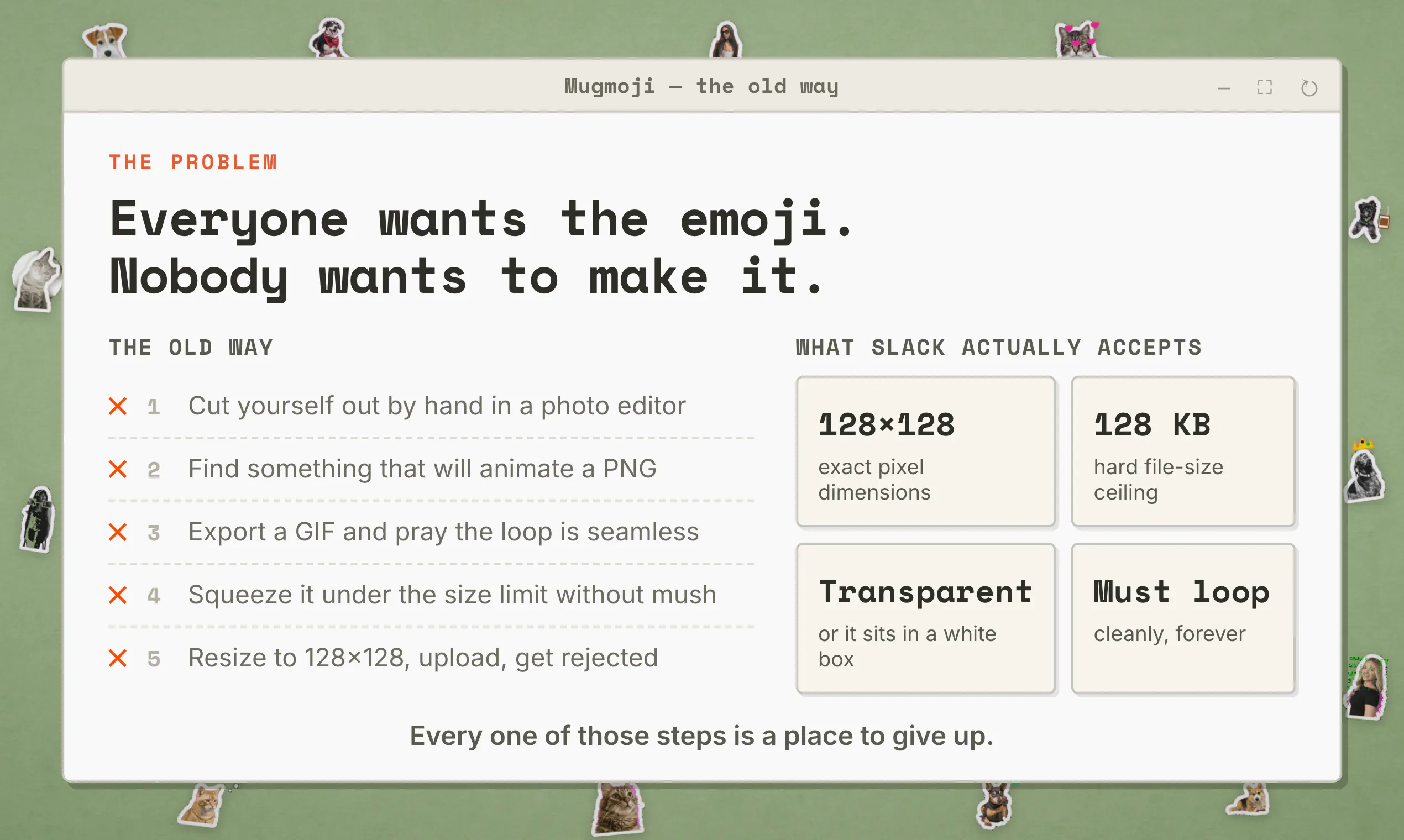
Hey Product Hunt 👋 I'm Ben. I built Mugmoji, and I'm the whole team. This started because I wanted one animated emoji of my own face for a Slack workspace, and it took me most of an evening. Cut the background out by hand. Find a bounce that doesn't look terrible. Export a GIF. Get told the file is too big. Export again. Get told it's still too big. Somewhere around the fourth attempt I stopped wanting the emoji and started wanting the tool. What it does: you upload a photo, the background comes off automatically, you pick a motion, and you get a GIF that Slack will accept on the first try. In testing the background removal took about a second and the whole flow ran well under ten. There are 73 motions across six categories — Energetic, Silly, Cute, Cinematic, Menacing and Glitch — including Headbang, Laser Eyes, Banana Dance, Poop Drop, Coffee Sip, Its Fine and ZZZ Sleep. There's also a GIF Remix mode where you search GIPHY for a transparent GIF and layer it behind or in front of your subject. The parts that were genuinely hard: The motion presets are math, not video. Each of the 73 is a pure function of time — you hand it t between 0 and 1 and it returns position, rotation, scale and opacity. The engine samples that function once per frame and paints it onto a canvas. That's why there are 73 of them and not 8: adding one is writing a couple of lines of trigonometry, not producing an animation. It also means speed and size are free — resample the same function differently and you get a different GIF, no re-rendering pipeline required. The GIF encoding all happens on your machine. Frames are encoded client-side in a web worker via gif.js. Nothing goes to a server to be turned into a GIF. Slack's 128KB ceiling is the actual boss fight. An animated GIF that looks good is almost always too big, and "almost small enough" is the same as failing. So the encoder runs a compression loop — encode, measure, and if it's over the line, drop frames and coarsen the palette and go again. Six passes, targeting 96KB so there's headroom under Slack's 128KB. A real export in my testing came out at 58.5 KB. This one loop is responsible for more of my debugging hours than every visual effect combined, and it's the reason the emoji uploads on the first attempt instead of the fourth. The whole thing is a fake Mac OS Classic desktop, because I wanted it to feel like a toy rather than a tool. Drag the windows around. The icons move too. What's missing, honestly: background removal is good but not perfect on hair and glasses, so there's a manual brush ("Edit Background") to erase or restore areas when it misses — I'd rather it just never missed. There's no bulk export yet, so making the same face in six motions means six trips through the flow. And there's no shareable link for an emoji you've made. Those three are what I'd like to fix next, roughly in that order. It's free, there's no account, there's no signup, and nothing installs. It's localised into 30 languages. There is no paid tier waiting behind a door. What I'd love from you: make one, and tell me where the flow annoyed you. Specifically — is the right motion easy to find among 73, or is that just too many things to scroll past? That's the design question I'm least sure I got right. And if a photo of yours comes out badly, I'd genuinely like to see it. Thanks for taking a look. I'm here all day and I'll answer everything. — Ben
0
回复

@ben_shih Awesome Launch Ben!

On the 73 motions, any thought of a "surprise me" shuffle for people who don't want to scroll?

0
回复

Ah this is so fun! Love this concept lol. It reminds me of the 90s web for some reason haha.

Kinda want like a "community" gallery where users can publish their stickers for others to embed (but only if they choose so obvs). Sort of like GIPHY - so users can find cool stickers to use like emotes in Slack etc

Congrats on the launch!

0
回复
#19
Gemini for Students
Introducing 1 Year Free Google AI for College Students
6
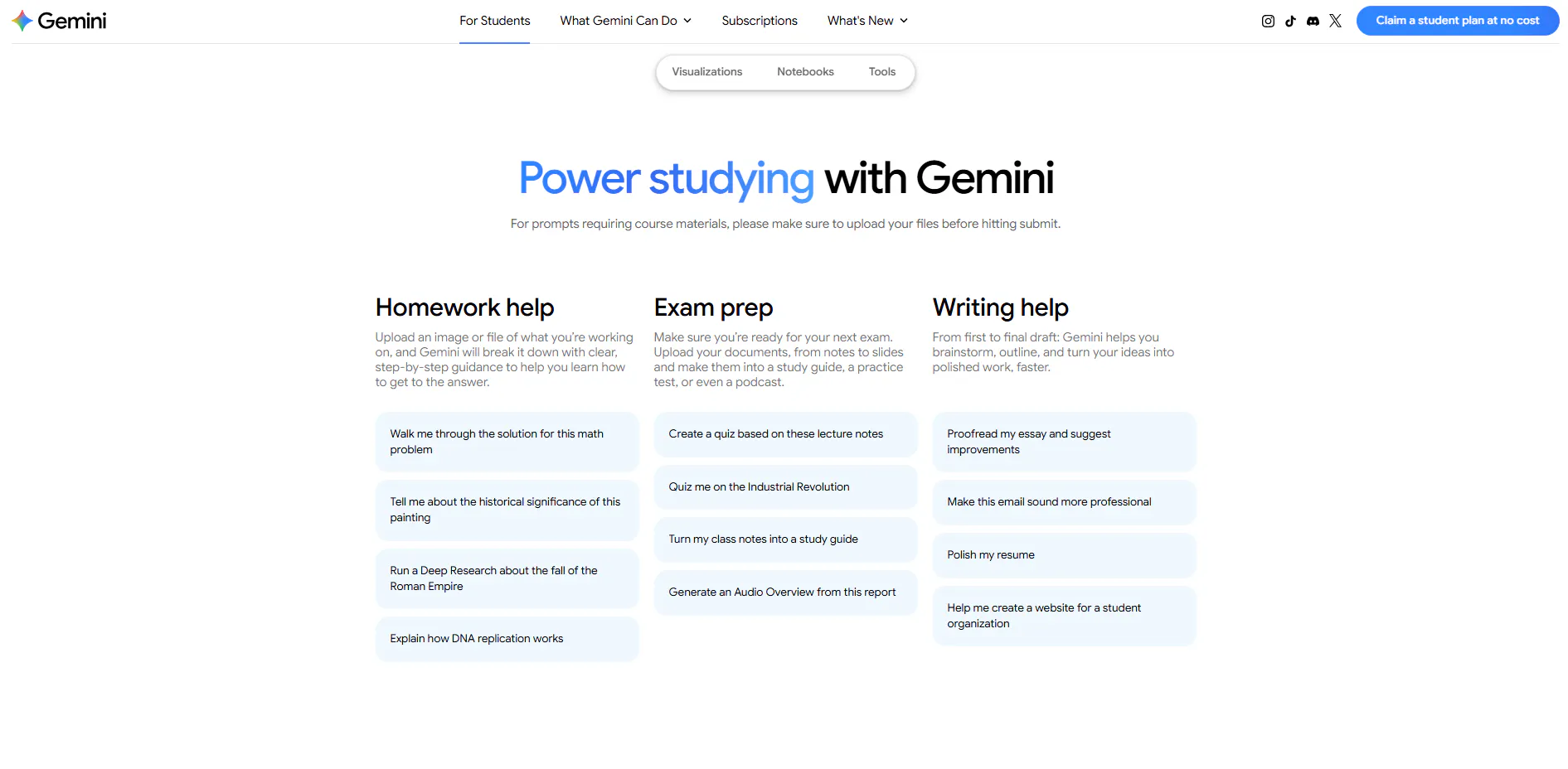
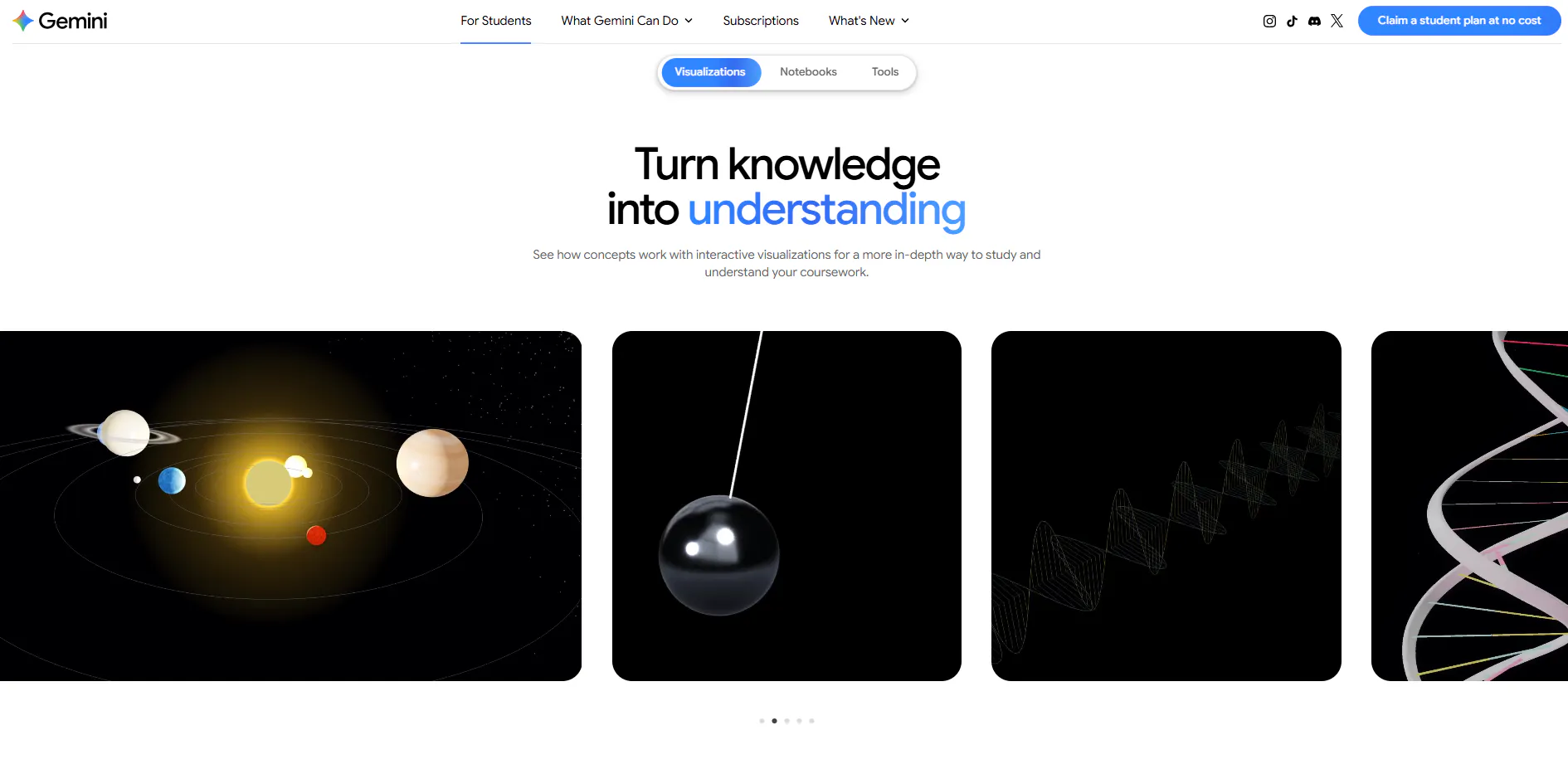
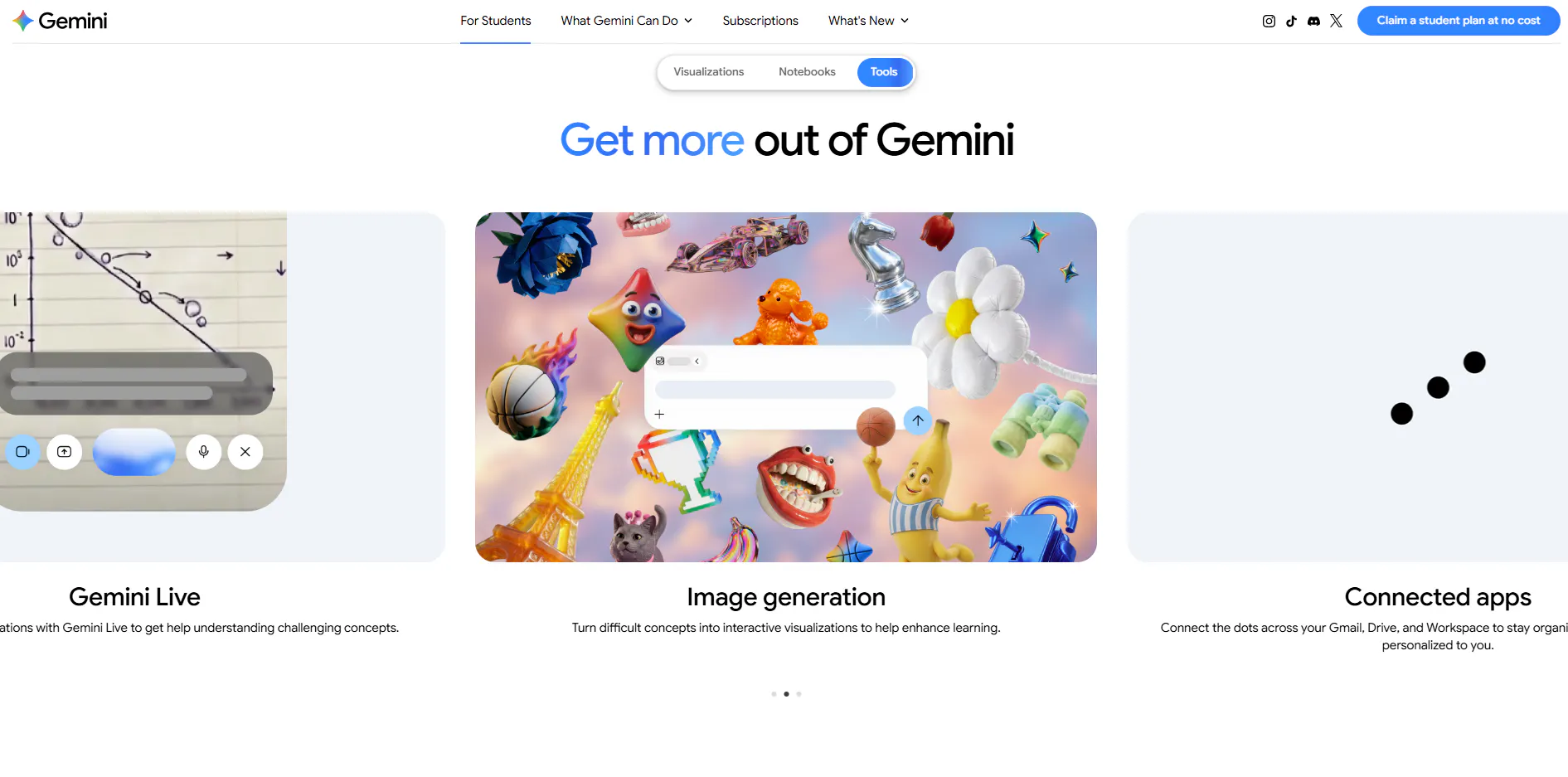
一句话介绍:为全球大学生提供整整一年免费Google AI Pro/Plus订阅,并在Gemini中内置专属Student Hub,将碎片化的学习工具整合为“自适应笔记+3D可视化+深度研究”的一站式学术工作流,直击学生多工具切换、效率低下的痛点。
Productivity Education Artificial Intelligence
AI教育 学生优惠 学习工具 Gemini 学术助手 免费订阅 知识管理 深度研究 自适应学习 效率提升
用户评论摘要:唯一有效评论来自猎人自述:强调学生工具碎片化,赞赏免费一年Pro(价值$240)及5TB存储、Workspace集成、3D可视化与自适应笔记本,并抛出“先交给AI哪一环”的互动问题。无实质负面反馈,但仅一条评论,样本极少,缺乏真实用户验证。
AI 锐评

这个“产品”本质上不是一款新APP,而是一次精准的渠道营销——Google用一年免费Pro订阅(成本约$240/人,全球大学存量数百万级)换取学生群体的AI习惯养成和Gemini生态锁定。战略上无可挑剔:学生是未来高付费转化群体,且学术场景天然适合AI渗透(检索、总结、提纲挈领)。但锐评要看本质:Student Hub目前仅有“自适应笔记本、3D可视化、Deep Research”三个亮点,前两者仍是生成式AI的常规演示级功能,并未展示出与Notion AI、Quizlet或Perplexity的差异化壁垒;而“免费一年”背后是数据训练和用户粘性的隐性成本,学生用户需警惕学术数据被用于模型迭代的隐私条款。更关键的是,Product Hunt上投票仅6票、评论仅1条且自问自答,说明该“爆品”在PH社区并未引发真实热度——这更像一篇官方新闻稿而非产品发布。真实价值在于:它验证了“高校渠道+顶级模型+免费策略”是AI教育赛道最粗暴有效的获客手段,但对Google而言,一年后若不能转化付费,这批用户将迅速流失。对学生,请把它当作高配试用装,而非学习救世主;对竞品,这才是真正需要警惕的降维打击。

查看原始信息
Gemini for Students
Supercharge your academic workflow. Google is offering eligible college students worldwide 1 full year of Google AI Pro or Google AI Plus at no cost, paired with an all-new Student Hub inside Gemini. Claim your 12-month free access today at gemini.google.com/students!

Excited to hunt the new Google AI Student Offer & Student Hub today!

Students juggle too many fragmented tools: chat apps, flashcard tools, PDF summarizers, manual planners. Google's fixing that: its most powerful AI tier, completely free for college students.

The offer: a full 1 year subscription to Google AI Pro ($240 value, US) or Google AI Plus internationally, plus a dedicated Student Hub inside Gemini.

What stood out to me:

  • Adaptive Study Notebooks — quiz you on class material, build custom study plans from the gaps

  • 3D Visualizations — turn complex topics into interactive simulations, right in chat

  • Hands free Deep Research — kick off research via Gemini Live, it scans sources and discusses the report on the go

  • Instant access — zero cost for 12 months, expanded usage limits, Workspace integration, 5 TB storage

Claim your 12 month access at gemini.google.com/students.

Question for the community: which part of your workflow would you hand to AI first: syllabus organization, research synthesis, or exam prep? 👇

0
回复
#20
Quick RSS
Private RSS Reader
6
一句话介绍:Quick RSS 是一款主打隐私保护的桌面端 RSS 阅读器,旨在为厌倦了社交化信息流和算法推荐的用户,提供轻量、专注且无干扰的订阅阅读体验。
Productivity News
RSS阅读器 桌面应用 隐私保护 无广告 本地存储 订阅管理 OPML导入 极简工具 新闻聚合 效率工具
用户评论摘要:用户怀念 Google Reader 时代的纯粹阅读,反感现代 RSS 产品强行社交化和算法推荐。核心疑虑是“隐私”的具体实现——是否仅指无广告,还是阅读状态与订阅列表完全本地化;同时关注是否支持 OPML 导入以降低迁移成本。
AI 锐评

Quick RSS 的切入点精准踩在了老派 RSS 用户的痛点上:反社交、反推荐、反追踪。在信息过载和算法茧房的双重围剿下,“回归原始订阅”确实是一股清流,且桌面端定位也巧妙避开了移动端红海。然而,这款产品目前暴露出的问题比其卖点更耐人寻味。首先,6票的惨淡数据说明其尚未引起市场有效关注;其次,评论区唯一的深度提问直指要害——“隐私”若只是没有广告和统计,那不过是本分;若做不到阅读状态和订阅源的完全本地化,所谓的“Private”就是营销话术。更致命的是,RSS 赛道本就小众,桌面端更是窄中之窄,如果没有 OPML 一键迁移和跨设备同步(哪怕是手动文件同步),它连“替代品”都算不上,只能算“怀旧玩具”。当前市面上的真正竞品(如 Reeder、NetNewsWire)早已在本地优先与隐私上做到极致,Quick RSS 若没有更激进的差异化(如端到端加密同步、AI 摘要离线化),将很难逃脱“又一个极简RSS阅读器”的宿命。它的价值目前仅限于验证“反算法”需求依然存在,但产品力远未兑现这个需求。
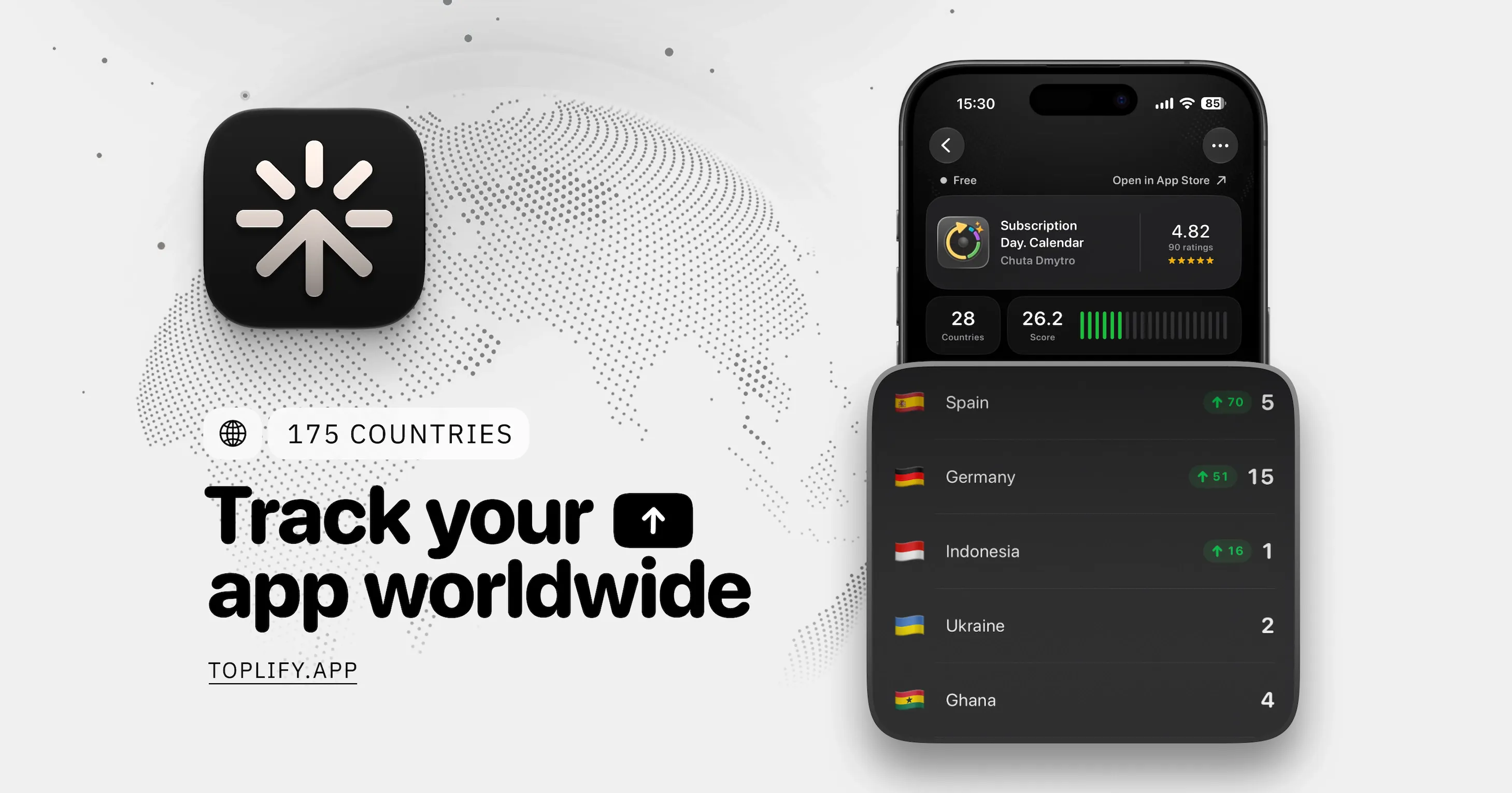
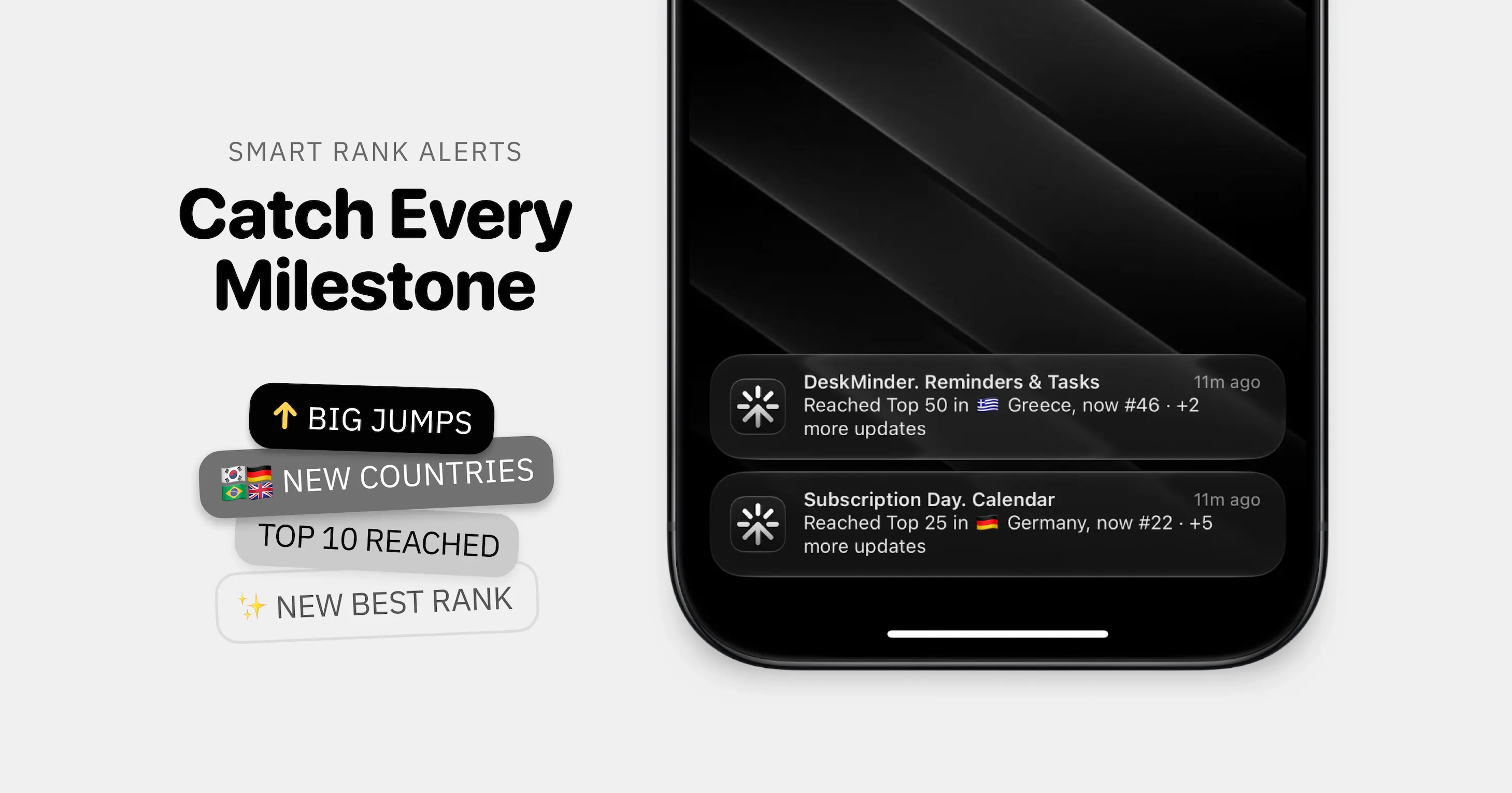
查看原始信息
Quick RSS
Quick RSS is an easy-to-use, private, and intuitive desktop RSS reader. Whether you're a news enthusiast or someone who likes to follow blog posts and headlines, Quick RSS helps you effortlessly manage and read your favorite RSS feeds.

been wanting a dead-simple RSS reader again since Google Reader days, most "modern" ones I've tried try to turn every feed into a social timeline with recommendations and read tracking. curious what "private" means concretely here - is it just no ads/analytics in the app itself, or does read state and your feed list stay fully local instead of syncing to a server? also does it support OPML import, that's usually the first thing that decides if I actually switch or not

0
回复