Product Hunt 每日热榜 2026-08-23

PH热榜 | 2026-08-23

#1
Construct Computer
Your AI coworker gets a computer. You get your day back.
287
一句话介绍:Construct Computer 为独立开发者和初创小团队提供一个拥有专属云端电脑的AI同事,它能像安装App一样接入工具、执行任务并将成功路径固化为可复用的工作流,帮助用户从重复性运营工作中解放出来。
Productivity Task Management Artificial Intelligence
AI代理 智能体工作流 云端桌面 MCP集成 团队协作 自动化运营 无代码工具 AI同事 任务自动化 垂直SaaS
用户评论摘要:用户普遍认可将成功任务固化为工作流以节省成本的设计。主要疑问集中在:当底层API变动导致工作流失效时,系统能否感知并自动重新规划;如何管理历史版本及回滚;是否区分于Grok Bot等竞品。另有用户反馈系统在处理简单CSV格式化任务时卡住,稳定性存疑。
AI 锐评

Construct的聪明之处在于它切中了当前AI代理行业最虚伪的叙事——“替你思考”。市面上的通用Agent烧着token,把五分钟的活干成半小时的表演,本质是让用户为重复思考买单。Construct将“一次性执行”与“固化流程”分离,相当于给企业上了一道保险:思考可以贵,但只允许发生一次。这击中了中小团队对AI成本不可控和结果不确定的深层恐惧。

然而,其护城河并非技术,而是产品化封装能力。创始人强调的“MCP安装即用”和“云端桌面”并非独有壁垒,Grok Bot或YC系竞品随时可以跟进。真正的考验在于评论中那位“挑剔用户”提出的痛点:当被固化的流程因外部API变更而失效时,系统是能主动感知并自我修复,还是像僵尸一样按错误路径跑完并谎报成功?从目前回帖看,Construct给出的答案是“通知人来修”——这暴露了其依然是一个“高级脚本执行器”而非“智能体”的本质。若无法解决工作流的“自我修复”与“智能降级”问题,所谓“锁定的工作流”最终会沦为需要人工持续维护的定时炸弹。此外,初期体验若连CSV转换都卡顿,说明其底层Harness的稳定性与宣传的“10x同事”体验仍有较大差距。AI行业不缺点子,缺的是能把“最后一次执行的运气”变成“每次执行的必然”的工程实力,这将是Construct从Demo走向生产力的生死关。

查看原始信息
Construct Computer
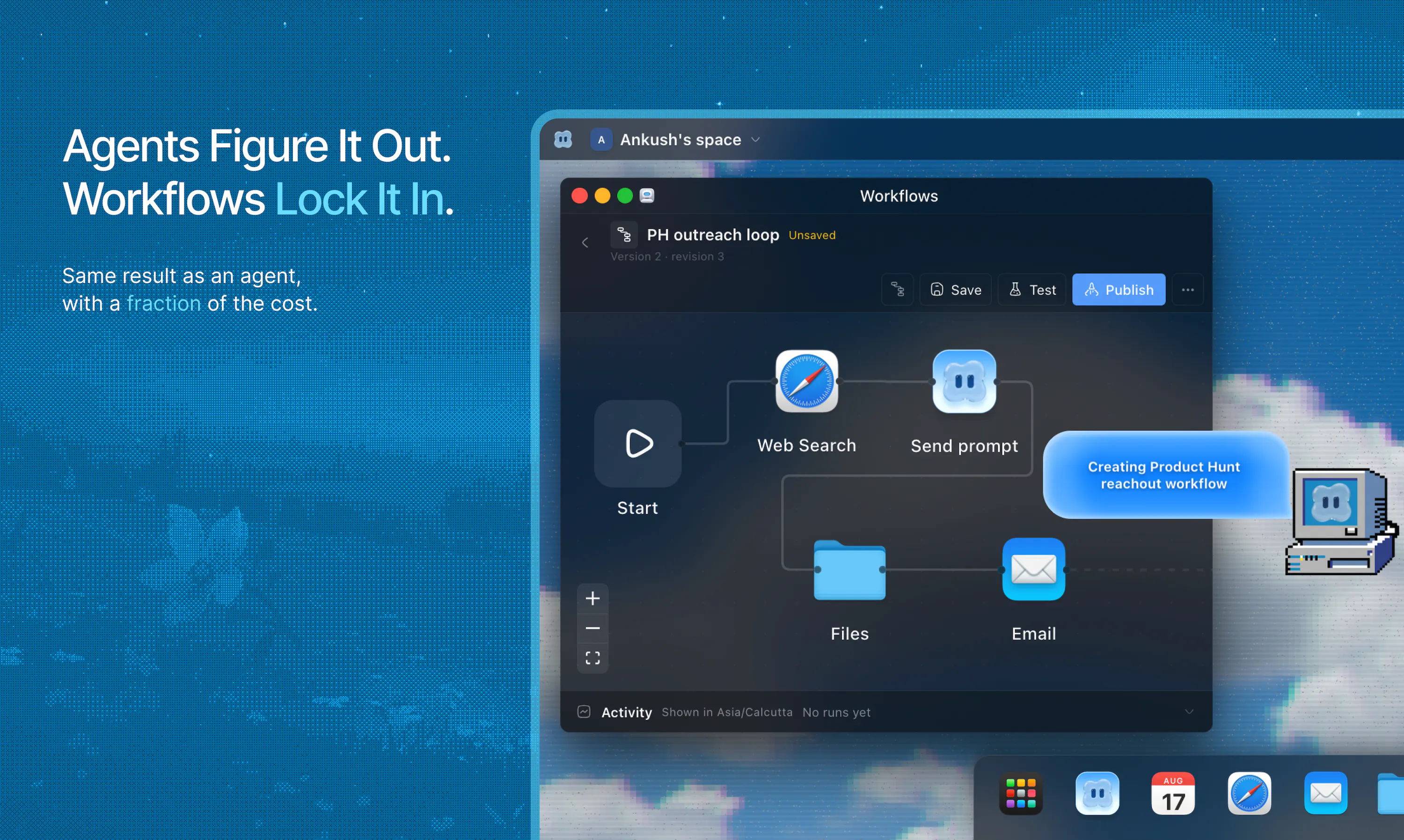
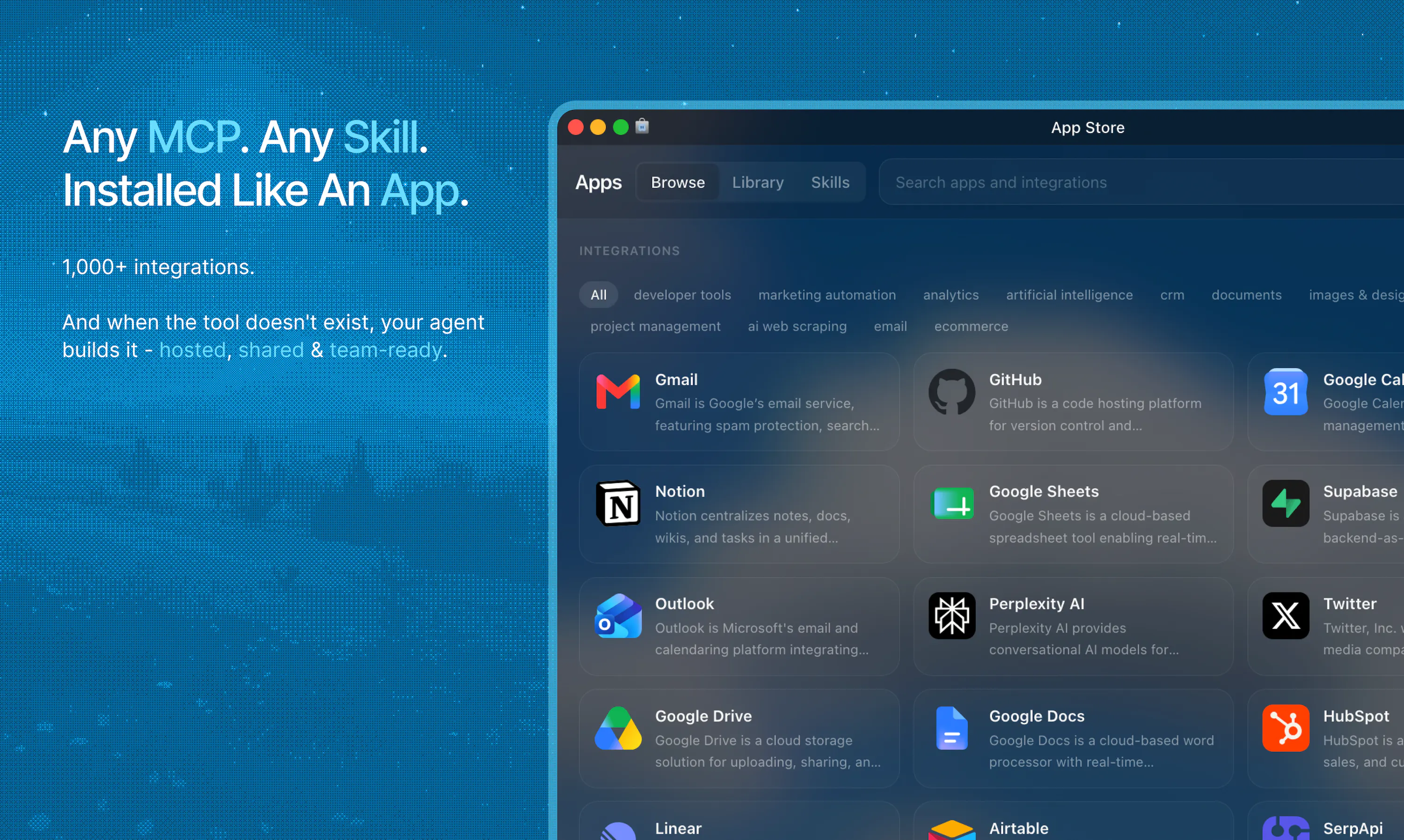
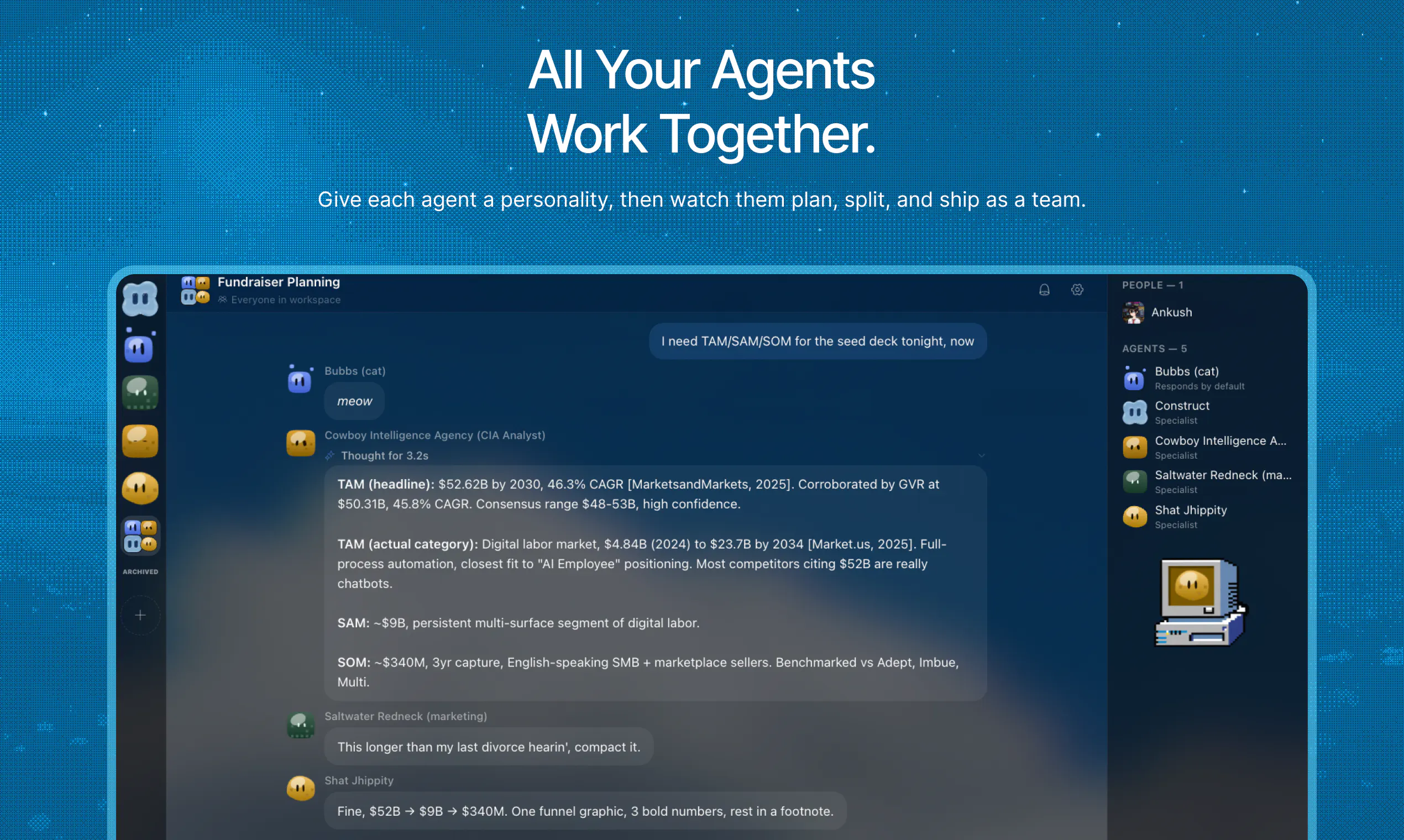
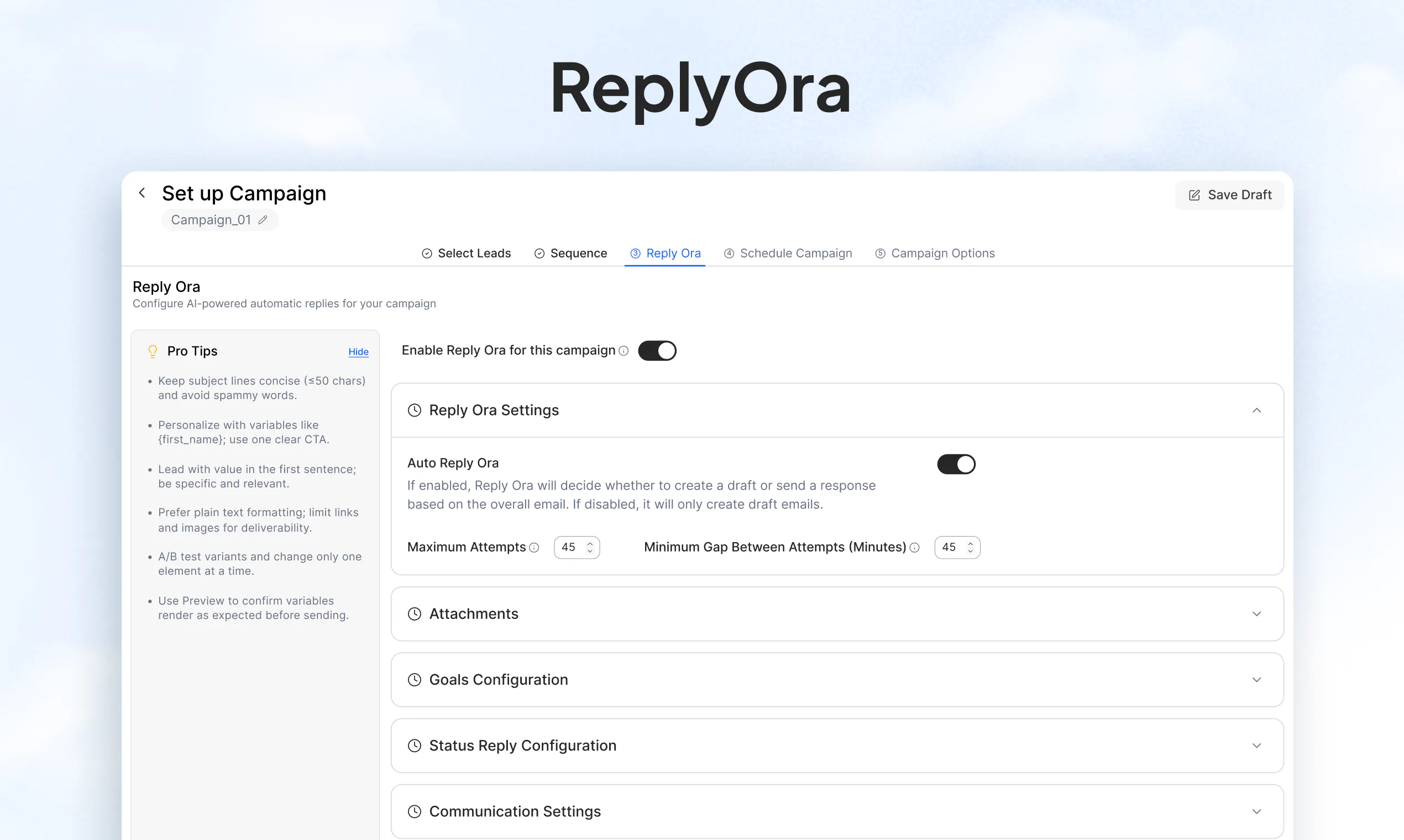
AI workforce for solo founders and small teams. Any MCP or skill installs like an app, agents build the tools that don't exist yet, deployed and managed by the platform, shareable to the whole team, and any agent action that you like turns into a reusable workflow so agents spend less time thinking and more time doing.

Hey Product Hunt 👋 I'm Ankush, co-founder of Construct.

My last dev tool hit 30k users and got acquired. Writing the code was never the hard part.

Being the CRM, the support inbox, the follow-up guy and the fundraiser at the same time was.

Hiring was the obvious fix, but the runway math said no.

So when AI agents got good, I tried all of them. Every one reasoned for a minute to do a ten second task, burned tokens like they were free, and I spent more time fixing its work than doing my own. I had enough, so Nischal and I built the version we actually wanted.

Construct isn't a tool you open. He's a coworker who never clocks out.

→ He already has the tools your business runs on, and if he needs a new one he installs it like an app.

→ Once a job runs right he locks it in. Next time it's one command, no re-thinking, no token burning, and your team can trigger it too.

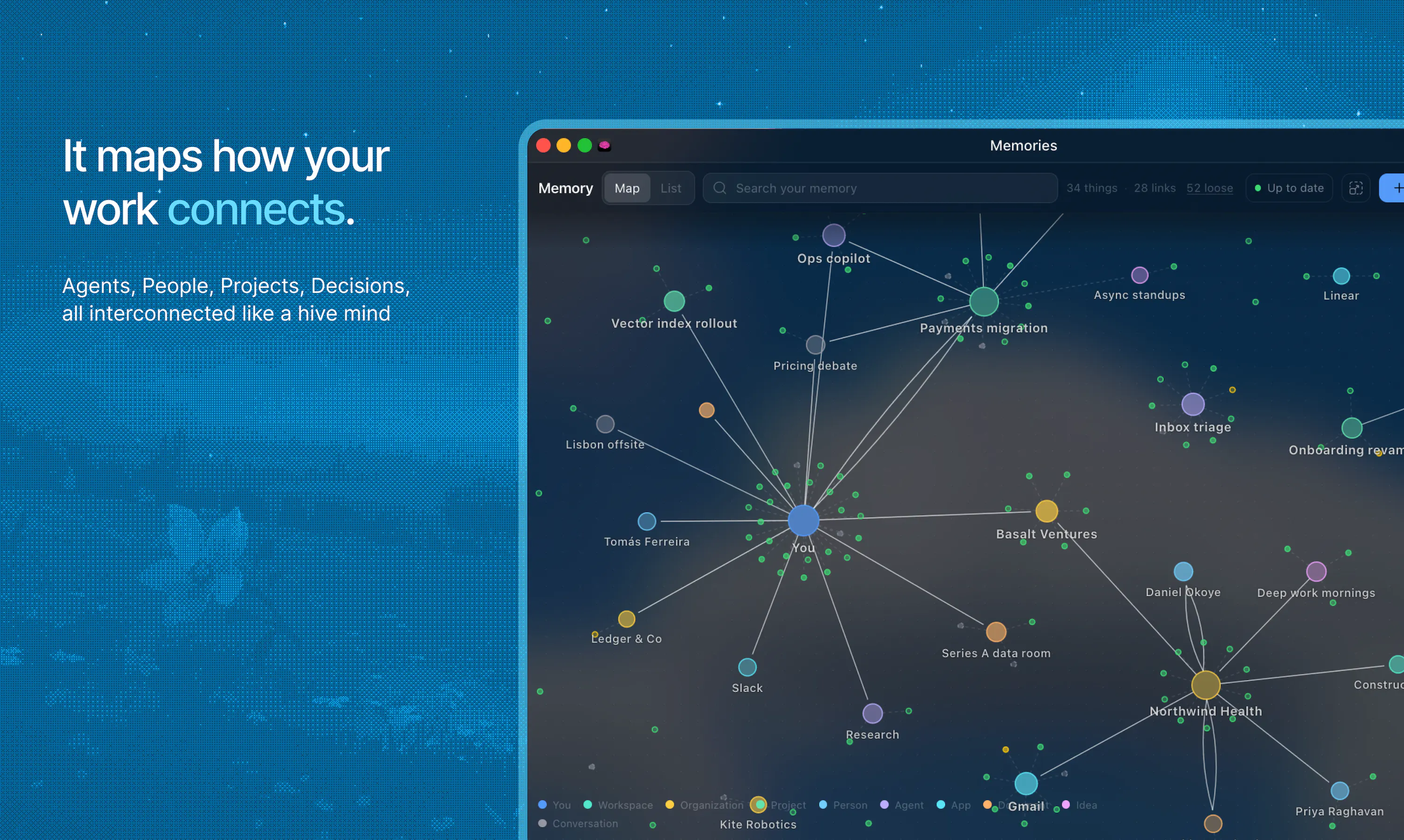
→ He remembers you, your business and everyone he talks to. It all lives in a secure enclave that only you and him have the keys to.

Brief him like a remote hire on Slack, close your laptop and he still keeps going.

For our PH supporters we are offering:

7 days free on Pro plan, then 40% off for the first year, or 20% off monthly if you want him to intern for the quarter.

The fastest way to see what Construct can do is to just try it.

Drop the thing that eats up your week in the comments and we’ll tell you how we’d automate it with Construct.

Want to see it working for your business?

Grab 15 mins and we’ll demo it live with you: https://cal.com/construct/15min

Or come hang with us and the team in Discord: https://discord.gg/puArEQHYN9

ps. much love to @fmerian for hunting us and to the PH team as well 🩵

14
回复

@fmerian  @ankushkun looks good will gonna try that..

0
回复

The distinction between paying for an agent to rethink a task and turning the result into a workflow makes sense.

I would be interested in how you handle the cases where the process changes over time. Can a team see which version of a workflow ran, compare the output with an earlier version, and roll back if a new step causes problems?

That history would make shared automation much easier to trust.

0
回复

@fmerian  @ankushkun What’s one repetitive task you personally started with Construct that made you think, “I don’t need to explain this again” and how did it improve after Construct learned the workflow?

0
回复

Hey PH 👋 Nischal here, the other half of Construct.

We've been heads down on this since April, so really excited to finally have it out in the open.

I helped build the harness and the Product design. Before Construct I was working on decentralised hosting and compute solutions ,deep in isolates and WASM, which is where most of how Construct runs under the hood comes from.

In these months we've watched plenty of much bigger teams ship at the same problem, and honestly it's only made us more confident that our take on it is the right one. Being small means we get to make the weird calls.

Really excited to hear what you all think, and happy to answer anything today. Infra, cost, product, the parts still rough.

7
回复

Wish you a successful launch! :)

5
回复

@busmark_w_nika Thank you Nika! appreciate your support a lot ♥️

4
回复

It feels great to see a computer working for me directly...😀

3
回复

@mindyorzi awesome lol, glad you like it! 🙌

1
回复

@mindyorzi Glad you liked it! The experience with traditional agents can feel like a black box. You prompt them and wait for something to happen while they cook something up behind the scenes.

With Construct, we wanted the experience to feel more like having a remote hire with their own laptop, where you can actually see what they’re doing and step in when needed.

0
回复

Really cool! How will you compete with likes of Grok Bot and YC's QM?

3
回复

@conduit_design Thanks! Solutions like grokbot and QM definitely look like competitors on a first glance, but actually we have very different product boundaries.

Grok bot would be closest to us with their agents and QM is more like open-source agent infrastructure teams can deploy and customize on their own if they have the technical knowhow.

Construct is more opinionated and offers a fully managed solution including agents, humans, apps/MCPs, workflows, cloud desktops, internal tools, and a whole lot more which all live in one workspace, designed to be usable by non-technical teams too, without having to spend engineering efforts.

There is overlap, but all three are validating the same bigger shift away from chatbots toward agents that actually work.

fun fact about Construct btw- we started building this early during feb-march, when no other competitor had announced anything about their product, so we were actually early, and these competitors only validated our market 💪 FULL STEAM AHEAD!

3
回复

Congrats on the launch! Curious how you think about something like Grok Bot, do you see it as a competitor to Construct, or are you solving a different layer of the agent stack?

3
回复

@mathsociety Hey Kevin, thats a great question! Grok bot is definitely a competitor since both of us are trying to solve problems in the similar space. However! we have made the entire experience of using Construct as easy and smooth as possible, by giving teams a fully managed end to end workspace with agents.

Many tools (like grokbot, openclaw etc) target tech native orgs as their ICP, and many times need technical know how to get various things setup, which is not the case for Construct where everything can be used by even non tech native people.

On Construct, every MCP, every tool, etc is an App, installable like how one would install something from Appstore or Playstore, making the experience much easier.

Users even get a cloud desktop OS, which they can log into anytime, anywhere from any device they want and work with their agents as well as coworkers (Multiplayer experience) in the same workspace, which is not a feature provided by many other agentic solutions.


Moreover, we have interesting features like workflows which reduce workload from agents, but converting successful runs into a workflow, runnable by the whole team + the agents, so it doesnot spend ai cost on repeating tasks.

and agents can even create workspace native apps, if certain tools dont already exist through internal apps shared with the members of the workspace.

With all these (and more) we offer a lot more unique features than many top agentic solutions.

Would love to nerd it out more if you want, feel free to join our communities, where many have interesting discussions like this.

Cheers!

3
回复

One of a kind! Congrats on the launch 💯

3
回复

@manuarora really appreciate your kind words sensei 🫶 , learnt from the best

1
回复

@manuarora Thank you! It genuinely means a lot to us, as we have learnt a lot from your content and teachings 🫶

1
回复

@fmerian Thanks so much for hunting us, Flo ! 🙏 Really appreciate you putting Construct in front of the PH community.

We’ve been working on this since March, and it’s been exciting (and slightly terrifying 😂) to finally put it out there.

Excited to hear what everyone thinks and hopefully get some honest feedback today! 🚀

3
回复

LFG!!! Congrats on the launch :)

2
回复

@yahia_bakour3 thanks for the kind words yahia 🫶.

1
回复

Hey Product Hunt 👋

I’m Vibhansh Alok, the lead designer at Construct.

After working with agentic tools for almost a year, I’ve realized that many AI products eventually become just another wrapper around existing tools.

Construct was different from the start.

We didn’t just want to build an AI employee that takes prompts and executes tasks. Because then you end up constantly checking: Did it finish? Did it stop midway? Is it hallucinating?

At some point, being a developer started feeling like parenting your agents

What we wanted to build wasn’t just an employee you delegate tasks to. We wanted to build a 10x coworker that actually takes work off your plate. That’s why Construct is built around the principle of coworking

As a designer, I tend to look at tools from a slightly different perspective. I care not only about whether something works, but whether it actually feels relevant or even necessary in the way we work.

Humans are meant to create, think, and build.

We shouldn’t be spending our time digging through logs, managing emails, moving documents around, or maintaining repetitive workflows. You should be building and improving what matters, while your coworker is always there to handle the operational work in the background. That philosophy is also reflected in Construct’s design language, that is, intelligence should be something you harness, not something you constantly manage.

So, don’t just build another chatbot or a wrapper. If your tool has the potential to do more, let it. Scale it until it changes how people actually spend their day.

Would love to hear how you all perceive it. Cheers !!

2
回复

Vibhansh the GOATed designer 🔥

2
回复

@ruffledzest this guy is our is our cracked Aesthetic Engineer + Vibes Architect

1
回复

Congrats on the launch, glad to see PostHog users building useful stuff!

2
回复

@britt_joiner Thank you Britt 🙌 we love using @PostHog!

1
回复

Congrats on the launch! Giving AI agents dedicated workspace environments instead of clogging local systems is a smart approach to hands-off execution. Curious to see how it handles long-running, multi-step browser tasks over time.

2
回复

@thisiskp_ Thanks KP! We built our own harness from first principles to run as natively as possible on cloudflare, and extensively use alarms+DOs+workers to support long running + recurring agentic tasks, as well as incorporate kitesurf + browser use for agentic browsing and web use as per requirement of the task.
btw a while back, we were even working on a desktop companion, which the cloud agent could handover tasks to and would even have the possibility of using desktop apps for things cloud agents may not be efficient enough, tho we are still experimenting with the UX side of things, the possibilities are endless.

WOuld love to hear your views on this 🙌

1
回复

Locking a job in once it runs right is the part I'd have led with. Re-planning a solved task on every run is where credits actually disappear, and most agent products quietly bill you twice for the same thinking. What I'd want to know is what happens when the locked path breaks because an API changed under it. Does he notice and re-plan, or run the stale steps and report success?

1
回复

@asadmalik901 Hey Asad, valid question. When a workflow fails, the respective agent gets a failure notification, and it lets the workspace owner or the responsible user about it, they may then appropriately tell the agent to fix it.

1
回复

Hey, I have instead trying to test it but seems stuck in getting simple tasks like reframing a csv file to match a shopify template, etc

0
回复
#2
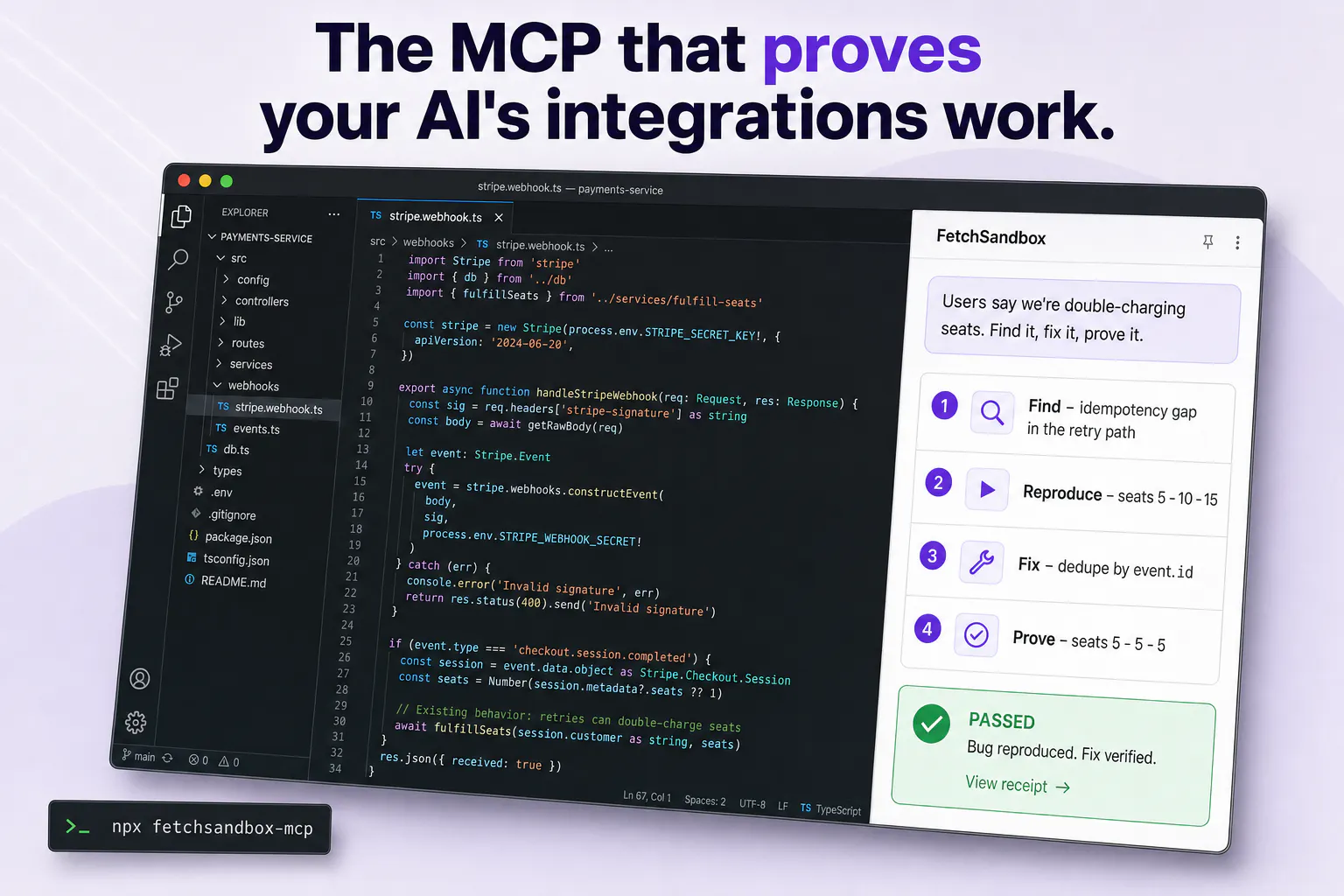
FetchSandbox MCP
The MCP that proves your AI's integration fixes work
205
一句话介绍:FetchSandbox MCP为AI编程助手提供70+真实第三方API沙箱环境,让AI在编辑器内运行集成代码并生成“修复证明”,解决AI“自信修复但数据依然错误”的假阳性问题。
API Developer Tools Artificial Intelligence
AI开发工具 MCP服务器 API沙箱 集成测试 AI编程助手 Cursor Claude Code Webhook测试 开发者工具 状态断言
用户评论摘要:用户普遍认可“证明而非感觉”的核心理念,认为能捕捉CI假阳性是突破。主要询问是否支持自定义内部API(已支持OpenAPI导入)、能否对比Pact合约测试、是否可模拟乱序事件和重试、是否支持播种脏数据,另有建议增加逐步状态diff展示。
AI 锐评

FetchSandbox精准击中了AI编程时代最虚伪的环节——单元测试通过不等于集成正确,更不等于数据正确。其价值不止于“提供沙箱”,而在于把“验尸”变成“产检”:通过状态断言和失败复现机制,将原本只能在生产环境暴露的数据漂移问题前置到开发循环中。这种“收据”不是噱头,而是对抗LLM幻觉的必要仪式。

但必须泼冷水:第一,沙箱模拟得再真实,与生产环境的差异鸿沟仍在,签名验证通过不等于对方网关策略一致;第二,“70+沙箱”的维护成本极高,第三方API频繁变更导致沙箱本身可能成为新的“假阳性”来源;第三,创始人强调的“端状态断言”目前仅覆盖显式工作流,对系统间隐式时序耦合的检测能力尚未验证。评论中对“9.00报价悄悄达客户”这类数值级错误,若断言库未覆盖响应体逐字段校验,依然会漏。产品方向正确,但需尽快补上“状态diff可视化”和“自定义断言规则”两块拼图,否则很容易沦为高级玩具——毕竟,让AI证明自己没搞砸,本质上是让凶手写结案报告。

查看原始信息
FetchSandbox MCP
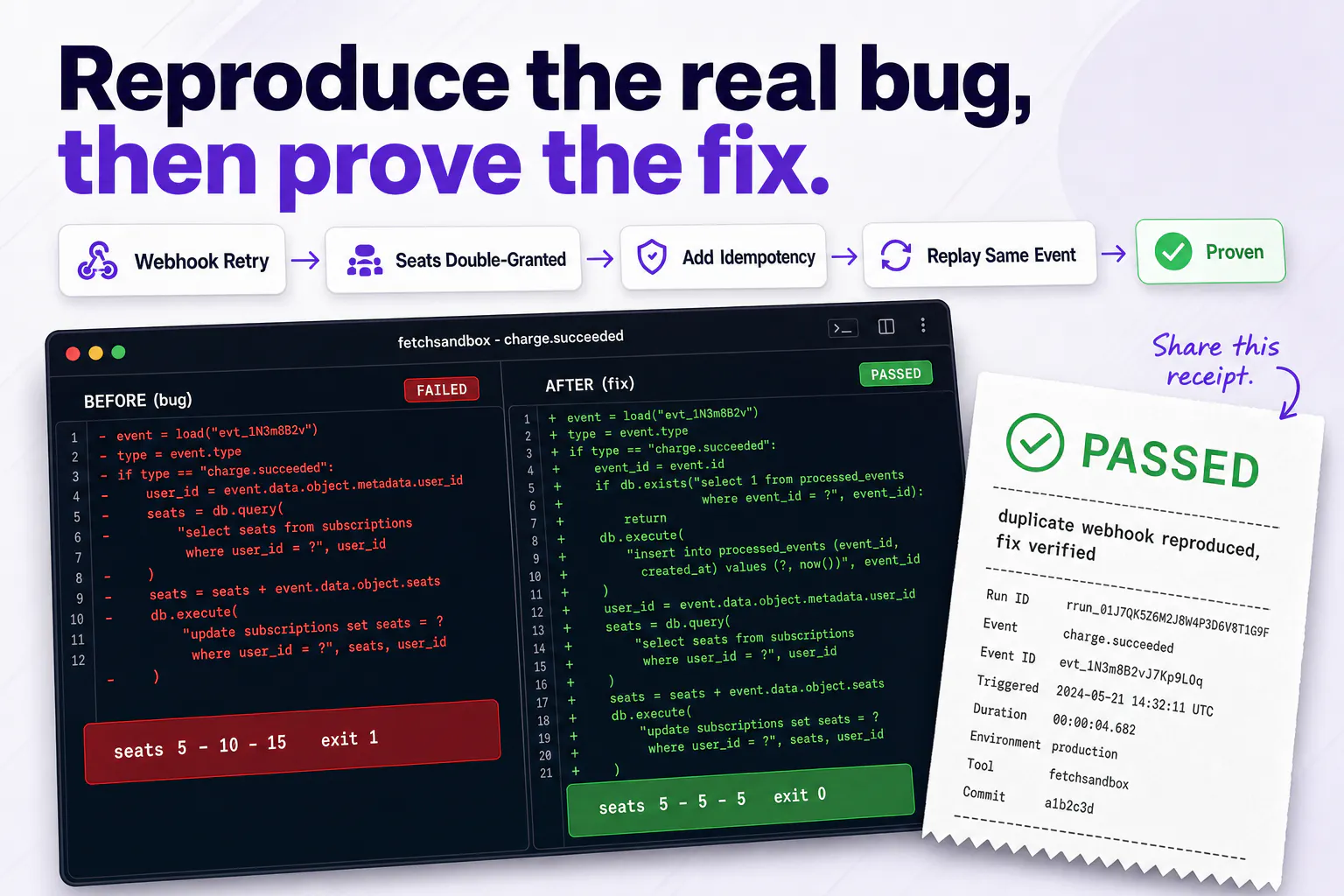
Your agent's integration fix passes CI. The data is still wrong. FetchSandbox MCP reproduces the real failure on your code, fixes it, and proves the fix held. A receipt, not a vibe. 70+ API sandboxes. One config block in Cursor or Claude Code.

Raj here, one of the co-founders.

Writing the integration stopped being the hard part. Checking that it actually works is the whole job now, and that's the half your agent can't do.

The gap

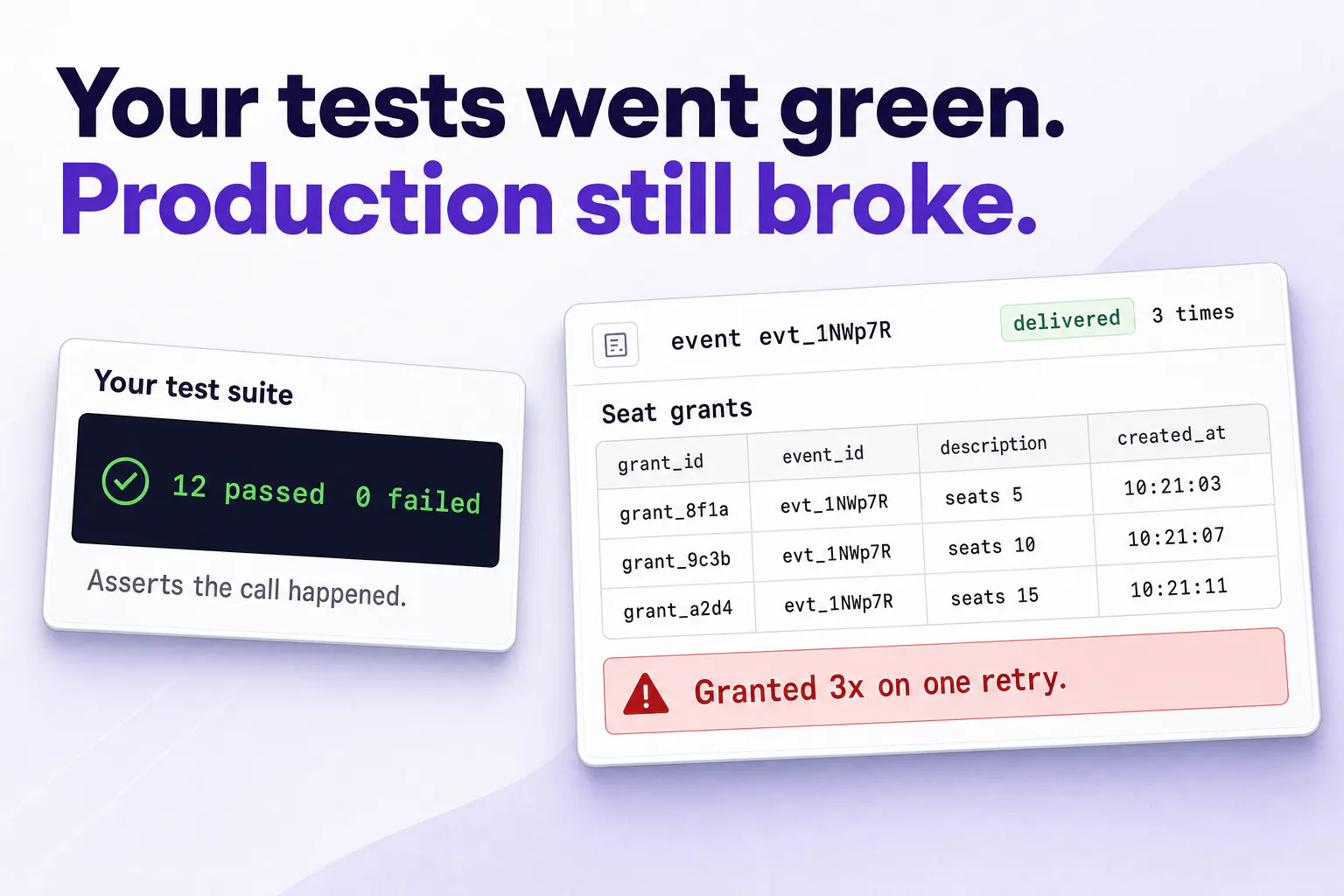
Your agent can write a Stripe integration. It can't run one. It writes the code, tells you it's done, and you find out in production whether that was true. FetchSandbox gives the agent already in your editor two things it doesn't have: somewhere real to run integration code, and a way to prove the fix worked.

Why the proof check matters

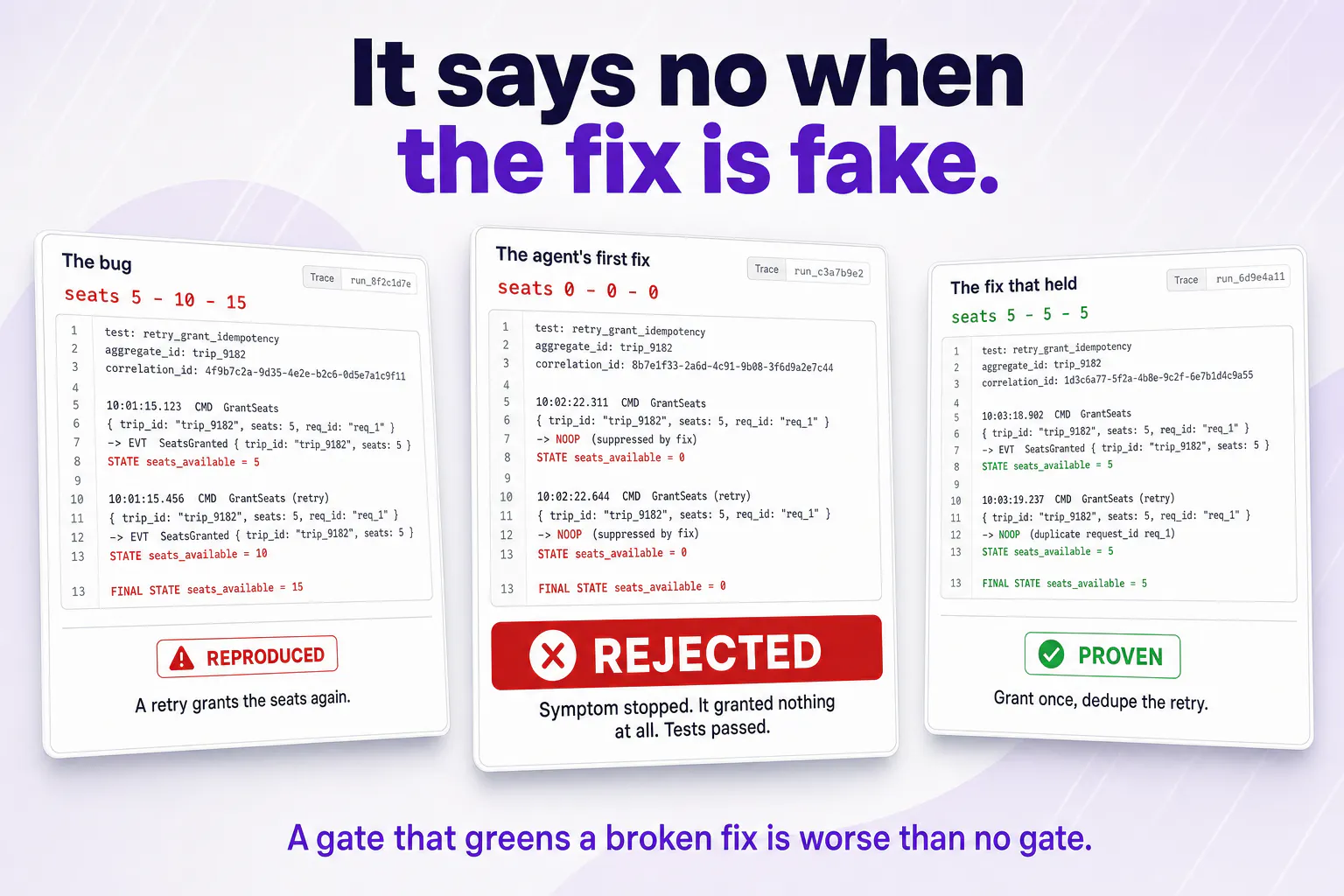
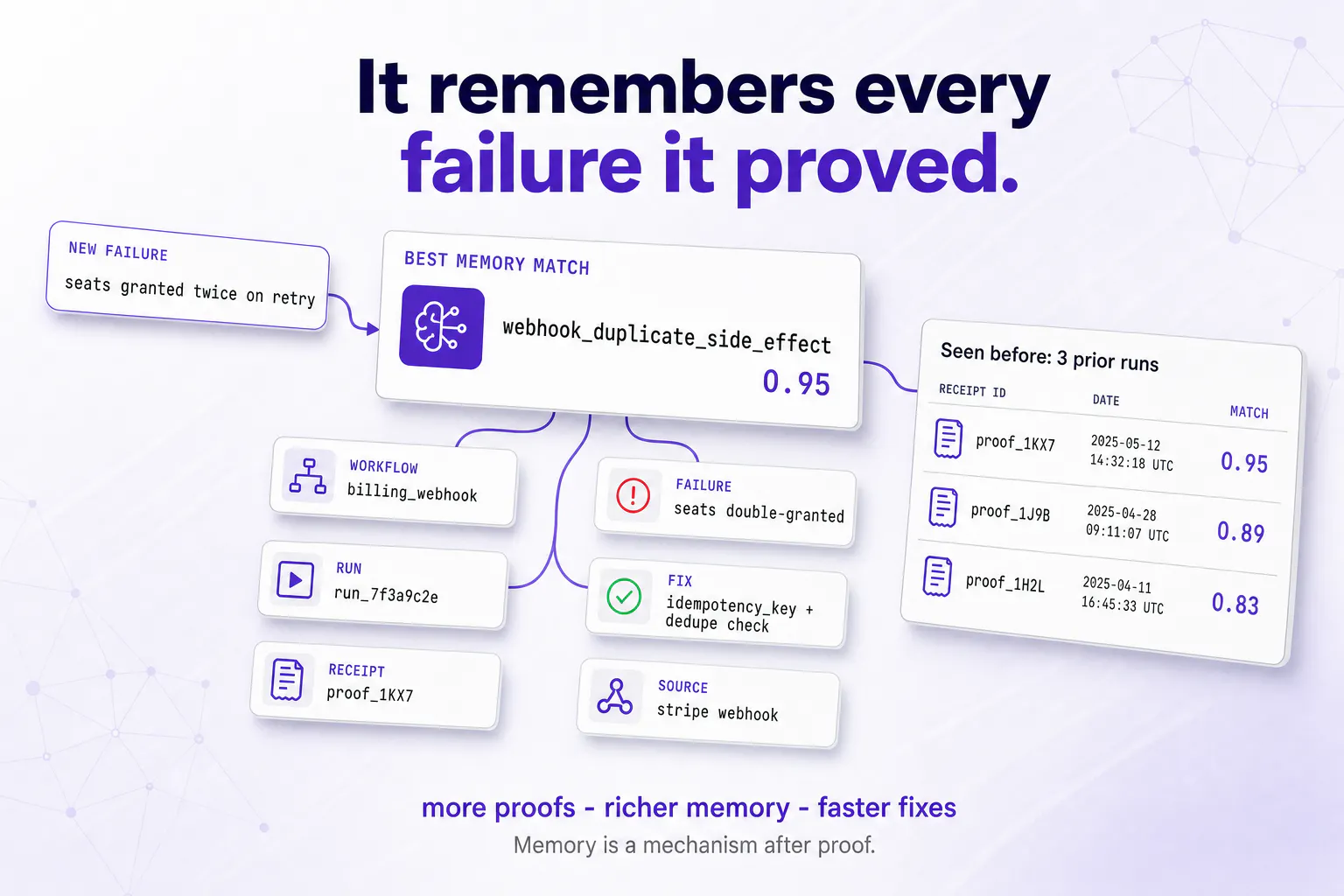
A customer paid for 5 seats. A retry gave them 10, then 15. An agent fixed it, and after the fix nobody got any seats at all. Tests still passed because the duplicates were gone. Almost any fix makes the error disappear. Far fewer make the data right.

So the gate asserts the exact end state a correct implementation leaves, and refuses to go green when it can't reproduce the bug first.

Setup

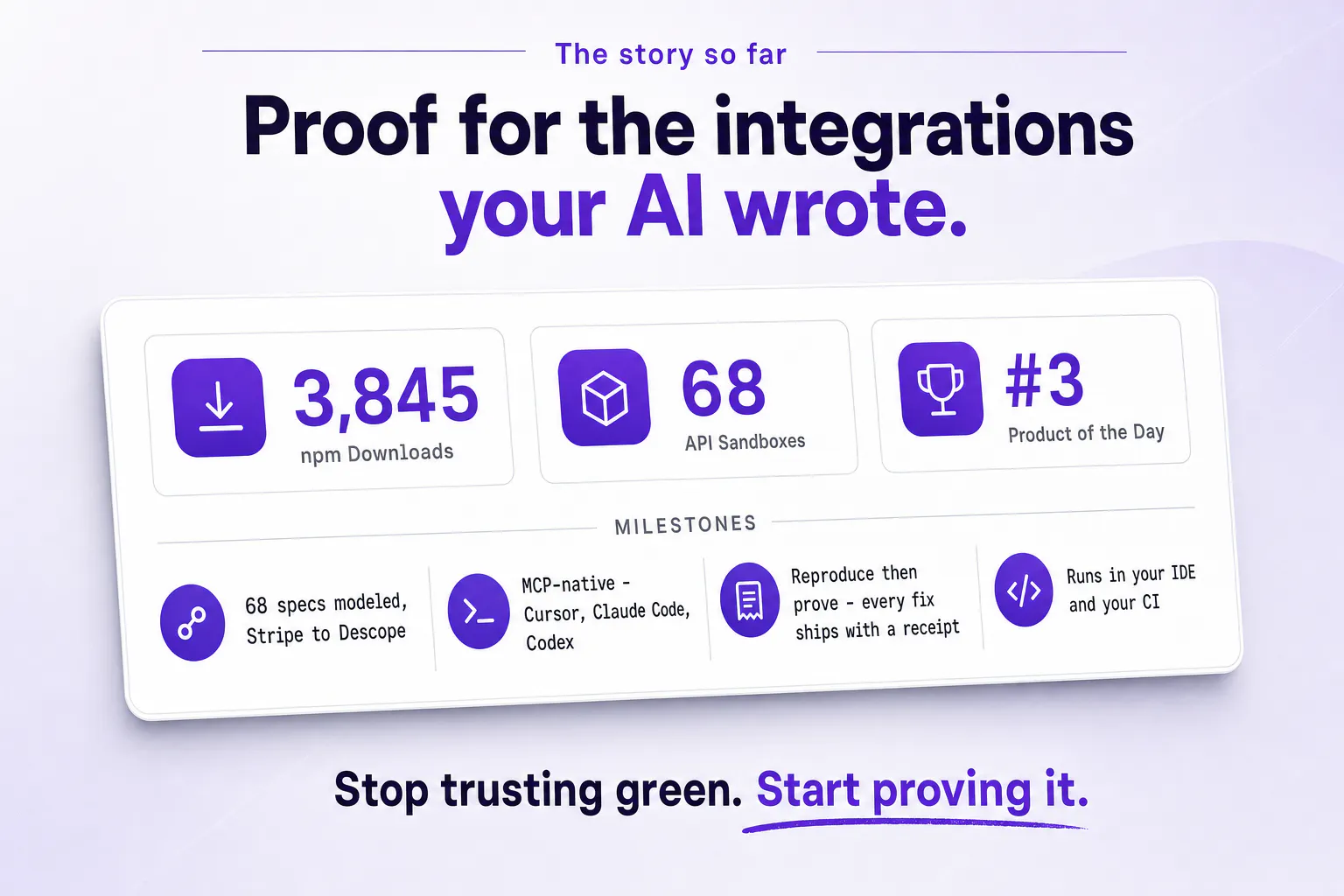
One block in your MCP config. No API key, no signup. Works in Claude Code, Cursor, Cline, Windsurf, and Codex. 70+ ready-made sandboxes: Stripe, HubSpot, Clerk, Resend, Twilio and more, free to try.

We hit #3 on our first launch. The ask afterward was exactly this: don't just give me a sandbox, tell me my fix actually worked. This is that.

Has your agent ever confidently fixed something that was still broken?

10
回复

Install, takes about thirty seconds.

Add this to your MCP config. That's `.mcp.json` in your project root for Claude Code, or Settings → MCP for Cursor:

```json

{

"mcpServers": {

"fetchsandbox": {

"command": "npx",

"args": ["-y", "fetchsandbox-mcp@latest"]

}

}

}

```

No API key, no signup. Claude Desktop needs a full quit and reopen, Cmd+Q, not just closing the window.

Try it without touching your own code first

Type this to your agent, not your terminal — the ./fetchsandbox prefix is just how you tell it to use the MCP:

"./fetchsandbox Test my Stripe webhook for duplicate deliveries"

Takes about a minute and you'll get a receipt URL.

Or the one I'd show a skeptic:

"./fetchsandbox Paddle events arrived out of order and reactivated a paused subscription"

Then point it at something real

Name the API and what you're seeing:

"./fetchsandbox Stripe webhook signature verification fails for valid events"

3
回复

@rnagulapalle "A receipt, not a vibe" is a great line. CI passing while the data's still wrong is exactly the failure nobody catches until a customer does. Does the sandbox replay my actual failing request, or a synthetic version of it?

0
回复

@rnagulapalle giving the coding agent an actual sandbox environment to fail against before calling a PR ready is a massive unlock. Congrats on the launch🙌

6
回复

"almost any fix makes the error disappear, far fewer make the data right" is the whole thing, and it is the same shape as the problem we keep running into.

to answer your question: yes, and the worst one was not even an agent. we added an anthropic key and three things were wrong at once. opus rejects an explicit temperature outright, one haiku model id had been retired and returned 404, and our own code sent a temperature on every call. nothing failed in testing because nothing in testing actually called it. any customer who had selected opus would have had every single reply fail on the first try. we were offering an integration nobody had ever executed.

the related one scares me more. we ran eight models against a live pricing api and two of them read the wrong row of a price ladder that was sitting in their context. one quoted 39.00 for an order that costs 9.60, the other quoted 9.00. the 39.00 gets caught by anyone glancing at it. the 9.00 does not, and that is the one that reaches a customer.

so the thing i would want to know about the proof step: does it assert the response shape, or the actual values? a 200 with a plausible wrong body is the failure that survives every check we have tried.

3
回复

@jernej_jan_kocica three failures at once and none of them visible until the key hit prod, that's exactly the shape that's hard to catch in any test that doesn't actually run the provider's validation. the retired model id returning 404 especially, that's the kind of thing you only find when something real is on the other end. glad this resonated, and that war story is going straight into how i explain the "why" of this thing.

0
回复

Testing webhook idempotency with AI agents is an absolute nightmare they always silently fail or fake the fix. Forcing the agent to prove it worked with an actual receipt URL before merging is brilliant. qq Are you planning to let us add custom internal enterprise APIs to the sandbox list soon? Upvoted...

3
回复

@vikramp7470 Thanks so much, the silent fake fix is exactly what kept me up at night building this. Custom internal APIs work today actually, drop any OpenAPI 3.x spec at `/import-spec` and it spins up a fully stateful, schema-validated sandbox in about 5 seconds, so you're not limited to the built-in specs. Would love to hear what internal APIs you're working with if you give it a shot.

1
回复

Testing and verifying AI integration fixes in a sandbox before deploying saves so much headache. Congrats on shipping!

2
回复

@thisiskp_ thanks man!!..Yeah exactly, same bug, very different discovery method. Finding it before deploy means you fix it in your editor. Finding it after means a customer tells you about it at some inconvenient hour. That's the whole thing we're trying to shift.

1
回复

@thisiskp_ Thanks! Honestly that pain is exactly why we built this. Catching a bad config or an edge case token error in sandbox vs in prod is a completely different experience.. one costs you sleep, the other costs you 10 minutes.

1
回复

Best of luck in the launch day!

2
回复

@alexcloudstar thank you so much, means a lot on launch day!

3
回复

@alexcloudstar thank you, really appreciate the support

2
回复
Curious how this compares to traditional contract testing tools like Pact when driven by an LLM agent? Seems much more accessible for rapid iterations.
2
回复

@tehreem_fatima5 pact is great for locking down the contract between a known consumer and provider in CI. fetchsandbox is less about "did the schema match" and more about running the full lifecycle: stateful CRUD, webhook delivery, auth failures, rate limits, all from inside the agent's IDE session. for an LLM agent the rapid iteration piece matters a lot, it can reproduce a specific failure, fix the code, and get a proof receipt back rather than just validating shape.

1
回复

The end-state assertion is the strongest part here. In SaaS billing and automation work, preventing a duplicate event is only half the problem—the final subscription, entitlement, and audit state all need to agree. Does the sandbox also let teams test reordered events and delayed retries across the same workflow?

2
回复

@modiyilreji yes, exactly the problem i was trying to solve. delayed retries are covered via scenario switching mid-workflow, you can flip the sandbox into a degraded or rate-limited state between steps and re-trigger. reordered events are supported too; workflows in the spec configs let you sequence the same events in different orders so you can assert on the final state, not just whether each event "succeeded." the end-state check is what actually matters in billing flows.

0
回复

FetchSandbox addresses a real weakness in AI-generated integrations: verifying actual end states rather than merely checking for successful responses. The stateful sandboxes, failure injection, and proof receipts make this especially valuable for testing billing and authentication workflows before deployment.

One optional improvement would be showing a side-by-side state diff in each receipt, highlighting the expected and actual values across the full workflow. That would make subtle failures, such as a plausible but incorrect response body, easier to detect during review. Congrats on the launch!

1
回复

@adityaharish2002 that side-by-side diff idea is exactly right, right now the receipt shows the final state but subtle field-level drift across a multi-step workflow is easy to miss. adding a before/after diff per step is on the roadmap and your framing of it (expected vs actual across the full workflow, not just the last call) is actually the cleaner way to think about it. appreciate the specific callout.

0
回复

what kind of integrations do you have?

1
回复

@adamkamaneh 70+ you can run right now, Stripe, Paddle, HubSpot, Clerk, Resend, Twilio, GitHub, Notion, Shopify, Discord, Datadog, RevenueCat. Payments, auth, email, messaging, CRM are the clusters with the most depth.

All of them run, real state, webhooks, lifecycle. About 15 also have the failure library on top, the curated set of known ways that specific API actually breaks in prod. Duplicate delivery, retries on stale state, signature verification failing on valid events. Those are the ones where it reproduces a named bug instead of just exercising the happy path. Stripe is deepest.

HubSpot is the one I've pushed hardest on the CRM side.

If yours isn't listed, point it at any OpenAPI spec and it stands up a sandbox from that. You just don't get the failure library for it, you'd be exercising the API, not the known failure modes.

Where this is going since you asked about kinds: single third-party APIs are the starting point. The version I actually care about is standing up a whole internal service graph, several services and the third parties they depend on, all at once. Built a version of that this week for a company that rebuilds systems it acquires. Three services in one scenario, caught the new implementation skipping a call the old one made while everything else looked fine. That's the thing.

Which one were you thinking of? Genuinely useful to know what people reach for first.

0
回复

@adamkamaneh 67 today — Stripe, GitHub, Twilio, OpenAI, Clerk, WorkOS, Resend and more. Anything not in the catalog, import an OpenAPI spec and you get a stateful sandbox with the same webhooks and failure injection.

What are you integrating with?

2
回复

Onboarding wrote a "you've seen the intro" flag one screen too early, so one click on Explore recorded the intro as done forever and every visit after that opened on step 2 of 2.

Fixed the write, then went through it on prod myself. On a fresh load the intro came back. The click wrote nothing, a reload got it again.

But everyone who had already clicked was still carrying the flag, and the rule reading it hadn't changed, so they stayed on step 2 permanently. Second deploy the same day to make the stale flag heal itself.

The fixture is the part I think about, set by hand to describe a returning visitor, so the buggy assumption went straight into the test and it passed right until the bug was fixed.

Does the proof step always start from a clean sandbox, or can you seed it with what the bug already wrote?

0
回复

The 5 seats turning into 15 is the version of this that actually costs money. We hit the same shape at Zeplik, output that parses fine and passes every assertion we wrote, wrong in a way only the end state shows. Green CI on a bad write is worse than a red build because nobody goes back and looks. I'd want to know if the receipt catches partial failures too, 3 of 5 writes landing and the rest silently dropped.

0
回复
#3
Aximote
Your car data, finally in your pocket
178
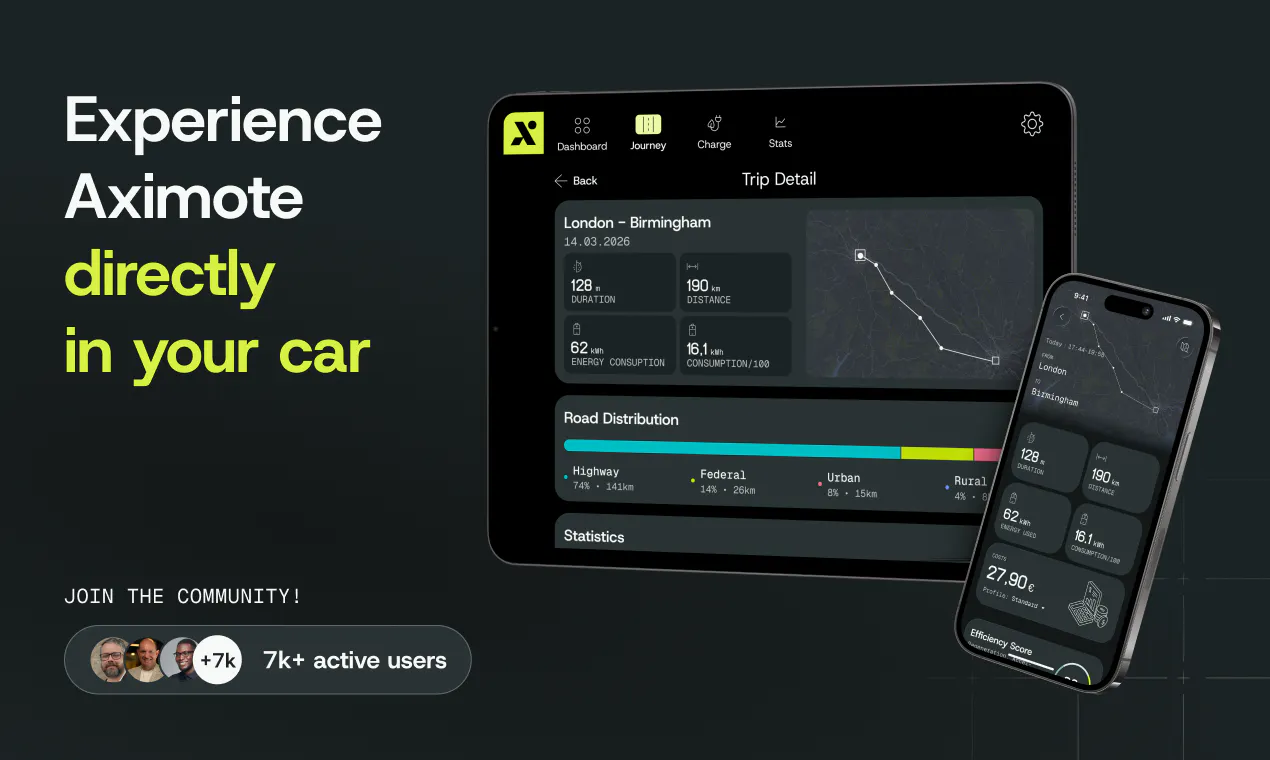
一句话介绍:Aximote是一款无需额外硬件即可将多品牌汽车数据同步至iPhone的智能行车记录与驾驶分析应用,帮助车主在停车后自动生成行程、理解油耗电耗、评估驾驶效率,把“驾驶后盲区”变成可复盘的个人数据看板。
iOS Apple Data & Analytics
汽车数据 驾驶分析 行程记录 多品牌兼容 效率评分 能耗统计 iPhone应用 无OBD硬件 车辆管理 出行科技
用户评论摘要:用户认可跨品牌、免硬件的实用价值,但明确询问数据来源(是否调用各厂商官方API);关注效率评分的具体计算维度(驾驶风格/路线/条件);反馈不支持特斯拉是明显短板;部分用户希望对比好友数据,并好奇早期用户的真实使用洞察。
AI 锐评

Aximote的聪明之处在于避开硬件红海,直接撬动车企已开放的联网数据接口,用“账户绑定”消化多品牌协议差异,把碎片化的车载数据沉淀为跨品牌、跨车辆的个人驾驶历史。这本质上不是做工具,而是做用户驾驶数据的“个人银行”——一旦用户积累数月甚至数年的跨车数据,迁移成本极高,这是它比单品牌OEM应用更具护城河的地方。

但锐评必须指出三个隐患:其一,数据源合法性脆弱,OEM随时可能收紧API权限或收费,Aximote相当于在别人地基上盖楼;其二,评论中最有价值的追问(如何接入、支持哪些品牌协议)官方回复轻描淡写,避重就轻,这会让专业用户丧失信任;其三,“效率评分”目前被模糊为驾驶风格、路线、条件的综合结果,缺乏可解释性——如果用户无法知道如何改进(比如“高速空调开大导致能耗+15%”),评分就沦为数字游戏,和健身App里“今日活力分”一样鸡肋。至于不支持特斯拉,更是直接砍掉了最愿意尝鲜的高价值车主群体。

真正的机会在于:与其做数据展示器,不如做驾驶教练+养车管家——用跨品牌数据洞察告诉用户“这箱油值不值”“下辆车该选电车还是混动”。但目前版本还停在“看得懂”阶段,离“用得省”差一公里。留给Aximote的时间窗口是车企尚未完全封死第三方数据接入的这几年,建议尽快公开数据接入清单与评分算法逻辑,否则再大的用户量也经不起一次断供或信任危机。

查看原始信息
Aximote
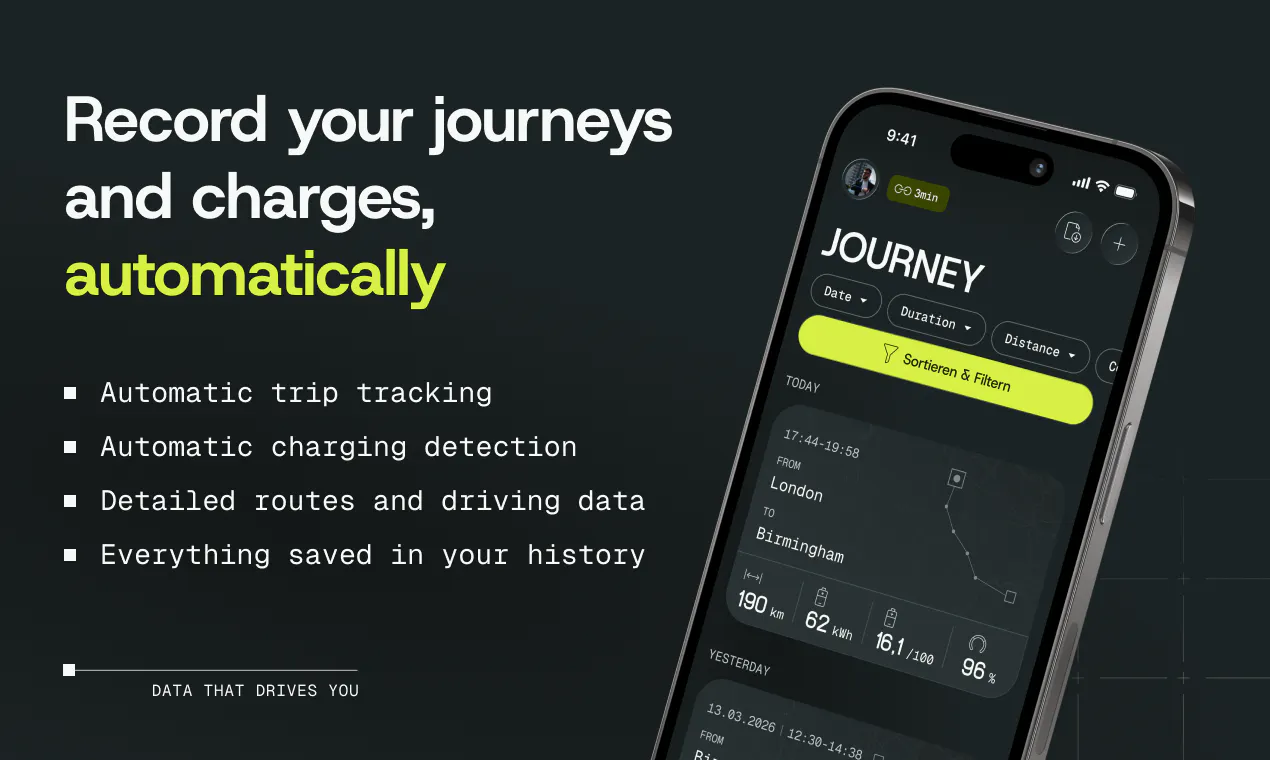
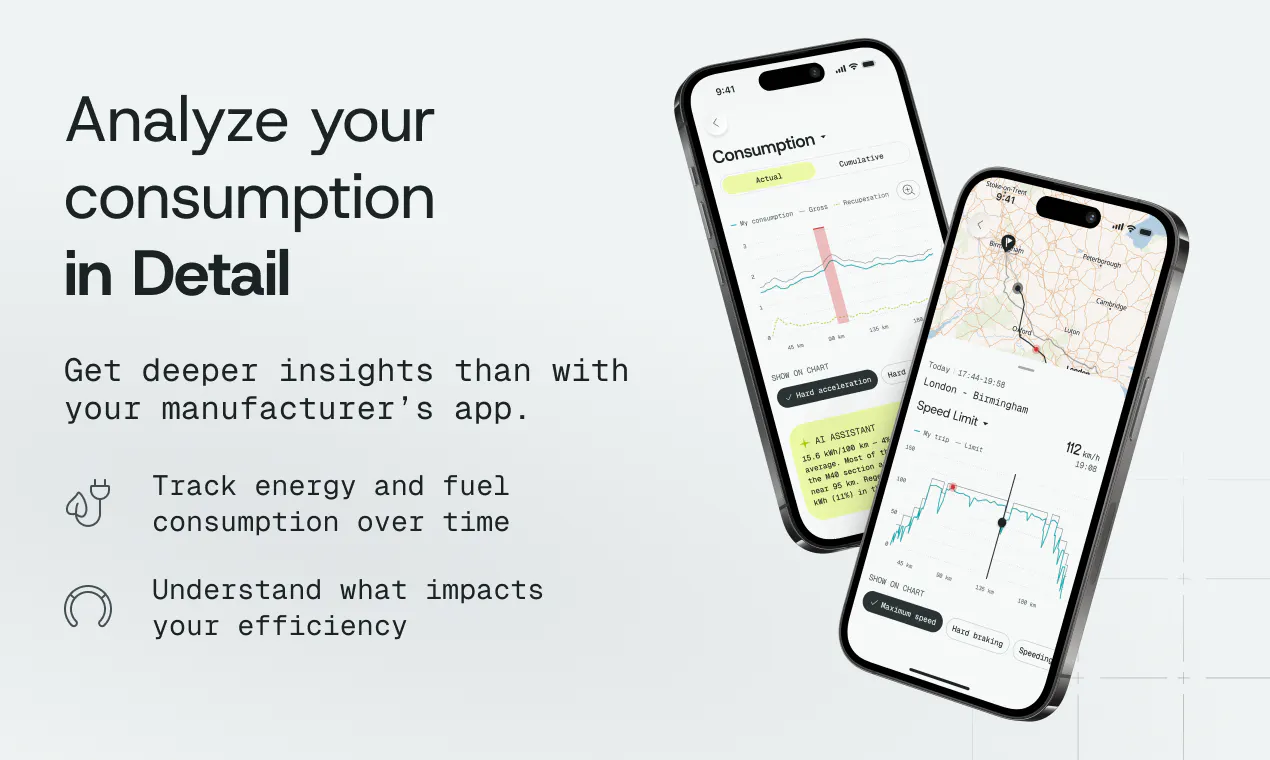
Aximote brings the data from your car to your iPhone and turns every drive into something you can understand. Trips appear automatically with insights into consumption, charging, costs and driving efficiency. Customize a dashboard with 20+ vehicle metrics, compare trips and long-term trends, manage multiple cars, and keep one continuous driving history—even when you switch brands. No additional hardware required.

Hi Product Hunt 👋

When we first launched Aximote here in May, it lived almost entirely inside the car. That was useful while driving, but it left one big gap: once you parked, there was no good place to understand what had actually happened.

Today, we’re closing that gap with Aximote for iPhone.

Every trip appears automatically in a personal dashboard. You can see what it consumed and cost, how efficiently you drove, how your results change over time, and how one drive compares with another — without an OBD dongle or manual trip logging.

For this release, we built:

📊 A customizable dashboard with more than 20 vehicle metrics
⚡ Our new Efficiency Score
🔌 Detailed trip, charging, consumption and cost analytics
📈 Trends and comparisons across trips and compatible vehicles
🚘 Support for multiple cars and one continuous driving history
🌗 A completely redesigned interface with light and dark mode and detailed 3D car models

The part I’m most excited about is not simply having Aximote on another screen. The iPhone app turns your driving history into something you can revisit, compare and keep across vehicles.

Your data lives with your Aximote account instead of being limited to a single car or manufacturer app. So when you manage multiple cars or change brands, you don’t have to start from zero again.

Since our first launch, more than 10,000 drivers have joined Aximote and together tracked over 1 million trips. Their feedback shaped almost every part of this release.

Download Aximote for iPhone

We’d love to learn from the Product Hunt community again:

After finishing a drive, what is the one thing you wish your car explained better?

— Laurenz, co-founder of Aximote

7
回复

 Cool product! I just launched my own image compression tool today too — check it out and good luck with your launch! 🚀

0
回复
@laurenz_hinterholzer Congratulations on the launch! This looks like a really useful update, especially the trip analytics and Efficiency Score. Wishing the Aximote team continued success!
1
回复

@laurenz_hinterholzer Great Launch Laurenz!

What feeds into the Efficiency Score, driving style or route/conditions too?

0
回复

Actually, this app tells you a lot more about your driving than about your car. It’s a bit of a fitness app four driving skills - economic, sporty, efficient, long-haul, however you want it, both in the car and on the phone, across many cars and brands.

4
回复
0
回复

Congrats on launching today @laurenz_hinterholzer
Very interesting concept, how are your early users using Aximote? What are the most interesting insights they've gained?

3
回复

@peterbuch Thanks! Early users mostly use Aximote to automatically track their trips and better understand consumption, charging and driving behaviour. One of the most interesting parts is seeing how much the same car can differ depending on driving style, route and conditions.

0
回复

Congrats on launching today @laurenz_hinterholzer

Very interesting concept what is the usp of Aximote compared to other OEM apps?

2
回复
@suyash_kr thanks. That you can compare your driving with your friends and family and that they don’t need to have the same brand
0
回复
No Teslas
1
回复

kudos @ shipping & launching 🎈

0
回复

Having direct, mobile access to your car's telemetry data in a clean UI is super practical. Great launch!

0
回复

no OBD dongle and works across brands is the part that stands out to me here - most of the trip logging apps I've tried either need a plug-in dongle or only work with one manufacturer's own API. is this pulling from each maker's official connected-car service under the hood (Tesla API, etc for each brand) with you handling the different formats, or is there some more universal telemetry standard newer cars expose that you're tapping into. asking because that answer basically decides which of my family's cars will actually show up in this and which won't

0
回复

Congratulations on the launch! The app fills a gap many modern cars seems to fail at. With cars nowadays being computers on wheels with a ton of sensors, it's strange something like this has not been introduced earlier by car makers or similar.

I'm looking forward to follow your journey, good luck!

0
回复

@mooncake351 Thanks a lot for your support!

0
回复
#4
OpenLogi
A local-first alternative to Logitech Options+
164
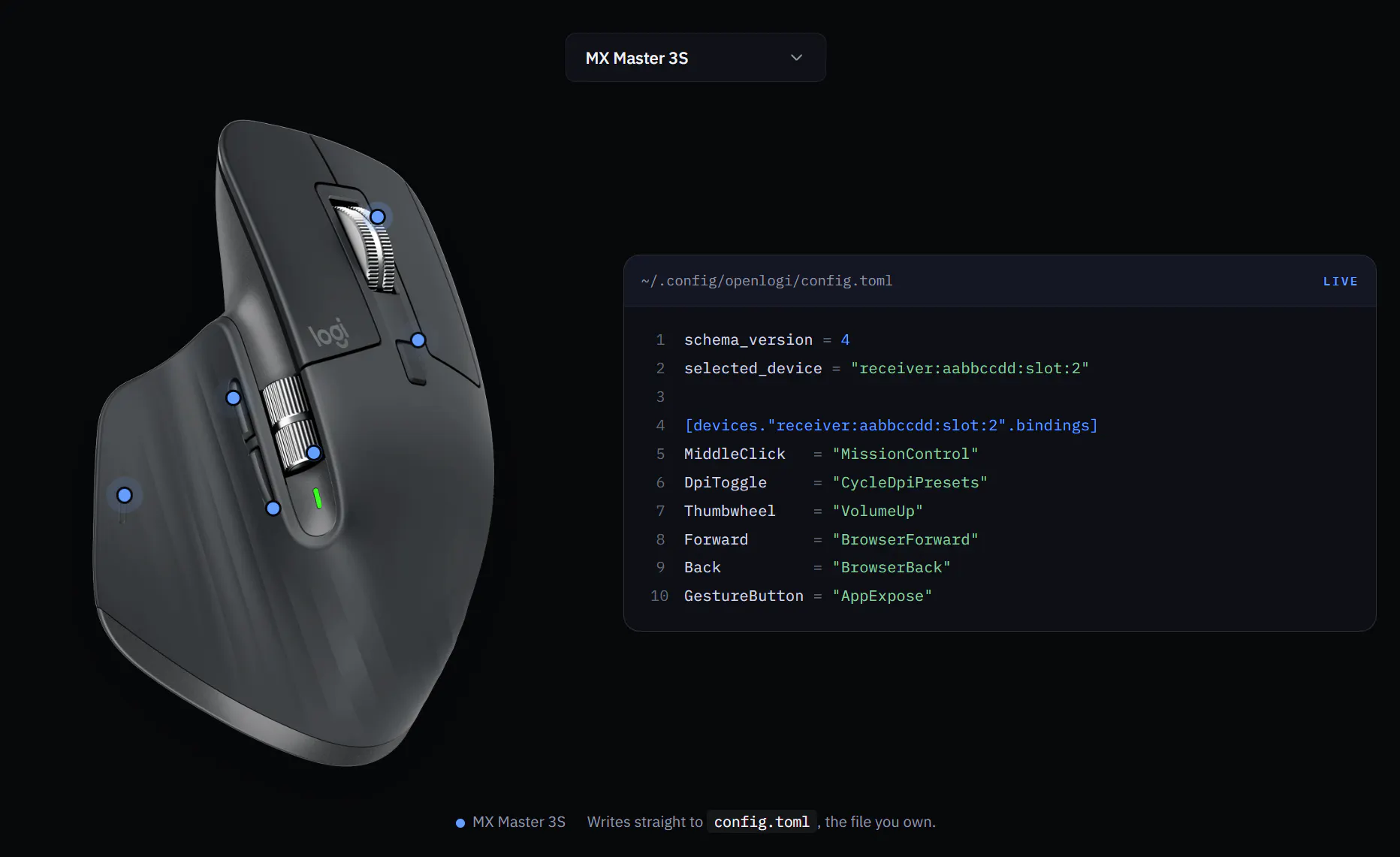
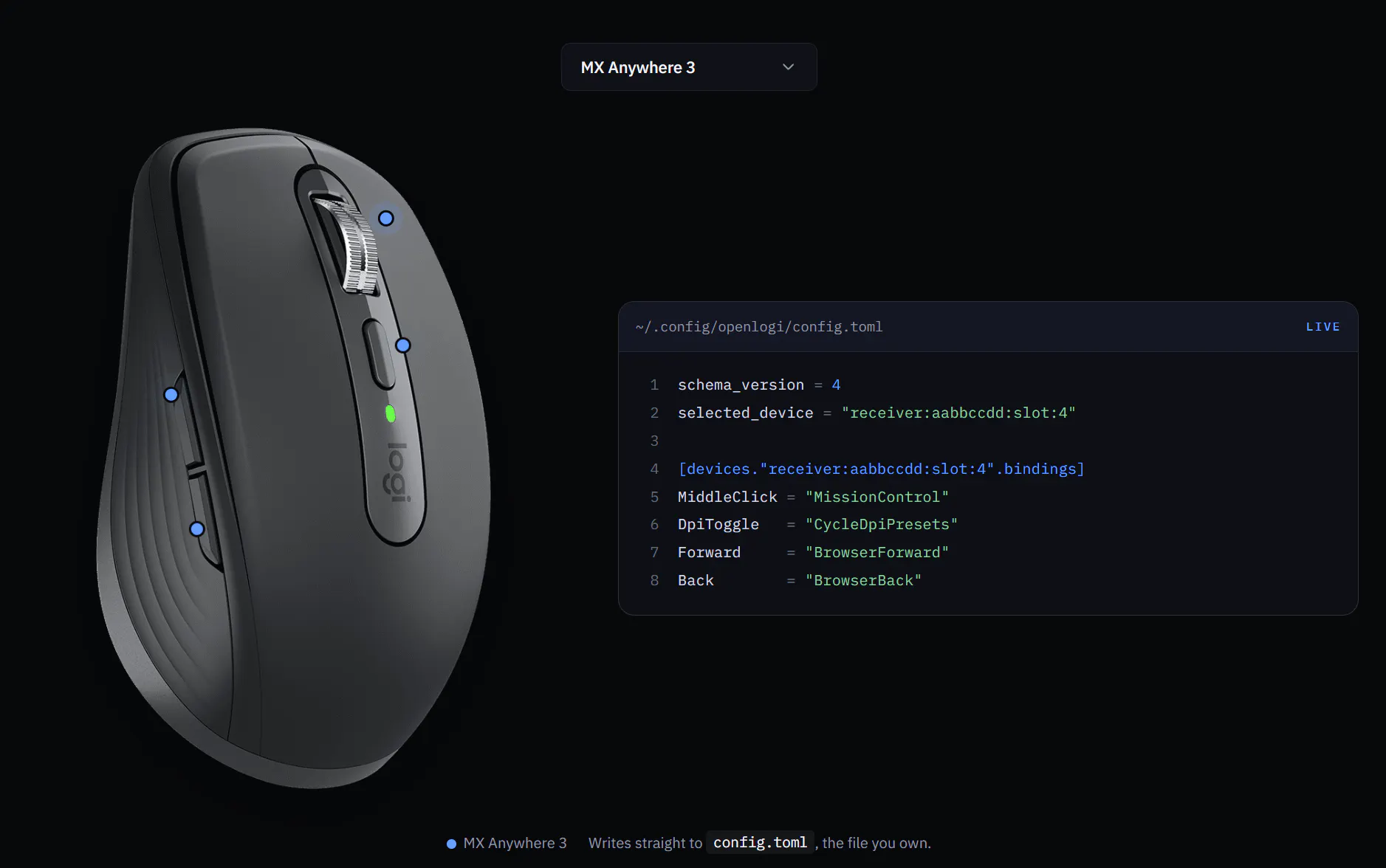
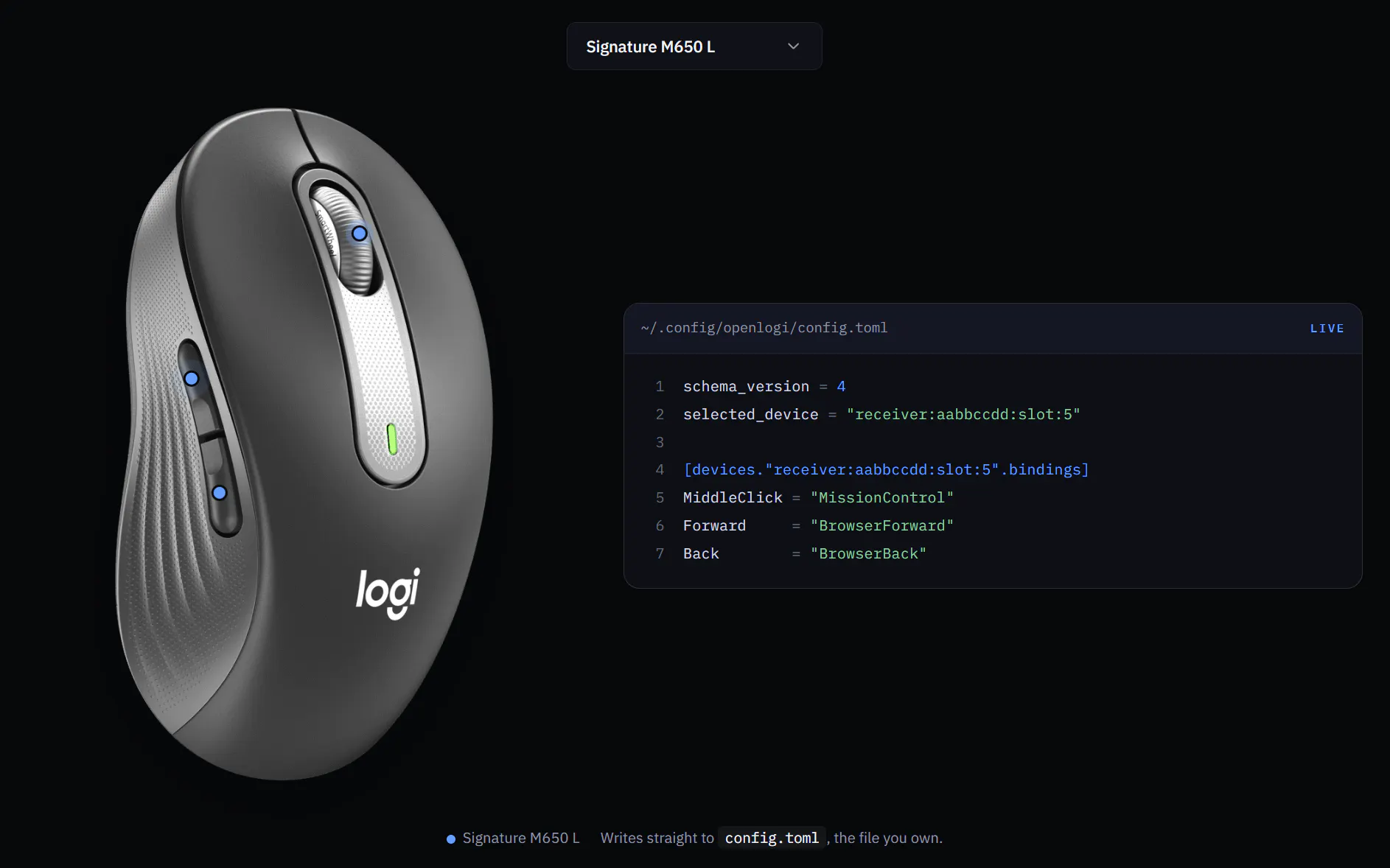
一句话介绍:OpenLogi 是一款用 Rust 编写的开源本地优先软件,作为罗技 Options+ 的替代品,通过 HID++ 协议直接控制鼠标按键、DPI 和 SmartShift,无需登录账号、无遥测,在 macOS、Windows 和 Linux 上原生运行,解决外设配置工具臃肿、强制联网和隐私泄露的痛点。
Productivity Open Source Hardware
罗技外设管理 开源替代 本地优先 HID++协议 Rust开发 跨平台 鼠标按键重映射 DPI调节 隐私保护 无遥测
用户评论摘要:用户赞赏其零遥测、本地优先和 Linux 支持,认为是外设软件的清流;主要期待点在于尚未完成的按应用配置文件、Options+ 导入器和 Flow 功能,并提示需先退出 Options+ 或 Solaar 避免软件冲突。
AI 锐评

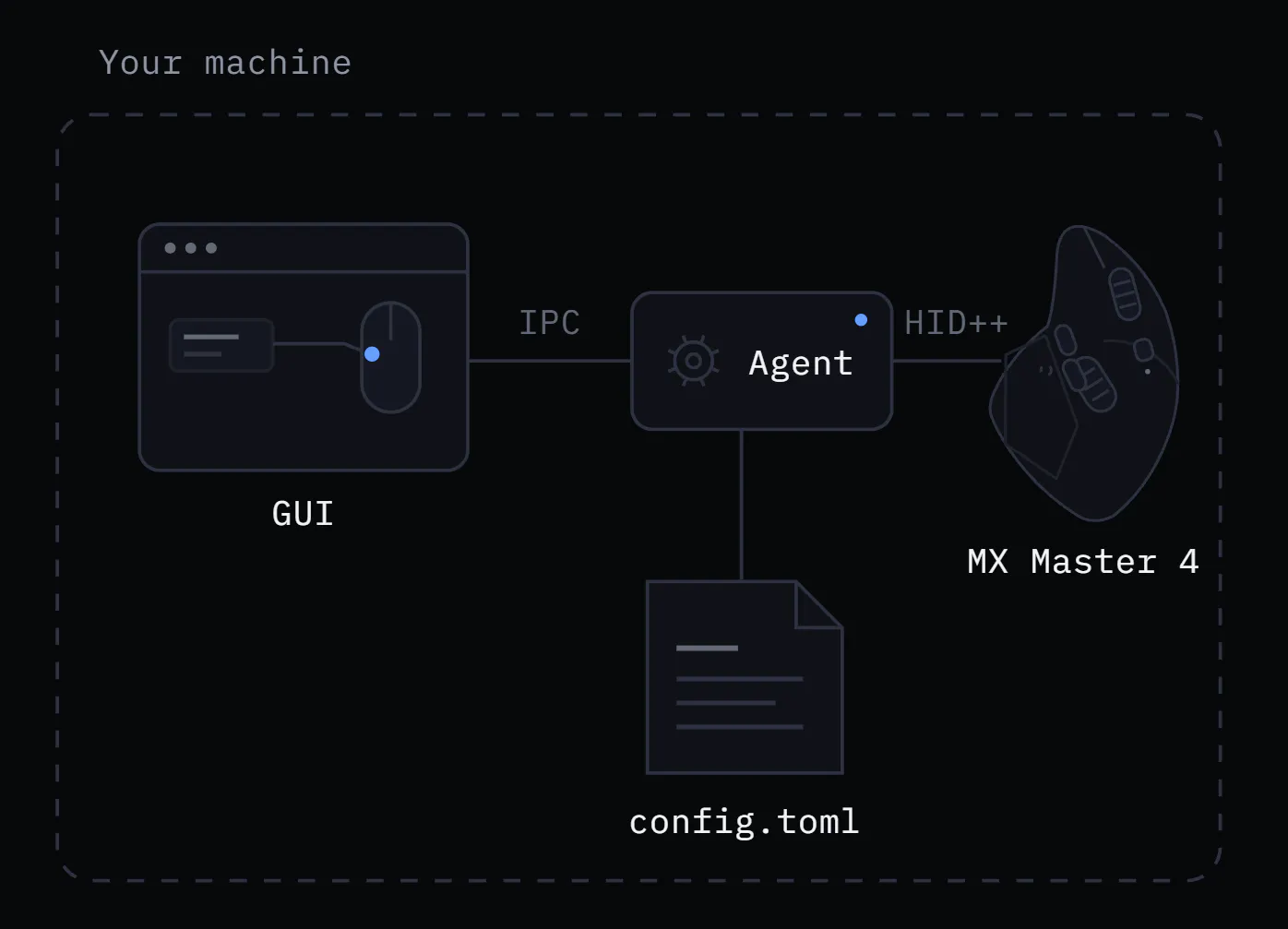
OpenLogi 的锋芒不在于“又一个鼠标驱动”,而在于它精准刺中了主流外设软件行业的一个隐痛:用几百 MB 的安装包、常驻后台服务和云账号,去解决一个本应只需几百 KB 的按键映射问题。它把“工具”还原为“工具”——用一份可读写的 config.toml 取代了隐形的云同步,用直接 HID++ 通信取代了遥测回传,这本质上是对软件控制权和数据主权的宣示。

其价值有三层:第一,它是极简主义工程哲学的胜利,Rust 带来的原生性能和零依赖部署,让它在资源占用上对 Linux 用户尤其具备吸引力(第三方驱动的边缘生态向来薄弱);第二,它把“配置”升维为“资产”,用户可以 diff、版本控制、多机复制,这精准击中了开发者用户群的专业需求;第三,它用开源策略降低了信任门槛,对于被 Options+ 隐私政策骚扰过的用户,这是一种明确的政治表态。

但冷静来看,其宣称的“替代”目前仍有水位差。缺失的 Flow 和按应用配置,意味着它尚未覆盖罗技核心的跨设备协作场景和重度鼠标用户的工作流,这会让它卡在“极客玩具”到“生产工具”的过渡区。此外,HID++ 接收器独占冲突(需手动退出官方软件)也暴露了其在驱动层的原生生态尚未成熟。该项目的真正未来不在于功能追平官方,而在于依托社区,发展出基于 HID++ 的脚本化扩展层,让“鼠标协议”成为类似键盘固件 QMK 那样的开放生态——那时它才算彻底完成了对官方工具的降维打击。目前,它是极佳的技术范本,但仍需时间验证能否成为完全体替代品。

查看原始信息
OpenLogi
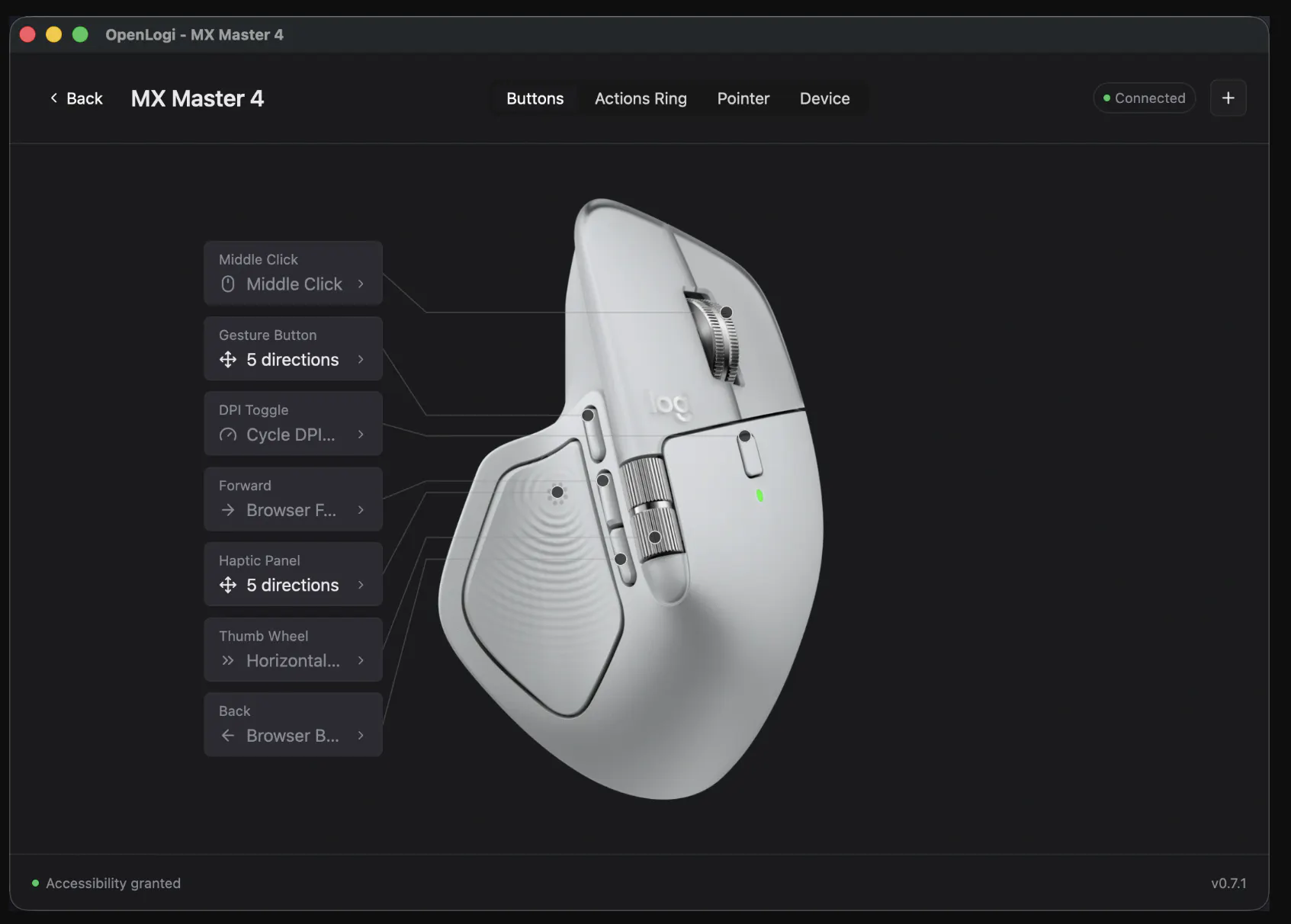
A native, local-first alternative to Logitech Options+, written in Rust. Remap buttons, drive DPI and SmartShift over HID++ — no account, no telemetry.

Hi everyone!

@aprilnea built something surprisingly awesome for Logitech hardware!

OpenLogi is an open-source Rust alternative to Options+ that talks directly to Logitech hardware over HID++ and UVC. It runs natively on macOS, Windows, and Linux, with the controls you’d expect from the official app and quite a few power-user extras.

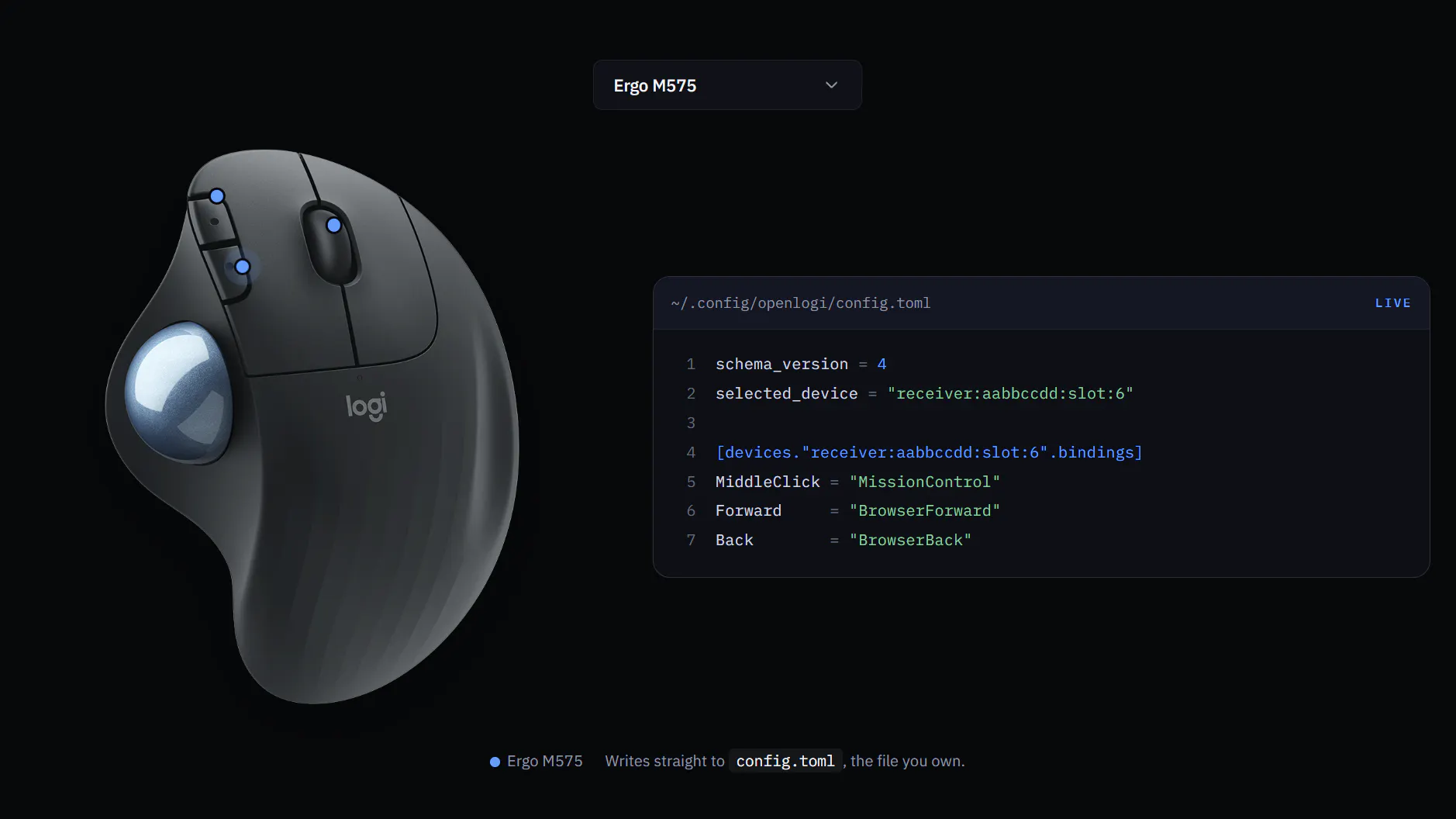
The setup is nicely straightforward. Most things can be changed from the GUI, while the underlying config is just a plain config.toml file you can inspect, edit, or copy between machines. No account or telemetry required.

One small heads-up: quit Options+ before launching OpenLogi. Both apps need direct access to the same HID++ receiver, so running them together would naturally conflict.

5
回复

Cool product! I also launched a tool today — good luck with your launch!

0
回复

@aprilnea  @zaczuo Supporting macOS, Windows, and Linux from the same project is impressive. The native approach makes it especially interesting for Linux users.

0
回复

Hey Product Hunt 👋 I'm AprilNEA, the person behind OpenLogi.

I bought an MX Master because the hardware is genuinely great. Then I installed Options+ — an account prompt, a background service, telemetry, several hundred MB — all so I could change what the thumb button does. My mouse settings shouldn't need a cloud round-trip.

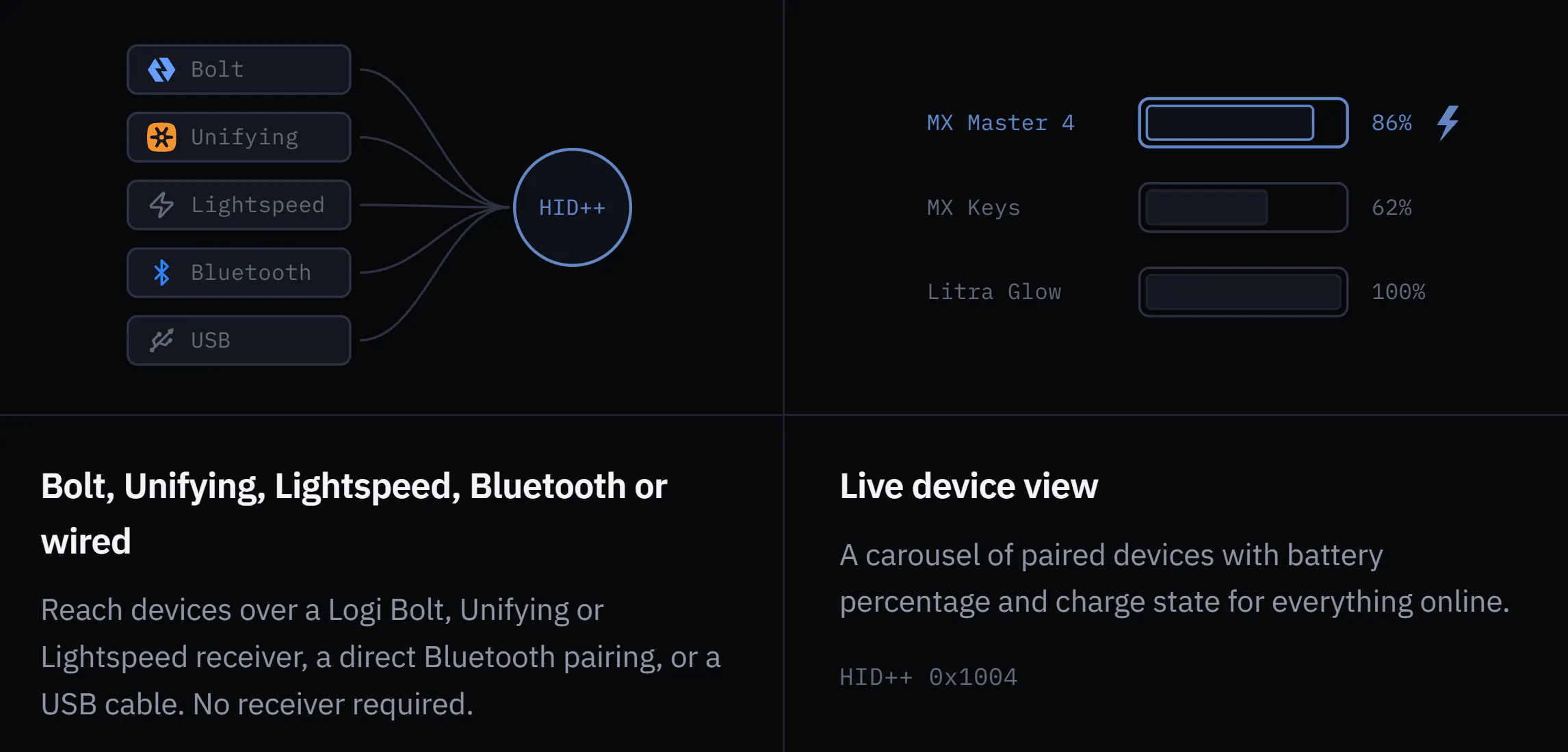
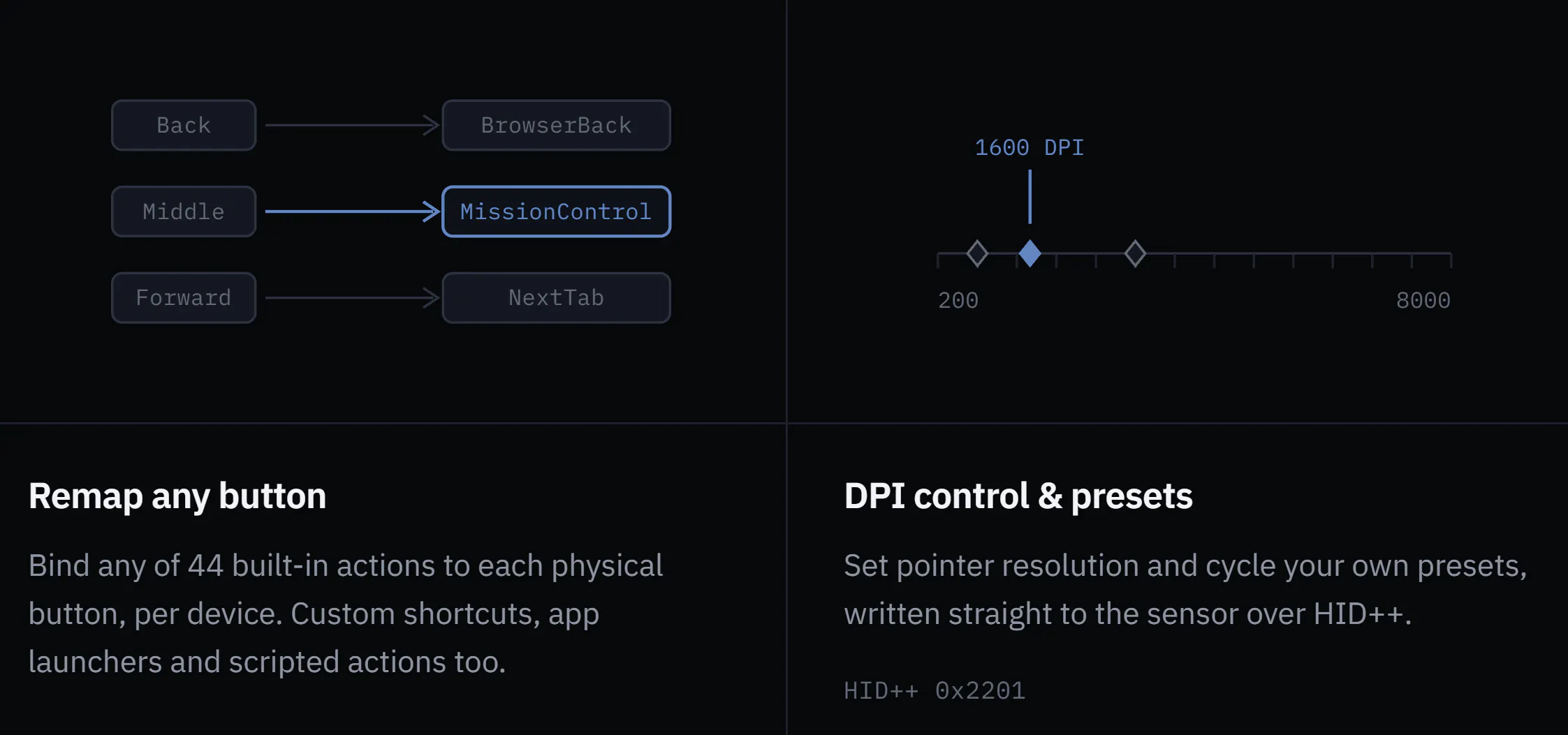
So I wrote OpenLogi: a native Rust app that talks to Logitech devices directly over HID++. Remap every button (44 built-in actions), set DPI presets, toggle SmartShift, battery for every paired device. Bolt, Unifying, Lightspeed, Bluetooth or USB — macOS, Windows and Linux.

Two things I care about:

  • Your config is a file you own. Everything lives in a plain config.toml. Read it, edit it, diff it, copy it between machines. No sync service, because there's no account to sync to.

  • Nothing leaves your machine. No telemetry, and the update check is off by default.

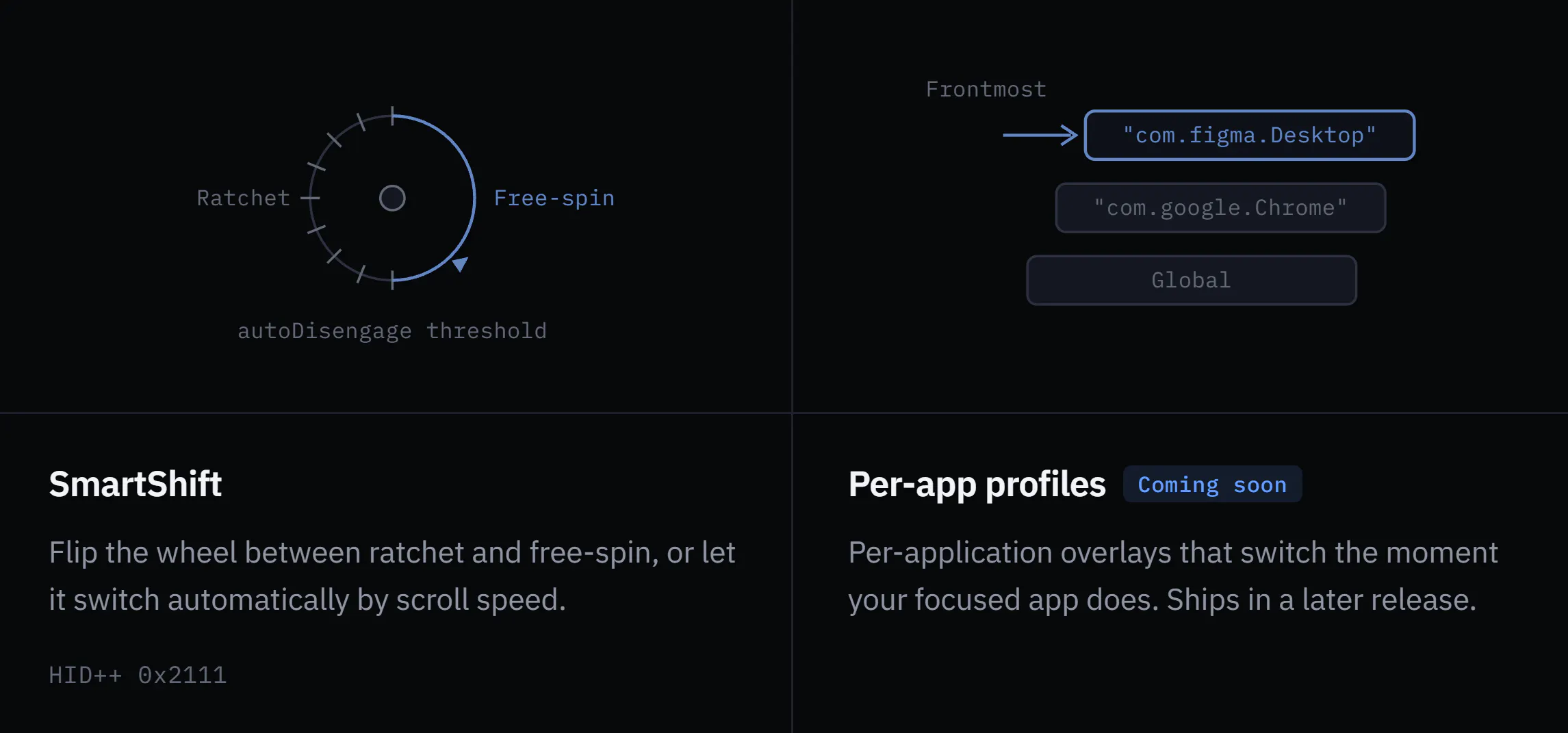
What's honestly not there yet: per-app profiles (in progress), an Options+ importer, and Flow. If those are dealbreakers, it's not a full replacement yet — the roadmap is public.

If you use a Logitech mouse, tell me which model and what you'd bind to which button.

(Heads-up: quit Options+ / Solaar first — only one app can own a receiver at a time.)

4
回复

Love that this is local-first with zero telemetry and no account, most peripheral software treats a mouse config as an excuse to phone home, so building it in Rust as open source flips that whole model on its head.

1
回复

This is amazing, love finally having Linux support as well instead of having to boot to Mac to change configs.

0
回复
Awesome Xuam! Congrats on the launch
0
回复
#5
Claude Academy
The Official Learning Hub by Anthropic
150
一句话介绍:
Education Artificial Intelligence Online Learning
用户评论摘要:
AI 锐评
查看原始信息
Claude Academy
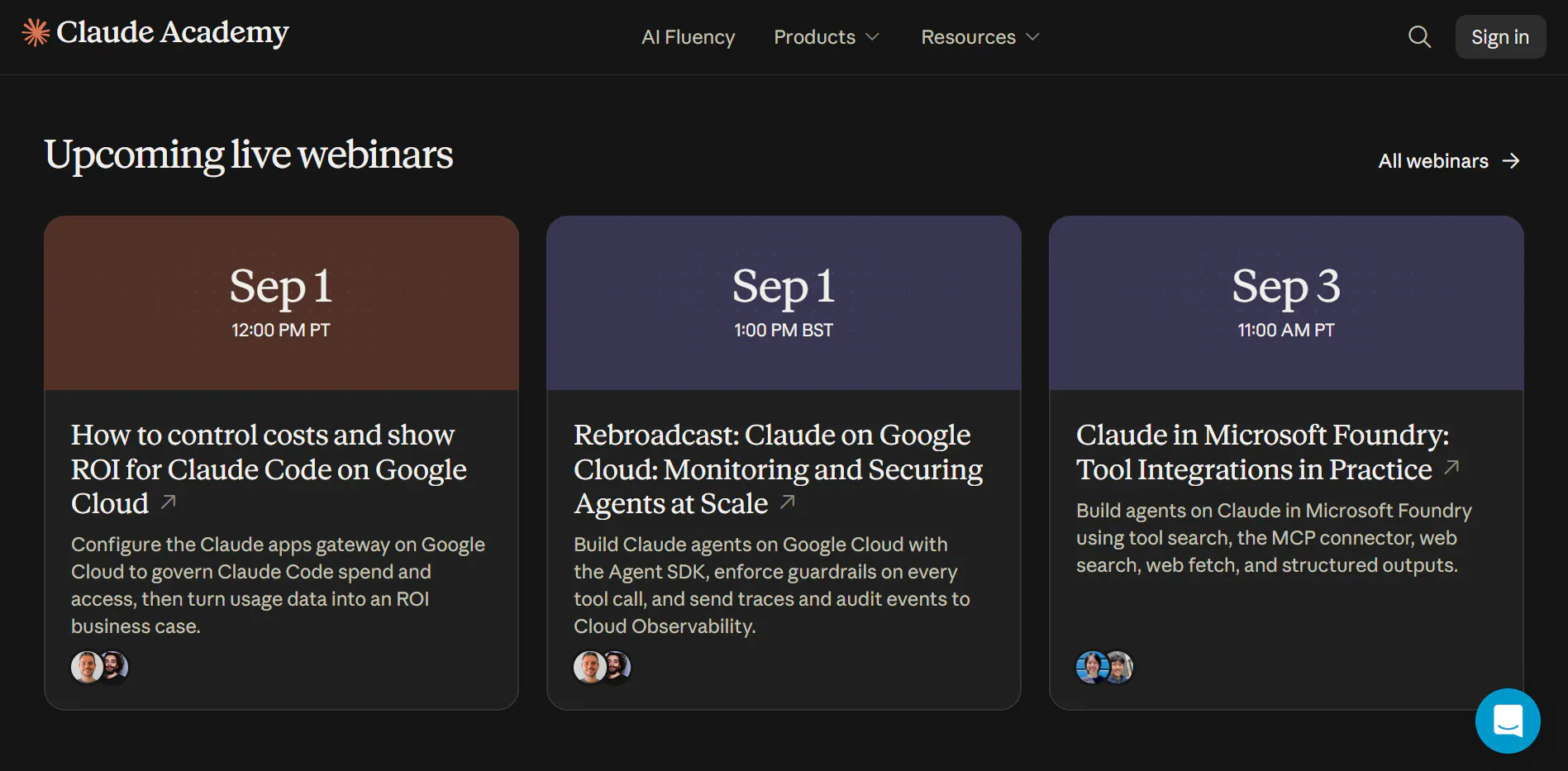
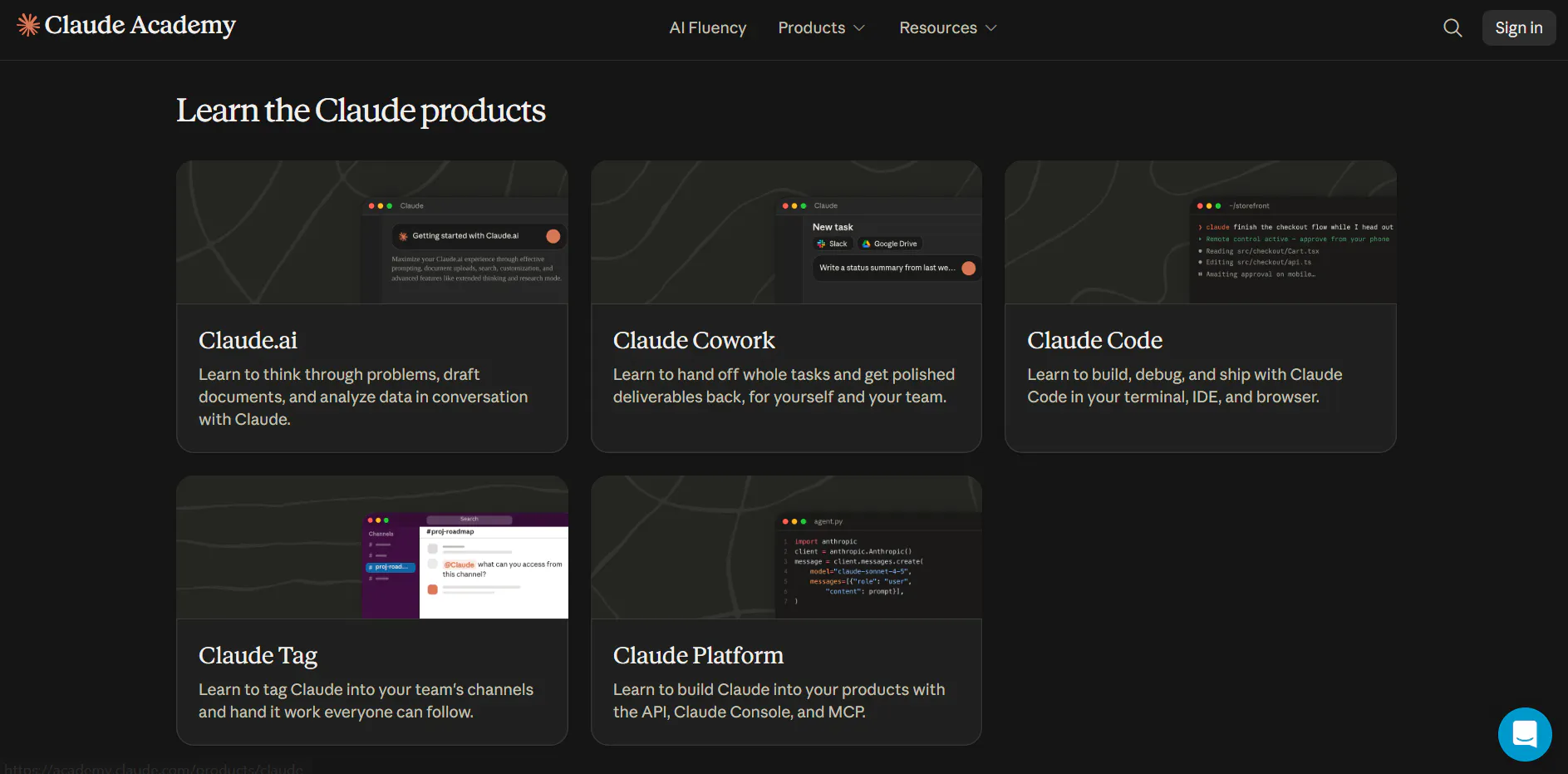
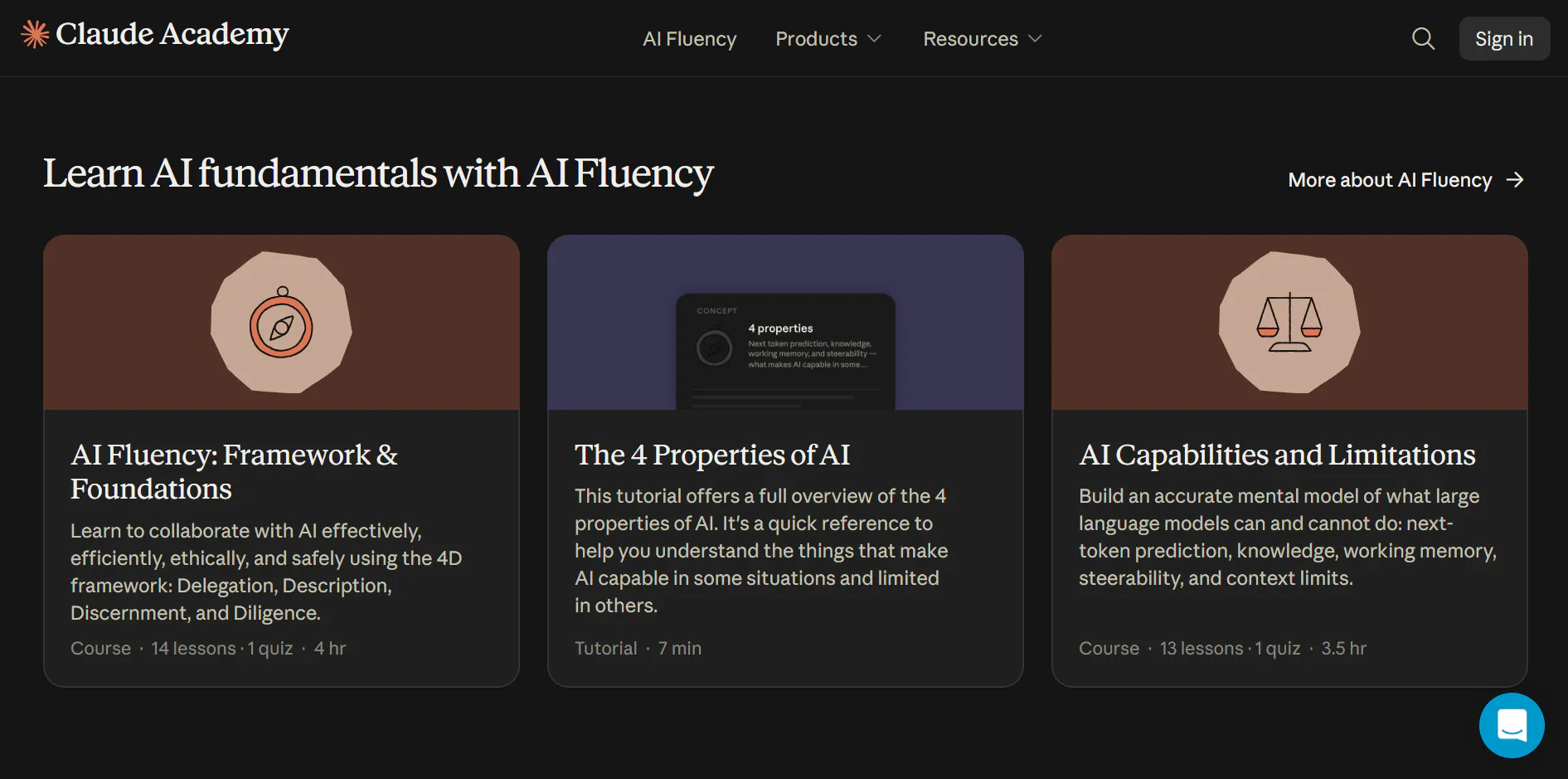
Master the entire Claude stack—from basic prompting and AI fluency to building complex multi-agent workflows. Claude Academy brings self-paced courses, developer tutorials, and official certification paths into a single interactive learning environment. Start learning at academy.claude.com!

Hey PH fam 👏

Excited to hunt Claude Academy by Anthropic today!

As models shift from simple chat to full agentic workflows, the hardest part isn't prompting - it's knowing how to build, delegate, and manage context. Claude Academy brings all of Anthropic’s official training into one free platform.

What stood out to me:

Agentic Architecture: Real guidance on Claude Code, subagents, and MCP

Role-Based Tracks: Specific paths for developers, creative pros, and leaders

100% Free: Self-paced courses, cookbooks, and certifications for everyone

Check it out at academy.claude.com.

Question: Which topic are you most excited to master first- Claude Code, MCP, or multi-agent workflows? 👇

4
回复

multi-agent workflows for me, no contest. I run Claude Code daily and the part I still fumble through by trial and error is knowing when to split work across subagents vs just doing it in one long context - I've under-split and wasted context, and over-split and spent more time coordinating handoffs than the task was worth. if the role-based track for developers has a real answer to that instead of just "here's how subagents work" that alone would be worth the sign-up. does it get into the judgment calls or mostly the mechanics of setting it up?

0
回复
#6
Yatko
The download button Github forgot to add
112
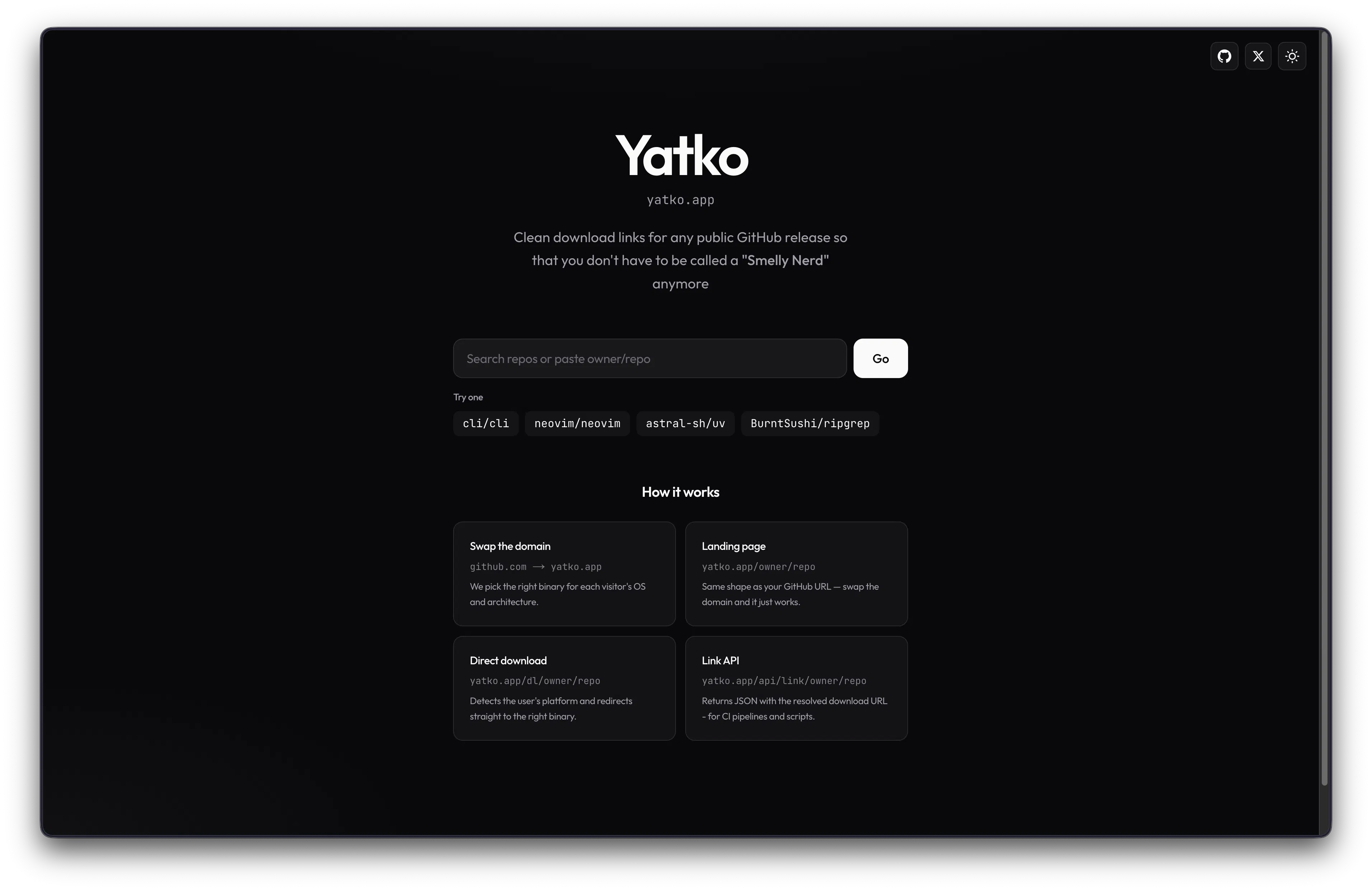
一句话介绍:Yatko 将任意公开 GitHub 仓库的复杂 Releases 页面,一键转换为根据访客操作系统与芯片架构自动匹配正确安装包的极简下载页,通过替换域名即可直达目标二进制文件,极大降低非技术用户与跨平台开发者的下载门槛。
Developer Tools GitHub
开发者工具 下载加速 GitHub增强 开源工具 跨平台分发 文件匹配 链接转换 用户体验优化 安装包管理 浏览器插件替代
用户评论摘要:用户认可“域名替换”巧思,认为解决了GitHub下载痛点。有效问题:1. 页面卡在“Loading release…”且无网络请求,开发者回应是后端缓存问题已修复,且无release的仓库会显示提示;2. 询问多二进制/非标准命名处理逻辑,官方回复详细说明解析与排名规则及参数覆盖。另有拉票式评论干扰,整体反馈积极。
AI 锐评

Yatko 的切入点精准且克制——它没有试图重建软件分发协议,而是做了一层“语义翻译层”:将 GitHub 的仓库/Release 信息翻译成人类直觉的“一个按钮”。其域名替换机制(github.com→yatko.app)是极优雅的冷启动策略,利用用户已有的 URL 记忆,降低理解成本,是典型的“杠杆式创新”。

但冷静审视,其护城河并不深。核心的资产解析与匹配逻辑本质是正则与命名规范的对抗,GitHub 生态中已有如 `gh` CLI、`wget` 脚本、第三方下载管理器等替代方案,且大型项目(如 Node.js、Python)往往自带官方安装引导。Yatko 解决的“选择困难”在开发者群体中可能只是“轻微 annoyance”,而非刚需——评论中真正付费级痛点(如企业内网分发、签名校验、镜像加速)并未触及。

更关键的风险在于其合法性边界:作为中间层,Yatko 并未与 GitHub 或项目维护者建立官方合作关系,一旦流量增大,可能面临 API 滥用限制、商标争议,或是被上游项目以“误导用户”为由要求停止解析。其前端“一键下载”体验虽好,却可能削弱用户对项目文档、安全校验等必要流程的关注——这种“过度简化”在安全敏感场景(如下载编译工具链)反而可能成为攻击面。

长远看,Yatko 若停留在“下载链接美化器”层面,价值有限。真正的想象空间在于成为“开源软件分发的统一入口”:若能沉淀出跨仓库的资产命名规范数据库,向上游提交标准化建议,或推出面向企业的私有化版本(内网 Release 镜像+签名验证),才能从“讨巧工具”进化为“基础设施”。当前版本的评论区充斥着互夸与求助式互动,缺乏真实的用户留存数据或付费意愿验证,建议团队优先解决冷启动稳定性,并明确与 GitHub 的共生而非寄生关系,否则极易被官方一个政策更新就击穿。

查看原始信息
Yatko
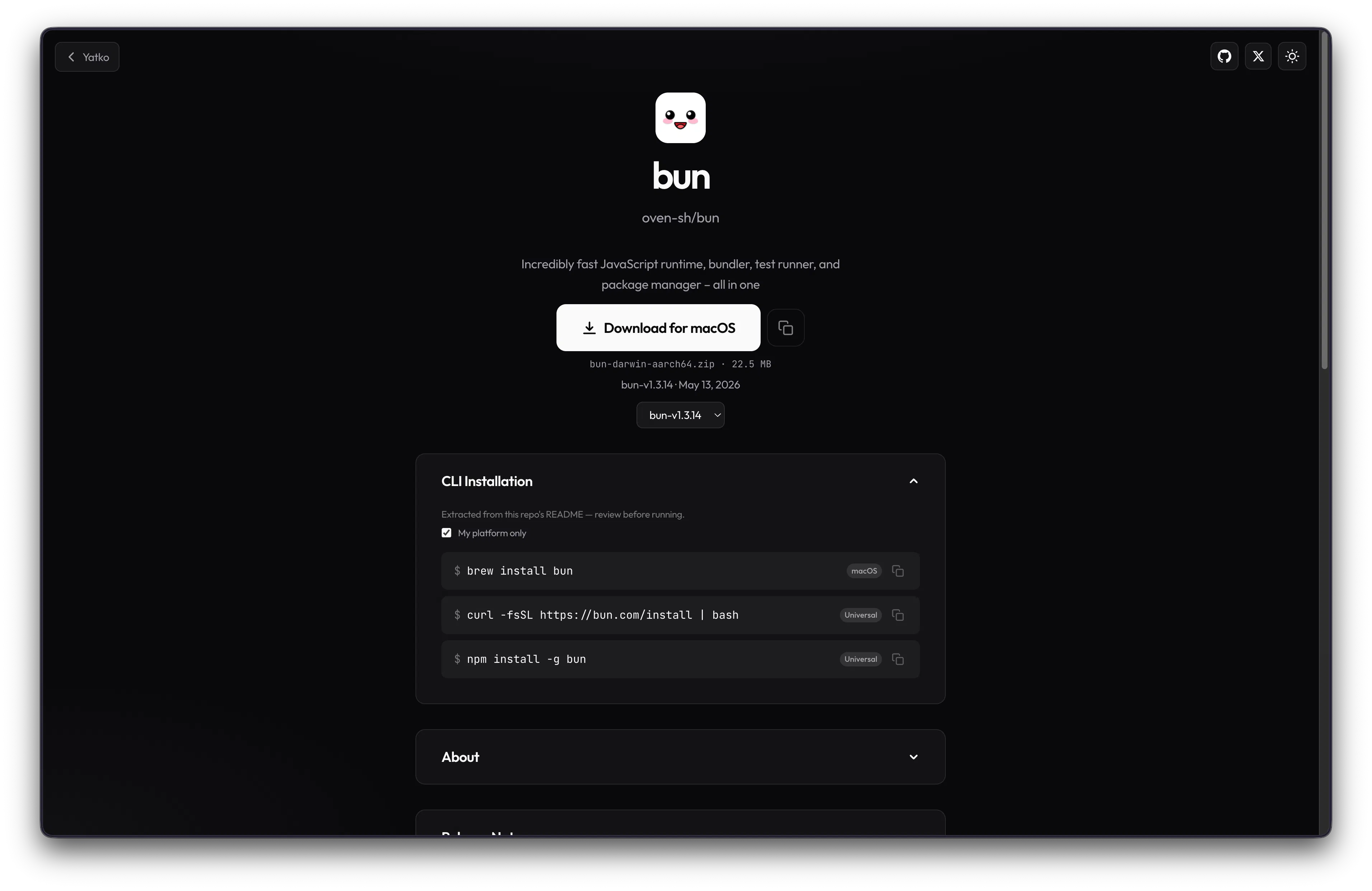
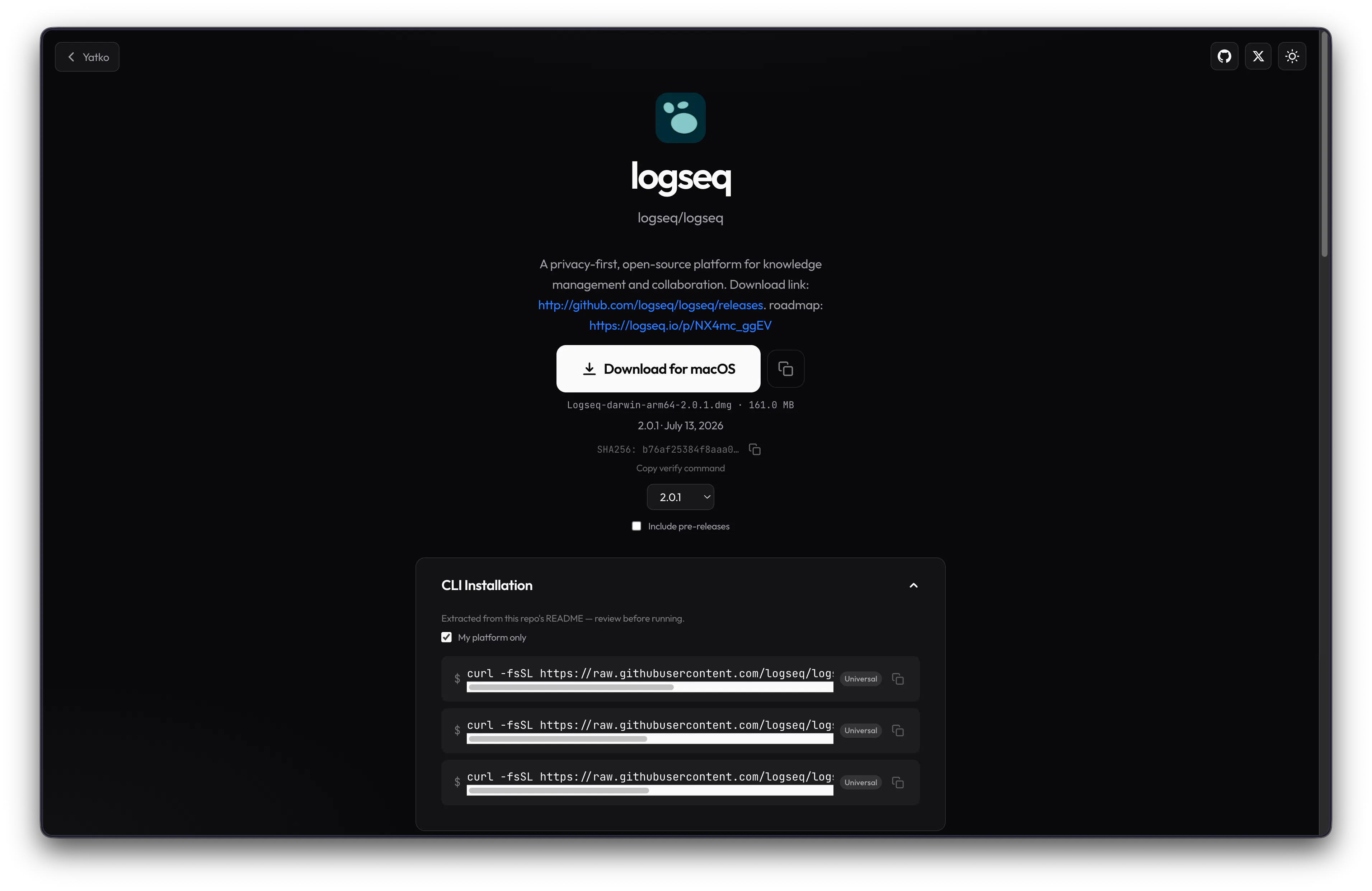
Yatko (yatko.app) turns any public Github repo into clean download links that pick the right release asset for each visitor's OS and architecture. Swap the domain — one click to the right binary.

For a lot of beginners, Github can be quite complex and intimidating. And even for the advanced people, maneuvering through the Github Releases page to find the right installation file for their OS and architecture.

I've created Yatko for that reason. Yatko serves you the right installation file for your OS and architecuture. With Yatko, every installation is just one download button away. All you need to do is enter the name of the repo which you want to install on the frontpage, and Yatko will serve the download link to you directly.

That's not even the best feature of Yatko. Just change the domain name of any public Github repo to a Yatko, for example github.com/cli/cli to yatko.app/cli/cli and you'll be taken straight to a much simpler installation procedure.

Yatko is open source as well! So check it out and please let me know if I can make any improvements to it. Contributions are welcome as well!

Website: https://yatko.app

Repo link: https://github.com/argval/yatko (Make sure to star it if you like it!)

1
回复

Cool product! I just launched my own image compression tool today too — check it out and good luck with your launch! 🚀

0
回复

@argval The domain swap is a clever shortcut. Going from a GitHub repo straight to the right download page saves a lot of clicking. 👌

0
回复

@argval 🤝 Every business has a unique story. What's the biggest goal you're working toward this quarter?

0
回复

Tried the domain swap on two repos just now, yatko.app/cli/cli and yatko.app/argval/yatko, and both sit on "Loading release…" forever. Chrome 151 on macOS, and the network panel shows no request going out to api.github.com at all, so it's hanging before the fetch rather than getting rate limited. I'd look at the OS and arch detection path, that's the only thing running ahead of the call. Rough one to hit on launch day, flagging it early so you can catch it.

1
回复

@asadmalik901 Hey Asad, thanks for flagging this issue.

It does not call api.github.com from the browser because that fetch happens on our backend. The caching issue was real though. Pages were re-rendering cold behind `Loading release…` page, and that is fixed now. `cli/cli` was that same issue; it just felt stuck until the server finished.

Also, Yatko only works for GitHub repos that actually have releases. argval/yatko does not have any yet, so that one should show "No releases yet."

Let me know if you are facing any other problem; we could have a chat over on LinkedIn or Twitter for the same.

0
回复

Best of luck in the launch day!

1
回复

@alexcloudstar Thank you!

0
回复

This is so smart! I'm a beginner myself, this thought once hit me but I never start to solve it because I thought maybe professional coders know how to download exactly and I'm just being stupid......I like this tool!

1
回复

@mindyorzi Glad you liked it! It's nice that you had an idea along similar lines as well. If you want any feature to be added in Yatko, please feel free to do so and raise PRs to its Github, Yatko is open-source. (https://github.com/argval/yatko)

0
回复

This fixes one of those tiny GitHub UX problems that almost everyone has run into at some point. The domain-swap idea is particularly clever :) How do you handle repos with unusual release naming or multiple valid binaries for the same OS/architecture?

1
回复

@andrasczeizel  Hi Andras! Great question! I went through a lot of trial and error on exactly this. It doesn't rely on release tag names; we parse asset filenames (platform/arch keywords, extensions, and some normalisation for odd naming). When multiple binaries match the same OS/arch, we rank them (vanilla > debug/profile, explicit tags > generic names) and expose overrides like `?prefer=deb` or `?libc=musl`. The landing page also lists every asset if you'd rather pick yourself.

1
回复
#7
Plask
Have little ducks show how deep you dive on your Apple Watch
102
一句话介绍:Plask将Apple Watch的深度传感器变成微型水族剧院,用像素橡皮鸭在手腕上实时呈现你的潜水深度、水温等数据,为严肃的潜水工具增添趣味互动体验。
Apple Watch Funny Art
Apple Watch应用 深度传感器 像素艺术 潜水娱乐 趣味工具 独立开发 手表应用 健康监测衍生 休闲游戏 订阅制替代
用户评论摘要:用户赞赏其将深度传感器用于非严肃场景的新意,特别认可手表入水自动启动功能。有Series 9用户询问无传感器时的体验,开发者回应当前仅支持演示模式,但下版本将带来无需传感器的趣味功能。整体评论氛围积极,期待更多场景更新。
AI 锐评

Plask的聪明之处在于它精准地切入了“硬件冗余”这个被忽视的痛点——Apple Watch Ultra和Series 10+搭载了专业级深度传感器,但99%的用户既不会潜水也不看潜水日志,这个硬件几乎成了电子摆设。Plask将严肃的传感器数据转化为像素艺术和荒诞幽默(瑞典皇家浴场认证、鲱鱼罐头),本质上是在为冗余硬件创造新的情感价值。

从产品策略看,这是一次教科书级的“功能降维”:不追求数据准确性或专业度,而是将深度、水温这些物理量转化为情绪反馈。免费版提供基础黄色鸭子,1.99美元买断解锁全部场景,无订阅无账号无数据收集,在当今订阅泛滥的App Store里显得近乎固执——但正是这种克制构成了产品的信任基础。

潜在风险同样明显:核心功能完全依赖特定硬件(Ultra和Series 10+),用户基数天花板极低;而演示模式(转数码表冠模拟水深)本质上是个粗糙的游戏,无法形成真正的替代体验。开发者提到下一版本将加入不依赖传感器的功能,这暗示了产品在尝试破圈,但方向尚不明确。

真正的价值或许不在于Plask本身,而在于它验证了一个可能性:当智能手表硬件趋同、健康监测内卷成红海时,用幽默和反常理的方式重新定义传感器用途,可能是一条被低估的差异化路径。它没有解决任何“正经”问题,但它让一块昂贵的手表在浴缸里重新变得好玩——这本身就构成了一种反讽式的产品宣言。

查看原始信息
Plask
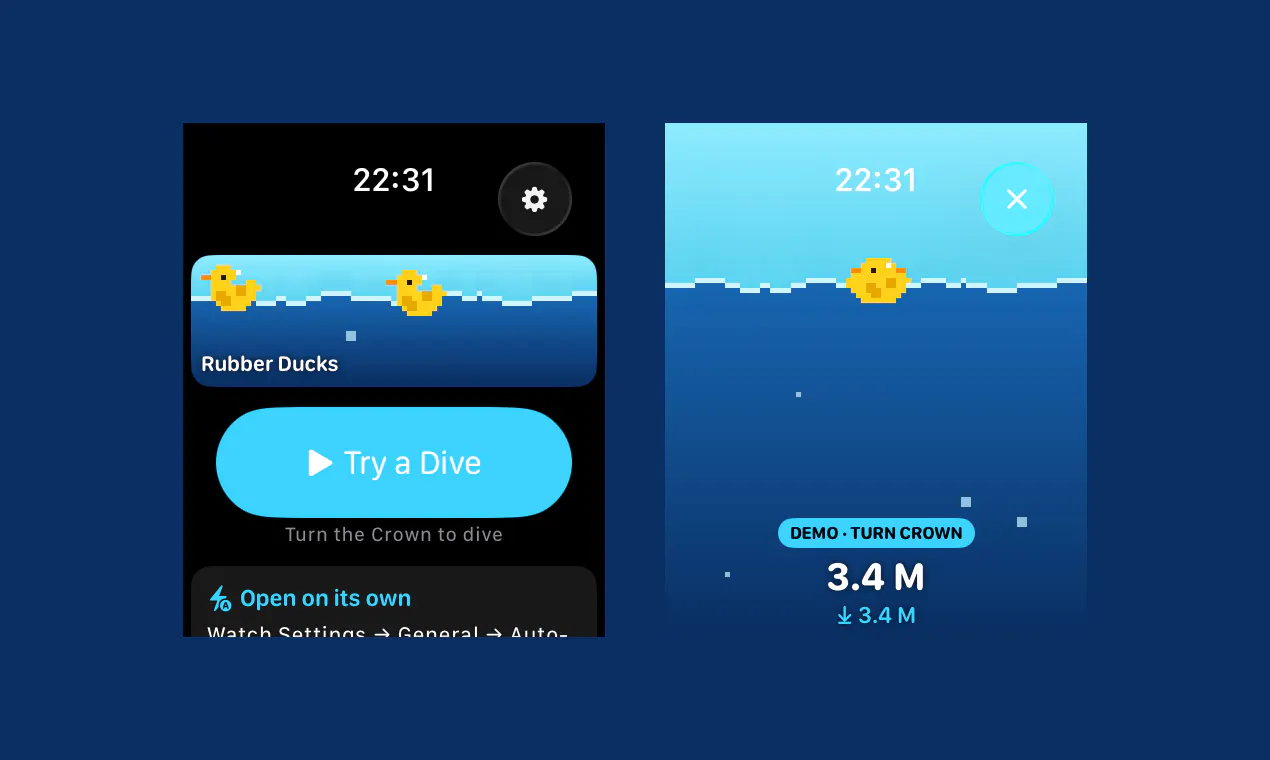
Plask turns your Apple Watch into a tiny aquatic theatre: pixel-art rubber ducks that dive when you do, your real depth on screen, and a duck or ten. With premium, you get sharks, the Loch Ness-monster, a castaway, surströmming, and more.
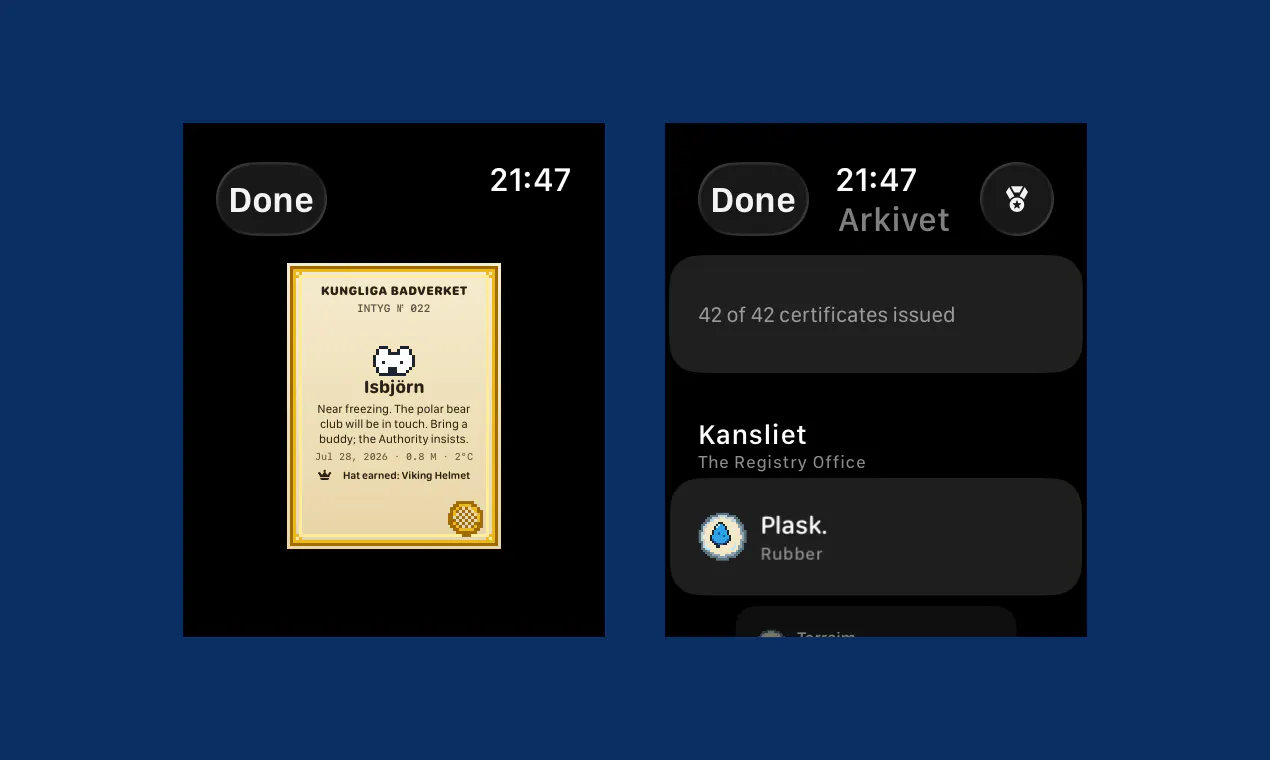
I made my Apple Watch's depth sensor do something deeply unserious. Apple ships a serious dive instrument in the Ultra and Series 10+ - and most owners never use it once. Plask points it at the bathtub: pixel-art rubber ducks swim on your wrist, and because the depth data is real, they dive when you do - live depth, max depth, water temperature. On depth-gauge watches it even launches itself the moment your wrist goes under. There's also Kungliga Badverket, a fictional Royal Swedish Bath Authority that issues 42 pixel-art certificates for your bathing career - first splash, dips below five degrees, and stranger things. Earn enough and the duck gets a hat. Free with the yellow ducks, forever. One purchase ($1.99 - no subscription, no account, it collects nothing) unlocks nine more scenes: sharks, jellyfish, aliens, Loch Ness, and surströmming - fermented Swedish herring, which felt right. Built solo in Gothenburg, Sweden. No bathtub? Demo mode drives the water with the Digital Crown. Scene ideas welcome - the engine makes new ones cheap, and Midsommar is already on the list.
3
回复

@danni_efraim Such a cool app! Love those little moments when you look at something and just can’t help but smile. 😊

0
回复

@danni_efraim Awesome Launch Danni!

Auto-launching when your wrist hits water on depth-gauge models is a great touch.
Curious, What's next on the scene list after Midsommar?

1
回复

@danni_efraim loooove

1
回复

love the idea of actually using the depth sensor for something other than diving logs nobody looks at twice. question though - I've got a regular Series 9, not an Ultra or Series 10+. is demo mode basically the whole experience for me (crown-driven water, no real depth data at all) or is there some lesser version that still reacts to being near water/humidity even without the proper sensor

1
回复

@galdayan Hi! For now, the main feature is the water and depth detection that comes with the sensors on the newer watches and Ultras. Older watches will have to settle with the demo mode - but it's perfectly possible to open the demo mode, turn on the water lock, and go for a swim! You just won't get real depth measurement.

The next version will bring a fun feature that doesn't require sensors or waters, so keep an eye out!

0
回复

Best of luck in the launch day!

1
回复

@alexcloudstar Thanks, Alex! It's my first launch on PH, and honestly, I'm really happy - it's going well above my expectations!

0
回复

Thank you,

We need more fun apps. I miss the Talking Moose, Oscar the Grouch, MacPuke, Racter... And what else was there for the old Mac? Now everything is so effin’ serious…

1
回复

@claes I agree wholeheartedly! More fun!

0
回复
#8
KanaSensei
Read Japanese kana in two weeks
96
一句话介绍:KanaSensei是一款专注于日语假名学习的极简Web应用,通过自适应练习、图片记忆法和进度追踪,帮助用户在实际场景中快速攻克平假名和片假名的阅读难题。
Education Languages Online Learning
日语学习 假名练习 平假名 片假名 记忆法 Web应用 自适应学习 语言工具 极简设计 进度追踪
用户评论摘要:用户认可“单一技能做精”的专注度;核心反馈集中在易混淆假名对(如シ/ツ、キ/カ)的刻意对比练习缺失,现有随机混排仅“自然碰撞”,开发者已回应将把混淆组对战模式加入路线图。
AI 锐评

KanaSensei的切入点很聪明——它精准地砍掉了多语言、游戏化、社交等冗余功能,只保留“认识假名”这一最小可行闭环。这恰好击中了日语初学者的最大痛点:不是“学不会”,而是被功能臃肿的App劝退。其“图片记忆法”和“打字而非点选”的交互设计,本质上符合认知科学中的“生成效应”,比被动识别更高效。从创始人回复看,他清楚产品当前的天花板:混淆假名对(shi/tsu等)的定向训练才是真正的护城河,因为这是从“认识字符”跨越到“实景阅读”的最后一道坎。目前该功能只存在于路线图而非产品中,说明产品仍处于“好用”而非“必需”的阶段。投票96、评论寥寥,也反映出产品缺乏社区裂变基因——这不算缺陷,但决定了它更适合被大厂收购或作为流量入口,而非独立成长为巨头。真正的价值在于验证了一个假设:垂直、克制、体验极佳的单点工具,依然能在巨头林立的领域撕开缺口。但若不能在两周承诺期内交付可感知的“阅读熟练度”跃升,它很快会被同类产品淹没。建议下一步死磕混淆组训练,并加入“实景字体识别”(如手写体、招牌字体),这才是从“会读”到“能读”的本质跨越。

查看原始信息
KanaSensei
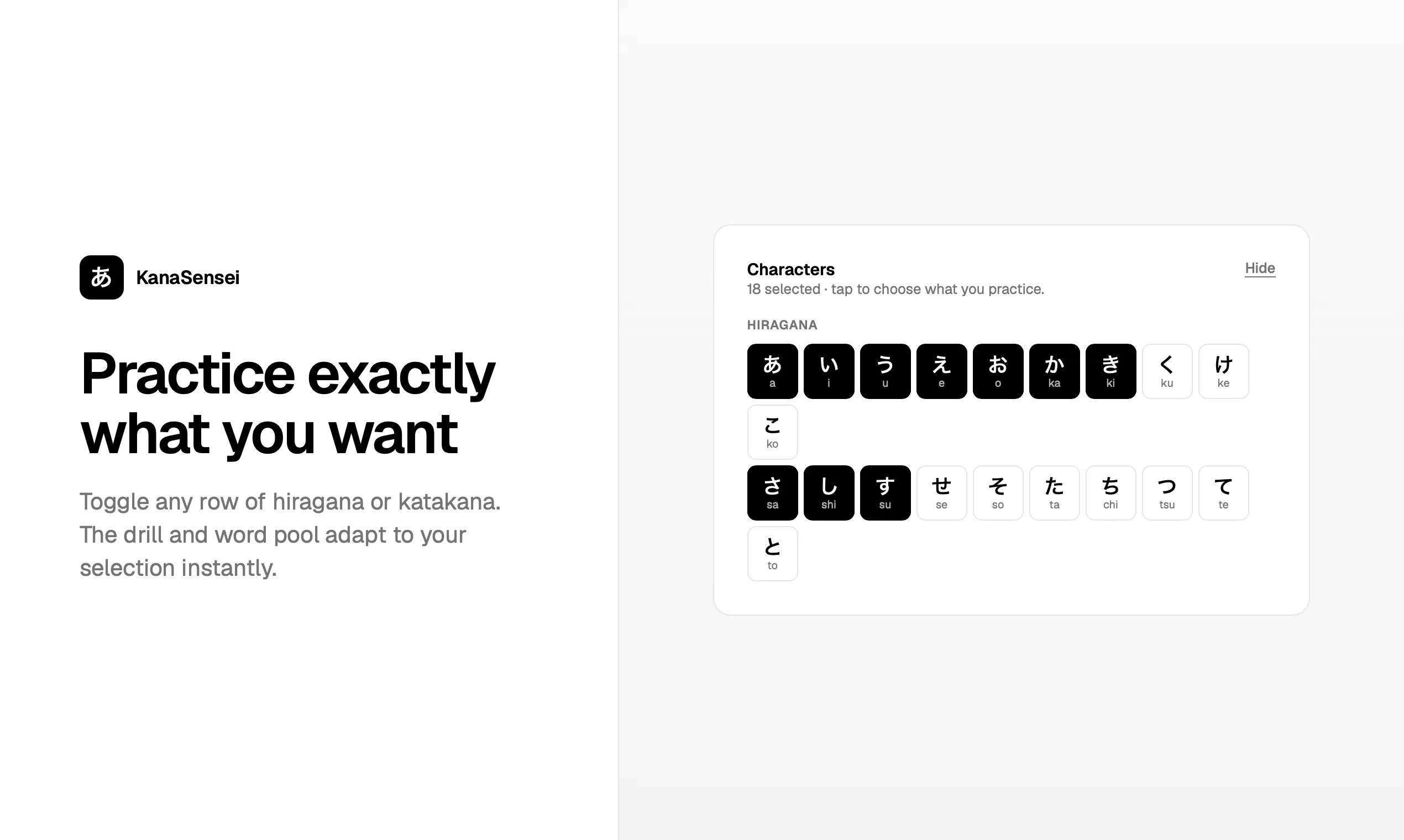
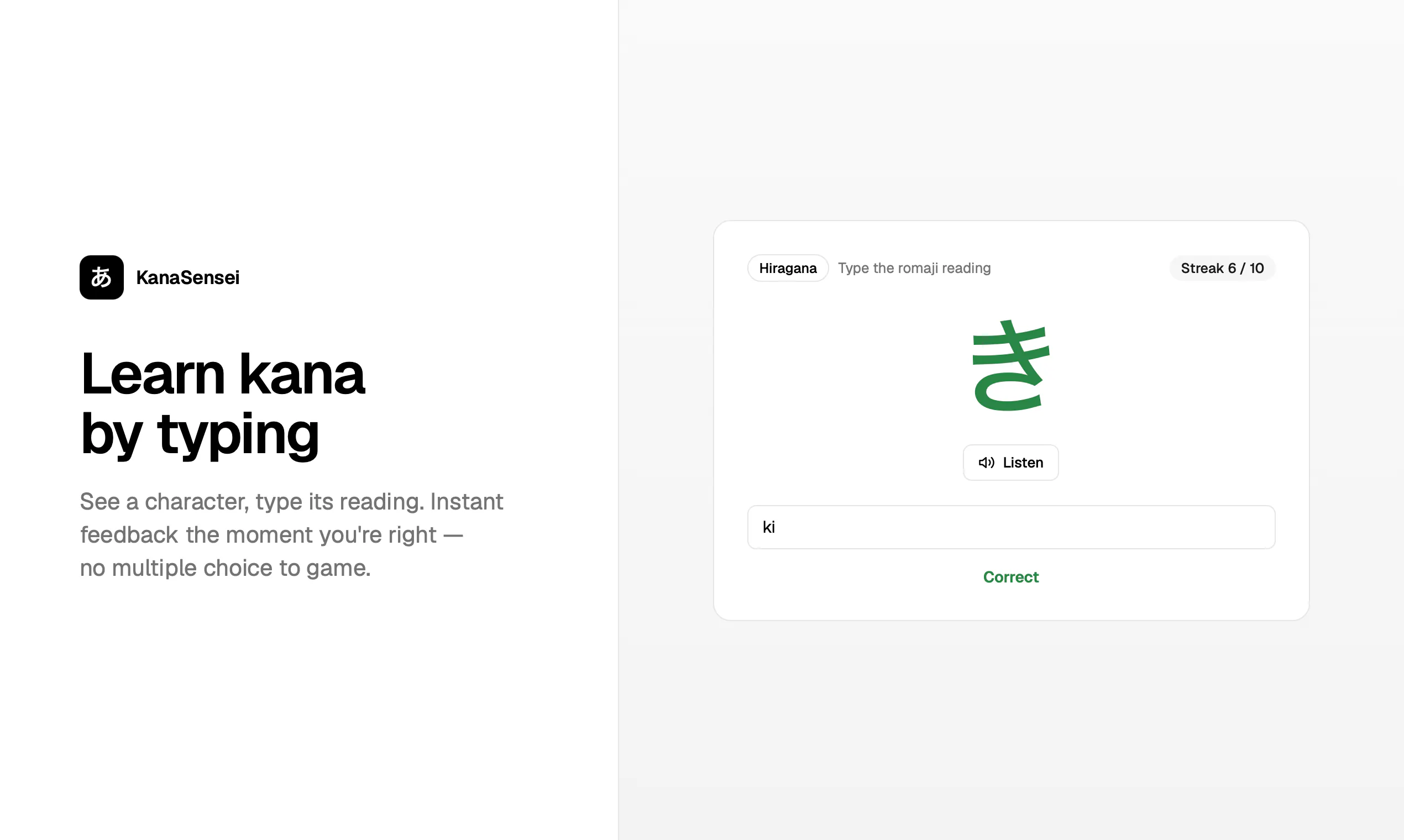
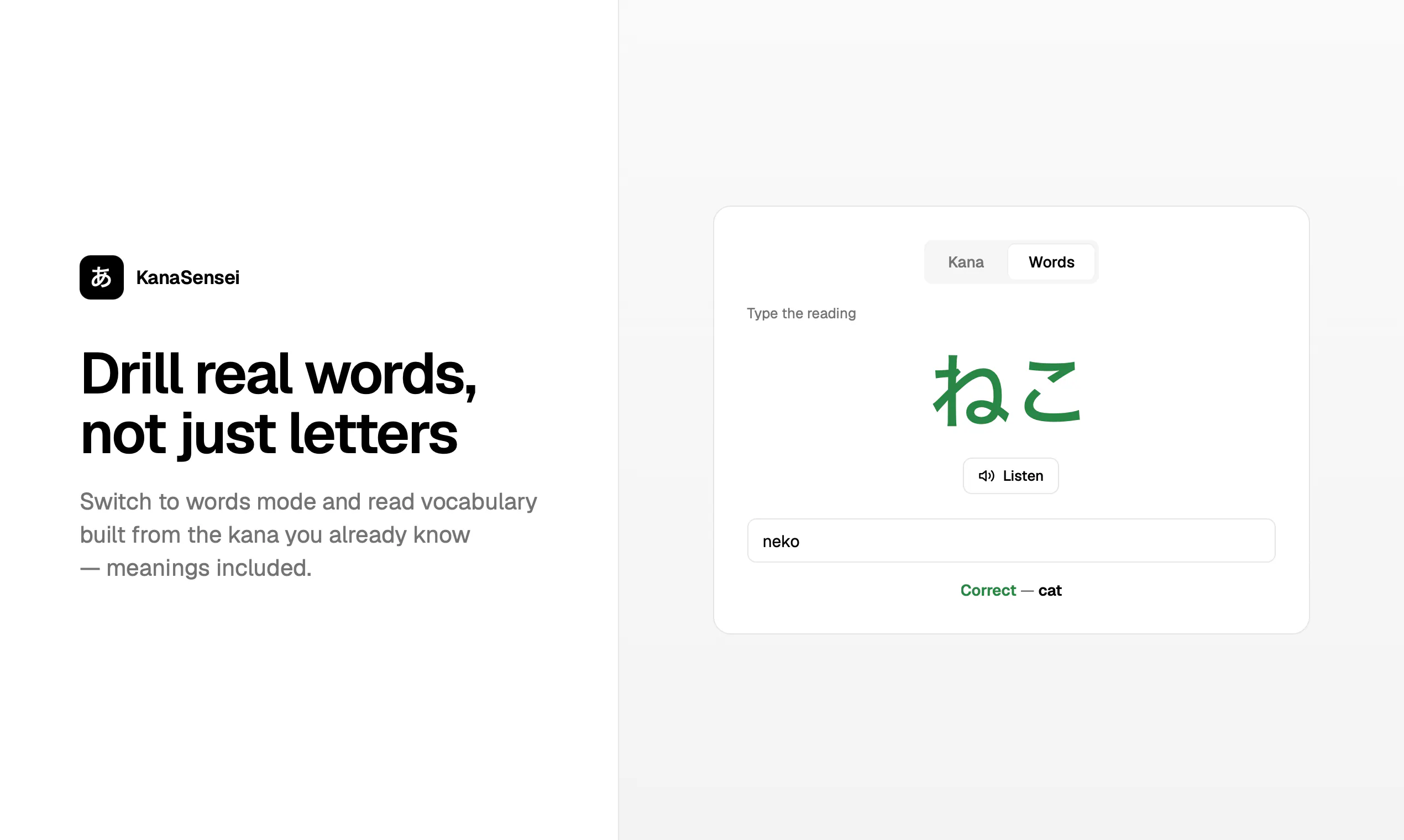
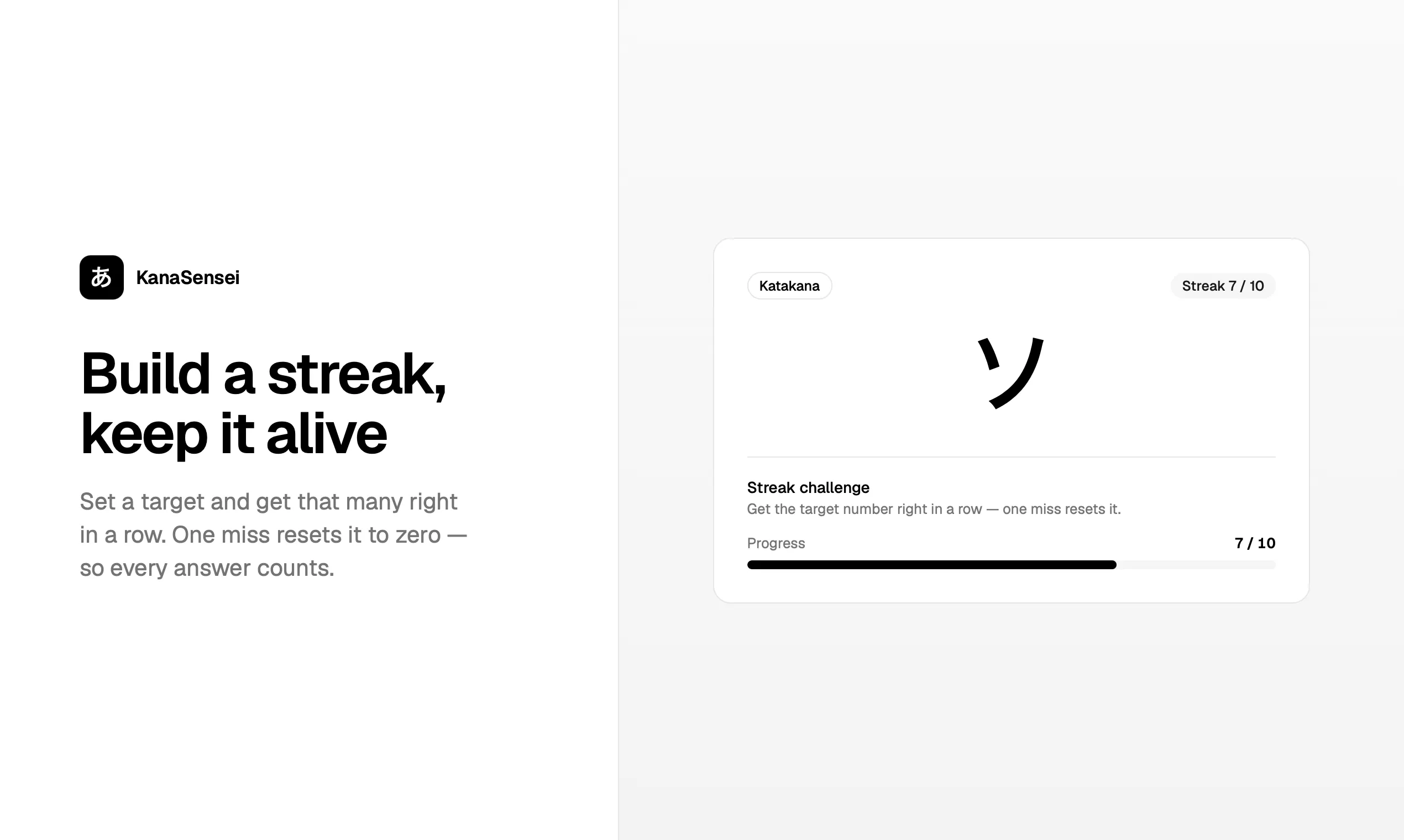
KanaSensei is a web app for learning to read Japanese. Practice hiragana and katakana with adaptive drills, challenges, memorable mnemonics, native audio, and progress tracking.
👋 Hey Product Hunt, I'm Samuel — the person behind KanaSensei. Last year I went to Japan. I had the trip planned to the detail, but the moment I landed I realized I couldn't read a single thing — menus, train signs, konbini shelves, all just squiggles. I promised myself I'd actually learn to read kana before going back. So I did what I usually do: I tried the existing apps. And they were either bloated, gamified into oblivion, or made a genuinely simple thing feel like a chore. Learning hiragana and katakana isn't a hard problem — it's ~200 characters — but everything I tried buried that under clutter. So I built the tool I wished I'd had. Just for me, at first. Type the reading, build a streak, and lean on picture-story mnemonics that turn each character into something you literally can't forget. No noise, no 40-screen onboarding — you open it and you're learning. I obsessed over making the UX clean and the whole thing genuinely pleasant to use, because that's the part everyone else skips. I had a stupid amount of fun building it. And once it actually got me reading kana in a couple of weeks, it seemed silly to keep it to myself — so here it is. If you've ever wanted to read Japanese and bounced off the usual apps, I made this for you too. Would love your honest feedback — I'm right here in the comments all day. 🙏
2
回复

@sajmumel 🤝 Every business has a unique story. What's the biggest goal you're working toward this quarter?

0
回复

@sajmumel Great Product Samuel!

What's the trickiest kana pair (katakana シ/ツ, maybe?) and how'd you mnemonic your way around it?

0
回复

"Two weeks is a bold promise and I like it. As a solo app builder I respect the focus here, one skill done well instead of ten done halfway. Good luck with the launch!"

0
回复

the "picture-story mnemonic per character" approach is the right call - rote repetition is exactly where I've bounced off other apps before. the part of kana that actually got me stuck on my own trip wasn't the characters in isolation, it was the lookalike pairs, shi/tsu, ki/ka, so/n, that I'd nail individually in an app and then blank on side by side on an actual sign. does KanaSensei's drill deliberately pit those confusable pairs against each other, or is it mostly one character at a time and the mixing happens naturally once you're further into the deck

0
回复

@galdayan That's a really sharp catch, and you've nailed the exact thing I want to build next.

Right now the drill pulls randomly from whatever set you've selected (and won't repeat a character twice in a row), so the lookalike pairs do start colliding once you widen your selection — but I'll be honest, that's natural mixing, not the app deliberately pitting shi vs. tsu against each other.

And you're spot on that isolation is the trap: nailing ツ alone tells you nothing about spotting it next to シ on a real sign. So a mode that deliberately drills the confusable sets against each other — shi/tsu, ki/ka, so/n — is going straight on the roadmap. Really appreciate the feedback, this is exactly the kind that shapes what's next.

1
回复
#9
Tab Notes
Turn your browser new tab into a distraction-free notepad
87
一句话介绍:Tab Notes将浏览器新标签页改造为轻量级专注笔记工具,支持富文本、代码高亮与图形画板,解决用户“想随手速记却被迫打开重型应用”的痛点,并兼顾离线存储与隐私同步。
Chrome Extensions Productivity Notes
浏览器扩展 新标签页 速记笔记 本地优先 富文本编辑 代码高亮 图形画板 Google Drive同步 零锁定导出 效率工具
用户评论摘要:开发者自述产品定位为“轻量本地优先便签”,但用户关注两点:其一,新标签页被多个扩展竞争时,Tab Notes是否会主动检测冲突并警告,还是靠加载顺序抢占;其二,询问开发者日常更常用弹窗模式还是独立标签模式,暗示对工具使用场景的精细考量。
AI 锐评

Tab Notes的切入角度聪明——将“新建标签页”这一浏览器最高频动作改造成录入入口,确实把“捕获摩擦”压缩到半秒级,比任何快捷指令都更符合直觉。其富文本、画布和代码块功能显然超出了“便签”范畴,更像一个“零成本开屏工作台”。但产品真正的护城河不在功能,而在“冲突处理”这一被多数人忽视的细节:评论中用户直指新标签页是兵家必争之地,Chrome扩展互相覆盖是常态,若Tab Notes没有主动检测冲突或优先级协商机制,其核心入口随时可能被其他Dashboard类扩展吞噬,导致“打开新标签页看到的不是笔记而是别人的页面”,这种体验是毁灭性的。此外,零服务器锁定与Google Drive同步是个双刃剑——对极客是自由,对普通用户则意味着“没有云备份、换设备即失联”的认知门槛。在Notion、Obsidian等强协同工具横行的时代,Tab Notes更像是给“独狼型文字工作者”的备用草稿纸,而非协作平台。其价值在于极致的“减少决策成本”,但若想在Product Hunt之外获得长期生命力,必须回答两个问题:如何在新标签页争夺战中优雅共存?以及当用户积累大量零散笔记后,如何检索与整理——目前仅靠导出txt/md,并未解决“信息沉淀”这一深层需求。简而言之,这是一个好用的工具,但还不是一个必要的产品。

查看原始信息
Tab Notes
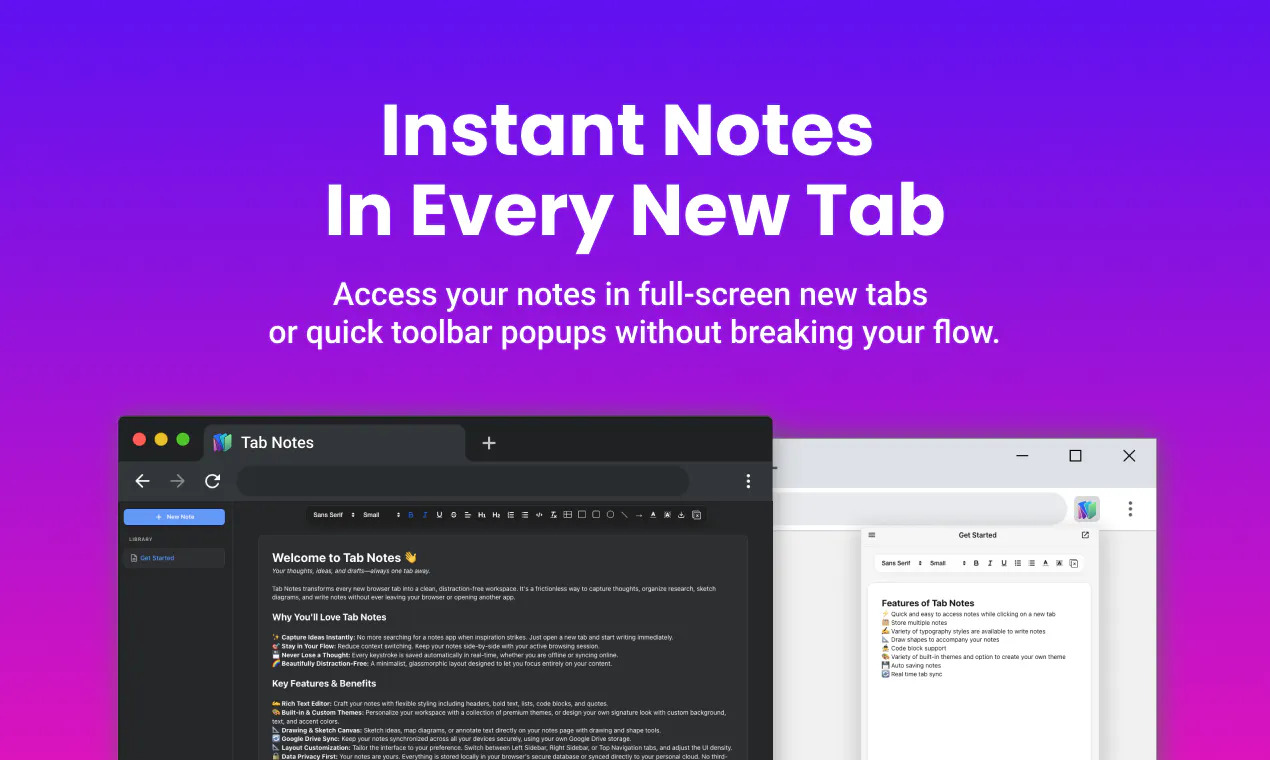
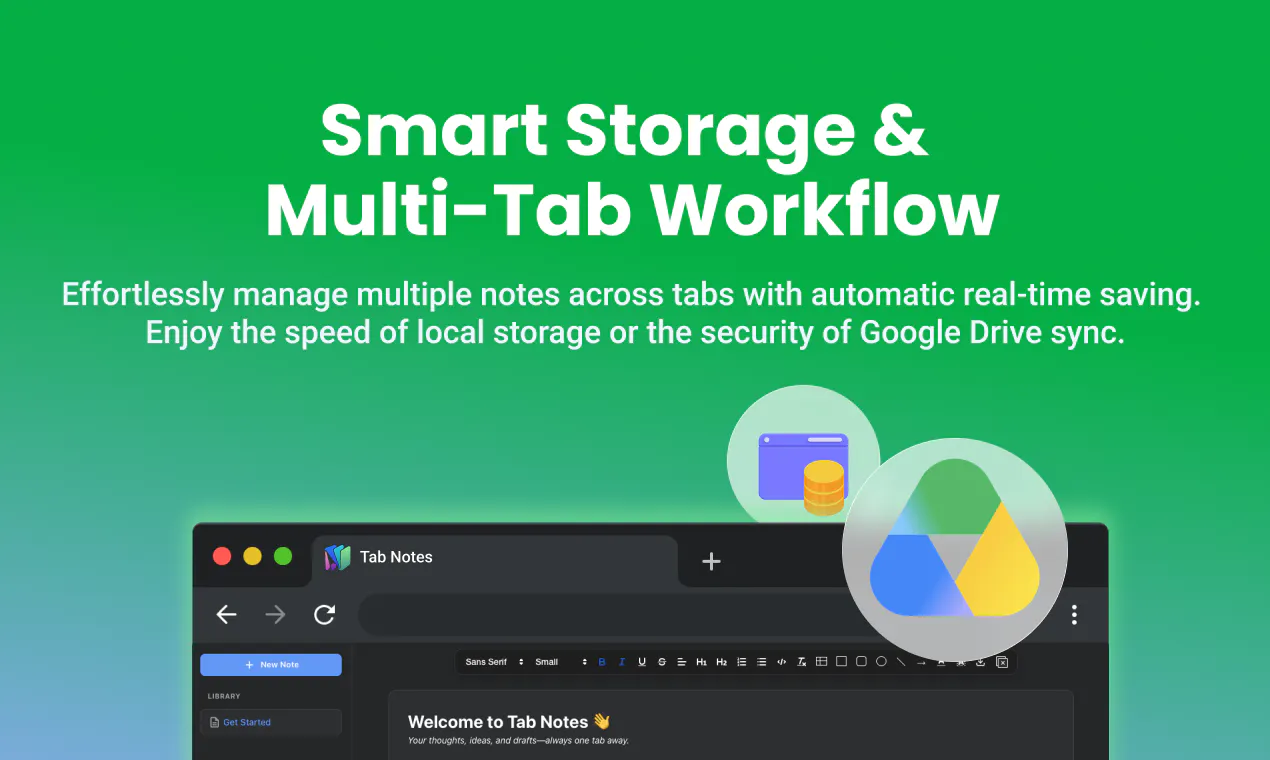
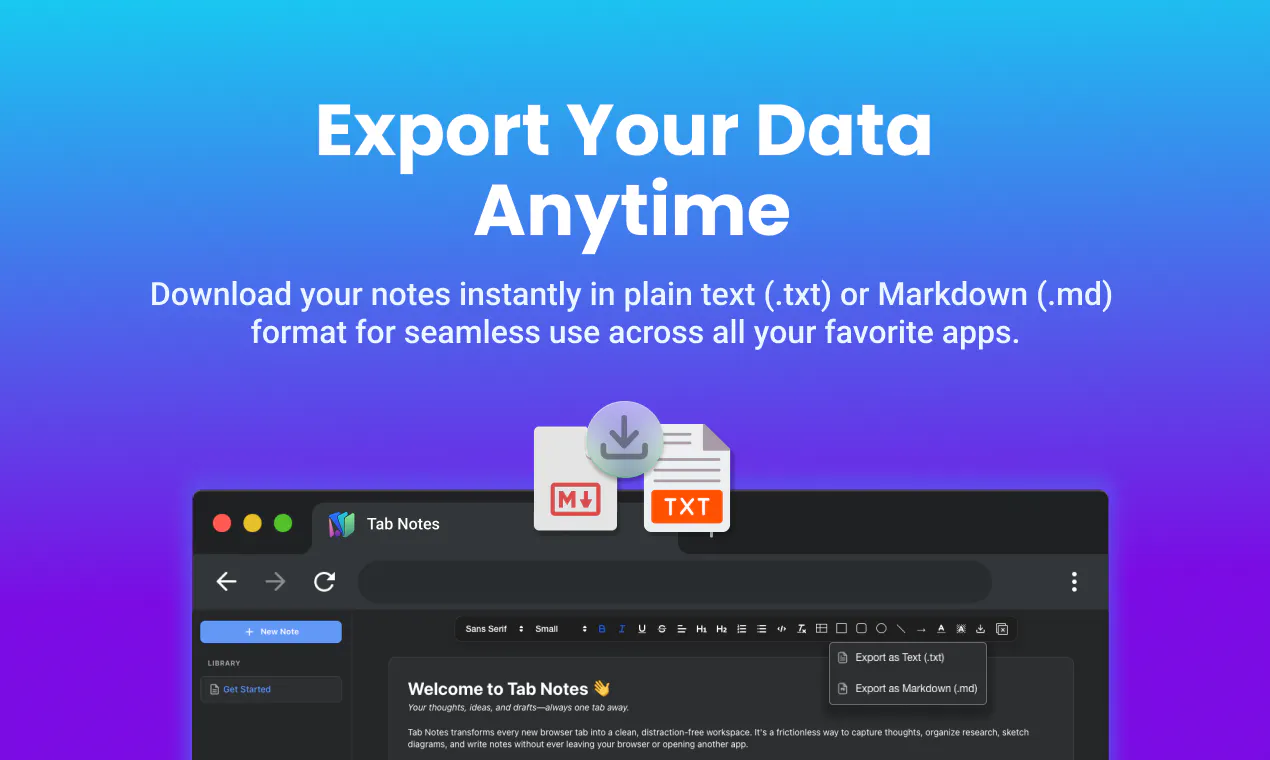
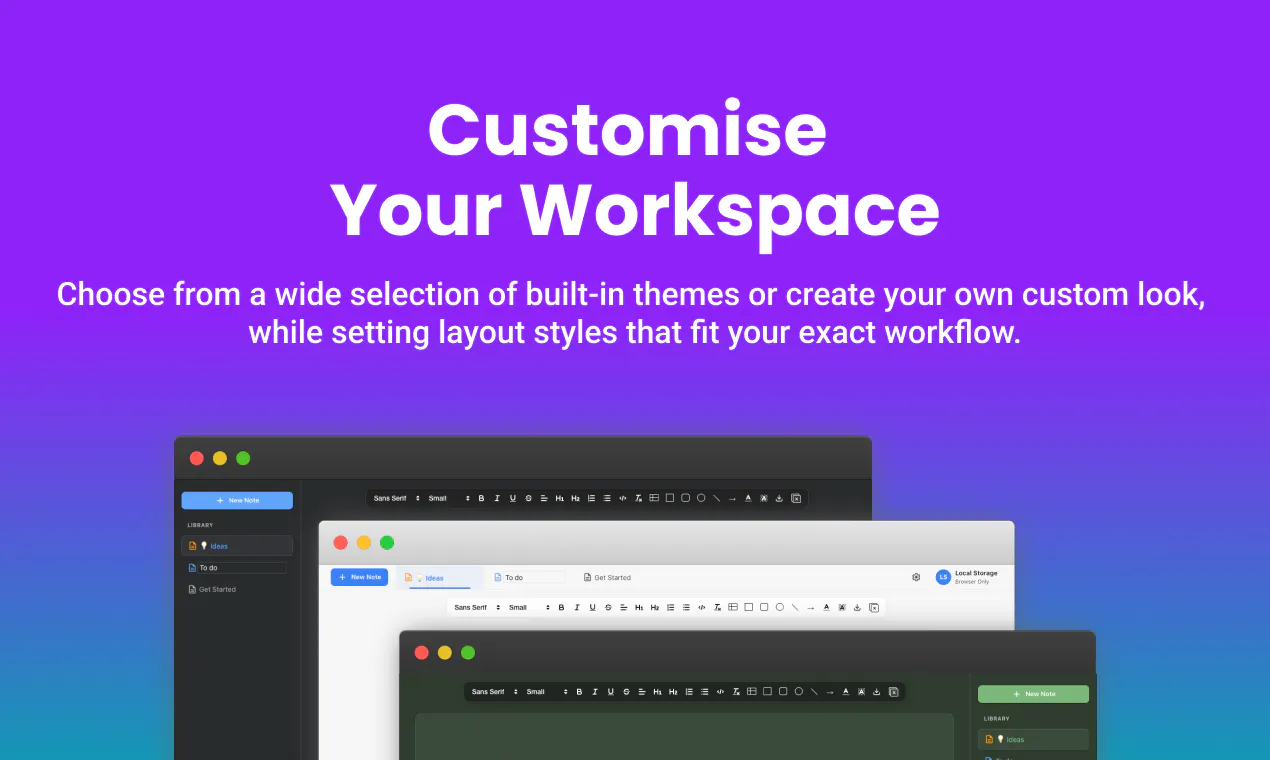
Tab Notes turns every new browser tab into a distraction-free notepad. Capture thoughts instantly with rich text, tables, and syntax-highlighted code blocks, or sketch ideas using the built-in shape canvas. Works completely offline with local storage or syncs privately to your personal Google Drive with zero server lock-in. Access notes in full-screen tabs, via a quick toolbar popup over any website, and export totxt ormd anytime.
Hey Product Hunt community! 👋 I built Tab Notes because standard note apps felt too heavy, and default browser start pages are cluttered with distractions. I wanted a fast, local-first scratchpad right where I spend most of my working day—inside my browser tabs. Key features at a glance: 📝 Rich Text & Code: Markdown support, headings, lists, tables, and syntax-highlighted code blocks. 🎨 Integrated Canvas: Draw diagrams, flowcharts, and shapes with connecting arrows directly in your notes. ☁️ Privacy-First Storage: Use offline browser storage without logging in, or sync seamlessly to your personal Google Drive. ⚡ Popup & Standalone Modes: Pin it to your toolbar for quick notes over any website, or toggle off new-tab takeover whenever you want. 📥 Zero Lock-In: Export your work as .txt or .md at any time. I would love to hear your thoughts, feedback, and feature requests. What do you look for most in a browser-based scratchpad?
1
回复

@vineethtrv Awesome Product Vineeth!

Popup or standalone, which mode do you personally use more day to day?

0
回复

What I look for most is friction at capture time - if opening a notepad takes more than the half-second it takes to open a new tab, I just won't use it, and the new-tab takeover approach solves exactly that problem.

One question: new-tab real estate tends to be contested. I've got other extensions that also want to override it (a dashboard, a speed-dial style start page). How does Tab Notes behave when something else is also fighting for the new-tab page - does it detect the conflict and warn you, or is it more "whichever extension loaded last wins" and you'd need to manually disable the other one?

1
回复
#10
Yattayo
A physical slider to-do board, faithfully rebuilt in 3D
85
一句话介绍:Yattayo 将实体滑动式任务看板三维重建为数字应用,让用户通过拖拽、扳动等物理感操作完成任务,解决电子待办缺乏触感和仪式感、难以坚持使用的痛点。
Android iOS Productivity Task Management
3D待办清单 物理反馈 触觉交互 任务管理 效率工具 Apple生态 小组件 手写便签 独立开发 趣味生产力
用户评论摘要:开发者自述灵感源于实体橙色滑片清单,强调3D物理感是核心卖点,并主动询问用户“物理感UI是价值还是噱头”。唯一回帖用户对“小组件是否更难还原物理感”提出具体技术疑问,暂无其他有效问题或建议反馈。
AI 锐评

Yattayo 的野心不在于做一款更好的待办清单,而在于用“拟物还原度”挑战数字效率工具的体验天花板。它把效率工具常被诟病的“冷冰冰”问题,用3D滑块、棘轮声和盖章动画强行扭转成一种“把玩式激励”。这种做法在短期确实能提供新鲜感和情感连接,尤其是对机械结构有好感的用户,以及厌倦了千篇一律勾选框的轻度任务管理者。

但它的价值也恰是它的风险。第一,物理感是重资产交互,拖拽、旋转、撕下便签都比点按更耗时,当任务量超过10个,这种“仪式感”会迅速沦为操作负担,免费版3个任务的上限恰好暴露了它只适合轻量使用的定位。第二,3D模拟的真实手感依赖精致的动画与触觉反馈,一旦执行节奏稍慢或卡顿,物理感就会从“惊喜”变成“恼火”,这对独立开发者的性能调优是极大考验。第三,评论区的冷清说明社区尚未形成有效讨论,开发者主动抛出的“是否值得”之问,目前没有得到有深度的验证。

真正的价值在于它开辟了一个细分赛道:把待办从“管理工具”变成“可收藏的数字物件”。如果Yattayo能降低物理动效的成本(比如支持关闭动画的极速模式),积极集成Apple Watch的快捷滑动和灵动岛的渐进式反馈,它有机会成为“效率工具中的乐高”——不是为了更快,而是为了更愿意去碰它。但在那之前,它更像一个精致的玩具,而非耐磨的日常助手。那个回帖中的质疑非常关键:小组件能否复刻物理感,才是它能否从“打开App才爽”走向“随时都要玩”的生死线。

查看原始信息
Yattayo
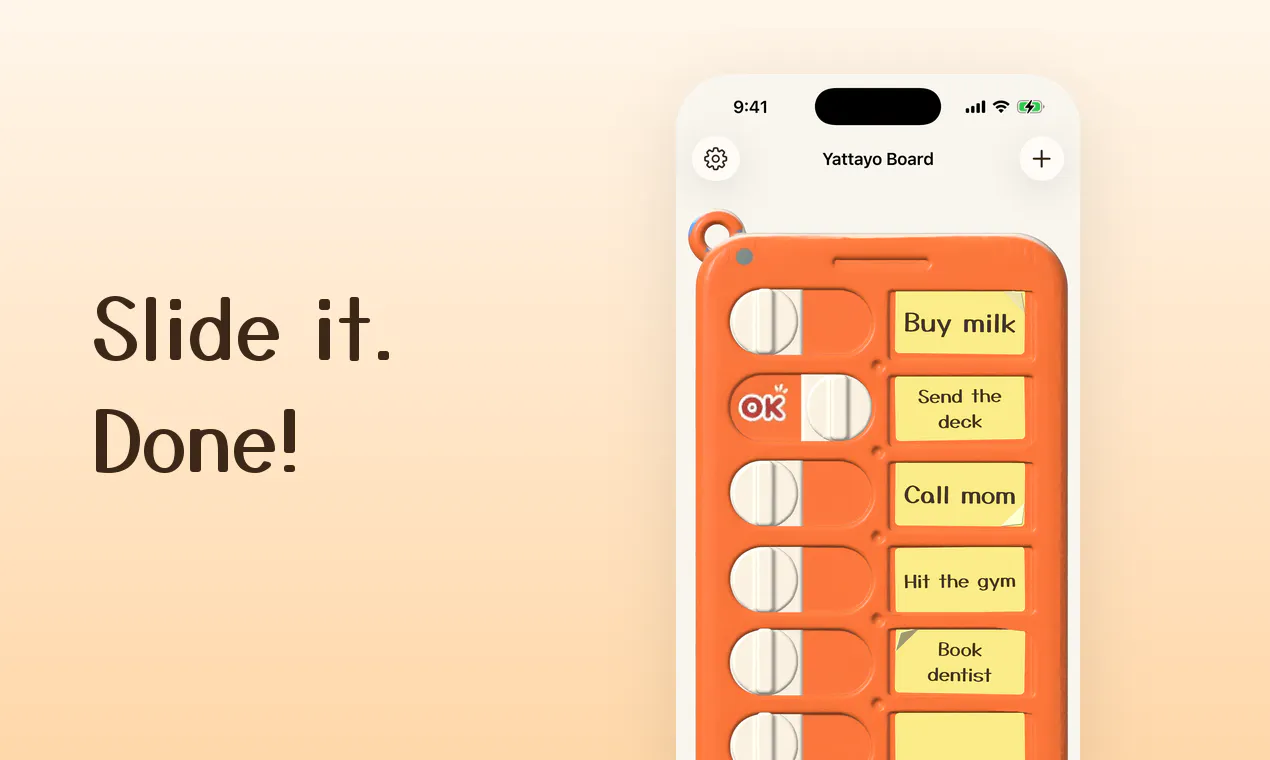
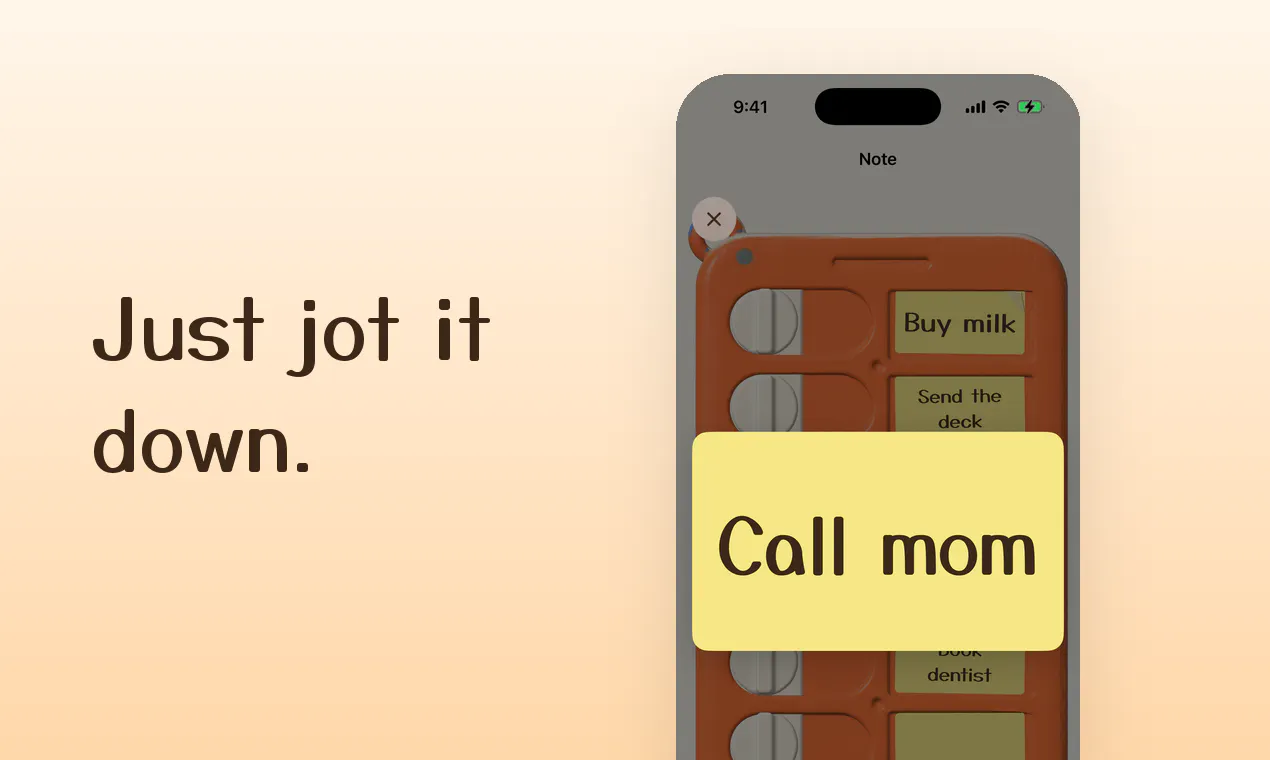
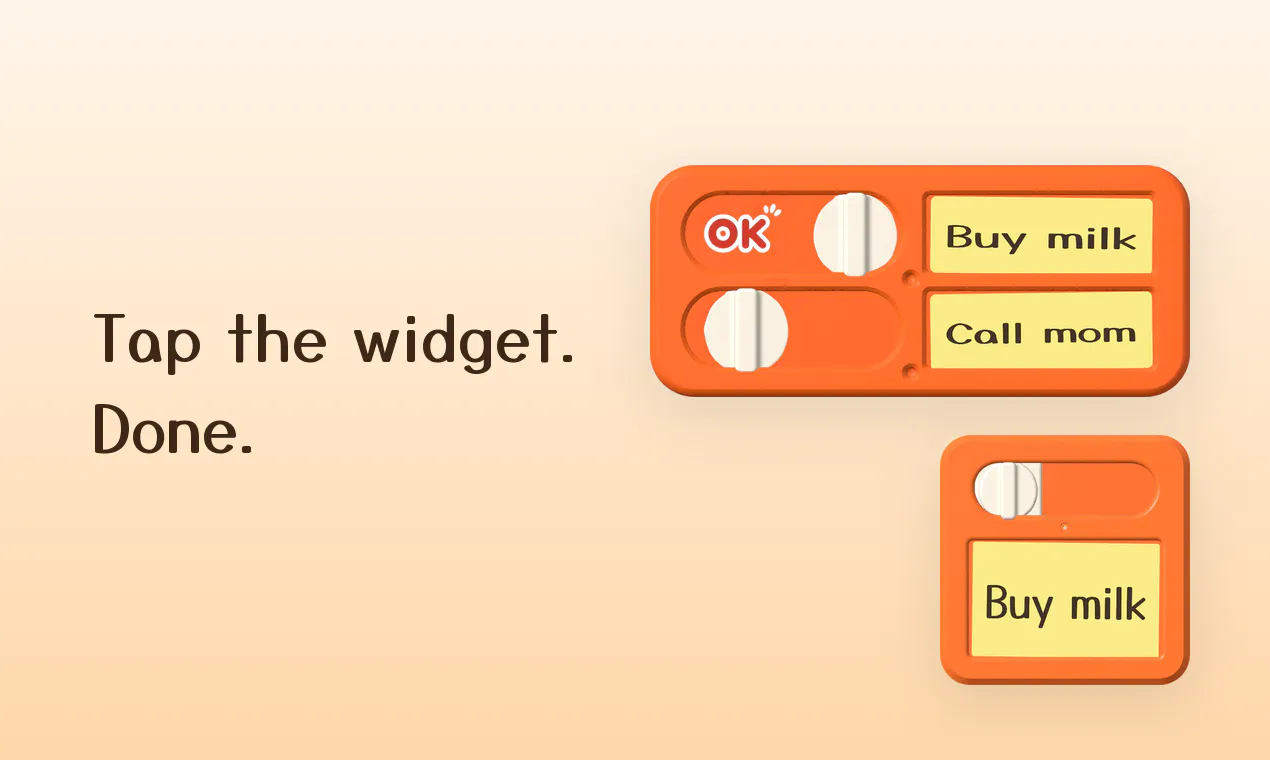
Yattayo is a to-do list you can feel. Every task is a real 3D slider on an orange board — drag the knob, hear the ratchet click, and an "OK" stamp lands on it. Done. • Every task is a sticky note. Tap it and handwrite or type right on the paper • Swipe a finished note to peel it off the board • Spin the whole board around with your finger • Widgets show the real board — slide the switch without opening the app • iPhone, Apple Watch and Mac, synced over iCloud Free for up to 3 tasks.
Hey Product Hunt 👋 Yattayo started from a photo of one of those orange plastic slider checklists — the kind you stick on the fridge and flip when a chore is done. I wanted exactly that feeling on my phone, so instead of drawing a flat imitation I rebuilt the board as a real 3D object. What that means in practice: 🟠 Every task is an actual slider you drag. It clicks like a ratchet on the way and thunks at the end, and an "OK" stamp lands when it's done. 📝 Every task is a sticky note. Tap it and handwrite on the paper with your finger, or type. 🏠 The widget shows the real board, so you can slide a task done without opening the app. It syncs across iPhone, Apple Watch and Mac over iCloud, and it's free for up to 3 tasks. Solo build. I'd love to hear what you think about physical-feeling UI — worth the effort, or just a gimmick?
0
回复

@tsuzuki817 Great Launch Ryo!

Was recreating that physical feel harder on the widget than in the main app?

0
回复
#11
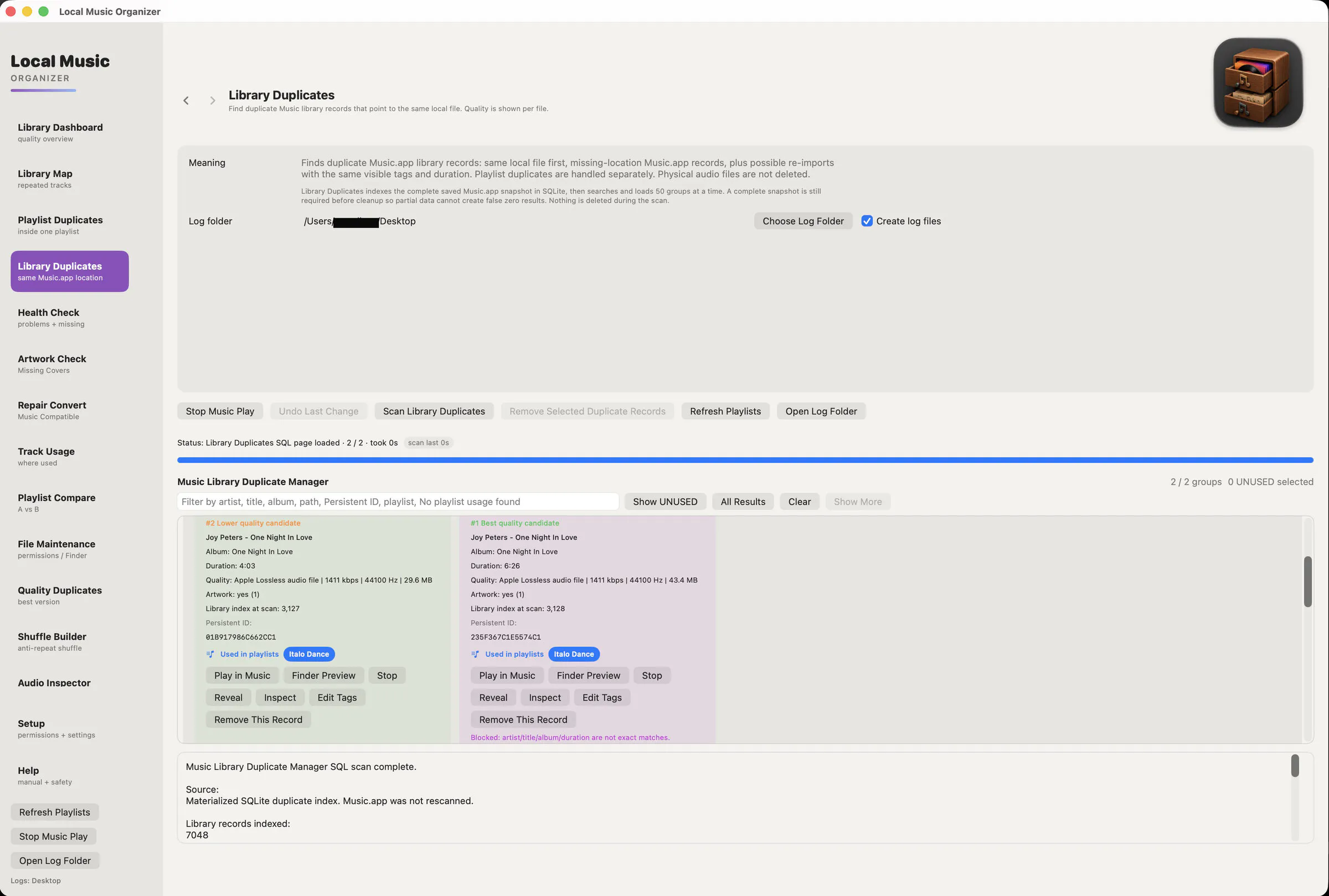
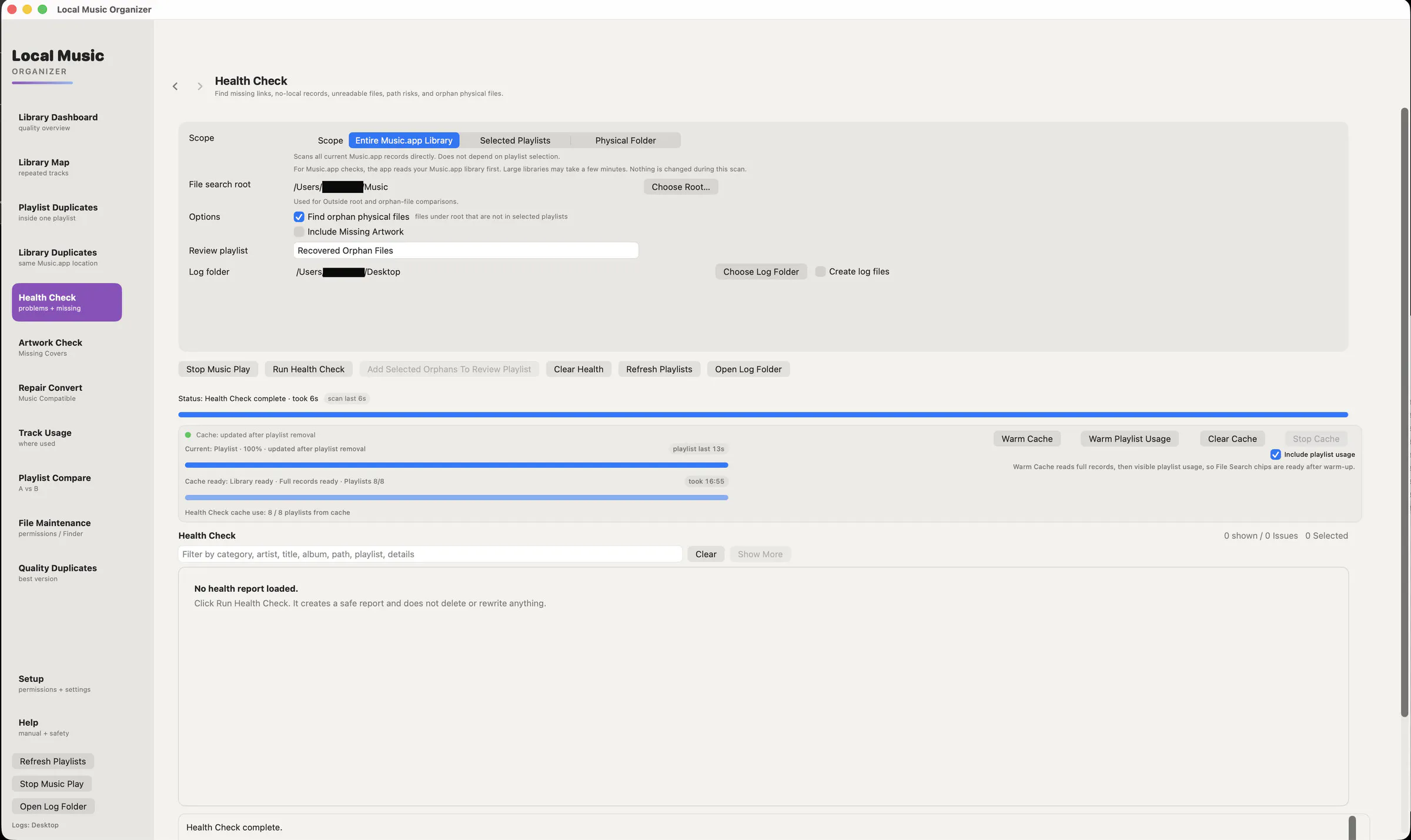
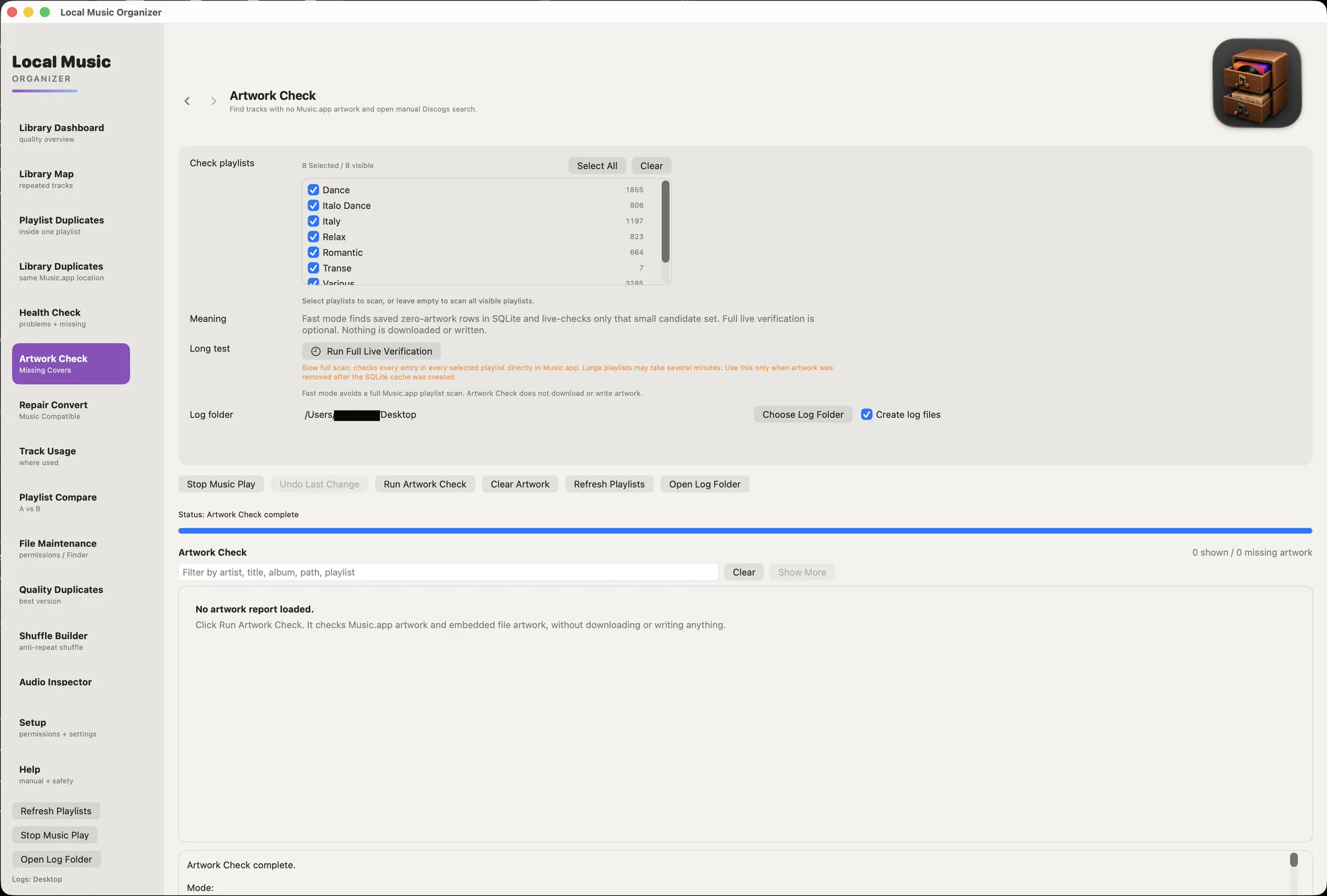
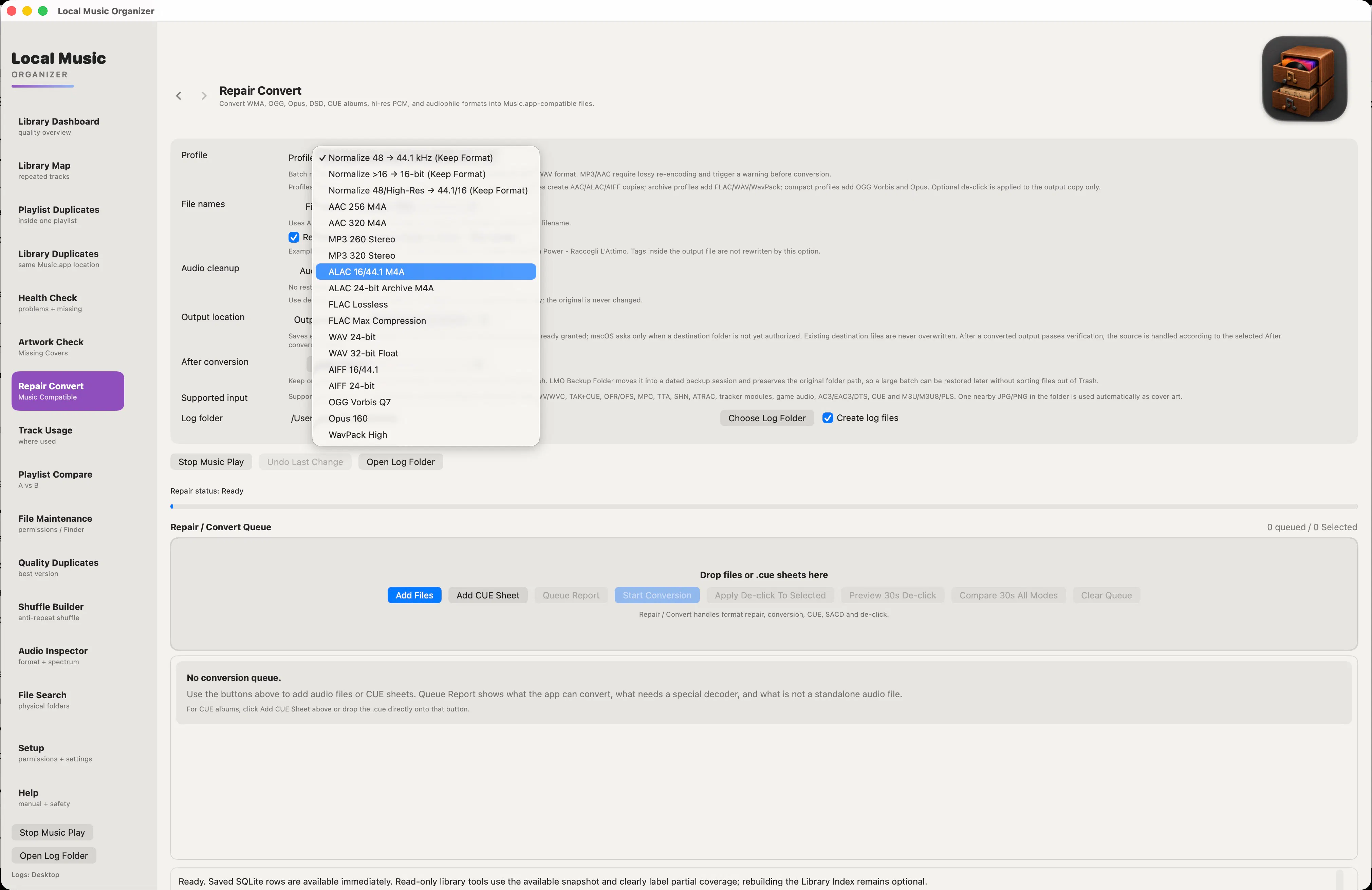
Local Music Organizer for Mac
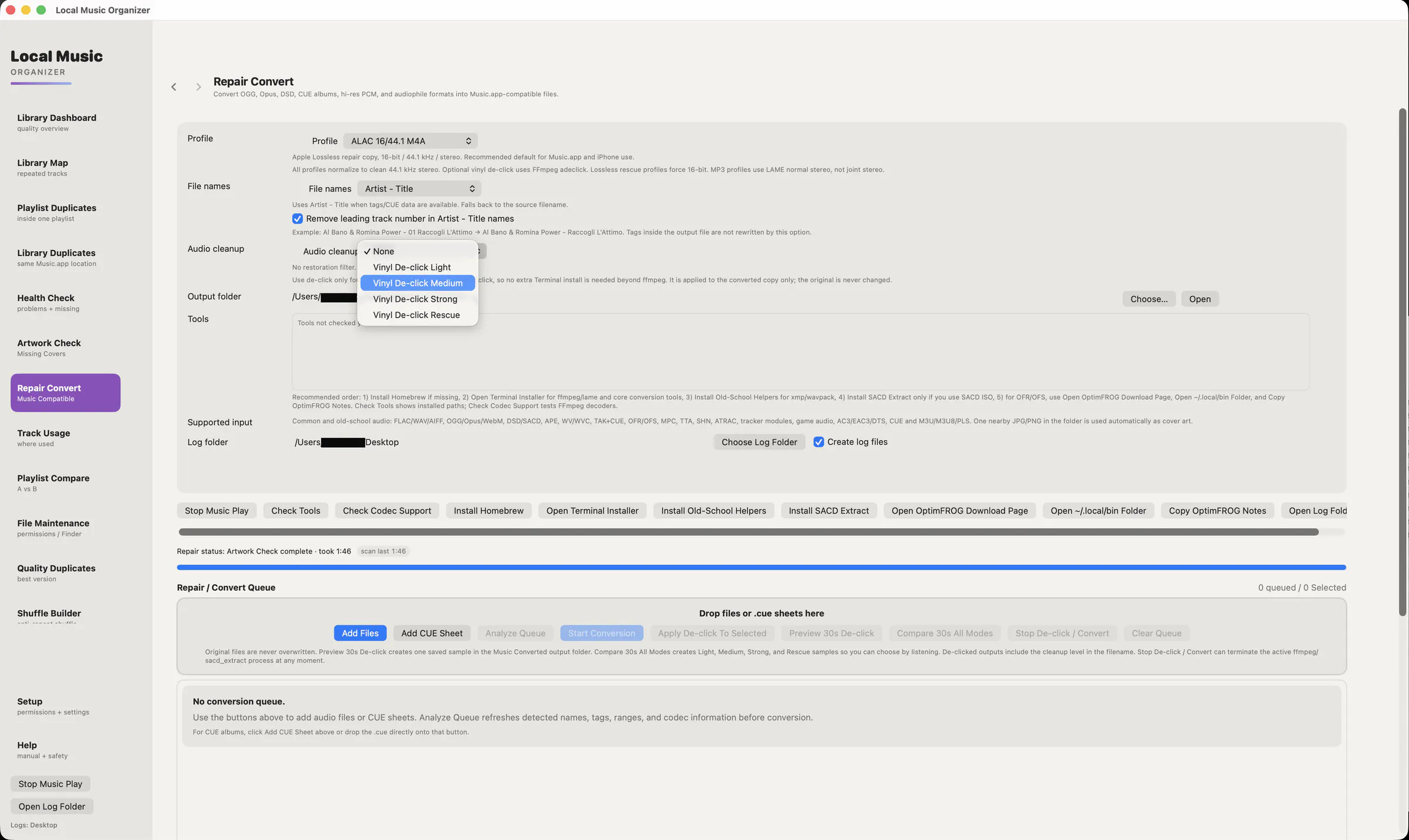
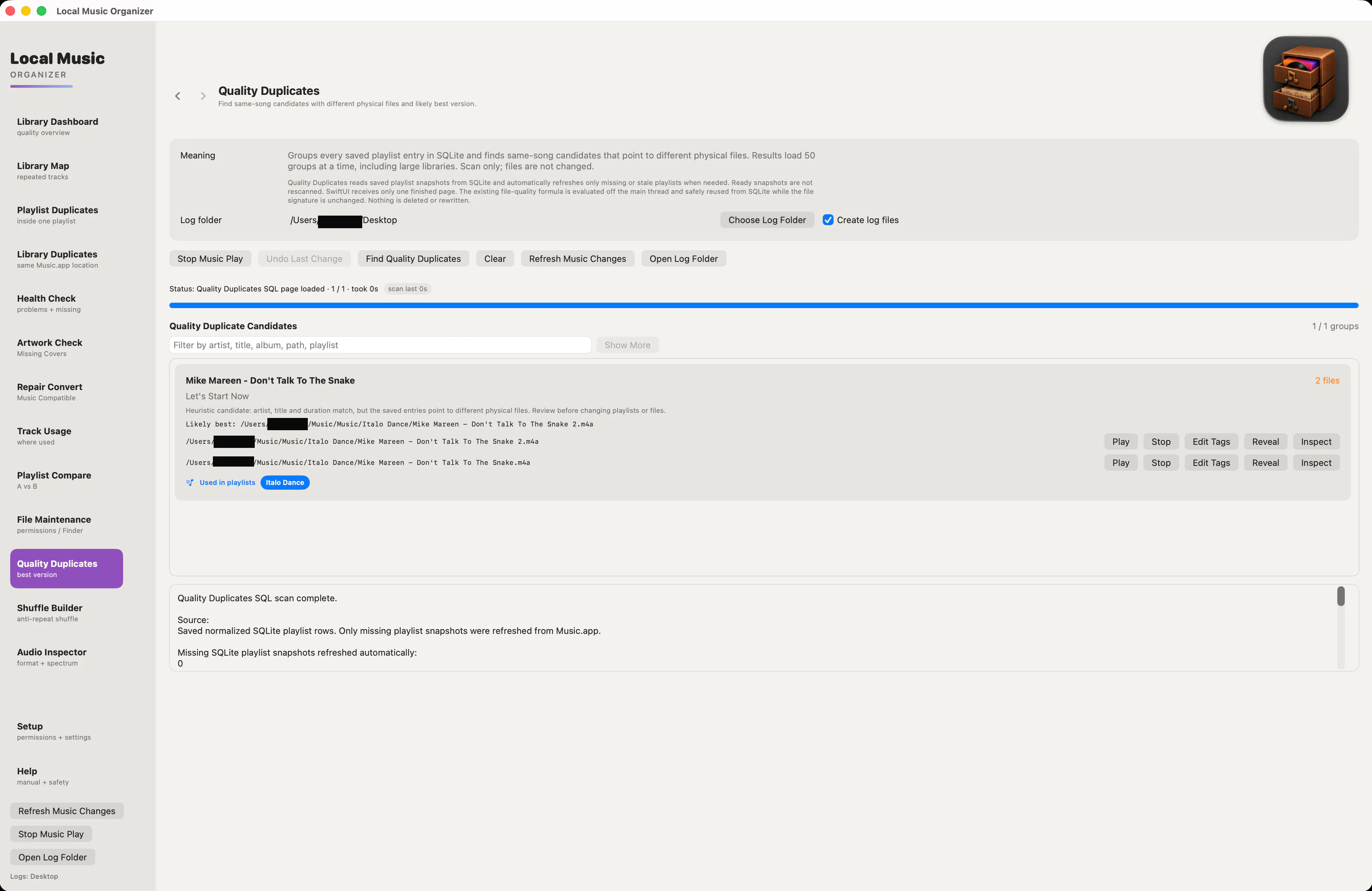
Ultimate toolkit for local Apple Music library maintenance
80
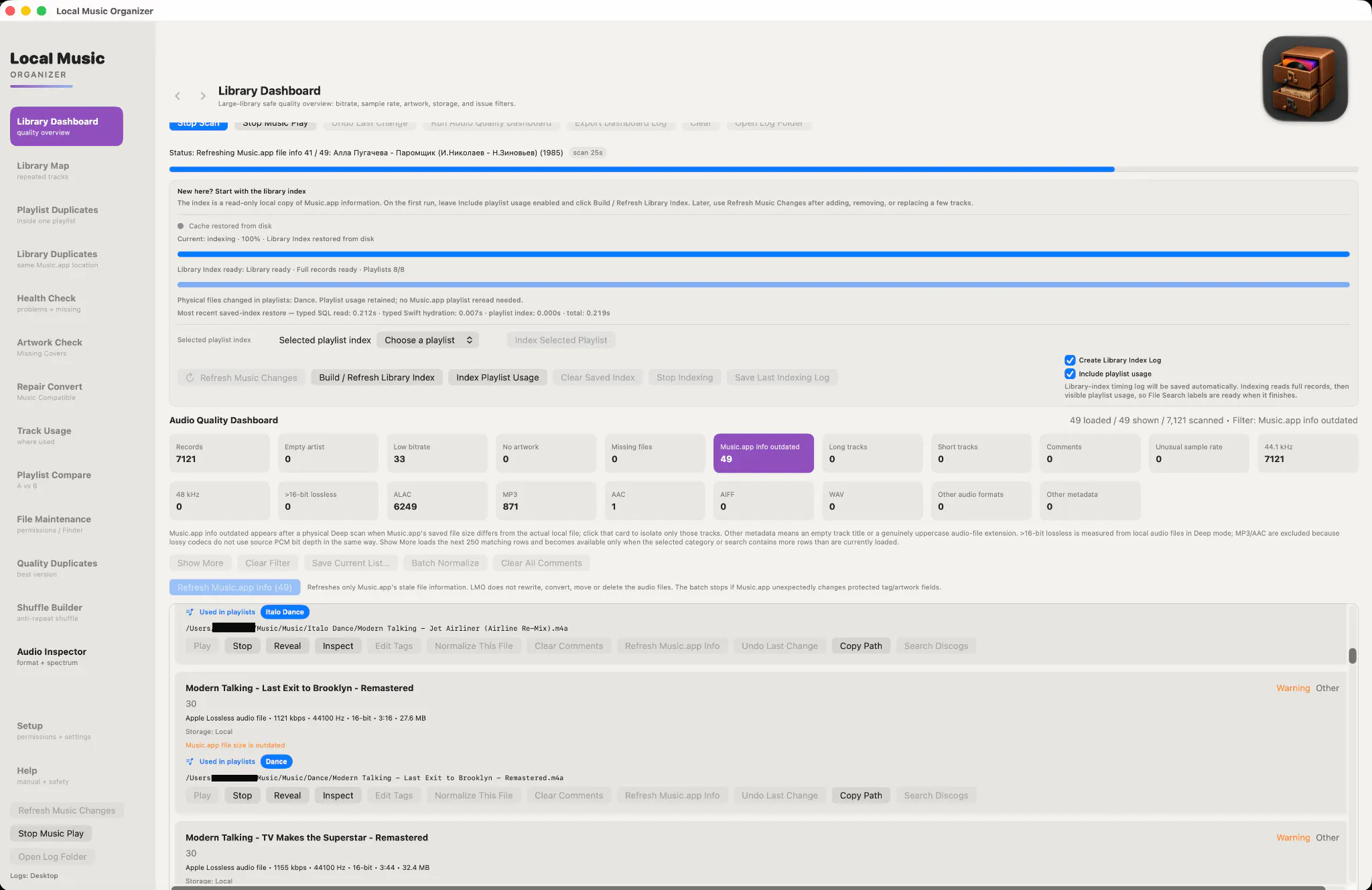
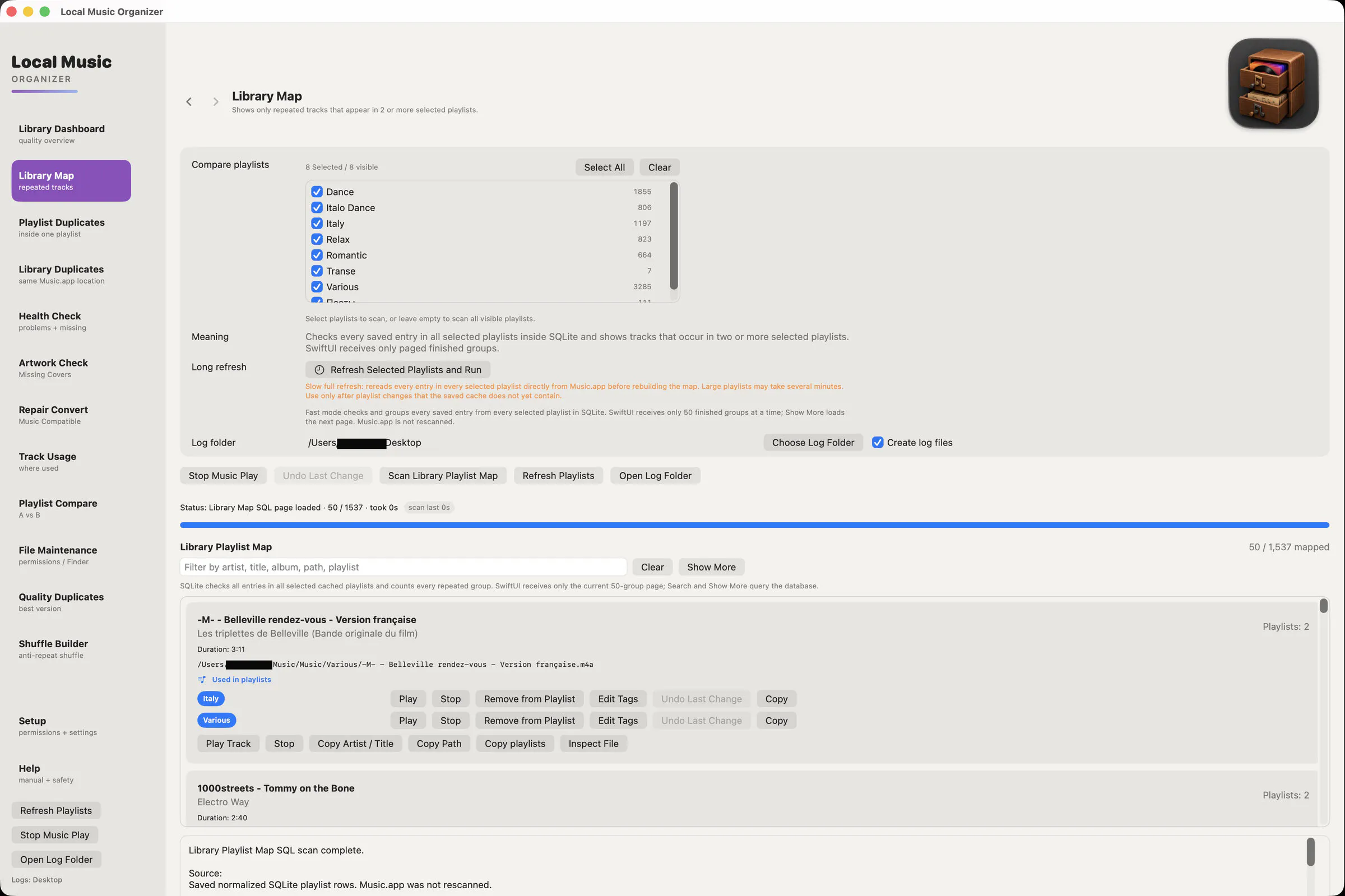
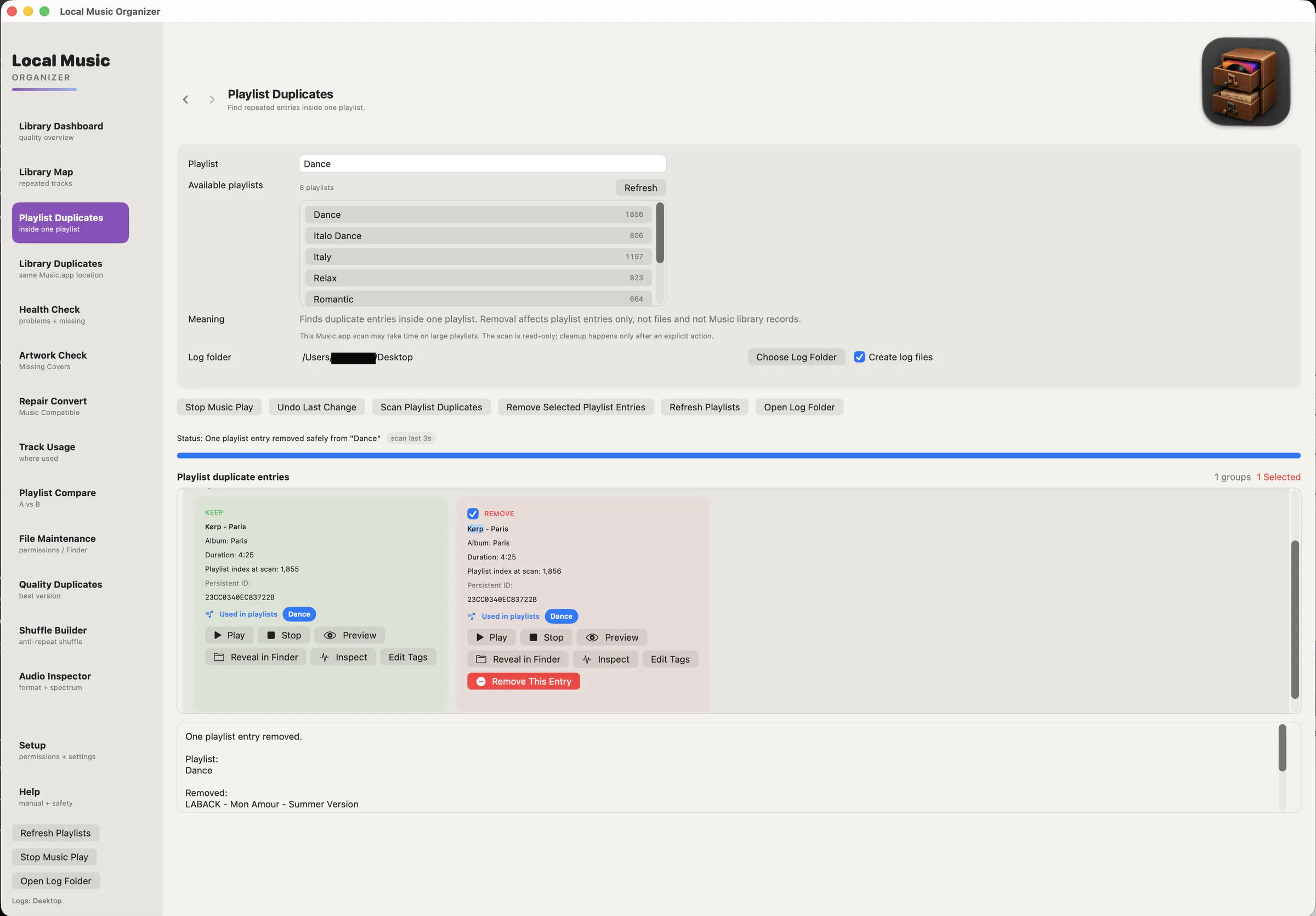
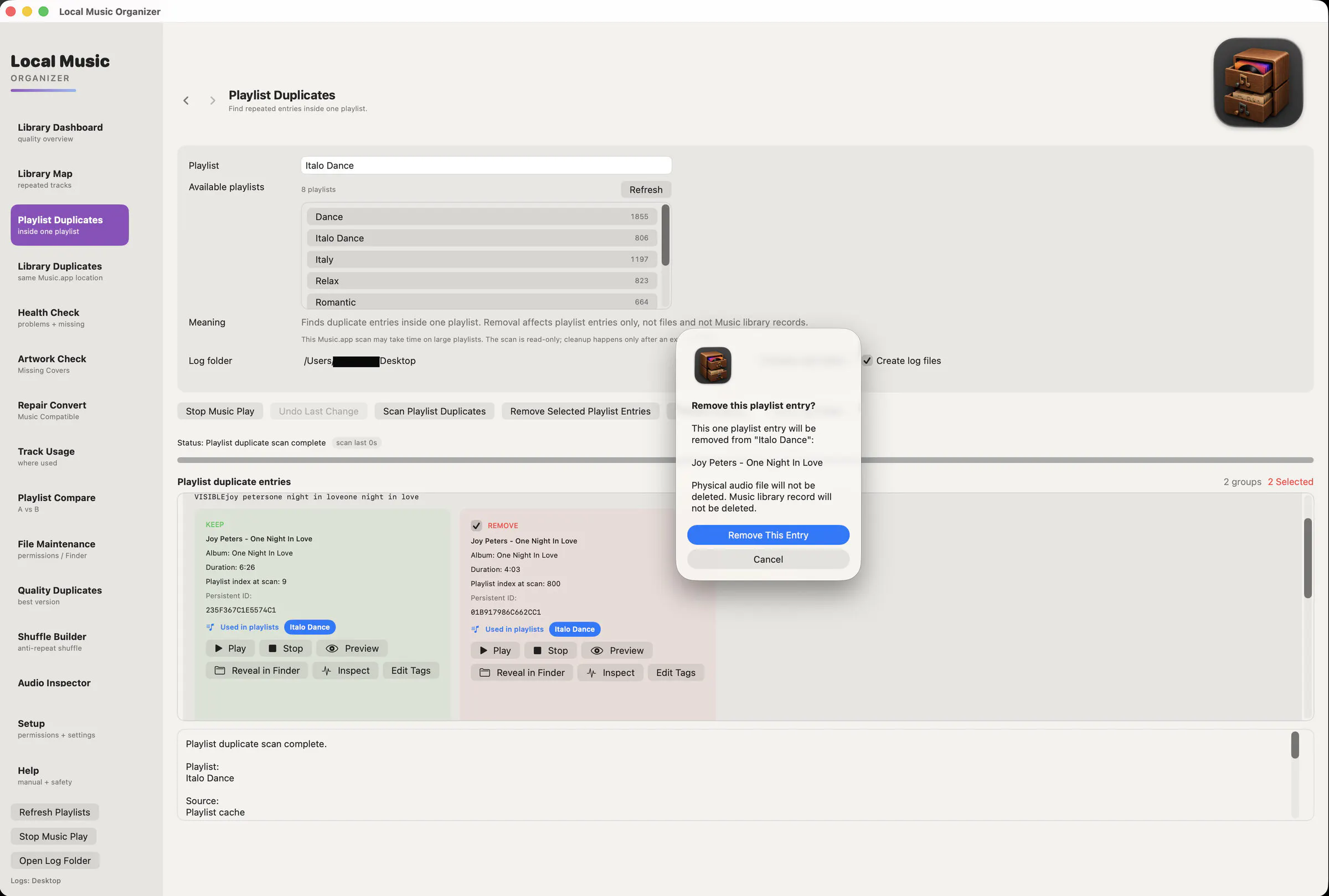
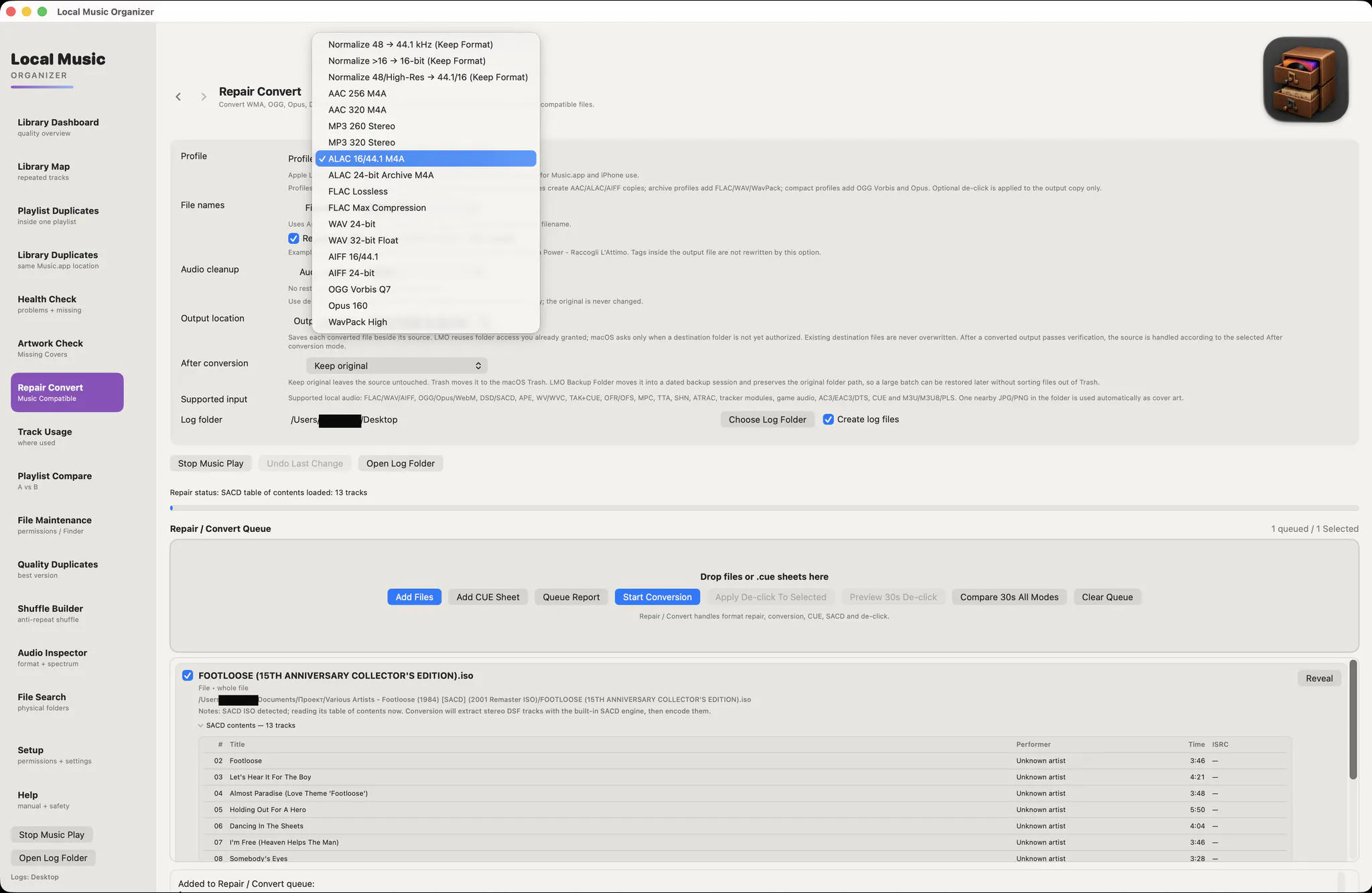
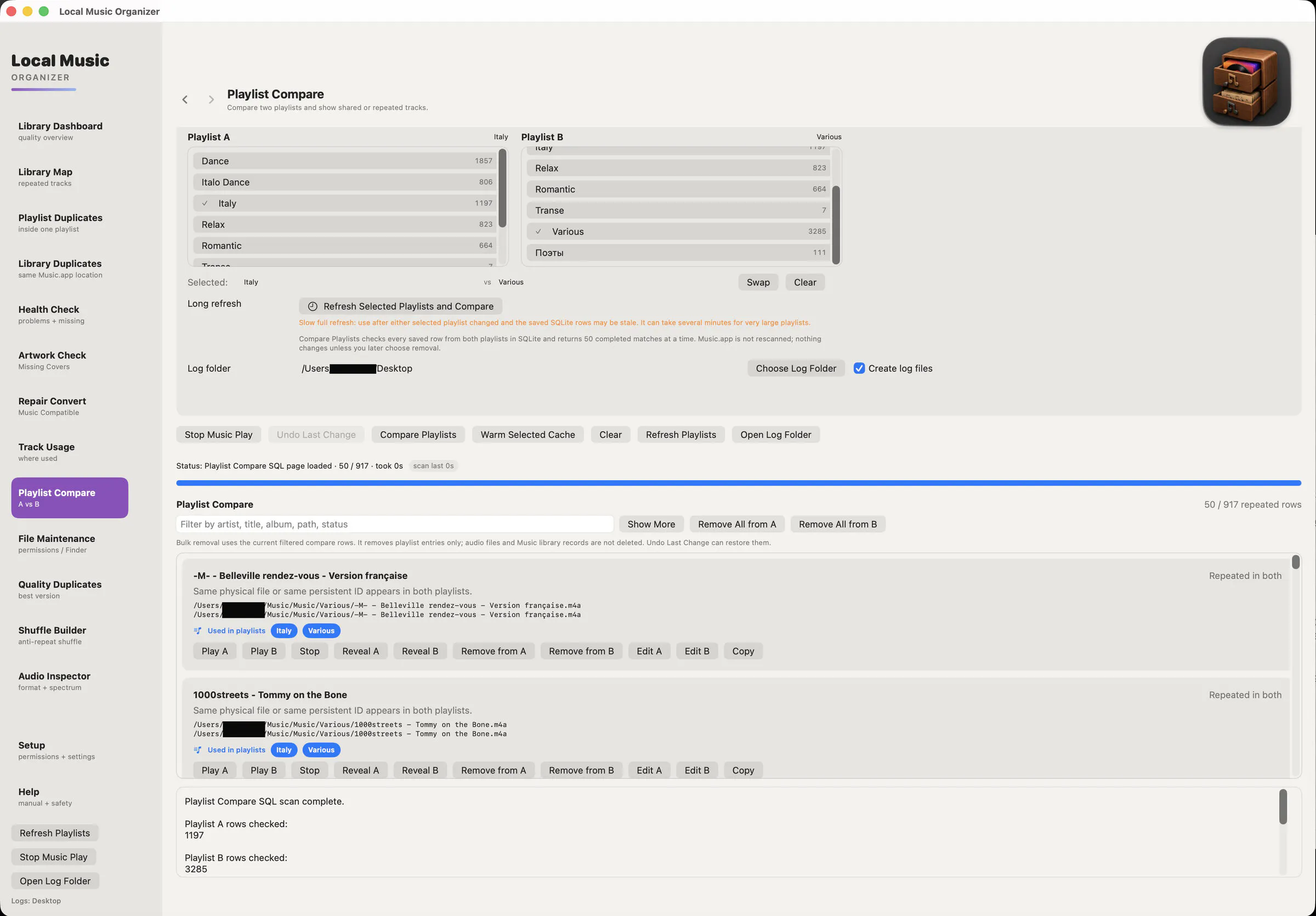
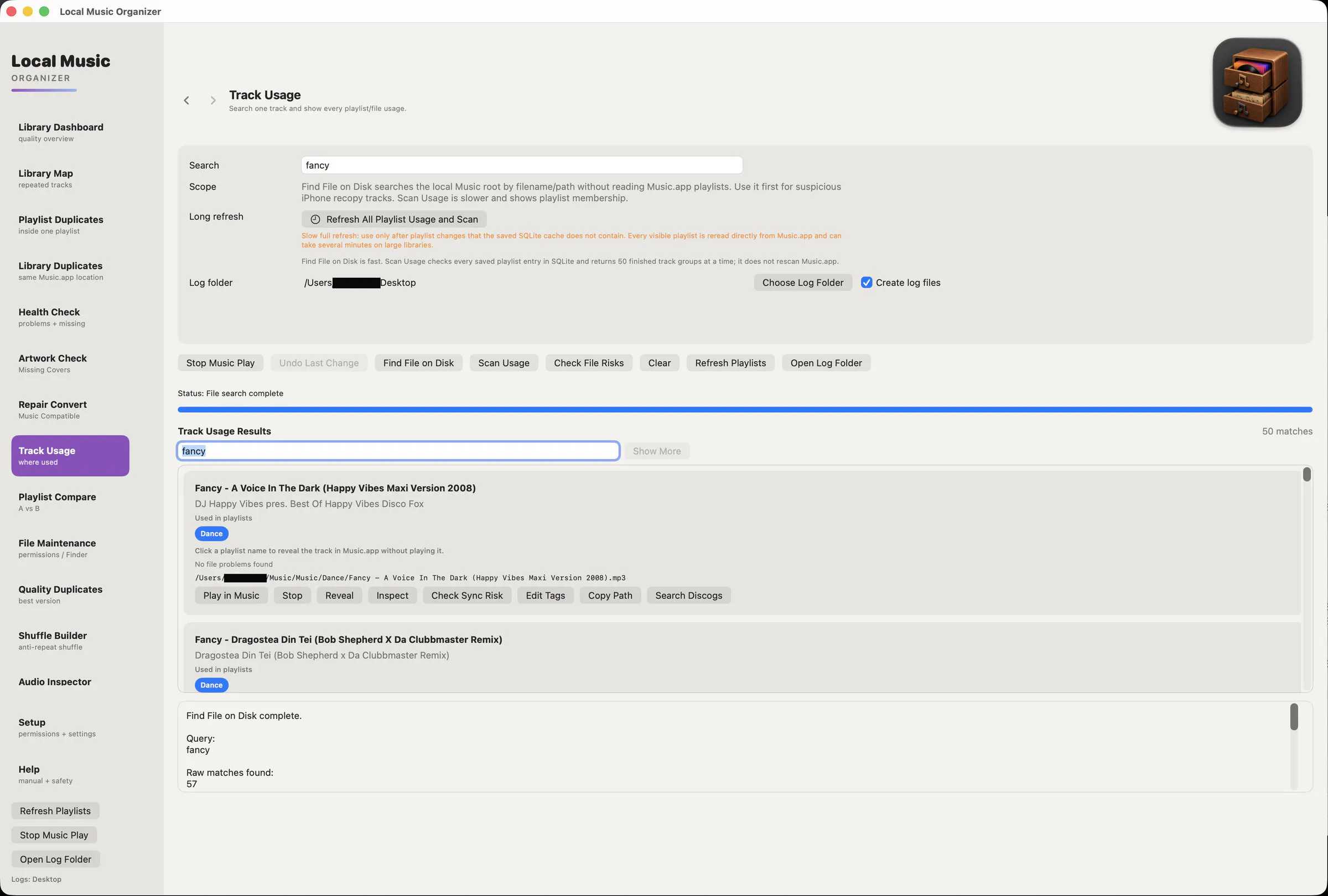
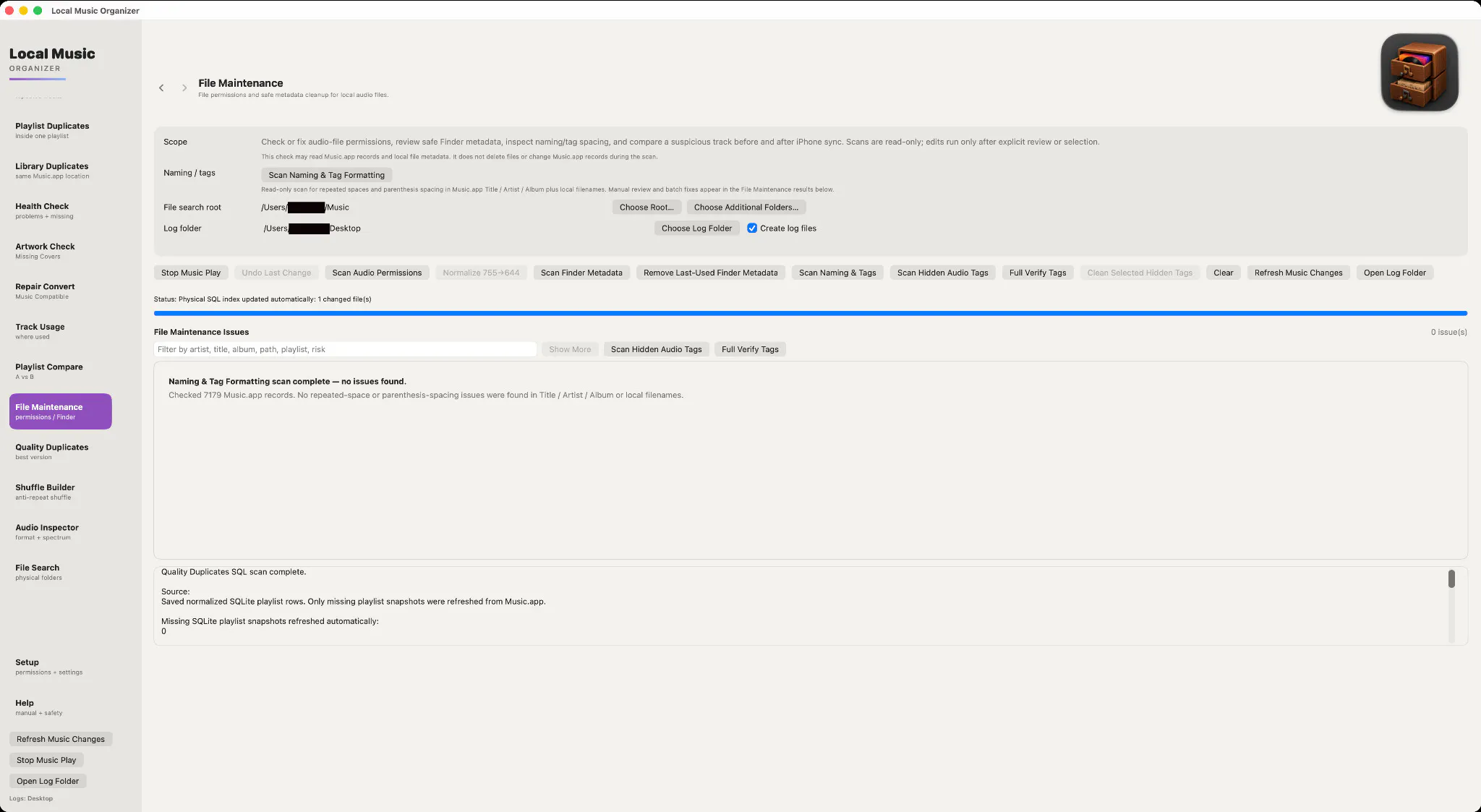
一句话介绍:Local Music Organizer 是一款面向本地音乐库重度维护者的 macOS 原生工具包,专治 Apple Music 库中的重复文件、缺失曲目、伪造高解析度音频及元数据脏乱等历史遗留问题,全程离线无需订阅。
Productivity Music Apple
macOS工具 音乐库管理 本地优先 重复文件检测 音频质量分析 元数据整理 播放列表对比 无损检测 Apple Music辅助 买断制
用户评论摘要:用户高度认可“识别伪FLAC/升频”功能,认为直击老库痛点;但追问能否协助寻找替代文件,开发者明确只做诊断不涉盗版,建议通过自有合法渠道替换。另有用户好奇历史库中最难清理的是重复版本还是孤立元数据,开发者暂未直接回应。
AI 锐评

这款产品的真实价值不在于“整理”,而在于一种对本地音乐收藏的“考古式信任重建”。当流媒体将音乐变成租赁服务,本地库维护者成了数字时代的守财奴——他们囤积的不仅是文件,更是十几年间从 CD 抓轨、劣质转码、混乱改名中幸存下来的记忆残片。LMO 精准切中了这群人的隐秘焦虑:他们害怕自己的 FLAC 是 MP3 伪装的,害怕播放列表里藏着幽灵条目,害怕某天文件消失而 iTunes 的记录还在自欺欺人。开发者从“自制随机播放器”切入,最终长成一套诊断工具,这路径很诚实,也说明痛点是被真实触摸过的。但产品刻意止步于诊断,回避了“如何获得更好文件”这一核心行动闭环,这既是法律上的明智,也是体验上的阉割——用户被指出病症,却仍要在暗网或论坛里自行寻药。此外,3 天试用对 80 票的热度来说足够诚意,但“本地优先”既是卖点也是天花板,它注定无法成为大众工具,只能服务那些把音乐库当珍品阁楼的少数派。如果未来能引入“基于用户已有文件的智能去重与码率择优”的自动化批处理,甚至与唱片公司合作提供正版补全服务,才可能从“工具”升级为“藏品管家”。目前它是个优秀的瑞士军刀,但离终极解决方案还差一步。

查看原始信息
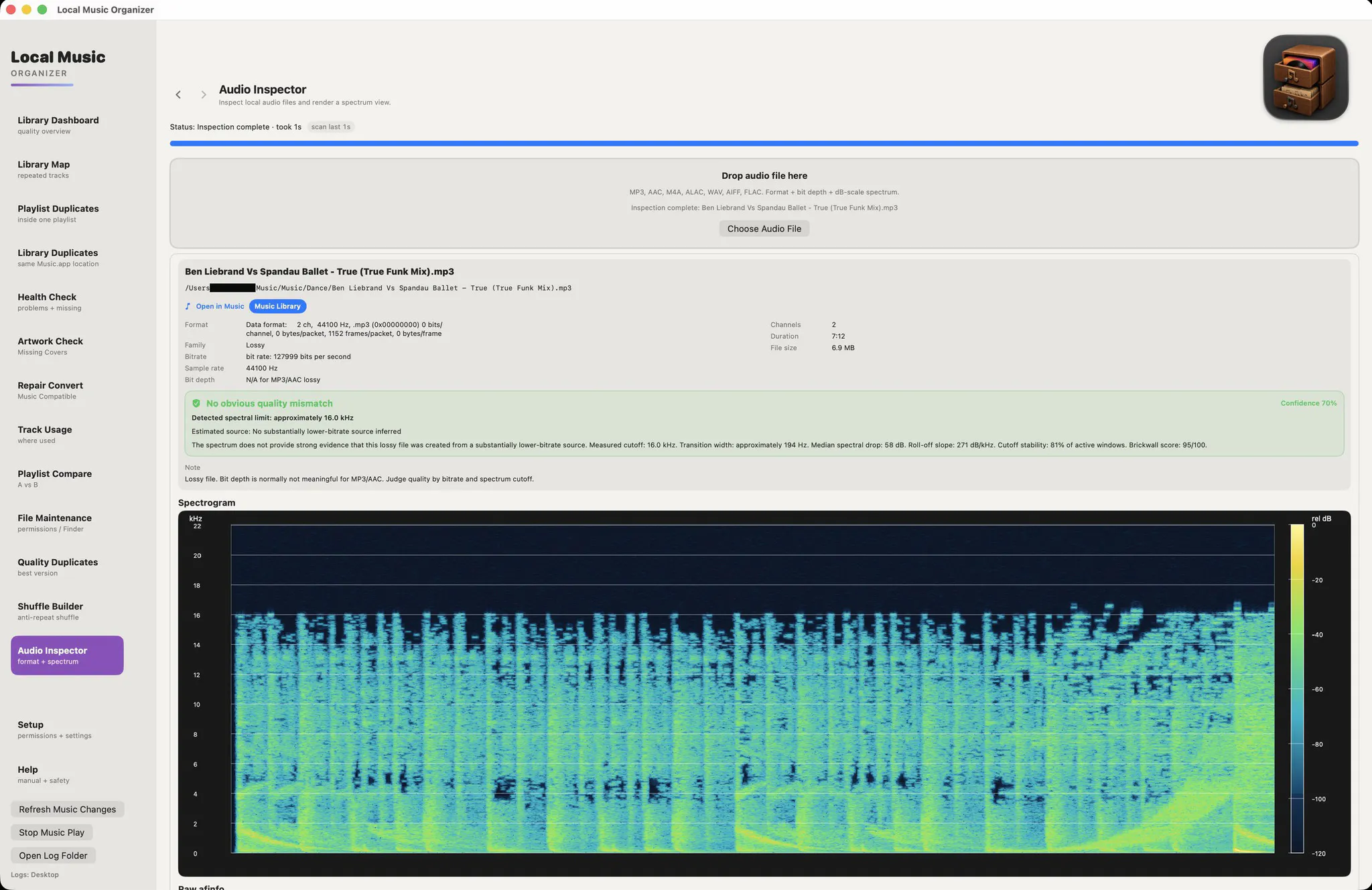
Local Music Organizer for Mac
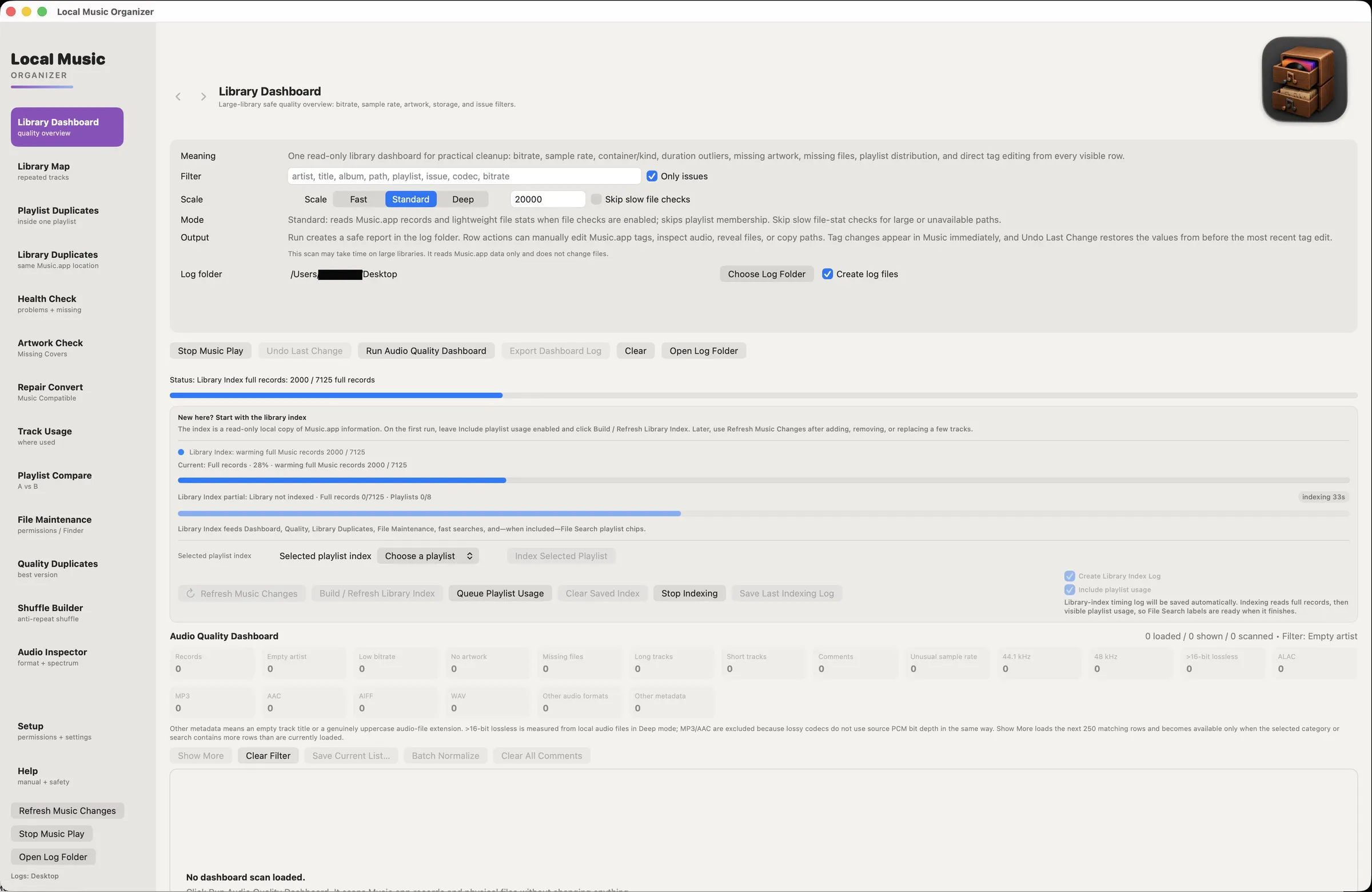
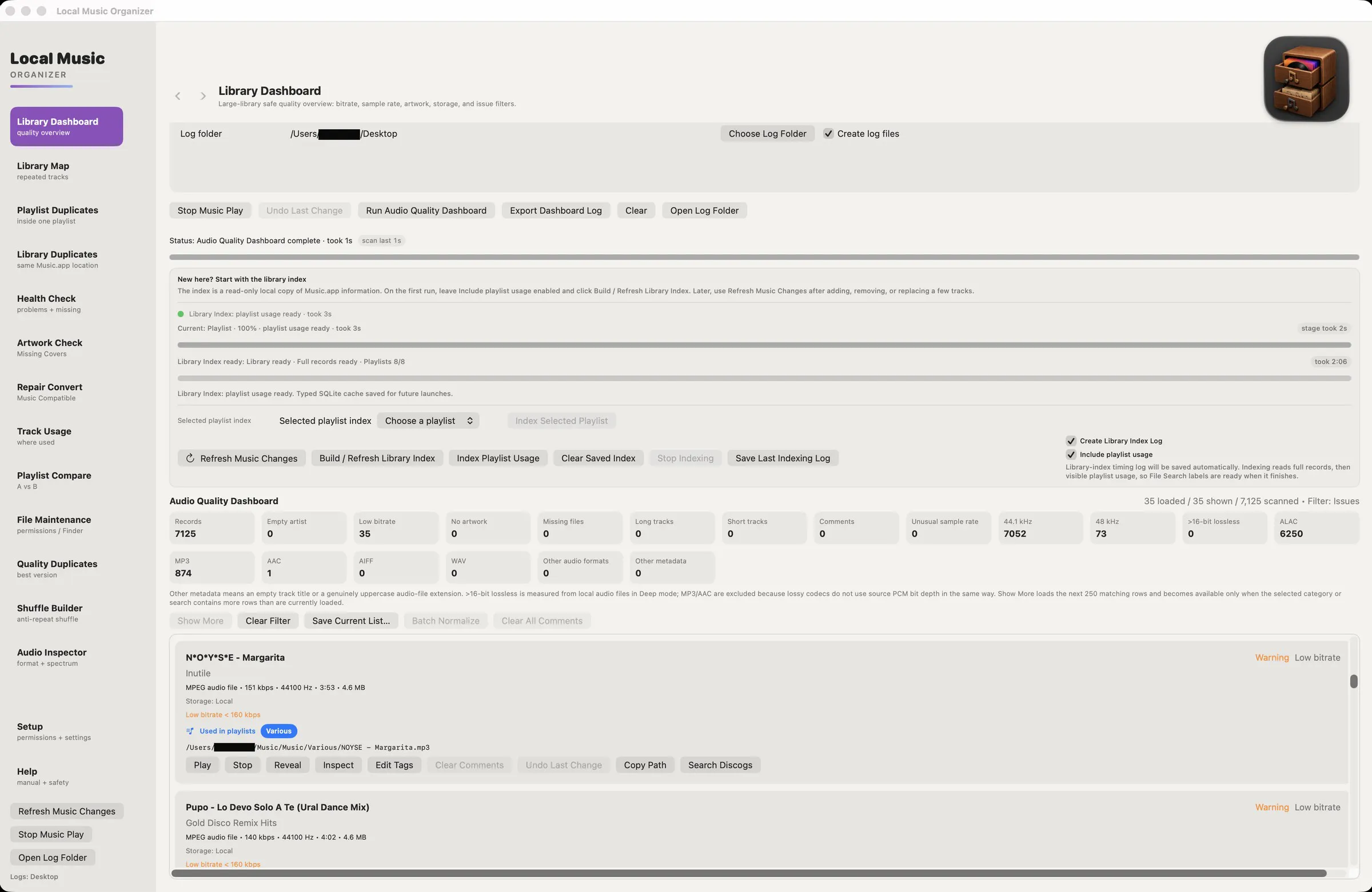
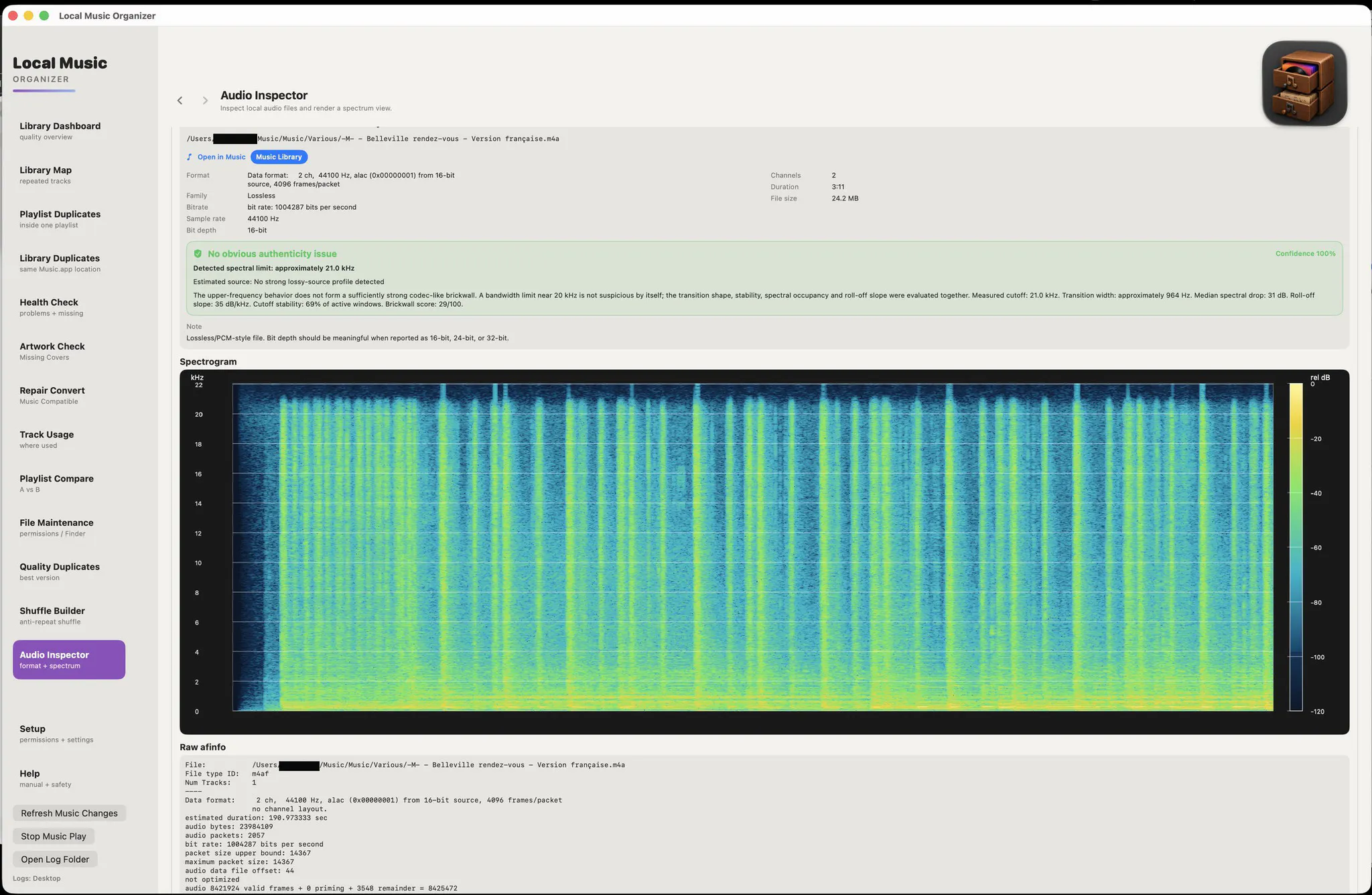
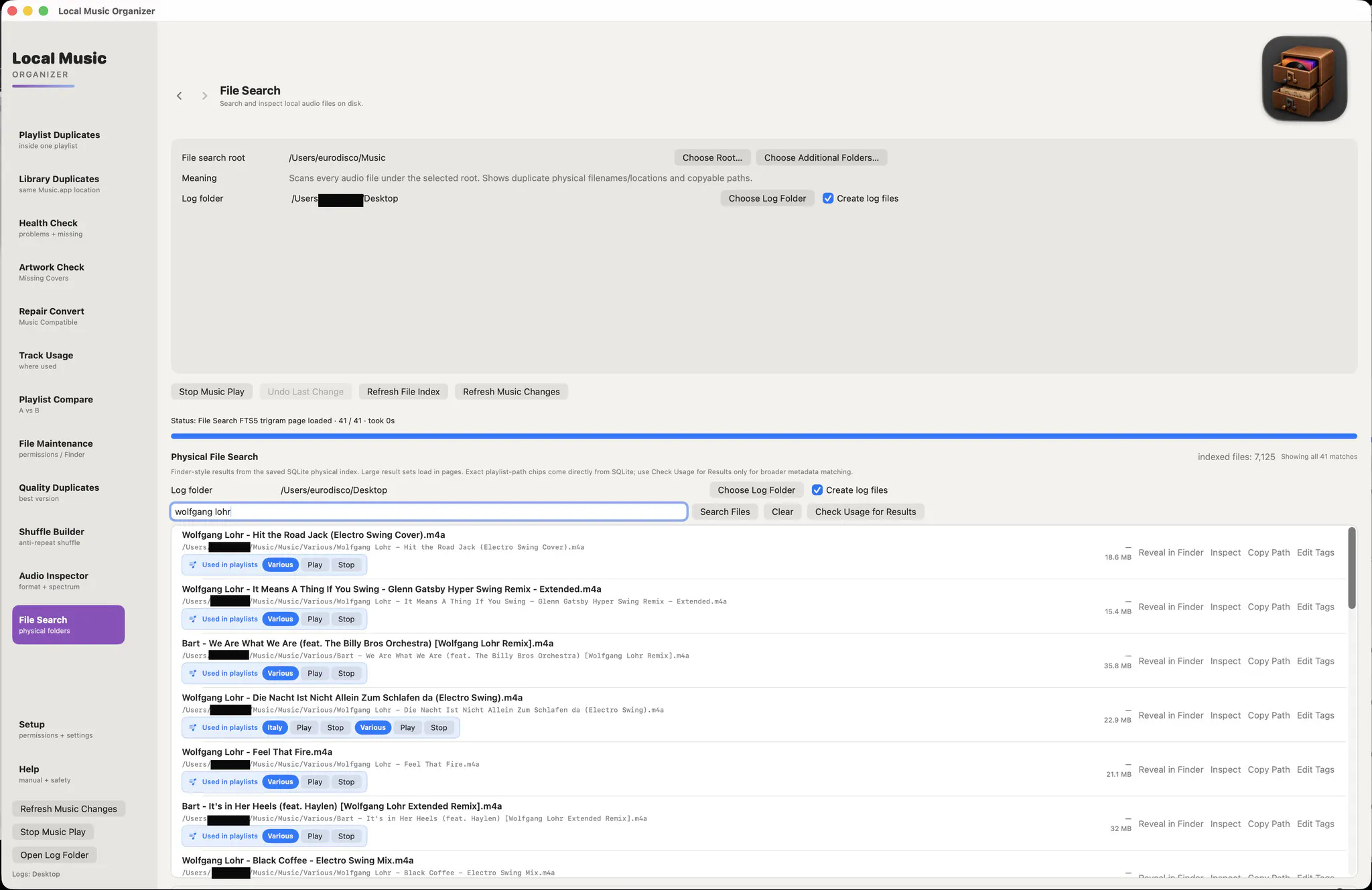
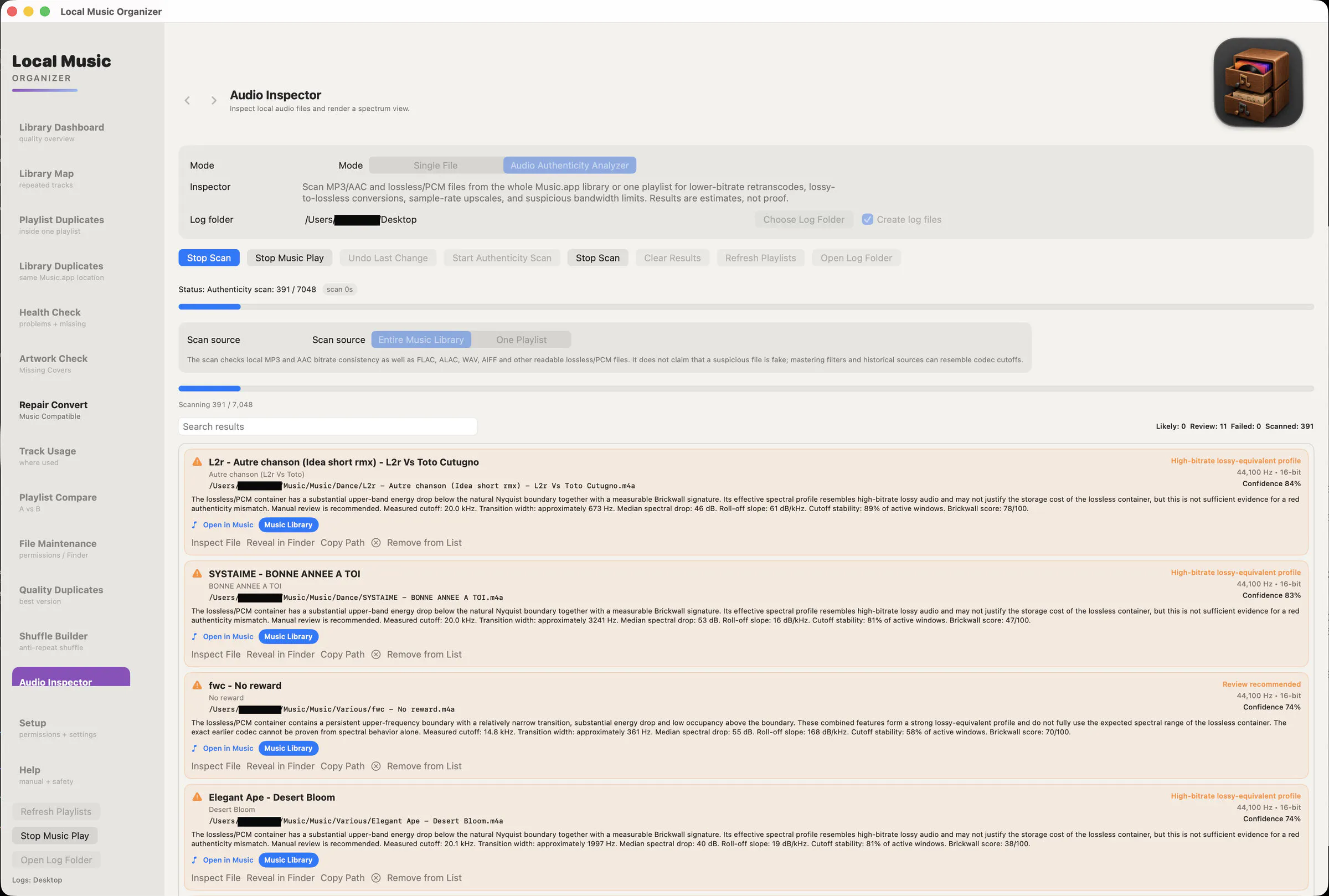
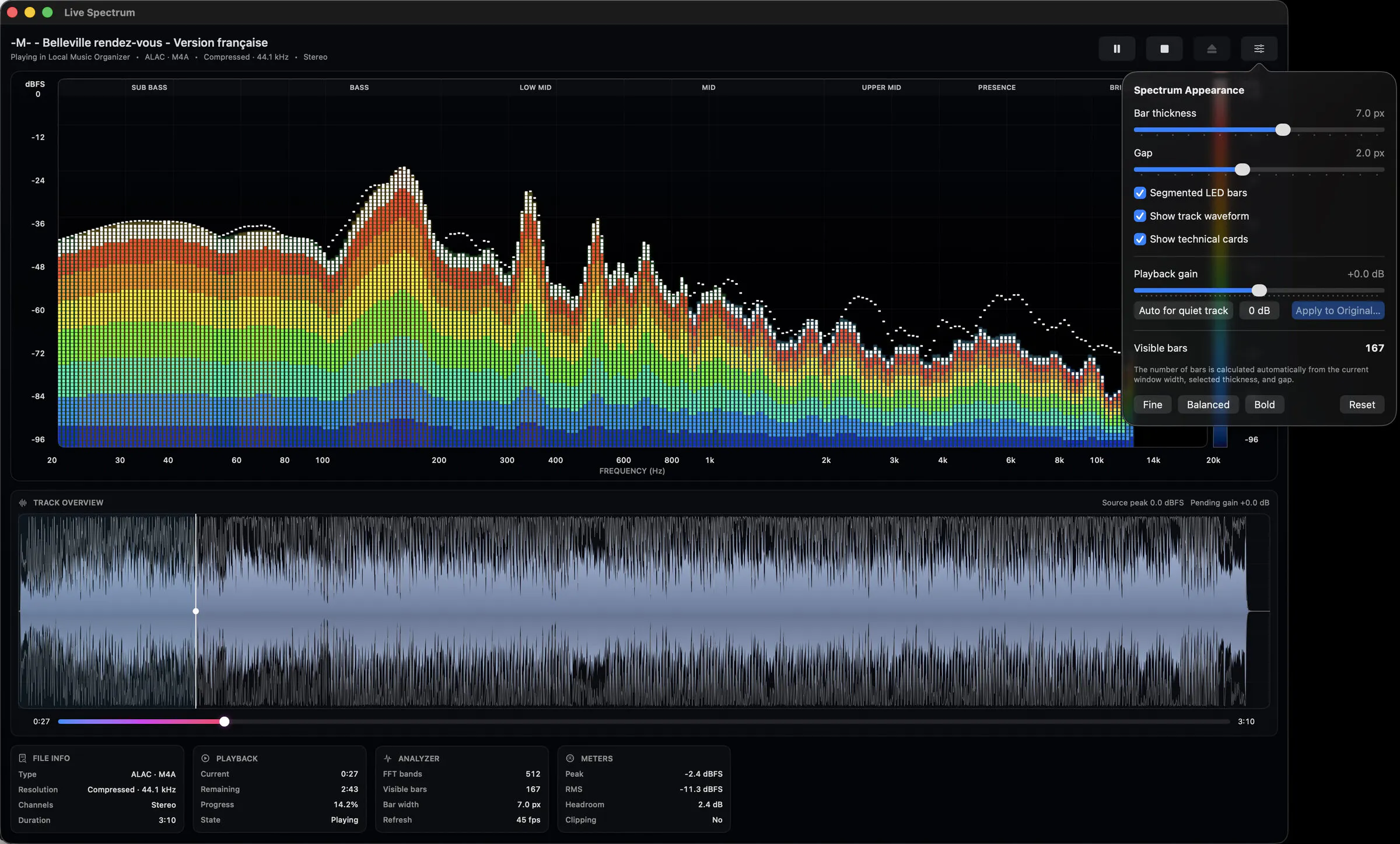
Local Music Organizer is a native macOS toolkit built for large local music collections. It works with Music.app libraries and standalone audio files, with no Apple Music subscription required. Find duplicates and missing files, compare playlists, inspect metadata, detect suspicious upscales and transcodes, view spectra and waveforms, and repair or convert rare formats offline. Your music stays on your Mac. Try every feature free for 3 days, then unlock it with one purchase. No subscription.

Detecting upscales dressed up as FLAC is the feature I didn't know I needed, half my old library is probably lying to me. When it flags a suspicious transcode, does it just mark it or can it help me hunt down a proper replacement? Local music people are exactly the crowd that never wants a subscription, smart call.

1
回复

@yelyzaveta_kibets Thanks! LMO deliberately stops at diagnosis. It can flag a suspicious upscale or transcode and show the technical evidence, but it will not search the web for free replacement downloads. That would cross into piracy, and I don’t want the app doing that.

If you already have multiple local copies, Quality Duplicates can help compare them and identify the better one. For an actual replacement, the idea is to use a legal source you already own or purchase separately.

And yes, I felt the same about subscriptions. A local library tool should feel like something you own.

1
回复

Hi everyone! 👋

Local Music Organizer started as a small personal project for my own music collection.

I've been maintaining a local music library since the early iTunes years. When CD writers and MP3 car players became common, I converted much of my CD collection to 192 kbps MP3. At the time, that seemed perfectly reasonable.

Years later, after upgrading my audio equipment, I realized how much quality I had lost. I began replacing old files with better versions lossless releases, vinyl transfers, rare editions and music collected from many different sources.

Over the years the library became increasingly difficult to maintain. Tracks were replaced, moved and reorganized. Some files disappeared while old Music.app records remained. Playlists accumulated duplicate entries. Different versions of the same recordings lived side by side, along with inconsistent tags, missing artwork and metadata left behind by converters and download sources.

But Local Music Organizer actually began for a completely different reason.

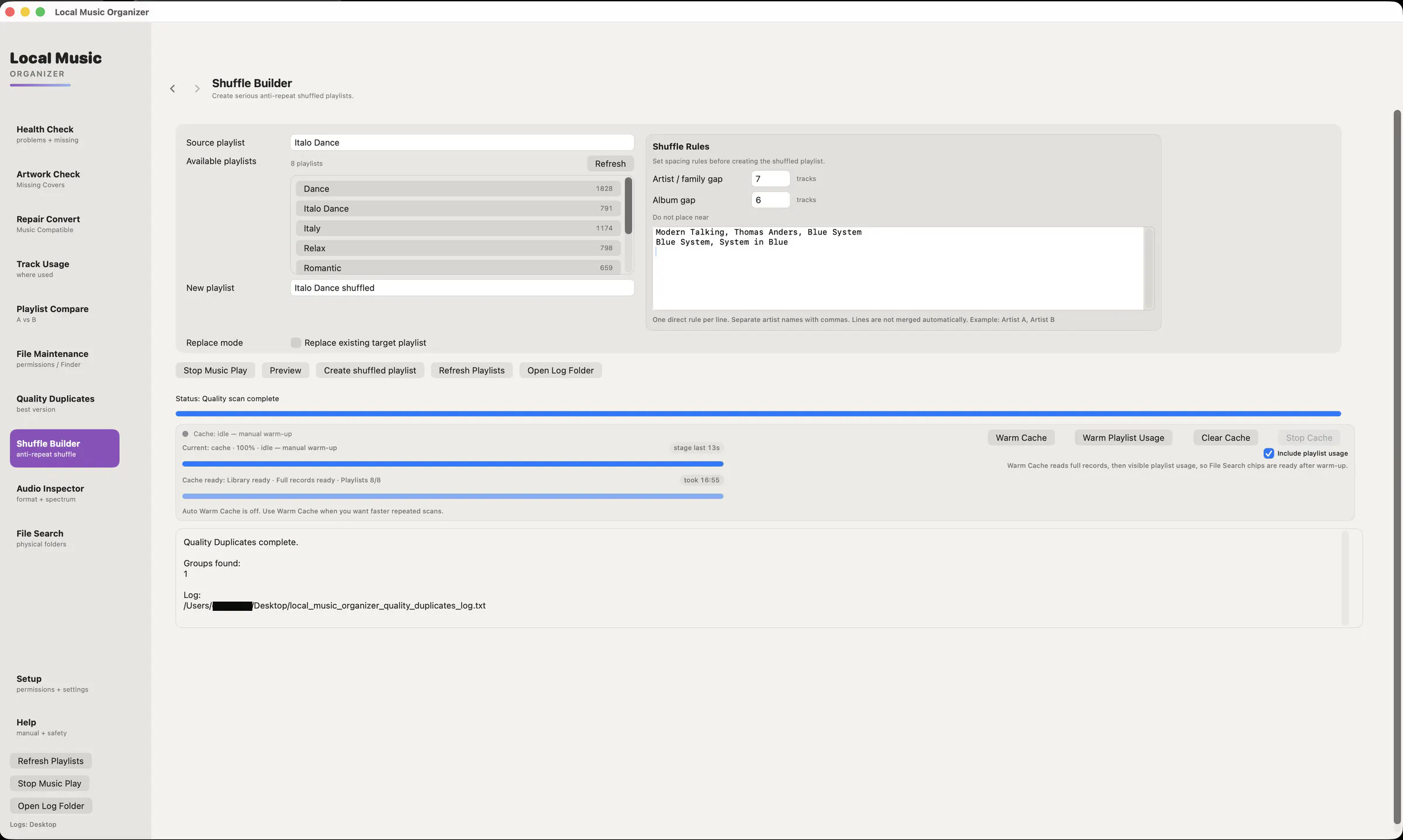
I simply wanted a better playlist shuffler. I never liked how Music.app shuffle could return to the same artists too often while other tracks seemed to disappear for a long time. So I built my own system with spacing between artists, albums and related artist projects.

While building it, I started discovering all the other problems in my library.

That small playlist tool gradually became Local Music Organizer a toolkit for inspecting, organizing, analyzing, repairing and converting large local Music.app collections.

A major principle throughout development has been safety. Most analysis is read-only, and operations that can modify files require explicit user action and additional verification.

Everything runs locally on the Mac. There are no analytics, advertising or tracking, and your music library is not uploaded anywhere.

I'm an independent developer, and I originally built this because I needed it myself.

I'd especially love to hear from people who have also maintained an iTunes or Music.app library for many years: what problems have accumulated in your collection that existing tools still don't solve?

Thanks for taking a look!

0
回复

@bootrom Really interesting project! I like the focus on local processing and safety, especially for large music libraries. The playlist shuffling and library cleanup features sound particularly useful for long-time Music.app users.

0
回复

@bootrom Great Product Sergey!

What ended up being the messiest thing to untangle, the duplicate versions or the orphaned Music.app metadata?

0
回复
#12
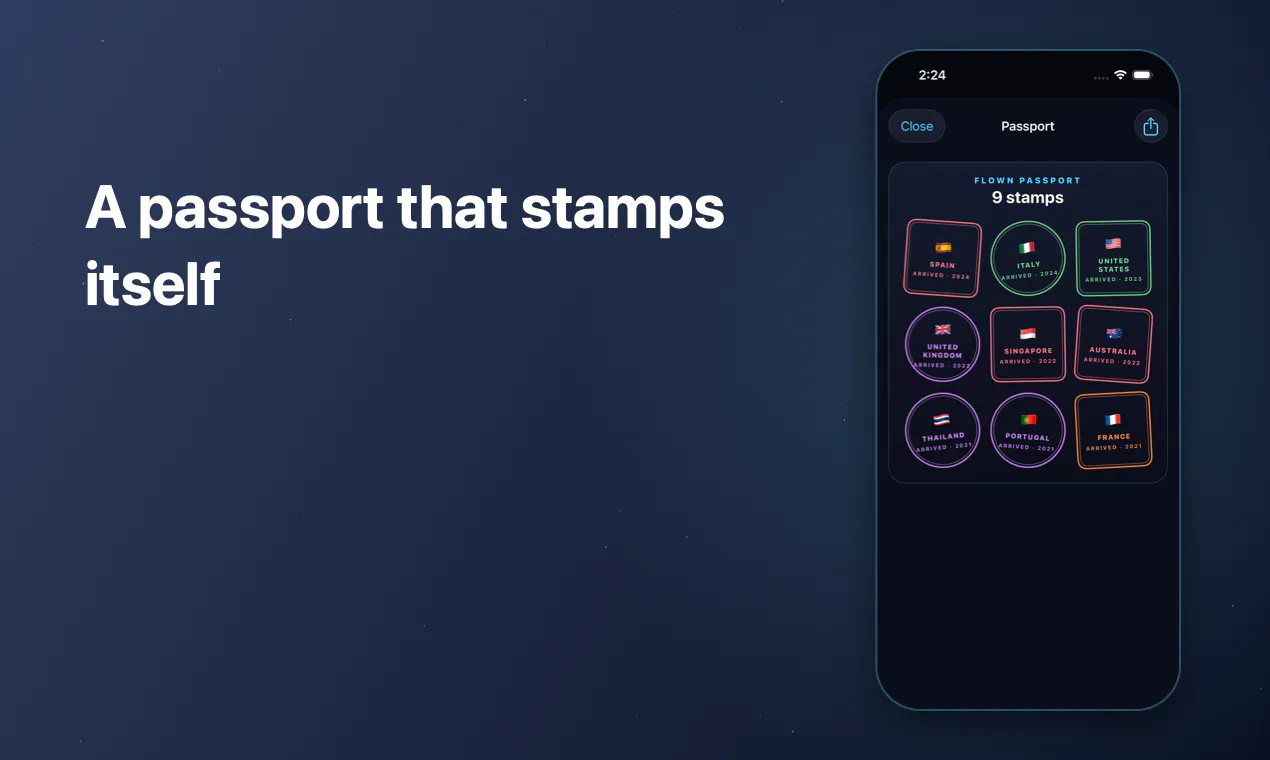
Flown
Every flight you've ever taken, on one private map
72
一句话介绍:Flown是一款飞行轨迹记录与权益追踪工具,将你所有乘坐过的航班绘制在一张私人地图上,同时自动识别因航班延误而应得的220-520英镑航空公司赔偿。
iOS Travel Maps
飞行记录 航班地图 旅行足迹 乘客权益 延误赔偿 隐私保护 离线应用 护照印章 年度统计 生活记录
用户评论摘要:用户指出核心卖点排序有误——赔偿金额才是安装动机,地图只是锦上添花。建议将App Store副标题改为突出赔偿数字,并强化“无账号、设备端处理”的隐私优势以区别于同类应用。
AI 锐评

Flown的产品逻辑存在一个致命的结构性矛盾:它试图用“浪漫的地图”包装“功利的赔偿计算器”,结果两头都不讨好。评论者一针见血地指出了这一点——地图是情感价值,赔偿是工具价值,而用户只为后者付费。这种“软功能做门面,硬功能做底牌”的策略在早期获取用户时或许能增加点击率,但若赔偿检测不够精准、流程不够闭环(比如只算出金额却无法引导索赔),那么这220-520英镑的承诺反而会变成信任透支的起点。更深层的问题在于,飞行轨迹数据本身是低频、长周期的,用户一年打开它的次数屈指可数,缺乏粘性;而欧盟EC261/UK261的赔偿规则复杂且随航司政策动态变化,Flown若不能持续维护规则库,其核心卖点会迅速过时。真正的价值锚点应该是“被动式权益管家”——不需要用户主动记录航班,而是通过邮件或登机牌自动同步,并在延误发生时主动推送赔偿指引。至于地图和护照印章,充其量是留存钩子,而非购买理由。建议团队立即将文案重心调转,并评估接入FlightAware等实时数据源以提升检测时效性,否则这72票的冷启动用户很快会在实践中发现“算得出赔偿”和“拿得到赔偿”之间的鸿沟。当然,如果它只打算做一款精致的个人数据可视化工具,就请去掉赔偿承诺,以免误导用户预期——但那样的话,市场上已经有若干个免费替代品了。

查看原始信息
Flown
Every flight you've ever taken, drawn on one map. Tick off 197 countries, collect passport stamps, see your year in the air. And when a late flight means the airline owes you £220-£520, Flown works it out and tells you. On-device, no account.

The £220 to £520 line is the last thing in your description and it's the only part that pays for the app. A map of where I've been is a nice-to-have, money an airline owes me is a reason to install before I close this tab. I'd try flipping the App Store subtitle to lead with the compensation number and let the map be what people find afterwards. On-device with no account is the other thing worth saying louder, most flight trackers want my email before they show me anything.

0
回复
#13
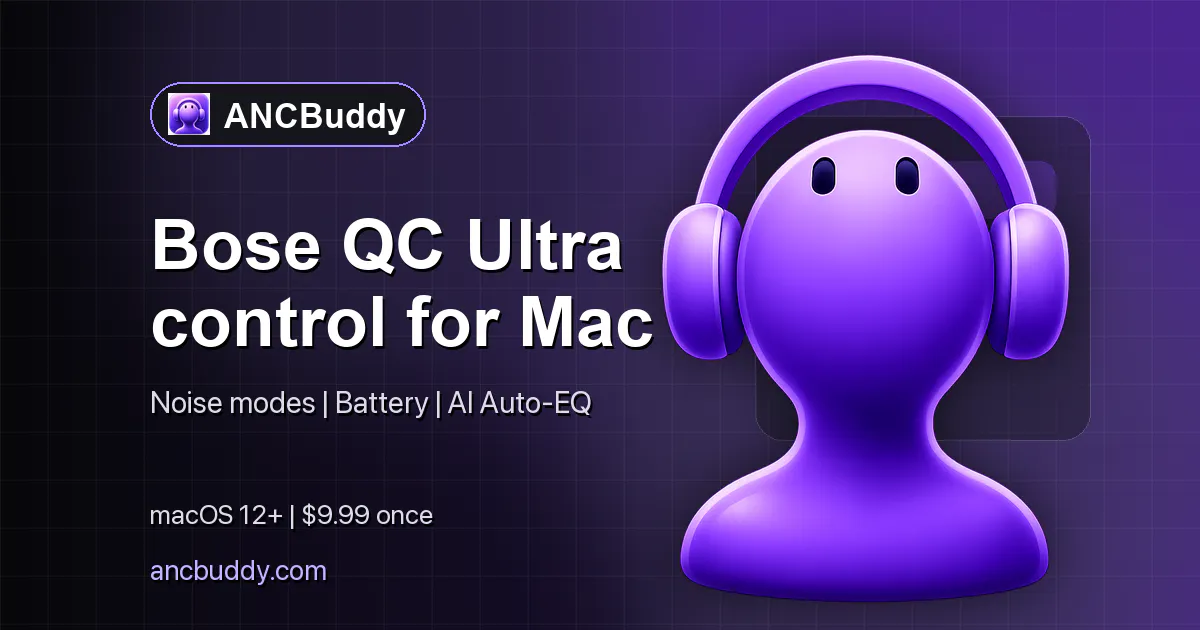
ANCBuddy for Bose QC Ultra
Control Bose QC Ultra from your macOS menu bar
72

一句话介绍:ANCBuddy 将 Bose QC Ultra 耳机的降噪模式切换与电量查看功能直接放进 macOS 菜单栏,解决了 Mac 用户频繁切换 App 控制耳机、打断专注流程的痛点。
Mac Menu Bar Apps Audio
macOS菜单栏工具 Bose耳机控制 降噪模式切换 电量监控 效率工具 蓝牙配件 独立开发 生产力插件 音频设备管理 免费试用
用户评论摘要:开发者亲自回应,强调AI Auto-EQ是亮点,但被质疑“独特”依据(分析曲目还是耳机响应曲线)。另一用户关心蓝牙多点连接下,菜单栏显示状态是否会随音频源切换而错乱,开发者解释为耳机端查询,与音频播放源无关,可边用iPhone播音乐边在Mac调设置。
AI 锐评

ANCBuddy 本质是一个“API 壳子”,它将 Bose 官方 App 中最高频的两个动作(切降噪、看电量)提取至系统菜单栏。这谈不上颠覆,但精准踩中了“效率敏感型”用户的心理:他们不愿为单一操作付出额外的窗口切换成本。从评论看,产品真正引发讨论的不是菜单栏控制,而是“AI Auto-EQ”这一未被官方点名的差异化功能——这暴露了一个事实:开发者对自己的核心卖点缺乏自信,反而用边缘功能吸引眼球。评论区对多点连接状态同步的质疑,是本产品最致命的潜在缺陷——若用户同时连接 iPhone 和 Mac,菜单栏的数据就存在“语义误导”风险(耳机端状态与 Mac 无关)。这会让“实时监控”的概念大打折扣。整体而言,ANCBuddy 是一款合格的工具,但天花板明显:它没有摆脱对 Bose 私有协议的依赖,也无法解决多设备生态下的状态一致性难题。短期可作为 Mac 用户的便利插件,长期若无独立的音频增强或自动化规则(如按 App 自动切降噪),恐难形成粘性。独立开发者需意识到,工具类 App 的护城河不在功能堆砌,而在对用户工作流的深度嵌入——否则 72 票的发布热度,很快就会被系统更新或官方 App 的改进所吞噬。

查看原始信息
ANCBuddy for Bose QC Ultra
ANCBuddy puts ANC mode and battery status for Bose QuietComfort Ultra devices into the macOS menu bar so you can toggle modes and monitor battery without opening another app. Free trial available; designed for commuters and focus-first workflows. Looking for feedback from QC Ultra users on macOS.

I’m the indie developer behind ANCBuddy. I built this after repeatedly switching apps to control my QC Ultra on macOS. Happy to answer technical questions, share the roadmap, and collect feedback.

While I believe the main hook is the simple control of the headphones via Mac: I honestly like the AI Auto-EQ Feature a lot! It's so simple and really increases the quality and depth of music I listen to. It's unique (nothing similar seen so far) and makes a difference. Try it out!

0
回复

@deniz_aytac1 Awesome Product Deniz!

AI Auto-EQ that actually reads as unique is a bold claim.

What's it analyzing to tune that, the track itself or your headphone's known response curve?

0
回复

Congrats on the launch. QC Ultra supports Bluetooth multipoint - paired to two devices at once and switching audio between them. Does the menu bar state (ANC mode, battery) track correctly when the active device flips, or is it scoped to whatever Mac you're on regardless of which device the headphones are actually talking to right now?

0
回复

Thanks@omri_ben_shoham1 quite exciting as it's my first time launching. To your question:

ANCBuddy is headset-scoped, not audio-source-scoped: whenever you open the panel, it queries the QC Ultra itself over Bose’s BLE/BMAP control channel for the current ANC mode and battery level. Those values describe the headphones, regardless of whether the Mac or the second multipoint device currently has the audio stream.

Example of a possible use case: You could open the panel and adjust the headphones settings on Mac, while music is playing from your iPhone.

0
回复
#14
Hyperfocus
Free, goals-first planner for Mac
33
一句话介绍:Hyperfocus 是一款免费的 macOS 目标优先规划器,通过将长期目标拆解为每周/每日计划并配合专注时段,解决任务管理工具“从收件箱出发导致被动反应、清单冗长却低效”的痛点。
Productivity Task Management Developer Tools
目标管理 周计划 日计划 macOS应用 免费规划器 AI规划 专注计时 本地优先 生产力工具 反馈机制
用户评论摘要:用户认可“目标优先”切入角度,称对比Todoist/Sunsama后“有希望”。但最有效的问题是:为何采用类似Notion的页面式设计而非经典任务列表?开发者回应称为降低规划摩擦。另有用户关心旧版缺失的“Agent”功能在新版中的变化,整体反馈积极但深度试用者少。
AI 锐评

Hyperfocus 的聪明之处在于没有重做“任务清单”这个品类,而是直接否定了它。产品抓住了任务管理工具的核心悖论:工具越善于收集任务,用户越容易陷入“虚假忙碌”。用“目标-周-日”的自上而下结构配合写作式反馈,本质是把教练服务产品化——这在单人工具里罕见。但风险同样明显:第一,免费+本地优先意味着商业化路径不清晰,没有团队维护动力的开源式产品极易烂尾(发帖者距上次发布近10年即是信号);第二,“Grammarly式反馈”和AI规划高度依赖内容质量,初期对普通用户可能是负担而非助力——普通人连目标都写不清,何谈让AI优化?第三,页面式交互虽有Notion的熟悉感,却牺牲了任务工具的“快速捕获”心智,用户迁移成本高。目前33票的低热度和评论中“尝试过但没深入”的比例,说明它尚未产生足够的替代理由。真正的考验不是理念是否正确(目标优先当然对),而是能否让用户在三天新鲜感后,把它变成每日先打开的应用。若AI反馈真能持续让人意识到“清单里80%的事不值得做”,那它称得上革新;若只是把清单换了个层级,那不过是另一款精致的“工作关于工作”工具。观望其AI的实质干预深度,而非界面美学。

查看原始信息
Hyperfocus
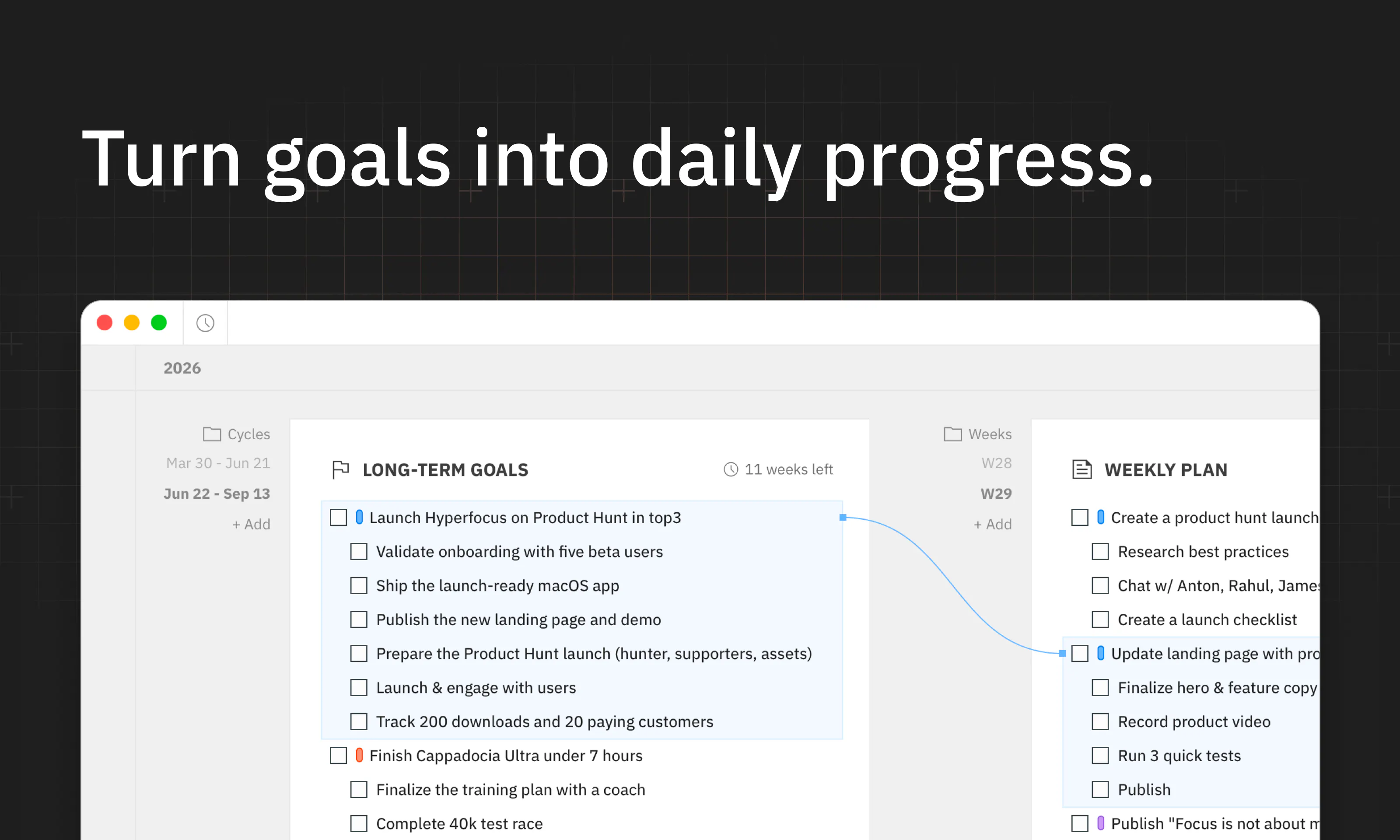
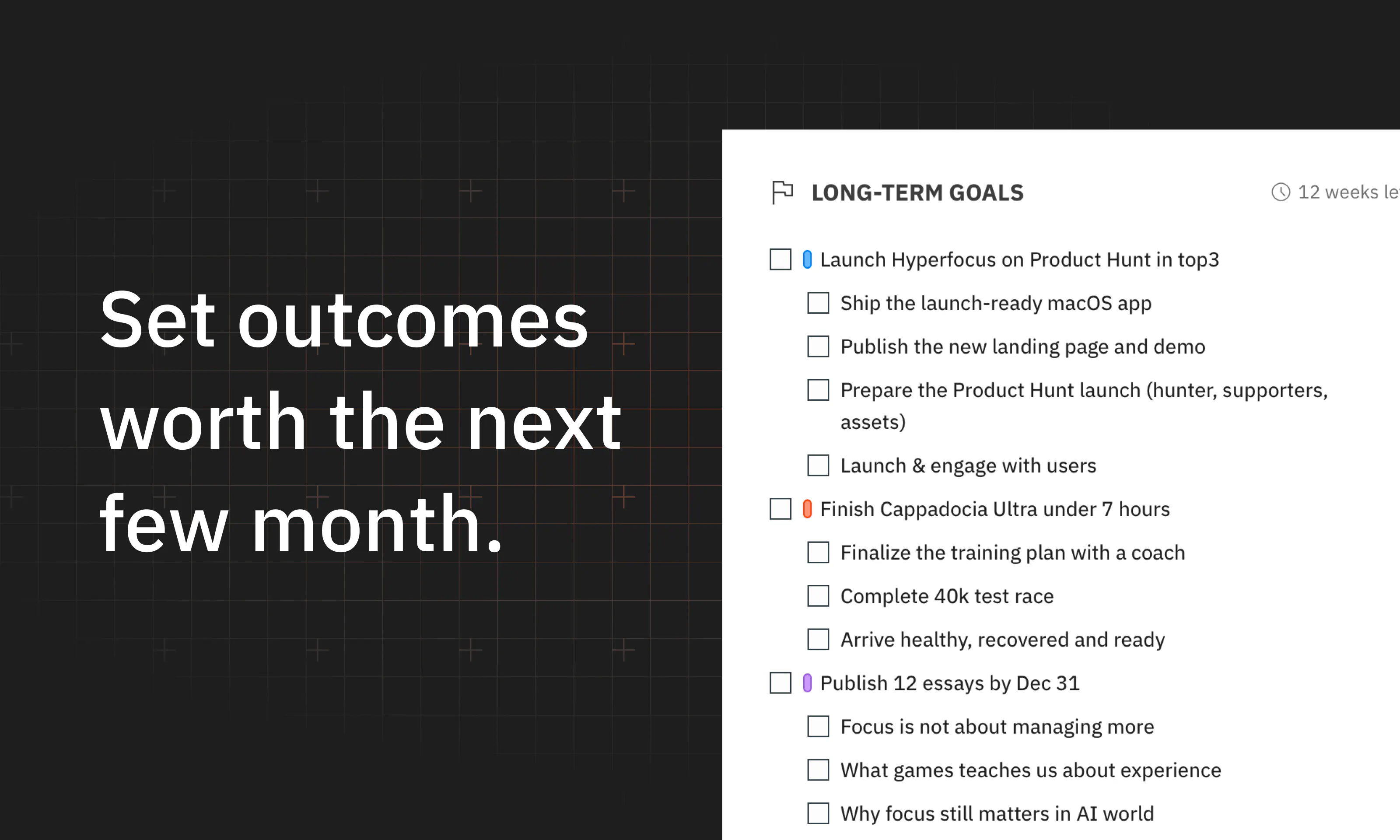
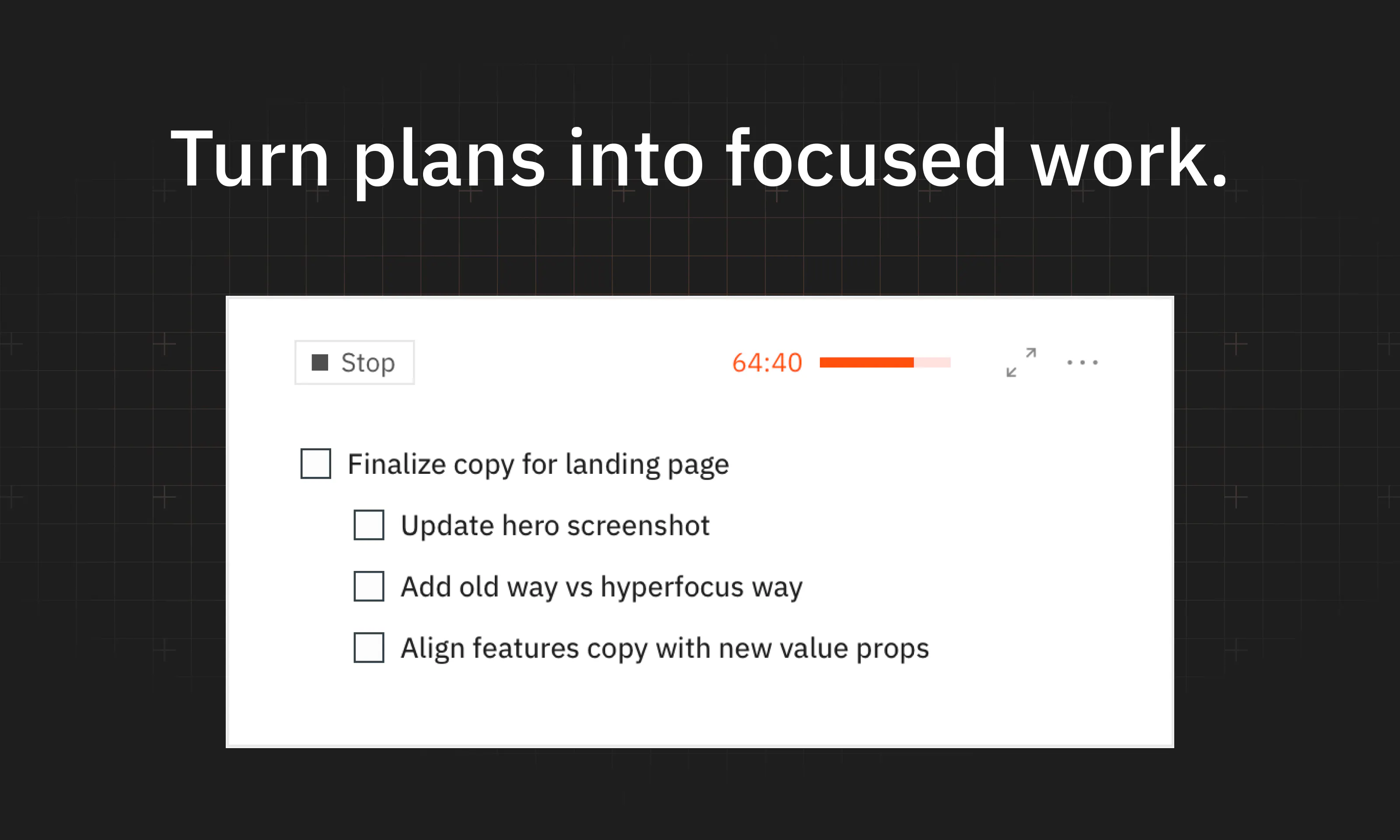
Hyperfocus is a free, goals-first planner for macOS. It helps you choose the few outcomes that matter most, plan weeks and days around them, and make consistent progress by doing focused work

Hey everyone, Dmitri is here!

It feels so good to be back on Product Hunt after almost 10 years!

Today I’m launching Hyperfocus – a free, goals-first planner for Mac.

I’ve spent the last several years coaching focus to product people in tech, and I’ve always felt that task managers got productivity wrong.

Why? First, they're really good at capturing and organizing tasks, but they start from an inbox – teaching you to react instead of deciding what actually matters. Second, most planners don’t really have an opinion on how you should work, so many people end up with a long list of todos that makes them feel busy without making them productive.

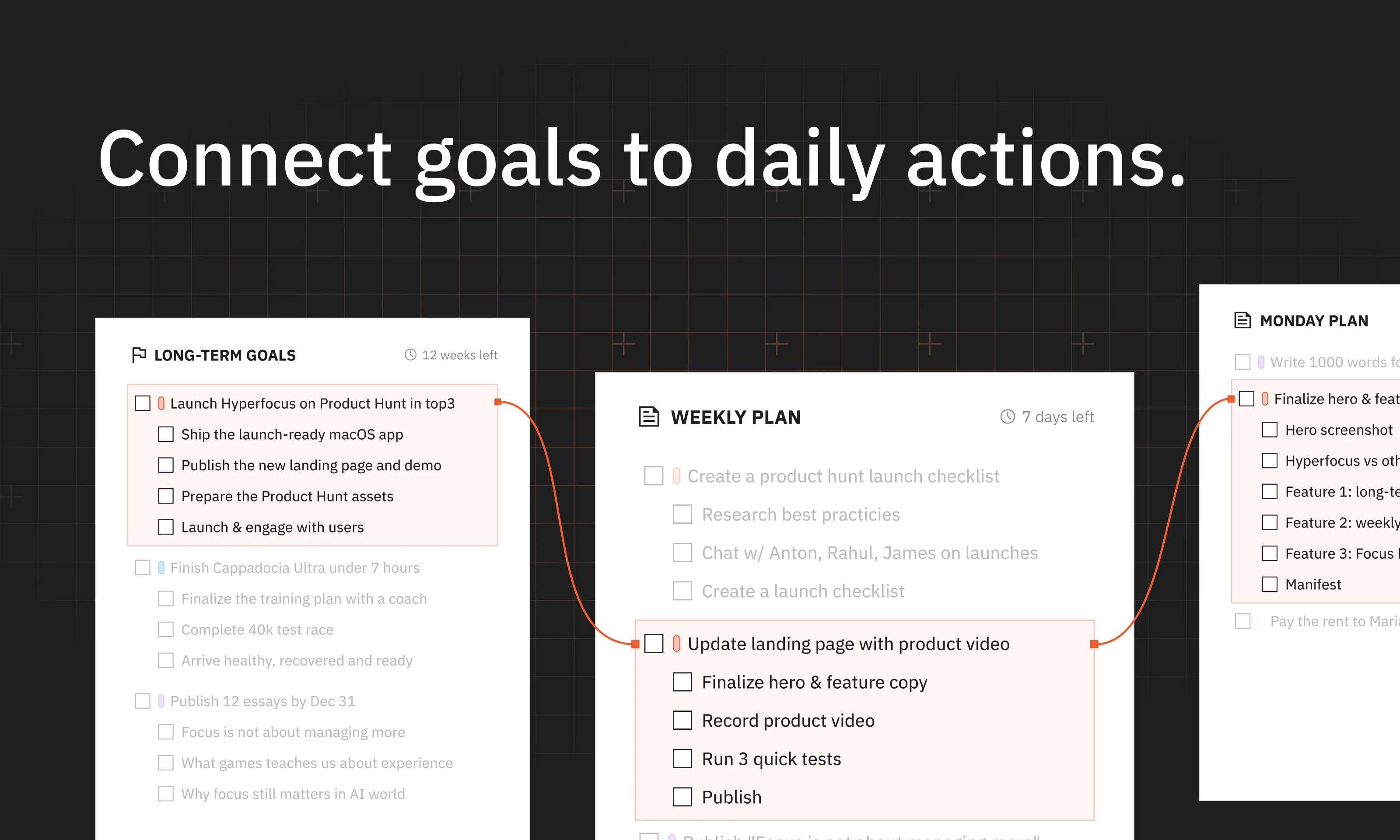
Hyperfocus takes a different approach. First, it starts from goals – you decide what matters most in the next few months, then plan your weeks and days around them.

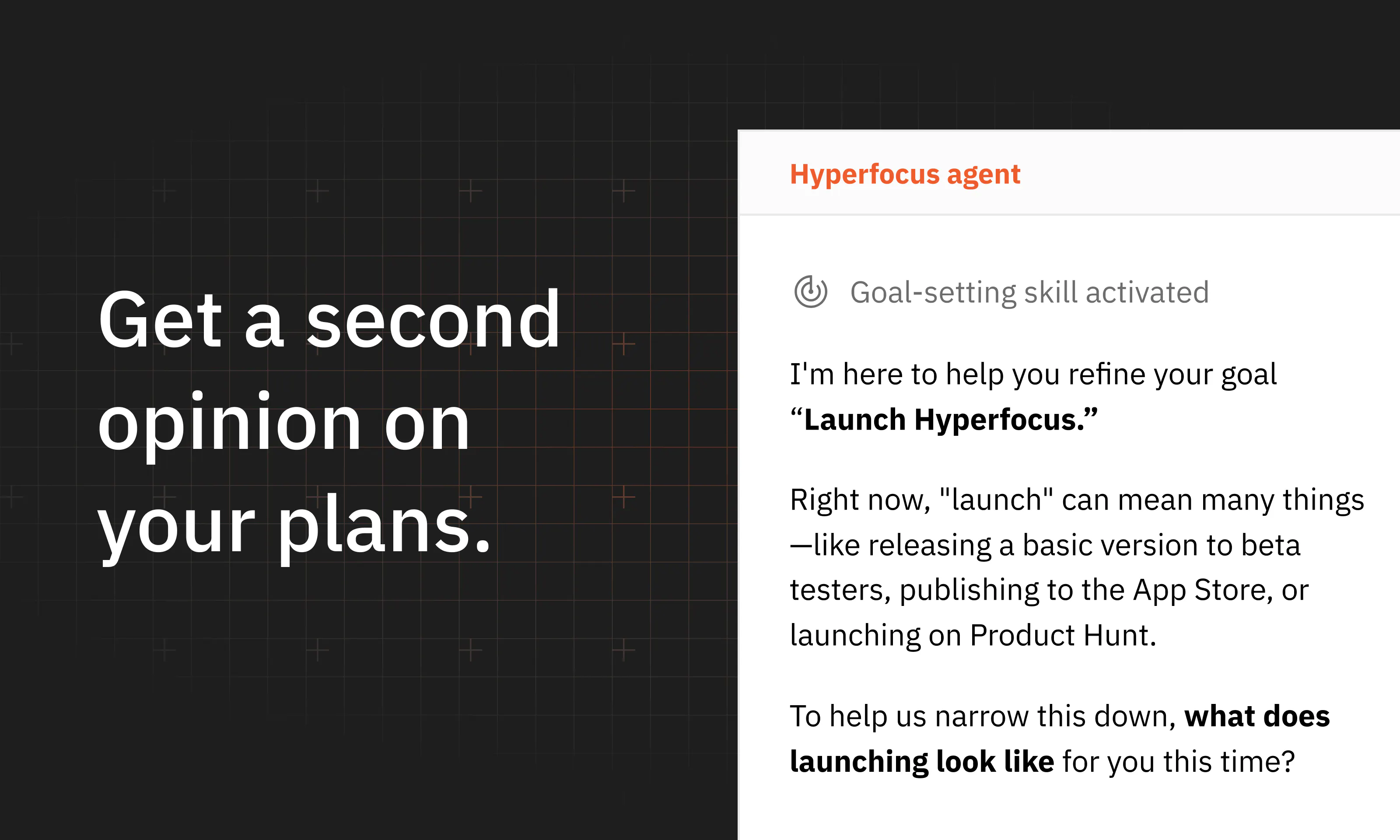
Second, it’s built on a simple belief: focusing on a few clear goals is better than checking off a long list of todos. So as you write, it gives you feedback on your goals and plans, and then helps to make them clear and realistic. 

So what’s inside?

  • One workspace that connects long-term goals to weeks and days

  • Grammarly-like feedback on your goals and plans

  • AI for planning, prioritization, and goal setting

  • Long-term, weekly, and daily planning rituals

  • Focus sessions

  • Local first, small, fast.

The app is free. Download it for Mac: https://hyperfocus.in

Hyperfocus is still early, and any feedback would be really helpful! If the problem and the promise resonate – I’d love for you to try Hyperfocus and tell me what you think. Does it fit into your workflow? What is missing? How does it make you feel?

That feedback would help a lot! Let's focus 🚀

6
回复

@dmtsepelev Congrats on the launch. I just gave it a try and look forward to using it!!! 🚀

2
回复

@dmtsepelev Nice launch congrats🙌

1
回复

@dmtsepelev Amazing Launch Dmitrii!

What made you pick "goals-first" as the wedge, instead of just building a better todo list?

0
回复

The clean macOS-focused approach is refreshing. Having a planner built around doing fewer things well sounds useful. 👌

3
回复

Congrats on the launch! Remind me a lot of Notion visually. Is there a reason why did you go with pages-like design instead of classic tasks lists?

2
回复

@stepcha_cherkasov thank you so much! Yep, I took a lot of inspiration from Notion in how you type/interact with tasks. I really wanted to make planning frictionless, so it does not feel like work about work. You just simply type whatever you want to achieve without navigating between different UIs, press tab when you want to make subtasks, and that's it.

0
回复

Dima, congrats on the launch! Pretty cool to see that someone is optimizing for outcomes instead of just completing more tasks! Love the idea

2
回复

@mituhin Agreed!

2
回复

@mituhin thanks Paul, really appreciate! It was actually super confusing to me why almost nobody tried it in the personal productivity space before!

0
回复
Great launch, just tried it, looked awesome
1
回复

@timcha_cherkasov thank you for your support, it means a lot!

0
回复

Congrats @dmtsepelev ! the Agent is something that I missed in the previous version so now I am excited to get to my hyperfocus track - I need this much as never before

1
回复

@artem_cherepanov thanks a lot for your support! yep, the app has changed a lot since you last tried it; would love to know what you think about the new release!

0
回复

Congrats on the launch! This is one of those problems I’ve been trying to solve for years. Tried everything from Todoist/Things 3 to Sunsama and Claude/ChatGPT.

Been using Hyperfocus for a bit now and it looks really promising so far!

1
回复

@samarsky thanks a lot! that was exactly my path – I tried almost everything on the market and either tools were too complicated and felt like work about work, or they just lacked the goals-first framing! would love to know what you think

0
回复

I like the approach - very similar that I use in my goals setup to d2d planning, but here it is implemented in a specific tool that guide you over all the process and control.

1
回复

@albertyanov yep, what i learned is that having a structure and ritual actually helps a lot to stay focused! everyone knows that you need to plan your work, but it's pretty easy to get overwhelmed with day-to-day stuff and constantly postpone it for later

0
回复

@dmtsepelev Love the goals-first approach! It’s so easy to get lost in endless to-do lists, so focusing on the few outcomes that actually matter feels refreshing.
Congrats on the launch!

0
回复

Big congrats on the launch!

0
回复

@realvladgolub thanks, really appreciate!

0
回复
Congrats on the launch! 🚀 Love the goals-first angle - most planners get this backwards. Excited to try Hyperfocus.
0
回复

@zorinvlad thanks a lot! would love to know what you think!

0
回复
#15
Oppora AI
Find Leads, Run Outreach, and Book Meetings on Autopilot
18
一句话介绍:Oppora AI 是一款将线索挖掘、联系人验证、邮件/LinkedIn触达、收件箱管理与CRM同步整合为一套自动化销售工作流的AI销售系统,旨在帮助小规模销售团队摆脱多工具拼接的繁琐,实现外呼流程的自动化运转。
Sales Artificial Intelligence Marketing automation
AI销售代理 外呼自动化 线索挖掘 邮件营销 LinkedIn自动化 CRM集成 销售流程一体化 邮件投递率保障 AI工作流 销售赋能
用户评论摘要:用户普遍认可其“一体化平台”对降低工具成本和管理复杂度的价值。核心关注点集中于自动化边界:哪一步骤应保留人工审批(如首次回复草稿模式);工作流中某步骤失败(如邮箱验证)时,是仅重试失败节点还是中止整个流程;以及针对创始人C端业务和代理机构多客户管理这两种场景,系统的适配差异如何。
AI 锐评

Oppora AI踩中的痛点真实且致命:对于10人以下的销售团队,被迫维护一套由数据库、验证、发送、预热、CRM拼接成的“ Frankenstein技术栈”,不仅是金钱浪费,更是数据在缝隙中悄然流失的信任危机。它试图用“工作流即产品”的逻辑,将先前分散的“点功能”整合为一套可监督的自动化流水线,其通过结构化数据在Agent间传递而非自然语言,这确实是保证无人值守时系统稳定性的关键设计,也是其技术护城河所在。

然而,评论中的高赞提问已触及产品的天花板:它本质上是“流程自动化”而非“销售智能化”。用户仍需定义“找30个营销总监”的标准,“为什么找他们”的策略洞察依然欠奉。当自动化触达的门槛降至为零,竞争对手亦能轻松复制同一套动作时,邮件洪流只会加剧用户的抵触情绪,“个性化”将再度沦为话术模板。

因此,其真正的价值在于“节省运营成本”,而非“提升销售策略”。它能否突围,不在于其内置多少工具,而在于它的“AI Copilot”何时能从执行者进化为策略建议者——在用户下达指令前,就基于历史转化数据反向提示“这类CEO更适合先通过LinkedIn互动而非冷邮件”。否则,它极容易成为一个更昂贵的“大杂烩”,被那些拥有强大API生态的单一功能独角兽(如Apollo或Clay)通过集成策略反向蚕食。对一个早期产品而言,Ora和MCP服务器是聪明的卡位,但“控制欲”与“自动化”之间的平衡,将决定它最终是成为团队的得力干将,还是另一个被搁置的昂贵摆设。

查看原始信息
Oppora AI
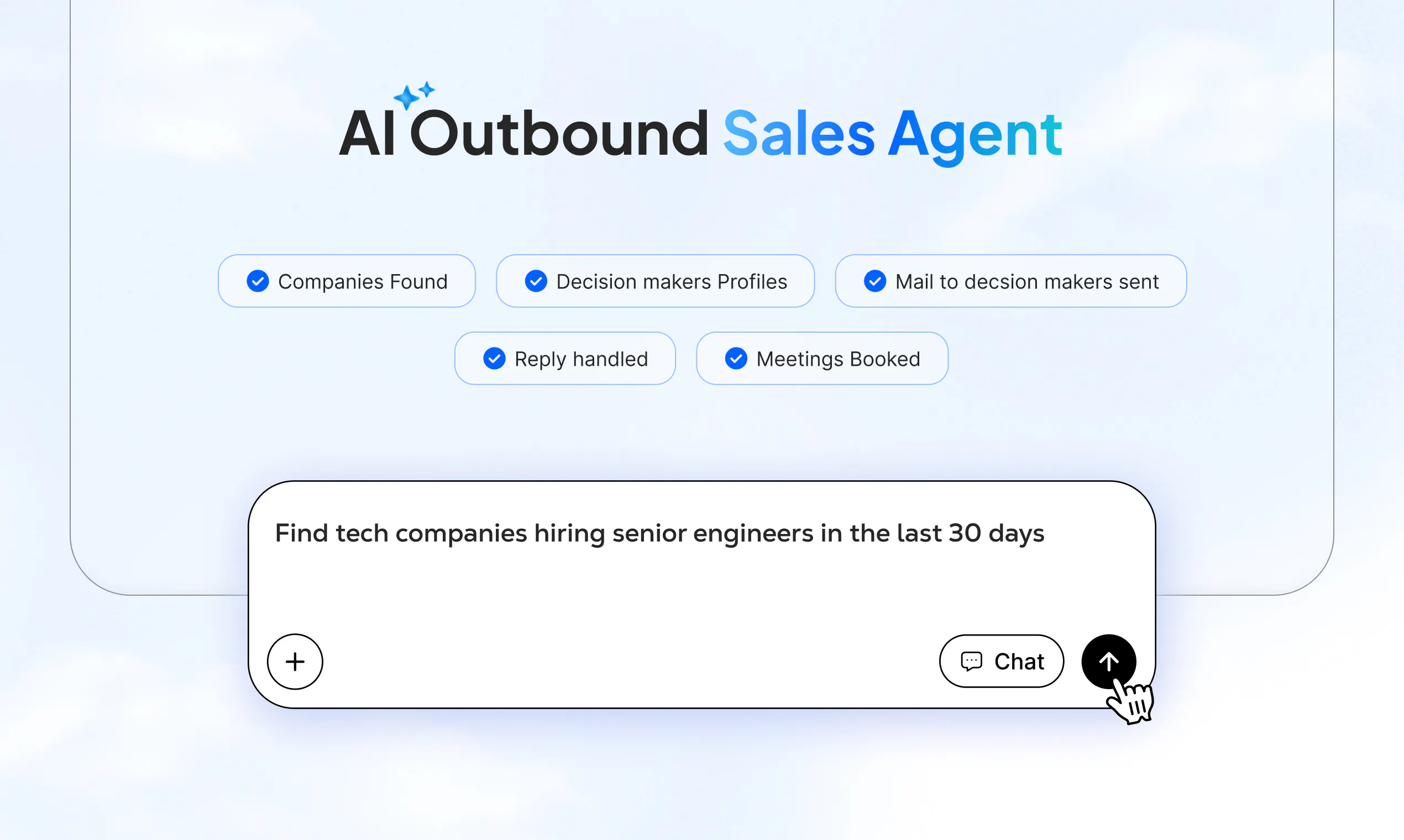
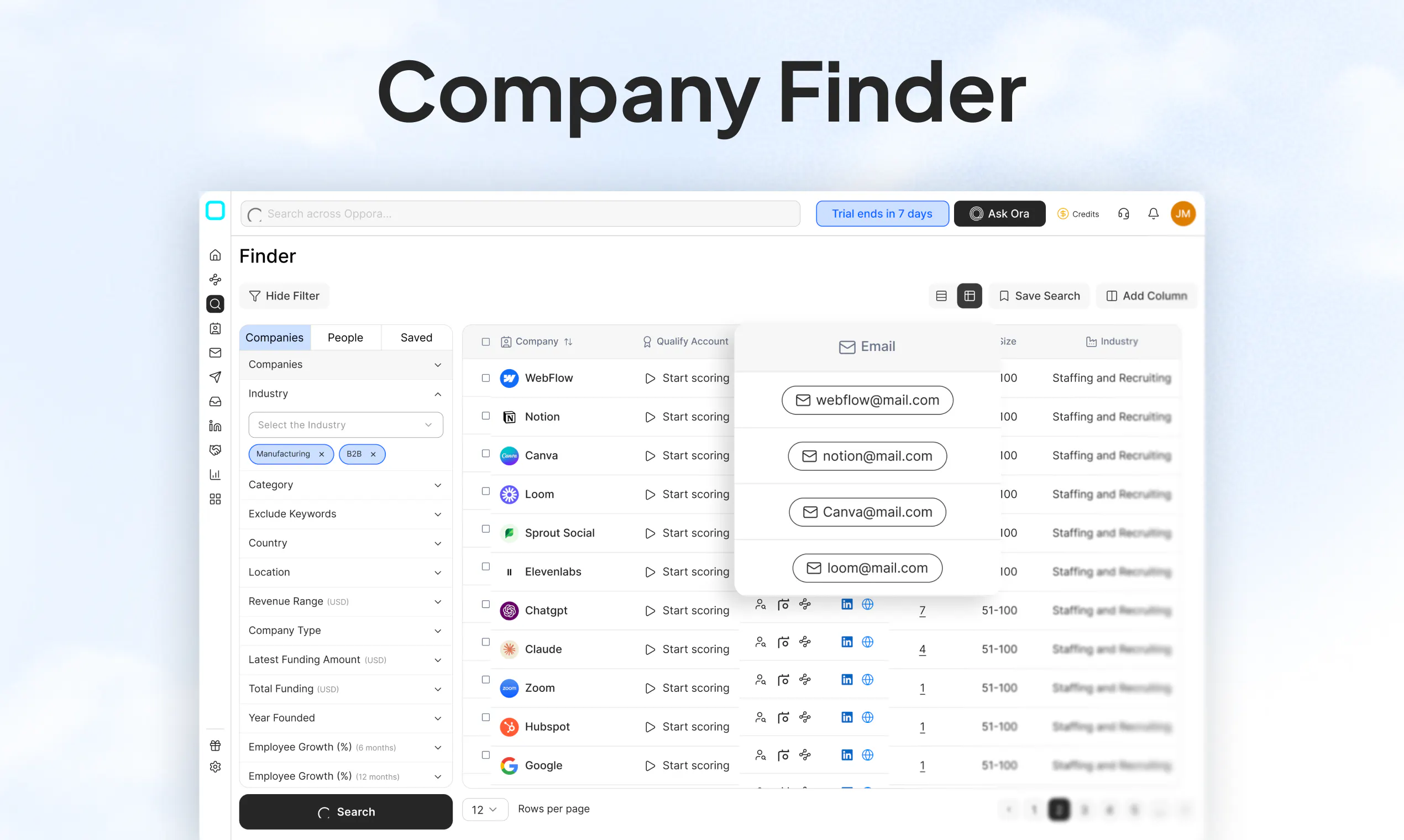
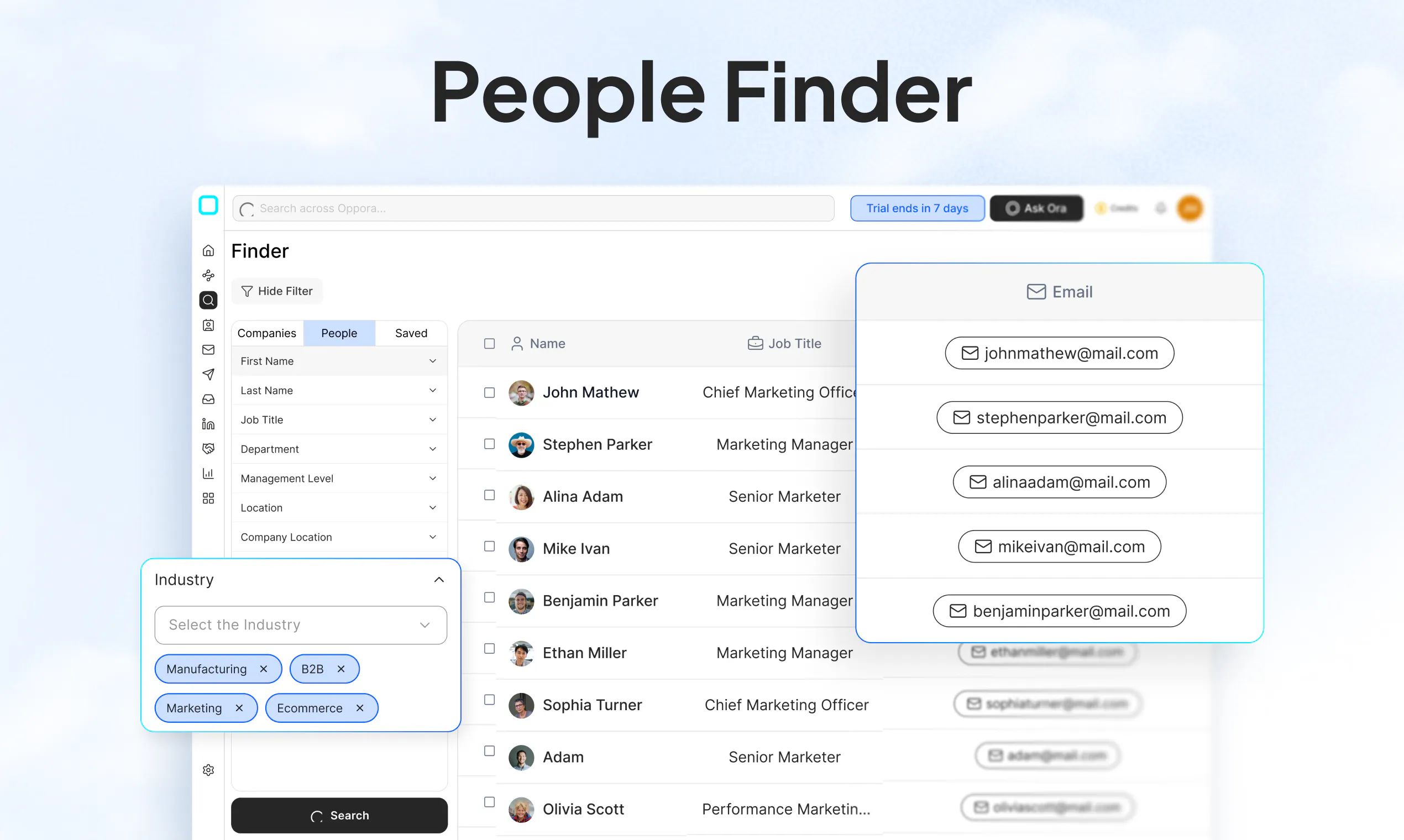
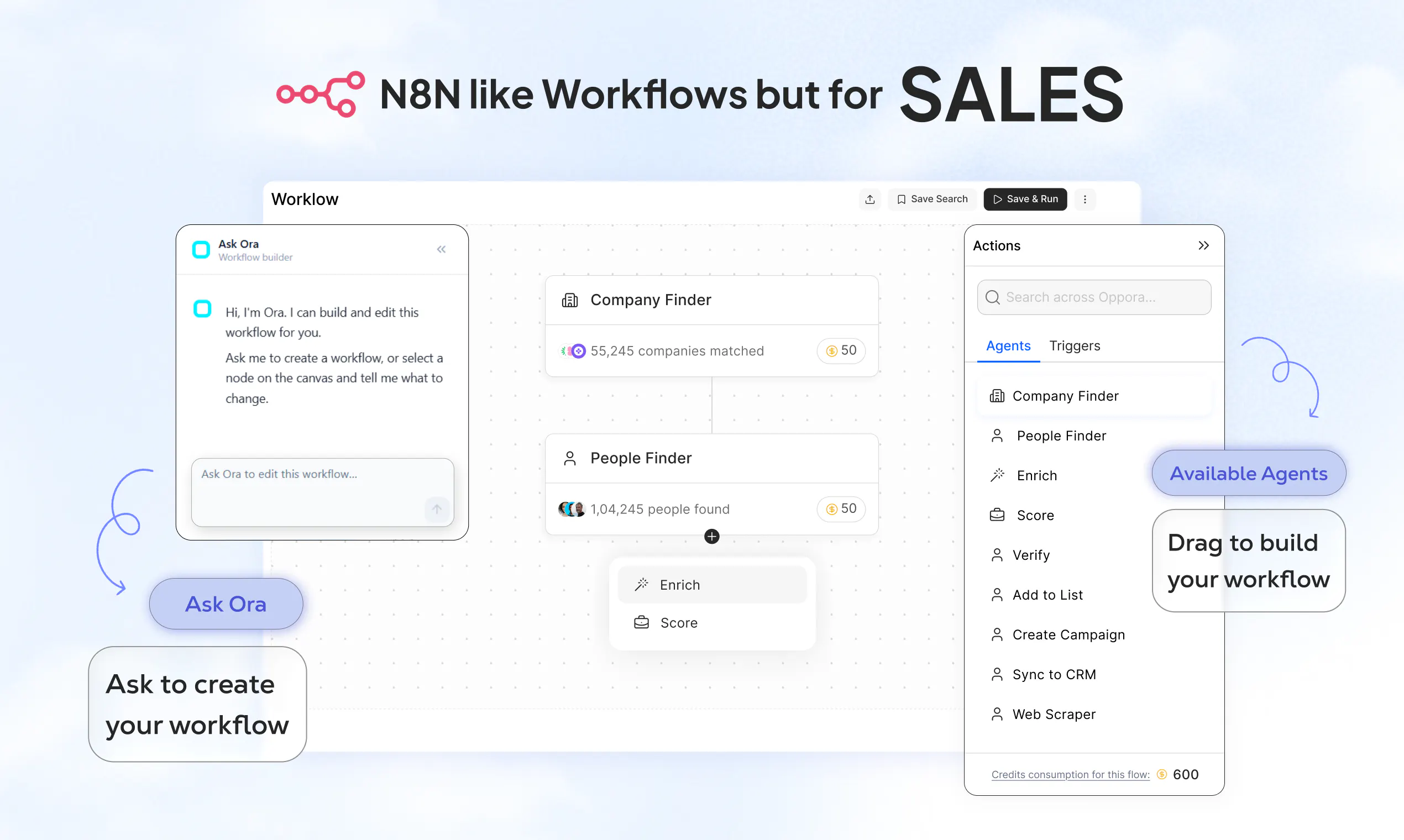
Oppora is an AI sales system that turns your ICP into a self-running outbound workflow. Find and enrich decision-makers, score leads, personalize email and LinkedIn outreach, protect deliverability, handle replies, book meetings, and sync qualified opportunities to your CRM. Instead of stitching together databases, enrichment, sending, warm-up, inbox, and CRM tools, build one workflow once and let Oppora keep it running.

We’ve been thinking about a problem our sales team faces every day.

There are great tools for finding leads, another for contact data, another for email outreach, another for managing inboxes, and then a CRM to keep everything together.


But why does a small sales team need 5 to 6 different tools just to run outbound?


We’ve started working on an idea: one AI-powered sales platform that can handle the workflow from finding the right prospect → getting verified contact information → launching outreach → managing replies → tracking everything in CRM.


The bigger idea is to eventually have an AI sales copilot where you can simply tell it:

"Find me companies that match X, identify the right people, and help me start conversations with them."


Still very early and we have a lot to figure out.

Curious..... if you could automate one part of your sales process today, what would it be?

32
回复
@findnextunknown finding ICP leads
2
回复
@findnextunknown For me, it would be lead research and qualification. A lot of time goes into finding the right prospects and understanding whether they’re actually worth reaching out to.
2
回复

@findnextunknown Great Launch Sanjay!

If you could automate one part of your own outbound today, what would you pick first?

0
回复

We started Oppora.ai for a simple reason: our own sales team was drowning in manual work.

List building. Finding contacts. Verifying emails. Switching inboxes. Running campaigns. Updating CRM.


Too many tools. Too much copy-paste. Not enough actual selling.


So we started building Oppora internally — one platform to simplify the outbound sales workflow.


After seeing our team use it in real-world outreach and generate opportunities, we realized this wasn't just our problem. Sales teams everywhere are dealing with the same fragmented stack.


So we built Oppora.ai 🚀


Instead of stitching together multiple tools, Oppora brings together:

🔎 Lead Search & Contact Finder — find the right prospects and contact information

🧠 Lead Intelligence — enrich and qualify prospects

Email Verification — reduce bounces and keep lists clean

📨 Email Campaigns + Multi-Inbox — launch and manage outreach from one place

📊 AI-native CRM — manage prospects, conversations and opportunities

🔗 Integrations — connect Oppora with your existing sales stack


And the part we're most excited about: ORA 🤖


ORA is our AI Sales Copilot.


You can ask ORA to find leads, build an outreach campaign, help manage replies and move prospects through the sales workflow.


The bigger vision is simple:

Turn a sales goal into qualified conversations and booked meetings... with AI doing the heavy lifting and humans staying in control.

Oppora started as something we built for our own team. We then opened it to the world, learned from real users, and kept improving it.


Today, we're officially launching Oppora.ai on Product Hunt. 🚀


We're excited to introduce it to the PH community and would love your feedback — what you like, what you don't, and what you think we should build next.


Let's build the future of AI-powered sales together. 🙌

17
回复

What stands out to me most about Oppora is the economics of the product.

A typical outbound stack means paying separately for a lead database, contact enrichment, email verification, campaign sending, mailbox warm-up, LinkedIn automation, reply management, and a CRM.

Each subscription may look manageable on its own, but the total monthly cost becomes heavy very quickly, especially when pricing increases with users, contacts, mailboxes, or credits.

Oppora brings all of these functions into one connected system. That makes it one of the most affordable ways for sales and marketing teams to run the complete outbound cycle.

Beyond the savings, it also creates a much cleaner tech stack. There are fewer subscriptions, fewer integrations to maintain, and less data moving between disconnected tools.

10
回复

Head of Engineering at Oppora here, adding the build side. 👋

The thing that took longest wasn't the AI. It was making the agents work as one system instead of eight separate features.

One workflow, not eight buttons. Most tools give you AI, but you still trigger each step yourself. In Oppora you drag the agents into a workflow once and it runs on a schedule. Find companies, get decision-makers, verify emails, score them against your ICP, send, handle replies, sync to CRM. Email and LinkedIn run in the same sequence, so touches coordinate instead of colliding. No logging in every morning.

What makes that survive unattended is that agents pass structured data to each other, not text. Lead Finder receives a proper company object from Company Finder, so nothing gets re-interpreted along the way. Every step has retries and a defined failure mode, because a workflow that silently half-finishes at 2am is worse than one that stops and tells you.

Deliverability was the harder problem. Mailbox rotation, warmup, and verification before anything sends: every email is verified before it goes out, no guessed patterns, no unverified sends. Get this wrong and it doesn't degrade slowly, it burns your domain. Most of our infrastructure work went there.

Two things not mentioned above. Everything the workflows do, you can also just ask: Ora, our in-app agent, sits on ~125 tools across the platform, so "find 50 fintech CTOs in Berlin and add them to my Q4 list" is a sentence, not a process. And we shipped a Claude MCP server + REST API on the same key ⚡ so you can run lead search and outreach from Claude, Cursor, or n8n instead of our dashboard.

One question I'd like the PH view on: which parts of outbound should be fully automated, and where do you still want to approve before it sends? Our take is sourcing hands-off, first reply in draft mode. Curious if that matches how you'd actually run it.

10
回复

@abu_tareq Really like the structured-data-between-agents idea.

Quick question if one step fails (say email verification) does the workflow retry just that step or continue with the rest of the campaign?

0
回复

@abu_tareq How would you use Oppora differently for a founder doing outbound vs an agency managing campaigns for multiple clients?

0
回复

@abu_tareq Suppose I am a founder I have lots of user can I use oppora to automate my campaigns and forget about those?

0
回复

I'm not on the sales side of this — I'm the project manager, and I run QA. So I came to Oppora from a completely different angle than most people here: not "will this send good emails," but "does this system actually hold together?"

I'll leave the outbound story to the sales folks. What I can speak to is what a stack of disconnected tools looks like from the inside, because testing one is a nightmare.

When your process is spread across five separate products — one for data, one to verify, one to send, one to warm up, a CRM to catch replies — you don't have a system. You have five systems and a pile of glue holding them together. And every seam between them is a place where things quietly go wrong. Data gets dropped in a handoff. Counts don't reconcile across tools. A field that's filled in over here shows up blank over there. Nobody owns the whole picture, so when something breaks, everyone points at the tool on the other side of the integration.

That's the part I care about. From a QA seat, most of the real defects in outbound don't live inside any one tool — they live in the gaps between them. You can't test a workflow that spans five vendors that don't talk to each other. You just hope it lines up.

The reason one connected system matters isn't that it's tidier. It's that there are far fewer places for the data to lie to you. When find → enrich → send → reply → CRM all run on the same rails, the numbers mean the same thing at every step, and there's one place to look when they don't. That's what makes it trustworthy enough to actually hand work off to a teammate, or eventually to the AI.

My whole job is to be the person trying to break this before you can. So take it from the resident skeptic: the thing worth caring about here isn't any single feature. It's that one system you can actually verify beats five you can only hope about.

If you're running a stitched-together stack right now, I'd genuinely like to know where it bites you — my money's on the handoffs.

9
回复

👋 Hey PH! Head of Product here.

Sanjay covered the "what," so here’s the cheat code for getting the most out of Oppora on Day 1:

Don’t overthink your first campaign. Try this exact prompt in WORKFLOW right now:

"Find 30 marketing directors, verify their emails, and send a short, 2-step sequence asking for a 15-min chat."


Watch it search, enrich, send, and route replies, all without you touching a single tab. That’s the "aha!" moment we obsessed over building.

We’re hanging out in the comments all day to answer questions, squash bugs, and hear your feedback. So please: ask tough questions, request features, or even roast our UI. We build fast, and your feedback directly shapes what we do next.


Curious: What’s the most annoying, repetitive task you’re hoping to automate this week? Let’s hear it! 👇

9
回复
@vishwa_teja_kondi Love the direct approach here, Vishwa. Congrats on bringing Oppora to PH! The most repetitive task I'm trying to automate is setting up multi-channel touchpoints (like cross-checking a lead on LinkedIn and then sending a personalized email based on their latest post). Can the WORKFLOW prompt handle conditional formatting based on social signals, or is it strictly focused on email sequencing for now?
0
回复

Congrats on the launch! Bringing lead discovery, enrichment, verification, outreach, and CRM into one workflow could save small sales teams a lot of time and tool-switching. Wishing the Oppora team a great launch! 🚀

2
回复
#16
OPENBOT
Opensource alternative for Grokbot
13
一句话介绍:OPENBOT是一款开源的可替代Grokbot的智能体工具,通过创建具备独立记忆、日程和持久化工作环境的“具名Agent同事”,解决现有AI工具对话即重置、无法在真实工具中持续执行复杂任务的痛点。
Software Engineering Developer Tools Artificial Intelligence GitHub
开源智能体 AI同事 持久化记忆 自动化工作流 MCP连接器 浏览器自动化 任务调度 团队协作 开发者工具 Grokbot替代
用户评论摘要:目前仅有一条开发者自述评论(1赞),内容为邀请用户试用并反馈建议,无实质性用户问题或功能缺陷指出,产品尚处于早期冷启动阶段,缺乏第三方验证性反馈。
AI 锐评

OPENBOT的切入点精准踩中了当前AI Agent赛道的两个致命伤:一是“对话即失忆”的短期记忆陷阱,二是“只能聊天不能干活”的工具隔离。其“具名长生命周期Agent”+“共享持久化电脑(浏览器/Shell/文件系统)”的设计,本质上是将AI从“聊天窗口”升级为“虚拟员工”,试图重构人机协作的单位——从“次会话”变为“持续角色”。这一理念与OpenAI的Operator、Anthropic的Computer Use同频,但通过开源和MCP(模型上下文协议)的标准化连接器,降低了企业私有化部署和定制化的门槛,具有更灵活的长尾场景适配性。

然而,必须泼冷水:13个投票和零有效用户反馈,说明产品尚处于概念验证的“婴儿期”,远未形成社区共识。其核心难点不在理念,而在工程兑现——持久化Agent如何在长时间运行中不产生状态腐化(记忆混淆、文件系统错乱)、如何安全地授权浏览器和Shell操作(权限边界崩塌将直接导致灾难)、以及多Agent间如何协调避免资源冲突,都是极高复杂度的系统问题。此外,Grokbot本身已依托X平台的生态和流量,OPENBOT声称“替代”却缺乏同样规模的社交图谱数据,在模型能力相当的前提下,其差异化价值必须完全依赖“工具链深度”来证明,这需要极重的开发投入。

一句话总结:方向是对的,野心够大,但当前更像一份“设计文档”而非成熟产品。若团队不能在三个月内拿出让开发者社区眼前一亮的自托管演示(例如:一个无人值守的Agent自动完成跨网站数据整理+发邮件+生成报表的完整案例),则极易沦为又一个停留在GitHub Star阶段的“开源玩具”。建议关注其权限安全审计工具链和MCP生态兼容性的实际落地质量。

查看原始信息
OPENBOT
Most agent tooling gives you a chat box that resets. OPENBOT gives you teammates: named, long-lived agents with their own conversation, memory and schedule, sharing one persistent computer with a browser, a shell and a filesystem. You message a Bot like a colleague. It does the work in the actual tools, through MCP where a connector exists and through the browser where one does not, and comes back when it needs your approval.

I am all open for feedback and suggestions, try it out and drop suggestions !

1
回复
#17
DailyOutbid.lol
Another outbid.lol copycat, but leaderboard resets EVERY 24h
11
一句话介绍:
Marketing SEO SaaS
用户评论摘要:
AI 锐评
查看原始信息
DailyOutbid.lol
Pay to rank. Resets at midnight. A daily pay-to-rank leaderboard where $1 gets you started: outbid competitors, top the board, and keep a permanent dofollow backlink.

Great project man! I joined the board ❤️

1
回复

@alexcloudstar thanks for joining brother :D

0
回复
#18
asktube.xyz
AI for YouTube power users
9
一句话介绍:asktube 让 YouTube 重度用户能像搜索本地文件一样,跨自己订阅的频道和手工整理的播放列表进行 AI 问答,解决“收藏了几千个视频却无法统一检索”的核心痛点。
Productivity Artificial Intelligence YouTube
YouTube 效率工具 AI 搜索 本地 AI 知识库管理 Playlist 检索 创作者经济 MCP 协议 隐私保护 视频问答 订阅管理
用户评论摘要:多数评论表达认可,认为“自带模型+本地密钥”的隐私方案是亮点。核心疑问集中于“使用本地模型时,20秒首答延迟是否改善”,另有用户询问与现有工具的集成便利性,整体反馈偏积极,暂无尖锐批评。
AI 锐评

asktube 切中的是一个真实且被长期忽视的痛点——YouTube 的“收藏型知识库”与“全局搜索算法”之间的断层。其价值不在 AI 本身,而在于“数据主权”的立场:让用户用自己的模型、自己的密钥、自己的库,这比任何云端 AI 功能都更具信任基础。产品设计逻辑清晰,从“问答”切入,延展到“跨频道对比”和“MCP 开发者接口”,变现路径未来可期。但风险同样明显:20秒的首答延迟在体验上几乎不可容忍,无论瓶颈在阅读还是检索,用户耐心有限;演示数据由创始人手工挑选,无法证明真正面对 200+频道、50+播放列表时的规模性能;“免费但自备模型”看似慷慨,实则将硬件成本和调试门槛转嫁给用户,这并非人人可用的“免费”。最致命的疑问是:依赖主观收藏构建的“知识花园”是否真的需要 AI 检索?如果用户连自己保存了什么都有清晰记忆,asktube 的效率优势便会被削弱。它更像一个“高玩工具”,注定是小众市场,能否突破圈层取决于对隐私敏感型专业用户(研究者、课程制作者)的深度运营,而非泛YouTube人群。产品方向值得尊重,但距离成为“YouTube 的 Alfred”还有不少工程与体验的硬仗要打。

查看原始信息
asktube.xyz
You hand-built your YouTube library — topic playlists, videos saved for when you'd need them, channels you chose to follow. Your curated knowledge garden. Then you have a question, and YouTube can't search across any of it. Its AI answers from the one video you're watching. Really? asktube is the AI for YouTube power users: search and ask across every channel and playlist you follow, the way you search your own files. YouTube's AI sees one video; asktube sees the library you built.

Hi Product Hunt 👋

I'm a power user of YouTube — and honestly, why wouldn't you be? YouTube is a genuinely competitive marketplace. Creators get paid by how many people watch, so they're incentivised to do the research properly, check it, and present it well. Better work earns more views. Whatever you think of the feed, the good material on YouTube is very good, and a lot of it exists nowhere else.

So I use it deliberately. I go through my feed daily and drop anything worth keeping into a topic playlist — for when I actually sit down to go deep on that subject. When I find someone consistently doing real work, I subscribe, so more of it reaches me. That's 200+ channels and 50+ playlists now. YouTube caps a playlist at 5,000 videos, which I know because I've hit it. That's a knowledge base, and I built it by hand, over years.

And then I go to use it, and there's nothing there. YouTube gives me no tool that touches any of that effort. I can't search across my own subscriptions and playlists — every search is a global search of all of YouTube, ranked by parameters I don't control and can't switch off. Its AI will discuss the one video I happen to have open, and nothing about the thousands I chose. The library is mine. The one thing I can't do with it is use it.

That's what asktube is for. Ask across every channel you follow and get one answer with the videos it came from. Ask a single creator. Compare a few. Or ask it to build the playlist that takes you from beginner to competent on something — and then you go and watch it. asktube works out what deserves your time; it isn't trying to replace the watching.

The part I'd most like you to poke at: it's free, including the AI. Not trial-free — free, because the AI is yours. asktube runs on Bodhi App, a local AI gateway I also built: you connect your own model, approve exactly what asktube may use, and your keys never leave your machine. asktube is the proof that a website can use your local AI safely. Everyone else in this category rents you someone else's model for $8–20 a month.

There's a live demo — no account, nothing to install. Being straight about it: the channels in the demo are hand-picked by me, not yours, and the AI is capped by the hour and by depth, because I'm paying for it. Everything it does, it does for real.

What's rough: first answers take ~20 seconds, because it's reading rather than recalling. Mobile is newer than desktop. And the demo collection is a slice, not the product.

What's next: better cross-channel comparison, and the developer surface — asktube speaks MCP, so your coding agent can research your YouTube library directly.

I'd genuinely rather have your criticism than your upvote. Try the demo and tell me where it falls over — I'll be in the comments all day.

— Amir

0
回复

@anagri 

"Free because the AI is yours" is a much more interesting claim than the usual free tier. Connecting my own model through Bodhi and keeping the keys local is the only version of this I'd actually run against my whole subscription history.

Question: if I point it at a local model rather than an API key, does the ~20s first answer get better or worse? Curious where the bottleneck actually is.

0
回复

Really helpful for my use cases. Easy to integrate with other tools.

0
回复

@anugrah3 thanks for comment, glad you are finding it useful.

0
回复

looks to be a neat solution for missing content in ever growing youtube subscription feed
good luck

0
回复

@abhishekkr thank you for kind comment, glad that you liked it.

0
回复

asktube is really helpful.

All the best for the launch Amir!

0
回复

@devenbhooshan thanks for the kind comment Deven. Wish you the best as well.

0
回复
#19
OverMCP
The market for builders.
7
一句话介绍:OverMCP 是一个面向 SaaS 和应用开发者的实时竞争榜单平台,通过透明化的点击数据和竞价机制,帮创始人直观看到产品热度排名,解决“产品上线后缺乏真实关注度反馈”的痛点。
SaaS Developer Tools Artificial Intelligence
产品发布平台 实时排行榜 竞价排名 开发者社区 SaaS推广 用户增长 竞争数据 透明化数据 Product Hunt竞品 获客工具
用户评论摘要:用户对“争抢榜首”的竞价机制表现出浓厚兴趣,好奇两人持续抬价时平台如何应对。部分评论为常规支持与祝福,另有人关注已有三人占位,期待后续竞争动态。有效建议不多,核心疑问集中在竞价规则与反滥用机制上。
AI 锐评

OverMCP 的立意很“性感”——把 Product Hunt 式的“投票口碑”改造成“真金白银的竞价注意力市场”。它宣称“透明化点击”和“实时排名”,本质上是将流量分配权从算法黑箱转移到了价格信号,这确实切中了部分创始人对“发布即石沉大海”的焦虑。但这里有一个致命悖论:如果“赢者通吃”的榜单顶端只属于出价最高者,那么该平台的产品发现价值会迅速退化。所有访客最终只会看到财力最雄厚(而非产品最优)的竞价者,这会让普通用户失去浏览兴趣,导致流量池枯竭。最终,这个市场会从“发现好产品”变成“广告位拍卖行”,而它引以为傲的“真实点击”若缺乏第三方审计,也极易沦为刷量工具。目前仅7票的冷启动数据说明,它尚未建立起“先有观众后有卖家”的飞轮。创始人显然看到了“注意力定价”的空白,但如果没有一套平衡竞价者与普通浏览者利益的机制,比如限制单日出价上限、引入社区反垃圾投票,或者将竞价收入部分回馈给真实点击用户,这个市场的流动性很快就会枯竭。一句话:点子锋利,但经济学模型尚待验证,小心沦为“比谁钱多”的虚荣指标展览馆。

查看原始信息
OverMCP
Discover products, follow real clicks, and bid for the top spot on a transparent live leaderboard.
We just launched OverMCP on Product Hunt 🚀 We’re building a live market for SaaS and app builders, where products compete for attention and founders can see who’s climbing the ranks. If you’re a founder or builder, we’d love your support. Check it out, leave a comment, and tell us what you think 👇
4
回复

good luck 🚀 curious what happens when two people keep outbidding each other for #1

2
回复

@ashimanski Haha that’s exactly what I want to see 😂 Two people fighting for #1 would make the leaderboard really fun.

1
回复

Awesome project, best of luck!

1
回复

@alexcloudstar thank you alex

0
回复

that honestly huge

0
回复

3 founders already claimed their spots 👀

Who’s going to take the 4th spot? 👀🔥

The race is getting interesting. Who’s making the next move?

0
回复
#20
Comu Action Pro
Your pocket-sized Al workmate
5
一句话介绍:Comu Action Pro 是一款“口袋AI工友”,让用户通过语音记录会议、访谈和灵感,无需提示词或复杂流程,自动生成跟进邮件、待办清单、演示文稿和摘要,解决“说了就忘、会后整理耗时”的职场效率痛点。
Meetings
AI语音助手 会议记录 自动摘要 行动清单 邮件生成 演示文稿 效率工具 生产力应用 语音转写 智能办公
用户评论摘要:当前仅5票,暂无文字评论。从产品页信息看,用户潜在关切可能集中在:语音转写准确率、多语言支持、模板自定义程度、与现有日历/邮件系统集成深度,以及免费额度限制。建议尽快补充真实用户反馈。
AI 锐评

Comu Action Pro 的定位聪明,切中了“会议后动作”这一高频且被低估的痛点——不是记录本身,而是从记录到执行的“最后一公里”。它试图用“免提示词、纯对话”的方式降低使用门槛,这确实比传统AI笔记工具(如Otter、Fireflies)更激进,也更接近“AI员工”而非“工具”的形态。

但问题同样明显:第一,当前仅5票,缺乏任何真实用户评论,产品很可能处于极早期或种子用户极少,核心卖点(无提示词生成PPT、邮件)的真实质量存疑。第二,“无提示词”是一把双刃剑——AI需要从模糊语音中推断用户意图,一旦推断错误(如分不清“待办”和“待讨论”),纠错成本反而高于手动整理。第三,此类工具的数据隐私与合规风险很高,会议录音涉及敏感信息,若没有明确的企业级安全背书,很难进入主流职场。

另外,市面上飞书妙记、通义听悟已免费提供转写+摘要,Notion AI和ChatGPT也能低成本生成行动项。Comu的差异化必须体现在“行动链路的闭环”——比如直接创建Jira任务、更新CRM、发送Slack消息,但目前介绍中未见集成生态,仅停留在“生成文档”层面,护城河薄弱。

一句话锐评:想法漂亮,但当前状态更像一个“概念Demo”,若无集成能力和高质量语音理解模型,很快会被大厂功能淹没。建议团队先积累小众垂直场景(如销售访谈、记者采访)的深度案例,再谈泛化。
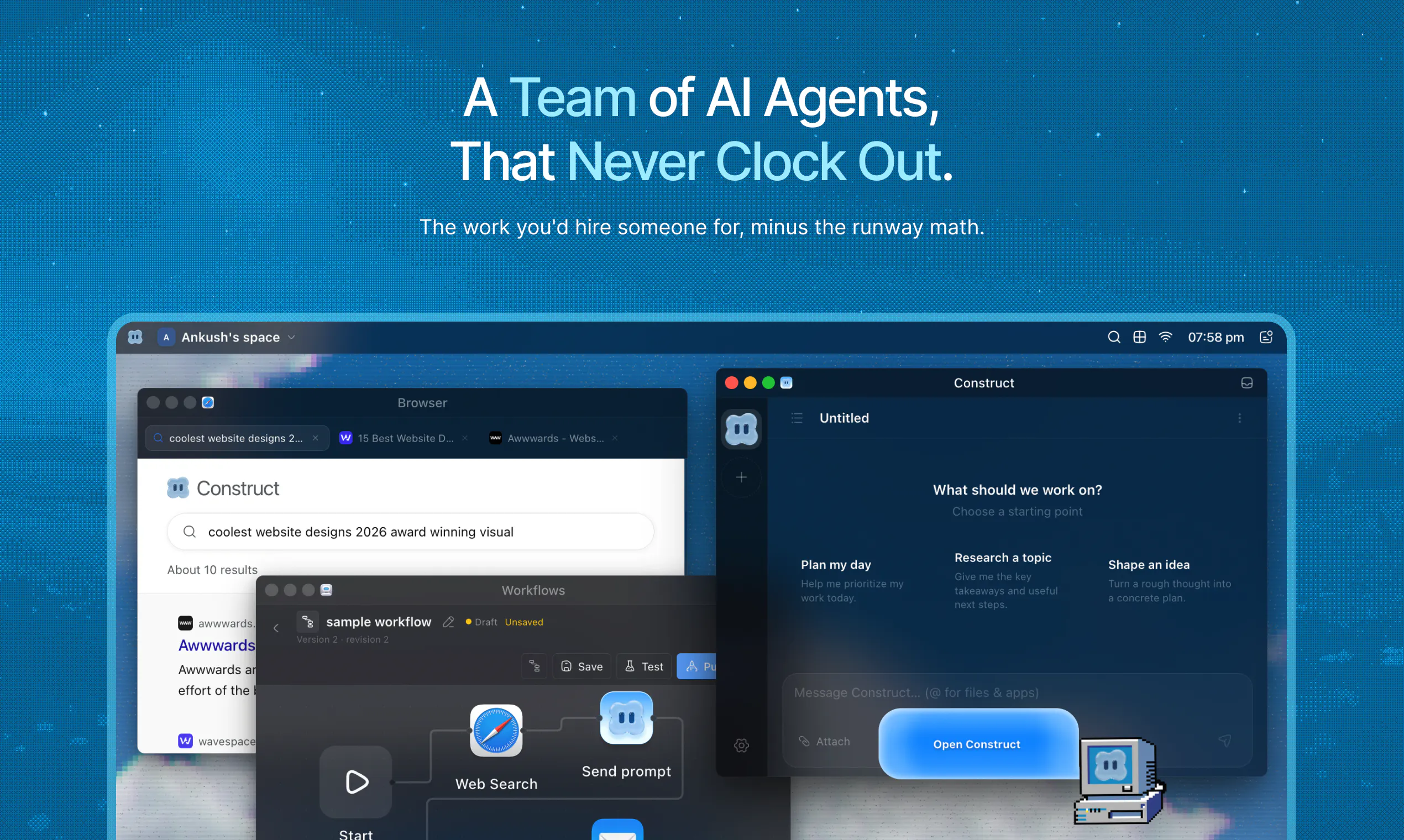
查看原始信息
Comu Action Pro
Comu is your pocket-sized AI workmate that turns conversations into action. Record meetings, interviews, and ideas with ease, then instantly transform them into follow-up emails, action lists, presentations, summaries, and more. No prompts, no complicated workflows. Just talk, and get work done.