Product Hunt 每日热榜 2026-08-25

PH热榜 | 2026-08-25

#1
akta.pro
Private company data and signals API for the agent economy
355
一句话介绍:akta.pro 为AI智能体和GTM团队提供深度达PitchBook四倍、覆盖面两倍的私营公司结构化数据与100+实时事件信号API,按量付费,解决传统数据库按席位收费、无信号层以及搜索API噪声大、token消耗高、无法直接驱动自动化决策的痛点。
API Developer Tools Artificial Intelligence
私营公司数据 事件信号API AI智能体 金融科技 GTM自动化 实体解析 实时新闻流 按量付费 MCP协议 尽职调查
用户评论摘要:多数评论认可数据+信号的结合价值。核心问题集中在:1)实体解析的延迟与准确性;2)事件发生到API可查的时延,质疑对出站触达的及时性;3)数据更新频率与字段刷新机制;4)期待webhook推送以增强自动化。创始人回应了约80%噪声过滤、字段级动态刷新及实体图谱基底设计。
AI 锐评

akta.pro的定位精准踩在生成式AI落地B2B数据服务的关键裂缝上——传统数据库(PitchBook、ZoomInfo)是“给人看的仪表盘”,而LLM时代的Agent需要的是“可推理的结构化语料”。其本质不是数据的堆积,而是将数据准备、实体解析、噪声过滤的成本内化到管道上游,把API塑造成一个“思考过的知识图谱”。这个策略非常聪明:在数据同质化严重的市场,用“低噪声+确定性Schema+按量计费”构建开发者心智壁垒。

然而,其宣称的“4x深度、2x覆盖率”缺乏第三方基准验证,且评论中提到的“信号延迟”仍是致命痛点——对触达类GTM场景,晚一天的数据价值趋近于零。webhooks尚未落地,意味着在实时性上它尚未完全摆脱“轮询”这一低效范式。更深层的挑战在于:当所有AI Agent都接入MCP后,数据的稀缺性会被快速稀释,最终比拼的是独家数据源(如非公开交易流、尽调备忘录)的获取能力,而这正是其目前语焉不详的地方。akta.pro目前解决了“结构化”和“成本”问题,但真正的护城河——不可替代的高价值私有信号——仍需证明其可持续性。建议关注其客户留存率而非获客速度。

查看原始信息
akta.pro
Private company data with 4x the depth and 2x the coverage of PitchBook, plus 100+ event signals and news across companies, industries, and topics. Source and diligence deals or make outreach lists and trigger outbound. Built for financial services and GTM teams, pay-as-you-go.

Hey Product Hunt,

Sid here, co-founder at akta.pro. Private company data and signals API for agents, priced by consumption.

We were building AI agents for private markets and kept hitting the same two dead ends.

  • Legacy databases have company data, but they gate it behind a UI, charge by seat, carry no signal layer.

  • Search APIs return what ranks on SEO. Your agent burns tokens reading 100s of pages to find one event.


akta.pro gives an agent both sides, already structured.

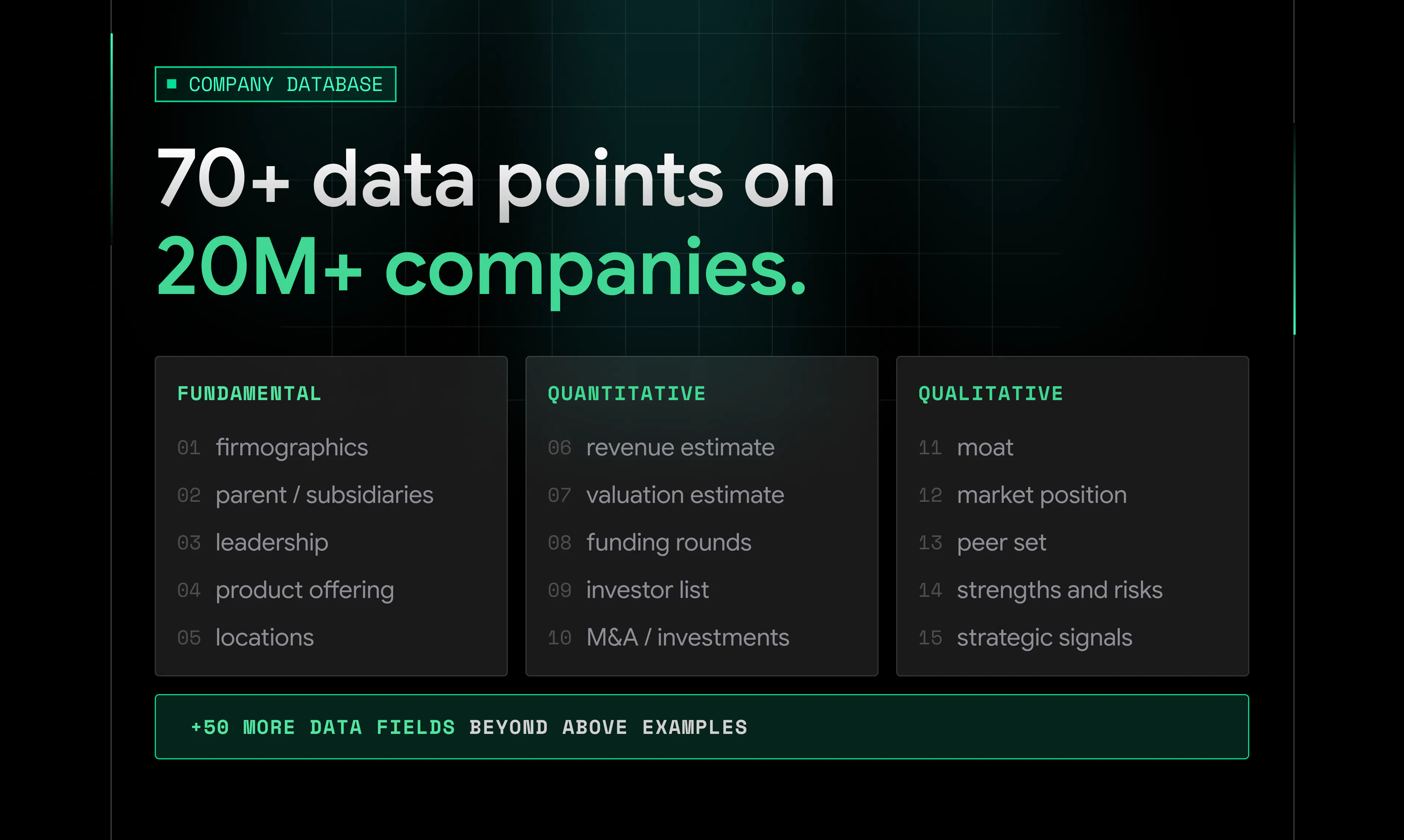
Company data: 20M+ companies with 70+ fields, i.e., 2x coverage of PitchBook, 4x depth of ZoomInfo/Apollo.

  • Fundamentals: firmographics, management, funding history, investors, revenue and financial estimates.

  • The fields most databases skip: competitive moat, gtm motion, business model, tech stack, AI maturity.

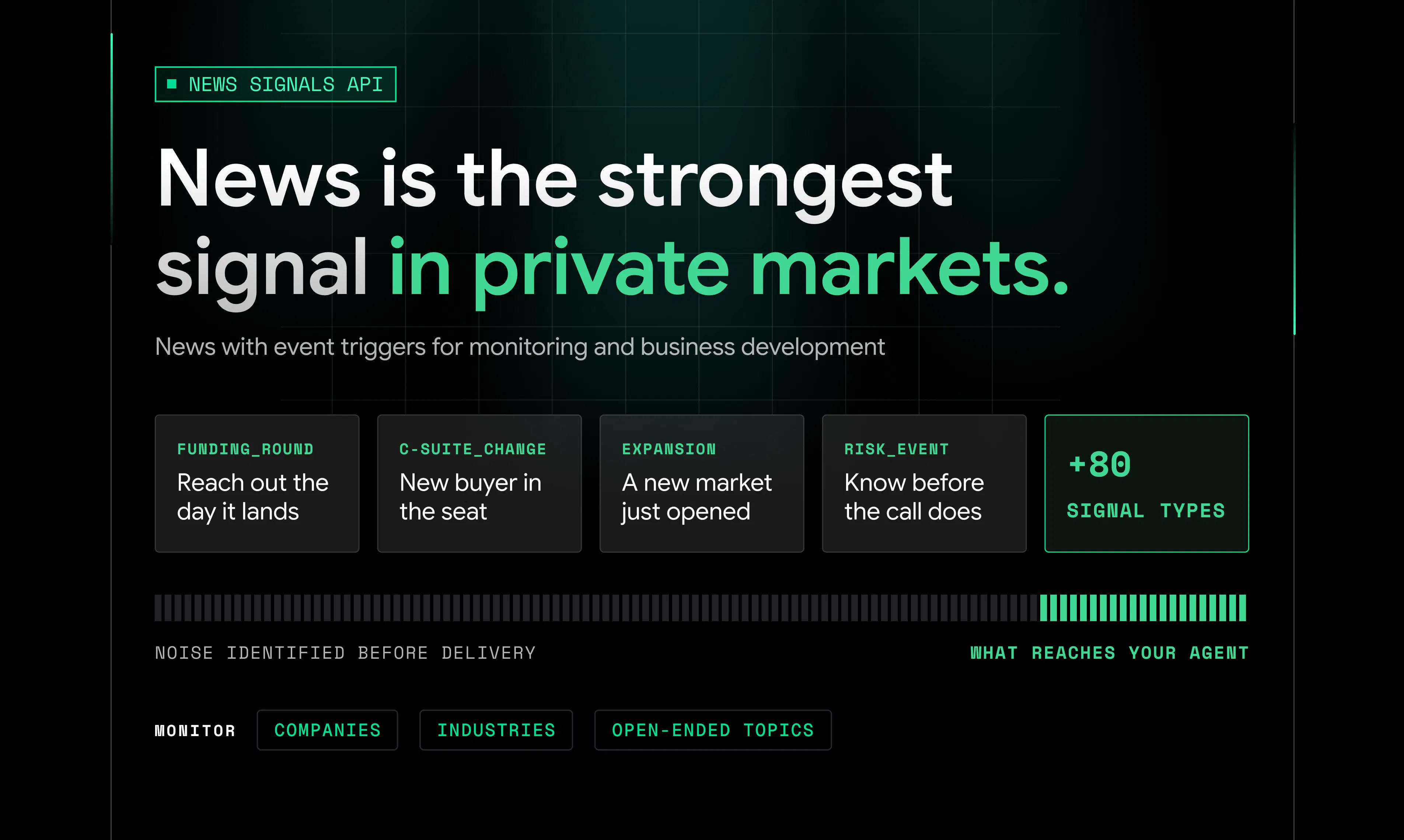
News and signals: monitor a company, a sector, or a topic in plain language.

  • Feeds are de-duplicated, matched to the right company, and scored for impact and sentiment.

  • Tagged across 100+ event types like funding round, exec change, expansion etc., that work as triggers.

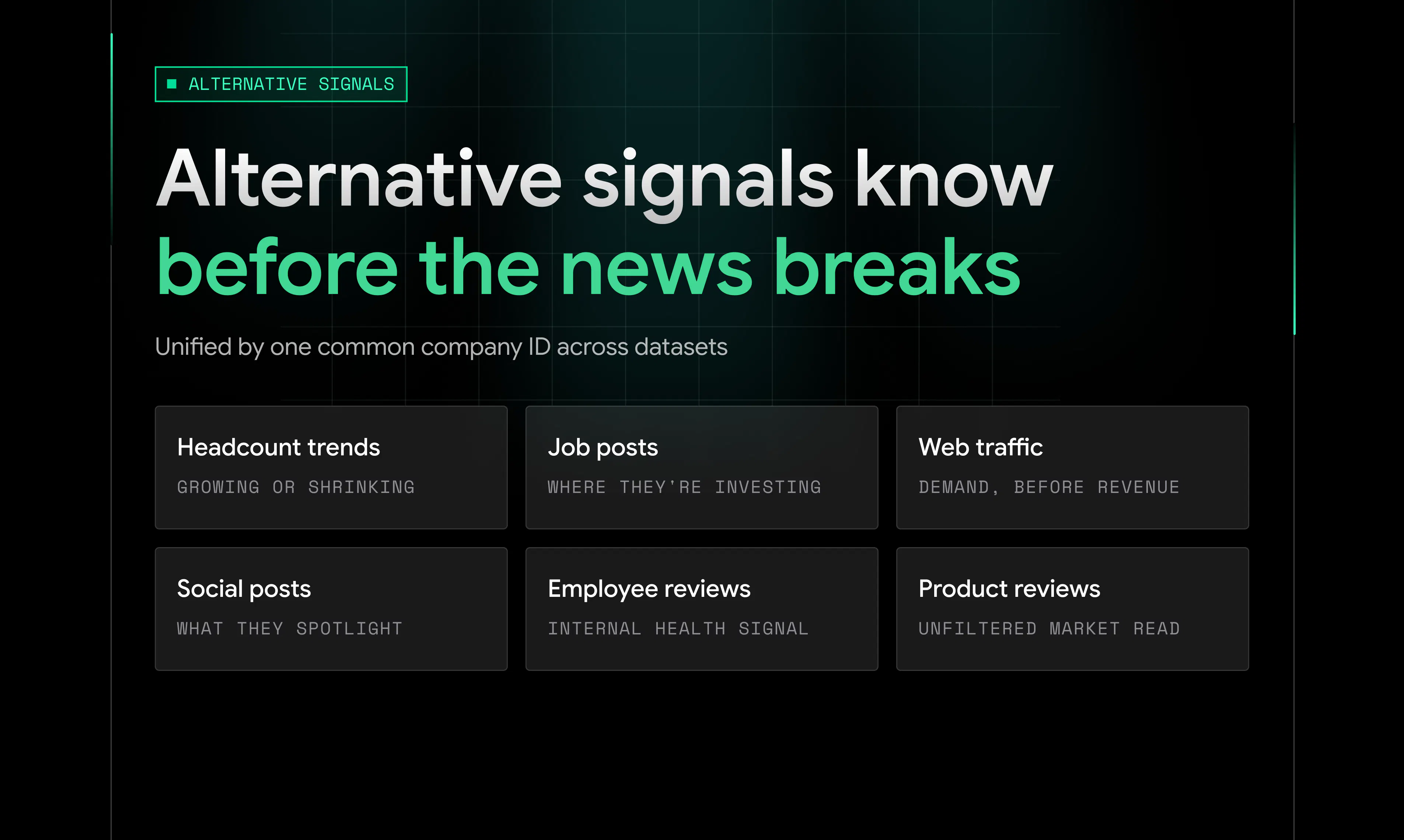
  • Alternative signals tied to the same company ID: headcount trends, web traffic, jobs, social posts, reviews.


On cost, company data runs 5x cheaper than legacy databases like PitchBook. News runs 10x cheaper than putting the same work through Claude or Parallel search APIs, where retrieval comes out of your token spend.

Used today by AI builders shipping agents, GTM teams triggering outbound, and investors screening startups.
Works as an API, over MCP, or CLI.

Try for free. Code PH50 gets you 50 credits: playground.akta.pro/signup/?coupon_code=PH50

If you have evaluated legacy databases, news or search API providers, or GTM intent data, I am happy to do a specific comparison in the comments.

Here all day, and the critical feedback is the useful kind.

24
回复

@siddhant_masson The 10x cost advantage versus Claude really speaks to the token pain we all face building agents – it’s impressive that akta.pro structures news and signals so efficiently; Nice launch!

0
回复

@siddhant_masson you mentioned dropping 80% of noise before a response. how are you handling entity resolution upstream to match messy news feeds to the right 20M+ company IDs without blowing up latency?

2
回复

@siddhant_masson Many congratulations Siddhant, Shiv, Neeraj and team! 😊

When I first met Neeraj discussing the challenges of building AI agents for private-market research. What stood out immediately was how clearly they understood the gap: traditional databases lock valuable company data behind expensive interfaces, while search APIs often return too much noise and consume excessive tokens.

Akta pro brings both sides together through a structured API: deep private-company data across 20M+ companies, enriched with 100+ real-time signals covering funding, hiring, leadership changes, partnerships, expansion, and more.

I’m endorsing it because the team has focused on the details that matter: clean entity resolution, deduplicated data, relevant signals, and consumption-based pricing. It makes private-company research faster, more intelligent, and far more useful for building automated workflows.

It’s built for AI agents, investors, and GTM teams that need actionable intelligence. Definitely worth checking out if you’re working in AI, financial research, or B2B growth. :)

6
回复

Happy to go deep on the technical side.

Reasoning models changed the economics of proprietary data. For years the winning move was a large team of analysts manually cleaning, normalizing and QAing structured datasets. That model is going obsolete.

Demand growth is in agents now, and agents do not want a handful of structured fields in a subscription model. They want a large, reliable corpus of structured qualitative knowledge they can reason over and scale consumption as needed. That changes how you architect the platform.

So we made entity resolution the foundation everything else sits on. Every company gets a canonical identity connecting parents, subsidiaries, products, executives, investors, news and hiring signals.

Once identity is solved, coverage stops being a fixed list you either have or lack and becomes an extensible graph, where anything new resolves against identities that already exist, including data you bring in yourself.

The real-time news pipeline runs on those same identities, with no batch refresh window. Every article goes through:

  • Deduplication and entity resolution back to company IDs

  • Classification against an 100+ event taxonomy

  • Mapping to NAICS, SIC, IAB and IPTC codes

  • Scoring for impact, sentiment and story centrality

Each of 20M+ companies are tagged to 30k+ industry codes and qualitative source-traceable data across 70+ fields.

The noise gets filtered along the way, and whatever survives is queryable the moment it lands.

The schema is built for reasoning over a corpus rather than browsing rows in a dashboard, which changes the interface too. Everything is API-first, with MCP and CLI as first-class surfaces built for token efficiency and composability inside agent workflows.

The goal is simple: make private markets data programmable for anyone building with AI.

Try for free. Code PH50 gets you 50 credits, no card required: playground.akta.pro/signup/?coupon_code=PH50 — If anything in the docs at https://docs.akta.pro/ is wrong or hard to follow, tell me and it usually gets fixed the same day

14
回复

I like that this goes beyond basic company profiles. Signals around funding, hiring, and other events can add much more context.

9
回复

Thanks @awesome_america. Exactly, profiles and firmographics are table stakes at this point, so beyond the profiles we built out signals as well, which is where we saw the real gap.

The triangulation beyond what company's website says, such as job postings, partnerships, hiring etc. is where you unlock unique intelligence.

Real-time event triggers make it actionable for developers, sellers, investors.

There are also structured fields for company assessment, GTM motion and tech capability, so you get a view on how a business actually operates and competes rather than just what it looks like on paper.

5
回复

@awesome_america The one thing that determines whether these signals are usable for outbound is latency, not coverage. A funding round or exec change surfaced three days after everyone else already reached out is worse than not having the signal at all. What's the typical gap between an event happening and it showing up through the API?

0
回复

Would love to see webhooks for specific company events eventually. That could make the outbound automation possibilities huge. What do you think?

7
回复

@himani_sah1 Agreed, and webhooks for signal alerts is coming soon!

In the meantime polling gets you most of the way there. You can hit the news API on whatever frequency and offset suits your workflow, and credits are only charged on news actually returned.

For outbound specifically, the 86-category event taxonomy is the part worth looking at. You can filter to the handful of event types that actually trigger a play, funding rounds, leadership changes, expansion signals, rather than filtering a general feed downstream.

What use-cases on outbound automation are you looking at?

2
回复

The 100+ event signals are what caught my attention. Having those alongside company data could make research much faster.

7
回复

Thanks @alan_robert, and that pairing is exactly why we built both instead of picking one. An event on its own only tells you something happened, so the useful version is being able to pull the full company picture in the same breath.


Full list of type codes is here if you want to see the range: News Types - akta.pro API Documentation.

5
回复

The combination of private company data and real time signals is probably more useful than either one along.

6
回复

@veronica_ivy spot on, either data in isolation is commoditized. Tying signals to companies (particularly private) with entity resolution and de-duped is where the combination starts providing utility.

2
回复

Having more coverage is great, but the real test is whether the data stays actionable for teams using it daily.

6
回复

@aria_turner Completely agree, and it's the right test. Coverage is the easy axis to compete on; what kills daily use is noise — an analyst who gets 200 items a day stops opening it by week two. So we optimised for precision over volume and drop roughly 80% of what comes in before it ever reaches a response.

The event types such as funding, hiring, layoffs, partnerships etc. in the news signals endpoint can help make it actionable for teams using it daily.

Check out the benchmarks for signals precision and recall here: https://akta.pro/benchmarks/company-news-retrieval

6
回复

How often are company profiles updated? Private company data can change pretty quickly.

5
回复

@yahya_rogers Good question - our refresh is field-aware and varies across 70+ fields.

Event-driven fields are updated real-time across thousands of publishers. Funding rounds, transactions and leadership changes get picked up by the real-time news pipeline as the event breaks, then reconciled onto the company profile

Alternative signals run closest to live. Job posts and web traffic are near real time. Headcount updates monthly, since it's only meaningful read as a trend rather than a point-in-time number

Stable firmographics like legal name, company type, founded year and industry codes run on verification cycles that are dynamically scheduled rather than fixed. How often a company gets re-checked depends on its size, news volume, website updates and overall activity, so the ones actually moving get looked at more often than the ones sitting still.

Happy to go deeper on any specific field if there's one you care about.

5
回复

I’ve worked with company research tools before, and keeping data organized is usually the hardest part.

5
回复

@grant_w1 Agreed, and it's most of the work. We do the organising upstream rather than at query time — resolution, dedup, categorisation happen before anything lands in a response, so what you get back is already settled. Less elegant than it sounds, but it's the only way the latency works.

3
回复

@grant_w1 That's the part people underestimate, and private companies are the hardest version of it. Public companies have a ticker and a filing calendar, so identity and timing are both solved for you. Private companies have neither.

So the organizing problem comes first. Entity resolution is the foundation everything else sits on: resolve identity once, across 20M+ companies under one stable identifier, and every dataset after that inherits it.

The refresh design follows from the same idea. Once records are resolved to a stable entity, you can update fields at different rhythms and still have them land on the same profile, so a funding round from the news pipeline and a headcount trend from a completely different source both attach real-time to the same company without creating duplicate entries or needing manual interventions that a legacy database needed

3
回复

Interesting Concept. Congratulations on the Launch. @saswat_nanda2 @siddhant_masson @bharat_garg6

3
回复

@dhanrajchoudhary Thanks a lot Dhanraj, appreciate the support

1
回复

Congrats on shipping! Reliable private company data through a clean API is essential for autonomous AI agents to make real decisions. Simple, high-utility infrastructure for dev teams.

2
回复

@thisiskp_ Thanks! Reliable is the word that matters most there, and in practice it comes down to schema and data consistency. Same shape every call, stable field names, nulls where data genuinely doesn't exist. That means you write the parsing logic once and it keeps working, instead of defensive handling around every field that might or might not show up.

1
回复

congrats on the launch!

2
回复

@marupelkar Thanks Nakul!

1
回复

Love that you built this API-first for AI agents rather than dashboards, giving agents structured company signals to act on feels like the real unlock here.

2
回复

@ilko_kacharov thanks Ilko. With API-first approach, you basically give the end user (whether developer or business) to customize their own way of digesting information. Interestingly, lot of business users are using MCP with Claude to create extremely versatile dashboards / mini-apps.

1
回复

@ilko_kacharov Thanks, and that's the bet. We believe strongly that the future is headless - what matters then is whether the data arrives in a shape an agent can act on: resolve identity, deterministic schemas, signals structured. Build for that and the interface question mostly answers itself, since anyone can put whatever surface they want on top.

1
回复

Congratulations on the launch! Private-market data definitely needed something more developer-friendly for a while. Akta seems like a great solution.

2
回复

@syed_shayanur_rahman Thanks. In most legacy private markets tools the API is an afterthought. Responses come back bulky, the structuring is off, and you end up writing a normalization layer before the data is usable.

MCP usually repeats the problem. What gets exposed is a subset of the API wrapped once and shipped, so you inherit every constraint of the original surface plus a few new ones.

We built the other way round. Structured JSON with deterministic schemas, full access across every offering rather than a curated slice, and rate limits set for how agents actually query. The MCP server and CLI are designed around real workflows, not mechanical wrappers over endpoints.

Would love to hear feedback on what is working and what is not

2
回复

I question how teams measure success after using this API. would the main benefit be saving research time or finding better business opportunities?

2
回复

@new_user___209202627e87af67bf41b28 It shows up as time first and opportunities later. Week one is usually the boring win, where the cleaning and matching layer that used to sit in front of every agent just goes away, because the company data comes back structured and the news comes back already filtered instead of as pages to read through. That is also where the cost drops, since retrieval stops coming out of token spend. The better part comes later, when the signals start doing the work for you and a funding round or an exec change surfaces without anyone going to look for it. GTM teams count that in meetings booked, investment teams in deals they saw before the round was announced.

1
回复

I enjoy seeing tools that improve private market research. I would ask how akta.pro manages global coverage since company information varies widely across regions and markets.

2
回复

@darly_selby Fair question, and the short answer is that coverage varies by layer rather than by region. The 20M+ is genuinely global, not a US core with a thin tail attached. Fundamentals like firmographics, location and industry classification hold up across the board. And that's one of the advantages of having a purely agentic data extraction and synthesis

Transaction detail is where variation shows up. Funding and M&A depend on how actively a market reports, so it's really a long-tail effect rather than a regional one. A quiet company in the US looks much like a quiet company anywhere else.

The qualitative layer is the most consistent globally. Business model, moat, positioning and GTM motion come from how a company operates rather than what it chooses to disclose, so they don't depend on local reporting norms.

In fact, we also have a company addition endpoint, through which in the off chance that you don't find a company, you can add it live

3
回复

More data can also create more noise. How do you help users focus on the signals that actually matter?

2
回复

Hey @evan_taft1 , completely agree, and it is the exact problem that shaped how the feed was built. More volume only helps if the processing keeps pace, so the filtering happens before delivery rather than being left to whoever consumes the feed.

Every article entering the akta.pro pipeline is entity-resolved so every company mention collapses to a single stable identifier across parents, subsidiaries, and namesakes, then scored for impact and sentiment and tagged against an 80+ event taxonomy alongside industry codes. Deduplication and the rest of the filters are configurable, so the feed can be tuned to return one clean signal per event or narrowed by impact level, sentiment, event category, entity like event, person, product or geography.

Feed definition handles the rest, whether that is a company resolved across 20M+ entities, an industry selected across 30,000+ sub-sectors, or a custom topic turned into a structured feed. The signal space ends up defined by the question being asked, which keeps the irrelevant volume out by design.

0
回复

Can users define their own triggers or signals based on the type of companies they’re tracking?

2
回复
what a wow
1
回复

@shivam_bhotika Thanks Shivam!

0
回复

This is great. Congrats, Siddhant and team.

Since those are synthesized rather than reported data, would I be able to see what a given moat call was drawn from, or do I take the field as given?

1
回复

Cool. Can you set up notifications when a specific signal is triggered? And can you create custom signals?

1
回复

How granular are the sentiment and impact scores? Can developers access the underlying scoring fields through the API??

1
回复

@zerotox yes, numeric scores on a scale of 0 to 1. Raw scores are available in the api response for developers to use.

1
回复

How do you handle companies with very limited public information?

1
回复

@nuseir_yassin1 for such instances we rely on alternative data such as social media, blogs, podcasts etc. if there is limited information the company itself. We leverage a smart validation logic - if company has very limited public data, not all parameters are populated - only the one's which can be backed by sufficient data are populated while others are left out. Prioritizing accuracy and fidelity yet retaining good fill rates.

1
回复

As a developer, having this available through API, MCP, and CLI makes the product flexible and interesting to use. Congrats on the launch!

1
回复

@roopreddy Thanks Roop. That was the intent,. We wanted the choice of surface to be about how you work rather than a tradeoff, so API, MCP and CLI all return the same shapes.

1
回复

How do you keep the event signals fresh, especially when a company has very little public information?

1
回复
How customizable are the event triggers? I’d love to define signals specific to a particular industry or workflow.
0
回复

Per seat pricing on company data always punished the wrong person, since I need enrichment in bursts around a campaign and then not at all for weeks. On the signals layer, how fast does something like a funding round or a hiring spike actually show up after it happens?

0
回复

20M+ companies with 70+ fields is a serious amount of coverage. Congrats to the team! 🚀

0
回复
The entity resolution happening upstream is a smart architectural choice. It should make the API much cleaner for developers.
0
回复
#2
Diet Claude
Never get blindsided by Claude's usage limits again
334
一句话介绍:Diet Claude 是一款浏览器插件,通过实时可视化用量仪表盘,帮助重度 Claude 用户在会话中监控令牌消耗、预测重置时间,并在触发限额时一键将对话迁移至其他大模型,避免工作中断。
Chrome Extensions Productivity Artificial Intelligence
AI工具 浏览器插件 用量监控 令牌管理 会话迁移 Claude优化 效率工具 开发者工具 生产力 限额提醒
用户评论摘要:用户普遍认可其实时追踪和视觉设计(如汽水开罐ASMR、复古像素风)。主要建议聚焦于安装门槛(需明确为Chrome插件)及对免费/专业版用户的适配性。部分用户提及类似工具存在,但品牌记忆点突出。
AI 锐评

Diet Claude 切中的是 Claude 重度用户最刺痛的真实场景——不是“怕用完”,而是“不知道何时用完”。这个痛点被 Anthropic 官方长期忽视,却恰恰是用户留存率的隐形杀手。产品聪明之处在于没有试图对抗限额,而是通过“可视化+自救通道”双管齐下:先让你知道还剩多少,再给你一条逃生的路(迁移到其他LLM)。这本质上是在做“AI时代的加油站仪表盘”,而非试图改造发动机。

但隐忧也很明显:第一,严重依赖 Claude 的 API/网页端行为变化,若官方调整限额策略或开放更高频的计费接口,该工具的核心卖点会被稀释。第二,“迁移到其他LLM”听起来美好,实际操作中上下文映射、工具链兼容、提示词微调都是技术债,若仅做“复制粘贴中转站”,价值会迅速贬值。第三,产品目前依附于单一平台(Claude),天花板清晰,且用户评论中已有人提到“类似产品存在”,差异化只靠品牌趣味性,护城河不深。

真正的机会在于:要么向上游走,成为 Anthropic 官方推荐的管理工具(被收编或深度集成);要么向下游走,做成“跨模型会话管家”——不只是逃离限额,而是让用户在 Claude、GPT、Gemini 之间无缝切换,按任务复杂度动态选模型。否则,它大概率会沦为一个小众的效率插件,热闹一阵,然后被平台自身的更新吞没。名字和设计确实讨喜,但“Diet”如果只能减负,不能增肌,就始终是零食,不是正餐。

查看原始信息
Diet Claude
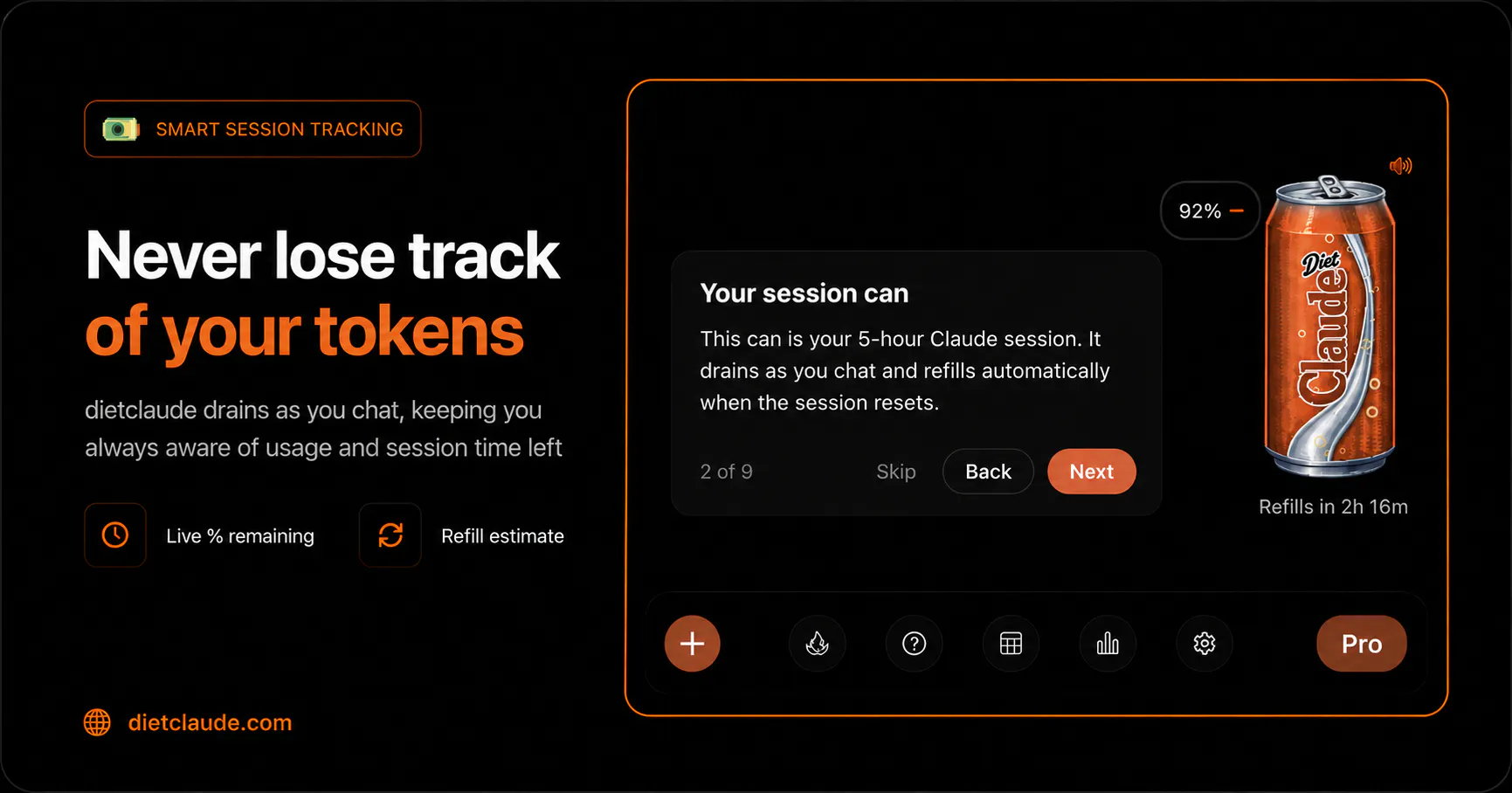
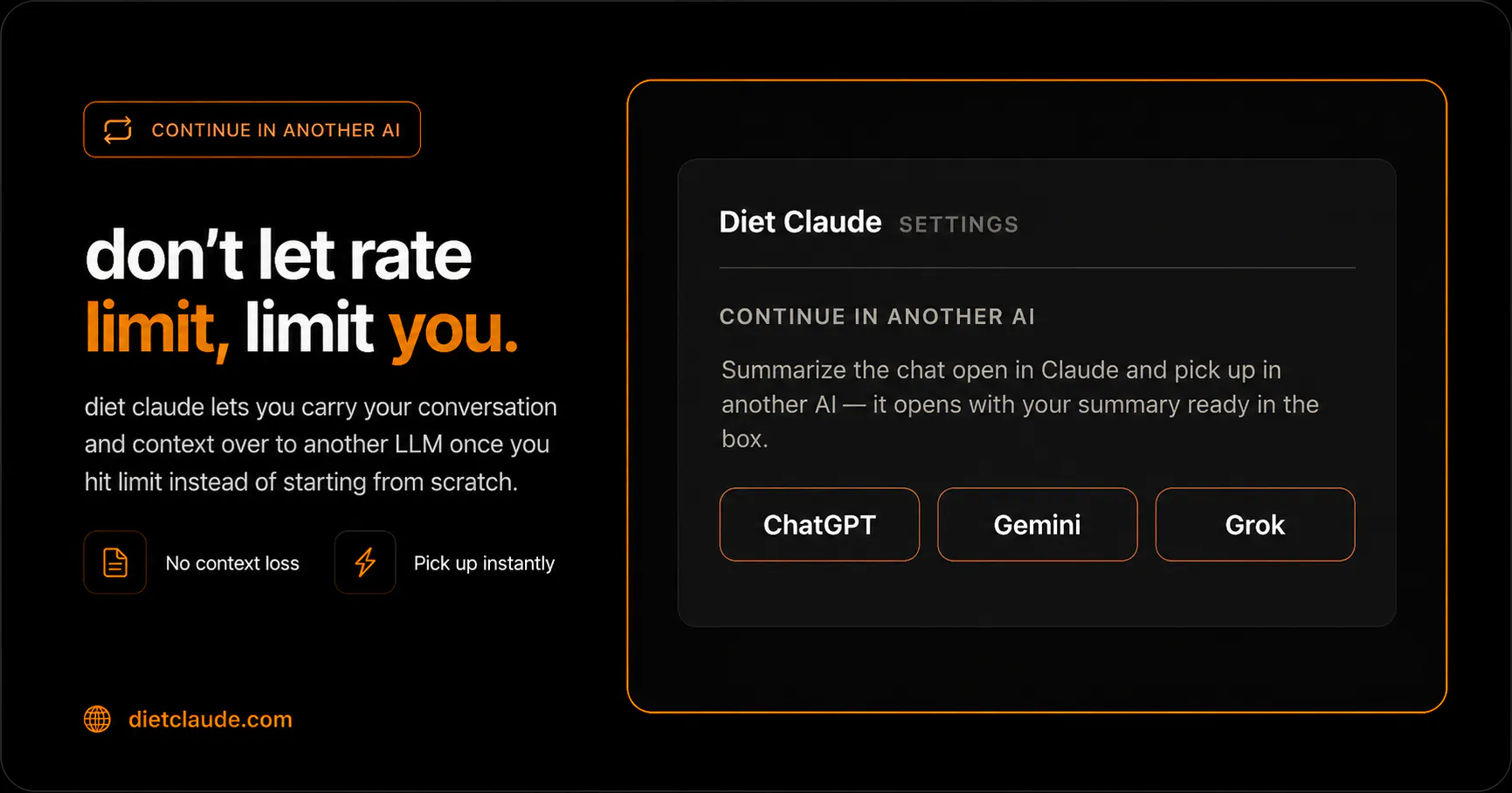
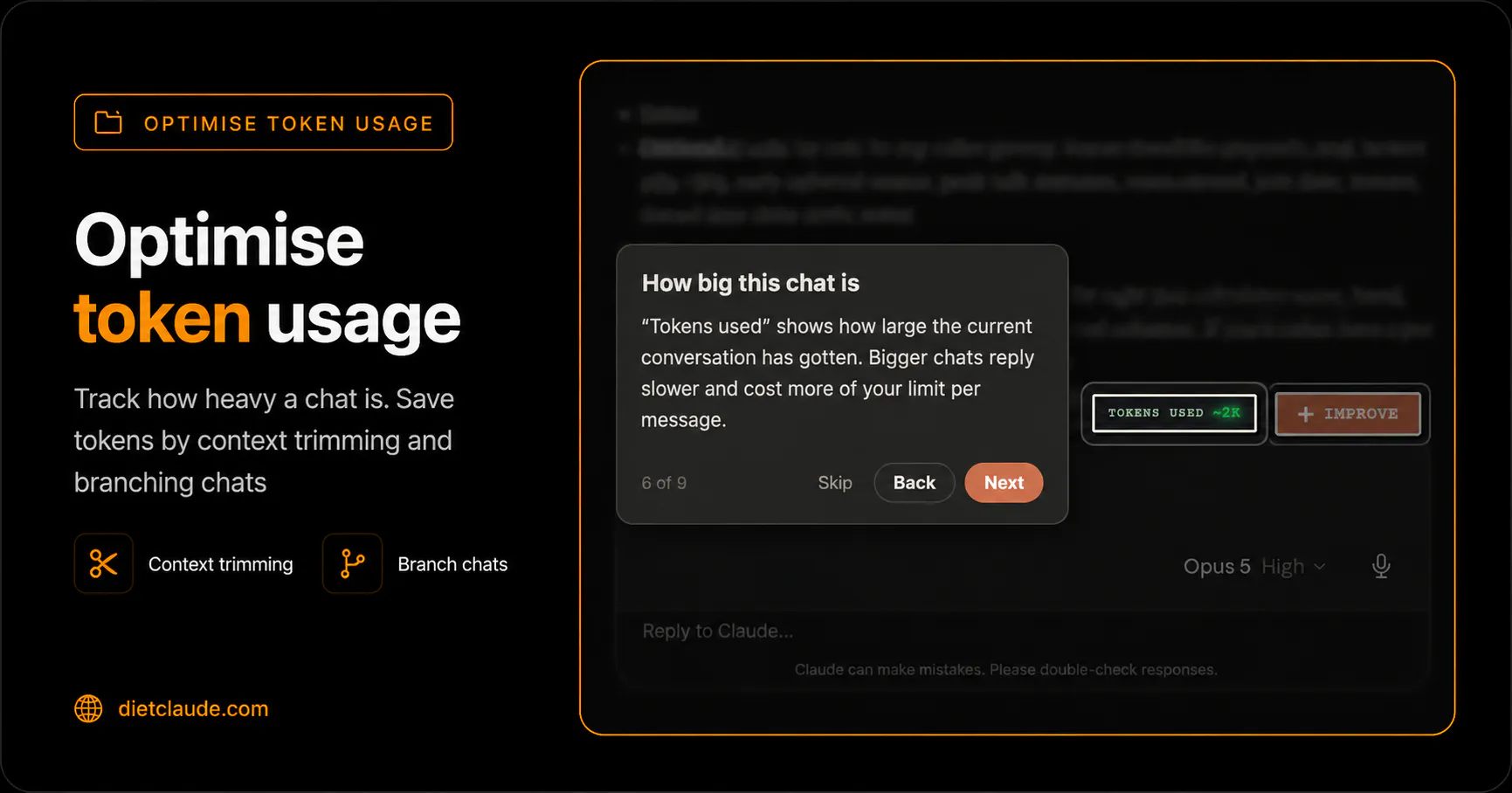
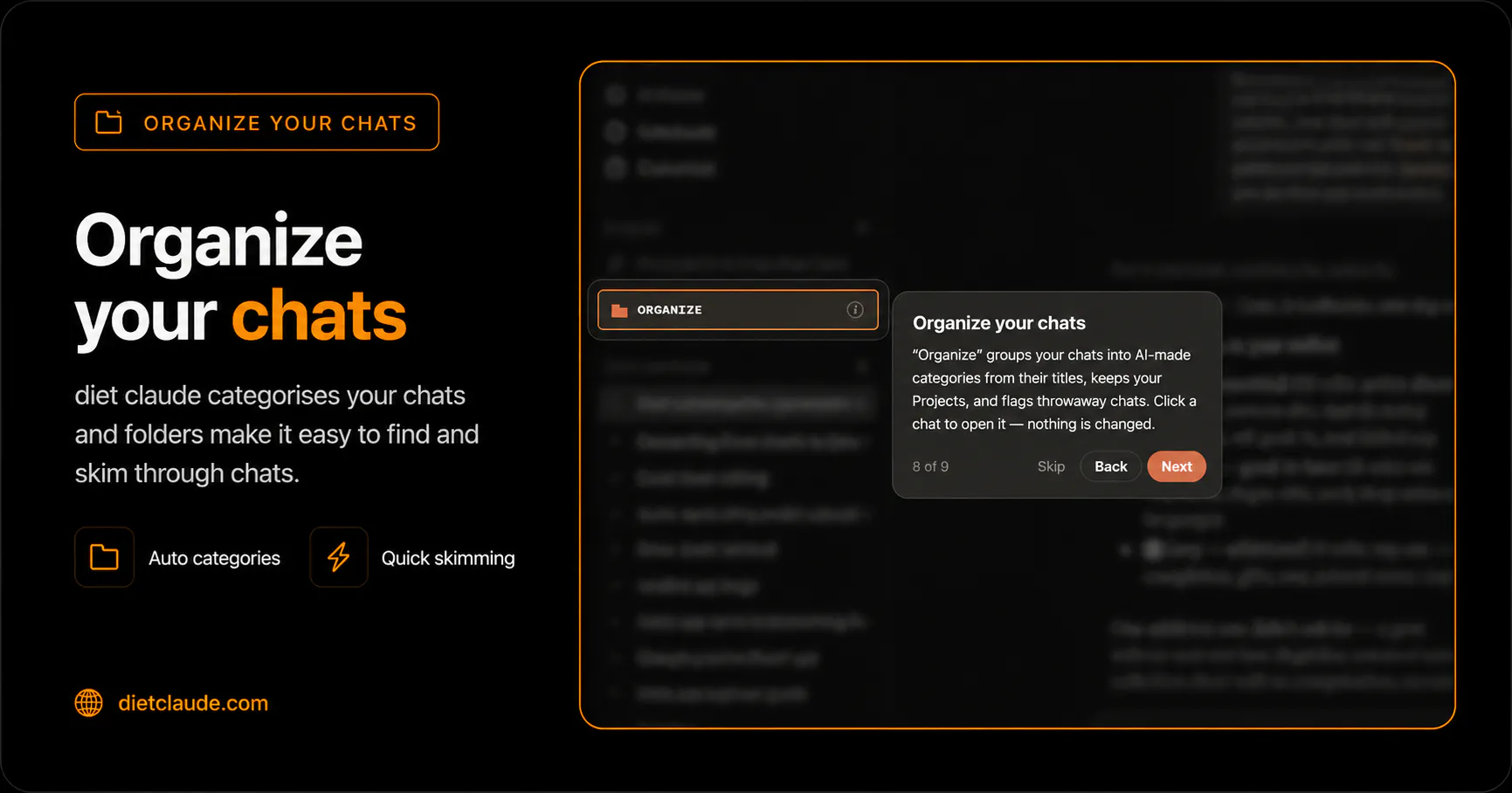
Hitting Claude's limit mid-work is annoying af. Diet Claude gives a live usage meter shows how much of your session you’ve used, how much time is left, and when your limits reset. It helps optimise token usage by context trimming, tightening prompts, suggesting apt models. And when you do run dry, it carries your conversation and context over to another LLM instead of starting from scratch.

Hello Product Hunt 👋🏼

As someone who spends a lot of time building with AI, few things are more frustrating than hitting Claude’s usage limit right in the middle of focused work.

You rarely know how much of your session is left, when it will reset, or whether one long conversation is quietly burning through your tokens.

@surbhi_singla2 is a Claude and Diet Coke maxi who turned this painfully familiar problem into a fun little product.

I’ll let her tell you more about it.

Over to you 👇

11
回复

@akhilbvs hellooo thanku akhil for hunting my product.

Diet Claude is for the ones who are hit by claude's rate limiting and their workflow gets distrupted. we help by -

one, awareness of usage left through visual meter can on the screen.

two, by context trimming, branching a conversation to avoid burning tokens on context while retaining the context,

three, by helping you simply continue the conversation in another llm if you still do hit rate limits.

there are a bunch of other features too simple coming out of my own use case. this is just the starting. what we aim is to understand pain points of a claude user and provide them with fun solutions.

6
回复

@surbhi_singla2  @akhilbvs Congratulations on the launch! This is the exact thing I didn't know I needed - and how fun, too! Definitely going to take it for a spin ;)

0
回复

love that i can get the last juice from my claudee

5
回复

@wisenavi yessss

0
回复

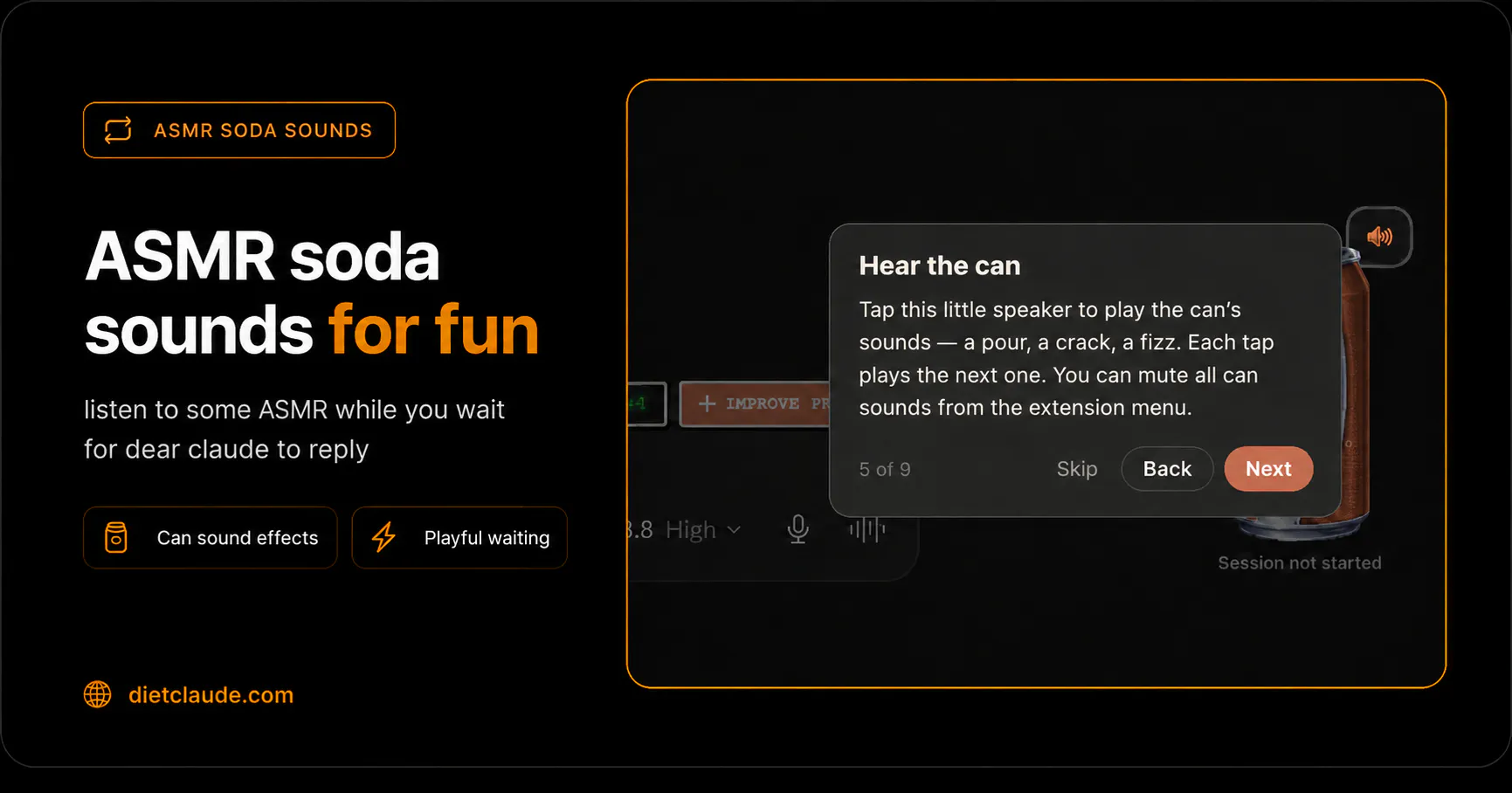
Monitoring tokens got really interesting with the fizz of a soda Can opening ASMR sound. Super awesome to use it.

5
回复

@chinmay_changde1 thanks for giving it a shot chinmayy

0
回复

I'm on Max plan but I have 50+ friends who're on $20 plan and they all will love this. Forwarding them this - rad video. Super cool stuff Surbhi 🔥

4
回复

@sankalpdomore thankuu sankalp.

1
回复

love it, my friend made a diet coke can opening couple of months ago, u just click and hear psssst sounds that is it but this one is a good use of making it club with claude's limit.

3
回复

@gamifykaran pls go hear the asmr soda sounds. i love fidgeting around with it while waiting for my claude reply

1
回复
Honestly the name and branding is what makes this. The idea is simple and i've seen essentially this exact product a few times, but this name and branding is by far the best and memorable for me. Nice job!
2
回复

Tracking rate limits real-time so workflow doesn't hit a wall mid-prompt is super useful. Nice launch!

2
回复

@thisiskp_ Yesss the product came out of my own need tbh

0
回复

Sorry guys, just wondering, should I install something before use?

2
回复

@maksym_shcherbakov1 hi, you can install diet claude as a chrome plugin on any browser and use it for your claude.

0
回复
been running into this daily. looking forward to trying it out
2
回复

@eyal_nayowitz_testifly thankuuu eyal pls do and let us know your feedback. this is just v1

0
回复

Hahah loved the video! You deserve being at top here! Wish you all the best guys!

2
回复

@german_merlo1 thankuuuuuu

0
回复

Useful and love the retro pixel design on the Diet Claude widget.

2
回复

@soumitrasen thanku soumitraa

0
回复

nice, I've built a local banner, but it's hit and miss will try this, love the diet claude @surbhi_singla2

2
回复

@warrenmo yes pls try and let us know your feedback. this is v1. we plan to do a lot more. thanks for being kind enough to give it a try

0
回复

LFG, super useful and needed


Congrats on the launch @surbhi_singla2

2
回复

@pratyush_rungta thankuuuu

0
回复
Subarashi, Surbhi! I will be forever arigatou for this product to track my fable usage.
1
回复

@endu_merlin thankuuuuu

0
回复
Congrats on the launch
1
回复

@pratyush_r8 thankyouu so much

0
回复

Needed something like this so bad.

1
回复

@soaib_aktar thankuuu, pls give us feedback

0
回复
There should be an usage limit option to view the limit in Claude somewhere I’m pretty sure
0
回复

Congrats on second place with a free Chrome extension. You built it out of your own use case, and you are still calling it v1 on launch day instead of overselling it.

0
回复

Cool! Can it switch to a different Claude Code license as well? Switching AI providers can sometimes cause issues with understanding context, which could cause problems in some cases.

0
回复
#3
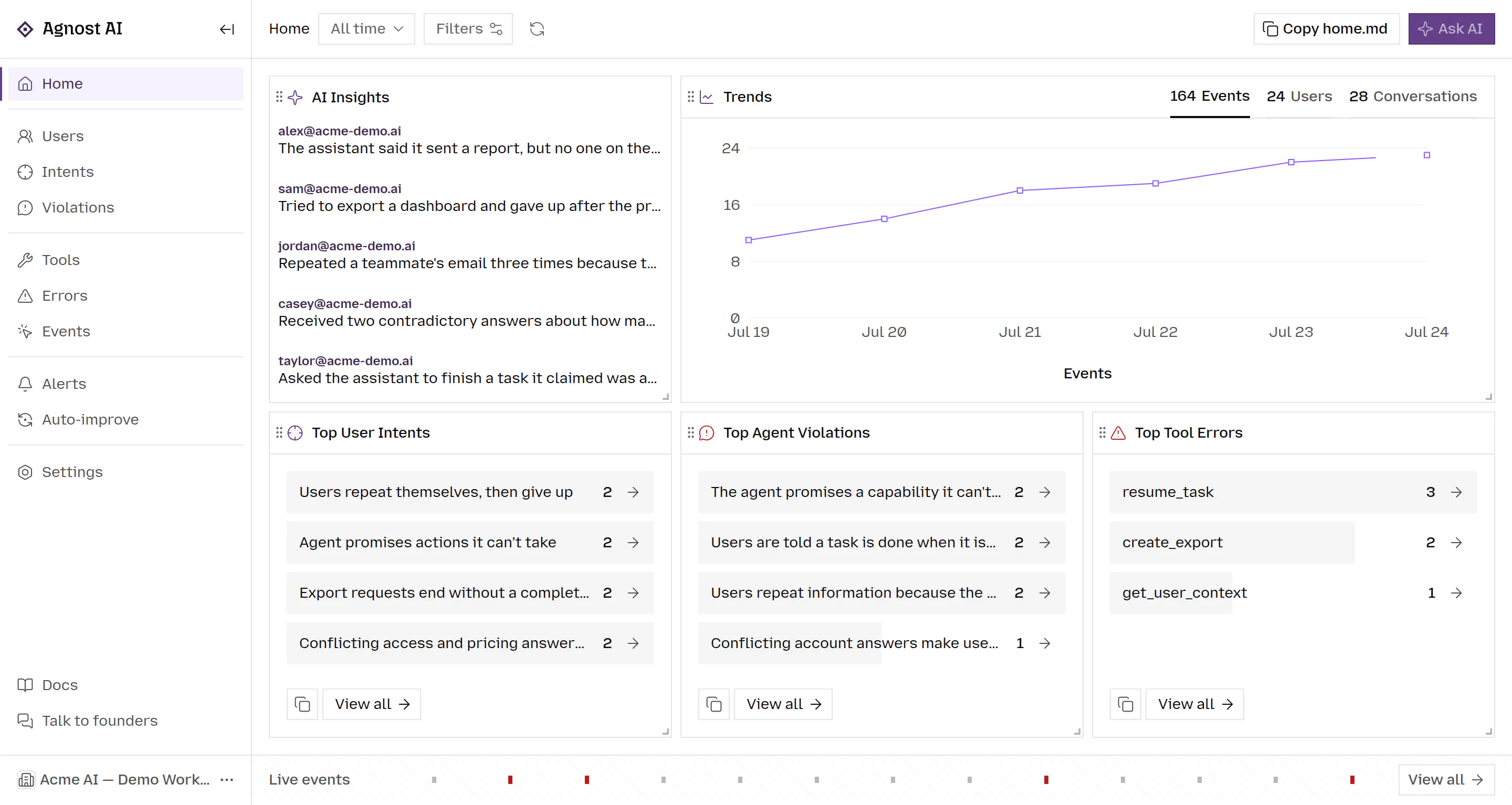
Agnost AI
Catch agent failures your evals miss
235
一句话介绍:Agnost AI通过自动阅读生产环境中AI Agent与用户的每一次对话,识别出传统监控(如“200 OK”)和预设评测(Evals)无法发现的静默失败、行为漂移、幻觉和用户挫败感,并将这些洞察直接转化为可修复的评测用例或调试指令。
Analytics Developer Tools Artificial Intelligence
AI可观测性 Agent监控 LLM评测 对话分析 静默失败检测 幻觉识别 AI调试 生产环境分析 流失预警 OpenTelemetry
用户评论摘要:用户普遍认可其“读取对话”的独特价值,共鸣其戳破“200 OK”假象的痛点。有效问题集中在:①是否支持导出合成数据集至DeepEval、Braintrust等评测框架;②能否利用洞察降低模型推理成本(官方回应称可训练更精准的SLM以替代前沿模型);另有用户提及社区合作与体验反馈。
AI 锐评

Agnost AI精准切入了一个被严重低估的盲区——Evals的本质是“已知问题的回归测试”,而生产环境的故障往往是非预期的。创始人从自身“向创始人反馈bug却被告知‘我们不知道’”的亲身经历出发,敏锐地抓住了“监控仪表盘显示成功,但对话逻辑已崩溃”这一业界普遍存在的认知断层。其核心价值不是“又一个观测工具”,而是将“对话定性分析”这一需要人工的、不可扩展的过程,升级为“自动模式识别+归因+闭环到Eval生成”的自动化引擎。

从战略看,该产品踩中了两个正当时的浪头:一是AI Agent从Demo走向生产后的可靠性焦虑,二是“Eval-driven development”方法论兴起但工具链薄弱。其“用SLM基于失败数据训练小模型降本”的思路尤其聪明,将监控洞察反向赋能推理成本优化,这比单纯卖“监控软件”有更深的价值锚点。

但必须泼冷水:首先,产品目前依赖“读取对话”这一正面打法,但其长期壁垒在于“对失败模式的语义理解深度”——一旦大厂(如LangSmith、Dynatrace)将类似逻辑集成到现有平台,独立工具的生存空间会被极度压缩。其次,评论中已出现对DeepEval/Braintrust集成、成本优化落地的具体问题,若这些“锦上添花”的功能交付节奏过慢,会消耗早期用户热情。最后,创始人声称“每天分析超百万条消息”是极好的叙事,但更关键的是洞察的准确率——如果误报率过高,反而会成为噪音。总体而言,这是当前AI基础设施赛道里少见的、有真实切入点和清晰商业闭环的产品,但必须快速从“洞察工具”进化为“问题自动修复引擎”,才能抵御巨头碾压。

查看原始信息
Agnost AI
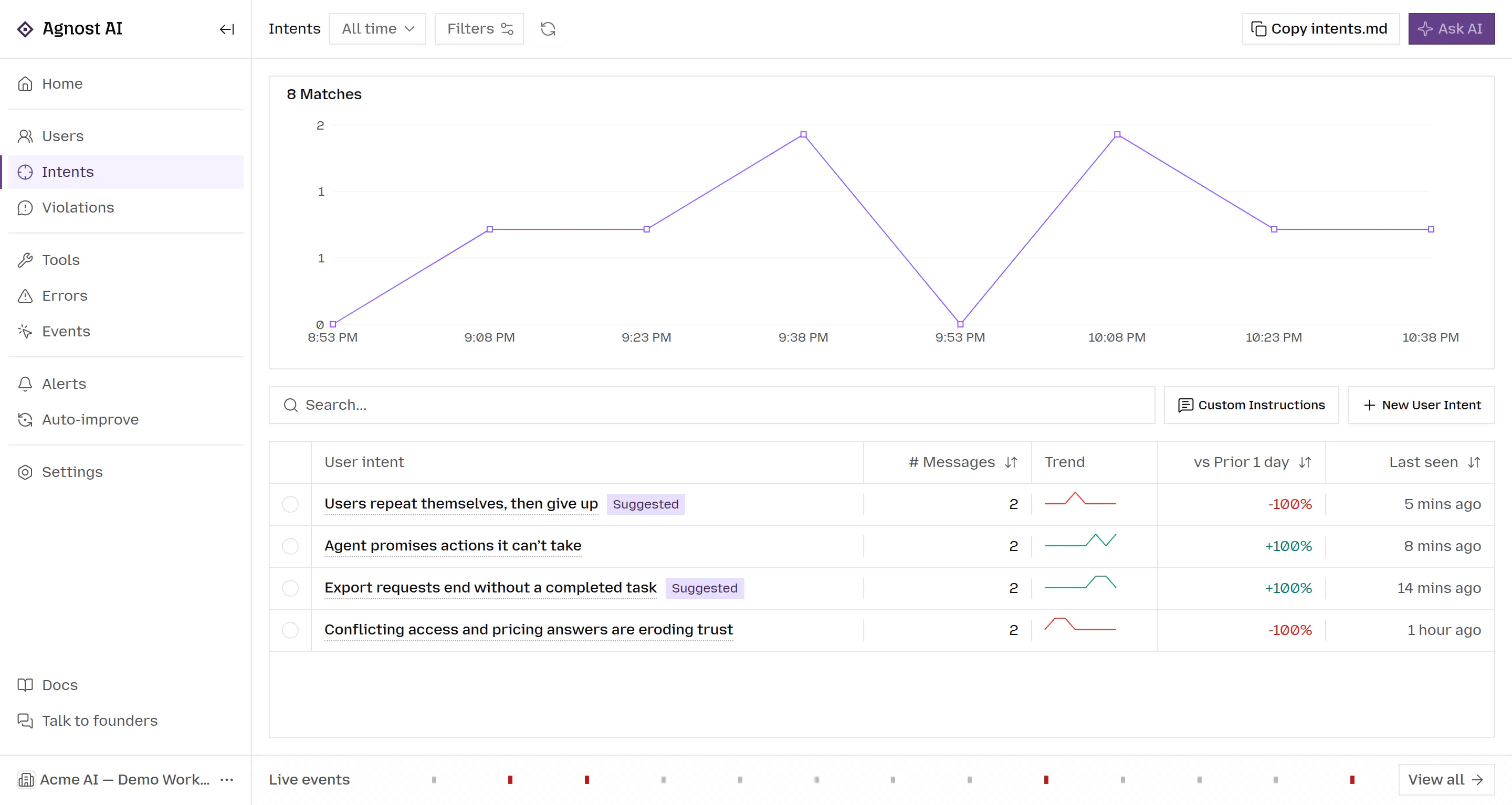
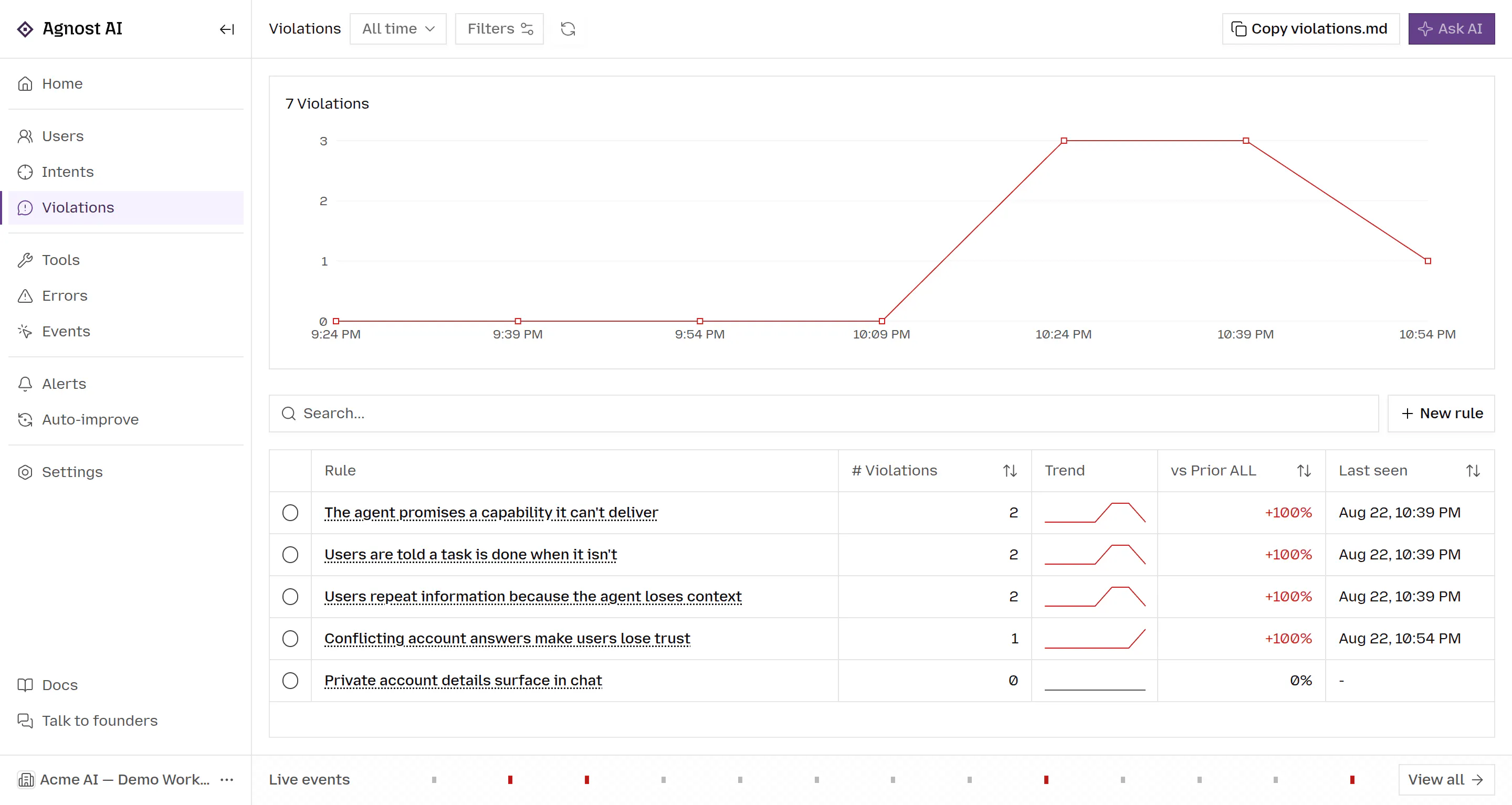
Agnost AI analyzes conversations between users and your production AI agents and discovers: silent failures, agent behavior drift, hallucinations, user frustration, hidden feature requests, and churn signals. It groups them into recurring patterns, shows the exact users and conversations behind each insight, and turns them into evals and fixes.

Hey Product Hunt! Shubham here 👋
Parth and I try almost every AI product we come across (we’re just young curious folks).

And we kept on doing the same thing: a product launched with an insane claim, their agent would feel magical for 10 minutes, then it claimed it completed something it hadn’t, invent a link, or make us repeat ourselves three times.

We’d then message the founders and hear: this is really useful feedback. we had no idea.

And we’d think: wait, you already have the entire conversation & traces. why did we have to tell you?

Turns out, their the AI observability dashboards showed a successful request: 200 OK, tool call succeeded, response generated.

The failure was only visible if someone actually read the conversation. So we built Agnost AI.

Agnost AI reads every production conversation across chat and voice agents. It groups them into recurring failures, behavior drift, hallucinated links, frustration, feature requests and churn signals, with the exact users and conversations behind each one.

From there, you can create an eval, or ask your coding agent to debug the problem & fix it.

Because evals test problems you already know about. You can’t write an eval for something you haven’t discovered yet.

Agnost AI connects in three lines of code or through OpenTelemetry and already analyzes more than one million messages every day.

If you’re running a user-facing agent, connect it. I’ll personally help you find three things happening in your conversations that you probably don’t know about.

Also, how do you currently discover failures your evals don’t cover: user complaints, manually reading traces, or something else?

9
回复

@shubhampalriwala Congrats on launching...🙌 You mentioned turning discovered failures into evals does Agnost export synthetic test datasets directly to frameworks like DeepEval or Braintrust?

2
回复

@shubhampalriwala Congrats on the launch, Mr. Shubham, This resonates. I do content/community work for early-stage AI products (currently run LoWisa's social account, plus community management for a few Web3 projects). Would love to help you spread this launch and build out a community around it in exchange for early access, let me know if that's useful

0
回复

@shubhampalriwala It's wild that the failure was hiding behind a '200 OK' - your team's frustration really resonates with how opaque agent performance can feel from the inside. Congrats on the launch!

0
回复
This is so cool!
1
回复

Can I also save my model inference costs using the insights Agnost gives me?

1
回复

@sarthak_aggarwal4 Yes, we train you an SLM based on where your agent fails today with frontier! And its actually more accurate, faster, & cheaper too!

0
回复

Congrats on the launch team!!! I played around with the product and it felt super snappy

0
回复

congrats on the launch! Let's go team.

0
回复

Been waiting for a product like this. Congrats on the laucnh!

0
回复

You two kept messaging founders about failures in their agents and kept hearing that they had no idea. Congrats on shipping the version where they find out first, without needing you to tell them.

0
回复

You noticed that an invented link still comes back as a 200 OK on the dashboard. Congrats on building the thing that actually reads the conversation.

0
回复
#4
Jotform AI Data Assistant
Turn form data into insights and action with AI
209
一句话介绍:Jotform AI Data Assistant 是将表单数据转化为可视化洞察与批量操作的AI助手,直接嵌入表单后台,让用户通过自然对话完成数据分析、图表生成、记录更新等繁琐工作,解决“收集完数据后无从下手”的痛点。
Productivity Artificial Intelligence Data & Analytics
表单数据 AI数据分析 自然语言查询 自动化报表 数据可视化 批量更新 文本摘要 情绪分析 无代码工具 效率工具
用户评论摘要:用户普遍认可其省去人工整理表格的繁琐,认为填补了“收集与行动”之间的空白。主要疑问集中在:对开放式文本(非选择题)的处理效果,以及团队如何利用该工具从原始数据中提炼关键决策信息。创始人亲自回复解释支持文本主题归纳与AI列扩展功能。
AI 锐评

Jotform AI Data Assistant本质上不是一个“新AI”,而是一个将LLM能力封装进既有表单后端的“懒人过滤器”。它的亮点不在于多聪明,而在于位置——直接长在Jotform Tables和Inbox里,把用户从“导出CSV→清洗→透视表→做PPT”的旧流程中解放出来。这确实是刚需,尤其对中小团队和营销运营人员来说,省下的不是几分钟,而是整个“数据恐惧症”的发作周期。

但冷静看,其核心卖点“自然语言问数据”仍停留在“宽口径查询+浅层聚合”阶段。对真正脏乱差的多源数据、复杂关联查询或需要因果推断的场景,AI大概率会一本正经地胡说。评论中唯一尖锐的提问——“如何处理开放式杂乱回答”——得到的回复是“可以总结、归类、情感分析”,这恰恰暴露了它更像一个“聪明的摘要器”,而非“可靠的分析师”。

另外,产品捆绑在Jotform生态内,意味着它无法独立处理外部数据库或API数据,这限制了它的上限。49次发布的坚持值得尊敬,但这次AI助手更像是对存量用户的一次“防流失升级”,而非增量利器。真正的考验在于:当用户问出“为什么本月转化率下降了8%”这种需要跨表单、跨时间轴、甚至关联广告数据的问题时,它能否给出可验证的答案,而不是一段听起来合理的废话。如果做不到,它就永远只是表格的“语音助手皮肤”,而非“数据决策大脑”。

查看原始信息
Jotform AI Data Assistant
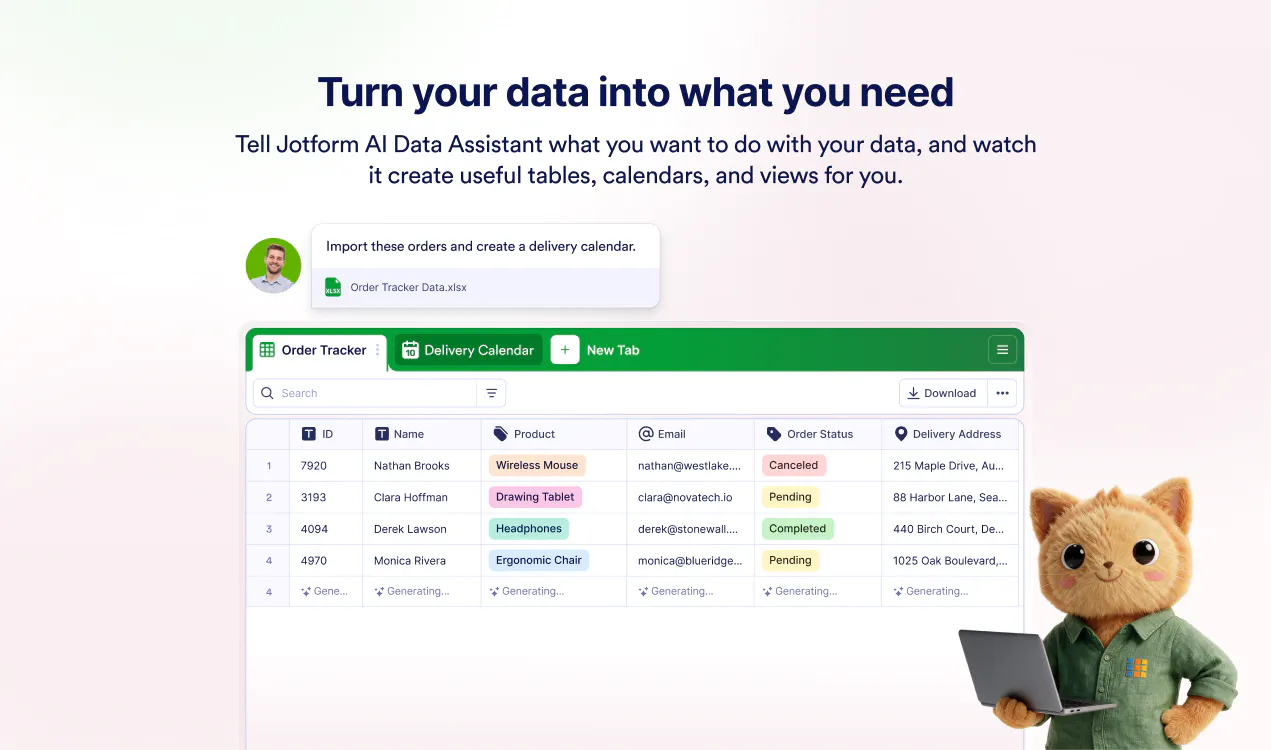
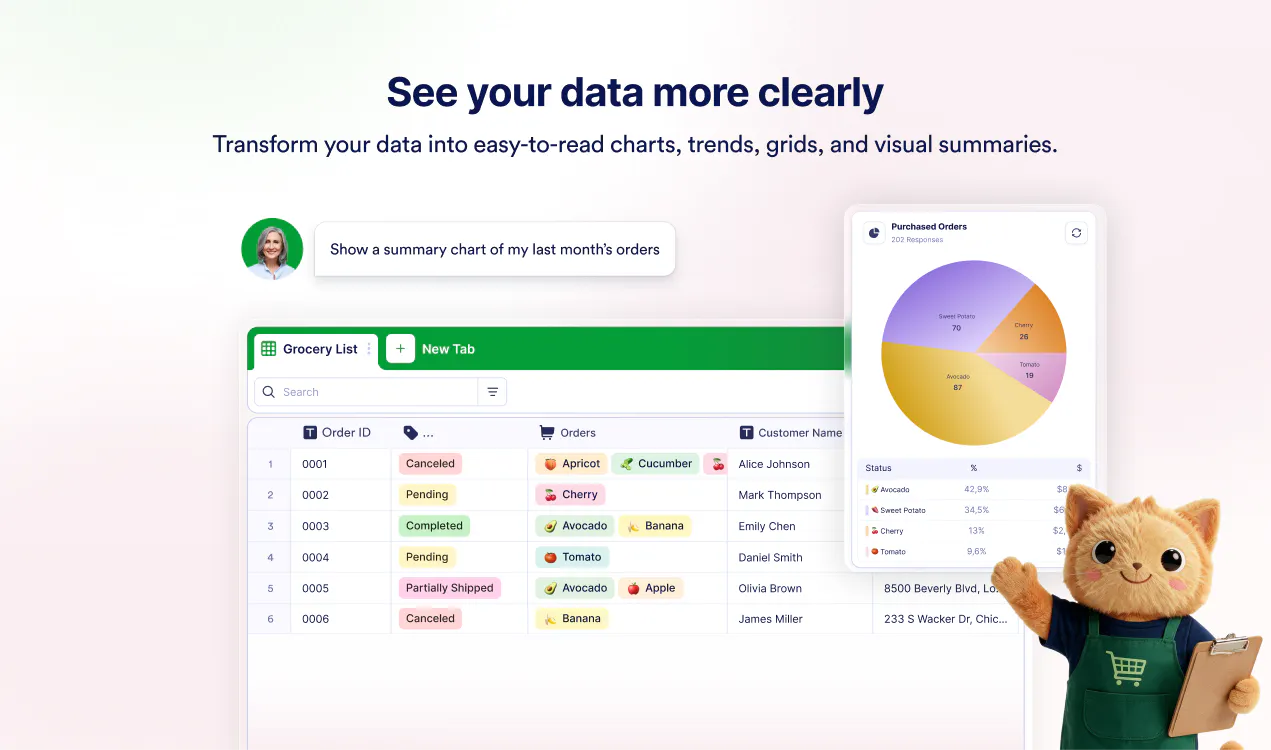
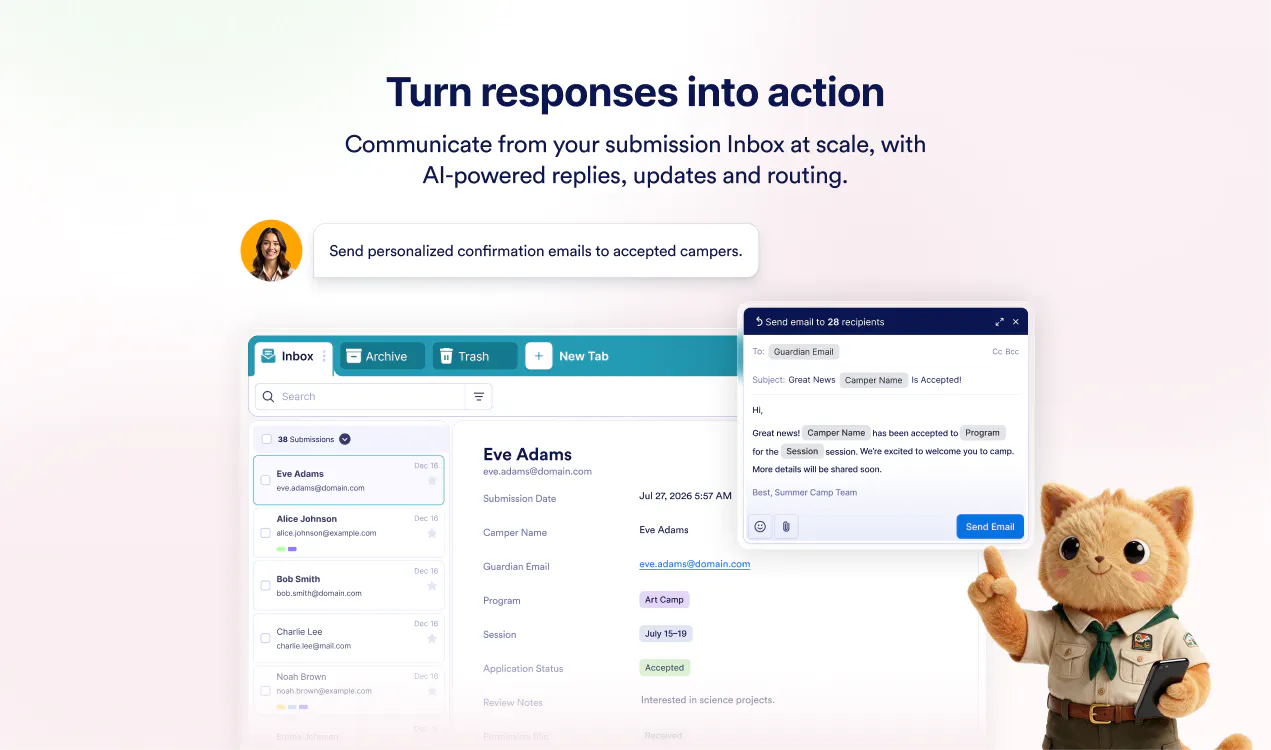
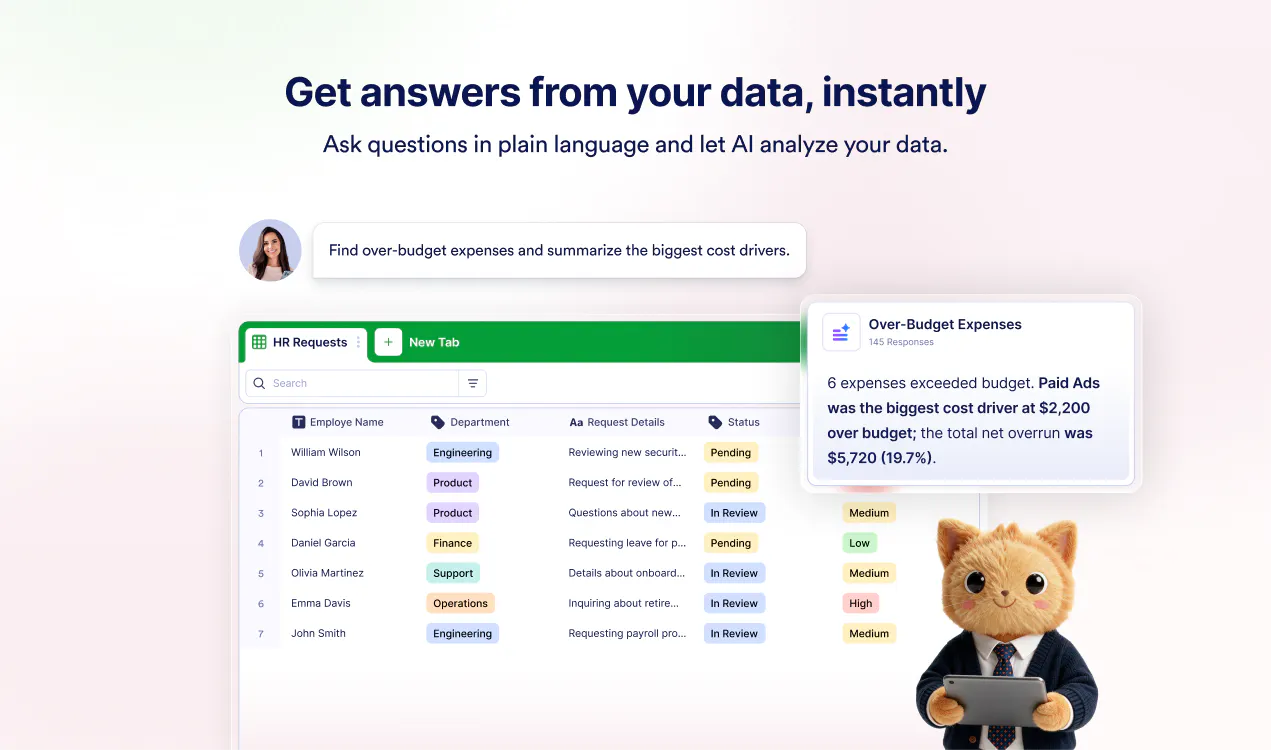
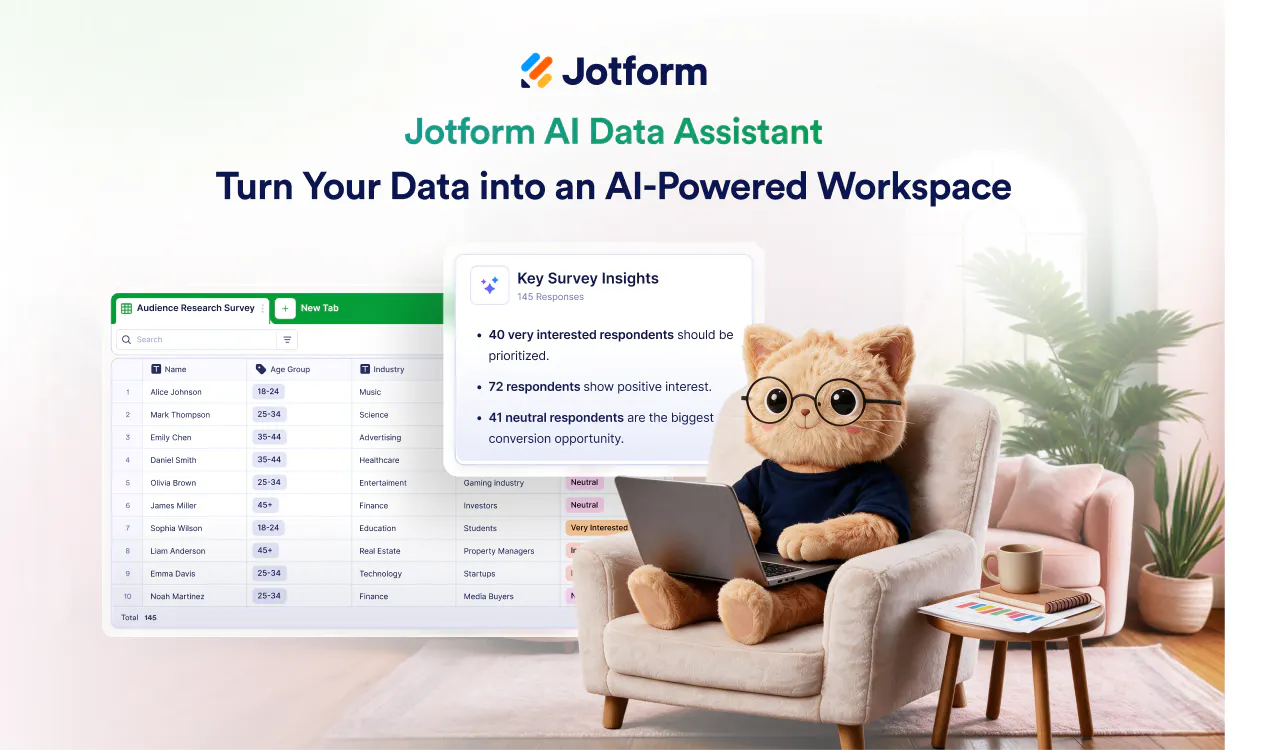
Jotform Data Assistant turns the data you collect into answers, insights, and action. Simply ask it to create or organize tables, analyze submissions, uncover trends, generate charts, summarize responses, or update records in bulk. Built directly into Jotform Tables and Inbox, it helps you manage your entire post-submission workflow through natural conversation, no formulas, complex filters, or repetitive manual work required.

Hey Product Hunt! 👋

When I started Jotform, the goal was simple: make it easier for anyone to collect information online.

But collecting data is only the beginning. The real work often starts after someone clicks “Submit.”

You need to organize responses, find important details, identify patterns, create reports, update records, and follow up with the right people. Too often, that means wrestling with formulas, filters, spreadsheets, and repetitive manual tasks.

Today, we're excited to introduce Jotform AI Data Assistant, an AI assistant that turns form submissions into action.

Instead of navigating menus or building everything manually, simply tell Data Assistant what you need. You can:

📊 Ask questions about your submissions and get clear answers
✨ Identify patterns, recurring themes, and records that need attention
📈 Generate charts, summaries, and visual reports
⚡ Create and organize tables or update multiple records at once
🧠 Summarize, categorize, translate, and enrich data with AI Columns
✉️ Create replies, reminders, and follow-up emails directly from your data

Data Assistant works inside Jotform Tables and Inbox, where your submission data already lives. That means you can move from collecting information to understanding it and acting on it without stitching together multiple tools.

This launch also represents something bigger for Jotform AI.

We’re continuing to expand AI across Jotform, building products that help you not only create faster, but also understand your data, get work done, and take action.

Jotform AI Data Assistant is the latest addition to our growing lineup of AI products, and there’s more on the way. In fact, the next big one is coming soon. 👀

We’d love to hear what you think. Try Jotform AI Data Assistant with your own submissions and let us know:

What would you ask your data first?

7
回复

@aytekintank This actually feels like the missing link between gathering responses and actually acting on them without the manual overhead. Well thought out, congrats!

0
回复

@aytekintank How do you see teams using Jotform AI Data Assistant to turn raw form responses into meaningful follow-ups and decisions; especially in situations where the most valuable insight might otherwise get lost in a spreadsheet?

0
回复

@aytekintank Congrats on the launch!

0
回复

This one's pretty cool! Let me just ask some form data questions instead of digging through spreadsheets myself. Great for anyone drowning in form responses who just wants quick insights without the busywork :)

Makes me wonder how well it handles messy open-ended answers, though – not just the neat multiple-choice stuff?

2
回复
@yelyzaveta_kibets Great question! That’s actually one of the areas we’re most excited about. Data Assistant can work with open-ended responses too. You can ask it to summarize feedback, identify recurring themes, spot patterns, or even visualize the results. And with AI Columns, you can take it a step further by automatically categorizing responses, analyzing sentiment, translating answers, or extracting key information from messy text. So definitely not limited to the neat multiple-choice stuff!
1
回复

Cool, my friend was asking about a good form solution. Gonna share this with him :)

2
回复

@busmark_w_nika Thanks for sharing! Jotform can definitely help your friend create forms, and Data Assistant takes it further by helping them organize, analyze, and act on the responses they collect. 😊

0
回复

Congrats 👏

2
回复

Congratulations 🎊

2
回复

@madalina_barbu Thank you so much! We’re excited to finally share Jotform AI Data Assistant with everyone. 🙌

1
回复

Turning raw form submissions straight into actionable insights saves a ton of manual spreadsheet sorting. Great build!

1
回复
@thisiskp_ Exactly! That’s a big part of what we wanted to solve, less time sorting through submissions and building reports, and more time actually using the data. 🙌🏻 Really glad it resonated with you, and thanks for the support!
0
回复

You said the real work starts after someone clicks submit, and that is exactly where this one lives. Congrats on the forty ninth launch, which is a lot of shipping for one form builder.

0
回复

This is launch forty-nine since 2014, and the founder is still down in the thread replying himself. Easy to root for. Congrats on this one.

0
回复
#5
Nimbia
AI screen-sharing calls for user onboarding
157
一句话介绍:Nimbia是一款通过AI实时屏幕共享通话来替代人工1对1引导,帮助SaaS产品自动完成新用户 onboarding 和培训的智能助手,能说、能听、能直接点击用户屏幕操作。
Customer Success SaaS Artificial Intelligence
AI销售陪跑 用户激活 产品引导 屏幕共享 对话式AI SaaS onboarding 自动化培训 转化率优化 实时协作 隐私安全
用户评论摘要:用户普遍认可解决onboarding规模化难题的创意,关注支付墙/隐私边界、免费对话自由度、防prompt注入机制,以及后续是否支持客服场景。同时赞赏其交互效果优于传统产品导览,并好奇技术实现难点。
AI 锐评

Nimbia的野心不止于替代“产品导览”,它实质是把“顶级CSM的1对1服务”做成了可复制的AI劳动力。从商业逻辑看,这直击PLG公司最痛的“激活即付费”转化漏斗——用AI模拟真人销售代表的实时引导,远比图文教程或录屏更能影响用户决策。其1.4X的激活与试用转付费提升,正是资本最想听的故事。

但必须清醒看到几个硬伤:其一,演示中“AI能点击用户屏幕”是双刃剑,真正企业级客户(尤其是HIPAA/金融场景)对AI直接操控终端的安全合规天然恐惧,评论中隐私问题的确是最尖锐的刺。其二,AI在处理多步流程、异常分支、用户临时绕路时的“线头”会不会断,评论中“是否会失去上下文”的质疑恰恰戳中大多数对话式AI的软肋。其三,看似轻量(一行JS),但背后是重度模型定制与持续训练,这决定了它很难成为低价自服务产品,而更像高客单价的“AI代运营”服务——这又回到它宣称要消灭的“不规模化”悖论。

创始人背景(做过lead gen、做过Supademo)让Nimbia看起来像“问题老手”的精准解,但18个月的研发周期也意味着,当GPT-5或更细粒度的UI Agent模型成熟时,这个护城河可能一夜变浅。短期看,它是效率工具;长期看,它能否从“Onboarding Caller”进化为“终身产品教练”,才是估值想象力的分水岭。聪明,但别急着封神。

查看原始信息
Nimbia
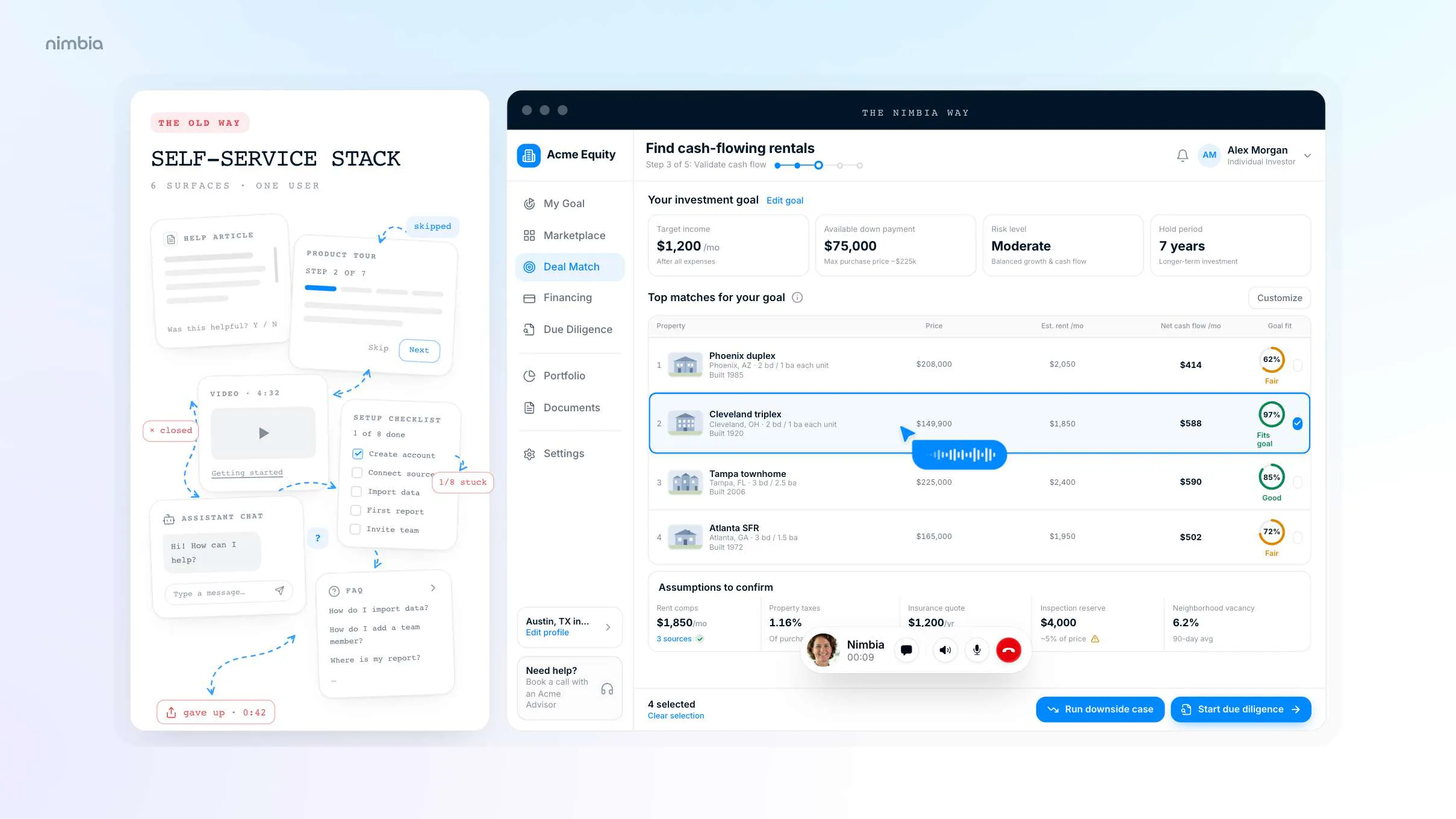
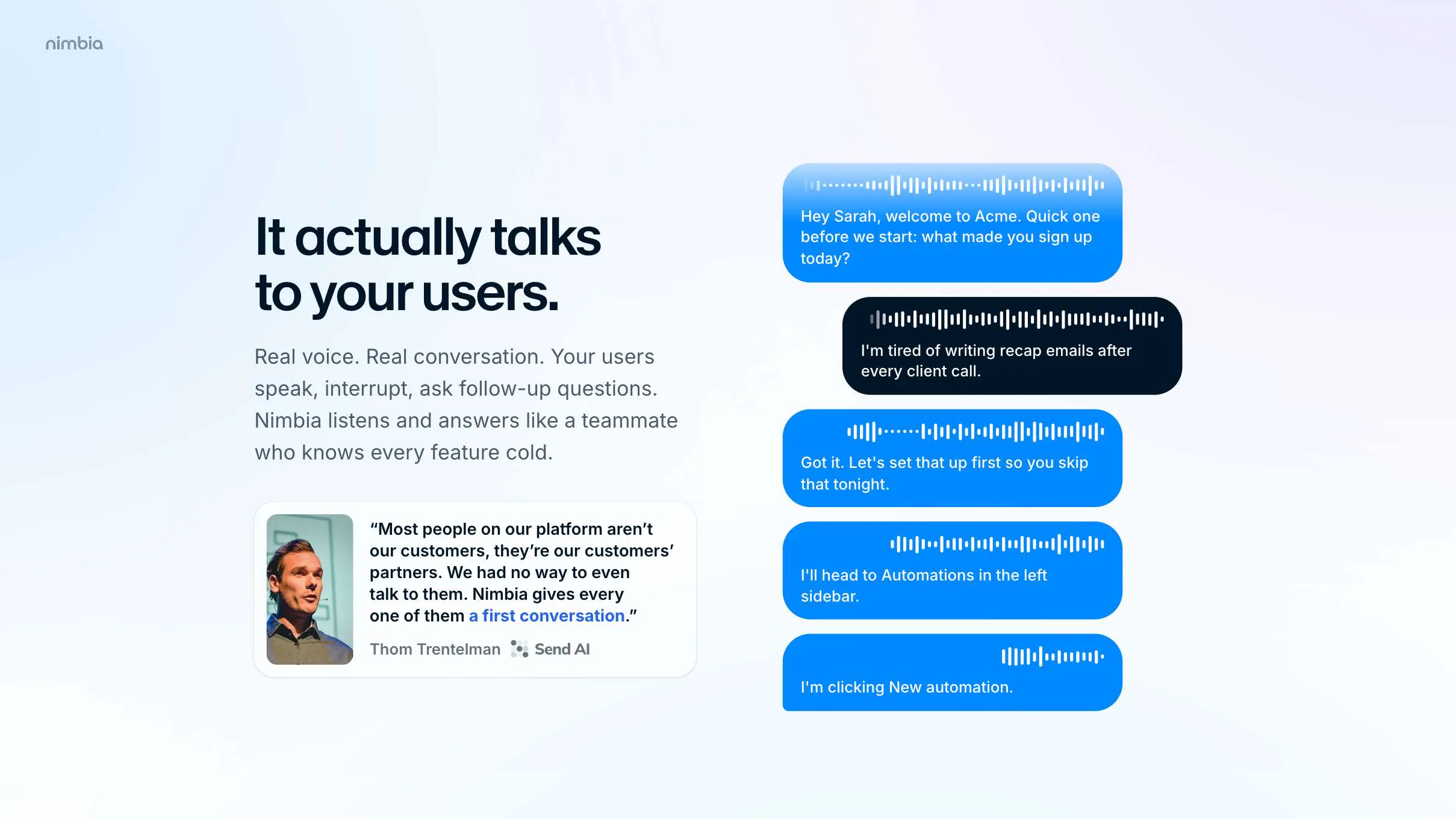
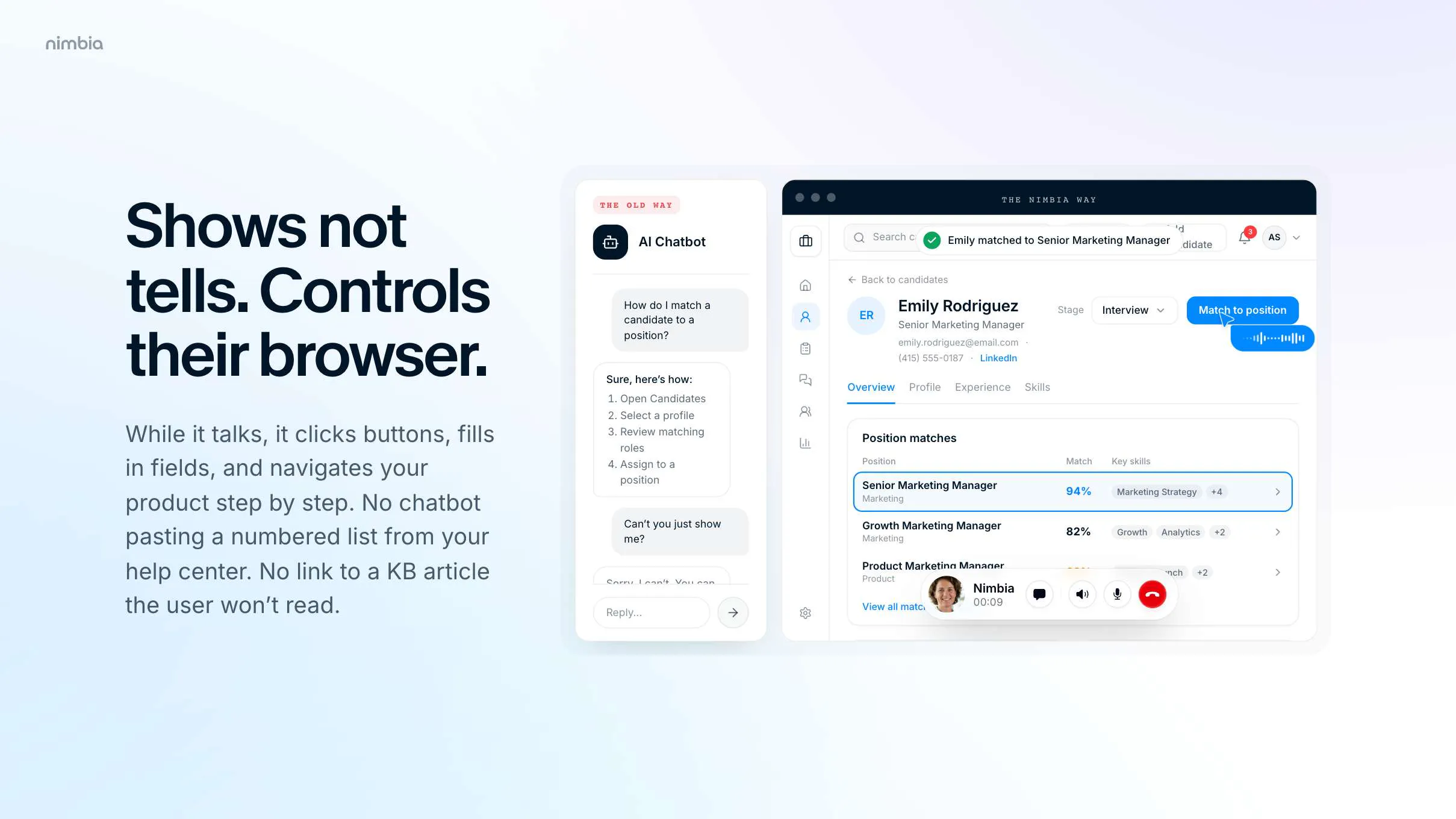
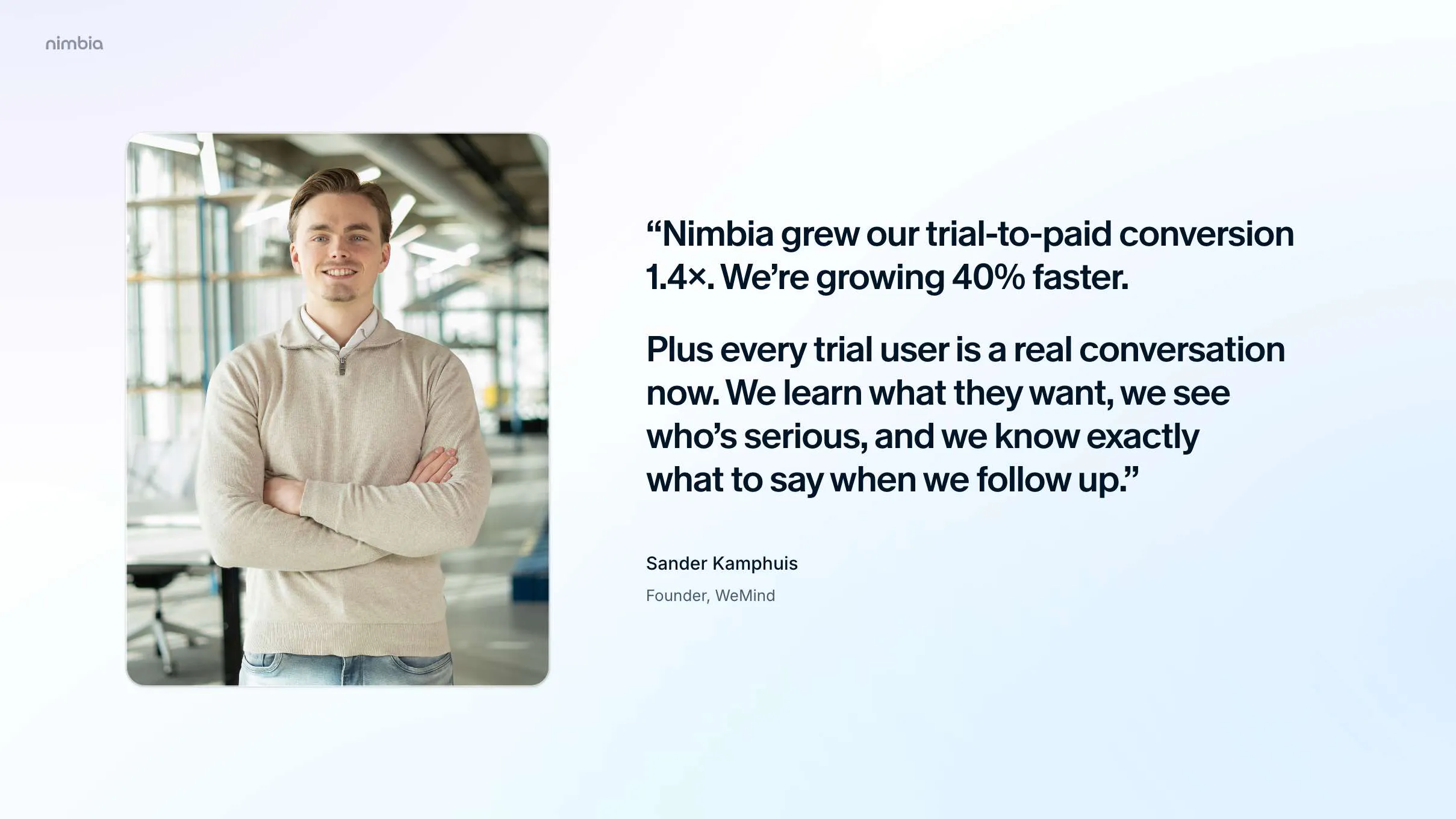
Nimbia is an AI that does screen-sharing calls to onboard and train new users of software products. It speaks, listens, and can actually click on the user's screen, so it can be truly helpful. The very first company using Nimbia is growing 40% faster because of it. When they ran an A/B test against their previous onboarding solution, Nimbia delivered 1.4X higher week-one activation and trial-to-paid conversion rates.

Hi Product Hunt! 👋

Maker here. Some backstory on why this exists.

My first B2B company was a lead gen product, where I personally onboarded every single customer 1-on-1. My next product was in user onboarding itself (demo videos, similar to Supademo). So I’ve spent years inside this problem: those calls work, but they don’t scale, so most users never get one.

About two years ago, right when GPT-4o came out, I ran an experiment. I gave it a goal inside our app plus a screenshot, and asked for the next step. I performed that step myself, sent it the new screenshot, and asked again. It walked through the entire flow on the first attempt. I hadn’t expected that at all, and it took me a while to realize what it meant: someone was going to use this to replicate those 1-on-1 calls, and that would obliterate the legacy approach of product tours, help docs and tooltip overlays. I figured that someone should be me.

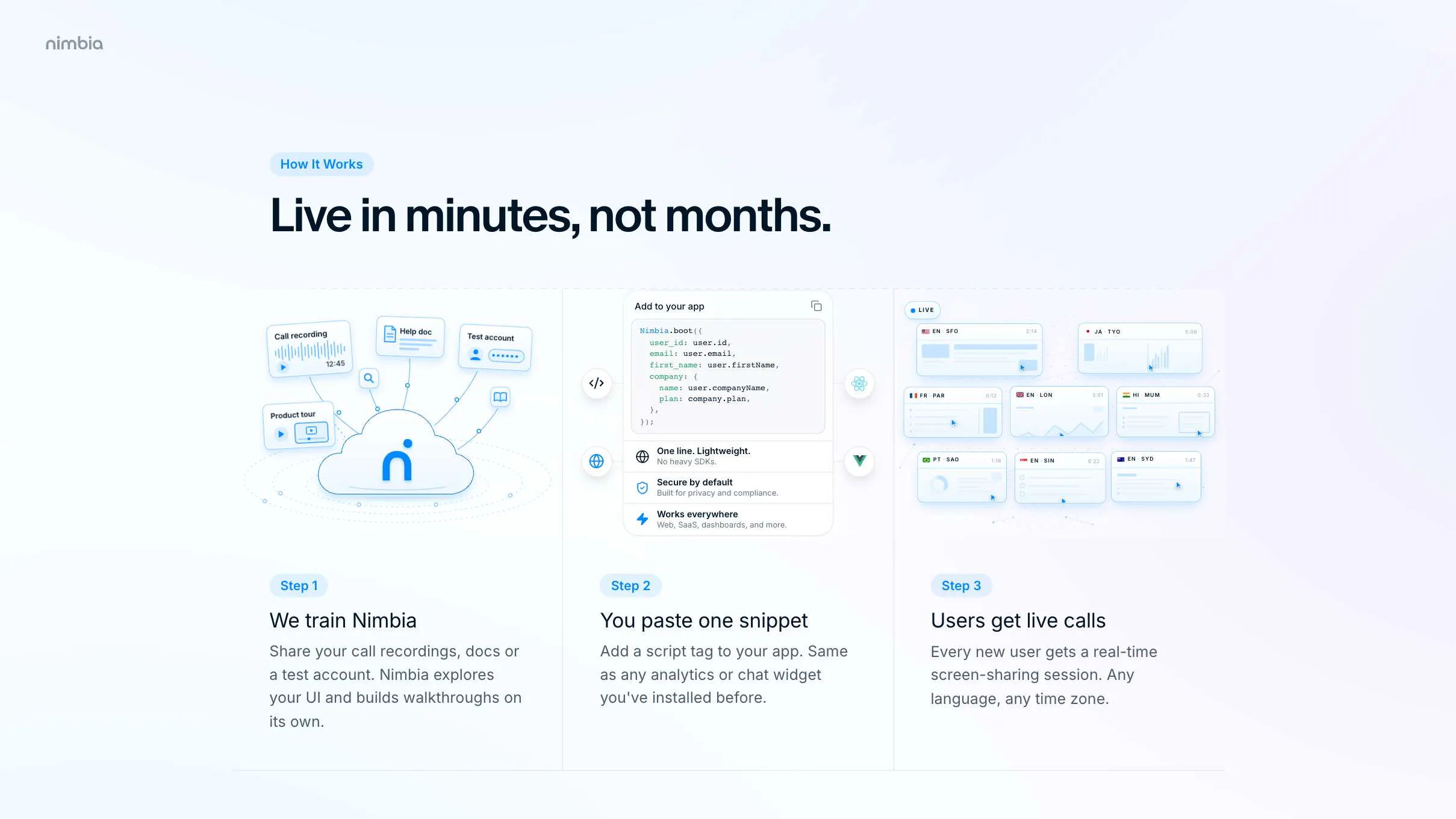
Going from that experiment to an AI that reliably does live screen-sharing calls with real users turned out to be very hard. It took our team 18 months. But it works now: it talks with your users like a human CS agent would, it sees their screen and clicks on things for them, and you add it to your app with a single line of JavaScript. We train it on your product, even on recordings of your past onboarding calls.

The first company running it is growing 40% faster.

Happy to answer anything about how we built this, what broke along the way, or where it's going.

4
回复

Congratulations on the launch! It's something that I would like to try. Does it know where the payment wall is? What happens with the call when user gets redirected to the payment provider and back? Does it pause and continue when the user returns or does it loose the thread there?

4
回复

@alieksia thanks a lot! Our AI explicitly cannot see payment information; only the page context around it. We had to build this product with privacy top of mind, because one of our customers has to be HIPAA compliant, so we're pretty strict about those things.

2
回复
seems like a super interesting product solving a real pain point. onboarding customers at scale is hard!!
1
回复

@jobrietbergen thanks! yes that's hard indeed. even for the best product-led companies in the business it's difficult. especially more mature products have such a large surface area that people still get lost. a poster-child of PLG is Miro; I know from the inside there that they faced huge challenges getting their users to even just discover their other products.

0
回复

This is going to help a lot to improve new user conversion rates to paid! Can you have complete free-form conversations with the AI? How are you preventing prompt-injections from screen content?

1
回复

@burpee yes free-form conversations, but grounded of course so it doesn't hallucinate. we've indeed considered prompt injections from screen content, and our guardrails take care of that 😅

0
回复

Congrats. I had a chance to try an early version of this product, it's great!

1
回复

@thijsc Thanks Thijs! Also thanks a lot for all of your feedback, ideas (and friendship)!

0
回复

What a cool application of AI. I'm always clicking away launch tours, but this way It can actually help me with what I want to do. Is the idea that it's only there for the onboarding or also for later on in the journey as interactive help functionality

1
回复

@markijbema Thanks! It can definitely be used for support. But we're focusing on onboarding first because that's the highest-leverage point to start with.

0
回复
Wow, great idea! Much better than our plan to record videos for customers that can't find a common schedule slot with us!
1
回复

@artk thanks! yeah exactly.

0
回复

Can it also just literally call my parents?!

1
回复

@robertgaal That's on the roadmap but was too hard to put into the V1.

1
回复
This really beats the old product tours that highlight random parts of an app and always make me reach for the skip button. Looks cool!
1
回复

@juice10 Yeah those are super super annoying! It's always best to get 1-on-1 help from the company directly, but that's too expensive, so companies had no alternative but those annoying click-throughs. That's why we built Nimbia.

1
回复

Getting closer and closer to Her
(the movie)

Great work, Joris!
Jonno, what a clean and beautiful design 🩵

0
回复

Joris 💪 Super cool product, man!

0
回复

@sneas ❤️

0
回复

That screenshot experiment was two years ago, and it still took your team eighteen months to make it reliable enough to put in front of real users. Congrats on getting it out the door.

0
回复

@ben_kahan thanks!

0
回复

Tested a very first version of the product which was already amazing! Excited to see where thinks going

0
回复
0
回复

Brilliant stuff. Everything coming from @machielse is something I keep an eye on, and this one really grabbed my attention. Works just great. Can't emphasize this enough. It's amazing how something that's so complex under the hood works so elegantly and smoothly.

0
回复

@munkius Thanks Sander!

0
回复

Lekker Joris, congrats! Been giving screenshare demos for Salonized myself for years so I get exactly why you built this. Good luck with the launch.

0
回复

@jorritpost thanks Jorrit!

0
回复

I've given so many product demos over screenshare to small contractors, always walking the customer through it themselves while I explained stuff live. Obviously it converted way better than without, but it ate up a lot of my time.

At the same time, I valued the personal contact. Those calls gave me a ton of feedback on the product itself: hearing what people actually get stuck on, the words they use for their problem, stuff you'd never get from a support ticket.

Nimbia takes that call off your plate, which is great. Curious though how you're handling that feedback loop. When the AI runs the call instead of me, how do I still get that "oh interesting, they always struggle here" insight? Feels like that's the hardest part to replace.

0
回复

@steuijt Nothing beats live calls with the actual founders! But we mine feedback of course through the transcripts and call recordings.

0
回复

I often send Google Docs with instructions and screenshots, this is the ideal replacement!

0
回复

@joris_falter ha good old google docs!

0
回复

Congrats on the launch @machielse. The product looks really helpful and really like the website design.

0
回复

@paul_richards1 thanks a lot! on all counts!

0
回复

Wow... this is solving each CS / onboarding painpoint i've ever had in the past. Looks like Nimbia is onto something, awesome to see!

0
回复
0
回复

Love this. Product tours were always a poor stand-in for someone sitting next to you, and you're basically putting that person back. Congrats on shipping it, Joris!

0
回复

@micheldegraaf Yes that's it exactly. Thanks Michel!

0
回复

Great timing for launching this. Its exactly what we have been looking for. I just signed up and eager to see the demo.

0
回复

@mcoevert Awesome! See you tomorrow!

0
回复

Congrats Joris. Most onboarding tools optimize the top of the funnel. Going after the users who'd normally get a link is the harder and more valuable half.

0
回复
0
回复

Excellent launch, Nimbia is really super well rounded up. I love that I can just give all my call transcripts from our previous onboarding calls for Nimbia to learn all about my product, that's really good

0
回复

@rogerio_chaves Thank you! Yeah we often even just train the AI on video recordings of the calls that the founders had with their users in the past. Founders are the gold standard for onboarding because they have the deepest knowledge about their users, and their product. So we're literally trying to replicate that kind of quality with our AI.

0
回复

Congrats, been waiting to see this ship! The use case I keep comin back to is field teams who barely touch software: site foremen, crop managers, hotel floor staff. What does activation actually look like for someone like that? Does a manager roll it out for the team, or does each user have to set it up themselves?

0
回复

@evelien_hoeben It's indeed built specifically for applications that have a lot of non-tech-savvy users (i.e. "normal people" ;-)) so this should be a huge help to them. The people managing the software platforms decide which of their users get Nimbia's help. Traditionally they would only manually help the "top 10%" of their customers (i.e. the companies paying them the most amount of money). So only those 10% would get human help from Customer Success. Then the majority of their customers would just get sent a link to their self-service docs, even though those people would get the same product as the top 10%. That means the 90% would struggle a lot more with actually getting value out of the product. So they're much more likely to get frustrated and even stop using it (early user churn is generally between 60 and 80%).

We're trying to solve that problem, by giving all users the super patient, empathic help that they deserve!

0
回复

Very cool! This is going to help to convert a lot more users into paying customers

Can you have a full conversation with the AI? How are you safeguarding it from prompt injections from screen content?

0
回复

@burpee yes full on grounded conversation! safeguards against prompt injection are in place indeed! basically the main agent is separated from the agent that does the screen control

0
回复
#6
Memoria
Search photos by text, speech, object & faces. 100% offline.
143
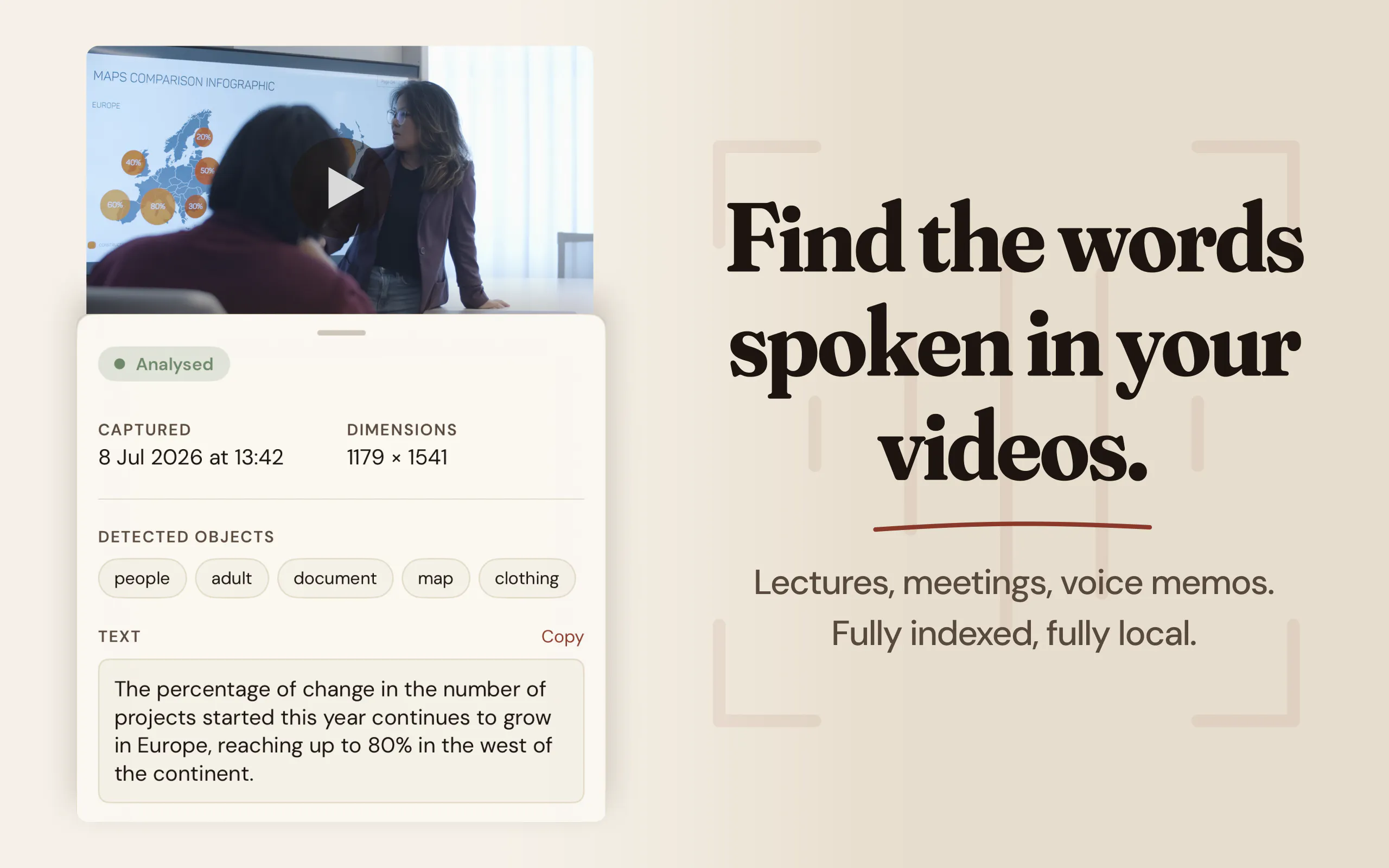
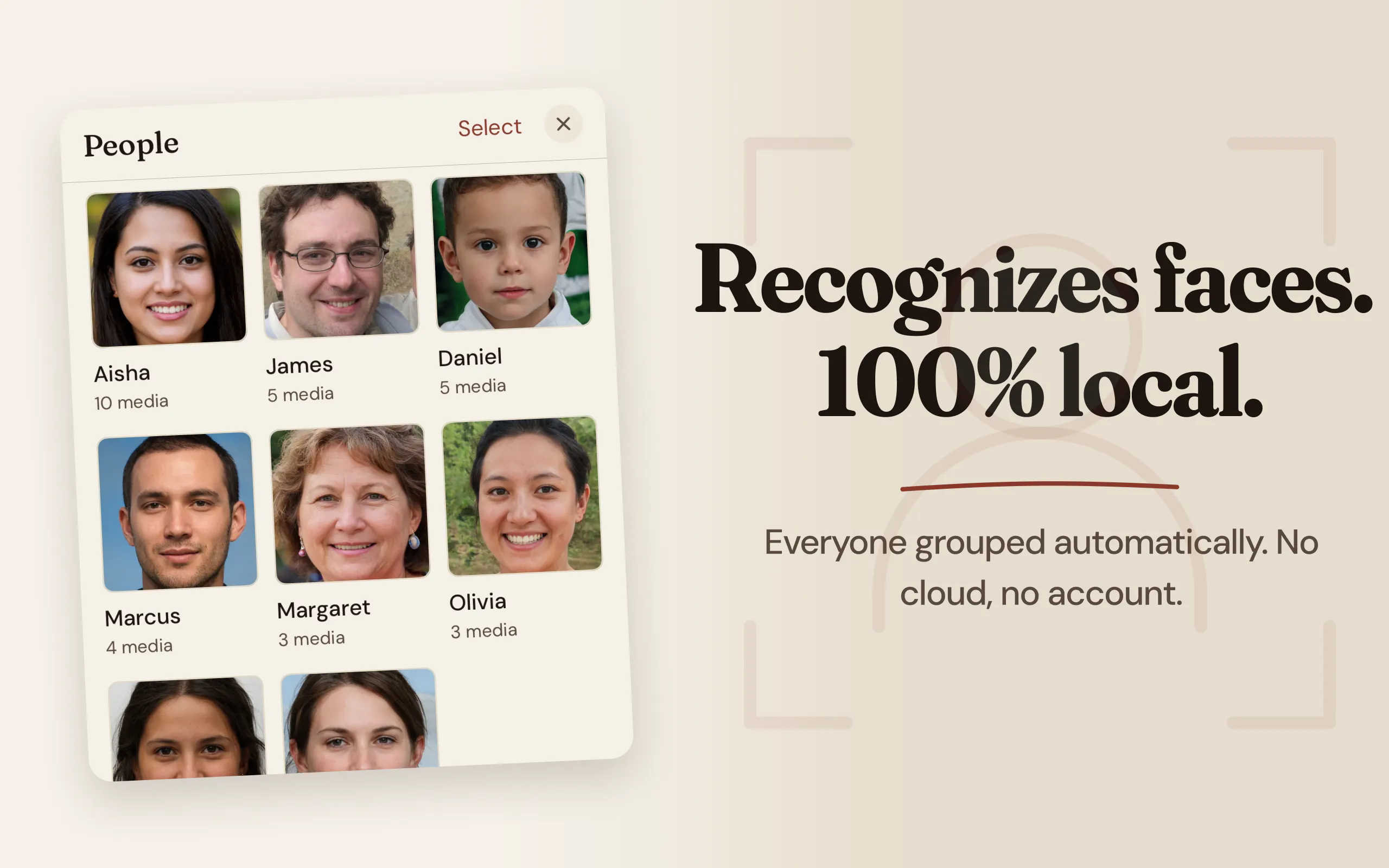
一句话介绍:Memoria 是一款完全离线的本地相册搜索引擎,通过设备端AI转录视频语音、识别截图文字与人脸/物体,让你用一句话或一个词就能从海量照片视频中精准找到目标,告别无尽滚动翻找的痛点。
Productivity Privacy Artificial Intelligence
本地AI搜索 相册管理 OCR文字识别 语音转录 离线隐私 人脸识别 无云端 效率工具 照片检索 买断制
用户评论摘要:用户最关心存储占用(确认不复制原文件,仅建文本索引)及大库支持(2万+文件可行);认可截图文字与视频语音搜索场景;追问模型下载机制(Apple Speech免下载、Whisper约460MB需首次拉取);提出OCR/转录失败时“无结果”与“无内容”的困惑如何区分,开发者未直接回应。
AI 锐评

Memoria精准切中了苹果原生相册的致命盲区——它不搜“内容语义”,只搜“视觉和听觉文本”。当用户想找一张包含“WiFi密码”的截图、一段朋友说过“生日快乐”的视频,传统相册的时间线逻辑完全失效。这款产品真正的价值不在“搜索”,而在“把不可见的信息变成可检索的索引”,这本质上是对本地媒体资产的重新结构化。开发者做出了几个关键且正确的取舍:绝不复制原文件,只建轻量文本索引(几十MB);将模型选择权交给用户(Apple原生日语系更省空间、Whisper彻底离线但占460MB);首250条免费试用的黄金饵策略。这种坦诚——承认系统模型有云交互风险、Whisper耗电且首次下载大、对草书和低语识别差——反而建立了信任。但隐忧同样明显:一是“零结果”与“索引失败”的语义鸿沟,用户无法判断是内容不存在还是AI没读出来,这是产品信任的慢性毒药;二是长尾商业模式脆弱,一旦Apple在相册中补齐OCR或语音搜索,第三方工具的生存空间会被迅速挤压。前有Google Photos的云包抄,后有苹果系统级升级的潜在威胁,Memoria必须靠“永远不上云”的偏执立场和极致的本地索引速度,才能守住那批真正在意隐私的专业用户。当前143票的起步数据说明它找到了共鸣,但离“爆发”还差一个“照片备注名”这样的杀手级微创新。

查看原始信息
Memoria
Tired of endless scrolling? Memoria is a local search engine for your camera roll. It uses on-device AI to transcribe video audio, read text in screenshots, and recognize faces and objects. No cloud, no subscriptions. Type what was said or written, it finds the media.

How much space does the data take up? Is it reuploading the photos and videos to the app? I have a lot of media in my Photos app. Could it handle large libraries?

1
回复

Great question @mattbinder. The short answer is no, Memoria does not duplicate or re-save your media!

It simply reads your existing camera roll in place and builds a lightweight text index to make everything searchable. Because this index is strictly text and metadata, the storage footprint is tiny (just a few dozen megabytes), even for massive libraries of 20,000+ items. So yes, it handles large libraries easily!

Full transparency though: that initial indexing scan will take some time and battery power since your phone's chip is doing all the heavy lifting. Once that first scan is done, day-to-day updates are practically invisible.

0
回复

The receipt example sold me, that is the exact search Apple Photos fails at. Doing it fully on device is also the harder engineering path, and the one that means I never have to wonder what a server saw. Where does the offline model start to struggle, handwriting or accents?

1
回复

 Thanks so much @yelyzaveta_kibets! You're spot on about the engineering path, getting these models to run locally without melting the phone was a huge challenge, but zero server anxiety makes it 100% worth it.

To answer your question transparently: the on-device models do have limits.

  • For OCR, it handles printed text and standard block handwriting beautifully, but it will absolutely struggle with messy cursive.

  • For audio, since we are running the Whisper 'Small' model locally to protect your battery and storage, it handles accents surprisingly well, but its real kryptonite is mumbling. If a person isn't articulating clearly, the local model will definitely struggle to transcribe it accurately.

1
回复

honestly, screenshots of text conversations - I take one to remember an address or a plan someone mentioned, then a week later I can't find it because I don't remember which app it came from or what day. video audio search is the feature that would actually solve that for me since half the time it was said out loud, not typed. question on the on-device part: does the model that does the transcription/face recognition ship with the app, or does it pull something down on first launch? asking because I've got an older iPhone and "100% offline" sometimes quietly means "downloads a few hundred MB the first time you open it."

1
回复

@galdayan Spot on regarding text conversations - that exact scenario is why I built this.

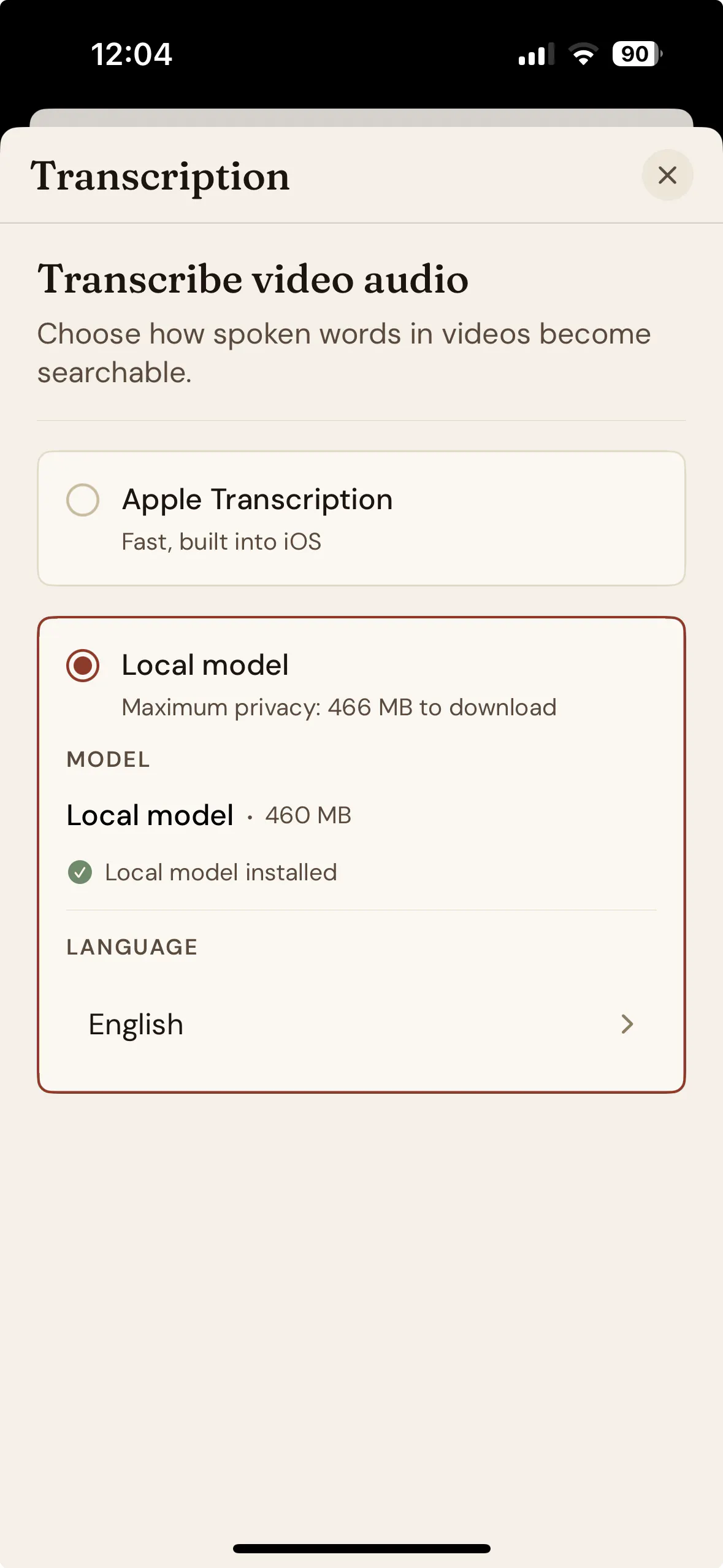
To answer your question about the model size: you have two choices in the settings depending on your storage and privacy needs:

  1. Apple Speech: Uses native system transcription. Zero extra download, but Apple doesn't give full transparency on what stays on-device versus what goes to their servers.

  2. Whisper: Downloads a ~460MB model on first launch. It runs 100% locally on your hardware, handles edge cases better, and keeps everything completely offline.

If you are on an older iPhone and want to save space, you can use Apple's engine. If you want absolute local execution without touching external servers, the Whisper model downloads once during setup and stays put.

0
回复

that's a genuinely useful tradeoff to expose as a setting rather than picking one for me. 460MB once for full offline accuracy is a fair price. going with Whisper.

2
回复

Hey everyone! I'm Anas, the maker of Memoria.

I always found myself scrolling for 10 minutes just to find a specific meme, a receipt, or a video clip of a friend saying a specific word. You know the exact image or video is in your phone, but you just can't find it.

Apple Photos is limited when you want to search for text or audio. Google Photos works, but it requires a monthly subscription and forces you to upload your personal life to the cloud.


I wanted a private alternative. Memoria indexes your camera roll locally.

  • On-device AI: It transcribes video audio and reads text in your screenshots. Just type a word spoken in a video or a sentence written on a receipt, and the app finds the media.

  • 100% private: Everything runs locally. There is no cloud processing and you don't even need to create an account. Your data never leaves your phone.

  • No subscriptions: It's completely free to test on your first 250 media. If you love it, the unlimited version is a one-time purchase heavily discounted for the launch period!

It's free to test on your first 250 media. If you love it, the unlimited version is a one-time purchase, and it's heavily discounted for the launch period!

I will be here all day to answer your questions. I’d be curious to know what is the hardest type of media for you to find in your camera roll right now?

0
回复

@anasouh bro i js loved your idea... i mean, it's one of the biggest problems i face everyday... sooo excited to use this app

0
回复

Hey @anasouh , one thing I keep thinking about with local search: if the OCR or the transcription doesn't get a clean read, the media is still indexed, just with nothing useful attached to it. So the user searches, gets zero results, and can't tell whether the media isn't there or whether the text just didn't come through. Have you found a way to surface that difference, or does it mostly not come up in practice?

0
回复
#7
coolplugz
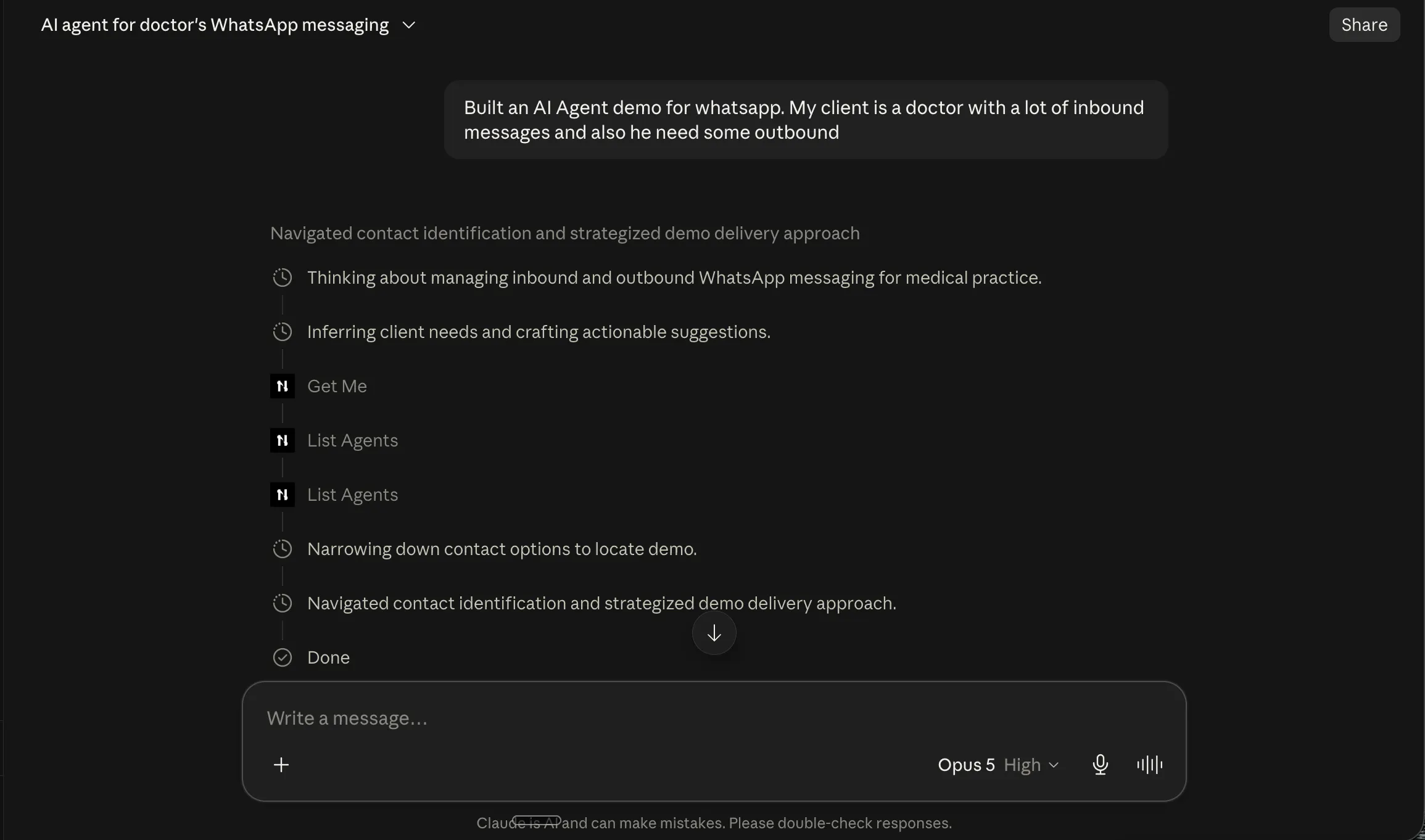
A Claude orchestrator that saves developers loads of time
130
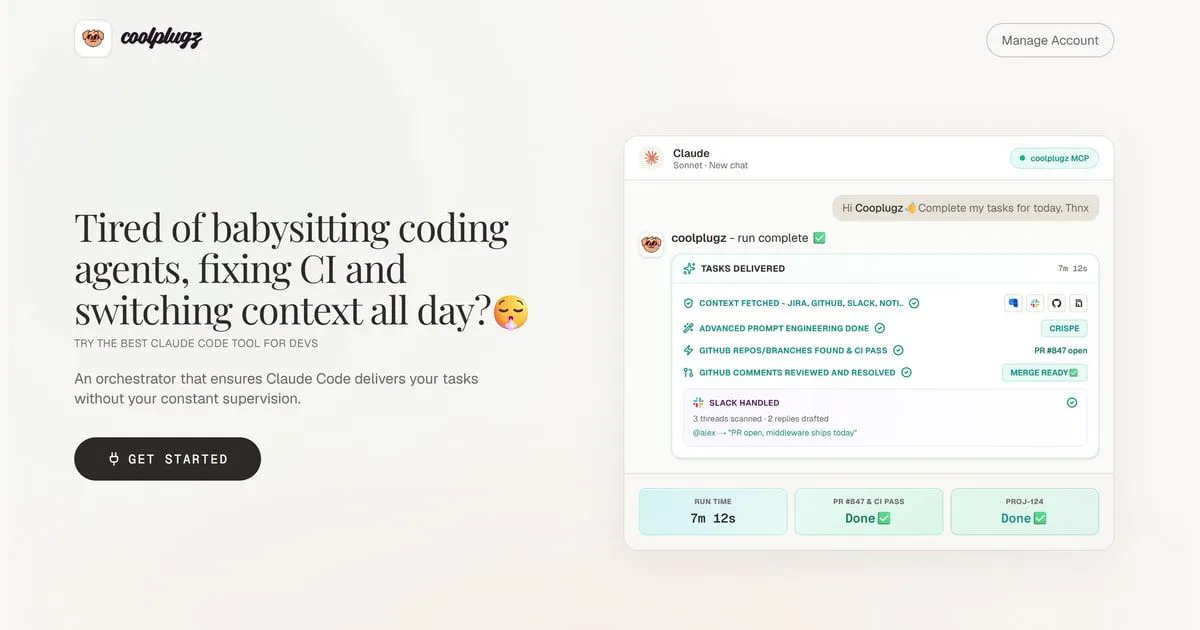
一句话介绍:Coolplugz 是一个面向开发者的 Claude 编排层,自动从 Jira、GitHub、Notion 和 Slack 抓取上下文、生成提示词并验证编码任务完成度,解决开发者反复喂上下文、盯进度、审 PR 的高频耗时痛点。
Artificial Intelligence Development
AI编程助手 Claude编排 MCP工具 开发者效率 上下文聚合 任务自动化 PR审查 CI集成 Jira/Notion联动 提示词生成
用户评论摘要:用户对速度表示认可(7分12秒跑通PR+CI),并关注CRISPE提示词结构是否原生支持;另一则质疑指向信息冲突处理:当Jira、Notion、GitHub数据矛盾或过时时,Coolplugz是主动标记冲突,还是盲目信任单一来源?目前无官方回复。
AI 锐评

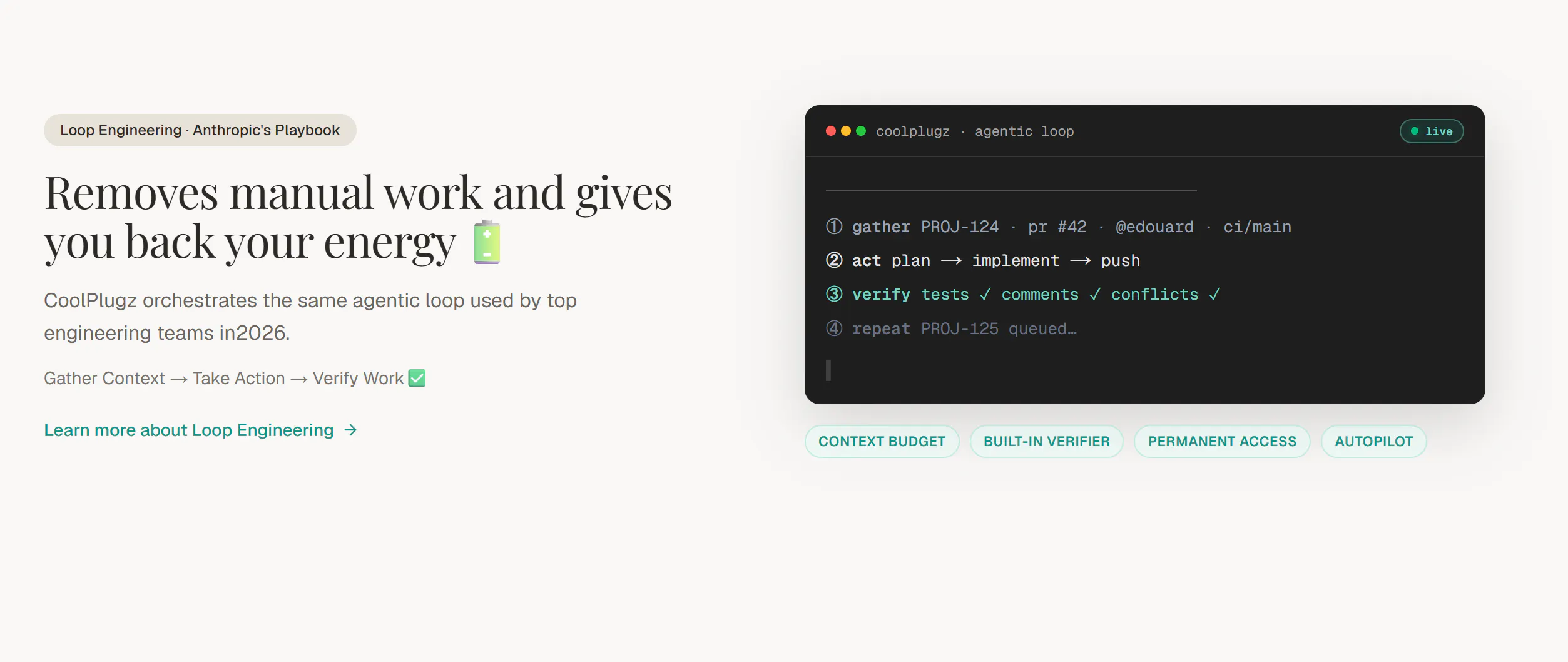
Coolplugz踩中了当前AI编码工具最真实的痛点:不是模型不够强,而是喂给模型的“作业环境”太脏。它把开发者的日常工作流——翻Jira、查Notion、看GitHub讨论、贴CI报错——抽象成一个自动化编排层,本质上是在做“上下文工程”。这个方向比再堆一个代码生成器有价值得多,因为Claude Code这类工具的能力边界已经足够,瓶颈全在输入侧。

但产品目前存在两个致命悬疑。第一,上下文来源的“信任优先级”问题被用户直接点名:当Jira说A、GitHub代码说B、Notion又写C时,Coolplugz究竟是以什么规则裁决?如果只是简单按来源先后覆盖,那它不过是个脚本,真正的智能编排必须引入冲突检测和置信度评估——这恰恰是最难啃的骨头。第二,7分12秒跑完PR+CI看似惊艳,但代价可能是过度标准化:它是否只擅长处理模板化任务(修bug、加单元测试),而面对架构重构、跨模块设计这类模糊需求就会露怯?创始人在回复中只强调了“节省时间”,对失败率、人工介入次数、长尾任务表现只字未提。

更现实的问题是,这类工具的价值和Claude Code自身的演进强相关。Anthropic只要在原生层面加强上下文记忆和任务拆解能力,Coolplugz的“编排”优势就会被快速稀释。它现在的护城河不是技术壁垒,而是对第三方工具生态(Jira、Notion等)的深度适配速度。如果创始团队不能在下个版本给出冲突处理机制,并公布任务成功率和人工干预率的透明数据,这款产品大概率会沦为“演示惊艳、生产鸡肋”的短期工具。方向对了,但离“无需监督”的宣称,还有几场硬仗要打。

查看原始信息
coolplugz
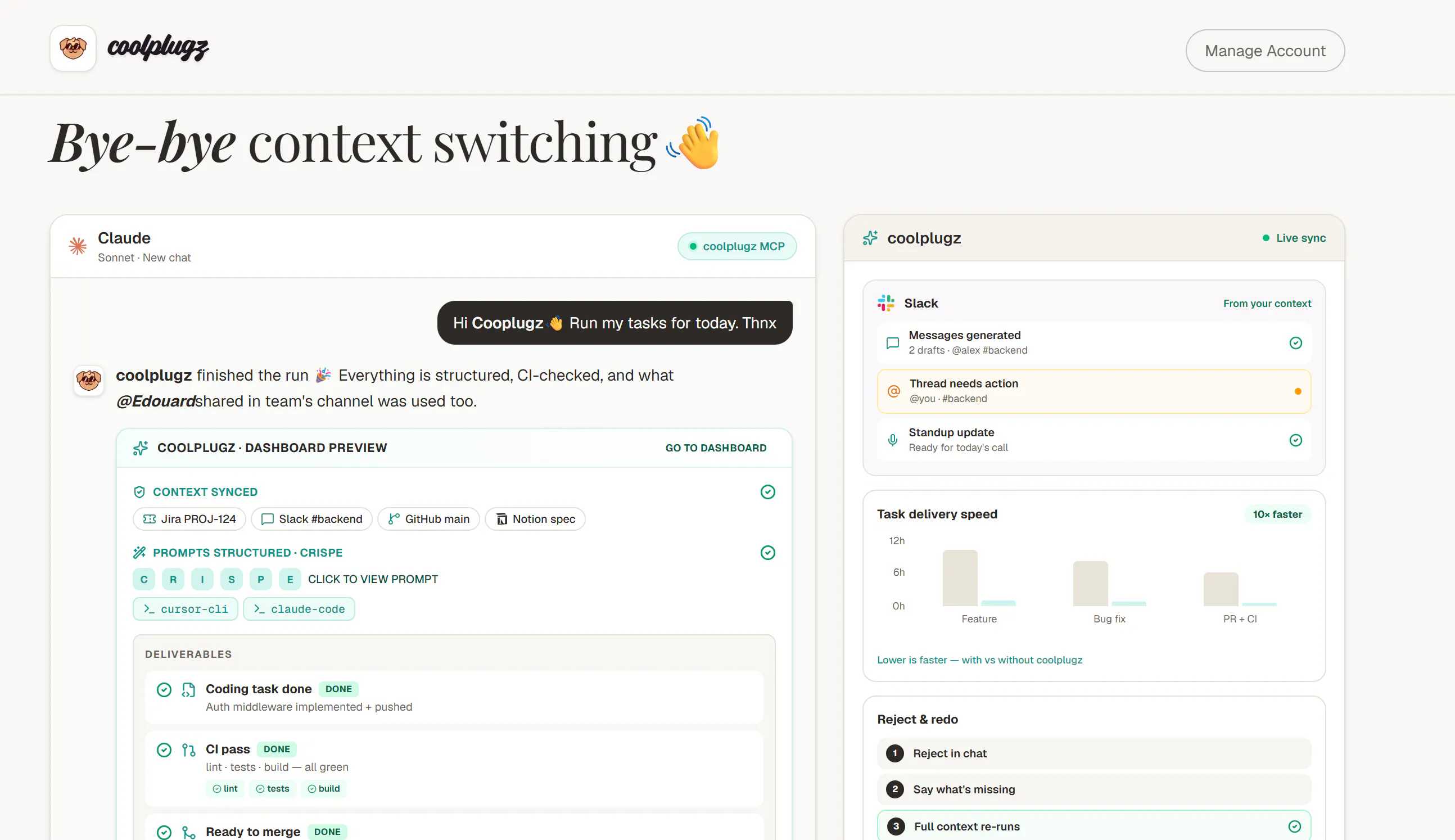
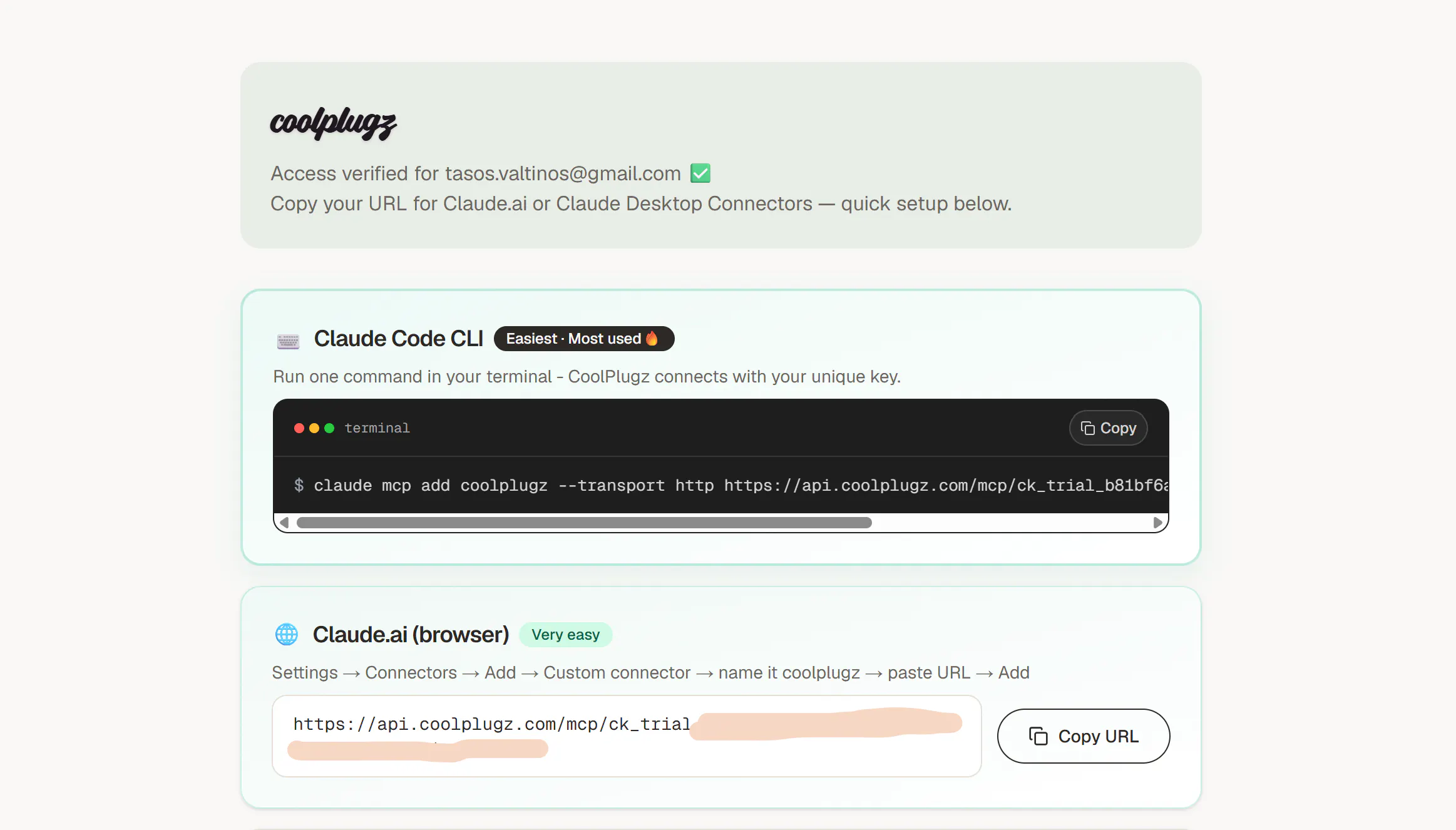
An orchestration layer that guides Claude Code to deliver your coding tasks without requiring your constant supervision. It fetches your context from Jira, Github, Notion and Slack, writes your prompts and verifies that claude code completes tasks correctly.
Hey folks👋 Im Tasos the maker of Coolplugz😎 Really excited to be launching this. And big shout out to @fmerian for the hunt🙏 I built this tool because I was spending way too much time daily gathering context from Jira tickets and notion documents, copy-pasting errors from CI back to coding agents, guiding claude code to work with the correct github repos and review PRs properly. And on top of that every time I was starting a new task or project i have to repeat this process. So I built Coolplugz, which is a custom mcp orchestrator tool that ensures Claude code delivers your tasks without you repeating instructions every 5 seconds. It guarantees that Claude Code has everything it needs to complete engineering tasks efficiently. Give it a go and let me know what you think 😁
5
回复

@fmerian  @cryptosymposium are you running custom models for the CRISPE prompt structuring or is that native to the claude mcp? getting a full PR and CI pass done in 7m 12s is pretty fast tbh.

1
回复

@fmerian  @cryptosymposium Congrats! Gathering context is often where coding agents get stuck. How does Coolplugz handle conflicting or outdated information across Jira, Notion, and GitHub? Does it flag the conflict or decide which source to trust?

0
回复
#8
Purchase API by Agentcard
one API call and your agent buys anything online
118
一句话介绍:
Fintech Developer Tools Artificial Intelligence
用户评论摘要:
AI 锐评
查看原始信息
Purchase API by Agentcard
your agent can now buy things with one API call. tell it buy X from Y and Agentcard finds the product, runs checkout and pays with a single use card. works today with DoorDash, Amazon and most Shopify and Stripe stores. try it from agentcard.sh, your first order is free!
hi Product Hunt, I'm Karen, cofounder of Agentcard. we started with virtual cards for agents, then Buy for DoorDash. today we are opening the Purchase API, one call and your agent completes a whole purchase on DoorDash, Amazon and most Shopify and Stripe stores. would love your feedback, first order is free on our free plan :)
0
回复

@keyserfaty love that you have a direct purchase api alongside the browser automations for openclaw. if we use the api for doordash, do you parse the exact cart totals for that $23.40 receipt yourself or does the agent still have to scrape it?

0
回复

Looks like we cannot contact you guys : https://www.agentcard.sh/contact

0
回复
0
回复
#9
Flare
The graph-first IDE and interactive map for agentic coding
116
一句话介绍:Flare 是一款“图谱优先”的代理编码IDE,将代码仓库可视化为实时更新的文件依赖图,让开发者直观监控Claude Code、Codex等AI代理的每次改动,解决“代理改了什么、影响了谁、要不要回滚”这一核心失控痛点。
Open Source Developer Tools Vibe coding
开发者工具 AI编程 IDE 可视化图谱 代码审查 本地优先 MCP 版本控制 实时监控 开源
用户评论摘要:用户高度认可其解决“代理编码失控”这一真实痛点,认为图谱比聊天记录更智能。主要疑问集中于多代理并行工作时如何清晰区分并展示各自改动,期待更细粒度的归属与冲突可视化能力。
AI 锐评

Flare精准击中了当前代理编码浪潮中最尴尬的盲区——AI写代码的速度已经远超人类理解代码的速度。PH上116票不算爆款,但评论区“这是个真问题”的共鸣,比投票数更有说服力。它的聪明之处在于彻底放弃了“对话流”这一过时的监控范式,转而用依赖图这种数据结构化的底层事实来呈现变更,这本质上是在为AI时代重写“diff”和“code review”的定义。

产品理念上,本地化、无账户、MIT协议、不碰你的API key,这些反主流做法反而成了它最锋利的信任状——在一个所有工具都想把数据往云端拽的时代,坚持“你的机器、你的代码”本身就是一种政治正确。

真正的价值不在“看”,而在“拦”。它能在代理重写被大量导入的核心文件时主动拉你介入,这是目前绝大多数agent工具欠缺的刹车机制。但风险在于:图谱可视化对资深工程师是福利,对新手可能是噪音——依赖图在大型monorepo里本身就是一座迷宫。更进一步,它至今只解决“看和回滚”,并未解决“如何让代理少犯错”这一上游问题,本质仍是“事后监督”而非“事前约束”。

多代理并行归属问题(评论中已有用户提问)若不能优雅解决,这个工具将很快触及天花板。核心建议:与其做一个漂亮的图谱IDE,不如把这个实时变更图沉淀为协议或插件,嵌入到现有工作流中——那才是更大的棋。

查看原始信息
Flare
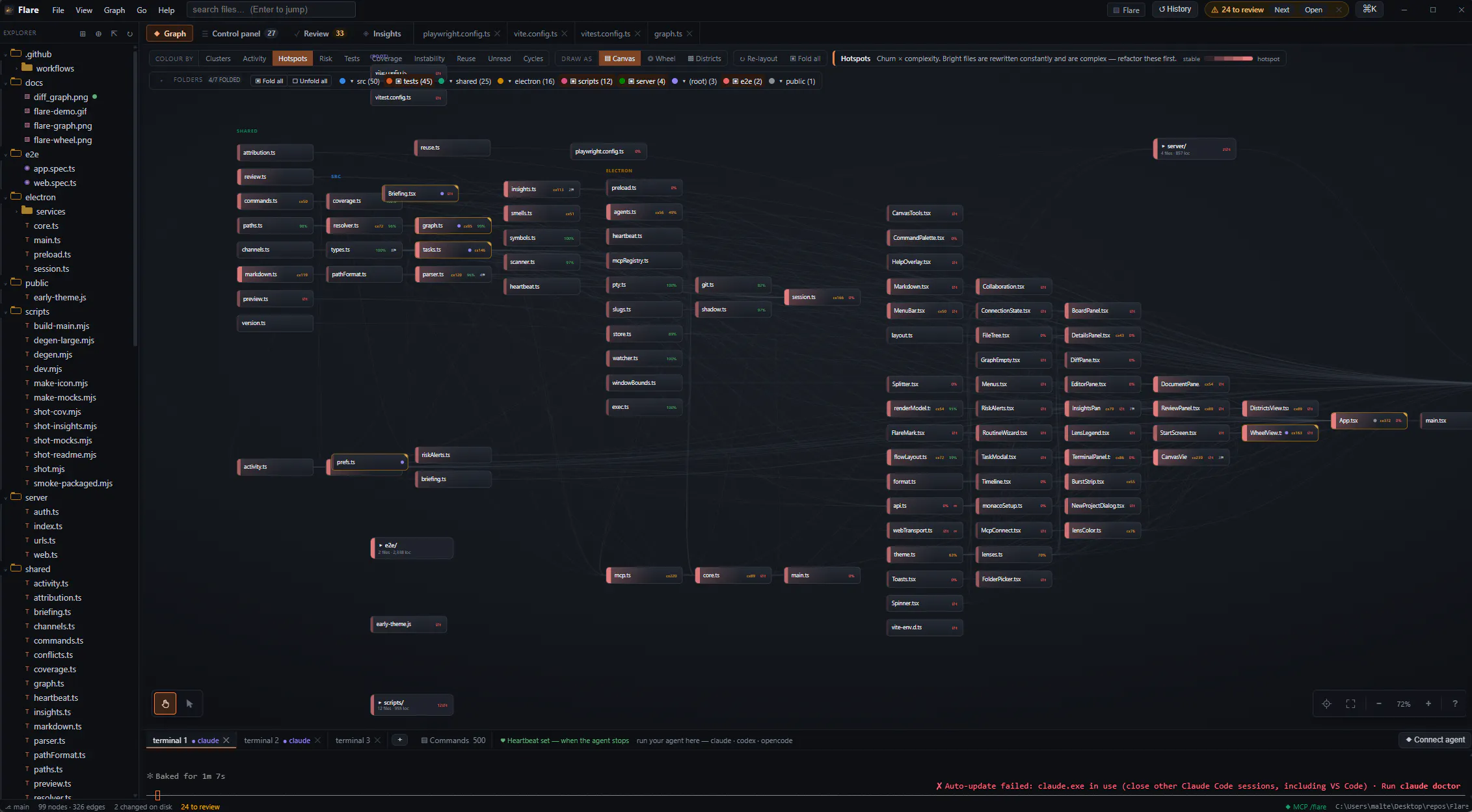
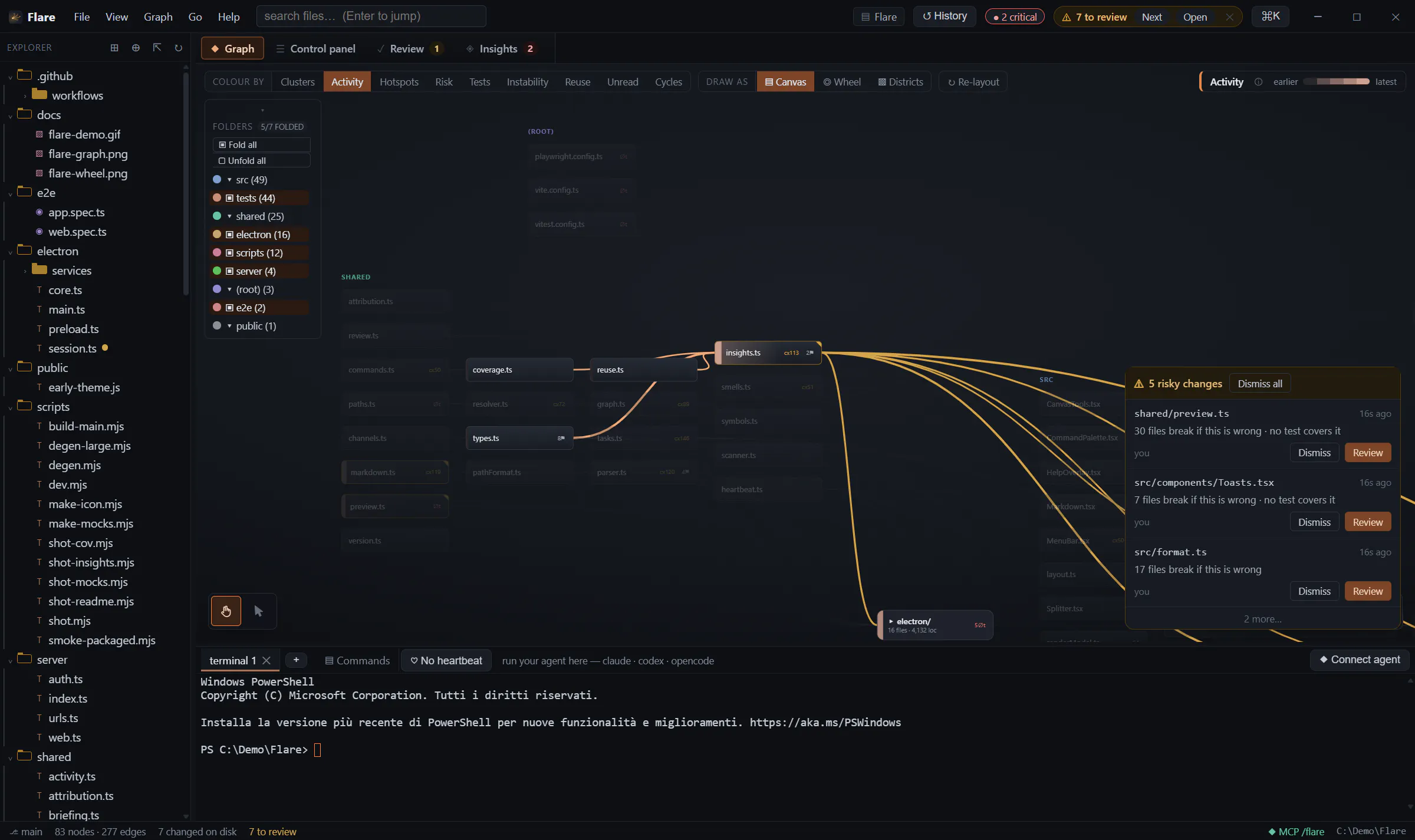
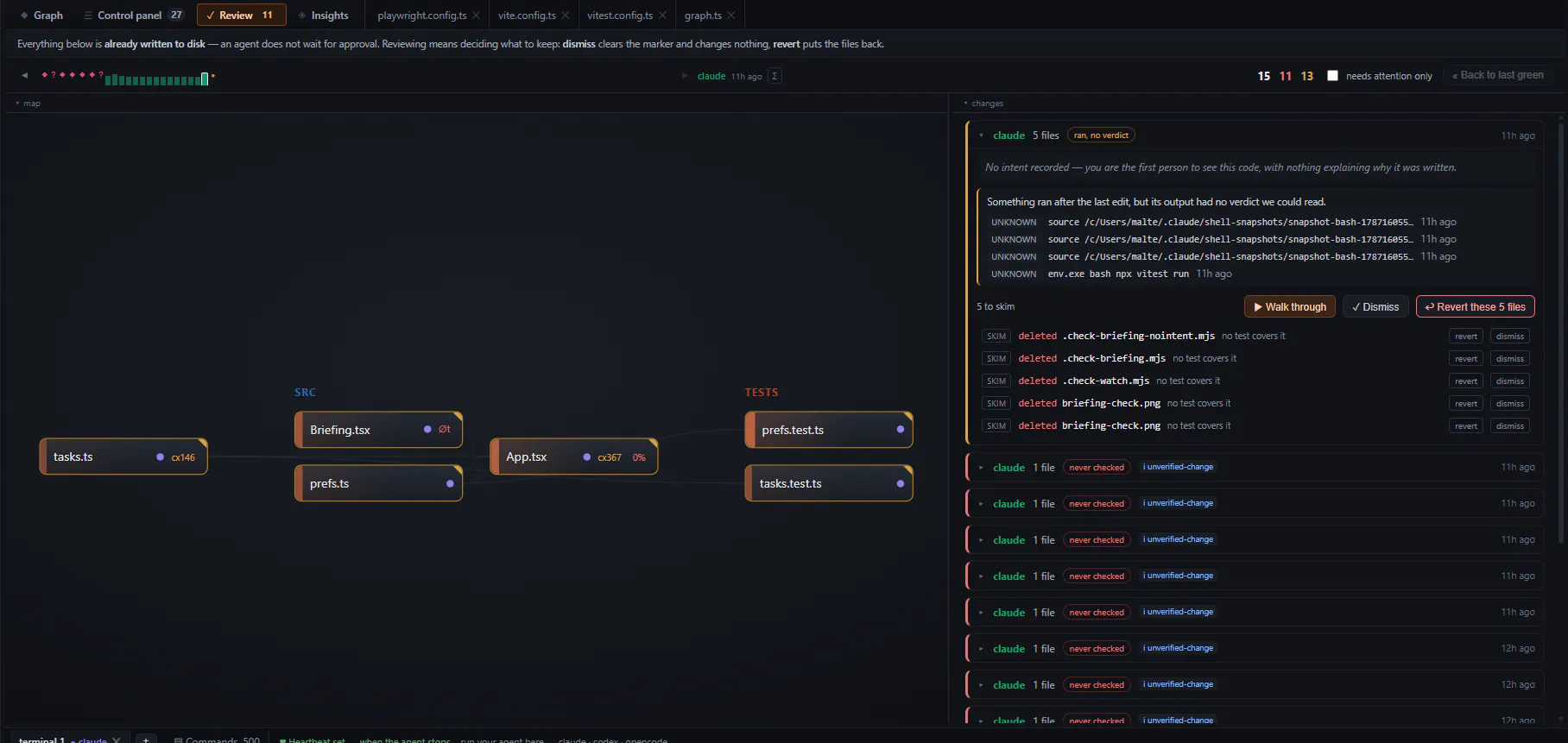
Most agentic coding tools hand you a chat log. Flare hands you the map. Every file is a node, every import an edge, with a real terminal underneath where you run claude, codex or opencode. The graph updates live as the agent edits, attributes every write to whoever made it, and pulls you in when it rewrites something the rest of the app imports. Change bursts snapshot to local history you can diff and revert. Agents take work from a board over MCP. Your machine. No account. MIT licensed.
Hey Product Hunt 👋 I built Flare because I kept losing track of what my agents were doing. You hand Claude Code or Codex a task, come back twenty minutes later, and there are thirty changed files and a chat transcript. The transcript tells you what the agent said. It doesn't tell you that one of those files is imported by nine others, or that the one change nothing tests is the one holding the app together. So Flare reads the repo instead of the conversation. Files become nodes, imports become edges, and the map updates as the agent writes. Every change is attributed so when two agents cross over the same file you see it as a crossing on the map, not as a merge conflict tomorrow. A few things I'm glad I got right: • The terminal is a real terminal. Bring your own agent. Flare doesn't wrap it, proxy it, or touch your keys. • Every change burst is snapshotted locally, so you can diff and revert one file or the whole tree without involving git. You also get notified by every risky change and have access to a "diff sub-graph" showing what changed in the last session. • The task board is exposed over MCP, so the agent picks up work and asks its questions there. You're both looking at the project rather than at each other's messages. • It all runs on your machine. No account, no telemetry, no cloud. MIT licensed. I'd love to hear how you're keeping track of what your agents change right now, and if you try it, what the graph tells you about your own repo that you didn't already know.
5
回复

@algonorhythm This solve such a real problem with agentic coding. Seeing the actual impact of changes on the repo instead of digging through long transcripts feels like a much smarter way to stay in control.

0
回复

@algonorhythm This is a really thoughtful solution to a problem that's becoming more common with agentic coding.

0
回复

Can multiple agents work on the same project at once while Flare shows their changes separately?

0
回复
#10
Ninjō AI
AI sales agents on any channel that runs from Claude Code
115
一句话介绍:Ninjō AI 是一款基于 Claude Code 的 AI 销售代理基础设施,通过 MCP 协议让用户用自然语言在 Instagram、WhatsApp 等渠道创建、测试并优化自动完成销售闭环(线索筛选、跟进、收款)的 AI 员工,内置 CRM 和版本回滚,分钟级上线。
Sales SaaS Artificial Intelligence
AI销售代理 MCP服务器 私域营销自动化 对话式CRM Claude Code集成 WhatsApp/Instagram营销 销售线索培育 低代码AI工作流 电商独立站增长 智能客服转化
用户评论摘要:用户肯定其商业化落地能力(保险报价、高客单价预约),追问单客户最高营收案例及人机交接机制;核心疑虑集中在AI拟人度与用户反AI情绪,以及低置信度场景下的合规风险与转人工策略。
AI 锐评

Ninjō AI 的聪明之处在于它没有试图做一个“更聪明的聊天机器人”,而是把 AI 销售代理的整个生命周期(创建-测试-分析-迭代)封装成了可被 Claude/ChatGPT 直接调用的 MCP 基础设施。这本质上是一套“销售作战系统”,其真正护城河不是模型能力,而是沉淀的 150+ 生产环境验证过的提示词模板、反模式库和 KPI 评分规则——这恰好是绝大多数 AI 销售工具最欠缺的“脏活累活”。

从评论看,产品确实解决了代理机构规模化运营的核心痛点:用 3-4 人管理 150+ 代理,并在 4 天活动中追回 47 笔弃单付款。但必须指出,其商业模式的脆弱性同样明显:高度绑定 Claude Code 生态,一旦 Anthropic 调整 MCP 策略或推出原生竞品,存在被釜底抽薪的风险。其次,所谓“读作人类”的承诺在 Instagram 这种高社交敏感场景中是把双刃剑,合规性(如保险报价)和用户对 AI 冒充真人的伦理质疑会是其规模化路上的隐形地雷。最后,$750K 的累计 GMV 在 B2C 私域销售中并不算亮眼,其价值更多在于验证了“AI 全日无休追单”在冲动消费场景中的 ROI,而非革命性突破。若不能从“帮客户赚钱的工具”进化为“客户私域资产的运营中枢”,这波红利吃完后很容易被更便宜、更垂直的竞品模仿。

查看原始信息
Ninjō AI
Ninjō is infrastructure for AI sales agents on Instagram, WhatsApp & every channel where you sell. Create, test, analyze and improve agents by talking to Claude, ChatGPT, Claude Code or Codex via MCP — backed by templates validated across 150+ production agents that closed real revenue ($750K generated for clients). Versioned changes with instant rollback, synthetic-conversation testing, follow-ups, keyword triggers and a built-in CRM. Zero to live in minutes. Start free with 1,000 messages.
Hey Product Hunt 👋 I'm Lolo, one of the key members at Ninjō. Two years ago we were a tiny agency building AI sales agents by hand for creators and coaches in LatAm. Fast-forward: we run 45+ clients and 150+ agents in production, handling millions of DMs on Instagram, WhatsApp and more channels. The only reason that's possible is that we rebuilt our entire operation on top of Claude Code. We call it Cortex: every prompt template, KPI rubric, anti-pattern and playbook we learned from real conversations lives in one system that creates, tests, analyzes and improves agents. When MCP came out, it clicked: the product was never the dashboard. It's the infrastructure plus the accumulated intelligence. So we exposed all of it through an MCP server. Today you can open Claude, Claude Code, Codex or ChatGPT and say "build me an agent for my client's launch — qualify fast and send the payment link" — and it ships, connected to real DMs, verified, reversible. Some real numbers from production: • $750K+ in sales generated from our agents - 1.9M conversations - millions of messages handled • One agent did $65K in a single 4-day launch — 839 conversations, recovering 47 declined payments one by one • 202 sales calls booked in one month on a single mentor's Instagram There's also Ninjō Studio (web panel: real-time conversations, built-in CRM, funnel analytics) for when you want eyes on everything — but the day-to-day runs from a chat. For the PH community: 1,000 free messages, no credit card, with code PRODUCTHUNT. I'll be here all day — ask me anything about running 150+ agents with 3-4 people, MCP design, or what actually converts in DMs. 🥷
4
回复

Congrats on the launch!

1
回复

@mcarmonas Thanks!

0
回复

Love the proposal — I'll run a test on my end and get back to you. It's a great fit for my current use case.

1
回复

@pablo_ferrero Thanks! let us know your experience!

0
回复

More than an AI setter, a whole AI comercial solution. Amazing work! Lets see the automated CRM running

1
回复

@benjamin_sonne yes! we're launching soon the agentic CRM and the new version of the UI.

0
回复

This looks awesome... what's the one use case that's driven the most revenue for a single client so far? Would love a real example

1
回复

@agustin_oroquieta Thanks! Few examples here:

1. Launches. An agency client runs product launches over WhatsApp. In one 4-day launch a single agent: qualifying, handling objections, closing.

The part I didn't expect was where a real chunk came from: the agent chased declined payments one by one in the chat and recovered 47 of them. At launch peak every unanswered minute is money on the floor, and a human team physically cannot keep up with that volume inside that window.

2. Ads → DM → high-ticket call (the most repeatable one). Way more boring, and it's what most of our clients actually run: paid ads straight into IG/WhatsApp DMs, the agent qualifies and books the call, a human closes. One client sits at 200+ booked calls a month, every month, ~$200K generated. Less spectacular than a launch spike, but it compounds instead of ending on day 4.

3. The one I'm most excited about: an insurance broker. The agent quotes car insurance inside the chat, real quotes from 6 carriers, 29 options across 5 tiers, pulled live through a custom tool. You send a license plate and a postal code and get actual prices in the conversation instead of a link to a form.

Happy to go deeper on the mechanics of any of them.

0
回复

Hi Lorenzo,

this sounds extremely interesting and useful (and something that could help me cover the part where I, as someone who spent the last 20+ years writing software, suck) - is it safe to use this kind of product in the age where most of the content online is AI-generated and people are very quickly getting sick of seeing the usual AI patterns anywhere?

I am not trying to be annoying, I'd genuinely like to use this kind of product.

1
回复

@foobar_beer Not annoying at all, it's the right question. The AI-slop fatigue is real, but I think it's mostly a content problem... mass-produced posts nobody asked for. We work 1:1 in DMs, where the person already raised their hand. And sounding human has been our whole focus from day one. We started with creators, where the agent had to represent an actual person. So we had no choice but to solve it. We've put a lot of development into exactly that, and at this point all our agents read as human.

You can build a good agent in a few minutes using the MCP! Give it a try: https://www.ninjo.ai/

1
回复

the insurance quoting example is a great one — that's a use case where a bad answer is a compliance problem, not just an annoying one. how's handoff handled when the agent isn't confident mid-conversation? still feels like the hard part on multi-channel agents like this

0
回复
#11
Altar II
The mechanical keyboard Apple never made
114
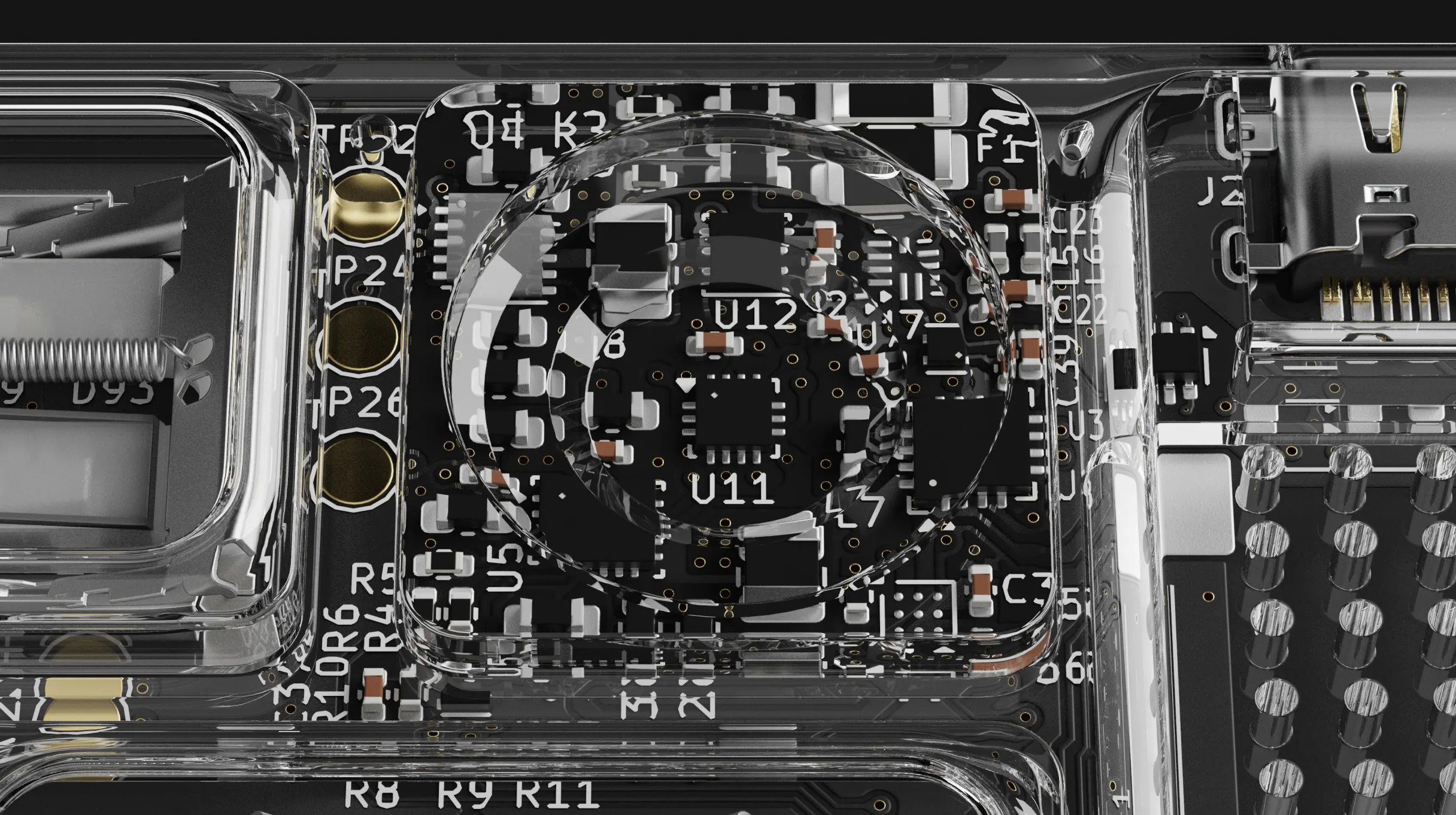
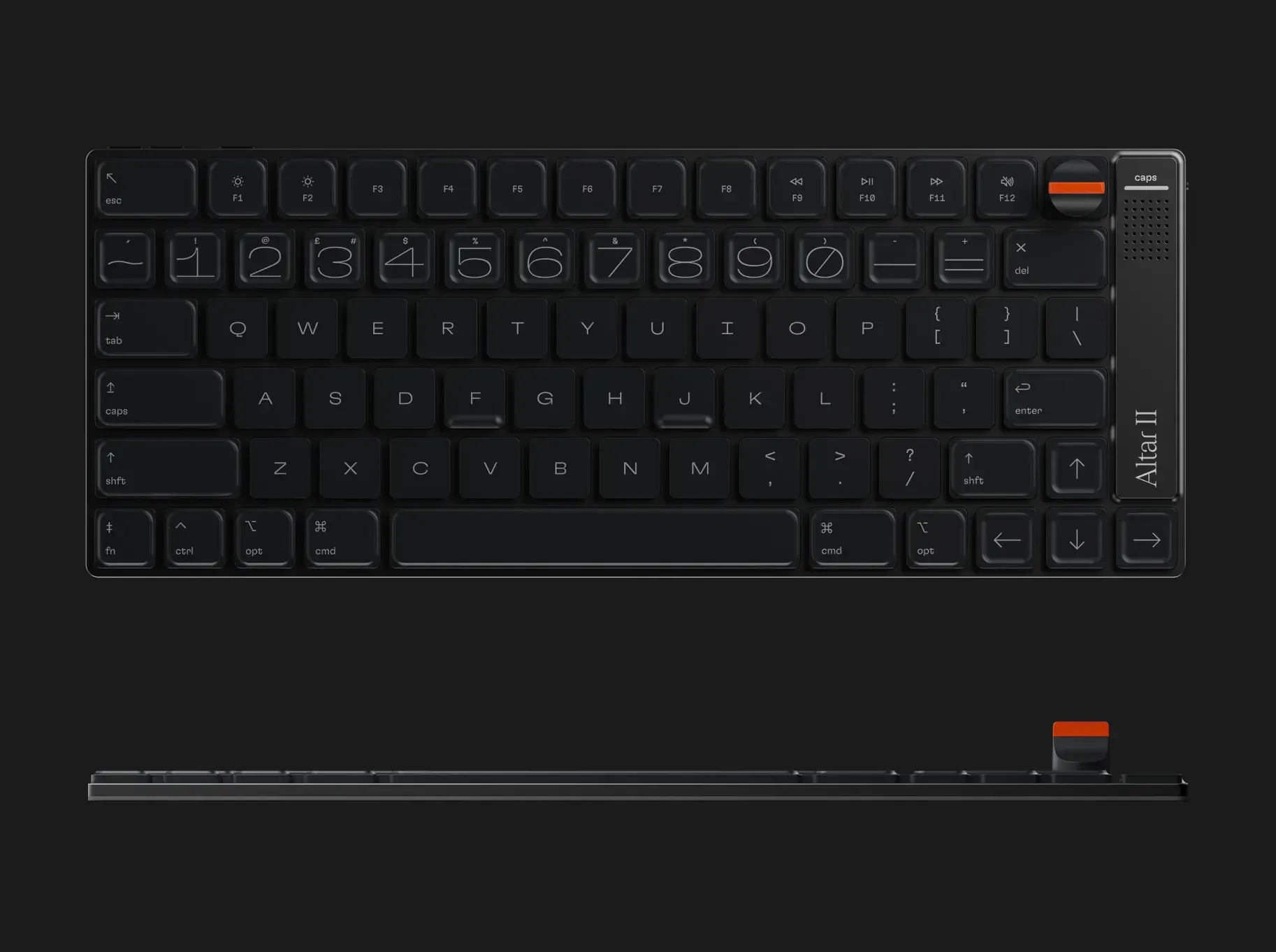
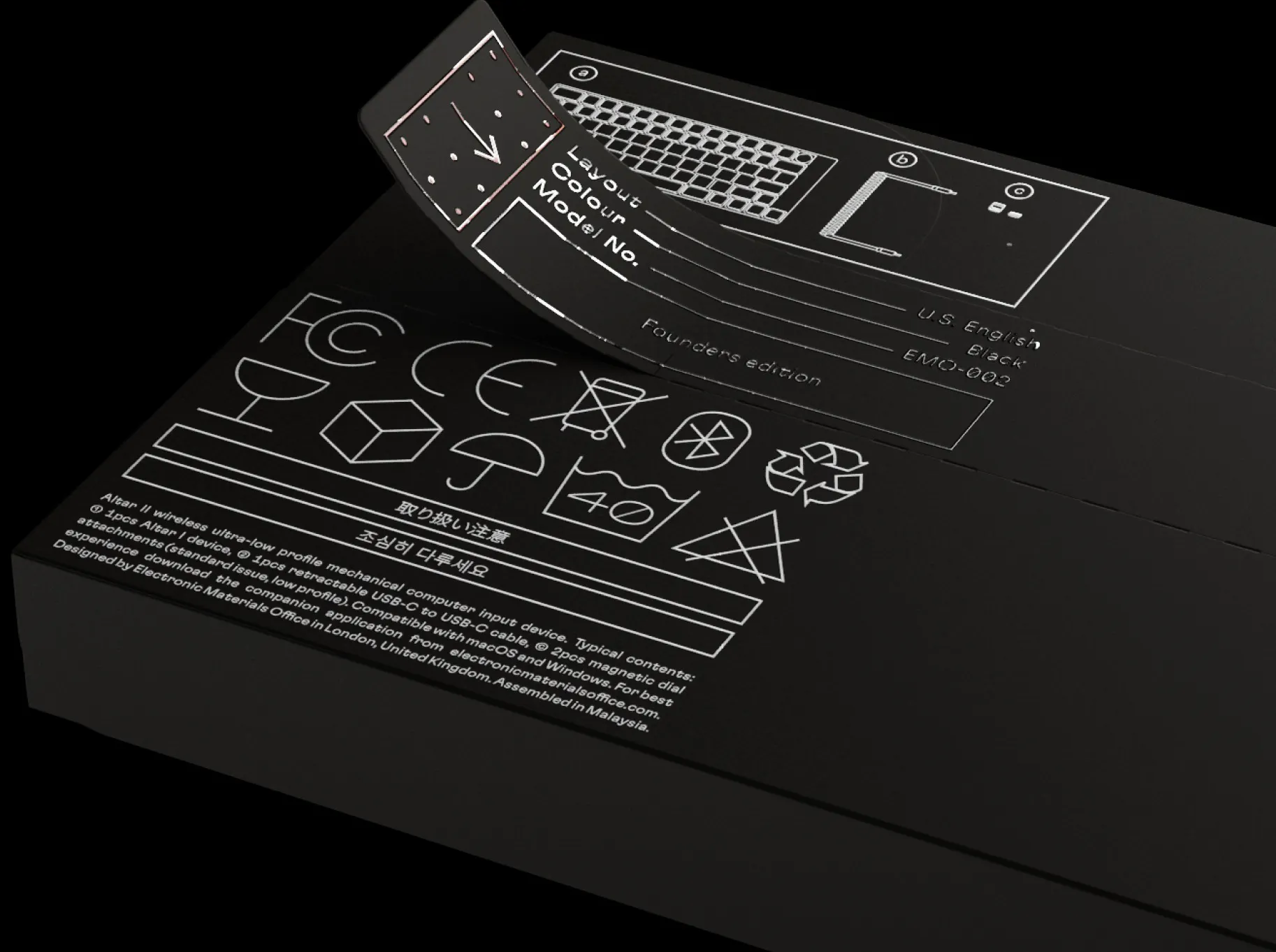
一句话介绍:Altar II 是一款厚度仅4.75mm的极致轻薄全机械键盘,旨在用真实机械手感替换苹果Magic Keyboard,解决Mac用户长期在“薄膜键盘手感差”与“机械键盘笨重厚”之间妥协的痛点。
Custom Keyboards Hardware
机械键盘 超薄键盘 Mac外设 客制化键盘 低行程轴体 CNC铝合金 苹果生态 众筹硬件 桌面美学
用户评论摘要:用户普遍惊叹其4.75mm厚度和旅行便携性。核心疑问集中在:1)配套App的旋钮/触觉自定义逻辑存于固件还是软件,换Mac是否需重设;2)是否有ISO(欧式配列)版本;3)实际打字声音表现;4)1.8mm短行程是否保留了“触底”确认感。创作者回应称手感接近MacBook但更硬朗、有明确段落感,并提供了官网录音。
AI 锐评

Altar II 在营销上精准击中了Mac用户的“精致焦虑”——用铝合金一体成型和4.75mm的物理极限,把“机械键盘”从理工男桌面图腾重新包装成苹果风的奢侈配饰。从工程角度看,定制USB-C外壳、压缩电池和全顶部元件布局确实体现了近乎偏执的硬件实力,这值得尊敬。

但冷静审视,这款产品本质上是在做“减法”的逆向客制化。1.8mm行程和加重段落感,听起来像是对MacBook蝴蝶键盘的“康复训练”,而非机械键盘的纯粹体验。对于追求Hipyo或Topre那种“深不见底”手感的核心玩家,这依然是个妥协物。真正的潜在雷区在于:1)249美元的早鸟价对一款小众键盘不便宜,且Kickstarter跳票风险高;2)macOS生态依赖——那款原生App和固件定制是灵魂,若后续适配差或系统更新封装,硬件体验将大幅贬值;3)评论里对ISO配列的追问被无视,暗示可能首发仅限ANSI,这会让EU市场相当一部分潜在用户直接流失。

它真正的价值不是“最好的键盘”,而是“最不机械的机械键盘”——一种给讨厌机械键盘厚重感、又拒绝Magic Keyboard廉价手感的人提供的第三选项。若它能维持高质量的做工和软件维护,有机会成为Mac桌面的轻奢标配;但若只是众筹一轮的热度,它只会成为二手市场里的一件漂亮砖头。锐评结论:工程奇迹,产品存疑,钱包慎入。

查看原始信息
Altar II
Shockingly thin, fully mechanical. Altar II combines a superlative typing experience with an unbelievable design.

Hi everyone!

Co-hunting something so physically beautiful with @conduit_design.

He called it “the wildest keyboard I have ever seen”🤯

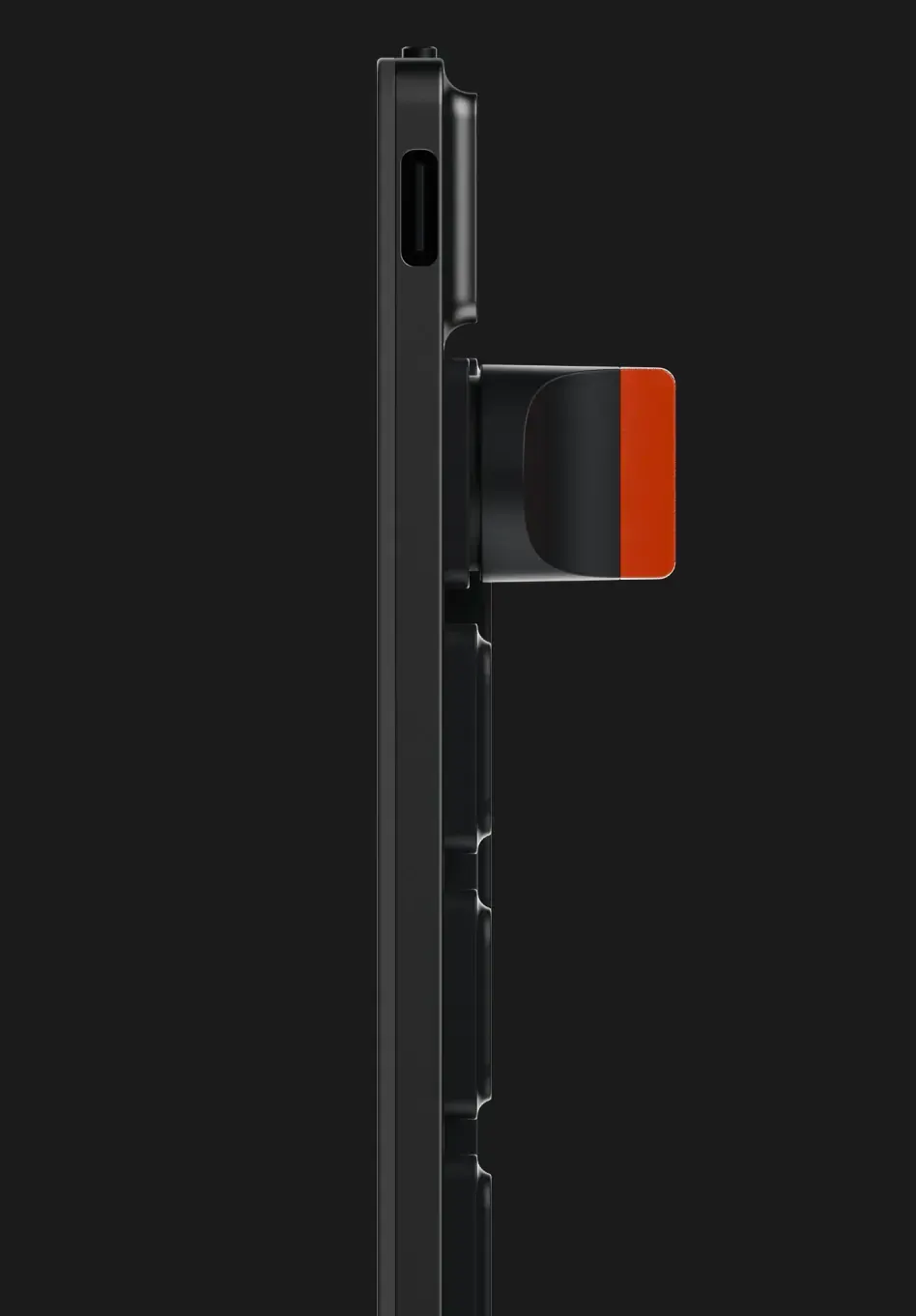
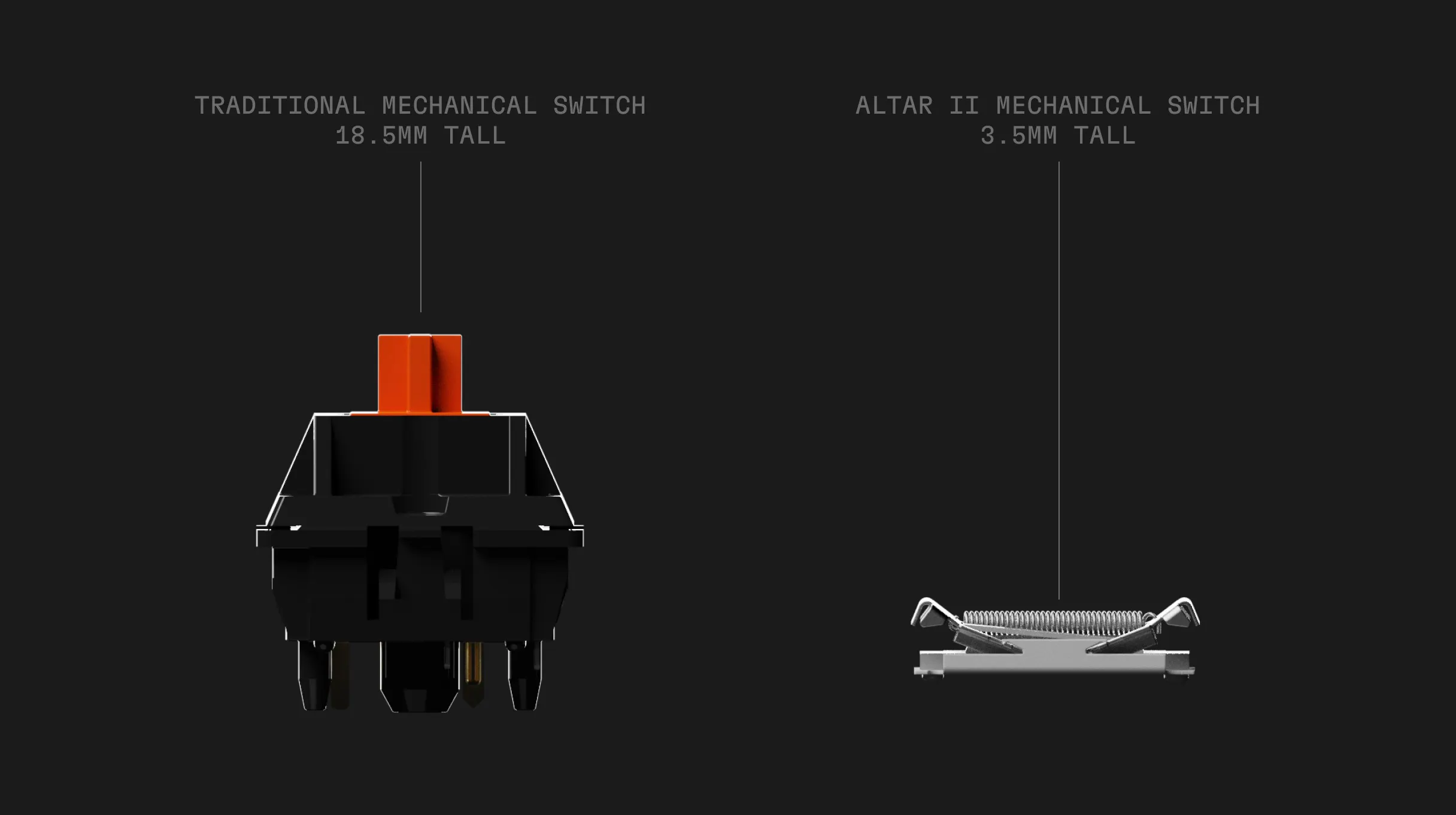
At 4.75mm, Altar II barely looks like a mechanical keyboard. It sits almost as flat as a Magic Keyboard, without the usual height that comes with mechanical switches.

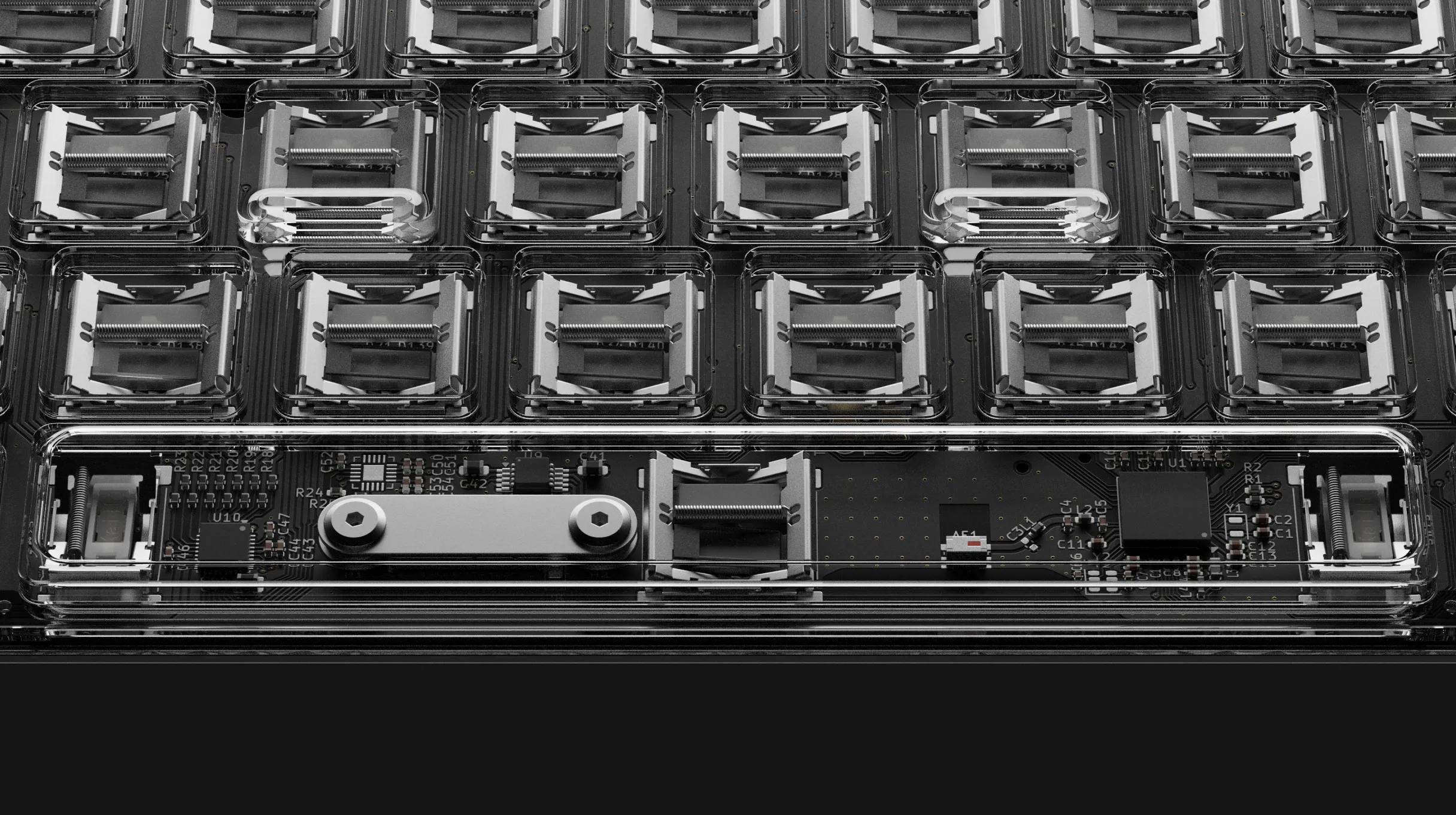
The whole product is built around fitting a real mechanical typing experience into that almost impossibly thin frame. The switches still have 1.8mm of travel, and the engineering gets obsessive enough that even the USB-C housing had to be custom-made because normal ones were thicker than the keyboard.

It’s rare to see a hardware project nail the industrial design and acoustics this well!

5
回复

Thanks @zaczuo and @conduit_design for hunting this, much appreciated!

2
回复

Hi everyone, I'm Andrew, the creator of Altar II.

Altar II is an ultra-low profile (4.75mm) mechanical keyboard designed to replace your Magic Keyboard. It's the keyboard I wish Apple made.

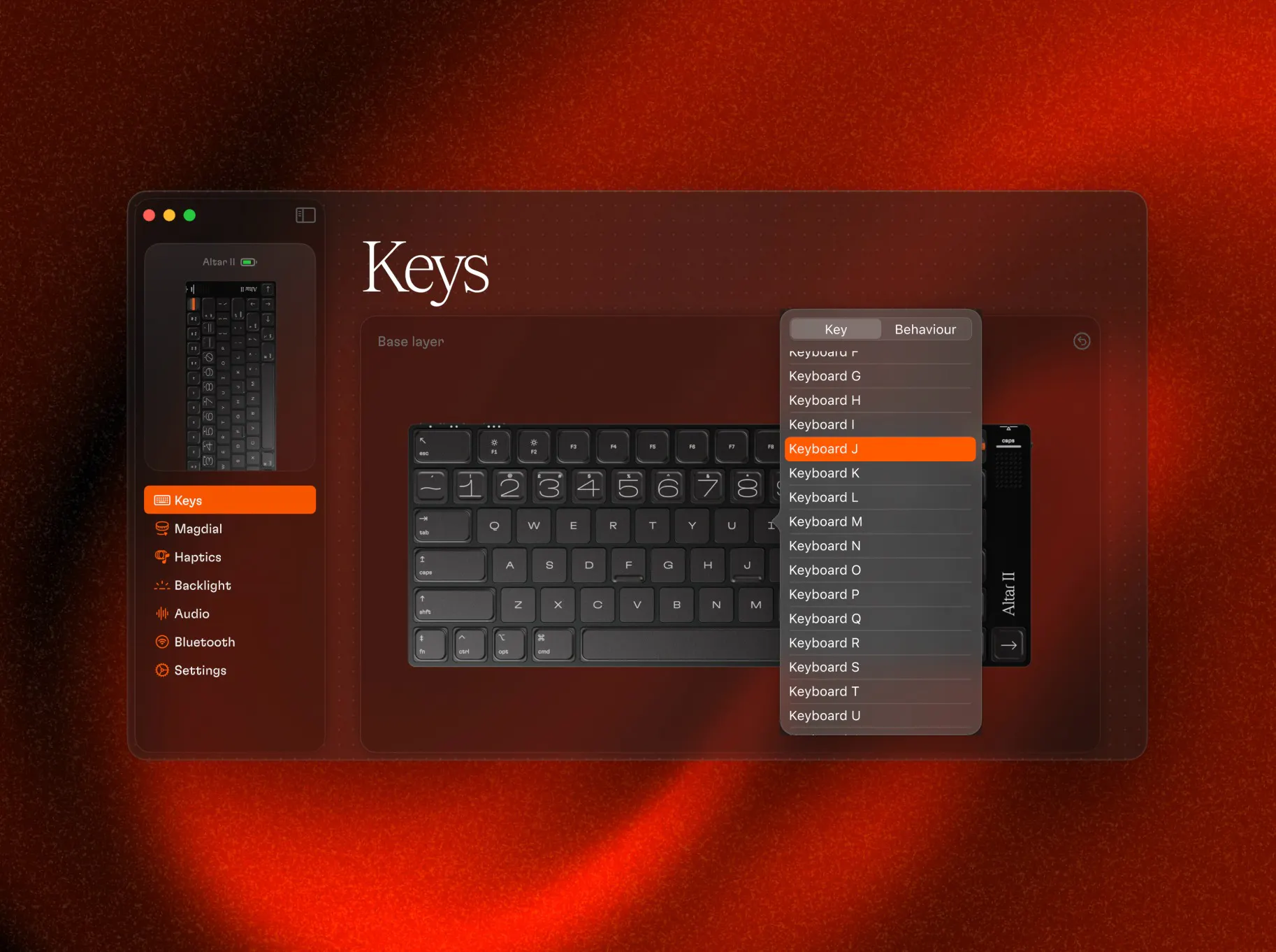
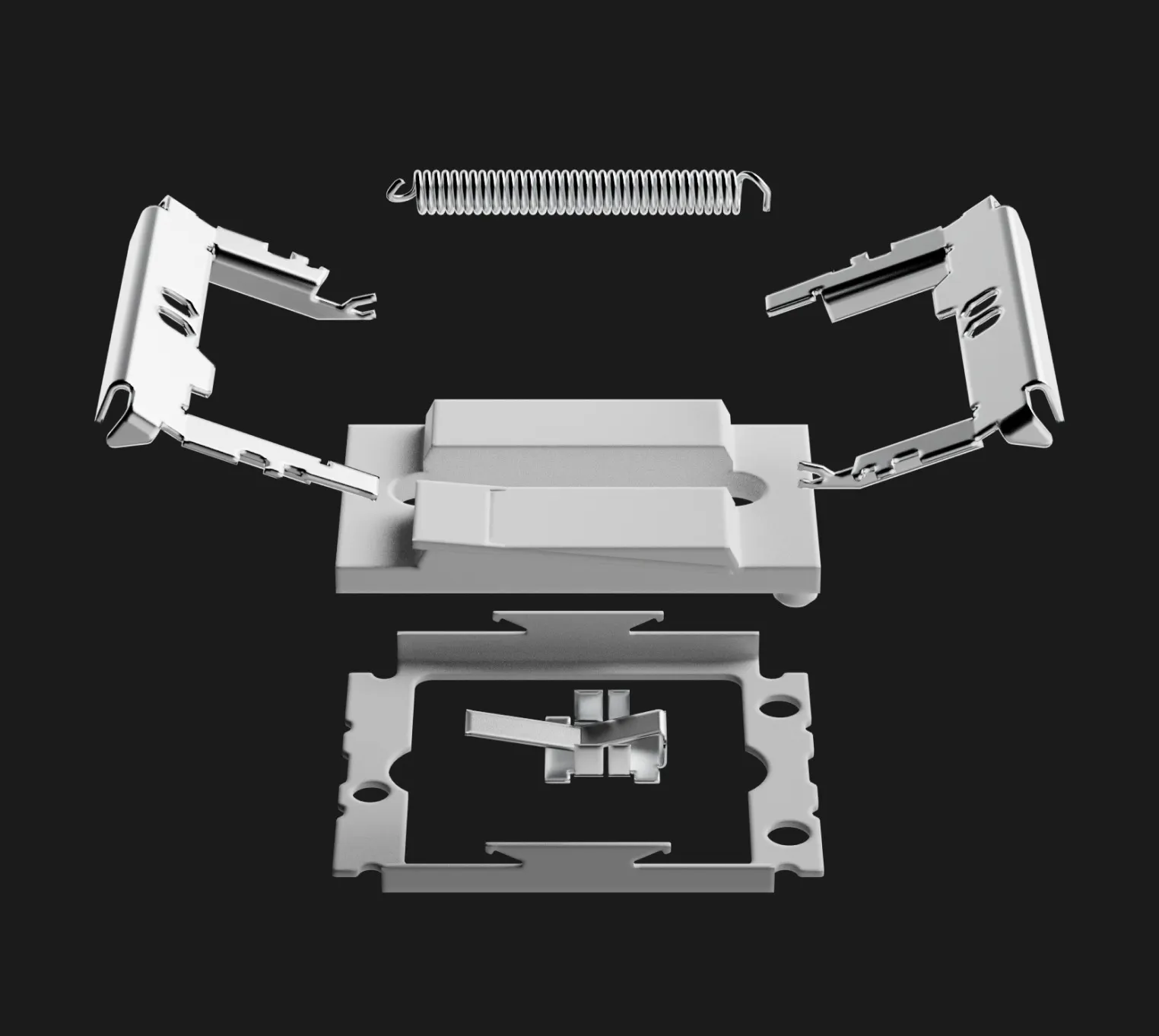
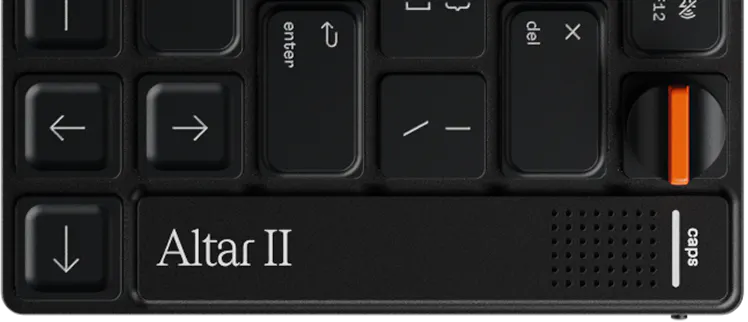
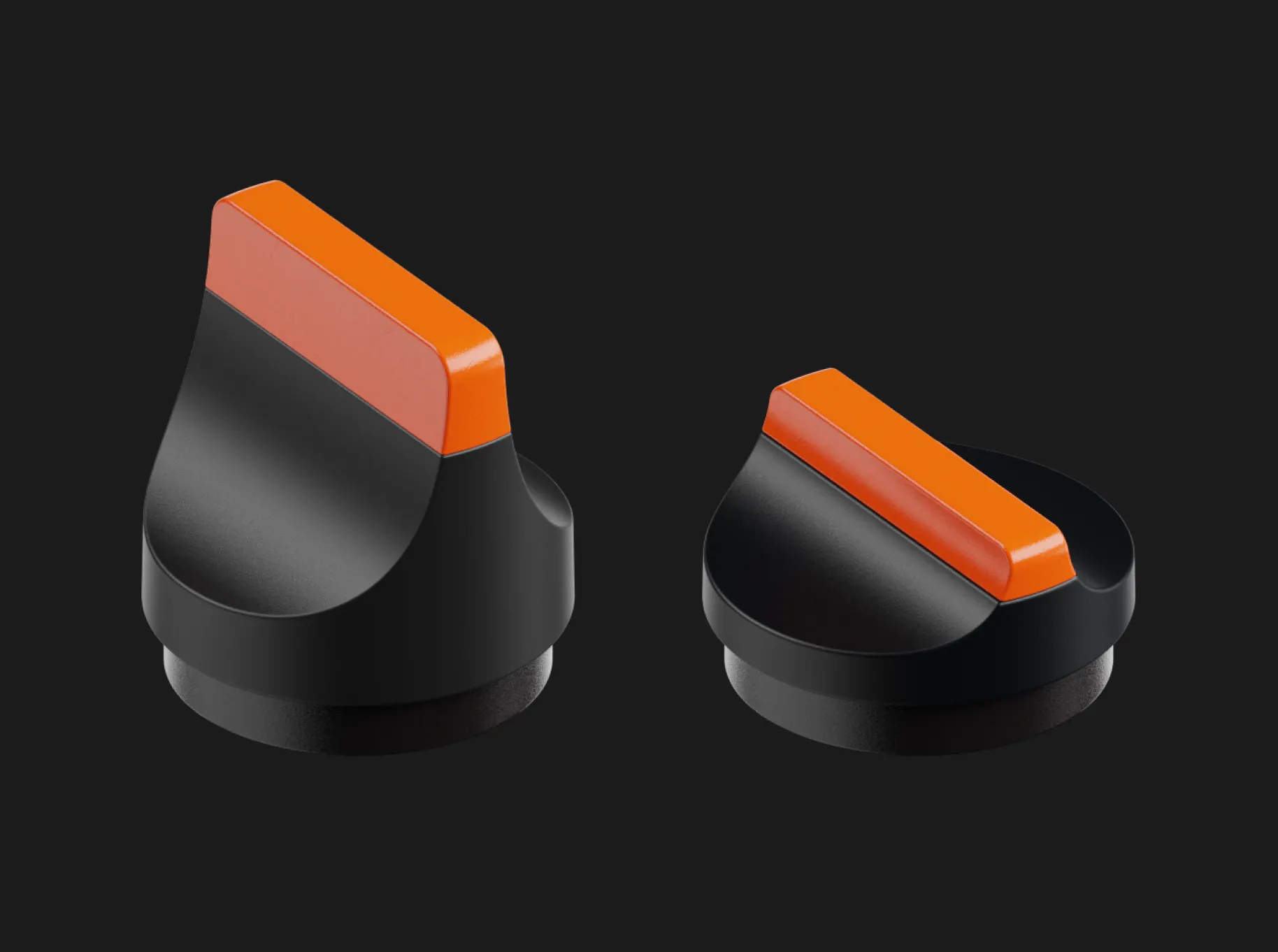
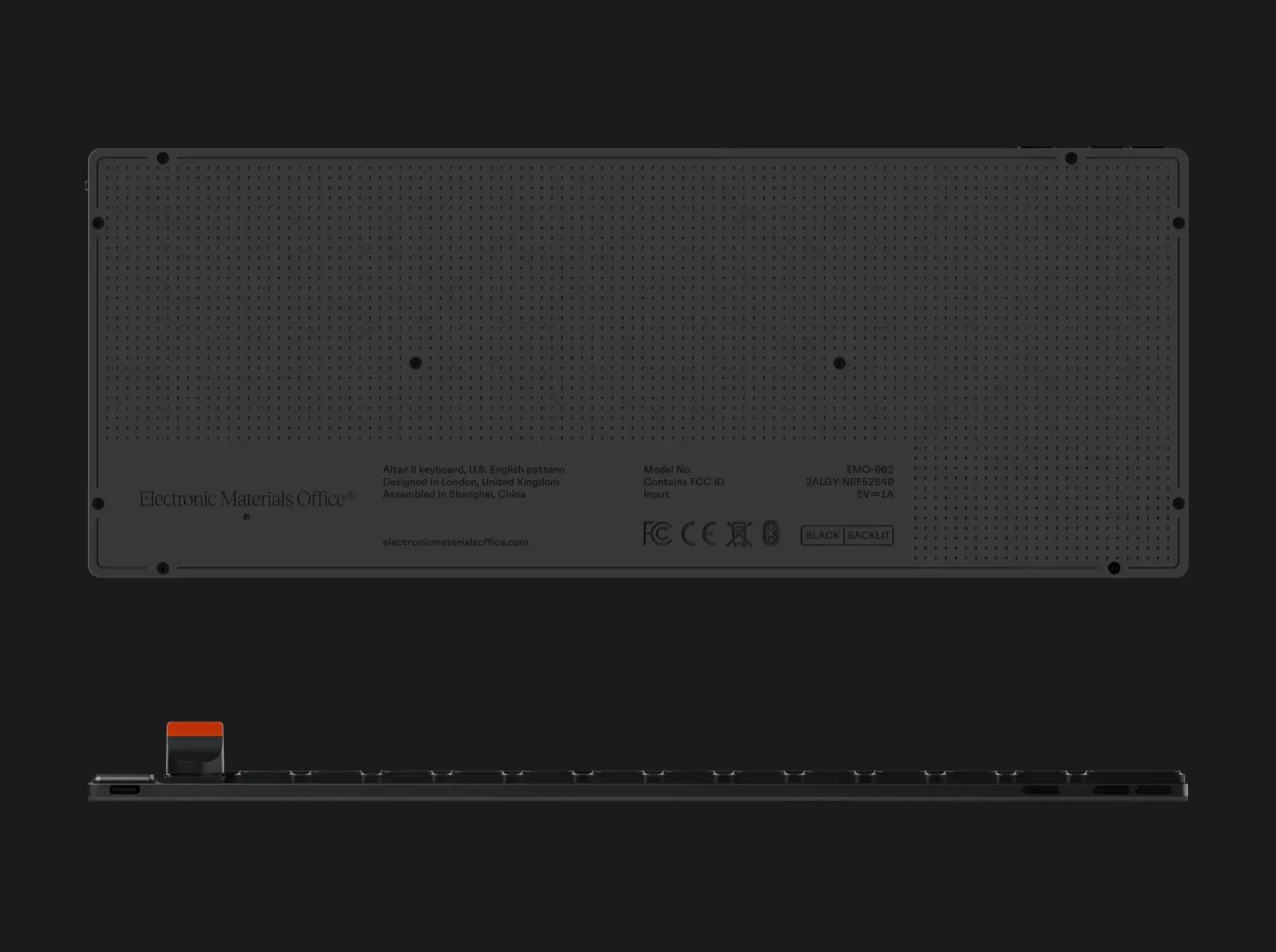
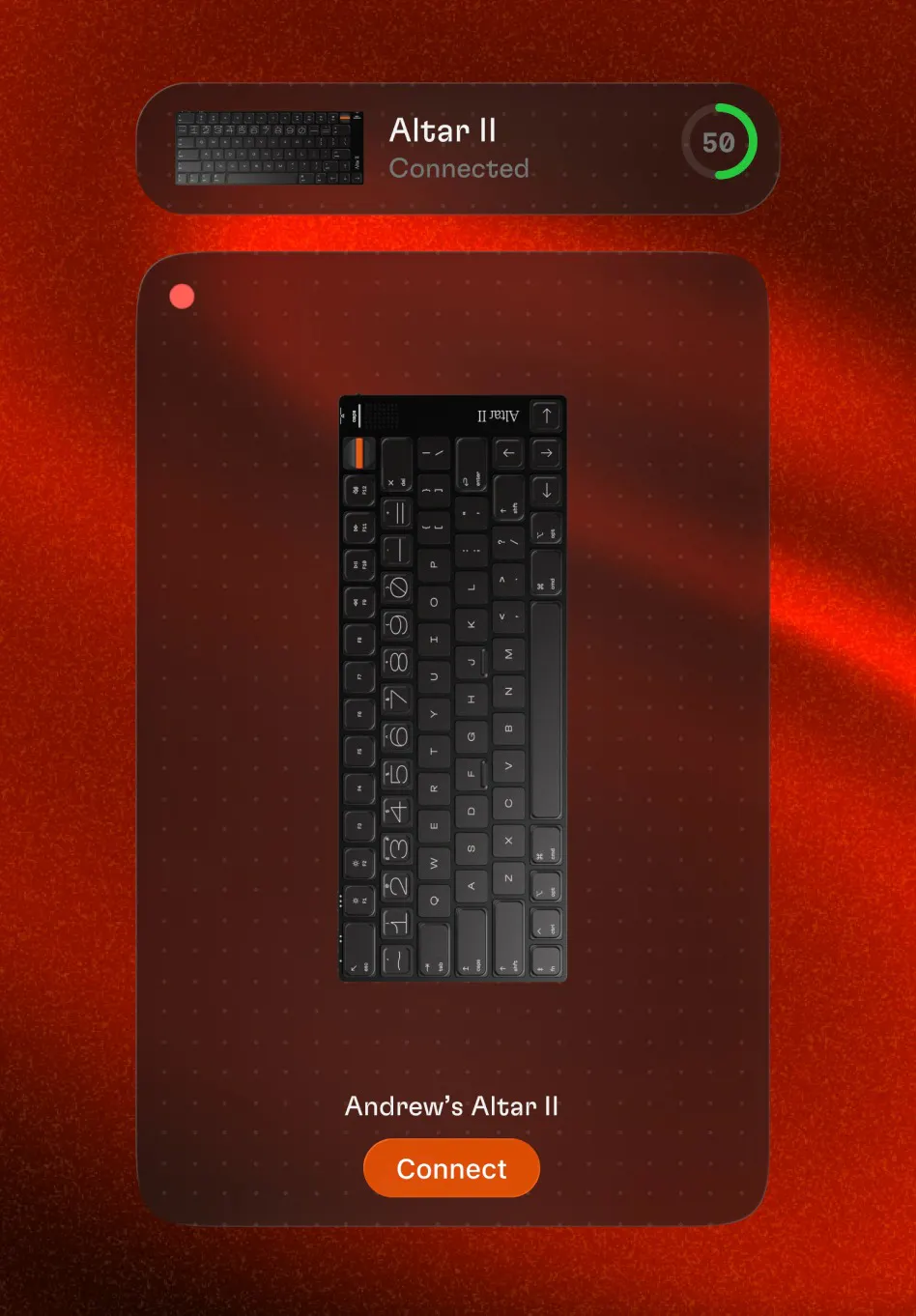
It has fully mechanical switches with 1.8mm of travel, a magnetically detachable dial, haptic feedback, a red backlight, a speaker, and a native macOS companion app. The chassis is a single piece of CNC-machined aluminium.

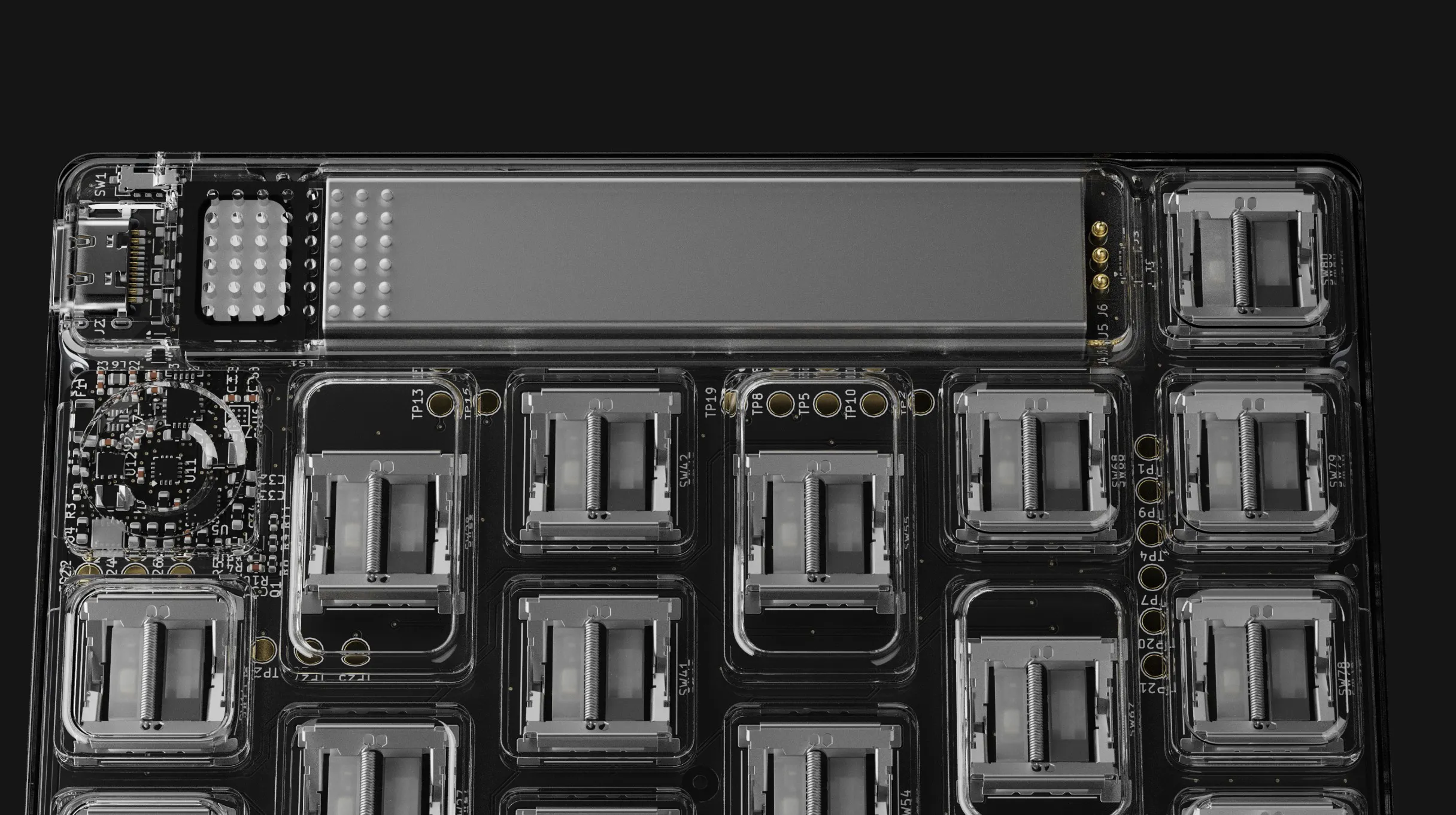
I'm a heavy Mac user and I feel Apple hasn't given its keyboards the attention they deserve in terms of hardware, software or features, so I set out to change that. It has taken almost two years. The hardest parts were fitting a reasonably sized battery into the chassis and getting the power profiling right without touching the typing experience. There was also literally no space on the underside of the PCB, so every component had to go on top. Even the USB-C housing is custom because a standard one is thicker than the keyboard.

I've taken a lot of the feedback from our first keyboard, Altar I, and incorporated it into Altar II, including the detachable dial and pairing button placement.

Reservations are open now ($1 locks in the $249 price, against $349 retail). Kickstarter launches 10 November 2026.

2
回复

At 4.75mm it is actually travel-viable. My current keyboard is a small brick that never leaves the desk. Question on the companion app: how much of the dial and haptic customization lives in app versus firmware? Asking because I want to know if my setup carries over on a second Mac or if I start from scratch each time.

0
回复

Will this be available in ISO format at any point?

0
回复

How does it sound when someone is typing? 👀

0
回复

@ryanwrites There's a typing test recorded on our website: https://electronicmaterialsoffice.com

0
回复

A 4.75mm mechanical board is a compromise I did not think was possible. My Magic Keyboard is flat and lifeless, and every mechanical I tried sat on the desk like a brick. Did the short travel keep a real bottom out, or is that the tradeoff?

0
回复

@yelyzaveta_kibets In terms of typing feel, the closest comparison is a MacBook keyboard, but with more vertical travel and snappier feel. Altar II has 1.8mm travel whereas a MacBook has around 1.2mm. It doesn’t sound like a lot but it makes a big difference. There’s also a tactile “bump” which means you can feel when the switch actuates, and the weighting is heavier than a MacBook. It is a much different feeling than typing on a typical mechanical keyboard.

1
回复
#12
Marble MCP
Manage your CMS content from Claude, Cursor, and Codex
92
一句话介绍:Marble MCP 是一个让用户在 AI 编程工具(Claude、Cursor、Codex)内直接管理 CMS 内容(发帖、改字段、管媒体)的服务器,解决的是“写代码时被迫跳到后台做内容维护”的上下文切换痛点。
Writing Developer Tools Artificial Intelligence GitHub
MCP服务器 CMS管理 AI编程工具集成 开发者工具 内容工作流 Claude Cursor Codex 效率工具 无头CMS
用户评论摘要:评论主要表示认可,认为“在写作现场直接更新字段和管理媒体”比新增花哨AI功能更务实,能减少内容维护的动作成本。暂无实质性功能提问或改进建议,整体反馈积极但较浅。
AI 锐评

Marble MCP 的价值不在“AI 写内容”,而在于把 CMS 从“人服务的后台”降级为“模型可调用的工具”。这顺应了从“人用 IDE + 浏览器切来切去”到“Agent 一站式完成编码与内容运维”的工作流迁移。对开发者而言,它消灭的是低价值打断——不用退出终端去改一个 meta description 或替换一张图,这确实是一种真实的效率解放。

但冷静看,92 票和零负面评论的画面过于“安静”。评论区要么是礼节性捧场,要么只是复述功能,没有一条关于“认证如何与团队权限联动”“并发写冲突怎么处理”“MCP 协议在长上下文下的稳定性”等实际工程问题的提问。这说明该产品目前更偏向早期尝鲜者的友好包,而非经受过复杂团队协作考验的成熟方案。真正的分水岭在于:当你的 CMS 内容被 AI Agent 改坏了、被误批处理了,审计和回滚链路是否足够清晰?MCP 只是管道,真正决定信任的是管道两端的治理能力。

另外,Marble MCP 本质上是在赌“AI 编程工具成为未来的超级应用入口”。赌注正确,但吃下这个红利的不是先做 MCP server 的人,而是让内容操作具备“可解释、可撤销、可版本化”的人。如果 Marble 只把 MCP 当作接口层,未能重塑 CMS 的权限模型和操作日志,那么它很快会被原生集成 MCP 的通用型 CMS(如 Notion、WordPress 的官方 MCP)反超。目前它赢在“早半步”,但后半步——信任与安全——才是护城河。

查看原始信息
Marble MCP
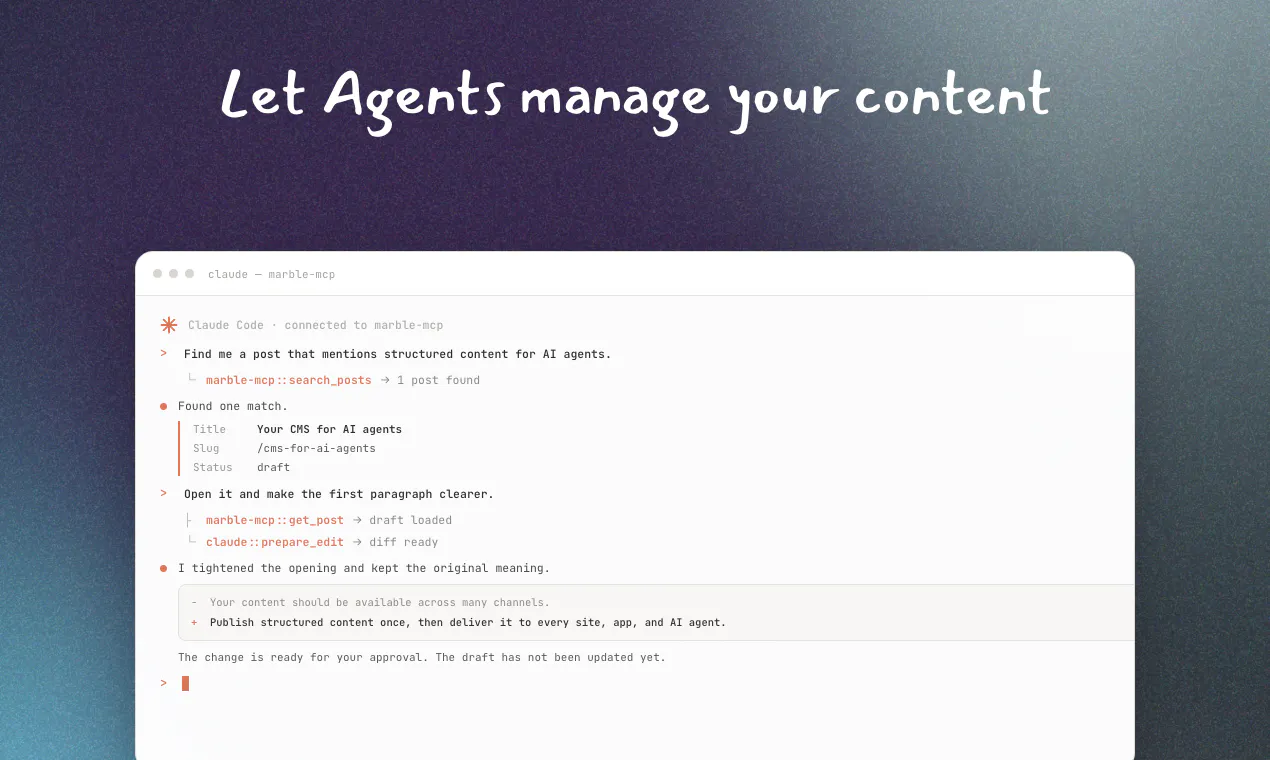
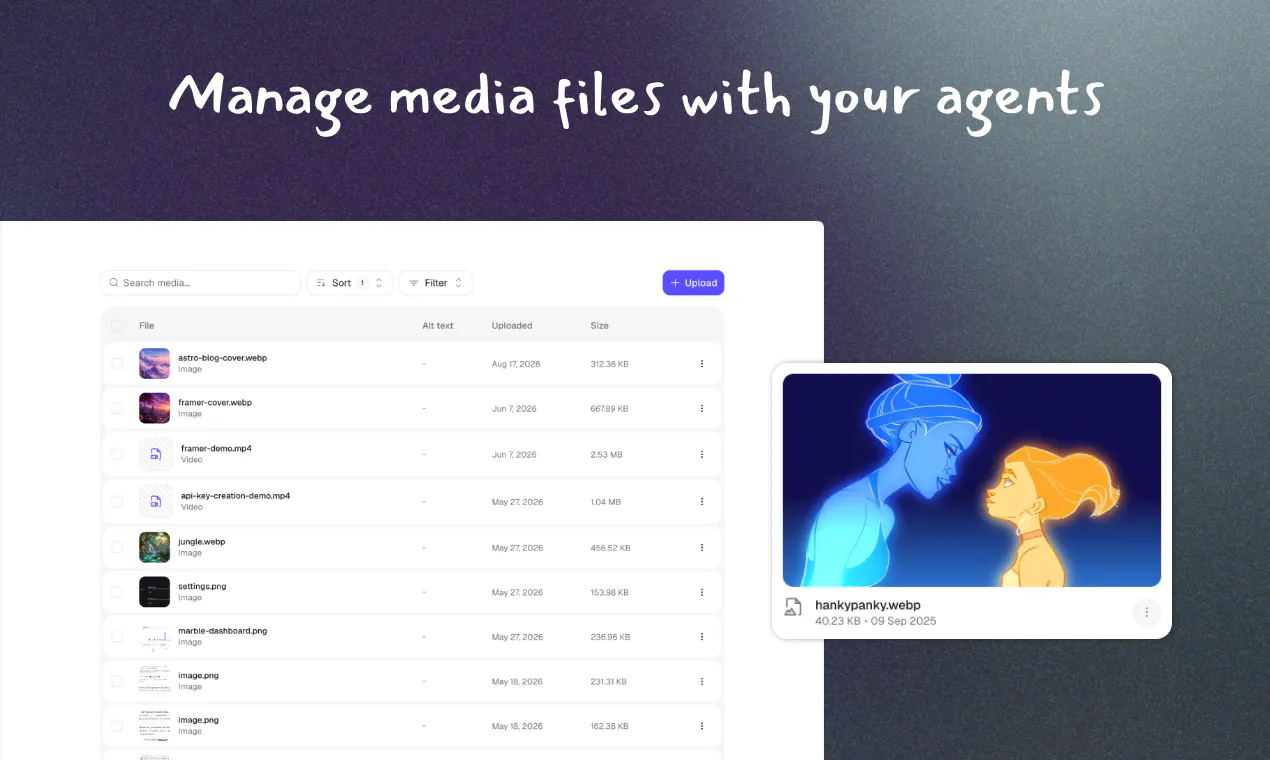
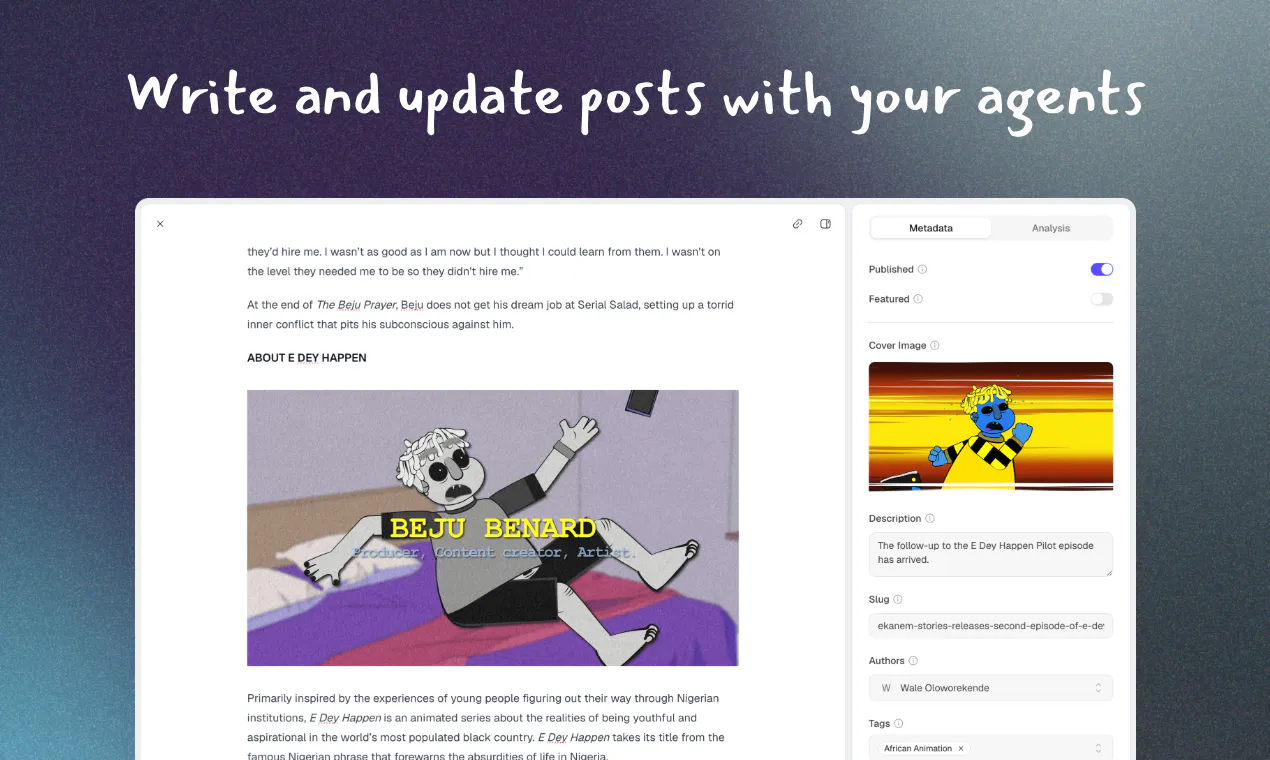
Marble now ships an MCP server, letting you manage your CMS content directly from AI coding tools like Claude, Cursor, and Codex. Create posts, update content, and manage media without leaving your editor or terminal.
Hey everyone 👋 We just shipped an MCP server for Marble. A lot of work is increasingly happening through AI agents now, so this gives you full access to managing your content creating posts, updating fields, managing media directly from tools like Claude, Cursor, and Codex, without ever touching the dashboard. Would love to hear what you think, and happy to answer any questions about how it works under the hood!
0
回复

@taqib I appreciate that you’re focusing on practical tasks like updating fields and managing media instead of just adding another AI feature. 👍

0
回复

Keeping a site current is always the thing I quietly postpone because it means dropping what I am doing to go fiddle somewhere else. Doing it right where the writing already happens sounds calm and sane. Nice work Taqib.

0
回复

@robin_de_lacroix Thank you robin

0
回复
#13
DockDuck
The native macOS file manager Finder should be
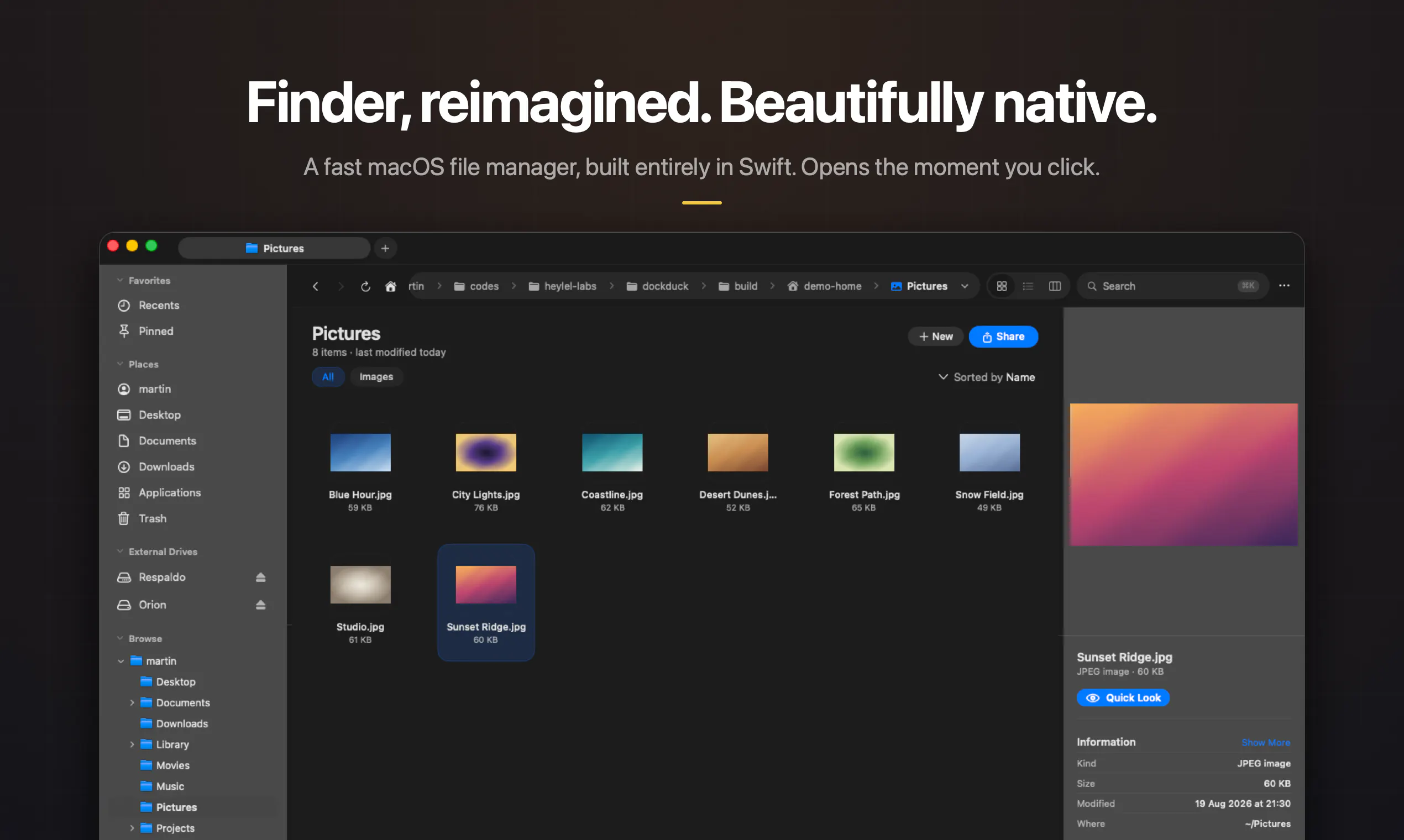
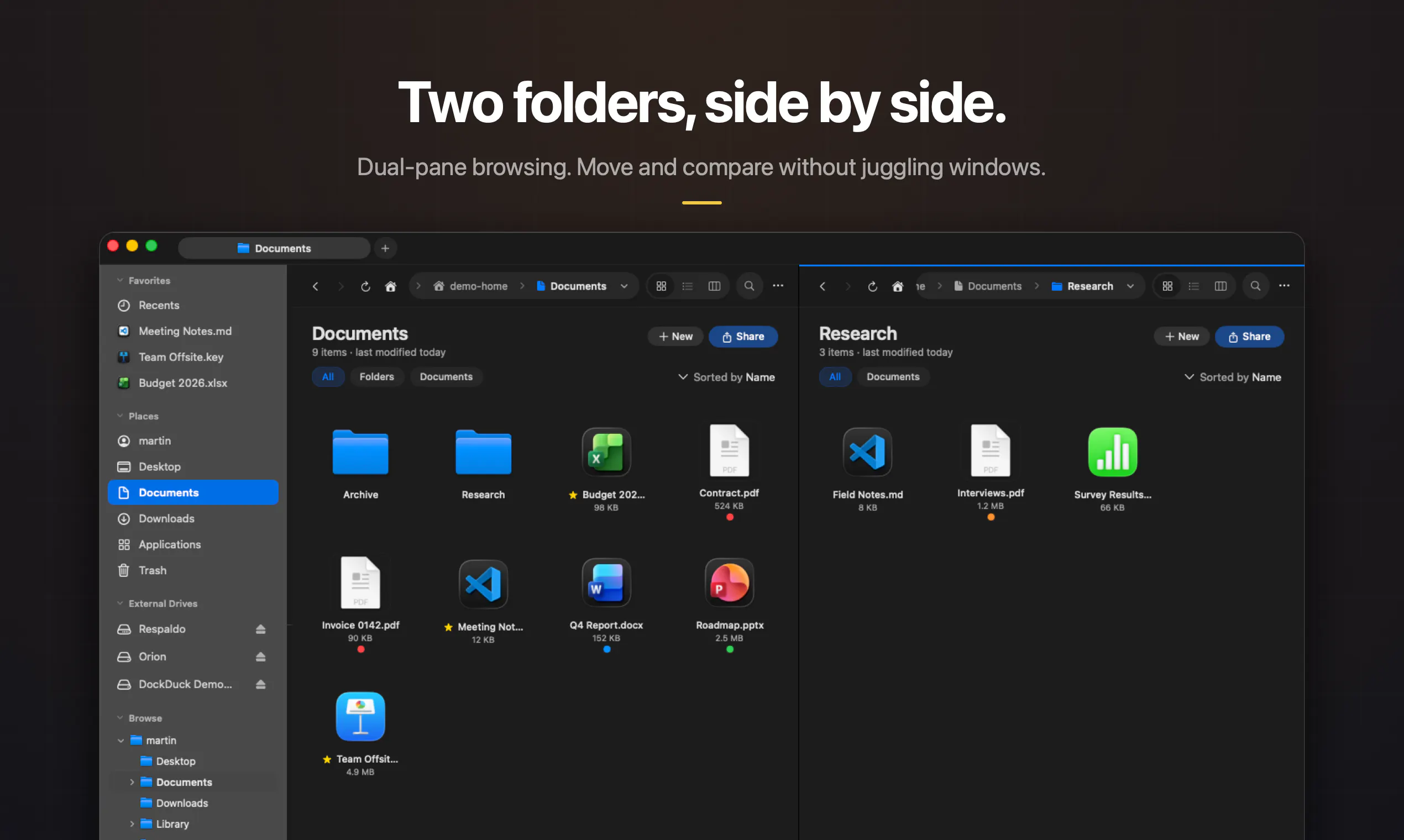
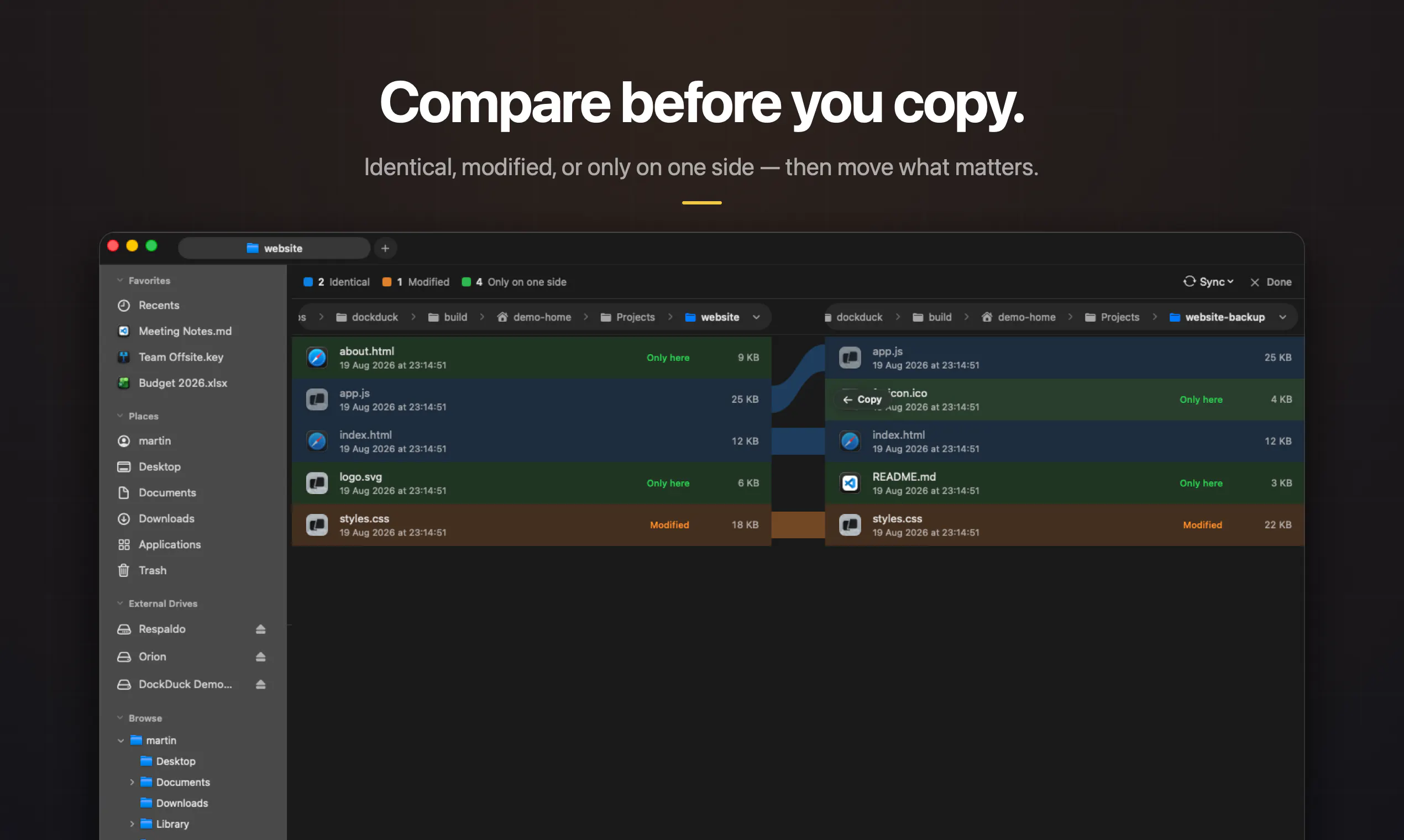
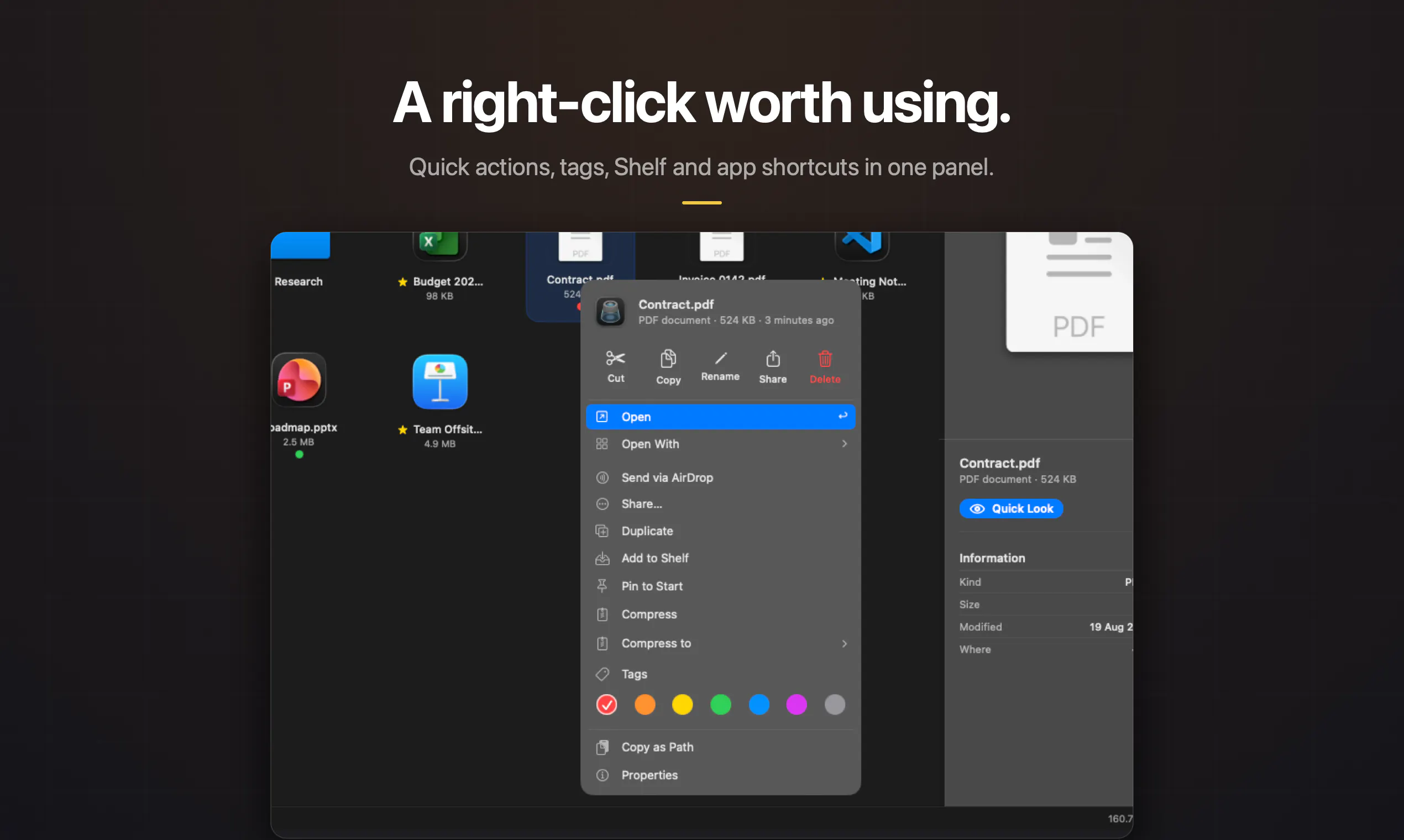
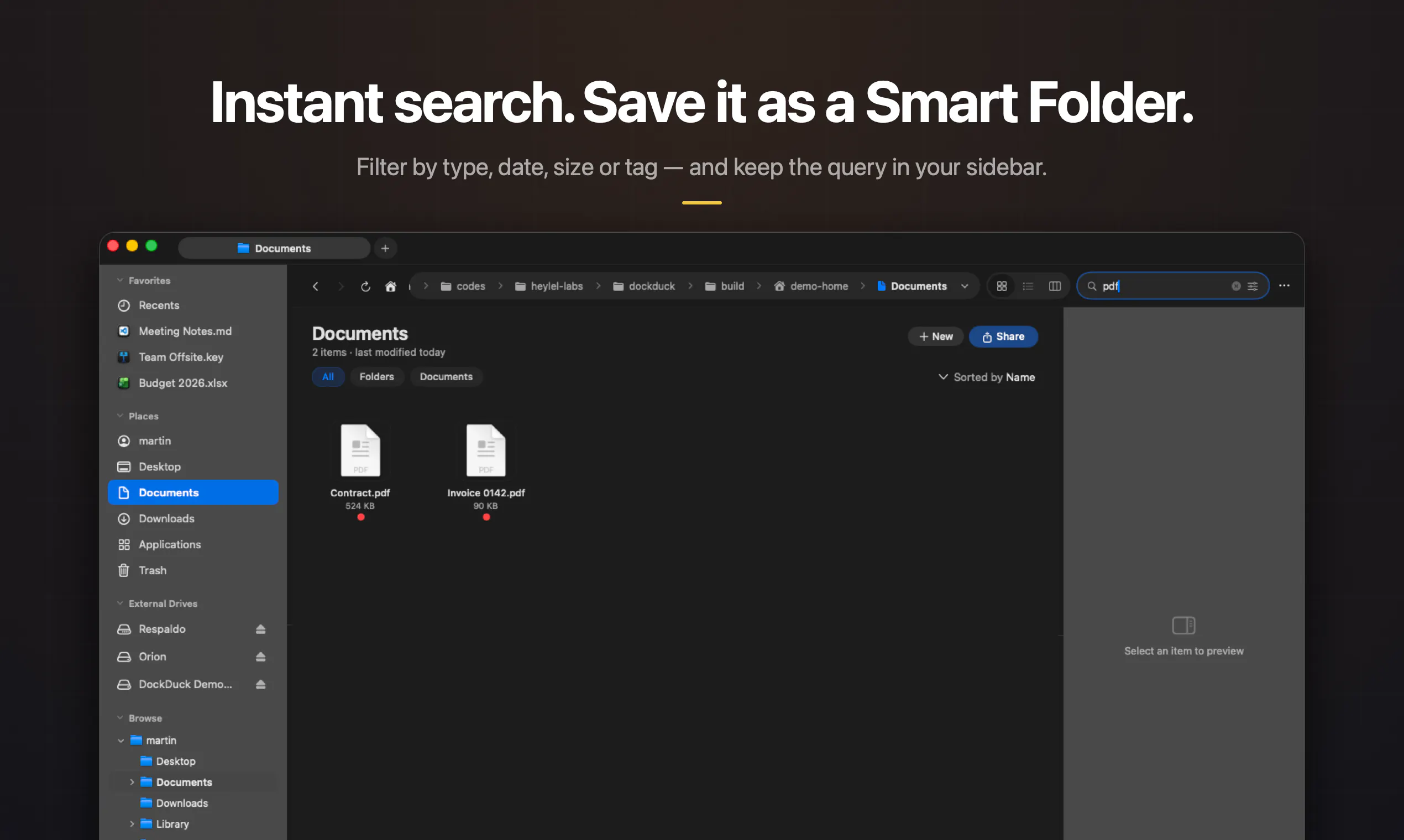
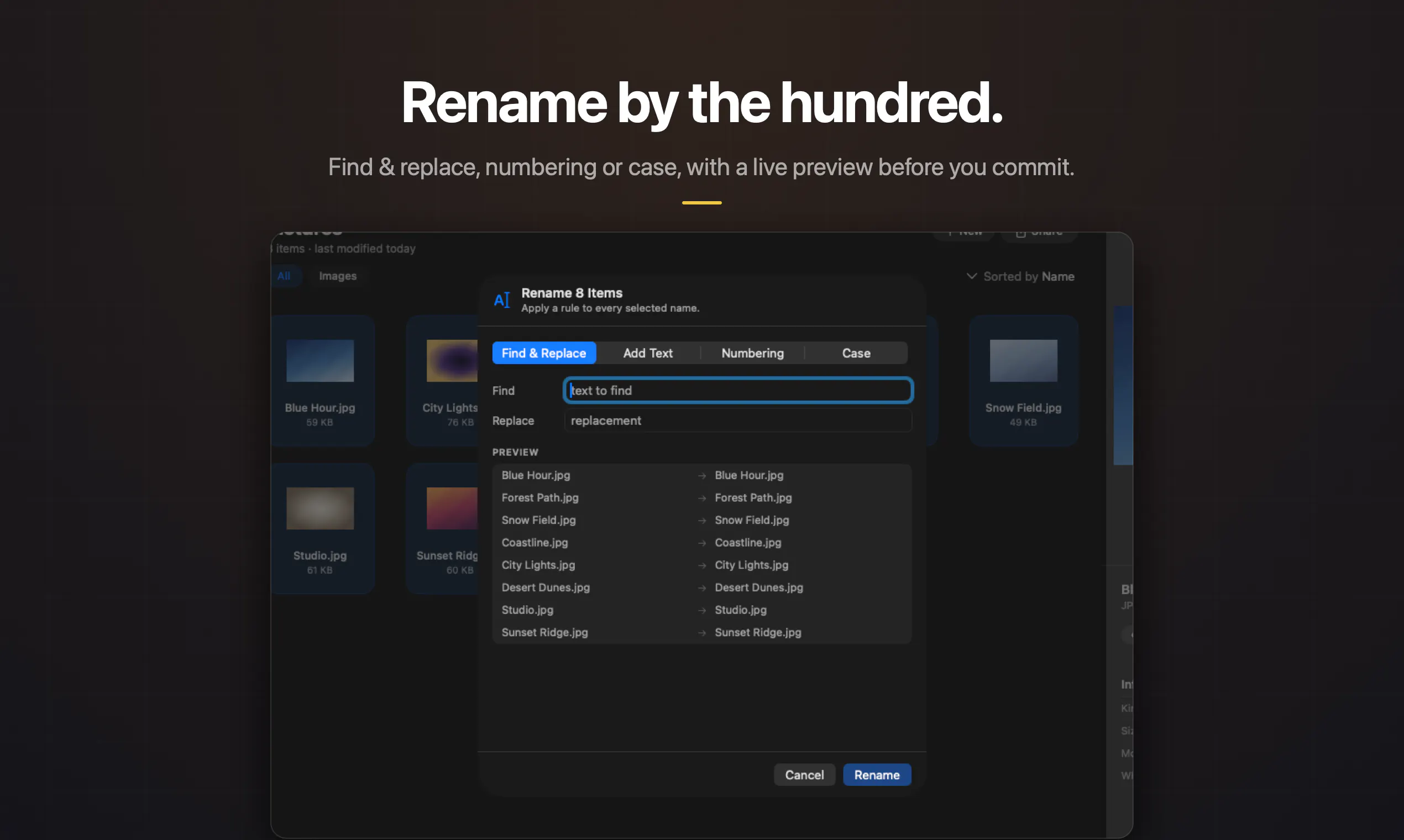
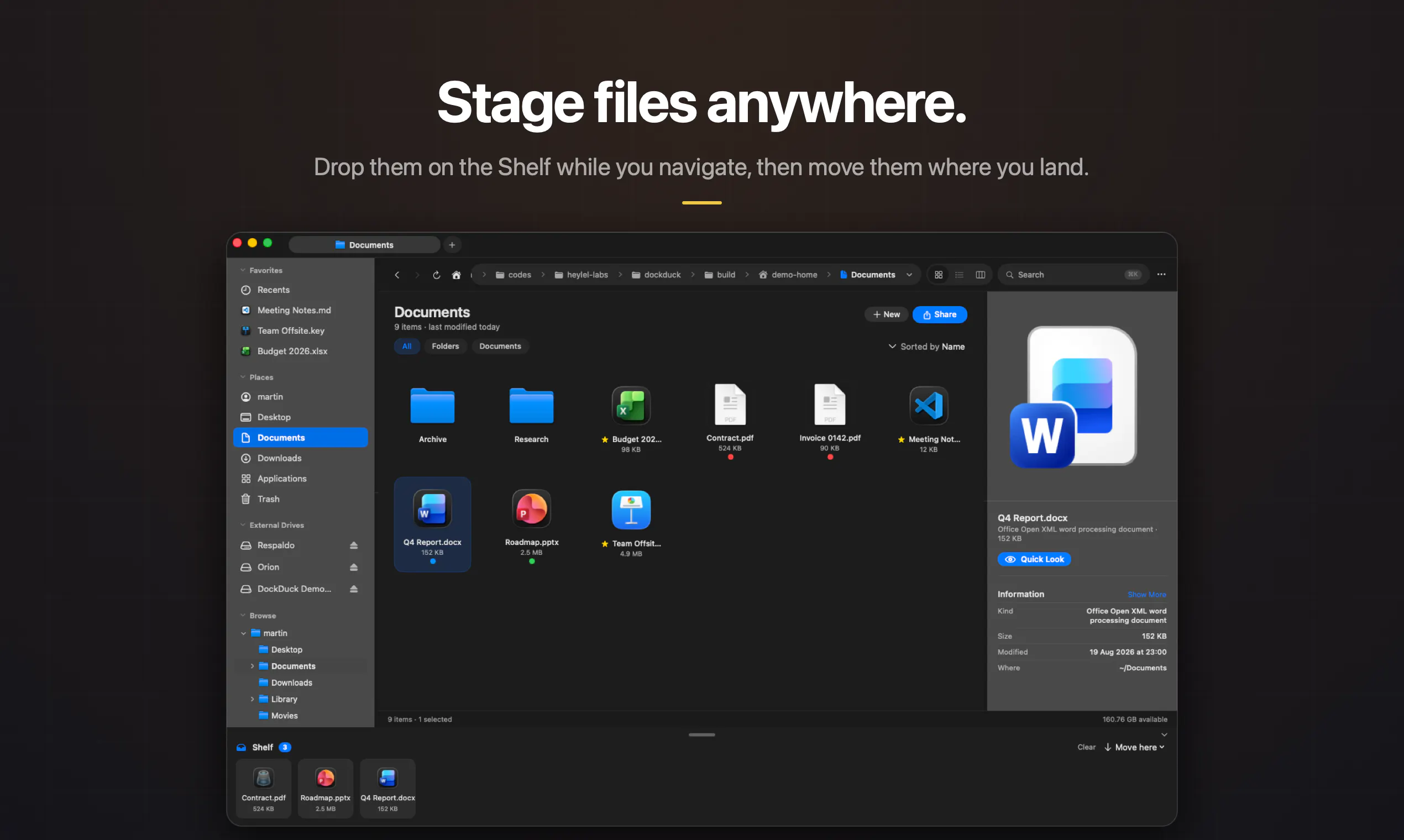
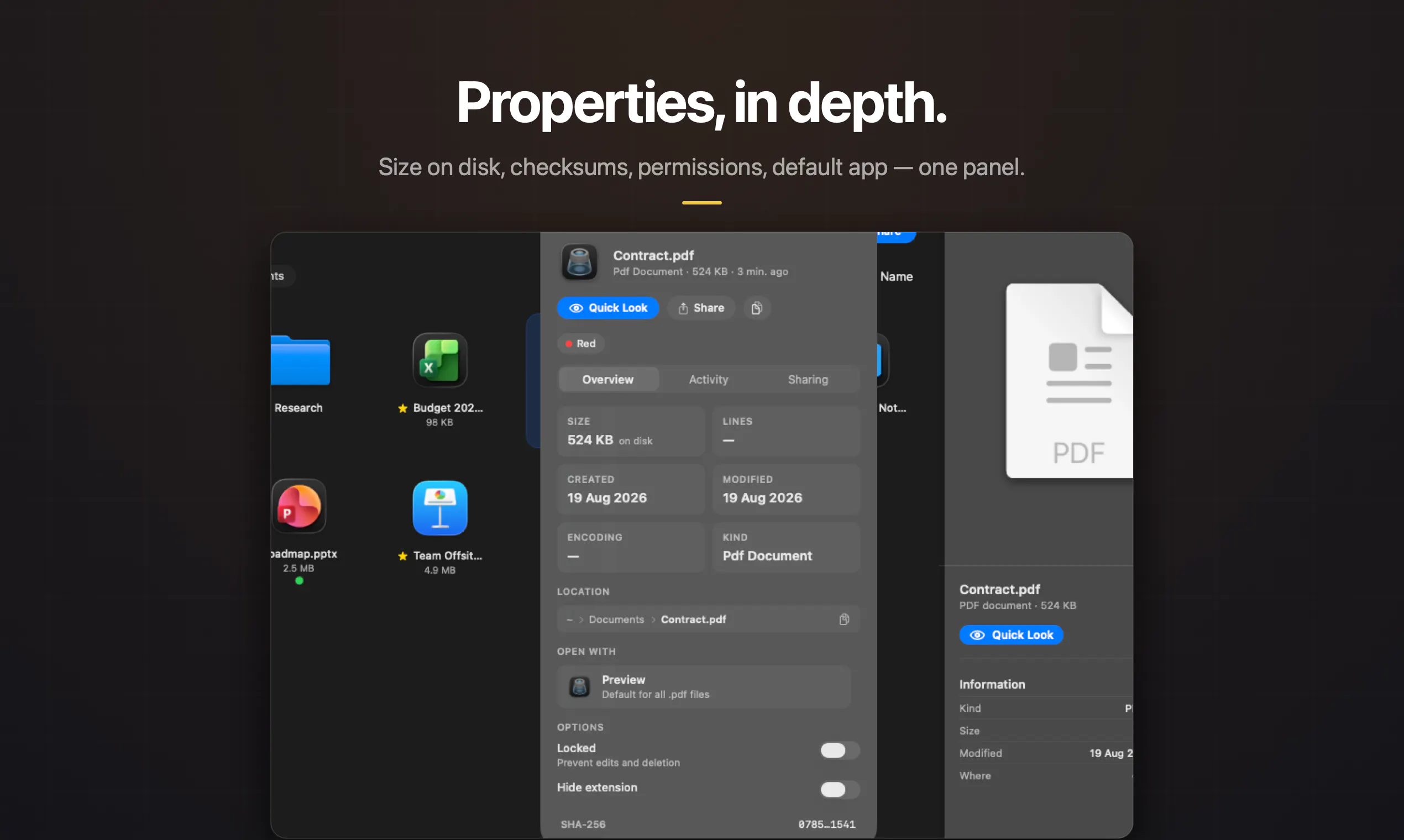
89
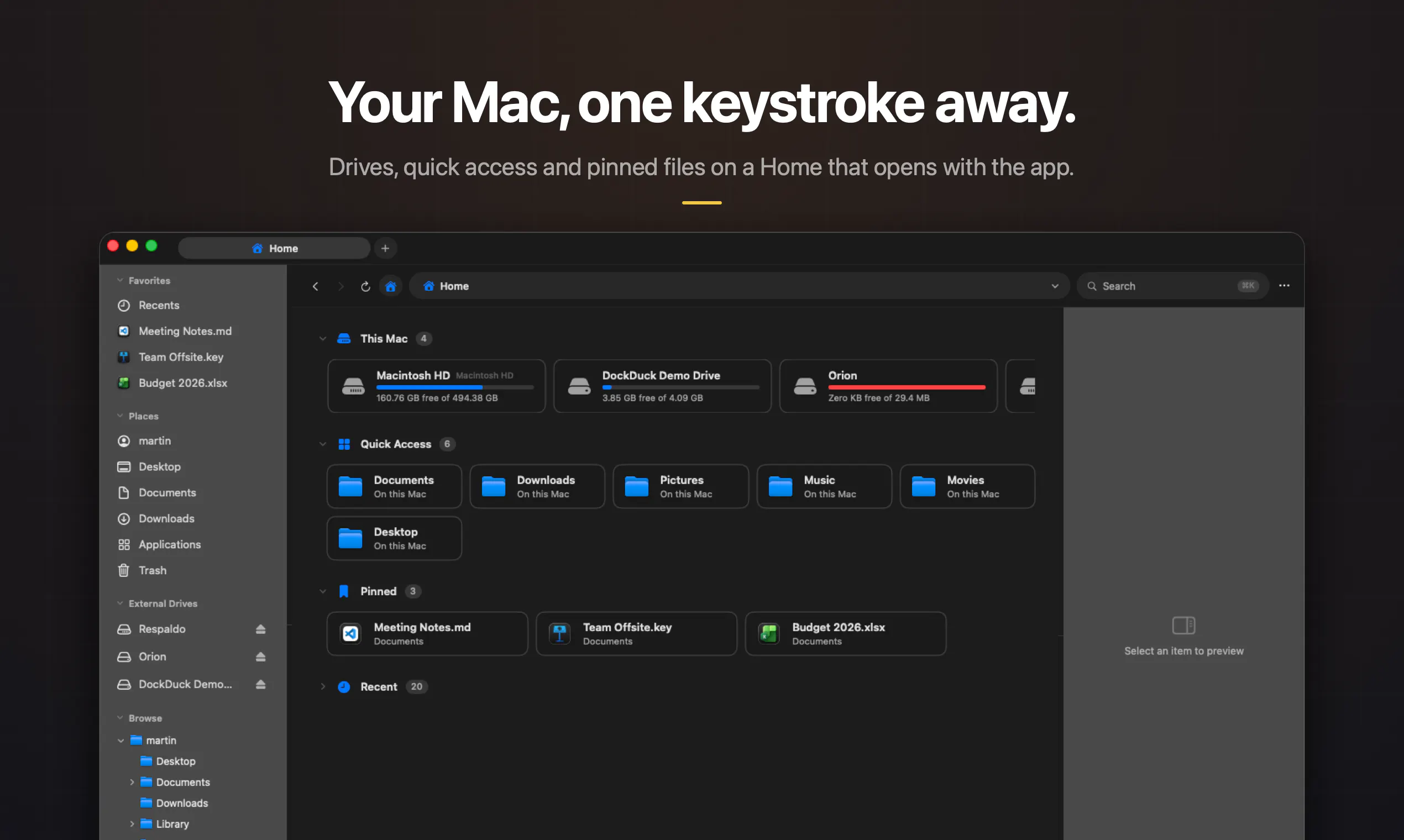
一句话介绍:DockDuck 是一款 100% Swift 原生的 macOS 文件管理器,用标签页、双栏、服务器连接(SFTP/SMB)、批量重命名与即时搜索,直接对标 Finder 的迟钝与第三方 Electron 替代品的臃肿,一次付费买断,文件全程留在本机。
Mac Productivity Developer Tools
macOS 文件管理器 原生 Swift 应用 Finder 替代品 双栏文件管理 SFTP/SMB 连接 批量重命名 标签页浏览 本地优先隐私 买断制付费 效率工具
用户评论摘要:用户最关心两点:一是 SFTP/SMB 凭据存储是否走 macOS 钥匙串(开发者确认用标准 Keychain,密码不落偏好设置,且可选每次询问);二是旧版 Finder 替代品在滚动大文件夹时卡顿,开发者强调零 Electron 解决此痛点。另有用户吐槽 Finder 积怨已久,期待其真正被“重新设计”,开发者回应称愿将用户怨念转化为功能清单。
AI 锐评

DockDuck 的聪明之处在于它精准踩中了 macOS 用户的两大痛点:Finder 的十年不思进取,以及 Electron 文件管理器“杀内存”的恶名。用“纯 Swift + AppKit”作为叙事锚点,本质上是在向目标用户(开发者、设计师、重度效率控)交出一份信任状——这类人群完全能分辨原生和壳浏览器的性能差异,也愿意为“不订阅、买断制”的清爽买单。

但真正值得玩味的不是性能,而是创始人对细节的执念:评论里关于钥匙串的实现方式,他不仅回答了“用 Keychain”,还详细到“generic-password item”、“when-unlocked 可访问性”、“粘贴 URL 时密码自动剥离”。这不是营销话术,是实打实的安全设计——恰恰是这种回答,才能让担心服务器凭据泄露的用户敢把 SFTP 密码交出来。这比任何“我们尊重隐私”的标语都有效。

缺陷同样明显:89 票属于早期小规模发布,评论区只有一条实质追问,说明产品还没经历“千人千面”的残酷检验。标签、批量重命名、服务器连接这些功能,Finder 插件或开源工具(如 ForkLift、Nimble Commander)早已覆盖,DockDuck 必须证明自己在“原生美感”和“流畅滚动”之外,还有不可替代的交互逻辑。否则,它很容易沦为“又一款漂亮的 Finder 皮肤”。

真正的护城河在于“买断 + 无订阅 + 本地优先”的组合信任资产。在 SaaS 泛滥的当下,这种姿态能吸引一批“受够了月费”的忠实核心用户,但能否扩圈,取决于他能否把“积怨”转化成可持续更新的功能清单——而不是在早期版本里沉迷雕花。毕竟,文件管理器是基建,用户容忍的是稳定事故,不是风格炫技。

查看原始信息
DockDuck
DockDuck is the native macOS file manager Finder should be — fast, beautiful, and 100% Swift. Tabs, dual-pane, a pinned Start dashboard, tags, instant search, batch rename, and connect to servers(SFTP/SMB) — all in one window that opens the moment you click. Pay once, no subscription. Your files never leave your Mac.

congrats on shipping this solo, the "zero Electron" framing is doing a lot of work and honestly for a file manager it should - I've quit using more than one "modern Finder" alternative purely because it lagged scrolling a folder with a few thousand files. curious about the SFTP/SMB piece though - when you save server credentials, are those going into the macOS Keychain or do you roll your own storage for that? that's usually the detail that decides whether I trust a new file manager with my actual server logins or just use it for local stuff.

2
回复

@galdayan Thanks! And good question - it's the real macOS Keychain, not my own storage. Each saved server gets a standard generic-password Keychain item (you can see them in Keychain Access under app.dockduck.server), stored with when-unlocked accessibility so they're not readable pre-unlock after a reboot. The connection metadata (host, user, port) lives in app preferences, but the password never gets written there, even if you paste a full sftp://user:pass@host URL, the password portion is split off and goes straight to the Keychain. Saving the password is also optional; you can just get prompted each time.

Rolling my own credential storage would've gone against the whole premise of the app - the point of zero-Electron/all-native is that you get to lean on the platform's security primitives instead of reinventing them.

0
回复

Hey @mnemosynee Martin, I have quietly resented Finder for years and long since stopped expecting better, so watching someone finally give it a proper rival feels good.

1
回复

@jean_noel_escande Thank you =), that's exactly the itch that started this. I kept waiting for Finder to get its "Apple redesigns their own app" moment and eventually decided to stop waiting. If there's a Finder frustration you've been quietly carrying for years, I'd genuinely love to hear it, those grudges make the best feature list.

0
回复

Hey Product Hunt 👋 I'm Martin, the solo developer behind DockDuck.

I've lived on a Mac for years, and Finder always felt… stuck. It barely changes, and every "alternative" was either a powerful-but-dated power tool, or an Electron app that ate my RAM and battery just to list files.

I wanted something that felt like Apple made it — fast, native, genuinely beautiful — but with the power features I actually reach for: dual-pane, connecting to servers, batch rename, tags, and a pinned dashboard for the stuff I open every day.

So I built DockDuck. 100% Swift and AppKit, zero Electron. It opens instantly, stays out of your way, and your files never leave your Mac. And it's pay-once (or yearly) — no subscription, because I'm tired of those too.

It's a free 14-day Pro trial, no card needed. And for the PH community, PRODUCTHUNT21 takes 10% off any plan until Sept 30.


This is an early launch and I'm building it in public. I'd genuinely love your feedback on what would make DockDuck your daily file manager — and I'm happy to talk about how it's built, the design decisions, any of it. 🦆

0
回复

@mnemosynee The SFTP and SMB connections are the part worth asking about first. Where do those credentials live, Keychain or an app local store? That matters for restore scenarios, since a Time Machine restore or a fresh macOS install either carries them over cleanly or it doesn't, and that's usually where file manager add ons quietly break for people. Which way did you build it?

0
回复
#14
Keymap
Every shortcut, one ⌘⌘ away.
89
一句话介绍:Keymap 是一款 macOS 菜单栏工具,通过双击 ⌘ 键即时唤出当前应用的所有菜单快捷键面板,解决键盘重度用户“记不住快捷键”或“跨应用快捷键混乱”的痛点,全程本地运行、无需账号。
Mac Productivity Custom Keyboards
macOS工具 菜单栏应用 快捷键管理 效率工具 键盘生产力 本地隐私 冲突检测 按键重映射 开发者工具 辅助功能API
用户评论摘要:用户普遍认可实时读取菜单而非手工数据库的方案,并好奇其兼容性。开发者确认通过 macOS 辅助功能 API 读取,支持所有应用且无需逐款适配。有用户点赞冲突检测功能,但未反馈具体使用问题或功能缺失。
AI 锐评

Keymap 的巧妙之处在于“降维打击”——它跳过了传统快捷键工具“手工建库+定期更新”的笨重模式,直接利用 macOS 辅助功能 API 从应用菜单栏实时抓取数据。这一设计让它在兼容性上碾压同类产品:零适配成本,且永远与 App 版本同步。89 票的体量虽小,但评论区的技术认可度极高,说明产品切中了一小撮键盘极客的真实刚需。

不过,它的潜力与天花板同样明显。其一,依赖菜单栏意味着它天然对“无菜单”的快捷键(如全局热键、IM 输入法绑定)失明,而这恰是专业用户的重灾区,这个硬伤在评论区已被开发者亲口承认。其二,搜索、查冲突、重映射这三板斧虽然扎实,但并未形成闭环——它发现了冲突,却不能一键给出修复建议;能重映射,却仍受限于 macOS 的权限沙盒。本质上,Keymap 做得是“显影剂”而非“手术刀”,它让隐性问题现形,却把解决动作留给用户。

更值得注意的是,这种“平台化”架构意味着它极易被 Apple 官方抄袭(系统级“键盘快捷键”面板本可做得更好),或被 Raycast、Alfred 这类超级启动器集成吞并。Keymap 的护城河不在功能,而在“私密+轻量”的定位——但若后续不继续深挖冲突修复、自定义规则库等粘性功能,它很容易成为一款“被赞赏但少用”的精致小工具。简言之,这是一个聪明的技术选型,但距离一个可持续的商业产品,还差一个质变级的闭环。

查看原始信息
Keymap
Keymap is a macOS menubar app that shows every menu shortcut in the app you're using. Double-press ⌘ to summon the panel. Local and private.
Hey Product Hunt! 👋 I'm excited to share Keymap, a small Mac utility I built for people who live on keyboard shortcuts. Double-press ⌘ anywhere on your Mac and Keymap shows the shortcuts for the app you're currently using. You can search shortcuts, detect conflicts, and remap keys — all without leaving your workflow. It's fully local, requires no account, and has no telemetry. I'd love to hear your feedback and learn how you use keyboard shortcuts on your Mac! 🚀
1
回复

I love that it shows conflicting shortcuts too! Does it work across most common apps?

1
回复

@ryanwrites 

Thanks! Yes — conflicts are checked against each app's actual menus plus your own remaps, so it works across any Mac app, common or obscure.

0
回复
Hey David. It reads shortcuts straight from the app's own menus rather than a hand-built database, presumably, given it works for "the app you're using" generally. Does that mean it just works on any Mac app out of the box, or did you have to add support app by app?
1
回复

@charlie_titherley 

Exactly right, good guess! Keymap reads shortcuts live from each app's own menu bar via macOS's Accessibility API — there's no hand-built database, and no per-app support was added. That's why it works out of the box with anything: Safari, VS Code, Figma, or a random app you downloaded today. Nice side effect: when an app updates its menus, Keymap always reflects the current shortcuts. (The flip side of that platform approach: shortcuts apps don't expose in their menus — like global hotkeys or IME bindings — aren't visible to any app, so those stay out of scope.)

0
回复
#15
Particle Studio
Transform Static Images Into Dynamic Particle Experiences
88
一句话介绍:Particle Studio 将静态图片实时转化为可交互、可定制的动态粒子特效,让设计师、开发者和创意玩家无需编码即可快速制作并分享沉浸式视觉体验,解决“静态图缺乏动感与互动性”的创作痛点。
Design Tools Developer Tools No-Code
AI图像处理 粒子特效 创意工具 交互设计 视觉生成 网页导出 实时渲染 设计辅助 动效制作 在线分享
用户评论摘要:用户整体反馈积极,称其为“创意游乐场”。主要疑问集中在导出性能上:有用户询问高分辨率图片导出的HTML包体积多大,以及渲染立方体、三角形粒子时是采用Canvas还是WebGL,担心是否会出现卡顿。目前尚无官方回复。
AI 锐评

Particle Studio切中了“轻量级视觉实验”这一细分需求——它不试图取代After Effects或TouchDesigner,而是用极低的上手门槛,让“图片动起来”从繁琐的动效工程变为一次拖拽和几项滑杆调节。这种“即时满足”的交互逻辑,正是Product Hunt受众最买账的爽点。

但从评论中也能嗅到关键隐忧:当粒子数量上升、元素变为3D立方体时,性能将是生死线。如果底层只是Canvas 2D,高分辨率图片的粒子化必然导致帧率崩坏;若采用WebGL,则对开发者的优化功底要求极高。评论中无人提问“效果好不好看”,反而直接追问“性能扛不扛得住”,说明目标用户并非纯小白,而是带着工程理性审视的创作者——这意味着产品不能只停留在“好玩”,更需提供可预测的渲染效能。

更深层的价值在于“Export HTML Bundle”功能。它不仅是导出,而是将作品变成一份可离线运行、可二次编辑的交互源文件,这为设计师交付方案、教师制作课件、甚至NFT艺术家分发作品提供了新载体。但“Desktop only”的限制则暴露了产品尚未覆盖移动端场景,在触屏交互日益主流的今天,这显然是一块短板。

总体而言,Particle Studio是一款敏锐的工具型产品,它用极佳的“前30秒体验”抓住用户,但后续的留存和口碑将取决于两件事:一是能否通过GPU加速和渐进加载,让高负载场景保持流畅;二是能否开放更多参数(如颜色映射、粒子物理场),而不被“预设模板”困住创造力的天花板。如果止步于“玩具”,它很快会被CapCut、剪辑软件里的AI特效模板淹没;若能在性能和可玩性上做深,它有机会成为创意工作流中的高频小工具。

查看原始信息
Particle Studio
Particle Studio turns your images into interactive, customizable particle compositions. Upload an image, choose from circles, squares, triangles, or cubes, and fine-tune particle size, motion trails, and cursor interaction to create your own visual experience. When you're happy with the result, share it instantly with Copy Link or take it beyond the studio with Export HTML Bundle to create an offline, interactive version you can experiment with using your own images.

Particle Studio is a creative playground that transforms ordinary images into interactive particle experiences.

Upload an image and turn it into a customizable particle composition. Experiment with Circle, Square, Triangle, and Cube particles, adjust particle size, and control how your creation moves and responds to interaction.

Q. Want something more atmospheric?

Enable Motion Trail to create fluid, dreamy effects, fine-tune the trail intensity, and adjust the cursor radius to shape how you interact with the particle field.

Additional Features

🔗 Copy Link: Instantly share your particle creation with others.

💻 Export HTML Bundle: Take your creation beyond the studio with an offline, interactive HTML experience. (Desktop only).

Built for designers, developers, creators, and anyone who enjoys experimenting with images, motion, and creative technology.

Upload an image. Customize the particles. Add motion. Make it interactive. 🚀

2
回复

@stelvin_saji how heavy is the Export HTML Bundle for a standard high-res image? curious if it relies on canvas or webgl to render the cube and triangle particles without lagging.

1
回复
#16
Postaway.space
A little piece of the past, sent your way.
86
一句话介绍:Postaway.space 将复古明信片的怀旧魅力数字化,用户选择目的地并写下留言,平台随机匹配一张 vintage 明信片,生成可分享的链接,让“来自过去的惊喜”以轻量化方式传递情感。
Travel Graphics & Design Social Networking
复古明信片 随机惊喜 数字怀旧 情感传递 礼物分享 社交互动 邮件订阅 实体邮寄 文化收藏 小众创意
用户评论摘要:用户对“随机匹配”的惊喜感表示喜爱,认为概念有温度、氛围佳。有用户建议增加美国各州选项以扩大地域覆盖,另有人期待更多目的地选择。整体反馈积极,核心诉求集中在内容库丰富度与地域细分化上。
AI 锐评

Postaway.space 本质上卖的不是“明信片”,而是“可控的随机感”——在算法精准推送的时代,它反向操作,用“不可预测”制造情绪价值。这个切入点很聪明,也踩中了怀旧经济的浪潮:人们消费的不是实物,而是“未被选择的惊喜”带来的多巴胺。

但冷静看,产品存在三个结构性短板。第一,线上分享的“随机 vintage 明信片”本质是一张图片+链接,可替代性强(一个 Instagram 滤镜或 GIF 就能模拟),其留存动力主要依赖“收藏癖”而非“使用场景”。第二,付费的 Mail Club 虽然提供实体邮寄,但随机发货意味着供应链和品控难标准化,一旦用户收到重复或破损卡片,信任成本极高。第三,地域选择目前停留在国家层面,用户评论中“美国各州”的呼声恰恰暴露了产品在个性化与随机性之间的尴尬——随机是卖点,但完全随机又削弱用户的情感锚点,缺乏中间调节层(如主题、年代、画风偏好)。

真正的价值或许不在于“送明信片”,而在于它验证了一个更宽的假设:人们愿意为“精心设计的意外”付费。如果 Postaway 后续能引入“兴趣标签+算法推荐随机”的混合模式,并把实体俱乐部打造成类似“复古盲盒订阅”,其商业想象空间会大得多。目前来看,它更像一个优雅的 demo,而非可持续的生意——除非它能从“随机”走向“有品味的随机”,否则新鲜感退潮后,留下的只有一堆漂亮的数字图片。

查看原始信息
Postaway.space
Postaway brings the charm of vintage postcards to the digital world. Pick a destination, write a message, and we’ll randomly pair it with a vintage postcard you can share by link. It’s free to use. Love postcards? Join the Postaway Mail Club for a real vintage postcard in the mail, plus other surprises. You never know what you’ll get.
Hey Product Hunt 👋📮 What if you could send someone a postcard from another time? That’s the idea behind Postaway. Pick a destination, write a message, and we’ll randomly pick a vintage postcard to go with it. You get a little postcard link to share with a friend — through email, DM, or wherever you like. You don’t choose the postcard. That’s where the surprise comes in. ✨ The online postcard is completely free to try. And for the postcard lovers who want something real, there’s the Postaway Mail Club 📬 — a paid subscription where we’ll send you a real vintage postcard in the mail, plus other little surprises. Every delivery is random, so you never quite know what’s coming. We’re still growing the collection day by day, so I’d love your help: 🌍 Which country or destination would you love to receive a postcard from? Drop it in the comments — we’re collecting ideas (and postcards!) every day. 🗺️📮
1
回复

@martinique Great idea!

0
回复

@martinique I love the vibe of this... I know it's a big build-out, but having individual states for the United States would be an awesome addition for the audience here...

0
回复
#17
Hacktron Automations
Close the loop between vulnerability discovery and patching.
85
一句话介绍:Hacktron Automations 在代码安全审查场景中,将“发现漏洞”与“自动修复”闭环,解决安全团队从检测到人工验证、修复、评审的漫长链路痛点。
Developer Tools Artificial Intelligence Security
AI代码安全 漏洞修复 自动化补丁 DevSecOps 安全审查 静态分析 动态验证 误报消除 开发者工具 SaaS
用户评论摘要:现有评论较少,有效反馈集中于两点:一是询问与竞品的差异化优势;二是认可“同时识别并修复漏洞”的组合价值。尚无深度使用问题或批评性建议。
AI 锐评

Hacktron Automations 的定位切中了安全工具链中最昂贵的环节——修复。传统 SAST/DAST 工具止步于“报漏洞”,而将验证、去伪、补丁编写、回归测试的压力全部甩给工程师,导致大量告警被积压或忽略。Hacktron 试图用 AI 扮演“初级安全工程师”的角色,把漏洞闭环到可审查的补丁,这在交付形态上是真正的效率革命,而非简单的功能堆叠。

但必须泼冷水:其一,“动态验证”与“消除误报”的承诺极其沉重,AI 在真实业务逻辑下验证漏洞可利用性,其误判率将直接决定产品可信度,一旦出现“自动修复导致生产故障”的案例,信任将瞬间崩塌。其二,规则触发的自动化修复,在高度定制化的企业代码库中,补丁的“可测试性”和“风格兼容性”是巨大工程挑战,很可能落入“修复了安全性,破坏了可维护性”的陷阱。其三,85票的冷启动数据平平,且评论区缺乏深度技术质疑,说明产品尚未经历开发者社区的残酷验证。

真正的价值不在于“自动写补丁”,而在于能否成为安全团队与开发团队之间的“翻译官”——用可审查的产出降低跨部门协作成本。若 Hacktron 能在补丁的上下文注释、风险分级、回滚策略上做到极致,则有机会在 DevSecOps 的夹缝中站住脚;反之,若停留在“AI 扫一遍顺便补个洞”的浅层演示,则大概率沦为 demo 级玩具。建议团队将火力集中在“补丁质量的可证明性”上,而非堆砌自动化触发器的数量。

查看原始信息
Hacktron Automations
Hacktron already reviews your code, detects real vulnerabilities, and learns from your feedback. Now it fixes the vulnerabilities too. With automations, Hacktron acts like a real engineer, validating security issues, eliminating false positives, and implementing patches. Set the rules once, and Hacktron performs an action on every trigger. The first action is remediation - Hacktron validates the finding dynamically, and hands your team a well-tested, ready-to-review fix.

@zayne_zhang nice! how do you differ from the competitors in this space right now? Might check out a demo

0
回复

i like the combination of identifying and fixing at the same time

0
回复
#18
session-indexer
Semantic search over your own Claude Code session history
84
一句话介绍:session-indexer 是一个面向 Claude Code 会话历史的本地语义搜索工具,通过 SQLite + bge-m3 嵌入检索,自动注入过往项目决策上下文,解决“记得当初为什么这么做”的长期项目记忆断层问题。
Open Source Developer Tools Artificial Intelligence GitHub
开发者工具 AI编码助手 会话检索 语义搜索 本地记忆 SQLite Ollama Claude Code插件 项目上下文管理 开源工具
用户评论摘要:用户认可其解决了“跨长周期项目回忆决策原因”的真实痛点。有评论追问:在 monorepo 中前后端分目录但逻辑同项目时,索引是否严格按目录隔离,或是否支持跨仓库共享索引。目前产品定位为 per-project,未有明确多目录聚合方案。
AI 锐评

session-indexer 切中了一个被主流 AI 编码工具忽视的“决策连续性”问题。Claude Code 的会话是瞬间的,但项目是长命的。session-end 解决“上次做到哪”,session-indexer 则试图回答“上次为什么这么做”——这实际上是在为 LLM 工作流补上“企业级记忆”的短板。其设计克制且聪明:不搞云端同步、不搞全局记忆,只做本地 SQLite + 可选 Ollama 嵌入,FTS5 兜底保证无外部依赖时也可用。这种“轻索引、重隐私、零部署”的路线,在 AI 工具普遍热衷于托管服务的当下,显得清醒且务实。

但需泼冷水:第一,它依赖 bge-m3 并通过 Ollama 运行,意味着用户必须本地起模型服务,这对非技术用户是隐性门槛,虽然 FTS5 兜底,但语义检索的体验差异会劝退一部分人。第二,“per-project”的设计在 monorepo 或跨仓库协作场景下会割裂上下文,评论中已有人问及,作者未给出优雅答案。第三,自动注入的机制若不做好“上下文噪音”控制,反而会稀释当前会话注意力——需要更精细的相关度阈值与过滤策略。

真正价值在于:它示范了 AI 辅助编程工具的一个进化方向——从“生成代码”到“维护项目心智模型”。如果未来能支持跨目录聚合、可配置注入策略、甚至与 git 历史联动,它会从一个实用小工具长成 AI 时代 IDE 的基础设施。目前 84 票,是对一个小而准的痛点的合理回应,但离“必备”还很远。

查看原始信息
session-indexer
Per-project semantic search over your Claude Code session history — not a shared or centralized memory store. Indexes JSONL transcripts into a local SQLite file, retrieves via bge-m3 embeddings (Ollama) with automatic FTS5 BM25 fallback, and auto-injects relevant past context at session start. Companion to session-end: session-end gives "where I left off," session-indexer gives "what we decided" — same Stop/SessionStart hooks. Apache 2.0, 75 passing tests, go install and nothing to deploy.
I kept losing track of why we made past decisions across long-running projects — session-end gives you "where I left off," but not "what did we decide about X three weeks ago." So I built session-indexer to close that gap: a per-project SQLite index of your Claude Code session history, searchable by semantic similarity via bge-m3, with an automatic FTS5 keyword fallback so it never has a hard dependency on Ollama. It hooks into the same Stop/SessionStart events as session-end, so both just run together — no extra setup, no shared backend, nothing to deploy.
0
回复

this is a real gap - I've had the "what did we decide about X" problem plenty of times across long-running Claude Code sessions. Curious how it behaves for a monorepo setup where frontend and backend live in separate directories but are logically one project - does the per-project indexing stay strictly siloed to each directory, or is there a way to point it at a shared index across a few related repos?

0
回复
#19
Buddy Visual Tests
Every UI change, reviewed before merge
83
一句话介绍:Buddy Visual Tests将像素级视觉回归测试嵌入开发与AI代理工作流,在代码合并前自动捕获并审查每一次UI变更,解决AI高频改码带来的视觉QA滞后与漏检痛点。
Software Engineering Developer Tools Development
视觉回归测试 UI自动化测试 AI代理测试 像素级对比 开发工作流 MCP集成 CLI工具 前端质量保障 持续集成 设计审查
用户评论摘要:团队关注其与现有Playwright、Storybook流程的互补性,认可其对AI代理的可操作性(CLI/MCP);核心诉求集中于人机协作审批机制、基线管理效率及非代理场景下的接入成本,未见功能缺陷类负面反馈。
AI 锐评

Buddy Visual Tests的聪明之处在于它不是又一个孤立的截图比对工具,而是精准踩中了“AI编码代理大量产出UI”这一供应链断层。当代码生成速度远超人工审查速度,传统“跑测试—看报告—手动改”的循环自然崩解,它把视觉验证变成代理可调用的原子能力(CLI/MCP/Skills),从而让“AI改—AI测—AI修—人审批”形成闭环。这本质上是将QA从“质量门禁”重构为“开发循环内的传感器”。

但必须泼冷水:像素级比对是成熟技术,其真正护城河不在算法,而在基线治理与“意图变更”的判定策略——评论中反复出现的“approve baseline”“hand over intentional changes”恰恰是当前最依赖人工经验的部分。若基线更新仍需要高密度人工介入,那么“AI自主修复”就只是把繁琐从写代码转移到了维护期望图上。另一个隐患是Agent通过CLI触发的测试结果,若缺乏强审计追踪(谁改的基线、为什么改),长期会腐蚀测试可信度,让“通过”变成一种仪式。

产品方向正确,但价值兑现取决于它能否把“审查”这件事本身也自动化到足够智能——否则,它只是给快马加了一副更重的缰绳。

查看原始信息
Buddy Visual Tests
Not only can AI agents build your UI, they can now test what it actually looks like. Buddy Visual Tests captures every UI change, compares it pixel by pixel with an approved baseline, and brings visual regression testing straight into your delivery flow. With CLI, MCP and Skills support, agents can spot visual bugs, fix them, rerun tests, and hand over intentional changes for human approval.
Hi Product Hunt! We created Visual Tests because UI changes are getting faster and more frequent, especially with AI coding agents in the loop, but visual QA is still often manual, inconsistent, or happens too late. Visual Tests gives you a clear before-and-after of every UI change, with pixel-level comparisons, baselines, and review built directly into the delivery flow. What gets especially interesting is that the same workflow is available to AI agents through CLI, MCP, and Skills. That means visual checks can become part of the coding loop itself: an agent can make a change, run the tests, inspect the result, and react before the change reaches production. How are you handling visual QA in your team today? And do you think you could rely on agents to handle part of it?
6
回复

Hi,

Head of the Buddy QA team here. We’re running a couple thousand Playwright tests that cover pretty much the entire platform.

Adding Visual Tests on top of that gives us another layer of confidence. Playwright tells us whether everything works as expected, while Visual Tests help us catch layout shifts, styling issues, and other visual regressions that can still slip through a passing test suite.

For us, it fits naturally into the QA process we already had in place rather than replacing anything.

6
回复

Hi, 

Head of the Buddy frontend team here. Most of our frontend workflow already exists in Buddy: building Storybook, unit and e2e tests, preview environments (sandboxes) and automation. The only thing we had to do externally was visual regression. 

Now every change runs against approved baselines and visual diffs across the component library get flagged automatically. Each run also publishes a hosted Storybook preview for the branch, which is handy when a diff needs a second pair of eyes.

5
回复
#20
ChatGPT Ad Library
See every ad running inside ChatGPT
80
一句话介绍:ChatGPT Ad Library 是首个公开的 ChatGPT 内赞助广告数据库,收录超 41 万条广告投放,可按触发提示词反查竞对创意,解决广告主在 AI 搜索场景中“看不见对手、无法优化”的盲区痛点。
Analytics Advertising Tech
ChatGPT广告库 竞品广告监测 AI搜索广告 广告创意分析 提示词触发 广告投放洞察 Ad Intelligence 营销情报 CTR优化 付费广告数据库
用户评论摘要:用户认可 41 万条广告与触发提示词关联的价值,认为这是当前 AI 搜索领域稀缺的“提示词级”数据。同时提出关键疑问:这些触发提示词来自真实用户会话,还是合成探测生成?暗示对数据真实性与采样方式存疑。
AI 锐评

这款产品的本质是“AI 搜索广告的 SpyFu”,切中了 ChatGPT 商业化早期最大的信息不对称——当广告主还在猜测“广告出现在哪个 prompt 后面”时,它直接给出了 41 万个答案。从数据量看,4 万多条独立创意覆盖 970 个利基市场,说明其抓取能力不弱,且“提示词→广告”的反向映射确实具有独家性,这是它最大护城河。

但评论区的质疑一针见血:如果触发提示词是合成探测而非真实用户会话,那么数据的“情报含金量”将大打折扣——广告主需要的不是“我搜了 X 就出现广告”,而是“真实用户搜 X 时谁的广告出现了”。前者是爬虫结果,后者才是竞争情报。此外,415,289 次投放中,重复创意与低质广告的占比未披露,可能夸大“有效样本”数量。

更深层的问题是:ChatGPT 的广告位尚处于模糊匹配阶段,提示词与广告的关联未必稳定(同义改写、上下文偏移都会改变投放逻辑)。因此这份库更适合做“趋势观察”而非“精确监测”。若未解决数据来源透明度,并持续跟进 OpenAI 广告系统的迭代,产品极易从“情报工具”退化为“历史存档”。但对于第一批想在 ChatGPT 上投放的营销人,抢先洞察生态框架本身就是价值——哪怕数据有噪声,也比完全黑盒强。建议团队尽快公布数据采集方法论,并增加按时间维度的广告变动追踪,这是黏住付费用户的关键。
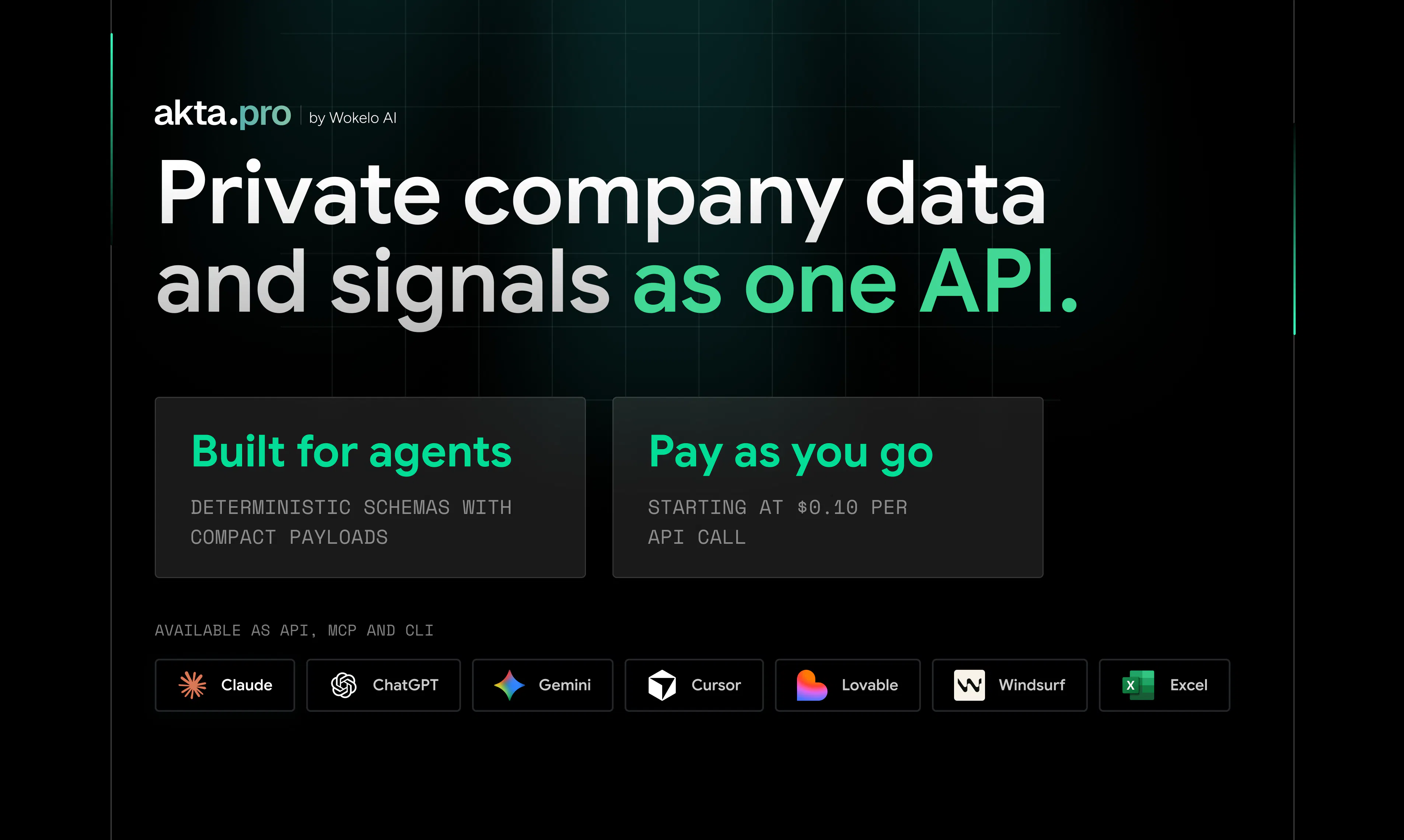
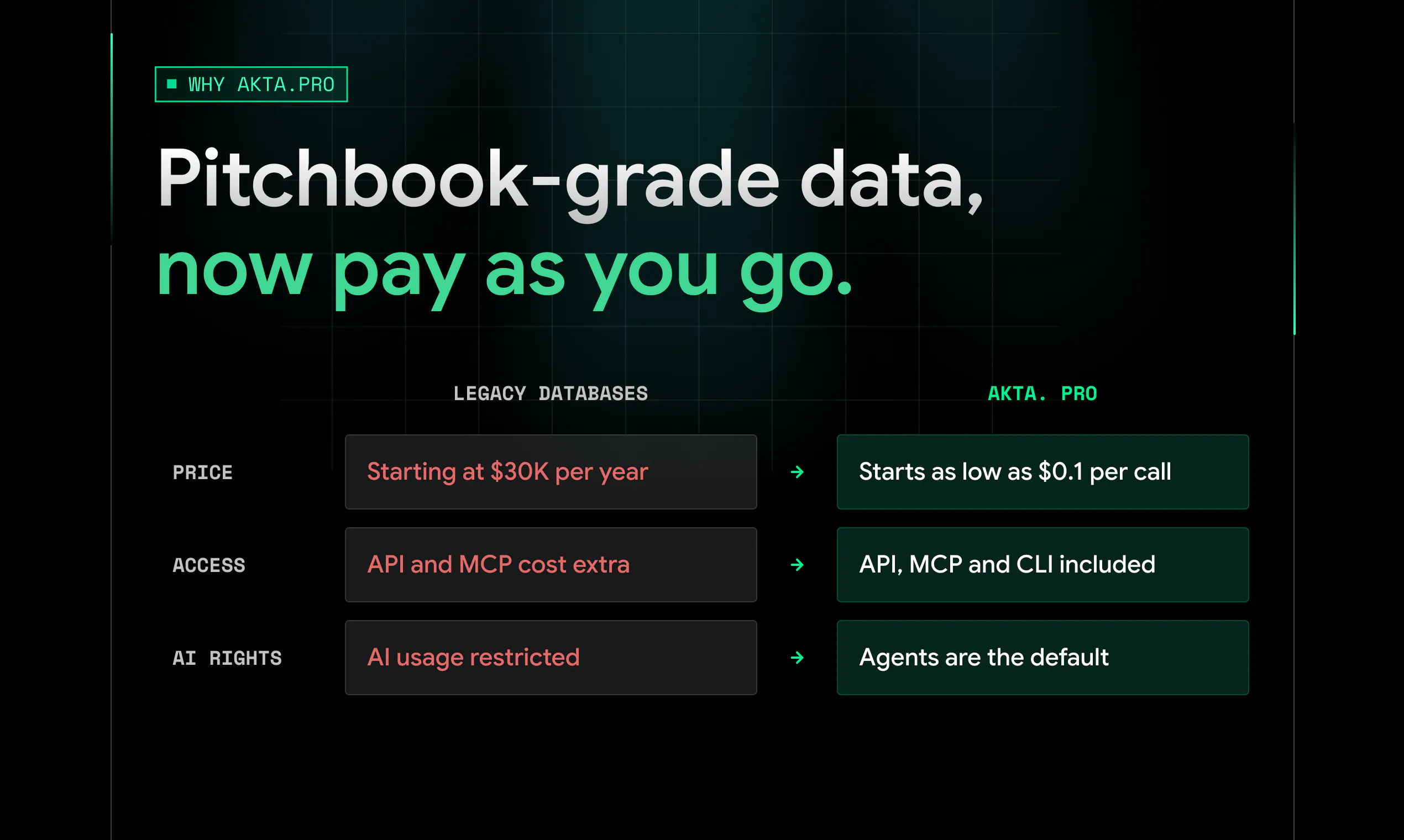
查看原始信息
ChatGPT Ad Library
The first public library of sponsored ads running inside ChatGPT: 11,103 advertisers, 415,289 ad placements, and 43,410 unique creatives across 970 niches each linked to the exact prompt that triggered it. Spy on Competitors ads and optimise your CTR.
The first public library of sponsored ads running inside ChatGPT: 11,103 advertisers, 415,289 ad placements, and 43,410 unique creatives across 970 niches each linked to the exact prompt that triggered it. Spy on Competitors ads and optimise your ChatGPT Ads.
1
回复

@saumya_kumar3 415,289 placements linked to the exact prompt that triggered them is the interesting part, because prompt-level data is what everyone in AI search is missing right now. Are the triggering prompts collected from real user sessions or from synthetic probing?

0
回复