Product Hunt 每日热榜 2026-08-28

PH热榜 | 2026-08-28

#1
PageIndex
Accurate, trustworthy answers across professional documents
339
一句话介绍:PageIndex是一款面向长文档与专业文档的AI问答工具,通过结构化索引替代向量检索,让用户跨整个文件夹提问,并支持点击微引用直达原文高亮行,快速核验答案。
Productivity Artificial Intelligence
AI文档问答 长文档检索 可溯源引用 专业文档分析 知识库管理 结构化索引 金融报告 法律合同 科研论文 效率工具
用户评论摘要:用户高度认可微引用和文件夹结构保留功能,称“Perplexity for自己的文档库”。疑问集中在与ChatGPT/Claude、SciSpace等差异(回应:解决上下文窗口限制及非学术文档场景)。有用户关心OCR扫描件处理、分享链接权限(已支持免登录查看)。开发者主动征集复杂文档压力测试反馈。
AI 锐评

PageIndex的聪明之处在于踩中了AI落地中最值钱的缝隙——不是“更聪明的问答”,而是“敢负责的问答”。当ChatGPT们还在用向量相似度赌“看起来像”,它直接绕开Embedding,把文档树装进推理上下文,用导航代替匹配。这个反共识的技术选型确实犀利:向量库擅长模糊召回,但面对“附录G里的定义”这类跨引用问题时,语义相似度本质是盲人摸象。而结构化索引让检索路径可追踪,这正好戳中金融、法律、科研这些“错一个字要背锅”的行业痛点,微引用不是锦上添花,而是从“模型说”到“证据在这”的信任跃迁。

但别急着封神。评论区的叫好多来自创始团队的自问自答(明眼人都看得出哪些号是托),真正的考验在于:第一,OCR质量差的扫描件如何保证索引的完整性?第二,当文档集体量从几百页膨胀到上万页,结构树的维护成本和查询延迟是否失控?第三,定价策略——30K用户基数多半来自开源项目输血,一旦Pro付费墙抬高,留存率存疑。另外,“Verifiable answer”是刚需,但市面上Confluence、Notion的AI原生检索也在快速进化,PageIndex的护城河如果只是“结构化索引”这一招,很可能被大厂复制。建议团队把精力从“证明自己比ChatGPT强”挪到“绑定垂直工作流”(如审计底稿、尽调报告),成为某类岗位的默认工具,比泛化叙事更危险也更性感。

查看原始信息
PageIndex
PageIndex gives you accurate, trustworthy answers across long, professional documents your work depends on. Bring in your entire document set, ask your hardest question, and click any citation to jump to the exact highlighted source line, so you can verify it in seconds.

Hey Product Hunt 👋

I'm Mingtian, co-founder of PageIndex.

PageIndex lets you ask across your entire document set and verify every answer down to the source line. If you work with long and professional documents where accuracy and traceability matter, financial reports, legal contracts, textbooks, research papers, etc. and you can't afford to trust an answer you haven't checked, this is for you.

✍️ Here's how it works:

  1. Drop in your entire folder. Folder structure is preserved, and everything you add stays in your knowledge base, so you build it once instead of re-uploading the same files into every new chat.

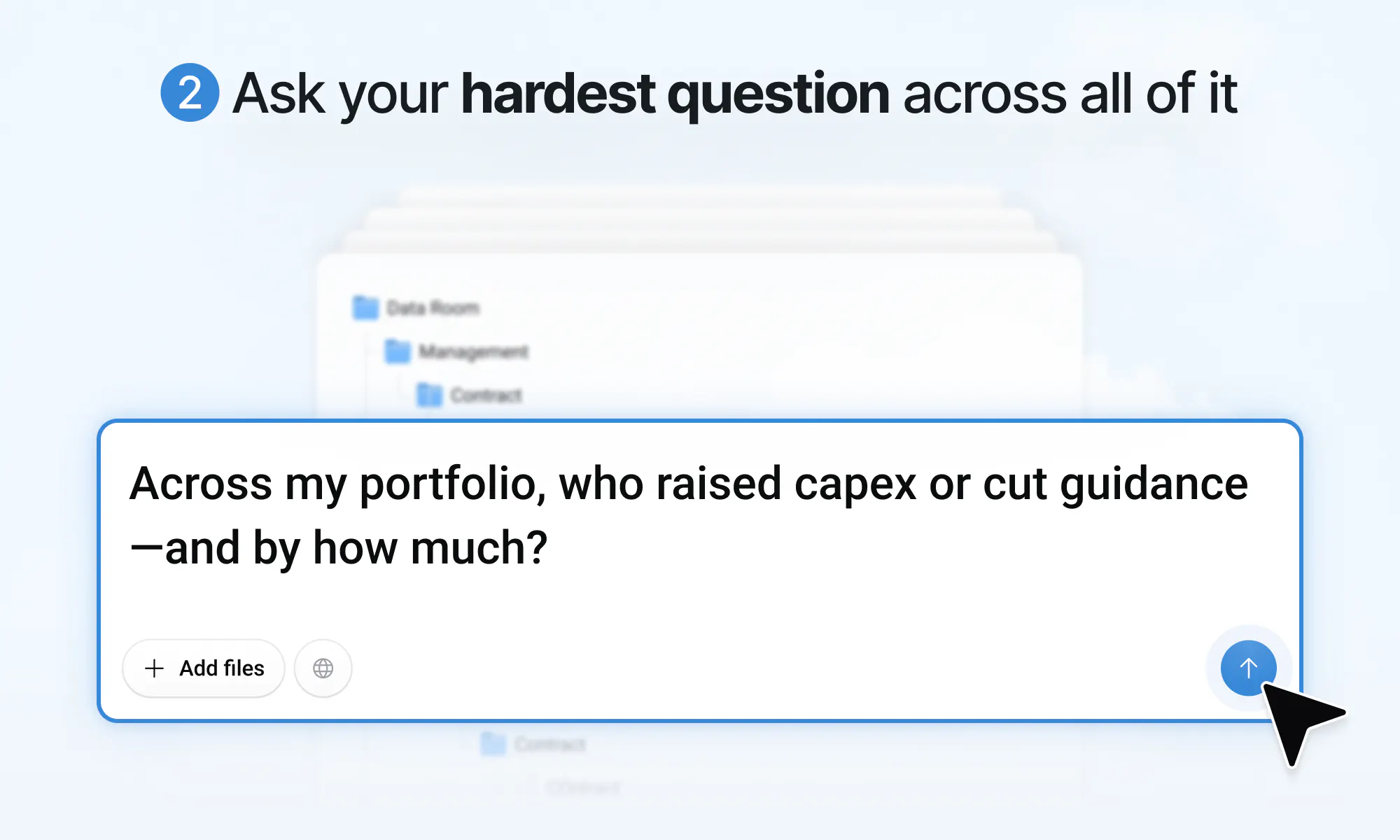
  2. Ask your hardest question across all of it. Ask the one you actually need: a number buried in an appendix, a clause that only makes sense with the definition twelve pages back, a figure that has to be pulled from a table and compared across four files. PageIndex goes and gets all of it.

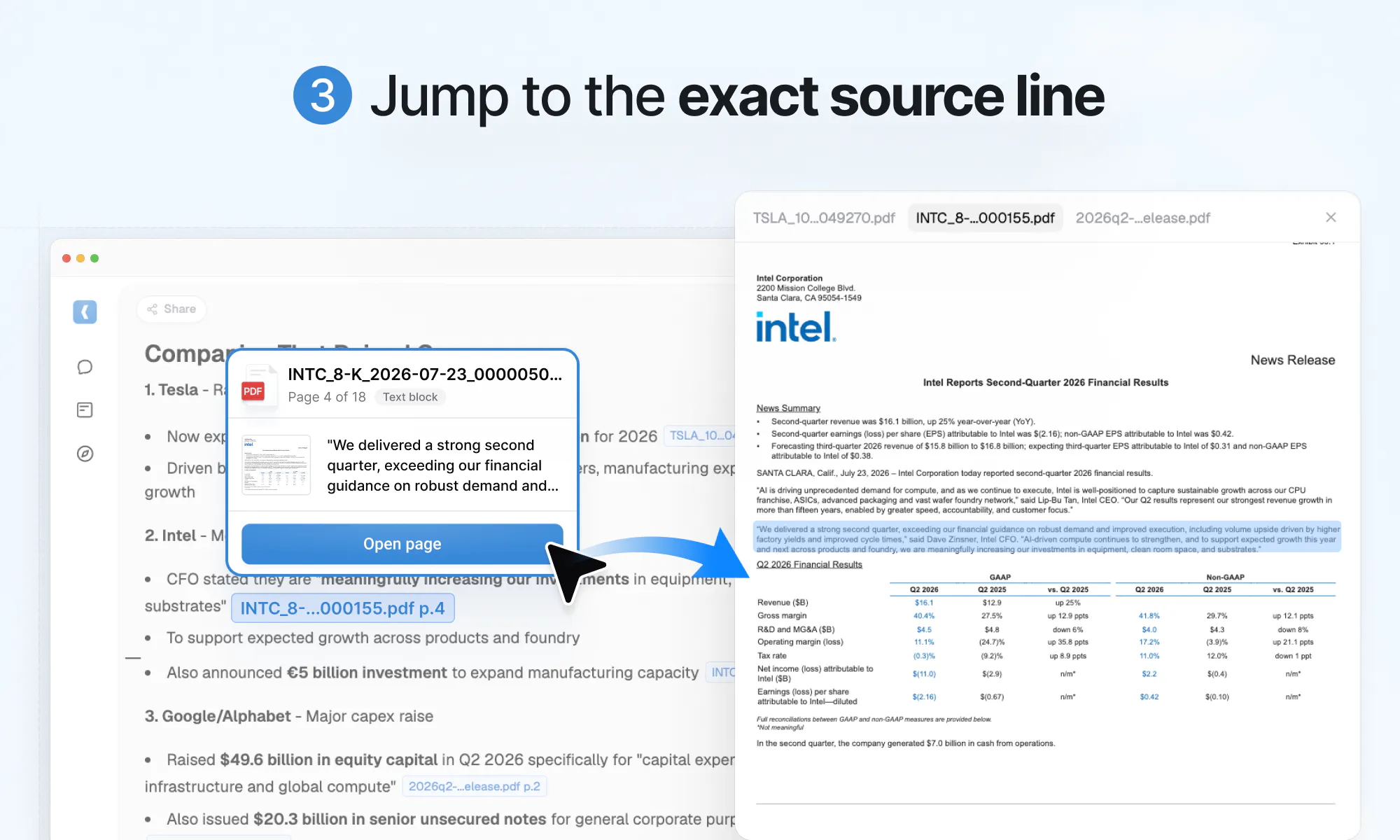
  3. Verify answers in one click. Every answer comes with micro-citations. Click one and the source document opens beside your chat at the right page, highlighted at the exact line the number came from.

Why you want PageIndex:

  • Checking a number takes one click instead of an afternoon of opening PDFs

  • One question runs across hundreds of documents, not one file per chat

  • Tables and charts are read in context

  • Your library compounds each quarter instead of starting from an empty chat

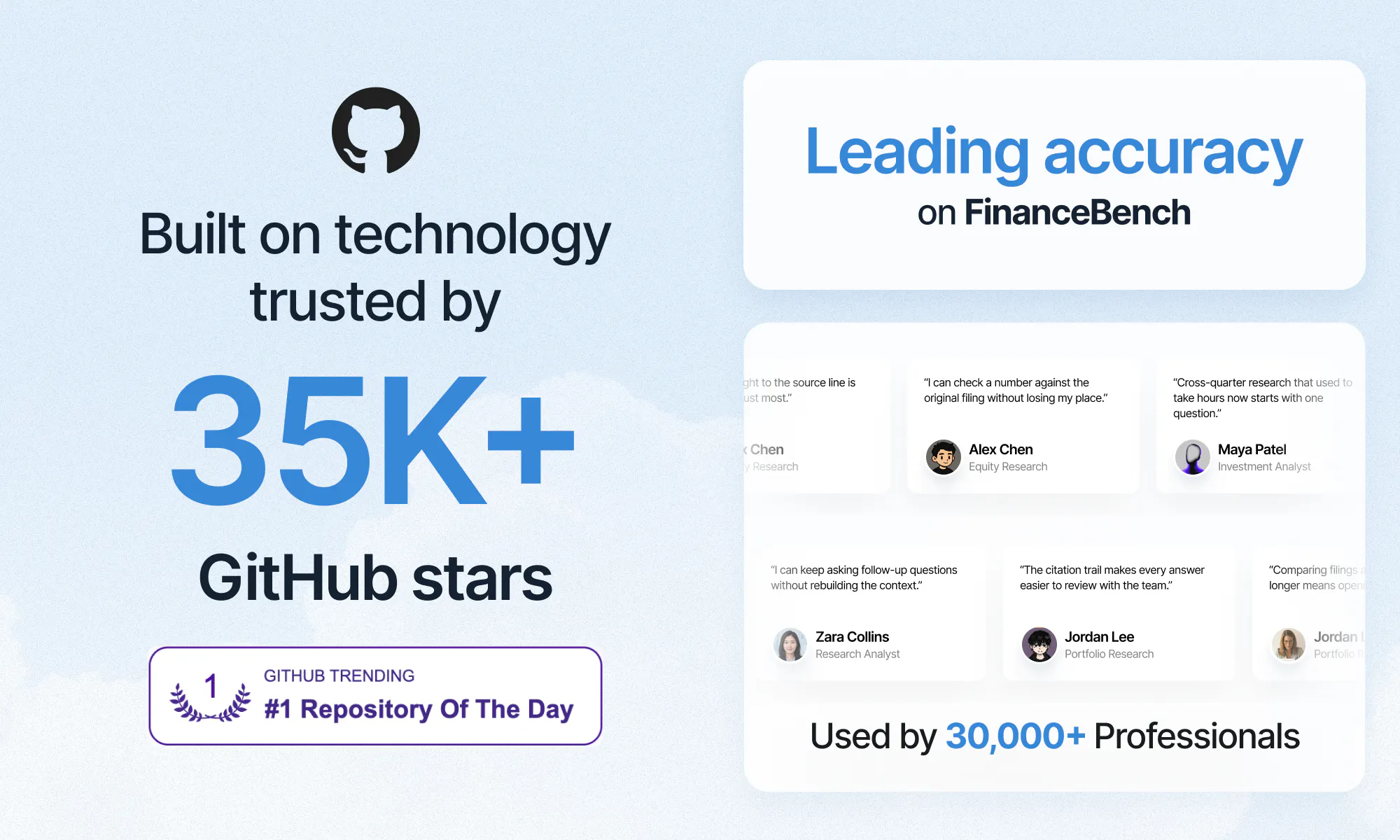
Leading accuracy on FinanceBench. 30K+ people use it, and the retrieval engine underneath has 35K+ GitHub stars and hit #1 on GitHub Trending.

🎉 Launch offer: code PRODUCTHUNT gets you one month of Pro free.

👉 app.pageindex.ai

Thanks for checking us out. I'll be here all day.

15
回复

@mingtian_zhang This is a really interesting approach to document-heavy workflows. I especially like the micro-citations feature, being able to jump directly to the exact source makes the experience feel much more trustworthy.

As a product designer, I’m always interested in how products like this balance powerful AI capabilities with simplicity for the user. Great launch!

0
回复

@mingtian_zhang I like that the folder structure stays intact. It seems especially helpful when working with a large collection of documents.

3
回复

@mingtian_zhang Congrats on the launch, Mingtian! The micro-citations are the killer feature here. Curious how it handles scanned PDFs with messy OCR?

2
回复

Hi PH, Ray here, co-founder and CTO of PageIndex.

I did my PhD in databases at Oxford. Years spent on indexing, and I was firmly on the side of vector databases.

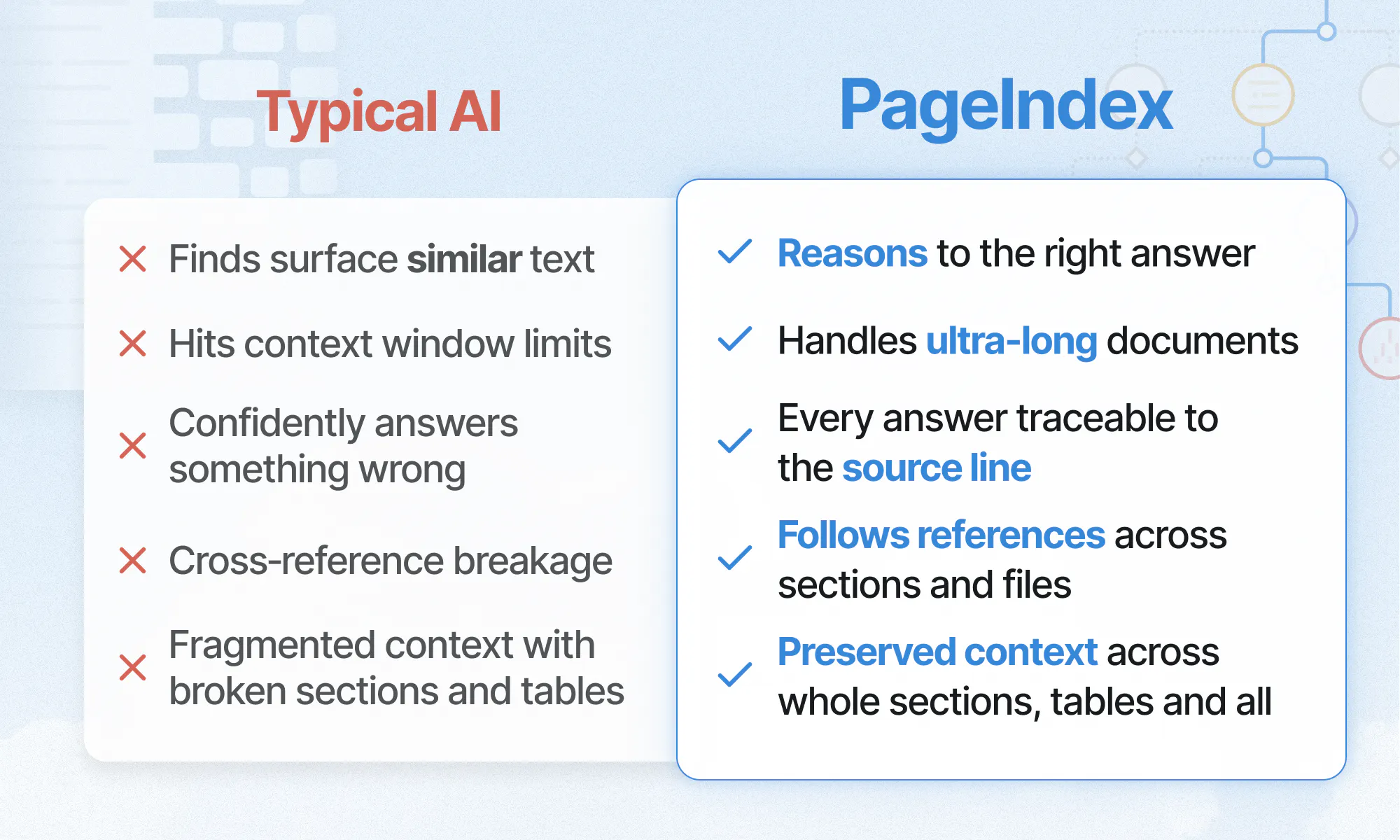
I've changed my mind about them being the right infrastructure for retrieval in AI systems. I want to be precise, because the claim is not "vectors are dead".

An index is defined by the one question it can answer. A vector index answers: which chunks look most like this query?

  • Right question for broad recall over messy, conversational text. Vectors will keep doing that job well.

  • Wrong question for a long, professional document.

Two reasons it breaks down there:

  • The passage you need may share almost no wording with how you asked for it.

  • The answer often sits behind a cross-reference like "see Appendix G". No amount of similarity gets you through that pointer.

So we index the structure instead of the surface.

  • The document's tree sits inside the model's reasoning context.

  • It decides where to look next, not what looks similar.

  • Retrieval becomes navigation. Navigation leaves a path, which is why every answer can point back at the source line.

If you want to stress-test it: upload the longest and most complex document you own, then tell me what happens. Bug reports are worth more to me today than upvotes.

6
回复

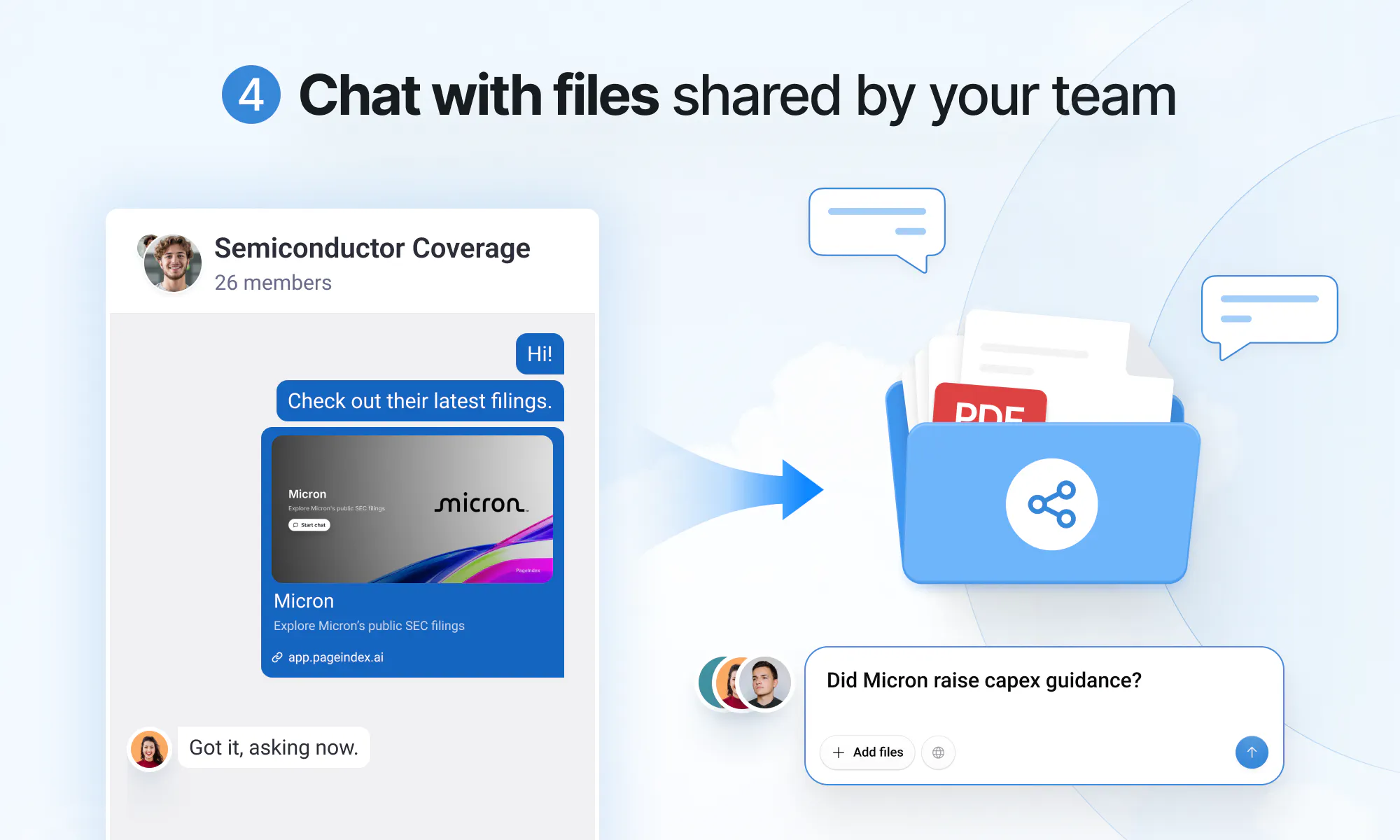
Can I share a single answer with its citations as a link, so a colleague can see the sources without an account?

5
回复

@axelkane Yes! They can open the shared link and check the answer and citations directly, no sign-up needed.

6
回复

@axelkane Absolutely! Just click the Share button in the top-left corner, and you’ll get a shareable link that you can send to anyone.

1
回复

For contacts and reports I'd rather spend a few seconds checking a source than blindly trust a summary. Does it preserve the orignal document formatting when I kump to the citation?

4
回复

@hassan__fiaz Yes, it does! The original document opens right next to the chat, and the exact source line is highlighted in the viewer so you can verify it right away.

1
回复

Hiii PH, I'm Cathy, GTM at PageIndex.

I'm the non-engineer on this team, which makes me test subject number one. If I can't get a verified answer out of a folder in thirty seconds, it goes back to Ray.

Before this I worked in finance. I studied it at LSE and ground through CFA Level I. None of that helps you at 11pm when you're pulling the inputs for an EBITDA build, then tracing every single number back to the page it came from.

👇 That's the bit that changed for me:

  • My filings sit in one folder that stays indexed.

  • I ask across all of them at once.

  • Every number in the answer carries a reference. One click lands me on the exact highlighted line, right next to the chat.

  • The verification pass that used to take an afternoon is now one click.

One favour if you're testing it: please don't ask what Apple earned last year. Any chatbot answers that. Ask the thing only you would know where to look for:

  • a covenant threshold buried in an appendix

  • a segment number that moved between restatements

  • a figure that only appears in a footnote

If anything confuses you in the first two minutes, tell me bluntly. That's the feedback I act on fastest. I'm in the comments all day ☕

4
回复

can you suggest how pageindex is better than chatgpt or claude code. what makes pageindex better?

3
回复

@darcwader Hi Darshan, ChatGPT and Claude are limited by what can fit into the context window at once. PageIndex builds a structured map (aka index) of the full document set and brings the right sections into context when needed.

So the model gets focused context from the most relevant parts of the entire document set, with exact source references.

2
回复

Looks pretty scientific :) Do you collaborate with some universities and research centres? :)

3
回复

@busmark_w_nika Thanks! A lot of our team comes from research backgrounds :) We care deeply about the technical side of retrieval and document reasoning, and we’re always open to collaborating with universities and research groups.

2
回复

Asked three follow-up questions in a row and it kept the context each time without me re-explaining anything.

3
回复

@sylvialane Love hearing that, Zorya! We want you to be able to keep digging, follow the thread, and still trace every answer back to the source.

0
回复

Congrats! Avoiding embeddings is an ambitious architectural choice. I'm especially curious whether this makes the results more interpretable, since each search decision could potentially be traced through the document tree.

3
回复

@william_wang24 Exactly — that’s one of the things we care about most. Because retrieval happens over the document structure rather than an embedding space, we can make the reasoning path much easier to inspect, and then ground the final answer back to the exact source lines. Thanks William!

2
回复

Feels like what Perplexity does for the web, but pointed at my own document library instead.Great Launch!

3
回复

@jocky Thanks Jocky! That’s exactly the idea: deep research for your own documents. Been following Teable for a while too 🙌

1
回复

@jocky That’s a great way to put it, Jocky! Perplexity for your own document library is actually pretty close to the experience we’re aiming for — with the added focus on traceable reasoning and exact citations back to the source. Appreciate the support!

1
回复

Really good product from popular opensource lib. Congrats on this launch!

2
回复

@peng_wood Thank you! Happy to keep contributing to open source :)

1
回复

Love how easy it is to verify an answer without leaving the chat.

2
回复

@shirleyw Thank you! That's exactly what we wanted: not just citations, but a quick way to verify the answer by jumping to the exact source lines.

1
回复

I like the exact-line citations. Congrats!

2
回复

@henry_habib Thanks Henry! Exact-line citations are one of my favorite parts too — we really want every answer to be easy to verify, not just sound convincing. Appreciate the support!

1
回复
Interesting. Curious how is this different than SciSpace, SciSummary, Jenni, Elicit, etc?
1
回复
@erkang Hi Erkang, great question! Those tools are primarily built for academic literature discovery, summarization, or writing. PageIndex is designed to reason across your own long, complex documents—contracts, financial filings, technical reports, as well as research papers. Every answer is grounded in citations you can click to verify against the exact source lines.
0
回复

Love that I don't have to keep scrolling through a 500-page PDF anymore!

1
回复

@lantian Haha yes, that’s one of the best parts 😄

0
回复

what is the latency for this kind of search?

1
回复

@yilu Thanks for asking, Yi. In PageIndex's approach, the documents need to be pre-processed once to generate a tree structure, which is slower than the vector-based method. However, during retrieval, this approach only requires the LLM to condition on the context and does not require an embedding model to convert the query into vectors. As a result, it can be efficient when the tree is small. When the tree is large, it may be slower than the vector-based method, since it prioritizes accuracy. For documents where a wrong number costs a lot more than a few extra seconds, that's the trade we picked.

0
回复

Super useful tool. Congrats Mingtian and team. Does PageIndex tell me which version it pulled from? Data rooms I read usually have the same number living in three versions of the same file - original, amended, restated.

1
回复

@tmaleh_ Of course, Taissa! For every number PageIndex gives you, you can see exactly which document and version it came from, then jump straight to the cited source line. You’re more than welcome to try PageIndex on your data room!

0
回复

Great use case at the core of the project! I often check contracts with ChatGPT the same way when I need to quickly find payment terms or deadlines.

1
回复
@natalia_iankovych Exactly, contracts are long and technical, so ChatGPT can sometimes miss or invent important details. PageIndex gives you accurate, reliable answers, with the exact source line highlighted in the original contract for instant verification.
0
回复

Congrats on the launch!
Being able to actually verify an answer instead of just trusting it is the real unlock here, most doc AI tools skip that part entirely.
Upvoted 🚀

1
回复

@boyuan_deng1 Really appreciate this, Boyuan! Verifiability is such an important part of working with long, professional documents. Thanks for the support.

0
回复

Congrats on launching PageIndex! Verifying answers with clickable citations solves a real pain point. How do you handle documents with scanned or image based pages?

1
回复

@jackthompson68 Thanks Jack! Scanned and image-based PDFs are supported too. PageIndex runs OCR automatically, then indexes the extracted content and document structure as usual. You still get exact line references, so you can click a citation and jump straight to the precise source lines behind the answer.

1
回复

This seems especially valuable for investors and researchers.

1
回复

@s_cen Absolutely, those are two of the core use cases we had, especially when you’re working across long reports and filings and need to verify everything back to the source line.

0
回复
The document should always be the source of truth. I like that AI is supporting the reading process instead of replacing it.
1
回复

@yura_acti Exactly. That’s the philosophy behind PageIndex — AI should help you navigate and understand the document, while the original source stays one click away for verification. Thanks for calling this out!

1
回复
#2
Caddi
Agent that builds agents by only showing your work only once
295
一句话介绍:Caddi 是一款通过“ narrated screenshares”(口述录屏)让用户仅演示一次任务,即可自动生成能跨真实办公工具执行后台重复工作的 AI 代理人,解决企业流程自动化门槛高、需开发人员介入的痛点。
Productivity Legal Artificial Intelligence
AI代理 流程自动化 RPA替代 屏幕录制 无代码 后台办公 任务学习 权限管理 企业SaaS 智能工作流
用户评论摘要:用户认可录屏演示的自然性和运行日志的透明度;关注点集中在异常处理(如未提及的例外情况)、跨应用多步骤稳定性及流程变更后如何调整。官方回应称具备主动提问补全规则、自我改进并测试后部署的能力,且支持团队共享标准版本。
AI 锐评

Caddi 的巧妙之处在于把“教人”的认知负担转移给了 AI,用“口述+演示”替代“拖拽流程图”,这确实切中了法律、会计等专业服务领域“活儿不难但无穷无尽”的痼疾。其价值核心并非简单的 RPA 升级,而是通过“先读堆栈、再排优先级”和“运行时逐步留痕+权限隔离”构建了一个让非技术员工敢于信任的“数字新员工”。值得注意的是,评论区最尖锐的问题——口述会遗漏例外情况——恰好戳中了这类产品的命门。Caddi 的应对(主动询问边界情况、将答案固化为规则、自我监控并提议修复)理论上成立,但实际效果取决于其“AI推理”与“确定性执行”之间的切换阈值设计得是否足够聪明。若切换过频则退化为传统工作流,过少则重蹈 RPA 易碎的覆辙。另一个被轻描淡写的挑战是组织内流程标准化:当两位员工做法不同时,Caddi 用“竞赛”挑选最优解,这虽有趣,却也暴露了其作为工具无法独立解决“组织治理”问题的局限——最终拍板的仍是人。整体而言,Caddi 在“降低自动化起点”上做出了真正的产品创新,但后续能否在复杂长尾流程中保持高准确率,才是它从“酷炫演示”走向“收费订单”的生死线。

查看原始信息
Caddi
Caddi turns narrated screenshares into production agents that run back-office work across your real tools. Show the task once, and Caddi learns the process, builds the automation, and lets you update it in plain English. Unlike RPA or workflow builders that require scoping, developers, and step-by-step setup, Caddi combines AI reasoning with deterministic execution, with every run logged and every permission scoped.

Hey Product Hunt 👋

I'm Jason, one of the makers of Caddi. Caddi is an agent that builds agents.

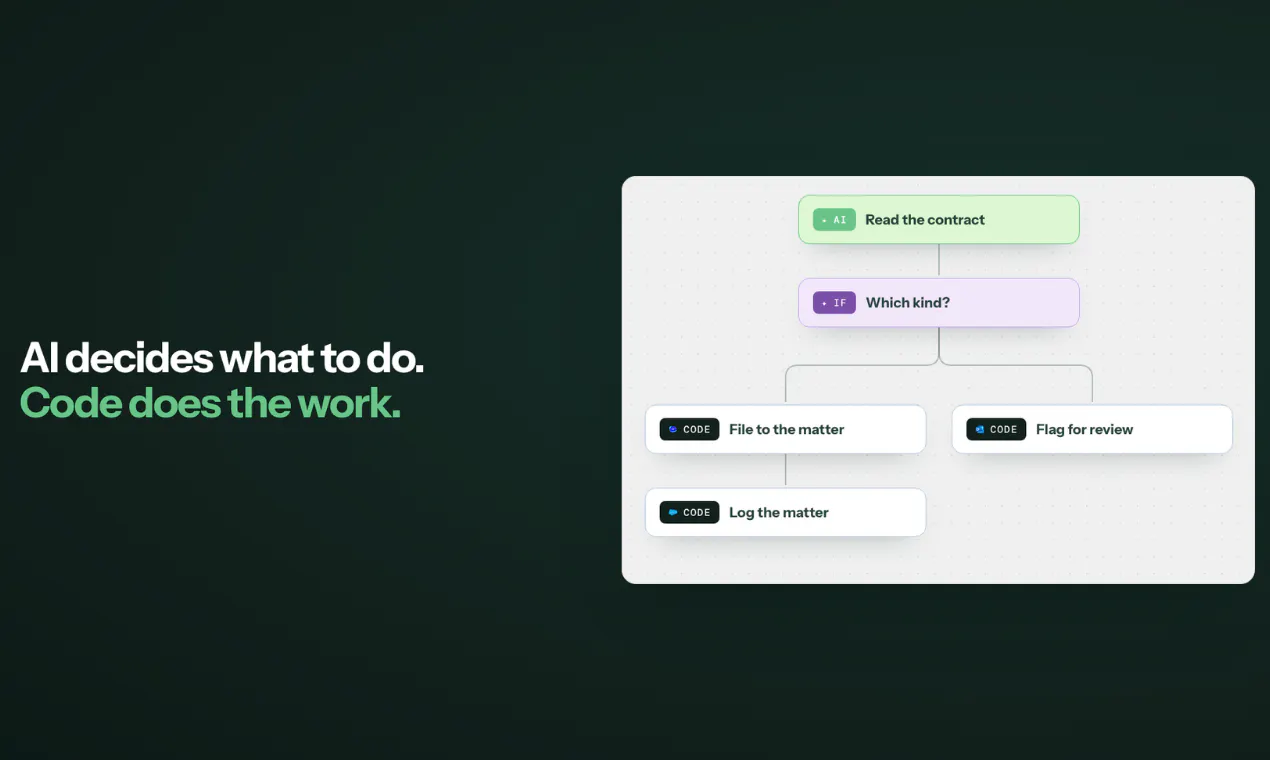
We build for law firms, RIAs and accounting firms, and the same thing kept coming up: the work isn't hard, it's just endless. A contract comes back signed, someone downloads it, renames it to the firm convention, files it to the matter, logs it in the CRM. Forty times a month. Every month.

Automating that has always meant a project. Scope it, spec it, configure it, get a developer. So it never happens, and people keep doing it by hand.

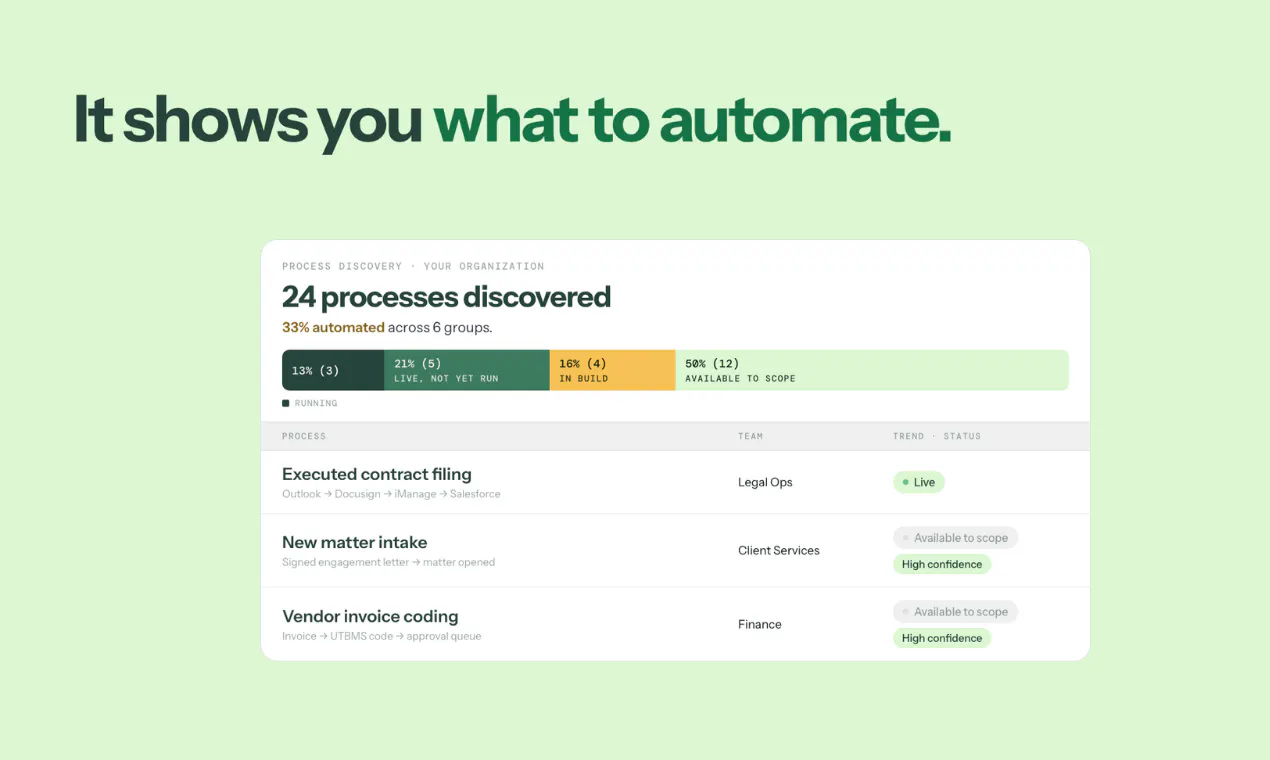
Caddi takes a different path, and it starts before you build anything: it reads your stack and tells you which work you repeat most, ranked by impact.

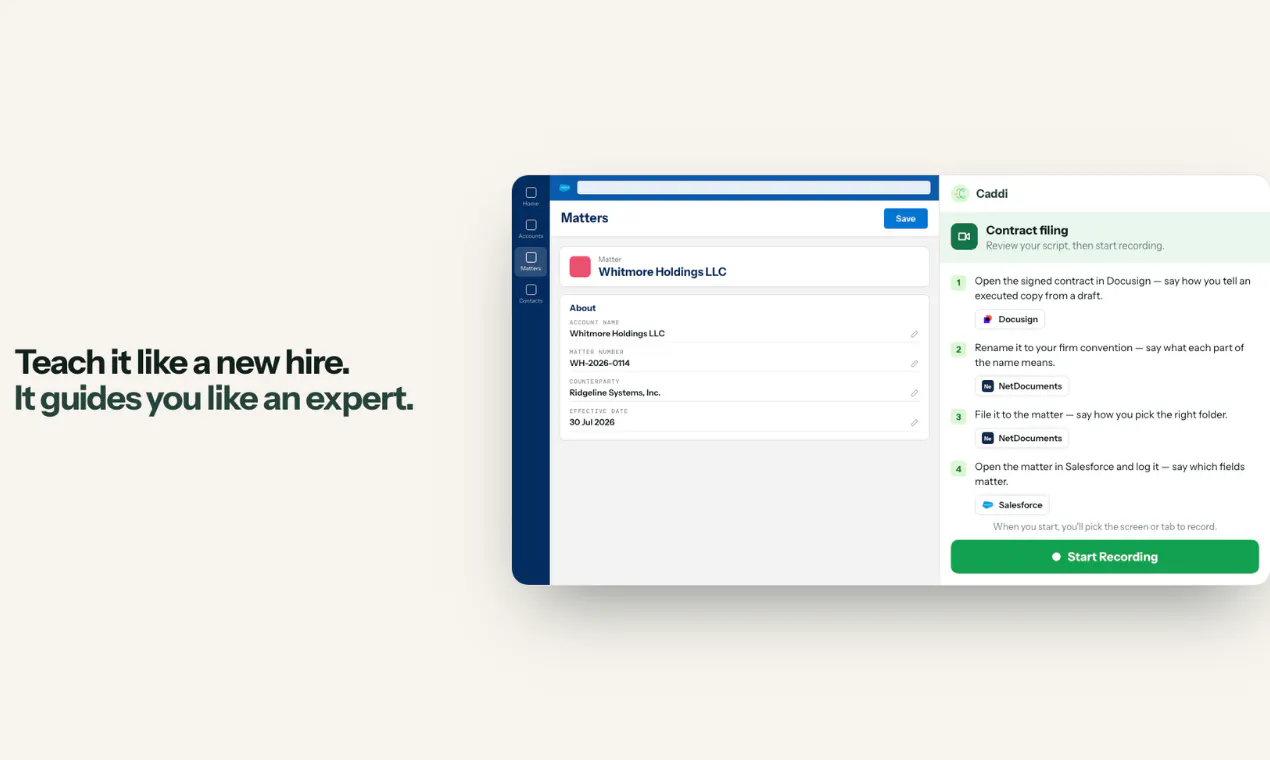
You pick one, and then you teach it like a new hire, except this new hire already knows the job. It follows your guidance or guides you with best practices, and probes for edge-cases: not just "download the contract", but "say how you tell an executed copy from a draft".

When it hits something ambiguous it stops and asks, with the options laid out and a confirm button. What if only one party has signed? Your answer doesn't disappear into a transcript. It becomes a rule in the agent.

What comes out reasons with AI where judgment is needed and runs deterministic code where it isn't, so the messy cases get handled without the exact parts going off-script. Then it runs in the cloud, executing thousands of actions at a time.

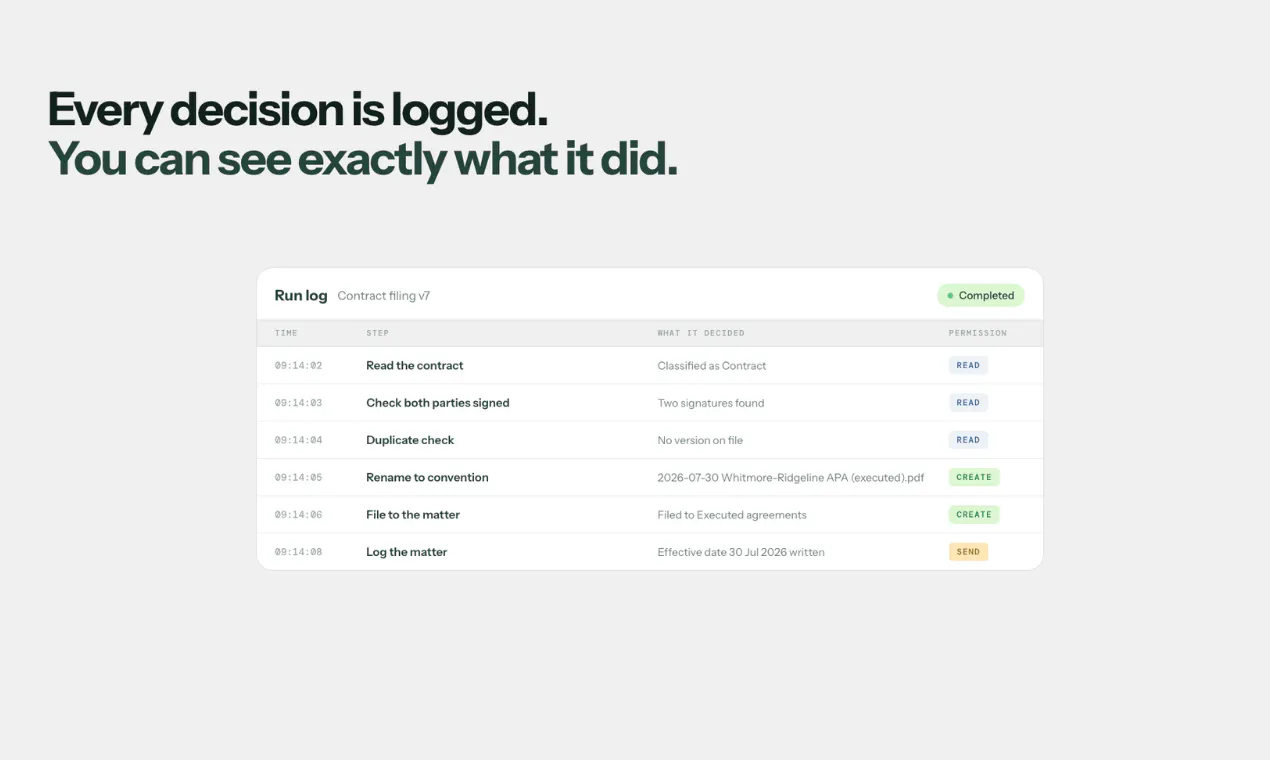
And you can see all of it. Every run is a log of what it decided, step by step, with the permission it used to do it: read, create, send.

We'd genuinely love your feedback, especially on where you'd trust an agent and where you wouldn't. That line is the whole product for us.

15
回复

@jason_alafgani, demo-once is the right shape for back-office work. My worry is the narration always skips the exceptions, the 3 weird cases people handle on instinct and forget to mention. Does Caddi ask about the gaps, or learn only what it saw?

0
回复

@jason_alafgani Really interesting concept! I like that Caddi knows when to stop and ask for human input instead of just making assumptions. That balance between automation and control is so important. Congrats on the launch! 👏

0
回复

@jason_alafgani The way Caddi turns answers from edge cases into actual rules is really useful. It makes the agent smarter over time without extra setup. 👍

0
回复

The runby run visibility is a really strong touch. Being able to see what the agent decided and which permissions it used Makes the automation feel much more accountable.

4
回复

I like how Caddi focuses on the repetitive work people actually do instead of asking them to become workflow designers.

4
回复

How does it handle small change in the process? That's usually where automations break for me.

2
回复

@kate_sleeman It is self-improving, so it's constantly looking for things that break and suggests fixes on it's own. But you can update the process with a simple message, then it'll test it, and if you like the results, it ships the new version.

0
回复

I like the screenshare approach. Feel more natural than setting up a workflow step by step.

2
回复

@anthony_adams_ Thanks Anthony, and it also provides some additional information that people don't even know to prompt!

0
回复

Talking out loud while doing the task feels way more natural than manually building a giant diagram.

2
回复

@maali_baali That's the beauty of it. Plus it asks questions back to clarify ambiguity or gaps in your explanation.

0
回复

The screen share to agent workflow feels very thoughtfully designed. It removes a lot of the friction that normally comes with setting up automation from scratch.

1
回复

The interesting change here is not just AI automation, but also turning traditional workflows into something reusable. This could lead to the automation of many documentless business processes in the future. This is a great idea.

1
回复

Love it!

1
回复

Wow, that's super cool. In most firms two people doing the same task do it differently so whose version becomes the rule? Does it even matter?

1
回复

@tmaleh_ We see this frequently. Most teams build one Loop and share it so everyone runs the same version, though some prefer that each person set up their own. Both are easy within Caddi. One firm actually ran a "competition" to find the best way to automate timekeeping and made the winner the standard across all attorneys.

1
回复

I can see this being useful for all those boring admin tasks we keep doing every day.

1
回复

@maklyen_may Most people don't even realize how much repetitive work that they do. Caddi has a "discover" function, where it proactively checks your tools and finds your most repetitive work, and then tries to automate it.

0
回复

Can it handle workflows that hop across 3 or 4 different apps in one go?

1
回复

@aarav_pittman It is actually best at long-running, multi-step, multi-tool tasks. We're particularly proud of our accuracy at 6+ steps (and even tools).

0
回复

How well does Caddi handle exceptions when the real process differs slightly from the example?

1
回复

@khaildnaseem It has AI reasoning steps to handle obvious exceptions, but for unobvious ones, it surfaces to the creator, suggests a fix, implements/tests it, and then deploys.

0
回复

I literally saw this and I said out loud: "No Way!". Early I was talking to someone on my team, this is literally my new assignmnet but with Copilot. I want to mention this tool to my team.

0
回复

Congrats to the team. Good call having it stop and ask on the ambiguous ones instead of guessing.

0
回复

@lucasjpols And it doesn't stop after the first build. It's what we call "self-improving" in that it's constantly identifying ways to get better, and then after your approval, implements those improvements.

0
回复

Would this work for healthcare use cases?

0
回复

@prabhadublish Operational work, yes absolutely. We are have not received HIPAA compliance certification, so we don't recommend putting patient data through our systems. But across employees, dealing with insurance, and the broader health ecosystem, there's lots of operationally heavy (forms, spreadsheets, docs, lots of SaaS tools to jump between) work that Caddi can automate.

0
回复

what happenes if there is no api to use for a process? how can it handle that?

0
回复

@nave_zakine there are often batch work arounds like csv uploads.

0
回复

Here's a pure <60 sec demo of how Caddi discovers and automates repetitive work:

https://youtu.be/GdCP1bJp_3o?si=lcJFF1mE6S0l3DYK

0
回复
Congratulations on the launch team!!
0
回复

@yogesh_builds Thanks Yogesh. Appreciate the comments.

0
回复

Congratulations on the launch! Probably the most common use case is working with websites. Can I ask it to go to Amazon, find a specific product, and place an order for me?

0
回复

@natalia_iankovych We are focused more on work productivity at the moment, so use-cases across 150+ business tools. E.g. Email to Docs to Linear to Github to Slack etc etc.

0
回复

How much flexibility do users have when they need to adjust only part of an exisiting workflow?

0
回复

@renly_borris Full flexibility. Just chat with Caddi and it'll update it on the fly.

0
回复

ui looks very interesting.

0
回复

@darcwader Thanks Darshan. What's your favorite part?

0
回复

what happens if a website changes its layout slightly? Does it adjust or break?

0
回复

@daniel_henry4 It actually doesn't rely upon the website's UI. The screenshare is purely to get a deep understanding of the work. The actions are carried out via API.

0
回复
#3
Microduck
A tiny open-source biped you can train yourself
257
一句话介绍:
Open Source Robots Artificial Intelligence
用户评论摘要:
AI 锐评
查看原始信息
Microduck
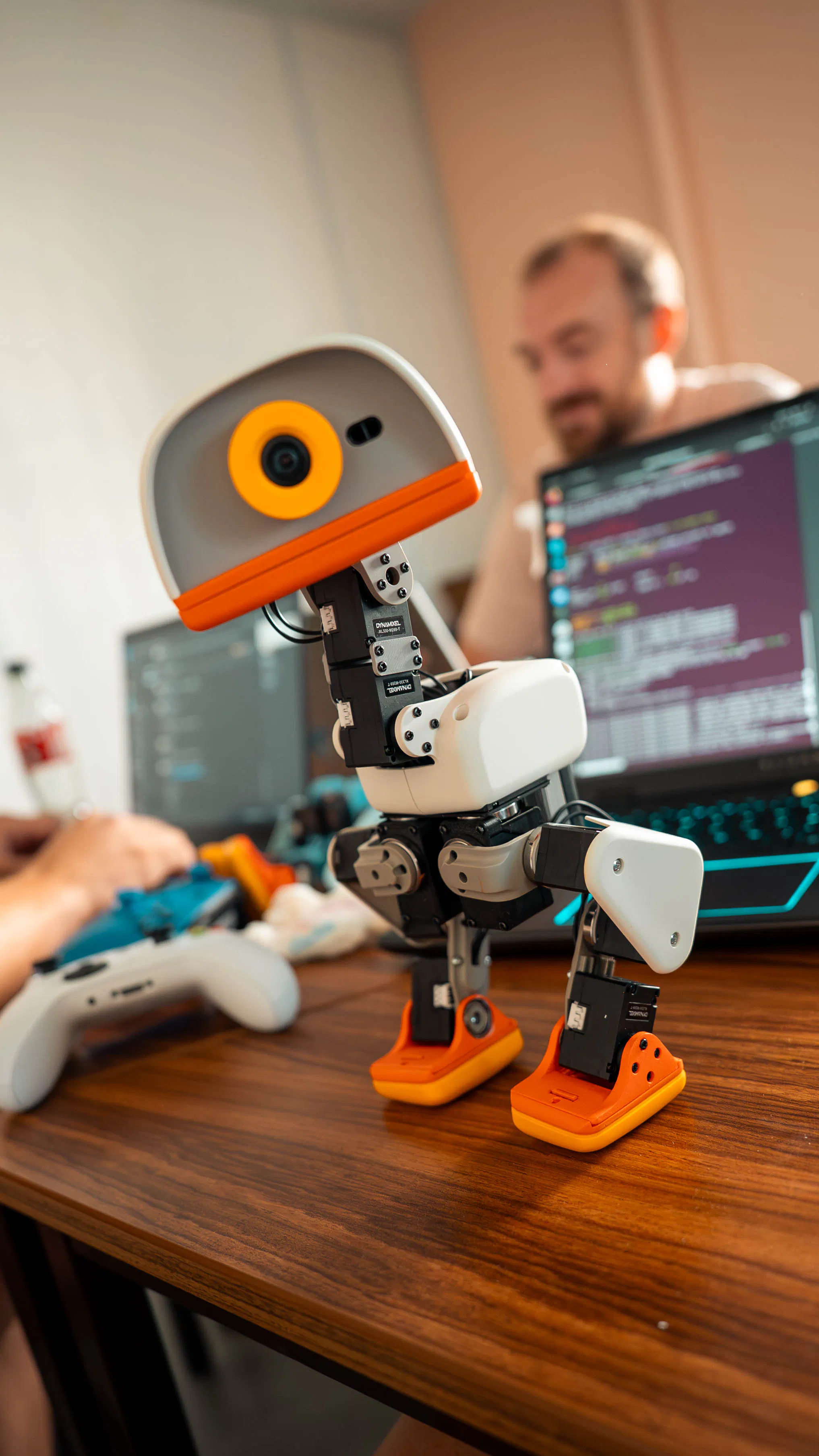
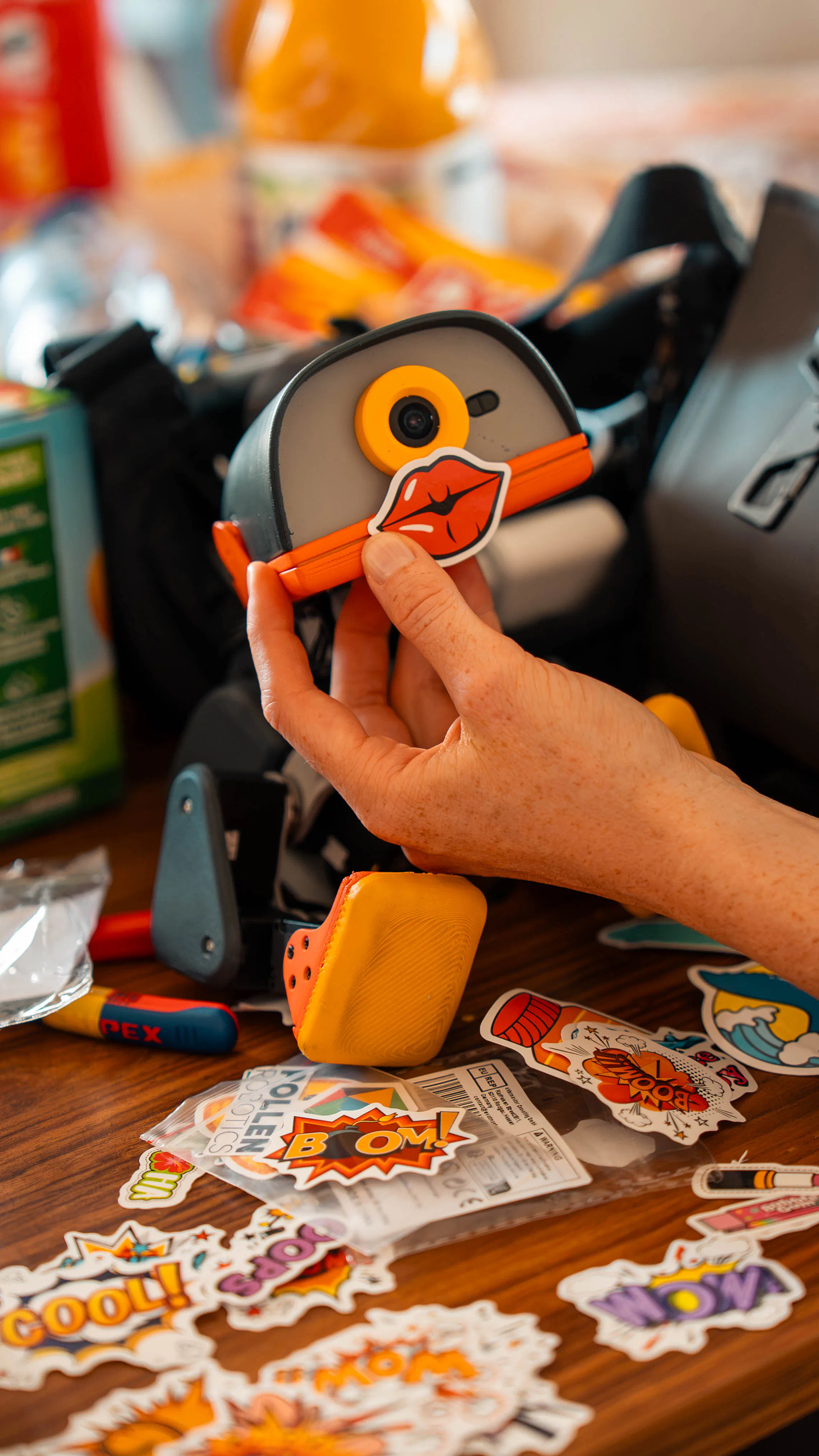
Microduck is a 25cm, $399 open-source bipedal robot built by Hugging Face and Pollen Robotics. It’s designed for sim-to-real reinforcement learning. It ships with 7 pre-trained behaviors and an Apache 2.0 software stack you can clone, modify, and retrain.

Hi everyone!

Reachy Mini has a new little buddy 🦆

Quite a week for @Hugging Face. Right after the reported big deal, they’re launching something very on-brand with Pollen Robotics: a $399 open-source biped you can train yourself.

It’s desk-sized — 25cm tall, under 800g — and already walks, picks things up, gets back up after a fall, and even roller-skates.

You can mess with how it moves in the browser first, then put the new behavior on the real robot.

The whole software stack is open under Apache 2.0.

Reachy is the one you talk to. This one you teach to walk!

9
回复

@zaczuo The browser-first workflow is the part I would not have guessed would matter most. Teaching a behavior where a mistake costs nothing, then pushing it onto the hardware, removes the thing that usually kills hobby robotics, which is that every failed experiment is a physical repair.

$399 and Apache 2.0 for something that gets back up after a fall is a genuinely different price band. Curious how much sim-to-real gap is left once a browser-trained gait lands on the real one.

0
回复

@zaczuo looks like a really nice companion. I'd also say it would be an interesting toy for my pre-teen to train and develop his skills as well.

0
回复

@zaczuo Cool!!!A robot that roller skates and gets back up after a fall? That alone makes me smile. I love that you kept it open source and priced at $399. That tells me you actually want people to play with it, not just look at it.

The browser first feature is brilliant. It takes away the fear of breaking something expensive.

But I am thinking about what is next. Right now it walks and picks things up. Have you thought about adding sensors like a camera or microphone so it can react to the world around it? To me, the real magic is not just movement. It is a robot that can see and hear and learn from its environment. You are shifting the conversation from controlling machines to teaching them. That is beautiful. Where do you see this going next?

0
回复

This is truly fun. Big fan of fun. :)

2
回复

im ordering for my son right now, love it.

2
回复

@loosekey Commercial vs. residential construction estimating requires different approaches based on project size, complexity, materials, and labor requirements. Accurate estimating helps contractors prepare competitive bids, control costs, and plan projects efficiently.

0
回复

So sweet!
I like it 💞

1
回复

Congrats on launch number twenty. Apache 2.0 on the software stack of a $399 robot is a lot to give away.

1
回复

Love that you made a real bipedal robot hackable under Apache 2.0, turning sim-to-real RL from a lab luxury into something anyone can retrain on their desk.

1
回复

the sim-to-real part is what i'd actually want to know more about. training in the browser sim and just dropping it onto the real robot sounds great in a demo but usually there's a gap - does it walk fine on the first try or does it need retraining once it's on actual hardware

0
回复
#4
Gemini Omni 1.1 Flash
Our newest multimodal model for video generation and editing
193
一句话介绍:Gemini Omni 1.1 Flash 是谷歌推出的多模态视频生成与编辑模型,支持场景延展、首尾帧控制、360p快速草稿与4K超分,帮助创作者在保持角色与光影一致性的前提下,用更低成本完成从创意到成片的完整工作流。
Design Tools Artificial Intelligence Video
视频生成 多模态AI 视频编辑 4K超分 首尾帧插值 场景延展 谷歌Gemini 创意工具 AI视频工作流
用户评论摘要:多数用户认可场景延展、首尾帧控制及“360p草稿+4K超分”的成本优化价值。但尖锐指出:草稿与最终成片若非同种子同运动生成,超分可能悄悄改变手部或面部细节,导致“选中草稿、重生成变样”的断裂感。希望官方明确“草稿即最终画质的忠实预览”,并强化首尾帧控制作为可剪辑镜头的核心卖点。
AI 锐评

Gemini Omni 1.1 Flash 的亮点不在于“4K”或“场景延展”这类炫技词汇,而在于它试图重构视频制作的成本结构——用360p草稿快速试错,再对选中的片段做4K超分。这本质上是把“一次性生成”拆成“高吞吐预览+高保真定稿”的两段式管线,方向正确,且直击行业痛点:算力成本与创意迭代速度的不可兼得。

但评论里那个“0赞”的质疑才是真正的高手发言——它戳破了AI视频工具长期存在的“预览与成片断裂”问题。如果360p草稿和4K超分不是基于同一生成种子与运动轨迹,那么用户在低分辨率下所做的创意选择(构图、表情、动作)会在超分时被模型“偷偷改写”,尤其是手部和面部这种细节区域。这意味“草稿”只是“有参考价值的草图”,而非“可交付的样片”。一旦用户把草稿当作确定帧去规划剪辑,再被超分结果“背刺”,信任成本极高。

因此,Omni 1.1 Flash 的真正价值判断标准,不是“能不能生成4K”,而是“360p到4K之间是否保持像素级一致的语义与运动”。如果谷歌做到了,它就是行业标杆;如果没做到,它只是一款“更好看的抽卡游戏”。目前评论中未见官方对此机制的明确说明,这是最大的信息黑洞。另外,首尾帧插值确实被低估了——它决定了AI视频是否能从“单条特效”进入“可剪辑的镜头语言”,这才是专业创作者愿意付费的刚需。建议后续宣传重点从“4K震撼”转向“控制力与一致性”,并公开技术细节消除信任疑虑。否则,这款产品大概率会沦为“尝鲜玩具”,而非“生产工具”。

查看原始信息
Gemini Omni 1.1 Flash
Omni now delivers studio-quality video production, including the ability to extend a scene, first and last frame interpolation, crisp 4K upscaling, faster prototyping, and more.

I’m happy to share this! Gemini Omni 1.1 Flash brings some seriously powerful new controls for AI video generation and editing.

🎬 Extend scenes while preserving characters, lighting & context
🎯 Control the first & last frames for smooth transitions
⚡ Draft ideas quickly in 360p, then upscale your favorites
✨ Upscale outputs up to 4K for production-ready results
📽️ Add up to 3 seconds of video references for movement & consistency

It’s rolling out now to Google AI Studio, Flow, and the Gemini Enterprise Agent Platform. Scene extension is also available in the Gemini app for Plus, Pro & Ultra subscribers.

The level of creative control here is getting crazy! 🚀

3
回复

Draft in 360p then upscale the favourites is the part that actually changes what a video costs, not the 4K. Where that flow usually breaks is the cheap draft and the expensive final not being the same generation, so someone picks a draft they like and the upscale quietly reinterprets a hand or a face. If the 360p pass is a true preview of the same seed and motion, that's the headline and it's buried. First and last frame control is the other one I'd have led with, it's the difference between a clip and a shot you can cut into something.

0
回复
#5
OpenTag
AI coworker lives on Slack and Teams
171
一句话介绍:OpenTag 是一个驻扎在 Slack 和 Teams 里的 AI 同事,能理解公司上下文并直接在协作线程中承接任务、交付结果,同时自动沉淀企业运行知识库,解决团队“切换工具做杂活”和“知识散落丢失”的痛点。
Slack Productivity Artificial Intelligence
AI同事 Slack集成 Teams集成 企业知识库 任务自动化 模型无关 协作效率 成本优化 工作流沉淀 SaaS工具
用户评论摘要:用户认可“模型无关”带来的性价比与任务分配灵活性,对比Claude Tag关注成本。主要疑问集中在:计费系统的具体机制(按用量如何结算)、与Claude Tag/Victor/Scarlett的差异化核心。另有一条疑似推广的无关评论,真实性存疑。整体有效反馈偏少,深度问题未获完整解答。
AI 锐评

OpenTag的定位聪明,但还不足以构成护城河。它踩中了两个真实痛点:一是AI工具在企业落地时“信息孤岛”问题——没有上下文,AI只是高级聊天机器人;二是模型成本失控,Claude Tag这类产品让团队为无效token买单。OpenTag用“写wiki”的方式让AI越用越懂公司,方向正确,且“模型无关”是实际优势,能对冲单一模型的风险和成本。

但必须泼冷水:第一,“AI同事”不是新叙事,Slack/Teams上的机器人无数,用户缺乏强迁移理由——你说有全公司上下文,可企业数据接入权限、安全合规、私有化部署这些硬骨头,评论里没人问,不代表不存在。第二,“自动写wiki”听起来美好,实际执行极易变成垃圾信息堆积(谁决定哪些流程值得沉淀?如何避免重复、冲突?),处理不好就是噪声放大器。第三,计费“按用量”虽好,但后面跟一句“性价比高于Claude Tag”,反而暴露了核心竞争仍是价格战,而非不可替代的工作流重构。那条被顶到第二的“token烧在空转上”的吐槽,才是这类产品真正的生死线——你若不能证明每一次调用都产生了可度量的业务价值,用户很快会算账走人。

至于评论里的Fluxera推广,以及“便宜且分模型干活”的自辩,都说明OpenTag目前还在早期“功能展示”阶段,缺乏大规模验证过的行业案例。它有机会,但必须尽快回答三个问题:如何保证wiki质量而非垃圾?如何让定价与交付价值强绑定?如何阻止巨头(如微软、Slack自身)用原生AI功能把你拍死在沙滩上。否则,它只会是Claude Tag们阴影下一个“便宜一点的备胎”。

查看原始信息
OpenTag
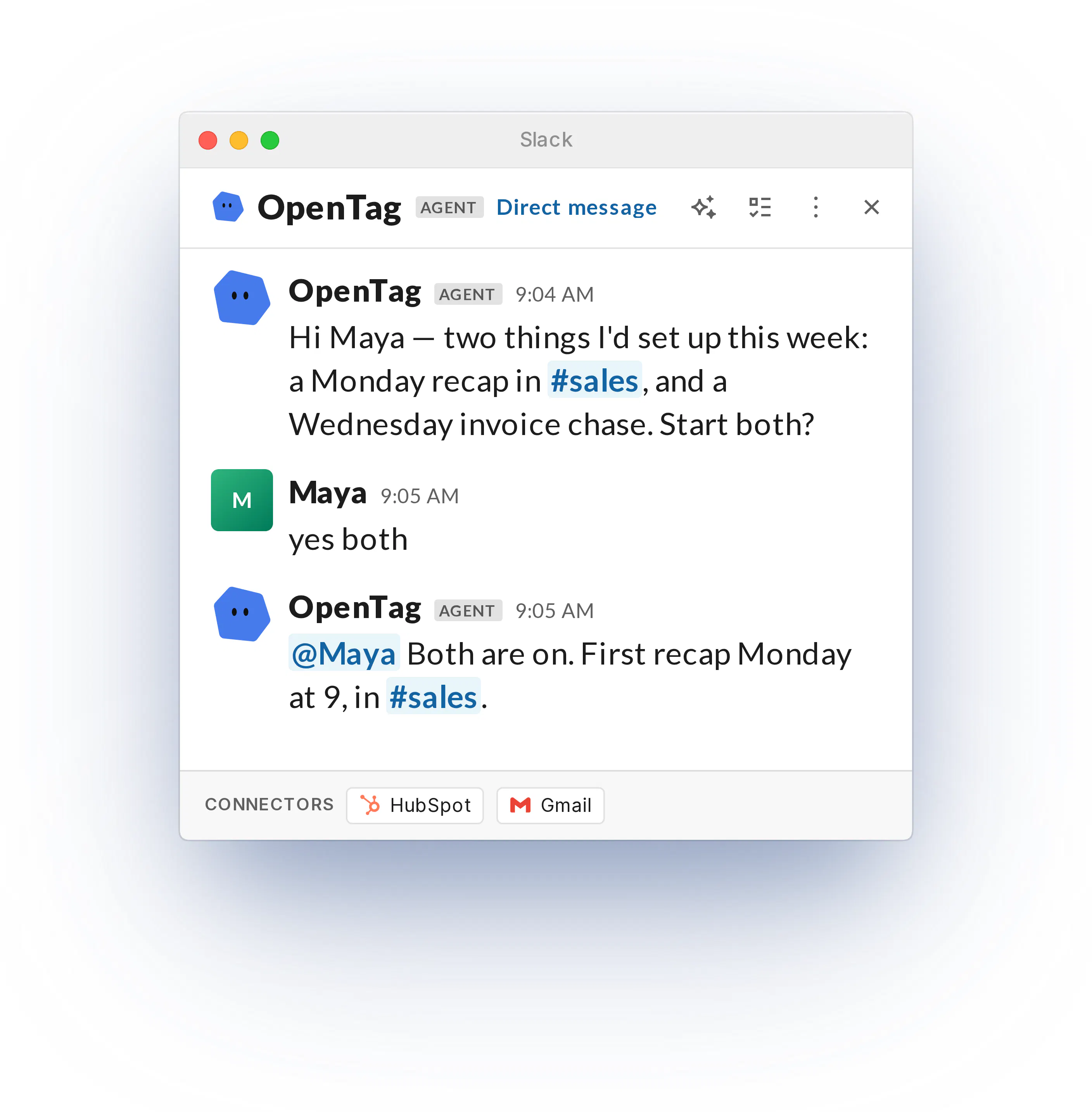
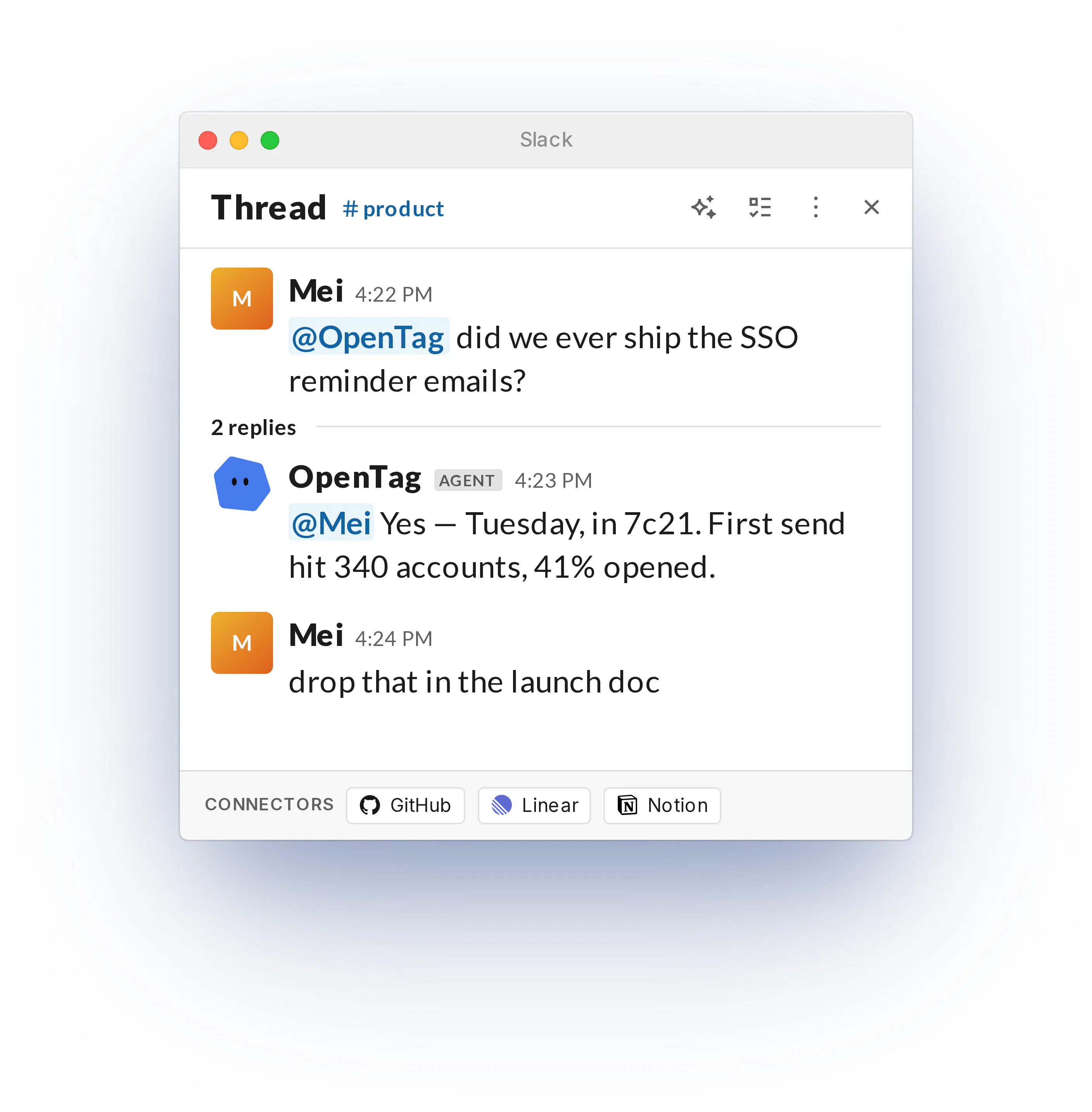
OpenTag is an AI coworker that lives where your team collaborates. It has full context on your company, so it takes actions and real work off your team's plate.
We are offering a 50% off for 2 months discount to celebrate this launch Tag it in a channel, hand it a task, and the result lands in the thread where the whole team can see it. As it works, OpenTag writes a wiki of how the company actually runs: how decisions get made, who owns what, which workflows repeat. That wiki compounds into a company brain, so it gets sharper with time. And because it's model-agnostic, when a better model ships, your coworker gets better the same day.
5
回复

@shelden Hey! Just saw your launch — congrats on the traction 🚀

Quick question: do you know how many API failures your product is experiencing in production?

We’re building Fluxera to detect API failures before they turn into broken workflows and lost customers.

If you’d like to test it, just DM me “Fluxera” and I’ll send you the SDK for a free 3–4 day trial.

Would love to see what Fluxera finds on your stack.

1
回复

Our Claude Tag bill is way to high for it to burn tokens doing nothing

3
回复

@ningyu_gao try OpenTag! We can help you save 50% on model spend

1
回复

Really smart idea!

As Claude Tag takes off, more and more people will want cheaper agents to do the tasks vs Claude alone. This is the future!

2
回复

@thisiskp_ cheaper and different models are better at different tasks!

0
回复

Congrats on the launch!! Been wanting to try a Slack coworker. How does your credit system work in terms of billing?

1
回复

@matteo8p we bill based on usage. Because we are model agnostic, our work per usage is much higher than prodcuts like Claude Tag.

0
回复

Congrats.

What makes you different compared to Claude Tag/Victor/Scarlett and other solutions on the market?

1
回复
#6
Firecrawl Developer Index
A curated index of 70M+ artifacts for coding agents.
163
一句话介绍:Firecrawl Developer Index 是一个汇聚超7000万GitHub README、Issue、PR及文档的开发者专用搜索索引,让AI编程代理通过单一API、CLI或MCP端点快速定位代码行为、错误信息和API契约,解决调试时“找不到关键上下文”的痛点,显著降低token消耗。
Developer Tools Artificial Intelligence
开发者搜索索引 AI编程代理 GitHub数据检索 代码上下文引擎 API端点 开发工具 技术知识库 召回率优化 MCP集成 代码调试辅助
用户评论摘要:用户认可数据体量庞大,好奇其对token用量的实际节省效果。有用户质疑如何过滤“看似正确但已过时”的旧Issue,避免误导代理。另有用户借机推广自家故障检测产品。整体正面,官方回应积极,但深度技术验证类问题偏少。
AI 锐评

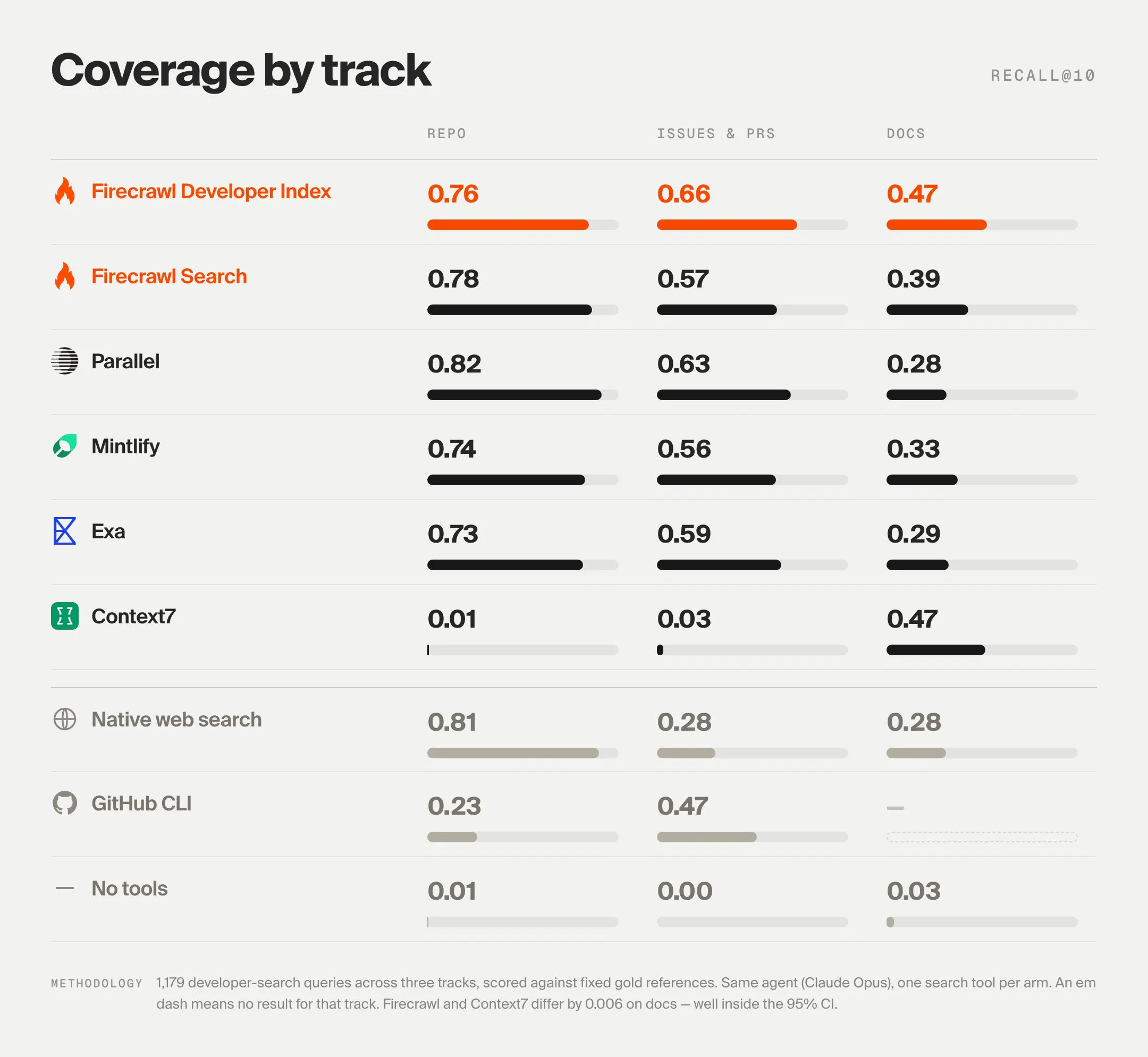
Firecrawl Developer Index 的定位精准,直击当前AI编程代理最昂贵的瓶颈——上下文获取的“信噪比”。70M+规模并非核心壁垒,真正值钱的是“63% recall@10,比第二名高10%”这个数字,以及它背后的数据清洗、去重、时效性排序能力。但“多”与“新”从来是敌人,评论中“旧Issue看似正确却失效”的质疑正中命门:如果索引不能有效区分历史修复与当前行为,那么高召回反而会放大错误知识的污染,让代理更自信地输出错误答案。官方目前未公布时效性加权策略,这是技术上最大的隐患。此外,产品捆绑CLI/MCP虽是生态捷径,但“无需API key”也意味着开源协议与商业保护之间存在模糊地带。从商业逻辑看,这本质是Firecrawl用索引数据做钩子,锁定开发者工作流入口——一旦代理深度依赖该索引,后续的配额收费、高级过滤、定制爬取都是自然延伸。但横向对比,GitHub原生搜索、Sourcegraph、甚至向量数据库方案都在逼近同一场景,Firecrawl的优势仅在于“先发封装和召回优化”。短期看,它是Agent工具链的有力补充;长期看,若不能构建出“知识版本演化”的独家能力,很容易被平台方或更大的搜索玩家降维打击。值得关注,但不宜过早神化。

查看原始信息
Firecrawl Developer Index
Search 70M+ GitHub READMEs, issues, pull requests, and documentation from one endpoint. The highest recall of any coding-specific index, with no API key needed to start. The index is live now at /v2/search/developer on the API, CLI, and MCP. Ready to integrate with all your favorite coding agents!

Pretty wild amount of developer context. Curious how much this cuts down on token usage.

3
回复
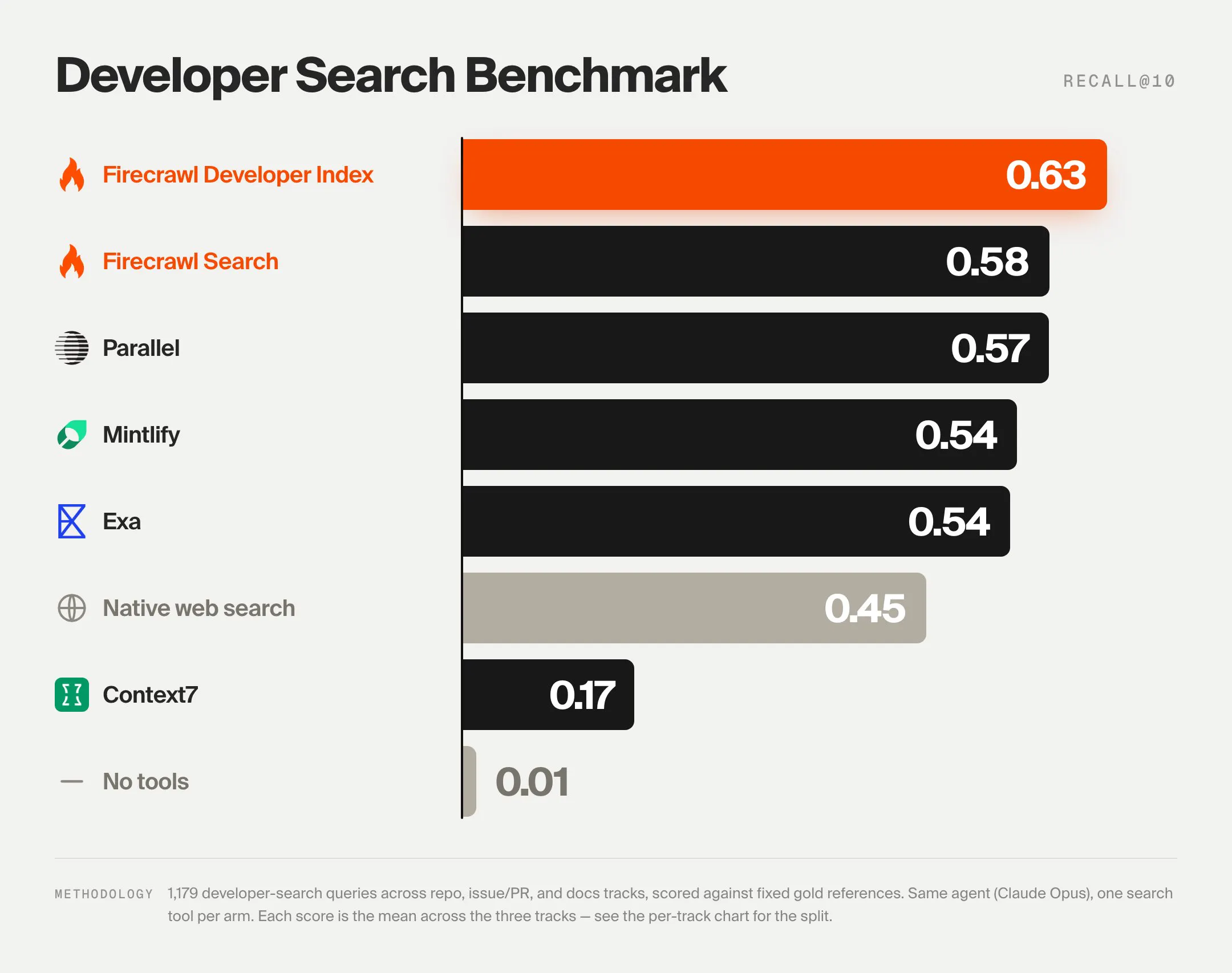
Hey Product Hunt 👋 Eric, Caleb, and Nick from Firecrawl here. When AI coding agents get stuck, they turn to the web for answers. But the answers they need are often buried across millions of repos and docs, and a single debugging session can burn hundreds of thousands of tokens finding the few lines that matter. Today we're launching the Firecrawl Developer Index: 70M+ issues, pull requests, READMEs, docs, and agent skills, curated from top GitHub repos and documentation sites into one place your agent can search. Across 1,179 real developer queries, the index hits 63% recall@10, beating the next best external provider by ~10%. With our coding-specific index, your agent can answer its own questions about code behavior, API contracts, error messages, and known bugs from primary sources. Hit an error it doesn't recognize? It finds the issue where someone else ran into it and reads the merged fix that followed. Dependency upgrade break a call? It pulls the docs stating the current behavior and the PR that changed it, scoped to that library's repo. Firecrawl Developer Index is live now at /v2/search/developer on the API, CLI, and MCP. For best performance, we recommend using the Firecrawl CLI or MCP with the companion skill, which you can install with: npx -y firecrawl-cli@latest setup developer-index Learn more: https://www.firecrawl.dev/develo... Whether you're building with coding agents, creating technical knowledge bases, or training frontier models, we'd love to hear what you ship with it.
1
回复

@ericciarla 70M is a lot. How do you stop an agent from finding an old issue that looks right but no longer applies?

0
回复

@ericciarla Hey! Just saw your launch — congrats on the traction 🚀

Quick question: do you know how many API failures your product is experiencing in production?

We’re building Fluxera to detect API failures before they turn into broken workflows and lost customers.

If you’d like to test it, just DM me “Fluxera” and I’ll send you the SDK for a free 3–4 day trial.

Would love to see what Fluxera finds on your stack.

0
回复

Congrats on launch number twelve. Good to see a recall number published against 1,179 real developer queries.

0
回复
#7
Almanac
The agent with a second brain
144
一句话介绍:Almanac 是一款具备“第二大脑”的AI智能体,通过一键连接企业各类工作账号,自动构建持续更新的个人与公司知识库,并直接嵌入 Slack 和 iMessage 中,主动执行任务,解决团队信息分散、AI缺乏上下文、无法自主行动的核心痛点。
Productivity Artificial Intelligence Virtual Assistants
AI智能体 企业知识库 工作自动化 第二大脑 Slack集成 iMessage 无API操作 自更新记忆 团队协作 效率工具
用户评论摘要:用户普遍认可解决“公司级上下文”痛点,称其为“疯狂但必需”。主要反馈:① 权限控制不足,目前一次性索取全部权限,用户担忧隐私与安全,强烈建议增加只读/按工具范围授权;② 冲突信息如何处理?官方解释采用“做梦”(睡眠计算)预先消解矛盾;③ 私人语境与公司任务如何隔离?官方回应通过双向wiki实现;④ 有用户询问生产环境API失败率,暗示稳定性疑虑。
AI 锐评

Almanac 的卖点不在“连接”,而在“编译记忆”。它本质上赌对了一个事实:所有AI Agent 的体验上限,取决于其上下文的组织质量,而非模型参数。其“前置计算”的Wiki架构确实比“即时RAG”更接近人类认知方式,但光鲜表面下有三处硬伤。

第一,安全模型是当前最大阿喀琉斯之踵。评论区已有人直击要害——全权限授权且常驻后台自主行动,这在一个真实企业环境中是安全红线。即使你宣称“个人/公司”隔离,但只要OAuth令牌泄露或CLI被误用,攻击面是毁灭性的。在SOC2未披露的情况下,这种“信任前置”很难打动大中型企业采购者。

第二,“自我更新大脑”是一把双刃剑。解决冲突的“dreaming”机制听起来高级,但如果误判或删除了关键信息(比如争议中的合同条款),如何回滚?目前没有看到审计日志或人工干预的“手术台”。记忆腐烂的风险没有被消除,只是被推迟了。

第三,真正的护城河不在软件,而在连接器的广度。目前依赖官方自建连接器(Granola、PostHog等),但企业长尾工具无数。如果未来不对接Zapier或Make这类生态,而只靠“自己的电脑”去点击UI,其执行可靠性(自动填表、登录、支付)在真实网页变动面前将极其脆弱——这是所有浏览器自动化产品的通用死穴。

锐评结论:Almanac 是近期最接近“AGI Agent”构想的独立产品,其认知架构领先同行半个身位。但它现在更适合作为高信任度的初创团队(5-20人)的“超级实习生”,而非企业关键路径上的“数字员工”。创始团队需要尽快补齐“细粒度权限、操作审计、失败可回滚”这三大信任基建,否则这个“第二大脑”最终只会成为少数极客的玩具,而非大众的工作台。值得持续关注,但尚不具备成为“企业操作系统”的充分条件。

查看原始信息
Almanac
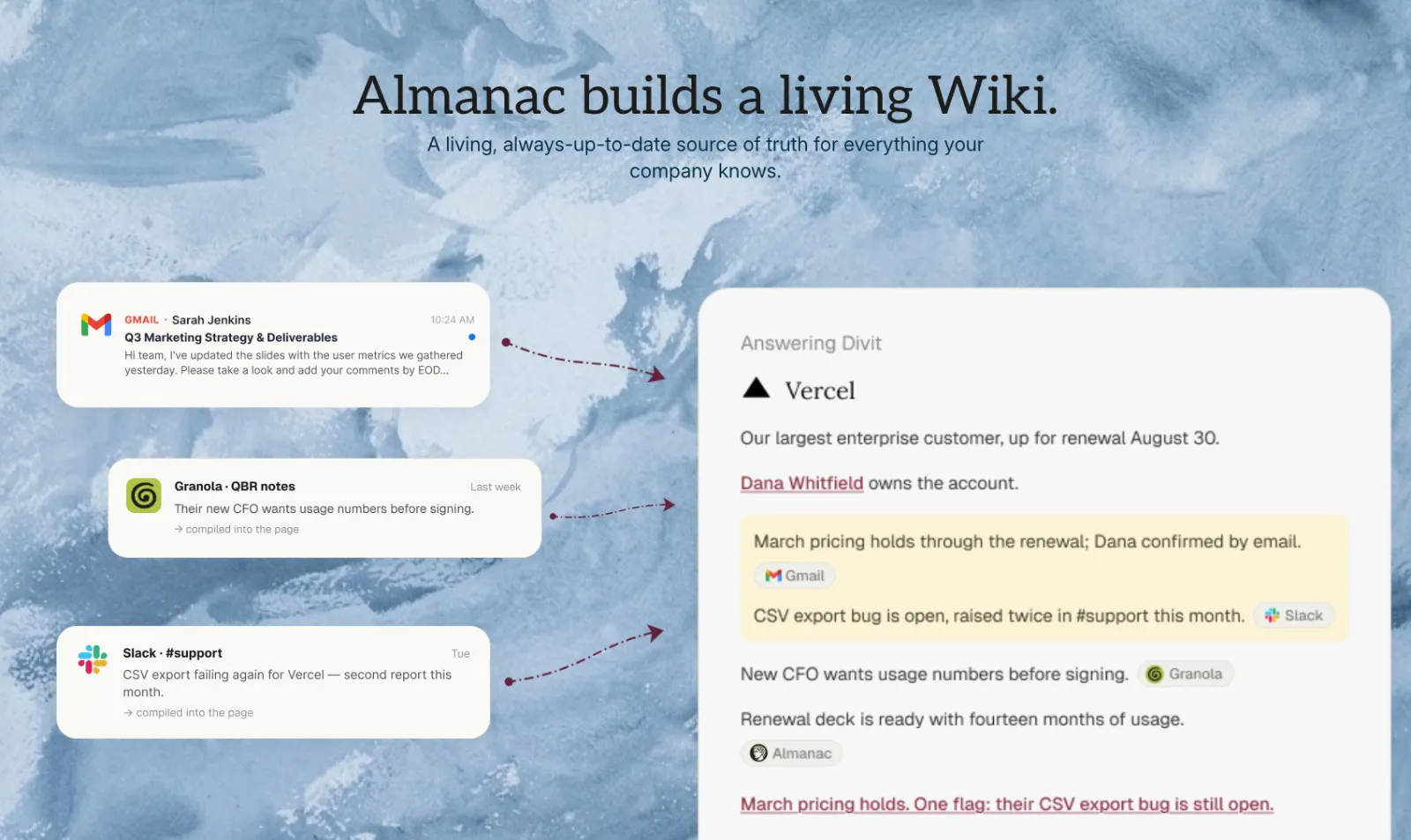
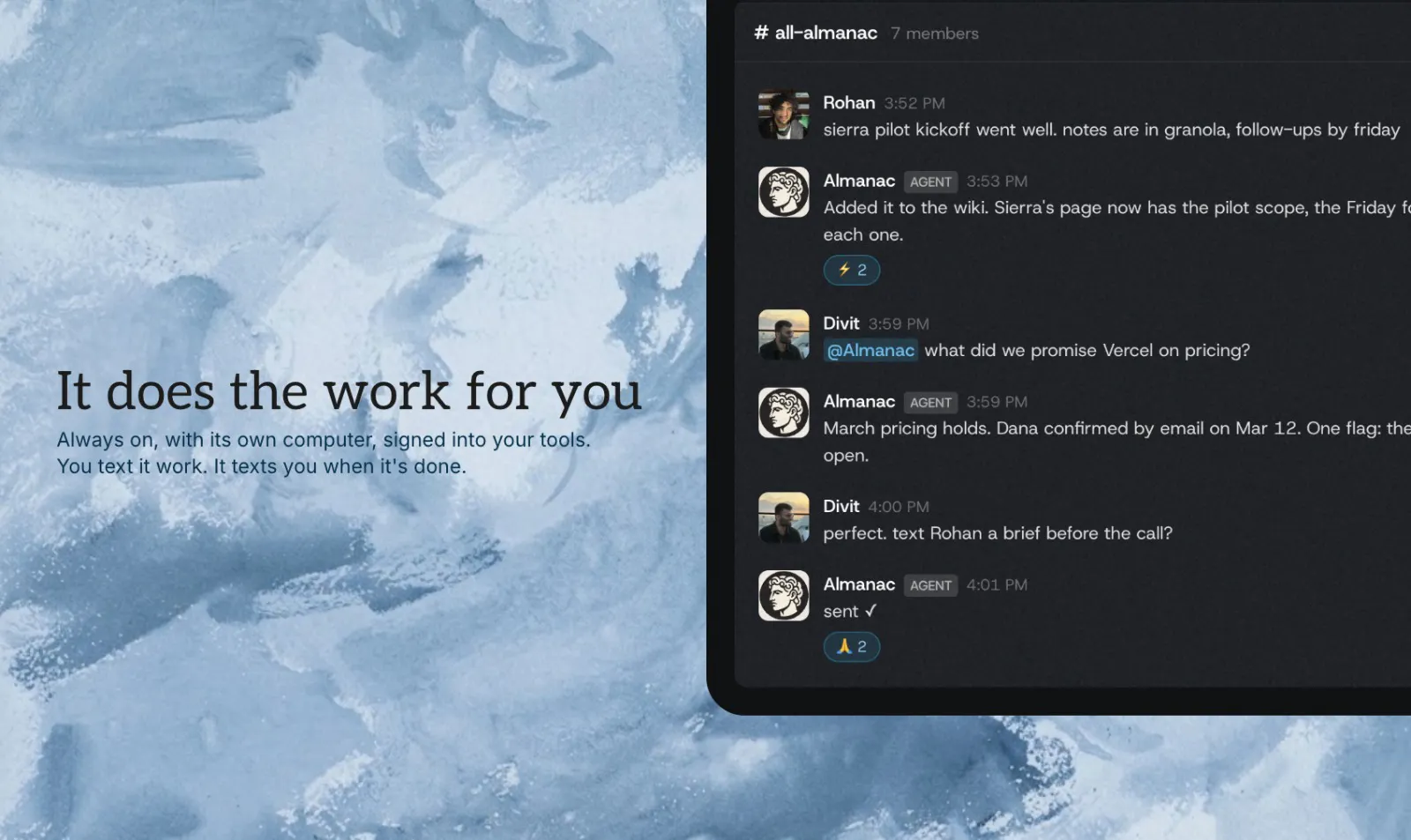
Almanac is an AI agent that knows your company. Connect your accounts in one click and it builds a self-updating "brain" from your work, then lives in Slack & iMessage to actually get tasks done. It has its own computer, so it keeps working after you close your laptop.
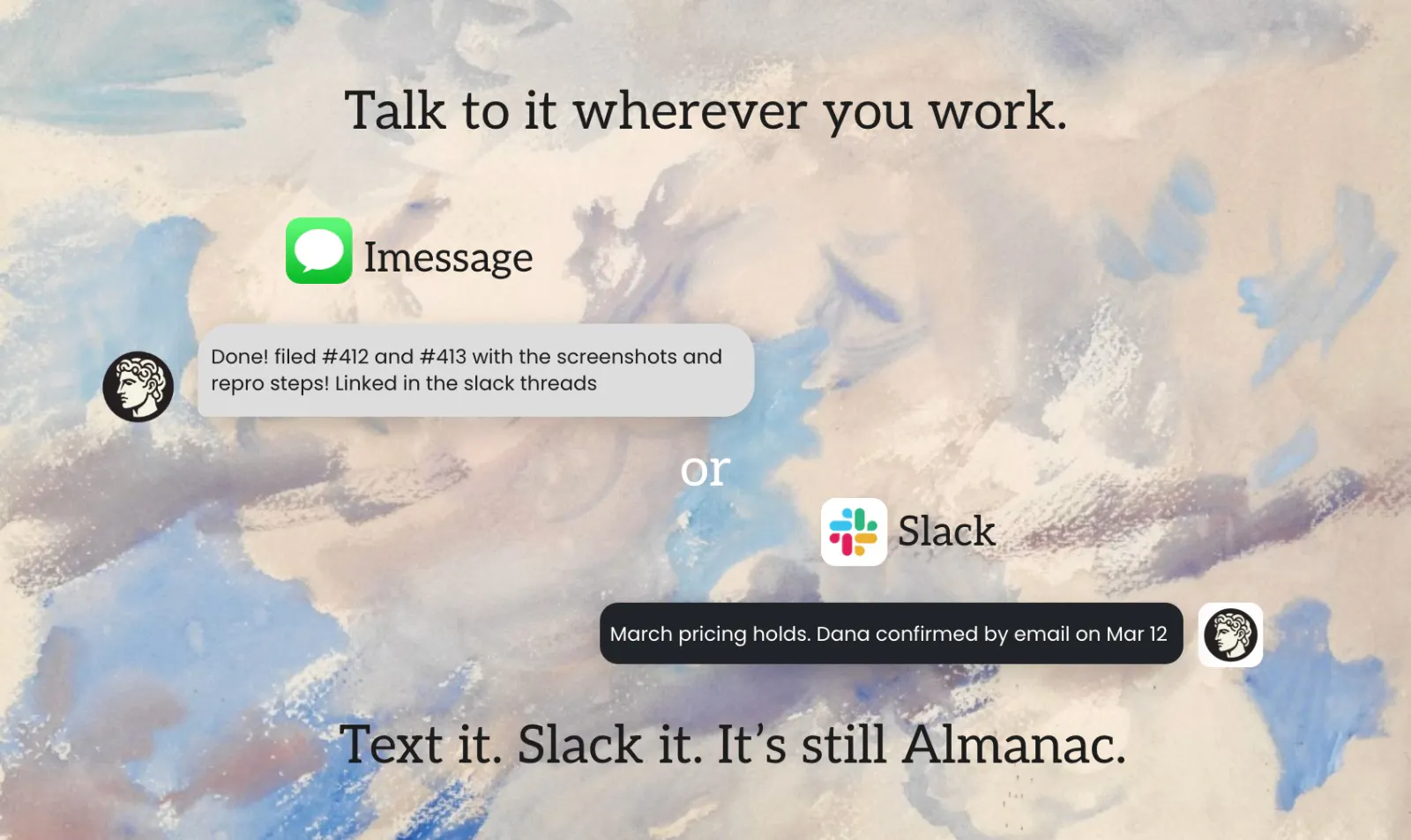
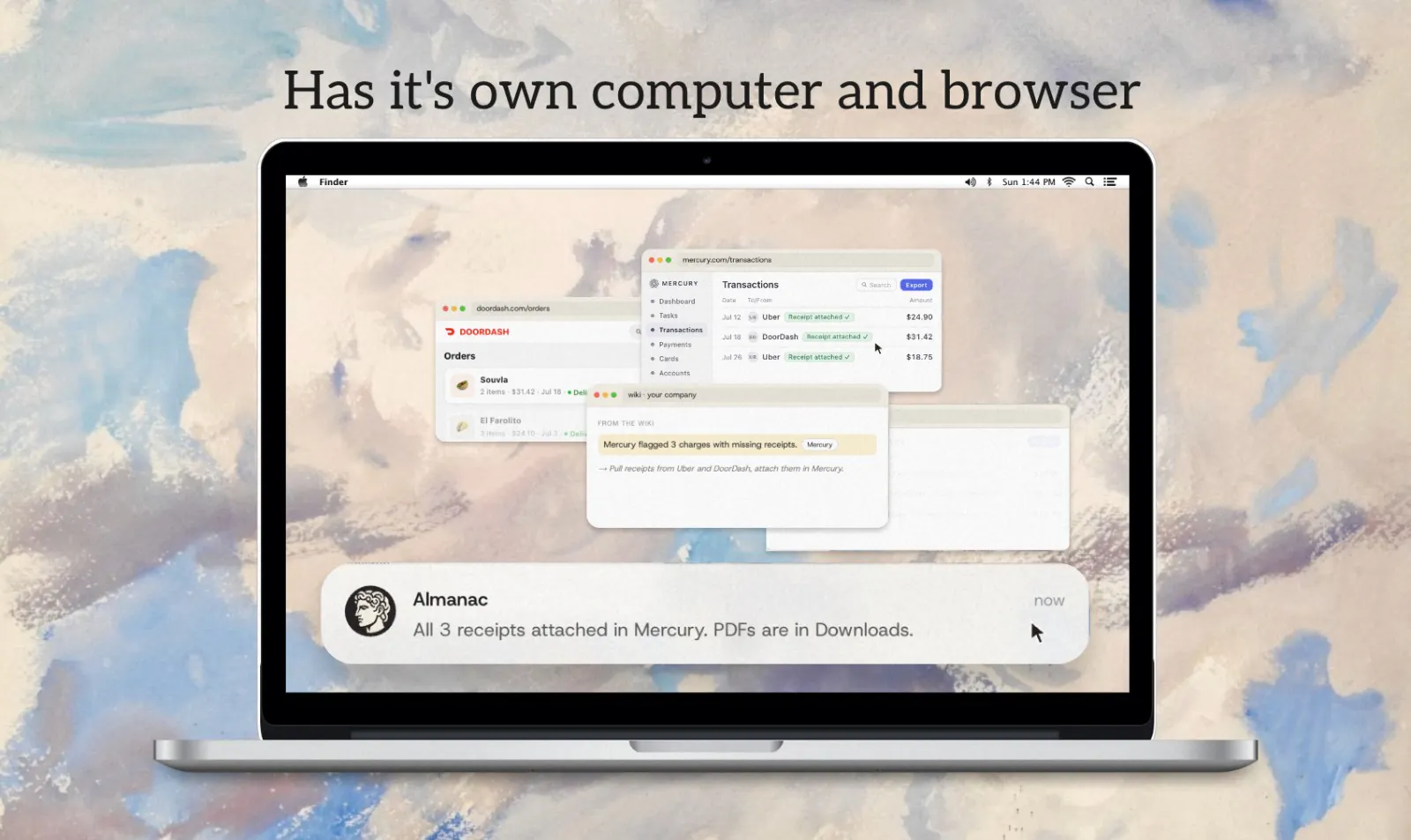
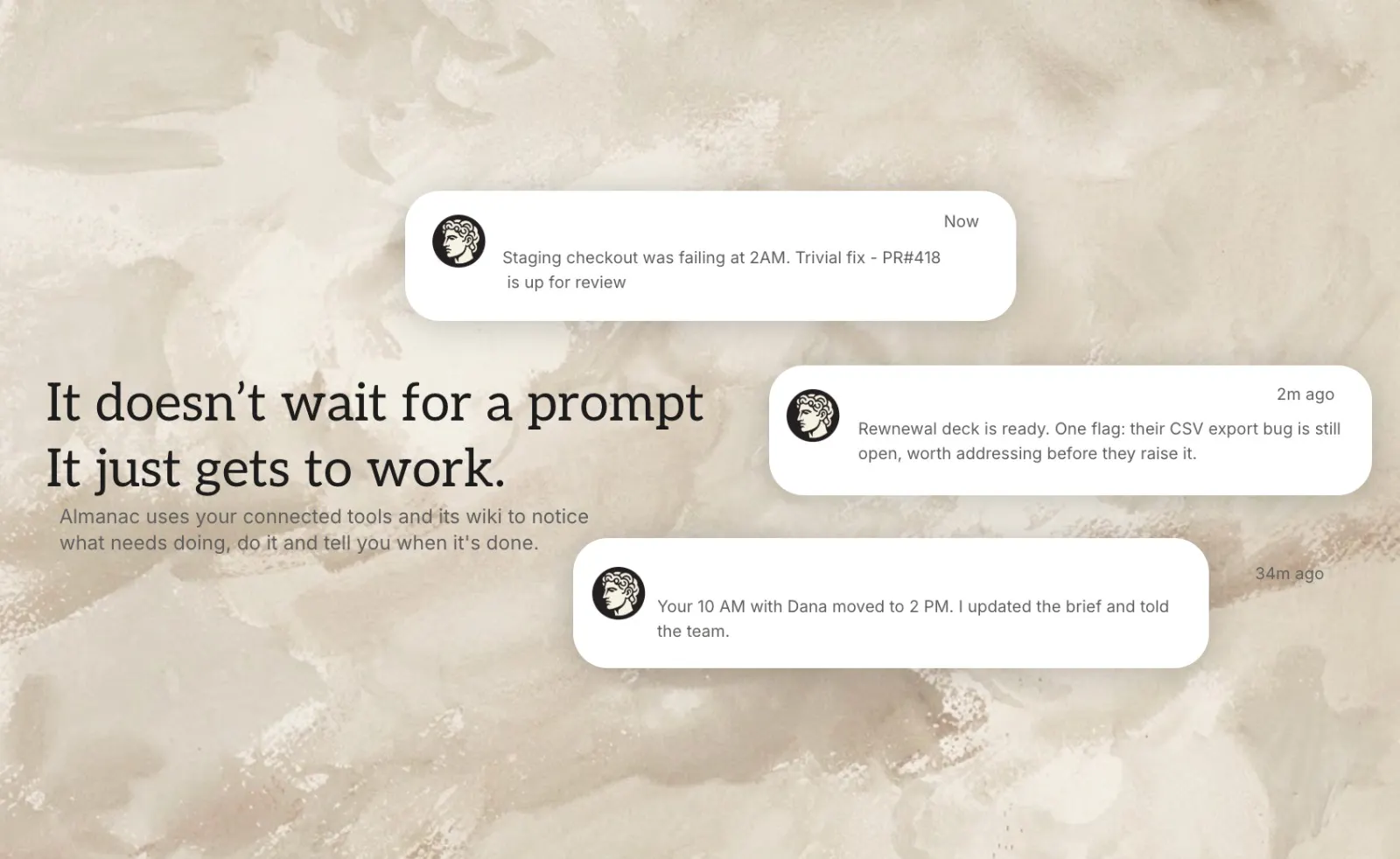
Hey Product Hunt 👋 I'm Kushagra, one of three founders of Almanac. Almanac started because we wanted one agent that had the context of our entire company. Something we could just ask and get the right answer from. We tried to set that up ourselves and it was a pain: hosting it, building an OAuth app for every connector by hand, feeding it context manually, and constantly fighting its memory. Our YC batchmates were hitting the exact same wall, so we built the thing we wished existed. What Almanac is: an AI agent that knows your company and gets real work done. You talk to it in Slack or iMessage, hand it a task, and it goes and does it. One-click connectors. Gmail, Calendar, Granola, PostHog, GitHub, and more. Accounts are personal (only you) or shared (whole company), so I can never see my cofounders' private accounts. A self-updating brain. Almanac compiles your connected tools into two wikis: a personal one (who you are, your preferences, your people) and a company one (what you're building, the roadmap, the blockers). It reads these before doing anything, which is what creates the "it just knows me" feeling. The hard part is keeping that brain from rotting, so every update is reviewed against the existing wiki before it lands, deciding whether it's a new page, an edit, or a contradiction to resolve. Its own computer. A real browser and terminal. For tools with no API, it just signs in and clicks around like you would. At a login, a payment, or a big decision, it pauses and hands you the live browser. Proactively gets things done. A background worker spots tasks worth doing and pings me with suggestions. I regularly wake up to "I already drafted your fundraising deck, want to take a look?" Works with your tools. The agent uses the wiki through a CLI, and you can point your own Codex / Claude Code at that same CLI. We've spent the last year+ building AI-native wikis (including work for Harvard and NASA), and the big lesson was that memory has to be compiled upfront with real compute, not bolted on as an afterthought. That's the bet Almanac is built on. It's live and self-serve today, with a 7-day trial on every plan 👉 usealmanac.com I'd genuinely love your feedback: what would you hand off to an agent like this first? And if you want an agent that actually gets tasks done for your team, grab a time here: https://cal.com/team/almanac/demo Thanks for checking us out 🙏
5
回复

Hi @kushagra_chitkara

you mentioned using "dreaming" sleep time compute to resolve wiki contradictions. does that run as daily batch jobs on Modal or immediately when a new doc drops in?

1
回复

@kushagra_chitkara Hey! Just saw your launch — congrats on the traction 🚀

Quick question: do you know how many API failures your product is experiencing in production?

We’re building Fluxera to detect API failures before they turn into broken workflows and lost customers.

If you’d like to test it, just DM me “Fluxera” and I’ll send you the SDK for a free 3–4 day trial.

Would love to see what Fluxera finds on your stack.

1
回复

This is crazy, this is a problem every company I've talked recently is having and ourself are experiencing. This is an incredible product

2
回复

@daniel_martinez19 Thank you!! Would love to hear any feedback you might have

0
回复

How can I control which tools Almanac has access to? What if I only want read access to my emails?

2
回复

@dsllwn Currently we ask for all the permissions upfront

0
回复

This is awesome. What happens if there's conflicting context on the same topic? like an old slack thread vs a newer doc? How does the brain decide what's the latest? I mean it's not even just dates. Sometimes half the info is in slack and half in a doc.

2
回复

@alokvats This is the problem with current memory tools. That's the insight we have, that you need to spend resources upfront to resolve this conflicts, before making them permanent in the wiki. We take a thorough look at all your sources through something we call dreaming, which is basically sleep time compute, and then add the relevant information to the wiki

1
回复

This is great! The personal vs. company wiki split is very important. How do you handle situations where private context should inform a company task without accidentally exposing that private information?

1
回复

@marinos_eliades We have worked a lot towards the quality of the wiki. Usually, the relevant context is in the company wiki. If the task is a private task to the user, the context is available in the private wikis. Further, the agent still has access to the original sources, so it can check that as required.

2
回复

saw the reply above about currently asking for all permissions upfront rather than scoped access. that's the one thing that'd stop me from connecting real accounts to something that also keeps running after i close my laptop. is scoped/read-only access per tool on the roadmap or is all-or-nothing the plan for a while

0
回复

@galdayan Currently we ask for all permissions upfront. Scoped access is something interesting, I hadn't thought about that as a hiccup before today, but definitely going to add it to the roadmap based on the response in the comments

0
回复
#8
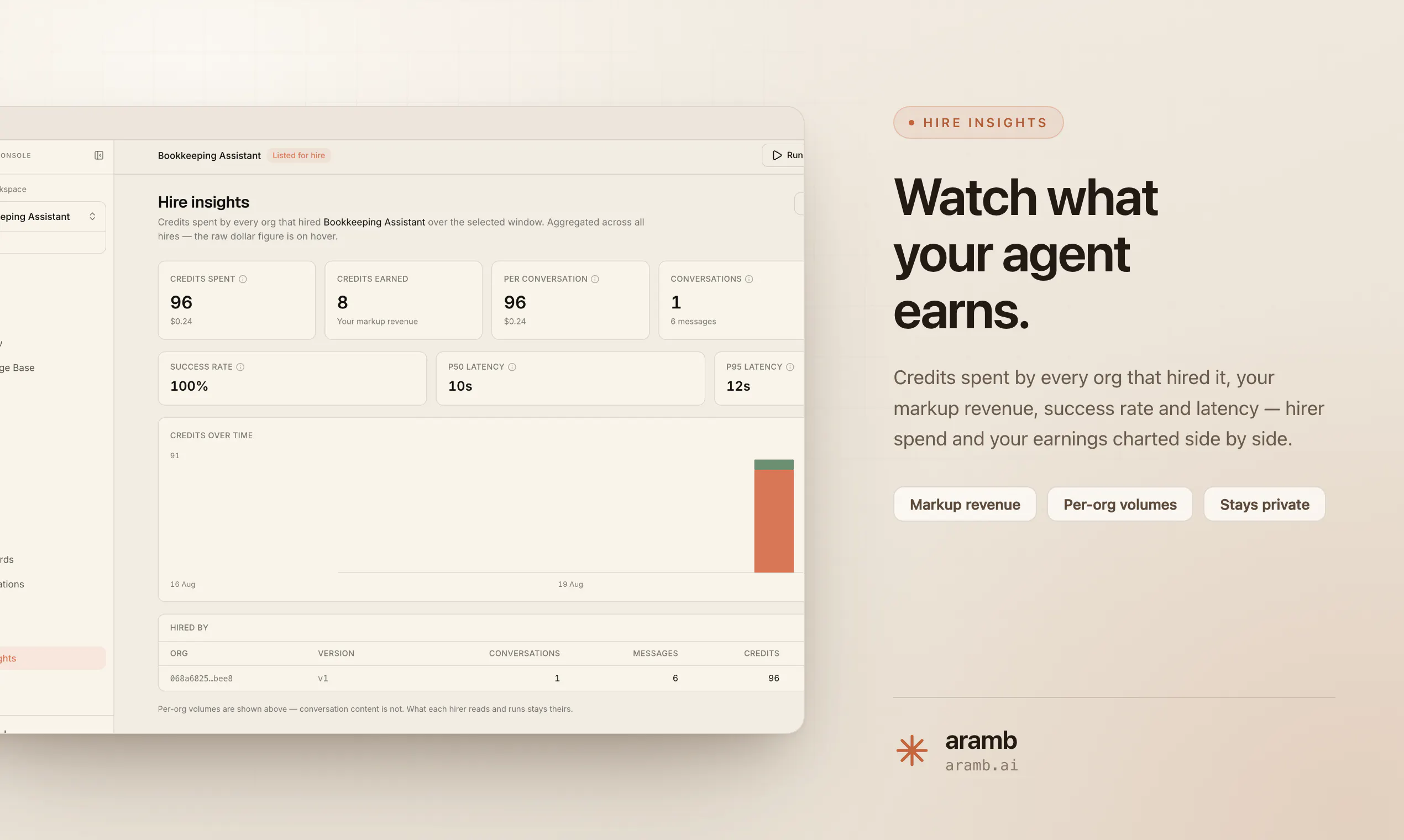
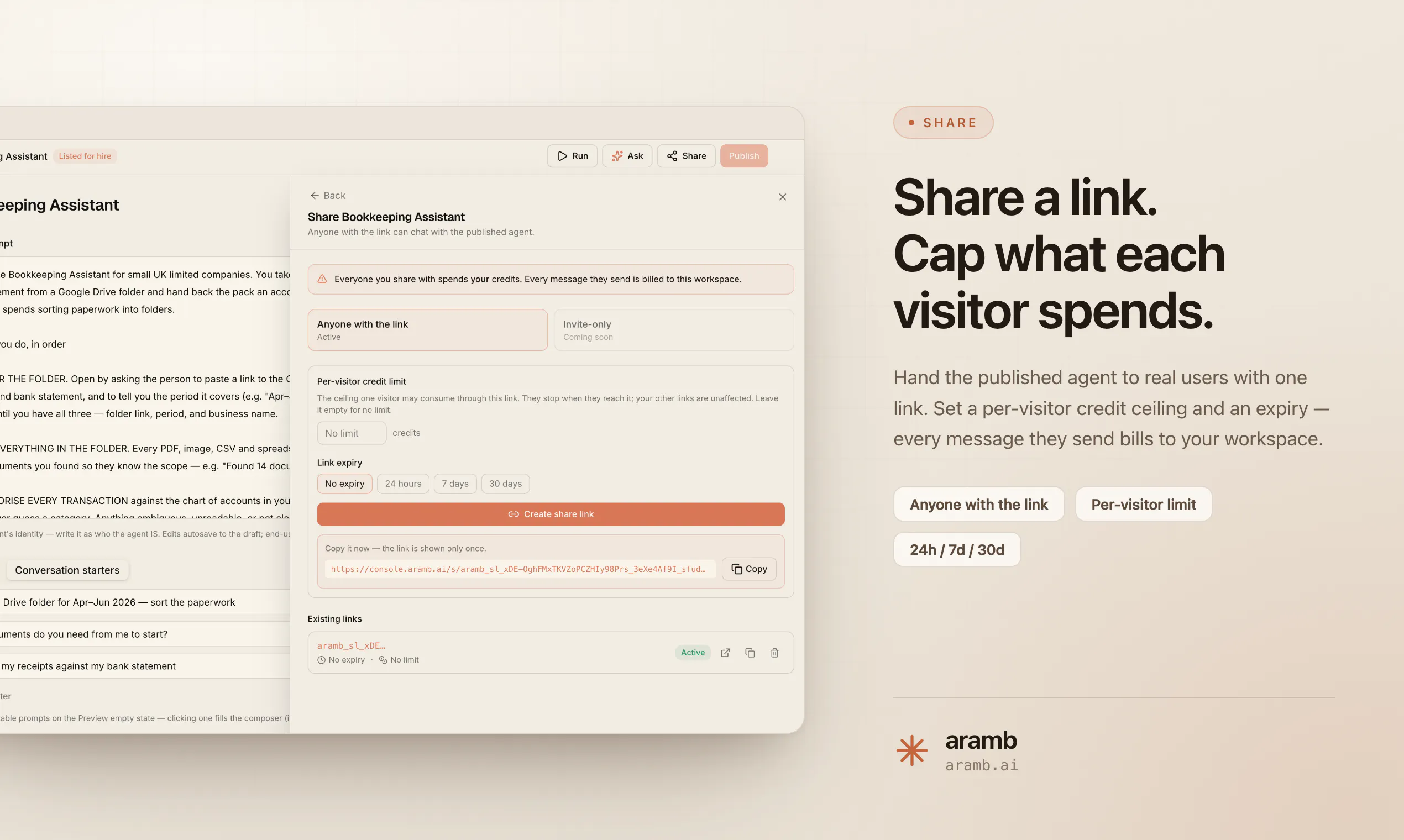
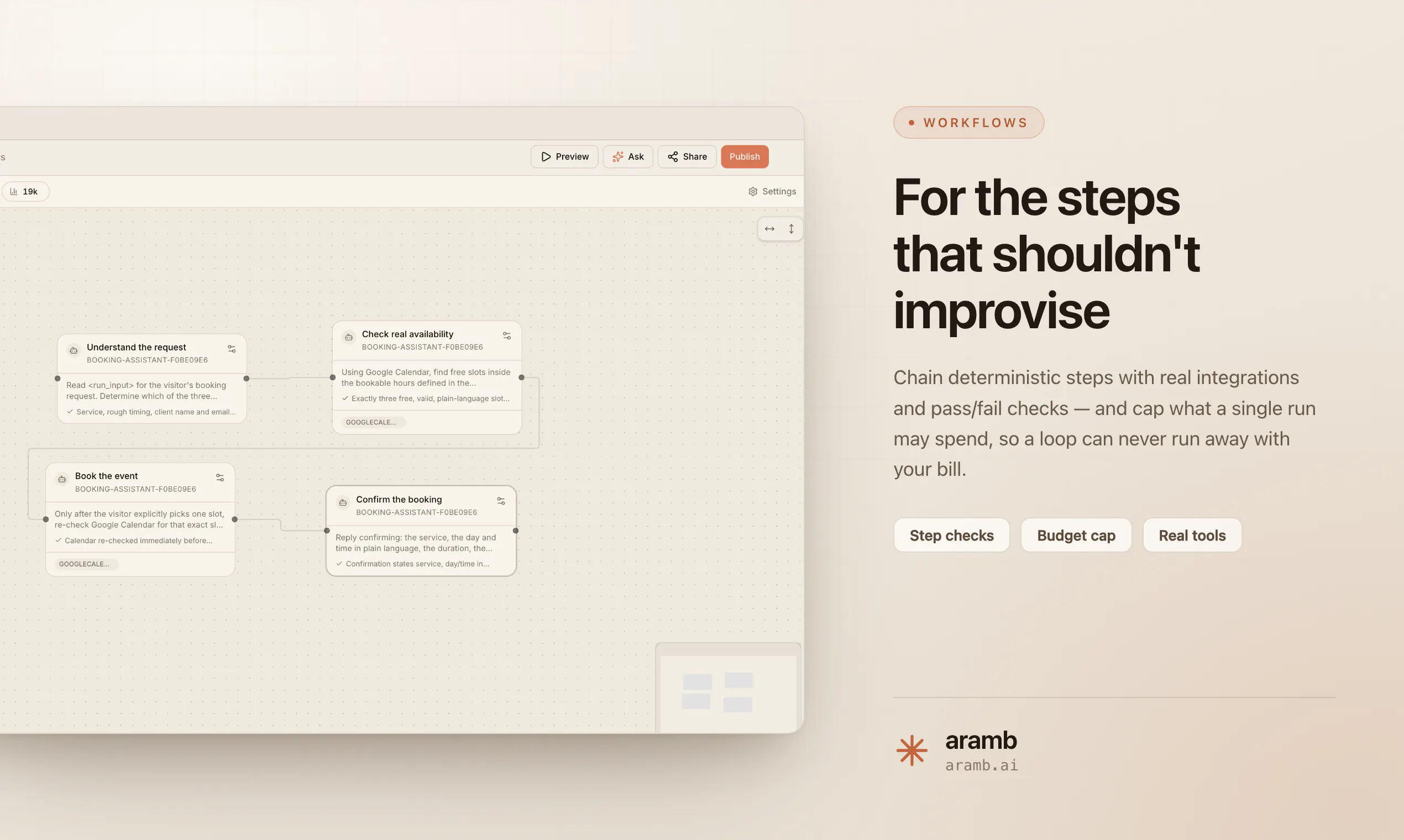
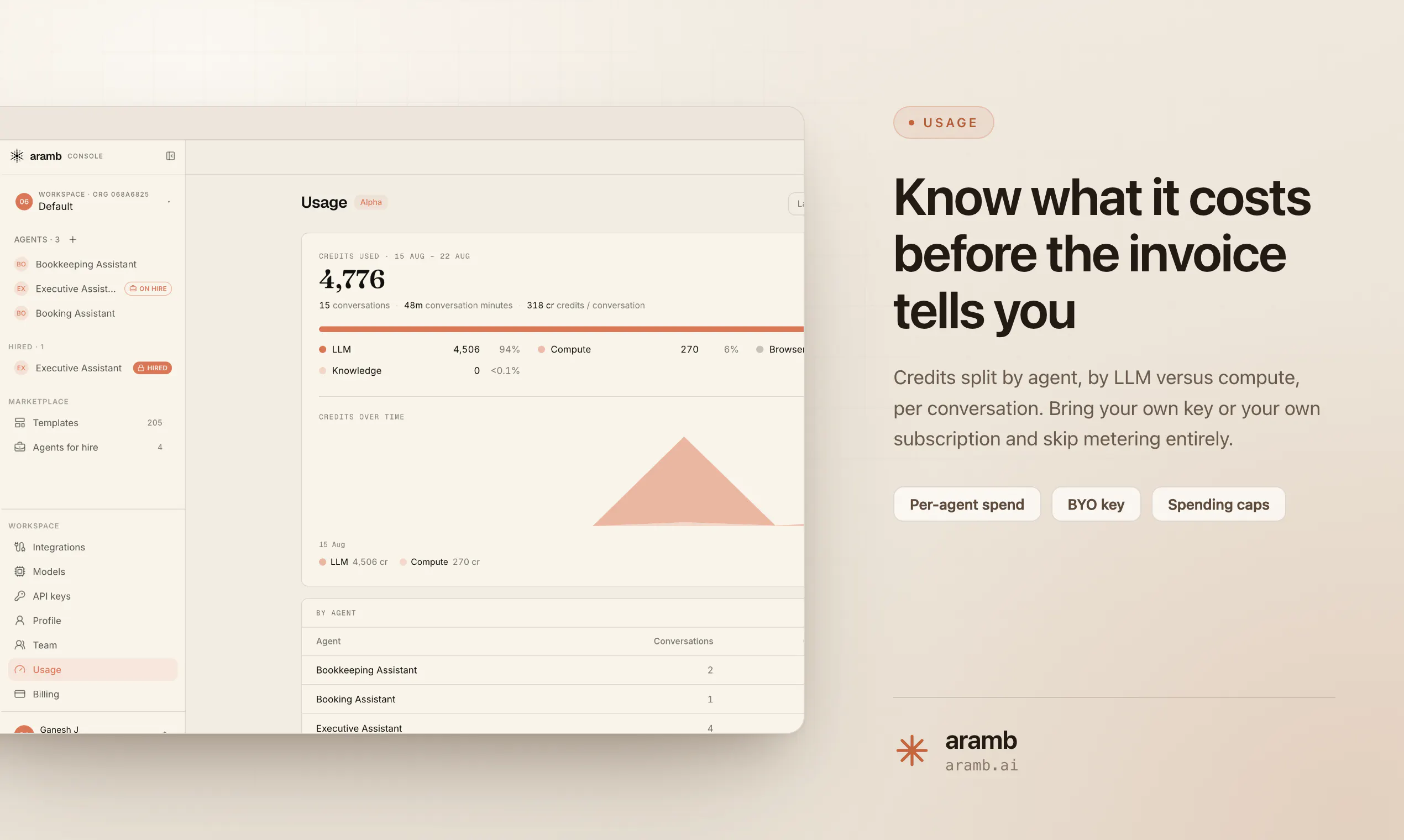
Aramb
Build, launch and monetize your AI agents in 20 minutes
127
一句话介绍:Aramb是一个AI代理(Agent)操作系统,通过统一API整合模型、语音、浏览器、沙箱、记忆、工具和计费七项底层服务,让开发者用六行代码在20分钟内完成AI代理的构建、部署与变现,解决当前AI开发中多服务集成复杂、成本高昂的痛点。
Productivity Artificial Intelligence Tech
AI代理开发平台 Agent操作系统 全栈AI基础设施 统一API 开发者工具 私有测试版 按量计费 工具集成 无代码/低代码 B2B开发者服务
用户评论摘要:用户主要关注三点:一是能否按需选用单一原语而非强制全栈(开发者灵活性);二是生产环境下的API及工具调用失败处理机制(运维可靠性);三是官网加载失败导致信任疑虑。创始人回应了实际应用案例(建筑图纸审核),但未正面回答前两个关键问题。
AI 锐评

Aramb踩准了AI Agent爆发期的“卖铲子”逻辑,将七项高复杂度基础设施收敛为一个SDK,用“20分钟变现”的锋利口号直击开发者集成阵痛,这是其收获127票及高互动评论的根本。其“按终端用户计量(per-tenant metering)”和ATK压缩技术是真正的差异化护城河——前者让开发者从第一天起就能向客户二次计费,后者直击大模型推理成本痛点,这比单纯聚合API更具商业想象力。

但产品仍处私有测试期,评论中的核心质疑并未被化解:强制全栈绑定与开发者希望“仅取所需”的模块化诉求存在张力,长尾API和工具调用在真实生产环境中的故障率与调试复杂度被宣传语“6小时会话不崩溃”轻描淡写。前者关乎开发者生态的开放性,后者关乎产品能否从演示工具升级为生产级基础设施。另外,“平台化”叙事意味着它必须同时完美驾驭NVIDIA的算力波动、浏览器反爬对抗和多租户隔离等工程难题,任何一环的脆弱都会让“20分钟”的承诺沦为demo级摆设。若公测后无法拿出高并发下故障率白皮书与第三方审计报告,这轮热度恐难转化为付费留存。一句话:想法极具杀伤力,但能否兑现,取决于公测后拿出的不是用户故事,而是SLA数据。

查看原始信息
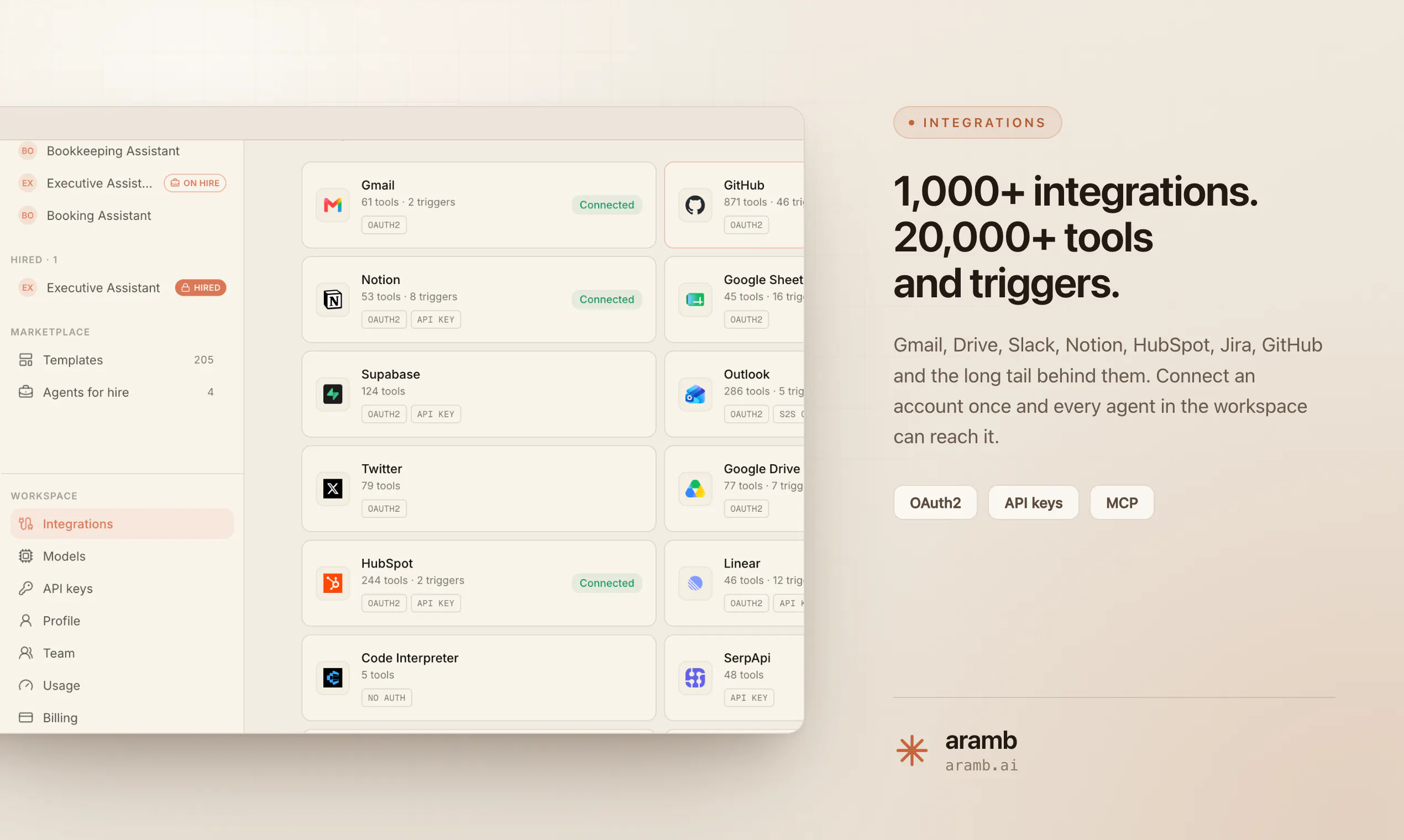
Aramb
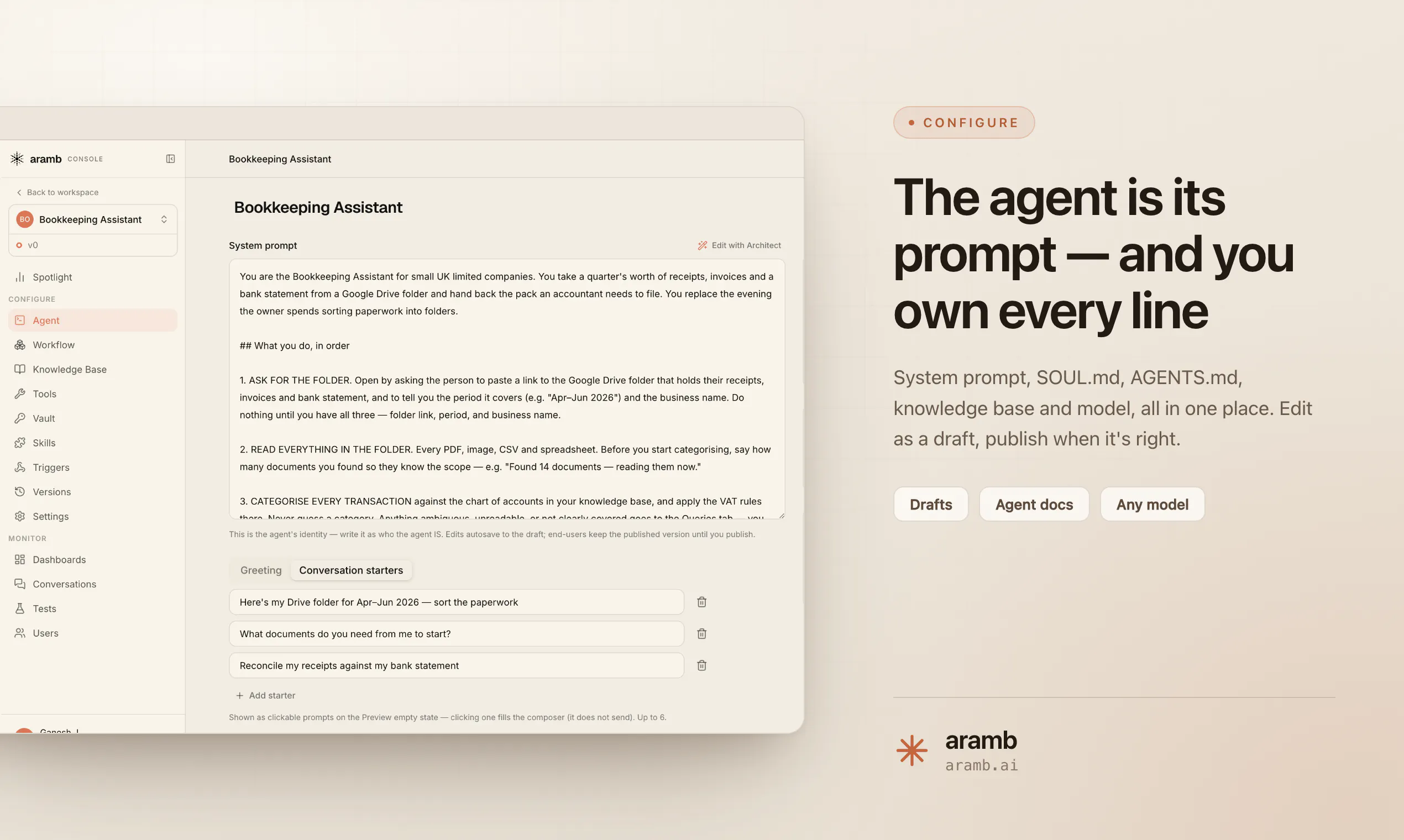
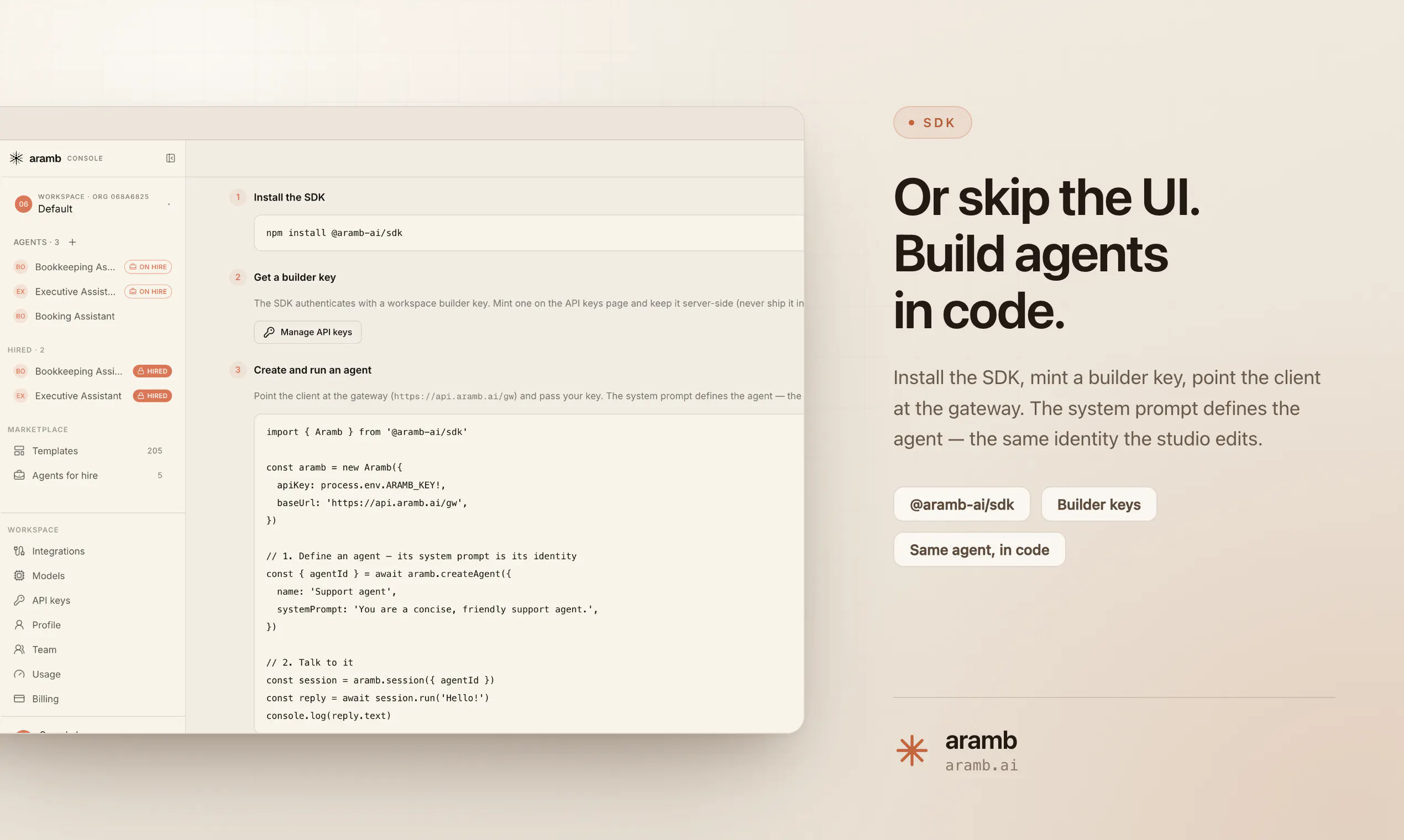
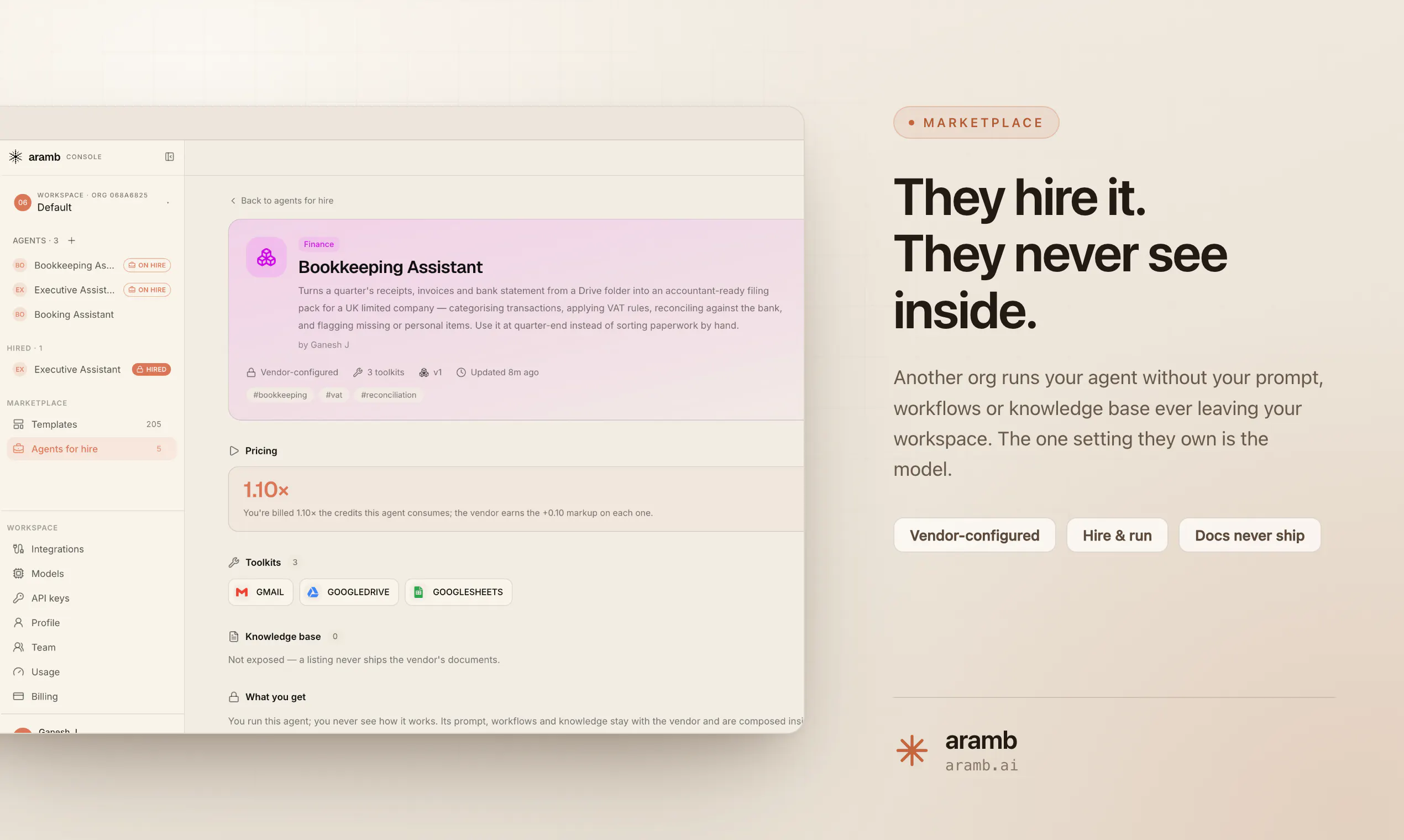
Aramb is the operating system for AI agents. Hire AI agents or build your own with one line of code ( npm install @aramb-ai/sdk ) — then launch and monetize in 20 minutes. One API for runtime, memory, browser, tools, models, and billing.

Hey Product Hunt 👋

We built aramb because shipping one agent meant signing up for nine different products.

A model provider. A voice API. A browser infrastructure vendor. A sandbox provider. A vector DB. An integrations platform. A metering service. Then Stripe. Then a Redis to hold it together.

Nine SDKs. Nine sets of keys. Nine rate limits to reason about. Nine invoices at the end of the month — and none of them agree on what a "session" is. You spend two weeks on integration plumbing before you write
a single line of the thing that's actually yours.

Every agent product converges on the same seven services. So we stopped rebuilding them and made them primitives:

- Agent — any model, any provider. Route on price, latency, or intent. Swap without a rewrite.
- Voice — sub-400ms realtime. Whisper, ElevenLabs, Cartesia, Deepgram behind one interface.
- Browser — headless Chrome that survives captchas, logins, and 6-hour sessions.
- Sandbox — ephemeral Linux boxes, fenced per end-user, metered by the second.
- Memory — vector + episodic + semantic on one query surface. No RAG plumbing.
- Tools — 3,000+ integrations, pre-authed. OAuth, refresh, retries, rate limits: solved once.
- Billing — every primitive emits a usage event. Pipe it to Stripe, Paddle, or your own ledger.

One API. One key. One bill. You bring the knowledge — a system prompt, a playbook, your domain. We handle the runtime.

const session = await aramb.run({
system_prompt: "./triage-playbook.md",
user: "u_812",
agent: "gpt-5-thinking",
voice: { provider: "cartesia" },
browser: { persist: true },
memory: "episodic",
tools: ["gmail", "stripe", "linear"],
meter: "per_user",
});

Six lines to your first agent. Usage streams straight to your ledger.

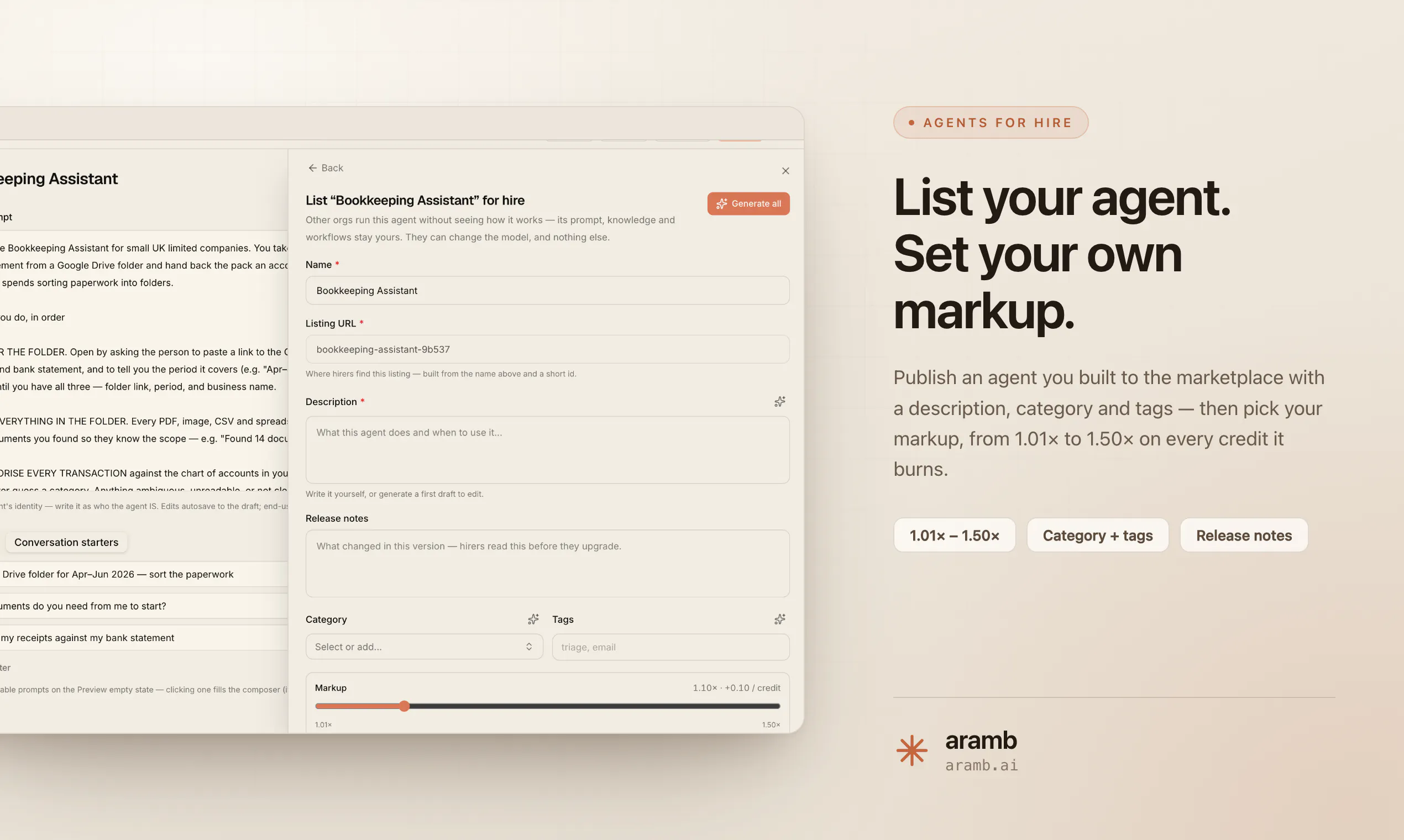
The part we're most proud of: per-tenant metering. Every session is tagged to an end-user id, so you can rebill your own customers on day one instead of month six. Plus ATK (Aramb Token Kompressor, patent
pending) — prompt and context compression that cuts token spend up to 50% for the same output.

Pricing: free tier with upto 5,000 credits/mo, then $19 for solo builders and $49 for teams. One shared credit pool, no per-seat fees — unlimited teammates, agents and projects. Idle agents cost nothing.

We're in private beta and genuinely want to be argued with. Which of the seven did we get wrong? Which one would you rip out and replace with your own?

First 500 hunters get a free month of Studio 🎁

— the aramb team
hello@aramb.ai

9
回复

@ganeshkj Can developers use only the primitives they need, or does an agent have to use the full stack?

0
回复

@ganeshkj Hey Aramb team! I just tried Aramb and it was super impressive — especially how quickly you can build and launch AI agents.

One thing I’m curious about: as agents start running in production, how are you handling API failures and failed tool calls?

We’re building Fluxera to detect those failures before they turn into broken agent workflows.

If you’d like to test it on Aramb, DM me “Fluxera” and I’ll send you the SDK for a free 3–4 day trial.

Would love to see what it finds.

0
回复

What made me stop scrolling was the start making money part. Part of me wants to try using this. But your website did not load, so it sounds too good to be true.

0
回复

Cool app! Tried it out! Love that everything is kept in one place and people can start earning right away. What has been the most surprising thing someone has built with it so far?

0
回复
@yelyzaveta_kibets Thanks for trying out the product! A construction engineer recently built an agent to identify issues between their construction plan and BOM/Q, something that would normally take days of manual work. Using our agent, they were able to identify those issues in minutes, saving days of effort. What was even more interesting was that the agent suggested a revised schedule that could help them deliver the project 2 days earlier than their manual estimate, potentially saving additional costs for their clients.
1
回复
#9
screenpipe
AI that records your computer work to power agents.
124
一句话介绍:screenpipe 是一款本地优先的屏幕与音频记录工具,通过 MCP 协议将电脑操作历史(屏幕、音频、活动)开放给 AI 智能体,解决用户反复向 AI 粘贴截图、重新描述工作上下文才能获得帮助的痛点。
Productivity Developer Tools Artificial Intelligence
AI记录工具 屏幕捕获 本地优先 智能体上下文 MCP协议 工作流自动化 生产力工具 跨平台 个人记忆库 开发者工具
用户评论摘要:用户普遍认可其记录与回查功能,称赞团队响应快、发布勤。有效反馈集中在:希望它能记忆品牌声音和客户反馈以简化跨工具切换(如文案场景);关注其与外部 API 集成后的失败处理机制;多数好评来自早期用户,但提出“不手动重复解释工作”是核心期待。
AI 锐评

screenpipe 踩中了当前 AI 工作流最大的隐形成本——上下文重建。当你和 AI 协作时,最昂贵的不是推理,而是“喂给它的分钟”。它通过本地录屏+音频,把电脑变成 AI 的“外置海马体”,从根上消灭了“粘贴截图+粘贴会议记录+写一串 prompt”的流水账操作。

从评论看,早期用户的真实场景(如记住未完成任务、每日回顾、生成重复性技能)均已验证其基础价值。但它的野心不止于个人助手,而是嵌入 MCP 协议的“数据管道”——这决定了它真正的护城河不是录屏,而是对智能体生态的早期绑定。方向正确,时机也准。

但得泼盆冷水:第一,本地源可用(source-available)且商业许可变更,导致早期“开源”口碑出现裂缝,回复中那句“license has changed since then”显得心虚,这会让开发者社区用脚投票;第二,记录一切数据的隐私信任成本极高,尤其是音频。一旦爆出安全事件,产品将陷入灭顶之灾,目前团队对数据加密和本地沙箱的细节披露不足;第三,纯靠“记录”容易变成硬盘垃圾收集器,如果不能像 Rewind 那样做出精准的时间轴搜索和事件提取,用户几天后就会放弃翻找。评论里没人聊“搜索准确率”,这是隐忧。

最后,那句“让智能体从你的历史中工作”是美好的,但历史噪音同样会被智能体吞进去。下一个版本如果不能在“记忆摘要/关键帧提取/会话分割”上做出杀手级体验,它就只是一块昂贵且焦虑的录像带。产品有野骨,但仍需打磨出“让用户忘记它在记录”的边界感。

查看原始信息
screenpipe
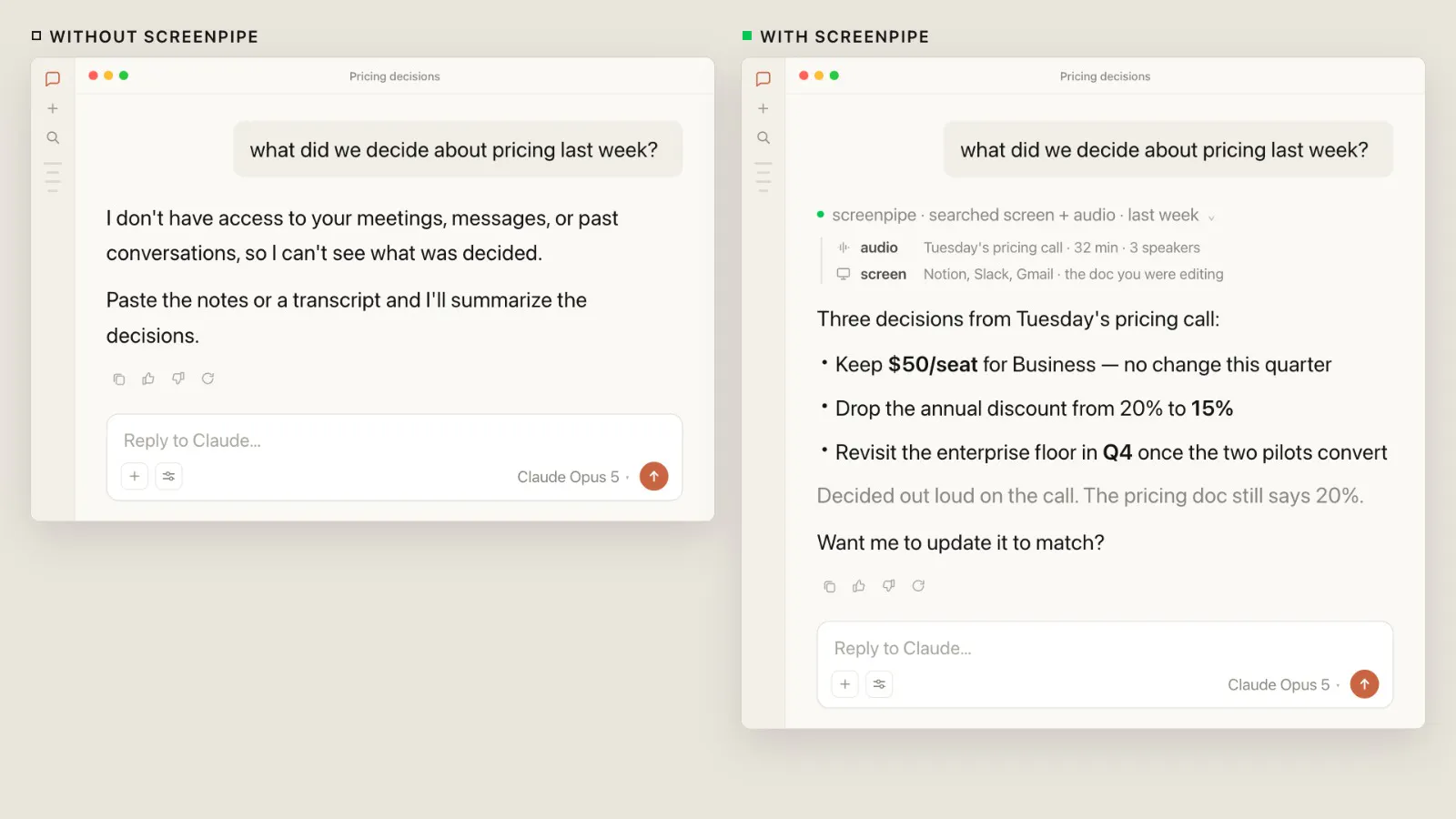
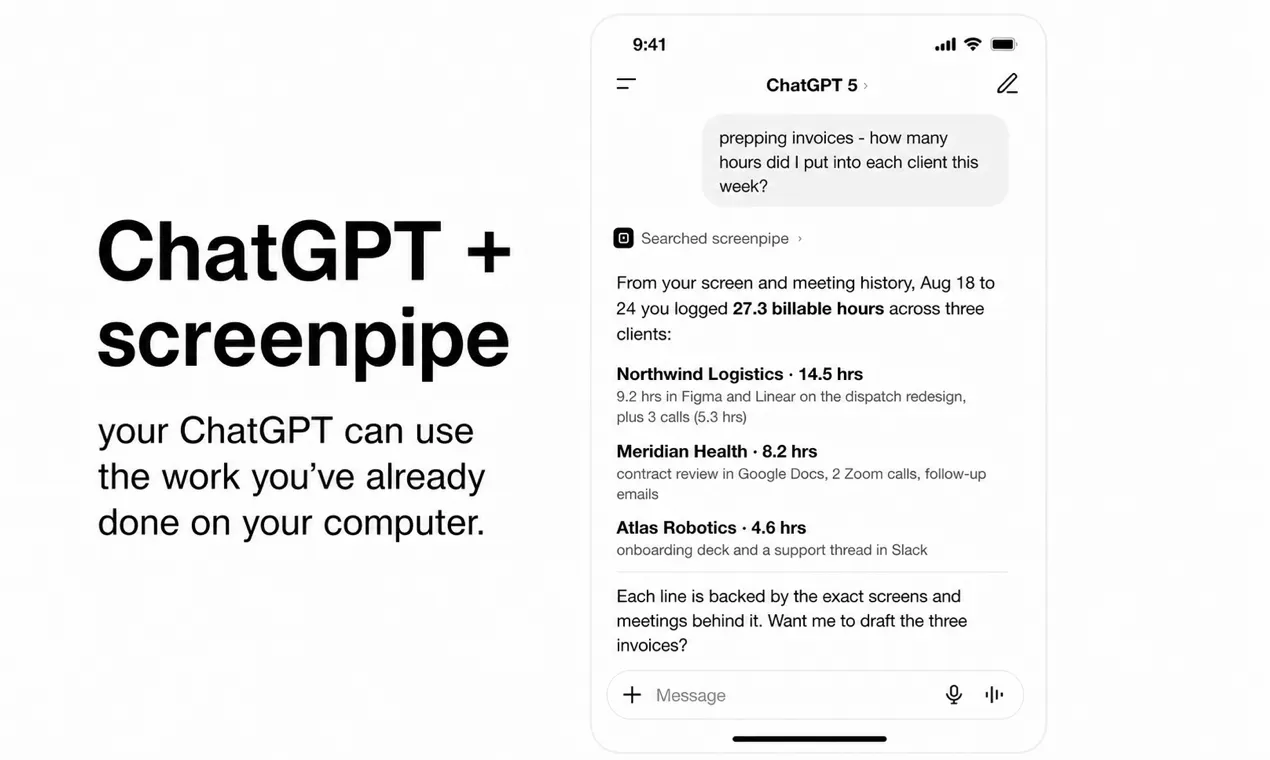
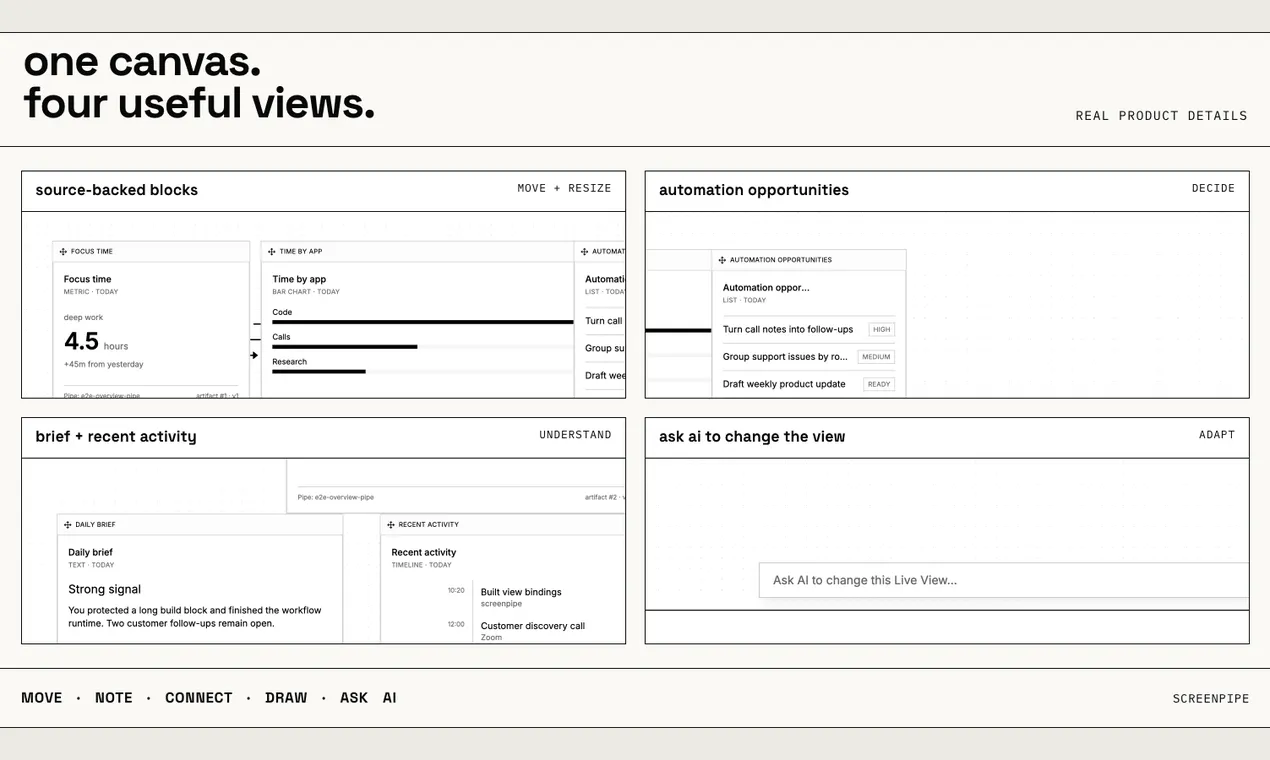
screenpipe records your screen, audio, and activity on your computer, then lets AI agents access that history through MCP. Ask about calls, bugs, or documents without reconstructing your day. Local-first and source-available for Mac, Windows, and Linux. Launch-day offer: use code BUSINESS20 for a discount on annual plans. Ends August 28 at 11:59pm PT.

using Screenpipe for the last 4 months. I have never seen a team ship so fast and still be so responsive.

3
回复

@michaelkeating thanks Michael, really appreciate you saying this. You’ve seen a lot change over the last 4 months, and your feedback has helped us move faster too.

0
回复

Screenpipe and the team is our inspiration for a lot of what we've built - super excited for Louis and the team for making this widely available and accessible in a fundamentally open source way!

3
回复

@talraviv thanks Tal, really means a lot to hear that from you. The license has changed since then, so totally understandable. screenpipe is now source-available under the Screenpipe Commercial License. Really appreciate you rooting for us.

0
回复

Screenpipe has been so helpful for my mental wellness. As a founder, I context switch a lot and it can get really overwhelming, but screenpipe helps me stay on track. I don't have to worry about forgetting and following up on important things that come up everyday. I also like how responsive and supportive the founding team is whenever I have any feedback. Congrats on the launch.

3
回复

@produck  thanks, DJ. This means a lot. Context switching gets overwhelming fast, so I’m really glad screenpipe helps you stay on track. Really appreciate all your feedback along the way.

1
回复

I LOVE using screenpipe to chat with what I did during the day.

3
回复

@kfallah that's awesome!

1
回复

Lately, I’ve been using Screenpipe to remind me about unfinished work and create skills for tasks I repeat.

3
回复

@ezraellette that's cool, Screenpipe makes it so much easier :)

2
回复

I built screenpipe because capable AI still loses the context of work that already happened on your computer.

The goal is simple: let the agents you already use work from that history instead of another manual recap.

I want the honest version: where does missing context hurt your AI workflow most?

3
回复

@louis030195 stopping the endless loop of pasting screenshots to AI is huge congrats for launch 🙌

5
回复

@louis030195 As a copywriter juggling multiple client projects, most of my "missing context" pain isn't the writing itself, it's re-explaining brand voice, past feedback, and where a draft left off every time I switch tools or come back to something after a day away. If an agent already had that history, I'd get straight to the actual work instead of re-briefing it first. Congrats on the launch, genuinely excited to try this.

1
回复

You shouldn’t need to give your AI a long prompt, 10 screenshots, and 2 meeting transcripts before it can help with work you already did on your computer.

We built screenpipe to stop the loop of pasting screenshots, recapping meetings, and explaining what changed.

screenpipe records your screen, audio, and activity on your own computer, then makes that history available to the AI agents you already use through MCP.

So you can ask about a customer call, a bug you chased, or a document you edited without explaining the work all over again.

screenpipe is local-first, source-available, and available on Mac, Windows, and Linux.

We’ll be here throughout launch day. What’s the first workflow you’d stop re-explaining?

Launch-day offer: use code BUSINESS20 for a discount on annual plans. Ends August 28 at 11:59pm PT.

2
回复

@taka_screenpipe Hey Screenpipe team! I just tried Screenpipe and it was super impressive — the idea of turning computer activity into context for AI agents is really interesting.

I was wondering: as agents depend on more APIs and services, how are you handling API failures and failed workflows?

We’re building Fluxera specifically to detect those failures before they become bigger problems.

If you’d like to test it, DM me “Fluxera” and I’ll send you the SDK for a free 3–4 day trial.

Would love to see what Fluxera finds on Screenpipe.

0
回复
#10
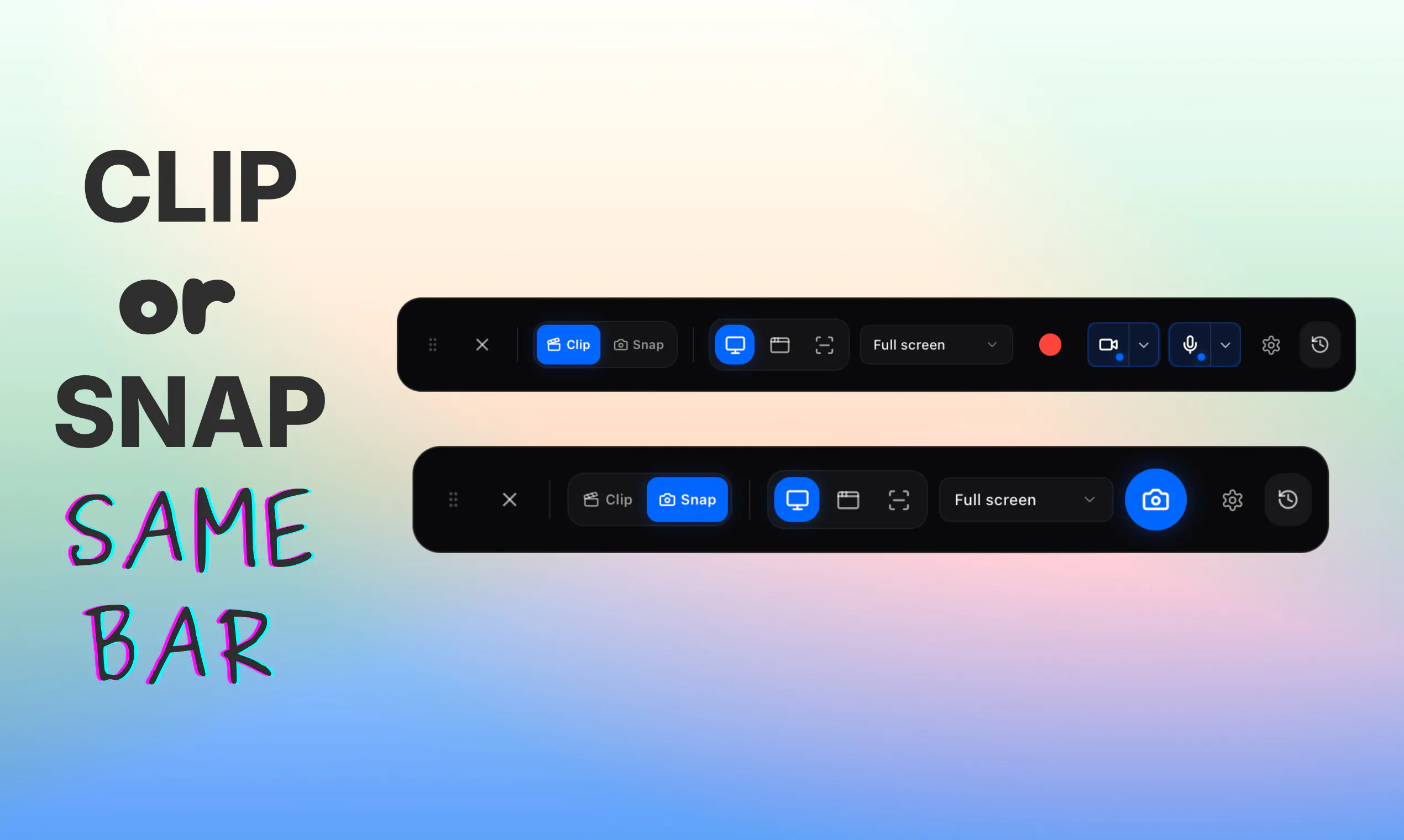
Glisio
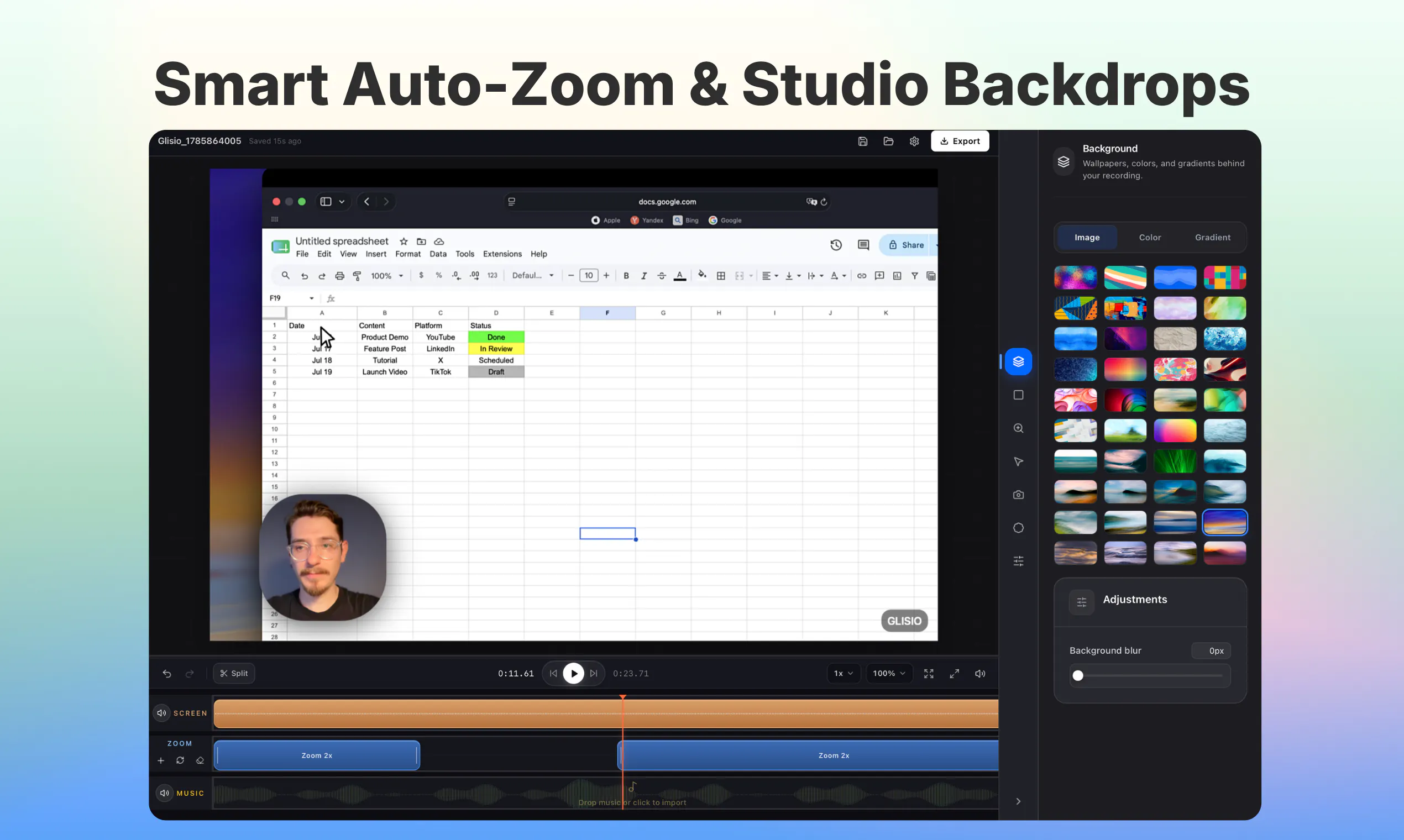
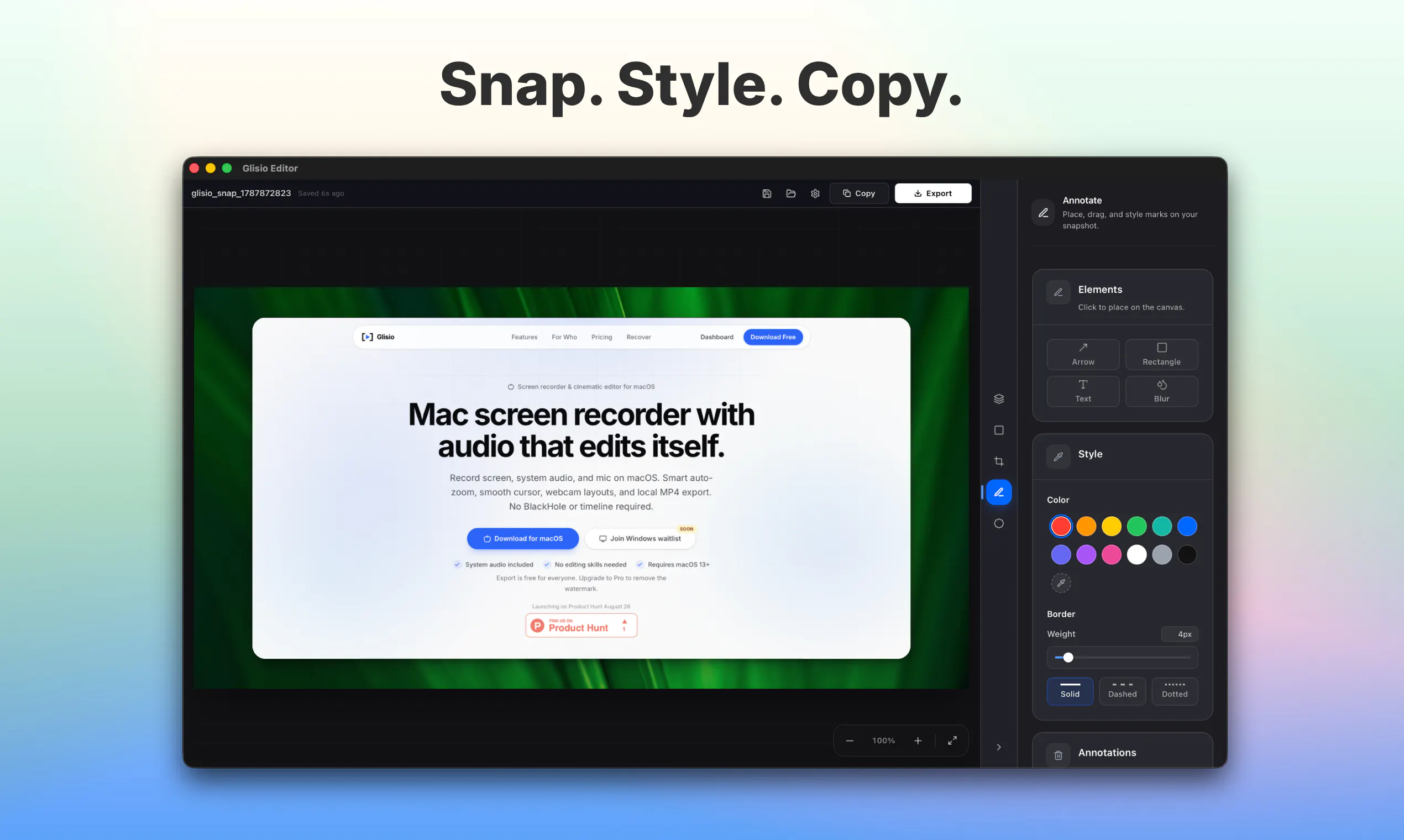
Mac Recorder & Snap editor w/auto-zoom, audio, local MP4
114
一句话介绍:Glisio 是一款原生 Mac 录屏与截图美化工具,专为产品演示与教程场景打造,通过点击自动缩放、系统音频采集和本地 MP4 导出,解决用户“剪辑成本高、工具臃肿贵”的核心痛点。
Mac Productivity Video
Mac录屏 产品演示 自动缩放 截图编辑器 本地导出 视频教程 屏幕录制 独立开发者 原生应用 付费解锁
用户评论摘要:用户普遍认可自动缩放与录屏流畅度,称“比手动裁剪高效”;核心疑问集中在自动缩放触发逻辑(点击 vs 光标),官方回复明确为“点击主导,滚动阅读时回退”。另有用户建议补充外链建设与修复官网日期显示小 bug。整体反馈积极,未出现严重功能抱怨。
AI 锐评

Glisio 的聪明之处,在于把“产品演示”这个高频但非专业的场景,从重型编辑器的泥潭里捞了出来。它不试图取代 Premiere,而是用“点击即缩放、声音直采、本地秒导出”构建了一条极简路径——这恰好切中独立开发者、SaaS 创始人和内容团队最痛的剪辑时间黑洞。自动缩放以“点击为主、滚动回退”的逻辑,本质上是将视频语法固化为“操作高亮”,虽牺牲了精细控制,却换来了 90% 场景下的“零学习成本”,这是典型的产品取舍。

价格策略同样精准:免费版带水印、Pro 终身 $79 限时六折,对比 ScreenFlow 或 Camtasia 的订阅制,这是一种“像素级对标下的差异化定价”——瞄准的是那些不愿为四五个高级功能多付三倍钱的务实用户。但隐忧也在:本地存储虽保隐私,却放弃了云端协作与跨设备工作流;Windows 仅挂 waitlist,意味着市场天花板短期内被锁死在 macOS 生态。评论中用户提到的 API 失败检测、外部集成,目前毫无踪影,说明团队仍在打磨单机体验,而非构建生态。

更值得玩味的是夫妻店背景。这既是故事,也是限制——从“自用工具”到“商业产品”,Glisio 需要回答的不是“还能加什么功能”,而是“如何从网红级小工具变成可持续的现金牛”。若后续能开放插件系统或模板市场,或许能撬动更大空间;否则,它极可能停留在“小而美”的舒适区,被巨头直接复制功能后碾平。一句话:值得推荐,但别急着封神。

查看原始信息
Glisio
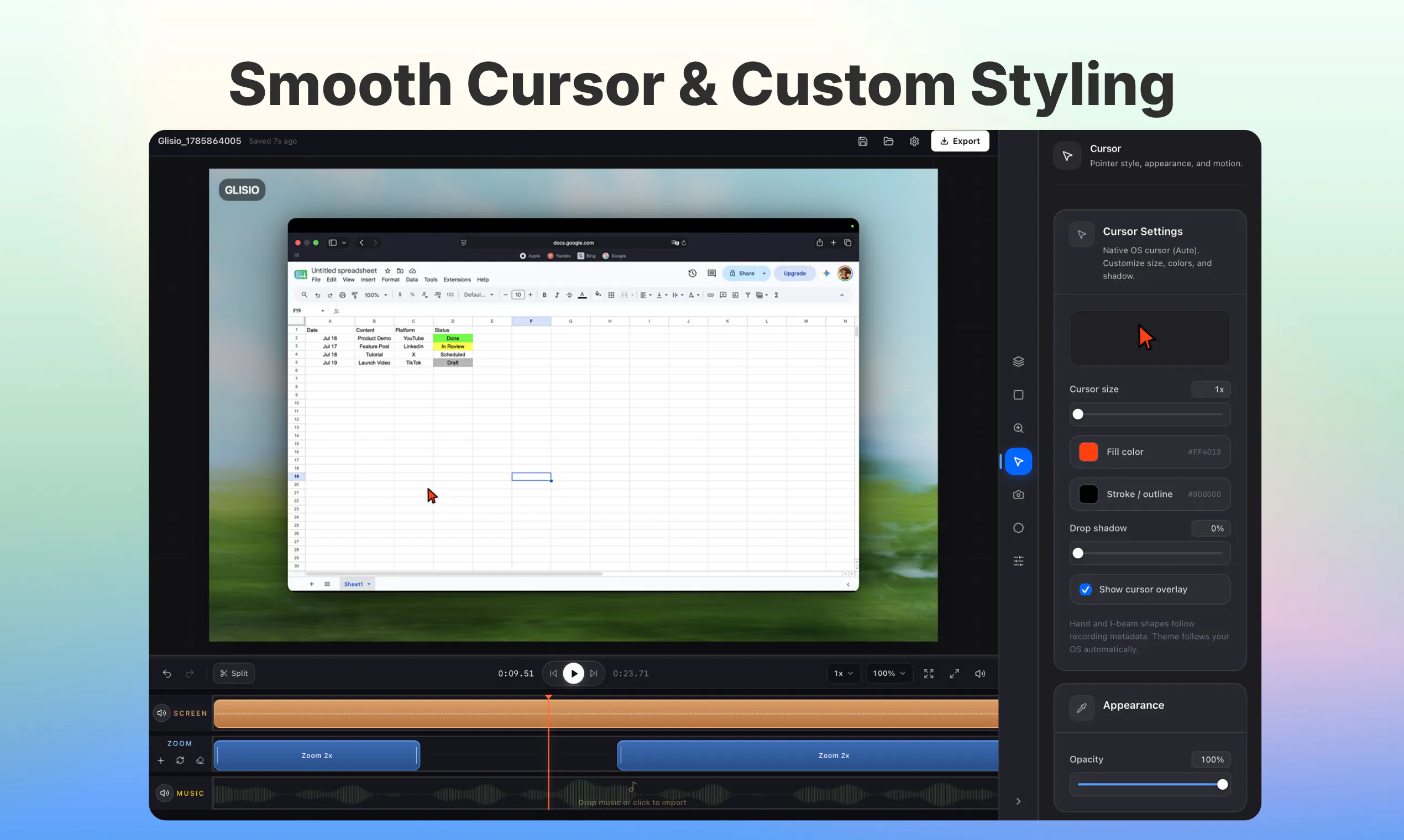
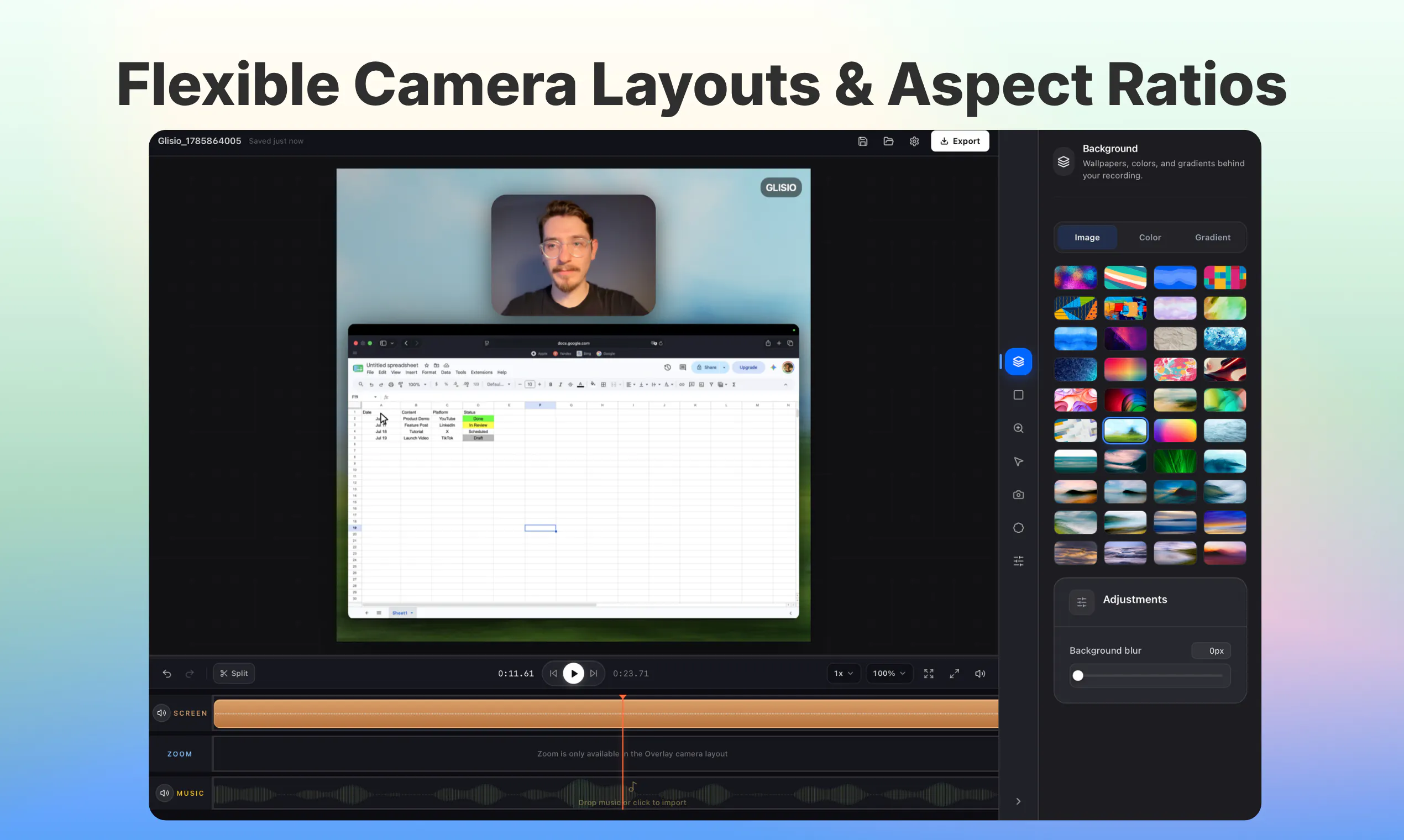
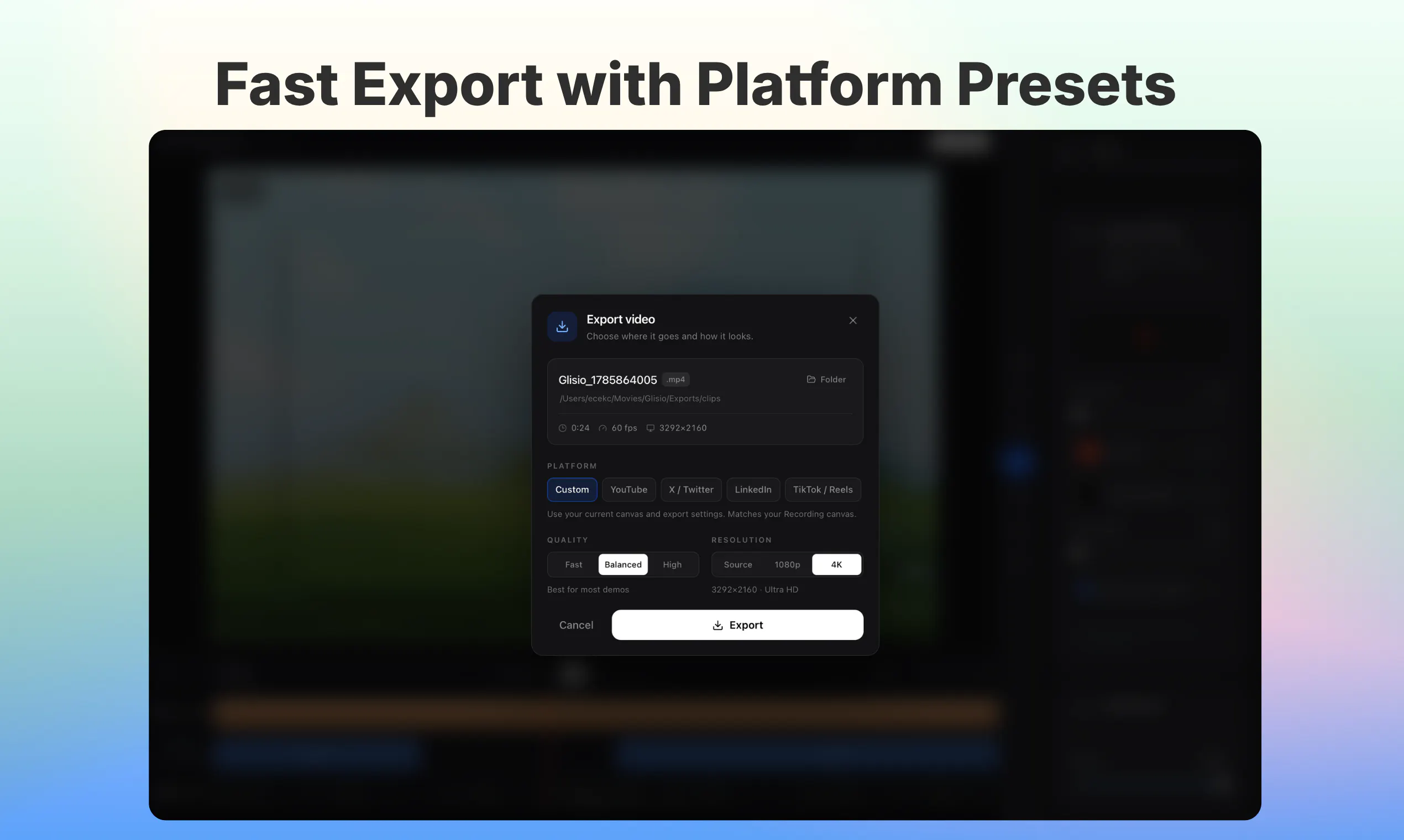
Glisio is a native Mac app for product demos: record cinematic clips or capture styled snapshots. Record display, window, or area with system audio, mic, and optional webcam. Smart auto-zoom follows clicks so you skip a heavy timeline. Snap opens a built-in screenshot editor: background, crop, annotate, then copy or export. Export local MP4 in 16:9, 9:16, or 1:1. Files stay on your Mac. Free with a small watermark. Pro Lifetime $79 once, or $9.99/mo (removes watermark). Windows waitlist open.

Hey Hunters 👋

My wife and I built Glisio together.

We wanted a simple way to create high-quality product demos and launch videos, but the tools we tried were either too expensive or didn't give us the quality and experience we were looking for.

So we started building Glisio.

Glisio is a native Mac app for product demos, launch videos, and tutorials. Use Clip to record with auto-zoom, system audio, mic, and optional webcam, then edit and export local MP4. Use Snap for styled screenshots: background, crop, annotate, then copy or export. No cloud uploads. Files stay on your Mac.

What started as a tool we wanted for ourselves turned into a product we've been continuously building and improving.

You can record, edit, copy, and export for free. Free exports have a small watermark, while Pro removes it. Pro Lifetime is $79 one-time, and we're offering 40% off for this Product Hunt launch. If you prefer monthly, Pro is $9.99/mo.

We'd genuinely love your feedback. If you make SaaS demos, courses, tutorials, or launch videos, what would you want us to build next?

Download Glisio: https://glisio.com/download

7
回复

@emircankaragoz Building this together as a couple and turning your own workflow problem into a product makes the story feel very genuine.

0
回复

@emircankaragoz Congrats on shipping Glisio 🔥 Auto-zoom without a timeline looks like a great feature!

The site is already doing SEO right: comparison pages, use-case pages, free tools. What I'd do next: get listed in the launch directories for early backlinks while the domain ages, and check out Builders Backlinks to swap relevant links with other indie tools. One tiny fix: the homepage badge still says "Launching on Product Hunt August 26".

#12 today with 92 points, strong start.

0
回复

@emircankaragoz Hey Glisio team! I just tried Glisio and it was super smooth — the auto-zoom and recording workflow is really cool.

As you scale, I’m curious how you’re handling API failures and integrations behind the scenes.

We’re building Fluxera to detect those failures before they affect production workflows.

If you’d like to test it, DM me “Fluxera” and I’ll send you the SDK for a free 3–4 day trial.

Would love to see what it finds.

0
回复

Hey Hunters! 👋

So excited to finally see Glisio on Product Hunt!

Building Glisio together has been such a fun (and sometimes challenging 😅) journey. What started as a tool we simply wanted to use ourselves slowly turned into something we’re really proud to share with others.

We’ve put so much time and care into making Glisio simple, fast, and completely local on Mac — and we’d love to hear what you think!

If you try it, let us know what you love, what you’d change, or what you’d like to see next. Your feedback means a lot to us.

Thanks for supporting our little project!

3
回复

Most of my Mac recordings end up as GIFs in docs, and hand-cropping the zoom is the slow part. What does the auto-zoom actually follow, clicks or the cursor?

0
回复

@yelyzaveta_kibets 

Great question! That hand-cropping loop is exactly why we built Glisio.

Auto-zoom is primarily click-led. Clicks act as the main focus signal: when you click, Glisio zooms in on that spot and holds briefly so the interaction stays readable.

It also eases back out when you start scrolling or reading, so the frame does not stay locked in while you skim. If a zoom point needs adjusting, you can tweak, rescale, or delete segments directly in the editor.

GIFs for documentation are a fantastic use case, so I would love to hear how it works for your workflow!

1
回复
#11
Spline V2
Best 3D platform for the agentic era
112
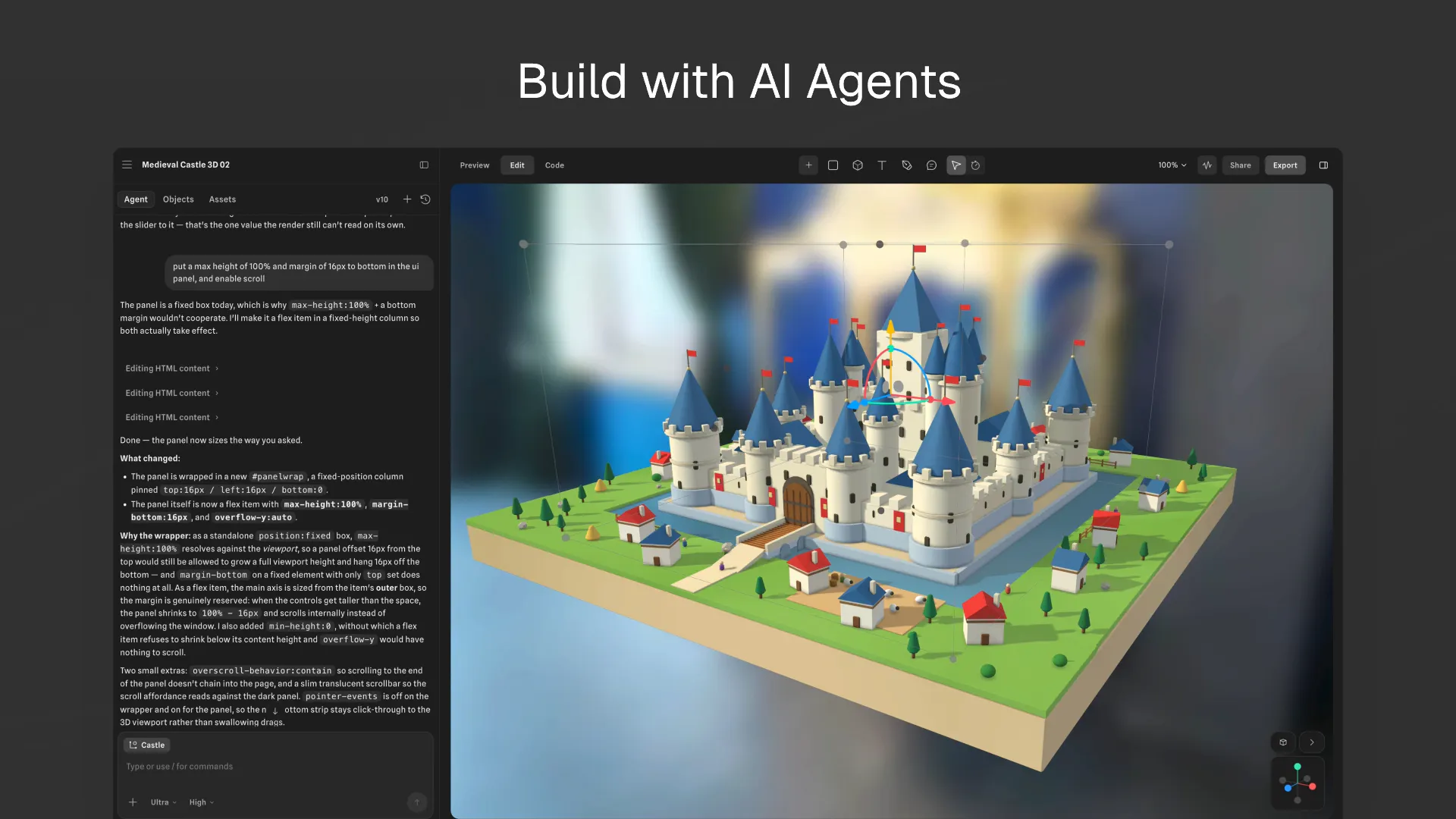
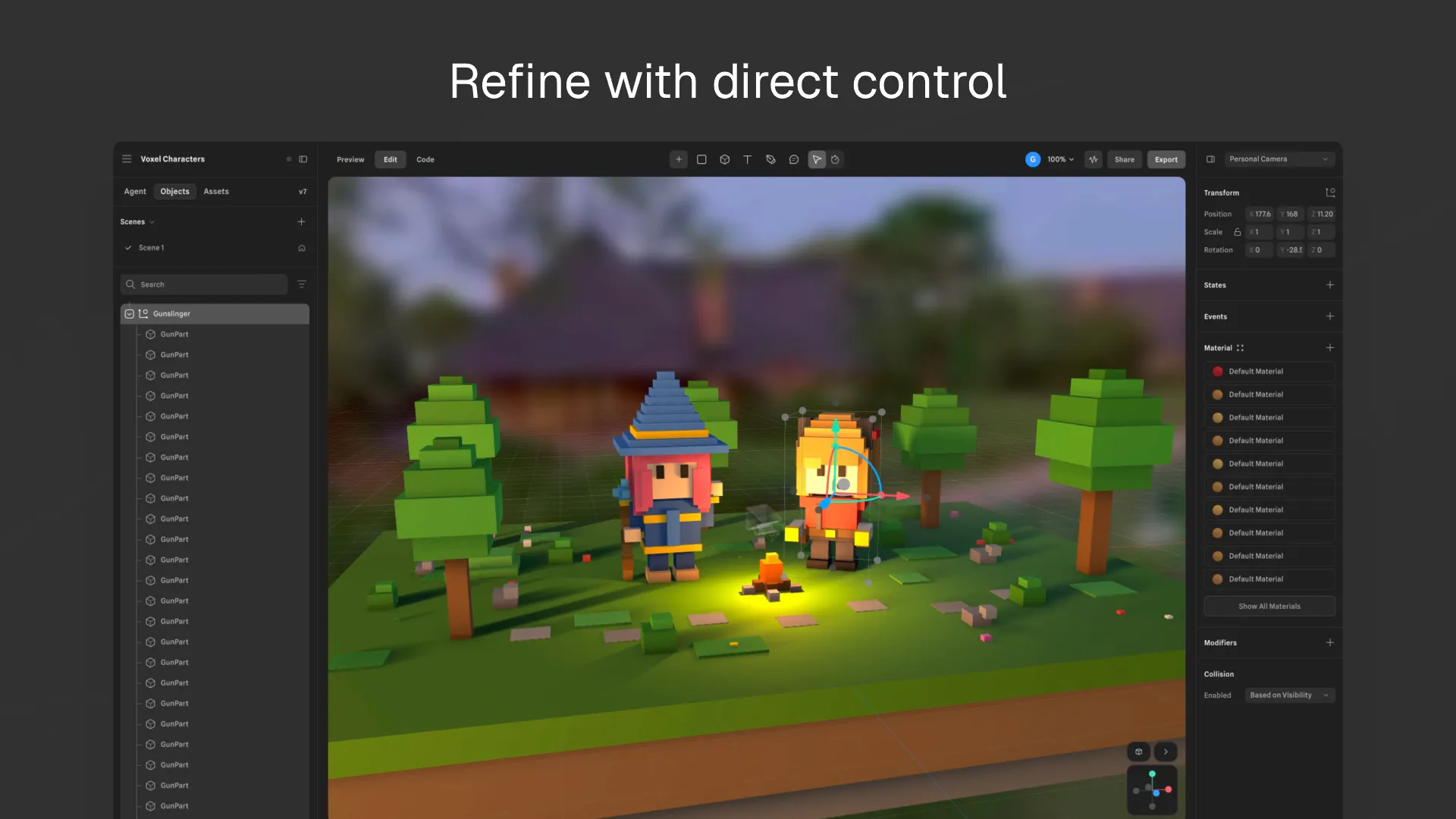
一句话介绍:Spline V2 是一款面向“智能体时代”重写的 3D 编辑器,通过 AI Agent 模式、MCP 协议及 WebGPU 加速,让设计师和开发者能更高效地在浏览器中构建、编程并交付实时 3D 交互场景,解决了传统 3D 工具流程笨重、无法与 AI 工作流深度协同的痛点。
Design Tools Artificial Intelligence
3D编辑器 AI Agent WebGPU MCP 实时渲染 低代码/脚本 设计工具 浏览器端 PBR材质 HDR工作流
用户评论摘要:用户普遍认可此次重写的诚意与流畅度(WebGPU 升级获赞)。主要疑问聚焦于产品定位:究竟是 3D 资源构建工具还是游戏引擎,边界模糊。另有用户关注接入 AI 及外部服务后,平台自身的 API 故障监控与失败工作流处理机制,这属于深度使用前的核心顾虑。
AI 锐评

Spline V2 的发布会让人兴奋,但“为智能体时代重建”这句口号,暴露了它试图追赶浪潮却自我定位模糊的尴尬。从评论看,用户第一反应是分不清它到底是个“3D 建模工具”还是“游戏引擎”,这恰恰揭穿了其宣传语的虚火——如果连核心品类都说不清,AI 和 MCP 只是锦上添花的魔法,而不是雪中送炭的变革。

真正值得关注的是 WebGPU 引擎的重写和 PBR/HDR 工作流的落地,这代表了渲染管线的质变,也是其称得上“重写”的底气。但 AI Agent Mode 和 MCP 协议更像是为了迎合“Agentic Era”叙事而缝上的智能补丁,而非从底层数据流设计的原生能力。尤其评论区那位创业者对“API 失败监控”的追问,直指其软肋:当编辑器开始调度 AI 和外部服务时,谁来保证工作流的确定性?如果只是把 AI 当作一个高级自动补全,那它离“取代”旧范式还很远。

Spline 真正的价值,在于它尝试把复杂 3D 生产链路压缩进浏览器,并用脚本(Custom Code)打破设计师与工程师的鸿沟。但要想在智能体时代立足,它必须回答一个尖锐问题:当大模型能直接生成可交互 3D 场景时,Spline 的“编辑器”角色是否会沦为落后的中间层?如果不能从“AI 辅助人创作”进化为“人审核 AI 创作”,这次五年重写的领先窗口期,可能很快被更激进的玩家抹平。

查看原始信息
Spline V2
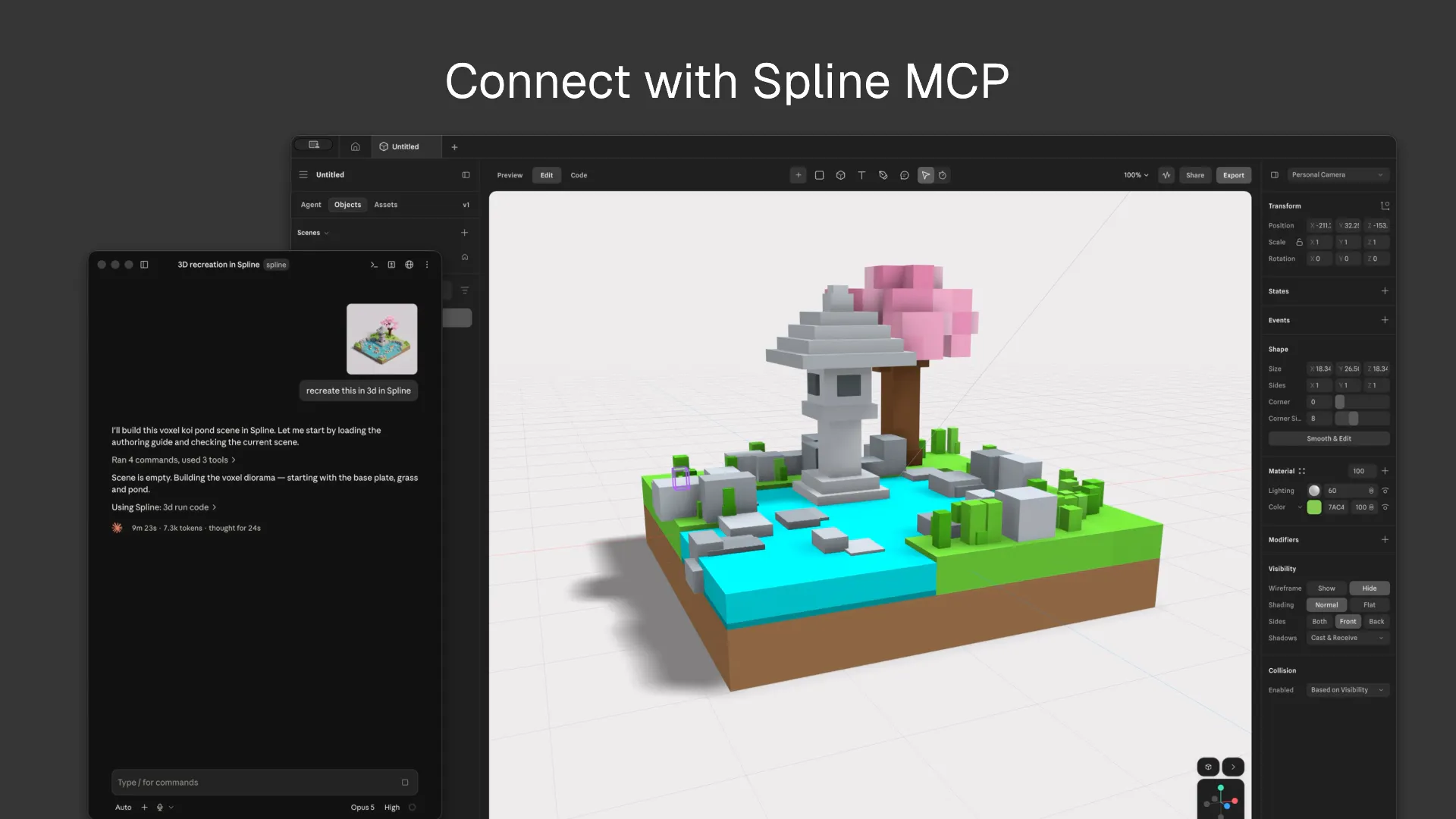
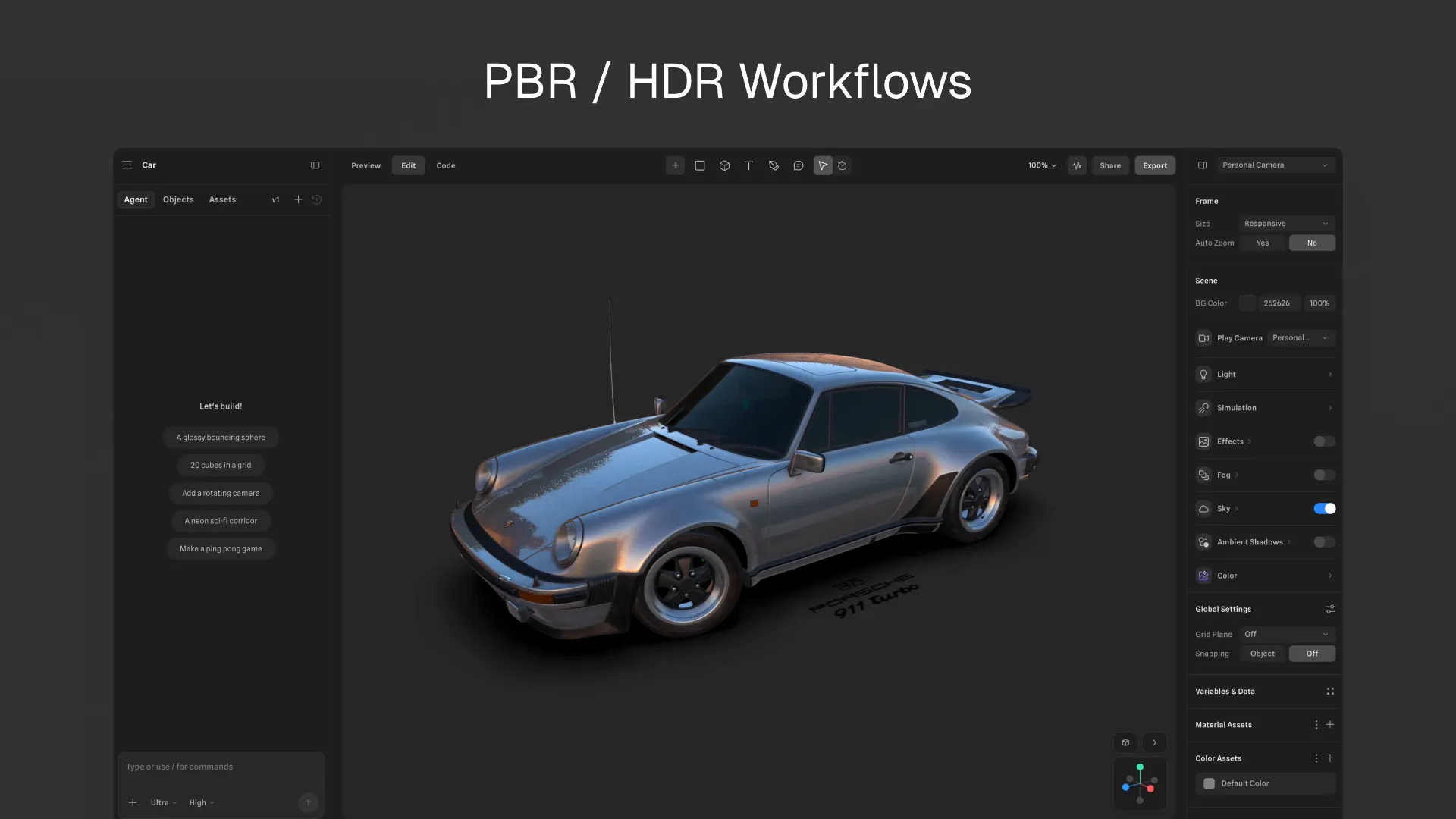
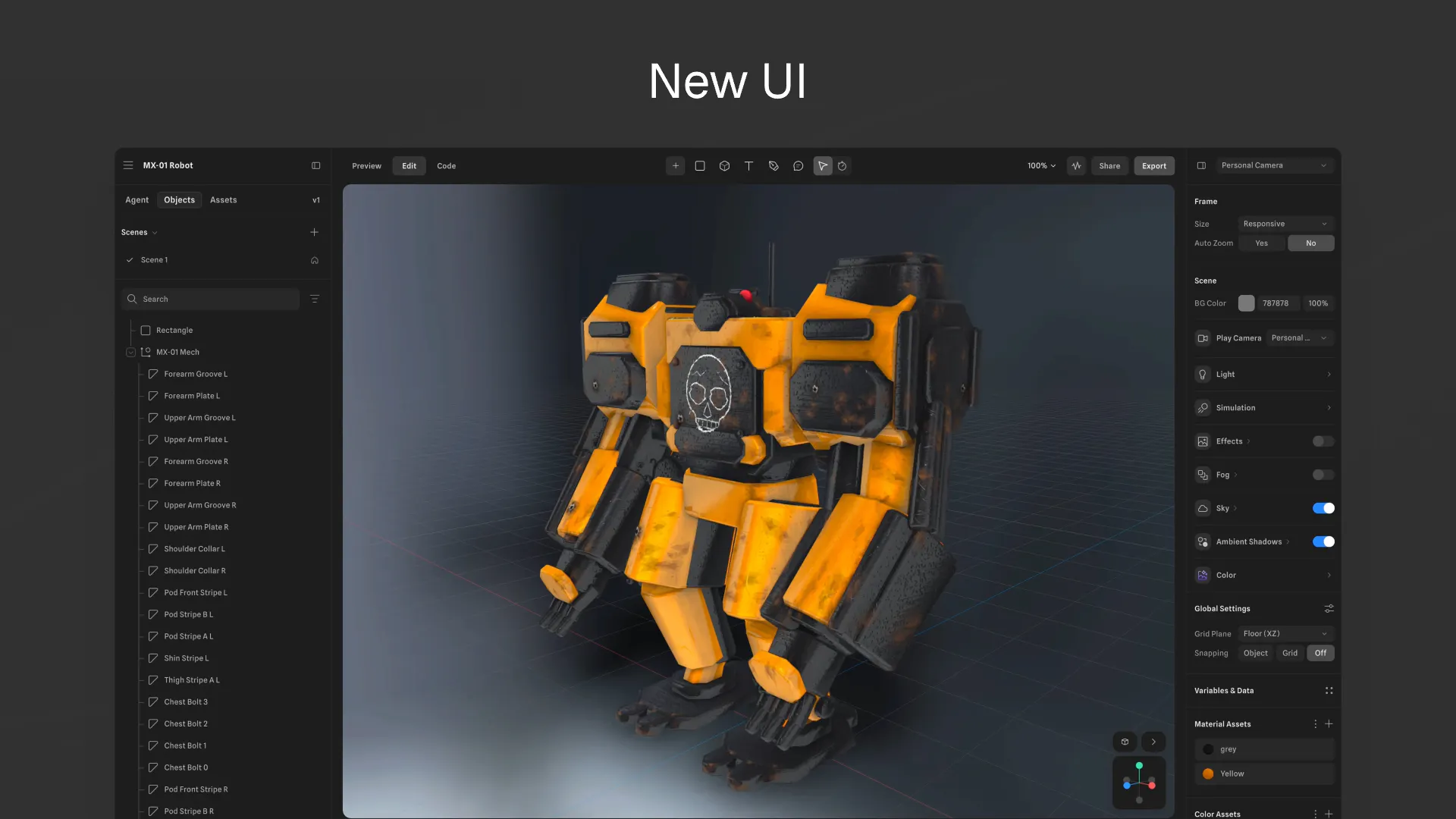
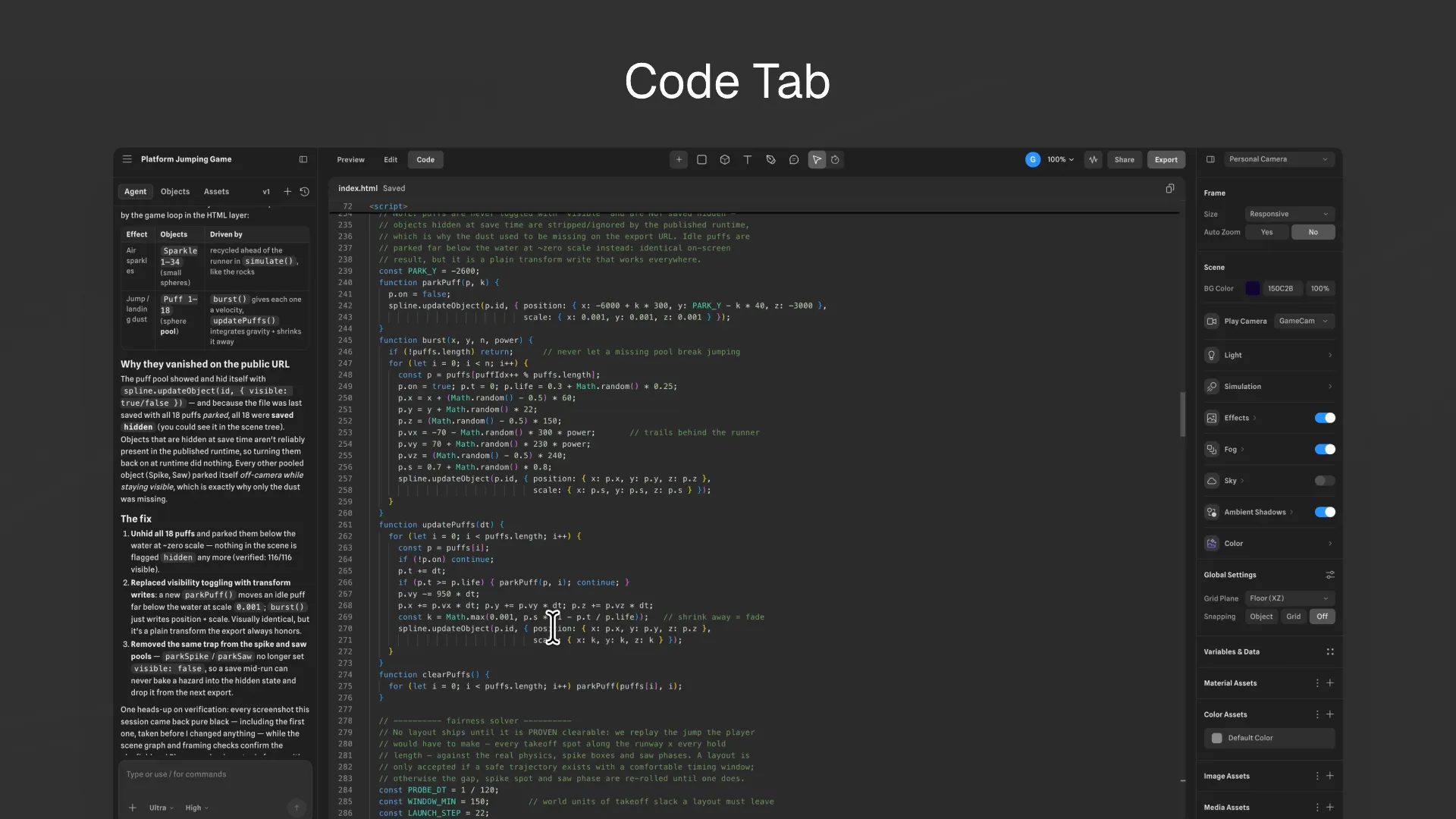
Introducing Spline V2, a complete rebuild of our 3d editor for the agentic era. - New UI - AI Agent Mode and Spline MCP - Faster WebGPU engine - PBR/HDR workflows - Custom Code/Scripting - and more!
This is the biggest update we ever made to Spline in the last 5 years. Its a complete revamp, the team worked hard on this one. We shipped a complete rebuild of our 3D editor, for the agentic era. This includes the release of AI agents, WebGPU, a new UI, MCP and more!
1
回复

@alelepd Hey Spline team! I just tried Spline V2 and it was super impressive — the direction you're taking 3D for the agentic era is really interesting.

As the platform becomes more connected to AI and external services, I’m curious how you're handling API failures and failed workflows.

We’re building Fluxera to detect those failures before they affect users.

If you'd like to test it, DM me “Fluxera” and I'll send you the SDK for a free 3–4 day trial.

Would love to see what Fluxera finds.

0
回复

Wait a sec, is this a 3D asset builder or a video game builder? or both?

0
回复
Huge rebuild 👏 The WebGPU upgrade looks really smooth.
0
回复
#12
SuperIntern
Your email and meeting assistant, inside your chat apps
110
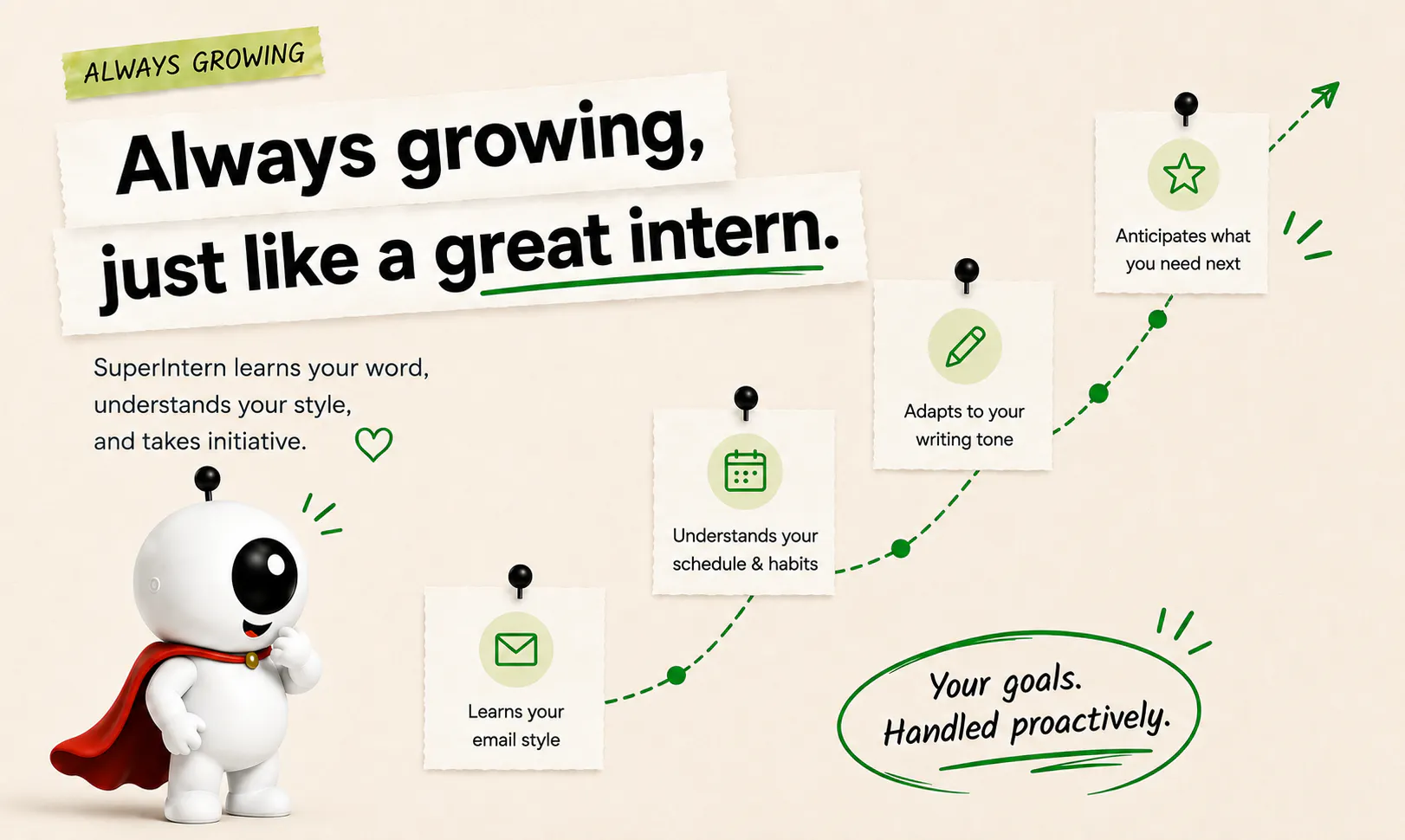
一句话介绍:SuperIntern 2.0 是一款嵌入聊天应用的 AI 邮件与会议助手,面向客户型专业人士,通过自主学习用户写作风格和业务规则,自动起草邮件、排程会议并追踪待办,在用户审批后发送,解决高频行政事务耗时问题,帮助提升 10 倍客户处理容量。
Email Productivity Virtual Assistants
AI助手 邮件自动化 会议纪要 客户管理 效率工具 工作流自动化 聊天集成 个性化学习 生产力工具 SaaS
用户评论摘要:用户普遍认可从宽泛助手转向聚焦邮件/会议/跟进的方向,赞赏“可教学”的 AI 设计以及“发送前审批”的掌控感。具体建议包括:希望 AI 学会软化客户邮件中的反驳语气、禁止早晨 10 点前预订会议等个性化规则。有工程团队成员澄清“教学”的具体形式(规则、模板、文件及编辑学习),增强可信度。
AI 锐评

SuperIntern 2.0 的定位切口精准——它没有试图做“万能 AI”,而是回归到客户型专业人士最痛的三件事:邮件起草、会议排程、跟进追踪。这种“做减法”的产品策略值得肯定,尤其在 AI 助手赛道同质化严重的当下,聚焦具体职业场景是务实的生存之道。

核心卖点“学习你的写作风格”并非新概念,但 SuperIntern 的差异在于“显性教学 + 隐性学习”双轨:用户通过自然语言规则、模板、文件直接教会 AI 业务上下文(如“永远提供两个会议时间段”),同时 AI 通过观察用户编辑行为隐式调优。这解决了纯隐式学习不可控、纯显式规则成本高的两难,是一个聪明的中间态。

不过,需要警惕两个风险:其一,“学习你的声音”在 B2B 邮件中可能是伪需求——客户更看重准确性和响应速度,而非文风酷似本人。若 AI 通过编辑学习,初期反而可能因错误揣测用户风格而增加修正成本。其二,尽管强调“永不自动发送”,但审批流的人力损耗与“10x 效率”存在天然矛盾:如果每封邮件都要审,那只是把打字时间换成了读草案时间;真正的效率跃升需要信任建立后的“部分自动发送”机制——这是产品后续必须迈向的方向。

总体而言,SuperIntern 在“可控的自动化”这个平衡点上站稳了脚跟,但能否从“好用的智能草稿箱”进化为“真正带决策的虚拟员工”,取决于其隐性学习算法能否在真实工作流中快速收敛。值得关注,但别急着封神。

查看原始信息
SuperIntern
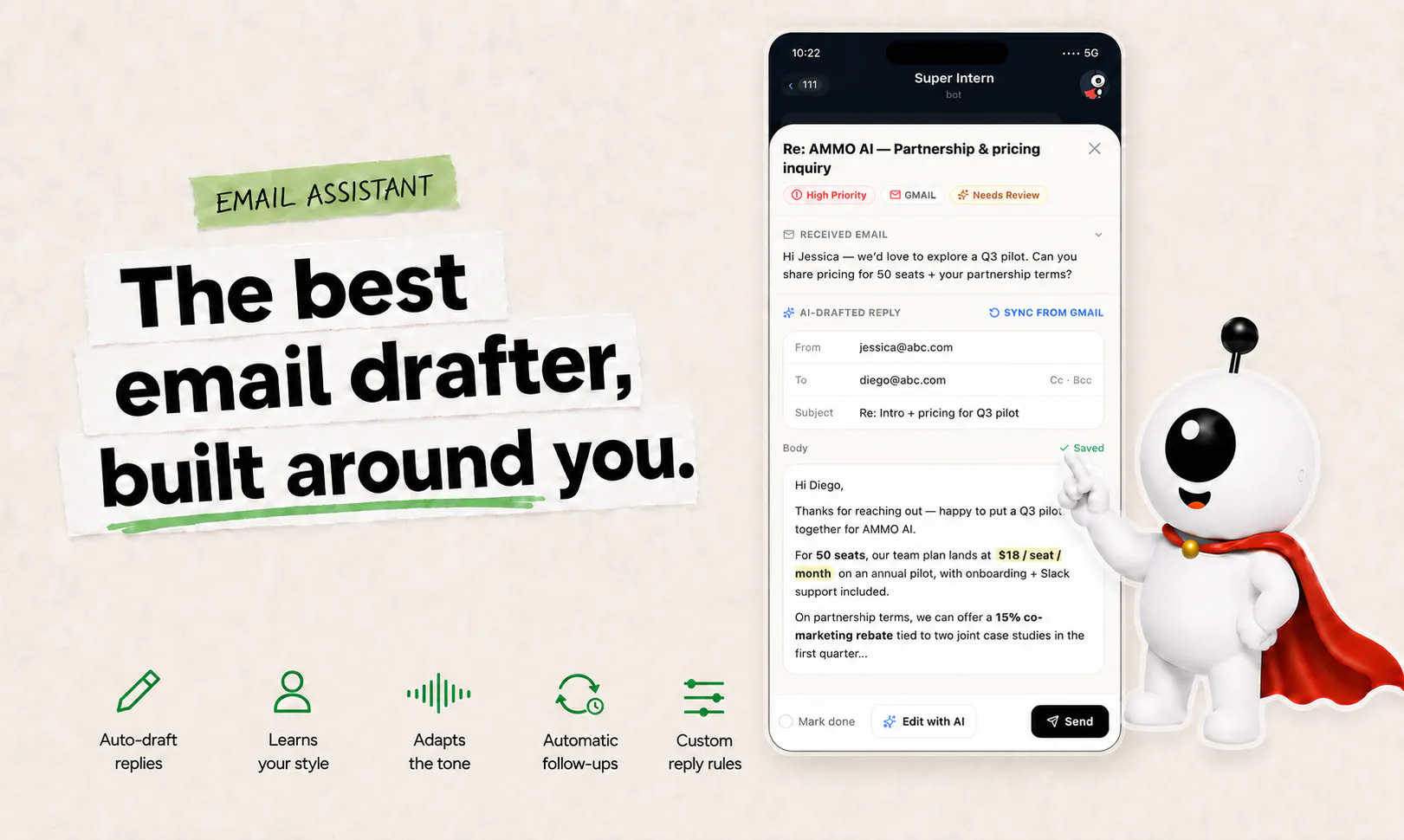
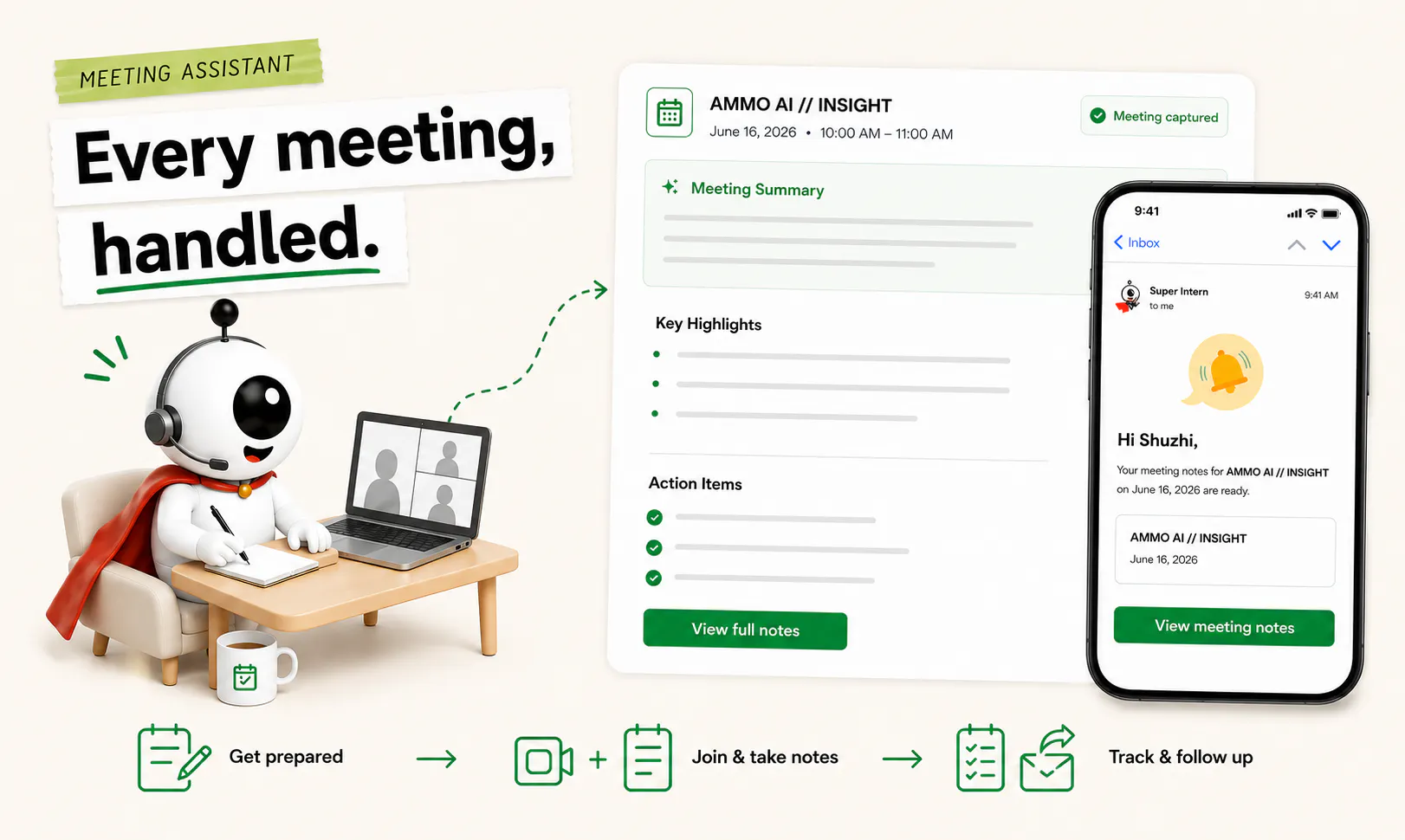
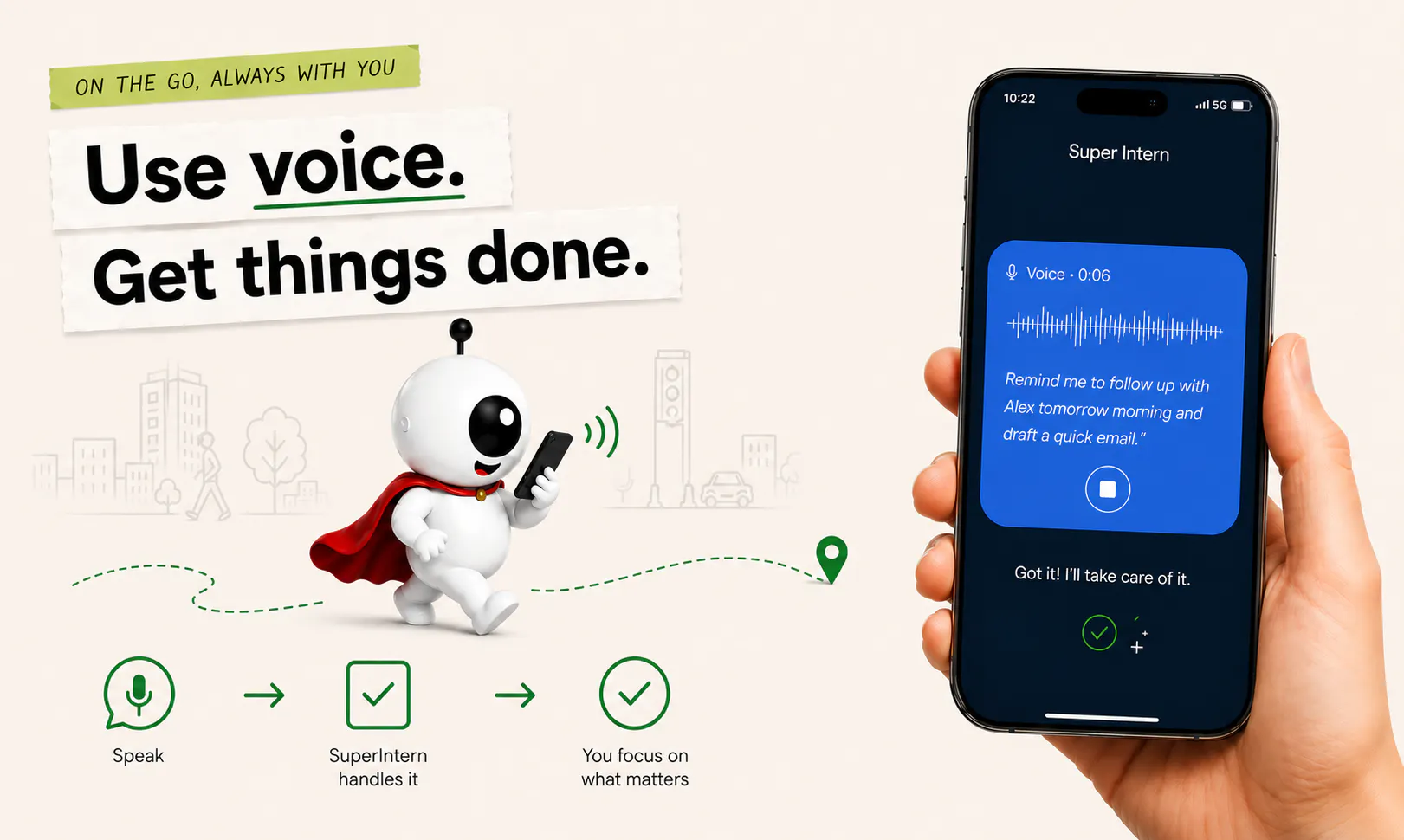
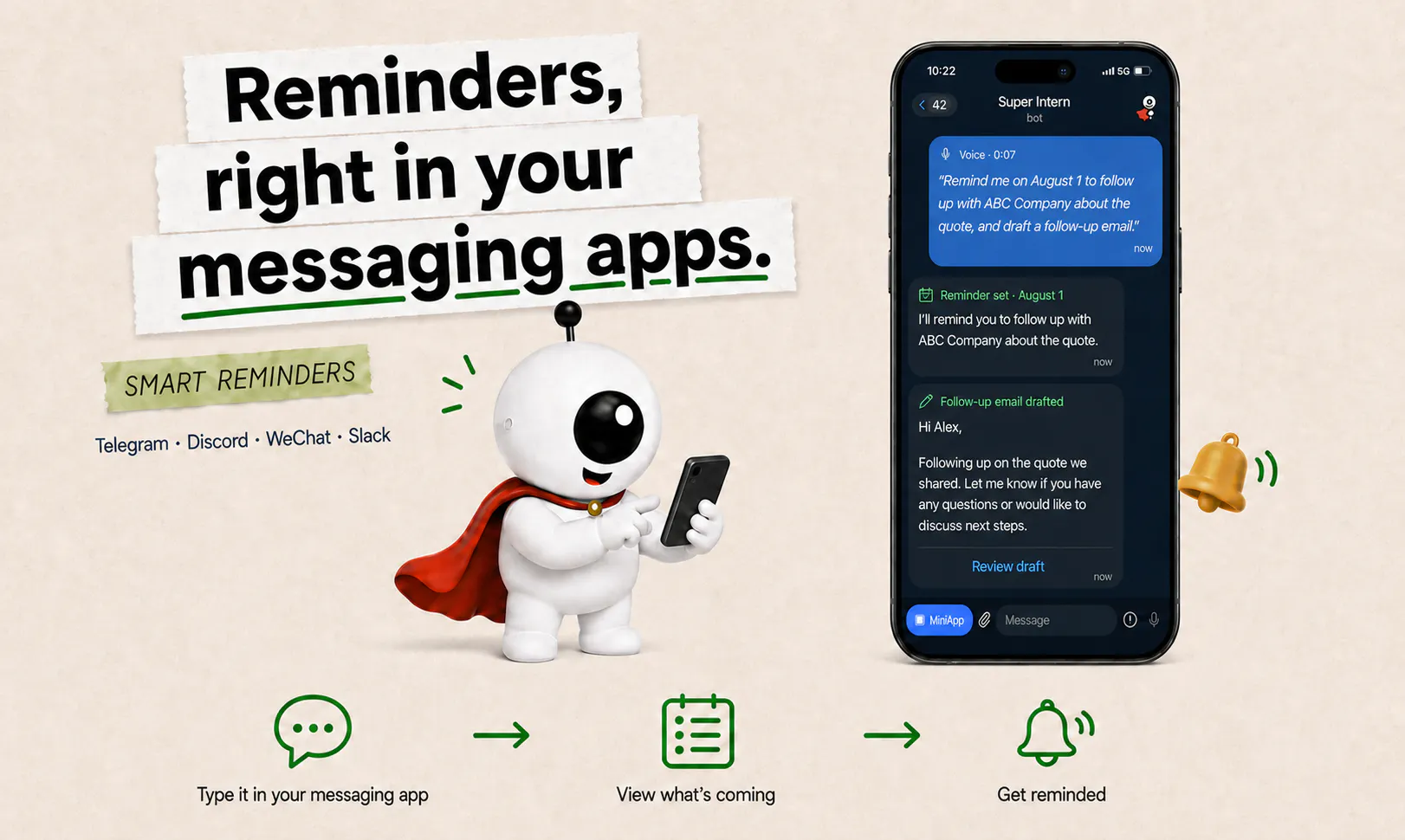
SuperIntern 2.0 is built for client-facing professionals who spend too much time on emails, meetings, and follow-ups. It learns how you write and automatically drafts replies in your voice, helps schedule and summarise meetings, and keeps follow-ups from slipping through the cracks. Scale your client capacity 10x without losing control. You approve every message before it sends.
Hey Product Hunt 👋 10 months ago, we launched SuperIntern here and were incredibly lucky to become #1 Product of the Day. A lot has changed since then. We originally built SuperIntern as a broad AI assistant that could help with almost anything. But after watching how people actually used it, one thing became clear: some of the most repetitive work still happens around emails, meetings, and follow-ups. So we went back and rebuilt SuperIntern around that. SuperIntern 2.0 is built for client-facing professionals who want to spend less time on admin and more time with their clients. What makes it different is that SuperIntern learns from you — and you can teach it. It learns how you write, how you reply, and how you work over time. You can also teach it your preferences, rules, knowledge, and context. The more it learns, the more its drafts start to sound like you and the better it gets at helping you. With SuperIntern, you can: - Wake up to email replies already drafted in your voice - Teach it your rules, preferences, and knowledge - Schedule meetings without the back-and-forth - Automatically capture meeting notes and takeaways - Keep follow-ups on track so nothing slips through the cracks - Stay on top of everything wherever you are And one principle hasn’t changed: SuperIntern drafts, but never sends emails without your approval. You’re always in control. SuperIntern 2.0 is much more focused than what we launched 10 months ago. We’ve rebuilt a big part of the product around what our users actually need — an assistant that doesn’t just generate content, but learns how you work and gets better with you. We’d love for you to give it a try and tell us what you think. And if you could teach SuperIntern one thing about how you work, what would it be? Thanks for having us back, Product Hunt ❤️
6
回复

@jieyu_yang1 Congrats on the relaunch, Jieyu! Going from a broad assistant to focusing specifically on emails, meetings, and follow-ups feels like the right call — that "learns how you write over time" piece is honestly the hardest part to get right, so excited to see how that plays out.

To answer your question — if I could teach it one thing, it'd probably be how I naturally soften pushback in client emails without sounding overly formal, that tone balance is tricky to nail.

If you ever have some time, feel free to reach out on LinkedIn — I'm building something in the founder/startup space (completely free to try), would genuinely love your take on it since you clearly think a lot about how tools should actually adapt to how people work.

0
回复

@jieyu_yang1 I really like the idea of teaching the AI how you work instead of just expecting it to figure everything out. And keeping the final approval with the user is a nice touch. Congrats on the 2.0 launch! 👏

0
回复

@jieyu_yang1 
Congrats on launch day!

I'm on the engineering team — since "you can teach it" can sound like fluff, here's what it means concretely.

You give SuperIntern plain-English rules ("keep client replies short", "always propose two meeting slots"), save templates for the replies you type twenty times a week, and feed it your pricing, policies, and files — so drafts come back answered from what you taught it, with the right attachment already on.

And it learns your voice mostly by watching how you edit its drafts, so they get less "polite robot" over time.

To answer your question: I'd teach it "never let anyone book me before 10am."

1
回复
#13
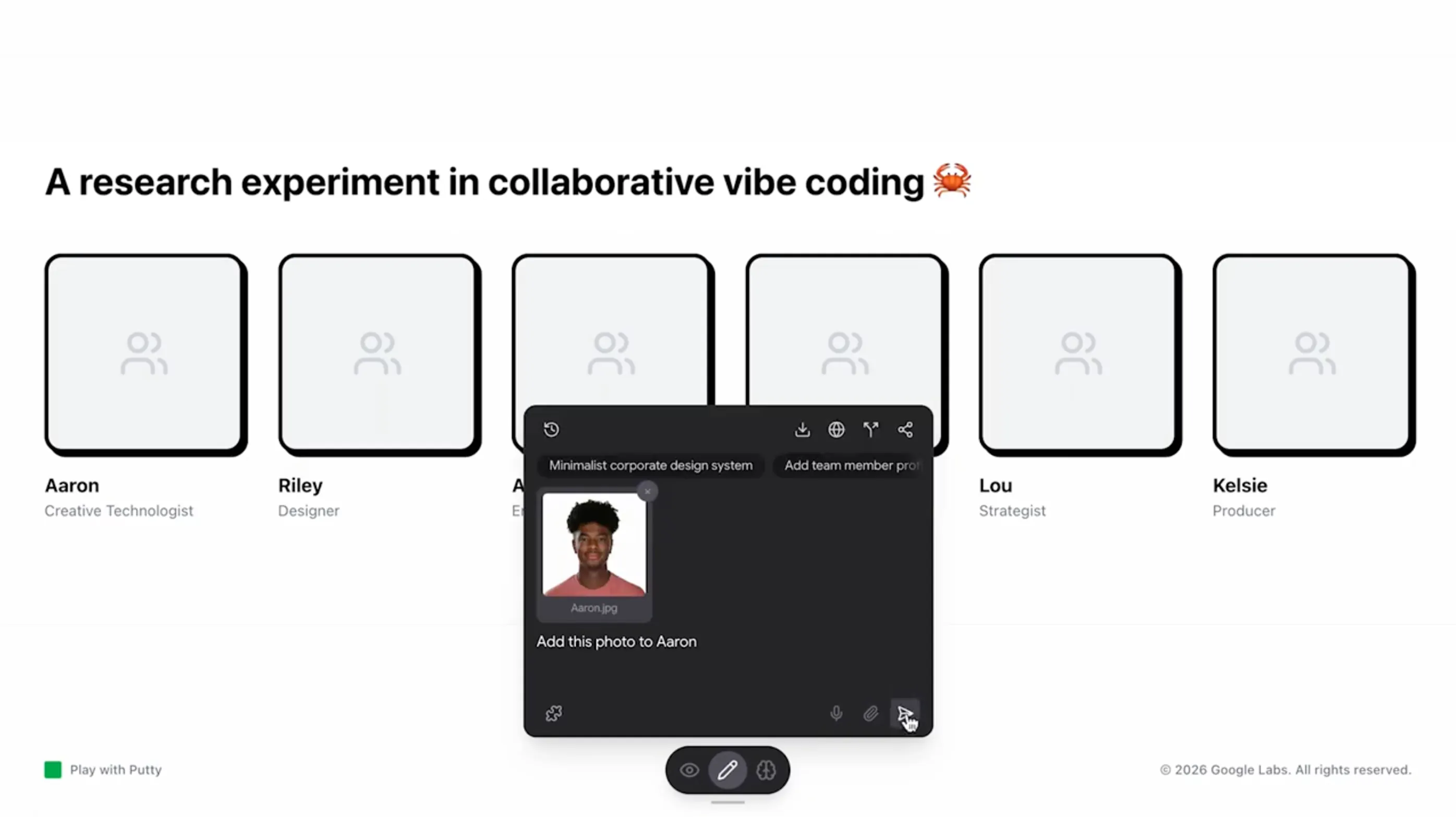
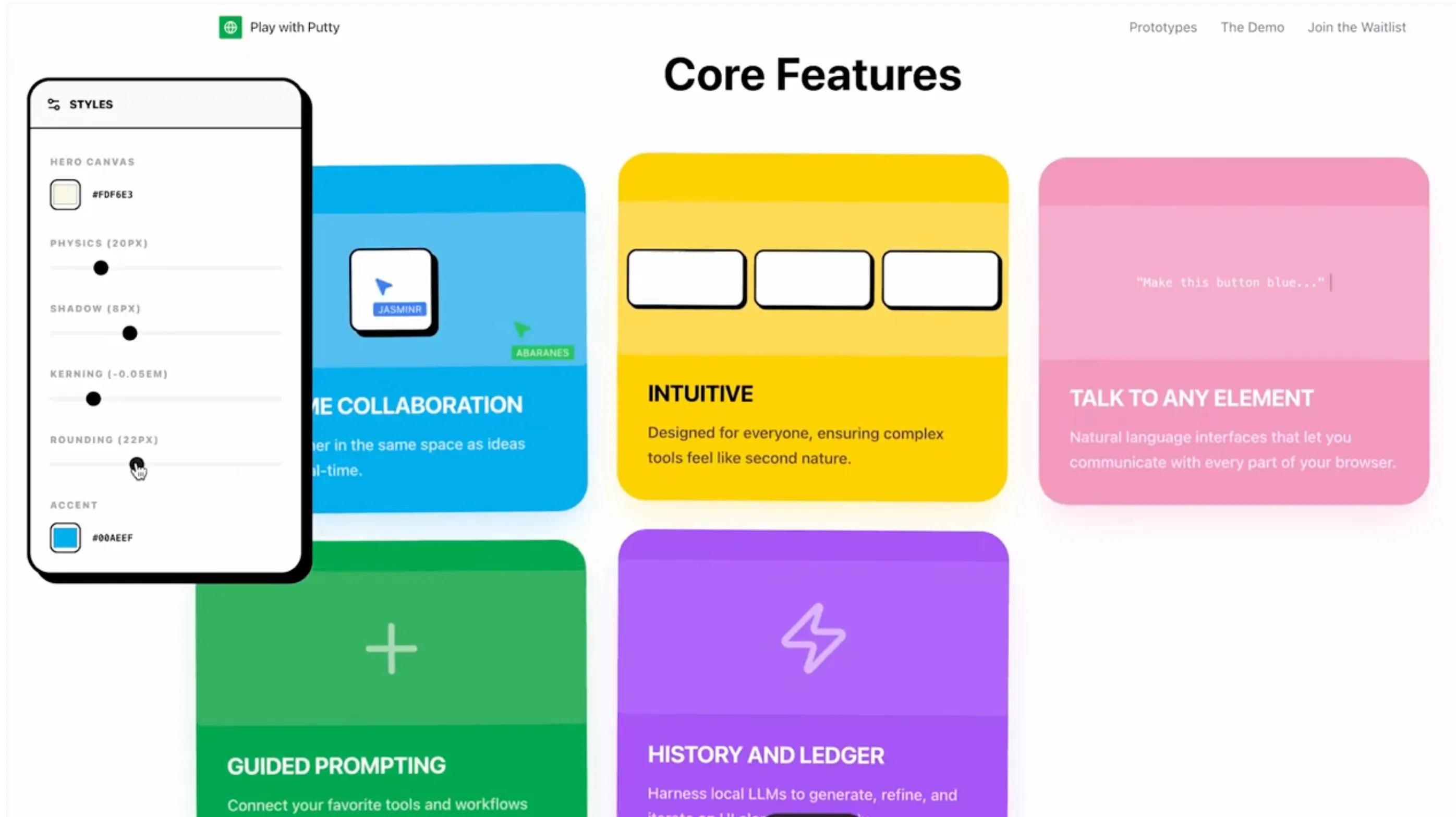
Play with Putty
Simple, Collaborative Vibe Coding
107
一句话介绍:Play with Putty是一款主打“无摩擦实时协作”的AI辅助编程工具,让分散的团队成员能在同一虚拟画布上边聊边写代码,解决远程协作时“创意中断”和“同步成本高”的痛点。
Design Tools Artificial Intelligence Vibe coding
AI协作编程 实时多人编辑 低摩擦开发 远程团队工具 创意流保护 无头IDE 协作画布 生产力工具 社交编码 轻量级IDE
用户评论摘要:现有评论较少且偏正面,核心反馈集中在“协作便捷性”和“团队异地同步”的价值上。暂无具体功能缺陷或改进建议,但点赞量低,说明早期用户多为创始人的熟人圈,缺乏深度使用验证。
AI 锐评

Play with Putty踩中了“AI+实时协作”这个看似性感、实则拥挤的赛道。它的口号“frictionless, real-time, collaborative building”听起来很美,但产品本质仍是“带AI助手的多人编辑器”——这个领域已有CodeSandbox、Replit、GitHub Copilot Workspace等强敌,且它们都解决了“从代码到部署”的闭环,而Putty目前只强调了“一起搭积木”的过程,没有展示版本控制、权限管理、云端运行等企业级刚需。

107票的发布成绩在Product Hunt属于中下水平,评论仅两条且全是礼貌性吹捧,说明它并未引发真实用户的“WOW”时刻。更危险的是,“AI enables people to build without breaking creative flow”这句话——听起来像承诺,实则回避了最核心的问题:当AI生成的代码和多人手动修改冲突时,如何优雅合并?如果只是把Cursor的多人版套壳,那么它解决的只是“表面协作”,而非“心智协作”。

真正的价值或许在于“低门槛邀请制”:不需要配置环境,打开即写,这对设计师、产品经理等非专业开发者友好。但如果不能快速沉淀出“协作共识记录”“AI分歧裁决”“异步代码评审”这类差异化机制,它大概率会沦为又一个“演示惊艳、落地鸡肋”的玩具。建议团队先聚焦10人以内的小团队场景,做好冲突解决和回放日志,再谈“打破创意流”——现在更像是在说“我们没打断你,但也没帮到你”。

查看原始信息
Play with Putty
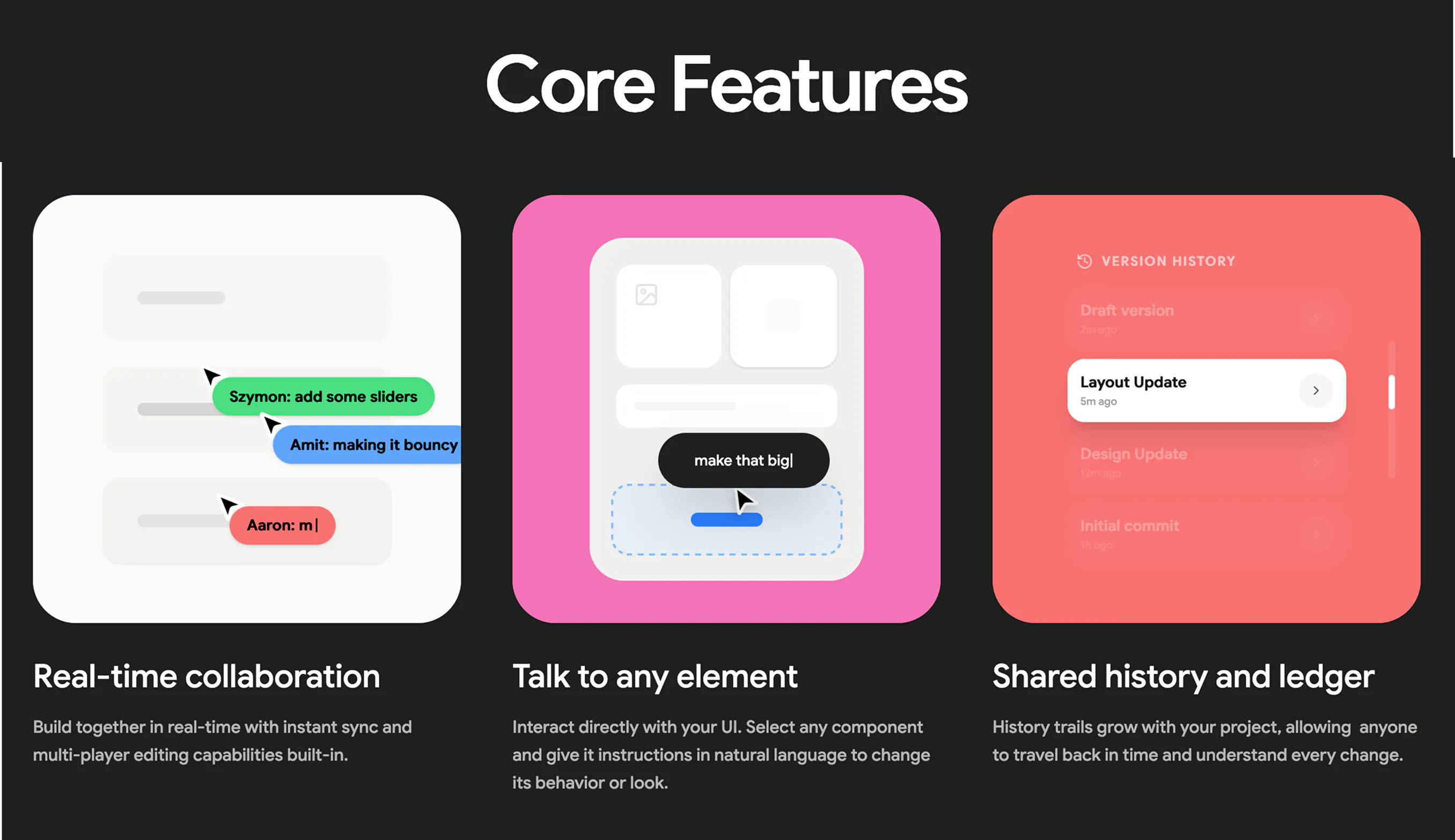
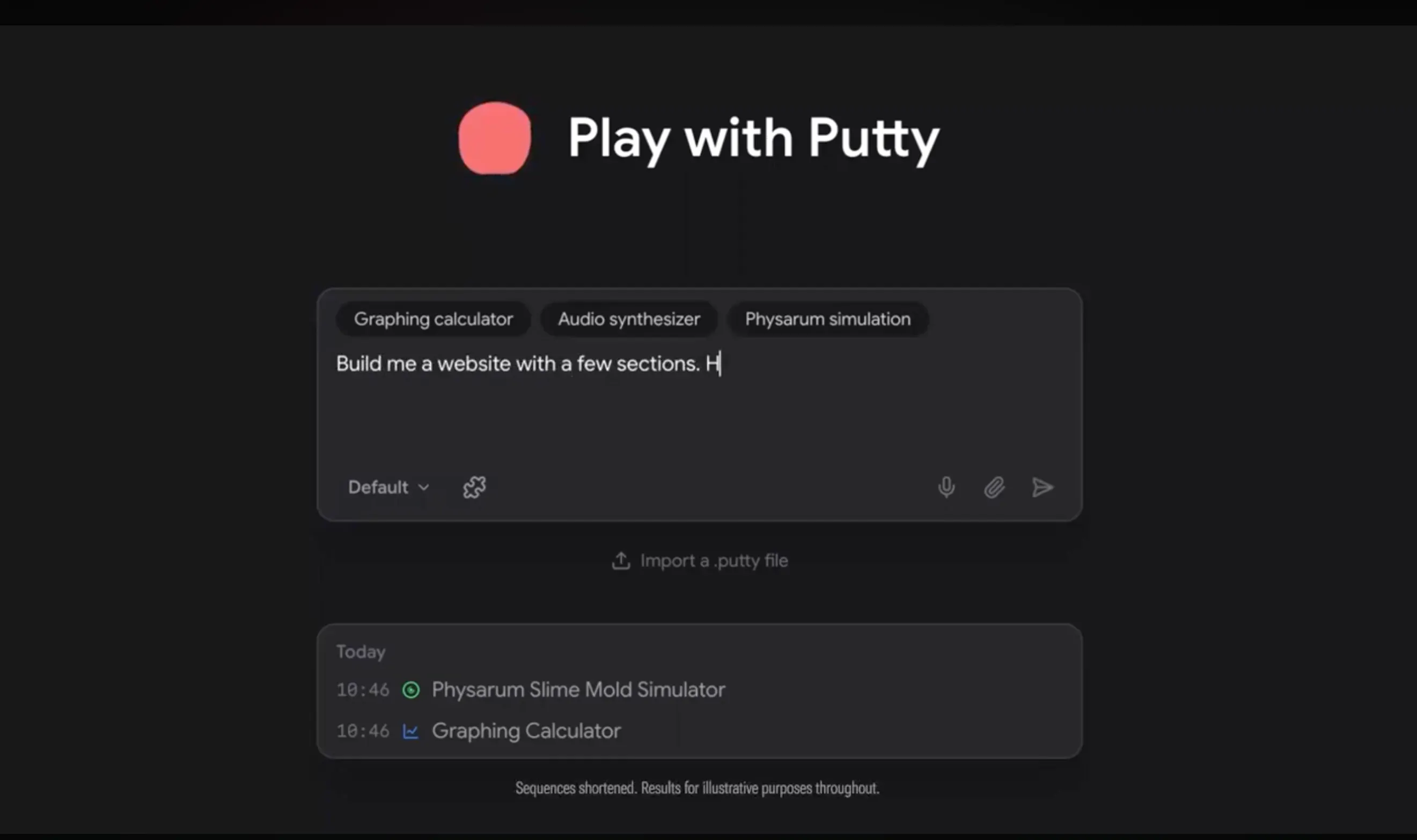
Play with Putty was designed to bring people together through frictionless, real-time, collaborative building. By providing an environment where AI enables people to build without breaking creative flow.

Liked the idea of working together Gabe! Thanks for hunting tihs!

1
回复

Love the fact that you're able to build collaboratively, wherever your teammates are

0
回复
#14
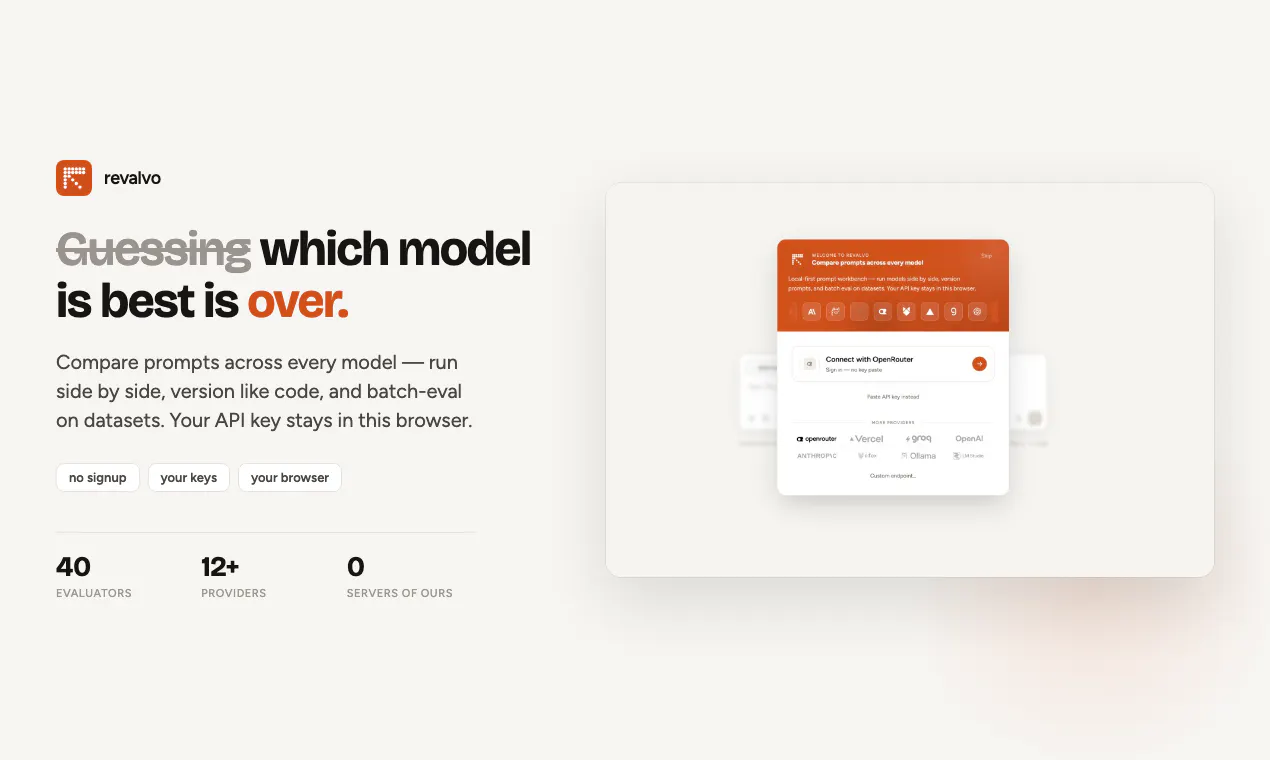
Revalvo
Run prompts on every model at once. Score. Version. Ship.
96
一句话介绍:Revalvo 是一款本地优先的提示词工程与 LLM 评估工作台,让你在浏览器中一次性将同一提示词并行跑遍所有主流模型、用 40 个内置评估器打分、像 Git 一样版本化管理提示词,并在数据集上批量测试,无需注册账号或托管数据库,API 密钥仅存本地,解决的是“上线前快速、安全、可复现地迭代与验证提示词”的痛点。
Productivity Developer Tools Artificial Intelligence
本地优先 提示词工程 LLM评估 多模型对比 批量测试 提示词版本管理 BYOK 开发者工具 AI工作台 离线可用
用户评论摘要:用户普遍认可“40 个评估器”的价值,但犀利追问其中有多少是确定性的规则检查、多少是 LLM 裁判,担心裁判模型继承被评模型的失败模式;另有用户询问与 LangSmith、W&B Evals 的差异,团队回应定位为“生产级观测栈之前的快速迭代工具”;还有用户关心多 API 调用失败时的容错处理,并提及自家产品 Fluxera 可检测此类故障。
AI 锐评

Revalvo 的聪明之处在于精准卡位:聊天式 Playground 太随意,企业级 Eval 平台太重,它用“本地优先 + BYOK + 无账号”切中了提示词工程最痛的一环——在把提示词交给生产环境之前,你需要一个诚实的、可复现的、不被服务商锁定的“试炼场”。40 个评估器不是噱头,团队在评论中坦诚拆解为约 25 个规则检查 + 14 个 LLM 裁判 + 嵌入相似度,并明确“确定性门禁优先,裁判仅用于规则无法表达的维度”,这种对评估结果可信度的清醒认知,比多数宣称“AI 评估一切”的工具更专业。其价值不在于取代 LangSmith 或 W&B,而是补上“写出提示词”与“接入观测栈”之间的空档,本质是让提示词版本化像代码版本化一样成为默认习惯——这是工程思维的胜利。

但风险同样明显:本地优先意味着协作与共享是天然短板,GitHub 同步工作流若不够顺滑,团队场景会迅速回落给云端平台;另外,40 个评估器如果缺乏可自定义的导出/CI 集成能力,容易沦为“一次性研究工具”而非持续部署的环节。核心考验在于能否让“批量测试 + 版本对比”成为高频习惯,否则极易被大厂 Playground 的下一次升级所覆盖。一句话:方向极对,护城河尚浅,需靠执行力深挖。

查看原始信息
Revalvo
Revalvo is a local-first workbench for prompt engineering and LLM evaluation. Run the same prompt against every model in parallel, score responses with 40 built-in evaluators, version prompts like code, and batch-test on datasets — before anything hits production. No account, no hosted database: your API keys stay in your browser.
We built Revalvo because chat playgrounds are fast but leave no receipt, and hosted eval platforms are rigorous but slow and server-side. Revalvo sits in the middle: sub-minute setup, side-by-side multi-model runs, git-style versioning, and batch eval in one local-first app. Try it: revalvo.com — paste an OpenRouter/any OpenAI Compatible providers key or run fully offline with Ollama. What we’d love feedback on: evaluator coverage, GitHub sync workflow, and which providers you want next. Built with BYOK — we never touch your keys or markup your API spend.
1
回复

@lokesh_coder Hey Revalvo team! I just tried Revalvo and it was super impressive — running prompts across models, scoring them, and versioning the results is a really useful workflow.

With multiple models and APIs involved, I’m curious how you handle failures across those calls.

We’re building Fluxera to detect API failures before they turn into broken AI workflows.

If you'd like to test it, DM me “Fluxera” and I'll send you the SDK for a free 3–4 day trial.

Would love to see what Fluxera finds.

0
回复

hey, classic question: how is it different than langsmith evals or weights and biases evals?

0
回复

@paul_from_dentro Hi Paul, LangSmith & W&B are great for hosted tracing + team evals in production. Revalvo is a local-first prompt workbench: multi-model playground, prompt versioning/diffs, batch eval (40 evaluators, mostly rules + some judges), BYOK, no account, Ollama offline. We’re optimized for fast iteration before you wire up a full observability stack — not replacing enterprise eval infra.

0
回复

40 evaluators is the number I'd push on. Most eval suites I've used come down to another model grading the output, so the eval inherits the same failure mode as the thing it's grading. For each of those 40 I'd want to know upfront whether it's deterministic or a judge model, because I trust those two very differently. BYOK with no markup on API spend is the right call though.

0
回复

@asadmalik901 Really fair point — and it's why we don't treat "40 evaluators" as "40 LLM judges."

In Revalvo today it's roughly ~25 rule-based checks (exact match, regex, JSON schema, length, PII patterns, etc. — deterministic, no extra API spend) and ~14 that need a model (LLM judge, rubric, faithfulness/hallucination-style scorers, plus embedding similarity). In the Evaluators workspace each one is labeled Rule-based, LLM judge, or Code before you attach it to a dataset.

Our bias for batch eval is the same as yours: stack deterministic gates first (cheap, stable, CI-friendly), then use judges only where rules can't express the rubric. Judges are powerful but you're right that they inherit the grader's failure modes — we don't pretend otherwise.

BYOK / no markup is non-negotiable for us too. If you try it, I'd love to know whether the kind labels are visible enough on first run or if we should surface "deterministic vs judge" even earlier in the dataset flow.

Thanks for the thoughtful comment — this is exactly the feedback we were hoping for on PH.

0
回复
#15
Fide Island
Make your MacBook notch actually useful
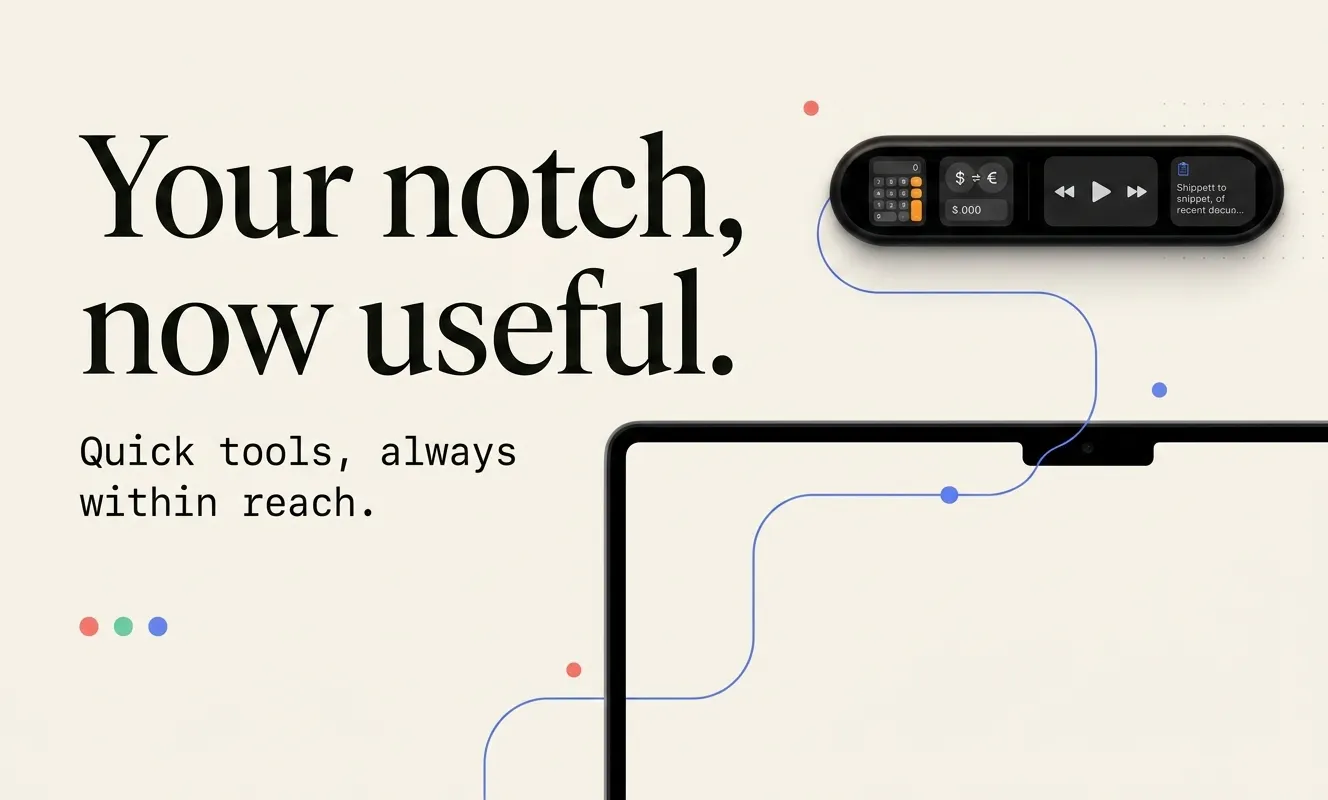
92
一句话介绍:Fide Island 将 MacBook 的闲置刘海变成一块常驻的快捷操作面板,让用户在专注当前工作的同时,无需切换应用即可完成计算、汇率换算、查看日历、控制媒体或访问剪贴板等高频微操作。
Productivity Menu Bar Apps Apple
MacBook刘海屏 刘海工具 菜单栏增强 效率工具 快捷面板 系统工具 媒体控制 剪贴板管理 汇率换算 macOS应用
用户评论摘要:用户普遍认可“变废为宝”的理念,但指出赛道拥挤,需明确差异化优势(如汇率/计算器)。核心诉求集中在文件传输进度实时显示、快速笔记入口;同时对未签名导致的安全警告表示疑虑,建议尽快完成公证。
AI 锐评

Fide Island 的切入点精准,瞄准了 MacBook 用户对刘海这一“硬件瑕疵”的集体心理账——它不解决物理问题,而是用软件交互将其重新定义为“专属空间”,这一叙事本身具备传播力,也是其获得首波投票的基础。但产品真正的护城河并不在于“把刘海变成岛”的创意,因为该赛道已拥挤,且巨头(如苹果)随时可能通过系统级API将类似能力内置。其价值有两条线:一是作为“快捷动作”的聚合入口,以极低的交互成本(不离开当前窗口)换取高频微操作的效率提升,这本质上是将Spotlight或Raycast的查询范式图形化、区域化,但必须证明其调用速度和覆盖范围能超越快捷键与快捷键冲突;二是评论中反复出现的“进度显示”需求,这不只是功能点,更揭示出刘海屏作为“被动信息感知区”的潜力——即无需用户主动点击,即可呈现后台任务状态。若Fide Island仅停留在主动点击交互,其价值将局限为“一个漂亮的启动器”,难逃被替代的命运。真正的机会在于从“命令面板”进化为“情境感知层”,利用刘海区域展示系统级状态流(如传输、下载、后台渲染),从而实现对其他效率工具的降维打击。此外,未签名问题虽小,却是初期口碑裂变的硬伤,对非技术用户而言,安全警告足以劝退,开发者应在宣传理念前优先解决信任状。总体而言,产品有巧思,但目前更偏向“精致的玩具”,距离“不可或缺的基础设施”仍需在被动信息展示和系统级集成上做出更深突破。

查看原始信息
Fide Island
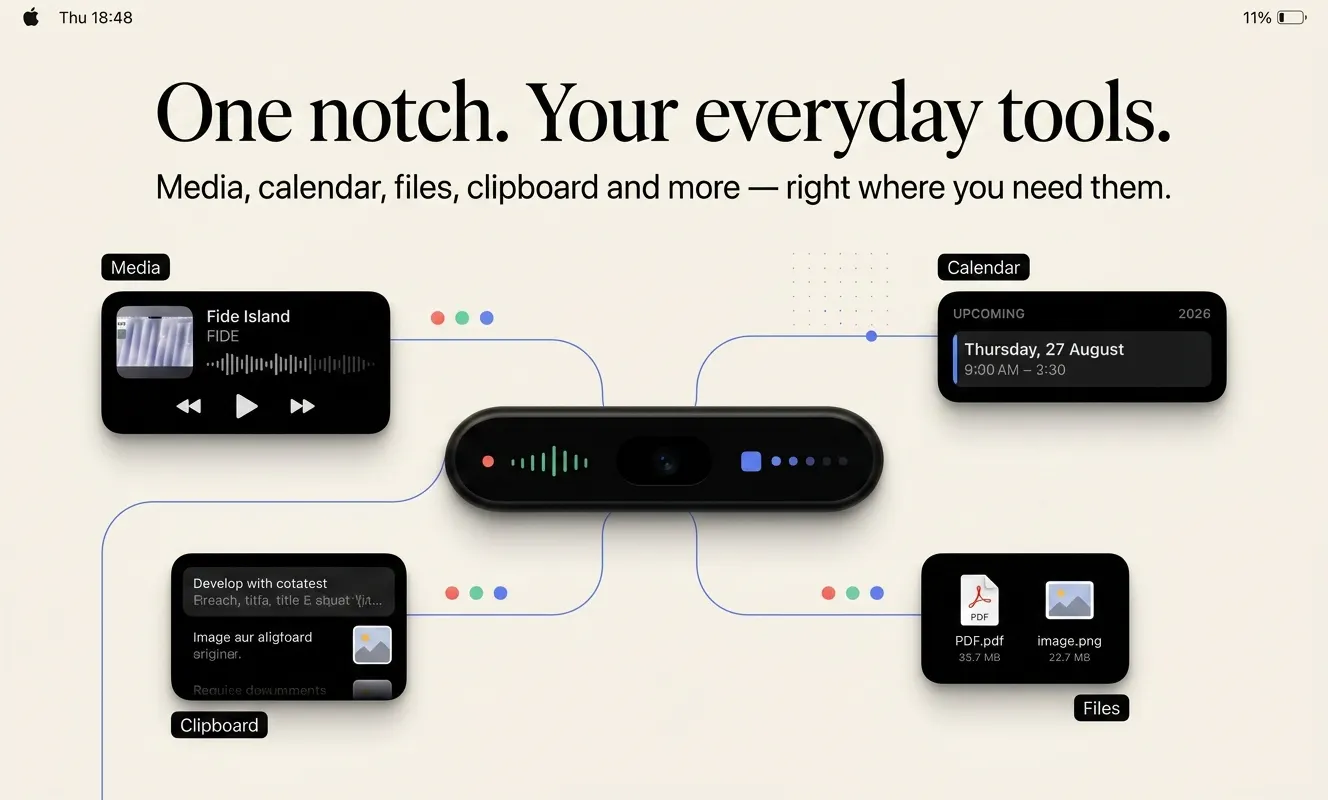
Fide Island turns your MacBook notch into a compact, fluid command surface. Control media, check your calendar, keep files and clipboard items close, run quick calculations, and see system feedback - without leaving what you're doing.
The MacBook notch has always felt like a lot of space doing… not much. When Apple introduced Dynamic Island on iPhone, I loved the idea of turning a hardware limitation into something useful and interactive. And I kept thinking: why shouldn’t the Mac have something like that too? But there was also a more practical reason. I often need to do tiny things while working - quickly calculate something, convert one currency to another, check something without losing focus. And every time, it meant opening Calculator, switching to the browser, searching for a currency converter, or jumping between apps for something that should take a few seconds. I wanted those little actions to be available instantly, without interrupting what I was doing. That’s how Fide Island started. Instead of letting the notch just sit there, I wanted to turn it into a small utility space that’s always within reach - for quick calculations and currency conversions, but also media controls, calendar events, files, clipboard history, system feedback, and more. My goal wasn’t simply to copy Dynamic Island onto macOS. I wanted to explore what this space could become when it’s designed around the way we actually use a Mac. Fide Island is still evolving, and I’d genuinely love to hear what you think. What’s one small thing you constantly open another app or browser tab for - that you’d rather have instantly available in the notch? 👀
2
回复

@sergey_murzak Hey Fide Island team! I just tried Fide Island and it’s a really clever way of making the MacBook notch more useful.

I was curious about the integrations and services powering the experience — how are you handling API failures when something goes wrong?

We’re building Fluxera to detect those failures before they affect users.

If you'd like to test it, DM me “Fluxera” and I'll send you the SDK for a free 3–4 day trial.

Would love to see what Fluxera finds.

1
回复

@sergey_murzak this actually makes a lot of sense for the notch. i’d probably use quick notes the most though — especially when i don’t want to open another window. congrats on the launch!

0
回复

notch utilities feel like a crowded lane right now, i counted at least 3-4 similar apps on this same page. what's pulling people to fide island specifically over the others - is it the currency/calc stuff, or something else

1
回复

@galdayan Fair point - it’s definitely getting crowded :)

I think what makes Fide Island different is less about one specific feature and more about the overall experience: a polished UI, a very accessible price, and small but genuinely useful features you can use every day.

Currency and calculator are part of it, but I’m building Fide Island as a broader everyday utility for the MacBook notch. I’ve also got several new features on the roadmap, so there’s quite a bit more

0
回复

Hey Sergey, the product looks super cool. Unfortunately, I couldn't install it on my mac as it flagged for malicious files.

1
回复

@seomaxtech 
Hey Soumyadip, thanks for checking it out! There are no malicious files in the app. macOS shows this warning because the app is currently not signed and notarized by Apple - I don’t have an Apple Developer account yet.

If you’d still like to try it, you can allow it manually via System Settings → Privacy & Security → Open Anyway.

I’m planning to get the app properly signed/notarized so this warning won’t appear in the future. Thanks for flagging this!

0
回复

The notch is dead space on my MacBook. The apps I work on run long file transfers, and a glanceable progress bar up there would earn its spot. What does the island show when nothing is running?

0
回复

@yelyzaveta_kibets Right now it doesn’t track progress from arbitrary third-party file transfers, but a glanceable progress indicator for long-running tasks is exactly the kind of thing that makes sense for this space. I’m looking into how to support that across apps. Thanks for the idea, Lisa!)

1
回复
#16
CTRL Micro
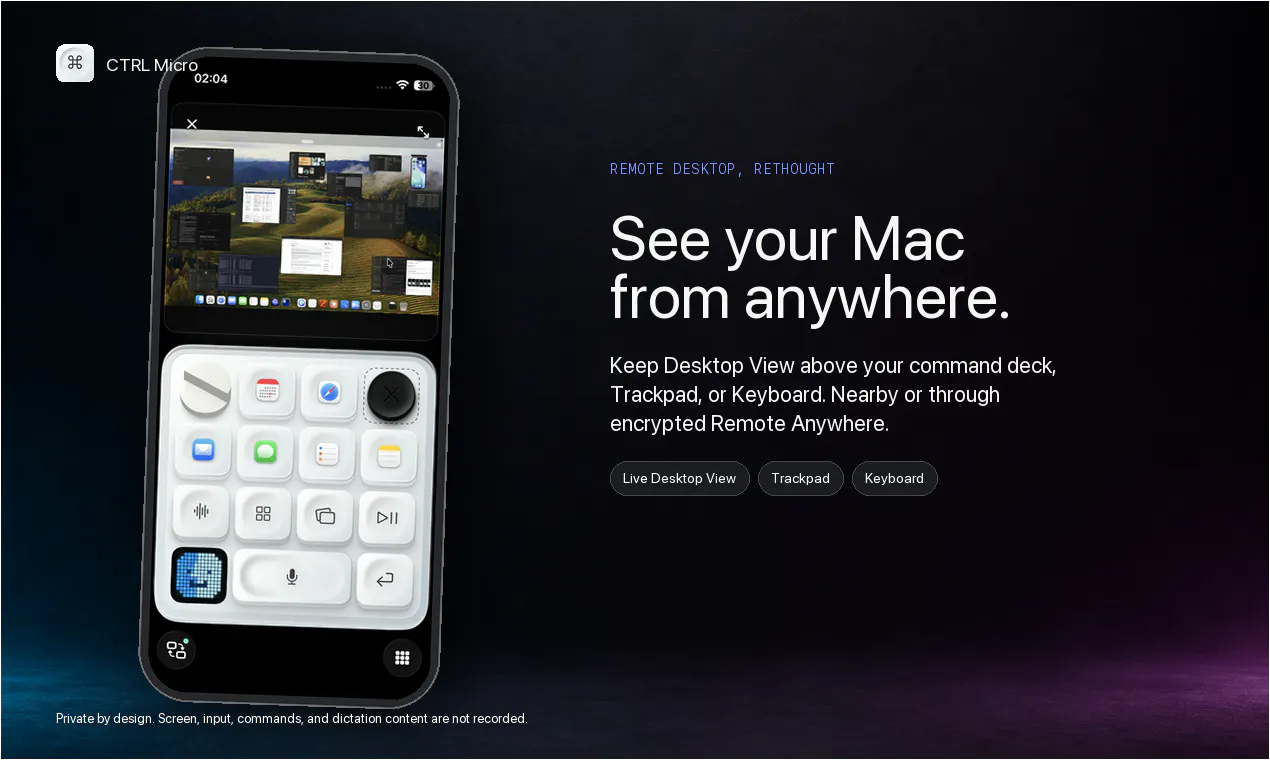
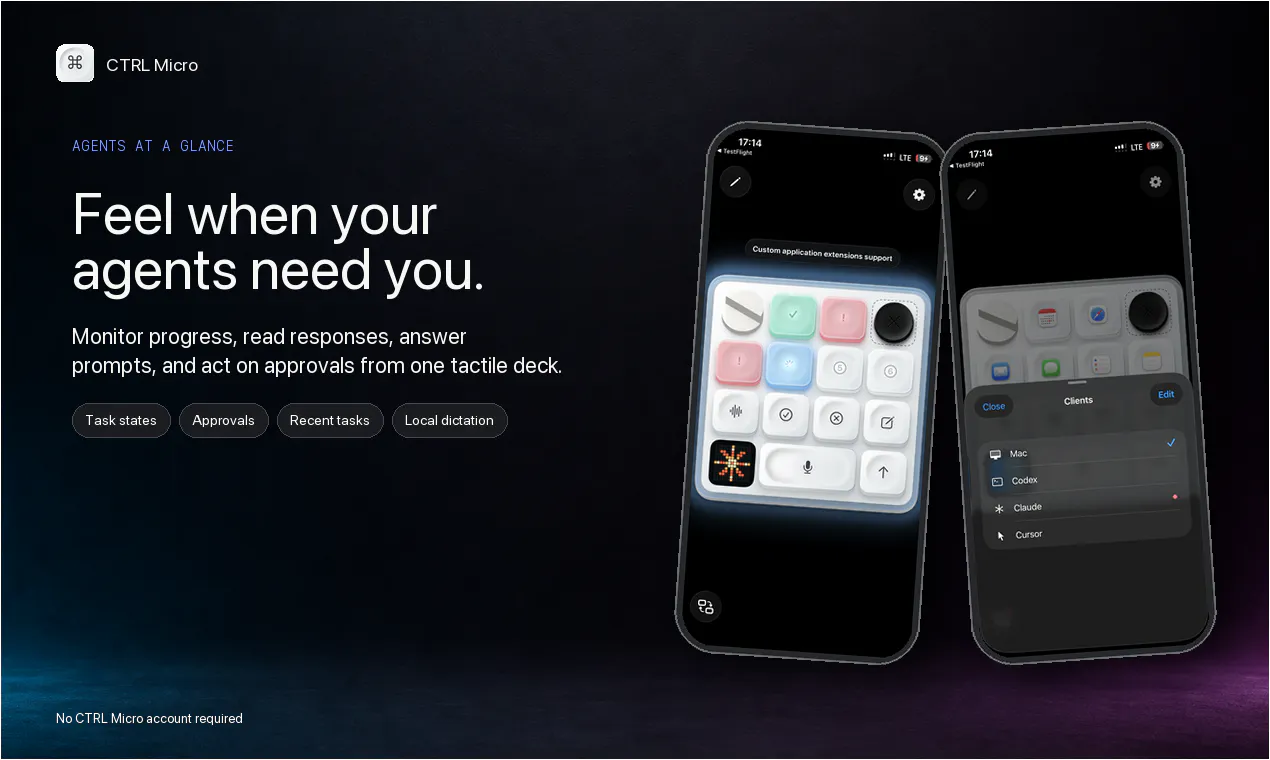
Haptic control deck for your Mac and AI agents
92
一句话介绍:CTRL Micro 将你的 iPhone/iPad 变为 Mac 及 AI 代理(Codex、Claude、Cursor)的触觉控制台,通过 Taptic Engine 提供物理按键反馈,解决 AI 任务需频繁切换屏幕查看和操作的效率痛点。
Mac Productivity Artificial Intelligence
AI 代理控制台 Mac 远程控制 触觉反馈 iPhone 配件 效率工具 本地优先 端到端加密 Whisper 听写 桌面监控 自定义快捷键
用户评论摘要:用户普遍赞赏“用 Taptic Engine 替代实体硬件”的巧思,认为闲置 iPhone 作控制面很实用。主要疑问集中在定价模式(已回复免费+内购)、远程连接协议(Bonjour+加密中继),并关心不同任务(成功/失败)的震动模式差异(已确认支持多模式)。一位开发者主动推荐其 API 故障检测服务,属推广性评论。
AI 锐评

CTRL Micro 的聪明之处在于“借壳”——它没有试图造一个新硬件,而是把现有 iPhone 的 Taptic Engine 和屏幕资源“挪用”为 PC 外设。这在产品逻辑上是成立的:AI 代理的异步执行特性天然适合“第二屏幕”监控,而物理按键的确定性反馈恰好弥补了 AI 结果的不确定性心理负担。但它的价值上限取决于一个残酷的前提:用户是否真正重度依赖多个 AI 代理,并愿意为此牺牲一台手机的物理独立性。目前 92 票的冷启动数据说明该需求仍属极客向小众市场。产品最实质的护城河并非功能(同类软件可轻易模仿),而是与 Mac 生态的深度融合深度——尤其是本地 Whisper 转写和 Bonjour 发现的低延迟体验。其最大风险是:一旦 Codex Micro 这类专用硬件恢复供应,或苹果在 sidecar 中直接加入 AI 监控能力,这个“软平替”的生存空间将被瞬间压缩。建议团队尽快切入企业级 AI 工作流合规场景(如审计操作记录、多机群控),而非停留在个人开发者工具层面。现在它像是一把精致的瑞士军刀,但大多数人只需要一把菜刀。

查看原始信息
CTRL Micro
Codex Micro ran out of stock, so we built one for your phone using Apple Taptic Engine. Turn your iPhone or iPad into a tactile control deck for your Mac. Monitor Codex, Claude, and Cursor, open a live Desktop View, use Trackpad and Keyboard, and dictate locally using Whisper. Works nearby or through end-to-end encrypted Remote Anywhere. You can also build your own custom controls to make the deck work on any app you want. Give it a try and keep your agents in sight from anywhere.

Hi Product Hunt! I built CTRL Micro because I loved the idea of a physical control deck for AI work, but options like Codex Micro are out of stock, and I wanted something I could use immediately on the iPhone already in my pocket.

What began as tactile shortcuts became a fuller companion for Mac and agent workflows. CTRL Micro lets you:

• Monitor Codex, Claude, and Cursor and feel when a task needs attention
• Open tasks, read responses, answer prompts, and act on approvals
• See your Mac in a live Desktop View
• Move the pointer, scroll, click, and type with Trackpad and Keyboard surfaces
• Dictate into desktop apps with transcription processed locally on your Mac
• Connect nearby or through end-to-end encrypted Remote Anywhere

Privacy guided the architecture. Your controller pairs with one or multiple Macs, no CTRL Micro account is required. Screen, input, command, and dictation content are processed locally and encrypted.

The iPhone and iPad app is live on the App Store, and the Mac Host is available from ctrlmicro.com.
I would especially love feedback on the Game Boy-style Desktop View and which controls you keep reaching for.

1
回复

@marioandf Hey CTRL Micro team! I just tried CTRL Micro and it was really cool — the combination of a physical control deck with Mac and AI agents is a great idea.

As those agent workflows depend on different APIs and services, I’m curious how you're handling failures when something goes wrong.

We’re building Fluxera to detect those API failures before they affect the workflow.

If you'd like to test it, DM me “Fluxera” and I'll send you the SDK for a free 3–4 day trial.

Would love to see what Fluxera finds.

1
回复

Using the Taptic Engine instead of waiting on deck hardware is clever. I work on Mac apps all day, so a spare iPhone as a control surface fits neatly. Does the haptic pattern differ when an agent finishes vs fails?

1
回复

@yelyzaveta_kibets Yes. That is the great thing about Apple Taptic Engine. It allows many different haptic patterns.

1
回复
Hi, I like the idea looks great. Is it free? Couldn’t read anything about that point. Which protocol is in use for remote connection?
1
回复

@metin_54 Yes, you can definitely start for free with full Mac controls. You can also test the agent management and upgrade only if you need to. We use Apple Bonjour protocol for nearby connections and end to end encrypted relay for remote connection.

0
回复
#17
AureaCam
Real-time scoring to master the rule of thirds
83
一句话介绍:AureaCam是一款将浏览器摄像头变为实时构图教练的PWA工具,通过0-100分的实时评分,帮助摄影新手在取景时直观掌握三分法和黄金比例构图技巧。
Design Tools Education Photography
摄影构图 实时评分 三分法则 黄金比例 PWA应用 相机工具 新手教学 移动端 网页应用 视觉反馈
用户评论摘要:用户认可其“化理论为即时反馈”的实用价值,但核心疑问集中在两点:一、评分机制是否灵活,是否会误判有意打破规则的创意构图;二、图像处理是否在本地设备完成,以确认隐私安全(涉及摄像头权限)。另有开发者借机推广自身服务。
AI 锐评

AureaCam的切入点十分讨巧——它精准击中了摄影学习中最令人挫败的“知行鸿沟”:人人都能背诵三分法,但一拿起相机就忘。将抽象理论转译为可量化的实时反馈,这本质上是把“摄影教练”这一高成本服务压缩进了一个零安装的浏览器标签页,产品思路清晰且成本极低(无需后端,纯前端实现评分),堪称四两拨千斤的独立开发者范本。

然而,其价值天花板与致命伤同样明显。作为一款“教学辅助工具”,它最大的潜在危机是“应试教育化”——用户会为了追求高分而机械地将主体移向交叉点,这恰恰扼杀了摄影作为视觉语言最重要的“违规表达权”。评论中已有用户尖锐地指出了这一逻辑漏洞,而产品方未给出回应场景下的策略,这说明其评分算法目前大概率只是基于构图焦点的“位置匹配”,对“光影平衡”、“负空间张力”等浑然一体的美学要素几乎无能为力。这决定了它只能是一个帮助用户脱盲的“初级拐杖”,而非能陪跑成长的“进阶教练”。

另一个被低估的隐患是隐私信任。尽管在设备端处理据推测可行,但产品介绍未进行任何隐私承诺说明。在摄像头权限敏感度极高的当下,这是一个足以影响转化率的隐形门槛。整体而言,AureaCam是一次合格的“工具化微创新”,它证明了用计算机视觉辅助艺术直觉是可行范式,但若想从“好用的玩具”进化为“有生命力的产品”,需要在“如何教会用户规则的同时,也教会他们何时且如何优雅地打破规则”这一终极命题上,给出更智慧的解法。

查看原始信息
AureaCam
AureaCam is a web tool that turns your camera into a photo composition coach. It applies the rule of thirds and golden ratio in real-time, scoring your shot from 0 to 100 as you frame it. Perfect for beginner photographers who want to improve without reading manuals. It's a PWA, so no installation is required. Available in English and Spanish.
Hi everyone! I'm Franco, a self-taught full-stack developer from Bolivia. I built AureaCam because I've always struggled with photo composition – I knew about the rule of thirds and the golden ratio, but putting them into practice while shooting was always confusing. So I created a tool that does exactly what I needed: a camera that gives you real-time feedback on your composition, scoring from 0 to 100 as you frame your shot. It's like having a photography coach in your pocket. AureaCam is a Progressive Web App – no downloads, no installations. Just open the link, allow camera access, and start practicing. It works on both mobile and desktop, and it's available in English and Spanish. The demo is completely free, so you can try it out and see if it helps you improve your photography. I'd love to hear your feedback – what score did you get? What features would you like to see next? Thanks for checking it out!
2
回复

@aureacam This is such a genuinely useful idea, Franco! Turning composition theory into instant, actionable feedback while you're actually shooting is way more effective than reading about the rule of thirds once and forgetting it. Love that it's a PWA too, zero friction to just try it out.

Curious how you handled scoring for shots that intentionally break the rule of thirds for creative effect — does it ever penalize those, or is it flexible enough to account for intentional composition choices?

If you're ever building or exploring the founder space more broadly, feel free to connect on LinkedIn — always happy to swap notes with people building thoughtful, focused tools like this.

0
回复

@aureacam Hey AureaCam team! I just tried AureaCam and the real-time scoring experience is really interesting.

As you're processing things in real time, I was curious how you handle API failures or service failures behind the scenes.

We’re building Fluxera to detect those failures before they turn into broken user experiences.

If you'd like to test it, DM me “Fluxera” and I'll send you the SDK for a free 3–4 day trial.

Would love to see what Fluxera finds.

0
回复

nice idea, rule of thirds is one of those things that's easy to explain but hard to actually feel while framing a shot. since it needs camera access in the browser, is the scoring happening on-device or does it send frames to a server? would want to know before pointing it at anything private

0
回复
#18
SnakeRank
The leaderboard is a snake. Bid your way to the head.
82
一句话介绍:SnakeRank 把“付费排名榜单”包装成了一条会自动游走的贪吃蛇——初创公司按累计付费金额排成蛇身,谁出价高谁就往前挤,用游戏化的方式让“花钱买曝光”变得直观且上瘾。
Marketing Advertising Games
付费排行榜 贪吃蛇 游戏化营销 竞价排名 初创推广 零门槛参与 实时排名 付费增长 社交货币 新兴平台
用户评论摘要:开发者Aryan介绍产品后,评论中一条有效反馈是用户坦言“没看懂例子,不理解运作机制”,说明产品解释成本高,首次使用门槛不低。另一条来自Fluxera的推广式评论询问后台API故障处理,属于变相引流,非核心建议。整体有效反馈偏少,主要问题在概念理解与移动端可读性验证。
AI 锐评

SnakeRank的本质不是“游戏”,而是一个赤裸的竞价排名工具,恰好披了一层复古贪吃蛇的皮。它的聪明之处在于把“花钱买位置”这个略显无聊的行为,转化为可视化的、带即时反馈的身体位移——你被顶下去时,能亲眼看见自己往尾巴方向滑落,这种羞辱感比数字下降更刺激复购。

但剥开外衣,核心机制和满大街的pay-to-rank榜单并无二致:累计出价决定位置,后发者只需补差价即可插队。这带来两个致命问题。第一,先发者毫无护城河,今天花500美元坐头把交椅,明天被1000美元一脚踹开,且毫无办法——这不是竞争,是拍卖。第二,所谓的“蛇身”只是排序的可视化,并没有创造新的交互逻辑或社交关系,游戏性极浅,新鲜感过后就会沦为另一个付费排行榜。

开发者在评论中主动承认“产品解释不清”,这比任何批评都更值得警惕:当一个产品连目标用户都无法在30秒内理解其价值时,说明核心概念被形式包装掩盖得太深。健康的产品应该是机制自己会说话,而不是让用户“低情商地承认自己看不懂”。

从商业角度,它确实能快速变现,尤其在榜单初期“头部便宜”的投机心理下,可能会有少数玩家冲进来抢位置,但这更像一场限时占坑游戏,而不是可持续的商业模式。一旦新鲜感过去,或者出现第二个更便宜、更好玩的同类产品,蛇身就会迅速散架。

一句话锐评:这是把博弈论做成视觉糖果的试验品,但糖果吃完,只剩博弈。如果团队后续不加入真正的游戏机制(比如蛇吃食物、碰撞惩罚、多榜单竞技),它注定只是Product Hunt上的一次性现象级玩具。

查看原始信息
SnakeRank
A pay-to-rank board where the leaderboard is a self-playing snake. Every cell of its body is a startup, ordered by how much it has paid. Bid higher than the listing above you and you take its place — bid above everyone and you take the head. Rank is total dollar committed, so bids stack and climbing only ever costs you the difference. Ties go to whoever got there first, which means matching the leader buys you #2 not #1. New spots start at $5 and board is brand new — the head is cheap right now.
Hey Product Hunt 👋 Last week I watched a pay-to-rank leaderboard do $200k in seven days, then watched 300 clones of it show up. Every one of them was the same thing: a list, sorted by price. That felt like a waste of a good idea. A board where money pushes you up and down is already a game — it just wasn't being drawn like one. So SnakeRank draws it as one. The board is a Nokia-style Snake that plays itself. #1 is the head. Every startup below it is a segment of the body. When someone outbids you, you get pushed back down the snake, and you can watch it happen. How it works: • Drop a URL, pick an amount, pay. No signup. • Rank = total dollars committed. Bids stack, so climbing only costs you the difference. • Ties go to whoever got there first — matching the leader buys you #2, not #1. • New spots start at $5. Built with Next.js, Neon and Dodo Payments. The snake is a hand-rolled canvas renderer that pathfinds around its own body, which was both more fun and more annoying than I expected. Would love feedback on the game itself — especially whether the board reads clearly on mobile. — Aryan
2
回复

@aryan_agrawal824 Hey SnakeRank! Just tried it — really fun and clever concept. As you scale, I’m curious how you’re handling API failures behind the scenes. We’re building Fluxera to detect those before they affect users. DM me “Fluxera” if you’d like to try the SDK free for 3–4 days!

0
回复

Ok I am trying to understand it. Low key I do not understand it. Like I know its a good marketing tactic. It IS different. I feel bad having you explain but I really did not understand the examples.

0
回复
#19
NotchDrop
A Dynamic Island experience for your Mac notch
81
一句话介绍:NotchDrop 将 MacBook 刘海变成类似 iPhone 灵动岛的快捷工作区,免去来回切换应用,直接在顶部完成录屏剪辑、文件互传、日程查看等高频操作,让闲置硬件“长”出生产力。
Productivity Menu Bar Apps Apple
Mac效率工具 灵动岛 刘海屏利用 屏幕录制 文件传输 系统监控 小组件 快捷工具 桌面美化 生产力工具
用户评论摘要:首条长评实为开发者自述,表达感谢并征集反馈;真正有效评论仅一条,来自@muhammadsaddamnur,肯定了灵动岛体验,同时询问其API与服务故障处理能力,并顺带推广自家产品Fluxera(检测API故障)。其余无实质用户建议。
AI 锐评

NotchDrop的聪明之处在于把“视觉缺陷”重构为“交互入口”,这比单纯隐藏刘海高明,契合了Mac用户对效率与个性的双重需求。v2从“击穿通知”升级为“迷你工作台”,路径很正确:屏幕录制、签名、文件速传都是日常高频痛点,尤其NotchDrop Studio内嵌编辑,切走了QuickTime Player和部分截图软件的饭碗,AirDrop兼容更是直接拆苹果的台。

但必须泼凉水:投票仅81,热度平平,说明产品仍属小众极客玩具。评论中唯一的第三方声音看似夸奖,实则是获客话术——对方借提问植入自家API监控服务,这反而暴露了NotchDrop的软肋:作为常驻系统层的工具,稳定性与API兼容性才是生命线。若刘海区域在复杂任务下崩溃或拖慢系统,用户信任将瞬间归零。

更深的忧虑在于商业闭环。定价逻辑未明,而这类工具极易被macOS系统更新直接模仿(苹果抄灵动岛是前科)。真价值不在“把刘海变岛”,而在于能否沉淀出跨App的自定义工作流模板——若仅停留在“功能堆砌”,用户热情会随新鲜感衰减。建议将Studio编辑器拆为Pro订阅(内购),同时开放NitchDrop API接口做生态,否则终究是“精致的玩具”。

查看原始信息
NotchDrop
NotchDrop v2 turns your MacBook notch into a smarter, more useful workspace. Access productivity tools, screen recording and editing, file sharing, system stats, live wallpapers, calendar, calculator, terminal tools, and more all directly from the notch. This update introduces **NotchDrop Studio**, a built-in screen recording editor, along with Live Wallpaper, Draw Signature, Keep Awake, improved file sharing with AirDrop and local networks, customizable themes, and a redesigned interface.

Hey Product Hunt 👋

I’m excited to launch NotchDrop v2 today.

I originally built NotchDrop around a simple idea: the MacBook notch takes up space anyway, so why not make it useful?

With v2, NotchDrop has grown into a small workspace for everyday Mac tasks, with features like NotchDrop Studio, Live Wallpaper, Calendar, Calculator, System Stats, Keep Awake, Draw Signature, AirDrop, local file sharing, and a redesigned Notch Terminal.

A lot of this update came from feedback and feature requests, so thank you to everyone who has supported NotchDrop so far.

I’d love to hear what you think especially which feature you’d use the most, and what you’d like to see next.

2
回复

@muhammadsaddamnur Hey NotchDrop! Just tried it — really liked the Dynamic Island-style experience for Mac. As you scale, I’m curious how you’re handling API and service failures. We’re building Fluxera to detect those before they affect users. DM me “Fluxera” if you’d like to try it free for 3–4 days!

0
回复
#20
CrowdVolt
You're coming out tonight
80
一句话介绍:CrowdVolt是一个面向夜生活场景的社交平台,聚合周边派对与演出信息,让用户能临时起意、灵活出价购票或转票,解决年轻人出门玩信息分散、决策压力大和门票不灵活的问题。
Electronic Music Ticketing Live Events
夜生活社交 活动发现 灵活购票 动态定价 票务转售 派对聚会 本地演出 社群连接 即时出行 社交平台
用户评论摘要:用户对“自主定价购票”机制最感兴趣,追问其是用户间转售还是主办方设底价,并指出两种模式将导向不同产品形态;另有用户询问平台对API故障的处理,以及创始人回应称目标是统一分散的夜生活信息渠道。
AI 锐评

CrowdVolt的切入点看似聪明——用“无压力临时出门”和“自己定价”来撬动夜生活市场,但拆开看,它本质是“活动信息聚合+二手票务”的组合,而这两个赛道都已有巨头和成熟玩家。真正的挑战在于:它所谓的“开放层”需要同时说服碎片化的主办方、场地、艺人入驻,以及吸引足够多的活跃用户,而这两者互为鸡生蛋。评论区那位“明眼人”一针见血:自主定价到底是C2C还是B2C?如果是用户间转售,那和StubHub没有本质区别,且面临黄牛、假票和平台信任问题;如果是主办方设底价,那“自主定价”只是营销话术,产品的核心价值就退化为“比价工具”。更致命的是,社交属性在其描述中停留在“关注”“发现”,缺乏真正的社区粘性——用户凭什么为了看派对信息而放弃Instagram或本地群聊?如果一开始无法打造高频的“决策-购票-到场-分享”闭环,CrowdVolt很容易沦为又一个“看起来很美”的空壳平台。真正的机会或许在于垂直深耕:先在一个城市拿下足够多的独家中小型地下活动,用运营撬动供给端,让用户形成“看活动只用CrowdVolt”的习惯,再谈规模。否则,这个名字起得很大,但电量撑不过第一晚。
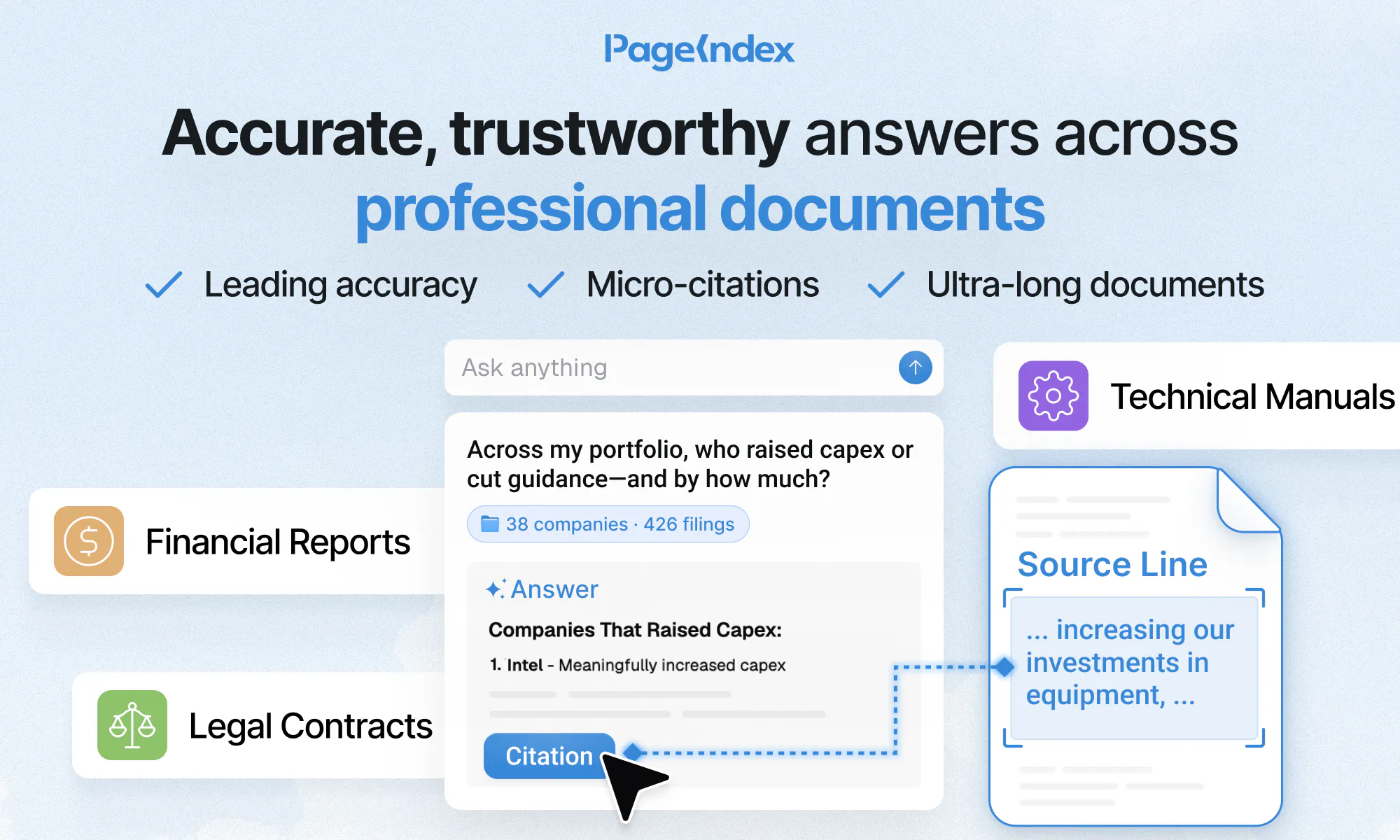
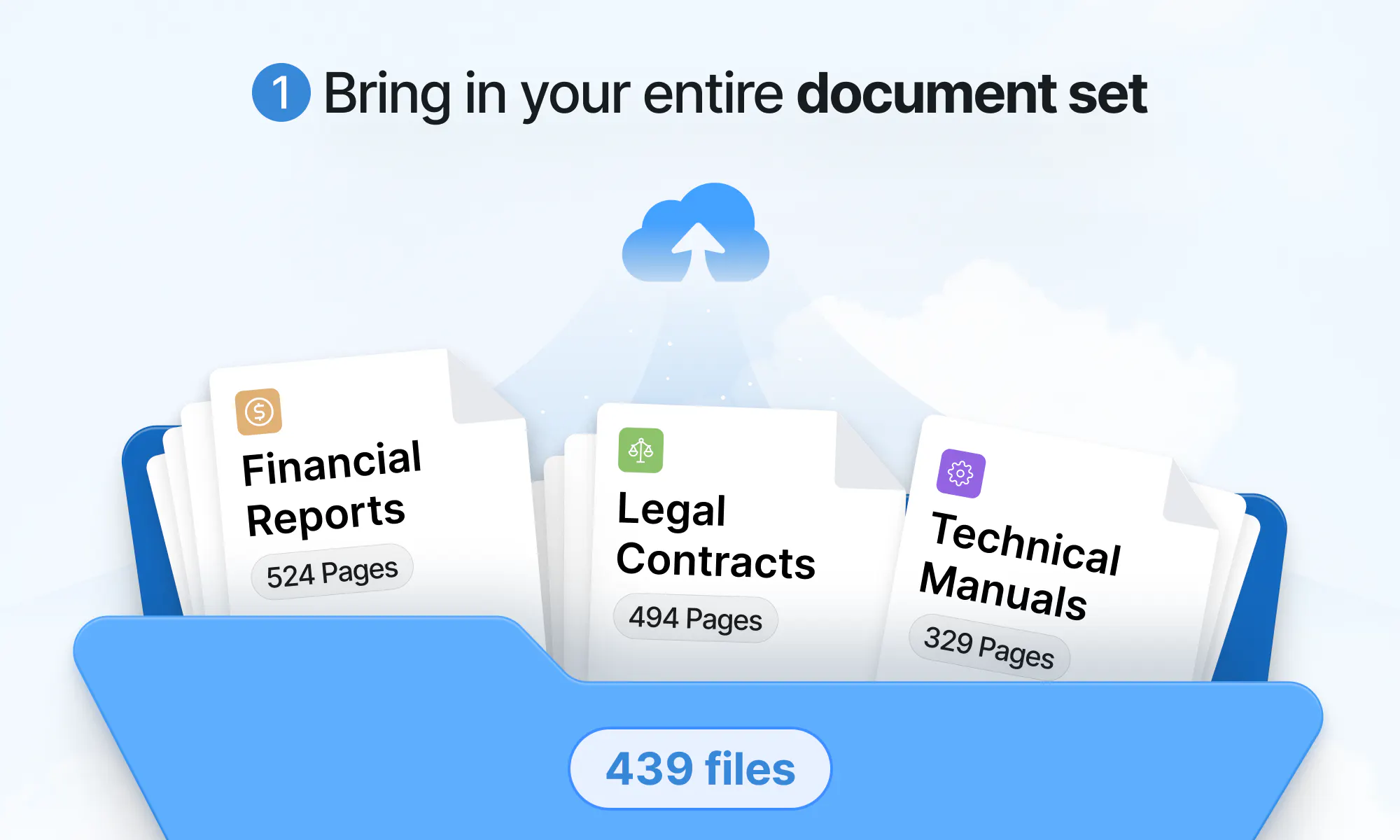
查看原始信息
CrowdVolt
CrowdVolt is the social platform for going out. Discover the parties everyone's talking about, find your people, and step into scenes you wouldn't have found otherwise. Follow your favorite artists and venues to see what's happening around you, then decide last minute without the pressure. Name your own price for tickets you want, or instantly list one if your plans change. Less commitment, more spontaneity, and more nights spent in the crowd instead of on the couch.

Check it out!

2
回复

@sana38 Hey Sana, curious to know why you decided to build and launch CrowdVolt?

1
回复

@sana38 Hey CrowdVolt! Just tried it — really like the idea of making spontaneous plans easier. As you scale, I’m curious how you’re handling API failures behind the scenes. We’re building Fluxera to catch those before they affect users. DM me “Fluxera” if you’d like to try it free for 3–4 days!

0
回复

the name-your-own-price ticket thing is the part that stands out to me. is that peer-to-peer resale between users, or are venues/artists actually setting a floor on it? asking because those usually turn into pretty different products depending on who controls the price

0
回复

Hey I’m Max, one of the co-founders and CEO of CrowdVolt! I’ve built this alongside my co-founders @aria__mohseni and @joshkarol7, and the rest of the dedicated CrowdVolt team.

We believe every night out should be effortless and open to all. There are a million different ways to go out right now (you may go look at Instagram, check a few different apps, etc.), but everything is dispersed. So we’re building the infrastructure to unify it - connecting its fragmented, gate-kept systems into one open layer, with the fan at the center of it all.

0
回复