Product Hunt 每日热榜 2026-08-29

PH热榜 | 2026-08-29

#1
1752vc Pitch Deck Analyzer
Know what investors will say before you ever hit send.
274
一句话介绍:1752vc Pitch Deck Analyzer 是一款面向初创企业创始人的AI路演材料诊断工具,基于2.5万份真实融资deck及投资人决策数据训练,在上传PPT后逐页输出融资可行性评分与矛盾点标注,帮助创始人在正式发出前提前预判投资者会拒绝的理由。
Venture Capital Artificial Intelligence Fundraising
AI路演材料分析 融资诊断工具 投资人视角反馈 Pitch Deck审查 初创企业服务 风投数据训练 Pre-seed优化 融资逻辑校验 叙事一致性检测 1752vc
用户评论摘要:用户普遍认可其阶段校准的准确性与严重程度分级,反馈“关键问题定位”(如市场TAM/SAM/SOM、技术负责人缺失、融资金额与里程碑不匹配)帮助极大。核心诉求集中在:能否检测信息过载与过度保留的平衡、是否支持开放性MCP/开源以嵌入自有Agent流程,以及是否对融资总额与下一轮逻辑进行压力测试。
AI 锐评

这款产品最有价值的点不在“AI批作业”,而在于它把风投机构内部那套“沉默否决”机制第一次产品化了。创始人最痛的从来不是deck写得差,而是被拒后永远得不到真实原因——1752vc用2.5万份deck及后续决策数据训练模型,本质上是在用投资人行为数据倒推“哪些slide组合会让钱犹豫”,这比任何设计审美建议都更接近融资本质。

但必须指出几个结构性隐患。第一,数据有天然幸存者偏差:2.5万份deck中绝大多数是失败的,但模型学到的“通过特征”可能只反映了过去两年特定赛道(如SaaS/GTM导向项目)的投资偏好,对硬科技、生物医药等长周期项目的适用性存疑。第二,严重程度分级看似聪明,实际暗藏风险——它暗示“低严重度问题可以忽略”,而融资场景下往往是一个看似无所谓的小矛盾(比如COGS计算不一致)让尽调直接终止。第三,产品目前仍是单向体检,评论区对MCP/开源接入的追问非常关键,否则它只是又一个一次性付费的“算命先生”,无法形成创始人持续迭代的闭环。

真正的护城河不是模型本身,而是1752vc背后的基金身份。当工具说“这个deck有机会”后,能否直接进入其4,000家/年的评估管道,才是区别于所有纯SaaS竞品的杀手锏。但眼下评论中官方对“投资对接”的回应极其克制,如果最终这只是个引流工具,那么2,000个alpha用户换来的付费转化率会非常难看。建议后续尽快开放MCP接口,让创始人的自建Agent能基于其规则迭代,同时公开模型在不同融资轮次、不同赛道的通过率基准,否则“3,000+投资人属性”的营销话术会很快被用户实测拆穿。

查看原始信息
1752vc Pitch Deck Analyzer
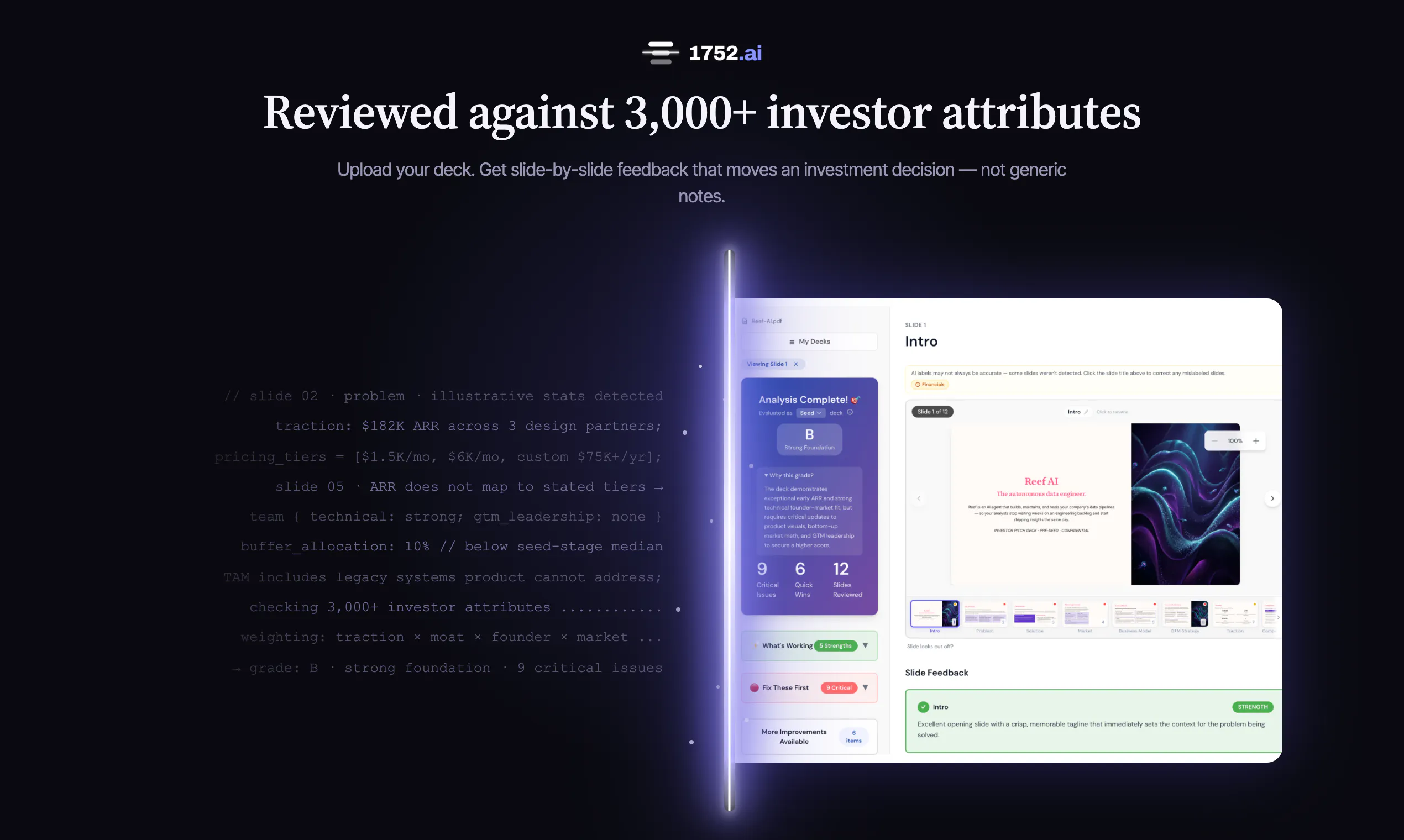
The Pitch Deck Analyzer gives you investor-grade feedback in minutes — trained on 25,000+ real decks and the investor decisions that followed. Upload yours and get slide-by-slide fundability feedback — stage-calibrated, checking narrative cohesion and cross-checking your claims for contradictions investors will catch. Know exactly where you lose conviction before you ever hit send. Built by 1752vc, a VC firm evaluating 4,000+ startups a year.

Hey Product Hunt 👋

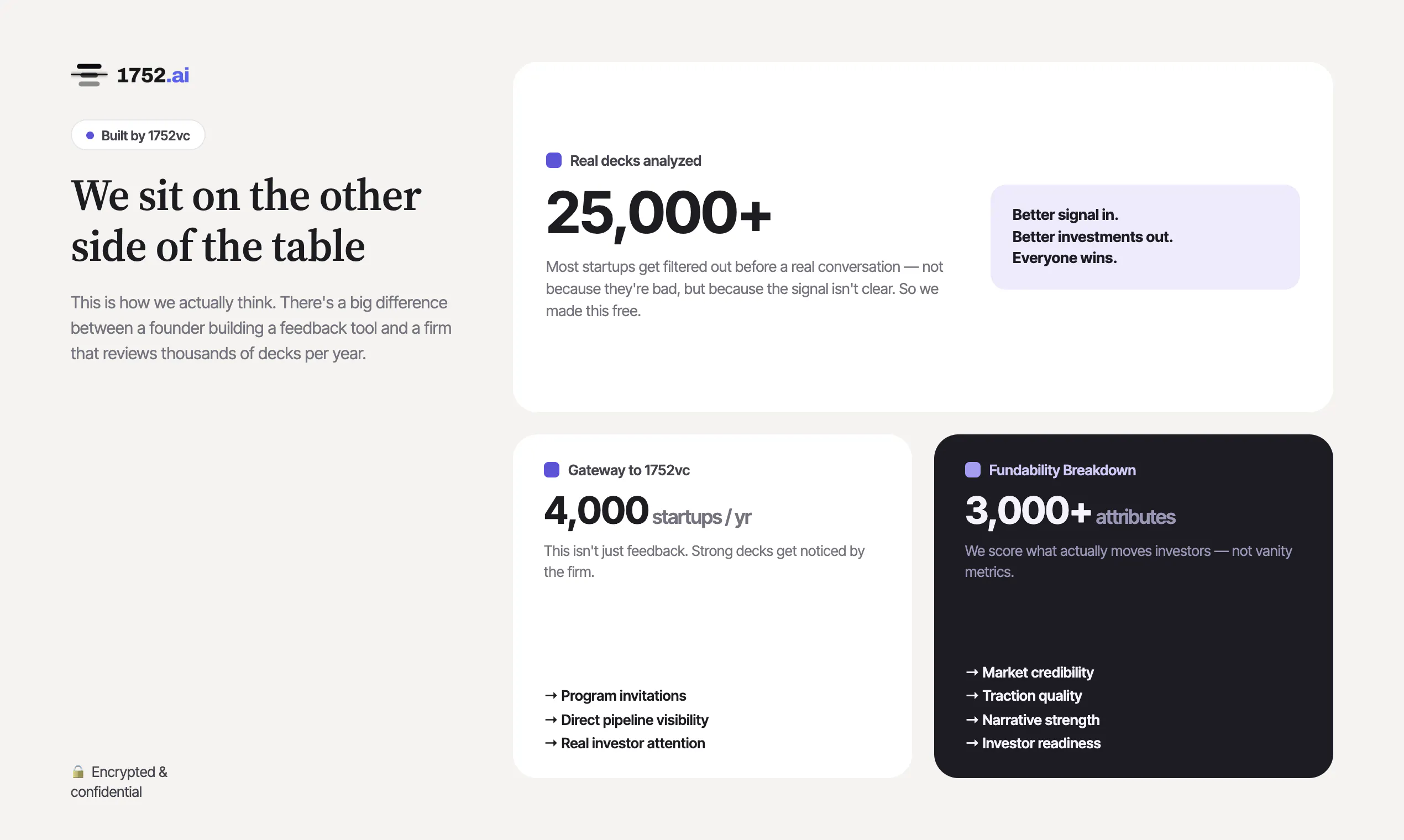
We're 1752vc, a GTM-focused VC and Accelerator based in California that receives 4,000+ applications every year.

Something true about venture generally, not just us: most decks get passed on, and almost none of those founders are ever told why. That isn't investors being cruel. There's simply no version of the job where you write thousands of pieces of real feedback a year, so the honest reason stays in the room and the founder only gets a polite no.

So we built the thing we couldn't do by hand. Upload a deck and the Pitch Deck Analyzer reads it slide by slide the way an investor does, scored across 3,000+ investor attributes and trained on 25,000+ real decks and the decisions that followed them.

It's calibrated on investor decisions, not design opinion. Of everything it has flagged so far, only 2% was cosmetic. And that is on purpose. Nobody has ever passed on a company because of a font.
It tells you which slide, and which problems are load-bearing. The average deck comes back with a dozen flags, and they are not equal. You get them separated by severity and tied to the slide that caused them, so you're not polishing the cover slides while the financials sink you.
It doesn't end at a grade. We're a fund, not a tool company. Knowing what's wrong only matters if you fix it and go back out, and for the decks that clear the bar, that road leads to investments from us.

2,000 founders have run their decks through the analyzer during alpha - before we'd announced anything! One thing that became clear in the results: what quietly costs founders the meeting usually isn't design, or market size, or even traction. It's the deck arguing against itself. A claim in one slide that doesn't survive the next, and almost nobody catches that in their own material.

Everyone here gets a 5 free deck reviews using the promo code above, no credit card needed. Try it and let us know what it caught that you didn't expect. Especially if you've raised before: does the feedback track with what investors actually told you? Those are the only tests that matter. https://1752.ai

We're here all day.

33
回复

@tmaleh_ the market size slide. everyone puts a TAM/SAM/SOM breakdown but investors can tell in seconds if you actually understand your market or just pulled numbers from a report. that's the one i'd want the most honest feedback on.

3
回复

@tmaleh_ This sounds like a really useful tool for founders. Getting honest feedback on a pitch deck before sending it to investors can save so much time and uncertainty.

I especially like the idea of understanding what investors are actually thinking as they go through each slide. Looking forward to seeing the full launch🎉

2
回复

@tmaleh_ One thing I've learned as a founder is that a pitch deck isn't just about telling your story - it's about answering the questions investors are already thinking.

The biggest challenge for me has been finding the right balance between vision and evidence. You know your product inside out, but it's hard to judge whether your deck clearly communicates market opportunity, differentiation, traction etc.

2
回复

Cool idea! Will def use it for our next round!

7
回复

@liam007 Love it! We’re also quietly building a full fundraising module that should make your next raise a lot smoother — stay tuned, I think you’ll find it seriously useful.

7
回复

@liam007 Thanks, Liam! Perfect timing — we've quietly got a fuller fundraising module in the works too, so the next round should feel a lot smoother. Good luck with it!

1
回复

Following. It's not one slide for me, it's the whole thing. The hard part is fitting what my app actually is, how it works, and what makes it different from competitors into a deck without drowning people in slides or packing every slide too full. I could stand on a soapbox and rattle off every feature and why each one sets us apart, but that's not how this game is played. And I have to get all of it across without giving away the secret sauce. Keeping it tight, keeping their attention, and still landing the difference is the piece I struggle with most. Does the analyzer flag when a deck is overloaded, or when it's holding back too much to tell the story?

5
回复

@worksource Totally get this - and this is exactly what we are building for. The analyzer flags both directions: it calls out slides that are overloaded (too many features/metrics competing for attention) and ones that are holding back so much the story doesn’t land. At pre-seed especially, it’s tuned to protect your through-line—problem, why-you, one proof point—so you can keep the secret sauce and still make the difference obvious. Try it out and tell us what worked and what didn’t—that kind of feedback is gold for us right now.

4
回复

@worksource The overloaded-vs-holding-back tension is so real... keeping the secret sauce while still landing the difference is genuinely hard. Short answer: yes, it flags both directions. Thanks for the great question, and would love your read once you run a deck through it!

1
回复

Really impressed by the accuracy of the stage calibration on this. Testing our pre-seed deck surfaced issues ranging from missing technical lead context to unsourced figures. The distinction between critical fixes and quick wins makes prioritizing updates effortless.

4
回复

@aren_barseghyan Glad you like the severity split. It's one of my favorites too. They're weighted based on the influence each has on investors' final decision on greenlighting an investment. Something that founders otherwise would not know. Is there any specific flag that surprised you? 

0
回复

@aren_barseghyan Thank you for testing it out! We have spent a lot of time trying to get the model to behave right, haha!

0
回复

@aren_barseghyan Much appreciated for the feedback and glad it is of use!

0
回复

This is especially timely for us as we’re currently fundraising. One thing I’d love the analyzer to assess is whether the raise amount, use of funds, runway, and promised milestones actually form a credible path to the next round. Investors don’t evaluate those points in isolation and they want to see whether the hiring plan, GTM strategy, projections, and funding ask all connect. Does the analyzer stress-test that overall financing logic as well? Looking forward to trying it! 🚀

3
回复

@robert_markovski2 Great! Investors don't read the ask in isolation; they're testing whether raise amount, runway, milestones, and hiring/GTM plan all connect into a credible path to the next round. The analyzer flags when those pieces don't add up to a fundable story — e.g. a raise that doesn't buy enough runway to hit the milestones you're promising. Would love your read on it once you try it.

2
回复

@robert_markovski2 Good luck with the raise! 🚀 Whether the ask, runway, milestones, and GTM plan connect into a credible path to the next round is exactly the financing logic the analyzer stress-tests... it flags when the pieces don't add up to a fundable story. Hope it's useful when you run your deck through.

1
回复

Congrats on shipping! Thx for creating resources to help founders :)

2
回复

@thisiskp_ Thank you! Goal is always to help founders on the long and difficult journey and if we can build something that supports that you know we will!

0
回复

@thisiskp_ no more guesswork! that's the goal. starting a business is already so difficult, know what matter doesn't have to.

0
回复

I loved this when I was testing. Definitely a tool I can share with founders I know!

2
回复

@vinnie_s Glad you enjoyed it! Feel free to share and let us know if there is anything we can do to help!

0
回复

I would love to see this open-sourced, or an ability to push this through MCP, so we can run our own agents with the rules and iterate on ideas, instead of just getting a check-up. Great idea, best of luck with your launch!

2
回复

@petomalina No open source or MCP endpoint today. Curious what you'd actually run against it, your own rules on top of ours or ours inside your agent loop? Either way it's in our roadmap, just not immediate.

0
回复

@petomalina Much appreciated! MCP will most likely be in our near future so appreciate re-enforcement of the product roadmap!

2
回复

Congratulations on the launch! This is very needed for all startup founders!

2
回复

@renchu_song Thank you! And that's exactly the gap we were trying to close. Founders no longer need to guess why they got passed on. Run one through and tell me if it finds something you didn't expect.

0
回复

@renchu_song Thanks Richard! Always want to try and help the ecosystem in anyway we can!

0
回复

the community behind 1752 and this product is very helpful and engaged. this analyzer helped find some blindspots in my deck already!

2
回复

@andreas_jablonka Awesome! Glad you're using it!

1
回复

I tried uploading our pitch deck, and the analysis turned out pretty good. For the most part, the analysis highlighted what information was missing, and it’s interesting that the recommendations even took into account that we might simply not have that information at this stage.

One interesting recommendation I received was regarding how we were phrasing the problem, even though I hadn’t initially considered that the phrasing might be misunderstood.

2
回复

@maksim_mamchur glad it landed that way — stage-awareness was a hard thing to get right. Missing info at pre-seed isn't the same as a gap at Series A, and the analyzer is tuned to weigh it accordingly. The problem-framing flag is one of my favorites: how you phrase the problem quietly sets up everything after it, and it's the easiest thing to get subtly wrong. Thanks for putting it through a real deck.

5
回复

@maksim_mamchur Thanks for putting a real deck through it, Maksim. The stage-aware feedback and the problem-framing flag are the parts we sweated most, so it's great to hear they landed. How you phrase the problem quietly sets up everything after it, and it's the easiest thing to get subtly wrong.

2
回复

Love tools supported by actual data and not the AI fad. We'll test it out as soon as we get the deck ready 😂

2
回复

@ralic That's the whole thesis — it's trained on 25,000+ real decks and the investor decisions that followed, not vibes. Send it through the moment your deck's ready; the messier-but-honest draft is actually the most useful version to run it on. Excited to hear what it catches.

1
回复

@ralic "Data, not the AI fad" — that's the thesis in one line, Ivan. Trained on 25,000+ real decks and the investor decisions that followed. Send yours through the moment it's ready; the messier-but-honest draft is actually the most useful version to run it on. Excited to hear what it catches!

1
回复

This seems really useful. If I were to raise funds again for my next venture, I'd definitely give this a shot.

2
回复

@conder Appreciate that! When you're back in the raise, that's exactly the moment we built it for — feedback before the deck ever reaches an investor's inbox, so the first read they give you is your best one. Follow the page and you'll catch us at launch.

0
回复

@conder Appreciate it, Conder! Whenever you're back in raise mode, that's exactly the moment we built this for. Follow the page and we'll catch you at launch. 🙌

1
回复

Great product, Congratulations🎉 on the launch!!

1
回复

@dhanrajchoudhary Thanks Dhanraj! Enjoy using it!

0
回复

Such a great tool. The feedback was great!

1
回复

@rob_valenti Thanks Rob! Glad it was helpful!

0
回复

@rob_valenti Thanks, Rob. Anything in particular stood out for you?

0
回复

Anything that will help us put our best foot forward when working to secure funding is deply appreciated. Having access to a tool built by investors to help identify where a deck needs improvement is invaluable.

1
回复

@lydia_sugarman Thanks Lydia! Our goal is always how to help the ecosystem and the founders within!

0
回复

@lydia_sugarman 🙏 thank you so much for you message Lydia. When we started 1752vc we knew we wanted to give founders all around access to the same resources that makes Silicon Valley great. This is one of them!

0
回复

I don't know what this is, but two random people sent me requests on LinkedIn and spammed me the link to this 👎

1
回复

both accounts seem fake and belong to some random VC which does not even have a website.

1
回复

Sorry if we passed on your application for funding! A lot of the time it is not a no it is a not yet but we encourage you to reapply as you make progress

0
回复

The feedback I got was very useful. It would be even better if it gives examples in addition to comments. For example, one feedback I got was that there was no "ask" slide. Some tailored samples based on other slides in the deck would be very helpful.

0
回复

@cecil_pang Thanks Cecil-- actually in the middle of adding those so they will be there shortly!

1
回复

@tmaleh_ Congratulations. And happy product launch.

0
回复

<sigh>

I guess I'll be that guy. Folks, here are some rules you might want to consider.

  • It's five core slides. 1) the problem 2) how big is it 3) the solution 4) how much do they pay 5) why you. Everything else builds upon 5 core points: problem/solution/how big/who pays/why you. Everything else builds on that.

Which means:

  • Don't pay for this stuff. I don't know what "five free deck reviews" means for this offer as it's not explained on their site, but like the nutty VC Boom stuff (look at the similar products ---->), this should not be your priority when it comes to spending money.

  • build the MVP instead of obsessing over slides. Get on LinkedIn, Reddit, FB, wherever, and get some customers to see if the dogs will eat it. The friction to build is very low and the long tail theory says find customers for your solution as that's the best validation possible. A "try it" email, trumps 5 or 50 slides every. single. day. No investor (ever) has tried a product, loved it, and then bailed because of a crappy slide deck.

VC firms, Angel Networks, Accelerators, all need deal flow and all have ways of getting it with this lemmie review your deck being one of them. Our man @ben_kahan, here posted a spray and pray list on LinkedIn of so-called angels with no links or any contact information. Head over there and look at the comments. Not saying Ben is a bad guy or doing evil things. I am pointing out that all of this not rainbows and puppy dogs or pro bono love. Ben wants deal flow. Nothing wrong with that. You, the new founder should go into this process with your eyes wide open.

Your 20 dollar a month plan with get you a lot of help. Ask your chat bot to identify the nearest angel group in your area. There are tons of true pro bono types willing to help you with your end goals in mind; not theirs.

And before you ask, I was a VC for 9 years and built 3 start up companies. I've seen this movie a few times.

Good luck

0
回复

@ben_kahan  @rick_segal1 I've never understood this part of the ecosystem-- is it for attention? Notoriety? To get people to buy your book? Something else? If you spent half as much time writing the post as you did actually looking at the site, you'd know the product is free-- if you want more than one you can pay not a subscription but a one time fee because it costs us money to call the underlying model.

But yes please send them to an angel group who will charge them for an application fee, spend 8 months doing due diligence, and send them down the entirely wrong path-- yes, that sounds like the right idea.

0
回复
#2
Hy4 preview
Tencent’s 770B open model for long-horizon work
195
一句话介绍:
Open Source Artificial Intelligence
大模型 开源 MoE 长上下文 智能体 代码生成 游戏开发 文档分析 Apache 2.0 腾讯
用户评论摘要:评论整体正面,但有效反馈集中于两点:一是模型“过度思考/重复自检”导致效率损耗,有用户反映同一文件布局被重推四次、上下文窗口被耗尽;二是作为 preview 版本,用户对稳定性与资源消耗存疑。另有人指出其盲评略胜 GLM 5.3 和 Kimi K3,但样本仅限内部专家,外部普适性待验。
AI 锐评

Hy4 Preview 的纸面参数很唬人:770B 总量、49B 激活、1M 上下文、Apache 2.0 全开,还拿内部专家盲评踩了 GLM 和 Kimi。但剥开营销外壳,这本质是腾讯在“长程智能体”赛道的一次火力侦察——用自家工程团队的真实脏活训练,再丢到 OpenRouter 上让外部开发者当免费测试员。

真正的价值不在“大”而在“耐心”:它试图让模型在长任务中不跑偏、不放弃,自己跑测试、自己修 Bug,这是从“对话机器”向“数字雇员”的实质跃迁。但用户评论已经戳破滤镜——“overthinks and over-checks”不是谦虚,是硬伤。重复推导同一文件布局四次,把 1M 窗口吃到窒息才肯推进,这说明模型的“自我验证”机制还停留在低效的暴力循环,而非智能的置信度判断。

更微妙的是它背后的商业算盘:腾讯用 Async 级开放换生态数据,用“preview”之名行 beta 测试之实。开源 Apache 2.0 是钩子,WorkBuddy 和 OpenRouter 是流量入口,一旦外部场景喂出足够多的失败样本,Hy5 就会带着“不再过度思考”的算法补丁登场。对于开发者,这模型适合处理“时间长、反馈稀疏、容错率低”的重活,但你要做好给它配一个“旁观者 Agent”专门打断它的强迫症循环。总之,别把它当终点,把它当腾讯的付费内测——只不过你付的不是钱,是时间、耐心和 Bug 报告。

查看原始信息
Hy4 preview
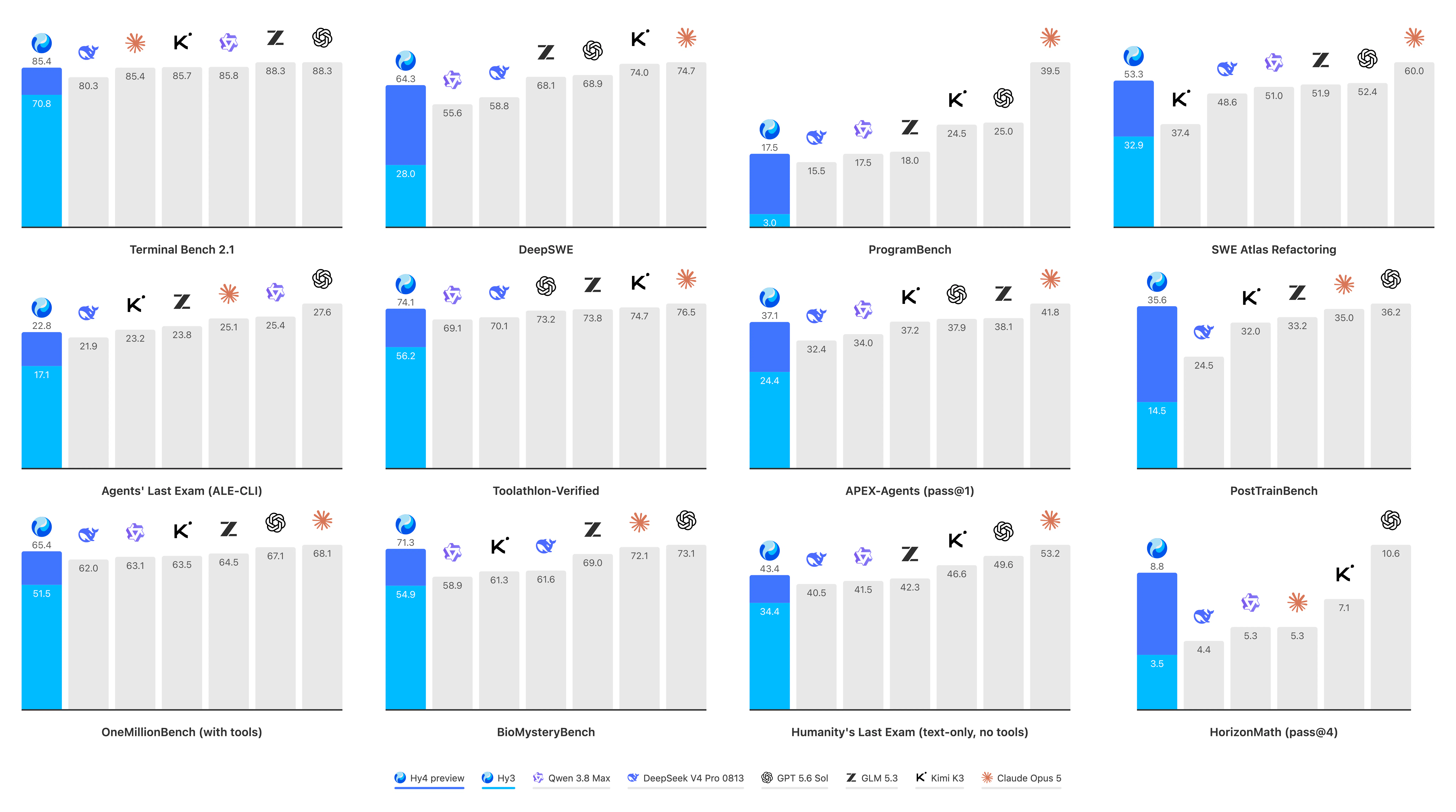
Hy4 Preview is a 770B MoE model (49B active, 1M context) from Tencent, built for long-horizon agentic tasks. It autonomously handles coding, game dev, and complex document analysis, running its own tests and fixing bugs before delivery.

Hi everyone!

Hy4 preview is the next step after Hy3, and Tencent went much bigger this time. 770B total, 49B active, 1M context.

Tencent built a lot of the training around real work from its own engineering and specialist teams. The model is meant to stay with a task when it gets long or messy.

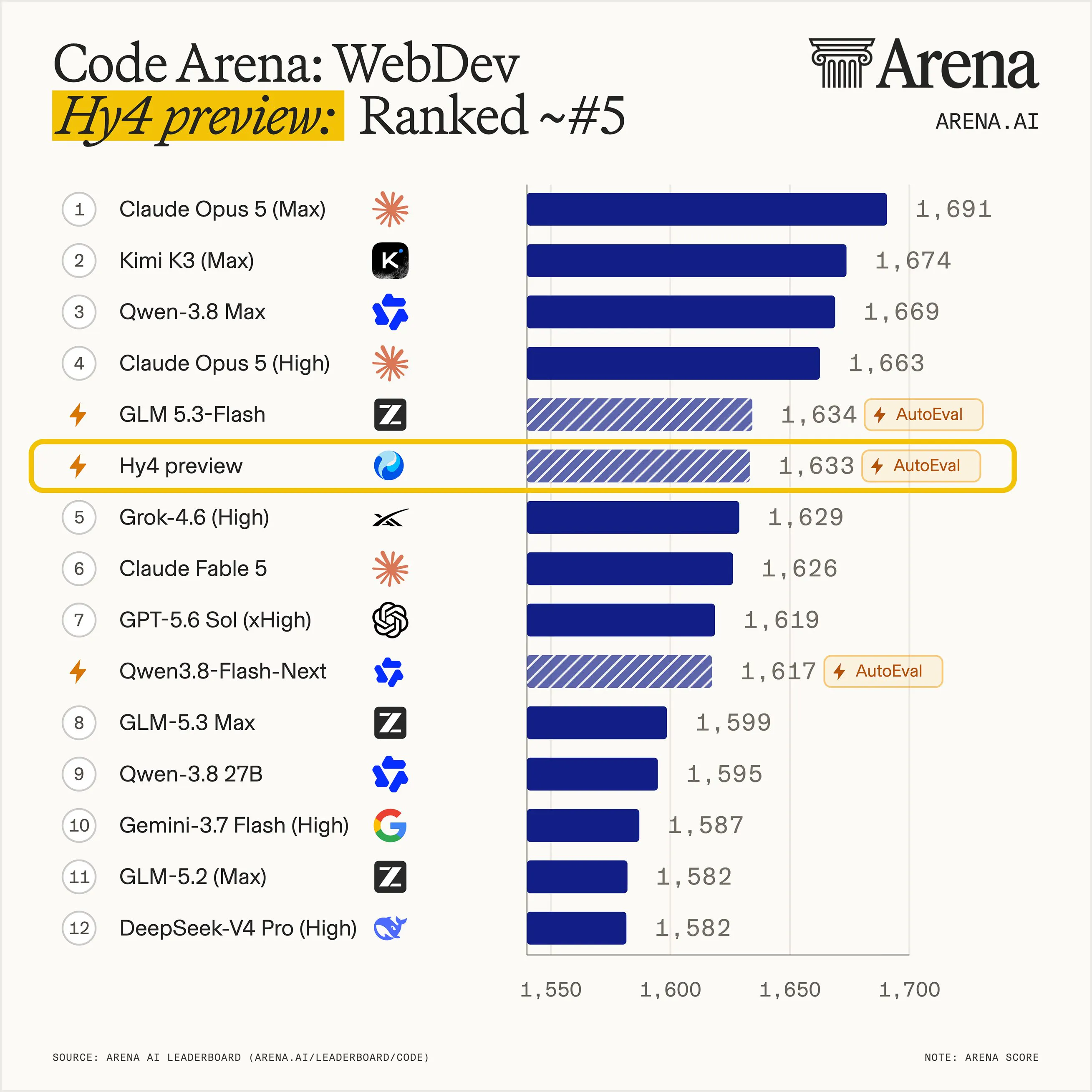
They also ran a blind eval with 163 internal experts across 203 engineering tasks. Hy4 preview came out slightly ahead of GLM 5.3 and Kimi K3 🤔

It is open under Apache 2.0, and you can try it now through OpenRouter or @WorkBuddy.

They are still calling it a preview. It overthinks and over-checks itself. Same habit as Hy3: put it out, see what breaks!

6
回复

Congrats on the launch!

3
回复

i had a long job re-derive the same file layout four times last week before it moved on, which is the overthinking you flagged @zaczuo . ate most of my window and i didnt even notice till the run diedddd.

0
回复
#3
Cohere Parse 5
Turn complex docs, tables & images into AI-ready data
178
一句话介绍:Parse 5 是一款企业级文档视觉解析模型,将扫描件、PDF、合同、发票等复杂文档中的表格、图表和图片,转化为带位置坐标(边界框)的结构化数据,解决AI代理和搜索工具无法可靠读取非结构化文档、需人工录入与审阅的痛点。
API Artificial Intelligence
文档解析 OCR 多模态模型 企业AI RAG检索 视觉锚定 结构化数据 本地化部署 表格识别 智能文档处理
用户评论摘要:多数评论认可视觉锚定(边界框)和表格/图表解析能力,认为这是区别于纯文本抽取的关键,对RAG与复杂合同处理有实际价值。有用户建议以“边界框”作为核心卖点,而非仅强调抽取质量;另对多页长文档和复杂合同的性能表示好奇。整体反馈积极,无明确批评。
AI 锐评

Parse 5 的定位很聪明——它没有在“抽取准确率”这个红海战场上贴脸肉搏,而是把“视觉锚定”(bounding boxes)作为差异化武器。这确实切中了企业级RAG和AI代理的长期痛点:当AI引用一份合同时,用户需要的不只是答案,而是“它到底看了哪一行”。可追溯性,才是企业敢让AI碰核心业务数据的信任基石。

但必须泼盆冷水:视觉锚定并非新概念,ABBYY、Adobe、微软的LayoutLM系列早已有类似能力,甚至OCR开源项目PaddleOCR也能输出坐标。Parse 5真正的护城河,在于“9语言+本地化/气隙部署”的企业合规组合——这直指金融、政务、医疗等敏感行业的硬需求。产品形态上,API/云/私有化三路并进,也显示出Cohere对大型客户销售节奏的成熟理解。

然而,评论区的“好评”几乎全是礼貌性赞美,缺乏对抗性测试数据(如复杂嵌套表格、手写混排、低分辨率扫描件上的表现)。这类模型的实际性能衰减往往发生在边缘案例中,而企业买单决策正基于此。此外,Cohere自身在LLM市场份额被OpenAI和开源模型步步挤压,Parse 5作为“数据入口”能否带动整体平台粘性,仍需观察。更隐忧的是,这类文档解析能力正被Anthropic、OpenAI的多模态API快速吞噬——当GPT-4V直接能输出结构化JSON并附带位置信息时,专门化模型的窗口期可能只剩12-18个月。Parse 5需要尽快证明自己在复杂长文档上的真实优势,而不是停留在概念演示上。

查看原始信息
Cohere Parse 5
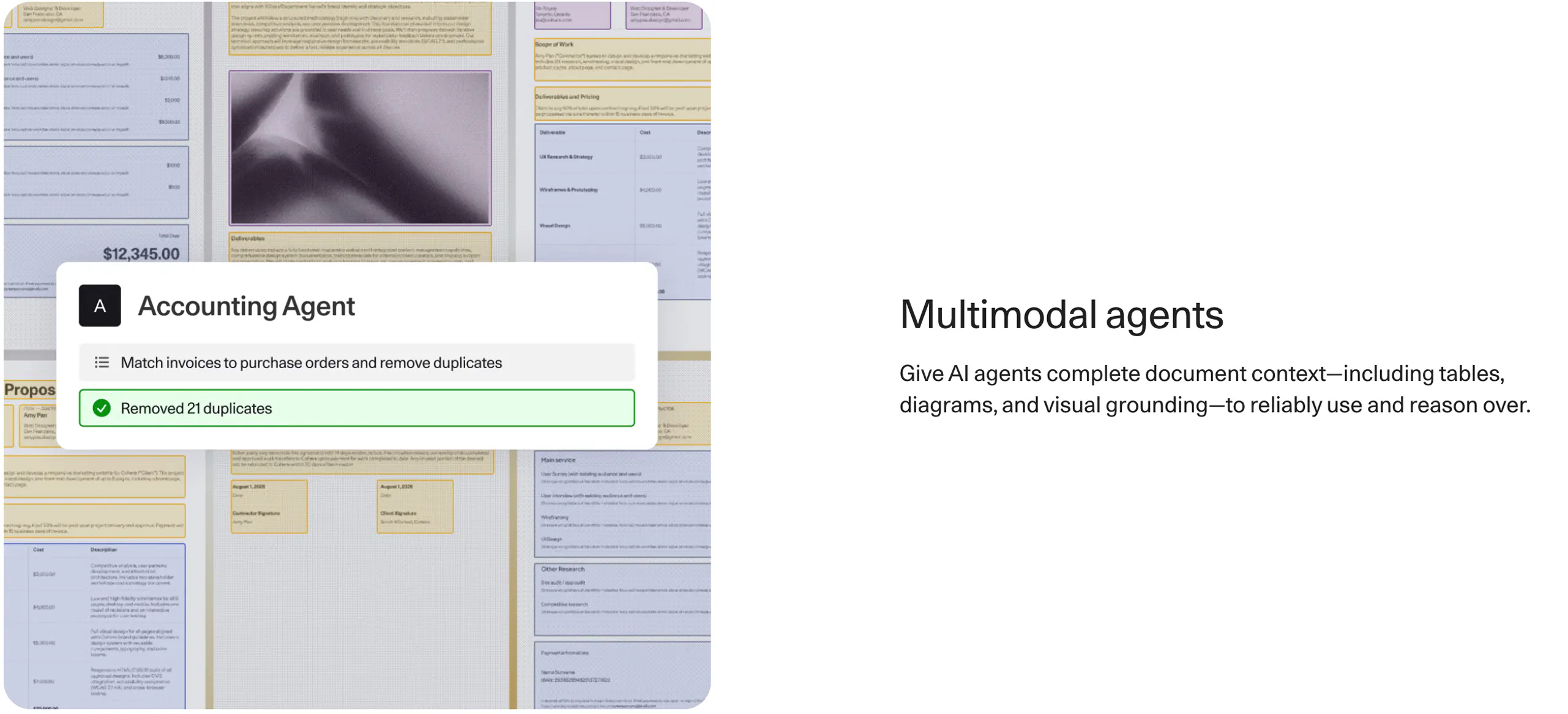
Parse is Cohere's document vision parsing model. It transforms unstructured data in enterprise images and documents into structured data that downstream AI agents and applications can use. Handles OCR, tables/diagrams/images, and visual grounding via bounding boxes, across 9 languages. Deploy via API, cloud, or fully on-prem/air-gapped.

Parse is Cohere's document vision parsing model for turning enterprise files into AI-ready data.

Problem: Enterprise documents (scans, PDFs, contracts, invoices) are messy, unstructured, and full of tables, diagrams, and charts. Most AI agents and search tools can't reliably read them, so companies end up doing manual review and data entry just to make documents usable.

Solution: A document parsing model that combines OCR with multimodal understanding, turning complex files into clean, structured data that downstream AI agents and applications can actually use.

What makes it different: It doesn't just extract text, it understands layout, tables, and diagrams together, and returns visual grounding (bounding boxes) so every extracted piece of data can be traced back to its exact location on the page. That's what makes citations and source attribution possible downstream.

Key features:

  • OCR for scanned and digital documents

  • Multimodal parsing for tables, diagrams, and images embedded in documents

  • Visual grounding with bounding boxes for highlighting and source attribution

  • Support for 9 major commercial languages

  • Deploy via API, Model Vault, AWS SageMaker, Azure, or fully on-prem/air-gapped

Benefits: Less manual document review, more reliable AI search and retrieval, and document context AI agents can actually reason over instead of guessing at.

Who it is for: Enterprises with high document volumes (claims, contracts, invoices, reports) building internal AI search, RAG pipelines, or multimodal agents.

Use cases: Automating claims/contract/invoice processing, improving chunking and retrieval quality for semantic search, giving AI agents full document context including tables and visual grounding.

Try here

1
回复

@anushanath This is a really interesting approach to document parsing. The visual grounding with bounding boxes especially stands out—being able to trace extracted information back to its exact location could make RAG and document-based AI much more reliable. Support for tables, diagrams, and scanned documents together is also a strong advantage for enterprise workflows. Curious to see how Parse performs on particularly complex contracts and multi-page reports.

0
回复

@anushanath This looks really useful for handling complex PDFs and scanned documents. The visual grounding and table extraction features seem especially helpful for reliable AI workflows.

0
回复

Nice work!

1
回复
Wow mate! It looks awesome. I take OKR too seriously so feel it can be really helpful. Wish you all the best here
1
回复

The bounding boxes are what i'd lead with here honestly. extraction quality is nearly table stakes now, but almost nothingg hands you a coordinate, so when an agent claims something from a contract you still cant show anyone the exact clause it read. thats the bit that makes it usable when it actually matters. You have seriously done greatttt mann!!

0
回复
#4
seendiff
Code diff viewer with progress tracking
145
一句话介绍:seendiff是一款面向AI生成大规模代码变更场景的本地代码差异查看工具,通过自动追踪已查看/已审阅的代码块、支持分块审查,并让AI代理解释自身代码,解决开发者审查海量AI代码时容易迷失、难以追踪进度和效率低下的痛点。
Open Source Software Engineering GitHub
代码审查 AI代码 差异查看器 本地工具 进度追踪 开源 开发者工具 生产力 大变更 代码走查
用户评论摘要:多位用户肯定“已查看追踪”功能直击痛点。核心疑问集中在追踪状态是否跨机器同步(开发者回应仅本地存储,可同步sqlite)。有用户反馈“滚动即标记已读”的判定有误,导致不信任标记。此外,用户关注该工具如何融入团队现有agentic工作流。
AI 锐评

seendiff精准踩中了AI编程时代最隐痛的一环:生成代码易,审查代码难。当diff膨胀到数千行时,传统的滚动式审查在认知负荷和记忆衰减面前几乎失效。其核心价值并非“又一个diff工具”,而是将“审查进度”从隐性记忆转变为显性状态,这是对工作流管理的一次必要补全。产品逻辑清晰,本地优先和开源策略也解决了企业级隐私顾虑。

但必须指出,从评论反馈看,其最核心的“标记已看”机制存在严重信任危机——“滚动即标记”的误判让用户放弃依赖。对于一个声称解决“追踪”痛点的工具,如果追踪本身不可信,产品根基就会动摇。这不仅是bug,更是产品逻辑的设计粗糙:视觉接触不等于认知理解。此外,状态无法跨机器同步,虽出于隐私考量,但在多设备开发场景下,这几乎抹杀了其作为“持久追踪层”的用途,退化为一个单机增强版diff工具。

AI walkthrough功能虽是亮点,但本质是prompt工程的外壳,是否真能促进深度理解而非让开发者“假装懂了”,值得怀疑。总体而言,seendiff方向正确,但目前完成度受限于用户信任和跨设备能力。如果它能将标记逻辑从“动态检测”改为“主动确认”,并打通轻量同步,才真正有资格成为Agentic开发流程的必备基础设施。否则,它只会是又一个缓解焦虑的科技安慰剂。

查看原始信息
seendiff
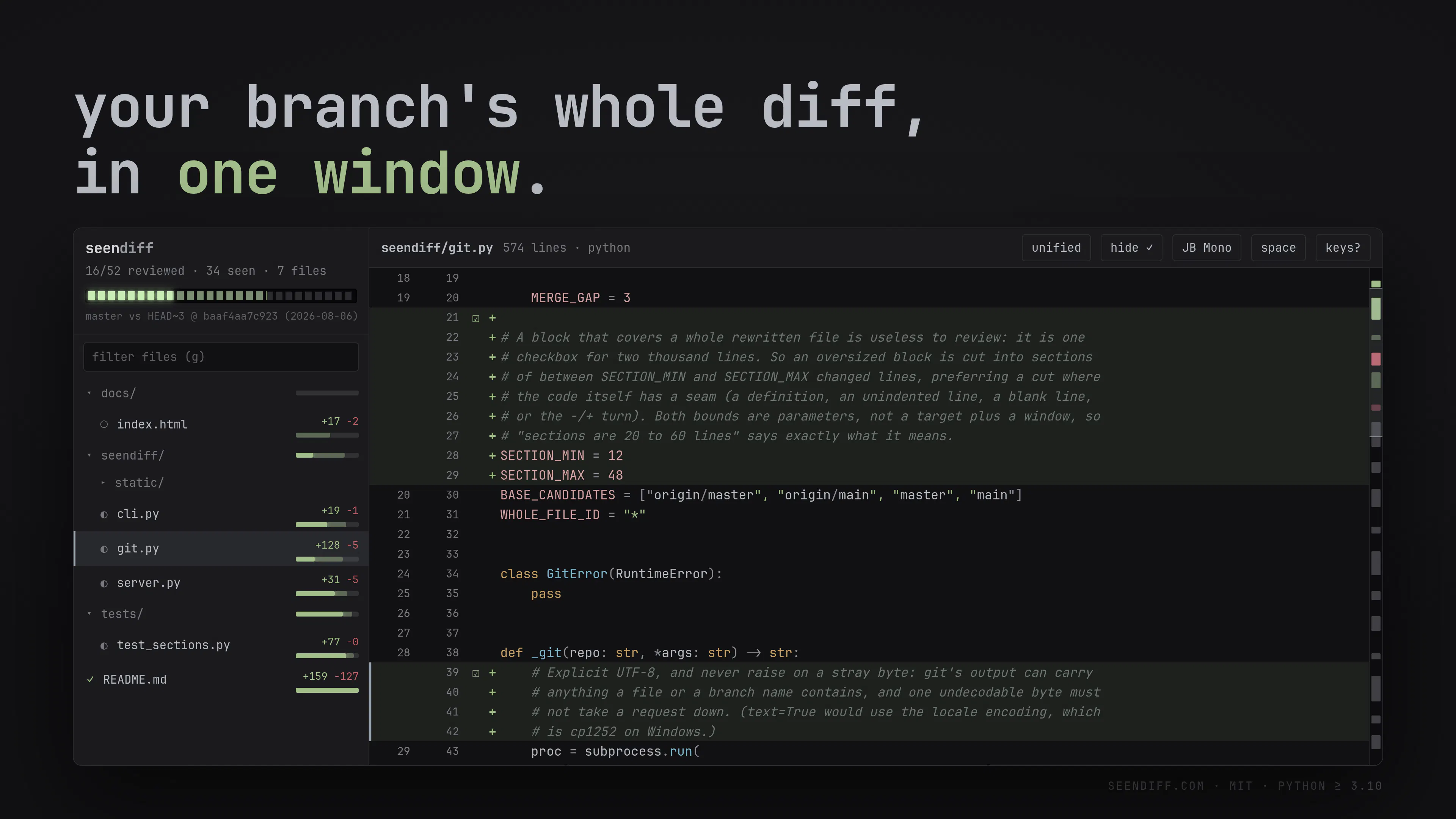
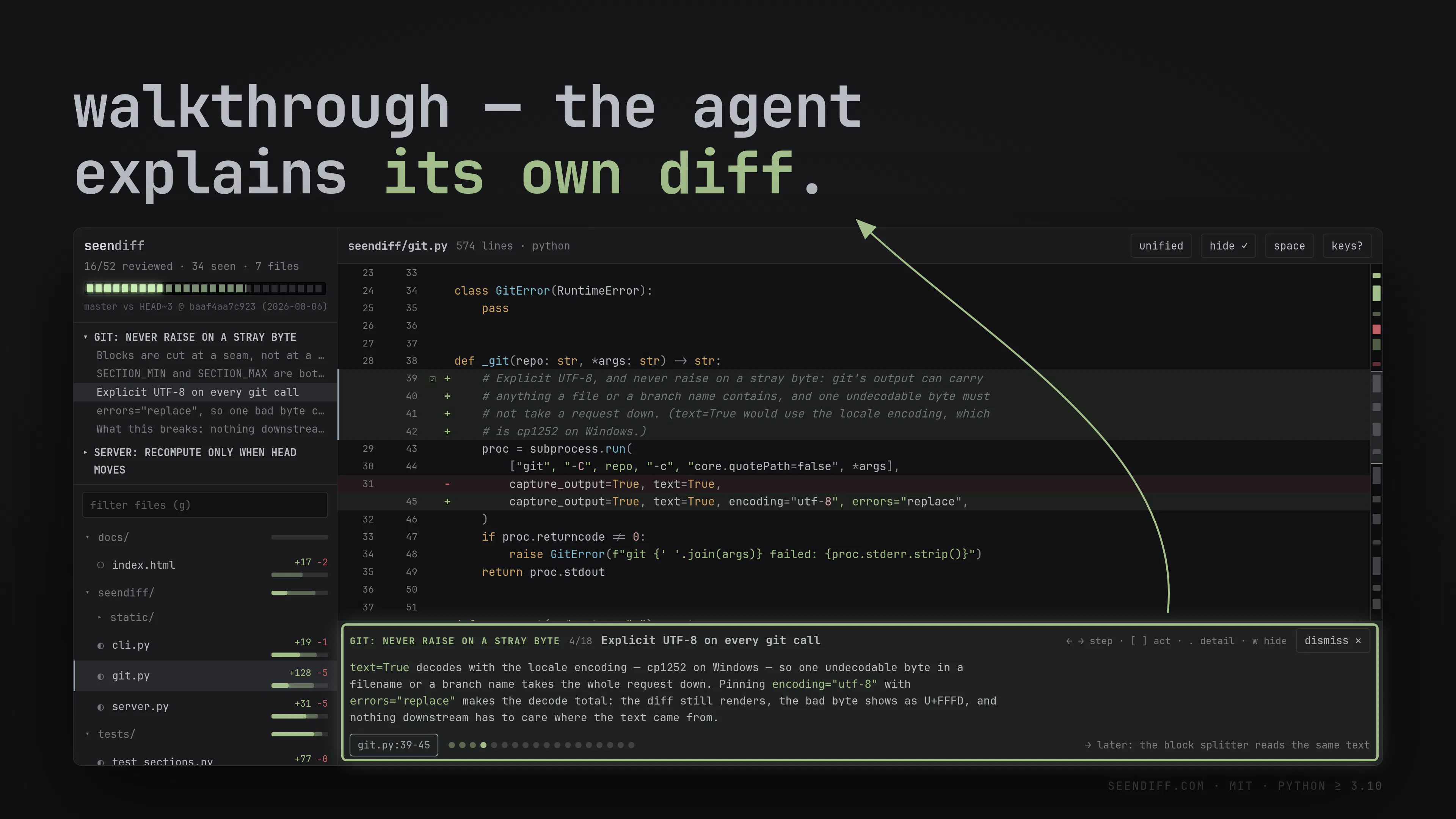
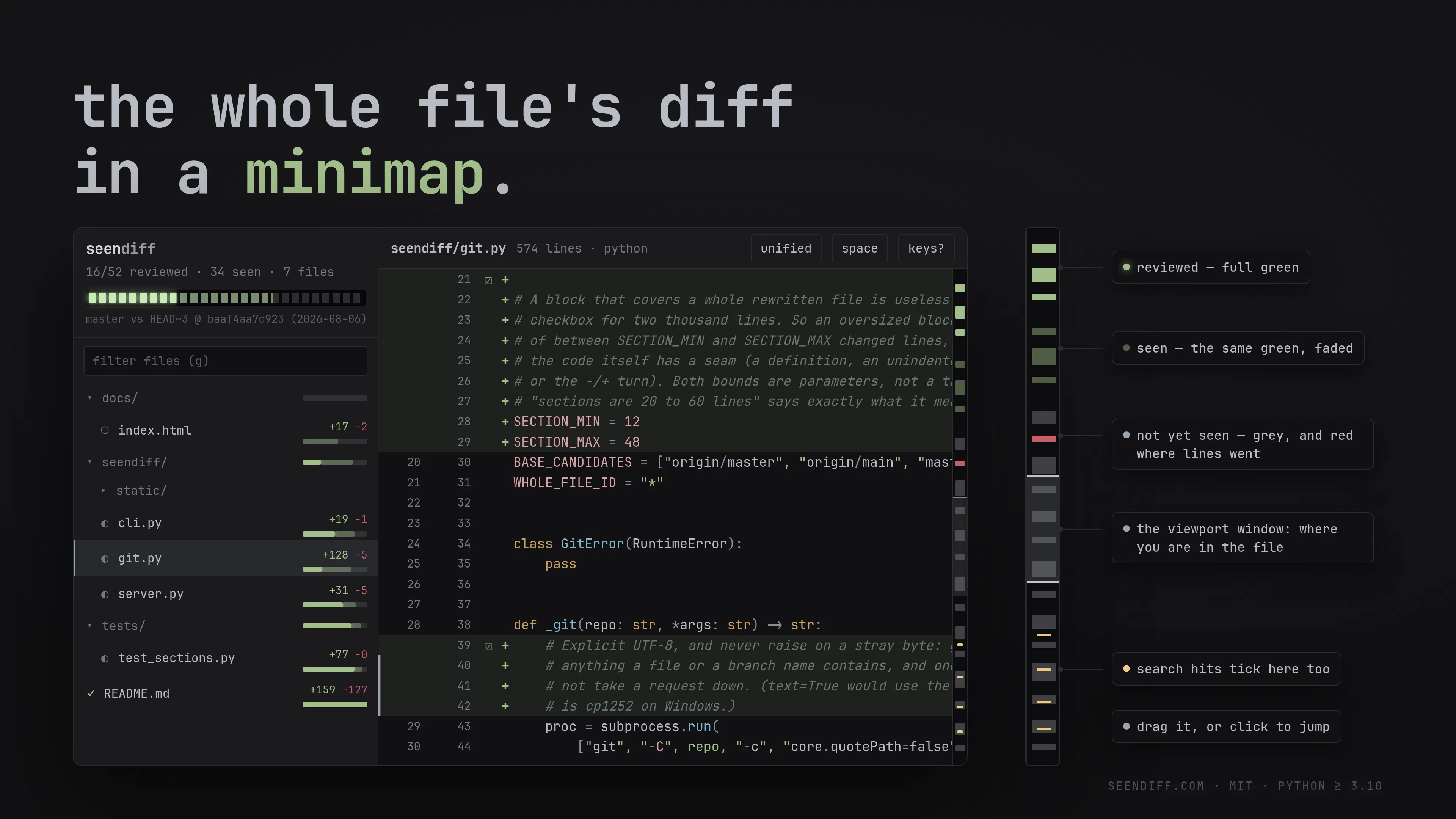
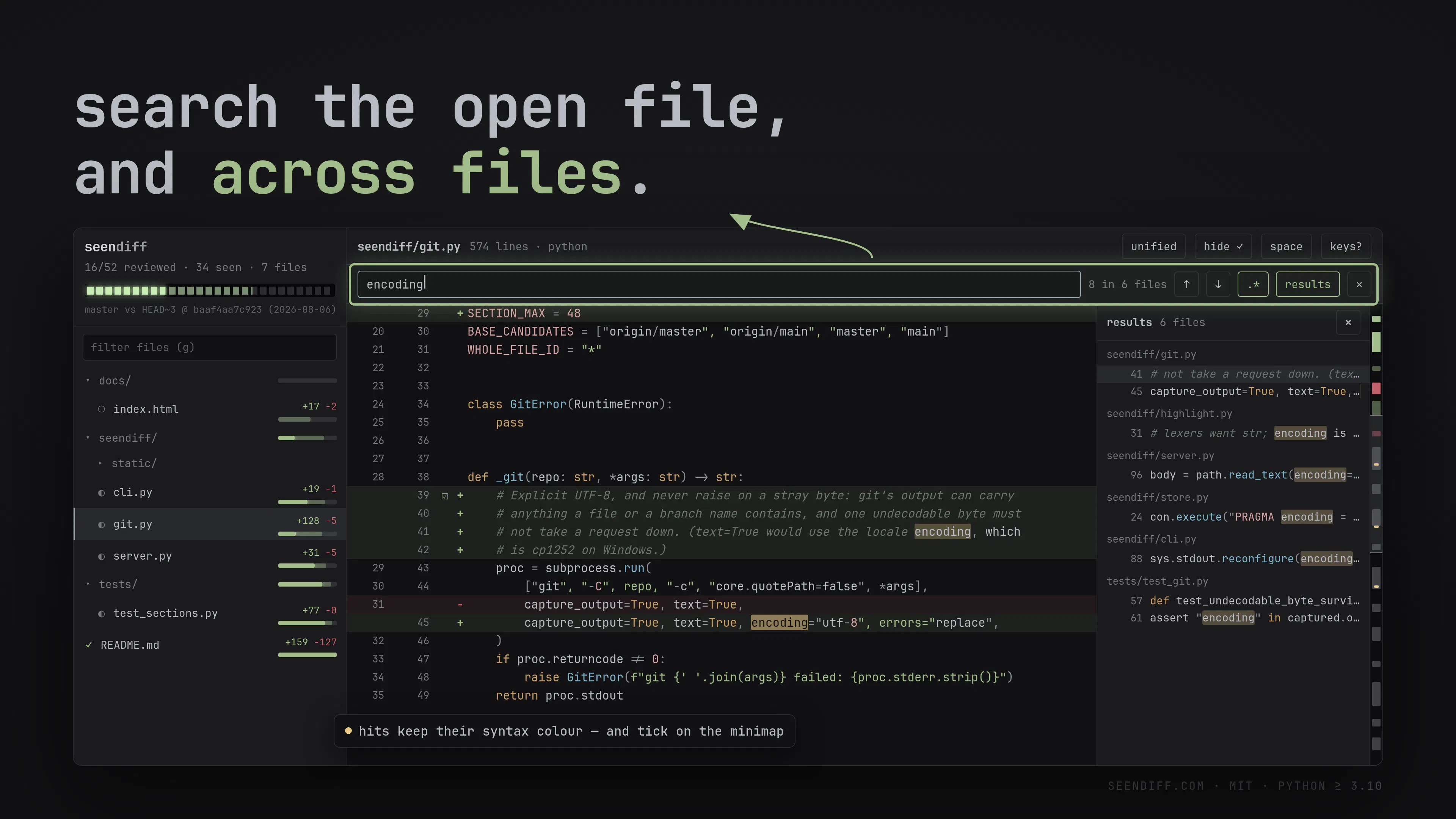
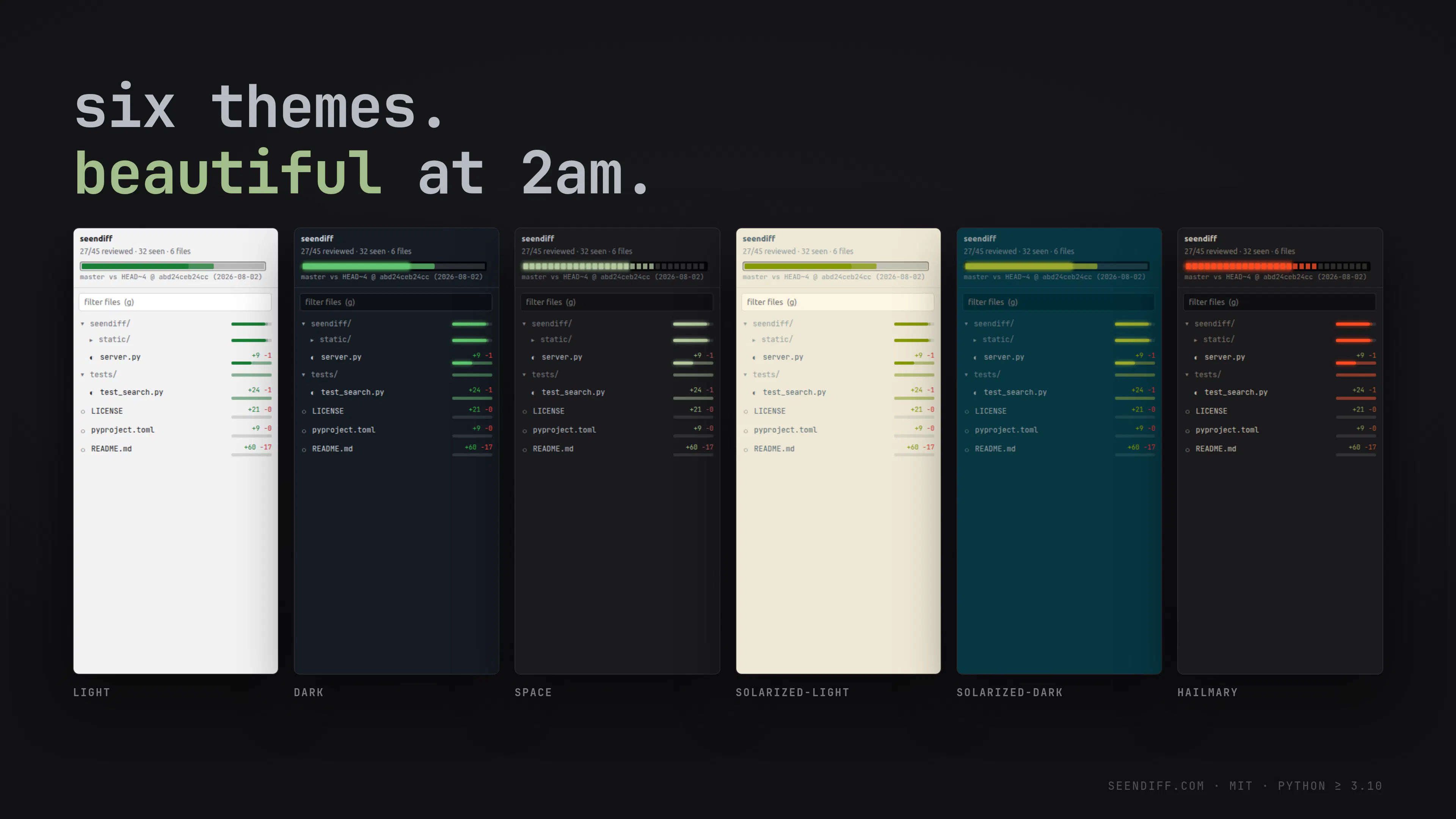
Coding agent can create huge code diffs. Someone still has to read it. seendiff is a local diff tool for large changes. Track what you've seen, review in chunks, and pull the coding agent in to explain its own work.

Hey Product Hunt 👋


AI code is difficult to review.

So you have two options:

1. Go through the painful review process, or
2. Go YOLO mode and commit without reviews.

If you care about maintenance of your codebase you will want to go through the pains review your code.

Most code diff tools today were built for the past world - but AI scale of code is different.

So I built seendiff - to scratch my own itch. It:
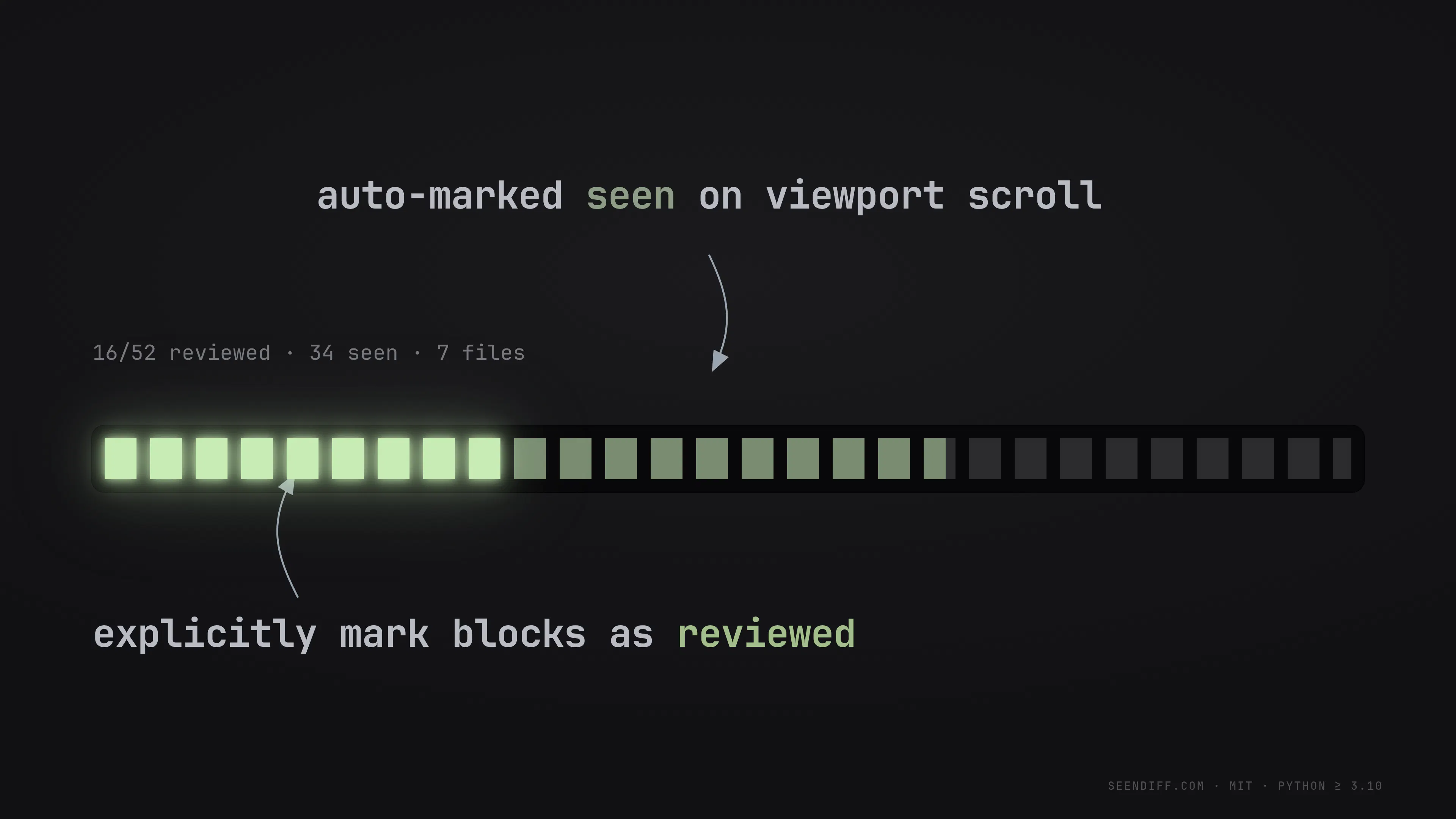
1. Automatically keeps track of what code you've seen in a diff
2. Keeps track of manually reviewed code blocks.
3. Integrates a code walkthrough that lets your AI walk you through the code
4. Other nifty features that matter - local global search, minimap etc.

Im putting it up at https://seendiff.com in case its useful to someone else.

Free. Open source.

What does your agentic code review process look like?

5
回复

@abhishek_iyer How do you see seendiff fitting into a team’s existing code review workflow; especially when an AI agent makes several changes across the same files and developers need to quickly understand what they’ve already reviewed versus what still needs attention?

0
回复

@abhishek_iyer AI-generated code definitely makes review workflows more challenging. The idea of tracking reviewed code blocks and adding an AI walkthrough sounds practical, especially for larger codebases. I’d be interested to see how this fits into an existing agentic development workflow.

0
回复

@abhishek_iyer This is actually a really useful idea. AI-generated code can get messy to review, so the walkthrough feature sounds especially helpful. Will definitely check it out!

0
回复
I often loose track of what I already reviewed and what’s pending, so I get where that pain comes from :))
1
回复

the "what you've seen in a diff" tracking is the part that'd actually get me to use this daily. is that state local to the machine/clone, or does it sync somewhere if I review on my laptop and then pull the same branch on a different machine later

1
回复

@galdayan yeah that was the original motivation - hence "seendiff".

It's designed to be private and secure so everything's local - flip side is that it won't sync across machines (ie. unless someone figure out a way to sync the sqllite across machines)

1
回复

took me a second to realise it had marked a hunk seen that i basically just scrolled past @abhishek_iyer . went back to that file twice more the same night and by the third pass i wasnt trusting the marks at alll.

0
回复

Love that seendiff pulls the coding agent in to explain its own diffs, turning review from a chore into a guided walkthrough of large AI generated changes.

0
回复
#5
Neo
A novel-writing tool from the author of Silo
132
一句话介绍:Neo是一款由《Silo》作者打造的极简小说写作工具,让你在无干扰界面中,仅用回车键即可将手稿实时排版成书本样式,专注于完成粗糙初稿。
Open Source Writing GitHub Books
小说写作 极简写作工具 distraction-free 手稿排版 书籍格式预览 多作品管理 创意写作 作者工具 无拼写检查 macOS应用
用户评论摘要:用户认可无红波浪线(拼写检查)的设计,认为能减少创作中断;同时提出疑问:是否支持语音笔记(用于手机端灵感记录)?是否支持多部小说/草稿并行管理?(官方已确认支持)。有评论对后续亚马逊出版集成表示期待,另有人留意到界面风格与近期影视剧观感有联想。
AI 锐评

Neo的聪明之处在于它把自己定义成“初稿机”而非“写作全家桶”。当市场上大多数写作软件在堆砌大纲、角色卡、世界设定等重型武器时,Neo反其道而行,只做一件事:让草稿长得像书。这个“书本格式化”的巧思直击了写作初期的核心焦虑——你还没写出来,就先被Word的排版和拼写红线吓退。它的价值不在于管理复杂叙事,而在于用视觉反馈制造“我在写一本真书”的心理暗示,从而降低启动门槛。

但需警惕,这种极简是把双刃剑。评论中用户已经开始追问语音笔记、多文档支持(虽已回复支持)乃至亚马逊出版集成,说明“只做一件事”的定位会迅速遭遇真实写作流程的复杂性摊牌。无拼写检查对长篇小说是福利,对短篇投稿或非虚构作者则是灾难,这决定了它的用户群体必然窄众。另外,作为开发者个人定制的产物,Neo目前更像一个充满美学的“私货工具”,而非商业产品——它能否跟进云同步、导出格式兼容、甚至跨设备续写,才是留存用户的关键。若止步于“看起来很美”,它大概率会成为作家书架上的一件摆件,而非生产力工具。

查看原始信息
Neo
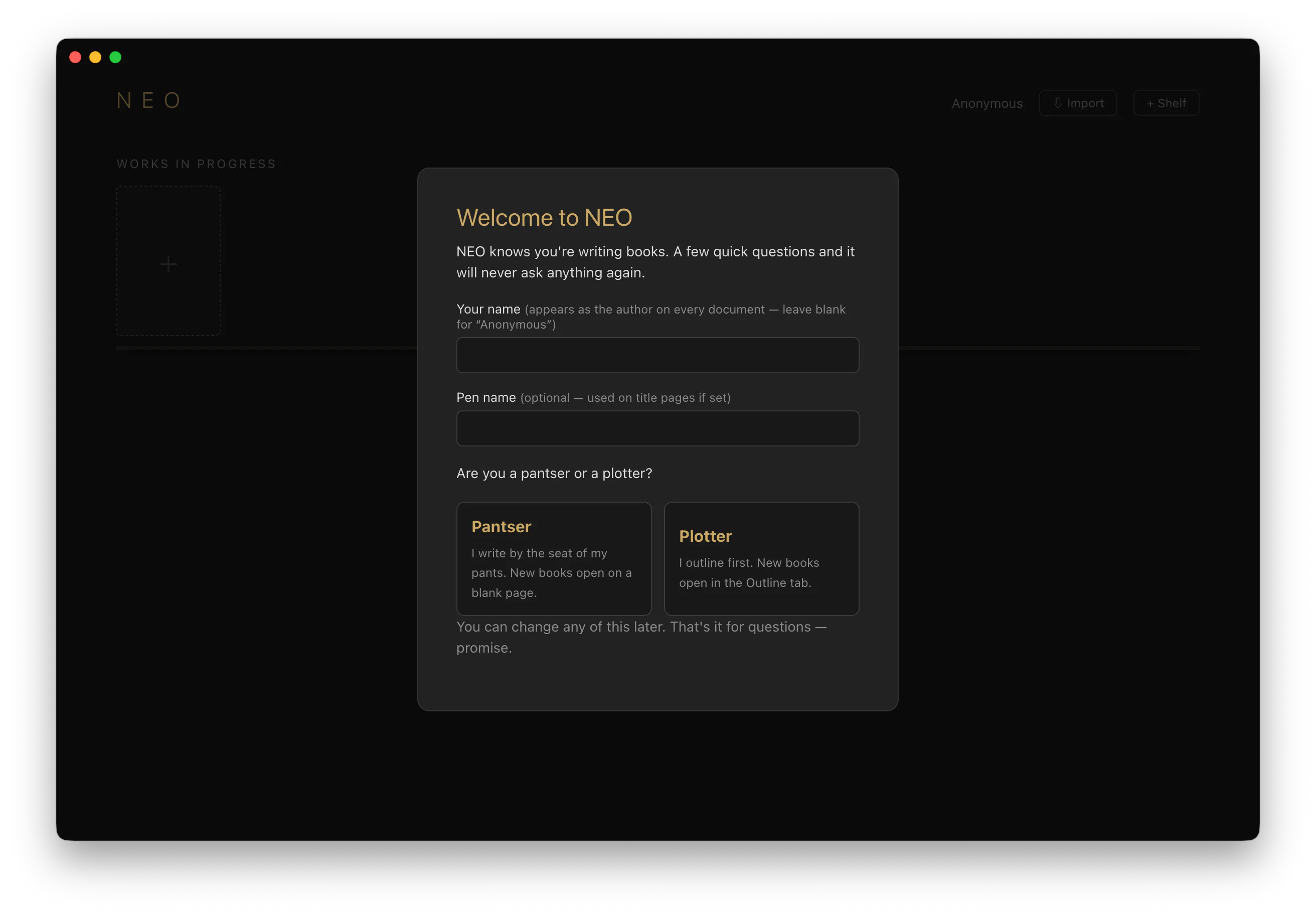
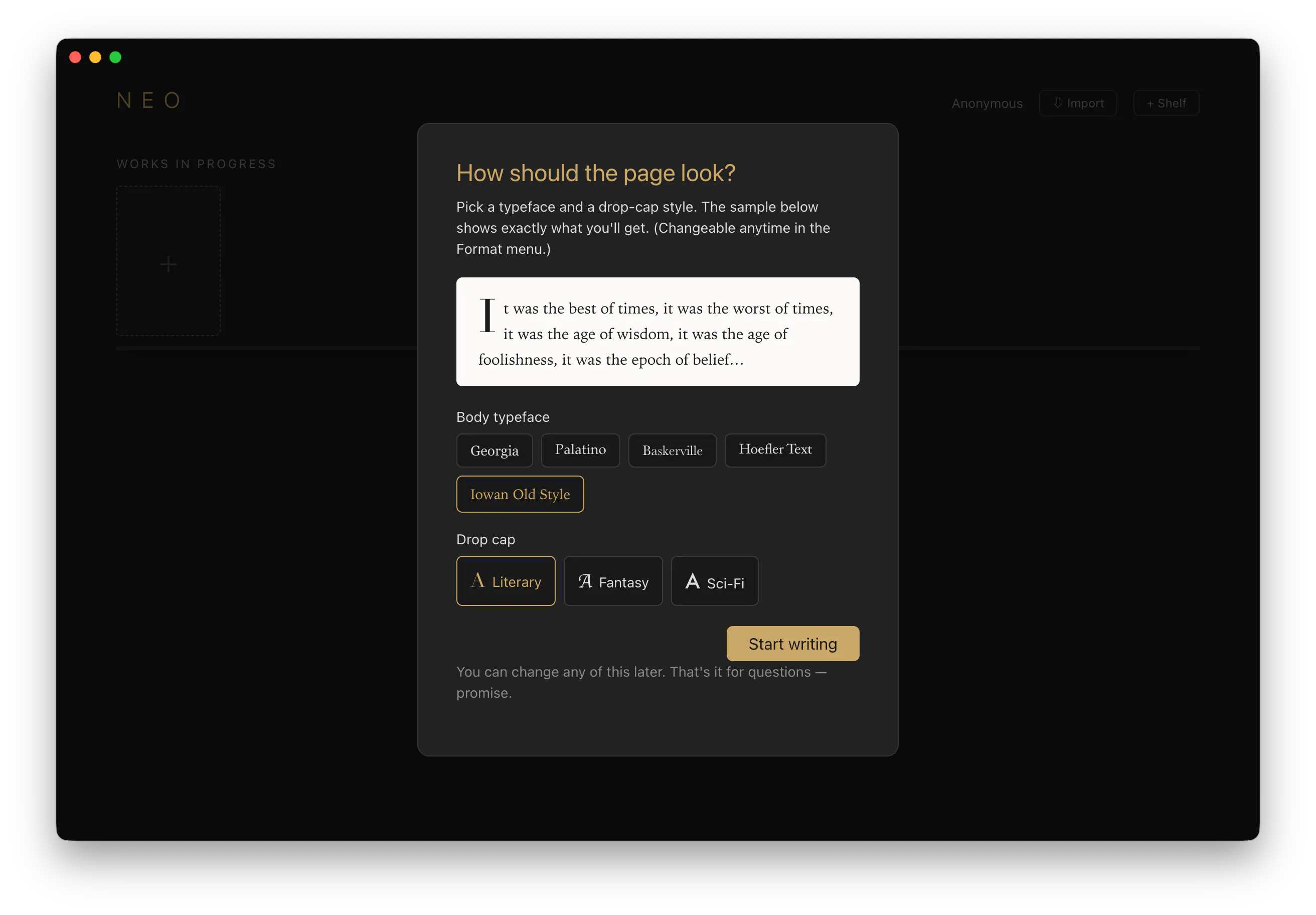
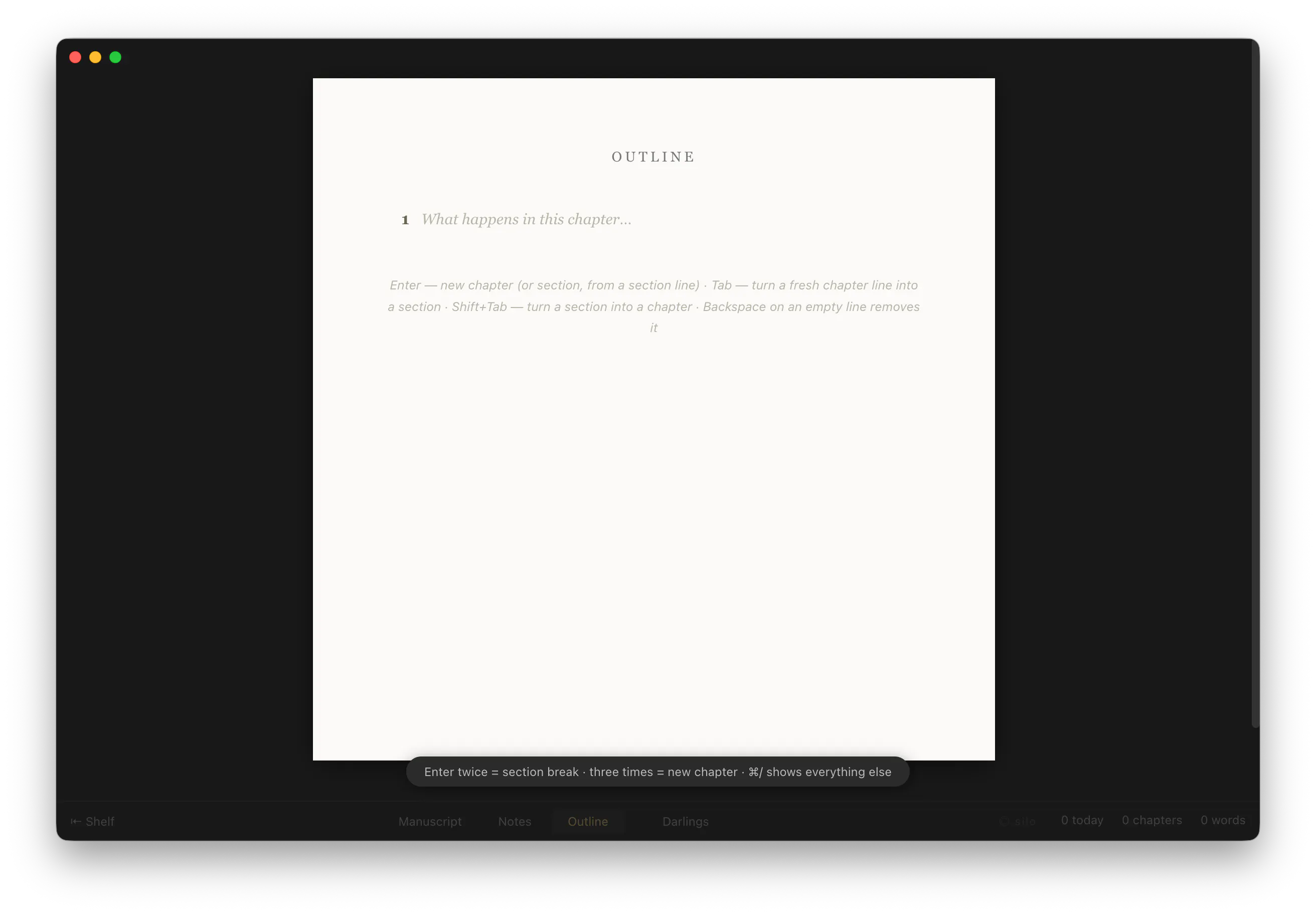
NEO was created after using lots of writing tools and never quite finding "the one." NEO doesn't try to do everything; it just wants you to get that rough draft written. Distraction free, minimal UI, see all your WIPs in one place, and most importantly, it formats your manuscripts to look like a book while you write. All you need for formatting is the Enter key. NEO does the rest.

If I ever write my autobiography, I want to use the writing app from the writer of Silo.

1
回复

No squiggly lines! It sounds silly but when writing those really are distracting, going from creative flow to "whoops I need to correct the misspelling" and the mindset changes.

I hope the Amazon publisher integration update is next but kudos on formatting for it.

Lots of potential, I will give it a fair trial from writing to publish. Congrats on the launch!

1
回复

@sara_dph  the squiggly line thing is the real one. anything that makes you look at the text as an object instead of a draft pulls you out, and spellcheck is just the loudest version of it. what i'm still turning over is whether seeing it formatted like a book while you draft does the same thing in a nicer costume.

0
回复
I like the idea of just sitting in a transatlantic flight and jotting plot ideas away without having to open a laptop. Does it also support voice notes?
0
回复

Does NEO support multiple novels or drafts at the same time?

0
回复
@oliver_graf1 it does!
0
回复

I can see so many things related to movies and series I have watched lately :D

0
回复
#6
Cursor Craft v2
Custom Mac cursors, rebuilt for v2
101
一句话介绍:Cursor Craft v2 是一款 macOS 自定义光标管理工具,通过重构的浏览与预览界面,帮用户快速发现、筛选并一键应用美观或动态的光标包,解决系统光标千篇一律且替换流程繁琐的痛点。
Mac Design Tools Productivity
macOS美化 光标定制 动态光标 桌面个性化 效率工具 光标管理 系统增强 应用重构 产品猎手
用户评论摘要:用户对动态光标既期待又警惕,担心运动光标干扰注意力(建议点击时动、静止时停);有用户反馈自定义光标在录屏中显示异常,开发者回应已用QuickTime测试正常,并询问其具体录屏工具。整体对v2的快速浏览和界面改进持肯定态度。
AI 锐评

Cursor Craft v2 是一款典型的“小而美”工具,但它踩中了两个极为刁钻的痛点:其一是系统级审美的贫瘠——Mac用户愿意为Dock栏、壁纸和菜单栏花费大量精力,却长期容忍那根一成不变的箭头,这是视觉强迫症的最后一处盲区;其二是“高频低关注”交互的再设计——光标是用户眼球追踪的焦点,却又是最不该被注意的元素,这决定了该产品不可能靠“炫技”取胜。

v2的聪明之处在于没有盲目堆砌动画,而是先修复了浏览效率和渲染精度。但从用户评论可见,核心风险已现雏形:动态光标是双刃剑。当光标开始“自我表达”,它就从工具退化为干扰源。真正有价值的方向不是让光标跳舞,而是让光标“携带信息”——例如显示日期、进度、网络状态,即把光标从装饰品升级为信息终端。这一点上,开发者的“Year Progress”和“Date”动态包方向正确,但若不能严格遵循“静止时安静、交互时反馈”的原则,动态潮流将迅速透支用户耐心。

商业模式上,101票的成绩在Product Hunt属于中游,但收藏型付费光标包的天花板明显。更值得警惕的是,Apple若在系统层面开放CursorKit(类似WidgetKit),该应用将面临灭顶之灾。因此,v2真正的护城河不在于“好看”,而在于其提前布局的渲染引擎和对动态光标格式的定义权——若能让第三方设计师基于其平台创作,并从卖产品转向卖生态,方能活得长久。否则,这只是一场精致的、随时可能被系统更新抹杀的短期生意。

查看原始信息
Cursor Craft v2
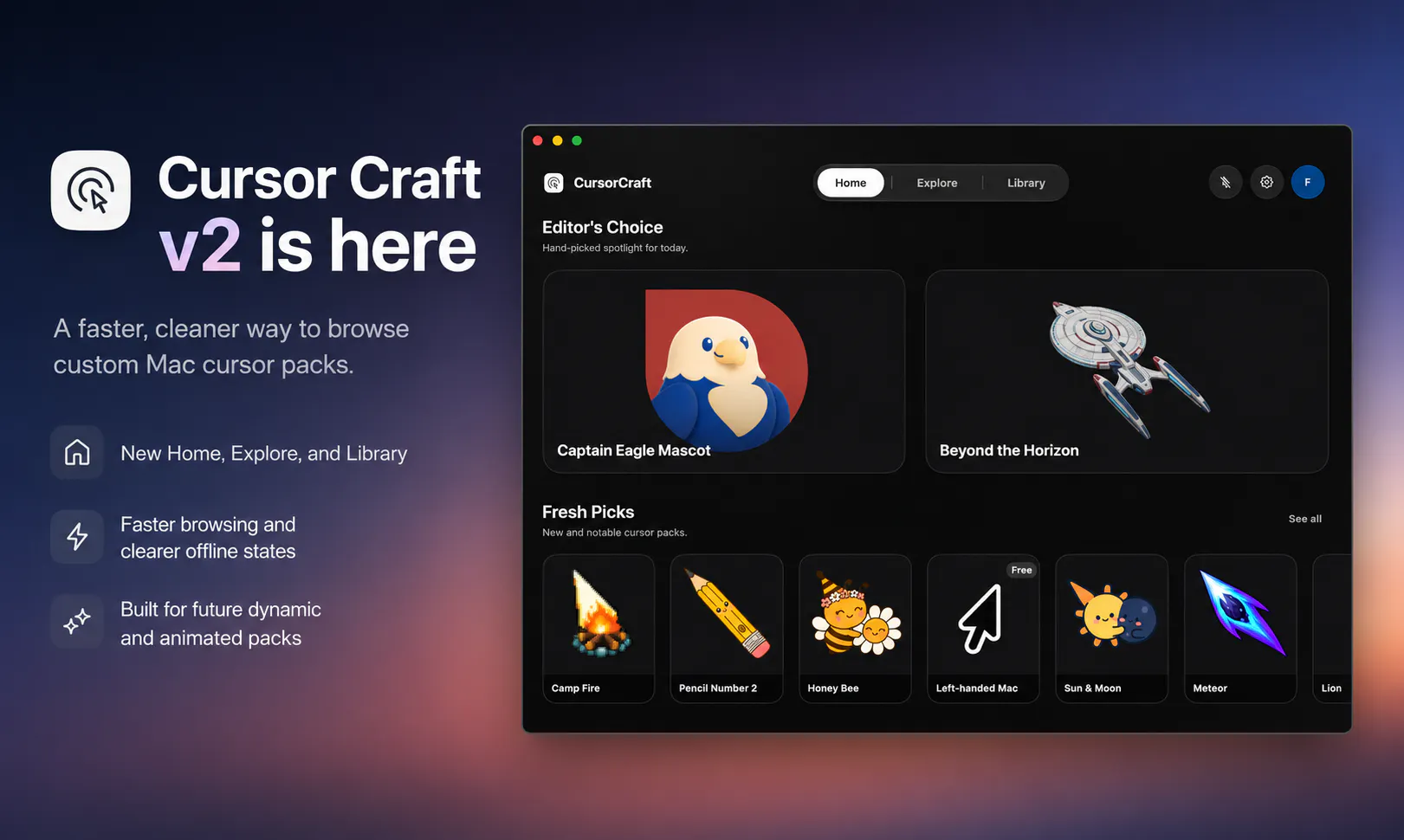
Cursor Craft v2 is a rebuilt macOS app for browsing, previewing, and applying custom cursor packs. The new version adds a redesigned interface, faster browsing, clearer offline states, improved cursor rendering, and prepares the app for dynamic and animated cursor packs.
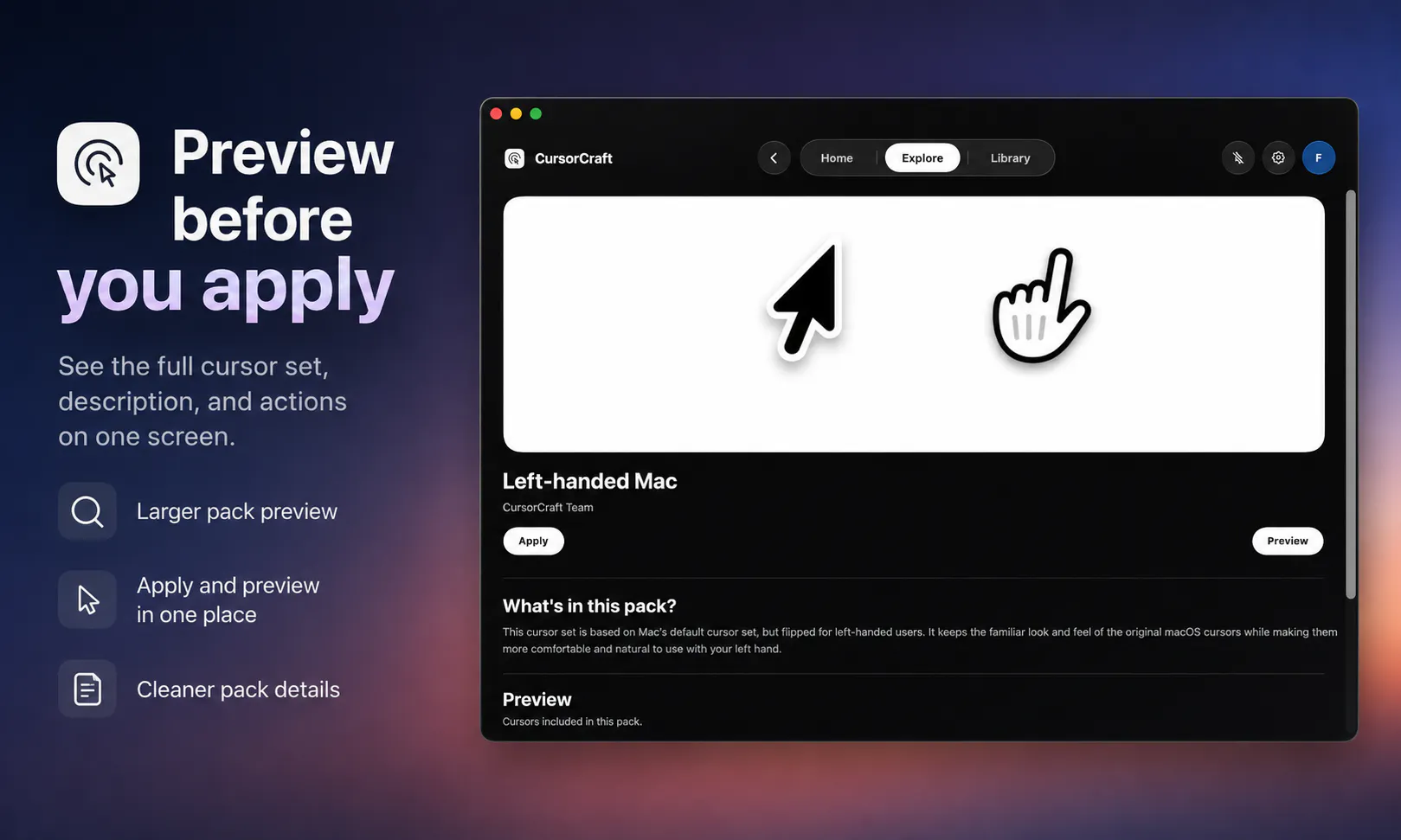
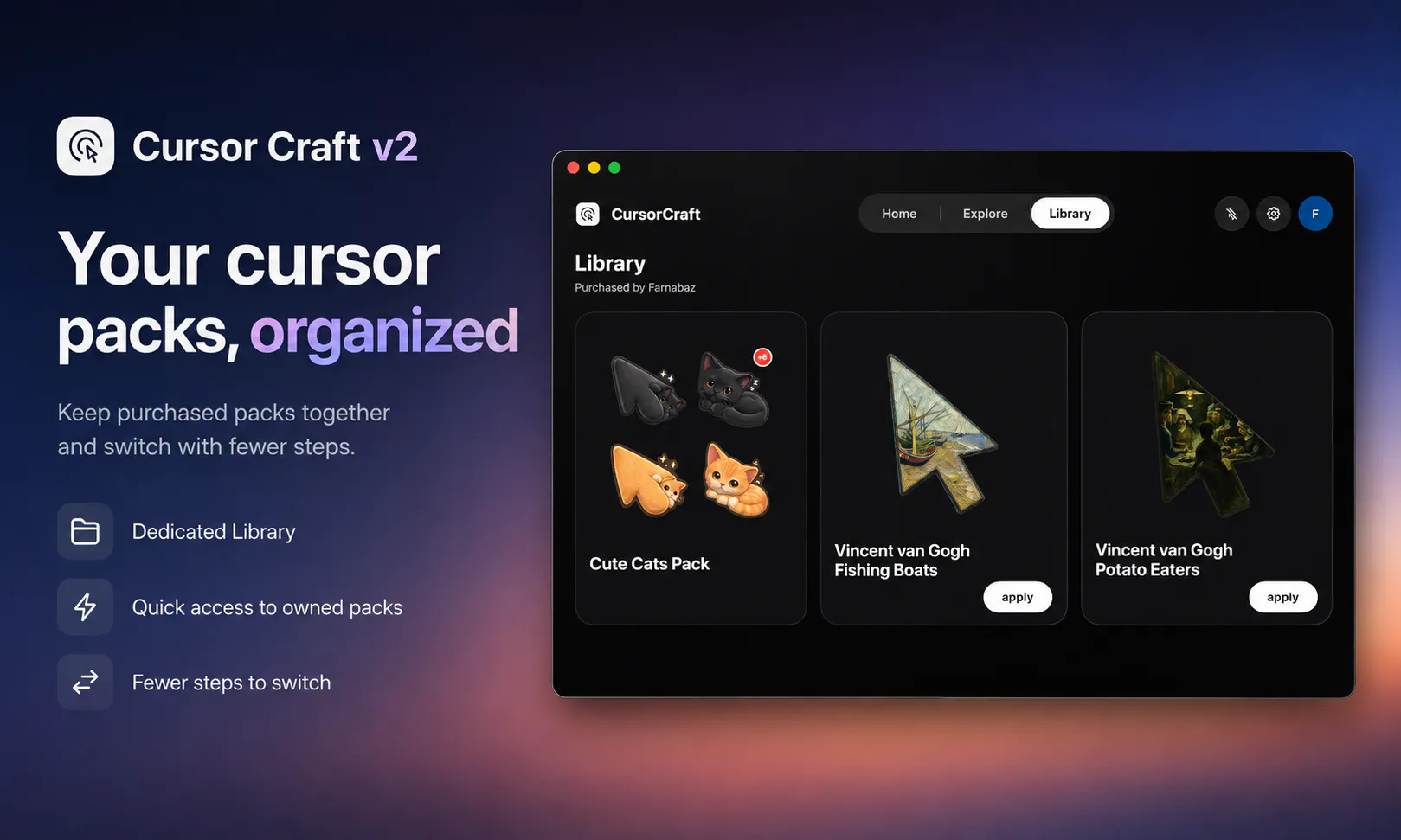
Hey Product Hunt 👋 Cursor Craft v2 is here. When we first launched Cursor Craft, the idea was simple: your Mac is beautiful, but your cursor usually stays the same, even though it’s something you use all day. The first launch gave us a lot of useful feedback. People wanted faster browsing, clearer pack pages, better previews, and a smoother way to find and apply cursor sets. So we rebuilt the app. Cursor Craft v2 has a redesigned interface that makes the app faster and easier to use. The new Home screen highlights hand-picked packs and recent releases. Explore now makes it easier to filter cursor packs by category and preview them before applying. Library keeps purchased packs together in one place. We also simplified pack pages so the preview, price, description, and apply button are all on the same screen. What’s new in v2: • Redesigned Home, Explore, Library, and pack pages • Faster browsing and smoother tab switching • Clearer offline and error states • Cached purchased packs and categories when available • Improved cursor rendering • Better foundation for dynamic and animated cursor packs The rendering work is the part I’m most excited about. It gives us more control over how cursors appear on macOS and opens the door to packs that can move or display changing information. Dynamic and animated cursor packs are still growing, and we’ll share them as they become available. I’d love feedback on: • Does the new app feel easier to browse? • Are pack previews clear enough before applying? • What dynamic or animated cursor ideas would you actually use? • What cursor categories should we improve next? Thanks again to everyone who supported the first launch and helped shape v2. Download Cursor Craft v2 for Mac: https://cursor-craft.app
1
回复

Quick update since launch: We’ve started releasing the first dynamic cursor packs for Cursor Craft.

This is something v2 was designed to support. Instead of only using a static cursor image, a dynamic pack can update over time or react to changing information.

It’s still early, but this opens the door to cursor packs that feel more alive - useful, playful, or contextual.

Year Progress: https://cursor-craft.app/cursors/year-progress
Date: https://cursor-craft.app/cursors/date-green-white

I’d love feedback: Would you use dynamic cursors on your Mac?

And what kind of dynamic cursor would actually be useful instead of distracting?

0
回复

yeah @asadmalik901 this is the bit i keep coming back to. the cursor is the one thing you track without ever looking straight at it, so the second it starts moving on its own youre watching your own pointer instead of the work and it drives me nutsss.

0
回复

The animated packs are the part I'd be most careful with. A cursor is the one element on screen that's meant to disappear into your hand, and motion pulls attention back onto it, so a pack that looks great in a store preview can be exhausting an hour into real work. If you can let a pack animate on click and sit still while idle, that's probably where the good ones end up.

0
回复

Every demo GIF I record, the cursor is the one thing that looks wrong in the final frame. Does a custom one show up in screen recordings?

0
回复

@yelyzaveta_kibets Thanks for pointing this out! I’d love to look into it and see what might be causing the issue. Which tool are you using to record your screen?

Some screen recording tools handle the OS cursor differently, which can affect how the custom cursor appears in the final recording. For example, I just tested this with QuickTime and the cursor works as expected.

You can check the quick recording here: https://streamable.com/rft9jx

If you let me know which tool you’re using, I’d be happy to dig into it and see what’s happening.

1
回复
#7
publicdesktop.lol
Public computer of the internet
100
一句话介绍:
Design Tools Icons Marketing
公共桌面 创意互动 数字涂鸦 付费置顶 社区趣味 互联网艺术 轻量社交 众包内容 虚拟空间 病毒传播
用户评论摘要:用户反馈集中于趣味性和持久性:有人点赞其流量增长(3000次访问),好奇页面为何可滚动;有人关注“简历”是否永久保留,得到作者确认会长期存在且将增加新功能;也有用户欢迎新加入的站点,并称赞“柯基涂鸦”质量高。有效建议是:需明确内容持久性规则与滚动机制。
AI 锐评

publicdesktop.lol 本质上是一个“数字地段”售卖机,用10美元的廉价门槛购买“永久位置”,这精准击中了互联网稀缺的注意力与归属感。它的真正价值不在功能,而在“行为艺术”:让用户在一张公共画布上留下不可磨灭的标记(哪怕只是个图标或一首歌),形成一种对抗信息流刷屏的“反即时”仪式。评论中用户对简历和涂鸦的持久性质疑,恰恰是产品命门——如果数据可被管理员清空,所谓“永久”就只是营销话术。目前它更像是微型先锋实验,依赖作者持续运营(引入新站点、保持页面活跃),但商业模式单一,且极易被大平台复制。风险在于:一旦热度退去,“公共电脑”就变成“公共墓碑”。不过,在元宇宙概念退潮、人们渴望返璞归真的当下,这种低成本、无算法干预、靠人类自发性堆叠内容的“野生空间”,反而可能成为未来数字社区的一种有趣样本——前提是它得撑过自己的“三分钟热度”,并回答用户最关心的:我的东西,到底会不会消失?

查看原始信息
publicdesktop.lol
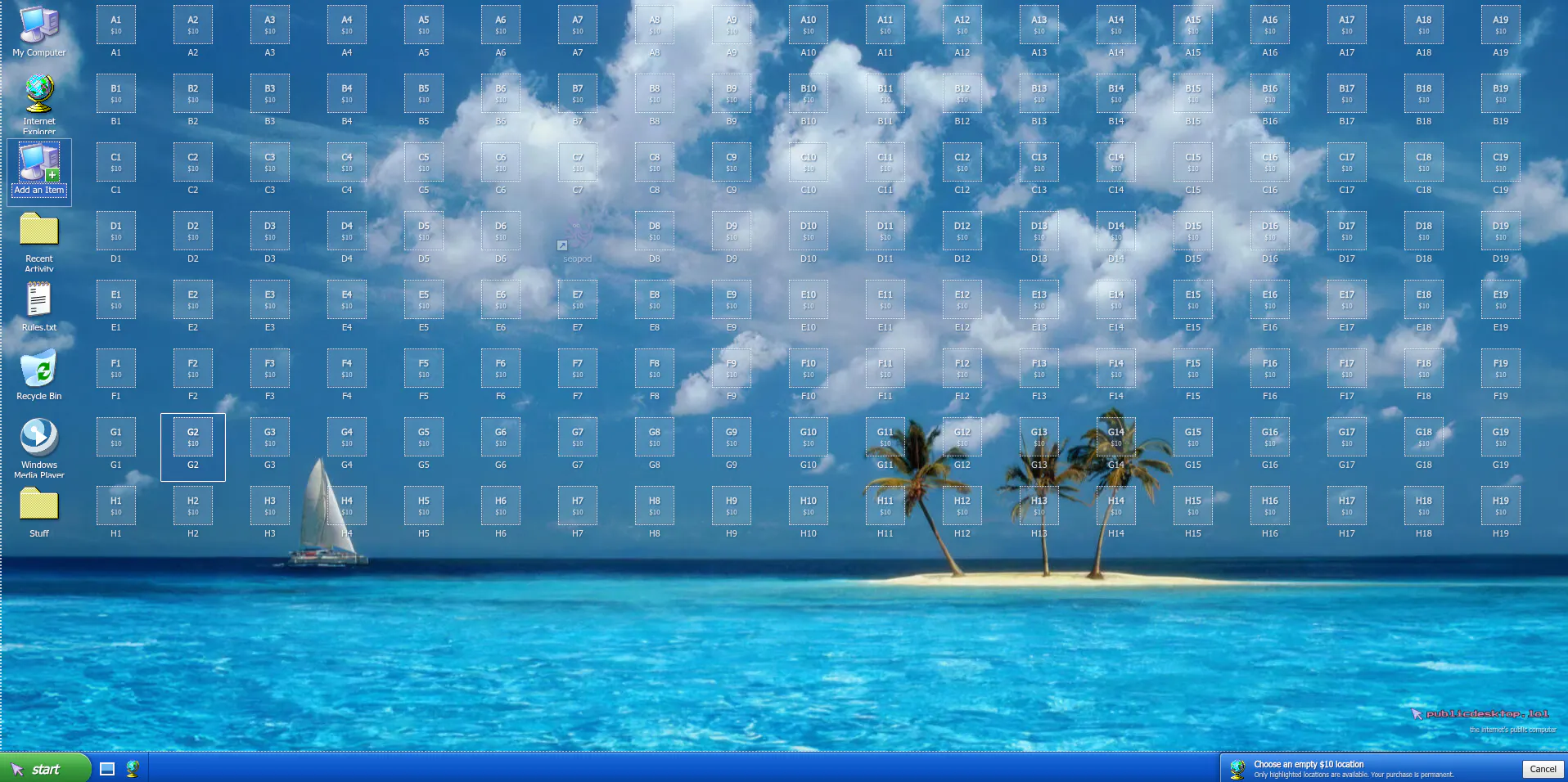
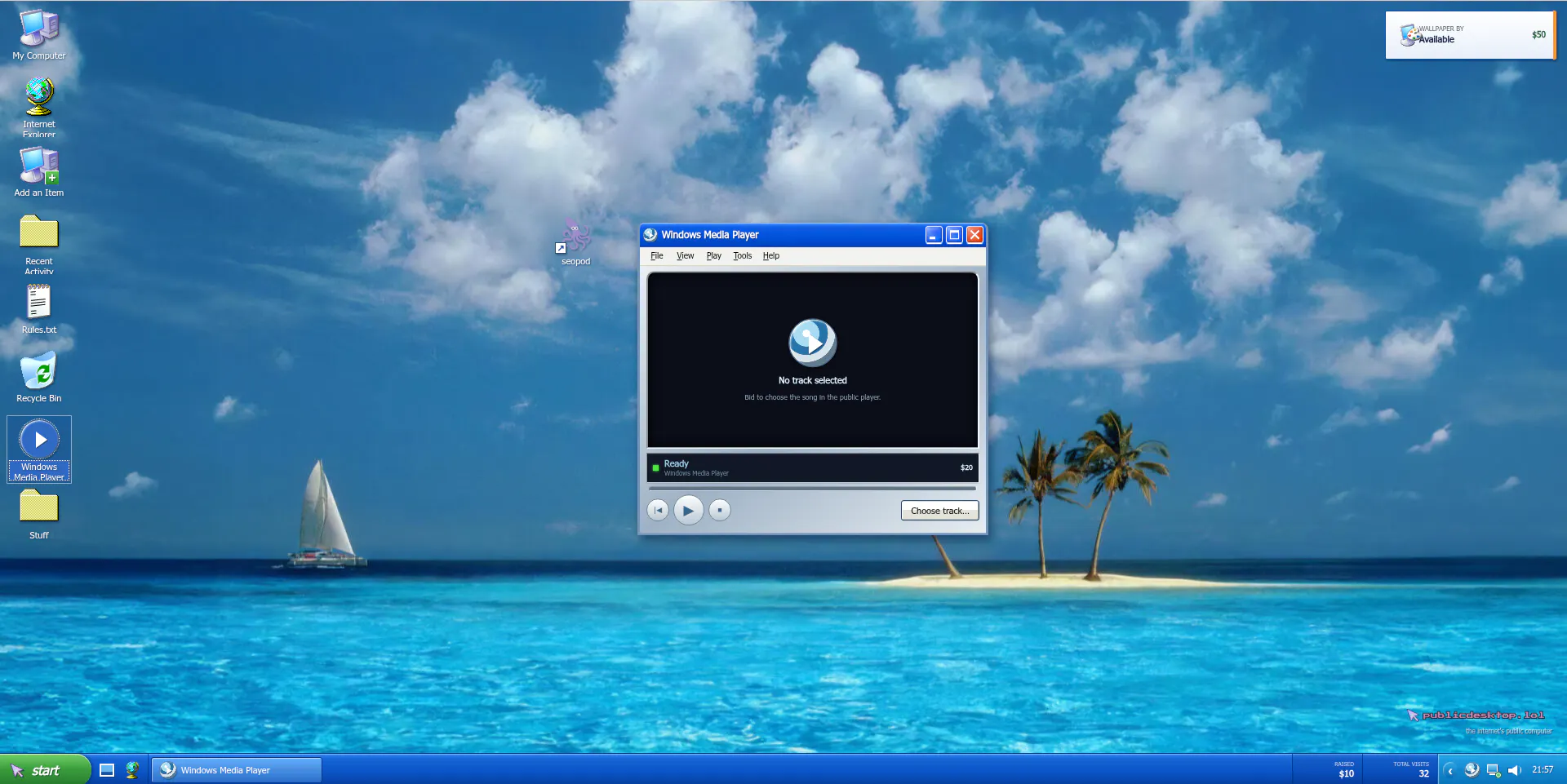
Buy a permanent $10 icon location on the internet's public computer, or bid to control its public song.

Public desktop crossed 3000 visits. Thank you all.

1
回复

@sirinserhan why it is scrollable :D

1
回复

still thinking about the resume @sirinserhan . somebody looked at a public desktop where strangers draw corgis and went yeah, this is where my work history goes... does any of it persist or does the whole thing get wiped? i need to know if that resume is still up there.

1
回复

hahah :) @rabnoor_s still exists there! and it would be stay for a long time. i will add new features, share the project in more places. so maybe that resume will get some attention

0
回复

crosspaths.me , launchspread.com and bookmoth.app just joined public desktop! welcome all.

0
回复

@botric @SupDesk and Excel Help joined the recently!

Welcome all!

0
回复

Someone just added his resume to public desktop. 😭

0
回复
0
回复

Someone drew a corgi, whoever it was, it was fire.

0
回复
#8
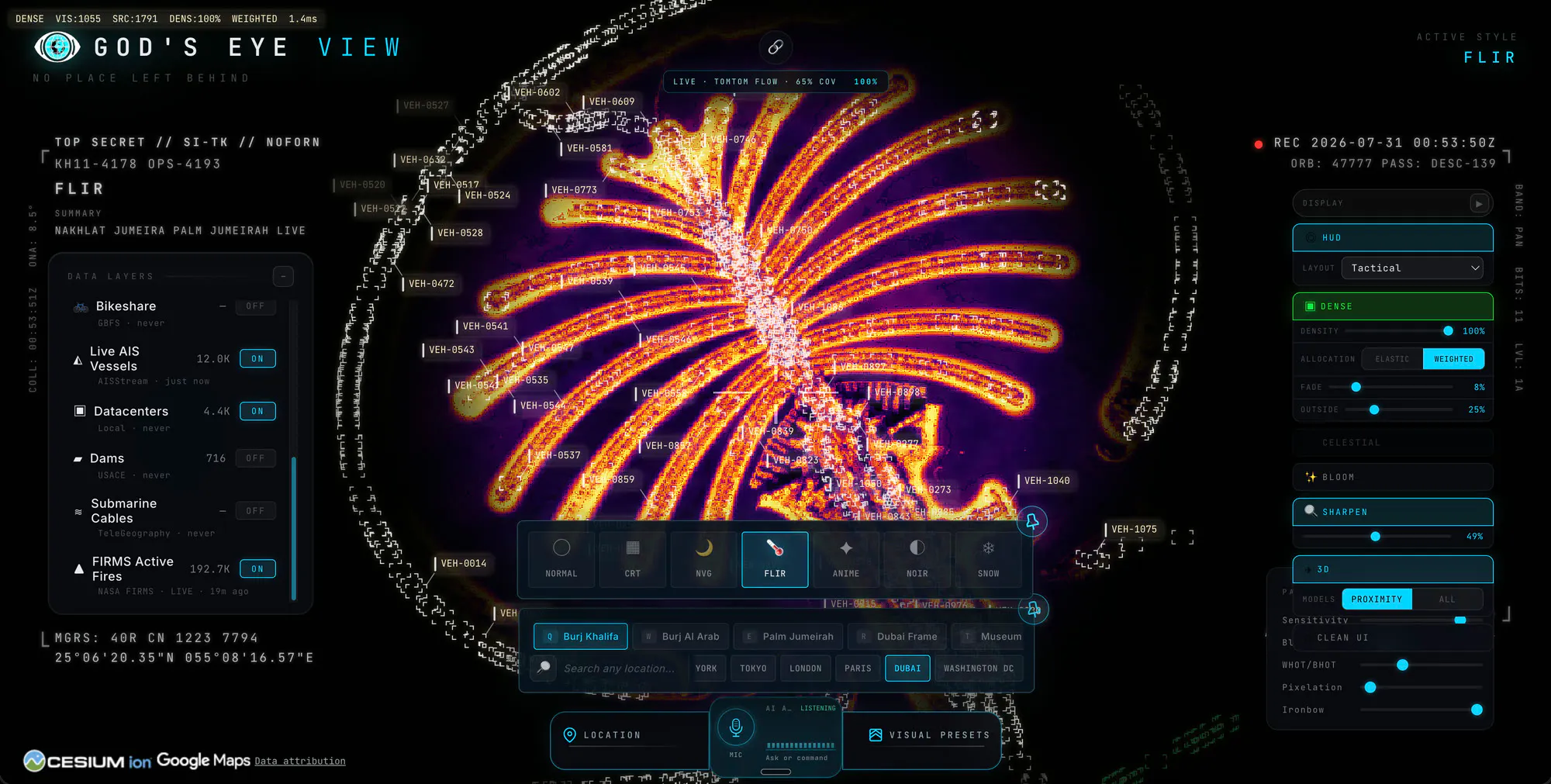
God’s Eye View
Spy satellite simulator in your browser but the data is real
95
一句话介绍:God’s Eye View 是一款在浏览器中运行的实时开源地球模拟器,将公开的飞机、船只、卫星、地震等数据以间谍电影式的高保真3D界面呈现,让用户以“上帝视角”自由探索真实世界动态。
Open Source GitHub Maps
实时地球模拟 开源 3D可视化 卫星数据 航空追踪 船舶追踪 公共数据聚合 浏览器应用 语音控制 情报可视化
用户评论摘要:用户惊叹于“vibe coding”创造力和产品开源。核心追问集中在数据真实性(是否为实时遥测)与可靠性(ADS-B/AIS自上报易被屏蔽或伪造)。建议在界面上直接标注数据来源与时间戳,而非放进关于页,以增强可信度并区分“玩具”与工具。
AI 锐评

God’s Eye View 的巧妙之处在于其“反向包装”策略——市面上绝大多数产品是用花哨的UI去粉饰单薄的数据,而它反其道行之,用“007指挥中心”的戏剧化外壳,去承载本就公开、纯净的实时数据流。这种错位带来了极强的传播力,也精准击中了大众对“暗中观察”的趣味性需求。

然而,评论区的专业质疑恰恰戳中了其价值的天花板。ADS-B与AIS均是自报告系统,意味着数据本身是“自愿暴露”的代理指标,而非客观事实。商业渔船会关掉应答机进行非法捕捞,军用飞机会屏蔽ADS-B,甚至普通飞机在敏感区域也会消失。该产品目前对“信号失联”的处理并未提及,这暴露了其“实时全知”叙事下的脆弱一角:它更像是一张“谁愿意被看见”的世界地图,而非真正的上帝之眼。

真正的价值在于两点:第一,作为教育可视化工具,它完美呈现了“空中、海上、陆地”多层次交通流的壮丽图景;第二,作为开源基础设施,它赋予了开发者一个低成本、可无限扩展的“实时数据画布”。但若想从“科幻玩具”升维为“严肃工具”,开发者必须正面回应数据完整性、延迟标注、信号丢失的兜底策略。目前的“全知感”是一种精妙的幻觉,而幻觉的保质期,取决于它何时被一次明显的“失踪事件”打破。建议团队下一阶段将“数据不可靠性”本身做成可视化,那才是真正的差异化护城河。

查看原始信息
God’s Eye View
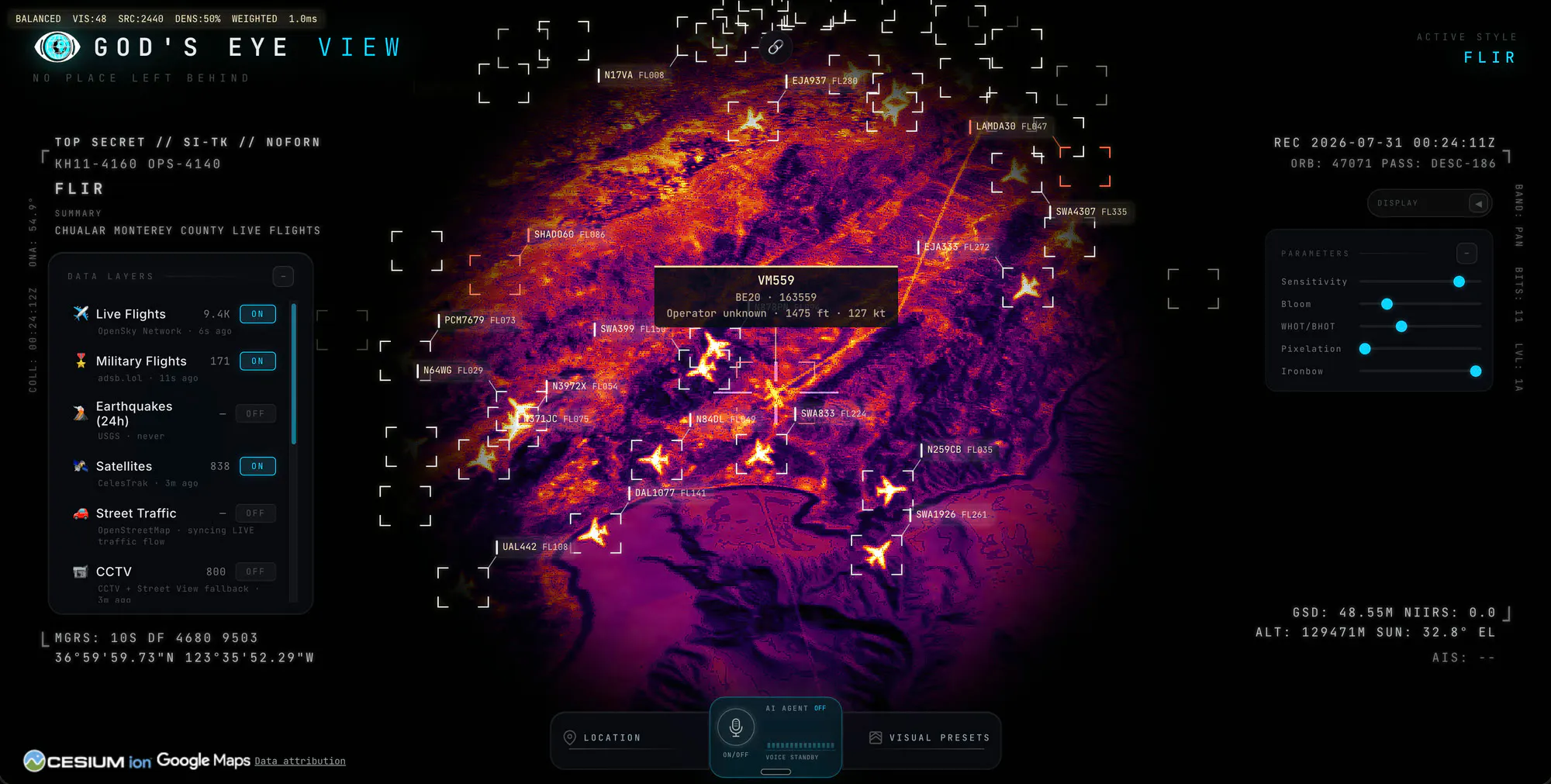
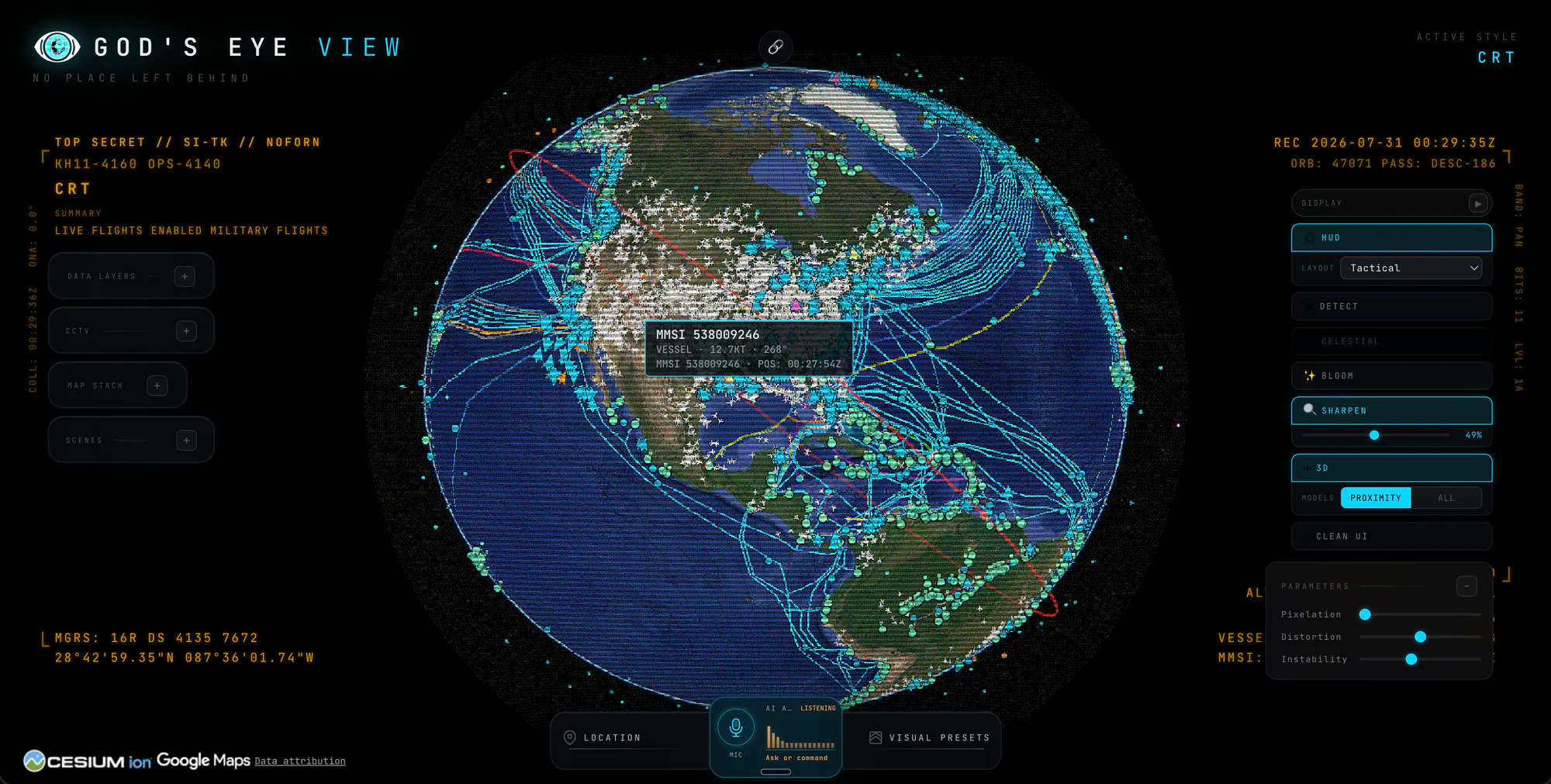
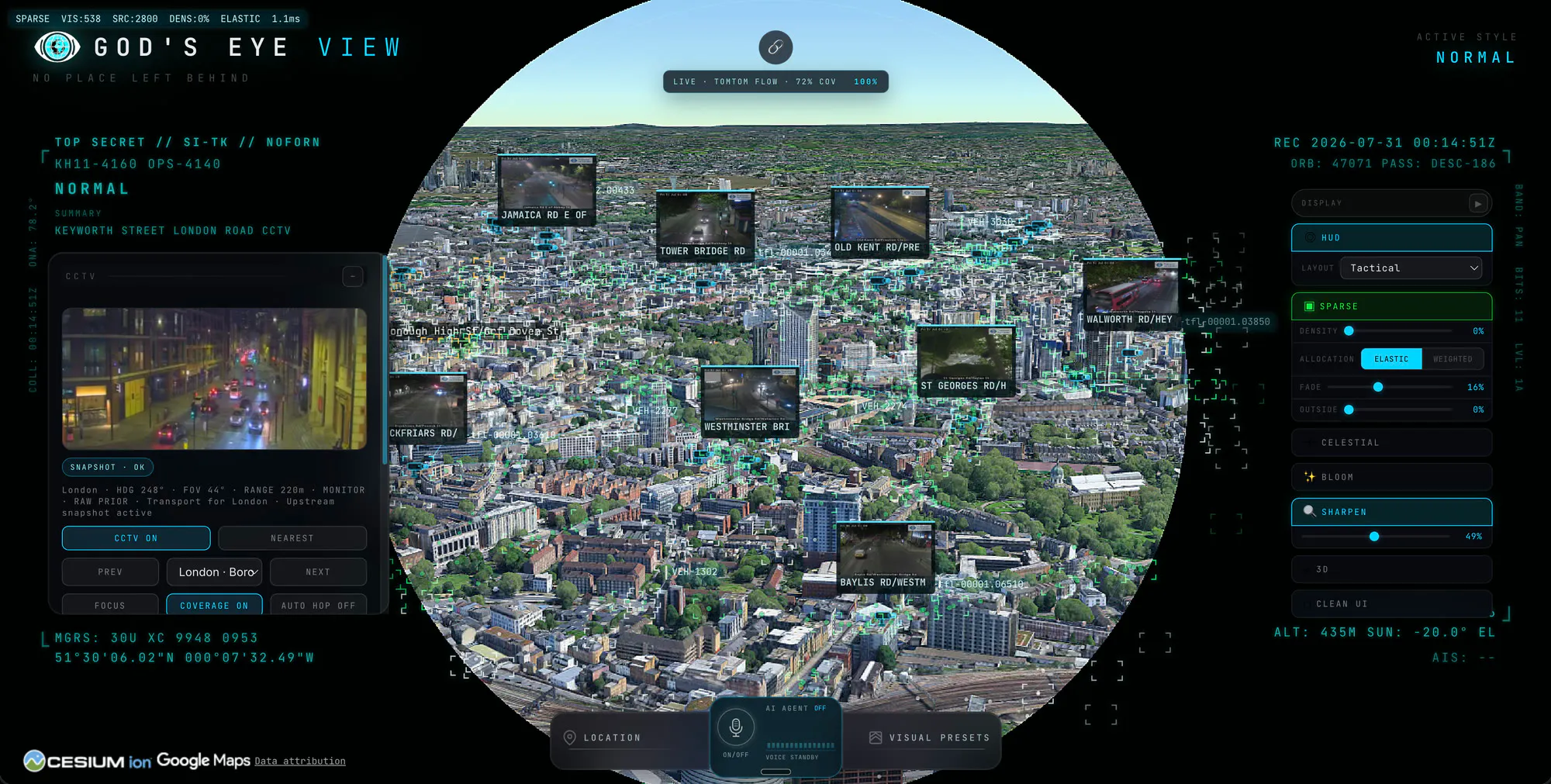
A spy satellite simulator in your browser - then you realize the sources are public and the data is real. Photorealistic 3D globe with live aircraft, ships, satellites, earthquakes, traffic, and public cameras. Talk to the planet with hands-free voice control using a realtime AI agent. Fully open source under MIT license, runs in your browser and is designed to cost little to nothing for personal exploration. No place left behind!

This is why vibe coding is so cool. Who would have built this 10 years ago??

2
回复

@chrismessina thank you chris - surreal way to start a saturday!

0
回复

@chrismessina Right!? The power we have to create, build, and ship is right there. I love being able to build without barriers!

1
回复

Brother is this for real, is the data 100% accurate?

1
回复

ADS-B and AIS are both self reported, so the globe is showing whatever agreed to be seen that minute. ships doing something they shouldnt switch the transponder off and drop off the map completely, thats a known move in sanctions work, and aircraft have the FAA blocking programs on top of that. does the app hold a last known position when a track goes dark, or does it just vanish @bilawalsidhu ?

0
回复

The framing here is doing something unusual. Most products dress thin data up to look authoritative and you've gone the other way, real public feeds in a spy movie costume. The risk is that people file it as a toy and never check whether an aircraft position is actually current, so I'd put the source and the timestamp on the globe itself instead of an about page.

0
回复

Well this was a genuinely pleasant surprise! I didn’t even know God’s Eye View had been hunted until it popped up in my feed today. Thank you to Chris!

The premise is simple - the feeling of a spy thriller command center rebuilt from signals already broadcasting in public. Essentially a real-time "common operational picture" of the world we live in - aircraft, ships, satellites, traffic, public cameras, fires, earthquakes - all brought together on a photorealistic 3D globe that you can talk to using voice control.

The initial demos went kind of viral on YouTube and the most common comment was "give us the code" - so here it is! It’s fully open source under MIT, runs in your browser, and the whole point is to break it, remix it, and add layers and modes I couldn’t even imagine. PRs are welcome so please have fun! And do tell me what should we add next?

0
回复

"the data is real" is the part i want to know more about - is it live satellite imagery/telemetry, or a real dataset that's just not updating in real time? those are very different demos even if they look the same in a gif

0
回复

@galdayan yup it's real - satellite, vessel, plane locations, even fires via NASA's public satellite data and so much more. Of course people do spoof things and using more expensive paid APIs will get you better coverage and fidelity. It's open source so you can inspect the data sources and swap in others.

0
回复

@bilawalsidhu that's a great answer, thanks. the spoofing point is the interesting one - is that something the simulator flags in any way (like an aircraft broadcasting an impossible position/speed jump), or is it purely on the viewer to sanity-check what they're seeing?

0
回复
#9
Mossy
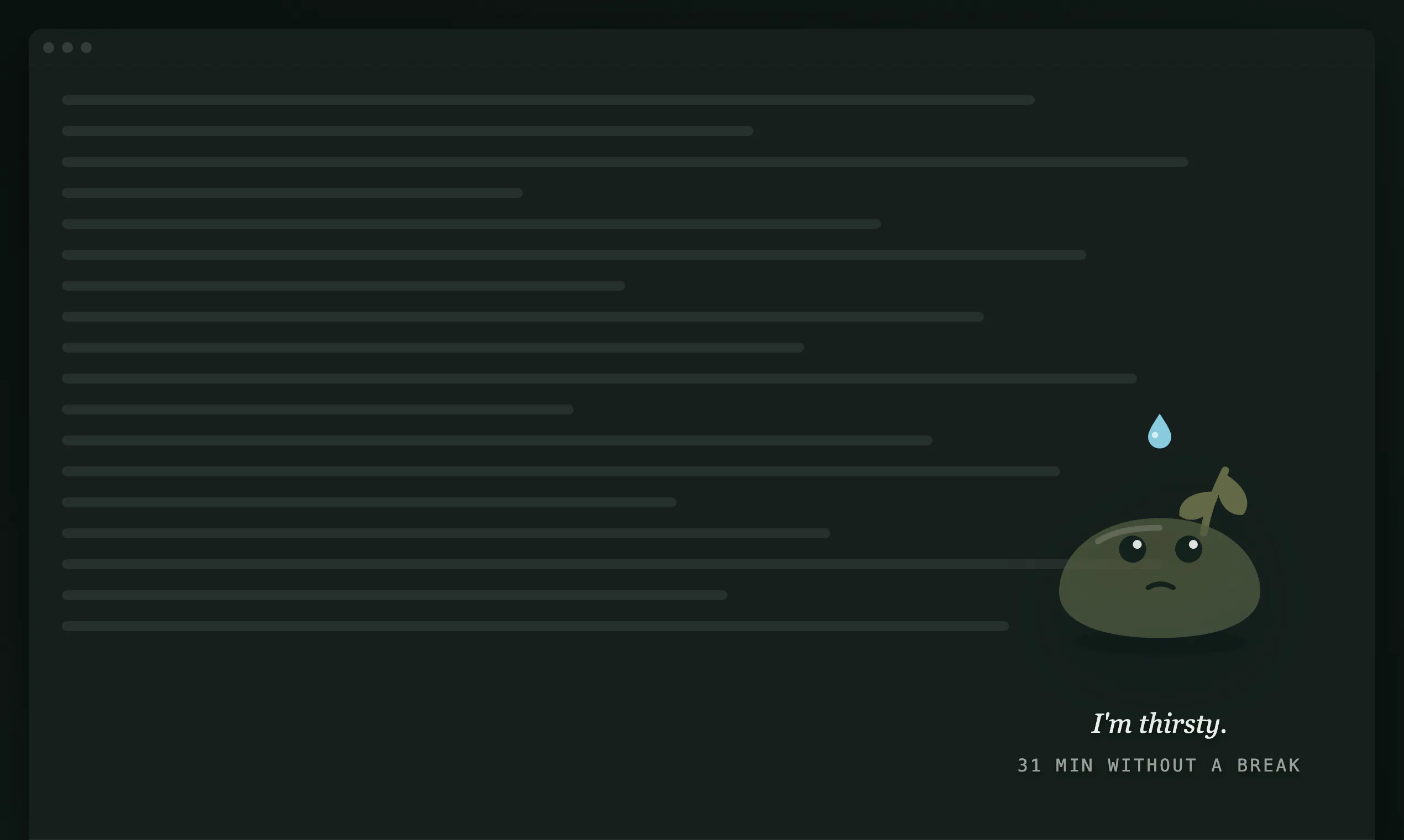
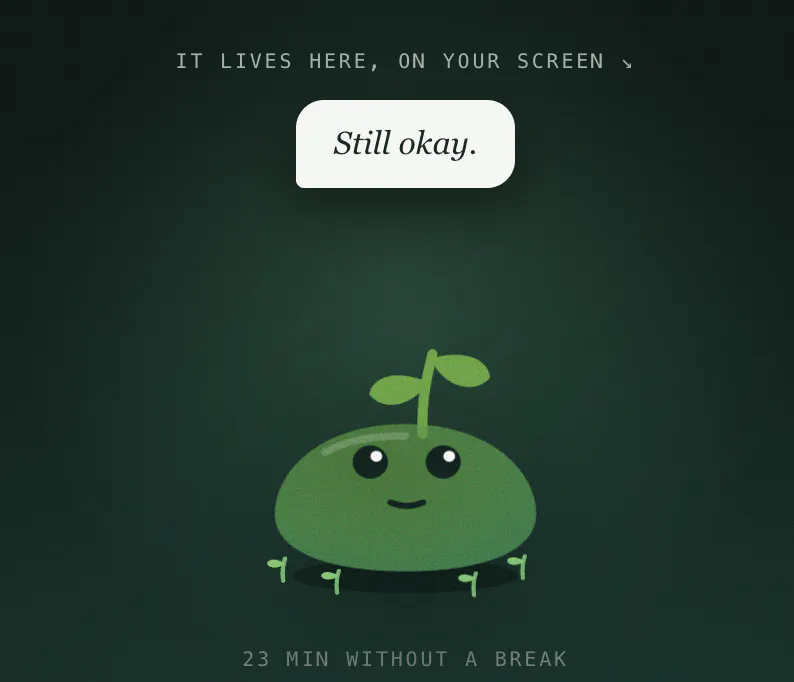
A desk plant that wilts when you need a break
91
一句话介绍:Mossy 是一款住在 Mac 桌面的虚拟植物,它通过肉眼可见的枯萎程度,提醒长时间久坐的你该起身休息了,且从不强制打断工作。
Mac Health & Fitness Productivity
健康提醒 久坐提醒 桌面宠物 番茄工作法 效率工具 休息助手 原生应用 免费工具 行为干预
用户评论摘要:用户普遍认可“不打断、可忽略”的设计哲学,认为其比强制弹窗更易长期坚持。有人提出“变体应用”设想:移植到手机,用渐变音调提醒疲劳驾驶员防瞌睡。开发者回应称可结合番茄钟使用,并建议用户自定义拉伸动作(如眼镜蛇式)。
AI 锐评

Mossy 的聪明之处在于对“反人性”的精准洞察:传统提醒工具死于“强制”,而它选择用“愧疚感”做温和的负反馈。枯萎的植物不锁屏、不弹窗,将“拒绝休息”从“对抗系统”降级为“无视一个无害的生命”,这反而让用户更主动地审视自己的行为——你是在无视健康,还是在无视一盆像素草?这种心理博弈的设定,远高于普通计时器的价值。

但它的天花板同样明显。1.4MB的体量决定了其边界:AI生成的“休息任务”本质是模板化填空,无法真正适配复杂身体状况(如ACL术后康复),且“文字生成任务”缺乏专业性审核,存在误导风险。更深层的问题是,它依赖用户的“自觉愧疚”作为驱动力,对于自控力极弱或已产生麻木感的用户,枯萎的植物最终只会沦为桌面装饰。

真正的价值在于验证了一个方向:健康干预不一定要成为工作流的敌人。Mossy 用轻量化、非侵入的方式,让“休息”从一道命令变成了一个可被观察的自然结果。这比任何强制锁屏都更接近人性的底层逻辑——但若想成为真正的健康伴侣,它需要从“情绪玩具”进化为“生理数据+专业建议”的入口,而非停留在让人“站起来”的初级阶段。目前,它好看,但还不够有用。

查看原始信息
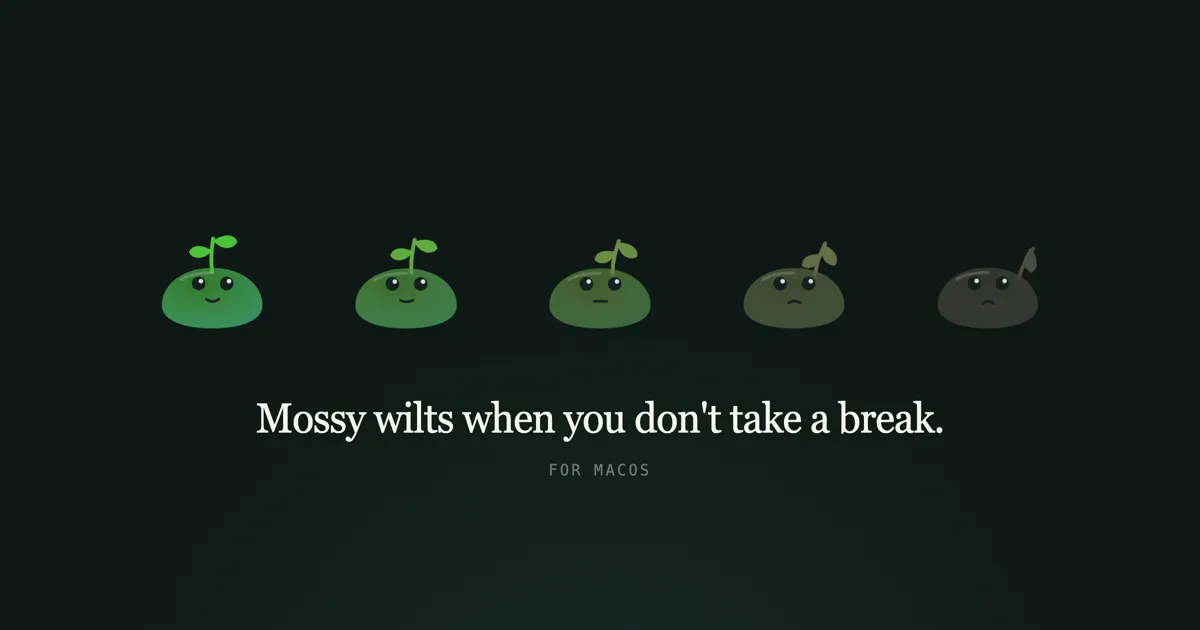
Mossy
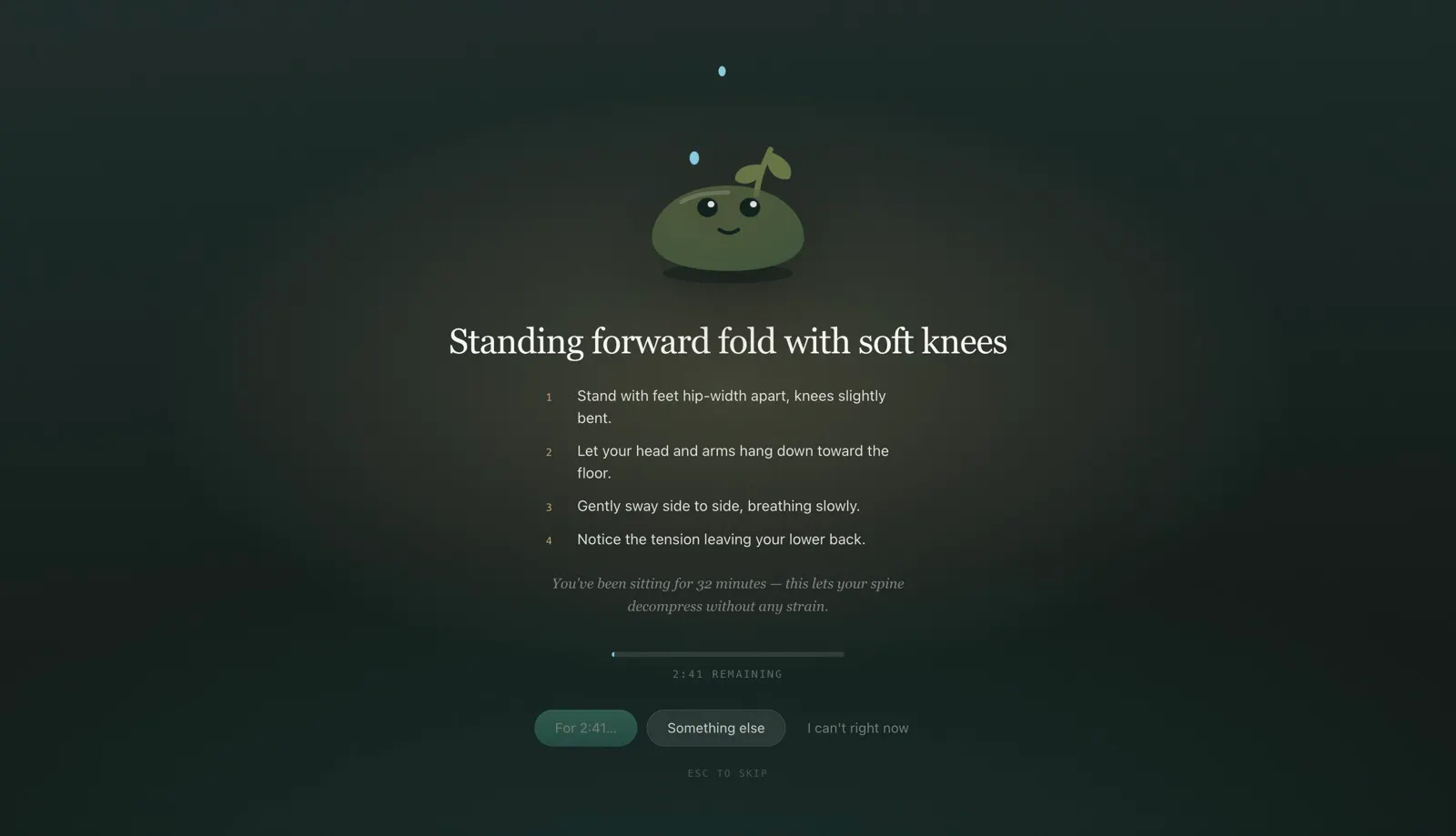
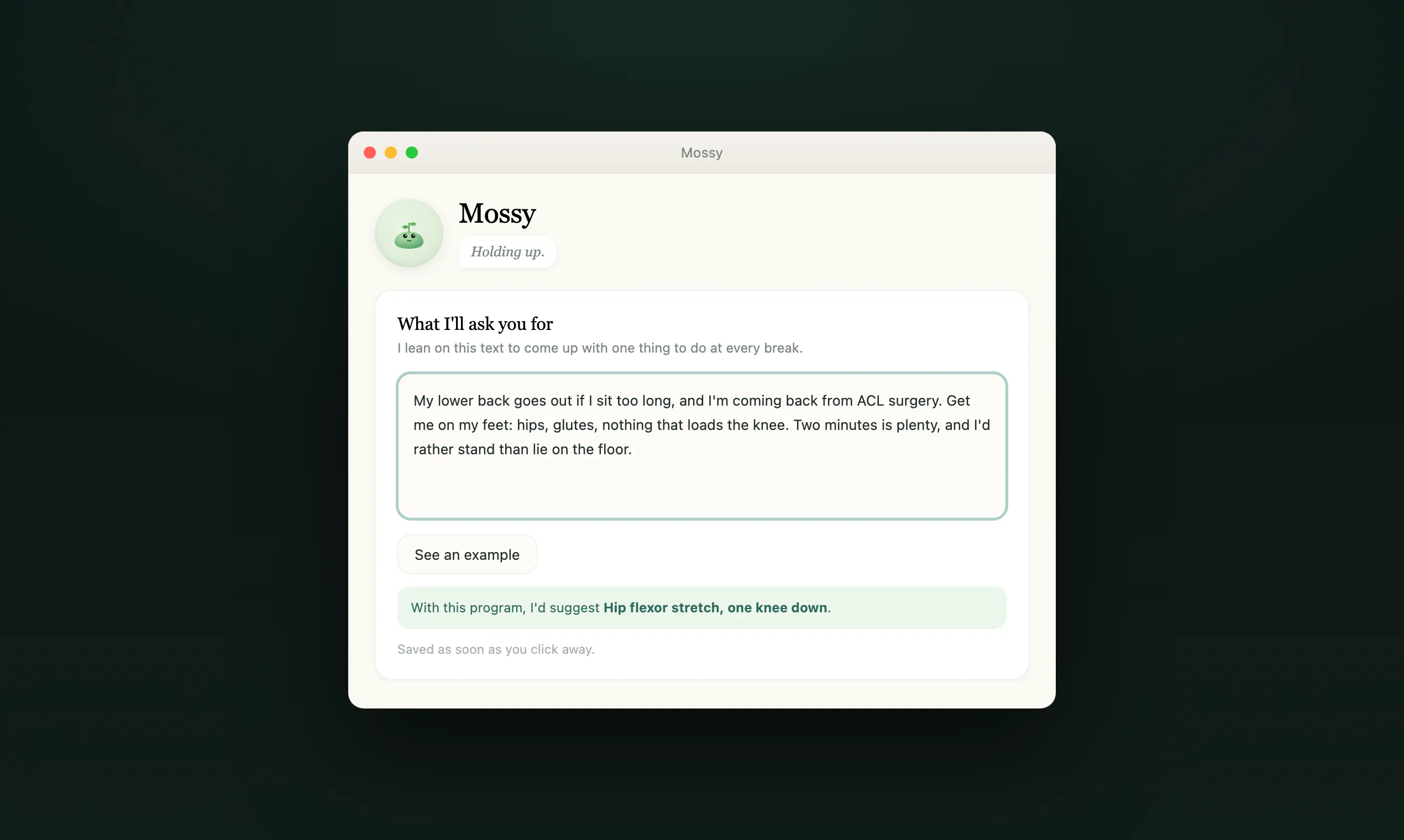
Mossy is a small plant that lives on your Mac desktop. The longer you sit without a break, the more it wilts. You write one sentence about what your breaks should be. Stretch my bad back. 20 push-ups. Teach me a Spanish word. Just make me stand up. An AI writes every break from that sentence, one task at a time, with a timer. It never blocks or dims your screen. Ignoring it is a normal way to use it. Free, no account, 1.4 MB, native, macOS 12+.

One of the cutest visualisations I have seen today :)

4
回复
@busmark_w_nika Thank you so much ! We are so excited to lauch Mossy today. Feel free to use it 🌱
1
回复

@busmark_w_nika This should be adapted to mobile phones with graduating tones to warn drowsy drivers from completely nodding off, hopefully averting disasters. I already posted this to Mossy as well.

0
回复
I'm a developer and I sit about ten hours a day. My lower back has been going out on me for years. I also play basketball, and I tore my ACL last October, so this year has been surgery, physio, and even more chair than usual. My wife is an architect. Same laptop, same chair, same ten hours. We have a one year old, so "just train in the evening" is a fantasy. We built Mossy for the two of us, to kill the sitting, after deleting every break app we tried. They all failed the same way: the full screen break lands mid-sentence, you skip it, and a week later it's gone. So Mossy never blocks anything. It sits in the corner, wilts while you sit, and waits. Refusing a break is a normal way to use it, not a failure to correct. The second thing we needed was breaks that fit our own bodies. Mine needs hip and psoas work, hers doesn't, and no fixed stretch list was ever going to cover both. So you write one sentence and an AI writes each break from it. Your words decide what you do, and nothing in the app inspects what you asked for. Write "20 push-ups" or "teach me a Spanish word" and that is what you get. The key for that AI lives on a small relay, never in the app. The only things that leave your Mac are that one call and an anonymous daily ping you can switch off. No account, no tracking. It isn't medical advice, and the app says so itself. Free, native Swift, 1.4 MB, macOS 12+.
2
回复

@heymossy This should be adapted to mobile phones with graduating tones to warn drowsy drivers from completely nodding off, hopefully averting disasters.

0
回复

@heymossy Awesome one! Definitely gonna use this with my Pomodoro technique

0
回复
@mannubaveja007 hello, what do you mean by pomodoro technique, because currently you could setup the break each 30 min, 1 hour and 2 hours. 🌱🙏
0
回复

the line that got me is "refusing a break is a normal way to use it, not a failure to correct" @heymossy . every break app ive deleted died right there, becuase it treated the skip as me failing and by day three i resented ittt.

1
回复

The flower starts wilting, and suddenly you feel guilty. Much better than just a timer!

0
回复

Okay, my lower back peaked right up and said, "Click the download button!" and I've got what for now looks like a pretty chipper cactus in the lower right corner of my second screen! This looks fun... Wish he had a ball cap. :-)

0
回复
@jscheller 🤣 ask your "mossy" to do the cobra position at each break. 💚 Feel free to share feedback whith us .
1
回复
#10
WIT
Spot potential misunderstandings across global Englishes
81
一句话介绍:WIT是一款面向创始人及跨国团队的AI沟通预检工具,用户在发送邮件、Slack消息或产品文案前粘贴文本,即可识别其在美国、印度、新加坡英语语境下可能产生的误解、解释原因并提供保留个人风格的改写建议。
Productivity Customer Communication Languages
AI沟通预检 跨国团队协作 英语变体 误解检测 邮件润色 Slack消息检查 文化差异 语言风险审计 写作辅助 Product Hunt
用户评论摘要:用户高度认可“不自动替换、保留作者声音”的设计哲学,赞其优于Grammarly的强制规范。核心担忧集中在误报(false positives)损害信任、非母语者(如法语/中文思维)的适用性,以及希望增加反向解读他人消息的模式和英式英语等更多变体。
AI 锐评

WIT切中了一个真实但细分的痛点:全球化团队中“英语变体”造成的隐性沟通摩擦。其核心价值不在“纠错”,而在“风险可视化”——它把模糊的“感觉对方没懂”转化为可定位的语言学解释,这比Grammarly的标准化改写更尊重语境,也避免了“英语霸权”的观感,这从评论区的共鸣可见一斑。

然而,产品面临严峻的信任挑战。评论中“误报比漏报更致命”的担忧一针见血。如果AI无法精准区分“潜在误解”和“正常风格差异”,频繁的无效提示会迅速消耗用户耐心,导致工具被静默弃用。这本质上是精度问题,也是产品能否从“玩具”变“工具”的分水岭。

另一隐忧是其框架的局限性。目前针对美、印、新加坡英语的建模,隐含了一个前提:沟通失败是“英语变体之间”的错位。但这忽略了大量“非母语(如法式、中式英语)对任意变体”的情况,这类用户的思维逻辑与所有英语框架都不同,WIT现有模型可能对其完全失效。此外,反向解读他人消息的呼声说明,产品未来若只做“发件人助手”会限制天花板。

策略上,WIT的“解释而非替换”是明智之举,不仅建立差异化,也降低了用户对AI篡改个人表达的抵触。但能否兑现价值,取决于其内部模型对“语境敏感度”的打磨和误报控制。变现路径不算清晰,订阅制若能精准服务于出海客服、远程HR等高频岗位尚有空间。总体而言,方向正确,但需在精细度上证明自己,否则极易沦为“测试一次就忘记”的尝鲜品。

查看原始信息
WIT
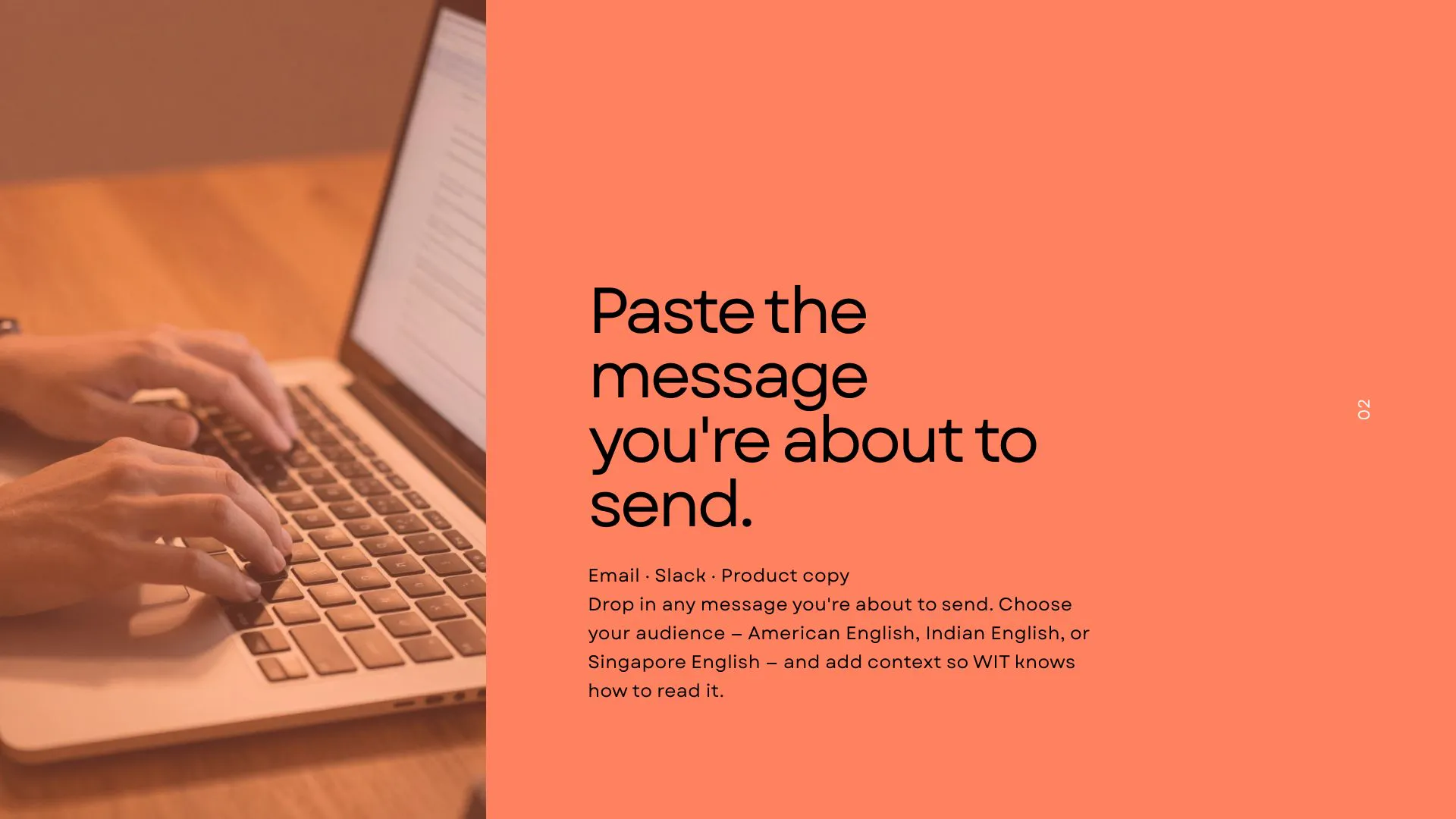
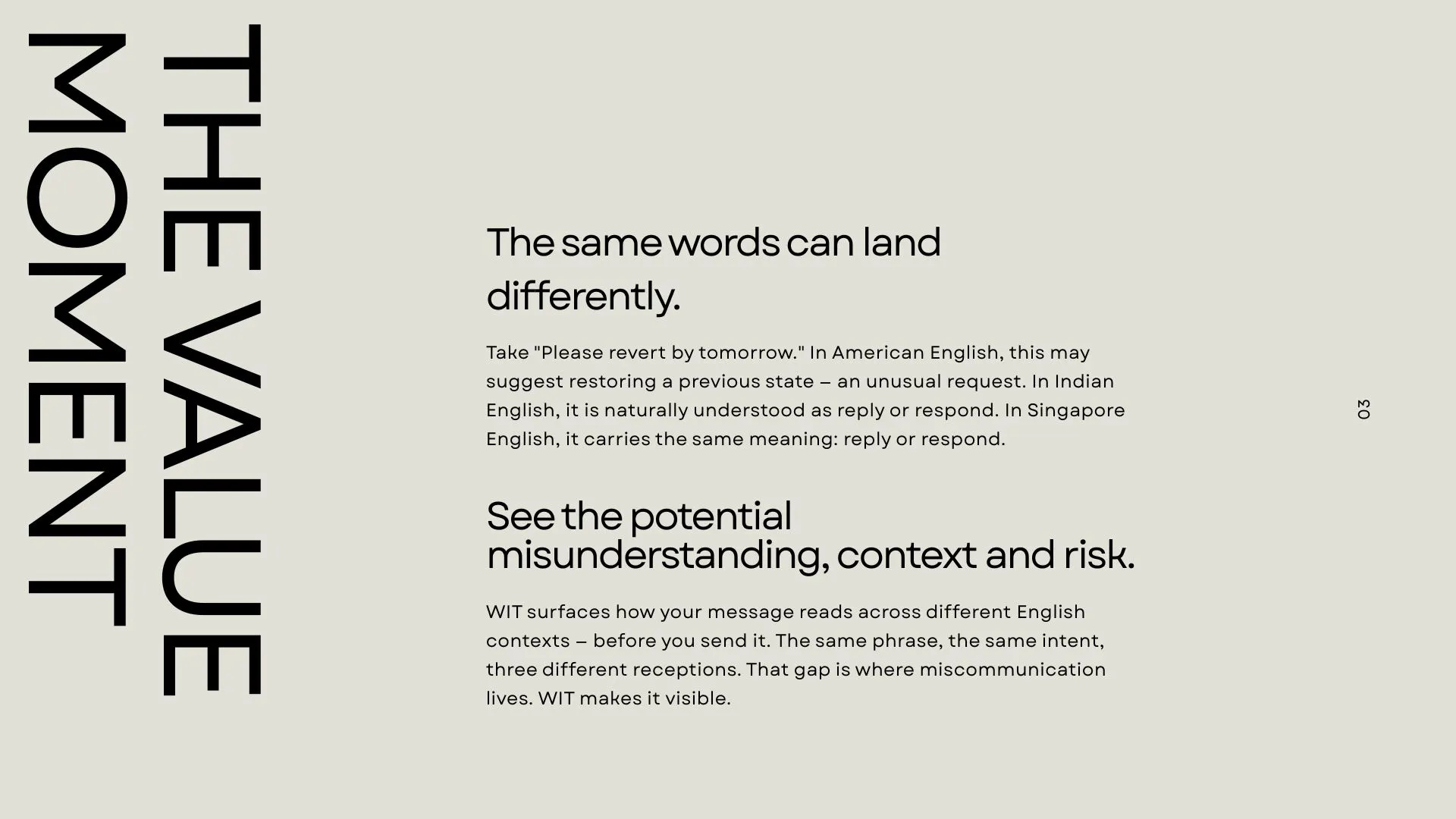
WIT is an AI communication check for founders and global teams. Paste an email, Slack message or product copy to see how it may land across American, Indian and Singapore English, understand why and get a clearer alternative without losing your voice. Before you hit send, see if your message travels.


Hi! I am Maria, one of the makers behind WIT - Will It Travel?


Working in international teams, I’ve often anxiously reread a message several times before sending it, wondering whether it might sound rude, unclear or mean something different to the person receiving it.

That experience inspired WIT.

Paste a Slack message or email and WIT explores how it may be understood across American, Indian and Singapore English. It highlights potential misunderstandings, explains where they may come from and suggests clearer wording for an international audience.

WIT doesn’t rank one variety of English above another or automatically replace your writing. It gives you the reasoning and an alternative, then you decide what to keep.

We built this early version as Team Oranges & Lemons, an international team working together across countries and time zones. We’re launching early because we want real feedback before deciding how to make it better next.

Please try it with and tell us what worked or what didn’t. We would especially love to know:

Did WIT find something genuinely useful?
Did anything feel wrong or confusing?
Did the suggestion preserve what you intended to say?


Before you hit send, see if your message travels✈️

6
回复

@maria_telegina Thank you! That is a predicament I've found myself in, I start to draft an email or message to my coworkers and am so worried about tone and phrasing that it ends up wrong. I have hurt work friendships because of the differences in our local phrases, this tool will be very helpful! Best of luck on launch day!

0
回复

@maria_telegina how the descriptive parity approach compared to grammarly just forcing us english on everything? really like it gives the reasoning for sg/in readers instead of just auto replacing text.

4
回复

@maria_telegina really love the "descriptive parity, not auto-replace" philosophy giving people the reasoning instead of just rewriting their words respects the writer's voice, which a lot of tools skip

since wit currently covers american, indian, and singapore english, how are you thinking about writers whose "home" english isn't really any of those three, like someone writing in english as a second language shaped by french or mandarin sentence logic

is that a fourth variety you'd model, or does it break the whole framing since the mismatch isn't between two native englishes but between a non-native structure and any of them

2
回复

Hi!

Communication in international spaces can be hard, and can lead to a lot of misunderstandings among colleagues. That's where WIT comes in, send your possibly unclear message and see how it might be interpreted by other English speakers.

Meet WIT — Will It Travel?

WIT is a language risk audit tool that explores how a message might be interpreted across different varieties of English. For our first version, we’re looking at American, Indian, and Singapore English.

The goal isn’t to decide which version of English is “correct.” Instead, WIT helps make potential differences in interpretation visible, things like wording, tone, or phrases that might make sense to one audience but create confusion for another.

This idea is especially meaningful to me because I’ve experienced those misunderstandings myself when communicating with international friends and collaborators. Sometimes a message can seem completely clear to you and still land very differently for someone else.

We’re excited to be launching today on Product Hunt, it has been a wonderful journey so far!

What’s a phrase or message you’ve sent that you later realized could have been interpreted completely differently?

4
回复

My copy goes out to a dozen countries at once, and I only spot the confusing line when someone asks what I meant. Which phrase trips people up most?

2
回复

@yelyzaveta_kibets There are a lot of possible phrases depending on what variety of English you are speaking. A very common one is: "Please do the needful" or "Can we prepone the meeting", or even "Can you do this ASAP?". These all cause some friction in the workplace, where people from different cultures may misunderstand a certain phrase.

That's where we saw, and heard from others, that a tool like WIT can be useful for providing the possible places of misunderstanding, BEFORE it goes out to everyone. If there's a point of confusion, then WIT helps you understand what audiences might not interpret it how you mean.
In your case, when your messages go out to so many people, getting feedback before you send the message could prevent a lot of issues.

Have you tried WIT? Try a message you have gotten mixed responses on and see if it could help you tweak your message in the future. Please let me know what phrases you try, and if the report or rewrite is helpful!!

1
回复

Not auto-replacing is the right call. Most tools go straight to the rewrite and you lose any way to argue with it. The thing I'd watch is false positives, because if it flags a sentence that was actually fine, people stop reading the flags inside a week and you never hear about it. Nobody files a bug for a tool they've quietly started ignoring. Three Englishes is a curious cut too, British was the one I expected to see first.

2
回复

@asadmalik901 Thank you for your comment.

Brilliant point - false positives might be more damaging for trust than missed risks. The three Englishes were a scope decision for this first prototype.

British English is an obvious next addition. What other varieties would you expect to see early on?

1
回复

the use case i'd want is the reverse direction - pasting a message someone else sent me that landed weird, to check if it's actually a tone mismatch across Englishes or if i'm just reading into it. is that a use case you've thought about, or is it strictly for checking your own outgoing message before you hit send

1
回复

@galdayan Thank you,this is brilliant! We have mainly been thinking about WIT as something you do  use before sending yourself, but the reverse direction is so natural and makes so much sense as well.

Though the current framing is around working on your own message, technically, you can already paste in a message you received.

A separate 'help me understand the tone and language of this message' mode could be really powerful addition. But we will have to think how to go about not claiming that we know what exactly the sender intended. But we could show whether a mismatch across Englishes is possible problem in communication.

Thanks! We are definitely adding this to our list.

0
回复
#11
RawToHEIC
Convert RAW to HEIC inside Apple Photos
79
一句话介绍:RawToHEIC 是一款深度集成在苹果系统“照片”分享面板中的 RAW/ProRAW 转 HEIC 工具,让摄影师在不删除原图、不上传云端的前提下,批量压缩超大 RAW 图库,最多节省 10 倍空间,且完整保留编辑记录、相册归属与元数据。
Photography
RAW压缩 HEIC转换 苹果照片扩展 ProRAW处理 本地隐私处理 存储空间优化 摄影师工具 批量转换 元数据保留 付费应用
用户评论摘要:开发者详细说明了工作流:从分享面板批量选择 RAW,先预览可节省空间再决定是否写入 HEIC,确认安全后删除原图,支持 CR3、ARW、DNG 等格式及 iCloud 同步。用户反馈集中于两点:一是担心转换后的 HEIC 实际位深可能被静默降到 8-bit,导致日后天空等平滑区域出现色带,且原图已删无法追溯,建议在确认界面显眼处标注输出位深(10-bit vs 8-bit);二是询问具体技术实现细节,希望了解转换流程如何保证画质与编辑兼容性。
AI 锐评

RawToHEIC 踩中的不是“格式转换”这个伪需求,而是专业用户“存储焦虑与数据洁癖并存”的真实矛盾。它聪明地绕开了 Lightroom 批量导出或外部硬盘备份的低效路径,直接嵌入系统级分享面板,把“转换-验证-删除”做成一个原子化操作——空间节省数字先行,原图安全后置,这种交互设计精准击中了摄影师的决策心理。79 票不高,但评论区质量罕见,一位用户点出了这个产品最致命的风险:HEVC Main 10 理论上可承载 10-bit,但多数转换器用 8-bit 编码,而用户等到原图删了、天空出现色带时才追悔莫及。开发者并未在页面明示输出位深,这不仅是信息缺失,更是信任隐患——对于愿意掏 $19.99 的 RAW 射手而言,“省空间”不是唯一回报,可逆性和画质保真才是底线。技术实现方面,开发者的回复回避了细节,只强调“本地处理”,这也令人警惕:RAW 解码、色彩管理、HDR 增益图保留、iCloud 同步一致性,每一环都容易翻车。产品价值肉眼可见,但若不在转换参数(位深、色彩空间、压缩质量)上做显性、可配置的透明化,并把“验证步骤”做成双向校验(HEIC 可读、位深可查),那它就只是一颗定时拆除的存储炸弹,而非真正可靠的图库瘦身方案。现阶段值得试用,但建议在批量删除前,手动抽查几张放大看天空暗部,并保留至少一周的原图备份。

查看原始信息
RawToHEIC
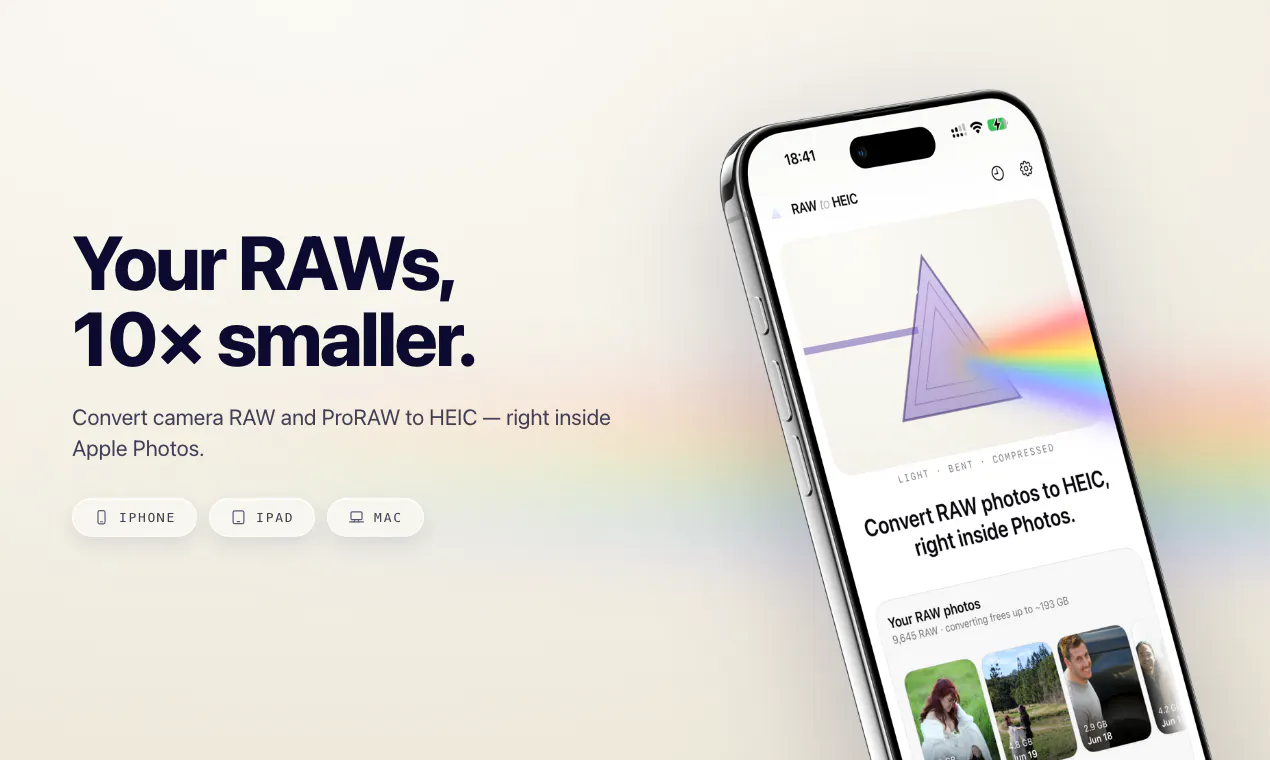
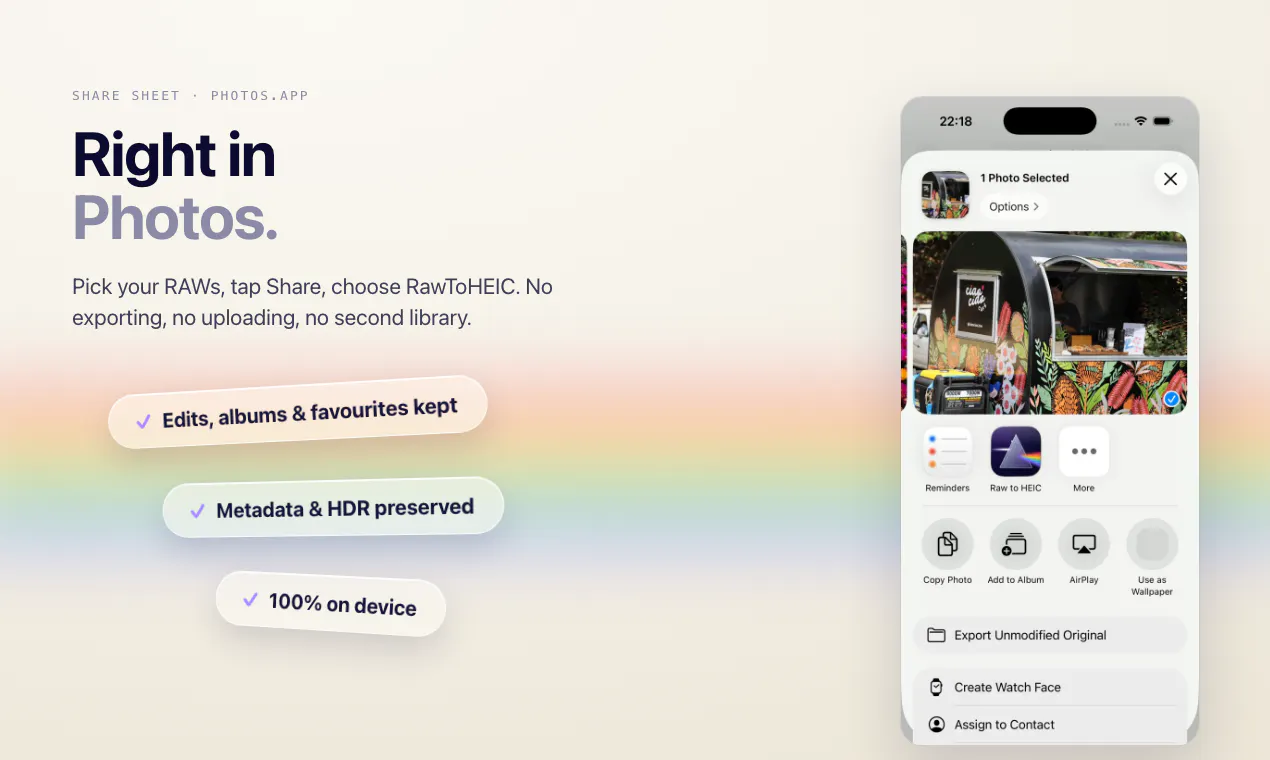
RawToHEIC converts camera RAW and ProRAW files to HEIC right from the Photos share sheet on iPhone, iPad, and Mac — up to 10× smaller, with edits, albums, and metadata intact. Entirely on-device: no uploads, no account, no analytics.
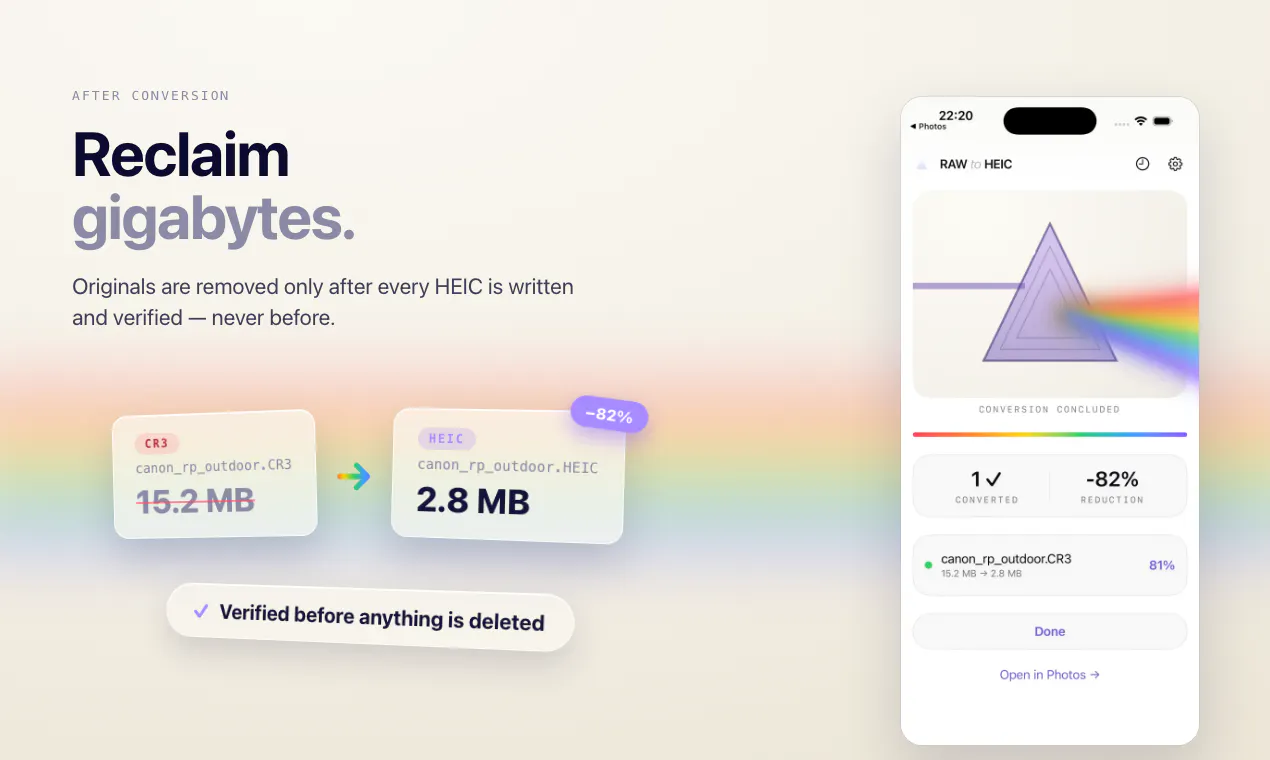
Hey Product Hunt 👋 I shoot a lot of RAW and kept hitting the same wall: a 2,500-photo library eating 80+ GB, and the only fixes were deleting photos or dropping to JPEG in-camera. Neither felt good. RawToHEIC lives in the Photos share sheet. Select some RAWs, see exactly how much space you'd get back before anything happens, and decide per batch whether originals stay or go. Nothing is deleted until the HEIC is written and verified in your library. Everything runs on your device — no uploads, no account, no analytics. Supports CR3, ARW, NEF, RAF, ORF, RW2, PEF, DNG/ProRAW and more, keeps your Photos edits and HDR gain maps, and works with iCloud Photos. Free for 50 conversions a day. Unlimited is $19.99 once, or $9.99/year — one purchase covers iPhone, iPad, and Mac. Happy to answer anything, and genuinely keen for feedback on which formats or workflows to tackle next.
1
回复

raw is 12 to 14 bit and heic can carry 10 through hevc main 10, but plenty of converters quietly write 8, and you dont find that out until a clean sky bands on you months later with the original already gone. the fix id ship is the output bit depth sitting right on the confirm screen next to the space saved number, because thats the actual trade a raw shooter is agreeing to and space alone doesnt tell them. i went through the listing twice and couldnt find it stated anywhere @sgumz

0
回复

How are you doing these? Can you explain the tech behind this..

0
回复
#12
Staats
Ask your coding agent how your site is doing
78
一句话介绍:Staats是一款“代理原生”的无Cookie网站分析工具,通过MCP服务器将实时流量和交互事件直接接入编码智能体(如Claude Code、Cursor),让智能体在对话中主动监测部署效果、标记异常并给出数据驱动的下一步建议,省去人工查看仪表盘和导出报表的环节。
Analytics SaaS Artificial Intelligence
无Cookie分析 编码智能体 MCP服务器 实时事件流 部署监控 对话式分析 开发者工具 AI运维 增长决策 轻量数据
用户评论摘要:用户认可“无仪表盘”的大胆方向,但质疑是否过于激进(如能否主动预警部署回退而非仅被动回答)。创始人回应:当前为纯代理交互,Web端仅管理脚本与团队;高频场景是“问流量数据、周报生成、漏斗分析”;免费额度10k事件/月,已兼容主流编码代理。有用户追问“最常被问的问题是什么”,暗示对真实使用模式的好奇。
AI 锐评

Staats切中的是真痛点,但押注的也是真风险。在AI编程代理已将“写代码”压缩为“下指令”的背景下,数据洞察成为新的认知瓶颈——开发者既没时间看仪表盘,也不愿为“每周一导Excel”的仪式感买单。让agent主动读数据、在改动前预警“你可能正在破坏一个有效页面”,这个场景比“又多一个分析工具”高明一个维度,本质是把数据分析从“人的轮询”变成“机器的中断”。

但“纯代理、无仪表盘”是双刃剑。第一,它默认了用户对代理有足够信任,且代理具备了“读数据→判断业务好坏”的智能,当前LLM在数值敏感性和长期趋势理解上仍不可靠,一旦误报或漏报,信任崩塌比传统工具更快。第二,10k事件/月的免费额度对真实站点几乎是杯水车薪,而付费转化又缺乏“可视化价值”来支撑定价——用户看不到被省下的时间,付费意愿会打折。第三,产品严重依赖编码代理生态(Claude Code、Cursor等),一旦这些平台原生集成同类分析能力,Staats作为中间层的生存空间会被迅速挤压。

它真正的护城河不应是“无仪表盘”的极简主义,而是“代理可执行的、结构化的事件层”——即让代理不仅能读数字,还能理解数字背后的因果链(如“昨天改的落地页导致转化率下降12%,建议回滚或调整CTA”)。若这个推理闭环能稳定跑通,Staats有机会成为AI时代“数据飞轮”的基础设施;若只是“用一个聊天框代替另一个图表”,那它不过是给极客的玩具,难以进入主流工作流。当前评论区的热度不高(78票),说明市场还在观望——毕竟,让Agent替你做决定,比让Agent替你写代码,需要更大的勇气和更硬的技术底气。

查看原始信息
Staats
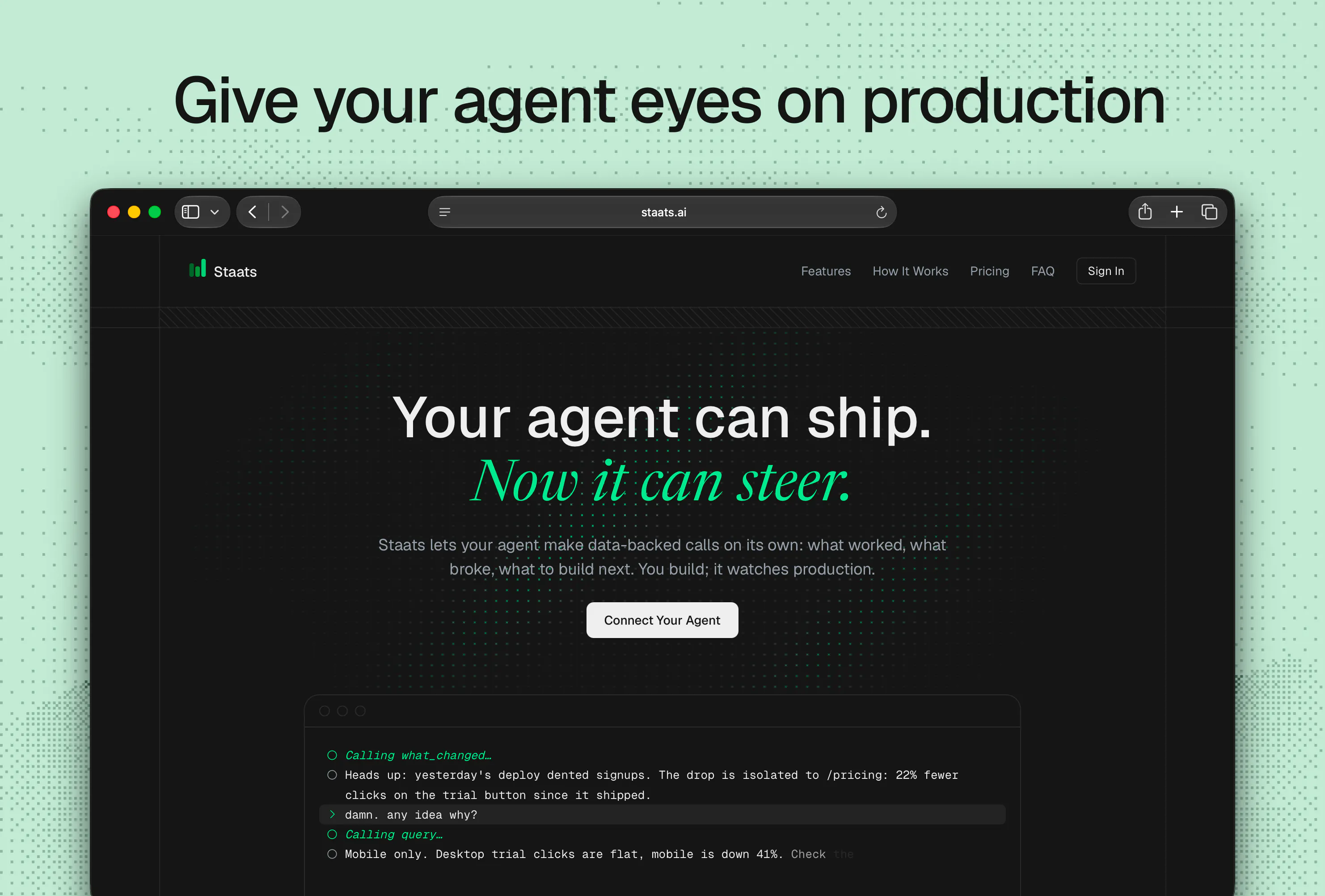
Agent-native, cookieless site analytics. Your coding agent measures deploys, flags changes, and suggests next moves with evidence. No dashboard, no charts to read.

The number I want is never on the default dashboard, so I export to a sheet every Monday instead. Which question do people ask it most?

2
回复

@yelyzaveta_kibets Thanks for your comment. That's exactly the kind of manual ritual that Staats tries to dissolve. You could ask your agent to pull that number and add it to your sheet each Monday. Anomalies, which campaigns worked.. same thing, just ask your agent.

Only launched 2 days ago so my heaviest user is me so far! Today I'm asking "How's my Product Hunt launch going?". I'll definitely be having my agents running some funnels tomorrow!

What's the number you're rebuilding every week? Curious if it's askable.

2
回复

Hi Product Hunt 👋

Coding agents have made shipping so fast that the bottleneck has moved. It's not building anymore, it's knowing what to build next and making data-backed decisions is essential.

But today the loop looks like this:

You and your agent ship → you check the data (if you remember to!) → you make sense of it → you decide what's next → you and your agent ship

Staats collapses it to:

You and your agent ship → your agent checks the data → you and your agent ship

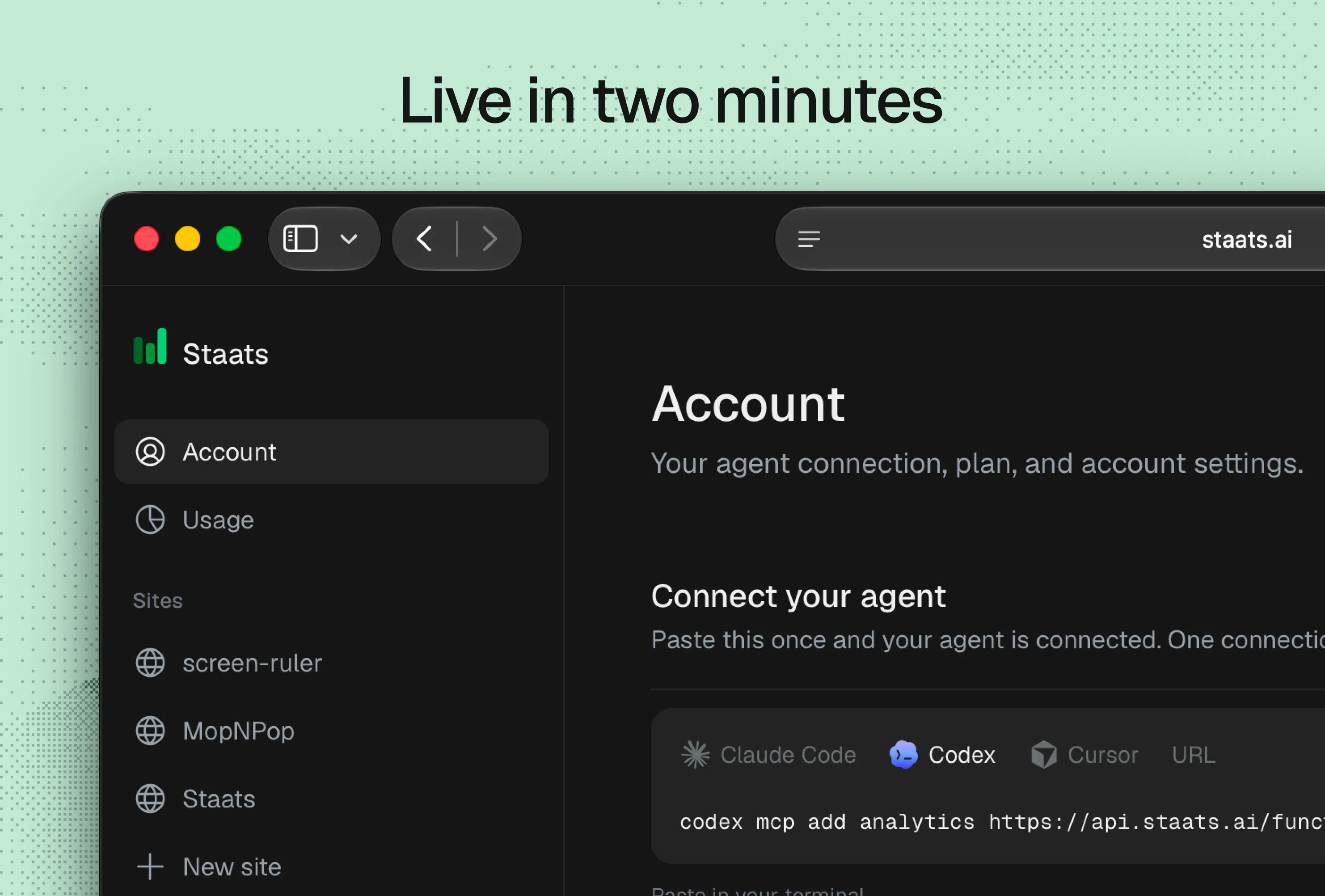
It's a cookieless web script plus an MCP server, so your agent reads live traffic and interactions events inside your chat. Your agent will proactively warn you before you change something that was working, and push you to take another pass at something that wasn't.

Free for 10,000 events per month. Works with Claude Code, Cursor, Codex.. etc.

Question for you: If your agent could answer one questions about your traffic, what would you want it to be?

1
回复

@myster_violets, no dashboard is a bold call. Half the analytics tools we set up for clients get opened twice and never again. Does it tell you when a deploy made something worse, or only when you ask?

0
回复
Is it agent only or agent/dashboard hybrid? But very original idea!
1
回复

@maxrohowsky Agent only. There's a web app but that's just for the script tag, sites, teams.. etc. I find that dashboards are built for everyone and fit no one. AI just answers the questions I have. Thanks Max.

0
回复
#13
Einfall
Capture fugitive thoughts + route them to where they belong
75
一句话介绍:Einfall是一款快速捕获碎片化想法的跨平台工具,通过菜单栏、分享面板等入口随时记录,并将这些“逃逸念头”路由到备忘录、日历、文件或AI代理等目的地,解决“想法稍纵即逝”和“记录后无处安放”的痛点。
Productivity Notes Apple
快速笔记 想法捕获 生产力工具 信息路由 Mac应用 iOS应用 AI代理 MCP 无账户隐私 买断制
用户评论摘要:开发者强调“做减法”获认可,用户认为“无文件夹”设计是精髓,避免深夜记录变成整理归档。有用户询问数据权限管理方式及MCP路由是否自主决策,创始人回应其常用MCP路由至Obsidian,其次是提醒事项。整体反馈正面,认为设计简洁、解决特定痛点。
AI 锐评

Einfall的聪明之处在于它精准锚定了一个“前整理”阶段——捕获与归档之间的灰色地带。它没有试图成为一个更快的笔记应用,而是把自己定位成一个“思维交换机”。这避开了与Notion、Obsidian等庞然大物的正面竞争,其核心价值主张是:如果你不想在灵感闪现时被迫决定“放在哪”,那就先扔进Einfall,稍后再做路由决策。

从产品策略看,15次免费路由后一次性买断的价格锚点设置得很克制,既展现了开发者对工具型应用可持续性的理解,也避免了订阅制带来的“持续出血”厌恶感。技术上通过MCP让本地AI代理接管处理,是极具前瞻性的选择——这顺应了“AI原生工作流”的趋势,让Einfall从“手动搬运工”升级为“AI管家的输入端”,其想象空间远超一个快捷键应用。

真正的价值在于其“反产品”的克制:没有文件夹、没有未读红点、没有脚本语言,这实际上是用放弃“功能深度”换取“捕获速度”和“心智负担”的最优解。它承认了人脑在收集时不做决策的惰性,并提供了一个优雅的缓冲地带。

但隐忧同样存在。其单机、无账户模式虽保护隐私,却限制了多设备间的实时同步体验(依赖iCloud);而“路由”功能若仅是预设动作,而非智能识别内容目的地,那其长期粘性仍会受限于用户是否坚持“二次处理”的习惯。对于大多数普通人而言,如果最终归宿只是那个名为“收件箱”的文件,那它本质上仍是一个“临时寄物柜”,可能面临被系统原生功能(如iOS快捷指令)替代的风险。它是一款为特定人群(作家、开发者、重度知识工作者)打造的精致利刃,而非大众屠龙刀。

查看原始信息
Einfall
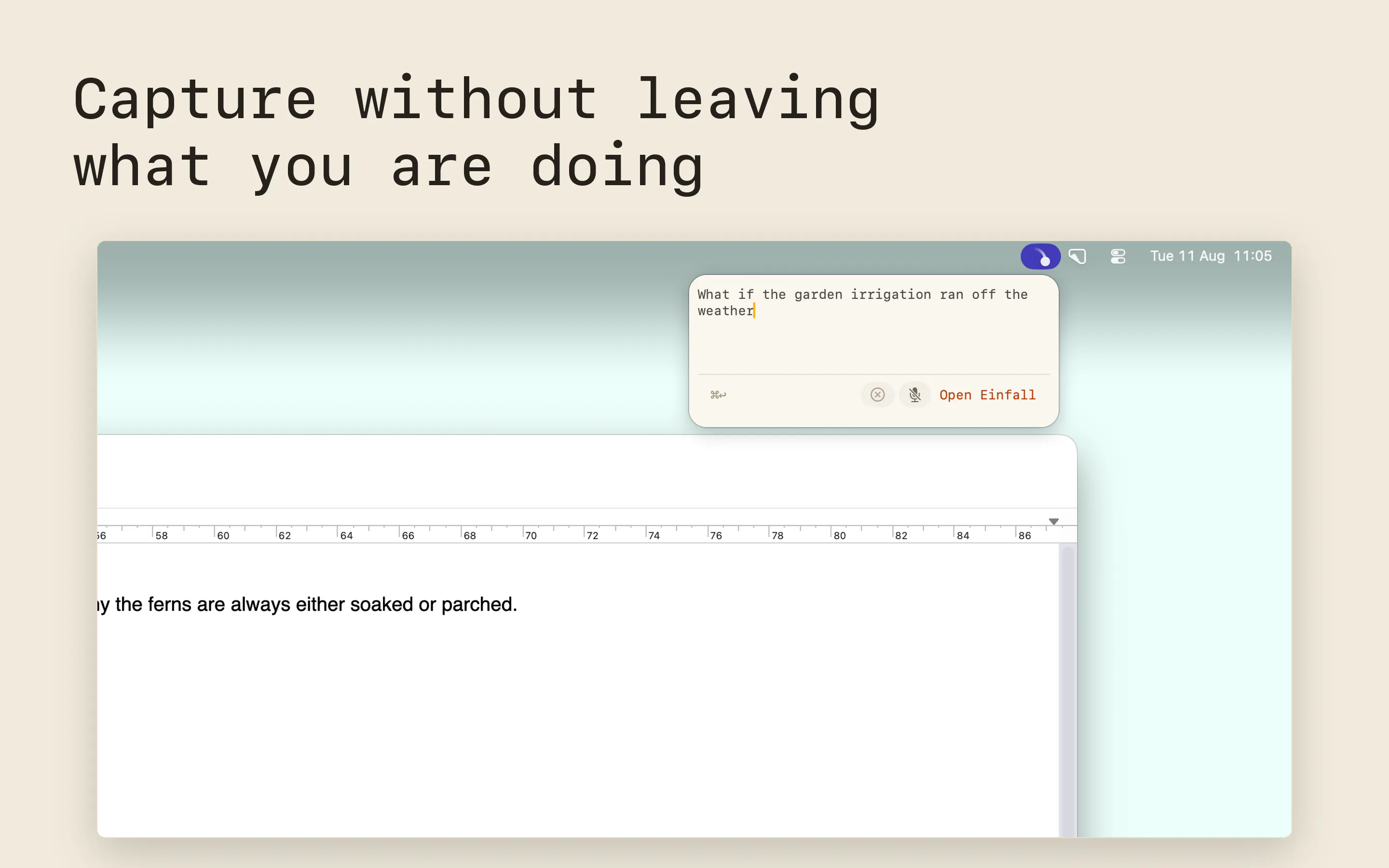
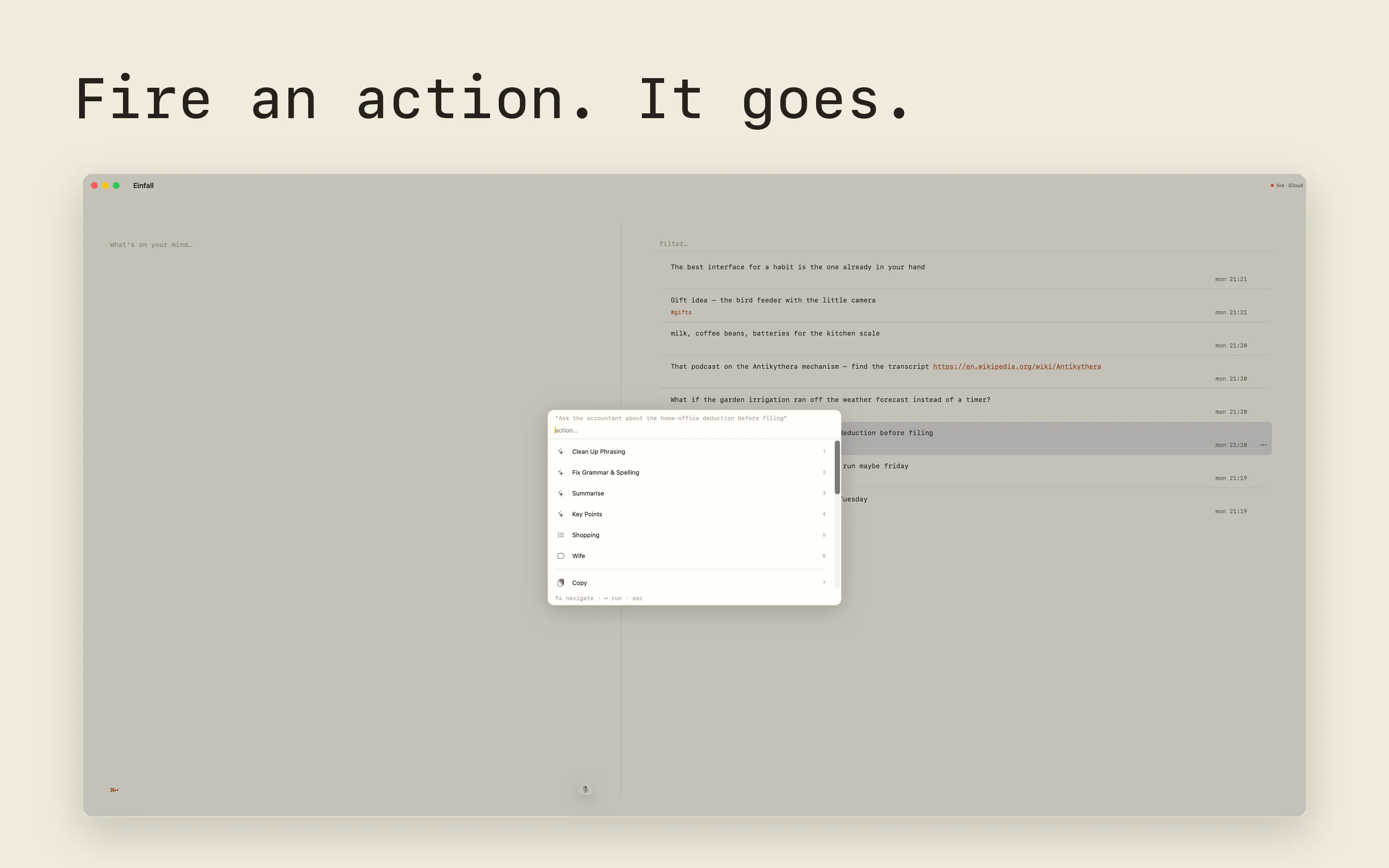
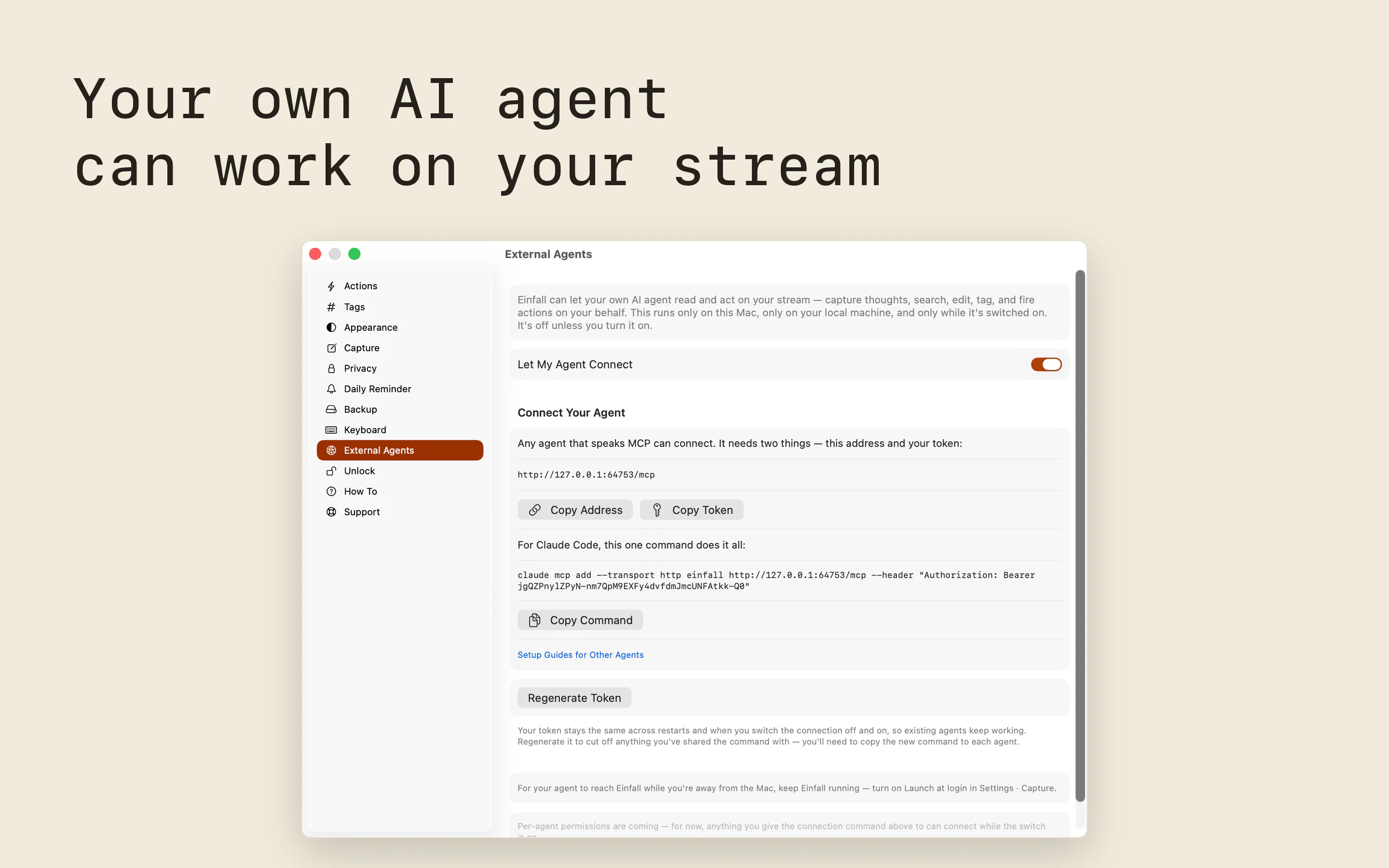
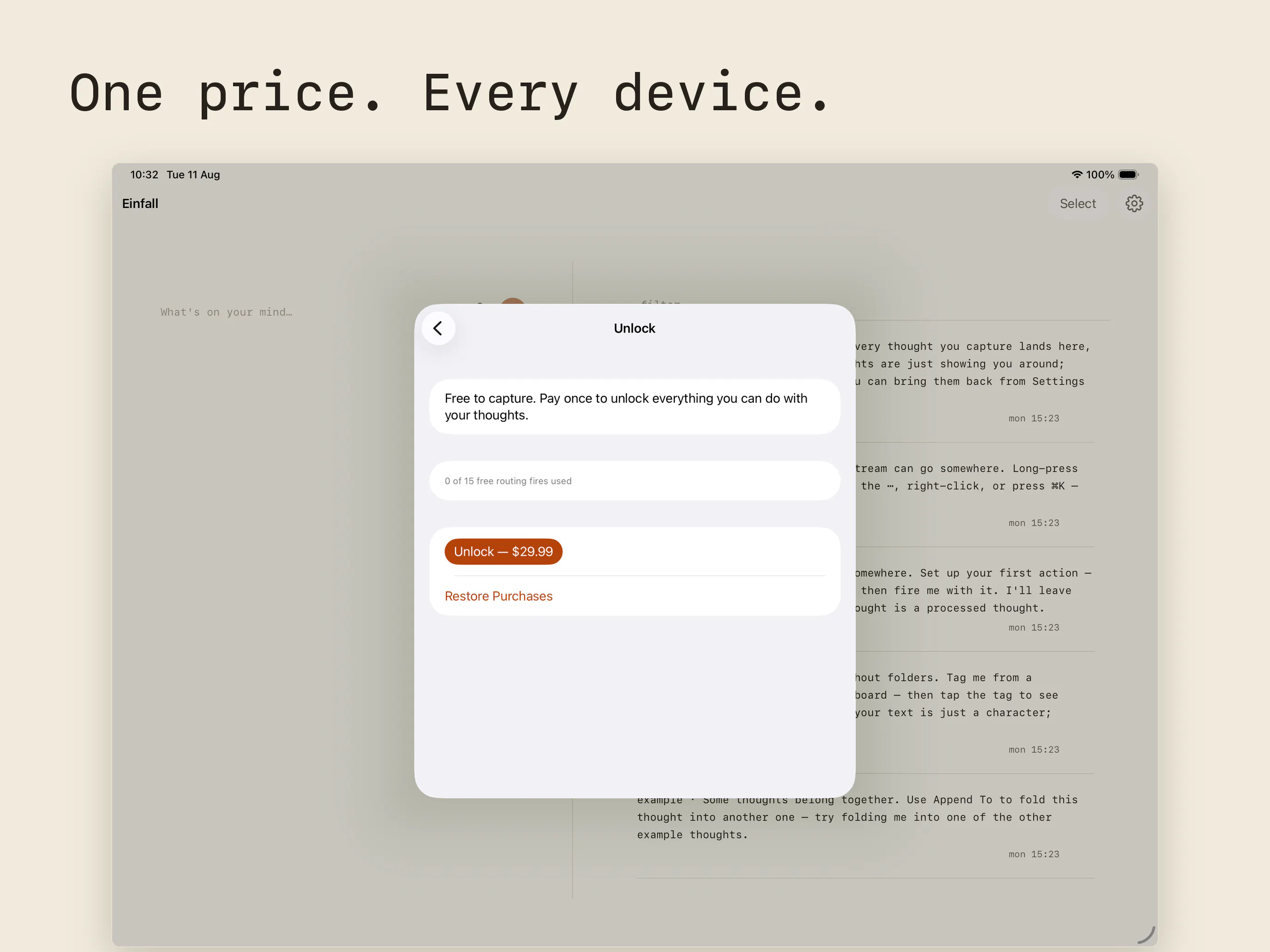
Einfall catches the fugitive thought — the one that falls into your head at the strangest times — before it's gone. Capture quick and easy on Mac, iPhone and iPad, from the menu bar, share sheet, Shortcuts, widgets, Spotlight and Siri. Process the thoughts by sending them to Reminders, Calendar, Files, a Shortcut, or by giving your AI agent control via MCP. Capture is free and unlimited. After the first 15 routing actions, a one-time $29.99 purchase unlocks unlimited routing.
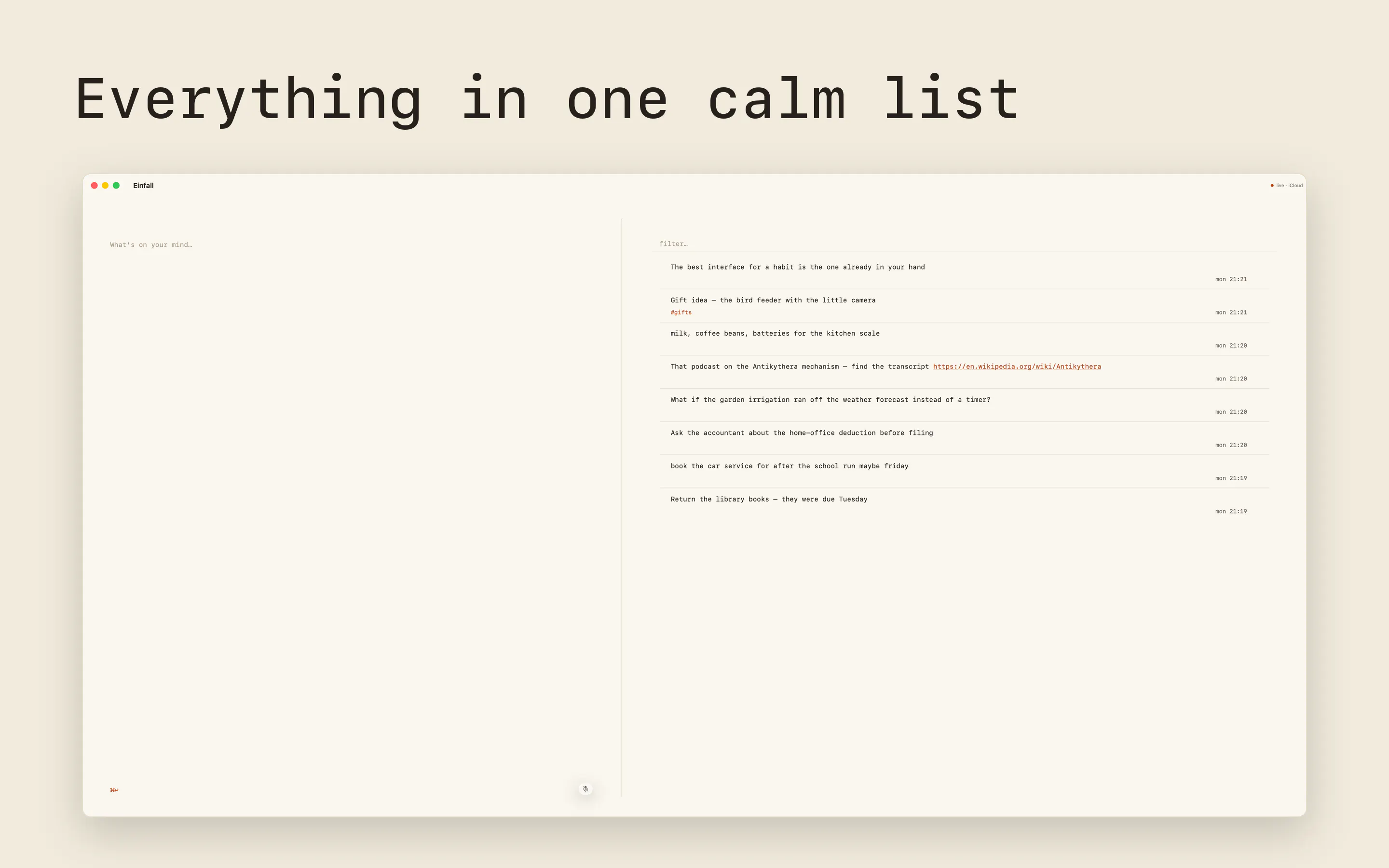
Hi I am JP, and I built Einfall. I get a lot of thoughts during the day, and after capturing them across various apps, voice notes, notebooks, and pieces of paper, I created Einfall to catch all of these thoughts into one trusted place, as fast as possible, on whatever device I had with me. And yes, this is not the first app to do this, but I couldn't find something that ticked all the boxes I was looking for, so I created my vision. The hardest decisions were about what to leave out. With AI agents, you could add every feature you could think of, but I deliberately decided to leave out folders, a scripting language, engagement mechanics, unread counts, and actions that require a running server to process your thought into another service. It's a flat stream that holds your thought until you have decided what to do with it, even if the decision is that it should be deleted as you no longer have use for it. You can send thoughts to Reminders, Calendar, a file (hello, Obsidian daily-note people), a Shortcut, or your own AI agent through a small MCP server that runs locally on your Mac. Pricing is quite simple. Capture is free, forever on Mac, iPhone and iPad. You get 15 free routing actions, and then a one-time $29.99 purchase unlocks unlimited routing. There is no account, no server, and no data collected. I used building it as a challenge to learn Swift and see how it links to the paradigms from my day job as a developer using Python, PySpark and Angular. Claude Code was my teacher on the code side, but the judgment calls stayed mine. Happy to answer anything.
2
回复

@jpmarais how did you manage information sharing ? You we have to give access to calender and other needed stuff so how do you manage that

0
回复

@jpmarais does the MCP agent pick the destination itself or still ask you?

0
回复
@jpmarais simple, beautiful, and scratches one specific itch for me. Just downloaded. Thank you!
0
回复

the omission list is the actual product here @jpmarais . leaving out folders is the brave one imo, becuase the second you add folders capture stops being capture and turns into filing, and filing is exactly the thing nobody does at 2am. how long did you hold that line before someone asked for them!

0
回复

Half my blog posts start as a note in whatever app was open, then I lose track of which one. Which route do you actually use most yourself?

0
回复

@yelyzaveta_kibets Hi Lisa. For longer thoughts I'll later turn into something more, my most used route is the MCP one: Claude Code reads the thought from Einfall and processes it into my Obsidian vault, where my longer-form writing lives. The Files action is the simpler version of the same thing — append the thought to one inbox note, or to today's Daily Note in Obsidian. Either way the half-formed post ends up in the one place I'll look for it, rather than whichever app was open.

Second most used is Reminders, though that's shopping-list items and to-dos rather than writing.

1
回复
#14
Tiles
Turning desktop chaos into curated spaces.
74
一句话介绍:Tiles 是一款 macOS 桌面工作区管理器,通过保存并一键恢复特定任务的窗口布局,解决用户在多任务切换时频繁拖拽、缩放窗口的混乱与效率损耗问题。
Productivity Menu Bar Apps Apple
macOS效率工具 窗口管理 工作区布局 桌面整理 快捷切换 单屏优化 生产力工具 状态保存 键盘快捷键 小组件
用户评论摘要:用户认可“按工作流保存专属空间”的核心理念,认为能显著缓解单显示器下的窗口混乱。有用户询问保存的布局是否支持外接显示器热插拔场景,开发者确认可在创建或编辑Space时选择保存自哪个显示器,即布局可随显示器配置保留并恢复。
AI 锐评

Tiles 的切入点不算新——窗口管理赛道早已拥挤,前有 Magnet、Rectangle 这类免费/低成本的“贴边分屏”工具,后有 Aerospace、yabai 这类面向极客的平铺式窗口管理器。Tiles 的差异化在于跳出“窗口摆放”这一层,直接解决“任务上下文切换”这一更高维度的痛点:用户真正烦的不是窗口没有对齐,而是每次从编码切到写稿时,需要重新搭建那套“四窗口矩阵”。从这个角度看,Tiles 更接近“工作区状态快照”而非传统窗口管理器。

但这也正是它的风险所在。首先,工作区布局的保存与恢复,macOS 原生的“台前调度”和“空间”功能已能实现 70% 的效果,尤其搭配 Automator 或 BetterTouchTool 后,门槛并不高。Tiles 若没有在“布局识别精度”(如根据显示器尺寸自动等比调整)、“应用状态恢复”(如恢复某个项目的特定文件或 Git 分支)或“跨设备同步”上做出更深的整合,很容易被视为“台前调度的美化外壳”。其次,产品定位偏向“单显示器用户”,这本身是个反主流的选择——在多屏普及的今天,核心受众会相当窄。

从评论来看,用户最关心的还是“显示器热插拔后布局是否健壮”这一硬核场景,开发者的回答也停留在“可以手动指定显示器”这一基本层面,尚未展现智能化处理多分辨率、多显示器重新排列的野心。早期 74 票的声量不算亮眼,但产品叙事清晰,评论区反馈真诚,至少说明它触到了真实需求。结论:值得关注,但若止步于“窗口布局快照”,很快会被系统级功能或开源脚本取代;它真正的机会在于把“工作区”升级为“工作流记忆”,让切换动作本身成为一种肌肉记忆的延伸。

查看原始信息
Tiles
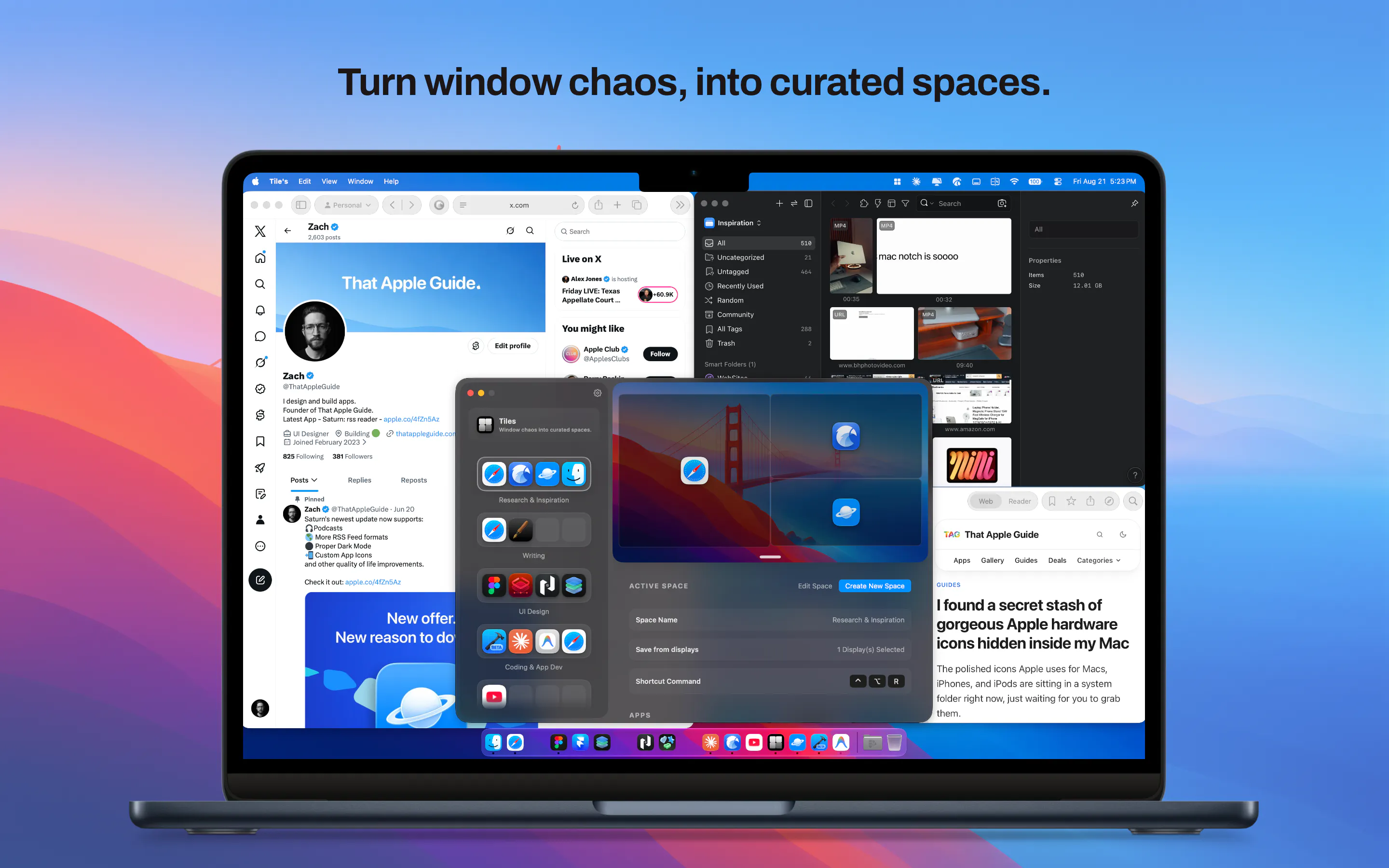
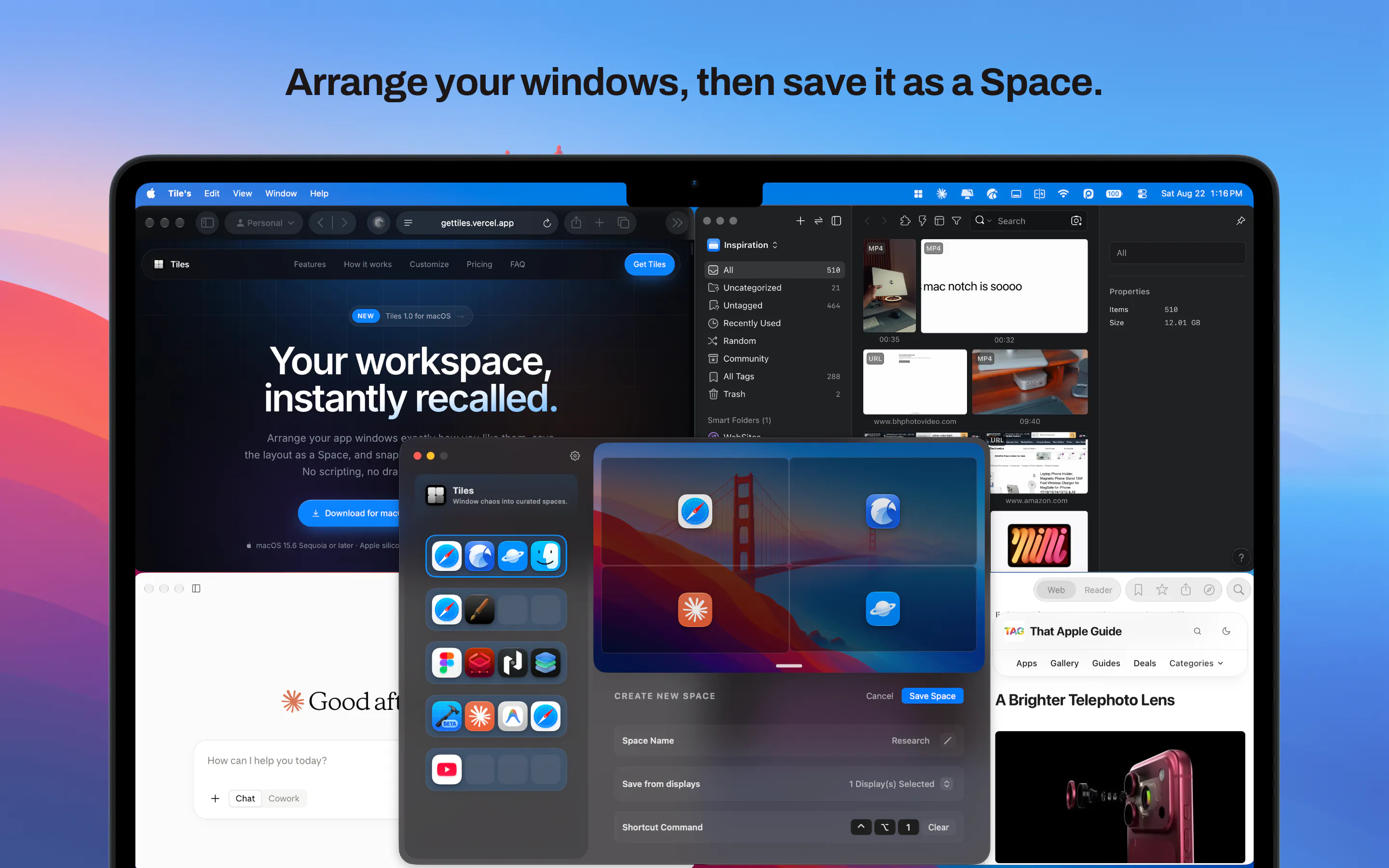
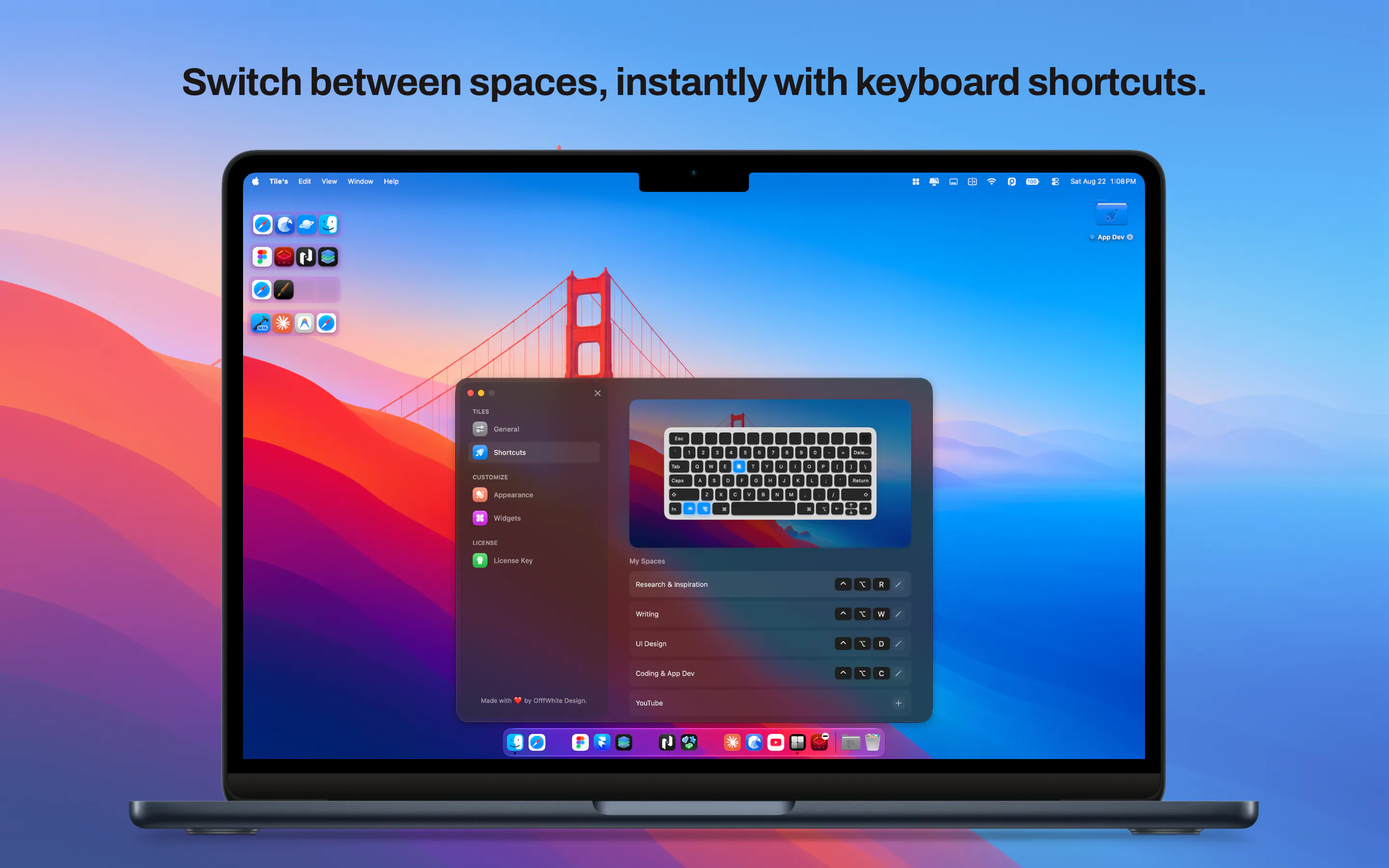
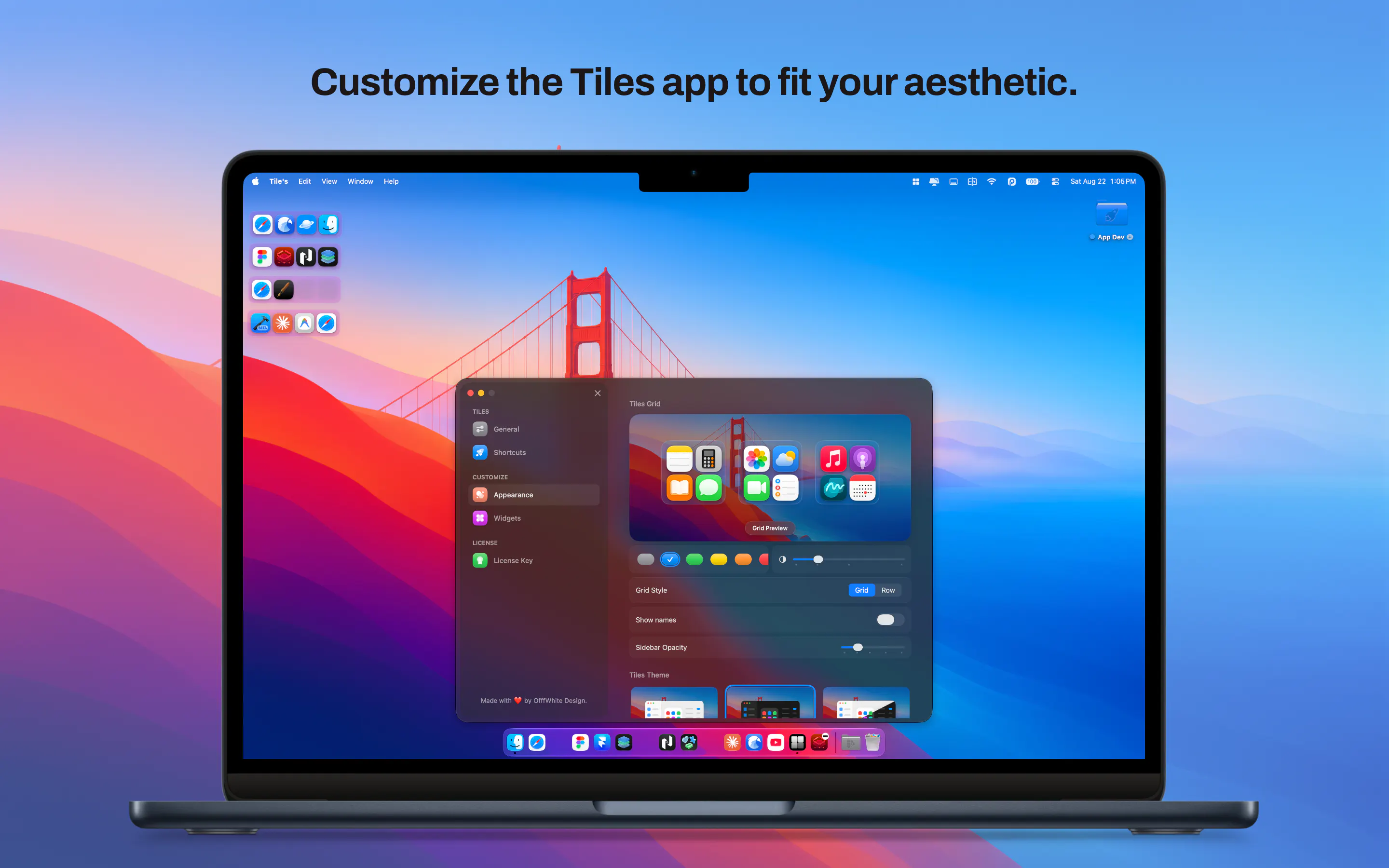
Streamline your daily workflow and eliminate window clutter with Tiles, the ultimate workspace manager for macOS. Whether you're transitioning from deep coding sessions to client meetings, or juggling research, writing, and design tools, Tiles lets you capture your ideal desktop layout's and bring them back with a single click, keyboard shortcut, or widget.
I wanted to simplify my desk and return to a clean, minimal single-monitor setup, but my daily routine was anything but minimal. On any given day, I’m jumping between app development, UI design, and writing/researching articles for That Apple Guide. Without multiple displays, my screen quickly devolved into visual and mental chaos. Constantly dragging, resizing, and hunting for buried windows completely derailed my focus. Existing window managers helped snap windows into place, but none addressed the broader issue of context switching between entirely different tasks. I built Tiles to bring calm and intentionality back to the single-display experience. Instead of just managing individual windows, Tiles lets you curate dedicated workspaces for specific workflows. You arrange your apps exactly where you want them, save the layout as a persistent Space, and instantly switch between tasks with a single shortcut or click. During development, the focus shifted from simple snapping rectangles to frictionless state management. The goal evolved into making transitions feel instantaneous and native to macOS, ensuring you never have to rebuild your workspace every time you change tasks.
1
回复

@offfwhitedesign This is such a relatable problem. I love the idea of having dedicated spaces for different workflows instead of constantly rearranging windows. Definitely makes a single-monitor setup feel much more manageable.

0
回复

I rebuild the same four-window setup every morning and still drag them by hand. Does a saved layout survive plugging in a second display?

1
回复

@yelyzaveta_kibets yes it does, and you can select when creating a space (or editing a space) which displays to save from.

1
回复
#15
Lubb
A realistic heartbeat for falling asleep
73
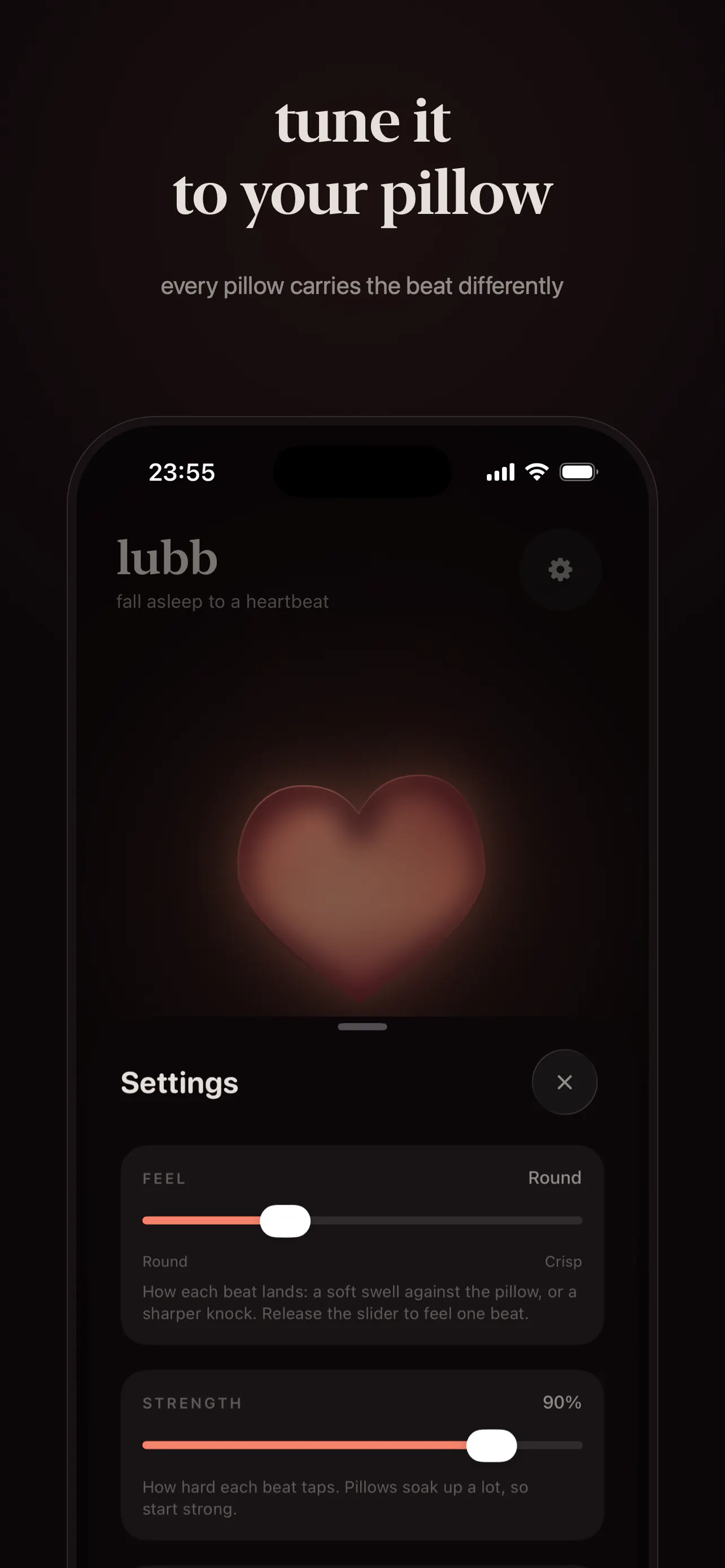
一句话介绍:Lubb 将 iPhone 变成一颗可置于枕下的“拟真心跳”,借助 Taptic Engine 的物理振动,为独处或失眠者提供一种无需耳机、无需账号的安静入睡陪伴,解决“想要触摸却无人可依”的孤独感与睡前焦虑。
iOS Health & Fitness Lifestyle
睡眠辅助 触觉反馈 Taptic Engine 白噪音替代 物理陪伴 情感安抚 失眠缓解 极简工具 睡前仪式 iPhone应用
用户评论摘要:用户肯定创意独特,指出竞品空白;但核心质疑聚焦两点:一是固定心率与真实入睡过程不匹配,建议节奏应从当前心率逐渐下降;二是10分钟免费试用太短,真正失眠者难以在10分钟内入睡,且“一分钟未睡”时试用结束反而制造焦虑。
AI 锐评

Lubb 的聪明之处在于放弃“声音”赛道,直接调用 Taptic Engine 制造物理触感——这避开了与潮汐、小睡眠等千篇一律的音频库的正面竞争,也精准击中了“孤独失眠”这个情感缝隙。73票不算亮眼,但评论质量极高,说明早期用户是真正带着痛点而来,不是路过点赞。

然而,这款产品的天花板与地板都清晰可见。从“工具”层面看,它解决了“听”与“看”之外的“摸”的感知缺口,但物理振动≠真实心跳,其安抚效果依赖强烈心理暗示,一旦用户意识到“这只是马达震动”,神奇感会迅速消退。从“场景”层面看,它把自己逼进了“孤独夜晚”的窄巷——这种需求频次低、持续时间短,且与用户自身心率节律不匹配时会产生明显的违和感(评论中已有人指出)。10分钟免费试用更是战略失误:它把本应柔和的睡前工具变成了一场倒计时考试,与产品气质自相矛盾。

真正的价值或许不在“睡”,而在“伴”。Lubb 若想突破玩具级定位,应当版本迭代为“心率引导仪”——利用 iPhone 传感器实时测量用户心率,并让振动节奏从当前值缓慢下降至目标值(评论区已有人精准点破)。同时,商业模式不应依赖订阅,而应作为情感硬件的情感化数字配件,甚至开放 API 给情侣远程同步心跳。否则,它的命运就是一颗被 Taptic Engine 驱动的漂亮烟花,绚烂但转瞬即逝。毕竟,失眠者的耐心并不比他们的睡意更长久。

查看原始信息
Lubb
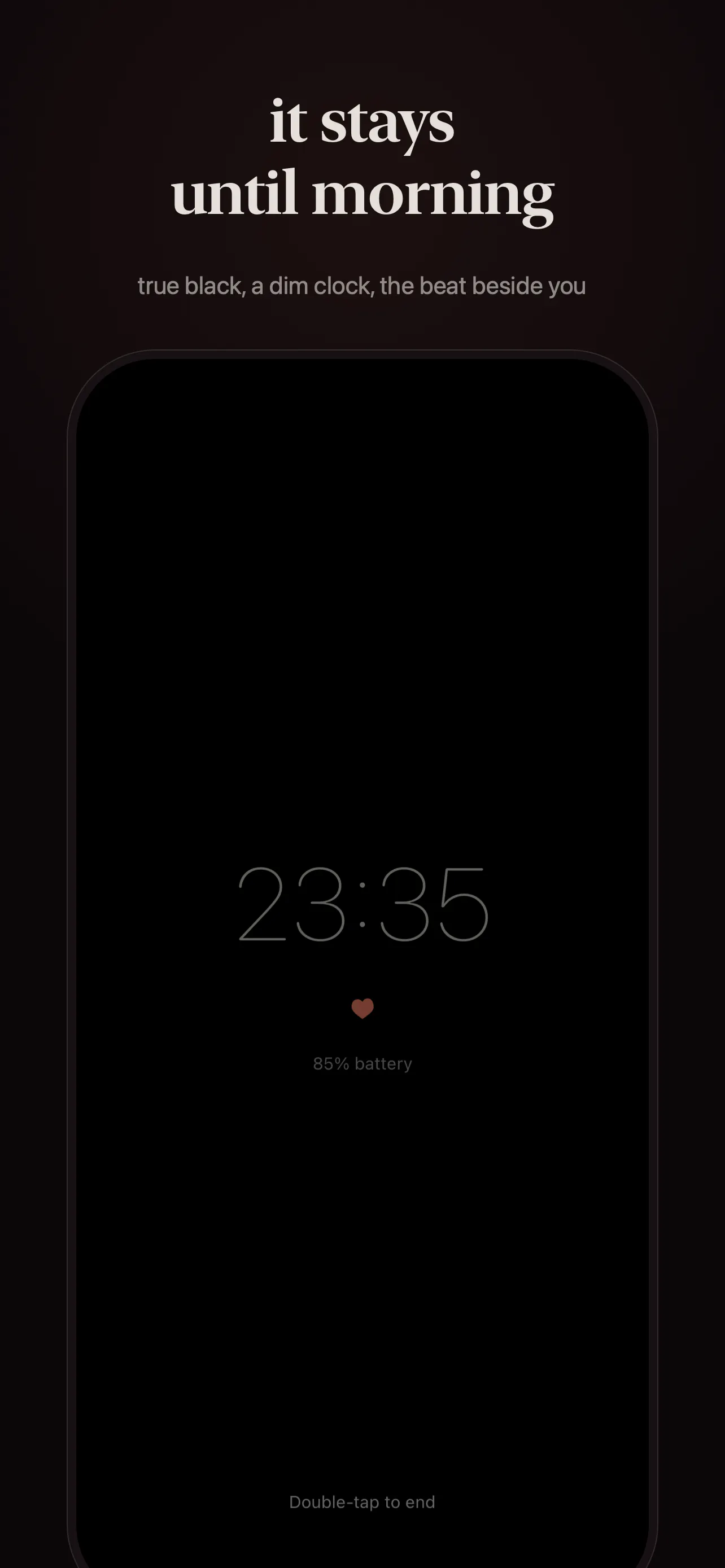
Lubb turns an iPhone into a slow, realistic heartbeat you can place under the edge of your pillow. It uses the Taptic Engine to create a soft lub-dub you can tune for pace and feel, with a free 10-minute nightly trial and no account required. Built for the nights you want something quiet, simple, and human.

I built Lubb because I wanted a calmer way to fall asleep when I’m alone or missing someone. Most heartbeat and sleep apps are either sound libraries or trackers. This is a dedicated heartbeat companion built around the iPhone’s Taptic Engine, so it feels physical instead of like another noise app.

"The repetition and rhythm of sensory stimulation… brings the body back to a calm state that allows the brain to function most…" - Dr. Bruce Perry : What Happened to You?

3
回复
Not what I was expecting to see in today’s list but very creative. Especially for all the founders pulling all nighters 😄
1
回复

@maxrohowsky thank you!! i’d like to think so too i searched everywhere and couldn't find anything similar. Hope you get some rest tonight! 😂

0
回复

the thing id try first is letting the pace descend instead of sitting on one number. when im actually lying there awake my pulse is nowhere near a sleeping rate, so a slow steady beat under the pillow reads as wrong rather than calming and i end up listening to the mismatch instead of drifting off. if it starts close to where you already are and then walks itself down across the first few minutes, it has something to pull against. the ten minute trial worries me for the same reason. on the nights id actually reach for this, im nowhere near asleep at minute ten.

0
回复
#16
Any Command
Turn your phone into a second screen and trackpad for PC
69
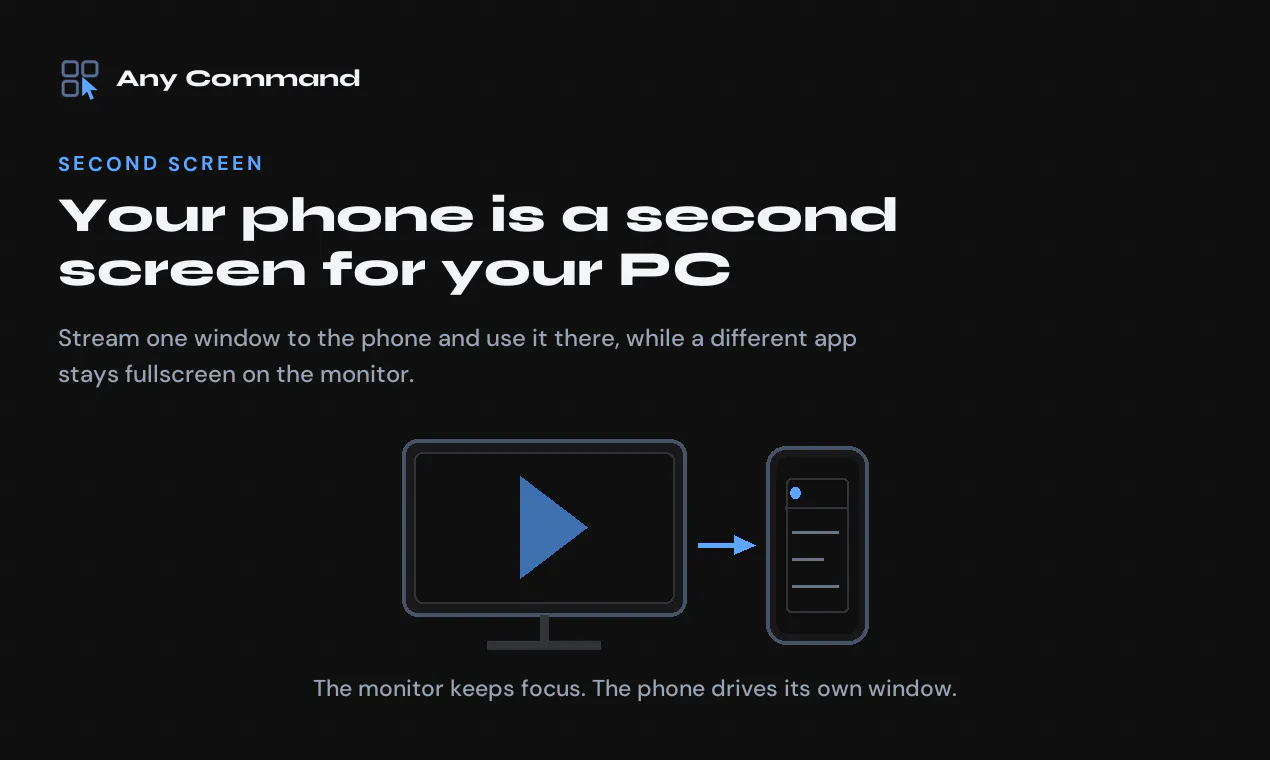
一句话介绍:Any Command 将安卓手机变成 Windows 电脑的第二屏幕、触控板、键盘和游戏手柄,解决全屏应用(如电影、渲染)与即时操作(回消息、查状态)之间的焦点冲突,无需购买物理副屏或打断当前任务流。
Android Windows Productivity YouTube
第二屏幕 远程输入 触控板 键盘映射 游戏手柄 文件传输 剪贴板同步 蓝牙HID Windows工具 效率神器
用户评论摘要:用户认同“全屏中断”痛点真实存在,建议增加实时终端/构建日志查看;早期用户表示功能超出预期,将跟进深度体验。开发者承诺首50名回帖者赠送Premium码,并积极收集机型反馈以修复兼容性问题。
AI 锐评

Any Command 的聪明之处在于不跟风做“无线副屏”的宏大叙事,而是精准收割一个极其具体且高频的挫败感——全屏独占时想“瞄一眼”别的东西。它本质上是把手机变成Windows的“外置注意力器官”,用窗口级串流替代屏幕级镜像,技术上的绕路(后台窗口点击、Chromium强制渲染)恰恰是壁垒所在,也是独立开发者能比大厂做得更钻牛角尖的地方。蓝牙HID模式(免PC安装)看似轻量,实则精准切中企业锁电脑和会议机这类“无菌环境”,这是被大厂忽视的细分市场。但风险同样明显:69票的冷启动说明它仍属小众极客玩具,且功能堆叠(游戏手柄、CPU监控、快捷面板)有“瑞士军刀化”倾向,容易稀释核心价值。真正的护城河不是功能多,而是“窗口级输入焦点重定向”这一引擎的稳定性和低延迟。如果开发者能围绕“构建/渲染/直播”这类重度全屏场景做出模板化工作流,并深耕企业锁机环境的口碑传播,有机会从工具晋级为生产力基建。否则,一个两年业余项目的光芒,很容易被Windows原生多任务改进(如PowerToys FancyZones)或竞品抄袭所覆盖。一句话:这是好用的“个人补丁”,但能否变成“行业方案”,取决于作者愿不愿意从“我解决了我自己的问题”转向“我解决了一类人的系统性问题”。

查看原始信息
Any Command
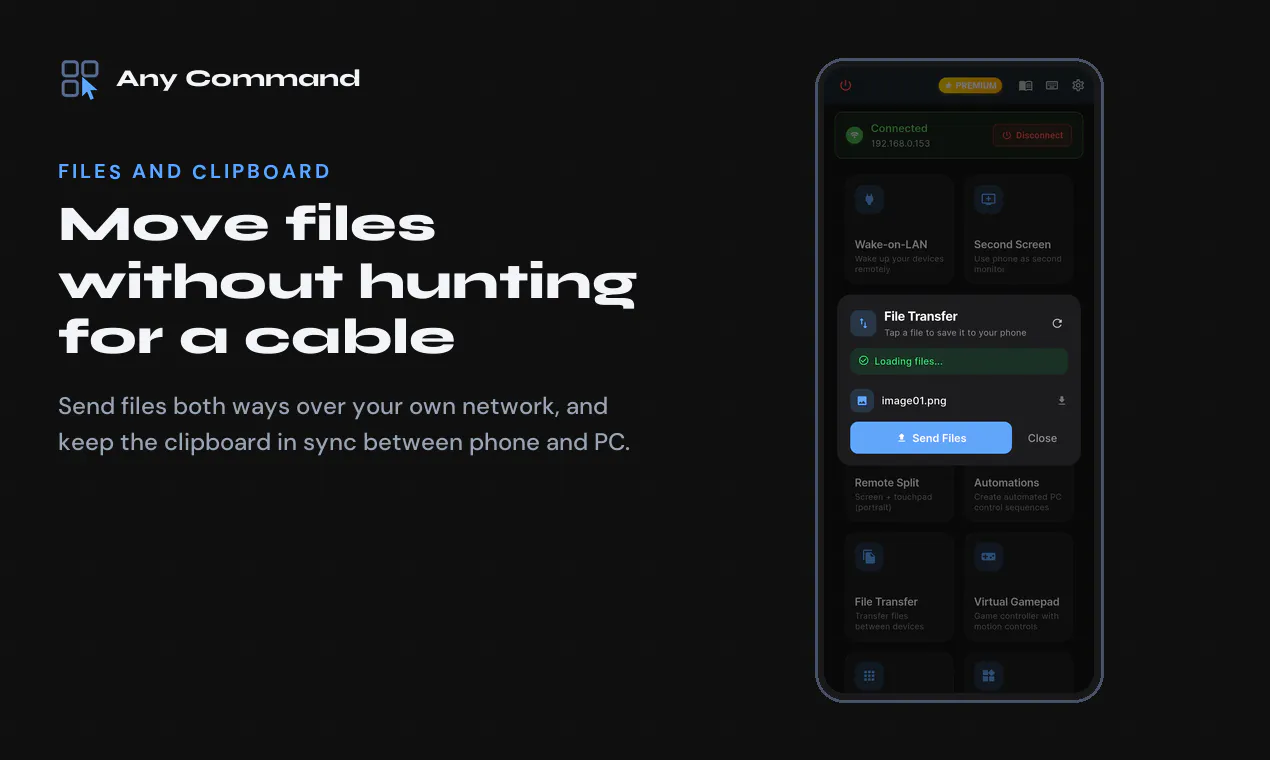
Any Command turns an Android phone into a second screen, trackpad, keyboard and gamepad for Windows. Stream one window to the phone and use it there while a film stays fullscreen on the monitor. Runs on your own network, or over Bluetooth with no PC install. Free tier, no account, and the PC app is a plain Windows install.
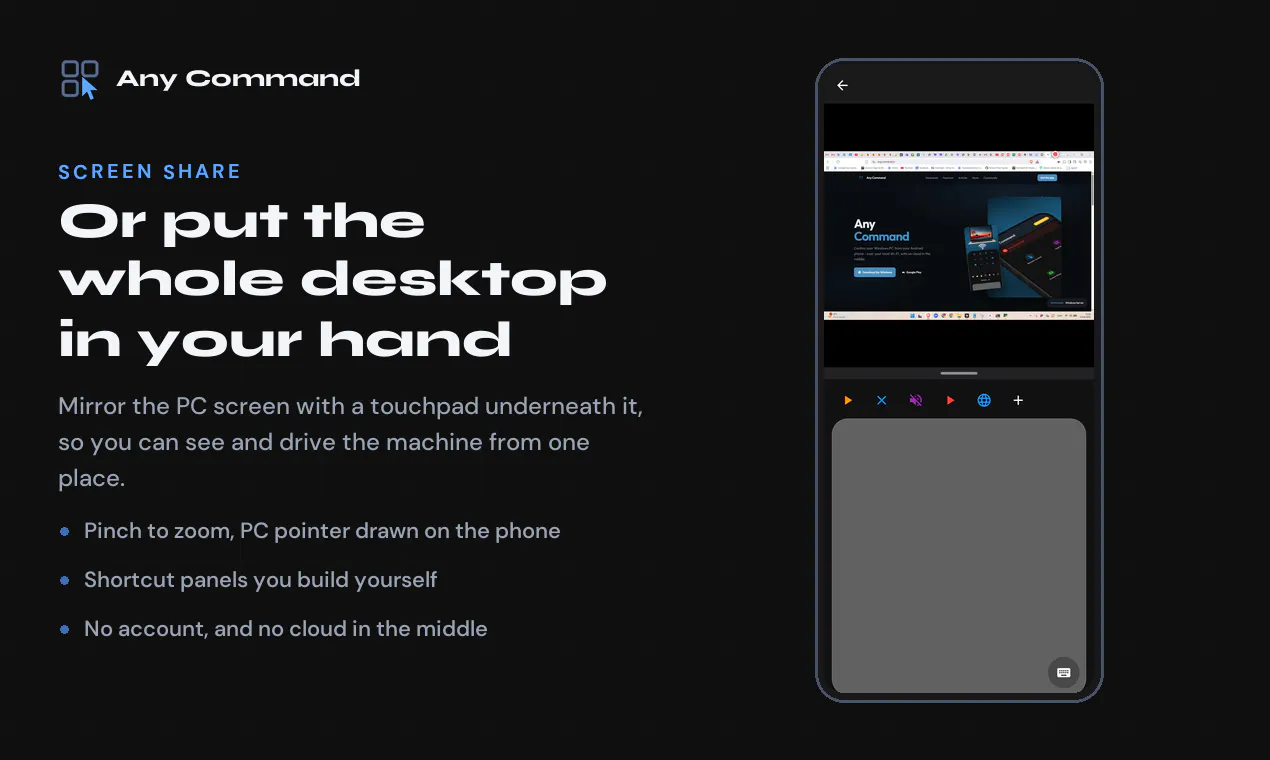
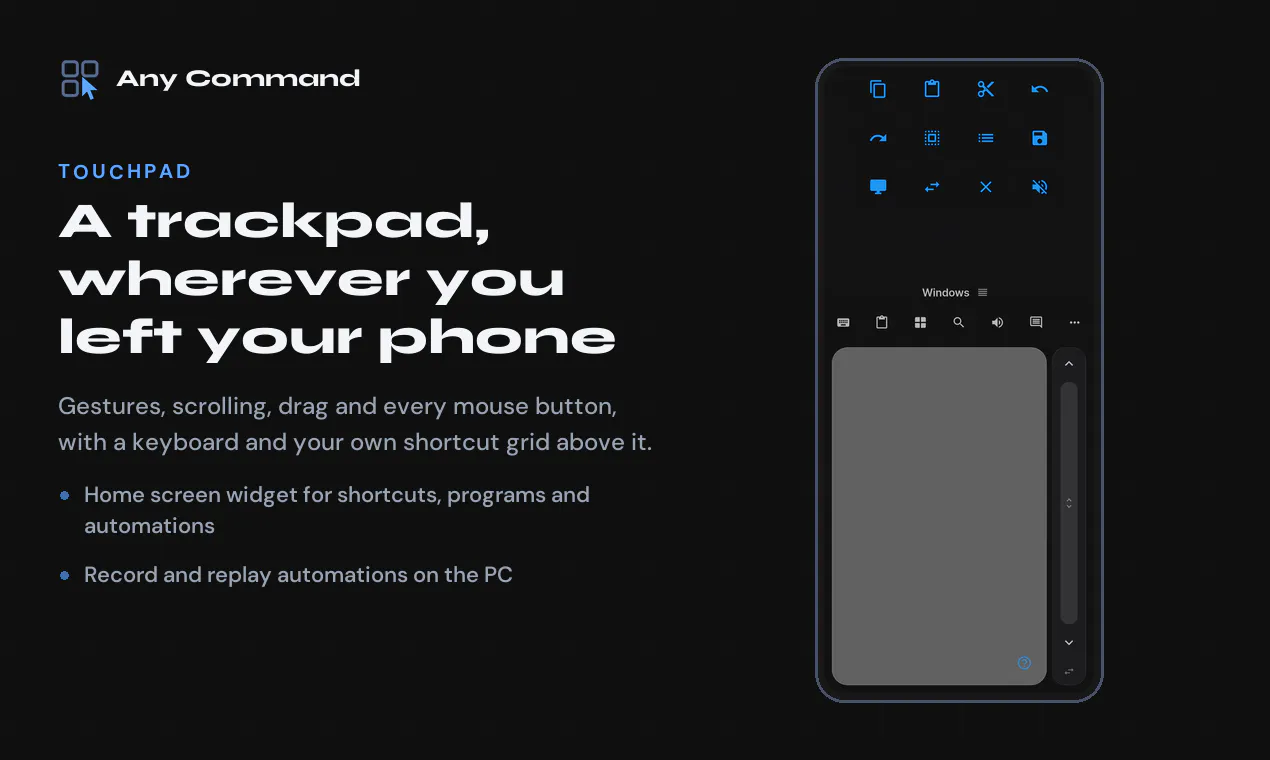
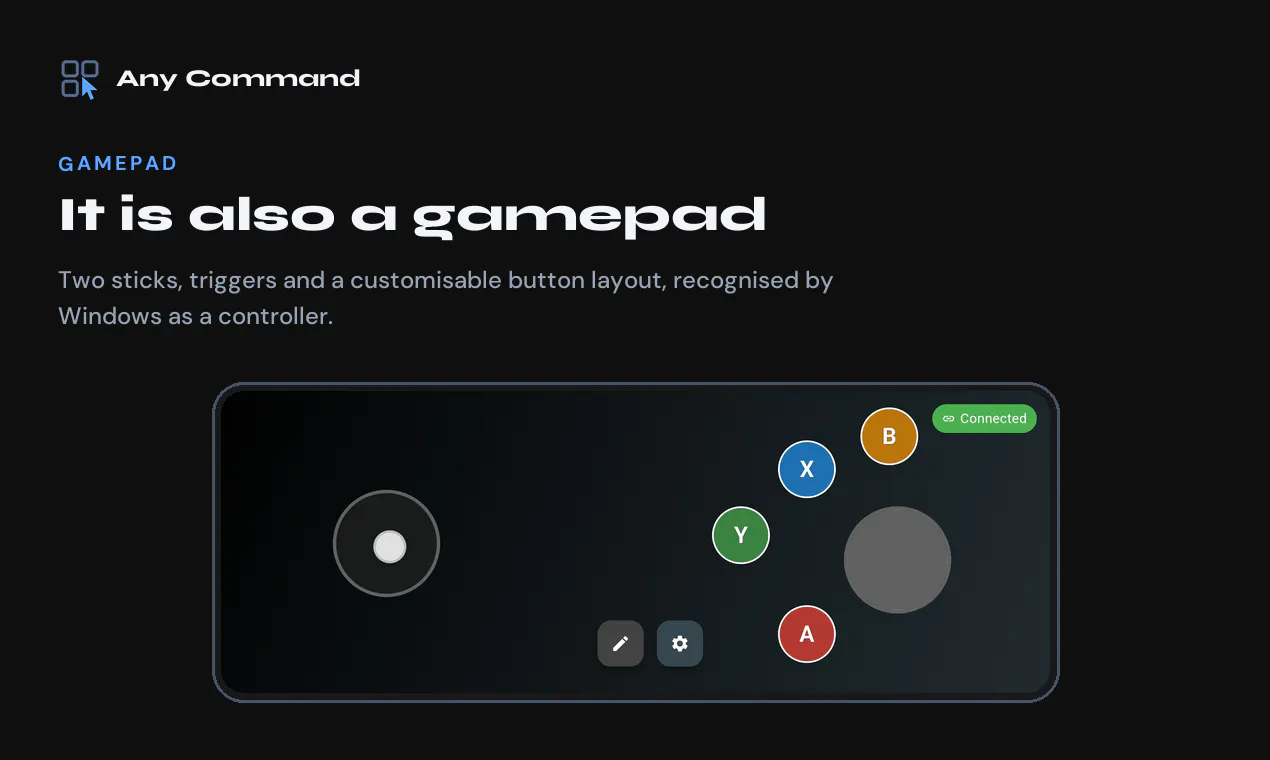
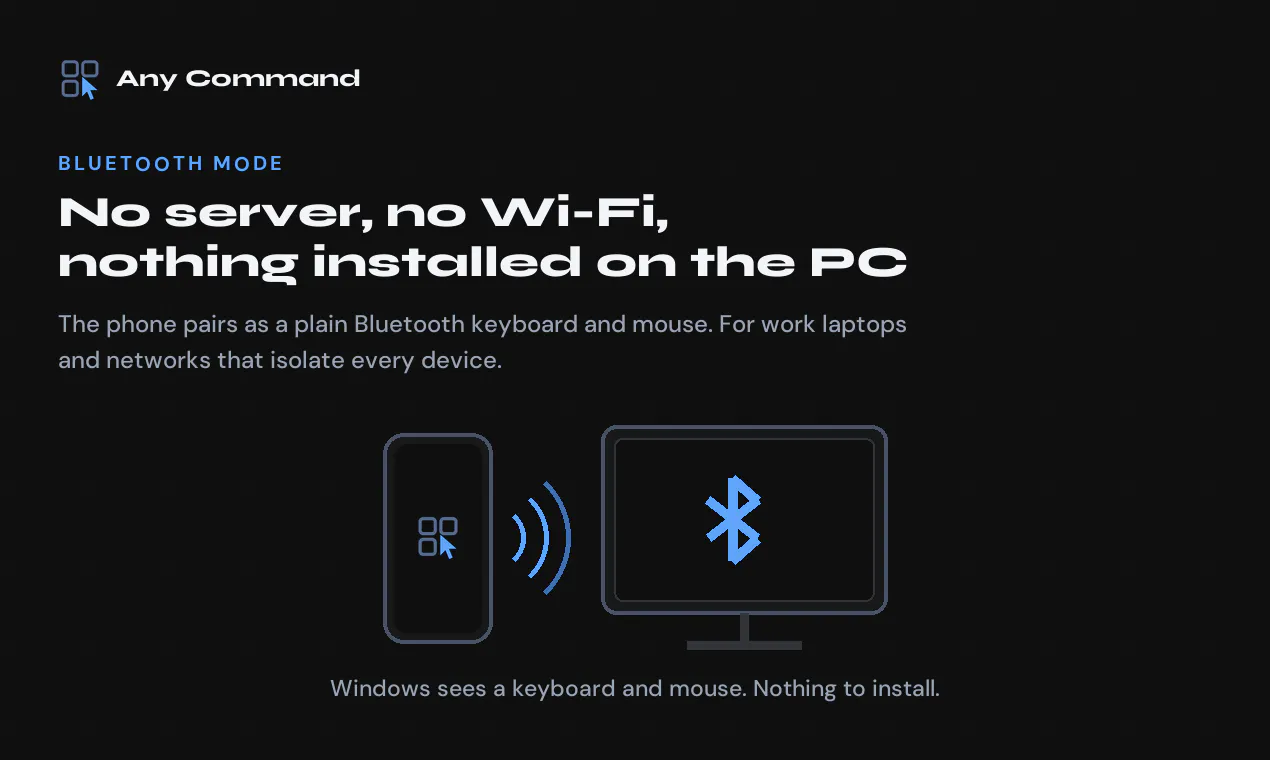
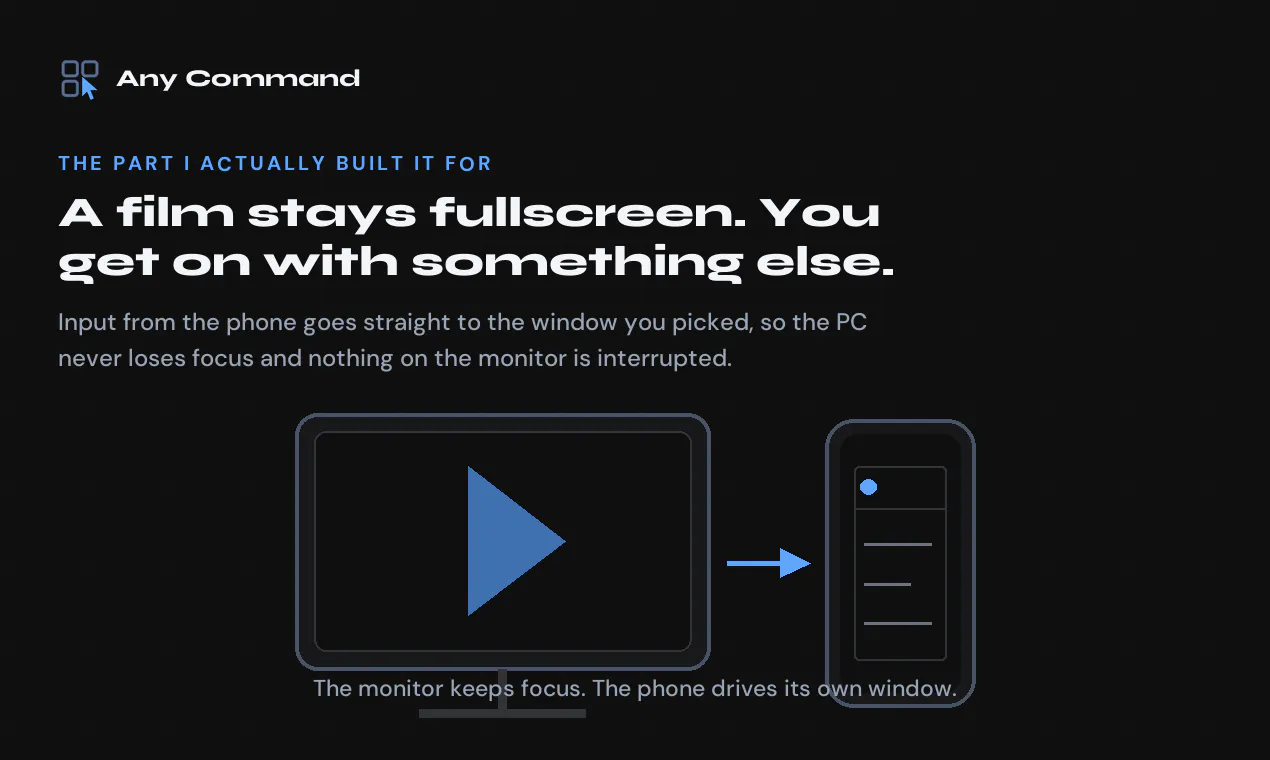
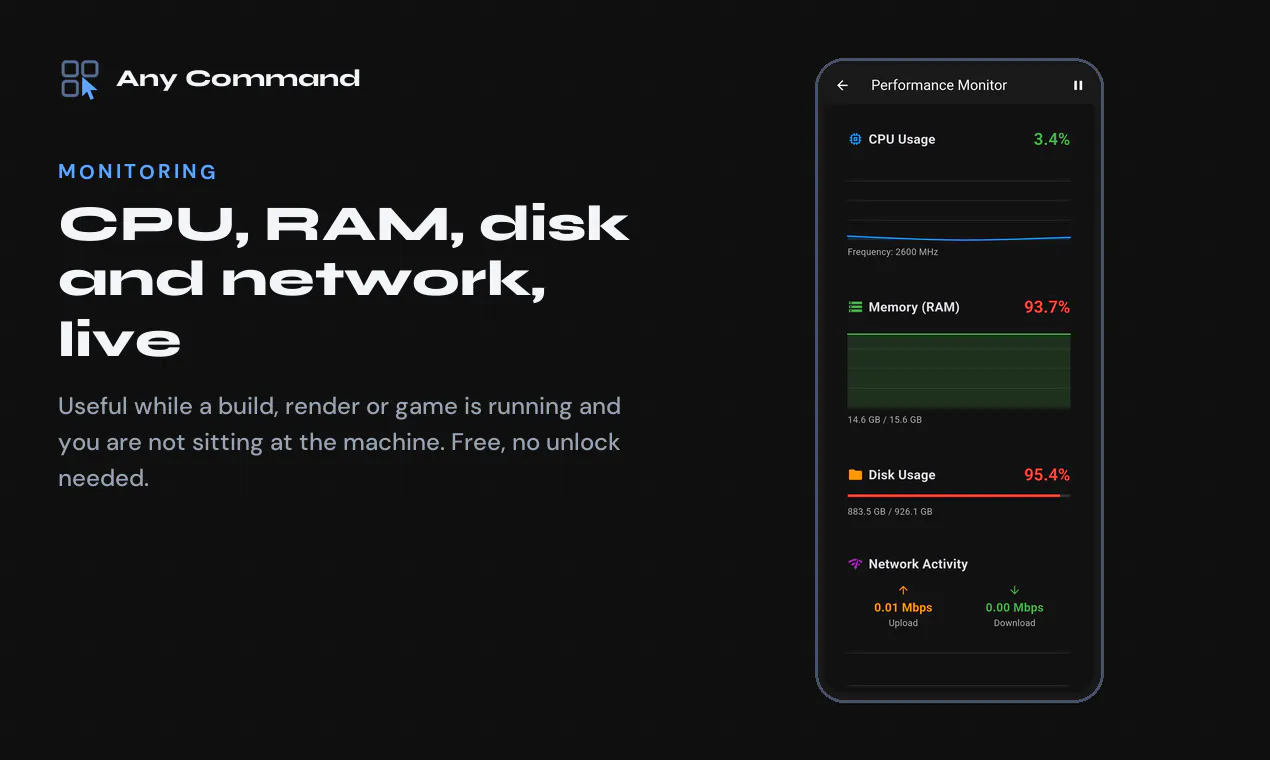
I built this because of a genuinely stupid problem. I have one monitor. When something is playing fullscreen on it, the machine is occupied but I still want to answer a message or check a build. Alt-tabbing kills the fullscreen. A second monitor was the sensible answer and I did not want to buy one. So Any Command can send a single PC window to the phone, and input from the phone goes to that window only. The film keeps the monitor and never loses focus. That took by far the longest to get right: Windows really does not want you delivering clicks to a background window, and Chromium apps stop rendering entirely the moment they think nobody can see them. The rest of it grew out of the same "phone is right there" idea over about two years: a proper trackpad with gestures, a keyboard, shortcut panels you build yourself, a home screen widget that can fire an automation, file transfer, clipboard sync, a gamepad, and a live view of CPU and RAM for when a render is running and you are not at the desk. There is also a Bluetooth mode where the phone pairs as an ordinary keyboard and mouse. Nothing installed on the PC at all, which turned out to be the only thing that works on locked-down work laptops and meeting room machines. It is one dev, no company, no funding, no account to create, everything runs on your own network unless you deliberately turn on internet access. For today: the first 50 people who comment get a Premium code. Reply with your phone model and I will send you one. I read every comment, and I have shipped fixes on the same day from Reddit threads before, so tell me what breaks. One thing I would genuinely like to know: if you have a spare screen sitting in your pocket all day, what would you actually put on it? I keep finding new answers to that and it keeps changing what I build next.
0
回复
@polyhistor Motorola Edge 60 Fusion
0
回复

@polyhistor s26 ultra

0
回复

the fullscreen problem is such a specific, real annoyance - alt-tabbing out of a video to check one thing is genuinely annoying enough that I get why you built a whole app around it. to answer your question: I'd put a live terminal/build log on it. half my "just checking something real quick" moments are watching a long-running script or CI job finish, and tabbing away always means I come back 5 minutes late to a failure I could've caught immediately.

0
回复

Haven’t used all features yet but so far impressed. Will update in due course.

0
回复

@jimmy67 Thank you very much:)

0
回复

@jimmy67 thank you!:)

0
回复
#17
Democruit
Your candidate-first career companion, from resume to offer
32
一句话介绍:Democruit是一款以求职者为中心的AI职业伴侣工具,将简历优化、ATS诊断、求职信生成、投递追踪及个人简历网站整合于一体,解决求职过程中流程割裂、反馈缺失和反复被拒却不知原因的痛点。
Hiring Artificial Intelligence Career
AI求职助手 ATS简历优化 求职信生成 申请追踪 简历网站 职业规划 候选人优先 按结果付费 求职工具 Chrome插件
用户评论摘要:用户普遍认可产品整合性、ATS反馈的透明解析及按结果付费模式。有用户好奇简历网站如何随简历内容更新,官方回应称支持手动更新以配合定制化简历。另有用户表示正在求职,认为建议可执行性强。未发现负面反馈或功能缺失批评。
AI 锐评

Democruit的聪明之处不在于AI功能的新颖,而在于对激励机制的重构。“未录用不付尾款”模式,将工具自身的利益与求职结果强行绑定,这在充满“收智商税”的求职辅导市场中,稀缺且讨巧。从产品形态看,它本质上是聚合了多个已有功能的“全家桶”:ATS解析、定制信、追踪器、个人主页,单拎出来都不具备高壁垒,但其价值核心在于“单向透明”——让求职者能用雇主的过滤器审视自己。这种视角转换,确实切中求职沉默期的焦虑痛点。

然而,锐评必须指出隐患。12个月期限与50%尾款的设计,看似大方,实则是一种基于期望值计算的定价模型,其底气源于拿到offer后的高支付意愿。一旦候选人入职新公司,追讨尾款的成功率与意愿度都会骤降,这会成为其商业模式可持续性的关键考验。此外,“免费支持被裁者”是高尚的情怀,但如果没有可靠的核验与成本控制,极易被滥用。更核心的问题在于ATS优化本身:ATS旨在筛选,适应它只是底线而非加分项。Demi的“解释得清”固然优秀,但若最终培养出的不是更好的求职者,而是更熟练的简历格式套利者,那它对“民主化招聘”的初心便是背离的。产品UI与体验在评论中收获好评,但真正决定其未来的,不是获客,而是尾款结算的履约能力。这一点,恐怕要比任何AI功能都更具挑战。

查看原始信息
Democruit
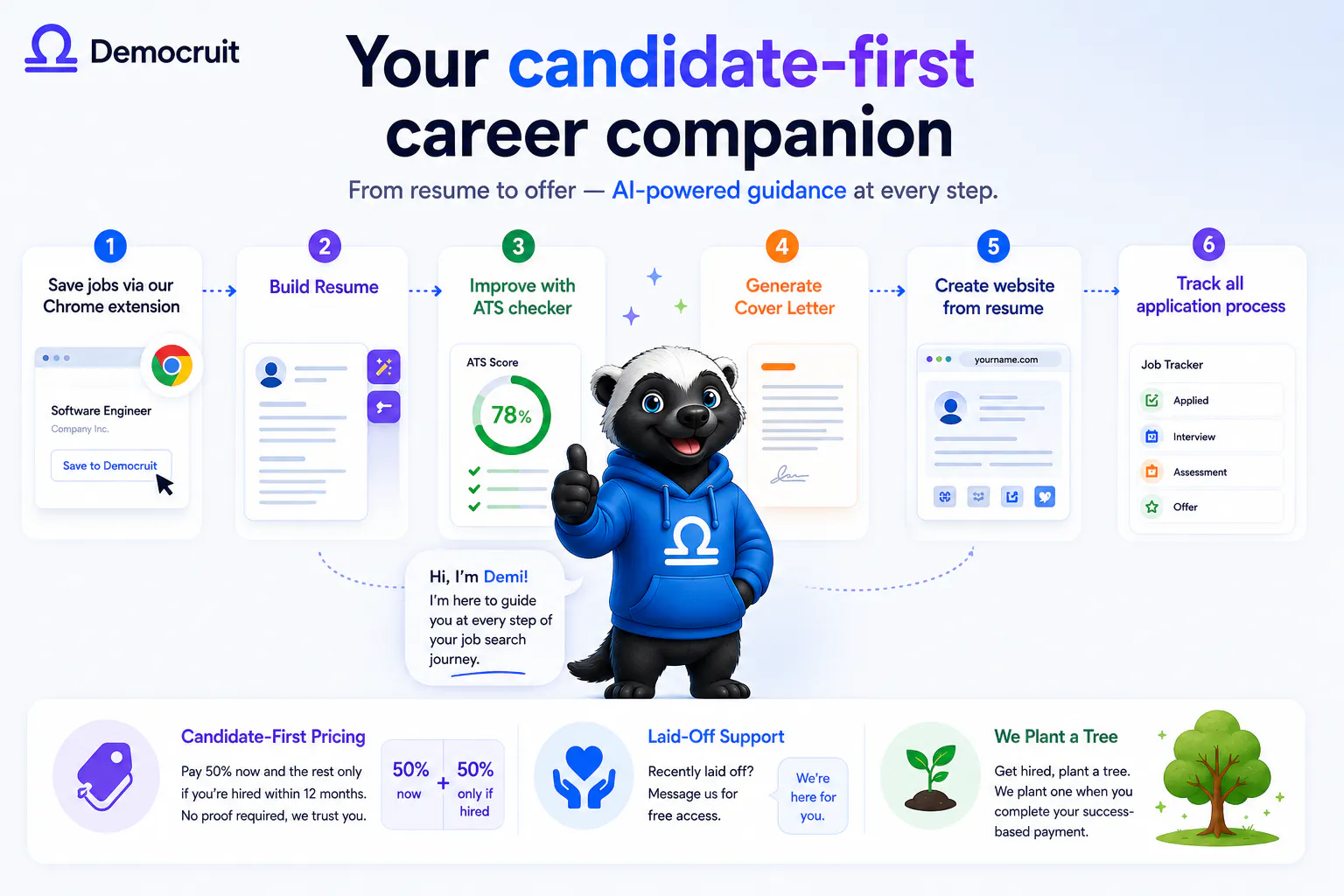
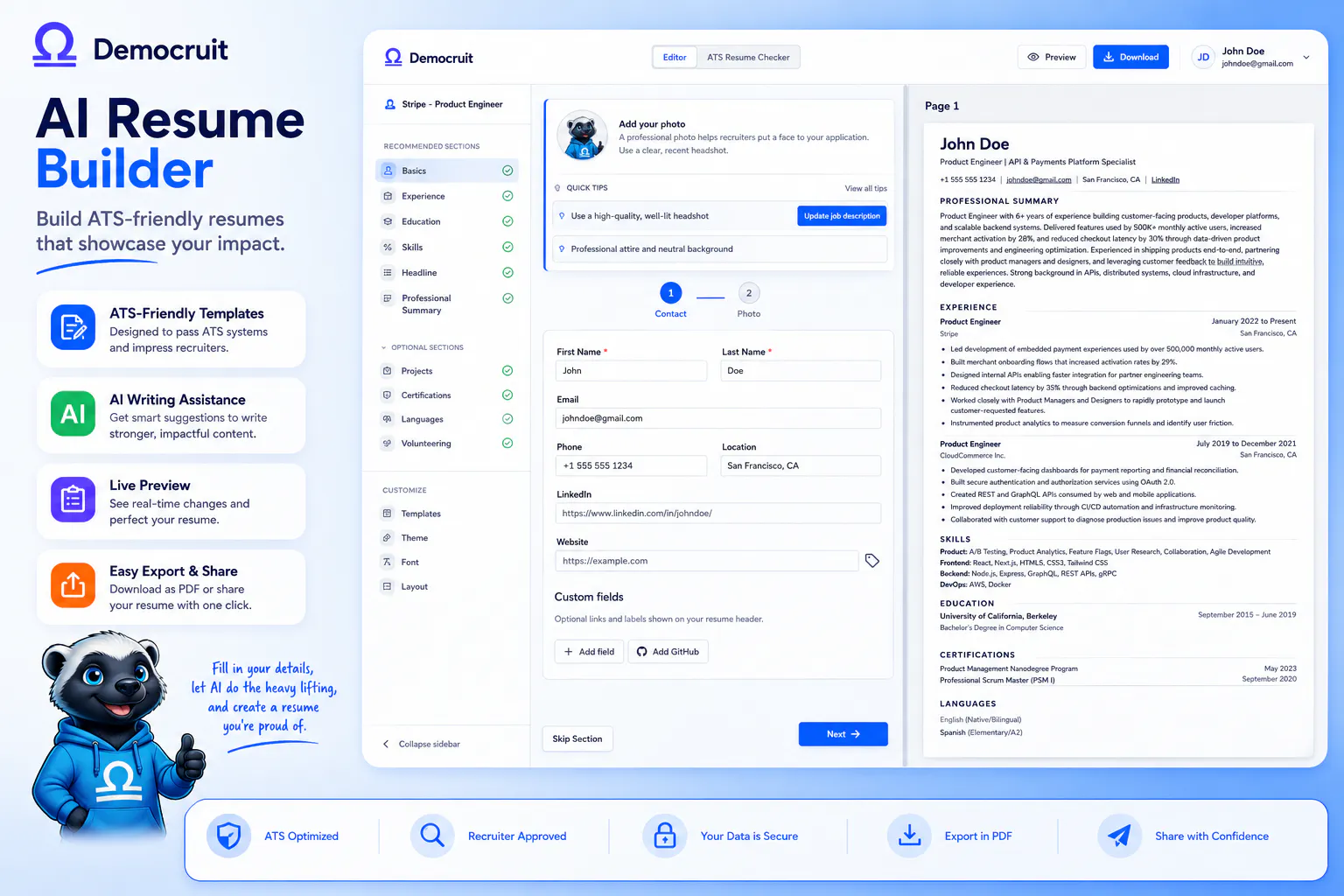
Democruit takes you from resume to offer with AI-powered guidance at every step. Unlike single-prompt tools, it helps you understand how to improve every application, not just generate one. Get ATS analysis, tailored cover letters, application tracking, and a personal resume website. Designed to help you land interviews, not just create documents. No subscriptions, pay 50% now and the rest only if you get hired within 12 months (no proof required). Recently laid off? Message us for free access.

Hey Product Hunt! 👋

Ender and Arda from Democruit here.

We built Democruit because we kept seeing the same story: candidates tailor their resumes, apply again and again, and still face silence, ghosting, or get filtered out by an ATS before a human ever sees them.

That frustration led us to a bigger goal: democratizing recruitment.

We believe candidates should be empowered, the hiring process should be more transparent, and opportunities should be fairer.

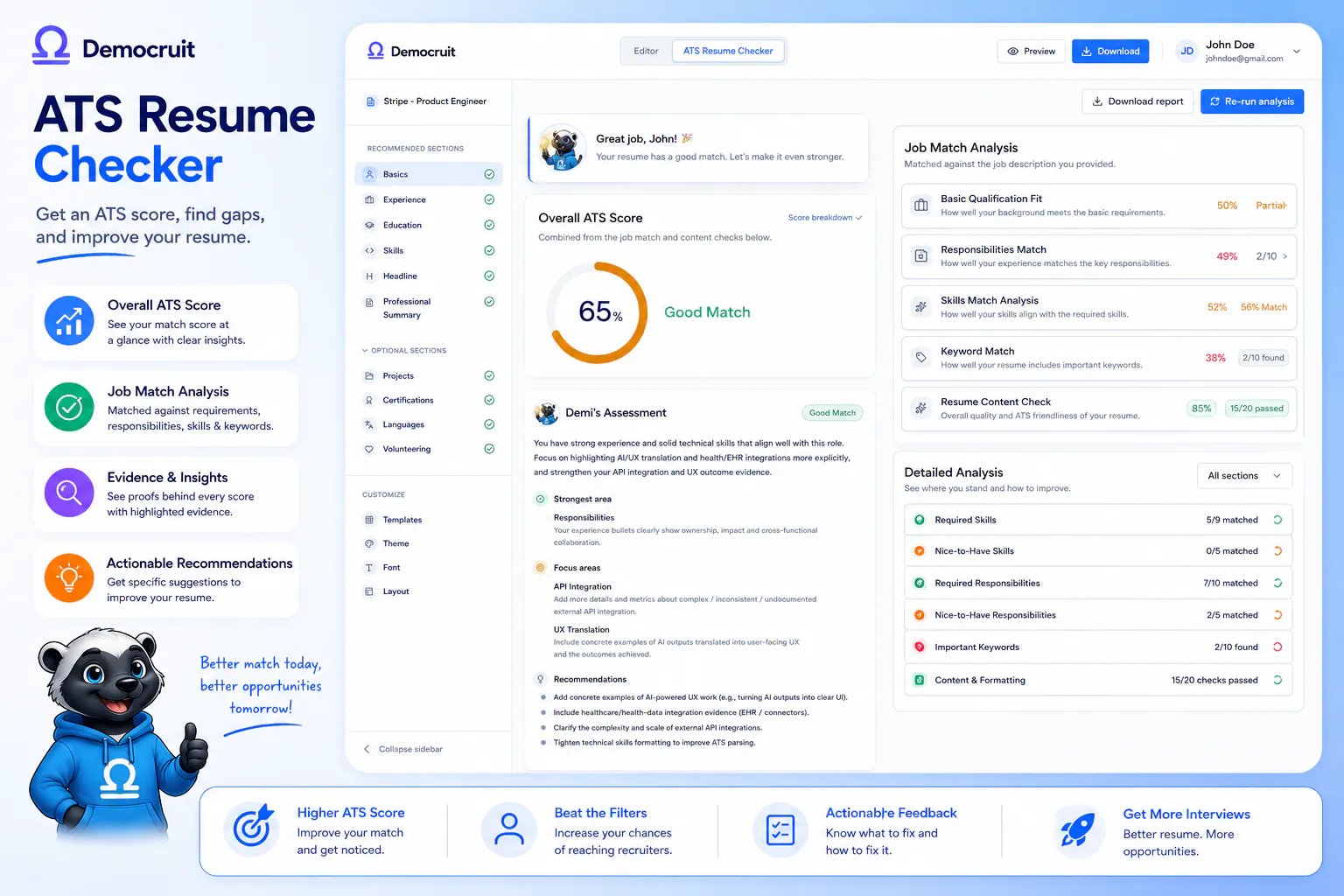
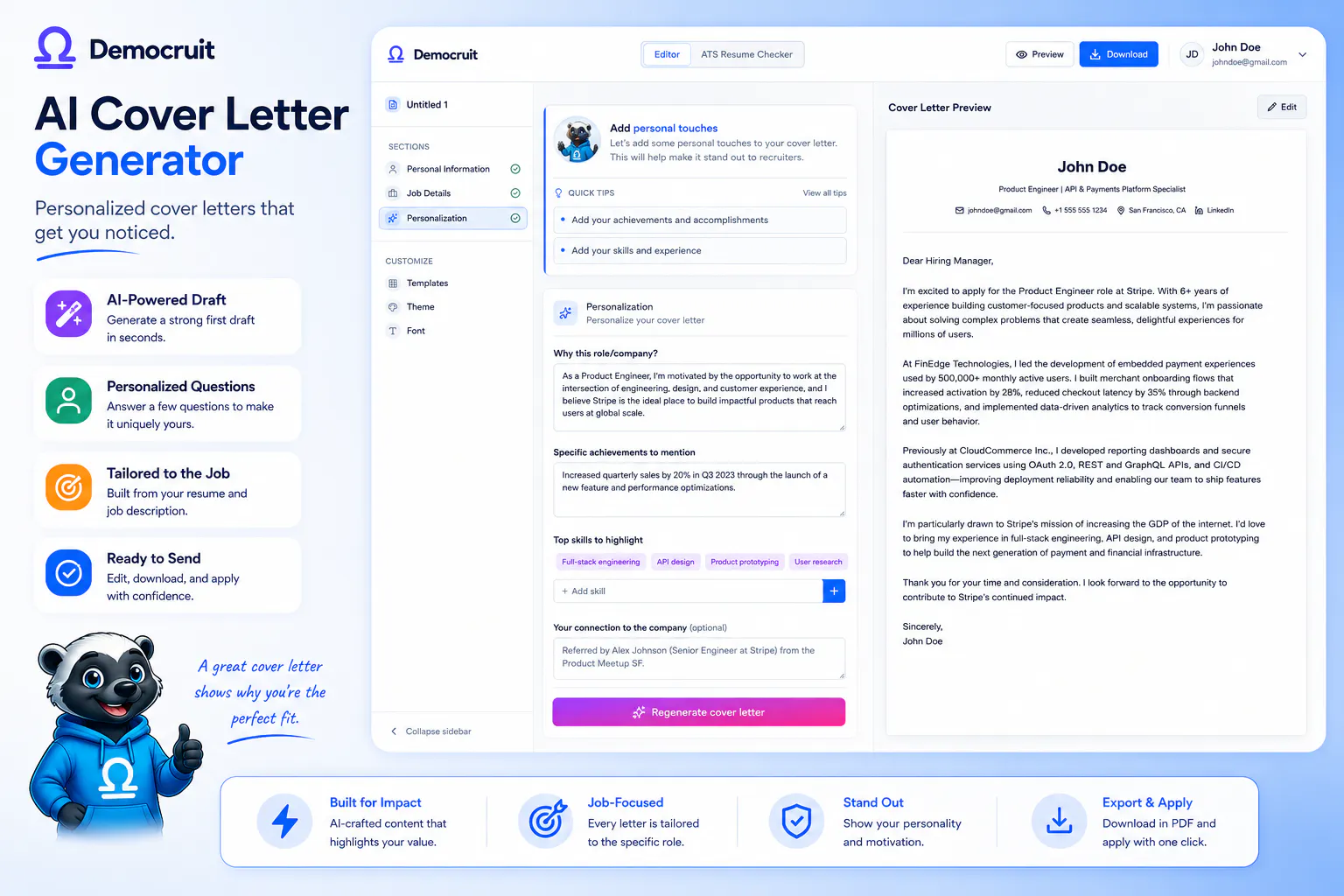
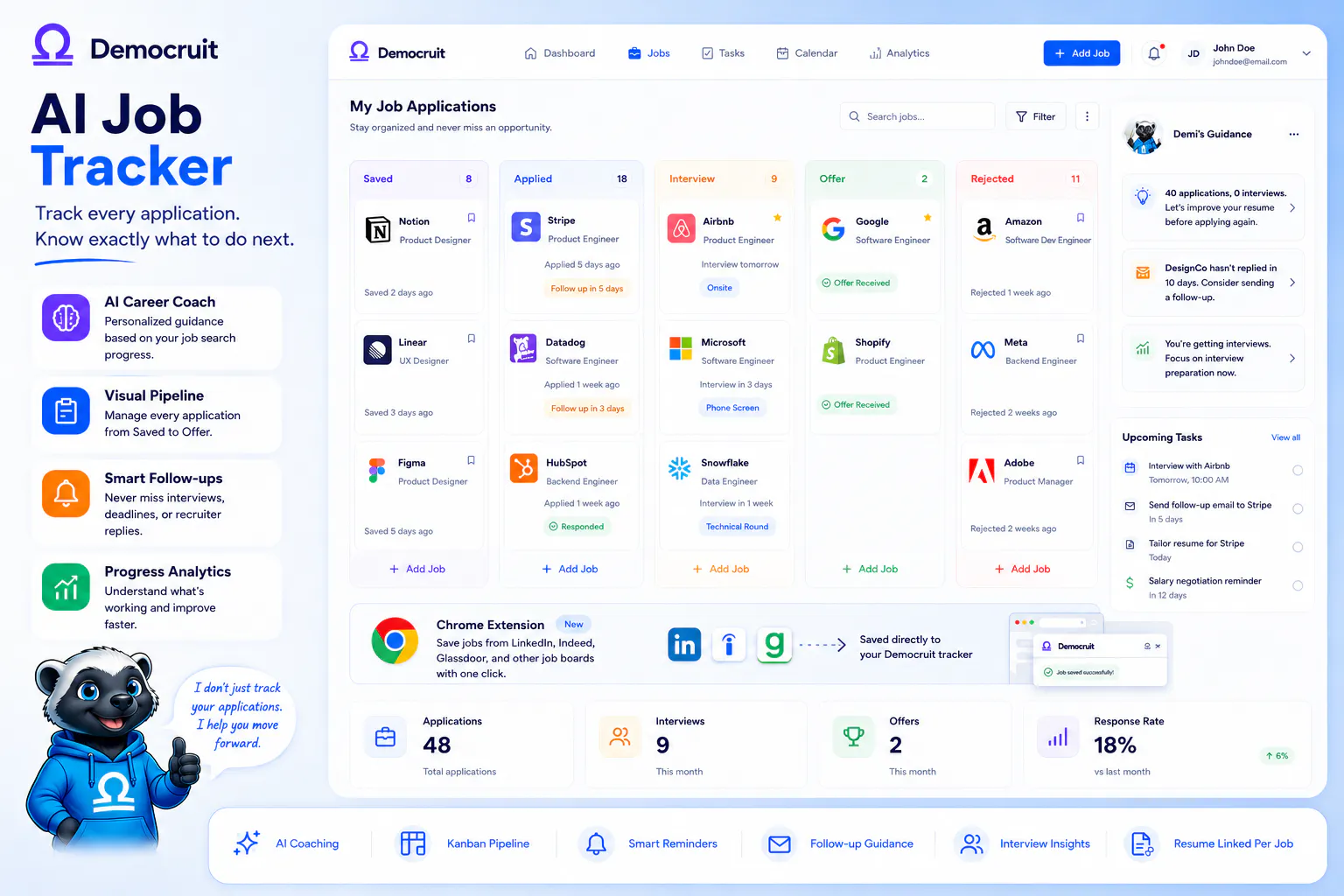
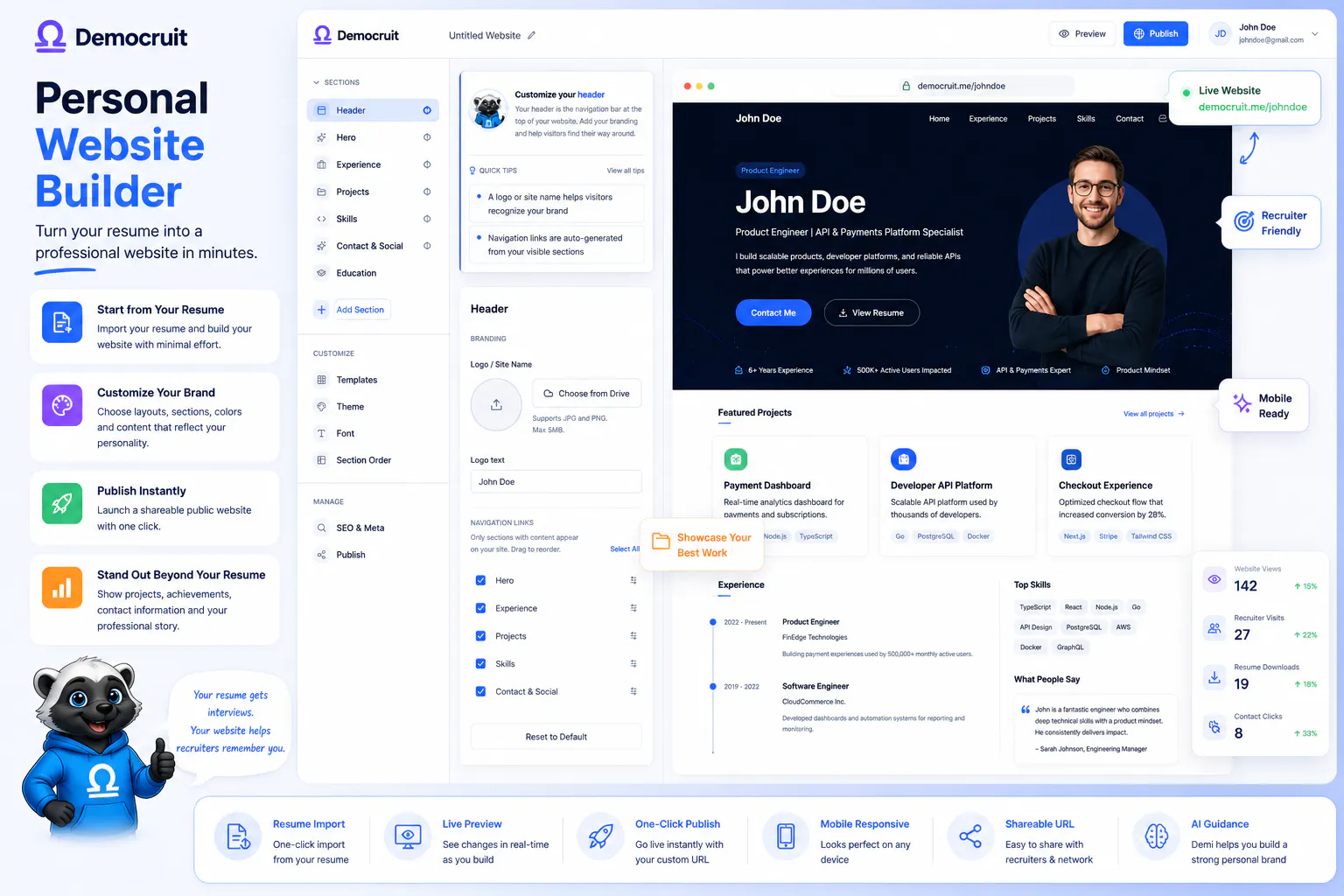
Democruit is a candidate-first career companion with an AI Resume Builder, ATS Resume Checker, Cover Letter Generator, Resume Website Generator, and Job Application Tracker. With our Chrome extension, you can also save jobs directly from LinkedIn, Indeed, Glassdoor, and other job boards to your Democruit tracker.

But it's not about generating another document with one prompt. We want to give candidates personalized guidance that helps them understand why something works, not just tell them what to write.

Being candidate-first isn't only about the product. It's also about how we charge.

We don't use recurring subscriptions. With our Candidate-First Pricing, you pay 50% upfront and the remaining 50% only if you're hired within 12 months. We wanted our incentives to be aligned with the candidates we're trying to help.

For our Product Hunt launch, we're offering 30 days of free access to Product Hunt users. We know this community has a sharp eye for products and user experience, so we're especially interested in your honest perspective on Democruit - what works, what's missing, and what we should improve. That feedback will be invaluable as we build toward our bigger vision. 

And when someone loses their job, they shouldn't have to pay more simply because they're between jobs. That's why we provide free access through our Layoff Support program for recently laid-off professionals.

Our long-term vision is bigger than career tools. We want to evolve Democruit into a more transparent, candidate-empowering recruitment platform - helping create a better balance between candidates and employers.

We're starting with candidates because we believe that's where a better recruitment system should start.

23
回复

@ender_ozmen I see myself using this extension perfect 🫰

1
回复

@ender_ozmen looks like a great solution for a very big problem, will definitely try it soon.

2
回复

I really like how it brings the whole job search process into one place. The ATS feedback and application tracking are especially useful 💫

2
回复

@isibol01 Thank you! We wanted to make the job search feel less scattered by bringing the key pieces together in one place. Glad the ATS feedback and application tracking stood out to you. They’re two areas we think can make a real difference when managing multiple applications. Really appreciate your support!

0
回复

I really loved how easy and intuitive it was to setup and start working. The suggestions made my profile even better!

2
回复

@rcpktk Thank you so much! We put a lot of thought into making the setup simple and the guidance genuinely useful, so it’s great to hear that came through. Really glad the suggestions helped strengthen your profile.

1
回复

Everything on one app? wow. It looks like we do not need to jump between multiple applications just to get results! Kudos guys.

2
回复

@goktughatipoglu0 That’s exactly what we were aiming for! Job searching can get messy when your resume, cover letters, job tracking, and everything else live in different places. We wanted to bring it all together so candidates can focus more on finding the right opportunity and less on managing the process. Thanks so much for the kind words Goktug!

0
回复

Huge congrats on the launch! That 'pay half now, rest when hired' model is actually genius 🤓finally a product that puts skin in the game alongside job seekers. The guided Demi feedback looks super clean too. Wish you great success! 🚀 @ender_ozmen

1
回复

@omeraaydinn Thank you so much! We really wanted the pricing to reflect that we’re in this together with candidates, rather than charging them indefinitely while they’re searching. And we’re glad you liked Demi too! We’ve designed her to give practical, actionable guidance without taking the candidate’s voice away. Really appreciate the kind words and support!

0
回复

The part I like most is that it explains why a resume scores the way it does instead of just rewriting it for you. That's the difference between getting one good application and actually getting better at applying. The Chrome extension is a smart addition too, since saving a role while you're still on the listing is exactly when you have the most context about it. Curious how the resume website handles updates once the resume changes.

Congrats on the launch.

1
回复

@vfurkanguner Thank you! That’s exactly the philosophy behind Democruit, we want candidates to understand why something can be improved, not just hand them a rewritten resume.

For the resume website, you can create it from any one of your resumes. If you later tailor that resume for a specific job, you can manually update the website content as well. We intentionally keep that step in your hands, since we recommend tailoring your resume to each job rather than relying on one generic version for every application.

Really appreciate the thoughtful feedback, and glad the Chrome extension resonated with you too!

0
回复

Exactly what I needed right now! I'm currently in the middle of a job hunt, and this is all I need. The feedback is super actionable. Congrats on the launch!

1
回复

@alibesinci That means a lot! We know how overwhelming a job hunt can be, so we’re really happy to hear that the feedback is useful and actionable for you. Best of luck with your search and thank you for the launch support!

1
回复
#18
TCTGame : Social Habit Tracker
A Social Habit Game Built for Accountability and Consistency
29
一句话介绍:TCTGame将习惯养成变成一场社交游戏,通过“部落”监督和每日打卡日志,解决用户因缺乏外部监督而在动机消退后悄悄放弃目标的痛点。
Productivity Social Media Lifestyle
社交习惯追踪 游戏化 accountability 部落监督 每日打卡 连续签到 经验值 排行榜 专注工具 健康习惯
用户评论摘要:用户普遍认可社交问责和游戏化设计,认为比传统追踪器更有动力。有用户反馈期待更丰富的排行榜机制与XP用途。创始人回应称,下一步将强化好友邀请、双人挑战等功能,并可能调整通知频率以避免打扰。
AI 锐评

TCTGame的聪明之处,在于它没有试图发明一种全新的自律方法论,而是精准复刻了“健身搭子”或“学习小组”这类最古老却最有效的社交监督机制,并将其产品化。其核心价值并非那些冥想、呼吸等工具合集,而是那个“有人会看到我断更”的心理压力——这恰好击中了传统习惯追踪App“打开即死”的死穴:记录是无痛的,而缺勤的社交成本才是真实的。从评论看,早期用户的忠诚度极高,100天以上连续打卡的案例证明了其粘性。

但隐忧同样明显。当前产品的社交关系链仍基于“部落”这一封闭圈子,其成败极度依赖种子用户的自律水平与社群氛围。一旦规模化,如何让陌生用户之间产生有效的信任与监督成本极高,极易退化为“点赞之交”或纯粹刷分竞赛。此外,产品功能已显臃肿,从阅读Bingo到呼吸训练,工具属性过强,反而稀释了“社交游戏”这个核心差异点。如果要走得更远,与其持续堆砌小工具,不如深挖用户间的“对手关系”或“合作挑战”,让竞争与协作本身成为新的留存引擎。否则,它很可能只是从一个有趣的实验,变成另一个无人问津的、功能繁多的习惯追踪器。真正的考验,在于当最初的新鲜感与“六个朋友”的故事光环褪去后,如何让一个陌生人持续为你的坚持鼓掌。

查看原始信息
TCTGame : Social Habit Tracker
TCTGame turns habit-building into a social game. Choose your goals, get custom daily plan and post one daily log while your Tribe supports you and keeps you accountable. Build streaks, earn XP, climb the leaderboard and use tools for Deep Work, focus, reading, meditation, breathing, yoga and more to help you actually follow through.

Hey Product-Hunt

Before I tell you about TCTGame, let me tell you a little backstory.

It was January.

Everyone around me was making New Year’s resolutions. And like always, I knew the pattern. I would start something with full excitement, follow it properly for a few days or weeks, and then somewhere along the way just stop.

But this time, I thought of trying a small experiment.

I created a group with six friends.

Everyone chose a few things they wanted to stay consistent with for the month, and every day we posted what we had actually done.

The rule was simple: miss once → warning. Miss twice → you sit out until the next month.

It sounds a little strict 😅, but it changed something.

Suddenly, if you didn't show up, other people noticed.

And everyone else in that group was also trying to stay consistent with something of their own, so you weren't doing it completely alone anymore.

We also realised very quickly that not every day is going to be perfect.

Sometimes you're tired. Sometimes work gets crazy. Sometimes you genuinely don't manage to do what you planned.

So on those days, instead of disappearing, we would post whatever we managed to do or simply write about why the day didn't go well.

The goal wasn't to be perfect every day.

The goal was to not disappear after one bad day.

And somehow, this tiny experiment started working.

We started showing up more consistently. Then people around us saw what we were doing and wanted to join too.

Soon, managing everything manually became difficult.


And that's how that small group eventually became TCTGame - The Consistent Tribe Game.

The Problem We realised we were actually solving

While doing this, we realised that the problem was much bigger than our WA group.

Most of us already know what we should be doing.

We know we should exercise. Study. Read. Eat better. Meditate. Prepare for that interview. Work on that side project.

And we've all tried things to stay on track: paper to-do lists, Notes apps, habit trackers.

They're great at recording what you planned to do.

But when you stop opening them, nothing really happens.

Nobody notices.

There is no accountability, and slowly it becomes very easy to quit.

That's when we realised the real problem wasn't making a plan.

The difficult part was coming back tomorrow after the motivation was gone.

What TCTGAME is today!

We kept the original idea almost exactly the same: Consistency + Social Accountability + Gamified progress.

You choose what you want to stay consistent with, create your goals and habits, and TCTGame turns them into a Daily Plan.

At the end of the day, you post one Daily Log showing what you actually did.

Your Tribe sees your progress, reacts to your logs and follows your journey. You build streaks, earn XP, climb the leaderboard and join challenges alongside other people working on themselves.

And if today wasn't a great day, that's okay.

Do what you can. Log it honestly. Come back tomorrow.

That's the behaviour we're trying to build.

Tools That help you actually do the things on your plan!

Over time, we realised that reminding someone to do something isn't always enough.

Sometimes you also need a tool that helps you actually do it.

So TCTGame now has:

Daily Plan - everything you want to get done today in one place
Steps -  track your daily movement
Deep Work - focus sessions with app blocking
Focus Gym -  small games for attention and focus
Breath Gym -  Box Breathing, 4-7-8, Cyclic Sigh and more
Guided Meditation
Guided Yoga
Reading Bingo - a more fun way to sit down and actually read


Additionally TCTGame+ also gives you a Weekly Consistency Report that looks at your previous week, shows where you were consistent, where you're falling behind and gives you action items for the next week.

The Core TCTGAME is FREE

This was important to us from the beginning.

Our mission is to help you become more consistent and become the version of yourself you actually want to become.

TCTGame+ is there for people who want the additional utilities and deeper weekly insights.

What happens when people keep showing up?

This is probably the part we've enjoyed seeing the most.

People joined TCTGame for completely different reasons.

Someone wanted to finally stay regular with the gym. Someone was preparing for exams. Someone was trying to switch jobs. Others were meditating, reading, eating better, doing skincare, creating content or simply trying to fix one part of their daily routine.

Different people. Completely different goals.

But underneath all of them was basically the same problem:


How do I keep showing up once the initial excitement is gone?

That's what we're trying to solve with TCTGame.

We're launching here today, and instead of only telling you about our product, I'd genuinely love to know:


What's one thing you've been trying to stay consistent with but keep falling off?

And if you've managed to stick with something for months or years, what actually helped you keep going?

Would genuinely love to hear your stories, questions, criticism or ideas in the comments.

5
回复

@nikhil_mishra_ I see how you've created a gamified, and therefore incentivized version of our individual unseen goals. This reminds me of building in public, where you are sharing and celebrating small wins with those around you. I love this idea and you've piqued the interest of an early career dev. Thank you!

0
回复

The gamification makes staying consistent much easier

4
回复

@aaryan_singh13 Absolutely, in fact we are planning to make the gamification more interesting in the upcoming build, the leaderboard will get a new twist, more for the XP usage, new mini tools in the app too!

0
回复

Love the concept! Habit trackers are easy to ignore, but adding a social accountability layer makes this feel much more motivating. Congrats on the launch!

3
回复

@soumyaa2 The social accountability layer is what makes it work because ofcourse its way too natural to abandon the boring habit trackers where you are working alone.. and for some folks the main thing that helps to keep them in check are the game rules...

Thanks for letting us know that the social accountability layer works for you too...
would love to get more of your feedback from you as you keep getting more milestone streaks

0
回复

It’s exciting to be part of something this early thats surely gonna be a hit. TCTgame helps everyone be consistent and strive towards their goal. It’s like that teacher in your school who kept on asking about your homework.

3
回复

@mintbomb27 The teacher aspect actually works for a lot of us. do you find the notifications too much at times? or is it fine already?

0
回复

I am a doctor and because of my busy schedule, i always used to put my physical fitness aside, so i used tctgame to reach more people on my socials by consistently posting about my progress.. along with that i also went deeper into meditations and healthy eating..

3
回复

@nivedita_mishra1 Its always comforting to see your journey in your logs... and the special ayurvedic tips for the tribe too!

0
回复

Really enjoying the experience so far! Looking forward to what TCTGame brings next

3
回复

@vaishnavi_singh16 The next set of updates are going to be really interesting for people trying to work on their communication, physical fitness and writing skills too. Keep using the app Vaishnavi! and keep sharing your feedbacks!

0
回复
Here’s from a user of TCTg with a consistent streak of 100+ days. I started from a journey of being totally lazy and not so consistent with my goals. Grateful to be one among the early users here. Gradually I started with small small habits like reading a book, drinking certain amount of water in a day. And today here i stand with being consistent with creating content everyday, consistently skilling up in my niche and opening my own firm, being consistent in health ( gym, steps), being mindful with meditation and reading books. The utilities - deep work sessions, meditations, yoga, reading bingo have it all! Can’t be thankful enough for these which has helped me enough to build habits TCTG has been a part of life now and made me a better person in being consistent with my goals, build a productive day, and more than anything to build confidence and positivity in myself! Cheers to the tribe members too for sharing their achievements and inspiring eachother.
3
回复
@saritha_mantry and we are just getting started… I’ve seen many take the naap jap habit from you.. thanks for making the tribe what it is today!
1
回复

Having being consistent in more than one habit for more than 100 days for the first time in my life, I can definitely vouch for this Game.

On top of it what could be better than seeing prople improve and grow along side you.?

2
回复

@hritwik_seth 100 days streak milestones also came with first hyrox experience! it was always great to see the meal + run logs from you!

0
回复

Really like the idea of turning habit-building into something social rather than just another checklist. Adding a social accountability layer makes it more motivating.

2
回复

@muskan_sri The social accountability layer is what ensures that its not another dead habit tracker, its lively, its social, and that's why it works best!

0
回复

It helped me very much for achieving daily goal

2
回复

@kumar_amrit So good to hear this Amrit, i hope to see you on the leaderboard as you keep staying consistent in your journey.

0
回复

Hey Product-Hunt,

The reason I built TCTGame is because I was looking for a solution to a problem that I was facing myself. That's when I realised the problem was not with motivation. The problem was that I was silently abandoning the habits that I was supposed to work on. When life got busy, there was no one to notice that I had stopped showing up. And usually, I would only start again after getting some external motivation, like seeing someone else doing well at the same habit I was supposed to be working on. Then I would start again from scratch, and the same cycle would repeat.

TCTGame is built to solve this exact problem through social accountability. Everyone is working on their own goals, but posting a daily log in the tribe creates a sense of accountability. You've committed in front of these people, so you naturally want to come back tomorrow and do what you planned. And no, every day would not be perfect. Some days you will do very little, and some days you might do nothing at all. But even on those days, posting a log and reflecting on what happened sends a signal to your brain that you are not quietly abandoning the journey. You are still here, and you are coming back tomorrow.

2
回复

@vishwanath_kumar_singh The man behind the Follower- following map! That would be the core of the social accountability layer in the next phase of tctgame now! especially where users get to invite other friends to join the challenges or use the mini tools with them! letsgooo!

0
回复

Hi Product-Hunt.

I am one of the founders of TCTGame, and the true reason I started building this was because it seemed interesting to me. I was part of the first group of the six friends that @nikhil_mishra_ mentioned .

I always knew that this can be something huge and based on that instinct I poured all the efforts to build this idea into an app which can benefit more people like us.

Over time I saw the need of our users and we pivoted with that, built utilities, made interactions more fun, more gamification .

Anyone who wants to start a routine or achieve any specific goal but is procrastinating should try TCTGame for sure.

We have a tribe which supports each other just by showing up and posting their progress.

2
回复

@pankhurir And tbh i can't wait to share the next set of utilities and mini tools we have in the bag for tctgame! next phase of it will be 10x more exciting!

0
回复
#19
Mole
A native Mac maintenance app that shows before it cleans
27
一句话介绍:Mole 是一款原生 Mac 维护应用,通过“清理前可视化预览”和“本地扫描”机制,解决用户清理缓存、卸载应用、管理磁盘空间时对误删与隐私的信任焦虑。
Mac Productivity Menu Bar Apps
Mac维护 系统清理 应用卸载 磁盘分析 缓存清理 隐私保护 本地扫描 Apple Silicon CleanMyMac替代 系统监控
用户评论摘要:用户普遍认可清理效果,特别提及可清除 Xcode 残留和“绿色图标聊天应用”占用的巨大空间(如节省 120GB)。核心正向反馈集中在“比 CleanMyMac 更克制、更透明”。暂无功能与建议类差评,但值得注意,评论多来自早期用户,样本量小且偏向同温层。
AI 锐评

Mole 的聪明之处在于把“信任”做成了卖点——所有清理操作前展示路径与大小、扫描不出本机、卸载可恢复至废纸篓。这不是技术壁垒,而是对 CleanMyMac 这类“黑箱式全家桶”的精准反叛:后者因过度营销与激进清理臭名昭著,却统治市场多年。Mole 用“极简功能集+透明机制+买断制”切走真正在意数据安全的专业用户,与其说是清洁工,不如说是 Mac 上的“知情同意”宣言。但风险同样明显:当前 27 票的声量太小,且 Xcode 残骸、Chat 应用垃圾这类案例属重度用户痛点,大众用户未必感知强烈;$19 定价卡在免费工具与 CleanMyMac 订阅之间,易被 Periscope 等免费替代挤压。若后续不尽快补齐“批量操作预览”和“定时巡检”这类效率设计,它很可能只成为小众极客的愉悦玩具,而非真正的瑞士军刀。成败取决于能否把“透明”从理念固化为不可替代的工作流,而非停留在道德优越感。

查看原始信息
Mole
Clean caches, uninstall and update apps, inspect disk space, and monitor system health. Mole previews paths and sizes before cleanup, keeps scans local, and moves recoverable removals to Trash.

Hi Product Hunt, I’m Tw93, the maker of Mole.

I built Mole because Mac maintenance should not require a folder full of utilities. Mole cleans caches, uninstalls and updates apps, shows what is taking up disk space, and gives you a live view of system health.

The part I care about most is trust. Mole shows paths and sizes before cleanup. Scans stay on your Mac. Recoverable app removals go to the Trash.

Mole runs on macOS 14 or later on both Apple Silicon and Intel Macs. It is $19 once for two Macs, with a free trial and lifetime updates.

I’d love to hear what feels useful, what feels unclear, and which part of Mac maintenance you still need another app for.

2
回复

@tw93 This is a fantastic app! Well done!

0
回复

used it for a while . great work . briiliant at getting rid of xcode bloat

1
回复

@matthew_gordon Thank you very much for being able to help you

0
回复

Been using for months! A strong alternative to CleanMyMac.

1
回复

@mattblake_uk I’m so, so happy. Mole is very much like the product I’ve always been looking for. I’ll make it great and use it every day.

1
回复

Upvoted! Such a well-crafted gem with great taste.

1
回复

@gofurther Thanks for liking it! I'll keep working hard to make even better stuff

1
回复

The cleaner is often the highlighted tool but the truth is this is quickly becoming the “swiss-army knife” app for Mac. Easy recommend.

1
回复

@b-bot Thank you so much for liking it!

1
回复
App is too good than any other cleaners, it all cleaned up leftout artifacts from uninstalled apps. In my Mac Air saved 120 GB space that is too valuable these Air series. Also saved 40 GB for removing green iconed chat app ! Thanks for creating this app :)
0
回复

@emiruckan Very happy to help everyone, mole can help you.

1
回复
#20
ThriveStack citedby
AI visibility that measures, fixes, and attributes revenue.
20
一句话介绍:ThriveStack citedby 是一款AI可见性管理平台,帮助品牌和代理机构的SEO/AEO团队,在ChatGPT、Gemini等主流AI引擎中监测品牌被引用情况,定位并修复内容与站点缺口,并将AI带来的流量直接归因到营收,解决“知道不可见却不知如何行动、无法衡量价值”的痛点。
SEO Artificial Intelligence Marketing attribution
AI可见性 AEO优化 GEO优化 AI引用监测 营收归因 内容修复 SEO工具 品牌监测 AI搜索引擎优化 增长分析
用户评论摘要:用户主要围绕“工具能否真正落地”提出疑问——有评论聚焦于“如何证明AI流量与营收的因果归因”这一核心难点,也有用户关心修复建议的实际执行效果,以及工具对非技术团队的友好度。Maker回复强调其修复层集成到Claude、ChatGPT等现有工作流,并给出首月$1优惠,但有效评论较少,核心质疑集中在归因准确性上。
AI 锐评

ThriveStack citedby 踩中了当前AI搜索赛道最微妙也最容易被虚晃一枪的点:当一堆AEO/GEO工具还在用“visibility score”自嗨时,它把矛头指向了“然后呢?”——这确实是行业痛点,但不是全部真相。

产品三层逻辑清晰:Analyze(看),Fix(修),Attribute(算账)。前两层是标准动作,很多竞品也在做,但真正拉开差异的是“Attribute”这一层。不过,这恰恰也是最危险的一层。AI引用到最终交易的转化路径,远比传统搜索长且黑盒——用户用ChatGPT问完品牌,可能三天后在浏览器直接访问,也可能被推荐去竞品页面,归因模型怎么切分?cookie被砍后跨端追踪怎么做?如果只是用UTM参数或last-click逻辑糊弄,那“营收归因”就是个营销噱头,等于把上一代归因工具换个AI皮再卖一次。

另一个问题在于“Fix”层的深度。Maker提到用MCP层把修复建议直接喂给Claude、ChatGPT生成“copy-paste fixes”,看起来很聪明,但AI生成的内容修复建议很容易沦为通用SEO模板——比如“增加上下文相关引用”“优化实体覆盖”——这些给到乙方充其量是个交付物,给巨头品牌内部团队,则可能被视为一种“自动化幻觉”。真正有价值的修复,需要对知识图谱和语义检索机制有更深理解,而不只是让LLM润色一段文案。

至于仅20个投票的冷启动状态,说明市场教育和信任门槛还很高。这不是个错方向产品,但现在的价值主张,更像是在“给CMO的汇报PPT上画个AI狐狸”,要真正成为“AI时代的Revenue渠道计费器”,还得证明自己能在混乱的AI流量池里拿出一套不被人怼的归因方法论。否则,这个赛道会很快出现一堆“AI可见性+归因”的跟风产品,届时拼的就是工程深度和数据可信度,而不是“我们是第一个这么说的”。
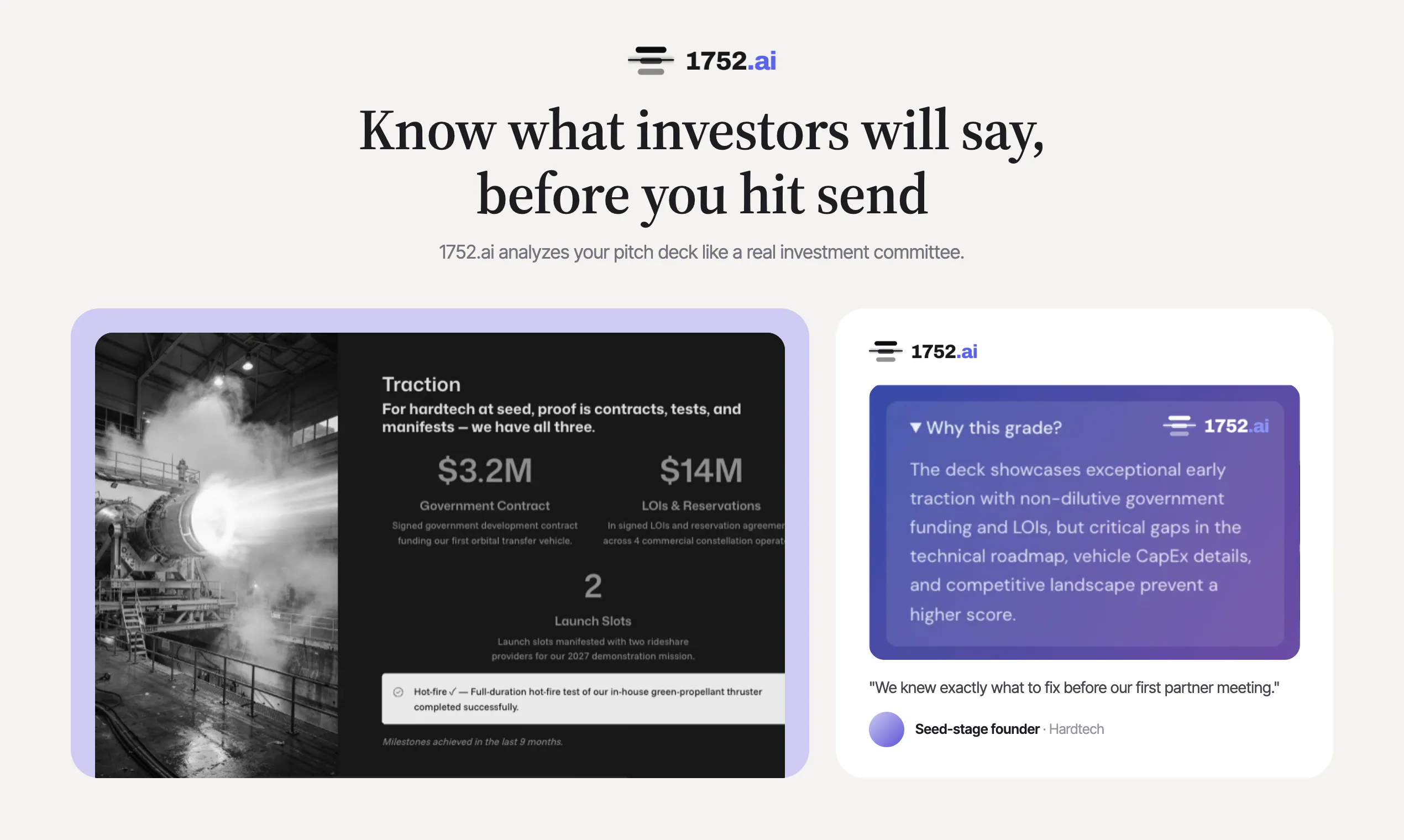
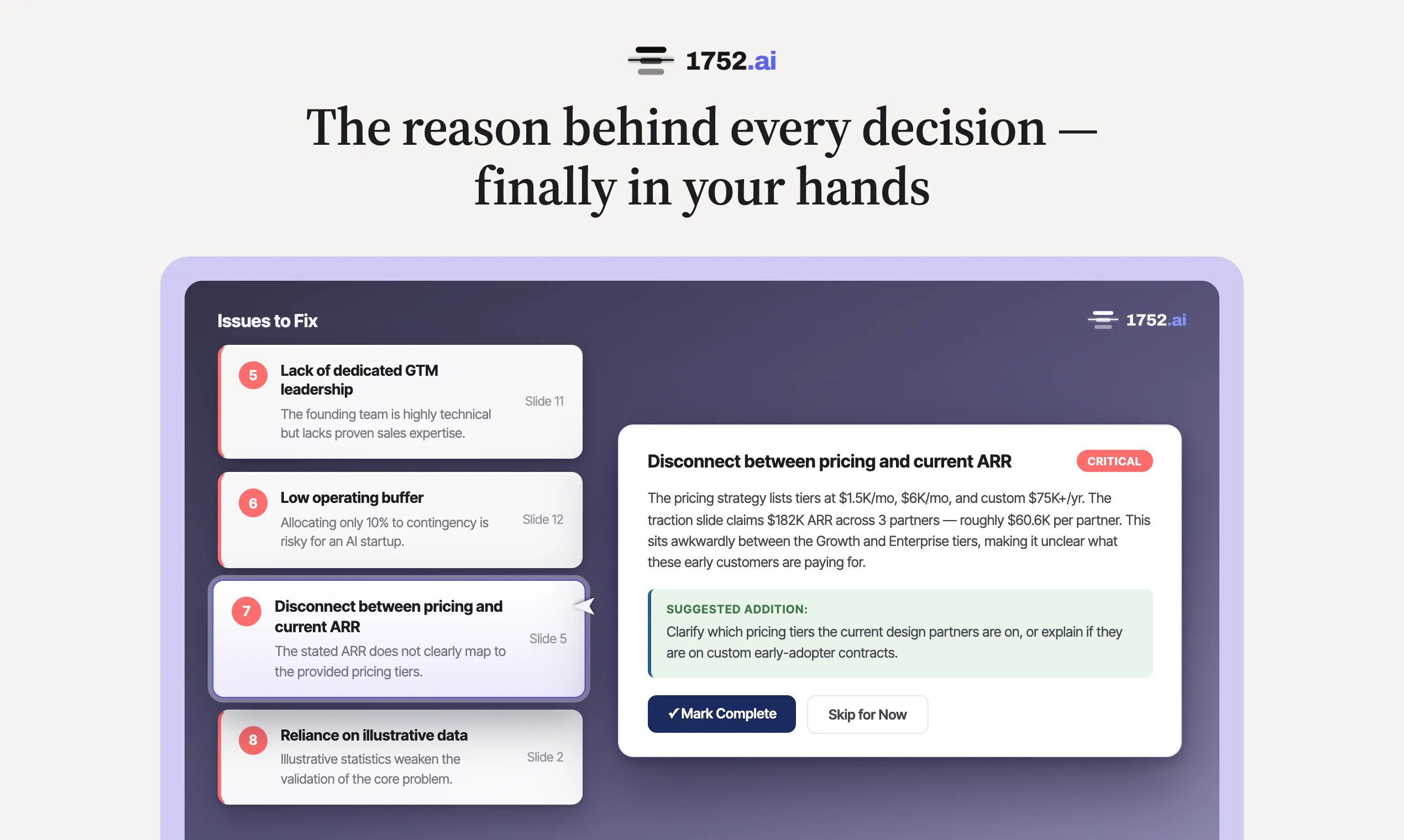
查看原始信息
ThriveStack citedby
Finally, an AI-visibility platform that measures, fixes, and attributes citations across every major AI engine, turning AI answers into a measurable revenue channel. Built for SEO/AEO teams at brands and agencies, and, for the first time, for CMOs and CROs to see how AI visibility moves the revenue pipeline. Analyze: how AI engines cite and recommend you today. Fix: the content and site gaps keeping you out of the answer. Attribute: the revenue AI-driven traffic brings in.
👋 Hey hunters, maker here. If you're on an SEO team, you've probably felt this: a wave of AEO/GEO tools has shown up in the last few months, and almost all of them stop at a visibility score. Scroll through the SEO subreddits and you'll find the same complaint over and over: "great, now I know I'm invisible on ChatGPT. Now what?" We think, that a score with no way to act on it, and no way to tie it to revenue, is just a fancier vanity metric. That's the gap we built ThriveStack citedby to close. Revenue attribution and content fixes are the core of the product, not something bolted on after the scoreboard: • Analyze: see how every major AI engine actually cites and recommends you. • Fix: close the specific content and site gaps keeping you out of the answer. • Attribute: track the real revenue AI-driven traffic brings in once you're cited. We kept the fix layer simple on purpose. An MCP layer pipes fix recommendations straight into Claude, ChatGPT, or Gemini, so you get exact copy-paste fixes, suggested owned and earned media content, and it integrates into the workflow you already use. From what we've seen, most tools in this space stop at visibility. We haven't found another one doing real revenue attribution yet. Curious how your team is handling this: has anyone gotten past "we're not visible on AI" to actually proving what that visibility is worth? Spreadsheet, gut feel, or nothing at all? Product Hunt gets our best offer: $1 for the first month, plus 30% off the annual plan, through the end of the month. Fire away with questions
0
回复