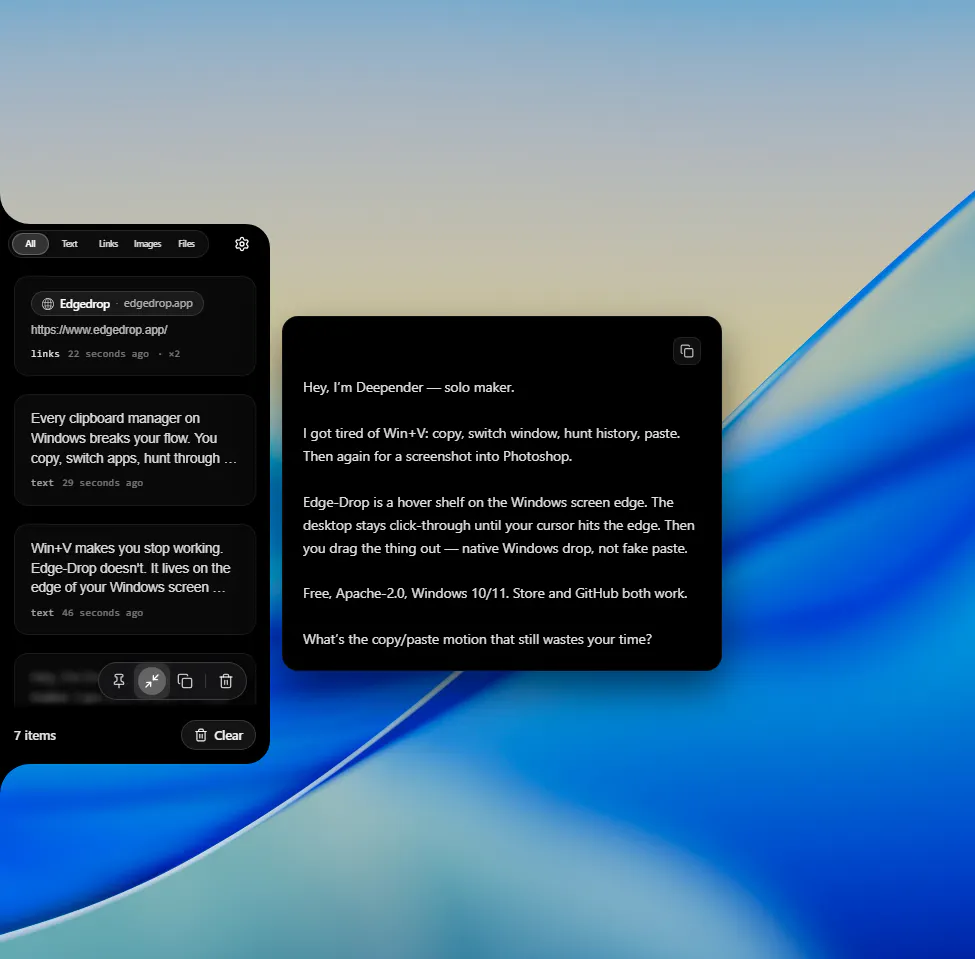
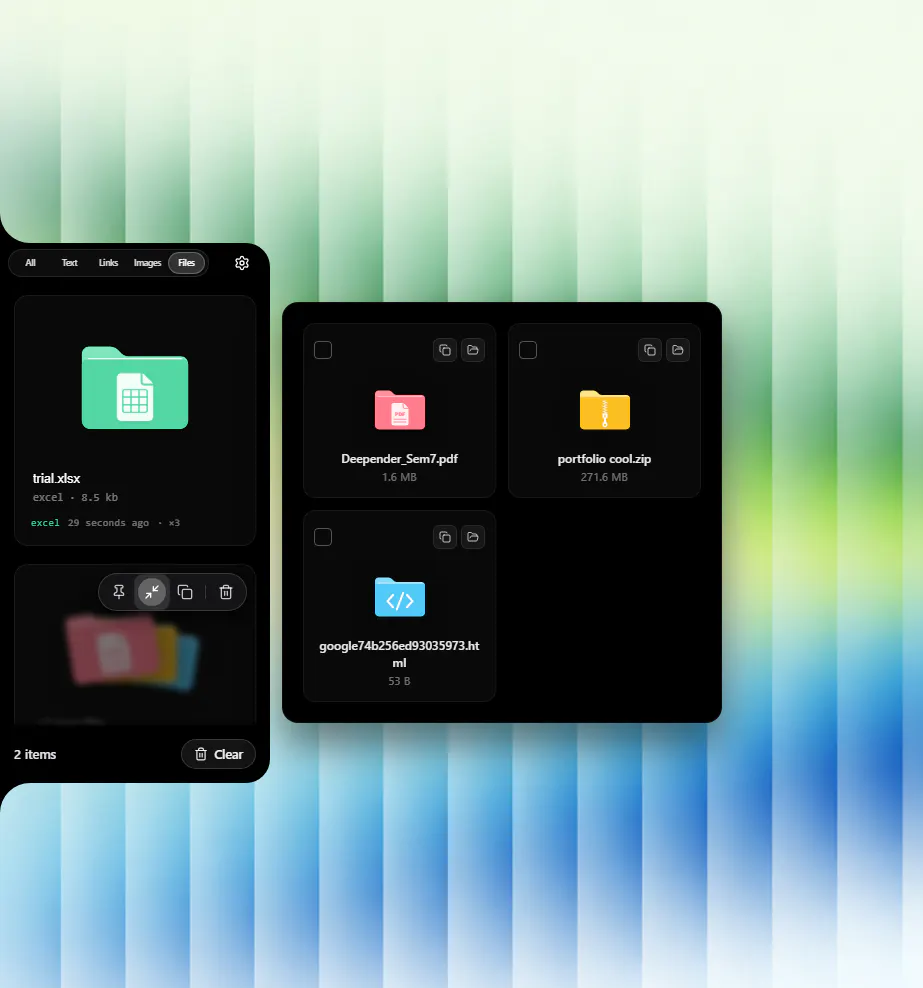
Product Hunt 每日热榜 2026-08-30

PH热榜 | 2026-08-30

#1
Topview Motion Studio
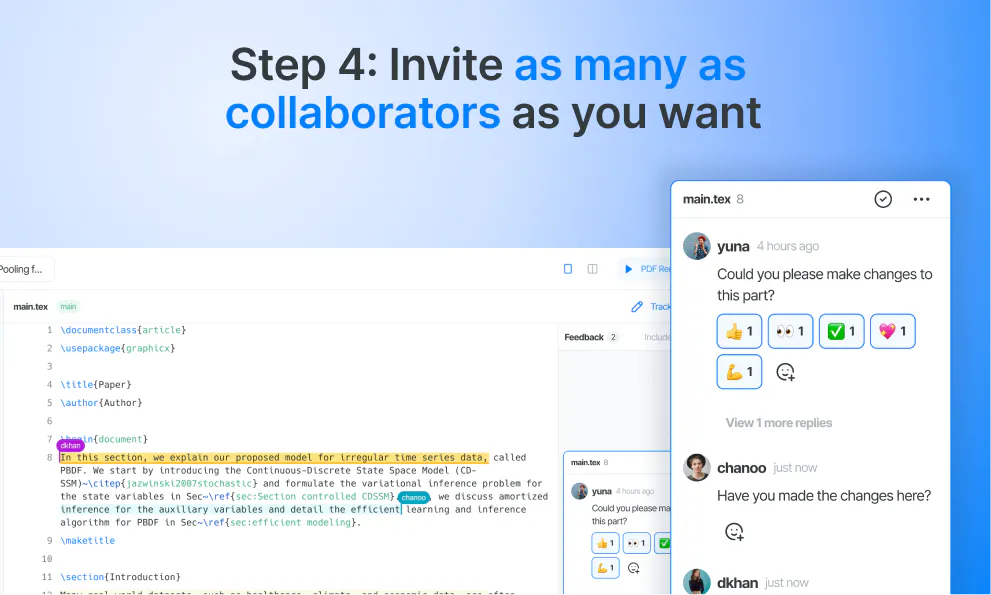
Create launch videos without touching After Effects
281
一句话介绍:Topview Motion Studio 是一个AI驱动的产品发布视频制作工具,让用户无需掌握After Effects或聘请动效工作室,仅通过描述产品、上传参考图并选择风格,即可快速生成带叙事逻辑、配乐和动效的高质量发布视频,大幅降低制作门槛与成本。
Design Tools Productivity Artificial Intelligence
AI视频生成 产品发布视频 无代码动效设计 营销素材制作 智能故事板 视频自动配乐 产品演示工具 初创团队利器 动效模板 SaaS工具
用户评论摘要:用户普遍认可其低门槛和故事导向,但提出多个核心问题:一是**素材要求**,是否仅需截图和简短描述即可;二是**后期编辑**,生成后能否逐场景微调而非整体重做;三是**音频处理**,是否自动包含音乐和音效;四是**渲染速度**与峰值时段表现;五是**3D资产支持**不足,仅能上传多角度截图;六是**登录流程**存在bug,提示与图片在登录后丢失,影响体验;另有用户建议增加**品牌预设**、**快节奏风格**和**创始人故事模式**,并希望同时输出静态宣传图。
AI 锐评

Topview Motion Studio精准切中了“产品发布视频”这个高价值、高痛点的细分市场。它的聪明之处在于没有去和通用AI视频工具拼“生成随机酷炫片段”的能力,而是将工作流锚定在“产品叙事”上——先理解你要讲什么,再匹配动效、节奏和配乐,这使它从“玩具”变成了“生产力工具”。从用户反馈看,“从故事开始”和“Canvas逐场景精修”是其最受欢迎的设计,前者解决了AI视频常见的“不可控”问题,后者解决了“不可改”的致命伤,这体现了团队对真实生产流程的理解。

但必须指出其风险:第一,竞争壁垒并不高,Runway、Pika等通用工具正在快速补齐叙事和剪辑能力,而Adobe也在给AE注入AI,Motion Studio的“AI+动效模板”组合极易被复制;第二,当前对3D资产、复杂品牌规范的支持不足,限制了其向硬件和大型品牌客户渗透的能力,这使其暂时只能困在“SaaS/App创始人的轻量宣传”这一相对狭窄的客群中;第三,评论中暴露的登录丢数据bug虽是小事,却会影响初次信任。

真正的价值在于它把原本需要数周、数万美元的“专业动效外包”压缩到了分钟级、成本趋近于零,让视频制作从“项目”变成了“运营动作”。但这同时也意味着,它的长期命运不取决于生成质量(AI会拉平),而取决于能否沉淀出品牌级的设计资产库和更深度的定制接口,成为团队的“动效资产管理系统”,而不仅仅是一个生成器。目前它更像一把锋利的手术刀,但要想成为整个手术室,还有很长的路。

查看原始信息
Topview Motion Studio
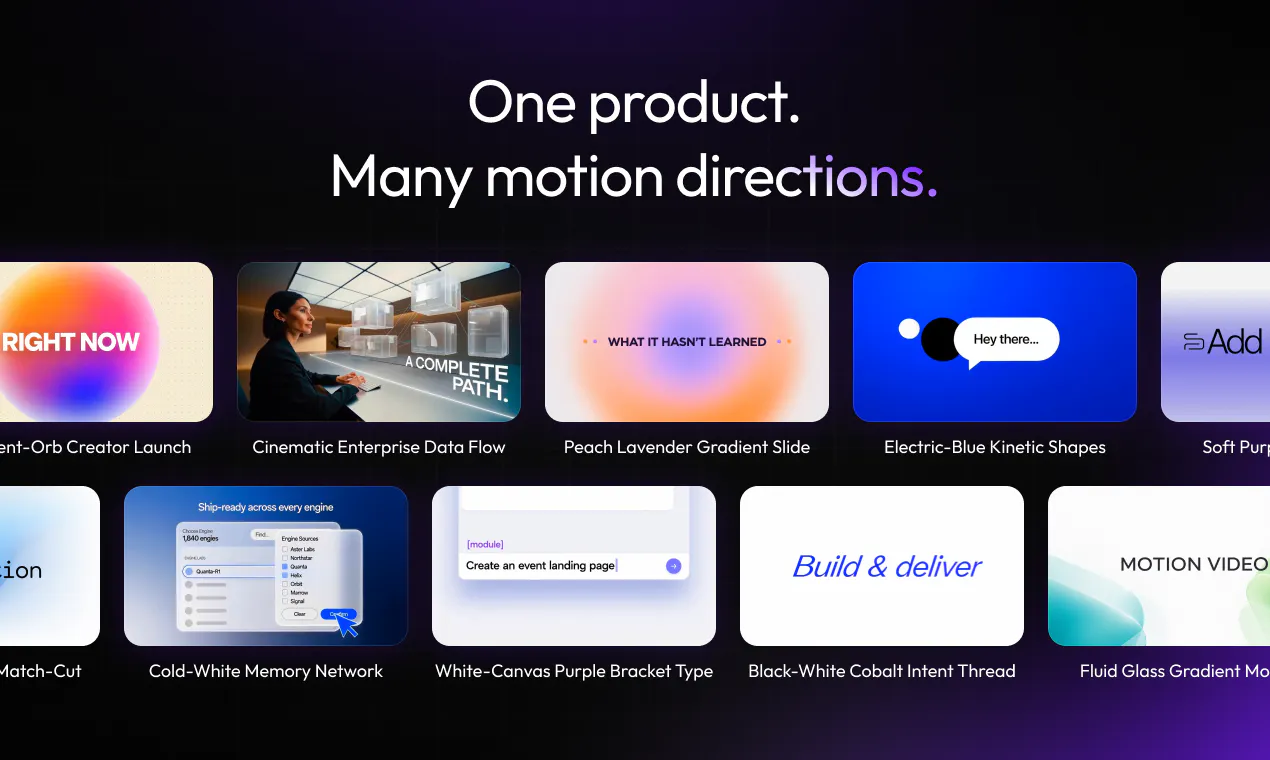
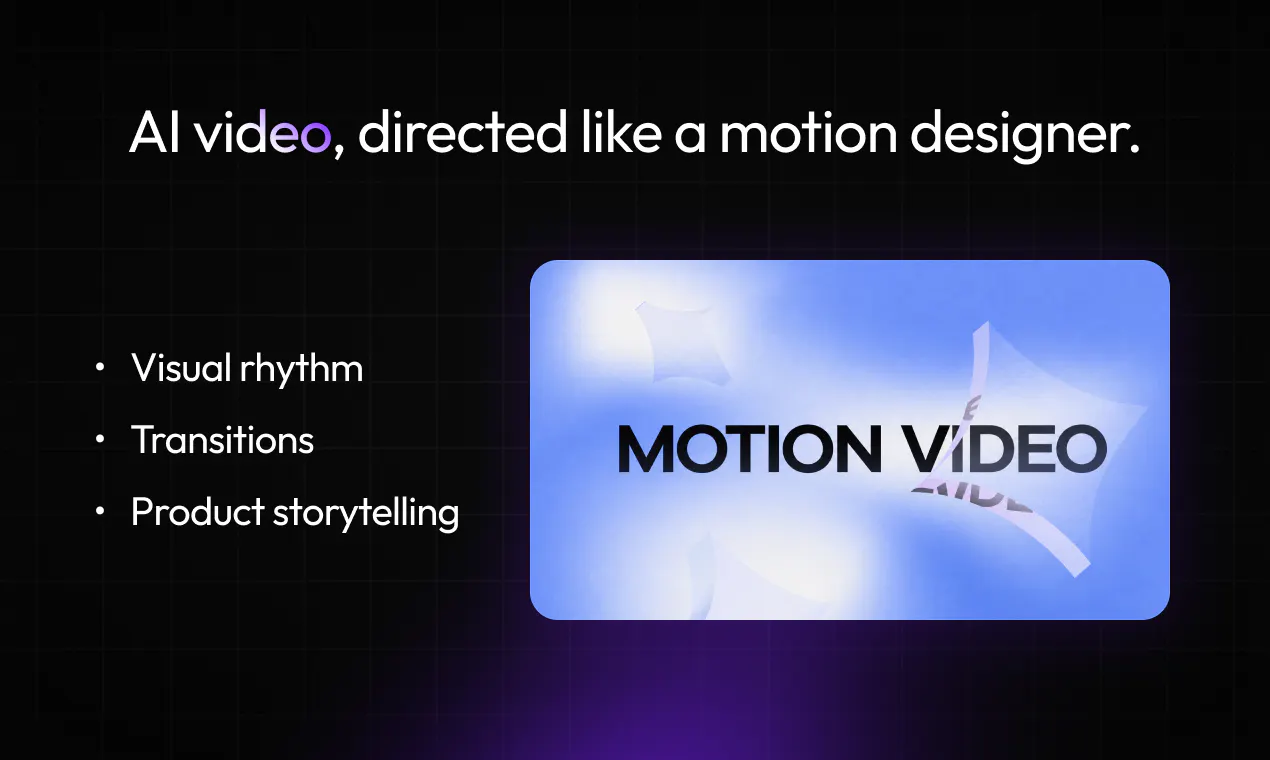
Motion Studio helps teams create polished launch videos for apps, hardware, and new products without learning After Effects or hiring a motion design studio. Describe what you want to communicate, upload reference images, and choose a visual style, duration, and aspect ratio. Motion Studio combines AI video models with purpose-built motion design skills to turn your brief into high-quality product storytelling—faster, simpler, and at a fraction of the traditional cost.

Hey Product Hunt 👋

I’m Jensen, Founder of Topview.ai

Today, we’re launching Motion Studio — an AI workspace for creating polished launch videos for apps, hardware, and new products.

We built Motion Studio because making a great product is already hard enough. Presenting it shouldn’t require weeks of production, an expensive motion design studio, or years of After Effects experience.

Most AI video tools are good at generating individual shots. But a product launch video needs more than that: clear storytelling, intentional pacing, consistent visual language, polished typography, product details, and motion that supports the message.

That’s what we designed Motion Studio to handle.

With Motion Studio, you can:

  • Describe your product, message, and the scenes you want

  • Upload product, brand, interface, or other reference images

  • Choose from motion styles designed for product storytelling

  • Set the duration and aspect ratio

  • Let AI turn the brief into a complete motion video project

Behind the experience, Motion Studio combines AI video models with a purpose-built motion design skill. The goal is to make the quality and attention to detail associated with advanced After Effects workflows accessible to anyone — without the traditional complexity, time, or cost.

It works for software launches, mobile apps, AI products, consumer electronics, smart hardware, brand announcements, and more.

This is an early version, and we’d genuinely love your feedback. Try Motion Studio and let us know:

👉 What are you launching, and which motion style should we add next?

Thanks for checking us out. We can’t wait to see what you create! 🚀

14
回复

@jensen_wu How do you go about finding the first users? We can exchange ideas, I am working on that too.

0
回复

@jensen_wu We have a mobile app update coming up. Would be nice to have a fast paced style made for short feature announcements.

0
回复

@jensen_wu A simple founder story style would be interesting. Something that mixes product screens with a few talking head clips.

0
回复

How much material do I need to prepare before starting? Are a few screenshots and a short description enough?

7
回复

@avamorgan_ Yes—a short description and a few screenshots are enough to get started!😘 Just tell Motion Studio about your product and the message you want to communicate, then upload any product, UI, or brand images you have. You can also choose the visual style, duration, and aspect ratio. The more context you provide, the more tailored the result will be, but you don’t need a detailed script or storyboard. 🚀👐

2
回复

@avamorgan_ A few good screenshots can go a surprisingly long way. You can always start simple and add more context if you want to refine the result.

0
回复

@avamorgan_ Yes — a few screenshots and a short description are usually enough to get started. The agent will automatically understand your input and turn it into professional motion videos.

0
回复

congrats on launch, is this launch video made by topview motion,lol

5
回复

@ll_wen Haha, yes—it was made with Topview Motion Studio itself! We had to practice what we preach 😄🚀

1
回复

@ll_wen Yes! We thought the best way to launch Motion Studio was to let it tell its own story

1
回复

Does it also handle music and sound effects, or should those be added separately?

4
回复

@carlvert Yes! Motion Studio also handles music and sound effects, so the generated video automatically includes audio. You don’t need to add them separately 🙌

1
回复

@carlvert Our motion studio can also support with handling music and sound effects!🙌❤️

1
回复

I like that the workflow starts with the product story rather than just generating random visuals. Good launch videos need to explain the product clearly for me.

4
回复

@saman_baloch One feature I’d love to see is reusable brand presets for fonts, colors, logos, and transitions. That would make creating several launch videos much easier for me.

1
回复

@saman_baloch this could remove a pretty big barrier for founders who have a good product but no motion design skills. I’d be interested to see how close the output gets to something made by a professional studio.

1
回复

@saman_baloch Exactly! We believe great launch videos should tell a clear product story, not just look impressive. Thanks for recognizing what we built Motion Studio around! 🚀

0
回复

This is awesome for indie hackers. How’s the rendering speed during peak hours?

2
回复

@milad_nasiri2 Thanks! Rendering time varies by video complexity and demand. We’re continuously optimizing the experience to keep generation as fast and reliable as possible. 🙌

0
回复

Motion Studio seems incredibly intuitive compared to the steep learning curve of After Effects, which I've always struggled with. How well does it handle rendering complex 3D product imports if I have my own assets?

2
回复

@joey_w2 Currently, Motion Studio doesn’t support direct 3D asset uploads. However, you can upload screenshots of your 3D asset from multiple angles and still achieve a highly accurate product representation. ❤️

0
回复

Making the product is hard enough, then somehow the launch video becomes its own mini project this hits a little too close to home. Congrats on the launch!

2
回复

@mi_leeli We know that feeling—the “quick launch video” somehow turns into a week-long production 😅 Thanks for the kind words and for celebrating the launch with us!❤️‍🔥❤️

0
回复

@mi_leeli That “mini project” was painfully familiar to us too. Really appreciate you celebrating the launch with us!

0
回复

@mi_leeli Seriously 😅 you finish building the product, then realize the launch video is basically another project.

1
回复

This looks exciting, congrats on the launch Can it repurpose videos?

1
回复

Reference images plus a style choice is a much narrower ask than a blank prompt box. How close does the first render usually land?

1
回复

@yelyzaveta_kibets The first render usually gives you a strong direction rather than locking you into a final result. Clear reference images and a specific brief help a lot, and you can refine individual scenes in Canvas without regenerating the entire video.

1
回复

put the interface doing the actual thing as frame one and cut the title card entirely. that was the whole gallery decision for me yesterday, everything after it mattered less. aaron oleary has said a weak gallery makes him skim past a listing, so its not only polish. what id want from motion studio is a mode that spits the stills out too. i built both by hand and it was the same story twice :)

1
回复

@rabnoor_s This is incredibly thoughtful feedback. You’re right that the gallery and video are telling the same product story, so generating strong still frames alongside the video would be genuinely useful. Adding this to our feature notes!

1
回复

Can I make small edits after the video is generated, or do I need to generate the whole thing again?

1
回复

@abby_mao1 You can refine individual scenes in Canvas, so there’s no need to regenerate the entire video for small changes. You stay in control of the final result!

0
回复

@abby_mao1 You can edit individual scenes directly in Canvas, so small changes won’t require you to regenerate the whole video.

0
回复

@abby_mao1 you can edits the video after generate also its a good thing

0
回复

Normally, making product videos is an absolute headache. You either spend forever wrestling with After Effects or drop a ton of cash on an agency. I gave this a spin and all I had to do was drop in a few screenshots and type out a quick brief. It automatically mapped out the whole product story and structured the scenes for me.

The best part is that it doesn't just spit out random clips like typical AI video tools—it actually gets how product launches work. It handles the music and sound effects automatically, so you don't have to waste time hunting down external audio. Plus, you can tweak individual shots directly in the Canvas interface instead of having to regenerate the whole video just to fix one tiny thing, which is a lifesaver when you're in a rush.

Bottom line: if you need to ship a product launch or app demo without burning all your time and energy, definitely check it out.

0
回复
Time to try this, does it support mobile app demos
0
回复

Got on the site to try this, added my prompt + images which was multiple lines, when i submitted it asked for singnup but after succesful login, the prompt that images i submitted vanished :" , do i have to purchase credits to start? if thats the case where can i resume this chat from?

0
回复

This feels especially useful for small teams where the maker is also doing all the launch content.

0
回复

@nora_yu Haha exactly — somehow the launch video always turns into a whole second project. Really appreciate it, thank you!

0
回复

@nora_yu Absolutely! Motion Studio could greatly help small teams create polished launch content without adding another time-consuming task to their workload! 🤩

0
回复

looks good. We normally settle for a screen recording because motion design takes too much time.

0
回复

@blink_66 We know that tradeoff well. Our goal is to make polished motion design almost as approachable as creating a screen recording. Hope you’ll give it a try!

0
回复

@blink_66 Exactly — that’s the gap Motion Studio is built to solve: getting polished motion design without the usual time and production overhead.

0
回复

Looks like this could save a lot of time and money. I’ll give it a try when we launch our next product.

0
回复

@sandy_liusy Thanks so much! That’s exactly why we built Motion Studio—to make polished product launch videos faster, easier, and more affordable. We’d love for you to try it for your next launch, and we’d be happy to hear your feedback. 🚀

1
回复

@sandy_liusy Can’t wait to hear how it goes! Feel free to share the result with us when you launch!

0
回复

@sandy_liusy Love to hear that! Hope Motion Studio makes your next product launch faster, easier, and much more cost-effective.

0
回复
#2
Hyperfocus
Planner that turns goals into daily progress
256
一句话介绍:Hyperfocus 是一款以目标为先的 macOS 免费规划工具,通过将长期目标拆解为每周和每日计划,并辅以 AI 教练式反馈,帮助用户在纷杂任务中聚焦少数真正重要的事,避免陷入“忙碌而不产出”的待办清单陷阱。
Productivity Task Management Developer Tools
macOS 目标管理 计划规划 生产力工具 AI规划助手 任务管理 时间管理 专注力 本地优先 免费应用
用户评论摘要:用户普遍认可“目标优先”理念,认为其优于传统待办清单。主要建议与疑问:1. 需支持数据导出/与Todoist等工具同步(已有SQLite路径);2. 关注目标失效后系统是否会主动“退回”旧目标,或仅靠人工退出;3. 有用户提出“按工作单元递减计时”的少见习惯,建议增加时间块功能。整体褒奖正面,但对AI反馈的“打磨错误目标”风险存疑。
AI 锐评

这并非又一款“更好看的待办清单”,而是一次对主流任务管理范式的正面拆解。Hyperfocus 的锋利之处在于承认了大多数任务工具的“原罪”:它们以收件箱为起点,用“更多勾选”制造虚假产出感。而“目标优先”虽然听起来是常识,但在产品层面愿意以此为楔子,甚至不惜牺牲灵活性去构建“长期-周-日”的刚性循环,确实需要勇气。

其最大的亮点在于“AI教练”的定位,不是替你完成事务,而是像Grammarly一样审查你的目标质量与计划合理性,这在生产力赛道中罕见地保留了“人的决策权”。然而,评论中那位用户提到的“坏目标在优雅反馈下反而更具误导性”是真正的阿喀琉斯之踵——如果AI只能优化措辞而非质疑动机,那么“反馈”就可能沦为对错误方向的精美包装。此外,仅限macOS与“免费策略”既是噱头也是瓶颈,没有跨平台和同步能力,其“规划ritual”注定是单机孤岛。

真正的考验在于:当一位用户已经坚持了三个月,系统能否识别出他早已不认同那个当初设定的高远目标?若不能用数据主动“推回”或挑战旧目标,Hyperfocus 依然只是一套更加精致的自我欺骗工具。在Todoist和Notion虎视眈眈的赛道中,它靠理念赢得首批拥趸,但若想留住他们,必须证明自己不仅是规划器,更是那个敢于对你说“你错了”的伙伴。目前它做对了理念,但还需用更硬核的算法证明自己配得上“教练”二字。

查看原始信息
Hyperfocus
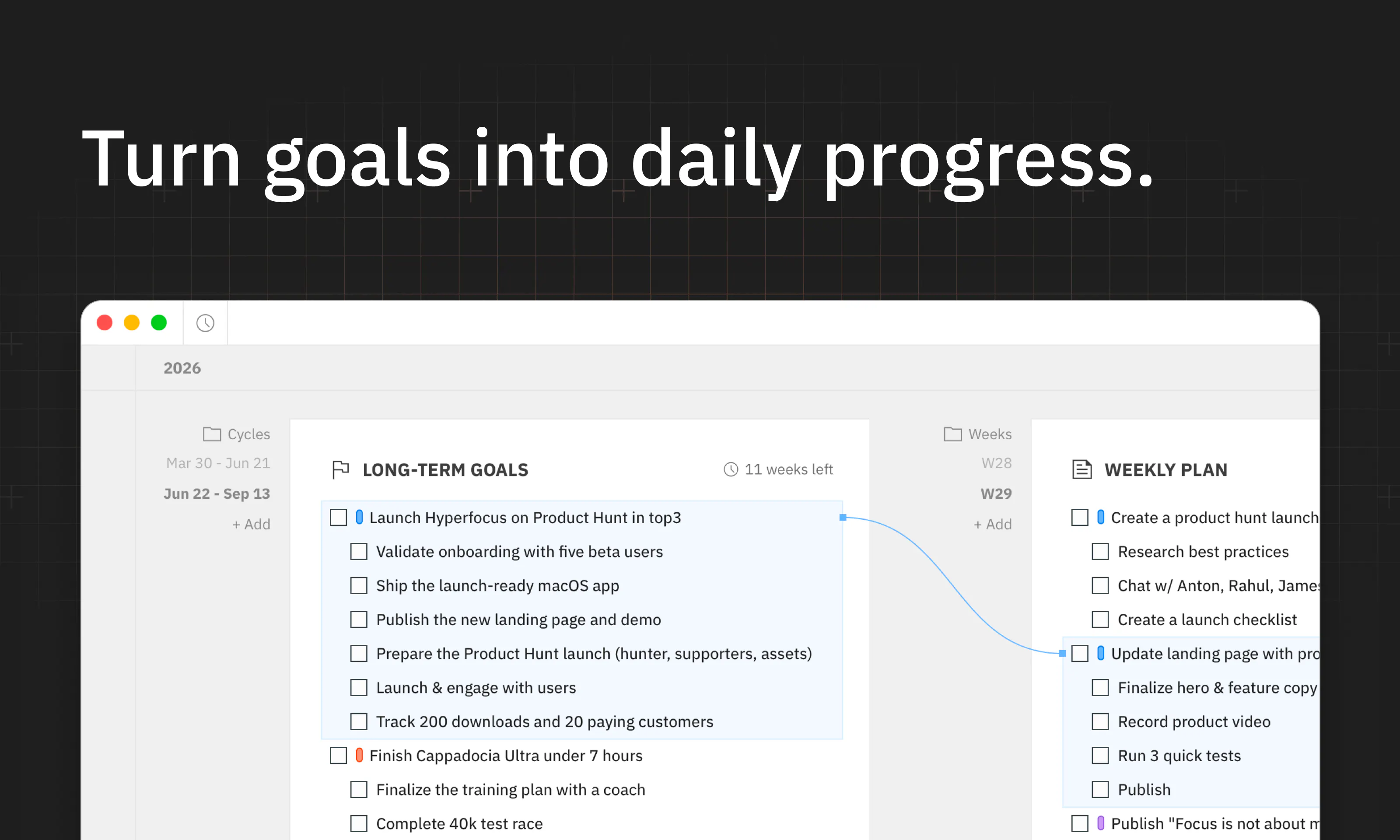
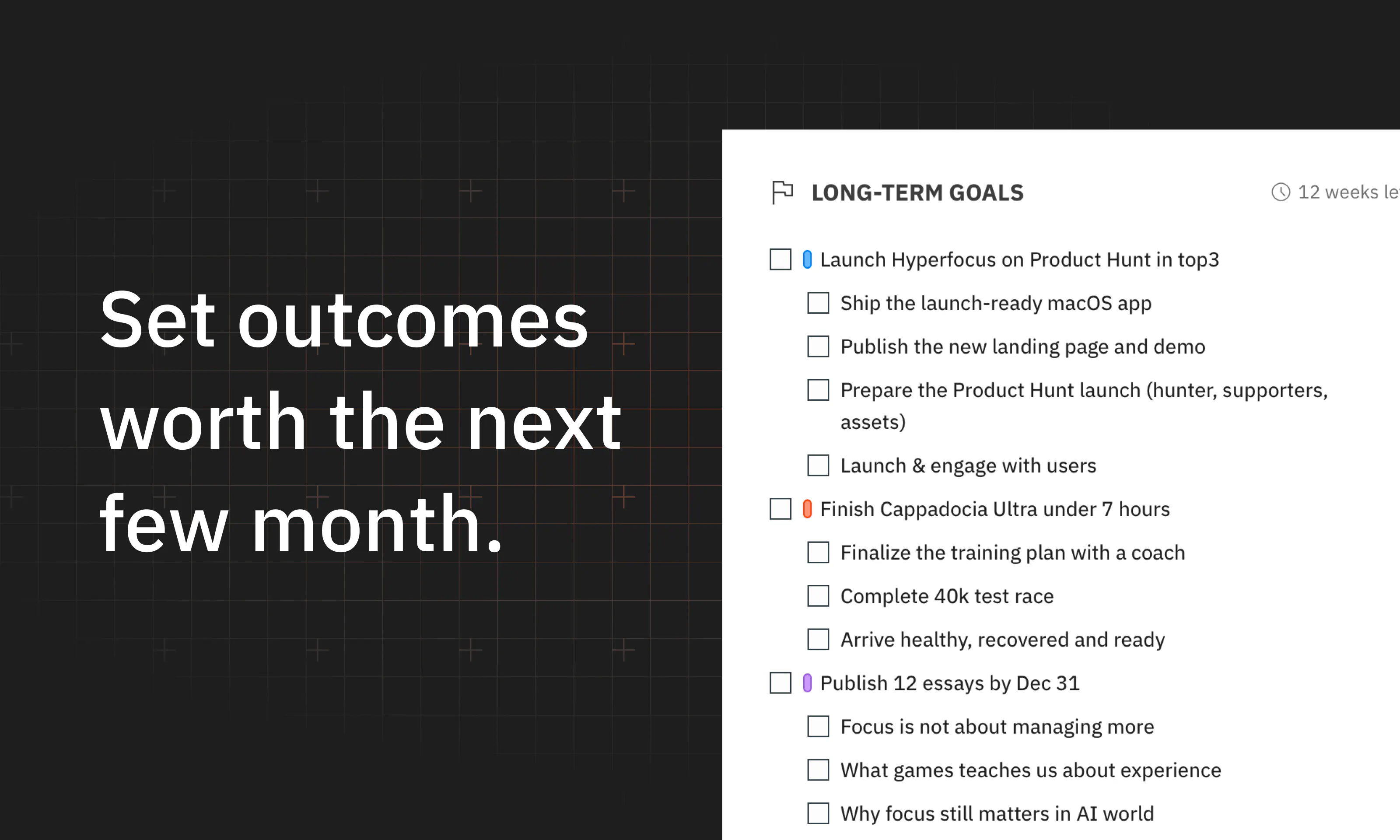
Hyperfocus is a free, goals-first planner for macOS. It helps you choose the few outcomes that matter most, plan weeks and days around them, and make consistent progress by doing focused work

Hey everyone, Dmitri is here!

It feels so good to be back on Product Hunt after almost 10 years!

Today I’m launching Hyperfocus – a free, goals-first planner for Mac.

I’ve spent the last several years coaching focus to product people in tech, and I’ve always felt that task managers got productivity wrong.

Why? First, they're really good at capturing and organizing tasks, but they start from an inbox – teaching you to react instead of deciding what actually matters. Second, most planners don’t really have an opinion on how you should work, so many people end up with a long list of todos that makes them feel busy without making them productive.

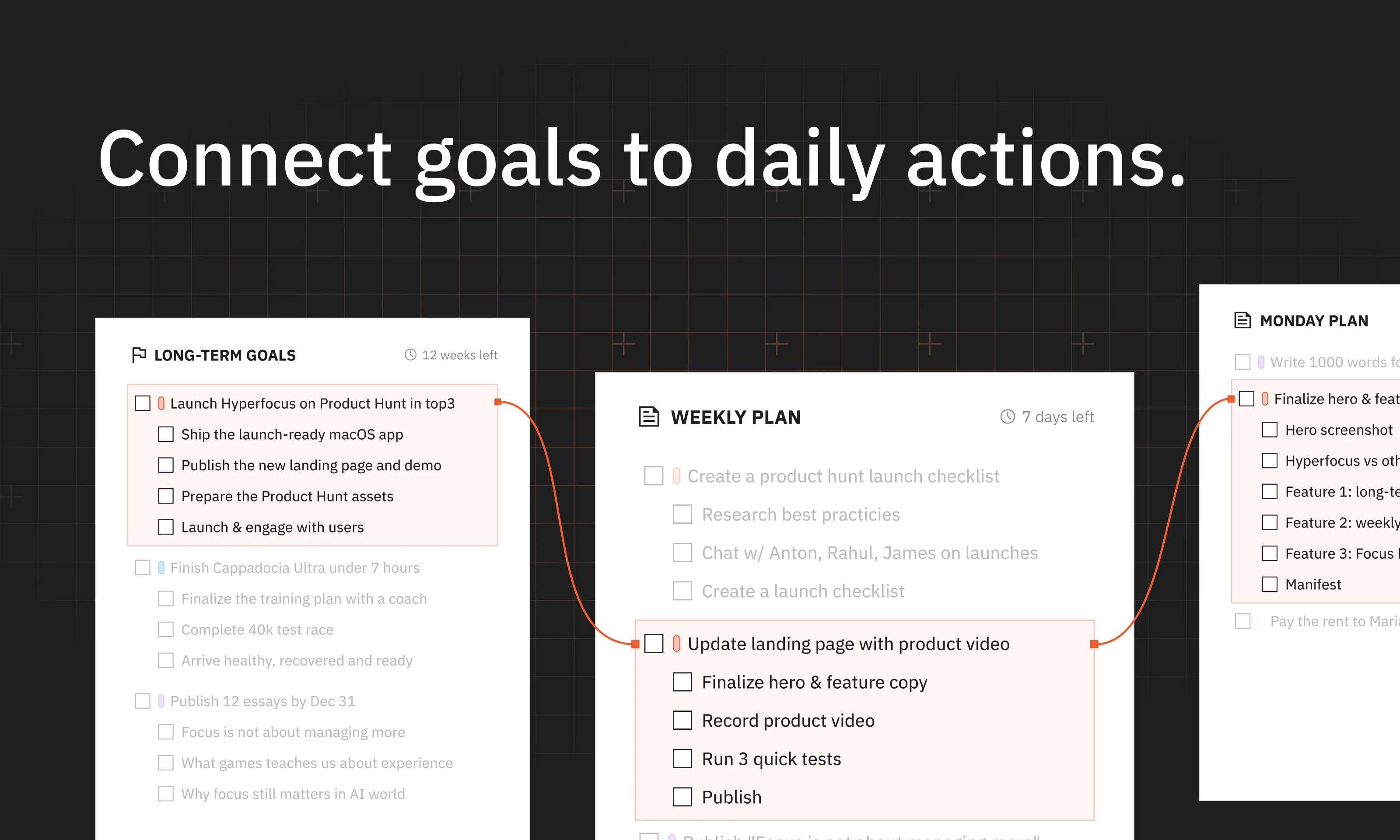
Hyperfocus takes a different approach. First, it starts from goals – you decide what matters most in the next few months, then plan your weeks and days around them.

Second, it’s built on a simple belief: focusing on a few clear goals is better than checking off a long list of todos. So as you write, it gives you feedback on your goals and plans, and then helps to make them clear and realistic. 

So what’s inside?

  • One workspace that connects long-term goals to weeks and days

  • Grammarly-like feedback on your goals and plans

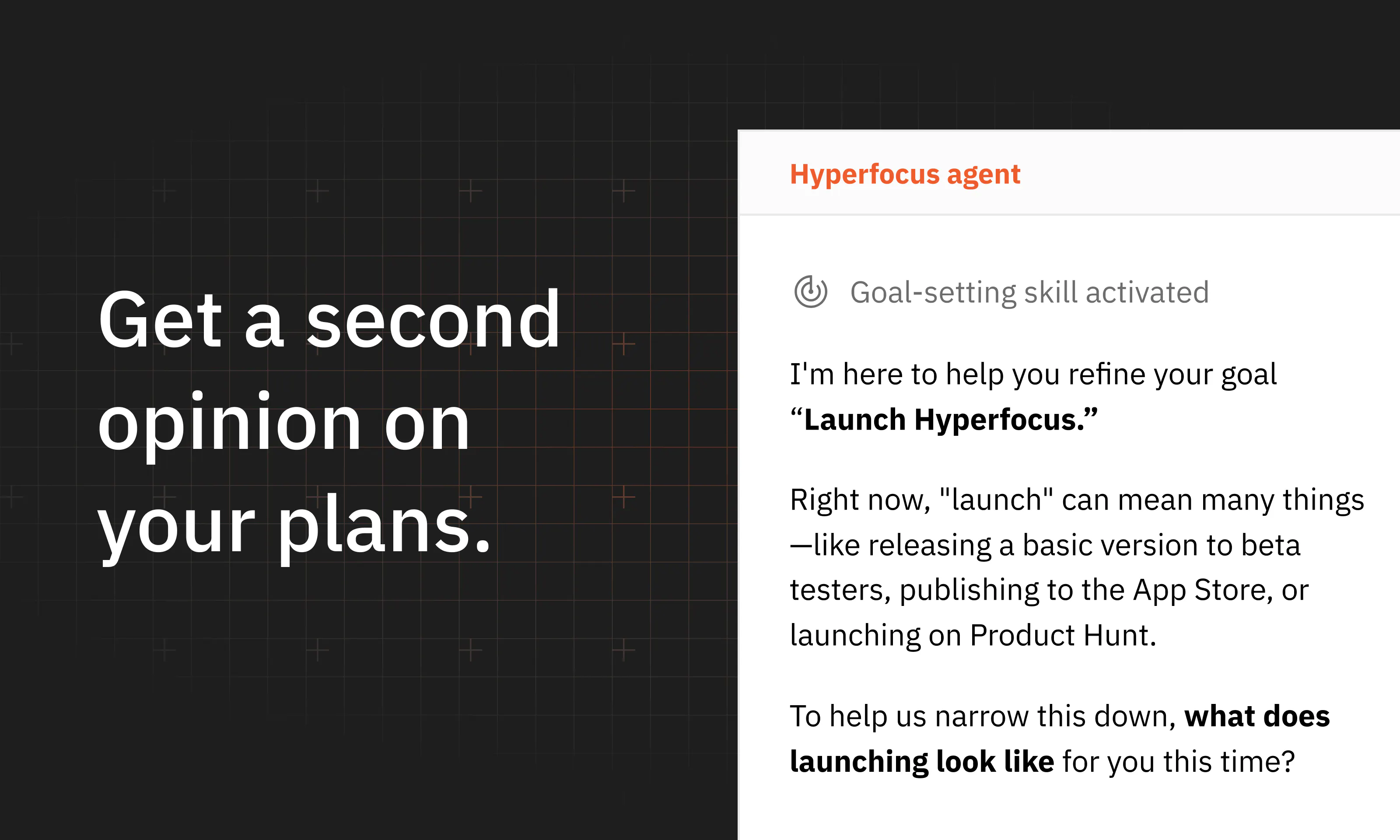
  • AI for planning, prioritization, and goal setting

  • Long-term, weekly, and daily planning rituals

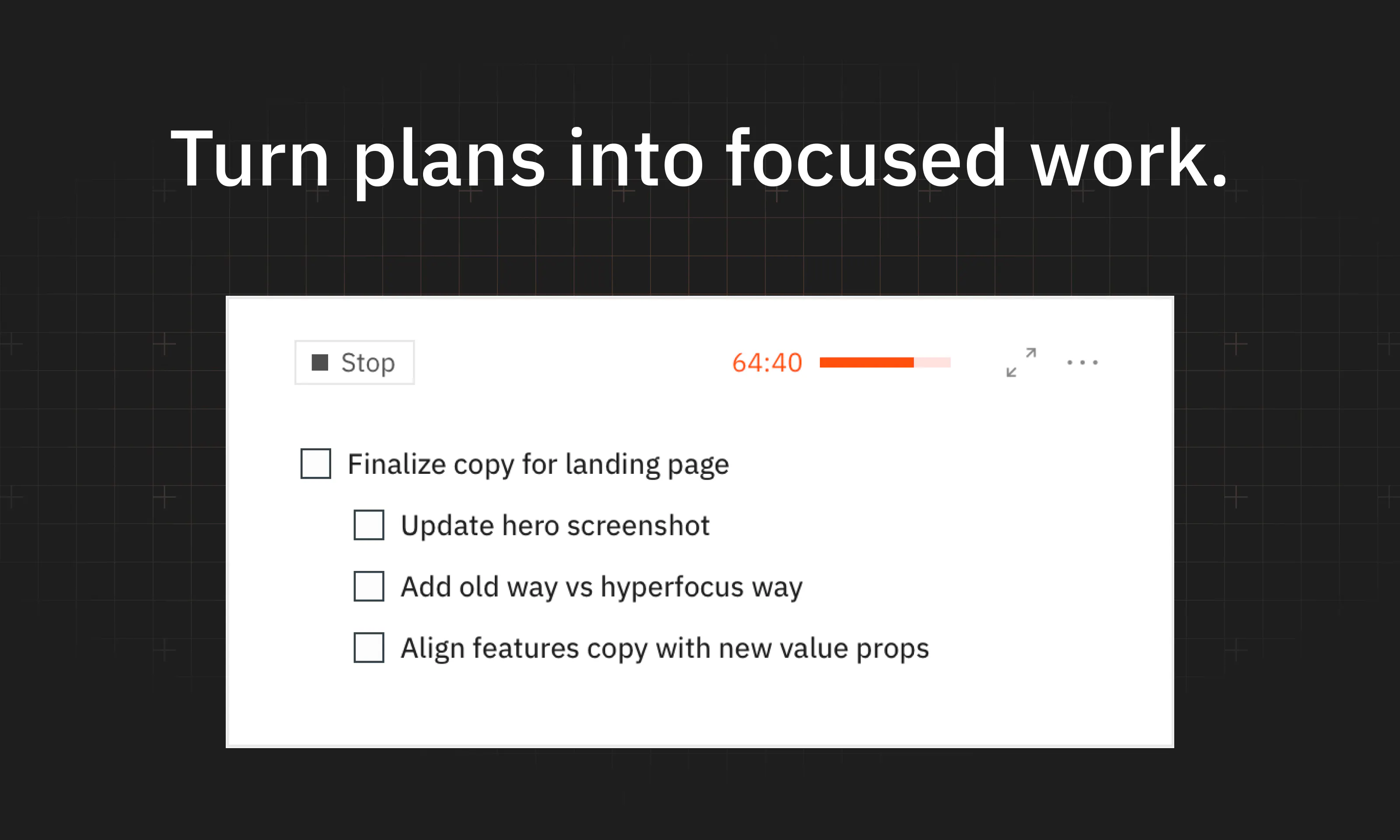
  • Focus sessions

  • Local first, small, fast.

The app is free. Download it for Mac: https://hyperfocus.in

Hyperfocus is still early, and any feedback would be really helpful! If the problem and the promise resonate – I’d love for you to try Hyperfocus and tell me what you think. Does it fit into your workflow? What is missing? How does it make you feel?

That feedback would help a lot! Let's focus 🚀

17
回复

@dmtsepelev Congrats on the launch. I just gave it a try and look forward to using it!!! 🚀

3
回复

@dmtsepelev Nice launch congrats🙌

1
回复

@dmtsepelev Amazing Launch Dmitrii!

What made you pick "goals-first" as the wedge, instead of just building a better todo list?

2
回复

The clean macOS-focused approach is refreshing. Having a planner built around doing fewer things well sounds useful. 👌

4
回复

@david_turner12 thanks for your kind words, it means a lot!

1
回复

@david_turner12 Same thoughts! Thank you; I really appreciate

1
回复

Congrats on the launch! Remind me a lot of Notion visually. Is there a reason why did you go with pages-like design instead of classic tasks lists?

3
回复

@stepcha_cherkasov thank you so much! Yep, I took a lot of inspiration from Notion in how you type/interact with tasks. I really wanted to make planning frictionless, so it does not feel like work about work. You just simply type whatever you want to achieve without navigating between different UIs, press tab when you want to make subtasks, and that's it.

1
回复

@stepcha_cherkasov Yep, that was what I really liked about the app when Dmitri showed it to me! I just loved how plain and simple it is.

1
回复
Good luck!
2
回复

@dmitry_zakharov_ai  thanks, really appreciate your support!

0
回复
0
回复

Cool product! We also chose the goals/objective first approach, it appears there aren't many solutions on the market taking that approach. Well done and great for all Mac users

2
回复

@heinnz thanks, really appreciate it! I was actually surprised by how very few products on the market put goals first! On one hand – setting/focusing on goals is definitely harder (despite being much more effective). But on the other hand – with AI done right, you can basically get coaching-level support and guidance without spending a few hundred bucks, so I felt that the timing is finally right.

0
回复

@heinnz Can't agree more! Appreciate your support!

1
回复

@dmtsepelev Love the goals-first approach! It’s so easy to get lost in endless to-do lists, so focusing on the few outcomes that actually matter feels refreshing.
Congrats on the launch!

2
回复

@adana thank you so much, it means a lot to me!

that's exactly how i felt about all of the tools on the market, cause it's so easy to lose track of what's important with a long list of todos! if you give it a try – I would love to know what you think

2
回复

@adana thank you for sharing your opinion! means a lot.

1
回复
Great launch, just tried it, looked awesome
2
回复

@timcha_cherkasov thank you for your support, it means a lot!

1
回复

@timcha_cherkasov Thank you sooo much! It means a lot.

1
回复

Congrats @dmtsepelev ! the Agent is something that I missed in the previous version so now I am excited to get to my hyperfocus track - I need this much as never before

2
回复

@artem_cherepanov thanks a lot for your support! yep, the app has changed a lot since you last tried it; would love to know what you think about the new release!

1
回复

@artem_cherepanov yeah, and the biggest difference is – instead of just doing the work for you, the agent acts like a coach that helps you plan, prioritize, and break things down, so you always stay in control instead of producing some slop that you don’t trust. we believe that deciding what matters is actually the most important thing that a human can do, and we don’t want to fully delegate it to the AI.

1
回复

Big congrats on the launch!

2
回复

@realvladgolub thanks, really appreciate!

1
回复

@realvladgolub thank you a lot!

1
回复
Congrats on the launch! 🚀 Love the goals-first angle - most planners get this backwards. Excited to try Hyperfocus.
2
回复

@zorinvlad thanks a lot! would love to know what you think!

1
回复

@zorinvlad really appreciate your support!

1
回复

Congrats on the launch! This is one of those problems I’ve been trying to solve for years. Tried everything from Todoist/Things 3 to Sunsama and Claude/ChatGPT.

Been using Hyperfocus for a bit now and it looks really promising so far!

2
回复

@samarsky thanks a lot! that was exactly my path – I tried almost everything on the market and either tools were too complicated and felt like work about work, or they just lacked the goals-first framing! would love to know what you think

1
回复

@samarsky Can relate! Appreciate your support!

1
回复

I like the approach - very similar that I use in my goals setup to d2d planning, but here it is implemented in a specific tool that guide you over all the process and control.

2
回复

@albertyanov yep, what i learned is that having a structure and ritual actually helps a lot to stay focused! everyone knows that you need to plan your work, but it's pretty easy to get overwhelmed with day-to-day stuff and constantly postpone it for later

1
回复

@albertyanov soo true! Many thanks to your vote

1
回复

Dima, congrats on the launch! Pretty cool to see that someone is optimizing for outcomes instead of just completing more tasks! Love the idea

2
回复

@mituhin Agreed!

2
回复

@mituhin thanks Paul, really appreciate! It was actually super confusing to me why almost nobody tried it in the personal productivity space before!

1
回复

@mituhin Thank you so much!

0
回复

Love it. One function that would be nice is an export (or tell me where you store the data on my Mac :)) so I can sync my daily tasks to Todoist.

1
回复

@jay_janarthanan1 thanks a lot, really appreciate it! mcp is definitely on my roadmap to create / fetch tasks from other apps;

for now everything is stored in an SQLite database: ~/Library/Application\ Support/com.hyperfocus.desktop/

i think you can pretty easily ask AI to write a script that will export tasks from the DB once in a while (or on a schedule you want)

1
回复

@jay_janarthanan1 appreciate your support! Do u active user of Todoist?

0
回复

the goals-first framing is the right call, and the bit id watch is what happens when a goal stops being true. mine tend to die quietly. they sit at the top of the list for weeks after ive mentally moved on, and every week i plan under one of those im inheriting a decision i wouldnt make again today. does hyperfocus ever push back on an old goal, or is retiring one entirely on me? the feedback-on-your-goals part is what id be most careful with. a badly worded goal is easy to spot. a well worded wrong goal survives every review, and grammarly style polish tends to make the second kind more convincing rather than less. one habit thats worked for me and isnt in most planners: i write the count down after each unit of work instead of at the end of the day. drift shows up in minutes rather than at 11pm when its too late to do anything about it.

1
回复

@rabnoor_s good point on goals becoming stale! The thing is – in Hyperfocus, planning works in cycles: long-term cycles (1-6 months), weekly, and daily cycles. So the app is basically building a ritual that helps you review your goals and remove things that have become stale or are no longer relevant. On top of that, all tasks are connected to your long-term goals, so it's easy to see which goals are moving forward and which are not.

Cool idea on the timers tho, haven't seen it in any apps. I guess time blocking is pretty close to this idea, but it's not in Hyperfocus yet

1
回复

@rabnoor_s appreciate your support and your interesting feedback! Hope Dmitrii answered your questions

0
回复

Love that this starts with your goals instead of just another to-do list, feels way more useful than most planners out there. Quick question: what happens if your goals shift mid week, does Hyperfocus help you adjust or do you have to redo the whole plan?

1
回复

@yelyzaveta_kibets  that's a good question! on one hand, the product is built on the belief that long-term goals do not change very often (e.g., think of a goal – launching on Product Hunt!); however, sometimes they do change. the cool thing is – planning in Hyperfocus is super simple. You don't spend much time organizing your goals / projects. You just set your goals for the next few months, and then just plan the next week and day. Because of that – changing the plan is not much of a hassle. However, back to your question - if your goals change, the agent can definitely help reorganize everything :)

1
回复

My week usually fills with tasks that have nothing to do with the goal I wrote down. Does it push back when the day drifts off the goal?

1
回复

@yelyzaveta_kibets yesss! we actually have real-time feedback on your plans, catching overplanning, unclear goals, and missing breakdowns. Think like Grammarly, but for goals and plans. And if you need help fixing any of those – AI skills guide you step by step to make goals realistic and clear.

2
回复

@yelyzaveta_kibets thanks for your support! hope Dmitrii answered your question)

1
回复

Congrats, @dmtsepelev! Really like the goals-first idea, feels way more useful than just another todo app. Any plans for iOS too?

0
回复

@vladislav_pavlenko iOS is definitely one of our top requests, so we're keeping an eye on it, but don't have an ETA for now

0
回复

@vladislav_pavlenko appreciate your question and support! thanks a lot

0
回复
Love that it has sub-tasks under each task under each goal, very realistic. Wondering how this would incentivise me to keep using it because I tend to be good at updating at first then just stop doing it a few weeks after... congrats on the launch ✨
0
回复

@hannahawitan thank you so much! yep, keeping planning consistent is really a challenge. the cool thing is – that Hyperfocus has built-in rituals, so it helps you to build a habit of reviewing and updating your plans every day

0
回复

@hannahawitan thank you soo much for your support!

0
回复

Thinking of a Mobile app anytime soon?

0
回复

@adithyaanilkumar this is definitely one of the top requests, so we're looking into it, but don't have an ETA yet! what platform are you looking for?

0
回复

@adithyaanilkumar heey!! thank you sooo much!

0
回复

What kind of Integrations do you have?

0
回复

@doganakbulut that's a good question! right now we don't have much (except integration with OpenRouter, if you want to pay for AI as you go), but that's the direction i'm actively looking into. Bringing MCPs to connect Hyperfocus with Codex and Claude is definitely at the top of the list right now

0
回复

@doganakbulut Hope Dmitrii answered your questions! many thanks for your support

0
回复
#3
Olostep
Turn the Web into Clean Data for AI
212
一句话介绍:Olostep 提供面向AI代理的网页数据API,将任意URL转化为干净的Markdown/JSON结构化数据,解决开发者维护脆弱爬虫、获取新鲜网络数据的痛点,支持搜索、抓取、监控、批量处理等完整工作流。
API Developer Tools Artificial Intelligence
网页数据API AI代理基础设施 网络爬虫 数据提取 结构化输出 RAG管道 网页监控 无头浏览器 MCP集成 自动化工作流
用户评论摘要:用户关注技术边界(JS渲染/登录页处理)、监控去噪逻辑(如何区分真实变化与噪音)、页面上下文保留、与其他抓取工具差异。肯定其批处理速度(10K URL/分钟)和/answers等新端点。创始人回应其差异化定位是"兼容层"而非直接竞争。
AI 锐评

Olostep踩中了AI基建最痛的裂缝——当模型不再稀缺,数据新鲜度和结构化成为代理落地的真实瓶颈。其聪明之处在于定位"Web第二用户"的基础设施,而非又一个爬虫工具,通过搜索、抓取、监控、结构化的全栈API试图成为代理的数据操作系统。但评论区的灵魂拷问直指要害:JS渲染和登录墙是网络数据的"脏区",Olostep的路线图缺乏明确答案;监控功能更是需要高度复杂的语义diff能力(区分导航噪音与真实业务变化),当前"图+快照+模型"的描述听起来像工程拼凑而非原生架构。另一个隐忧是生态位尴尬:向上有Apify、Firecrawl等深耕者,向下有Cloudflare Workers等轻量方案,Olostep的"兼容层"策略能否建立护城河存疑。真正的考验将来自规模化后的数据质量稳定性——一次性抓取10K URL的性能不代表六个月后监控任务不崩溃。若其能把"页面身份随URL重构的持久化"和"字段缺失时的协议级归因"这两个魔鬼细节做成行业标准,才算完成了从工具到平台的跃迁。当下估值逻辑仍停留在"数据管道工具"层面,距"AI时代的Plaid"叙事尚需技术苦功。

查看原始信息
Olostep
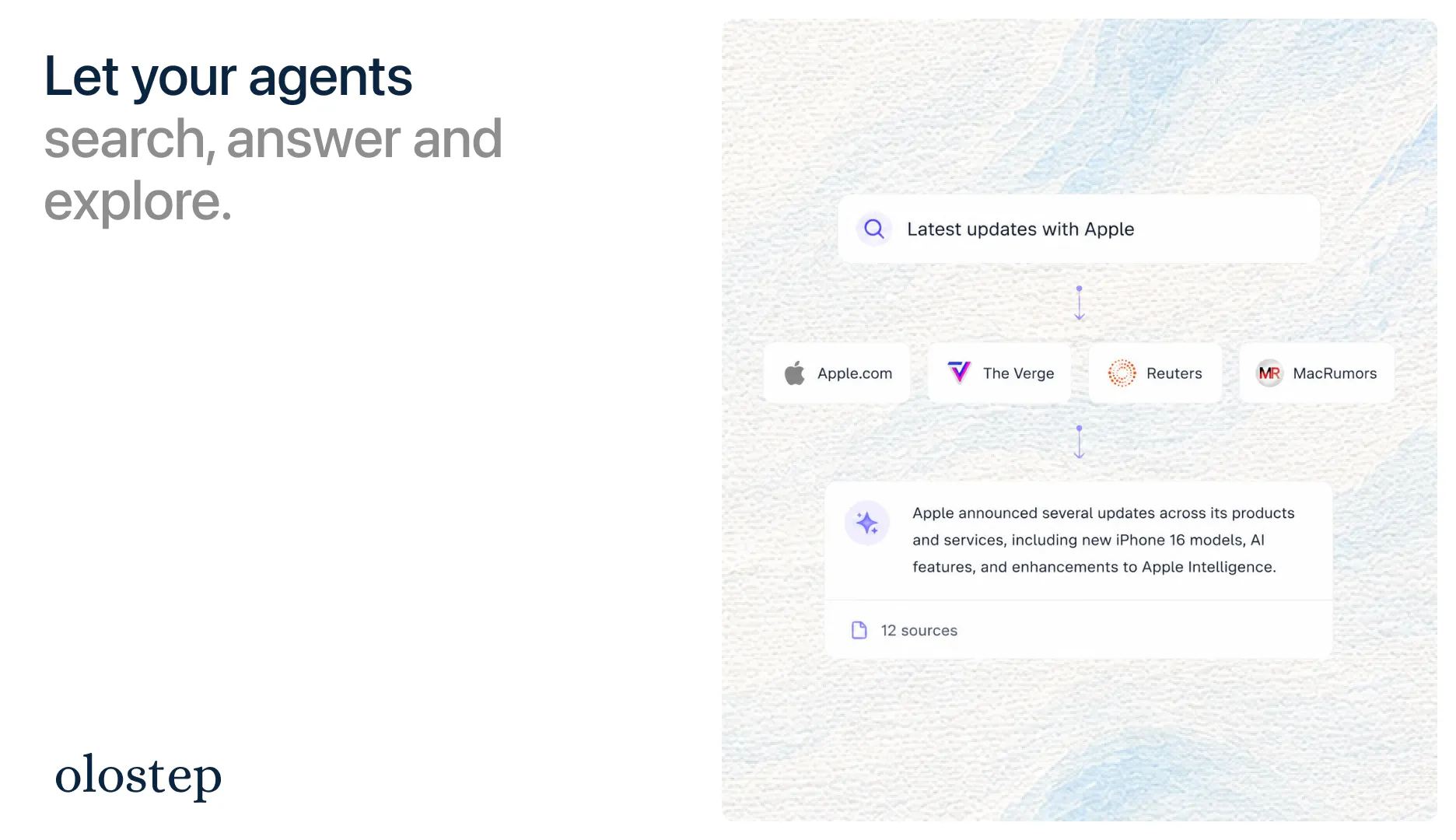
Olostep provides scalable web data APIs, specifically designed for the web’s second user - AI. Effortlessly turn any URL into LLM-ready Markdown, JSON, or structured data and use the API for agentic search workflows

Hey Product Hunt 👋

AI agents are becoming the Web’s second user.

But most agents still access the web like humans do: open tabs, wait for pages, fight JavaScript, parse messy HTML, maintain brittle scrapers, retry failed jobs, and hope the data is fresh.

That felt backwards.

So @hamza_ali59 built Olostep: web infrastructure for AI agents - one API to search, scrape, crawl, map, monitor, and structure live web data for AI products and automation workflows.

What you can do with Olostep:

🔎 Search the live web with natural language queries

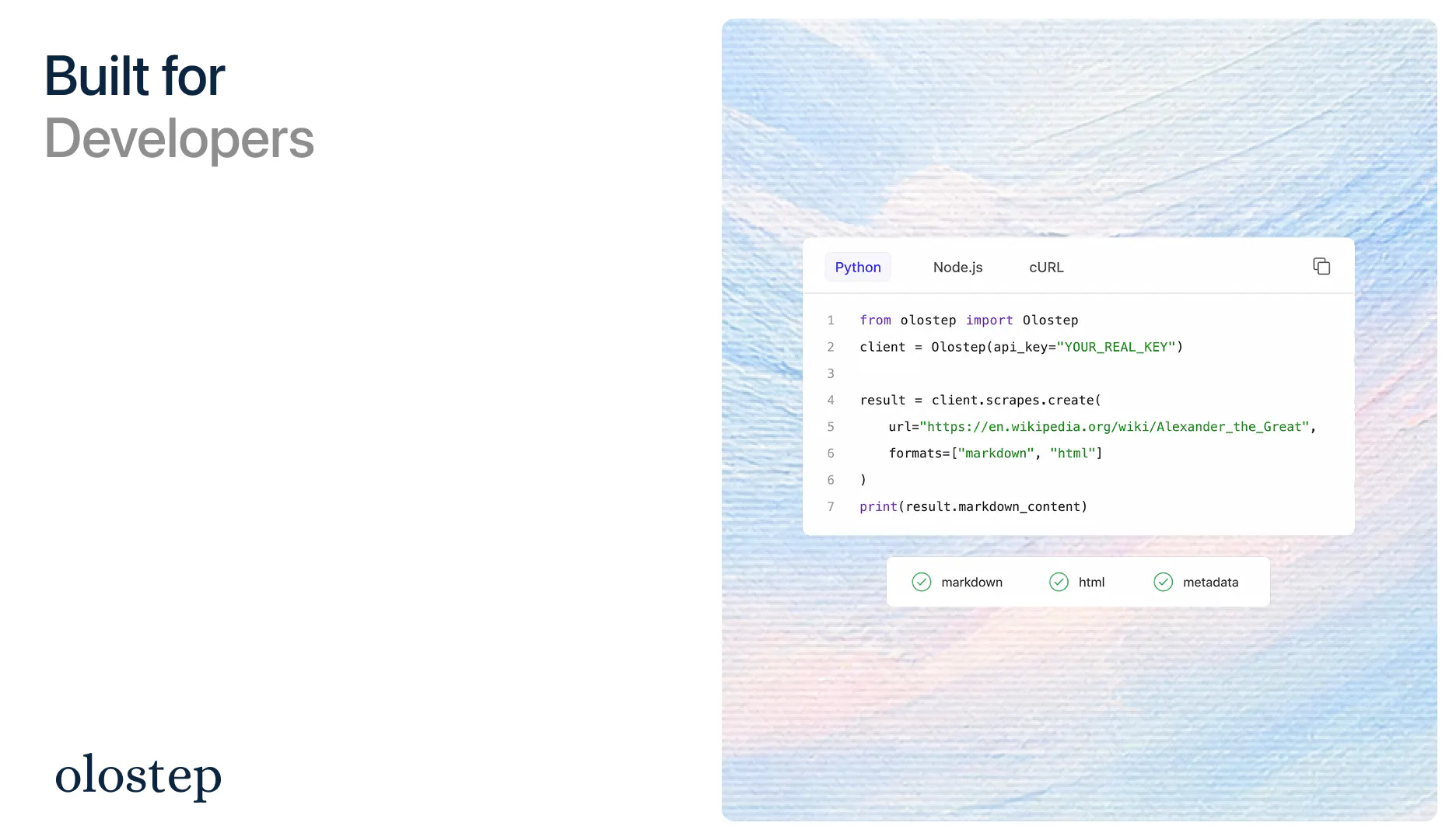
🧹 Scrape any URL into clean Markdown, HTML, JSON, screenshots, PDFs, or raw content

🕸️ Crawl entire websites and retrieve LLM-ready pages

🗺️ Map a domain and discover URLs beyond basic sitemaps

Batch process large URL lists for production data pipelines

📡 Monitor pages, prices, job openings, DOM changes, content updates, and business signals

🤖 Answer questions with web-grounded sources and structured output

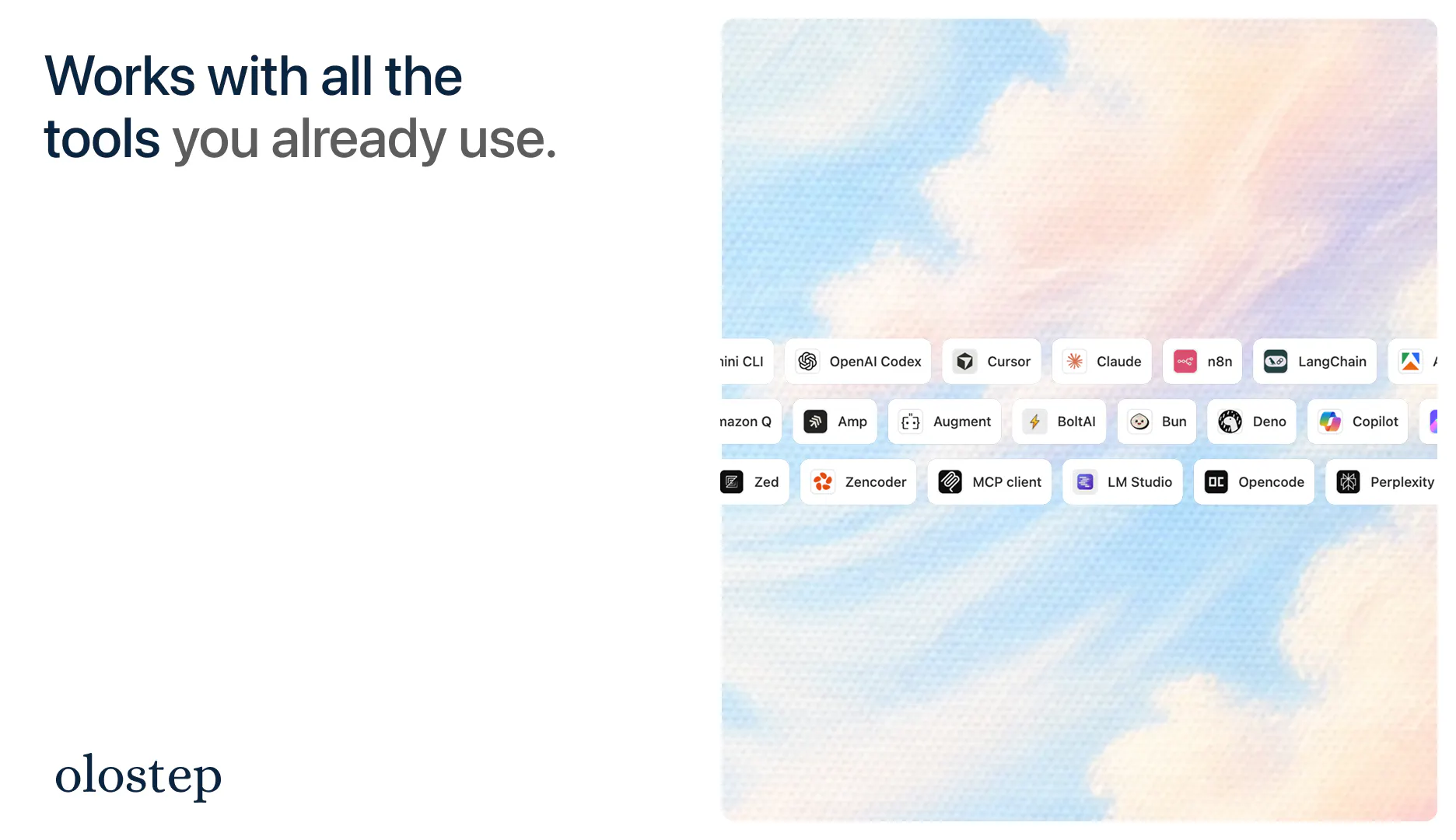
🧩 Connect it to your stack with SDKs, CLI, MCP, n8n, LangChain, Mastra, Apify, Zapier, Cursor, Claude, and more

Why Hamza built this:

The bottleneck for AI products is often not the model anymore.

It’s the web layer.

Agents need fresh, structured, reliable data from the real world. Not stale training data. Not one-off browser scripts. Not scrapers that break every time a website changes.

We believe the next generation of AI companies will need a production-grade way for agents to read, reason over, and act on the web.

That is what Olostep is becoming.

Who it is for:

  • AI teams building agents, copilots, and RAG pipelines

  • Developers who need clean web data without maintaining scraping infrastructure

  • Growth, sales, and data teams enriching companies, leads, spreadsheets, and CRMs

  • SEO / GEO teams monitoring brand visibility across search and AI answers

  • Recruiting, finance, research, ecommerce, and competitive intelligence teams automating web research

Try this today:

Give Olostep one messy web workflow you currently do manually - for example:

  • “monitor 50 competitor pricing pages every week”

  • “crawl these docs and turn them into clean RAG context”

  • “extract structured product data from a marketplace”

  • “find companies hiring for a specific role and enrich them”

…and Olostep should help turn that workflow into clean, structured data your app or agent can actually use.

🧪 Try it: Get a free API key

📚 Docs: Read the docs

💬 Community: Join our Slack

🎁 Product Hunt launch offer: They are giving PH builders 80% off for the first month, on any plan! Use code PH80 or comment here after signing up and we’ll help you get set up.

Excited to hear what you think :)

7
回复

@hamza_ali59  @rohanrecommends web data APIs live or die on the ugly 10% of sites. what happens when a page needs js rendering and a login? that's always where my pipelines break.

0
回复

@hamza_ali59  @rohanrecommends what an impressive launch! 🚀

Olostep really tackles a significant challenge for AI agents and modern AI products: it provides reliable, fresh, and structured data from the web without the hassle of fragile scraping setups.

Bringing together search, scraping, crawling, monitoring, and structured data all in one platform is a game-changer for developers and AI teams. I can’t wait to see how Olostep grows as AI agents play an increasingly important role in our web interactions.

Huge congratulations to Hamza and the entire team on this fantastic launch!

0
回复

@rohanrecommends Thanks, Rohan! Let us know if you have any questions. Feel free to reach out to us on Slack or via email

0
回复

How do you decide when parsers should handle extraction versus letting the model interpret the data?

2
回复

@nolanpierce03 Great question! The typical mental model is

Parsers: Ideal for high-volume, consistent, recurring data collection (example use cases: price trackers, aeo platforms, brand monitoring etc.)
LLM Extraction: Ideal for flexible extraction needs or websites with changing structures (example use cases: typo analyzer, hallucination detector, ai research)

Sharing some docs here
And some other examples of use cases here

1
回复

Does it also preserve enough page context for AI agents to understand relationships between different pieces of web data?

1
回复

@jason_scott8 Good question; understanding the page and overall context is important for AI agents. We have a few endpoints for that, like /maps (to map out a website's structure) or /crawls (to recursively explore a domain). Instead, when an AI agent already knows which pages are of interest, the default returned format is markdown -- which compresses the overall page structure but maintains enough context to understand relationships

0
回复

Hey! I'm Arslan, one of the cofounders of Olostep. We are building Web Data Infrastructure for AI.

We believe the Web is the backbone of all businesses and where humanity's collective knowledge resides. Humans have used it for other 30 years. Now we have a new user and consumer on the web: AI agents.

These thinking machines need a new infrastructure custom built for them to allow them to complete actual work.

We are starting with a suite of web data APIs to allow agents to search, extract and structure data from the Web.

You can try the product for free from our website: olostep.com
If you have any question feel free to reach out on Slack

Thanks. Excited to see what you and the AI agents deployed in your businesses will build with it!

0
回复

Hey, Congrats with the launch! Interesting project. Would love to know what are Olosteps main differences with other scraping workflows on the market?

0
回复

@povilaitis_web Hey Rafaelis, thanks! So the main difference is that we work with almost all other providers on the market. Our approach is like the Cursor one. We work at the harnessing level to give a magical experience to our customers instead of directly competing in a fragmented market

0
回复

@povilaitis_web Hey Rafaelis as Hamza mentioned we don't compete with other providers on the market but we work with most of them. What we care about is giving a great experience to our users

0
回复
really useful infrastructure for agents, getting clean, fresh web data without maintaining brittle scrapers is not a huge win.
0
回复

@vipul_kumar1280 Yes! The web is the backbone of all businesses and where knowledge lives. A strong web data infrastructure is the missing link that lets models do real work

0
回复

Among everything I've tried to scrape content of web, Olostep has been the most powerful. You could literally to 10K urls just within a few minutes. I also find endpoints like /answers that gets me the direct answer to questions on web without writing my own search logic, and they work pretty fast.

Congrats on the launch.

0
回复

@samyakk Thanks!

0
回复

@samyakk Thanks. Yes, we have worked hard on our infrastructure and APIs to deliver the best possible experience for our customers. And now we are putting all of it together to power the agentic search experience

0
回复

@samyakk Thanks Samyak! Yes, the batch endpoint is very useful for production workloads

0
回复

the monitor piece is the one id want to hear most about. diffing a page is easy, deciding what counts as a change is the actual problem. my first attempt at this fired on every deploy becuase nav markup and timestamps moved, and i had it muted inside a week, which is the worst possible outcome since the alert is still technically working. whats the unit of identity for a monitored page over time? if a site reorganises its url structure or moves the same content behind a different route, does olostep read that as the same page changed or as a page gone. that one decision is what determines whether monitoring survives six months of contact with a real site. and are extraction schemas versioned? when a field stops appearing i want to know whether the site changed or my schema did, and most tools collapse both into null.

0
回复

@rabnoor_s True! The Monitor API is one of the most useful but also technically challenging APIs we have created so far. It puts together most of the foundational building blocks we have built over the years. We have models that first create a graph of the workflow, then we use our own API to take snapshots of the relevant parts of the web when the monitor is created to have a truth baseline. Then we have other in-house models, and harnessing that detect what constitutes a real change worth flagging compared to just noise.

0
回复
#4
Prequel
Create cinematic screen recordings on your Mac
187
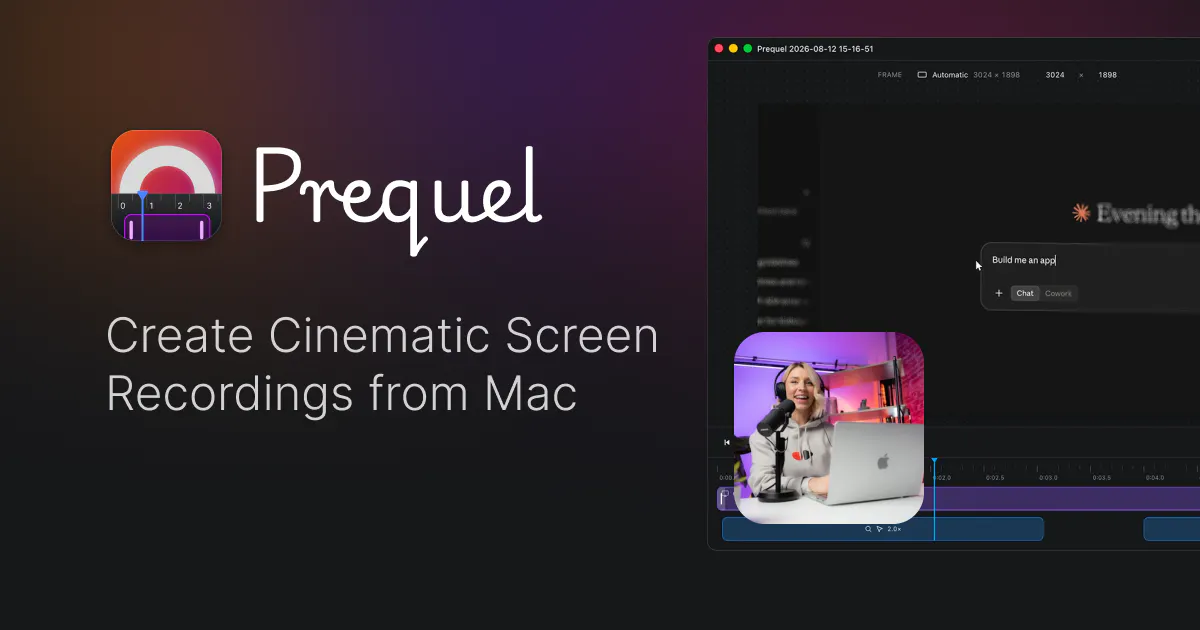
一句话介绍:Prequel 是一款面向 macOS 的 cinematic 屏幕录制工具,自动生成跟随操作轨迹的镜头缩放与运镜,帮开发者和独立创作者在几分钟内产出一条“有剪辑感”的产品演示视频,省去打开 After Effects 手动 keyframe 的繁琐流程。
Social Media Marketing GitHub Photo & Video
屏幕录制 macOS 电影感 自动运镜 产品演示 视频剪辑 4K 导出 独立开发者 创作工具 Apple Silicon
用户评论摘要:用户高度认可“跟随工作而非光标”的运镜逻辑,并追问其判断依据(屏幕变化 vs 指针位置),建议在页面明确说明。有用户希望增加买断制终身授权。还有用户询问文本提示剪辑与差异化竞争力,官方回应称自动剪辑与 60FPS 插帧为优势。
AI 锐评

Prequel 的聪明之处在于,它没有去和 Loom、CleanShot 拼“录制”,而是直接切入了“视频交付”的最后一公里——剪辑。官方标语里那句“hands back a finished video”才是核心:录完即成片,不再需要拖进专业剪辑软件里补运镜。这精准踩中了独立开发者、产品经理和营销人员的一个高频痛点:明明想演示一个功能变化,却明知录屏平铺直叙没人看,手动加 zoom 又成本过高,最后只好发个原始录像,观感廉价。

评论中那条高赞反馈极为关键——用户想要的是“zooms that follow the work”而非“follow the cursor”。这两个概念在产品页上被混为一谈,但实际是完全不同的技术路径:前者需要解析屏幕内容变化(如 DOM 差异、像素块位移),后者只需要追踪鼠标坐标。评论区有人一针见血地指出,只有当点击按钮后结果出现在屏幕另一侧时,前者才真正体现价值。Prequel 若尚未实现真正的像素级变化侦测,那么“cinematic”就仍停留在花架子层面;若已实现,那么营销话术应该更直白地亮出这张技术底牌,因为这是与所有竞品拉开代差的唯一分水岭。

另一个被忽视的细节是“4K export on your Mac's own media engine”——这意味着编码不走 X264 软压,而是利用 Apple Silicon 的媒体引擎做硬编,导出速度快且不影响日常操作。但评论中也有人提醒了一个专业问题:Retina 屏的物理像素是逻辑点的 2 倍,若导出时按非整数倍缩放,文字会发虚。这是 Prequel 需要自查的硬伤,也是它从“玩具”迈向“生产力工具”的门槛。

商业化方面,月付订阅对低频用户(一年录四五次 demo 的人)是明显劝退,已有用户明确要求终身买断。若团队只靠订阅,恐怕会丢掉一大块可传播的种子用户群——毕竟买断制的口碑传播成本,远低于让一个低频用户记住退订流程。

总体而言,Prequel 的产品方向正确,但依然面临两个关键拷问:一是“跟随工作”的技术实力能否匹配那句slogan,二是能否在定价模式上放下身段,让低频用户也愿意为一次惊艳的 40 秒视频买单。如果这两点不解决,它只能做一款“演示视频神器”,而无法成为“产品发布基础设施”。

查看原始信息
Prequel
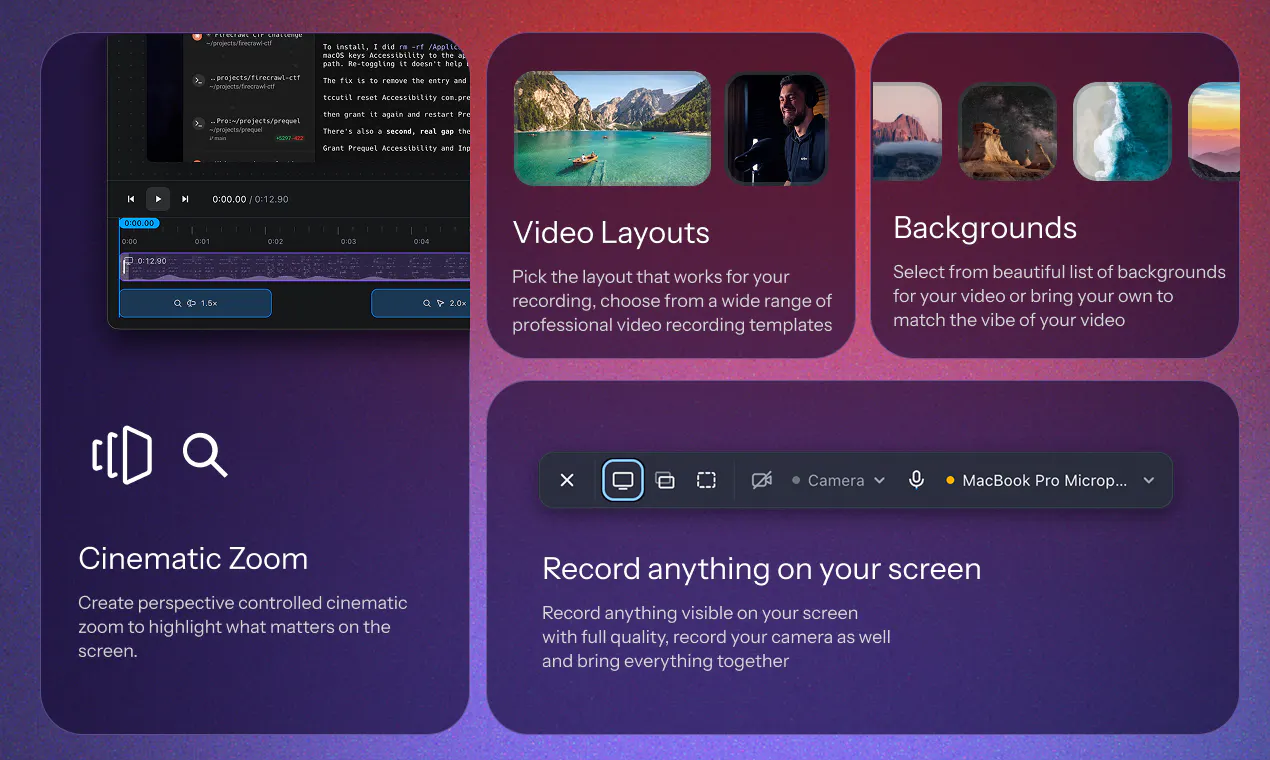
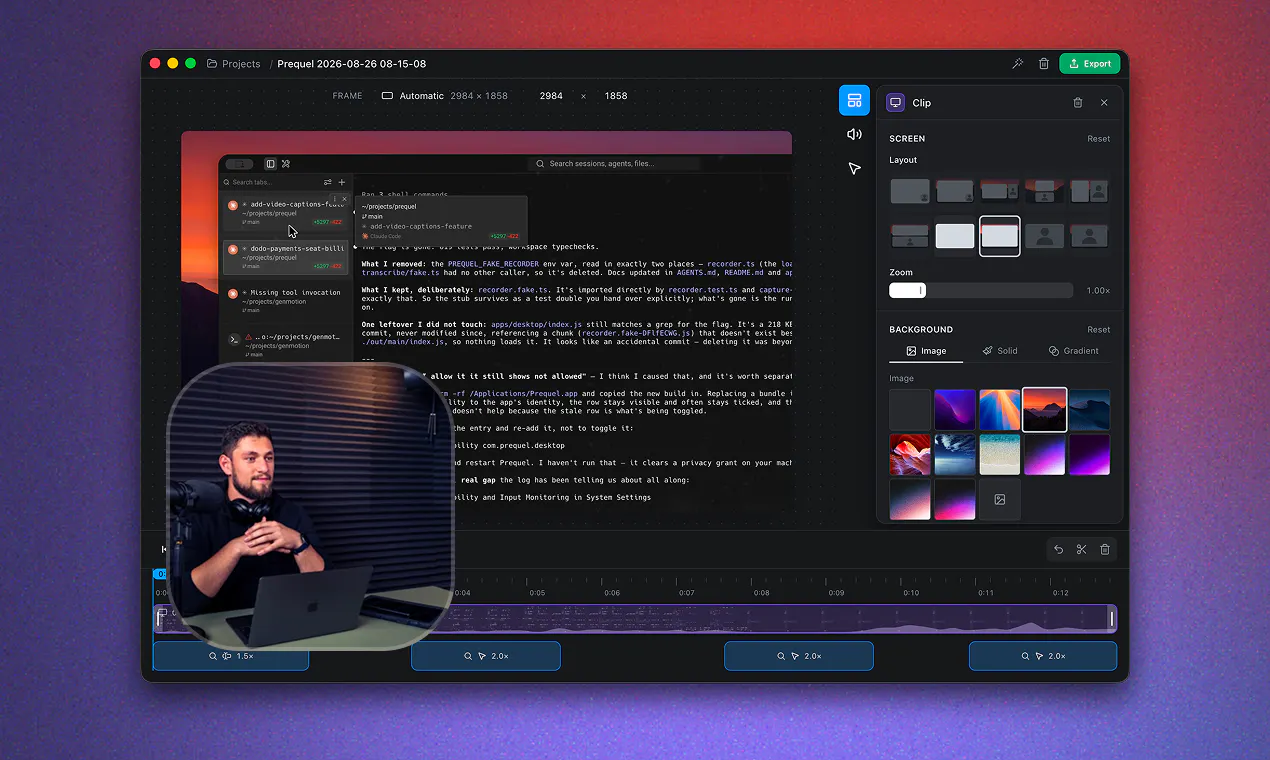
A macOS screen recorder that hands back a finished video. Zooms that follow the work, a framed camera and a background, exported at up to 4K on your Mac's own media engine.

Really nice product, it would be nice to have an additional payment option to OneTimePayment for a lifetime subscription, as for example I myself do not make mockup demo/production videos every month so a monthly subscription wouldn't make sense, but a lifetime would allow me to use the software three/four times a year consistently.

4
回复

@xarlizard Makes sense, can add a lifetime free one-time payment as well.

0
回复
Hey Hunters 👋 I build things, and every time I wanted to show one off, the recording was the hard part. A raw screen capture looks flat, no depth, no focus, no sense of where to look. So I'd drag the file into After Effects, keyframe zooms by hand, fight with the timeline for an hour, and end up with a 40-second clip that still didn't feel quite right. For a 40-second clip. That's a ridiculous tax on shipping. Most of us don't have a motion designer on call — we just want the demo to look like we do. Prequel is what I wanted to exist. Record your screen, and the cinematic zooms are already there, it follows your cursor and your clicks, so the camera moves the way a good editor would move it. Backgrounds, padding, rounded corners, a camera bubble that doesn't look glued on. All native on Apple Silicon, so it's fast and the exports are sharp. No After Effects. No keyframes. No plugin stack. Just a recording that looks like you spent the afternoon on it. Would love your feedback, especially on what's still missing for your workflow. I'm here all day. 🙏
3
回复

super cool, can we edit videos using text prompts?

2
回复

@ambx Not yet, but we are adding it soon! We already have an auto edit which by default edits your videos post recording.

1
回复

the phrase that carries your whole pitch is zooms that follow the work, becuase the cheap version of that is zooms that follow the cursor, and those two are only the same thing about half the time. the case that breaks it is exactly the one you want in a demo: you click something in one corner and the result appears somewhere else. i do that dozens of times a day, hit submit, and the thing worth showing is the state change further up the page, not the button. a cursor tracker parks on the button and the viewer misses the payoff. if youre already weighting on screen change rather than pointer position, id say that out loud on the page, becuase everyone in this category says cinematic and nobody says what actually drives the camera. separate small one. does it export at an integer scale from native points? retina capture downscaled by a non integer factor is where text goes soft, and thats the difference between a demo that reads as a product and one that reads as a screen recording.

1
回复

Zooms that follow the work is the bit people hand-keyframe and give up on. Does it decide from cursor movement or from what changed on screen?

1
回复

Super cool app! The UI looks crazy good, How are you differentiating yourself in this space?

1
回复

@abhiigatty Thanks! Prequel gives you fine grained control over the timeline, layouts and zoom effects. It also, auto animates between cuts and scenes with 60FPS, which most of the other apps lacks.

0
回复
#5
Murfy AI
Write, review, and publish to arXiv 10x faster
171
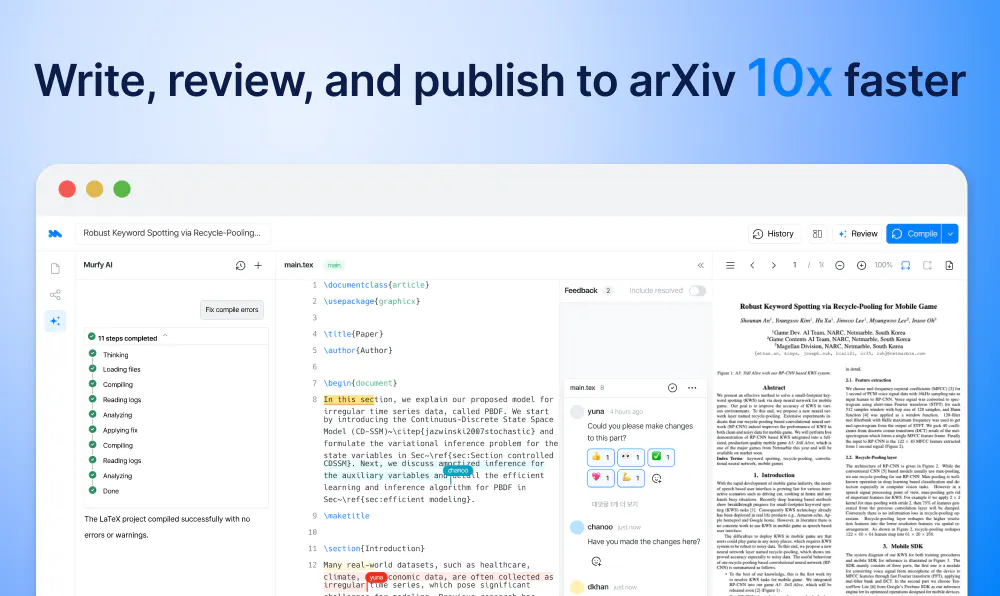
一句话介绍:Murfy AI 是一个由多智能体驱动的科研写作协作平台,针对 LaTeX 论文写作全流程,解决研究者在排版、编译、文献引用和幻灯片制作上的低效痛点,宣称可将 arXiv 投稿效率提升 10 倍。
Productivity Writing Artificial Intelligence
用户评论摘要:用户普遍认可自动修复 LaTeX 错误和多人协作功能,但指出两个具体问题:一是删除“Murfy Guide”首页后无法彻底移除;二是 AI 偶发韩语回复。另有用户强烈呼吁自动转换目标会议或期刊的引用格式以应对拒稿重投,开发者确认该功能开发中。
AI 锐评

Murfy 的定位并非又一个“套壳”写作助手,而是试图用 AI Agent 重写科研写作的底层工作流——从起草、审稿到编译排错,甚至将 Beamer 幻灯片这个被忽视的痛点纳入自动化范畴。这种“全流程代理”的思路切中了资深 LaTeX 用户的真实疲劳:格式化参考文献、修编译错误、为拒稿重投改格式,这些纯事务性劳动消耗了科研人员的宝贵注意力。产品设计上,以 diff 形式呈现 AI 改动并允许一键接受或拒绝,体现了对学者控制欲的尊重,这是 Overleaf 的聊天框模式所欠缺的。然而,从评论反馈看,其核心壁垒尚未稳固:非英语回复的“幻觉”、模板清理的 bug 暴露了可靠性问题,而自定义模板的兼容性悬而未决。真正的挑战在于,一旦 Overleaf 这类大厂将类似 Agent 能力作为默认功能,Murfy 的“流程粘性”能否覆盖用户迁移成本仍是未知数。引用格式自动转换功能若真能实现“选择目标会议,自动重排参考文献”,将是一个杀手锏级差异化,但这恰恰是最难攻克的深水区,因为它涉及海量会议/期刊的模板规则映射。目前 171 票的发布成绩不算惊艳,但月增长 50-100% 且免费版不限制协作者,是聪明的前期获客策略。建议团队聚焦于“格式智能转换”这一刚需,避免在广度上过度铺开,以尖刀功能在科研工具市场撕开缺口。

查看原始信息
Murfy AI
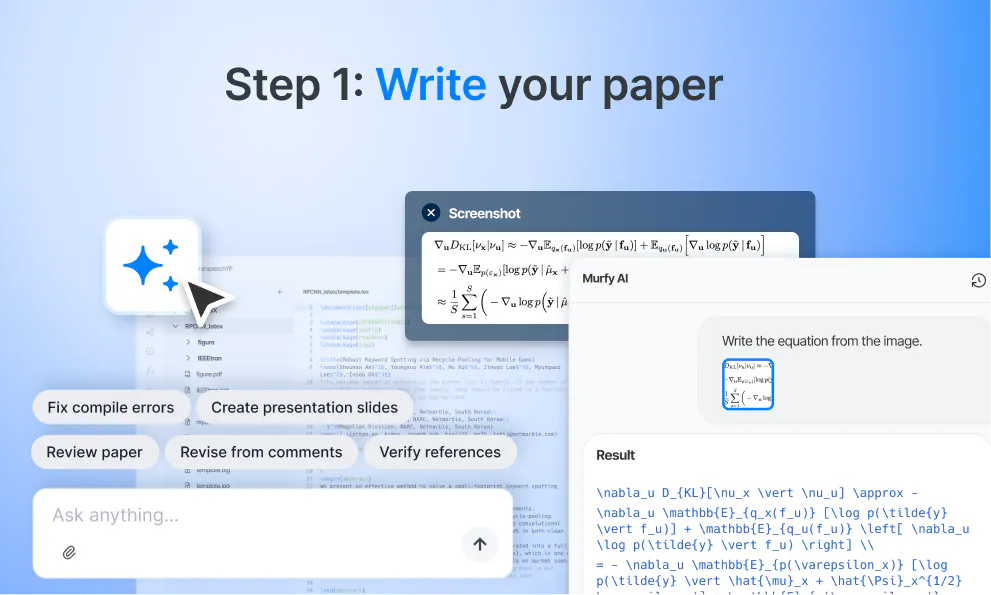
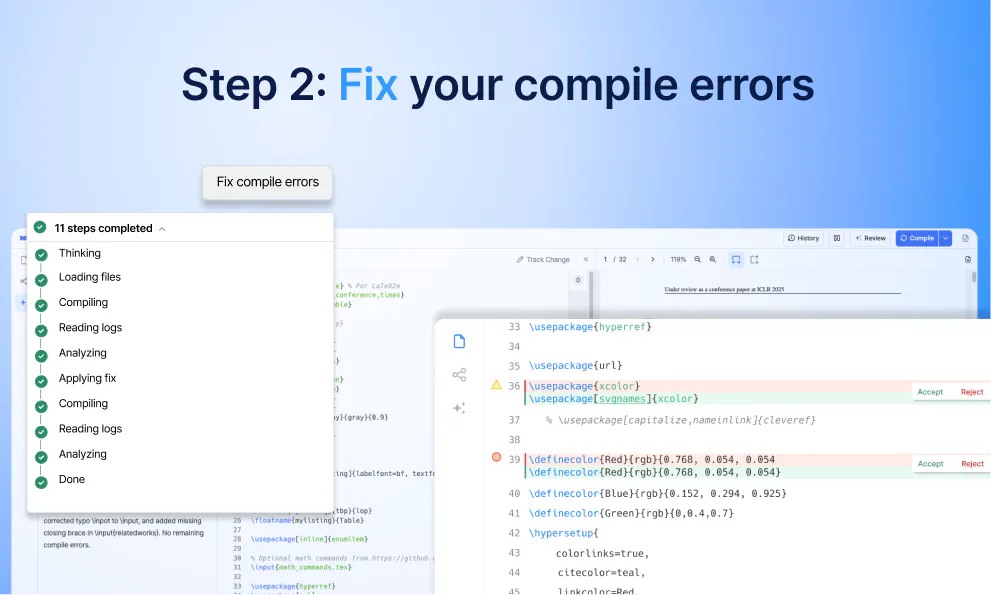
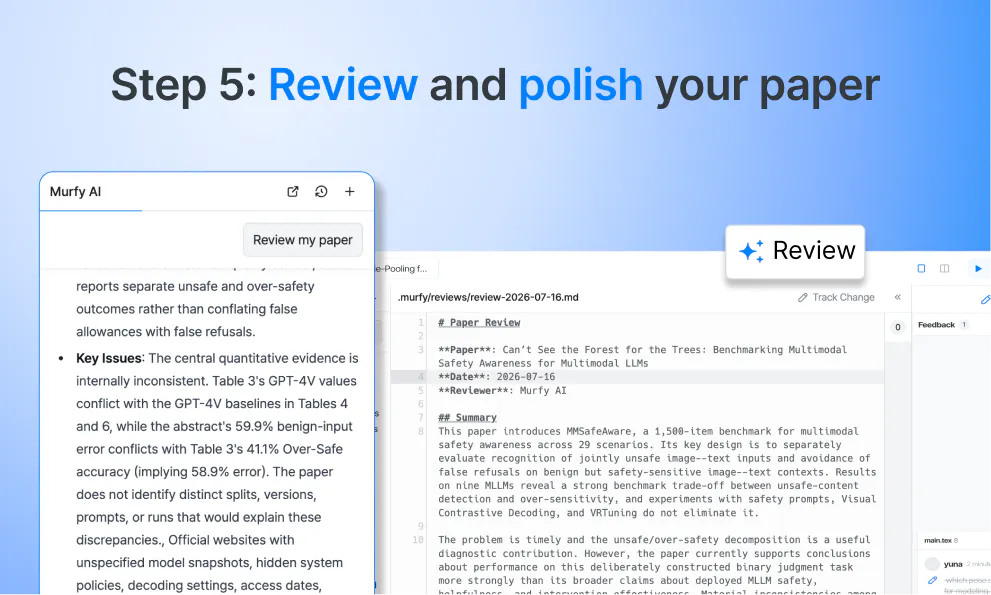
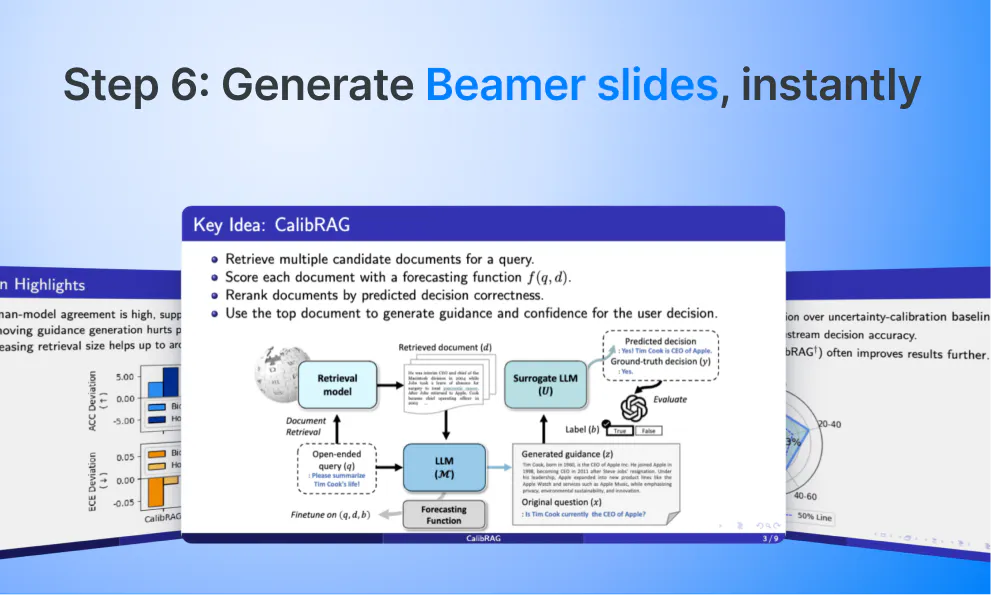
Murfy is a team of AI agents for the entire research writing workflow. Murfy helps to write and review your paper in context, fix LaTeX compile errors on the spot, verify reference papers and generate Beamer slides in minutes. Work with unlimited collaborators, real-time editing, free to start.

Hey Product Hunt!

I'm Shounan, founder of Murple, the team behind Murfy.

Over the past 15 years I've written 10+ papers accepted at top-tier AI conferences (AAAI, EMNLP, SIGGRAPH, IROS), all in Overleaf. Every single time, the research wasn't the hard part, it was the writing. (Here's My Google Scholar if you're curious)

Formatting references at 2 A.M. before a deadline. Chasing co-authors for edits I needed yesterday. LaTeX compile errors with no useful message. Rebuilding the same slides from scratch for every single conference. 

I kept asking myself: we have AI agents now, why is research writing still this hard?

So we built Murfy. Not another AI writing assistant bolted onto an editor, but an agent that actually works through the writing process with you: drafts with you, reviews your paper, revises based on reviewer comments, fixes your compile errors, and builds your Beamer slides.

Researchers in 120+ countries are using it now, and we're growing 50-100% month over month. 

There's still a lot we want to improve, though, so I'd love to hear from anyone who's ever fought with a technical writing tool:

What’s the one part of research or technical writing that you hate doing and wish an AI agent would just take care of?

Tell me in the comments. I read all of them, and they'll shape what we build next.

9
回复

@shounan_an One of the devs behind Murfy here!! It’s been a lot of fun (and a lot of LaTeX debugging) getting to this point. Excited to finally share it with everyone. Let us know what’s broken or annoying!!

3
回复

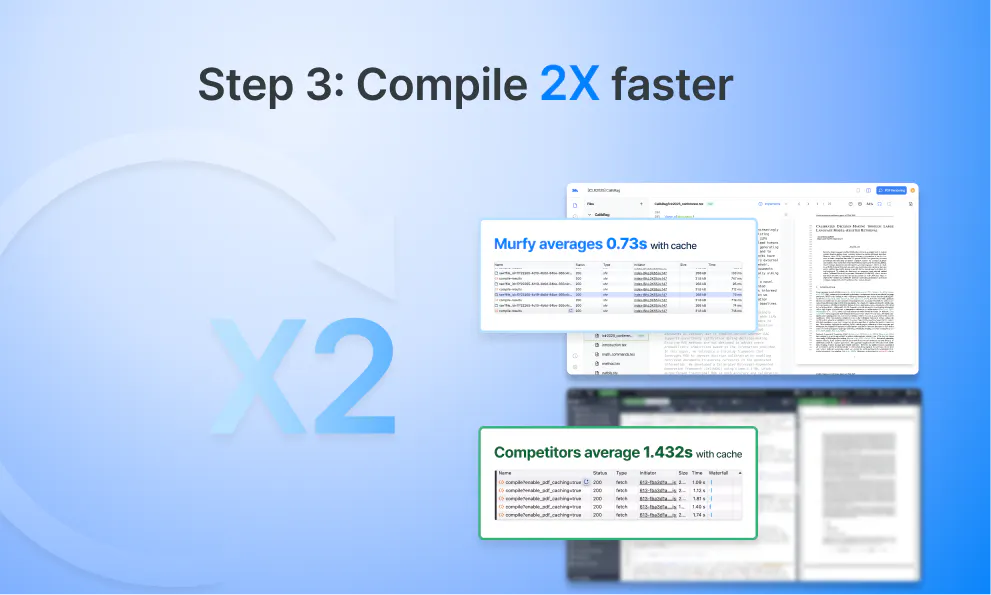
I work on Murfy's backend. My side of it comes down to one thing: your compile should be fast, reproducible, and completely unremarkable. If it's ever not, this thread is a good place to tell me.

3
回复

@shounan_an Having to rebuild slides from conference talks always feels like such a waste of time since you've already done the hard work—Murfy’s approach of walking through the whole process feels like a real relief. Congrats on the launch!

0
回复

Thank you for publishing the product. I was a heavy LaTex User and it was my favorite way to write my thesis. Still I use Latex for lot of  different purposes. Good Luck.

5
回复

@sabber_ahamed Thank you for the kind words. Hearing this from a long-time LaTeX user means a lot to us. We know there's still plenty to improve, and we'll keep working to make it better. Thanks for the good wishes.

2
回复

@sabber_ahamed Thank you! It’s always great to hear from a fellow LaTeX user. Hope Murfy can be useful for some of your future work!

1
回复

@sabber_ahamed Thank you so much Sabber! Wish you good luck too :)

1
回复

How does this compare to overleaf by digital science?

4
回复

@rick_segal1 Honestly, Overleaf is the standard for online LaTeX editor, and it has years of maturity and a huge ecosystem behind it.

The main difference is that Murfy is built around paper-writing process, not just editing LaTeX. Its AI works more like an agent than a chat box: it reads the project files, suggests changes as a diff, compiles the paper, and works through errors until they’re fixed. You can accept or reject each change.

Murfy can also review the finished paper from the compiled PDF. It checks whether the claims are supported by the paper’s own evidence, challenges weak assumptions, and returns a referee-style report with a rating and confidence score.

We also don’t limit collaborators on the free plan, so you can invite your whole lab.

Where Overleaf is still ahead is maturity and integrations. We’re much newer, and we know we still have plenty to improve.

2
回复

I've never considered attempting to publish to arXiv, but if I did, I imagine @Murfy AI would be super clutch and save me a ton of hassle dealing with LaTeX!

3
回复

Congratulations @shounan_an ive tested it and it feels fast and it does solve issue for multi collaboration, only 2 issues i found in my 2nd iteration while adding and editing a Report

1. Even after replacing my report in the latex editor i was not able to get rid of the first page saying "Murfy Guide"
2. I was chatting with Murfy AI and somehow it responded with Korean language (Hangugeo)

3
回复

@shounan_an For refrence

2
回复

@raunaks_99 

Thanks for testing it twice and sharing such detailed feedback. This is genuinely helpful.

1. About the "Murfy Guide" first page:

It can be added from two separate places, so it's easy to remove one and miss the other. Please check your main .tex file for both of these:

- \input{murfy-guide.tex}
- \murfyguide

Remove both and recompile. If the page is still there, please use "Report bug" in the profile menu so we can take a closer look at your project.

2. About the Korean replies:

That one's on us. Some of our internal instructions are written in Korean, and occasionally that leaks into the response. We're working on a proper fix.

Sorry for the inconvenience, and thanks again for taking the time to report this.

0
回复

answering the actual question: reformatting the same paper's citations and bibliography for a different venue after a rejection is my most hated part. every conference has its own citation style and reference format, and redoing that by hand for the third submission of the same paper feels like pure busywork with zero intellectual content. if Murfy can detect the target venue's style and just re-flow the references, that alone would sell me.

3
回复

@galdayan That's actually the exact situation that gave us the idea-even the third submission part. We've also seen people ask Murfy things like, "Convert this ACM paper to the Elsevier template" or "Make this fit the KCC format."

We're working on it now. The idea is that you choose the target venue, and Murfy handles the class, packages, structure, and bibliography style, then fixes any compile errors along the way. You'll still get a diff so you can review everything.


Bibliographies are the tricky bit, since changing the .bst file doesn't always cover everything. We'd rather show you what changed than silently rewrite your references.

Still in development, but coming soon!

1
回复

@galdayan Resubmission after rejection, almost the same paper, different format: pure busywork with zero intellectual content. You nailed it.

That feature is coming in Murfy very soon.

Would love to test it against a real case when it's ready, what venue are you targeting next?

0
回复

The auto LaTeX error fixing sounds great, that's always such a pain. Does it work well with custom templates too, or mostly standard ones?

2
回复

@yelyzaveta_kibets There’s no template library behind it. it works directly with the files in your project, including any .cls or .sty files you’ve uploaded. So custom templates generally work the same way as standard ones. But we’ve tested it more heavily with standard document classes so far.

If you have a custom template that trips it up, please send it to us. Those are exactly the cases we want to test more.

2
回复

Congratulations on the launch @shounan_an This looks slick. What part of the research workflow are users saving the most time on so far?

1
回复

@rizzykicks Great question! It varies a lot by experience level.

Junior researchers save the most time on LaTeX itself via code assistance and compile error fixing. The learning curve disappears fast.

Senior researchers get the most value from deep AI paper reviews, which catch weaknesses, reproducibility issues, and improve research papers quality from AI review feedback before submission. Iterating on that loop is where the real time savings stack up.

Advisors told us the biggest win is visibility, seeing who changed what and when through revision history, plus AI-verified reference checking that used to be pure manual work.

Which stage are you at? Happy to dig into what Murfy can do for your specific workflow :)

0
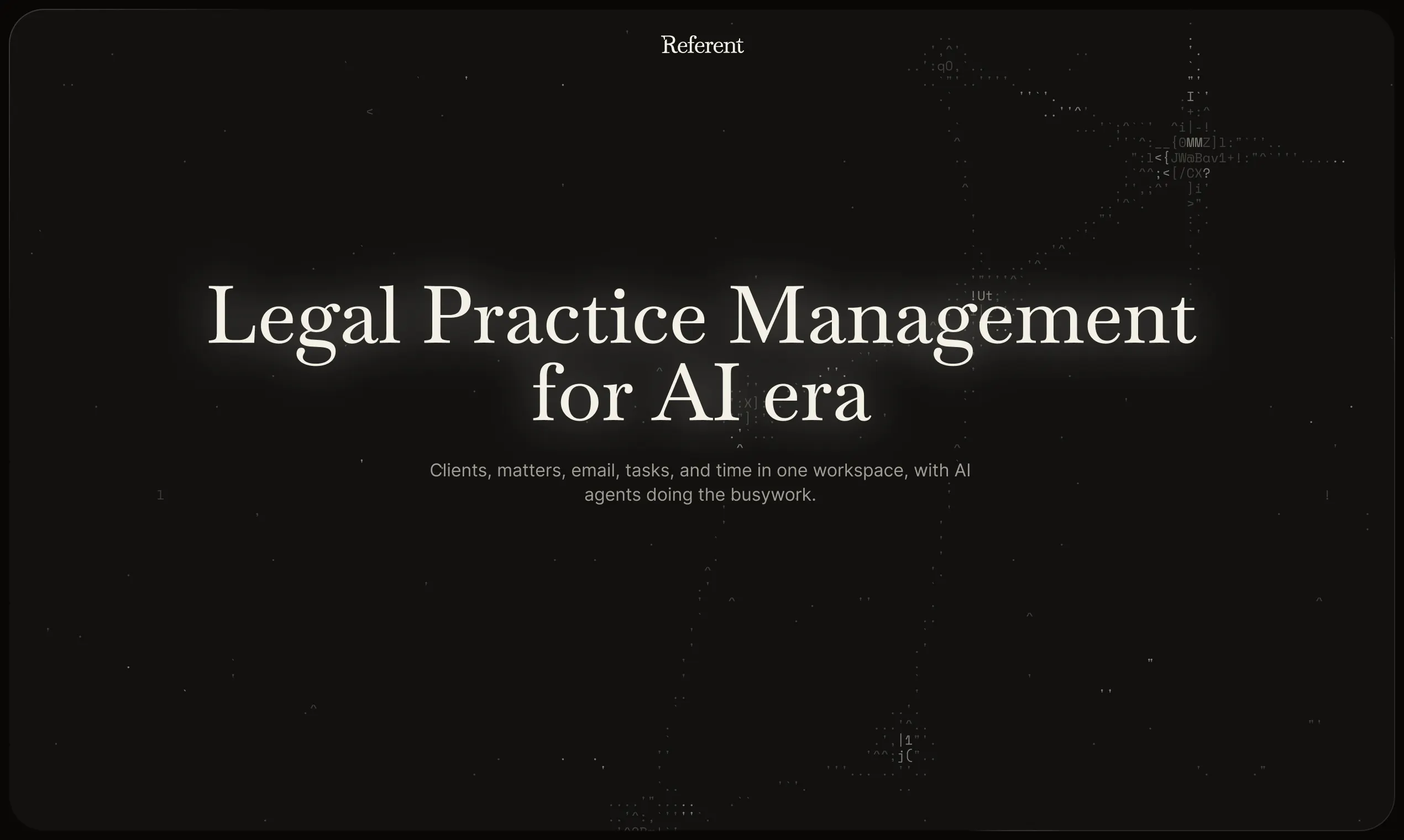
回复
#6
Referent
The AI-native OS for modern law firms
167
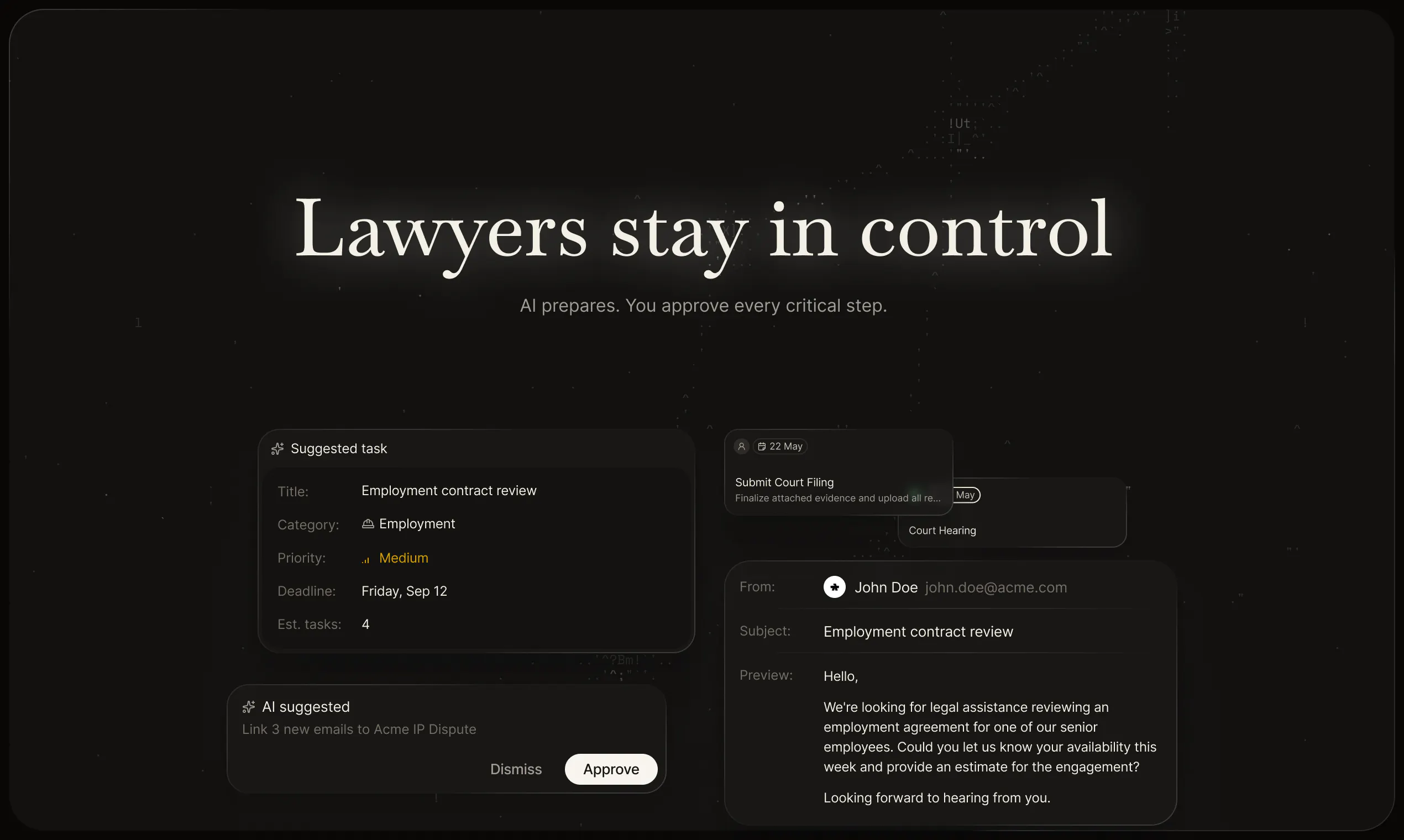
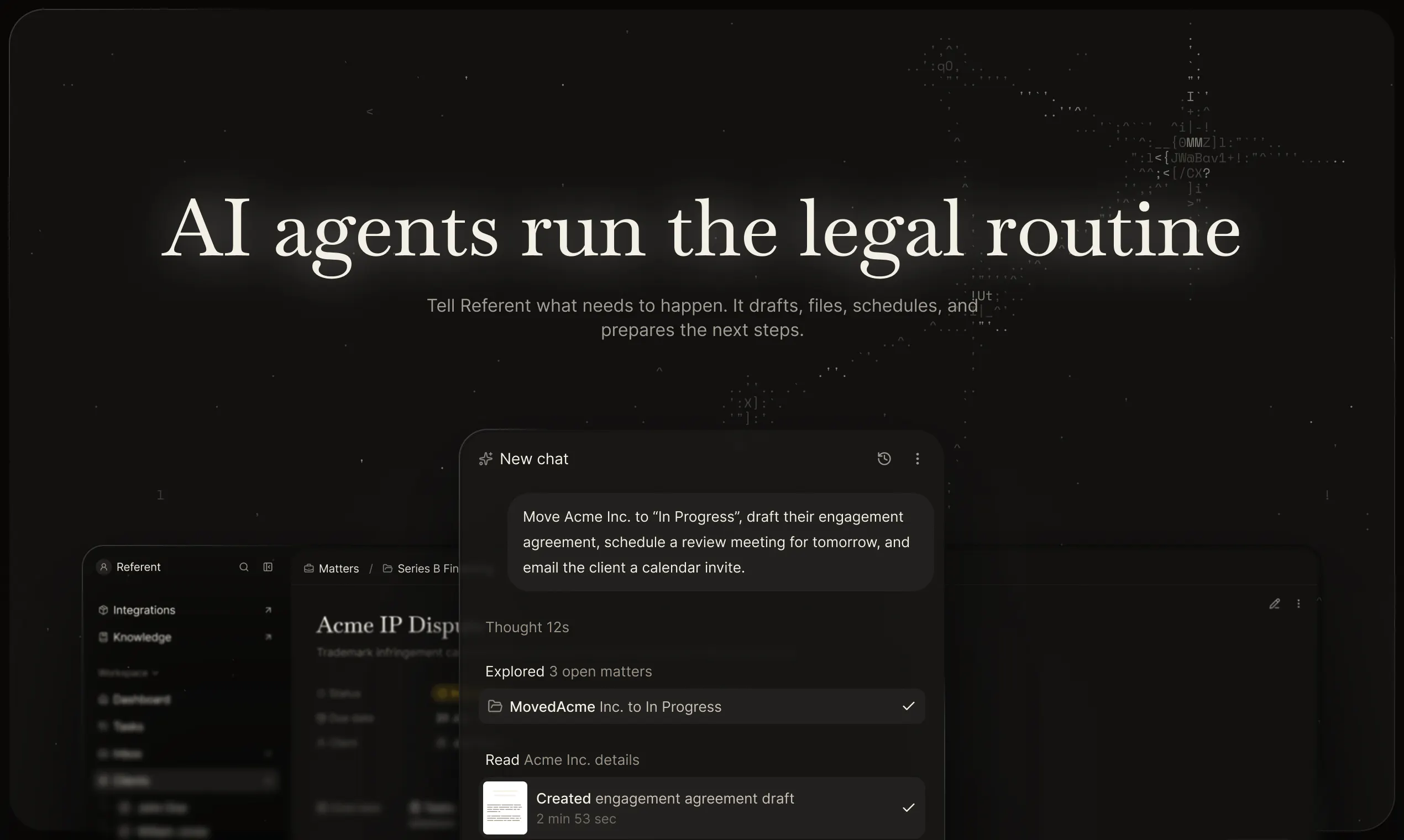
一句话介绍:Referent 是一款面向独立律师及小型律所的AI原生法律执业管理操作系统,通过AI代理自动处理客户接洽、案件管理、文书、截止日期、邮件及账单准备等行政工作,将律师从繁琐事务中解放出来,专注于客户与业务增长。
Android Productivity SaaS Legal
AI法律实践管理 法律CRM 法律AI代理 律师事务所操作系统 案件管理软件 小型律所工具 法律科技 AI工作流自动化 文书自动化 律师效率工具
用户评论摘要:用户普遍认可其整合多功能的一站式定位,与Legora形成差异。核心关注点集中在:1) AI读取邮件的隐私合规与权限控制;2) 利益冲突检查的具体流程;3) 能否统计单个任务耗时以量化效率;4) 对模板和文书风格的长期学习能力。官方回应强调人工审批、审计日志、数据不训练,并指出实际节省体现在“空闲的夜晚”,而非具体数字。
AI 锐评

Referent的切入角度非常聪明,它避开了AI法律研究/文书起草这片红海,直接命中律所真正的效率黑洞——运营管理。标语中的“AI-native OS”很精准,它不是给旧软件装上AI插件,而是将AI代理作为系统核心来重构工作流,这种架构层面的差异是Legora等工具难以逾越的护城河。

但必须冷静看待几点。首先,其主打卖点“AI执行行政操作”高度依赖于自动化流程的可靠性和下游数据的准确性,一旦AI在邮件理解、截止日期判断上出错,在司法严格的法律行业,其信任成本极高。评论中关于“AI读邮件”的担忧并非多虑,尽管官方宣称有审计日志和人工审批,但这只是底线防御,并未解决律师对AI“黑箱操作”潜在风险的焦虑。

其次,产品强调“越用越聪明”的学习能力,这实际上是把定制化责任转嫁给了用户。对于缺乏IT能力的小型律所而言,前期的模板配置和流程训练成本可能成为采用障碍,而非官方所称的“极简上手”。

最关键的是,该产品尚未公布定价和规模化验证数据。虽然450个beta申请能证明需求真实存在,但如何将免费的beta用户转化为付费客户,以及代理自动化在复杂、非标的真实案件中的容错率,才是决定Referent能否从“极佳的概念”变为“赚钱的生意”的试金石。目前它更像一个精致的设计原型,而非经过商业模式验证的成熟产品。在赢得律师信任的漫漫长路上,它还有很长的路要走。

查看原始信息
Referent
Referent is AI-native legal practice management software. Legal AI agents handle the operational work while lawyers focus on clients and growth.
Hi Product Hunt, George here, founder of Referent. Almost four years ago, we launched AI Lawyer. Today it ranks #1 organically on Google for "AI lawyer" and has become the leading legal AI product for consumers. Tens of thousands of lawyers have used it, and their feedback kept pointing to the same gap. Legal tech had plenty of research and drafting tools. Legal CRM and legal practice management software were still stuck in the pre-AI era. So we built Referent, an AI-native legal CRM and legal practice management platform for solo and small law firms. We recently opened 20 spots for a closed beta. We received more than 450 applications in less than three weeks. That made the decision easy: we opened the beta to everyone. Lawyers and AI builders, we'd love your feedback. Try Referent: https://app.referent.law/signup Thanks to Rohan for hunting us and to the Product Hunt community for taking a look. Our team has worked hard to get Referent into yours hands.
27
回复

@gproduct Many congrats, George and team! :)

How I met the maker

George reached out to me a week ago, and we had some initial conversations about the product and its positioning. Right away, I could tell he was building something thoughtful and practical.

What does the product do

Referent is an end-to-end platform for running a law firm. It goes beyond being just an AI lawyer by helping with intake, matter management, documents, deadlines, email workflows, follow-ups, CRM, and billing prep.


Why I endorse it

I’ve seen a lot of tools built for lawyers, but most solve only one part of the workflow. Referent stood out because it feels like a complete operating system for a law firm, and that full-stack approach is why I’m happy to endorse it. :)

4
回复

@gproduct Congratulations on the launch, George!

Your point about friction happening between tools really resonated with us. We're tackling a similar challenge from the everyday-life side with LifeOrdo—bringing tasks, habits, reminders and shared responsibilities into one connected experience.

Excited to see where Referent goes. All the best to the team!

1
回复

@gproduct very well

0
回复

Sounds promising. Do you have an affiliate program? PM me, we have a huge network of legal contacts

10
回复

@1mirul Thanks, I sent the details via DM.

The program is live: referent.law/affiliate-program

1
回复

@1mirul The calculator on the program page shows the math. Looking forward to seeing your network there.

0
回复

We use Attio, and everyone's emails are integrated into the CRM. I can't imagine how lawyers, with their professional distortions, can give AI permission to read emails 💀 In any case, good luck with the PH, the product looks great, lawyers should check it out.

8
回复

@tanjum Fair point. Lawyers are even more careful than you think. That's why nothing goes out without the lawyer's OK. Thanks!

1
回复

@tanjum Most of them react the same way on the first call. Two things usually settle it: nothing goes to a client without the lawyer approving it, and every action lands in an audit log. Gmail and Outlook are both verified with Google and Microsoft, workspaces are isolated, and we don't train on customer data.

Plenty of firms still start with a separate inbox for inquiries and widen it later. Thanks for the good luck.

0
回复

Nice alternative to Legora, especially considering the price

7
回复

@angelaaa Thanks, we're a different layer than Legora. They do research and drafting. We run the operations around that work: intake, matters, deadline tracking, follow-ups.

1
回复

@angelaaa Adding to what Alex said: we price for solo and small firms, not for BigLaw budgets. The average lawyer bills 2.9 hours of an 8-hour day, the rest is admin. That's the part we sell back.

0
回复

Love that this bundles intake, deadlines, and billing prep instead of making firms stitch together 5 different tools. How's it handling conflict-of-interest checks when a firm brings on a new client?

4
回复

@yelyzaveta_kibets Runs during intake. The agent asks for the parties before the matter opens, and any matches come back on the card you approve.

1
回复

Could firms also track workflows save the most staff time after adoption?

3
回复

@darly_selby Not in terms of numbers. All agent actions are recorded in the activity log, so you can see what was done, but we don’t convert that into hours saved. However, I should add that before working on the project, we conducted research, and the answer was the same across the board: case intake, email management, data entry, and meeting deadlines.

0
回复

@darly_selby I'd add this: firms in our beta didn't count saved hours. They just noticed free evenings. Intake used to be a 40-minute call. Now it's a link you send.

0
回复

Does Referent provide visibility into which tasks are consuming the most time across matters?

3
回复

@jackthompson68 Time logs are linked to cases and clients, so you can see what you spent your time on. Voice input is also available: you can describe what you did after a call instead of entering that information later.

0
回复

@jackthompson68 Also, billing uses the same logs. The invoice builds itself from what happened in the matter.

0
回复

Looks cool. Will send it my lawyer friends, good luck

2
回复

@monir_ Thank you 😊 We're sure they'll love it!

0
回复

@monir_ That's how Referent grow. Lawyers telling lawyers. Thank you!

0
回复

Can Referent learn a firm's preferred workflows, templates, and document style over time?

2
回复

@iris_carr Yes. It’s all based on the firm’s memory: the longer your firm works within this system, the more it learns, how you run a matter, what your documents look like, and how you phrase things. You provide your own templates, and agents draft from your matters, so the draft already reflects the client and the case.

0
回复

@iris_carr My favorite part of the product, honestly. Old practice software was a filing cabinet. This one is more useful in month three than in week one, because by then it knows how your firm works.

0
回复
Good luck
1
回复

@dmitry_zakharov_ai Thank you 😊

0
回复

OMG, just talked 2 days ago about your product with my lawyer 😀

1
回复

@paul_guerrero Ha, small world. Hope they had something good to say.

0
回复

I thought it was another AI legal drafting/researching, but this is the first time I've seen ai-native legal practice management. Cool, good luck on PH.

1
回复

@glenn_ryan3 That's the gap. Everyone went deep on research and drafting, nobody touched the software that actually runs the firm. Thanks, appreciate it.

0
回复

The client intake feature caught my attention. Reducing the back-and-forth at the start of a case could save lawyers a lot of time.

1
回复

@athar_jatoi That's the part beta firms noticed first. Answers go straight into the matter, no retyping.

0
回复

@athar_jatoi Also, AI answers at 9 pm on a Sunday

0
回复

Love the UI and polish, would love to refer you to some friends in my network!

0
回复

@adithyaanilkumar Thanks, glad it landed. Referrals are the way most of our beta firms found us. Affiliate program lives here if you'd like one: referent.law/affiliate-program

0
回复
Good luck with the launch
0
回复

@dzianis_yatsenka Thank you so much!

0
回复

The biggest question for me would be privacy and permissions especially when multiple people work on sensitive matters. How granular are the access control between lawyers staff and individual matters?

0
回复

@prince__kumar Good question. Access works by roles, and agents only see what their user can see. Every action is logged with a name on it. Per-matter access is coming, it's the top ask from bigger firms. Happy to show it on a demo.

0
回复

The email workflows caught my eye because so much legal work happens through email. Automating the repetitive parts could free up time for the actual case work.

0
回复

@edward_paul3 Email is where most of it hides. Threads get filed to the right matter and the routine replies get drafted. You still hit send.

0
回复

@edward_paul3 We checked this before building: email eats more time than anything else in a small firm. More than intake, more than data entry. That's why setup starts from lawyers' inbox.

0
回复
#7
Ravioli
Create custom stamp shapes
117
一句话介绍:Ravioli是一款极简在线设计工具,让用户无需打开Figma等复杂软件,即可快速创建可自定义孔洞和圆角的邮票异形边框,并导出为透明PNG或SVG。
Design Tools Graphics & Design Graphic Design
设计工具 邮票形状 SVG导出 PNG导出 图形裁剪 异形边框 无登录 免费工具 ProductHunt 创意工具
用户评论摘要:用户认可工具轻量便捷,提议增加内置预设(如圆形邮戳、蜡封印章)。有反馈指出浅色背景需阴影或暗色模式;另有开发者建议优化SVG导出结构,使用复合路径以兼容裁剪与切割设备,并支持按精确像素宽度导出。
AI 锐评

Ravioli本质是一个“利基工具”,它精准切入了一个被大厂软件忽视的微场景——为设计稿快速添加邮票齿孔边缘。其成功逻辑并非技术壁垒,而是对“用户心理成本”的精确计算:在只需一个装饰效果的场景下,打开Figma的启动加载时间和操作路径成本,远超工具本身的价值。117票的体量说明它触动了设计师的真实痛感。

然而,这类工具的天花板同样明显。它的核心功能极其单薄,缺乏像“内置素材库”或“批量处理”这类能沉淀用户工作流的功能纵深。从评论中技术用户的反馈来看,真正的潜在风险并非功能缺失,而是导出SVG的底层数据结构(子路径vs复合路径)。一旦用户将文件导入Illustrator用于印刷或切割,路径逻辑错误将直接摧毁工具的“可信度”。这在设计工具领域是致命的——它不是一个可以靠迭代修补的外观问题,而是关乎专业用户是否愿意将其纳入生产链的信任基石。

这款产品的真正价值不在于“邮票生成器”本身,而在于验证了一个产品策略:在巨头林立的设计工具市场中,围绕一个微不足道但在特定场景高频出现的痛感,用极致的轻量化和零门槛换取用户的瞬时好感。建议开发商在后续迭代中优先响应“精确像素导出”与“SVG路径优化”这两条评论,这比增加花哨的预设更能决定工具能否从“玩具”晋升为“小生产工具”,并抵御Figma未来可能内置同类功能的降维打击。

查看原始信息
Ravioli
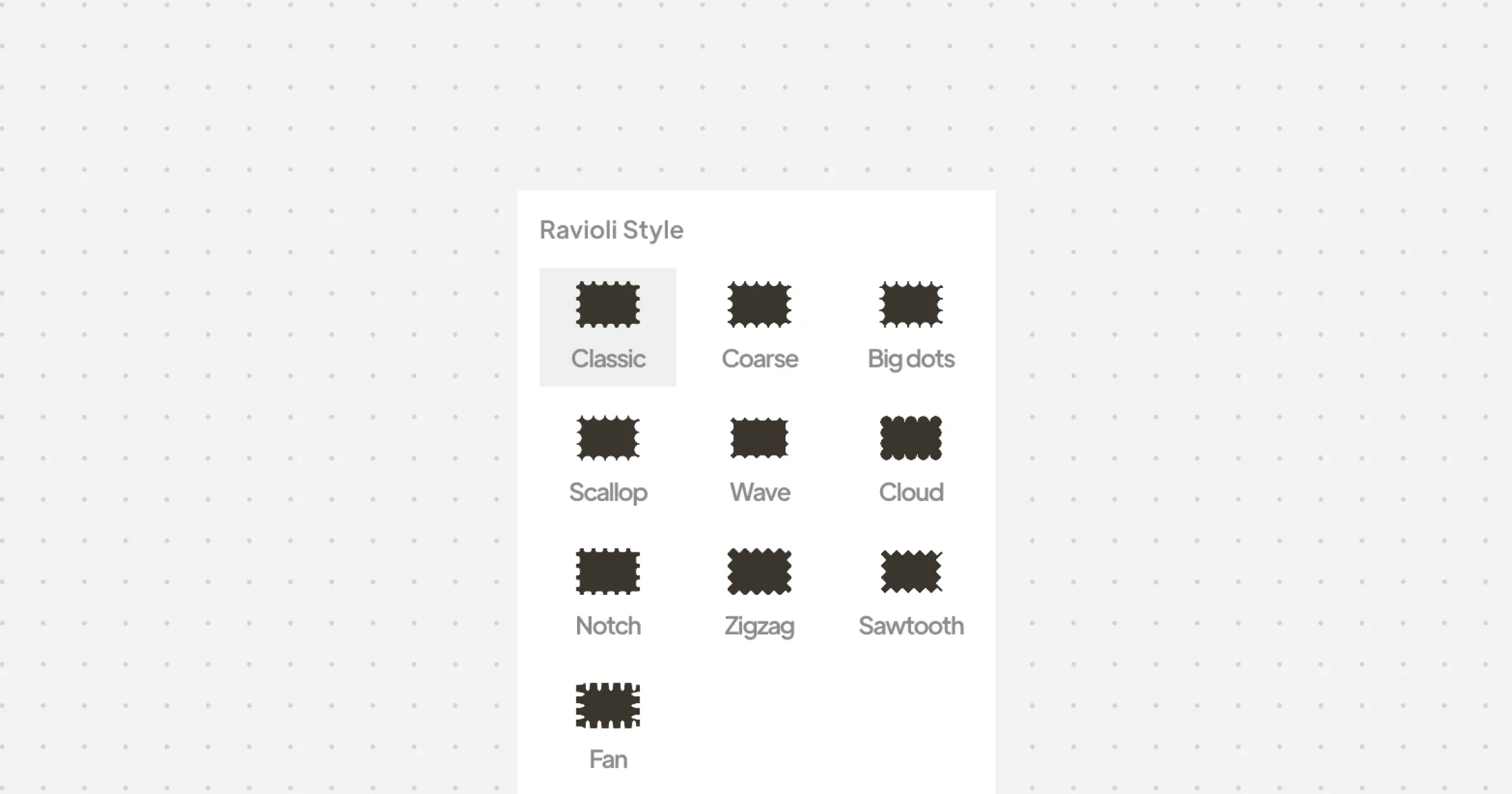
Ravioli is a tiny design tool for creating custom postage-stamp shapes. Select a shape, adjust the stamp size, holes and roundness, then export your result as a transparent PNG or scalable SVG.
Hey Product Hunt! 🦦 I built Ravioli because I wanted a simple postage-stamp effect for my designs, but opening Figma each time and playing with its pen just to create one felt like overkill! So I made a tiny tool that does exactly that. With Ravioli, you can create a customized stamp shape, adjust the holes and roundness, and export it as a transparent PNG or SVG. It’s free, simple, and requires no signup. I’d love to know what you’d use Ravioli for — and what you think I should add next 🥟
0
回复

Adding a white/light image you cannot see the borders, might want to add a small shadow here or offer a dark mode.

0
回复

hey Hesam, cool little tool. I'd use this for a "reviewed" stamp overlay on internal screenshots during async design reviews - way faster than opening Figma just to drop a stamp shape on something and re-export as a png. one thing that'd save a step for me: a couple of built-in stamp presets (classic postmark circle, wax-seal scallop edge) so I'm not manually dialing in roundness + hole spacing from scratch to get a familiar look.

0
回复

a real use i had for this yesterday: i needed a 240px png for a product hunt thumbnail and the source art was svg only, which ph wont accept there, so i was already rasterising through a url based converter just to get a flat png out. a stamp edge on that would have been a nice touch and i still wouldnt have opened figma for it. the thing id check before adding anything is how the svg export is structured. if each perforation comes out as its own subpath instead of one compound path with an even-odd fill rule, it looks identical in a browser and then falls apart the moment someone uses it as a clip mask or sends it to a cutter. thats the bug that gets reported to you as it broke in illustrator, with no other detail. and if you want one small addition, exporting at an exact pixel width rather than a scale multiplier would have saved me the step i did by hand.

0
回复

It feels like going back to the era of stickers, stamps and everything what we used to collect as kids :)

0
回复

@busmark_w_nika You nailed it, Nika! It has that perfect nostalgic vibe. But honestly, what I love most is how simple the maker made it—no signup, just pure utility. It’s awesome!

0
回复
@busmark_w_nika but now it's not classified as kids stuff
0
回复
#8
Ulpaso
Stop paying just to take meeting notes
112
一句话介绍:Ulpaso 是一款本地运行的 macOS 会议录音转写工具,无需账号、云服务或订阅,直接把麦克风与系统音频转写成可编辑的 Markdown 文件,解决“记会议笔记却被工具绑架”的痛点。
Productivity Open Source Notes
本地优先 会议转写 语音识别 Markdown 隐私安全 无订阅 macOS工具 麦克风+系统音频 离线处理 开源(MIT)
用户评论摘要:用户最看重“无需登录”和本地文件存储,尤其对涉及账号密码等敏感信息的客户通话场景,云转录存在泄露顾虑。有用户关心双人同时说话时转写是否清晰准确,另有人对评论中被标记为“可能AI生成”的质疑表示困惑。整体反馈聚焦隐私信任与转写质量,而非价格。
AI 锐评

Ulpaso 的聪明之处在于它没有发明新需求,而是精准踩中了现有 AI 会议笔记工具最招人烦的三大槽点:强制云同步、账号体系和订阅制。它的“反叛”姿态——录音、转写、存 .md,三步完事——在 Product Hunt 上天然具备传播势能,112 票虽然不算爆款,但评论里那种“终于有个工具不惦记我信用卡了”的共鸣感,比票数更有价值。

但坦率讲,这款产品的护城河很浅。技术上,本地转写依赖 macOS 自带的语音识别能力,双人重叠语音的处理几乎肯定不如云端大模型(如 Whisper 或 Otter)的针对性优化。它的竞品不是其他 AI 笔记软件,而是“备忘录 + 系统录音”这个免费组合——如果用户对编辑格式要求不高,Ulpaso 的差异点会迅速稀释。

真正值得肯定的不是功能,而是它重新定义了“笔记工具的信任边界”。在 AI 功能泛滥、隐私承诺沦为免责声明的今天,Ulpaso 用“一个文件、无遥测、MIT 协议”把控制权完全还给用户,这种极简主义反而成了最锋利的卖点。然而,极简的代价是天花板明显:它适合单机、个体、注重敏感信息的用户,但一旦需要跨设备协作、语义总结或团队共享,Ulpaso 的“自由”就变成了“孤岛”。

一句话锐评:它是会议笔记工具里的“反抗者”,但不是“颠覆者”——勇气可嘉,但接下来得证明自己的转写质量配得上这份“不联网的骄傲”。

查看原始信息
Ulpaso
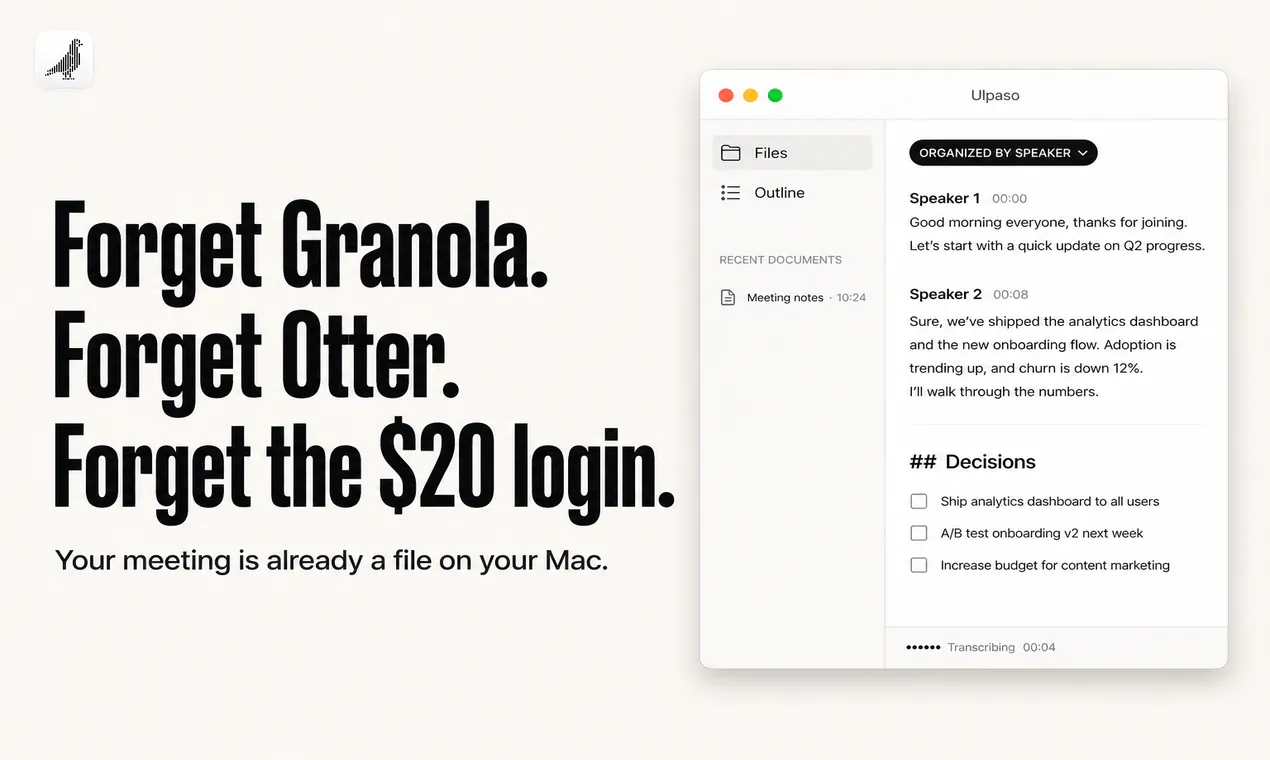
Your meeting-notes app wants the recording, an account, and a card. Ulpaso doesn't. Press record. Mic + system audio get transcribed on your Mac and land in a Markdown file you can actually edit. No cloud. No login. No $20/mo for a checklist.

hey,

i got tired of apps that need my meeting, my email, and my credit card before i can write anything down. so i made a local markdown editor that just… takes the meeting.

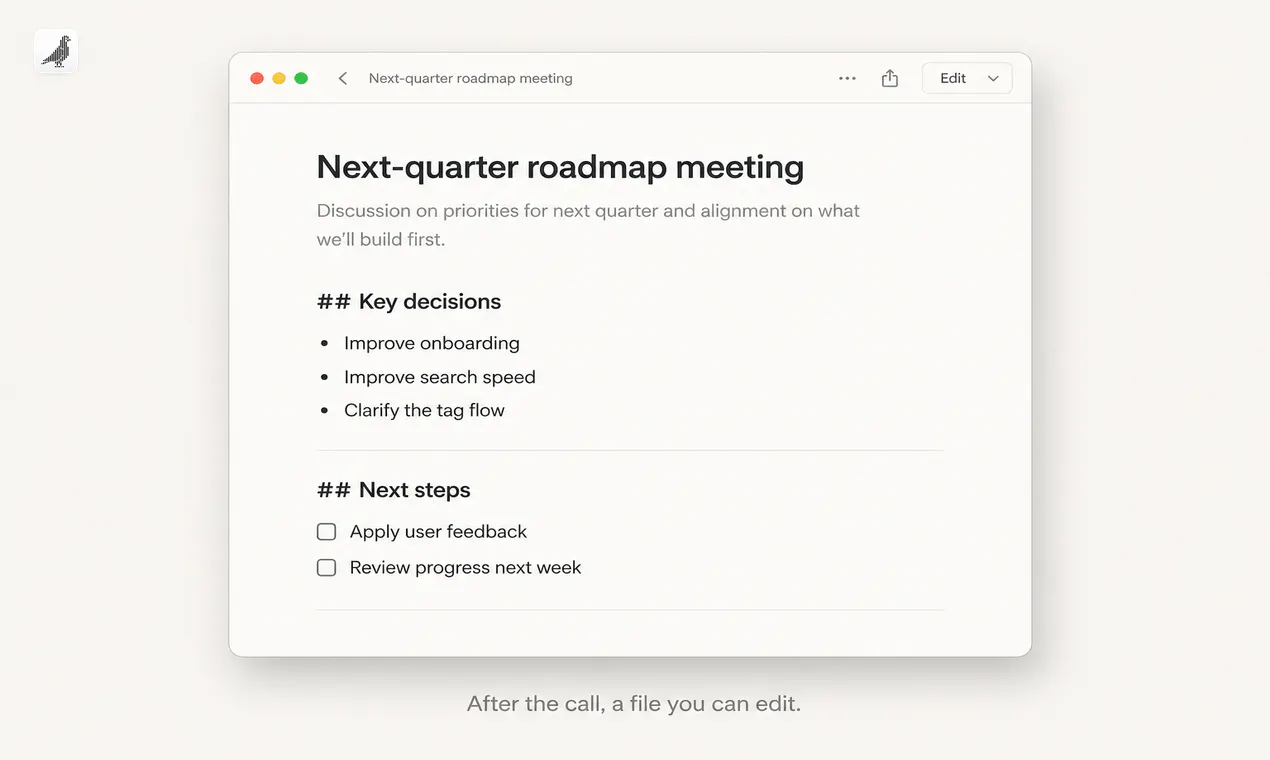
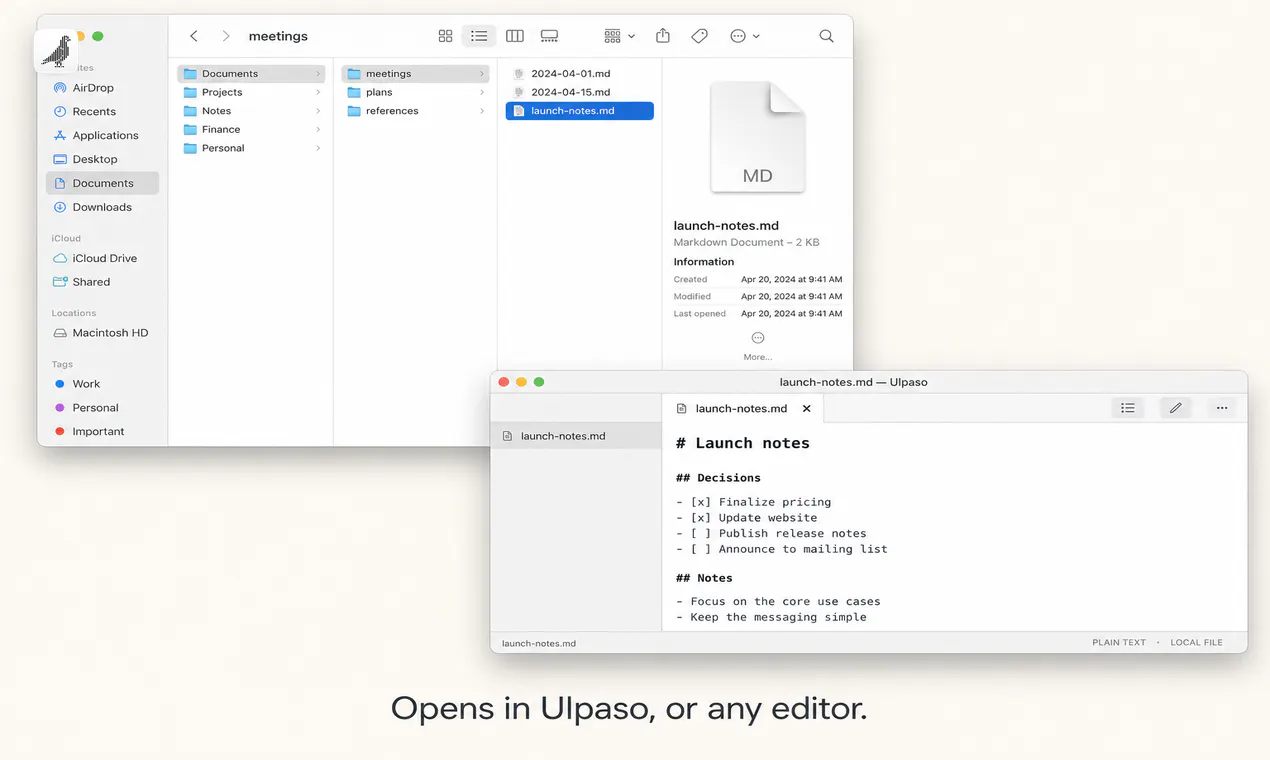
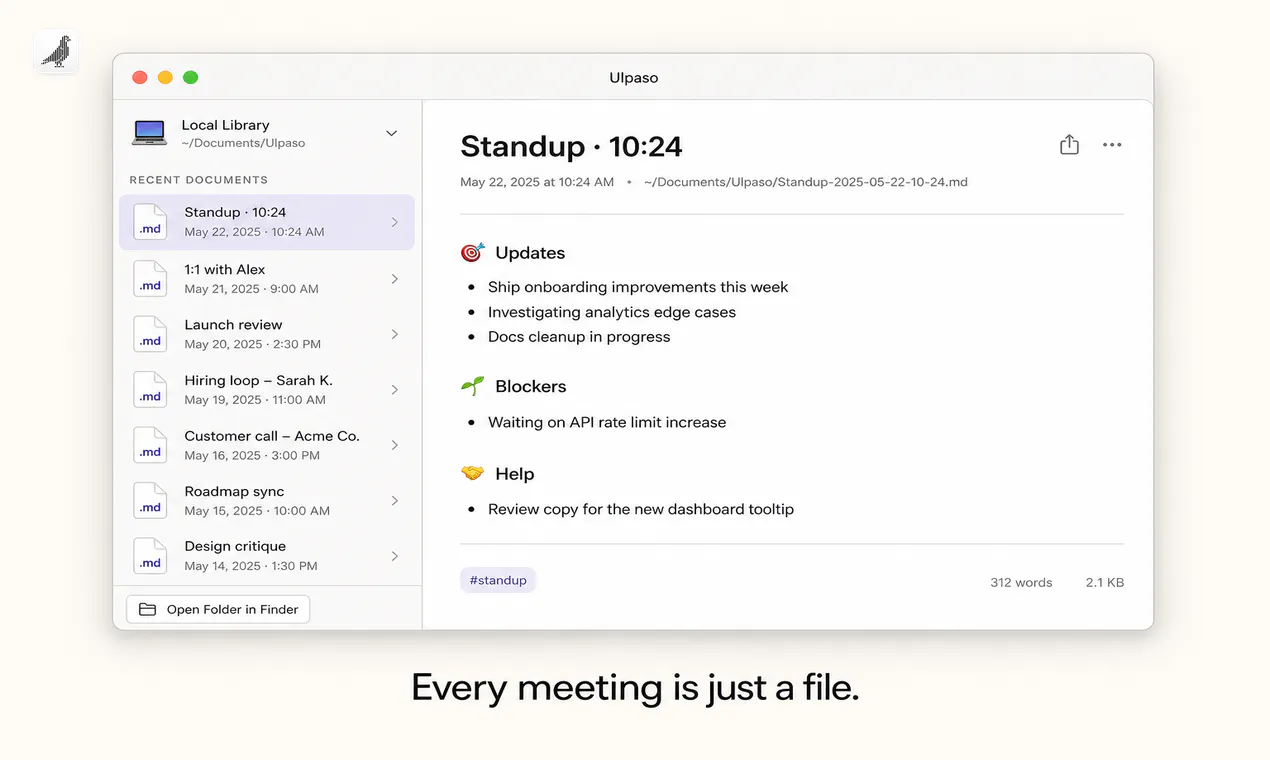
press record. your mic and system audio get transcribed on your mac, organized by speaker, dropped into a real .md file in ~/Documents. you can edit it. it’s a file. that’s the whole product.

no cloud workspace. no proprietary format. no subscription. no account. no telemetry. free, forever, on your machine. mit license.

curious what meeting you’d actually record with this. not the “someday” one. the one on monday.

4
回复

No login is the part that sells it, since half of these want an account first. Does it handle two people talking over each other? We went live today too, good luck out there.

0
回复

the meeting on monday for me would be a client call where they share account numbers or other sensitive stuff out loud that I don't want sitting in someone else's cloud transcription history. that's the actual reason I'd pick this over the AI notetaker bots - not the price, the fact that a plain .md file on my own disk is the only format I'd trust for that kind of call.

0
回复

@galdayan why is this comment, yours 'likely AI'? Your comment is good, btw.

0
回复

@galdayan Privacy is really a concern, true that.

0
回复
#9
RIP MY BUILD
Give your abandoned side project one last launch
110
一句话介绍:RIP MY BUILD 是一个“副项目墓地”式的公开悼念平台,让开发者以付费发布“讣告”的形式,为自己的废弃项目留下可分享的永久页面,包含失效链接、死因、教训与下一步计划,从而把失败转变成一种对外展示和引流资产。
Web App Side Project Startup Lessons
副项目悼念 项目失败复盘 开发者社区 公开讣告 独立开发者 产品墓地 启动页营销 项目复盘工具 付费发布 个人品牌
用户评论摘要:用户普遍认可“诚实复盘比高光帖更有价值”的定位;有人提出产品上线与“被看见”是两回事,询问能否修改已发布的讣告;建议开源并支持MCP协议以便处理“僵尸项目”;部分用户反馈自己有多款死掉的项目,愿意尝试;创始人回复称考虑采纳开源建议,并宣布永久免费以鼓励分享。
AI 锐评

RIP MY BUILD 的聪明之处,在于把“失败”重新包装成一种具有社交货币属性的内容品类。它的核心价值不是那 $12 的发布费,而是精准切中了独立开发者群体中普遍存在却未被满足的两种需求:一是“葬礼式的情绪闭环”——用一个有仪式感的动作,正式告别耗费心血的旧项目,从而获得心理释然;二是“下一个项目的前置引流”——通过一篇坦诚的复盘,在同温层社区里建立“这个创始人靠谱、有反思力”的认知,为下一款产品提前蓄水。从评论反馈看,用户真正在意的功能点(如修改讣告、MCP接口)都指向“让这份死亡证明能持续产生价值”,而非单纯陈列。

但产品存在明显的天花板风险。首先,免费浏览+付费发布的模式,会让内容供给严重依赖少数愿意付费的发言者,而免费化虽是讨好社区的妙手,却也会让园区的“纪念性”贬值——当所有失败都能随便发,讣告的传播力必然稀释。其次,当前形态本质上是一个轻量内容社区,缺乏强运营机制(如行业分类、失败类型标签、创始人再出发跟踪),很容易沦为“失败者树洞”而不是“决策参考库”。更深层的矛盾是:真正的失败复盘需要直指核心错误,但大多数创始人并不愿意把“我判断错了市场”这种话永久挂在一个可被搜索的页面上——这会导致内容趋同于“无伤大雅的自嘲”,反而削弱了它宣称的“诚实”价值。

如果团队真想跑通,应该尽快把重心从“纪念品商店”转向“失败数据基础设施”:比如按行业、融资阶段、死因建立可检索数据库,让后来者真正能通过搜索“CRM+SaaS+获客失败”看到同行掉过的坑,同时引入“复活显示”机制(项目重新上线则自动加盖“RESURRECTED”章),把静态情绪产品变成动态创业者信用档案。否则,它大概率会死于自己最擅长庆祝的那种死法——热闹一阵,然后被遗忘。

查看原始信息
RIP MY BUILD
RIP MY BUILD is a side project cemetery for honest public postmortems. Publish a permanent obituary with the original link, cause of death, lesson learned, and whatever you’re building next. Every memorial gets a shareable page, visitor roses, permanent plot adornments, and a weekly honors leaderboard. It turns the useful truth at the end of a project into closure, a launch asset, and a path to the founder’s next chapter. $12 per obituary; no account needed to browse.

the lesson that stuck with me: I kept polishing the product before ever putting up a landing page. if I'd shipped a one-page waitlist in week one instead of week twelve, I would've known within days whether anyone actually cared, instead of finding out months later after building the whole thing. love the concept here, honest postmortems are way more useful to other builders than the highlight-reel launch posts we usually see.

1
回复

@galdayan Would love for you to share it with a larger audience on https://ripmybuild.com

0
回复

Mine is not buried yet, but today taught me that shipping and being seen are two different problems. We went live today too. Can an obituary be edited if the thing comes back?

1
回复

This is outstanding. Make it open source so some propeller head, like me, can make an MCP that lets the bots get prompted with any zombies/dead ones out there. I hope this takes off.

1
回复

@rick_segal1 Haha, I'll add that to my list!

1
回复

My projects really could use a kickstart

1
回复

@ashton_latham I wrote a bit about that here https://x.com/horiajurcut/status/2094008273682764151 maybe some valuable insight

0
回复

three dead ones here. agency, then voice ai, then a procurement tool, in that order, before the thing that actually worked. the one that still bothers me is that our first ever paying customer signed, paid, and then never logged in. not once. at the time i read that as a win because the money had arrived. it took me embarrassingly long to notice that a signature and a payment can both happen without anyone actually wanting the thing. so if i wrote the obituary it would say we kept going because the invoice cleared, and nobody checked whether anyone had opened it.

1
回复

Heheh have a lot of these projects man! Love the idea and I will try it out of course. Wish you all the best here!

1
回复

@german_merlo1 Appreciate it! Let me know of you need any help!

0
回复

Anyone feel like sharing some of your lessons with other early stage builders?

0
回复

I've decided to make obituaries FREE, permanently, to encourage more people to share!

0
回复
#10
Superagent
Claude Code for the rest of us
106
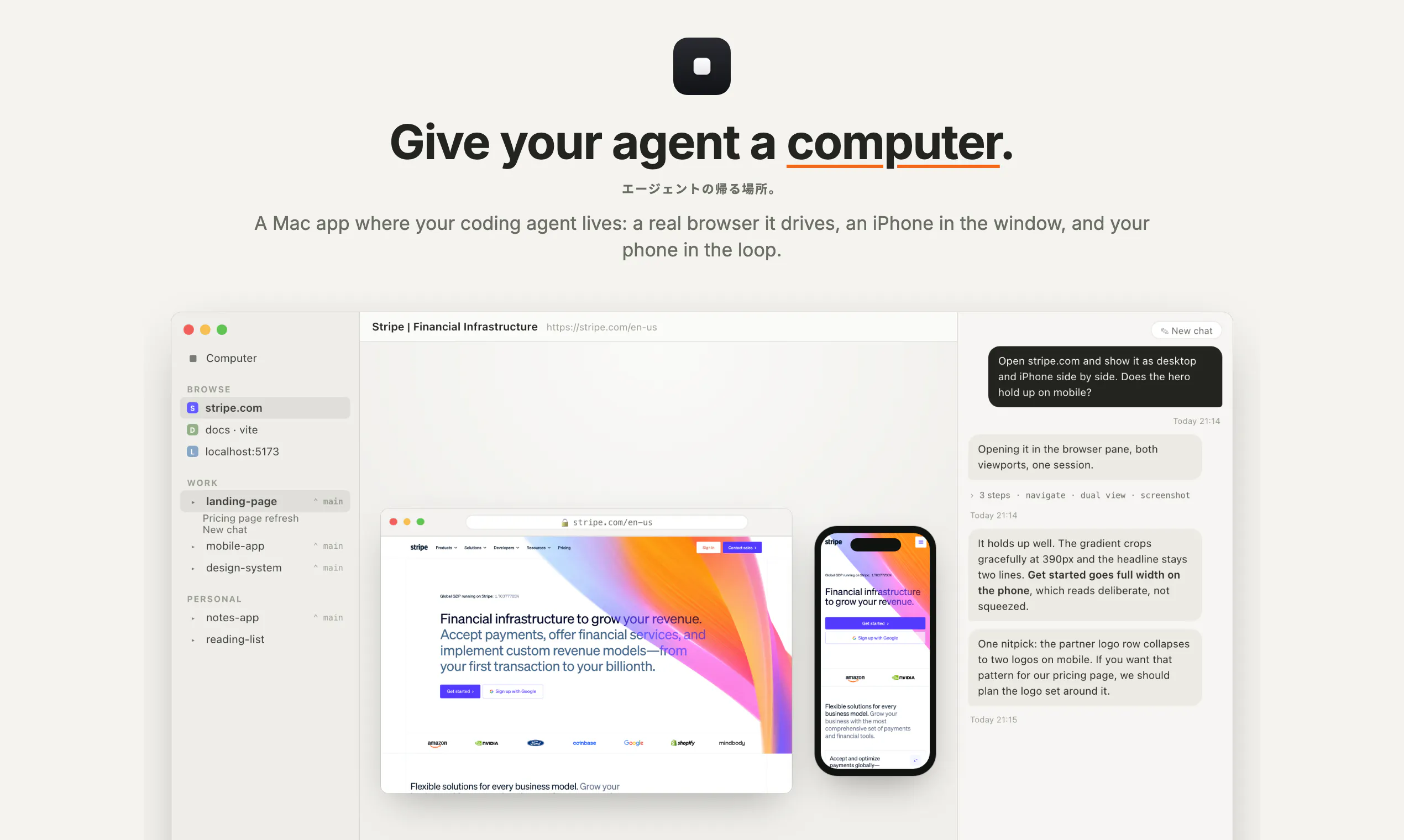
一句话介绍:Superagent 是一款将 Claude Code 包装成 macOS 原生体验的本地 AI 编程代理桌面应用,让非终端用户也能在独立 git 分支、真实浏览器与 iOS 模拟器中可视化地指挥 AI 完成编码与验证任务。
Mac Developer Tools Artificial Intelligence GitHub
AI编程助手 本地优先 开源 macOS应用 iOS模拟器 Git工作树 端到端加密 无服务器 浏览器自动化 开发者工具
用户评论摘要:用户高度认可“每任务独立 git worktree”设计,直击多代理并发编辑冲突问题。但对“真实浏览器+已登录会话”提出安全疑虑:阅读与发送操作难以区分,且人类注意力随时间下降,长时间运行后权限边界失控。希望引入基于动作(而非网站)的允许列表,对发送、支付、删除等副作用操作强制二次确认。
AI 锐评

Superagent 的聪明之处不在“更懂代码”,而在“重做人机边界”。它把终端里不可见、不可逆、不可中断的代理过程,翻译成 Mac 用户熟悉的窗口、侧边栏和通知体系——这是对“Copilot 模式”的实用主义修正,承认大多数用户无法在纯文本流里持续监督代理行为。

但评论者精准戳中了两个致命软肋:其一,**权限颗粒度与注意力曲线成反比**。所谓“watch and take back”在最初十分钟内有效,一旦你切走看邮件,代理在第四十分钟发出的删除请求将无人拦截。浏览器的“已登录会话”天然将读取与写入暴露在同一接口下,这让安全模型退化成“信任代理到最后一刻”。其二,**“独立 worktree”解决的是隔离,而非协作**——当两个代理分别在自己的分支上修改同一函数时,你获得的是精心制作的冲突,而不是干净的合并。

产品真正的价值分水岭在于:它能否把“动作级确认”做成不打断心流的原生体验——比如让破坏性操作在侧边栏以可撤销卡片形式呈现,而非弹窗打断。目前它仍是将终端问题包装成 GUI,但至少,它让“AI 为你干活”这件事从“观赏脚本运行”变成了“检查助理提交的成果”。方向正确,但安全护栏必须从“基建可读”升级为“行为可审计”,否则这款产品只会成为资深用户的自嘲式玩具,而非“rest of us”的可靠工具。

查看原始信息
Superagent
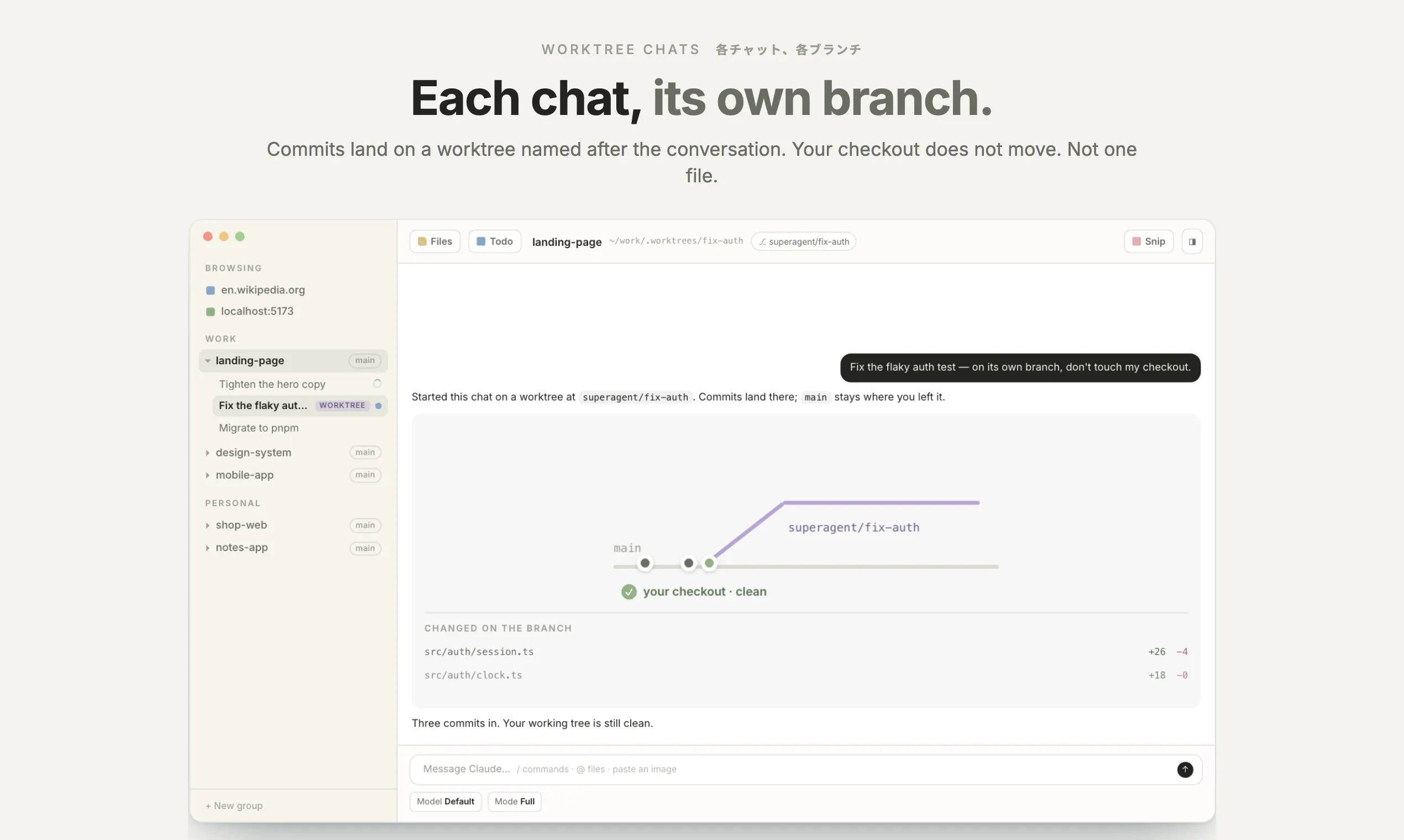
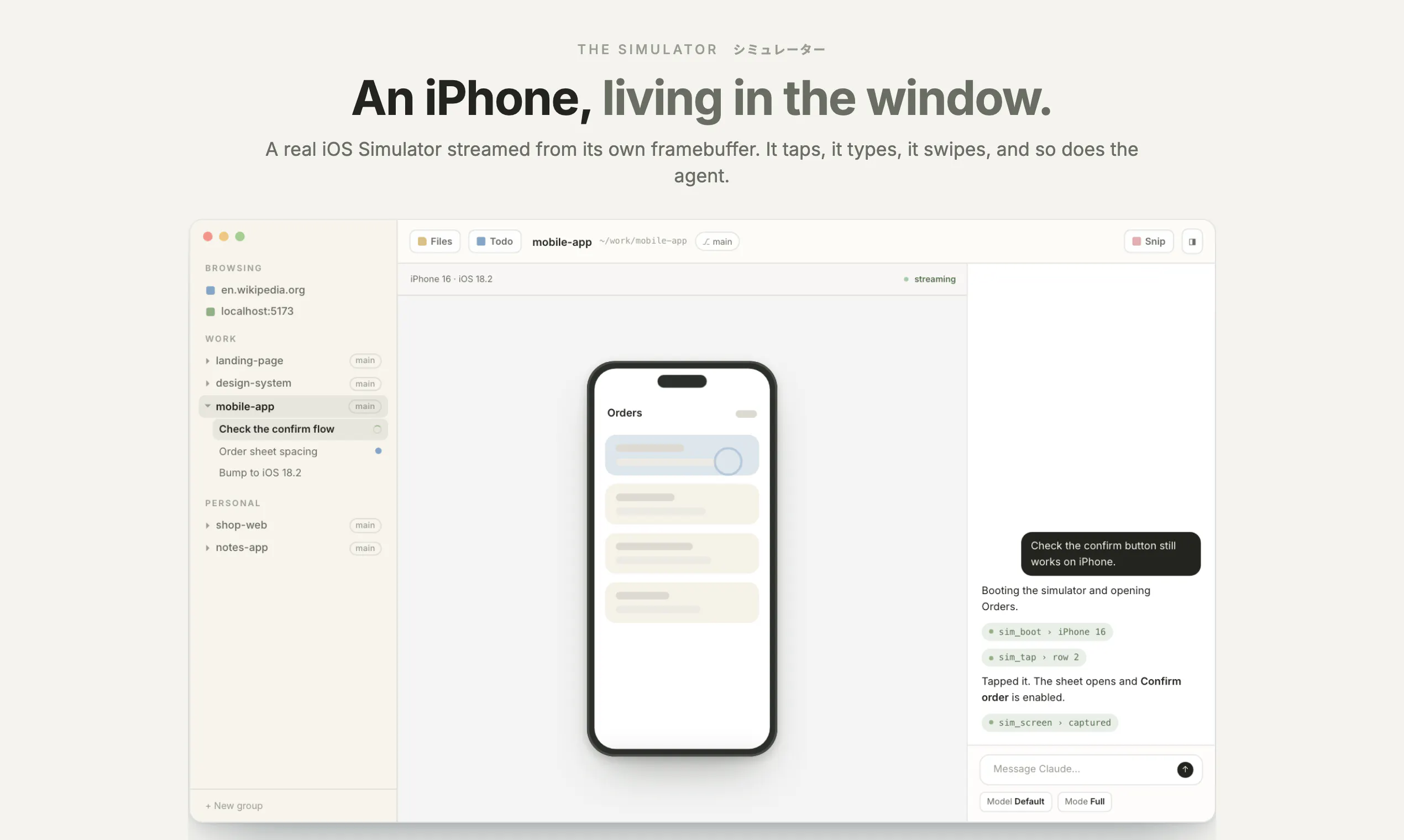
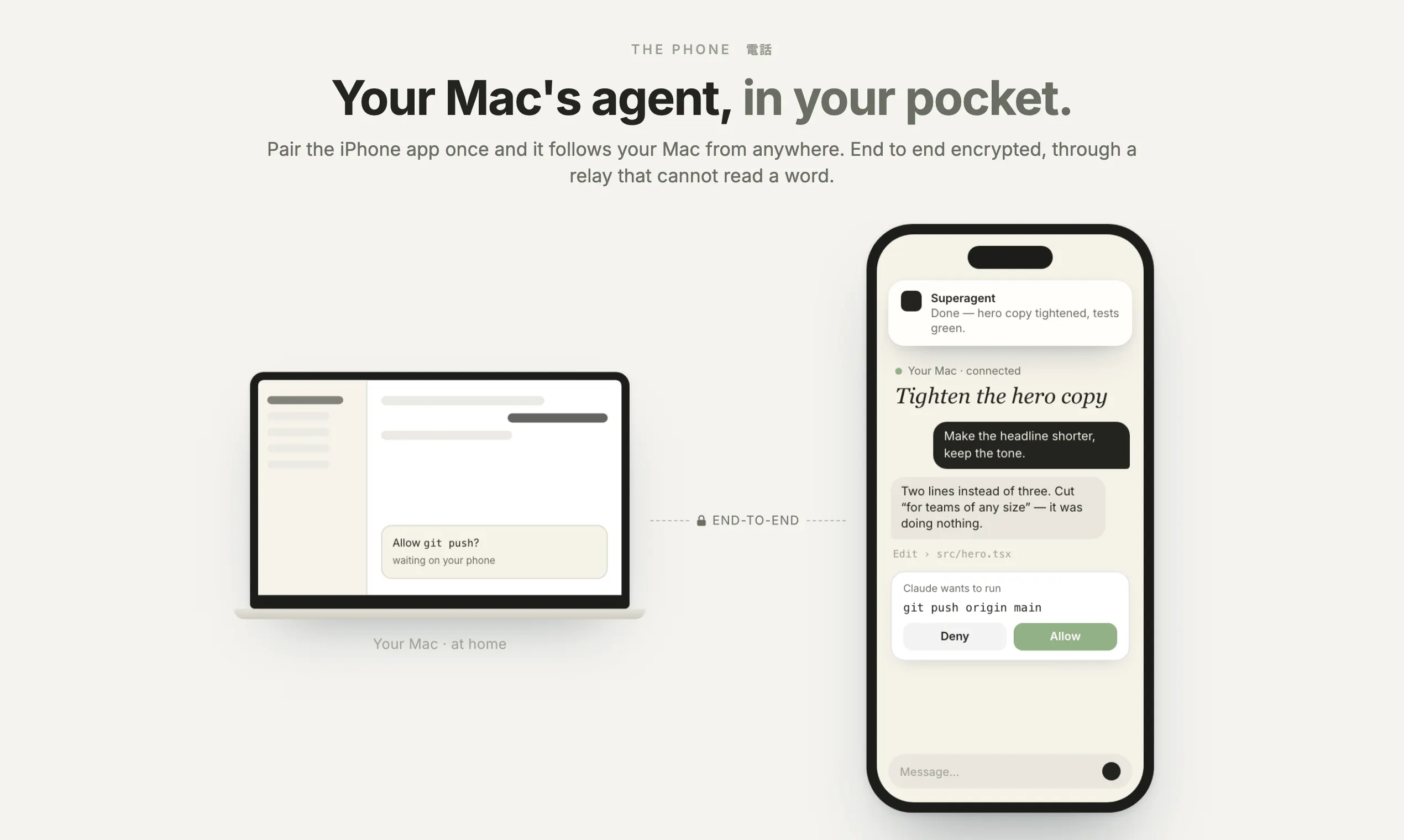
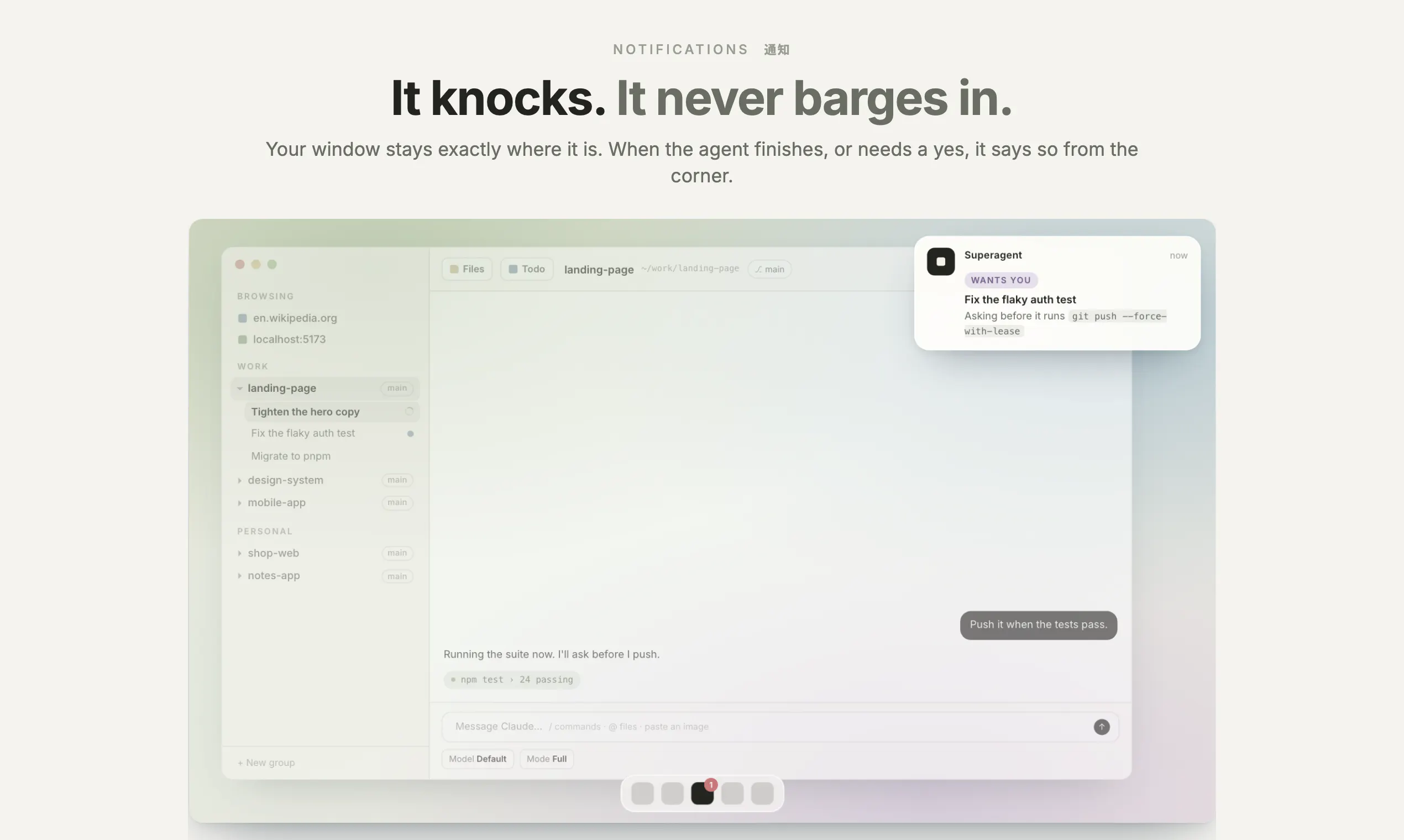
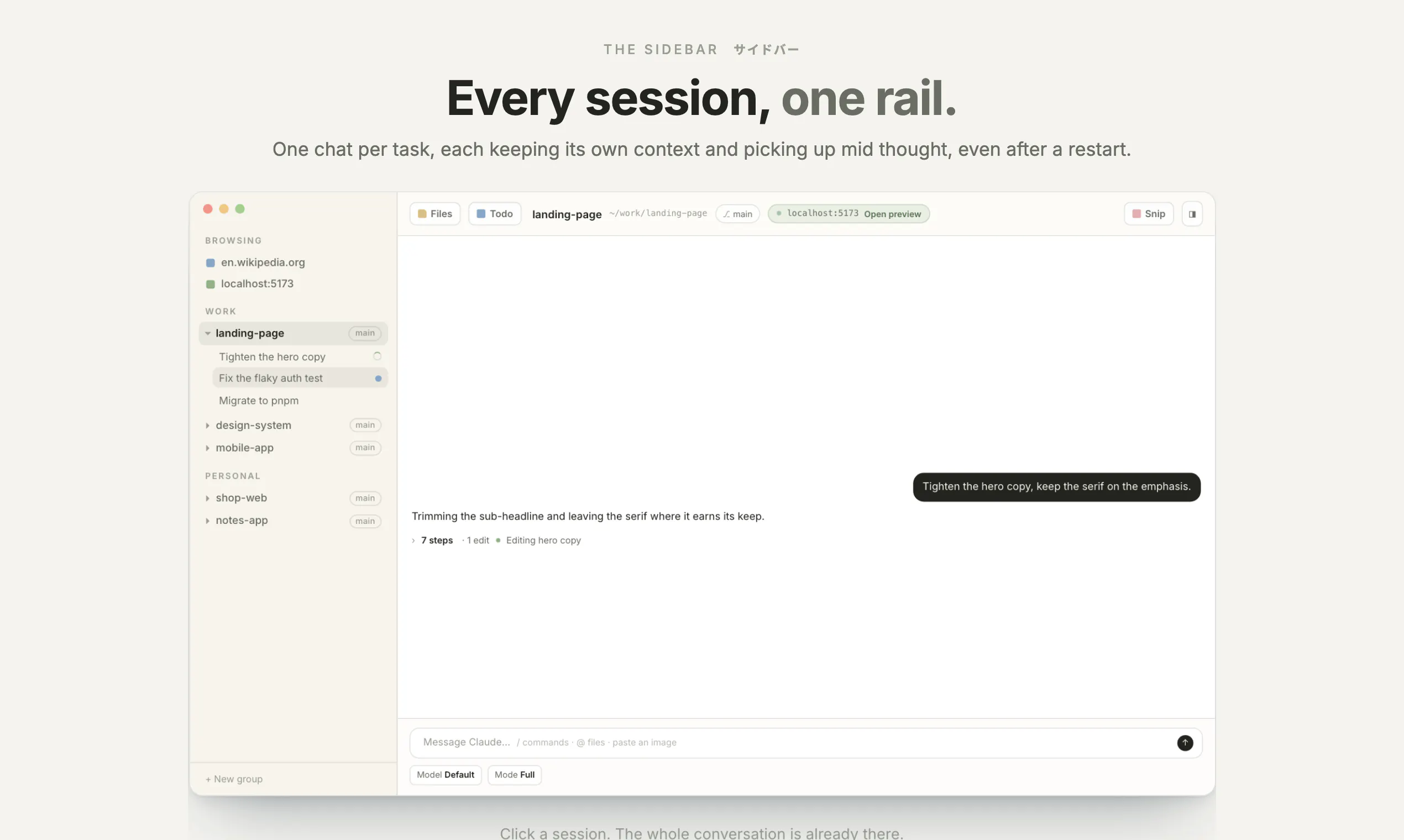
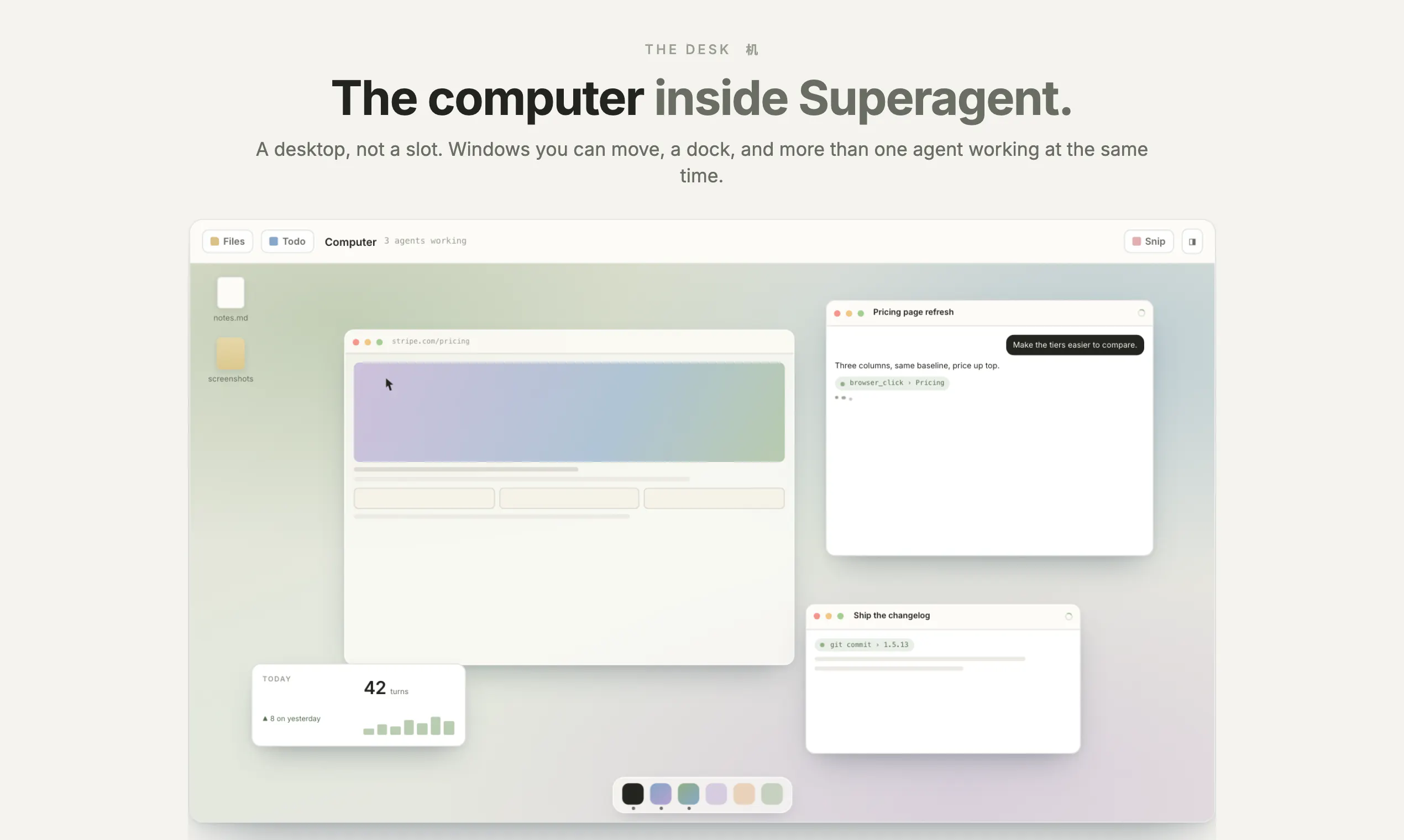
Working with a coding agent should feel like using a good Mac app, not a terminal. Superagent gives yours a computer: a real browser it drives on your own logged-in sessions, an iOS Simulator it taps and swipes, your files, a board it keeps, routines on a timer. Chats sit in a sidebar you can group, survive restarts, and never steal your focus. Each runs on its own git worktree. Pair your iPhone and the work follows you, encrypted end to end. No account, no server, no second bill. Open source.

Hi Product Hunt 👋 I the maker of Superagent.

Claude Code writes the code. Then it hands you a wall of scrolling text, forgets everything the moment you close the window, and leaves you alt tabbing to check whether the page actually changed.

So I gave it a computer. A screen, a browser on your own logins, an iPhone in the window, your phone in your pocket. Built to feel like a Mac app rather than a terminal.

✨ Beautifully built. Chats grouped the way you actually think. Panes and open files restored after a restart. A window that never raises itself when an agent finishes at 2am. Notifications that tell you what it actually said. Type mid turn and it reads you before it finishes.

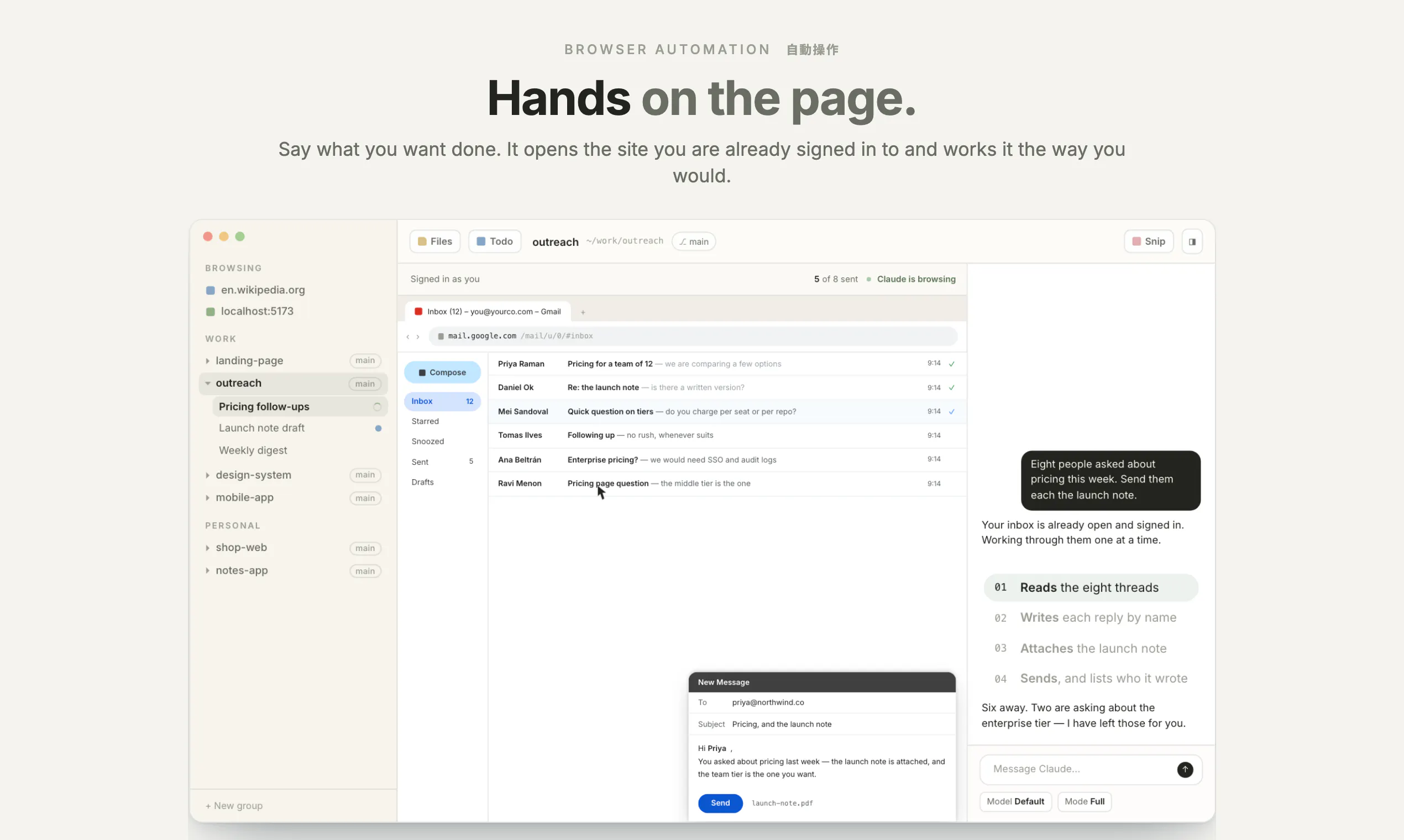
🖥️ A real browser. The one on your screen, in your own logged in sessions, which you watch and can take back mid click. Not a headless one you never see.

📱 An iPhone living in the window. A real iOS Simulator streamed from its framebuffer. The agent taps and swipes it itself, so it builds an app and then checks it.

🤝 Your phone in the loop. Pair the iOS app with a QR and approve what the agent asks from the sofa. End to end encrypted, through a relay that holds no key and stores nothing. Run your own with one command.

🌿 A room per task. Start a chat on its own git worktree and it commits on its own branch. Your checkout never moves. Not one file.

🔒 Private. No account, no server, no telemetry, no second subscription. It runs Claude Code locally on the plan you already pay for. All three pieces, the Mac app, the iPhone app and the relay, are MIT on GitHub. Do not trust me, read them.

And anymore! I am here all day. Which part of the computer would you want next?

0
回复

Driving a real browser on my own logged in sessions is the feature and also the part I'd think hardest about. An agent can't tell reading my inbox from sending from it, both are a tool call that returns success, and only one of them spends something I don't get back. The worktree per chat is what made me look twice, because the failure I actually hit isn't a bad diff, it's two agents editing the same file an hour apart with neither knowing. What I'd put on the page is the list of actions that stop and ask, since that list is the real product boundary.

0
回复

the real browser on your own logged in sessions is the bit that will decide whether people keep this, and its also the scariest line in the whole post, which i mean as a compliment. the honest problem with watch it and take it back mid click is that watching doesnt scale. i watch the first ten minutes and then i stop, and the thing it does at minute forty is the one that actually mattered. my attention drops off and the permissions stay exactly where they were. so what id want sitting next to it is an allowlist on actions rather than on sites. reading anything is fine. clicking something that sends, posts, pays or deletes should come back to me, and that list is short enough to actually enumerate.

0
回复
#11
Sayscroll
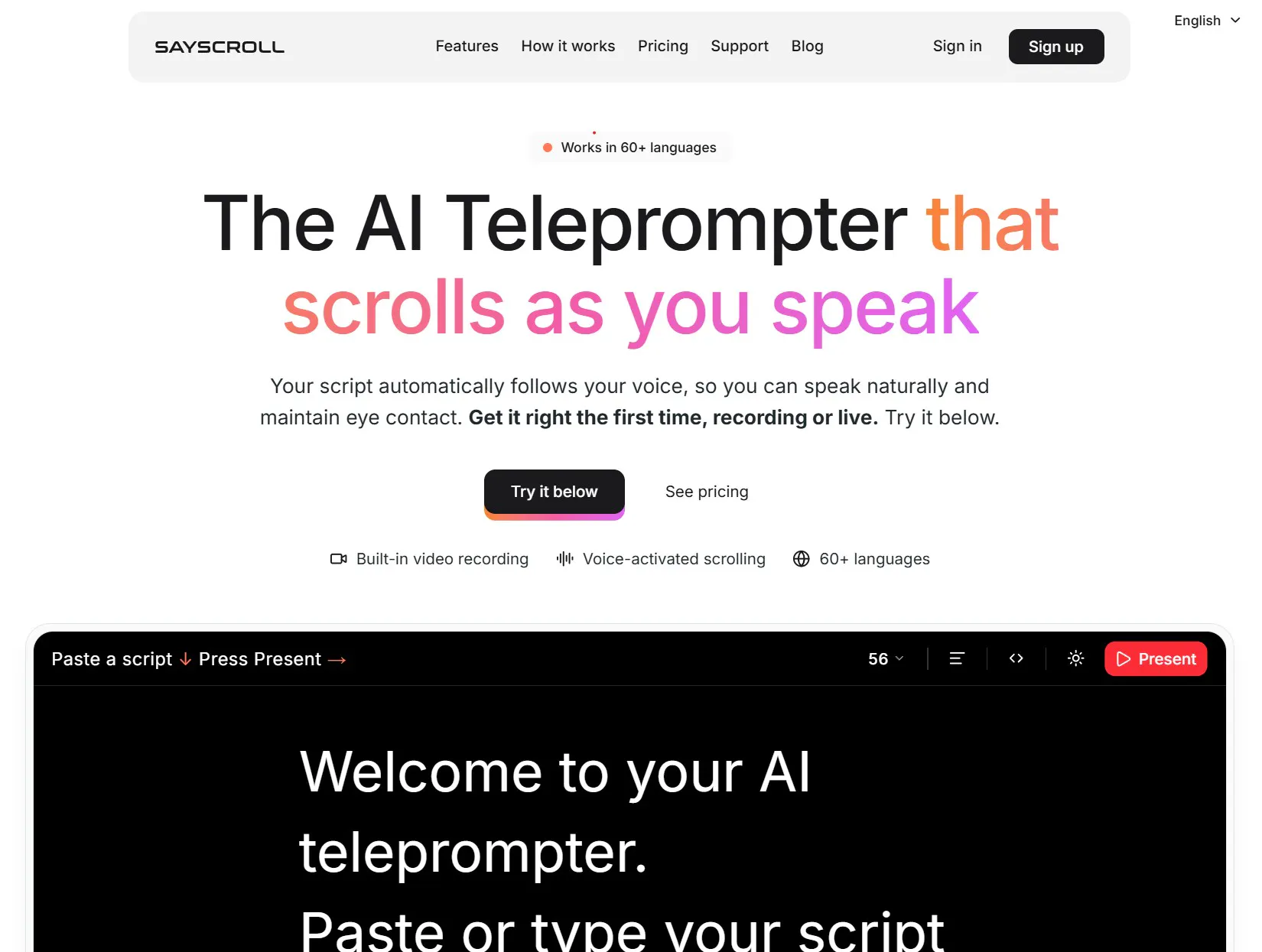
The AI Teleprompter that scrolls as you speak
97
一句话介绍:Sayscroll 是一款能“听”你说话的 AI 提词器,通过语音识别自动跟随你的语速滚动脚本,解决视频录制、演示和直播时手动调速导致的目光游离和忘词痛点,让你自然开口、保持镜头感。
Artificial Intelligence Tech Video
AI提词器 语音跟随 视频录制 直播助手 演示工具 多语言支持 浏览器应用 内容创作 口播辅助 无安装软件
用户评论摘要:创始人自述痛点真实:录制加速器面试时手动调速分心,因此开发产品。用户最关注“自由发挥模式”的恢复机制,官方回复称能从中断处自动接续,无需关键词触发。整体反馈积极,但有效提问偏少,需更多实战验证。
AI 锐评

Sayscroll 切中的是一个真实且高频的创作痛点——镜头前背诵与自然表达的冲突。传统提词器要求人适应机器,而它的核心逻辑是让机器适应人,这个方向是对的,语音跟随也确实是技术上的合理解。

但“锐评”必须指出几个隐患:

第一,语音识别在嘈杂环境、中英文混读、专业术语密集的脚本下,准确率和跟随延迟会大幅衰减,而创始人并未披露任何关于误识别后的纠错机制,这恰是录播场景的致命伤。

第二,所谓“自由发挥”如果只是“暂停滚动”,那用户回归脚本时依然要自己找位置,回复中“自动接续”的说法过于模糊,缺乏对“接续点”如何判定(按句?按时间?按关键词?)的具体说明。

第三,97票的冷启动成绩只能算及格,评论中缺乏真正的深度用户反馈——比如长时录制的稳定性、浏览器性能消耗、是否支持外接遥控器或脚踏板等专业场景设备。

真正价值在于它把“提词器”从硬件附属变成了AI软件能力,但若要成为专业创作者的日用品,Sayscroll 还差一个“离线模式”和“录音校正”的闭环。否则,它只会是又一个“看着美好,录半小时就翻车”的演示产品。建议团队优先补足错误恢复机制和现场实况测试视频,而不是先铺 60 种语言。

查看原始信息
Sayscroll
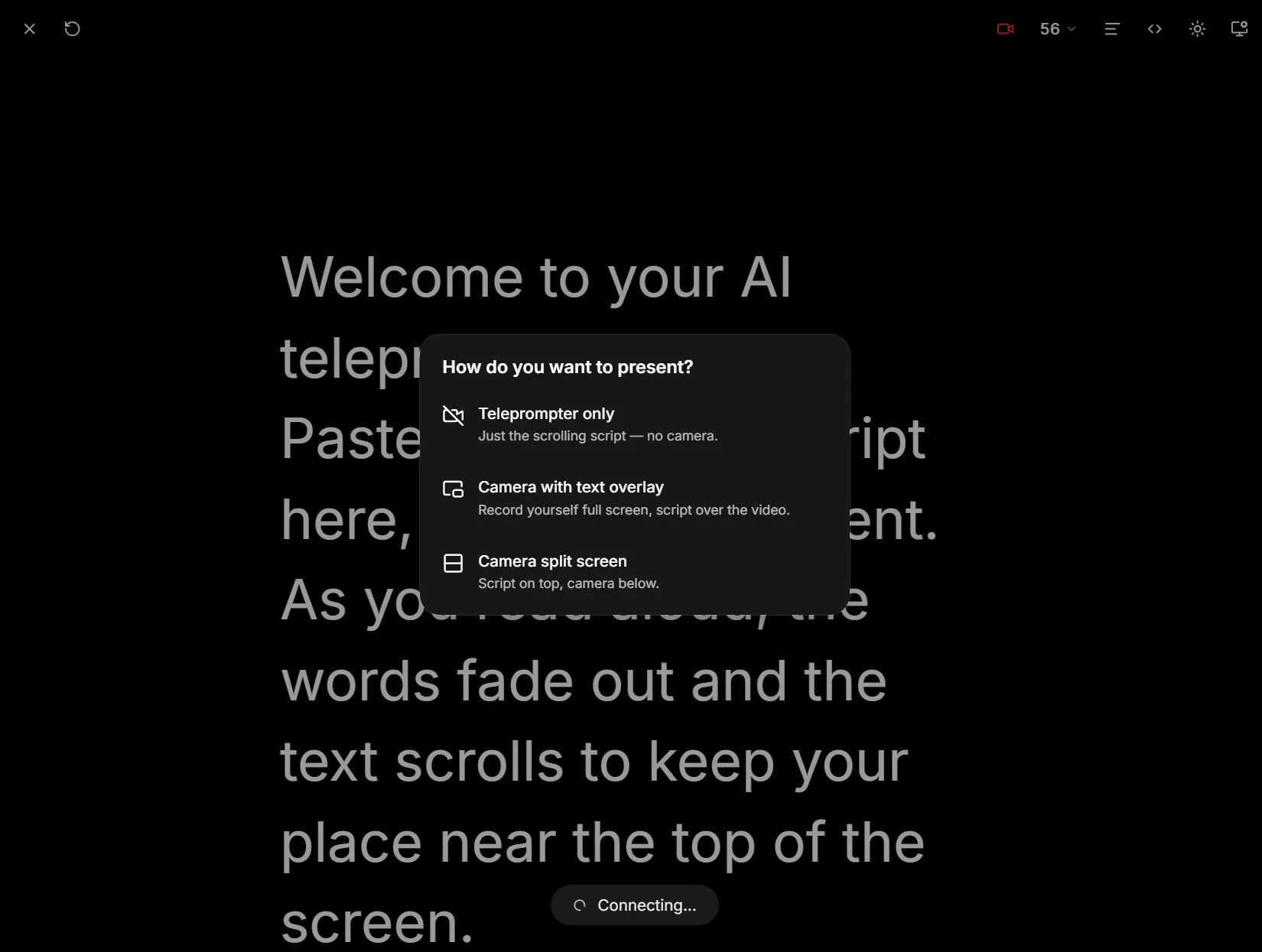
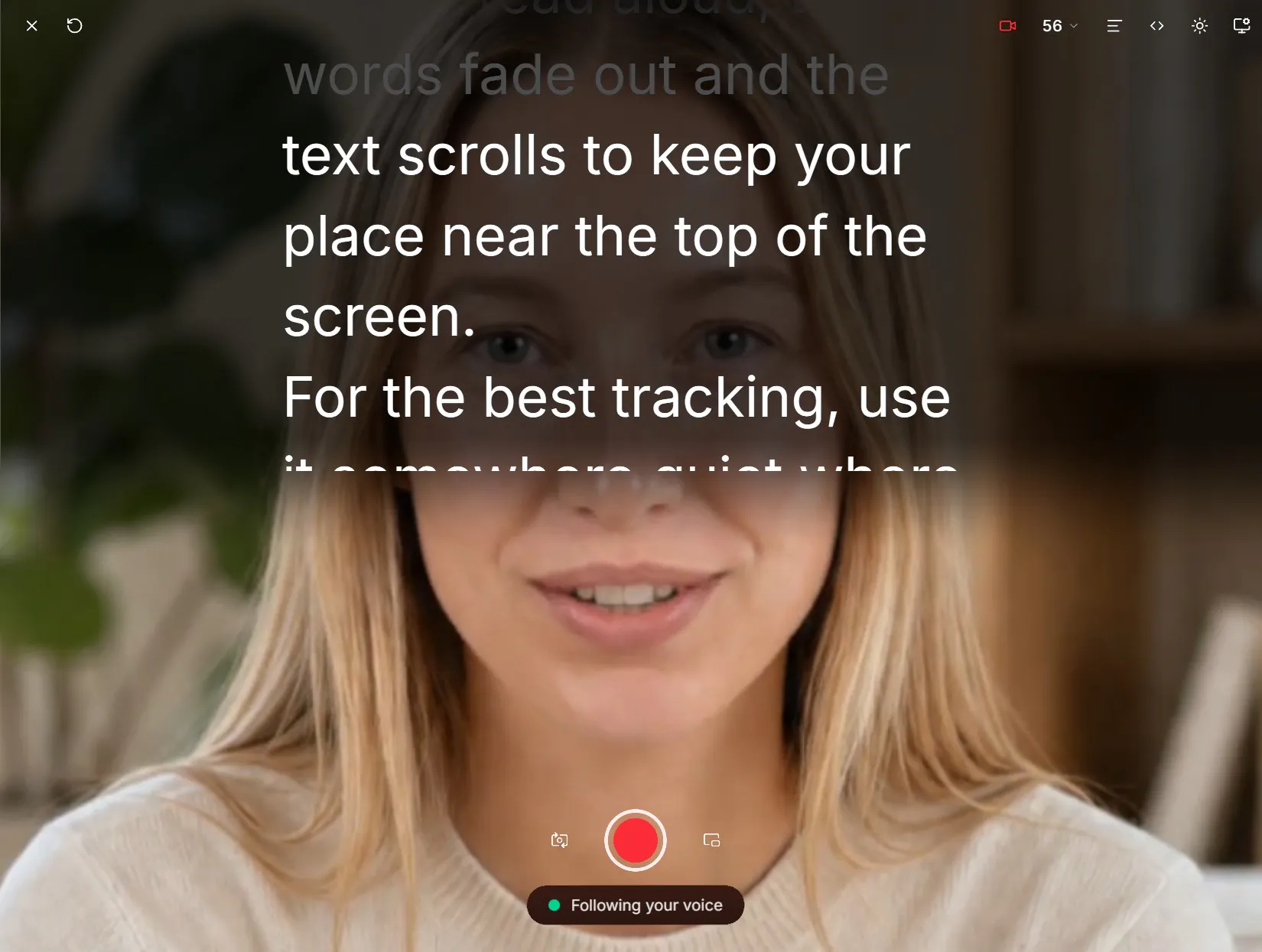
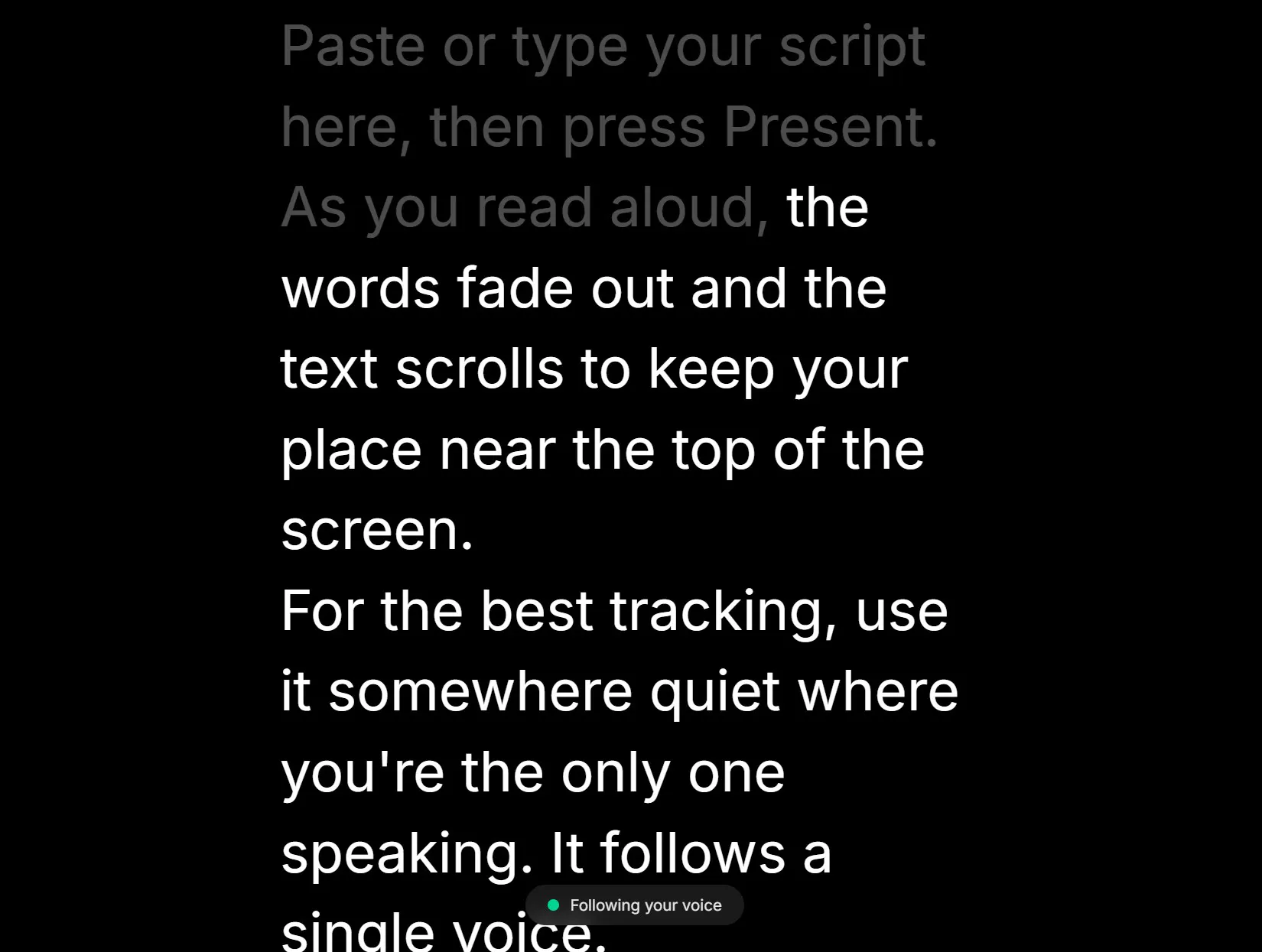
SAYSCROLL is an AI teleprompter that follows your voice, so you can speak naturally instead of constantly adjusting your scroll speed. It supports 60+ languages and works across videos, demos, presentations, and live content. - Built-in video recorder —Record yourself while reading your script - Improvise —The prompter waits while you go off script - Browser based —No downloads or setup - Studio-ready controls —Text size, column width, alignment, +mirror controls for pro screens
Hey Product Hunt! 👋 A while ago, I was applying to an accelerator and had to record a founder interview on camera. I knew what I wanted to say, but the moment I hit record, it became surprisingly difficult to sound natural while remembering everything I wanted to cover. I tried using a teleprompter, but constantly adjusting the scrolling speed was distracting. I’d either fall behind, get ahead, or lose my place whenever I went off script. So I started thinking: why can’t a teleprompter just listen to me and follow along? That became SAYSCROLL Just paste your script, start speaking, and the teleprompter follows your voice automatically. I built it first to solve my own problem, but I realized it could be useful for anyone who needs to speak on camera or in front of an audience. Would love to hear what you think! 🚀
4
回复

@nickolas_damofli well done!

0
回复

Improvise mode is the part I'd test first, since that's where these usually break. Does it pick you back up mid-sentence or wait for a keyword?

1
回复

@yelyzaveta_kibets Hi Lisa, it picks up right were you left off. You don’t have to do anything more!

1
回复
#12
oMLX
Mac LLM server that cuts agent wait times from 90s to 5s
91
一句话介绍:oMLX 是一款运行在 Mac 菜单栏的本地 LLM 推理服务器,通过将 KV 缓存分层写入 SSD 并在重启后保留,把 Claude Code 等智能体工具的连续对话等待时间从 90 秒压缩到约 5 秒,且全面兼容 OpenAI / Anthropic API,支持文本、视觉、OCR、嵌入与重排模型。
Open Source Developer Tools Artificial Intelligence GitHub
本地大模型推理服务器 Mac 端 LLM KV 缓存持久化 连续批处理 智能体加速 Claude Code 优化 开源工具 Swift 原生 API 兼容 Apple Silicon 优化
用户评论摘要:用户高度认可 SSD 分层 KV 缓存解决智能体循环重算的痛点,尤其赞许缓存跨重启存活。有用户追问 SSD 实际占用及缓存失效策略(如换模型或改系统提示后是否会误答),也有人建议明确缓存键机制(应包含模型 hash 与完整前缀)以建立信任。另有用户对比 LM Studio 场景差异,认为本工具专为 agent 循环而设计,价值独到。
AI 锐评

oMLX 切中的不是“本地跑模型”这个泛需求,而是“智能体循环调用”这个被主流工具集体忽视的隐性成本黑洞。当前绝大多数本地推理方案(LM Studio、Ollama 等)都默认“无状态推理”,每轮 agent 回溯都要重新计算整条对话的 prefill,这在单轮问答里无感,在 Claude Code / Cursor 这种多轮工具调用场景下就是灾难级的 90 秒空白。oMLX 的 SSD 分层 KV 缓存本质上是把“推理状态”从易失的 DRAM 扩展为持久化的磁盘层级,把“算过的上下文”变成可复用的资产,这是架构层面的正确思路,而非单纯堆显存或优化算子。

但真正决定它能否成为生产力工具的,不是那 85 秒的提速,而是缓存一致性的工程细节。评论区已有用户精准指出:缓存跨重启存活意味着它也跨模型更换、跨系统提示修改存活,一旦缓存键设计不严谨(未纳入模型 hash、完整前缀或采样参数),就会在长时间运行后悄悄回答“与屏幕上略有不同的问题”——这种不可复现的“幽灵偏差”对开发者而言比慢 90 秒更致命。开发团队需要把缓存失效策略、键空间定义、磁盘配额与逐出算法(LRU 还是按会话优先级)作为一等公民文档化,否则高级用户不敢在生产环境留它过夜。

另一个值得警惕的信号是:绝大多数正面反馈来自“刚买高配 Mac”的尝鲜者,而真正吃重的多租户并发或超长会话场景尚未被压力检验。Apache 2.0 开源 + 21k stars 是信誉背书,但 91 票的 PH 热度也说明它仍属极客圈层的利器,离“默认安装”还有距离。若 oMLX 能在缓存安全性与可观测性(如缓存命中率、磁盘占用仪表盘)上补齐信任闭环,它有望成为 Mac 上 agent 开发的事实标准中间层;反之,则会被带着同样思路的竞品用更完整的产品化体验取代。方向对了,但胜负手在细节的较真程度。

查看原始信息
oMLX
oMLX turns your Mac into a full LLM inference server, run from the menu bar. It serves text, vision, OCR, embedding and reranker models with continuous batching, plus a RAM+SSD tiered KV cache that survives restarts, so Claude Code and Cursor respond in about 5s instead of 90s. OpenAI and Anthropic compatible APIs drop straight in. Native Swift, not Electron. Apache 2.0, open source.
Kept hitting the same wall with local models: the agent loops back, the whole conversation recomputes, 90 seconds of nothing. oMLX writes the KV cache to SSD. Old context comes back in milliseconds, even after a restart. Claude Code on a local model stops feeling like dial-up. Jun has been shipping this almost daily since February. 21k stars, and his Show HN still barely got seen. Felt wrong. If you run models on a Mac: what does your stack look like? Curious what people pair this with.
1
回复

@rabnoor_s I guess some of the more tech descriptions are hard for me to fully grasp, but I definitely caught the idea of a local AI server and cutting response time down to 5s instead of 90s =D

Sounds great!

Congrats on the launch, and lots of success.

1
回复

Recently got my Mac that has enough RAM to run local LLMs and honestly – oMLX was the best solution so far to optimize for context and speed at the same time on Apple silicon. Also huge shoutout to the devs, who are constantly shipping updates at a crazy pace. Love to see it on PH, thanks for hunting!

1
回复

@dmtsepelev  thats the exact use i hunted it for, so its good to hear it from someone actually running it. the interesting bit in what you wrote is that you framed it as finally having enough ram, because the ssd tier is the thing that stops ram being the ceiling at all. you end up limited by disk you can spare rather than memory you had to buy up front. agreed on jun too. the commit history is relentless and his show hn barely got seen, which is most of why i wanted this on the board.

0
回复

Cache surviving a restart is the detail I'd have skipped and then regretted. How much SSD does the tiered cache use in practice?

1
回复

@yelyzaveta_kibets  honest answer, i dont have a measured number from my own runs so i wont invent one. the shape of it though: kv cache scales with context length times model size, so a long agent session on a mid sized model is gigabytes rather than megabytes, which is exactly why moving it to ssd is the interesting bit. ram fills up and you end up throwing away context you already paid to compute. the thing id actually watch is not the size but whether it evicts sensibly once the disk fills, because that is usually where these get unpleasant.

1
回复
@yelyzaveta_kibets have you tried colibri?
1
回复

The number that would sell me isn't 90 to 5, it's what happens when the cache is wrong. A KV cache that survives a restart also survives me swapping the model or editing the system prompt, and a stale prefix doesn't crash, it just answers a slightly different question than the one on screen. If the cache key includes the model hash and the full prefix, put that on the page, because that's the thing a dev has to trust before leaving it running for a week. Tiered RAM plus SSD is the right shape though, most local setups throw the whole thing away and pretend prefill is free.

0
回复

my stack right now is just LM Studio for casual local chat, which never bothered me because that's a one-off question and answer. the thing that actually annoyed me was agent coding loops - watching Claude Code re-read the whole conversation on every follow-up turn. that's a different use case than most "run a model locally" tools are built for, so the KV cache surviving a restart is the part that's actually interesting here, more than raw tokens/sec.

0
回复
#13
Retro Y2K Theme
Customize any website with a vintage 90s & Y2K retro theme
91
一句话介绍:RawY2K是一款浏览器扩展,能将任意现代网页一键切换为90年代/Y2K复古风格,通过可视化的怀旧元素(如Win98界面、CRT扫描线、MIDI音乐)满足用户对旧互联网美学的情感体验与个性化浏览需求。
Chrome Extensions Design Tools User Experience
浏览器扩展 Y2K美学 90年代复古 网页美化 自定义光标 Win98风格 UI皮肤 怀旧体验 浏览器插件 前端样式覆盖
用户评论摘要:用户最关心动效是否支持prefers-reduced-motion以照顾晕动症;能否兼容CSS Grid现代布局(开发者回应只改“外观”不动结构);核心担忧指向现代网站类名哈希化导致样式失效(官方回应已改用语义标签+!important覆盖),以及暗色模式下对比度崩溃问题,另建议插件商店权限说明需提前透明化。
AI 锐评

RawY2K在Product Hunt拿到的91票,更多是情绪价值而非技术价值的胜利。它巧妙地将“怀旧”包装成了一种可视化插件产品,满足了Z世代对前互联网时代的好奇与千禧一代的集体记忆消费,这一定位精准且具备传播力。但产品的深层脆弱性也在评论区暴露无遗:现代前端工程化的深度(CSS Modules、暗色模式、无头组件)远超一个“改皮”插件的能力边界,即便用语义标签+!important强攻,面对Shadow DOM或高频A/B测试类网站依然可能失效或显得粗暴。真正的价值锚点在于“零数据收集”和本地运行的隐私承诺,这比复古主题本身更有长期竞争力。然而,插件商店那句“读取更改所有网站数据”的权限警告是天然的转化杀手,官方在评论区补救已属亡羊补牢。从商业上看,VIP模块(12个光标、自定义跑马灯)的付费墙过浅,难以构成持续付费动力;且复古主题是审美快消品,用户新鲜感消退速度极快,缺乏“每日动态生成”或“站点差异适配”的机制,留存率堪忧。整体而言,这是一款优秀的情绪玩具,而非具备长期产品壁垒的实用工具。若不能向“复古风格社交分享”或“基于旧UI的系统工具化”深挖,很容易沦为一次性的互联网考古标本。

查看原始信息
Retro Y2K Theme
Customize any website with a vintage 90s & Y2K retro theme. Enjoy nostalgic web aesthetics, and classic UI designs! Back to 2000 has never been easier! RawY2K is the ultimate retro website modifier that transforms any modern web page into a vintage 90s and Y2K aesthetic experience. Customize your browser with custom cursors, nostalgic Windows 98 UI, and classic GeoCities style themes instantly. Relive the golden age of the internet where the web was raw, fun, and full of chaotic creativity.
Customize any website with a vintage 90s & Y2K retro theme. Enjoy nostalgic web aesthetics, custom cursors, and classic UI designs! Back to 2000 has never been easier! RawY2K is the ultimate retro website modifier that transforms any modern web page into a vintage 90s and Y2K aesthetic experience. Customize your browser with custom cursors, nostalgic Windows 98 UI, and classic GeoCities style themes instantly. Relive the golden age of the internet where the web was raw, fun, and full of chaotic creativity. 🚀 CORE FEATURES & VINTAGE AESTHETICS 🚀 Every module is fully customizable. Turn the whole theme on, or pick exactly which retro elements you want to see on your screen! ✦ Typography Overhaul: Comic Sans body text, Impact headings, and glowing neon text shadows. ✦ Visual Effects: Authentic CRT monitor scanlines, animated starfield backgrounds, and chunky image borders. ✦ Classic UI: Windows 98 style buttons, inputs, checkboxes, and 3D scrollbars. ✦ Marquee Banner: A scrolling welcome bar with a live visitor odometer counter. ✦ Under Construction: The legendary animated orange/black striped floating sign. ✦ Dial-up Sequence: Experience the "Connecting at 56.6 Kbps…" screen on your first visit. ✦ Popup Ad: A classic "You are the 1,000,000th visitor!" joke modal. ✦ Nostalgic Widgets: Signable guestbook and a Web Ring bottom navigation bar. ✦ MIDI Chiptune: Built-in Web Audio API 8-bit synthesizer for the perfect background track. ✦ Sparkle Trail: Fairy dust particle effects that follow your mouse cursor. 👑 VIP PRO MODULES (Upgrade your Nostalgia) 👑 Take your time machine to the next level with our premium capabilities: ✦ 12 Custom Cursors: Replace the default pointer with a 90s RPG Sword, Dinosaur, Pixel Pizza, Area 51 Alien, Win98 Hourglass, and more! ✦ 16-Bit Cyberpunk Synth: An advanced audio engine with arpeggiators replacing the standard 8-bit beeps. ✦ Retro Ad-Blocker: Disable the classic joke "Popup Ads" for a cleaner workflow. ✦ Custom Marquee: Write your own personalized scrolling text to display on the top banner of any website. 💾 HOW TO USE THE EXTENSION 💾 Click the RawY2K icon (★) in your browser toolbar to open the control panel. Toggle the "Enable Y2K Mode" switch. Watch the current webpage instantly travel back in time! Open the "Extra Cheese" or "VIP Modules" sections to toggle individual features on or off. ❓ FREQUENTLY ASKED QUESTIONS (FAQ) ❓ Q: How to make a website look like the 90s or Y2K era? A: Simply install the RawY2K extension, click the extension icon, and turn on "Y2K Mode". It automatically applies vintage CSS, retro fonts, and 90s widgets to any webpage you are currently viewing. Q: How to get custom cursors for Chrome? A: RawY2K includes a built-in Custom Cursor module in the VIP section. You can choose from 12 retro designs (like swords, aliens, or classic Windows hourglasses) that will replace your default mouse pointer instantly. Q: Where to download the best Y2K browser modifier? A: You can add RawY2K directly from the official Web Store. It is widely considered the most authentic and optimized retro aesthetic extension available today. Q: Is this retro theme extension safe to use? A: 100% Yes. RawY2K operates entirely locally on your device. We do not collect, track, or transmit your browsing history. The extension only uses permissions to apply visual CSS changes to your active tab. Q: How do I turn off the background MIDI music or sparkle trail? A: Open the RawY2K control panel and look under the "Extra Cheese" settings. You can easily uncheck "MIDI Music" or "Sparkle Trail" without disabling the rest of the vintage theme. Q: Can I customize the scrolling marquee text? A: Yes! VIP users can type their own custom text in the "Marquee Text" input field, and it will instantly scroll across the top of any website you visit. ★ PRIVACY FIRST ★ No data collection. No tracking. No external servers. Your preferences, VIP status, and local hit counters are stored securely on your own device. Developed by RawY2K. Best viewed in Netscape Navigator 4.0 at 800x600. (Just kidding. Mostly.)
1
回复

this is the kind of thing I didn't know I needed until I saw the dial-up connecting screen lol, genuinely made me laugh. one thing I'd ask - do the animated bits (marquee banner, starfield background, scanlines) respect prefers-reduced-motion? I get a bit queasy on pages with constant motion and would love to keep the retro cursors and Windows 98 UI but switch off anything that moves.

0
回复

Staring at the same pages all day for SEO work does get grey after a while. Does the Windows 98 skin break sites built on heavy CSS grid?

0
回复

@yelyzaveta_kibets Hey, thanks (; No, it shouldn't break heavy grids. The extension only changes the "paint" (colors, typography, borders) and ignores structural properties like display or position. So your layout stays intact. Plus, you can instantly pause it with Alt+Shift+Y.

1
回复

the hard part of any restyle everything extension isnt the aesthetic, its that the modern web has no stable hooks left. class names are compiled hashes that change on every deploy, so a rule written against one today is dead next week and it dies silently, the page just looks slightly wrong rather than throwing anything. ive spent a good part of today watching selectors rot on one site, and thats a single site i was actively looking at. i would push hard on styling by role instead of by class wherever you can, button, nav, input, aria roles, anything semantic, becuase that survives redeploys in a way that class targeting never does. the other one id watch is that a lot of sites now ship their own dark mode, and a theme layered over an already dark palette is where contrast quietly falls apart. worth asking, what does it do on a site that already has a strong opinion, and does the chrome store permission read as read and change all your data on all websites? thats the sentence that costs installs, and its worth pre-empting on your store listing rather than letting it be the first thing someone reads.

0
回复

@rabnoor_s Spot on! The hashed class problem is exactly why RawY2K completely ignores classes. We aggressively target bare semantic tags (button, input, a, table) with !important resets, basically treating the modern web like raw HTML. For dark mode, we forcefully override backgrounds and text colors globally, so native themes just get paved over.

And you are 100% right about the permission warning. Adding a transparent explanation to the Chrome Web Store listing today. Thanks for the solid feedback!

0
回复
#14
Maritime
Dedicated computers for AI agents, starting at $1/month
90
一句话介绍:Maritime 为售卖AI代理的公司提供每月1美元起的专属持久虚拟机,让每个客户代理拥有独立、可休眠唤醒的计算环境,免去自建数千VM的运维负担。
API Developer Tools Tech
AI代理基础设施 持久虚拟机 云原生 容器化 自动化运维 按量计费 开发者工具 多租户隔离 浏览器自动化 边缘计算
用户评论摘要:用户认可$1/代理定价,但追问高算力/持续运行时的计费模式;核心质疑“持久性”边界——浏览器配置文件、Cookie、登录态是否跨休眠保留,以及冷唤醒延迟。另有实战者指出“持久状态≠新鲜状态”,长期缓存可能引发代理基于陈旧数据做出错误判断,建议明确哪些数据需重取。
AI 锐评

Maritime切中的是一个真实且日益拥挤的痛点:AI代理从demo走向规模化时,基础设施成本与运维复杂度呈指数级上升。它用“1美元/代理/月+自动休眠”的定价策略,巧妙将客户对账单的恐惧转化为对弹性规模的想象——这本质上是在卖一个“AI代理的云操作系统”,而非单纯的VM租赁。

但评论中的两道暗礁值得警惕。第一,持久性承诺的含金量。官方回应“内存+磁盘+浏览器状态全保留,唤醒约1秒”,这技术上是令人惊喜的,却反而暴露了更深层矛盾:若真做到内存级持久,那“1美元”注定无法覆盖常驻计算型负载——当前价格只适合“低频、短任务、可容忍秒级唤醒”的代理,一旦客户代理需要连续推理或高频交互,计费必然跳变,这会在规模化后引发信任危机。

第二,也是更致命的——评论中那位被“陈旧状态”坑过的开发者,道出了这类产品的哲学缺陷:持久化不等于正确性。AI代理长期持有“自己的世界观”,极易陷入确认偏误,用过期缓存对抗实时世界。Maritime若只做状态保鲜,不做“状态时效性管理”(如标记数据新鲜度、强制失效策略),那它提供的不是效率,而是慢性毒药。真正聪明的做法是区分“硬持久”(会话、凭证)与“软持久”(页面快照、中间推理)——前者保留,后者必须设TTL或按需重建。

对Maritime而言,当务之急不是扩展VM数量,而是回答“唤醒后第一动作的正确性”。否则,它只会在“便宜的基础设施”红海里被AWS、Fly.io等巨头碾过。当前90票的热度,更多源于价格噱头,而非产品护城河。真正的护城河,应当是把“持久”从存储层面升维到“认知一致性”层面——让代理既能记住历史,又敢推翻历史。否则,这个产品就只是给玩具代理穿的西装。

查看原始信息
Maritime
Maritime helps companies that sell AI agents give every customer an agent with its own computer. Each agent runs in an isolated, persistent VM where it can use a browser, create files, run code, and keep its state. Maritime handles the infrastructure, scaling, and automatic sleep/wake, so you don’t have to build and manage thousands of VMs yourself. Built for companies running agents at scale, starting at $1 per agent per month.
Hi Product Hunt! I’m Maria, co-founder of Maritime 👋 We built Maritime for companies that sell AI agents and need to run hundreds or thousands of them without building a huge infrastructure stack themselves. With Maritime, every customer can get their own isolated, persistent VM. Agents can keep files, state, browser sessions, and running processes, while Maritime handles sleep/wake and scaling automatically. The goal is simple: make running large numbers of AI agents much cheaper and easier. Pricing starts at $1 per agent per month. Would love to hear what you’re building, how you run your agents today, and what you think we should improve next.
3
回复

@maria_gorskikh1 $1 per agent is honestly pretty interesting. how does the pricing work once an agent starts needing more compute or running continuously? congrats on the launch!

1
回复

the persistence claim is the interesting part and id want to know exactly what survives a sleep wake cycle. if the browser profile goes with it, cookies, localstorage, logged in sessions, then thats the actual product and id say it in those words. if only the disk survives and the profile resets, agents re-authenticate constantly and that cost shows up as time rather than dollars. the failure ive hit running agents against real sites all day isnt lost state, its stale state. an agent that keeps its own view of the world for weeks ends up confidently wrong, and that bit me directly today. i had a cached page state that made me assert something a fresh anonymous fetch disproved in one call. so persistent storage needs a companion idea, which parts are durable and which have to be re-derived on wake. whats cold wake latency looking like in practice? at a dollar an agent the sleep wake tradeoff is basically the whole engineering story, and for anything interactive the first action after a wake is the one people judge you on.

1
回复

@rabnoor_s We preserve both disk and VM memory across sleep/wake, including the browser profile, cookies, localStorage, and in-memory browser state. Login state carries over, though sites can still expire or revoke sessions.

Wake time is around a second, with page refreshes or reconnects adding to the first action’s latency.

0
回复
#15
Skud
Menubar file delivery with your brand and tracking
82
一句话介绍:Skud 是一款常驻 Mac 菜单栏的文件交付工具,通过拖拽上传生成带自有品牌标识的链接,并精准追踪收件人的打开与下载行为,解决设计师向客户发送大文件后“石沉大海”且品牌旁落的痛点。
Productivity Storage Menu Bar Apps
文件传输 菜单栏工具 品牌定制 链接追踪 密码保护 到期链接 macOS应用 设计师工具 交付管理 客户文件分享
用户评论摘要:用户普遍认可“拖拽到菜单栏”的轻量交互和品牌化细节。核心追问聚焦于:1)追踪是否区分“打开链接”与“实际下载”(开发者确认已分开计数并提供设备/国家细分);2)密码保护是否要求收件人注册或安装(目前为浏览器内纯密码验证);另有Windows版本呼声,且开发者承认“WeTransfer发送后不知客户是否查看”是真实痛点。
AI 锐评

Skud 的切入角度极其精准——它没有试图再造一个云盘,而是把“文件交付”这个高频、高情绪价值的动作从 WeTransfer 手中夺回,并以“品牌主权”和“确定性追踪”作为两把尖刀。从产品设计看,它确实懂得服务设计行业的隐性需求:文件不仅是字节,更是工作室的专业门面;而“客户是否打开”的焦虑,比存储空间上限更致命。

但冷静审视,Skud 的护城河并不深。其核心价值建立在三种薄弱的差异上:一是品牌化落地页,这极易被竞品复制;二是追踪数据,对于单次交付或许够用,但缺少与客户关系管理、项目进度系统的联动,深度有限;三是生态封闭,仅限 macOS 且明确拒绝应用商店,这既是极客式克制,也限制了其触达更广泛的非设计类商务人群。评论中“需要Windows版”的呼声,恰恰暴露了其用户基础的单一性——设计工作室往往身处 Apple 生态,但他们的客户并非如此。

真正的潜在风险在于商业化模型。免费 1GB 更像是一个极具吸引力的“钩子”,但 Pro 版的 100GB/1TB/2TB 分级,实际上是在跟 iCloud、Dropbox 以及 WeTransfer Pro 打一场无差异的容量战。若无法在“品牌体验”之外提供工作流级整合(如合同签署、审阅批注、云端版本对比),当客户要求“用微信/网盘传一下”时,Skud 很容易沦为孤芳自赏的效率工具。它现在是设计师的止痛药,但要想成为交付基础设施,还需要从“追踪是否被打开”进化到“如何促使客户更快打开并反馈”。

查看原始信息
Skud
Skud lives in your Mac menubar. Drop any file → uploads, copies a branded link, tracks who opens it. Custom brand (logo, colour, cover image), password protection, expiration control. Free for 1 GB deliveries. Built for designers and studios who want ownership.
Need this on Windows!!
2
回复

Hey Product Hunt 👋

Skud is a small macOS app I built because I was tired of two things:

1. Sending clients a WeTransfer link and then losing every trace of whether they opened it, downloaded it, or forgot about it.
2. WeTransfer's brand on files I made. Every delivery should feel like it's from *my* studio, not an ad for someone else's.

So Skud lives in your menubar. Drag any file onto the icon → it uploads, copies a link with your logo/colour on it, and tells you when it lands. That's the whole thing.

Free forever for 1 GB deliveries; Pro tiers unlock 100 GB / 1 TB / 2 TB, custom cover images, password protection, and detailed view analytics.

Everything I built into it is stuff I actually needed as a designer. If you're a freelancer or agency shipping files to
clients, I'd love your take.

Notarized DMG (no App Store, no in-app purchases, no telemetry you didn't opt into): https://skud.app

Happy to answer anything. And thanks to whoever brings the snacks.

V.

0
回复

the WeTransfer black hole complaint is real, I've re-sent the same file to a client twice not knowing if the first link even got opened. quick question on the password protection piece - does a recipient need to make an account or install anything to open a protected link, or is it just a password prompt in the browser? that's usually the spot where "client-friendly" file tools quietly stop being client-friendly.

0
回复

The drag-to-menubar flow is exactly what makes this feel lightweight. Drop the file, get the branded link immediately, and still know whether the client actually opened it instead of sending into a black box. The studio branding is a nice touch too. Does the tracking distinguish between a link view and the actual file download?

0
回复

@alpertayfurr Thanks 🙏 Views and downloads are separate counters on every delivery — plus per-country and per-device breakdowns if you want to drill down. "Opened the link but didn't download" and "never opened it" are two very different signals, and that distinction was the whole reason I built the tracking side.

0
回复

The WeTransfer black hole is real, I've re-sent files twice because I couldn't tell. Does the tracking show downloads or just opens?

0
回复

@yelyzaveta_kibets Yeah — both, separately. Every delivery has view + download counters side by side, plus a per-day chart. That "did they actually GET the file or just click the link" gap was literally why I started building it : )

1
回复
#16
Edge Drop
Clipboard on your screen edge. Hover to open, drag to drop
82
一句话介绍:Edge Drop 是一款让剪贴板“贴”在 Windows 屏幕边缘的效率工具,鼠标悬停即开、拖拽即用,免去反复切换窗口粘贴的打断,专注流不中断。
Windows Productivity Open Source GitHub
剪贴板增强 屏幕边缘交互 拖拽粘贴 效率工具 Windows 10/11 开源免费 本地隐私 堆叠粘贴 截图管理 无快捷键操作
用户评论摘要:用户普遍认可其解决“复制多个内容后频繁切换窗口粘贴”的痛点,尤其对截图连续复制与多项目一次性拖拽需求强烈。部分用户关心固定项目重启后是否保留(已确认支持)。也有用户询问能否一次拖出多个项目,官方回应支持堆叠后整体拖出。整体反馈积极,但评论数量较少,未出现明显负面意见。
AI 锐评

Edge Drop 切中的是一个真实但被长期忽视的体验断层:剪贴板本身是“瞬态”的,而人类的工作流是“积累性”的。Win+V 解决了历史记录问题,却依然强迫用户在新旧窗口间来回“搬运”,这种切换成本在批量复制截图、撰写长文档时被放大。Edge Drop 的巧妙在于,它用“屏幕边缘”作为物理隐喻,把剪贴板从一个隐藏的后台对象变成了一个可悬停、可拖拽的临时工作台——不打断当前焦点,降低操作路径中的决策负担。

但必须指出,它的核心价值并非“拖拽”本身,而是“多项目暂存 + 堆叠组合”的能力。这让它从剪贴板工具升级为轻量级“内容中转站”。然而,这类工具的天花板同样明显:其一,仅覆盖 Windows 生态,且依赖边缘触发,在多显示器场景下可能误触;其二,开源免费的形态决定了功能迭代缓慢,拖拽兼容性(尤其对不支持 OLE 拖放的应用)将是长期隐痛;其三,与 Path Finder、PowerToys Run 等系统级工具存在功能重叠,若不能形成“粘贴前组织内容”的心智模型,很容易沦为小众玩具。

更值得思考的是:它本质上在对抗操作系统固有的“窗口切换”范式,但并未跳出桌面交互的框框。真正的效率革命应是智能预测(如自动按应用分类剪贴项)或系统级剪贴板融合,而非停留在物理交互优化。当前版本是精致的“微创新”,却不足以颠覆工作流。若后续能引入内容类型感知、跨设备同步或规则自动化,方有望从“好用的工具”进化为“不可替代的基础设施”。

查看原始信息
Edge Drop
Win+V makes you stop working. Edge-Drop doesn't. It lives on the edge of your Windows screen - invisible until you hover. Then a clipboard shelf springs open. Copy text, screenshots, files, or links and drag them straight into any app. Stack files, pin keepers, stay in flow. No shortcuts, no tray, no account. History never leaves your PC. Free and open source. Windows 10 and 11. GitHub or Microsoft Store.
Hey, I’m Deepender - solo maker. I got tired of Win+V: copy, switch window, hunt history, paste. Then again for a screenshot into Photoshop. Edge-Drop is a hover shelf on the Windows screen edge. The desktop stays click-through until your cursor hits the edge. Then you drag the thing out native Windows drop, not fake paste. Free, Apache-2.0, Windows 10/11. Store and GitHub both work. What’s the copy/paste motion that still wastes your time?
2
回复

@deepender_yadav This looks incredibly useful! Toggling between windows just to paste stuff is always annoying, and this tool solves exactly that.

0
回复

Screenshots are what break my flow, since I copy one and lose it to the next copy. Do pinned items survive a restart or does the shelf reset?

2
回复

@yelyzaveta_kibets yes Pinned items stay after restart and there are lot of settings inside the app that you can customize as you need.

2
回复

@yelyzaveta_kibets happy to hear that.

1
回复

for me it's writing a bug report - I copy 3 or 4 screenshots in a row while I still have the context in my head, but the OS clipboard only holds one, so I end up pasting after every single copy instead of just gathering everything and dropping it all into the doc at the end. a shelf that holds multiple items until I'm ready would fix that. does the shelf let you drag out several items in one go, or is it still one paste per item?

1
回复
@galdayan you can create stacks of multiple items bu dragging tme on each other like images and files mix and then you can drag that while stack out to your destination. like you copied 6 images you stacked them you went to chatgpt or some other place and just drag the whole collection out to paste
1
回复

Crazy man. thanks for this, i was looking for this product.

1
回复

@dheeraz thanks a lot for the kind words. Hope you like the experience.

1
回复
#17
Caplio
Find, organize, and reuse every image on your Mac
76
一句话介绍:Caplio 是一款 Mac 本地图片管理与检索工具,通过自动监听文件夹、本地 OCR 提取文字,让你能快速搜索、浏览并拖拽复用散落在各处的截图和日常图片,彻底告别“存了却找不到”的痛点。
Productivity Photography Menu Bar Apps
Mac 效率工具 本地图片管理 截图检索 OCR 文字提取 私有化索引 视觉时间线 文件自动整理 拖拽复用 隐私保护 素材管理
用户评论摘要:用户普遍认可“按时间线/分类浏览”和拖拽复用功能。主要疑问集中在对非英文 OCR 的支持;核心建议是增加重复/近似截图检测,尤其是几秒内连拍的相似图片,希望自动合并或标记删除,避免资料库重新变成混乱源头。
AI 锐评

Caplio 切中的痛点真实且高频——Mac 用户截了海量图,却极少能二次利用。它的产品逻辑很清晰:不做云端同步,不做社交分享,只做本地化的“视觉记忆库”。从技术选型看,本地 OCR 和索引既满足隐私刚需,也规避了云服务成本,对独立开发者是务实的路径。

但这款产品目前更像一个“聪明的文件柜”,而非“主动的助理”。它的搜索能力依赖用户记住时间、分类或模糊文字,缺乏语义理解(如“上个月那张关于定价的截图”)和跨应用上下文联想。评论中唯一的高价值反馈——重复截图检测——恰恰暴露了当前版本的“低智能”:它仍在被动收纳,而非主动治理。若无法在索引后提供“清理建议”“相似图合并”“按内容主题自动聚类”等数据洞察,价值会止步于“翻找更快的文件夹”。

另一个隐患是功能深度与用户习惯的博弈。Mac 用户已有访达、智能文件夹、Spotlight 甚至苹果原生“实况文本”,Caplio 必须用更快的排序、更强的全文搜索和更顺滑的拖拽体验来证明自己不是重复造轮子。目前 76 票表明种子用户认可方向,但非英文 OCR 支持是全球化必要的补课,否则“通用工具”的叙事会锁死在英语语境。

整体而言,Caplio 的方向正确,但离“重塑截图管理习惯”尚有距离。它的下一步关键,不是增加更多浏览维度,而是解决“找到之后”和“不用找”的问题——比如通过快捷动作自动归档、按项目整合素材、或与剪贴板历史联动。否则,它可能止步于小圈子的效率利器,而非 Mac 用户的基础设施。

查看原始信息
Caplio
Caplio turns scattered screenshots and images into a private, searchable library on your Mac. Think of it as a lightweight asset manager for screenshots and everyday images. Add your folders, and Caplio automatically watches, indexes, and extracts text with on-device OCR. Browse by timeline, search, or category; organize files automatically, then drag any image straight into another app. No uploads or cloud OCR. Your images stay on your Mac.
Hey Product Hunt I built Caplio because I realized I was taking screenshots and saving reference images all the time, but rarely had a good way to find them again when I actually needed them. I wanted something simple: point it at the folders I already use, let it understand the text inside my images, and make everything easy to search, browse, and reuse. That became Caplio. Caplio creates a searchable visual library from your screenshots and images. It uses on-device OCR, gives you a visual timeline, lets you filter by date or category, and can optionally organize the actual files on disk. One of my favorite parts is drag & drop: once you find an image, you can simply drag it from Caplio into another Mac app. You can also quickly copy or share the image, its extracted text, or both. Privacy was important to me from the beginning, so OCR and indexing happen locally on your Mac. Your images and extracted text aren't uploaded for processing. Caplio is still at the beginning, and I'm actively working on improving it. I'd especially love to hear: • How do you currently manage screenshots and reference images on your Mac? • What would make Caplio more useful in your daily workflow? • And what feels confusing or unnecessary? Thanks for checking it out. I’ll be here throughout the launch and would love to hear what you think.
1
回复

Half my screenshots folder is stuff I saved once and never found again. Does the on-device OCR handle non-English text too?

1
回复
@yelyzaveta_kibets it’s the same for me! All my screen shots are in a folder yet I never look/find them again. If it can handle non English text as well I think the tool would be extremely acceptable as well as useful!
0
回复

I loved this idea a lot! Especially how you can browse depending on things such as timeline or category. A most recent category is definitely something I would access often

0
回复

to answer your "what would make it more useful" question - duplicate detection would be the big one for me. I retake the same screenshot two or three times when I'm trying to get the crop right, and they all end up sitting in the library looking identical. Something that flags near-identical screenshots taken a few seconds apart and offers to merge or delete would keep the library from turning into the same mess it's meant to fix.

0
回复
#18
Softorino Online Converter
Free & Safe online file converter. No ads. No bs.
37
一句话介绍:Softorino Online Converter 是一款完全在浏览器本地运行的免费无广告文件格式转换工具,无需上传文件即可在线转换视频、音频与GIF,解决了用户对隐私泄露、强制登录和繁琐广告流程的核心痛点。
Web App Productivity Privacy
在线文件转换器 隐私保护 本地转换 免费无广告 视频转音频 音频格式转换 GIF转换 无需注册 浏览器工具 多媒体处理
用户评论摘要:用户普遍赞赏其无登录、无广告、无上传的极简体验,认为这是市面上唯一真正“即开即用”的转换器。核心疑问集中在是否支持视频链接输入,开发者回应仅支持本地文件以确保隐私,但已记录该需求。老用户对品牌信任度高,期待功能持续完善与格式扩充。
AI 锐评

Softorino Online Converter 的“隐私第一”并非营销噱头,而是其技术架构的自然结果——所有转换在浏览器端完成(大概率基于ffmpeg.wasm),这从根本消解了传统在线转换器的信任危机。在云端服务泛滥的当下,它逆向选择了“反云端”,这既是对WALTR用户群体(注重品质与安全的创意工作者)的一次精准情感投射,也是对新用户获取成本的有效切割:无需注册意味着零留存手段,但也意味着零使用摩擦。

然而,这种极简主义也暗藏天花板。本地计算的性能瓶颈决定了大型或批量文件的转换速度无法与服务器集群抗衡;不支持URL输入、无批量处理,使其更像一个精致的“急救工具”而非生产级应用。37个投票数与老用户的热情背书,更多是品牌溢价的惯性,而非产品创新力的证明——毕竟“本地转换”在技术上早已成熟,Softorino做的只是把体验做干净了。

真正的价值在于,它用“免费且永久免费”的策略,为旗下付费产品(如WALTR PRO)构建了一个低门槛的流量入口与信任锚点。当用户习惯了这种无摩擦体验并产生格式转换需求时,桌面端专业工具就成了自然升级路径。换言之,这是一个披着公益外衣的商业前端,但难能可贵的是,它确实提供了业界最清爽的在线转换体验。能否将这种“干净”坚持到盈利与功能扩张的平衡点,将是其后续真正考验。

查看原始信息
Softorino Online Converter
Privacy first is the core. Everything happens on your device, so your files never get uploaded anywhere. Convert video, music, voice memos & GIFs right in your browser – no sign-up, no ads, no watermarks, no limits. Handles MP4, MOV, MKV, WebM, AVI, MP3, WAV, FLAC, AAC, OGG, M4A & more. Free forever, from the team behind WALTR.

Hey Product Hunt! 👋

I'm Lisa from Softorino. We've been making media apps for Mac and Windows since 2014, WALTR is probably the one you'd know, so video and audio formats are basically all we've done for over a decade.


Which is why the free converter sites get to me. Fake download buttons. Pop-up ads. Your file sitting on a server you'll never see. We got tired of them, so we built the one we'd actually trust and we want to share it with you guys.

Softorino Online Converter runs entirely in your browser. Your files never leave your device, and you don't have to take my word for it, open the network tab and watch nothing upload.

The part I like most: open the page once, switch your Wi-Fi OFF, and it still converts.


MP4, MOV, MKV, WebM, AVI, MP3, WAV, FLAC, AAC, OGG, M4A, and GIFs both ways.


It's FREE, and it stays FREE. Call it a thank-you to the internet :)
Privacy-first. No sign-up. No ads. No watermarks. No bs.


🤔 One thing I'd love to know: which conversion do you do most often? If we're missing a format, tell me, I'm here all day!

7
回复

I just hope this converter stays the same as it is today! This is really the ONLY file converter in the market where you enter the website, convert and get your file. Sounds simple, but so many websites want me to login, watch ads, wait silly long amount of time. Thank you for this tool!

4
回复

@arman_kostandyan3  I've sat through those countdown timers too. No login, no ads, free, and that part isn't changing.

4
回复
@arman_kostandyan3 plus to that
1
回复
Hi Product Hunt! Ever since we launched WALTR PRO, we've had this idea for a long time. As a small indie team, we prioritized creating niche apps for Mac and Windows, but the time has come…. support our privacy first, free online converter 💪 we decided it's time to make the best way to convert any video or audio you may have, on any device you're on, in seconds, whenever you need it. Just go to the website: https://convert.softorino.com You can convert your files without having to worry about your data being accessed by online or cloud services.
3
回复

@bdzhel Thank-you so much for the time spent writing a wonderful softwares online

0
回复

Been a paid user of Softorino products for years. This is another great product - and free!

2
回复

@richard_reid  Long-time users turning up on launch day is the part I did not expect today. Thank you for sticking with us, that lands harder than the votes do.

0
回复

Wishing good luck with the launch! :) Have written you some suggstion on LinkedIn :)

2
回复

@busmark_w_nika  Heading to LinkedIn to read them now. Thanks for taking the time to write something up on launch day.

2
回复

@yelyzaveta_kibets Congrats on the launch! Sounds good, going to give it a try.

And is there an option to add video links, or just files?

1
回复

@adana  Files from your device, since it all runs locally and nothing is uploaded. Let me check on link input and come back to you.

2
回复

@yelyzaveta_kibets Congrats on the launch! As a creative producer always struggle with converting some files; this app would be perfect for my work routine

1
回复

@senkina  Creative producers were exactly who I had in mind writing the landing copy, so this is good to hear. Video and audio go both ways, GIF too.

1
回复

I appreciate Softorino and their apps - the Online Converter is safe and certainly saves time - bravo !

1
回复

@martyn_lambert  Safe is the word I kept trying to get into the copy, since the files never leave your browser. Thank you for putting it better than I did.

1
回复

I’ve been a supporter of all of your products for many years, I'm very excited about the launch of your online converter and anxious to get started using it! Thanks from a very happy customer/follower!!👍🏾

0
回复
#19
Gemini Omni 1.1 Flash
Controllable AI Video Generation for Developers
9
一句话介绍:Gemini Omni 1.1 Flash 为开发者提供可控的 AI 视频生成能力,通过关键帧控制、场景延长和 360p 草稿快速渲染,解决了开发者在 AI 视频制作中“生成不可控、迭代成本高”的痛点,实现从草稿到 4K 成片的高效工作流。
Developer Tools Artificial Intelligence Video
AI视频生成 开发者工具 关键帧控制 场景扩展 4K超分 快速渲染 Google AI Studio 企业级AI平台 生成式AI 视频API
用户评论摘要:目前仅一条有效评论,来自发布者。评论强调该版本针对开发者反馈优化,核心亮点是“360p草稿到4K”工作流,称其成本降低至1/3、速度提升60%,并鼓励开发者试用反馈。未提及具体待解决难题。
AI 锐评

与其说这是一个产品发布,不如说这是 Google 对 AI 视频生成“玩具化”困境的一次技术性补救。Omni 1.1 Flash 的核心卖点——关键帧控制与场景延长,在技术上并非颠覆,而是将已有的大模型能力以更细颗粒度的接口开放给开发者,这本质上是在拉拢专业用户,对抗 Runway、Pika 等在产品体验上更激进的对手。但 9 个投票数折射出极低的社区热度,说明该产品并未在上线瞬间引爆需求,或许是因为“面向开发者”的定位天然缩小了受众群——毕竟大多数视频创作者只想要成品,不想要控制权。

“360p草稿到4K”的升级路径是这套系统中最务实的设计:它承认了当前模型推理成本高企的物理现实,用降级预演来降低试错成本。但需要警惕的是,AI 生成视频的草稿质量与最终成片并非简单的线性放大关系,草稿阶段的构图错误在 4K 下只会被放大得更明显。此外,Google 的内部工具一贯面临“强 API、弱生态”的局面,若缺少对第三方渲染管线(如 AE、Nuke)的深度集成,这终究只会是 AI 玩家的调参玩具,而非生产流程的必需品。总体而言,这是一枚技术诚意有余、市场势能不足的信号弹,真正的考验是开发者是否愿意将核心工作流转移到这个尚未证明稳定性的平台上。

查看原始信息
Gemini Omni 1.1 Flash
Turn AI video prompts into production-ready footage. Gemini Omni 1.1 Flash gives developers fine-grained control over scene extension, keyframe transitions, and rapid draft rendering via Google AI Studio and the Gemini Enterprise Agent Platform. Start building with Gemini Omni 1.1 Flash today at blog.google!

Hey Product Hunt 👋

Excited to hunt Gemini Omni 1.1 Flash today! I’ve watched the Google AI team listen closely to developer feedback since their original Omni launch, and this release is a direct answer to what creators and engineers kept asking for: keyframe control, longer scene extensions, and faster iteration.

The 360p draft-to-4K workflow is what stands out to me. Prototype at 1/3 the cost and 60% faster, then upscale your winning cuts straight to 4K. That’s a genuinely builder-first move.

Go check it out and tell the team what you think 🎬

0
回复
#20
Cord
From proposal to payment. All in a single link.
8
一句话介绍:Cord将B2B销售闭环(报价、审批、收款、开票)压缩进一个无需客户下载或注册的交互式链接中,解决全球交易中报价滞后、汇率漂移与回款周期冗长的核心痛点。
Fintech Developer Tools Artificial Intelligence
B2B销售自动化 交互式报价 实时汇率锁定 全球收款 Stripe集成 自动开票 开发者工具 SaaS 合同审批 支付链接
用户评论摘要:唯一有效评论来自用户André(产品创始人兼评论发布者),其附带回帖提问“这种无摩擦方式是否提升了成交率”,但未获具体数据回应。其余无实质用户反馈。
AI 锐评

Cord的野心不止于“电子报价”,而是试图成为全球B2B交易的基础设施层。其核心亮点在于三点:一是将汇率锁定精确到“批准”的毫秒级,直击跨境高客单价订单的汇率风险痛点,这是传统PDF报价完全无法解决的;二是通过Stripe Connect深度集成,把支付、开票与审批环节强制捆绑,形成交易闭环,显著缩短从“合同签订”到“资金到账”的周期;三是开发者优先的架构(SHA-256密钥哈希、防泄漏自动挂起、SDK与Webhooks)暗示其希望被集成进更大体量的业务系统,而非仅做独立工具。

但现实同样骨感:产品在Product Hunt仅获8票,且唯一评论是创始人自己的叙事与无人回应的提问,说明首日曝光失败或市场对其概念不敏感。更关键的问题是,产品描述中“legally binding approval”的法律效力未明确(不同法域对电子签名的认可度差异巨大),且“automated collections”是否包含逾期追款机制也未交代——这恰是B2B财务最头疼的环节。此外,轮询投票数暗示产品可能刚上线,无客户背书、无成交率提升数据,使得“frictionless”的宣称停留在理想层面。若Cord无法证明其在法律合规、坏账管理和多币种资金清算上的真实可靠性,它极易沦为高配版“PayPal付款链接”,而非“商业周期中枢”。真正的价值验证将来自首批非创始团队客户的实际合同签约率与回款天数下降数据,而非功能罗列。
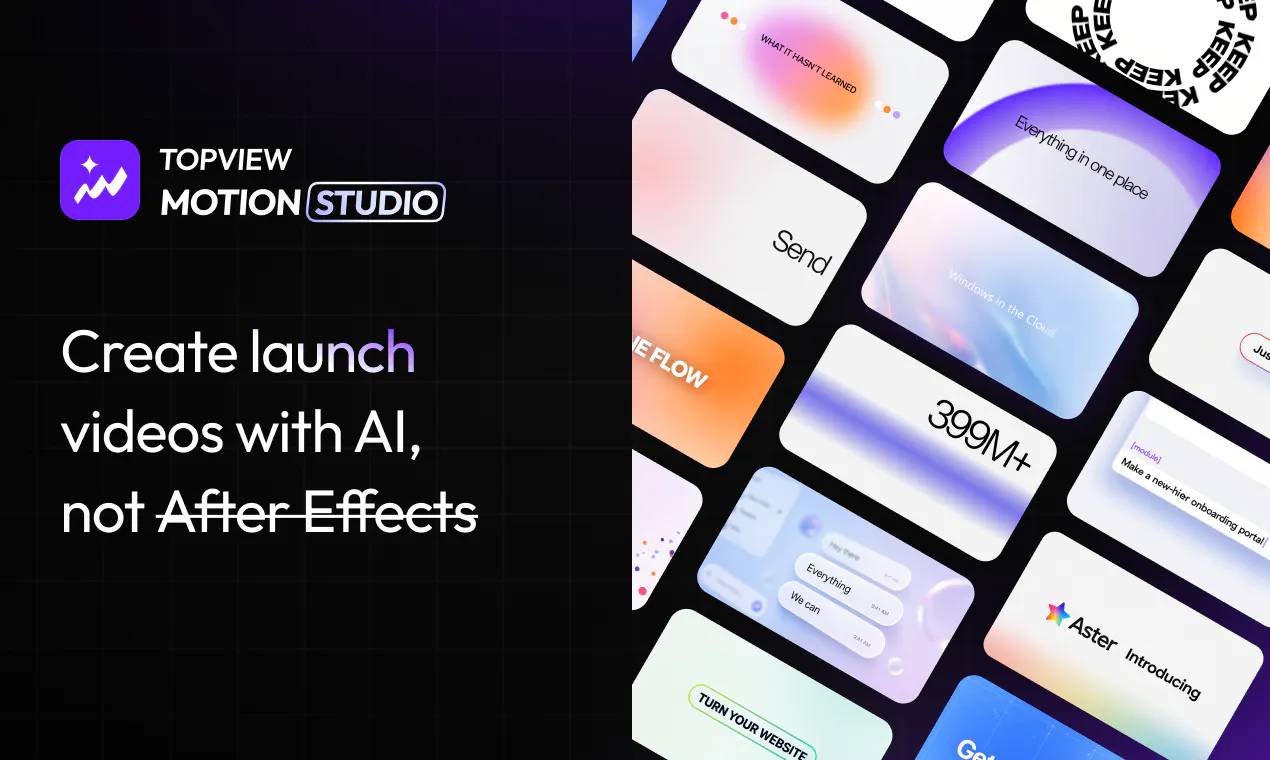
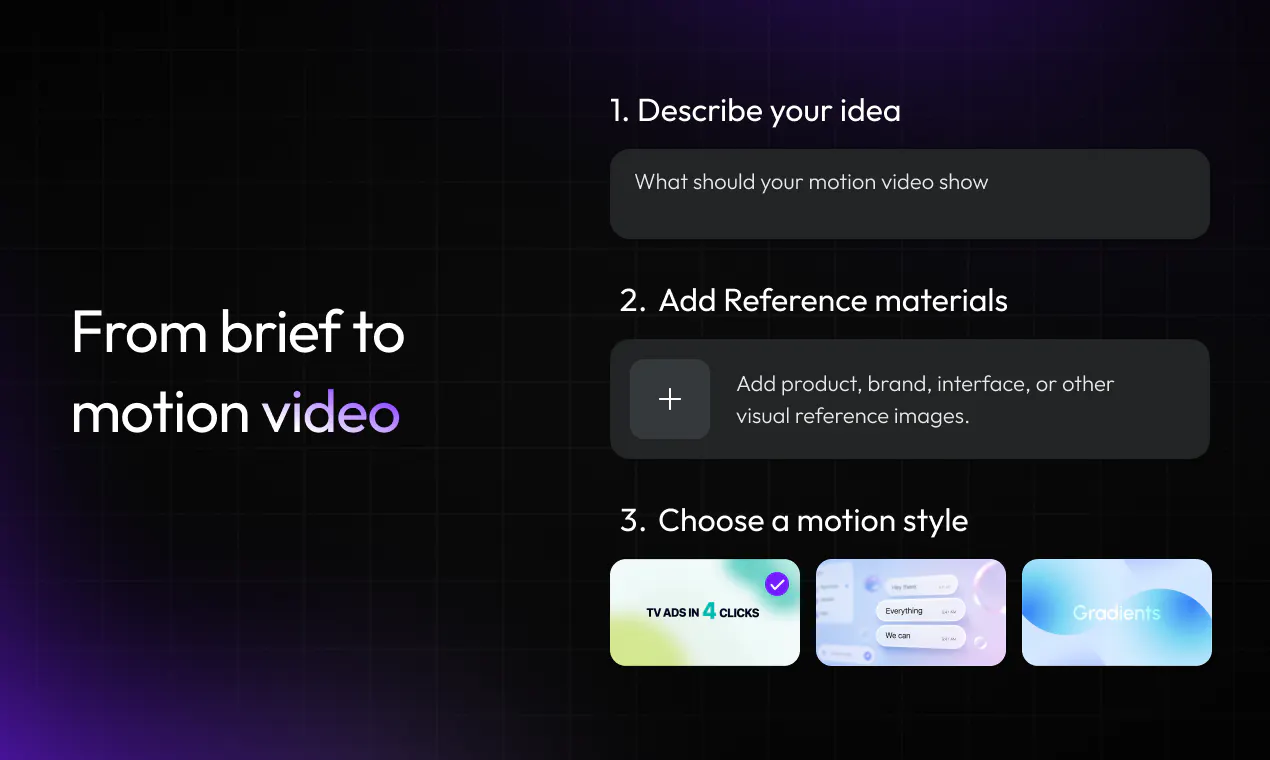
查看原始信息
Cord
Cord centralizes your entire commercial cycle in one interactive experience: margin-intelligent proposals, legally binding approval, automated collections, and invoicing — your client never downloads anything or creates an account.

Hey Product Hunt! 👋 I'm André, maker of Cord.

I run a custom web dev agency alongside my partner Diego. Because we deal with high-ticket custom software globally, our sales cycles are notoriously slow.

The Problem: For years, our biggest nightmare was the closing stage. We would send a static PDF proposal, wait weeks for a client's board to approve it, watch the multi-currency exchange rate drift, and then have to chase them down again just to get the actual invoice paid.

The Solution: I built Cord to completely eliminate this friction. Cord replaces static PDFs with live, interactive web links. But it’s not just a quoting tool—it’s a complete, global B2B sales and revenue infrastructure.

Here is what we built:

  • Real-Time FX Locking: The exact millisecond a client hits "Approve" on their browser, the backend deterministically freezes the multi-currency exchange rate.

  • Cord Payments (Instant Global Checkout): Powered by a deep Stripe Connect integration, clients can pay directly from the approved quote via international credit cards or local bank transfer methods depending on their region. Funds land directly in your bank account.

  • Automated Invoicing: Seamless, automated billing generation built right into the closing flow to keep your accounting clean across borders.

  • Developer-First Architecture: We built robust API keys stored as irreversible sha-256 hashes. If our system detects a leaked sk_live_ key on public GitHub repos, automated fraud mechanisms preemptively suspend it. We also ship with React and Next.js SDKs, webhooks, and a dedicated Cord Workbench.

What started as an internal tool to stop our agency from bleeding money on currency drift is now a standalone, bootstrapped global SaaS.

I’ll be hanging out here all day. I would absolutely love your raw, unfiltered feedback on the developer docs, the Stripe integration flow, or just to chat about the nightmare of global B2B sales cycles! Let me know what you think.

1
回复

@andrevalleee it sound like you are gamifying the check out process! a reward is always nice. do you have any numbers yet on how much this frictionless approach enhances closing percentages?

1
回复